The PCV-70 originally shipped with Windows 95, but can be upgraded possibly to Windows XP. Along the way you will have to upgrade the processor and the amount of memory to run modern versions of Windows, which is easier to do in 86Box (4.0.1)
For this I’m more concerned with how far the OEM install can take us whilst maintaining the existing install. And what applications that Sony shipped with the PC still remain functional.
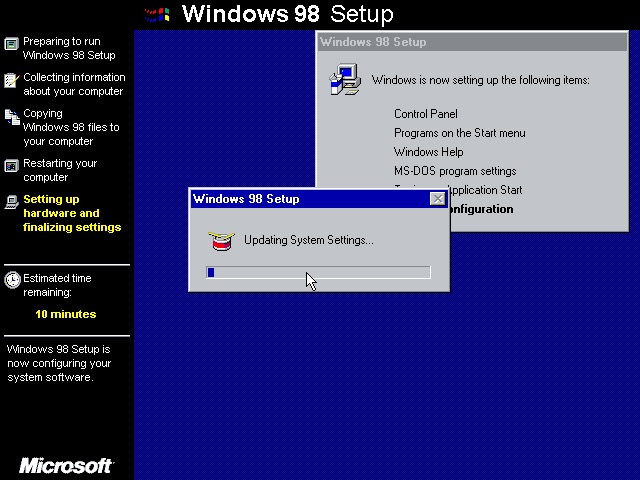
Windows 98
Great, something called HWINFO has crashed. That’s always a good sign
Install appears to continue though
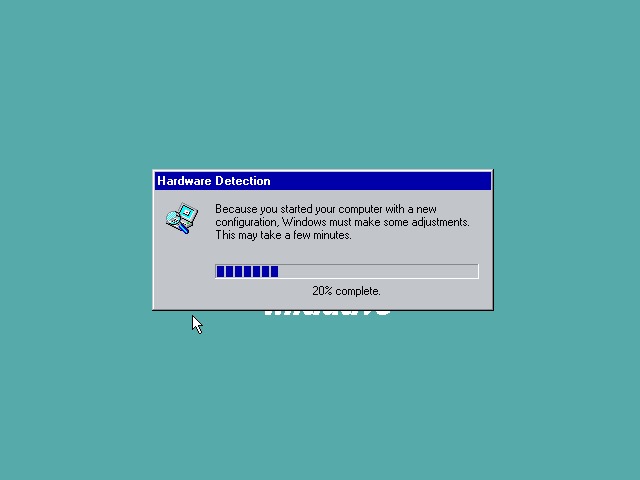
A couple of reboots and Windows 98 starts to initialize its driver database
Not this shit again, thankfully the installation continues
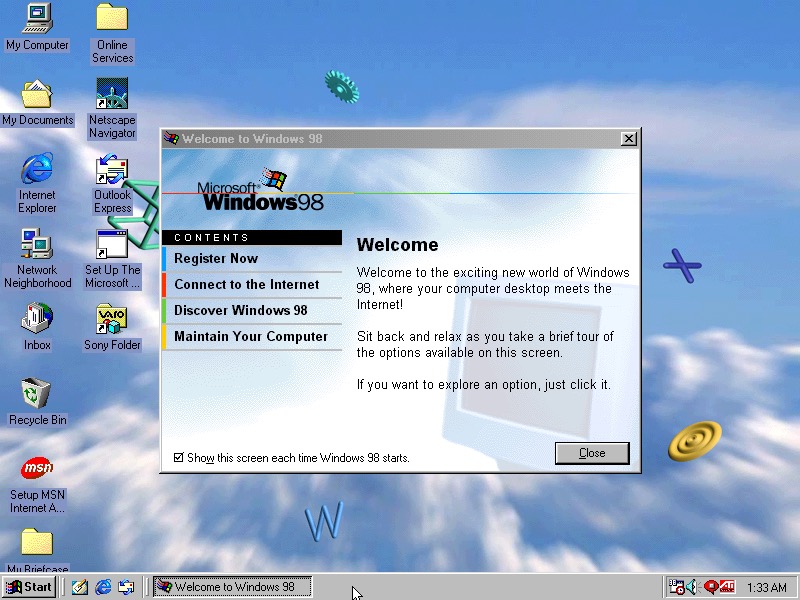
Install was successful with the welcome to Windows dialog appearing
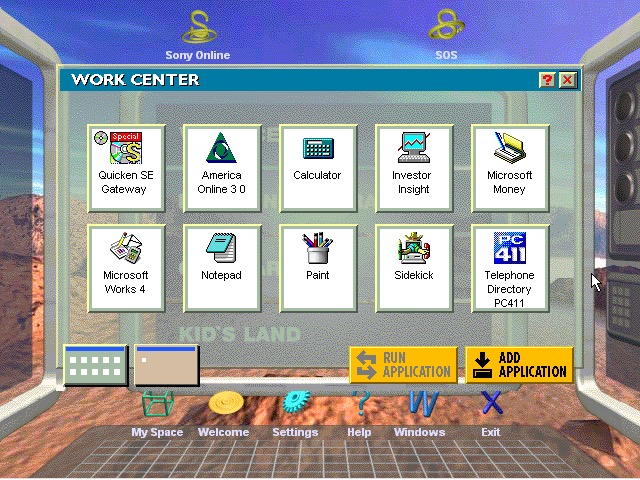
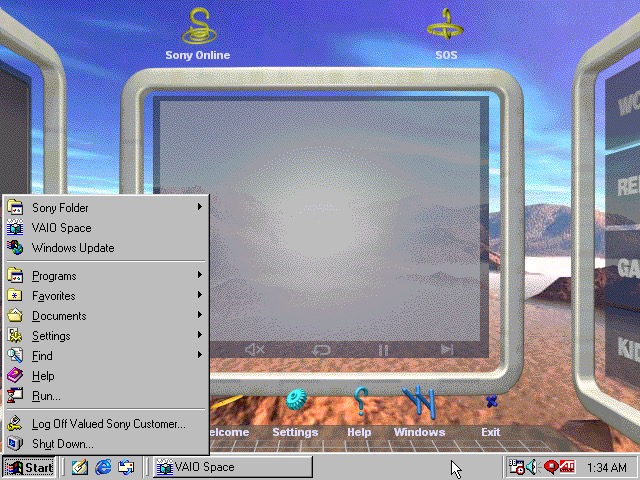
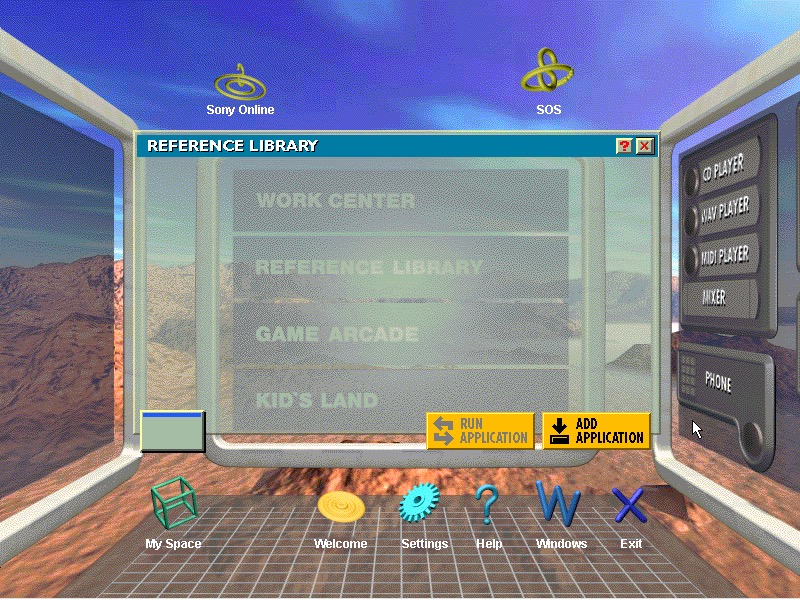
The VAIO Space appears to work OK
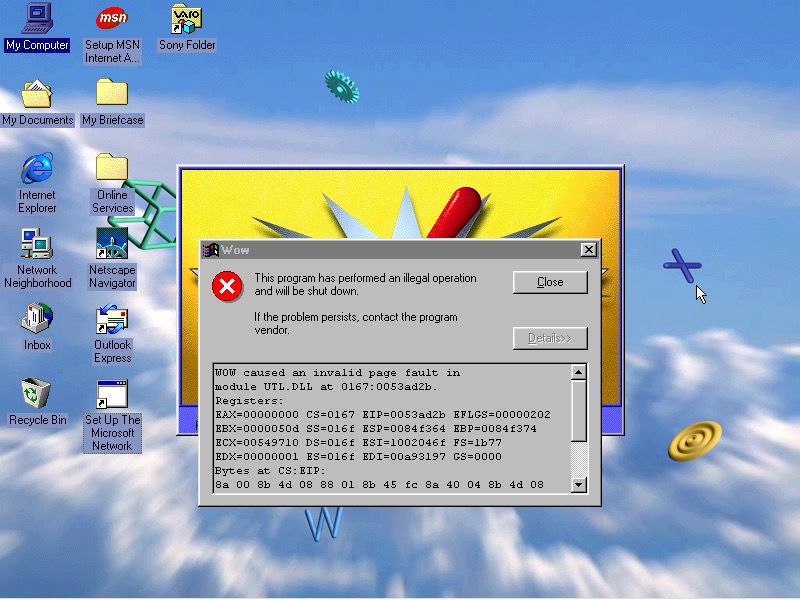
Another casualty is the WOW application. Wipeout also no longer launches, I won’t count this since we are not using a RAGE 3D accelerator (No 86Box support for that yet)
VAIO themes, wallpapers and colour schemes have been preserved
Windows ME
Looks like I need to bump up the CPU speed, so ME allows us to install. Enter the Pentium running at 166MHz
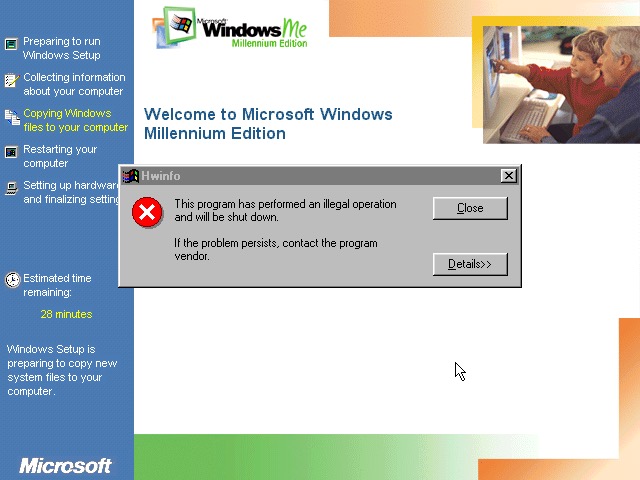
Again, Seriously? What is this and why does it keep crashing through an upgrade?
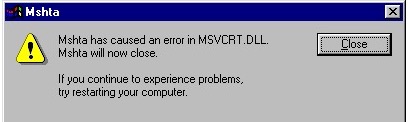
Something else went wrong
Windows Media Player seems to have taken a hit during the install
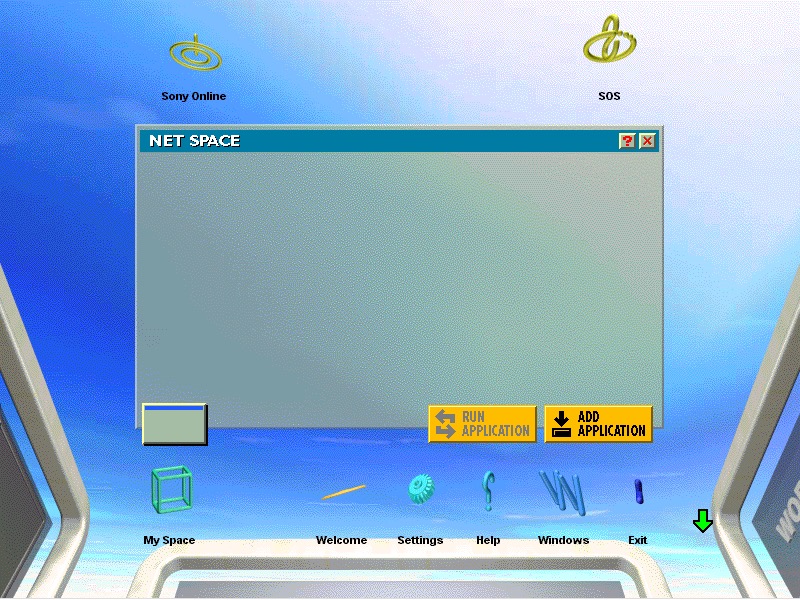
VAIO space is up and running, but some of the program links are missing. Also we are unable to launch the CD player or any of the multimedia applications
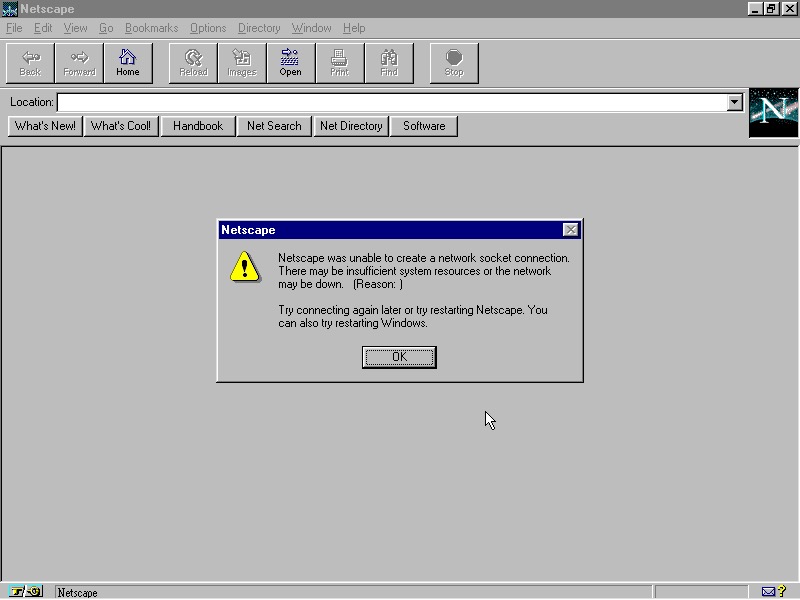
Netscape Navigator also has issues, but this is a very old version (2.0)
And Windows Media Player now works, not sure how?
No major issues were found with other applications, though losing functionality from VAIO space takes away one of the unique features of the PC.
Windows XP
Sadly we hit a roadblock here, as we do not have enough disk space to complete the upgrade (We have a 2GB hard disk with 652MB free, but Windows XP demands at least 800MB)
Perhaps I can expand the VHD. It’s worth noting the original system only came with a 2.1GB hard drive.
Even if we got XP installed, it’s a struggle running it on a 200MHz Pentium through 86Box, any faster and the emulator starts to throttle the speed. Might be worth revisiting in the future but for now ME is the best we can get.
A similar laptop to the ThinkPad T20, but this appears to be a customized image for a specific University. Lets take a look…
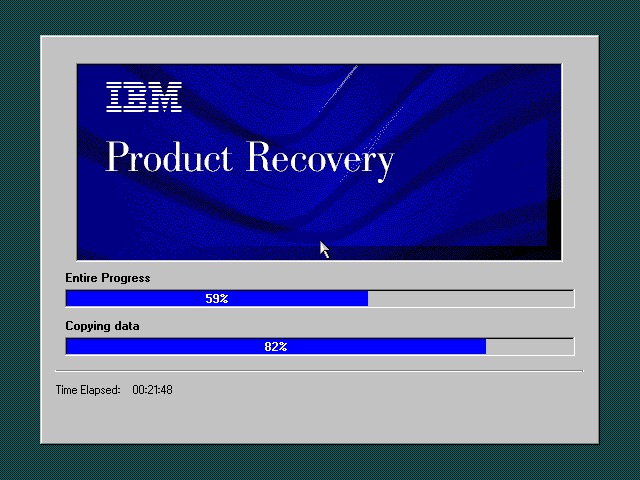
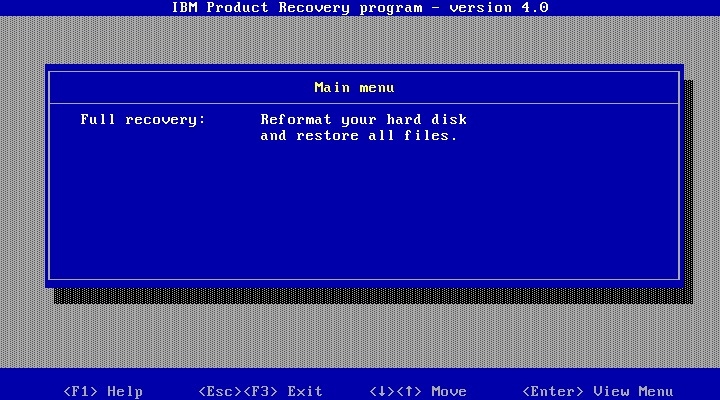
The recovery utility is very similar to what we have seen previously. This will restore the operating system installed to the hard drive, and will initialize it if the drive is blank. Once completed the system will restart.
Currently using 86Box (4.0.1) with the Gigabyte GA-686BX motherboard, which has a similar chipset to the actual notebook itself, Intel 440BX chipset.
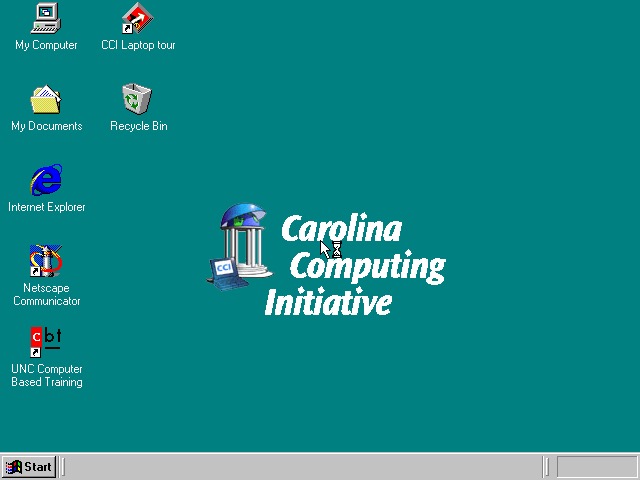
After a few New Hardware Dialog boxes, we arrive at the desktop. Here we have Windows 98, compared to Windows 95 that the T20 we look at came with.
Very similar to the T20 we have the IBM custom wallpapers, sound schemes and colour schemes that can be selected. There is also a custom wallpaper from the Carolina Computing Initiative which is the default wallpaper and it appears this is a disto that’s intended to be imaged on ThinkPad laptops for a North Carolina University.
I guess IBM had a facility where institutions could create their own recovery images, complete with their own branding and any additional utilities to allow these images to be distributed to all notebooks that are used within that institution.
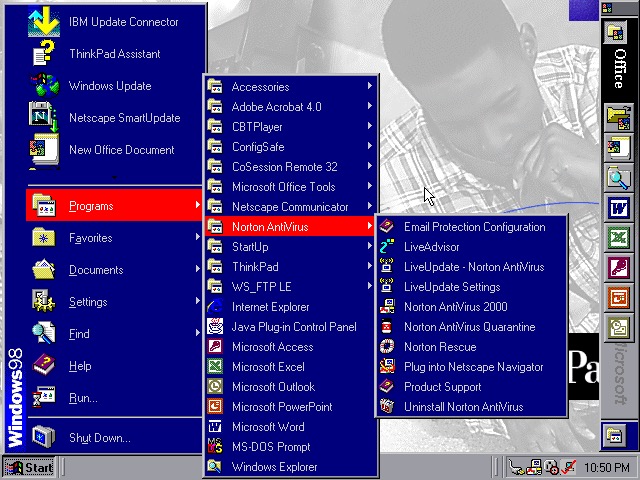
Office 2000 looks to be preinstalled for us, this includes Word, Excel, PowerPoint, Outlook and Access, along with a sidebar to quickly launch Office. Not the best idea for a laptop with a small resolution screen (640×480) since it takes up valuable screen estate. Thankfully you can disable this.
The Start menu showing preinstalled applications, and one of the custom IBM colour schemes
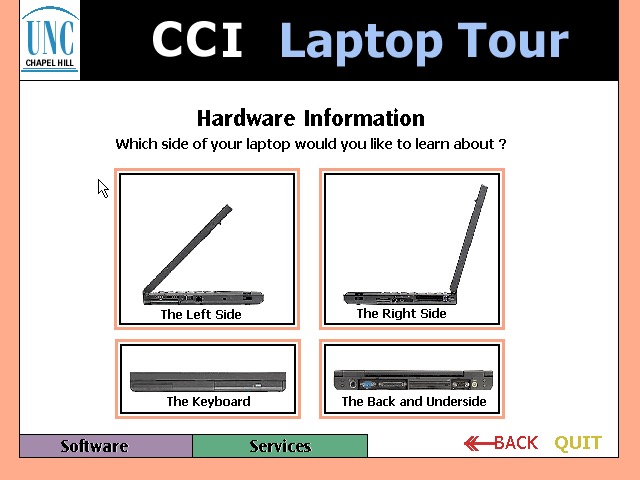
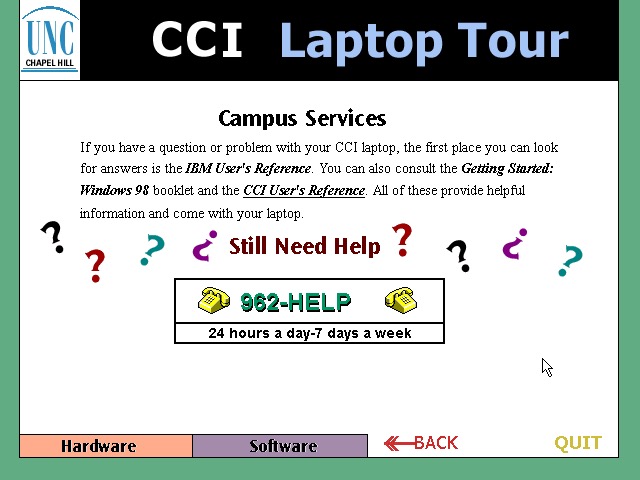
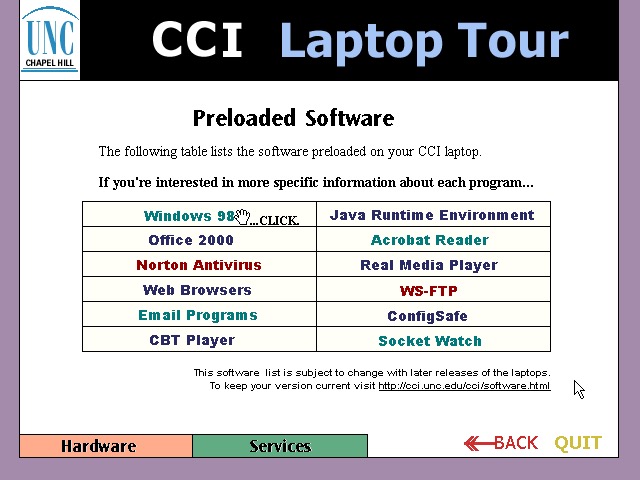
CCl Laptop Tour: A tutorial application that is built using Macromedia Flash (Now Adobe, now dead). This provides information regarding the laptop itself, and is to help get students accustomed to using their new notebook. Information on installed software is also included. One thing to note is this program is very noisy, with swoosh sound effects for every animated text on the screen. It reminds be of creating PowerPoint presentations using PowerPoint 2003 and littering the slideshow with different animations and sound effects to make it more cool.
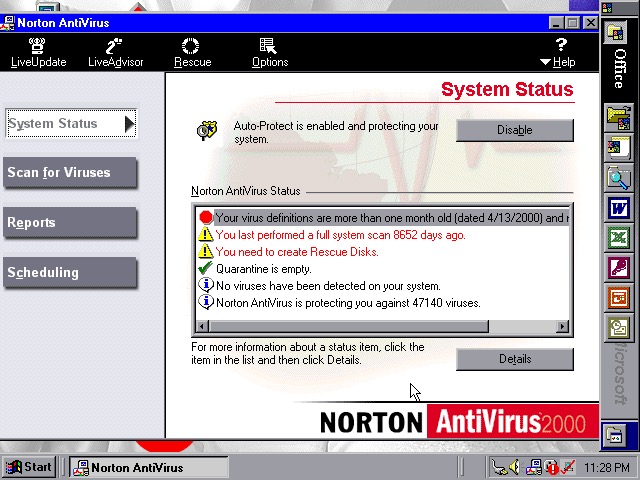
Norton AntiVirus 2000
Norton AntiVirus 2000
Norton AntiVirus 2000
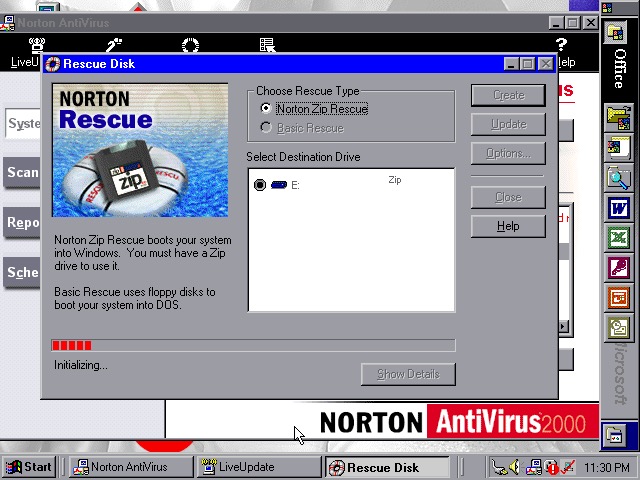
Norton AntiVirus 2000 comes with the install, here you can run virus scans (or set a reoccurring schedule), and make system backups to floppy or Zip disk drives if you have one plugged in. Like other Thinkpad’s of the era, this model supports the SmartBay that lets the user swap and install drives whilst the system is active, and Zip drives are supported using this bay.
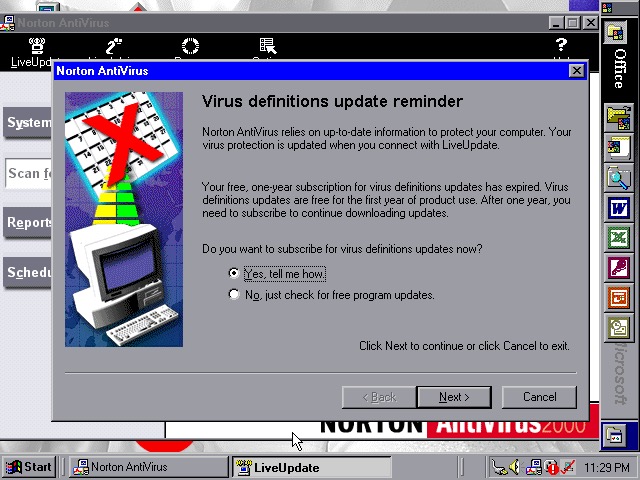
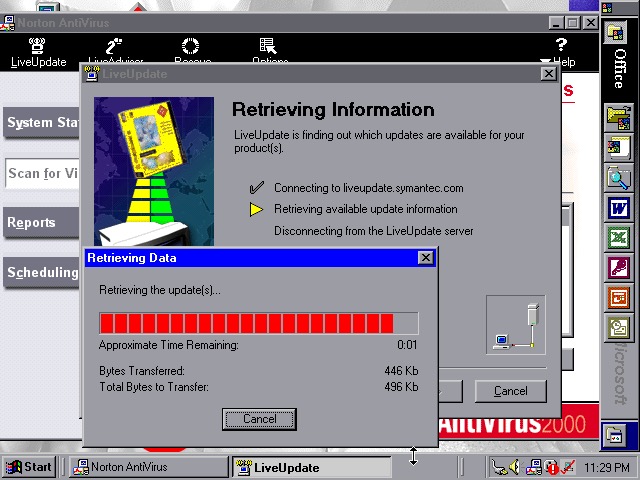
Norton also included a Liveupdate feature for both program and virus definition updates, but this just crashed the program, and the entire system
ConfigSafeEZ makes a copy of critical system files, kind redundant when you have Norton Rescue installed
IBM ThinkPad A20
IBM ThinkPad A20
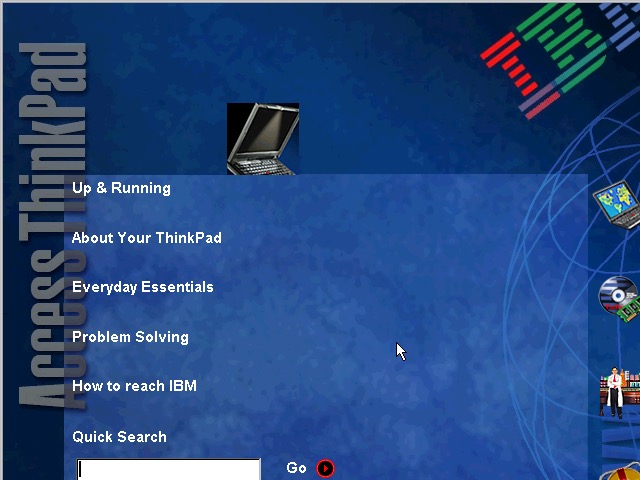
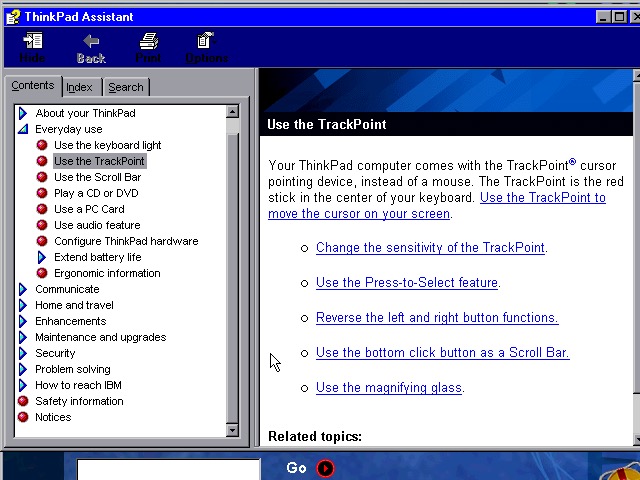
A couple of ThinkPad utilities come included:
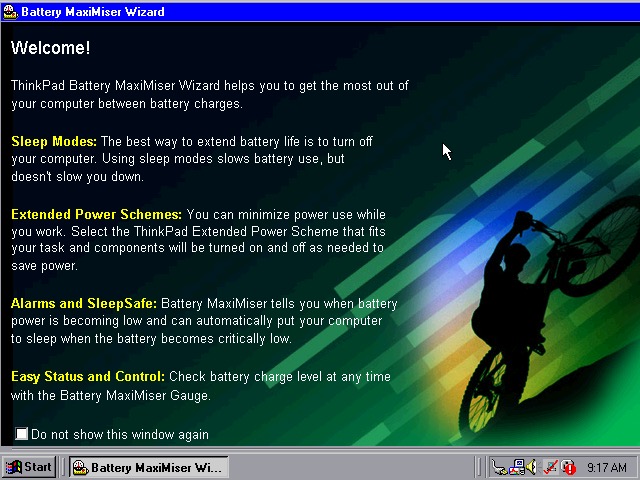
Battery MaxiMiser – a simple program that informs the user on how to get the most from their battery. The Presentation Director Wizard shows you details on how to connect and enable an external LCD projector or display. You can change the external resolution which will scale the internal display (since it only supports 640×480)
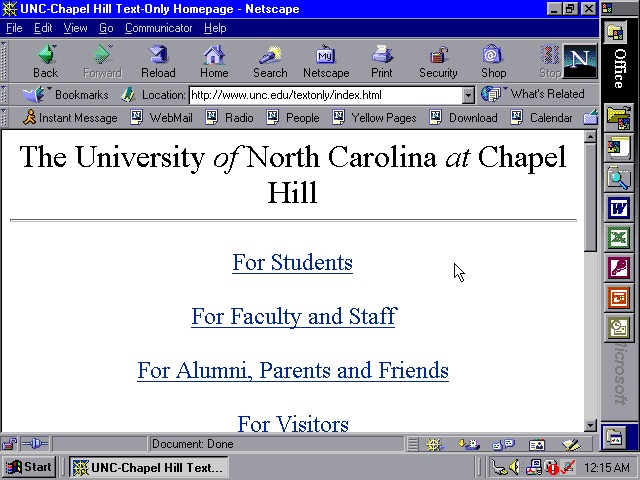
We also have Netscape Navigator 4.7 preinstalled as an alternative to Internet Explorer, showing the default homepage of the era using theoldnet as a proxy server.
WS_FTP
WS_FTP
WS_FTP
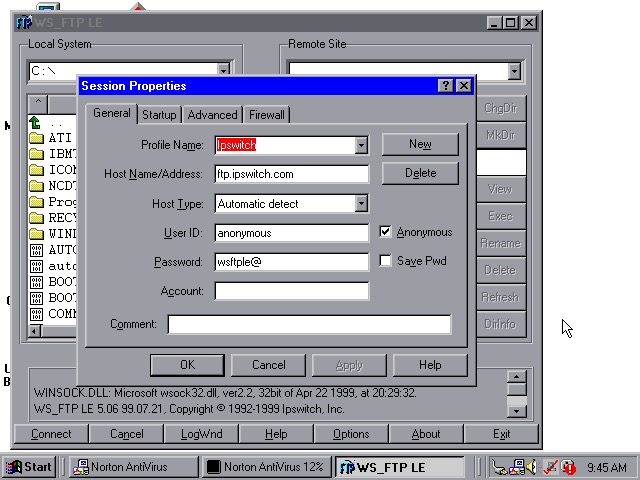
WS_FTP appears to be an FTP (File Transfer protocol) program to connect to remote FTP servers, This has already been configured to connect to an Ipswich server, though there are plenty of other servers included by default.
Tried connecting to a few servers (Microsoft, NASA) but no luck
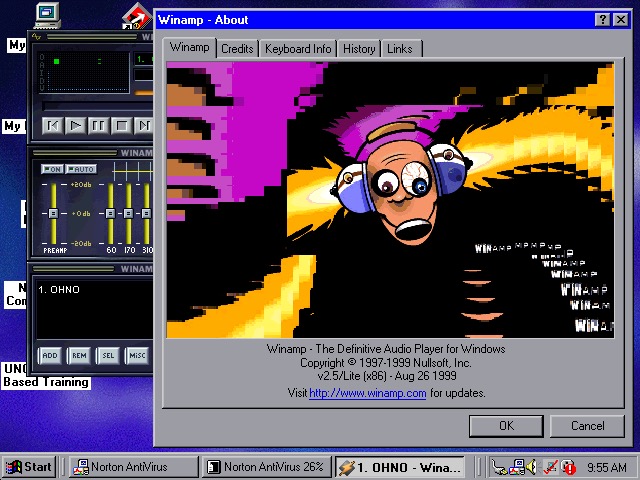
WinAmp 2.5 is also preinstalled to playback MP3’s from Napster
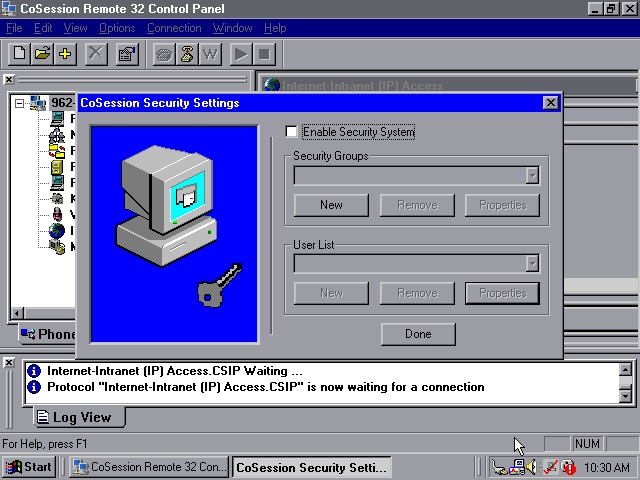
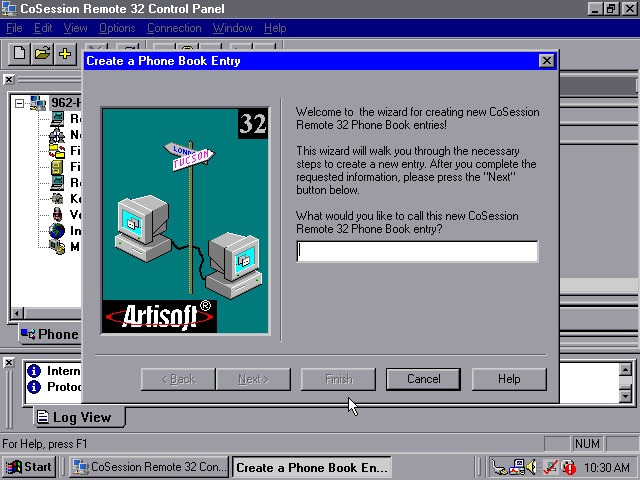
CoSession Remote 32 (v8.1) – A remote control program that lets you control a desktop computer (That also has the supporting software installed) over a network, similar to Remote Desktop or VNC. It will also function over the internet and can be used to transfer files.
Main use for the program would be for Helpdesk support purposes, or if new software needs to be installed remotely. I’ll have to look at this in more detail when I find another copy.
A low-end laptop released in 2000, let’s take a look at the recovery media and what a typical IBM Thinkpad install would look like.
First attempt was using the MSI MS-5119, whilst the recovery environment would start, it would get stuck at the actual recovery stage and would just freeze. Changing to the Intel motherboard fixed this and allowed a full recovery, though this BIOS takes a while to boot.
Other motherboards might work better, I mainly picked these two since they contained very similar chipsets to the actual IBM system.
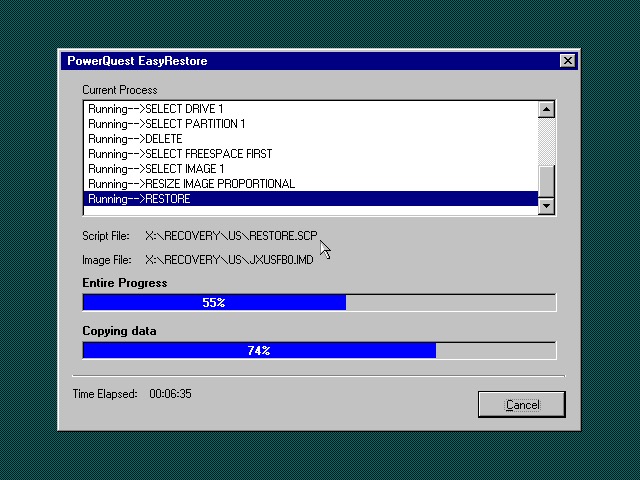
Once the HDD is prepared, the recovery program begins the restore
I’m a little confused as to why this is running Windows 95? From researching online the Thinkpad T20 came out in late 1999, when Windows 98SE and NT 4 were the main operating systems and were in the mature stages of their life cycle.
Once recovery has been completed we can reboot into our new install
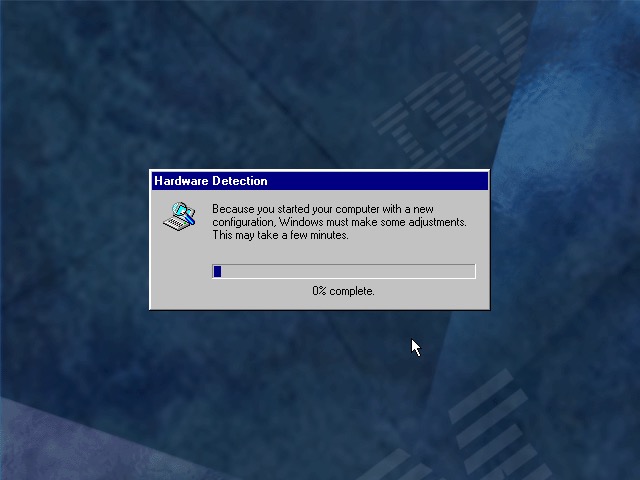
Going through the New Hardware Wizards
Something went wrong when installing the Crystal sound drivers. Ended up Swapping the Crystal for a SoundBlaster 16 PnP, which worked much better.
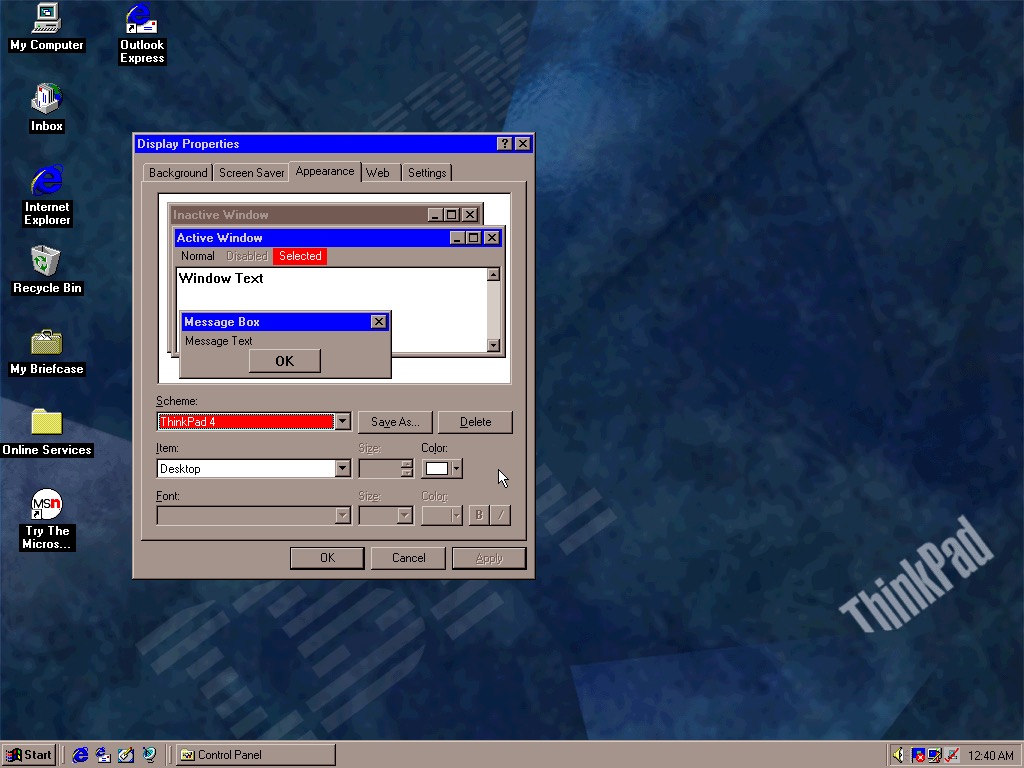
The main desktop with the default IBM wallpaper, I’ll always like IBM’s design of the era with its business-oriented blue. Some wallpapers also make an appearance from the Thinkpad 390E
Two screensavers come included, Think 1 and Think 2. None of them have any settings to configure and really serve as advertisements.
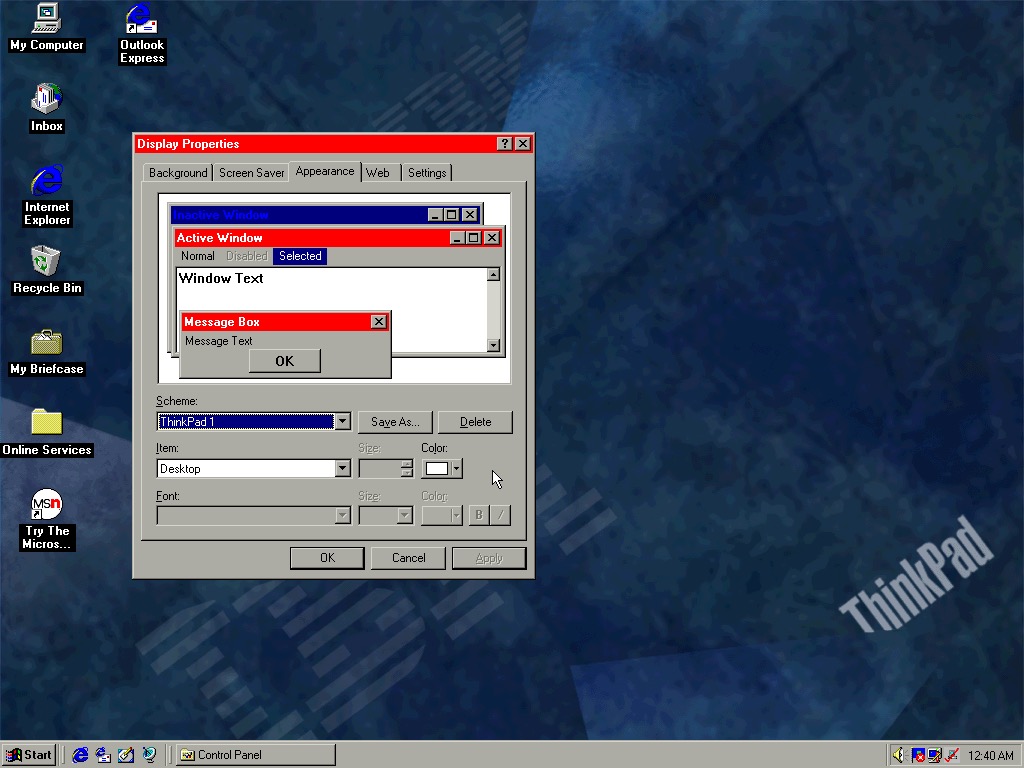
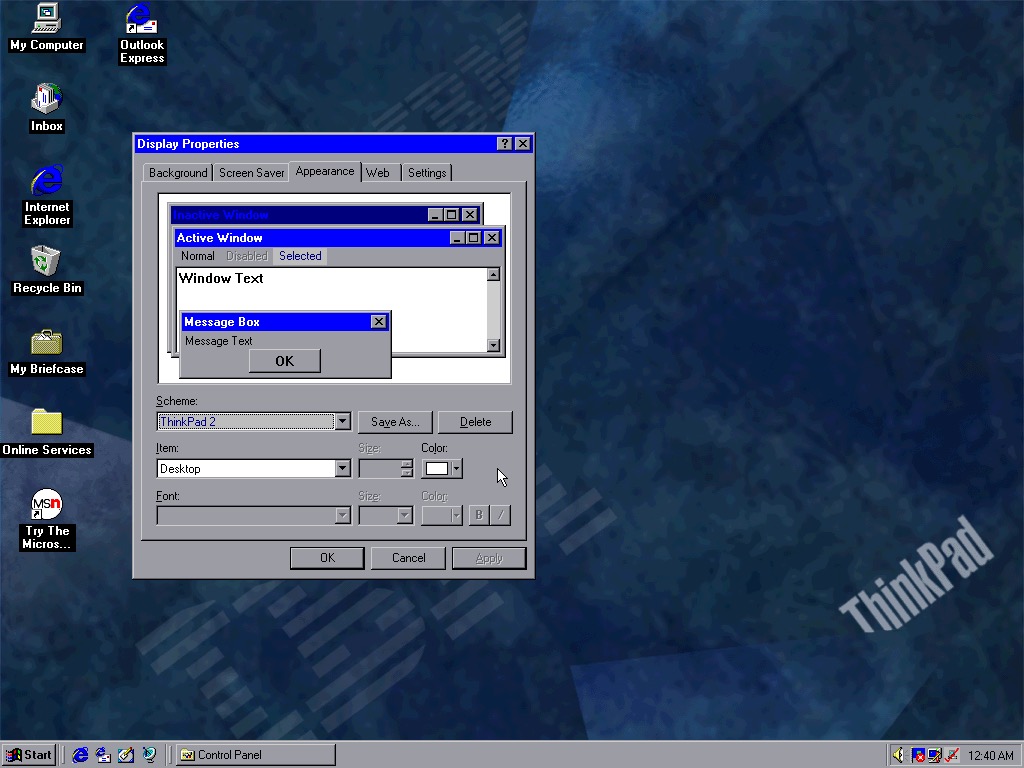
Four colour schemes come included, though they are not set as the default. These give either red or blue highlights and give a bit of Thinkpad style to the Windows desktop.
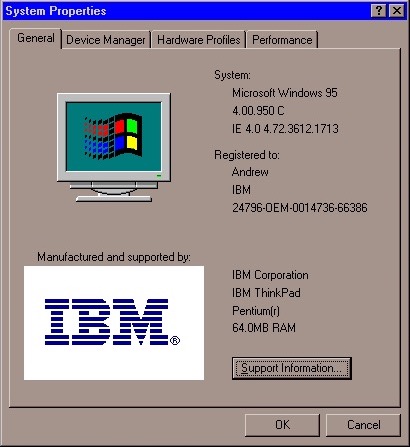
System properties showing the OEM logo and support information.
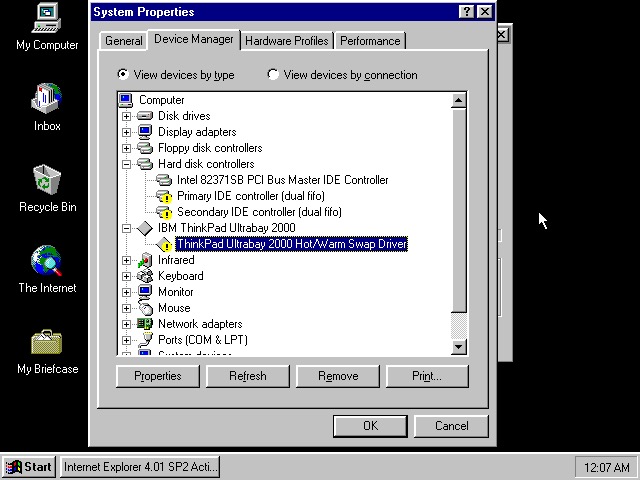
Device manager showing the UltraBay dock adaptor. The was a custom dock that allowed the user to quickly connect a monitor, desktop and keyboard by placing the laptop in the dock. Nowadays you can just use USB 3 dock, or Thunderbolt if your computer supports it.
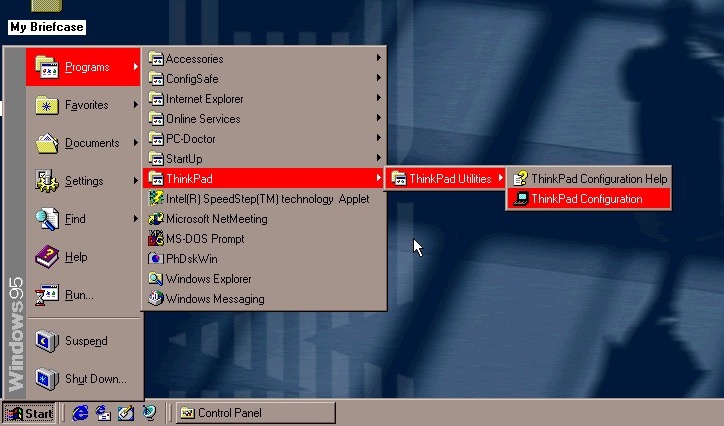
The Start menu, with the suspend feature enabled.
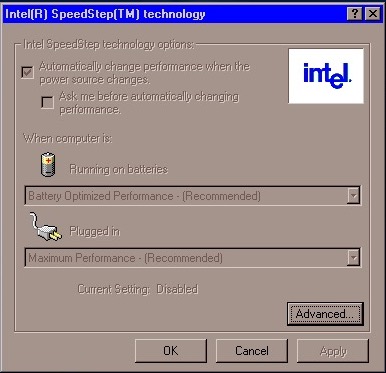
A look at Intel SpeedStep, which I’m surprised existed this far back. I always assumed that came out with the first-generation i7/i5 chips. Here it functions the same where it will slow the processor down to conserve battery power, a desirable feature for ultra-portable notebooks.
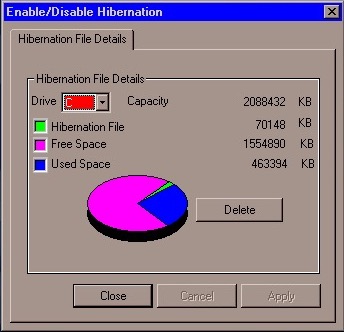
PhDiskWin, looks to be a liberation file monitor. You can delete the file to free up disk space, which Windows will recreate when you next enter hibernation.
PC-Doctor, runs through a few tests to check for any issues or faults with your system
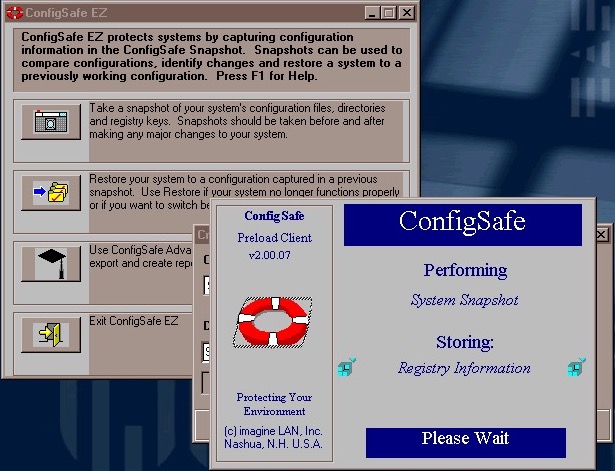
ConfigSafe Ez – sort of like a predecessor to System restore introduced in Windows ME, though commonly known from Windows XP. This takes a snapshot of critical files that can be restored should there be any issues.
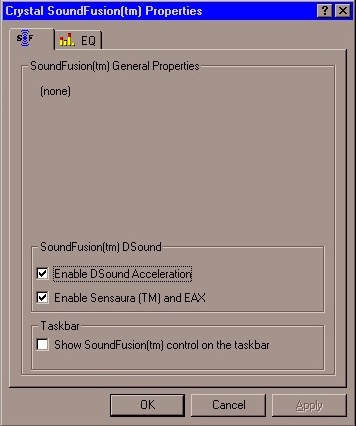
SoundFusion control panel applet which would have configured the onboard sound card. This looks to be produced from Crystal, which could be why the earlier sound card failed to install. I doubt 86Box can emulate the exact model that this notebook had shipped with.
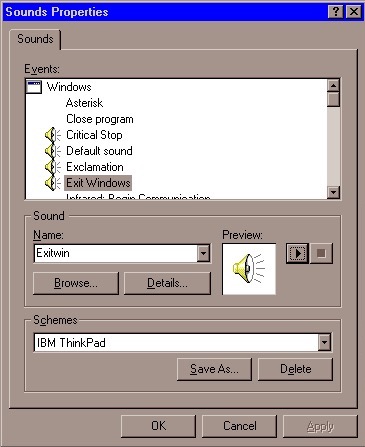
A custom sound scheme also comes included which changed the Windows Start and Exit sounds to IBM’s own, which are very Rock/Aerosmith.
Links
Archive.org – Modified archive copy, this should allow it to install on any PC or VM
The Latitude line was Dell’s professional series of laptops intended for business use. They typically come with features such as docking station support, enhanced security or encryption options. They also typically came with support for Windows NT operating system, however, some models could also come with a Windows 9x operating system if this is preferred.
Trying to install using a VM for 86Box, was a bit of a mess. There were a few virtual machines we could use, but many would result in a non-functional system. In most cases the keyboard was unresponsive which prevented us from being able to login.
Instead lets use VMWare
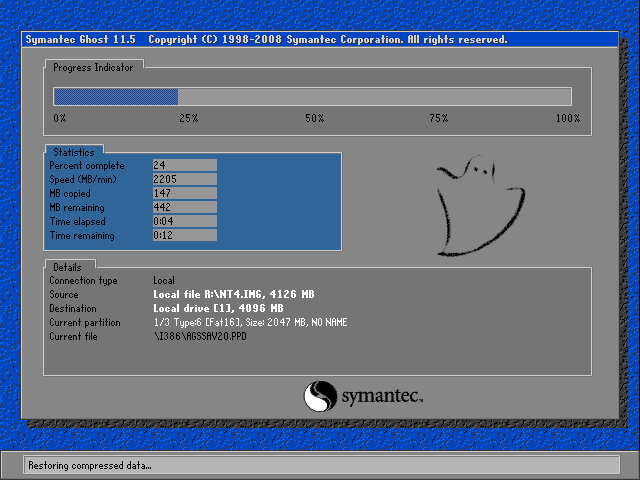
The recovery tool uses Symantec Ghost to restore the image. The software is capable of initializing a blank hard drive and will reboot the system when done.
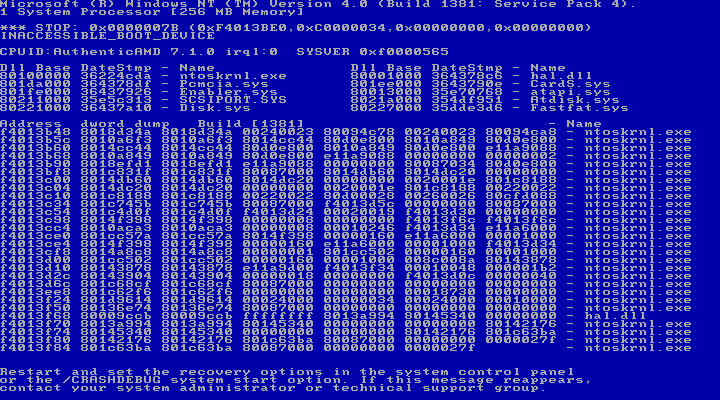
After booting up we get an instant BSOD with an Inaccessible Boot device error (0x0000007B). Turns out it was because VMWare allocate hard drives under a SCSI controller, instead of an IDE controller which NT 4 prefers. Changing the hard disk to IDE fixes the issue.
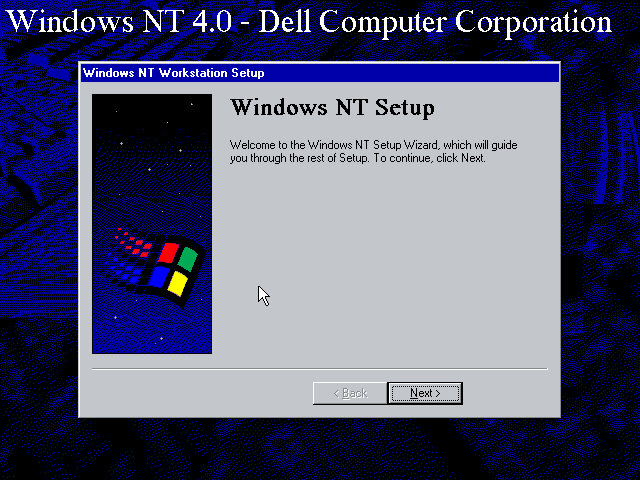
After we fixed that, the setup utility starts where you enter details of the user and computer name, and the serial number is entered here.
A Y2K utility appears to load and then crash soon after we log in. I guess this checks the BIOS version to prevent any issues with Y2k compliance, which was a much-talked-about issue when this laptop would have been released.
NT will not pick up the soundcard upon bootup, but we can install a compatible Creative Driver. Once installed and rebooted, we get sound.
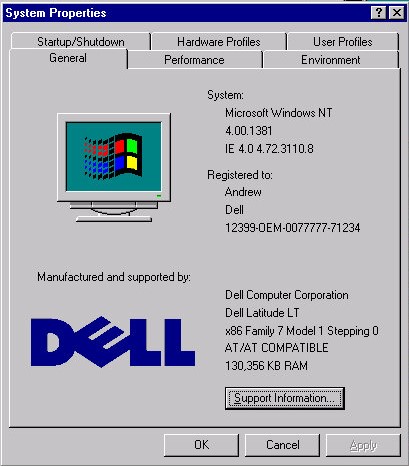
System properties that shows the OEM customization.
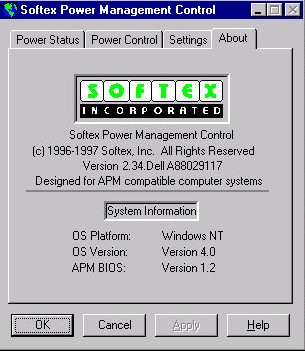
A look at the battery utility which controls the power management settings. It appears to be developed by Softex Incorporated and would have provided ACPI support that was desirable for laptops, but was not yet fully supported in the Windows NT line, not until Windows 2000.
Dell have included a couple of utilities, the first one will convert the hard disk to NTFS (its FAT32 by default) and the second will create a recovery disk using a blank floppy disk.
And that’s it. There isn’t much software included and it’s likely Dell supplied any bundled software separately, and they would have kept the base install as minimal for businesses to customize.
Like other NT 4 installs, this does not power off the computer, rather it will just restart the VM even if you select the shutdown option. On the actual machine itself, I’d image Dell would have implemented ACPI support allowing for auto shutdown.
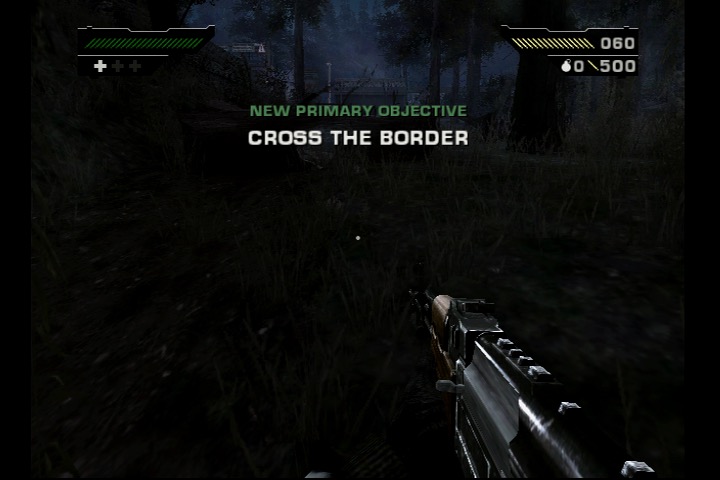
A gritty FPS released towards the end of the sixth generation
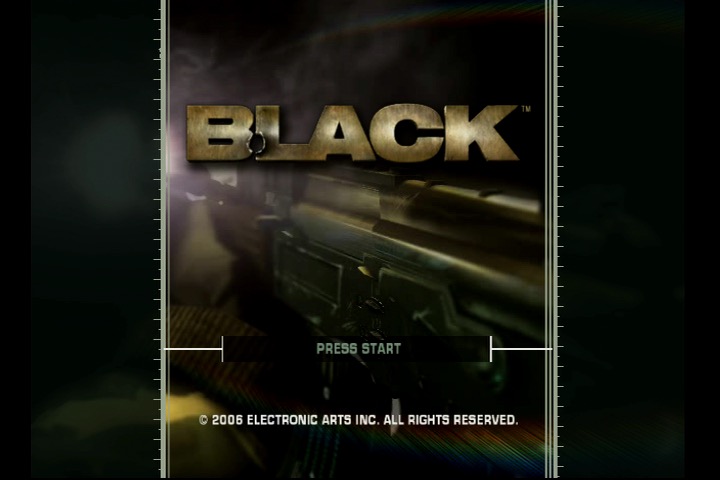
Developed by Criterion Games and published by Electronic Arts in 2006. The game was released for the PlayStation 2 and Xbox consoles, and later made compatible with the Xbox One.
The game follows the story of Jack Kellar, an operative in a secretive government agency known as the “Black Ops”. The game is set in various locations across the globe, and the player must use a variety of weapons to fight through enemy forces and complete objectives. Kind of similar to another game that features the Black Ops name that would be released a few years later.
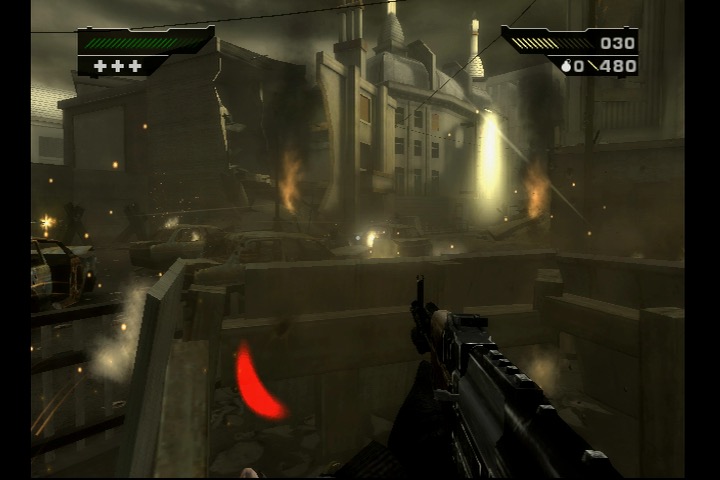
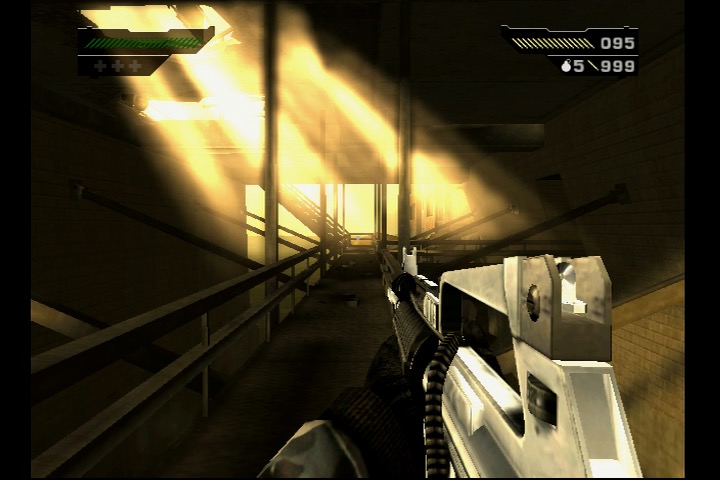
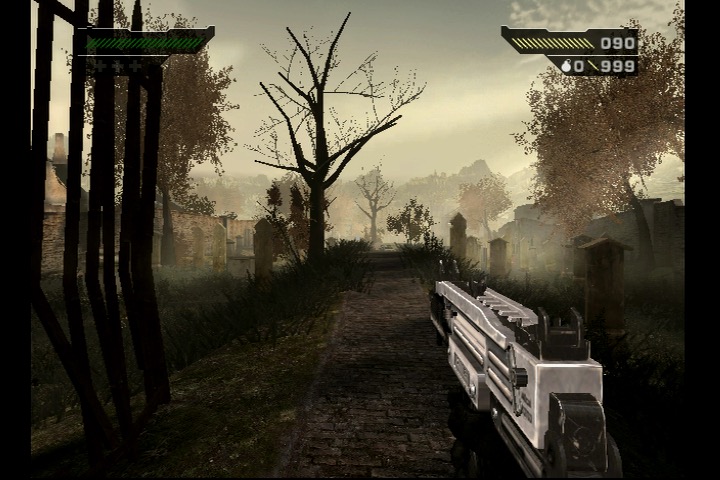
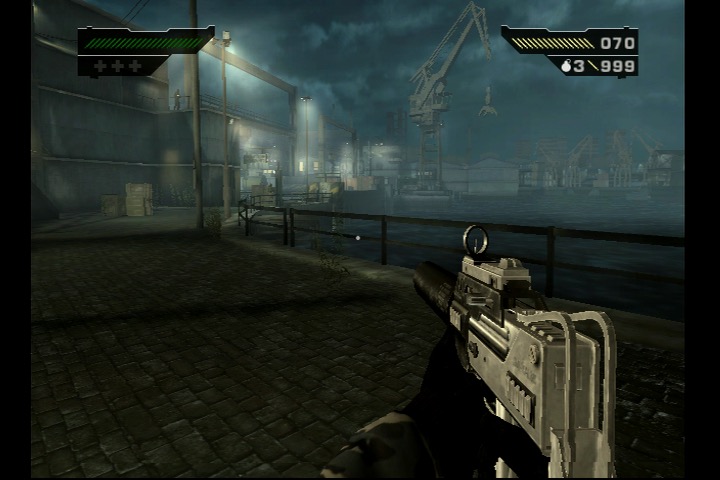
One of the standout features of Black is its impressive graphical fidelity for a game released in 2006. The game features realistic textures, lighting, and particle effects, which help to create an immersive and gritty atmosphere. The game’s sound design is also excellent, with a range of realistic weapon sounds and explosive effects that add to the immersion.
Gameplay-wise, Black is a fairly standard first-person shooter with a few unique elements. The game’s “gun porn” approach means that the player has access to a large variety of real-world firearms, each with its own strengths and weaknesses. The game also features destructible environments and objects, allowing players to blast through walls and obstacles to create new paths or take out enemies.
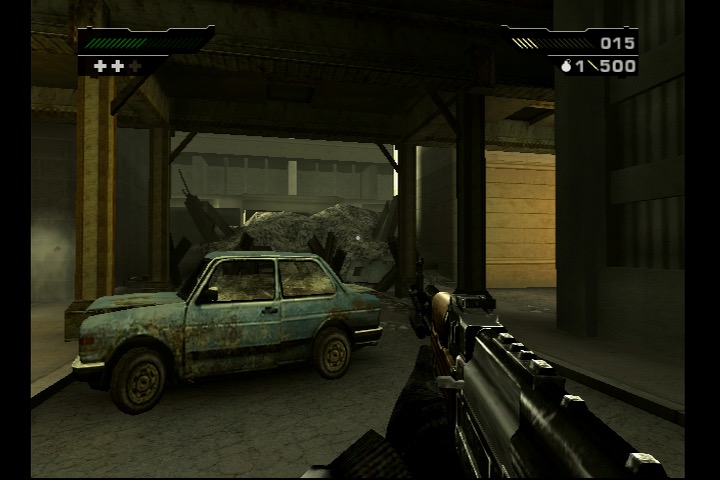
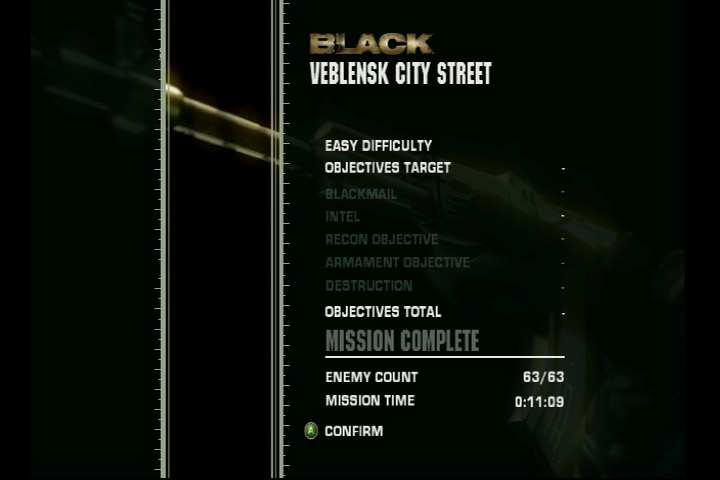
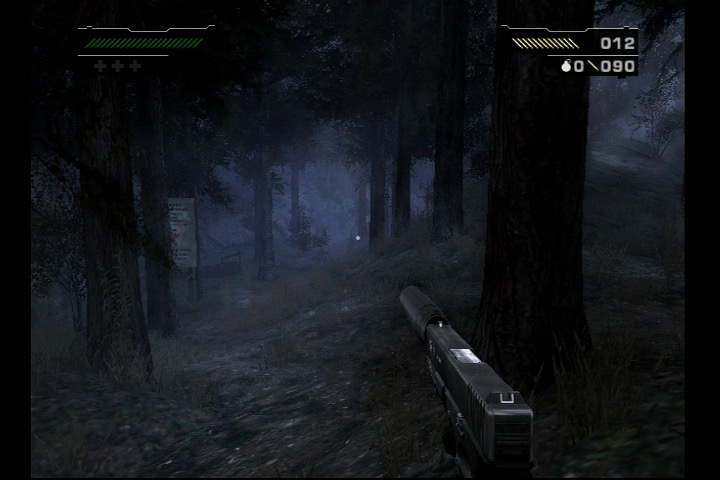
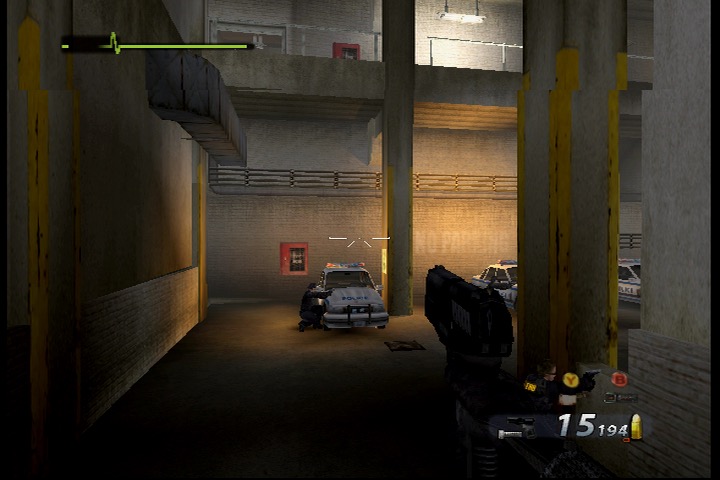
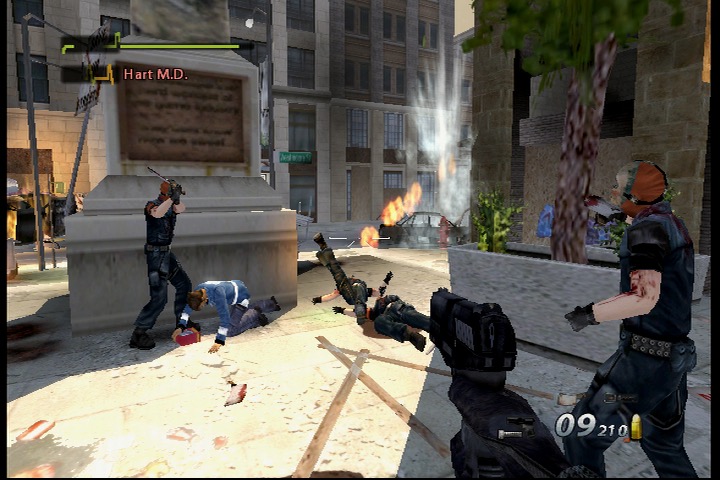
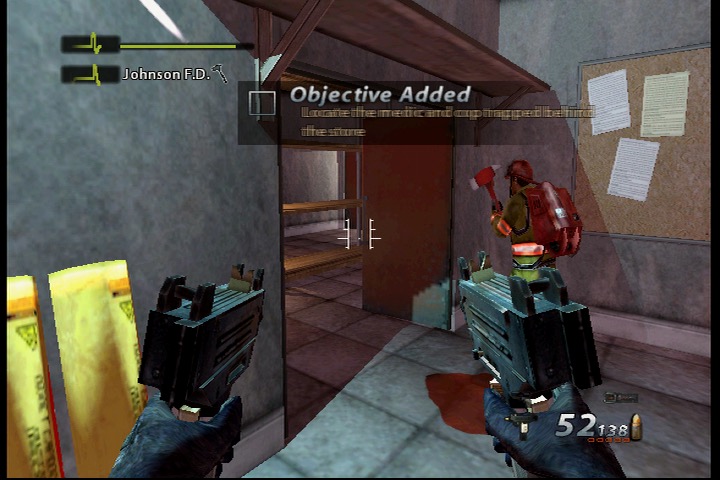
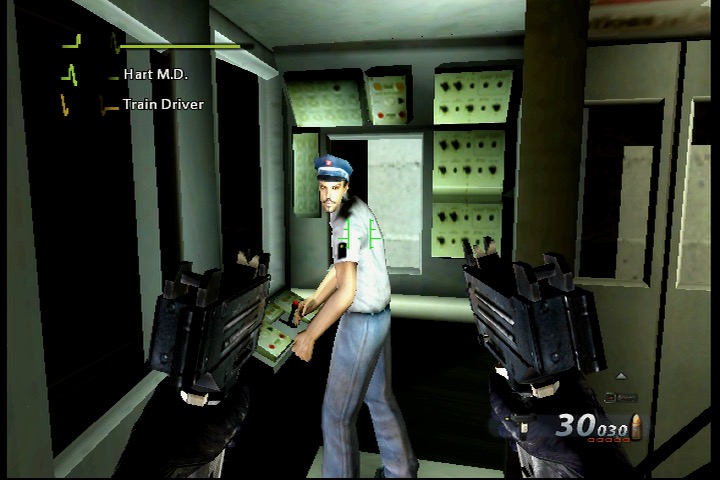
While Black is an enjoyable game, it does suffer from a few shortcomings. The game’s story is fairly thin and generic, and the voice acting can be hit-or-miss at times. Also the game’s difficulty is overly punishing, particularly on higher difficulties. There also isn’t much diversity in the gameplay as you can gather from the screenshots, mostly you just point and shoot at enemies. No puzzles to solve or any underwater or driving segments to break up the gameplay.
The story of Black follows Jack Kellar, a member of a secretive government agency known as the “Black Ops”, as he carries out a series of missions across the globe. As Kellar progresses through the game, he begins to uncover a larger conspiracy involving a mysterious arms dealer named Solomon. Along the way, he encounters a number of other operatives, both friendly and hostile, and uncovers more about the larger conspiracy at play.
Ultimately, Kellar discovers that Solomon is attempting to sell a powerful new weapon to a rogue CIA agent named Moffitt. Kellar and his team must then race to stop Moffitt from acquiring the weapon and using it for his own nefarious purposes. Most of the story is told through the FMV cutscenes, which cannot be skipped unless you are replaying the mission. There isn’t any multiplayer element in Black which is odd for an FPS, but it shows most of the effort went into the storyline and gameplay.
An FPS from the developers of the Batman Arkham games.
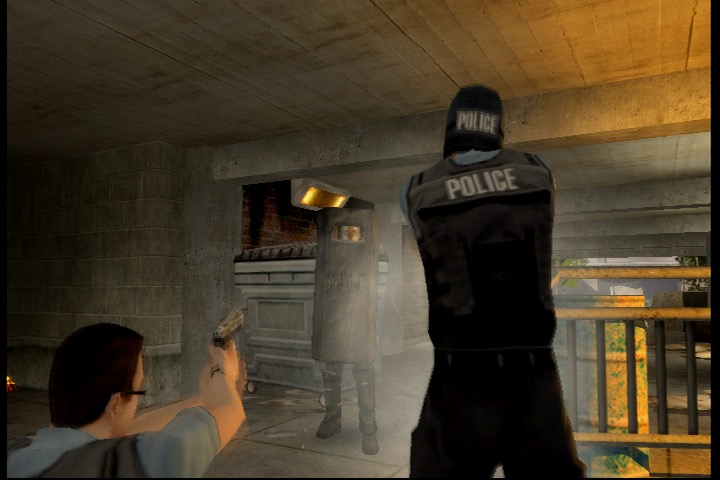
Urban Chaos: Riot Response is a first-person shooter video game developed by Rocksteady Studios and published by Eidos Interactive. It was released in 2006 for PlayStation 2 and Xbox and was part of the last batch of FPS games for the sixth generation consoles, as the PS3 and 360 were starting to take over.
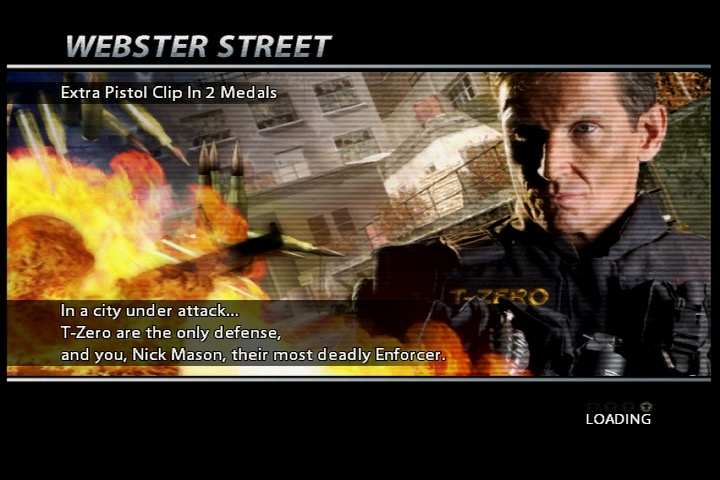
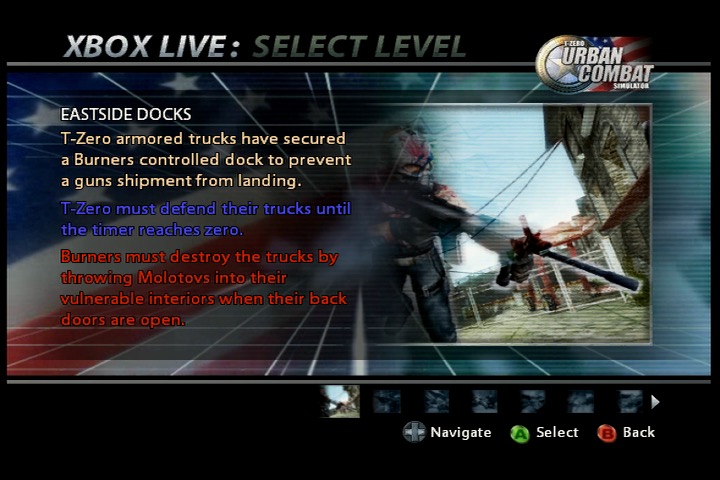
The game takes place in a fictional city called Union City, where a gang called “The Burners” has taken over and is causing chaos and destruction. The player takes on the role of Nick Mason, a member of an elite police unit called T-Zero, tasked with restoring order to the city.
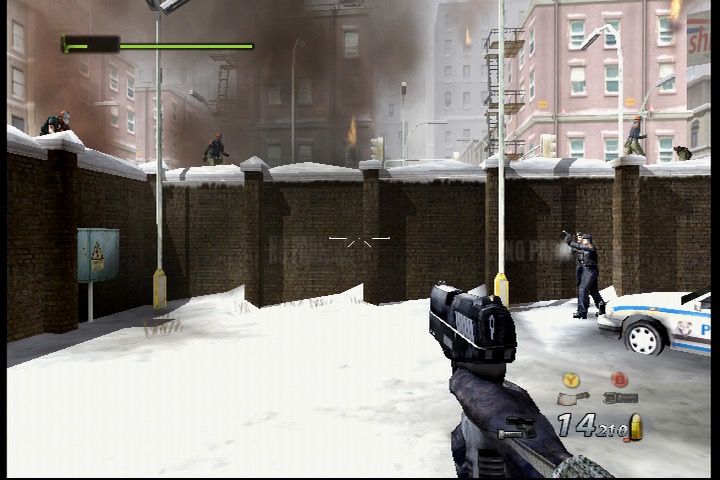
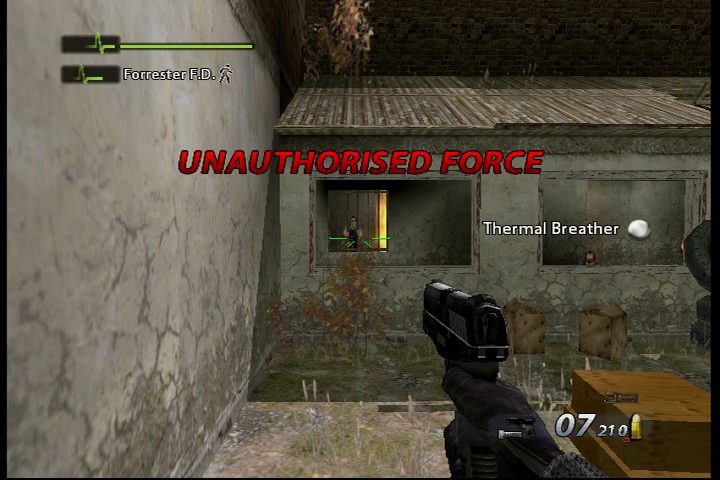
One of the standout features of Urban Chaos: Riot Response is the game’s emphasis on non-lethal force. While the player is armed with a variety of weapons, they are encouraged to use non-lethal force to subdue rioters and gang members. Failing to do this will impact the mission, and will affect your overall objects and medals of which can be used to unlock additional weapons. Many enemies can be subdued by using the tazer to shock them.
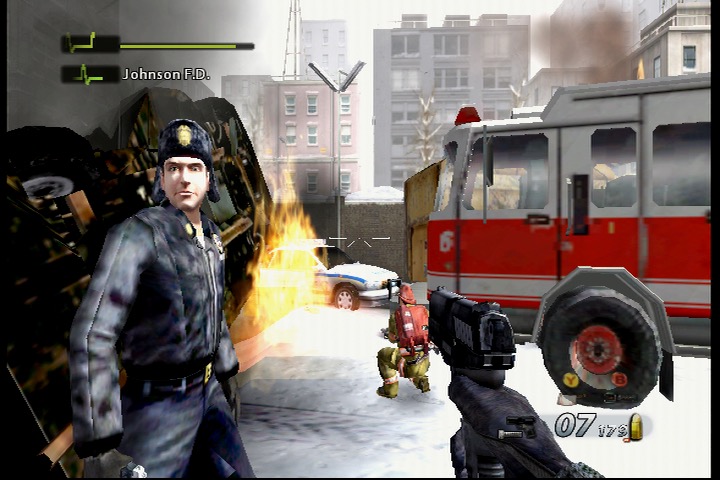
And if you are wondering why the gaming is called The Burner, they like to play with fire, a lot of fire. Expect there to be a lot of burning buildings in the game, and enemies that throw Molotov’s.
The game also features a robust multiplayer mode, allowing players to compete against each other in a variety of game modes. The multiplayer is a lot of fun and adds significant replay value to the game.
The plot of Urban Chaos: Riot Response revolves around the efforts of an elite police unit called T-Zero to restore order to the fictional city of Union City, which has been taken over by a gang known as “The Burners.”
The player takes on the role of Nick Mason, a newly recruited member of T-Zero, who must battle against the Burners and other gangs that have taken over the city. Along the way, Nick will face a variety of challenges, including hostage situations, bomb threats, and other violent confrontations.
As Nick progresses through the game, he begins to unravel a larger conspiracy involving the Burners and their enigmatic leader, a masked figure known only as “Kane.” With the help of his fellow T-Zero officers, Nick must navigate the dangerous streets of Union City and bring an end to the Burners’ reign of terror.
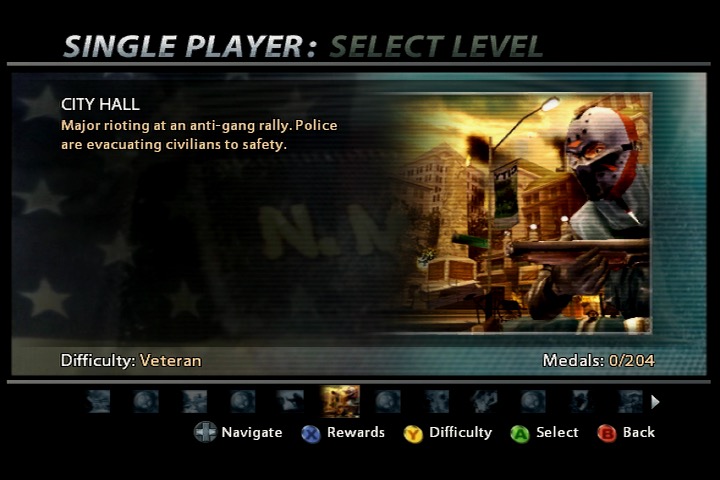
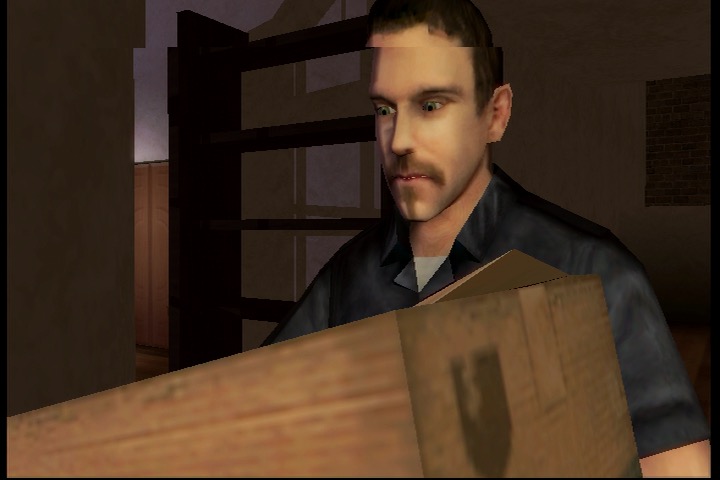
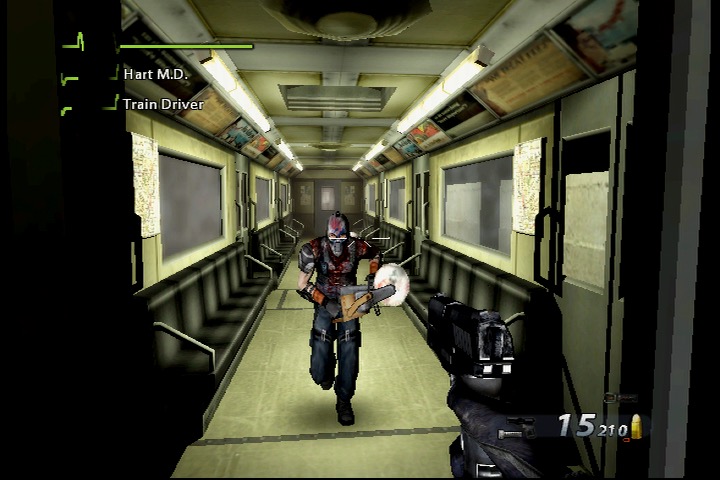
Eleven missions are featured in the game which are set around the city. You start off on Hope Street where the local Police station is under attack. This level serves as a tutorial of sorts which gives you guidance on how to use the various weapons and commands for your NPC’s who can assist in completing the level objectives. Eventually you make your way through the canals, through City Hall, the Dockyards and the City Metroline. Disrupting the gang’s presence as you go along. The game finishes in your own safe house where you must defend it from the criminal gangs. Each mission begins with a cutscene presented in the format of a news report, like something you would see off CNN or Fox News. There are also in game cutscenes and dialog from the NPC’s that explain the mission details.
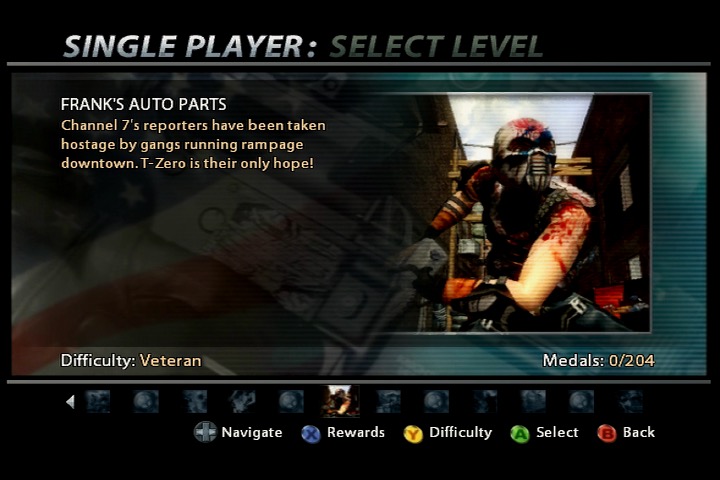
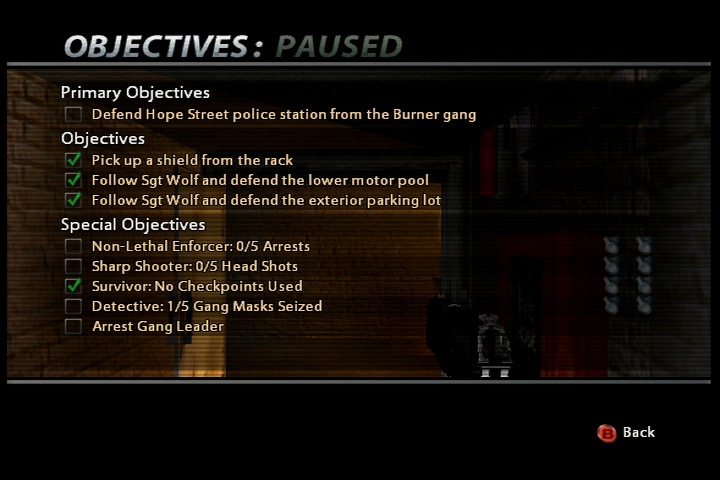
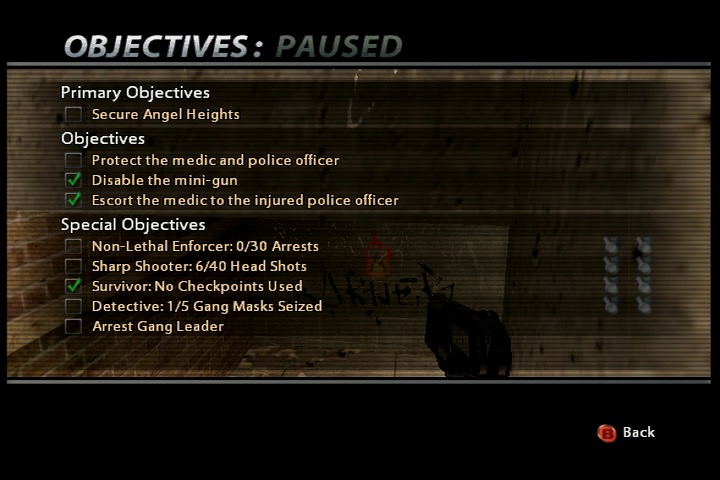
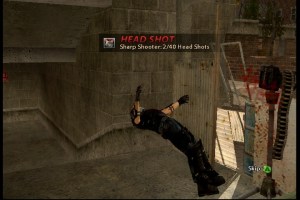
All missions have a primary objective that must be completed, and special objectives that whilst optional, will unlock medals that are useful later in the game. Many of these are for non-lethal arrests, not harming innocent bystanders, headshots and collecting gang masks (for DNA samples I assume).
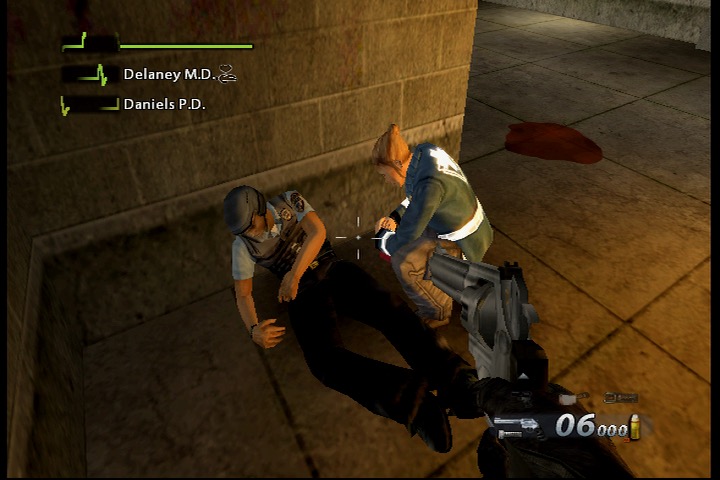
Many missions will feature one or more companions that you must protect and keep alive, as they are required to unlock certain doors, or to activate specific objects. The mission will fail if these characters die.
Emergency missions refer to specific in-game scenarios or situations that require immediate attention and intervention by the player-controlled character – Nick Mason, and the T-Zero unit. These missions typically involve high-stakes situations that contribute to the overall narrative of the game. The term “emergency missions” suggests that urgent action is needed to address a crisis or threat within the game’s fictional city.
These missions can vary in nature and may include scenarios such as:
Hostage Situations: T-Zero must rescue hostages held by criminals or terrorists.
Bomb Threats: Dealing with explosive devices that pose a threat to public safety.
Armed Confrontations: Engaging in intense gunfights with criminal elements.
Every so often the game will play a slow-mo sequence of an enemy getting shot, very Max Payne
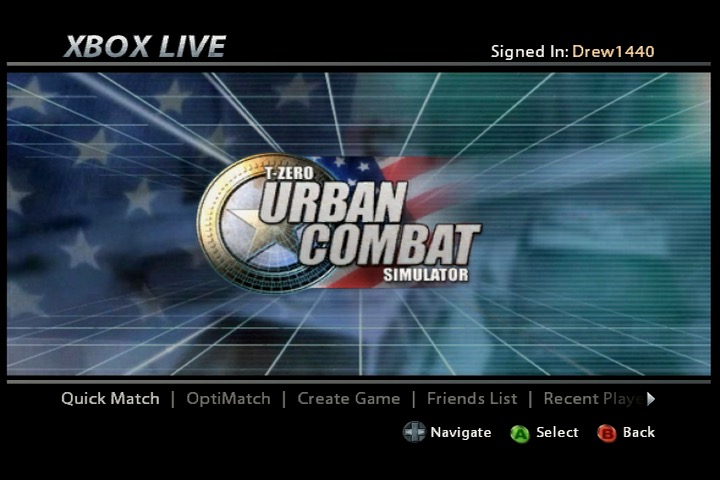
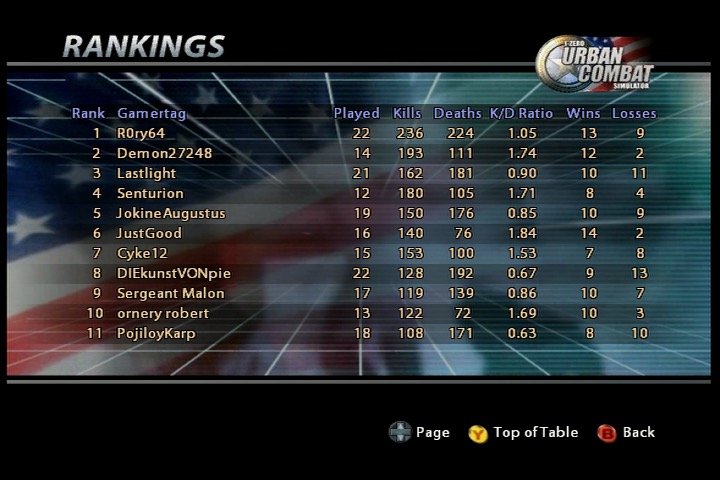
There is also a multiplayer mode that supports both Xbox Live and System Link. Insignia currently supports this game and it plays quite well though finding enough players for a match will be a challenge, its best to check the official Discord to find other players. Here you can play as either the Burners (gang) or T-Zero and you must fight for control of the map.
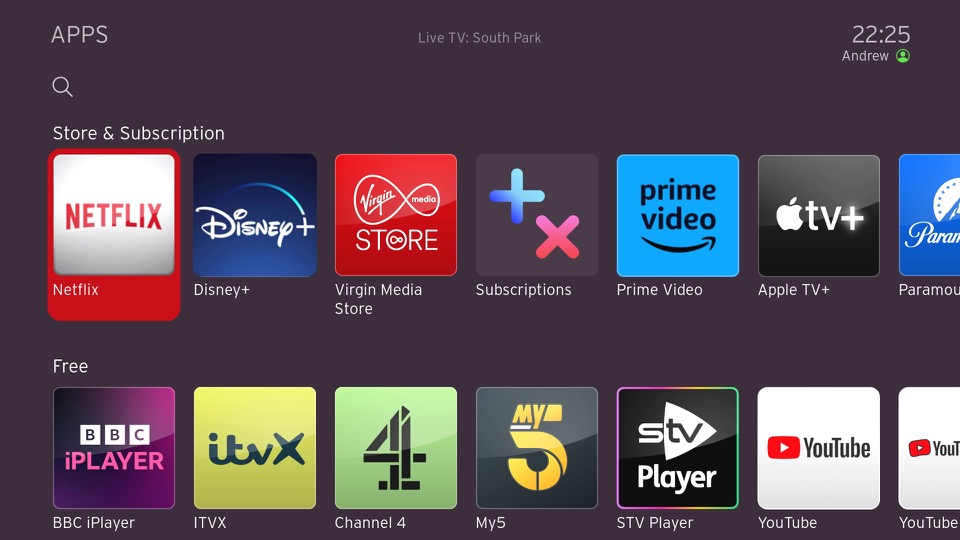
A quick update and a look at some newly added apps for the Virgin TV 360, including some new games. Correct as of December 2023.
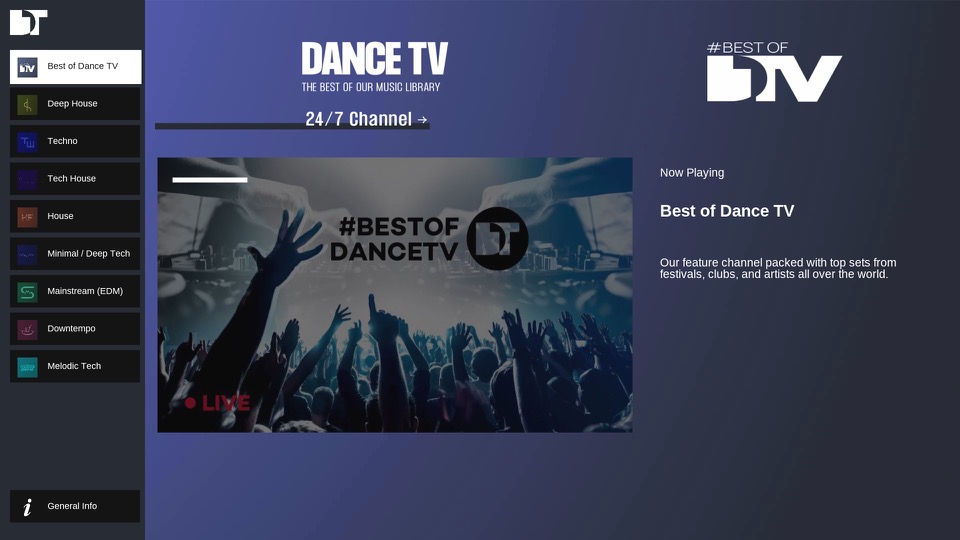
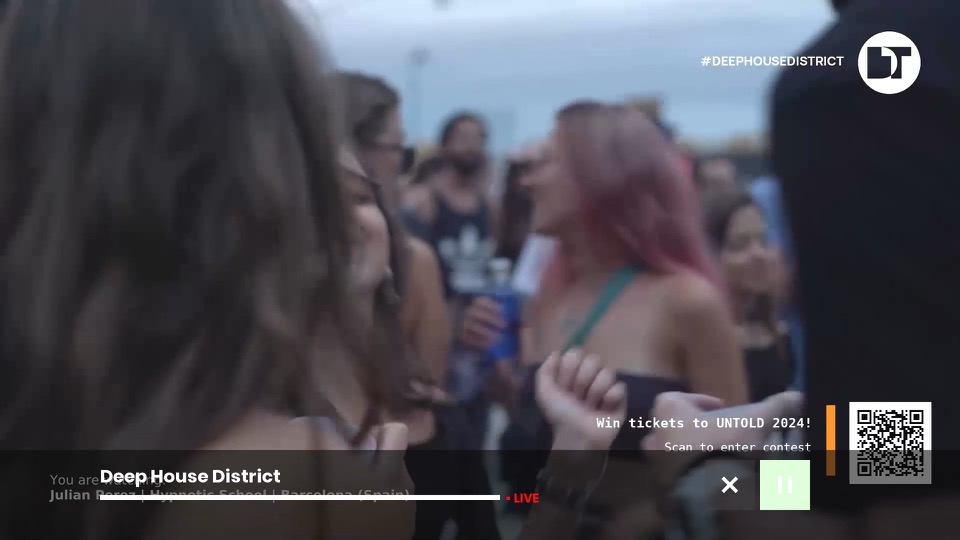
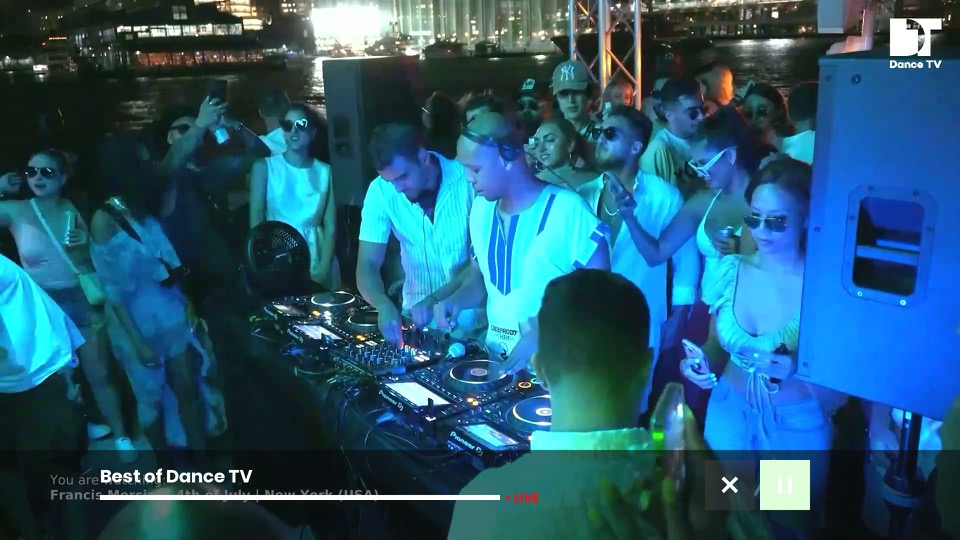
DanceTV
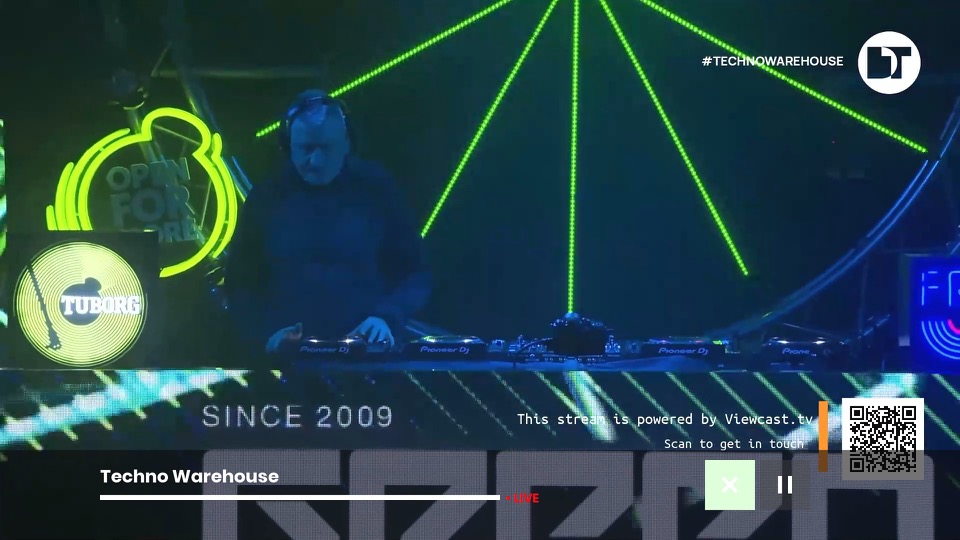
A collection of live music channels that focus of different genres of dance music. Feeds include Deep House, Techno Warehouse, House Floor & EDM Mainstage. There is also a main channel that has a variety of dance music. These channels will play mixes from live events. I’ve yet to see traditional music videos on there, so you’ll have to stick with KISS and Clubland TV for those.
AppleTV+
We now have AppleTV+ which is Apple’s streaming TV service that features a few of their original shows. Virgin has really made a push to add further streaming services to their platform as additional subscriptions, and this will be important to the VirginT V Stream which is reliant on these services.
Games
Games have been reintroduced onto the service, and unlike the Tivo games they are currently free, though I suspect they will introduce adverts into them at some point like BT did with theirs.
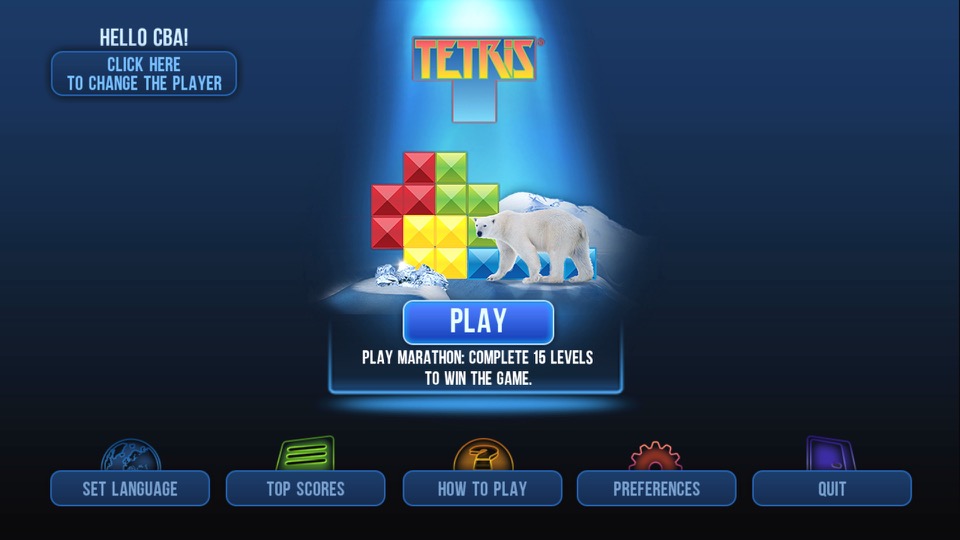
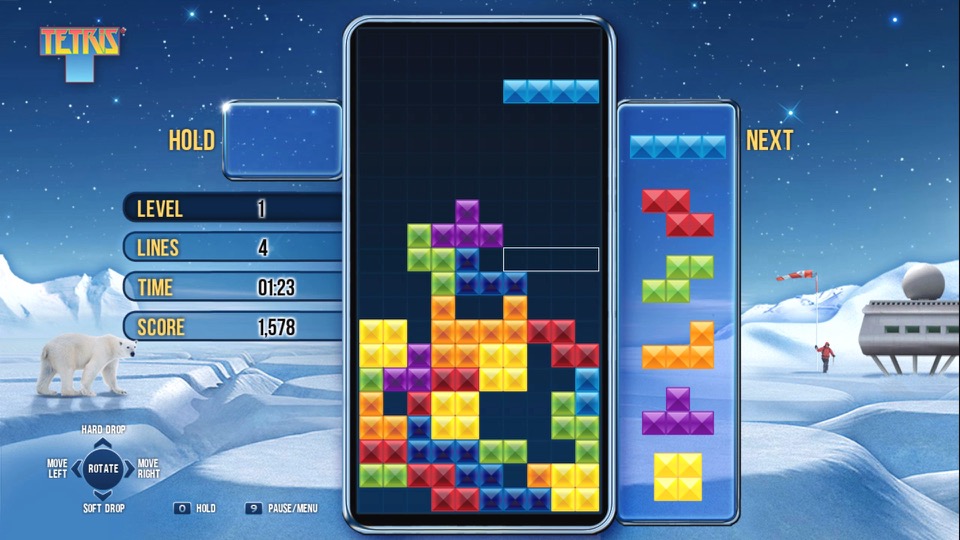
Tetris
A favorite that you cannot go wrong with. It’s a little tricky with the remote, pressing OK will rotate the piece and pressing up or down will immediately drop the piece. This is very similar to the version featured on BT TV, in fact it’s the exact same game.
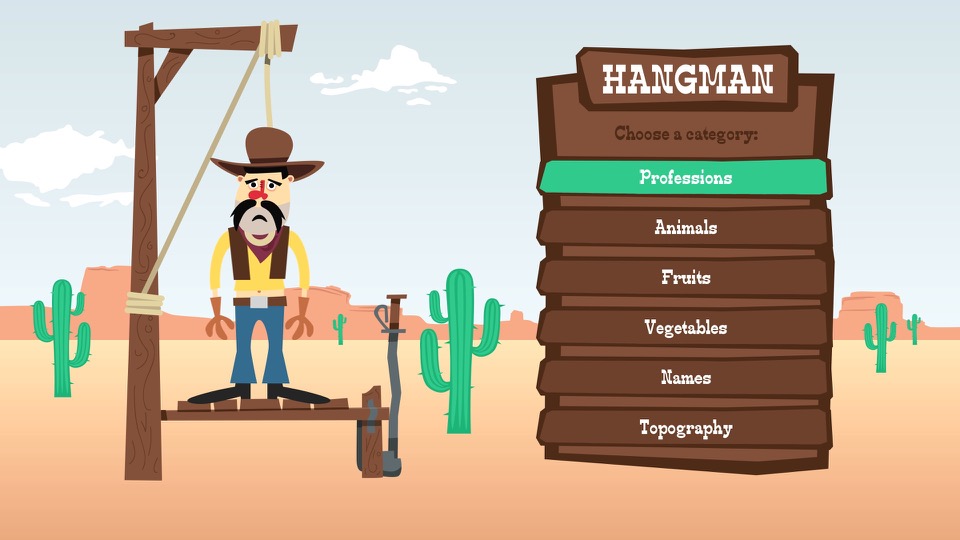
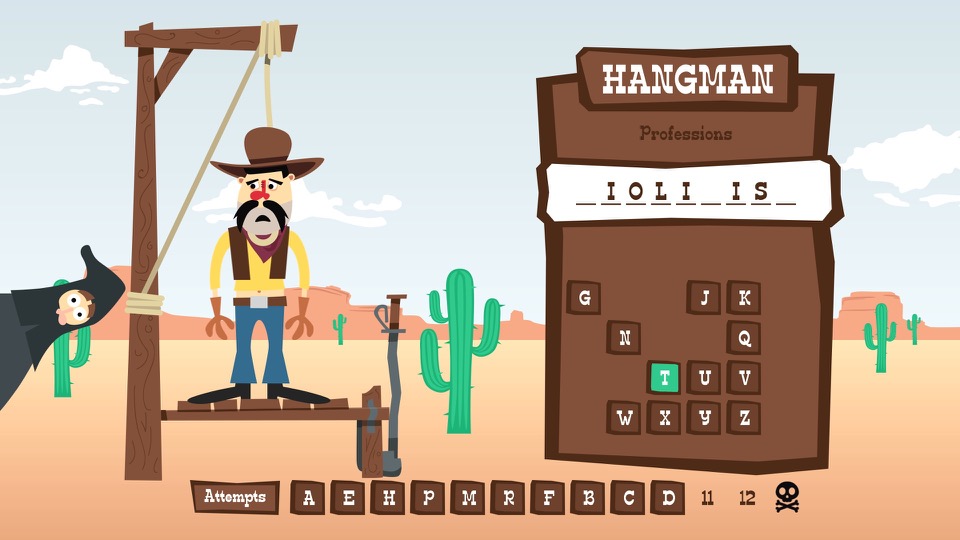
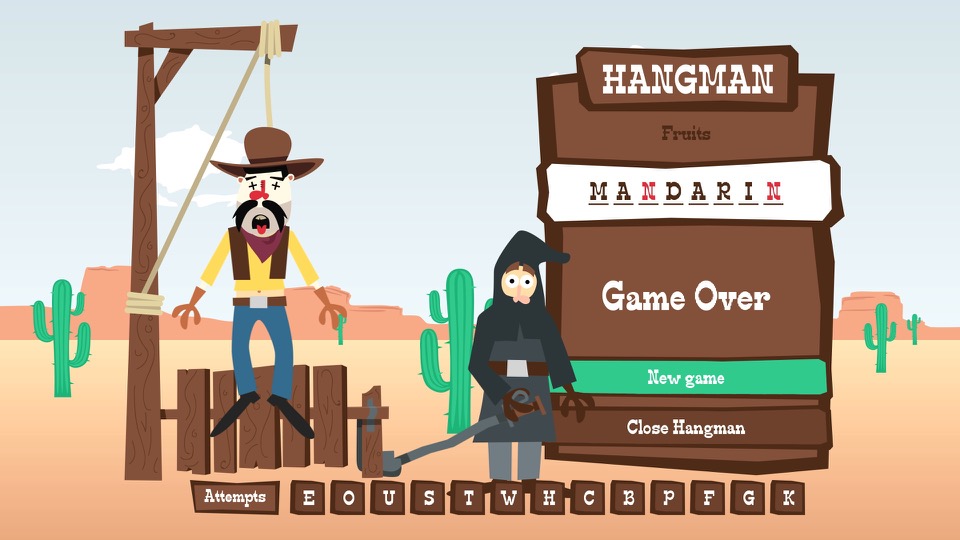
Hangman
A simple game of hangman where you have to guess the correct word. You can choose from a list of different categories (Professions, Animals, Fruits, Vegetables, etc).
brutal
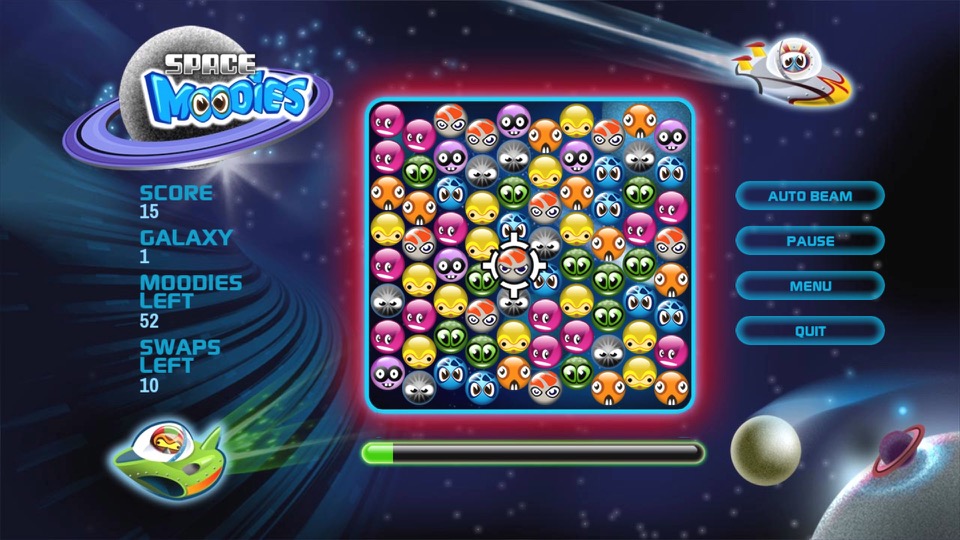
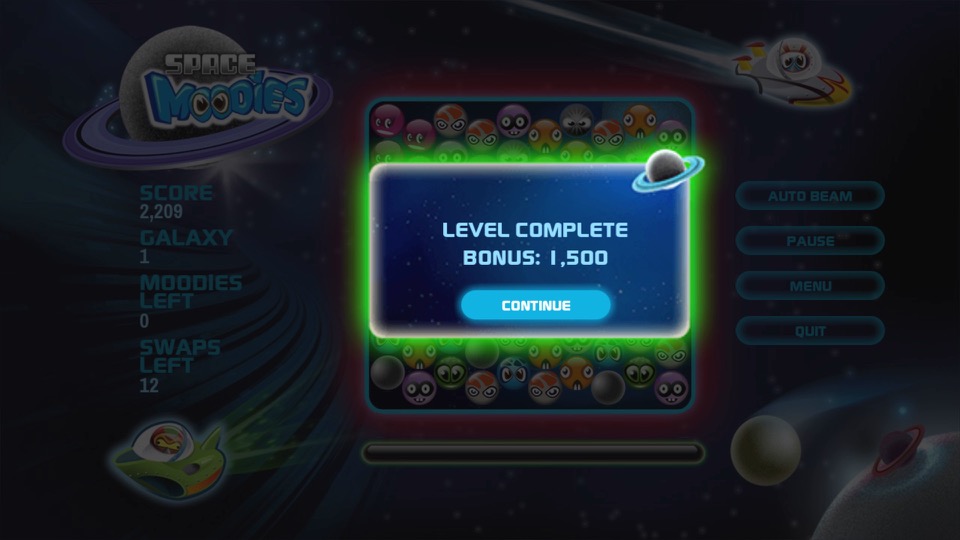
Space Moodies
Another one of those games where you have to match three of the same colour.
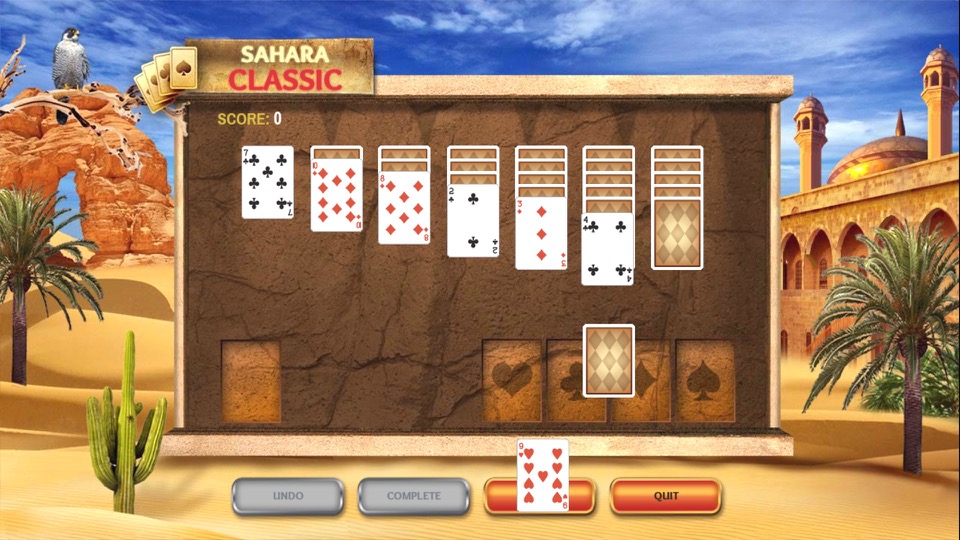
Solitaire
Some card game I have no idea how to play, I’d imagine it’s the same as the Windows version.
Other Stuff
Fast channels are a bit disorganized, you do have a section of channels in the main EPG, but many reside in their own container apps.
One idea would be to organize them into existing EPG genre sections but make them distinct from actual channels. This would increase the visibility of the channels. For example, allocate 600-630 to traditional news channels (BBC/Sky/GB News) with 631-660 allocated for the FAST news channels. The same would apply for the music channels with (250-280 for MTV/NOW Music/Bauer channels) and 280-299 for Pluto’s music channels. This would make the channels more noticeable since they are tied into the EPG and since ITV and UKTV have embraced these services, it would make sense to do so.
Ofcom are looking into regulating these channels, as they are currently unmonitored since they are not classed as broadcast channels which might explain why Virgin have separated them for now. I expect them to act on this urgently since they really don’t want Infowars on our screens anytime soon, or anyone who dares to go against The Message.
There is also a question if FAST channels are sustainable – Possibly.
Whilst many are getting accustomed to Video On Demand (Streaming services) these make a lot of sense for serial drama’s and Sci-Fi shows, since many viewers will want to follow these series more sequentially, as each episode is often connected with each other in order to follow the overall plot. Reality and documentary shows however are different as the episodes are not always connected, and in the case for DIY shows they often feature a different set of people for each episode. Or in the case of Mythbusters or Brainiac, a different subject per episode. I guess cartoons and certain sitcoms could also fall into this.
TLDR: We need a central hub for these FAST channels, the main EPG might not be suitable due to possible Ofcom regulation.
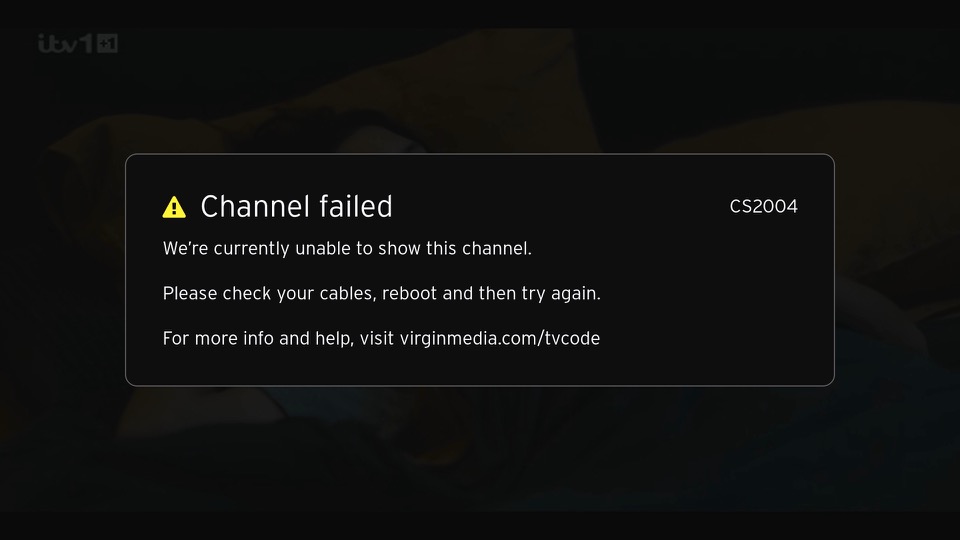
An error screen that appears of the box cannot tune to a channel. This can happen if your signal levels are out of wack or if you just disconnect the RF cable. This will not affect the FAST channels in the guide and the box will continue to operate normally for many of the streaming apps or on-demand stuff. Recording can also be played back from the main TV box.
The S4’s design it’s a Samsung, it’s that familiar plastic build. It’s lightweight, and some might say a bit on the cheap side compared to some competitors like the HTC One. But it’s got that removable back for the battery, and that can be a plus. The display, though, that’s where Samsung shines. A beautiful 5-inch Super AMOLED screen with a 1080p resolution. Colors pop, blacks are deep, it’s a joy for media consumption.
Under the hood, it’s packing either a Snapdragon 600 or an Exynos 5 Octa, depending on your region and network operator. The Snapdragon models feature 4G support, which was still an emerging technology. For providers that didn’t support 4G, the Exynos process was provided instead. There is a performance difference between the two given the different amount of cores. This does seem unfair as some will have a different experience of the S4, depending on what apps they use. Its a tough issue for Samsung as they design their own Exynos processors (Samsung are big in the semiconductor space) and whilst they cam compete in performance, Qualcomm have the upper hand with baseband technology and are able to integrate 4G LTE into the SoC themselves, which would require a separate processor in the Xenon at the cost of size and battery power. Still, why not call it the Galaxy S4G instead of causing confusion?
Gaming performance is Ok, with it being able to run the mobile port of GTA III as decent frame rates. The PowerVR SGX544MP3 is put to good use here (Adreno in the Snapdragon model)
The phone mainly competed with:
Sony Xperia Z – The Xperia had a better camera, offered dust and waterproofing, both both feature the Snapdragon 600 processor
LG G2 – The G2 had a larger screen and came with the Snapdragon 800 processor.
HTC One M7 – HTC features a more premium metal design which make the S4 look cheap with his plastic covers, still no removable battery. The HTC also used the Snapdragon 800 processor but falls short with its screen size of 4.7 inches.
Nokia Lumia 1020 – The Lumia had a smaller screen and ran a different operating system (Windows Phone) but had a much more impressive camera. Samsung would later release the Galaxy Zoom as a response.
Launcher
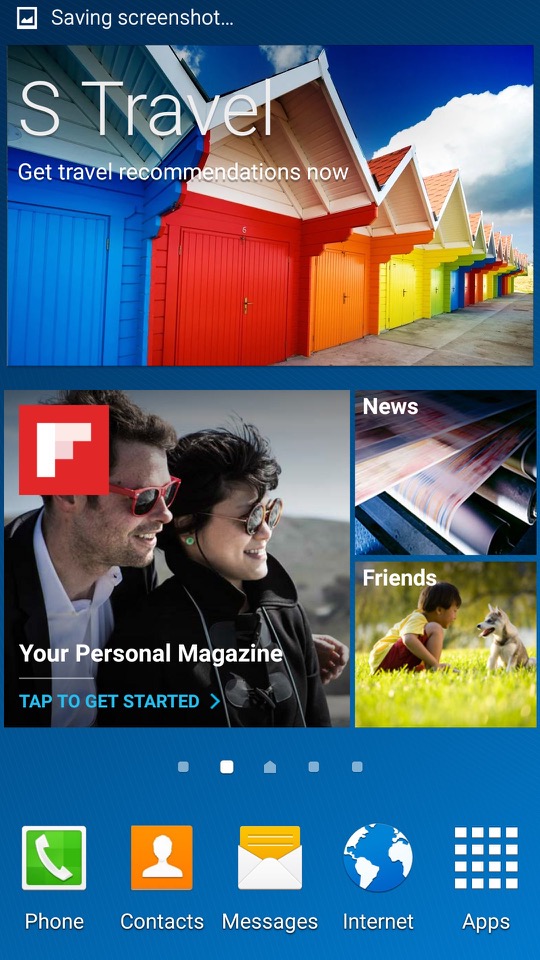
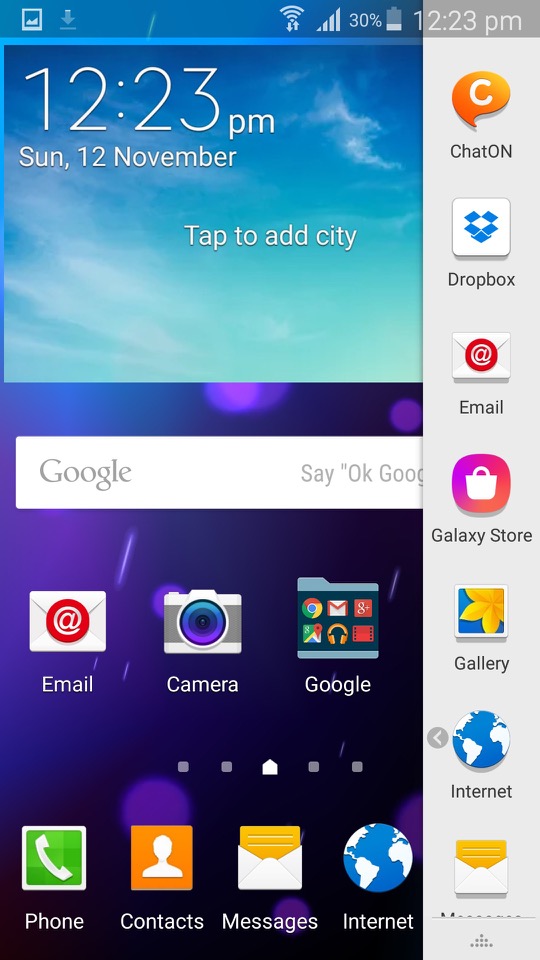
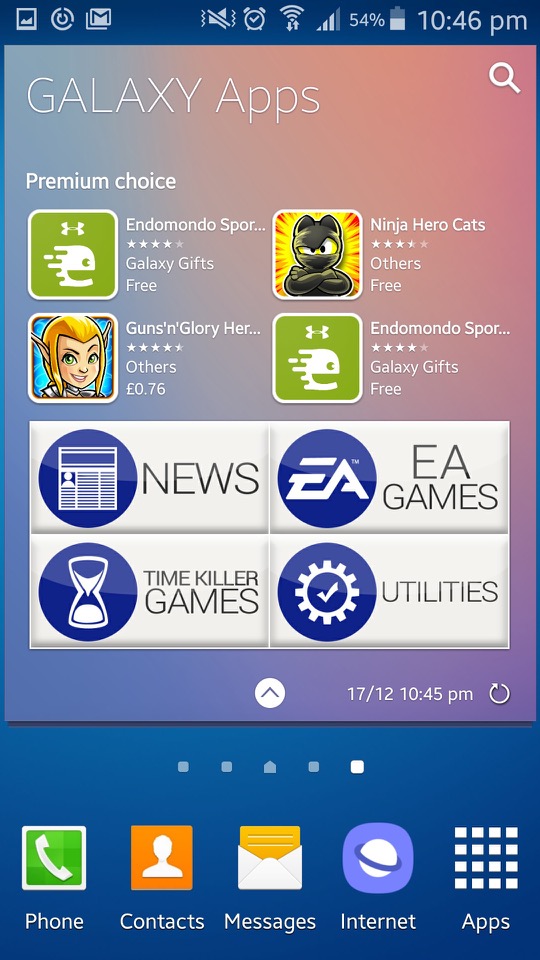
TouchWiz makes an appearance and is the default launcher that come with the phone. Some hate it, some prefer it, personally I’m indifferent abut it.
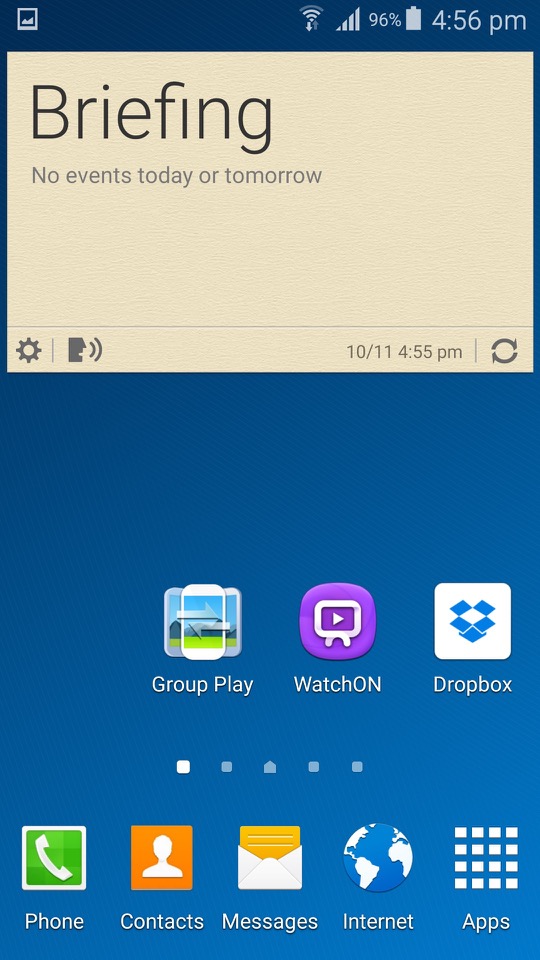
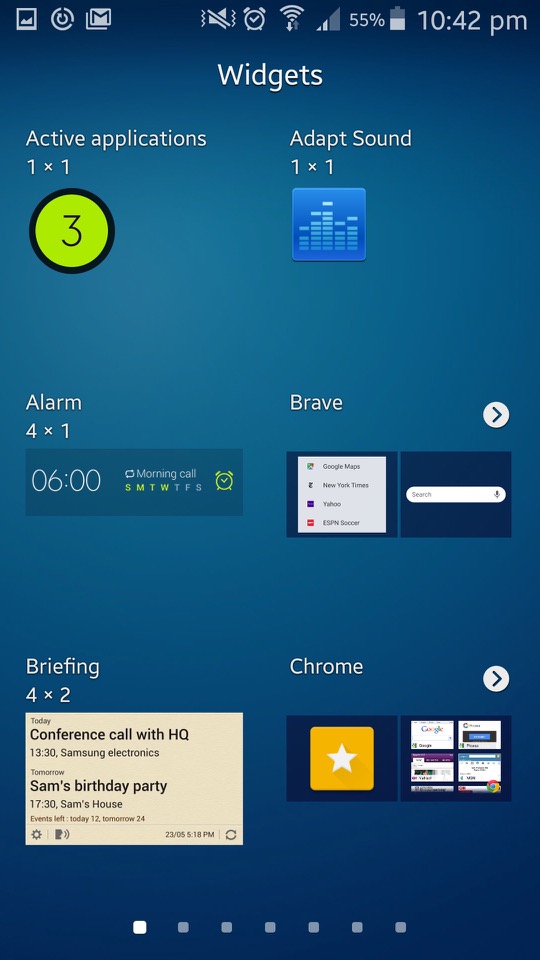
One of the cool things about TouchWiz is the widgets. They’re like little magic squares you can throw on your home screen to get quick info or control certain features. Weather, clock, music player – you name it, there’s a widget for it.
TouchWiz is like the playground where you get to customise your Galaxy S4. It’s Samsung’s own flavour of Android, and it’s all about making your phone truly yours. You can tweak, twist, and customise your home screen until it screams “you.”
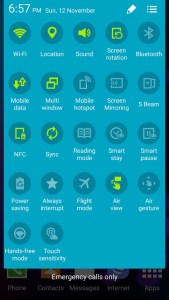
Need to toggle Wi-Fi, Bluetooth, or brightness in a flash? TouchWiz brings you the quick settings menu. Swipe down, and there they are, your shortcut buttons to the most-used settings. Easy peasy.
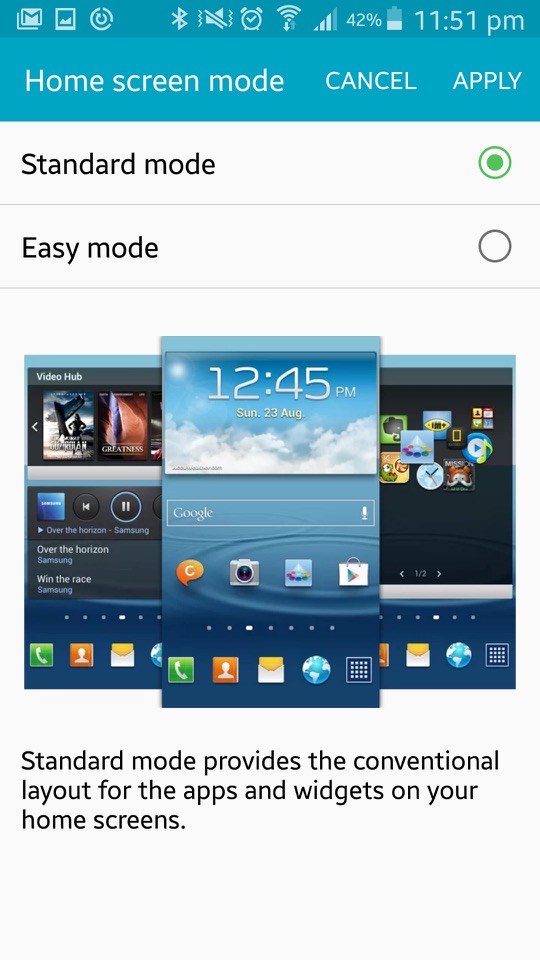
Easy Mode
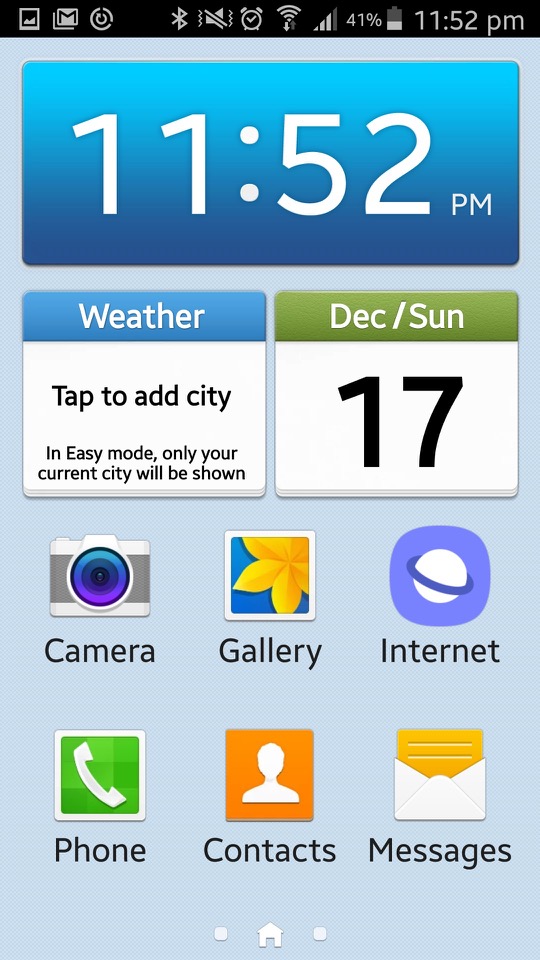
Easy Mode is like turning your Galaxy S4 into a smartphone for beginners. It simplifies everything, giving you a clean, stripped-down interface. Think of it as the “no-frills” version, perfect for those who want a straightforward, easy-to-use experience. In Easy Mode, everything gets a size upgrade. Icons are bigger. Fonts are larger. The goal is to make things super easy to see and tap, especially if you’re not a fan of squinting at your phone.
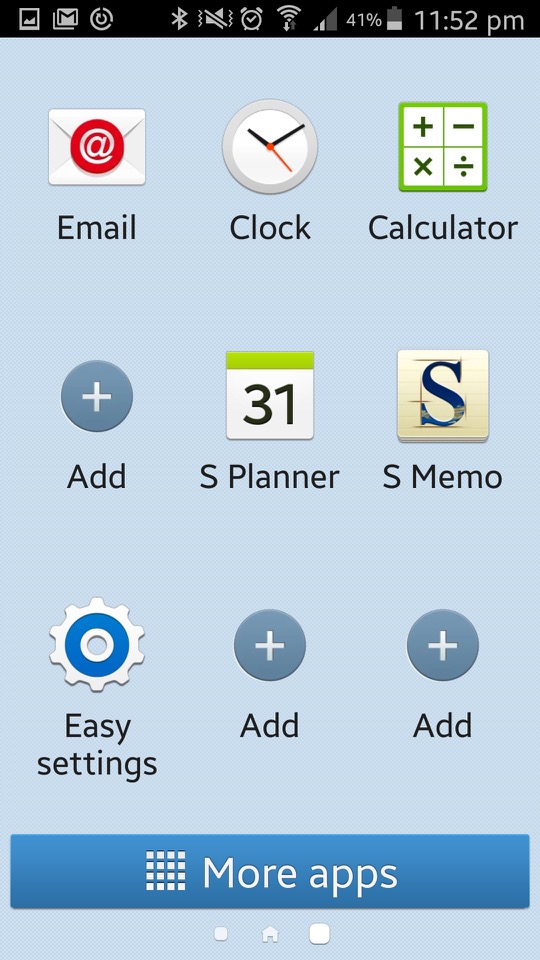
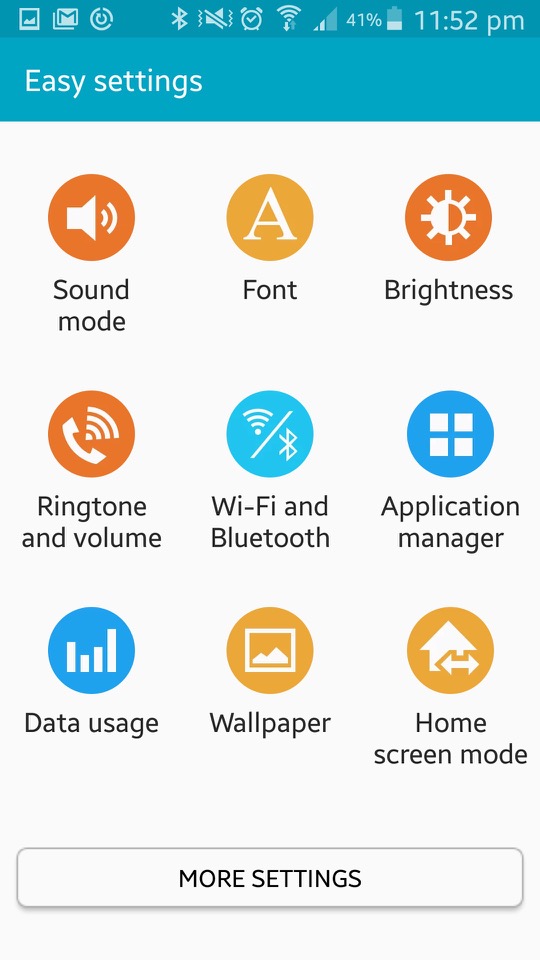
Easy Mode focuses on the basics. You get the must-haves right on your home screen – phone, contacts, messaging, and camera. No unnecessary apps hogging space. It’s like a minimalist’s dream. If you’ve got a tech-challenged grandma or anyone who’s new to the smartphone game, Easy Mode is like a gentle introduction. Less confusion, more simplicity. Grandma will be texting and calling in no time. Settings can be a maze, right? Not in Easy Mode. They’re straightforward, stripped of complexity. Adjusting things becomes a breeze, even if you’re not a tech genius.
Bundled Apps
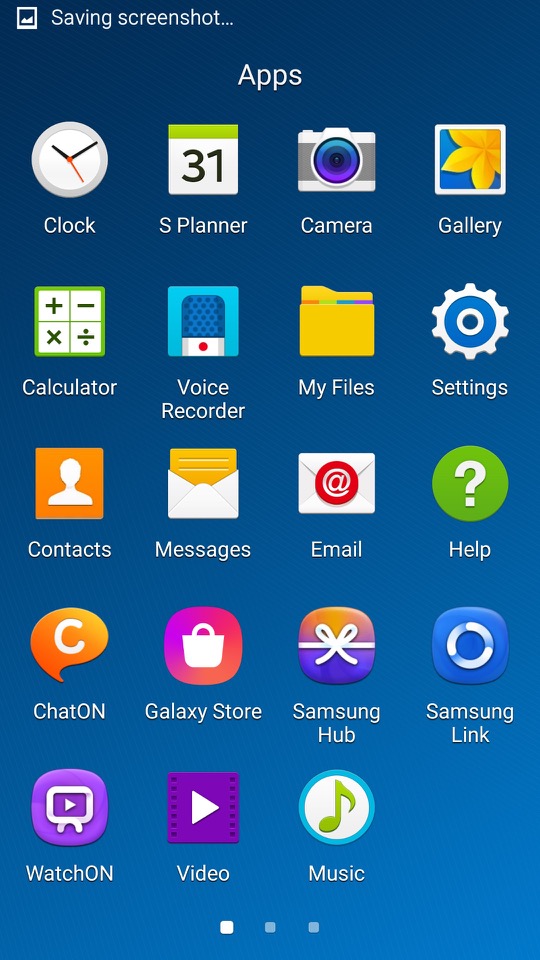
ChatON: Samsung’s version of WhatsApp, a cross platform rich SMS service
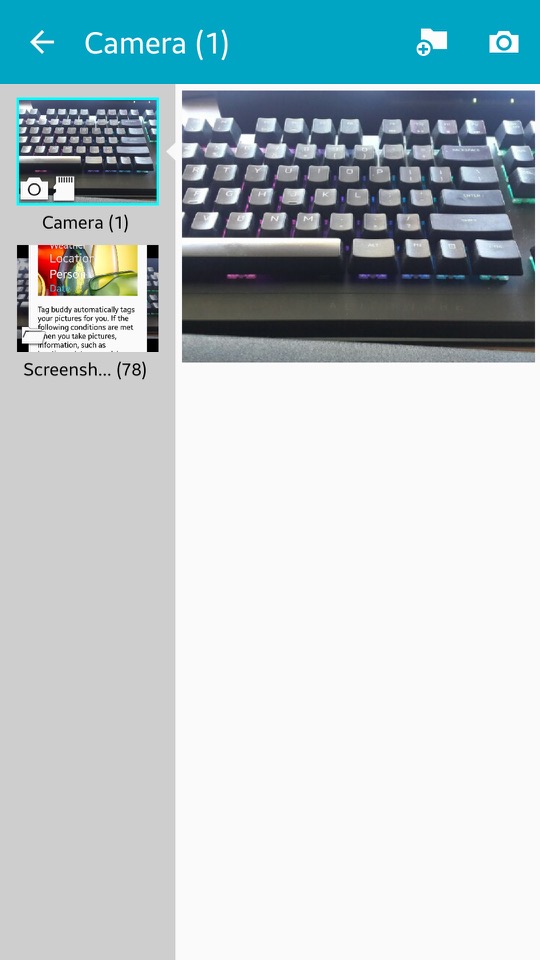
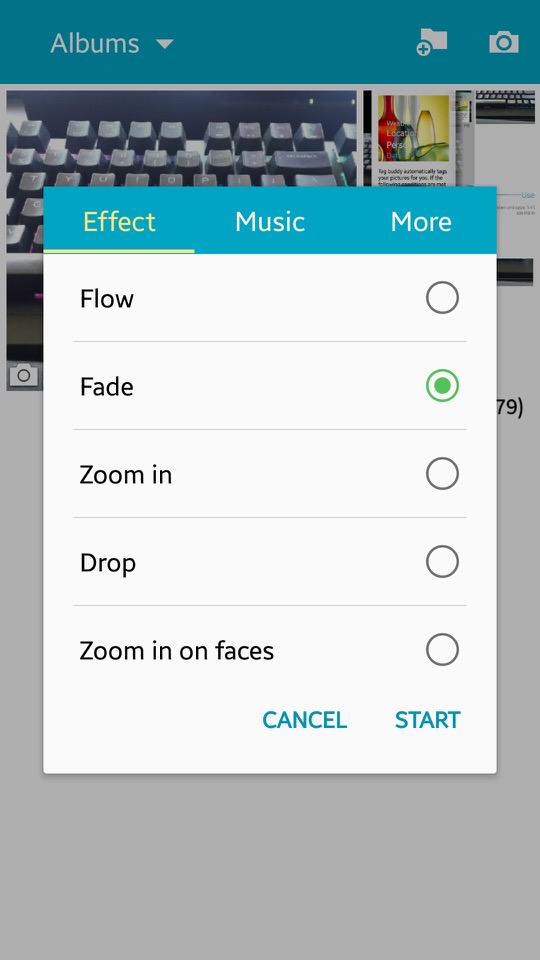
Gallery: Photos captured by the camera can be viewed here. You can sort phots into specific albums, and create collages of different images. A slideshow can also be displayed, of which you can select the transition effects and play a background music track.
Flipboard: News app that recommends articles based on the users interests
Group Play: Similar to what was included on previous models, you can play the same media on multiple devices.
Internet: Samsung had started to bundled a customised web browser, based on chromium
KNOX: Samsung KNOX is all about locking down your device, especially if you’re using it for work. One of the cool things about KNOX is this dual persona mode. It’s like having a split personality for your phone – one side for your personal stuff, memes, and cat videos, and the other side for serious work or handling sensitive information. Now, for you tech commanders out there, KNOX lets you take control. You can remotely manage your fleet of devices, set policies, and even wipe things clean if a device goes rogue. This is very useful for enterprise use.
Messages: Default SMS and MMS app. Messages here are offered in a threaded view.
My Files: The phones default file manager, can be used to browse files on both the internal storage and the microSD card if one inserted.
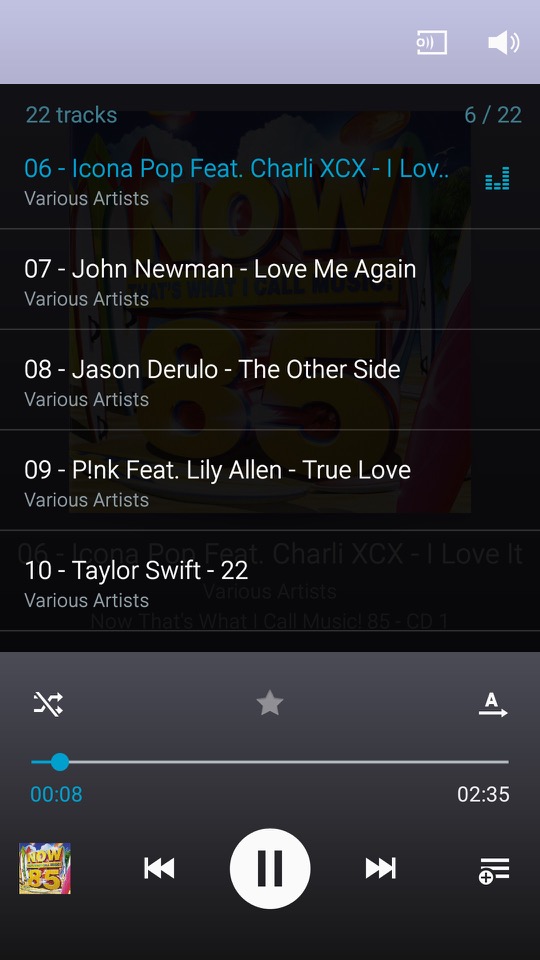
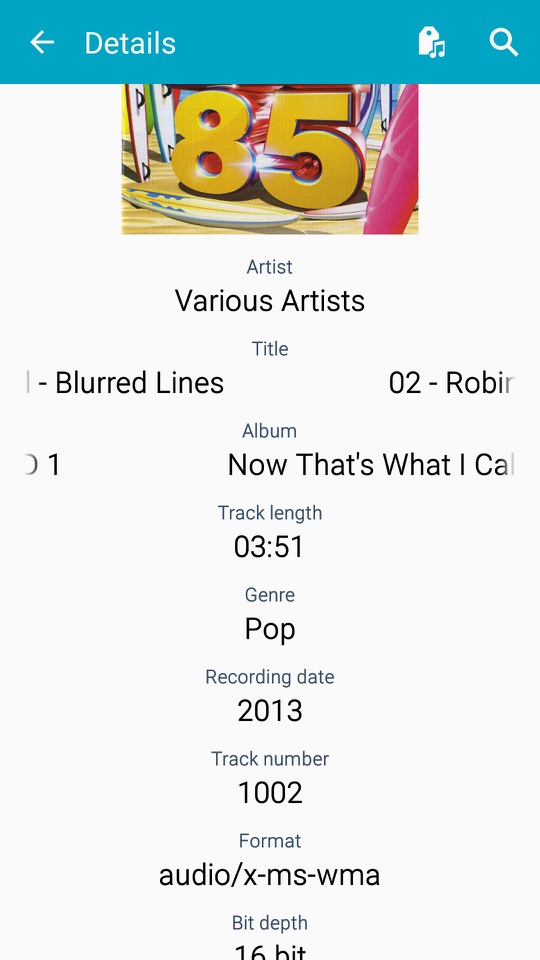
Music: The default music player that comes with the phone, very similar to what we got with the S2
Optical Reader: OCR that converts text on images into actual text.
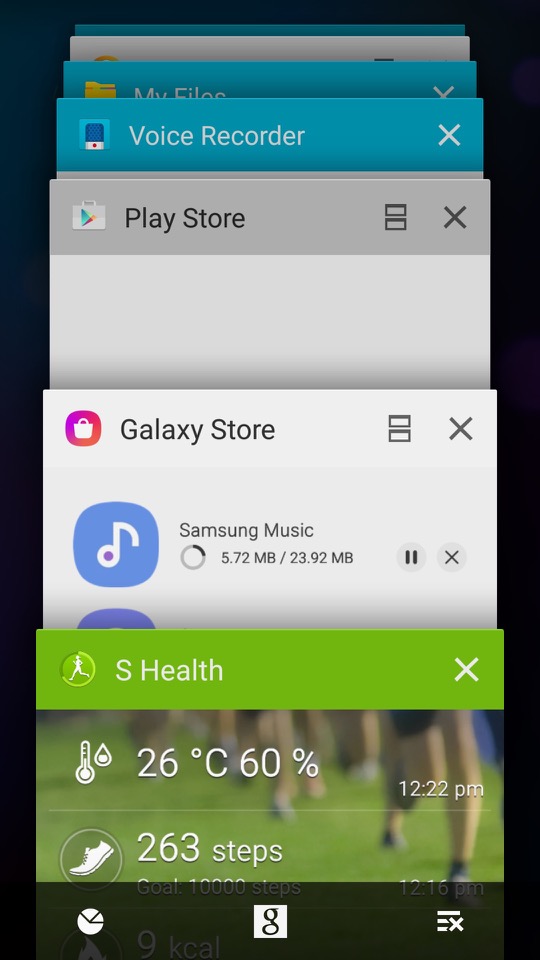
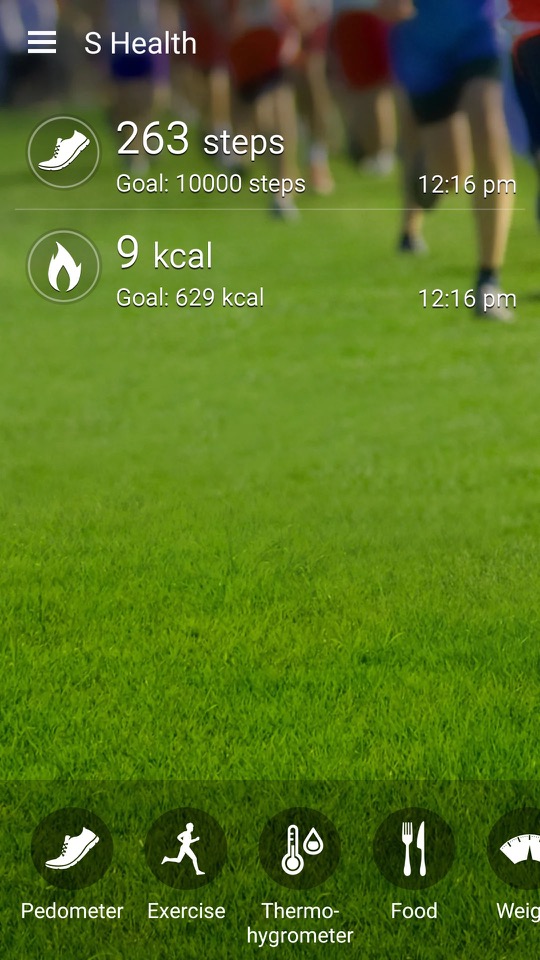
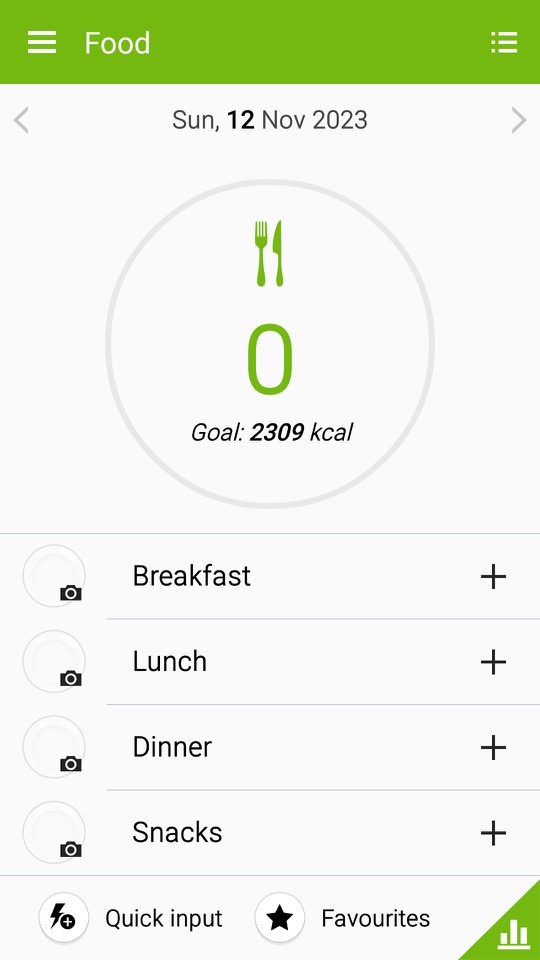
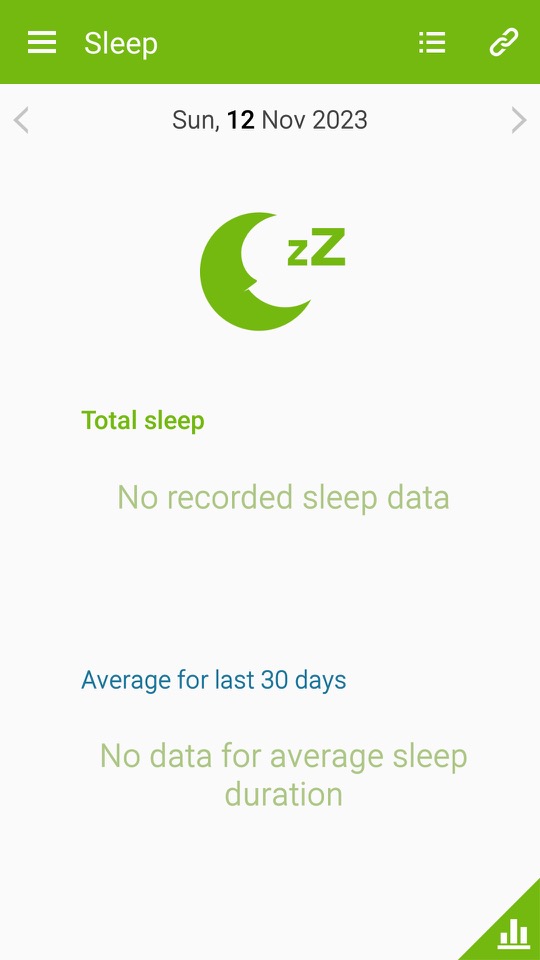
S Health / Samsung Health: A health and fitness application developed by Samsung. It was designed to help users monitor and manage various aspects of their health and wellness. The app offered a range of features to support fitness tracking, nutrition monitoring, and overall well-being. At some point this was rebranded as Samsung Health and featured a new user interface. S Health included a pedometer to track the number of steps a user took throughout the day which aimed to encourage physical activity and help users set daily step goals. Users could also manually log various types of exercises and workouts, such as running, walking, cycling, and more. The app provided information on duration, distance, and estimated calories burned. Very similar to the Fitbit or MyFitnessPal which are aimed to make the user aware of their lifestyle and health.
S Planner: calendar and scheduling application developed by Samsung. It was designed to help users organise their events, appointments, and tasks in a convenient and visually appealing manner.
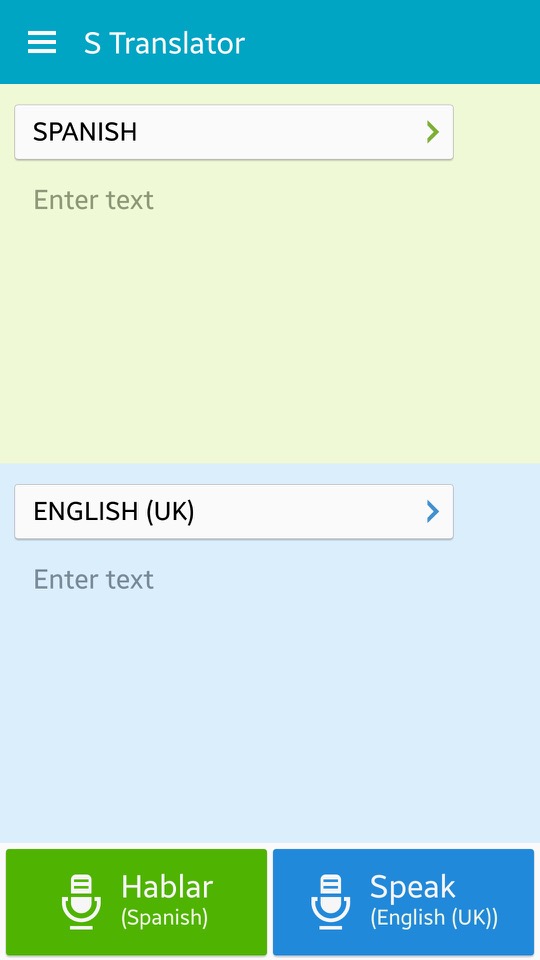
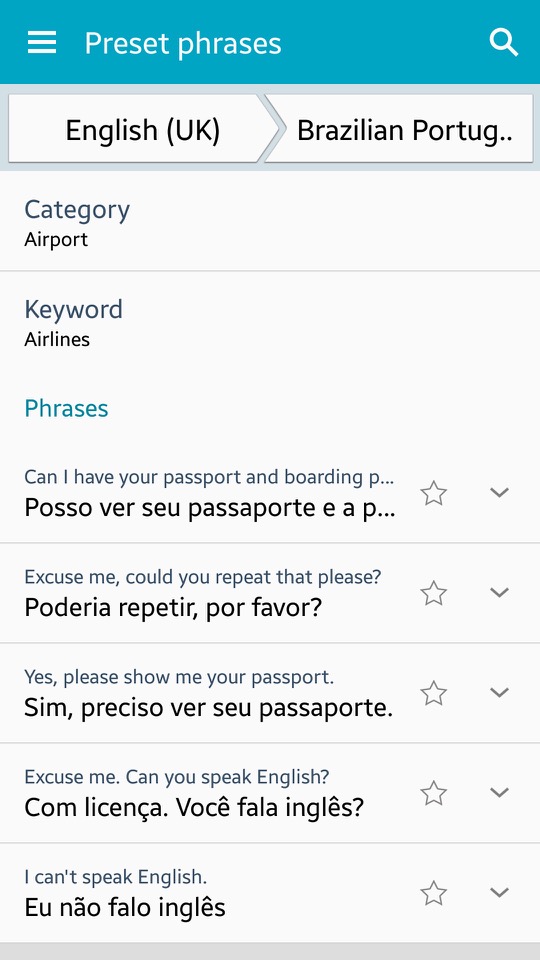
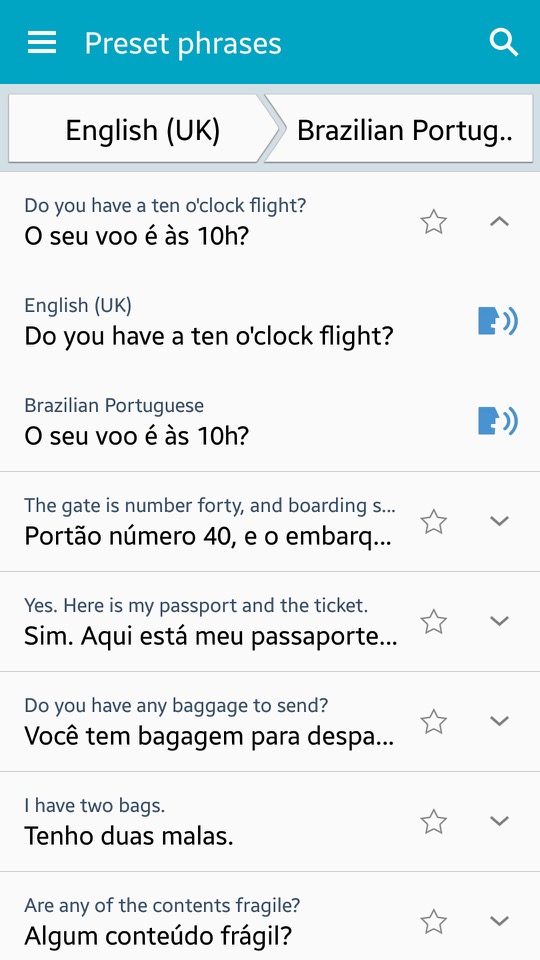
S Translator: Translates text from one language to another – Users can have conversations with others in different languages using the app, which also includes predefined phrases for common use and the ability to save favourite translations for quick access. Additionally, the Galaxy S4 features an Optical Reader that can translate written text on documents and scan QR codes. You can also speak the translated text via the text to speech engine, if you aren’t comfortable with pronouncing certain words. There is also adoption to view preset sentences for easy access.
S Voice: Samsungs alternative to Apple’s Siri and Microsoft Cortana. This has been deprecated and replaced with Bixby.
Samsung Hub: Apps are promoted here by Samsung, giving recommendations for popular apps.
Samsung Link: This was a service that allowed you to connect and share content across multiple devices, including smartphones, tablets, PCs, and smart TVs. It enabled seamless sharing and playback of multimedia content like photos, videos, and music across different devices on the same network.
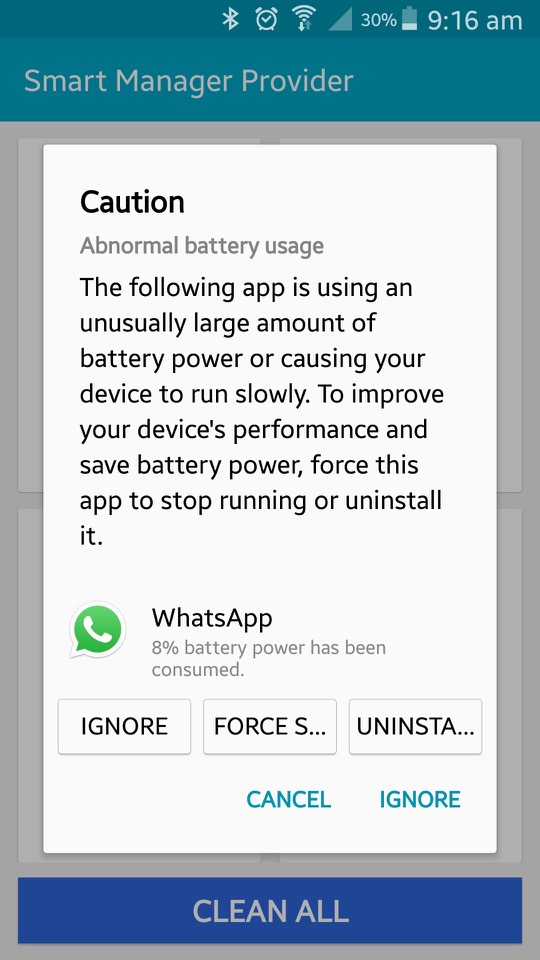
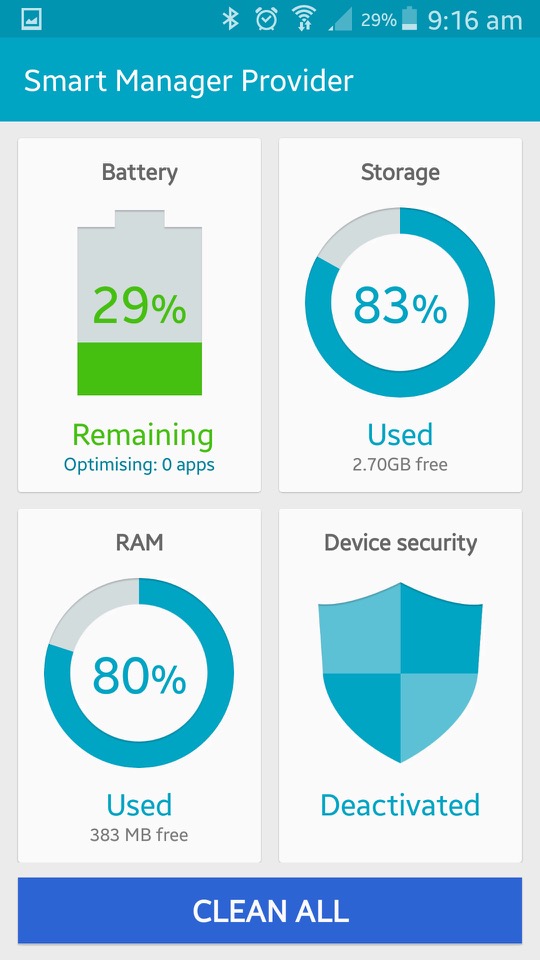
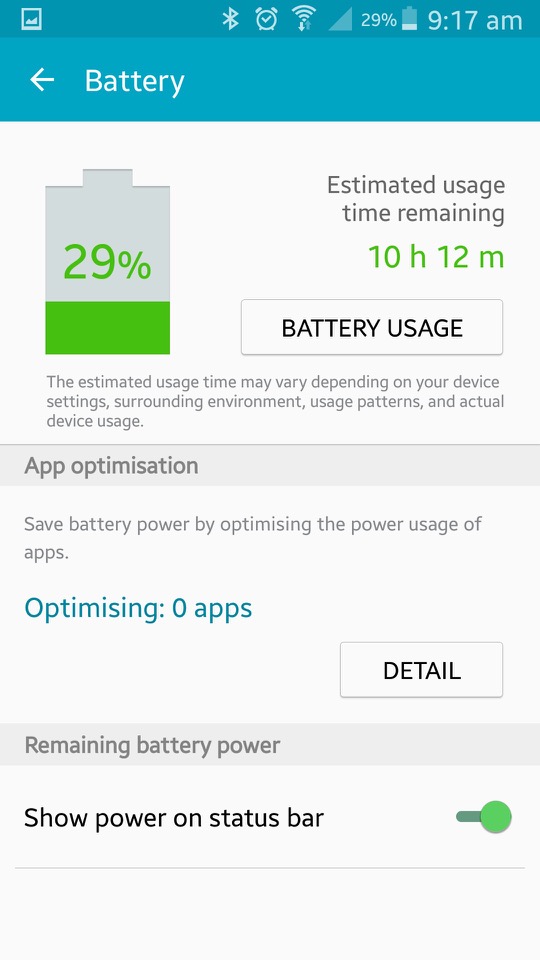
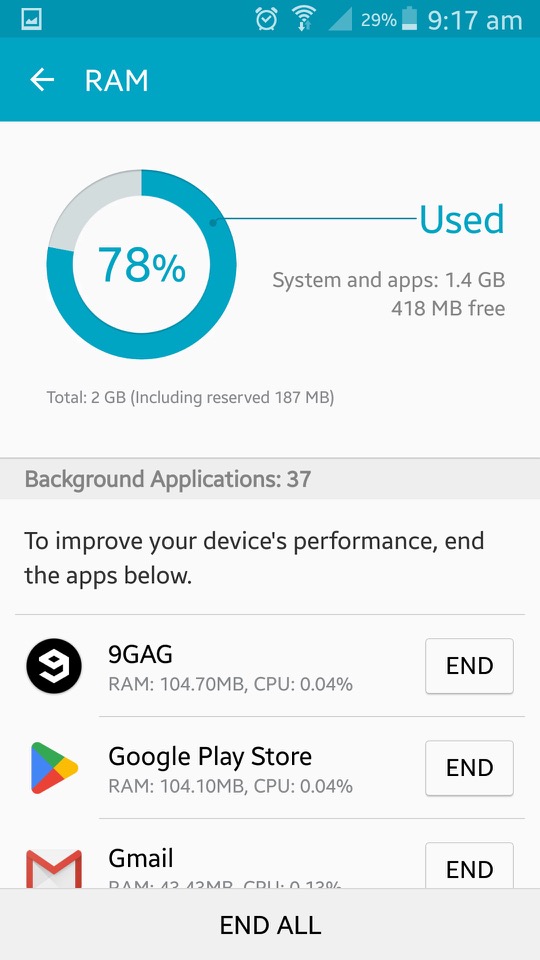
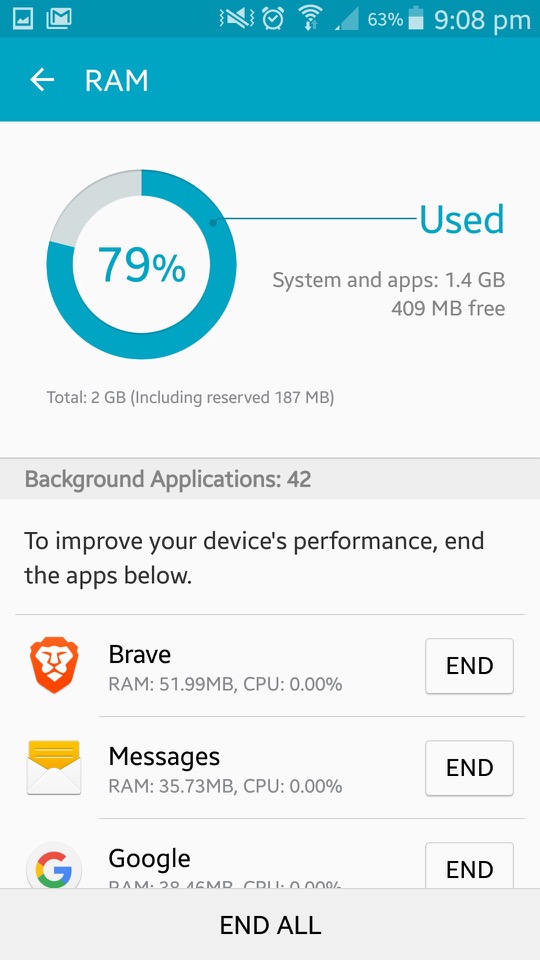
Smart Manager: This shows the current status of the device, and is split into four sections. Battery monitor energy use based on the usage of different apps. It will tell you the estimated battery time remaining. Storage shows information on the phones internal storage and lets you activate disk cleanup which will remove files deemed needed by the phone. The RAM action is similar but lets you view active running apps, and close existing apps that could be using too much RAM. This issn really needed as Android will look after this automatically. Lastly is the security section which acts as an antivirus of sorts. It will also display the status of KNOX.
Story Album: This app was a feature on older Samsung phones that allowed users to create digital albums of their photos and videos. It provided various layout templates and themes, making it easy to organise and personalise content into stories or events. Users could also order physical photo books directly from the app
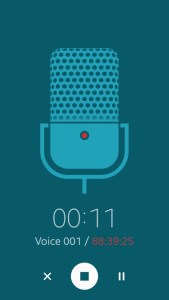
Voice Recorder: Your standard voice recorder. Addition features include noise reduction, recording volume and the recording quality. You can also choose to save recordings directly to the microSD card.
Widgets
A look at some of the widgets that form as part ot TouchWiz, all of these serve as extensiosn to the apps that feature with the phone and will relay information and updated to the home screen. Tapping on the widget will open the app.
Settings
The control panel of the phone. Samsung have provided further categories for different settings.
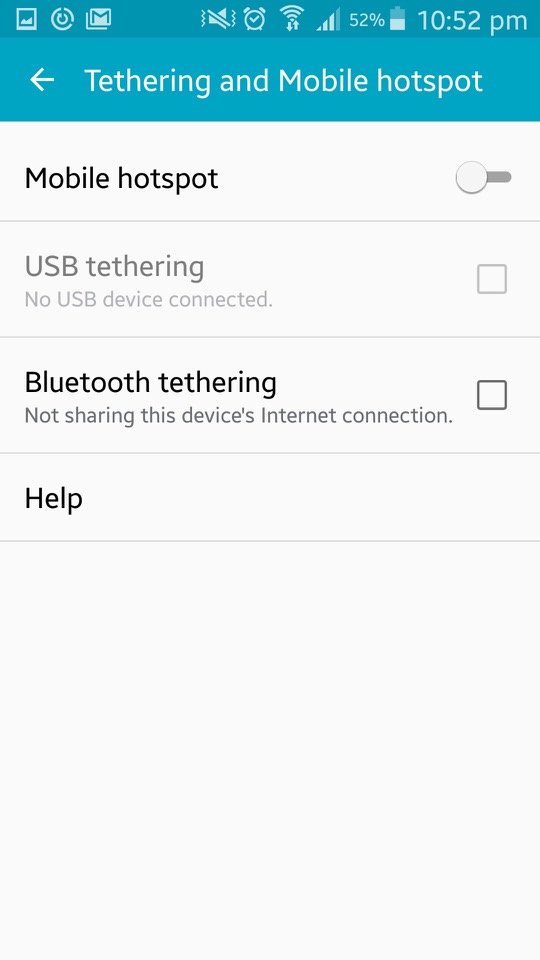
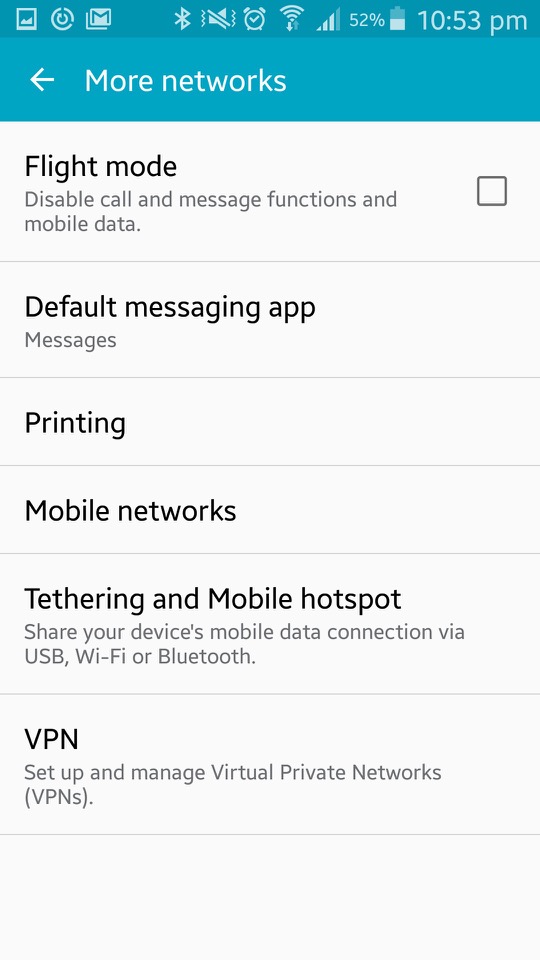
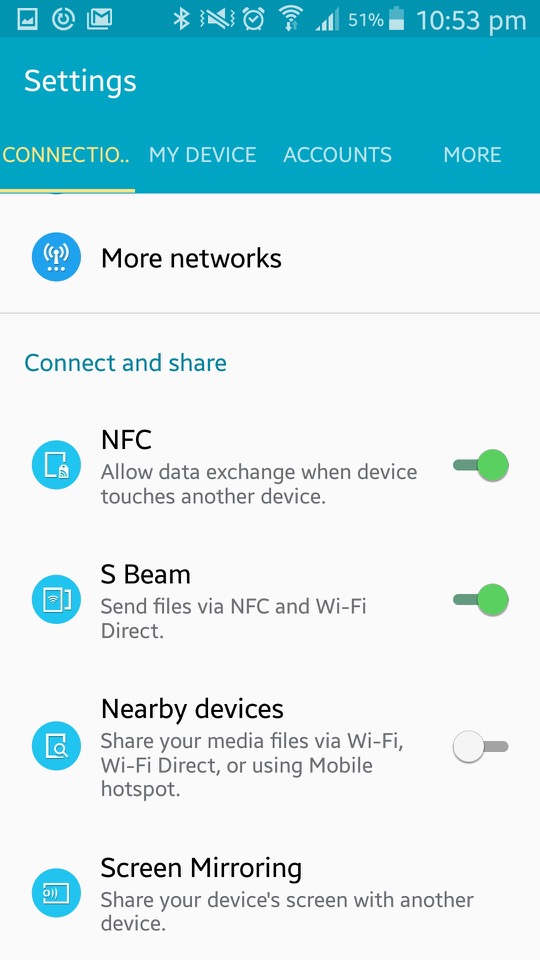
Connections: Wifi, Bluetooth, mobile data and cellular netwoks are listed here. You can also configure wireless printers from here, with the Samsung print service plugin being installed by default (Samsung made printers, one upon a time) The S4 also supports internet weathering over Bluetooth, USB or WiFi. Additional options here are for NFC, S Beam File transfer over Wifi direct, which is initiated by NFC) Screen Mirroring which used the Miracast protocol and allows you to broadcast your display to another TV.
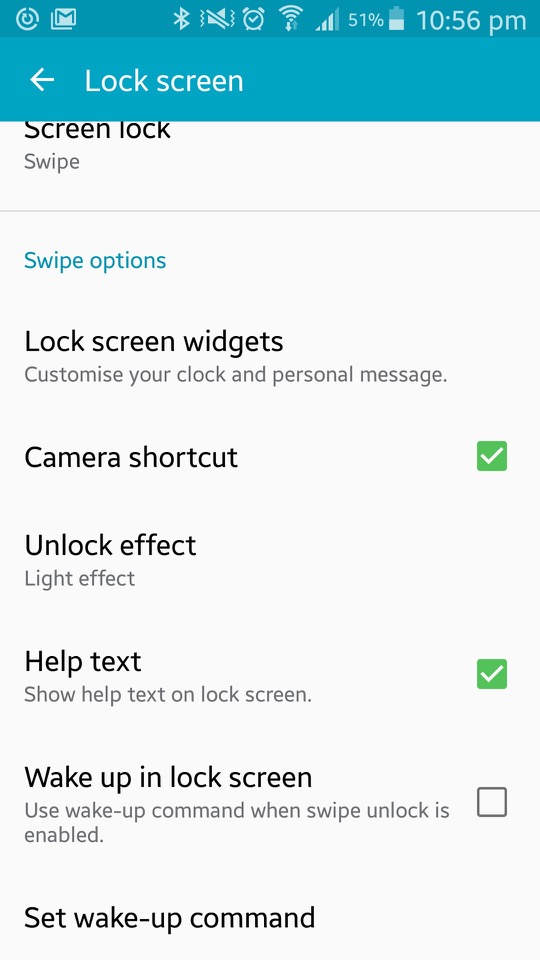
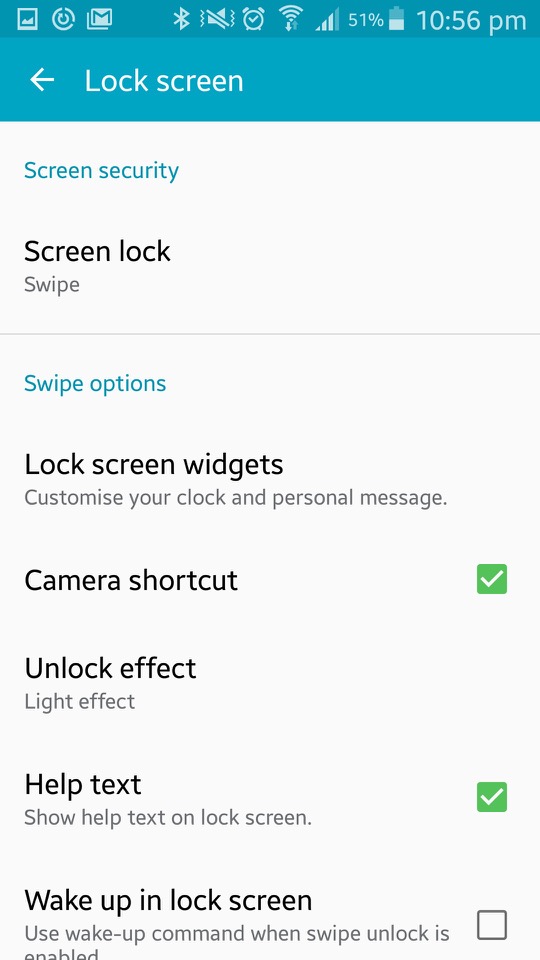
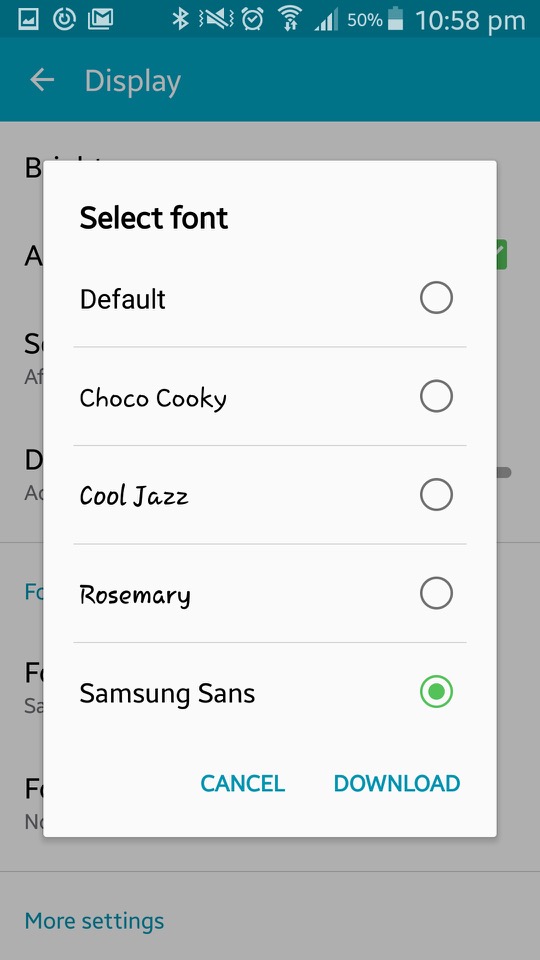
The My Device section offer options tailored to personalisation of the device. Here you can configure settings for the locks creen (lock effects, enable different shortcuts that appear on the lock screen). Display settings consist of selecting a different wallpaper that can be set for both the home and lock screen. The tock wallpapers all have a fruitier aero feel to them and are very vibrant to show off the AMOLED display. You can also change the font style and size which is set to Samsung Sans by default, other fonts include Chock Cooky, Cool Jazz and Rosemary, with the option to download additional fonts to the phone)
The LED indicator can be set to indicate if the phone is charging, or to show notifications. Seems the only options are between a Red or blue LED, instead of the multiple colours that Blackberry handsets offered.
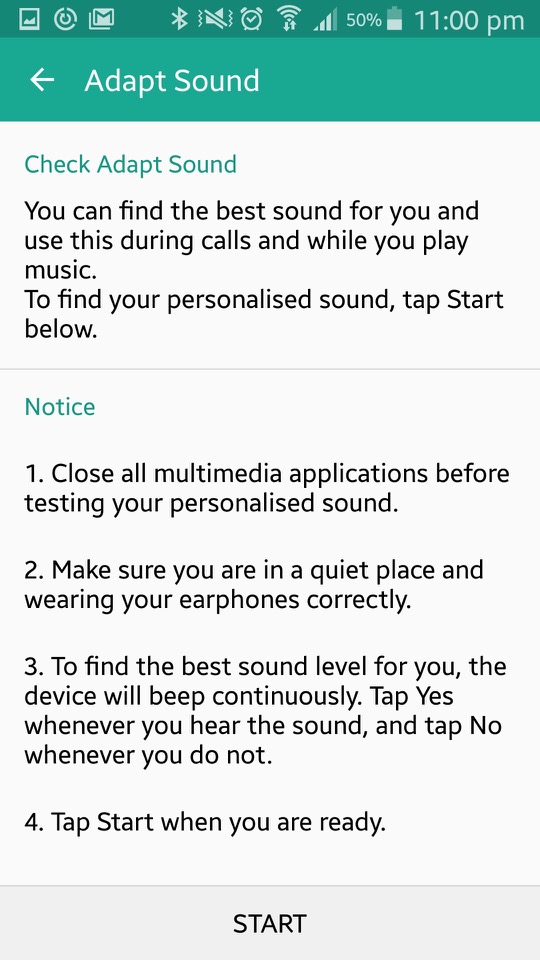
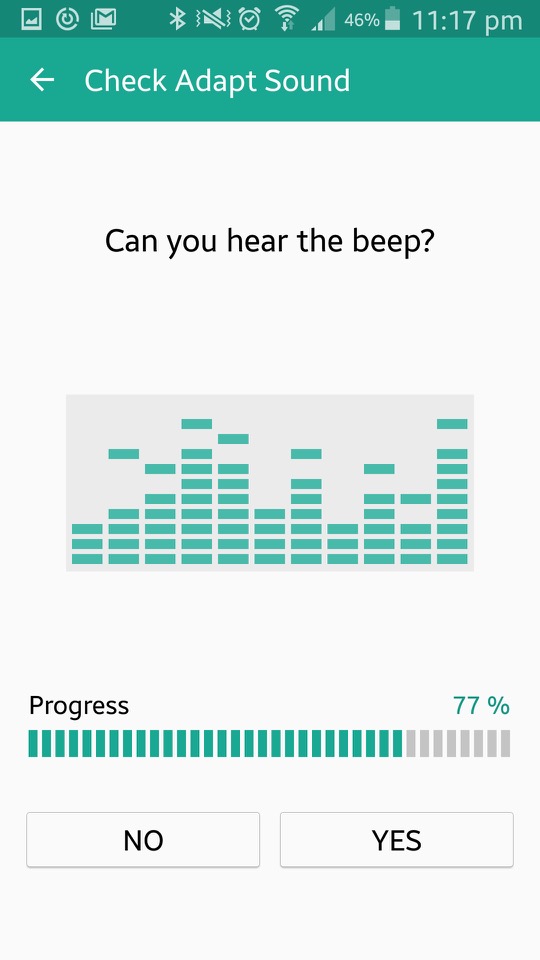
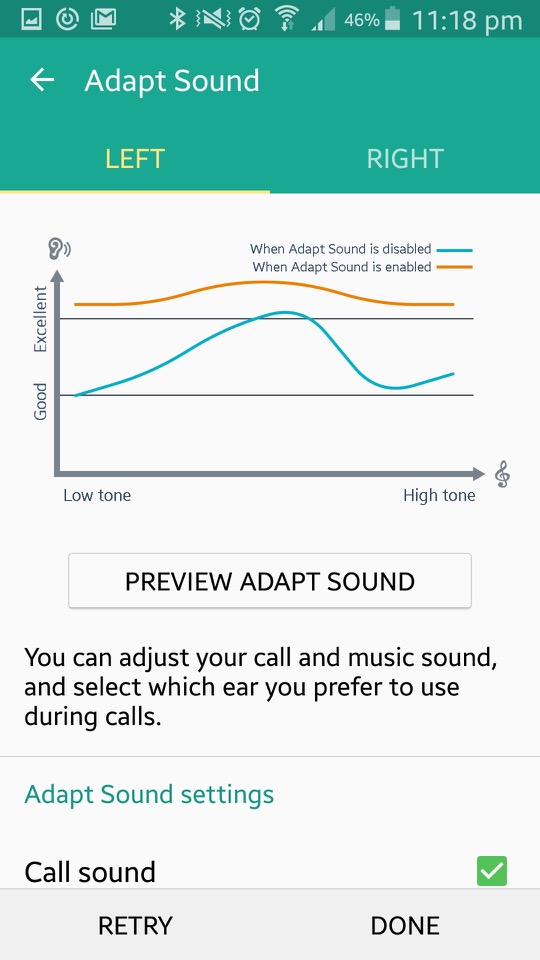
In the sound section there is Adapt Sound, which will take you few a few tests that require the use of earphones. The phone will play various beeping sounds at different frequency range in an attempt to personalise sounds to the frequencies your ear are capable of listening to. The goal of Adapt Sound is to optimise sound settings based on individual preferences and hearing abilities, resulting in a more customised and enjoyable listening experience. I guess this is more for those who are hard of hearing and is considered more of an accessibility feature.
Safety Assistance lets you set up emergency contacts. These are the people you want to know if things go south. Emergency Mode is like your phone’s superhero transformation. When you activate it, your phone dials back on the fancy stuff to save power and focuses on the essentials – making emergency calls and sending out distress messages.
The S Cover is an option accessory for the phone that adds a flip cover to the front of the phone. There is a transparent plastic window that when detected, the phone will show the time and notifications for quick access. Opening the cover will activate the phone.
Lastly there is a More section, that handles the standard Android settings like device information, security, location and application settings.
A compilation of an expansion pack and two stuff packs.
University
One of the first expansion packs released for The Sims 2, Here sims can move up in the world by entering into the world of higher education. They can move into a dorm, enroll in a class and graduate (or flunk). Sims who have graduated have access to additional careers when they return to their home hood.
It’s worth mentioning the game tries to portray American college life, which will differ if you are not from the US. If your familiar with college-era TV shows like Undergradz, Blue Mountain State, etc, then you should be aware with what the expansion pack is trying to portray.
A new life stage is introduced, Young Adult. This is only available to sims that have enrolled in University, normal sims aging from teens to age to an adult if they choose not to go to university.
Dorms are shared housing that sims can live on. These are cheaper to live in as they do not require rent (though bills must be paid). Each dorm can have a caterer who will serve food in the canteen area. When moving in, sims will need to allocate a dorm room which is where they will sleep in. Other sims will move into any of the vacant form bedrooms.
Regular houses can also be bought, though this is harder since sims are only given 500 to start with for university. This can be increased by applying to scholarships whilst they are a teenager, which depends on the levels of skills, school grade and circumstances (like having a dead parent or an alien sim)
NPC teenagers can be aged to a young adult and made playable in University, the ‘Send sims to Uni’ button in the neighborhood screen can be used for sending sims in bulk.
Sims’ academic performance is tracked through a GPA (Grade Point Average) system. Attending classes, completing assignments, and studying all contribute to a Sim’s academic success. Not having a good enough grade can cause the sim to enter academic prohibition where they will have to repeat the semester.
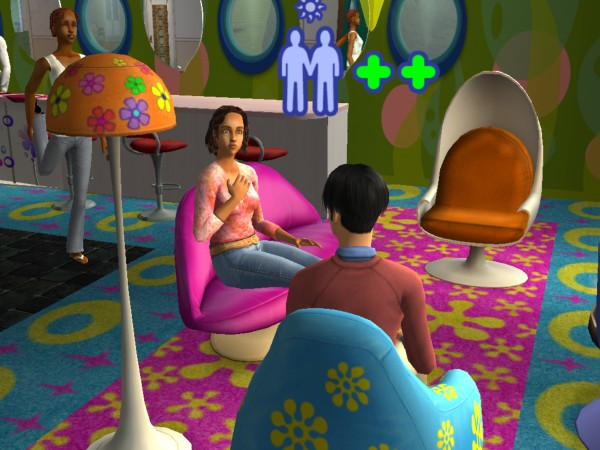
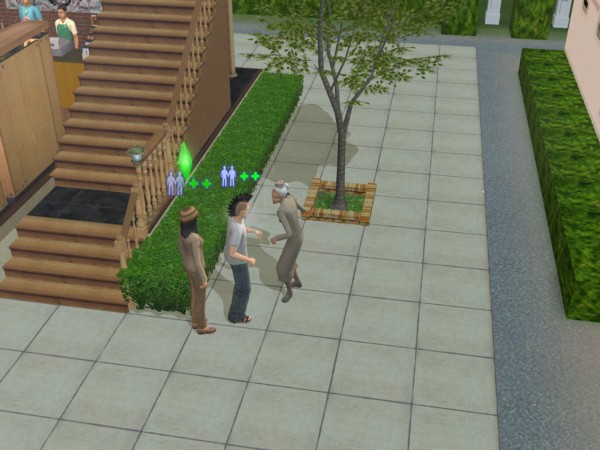
University comes with its own NPCs. There are a lot of professors who serve as lecturers, which the game allocates two to each subject. Sims will automatically meet these when they attend class, and will sometimes come over to visit as a regular NPC. They can be interacted with and romances, which can be used to get a higher grade. Be careful with the drama professors, they are very romantic and are sure to cause trouble.
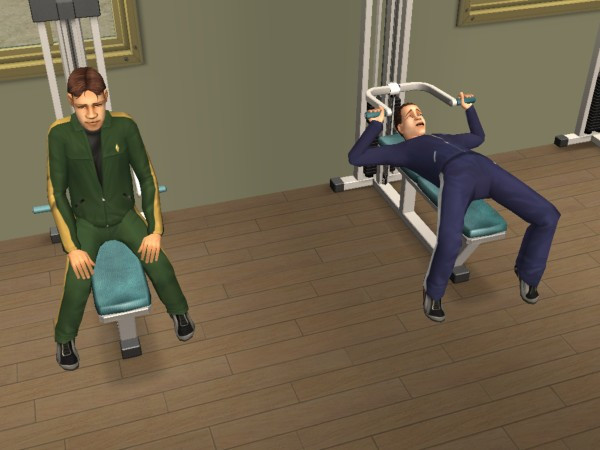
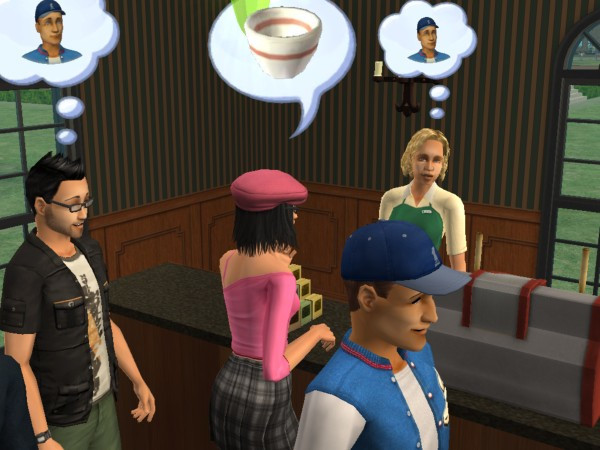
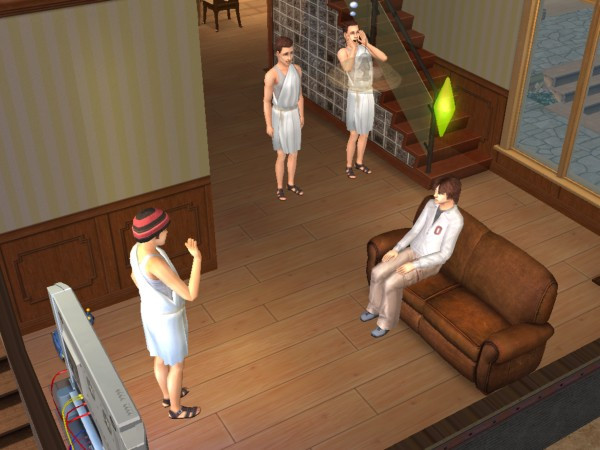
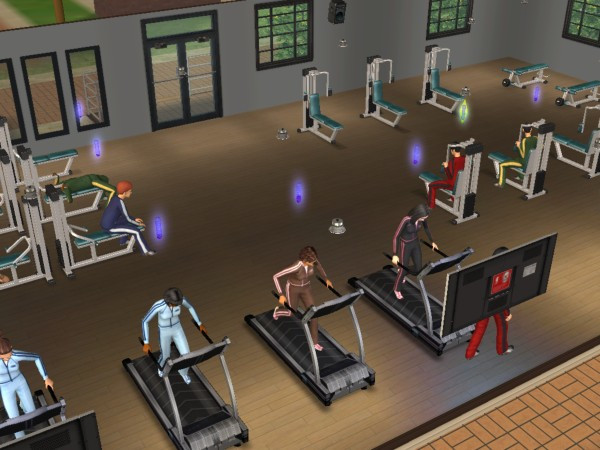
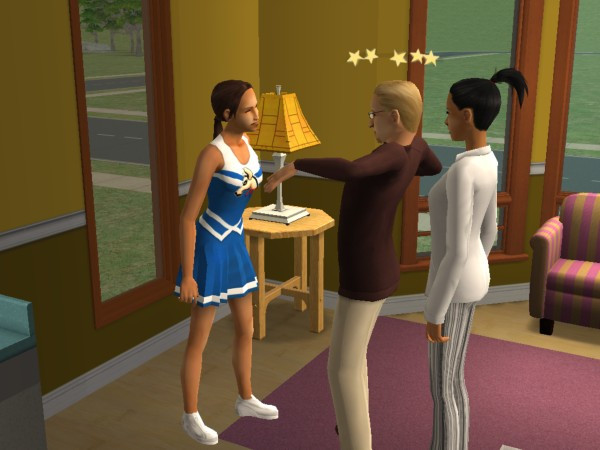
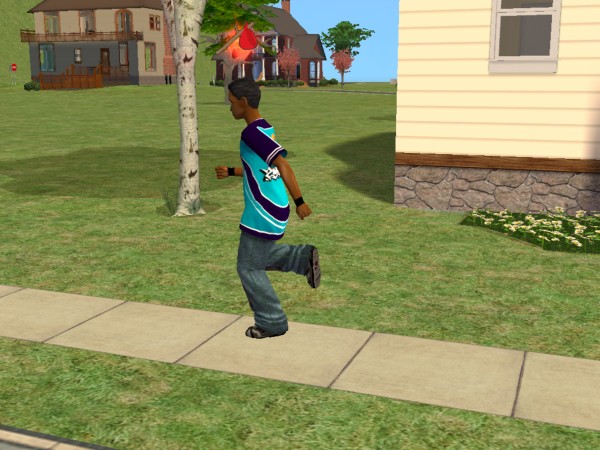
Other NPCs include school mascots which will visit the lot and will constantly perform the school dance. Gym teachers who will instruct sims to work out, and Streakers who are students who run around in the buff.
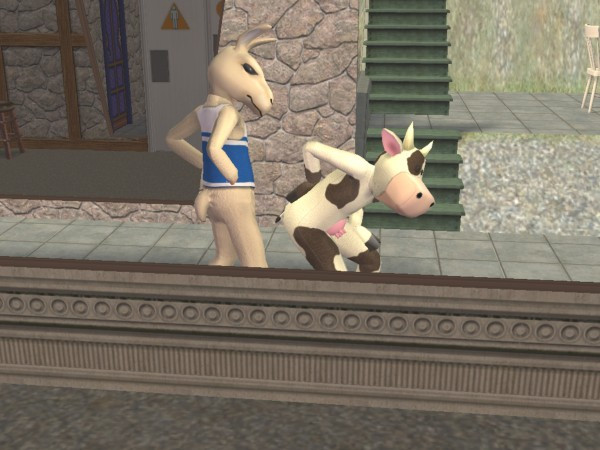
Lastly there is also a Cow mascot which will appear to wreak havoc with other sims, since it’s implied to be from a rival school. I’m guessing campus security isn’t that great.
The Universities
There are three pre-made university sub-hoods, any of which can be attached to each neighbourhood, They are not shared across the different hoods, so each one will have their own copy of lots, dorms and sims.
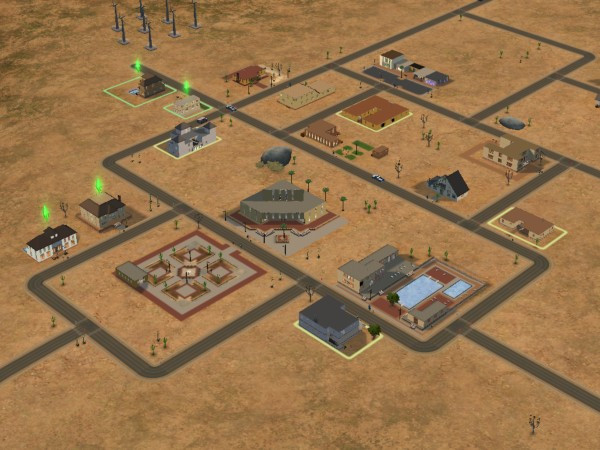
La Fiesta Tech – Set on a desert, similar to Strangetown. IDK why they named it after the Ford Fiesta car?
Fraternity: Guy, Mickey and Matthew live in a household named after a Skyrim spell
Sorority: DJ, Monica, Sarah and Jessie are one of the geek house lots
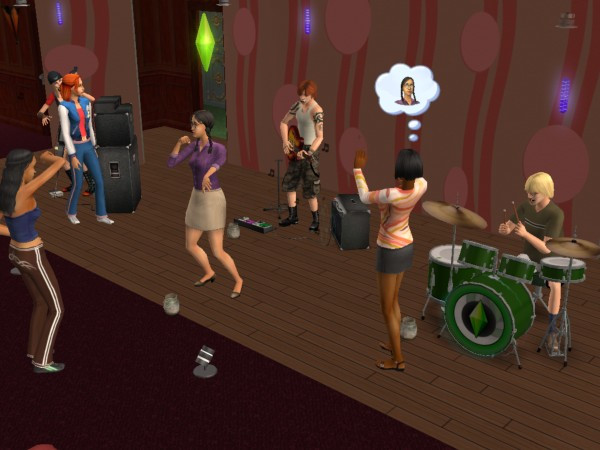
Shifting Paradymes – Gunnar, Jasmine and Zoe live in a house and are supposed to be part of a band, hence the household name. They can perm on community lots that have music instruments on them (drum kit, guitar and bass)
Worthington: Francis lives here on his own
Davis – Aldric and Almeric are twin brothers who live on the same lot
Student Housing – William, Blossom and Klara are vacant students who can be moved into any lot or dorm
Terrano – Stella is the lone sim here, and the only alien sim students
Academe le Tour – Supposed to be a typical European university, hence no greek houses are included by default.
O’Feefe – Delilah live on her own here, and has an obsession with the colour yellow
Friends – Mitch and Max live here in very tiny houses. Appears there are two different house on the lot, predating the apartment concept
Sharpe: Roxie and Jonah live here, along with Roxie’s brother Edwin. Jonah looks like Carrot Top
Biggs – Marla also lives on her own here
First Year – Phineaus, Ellen and Chaz all live here in their own household and appear to be a diverse group of different personalities
Students – Emily and Tom live here and are ready to be moved into any dorm.
Sim State University
Bright: Three outcast students. Martin, Jane and Allegra, who remind me of Janice of Mean Girls
Frat Brothers: Your typical college fraternity, with Ashley (who reminds me of Dennis from Always Sunny), Castor, Joshua (the jock) and Kevin (the stoner/slacker)
Tri-Var Sorority: Tiffany, Brittany and Heather
Freshman: Similar to the first-year students from Academe Le Tour, Sam, Jared and Ty are all new to campus
Phoenix: Jimmy is implied to be a foreign exchange student, or an immigrant looking for better opportunities
Swain: Erik is on his own and is also a freshman
Students will return to the main hood once they graduate, and can be moved into any lot or move into an existing household.
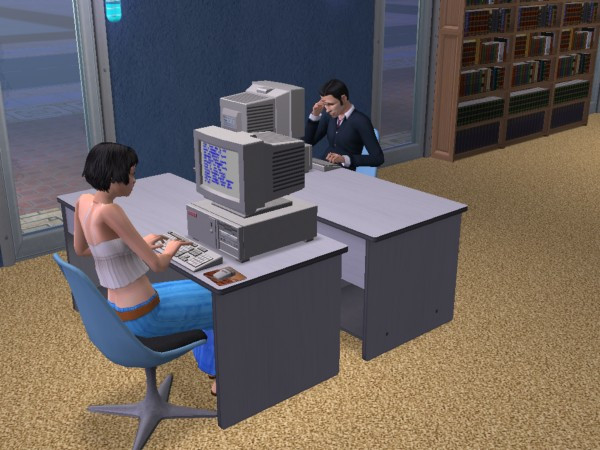
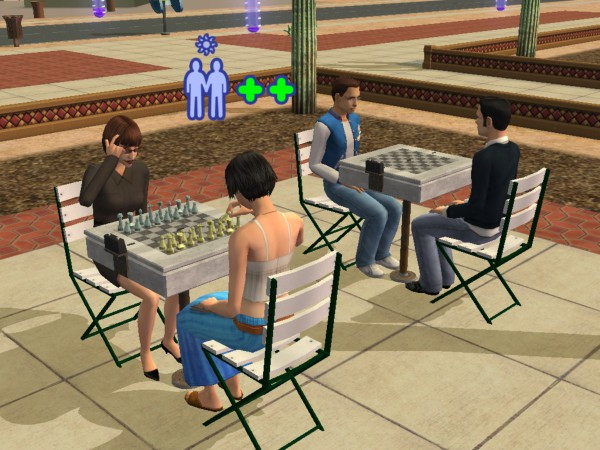
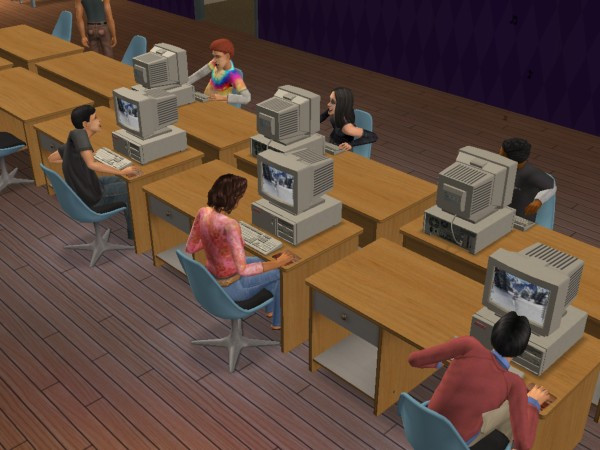
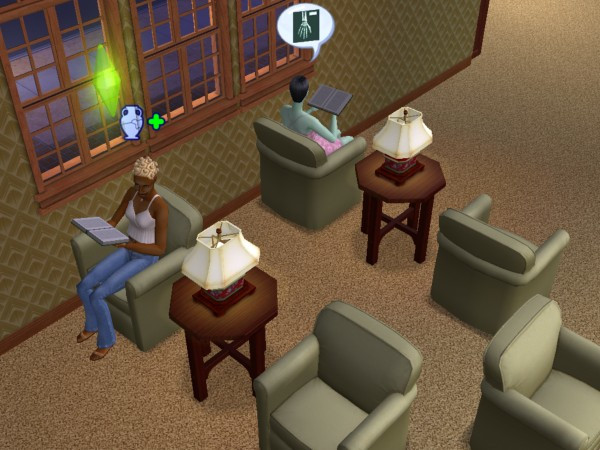
Each hood has its own set of community lots, like a library where sims can upskill. Student unions where sims can interact with other sims and dedicated shops.
Greek houses are lots that have sims who are part of the fraternity. They have access to additional interactions, more of which are unlocked when you level up the house, This can be done by making more friends on campus. To become part of a Greek house, your sim will need to befriend 3-5 sims who are part of the Greek house (done by pledging through the phone.
IKEA Home Stuff
Included a bunch of furniture from IKEA. Typically included chairs, tables, beds and decorative objects. The furniture added here is quite cheap making it ideal for low-income or starter families, and for students who have just moved into college. This is also a good addition if you have the Apartment Life expansion pack.
Teen Style Stuff
Adds a lot of clothes and hairstyles for teenage sims. Mainly consists of bedroom sets like the ones seen in Family Fun stuff. these include beds, wardrobes, wallpaper, carpet and end tables that conform to a specific style. These are used to give some style of a teenage bedroom, but can also be used for regular adult sims.
The sequel to one of the best-selling games of all time.
Sims themselves were a lot more complex compared to the previous installment, with sims now being rendered entirely in 3D graphics. In the original game only the head and body could be customized with only three body types and skin colour. Sims 2 made this more diverse with four skin colours being introduced, face sliders to customize the sims appearance and more customizable cloths, (Although you couldn’t change the colour of them, which was something the console versions could do).
Body sizes remained the same with the normal, thin and fat body types, which wasn’t very diverse since the fat sims only look slightly chubby, they are nowhere near the My-600lbs-life level. Then again Maxis would have had clipping issues when the sims had close contact with another sim or object, and would have had to have various different animations for the body types. The concept of genetics was also introduced where sims can pass on their appearance and personality through their offspring, unlike the later game this got pretty complicated with the concept of recessive and dominant genes, later games just kept it simple and combined elements of both sims.
Memories and aspirations are new concepts introduced into the game, with memories serving as achievements that are saved. Aspirations serve as an indicator to a sims mental health, by achieveing ‘Wants’ their aspiraion bar will begin to fill. Fulfilling ‘Fears’ will cause this to go down and when it enters a failure state, sims will break down and will get a visit from a therapist. Points earned from Wants are used to redeem aspiration rewards, which can be used to make skilling or social itneractions easier or to increase the sims lifespan. These cannot be bought for case, only for points.
The concept of genetics and family trees are introduced in this game, where sims can pass on their personality and appearance onto their offspring. The comcept of family relations is also present here, which special socialinteractions being made avaliable to family members.
The Hoods
VeronavilleStrangetown
The original sims game only supported one hood, with multiple hoods being a feature of several of the expansion packs, however these hoods are all set in the same location with very little diversity in the environment. Sims 2 expands on the neighborhoods by allowing the ability to have custom hoods from the base game, and even come with three neighborhoods.
Pleasentview: This is supposed to be the original neighborhood from the first Sims game, but set 25 years later with the Sims themselves having aged older. There are many familiar families like the Goths, Burb and Pleasent. Non of the original lots return, will all the houses being remodeled to take advantage of the new building tools.
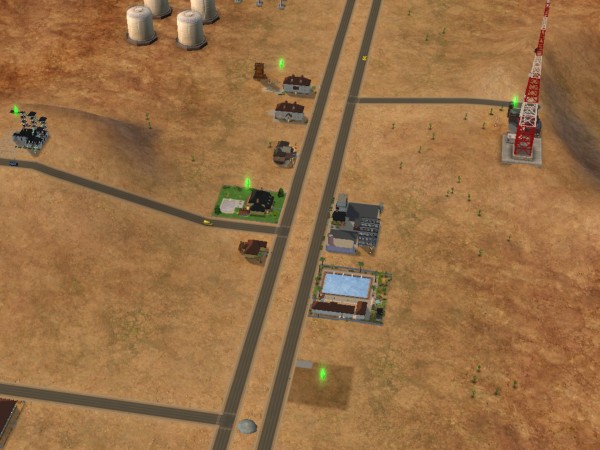
Strangetown – One of my favorite hoods because of how eccentric some of the characters are, set in a remote desert.
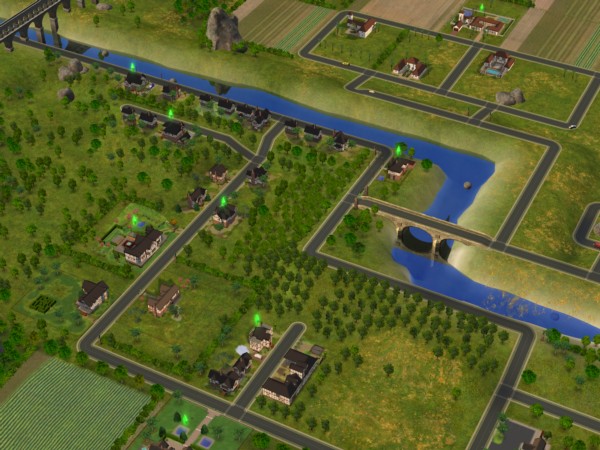
Veronaville – Inspired by various Shakespeareplays including Romeo and Juliet and The Midsummer Knights Dream. There are three main families who have a very rich backstory. The lots follow either a tudor or an Italian design.
Hoods are based on Simcity 4 small citys, and you can even see the .sc4 file extension allowing for custom hoods to be created using Simcity 4, and then exported to The Sims 2. The terrain level and type could also be customised, although once set you cannot change this within the game. This differs from the original game which was fixedin the neighbourhood type and layout,a dn yiou were limited by the amount of lots (10 int he stock game, 48 in Unleashed) WithSims 2, you are givern the choice of quanitity or size, with larger lots occupying more space.
Pre-made sims
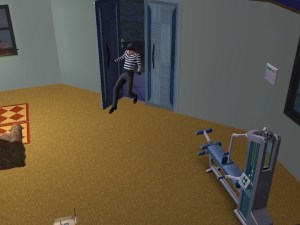
A lot of the premade sims have a storyline allocated to them, although this isn’t part of the gameplay itself, storytelling is a focused component of the game with the ability to take screenshots and capture video through the game. Of which can be collected into a family photo album. Some sims have premade scrips that function when you play them for the first time, some of which will introduce some of the games mechanics and features. The Calientes for example with have a scripted burglar appear on the lot at the first night
Pleasentview
Goth: Mortimer and Cassandra return 25 years older, complete in a new crib with the trademark gothic architecture and a gravestone. Alexander is the son of Mortimer and Bella, who is mysteriously missing (but can be added back into the game with either SimPE or the Sim Manipulator object) .
Pleasant: Daniel has grown up and has a wife Mary-Sue and kids of his own, twins Angels and Lilith. Daniel appears to be having an affair with the maid, whilst the twins have the worst sibling rivalry ever seen
Broke: Brandi with her son Dustin and Beau, live in what appears to be a trailer
Dreamer: Widow Darren and his son Dirk, who are struggeling to pay the bills
Oldie: An elderly couple with no kids, Coral and Herb. I normally have these adopt a kid just to keep their legacy alive, if you prefer to keep their generics there is also a mod that lets you create a baby from the crib directly.
Burb: Daniel Pleasant’s sister – Jennifer who married John Burb, who was also from the original sims game. They have a daughter. No sign of Johnny’s pet dog Tucker
Caliente – Nina and Dina – two sisters who have recently moved in and have already wrecked havoc in the neighborhood. Dina has already had an affair with Mortimer Goth, had previously married Michael Bachelor (Bella’s brother and a sim who was also in the original game). Interestingly their family tree shows they have alien ancestry
Lothario – Don who is the male counterpart to the Caliente sisters, this one also has an affair with both of them, and is engaged to be married with Cassandra Goth
There are also a few NPC’s that are well known, Kaylin Langerak (Who appears in The Sims 3), Gordon King and Goopy Gliscarbo – the NPC with the best fashion sense.
StrangeTown
Grunt: A military-esque family with General Buzz with his three sons Tank, Ripp and Buck Grunt. Tank seems to be the type of sim who is desperate for his fathers attention and tries to emulate him, Ripp seems like a slacker/stoner type who is struggling to find his feet, while Buck is the youngest. Their mother, Lydia divorced before passing away, and her grave can be found in Olive Specters garden, speaking off…
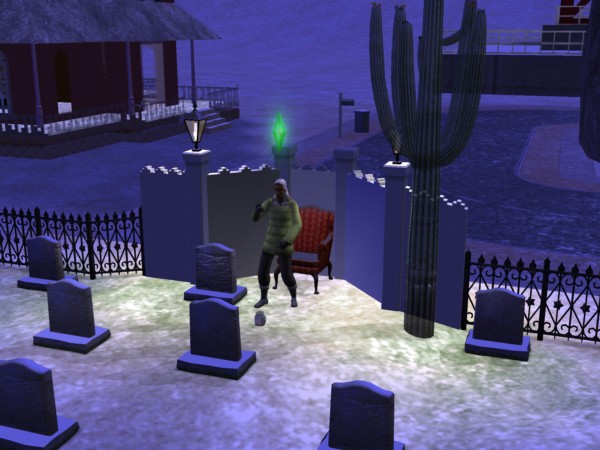
Specter: Olive Specter, one of my favourite premade sims since there is such as mystery around her, why does she have so many gravestones in her yard of different sims, why does she have positive memories of the Grim Reaper, why has she been married multiple times and why did she lose her only child to social services? Living with Olive is her niece, Ophelia who has a punk-rock style, like a black Avril Lavigne during her ‘Let Go’ era or Fefe Dobson.
Smith: The first alien hybrid family consists of Pollination technician 9, his human wife Jenny and their kids Johhny and Jill who live in a house that looks like something off Wisteria Lane (Desperate Housewives)
Singles: Four roommates with Erin (Who is related to Loki Beaker below), Kirsten and sisters Lola and Chloe.
Beaker: Loka and his wife Circe, along with their adopted slave Nervous Subject
Curious: Three brothers who live on some sort of observatory, with one of them being up the duff from an alien.
Loner: Just Ajay on his own, ready to move into a vacant lot. I typically pair him upo with a random townie
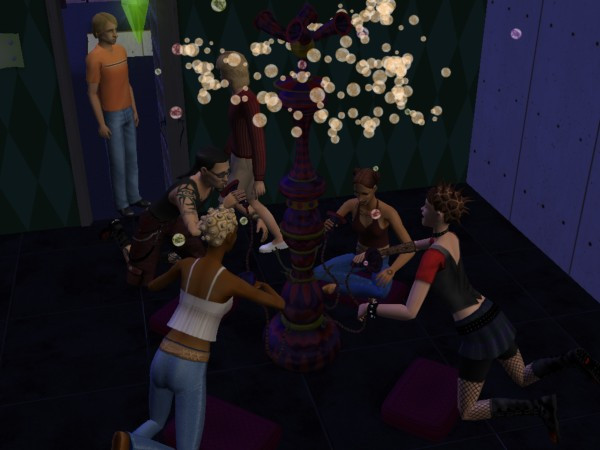
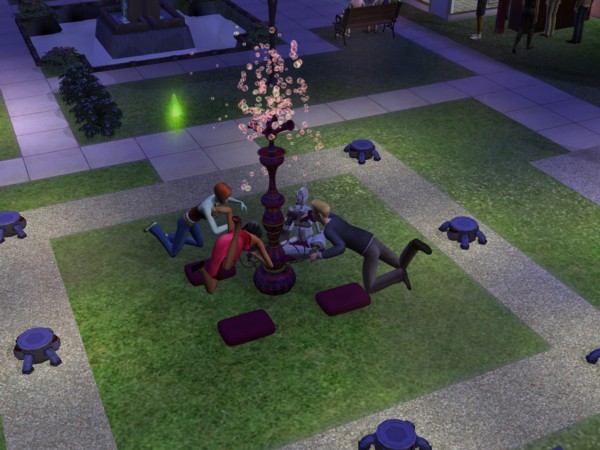
LAN Party, 2004 style
Veronaville
Capp – Consort is the oldest surviving member, with Kent and daughter’s Regan, Goneril and Cordelia, who is deceased. Goneril is married to Albany, who is ready to move into a vacant lot. Cordelia issurvived by Juliet, Hermia and Tybalt who live with Consort.
Monty – Based on the Montague family from Romeo & Juliet, Isabella is the matriach of the family, with Antonio and Biana present in the family bin, ready to move into an empty lot.
Summerdream – Oberon and Titania, and their kids Puck and Bottom.
Theres a shocking lack of Macbeth here, maybe that was too spicy for the game?
The new NPC’s
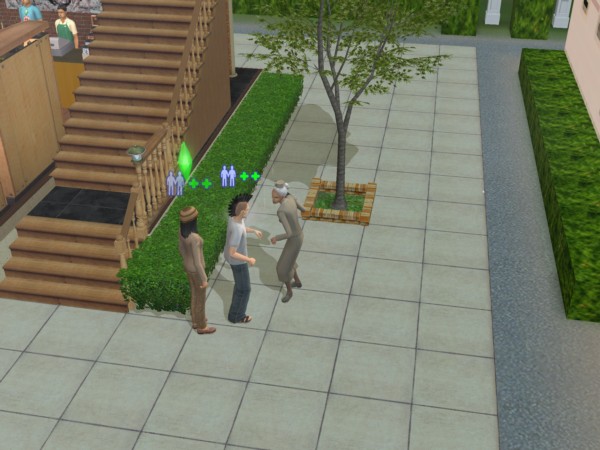
Most of the existing NPC’s serve a similar purpose to the previous game, but you can now interact them by talking or tipping them. If your sim builds up a relationship with them they can also move in with them.
Your typical nanny experiance
Nanny: These will take care of your child and toddler sims and can be set to track your sims work schedule so they will arrive before your sims are due for work. Unfortunately the Nanny’s are either incompetent or senile as they will often neglect the children and will go off and do something else whilst the babies are crying. Also the default-generated nanny’s seen to have very low nice personality points and will constantly fight with your sim. And they will constantly cook meals when there is no need to, and will also keep fetching baby bottles from the fridge despite there being plenty avaliable. Still, they are useful for keeping the social worker at bay. Bartender: Useful for parties, they will tend the bur and will refill and serve drinks. Exterminator: Will remove roaches, but not flies from the lot. You still need to clean up after them but they are useful against large swarms of them.
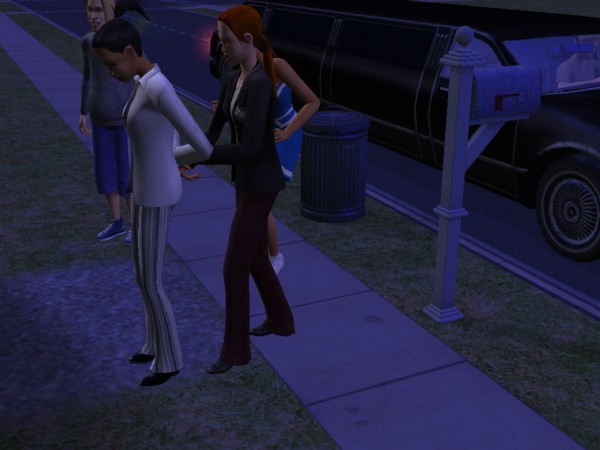
Dina left the front door unlocked again…
The Maid, Repairman, and Gardener continue to appear and can be contacted through the phone.
Deluxe Edition
This edition comes with the base game and the Nightlife expansion, another edition exists that adds the items from the Celebration expansion.
The Sims Nightlife
Developed similar to the Hot Date expansion pack for the original Sims, Nightlife was intended to bring added depth and variety to the social and nighttime activities of Sims in the game. The expansion aimed to provide players with more opportunities for their Sims to engage in exciting nightlife experiences and explore new aspects of their virtual lives. Here are some of the key intentions behind the expansion:
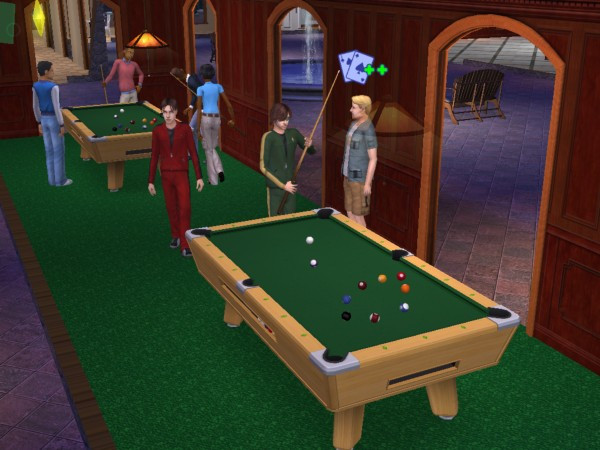
Downtown is where a lot of these new lots are located, and it can be added to any neighborhood in the game. Once added, Sims can call a taxi or drive to Downtown. Sims can also live in downtown lots, as there are residential lots available. For shops, books, magazines and video games can be purchased from downtown stores, so sims are no longer stuck with SSX3. Video games that can be brought are references to other Sims games like SimCity 4 and The Sims Bustin Out
Like the regular neighborhood lots, Downtown is entirely customizable and new lots can be added and edited as normal lots.
A few new objects have been added, with mobile phones being featured for the first time that enable sims to make phone calls on the go which does not require a landline (no text messaging though). A handheld gaming console can also be purchased along with an MP3 player which plays the same music as the radio stations.
Dates are also a new concept to the game, where sims can ask others on a downtown date. Although this was in the first game, a new scoring meter which determines how well the date has gone based on social interactions and the amount of wants fulfilled during the date. You will be able to see the other sims wants to help fulfill them. Sims are rewarded for getting a high score, they may receive a gift or a card in the mail.
Cars are a welcome addition to the game where sims can drive to different community lots (but not residential lots) This was a similar concept to Bustin out. Sims must purchase and make room for a driveway on the lot, which a lot of the default Maxis lots had little to no support for and require adjustment. Adults can use their car to drive to work, replacing the carpool. They can also drive to work if they miss the carpool, though they are warned if they repeatedly come to work late. Teenagers can also drive which is useful if they miss the school bus.
No premande sims are included unless you count the mysterious Tricou family. There are exclusive Downtown NPCs that will only appear on Downtown lots and are generally intended for dating.
DLC
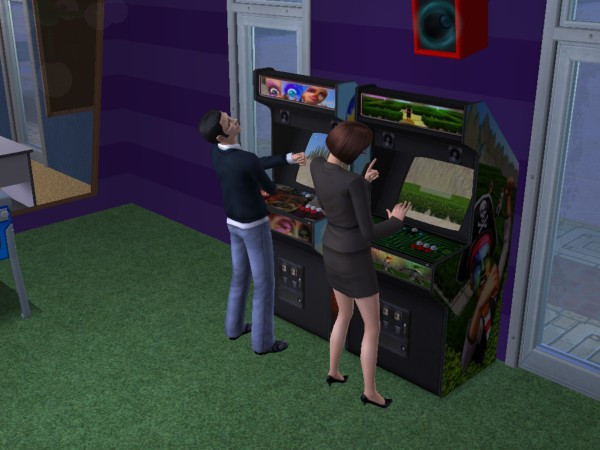
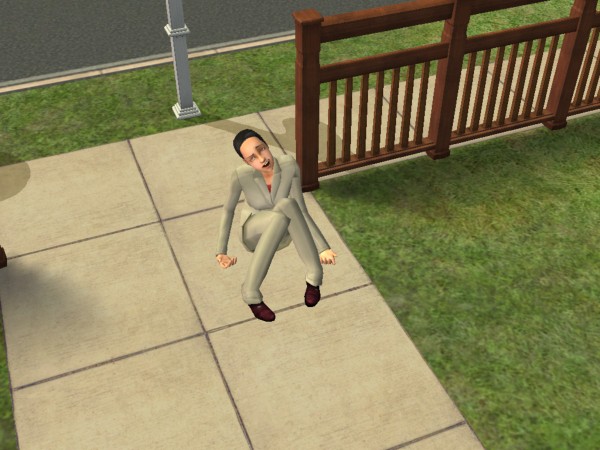
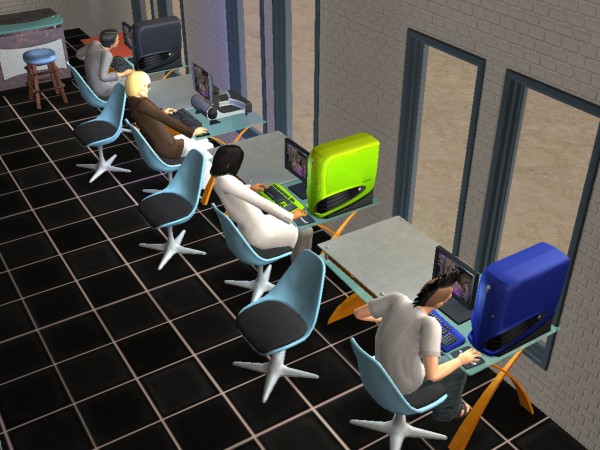
Shortly after release, EA offered official downloads for the game, which could be downloaded under the ‘Get Cool Stuff’ section of the website. One of which was a Running With Scissor’s, where your sim will pick up and run around with a pair of scissors. Some sort of PSA from Maxis on why you shoudn’t run around with sicssors. There is also an Alienware PC which gives a lot of Fun, but was never upgraded for alter expansions which means it cannot take advantage of features introduced in University (Like completing assignments or scholraships) but modded versions are available which support these features.
The Nightlife expansion also featured exclusive DLC in the from of downloadable Ford cars.




























 Drew1440: Blog