Category Archives: Digital TV

The Sims House Party

The second expansion pack for The Sims that allows them to party (or Partay)
Objects

Some of the objects that come with House party, there are other items like chairs and tables that are not listed here since they have a similar function to the base game objects.
Granny Raymond’s Holiday Cookies: A plate of cookies you can buy direct from buy mode. If you leave them on a table next to the fireplace, along with a Christmas tree from Livin It Up, Santa will appear.
Birthday Cake: Another buyable food item, kids can choose to blow out the candles, although this does not age them up (You need a charm in Makin Magic for that)
SimFarm Turkey Dinner: A piece of turkey sims can buy and carve up
Punchucopia Extraordinaria Punchbowl: sims or their cater can refill to keep guests satisfied at parties
The Elegant Chef Buffet Table: Used to serve a starter, main meal and desert from one table, excellent for parties or for large gatherings.
Fancy Feet Cake Treat: Spawns a male or female dancer (Stripper), or if it’s a kids party, a giant bear. Give a boost to the fun motive.
KampRite Instant Campfire: Sims can sit round the camp fire and sing songs, tell stories or roast marshmallows
Spazmatronic Plasmatronic Go-Go Cage: A Dancing cage, boosts fun. Best place with the dance floor and the DJ booth
Turntablitz DJ Booth: Used for the dance floor but can also function as a radio, has access to all radio stations in the game.
Jukebox: Two versions of this seem to exist, the first is just labelled as the Jukebox and has access to only the fault radio stations in the game. An updated version comes with Hot Date that can select all music tracks House party has to offer.
Bounce My Booty Dance Floor: The dance floor where sims can get their groove on. It’s a 2×2 tile than can be combined together in various patterns. When sims are dancing, the floor will light up in various different patterns and colours.
Porta-Parody Costume Trunk: A costume trunk that can be used to give your party a fancy dress theme. When one sim changes their costume, all sims will change to that costume theme.

Screenshots
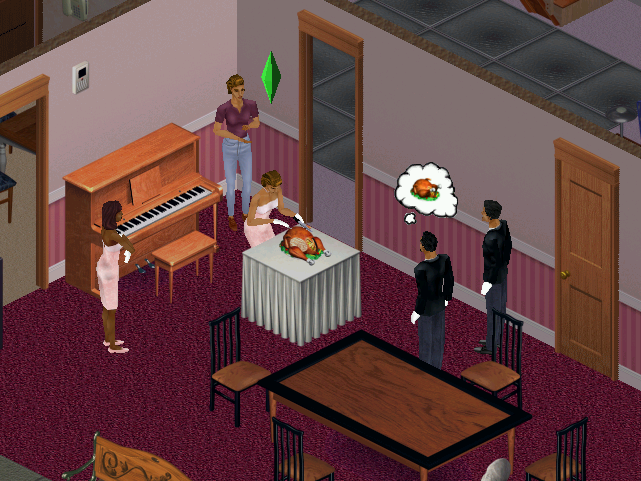
Sims carving some turkey, which is buyable from buymode. When carving, sims will stand round and clap until its served.
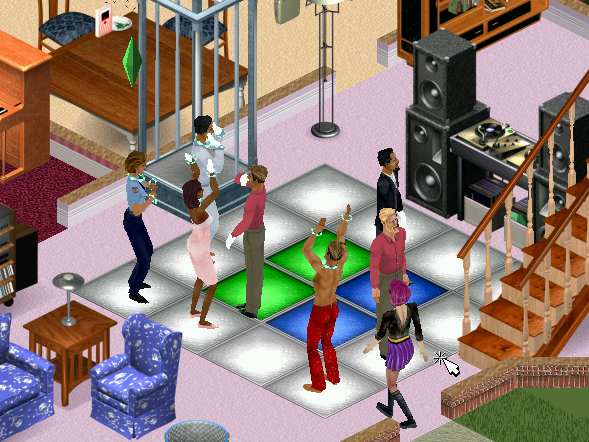
The dance floor, in the front of someone’s living room. Puts Dance Central to shame
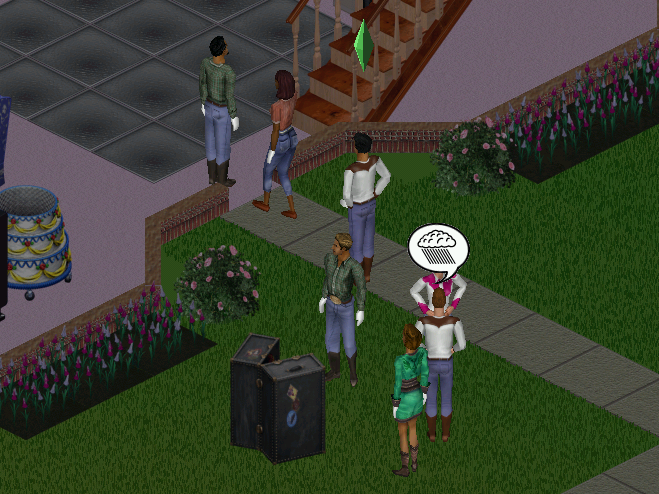
The costume trunk is ideal for theme parties. Available themes are Western, Disco, Toga
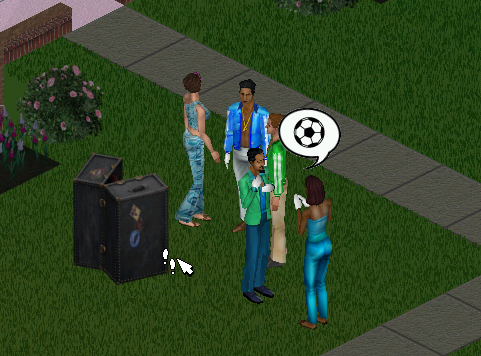
Here sims are rocking the disco theme
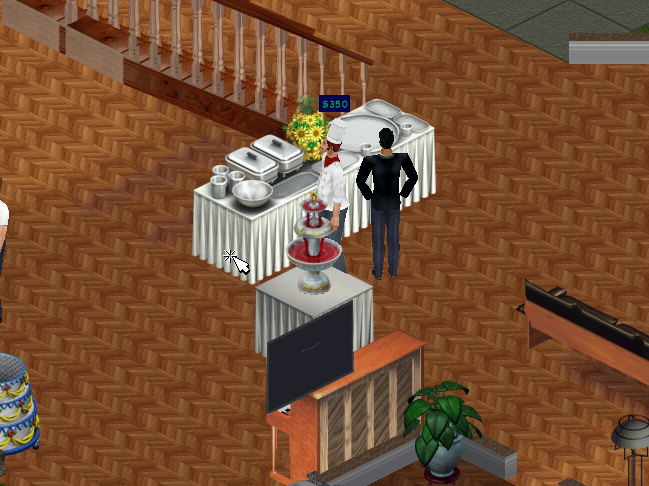
The buffet tables and the hireable caterer, sims can restock the table themselves at a cost of §20. A punchbowl can also be restocked.
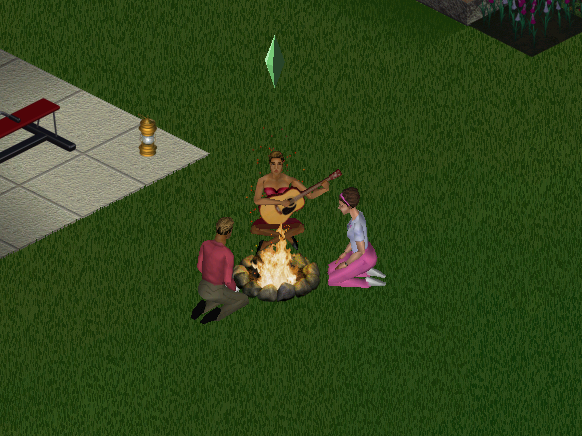
The campfire, sims can tell a ghost story, roast marshmallows or sing a folk song.

Neighborhoods

The expansion pack adds support for multiple neighborhoods if you’ve not installed Livin It Up, Neighbourhoods 6-8 are added since the game assumes Livin it Up has been installed and takes the place of 2-5. It’s easy to add custom hoods. More hoods can be added by going into the games directory in the Program Files folder and adding a new UsedataX folder, where X will be the new number (since the game creates 8 hoods, you would start at 9) and can support up to 99 unique hoods.

NPCs

The Mime: Appears when you are throwing a shit party, and sometimes tries to steal your items. Leaves automatically once your party score has increased
Party Crashers: Appear when you are throwing a good party, these two (Pete and Pauline Dropinsky) will arrive and will try to wreck anything in the party, including breaking objects as they use them. Best to get rid of them as soon as possible.
The Caterer: Can be hired through the phone, the main purpose is to restock the buffet table and the punch bowl. He will also socialize with the guests if he has nothing to do. You must have a buffet table or a punch bowel or he will leave.
Drew Carey: Some American celebrity who appears when you have thrown a great party, arrives in a limo of which sims will rush to it upon arrival. For those who don’t know who Drew Carey, he was a popular late-night show host, like Jimmy Kimmel back when late-night talk shows weren’t biased towards a specific political party.

Some new NPCs have additional roles:
Police Officer: If you throw a party after 8pm, Officer meddling will appear regarding a complaint by one of your neighbors regarding the noise. You are supposed to disband and end the party by asking the guests to leave. Should you fail to do so she will reappear after 2 hours (10pm) and will find you.

Install

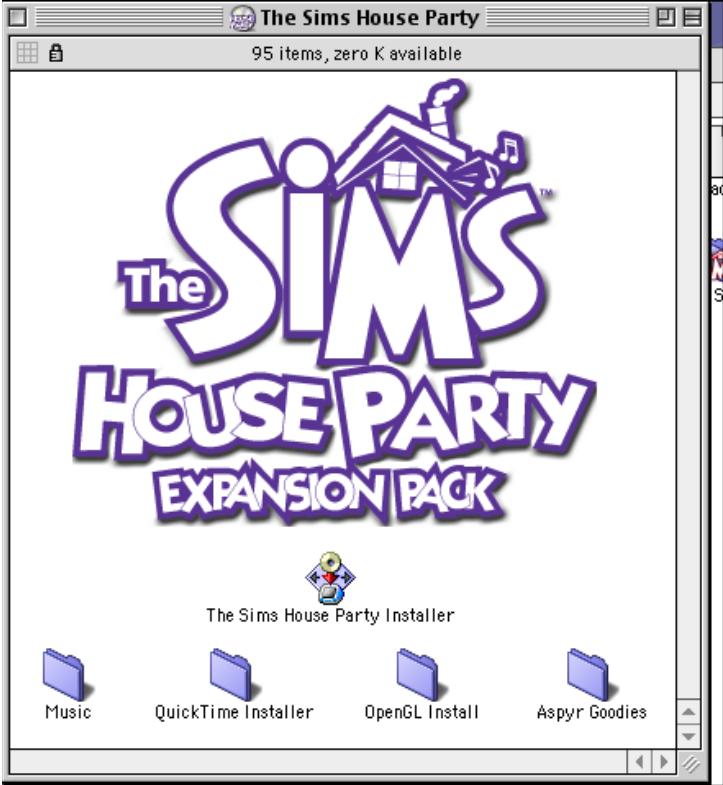
The game’s installer will pick up from the previous install, and will automatically install the game patch.
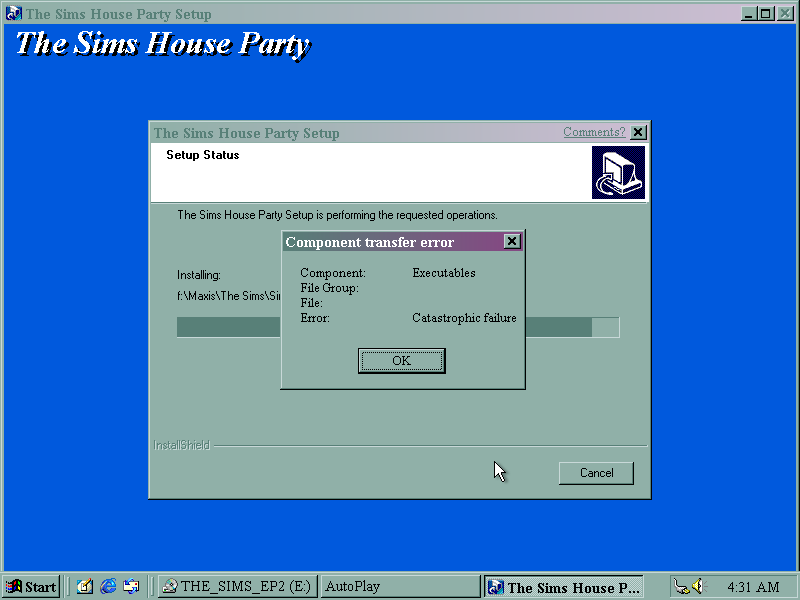
Disc read error upon install, caused by a scratched CD.
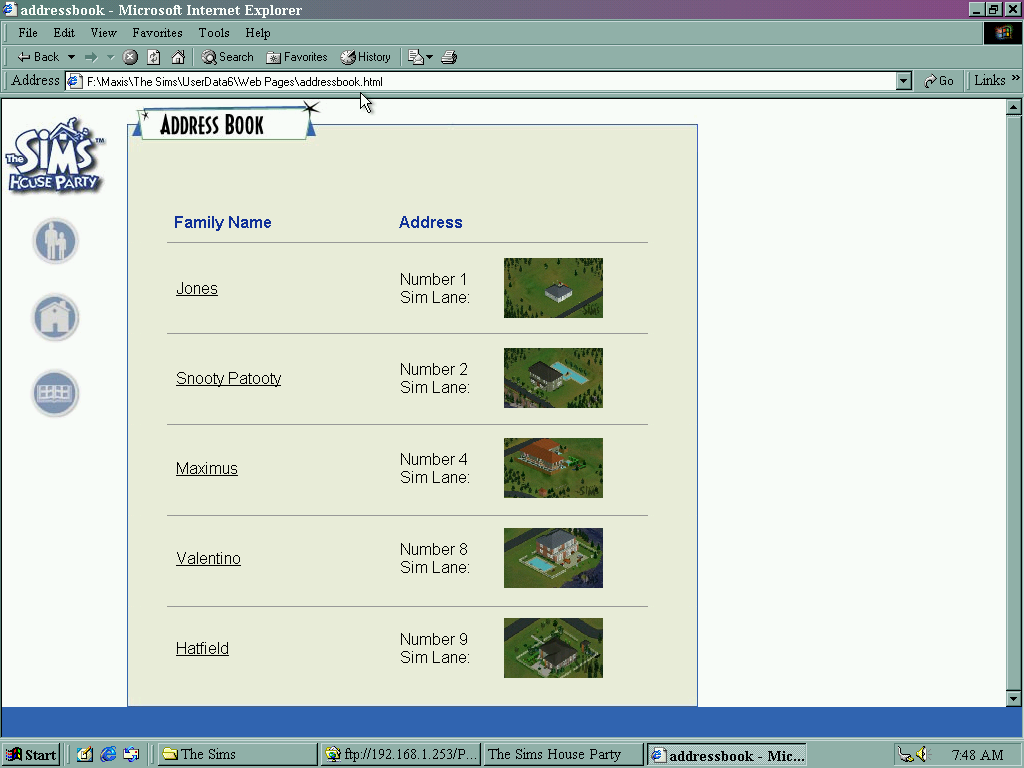
HTML view of The Sims House Party, listing sims that are currently moved into the neighborhood. Sims could be viewed here before they were uploaded onto the Sims exchange, which was a place where families and houses could be downloaded.

Mac OS Version
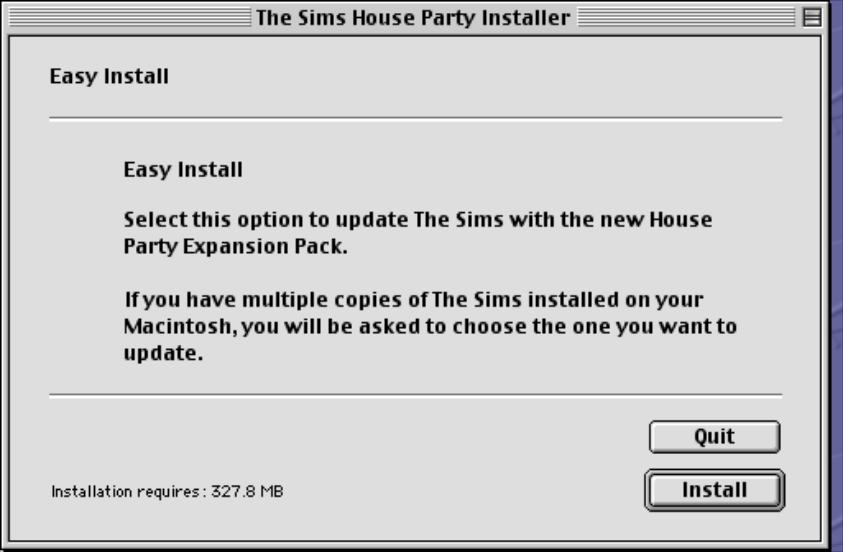
The expansion pack was made avaliable for the Mac OS platform, which a Carbon patch being released later for OS X compatability.

A look at the Pace DTR730 (ONdigital)

Pace was one of the main suppliers of ONdigital receivers, having supplied boxes since the official launch on the 15th November 1998.

There are a few differences in contrast with the Nokia 9850T that I looked at previously, the bootup process behaves differently with the Pace flashing its front panel display for a few seconds before displaying the time (12:00, until it loads the time from the DVB-SI).
Another observation is the middle colon (:) on the display will flash when a button is pressed on the remote. This didn’t happen on the Nokia 9850T, even though it is documented in the instruction book.

The front LED display also flashes when coming out of standby, and like the Nokia it takes a few seconds to come out of standby.
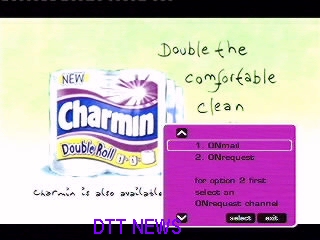
Onwards there isn’t much difference, the software is mostly the same as the Nokia, its had the OnMail, and ONrequest update which enabled the guide menu to be accessed.

In terms of performance, it seems to be a bit more responsive compared to the Nokia

Hidden menu & Software Information

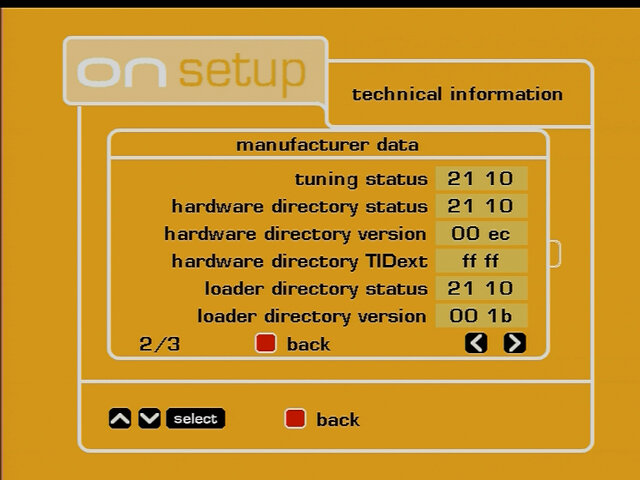
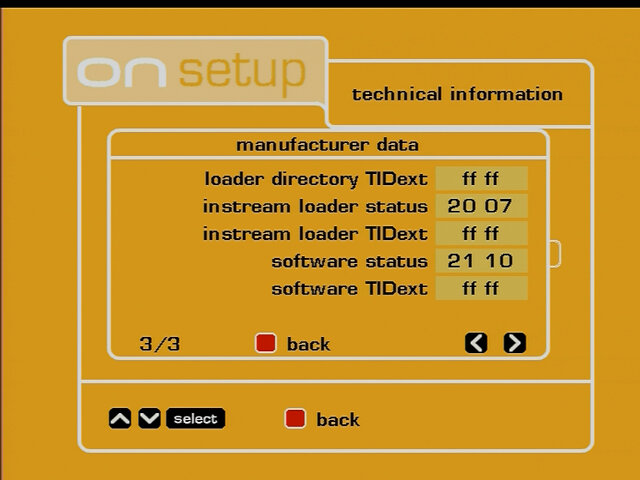
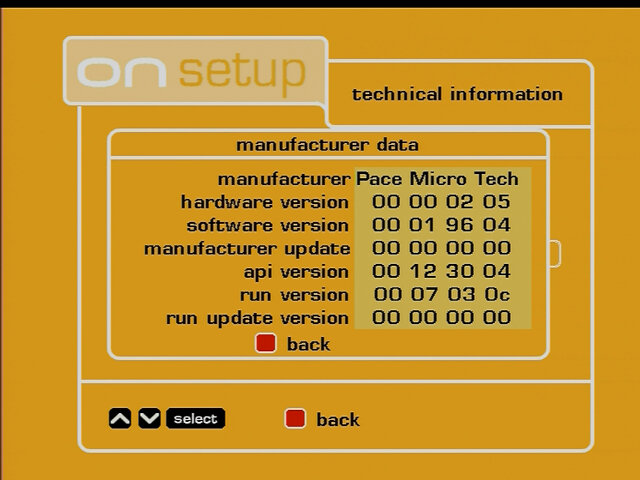
Like on the Nokia, a hidden menu exists that shows additional software information about the box.

To access, Press menu
Select option 7 (technical information)
Then select option 2 (manufacturer data)
Press text-guide-text-guide

ONMail remote

The box didn’t come with a remote, thankfully I had the ONmail remote which has the ability to control the box but requires to be programmed at first. This is because each manufacturer used their own remote control design and IR codes.
To set the remote code:
Hold the Red and Select button for around four seconds, then type in the code
Pace – 905
Nokia – 901

Inside the box

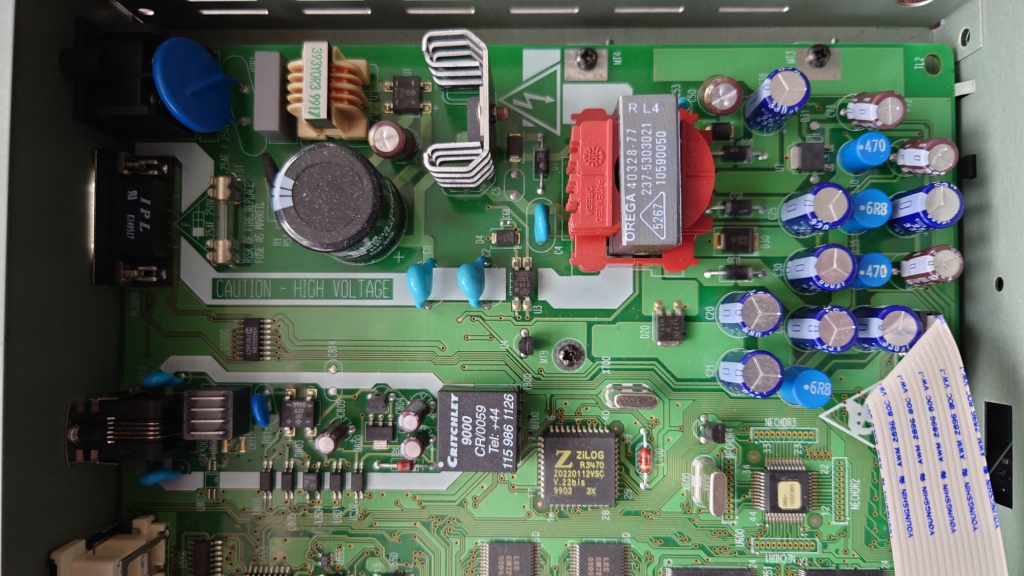
Lets see what powers the DTR730…

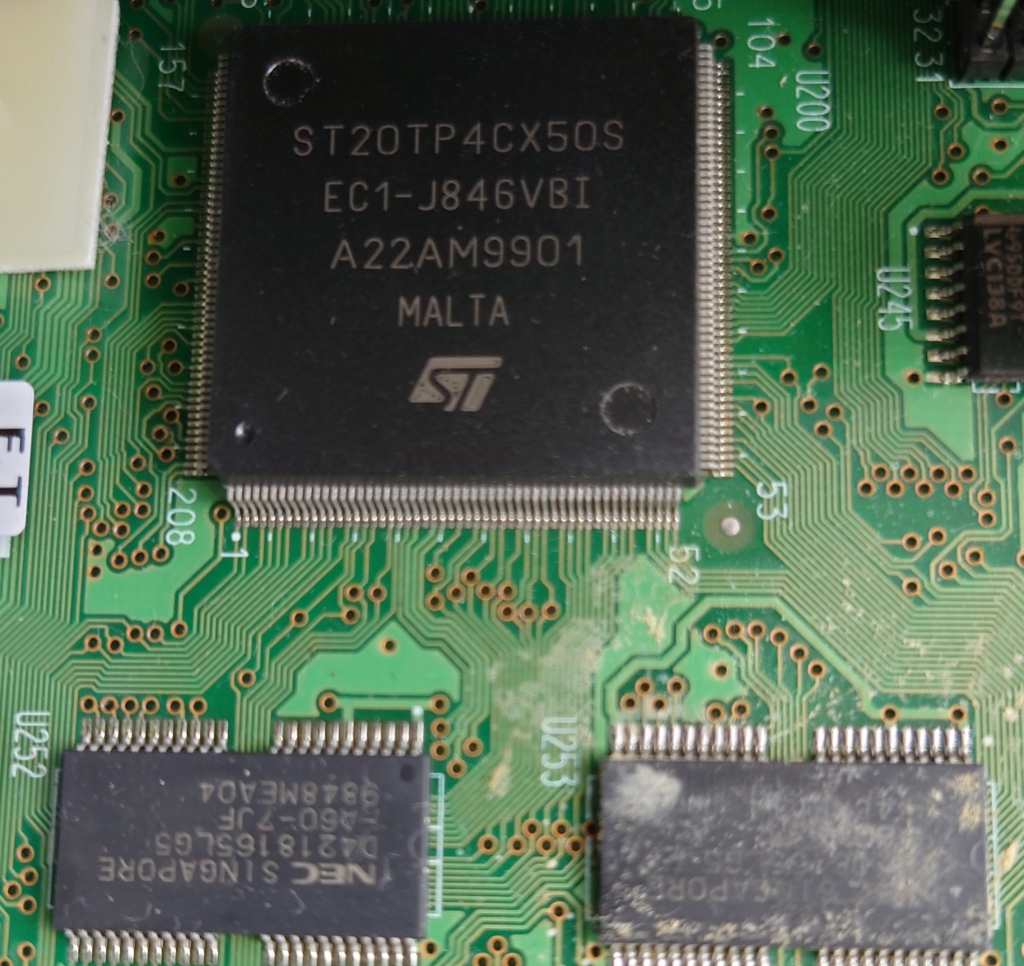
At the heart we have the ST20-TP4 processor, this seems to be a variation of the ST20-TP3 used in the digibox’s of the time and appears to be clocked at 50Mhz. This contrasts to the ARM Texas Instruments chip found in the Mediamaster 9850T, which was an ARM clocked at 40Mhz. It is unfair to compare both on the clock speeds alone, as they are of different instruction set with the Nokia being of the ARM family and the Pace belonging to the ST20 family of processors. Still the Pace feels a lot more responsive compared to the Nokia, although both are sluggish navigating the menus compared to more modern boxes.

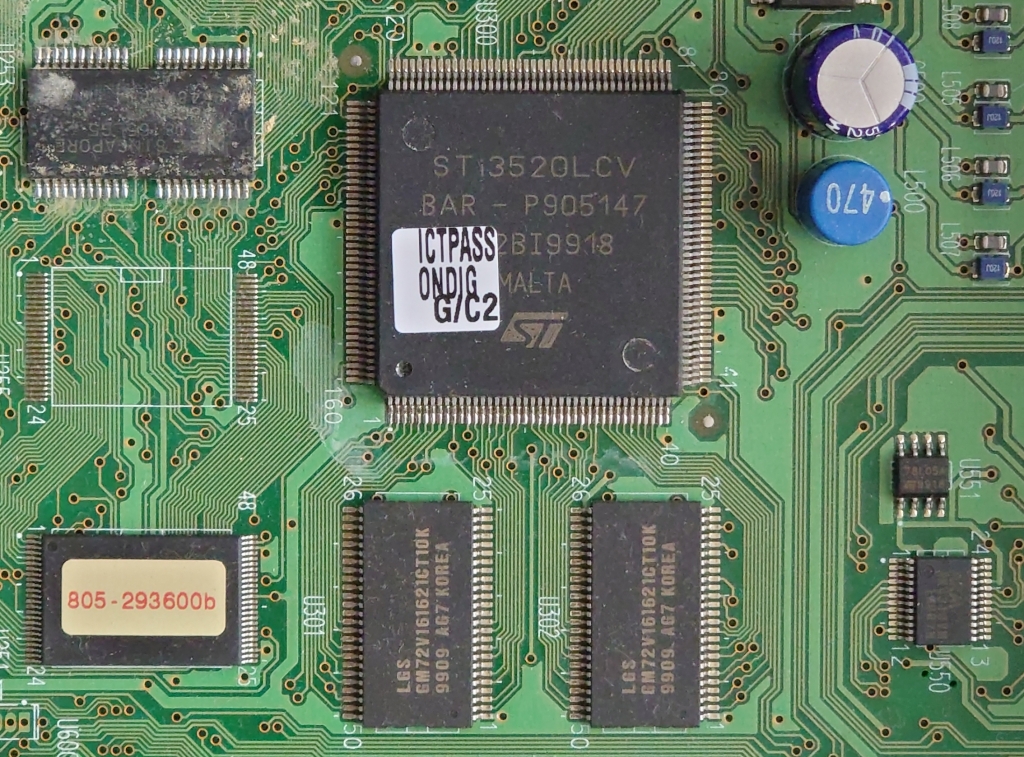
STi3520LCV

An MPEG2 decoder is provided off-chip, very similar to what Pace used in their digibox’s of the time. At this point many of the components were not as integrated, so the Cpu and decoder were still separate chips. I’d say this is the same decoder they used on their Digibox’s, and the IPTV receivers (the DSL4000).

Like the Nokia, the tuner seems to be on its own board and is connected in a similar fashion. Here you have the tuner, RF modulator and the DVB-T demodulator. Here is provided by LSI Logic, whilst the Nokia used a Motorola processor. These would have belonged to the same generation and would have lacked 8K modulation support, meaning these boxes cannot receive modern Freeview broadcasts.
As both the Nokia and pace follow this modular-like design for the tuner, I’d guess this was a design consideration, and the mainboards were intended to be adapted easily for satellite or cable use, by separating the tuner module from the mainboard. I also wonder if this is similar to the hardware Canal+ had used for their equipment, just fitted with satellite tuners instead. Pace, Philips, and Nokia did make boxes for Canal+, who also designed the Mediahighway and Mediaguard components that ONdigital used, so it may be the case they just adapted the box design for ONdigital.

Underneath is the common interface slot, which is a PCMCIA slot for additional addon board like a conditional access interface, or to add an additional decoder.

Back in the day there were rumors of a satellite tuner being added as a sidecar to allow for them to receive ONdigital broadcasts, this never materialized and as such the slot remained redundant. Compared to the common interface on the Digibox, it’s a lot smaller but uses the same PCMCIA interface suggesting this was for conditional access use only.

The modem is integrated onto the mainboard unlike the Nokia which was a separate module, it looks to be the same hardware as the Nokia however. Its certainly a lot quieter as it does not make a click when the modem is accessed like the Nokia does (You can hear it when you try to dial into the ONmail service.
The back panel is fairly typical of ONdigital boxes, with dual scarts, audio out (No digital audio like the Sony or Nokia) and a serial port for the ONmail remote.

Memory/Flash

Fujitsu 29LV160B

Flash memory chips, each chip has 2MB of capacity for a total of 6MB. Rumor is there are two partitions, 2MB solely for Canal+ (Possibly the operating system itself?) and 4Mb for ONdigital’s resident applications.

NEC D4218165LG5

The main DRAM, I’d say there’s around 2 or 4MB of system RAM, assuming there aren’t additional chips on the underside of the board. Not much information on these can be found online.

LGS GM72V161621CT10K

Some sort of SDRAM for the MPEG2 decoder, appears to be 1MB in size for each chip for a total of 2MB, according to this site (assuming I’ve read this correctly)

Misc Screenshots

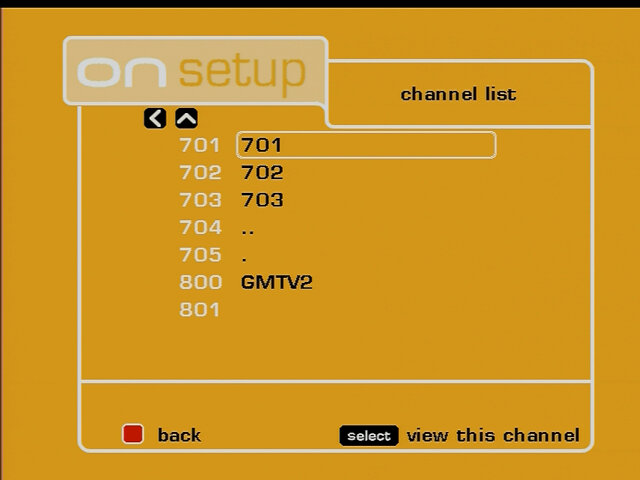
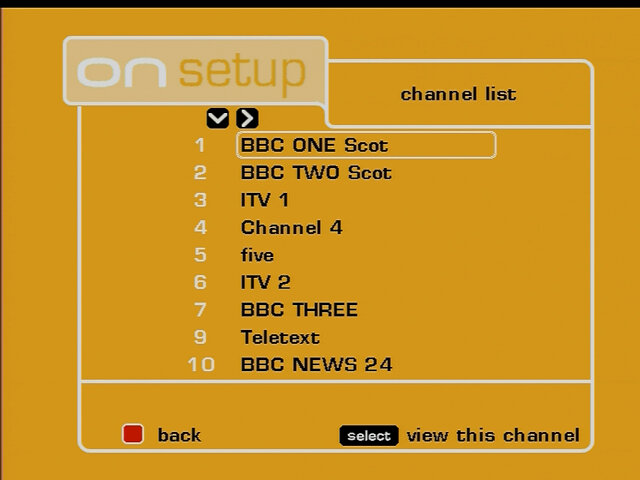
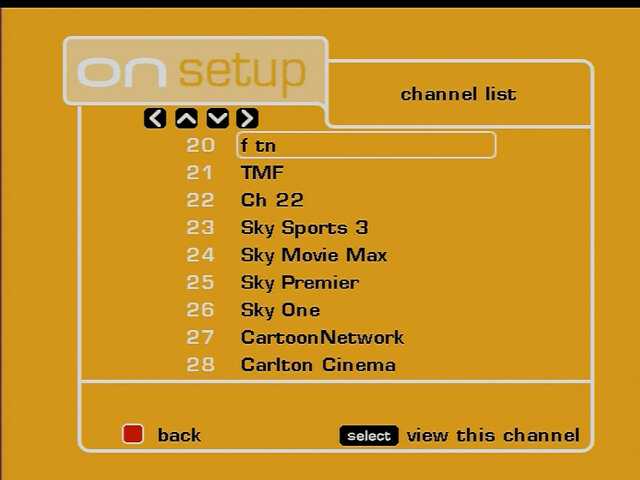
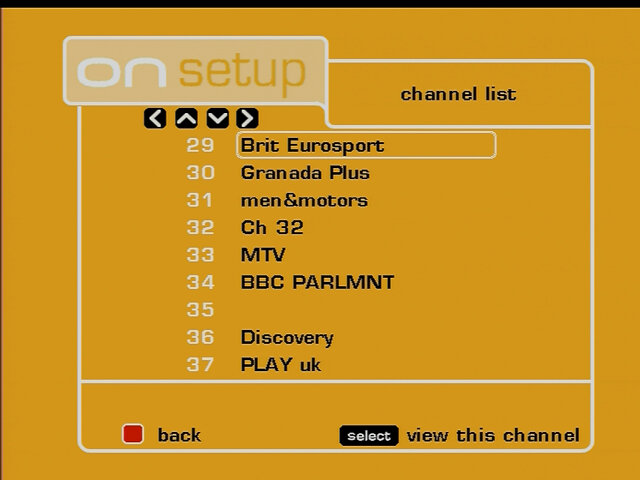
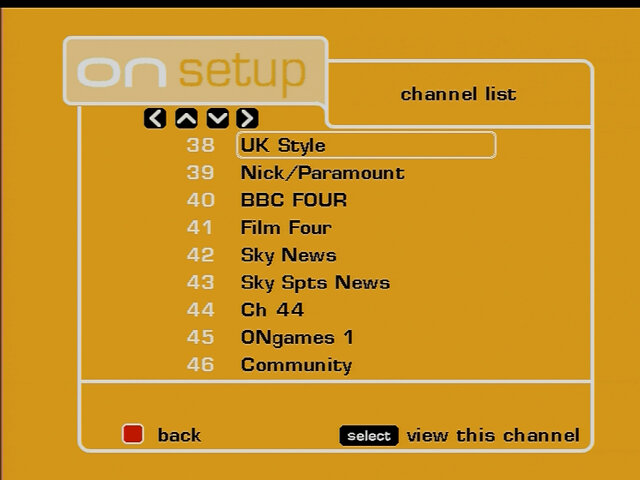
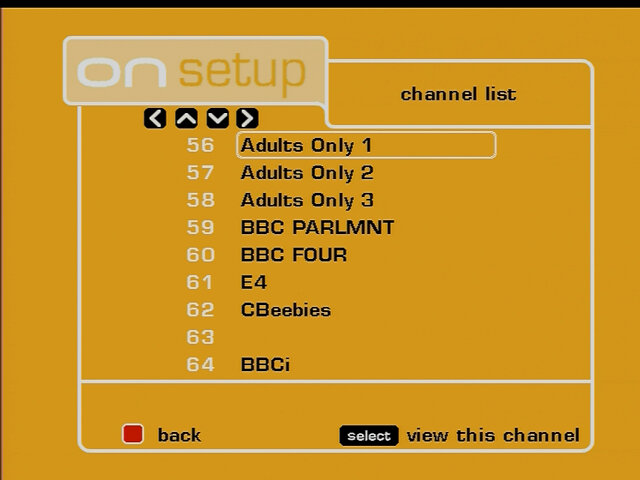
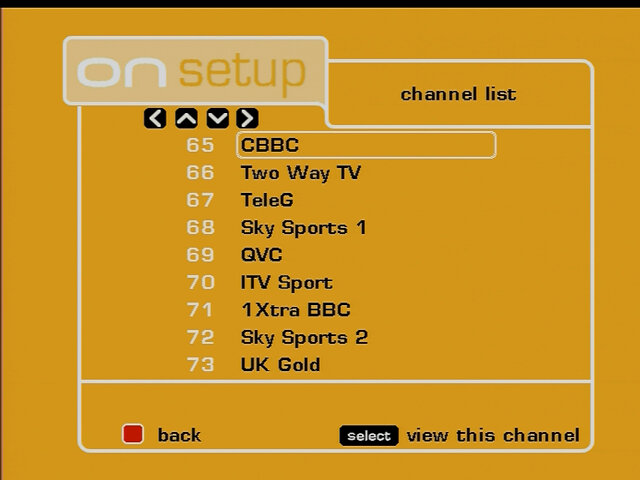
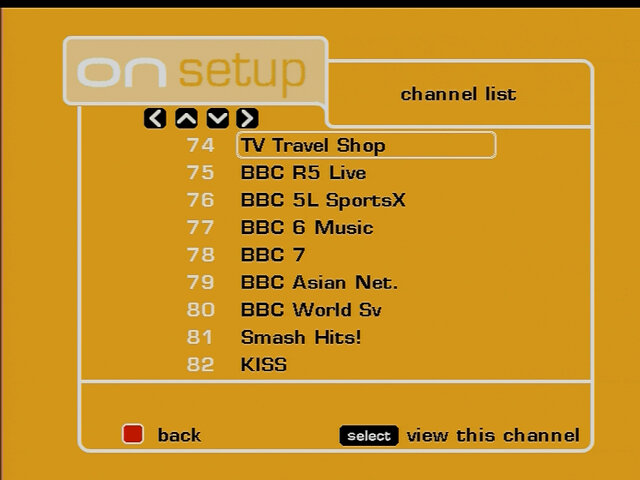
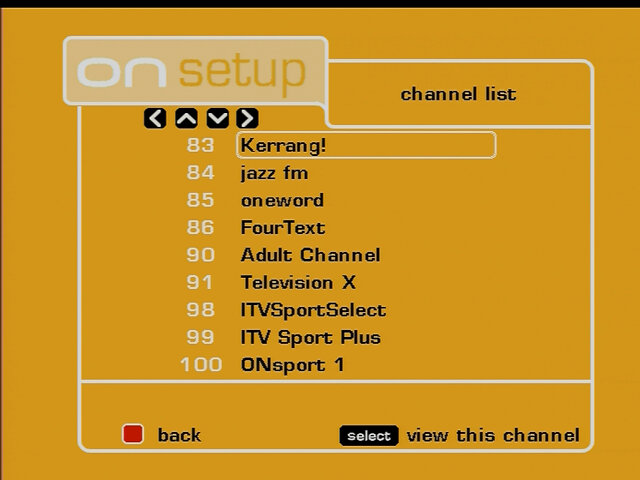
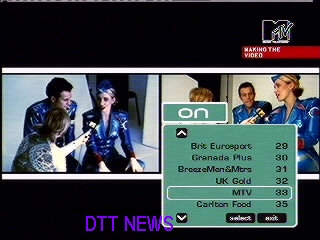
A look at the channel list, seems the box was able to retain some of its original channel list, but was rescanned at some point

Libdebug

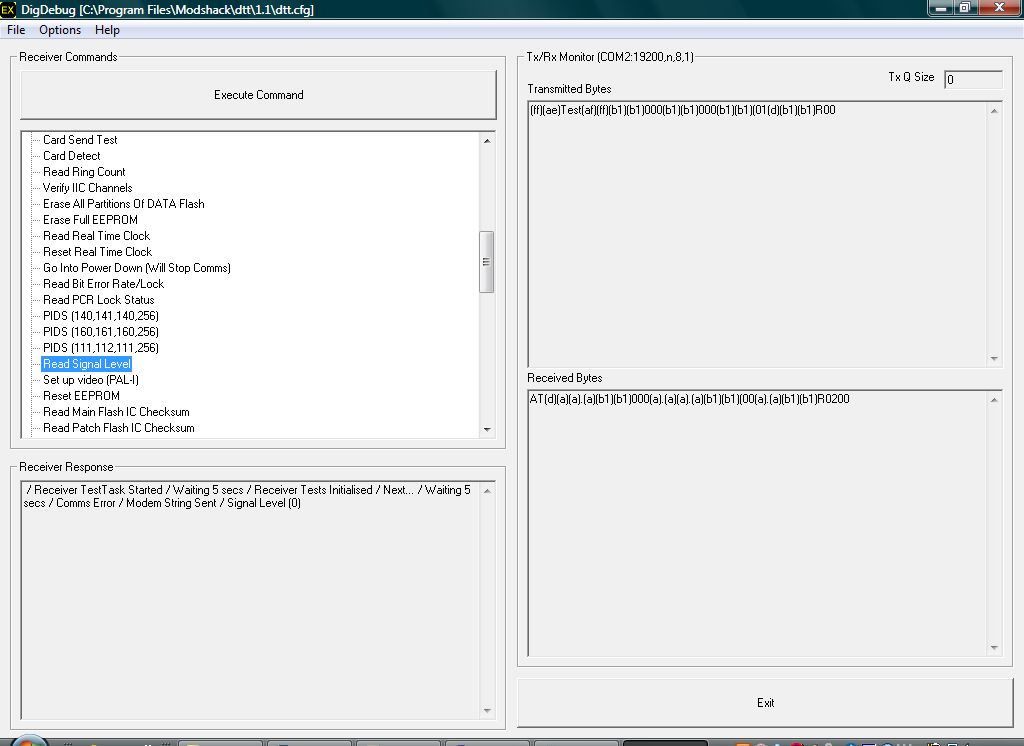
Using the DigDebug and loading the appropriate configuration file, we are able to see the test process for the DTR730. Here there are options to:

  • Test and clear the flash memory did not want to do this since this will erase the current channel list
  • Enable/disable the test patterns (A color bar is displayed on screen)
  • Test the Mediaguard smartcard (If it’s inserted and detectable)
  • Turn on/off different SCART signals
  • Test the modem and have it dial out (Didn’t seem to work on my box)
  • Test the front LED display, you can either set it to be blank or light up all segments on the display
test pattern

BT Youview – TV Box Pro

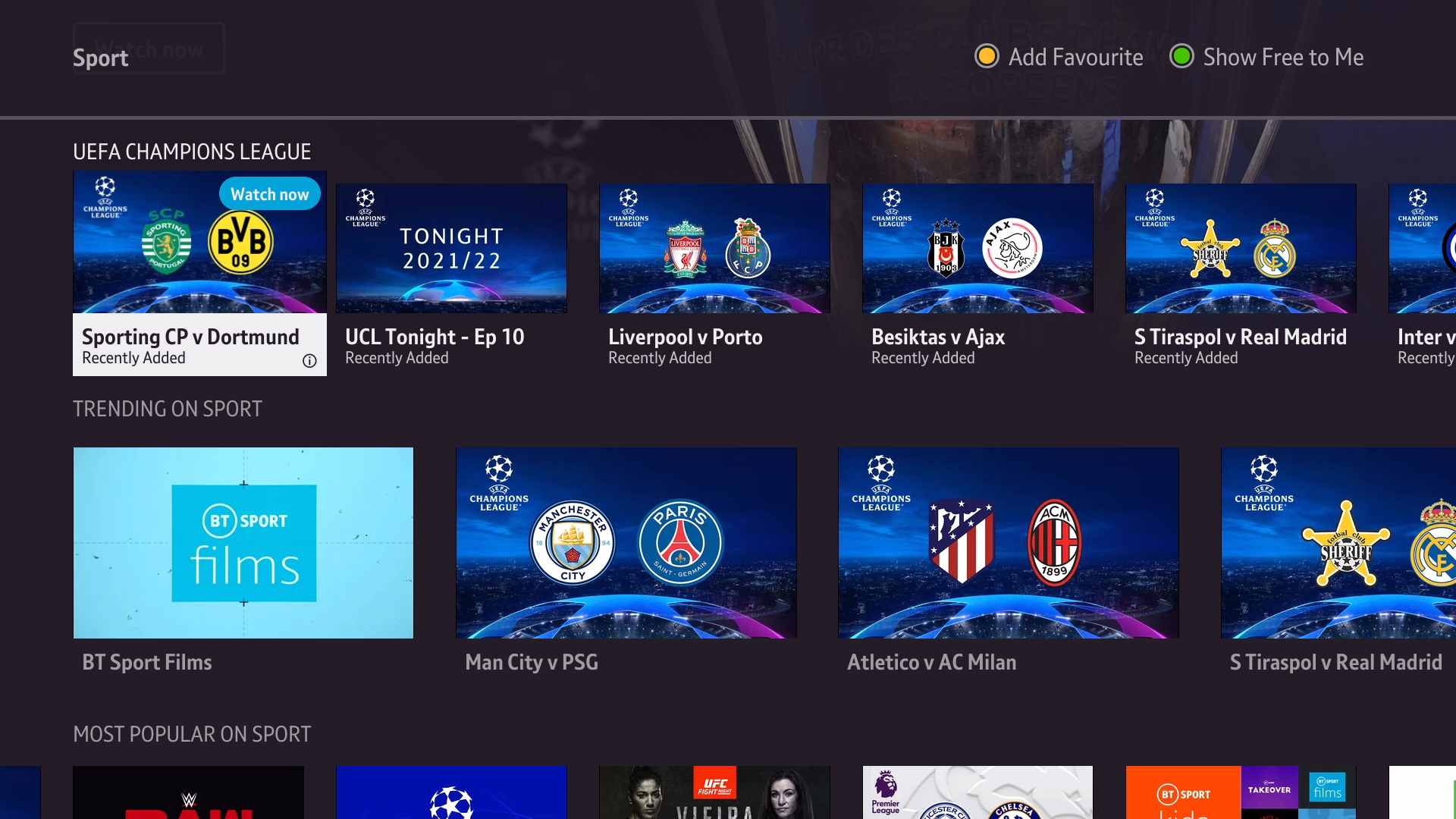
BT has been trying to reinvent its TV service by overhauling the software and recently have introduced new hardware, the BT TV Box Pro. Content is mainly provided by NOWtv, In addition to its own set of subscription channels (AMC and BT Sport).

Like the previous Youview box, the TV Box Pro makes use of the users aerial to deliver Freeview channels, with the subscription channels coming through the BT Broadband connection. If the customer does not have a working aerial, BT can install one for a charge of £40

From NOWtv comes the Sky basic channels, MTV, Comedy Central, Nat Geo and GOLD. An odd section considering you only get one MTV channel, where is MTV Base/Music/Classic? Or any of the other Discovery channels?

Funny thing is BT offered its own bundle of TV channels ( Previously BT Max, now classic entertainment package, which has now been phased out) which continued to offer channels that were not in NOWtv, which mainly deals with Sky channels with a few extra third party channels.

Its clear that the service is tailored to those who don’t watch much linear TV, or for those who prefer streaming / On Demand since BT it a telecommunications based company.

The BT TV Pro Box

The Pro box is quite wide compared to the previous model and bares a resemblance to the Sky Q box. It’s very low profile with no standby LED or indicators, instead the BT logo lights up purple when out of standby and there are three LED’s which indicates when the box is recording and if there are any network connection issues. Whereas previous models were manufactured by Humax, the TV Pro Box was produced by Sagemcom, who have also supplied BT with their Homehubs, now known as SmartHubs.

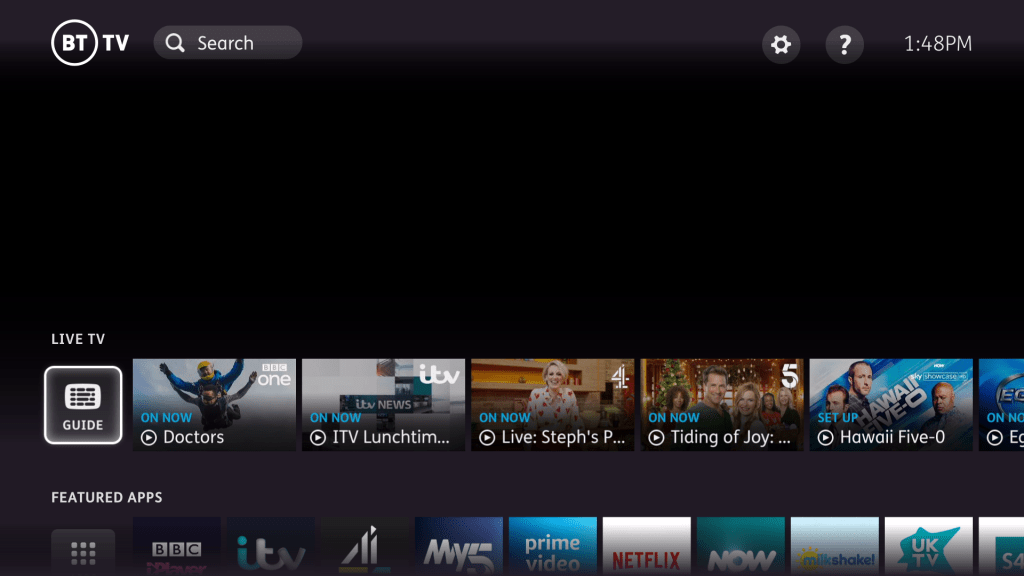
The Youview software is in full use here, and benefits from the improved hardware along with the supported applications.

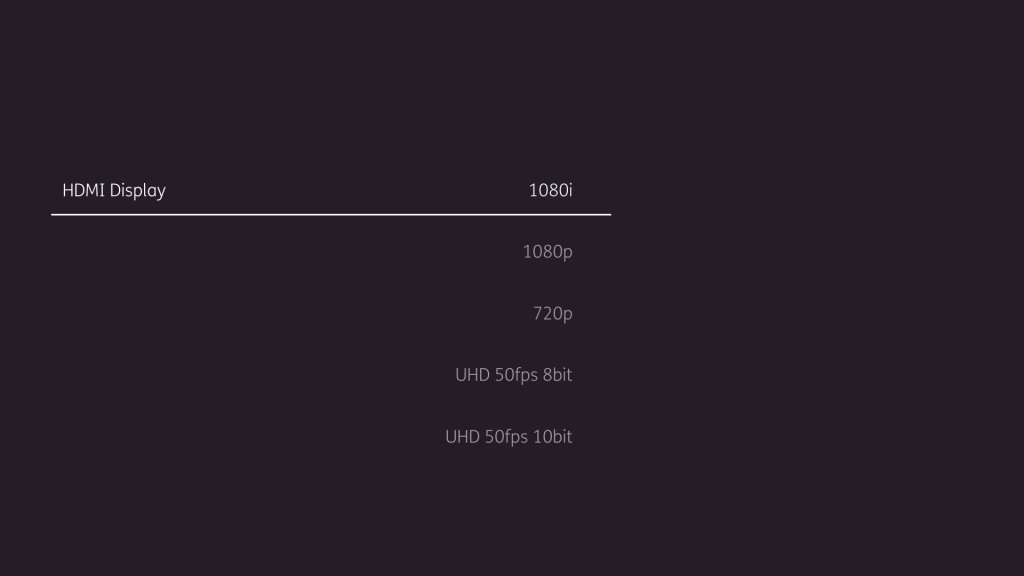
4K output is supported through the use of on demand, and the BT Sport Ultimate channel, which offers sport events in 4K. This is not BT’s first box to support 4K or HEVC, but is now a standard option since the previous models have now been discontinued, except for the basic non-recordable box. HDR is also supported, but I’ve not been able to find which type of HDR that BT use (HLG, Dolby Vision, HDR10?)

New Features

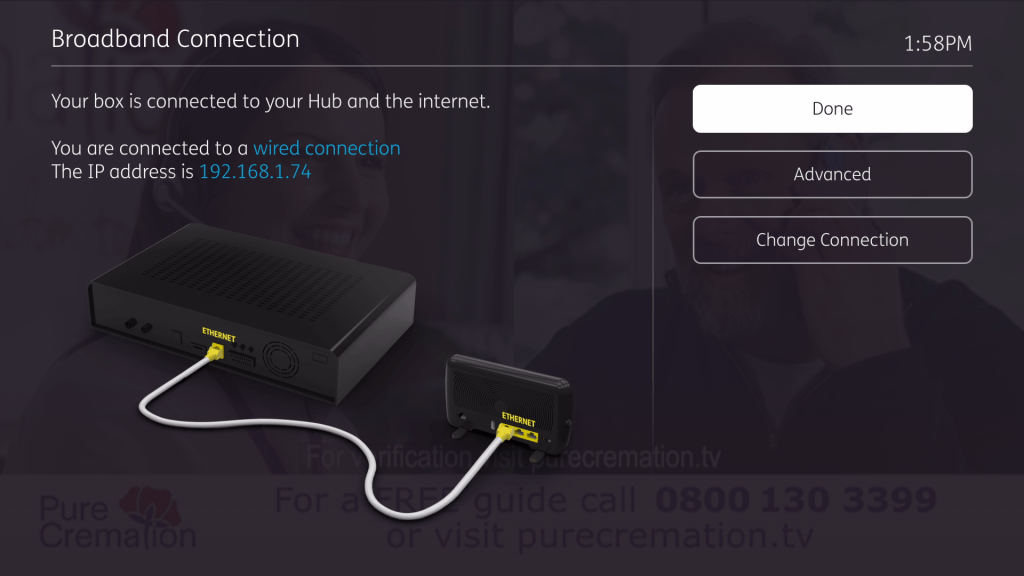
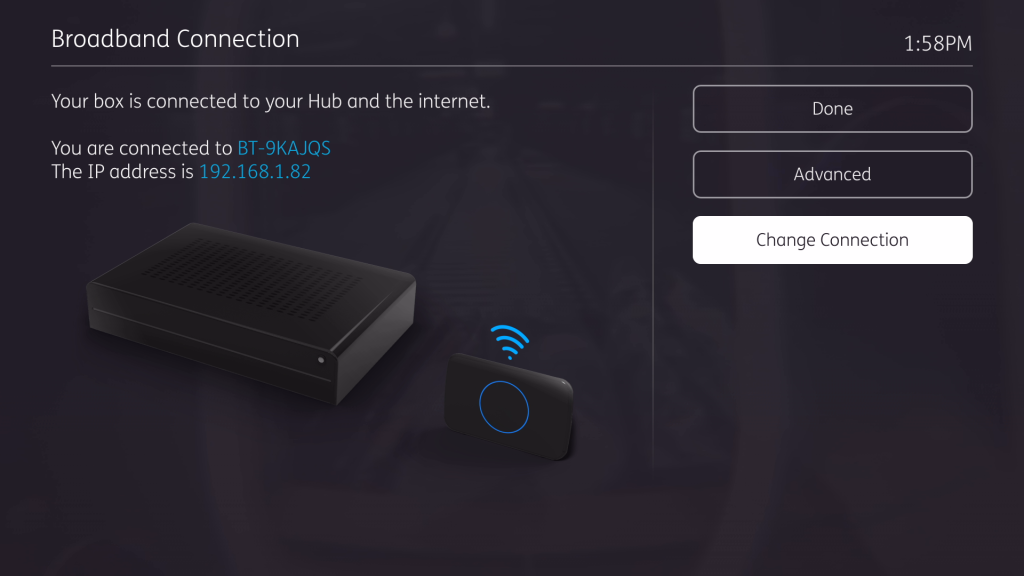
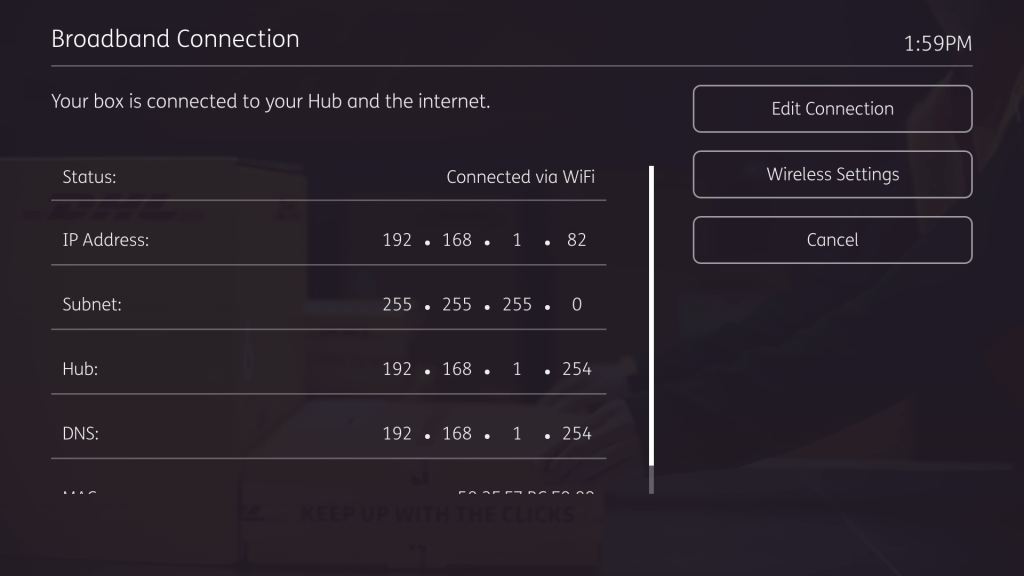
WiFi: A first for BT and Youview boxes which have always lacked the support of Wifi, likely due to the issues of delivering the multicast IPTV channels (Although Powerline wasn’t any much better in that regard). Wi-Fi is only functional when the ethernet cable is disconnected from the unit, and only 5GHZ networks can be connected.

In terms of performance it works well, but the multicast channels will break up on three signal bars or less, depending on the throughput of the broadband router. Meanwhile on demand service will work since they adjust the bit rate and the resolution depending on your bandwidth.

Overall if your gonna use Wifi, ensure the box is relatively close to the router, or just use ethernet.

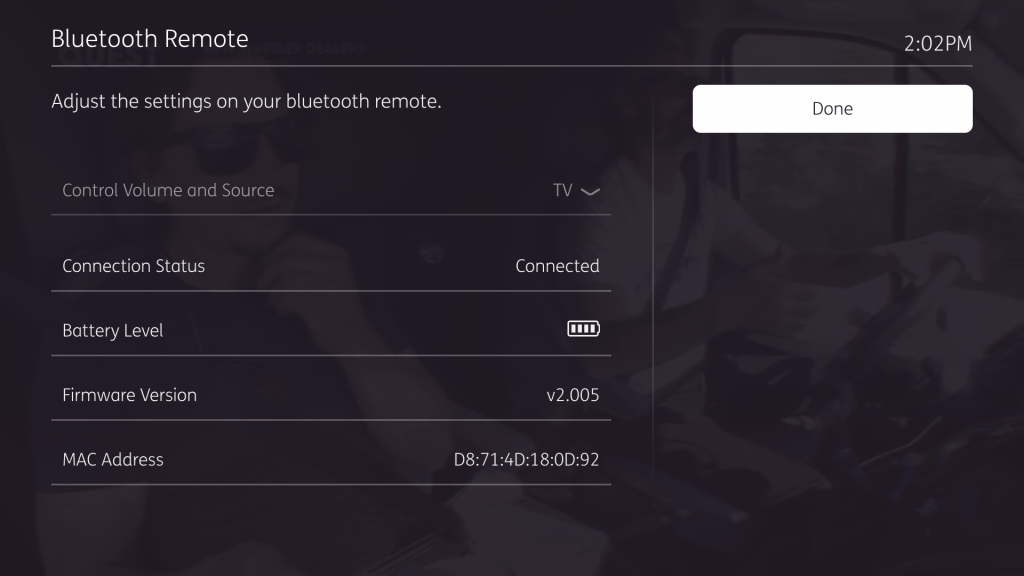
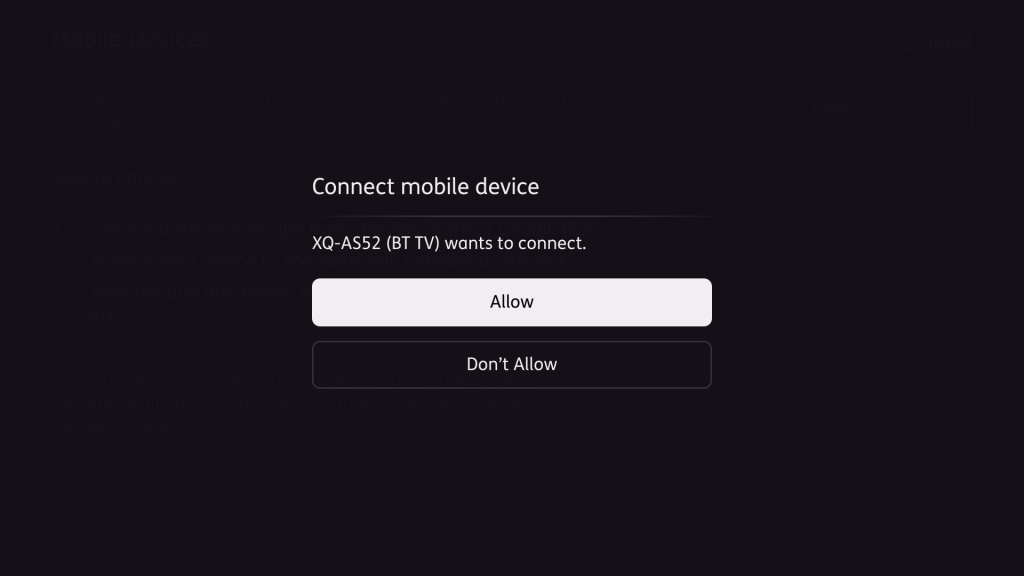
Bluetooth Remote: Like Sky Q and the Virgin 360 remotes, the BT remote now connects via Bluetooth instead of IR, and features a microphone hole that has yet to be activated. This gives the possibility of giving voice commands to the remote to control the interface.

Quad Tuners: Up to four Freeview channels can be recorded simultaneously, along with two IP subscription channels. That’s a total of six channels with four Freeview and two subscription.

Good to Know

The box retains the Youview software and apps, so you will be able to upgrade with ease. Familiar services like BBC iPlayer, ITV Hub, All4, Netflix, Amazon Prime, Britbox and NowTV are all supported, with some being bundled through TV packages.

Missing Features

Multiroom streaming: You still cannot watch recordings to another box, like to a regular BT TV box, nor can you stream programmes to another device like a Tablet, Smart TV or your Smartphone. Virgin already pioneered this by the time the V6 had launched, where most recorded programms could be watched on another Tivo box, or a smart device (except for a smart TV, a device you actually want to watch shows on. i don’t know why operators think I want to watch my shows on a 8-12 inch tablet screen?

I don’t see why this cannot be offered, My Humax Freeview recorder lets you stream recorded programmes over your own network using DLNA, allowing you to use any comparable DLNA enabled deice (Xbox and PlayStation consoles have support for this, and most network enabled TV and Blu-ray players have a DLNA client included)

Really if you are after a proper multiroom service, you need to look for Sky Q or Virgin 360 service, or if you don’t like subscription services, the Humax FVP-5000T or the HDR-2000T paired with the Humax Expresso is a better solution, and works on any ISP. The Humax solution includes your regular Freeview Play services, along with popular pay services such as Netflix/Amazon Prime.

Failing that, Panasonic also offer capable network ready Freeview recorders also.

Apps and Services:

PlutoTV, VEVO, Discovery+, Disney+ and Acorn TV are services that are missing from the service, and Youtube/Odysee/Rumble are also not offered for web streaming.

Channels & Services offered

  • NOWtv Entertainment: Contains all of your basic Sky channels, along with MTV/GOLD/SYFY/Comedy Central. You can watch both the channels or watch the box sets via on demand (Some programs like Veep are only available via live TV, and are not on demand, and I have no idea why?)
  • NOWtv Cinema: All of Sky Movie channels
  • NOWtv Sports: All of Sky Sports channels with political propaganda shoved in. At least you can record and fast forward through the adverts (For now)
  • BT Sport: BT premier sports channel packages, features WWE/UFC/Boxing and Soccer. Like Sky Sports it comes with very political adverts shoved in between
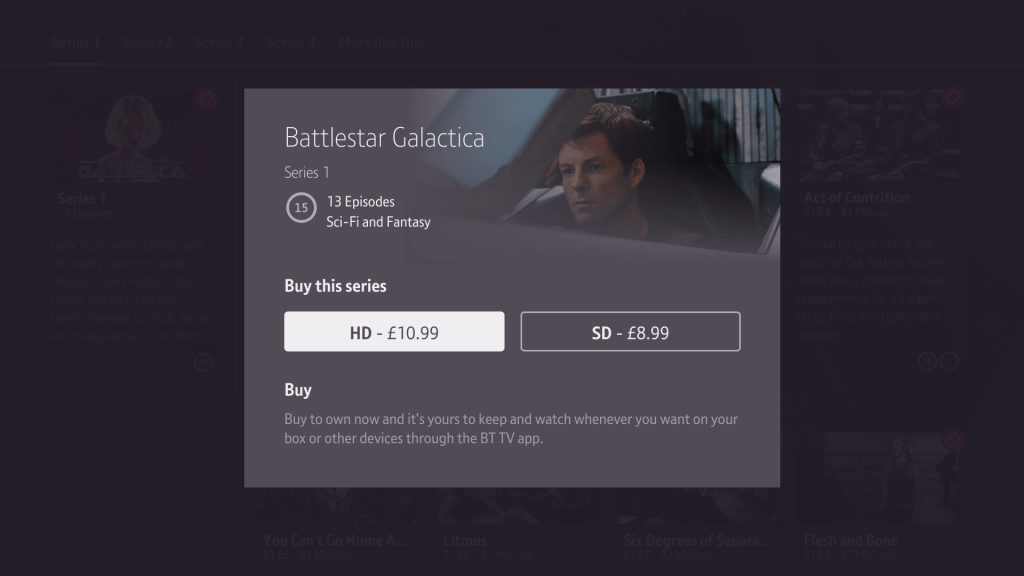
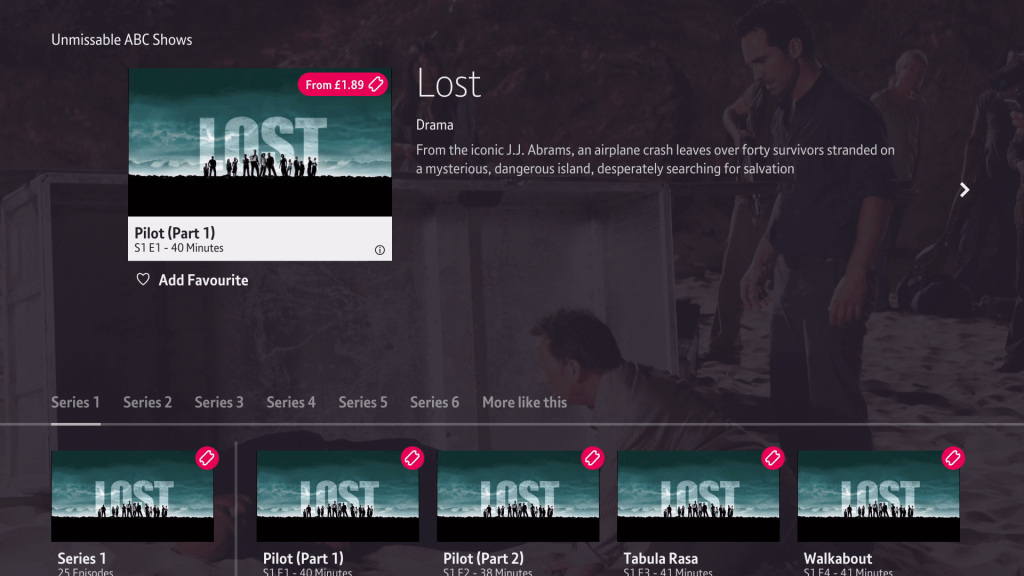
  • BT TV Store: A store to purchase TV shows and movies, some are offered as part of a subscription.
  • AMC: A bonus movie channel by BT that comes bundled if you have either BT Sport or one of the NOWtv packages
  • Box Nation: Comes bundled with BT Sport, just boxing in glorious SD resolution
  • NOWtv Hayu: Not a TV channel but a reality TV boxset service, adds the Kardashian’s to your NOWtv collection

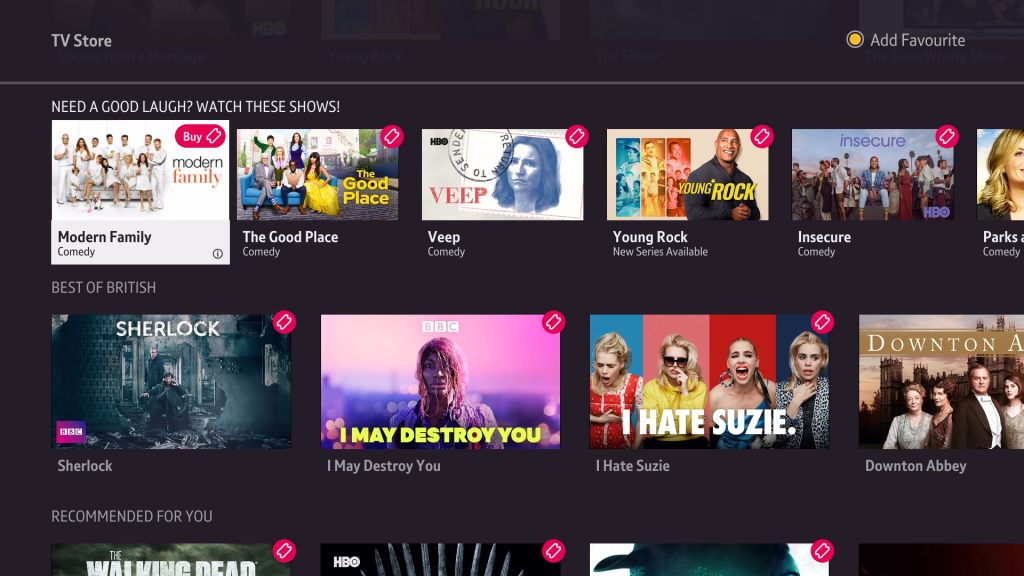
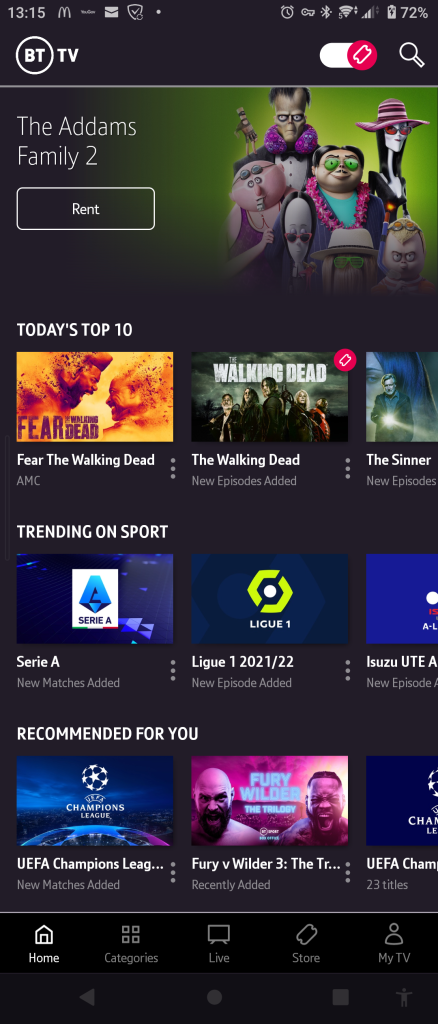
BT TV’s store, where TV show boxsets can be purchased and streamed. Personally I prefer to purchase the physical versions o these show, like a Blu-Ray.

Lack of ITV2/3/4 in HD and E4/More4 HD is a major omission, considering these channels could delivered over BT’s IP network and are considered to be popular channels, they could be a popular perk to BT TV customers considering the NOWtv offerings can be had on the standalone service.

There’s also a few channels offered in the BT Entertainment package, which is a legacy package no longer offered by BT in an effort to move customers onto their NOWtv packages. Channels in this package include Discovery, TLC, Watch, Alibi, Eden and Animal Planet. You cannot subscribe to both the entertainment and the NOWtv package simultaneously, which makes no fucking sense.

Conclusion

Whist the box itself is a nice upgrade and brings it more in line with Virgin 360 and Sky Q, if your looking for a complete TV service, go look somewhere else because BT TV packages are not really tailored for that.

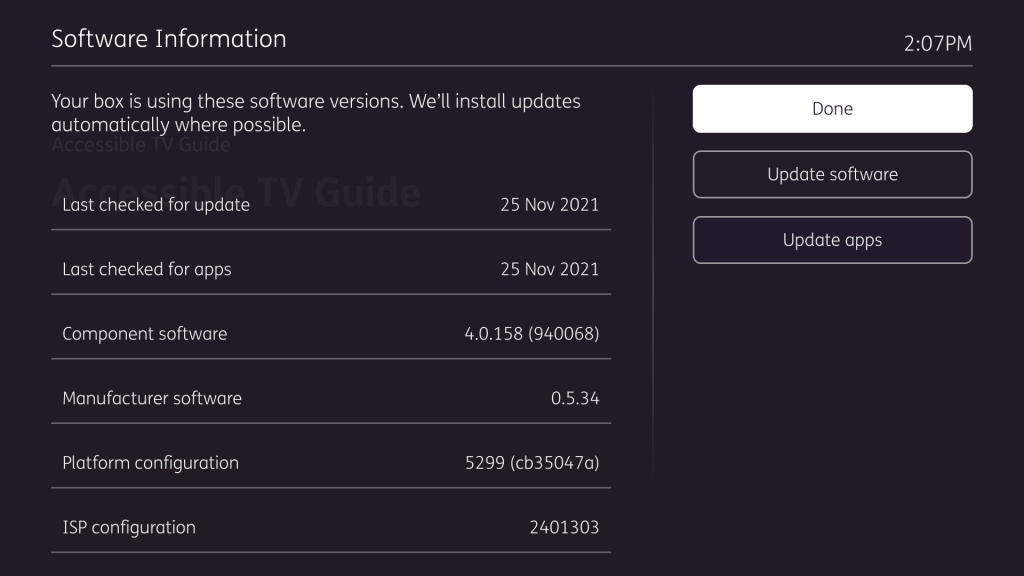
Current software as of Dec 2021

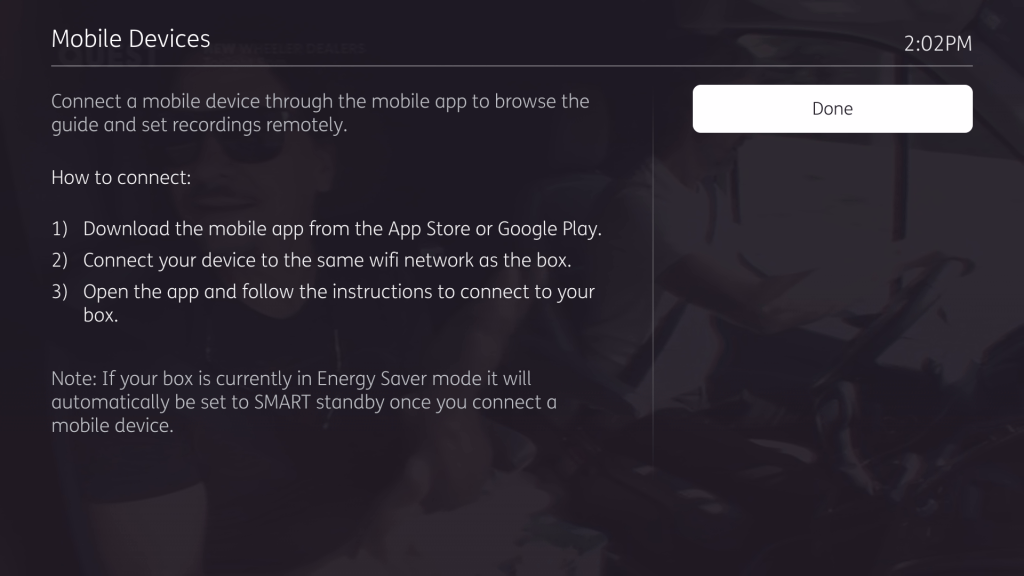
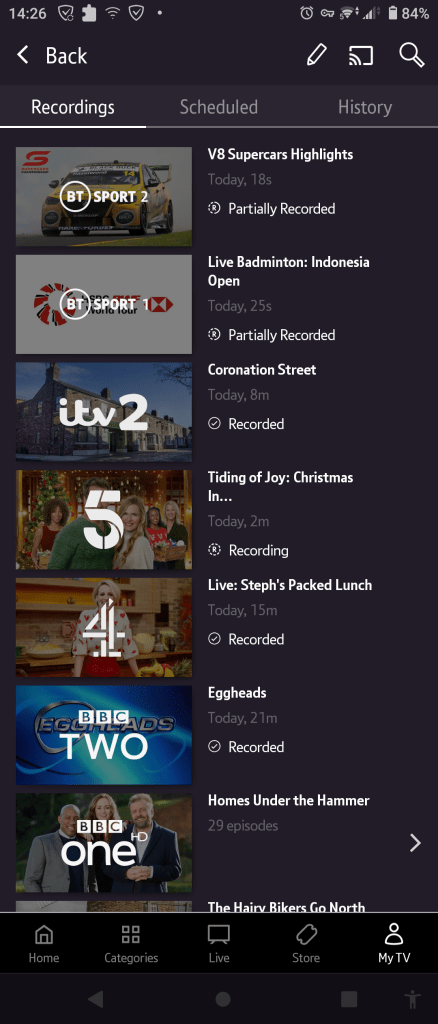
The mobile app

Running on a Sony Xperia 5II

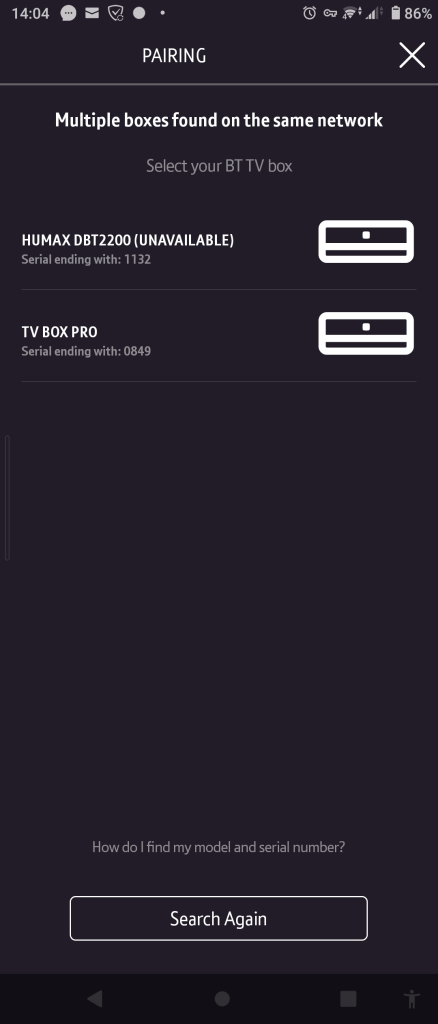
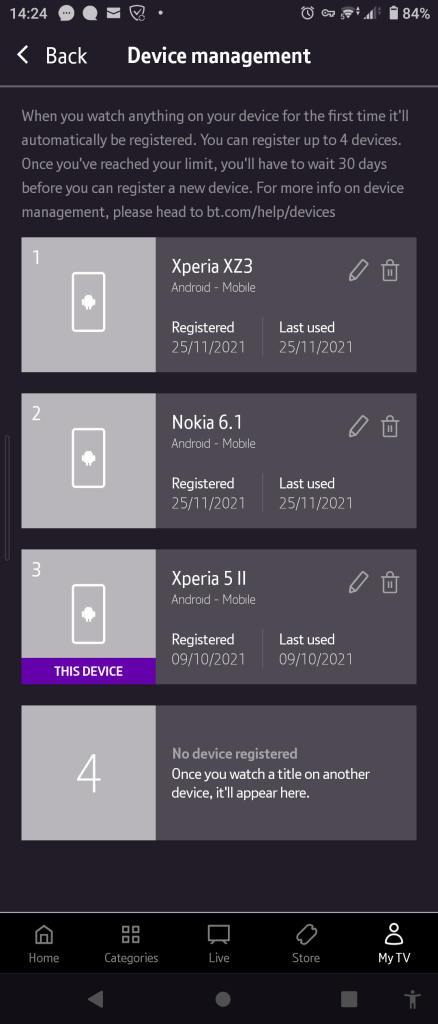
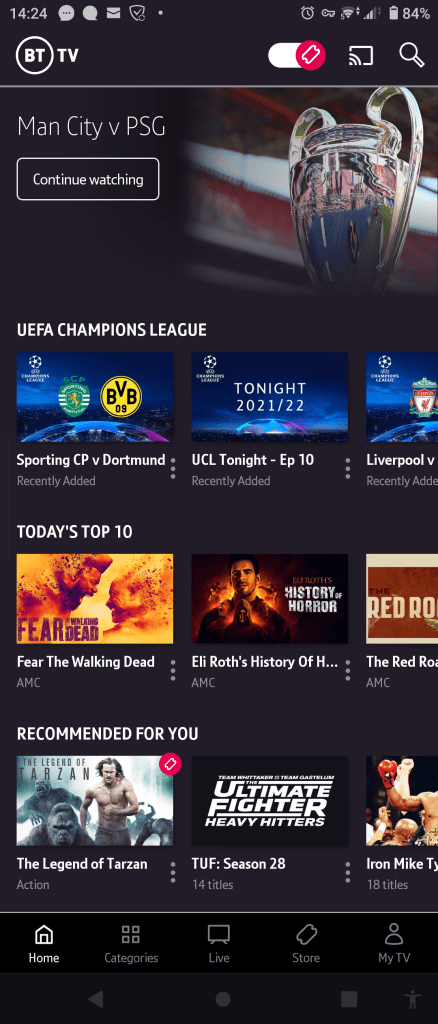
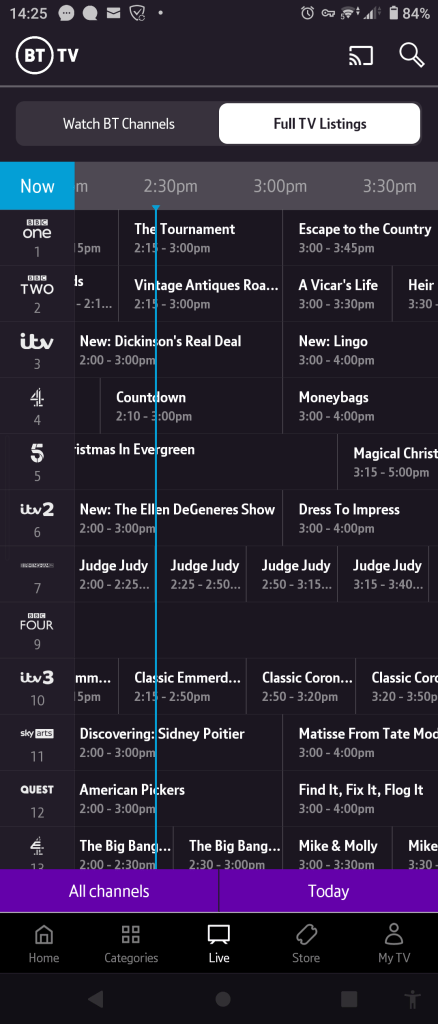
Setting up the app for first time use. If there are multiple boxes on the network you have the option to choose which box you want to use. Once set up you can set recordings remotely and view TV listings and On demand events from BT.

Recordings that are saved on the box appear but cannot be watched on the device itself, You must watch on the box itself. BT TV Store shows and events can be rented and streamed on the device itself, regardless if the user is connected to their BT Broadband or if they are using another provider.

Sky Interactive – Part 3

Music Choice

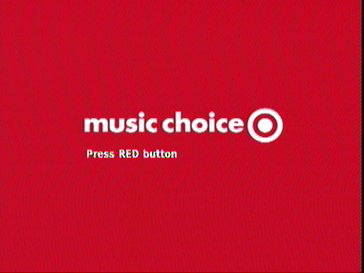
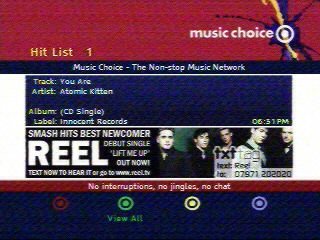
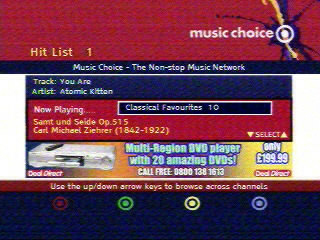
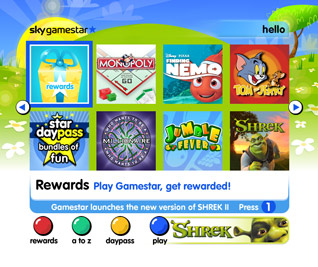
Music choice is premium music channel subscription service. Two channels were offered, Music choice on channel 480 was included in the Sky family Pack, whilst Music Choice Extra was on channel 481 and offered 40 different channels centered on a specific genre or theme, and was a separate subscription service that could be added. Both channels featured a press red prompt which would open and lead to the main interactive service where the channel could be selected, and information on the currently playing song along with artist and album information.

Playjam

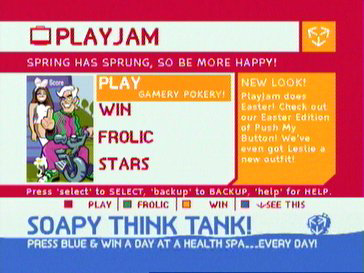
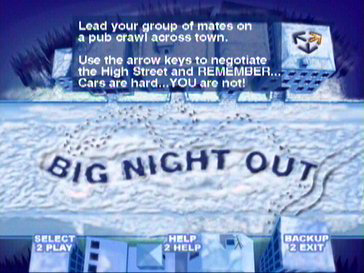
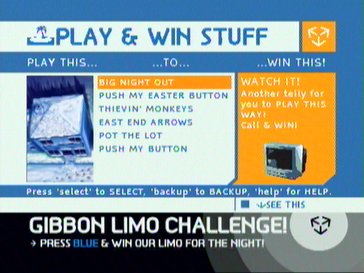
PlayJam was the other main gaming service offered on Sky Digital, and could be accessed by pressing the interactive button, then selecting option 3. Playjam featured exclusive game of which they developed, and operated on a pay 2 play scheme like Sky Gamestar offered where the Digibox would use the telephone line to order and unlock the game or to submit a high score. PlayJam also offered competitions that users could join.

QVC

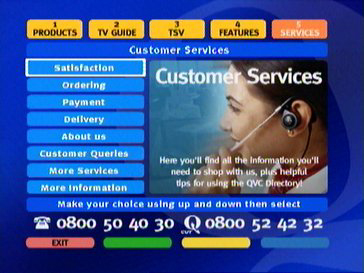
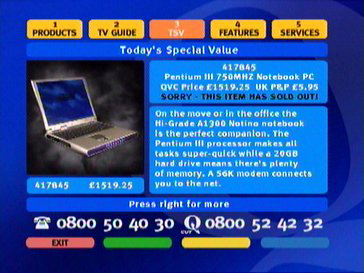
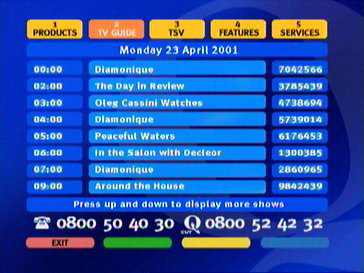
QVC offered a shopping service to supplement the main channel by advertising the products on offer and allowed for a way to order through the interactive service. QVC made extensive use of Sky interactive platform.

Sky Movies Active

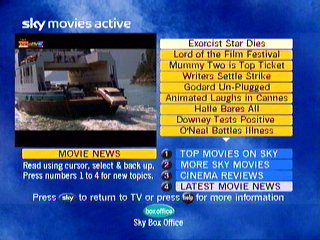
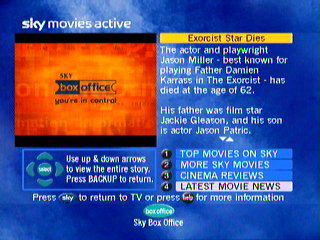
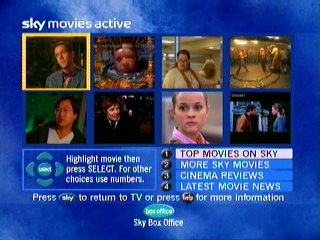
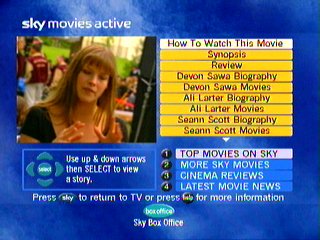
Sky Movies Active offered movie trailers for the movies that Sky Movies was showcasing, and upcoming relates and behind the scenes commentary of the movies.

BBCi

BBCi was offered on all BBC channels and could be access either by pressing the red button or by pressing text. The service is very similar to what’s offered on Freeview and Cable, as BBC at the time wanted to remain platform neutral across the different providers.

Sky Active

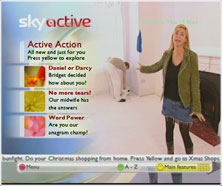
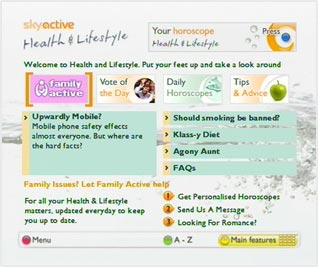
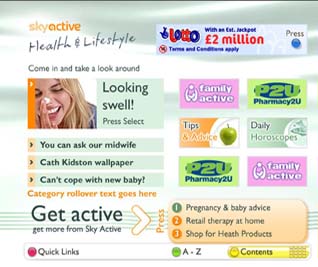
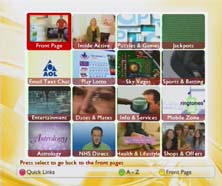
Sky Active was treated to a rebrand in 2004, with the service being focused on news and articles that you would normally find on the MSN or Yahoo homepage. There’s less focus on shopping or ecommerce and is more to enhance the Sky service by adding value.

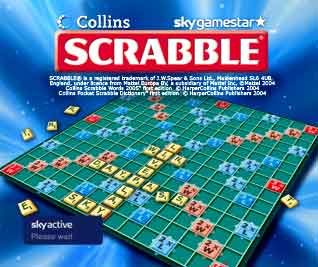
An interpretation of the popular board game Scrabble

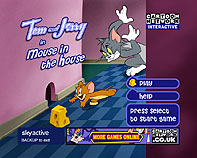
One of the many Tom & Jerry games on Sky Active, If I remember correctly this game required you to play as Jerry, and navigate the (large) house and collection cheese, whilst avoiding Tom and his friends. Keys could be collected to unlock areas of the house

ONdigital – More Interactive services

ONgames 1

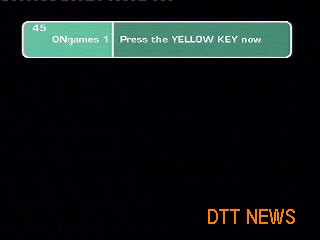
Whilst Sky have Gamestar, Ondigital had its own set of games that were delivers on the service. Unlike Sky, Ondigital games were accessed by going to channel 45/46 and pressing the red button. There was no interactive button

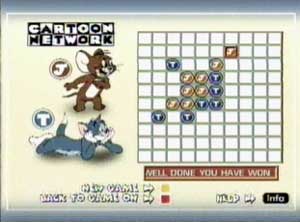
Tom & Jerry

A simple cat & mouse game, basically Connect4

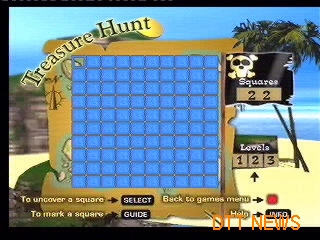
Treasure Hunt

IIRC you had to locate the treasure based on the items uncovered in the squares, kinda like minesweeper

Pigloo

You have to push the snowballs into the holes

Vegas Poker

ONgames 2

Forest Fire

Objective of this game was to put out the forest fires before time ran out

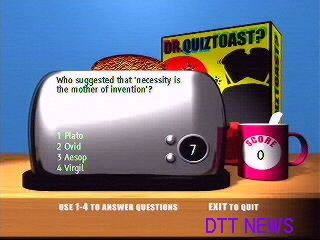
Dr Quiztoast

A Quiz based game where you had to answer the questions correctly

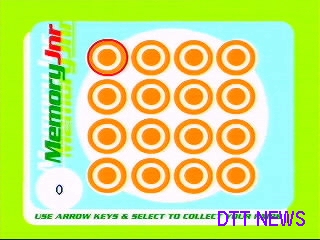
Memory Jnr

There were other games available which were not captured here, I remember one SunnyD basketball game which ran at 2fps on a Nokia 9850T

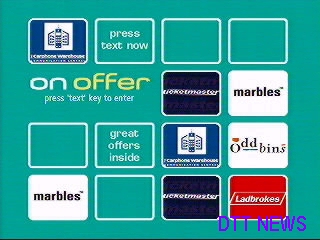
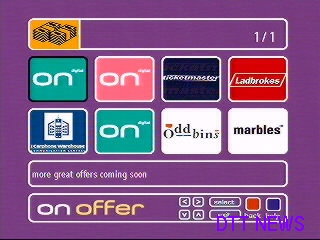
ONoffer

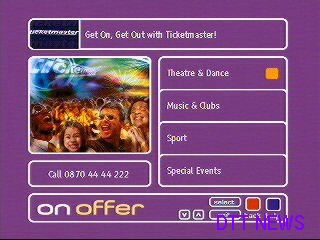
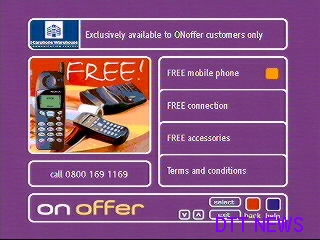
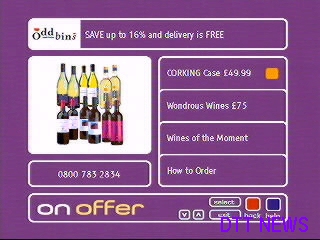
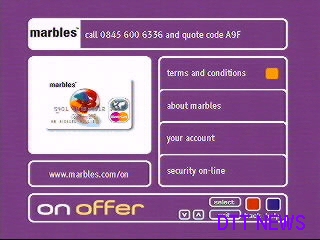
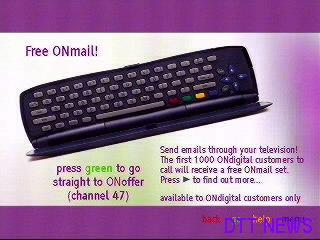
Similar to SkyBuy, provided limited time offers which you had to call a phone number to order. You couldn’t place orders through the set-top box. The keyboard in the bottom right is the ONmail keyboard.

ONmail

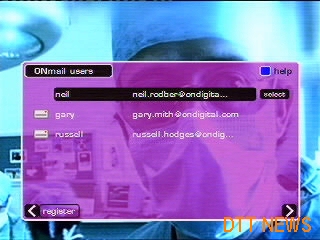
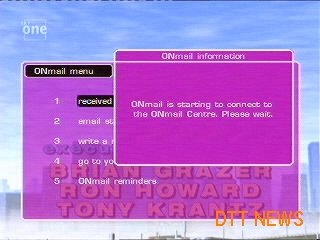
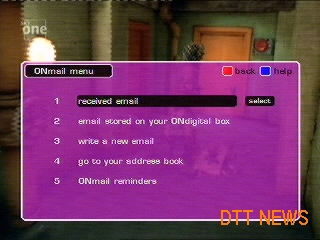
The ONmail user interface where users could send and view emails from the ONmail server. The ONmail service required a separate adaptor to be connected to the receivers serial port, and I’m not sure if all boxes supported this given the Sony and Toshiba receivers did not get the later software updates.

Active Service Screenshots

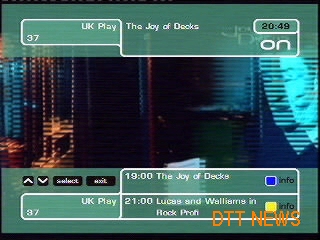
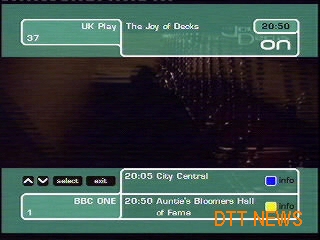
This isnt part of interactive service, but is still cool to look at whilst the service was still active. pressing the info button called up the now and next screen, which would only display what was currently shown. You can browse listings for other channels and view information on the programme being broadcast, but you can only see whats showing now and the next programme. In contrast to Sky who offered listings for the next 6 hours via the search and scan banner, with 7 days being provided through the main EPG…

..which ONdigital also lacked, at least inside the STB itself. ONdigital did provide a monthly magazine with listings for all channels, and there where a few MHEG services that offered a guide, typically for the next 7 days.

The service itself competed well with Sky’s analogue service, but falls short compared to Sky Digital, and when the cable companies launched their digital services alongside ONdigital was really looking antiquated. Still the service was attractive to people who wanted the popular channels that where previously unavailable to terrestrial viewers and did not want, or could even have a dish. Once Sky analogue shut down it was pretty much considered the bottom tier of TV, perhaps except for analogue cable. Still it had its own unique selling point being that it was plug and play and did not require instillation (in theroy, chances are you needed an aerial upgrade since the signals were transmitted at a lower power, we had to go through 2 upgrades before we got an actual signal)

Nowadays BT TV and TalkTalk TV have a very ONdigital feel to them givern they are DTT based, but feature IPTV delivery for the subscription channels, adn they have a limited channel selection in comparision to Virgin or Sky

ITV Digital Services

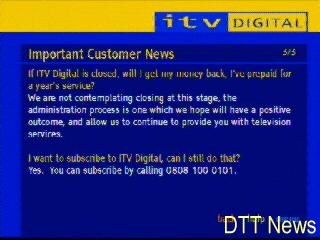
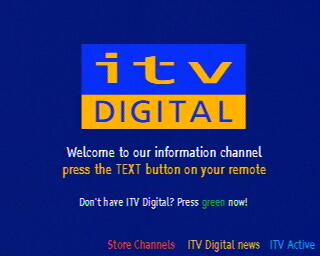
ONdigital rebranded itself to ITV Digital in mid 2001, and launched a couple of Sport Channels along with acquiring the premiership rights to football, in the hope that more people would give the finger to Sky and subscribe to their service.

Spoiler: It didn’t, the company was Pepsi’d in 2002

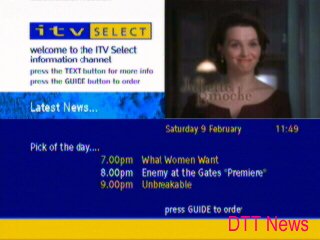
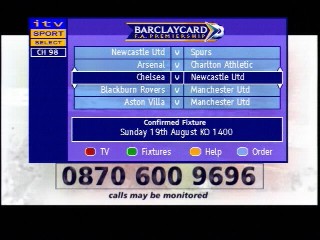
ITV Select

Channel 50 was changed, with ONrequest being changed to ITVSelect with a rebranded interface. The offerings were still the same, with 5 PPV multiplex channels. Channel 20 was also changed, with ONview being replaced with the ITV Digital channel which displayed upcoming services and events via an interactive MHEG applet.

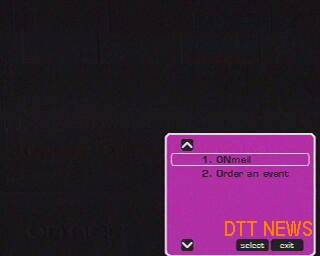
A minor software update was issued to amend the ONrequest option to ‘Order an Event’ when the guide menu is displayed. The service itself was also rebranded with a harsher colour scheme. Funnily ONmail was never changed, but ONnet was changed to ITV Active

ITV Sport Select

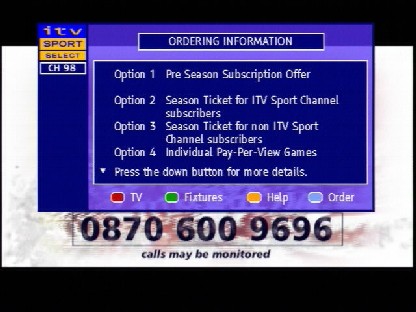
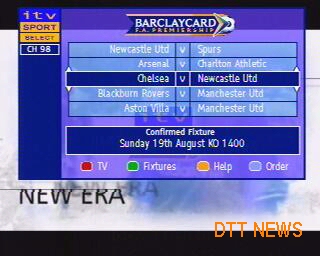
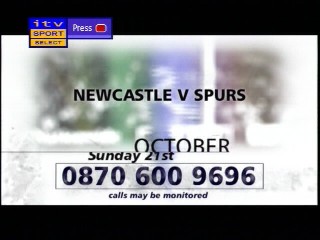
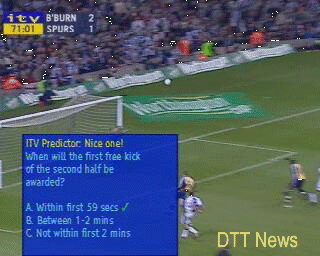
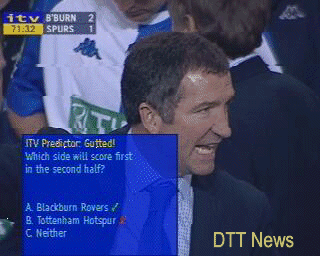
During football/soccer game a quick quiz could be played whilst the advert was being displayed. ITV Sport Select was the PPV Box Office channel for live events.

BBCi

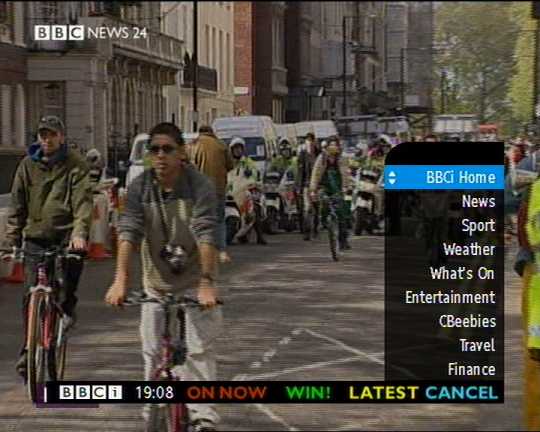
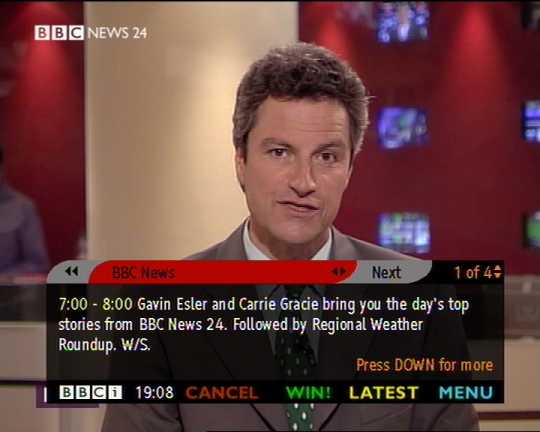
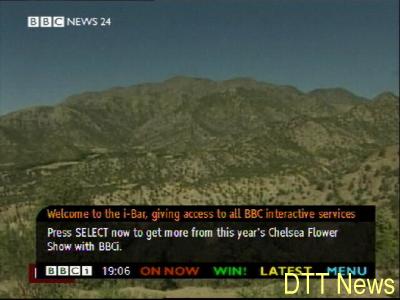
A look at the BBCi bar, which you could access that would give now and next information whilst the channel was being displayed.

Interactive – Freeview and early DTT

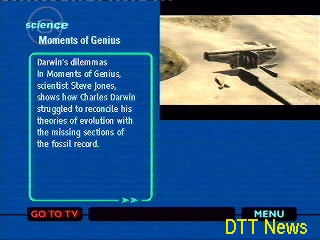
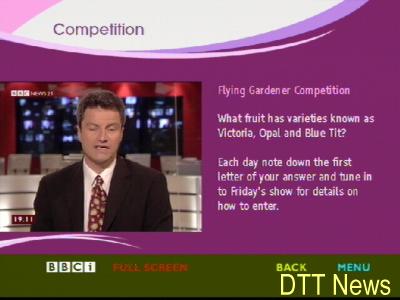
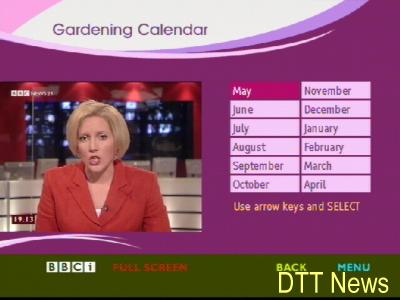
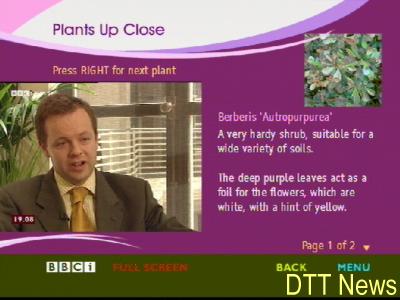
Back when digital TV first launched many broadcasters were free to experiment with the benefit that digital tv had to offer. Not only did we get an avalanche of channels, we also got interactive services which were to extend what Teletext/Ceefax offered.

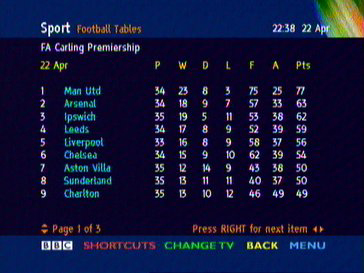
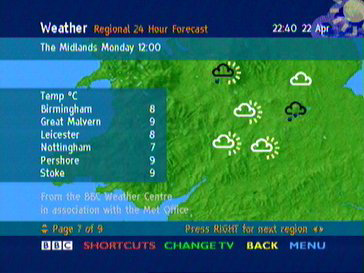
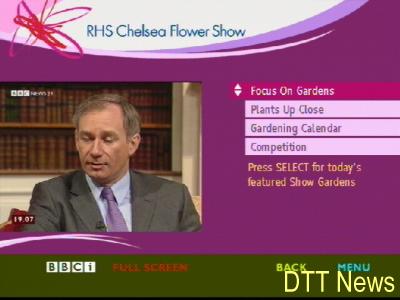
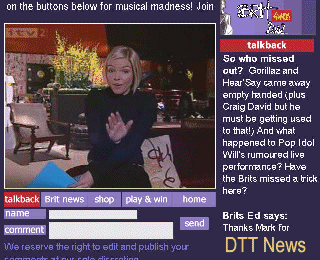
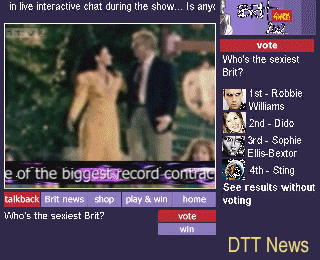
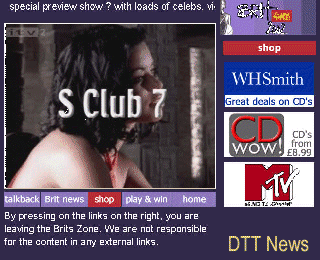
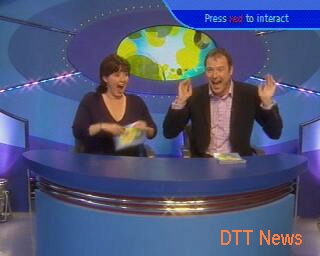
These screenshots were captured and were uploaded to a site DTT NEWS, which has long gone offline. They have been archived here for a look at the early days of Freeview and interactive digital TV. Sadly what the screenshots do not capture is the long time it took for the ONdigital box to load the pages. Also some boxes didn’t support interactive at all, with the Sony and Toshiba lacking any MHEG5 support. I’m not sure why these boxes didn’t get interactive support, maybe Sony & Toshiba didn’t stick to the specifications and were not able to port the MHEG5 API? Memory limitations?

These screenshots are of Freeview/ONdigital DDT only, and will differ from what was offered by Sky or the cable services of the time (ntl/Telewest)

Teletext

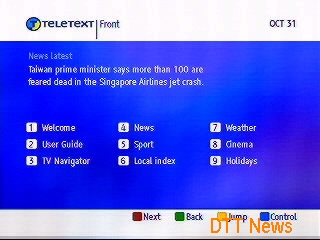
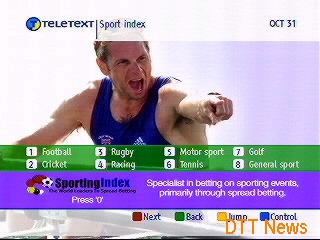
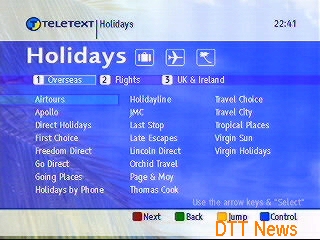
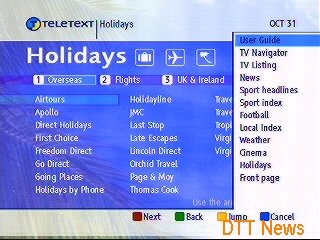
The digital successor to ‘analogue’ text which was promised to be faster and more efficient, the drawback was the early ONDigital boxes had slow CPUs (The Nokia 9850T has a Texas Instruments 40Mhz ARM CPU) which meant it was slower than the analogue Teletext, Teletext was later axed and only the holidays branch remains.

I should mention that analogue Teletext/Ceefax itself is actually digital, its just transmitted within the vacant PAL lines, whilst digital teletext are MHEG applets that are part of the digital transport stream. You can also have both analogue and digital text at the same time, and have the STB regenerate the analogue teletext signals which are decoded by your TV, this also worked for subtitles (888)

Channel 4

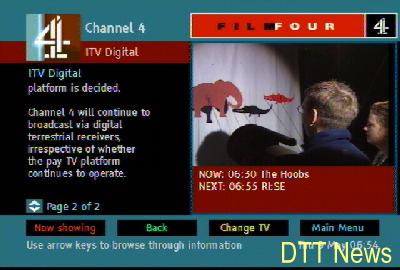
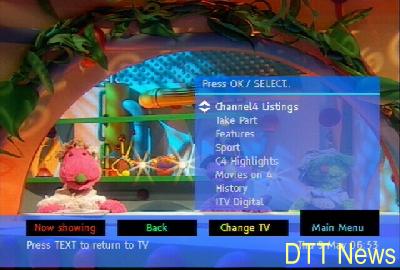
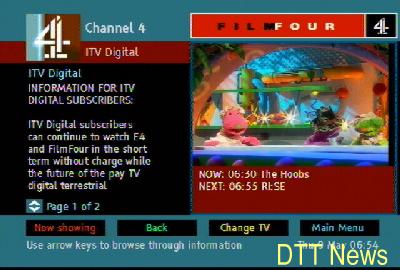
FourText was Channel4’s digital text service which also covered FilmFour, now known as Film4. Like ITV’s services, these complement Channel 4’s programming.

BBCi

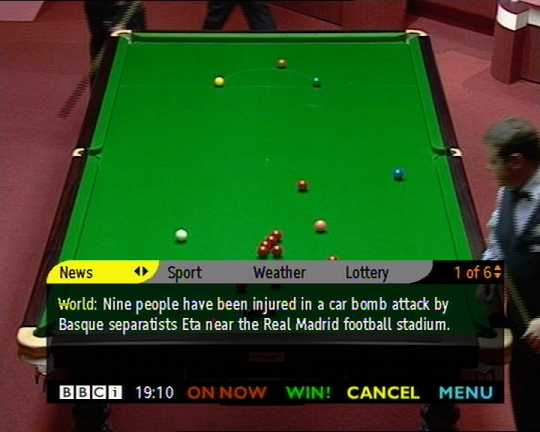
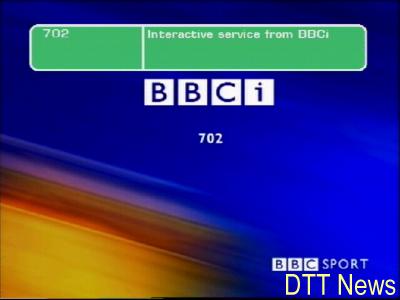
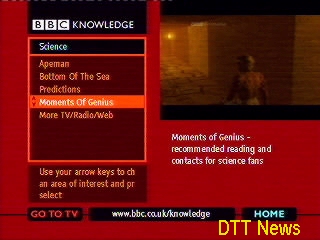
BBCi, previously BBC Text and now known as BBC Red Button was the replacement for Ceefax and made use of the MHEG functionality offered by DTT. The BBC operated three interactive channels known as 701, 702 and 703 which were used to offer extended coverage of sporting events and behind the scenes interactive features.

The BBCi bar was used to locate and find listings across the 6 BBC digital channels, it only functioned on the BBC channels.

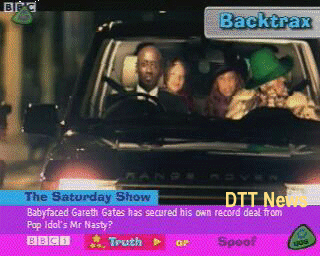
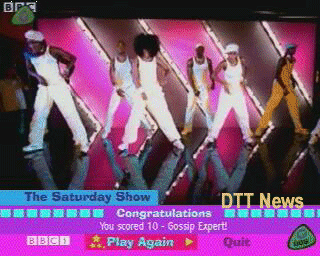
Saturday Show

The Saturday Show was the replacement for Live&Kickng and competed with SM:tv, a few games and activities are offered with this service while the show was being broascast.

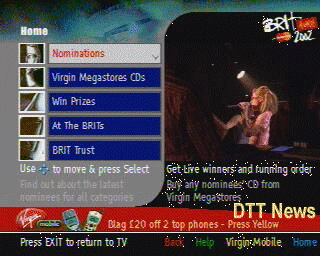
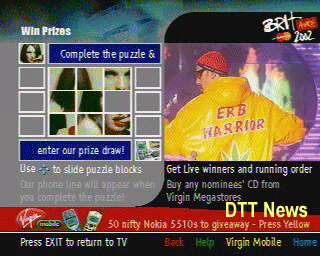
ITV Brit Awards

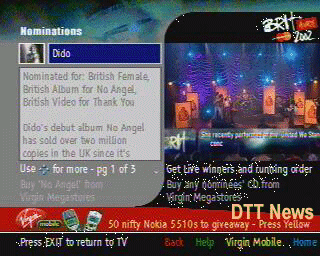
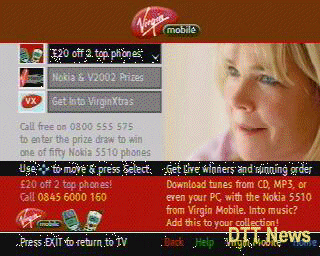
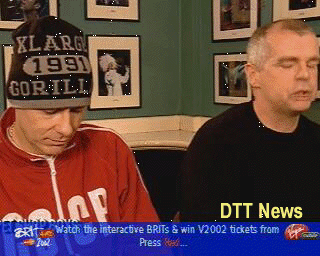
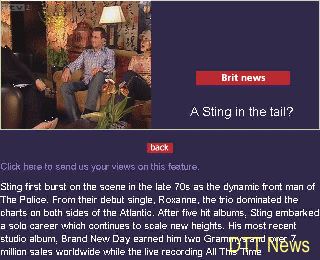
To complement the yearly ITV Brit awards, the interactive service offered updates, simple games and sponsor zones.

This Morning

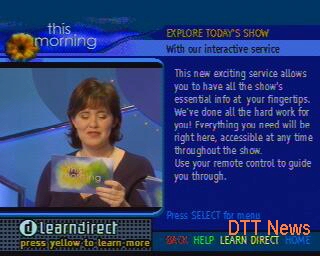
This Morning was sponsored by LearnDirect, and was advertised on their interactive text service. LearnDirect is a company that offered course for people to learn from home int heir own time, and this service was designed to promote that by giving details that their adverts were not able to provide.

ITV Sport

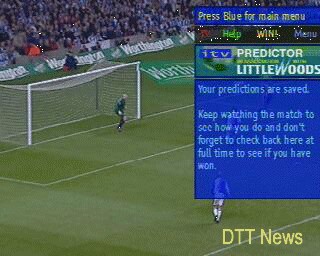
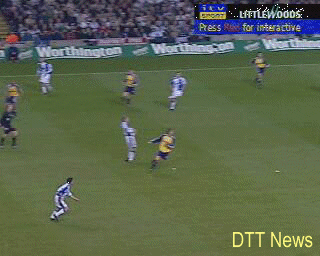
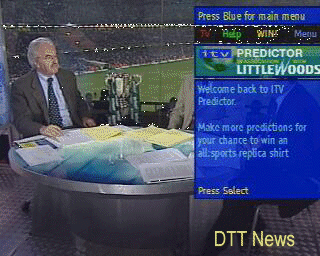
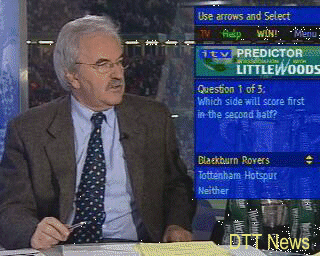
To complement the ITV Sport channel, an interactive service was launched with offers additional activities like a quiz, and a match predictor that was sponsored by Littlewoods, who still operate as an online retailer.

SMTV

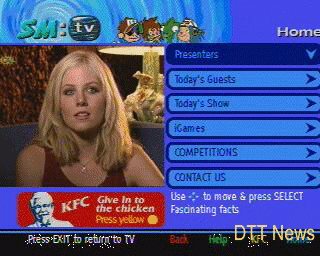
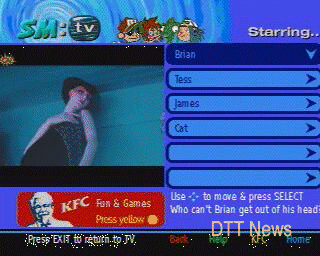
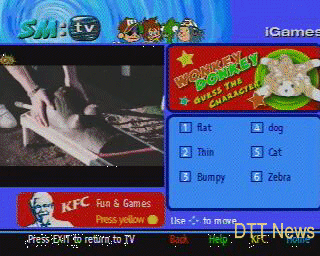
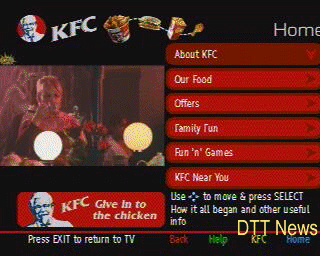
If you get bored of Ant & Dec that you could access the SM:tv interactive services that featured information in relation to the current show, any competitions and KFC, back when fast food joints could sponsor kids shows until Ofcom stepped in

ONdigital Interactive & Services

Throughout the years that ONdigital had operated it had launched several interactive services to enhance and compliment their channel line up, and to make their service more competitive compared to Sky Digital and the cable operations by ntl and Telewest at the time. ONdigital used the MediaHighway and later MHEG5 interactive standard.

Several of the screenshots were hosted on DTT NEWS which has long since gone offline, they have been archived here for future refernce.

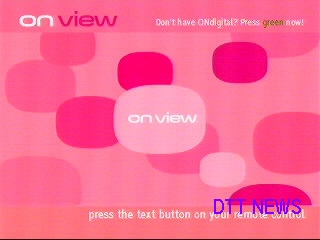
ONview

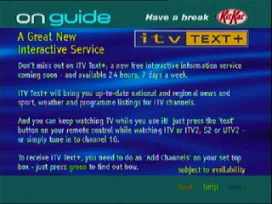
ONview was launched in mid 2000 as a replacement for the channel ‘FirstONDigital’ which broadcasted slideshows of upcoming news and service launches for the ONdigital platform on channel 20. ONview however was supposed to be the central portal of all ONdigital customers and operated as an MHEG service, I guess to entice non subscribers using IDTV’s to subscribe? At this point you could buy IDTV’s of which some came with ONdigital firmware loaded (with some being nothing more than a Nokia Mediamaster box being stuffed inside), some TV’s (Sony) did not feature this software and had their onw, which would explain why ONdigital moved from the MediaHighway middleware to the MHEG middleware.

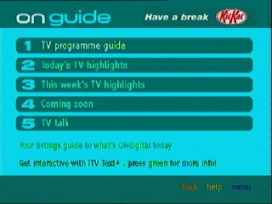
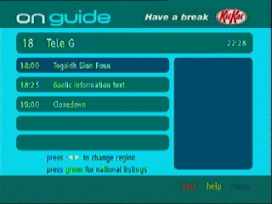
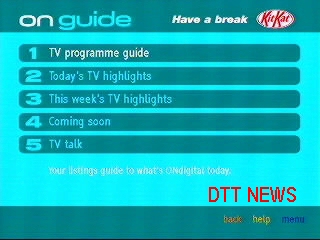
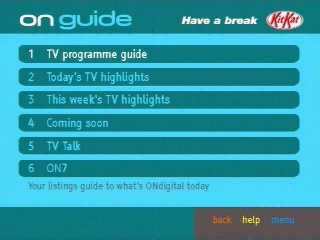
ONguide

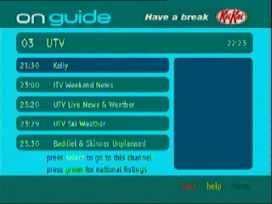
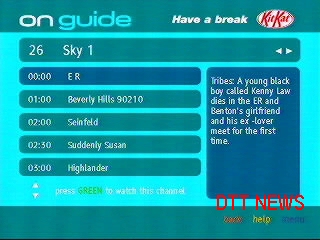
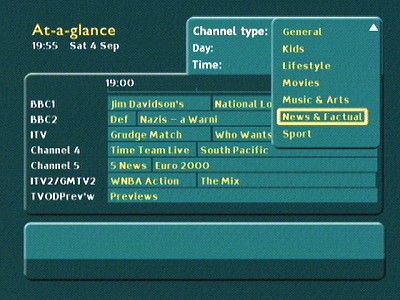
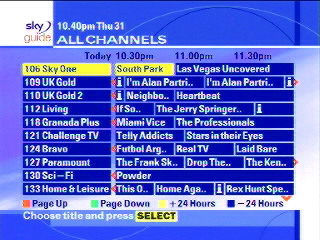
The ONdigital EPG, a tacked on MHEG5 app. The ONdigital boxes only featured a Now and Next style EPG built into their firmware, and was reliant one either a monthly magazine or a couple of interactive guides offered by BBC, ntl or Teletext.

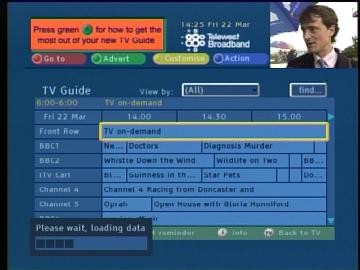
Compared to Sky and cable its very poor, with no ability to set reminds unless you manually set the timer in the main menu. Meanwhile this is what the completion TV guide looked like…

ONinfo

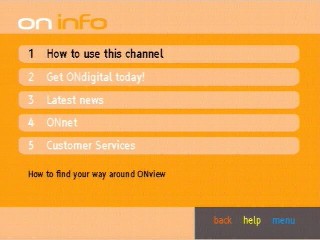
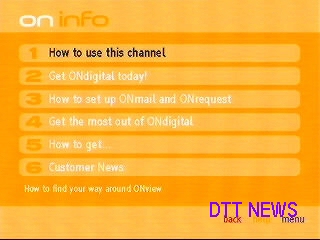
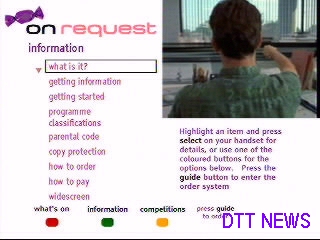
ONinfo, with information about ONdigital’s services and how to subscribe, a later revision is shown on the right with information about ONmail and ONrequest

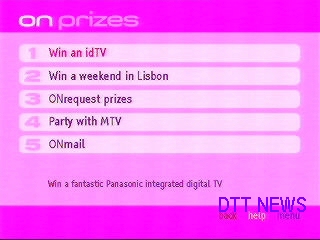
ONprizes section, where details of competitions and how to enter them.

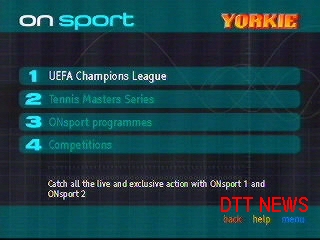
ONsport – Sport highlights for ONdigital’s dedicated sport channel

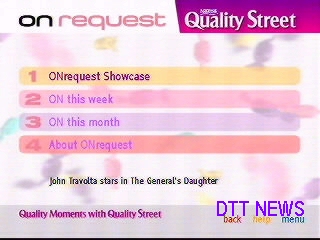
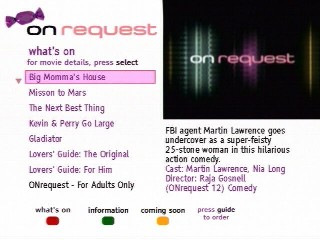
Information on movies and event on ONrequest are promoted here and information on how to order from the service.

ONrequest

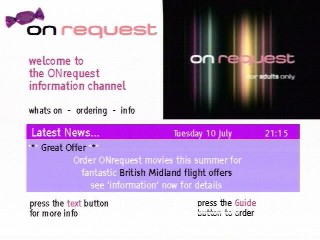
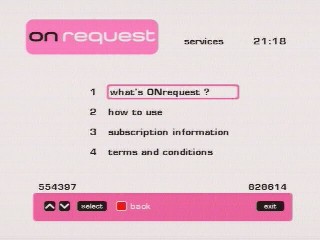
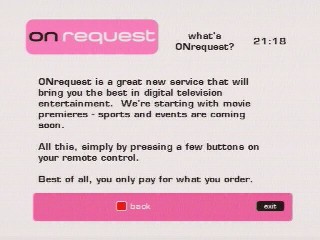
ONdigital’s Pay-Per-View service, where films could be ordered and screened across 5 multiplexed channels. Customers could access the service by going to channel 50 and pressing the text button when prompted.

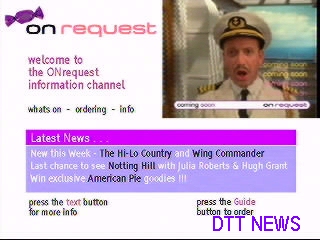
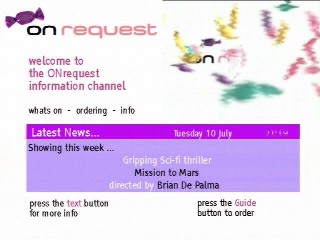
A common thing you see with Onrequest is sweets, or sweet wrappers. I’m not sure on the connection between sweets and per-per-view movies

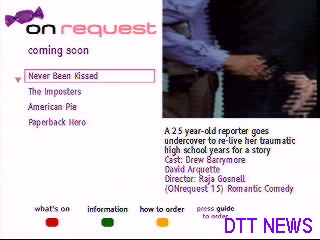
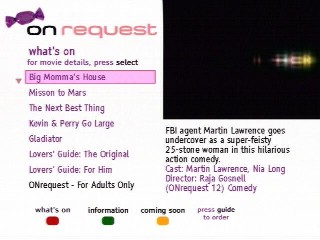
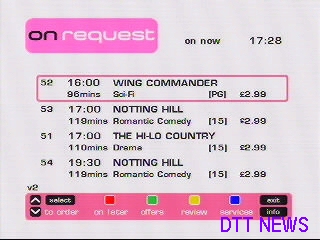
This part of the service is where you can view information about the movies that are offered, followed by a description of the event and the actors and director involved, along with the age rating.

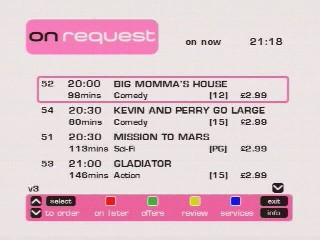
To actually order the event you had to press the guide button and then choose option 2, which would load the actual PPV application where the customer could order the event, as long as their box was connected to the phone line. This was all done in the second part below.

The screen where you order the event itself. This looks like a MediaHighway applet.

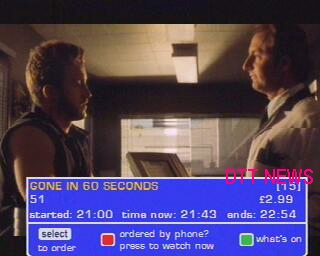
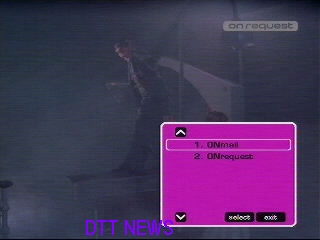
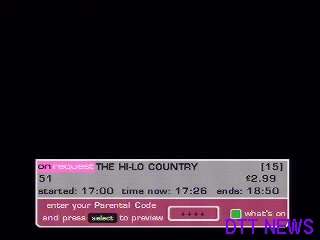
This banner appeared when you entered an ONrequest channel whilst an event was currently being shown. Customer could see a 10 min preview of the start of the programme to entice them to order

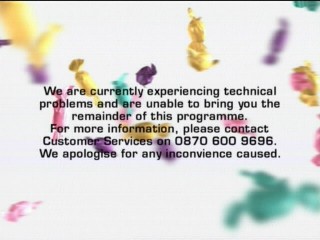
Sometimes things went wrong

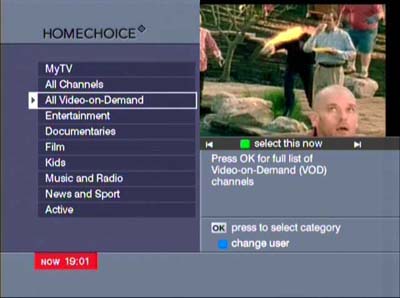
Homechoice EPG 2004

Homechoice was one of the first IPTV providers in the UK (along with Kingston/KCOM) where the entire TV service is delivers via the ADSL enabled phone line.

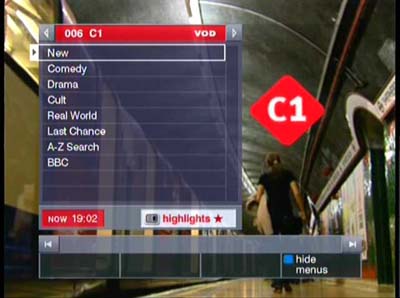
The main on demand guide, C1 and C2 were presented as linear TV channels but were shortcuts to Homechoice’s on demand content

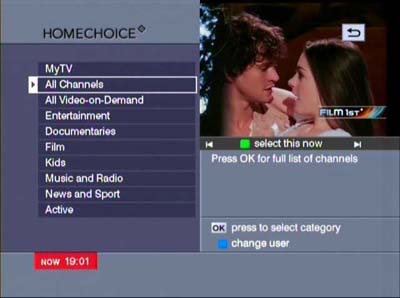
TV channel genres, similar to the category view on Sky digital, but with video on demand mixed in

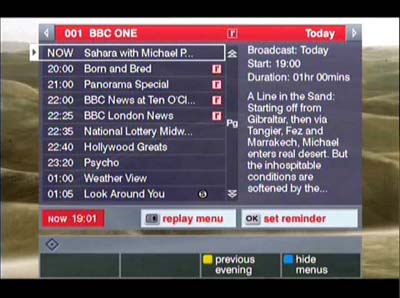
The main linear TV channels, up to 6 channels are displayed at a time and can be scrolled through using the CH + and – buttons. Future TV listings can be displayed. Like cable, a Mini TV window is displayed showing the channel that the user is currently tuned to

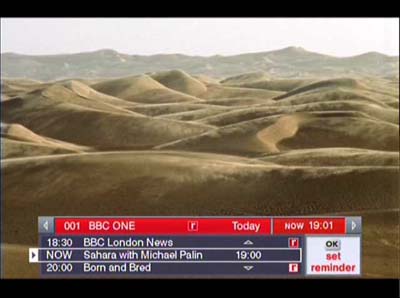
Main channel navigation banner, you can see what is being shown now and what’s coming up later

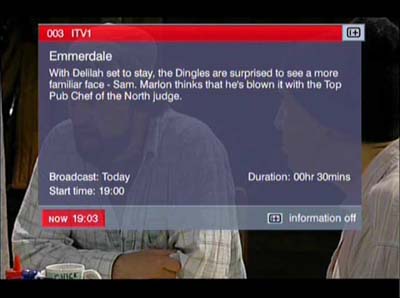
Synopsis information, displaying more information about the program

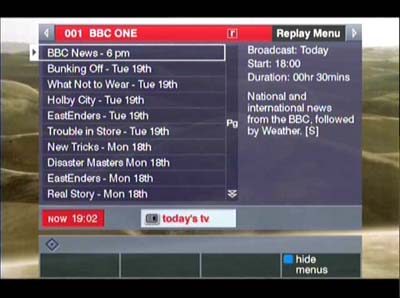
All shows than are going to be broadcast latest for a specific channel

C1 was a dedicated n demand channel that would show trailers for shows that Homechoice was offering. Virgin would adopt the same method with Virgin Central, as a way to entice customers to use the service.

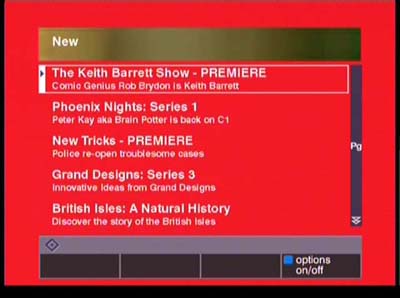
Detailed list of all shows, here the newest shows are listed

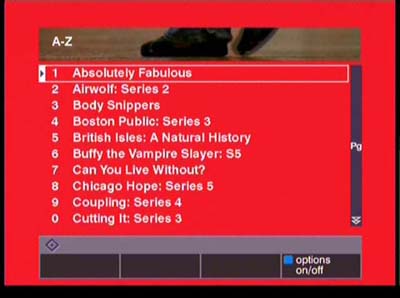
A-Z of all shows

ntl EPG (2002 – Langley)

This update marks the start of the unification of the Langley and Bromley platforms, as the colour scheme as been changed to match the one used by Bromley CR3. Internally many amendments were made in how the DVB-SI was handled in order for it to behave like the Bromely imersion.vplentation

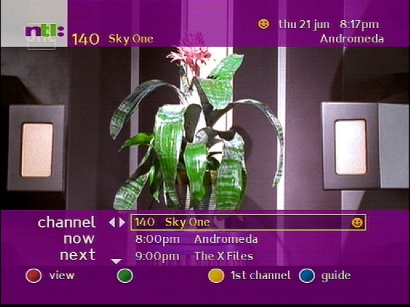
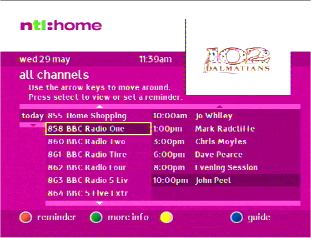
The channels banner keeps its layout but adopts the new color scheme

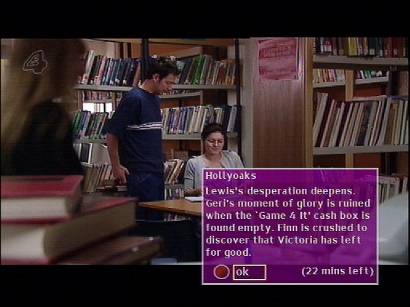
Information banner that displays details on the program being broadcast

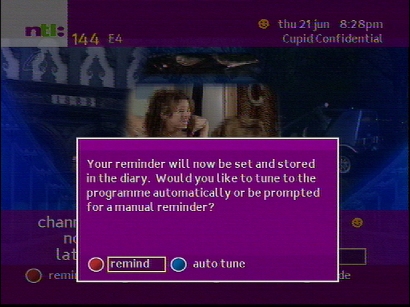
Setting a reminder for a future event, auto tune can be enabled for when you are settings a recording for a VCR, the box will then automatically change over to the channel

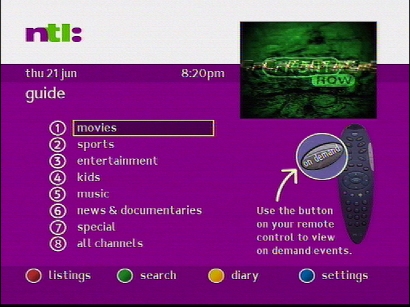
Main guide screen, different genres can be accessed here

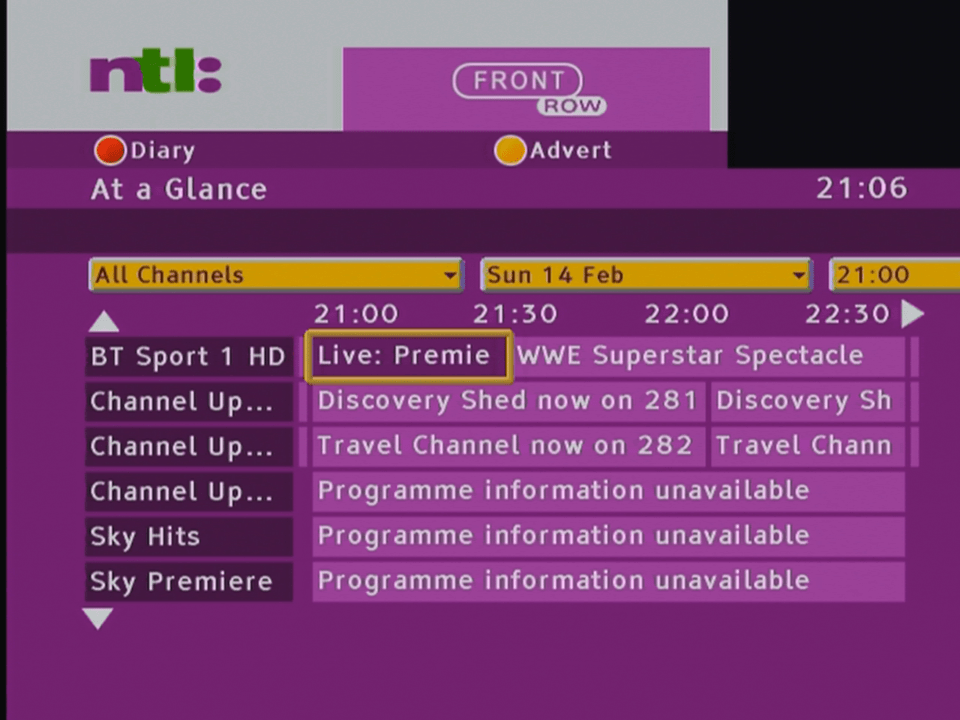
This guide still has the classic layout, whilst the Bromley guide uses the grid like layout that is well known today

Pressing text on a channel that does not have an interactive link

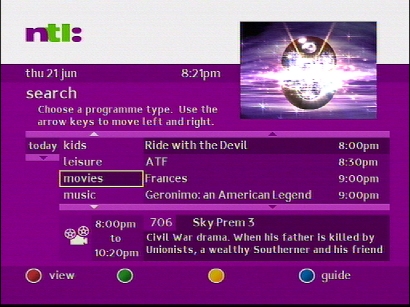
Using the subject search feature to find a program

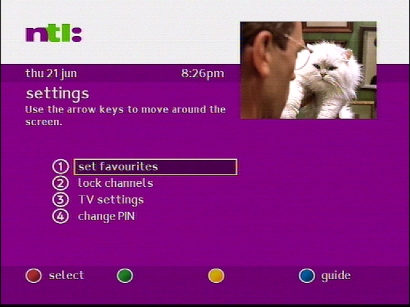
The settings area, which remained unchanged since the previous version