One of the last generation of Thinkpad laptops branded as IBM before Lenovo was introduced. Let’s take a look at what software was included with a typical IBM Thinkpad install.
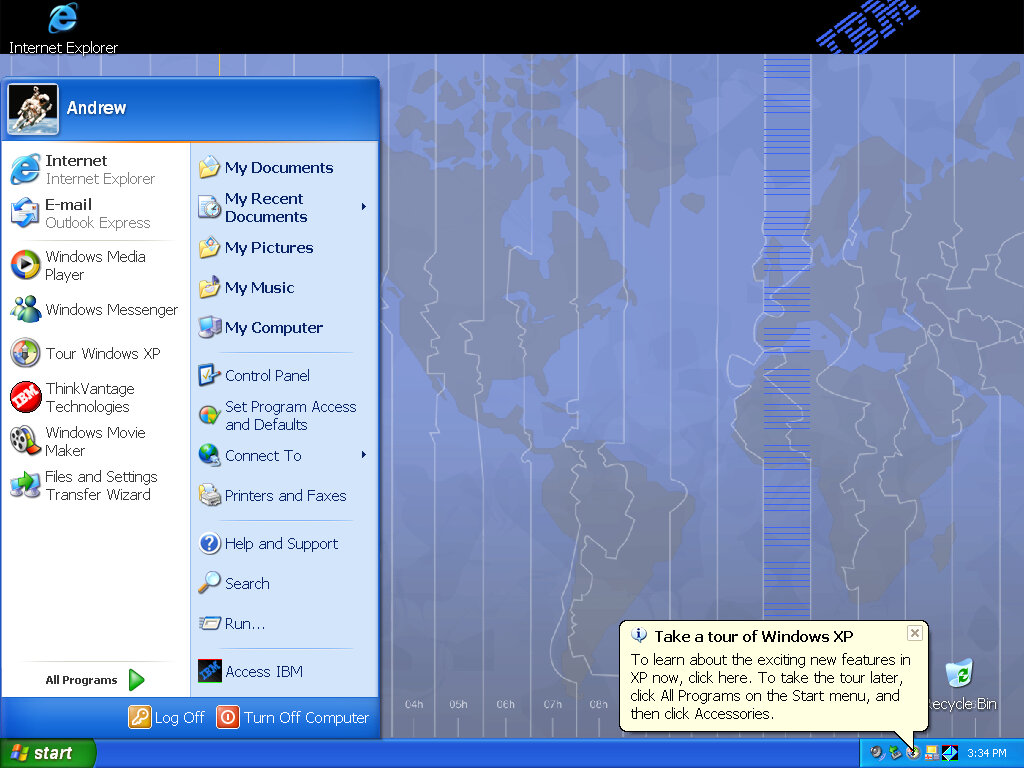
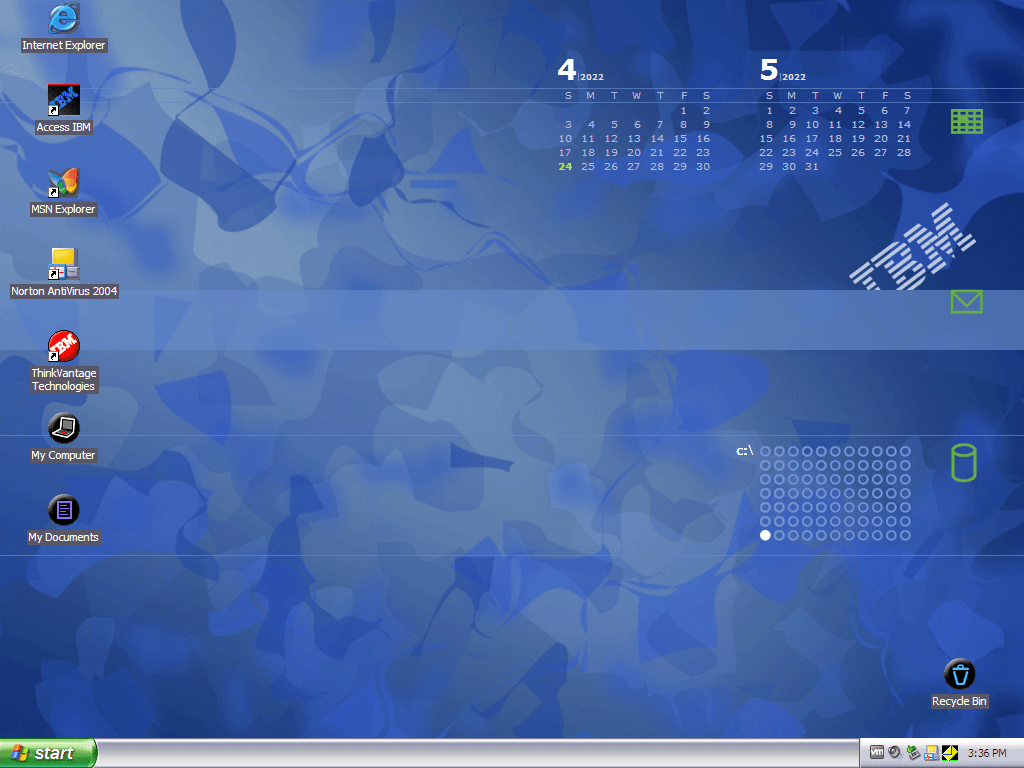
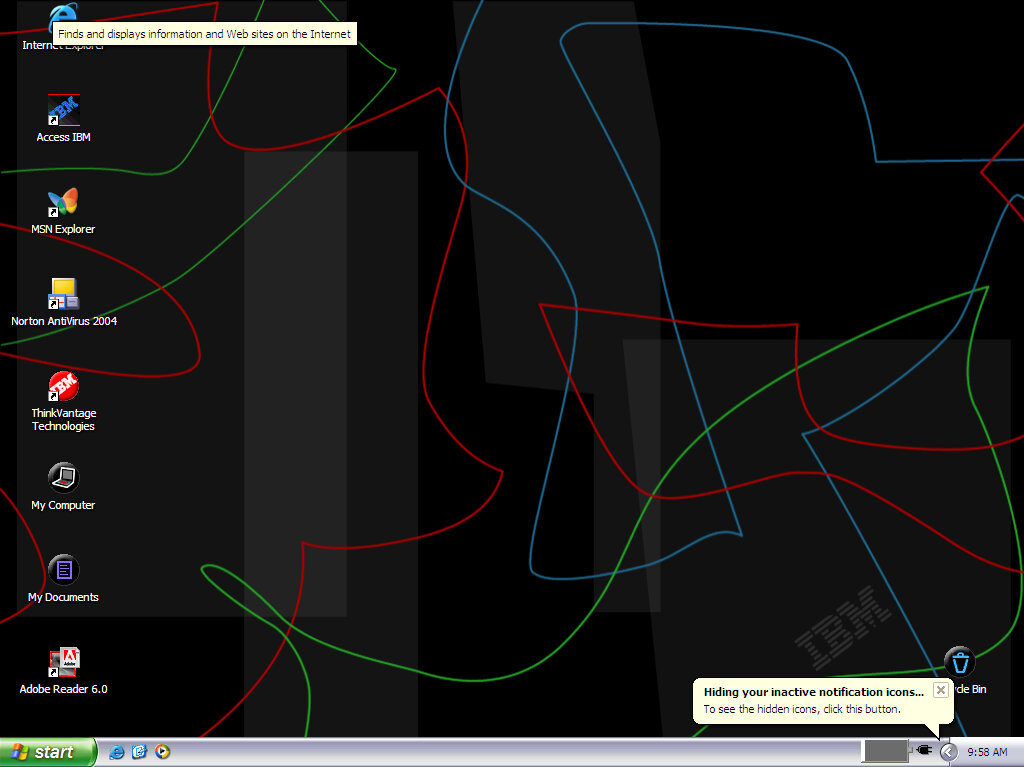
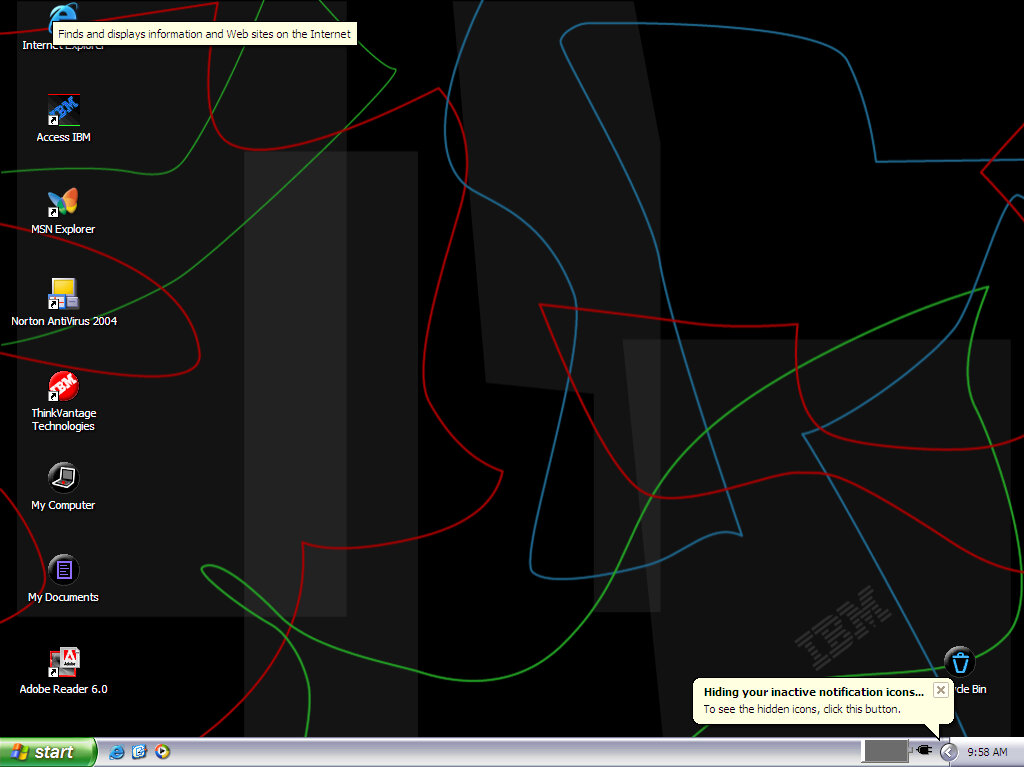
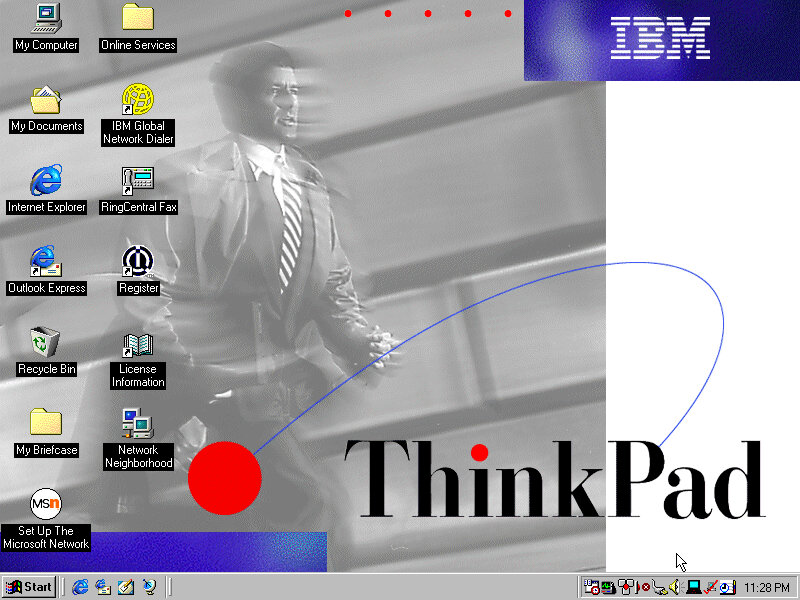
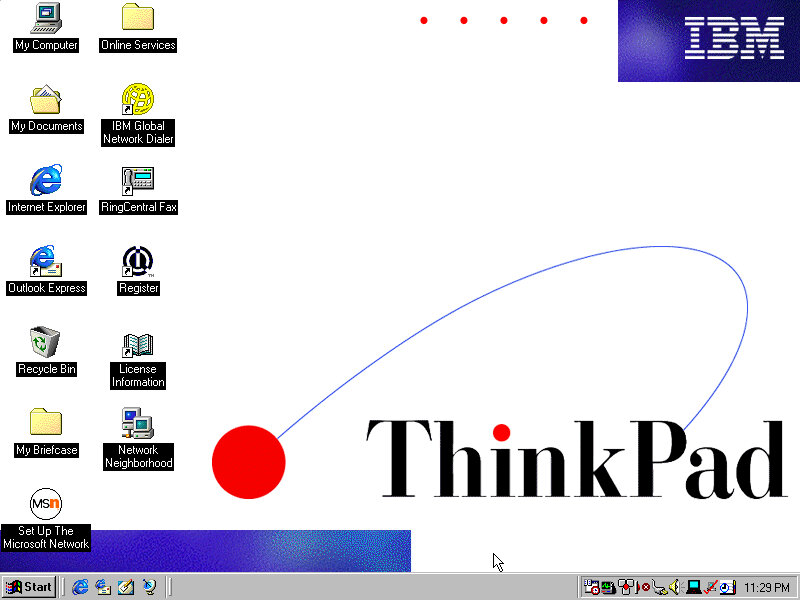
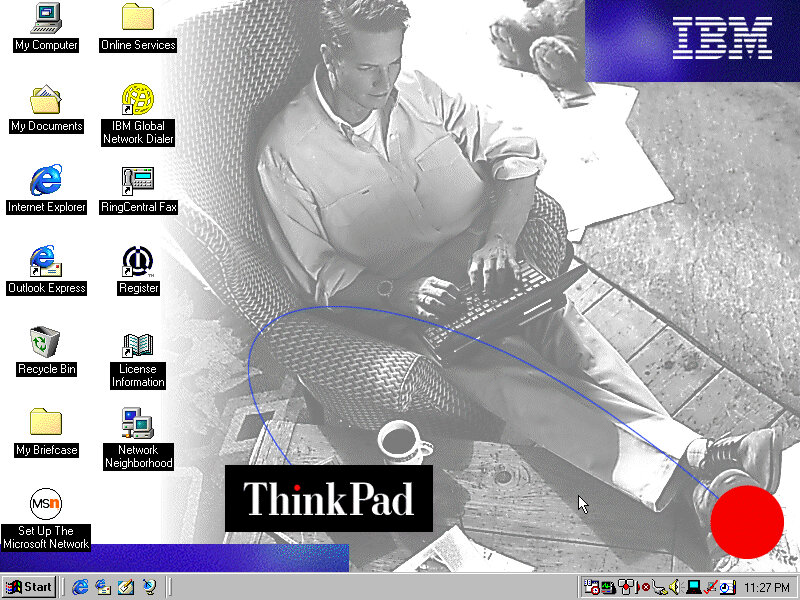
Desktop after a fresh install, complete with an IBM custom wallpaper and a link to the Access IBM for the OEM Link.
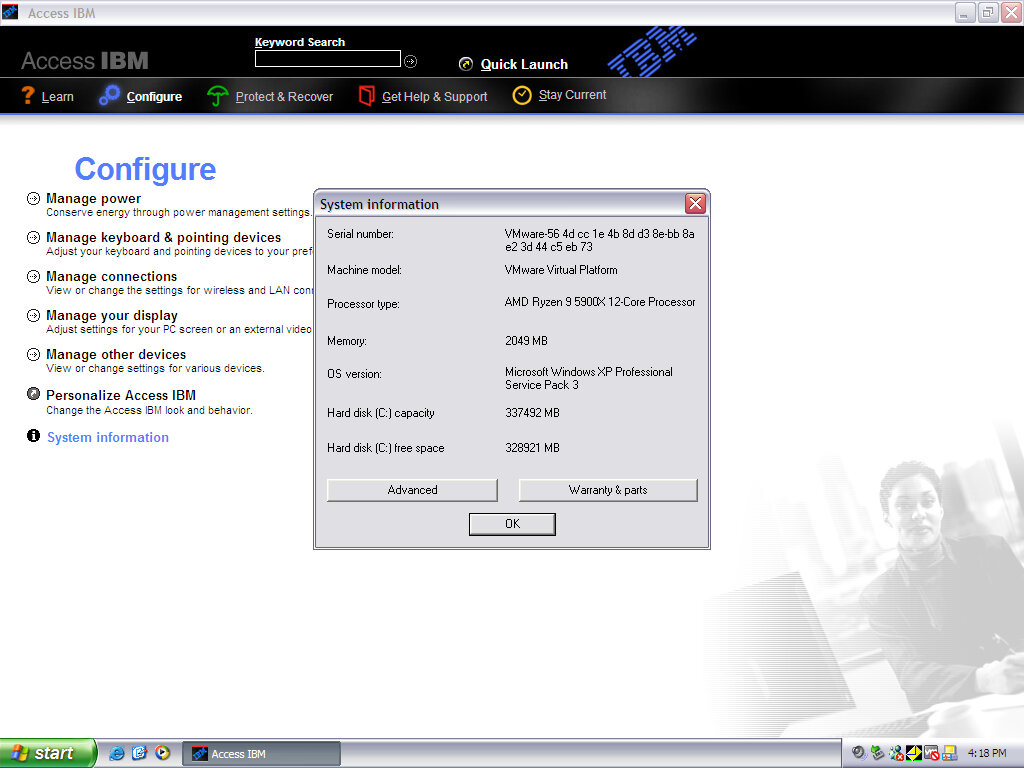
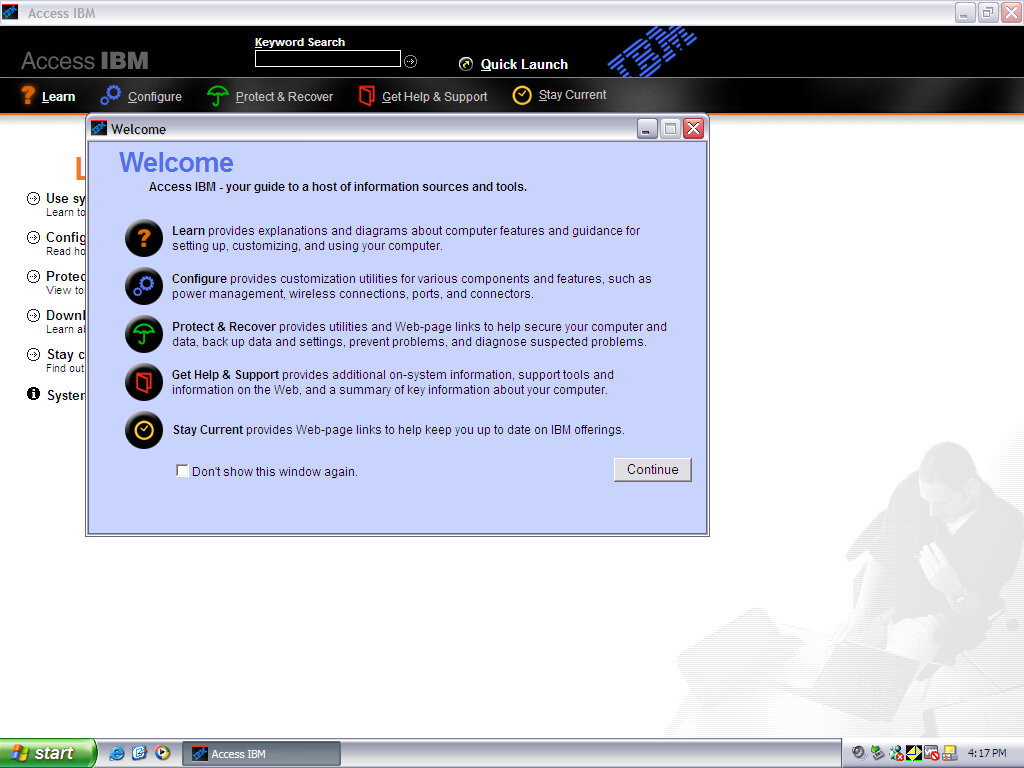
Access IBM
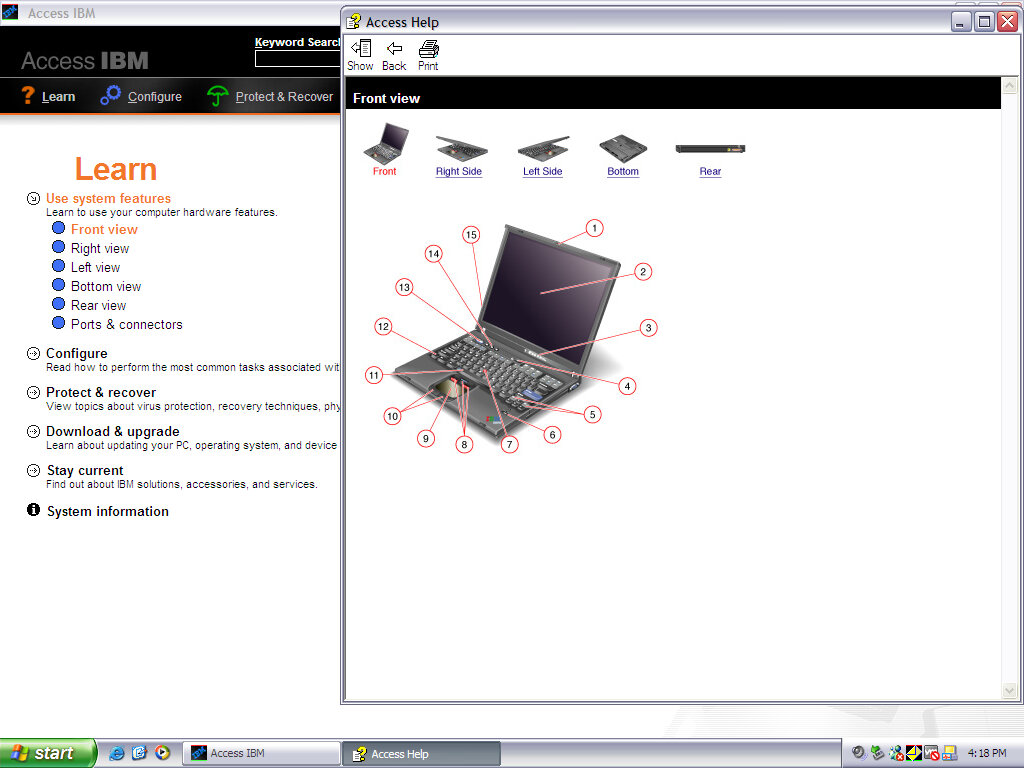
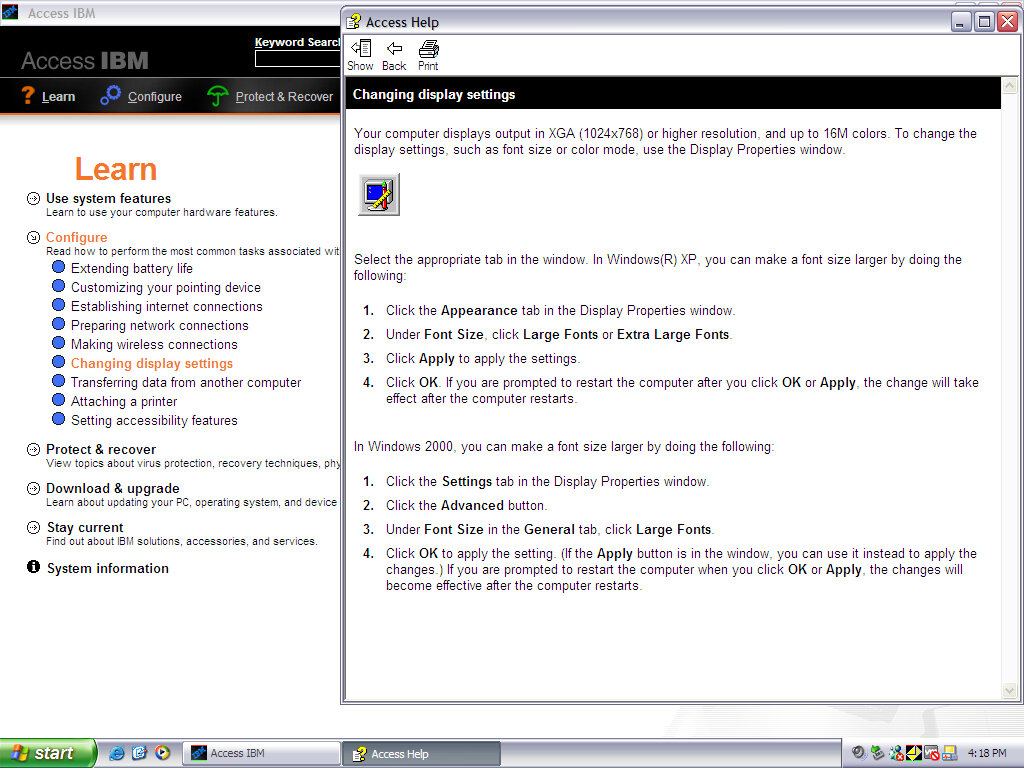
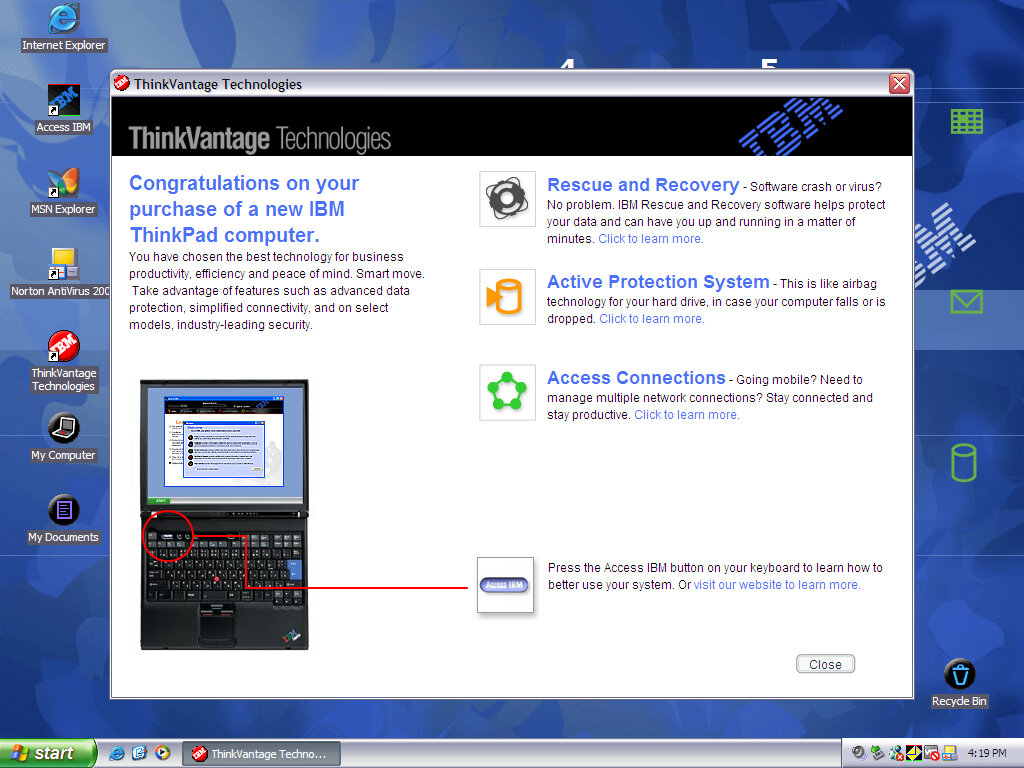
A program that goes through the features of the ThinkPad and allows easy access to common functions that Windows does not typically cover. It also has links to various support topics and articles, acting as an electronic alternative to the bundled documentation.
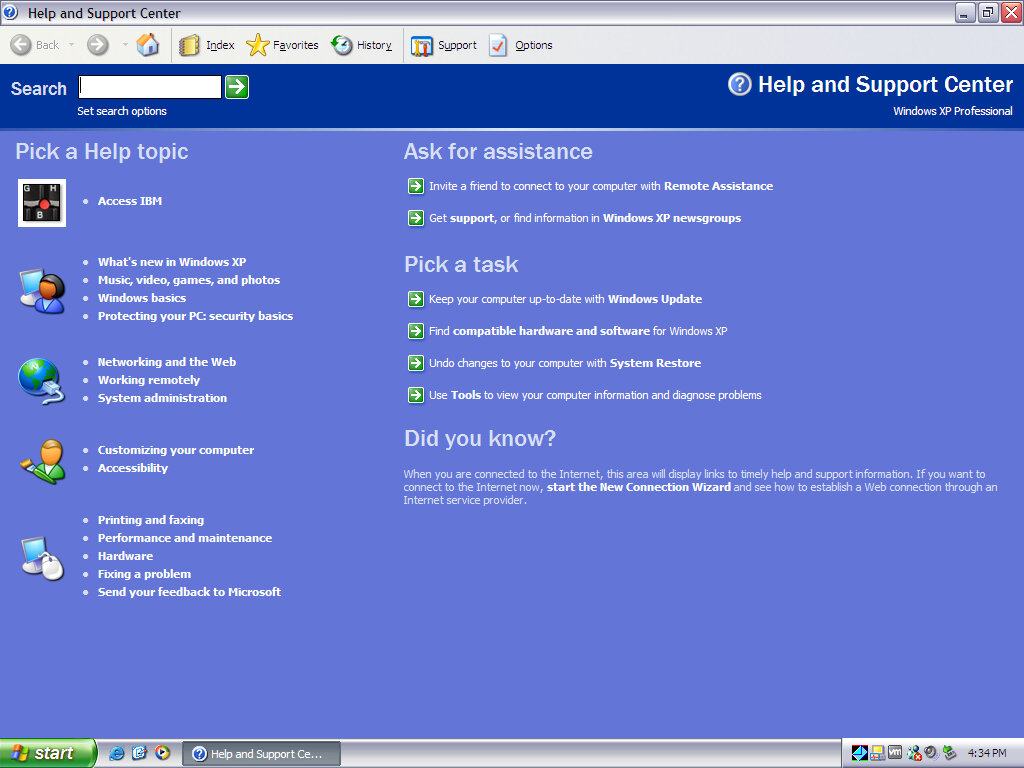
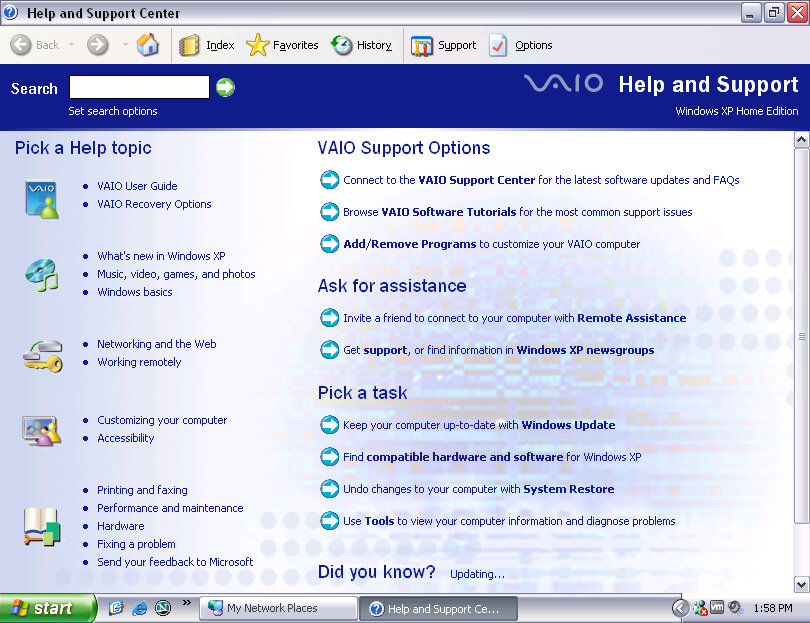
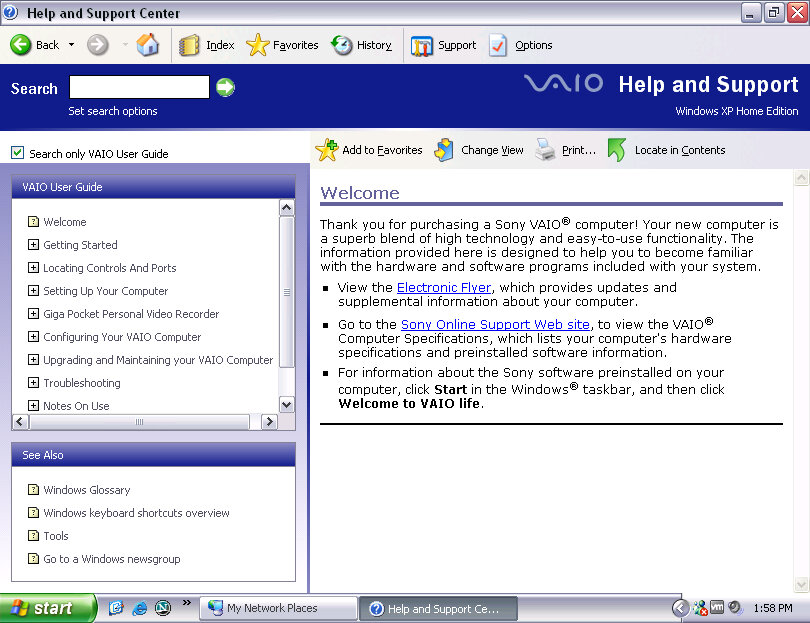
A shortcut to Access IBM appears in the Windows Help & Support center.
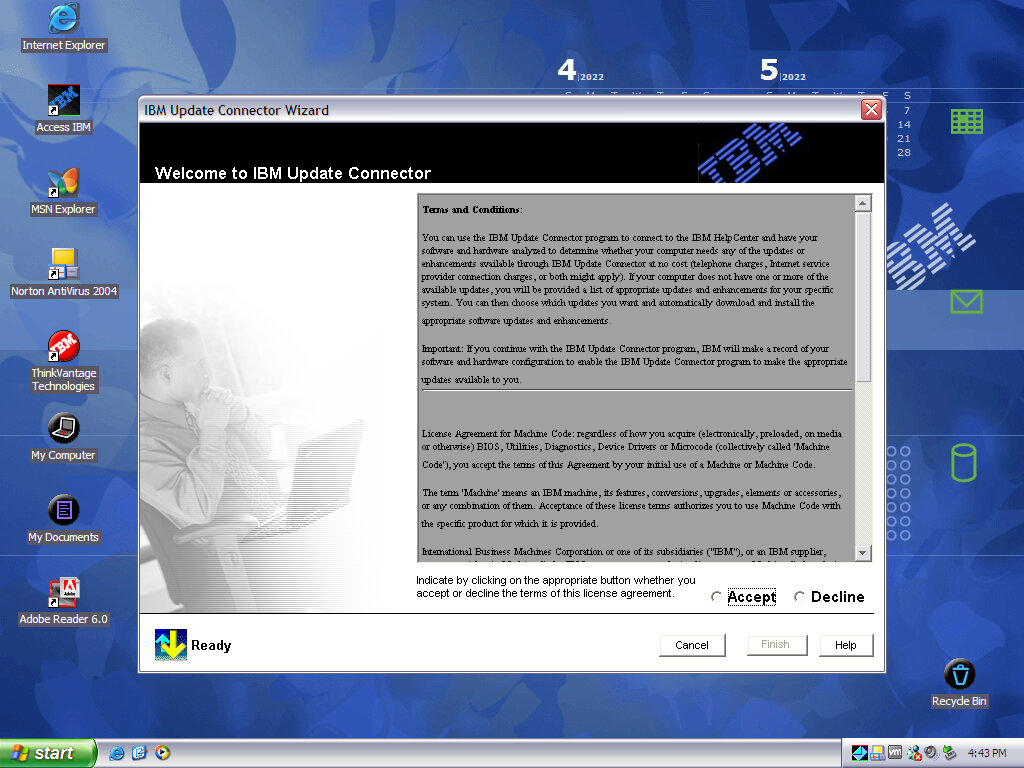
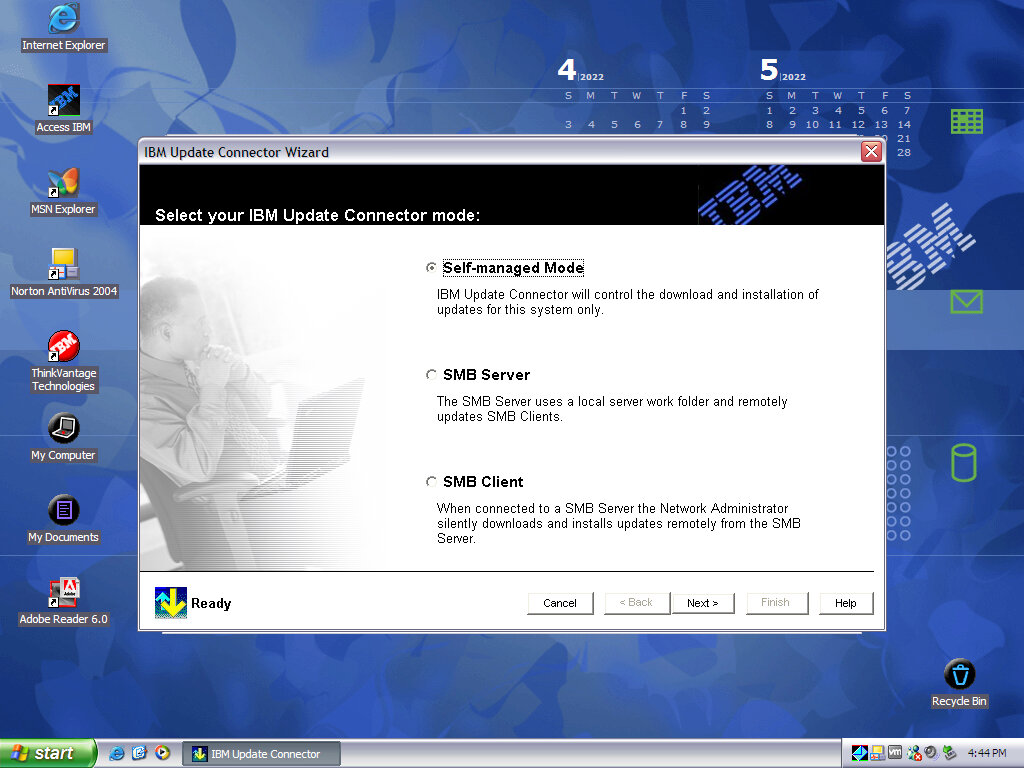
IBM Update Connector
Checks for driver updates and any new versions of bundles software. In a domain environment you can also set up your own IBM update server where approved and tested updates can be distributed, instead of downloading from IBM directly.
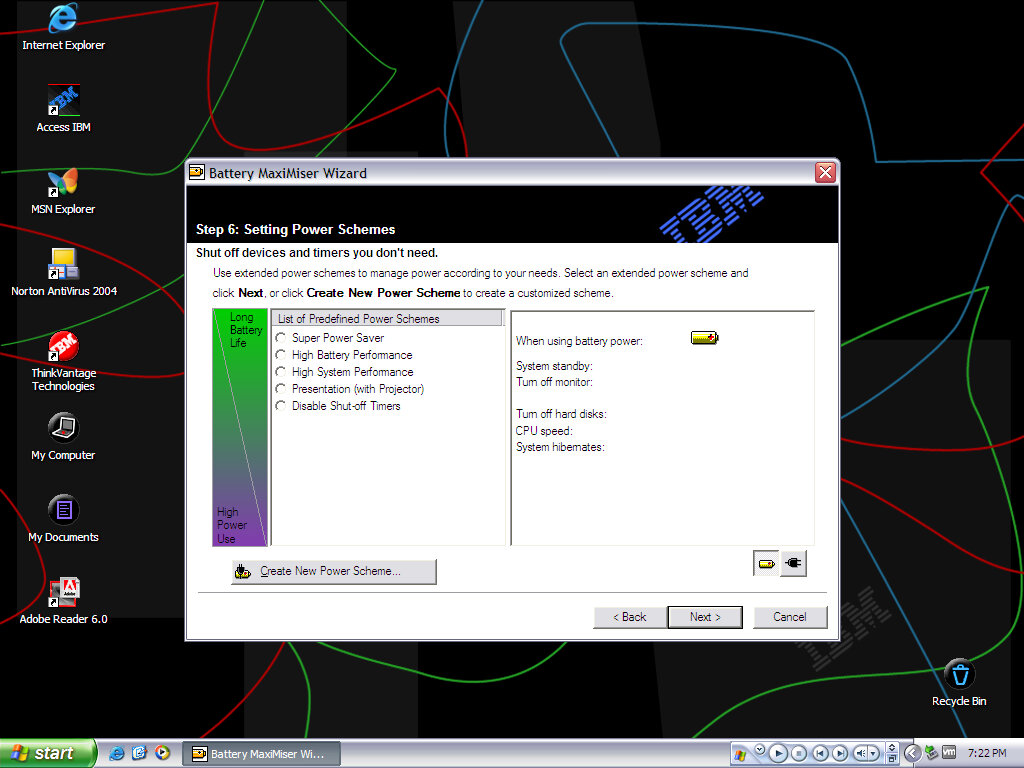
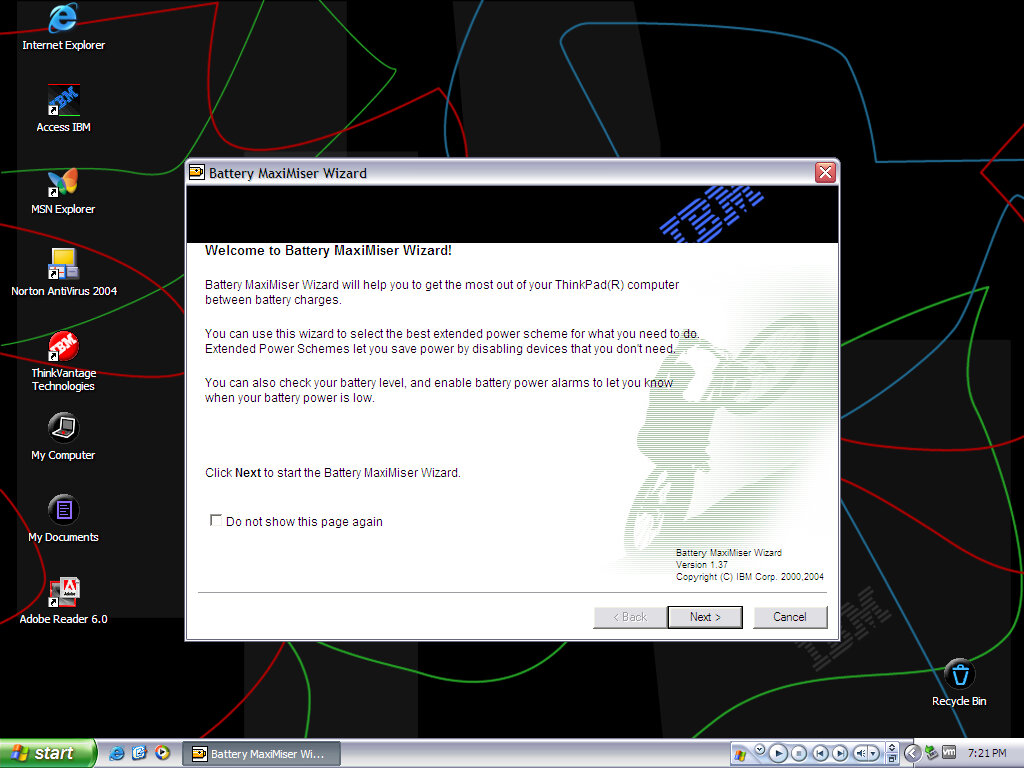
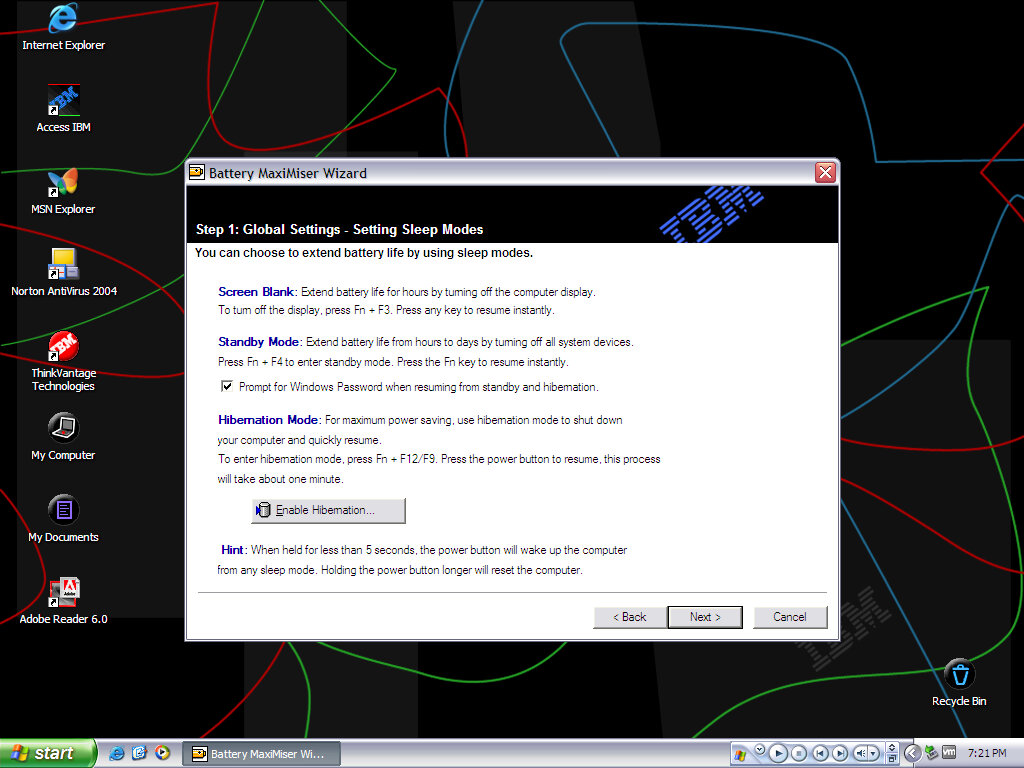
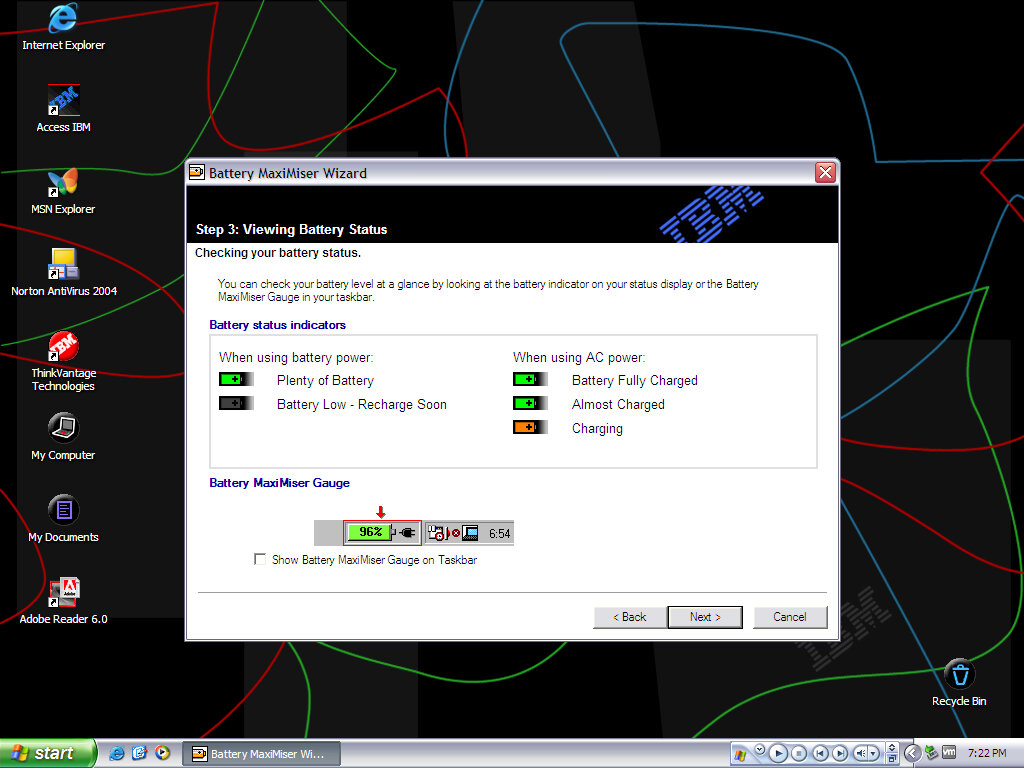
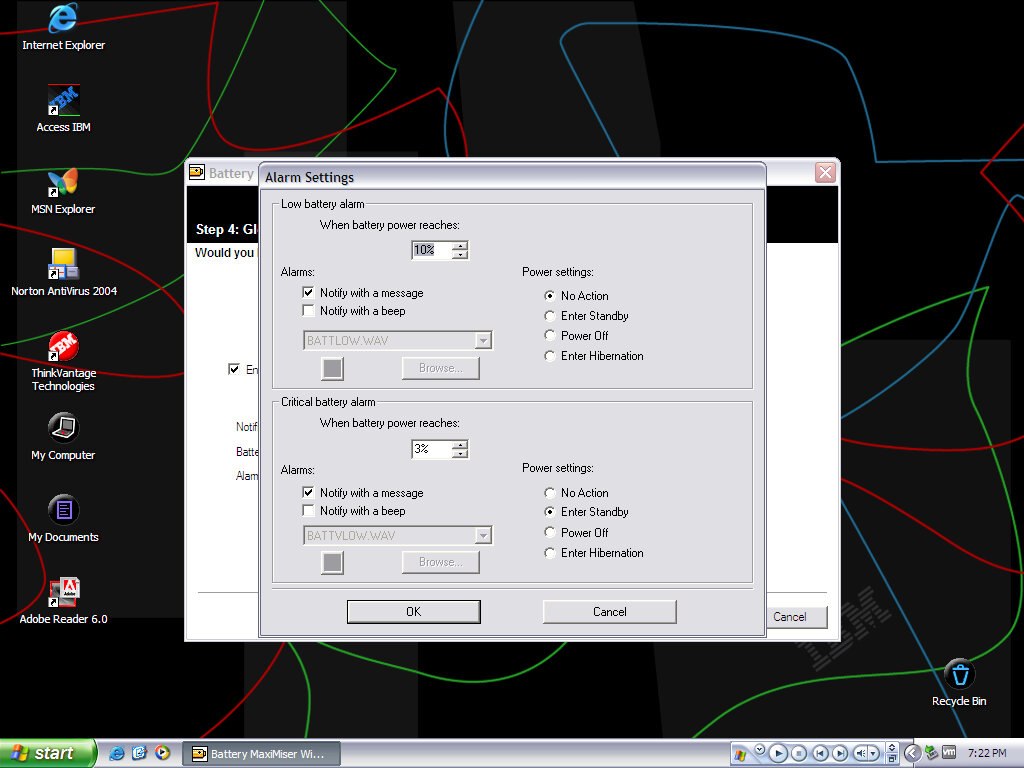
Battery MaxiMizer Wizard
Helps monitor the battery health and how to get the best battery life.
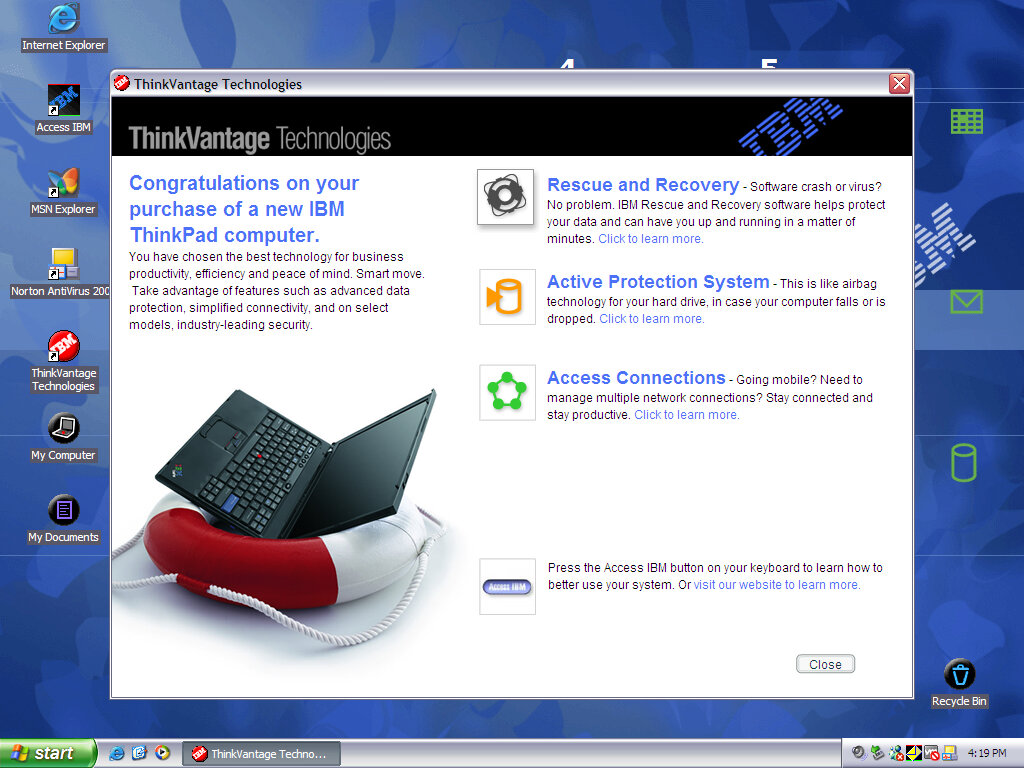
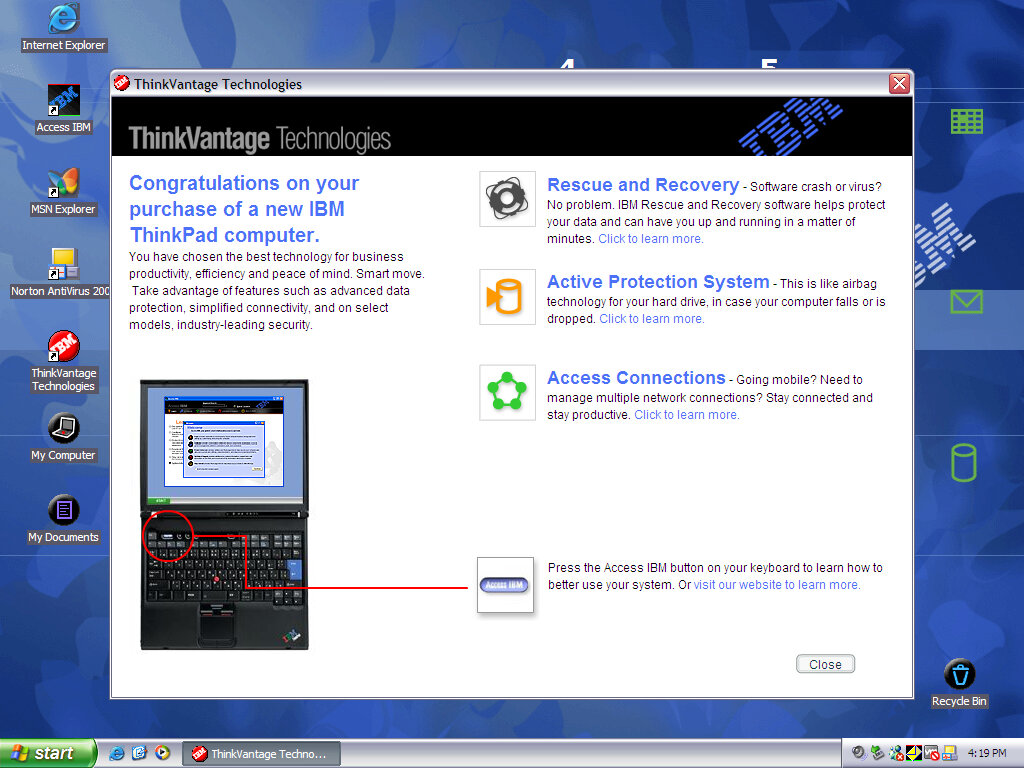
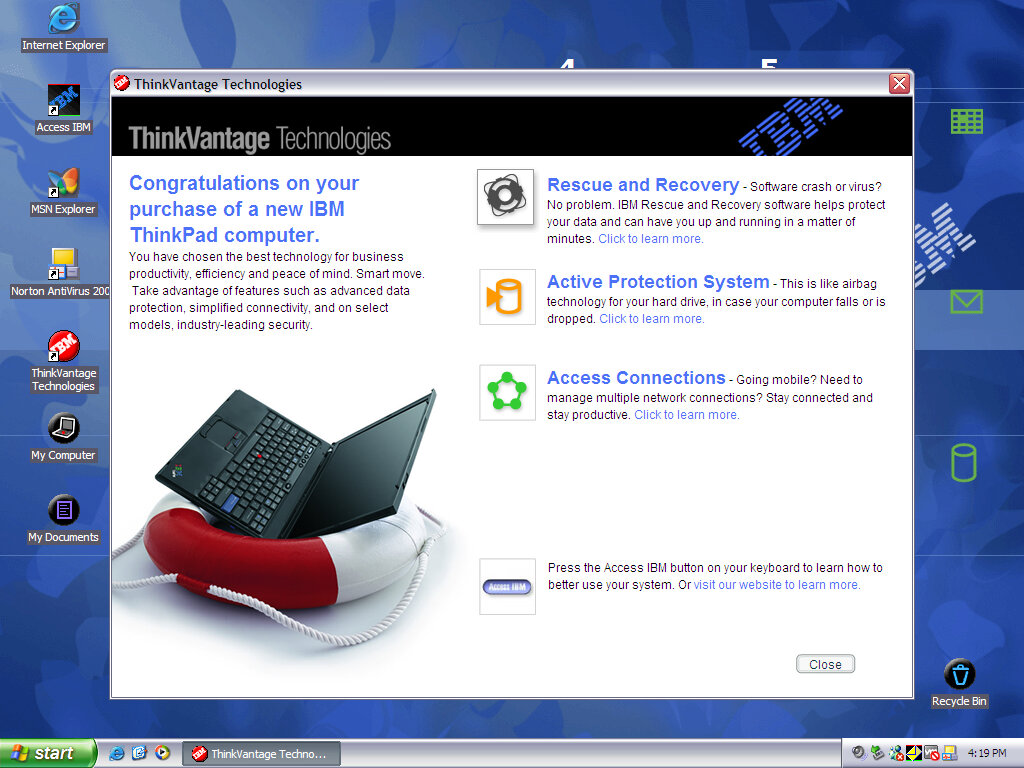
ThinkVantage Technologies
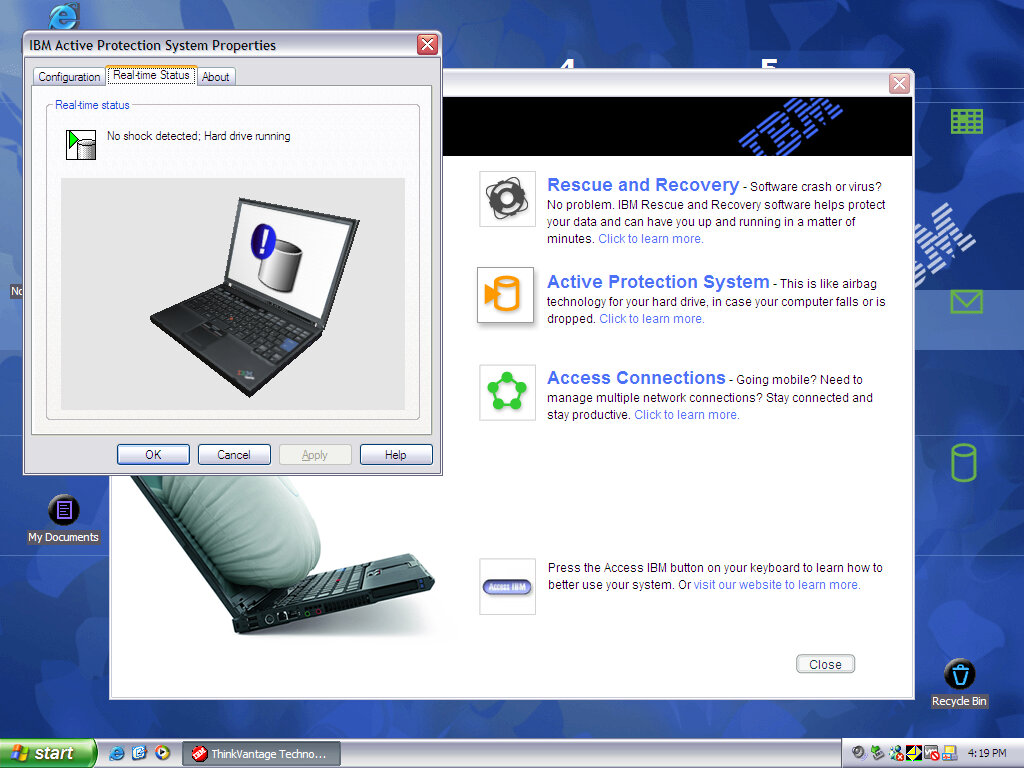
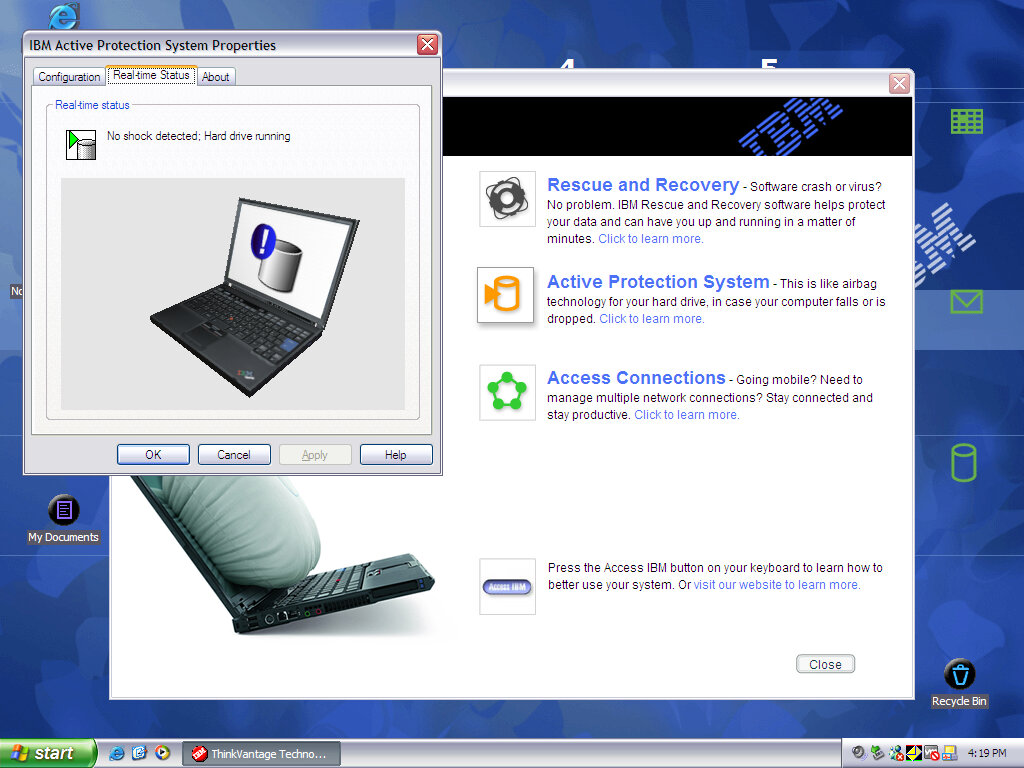
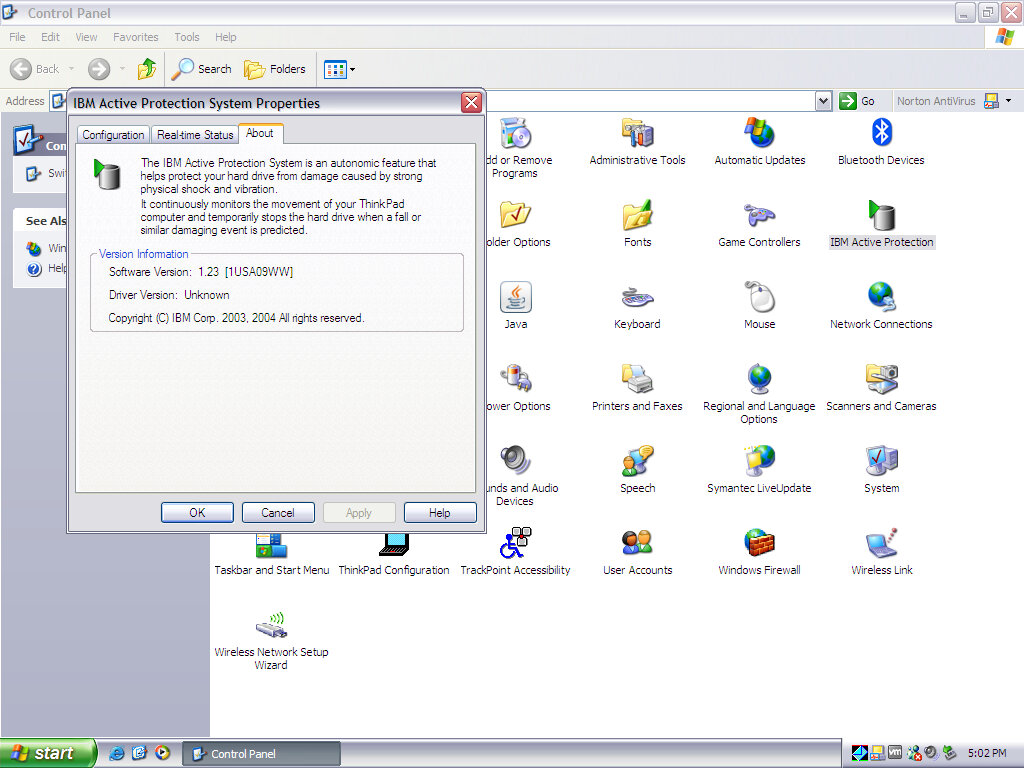
Shows off the different features of your ThinkPad like the rescue and recovery software to recover any missing or corrupted files. The active protection system with shuts off the hard drive when a fall is detected, possibly a sensor is embedded into the laptop to allow it to detect this.
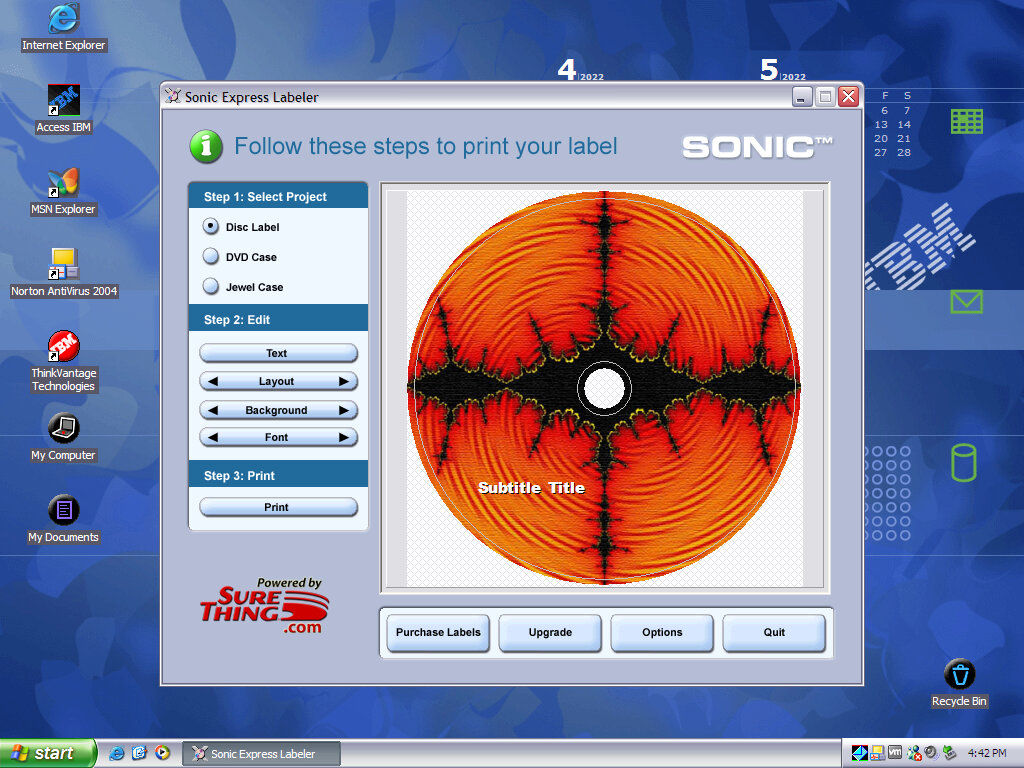
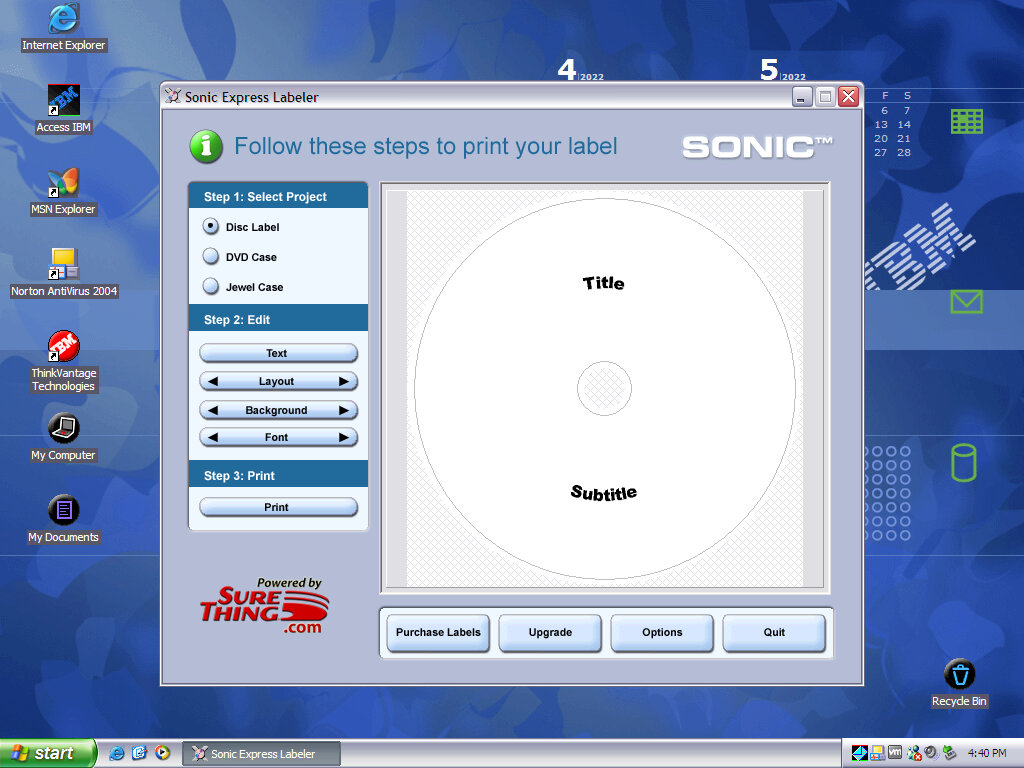
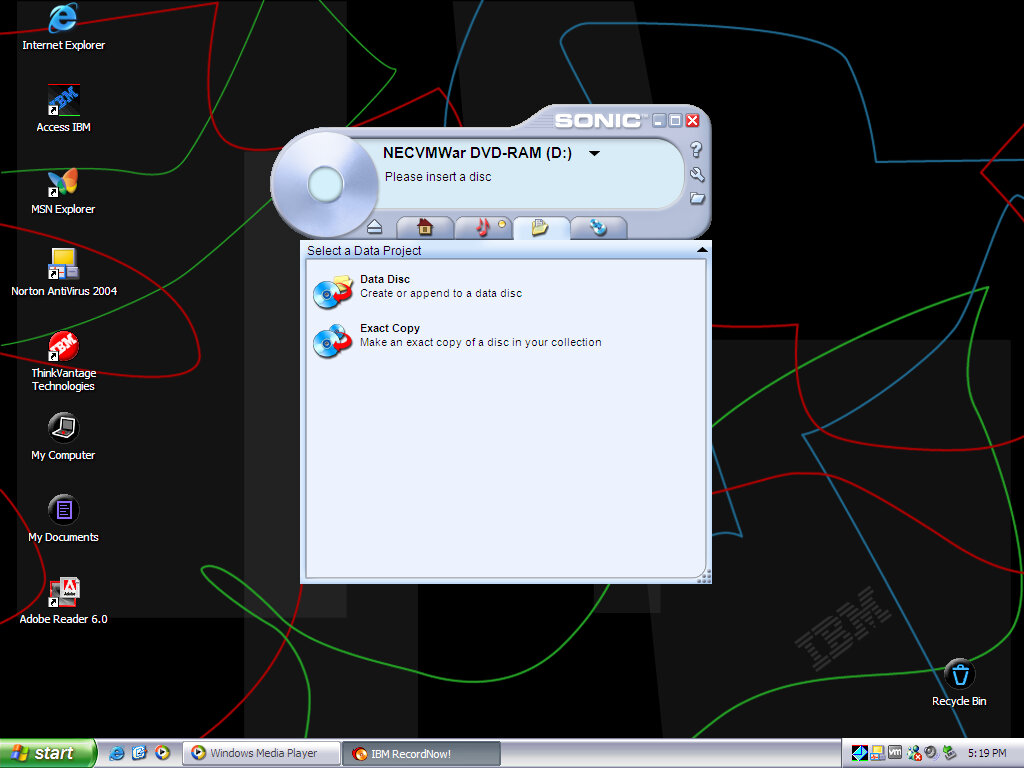
SONIC Expresslabeler
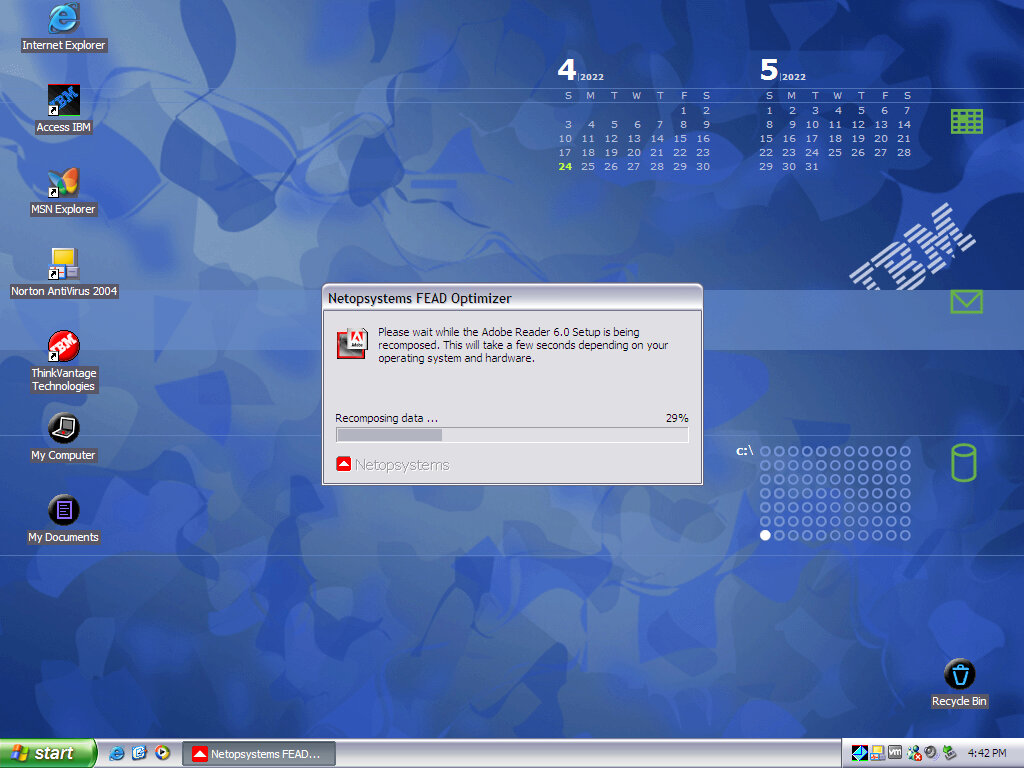
Adobe Reader
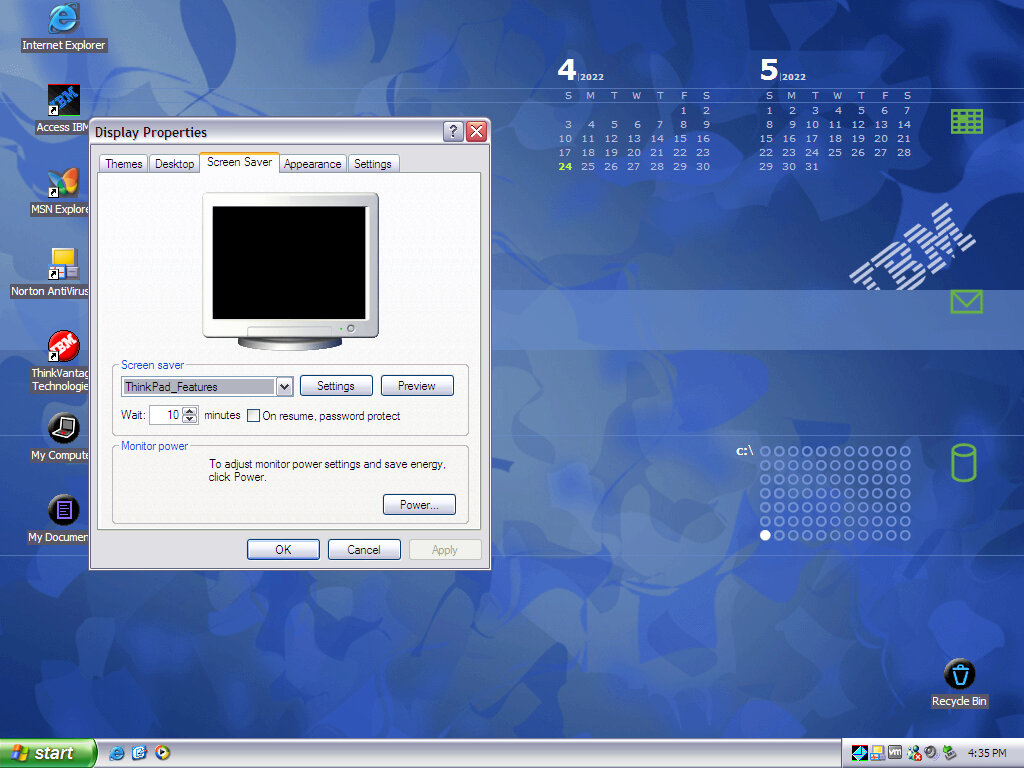
Appears to be present but not completely installed by default. Opening it for the first time reveals some sort of unarchiver. Also a look at an interactive wallpaper also provided by IBM, which displays a graphical view of the hard drive and its space used, and the calendar which shows the correct date (But not any schedules or reminders). There’s also a section for email, but I have yet to get this to show anything, possibly only works with Outlook Express.
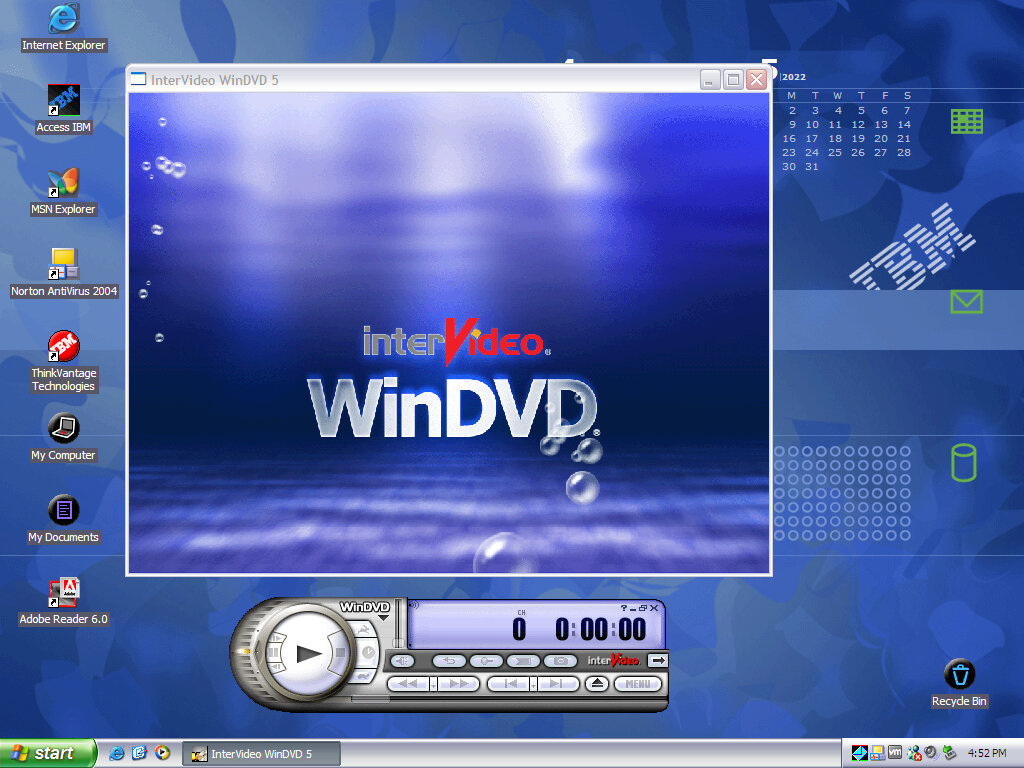
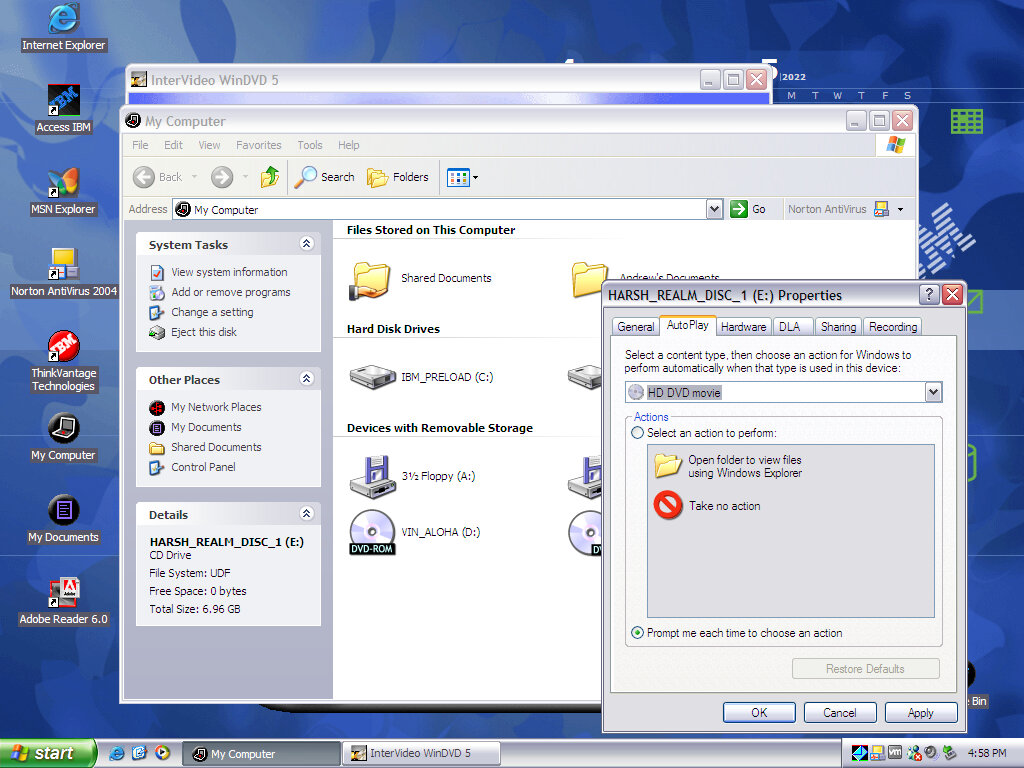
InterVideo WinDVD
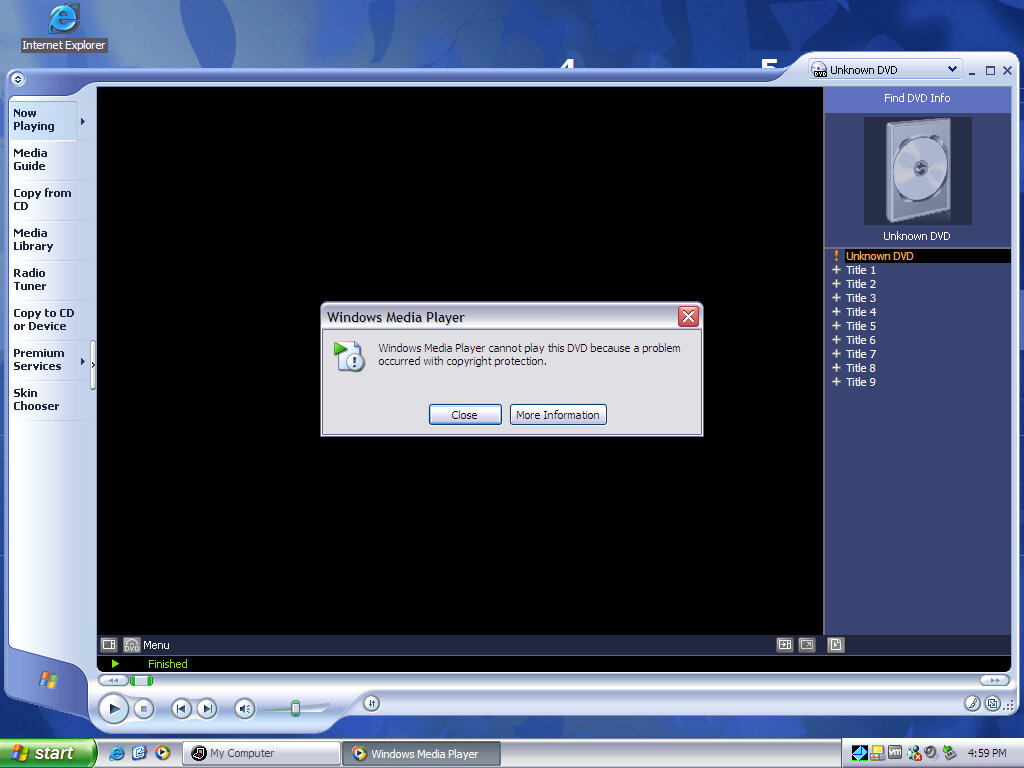
DVD playback software for the included DVD drive, this does not function in the virtual machine as it complains about the lack of copy protection. Even Windows Media Player had issues playing a DVD.
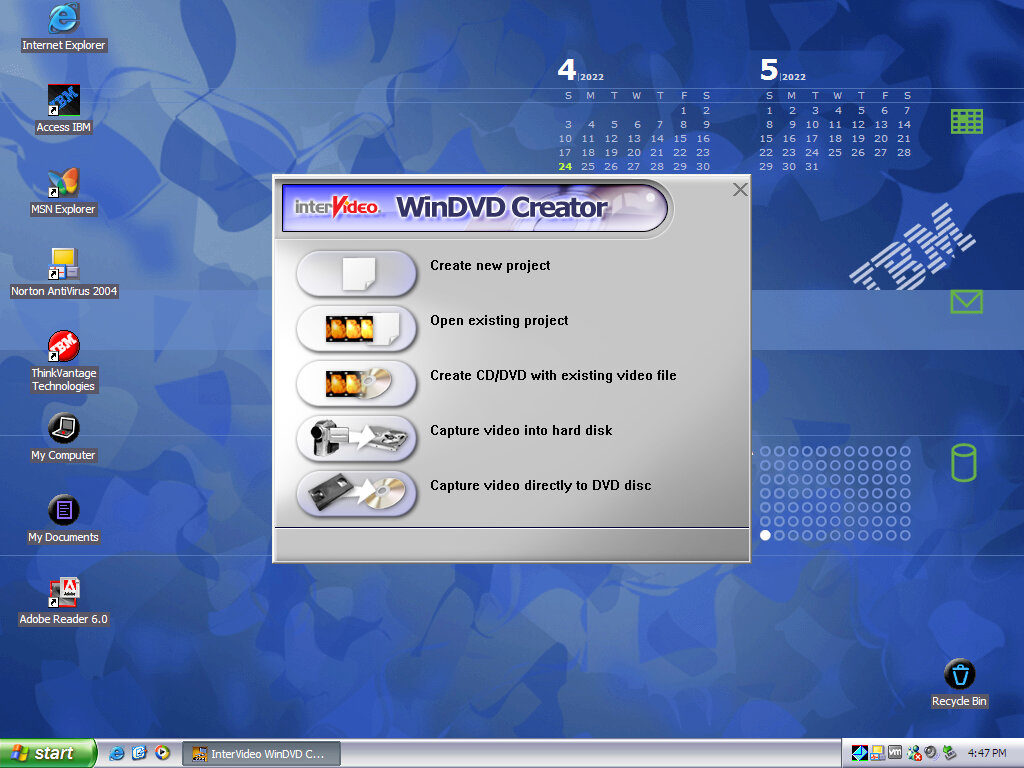
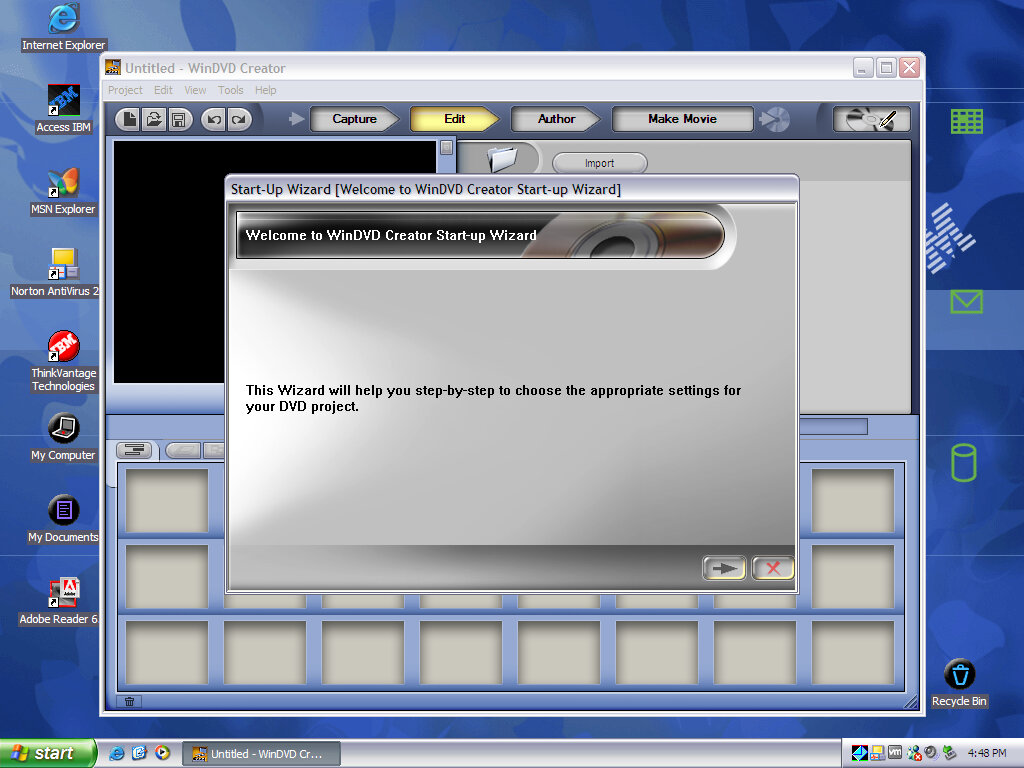
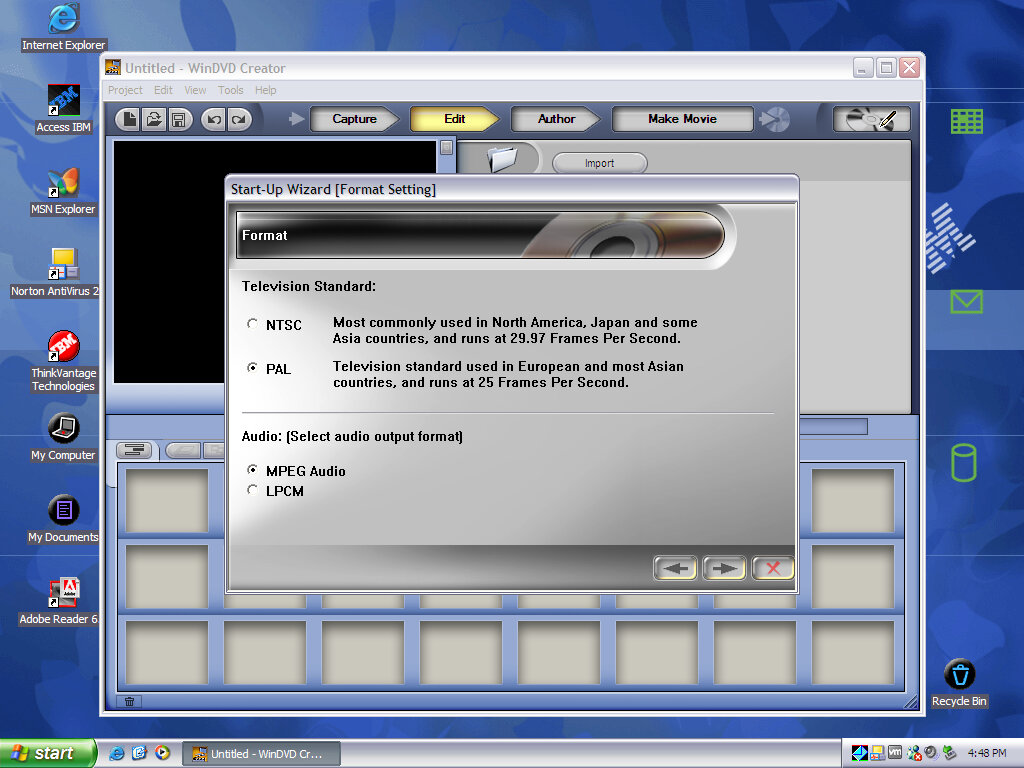
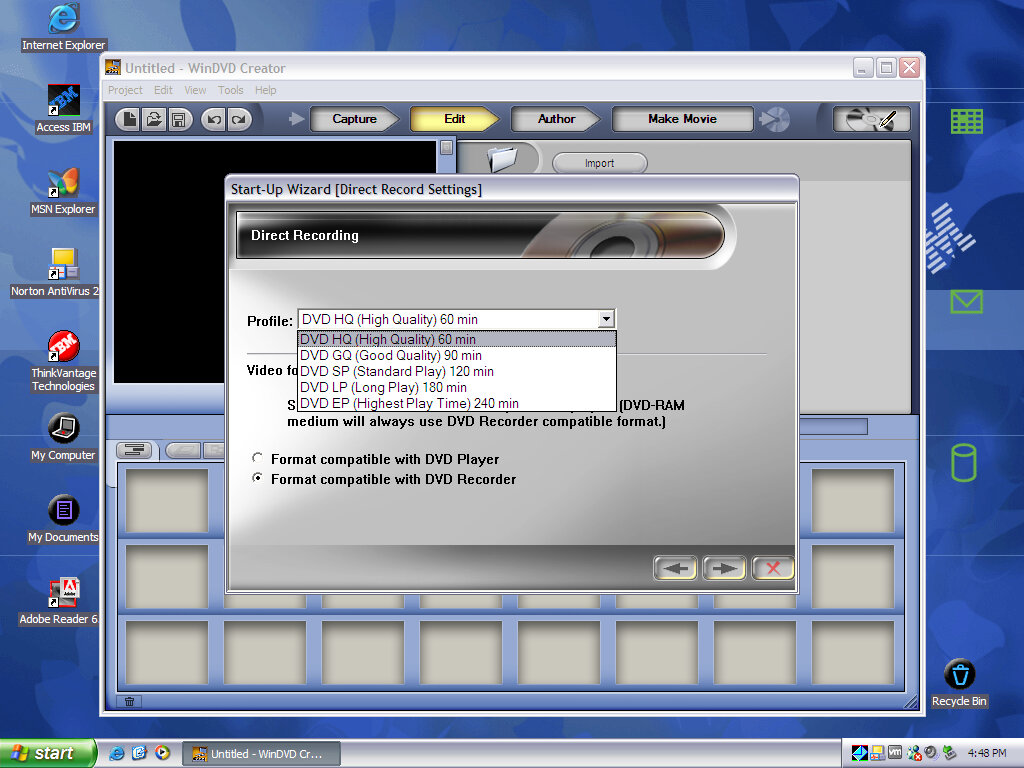
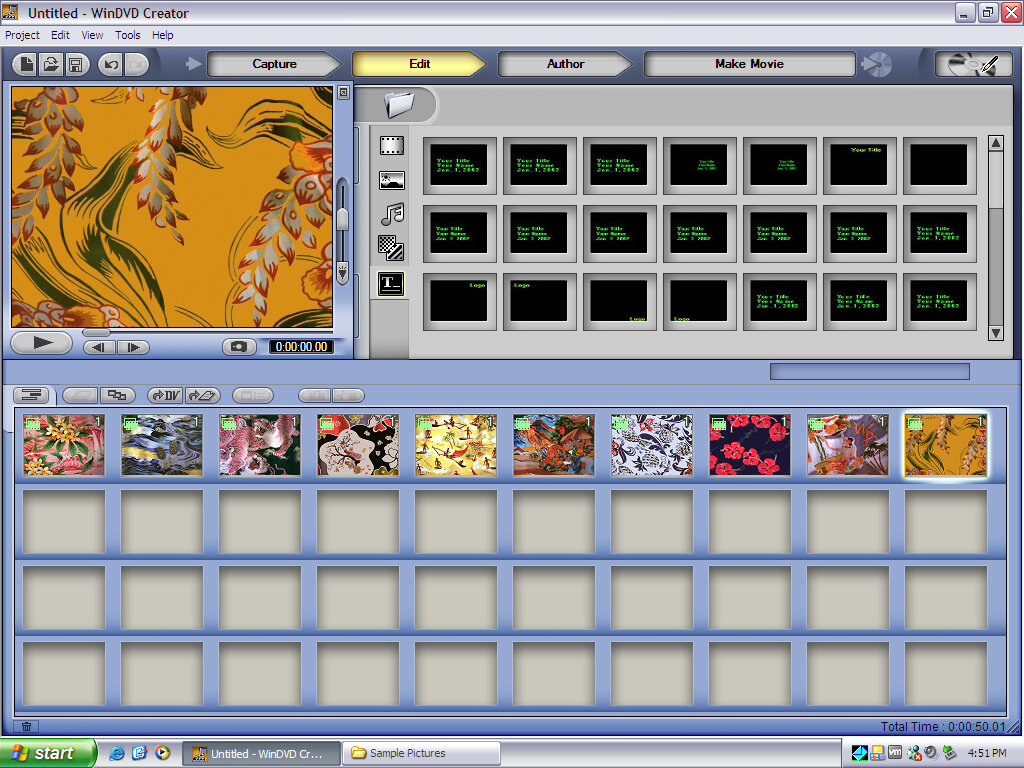
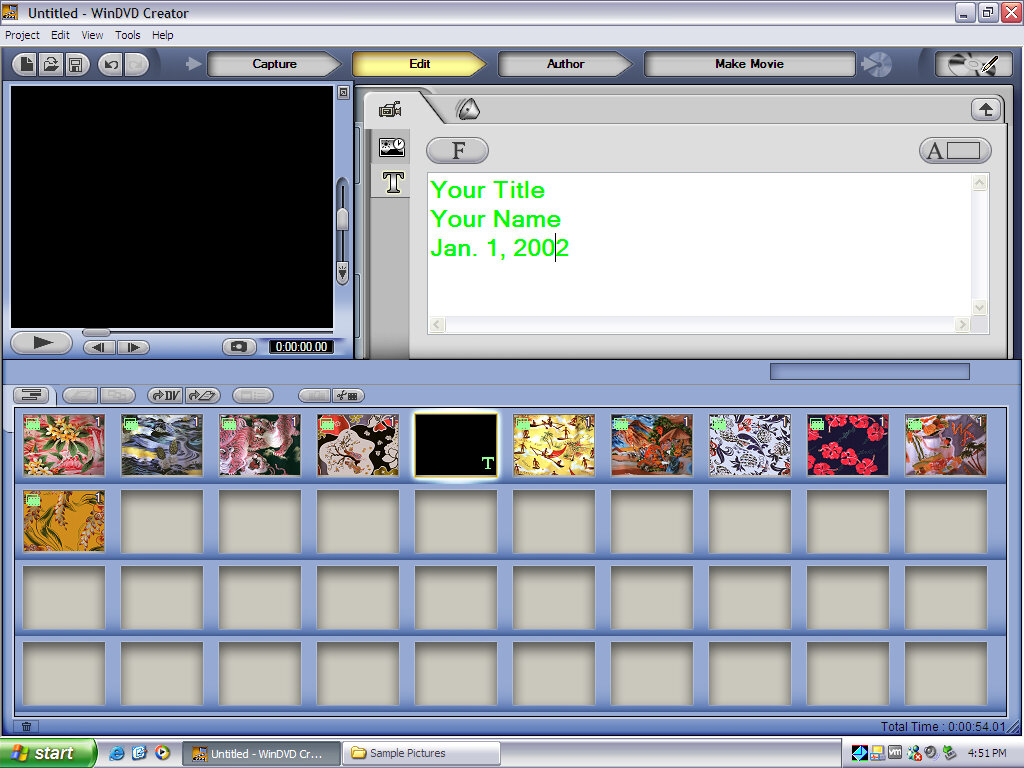
InterVideo WinDVD Creator
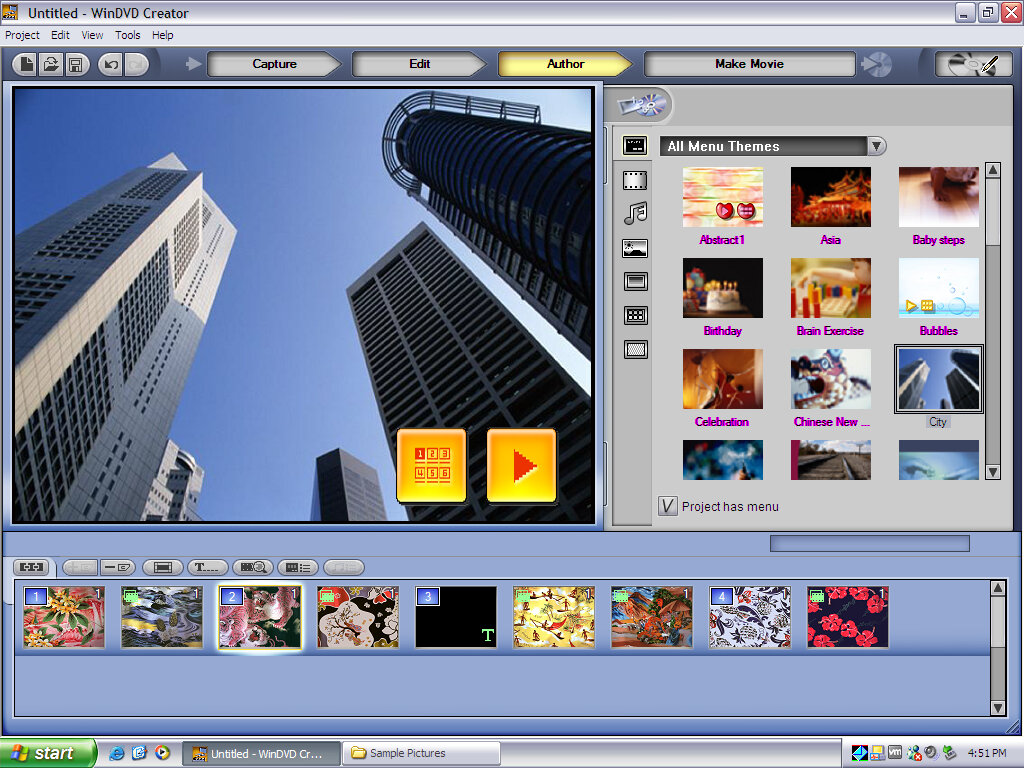
You can create and burn your own DVD video discs, intended for use for home movies (Through I wonder if DVD-rip torrents could be imported and burnt in this way). here we can create and manipulate the DVD home menu using its own design and navigation. Alternatively, a static slideshow can be created using photos captured from a digital camera.
IBM (Sonic) RecordNow!
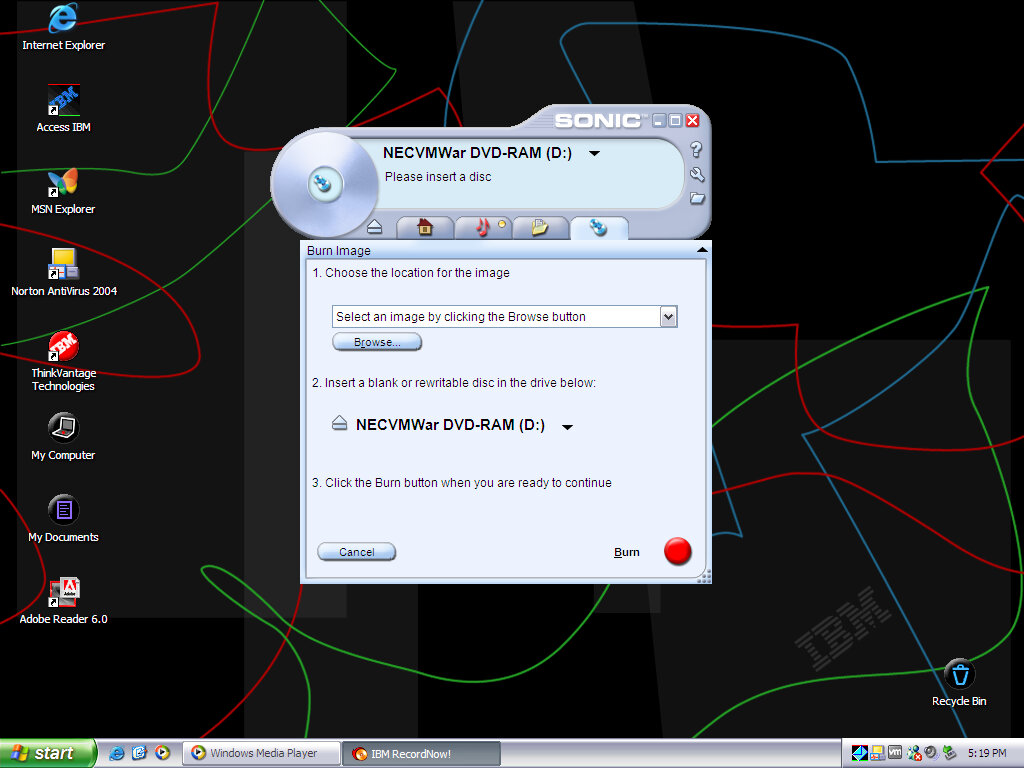
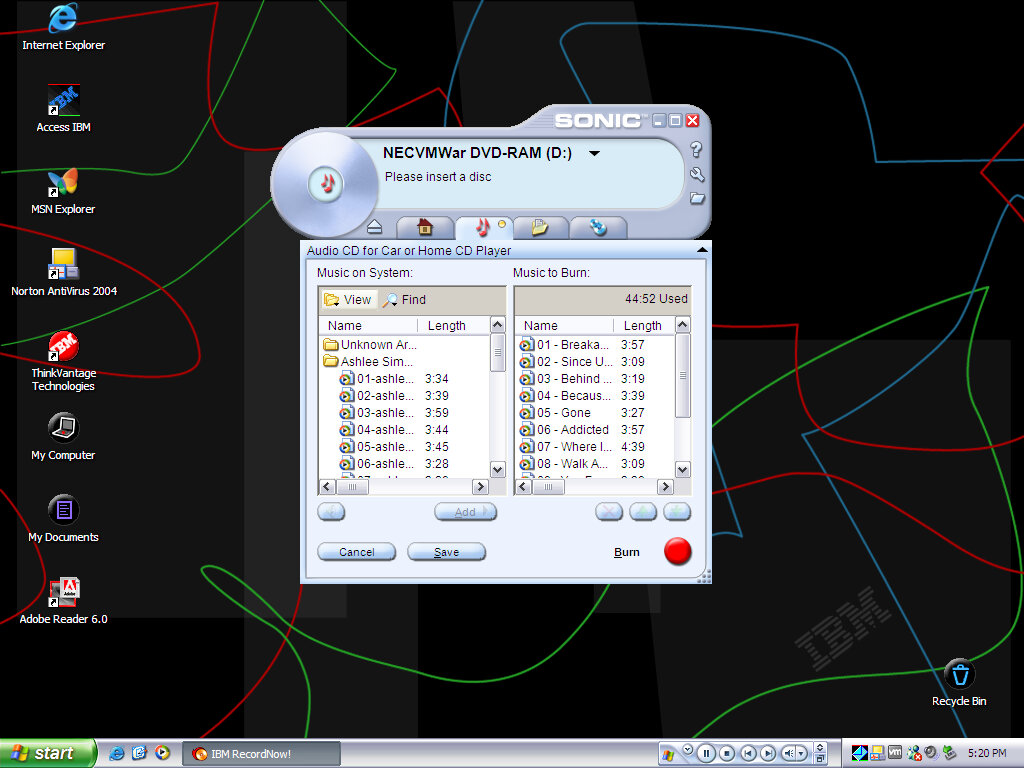
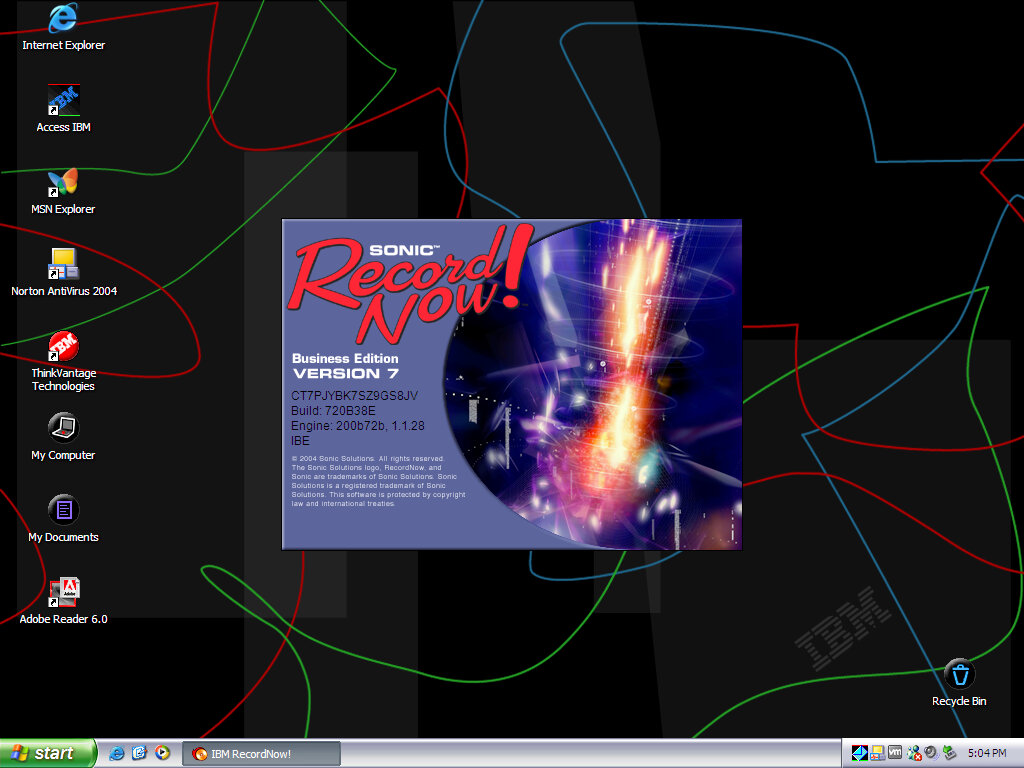
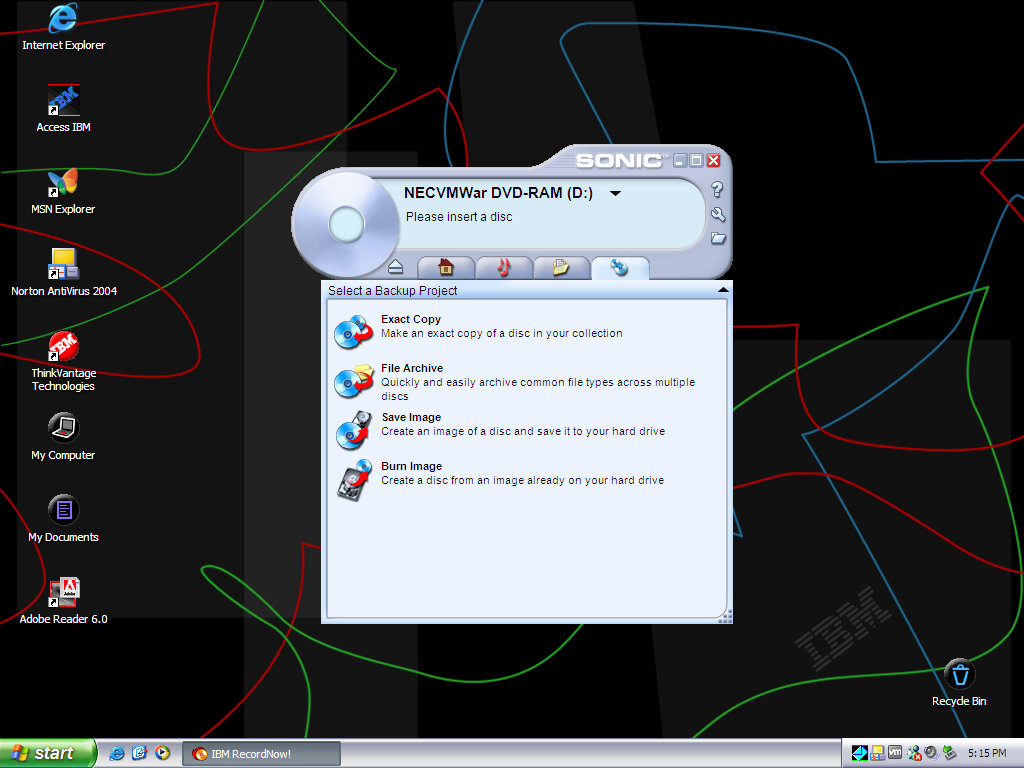
A popular CD recording utility I’ve seen bundled on various laptops from this era (Toshiba A60). You can burn a regular ISO image or an audio or MP3 CD. Sonic would later be acquired by Roxio and would be integrated into their products.
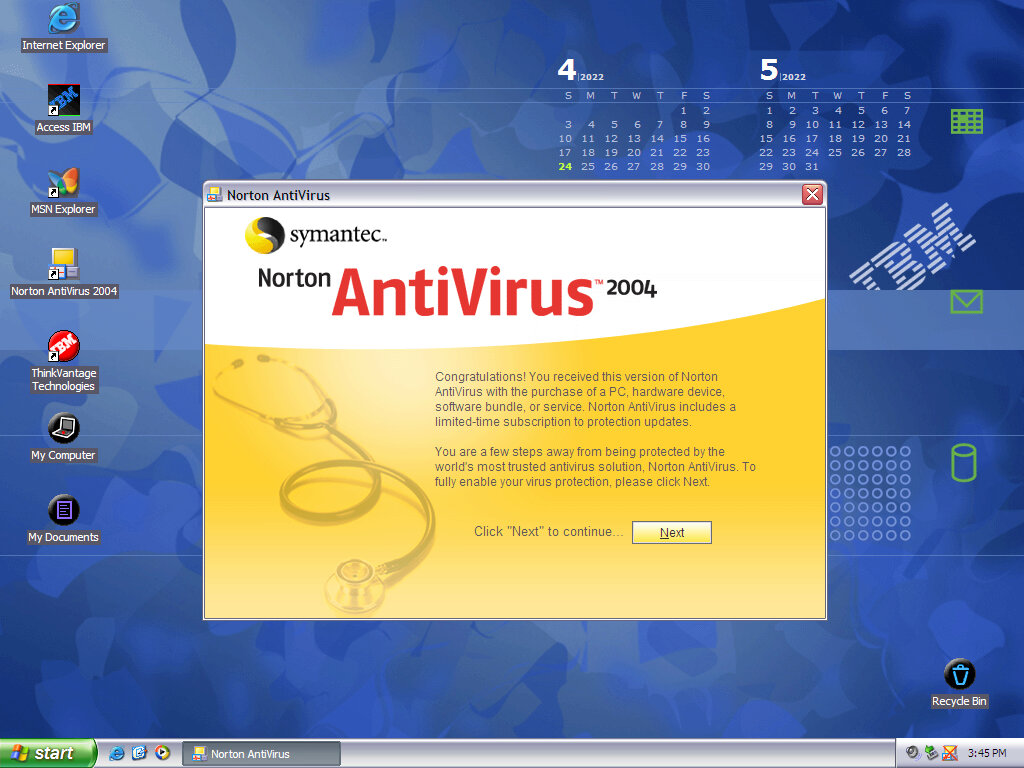
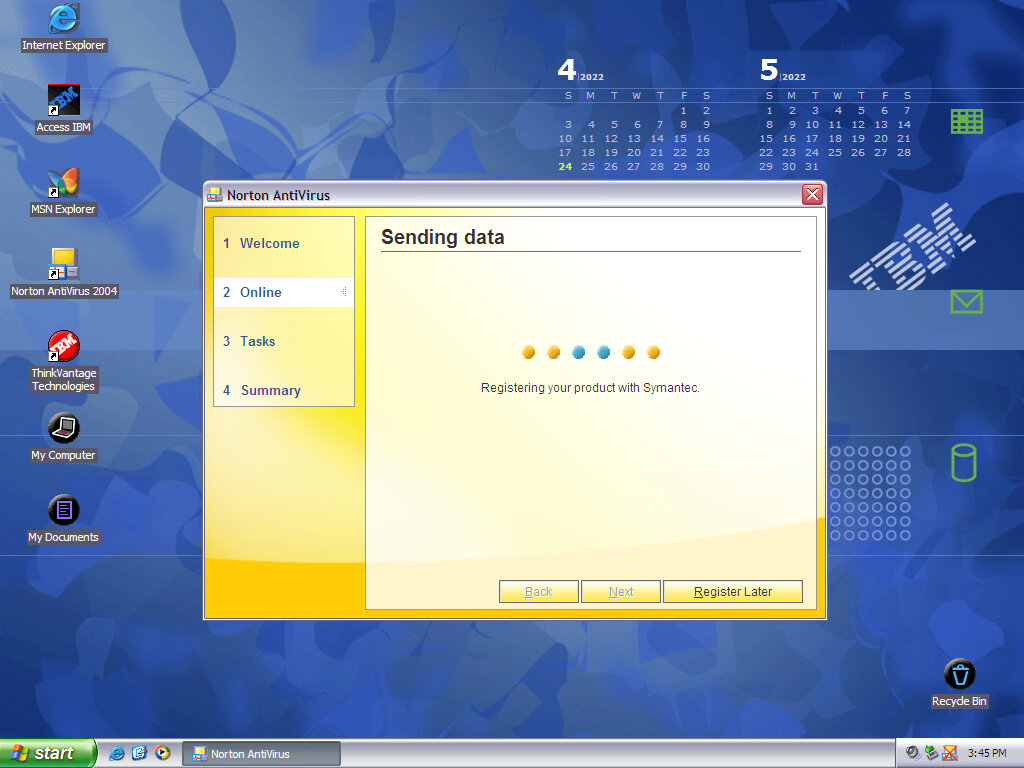
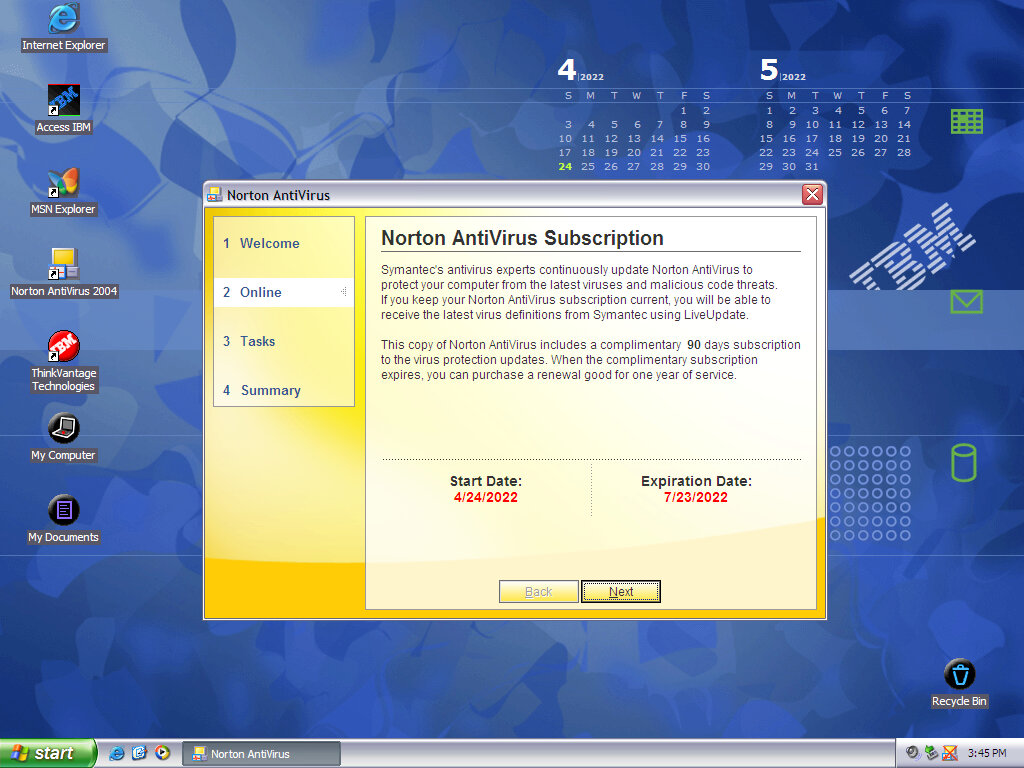
Norton Antivirus / Internet Security
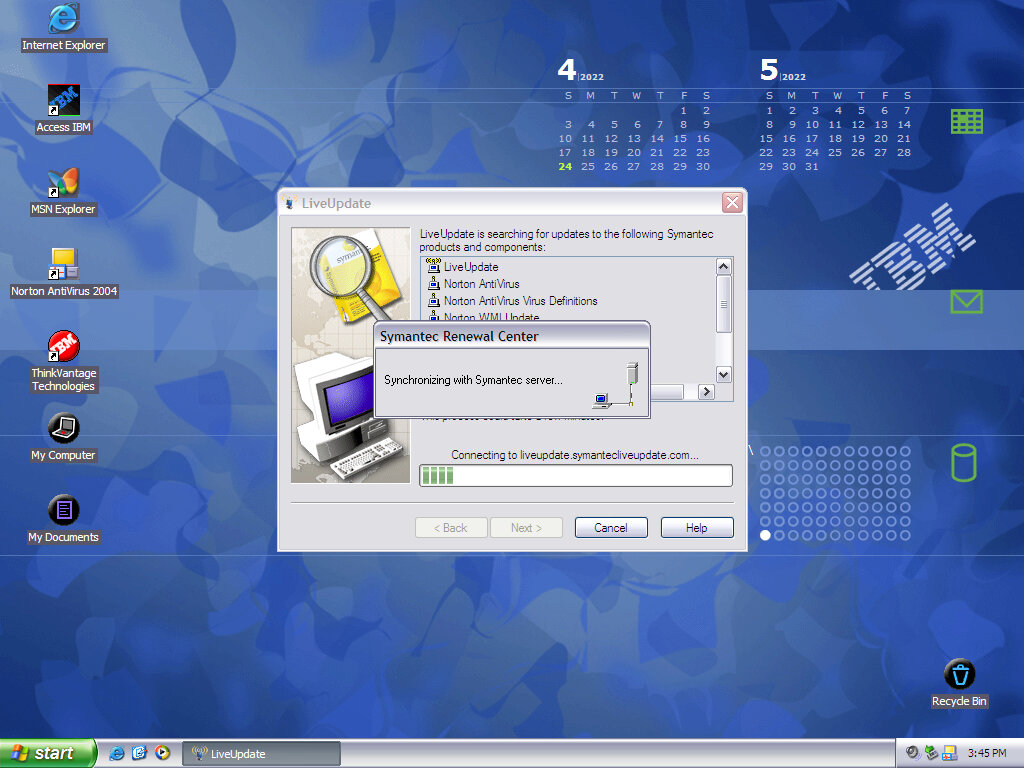
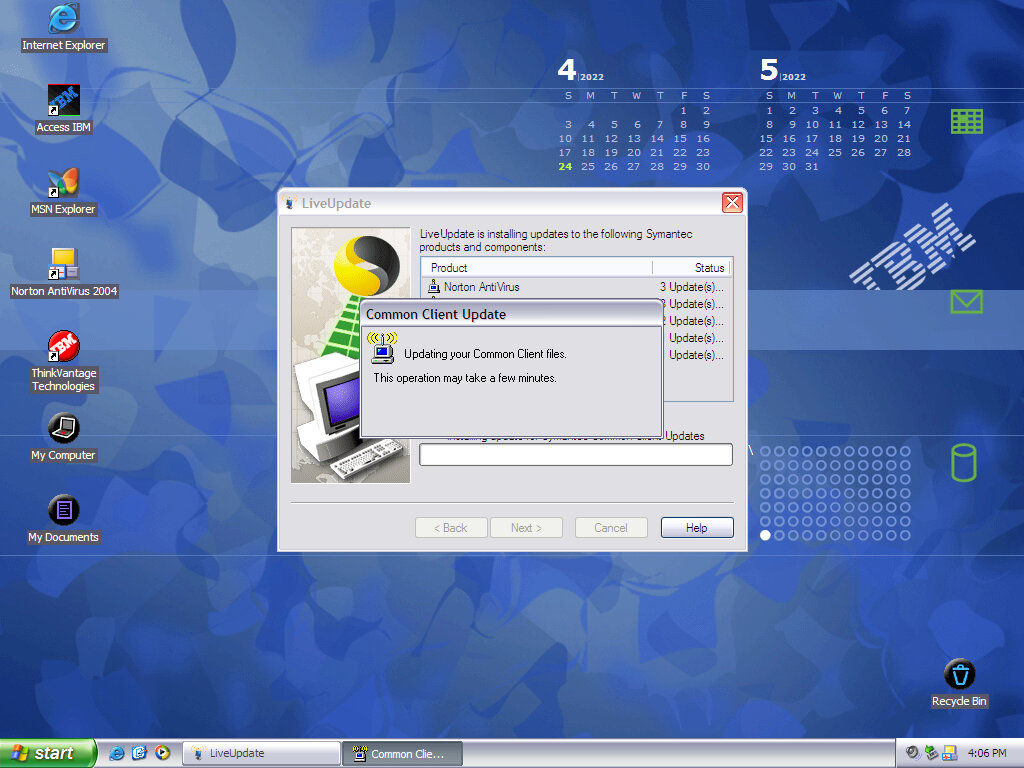
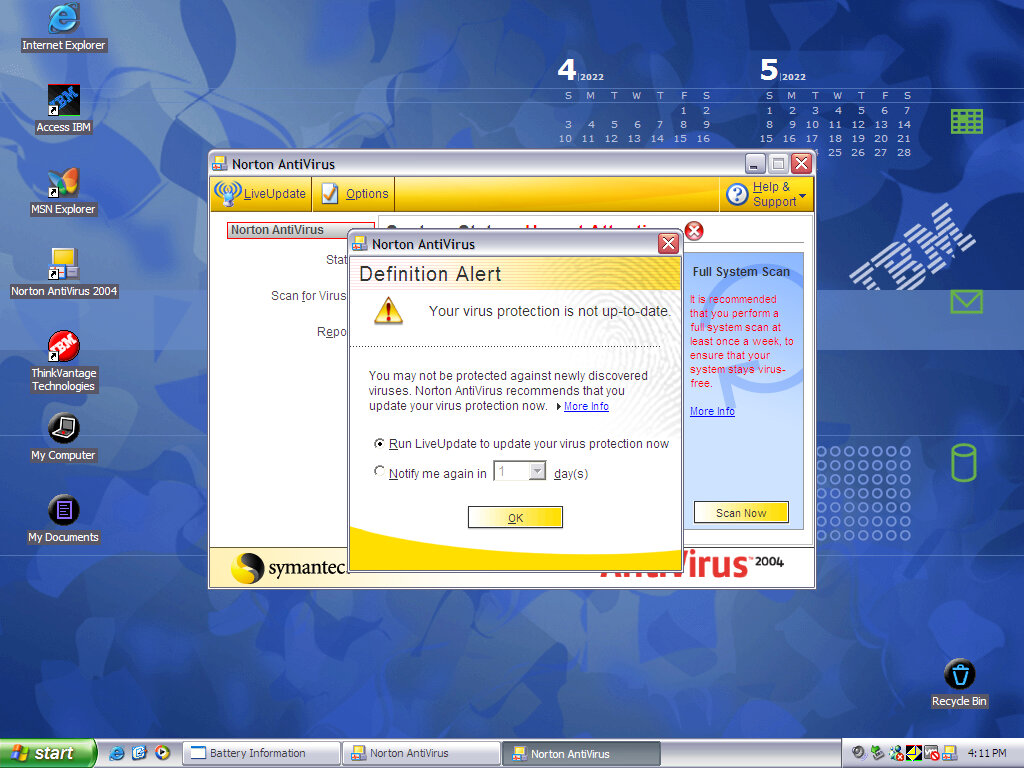
Typical virus protection of the year, Norton AntiVirus was bundled with various IBM products. Norton has the ability to scan and detect any virus embedded in email applications, providing you use an email client that Norton supports (Like Microsoft Outlook)
I’m surprised it even allowed a version this old to be activated, I doubt it would perform well against modern malware.
Desktop Themes
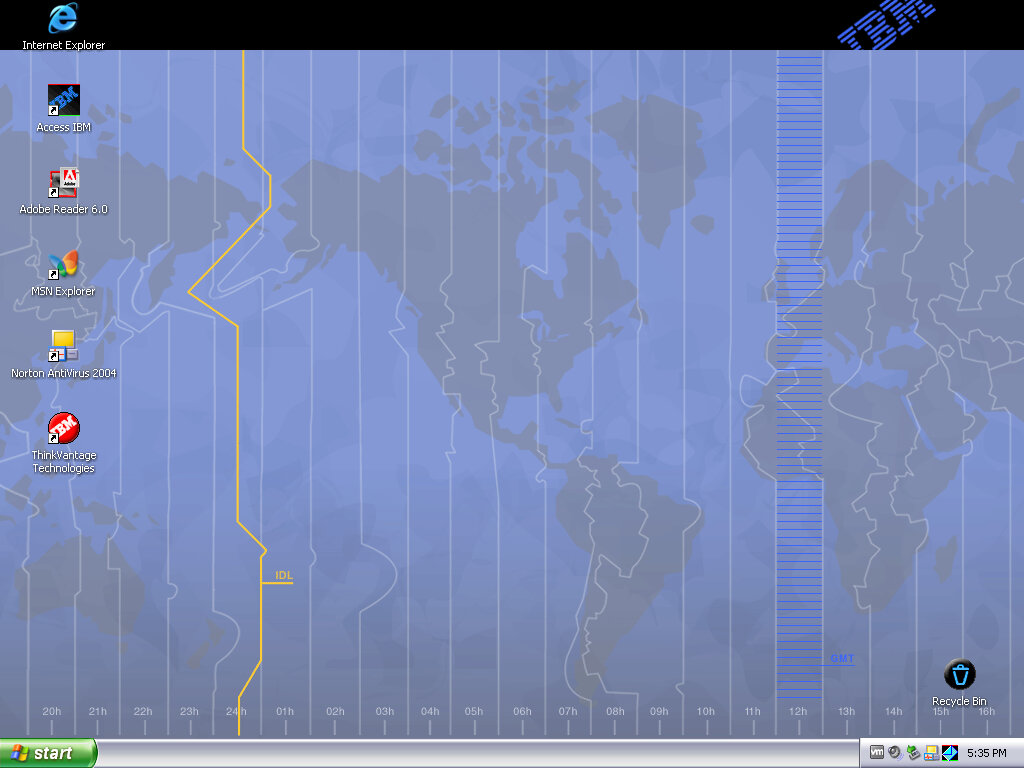
Two desktop themes come included, which feature their own sounds, desktop icons and wallpaper. Both will use the Luna silver theme
Wallpaper
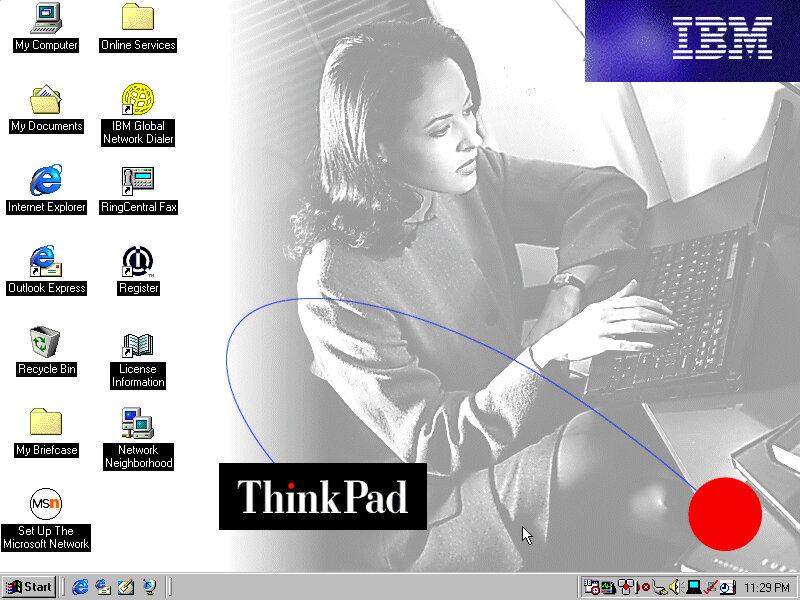
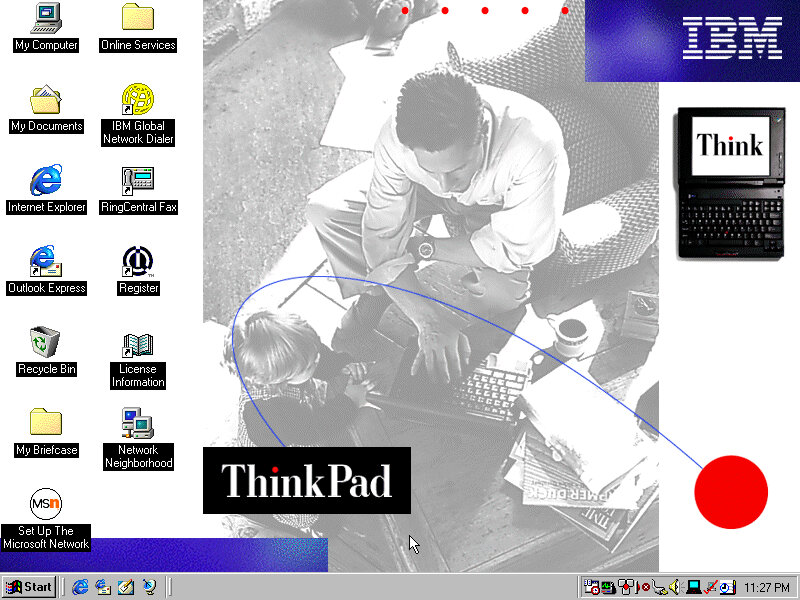
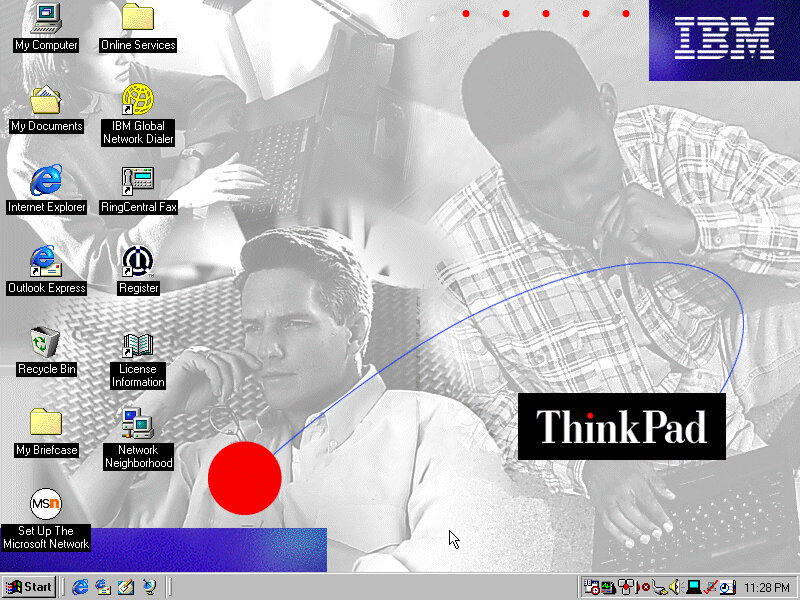
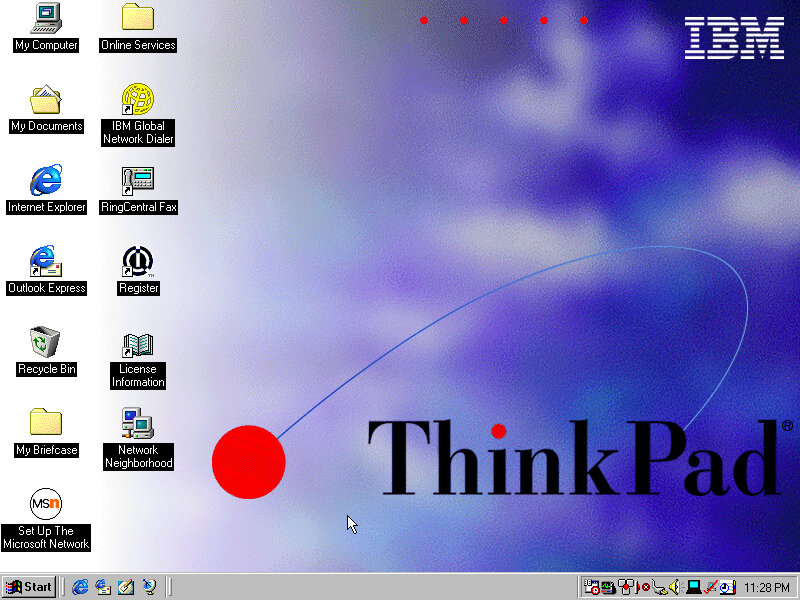
Three wallpapers are included, with the second one being a dynamic active desktop wallpaper mentioned earlier.
Screensavers
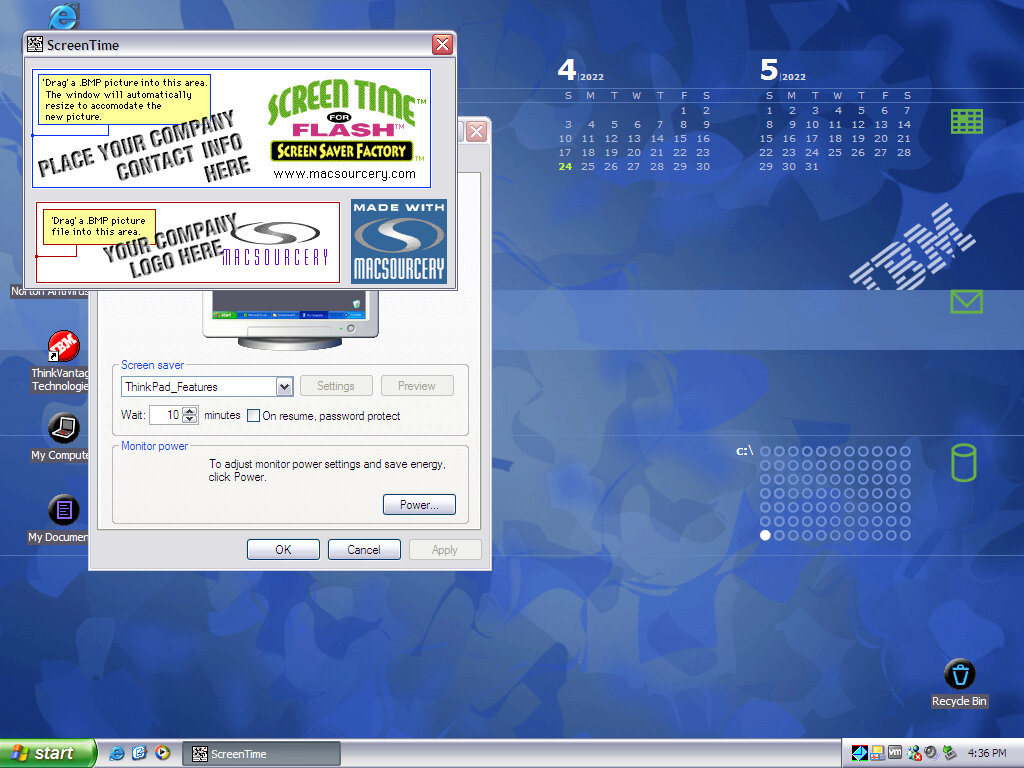
A few screensavers that show off and advertise the features of the laptop.
Control Panel
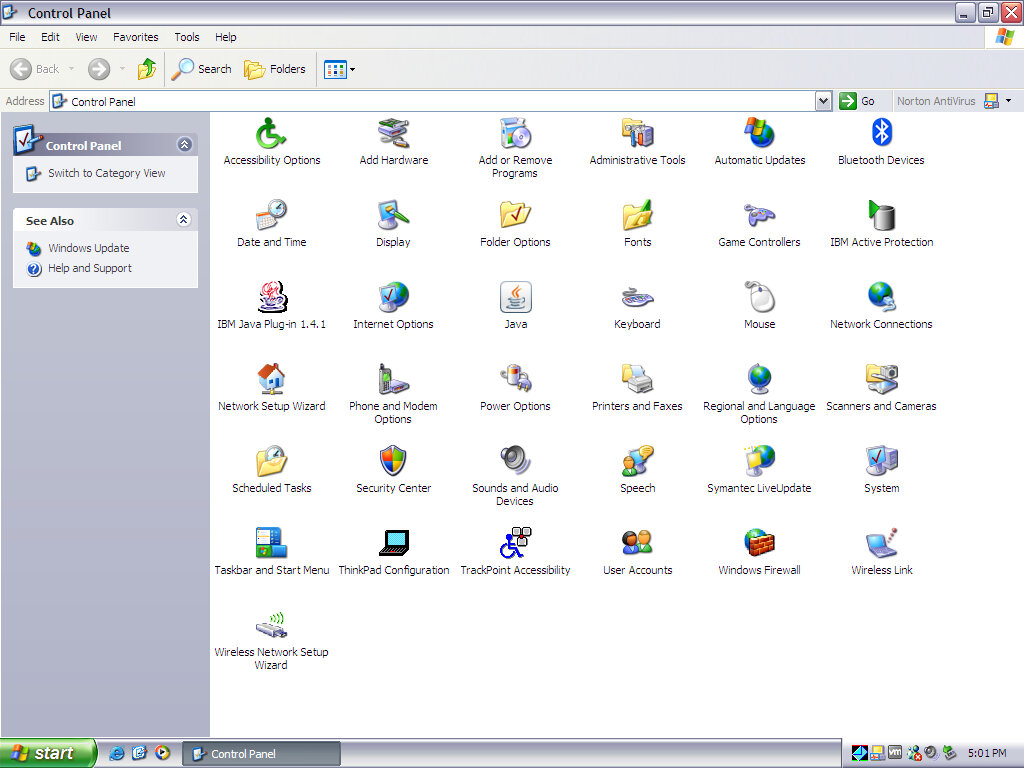
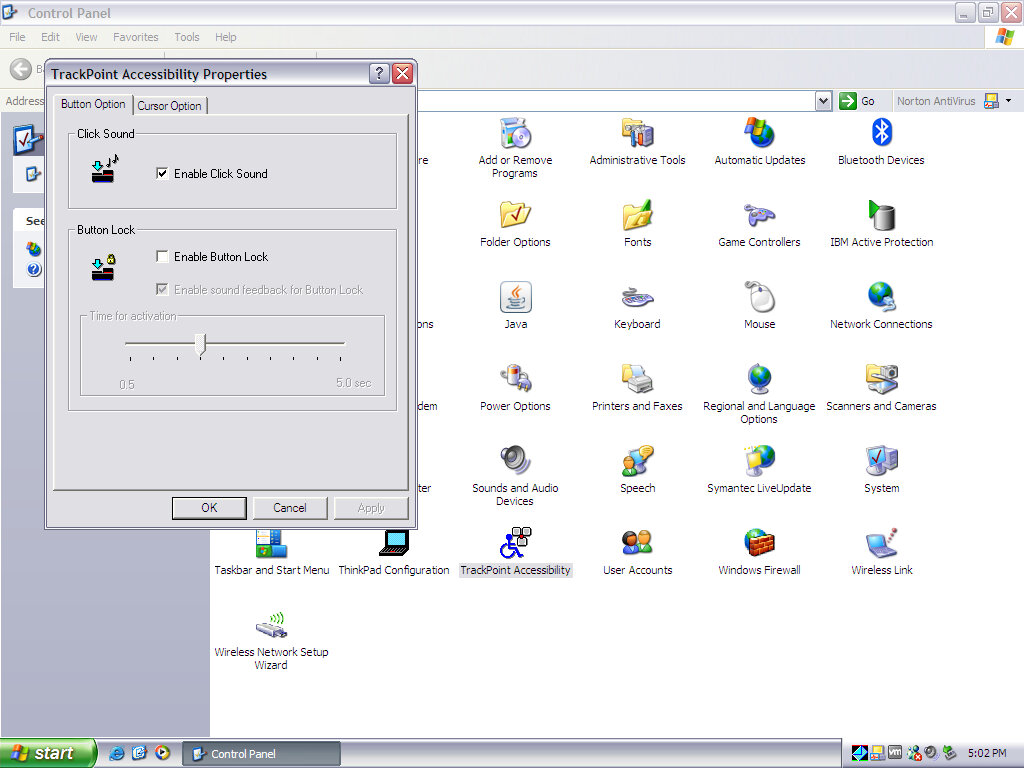
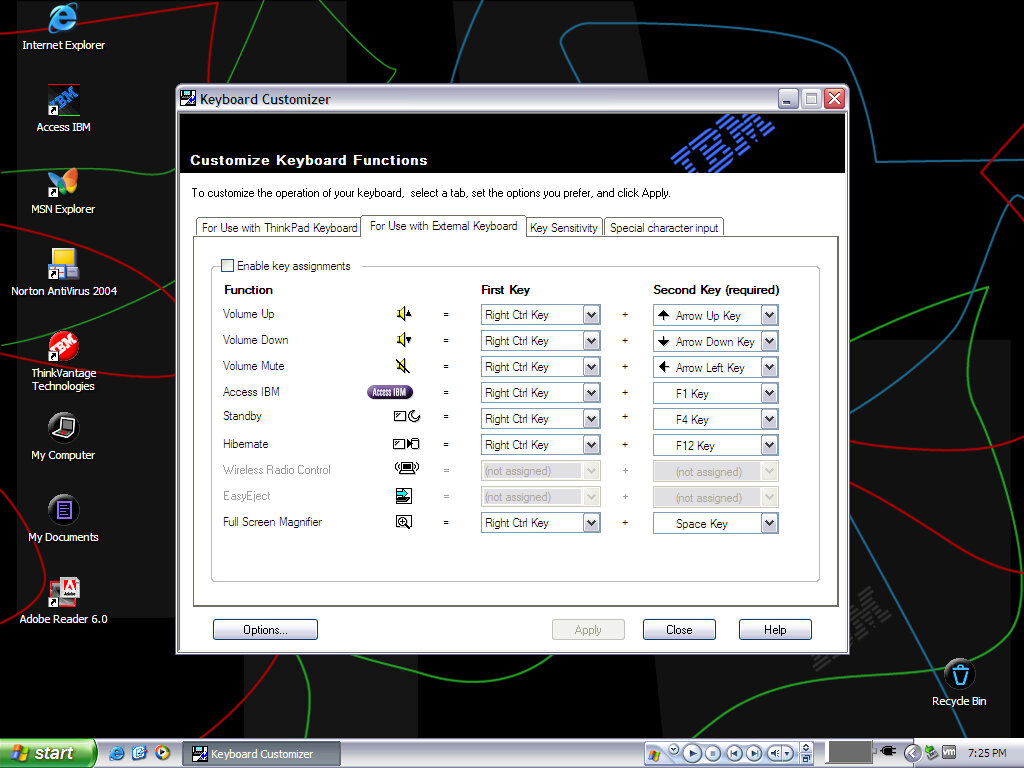
Various control panel applets that have been preinstalled by IBM
IBM Active Protection: controls the freefall hard drive protection
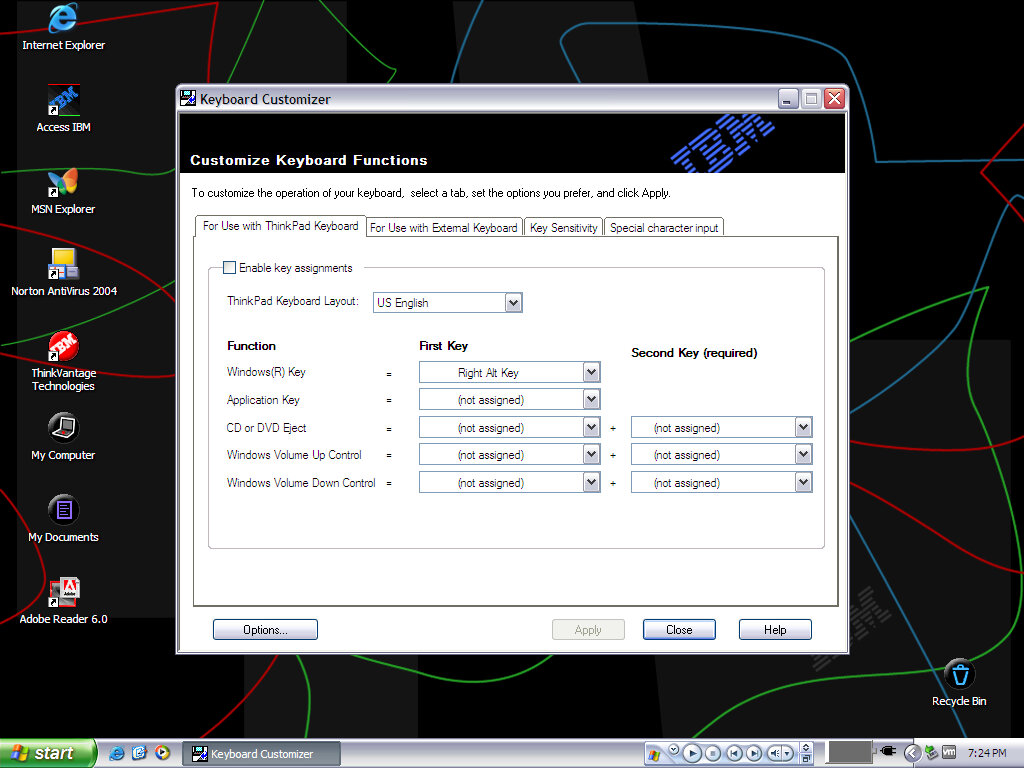
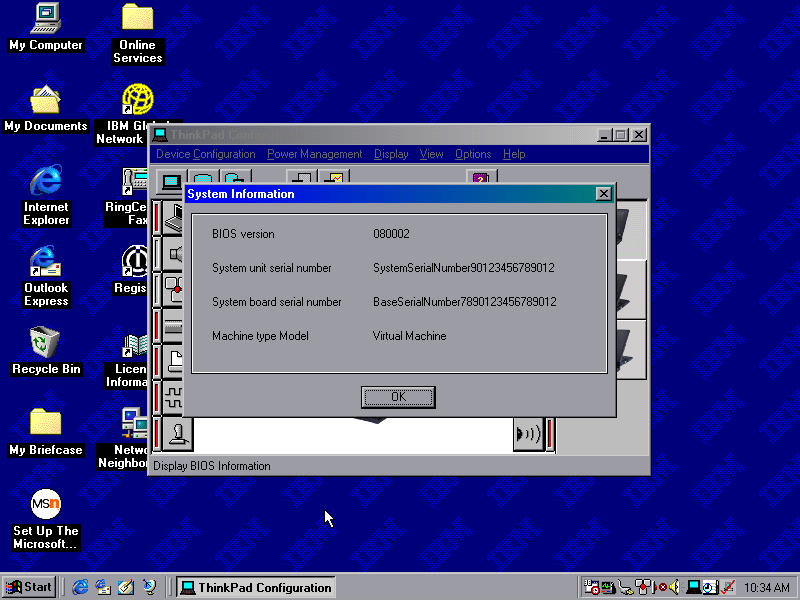
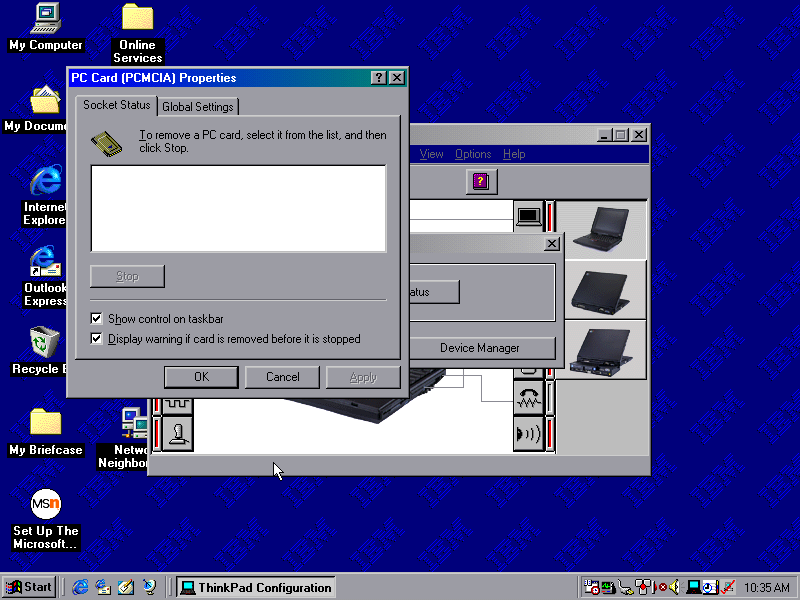
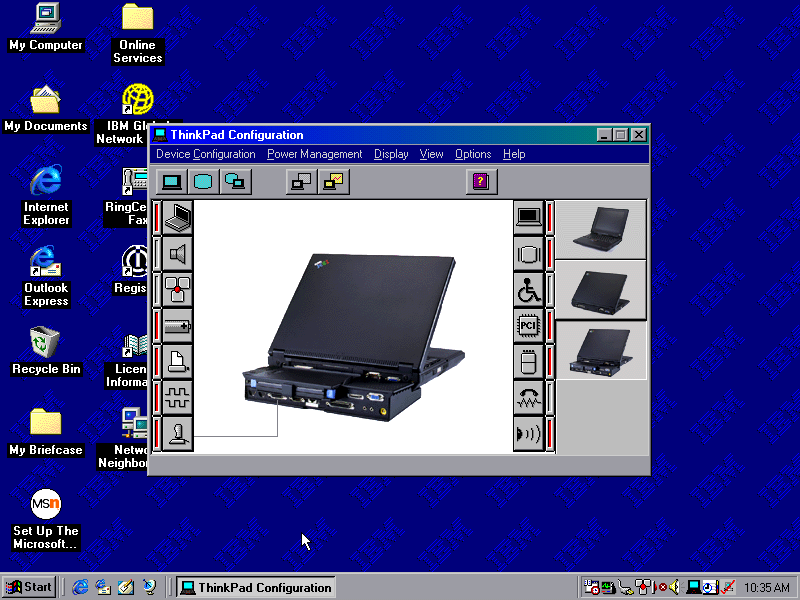
ThinkPad Configuration: Supposed to change various options for your Thinkpad
A mid-2003 desktop PC that functions as a media center of sorts, and features dual optical drives (CD burner with a DVD reader) and remote control with an IR receiver. Some models featured an analog TV tuner and a dial-up modem fitted to one of the PCI slots.
VAIO Style
Recovery Wizard
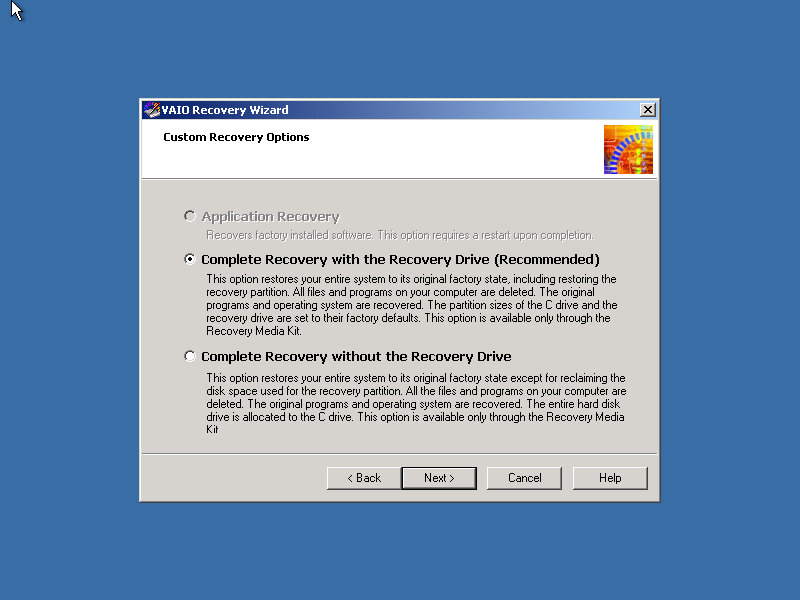
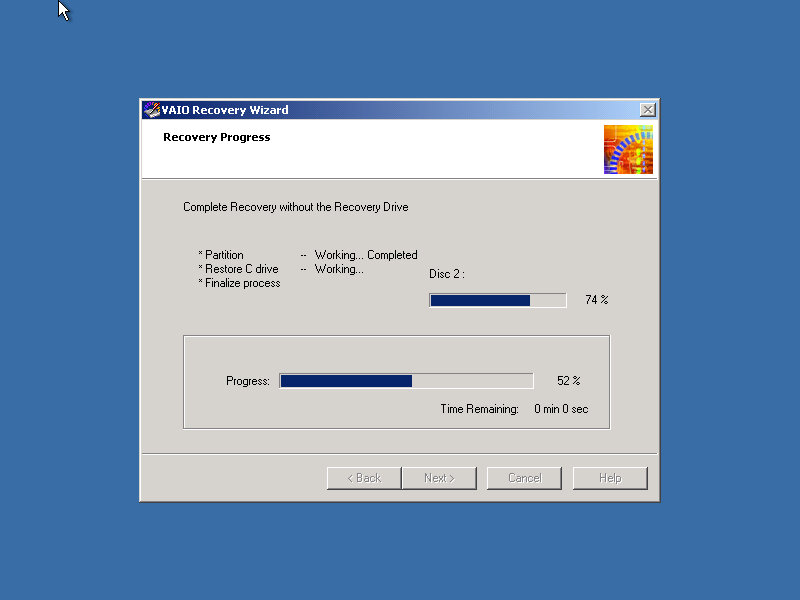
Our VAIO journey starts with the Recovery Wizard, which takes us through the formatting process.
Remarkably it looks like a Windows 2000 environment.
Post Install
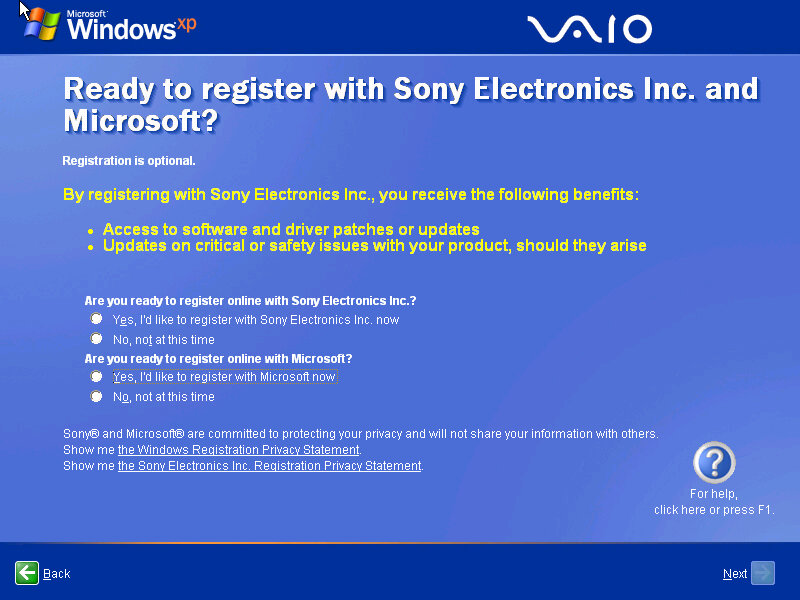
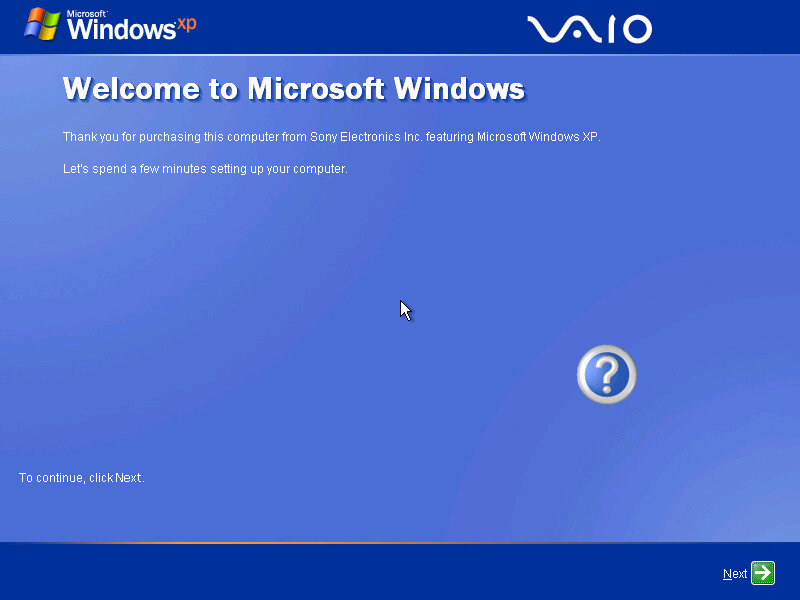
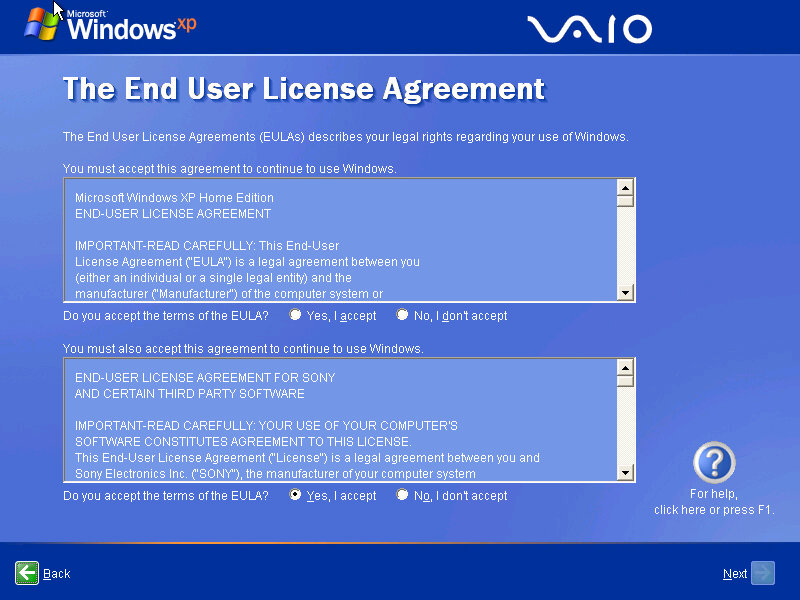
The Sony-branded OOBE, which presents the opportunity to register with Sony and Microsoft.
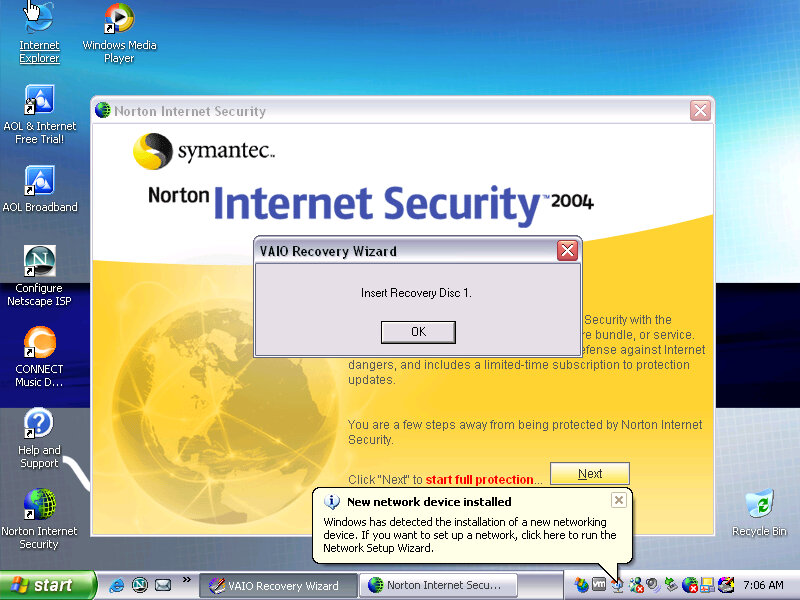
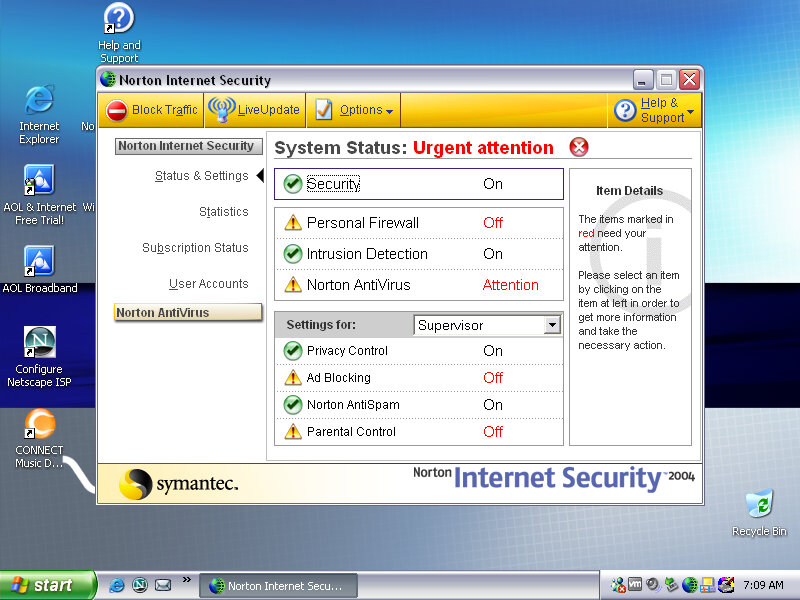
Norton Internet Security comes bundled with the laptop which provides virus protection for a year since it is activated, along with a firewall. Norton also integrates itself into Internet Explorer, providing popup protection. It also appears within Windows Explorer itself.
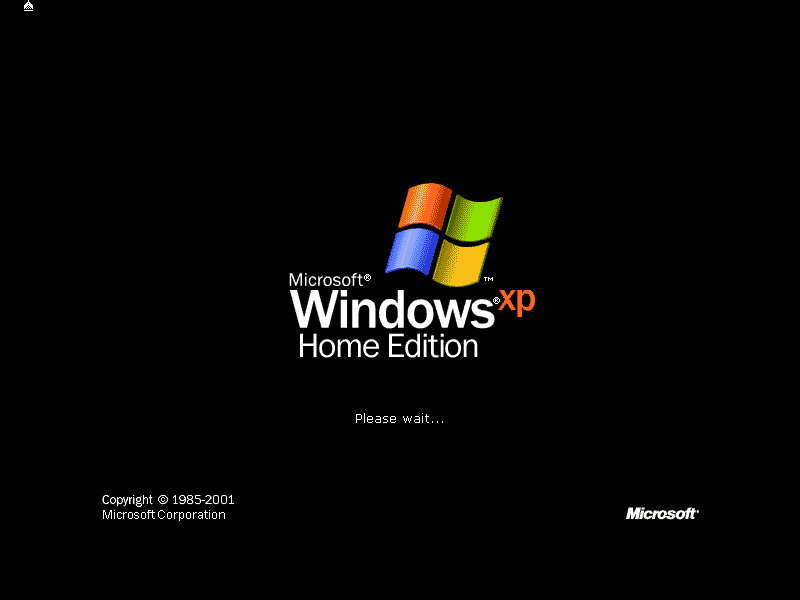
After the first bootup, we are prompted to insert one of the VAIO recovery disks, these are tied to the machine and will not work inside a virtual environment, and rely on different copy protection
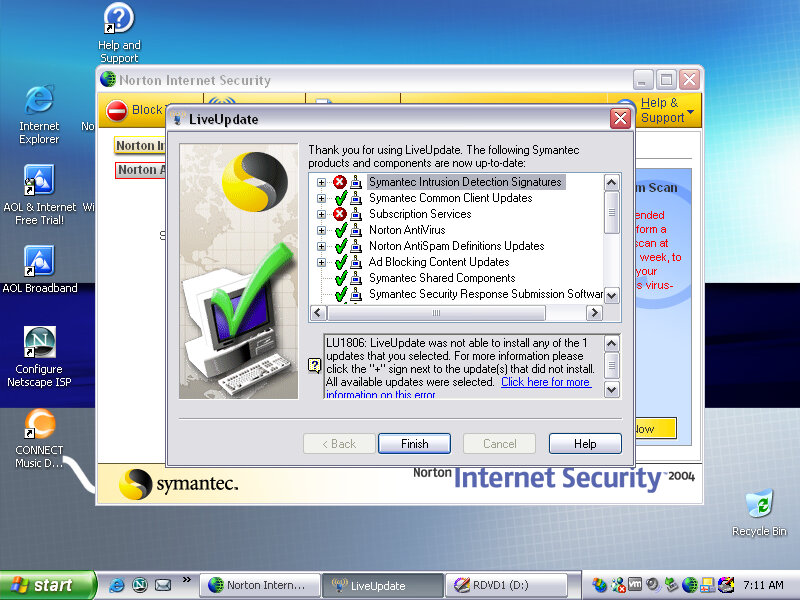
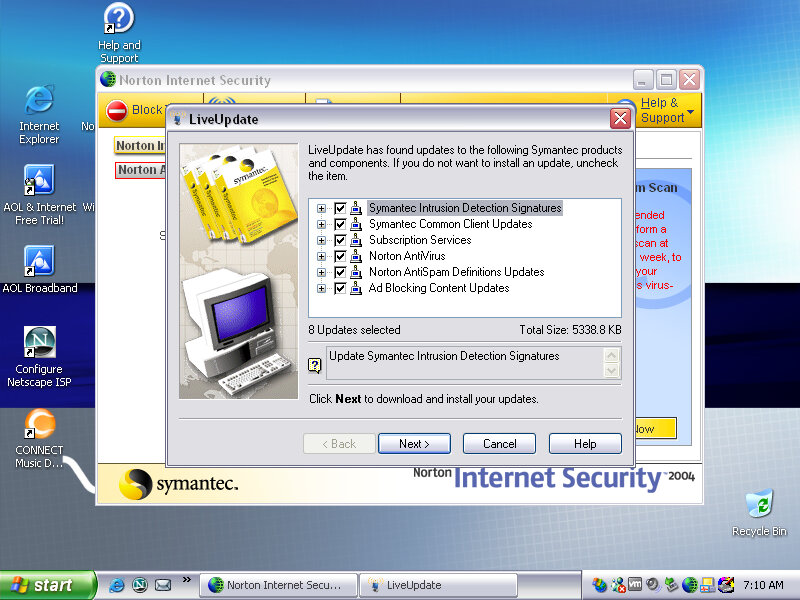
Interesting, Norton seems to be able to pickup and download a few updates, considering this product is nearing 20 years old that’s quite impressive. But I doubt these cover the latest virus definitions, Norton possibly still operates the server that holds these aged definition updates.
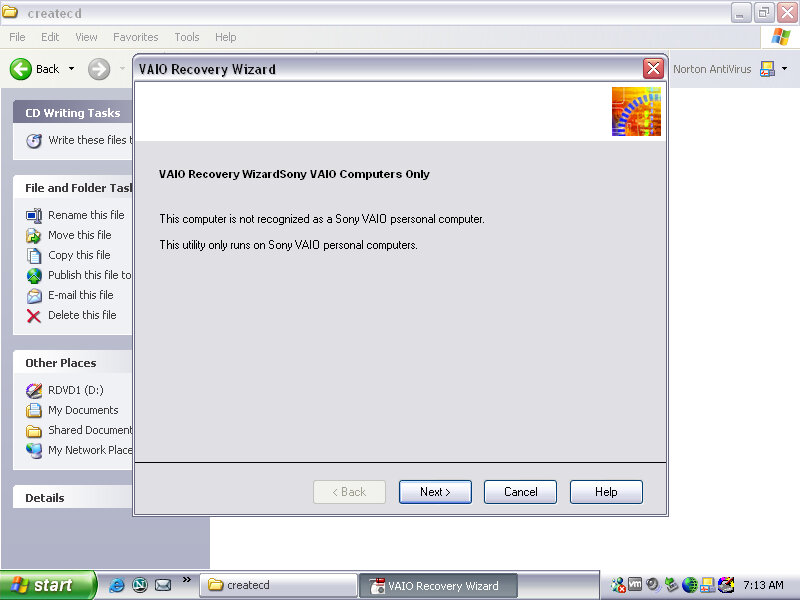
There are a few programs missing since the final part of the recovery wizard specifically checks that you are running on a Sony VAIO PC. I wonder if this checks for the exact model, or if there is just the Sony string in the BIOS, would this work for other Sony models?
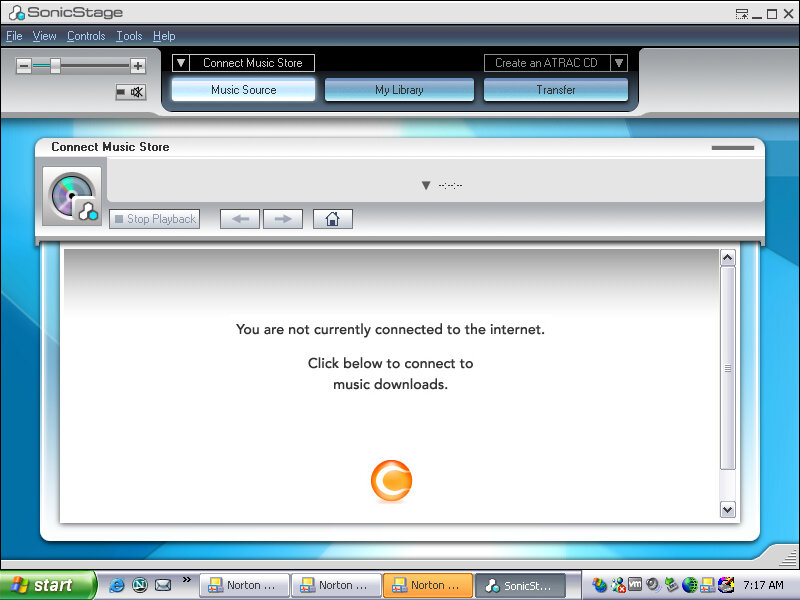
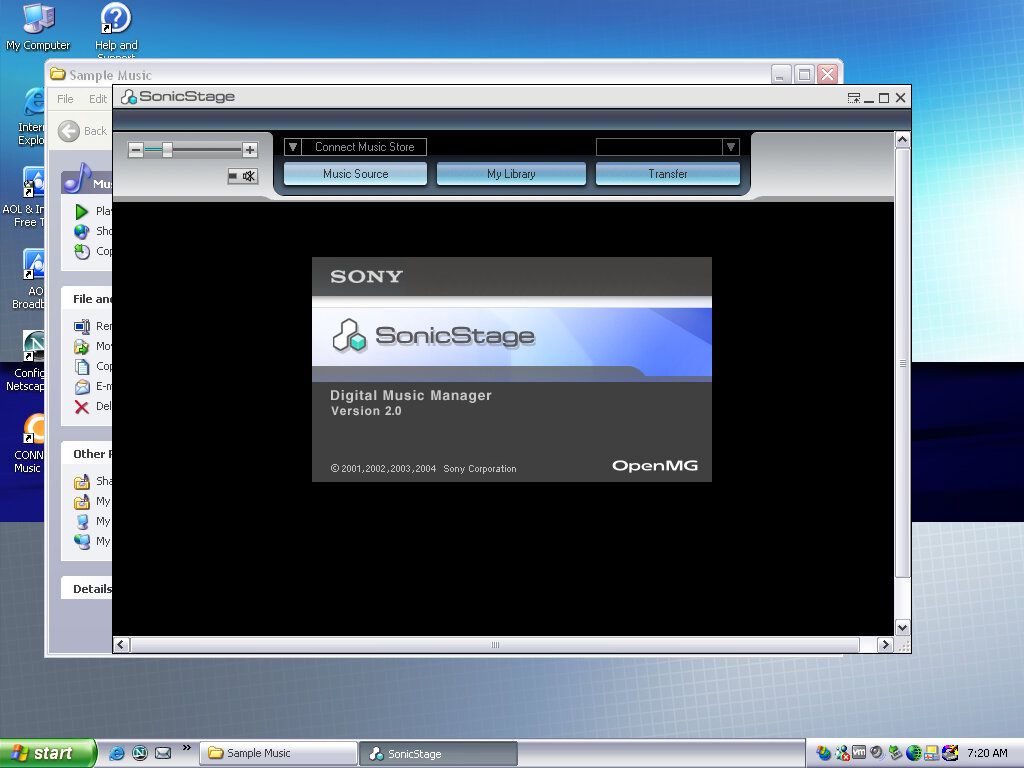
SonicStage
SonicStage was the software used to manage and playback Sony’s ATARC format audio, which was their own property audio format that was initially used on the first MiniDisc models, and was later used for their Walkman digital music players. ATARC was more efficient than MP2 and MP3 at higher bitrates but compared less with AAC or WMA. ATARC was also only supported on Sony products, and even then not all of their electronics supported it, Sony Ericsson phones in Europe had no support for ATRAC, and neither did the first PlayStation or the PlayStation 2, with the PS3 introducing support for the codec.
SonicStage was very similar to iTunes in concept and acted as a way to play purchased songs from Sony’s CONNECT store. As these files were protected by DRM, an account and correct authorization was required to playback the songs purchased by the user. SonicStage could also sync and transfer songs to supported Walkman players, and only Walkman players.
This was during a dark period of time where record companies insisted that much purchases online had to be digitally protected using some form of DRM, which meant purchasing music from one vendor would mean you could only play that track on software or a device that the vendor had support for. This meant music purchased from iTunes could not be played back on a Walkman or a Microsoft PlaysForSure device without burning it to a CD, then reimporting it as MP3 or whichever format the program and device supported, basically the analog hole.
Was it any wonder people turned to piracy?
DRM free music stores later came about, and many vendors eventually started offering DRM free downloads for their songs and all was well. Then the music industry went one step further and insisted streaming was the next best thing, meaning you no longer owned or had direct access to music, instead of being steamed from the cloud for a monthly fee.
As for Sony, the CONNECT store closed down in 2008, and Sonic Stage was discontinued and replaced a few years later with MediaGo, which was mainly intended for the Sony PSP but could work with compatible Walkman devices. Sony would later try again in the music market with Quircity, a streaming playroom before being rebranded to PlayStation Music, and then been killed off in favor of Spotify on the PS4.
For a company that has its own major record label, Sony does suck with online music services.
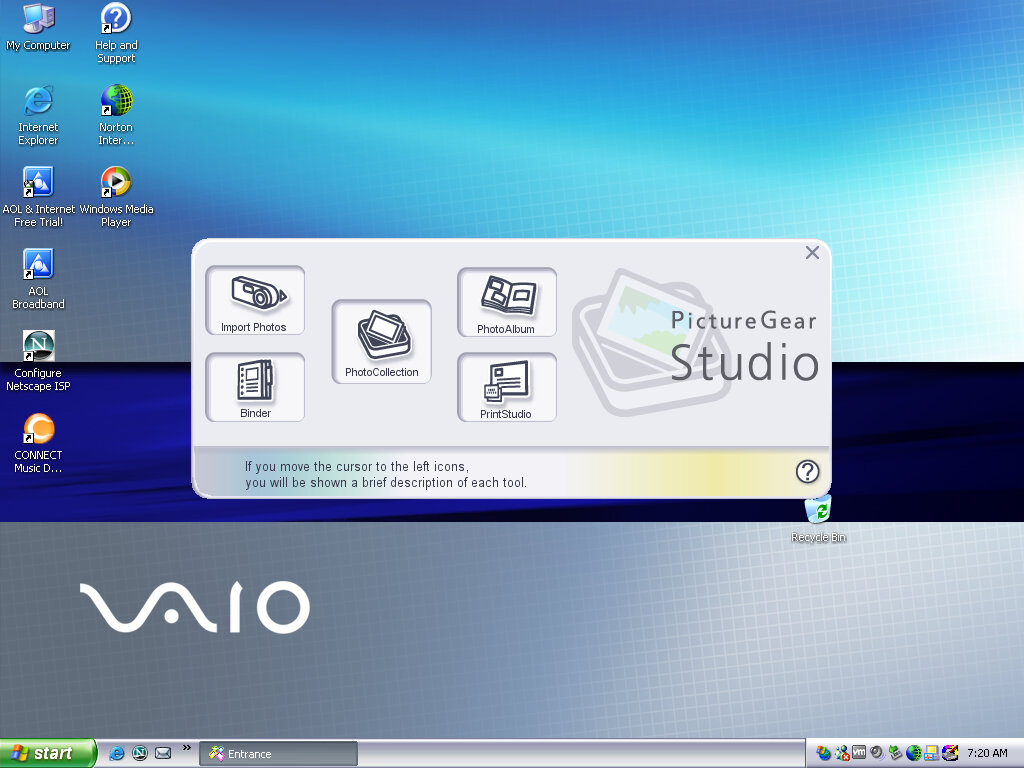
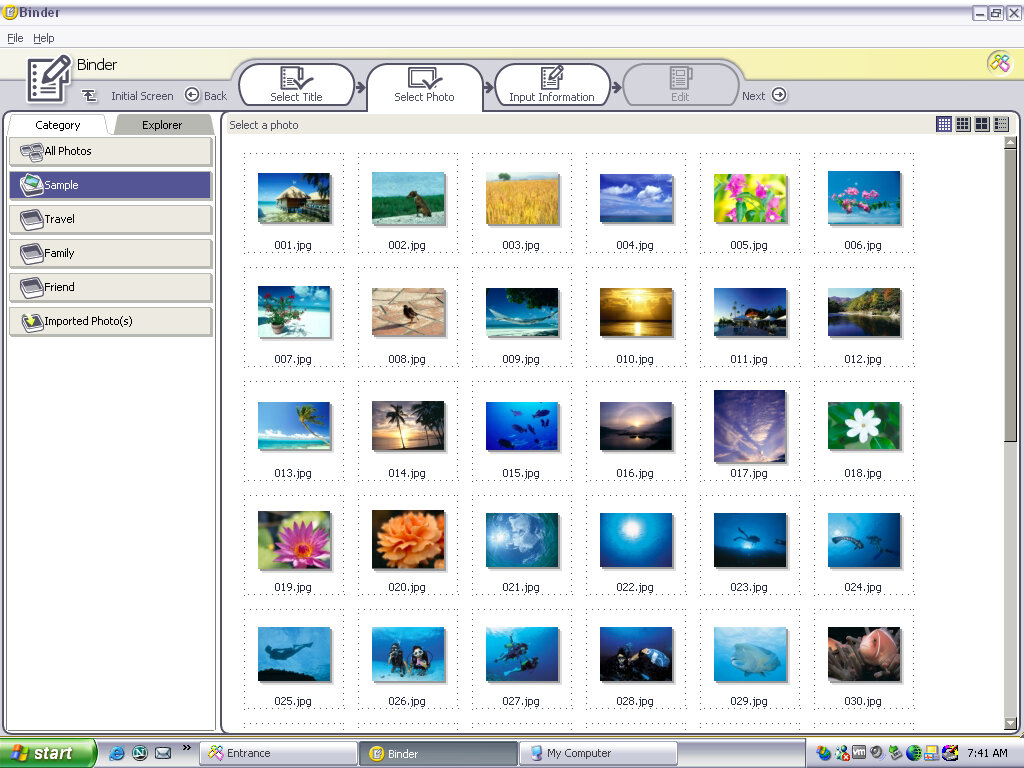
Screensavers & Wallpapers
Theirs a VAIO screensaver bundled which is a bunch of stock photos taken with a few transition effect applied, with stock music being placed in the background.
You can of course customize it with your own photos, or memes if that is more your thing.
Various backgrounds, these would blend in with the laptop design and supported a variety of resolutions (whilst the internal LCD would use its optimal resolution, Sony provided different wallpaper resolution’s in the event you connect an external monitor.
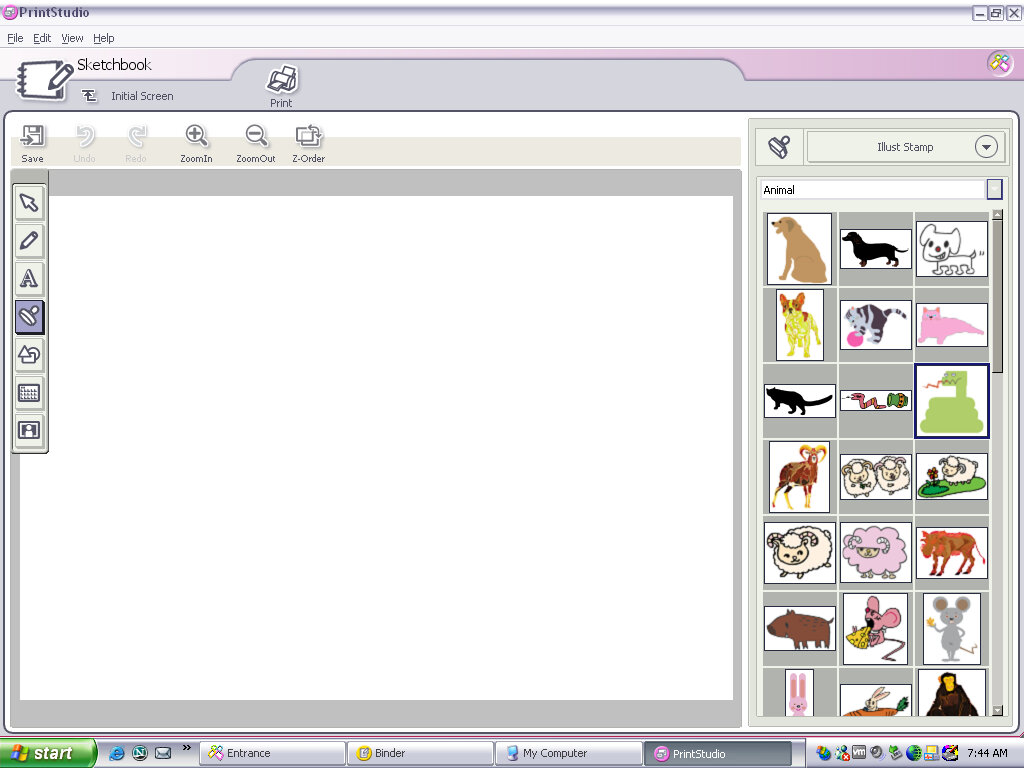
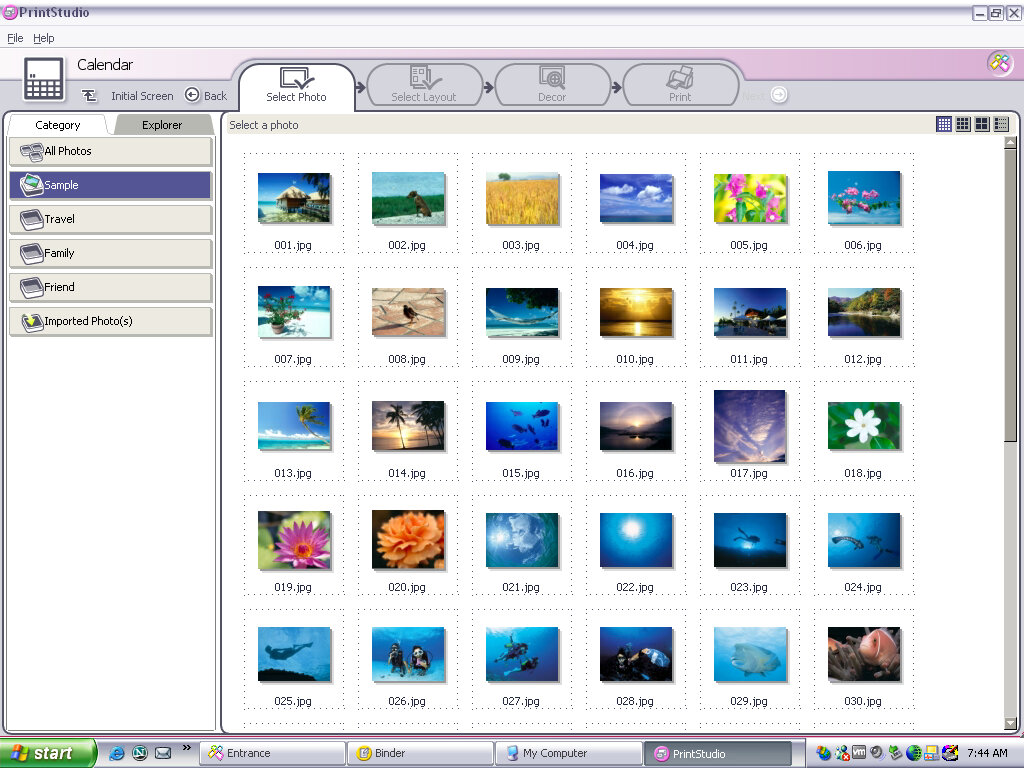
PrintStudio
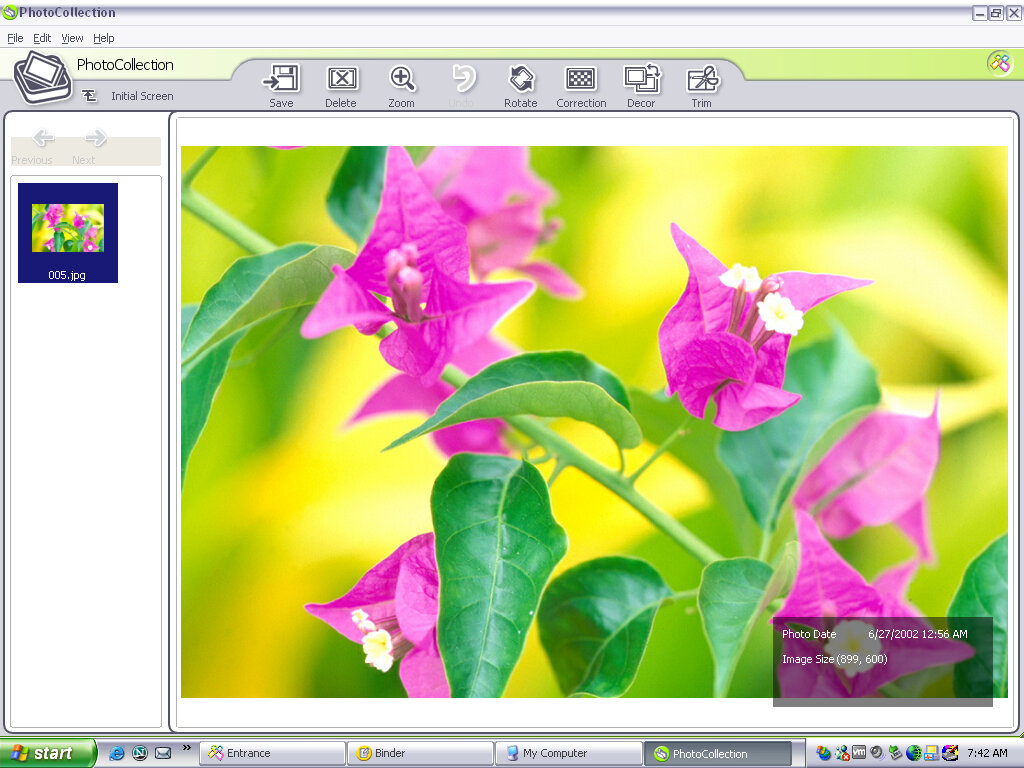
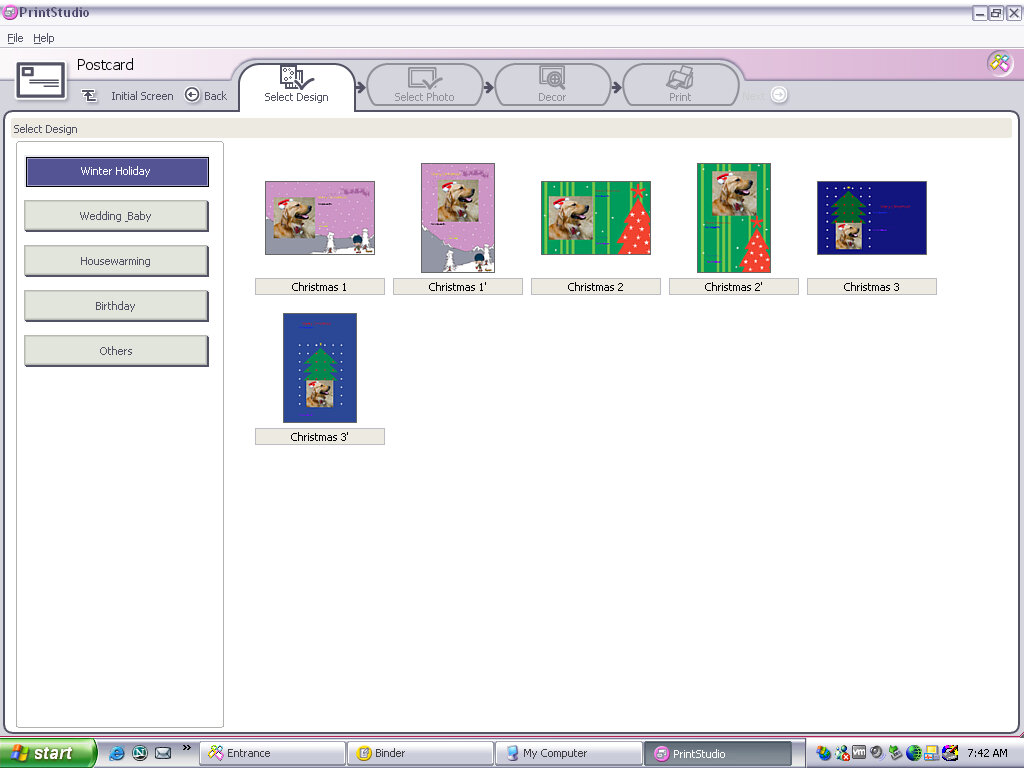
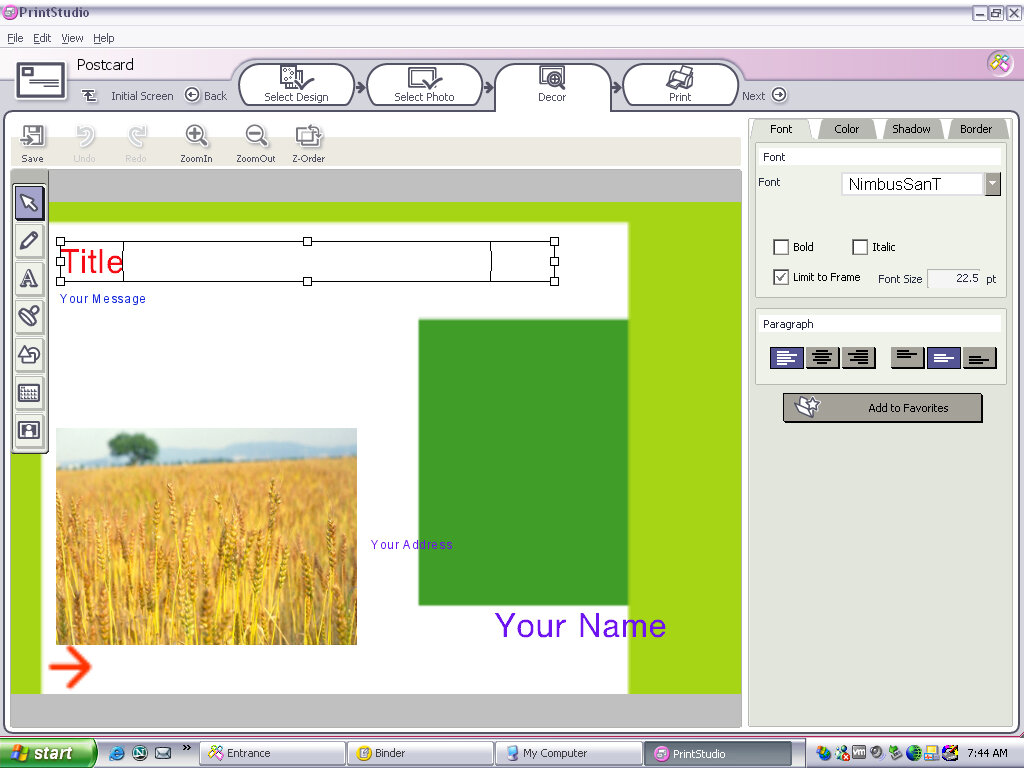
Appears to be a creative photo editing application where you can import photos from a digital camera (maybe a Sony CyberShot camera) and apply effects or add clip-art to them. You then have the option of printing these out or attaching them as an email. you can also create greeting cards with this, so it acts similar to Microsoft Publisher in a way,
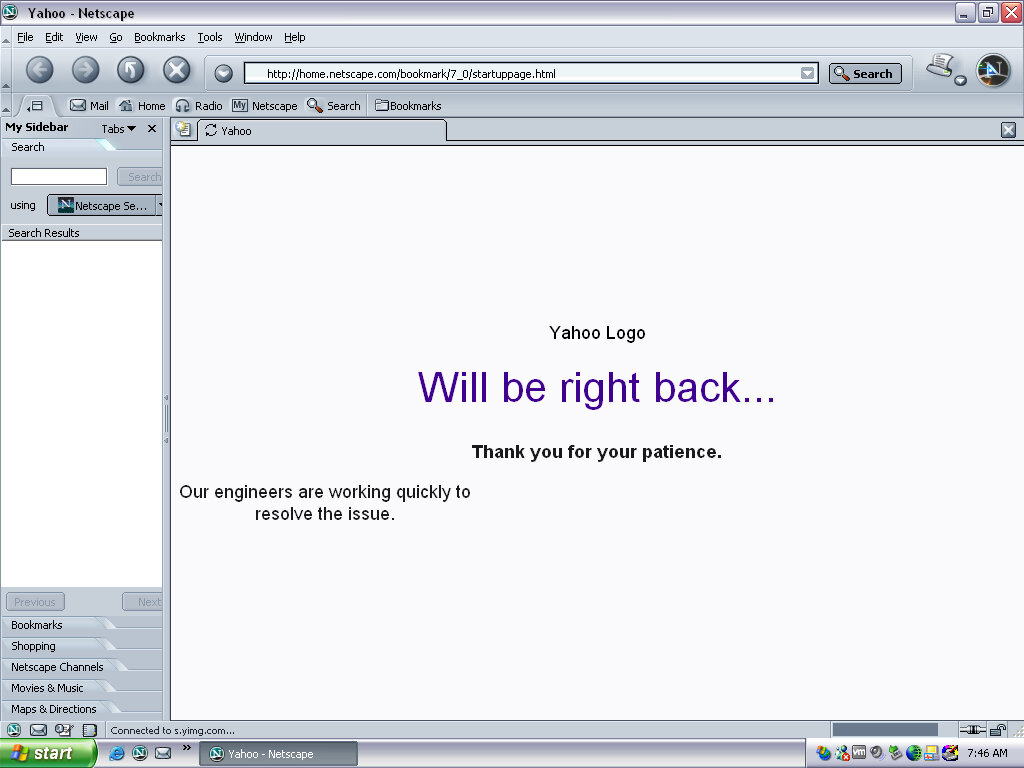
Netscape browser version 6, a popular alternative browser (Didn’t Microsoft discourage OEM’s from doing this? Sony clearly didn’t give a fuck)
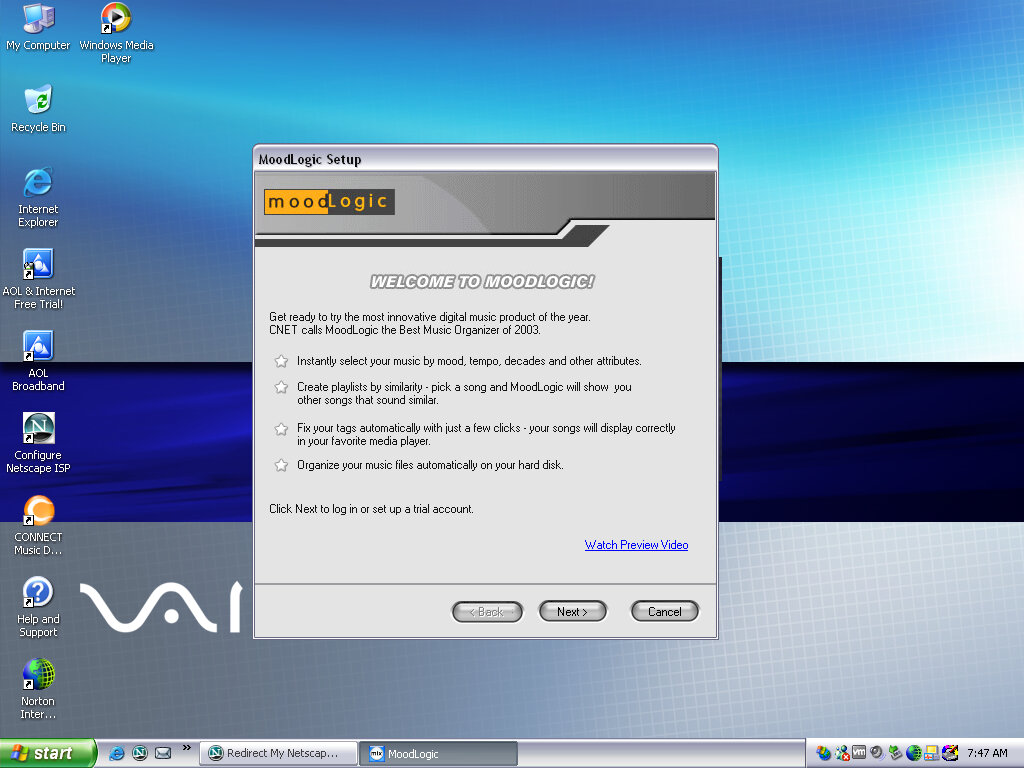
Moodlogic
I think this is some sort of last.fm service from before its time, where it will organize and find similar artists depending on the ones currently in your library, whilst organizing your current music collection. This no longer works and requires a connection to a server that is long since defunct. It sort of similar to Apple Genius playlists.
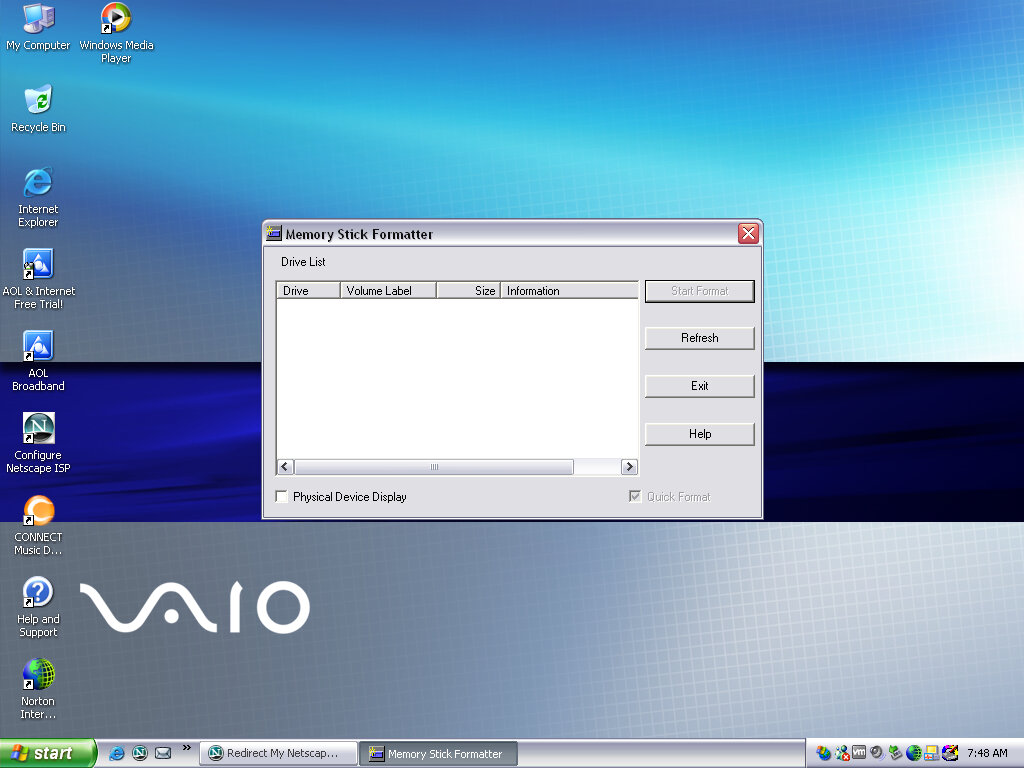
Memory Stick Formater
Formats a Sony Memory Stick, nuff said. Not sure why you can’t do this in Windows Explorer, possibly due to Magic Gate encryption?
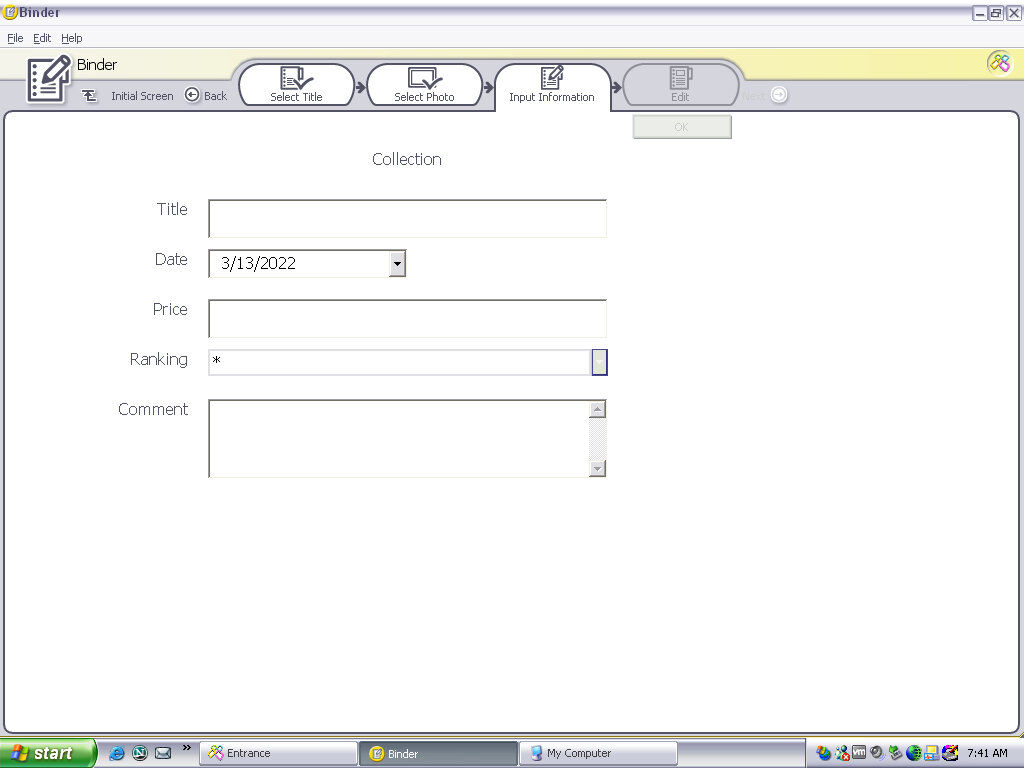
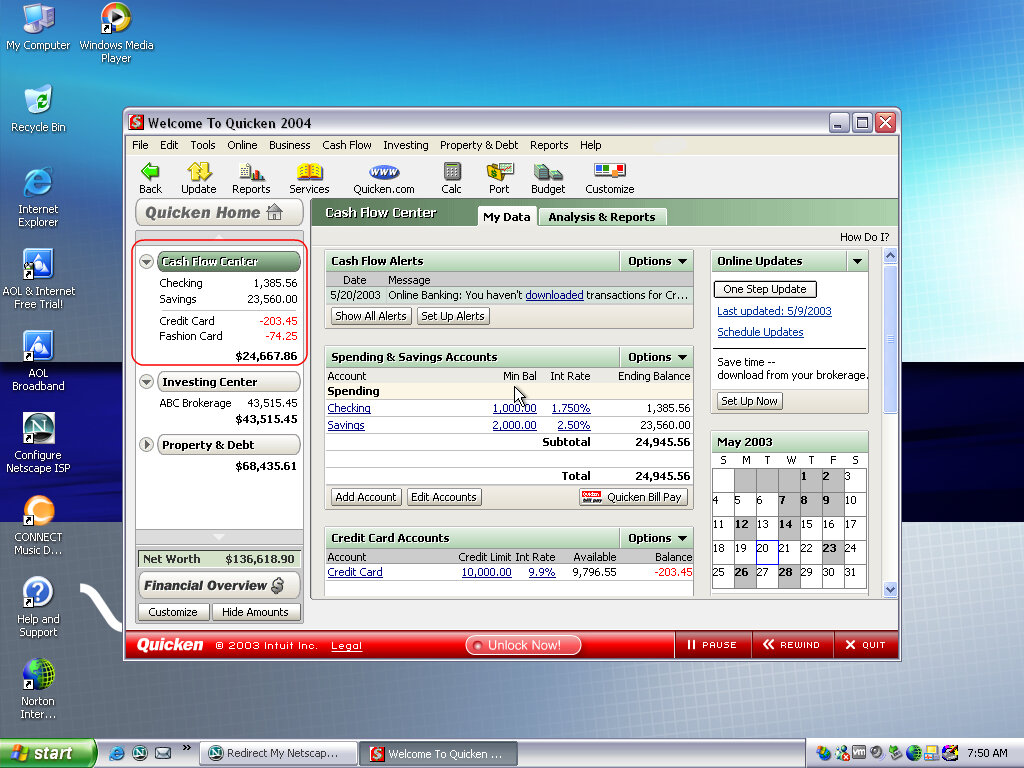
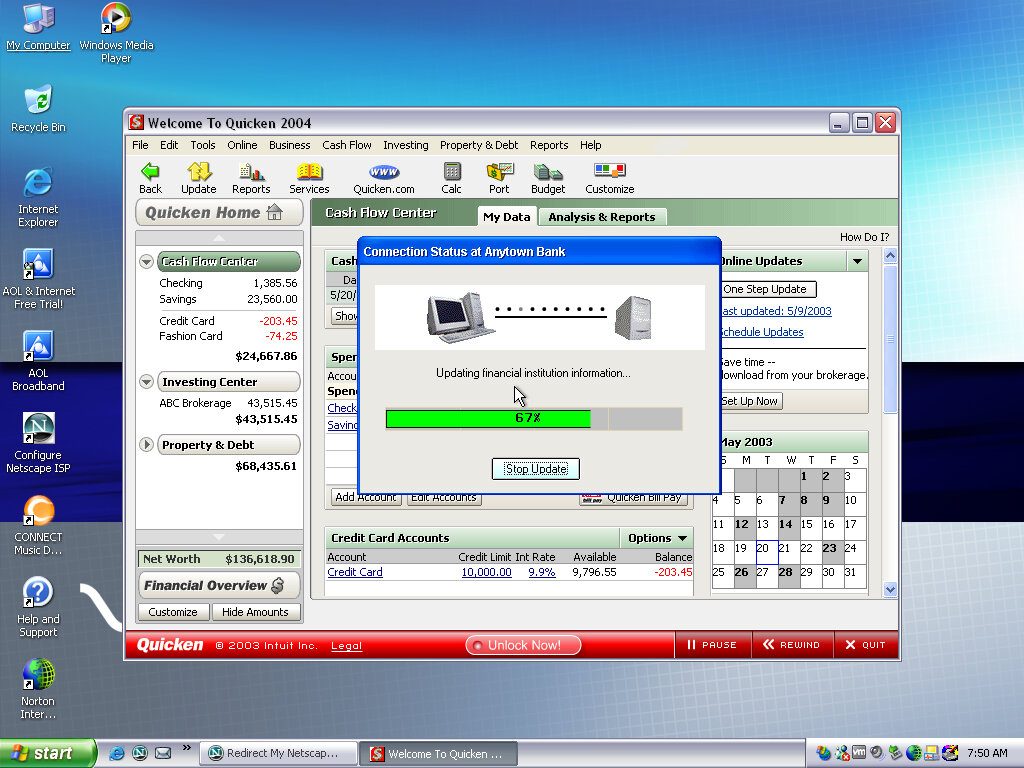
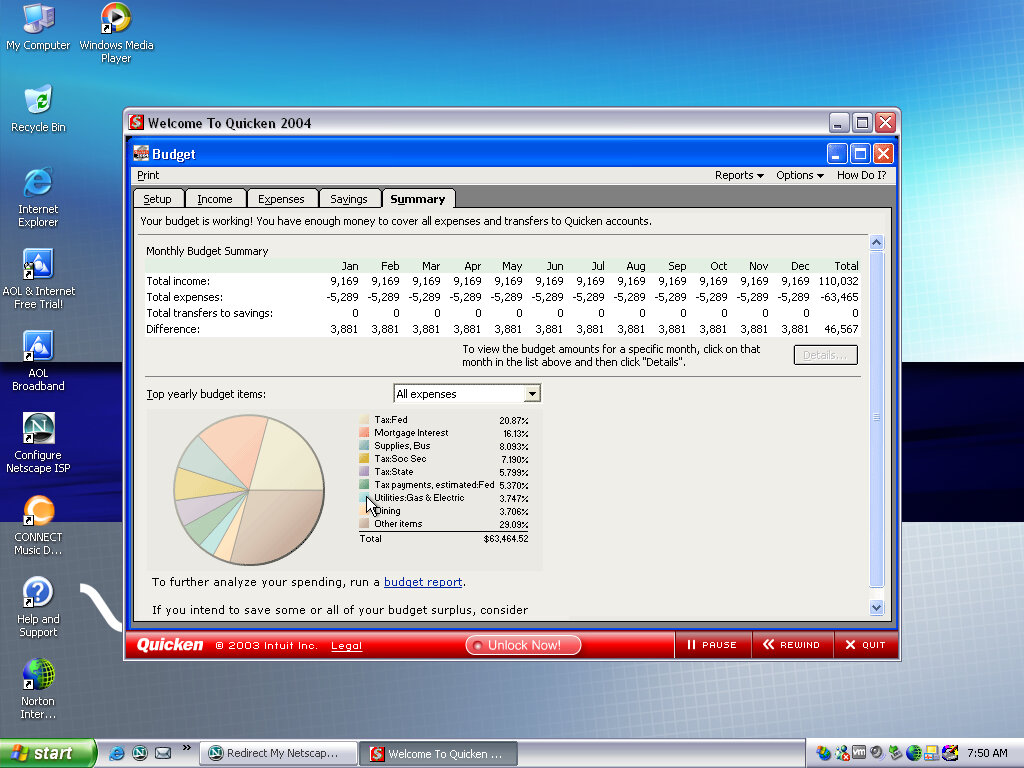
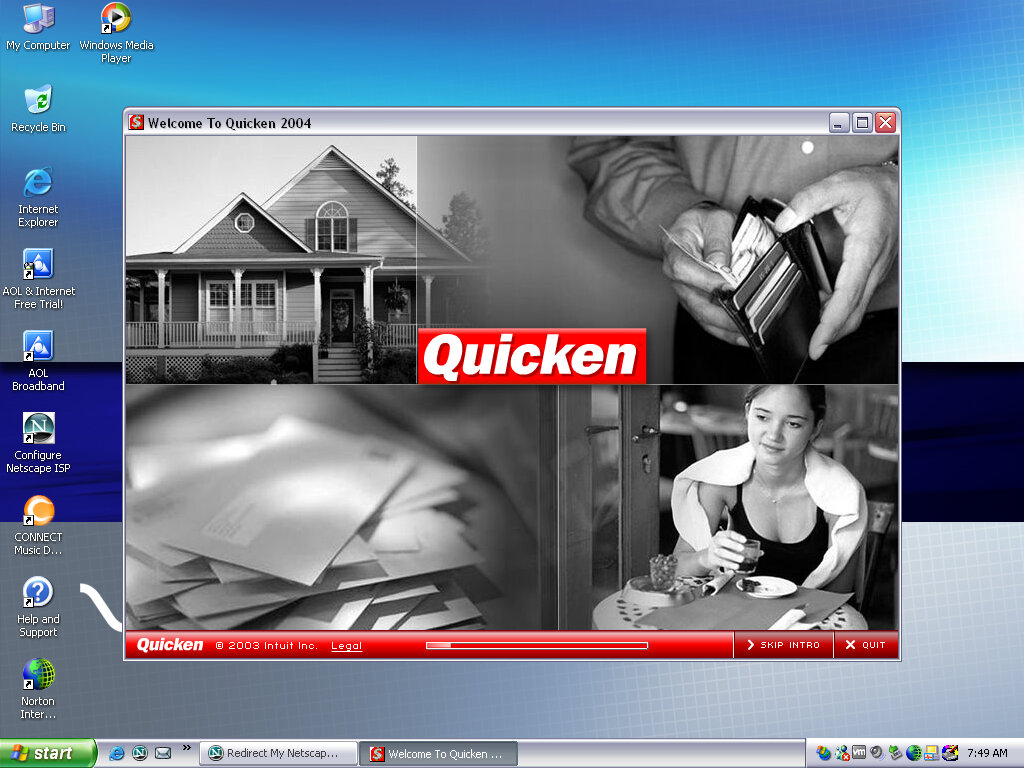
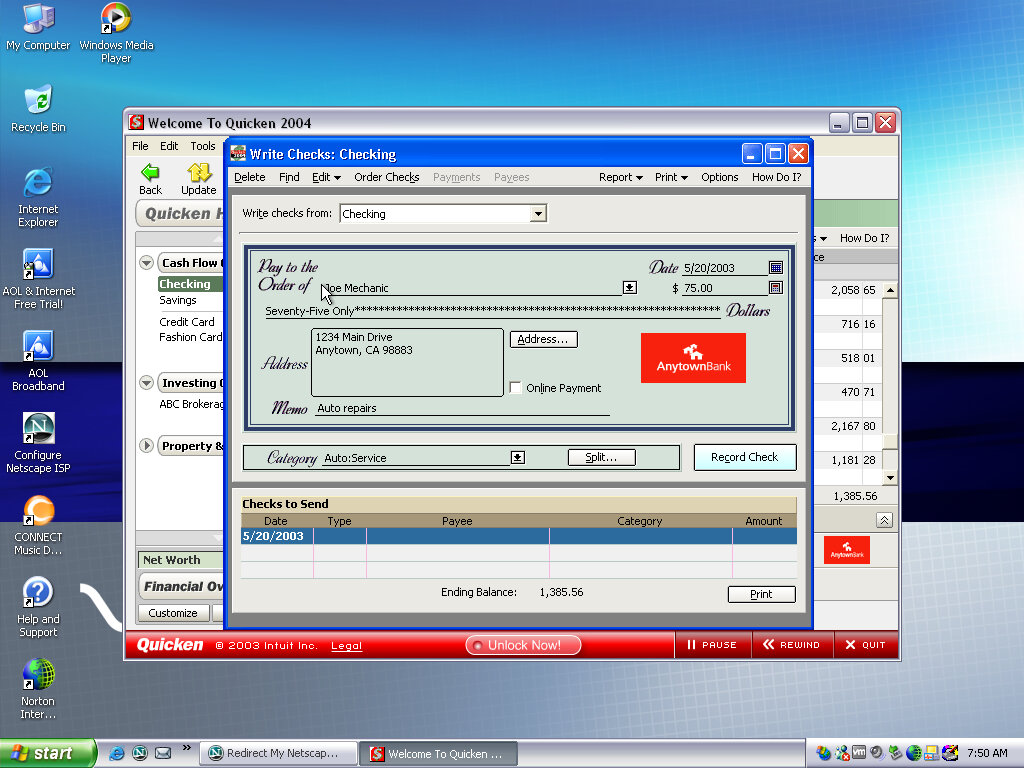
Quicken 2004
Software that Sony loved to bundle with their VAIO systems, is some sort of account and spending management software.
AOL
An advert for AOL, looks a bit basic for 2003 standards.
Microsoft continued to upgrade the Windows 95 codebase in response to new technologies emerging from OEMs. OSR2 introduces FAT32 support, 1394 (But not USB) support and better support for MMX and P6 based processors.
Like previous releases this was only distributed to prebuilt OEM systems and was never sold at retail
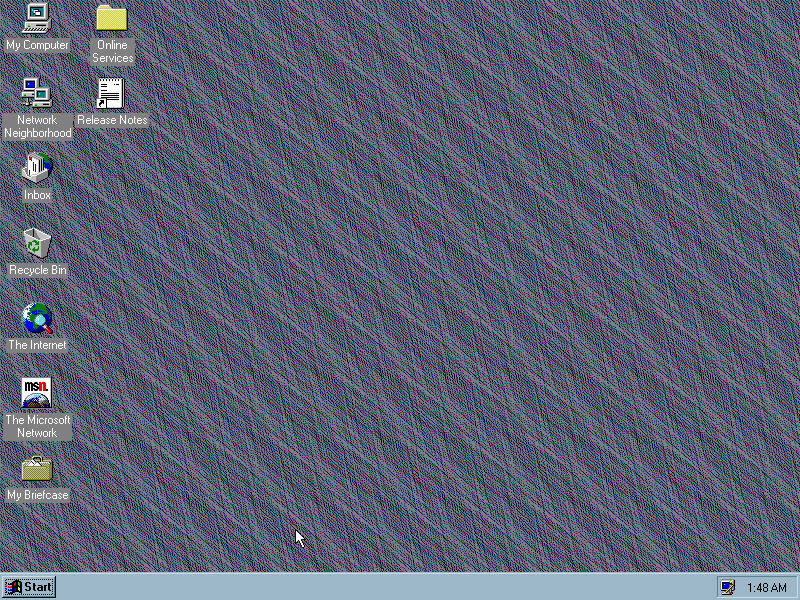
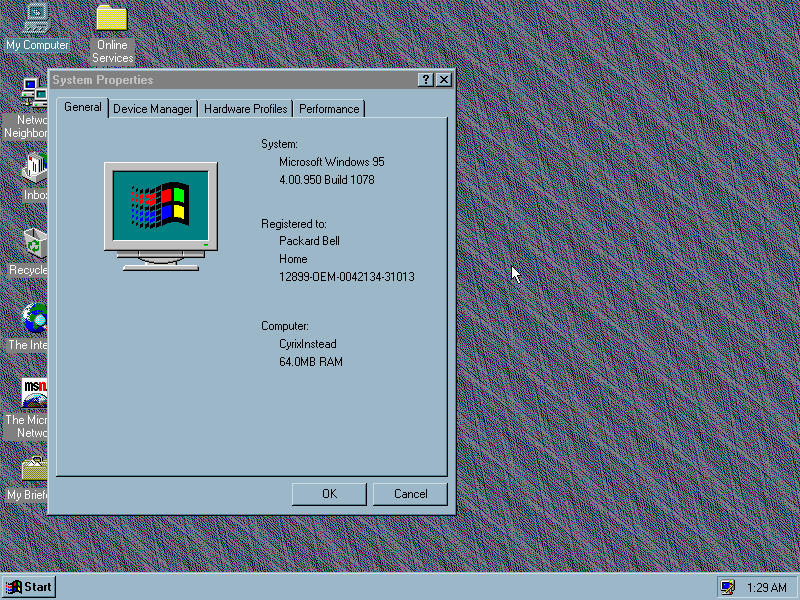
The Windows desktop, slightly modified post instillation. The release notes is place on the desktop by default and gives an update on what has changed in this build. On a fresh build it pretty much resembles stock Windows 95 with its teal background, but you can change it to any background you prefer.
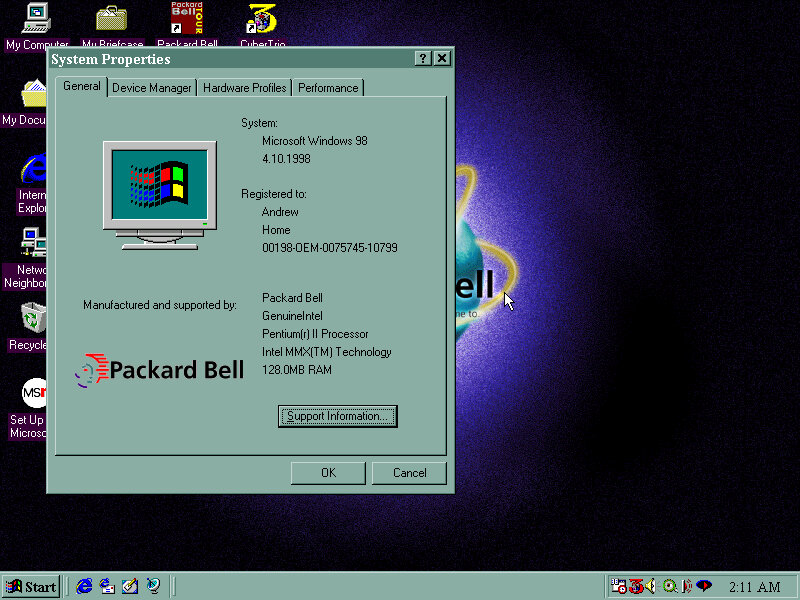
System information window
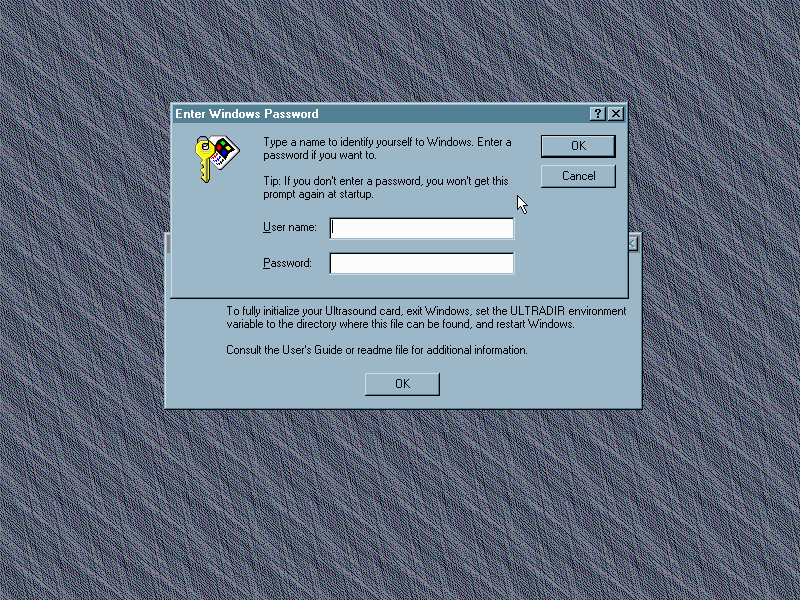
Soundcard Install
After using a few SoundBlaster and Windows sound system cards I’d thought id try the Gravis Ultrasound for a change, since this is emulated in PCem
This isn’t specific to this build of Windows 95 but I thought I’d cover it anyway but there were a few issues getting the driver installed
Even after a seemly successful install there are still errors that crop up upon boot. In the end I had to supplement the sound card with a SoundBlaster 2.0 for MIDI output.
Internet Explorer
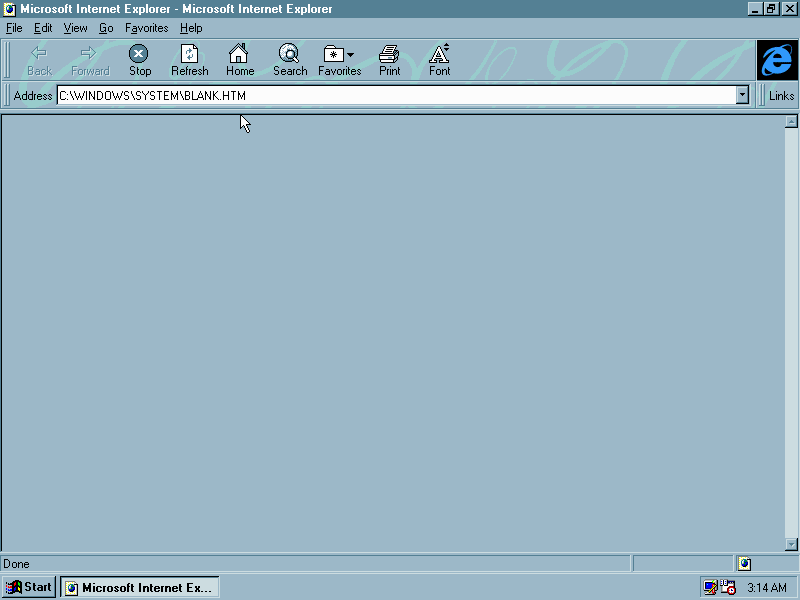
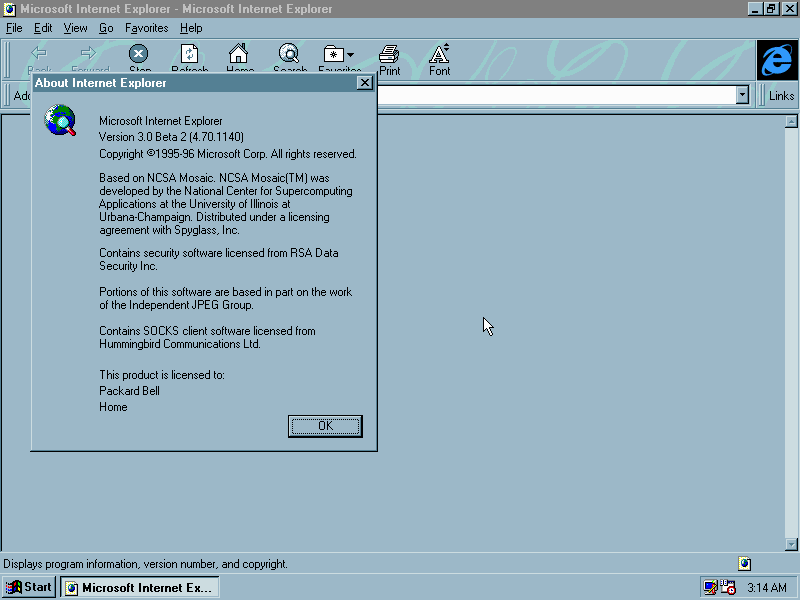
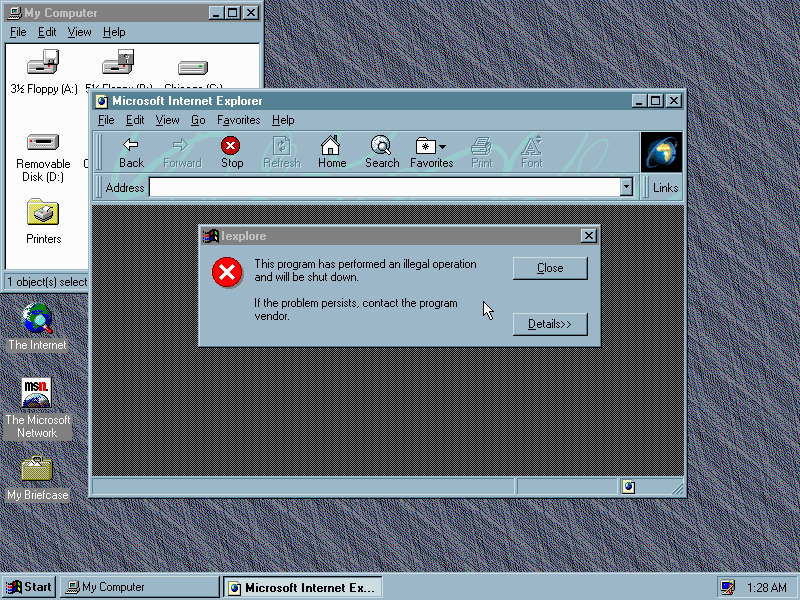
Internet Explorer 3, this one comes with an italic background style, which was dropped in Internet Explorer 4. The icon on the desktop appears as ‘The Internet’ rather than Internet Explorer with the logo we all know.
Internet Mail and News
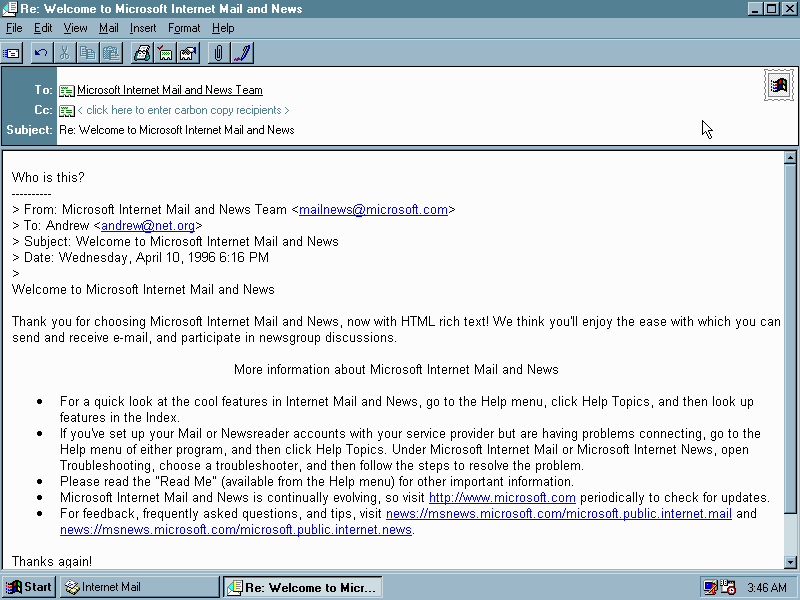
Internet Mail: Very similar to Outlook Express, a basic email client for use with an email service typically provided by an internet service provider
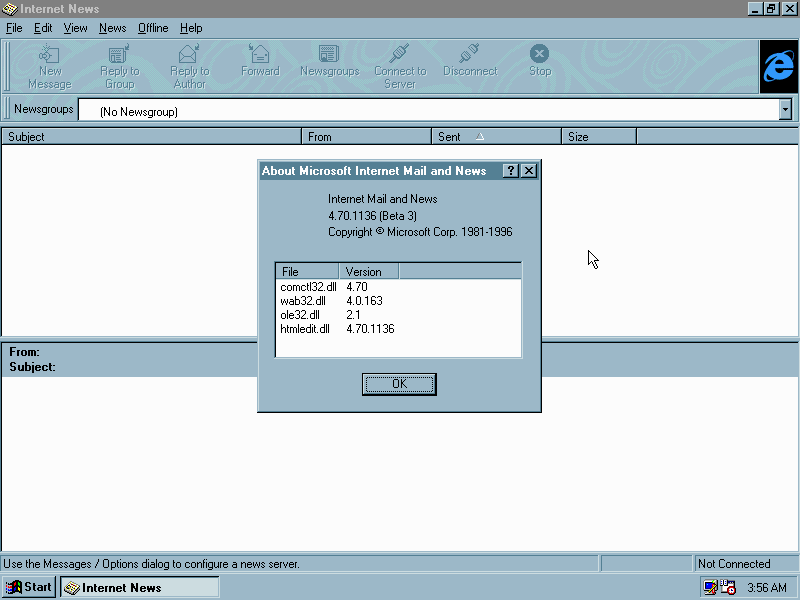
Internet News: Used to access newsgroups which were common back then. Sadly I wasn’t successful in getting it to connect to a modern newsgroup.
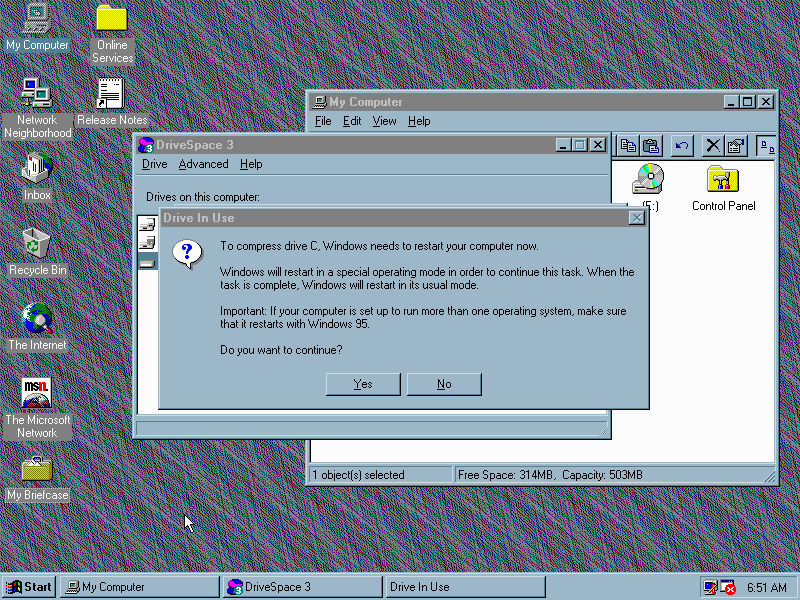
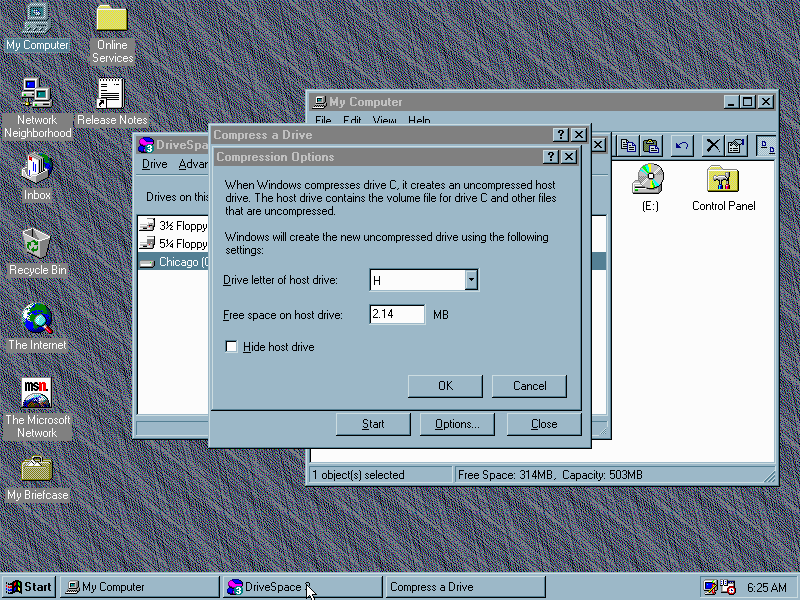
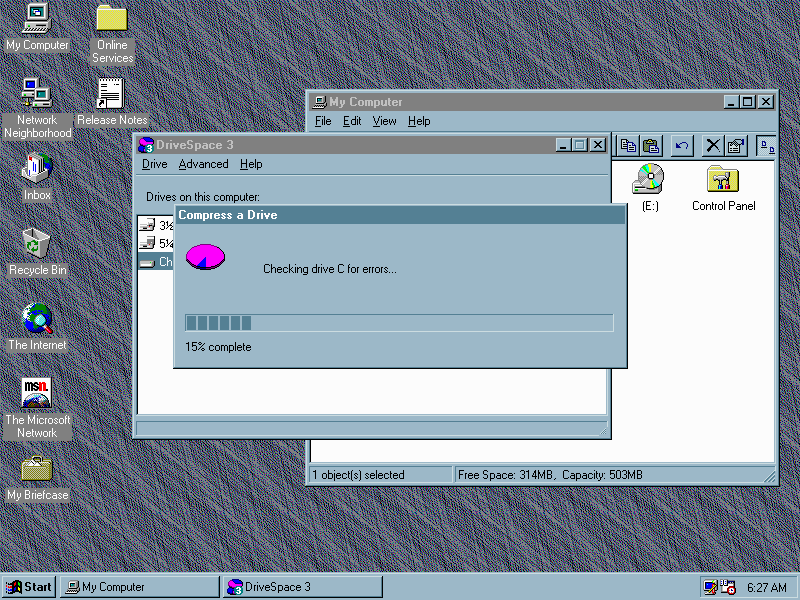
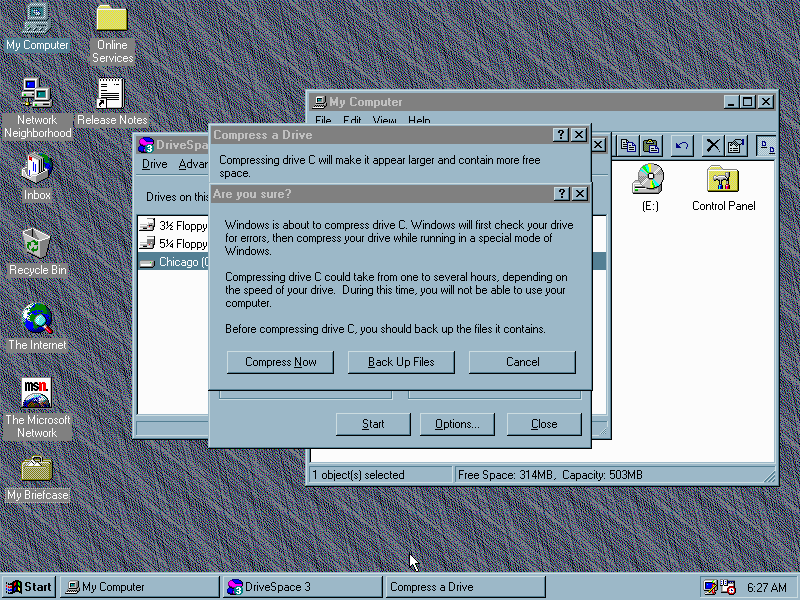
DriveSpace 3
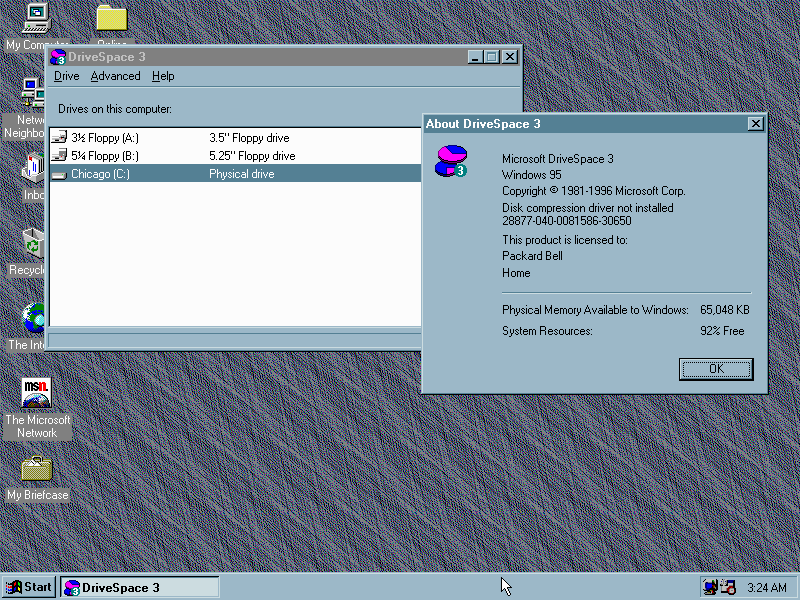
An upgrade from the previous version of DriveSpace, which is a disk compression program that compacts files on your hard drive to save disk space, at the expense of processing power.
Once compression has completed, the system will reboot back into Windows. A new drive letter will be created, with C being the compressed mounted volume, and H being the actual drive itself.
Software
The Windows 95 Plus pack can be installed without any issues and grants full support of themes along with the additional utilities. Some of which are redundant as updated versions are provided in OSR2.
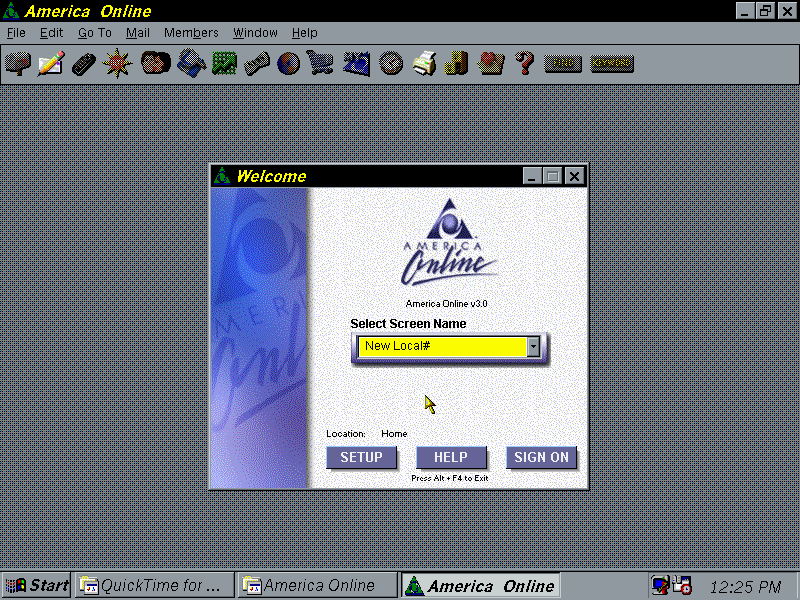
AOL
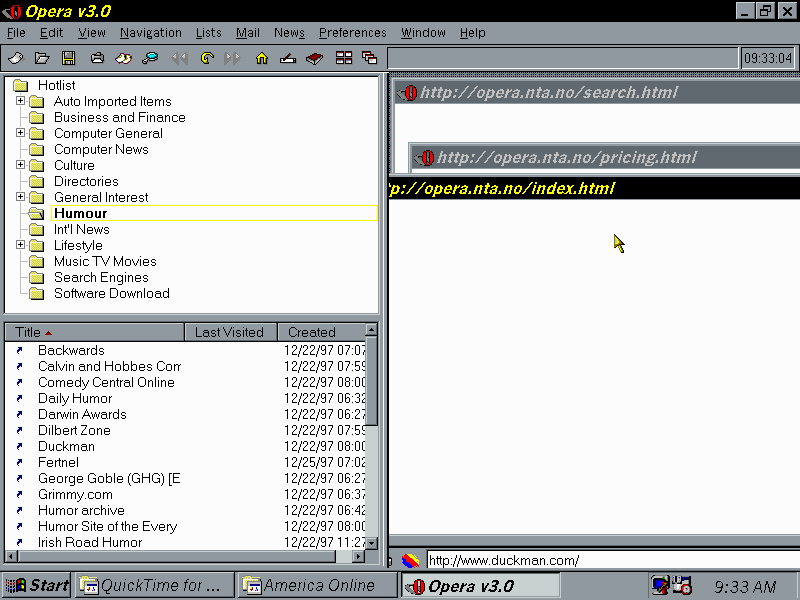
Opera – Whilst the browser wars were raging on between Netscape and Internet Explorer, Opera was busy doing its own thing albeit being a shareware/trialware browser
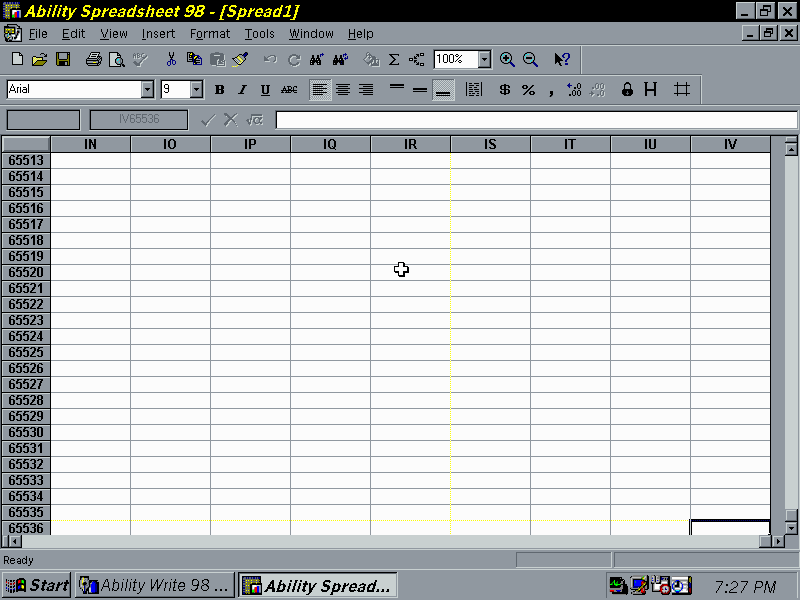
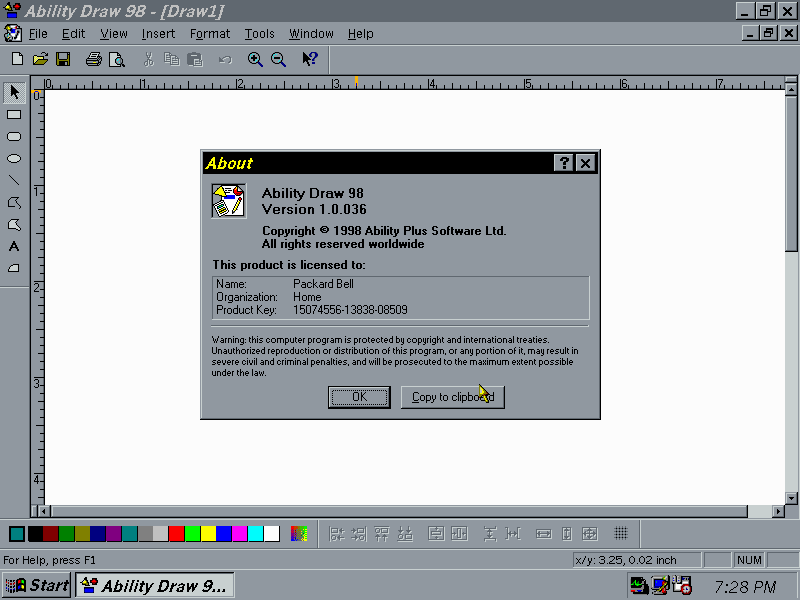
Ability Office – An alternative Office suite for Windows which has full compatibility with the Microsoft Office file formats
Adobe Reader – utility to view PDF format files, typically bundled with software that has its documentation in PDF format. I always liked the art style Adobe using in the splash and help screens, something nice to look at whilst the program loaded.
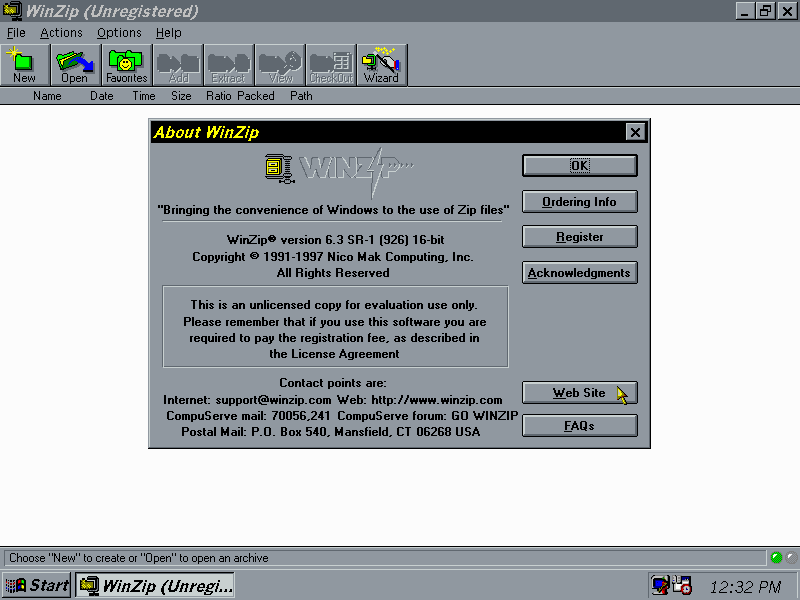
WinZip – Windows 95 explorer had no ability to open or create ZIP files from explorer itself, so a third party utility is required. The 16bit version is shown here, a 32bit version exists for Windows 95.
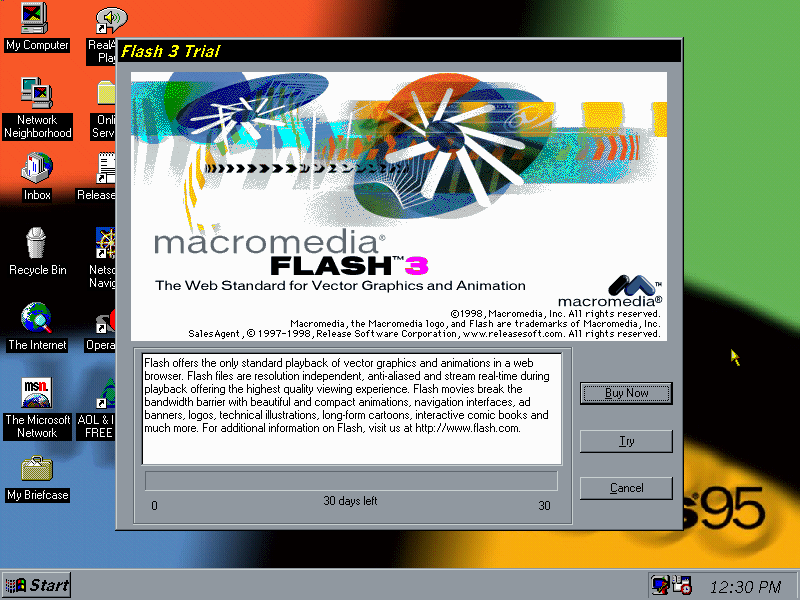
Macromedia Flash: Create and distribute flash animations and includes a web browser plugin for Netscape.
I get that feeling
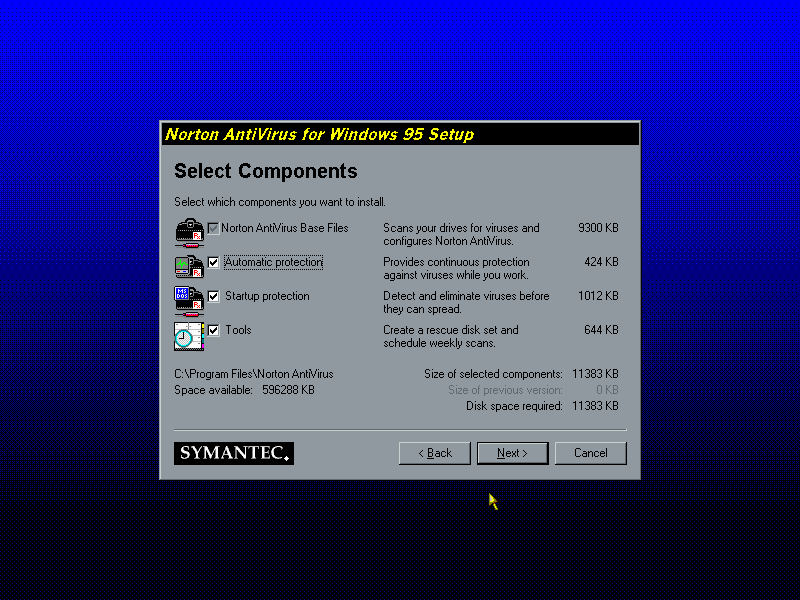
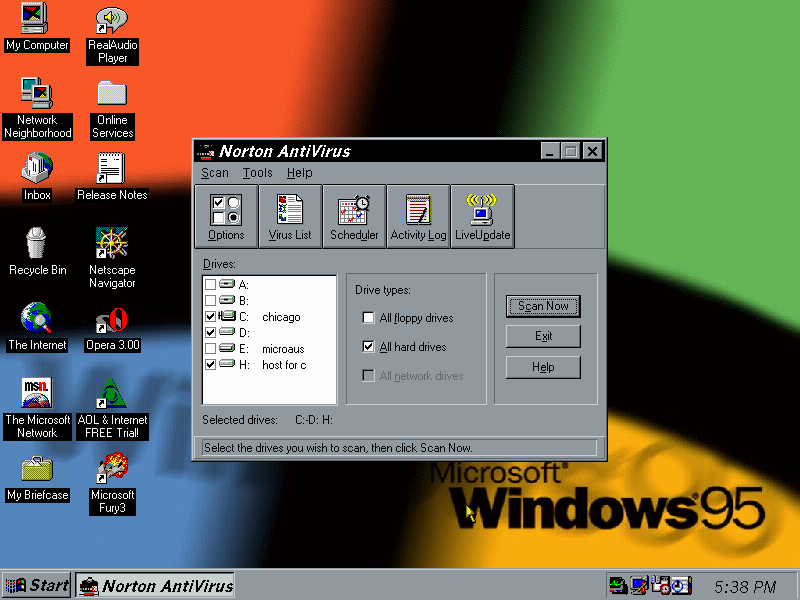
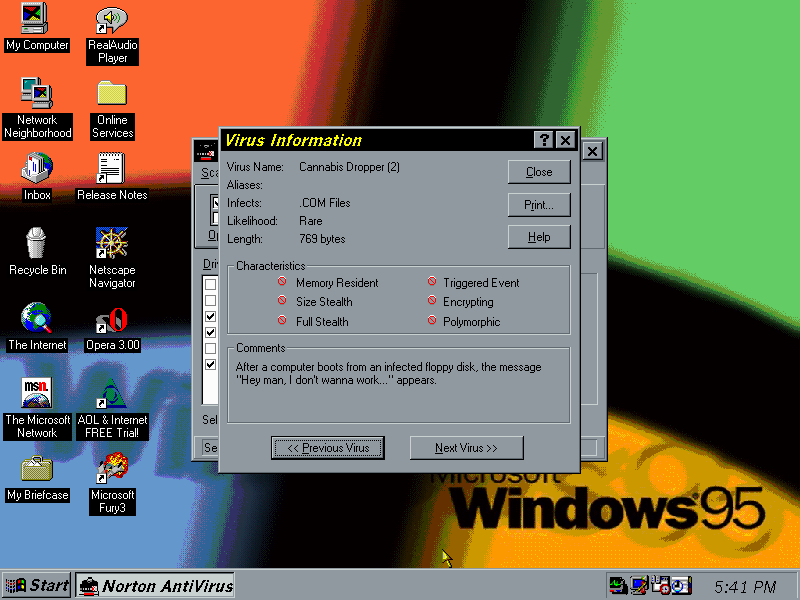
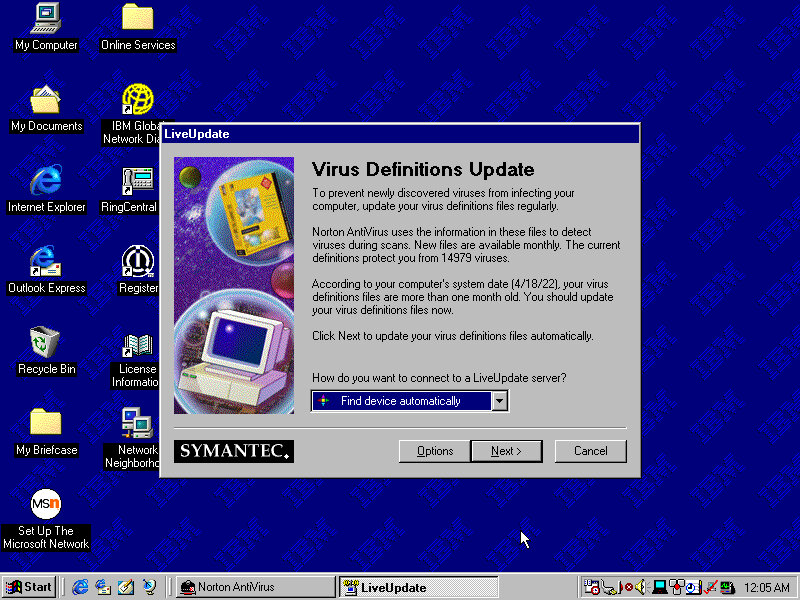
Norton AntiVirus 2.0.1: Version 2 was adapted for Windows 95 and contains a virus checker, virus definitions database with a list of all virus the program can detect along with information. LiveUpdate allows virus definitions to be updated over the internet using a modem or a LAN connection. A version also exists for Windows NT
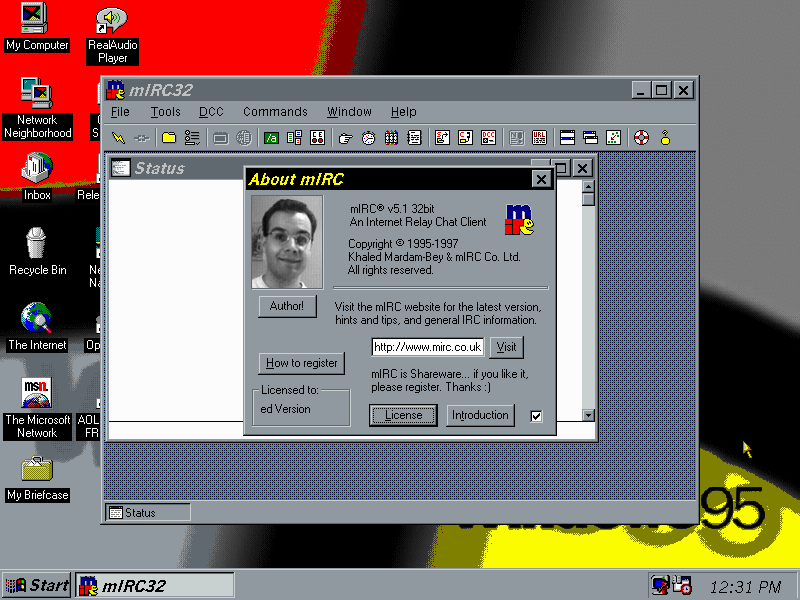
mIRC – A popular IRC client (Internet Relay Chat, Discord without the bloat), sadly no longer connects on modern servers
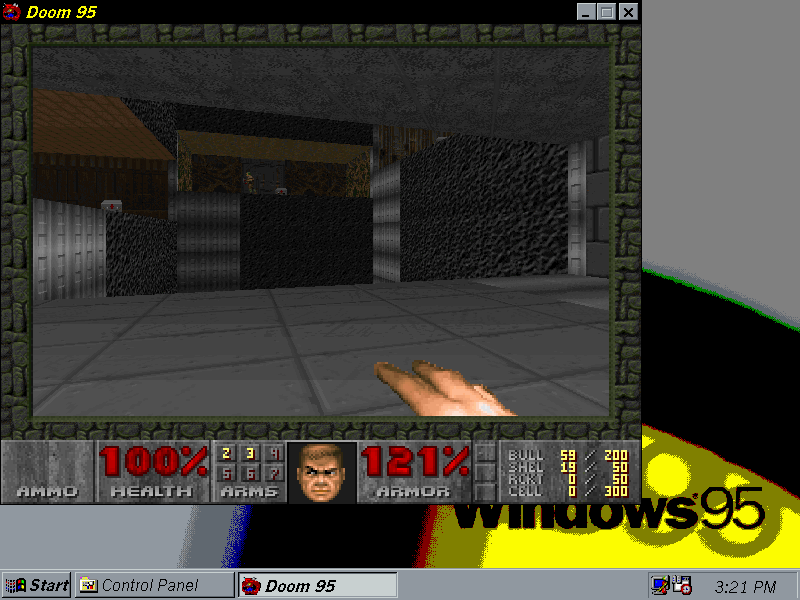
Doom95 – Microsoft’s port of the popular Doom game for the Windows 95, making use of DirectX and being a full Win32 application rather than being DOS based, developed with Gabe Newell who was working for Microsoft at the time
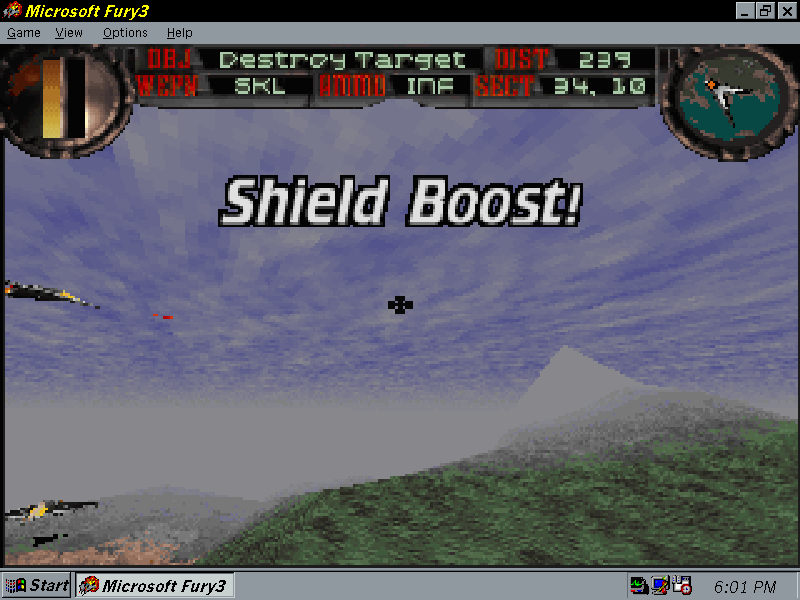
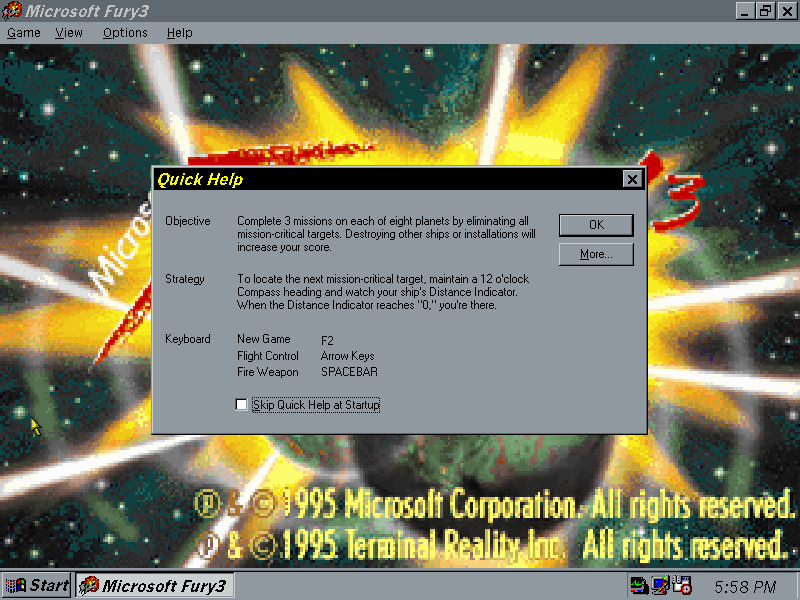
Fury3 – Flight simulation game developed by Terminal Reality and published by Microsoft as part of their Microsoft Home series of titles
PCem Specifications
Motherboard: Packard Bell PB410A
Processor: Cx5x86/133
Memory: 64MB – the maximum this motherboard can address
Thinkpads were pretty nice laptops, especially during the late 90s when they pioneered various emerging technologies that were yet to be common. Let’s take a look at a typical OS install that would have shipped with a Thinkpad.
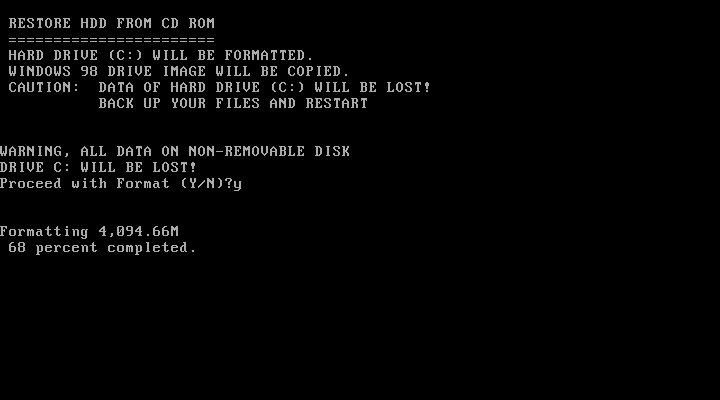
The installer requires the hard disk to be at last initialised, that means having a partition table ready and a partition created. The recovery disk included the FDISK program to create this if its not been done so, and supports the creation of FAT32 partitions.
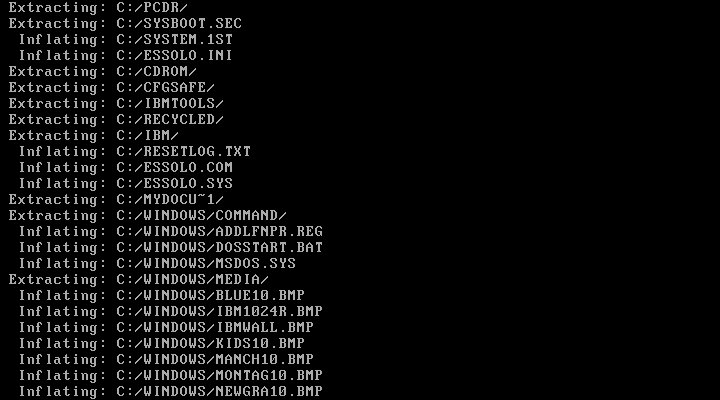
Once ready, you can start the recovery process, which will inflate the required files. In total this will consume around 600MB of disk space
Initially, this was attempted in VMWare and whilst the first part of the install worked very well, we ran into a few issues. Since our host CPU is over 2.1GHz, we ran into a protection error and were unable to continue without modifying the OS. A patch exists and can be installed. This isn’t a problem in Windows 98SE or Windows ME, but this image contains the first edition of Windows 98 which does have this bug. However at some point the install bricked itself, getting a few errors about missing VXD files, which could be related to the patch above.
Since VM software has issues running these older operating systems, it’s better to use 86Box instead.
86Box
86Box has a few IBM machines emulated, but none from the Pentium II era. Although in theory, we can use any capable motherboard to run the OS, I wanted to use an IBM based machine to better fit the profile however 86Box only has a handful of IBM systems: IBM Valuepoint 60: Has a shit BIOS that only detects a hard drive up to 504MB, the restore image along consume 600MB and we cannot boot from an external SCSI drive IBM PS/ValuePoint 433DX/Si: BIOS is also wack and complains about a config error no matter what combination of hardware I throw at it. Seems to work with larger hard drives but does not boot from a CD-ROM so I had to use Plop boot loader. Whilst I was able to complete the restore and was able to boot into Windows and complete the hardware detection somewhat, after another reboot the system would no longer boot up, giving a non-system disk error IBM PC 330: I couldn’t even get this shit to POST
Overall 86Box didn’t have much going for it in the IBM department for later generation PCs so I ended up using the VirtualPC 2007 based system, which worked easily and was able to boot from CD.
Post Install
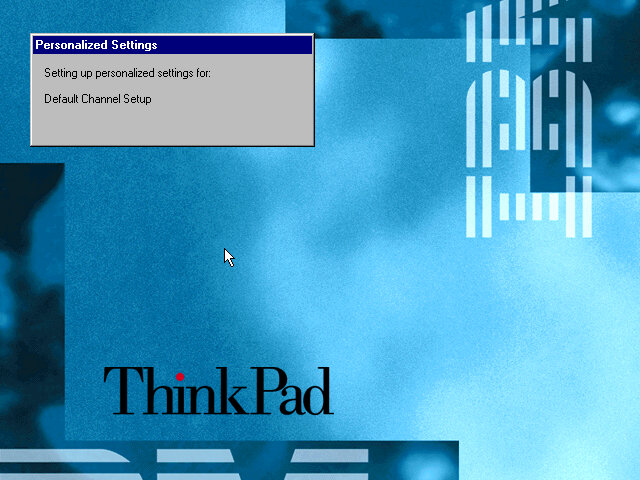
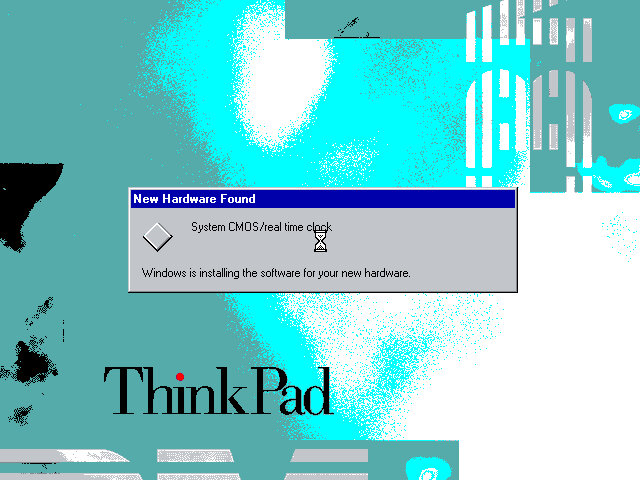
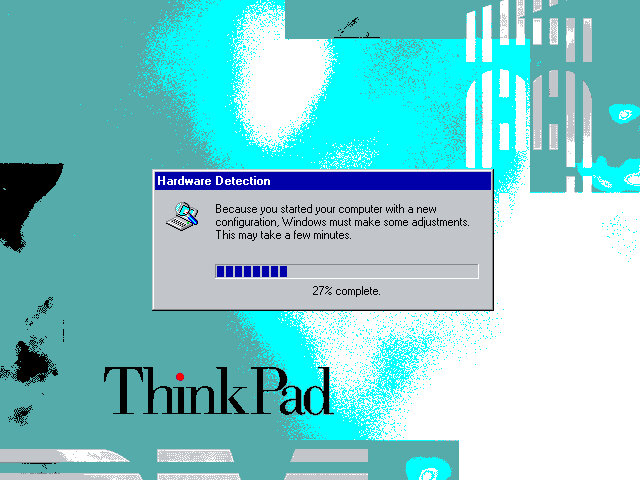
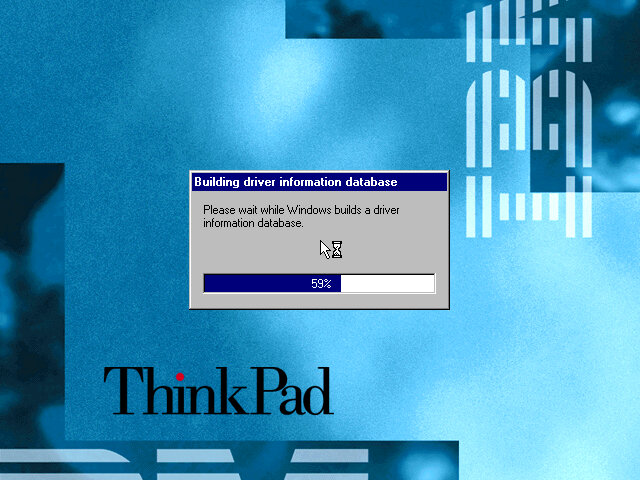
When running on completely different hardware you will encounter this hardware detection section, as Windows tries to detect and install various drivers for the motherboard and components used. On the actual ThinkPad system, you will just be taken to the desktop.
This typically takes around 10 minutes to complete, be warned that if you try this on VMWare you will have endless prompts regarding PCI-PCI bridges since VMWare likes to have a lot of these.
Software
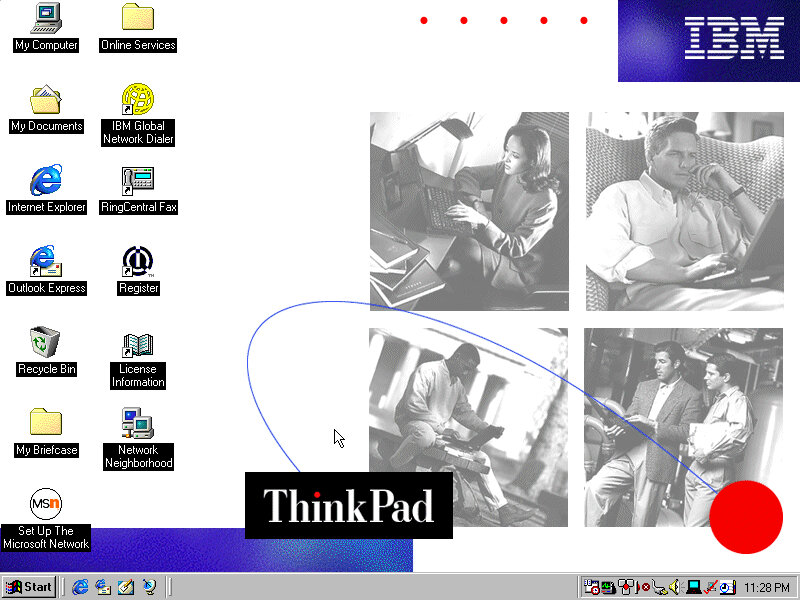
The Welcome to Windows screen has been customized by IBM to some extent, as the ThinkPad itself can be seen in the background. I’ve never seen this done by an OEM for Windows 98.
ThinkPad on the Net
A utility to help you sign on for an internet service provider. If you already have one the program will attempt to test the internet connection, but this will fail since the servers are no longer active, the program simply thinks you don’t have an internet connection. It’s also possible this only works for dial-up connections which were popular at the time, and requires a modem.
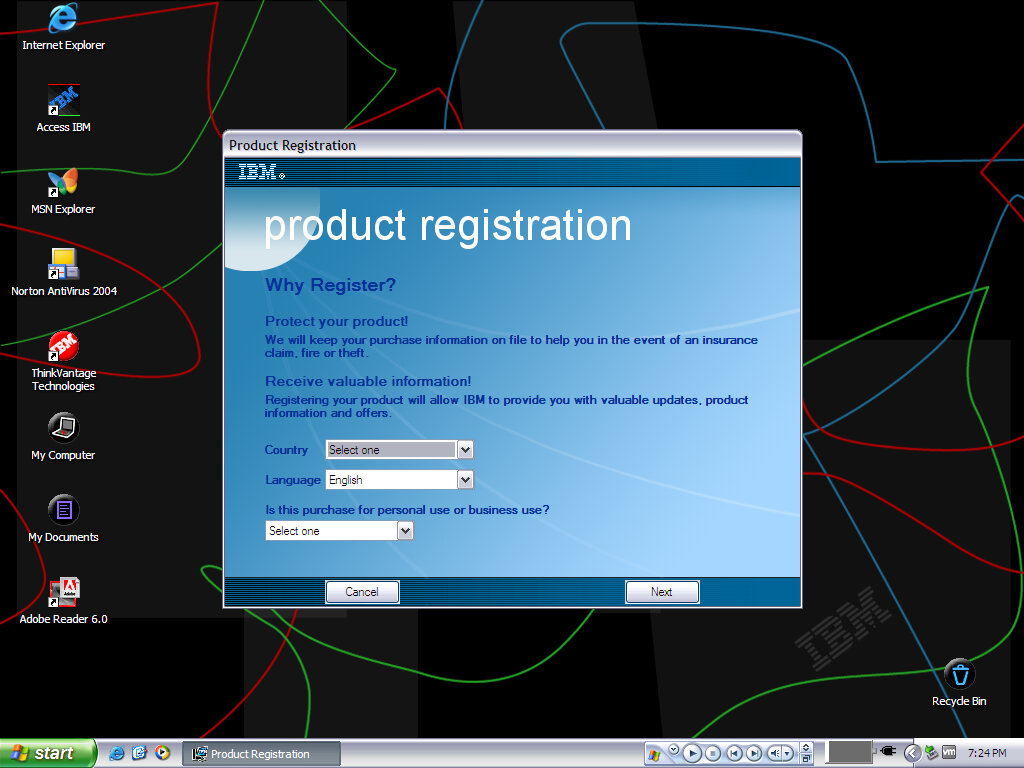
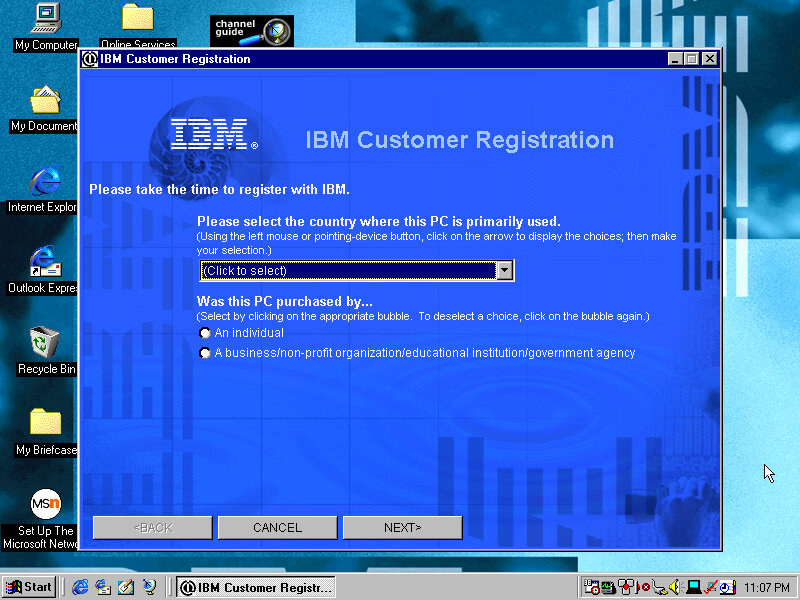
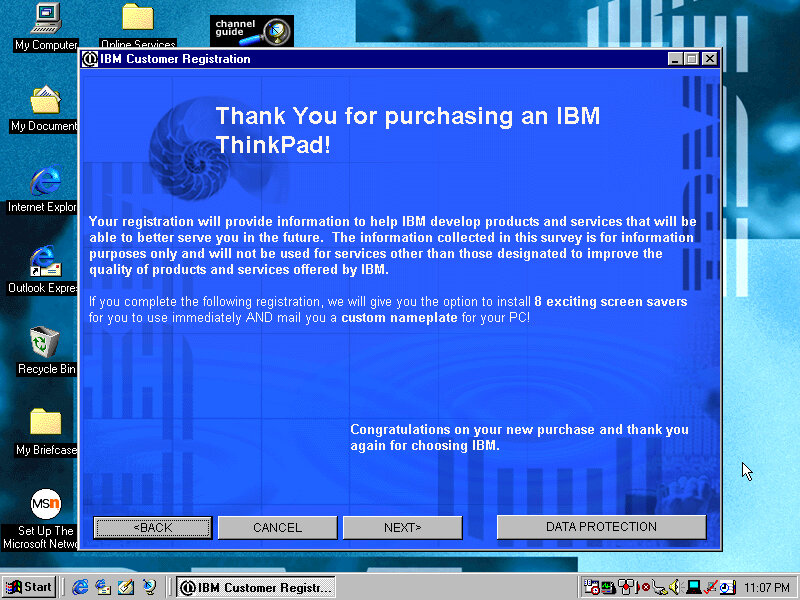
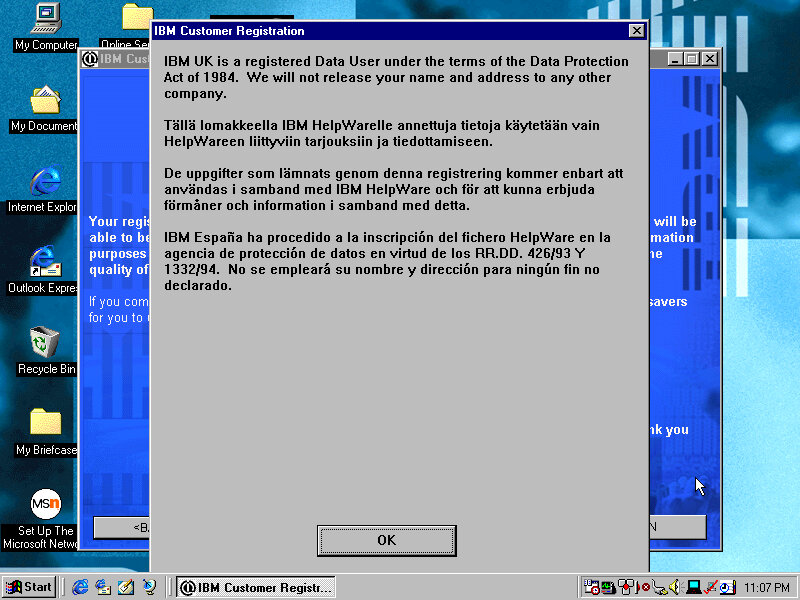
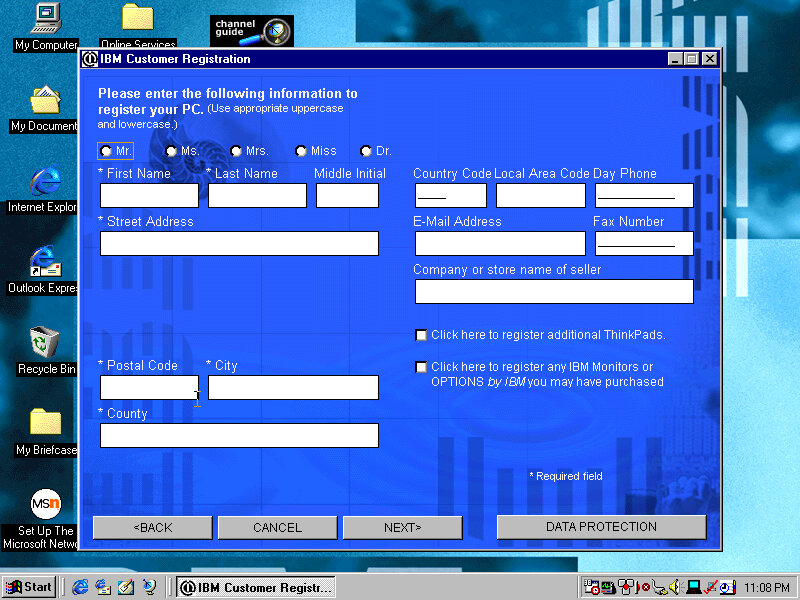
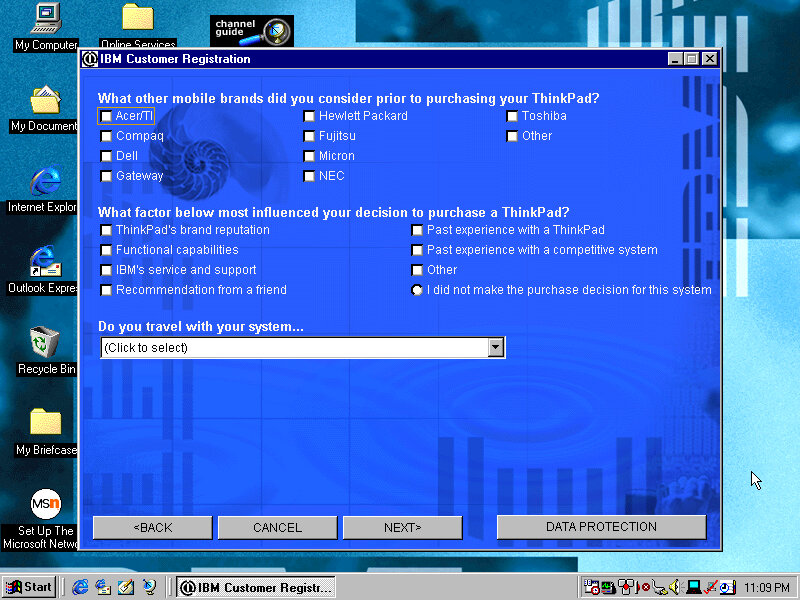
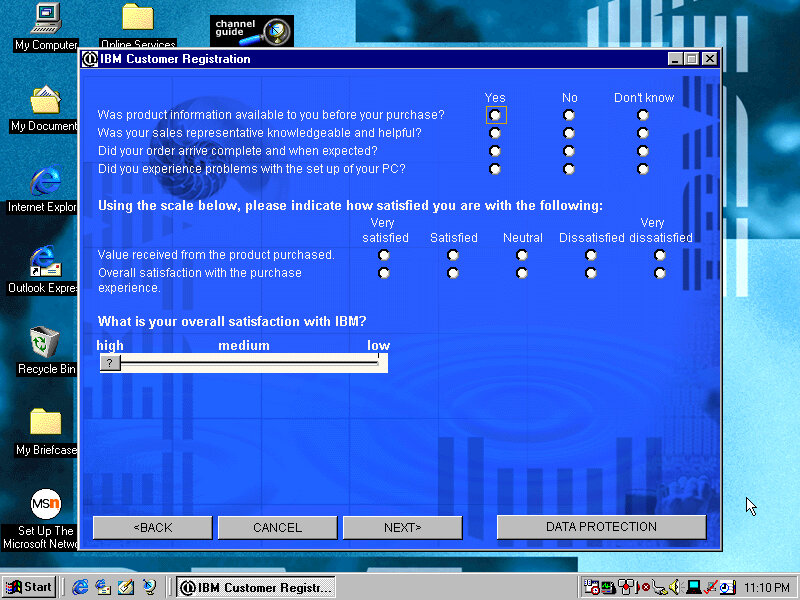
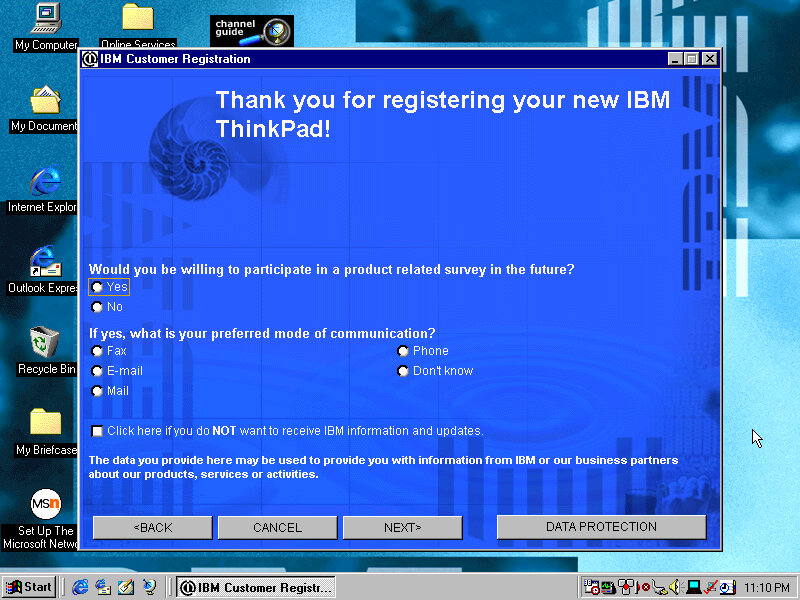
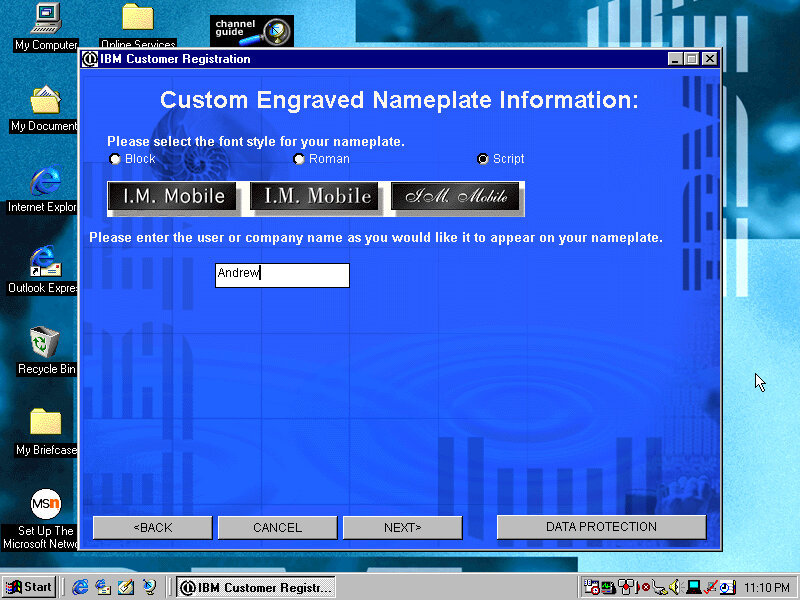
Product Registration
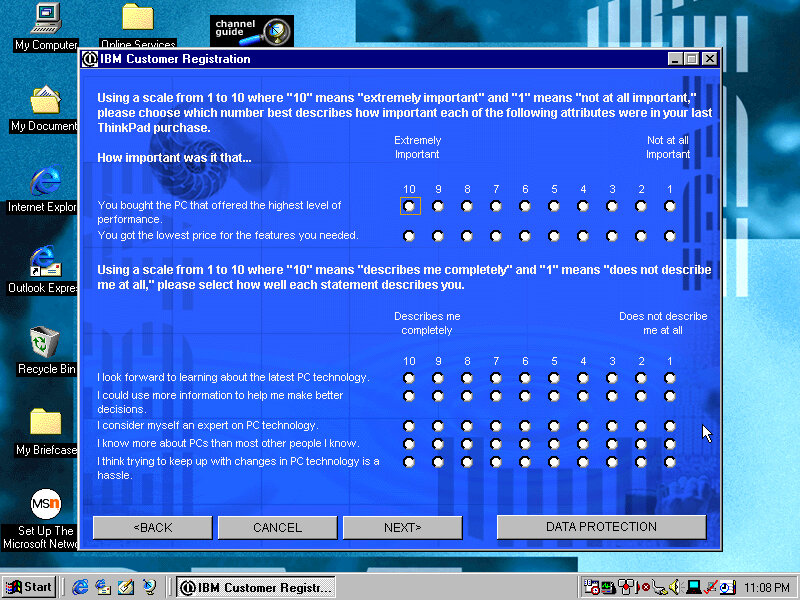
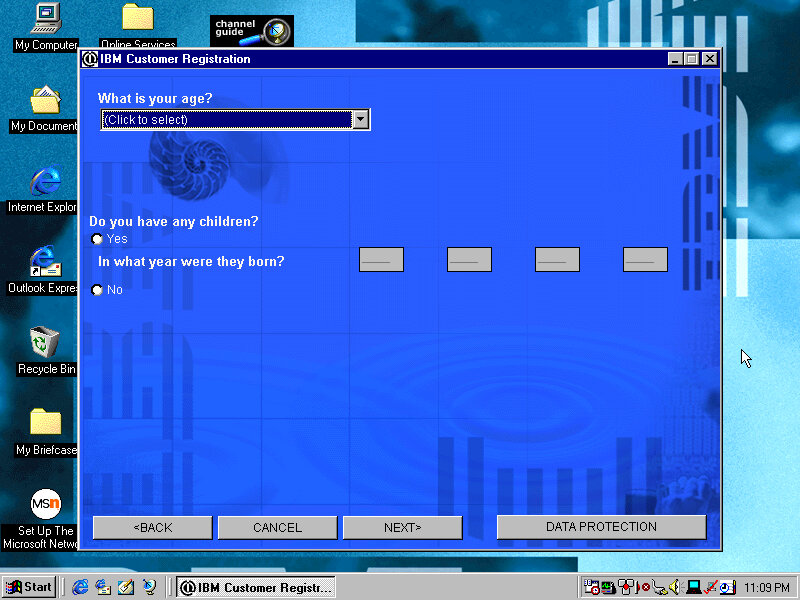
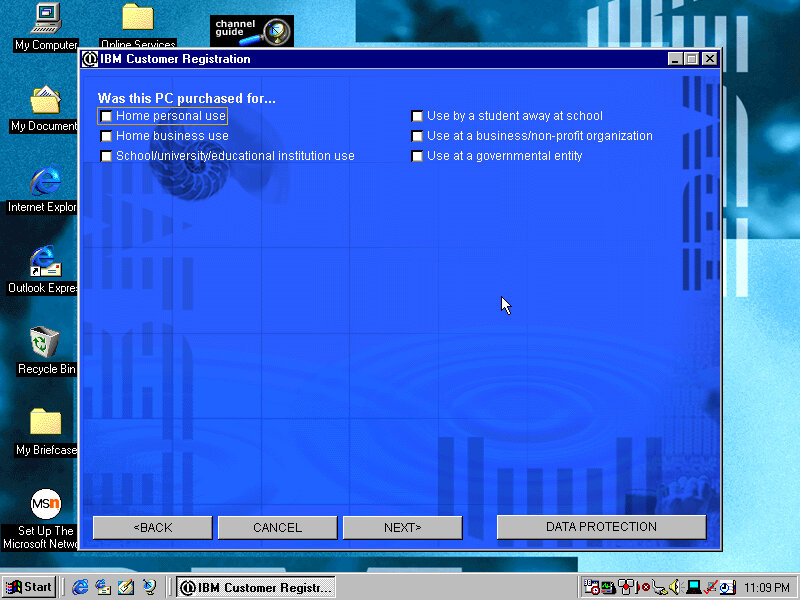
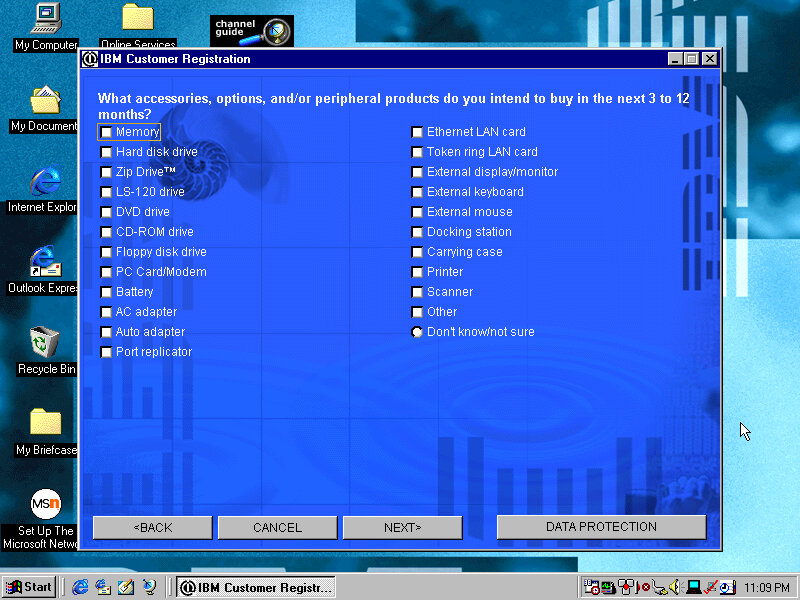
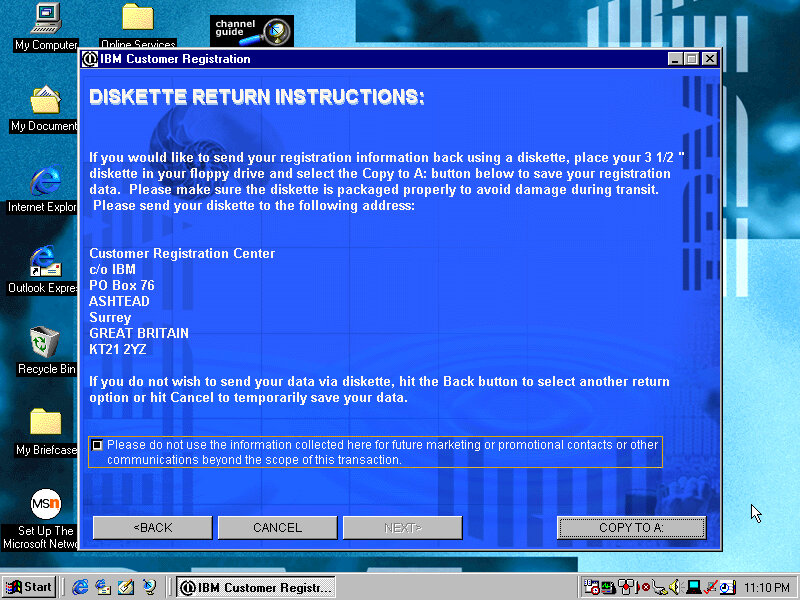
Presents the opportunity to register your product by answering several questions about you and your life story, along with what you intend to do and what accessories you intend to purchase. This was the good old days when telemetry wasn’t embedded into the OS, so this was the only way to provide feedback to the OEM. Registering your products will reward you with bonus screensavers.
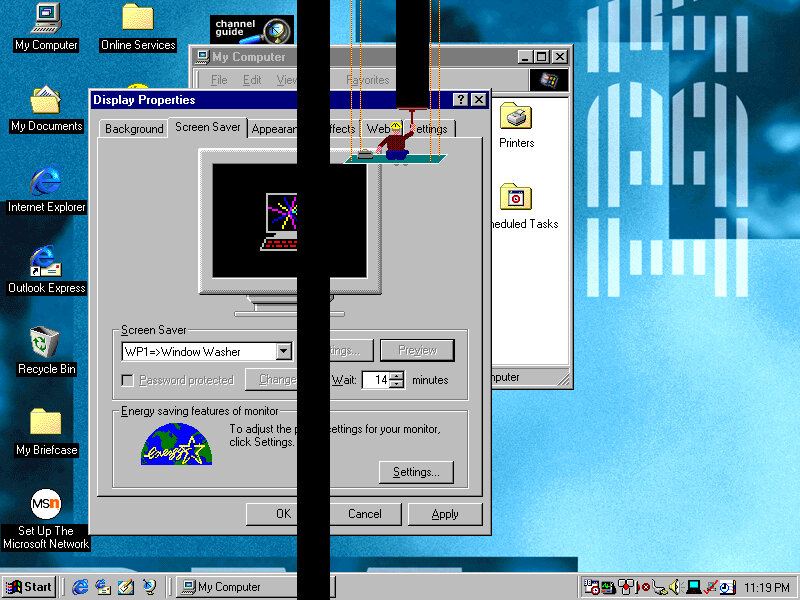
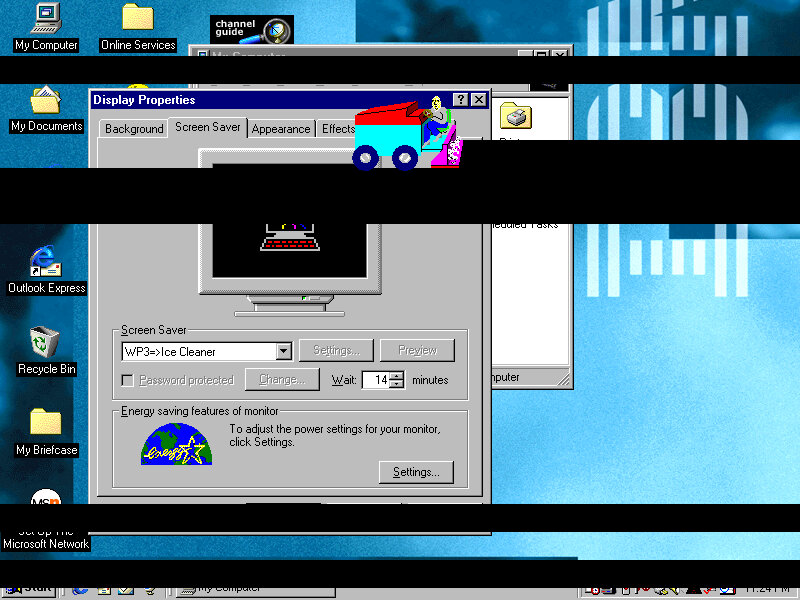
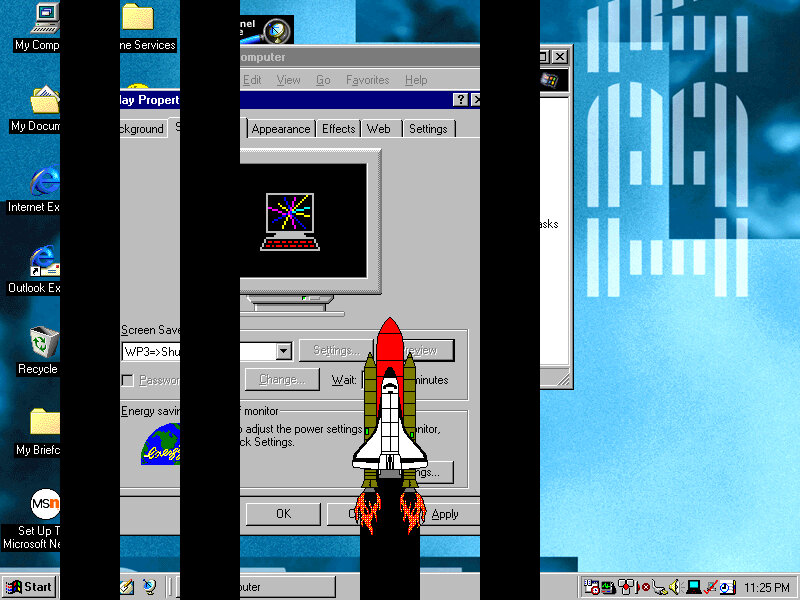
Screensavers
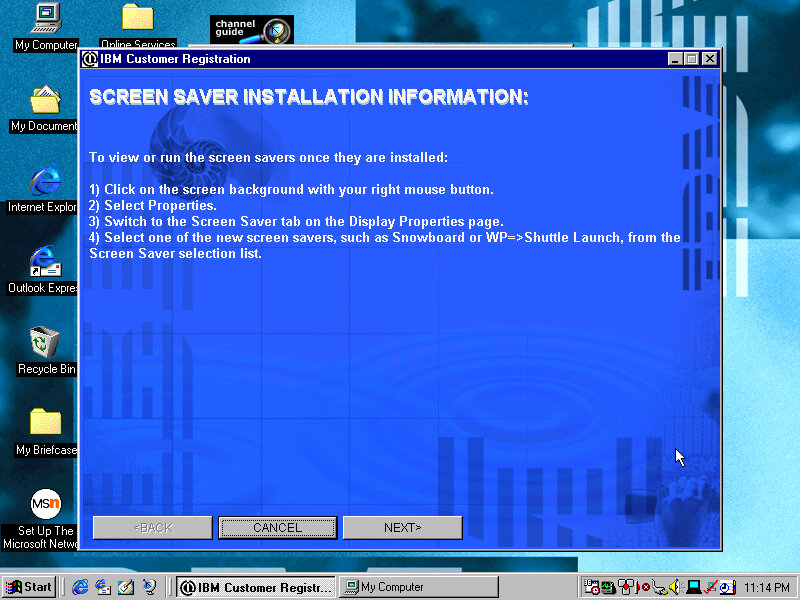
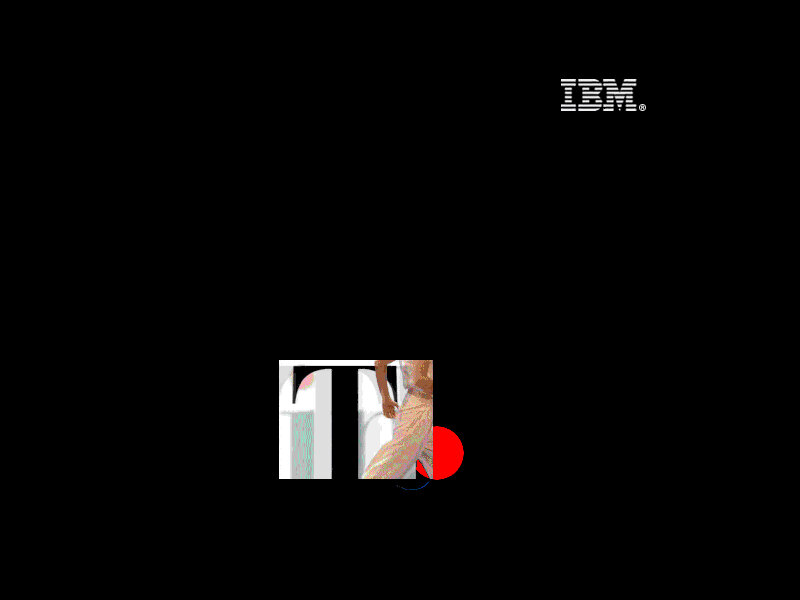
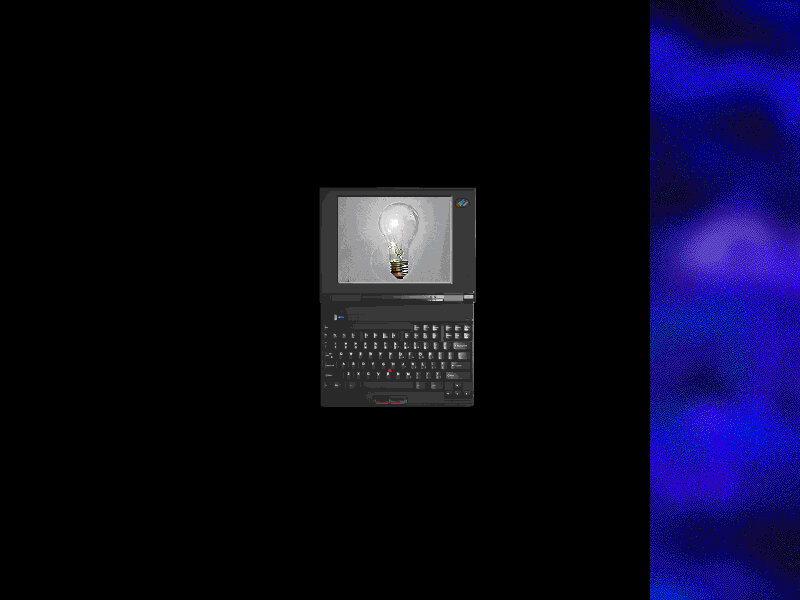
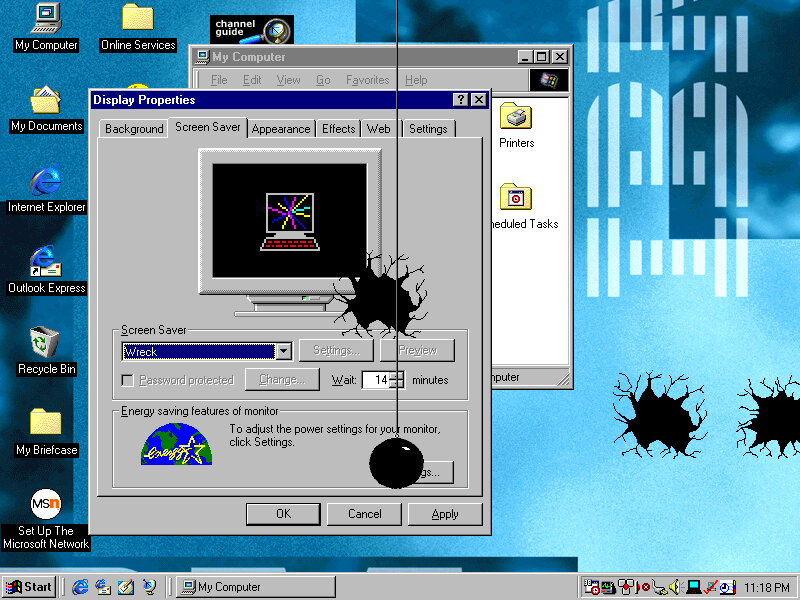
Think 1: The Thinkpad logo flashes around the screen whilst a red dot (TrackPoint) spins around Think 2: Similar to think1 but has an animated image of the laptop itself Saw: Simulates a saw cutting pieces from your desktop, along with a loud saw sound that scared the shit out of me. There is an option to disable the sound thankfully Wreck: A wrecking ball appears and smashes against your desktop background, along with smashing sounds. Window Washer: A Window Washed slides down the screen, taking vertical black stripes from your desktop background Gumballs: A bunch of coloured circles appears on the screen Snore: A floating bed with a guy sleeping in it Ice Cleaner: An Ice cleaner of sorts appears Shuttle Launch: A Shuttle appears and moves on the screen
Wallpapers
There are plenty of wallpapers included, supporting both 800×600 and 1024×768 resolutions.
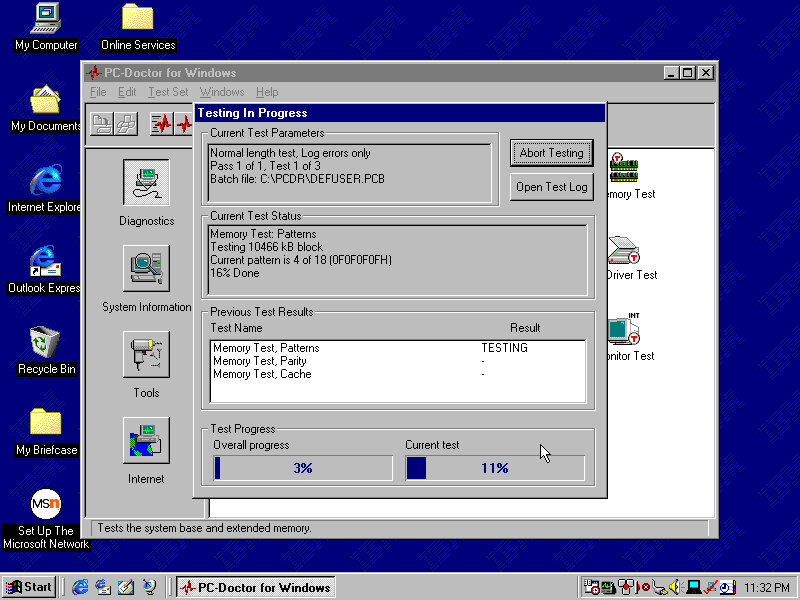
PC Doctor
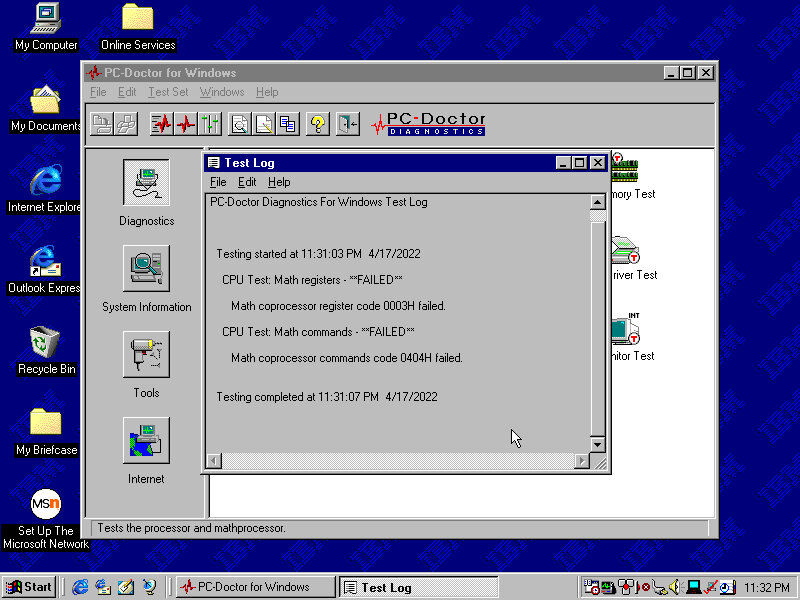
A diagnostic program of sorts, which performs a variety of tests. This included the CPU, video card and various devices connected to the system. Very interesting considering we are running in an emulated system.
Shockingly it has failed, although we are emulating a Pentium II, seems the Math coprocessors has issues returning incorrect results.
Let’s give the memory a test…
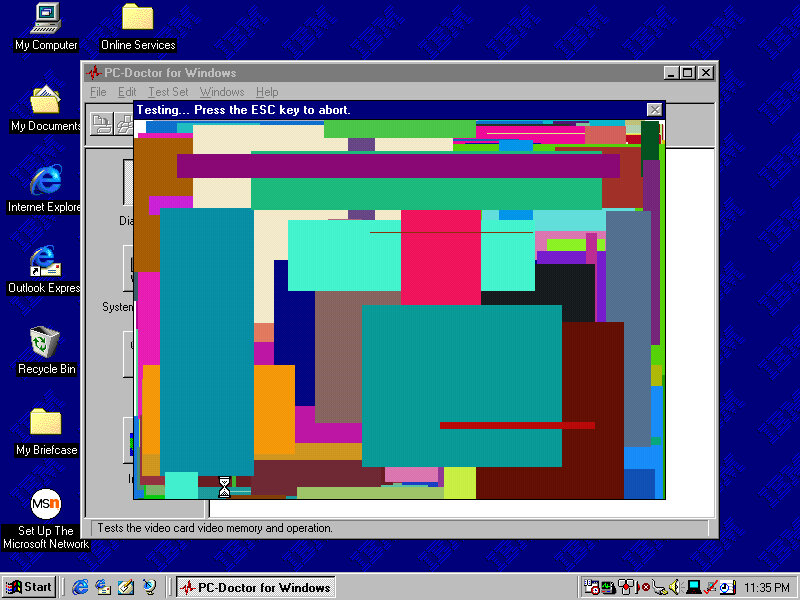
Looks like it passed, Now for the video
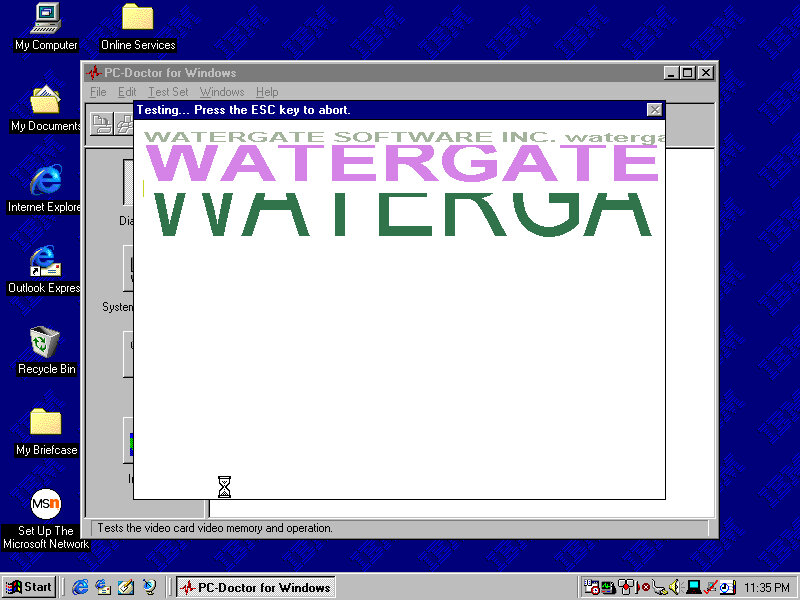
Is it me or can you see watergate…
The Graphics card is an S3 ViRGE (325), This isn’t the graphics card that shipped with the system
The sound test plays a few MIDI and Wave samples
The system Information area gives us details information on the various elements of the system. However here its possible to hard freeze the system
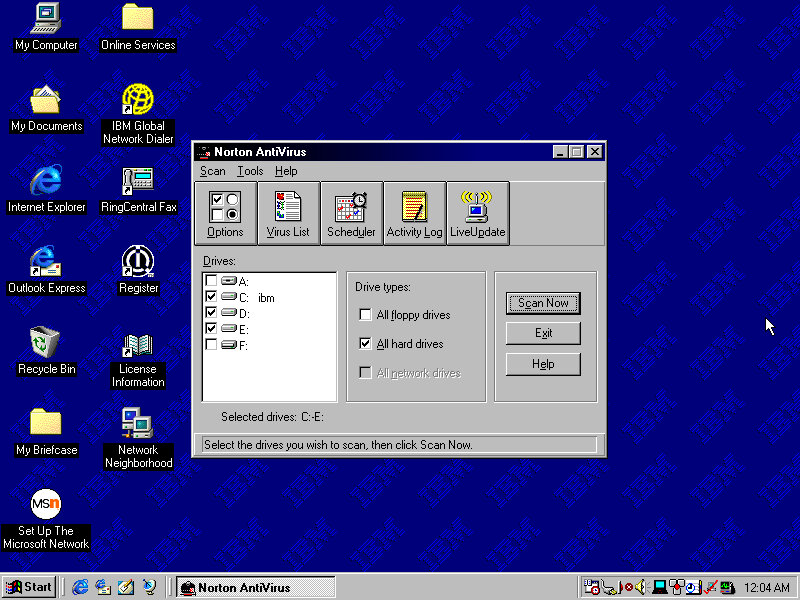
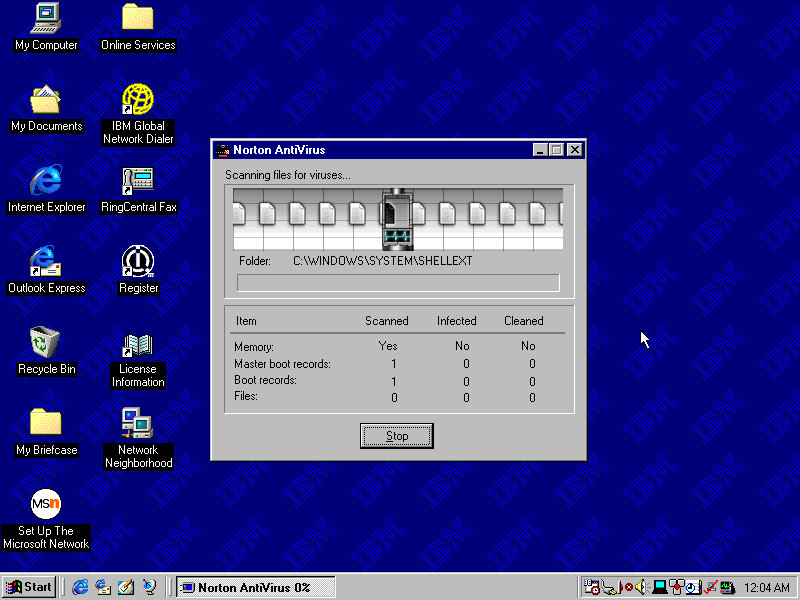
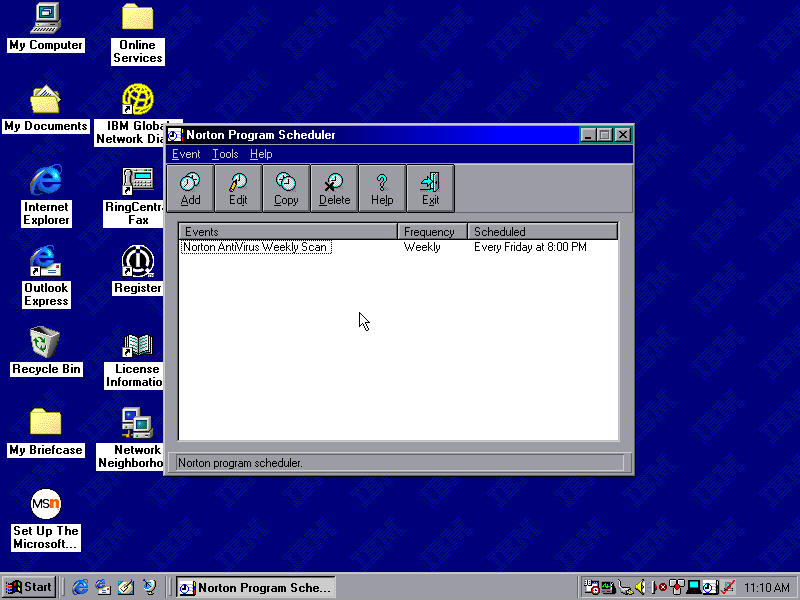
Norton AntiVirus
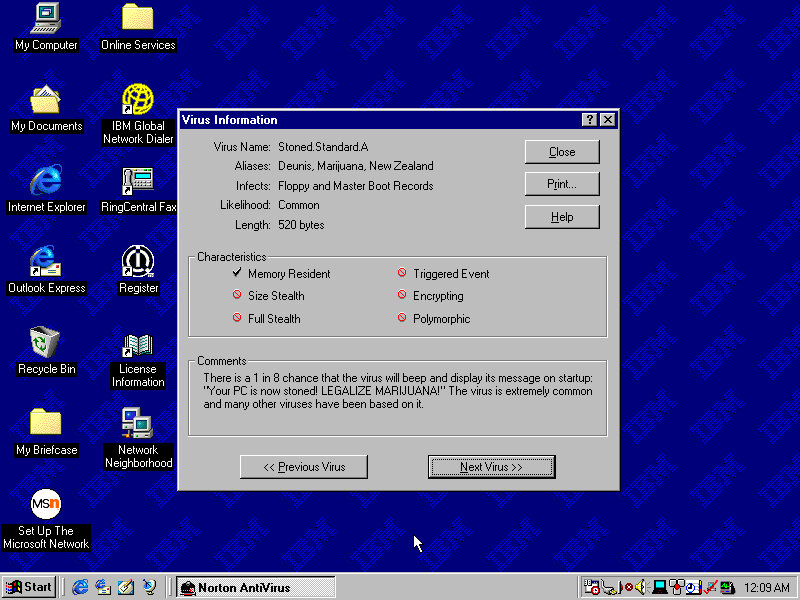
Included antivirus software that can detect and remove viruses. This version lets you browse through the various virus definitions to see what they do and what parts or side effects they can cause. A Liveupdate feature was available but is no longer functional will return a server error.
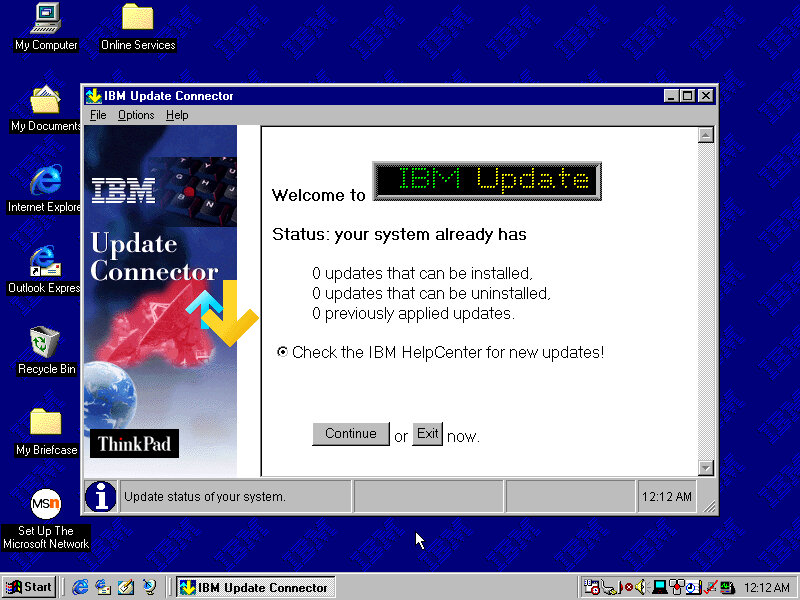
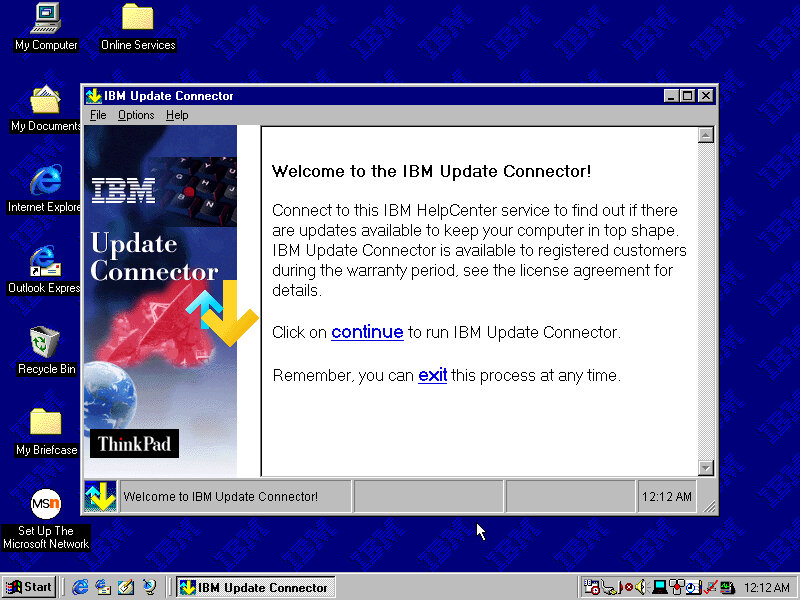
IBM Update Connector
Checks for various updates for applications and utilities that came in bundles with your IBM system.
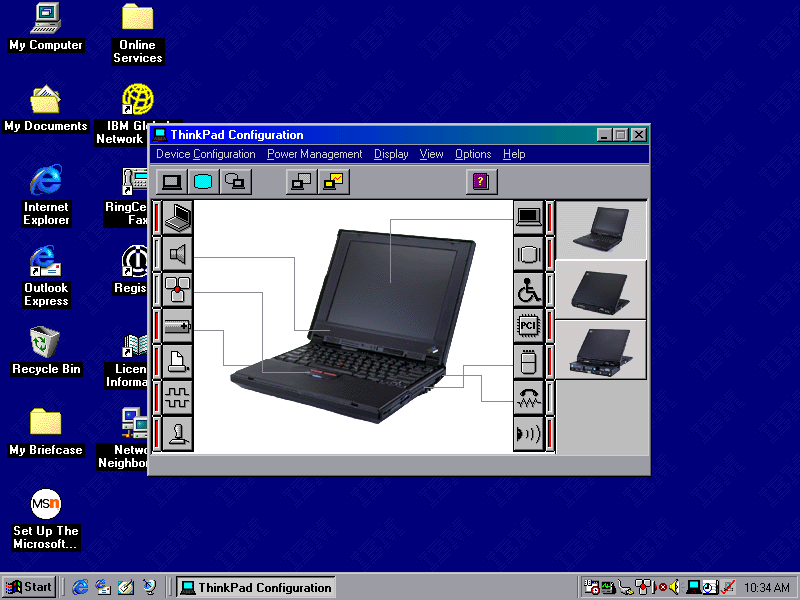
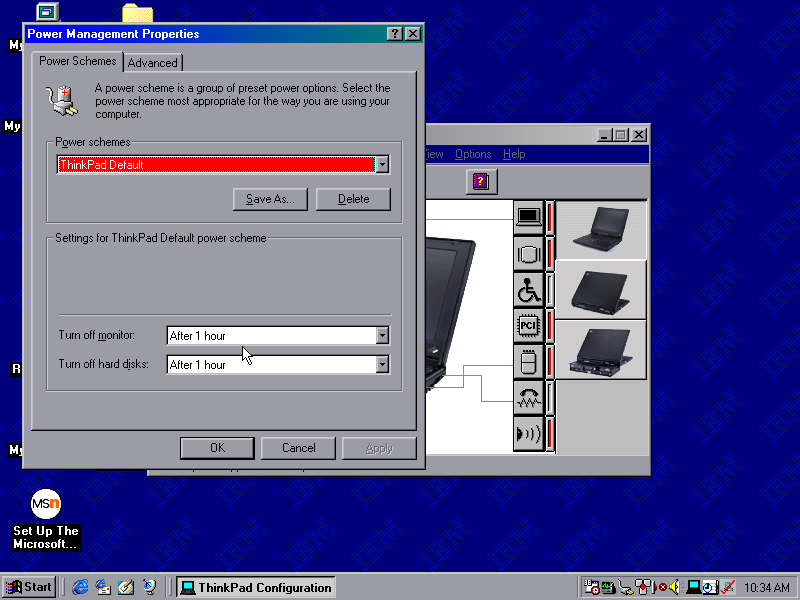
ThinkPad Configuration
A utility that lets you change settings and enable/disable different components of the system. You can configure settings for the sound, game port and TrackPoint itself. These are settings that are typically exclusive to the ThinkPad itself and may not be covered by the Windows settings.
ConfigSafe EZ
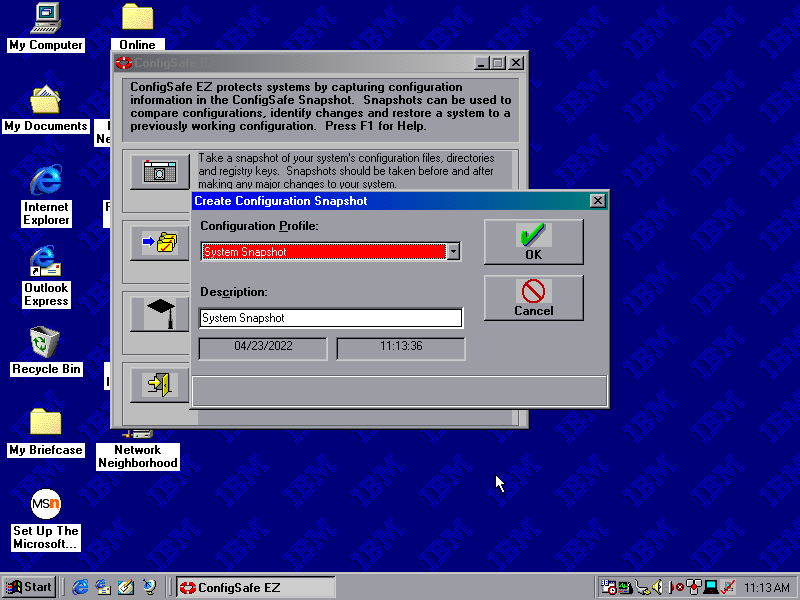
Acts like an early form of system restore, which will back up critical system files which can be restored should the need arise.
Snapshots can be taken on a schedule, either daily, weekly, monthly or every time Windows boots up. Files are saved to a CSX image file and total to 1.46MB, which seems to go over the floppy drive limit
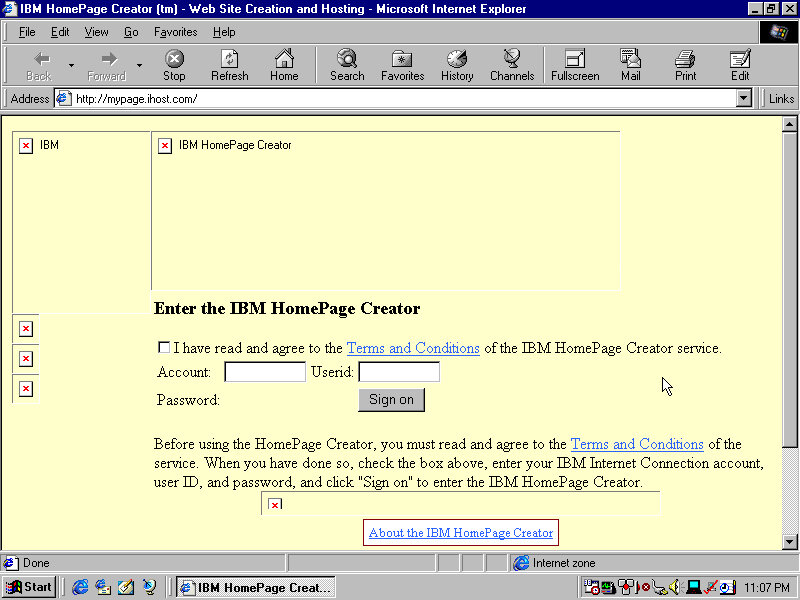
IBM HomePage Creator
This takes you to an online page, presumably where you can create an account and sign up for a web hosting service
Shutting Down
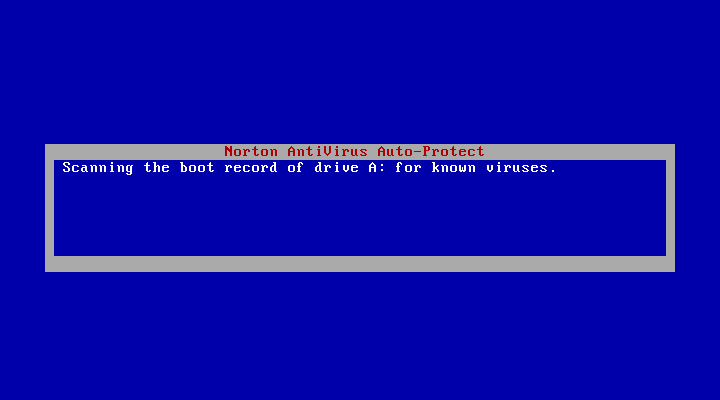
Shutting down the system brings up a Norton AntiVirus screen that kinda looks like a BSOD. This just does a quick virus scan before shutdown and lasts for a few seconds, possibly does a boot sector scan to ensure nothing has tampered with the bootloader.
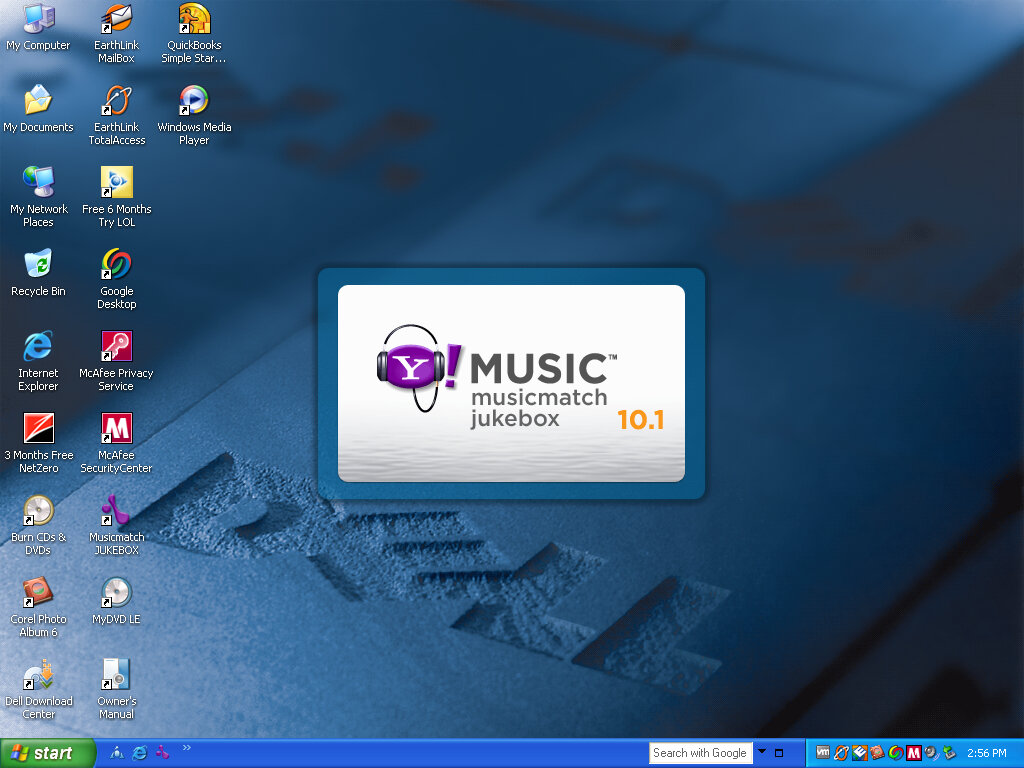
A low-end desktop system released by Dell in 2005, paired with a Pentium 4 and 512MB of RAM with onboard Intel graphics. Typically paired with a 15inch LCD monitor. Nothing really special about the system and there’s a distinct lack of Microsoft Works unless it was included in a separate CD.
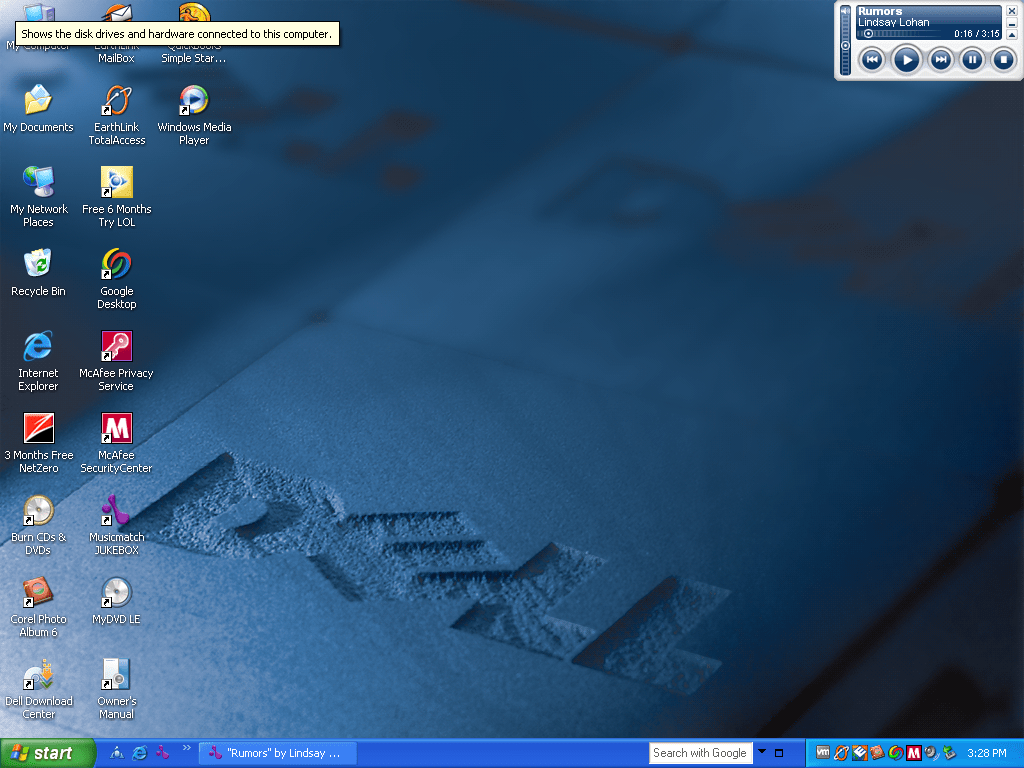
Typical Dell desktop background of the era. I remember this was used on the Inspiron 9100 also. Notice the AOL being branded as LOL, not sure if that occurred on the actual system or something that got renamed
Software
Let’s look at the software bundled
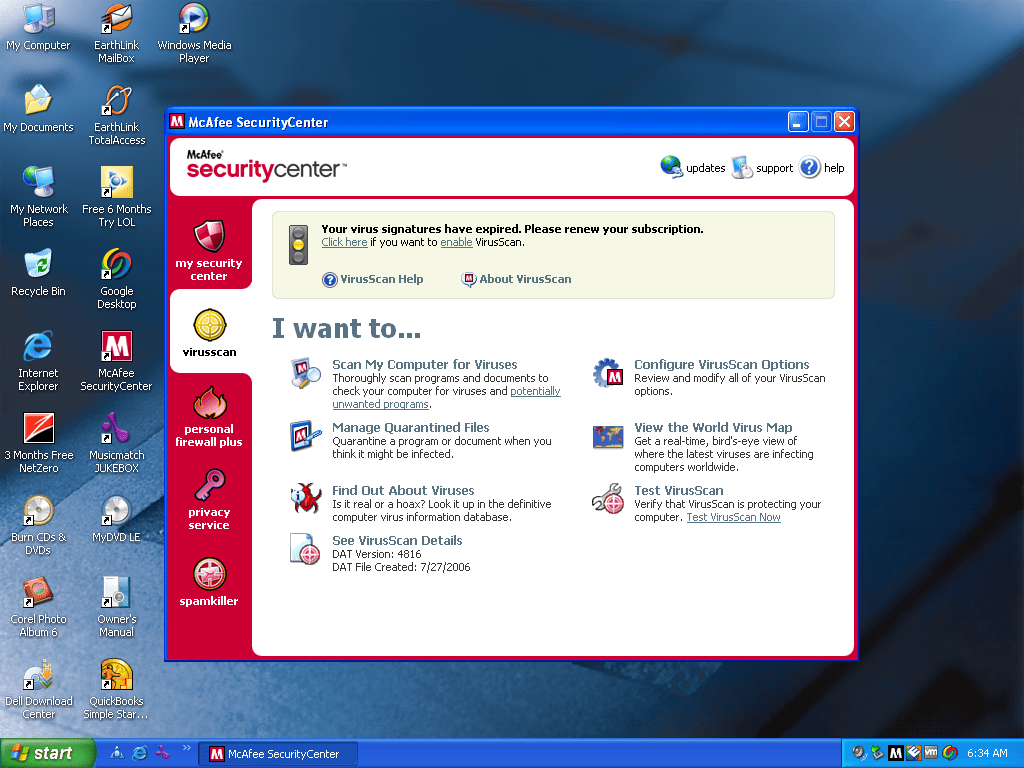
McAfee
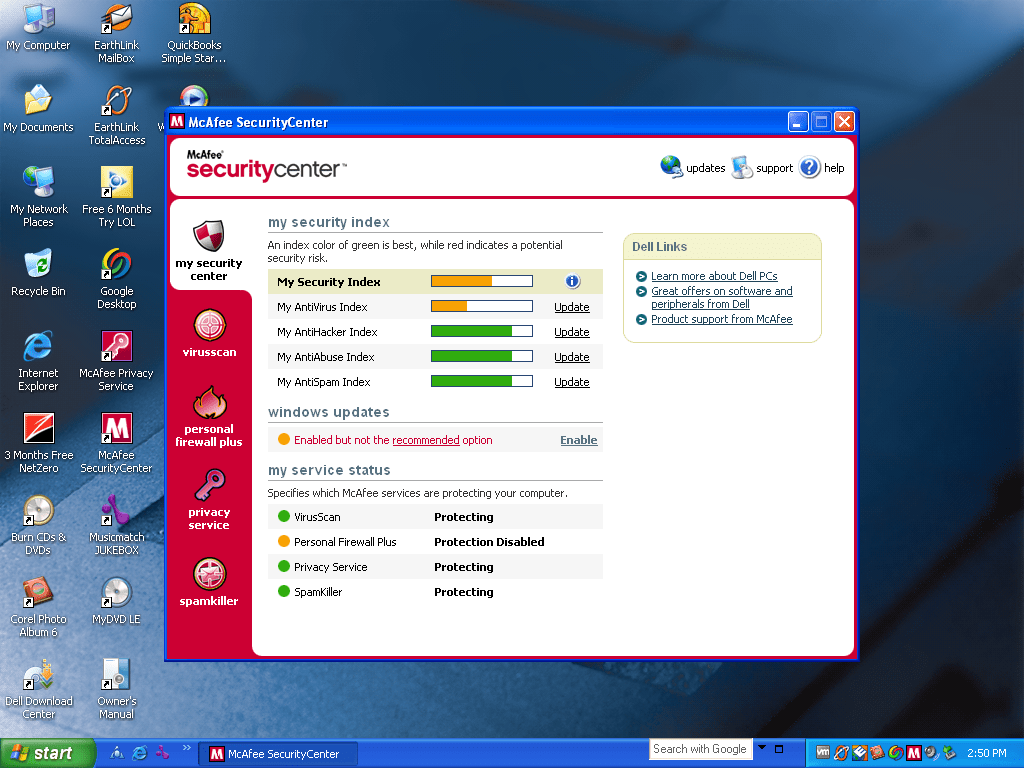
Dell and McAfee are commonly seen together, and this system was no exception to that. Like Norton, this acts as both the antivirus and the firewall for the system.
McAfee firewall will pop up if a new program tried to connect to the internet or access a network resource.
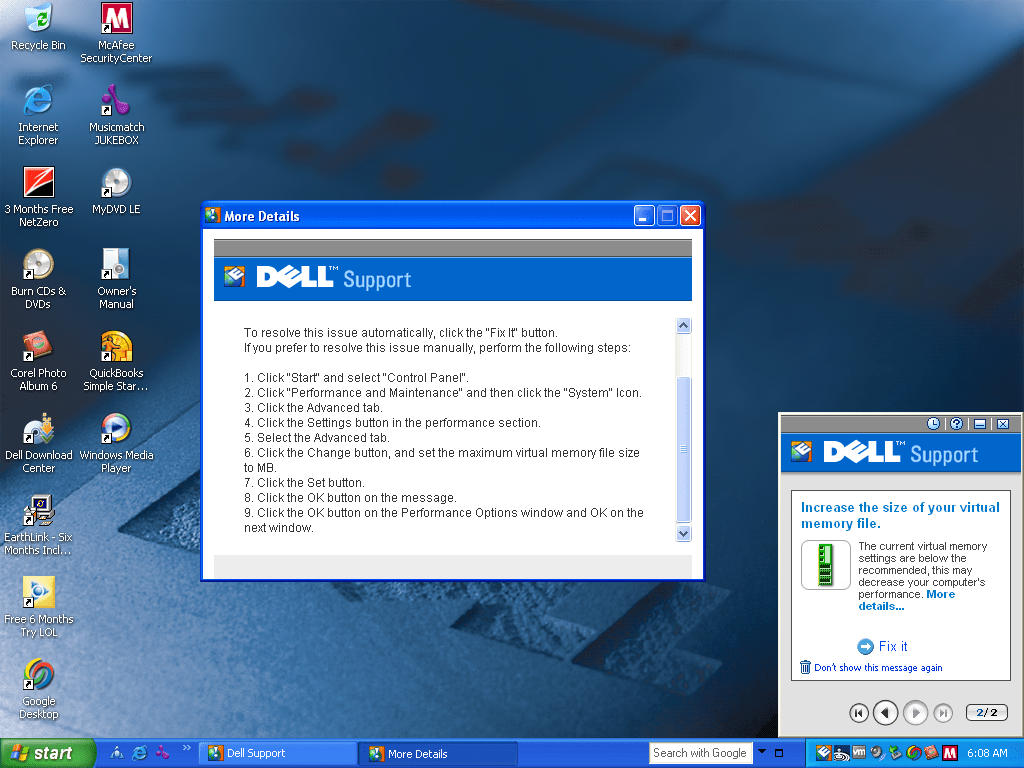
Dell Support
A utility that pops up whilst your in the middle of a SimCity/Civ session and causes the game to minimize itself, only for Dell Support to prompt you about a rip off offer, then when you try to restore the game it freezes and you have to kill it in task manager and you lose all your unsaved data.
In all fairness its useful for first time computer buyers, bot the occasional popups will get annoying after a while. There is an option to reduce or turn off the alerts.
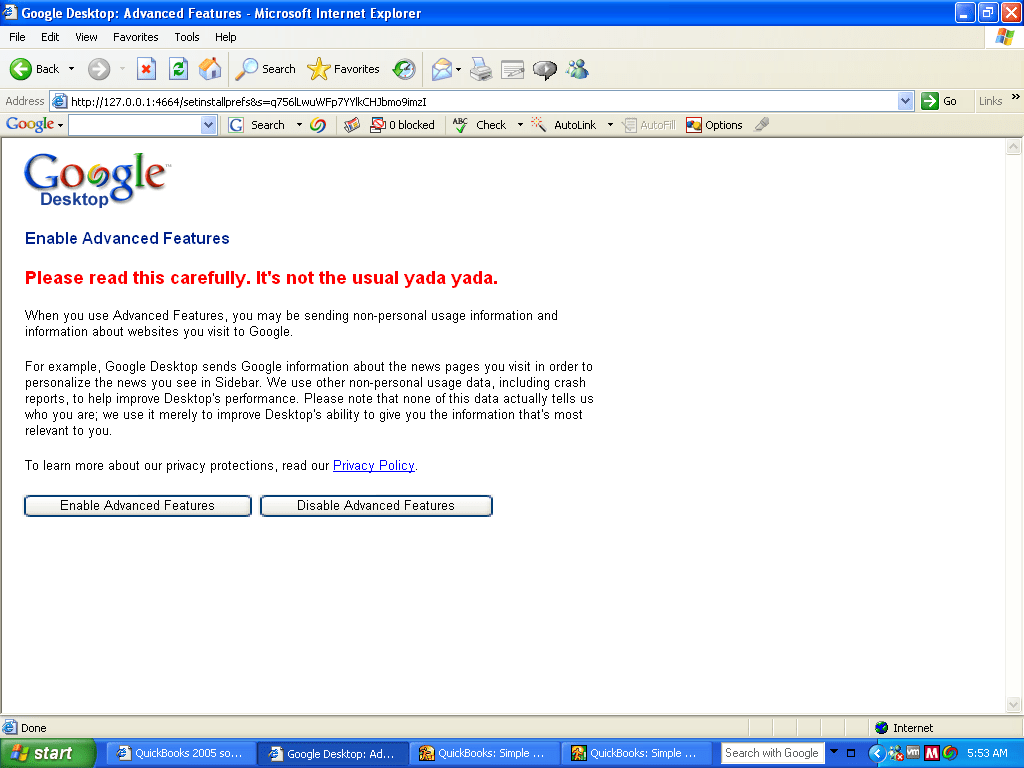
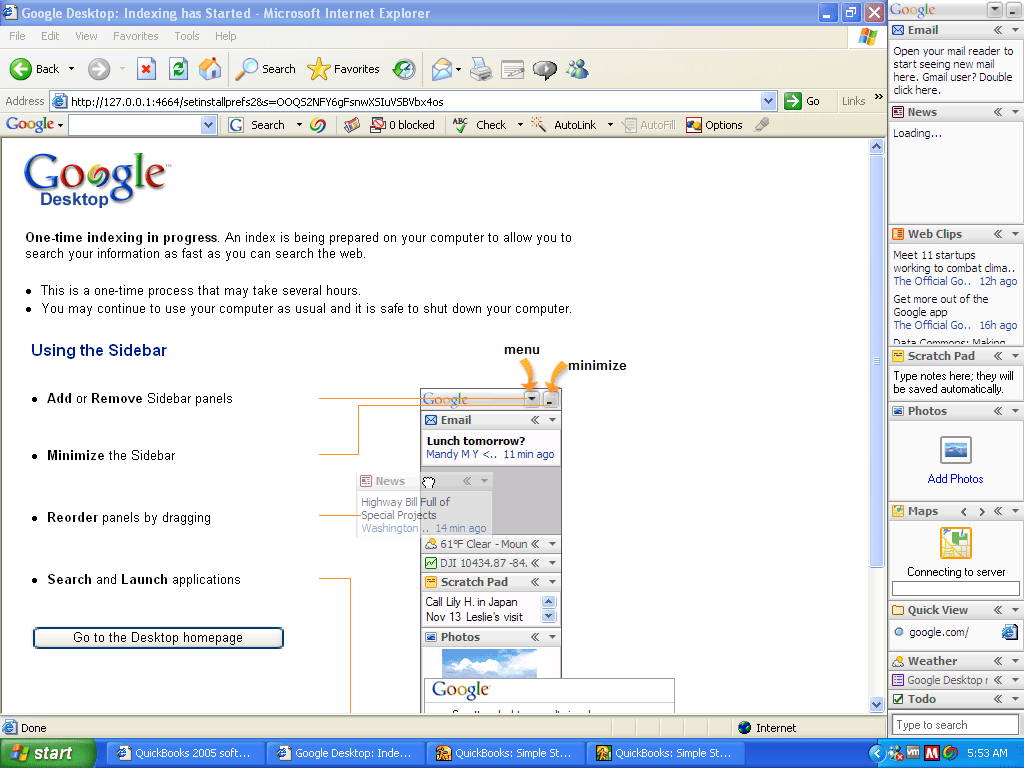
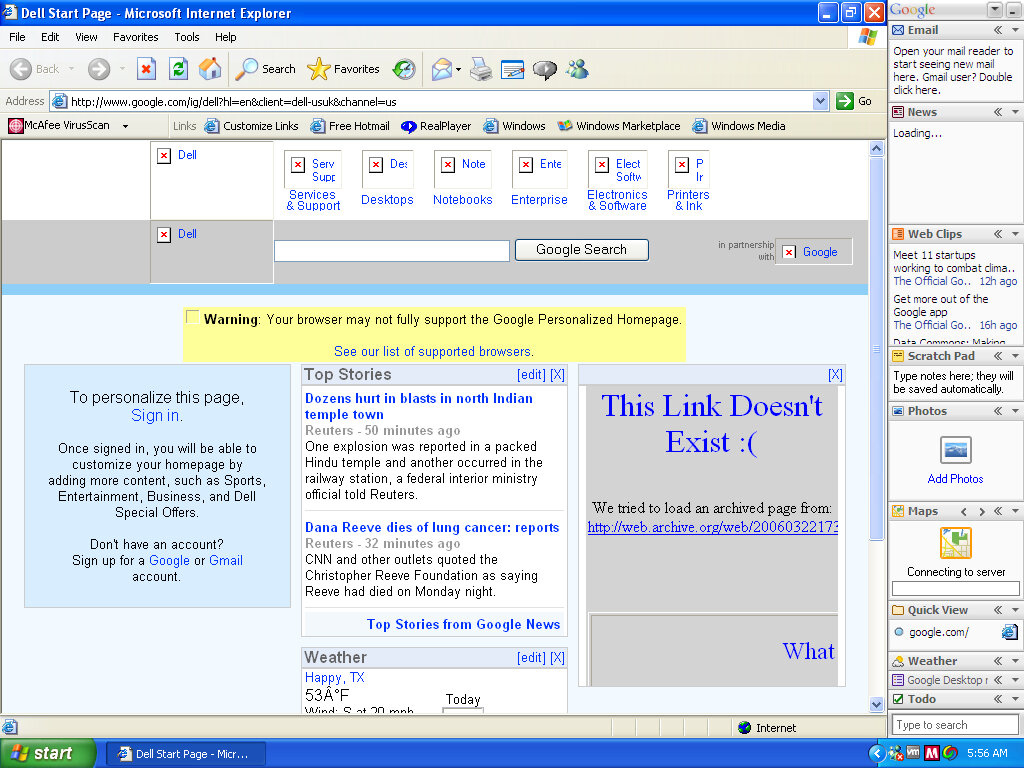
Google Desktop
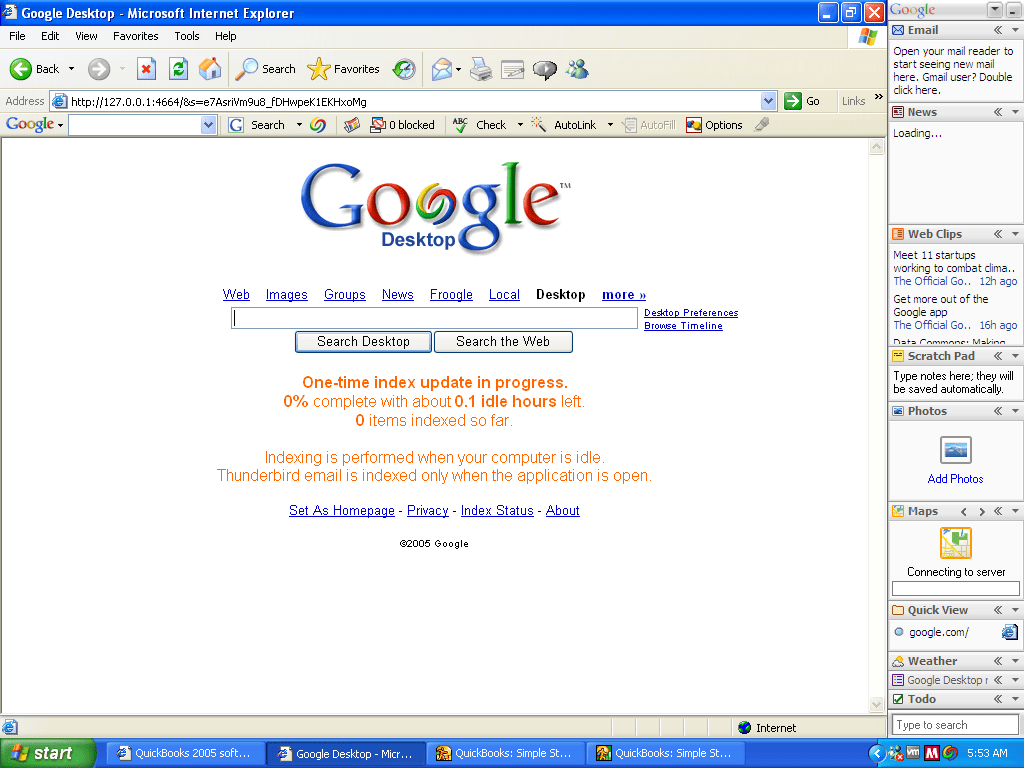
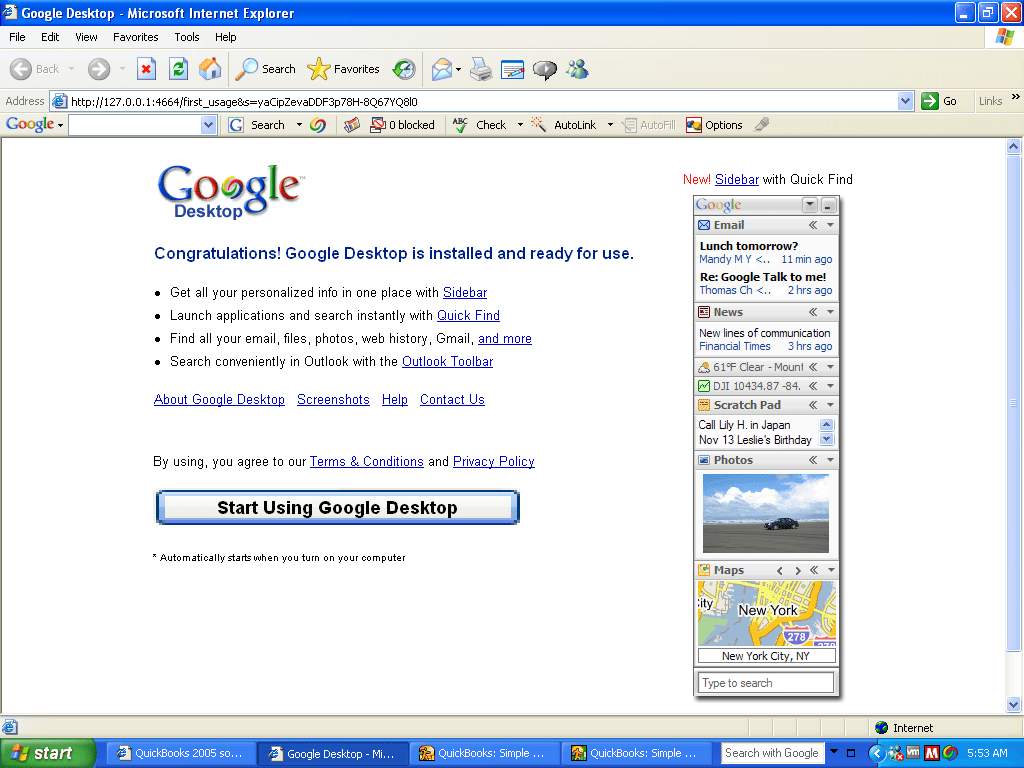
A software application that allowed you to search Google from your desktop, and included an indexed desktop search client. This also placed a search box on your taskbar of which will bring results from both the web and files/folders that are local to the PC. This would give a similar experience to the Windows Search feature that was introduced in Windows Vista, although Microsoft would also release Windows Search for Windows XP.
A sidebar included widget-like functionality, similar to Mac OS X Tiger that was released at the time. As its a Google produced, expect it to data mine the hell out of you, I’m sure most people took the time to read the privacy policy.
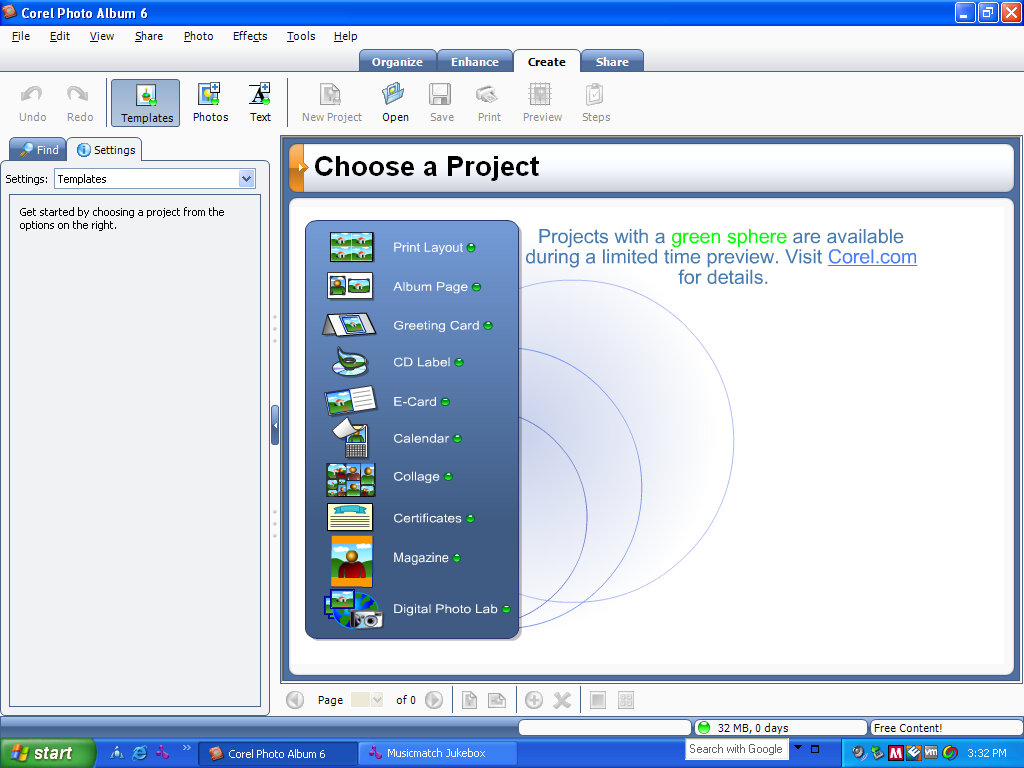
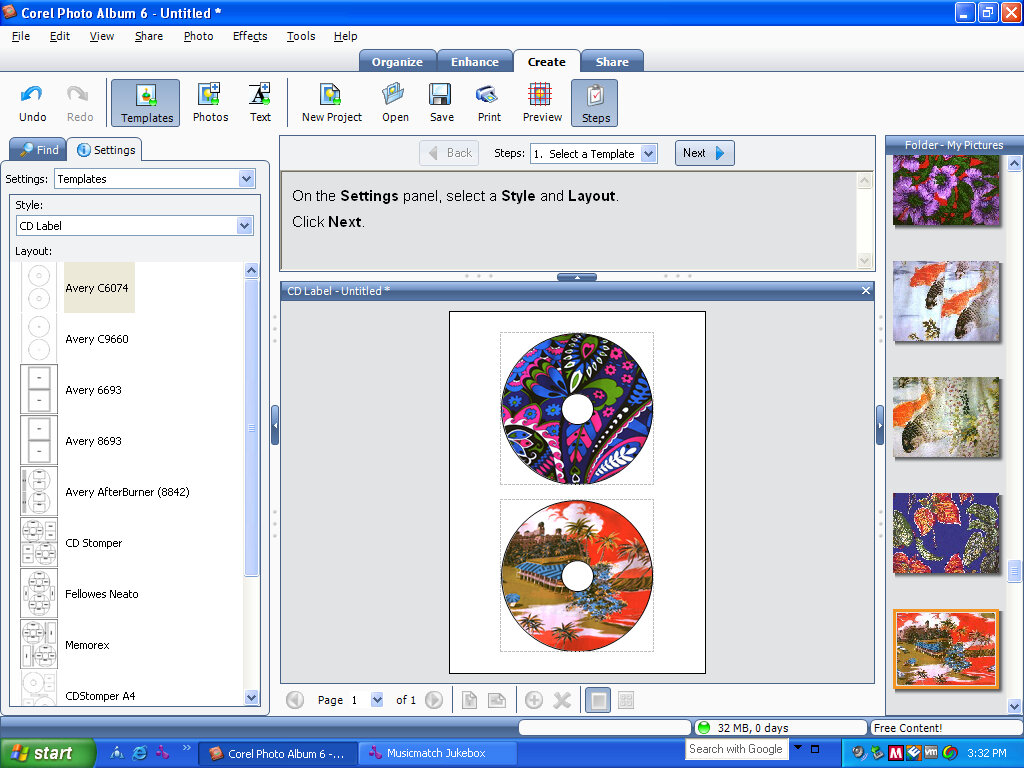
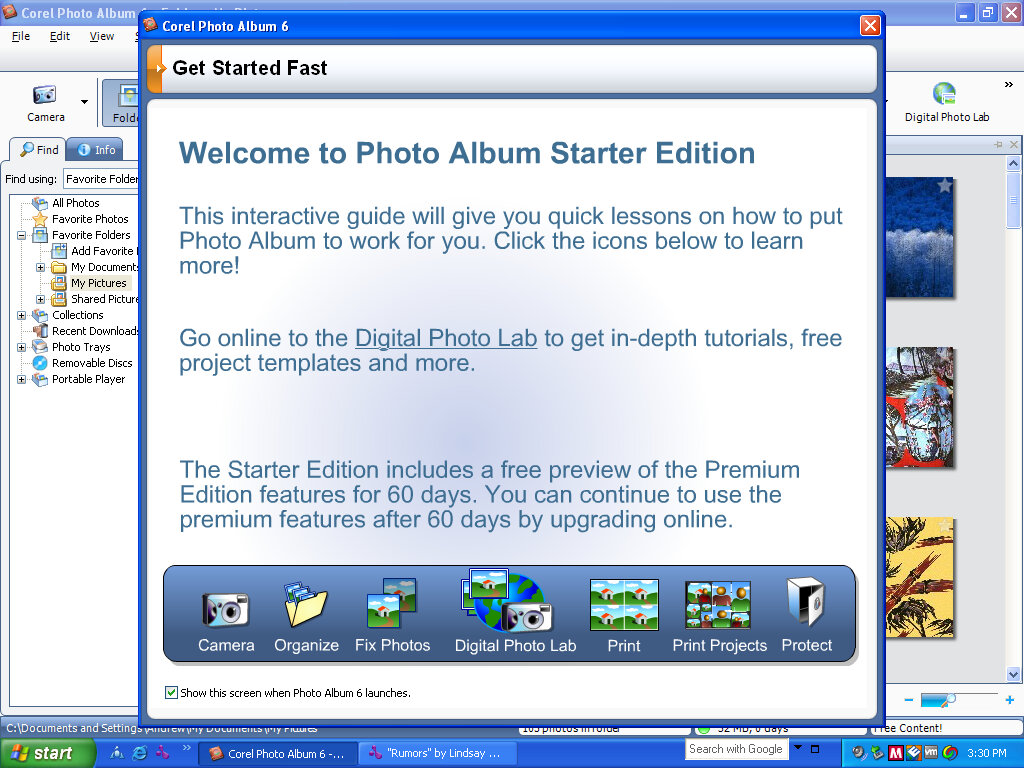
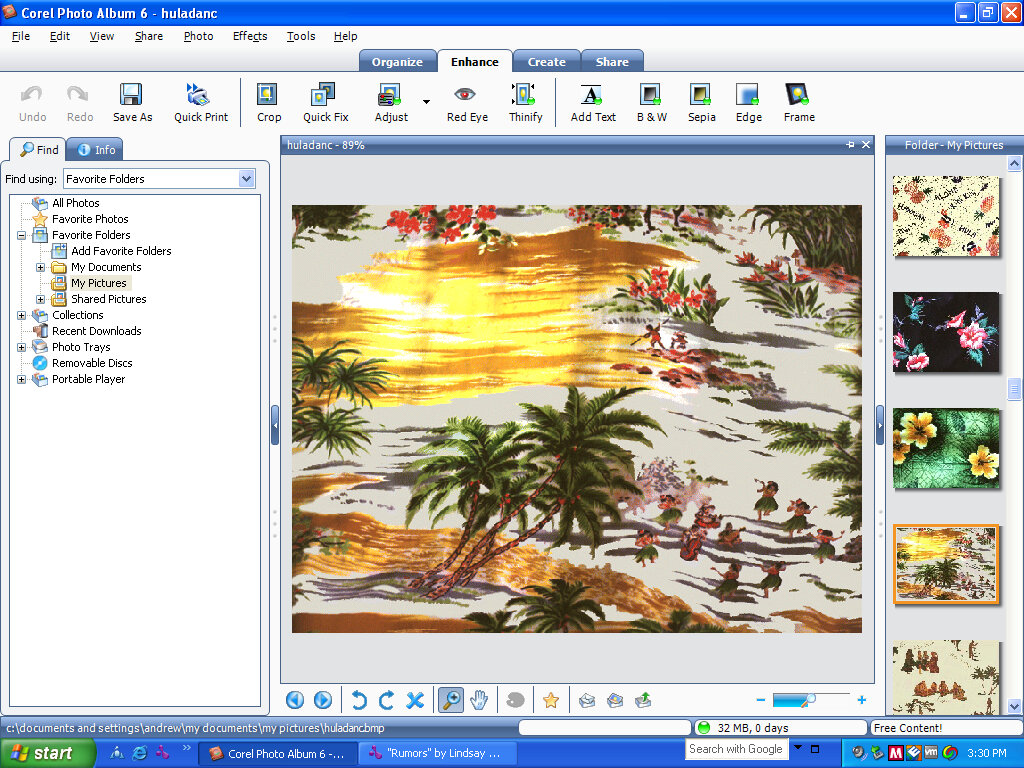
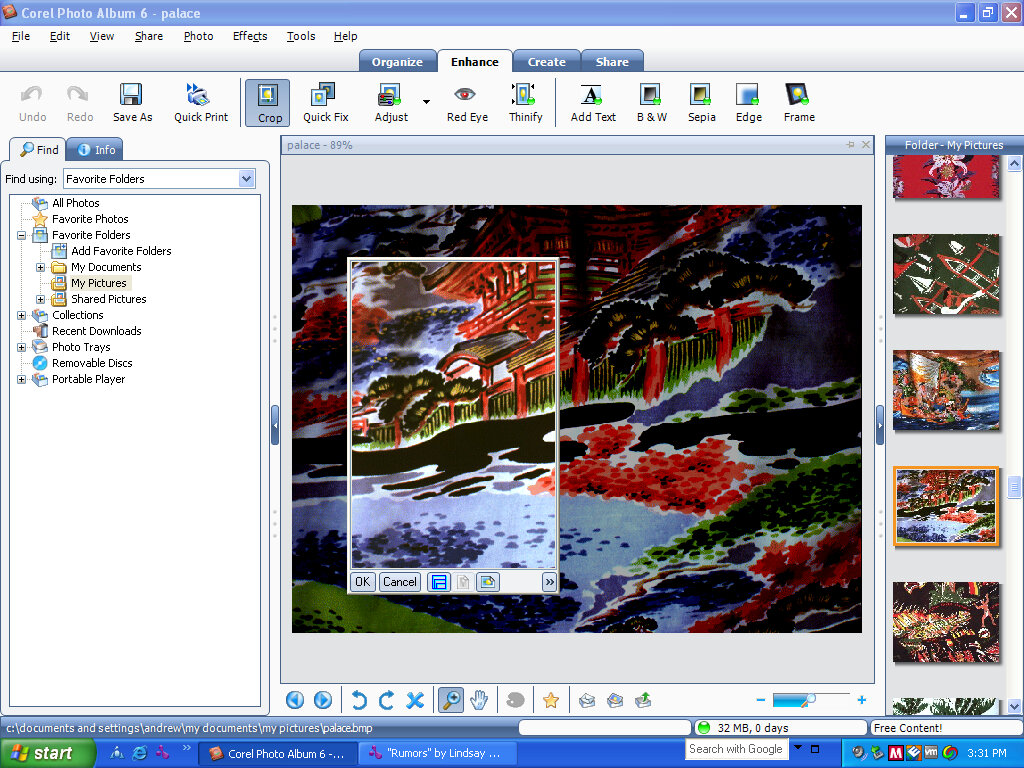
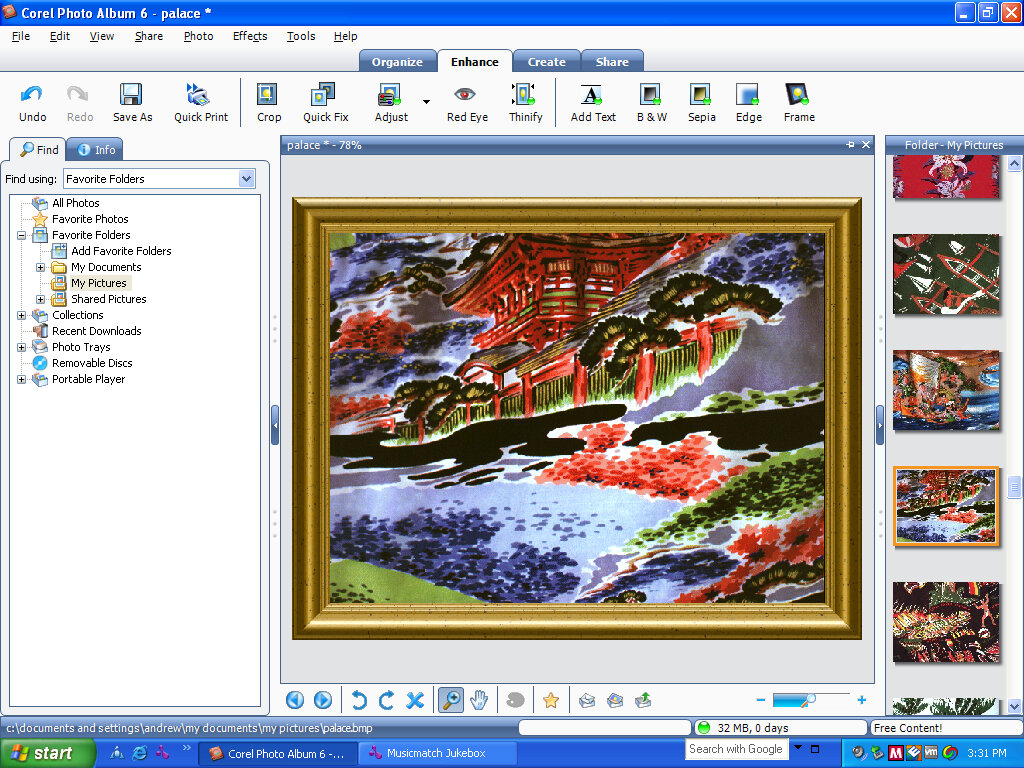
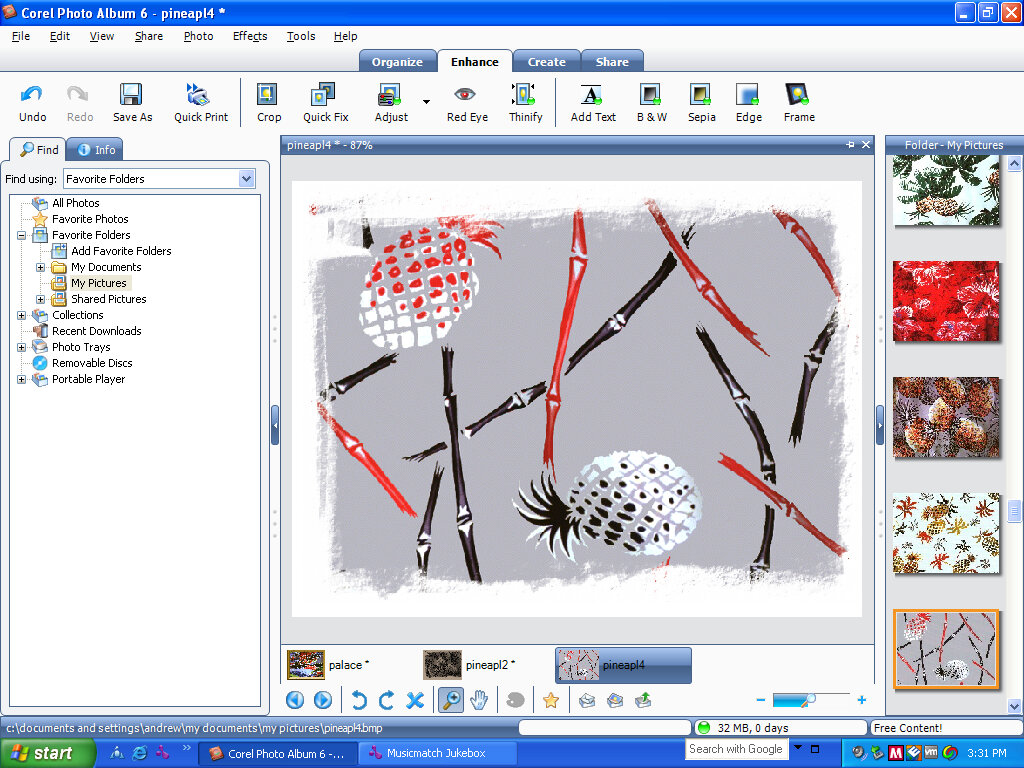
Core Photo Album 6
Photo management application. This is designed to gather can collect images from an external source, such as a digital camera or an external SD card.
You can edit and apply different effects like sepia, or add a digital frame if you wish, and then export and save or print to a photo printer. Different effects include red-eye removal, which was common on a digital cameras of the time. Alternatives included Microsoft PictureIt, Adobe Photoshop Elements,
This copy was part of a trial, and expires after 60 days of use.
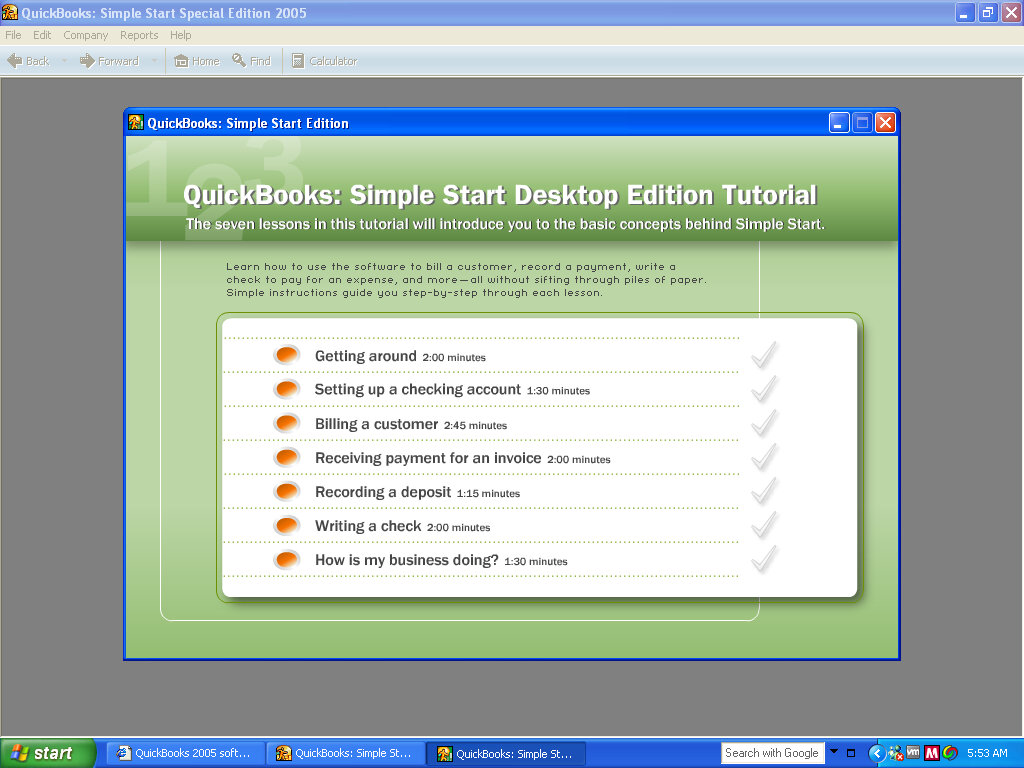
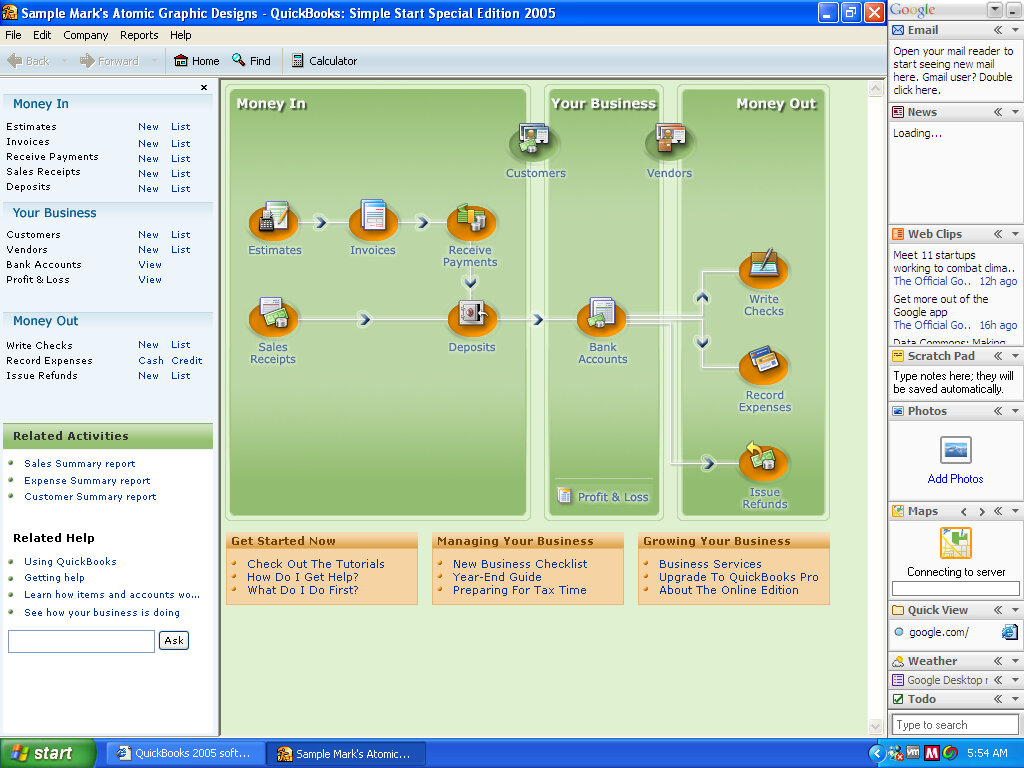
QuickBooks
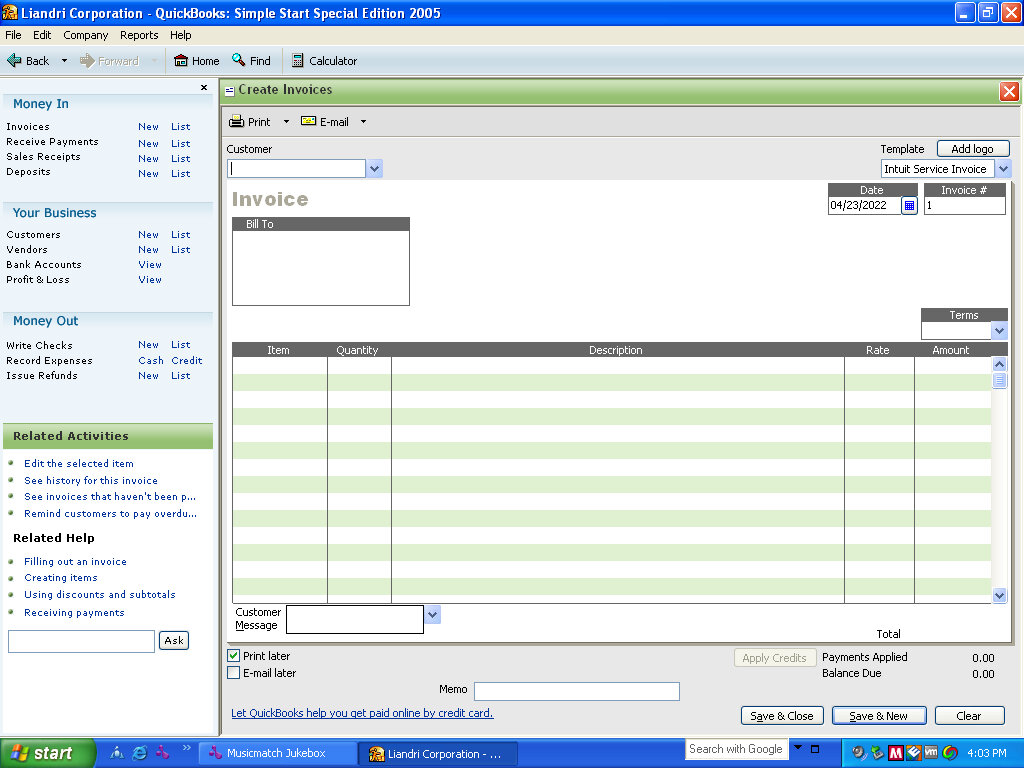
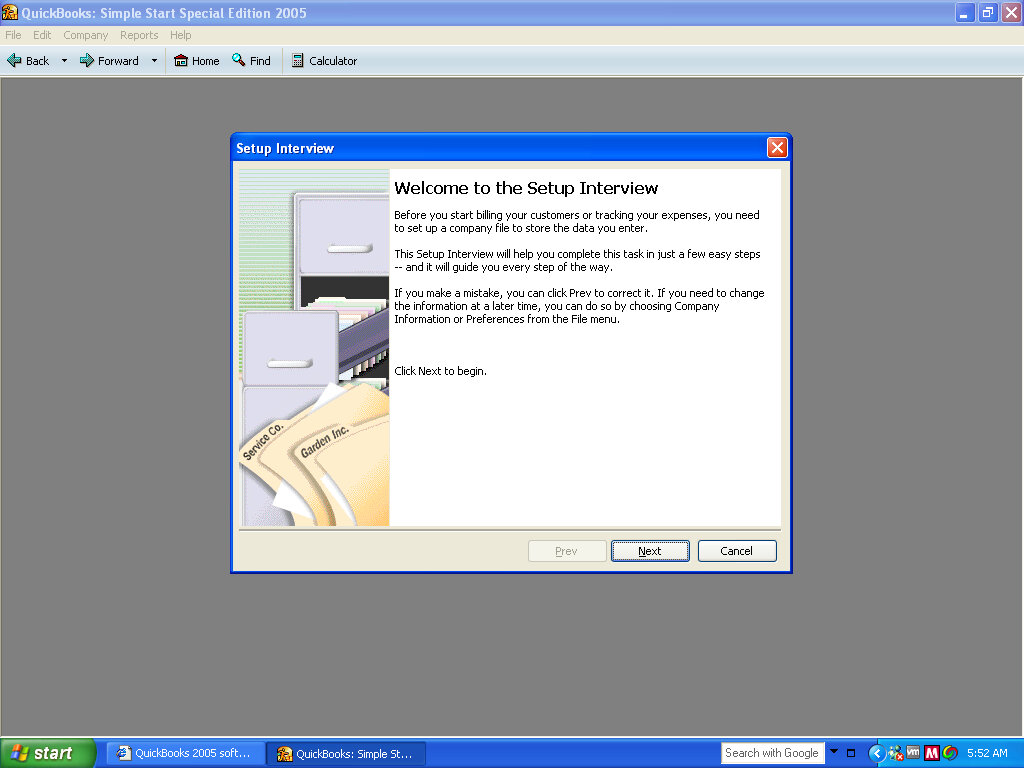
Some sort of accounting software is designed for small businesses like a high street shops. It makes several mentions of creating business so I’d say it’s for a commercial environment in comparison to Microsoft Money which is more for home/personal use.
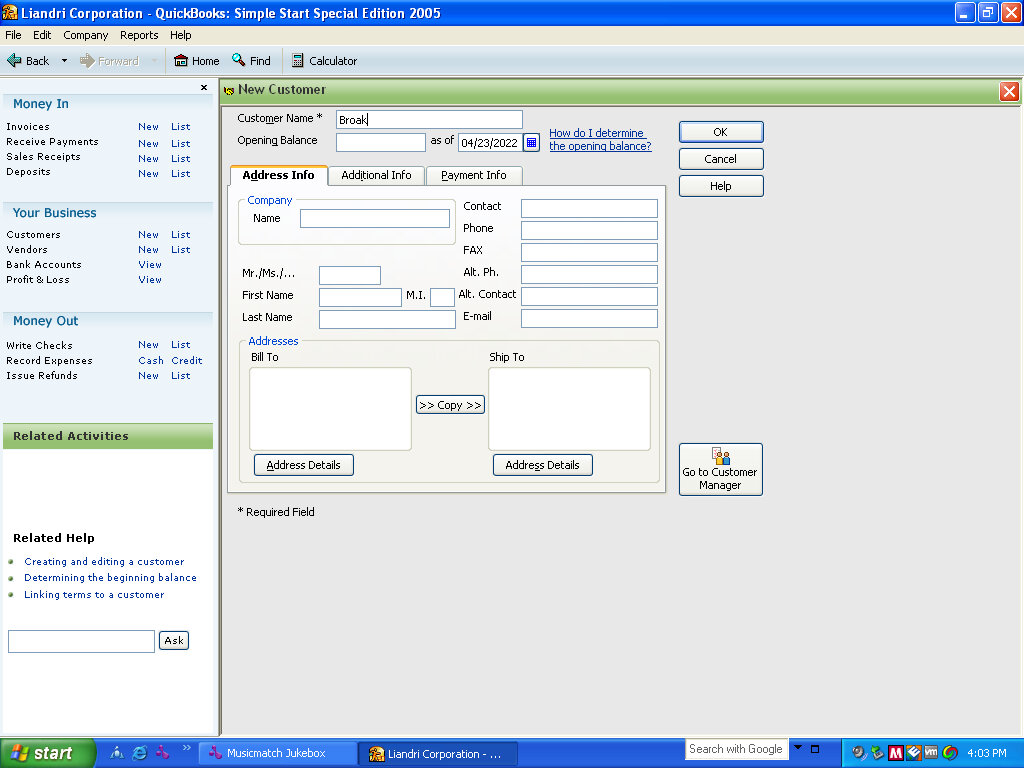
This appears to be a full back-office management system since it allows for you to create customer accounts, useful for booking appointments. In this was in functions similar to Microsoft Access
MyDVD LE
I assume this is intended to create DVD discs and backups, but will not function since this technically isn’t a Dell machine.
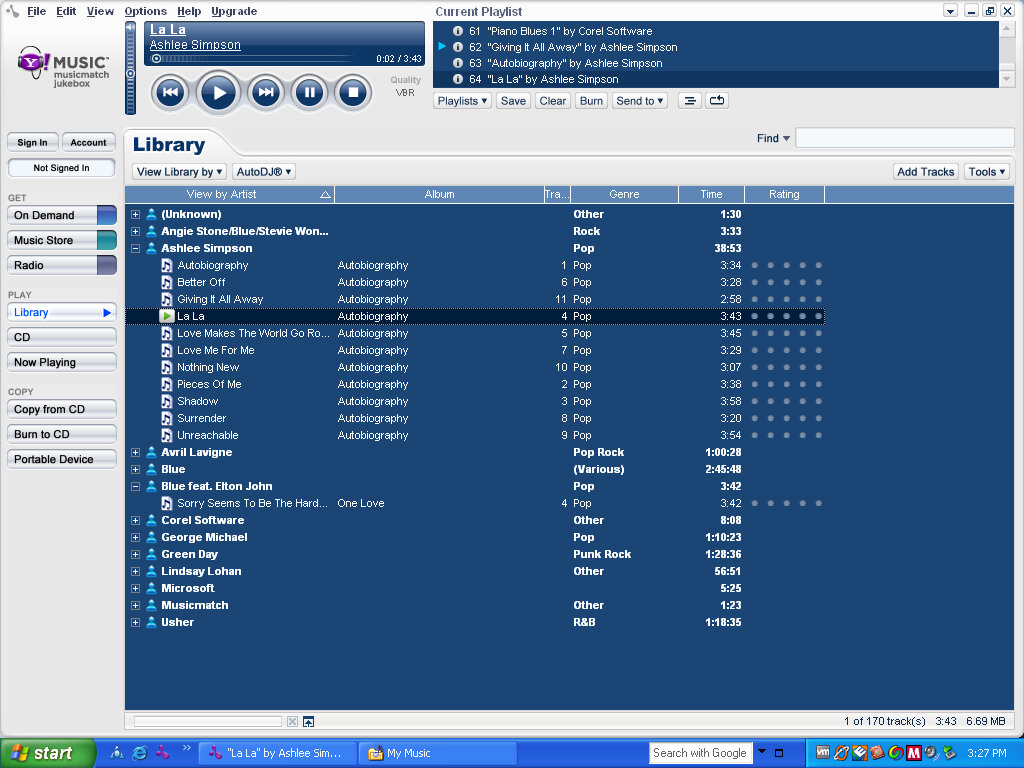
Musicmatch JUKEBOX
A popular music player and an online digital music store, that was mostly backed by Yahoo. Here you could purchase music to transfer to a supported music player. Alternatively, it can function as a standalone music player, as an alternative to Windows Media Player. MusicMatch was later discontinued in 2006.
AOL
The 9.0 desktop client comes included along with a free internet trial
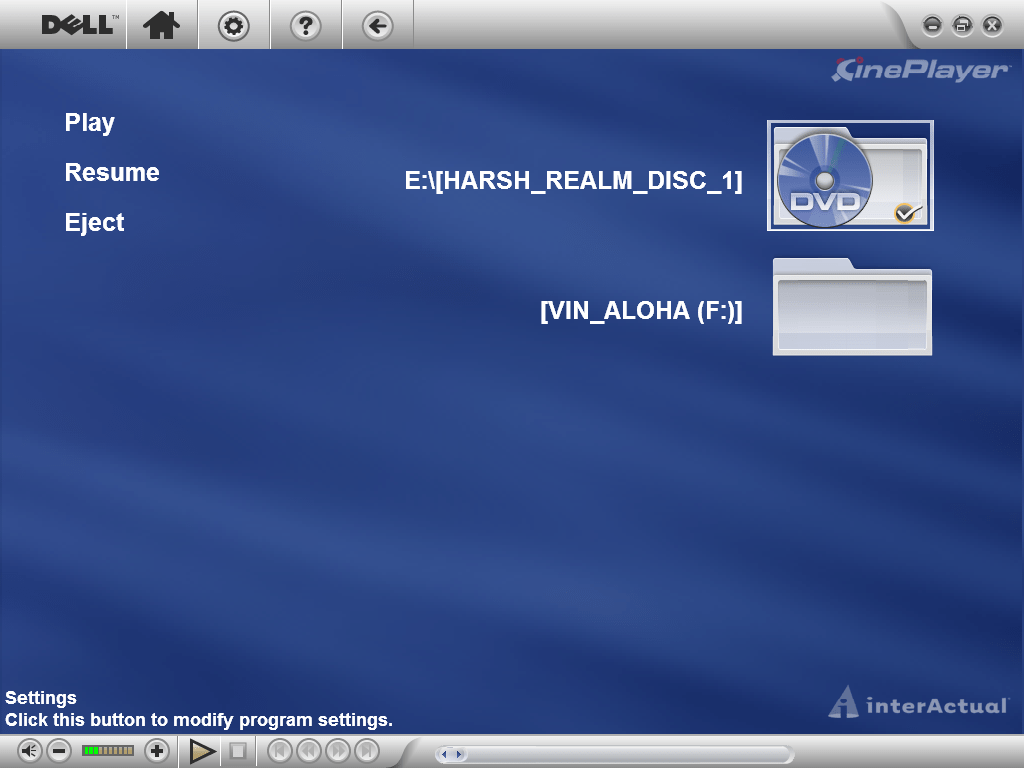
Sonic CINEPlayer
A DVD player of some sort. However, this will not function in a VM and will inform that its intended for only Dell computers. The full screen interface appears very similar to Windows Media Center.
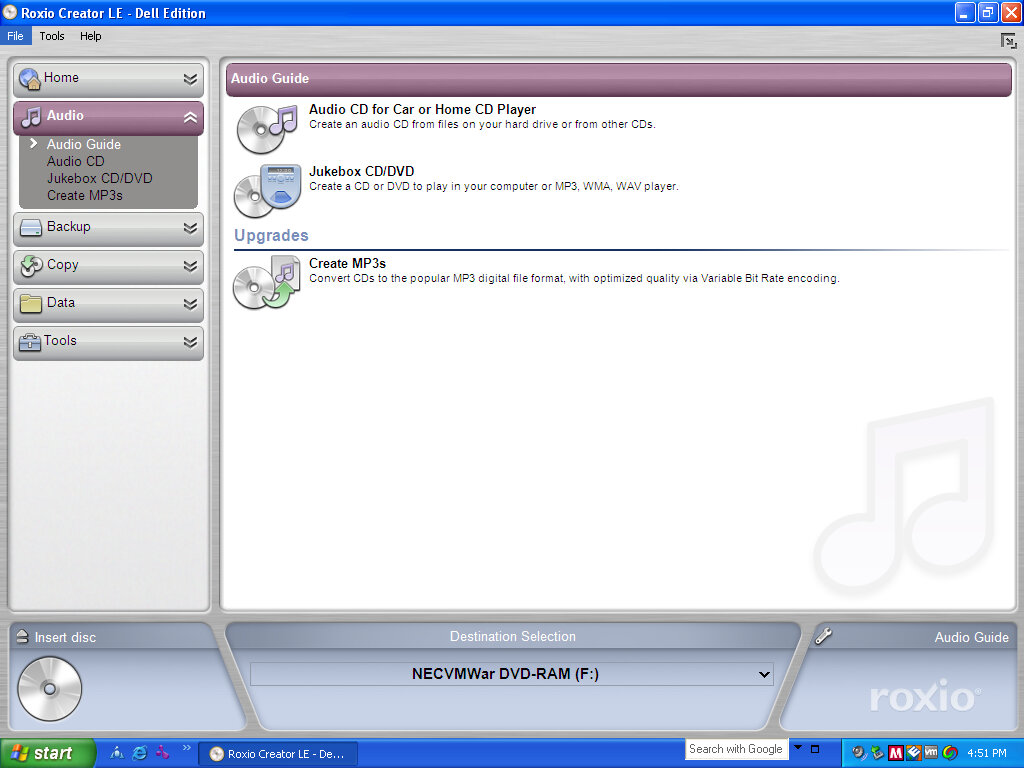
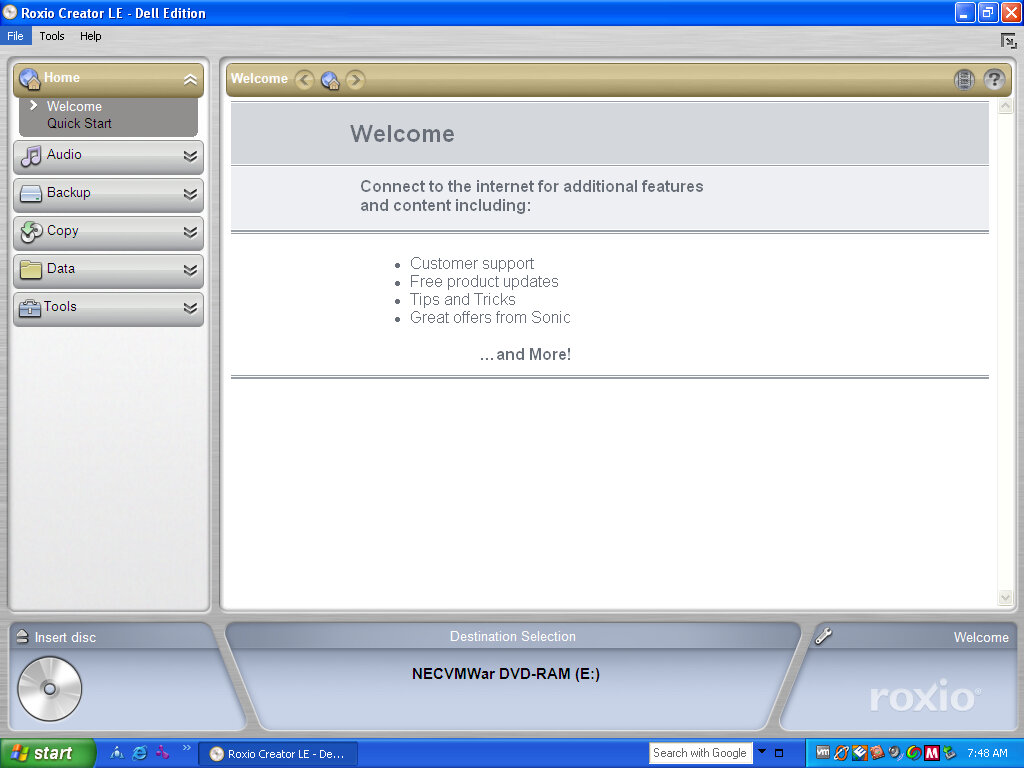
Roxio Creator LE
CD burning and authoring program that supports the use of burning audio CD’s and can burn ISO disk images.
Another machine that’s supported by 86box and has a recovery CD available online
A desktop PC with a Pentium 166Mhz (No MMX), 32MB of RAM (Although we will be giving it 128MB, the max amount), an 8X CD-ROM, floppy drive, and a 2.1GB HDD. The PCV-90 was a higher-end machine and featured the Pentium at 200Mhz and a 2.5GB HDD. Both systems use the ATI RAGE 3D graphics card with 2MB VRAM.
Setting Up
86box does not support all of the hardware that the PCV70 shipped with, the ATI RAGE graphics accelerator is missing and currently un-emulated so we had to substitute another graphics card instead.
Recovery Disc
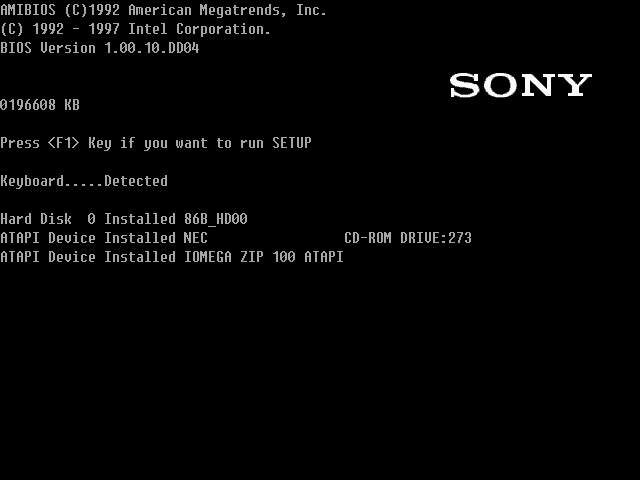
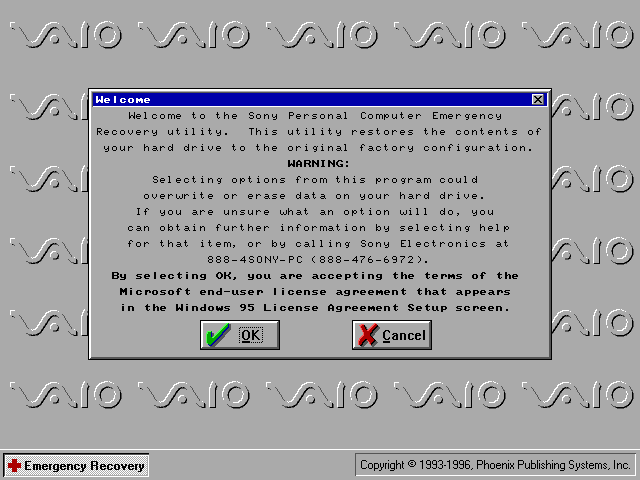
A copy was posted onto the Internet Archive which was the full backup disc that shipped with the computer, which was intended to restore the PC back to factory shipped state. This is where we encountered issues, the recovery utility rightly detected that the hard drive was unformatted since this was a new machine VHD, and instructed me to exit the interface and run a command, which would have initialized the disc. But these commands fail to run, they appear to be batch files that would have run FDISK with a specific argument to create the disc. There are two of these, one for each model since both models had different hard disk sizes.
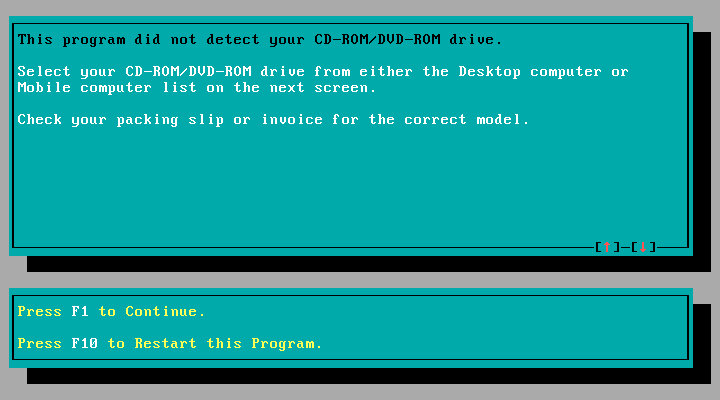
When the CD-ROM boots, it mounts a virtual floppy drive to drive A: and the actual floppy drive is moved to B: This image is located as an IMG file and can be extracted and mounted in modern Windows. For some reason when this IMG file is booted, it loads some sort of customized boot disk but fails to load the CD-ROM drive despite it being detected by the Windows 95 or 98 bootdisks. As a result, the recovery utility cannot see the CD-ROM drive since that is running off the virtual floppy drive mentioned earlier. The reconvey utility is non-functional due to the lack of CD drive detected by the emulated boot disk, likely Sony is using a custom boot disk that came with its own set of drivers. When the driver loads you can quickly see an error message informing no CD drivers were found.
So in order to make these CD’s work with 86Box we are going to have to work around them
Solution
The easiest way was to install Windows 95 RTM, then boot into the recovery program and have it overwrite the files and replace the install, this also involved initializing the disk. To save time I would opt for a minimal install and use the RTM version instead of the later OSR releases as that’s the version Sony used (They actually used the plus pack version, which is integrated into the recovery image and gets installed regardless)
Once Windows 95 is installed and fully bootable, I had to trick the recovery utility to load files from the G: CD-ROM drive, but the regular Microsoft boot discs will place the CD-ROM drive as D: which the Sony utility will refuse to see. Multiple ways to do this was: Both methods work best when you have a basic Windows 95 install, this is because the recovery software has issues writing to the bootsector.
Method 1: Bruteforce SCSI
Add a supported SCSI adaptor to the 86box machine, and add a load of both IDE and SCSI CD-ROM drives with the hope one of them would become the G: drive.
I would then use the Windows 98 recovery disc, which has the SCSI drivers to detect the drives and load the recovery program. Once the boot disk environment had loaded, verify the C drive was accessible (If not FDISK it using FAT16). You have to type ‘lock C:’ to enable full access to the C: (See the Note below) Then I mounted the extracted OSBOOT file as a floppy disk in 86box. This was done by extracting the OSBOOT file from the iso and mounting it after the Windows 98 boot disk had loaded, once mounted I ran the recover.exe file and mounted the actual iso image under the G drive.
Once the recovery utility loads, select restore system without format, and it should begin the restore process, where it will copy the files onto the C drive, once completed you can reboot the system and it will go through the initial setup procedure. Remember to eject any floppy discs
Note: The version of DOS that the Windows 98 bootdisk shipped with disables direct writing to the C: drive by default unless the lock C: command was used before the recovery software was loaded. Even then the software had issues writing to the boot sector, so even after transferring and unpacking the files we were still left with an unbootable system. This is why I advised installing an RTM version of 95 then using the recovery utility to overwrite it with the Sony image.
Once the OS is installed you can remove the SCSI drive if you prefer.
Method 2: Modify the 95 bootdisk (Recommended)
Here we modify the existing Windows 95 boot disk to set the CD-ROM drive to be G: instead of D: The easiest way to do this was to mount 9Make a backup first) the bootdisk in a working Windows install or use a third-party utility, and edit the AUTOEXEC.BAT file on the root of the boot disc and change the line:
LH A:\MSCDEX.EXE /D:mscd001 /l:d
See the /l:d We want to change that to /l:g instead Then save This tells the DOS driver to start allocating CD-ROM or ATAPI drives from G: onwards
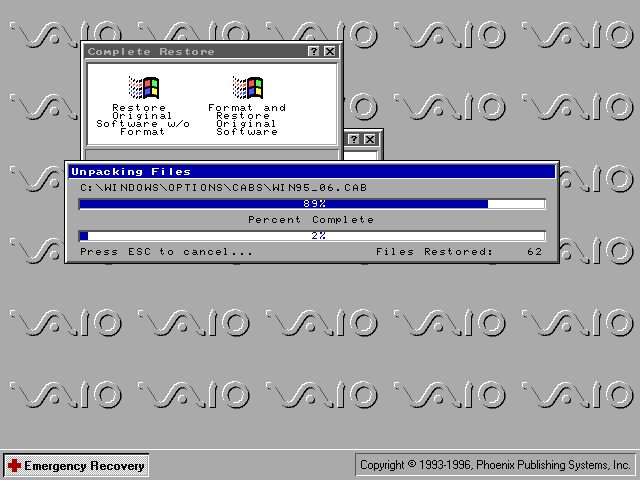
Now we mount and open the OSBOOT.IMG that was extracted from the Recovery CD, and pinch some files off it, namely the recover.exe, recover.ini, profile.ini and sony.exe All four of the files total 236KB and we want to copy them to the Windows 95 boot disk, If you run out of space there are a few utilities like regedit that can be deleted off the boot disk. Save and then mount the modified boot disc and boot the machine into it. If prompted on the startup disc, load the NEC IDE CROM driver. If everything is correct it should show
Drive G = Driver MSCD001 unit 0
At the prompt, type recover then hit enter (Should be on the A: drive) The recovery environment will then load Select Complete Restore Select Restore Original Software w/o Format You may get a few error messages that it was unable to copy certain system files, I believe this is related to the boot sector files I indicated earlier, as long as your original Windows 95 install was bootable then the recovery should work regardless.
I should note that despite testing both methods, both methods result in missing applications like Netscape Navigator. This wasn’t so much of an issue since I could reinstall them alter, and the recovery CD has dedicated options for reinstalling both browsers anyway, along with Microsoft Works and Money.
Update: It seems I had to do another reinstall, and on that one it did install both Netscape and Internet Explore, not sure what I did differently?
We had to substitute a few device drivers in order for us to have a working system
The ATI RAGE card is unemulated in 86box, instead, I used an ATI MAch64VT2 instead. Do note this card lacks MPEG decoding support so some video sequences will be corrupted and will just display a pink color screen
The Yamaha sound card was also unemulated, instead, I replaced it with a Crystal ISA soundcard instead. The originally bundled utilities will still function to an extent.
There is a shedload of software bundled with this VAIO PC, with many titles requiring an additional CD-ROM to be inserted in order to run, which would have been bundled with the system.
VAIO Space
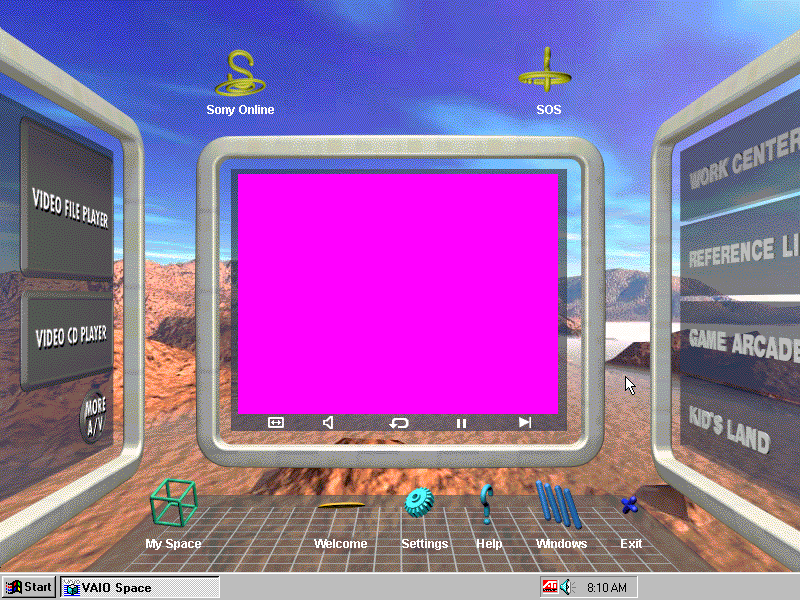
This was the default launcher that came with the system and would run in place of the Windows desktop, similar to the Packard Bell navigator and RM Window Box, oh and don’t forget Microsoft BOB. VAIO Space tries to take full advantage of the hardware that Sony offered and many parts of the launcher make use of MPEG video (which isn’t functional in 86box since no graphics card can accelerate MPEG video, so your left with pink squares instead.
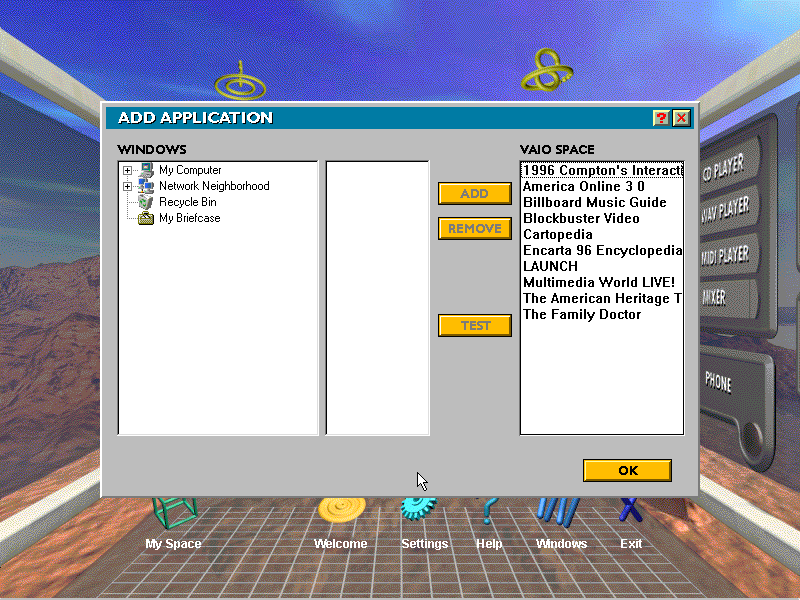
There are a few different areas of the VAIO Space that contains links to dedicated applications: Home: Features links to My Space, a Welcome demo, the setting page. The Windows button takes you back to the 95 desktop My Space: Add shortcuts to your favorite applications. Windows: Take you to the Windows 95 desktop Help: Gives you a short description on how to use the VAIO Space utility
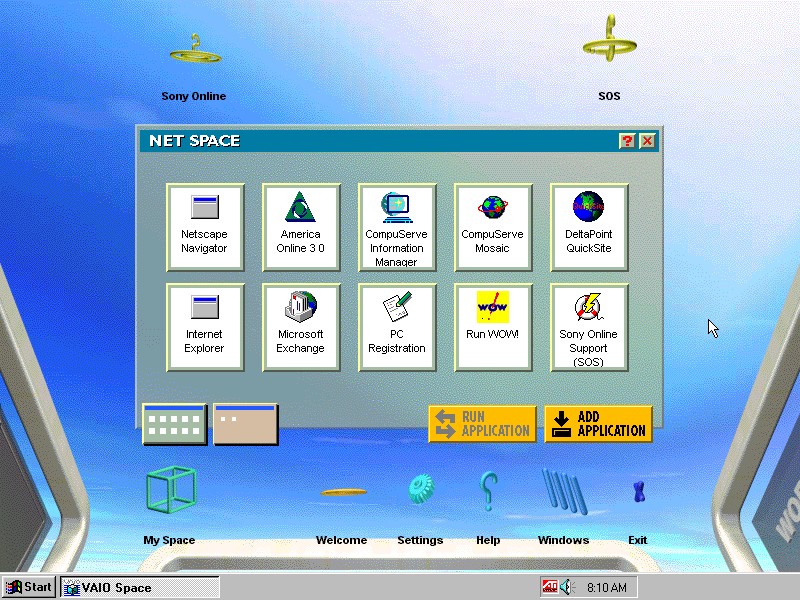
Net Space Accessible by clicking towards the top of the screen, this takes you ‘up’ and gives you a selection of internet applications like AOL, Netscape and Internet Explorer which were not installed on my system. There’s also links to Sony’s online website and an SOS button which opens up a phone dialler to dial 911
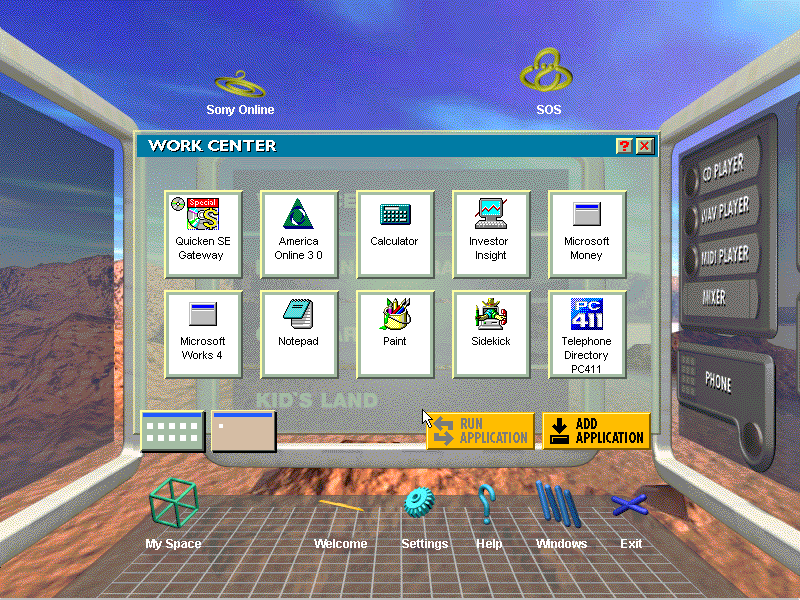
Screen 2 Click left from the home screen takes you to this screen, here you see four different categories: Work Center: features productivity software like Microsoft Works, Microsoft Money and Paint Reference Library: Links to reference stuff like Encarta, Family Doctor and Compton’s interactive encyclopedia. As the internet wasn’t very widespread it made sense to bundle this software/ Game Arcade: Links to various games like Wipeout and Mechwarrior 2, also featuring the entertainment pack games and the bundled windows games. Kids Land: Child-friendly software like 3D movie maker
Screen 3 Multimedia applications like the CdPlayer and WAV/MIDI player. These do not open the standalone windows applications, rather Sony’s own that they have bundled. The More A/V button shows the Window standard programs.
Judging from the software bundled, this was designed to be a family PC with various bits of software to suit everyone.
Overall its defiantly a unique experience and was designed to make it easier for novice users to use the system. Not sure how Microsoft felt about it though, image developing a new user interface only for some OEM to replace it with their own.
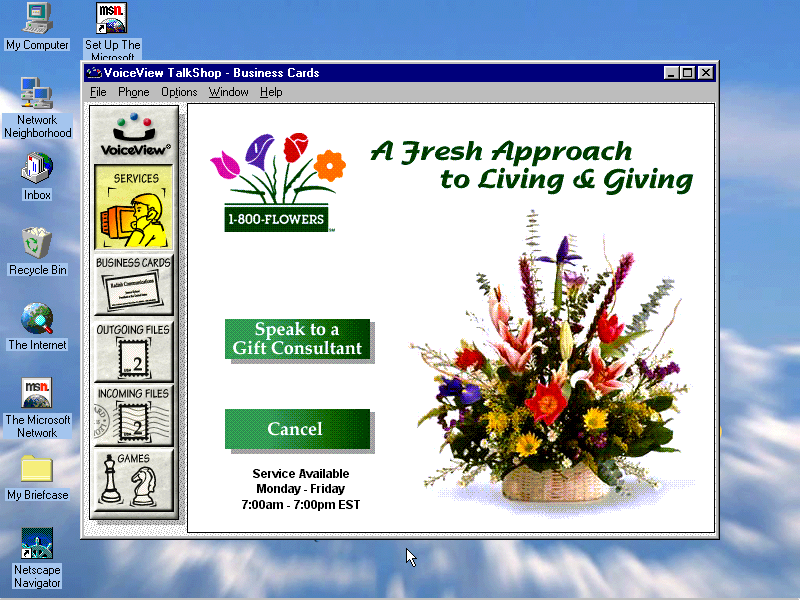
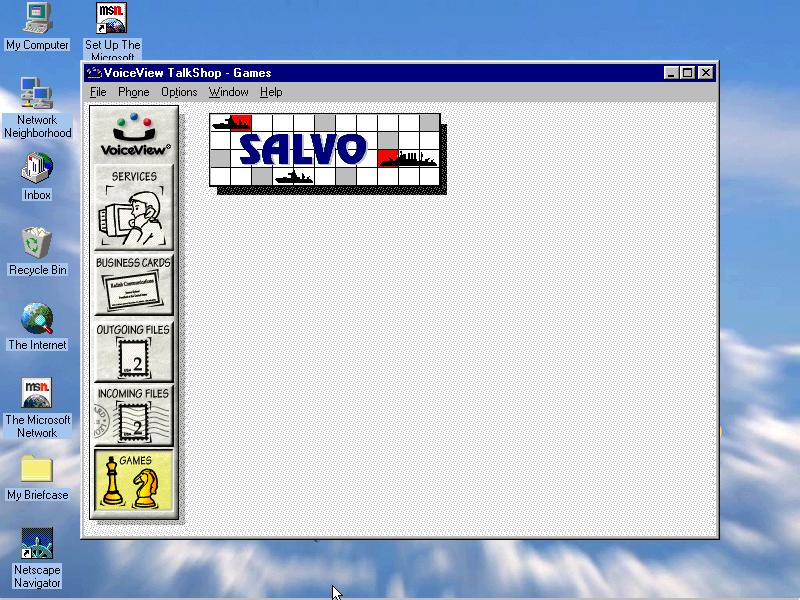
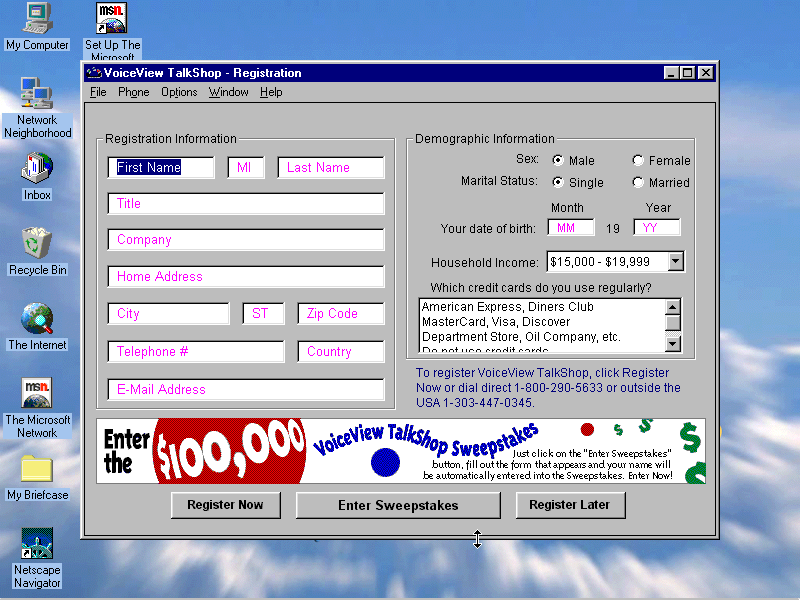
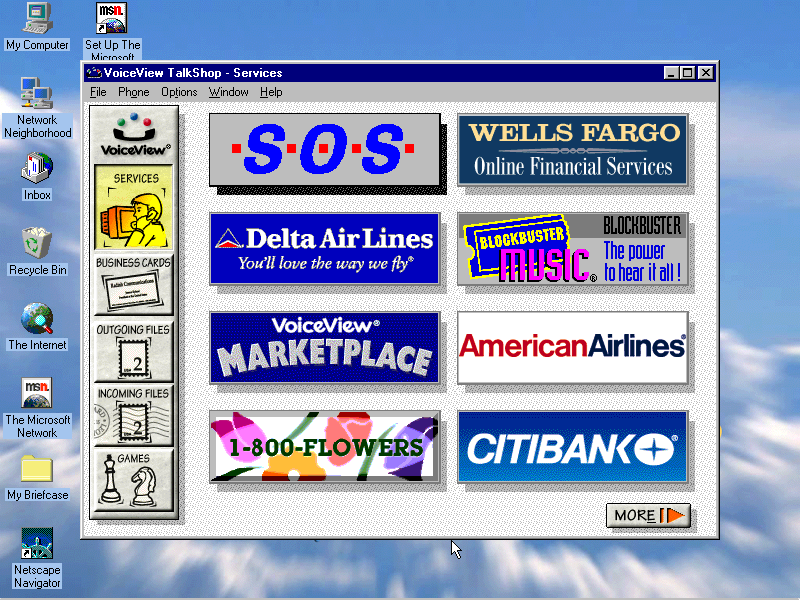
VoiceView: Seems to be a gateway to various online services, has an online game but this crashes when you try to open it
Billboard Music Guide: Needs CD-ROM
Compton’s Interactive Encyclopedia: Needs CD-ROM
AOL: Desktop client for AOL, an internet service provider
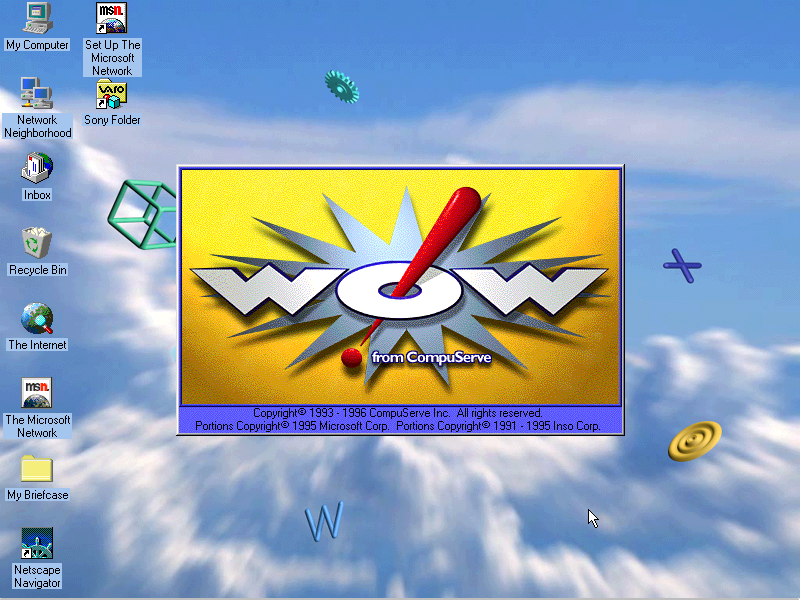
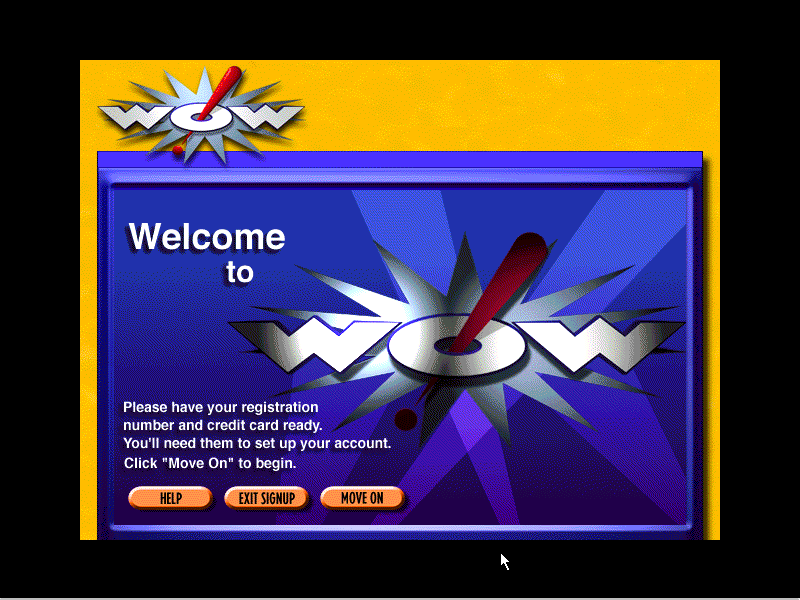
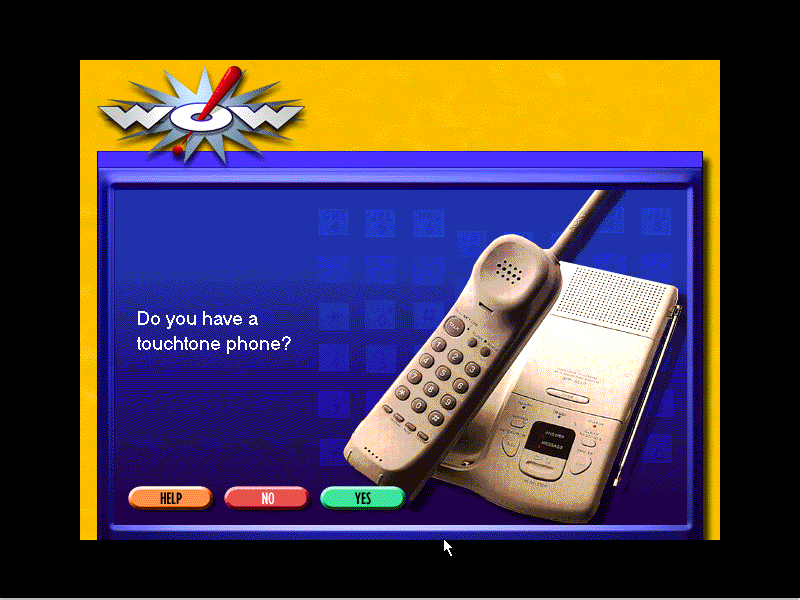
Compuserve: Another Internet service provider client
Microsoft 3D Movie Maker: Popular movie maker application that was part of the Microsoft Home bundle
CyberPassage: Needs CD-ROM
DeltaPoint: Needs CD-ROM
Cartopedia: Needs CD-ROM
The Family Doctor: CD-ROM needed
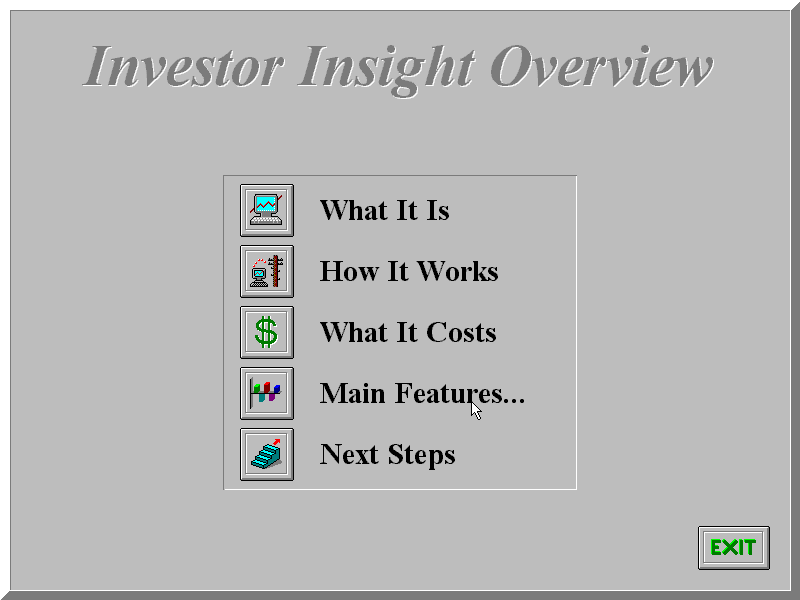
Investor Insight: Another financial application
LAUNCH: Unknown, does not even open without the CD inserted
Microsoft Money: Accounting management software, the 96 edition is included here
Microsoft Phone: Looks like a phone dialer, to make calls through your PC
Microsoft Works: Microsoft’s basic productivity suite, version 4
Microsoft Reference: Works like an offline Wikipedia, needs a CD to run
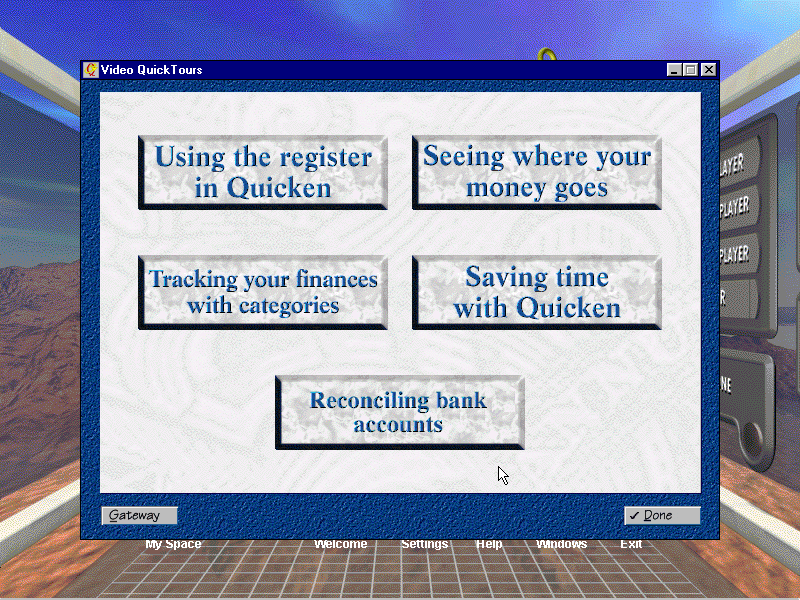
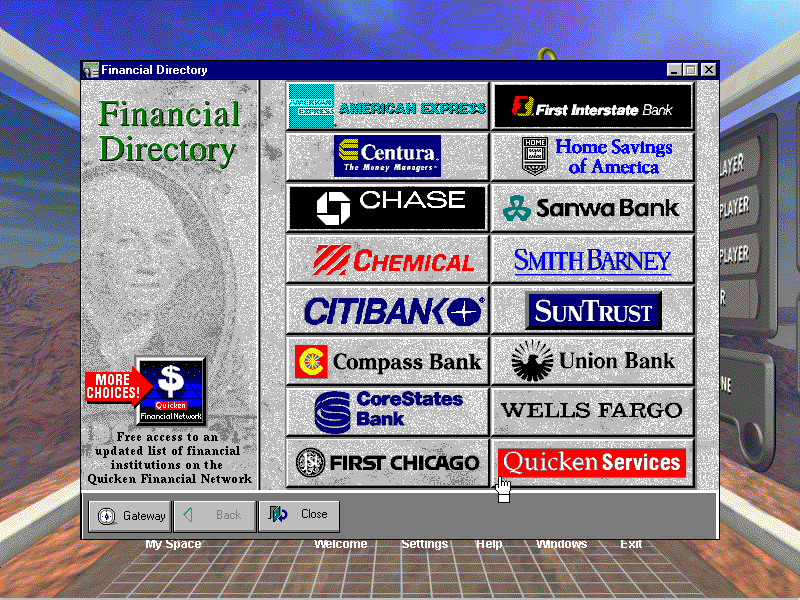
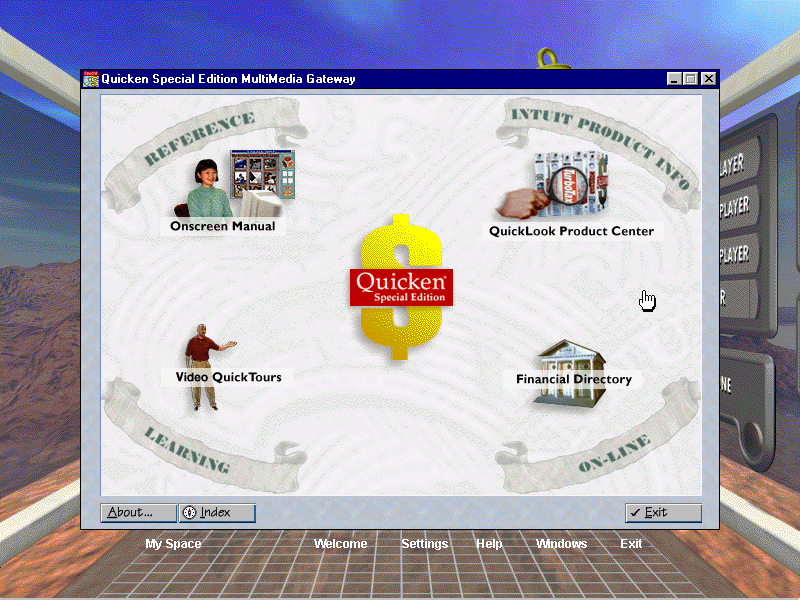
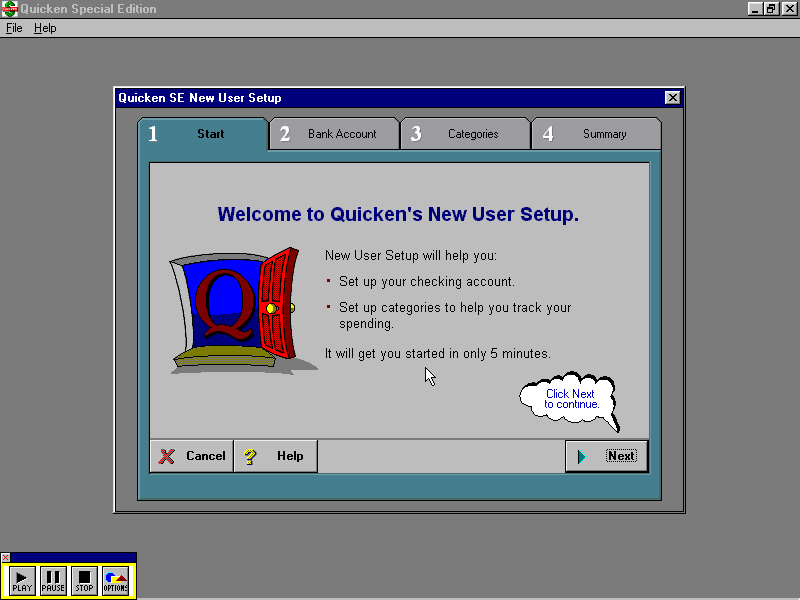
Quicken SE Gateway: Looks to be a finance application and has a lot of links to various banks, requires a CD to fully run and appears to be trialware – limited to 10 launches.
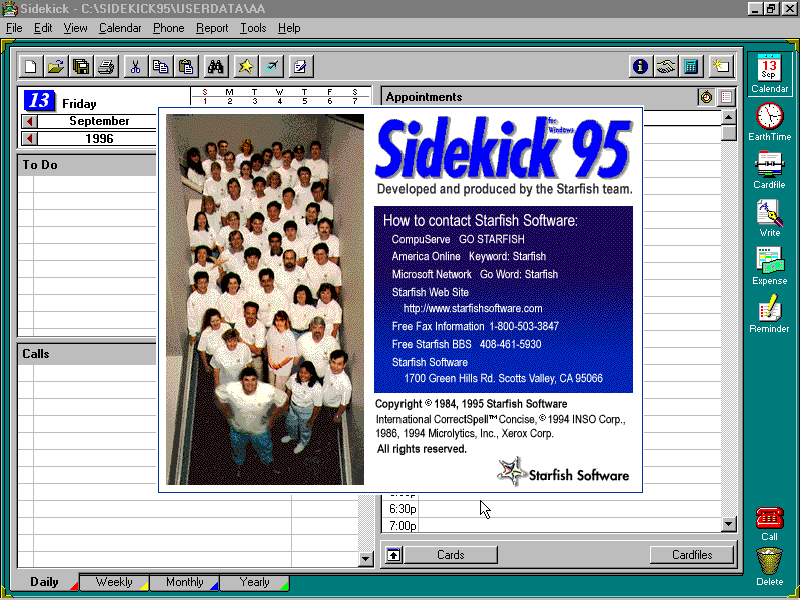
Sidekick 95: Some sort of personal information manager, like Outlook that would store user contacts email address and phone numbers
Reader Rabbit: Needs a CD in order to run
American Heritage Talking Dictionary: Mainly functions as a dictionary, but has a few extras including an anagram generator and a thesaurus
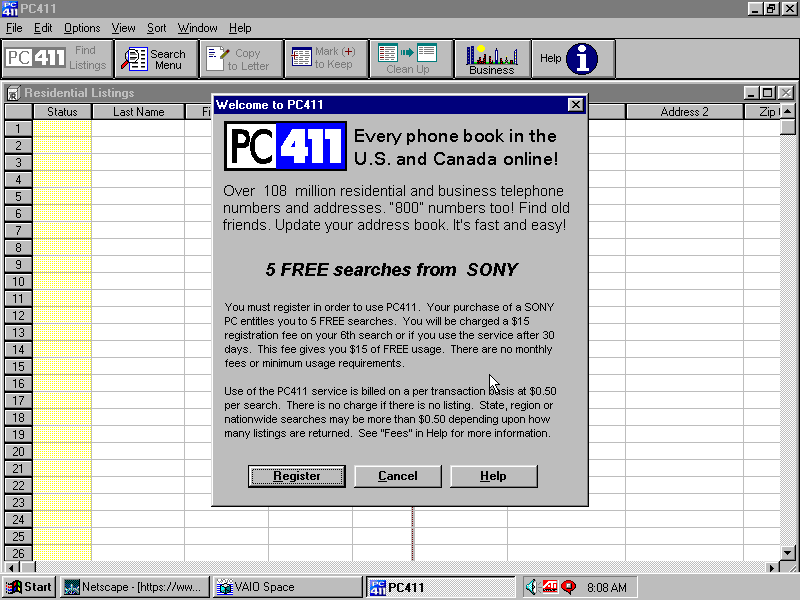
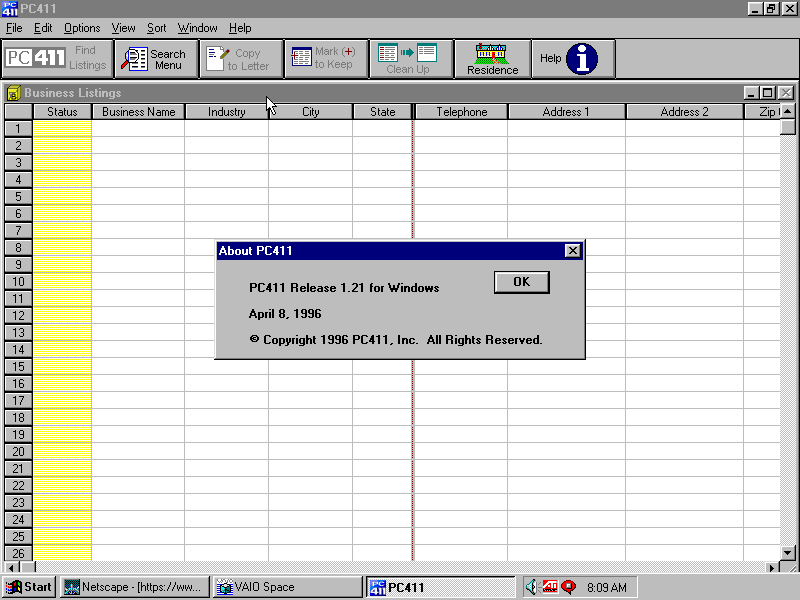
Telephone Directory PC411: A phonebook application
Games
Wipeout: A 32bit version of the popular PlayStation game, running using the ATI CIF graphics engine. Sadly 86box cannot emulate this and using a 3DFX or the S3 ViRGE won’t work because it’s designed exclusively for the ATI CIF API, which I hope to cover later on as there are quite a few titles that use this technology.
Also to note, WipEout was one of the launch games for the PlayStation
MechWarrior 2: Retail game that I’ll cover separately at some point in the future, again it needs its own CD-ROM
Microsoft Entertainment Pack: Included games like Chip’s Challange, Dr Black jack, and Jezzball to name a few
Hover: That game that came on the Windows 95 CD
Other
USB Support
This was one of the first home desktops to ship with onboard USB, two years before the iMac which was said to have popularised the standard. However, the version of Windows 95 that Sony shipped with the computer had no USB support. The intention was to ship USB support in an update once Microsoft had released the upgrade for Windows 95, which would be introduced in a supplement update to OSR2 which was released in August 1997, nearly a year after Sony had released the PCV-70/90.
Early Windows 95 USB was a bit of a disaster and didn’t have much support, in fact, it wasn’t until Windows 98SE that USB support was to the standard that we accept today, with the earlier versions lacking many USB drivers.
86Box does not allow for USB devices to be connected, so there isn’t much point in upgrading to this version anyway. Regardless i did try to upgrader it to a USB supported build, which ended up bricking the OS completely. Apparently you have to upgrade in steps first, to OSR1, then OSR2, then install the USB supplement, whilst I tried to install the USB supplement update only, which resulted in a VxD error upon bootup. Not even safe mode could rescue me here, I had to reinstall from scratch.
You would think the Microsoft installer would check first and tell me to upgrade to a supported version of 95, instead it just happily installed
Another prebuilt system supported by 86Box that a restore disc is available for. From the looks of the software included this was intended to be a family PC, typically sold in computer stores of the era (PCWorld or Staples)
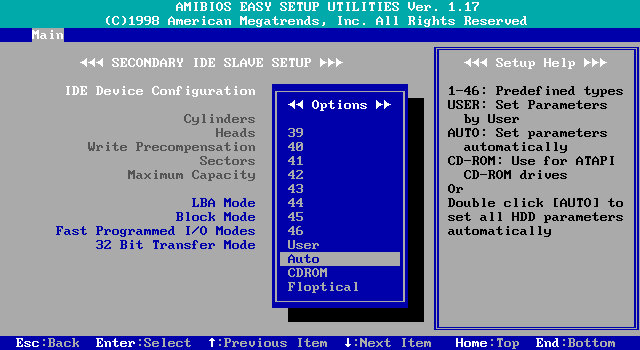
BIOS splash screenThe BIOS itself
The PC itself
This motherboard featured onboard 3DFX Voodoo 3 graphics, along with the onboard audio. Although 86Box has support for the Voodoo 3, there are various issues with the emulation that cause sever graphical issues when just on the desktop. The onboard soundcard is not emulated at all, meaning we have to use a discreet sound card instead.
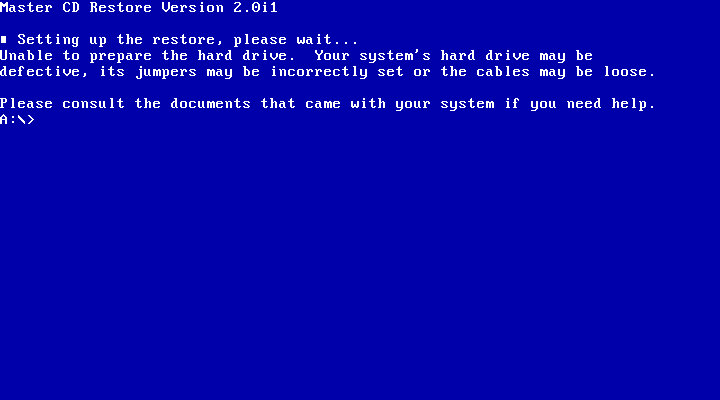
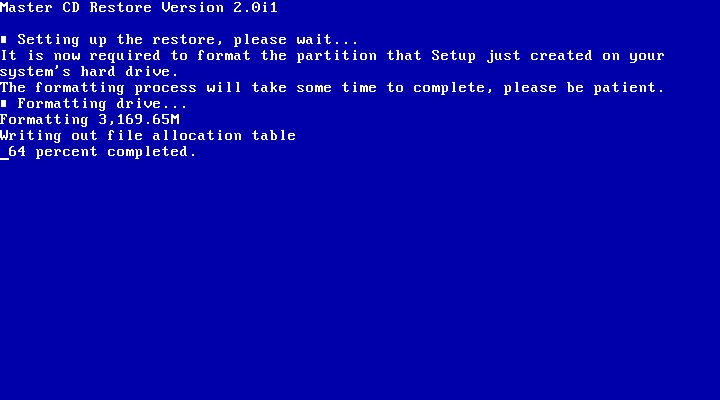
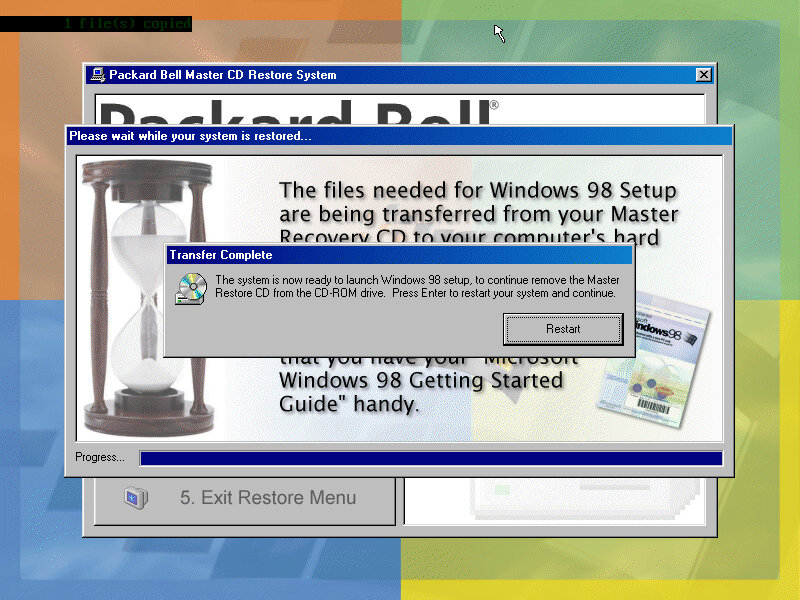
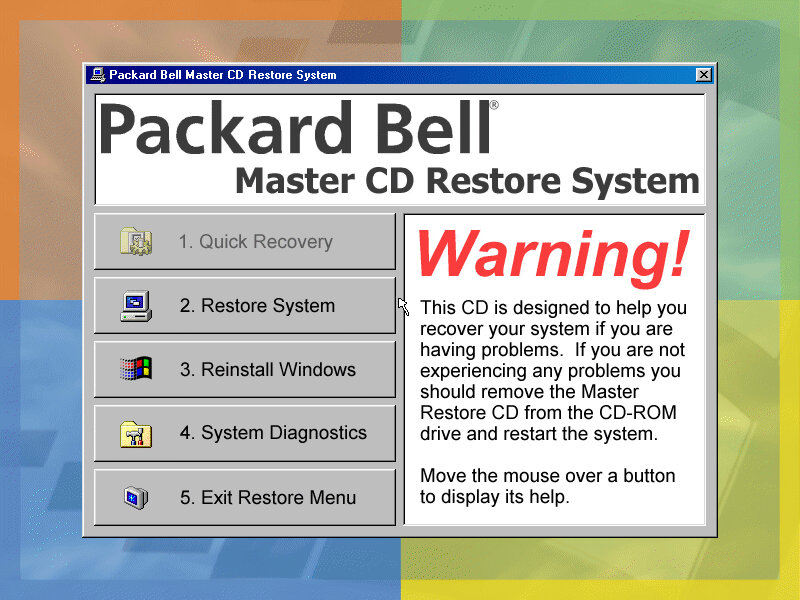
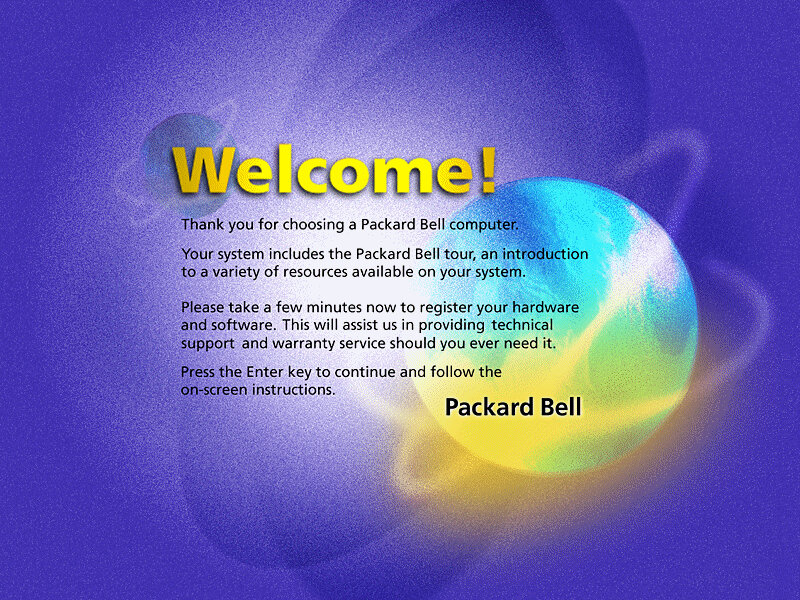
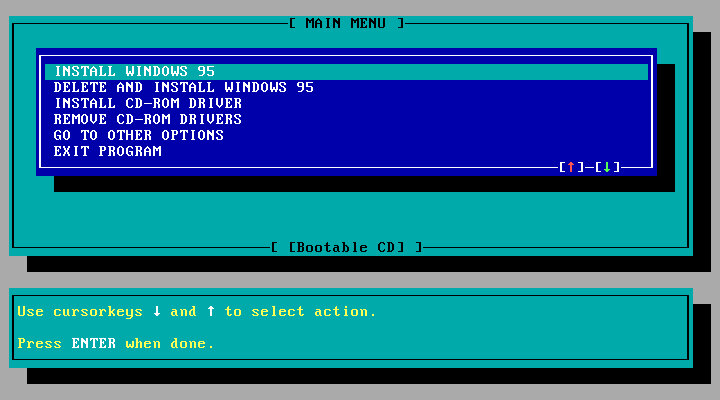
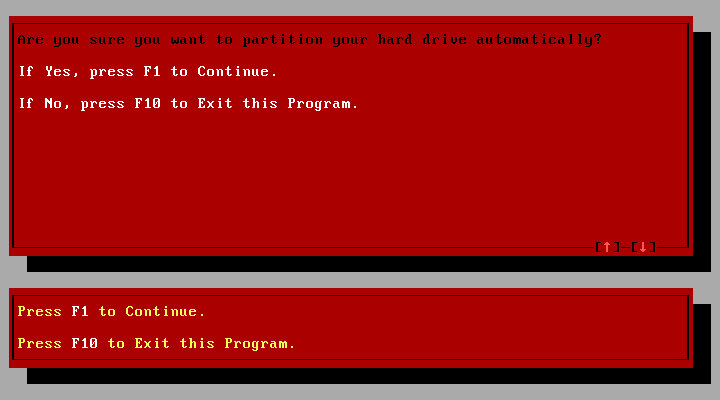
Running the initial recovery software was easy since the disc is bootable from the CD-ROM itself. From here you can format and initialize the hard disk and begin the recovery process.
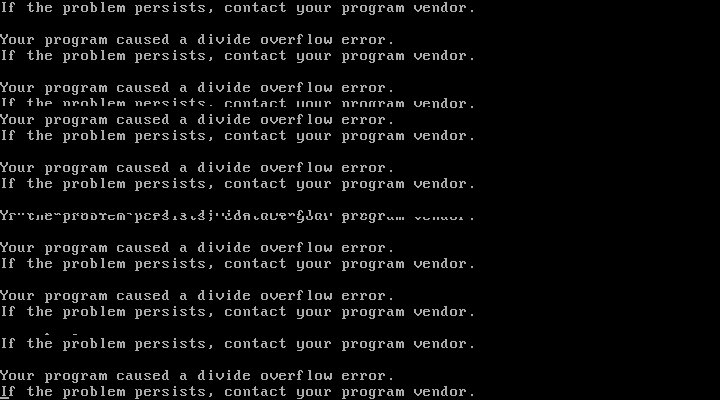
After the first stage, things went a bit wrong and the system crashed to a bizarre divide overflow error. This didn’t affect anything and the install continued after a quick reboot
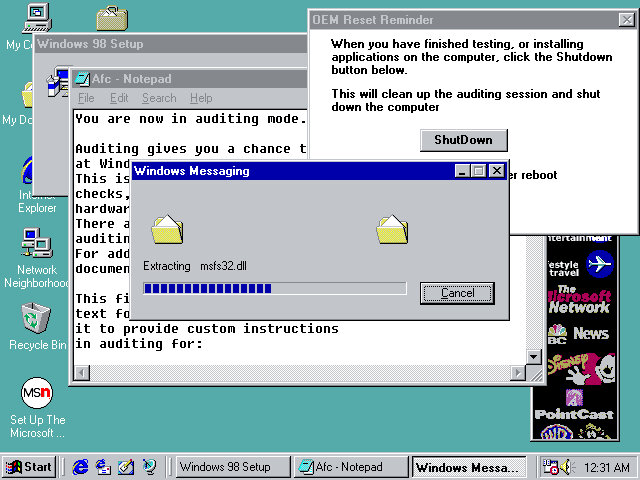
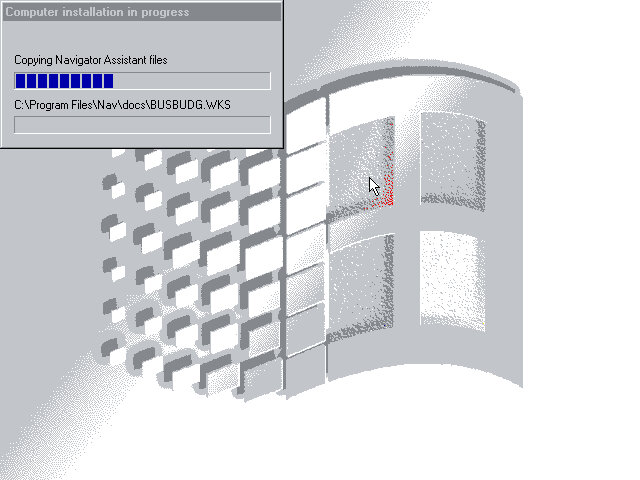
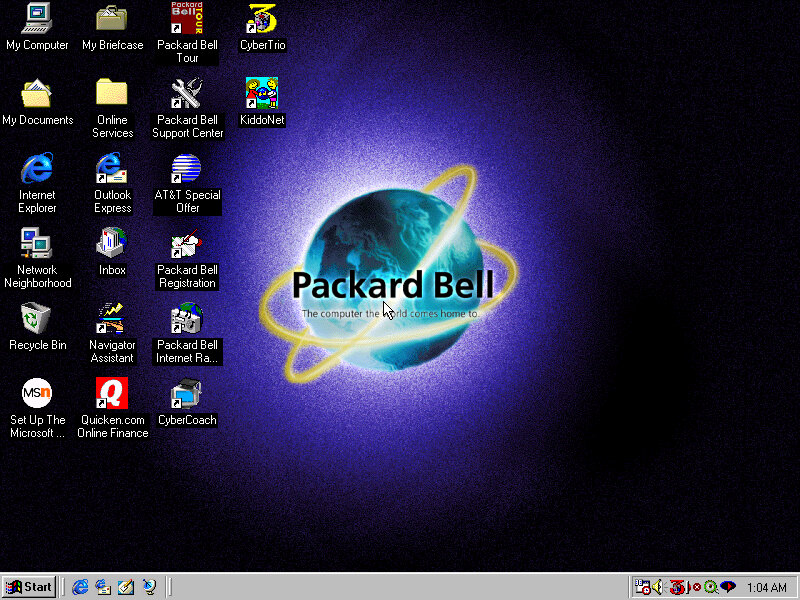
The last stage took you to the Windows desktop, but the recovery was not yet finished as additional software installers had continued to run.
Software
Lots of bundled software to look at here:
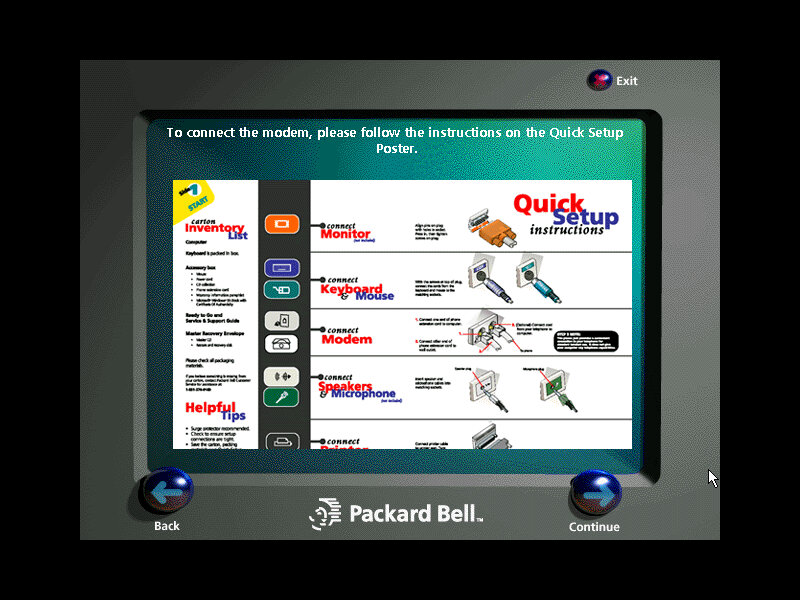
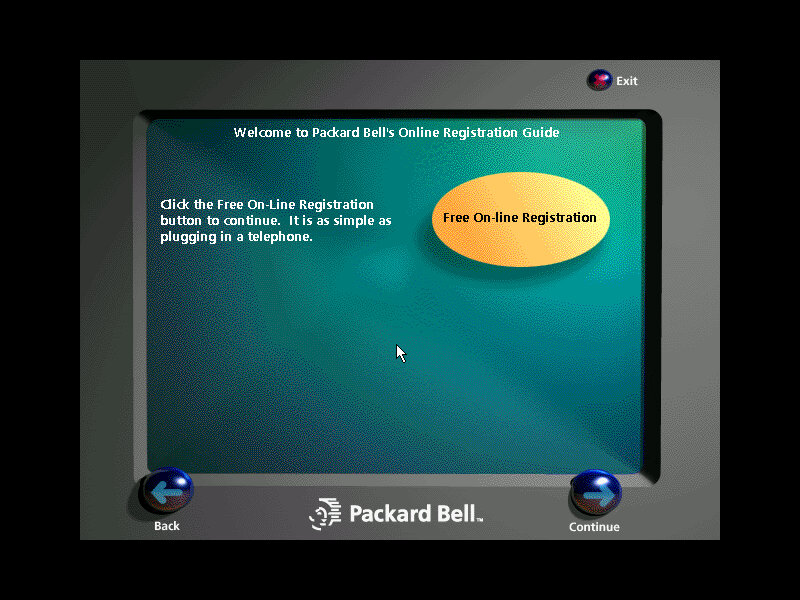
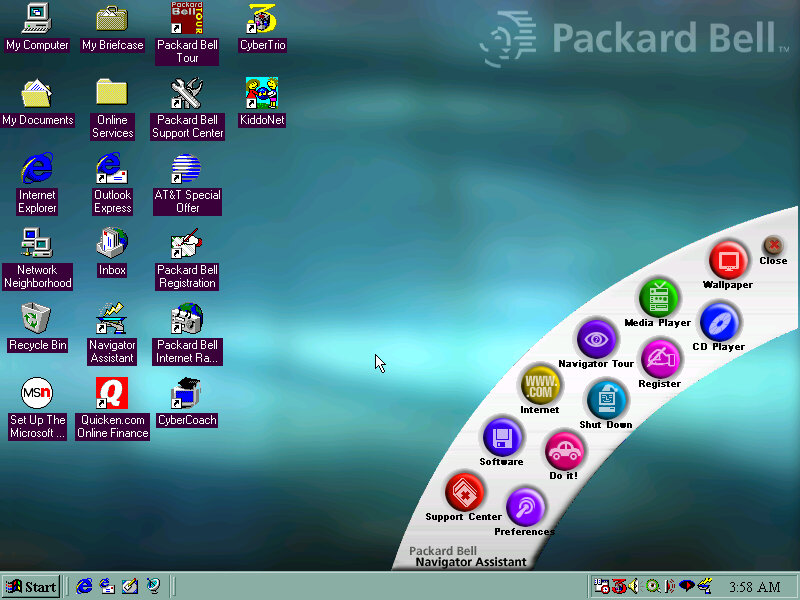
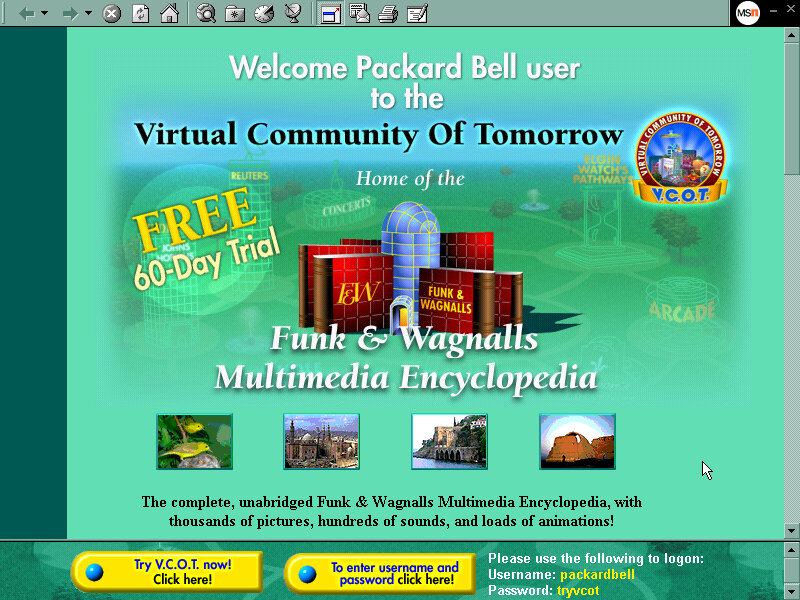
Packard Bell Tour
A browser-based tour (You can see it launching Internet Explorer briefly), it gives a rundown of the features of your new PC, and gives you the option to register.
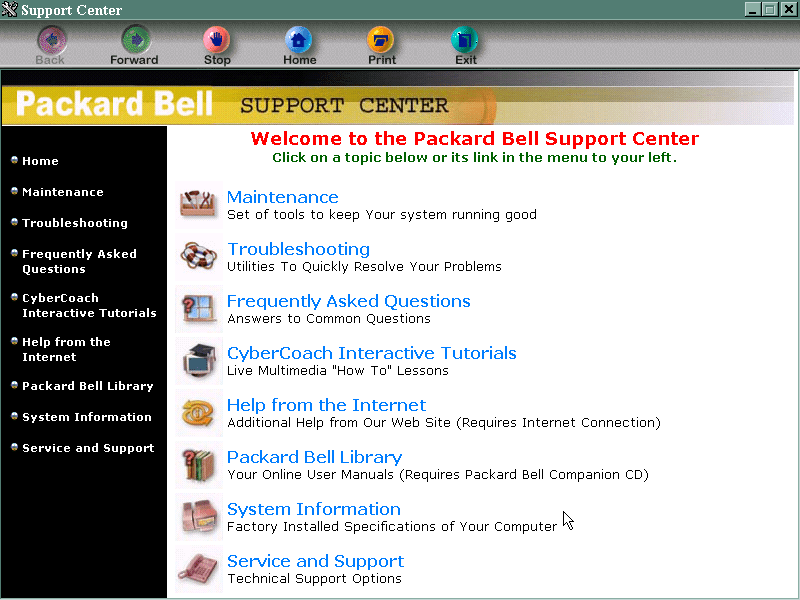
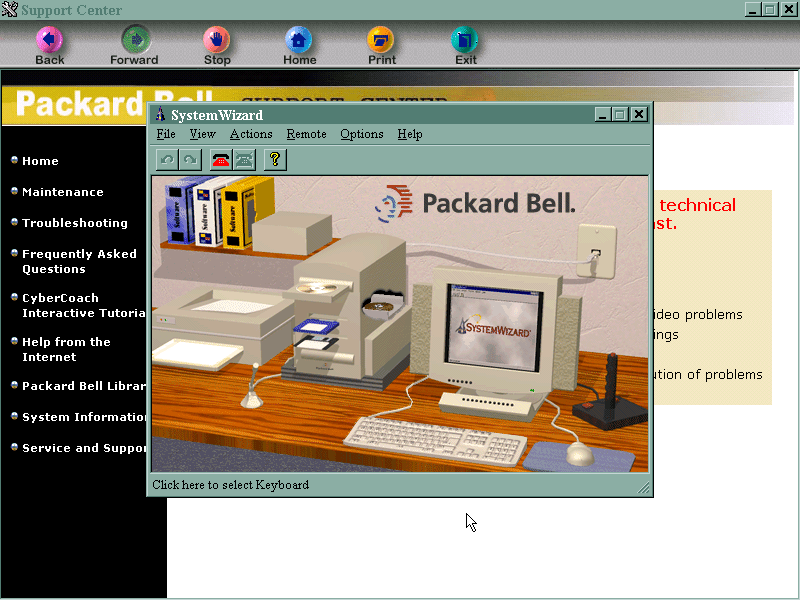
Packard Bell Support Center
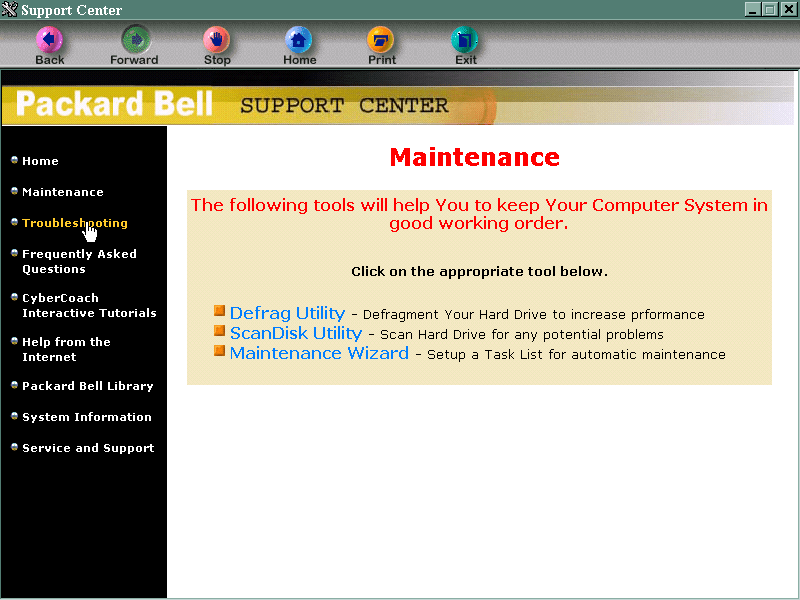
This is sort of the replacement of Windows help, although that still exists by pressing the F1 key. It gives you troubleshooting and maintenance information and your computer’s specifications. It also links to the CyberCoach tutorials.
AT&T Special Offer
Signs you up with AT&T, the internet service provider. Not much use outside the US.
Packard Bell Internet Radio
Appears to be a link to an online website, but its probably long since discontinued. It also wont open, thinking that we have yet to set up an internet connection. This is despite using the PCI ethernet adaptor.
Cyber Coach
Targeted to novice computer users or for those who are new to Windows, gives a step by step demonstration of different software included on the system and how to perform basic tasks.
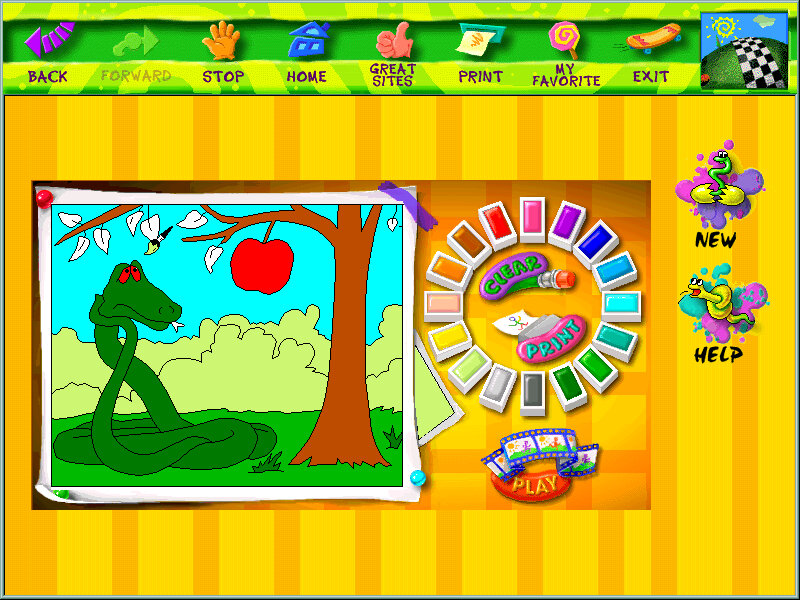
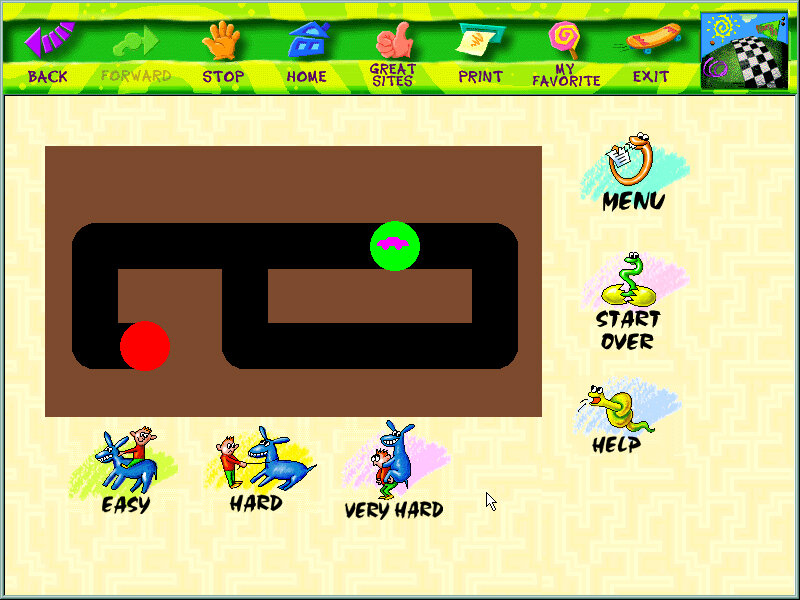
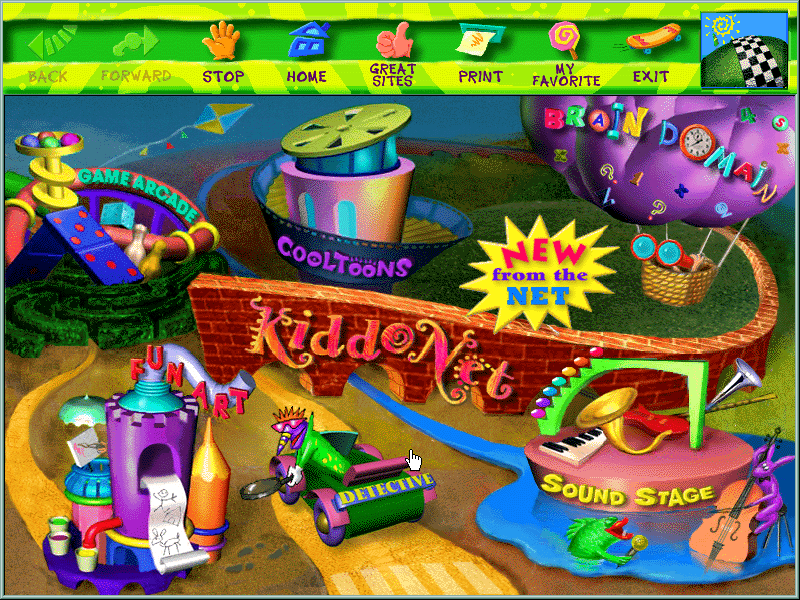
CyberTrio / Kiddos
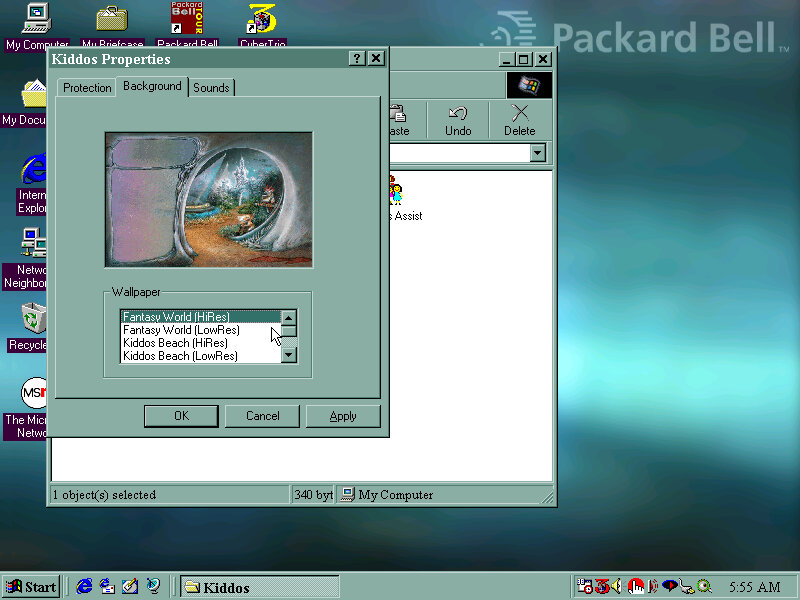
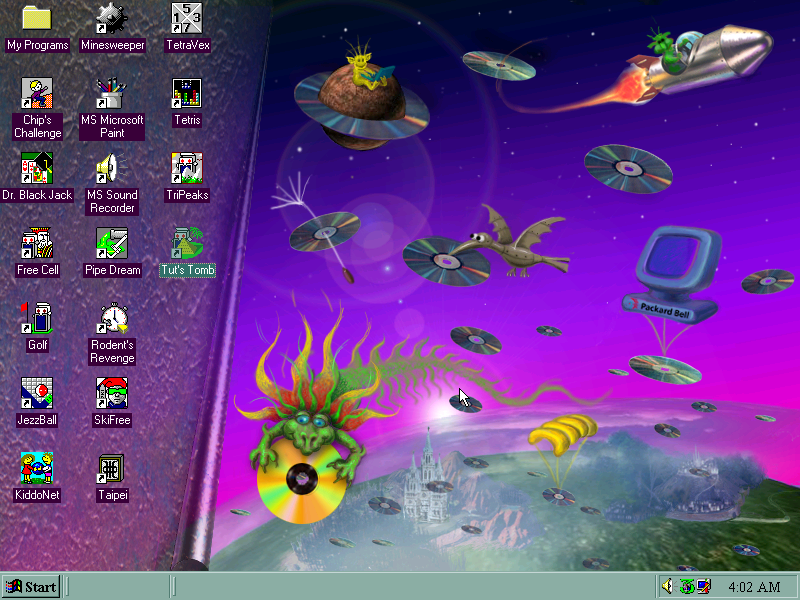
An interesting program that affects the Windows environment. There are different modes: Basic mode: sort of like a limited user mode seen in Windows XP, prevents users from modifying critical system settings Advanced mode: Typical Windows environment Kiddos: A restricted environment designed for young kids to allow them to use the computer without potentially damaging or affecting system files. Clicking on the icon will take you to a customized desktop. I’m not sure if this is a customized user account or just a custom version of Windows Explorer.
Also if you ever wondered where the ImgBurn sound comes from (The one that plays at the end of a successful burn) it originated from here and acts as the Kiddos logon sound.
You can manually add programs to the Kiddos area, such as any games or additional software that was installed after. Packard Bell have already set up and installed a few child-friendly applications such as the games from the Microsoft Entertainment pack.
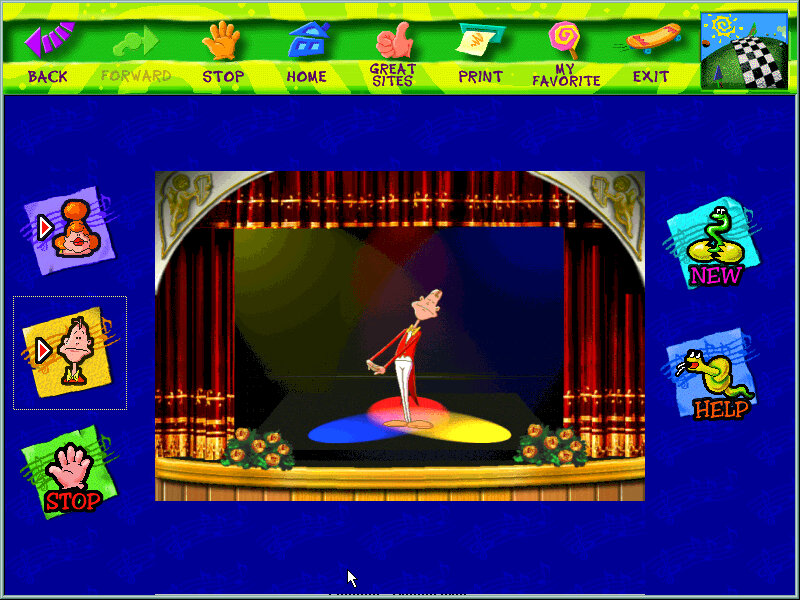
KiddoNet
An activity center for kids, with various different activities
Quicken.com Online Finance
Some shortcut to an online website, no longer active and an archived version does not exist.
Navigator Assistant
Just opens a banner with shortcuts to various applications and tools like the internet, CD player. Kind of pointless since it’s located on the desktop so you will need to minimize to open the banner, would have been better off as a quick launch icon. My guess is the computer would have came with a bundled keyboard that had a dedicated button that opened the Navigator Assistant.
Microsoft Word 97
Just Microsoft Word is installed here instead of the whole office suite.
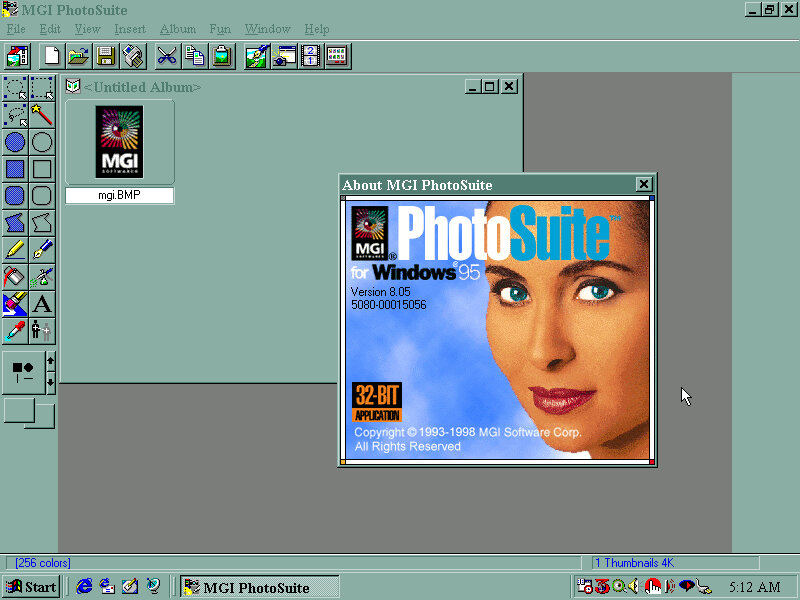
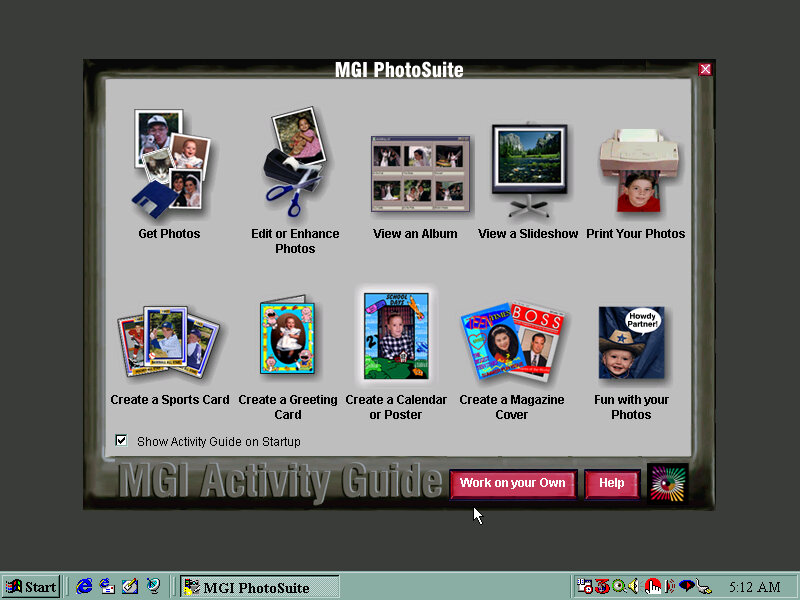
MGI Photosuite
Early photo editing software, typically shipped on systems that came with a flatbed scanner.
Other Screenshots
Expansion
There are four expansion slots, 3 PCI and one ISA slot
The SoundBlaster card was part of the premade configuration in Winbox86, and features an onboard IDE controller that supports two drives. In combination with the motherboard IDE controller you can have up to 6 IDE drives, plus the two floppy drives for a total of eight. The SoundBlaster IDE is a bit temperamental due to the emulation so I recommend connecting a CD-ROM and Zip drive to it, and having the hard drives and one CD-ROM drive connected to the motherboard, since this BIOS is capable of CD-ROM booting. In the end I swapped it for a ISA AWE32, and using a SCSI card for the additional drives since Windows 98 would sometimes fail to detect the SoundBlaster IDE device upon boot. As mentioned earlier, the board also had onboard sound but the SoundBlaster was substituted instead, unless support comes in later 86Box versions.
The AMD PCnet card is automatically detected and installed as part of Windows setup and should work out of the box, the actual system did not have an onboard NIC or a modem.
The video card used was a 3DFX Voodoo Banshee which did not work out of the box, and required an additional driver to be installed. I would recommend a Cirrus Logic for the OOBE setup, then change to whichever graphics card you prefer. Since the motherboard included a 3DFX card onboard, you may prefer to have a Voodoo Banshee or Voodoo 3 instead
Another OEM system, but this seems to be a motherboard that was used in multiple Gateway systems from around 1997.
Motherboard appears to be based on an Intel design, might be a clone of an Intel board but with a Gateway customized BIOS. This was possibly used in various different models used throughout the late Pentium era. I actually had a Gateway system that was in a similar time frame, but we had it second hand and the original owner had wiped it in favor of a fresh Windows 98 install.
Supports up to 128MB RAM Supports CD-ROM booting No sign of USB, 86Box cannot interface with USB currently
Install/Recovery CD
You will get the option to format as FAT32 or FAt16, whichever one you choose will depend on what build of Windows 95 you have, this restore Cd does not feature a Windows 95 install, instead it contains a set of drivers and utilities that are installed in conjunction to Windows 95, but you must use your own Windows install disk instead. FAT32 is supported on OSR2.1 onwards, whilst earlier builds use FAt16, if in doubt choose FAT16. I believe you can ‘Upgrade’ to FAT32 once you update the OS.
One potential issue here was the IDE CD-ROM driver, the restore CD gives you the option to choose, possibly because some systems might have used a propriety CD-ROM interface, or might be using the IDE interface on the soundcard instead. This could potentially cause issues if you choose the wrong option. For this I chose the Generic IDE-ROM driver, which can be found all the way at the bottom.
Once you begin the restore process you are requested to insert the Windows 95 install Cd and reboot, of which the system will begin to copy the Windows 95 files.
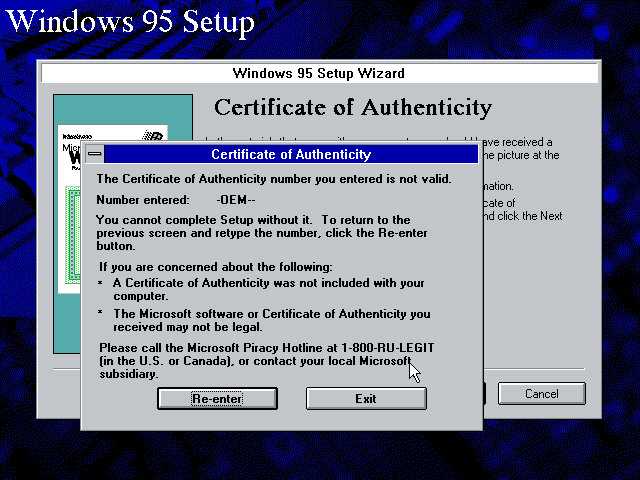
From here setup runs like a typical Windows 95 retail install, however on mine I encountered an error with the OEM serial number, and had to manually enter another one. I’m not sure of eyes are specific to the OEM version they were bundled with, or if each manufacture uses a slightly different algorithm, or maybe something failed to validate in the background.
Reboot, then Gateway software proceeds to install
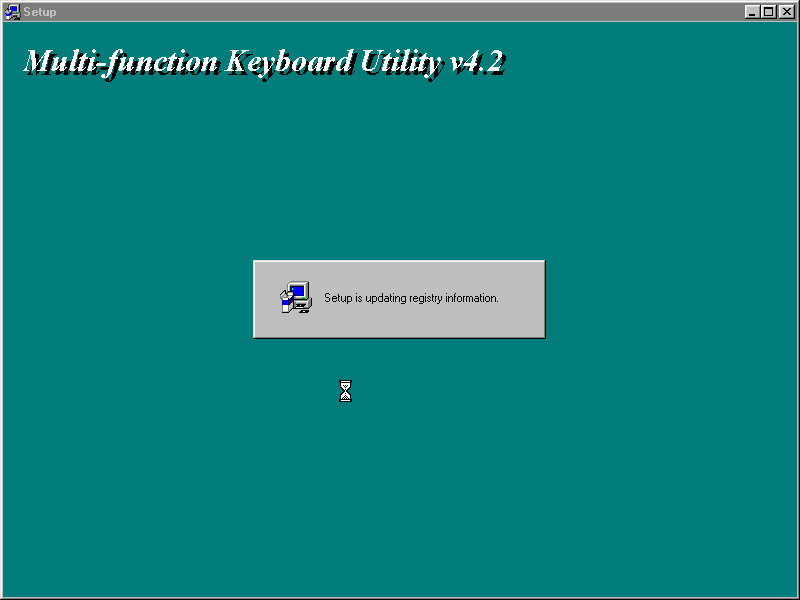
Installs keyboard multimedia utility, then install utility freezes. I had to force a reboot at this point
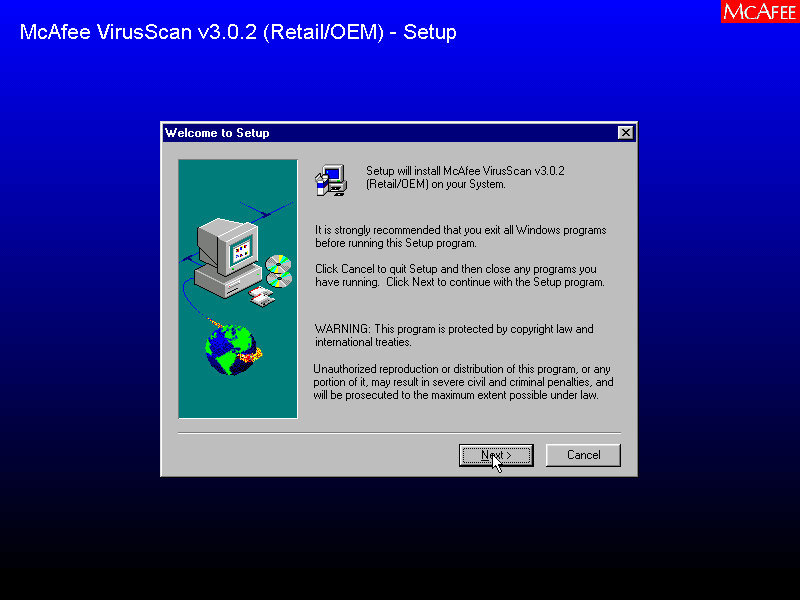
A quick reboot and it then installs McAfee Anti-Virus
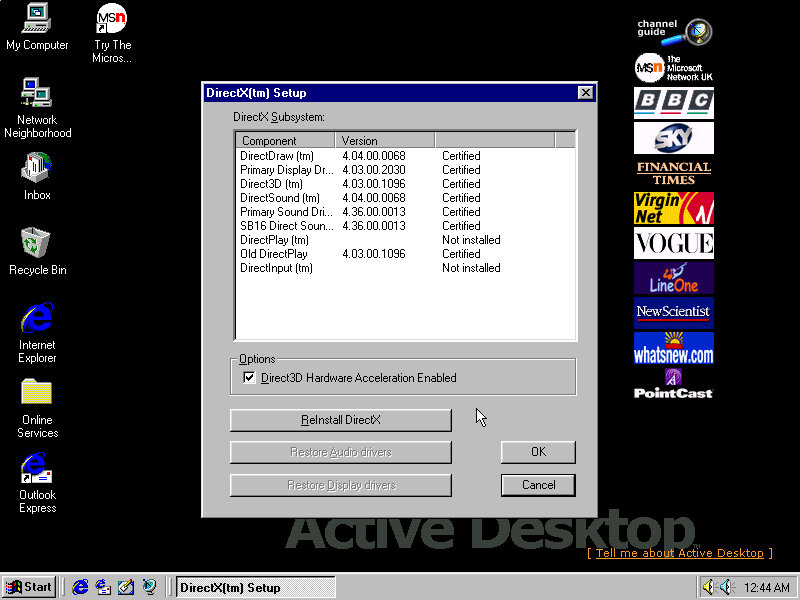
Installs DirectX 5, reboots again. Kind of redundant since OSR2 already included DirectX 5
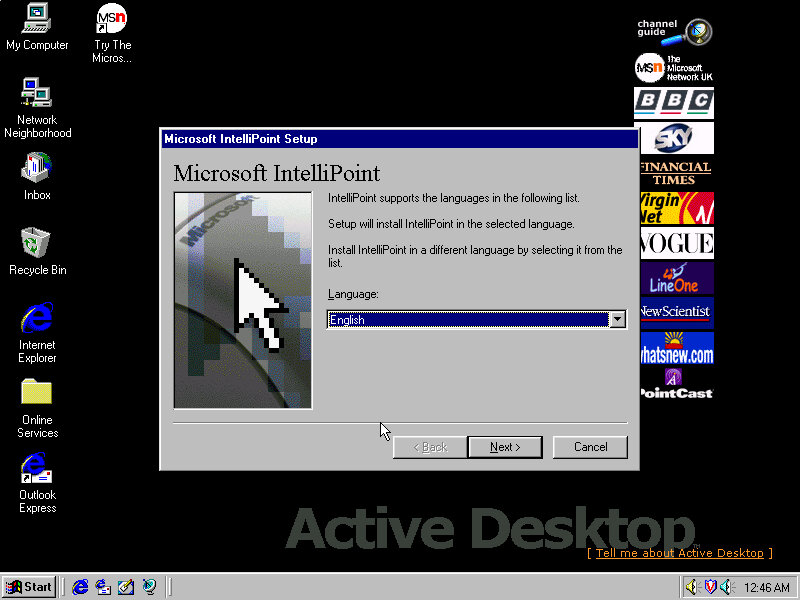
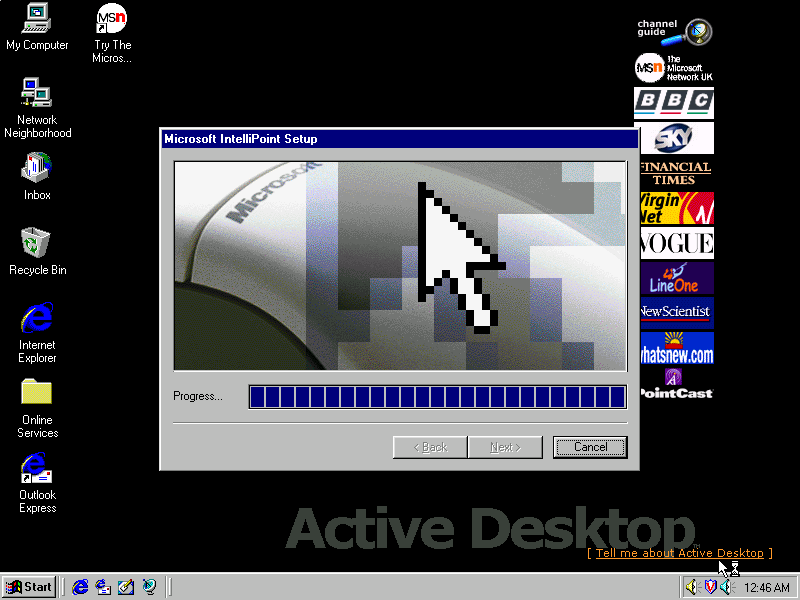
Installs Microsoft Intellipoint, Gateway possibly bundled the Microsoft mouse with their systems
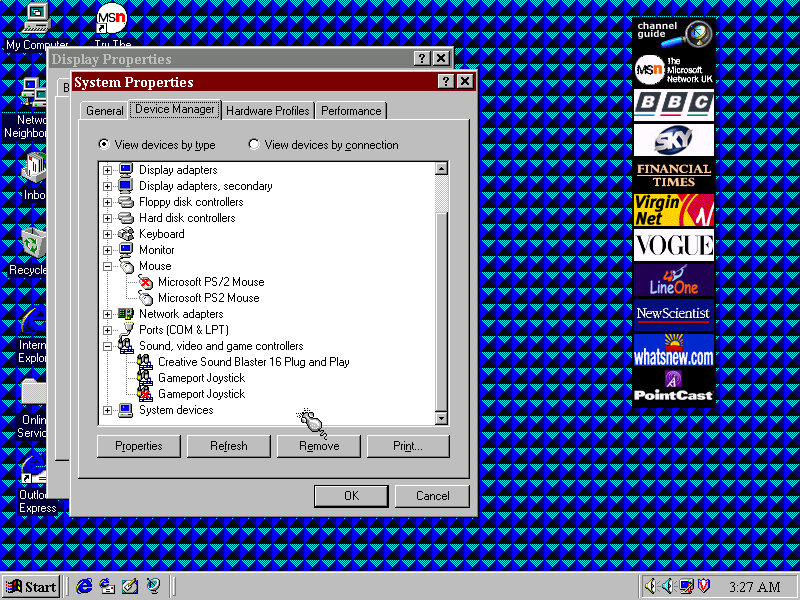
Lastly the sound card software install, Windows had already detected the SoundBlaster on install, but here it inclused the Creative sound software.
Post Install
Megaphone
Appears to be a modem and address book software to manage internet connections and user contact information.
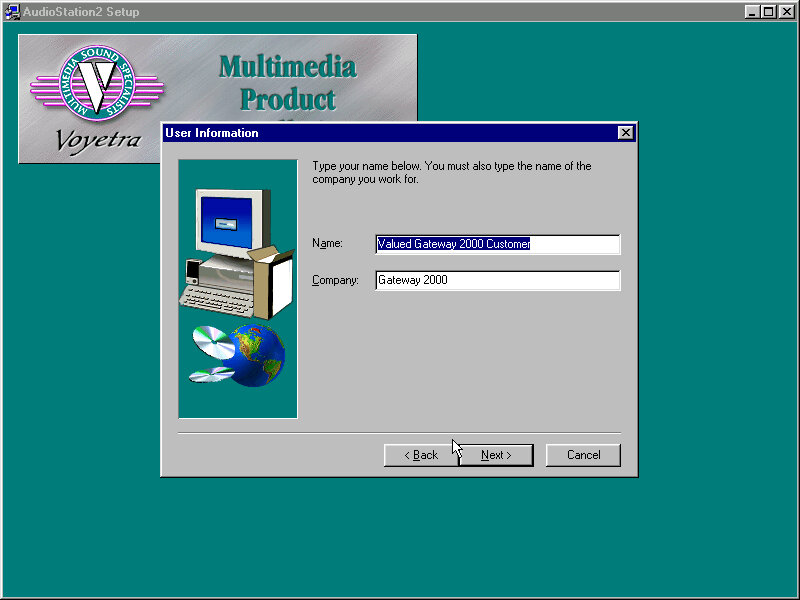
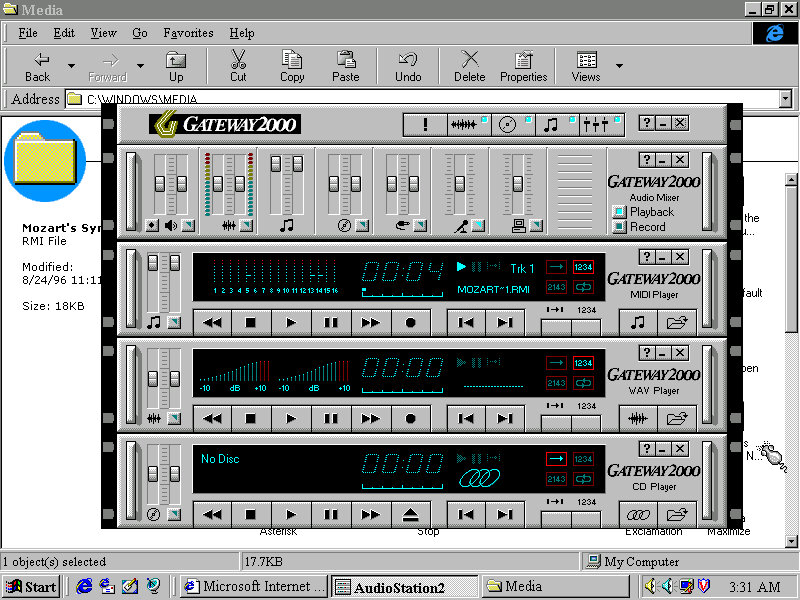
AudioStation2
A MIDI and CD player with a Hi-Fi like interface, something similar was also installed on the Sony VAIO PCV-90
Adding a second drive
The motherboard has two IDE channels for a total of four IDE drive, with the SoundBlaster 16 PnP card we can also add an extra two for a total of six IDE devices.
Adding the second IDE drive, I encountered a problem since after adding it as IDE slave (0:1), Windows 95 would freeze upon bootup. The way to fix it was to use the Windows 95 bootdisk, use the FDISK /FPRMT command to initialize the salve drive, format as FAT32 (Or FAT16 if you are using an earlier version of Windows 95), then reboot and format within the boot disk. After then would Windows 95 boot up and mount the drive.
Preinstalled Software
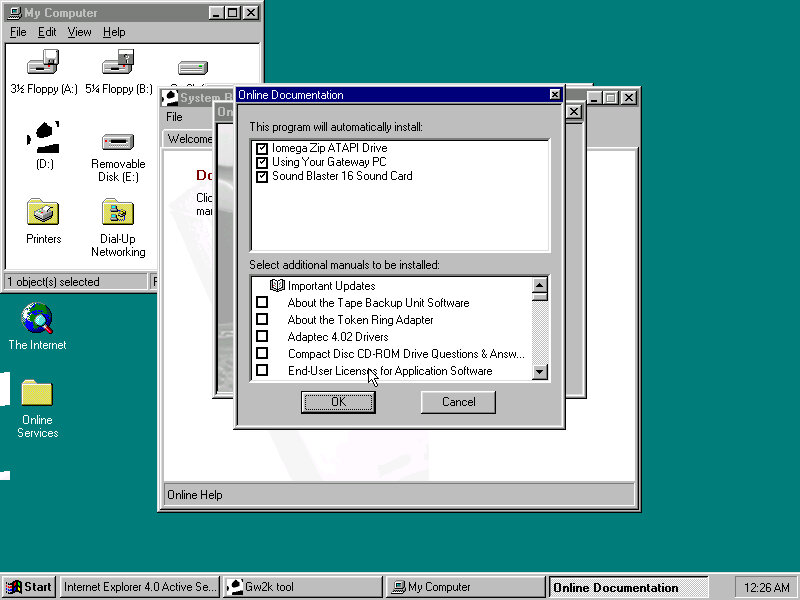
This was a bit dry, I presume Gateway didn’t bundle much with their systems or this is typically stored on another disk. From browsing the CD-ROM it’s a generic recovery disk with a range of drivers that covered the hardware that gateway would have shipped in their desktops. Any additional bundled software would have been shipped on a separate disk.
Even the OEM branding was scarce, I expected there to be a cow-skin themed wallpaper like the cardboard boxes used
Adding additional devices
PCI: Video Card (S3 Trio64) PCI: 3D Accelerator (3DFX Voodoo) PCI: For future use PCI: For future use ISA: Ethernet (AMD PCnet-ISA) ISA: For future use ISA: Soundcard (SoundBlaster 16 PnP)
PCI slots are based on the amount found on the Vogons wiki, there are four PCI slots in total but there may be many more as this board could optionally come with onboard video (This could be AGP?) Or sound. Some versions of the board came with an onboard S3 Trio64, the Phoenix in 86box was the closest match and as a bonus was automatically detected and installed during instillation.
Windows 95 OSR2.5 (2.1 might be a better fit, or the original Windows 95, make sure to choose the FAT16 option when formatting for pre-OSR2.1 Windows 95)
An early Windows XP era laptop released around 2002, not to be confused with the Presario C700 which was HP branded. Windows XP Home Edition was the operating system bundled with the restore CD
Restore Process
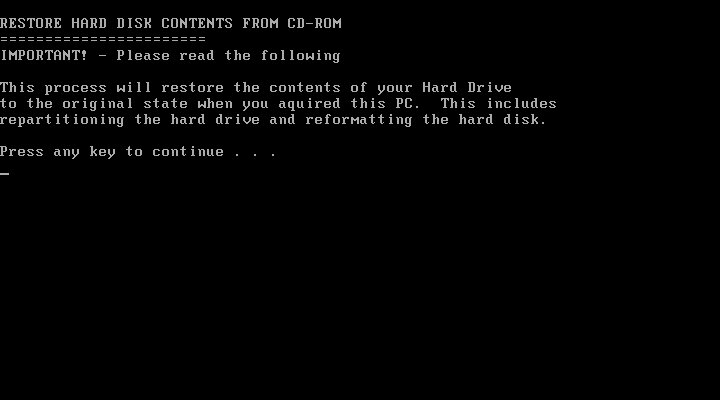
This one used a slightly different way of restoring the default image, and I believe this is due to the copy being modified so that it will restore on any machine, instead of being tied to a specific model. Here you must manually select the recovery image (located on the CD drive) and then proceed with the installation. If the hard disk is blank (Which it will be if we have just created the drive) the software can automatically initialize and format the disk and will create the correct partitions. Once this has been set up, the recovery process will begin and the system will notify once it has been completed.
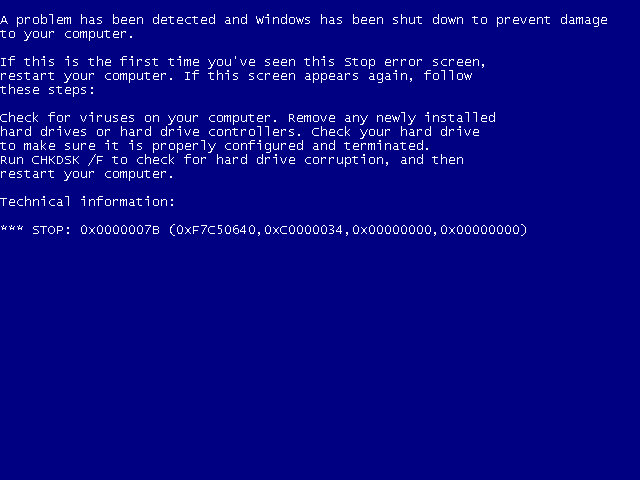
Hello blueness my old friend
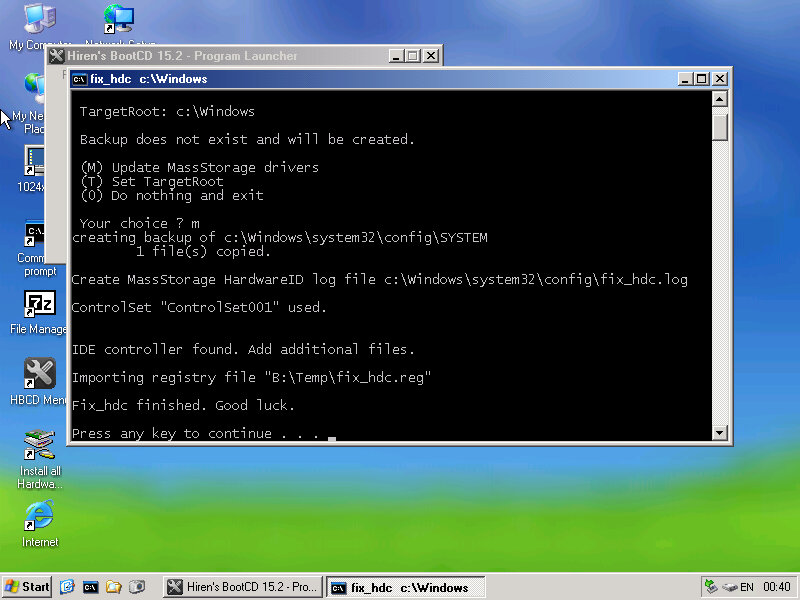
After the first reboot, we will most likely run into a BSOD, since we had installed it in a virtual machine instead of actual hardware, it’s expecting a motherboard that’s completely different. At this points It’s Hirens time
Same as the eMachines system, we just need to reset the hard disk controller to clear the error. After a reboot we are onto the OOBE.
OOBE
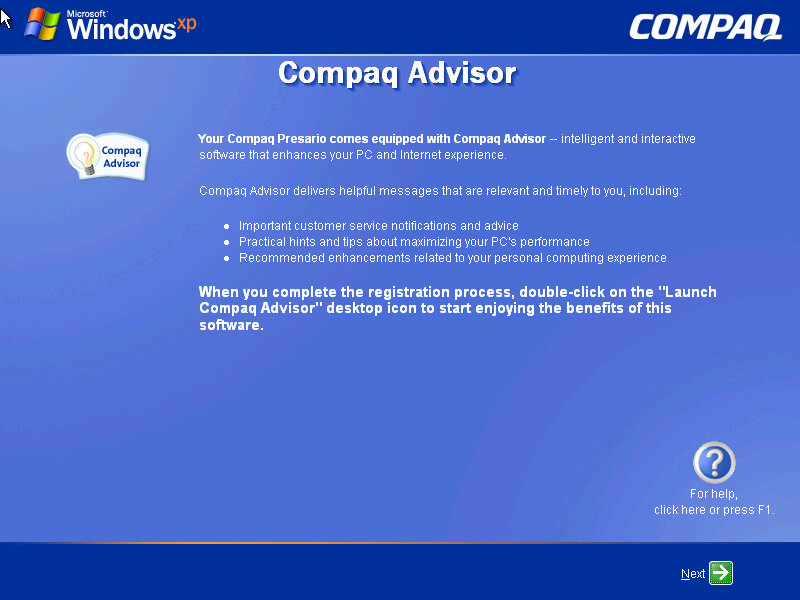
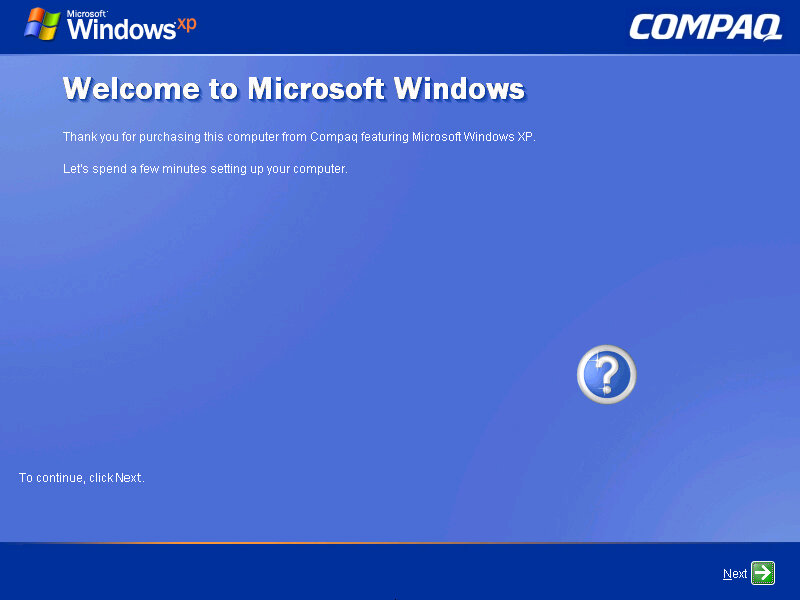
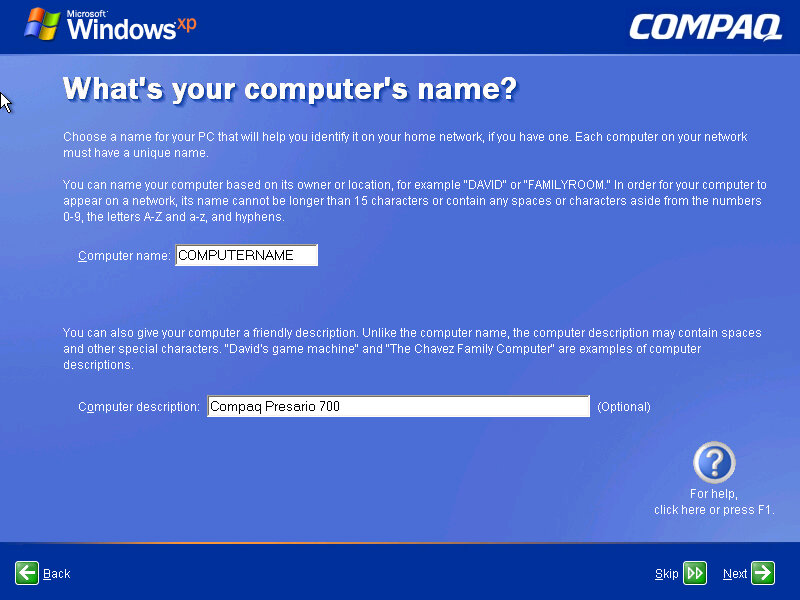
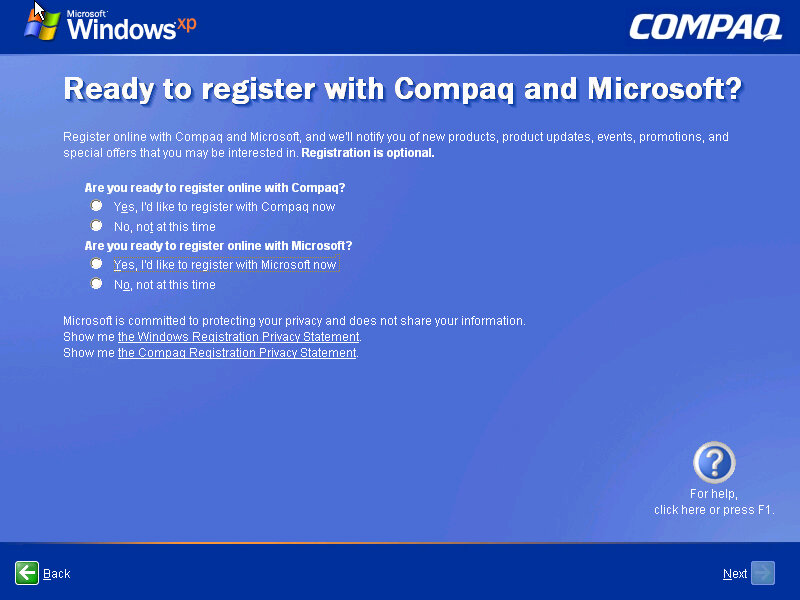
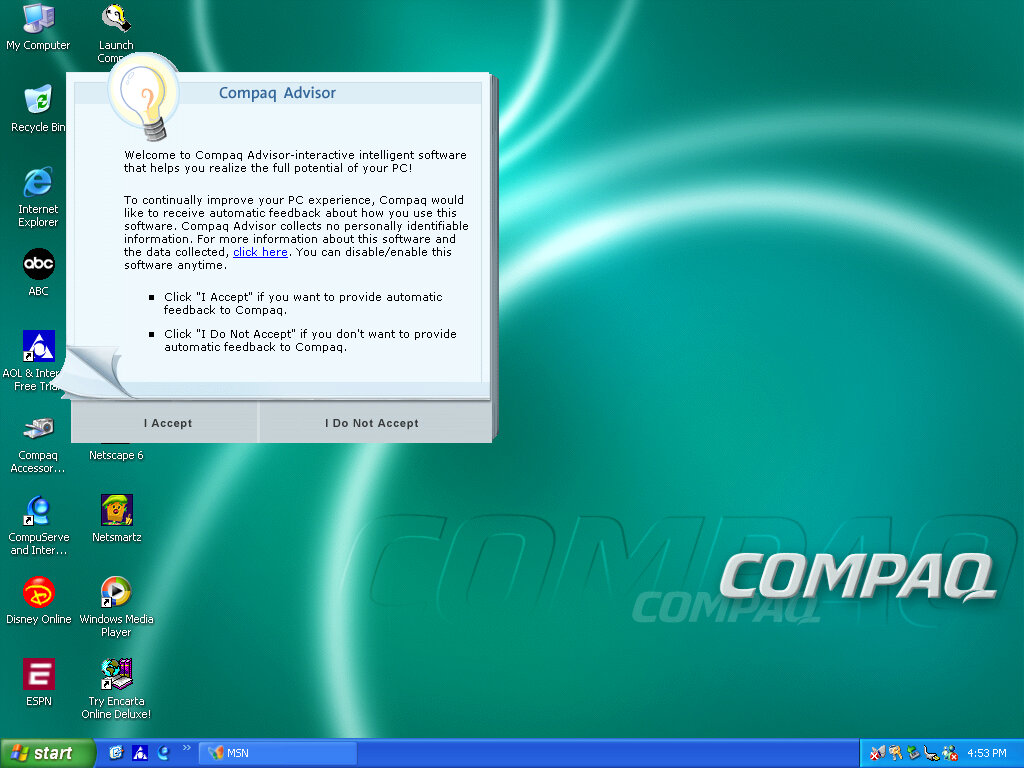
Once we cleared the BSOD boss fight we move on to the OOBE (Out-Of-Box-Experience) where we set up the system for the first time. You will notice the Compaq branding and will be informed of the Compaq Advisor, which is some sort of assistant. At this point you can also register your system, although I doubt there is much point,, Microsoft probably discontinued the registrations servers and Compaq has since been absorbed into HP.
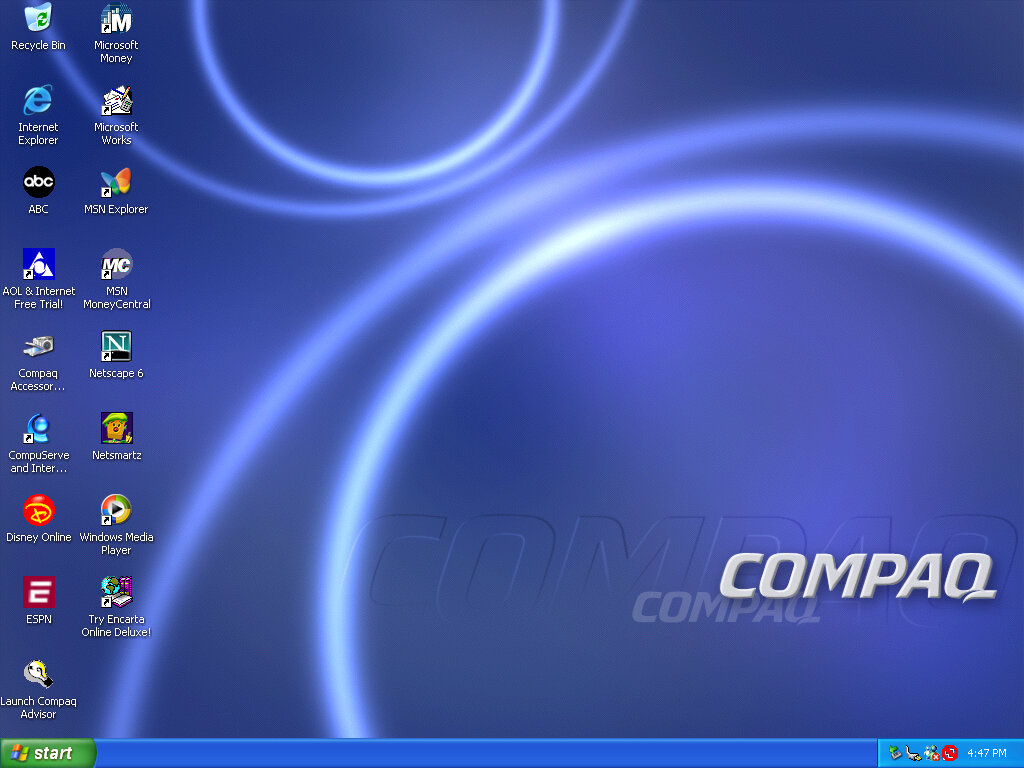
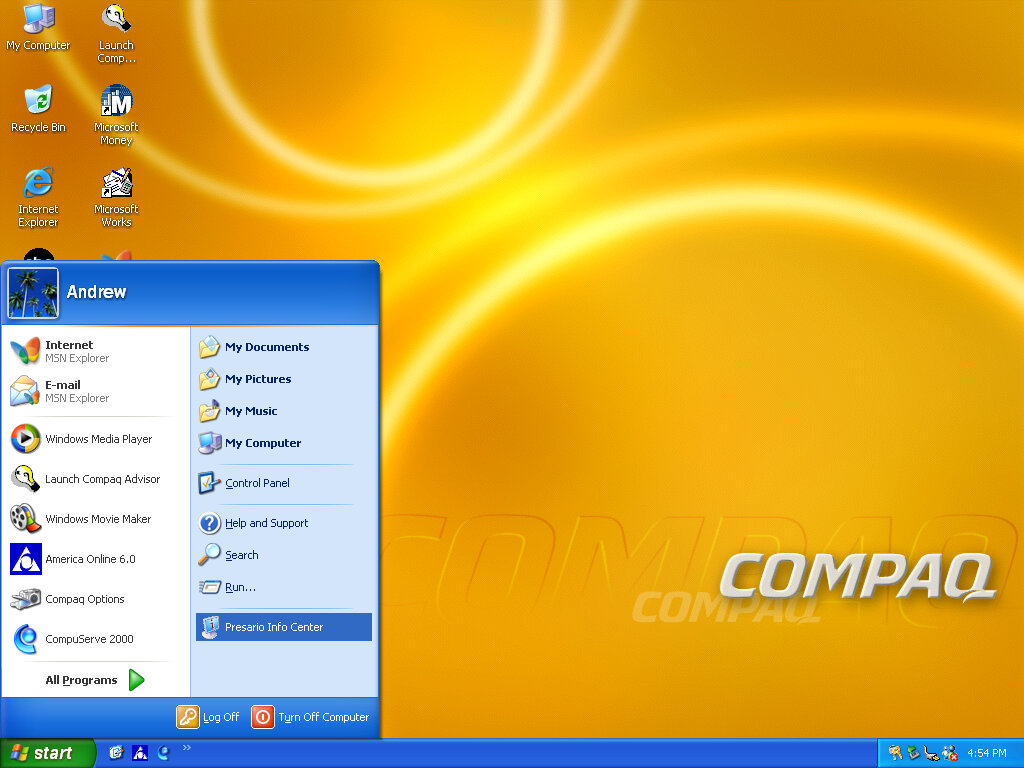
Desktop
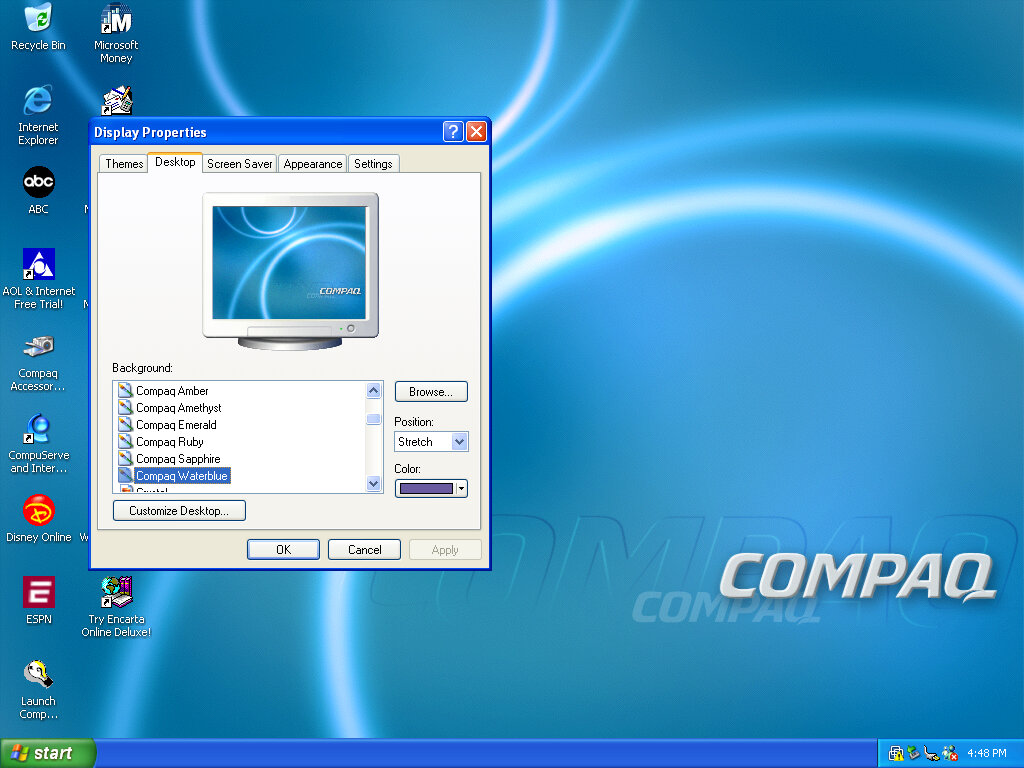
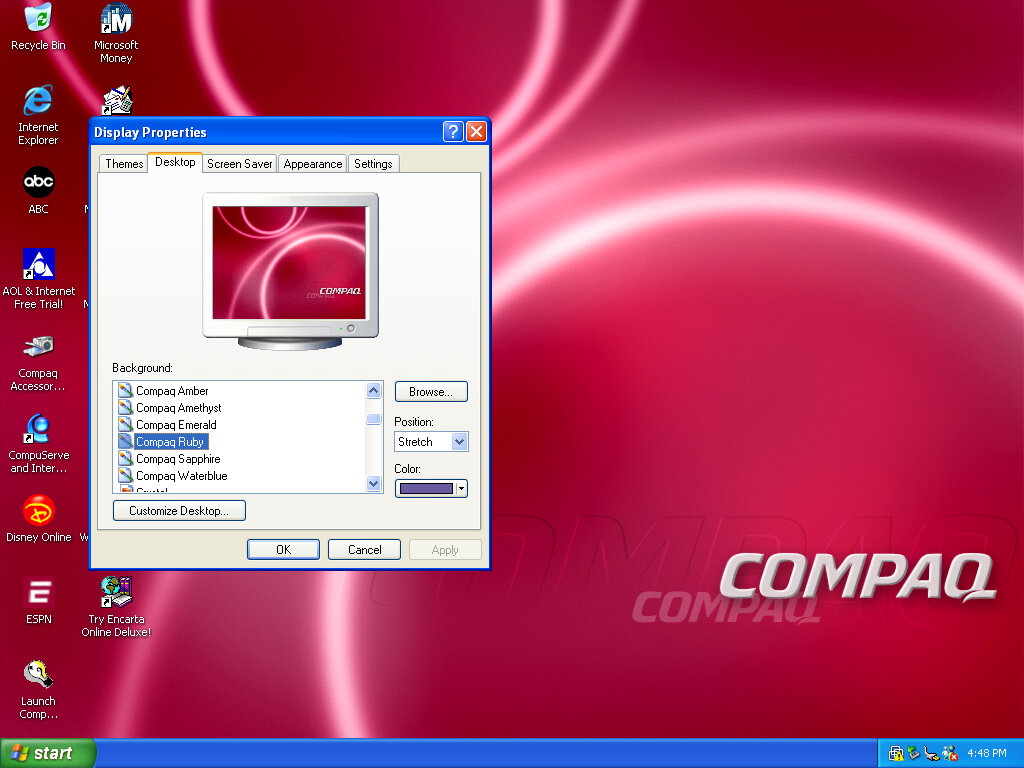
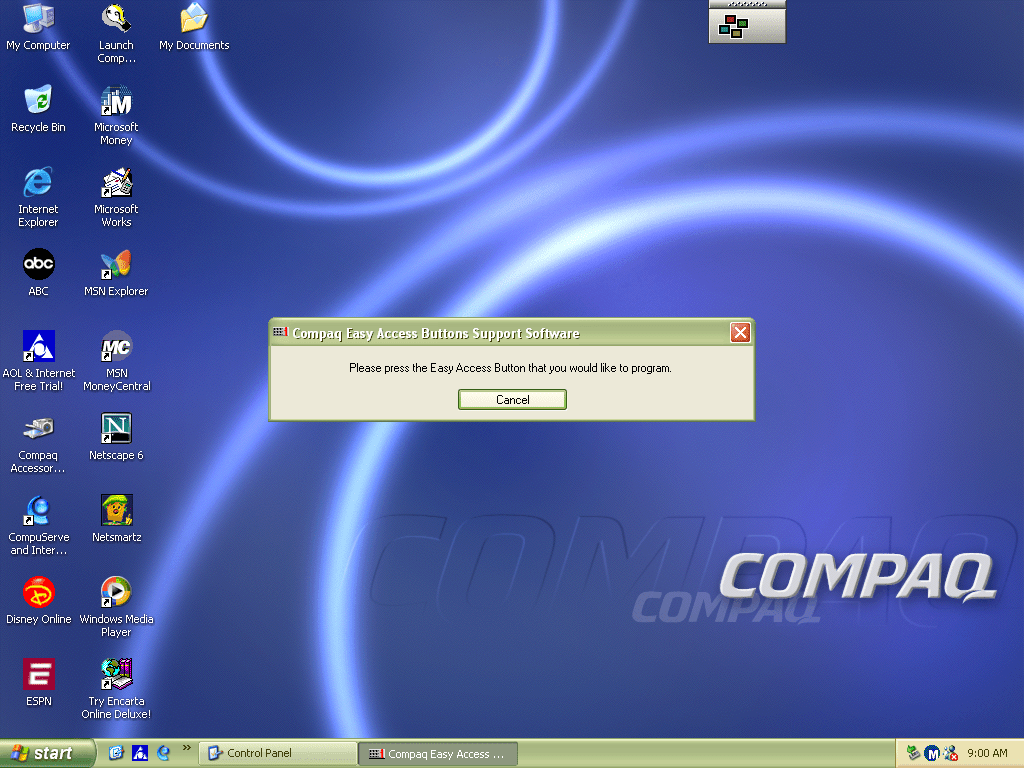
After that, we are presented with our new desktop, along with a funky wallpaper. There are several of these OEM wallpapers that are available in different colours. I’m not sure if these are reflective of the laptop itself or Compaq just whacked a few different colours for the user’s preference. It kinda reminds me of the original iMac with its various colours and shades. Of course, you also have the regular Windows XP wallpapers if you prefer.
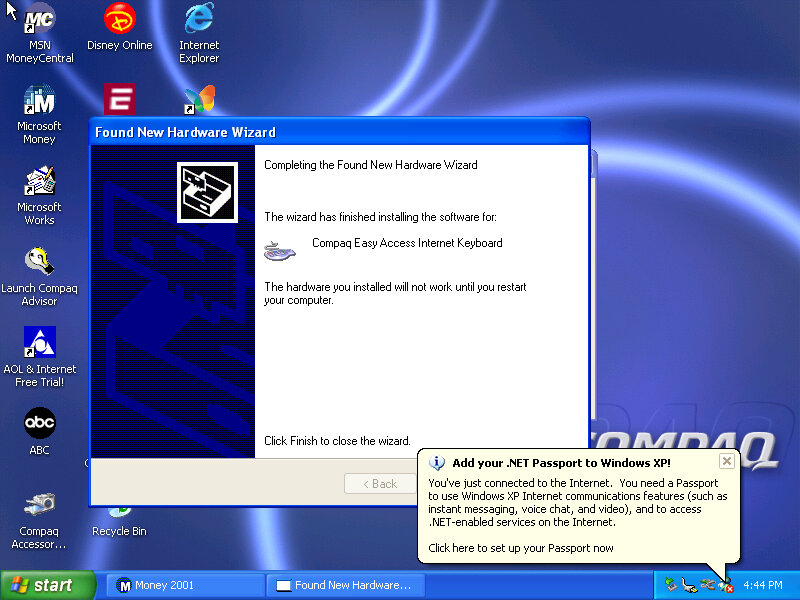
Interestingly it will try to install a driver for a Compaq Easy Access Internet Keyboard. This has little to no effect on the VMWare keyboard. On the desktop, there are a few internet shortcuts to various affiliate links like ABC, Disney,
VMWare
As this is pre-Service Pack 1 we are limited to how we can install the VMWare add-ons, the later tools require service pack 3 and will fail to install on an old Windows XP install. We can however download and mount an old version of VMWare Tools Be careful with this, as these tools were intended for the version of VMWare they were released with. I got a BSOD when trying to display one of the 3D screensavers, and had to upgrade to a later version to fix the issue.
Software
There isn’t much included, there is Netscape 6 and RealPlayer 8 bundled, and Microsoft Works and Money 2001
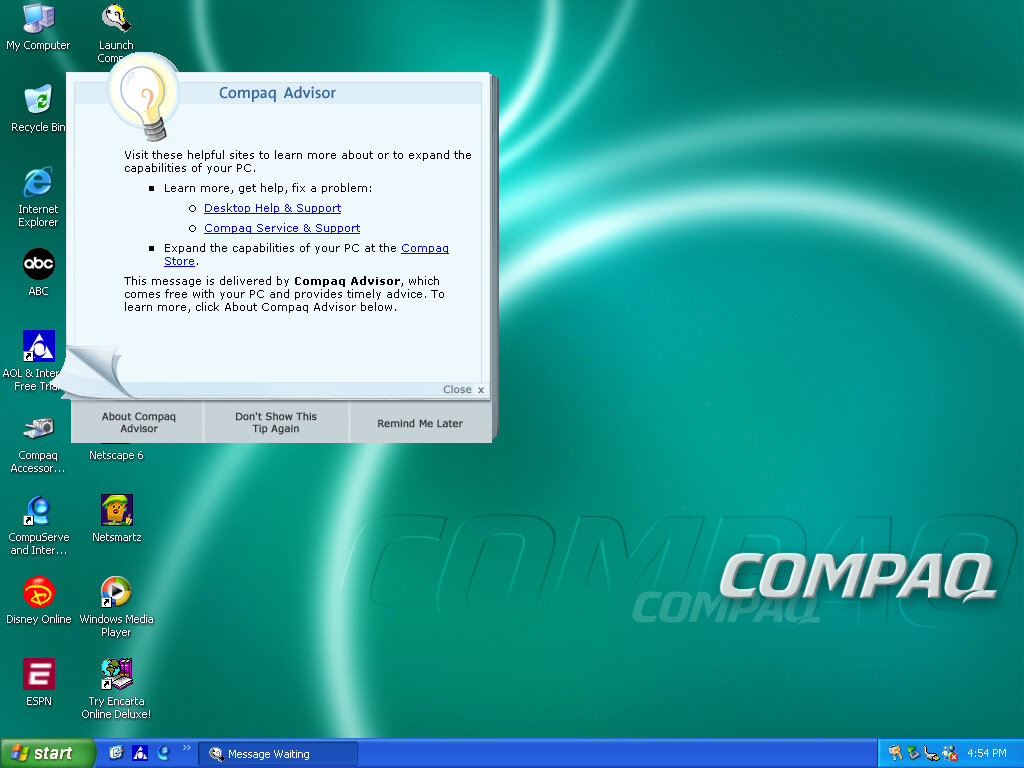
Compaq Advisor
Seems to be some sort of help/assistant program, sort of similar to the Windows Help & Support but more tailored to the Compaq-related stuff. The actual Windows Help & Support has a few customizations made to it, mainly with some Compaq stuff added.
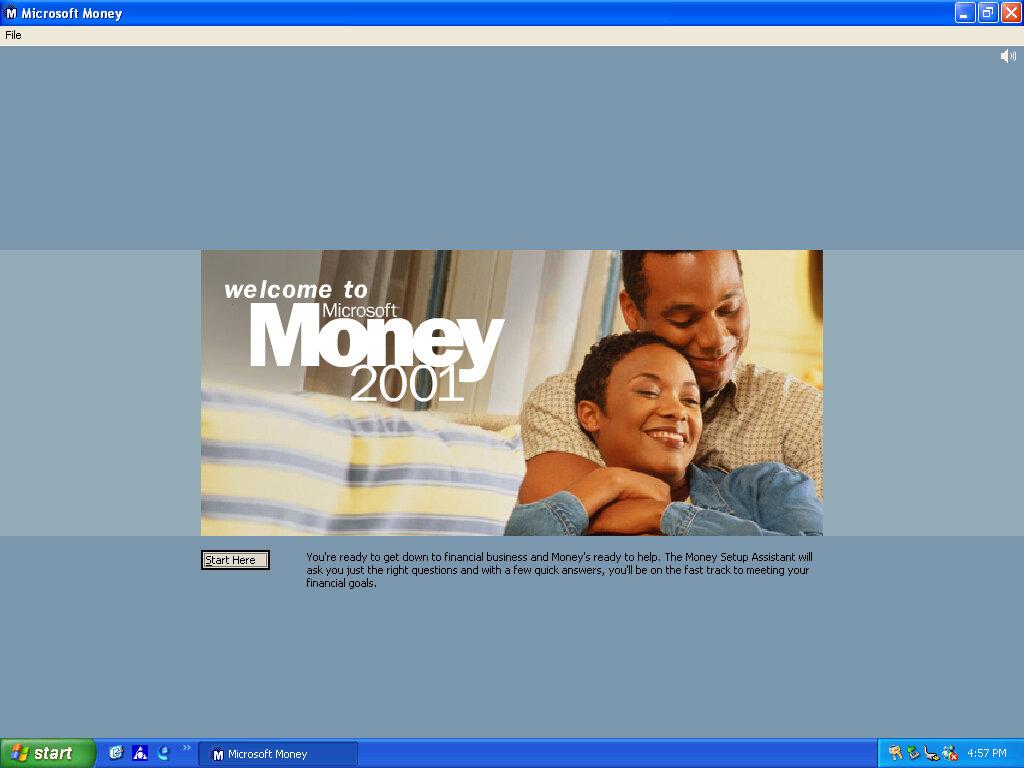
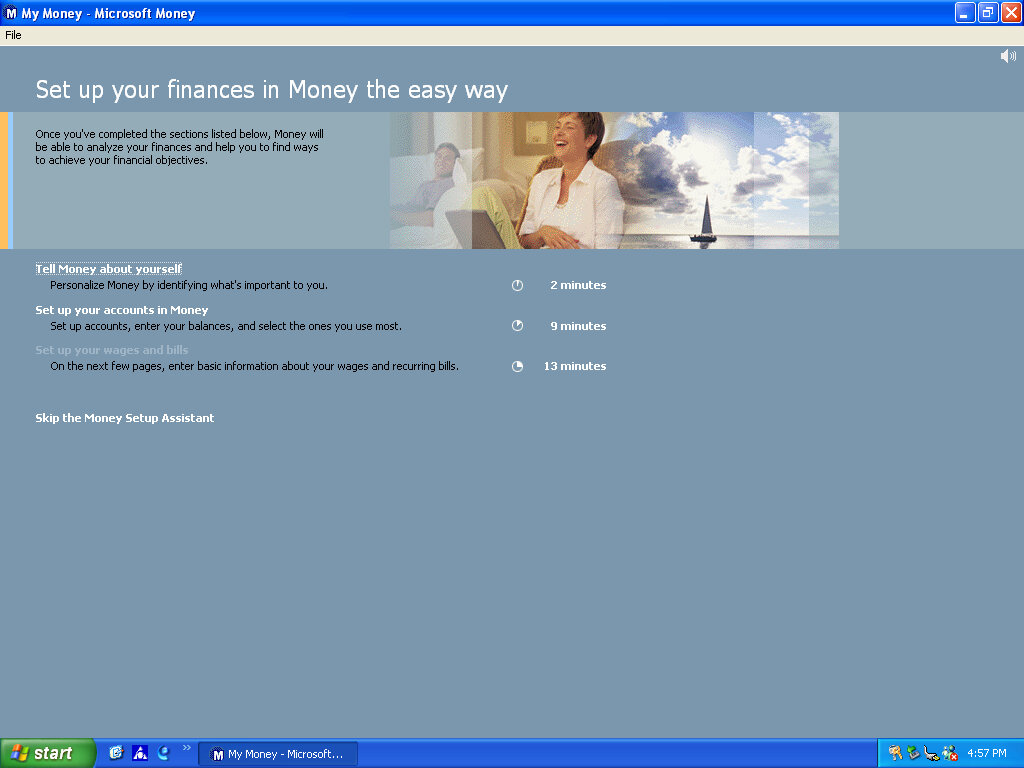
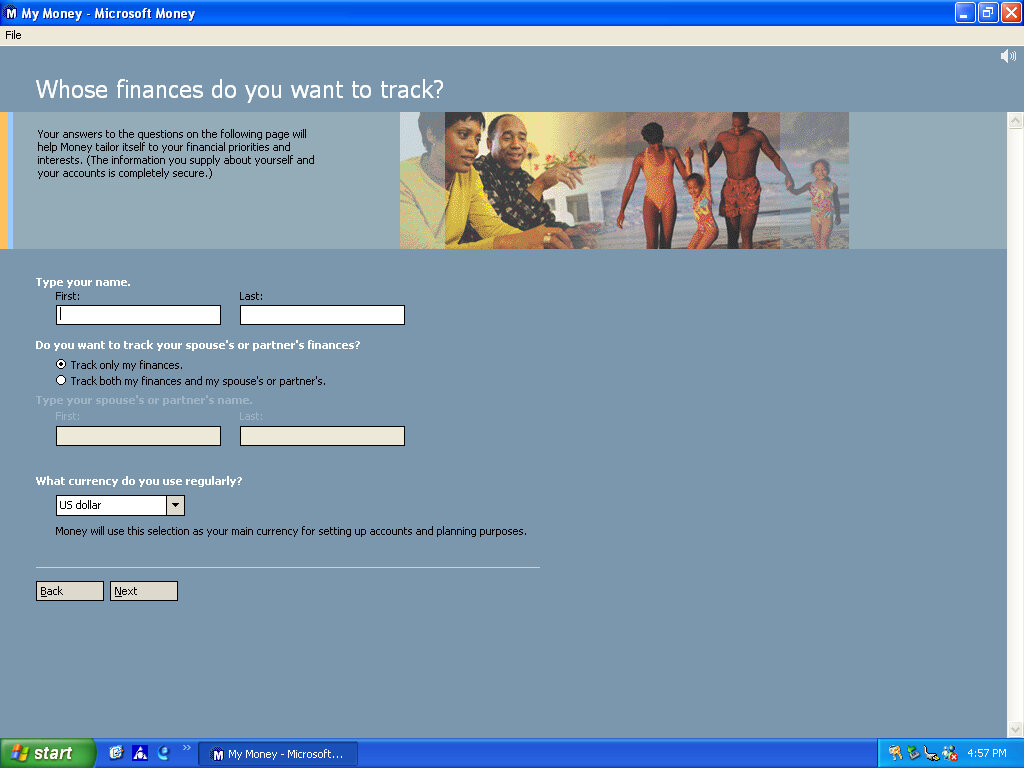
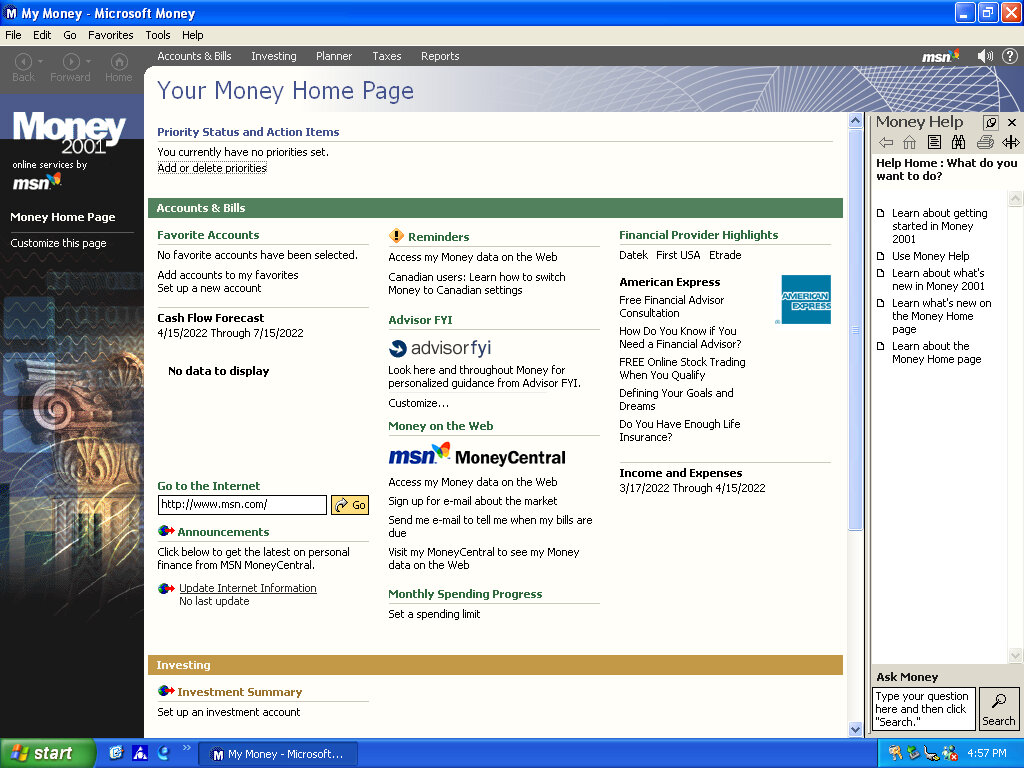
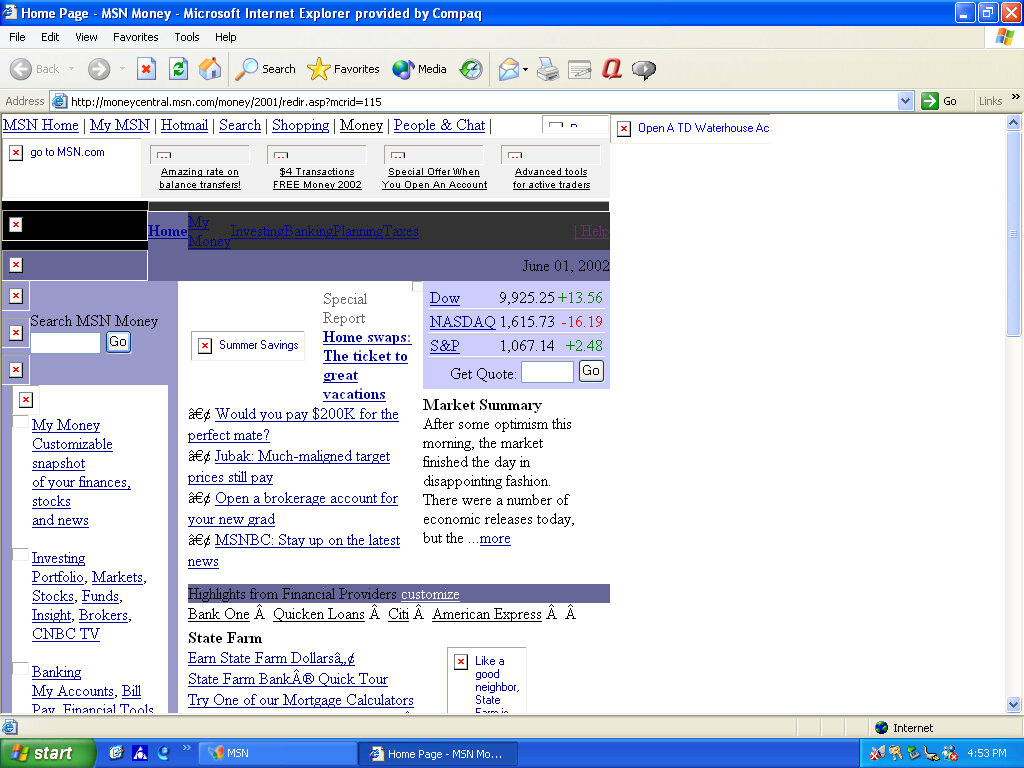
Microsoft Money 2001
There isn’t much included, there Netscape 6 and RealPlayer 8 bundled, and Microsoft Works and Money 2001
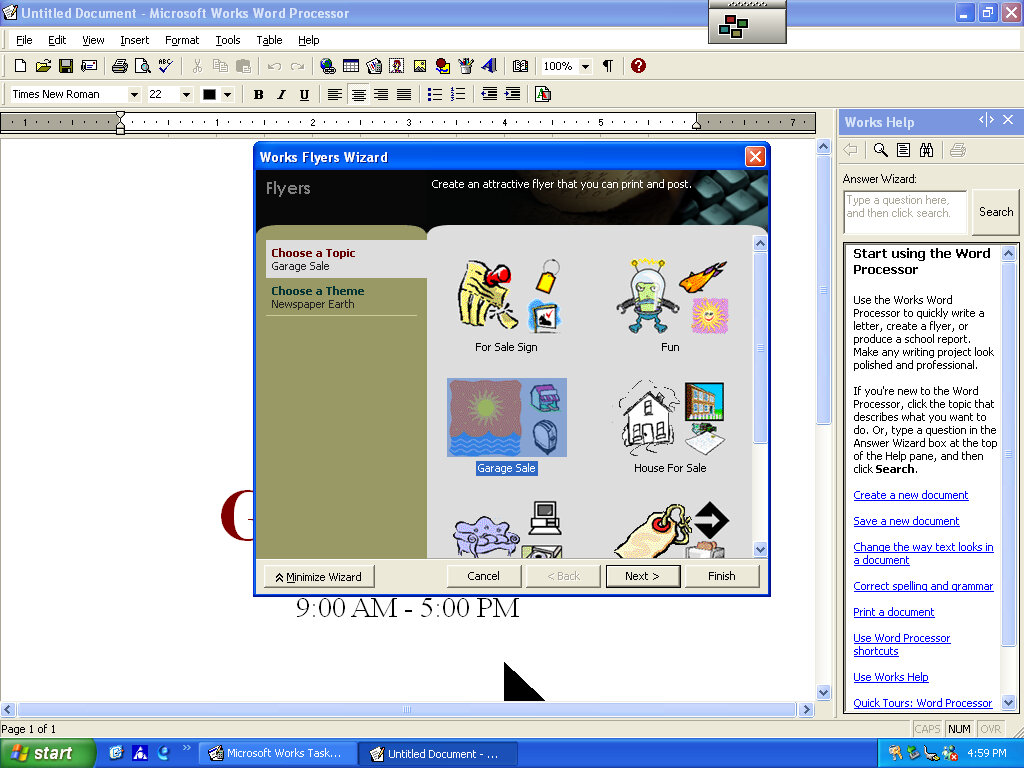
Microsoft Works
Version 6 of Microsoft Works comes bundled here, which serves as a basic productivity suite. It contains a word processor and spreadsheet software, along with a variety of templates to choose from.
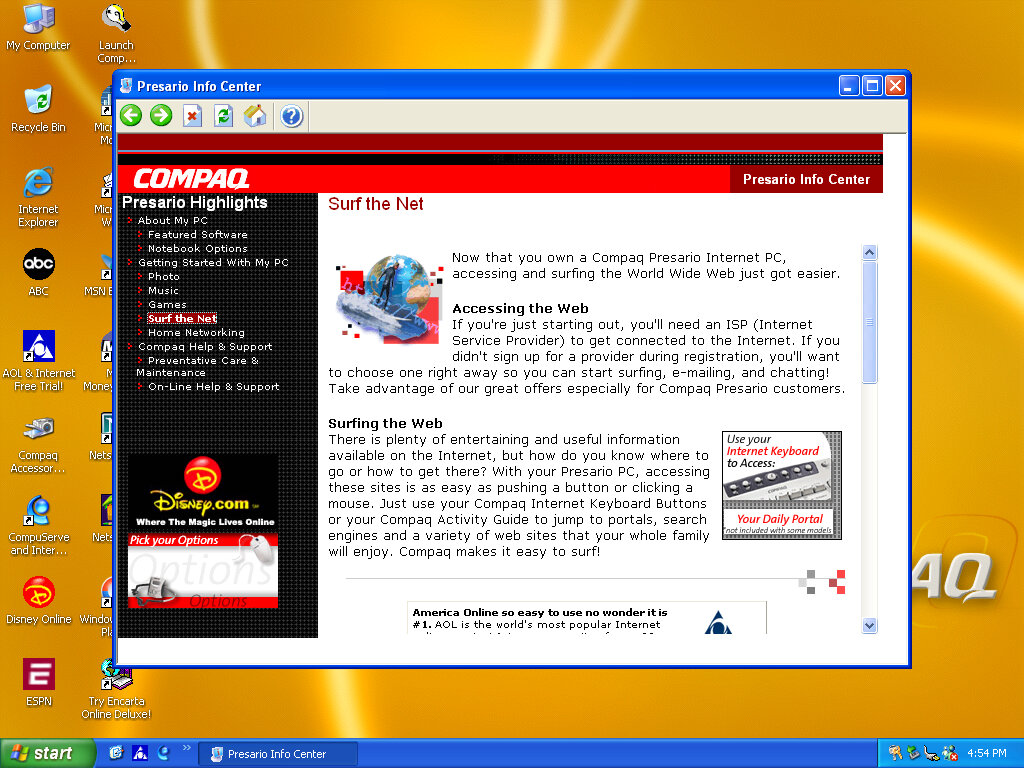
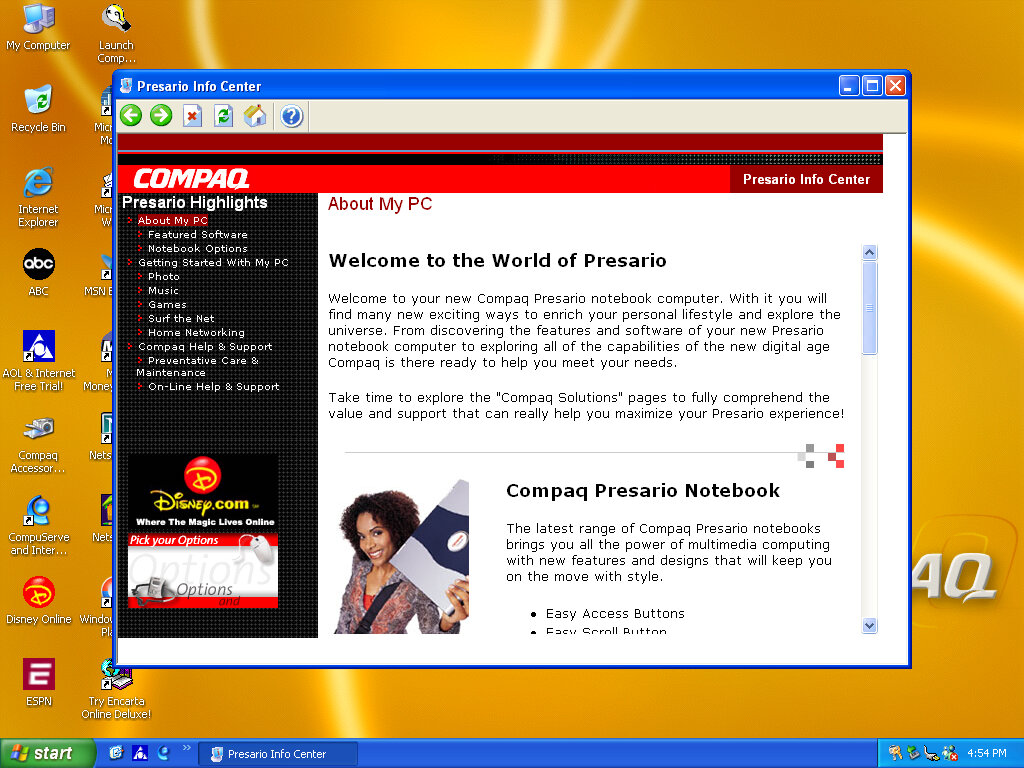
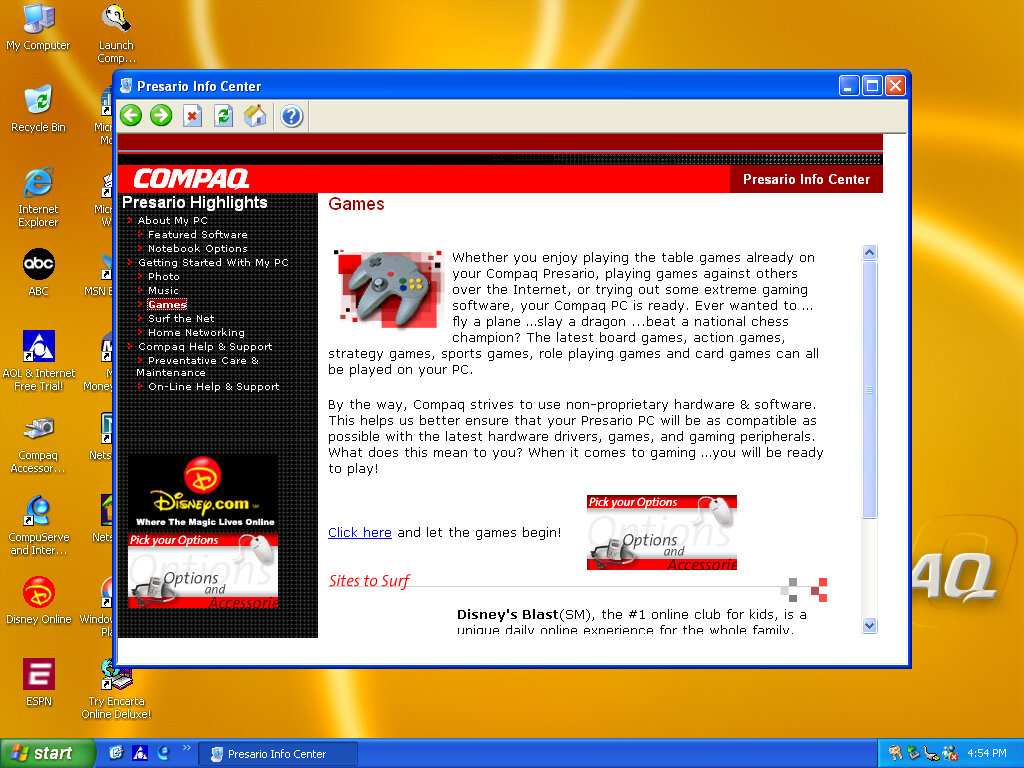
OEMLink (Presario Info Center)
Another system I’ve found to make use of the OEM link feature of Windows XP. This acts like a help center that shows the different capabilities of the PC, along with recommended software, some of which might be preinstalled with the system. Some of these are not present here so there might be another disc that includes this.
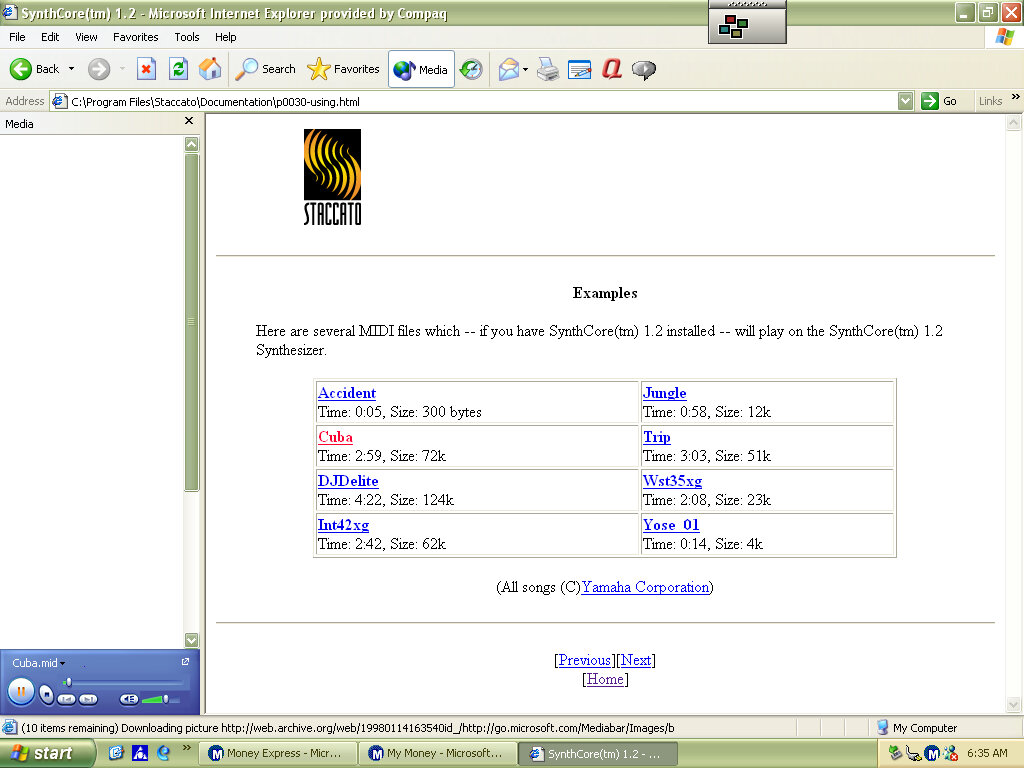
SynthCore
Also, this appeared in the start menu, it’s some sort of MIDI file samples that came bundled with the soundcard. These play normally on the emulated SoundBlaster but do not sound the same as they would on an actual system.
Control Panel
Easy Access Buttons: This lets you reassign the easy access buttons on the keyboard to open different functions
Compaq Advisor: Change settings in relation to the Compaq Advisor, appears to have been developed by Neoplanet Inc
Automatic Compaq Updates: Enables updates
SoundMAX: Opens the soundcard utility, does nothing in this VM since were using a different soundcard
We all know eMachines, and have probably used an eMachines system at one point in our lives, known for being very affordable (Cheap) computer systems for first time buyers or for people who just need a basic system. Typically found at PCWorld or Currys, These computers are typically paired with either an Intel Celeron or an AMD Durion or Athlon.
Install
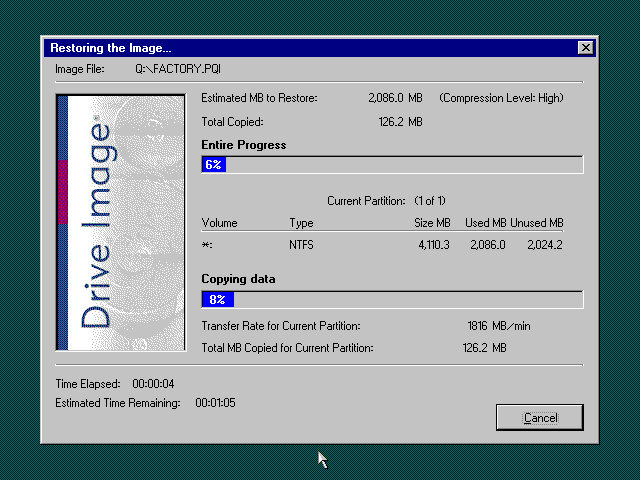
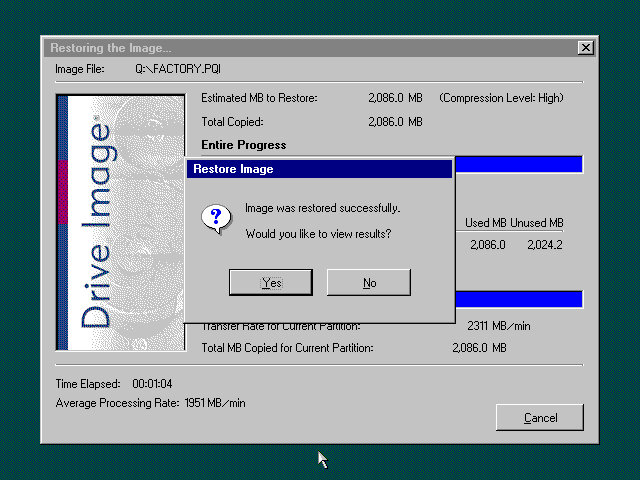
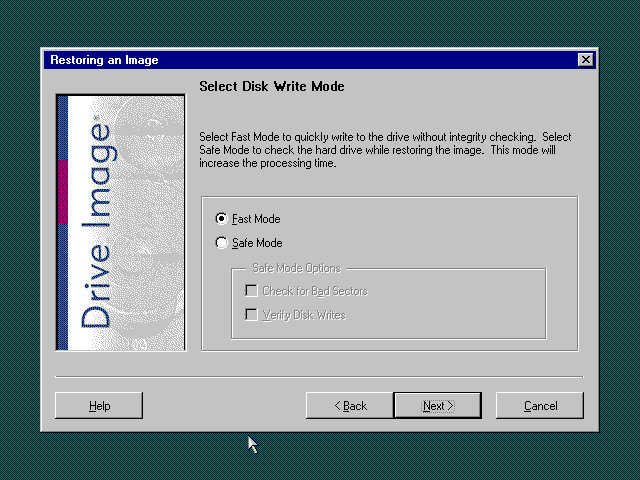
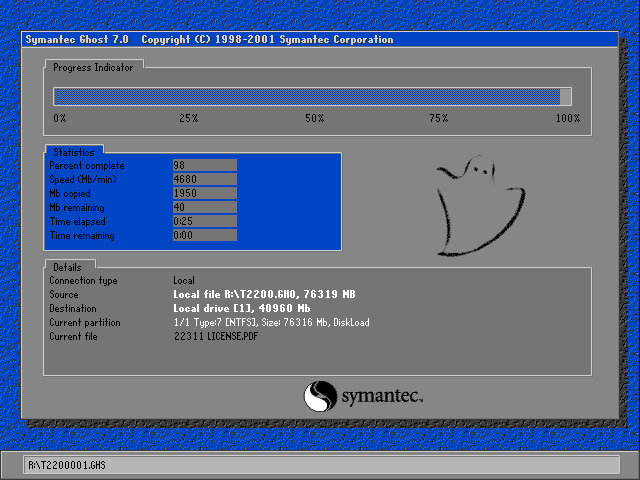
eMachines made use of Norton Ghost to operate the recovery media, this initially presented us with a Windows 9x style boot menu which gave us the option to boot into the recovery environment.
Ran into a few issues getting this one up and running. Whilst the initial restore process went through without a hitch, I was greeted with a BSOD upon bootup
Following the guidance on the archive link, I booted into Hirens and ran a script that reset the hard disk driver, which was causing the BSOD.
When the command windows open’s, choose option T first to set the target root, this is the Windows install directory (C:\WINDOWS). Just check that Hirens actually mounted it to C as it may have assigned the hard drive to another letter.
Programs > Registry > Fix Hard Disk Controller
Programs are located in the Hirens Program launcher, Not the start menu
Alternatively, navigate to the CD-ROM root and go to HBCD\Programs\FixHDC.bat to launch the program
After a reboot, we were able to boot into Windows and progress through the OOBE section, which has some eMachines customizations.
OEMLink
The start menu here has an OEM link which I’ve rarely seen on Windows XP systems. This is an option that can be selected in the Windows XP start menu that takes you to online OEM information.
Realtek AvRack
Some sort of bundled media player that makes of the sound cards processing functions, none of these are functional under a virtual machine since it emulates a different soundcard. I was able to play a regular MP3 file but none of the effects would work. These would have included echo and voice pitch changing effects
AIM AOL Instant Messenger
Another popular instant messaging application, this was supposedly popular in the US, but didn’t take off in the UK where MSN was more popular.
ICQ
ICQ was a popular instant messaging program before the likes of AIM and MSN Messanger took over. Each user would have a unique ICQ number. I personally never used it myself since it was already obsolete when I first heard of it (2004) and barely anyone I knew had an ICQ account.
McAfee
Bundled antivirus software, this also comes with a firewall bundled. Sadly this version can no longer be updated and we are stuck with virus definitions from 2002.
Although once you enable the firewall, be prepared for endless connection alerts whenever you open a program or even do anything that uses its own socket.
Winamp
A popular media player bundled with this system. A little redundant with Windows Media Player, unless Winamp is capable of playing a file that WMP cannot.
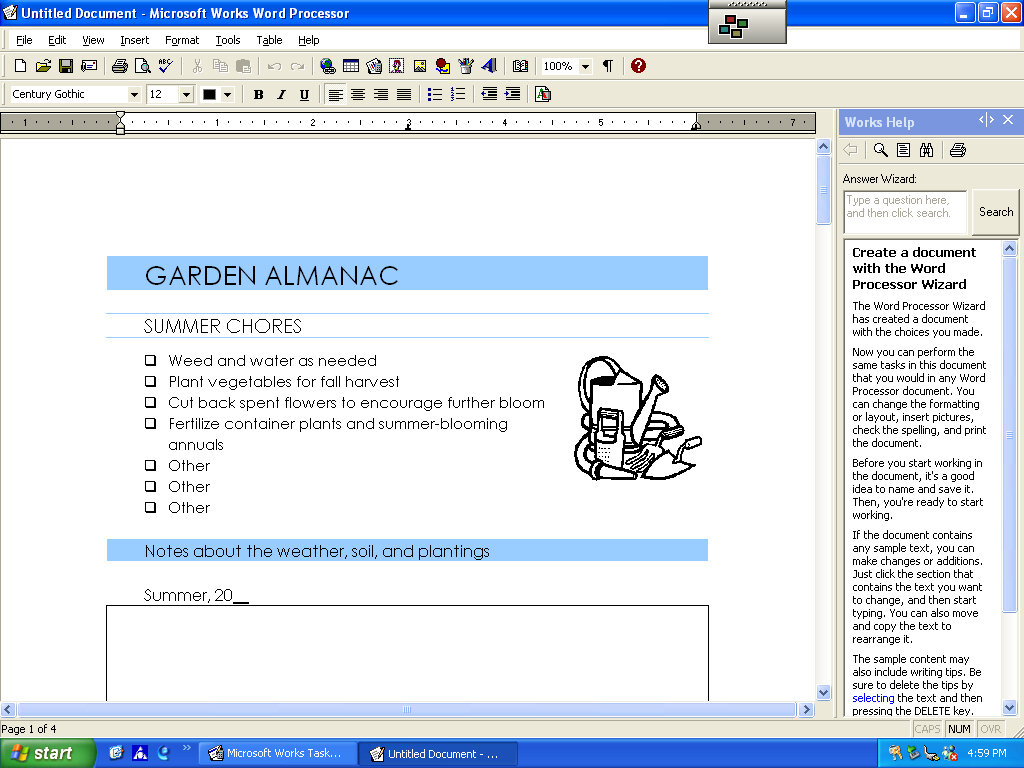
Microsoft Works
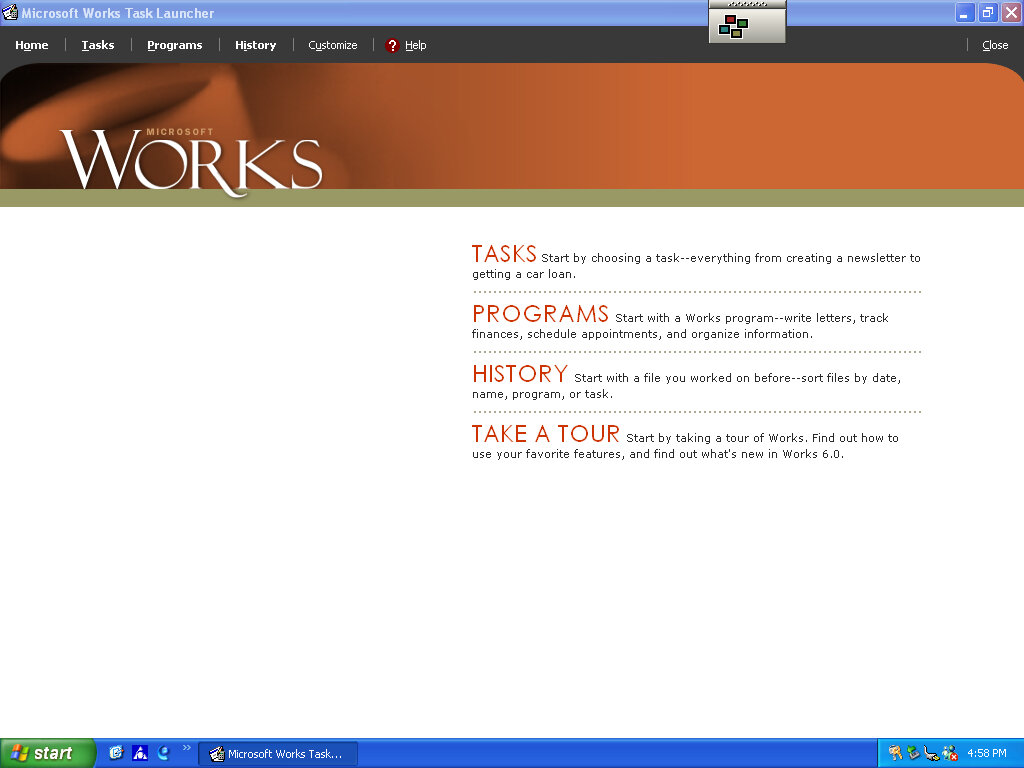
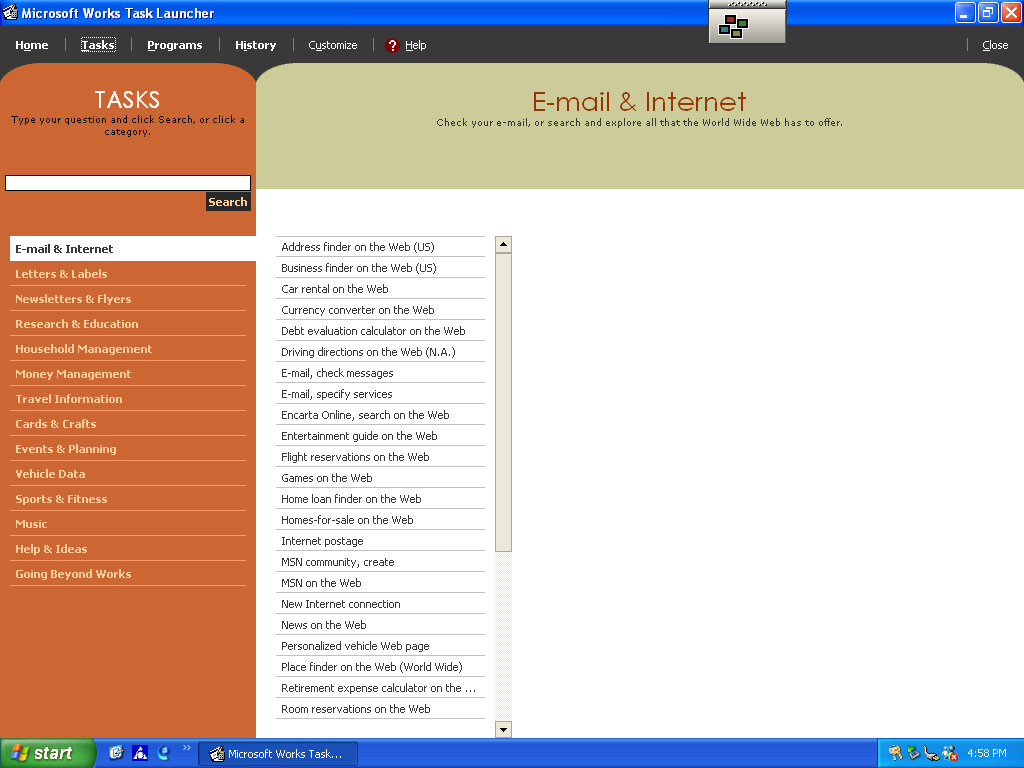
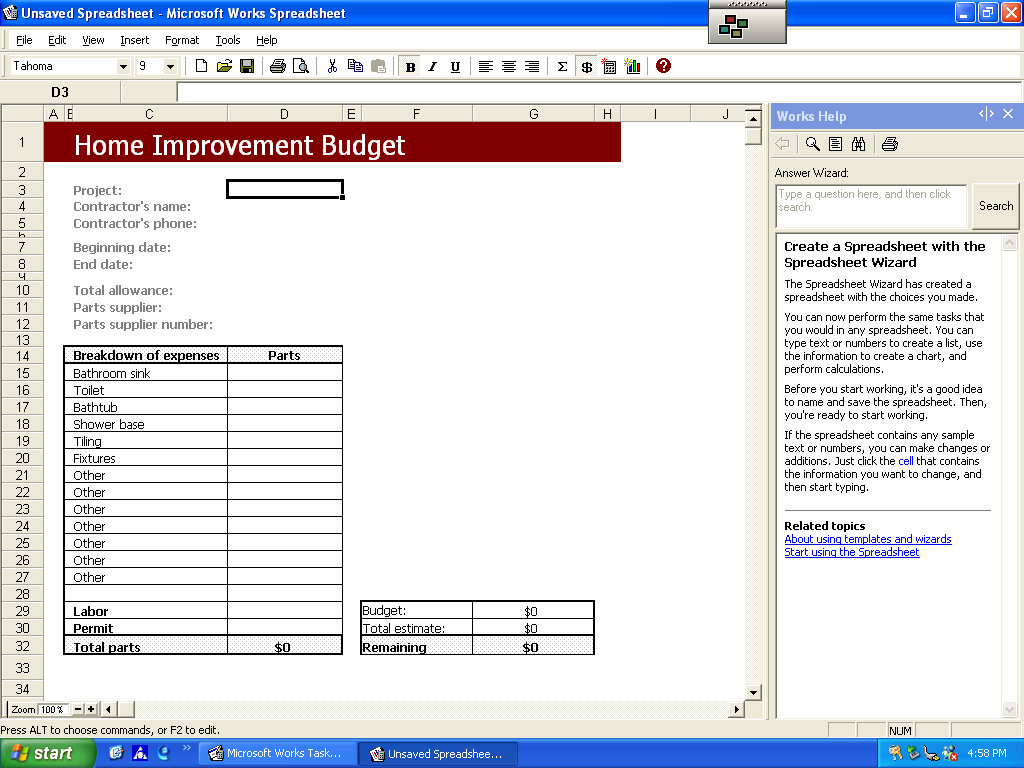
Microsoft’s entry-level productivity suite that provided a word processor, spreadsheet software, and a basic database. To make the program more user-friendly to use, a a task launcher is used to open various elements of the application since this is designed to appeal to users who are not familiar with office productivity software. Here a user can select from a list of tasks they wish to complete, and Works will open the correct template for them.
Some of these are very specific like coaching a sports team or planning a family reunion. Some of these are quite useful, there’s a template to create a fitness log using a spreadsheet that helps keep track of your workouts, or if you want to keep track of road trips.
Microsoft Money
Money 2003 – used to organize your finances and bank accounts, back in the early days of internet banking. Nowadays most banks offer something similar online.
Cyberlink PowerDVD
PowerDVD is software intended to allow DVD video to be played, it was commonly bundled with PCs that came bundled with a DVD drive. Although I’m sure Windows Media Player is capable of doing the same thing so this software would be redundant?
BigFix
Appears to be a utility that monitors your PC’s performance, and is preinstalled from the CD. There are also links to eMachines technical support. In normal operation, it will notify you if a software update or patch is available and will prompt you to install it (It does not install automatically). Although if Windows Update is enabled then this kind of redundant, possibly that would have checked for driver updates also?
BigFix was later acquired by IBM and was renamed IBM Bigfix.
RealPlayer
Realplayer was a popular way to stream video over the internet since it was cross-platform, supporting both Windows and Macintosh.
Compuserve
Another internet service provider provided its own software to access its services.











































 Drew1440: Blog