Tag Archives: SonicStage

Sony OpenMG Jukebox

Sony’s first digital music player, and the introduction to ATRAC3 on the Windows platform.

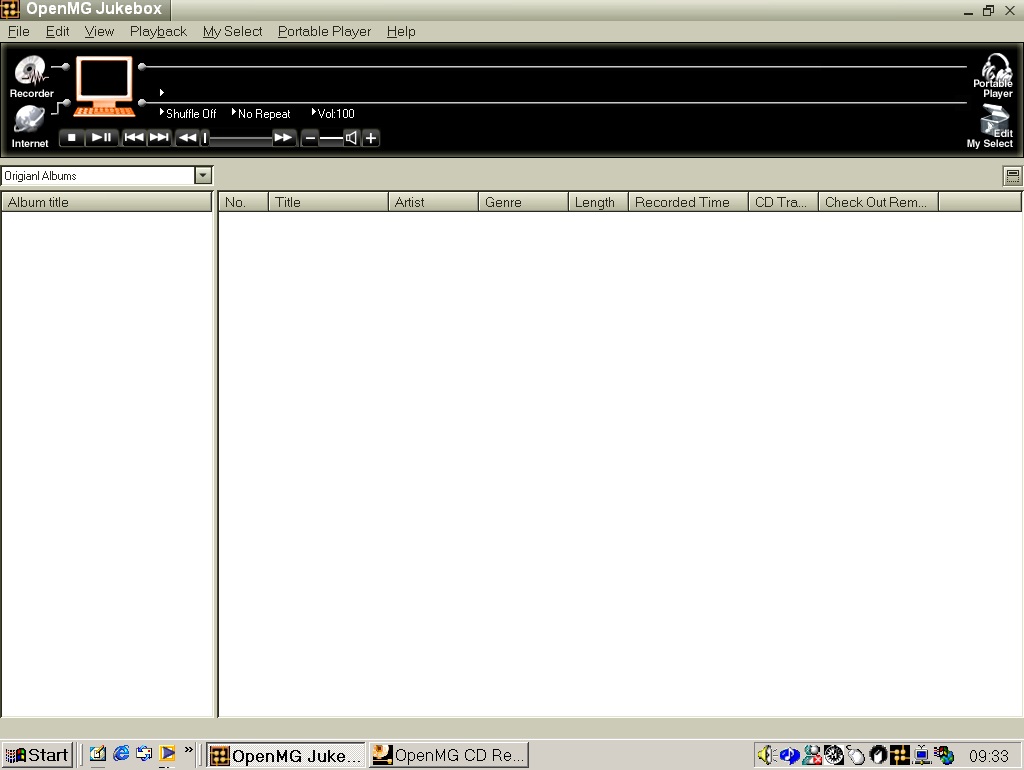
The interface appears rather conservative in comparison to other media players, and later versions of SonicStage. Here we have access to the Recorder, which allows you to rip music from audio CD’s. with the Internet button opening a link to Sony’s now defunct online store.
You also have the standard playback controls along with the system volume control.
The portable Player button doesn’t do much since we don’t have an era appropriate Walkman/VAIO device. This would have been used to transfer and check out music – more on that later.
The Edit My Select button let you create a custom playlist of songs, although the software will refer these as ‘Albums’. The program will differentiate between proper albums as ‘Original Albums’ and your custom playlist as ‘My Selections’. Yes, It does appear there is typing error within the application.

Getting the music
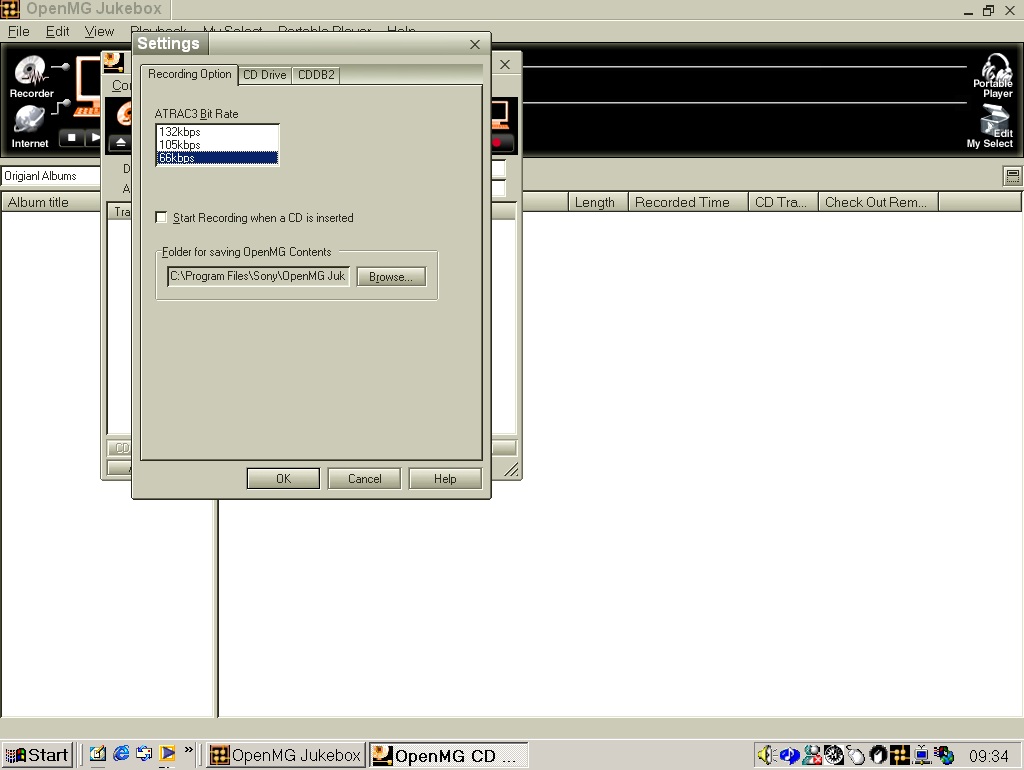
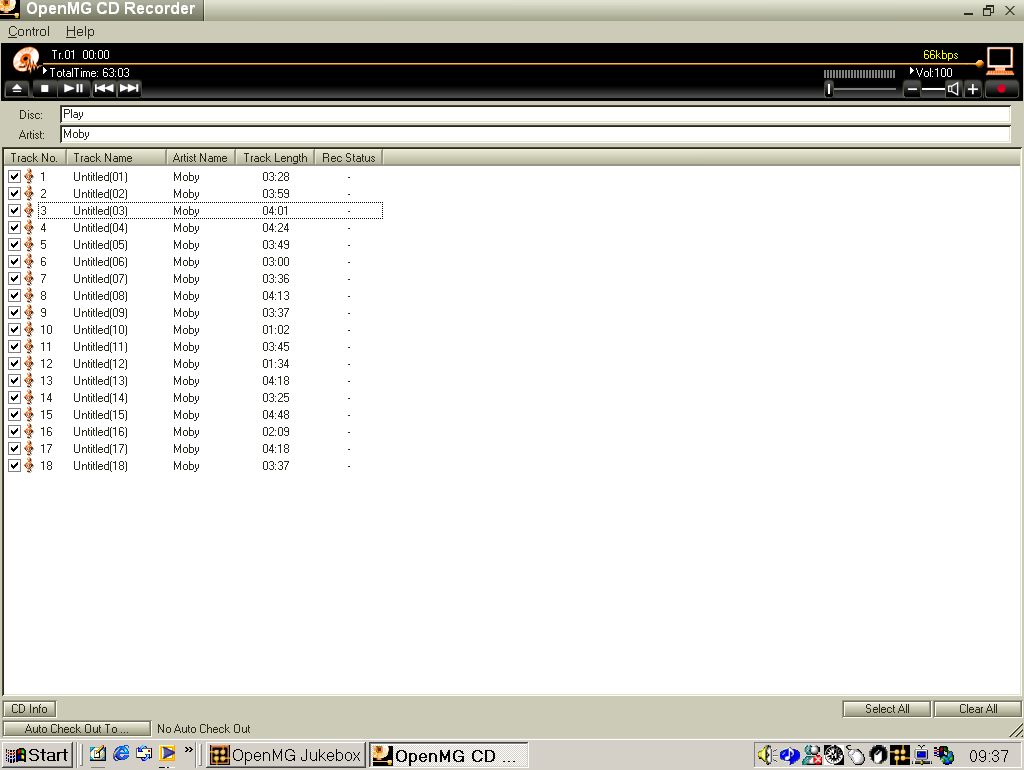
Before we can record from a CD, OpenMG needs to check the CD drive. I assume this is to check for possible noise since many CD drives were still using analogue audio for CD audio playback Here we can import our music in ATRAC3, and only ATRAC3. You do get the option of three bitrates, 66k, 105k and 132k.
CDDB lookup was supported, but is no longer functional.

When ripping a CD I encountered issue when attempting this using the VMWare passthrough from my Internal SATA drive, even with the ‘Legacy’ option enabled within VMWare. The workaround was to use an external USB optical drive and have it passthrough the VMWare USB stack, which present the device directly to the VM. From there I was able to import the audio CD.
What is ATRAC3?
This was Sony’s updated codec intended for use with their later revision of Minidisc Players (MDLP – Minidisc Long Play), which is more efficient and offers slightly better compression than compared to MP3 which was the main codec that ATRAC3 competed with.
There is no ATRAC3 is the second revision of ATRAC (That was used in the original Minidisc), although it’s branded as ATRAC3, likely to compete with MP3

Oddly, music imported is saved to the program Files directory, not the Documents or the My Music folders. Within the ‘Packages’ directory there are various different ‘Trx’ folders that contain single track, followed by a procfile.bin which is possible related to the DRM Sony had used. Tracks are saved in the OMG file format.

In regard to how ATRAC 3 compares to MP3 and WMA encoders of the time, at the same bitrate (64k) ATRAC appears to resample drums a lot better, with the WMA versions sound more compressed. If I had to put them in order, it would be ATRAC3, followed by RealAudio cook, WMA and MP3 last.
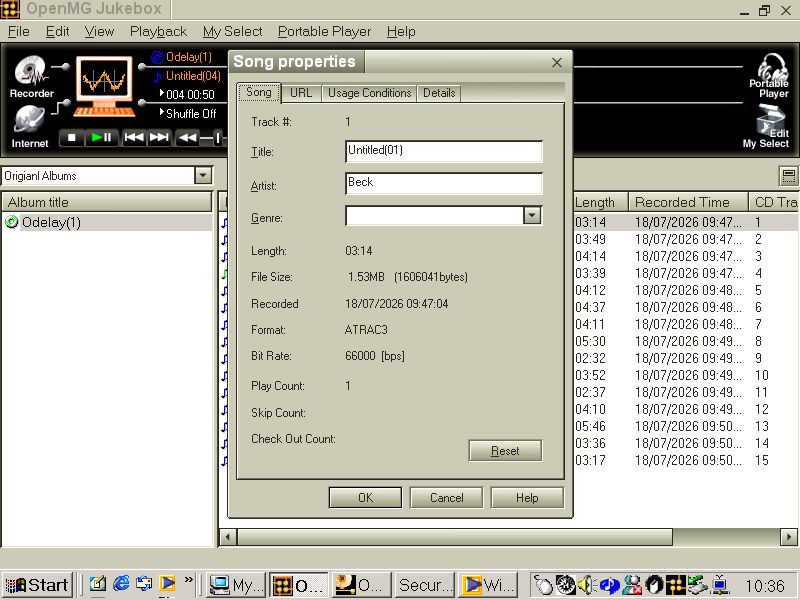
Checking In & Out

To curb the potential of piracy, Sony employed a checking system where if a song is transferred to one of your supported portable players, It is marked as checked out. You were limited to how many times you could check out a single track, however if a track was checked out you could still continue to listen to he music on the host PC. Songs could be checked back in if you wanted to transfer to another device.
This did tie the track to the Windows install and if you had to reinstall Windows or perform factory reset, it wasn’t possible to restore the song back to your PC as the main encryption key was lost. This was seen as necessary by the music publishers, when digital music piracy was starting to take off.
In comparison to the Fairplay system that iTunes had use, the OpenMG system was seen as more restrictive. Apple did let you have up to five authorized computers, and there was no limit of the amount of iPod’s that you could transfer the songs to, providing the computer that you are transferring from is authorized to do so. One restriction however is that you couldn’t transfer a song from the iPod back to the host PC, even if that PC was authorized.

The digital music landscape of 1999 is defined by uncontrolled copying, unauthorized distribution, and widespread piracy. As a hardware manufacturer with deep relationships across the music industry, Sony must demonstrate that its portable devices cannot become vectors for mass duplication, considering Sony also has a presence in the music publishing industry itself.
The check in/check out system is the most reliable way to enforce these rules. It ensures that ATRAC content is always tied to a specific PC and cannot be freely duplicated across multiple computers or devices.

Digital files can be copied infinitely with no degradation. To prevent uncontrolled proliferation, Sony must ensure that only one active master copy exists at any time. From their previous experience with DAT Cassette, being able to make a near perfect digital copy of a song was seen as a huge problem for piracy. The three device limit will be seen as quite limited, especially if you have a family that has multiple Walkman’s that you intend to share music with.

Sony later allowed you to remove the OpenMG protection from OMG files in later versions of SonicStage and the checking system was abolished.
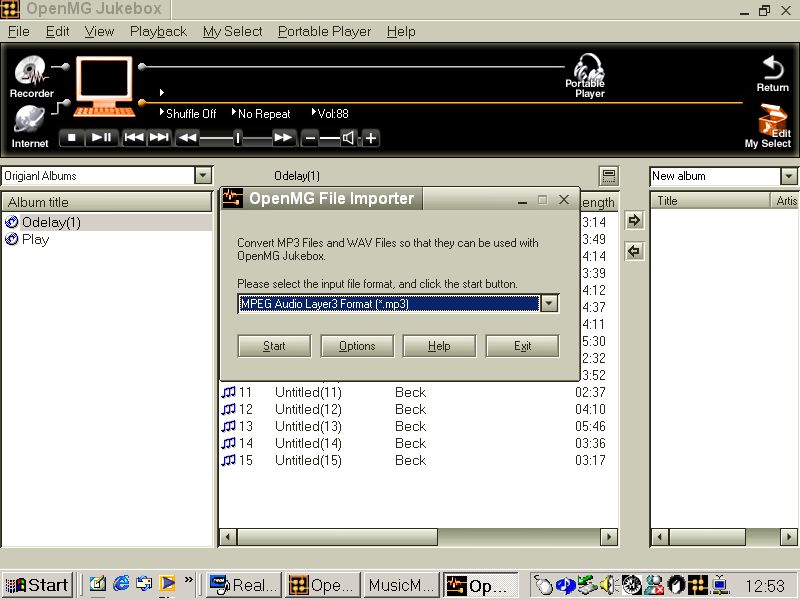
Lastly you can import and convert MP3 and WAV files for use with the program and to transfer to your portable device.

Sony only released their music software on Microsoft Windows, with no Macintosh version of the software. Reverse engineered third party tools would later follow that allowed for transfer for mac and Linux systems, however standard MP3 players would become more popular, Many that didn’t feature such restrictions.

Sony would continue to develop their OpenMG Music management software, which would be rebranded to SonicStage, which would support hard disk and flash memory based Walkman’s.

Sony VAIO PCV-RD620G

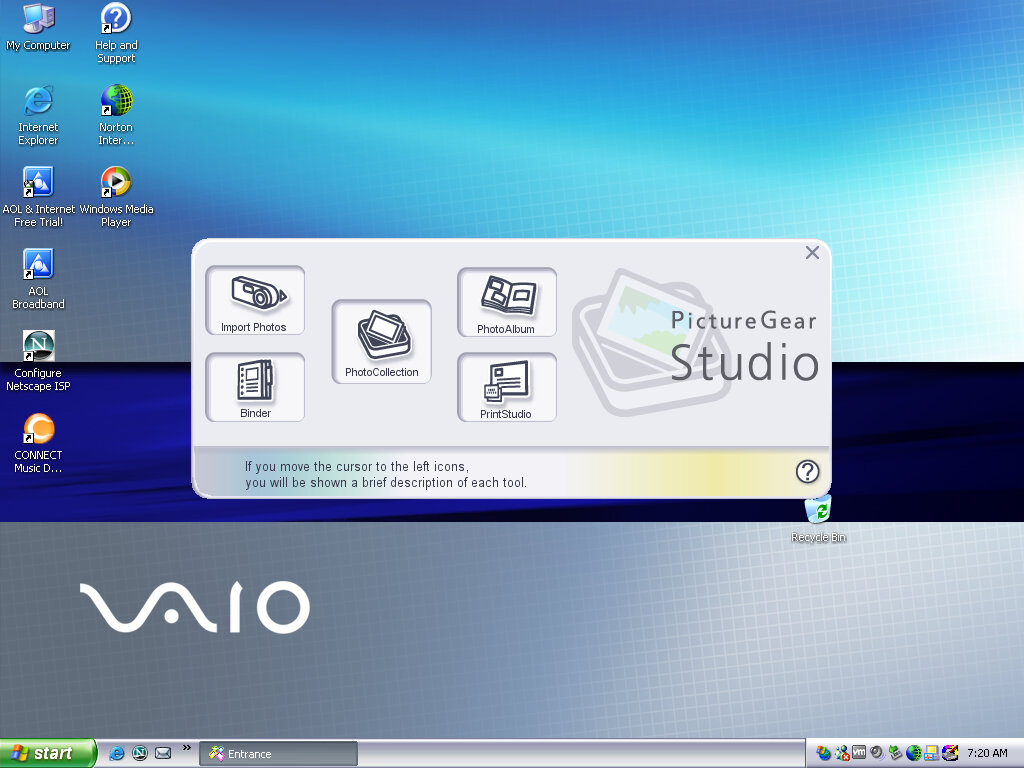
A mid-2003 desktop PC that functions as a media center of sorts, and features dual optical drives (CD burner with a DVD reader) and remote control with an IR receiver. Some models featured an analog TV tuner and a dial-up modem fitted to one of the PCI slots.

VAIO Style

Recovery Wizard

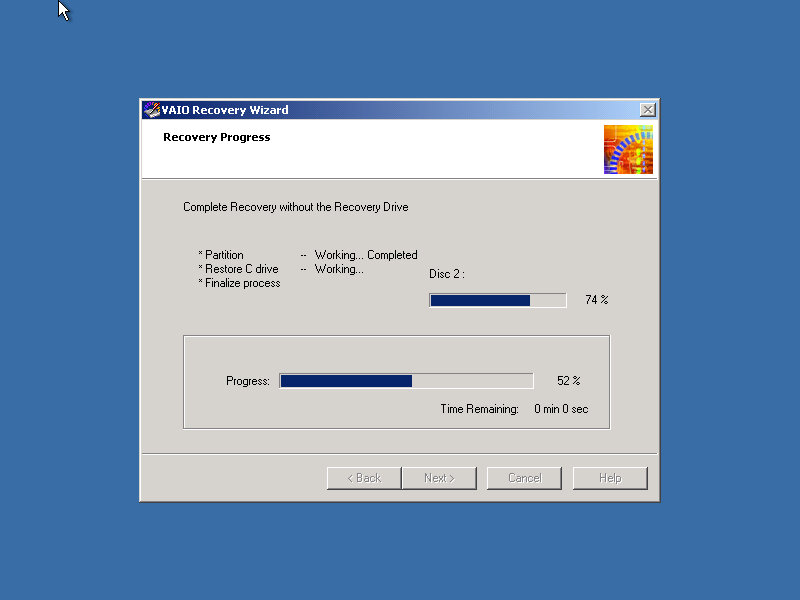
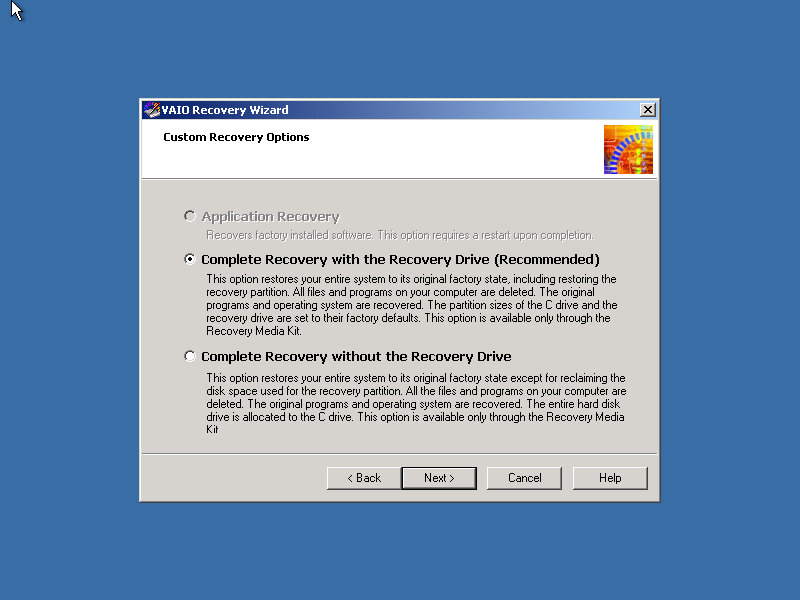
Our VAIO journey starts with the Recovery Wizard, which takes us through the formatting process.
Remarkably it looks like a Windows 2000 environment.

Post Install

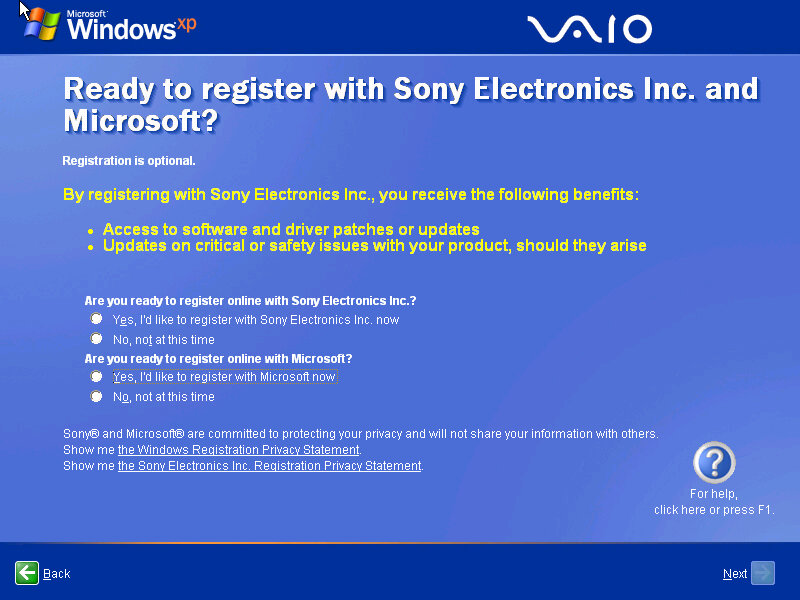
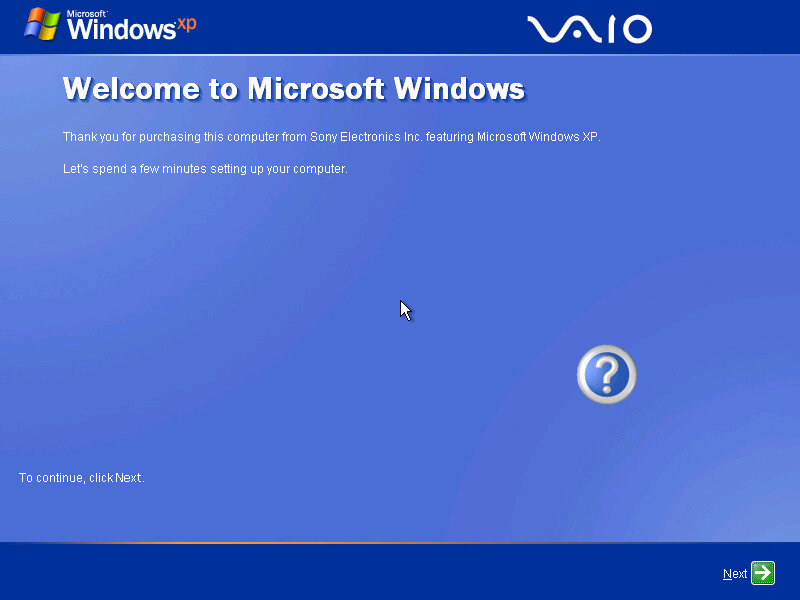
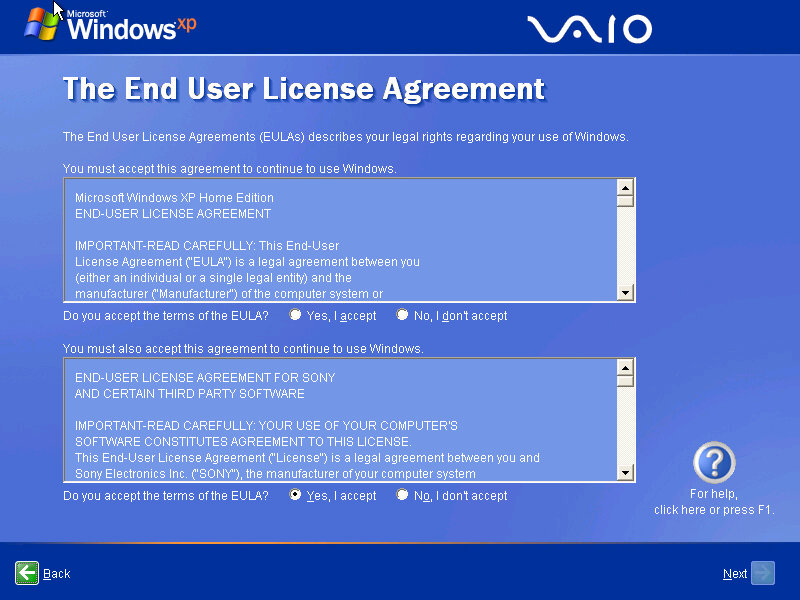
The Sony-branded OOBE, which presents the opportunity to register with Sony and Microsoft.

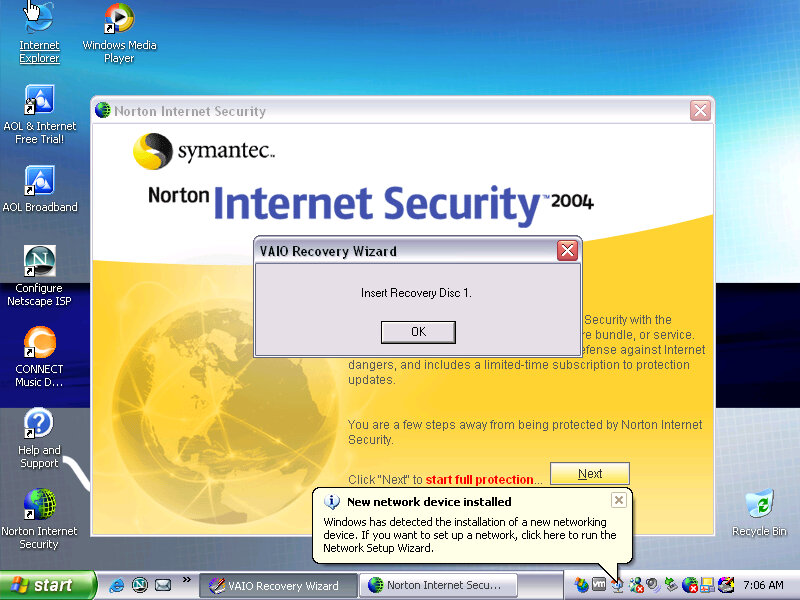
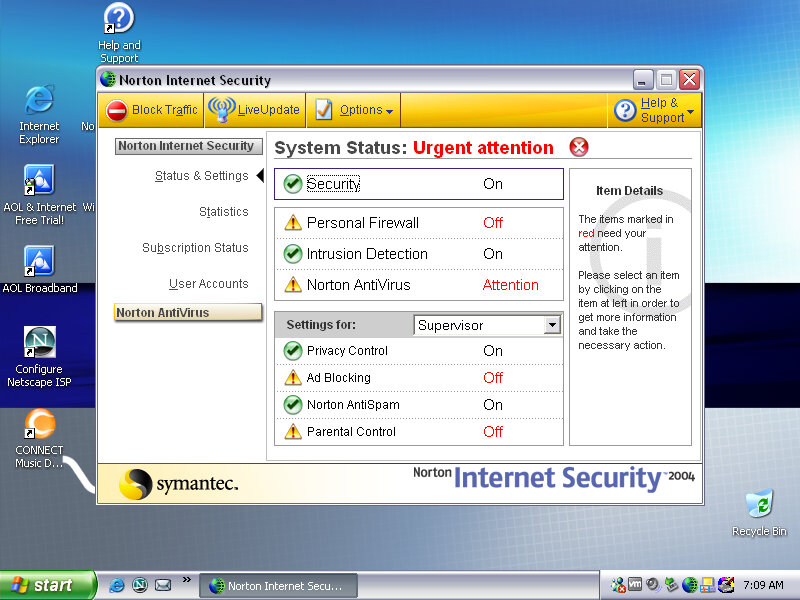
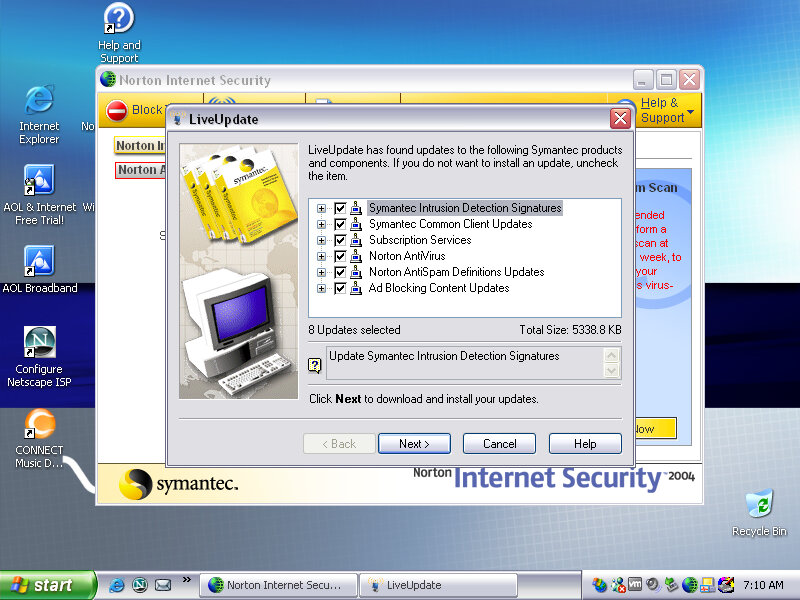
Norton Internet Security comes bundled with the laptop which provides virus protection for a year since it is activated, along with a firewall. Norton also integrates itself into Internet Explorer, providing popup protection. It also appears within Windows Explorer itself.

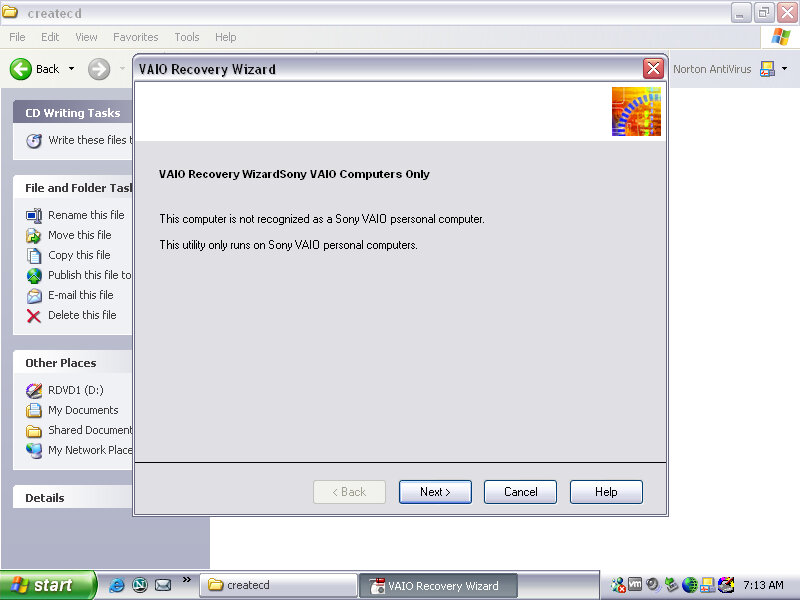
After the first bootup, we are prompted to insert one of the VAIO recovery disks, these are tied to the machine and will not work inside a virtual environment, and rely on different copy protection

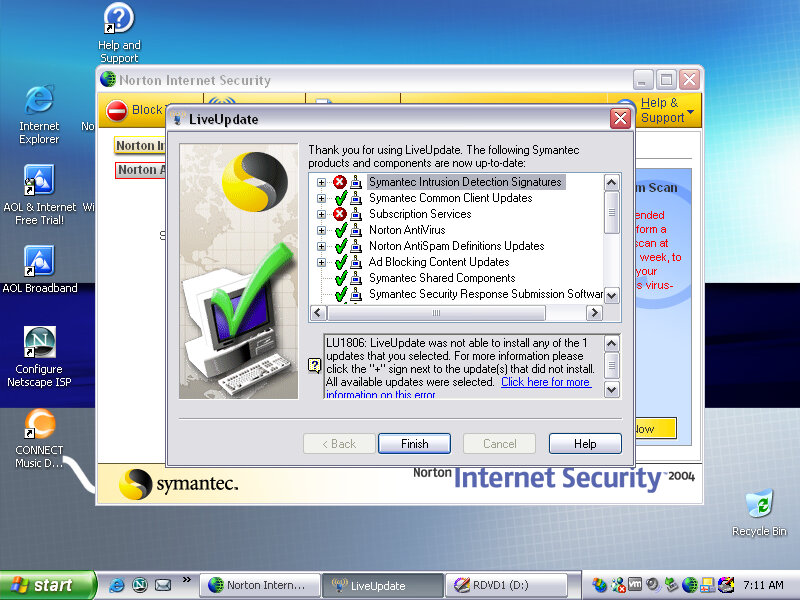
Interesting, Norton seems to be able to pickup and download a few updates, considering this product is nearing 20 years old that’s quite impressive. But I doubt these cover the latest virus definitions, Norton possibly still operates the server that holds these aged definition updates.

There are a few programs missing since the final part of the recovery wizard specifically checks that you are running on a Sony VAIO PC. I wonder if this checks for the exact model, or if there is just the Sony string in the BIOS, would this work for other Sony models?

SonicStage

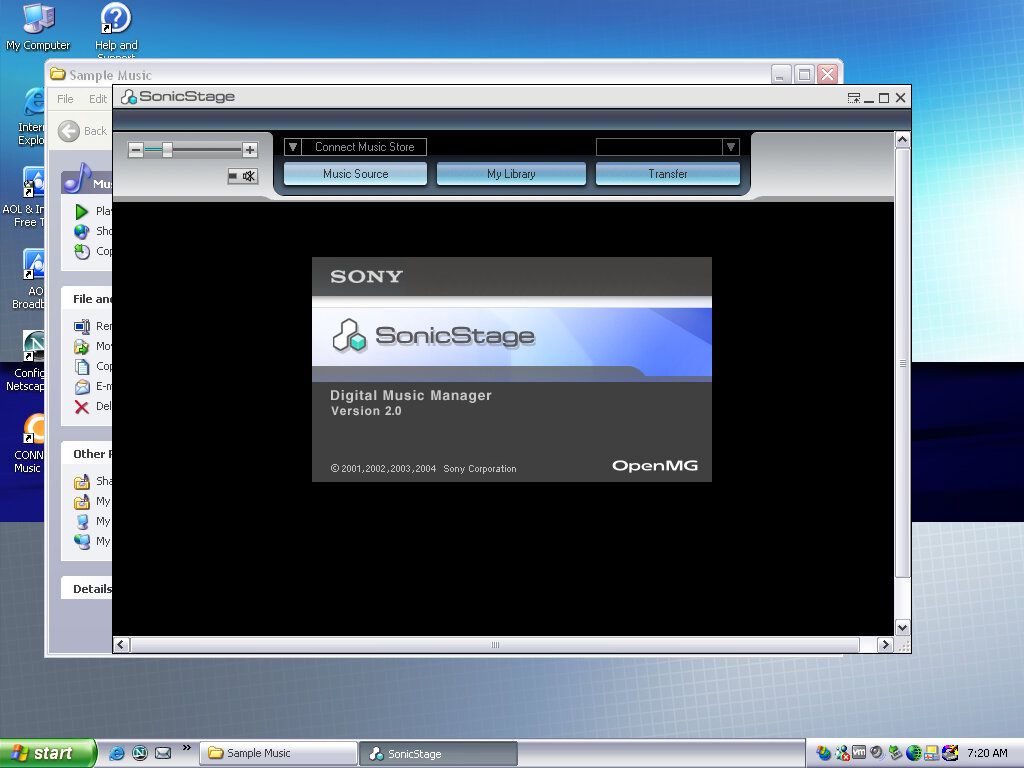
SonicStage was the software used to manage and playback Sony’s ATARC format audio, which was their own property audio format that was initially used on the first MiniDisc models, and was later used for their Walkman digital music players. ATARC was more efficient than MP2 and MP3 at higher bitrates but compared less with AAC or WMA. ATARC was also only supported on Sony products, and even then not all of their electronics supported it, Sony Ericsson phones in Europe had no support for ATRAC, and neither did the first PlayStation or the PlayStation 2, with the PS3 introducing support for the codec.

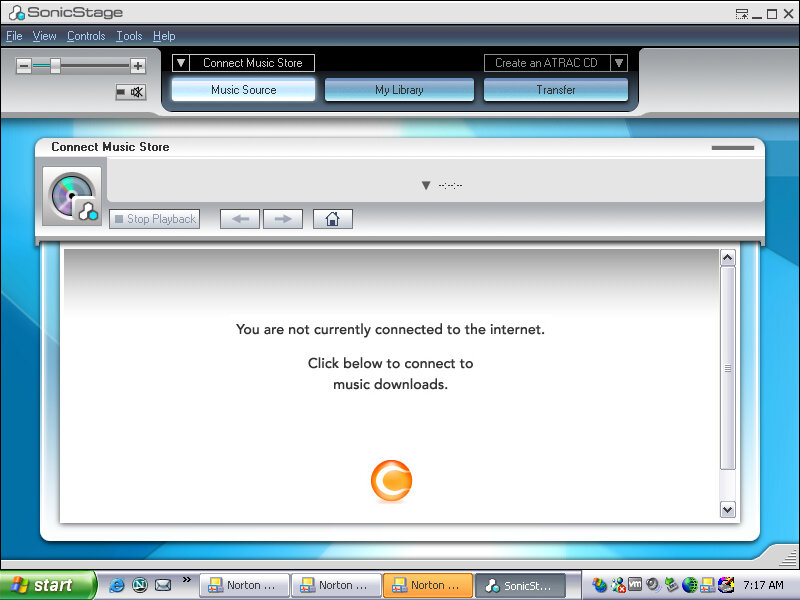
SonicStage was very similar to iTunes in concept and acted as a way to play purchased songs from Sony’s CONNECT store. As these files were protected by DRM, an account and correct authorization was required to playback the songs purchased by the user. SonicStage could also sync and transfer songs to supported Walkman players, and only Walkman players.

This was during a dark period of time where record companies insisted that much purchases online had to be digitally protected using some form of DRM, which meant purchasing music from one vendor would mean you could only play that track on software or a device that the vendor had support for. This meant music purchased from iTunes could not be played back on a Walkman or a Microsoft PlaysForSure device without burning it to a CD, then reimporting it as MP3 or whichever format the program and device supported, basically the analog hole.

Was it any wonder people turned to piracy?

DRM free music stores later came about, and many vendors eventually started offering DRM free downloads for their songs and all was well. Then the music industry went one step further and insisted streaming was the next best thing, meaning you no longer owned or had direct access to music, instead of being steamed from the cloud for a monthly fee.

As for Sony, the CONNECT store closed down in 2008, and Sonic Stage was discontinued and replaced a few years later with MediaGo, which was mainly intended for the Sony PSP but could work with compatible Walkman devices. Sony would later try again in the music market with Quircity, a streaming playroom before being rebranded to PlayStation Music, and then been killed off in favor of Spotify on the PS4.

For a company that has its own major record label, Sony does suck with online music services.

Screensavers & Wallpapers

Theirs a VAIO screensaver bundled which is a bunch of stock photos taken with a few transition effect applied, with stock music being placed in the background.

You can of course customize it with your own photos, or memes if that is more your thing.

Various backgrounds, these would blend in with the laptop design and supported a variety of resolutions (whilst the internal LCD would use its optimal resolution, Sony provided different wallpaper resolution’s in the event you connect an external monitor.

PrintStudio

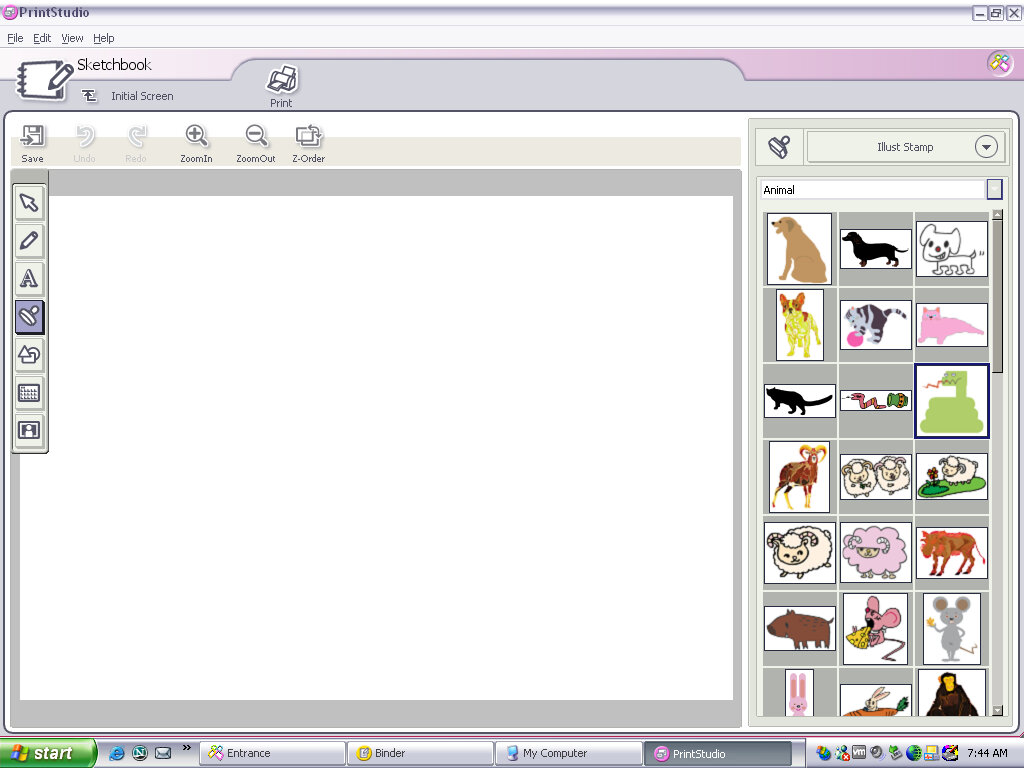
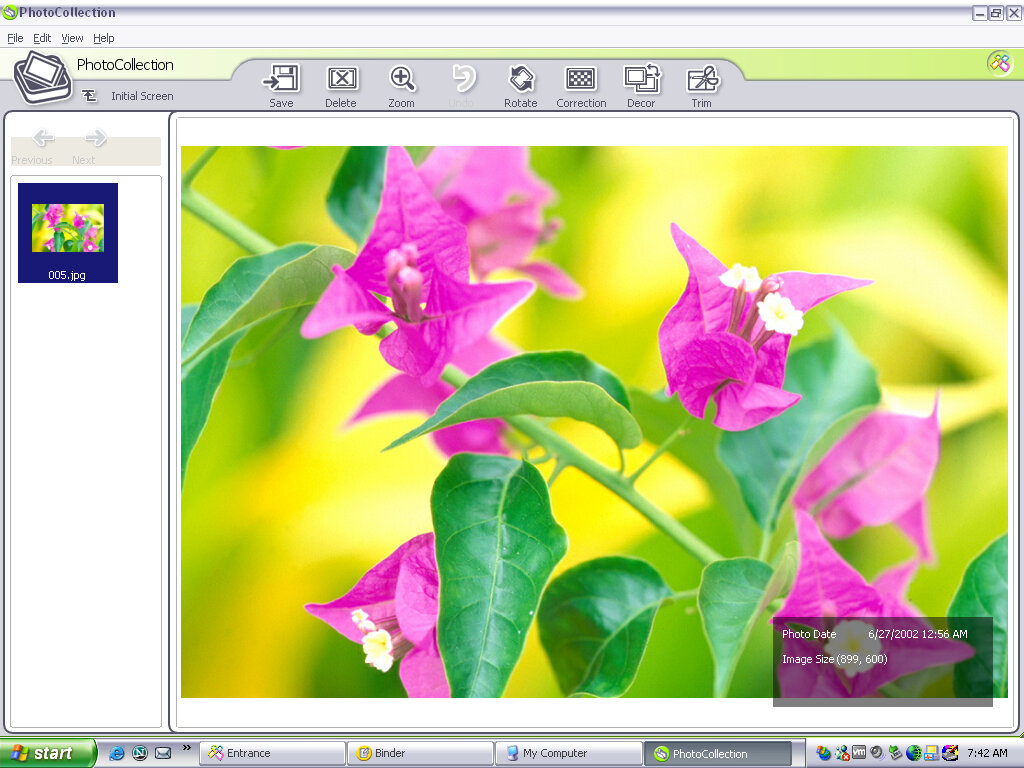
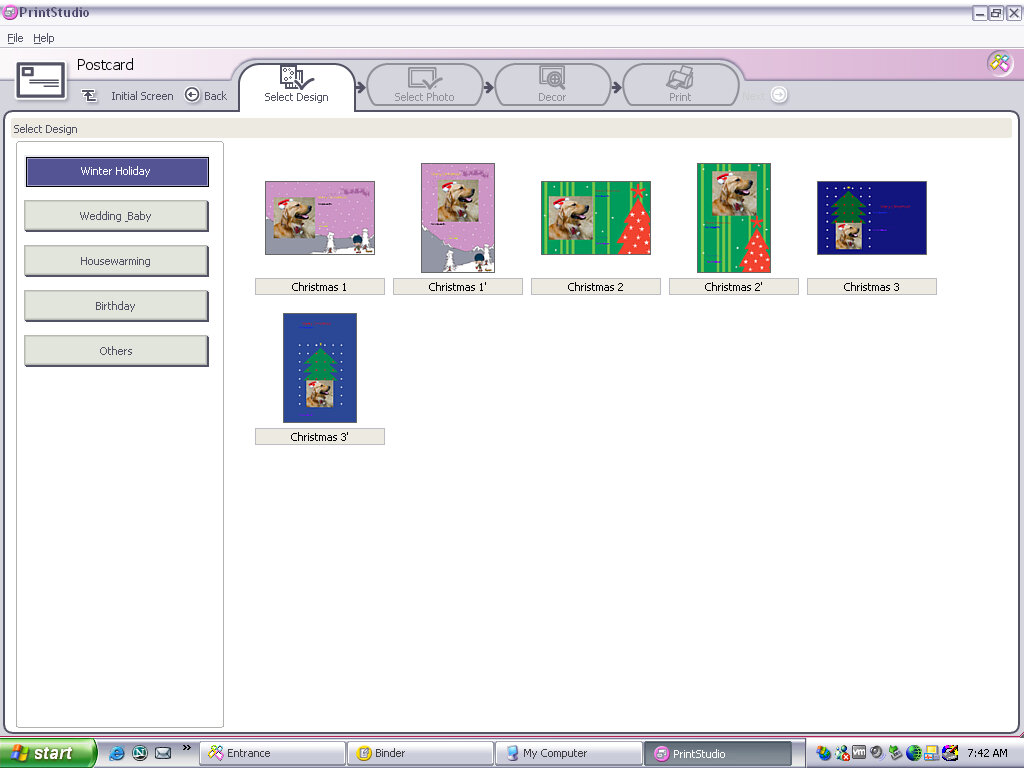
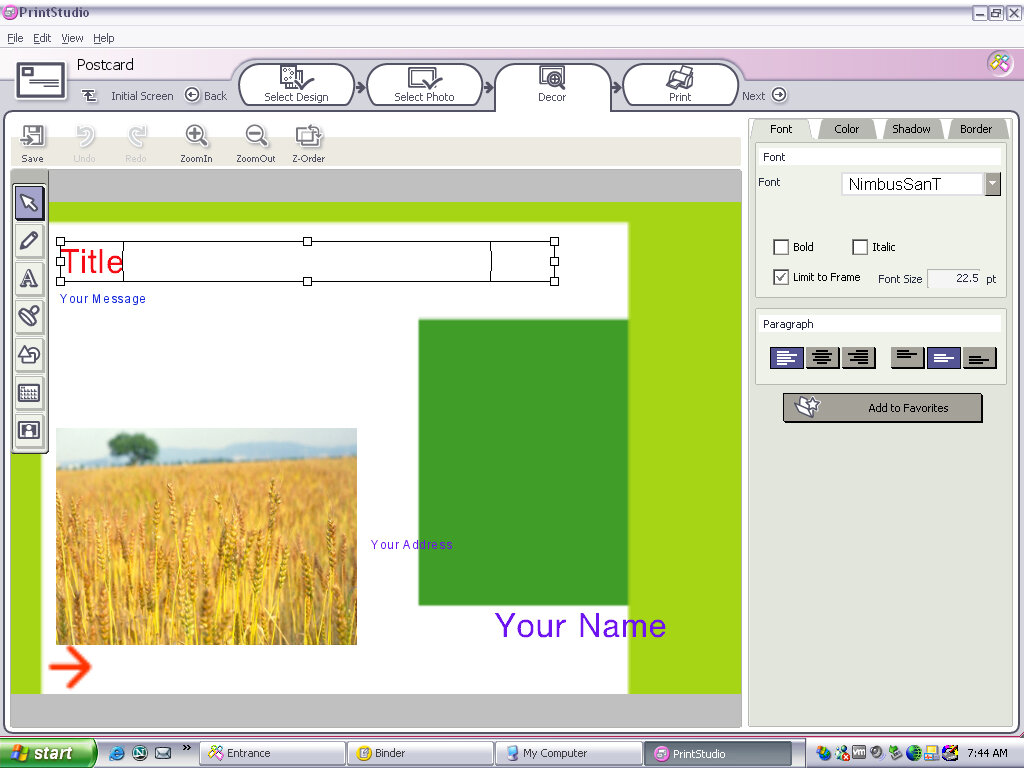
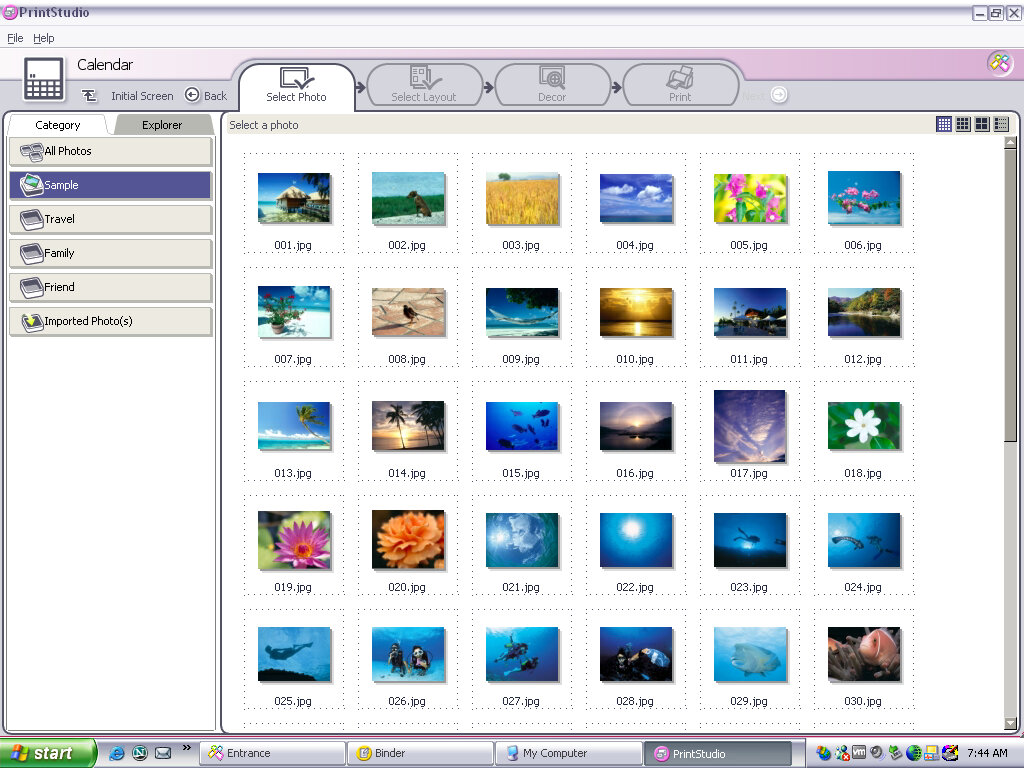
Appears to be a creative photo editing application where you can import photos from a digital camera (maybe a Sony CyberShot camera) and apply effects or add clip-art to them. You then have the option of printing these out or attaching them as an email. you can also create greeting cards with this, so it acts similar to Microsoft Publisher in a way,

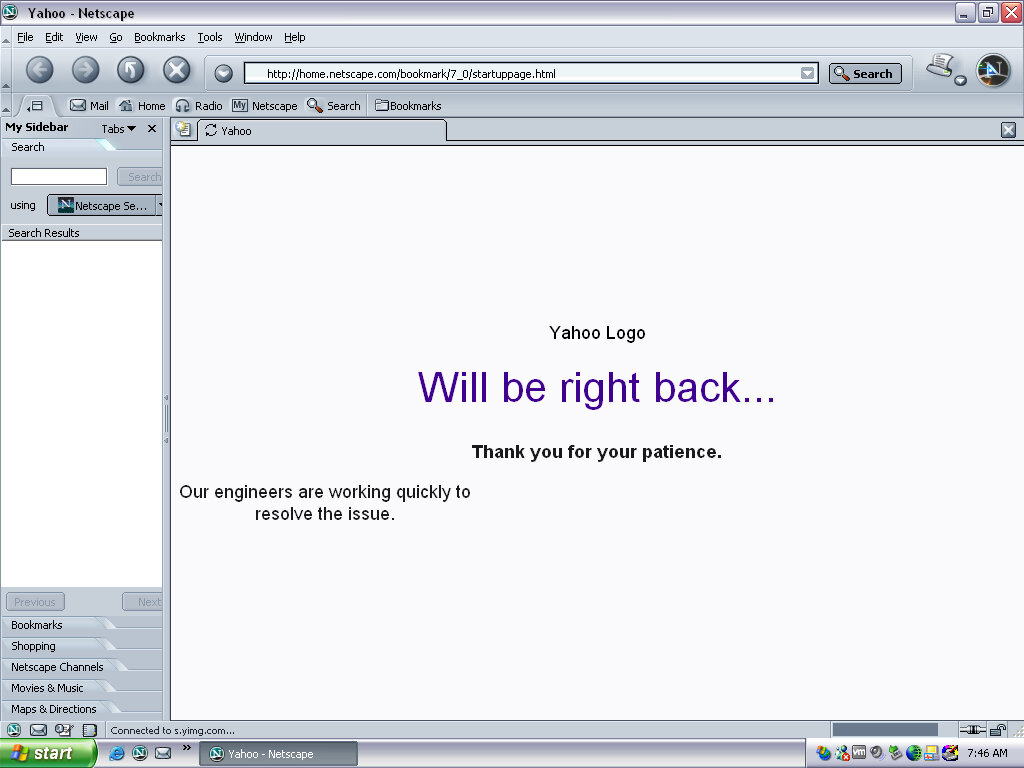
Netscape browser version 6, a popular alternative browser (Didn’t Microsoft discourage OEM’s from doing this? Sony clearly didn’t give a fuck)

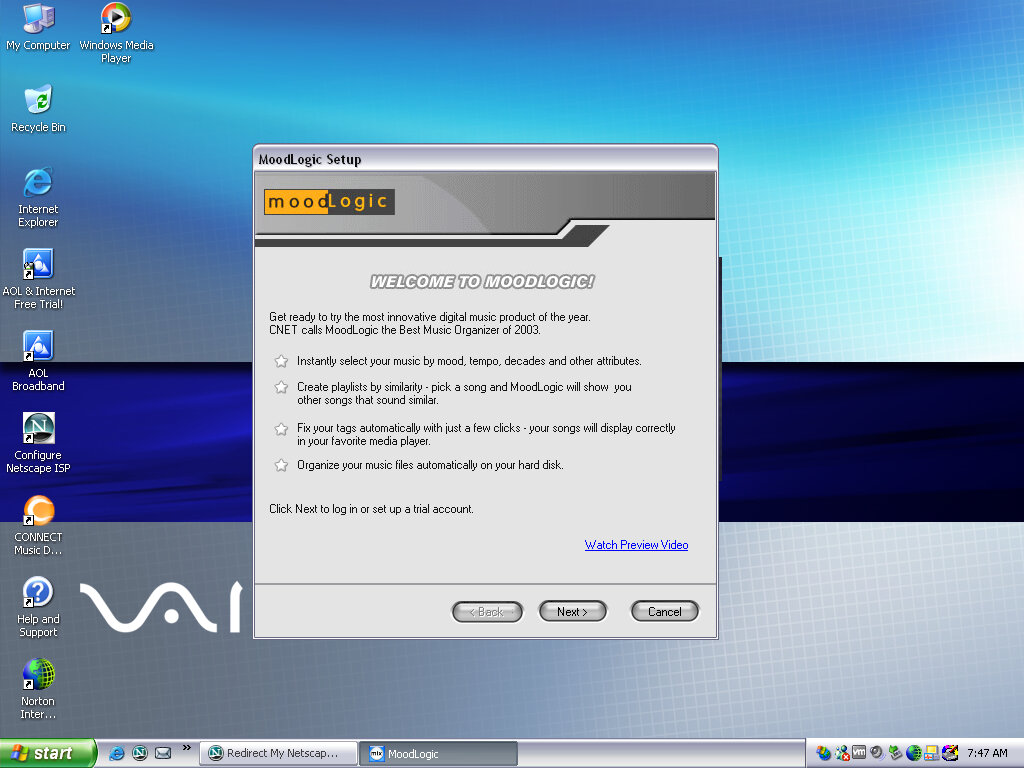
Moodlogic

I think this is some sort of last.fm service from before its time, where it will organize and find similar artists depending on the ones currently in your library, whilst organizing your current music collection. This no longer works and requires a connection to a server that is long since defunct. It sort of similar to Apple Genius playlists.

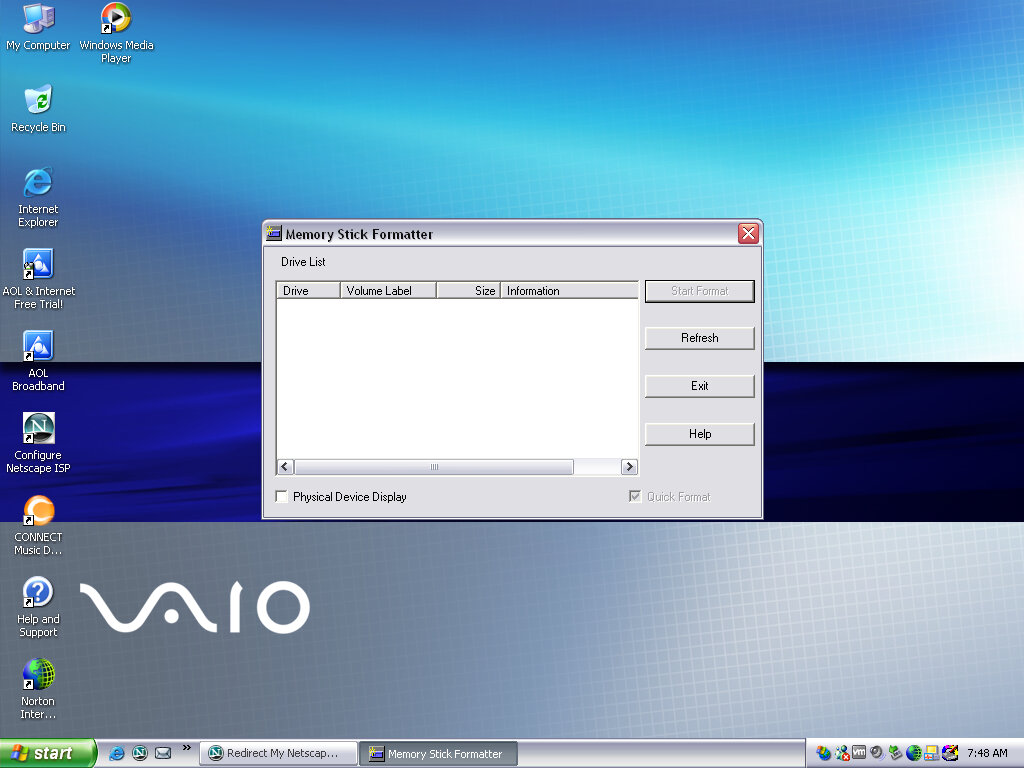
Memory Stick Formater

Formats a Sony Memory Stick, nuff said. Not sure why you can’t do this in Windows Explorer, possibly due to Magic Gate encryption?

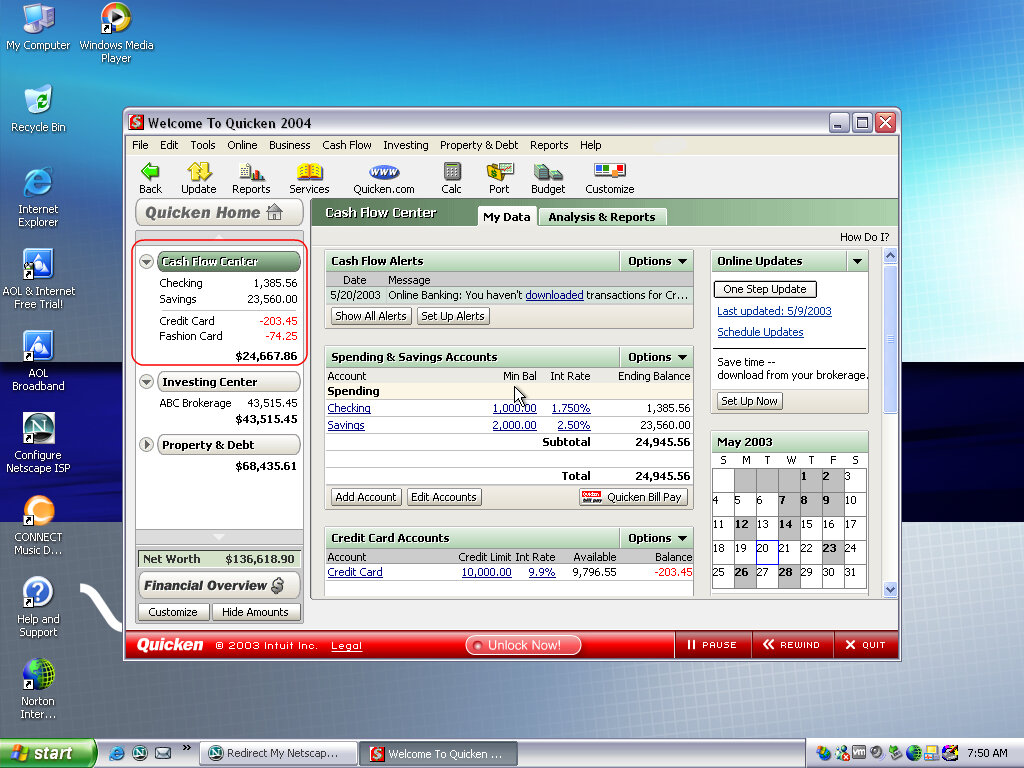
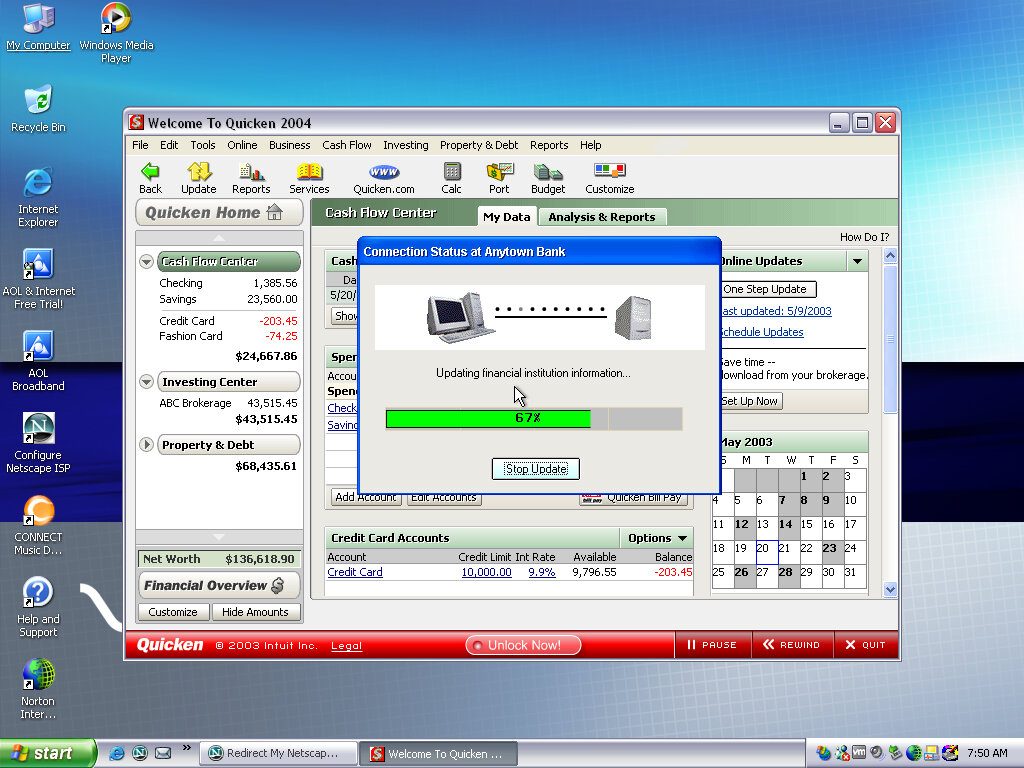
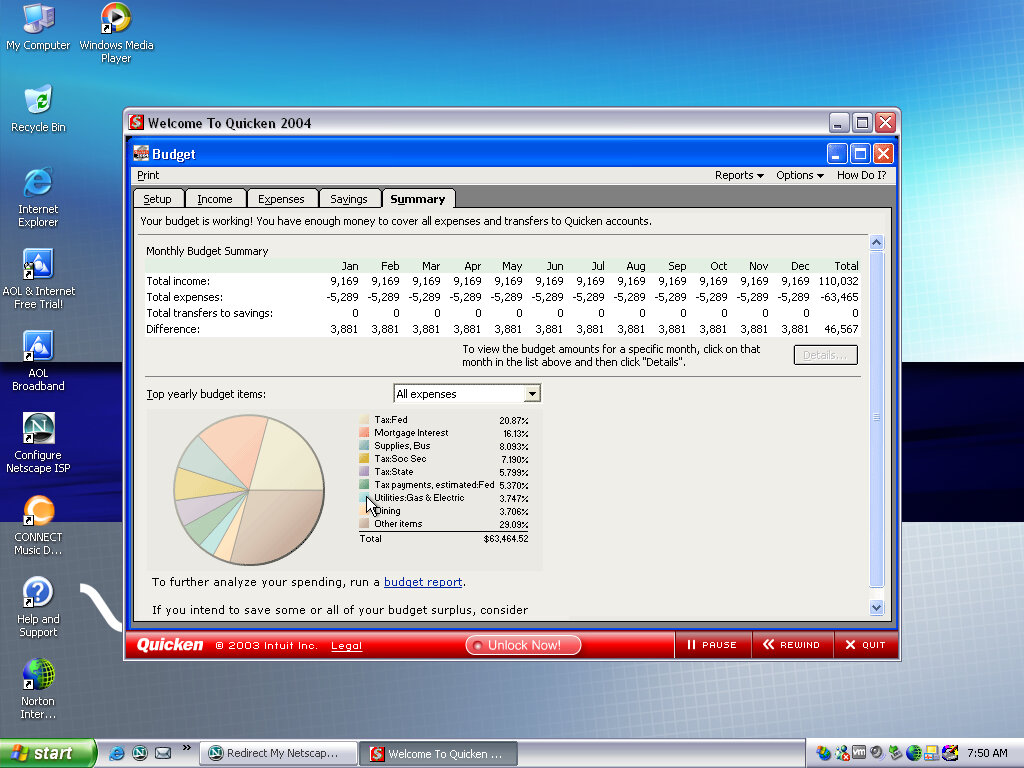
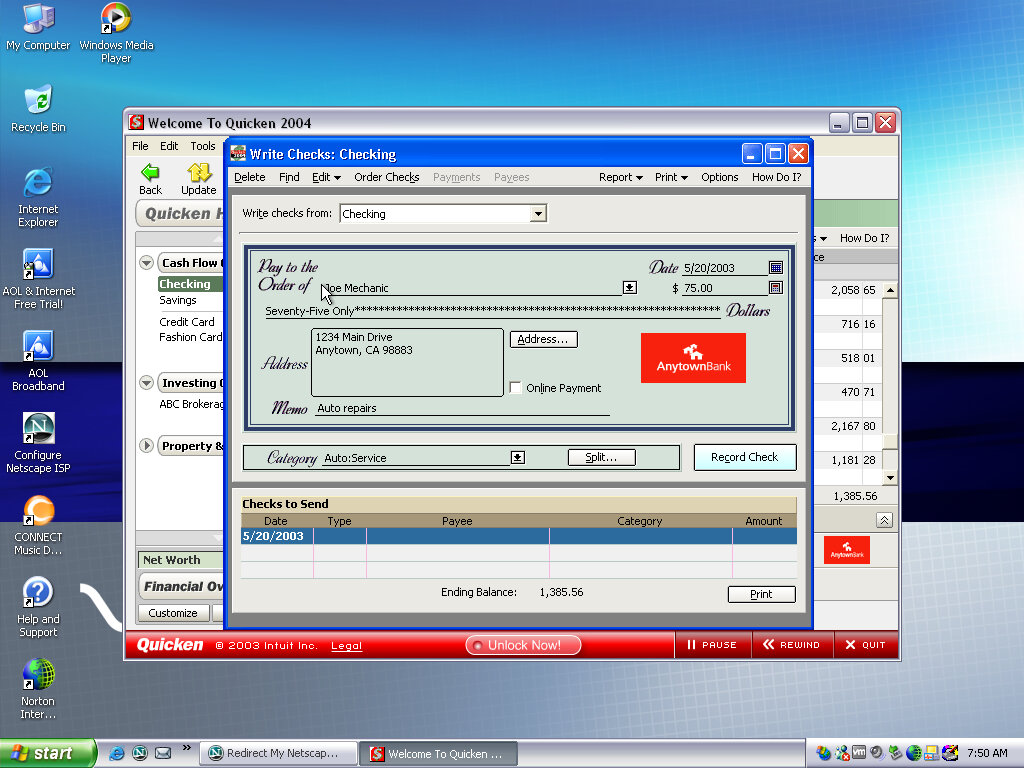
Quicken 2004

Software that Sony loved to bundle with their VAIO systems, is some sort of account and spending management software.

AOL

An advert for AOL, looks a bit basic for 2003 standards.

Help & Support

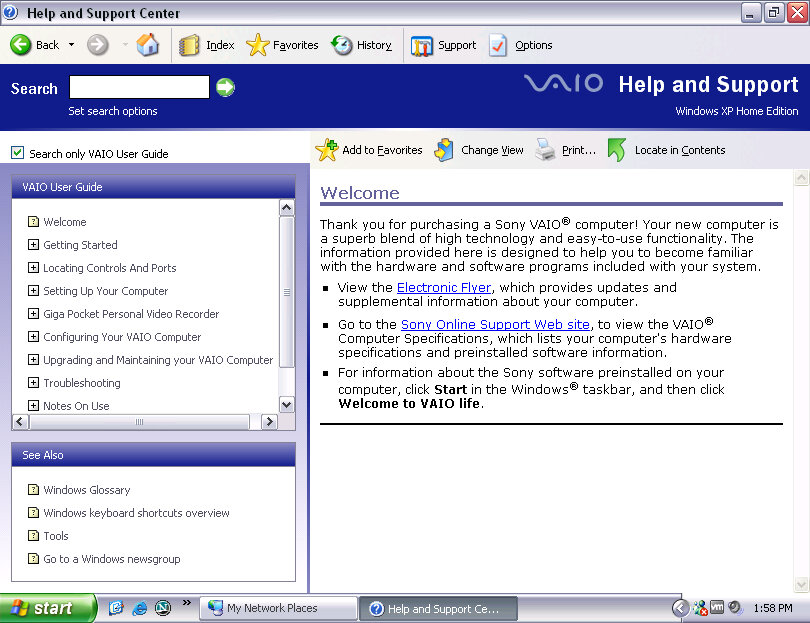
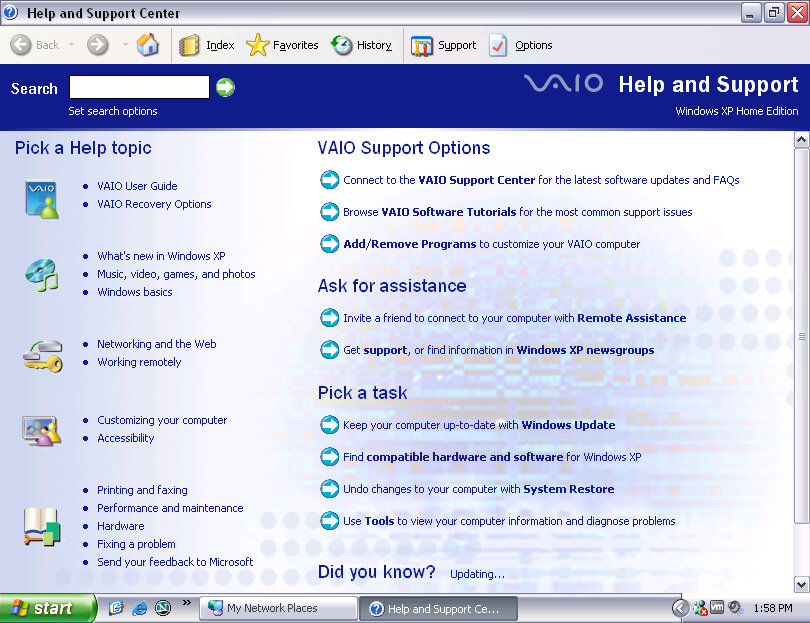
Sony’s help center branding

External Links

Sony Support