Category Archives: Uncategorized

The PlayStation 2 in 2025

The PlayStation 2 (PS2) needs no introduction, being one of the best selling consoles and the most well regarded thanks to its game library. While the console is over 25 years old, modern mods and accessories allow for improved reliability, video quality, storage, and even online functionality. Whilst it’s nice to revisit the PS2 era of gaming, having to deal with wired controllers, game discs, composite image quality and memory cards with limited storage can be a burden.

Thankfully there are modern enhancements that make it more accessible and bring much needed QOL improvements. Softmodding your PS2 can bring enhancements such as loading and running games directly off the hard drive, which is ideal if you have a large library of games and would prefer not to switch discs when you want to play a different game. Even in 2025 there are new accessories still being produced for the PS2 that bring modern features like wireless controllers.

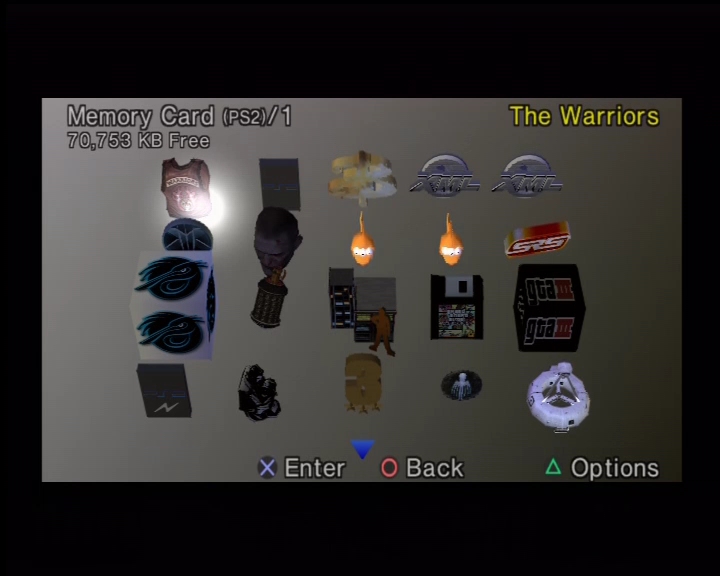
FreeMcBoot: You will see reference to this throughout the PS2 community, this is best thought of as aftermarket software that allows you to run non-signed or authorised software which we can use to make the most of the PlayStation 2. FreeMCBoot is a softmod, which is software that runs from the memory card when the PS2 starts up. As it runs from the memory card, you can restore the PS2 to an unmodded state by removing the memory card upon startup. This is useful if you encounter any issues with FreeMcBoot.

FreeMcBoot is considered mandatory to take the most of your PS2, and you can purchase pre-modded memory cards that already have FreeMcBoot installed along with a few utilities.
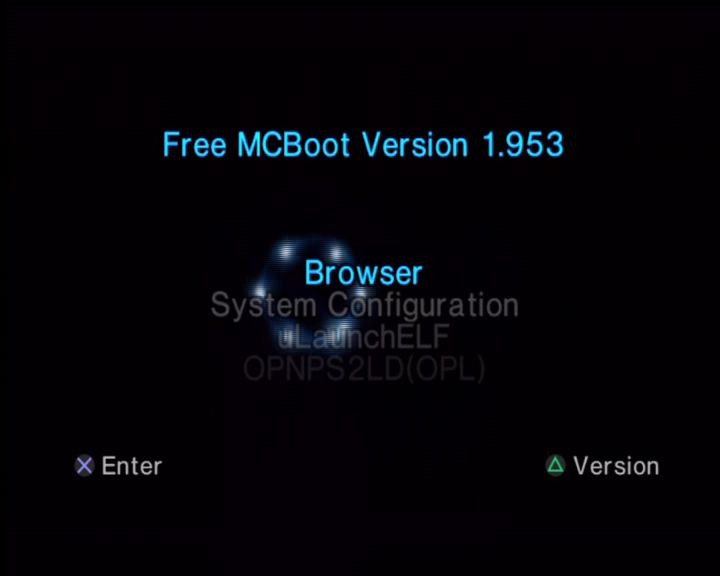
A PS2 running FreeMCBoot, with a list of applications

Hard Drive

Installing a hard drive (HDD) is one of the most common upgrades for PS2, especially for the original (fat) models, as it bypasses the aging disc drive (which often fails due to laser wear). This setup lets you load games digitally from the HDD, reducing load times, eliminating disc scratches, and allowing storage for hundreds of titles. Sony’s original intention for the hard drive was to speed up the game’s load times by caching data to the hard drive, and to allow for internet downloads since it was interlinked with the Network Adaptor. With the use of home-brew software like openPS2Loader, we can use this to load and run game from the internal HDD itself, removing the need to use the DVD drive.
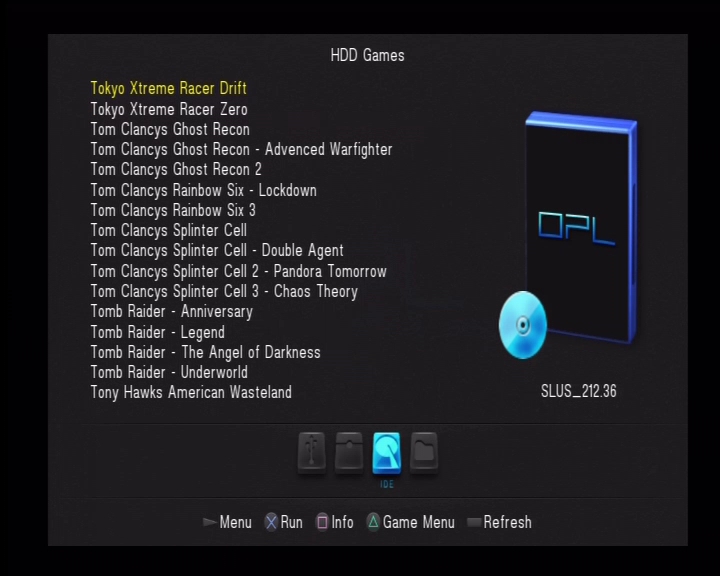
Original models of the PS2, also known as the ‘fat’ models have a dedicated expansion bay where the drive can be fitted into. But to actually use the drive requires the Network Adapter which included an IDE connector to allow the PS2 to interface with the drive. There are two types of network adapters:

  • The Official PS2 network adapter: released by Sony, which features an Ethernet interface for network connectivity, and an IDE interface connector which is what’s used to connect to the hard drive. Some network adapters also came with a 56K modem, although this is of little use or benefit. The original drives used by Sony were IDE, which whilst it was the standard of the time, is no longer commonly used as many hard drives use the SATA interface instead. THis means the connect we use to connect the hard drive has changed. Because of this, it might be more desirable to use the second type of network adapter.
  • The Gamestar network adapter: This can be commonly found online on sites such as Amazon, Aliexpress and eBay. It’s a third party unlicensed accessory designed to allow a SATA hard drive to be used with the PS2, meaning we can use modern larger hard drives. These adapters however do not have any network functionality, they are just intended for HDD use.
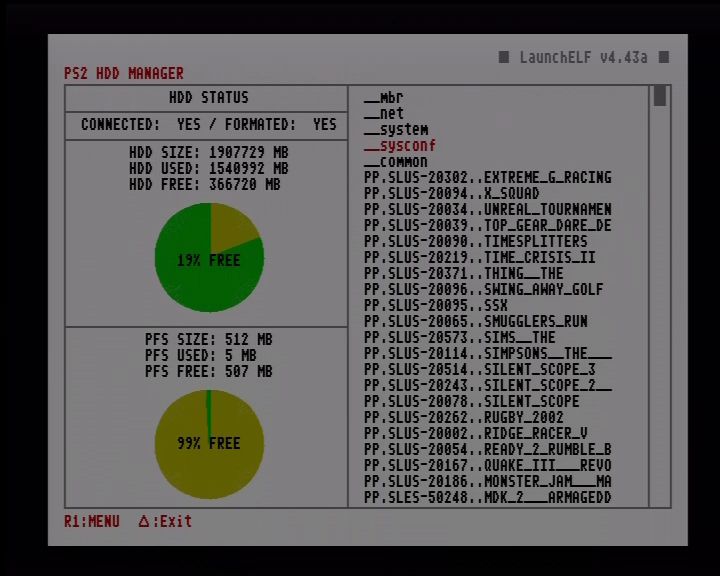
Formatting and managing a HDD using uLaunchELF

Whilst the official Sony network adapters used IDE which was the standard at the time, they can be modded to use SATA by replacing the interface board. This is a simple and commonly done upgrade that gives you SATA support along with network functionality. Slim PS2 consoles have a disadvantage when it comes to HDD support as Sony removed the expansion bay to reduce the size of the console. This means its no longer possible to connect a hard drive. Adding to the issue is that later models that have updated firmware (SCPH9000x) remove the ability to load FreeMcBoot from the memory card.
Are these consoles a lost cause? Well not so much if you understand the limitations and the options available for your specific model:

IDE / Internal HDD: Early PS2 slim consoles technically have the IDE interface which is still present on its motherboard, however you will have to manually soldier the connections on the motherboard which is beyond practical use for most gamers. Still it does hint that possibly Sony were looking to integrate an internal HDD solution for the slim models, possibly a 2.5 inch bay for notebook hard drives?

Ethernet: However the better solution is to use the network interface, which comes included as standard in all slim form factor consoles. OpenPS2Loader have support for SMB Ethernet loading, allowing you to connect the SP2 console to a network drive or device to load your game from, This can be a simple PC with a network share enabled for the PS2 to load from, or a network drive such as the Western Digital MyCloud. I recommended connecting the device directly to the ethernet socket of the PS2, and avoid using additional switched or routers if possible, I found the PS2 struggles to use more complicated network topologies

Example use case could be:

  • A Windows PC that has a PS2 network share, Windows has built in support for Samba network sharing which is what OpenPS2Loader can also use. If your PC’s ethernet port is already occupied, you can either add an additional Ethernet PCIe card, or connect a USB Ethernet Adaptor to your PC. As the PS2’s network adaptor is limited to 100Mbps, you don’t need anything high end, ‘fast’ or gigabit ethernet is enough. Later versions of Windows disable SMB v1 support, because of vulnerabilities within the protocol but can be re-enabled within the Windows Features section of the Control Panel.
  • Some travel routers have SMB file sharing support, like this one. By configuring the network sharing settings, you can then connect an external hard drive through its USB port. Since the travel router supports USB 2.0, bandwidth will not be an issue. Some older routers like the BT HomeHub 1 also supported network sharing through the Ethernet port which can also be used.
  • Many NAS (Network Attached Storage) can be configured for this purpose also, since they are intense to be connected to a router, you will need to set its own IP address when connecting directly to the PS2. Some network drives will also automatically sleep after a while of no activity which you may have to change or disable.

I should also mention that network SMB support isn’t just available to the slim consoles, fat models can also take advantage of SMD if they are using the Sony network adapter.

USB: Another solution is to use the USB interface by connecting an external USB external hard drive. I do not recommend this as while this might be the most accessible option, the USB interface used for the PS2 is limited to the 1.1 protocol which maxes out as 12Mbps. This is too slow for use for PS2 games and you will encounter slower loading times, and FMV’s might skip or cut out as the USB interface lacks the required bandwidth to stream the FMV video.

1394 i.LINK: This interface was present in the launch PS2 models, and upto the SCPH3900x models. It was removed the last fat revision of consoles (SCPH5000x) series and was never used in the slim models at all. OpenPS2Loader does support this interface in the latest builds and can be an alternative to using the HDD bay but as external Firewire drives are rare, this interface is rarely used. I would only recommend this interface if you had a very first launch model of the PS2 (SCPH1x00x) which was exclusive to Japan only. These models did not had the standard HDD expansion bay that was present in the later models, instead it uses a PCMCIA card along with an external HDD drive that was custom designed for the interface. Since these might be difficult to find, it will often be easier to source a Firewire drive or enclosure instead.
OWC do sell a 1394b enclosure that is compatible, but you will need an 1394b to 4pin 1394 adapter cable, and a 5V power cable or supply since the enclosure is intended to be bus powered, which the PS2’s 1394 interface wasn’t designed to provide.
Lastly you will often see the 1394 interface referred to as either Firewire or i.Link, these are the brand names that Apple and Sony respectively gave to the 1394 interface and are mostly compatible with each other however Apple typically refers to the 6pin interface that provided power, whilst Sony (i.Link) typically implement the 4pin interface that does not provide power (Some Sony VAIO computers provide both types of ports)

MX4ISO: This is a home-brew accessory that allows you to access an microSD card over the memory card interface, which carries much more bandwidth than the USB interface which makes it desirable for those that have a slim PS2. Whilst capacity is limited and MicroSD are more expensive per Gigabyte, it’s a good alternative comported to running games from Usb or via Ethernet. The latest builds of OpenPS2Loader support this as a block device, however you won’t be able to save games to the memory card. Instead you will have to use the Virtual memory Card (VMC) features as a workaround. I’m unsure if two MX4ISO devices can be used.

SDD?

Whilst it’s tempting to throw in a solid state drive, they have little to no performance advantage to a regular hard drive, and are a poor value proposition from a storage/value ratio. Remember the games in question are designed to run from a DVD drive that reads a 4x speed, the slowest HDD on the market will still be faster. A 5400rpm spinning hard disk is more than enough. A 3.5 inch HDD is advised, wince they will use both the 12V and 5V power rails of the PS2, many 2.5in HDD will only use the 5V rail which might be more stressful on the PS2’s aging power supply.

TLDR: For fat PS2 models go for a SATA network adapter for SATA HDD, unless you really need network support. For the slims go for the Ethernet NAS option or MX4ISO and forget the USB interface.

For storage capacity, 1-2TB is plenty for many PS2 games.

Memory Card

The official Sony memory cards were released in only 8MB of storage, good for around 15-20 game saves. With a larger PS2 library you might wish to consider a larger memory card for additional storage space. I’m not sure if Sony ever released memory cards in larger capabilities, I’ve seen mentions of a 16MB memory card but have yet to locate any and most PS2 software refers to the memory card as an 8MB device. Third parties have produced larger memory cards that range from 16MB to 128MB which appears to be the maximum supported.
A 128MB PS2 memory card

Many games will support the larger memory cards without any issues, but a fair few will have noticeable slower access and save times, sometimes even up to a minute before the game have finished saving. Ridge Racer V and The Simpsons Road Rage will detect and save to the cards correctly, but the access times are very slow. Headhunter is near unplayable as it access the memory card as the game plays it’s introduction sequence, resulting it becoming jittery.

Games that have issues with larger memory cards can be mitigated by using the VMC (Virtual Memory Card) feature in OpenPS2Loader, this will create a virtual memory card that is saved to the hard disk and assignes it to one of the memory card slots. This can help with problematic games that have issues writing and reading to large memory cards

One thing to mention is when using a soft modded PS2, you will need to use an official Sony Memory Card, as the FreeMcBoot exploit relies on the MagicGate signing for it to run, which isn’t supported on many third party memory cards. Softmod exploit’s work on both Memory Card slot 1 and 2. I typically have the softmod installed on Slot 2, and use Slot 1 exclusively for game saves.

Video Output

The PS2 supported a variety of video output modes which can enhance the image quality and depending on the game, will provide support for progress and higher resolution modes. Not only is the image more cleaner, it also makes I easier to read the game’s text on screen. 

By default the PS2 shipped with the composite video output cable, which gives you three output jacks (yellow/red/white which gives you basic video and stereo sound). Even in Europe where the Start interface was common, Sony insisted on shipping with the composite AV cable.
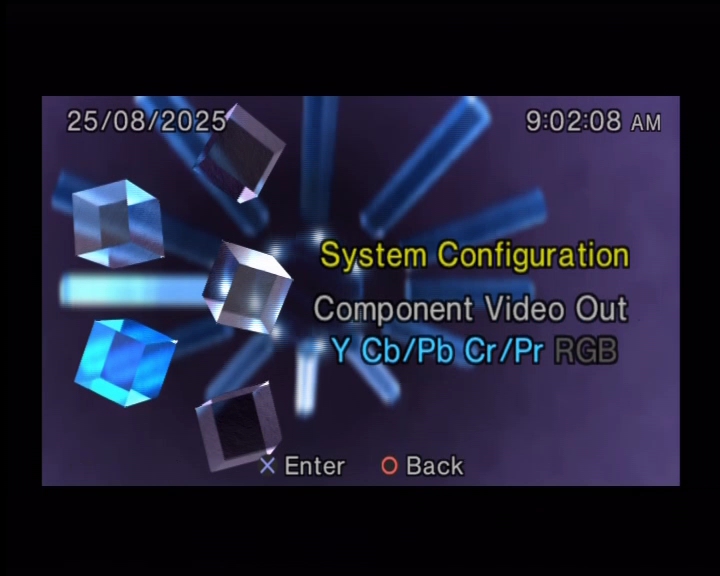
The PS2 supports both RGB and Component video out

Component cables are readily available and not only provide better image quality than the standard composite AV cable but will allow you to enable progressive scan (also known as 480p) which is much desired for fast motion games. It also makes it easier to connect to HDTVs since many will feature component inputs as standard.

Scart cables are also supported which will provide RGB output and is compatible with nearly all of the PAL PS2 library, but you wont get any progressive scan using the Smart cable. It’s all no longer used on modern TVs, even in Europe. I only recommended this if you are connecting to a CRT TV that isn’t HD capable. The common US alternative to SCART is S-Video which will provide better quality than composite AV, but is still inferior to component.

Although the PS2 predated HDMI support, HDMI adapters do exist from third parties. These will take the component signals from the PS2 and will convert it to HDMI. As this is an active conversion, they will require additional power usually in the form of an USB adaptor. Whilst the quality of these adapters isn’t perfect, they are very accessible and content for those who simply wish to quickly connect their PS2 to a modern HDTV, or to a 4KTV that lacks both composite or component inputs which is becoming more common as these legacy ports are being phased out.

Useful Links

OpenPS2Loader – Software that allows you to run games from a hard drive, it is installed to the memory card

FreeMcBoot – You can also purchase a pre-made memory card from online resellers like eBay or Amazon marketplace
Exploring a Windows Theme CD

Once upon a time, Themes were an excellent way to personalise ones desktop, from a simple wallpaper to changing the OS colour scheme and fonts, themes were a good way for one user to express themselves through the use of their desktop. The Windows 9x series of operating systems say the rise of custom themes thanks to the Plus! pack that added an easy way to add and apply a theme and gave a framework for third party themes to be created and distributed online.

Some of these themes were collected and circulated onto the CD-ROM which was sold in stores for those who didn’t have access to the internet, or just wanted an instant collection of themes to choose from. I managed to find one on the Internet Archive which was released around 2000.

The CD includes a large selection of themes that can be applied to Windows 98 and 95 (and Millenium Edition). They are sorted into folders that relate to the genre that relates to the themes (such as TV Shows, Music, Male and Female celebrities). Most of the themes are compressed into a Zip file, of which an evaluation copy of WinZip comes included.

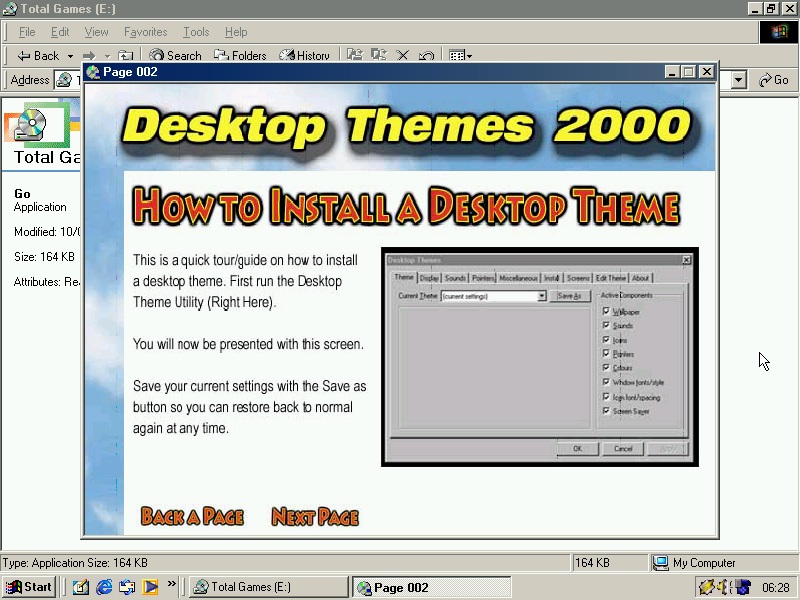
There is also a demo utility that runs automatically when you insert (or mount) the CD which will advise on how to locate and install the themes.

The Themes

Since this CD was mastered from around 2000, many of the themes will be from media that was popular in that era:

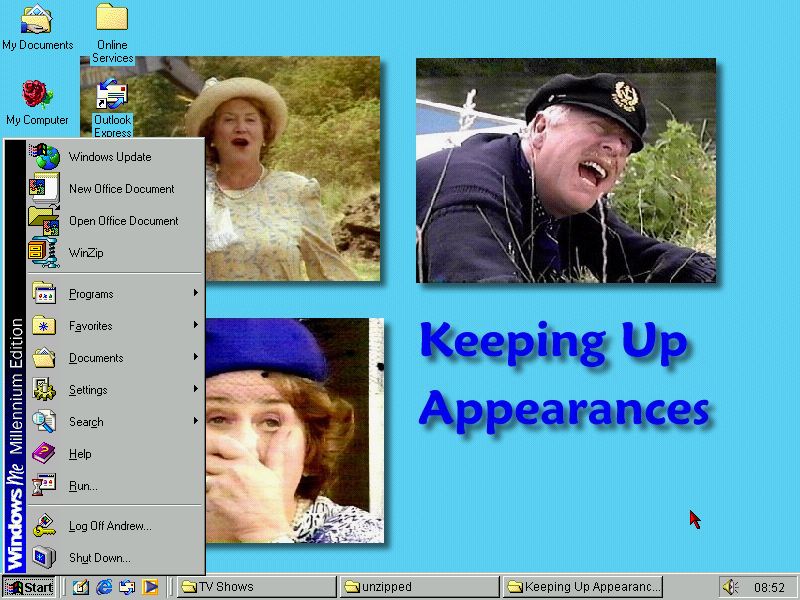
Keeping Up Appearances: A popular BBC sitcom in the 90s, this theme required me to manly copy the .theme file into its folder, else it would apply the custom wallpaper, icons or sounds. Lines will the show will play as the alert and dialog sounds, in addition to shutdown and start sounds when you login. This one also comes with custom boot and shutdown screens, however you need to use another utility to apply them.

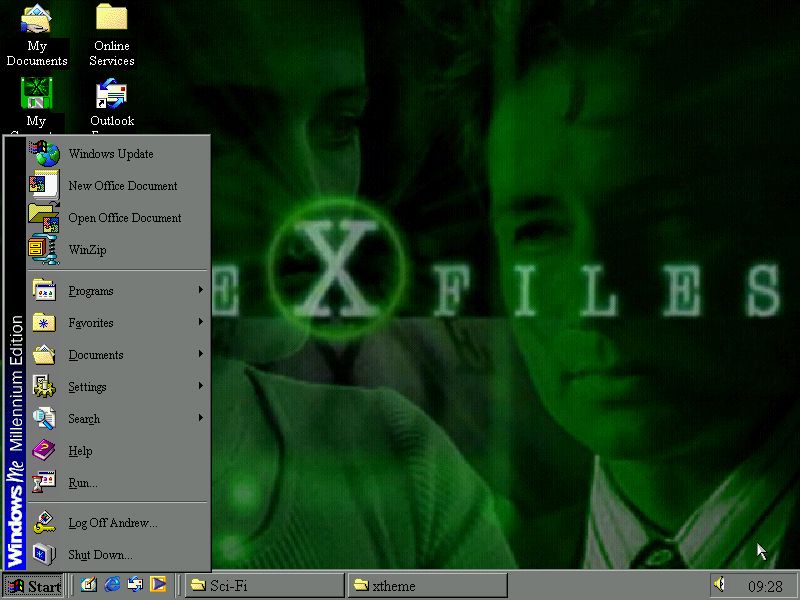
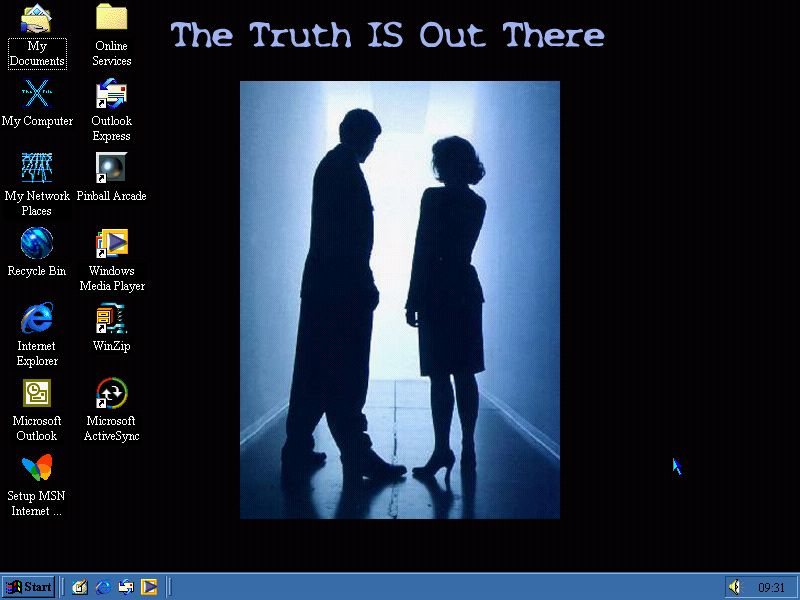
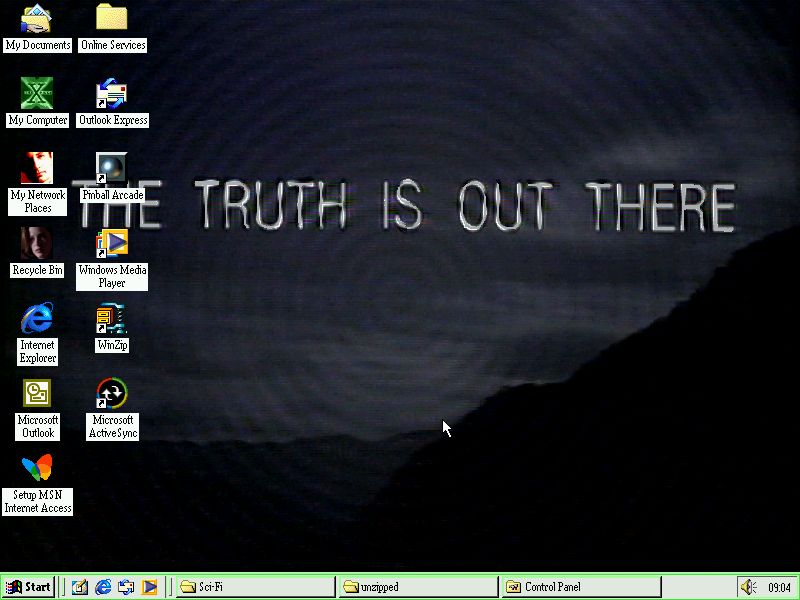
The X Files was one of the more popular TV shows of the 90s so it make sense an X-Files theme is included. Main issue with the theme is when you shut down the PC, as we are treated to an trance remix of the X-Files theme which goes on for 30 seconds whilst the system is waiting to shutdown. Still you at least get to hear the X-Files theme on start-up.

There is another X-Files theme which is much better in its colour scheme. Like other TV show based theme, Mulder and Scully’s lines from the TV show play whenever you minimize or open a menu, which can get annoying over time.

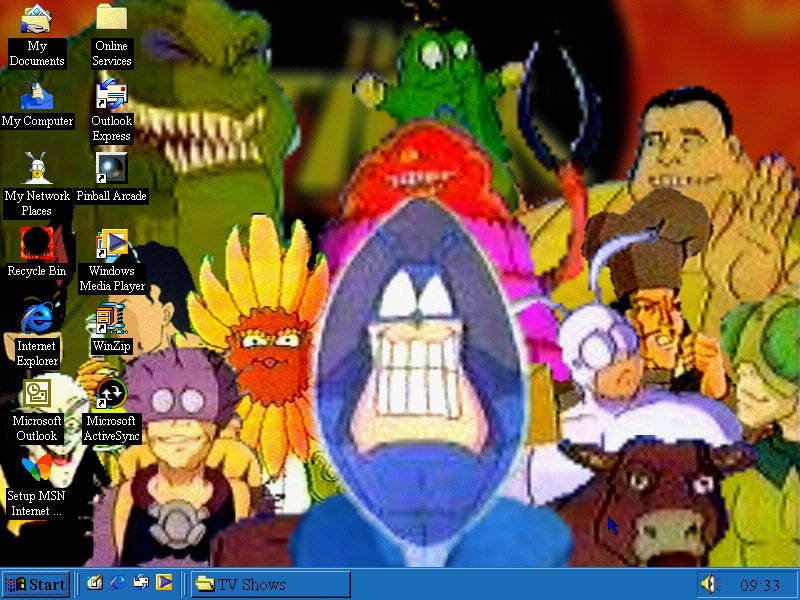
The Tick: This one has a nice cool blue scheme, similar to the Underwater theme that shipped with Windows 98, but has a horribly compressed background featuring various characters from the TV show ‘The Tick’

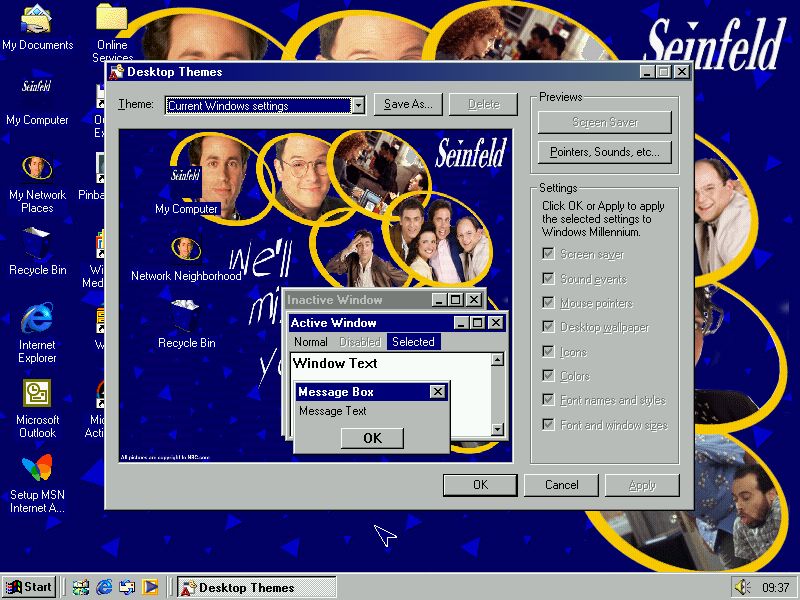
Farewell Seinfeld: Seinfeld was one of the more groundbreaking sitcoms that was popular during the 90s (although it debuted in 1989). This theme is worth it for the Seinfeld intro theme alone, that plays when you log into Windows. The desktop background is very well done and almost looks official.

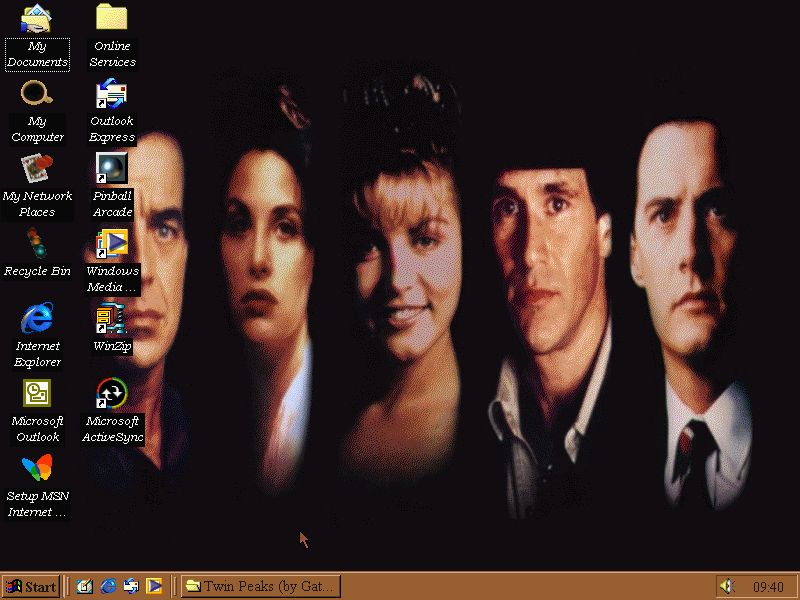
Twin Peaks: Another popular TV show, this one has an interesting colour scheme and keeps the shutdown sound short. There is supposed to be  a screensaver for this theme (its mentioned in the readme file) but I was unable to locate the SCR file.

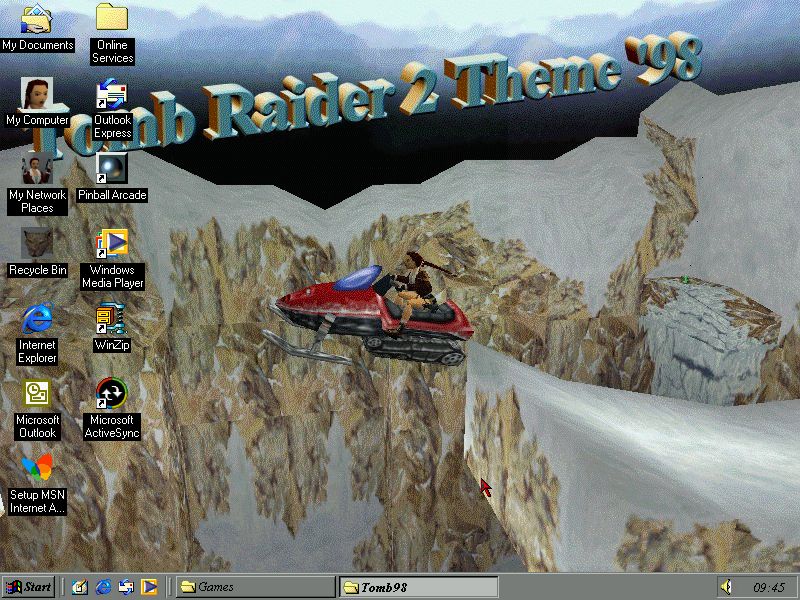
Tomb Raider 2: The Tomb Raider series of games were stupidly popular during this era, as such many desktop themes were created around the theme of Tomb Raider, and Lara Croft specifically. This one is kind of nice, it has an image of Lara riding on a  snowmobile, with an Office 97-eque WordArt of the theme’s name.

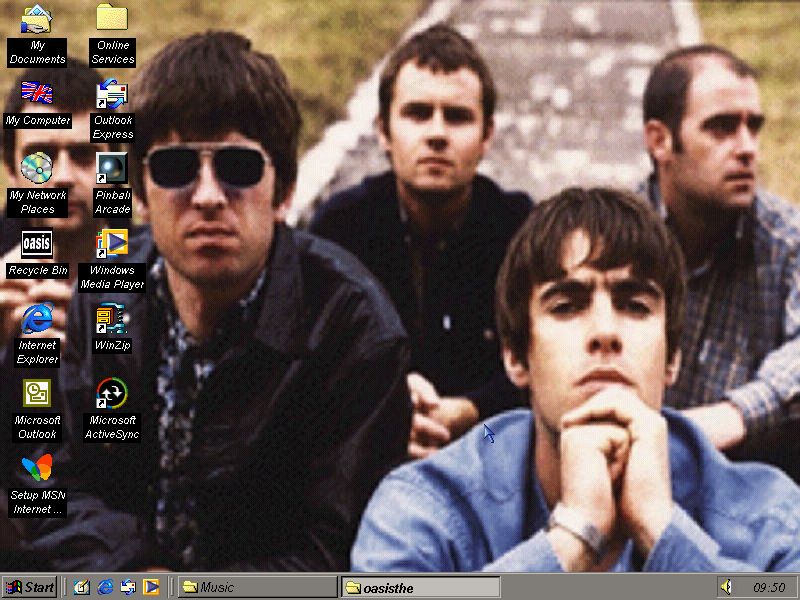
Oasis: Complete with guitar-rifts whenever you use the start menu from their popular songs.

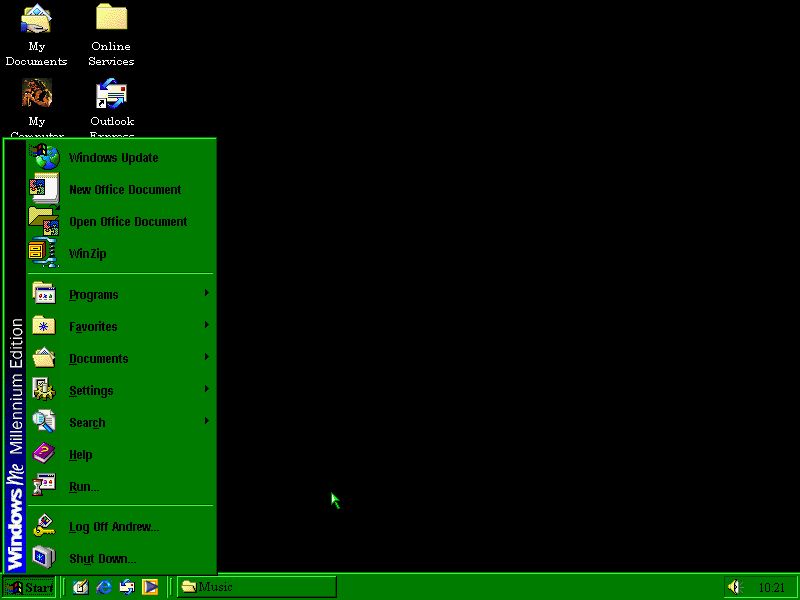
Ozzy: Dedicated to the late great Ozzy Osbourne, Kicking off the theme is the start up theme being ‘Crazy Train’, however there are songs that play whenever a program is opened so the Windows startup sounds like a chaotic mess. The green colour scheme makes it look like an 80’s terminal which can be difficult to read. It also runs into the problem of having too long of a shutdown sound, that being ‘Mama I’m coming Home’. Oddly this theme does not contain a wallpaper, only sound and the colour scheme.

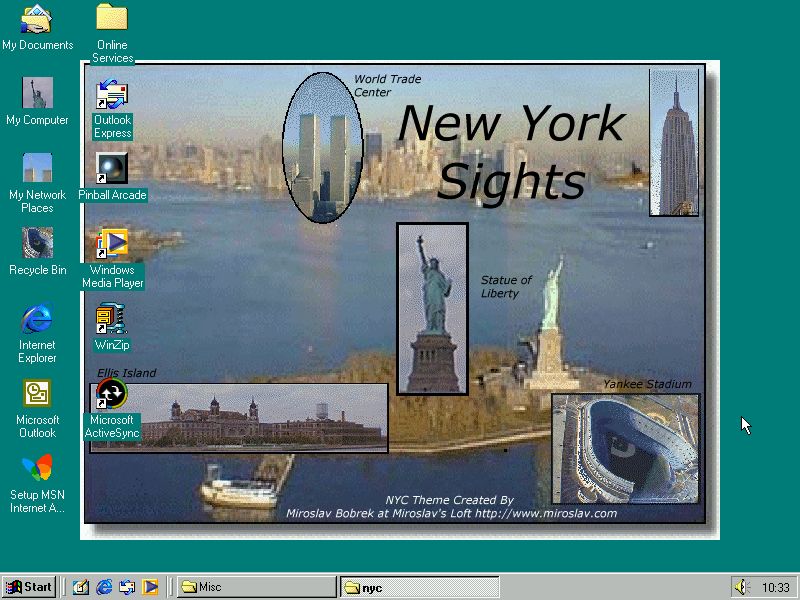
A nice simple New York theme

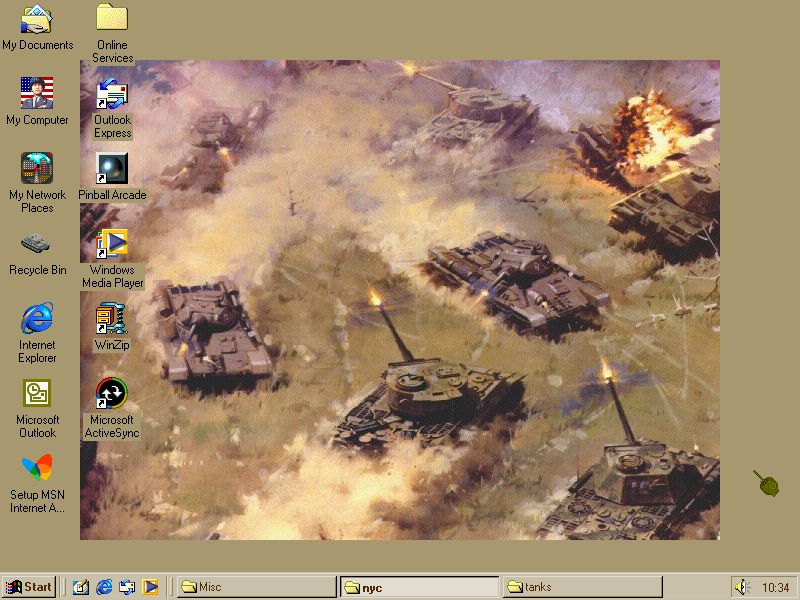
A tank theme, complete with sounds of a explosion every time you close an program

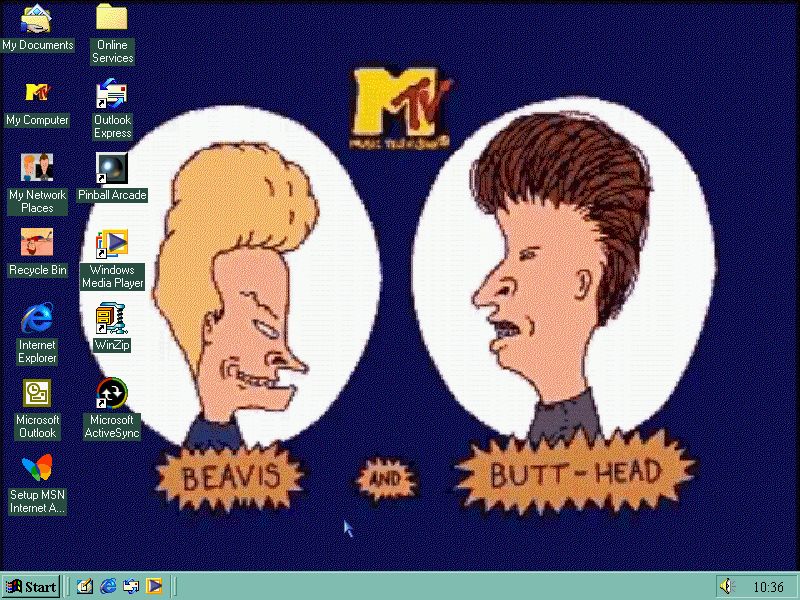
MTV’s Beavis and Butthead – another popular cartoon show in the 90s. An ok-ish colour scheme but the wallpaper isn’t the best quality.

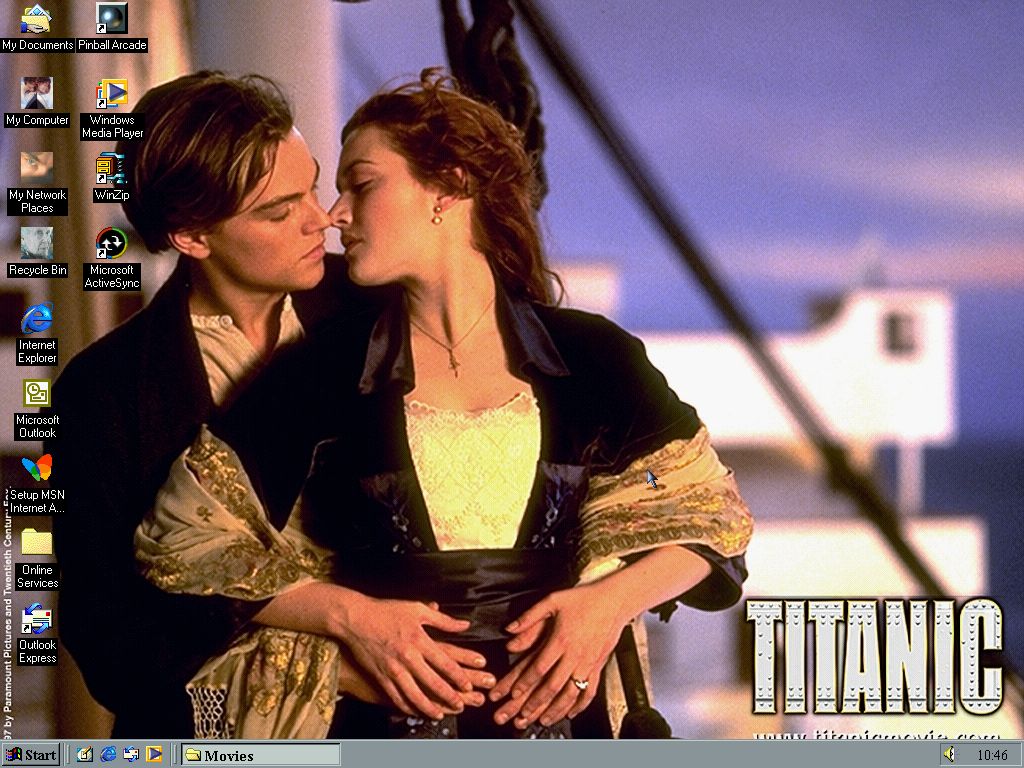
Titanic – This theme borrows some sound from the Science theme, and will play that Celine Dion song when you log out, Thankfully its only around 12 seconds long instead of 35 with some of the other themes. One of the few themes that has a 1024×768 resolution wallpaper.

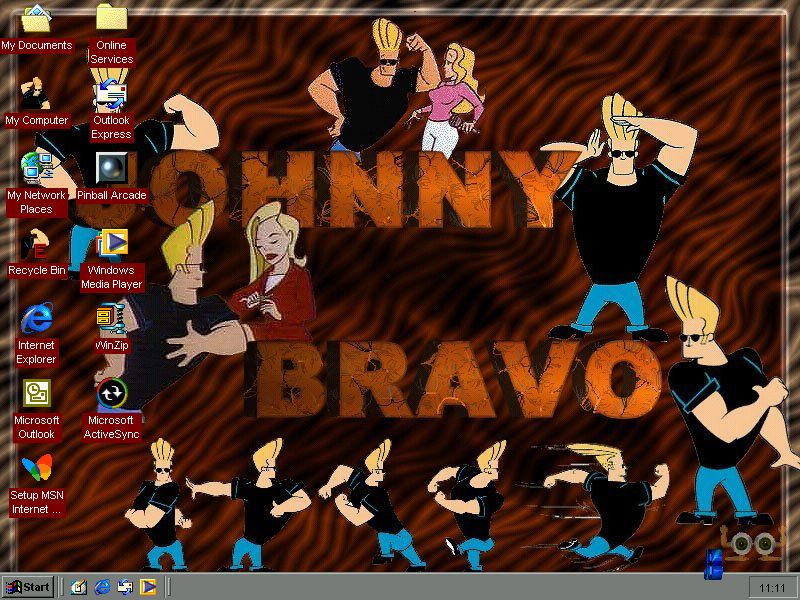
Johnny Bravo which was a popular Cartoon network show

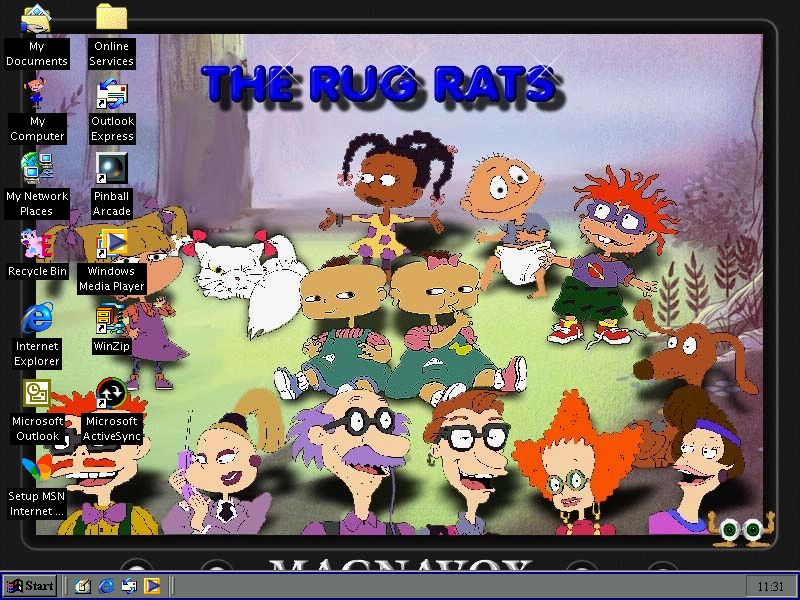
Rugrats – This one a bit chaotic, like it plays the opening theme but you also hear lines from the show since they are set to play whenever a program is run, to logging onto Windows sounds like a mess. The wallpaper isn’t that good either with a bunch of low quality images from the show, along with a WordArt-looking logo.

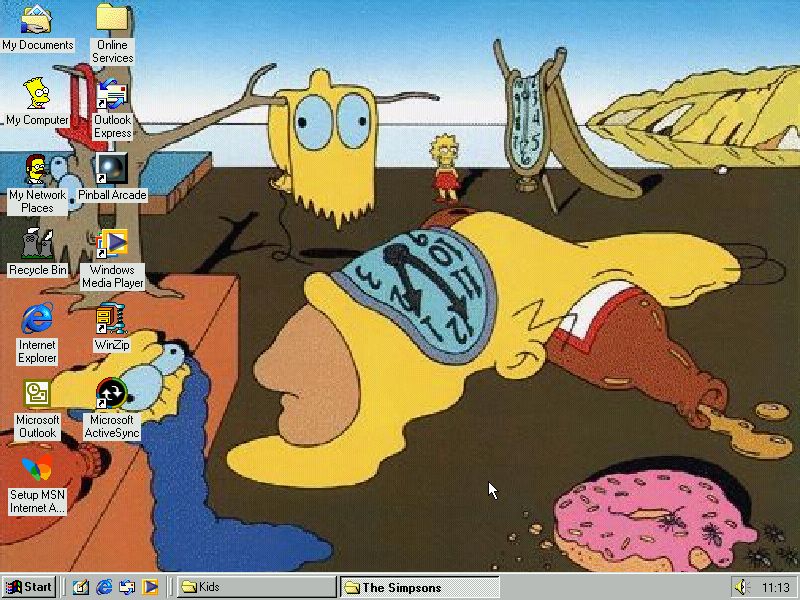
An interesting Simpsons theme, I believe the wallpaper was off the episode ‘Mom and pop Art’ which was inspired by The Persistence of Memory. What I like is what they did for the start sound, instead of The Simpsons theme it’s a line from the episode King Size Homer where Homer looks for the ‘any’ key on his terminal.

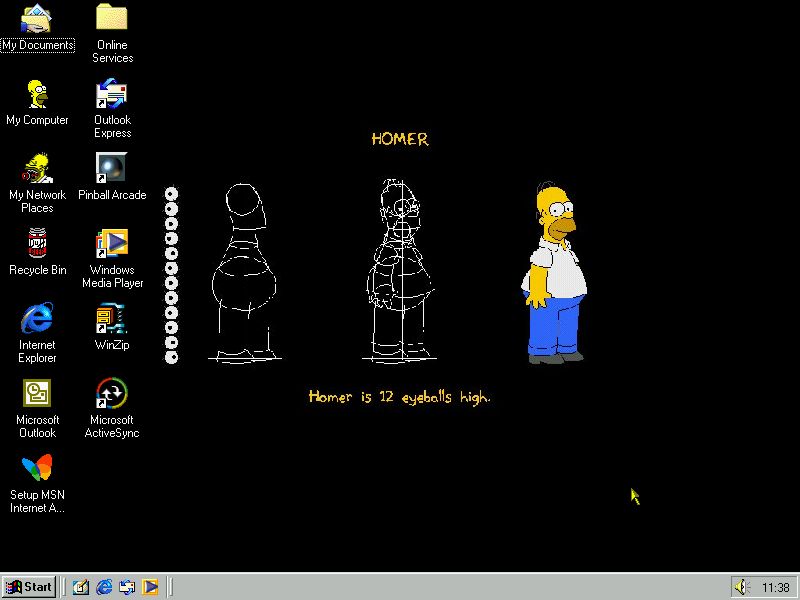
Another Simpsons theme, this one uses icons from Virtual Springfield. One of these comes with a screensaver, but it will not function as it requires a visual basic runtime that isn’t shipped with the theme.

Utilities

A few utilities come included to help with apply the custom themes and the boot screens. As the stock version of windows 95 lacked the Desktop Themes applet (You needed the Plus!) pack for this) a few applications are provided to help apply the themes.

You can also install these for Windows 2000 to allow for easier theme support, and Windows NT 4 if you have the free resource pack installed. Desktop Architect is one such application that can be used to apply themes and to change the boot and shutdown screens.

Matrox Mystique

86Box recently introduced support for the Matrox Mystique and the Millenium series of graphics cards. Here we will be looking at emulated versions of these graphics cards to see what performance and gameplay is like with these graphics cards. Despite Direct3D being released in 1996, Matrox still developed their own since DirectX support was not as mature.

Matrox Simple Interface
The MSI API was Matrox’s proprietary 3D rendering interface designed specifically for Mystique’s hardware. Unlike general-purpose APIs like Direct3D or OpenGL, which were becoming standard, MSI was tailored to leverage the Mystique’s hardware features to deliver optimized 3D performance for specific games and applications. This was inline with other 3D vendors of the era with 3DFX and their Glide API, and ATi with the CIF API. These games, however, are still reliant on DirectX for sound and game controller support.
The Games

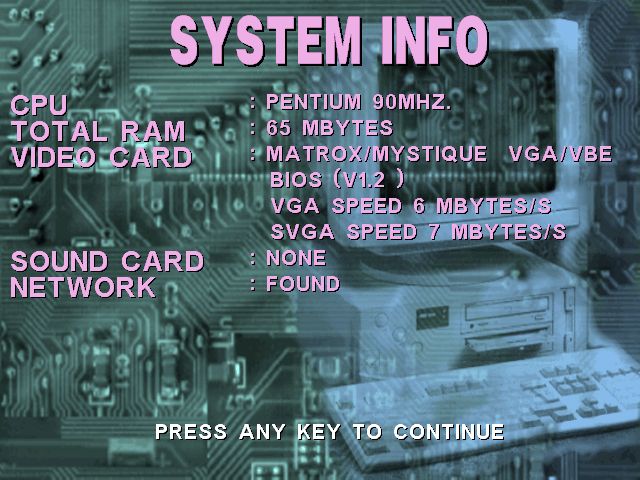
The Matrox Mystique is best paried with an Intel Pentium, preferably an MMX if your host CPU can support it’s emulation. A driver can be obtained here or here. It appears Matrox provided support all the way to Windows XP, but the MSI API was only supported for Windows 9x-based operating systems. MSI games will not function or will fallback to 2D DirectDraw rendering.

We will be using an 86Box virtual machines to run these games, using the following config:

  • OS: Windows 95B with DirectX 3
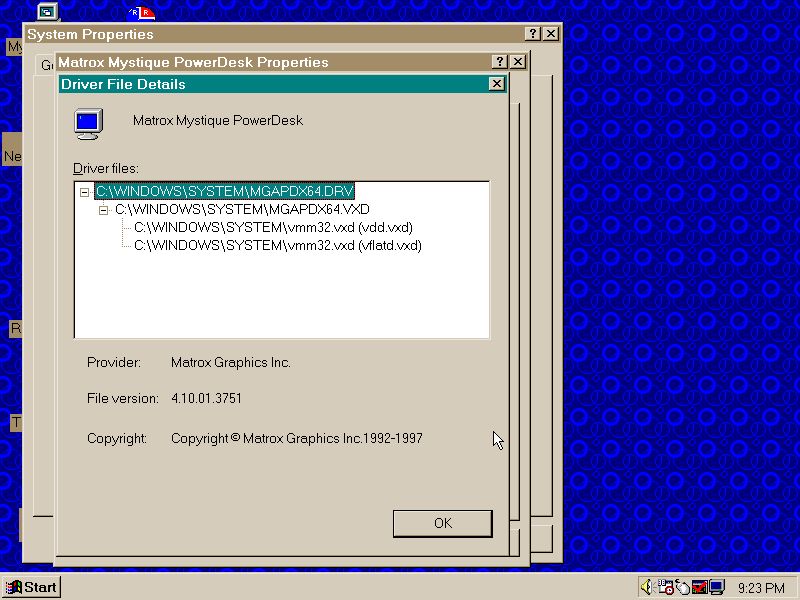
  • Video: Matrox Mystique 4MB – Driver ver 4.10.01.751
  • Motherboard: MSI MS-5124 with an Intel Pentium 100Mhz
  • Sound: AcerMagic S20
  • Network: D-Link DE-220P
  • 86Box verion 4.2.1 build 6130

Destruction Derby 2

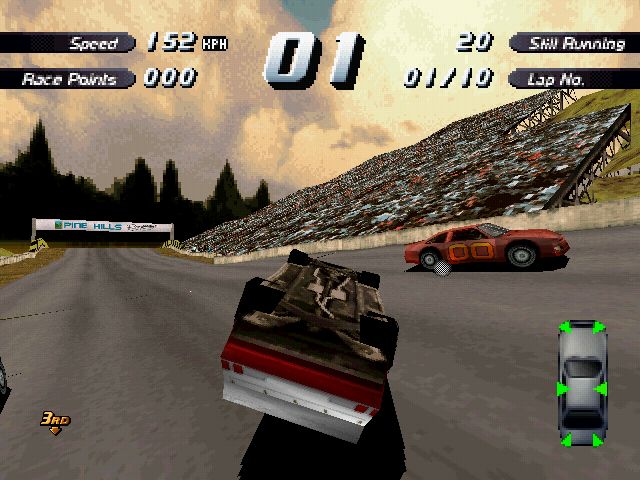
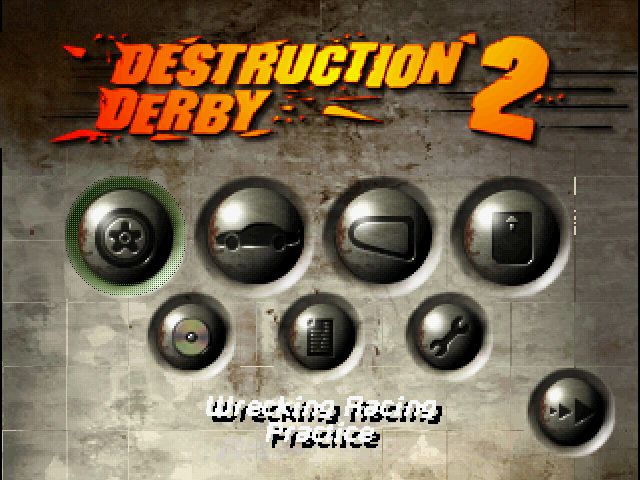
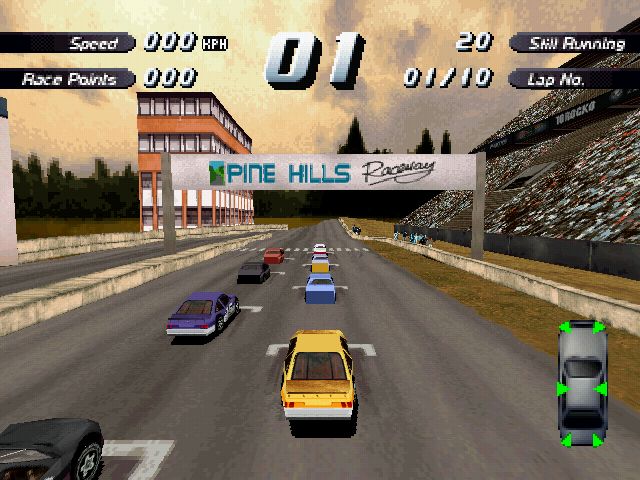
The followup to the first Destruction Derby, the original PC release was exclusive to S3 with their S3D API. Psygnosis appear to have changed teams and paired with Matrox Destruction Derby 2’s API. On the Mystique the game runs fine with no noticeable rendering errors. We have support for resolutions up to 640×480 in 16-bit colour (65,536 colours). This results in sharper and more detailed visuals compared to the PlayStation’s lower resolution and the DOS version’s often 8-bit colour mode.

Still modern PS1 emulators like Duckstation can improve on the resolution add texture filtering.

Monster Truck Rally

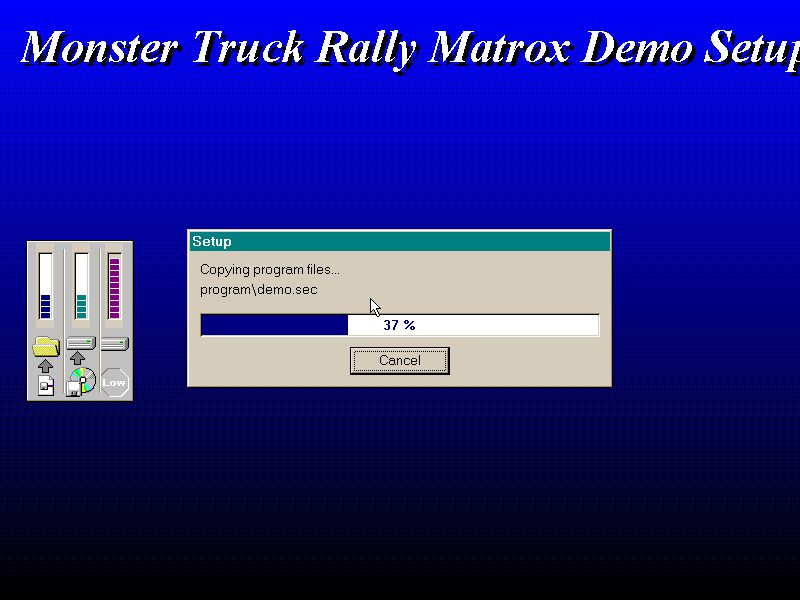
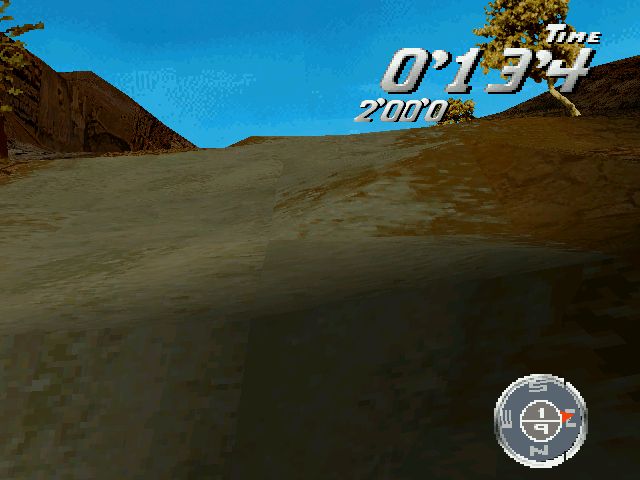
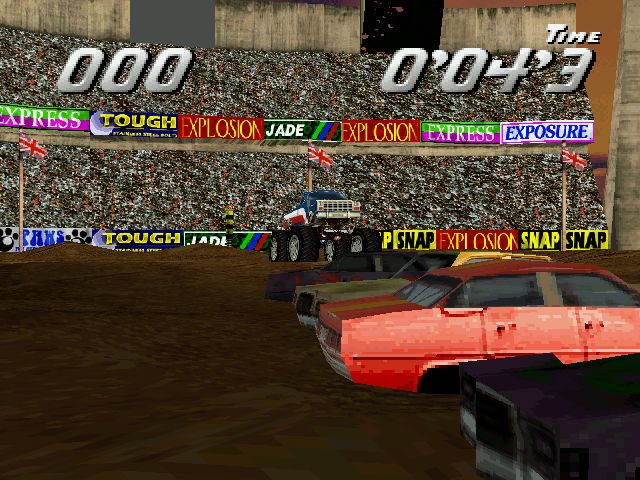
The demo detects and runs fine on the Mystique card. The demo itself is quite limited in terms of gameplay, with the first just letting you drive a motorcycle around a desert. The second demo is simply a opening sequence rendered entirely within the game engine.

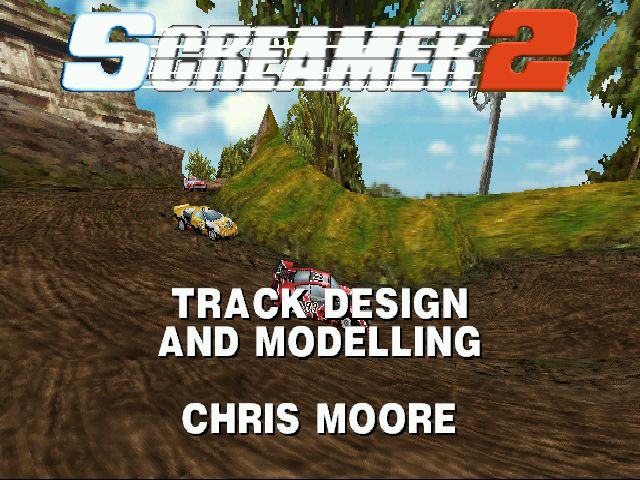
Screamer 2

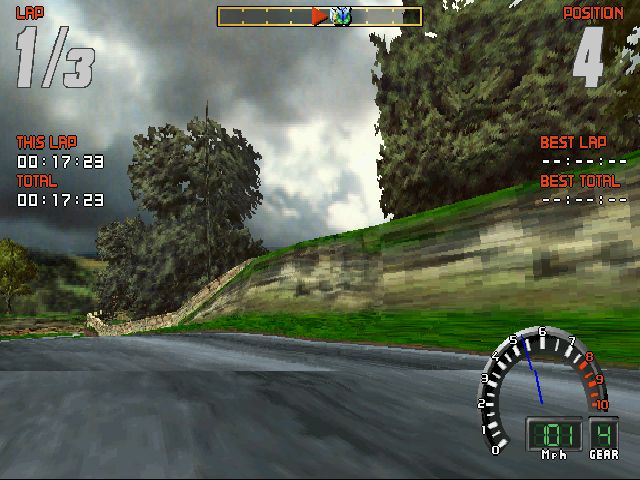
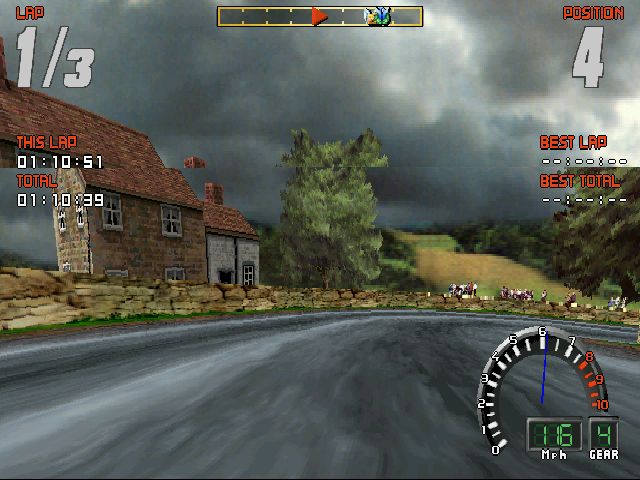
This appears to be a DOS game but will run OK unside Windows 95. Although I had issues getting the sound to work,due to the Acermagic soundcard not using the default parameters.

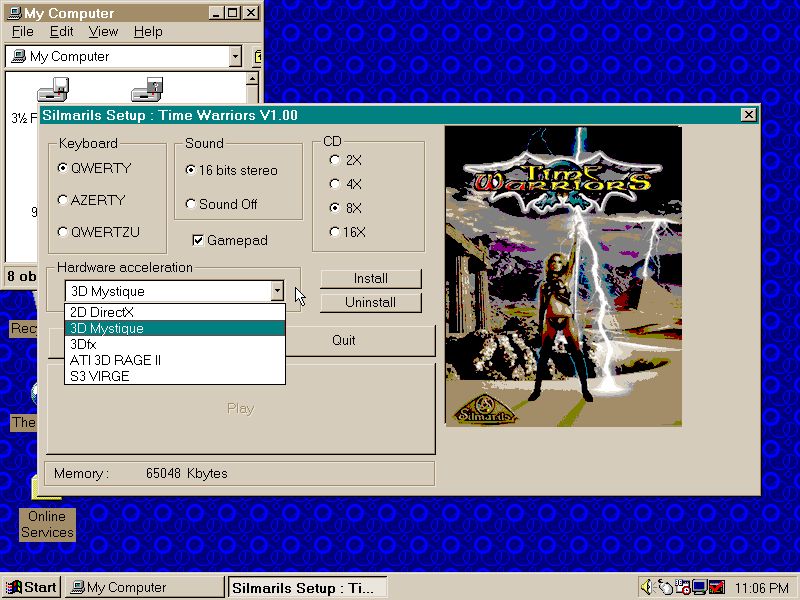
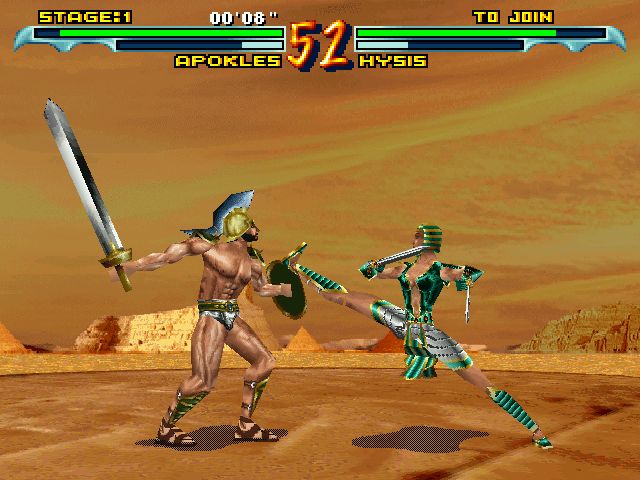
Time Warriors – Performs very slowly and there are a few texture issues during gameplay.

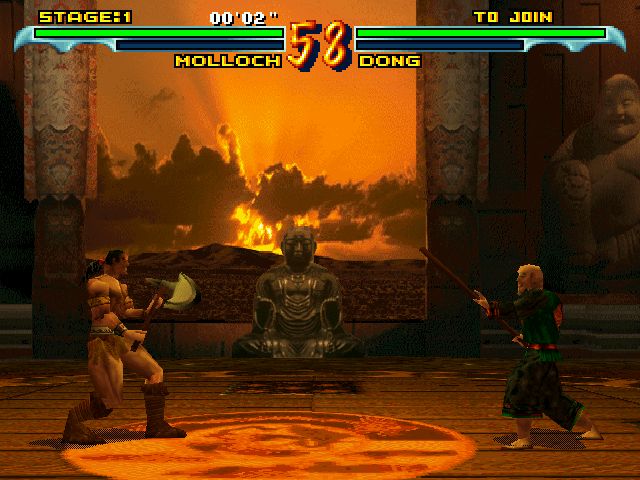
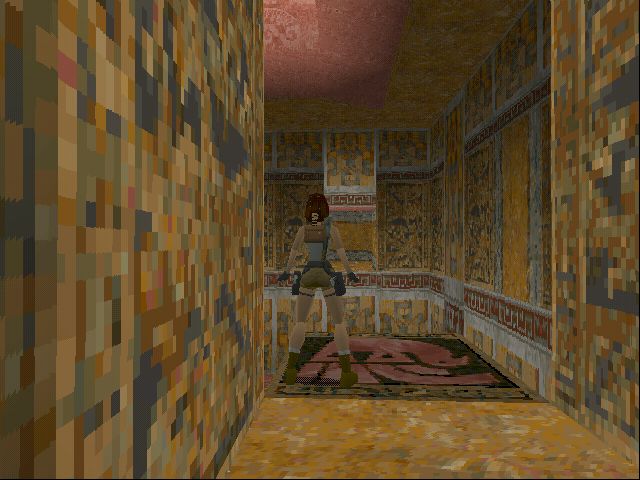
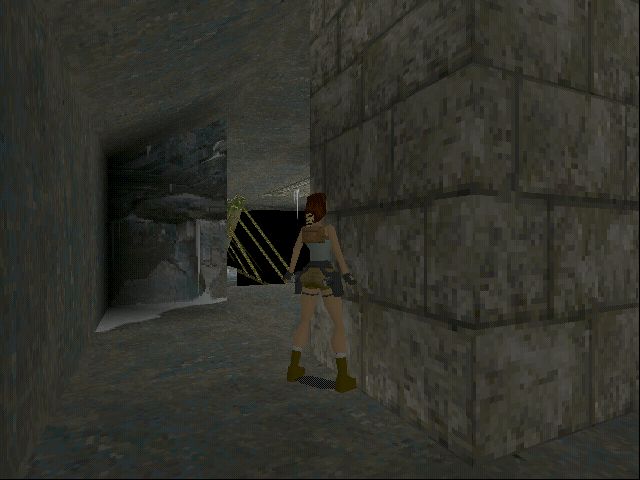
Tomb Raider –The retail version lacks Matrox support, so we had to download a separate patch and we had to manually copy a modified exe file which replaces the existing game. Once installed we are greeted with a nice Matrox MSI rendered intro logo before the opening FMV plays. There is an issue with the game’s menu text appearing as black which makes it difficult to read – this could be an specific driver or emulation issue

Mechwarrior 2

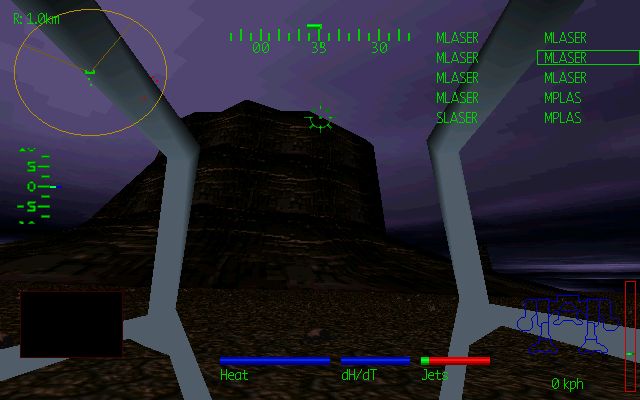
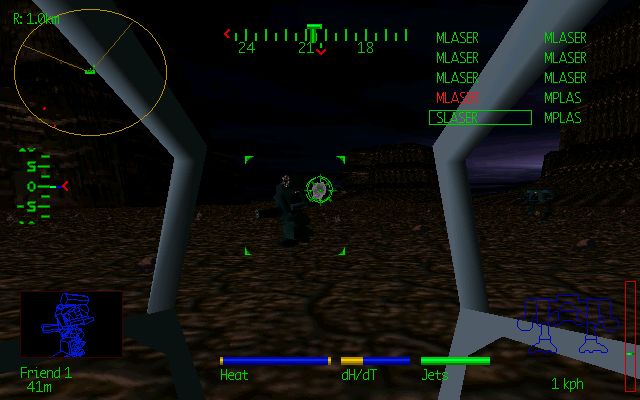
Works fine using the driver version 4.10.01.3751. The MSI version’s higher resolution and colour depth makes a welcome difference compared to the PlayStation’s low-resolution output and the DOS version’s limited colour palette. You do need a strong CPU to gat a smooth framerate, since these games were still reliant on partial rendering on the CPU. Ona  Pentium 100, we get a choppy framerate.

We do see the Matrox suffers from texture warping and Z-buffer inaccuracies due to the Mystique’s limited 3D pipeline, causing occasional misaligned textures or clipping. This is present ion the PlayStation version also, but appears to be less apparent.

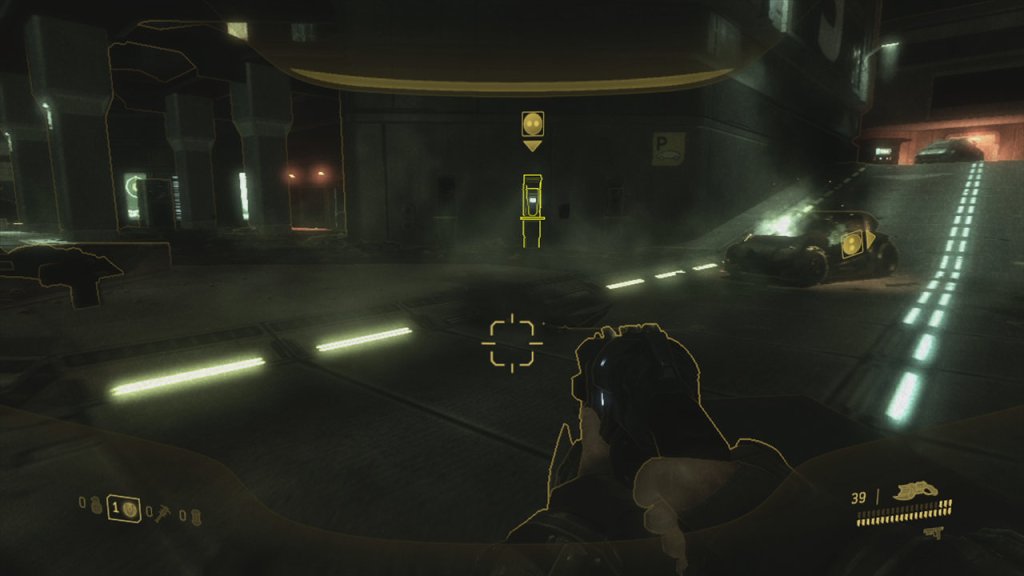
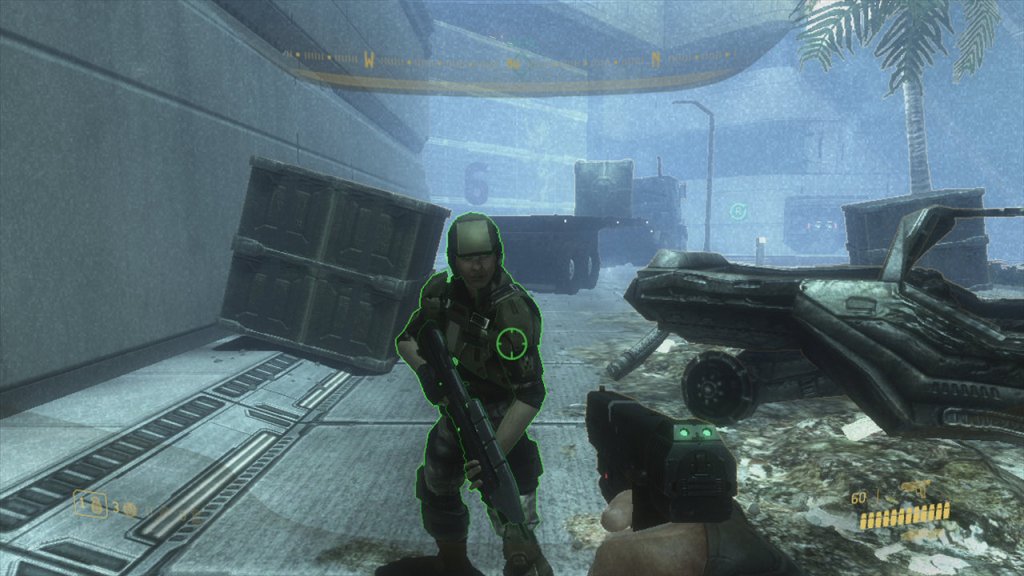
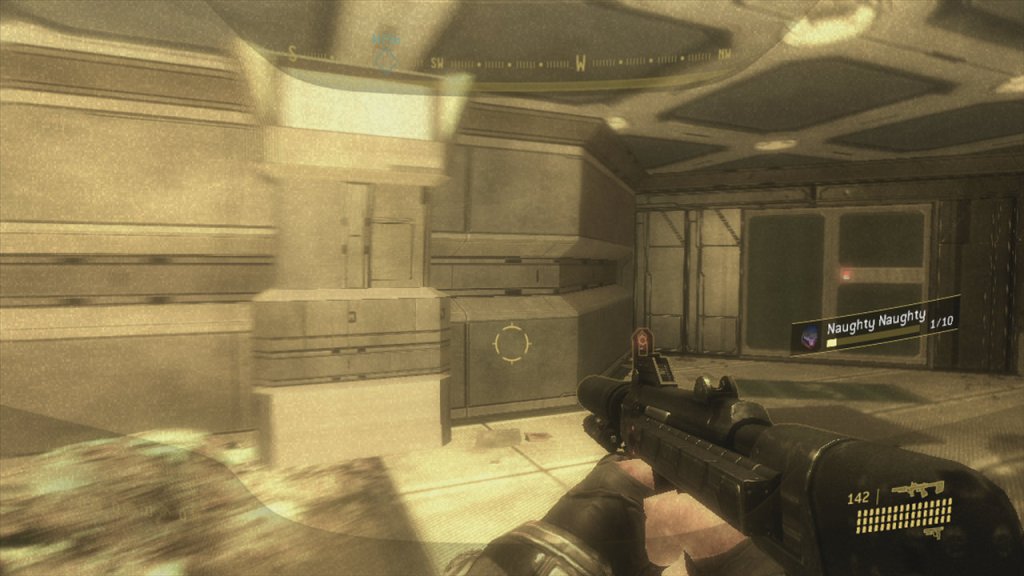
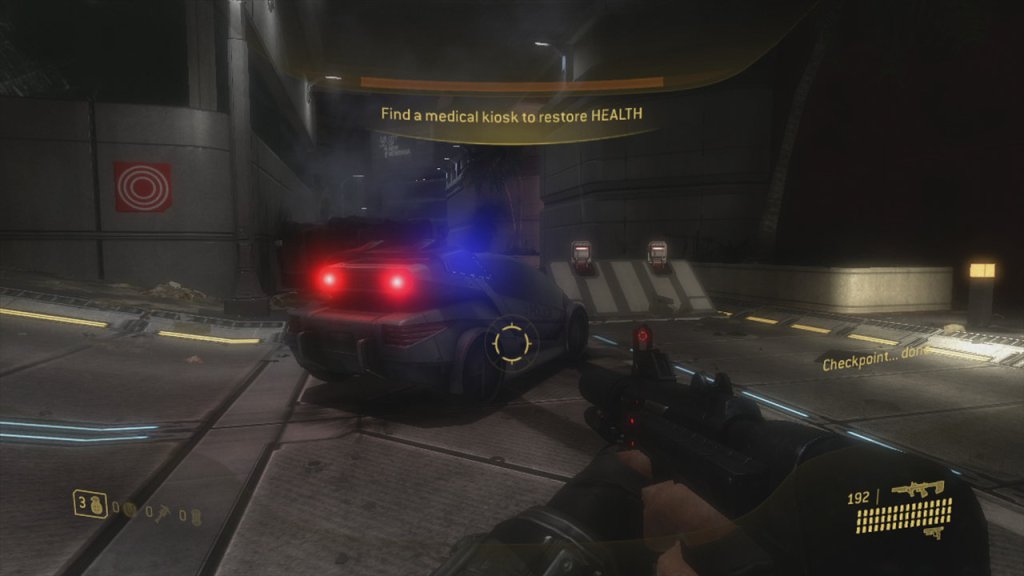
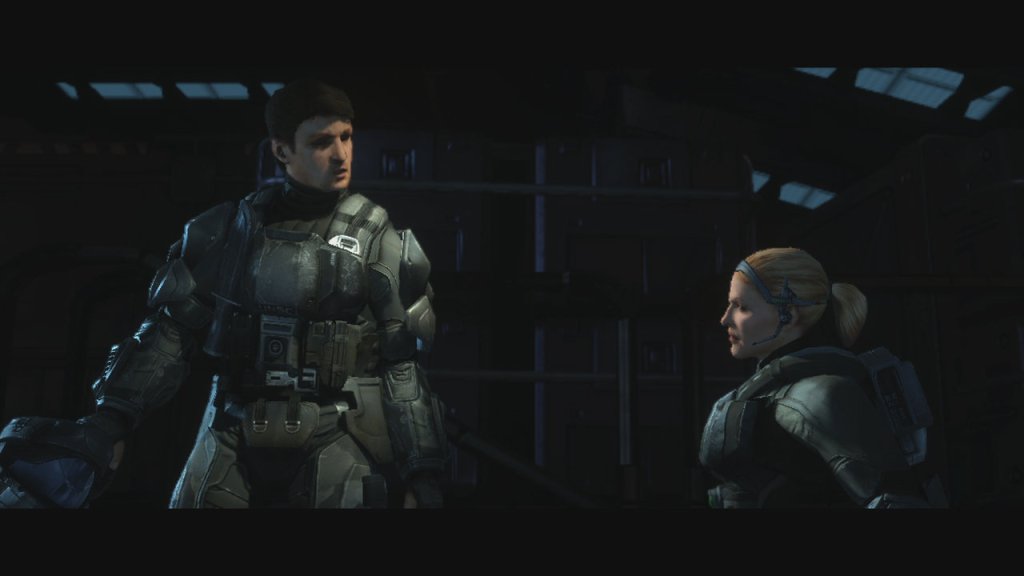
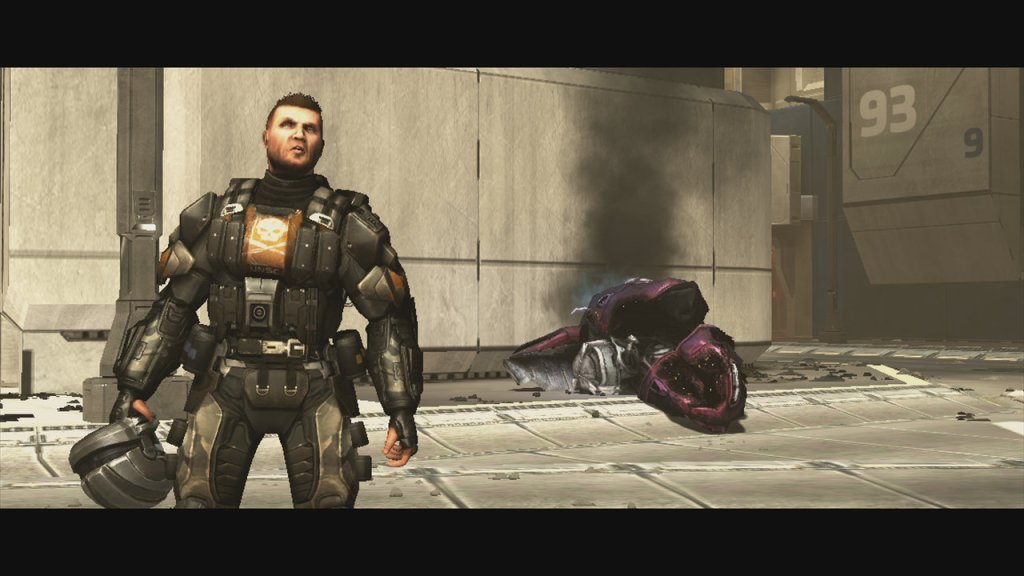
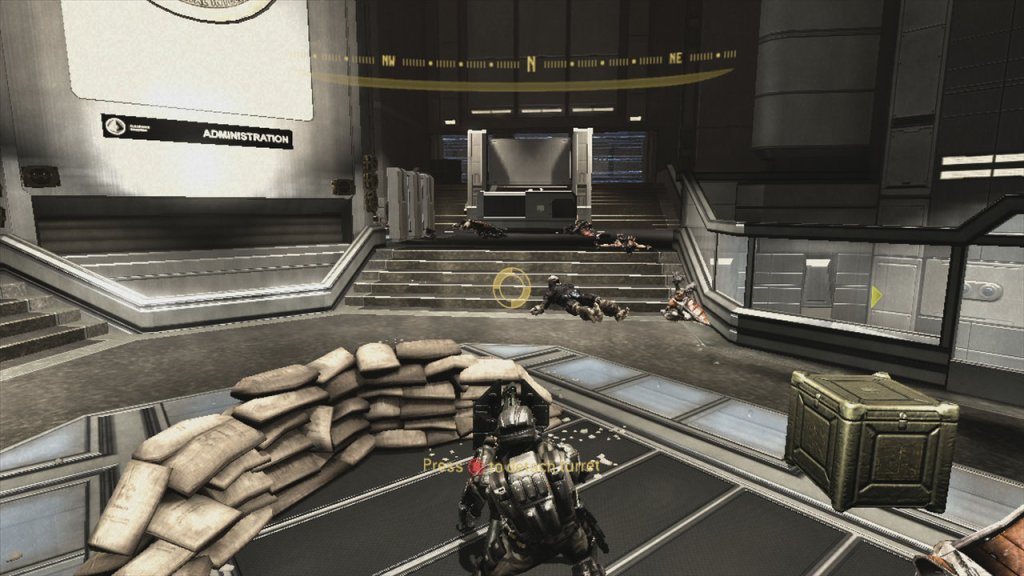
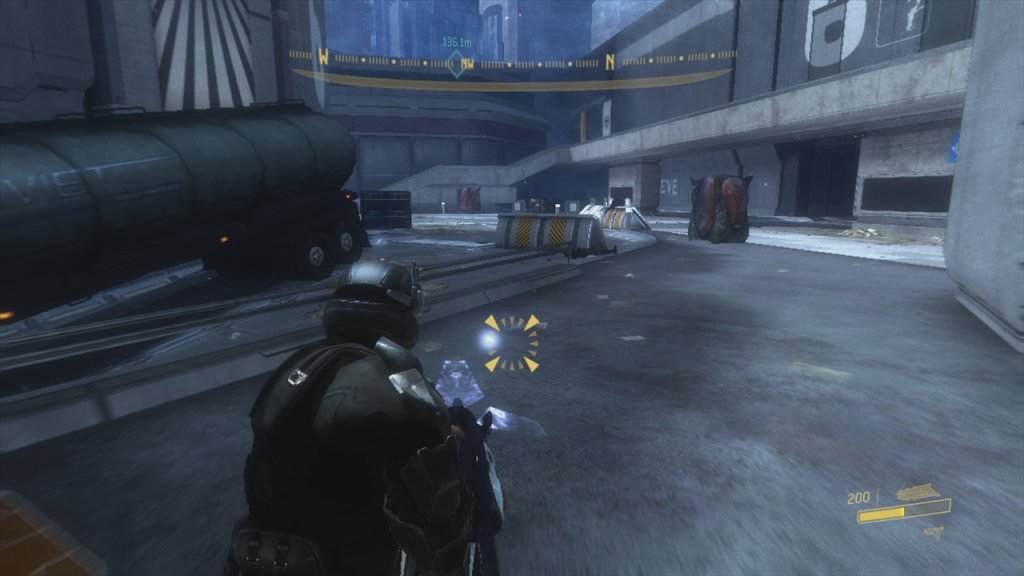
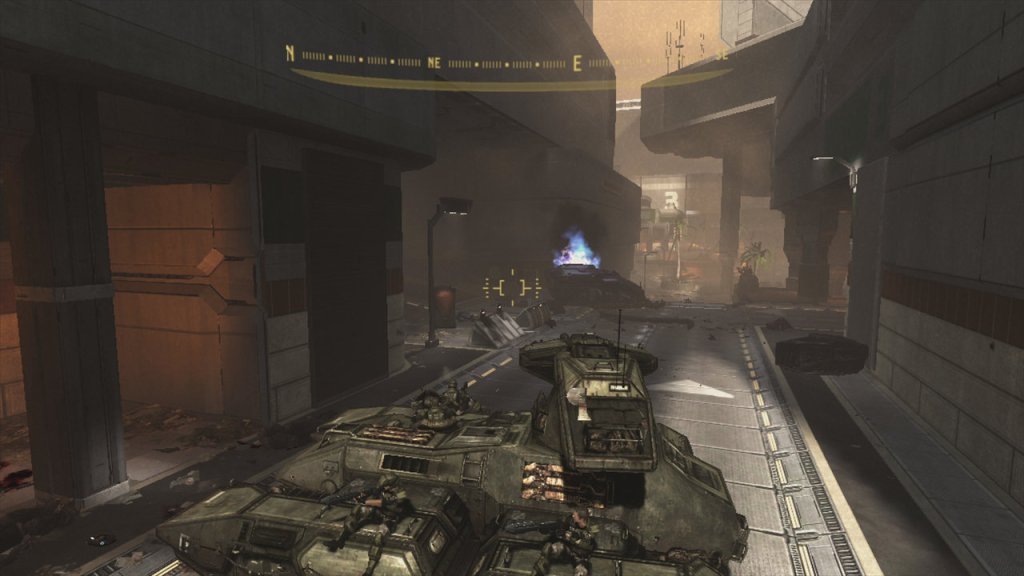
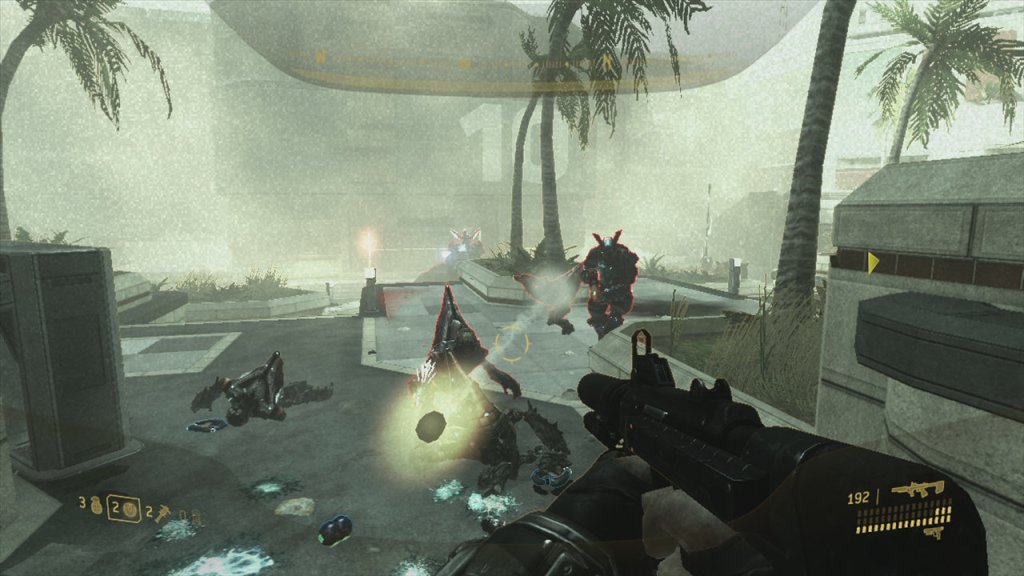
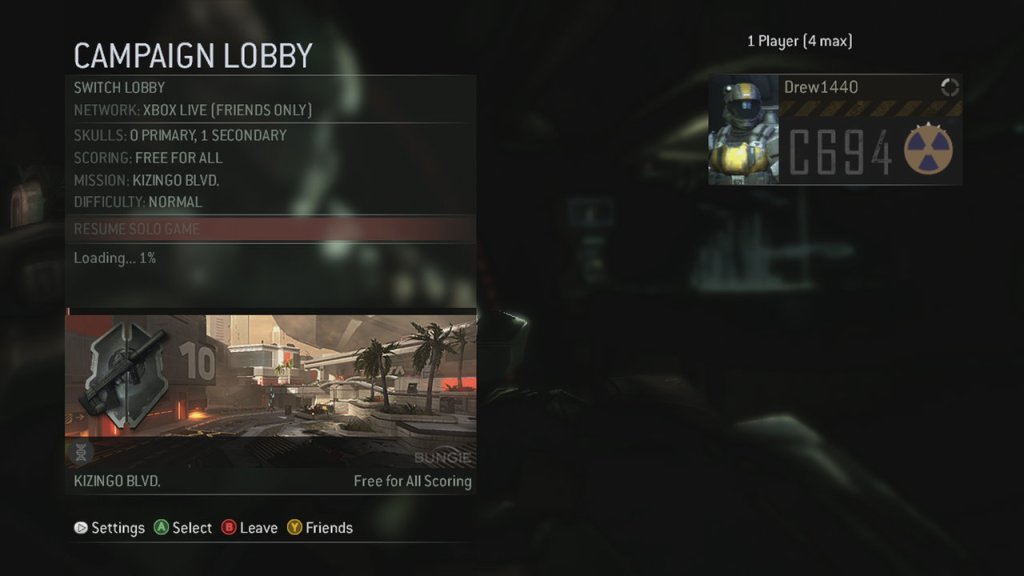
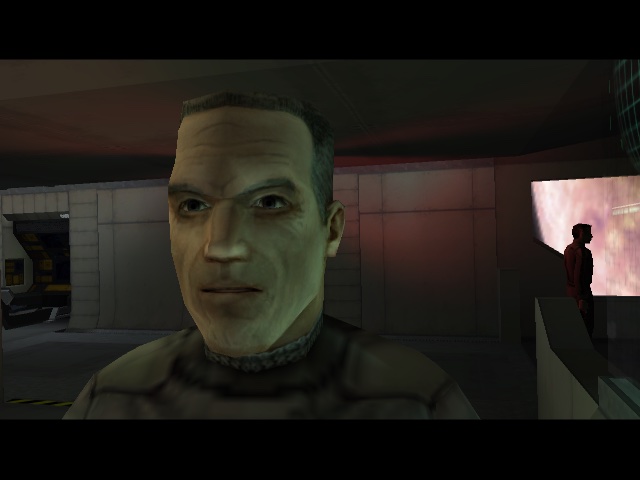
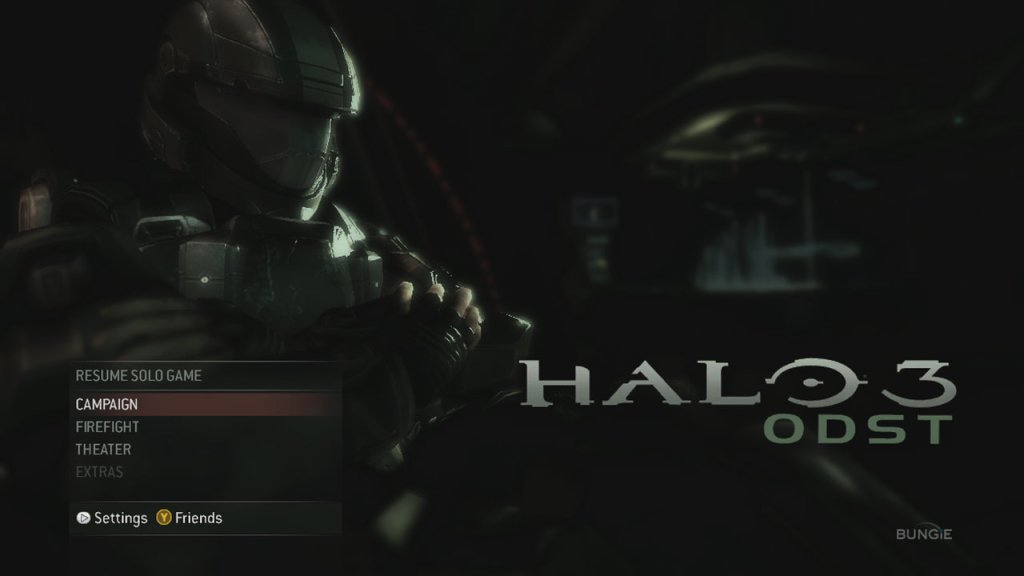
Halo 3 ODST

A first-person shooter developed by Bungie and published by Microsoft Game Studios, released on September 22, 2009, for the Xbox 360. Unlike the main Halo series, which focuses on the super-soldier Master Chief, ODST puts you in the boots of Orbital Drop Shock Troopers (ODSTs), elite but human soldiers in the Halo universe.

For the campaign you play as The Rookie, a faceless ODST grunt dropped into New Mombasa, which looks like a city planner had a stroke and then got glassed by aliens. There are a lot of closed off area’s, and parts of the city are blocked off with huge doors. It’s likely the city was designed around the Xbox 360’s memory limitations, as the city is divided into sections that can fit into the console’s limited memory. The vibe is dark, rainy, and lonely and could also pass for a horror game with its atmosphere. You wander around this semi-open-world hub, picking up clues to trigger flashback missions where you play as other squad members.

The game makes a departure from previous Halo games where you typically play as the MasterChief. With Halo 3 OST, you play as the ODSTs, or Orbital Drop Shock Troopers, are an elite special forces unit of the United Nations SpaceCommand (UNSC) military. They play vital role in the war against the constant and whilst not as powerful as the Spartans (MaterChief), they are still pretty capable compared to the Marines.

There are also collectibles in the form of audio logs about a woman named Sadie, who was present at the time of the attack. You can hear the screams and the panic of the public as the convenient attack whilst Sadie is screaming to get to safety. It’s kind of like listening to a podcast whilst you are wondering around the streets of Mombasa.

A few of the main characters are:

  • The Rookie: The main person you play as, pretty much silent protagonist since its intended to be a stand-in your the player.
  • Gunnery Sergeant Edward “Buck” – Voiced by Nathan Fillion, this guy’s got the charm of Mal from Firefly but with a better haircut. Buck’s the guy you want runnin’ your team: tough, loyal, and droppin’ one-liners that make you wanna high-five your TV.
  • Corporal Taylor “Dutch” Miles – Dutch, voiced by Adam Baldwin—yep, another Firefly alum—is the squad’s heavy weapons guy, like if you gave a tank a personality and a Bible. He’s all about blowing stuff up with rockets or drivin’ Warthogs.
  • Lance Corporal Kojo “Romeo” Agu – Romeo, voiced by Nolan North—aka every video game character ever—is the squad’s sniper.
  • Private First Class Michael “Mickey” Crespo – Mickey’s the explosives nerd, voiced by Alan Tudyk, who’s basically Wash from Firefly.
  • Captain Veronica Dare – voiced by Tricia Helfer, She’s not an ODST but tags along for some secret spy project involving an alien Engineer and the city’s AI. She’s got history with Buck, which is like watching a soap opera with more explosions.

You will play as these characters at various points during the campaign, each will have their own weapon set.

Firefight is a cooperative survival mode introduced in Halo 3: ODST (2009) for the Xbox 360, designed for up to four players (local or online via Xbox Live). In Firefight, you and your teammates play as ODSTs defending against endless waves of Covenant enemies (Grunts, Jackals, Brutes, etc.) on specific maps based on the campaign’s environments. Enemies come in waves (five waves per round, three rounds per set), with difficulty escalating as you progress. Each wave introduces tougher enemies or new enemy types (e.g., Brute Chieftains or Hunters in later rounds). After each set, “Skulls” (game modifiers) activate, increasing difficulty by adding challenges like tougher enemies (Tough Luck Skull), reduced player health (Iron Skull), or faster enemy movement (Catch Skull).

2009 saw many multiplayer game incorporate this co-op PvE mechanic, like Horde mode in Gears Of War 2, and the Zombie Mode in Call Of Duty World At War.

ODST started as a “mini-campaign” idea, like a quick DLC to keep fans busy after Halo 3 dropped in 2007. Bungie had a small team—about 70 folks, with a core design crew of five—working with the Halo 3 engine, so they didn’t have to build from scratch. They reused assets, tweaked the gameplay for squishy ODSTs instead of tanky Spartans, and added cool stuff like VISR mode and silenced weapons. The big hook was the noir vibe, with New Mombasa as a semi-open hub. Bungie had a ready-made engine from Halo 3, so they didn’t need to redesign a new physics engine for the gameplay, and may assets from Halo 3 could be reused. They had a small, experienced team, not the 500+ you see on modern blockbusters. The scope was tight: a short campaign, a new co-op mode (Firefight), and recycled Halo 3 multiplayer maps. They also leaned hard on existing lore, so no need to dream up a whole new universe. Compared to today, where it can take up to 5 years for a new mainline Halo title.

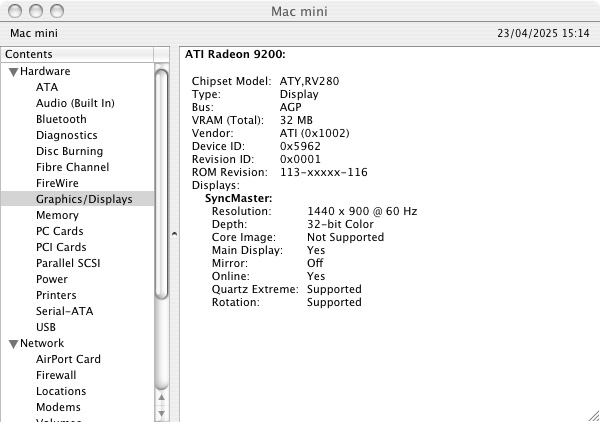
Radeon 9200 (Mac Mini G4)

I’ve been looking to get into the PowerPC world of Macintosh gaming, specifically the early PowerPC oS X and the OS 9/Classic era. Finding the right era can be a challange as there is often limited compatibility for older titles. MacOS itself only supported PowerPC software up until Snow Leopard when the Rosetta support was discontinued. Emulation of PowerPC hardware is almost none existent and whilst QEMU can run the PowerPC versions of Mac OS and OS X, it lacks graphics acceleration supported needed for many of the games.

Apple’s Mac Mini G4 is an interesting system to look at, originally Apple’s way to entice users to the Macintosh platform. It has the Radeon 9200 as its graphic’s processor. Whilst not groundbreaking in comparison to its higher powered PowerMac’s, or even the iMac’s of the era. However the Radeon 9200 was considered a step up from the integrated Intel (Or SiS) graphics chips that were featured in many budget PCs. In way way the Mac Mini was more than capable of taking on for 3D games compared to the integrated graphics on low end PCs. 

However as a Macintosh, it’s underpowered for its time and is best thought as an iBook in desktop form. Whilst it shipped with the built in Radeon 9200, the iMac G5 came with either a GeForce FX5200 or the Radeon 9200 which are much better for games, and these were the target hardware for many of the latest Macintosh games.

Still, lets take a look at some of the games and how well they perform. This model is the 1.25Ghz model with 512MB (originally 256MB) of system memory. We will be looking at both OS 9 games running in the Classic environment, and OS X games that were either native, or had a Carbon patch to allow them to function on OS X.

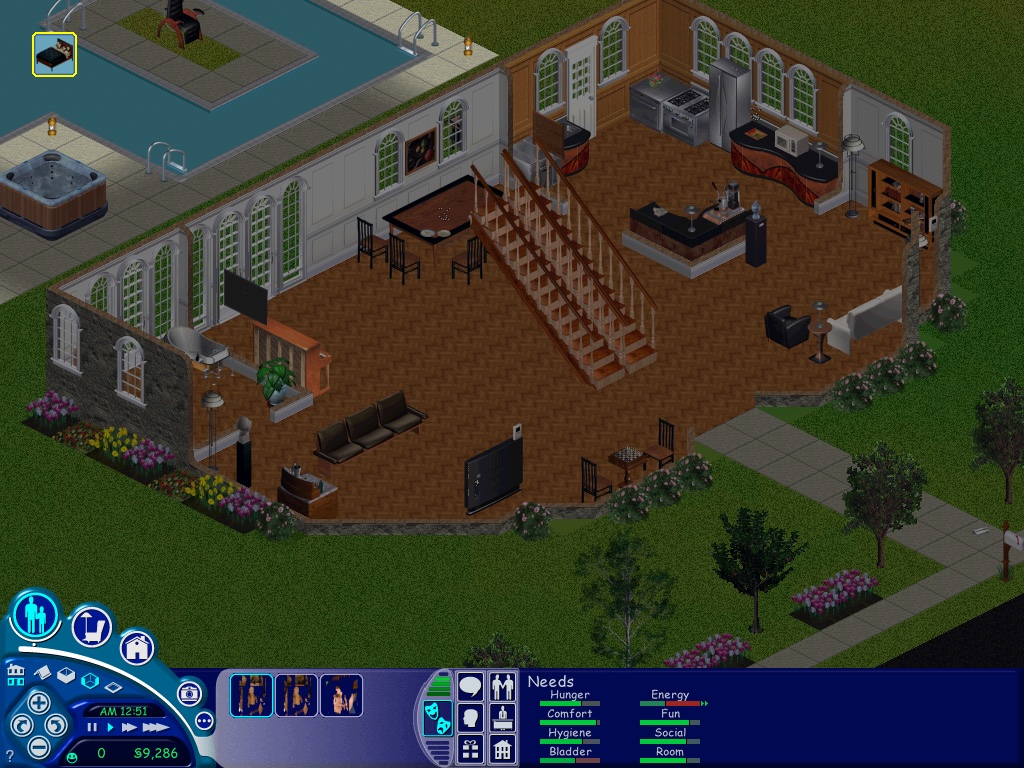
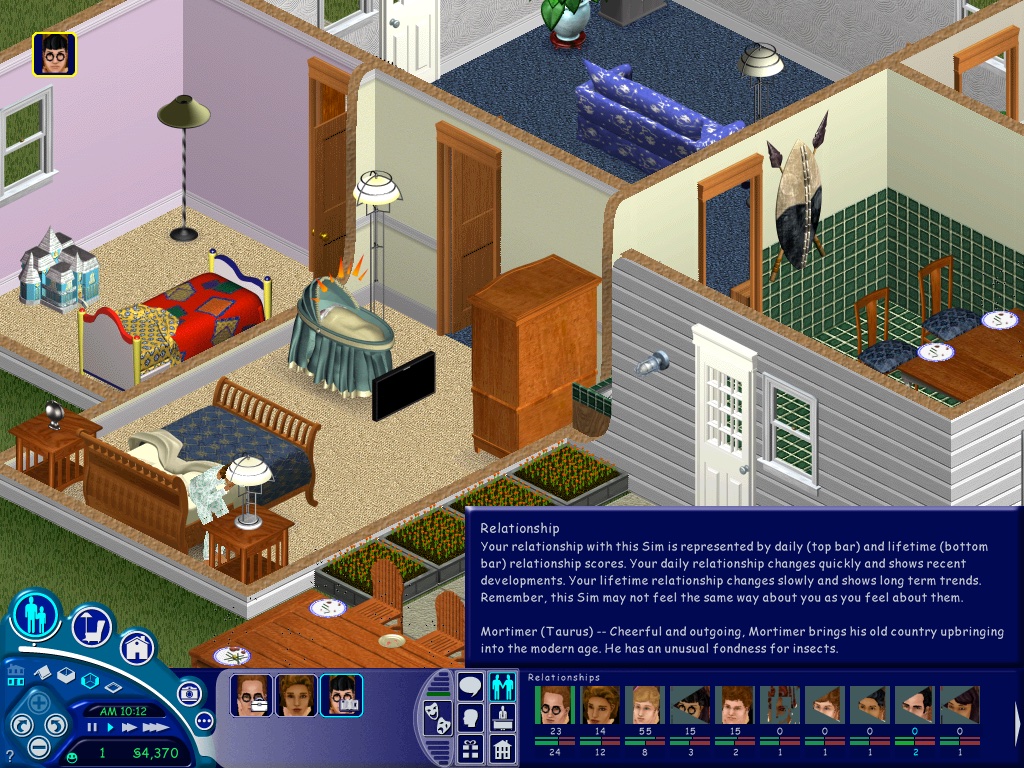
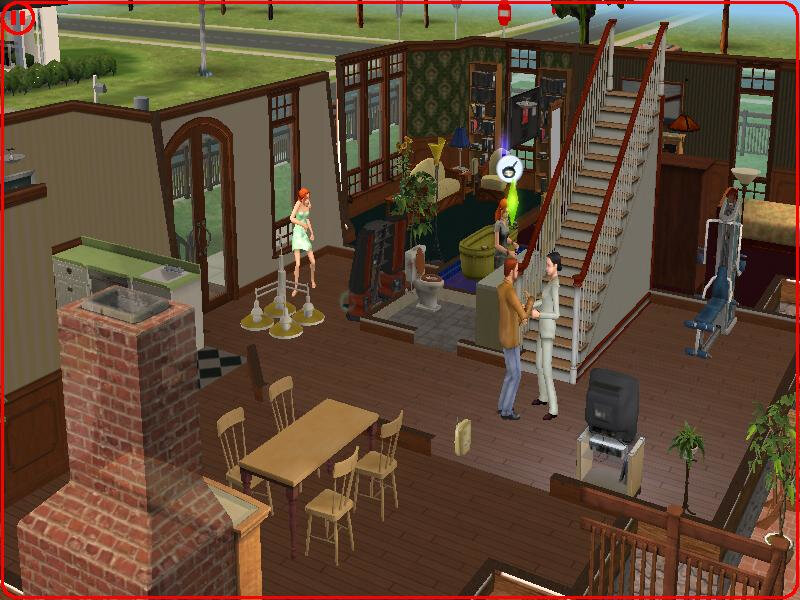
The Sims – Here the Party Pack was tested, this is a Mac/Aspyr exclusive bundle that combined the first three expansions in one compilation. On the Mac mini it runs well performance-wise but the sim thumbnails look corrupted. This also affects the relationship panel. The Sims themselves look fine, just a shame about their icons. Framerate does appear to suffer when we throw a large party with 12+ sims on the screen at 1024×768.

If you prefer to play the original release of the game, you will either need the Classic environment to install the game, and will also need the Carbon patch to enable support under OS X.

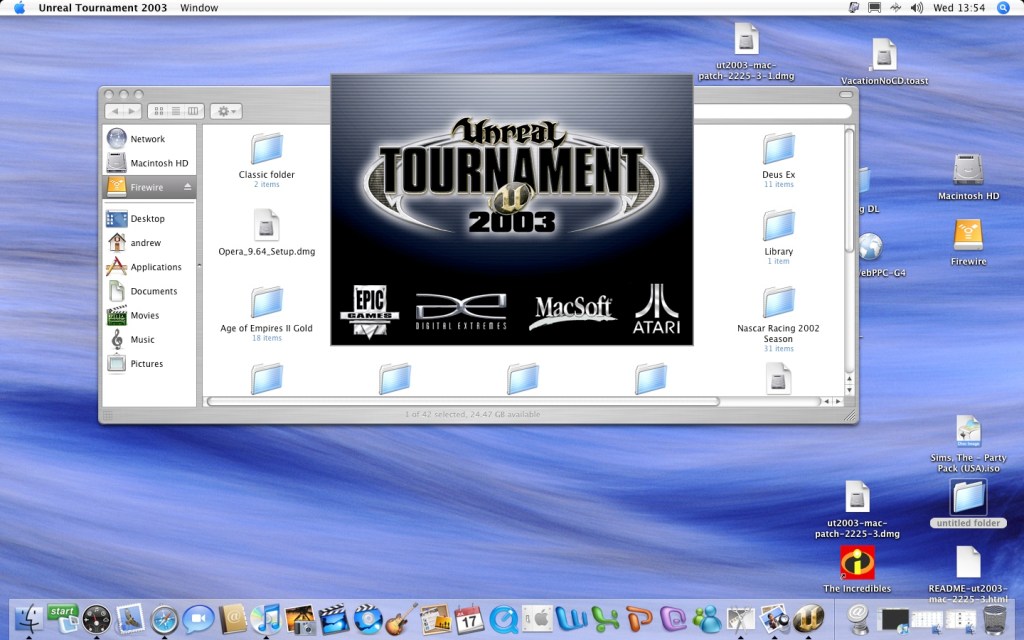
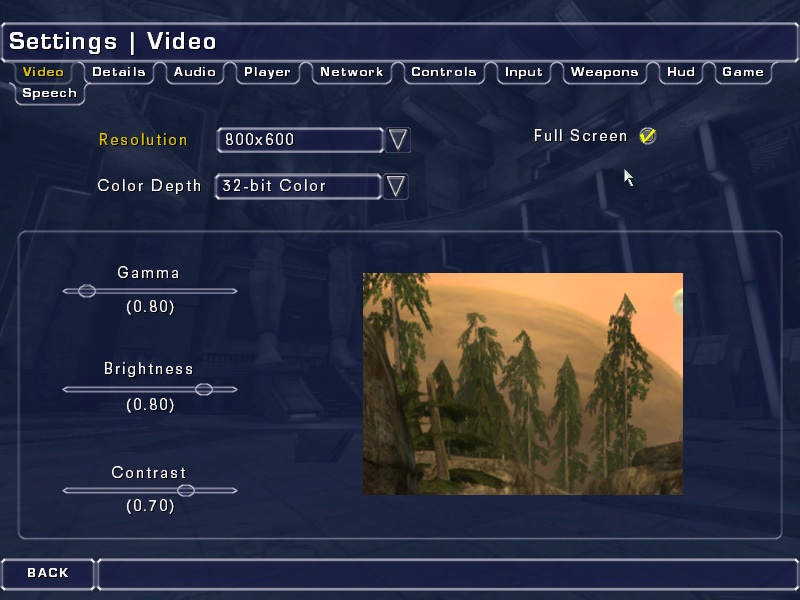
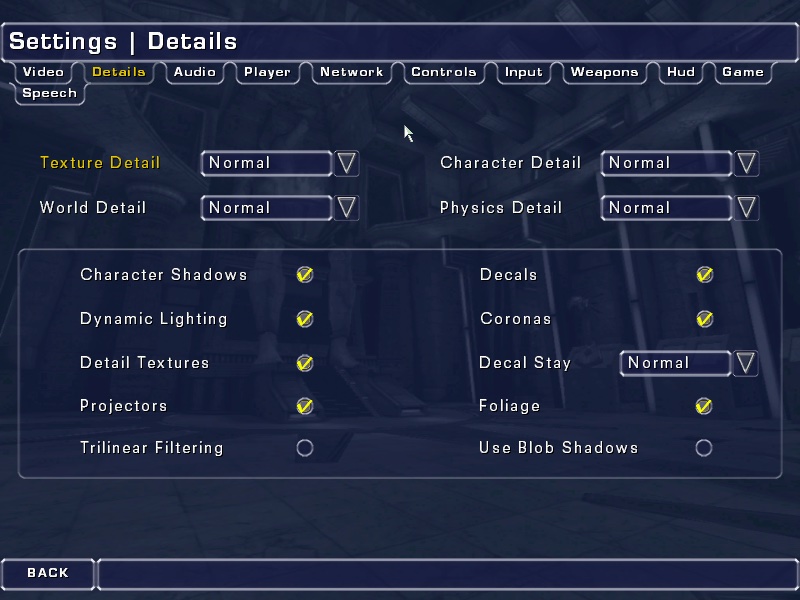
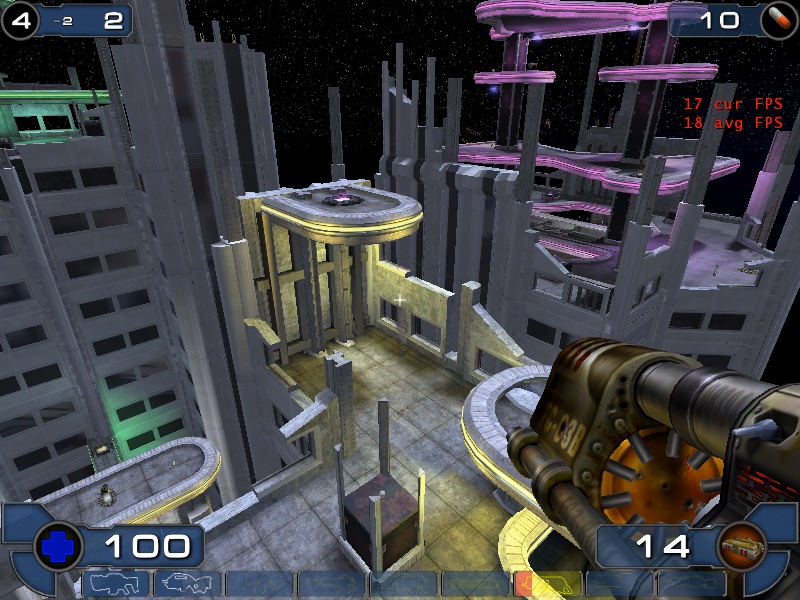
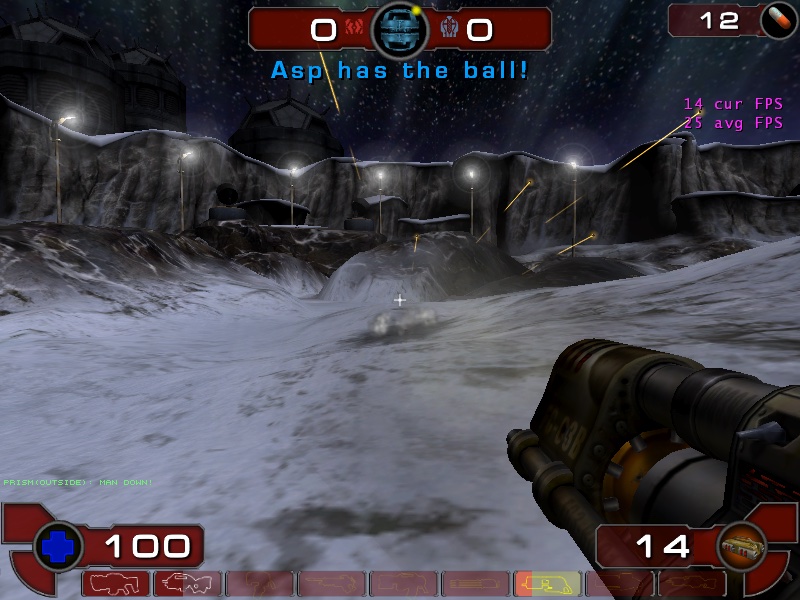
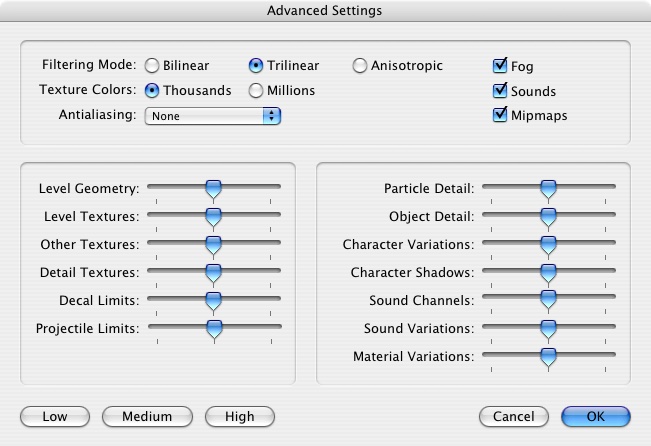
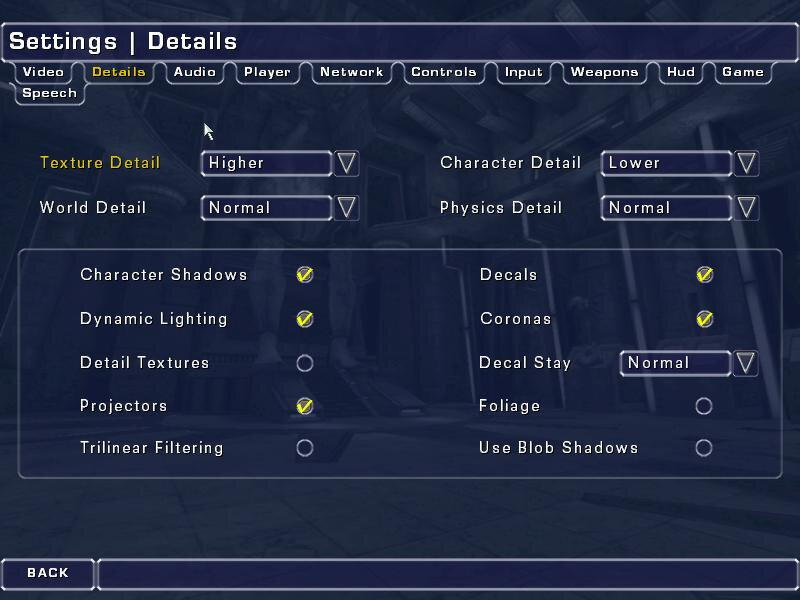
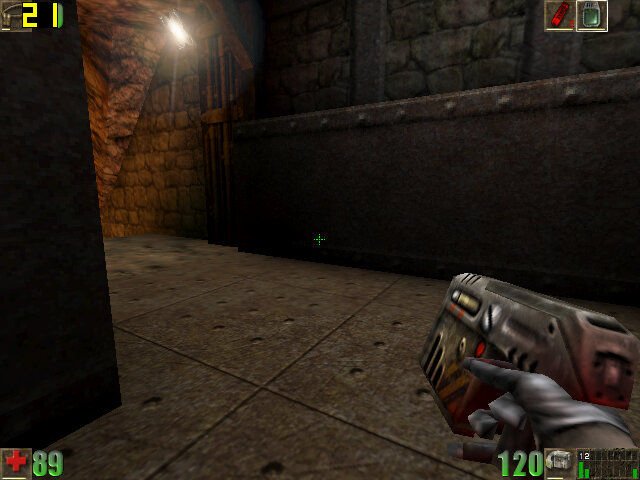
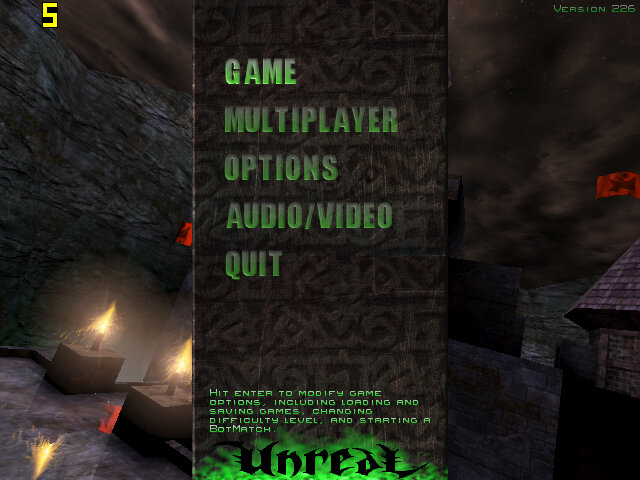
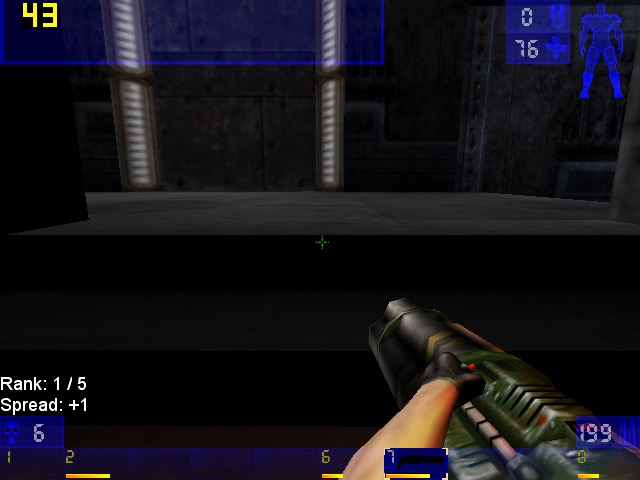
Unreal Tournament 2003 – Running the game at 800×600 with most settings on ‘Normal’, here we get a consistent frame rate of 33fps for most of the maps. If we disable some of the effects (Character Shadows, Dynamic lighting, etc) we can gain some performance. However adjusting the world/texture details has little to no effect from ‘normal’ to ‘low’

One weird feature was the support for Hardware 3D Audio EAX within the sound settings menu, but I can’t remember if OS X ever had support for Creative’s EAX?

We did get a few crashes back to the Finder, this isn’t really a stable port of the game.

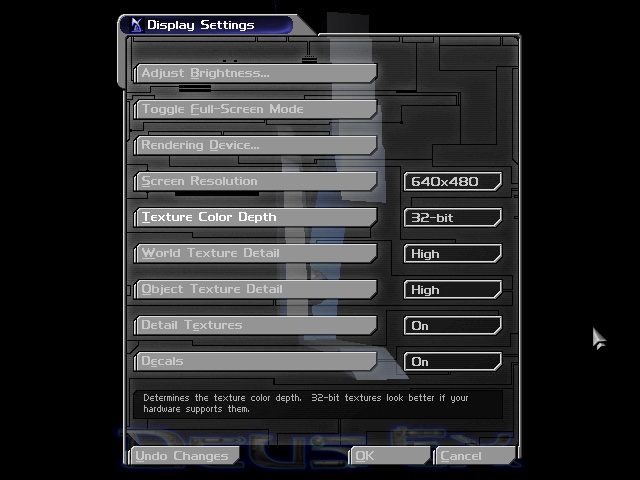
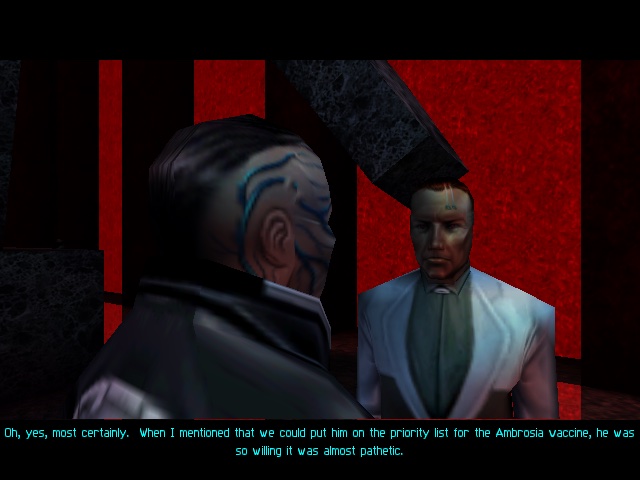
Deus Ex – This game runs through the Classic environment, unfortunately there was no carbon patch release for this game, due to Unreal Engine having issues with the sound for OS X. Despite this, the game runs well in the Classic environment and was able to run off the external Firewire CD drive (since the internal drive on this Mac mini is faulty)

Running at 640×480, the game felt smooth although there is no way to show the fps and I’m not aware of any tools that can run under OS9.

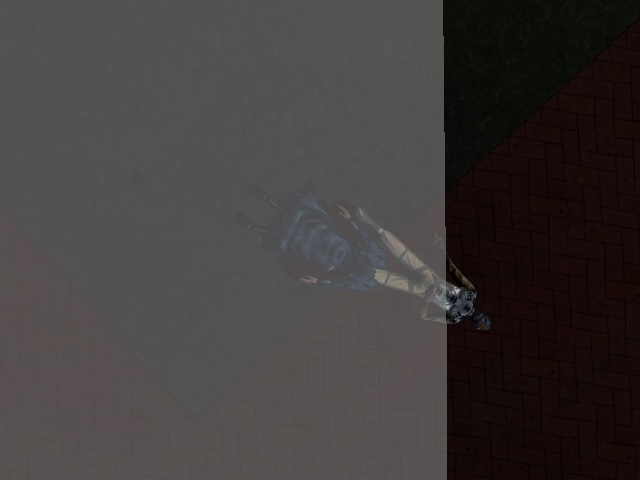
A wierd side effect is the MacOS mouse cursor can appear randomly and will move about onscreen as you are aiming, its not a huge issue but can be distracting. There is also an effect where the overlay does not take up the entire screen, this is noticeable when you are saving the game, have died or are taking damage and parts of the screen flash red.

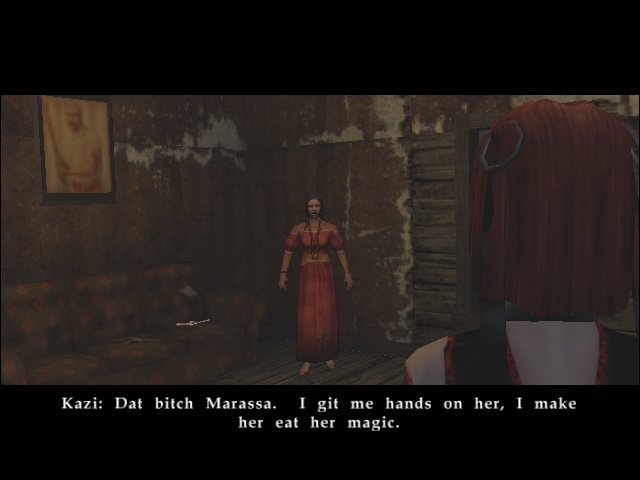
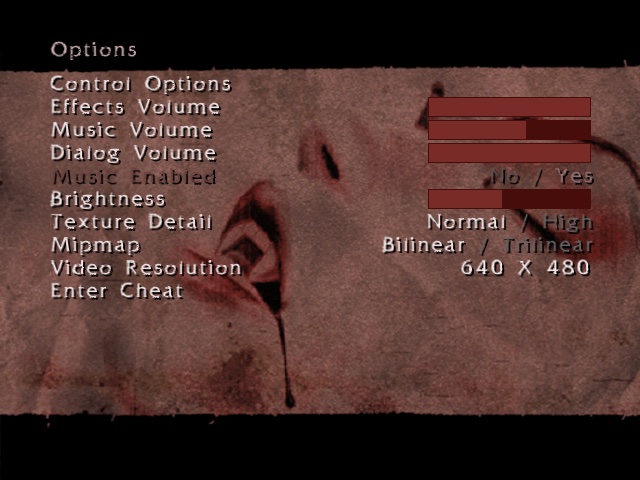
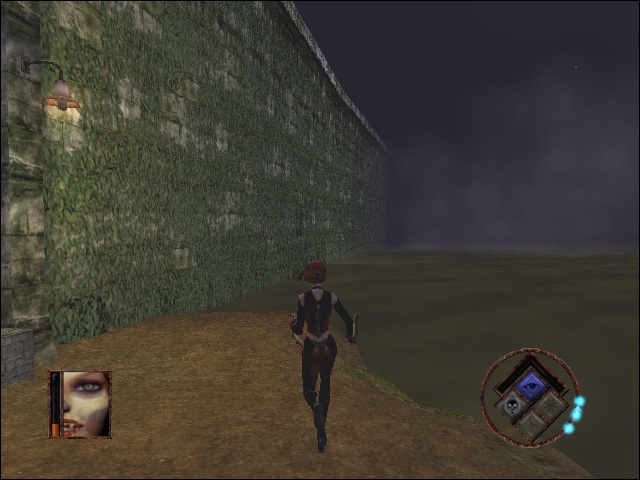
Bloodrayne : The opening FMV paper to be garbled, I’m not sure why unless its incomparable with the version of Quicktime installed. Here we have the resolution set to 640×480, with bilinear filtering enabled and normal texture detail. Performance here appears to be choppy, especially when barrel rolling through the air. On the Ghetto level, transferring through the water reduces the game to a mere slideshow

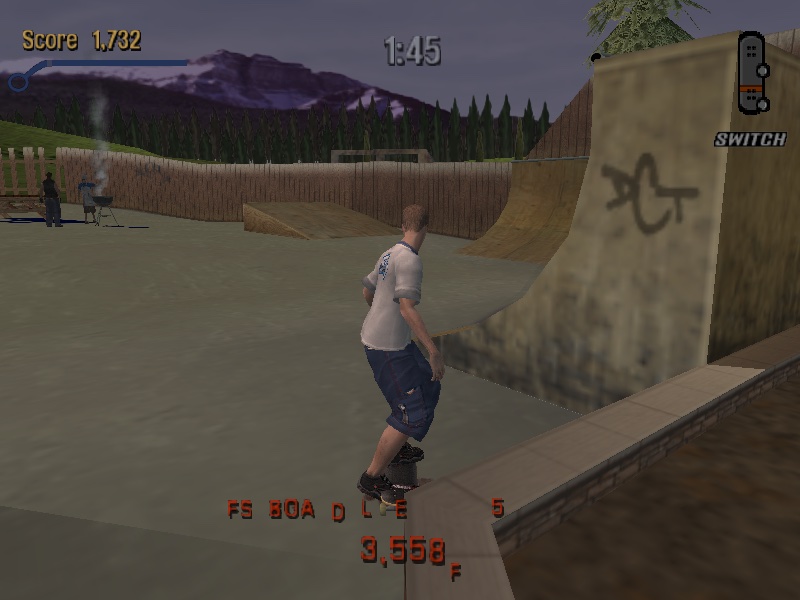
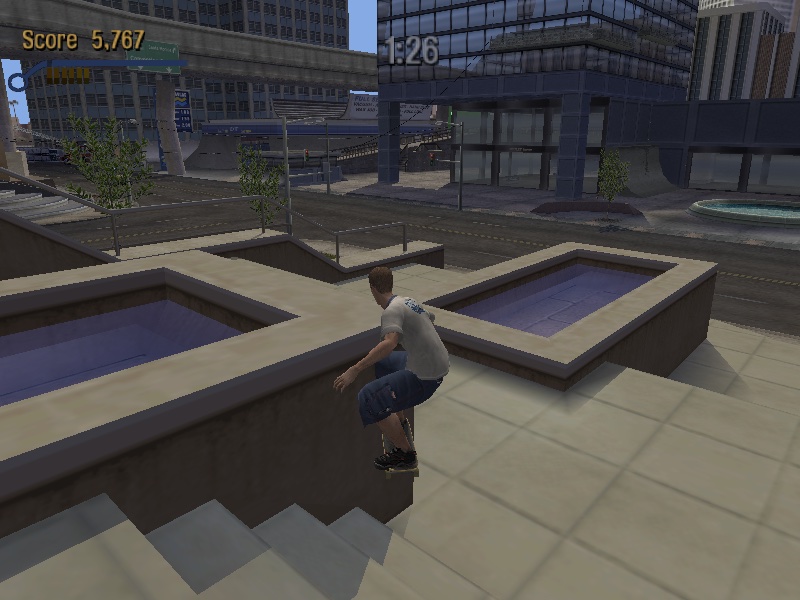
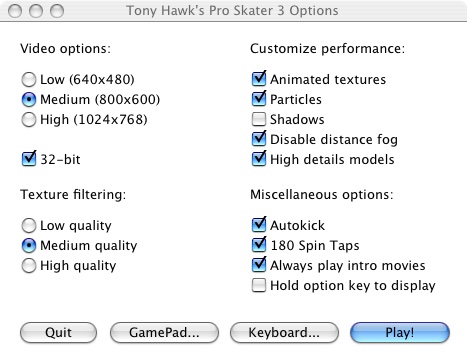
Tony Hawk Pro Skater 3 – Running the game at 800×600 with medium texture filtering with all customer performance settings enabled except for shadows. The game runs pretty smooth although the controls are a bit temperamental.

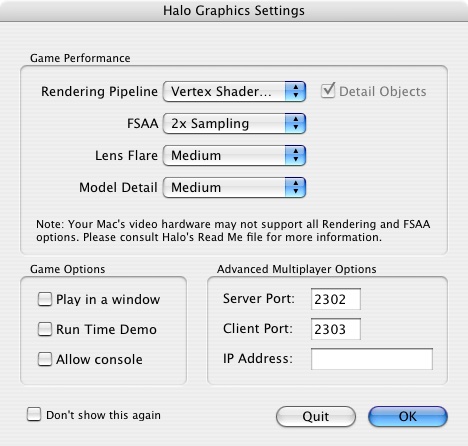
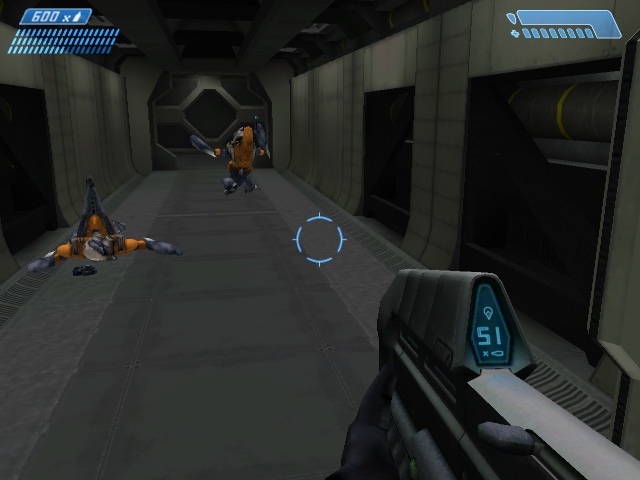
Halo: Combat Evolved – Lets look at how Halo performs. From looking at the graphics settings that appears upon startup, we only have access to vertex shaders only, pixel shaders were not supported on the Radeon 9200. By default the FSAA is set to 2x Sampling, along with medium lens fare and medium model detail. 

Overall experience is acceptable, with some frame drops whenever there are explosions or heave scenery.

There is a time demo option which is supposed to benchmark the game against the system:

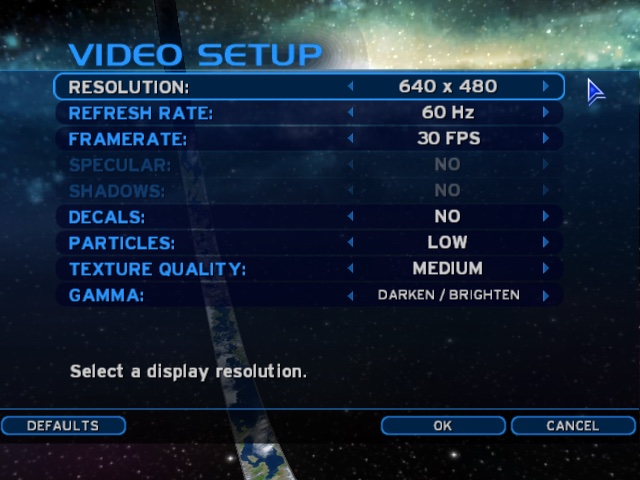
Medium Settings

Date / Time: 23/4/25 6:44:58 (0ms)
1200MHz, 512MB
Firewire\Halo\Halo -console Frames=4700
Total Time=207.20s
Average frame rate=22.68fps
Below 5fps= 6% (time) 0% (frames) (13.298s spent in 12 frames)
Below 10fps= 8% (time) 1% (frames)
Below 15fps= 25% (time) 9% (frames)
Below 20fps= 41% (time) 22% (frames)
Below 25fps= 62% (time) 43% (frames)
Below 30fps= 80% (time) 65% (frames)
Below 40fps= 91% (time) 81% (frames)
Below 50fps= 97% (time) 91% (frames)
Below 60fps= 98% (time) 95% (frames)
###Sound Options###
Hardware Acceleration= No
Sound Quality= Low
Environmental Sound= No
Sound Variety= Medium
###Video Options###
Resolution= 640 x 480
Refresh rate= 0 Hz
Framerate throttle= No Vsync
Specular= No
Shadows= No
Decals= No
Particles= Off
Texture Quality= Medium

For further information, please visit the timedemo FAQ at: http://halo.bungie.net/site/halo/features/hpcperformancefaq.html

High Settings

Date / Time: 23/4/25 6:53:10 (0ms)
1200MHz, 512MB
Firewire\Halo\Halo -console Frames=4700
Total Time=346.39s
Average frame rate=13.57fps
Below 5fps= 6% (time) 0% (frames) (21.853s spent in 35 frames)
Below 10fps= 38% (time) 18% (frames)
Below 15fps= 66% (time) 44% (frames)
Below 20fps= 82% (time) 64% (frames)
Below 25fps= 88% (time) 74% (frames)
Below 30fps= 96% (time) 89% (frames)
Below 40fps= 98% (time) 96% (frames)
Below 50fps= 99% (time) 97% (frames)
Below 60fps= 99% (time) 99% (frames)
###Sound Options###
Hardware Acceleration= No
Sound Quality= Low
Environmental Sound= No
Sound Variety= Medium
###Video Options###
Resolution= 640 x 480
Refresh rate= 0 Hz
Framerate throttle= No Vsync
Specular= No
Shadows= No
Decals= No
Particles= Off
Texture Quality= Medium

For further information, please visit the timedemo FAQ at: http://halo.bungie.net/site/halo/features/hpcperformancefaq.html

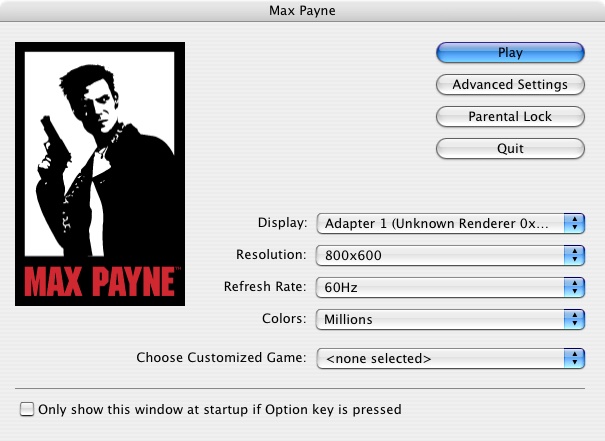
Max Payne: Here we are running the game at 800×600, with the default settings being automatically set to medium. We get a steady 40fps with some slowdown when we navigate to a new area.

Setting the graphics options defaults to high at 800×600 give us an average of 32fps, but with dips to a low 14fps when we are in an intense gunfight. You could sacrifice to 640×480, but it depends if you prefer detail over resolution.

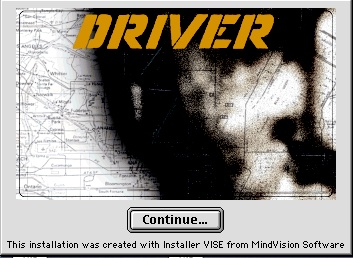
Driver: You are the Wheelman: Unfortunately I was unable tog et this one to run, since it just gives a generic error message that the game isn’t supported under the Classic environment. Even after installing a glide wrapper (MacGlide), the game still refused to run.

Since the game isn’t crashing or showing any signs of running, I assume this is some soft of compatibility backlist that Apple has implemented for problematic software.

PS3 – Applying Song Titles to Imported Music

Specifically ATRAC3 format music

Sony PS3 ATRAC Audio

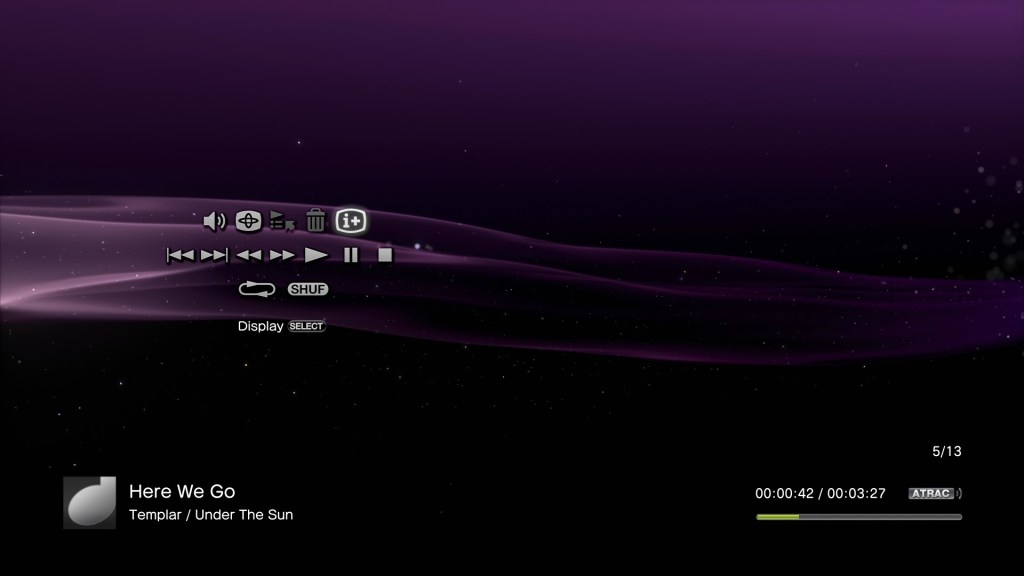
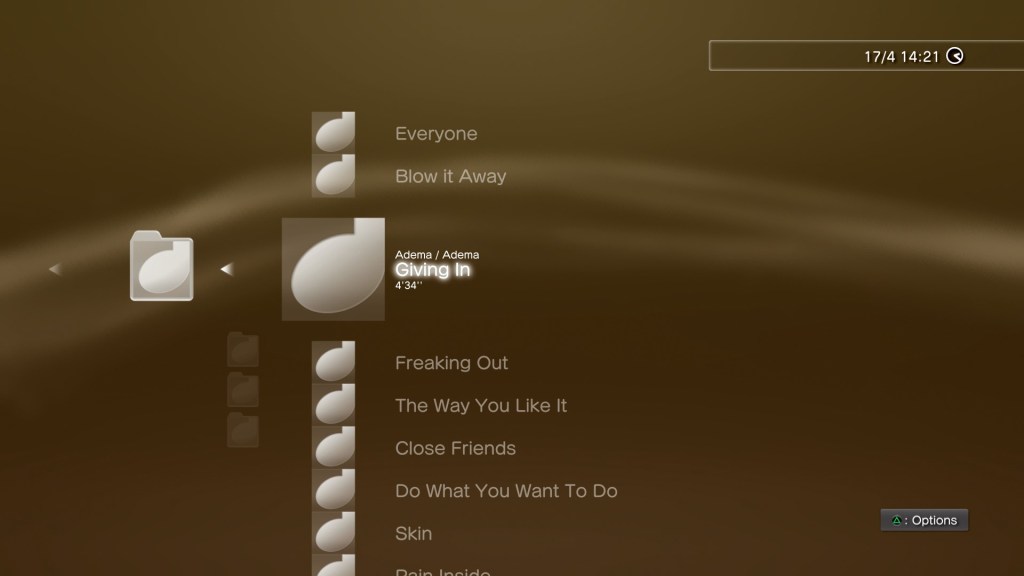
The PS3 is still a pretty chill music player, with its support for MP3, AAC and ATRAC3 audio formats, and it’s XMB interface. A nice feature was its ability to import compact disc audio tracks for storage on its internal HDD or a USB connected drive. As part of the import process, the PS3 would automatically obtain song titles from its Gracenote database which would obtain the artist, album and song information, along with any album art if this was available.

At some point this functionality had stopped working, meaning the PS3 can no longer automatically obtain the required information.

A solution to this was to manually type in the required information before you import the CD, which can be very laborious when using the Dualshock controller since you must rely on the onscreen keyboard. Even if you were to attach a USB (or Bluetooth) keyboard, the process of typing in the song and album information can take a while for large albums.

Whilst software exists that can automatically acquire information for MP3 or AAC audio, few or none currently exist for ATRAC3 encoded files.

Why use ATRAC3? Well its supposedly more efficient compared to MP3, although its debatable how much better it is compared to WMA or AAC. It is a format unique to Sony, so it feels right to use it on their own hardware.

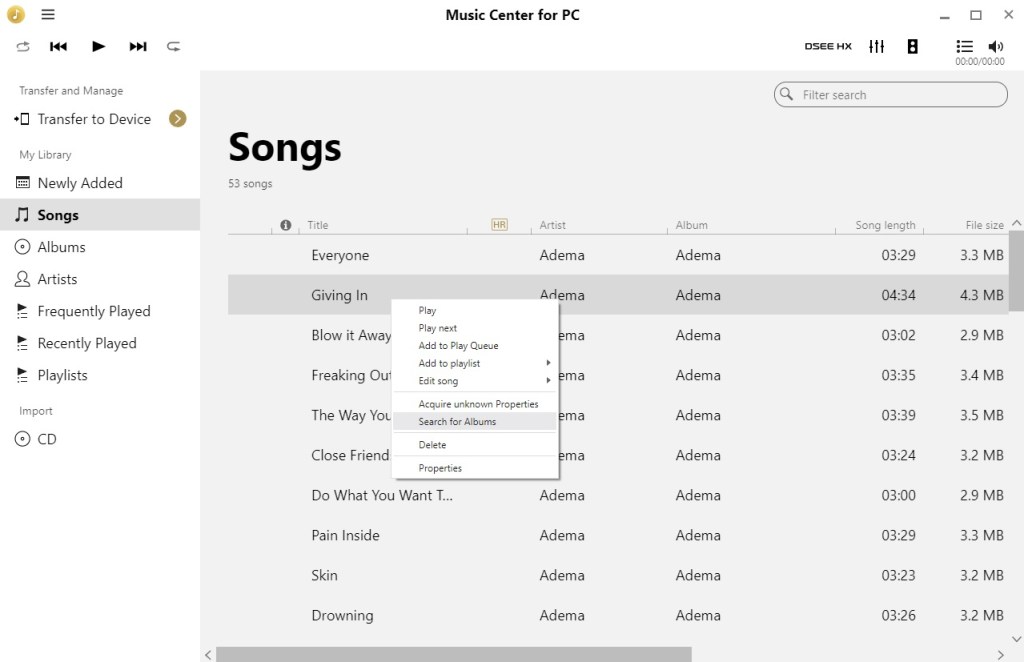
A solution is to use a more up-do-date media player that supports ATRAC and that can retrieve audio information from the Internet. This is where Music Center for PC comes in, originally designed to sync and transfer songs to Sony’s modern Walkman players, and is the successor to Media Go for the PSP, or SonicStage for Sony’s earlier digital Walkman’s.

Sony Music Center for PC

Here we can scan and analyze the tracks using a Windows PC with the Sony Music Center software. This will involve copying the album from the PS3 console onto an external USB drive which can be done from the XMB.

Connect the USB drive to your PC, and when Windows detects and mounts the drive you will need to instruct Music Center to scan/import the files to its database. The PS3 by default will copy music files to the MUSIC directory on the drive, which is where we need to point Music Center to.

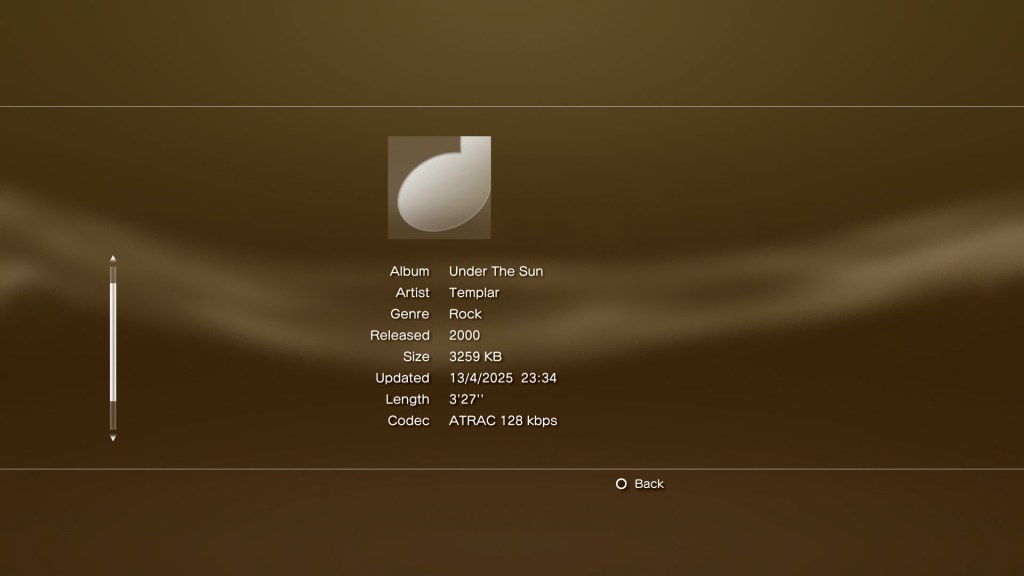
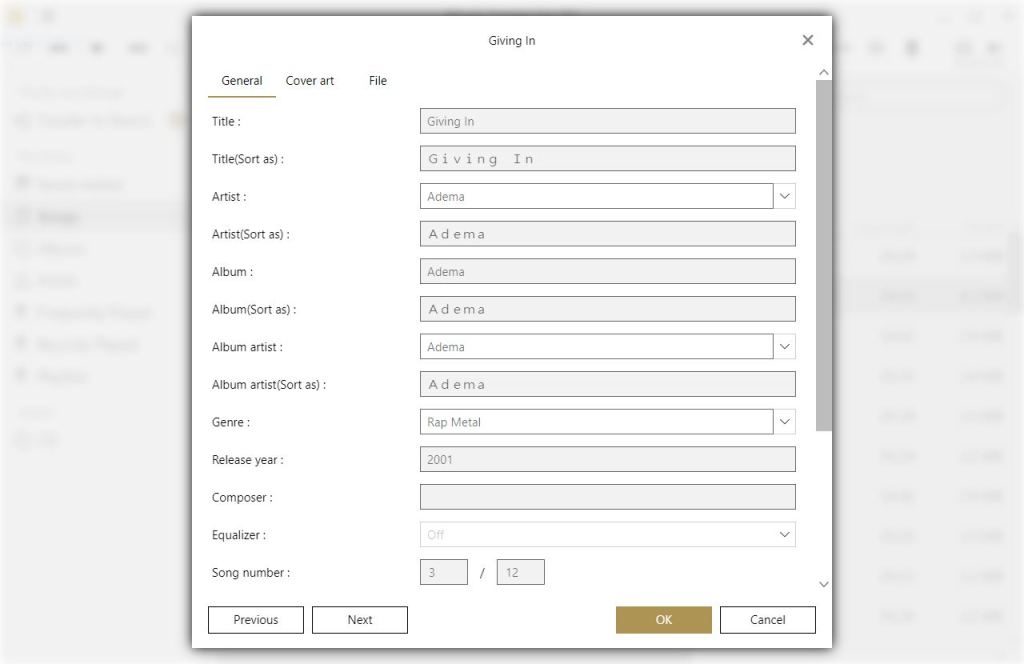
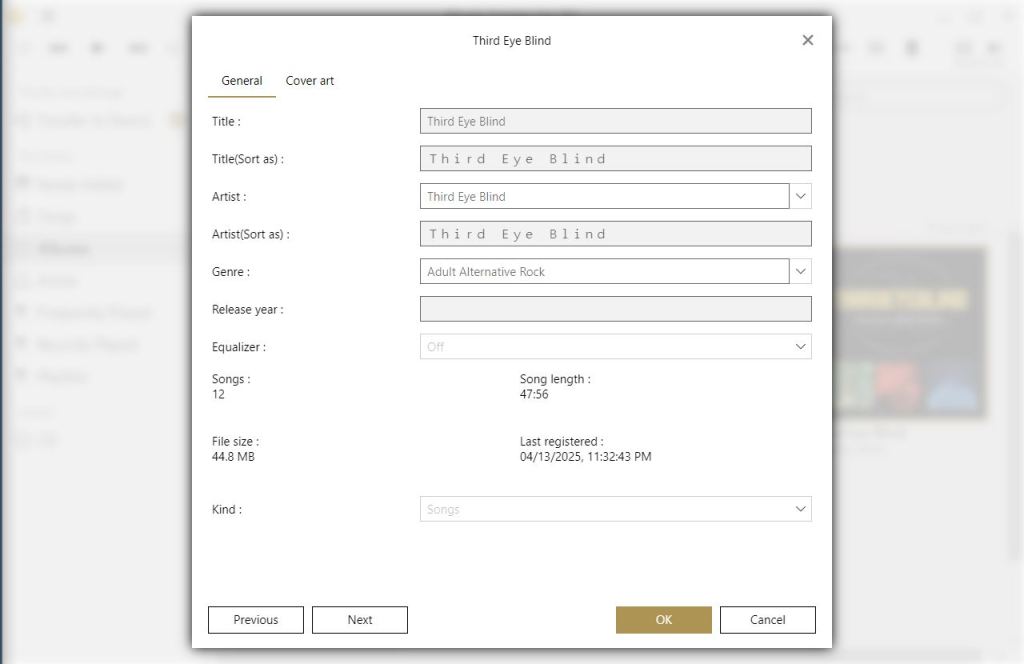
Once Music Center has added the correct tracks, we can acquire the missing information, Right click on the song or album, and then select ‘Acquire unknown properties’. Music center should then start processing and update the song information. This will then update the file itself, so the PS3 should be able to read this information.

As useful as this utility is, it does get things wrong. Here this Third Eye Blind had a few of the track titles mixed up. My guess is any album that had a different track listing for certain regions might fall victim to this.

Album art also does to appear to transfer over, but that’s not much of a loss.

Hopefully this will be useful to those who would like to use their PS3 for music purposes, and wish to take advantage of the ATRAC format. There is probably better software that can achieve this, which might be something to look into.

Intel GMA3600 (PowerVR SGX545)

PowerVR graphics processers aren’t very common in the desktop PC space, you’re most likely to encounter them in mobile devices, having been used on the original iPhone, all the way to the iPhone 6S, various early Android devices like the original Samsung Galaxy, Galaxy S4 and the Google Nexus player. In the console space, the Sega Dreamcast and the PlayStation Vita have both used PowerVR for their graphics processors. On PC though, they did release a few early 3D accelerators during the late 90s, known as the Kyro Midas3/PCX and later Kyro series of 3D processors. They were mostly satisfactory for their time, but nothing remarkable over its competitors like Nvidia or 3DFX. They did make use of their own API (SGL)  before adopting DirectX.

Still Intel had their own line of integrated graphics chipsets, so why license the PowerVR?

Well its mostly due to die size and power consumption, with PowerVR chipsets being focused on the mobile marker, which Intel was desperate to get into. They even produced mobile phones that featured x86 processors running Android. In this case, we have a thin client (A 10Zig 58xx) that comes with an Intel Atom D2550 that has the PowerVR embedded, running at 640Mhz according to its Wikipedia article. Although I suspect it will throttle based on heat.

The SGX545 is based on Imagination’s tile-based deferred rendering (TBDR) architecture, a hallmark of PowerVR GPUs and is often brought up in Dreamcast Vs PS2 Comparisions across various message boards. This approach splits the display into tiles and performs rendering only after determining which surfaces are visible, reducing memory bandwidth usage and improving efficiency, a nice feature to have when the GPU shares memory bandwidth with the system.

I would have liked to show the Intel Graphics Utility but the utility refuses to start, crashing instead. This could be because Windows Thin PC is missing something the utility requires (.NET Framework 3.5). Oh well, not like those Intel Control Panels did much anyway…

Apparently this chip a complete fail with Windows 10, meaning its best to use it with Windows 7. Considering I’m running this on a thin client, I opted to use Windows Thin PC which is geared for such devices plus it has a lot of auxiliary stuff removed, ideal since we only have a 16GB DOM.

The system memory appears to be a single 2GB module ruinning at 1066MHZ, no idea of much that memory bandwidth affects gameplay. Now ther is an option within the BIOS, or Efi to change the amount of reserved RAM. By default it was set to 8MB, with the option to go all the way up to 48MB. I’m not sure what impact this could have on performance, since Windows reports the same amount of VRAM regardless of what option is set, although the reserved memory amount does change in the System Performance Monitor.

Games

Lets see what the typical experience for running game would be, despite this hardware being made anything but playing games. The GPU is supposed to have full DirectX 9 compliance, however given the power limitations I figure its best to test titles from the early 2000s era with a few 90s games to see how the drivers fare with older titles.

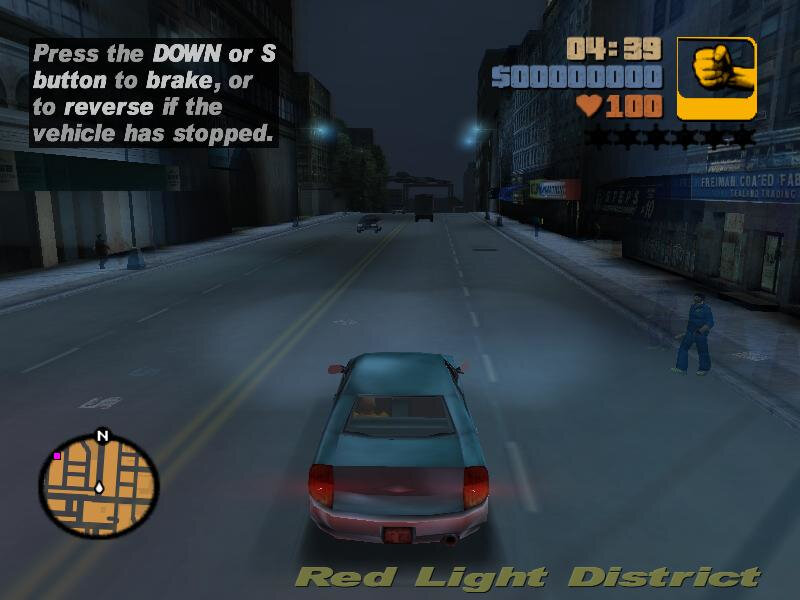
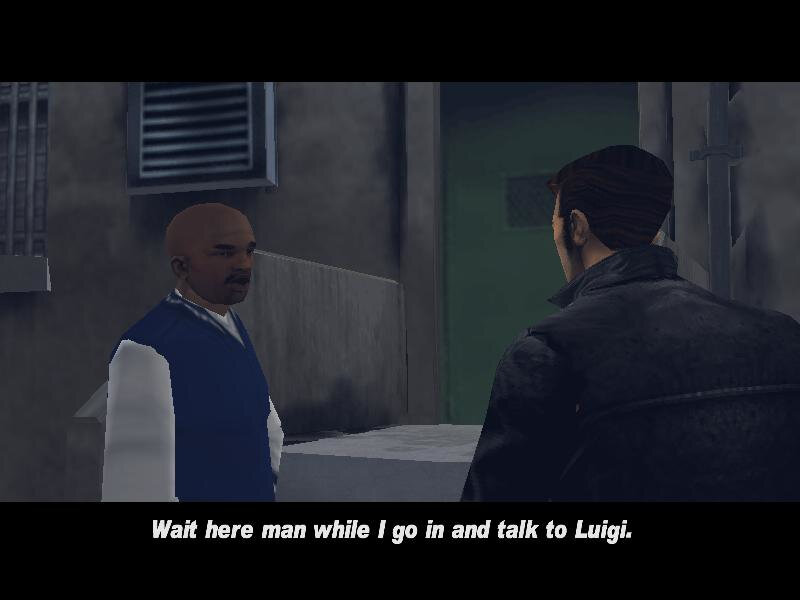
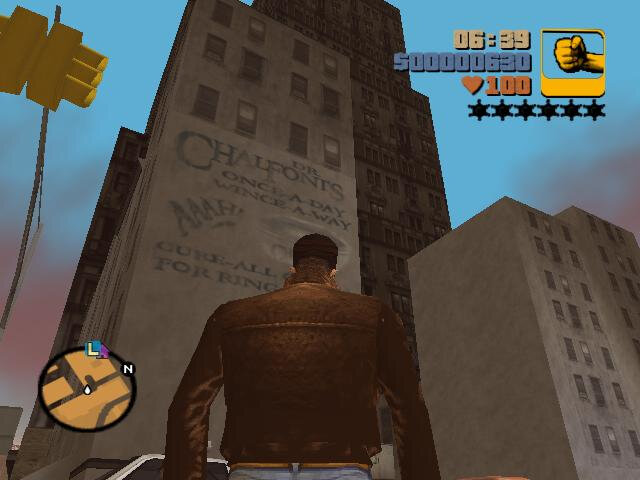
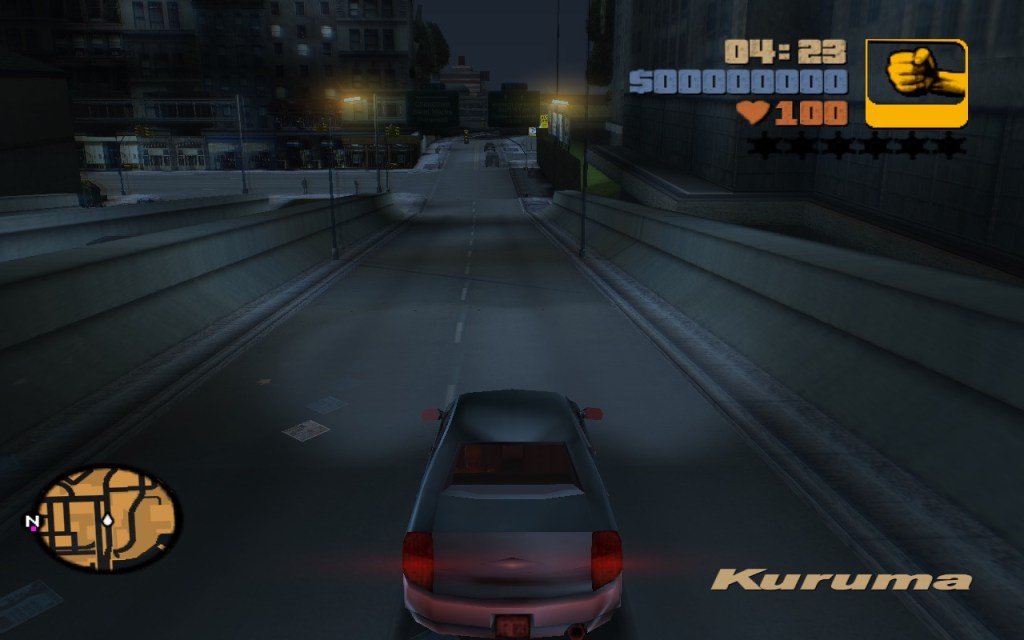
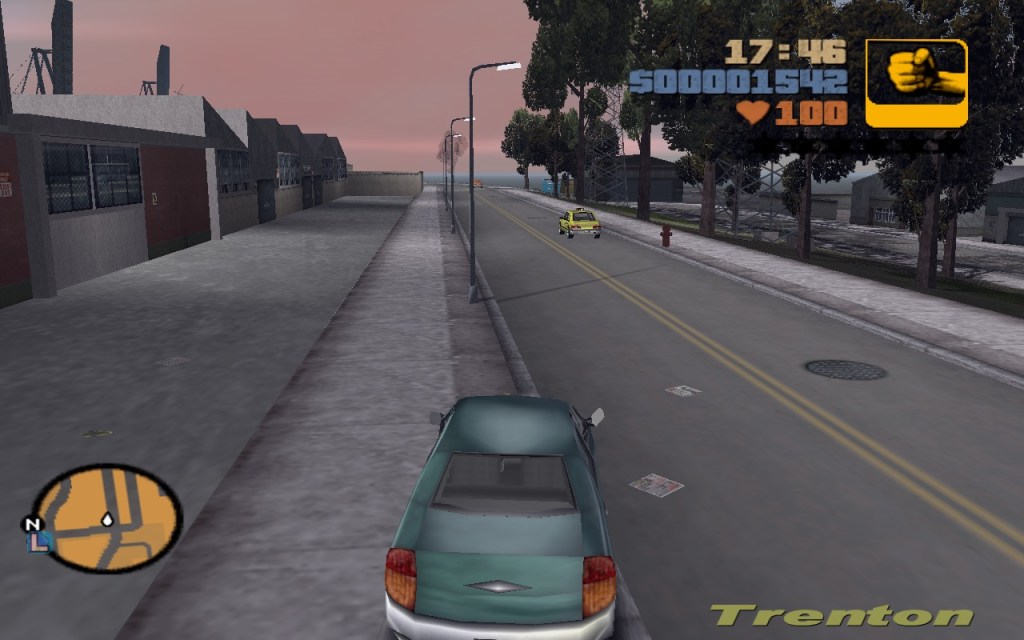
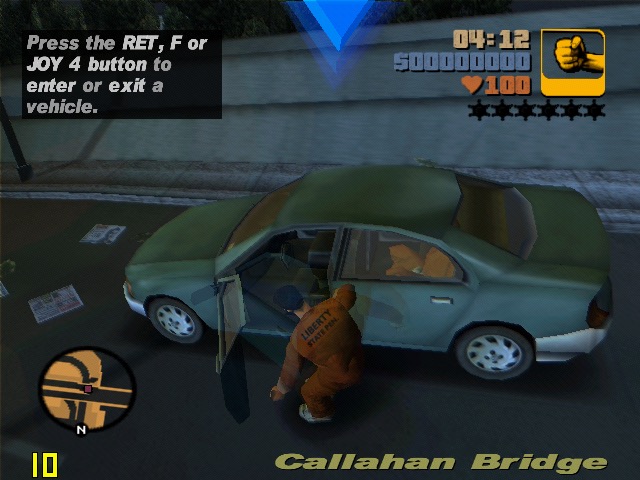
GTA III: Nearly what I consider to be playable, and the driver does not crash unlike the GMA950, but there are some weird seeming issues (white dots in between textures) that is visible on the roads. Also the headlights have this weird trail that shows even when pointer trails are turned off in the game settings. Still, in terms of framerate we hover around 17fps.

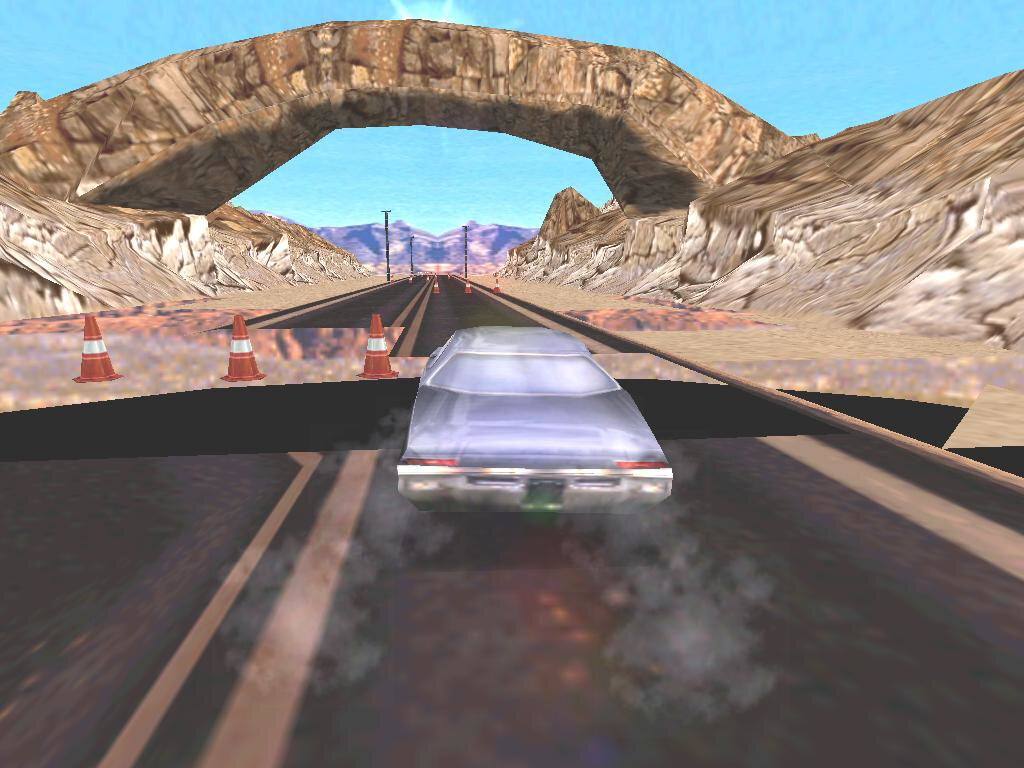
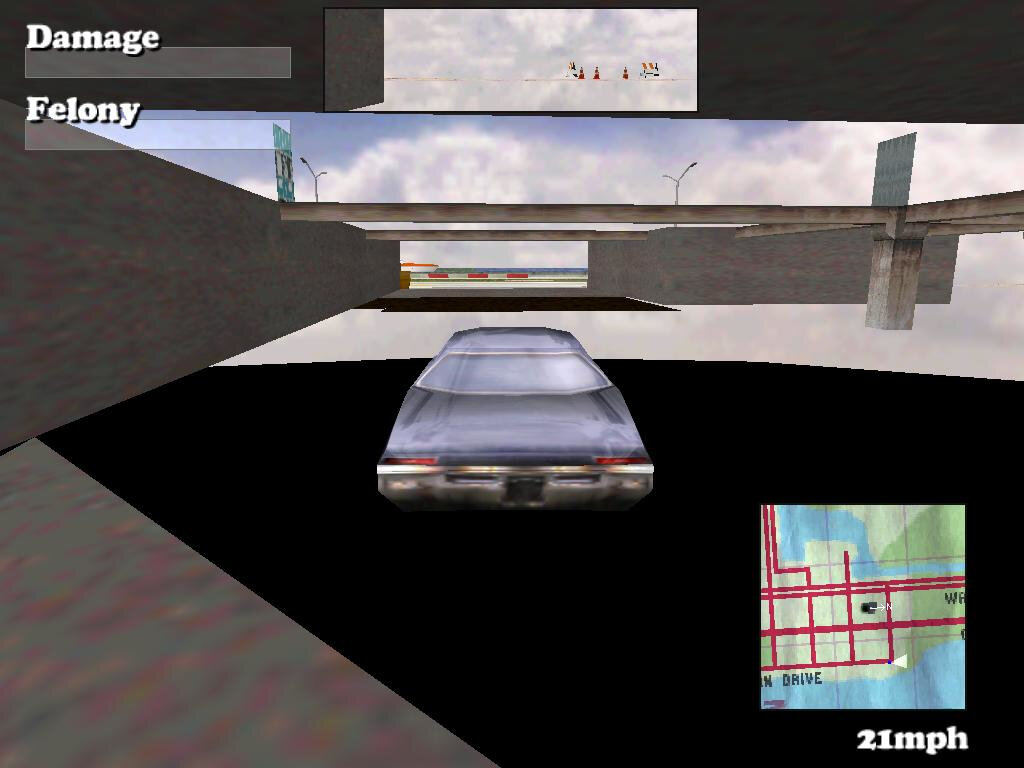
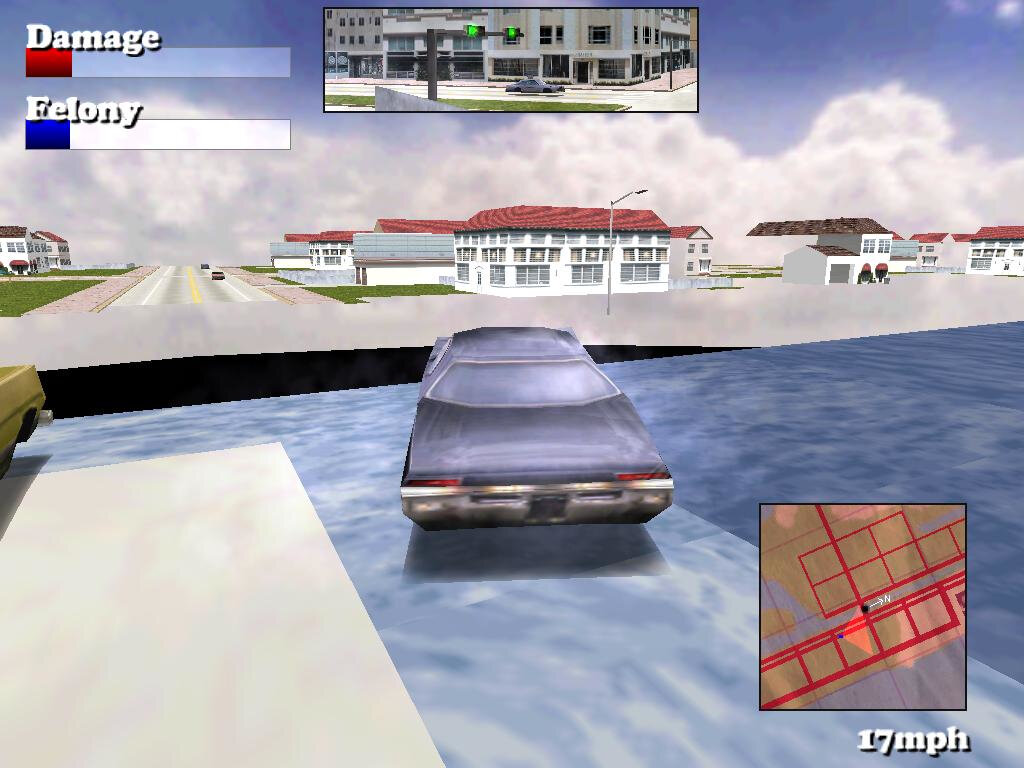
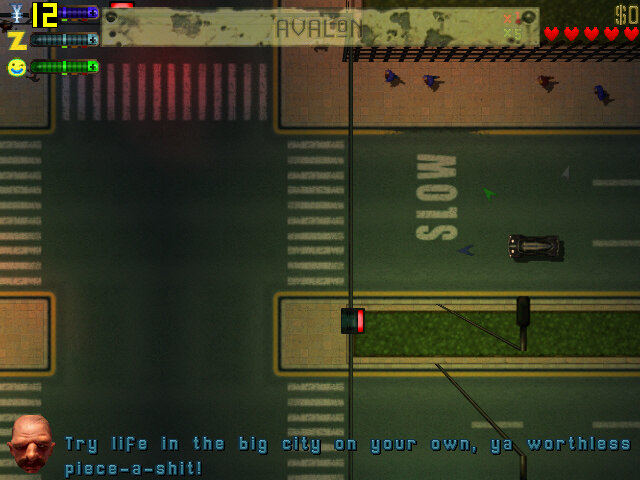
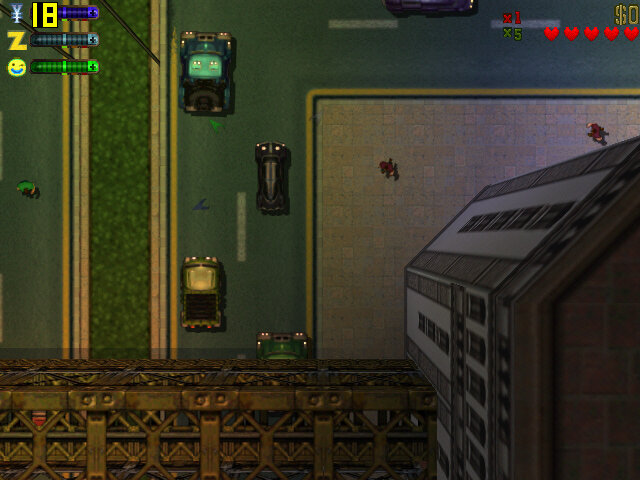
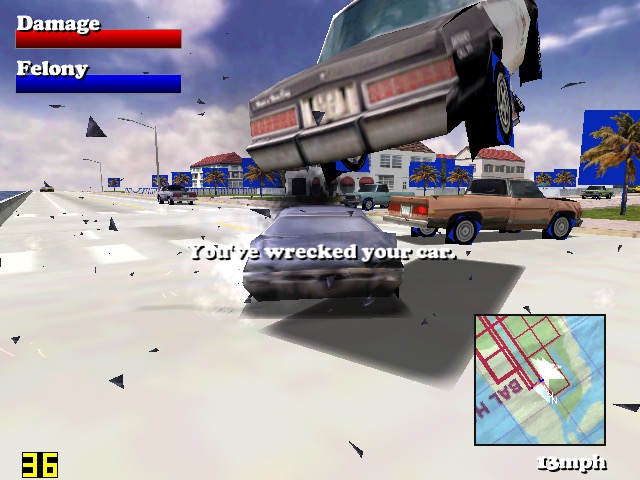
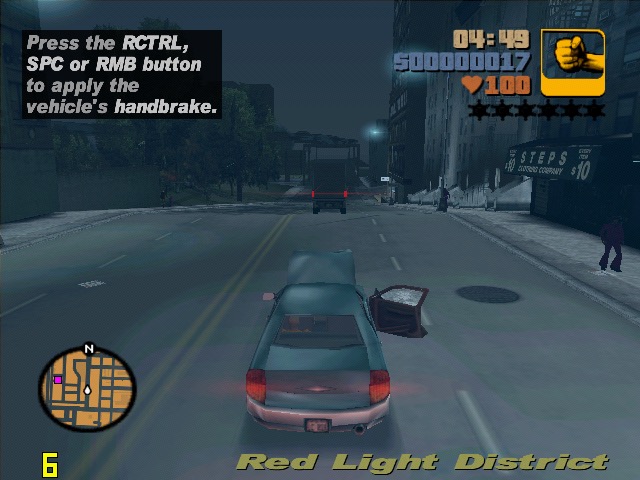
Driver: This one failed spectacularly, here we have missing or clipping textures on the road and on the environment. The car wheels have completely disappeared and parts of the road popping in randomly. Despite changing the graphics details and resolutions settings, I cannot seem to fix these issues

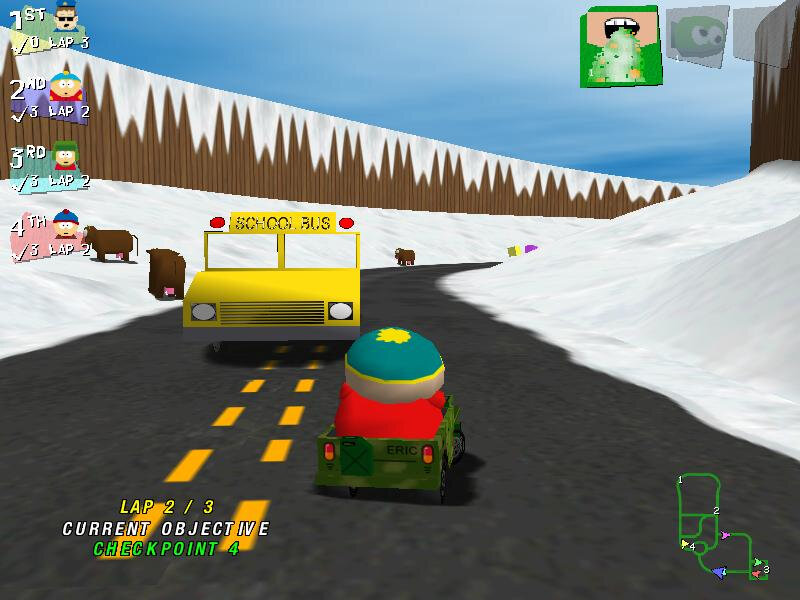
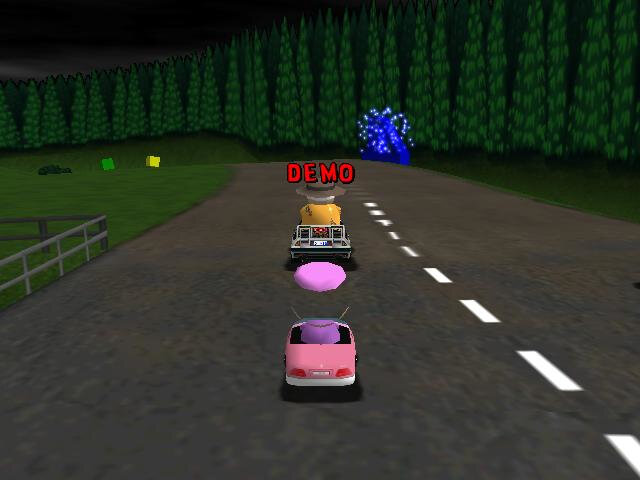
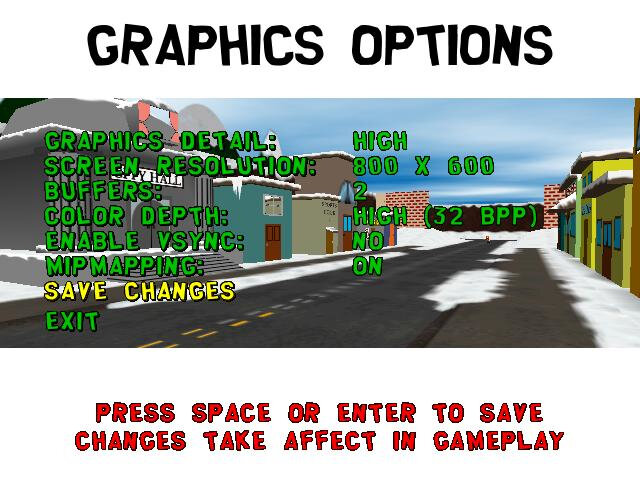
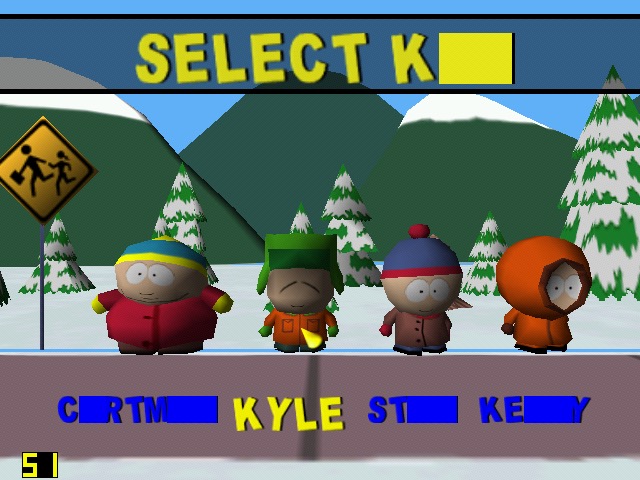
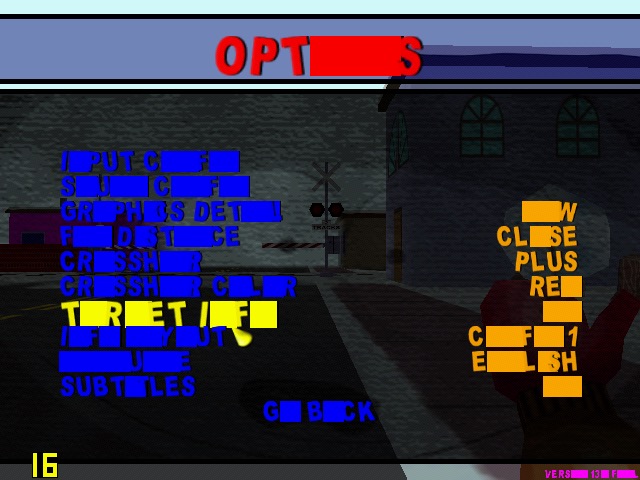
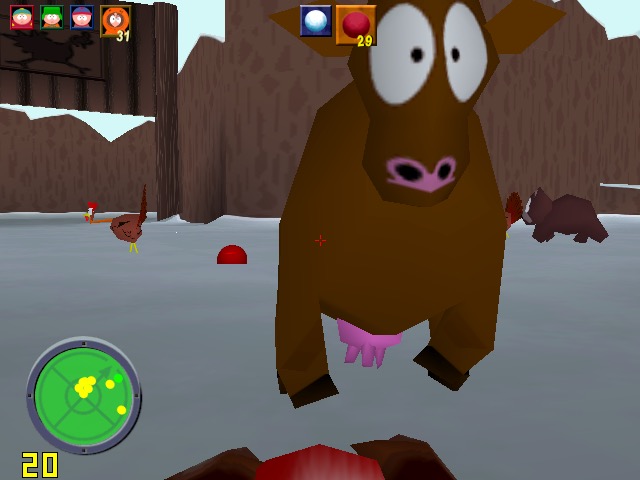
South Park Rally: This runs almost perfectly and has an average of 32fps, but some character models are missing details. This also affects Ms Crabtree’s bus in the first level.

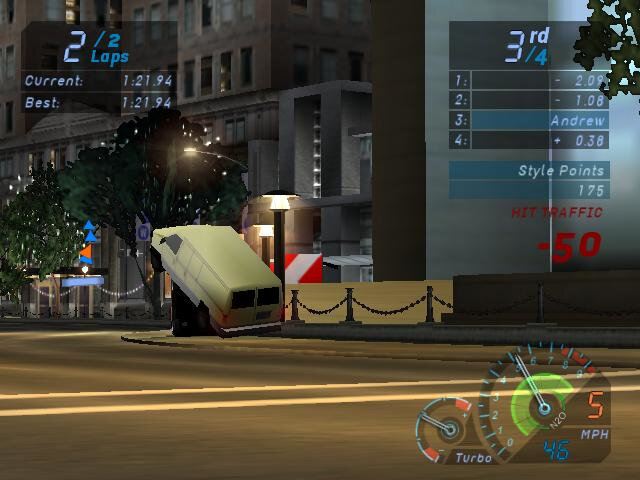
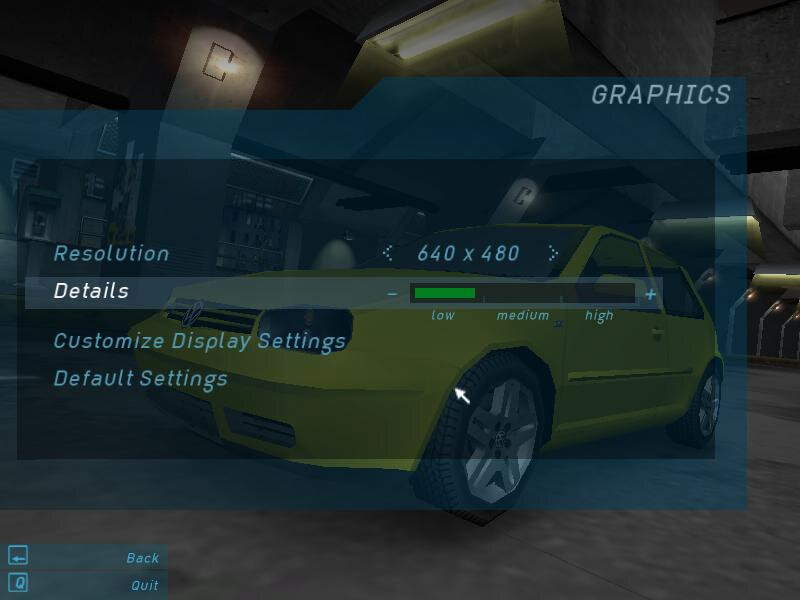
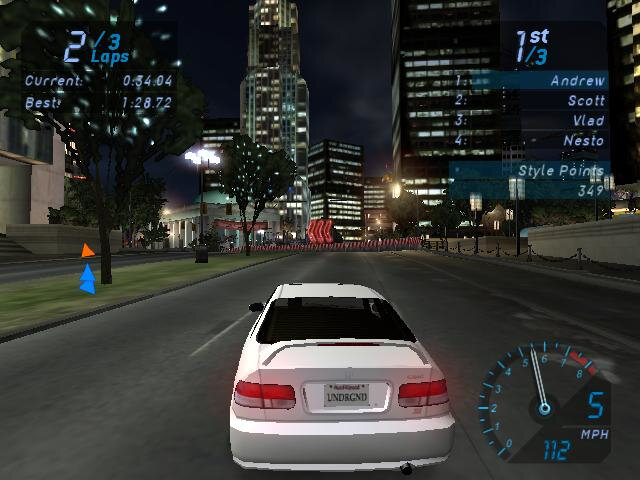
Need For Speed Underground: At 640×480 we mostly hovering around 24fps, with most of the settings turned down low, low.

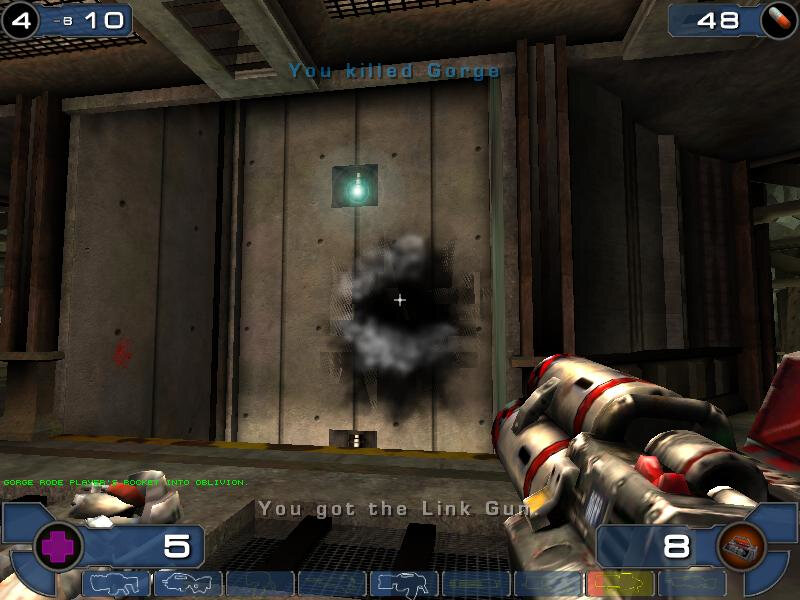
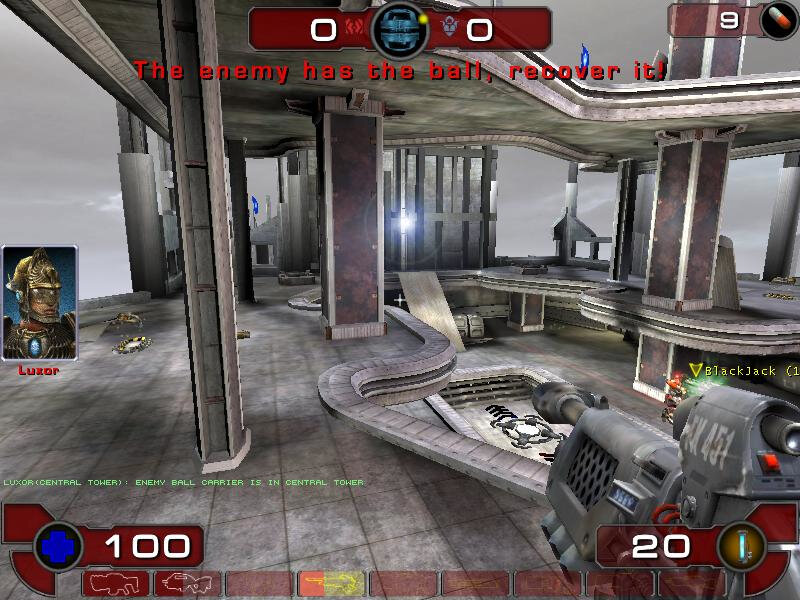
Unreal Tournament 2003: Shadows a glitchy/fickly, especially when you die, or when you se the flax cannon. But we do get good framerates with medium to low resolution t 800×600.

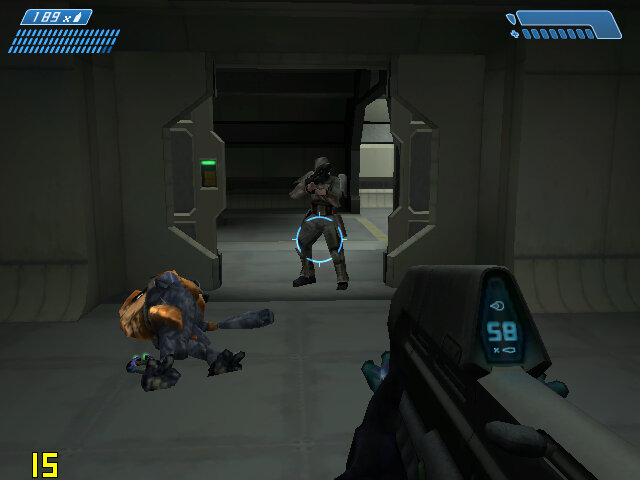
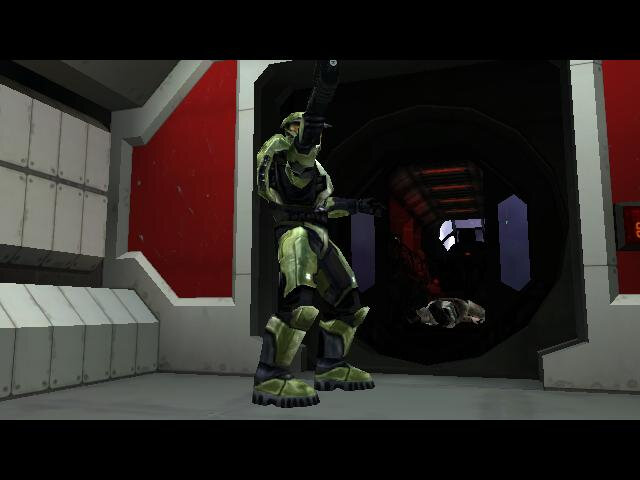
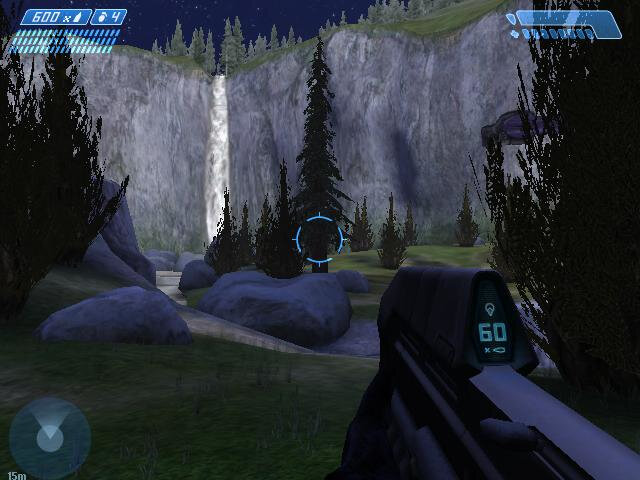
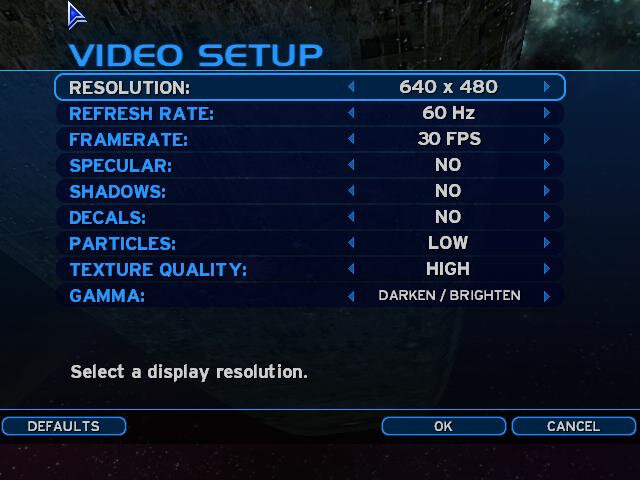
Halo Combat Evolved: This gives a more stable framerate compare ot the SiS Mirage, but we get a few missing graphics effects. But at 640×480 the game is playable when we disable decals, shadows and set the particles to low. Typically we get a steady 30fps when walking around. We get some dips to 17fps when entering a new area, or when there are a few enemies on scree.

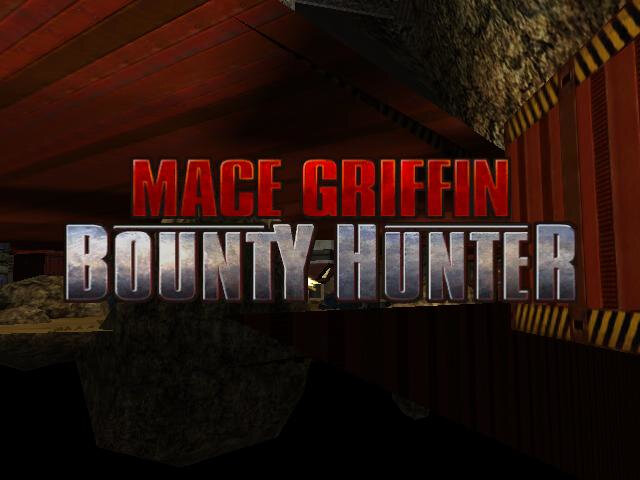
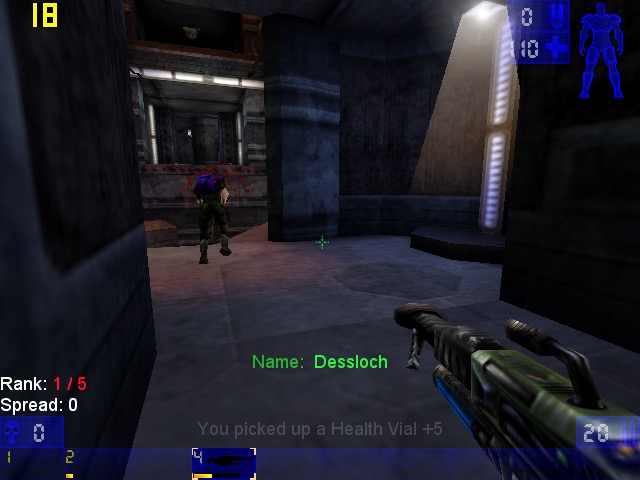
Mace Griffin Bounty Hunter: Apparently this game detects there are hardware shaders during the install, but has issues detecting the video card memory. Trying to run the game gives us a whole mess of polygons, and if we try to enable any graphics effects, the game will just crash. Unfortunately this was unplayable.
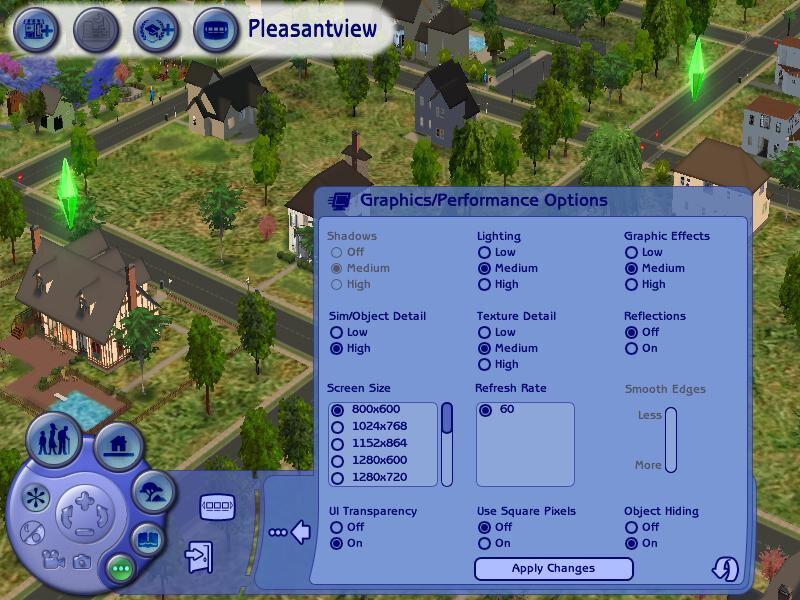
The Sims 2 Open For Business: We get a bit of flickering on the title screen after the intro, which then continues into gameplay, mostly affecting the HUD elements. The default graphics settings gives us low performance, but by lowering these down to their lowest settings (with the exception of texture quality) we can playable performance. 800×600 has us an average of 22fps, whilst 1024×768 gives us an average of 16fps on a graphical busy lot like the Pleasant’s.

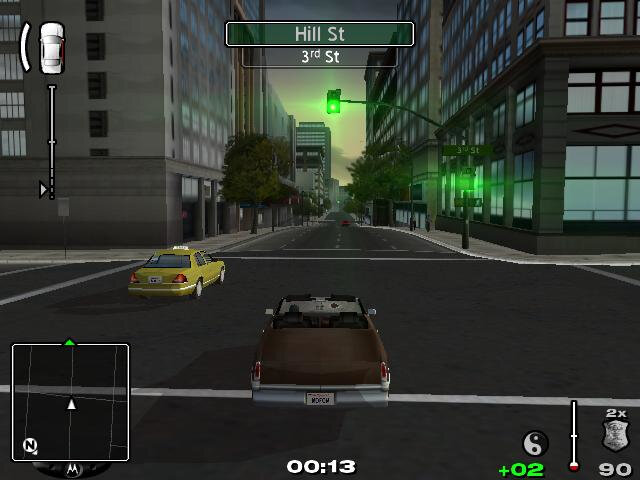
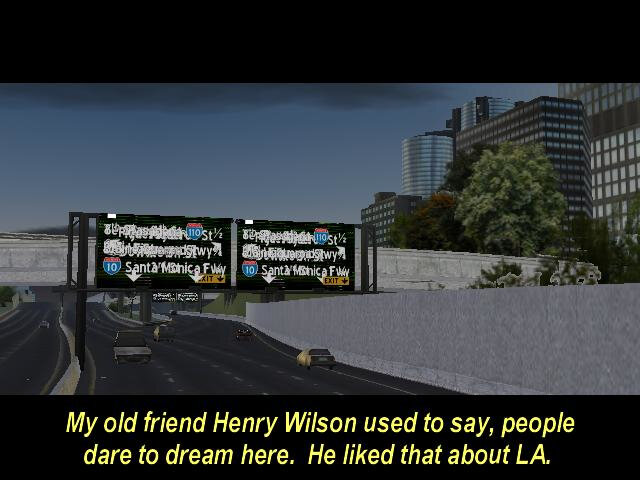
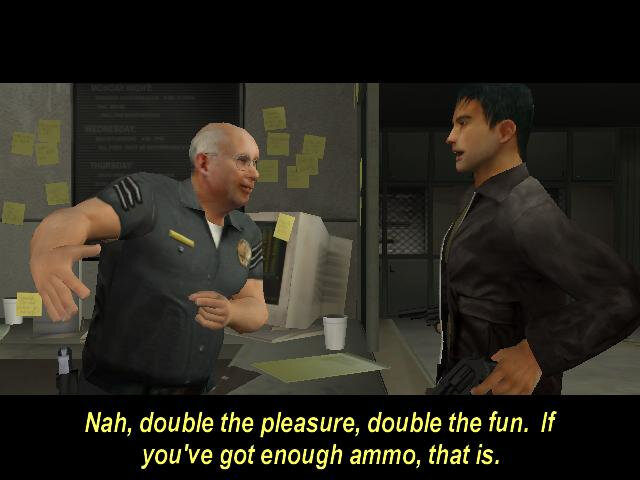
True Crime – Streets Of LA: Running at 640×480 at low graphics settings, we are treated to glitchy graphics. After 1 minute of the introduction sequence, the screen went black while the audio was still playing, I was unable to restore the game and had to open Task manager.

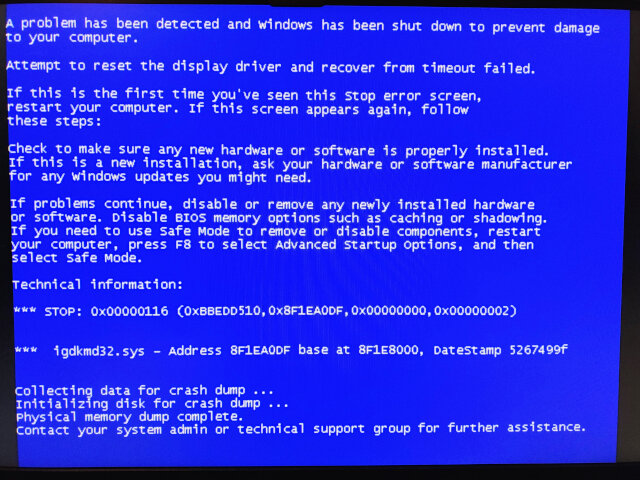
Reopening the game resulted in a BSOD, the first I have received on this system. The error appears to be due to the igdkmd32.sys file.

After a quick reboot, I was able to get back into the game, cutscenes mostly play at around 26fps, but in game whilst running around the city nets us a high of 7fps. I managed to play for another 10 minutes before the game crashed again, taking the graphics driver with it.

Revolt: After installing the latest patch, we got a ’Can’t flip display buffers’ error whilst the game is trying to load the main menu. Installing RVGL gives us a Shader compilation error instead. As it stands, the game refuses to run.

Conclusion

So it’s a bit of a disaster with many of the games experiencing either poor performance or just completely broken graphics. Its clear why Intel decided to abandon this arrangement as I suspect the drivers are core to the issue. Intel would later focus on scaling down their own graphics hardware to be more efficient for mobile devices, to the point where the Intel Compute Stick was possible.
Intel 950 (Toshiba A100)

The Graphics Media Accelerator 950, or GMA950 for short—kinda like the trusty steed for budget PCs and laptops back in the day.

This GMA series is all about keeping it simple. It can handle DirectX 9, Pixel Shader 2.0 and all—but it’s missing hardware Transform and Lighting, so it’s still reliant on partial software rendering. Not much of an issue if you have a decent CPU and are playing games that are geometry heavy. Were not going to be able to run modern games, or even the latest games when this graphics chip was released, but is ideal for older titles—think early 2000s stuff—or just watching DVDs, because it’s got MPEG-2 hardware acceleration to keep the picture smooth.

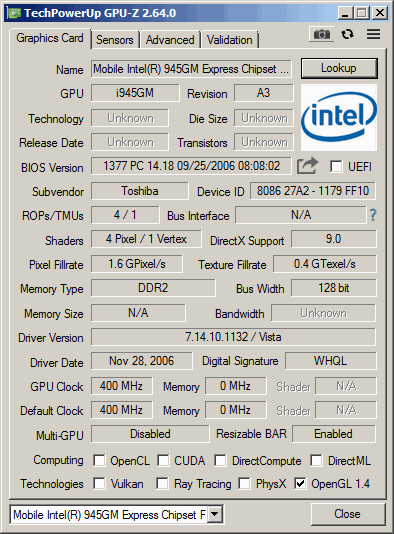
A look at GPU-Z, the clockspped may vary depending on the OEM implementation. Like all onboard graphics, it shares some part of the system memory. The main CPU being used here is the Intel Pentium Dual Core T2300, with the memory being clocked at 666Mhz.

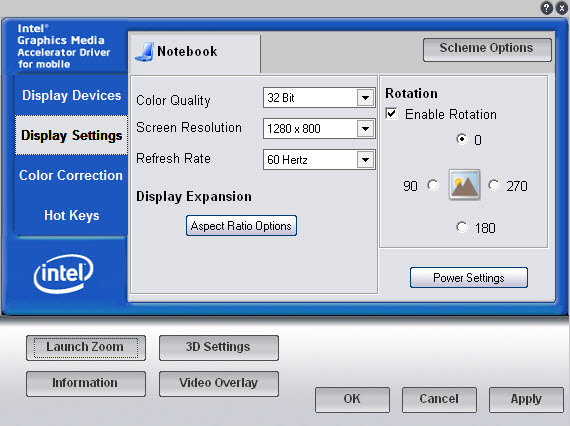
The Intel GMA graphics utilty, which lets you adjust aspect ratio scaling options, useful if you wish to preserve the aspect ratio without stretching the display. You can also adjust the rotation of the screen and change the gamma settings. 3D settings are limited to forcing settings such as VSync, S3TC texture compression, triple buffering and anisotrophic filtering which can be forced in games. Unlike the Nvidia control panel there is no way to specify the settings for each individual game itself, instead you can only enable it globally.

Games

A look at the performance and general experience of a select few games, whilst the GPU would have fared portly with modern game, or even games form when it was released (2005), we can see how well some of the older early 2000 titles would have fared, along with a few retro titles.
We are using Windows Vista Home Basic, 32bit which is what this laptop would have shipped with. Windows XP (and 2000) are alternative versions that could work easily also. There is no support for Windows ME or 98, Intel deprecated driver support for those system in 2004. This does put us in an awkward position for games that have issues running on the NT line of operating systems, but with the correct patches, many will work well.

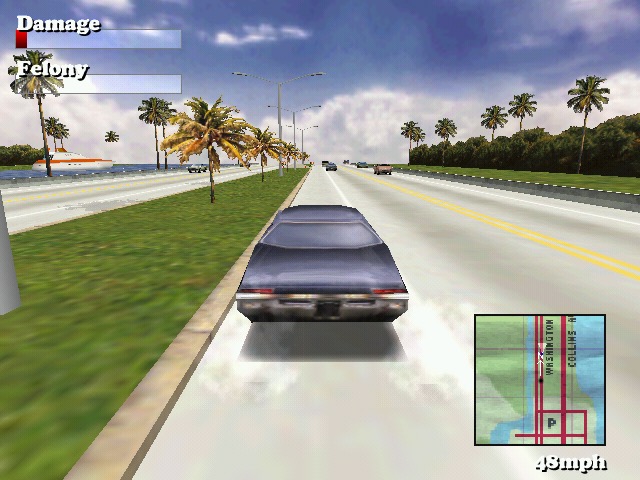
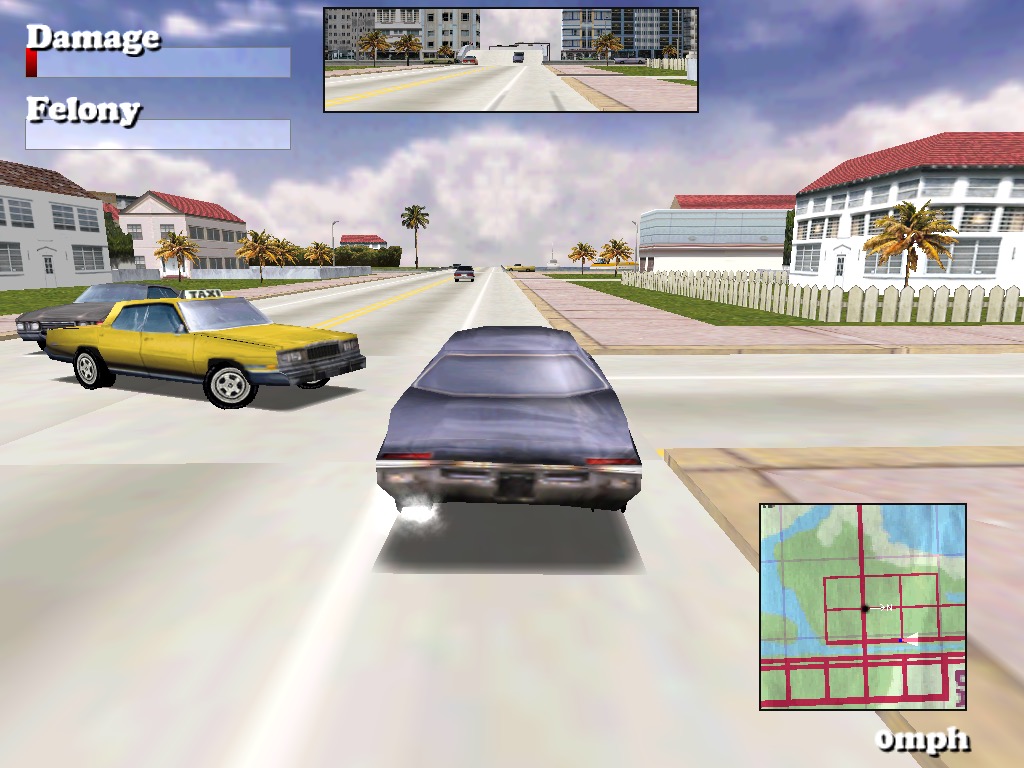
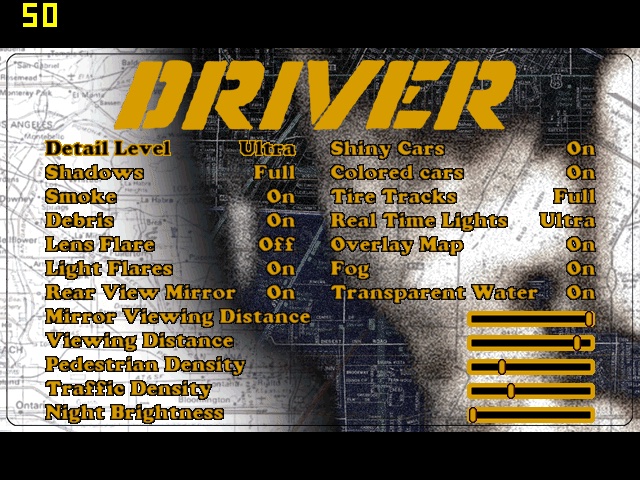
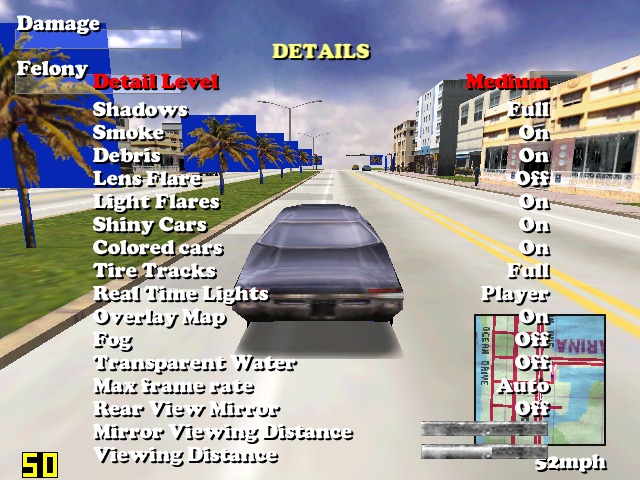
Driver: Works exceptionally well, even with some of the transparent textures that were problematic on the SiS Mirage 3. On the highest graphic setting with 1024×768 resolution, we get a locked 50fps with 32bit colour. You can set a target FPS within the game options, but the highest is always 50.

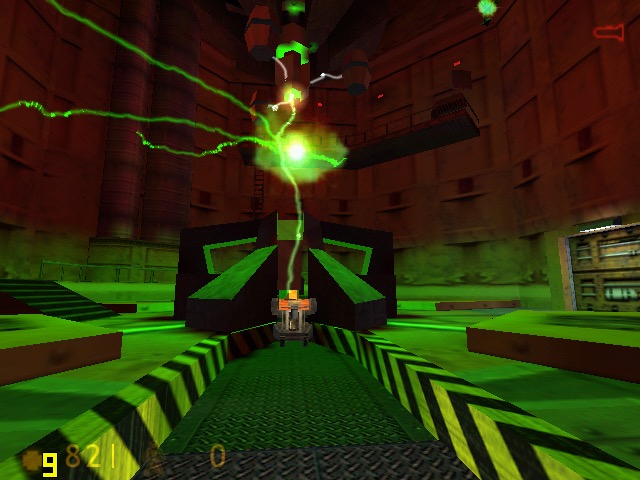
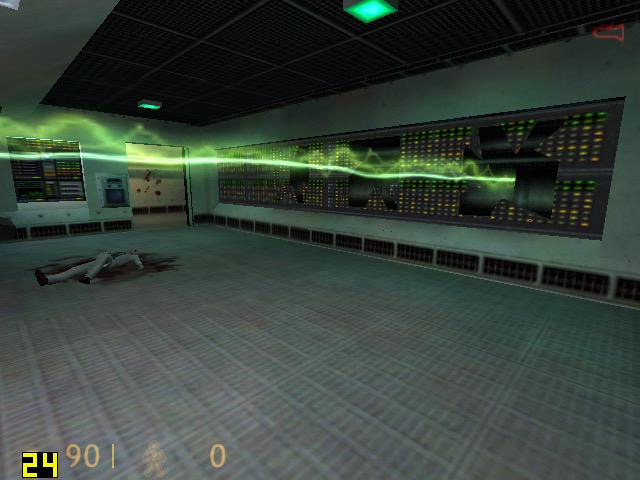
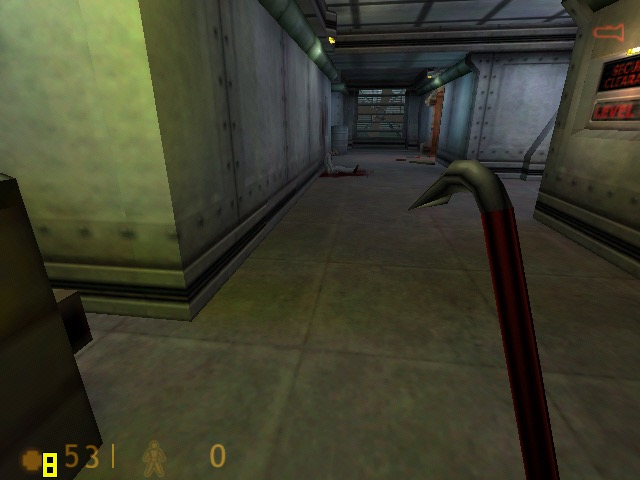
Half Life: The original Half Life relase, Using the DirectX render. Here we are running the game at 1024×768. Thoughtout opening sequence we got a high of 72fps, dipping to around mid 40fps during some of the open sections.

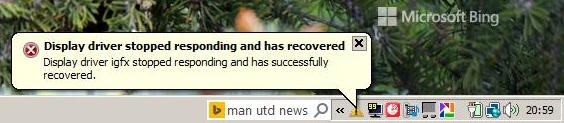
GTA III: Running at 1280×768 (the notebooks default screen resolution) at medium draw distance, we Geta smooth 30fps at the start of the opening sequence, but drops to around 15 during the rain effects onscreen, likely due to the shared memory bandwidth. During gameplay I got a display driver stopped working notification, and the screen would keep going dark/blank for a few seconds before going back to normal. Also parts the desktop keep appearing during gameplay.

I might try this one agin with an updated driver, unfortunately Intel dropped all of their old drivers on their support page, and this one was the latest I got forms he Toshiba support page.
Update: Installing the latest drivers from Windows Update fixed the freeezing and driver notifications.

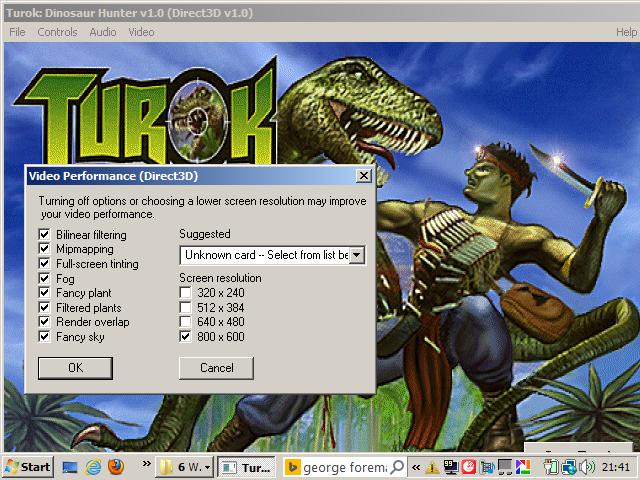
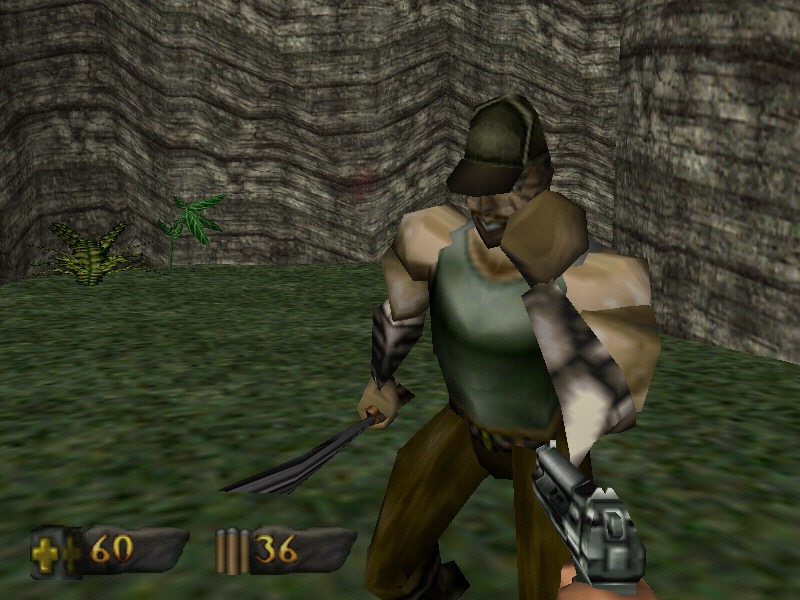
Turok: This initial failed to start, returning an sgl.dll error which is a PowerVR driver. I also received another error “ Driver failed, application terminating “
To get the game to start I had to navigate to its install directory and delete three dll files (glide/PowerVR and 3DRAGE) leaving only the Direct3D dll file. This then allowed the game to start. For whatever reason it assumed my GPU was a PowerVR one…
We are able to run the game at decent average of 37 fps at 800×600 resolution with all of the effects (fog, mipmapping, bilinear filtering) turned on. Compromising to 640×480 does give us a boost to around 38fps average, but not much.

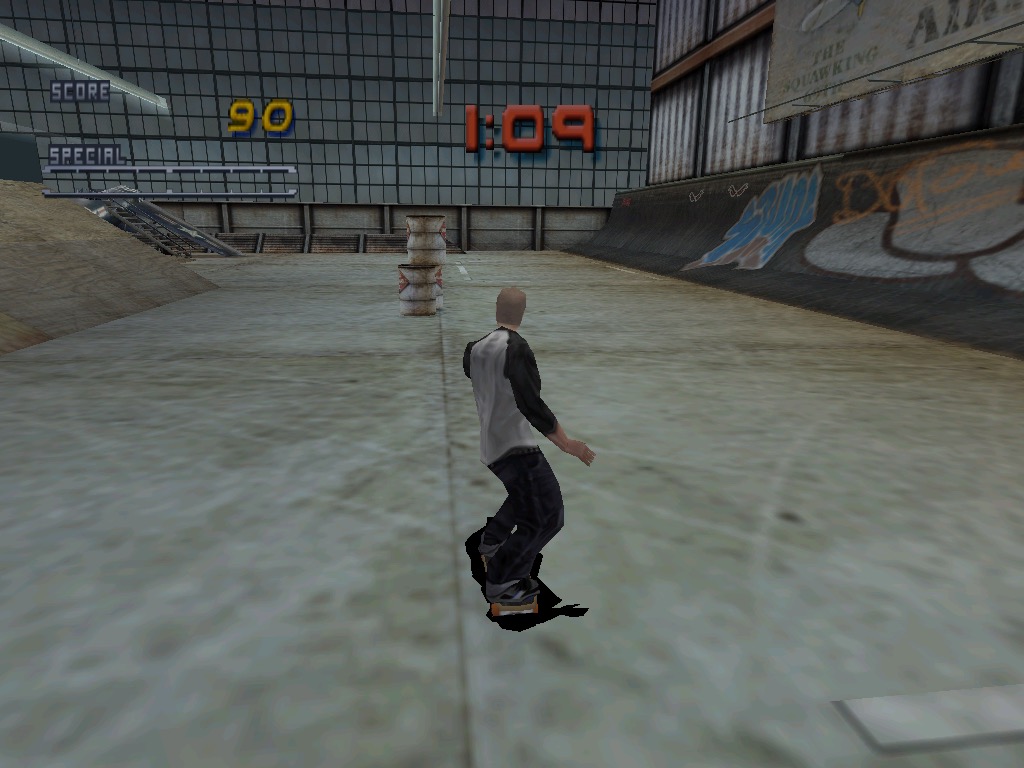
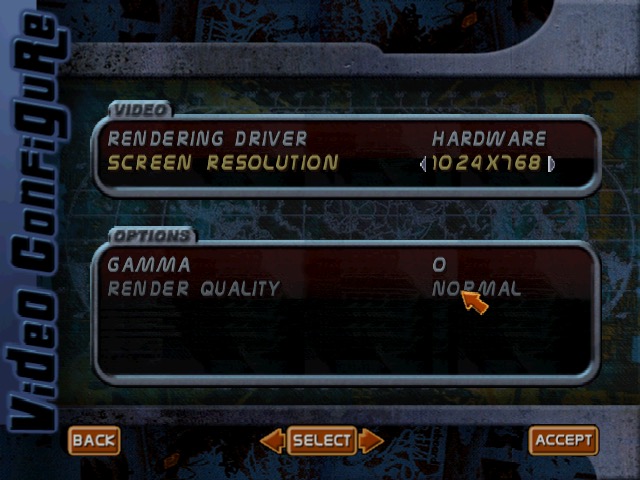
Tony Hawk Pro Skater 2: No major issues with this one, we can crank the resolution upto 1024×768 with ‘Normal’ rendering quality, which we seem to be unable to change. Expect to get a locked 30fps all throughout.

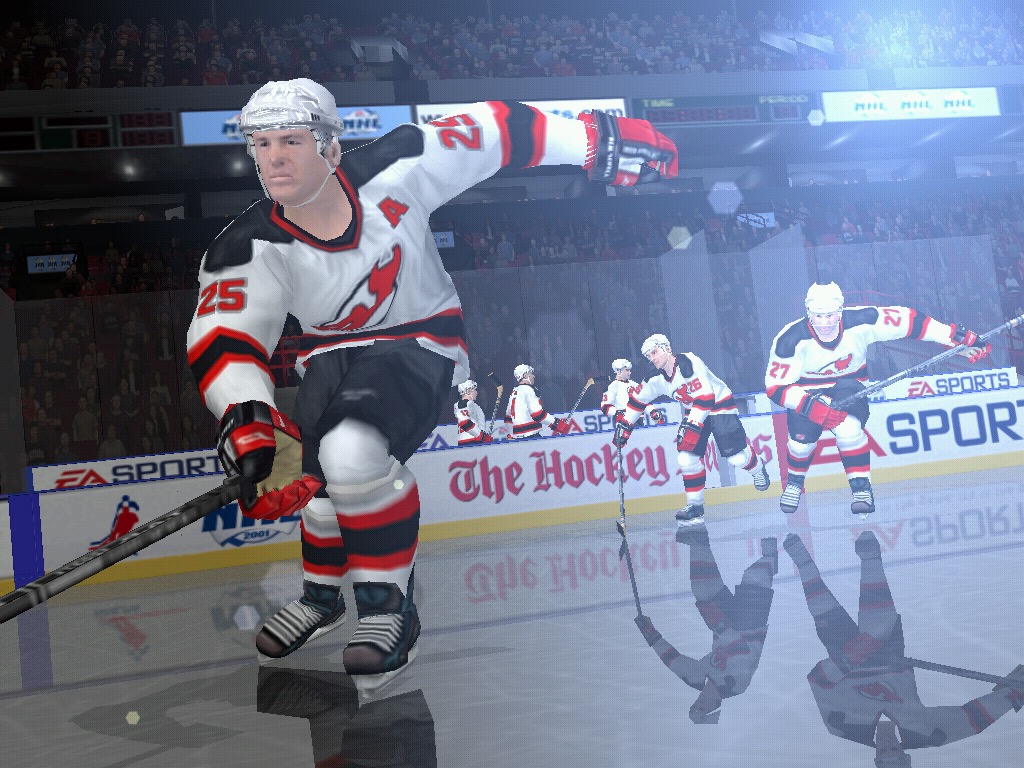
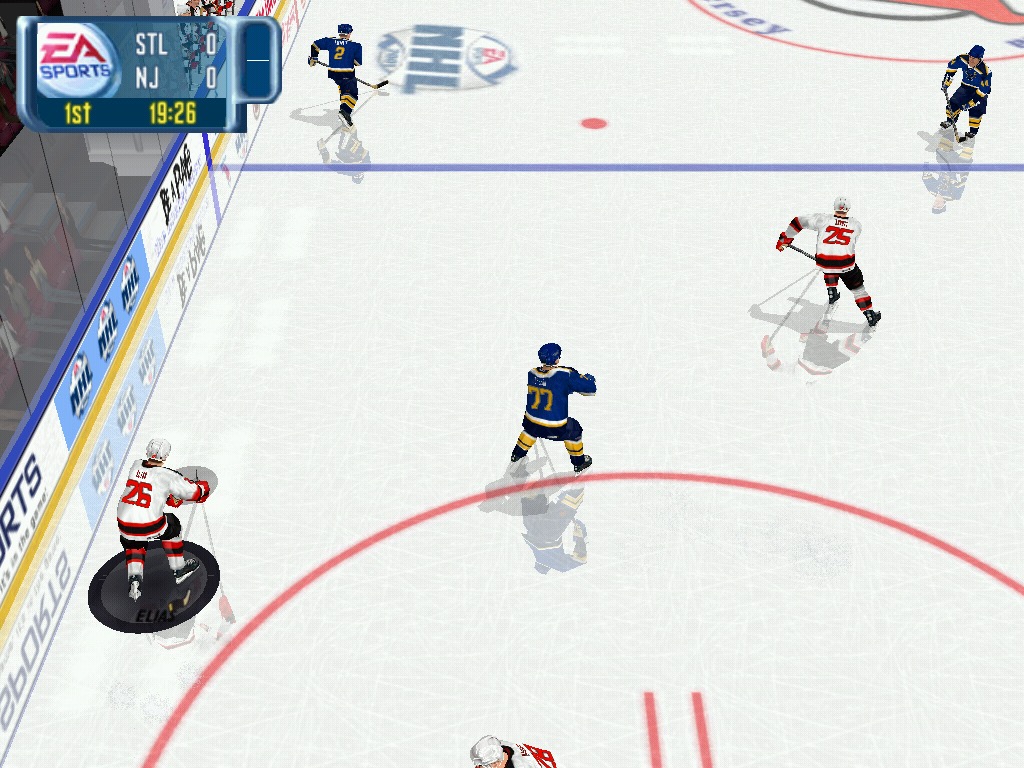
NHL 2001: Runs fine at 1024×768, although we are unable to fine tune the graphics in this game, its more or less equal with the PS2 counterpart.

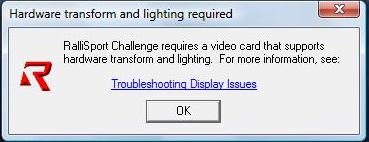
Rallisport Challenge: We get a message informing that we need a video card that supports hardware transform and lighting, and as such we are unable to run this game from 2002. T&l became a mandatory requirement for many AA/AAA games from 2002 onwards, however its disappointing a 2005 graphics chip is unable to run a game from 2002.

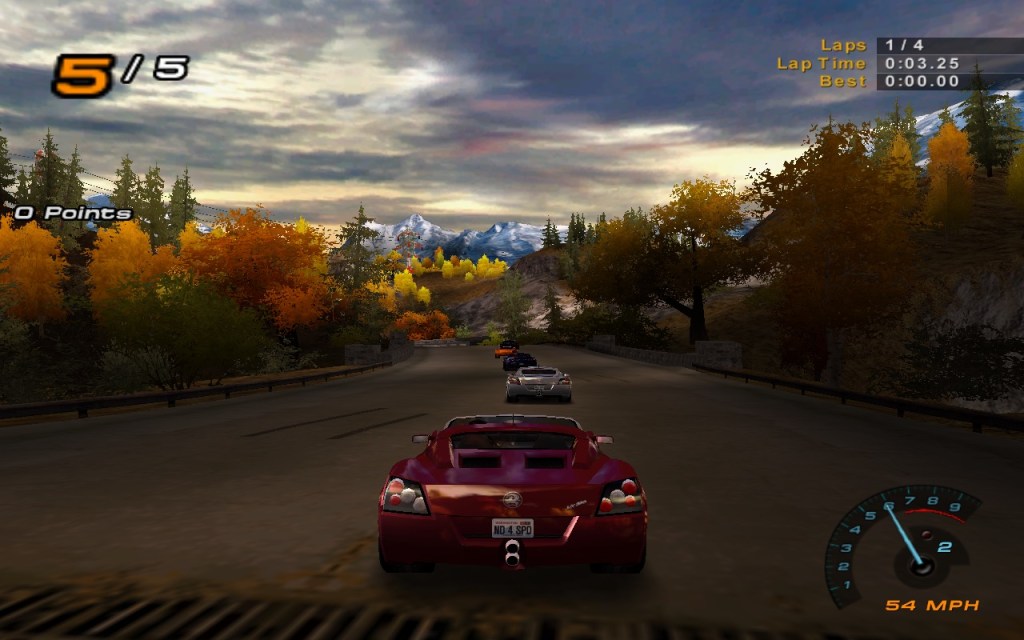
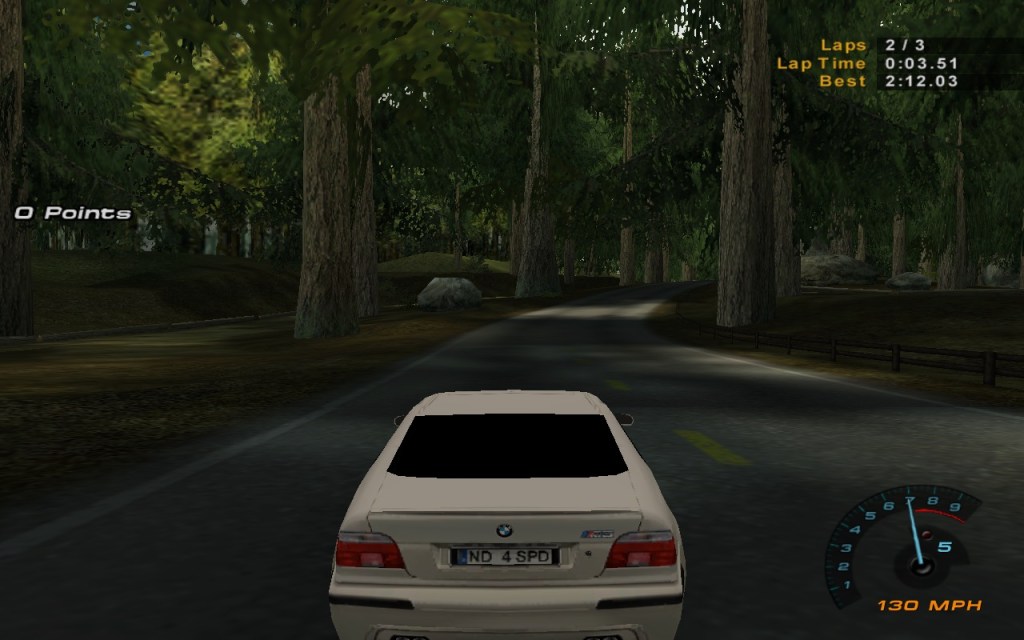
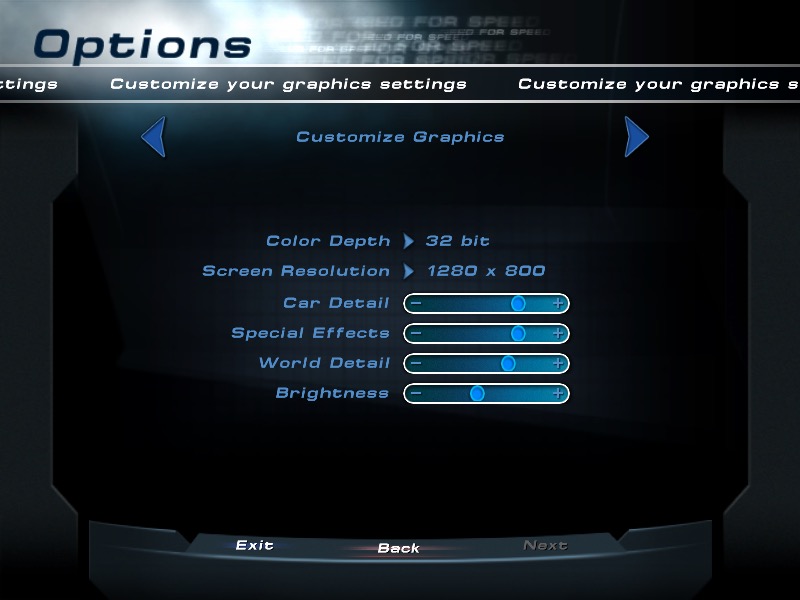
Need For Speed Hot Pursuit 2: A racing game that does work regardless if your graphics card has hardware T&l or not, here we are running at the full resolution of 1280×800 and we get a high of around 44fps. Settings the car, worked details and the special effects settings to the lowest helps get us to around 55fps,

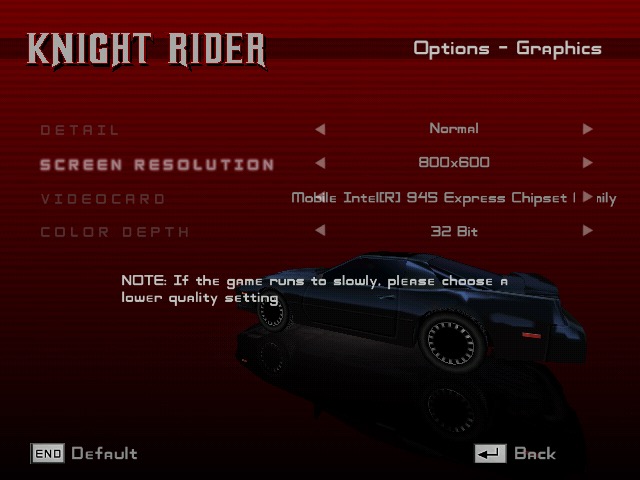
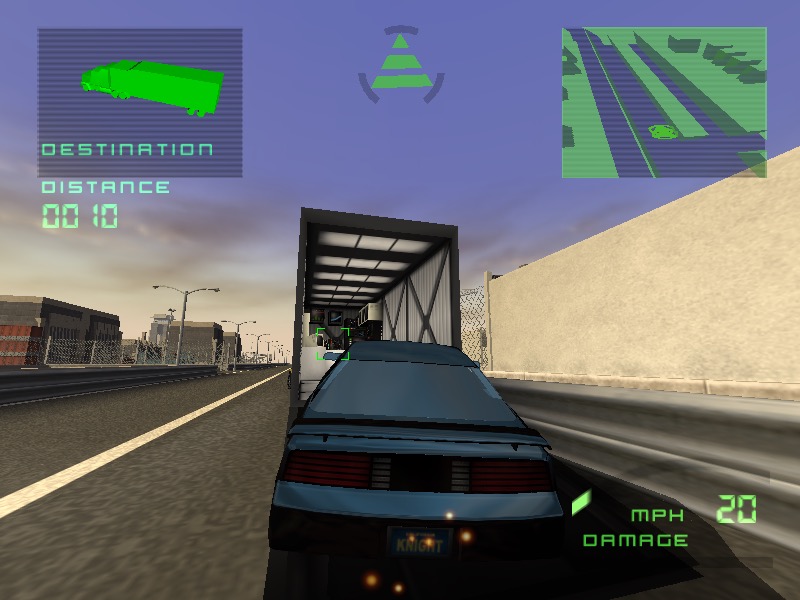
Knight Rider: The Game: Running at either 800×600 or 1024×768 gets us an average of 26fps during the training mission on medium detail. However there is some rendering issues with the textures flickering on certain buildings.

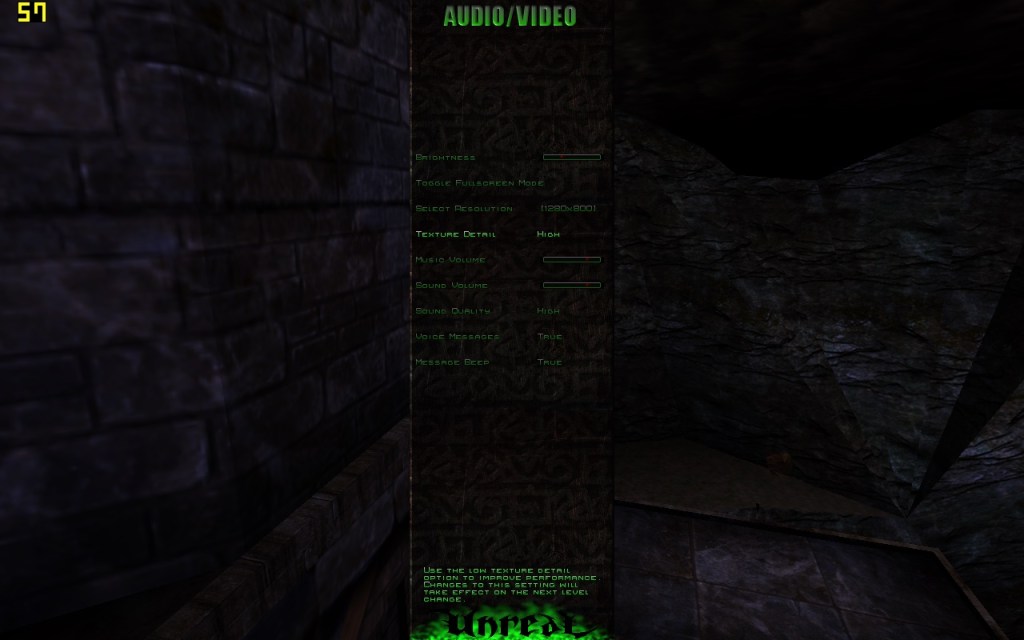
Unreal: Runs mostly smooth, during the opening sequence we can almost hit 60fps, averaging to around 54fps an high details, at 1280×800 resolution.

Another look at the SiS Mirage 3 (OptiPlex 160)

Following on from the previous post, I decided to look at a few more games on the legendary SiS Mirage3 chipset. There were a few older titles that struggled to run, and it became clear that most post2000 games will encounter issues running at full speed due to the limited capabilities of the GPU.

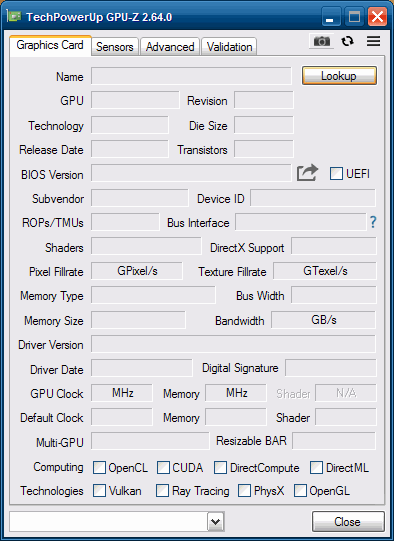
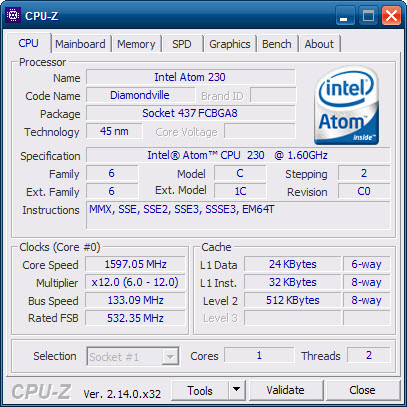
Also a look at the GPU details in GPU-Z, which does not exist. I guess this GPU is relatively obscure enough to not be in their GPU-Z database. For the system itself, it’s the same Dell OptiPlex 160 running Windows POSReady 2009, with an Intel Atom 230 Diamondville processor which is a 1C2T CPU running at 1.6Ghz. Atom’s of this era were In-Order-Execution.

The lack of GPU-Z information means we cannot see what clock speed the Mirage is running at, and given the system is a fanless design, it wouldn’t be a surprise if Dell had underclocked the GPU to keep the system cool.

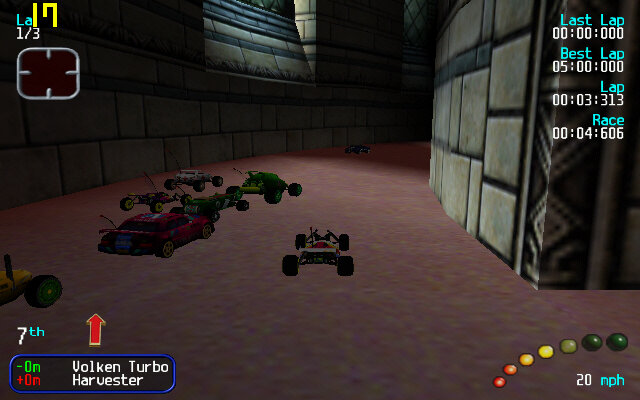
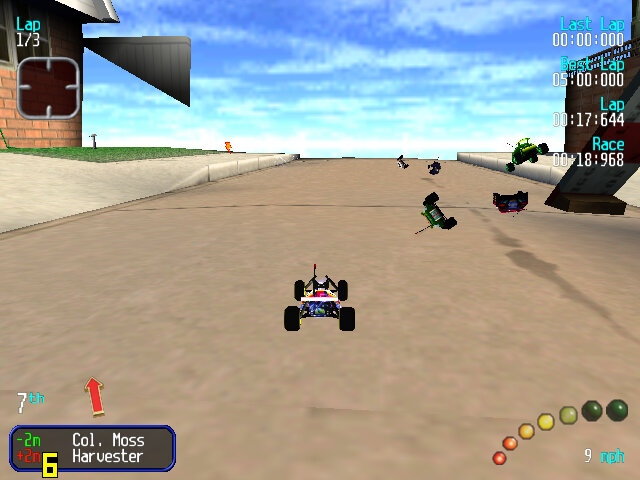
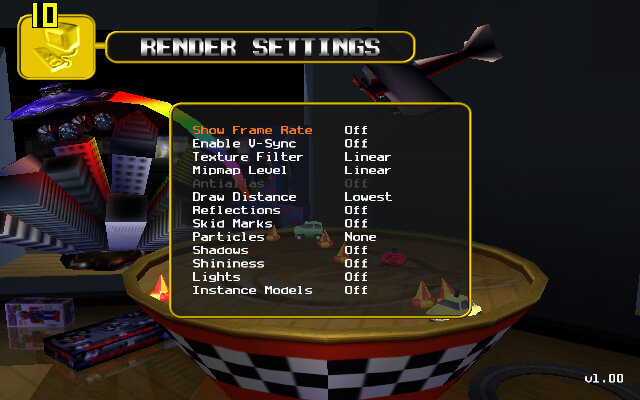
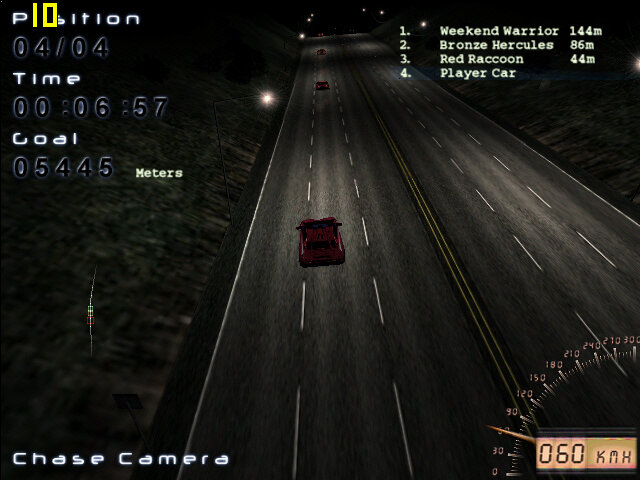
Revolt: A racing game with emote RC cards, along with combat mechanics. Here the only way to get acceptable performance is to runt he game at 640×400, setting the different rendering settings to their lowest values. The main issue when running the game with a low draw distance is it just displays the levels skybox, which is unsuitable for many of the indoor levels since it just shows the blue sky indoors. On these settings we can get around 24fps, going down to 8fps when all the RC cars are on the screen.

Some track models are missing, notably the cars that you can ramp off.

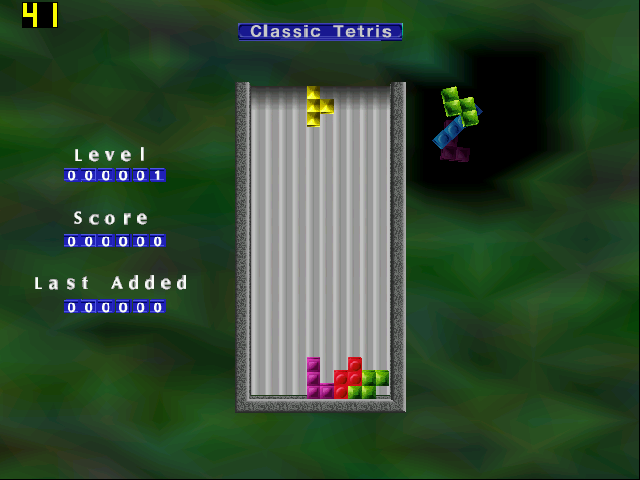
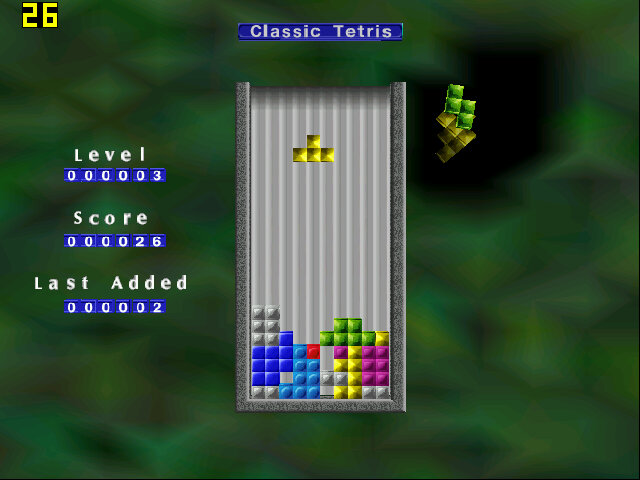
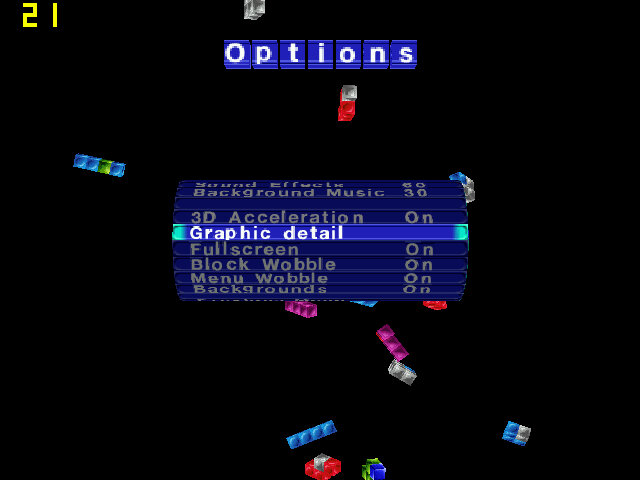
The Next Tetris: A simple 3D game of Tetris and at the start we do get good performance, but this drops the port Tetris pieces there are on screen, lowering down to 11fps at its lowest. Although 3D Acceleration is enabled in the settings, we are unable to change any graphic detail settings in the options menu.

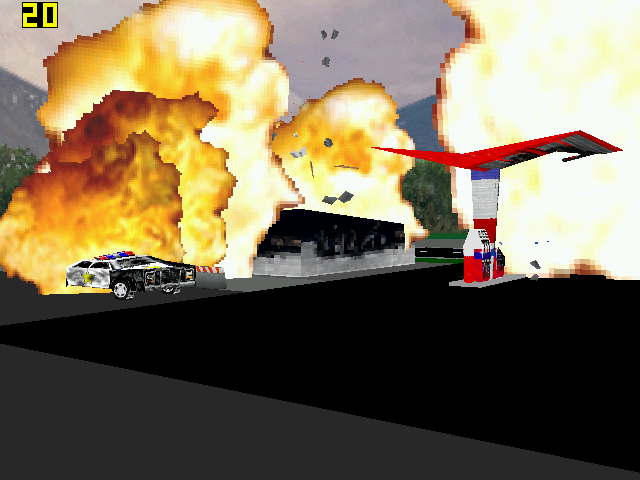
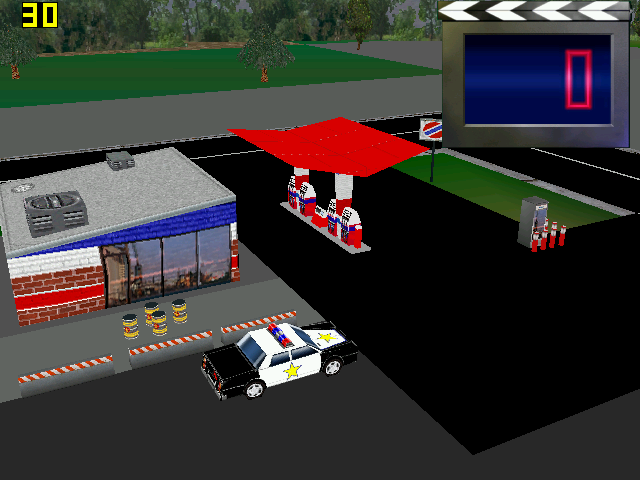
Hot Wheels Crash: Runs quite well, we do get slowdown when explosions and collisions start to occur. This game does not provide any graphics settings for us to change.

The Sims 2: We can just about start the game and can get into the neighborhood screen, but once we enter a lot were in the mid-teens of framerate. Smaller lots will have better performance, but not by much to be considered playable. Still, there are no texture or shadow errors that occur if you try to run the game on modern graphics cards, and the stuttering does give a stop-motion feel to it.

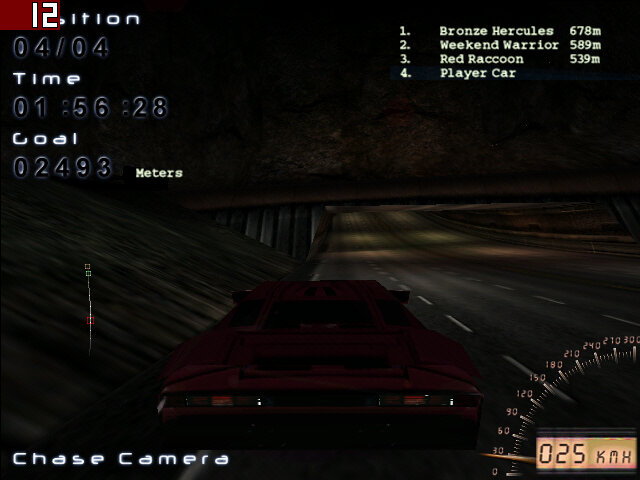
Midnight Racing: On medium settings we get on average 17fps when using the near car view. The discant view lowers it down to 12fps average. Selecting low graphics detail makes a slight improvement, but not enough to be noteworthy.

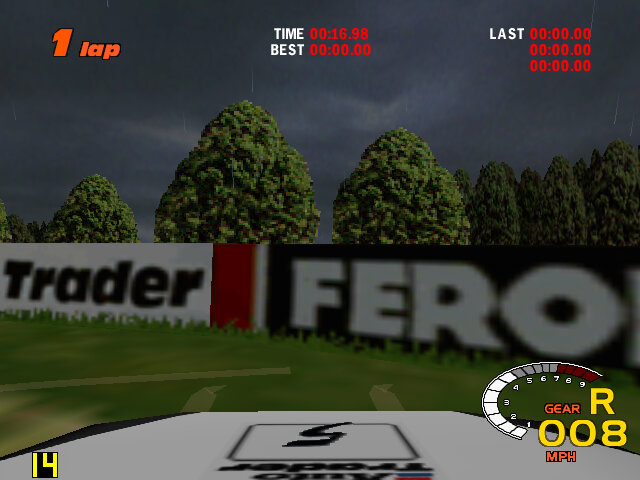
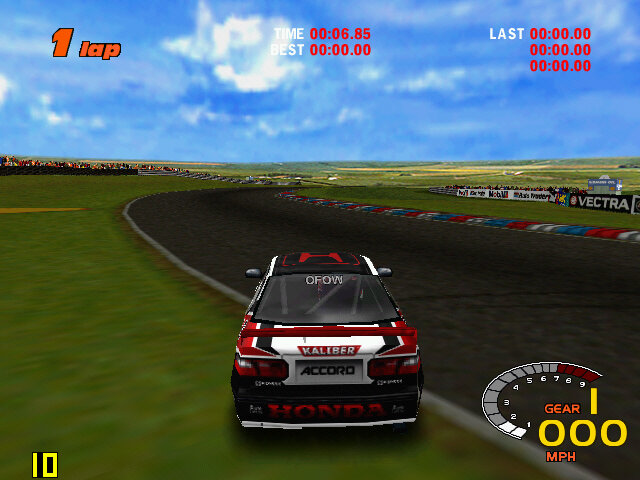
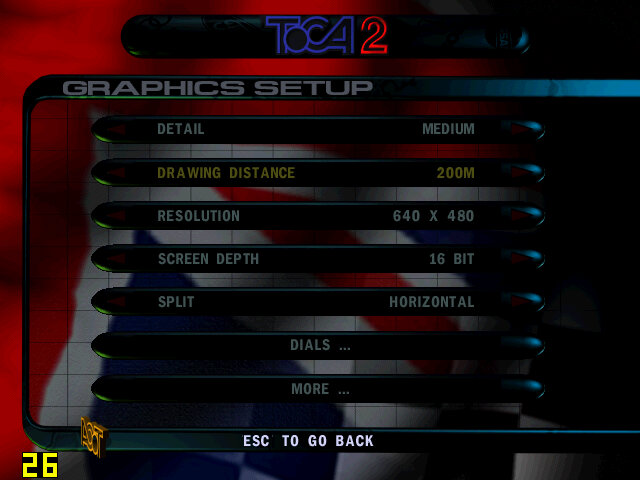
ToCA Championship 2: Setting the graphics settings to low, and the resolution to 640×480 gives us around 14fps on a good track condition when we set the draw desistance to low. The detail setting has little effect.

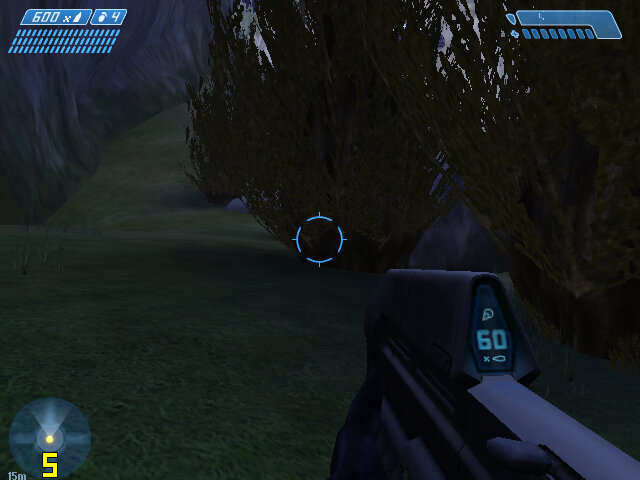
Halo Combat Evolved: It’s a struggle for this to run, it does play but the framerate is so low and the textures look horrible at their lowest detail settings.

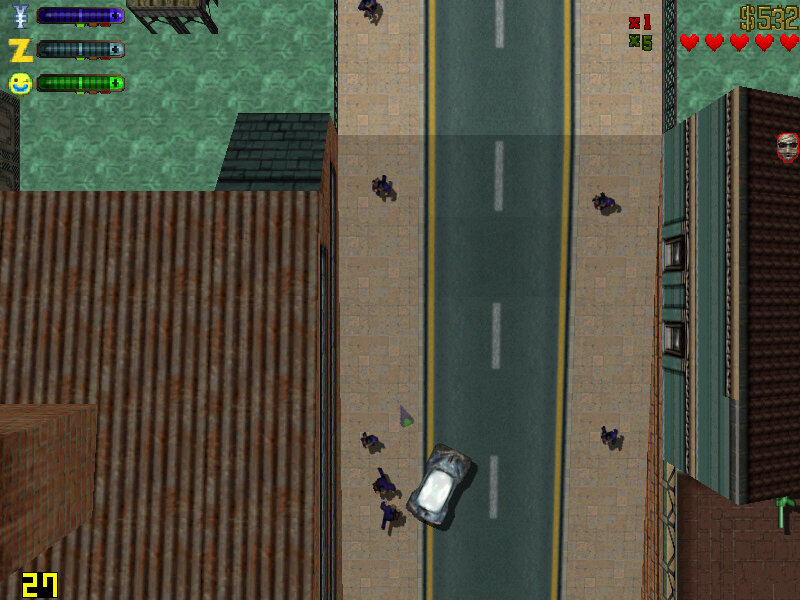
GTA II: Works mostly well, we get some dips when there are a lot of explosions on the screen but otherwise, we get acceptable performance at 800×600. Things slow down when we start driving but settles down once the vehicle is stationery and hovers around 28fps. Switching to 640×480 yields no noticeable difference which makes me think there’s a bottleneck somewhere else.

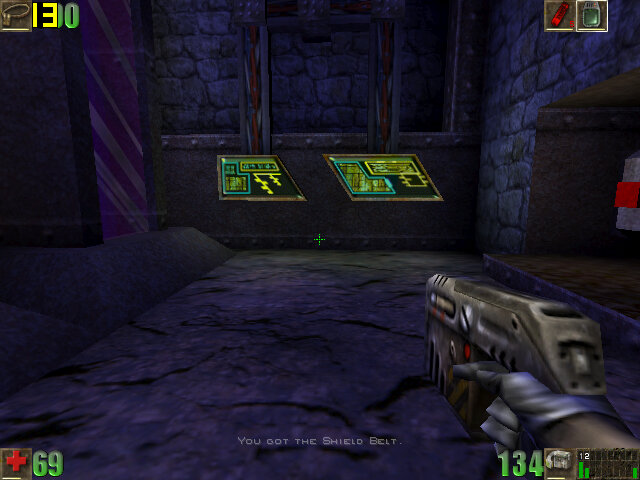
Unreal: We had a playable experience with Unreal Tournament, So I hoped the original Unreal would be similar. Now it plays ok but expect to see framerate drop whenever multiple enemies are on screen. Overall we get around 20fps in the best scenario, dropping to around 5fps in outdoor combat. Running at 640×480 with texture settings set to high.

Boss Rally: Mostly acceptable performance, with the average around 22fps during most of the race, although it will dip to as low as 3fps when there is a lot of scenery on the track. I would avoid some of the heavy weather options like snow or rain if you can, sand stick to clear sunny weather.

An S3 Mirage3 Experience (Dell Optiplex 160)

SiS are not a huge name in the GPU market, thats largely dominated by Nvidia and AMD. But they were once one of the more popular choices for entry level 3D graphics cards when the 3D accelerator market was in it’s infancy. When I saw one that had been featured in a Dell Thin client PC, I was curious to see its performace. The system itself (A Dell Optiplex 160) isnt intended for high performace computing, it features a first generation Intel Atom processor running at 1.6Ghz. It’s more of a thin client, or a net top PC, a simple PC design for basic tasks with much less power consumption than a typical desktop PC.

From looking at the specifications, its clear this GPU will struggle against its rivals, with the GMA3100 and Radeon HD2000 being the main competition, along with the low end GeForce series (7100 for example). From what I’ve found online, it lacks hardware T&L support which is hard to believe for a GPU released in 2007. Nvidia released their first T&L GPU with the original GeForce in 1999, with AMD (Then ATI) following suit with the Radeon in 2000. Intel would eventually release their own T&L capable card much later.

What is T&L? Well it stands for Transform and Lighting and means the GPU is capable of generating its own geometry such as polygons and is able to apply effect independent of the CPU. When 3D first hit the market back around 1994, many 3D graphics cards were known as 3D accelerators, with their main purpose being able to offload certain rendering tasks off the CPU, freeing the CPU of the burden and leaving more time and cycles to perform other tasks. How much was offloaded depending on the accelerators capabliles, a lot of the first generation only did texture wrapping and shading. Since they were reliant on the CPU to generate the geometry, it meant the CPU could become a bottleneck if it couldn’t render polygons fast enough for the card.

That’s kind of what we are dealing with the Mirage, since its going to be reliant on the Atom CPU to handle some of the geometry rending. It’ is a dual core model’s a single core dual threaded model, though i’m uncertain how well the micro-arictecture is with geometry calculations. Intel Atom’s typically have their own processor design that is independent from the Pentium 4 (Netburst) and Intel’s Core that was used in the Intel Core 2 duo series.

Still, knowing this, we can kind of guess which  generation of games will best work with the machine, already we know it on the same feature level as the Nvidia TNT and the Ati Rage series of graphics processers, but does benefit from additional rendering features SiS might have added. We also will struggle to run games from when this machines was first released 2008.

GHG (Greenham Gaming) did a feature on this system, running what appears to be Windows 7 and concluded it was an epic fail when it game to gaming. A few older titles worked, but even then some had rendering issues. I’m not sure how much was apparent to running Windows 7, but I was curious to see what performance would have been like for Windows XP, which tends to be the go to choice for running retro games, at least for its broad compatibility across hardware.

For this, keeping in line with the machines embedded roots, I decided to use Windows Embedded POSReady 2009, which was a more upto date version of Windows XP SP3 designed for embedded use like sales kiosk’s (hence the name POS – Point of Sale, what else did you think it stood for?). However its still mostly a full fledged version for Windows XP, and even features an up to date installer that can detect SATA drives that this machine uses (still needs to be in IDE mode, AHCI is not supported).

Missing ksuser.dll? (Windows POSReady 2009)

Post install, there were a couple of issues. Most of the drivers provided by Dell did install, except for the sound driver. When installing, it would complain about missing ksuser.dll file and the installer couldn’t continue without this file. Searching inline pointed to the issue with DirectX, but POSReady does come with DirectX 9.0c already installed, and installing the updated runtime from Microsoft’s website didn’t work.

What did work was to install Windows Media Player, which wasn’t installed by default. You can easily install this by popping over to the Control Panel, opening Add/Remove programs, then click Add/Remove Windows Components and select Windows Media at the bottom to install it. Version 11 will then be installed. You could also select this option when installing the OS, but I left it at the typical settings, which appear to not install Windows Media Player. Makes sense I guess, since this is intended for checkouts and cashpoints which might not require sound (unless for disability purposes)

S3 Utilities

They’re pretty basic, you can adjust settings for the gamma and screen rotation, but very little can be changed for the 3D. The system does support dual monitors, but will always identify a VGA monitor as a CRT, regardless if it’s a flat panel.

Here we are using driver version 6.14.0010, which is the latest from Dell’s website. By dedefault, 28MB of memory is allocated to the graphics, which can be adjusted in the systems BIOS, upto 256MB to 32MB at the lowest. It seems to pass the Direct3D rending testes, upto version 9

Games

Here I have mostly tested a few Direct3D 6 & 7 class games:

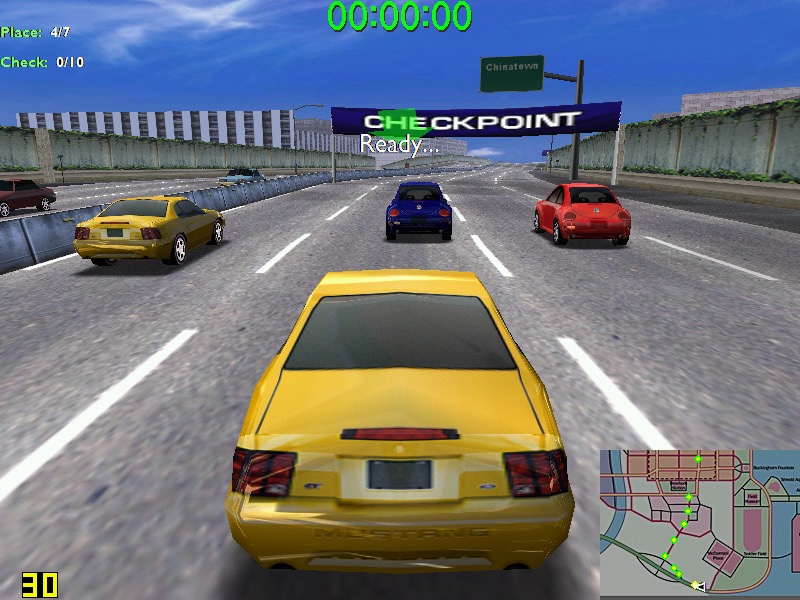
Midtown Madness – Hits 30 fps on high settings – 800×600, but can suffer to 22 when there are a lot of cars on screens. In underground tunnels we can get upto 44fps. No rendering or texture issues from what I can see.

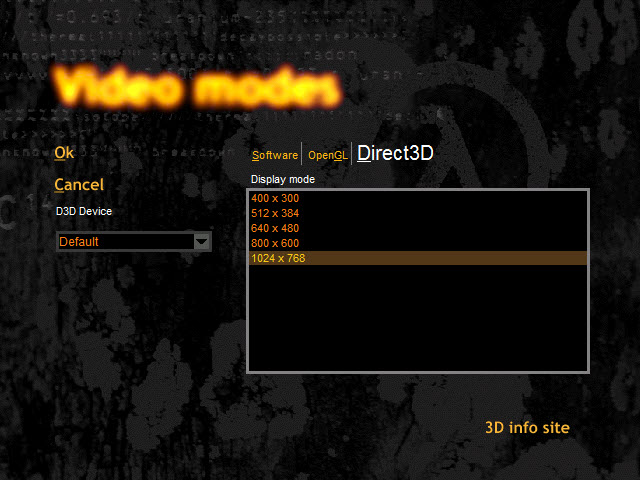
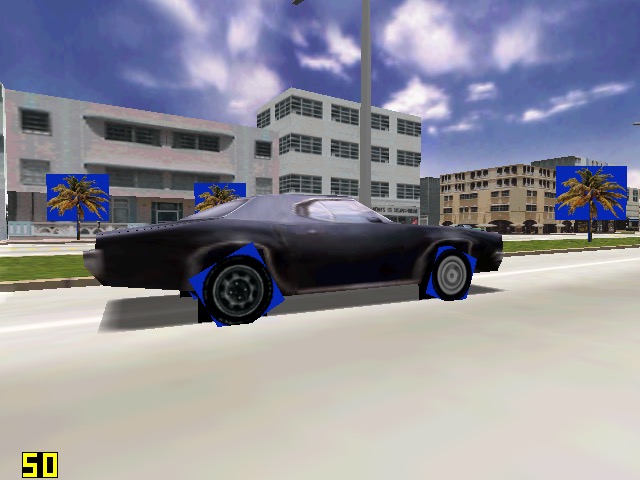
Driver: We started to see struggles in this one. When running at 640×480, we can see blue squares around the trees, and on the edges of the car wheels, suggesting there is an issues with the transparency for certain textures. Playing at 800×600 result in partially missing graphics like the car wheels and some of the building. A shame because we got a semi-decent frame rate on medium settings.

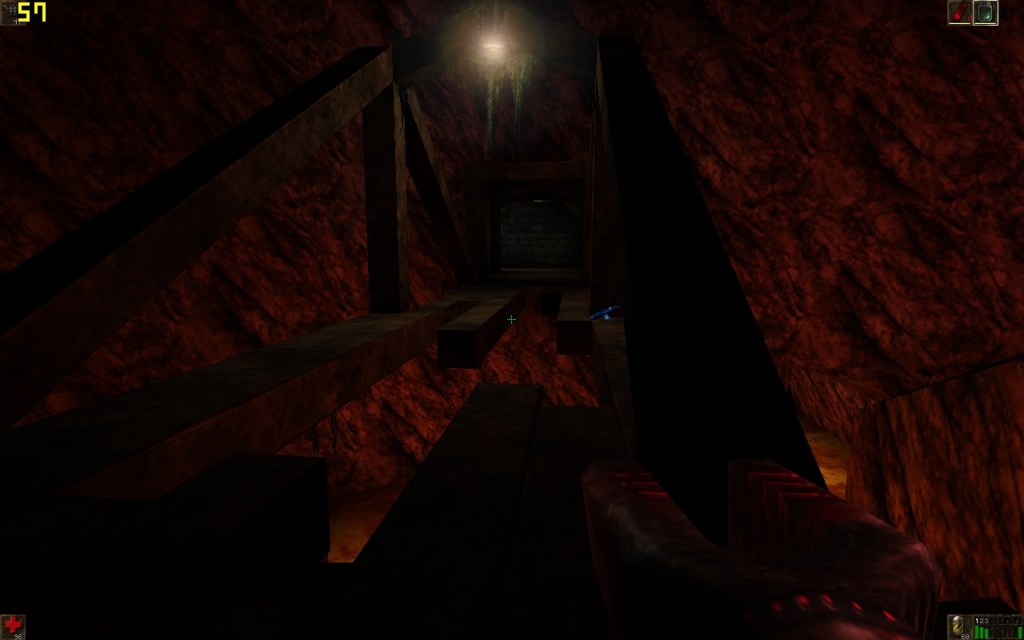
Unreal Tournament: Framerate struggles in some of the more busy areas of the maps, framerate seems to hover round 20-30fps, with 22fps being common in more open areas. The opening sequence did dip to 14FPS during the skyscraper sequence. Using an updated Direct 3D9 render helps out massively, with it nearly reaching 60fps in certain parts of the map. Patches can be found here

Sega Touring Car Championship: Runs very well at 640×480

Monster Truck Madness 2: This crashed the graphics driver when selecting 3D acceleration, by default it opted for software rendering. I had some luck choosing the image quality to ‘normal’. Unfortunately it didn’t play well with Fraps, and would lock the system up when trying to run both, sometimes resulting in a BSOD. On its own however, its mostly stable.

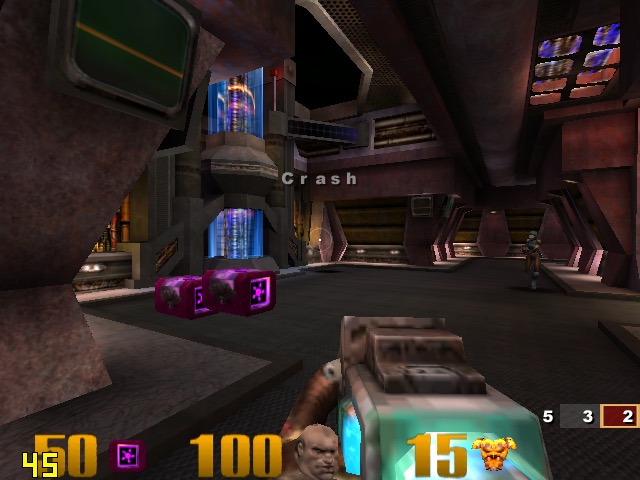
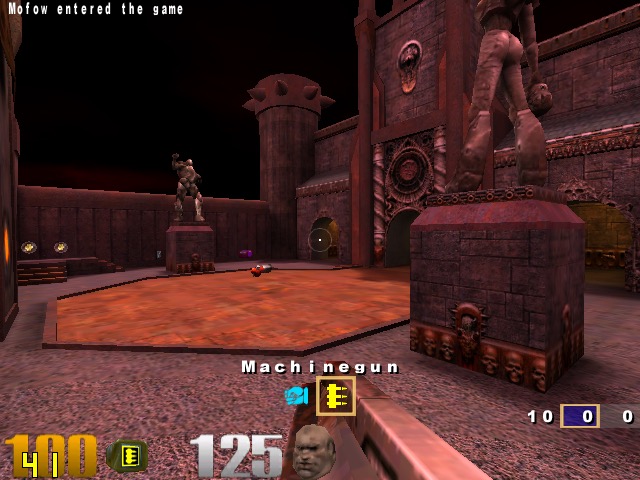
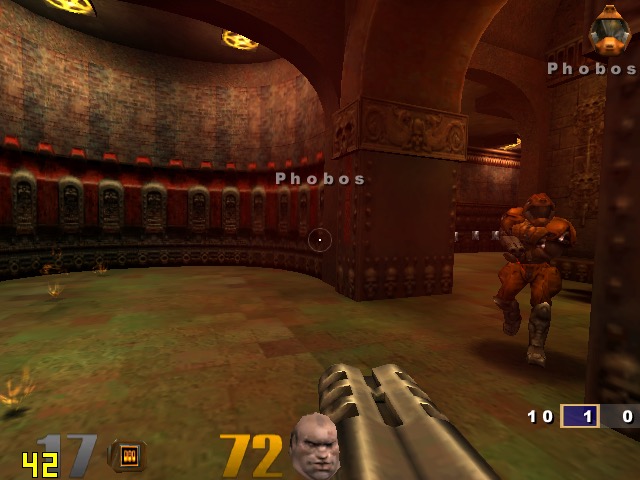
Quake 3: Here we can work off average of 50fps, with the game only slowing down when there is too much action on the screen. One of the few native OpenGL games.

GTA III: On default settings at 640×480 we are treated to a slideshow of 8fps for the opening mission, dropping even lower once we are in control. Turning off the trails and reducing the draw distance did little to help unfortunately. Yup this is unplayable.

The Operative: No One Lives Forever, On standard configuration at 640×480, we have an average framerate of around 12fps during the opening sequence outside, inside the building it does go up to around 25 but we still get a few dips. Once we get into gameplay it’s a different story, only managing 3fps for the training section. Dropping the graphics settings to ‘Best Performance’ only gives up a marginal improvement of 8fps. If you point the camera down to the flow when moving you can get reasonable performance but not what I would regard as playable.

Alcatraz Prison Escape: This was also unplayable, managing only 1fps for the opening sequence. The game only runs at either 800×600 or 1024×768, no option for 480. Another game to avoid

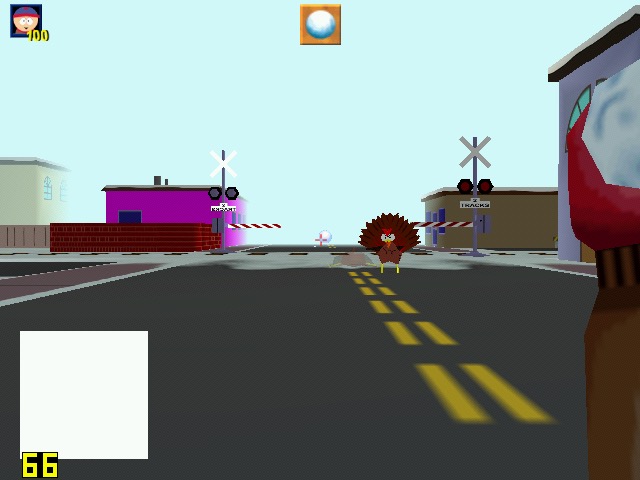
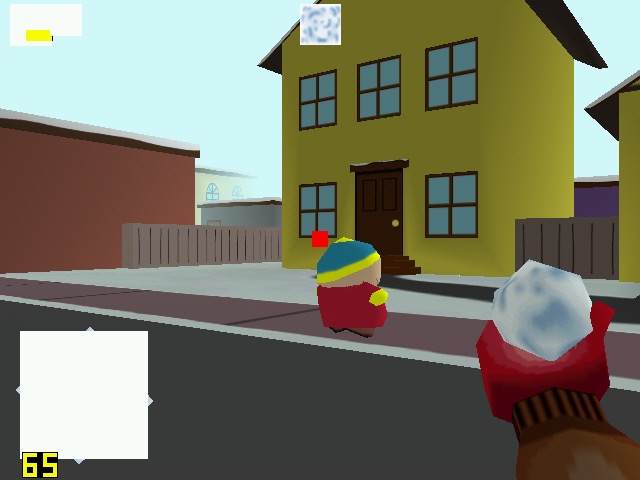
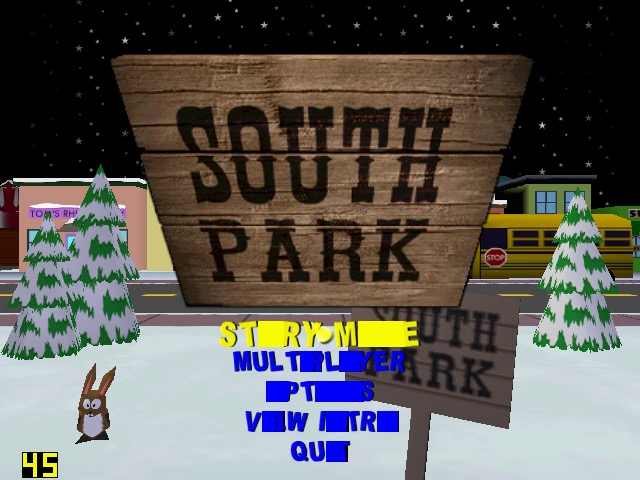
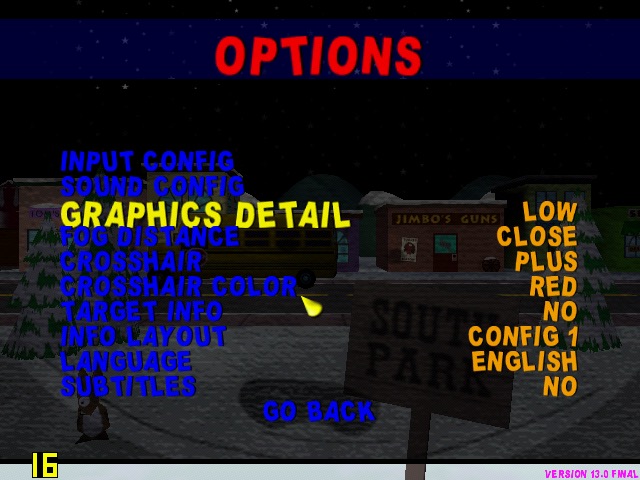
South Park: Had issues getting this to work, I had to install nGlide to get the game to start up. However I was then able to select the correct graphics rendered (it detected the DirectX SiS Mirage renderer) but there are multiple graphics issues when playing the game, with some of the games text not being rendered correctly. The framerate, although it appears to be running at around 25 is very jerky with the game freezing every 2 seconds. Settings the graphics quality to low and long with lowering the draw distances helps out with the framerate, but we still have missing or corrupted textures, especially with the HUD. The freezing I also odd since the game still runs – you can attack enemies and hear them respond but the screen will freeze for a few seconds.

Running the game with the Glide wrapper (nGlide) ended up being a much better experience, since the game was a t a more decent framerate, reaching 26fps and only lowering when there were too much turkey’s onscreen.

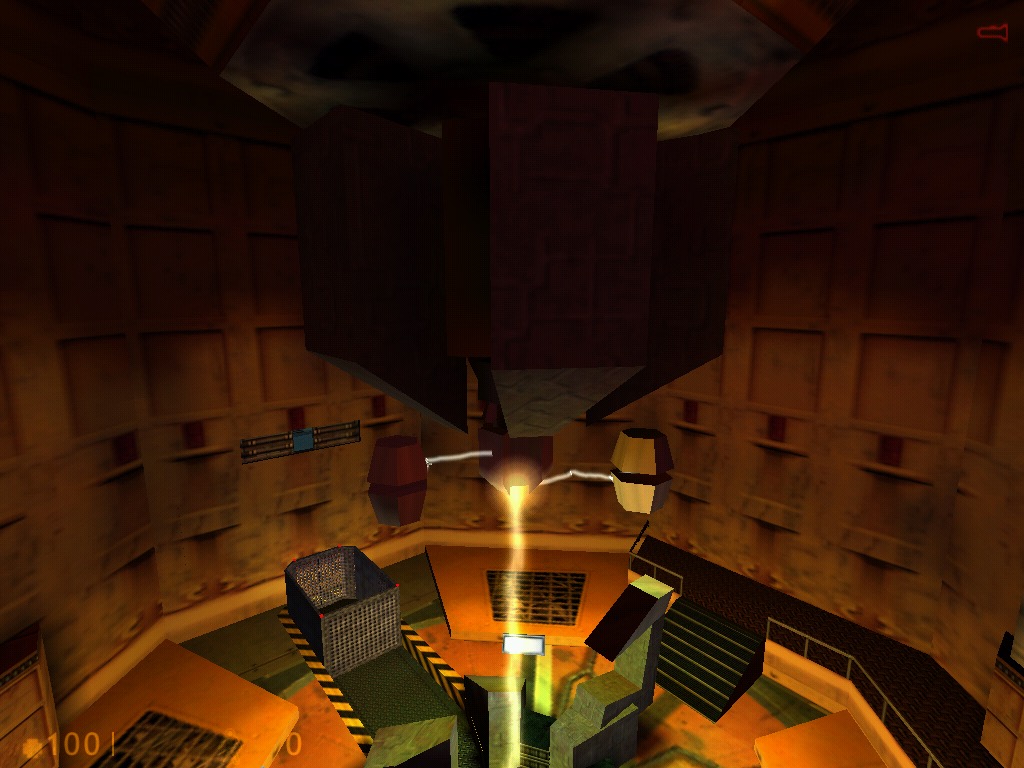
Half life: Here I tested the original release of the game, not the Source based re-release. Running at 640×480, its performance is dismal in the opening cutscene, dropping frames to a low 7fps. Walking through the facility corridors gives us a more fluid framerate. Half Live offers the choice of three renderers, a software based one either Direct3D or OpenGl.

OpenGl did give up better performance but was a lot more unstable, with the game crashing particularly at the moment the Lambada experiment goes awry. Switching to Direct3D allowed me to progress past that part but the performance just wasn’t good enough. We are able to lower the resolution but at that point it start’s to low more like a PS1 game. Oh and the water effect;s are non existant, with the textures warping like a PS1 game during the underwater sections, as seen in the last screenshot.

Conclusion

So performance is pretty dismal across the various different games that were tested. I expected it to handles games that were released within the sixth generation of consoles, but it struggles to run even certain late 90s games at 480p. How much of this is down to the Mirage, or the Atom CPU remains to be seen. 

It does appear to be on the level of the Sega Dreamcast in terms of overall performance, and you have to contend that SiS possibly haven’t optimised their driver like Nvidia or ATI (AMD) have previously done. You also have to take into accound that due to the machine being fanless for both the CPU anf GPU, thermal throttling could also be a issue that could explaint the less than ideal performace.

This does appear to the one of the last release of SiS graphics chips, the XGI Volari is closely related but there are difficult to find except for a few Asus server boards.