Gateway Tigereye (Restore V5.5)

Another OEM system, but this seems to be a motherboard that was used in multiple Gateway systems from around 1997.

Motherboard appears to be based on an Intel design, might be a clone of an Intel board but with a Gateway customized BIOS. This was possibly used in various different models used throughout the late Pentium era. I actually had a Gateway system that was in a similar time frame, but we had it second hand and the original owner had wiped it in favor of a fresh Windows 98 install.

Supports up to 128MB RAM
Supports CD-ROM booting
No sign of USB, 86Box cannot interface with USB currently

Install/Recovery CD

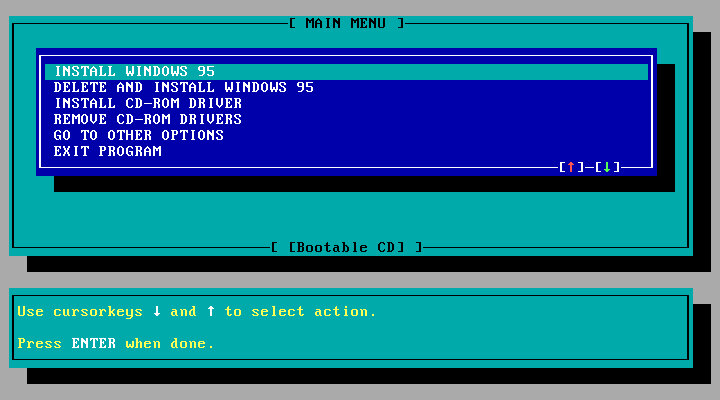
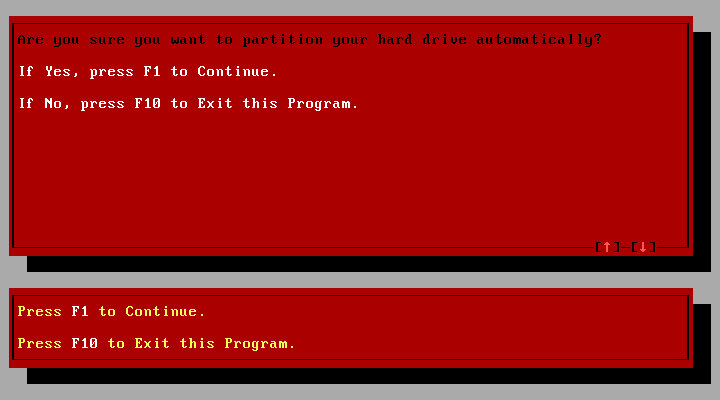
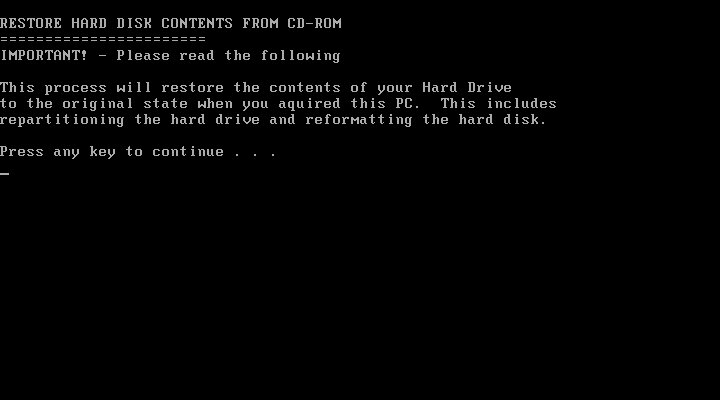
You will get the option to format as FAT32 or FAt16, whichever one you choose will depend on what build of Windows 95 you have, this restore Cd does not feature a Windows 95 install, instead it contains a set of drivers and utilities that are installed in conjunction to Windows 95, but you must use your own Windows install disk instead.
FAT32 is supported on OSR2.1 onwards, whilst earlier builds use FAt16, if in doubt choose FAT16. I believe you can ‘Upgrade’ to FAT32 once you update the OS.

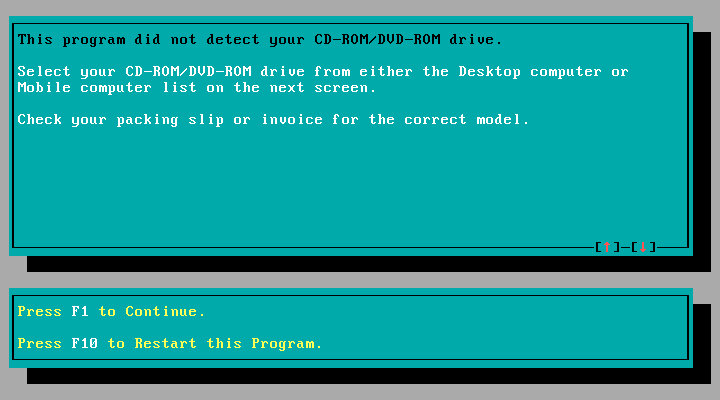
One potential issue here was the IDE CD-ROM driver, the restore CD gives you the option to choose, possibly because some systems might have used a propriety CD-ROM interface, or might be using the IDE interface on the soundcard instead. This could potentially cause issues if you choose the wrong option. For this I chose the Generic IDE-ROM driver, which can be found all the way at the bottom.

Once you begin the restore process you are requested to insert the Windows 95 install Cd and reboot, of which the system will begin to copy the Windows 95 files.

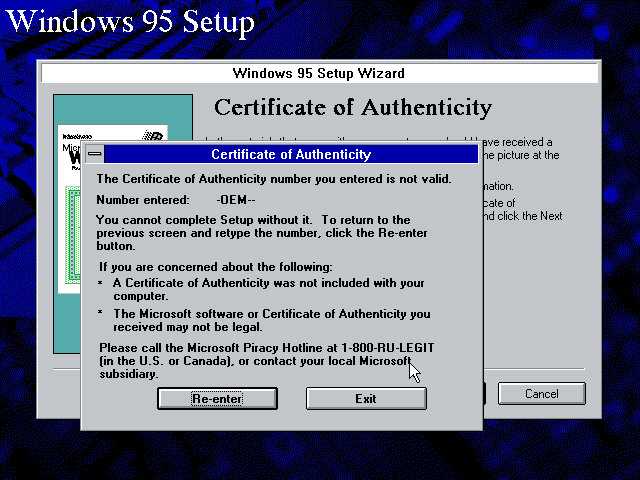
From here setup runs like a typical Windows 95 retail install, however on mine I encountered an error with the OEM serial number, and had to manually enter another one. I’m not sure of eyes are specific to the OEM version they were bundled with, or if each manufacture uses a slightly different algorithm, or maybe something failed to validate in the background.
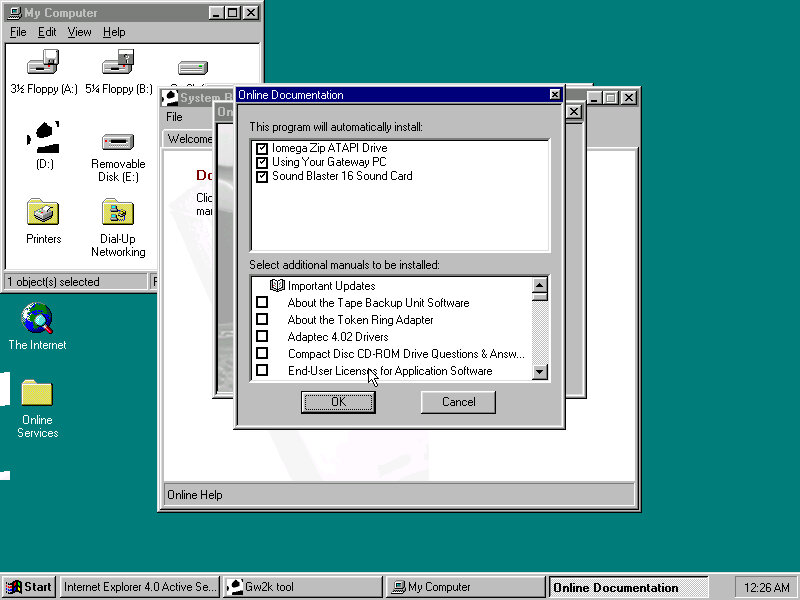
Reboot, then Gateway software proceeds to install

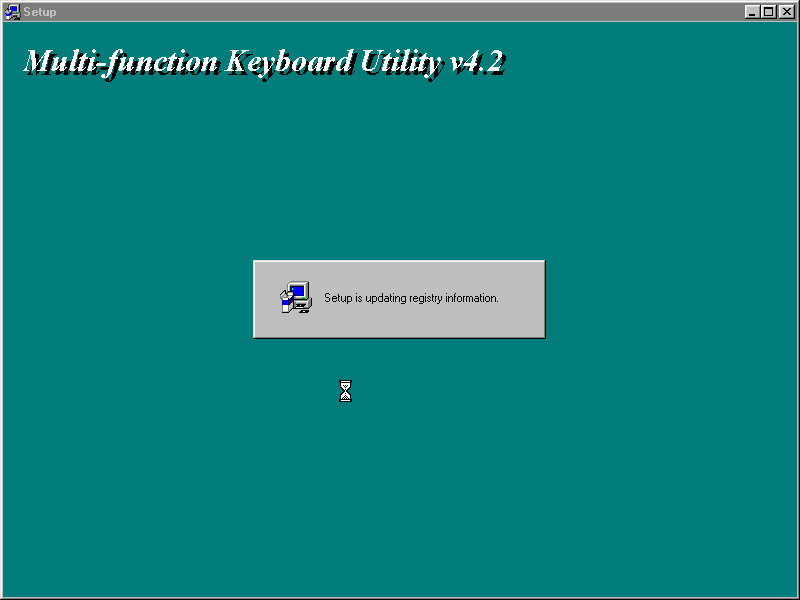
Installs keyboard multimedia utility, then install utility freezes. I had to force a reboot at this point
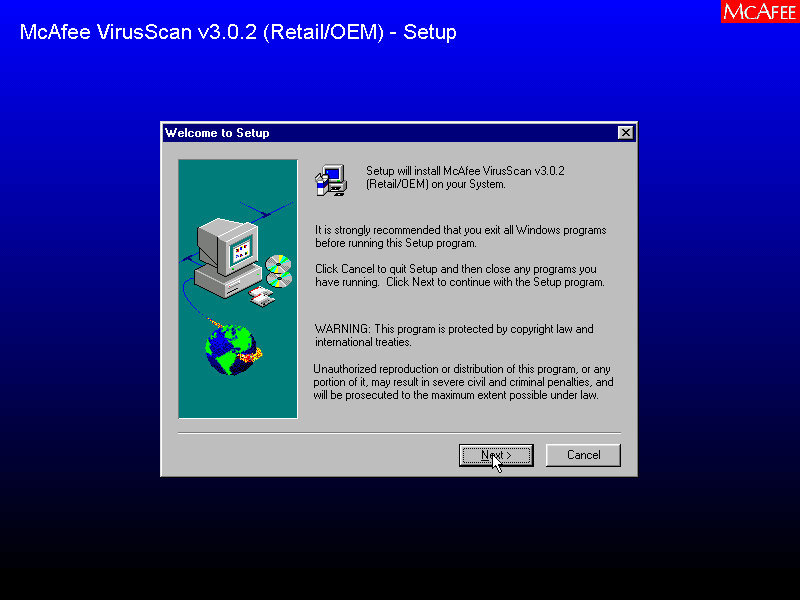
A quick reboot and it then installs McAfee Anti-Virus
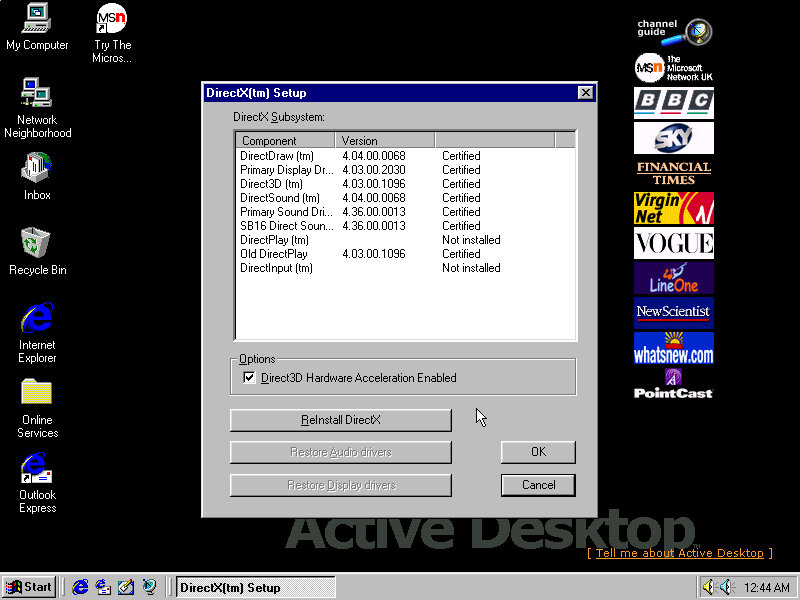
Installs DirectX 5, reboots again. Kind of redundant since OSR2 already included DirectX 5
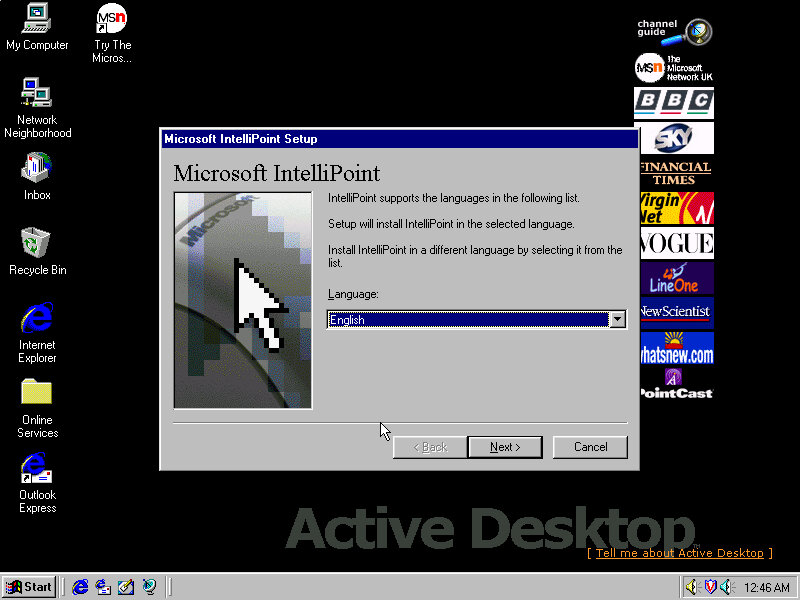
Installs Microsoft Intellipoint, Gateway possibly bundled the Microsoft mouse with their systems
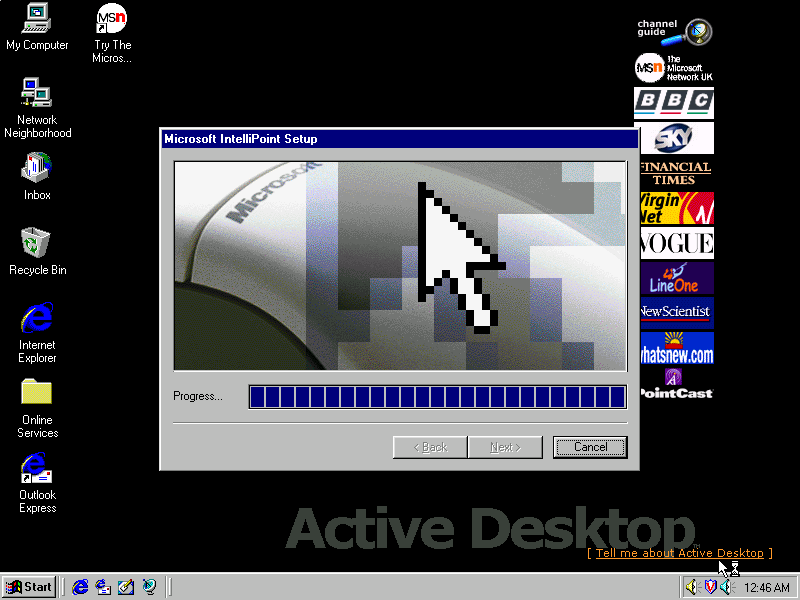
Lastly the sound card software install, Windows had already detected the SoundBlaster on install, but here it inclused the Creative sound software.

Post Install

Megaphone

Appears to be a modem and address book software to manage internet connections and user contact information.

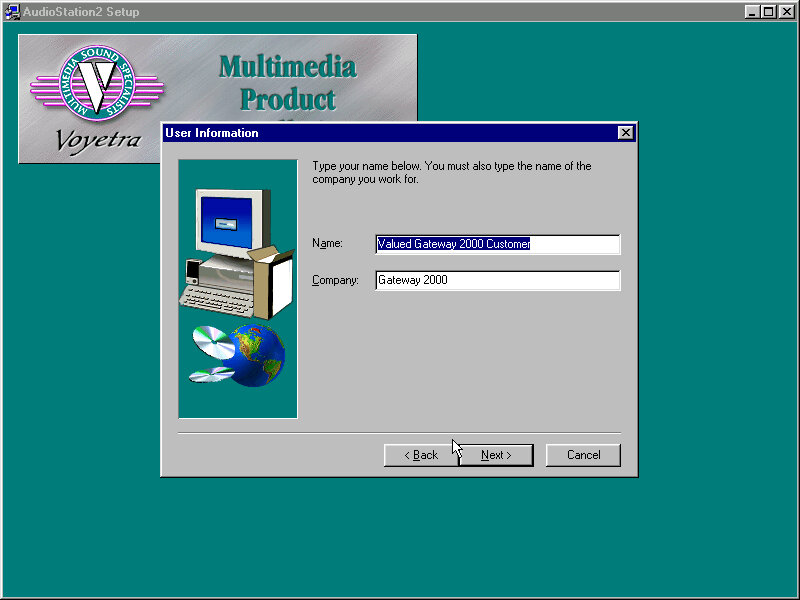
AudioStation2
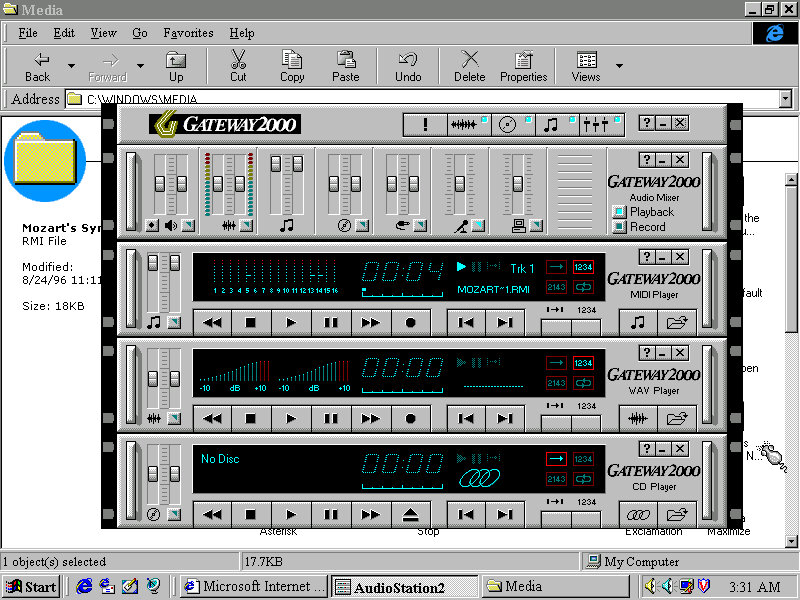
A MIDI and CD player with a Hi-Fi like interface, something similar was also installed on the Sony VAIO PCV-90

Adding a second drive

The motherboard has two IDE channels for a total of four IDE drive, with the SoundBlaster 16 PnP card we can also add an extra two for a total of six IDE devices.

Adding the second IDE drive, I encountered a problem since after adding it as IDE slave (0:1), Windows 95 would freeze upon bootup. The way to fix it was to use the Windows 95 bootdisk, use the FDISK /FPRMT command to initialize the salve drive, format as FAT32 (Or FAT16 if you are using an earlier version of Windows 95), then reboot and format within the boot disk.
After then would Windows 95 boot up and mount the drive.

Preinstalled Software

This was a bit dry, I presume Gateway didn’t bundle much with their systems or this is typically stored on another disk. From browsing the CD-ROM it’s a generic recovery disk with a range of drivers that covered the hardware that gateway would have shipped in their desktops. Any additional bundled software would have been shipped on a separate disk.

Even the OEM branding was scarce, I expected there to be a cow-skin themed wallpaper like the cardboard boxes used

Adding additional devices

PCI: Video Card (S3 Trio64)
PCI: 3D Accelerator (3DFX Voodoo)
PCI: For future use
PCI: For future use
ISA: Ethernet (AMD PCnet-ISA)
ISA: For future use
ISA: Soundcard (SoundBlaster 16 PnP)

PCI slots are based on the amount found on the Vogons wiki, there are four PCI slots in total but there may be many more as this board could optionally come with onboard video (This could be AGP?) Or sound.
Some versions of the board came with an onboard S3 Trio64, the Phoenix in 86box was the closest match and as a bonus was automatically detected and installed during instillation.
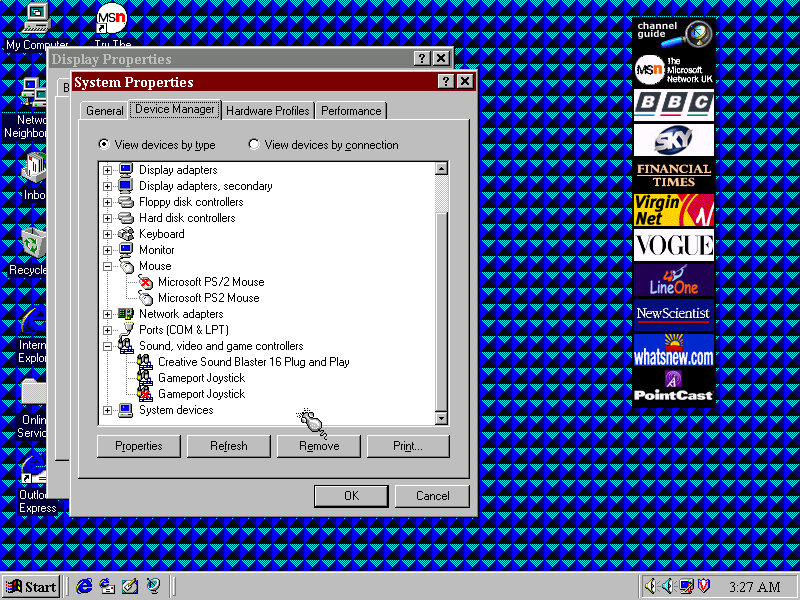
Device Manager with some duplicate devices

Restore Image – Archive

Windows 95 OSR2.5 (2.1 might be a better fit, or the original Windows 95, make sure to choose the FAT16 option when formatting for pre-OSR2.1 Windows 95)

Motherboard Information – VOGONS – Not a 1:1 match but the Gateway might be a close match to it
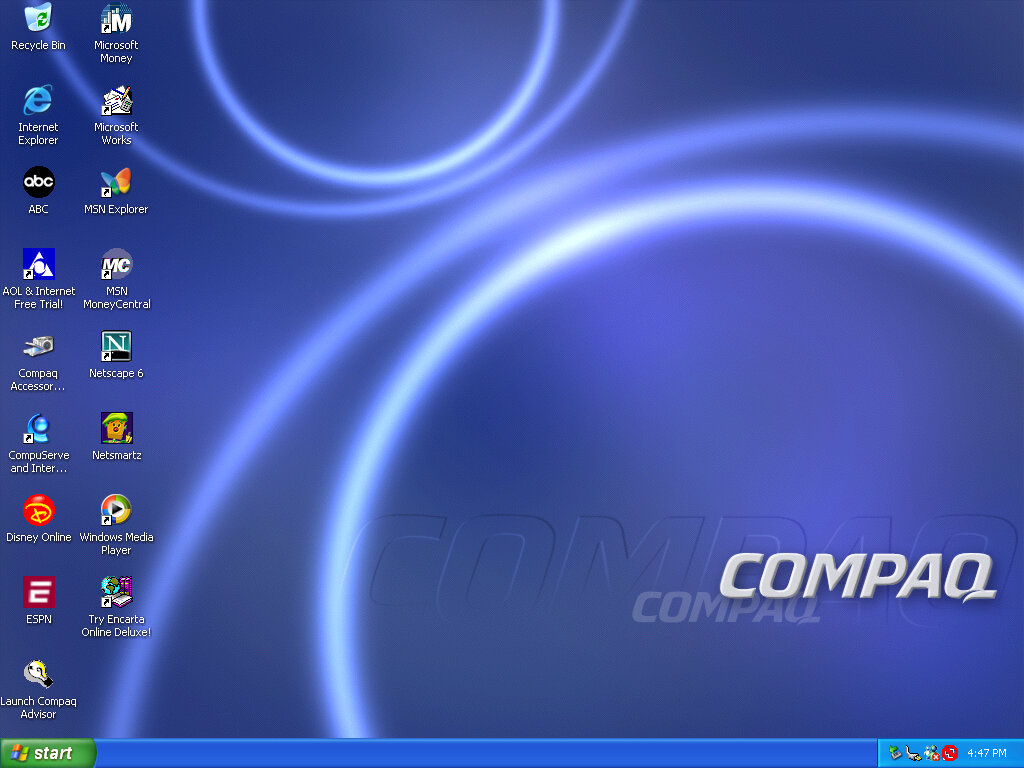

Compaq Presario 700 (VMWare)

An early Windows XP era laptop released around 2002, not to be confused with the Presario C700 which was HP branded. Windows XP Home Edition was the operating system bundled with the restore CD

Restore Process

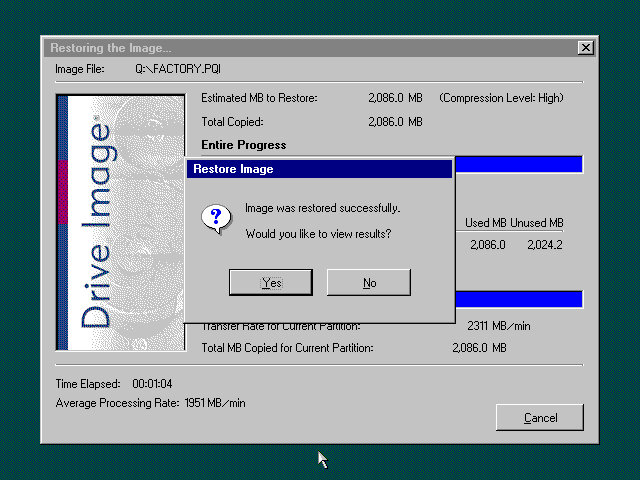
This one used a slightly different way of restoring the default image, and I believe this is due to the copy being modified so that it will restore on any machine, instead of being tied to a specific model.
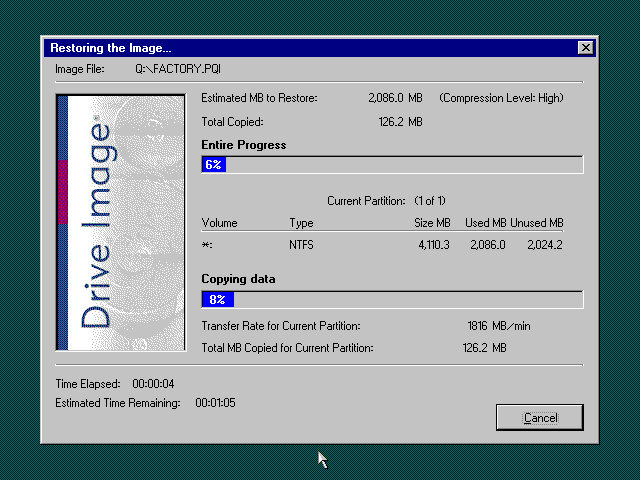
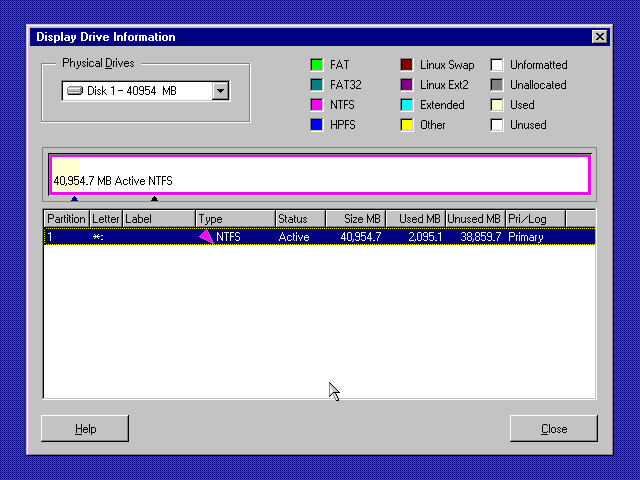
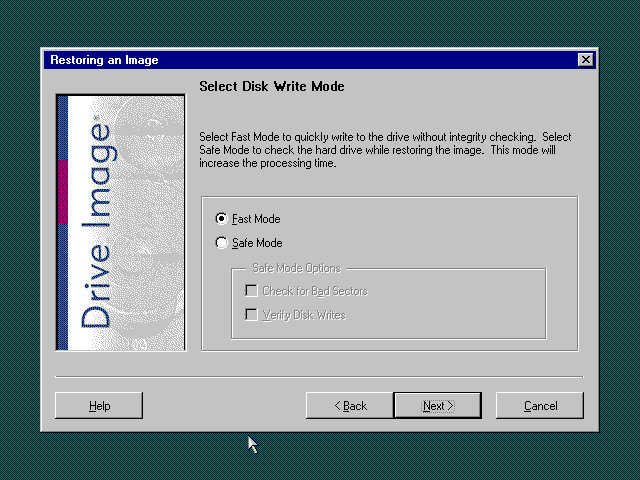
Here you must manually select the recovery image (located on the CD drive) and then proceed with the installation. If the hard disk is blank (Which it will be if we have just created the drive) the software can automatically initialize and format the disk and will create the correct partitions.
Once this has been set up, the recovery process will begin and the system will notify once it has been completed.
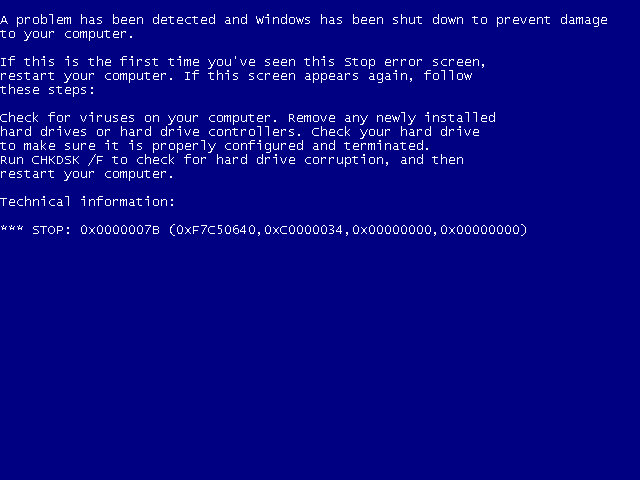
Hello blueness my old friend

After the first reboot, we will most likely run into a BSOD, since we had installed it in a virtual machine instead of actual hardware, it’s expecting a motherboard that’s completely different. At this points It’s Hirens time
Hirens Boot CD

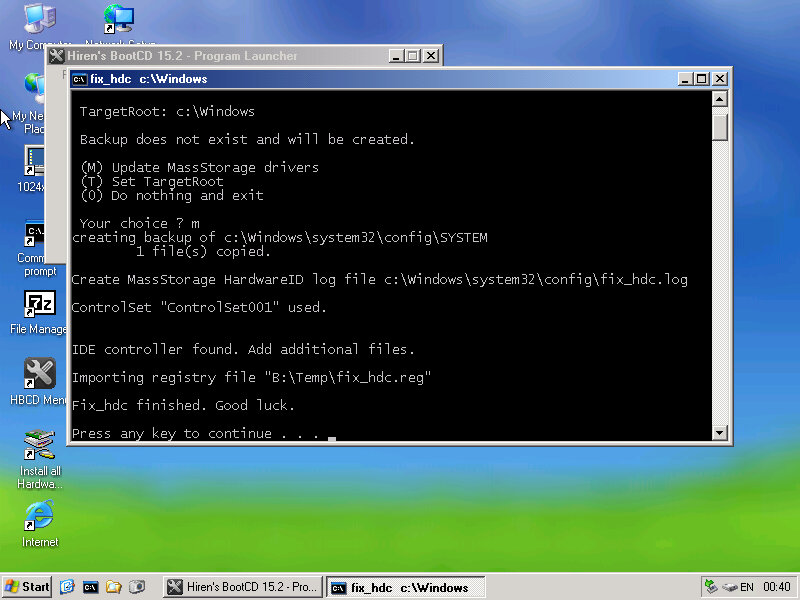
Same as the eMachines system, we just need to reset the hard disk controller to clear the error. After a reboot we are onto the OOBE.

OOBE

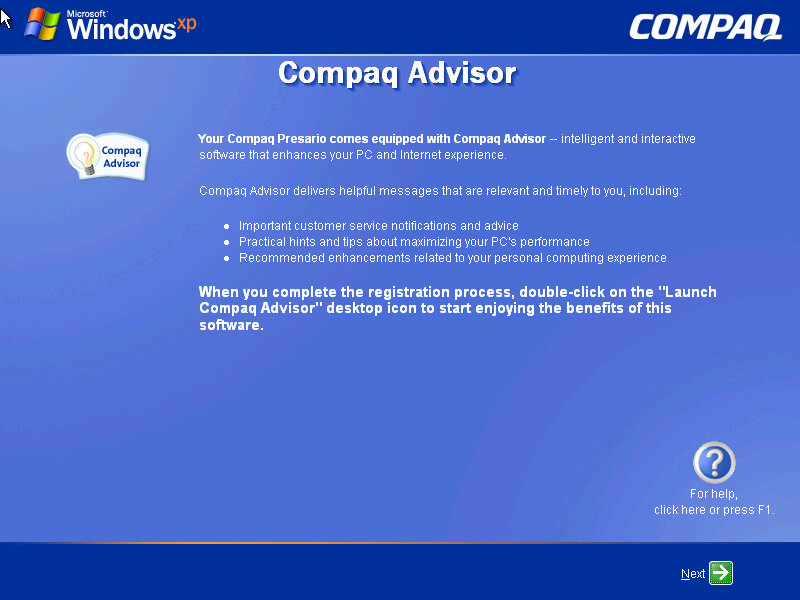
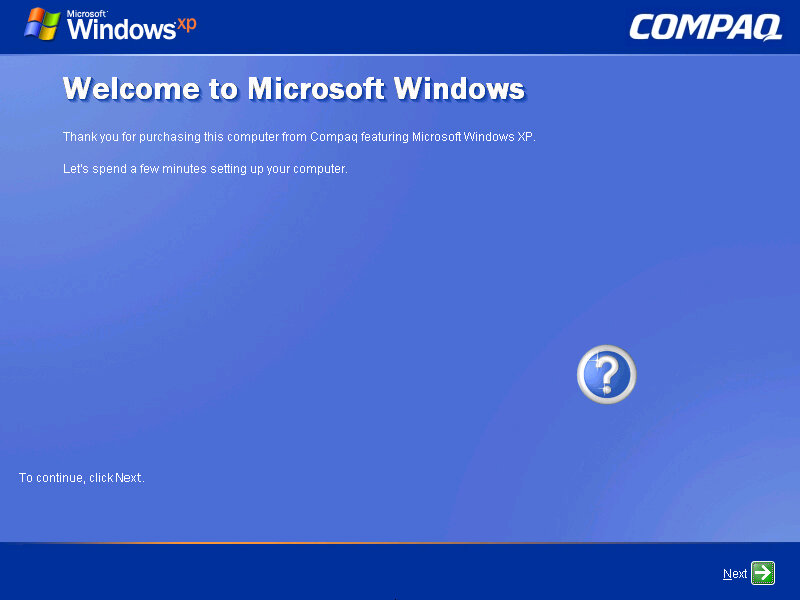
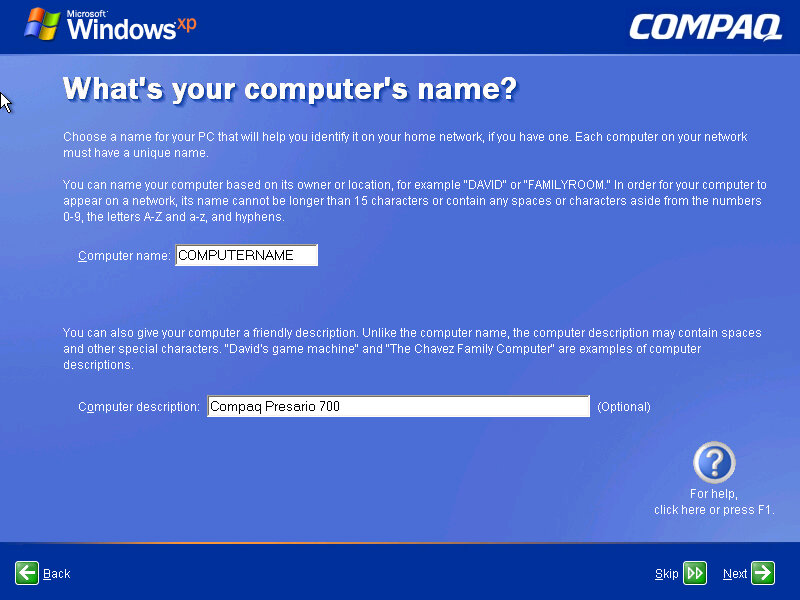
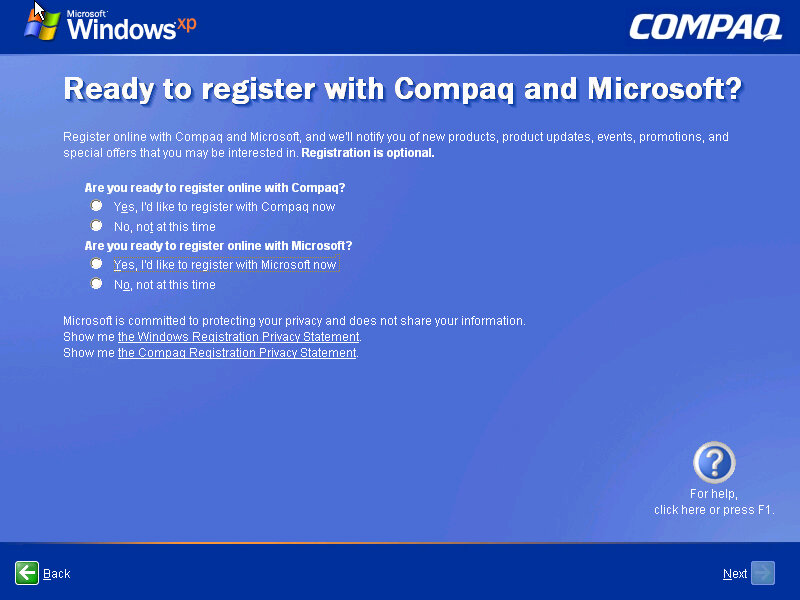
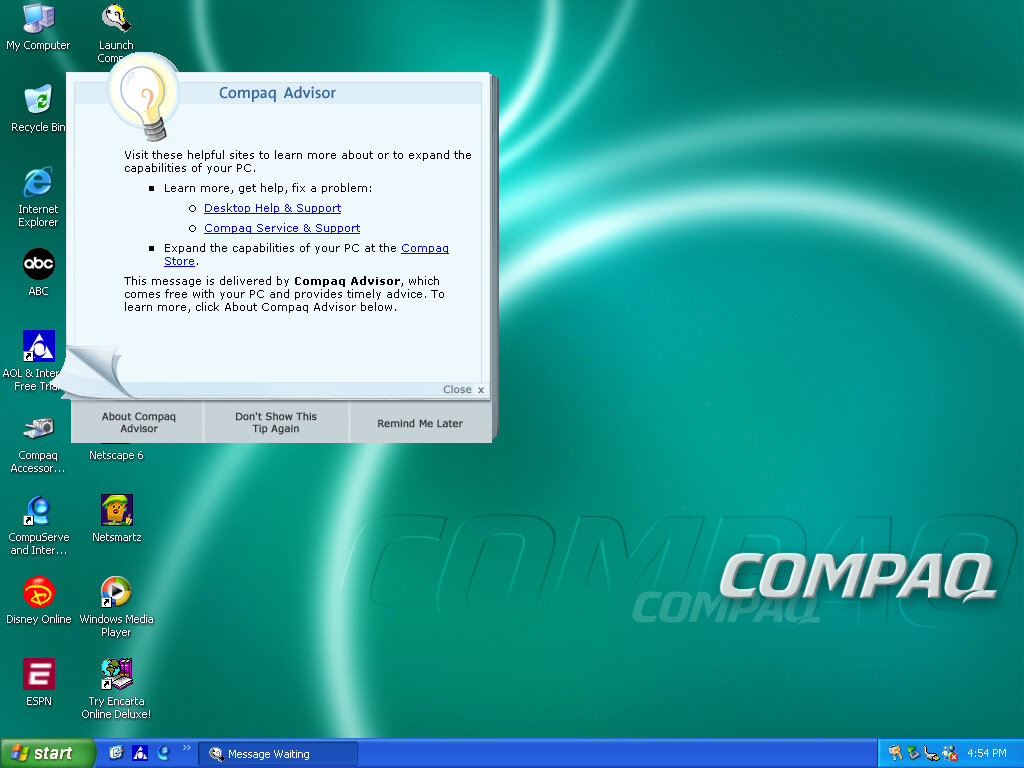
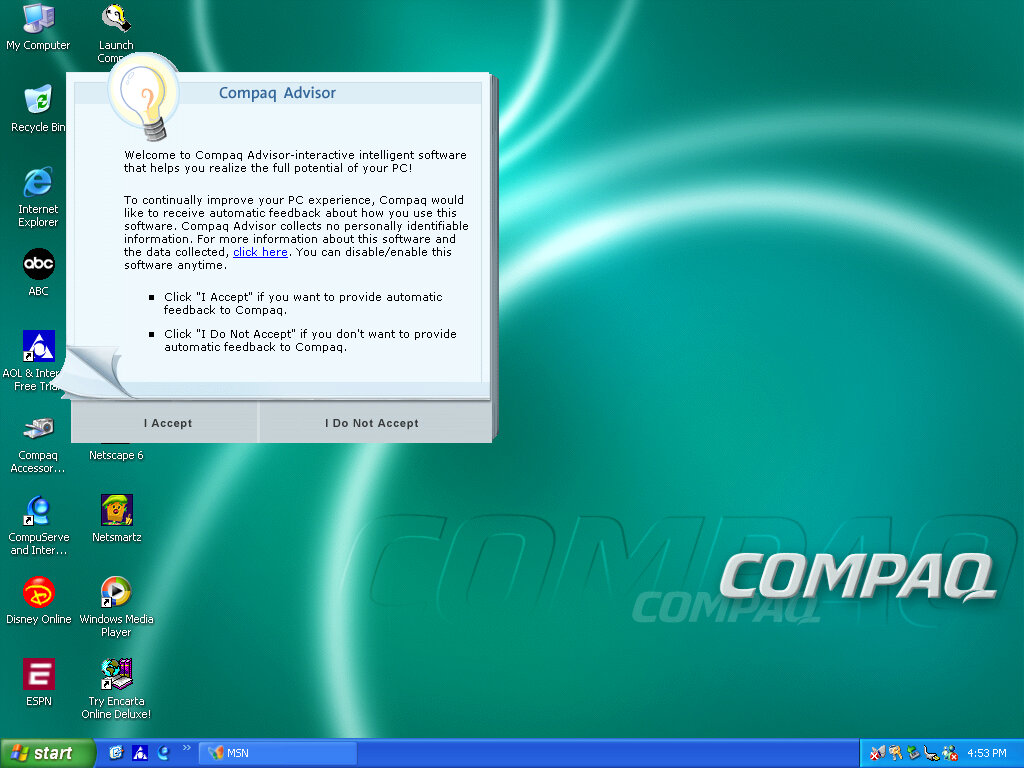
Once we cleared the BSOD boss fight we move on to the OOBE (Out-Of-Box-Experience) where we set up the system for the first time. You will notice the Compaq branding and will be informed of the Compaq Advisor, which is some sort of assistant. At this point you can also register your system, although I doubt there is much point,, Microsoft probably discontinued the registrations servers and Compaq has since been absorbed into HP.

Desktop

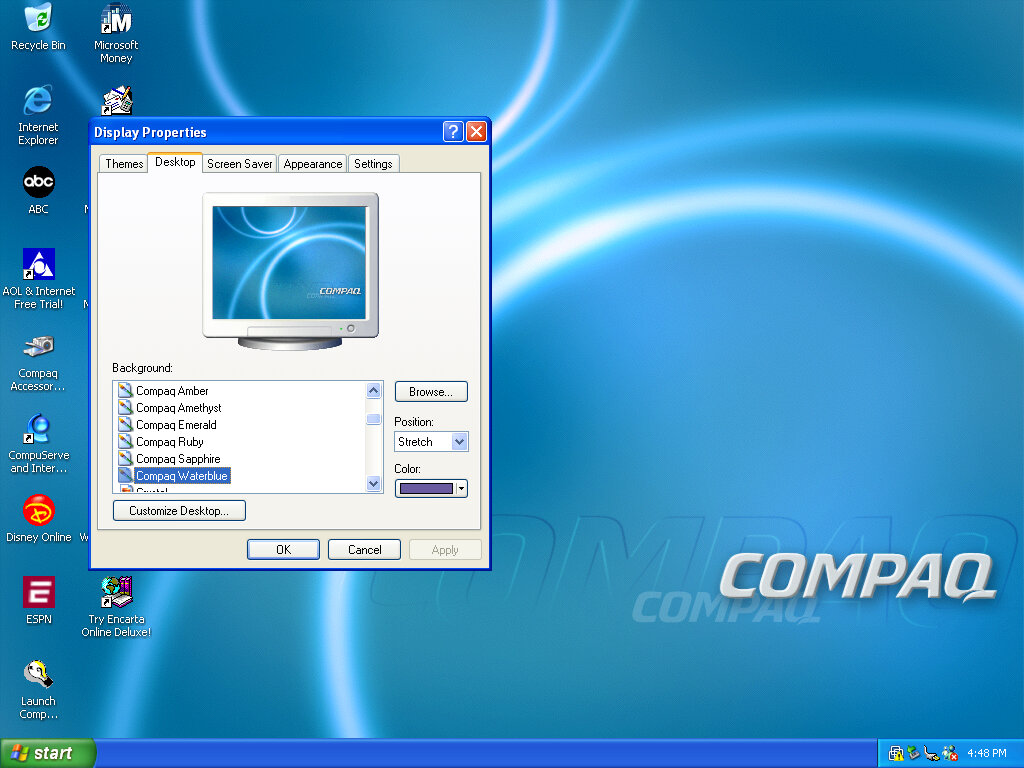
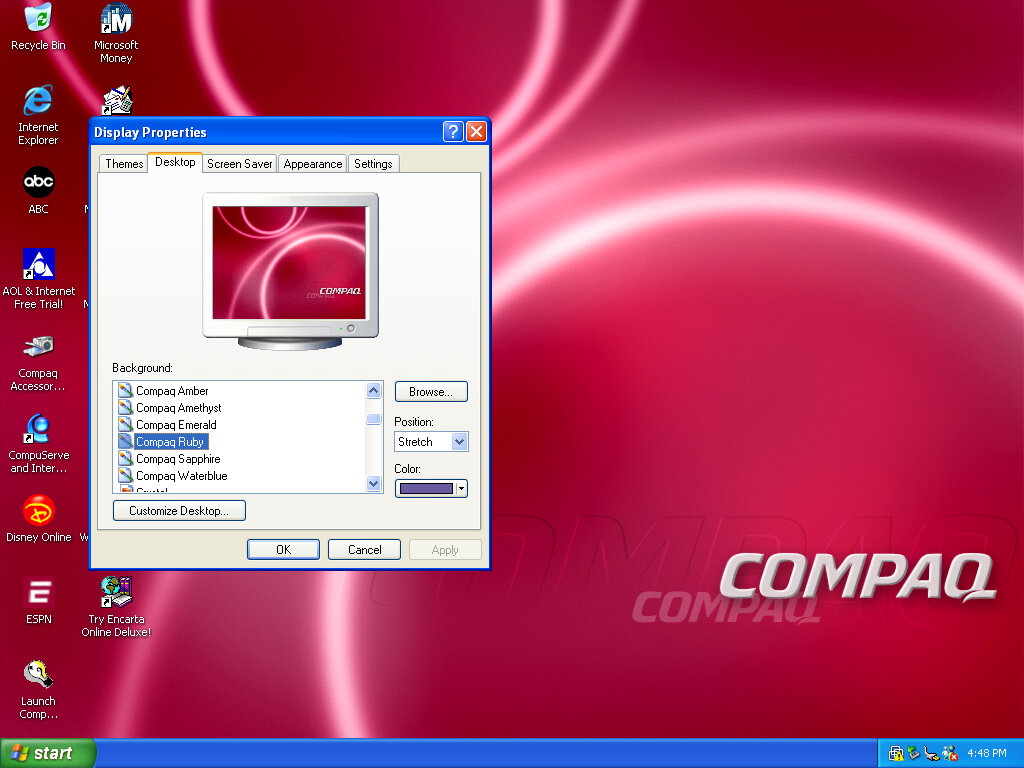
After that, we are presented with our new desktop, along with a funky wallpaper. There are several of these OEM wallpapers that are available in different colours. I’m not sure if these are reflective of the laptop itself or Compaq just whacked a few different colours for the user’s preference. It kinda reminds me of the original iMac with its various colours and shades.
Of course, you also have the regular Windows XP wallpapers if you prefer.

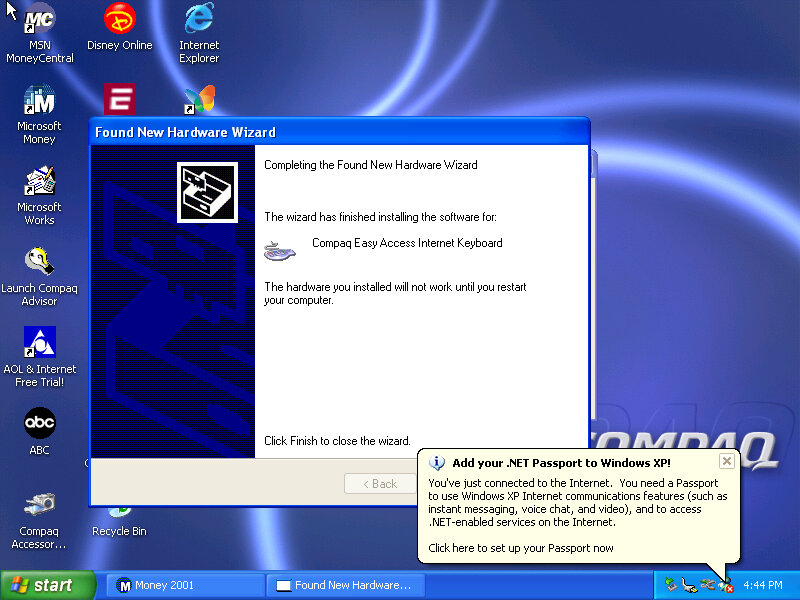
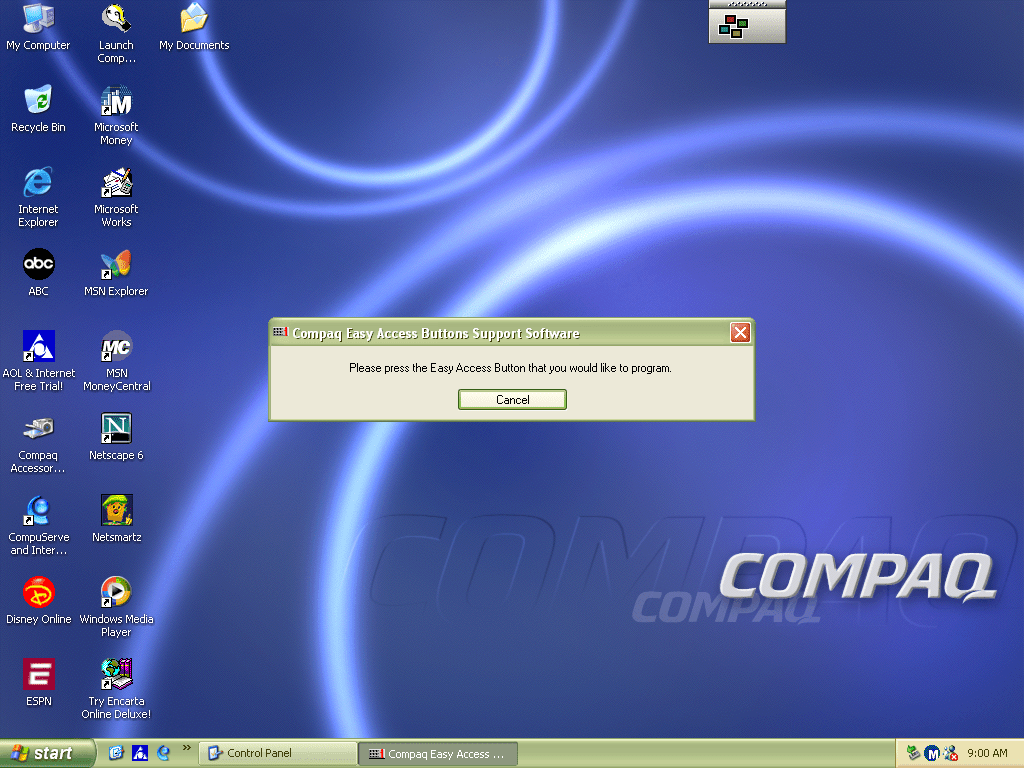
Interestingly it will try to install a driver for a Compaq Easy Access Internet Keyboard. This has little to no effect on the VMWare keyboard. On the desktop, there are a few internet shortcuts to various affiliate links like ABC, Disney,

VMWare

As this is pre-Service Pack 1 we are limited to how we can install the VMWare add-ons, the later tools require service pack 3 and will fail to install on an old Windows XP install. We can however download and mount an old version of VMWare Tools
Be careful with this, as these tools were intended for the version of VMWare they were released with. I got a BSOD when trying to display one of the 3D screensavers, and had to upgrade to a later version to fix the issue.

Software

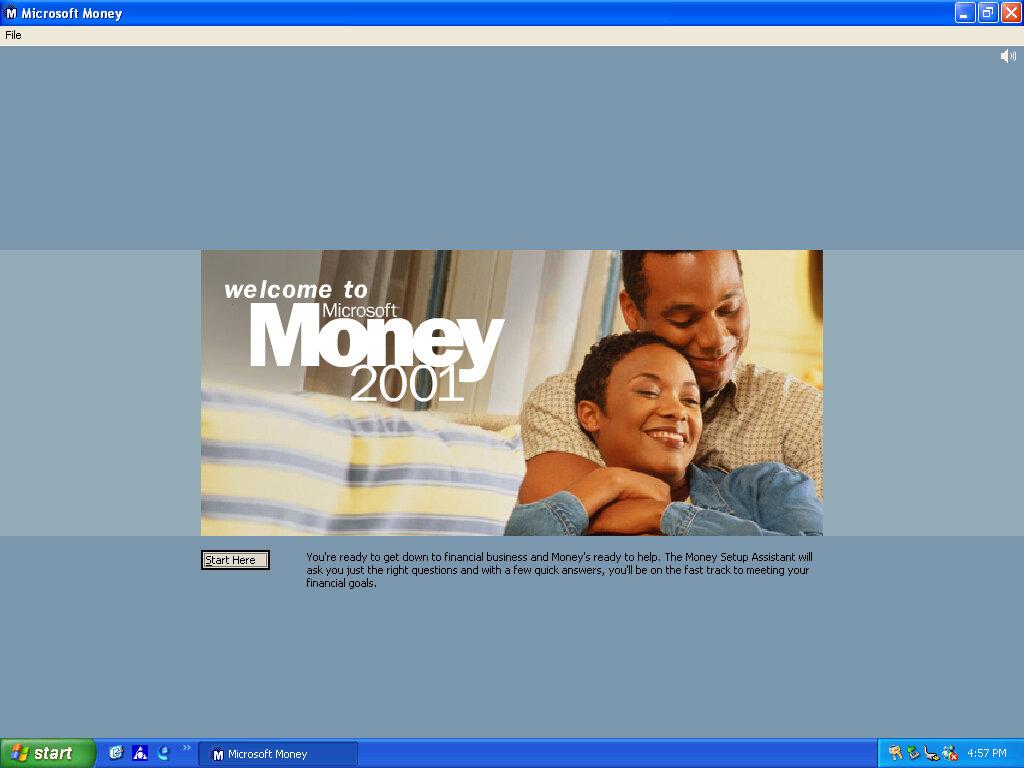
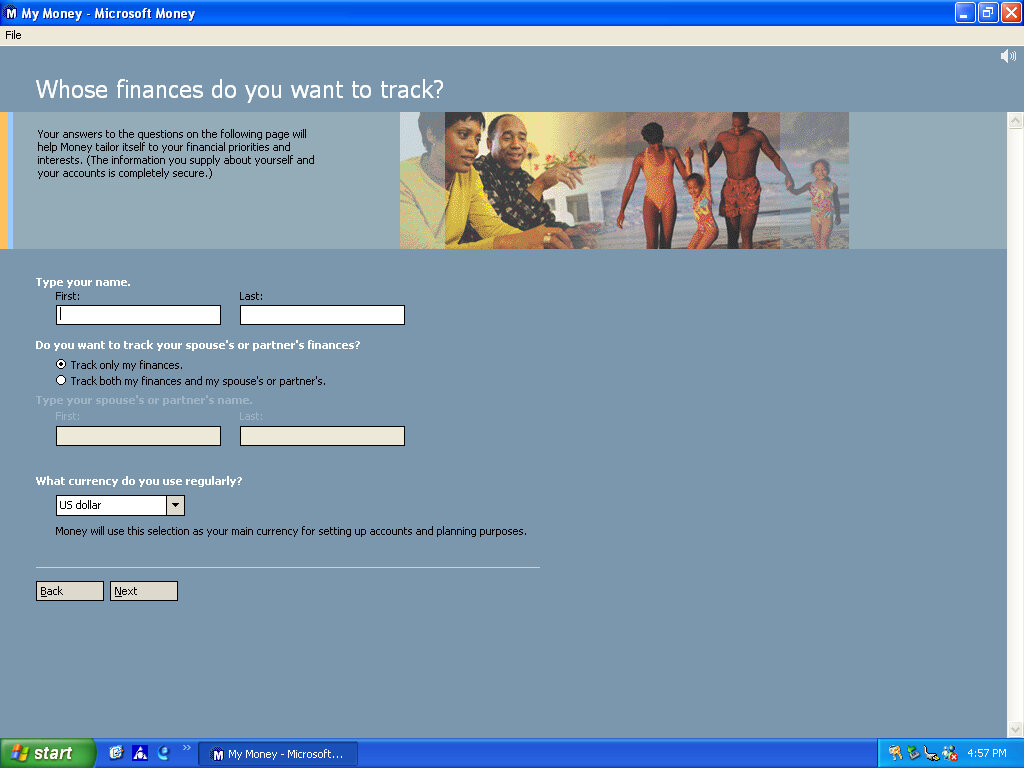
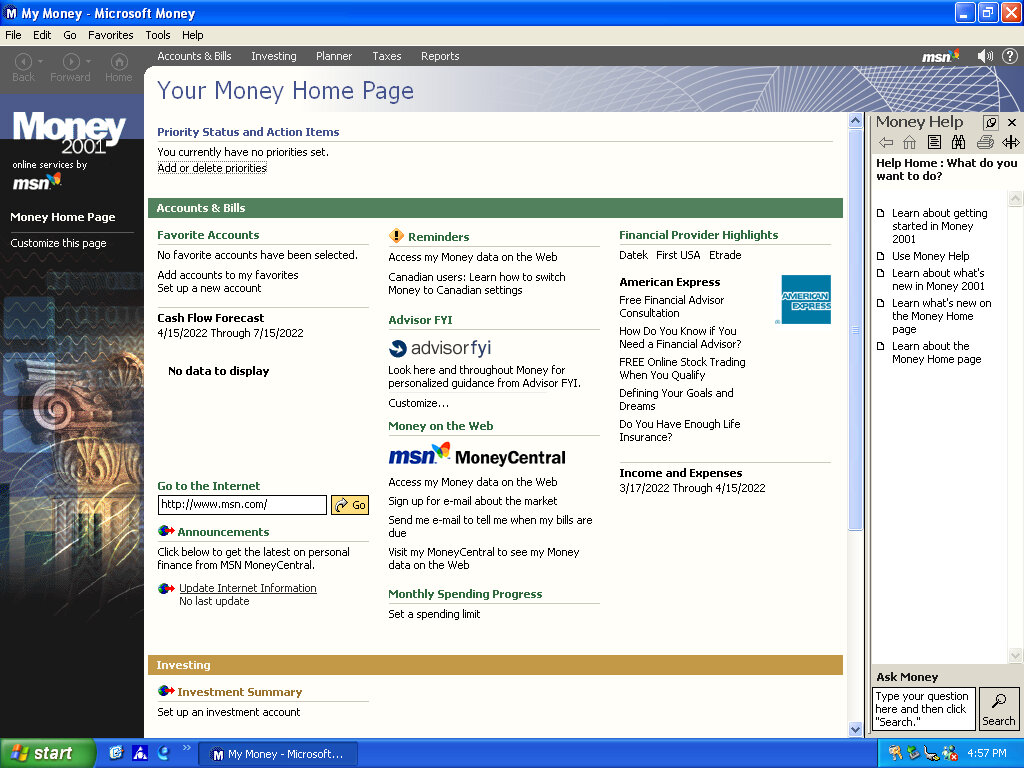
There isn’t much included, there is Netscape 6 and RealPlayer 8 bundled, and Microsoft Works and Money 2001

Compaq Advisor

Seems to be some sort of help/assistant program, sort of similar to the Windows Help & Support but more tailored to the Compaq-related stuff. The actual Windows Help & Support has a few customizations made to it, mainly with some Compaq stuff added.

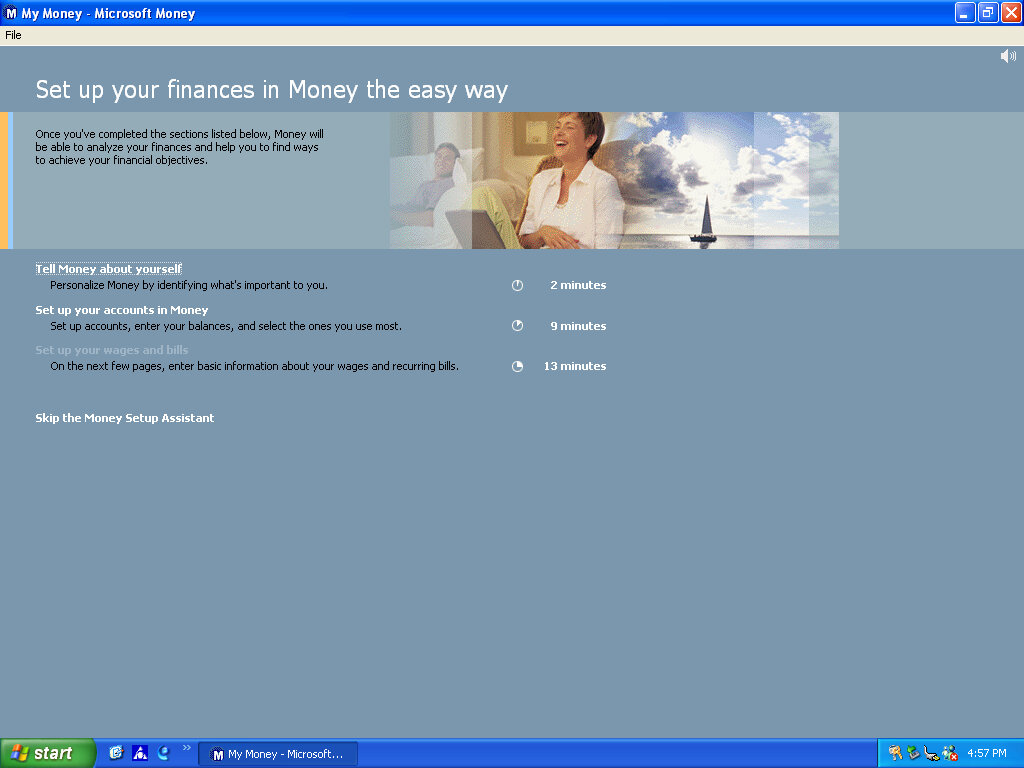
Microsoft Money 2001

There isn’t much included, there Netscape 6 and RealPlayer 8 bundled, and Microsoft Works and Money 2001

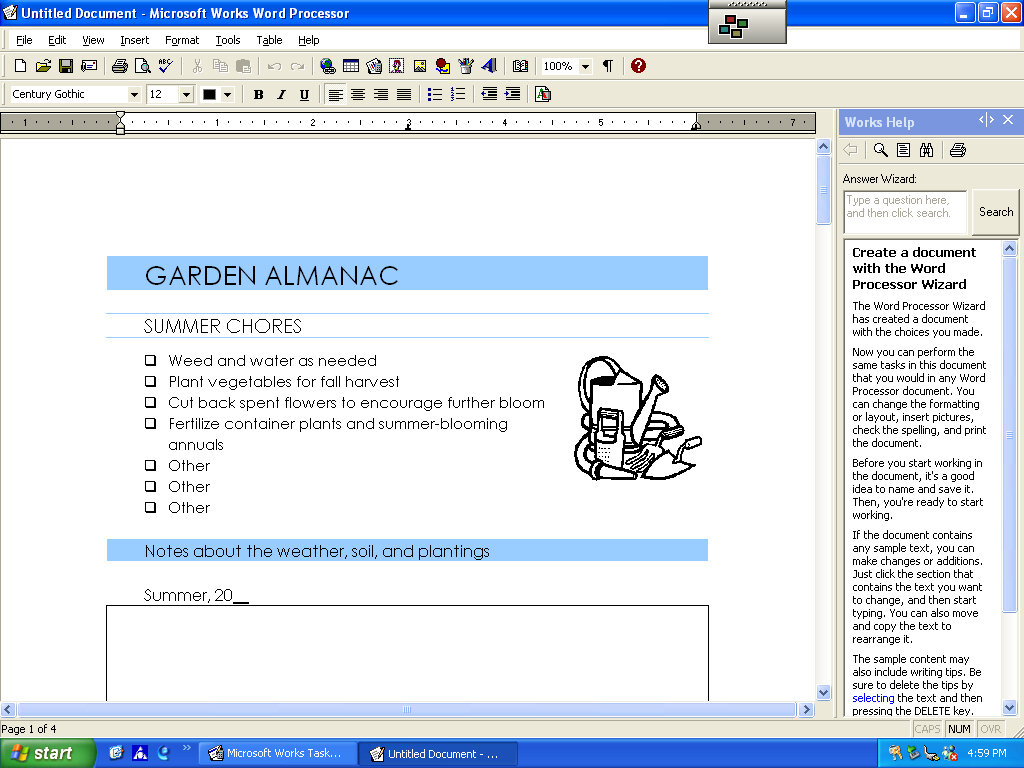
Microsoft Works

Version 6 of Microsoft Works comes bundled here, which serves as a basic productivity suite. It contains a word processor and spreadsheet software, along with a variety of templates to choose from.

OEMLink (Presario Info Center)

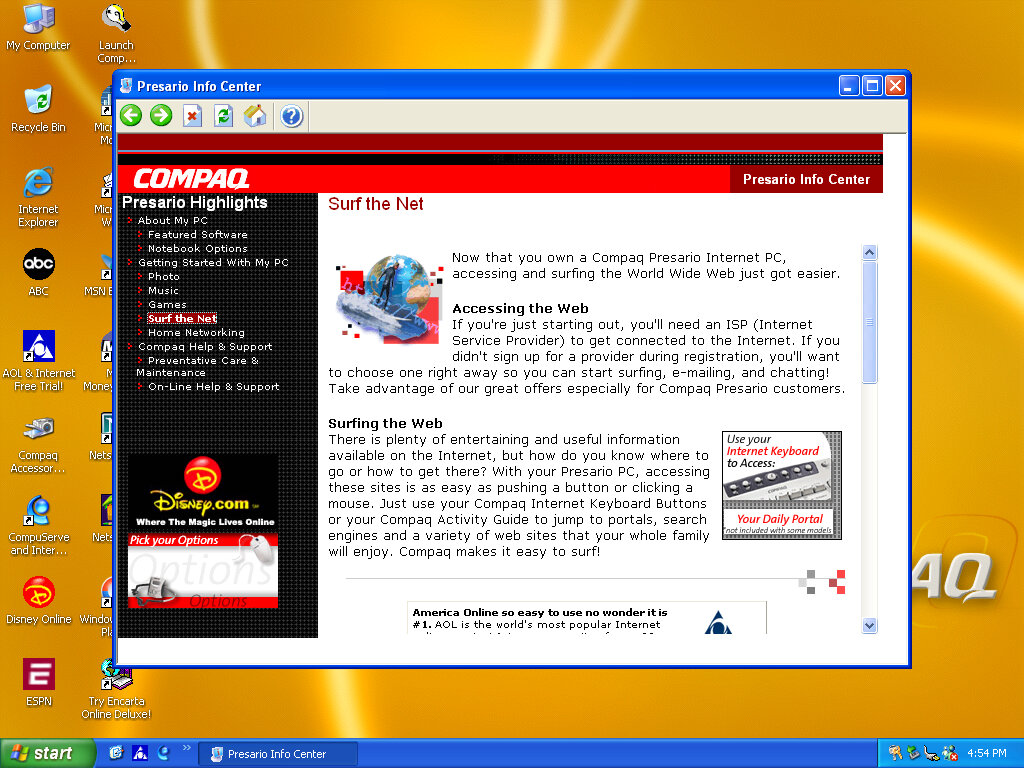
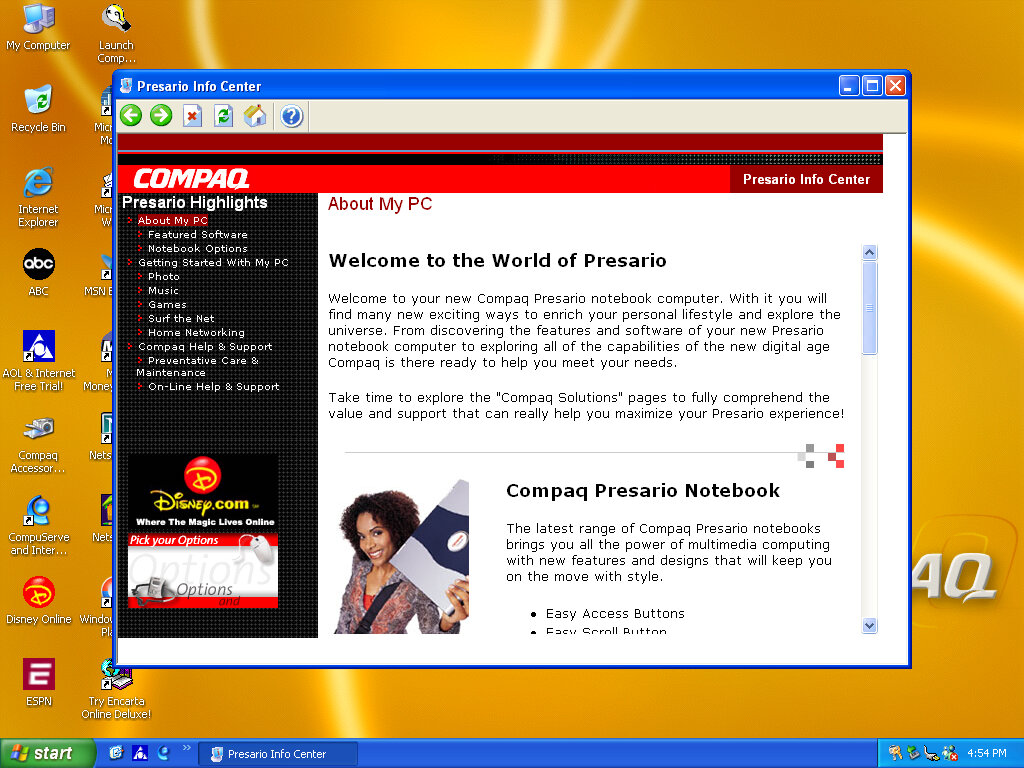
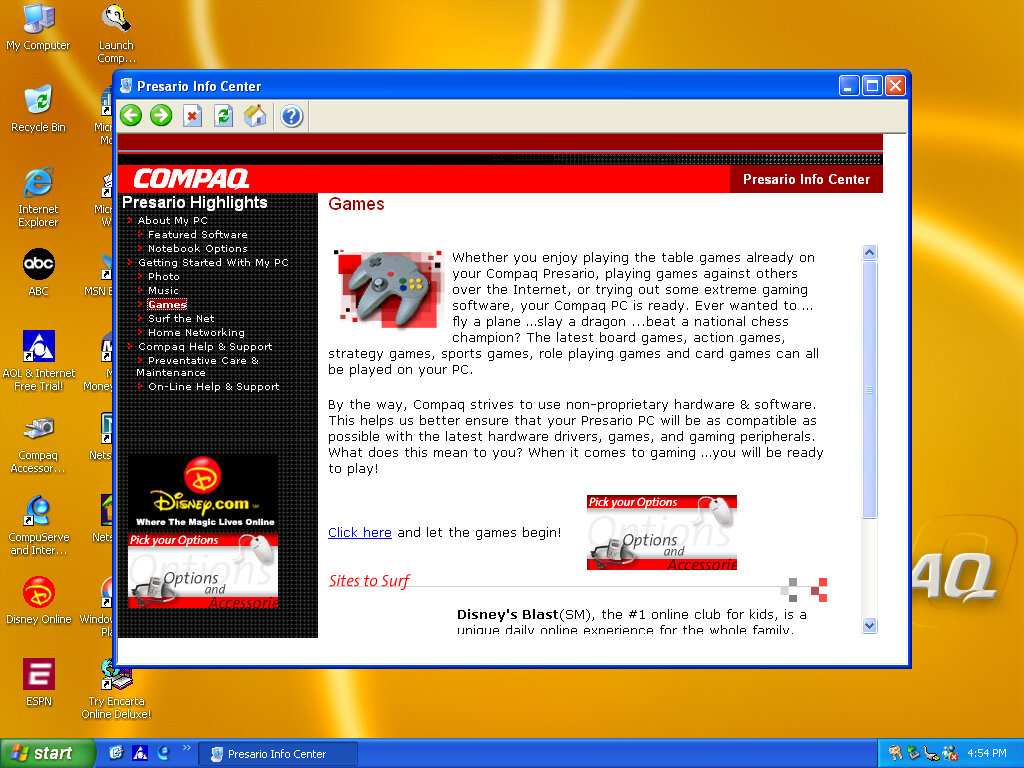
Another system I’ve found to make use of the OEM link feature of Windows XP. This acts like a help center that shows the different capabilities of the PC, along with recommended software, some of which might be preinstalled with the system. Some of these are not present here so there might be another disc that includes this.

SynthCore

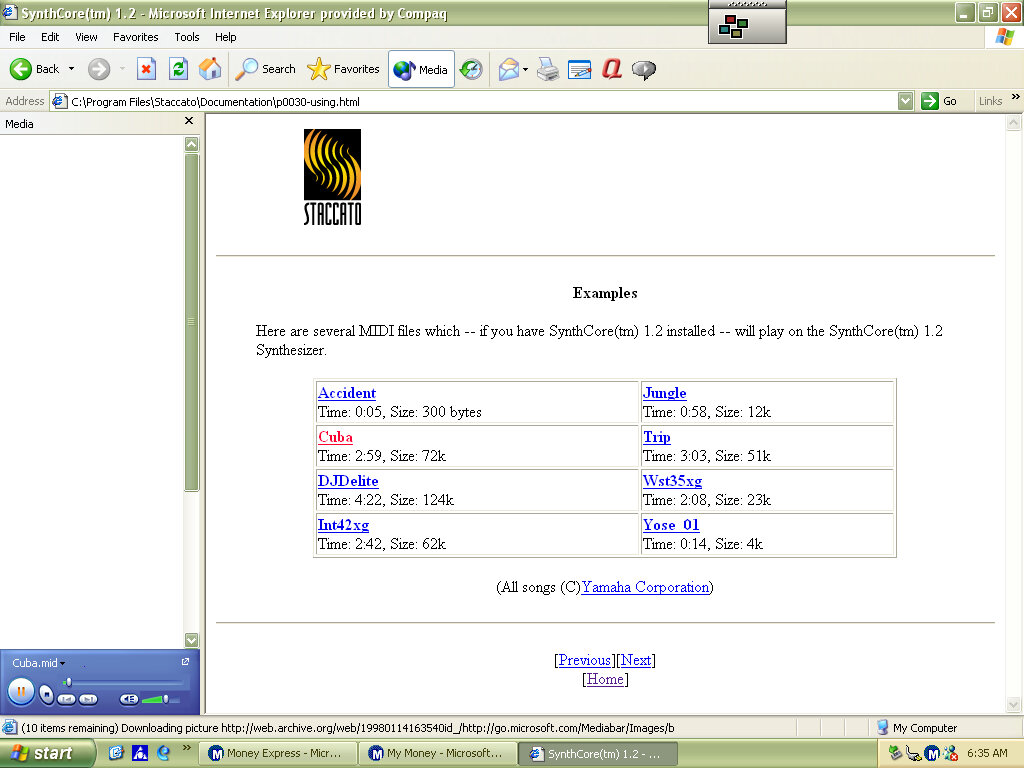
Also, this appeared in the start menu, it’s some sort of MIDI file samples that came bundled with the soundcard. These play normally on the emulated SoundBlaster but do not sound the same as they would on an actual system.

Control Panel

  • Easy Access Buttons: This lets you reassign the easy access buttons on the keyboard to open different functions
  • Compaq Advisor: Change settings in relation to the Compaq Advisor, appears to have been developed by Neoplanet Inc
  • Automatic Compaq Updates: Enables updates
  • SoundMAX: Opens the soundcard utility, does nothing in this VM since were using a different soundcard

Other

Archive Link

Windows 98 SE Beta

98Se was an updated released of Windows 98 operating system, similar to how Windows 95 received updated builds that introduced support for new technologies. (98SE extends it support for Plug and Play, especially with USB devices and shipped with a lot more USB drivers, allowing for these devices to be detected.

Other changes was an updated version of Internet Explorer, DirectX, NetMeeting and Windows Media Player.

For this build (and many others) First issue was actually getting the installer to start, as the DOS bootdisk was unable to see the win98 directory. Attempting to change directory would result in a directory not found error message

The solution was to modify the iso image and amend the win98 folder to WIN98 instead. Easiest way to do this was to use 7ip to extract the contents of the iso image, and then use Imgburn to recreate the iso file.

Windows 98SE desktop

Software

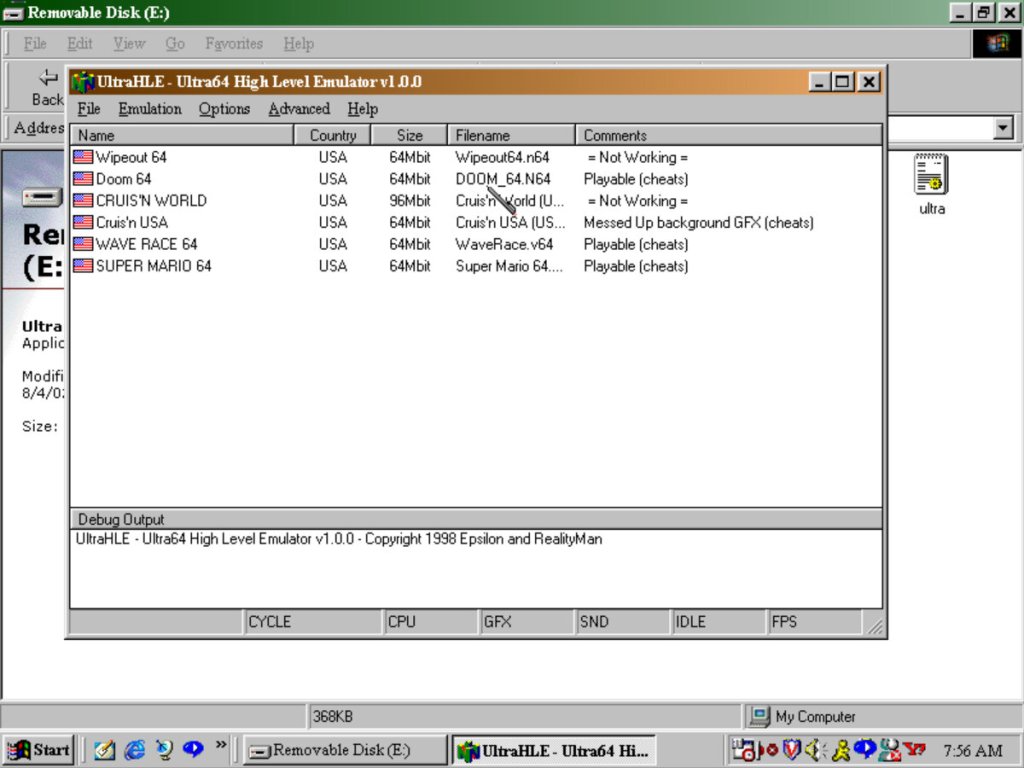
UltraHLE: An early Nintendo 64 emulator that was capable of high level emulation. This allowed for acceptable framerates of Nintendo 64 games. Whilst it starts up, it will crash the entire emulator when you try to start a game.

QuickTime: Apple’s video and internet streaming application, for streaming video over a network. Also used on multimedia software and is installed automatically with that software

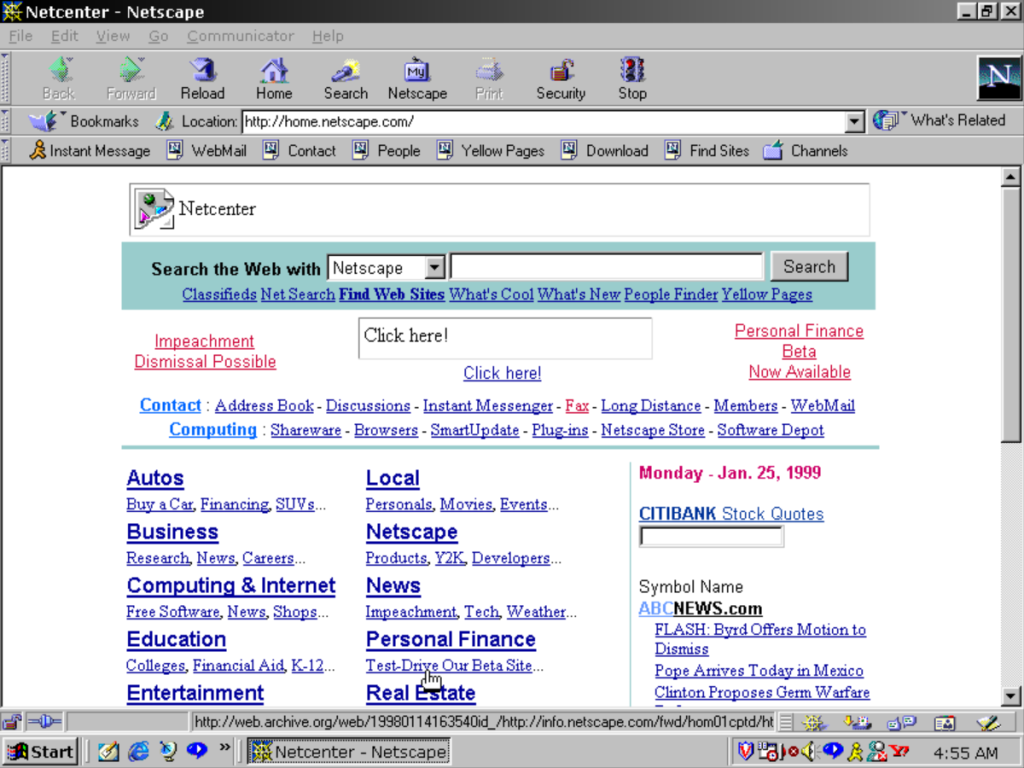
Netscape Communicator: A popular web browser that ultimately lost the first browser war to Internet Explorer

RealPlayer 7: Works but the title bar is glitched out, might be more to do with the PCem emulator or its graphics card (3DFX Voodoo Banshee)

AOL Instant Messenger: Popular in the US, but did not take off in the UK as MSN messenger was more popular here, sadly both died in favor of Whatsapp and Facebook messenger

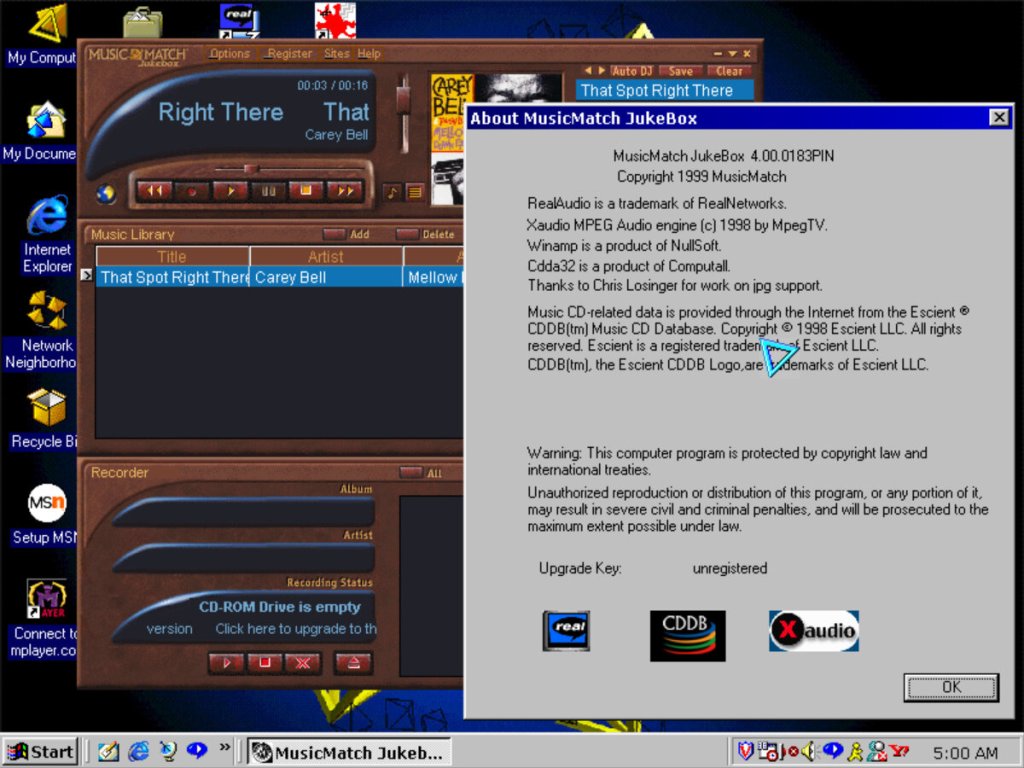
Musicmatch, Background theme is from 98 Plus! expansion pack

Winamp: Null soft’s legendary music player capable of playing MP3 files

McAfee: An anti-virus security software, typically found preinstalled on Dell computers and uninstalled after 30 days

Adobe Acrobat Reader: For viewing PDF documents, commonly distributed with other CD-ROM software. I really like the splash screen art from this era of Adobe software.

Nero Burning ROM: A Very popular CD-ROM burning application, sadly PCem does not emulate a CD-R drive.

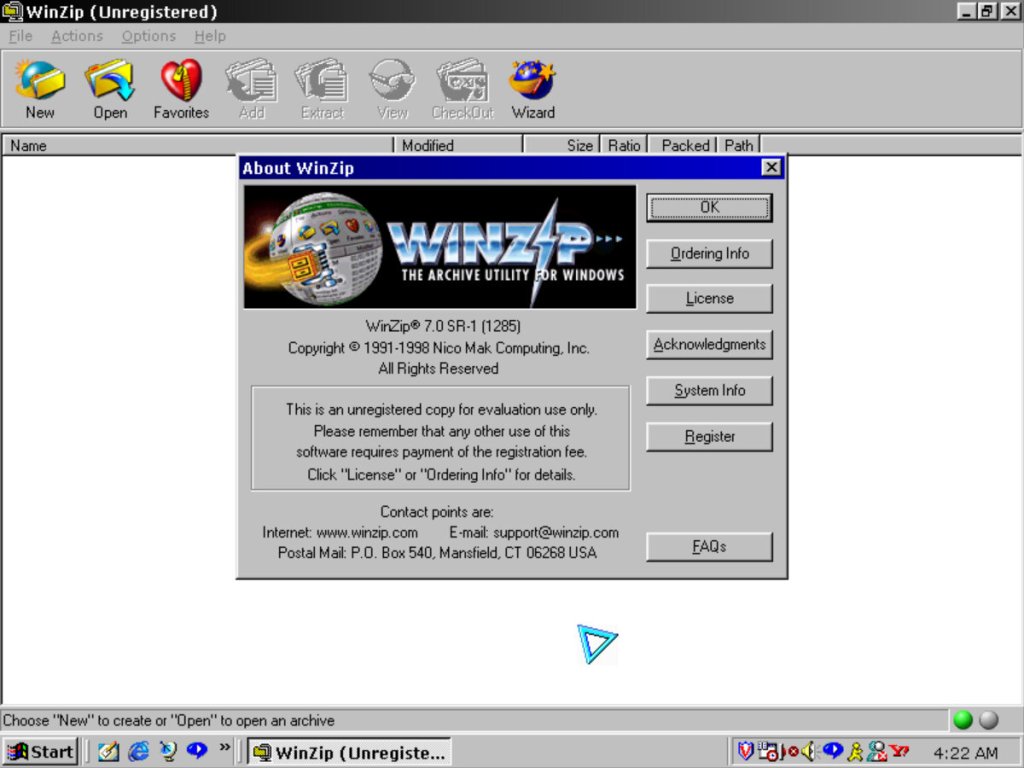
WinZip 7.0: Popular compression software, its like WinRAR with its user interface but also offers a wizard like interface

Pun on Hans-Solo?

Simcity 3000: Works well on this build on Windows, this was the original release that has a different opening movie compared to the later release (Unlimited), the background music has also been revised

eMachines T2200

Product Information

The Bliss wallpaper, with a touch of eMachines

We all know eMachines, and have probably used an eMachines system at one point in our lives, known for being very affordable (Cheap) computer systems for first time buyers or for people who just need a basic system. Typically found at PCWorld or Currys, These computers are typically paired with either an Intel Celeron or an AMD Durion or Athlon.

Install

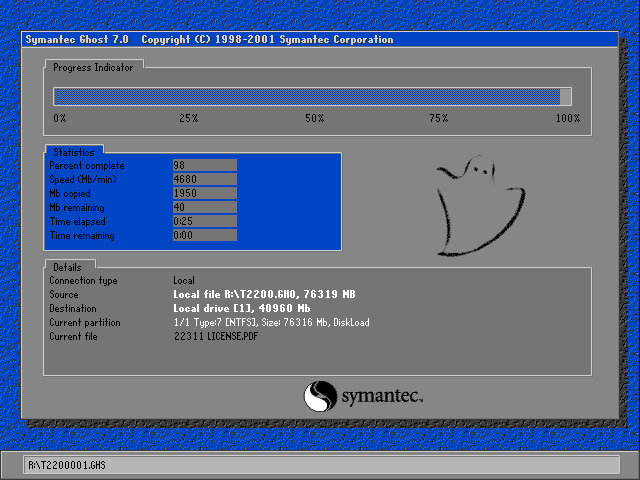
eMachines made use of Norton Ghost to operate the recovery media, this initially presented us with a Windows 9x style boot menu which gave us the option to boot into the recovery environment.

Ran into a few issues getting this one up and running. Whilst the initial restore process went through without a hitch, I was greeted with a BSOD upon bootup

Following the guidance on the archive link, I booted into Hirens and ran a script that reset the hard disk driver, which was causing the BSOD.

When the command windows open’s, choose option T first to set the target root, this is the Windows install directory (C:\WINDOWS). Just check that Hirens actually mounted it to C as it may have assigned the hard drive to another letter.

Programs > Registry > Fix Hard Disk Controller

Programs are located in the Hirens Program launcher, Not the start menu

Alternatively, navigate to the CD-ROM root and go to HBCD\Programs\FixHDC.bat to launch the program

After a reboot, we were able to boot into Windows and progress through the OOBE section, which has some eMachines customizations.

OEMLink

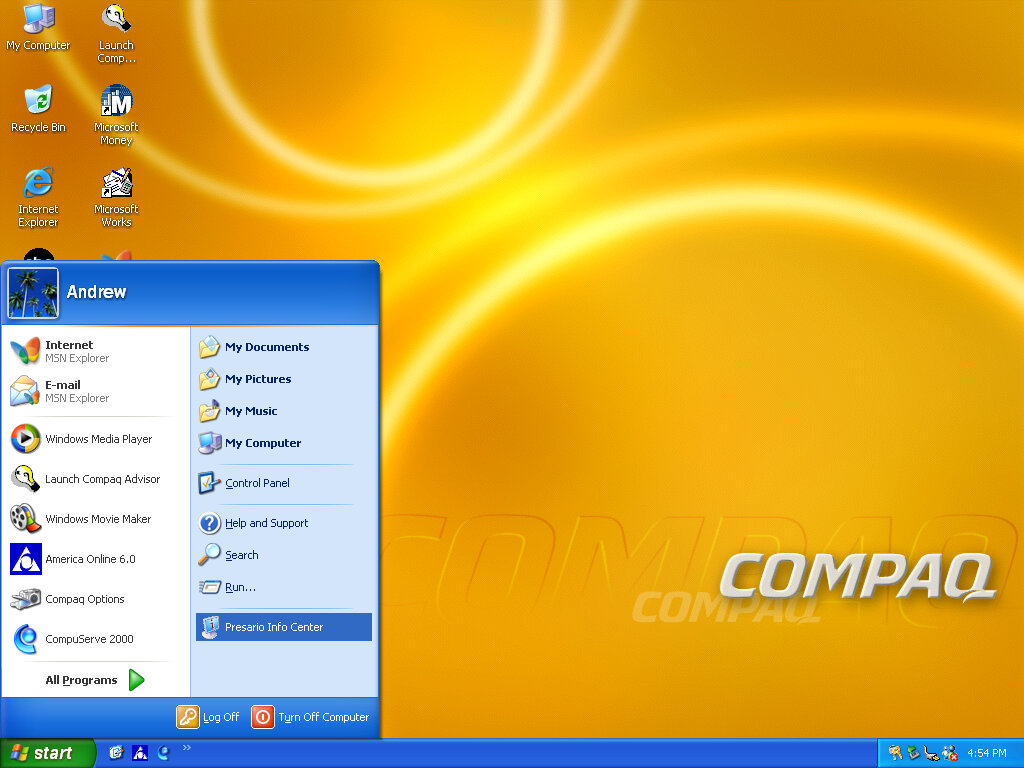
The start menu here has an OEM link which I’ve rarely seen on Windows XP systems. This is an option that can be selected in the Windows XP start menu that takes you to online OEM information.

Realtek AvRack

Some sort of bundled media player that makes of the sound cards processing functions, none of these are functional under a virtual machine since it emulates a different soundcard. I was able to play a regular MP3 file but none of the effects would work. These would have included echo and voice pitch changing effects

AIM AOL Instant Messenger

Another popular instant messaging application, this was supposedly popular in the US, but didn’t take off in the UK where MSN was more popular.

ICQ

ICQ was a popular instant messaging program before the likes of AIM and MSN Messanger took over. Each user would have a unique ICQ number. I personally never used it myself since it was already obsolete when I first heard of it (2004) and barely anyone I knew had an ICQ account.

McAfee

Bundled antivirus software, this also comes with a firewall bundled. Sadly this version can no longer be updated and we are stuck with virus definitions from 2002.

Although once you enable the firewall, be prepared for endless connection alerts whenever you open a program or even do anything that uses its own socket.

Winamp

A popular media player bundled with this system. A little redundant with Windows Media Player, unless Winamp is capable of playing a file that WMP cannot.

Microsoft Works

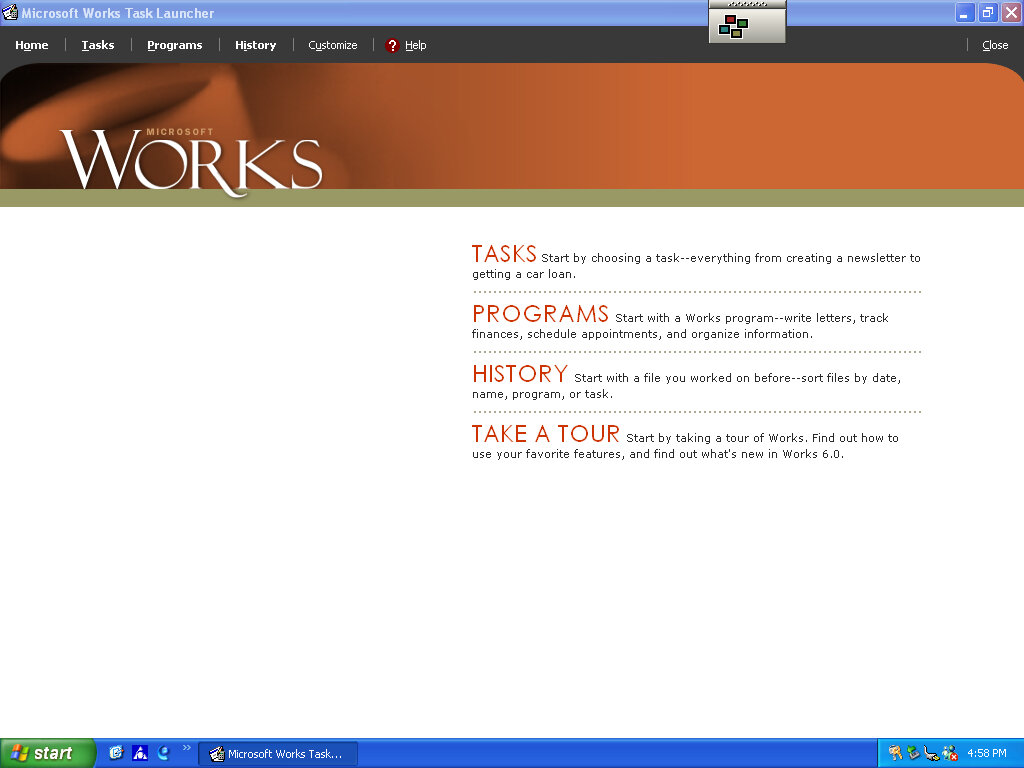
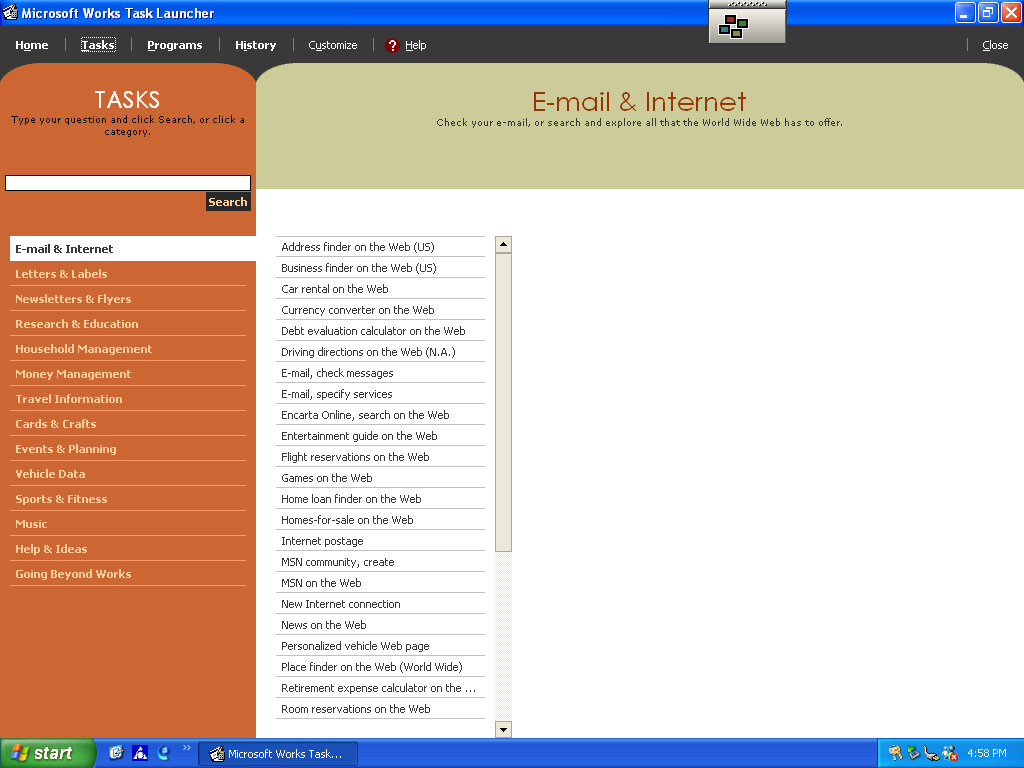
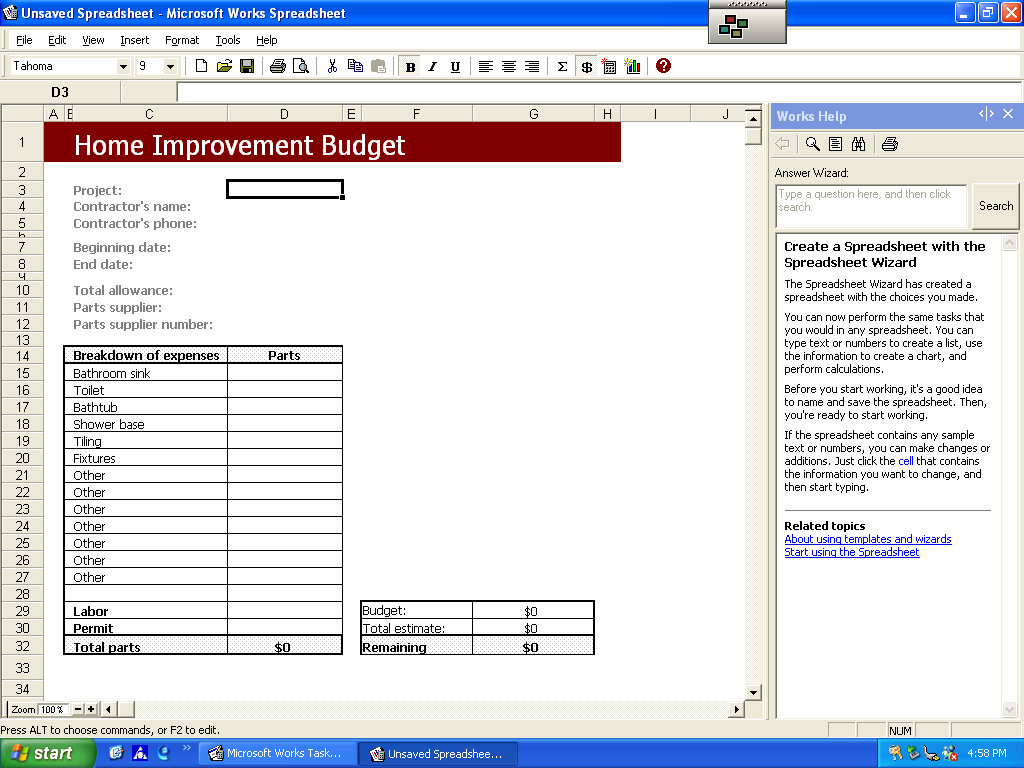
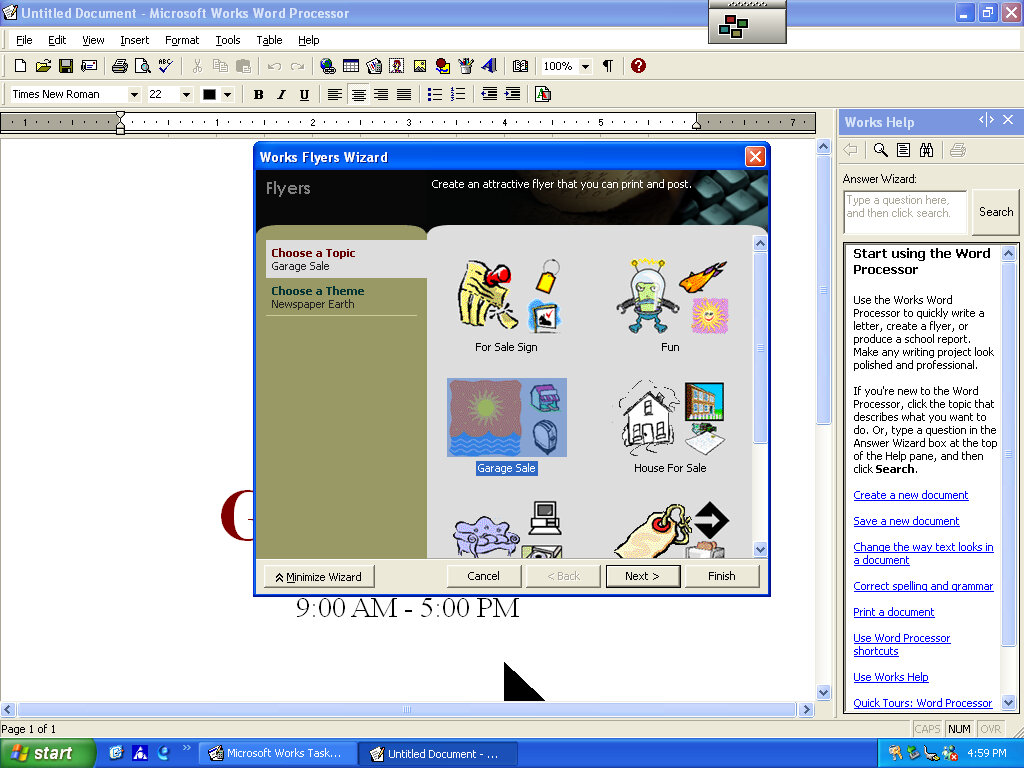
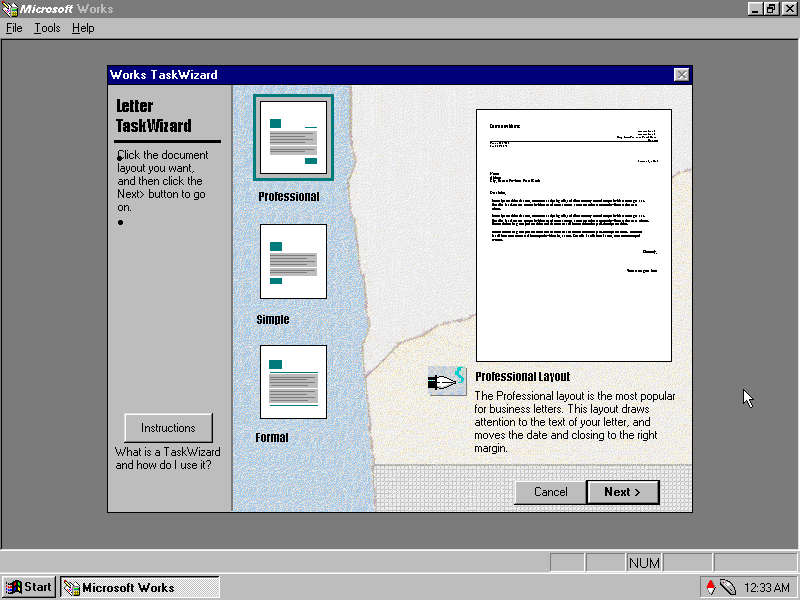
Microsoft’s entry-level productivity suite that provided a word processor, spreadsheet software, and a basic database. To make the program more user-friendly to use, a a task launcher is used to open various elements of the application since this is designed to appeal to users who are not familiar with office productivity software. Here a user can select from a list of tasks they wish to complete, and Works will open the correct template for them.

Some of these are very specific like coaching a sports team or planning a family reunion. Some of these are quite useful, there’s a template to create a fitness log using a spreadsheet that helps keep track of your workouts, or if you want to keep track of road trips.

Microsoft Money

Money 2003 – used to organize your finances and bank accounts, back in the early days of internet banking. Nowadays most banks offer something similar online.

Cyberlink PowerDVD

PowerDVD is software intended to allow DVD video to be played, it was commonly bundled with PCs that came bundled with a DVD drive. Although I’m sure Windows Media Player is capable of doing the same thing so this software would be redundant?

BigFix

Appears to be a utility that monitors your PC’s performance, and is preinstalled from the CD. There are also links to eMachines technical support. In normal operation, it will notify you if a software update or patch is available and will prompt you to install it (It does not install automatically). Although if Windows Update is enabled then this kind of redundant, possibly that would have checked for driver updates also?

BigFix was later acquired by IBM and was renamed IBM Bigfix.

RealPlayer

Realplayer was a popular way to stream video over the internet since it was cross-platform, supporting both Windows and Macintosh.

Compuserve

Another internet service provider provided its own software to access its services.

DirecTV: UltimateTV

Ultimate TV was a partnership between DirecTV and Microsoft, who were looking to expand their WebTV platform. The DISH Player had launched a year prior with DISH network, and has also used the WebTV platform as a basis of its DVR software.

DirecTV also launched a DVR with Tivo, known as the DirecTivo which integrated two DSS satellite tuners into the Tivo system, which allowed for two channels to be recorded at the same time. Something that could not be done on the regular Tivo’s of the time, which required an external set top box to be connected.

Hardware was manufactured by RCA and Sony who had also made standalone WebTV hardware. Receivers typically came with a 40GB hard disk and twin DSS tuners

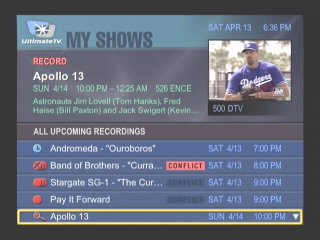
My Shows

List of all recordings made, and any upcoming shows to be recorded

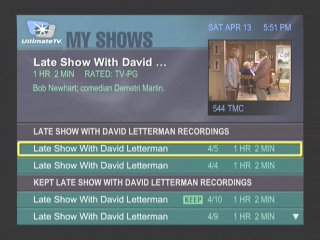
Another screenshot of the My Shows section, this time with recordings grouped by title name

More recordings of different episodes of the same show

At launch dual channel recording was not possible, and inital functionality c

Interactive

An interactive prompt, WebTV was one of the main interactive platforms

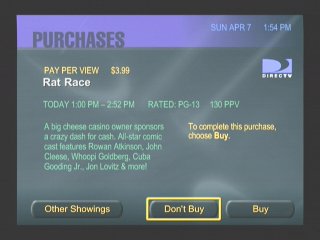
Pay-Per-View

PPV movie and events could be ordered and recorded

Favourite Channels

Separate lists can be made to store favourite channels

Category Search

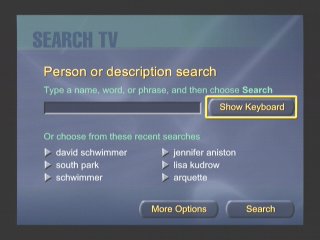
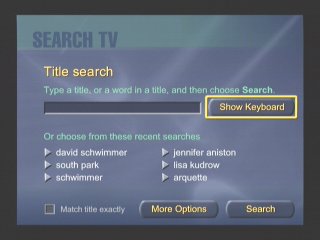
Searching for a specific program, you can choose from various filters

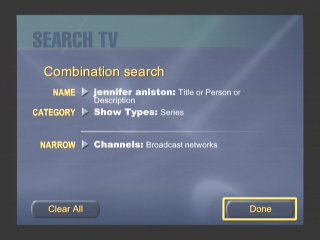
Searching by actor and a combination of categories

Someone here was clearly a fan of Friends

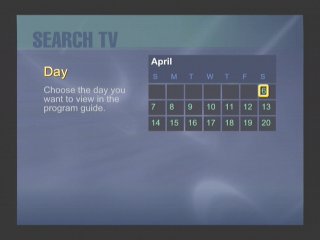
Searching by Day

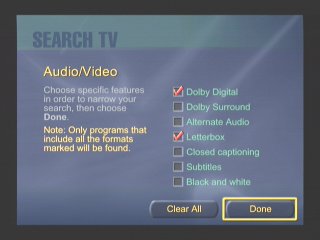
You can filter to a specific feature that a program supports, like subtitles

Search by age rating

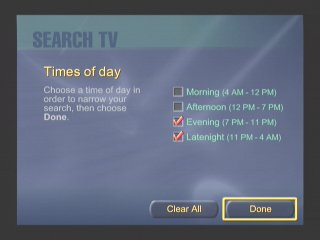
Filtering by the period of day

Or by decade period

Or by a search term / keyword. This was similar to what Tivo had offered

Additional Search terms

DISH Player

Dish Network also had their own DVR which ran using the WebTV middleware, known as the DISH Player. This was very similar to the UltimateTV but was released one year prior. Two models were released, the 7100 and 7200, both manufactured by Echostar and feature a single tuner. The 7100 has a 8GB Hard Disk, whilst the 7200 has 17.8GB.

A software update was released in December 1999 that enabled full DVR functionality. Prior to that it was only possible to live pause TV for 30 minutes. A $10 subscription fee was required, reducing to $5 if you took out a WebTV subscription also.

Images were originally captured from iwantptv.com before the site went offline

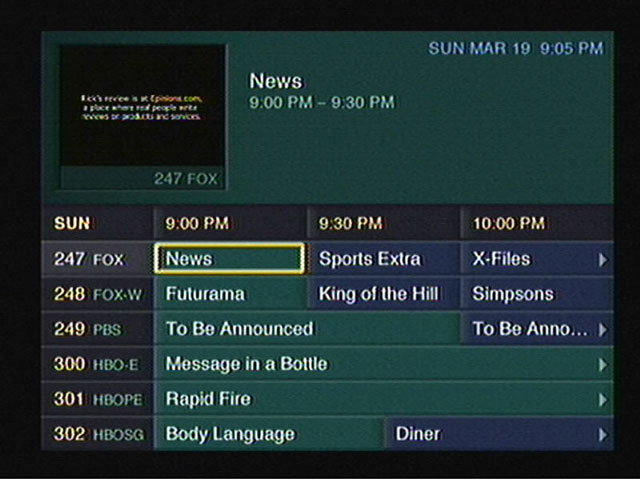
Channel 1 is the PTV (personal TV) channel, which is where the DVR is managed. You can view recorded shows which the DVR can self manage, older watched shows are deleted automatically to make space for upcoming shows.

  • TV Home: The main screen where you can access the guide, personal TV and any other services offered by WebTV and DISH Network.
  • Settings: Change receiver settings
  • TV Listings: The main TV guide and search engine
  • Web Home: Opens the WebTV browser
  • Help: Gives you information on how to use the receiver
  • Purchases: Pay Per View shows will appear when when purchased
  • TV Sites: TV Channel related sites like Fox News, CNN, etc
  • Games: Basic games that have been downloaded to the hard drive
  • Notices: Displays any messages sent to the box like service announcements

Only satellite programs can be recorded, OTA terrestrial ATSC channels can not be recorded, only watched live.

Conclusion

Microsoft didn’t last long in the North American DVR market, and the WebTV based DVR’s would be replaced not long after. DirecTV continued their partnership with Tivo and would eventually introduce their own branded DVR’s running NDS XTV software. DISH would replace the DISH Player with their own DISH DVR models.

Part of the reason was the poor initial reception due to the poor and buggy software during the early years of WebTV DVR’s, with reports of freezing and missed recordings, along with audio and visual glitches. It would be some time before these issues were sorted out, and Microsoft wasn’t very engaging on the software side of things which made it difficult for DirecTV or DISH to push software updates.

This wouldn’t be the last we would see of Microsoft attempting to enter the set top box market, the Mediaroom middleware would launch and power the ATT U-Verse and BT Vision services, and would also demo the Microsoft TV Foundation Edition for the Comcast/Motorola DCT platform.

The Simpsons Bowling

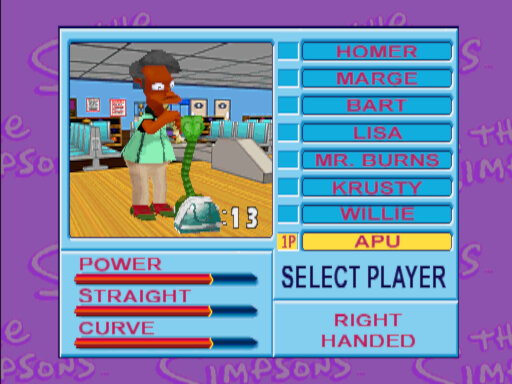
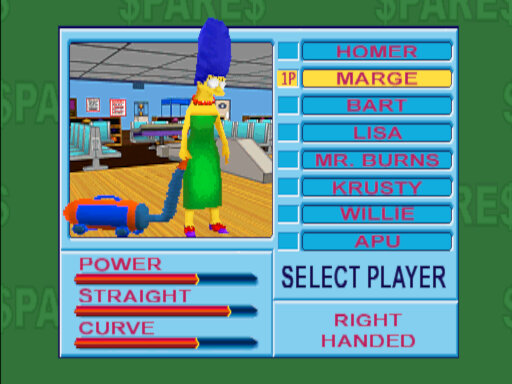
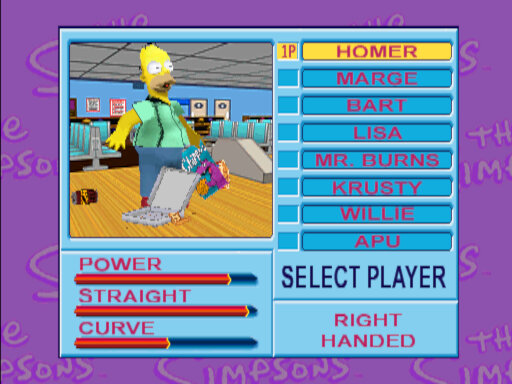
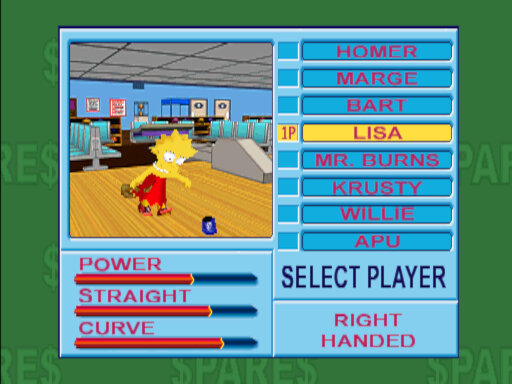
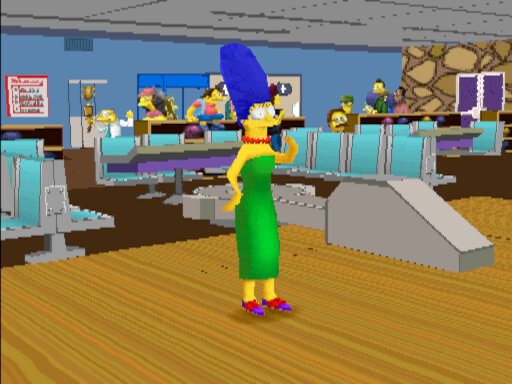
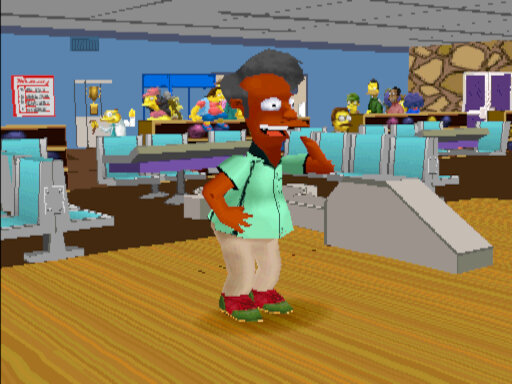
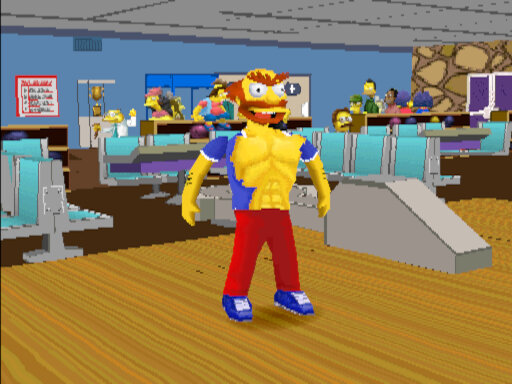
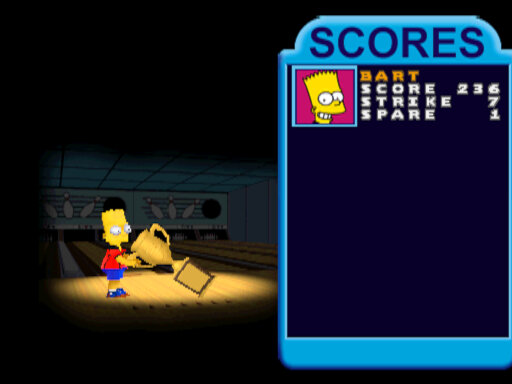
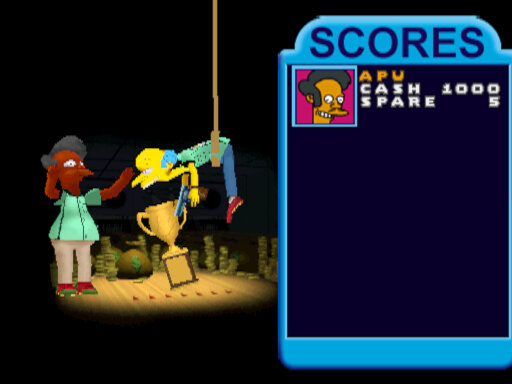
A bowling game developed by Konami and released only in arcades. Here you can choose from a select amount of Simpsons characters, each with their own unique stats and ending animations.

Bowling has always been one of the main pastimes shown in the actual show and several characters have had plots involving bowling, or the location Barney’s Bowlarama, where Homer sets up a minor Bowling league, or where Marge tries to take an interest in Bowling and nearly end’s up having an affair. It would also appear in the background, Homer would occasionally be seen playing bowling.
With Bowling being a popular concept of The Simpsons, it’s inevitable they would make a game out of it.

Despite running on PlayStation-based hardware, the game was only released in arcades. It’s possible a home port was planned but was abandoned when Konami lost the Simpsons license

Gameplay

There are two types of game modes that can be selected:
Standard Game – Typical bowling mode, on default settings you can score up to 300 points across 10 frames.
Spares Game – Same as standard, but there is a money mechanic. The player needs to make the most money in order to win. The bowling pins are randomly selected and require a lot more strategy in order to win

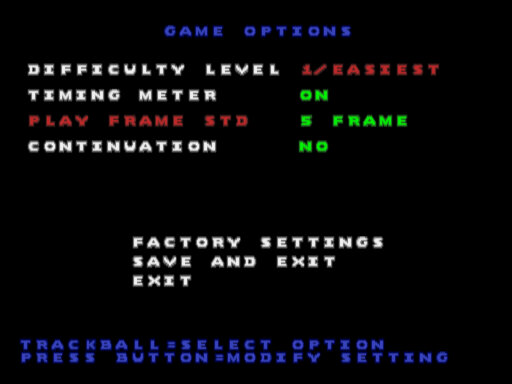
The game has the option of a normal control scheme or an easier mode. The difference is the process of firing the bowling ball, the easy mode just requires you to spin the trackball to launch the bowling ball, whilst the normal mode requires you to press the 1P button when the icon moves in the green area, sort of like a QTE/Timing minigame. Both modes can then be chosen by the players instead of the arcade operator.

You can change your character’s starting positions, and adjust the curve on their ball with is a key component of scoring.

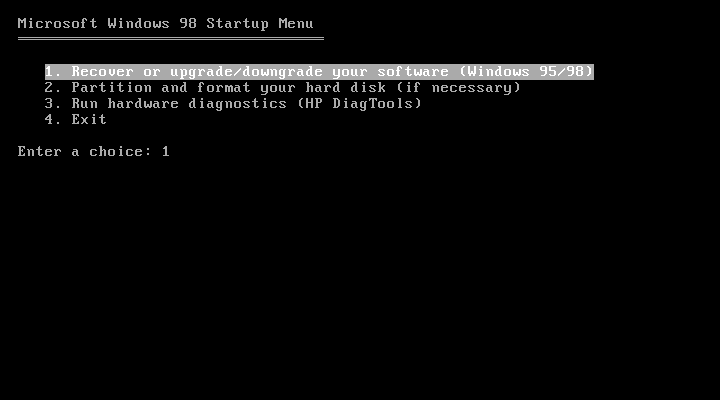
HP Vectra VEi8 (86Box)

Vectra is a line of desktop PC’s by HP that are targeted towards the business/Home Office segment, like the Dell OptiPlex or the Compaq Deskpro series of computers. Typically come with Intel Celeron/Pentium processors and onboard video.

The VEi8 can feature a Pentium II running at 350/400MHz or a Pentium III at 450/500MHz. with a Intel 440ZX chipset. Onboard video is the Matrox Millennium G200 with 8MB of graphics memory, which 86Box does not yet emulate

Not much branding here…

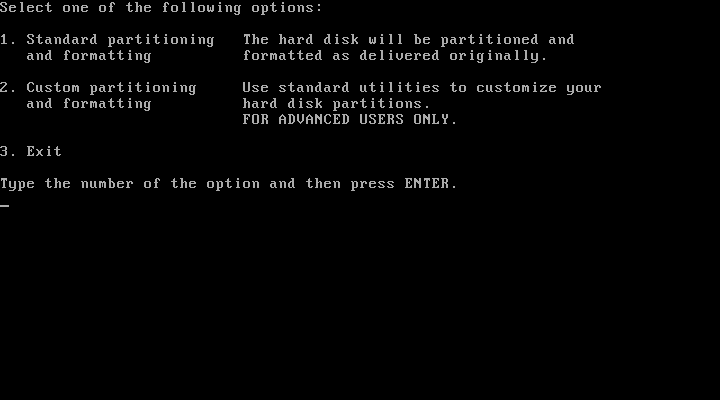
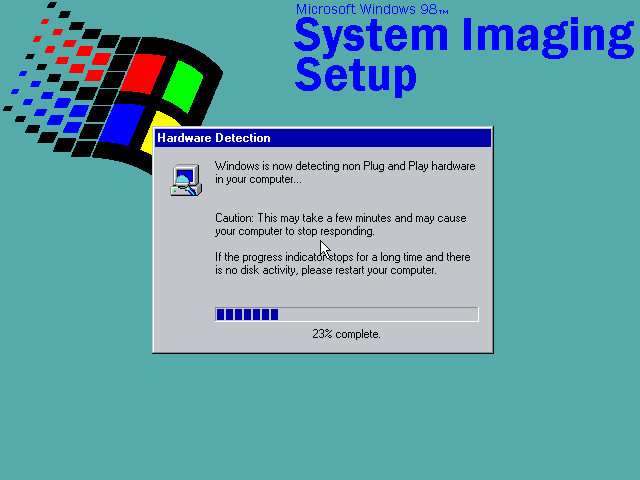
Recovery Disc

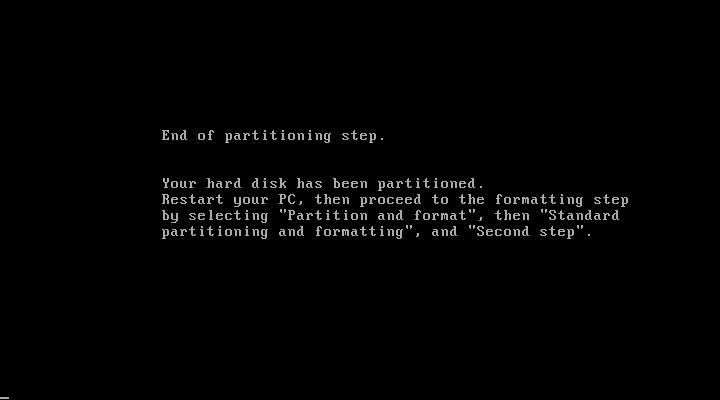
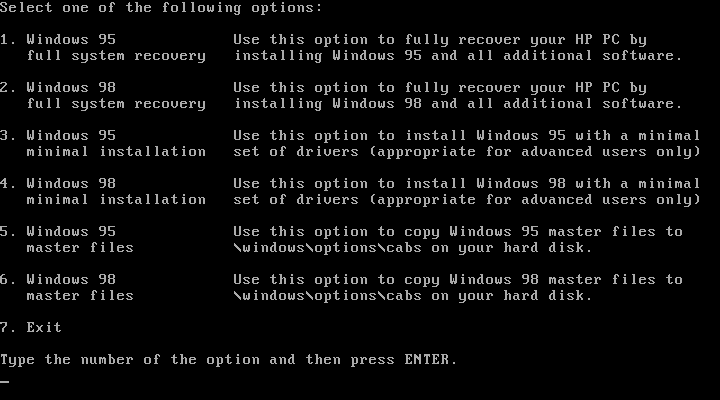
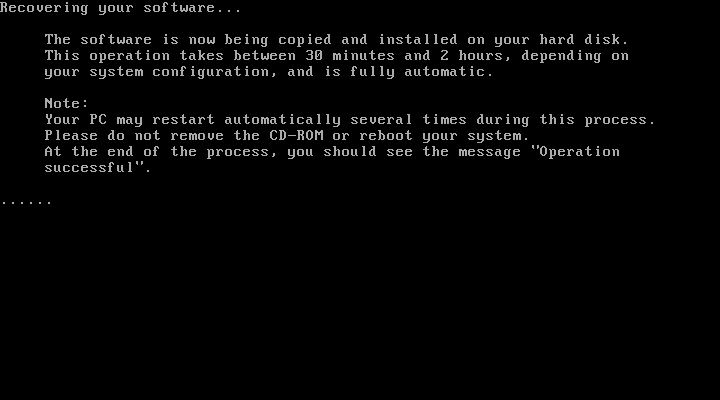
We have the option of restoring either a Windows 95 or Windows 98 image.

Windows 95 didn’t go as planned as we encountered a protection error upon boot up. At first I though the CPU used was too fast for Windows 95 as early builds had issues with CPU’s over a certain speed due to a race condition that’s executed upon boot up. A patch is available but you need to be in the Windows environment in order to install it. Downgrading the CPU and its speed had no effect in 86box.
Sadly I wasn’t able to fix this, and went for the Windows 98 option instead.

Post Install

There isn’t much to see here, since its pretty close to a vanilla Windows install compared to the Compaq Presario, just a few HP utilities. I guess the Vecta line were intended to be used in business and office environment who would prefer to control and maintain the software that they would install.

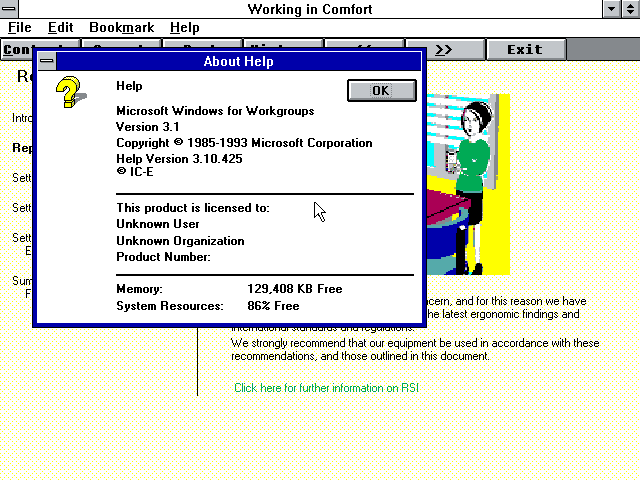
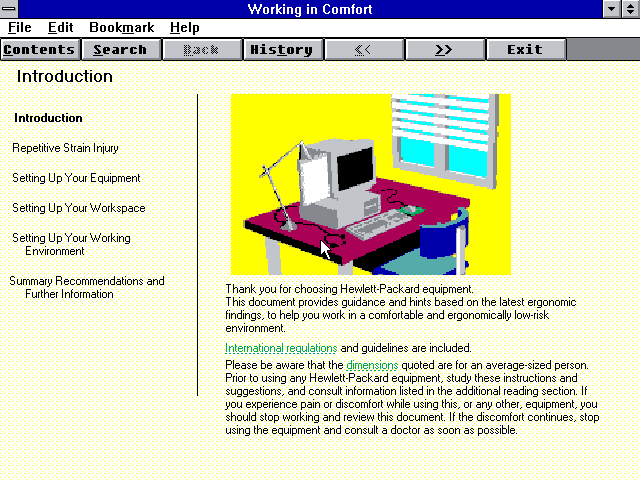
Upon the first reboot a tutorial is run which gives a basic demonstration on how to use a computer. This looks like some sort of Windows 3.1 environment and only appears once.

Installed Software

HP TopTools

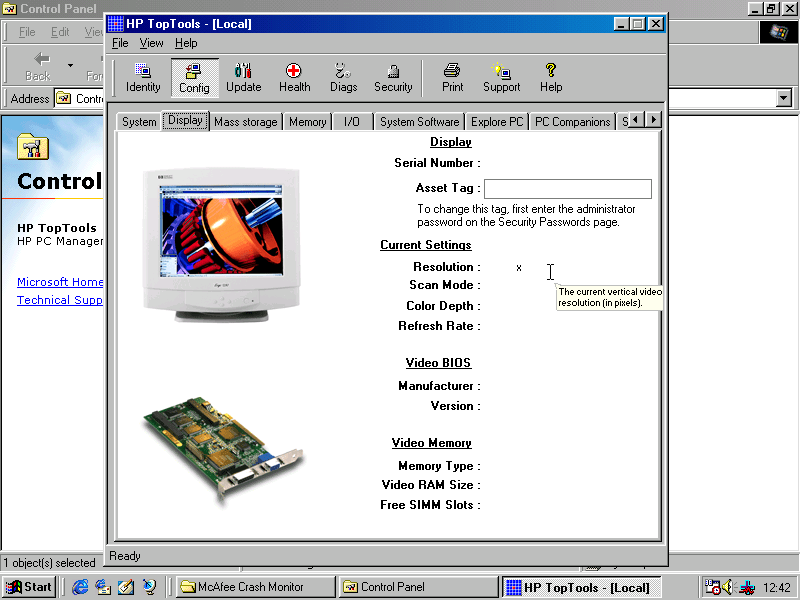
HP TopTools

Looks to be a hardware diagnostic application that shows detailed information on your system.

McAfee

McAfee Antivirus and crash monitor are preinstalled by default and provide basic protection.

Supplementary Hardware

The real motherboard supports two floppy disks, and four IDE devices across two channels. Additional drives can be added by installing a SCSI adaptor in 86Box. Here I was using the Tekram DC-390 which Windows 98 detected as a AMD PCI SCSI controller automatically and installed a driver for it.
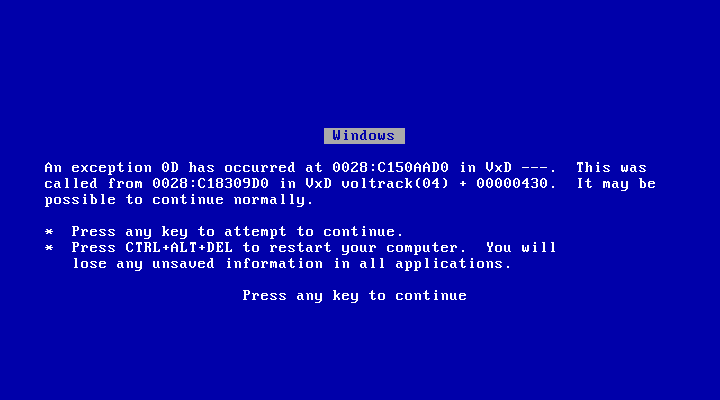
This wasn’t 100% perfect as adding a hard disk or a writable ZIP or Magneto optical disk would cause a blue screen upon boot up. Since we want to attach a writable drive to the computer, this was far from ideal.
I tried installing a driver I found online but it had no effect, there is an issue when using this adaptor in 86Box. I switched it out for another PCI SCSI card, Buslogic but it had the same issue with a BSOD upon boot up when a writable drive is attached.

That’s a lie, it wouldn’t continue normally

Couldn’t find anything online relating to the BSOD above, any results turn up of that video of Windows 98 crashing in front of Bill Gates after plugging in a scanner.

In the end I tried to use another SCSI card instead, this time a ISA based card which required me to disable PCI IRQ steering for IRQ 10 & 11 to free up an IRQ slot for both the SCSI and the sound card.
Which made no difference, it still BSOD upon boot up.

I even mounted the image as write protected but it made little to no difference.
The rest of the devices (Zip 250/CD-ROM drives) worked fine, just hard disks and the magneto optical drives caused the BSOD.

I did notice an odd issue when I added the slave IDE hard drive, where Windows would BSOD with an error about drive D: which it would have been mounted as. Booting from the Windows 95 start disk and formatting as FAT32 seemed to fix it as after booting up the system was fine, and the new volume was detected and mounted in My Computer.
My guess is HP are using some unorthodox driver that interfacing when another volume or partition is added.

For networking the Realtek RTL8029 was used, which Windows 98 has built in drivers for.
3D acceleration is possible by adding a 3DFX Voodoo card, which Windows 98 will also have a driver for but you will be better off installing an updated driver instead.

In terms of expansion, the motherboard itself has 3 ISA and 3 PCI slots

  • ISA: BusLogic BT-545S, IRQ: 10, 0x334 DMA 7
  • ISA: Realtek RTL8029AS
  • ISA: Crystal CS4236B
  • PCI: S3 Trio64V+
  • PCI: 3DFX Voodoo graphics accelerator

Technical Manual

Uh Oh…

Simpsons Cartoon Studio

Create your own Simpsons episode

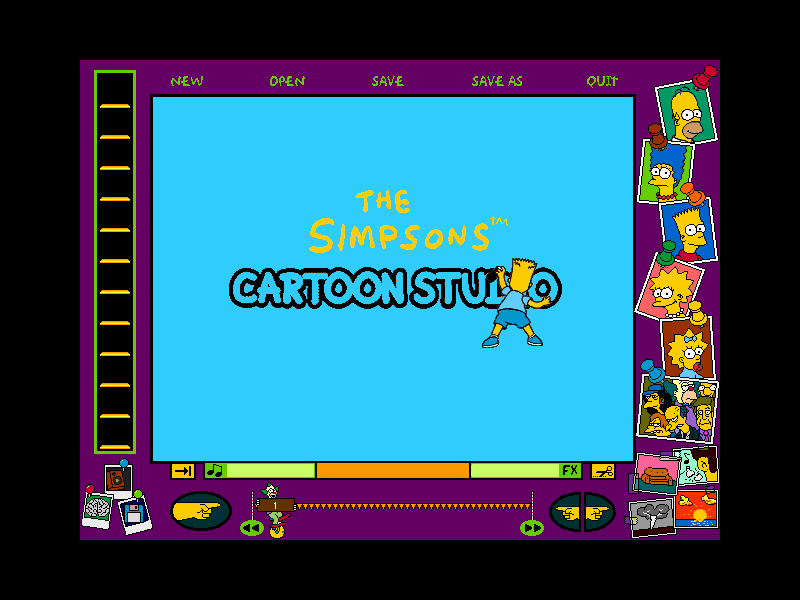
The games introduction and user interface, characters can be added from the main Simpsons roster. First the cartoon background is selected which are taken from the show. Props, characters and special effects are later added which can include music or speech quotes.

Whilst the program is easy to learn and pick up, the challenge is trying to get all the animations to line up with each other, since each character animations are set in pre-defined sequenced like a walking, jumping and running being separate set animations. If you wish to chain multiple animations together, care must be taken to ensure this is seamless since its possible for animations sequences to be placed freely in the frame, the previous animations might end on a different position to when the new frame starts resulting in jerky appearance. Custom animations cannot be made, you are limited to what the game has shipped with and for the additional Simpsons characters there are a limited amount.

The only real good use of the game is to make screenshots, getting good animation is a pain to do.

Changing the background image of the frame from the predefined section

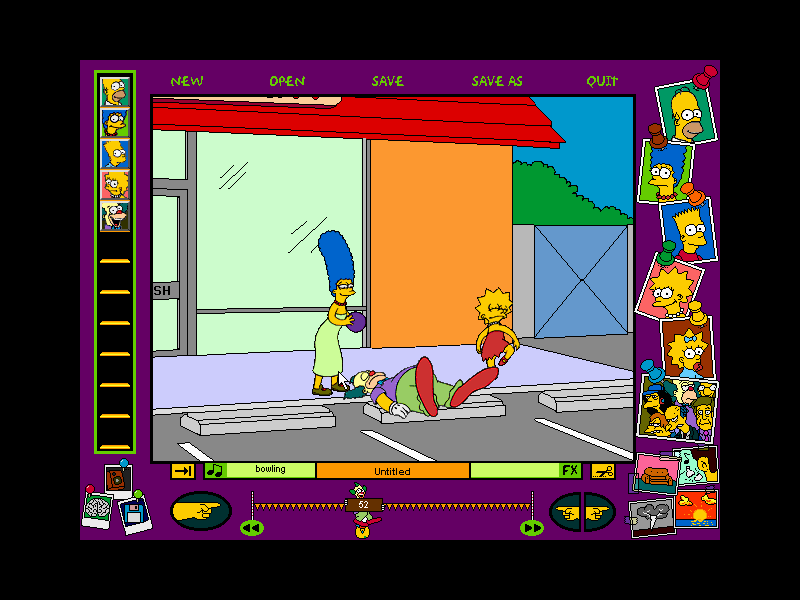
Marge gets fed up with Krusty showing violent cartoons and takes matters into her own hands

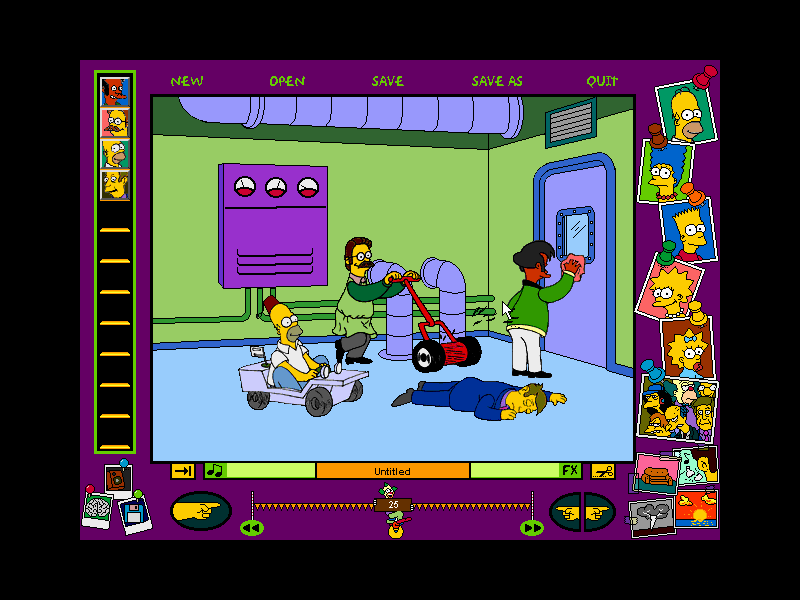
Homer and Ned decide to have a race at the power plant

Principal Skinner, concerned with Bart’s grade tries to talk to Homer and Marge

Microsoft Windows

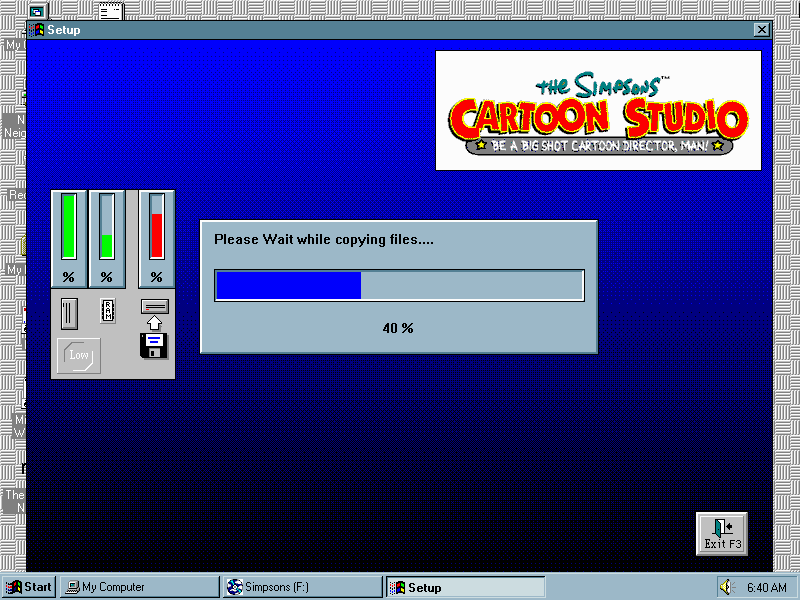
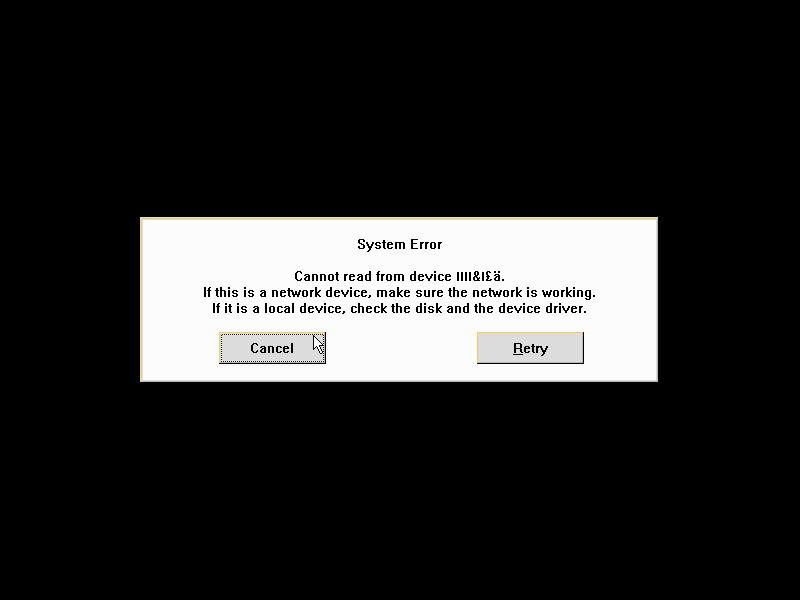
Installing the game which uses a 16bit installer which means it won’t install under a 64bit operating system, but will work finer if you manually copy the files over. Something crashed towards the end with a device read error. This didn’t seem to impact the game in any way as it still ran just fine.

Mac OS

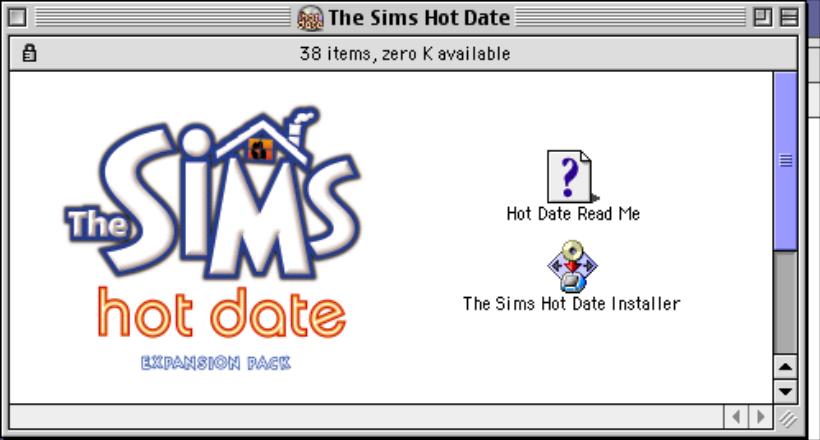
There was also a Mac OS release which runs on the classic Mac OS

The Sims Hot Date

The third expansion pack and one that brought a major change to the mechanics of the game, the main one being the introduction of community lots and the concept of your sims leaving their lots (well they could technically leave to go to work in the base game)

Also included a nice jazzy soundtrack when editing or vising downtown lots.

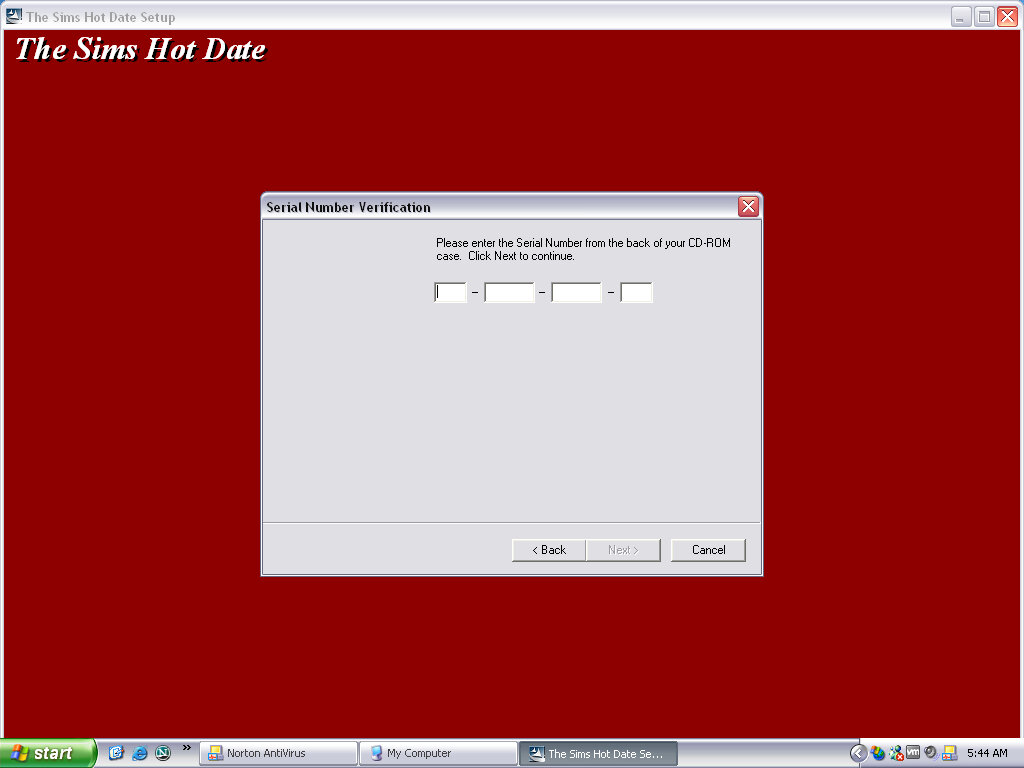
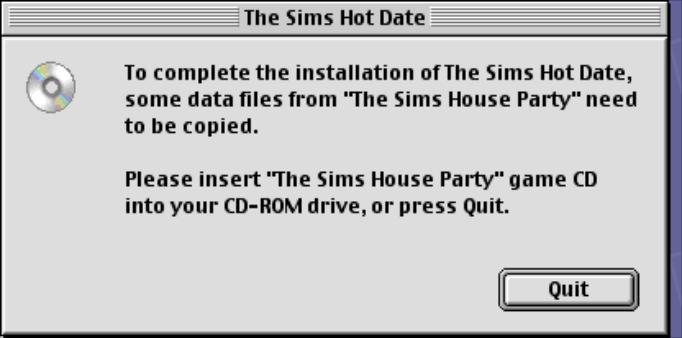
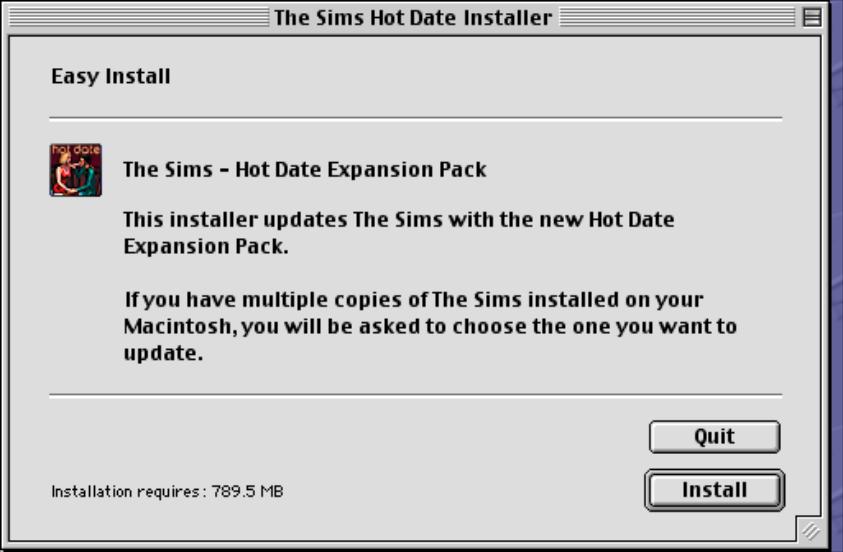
Installing the game requires the original game CD, or the House Party disc if that expansion pack is installed, as the game will install the original audio files to the hard drive. Previously the game would stream the audio from the CD to save disc space at the expense of performance.
If installing over the Deluxe Edition expansion pack, the user will need to run the deluxe edition installer before they can play the game, this is because the deluxe edition was released after Hot Date.

No new neighborhoods have been included with this expansion, but if you are missing the created neighbourhoods from the House Party expansion (Hoods 5-8) then the installer will create them for you. They will be typical blank neighborhoods without any houses or premade sims.

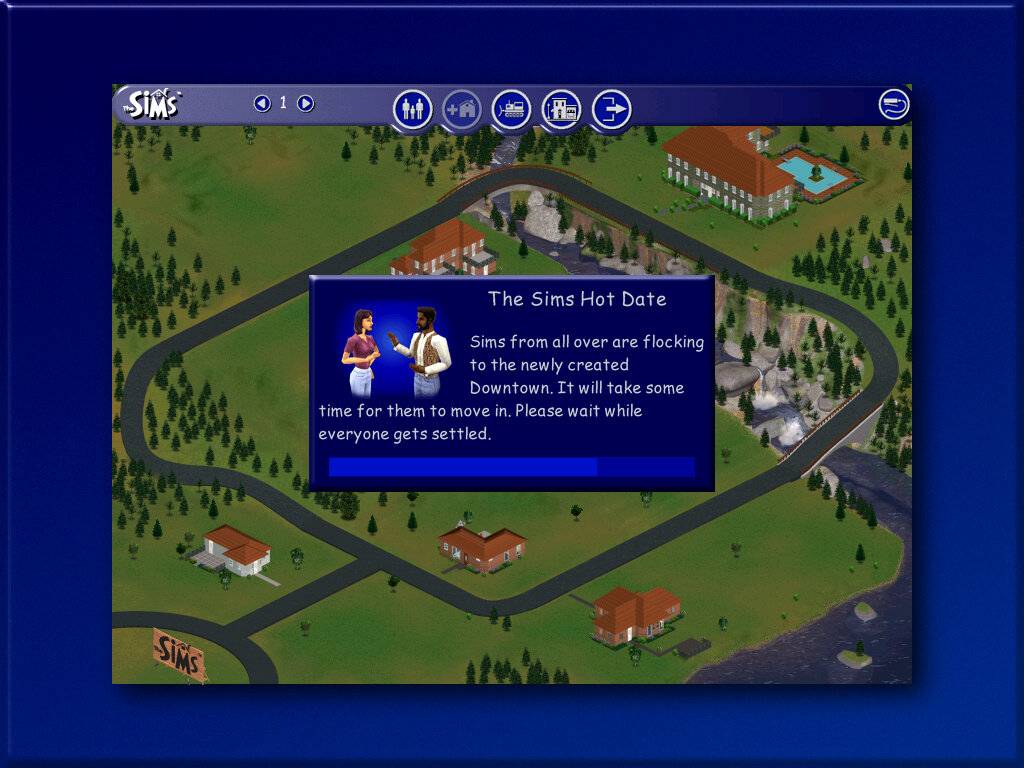
Upon starting the game, new sims will be generated. These will be your townies that are used for downtown.

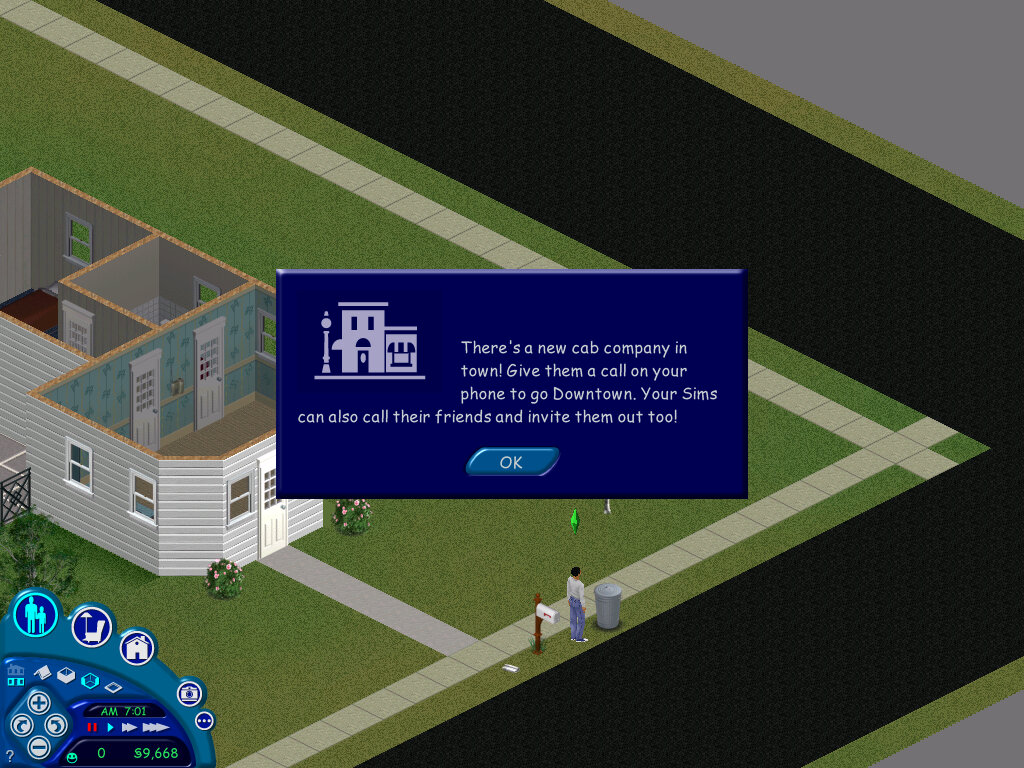
Downtown, a new sub-neighborhood. Each hood has its own version of downtown with its own generated set of townies. Sims cannot visit a downtown from another hood.

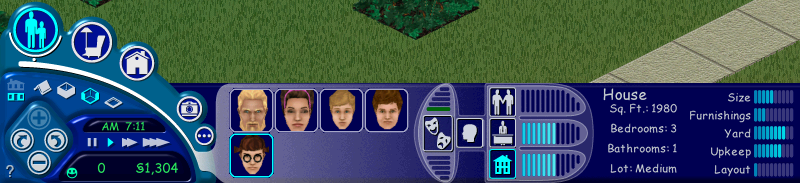
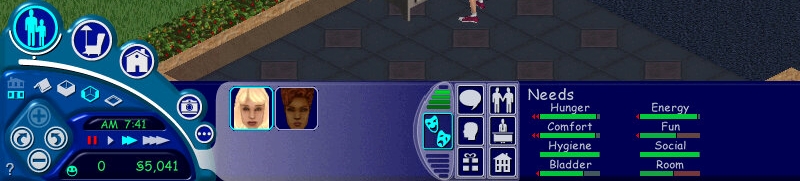
The user interface has been updated with new features

Original user interface
From Hot Date onwards

The house meter and the friend’s meter have been removed and have not been replaced. They were removed in favor of adding the inventory and interests panels.
The inventory panel shows objects that are stored by the sims, these can be gifts that have been received by other sims, or prizes won by various games.

Downtown

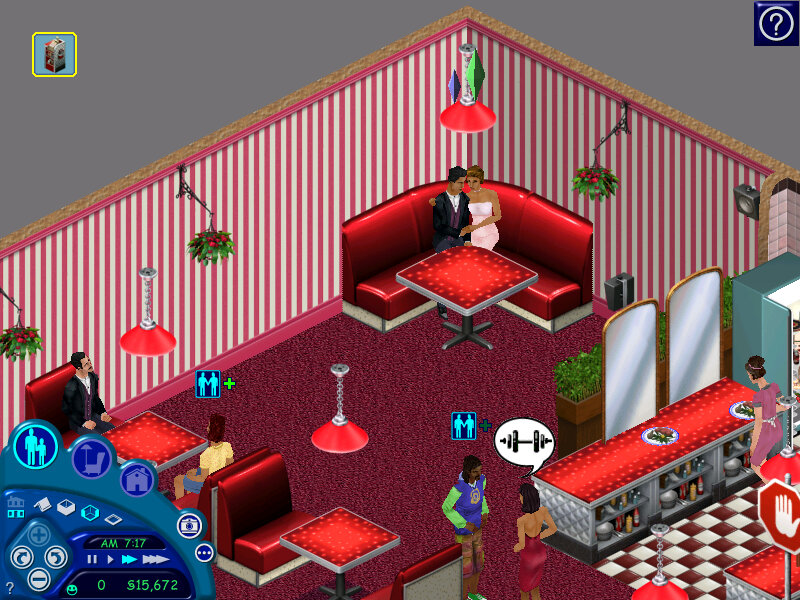
A new sub-neighborhood, and the first to be included in the Sims engine. There are lots that your sim can visit with other sims.

You can have different themed downtown lots that cater to a specific
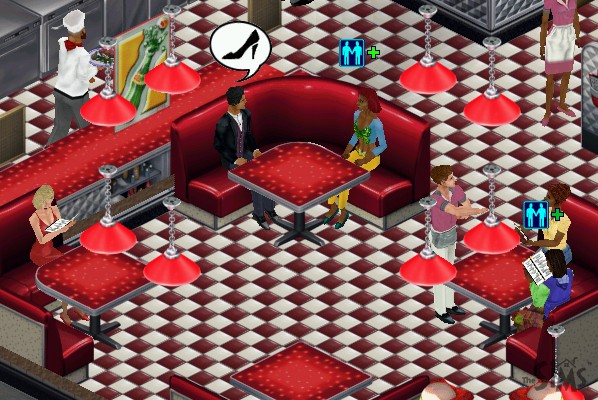
Restaurants typically have a podium, a kitchen with a commercial over, and a dining booth or dining table/seats

Shops generally have till’s and can have clothes racks that sims can browse and buy new clothes, or skins as they are referred to. There are also entertainment lots that have activities like pool tables, pinball machines and slot machines

The default lots for Hot Date make use of objects from the base game and the expansion itself, but not objects from other expansions. With this in mind, you can create new downtown lots using objects or themes from other expansions, like a nightclub using the DJ booth and dance floor from House Party. A spare downtown lot exists (23 Wright Way) for this purpose.

Objects

The buy mode catalog has been updated, and new sub-categories have been added to help classify items better. Downtown lots also have their own categories, depending on what type of lot you wish to build. Here objects are sorted into shops, restaurants, outdoor

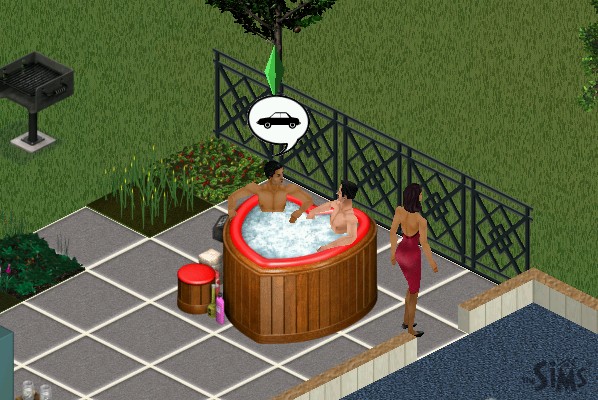
Niagra Love Tub

A hot tub that can seat two sims, who can cuddle and woohoo play

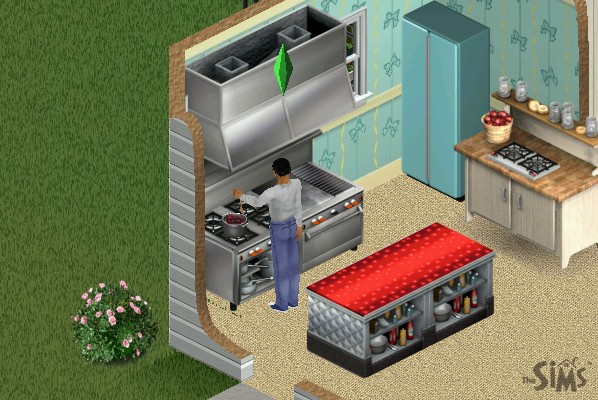
Dawnette Hooded Stove

An oven that occupies two titles, can be placed downtown and is required to operate a restaurant

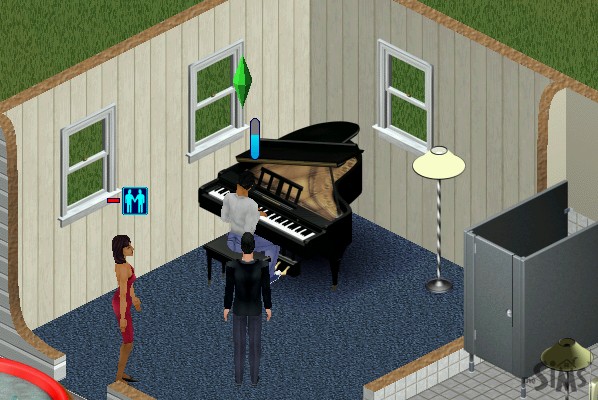
Bachmeier Grand Piano

A more expensive piano, placing this downtown will spawn a dedicated piano player NPC

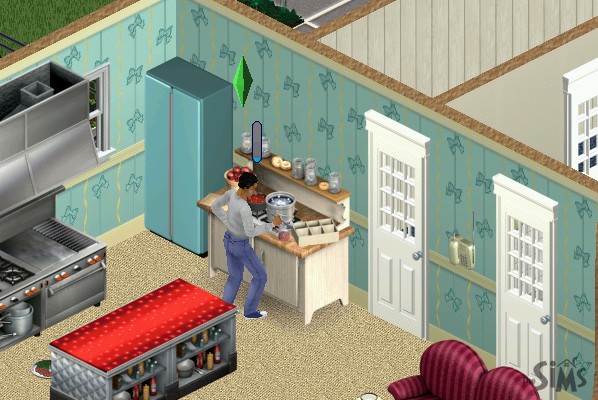
Boggs Home Canning Center

Allows your sim to make preserves at home to sell, also increases the cooking skill

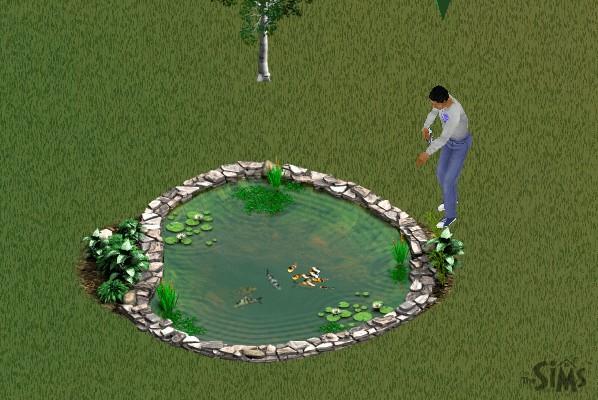
Laguna Vista Instand Pond

A fish pond where your sim can feed fish and place boats, multiple sims can use this

Bel-Air Dining Booth

Sims will sit after they order a meal at the podium, works as part of a restaurant set otherwise function as a regular table and chairs

Kiosk

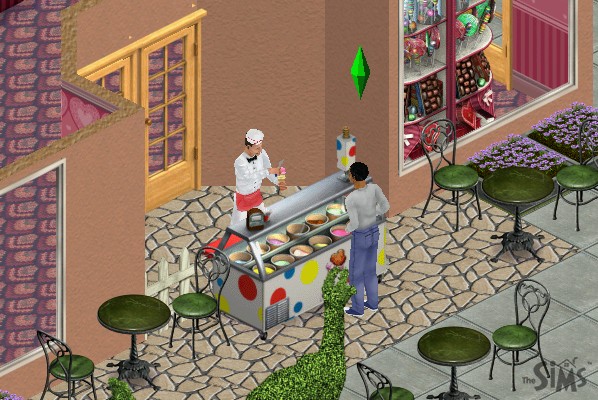
Items such as flowers, toys, chocolate, and a copy of the game itself are sold here and can be bought by your sim, A cash till nearby is required to order

Food Counters

Two exist, one for ice cream and another for burgers, bars also exist for drinks

Social Interactions

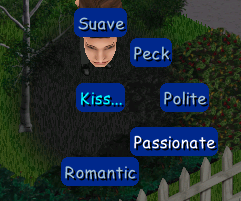
New social interactions have been added, and the social system has been revamped for each sim to better handle interactions. Many have been grouped into one main social interaction, which then has a few sub-interactions. E.g. Talk has the ‘About Interests’, ‘Gossip’ & ‘Brag’ interactions. Entertain has ‘Joke’ and ‘Juggle’ interactions.

Mac Version

Hot Date was later ported to the Mac OS platform and was a Carbon application from the onset which meant support for older Mac OS versions was dropped. Only Mac OS 8.6 onwards and OS X 10.1 is supported.

Compaq Presario 4500 (86Box)

86box has been able to emulate a large amount of motherboards, and has recently added a few OEM desktop systems to its roster. These are mostly faithful to the original hardware to the extent that you can access their bios. Quite a few OEM recovery discs have popped up on Archive.org which will only run on those actual systems they were intended for, since they often include an OEM copy of Windows.


Whilst this emulates the motherboard and the BIOS firmware that was shipped, certain pieces of hardware are left unemulated like the graphics adapter or the soundcard. Fortunately you are able to substitute alternative components, but you might run into issues upon first boot up since Windows may not have drivers preinstalled. The machine here I’m trying to emulate is a Compaq Presario 4500, of which the specifications can be found here: http://h10032.www1.hp.com/ctg/Manual/bpb12296.pdf

Compaq QuickRestore Utility

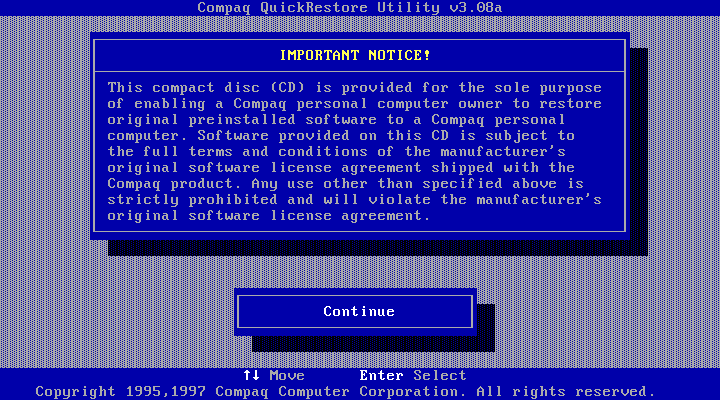
This ran straight off the CD-ROM which was bootable from the BIOS and performed a few tests before initialising the hard drive, which had been newly created and had no partitions. After copying was done, the system rebooted and Windows 95 started up.
This utility did require me to enter the serial number of the system, which I was able to find online.

Setting Up Windows 95

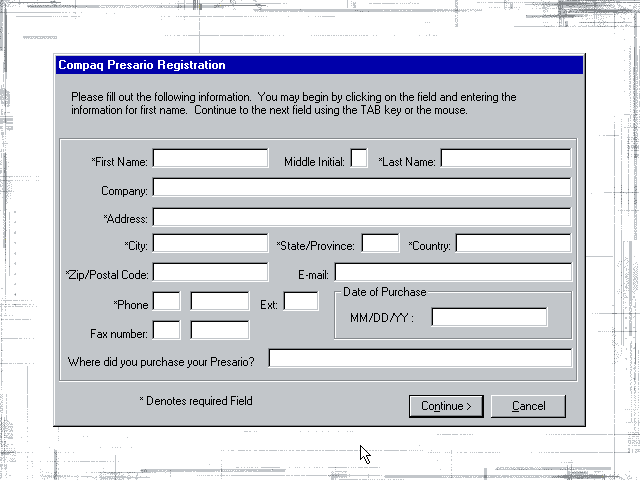
After the first reboot Windows seemed to have problems finding the graphics driver and reverted to using the failsafe VGA driver instead, which limited us to 16 colours. At this point we were prompted to register our system and to fill out the registration form. I somehow doubt Compaq (Or HP as its now known) have the registration servers active.
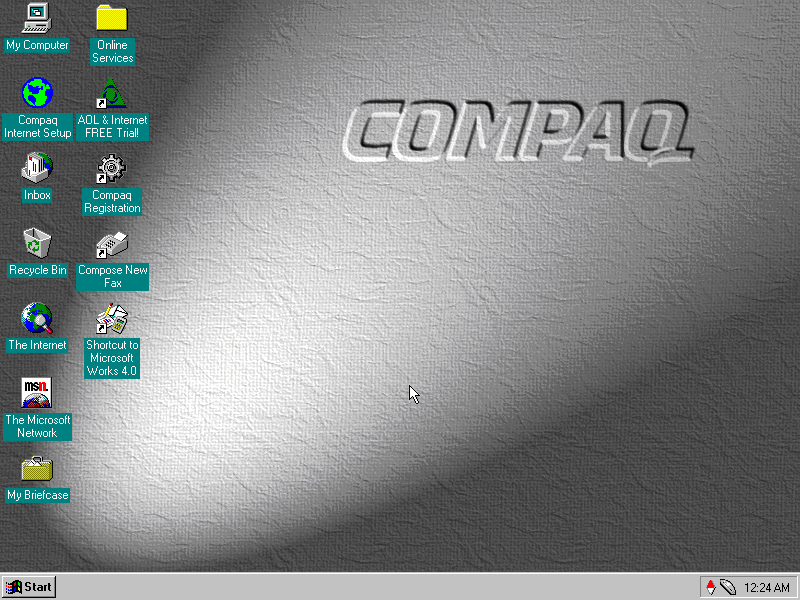
After manually installing the graphics drivers for the S3 ViRGE that I had selected for the system, Windows went to the desktop and we are presented with the default Compaq desktop theme.

Bundled Applications & Utilities

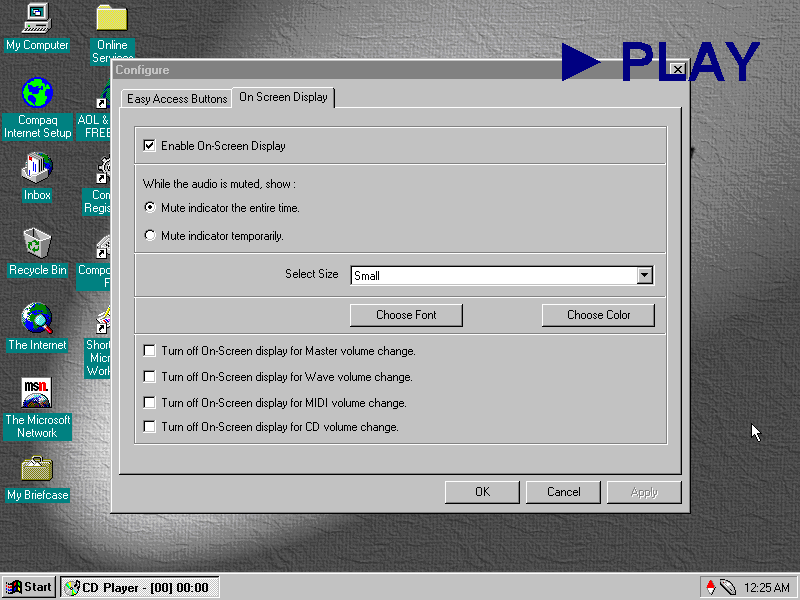
Compaq Quick Access: Runs in the background and provides functionality for shortcuts to be used on the keyboard that would have shipped with the system. Here you can reconfigure the different ‘Easy Access Button’ to perform different function. By default they are used for the calculator and to open in the internet browser.
This utility also manages the on screen display, which appears when the volume keys are pressed or if one of the media control keys (Play, Fast Forward, Rewind) are used. I’m not sure if 86box is capable of passing these commands through since it only emulates a regular PC keyboard.

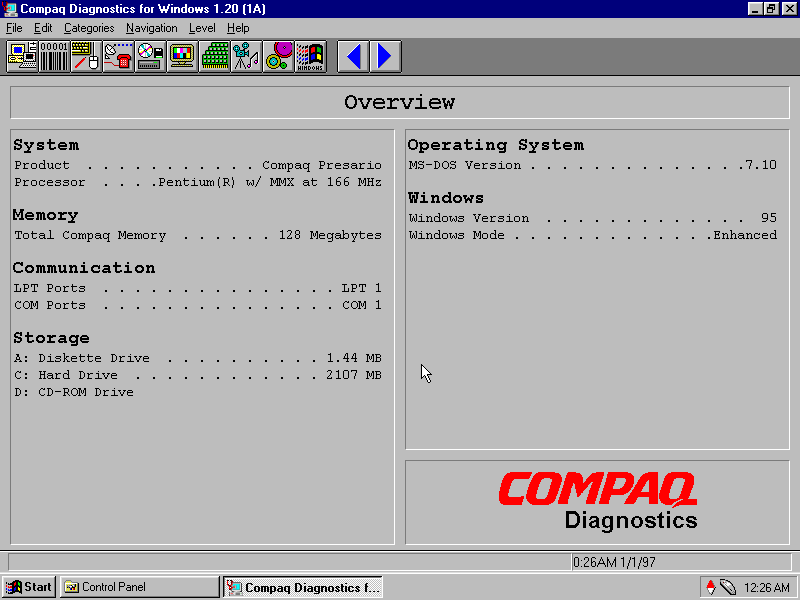
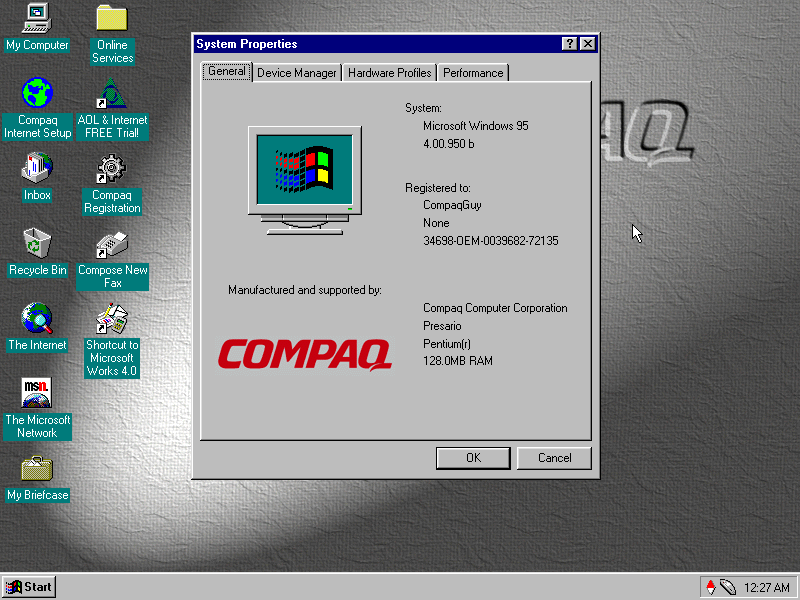
Compaq Diagnostics: Displays information about your computer system and the Windows OS. You can view the specifications here

SPRYNET Connection Manager: Manages internet connections for the dial up analogue modem, replaces the standard Windows utility.

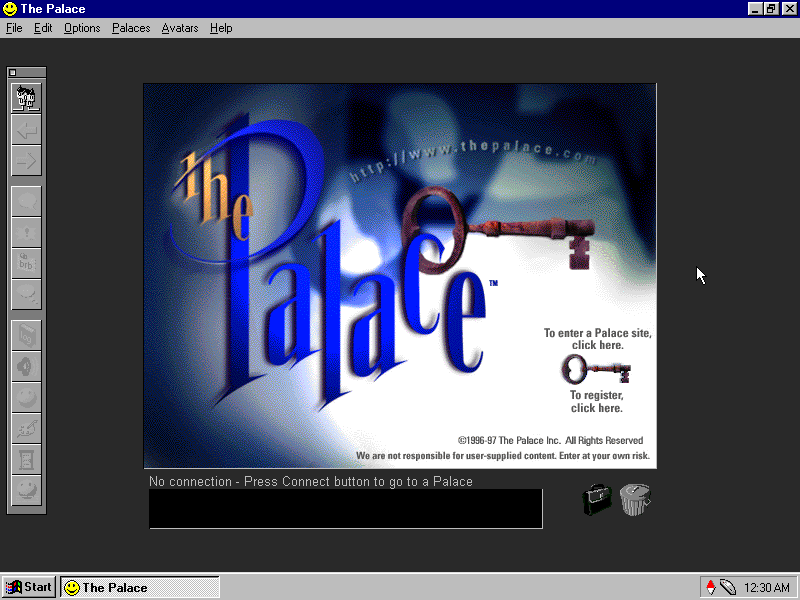
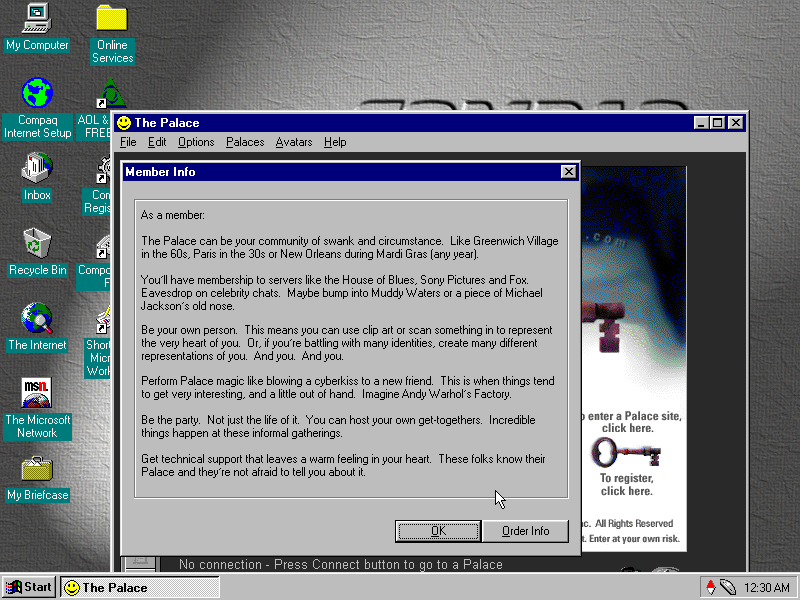
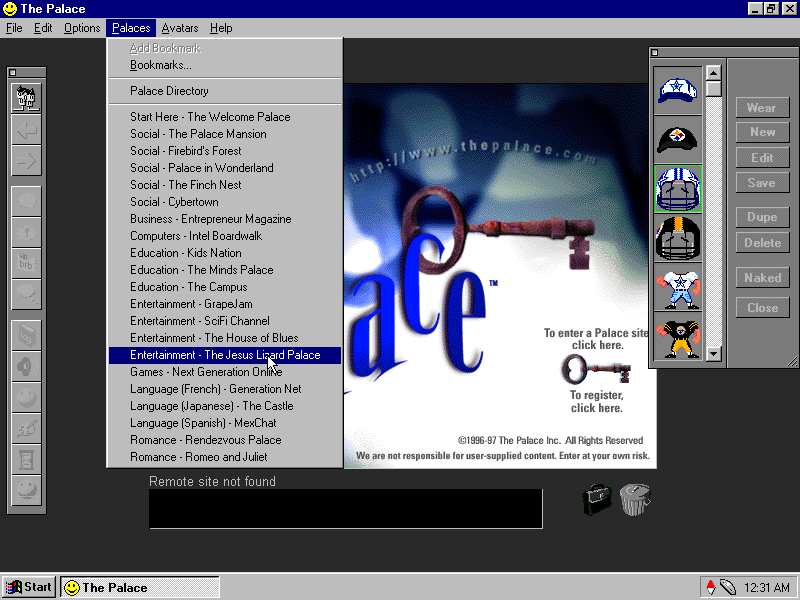
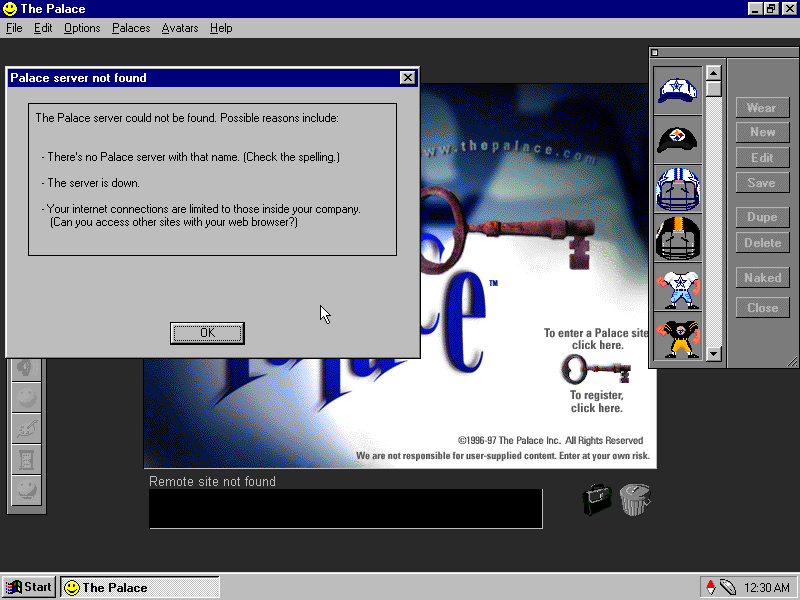
The Palce: A third party application that was bundled with the system, it seems to be some sort of online chat room server, similar to IRC but uses animated avatars and colour backgrounds to give the illusion of environment. Users could join different room dedicated to certain subjects. This Compaq system would have come with a free trial allowance to entice the customer to subscribe, beck before social media mould datamine the hell out of you.
Sadly the servers are long gone.

SimCity 2000: Not sure what this is doing here, its just the network client and not the full game, maybe it was bundled with the Palace as a game that could be played using it? The full game is not bundled here.

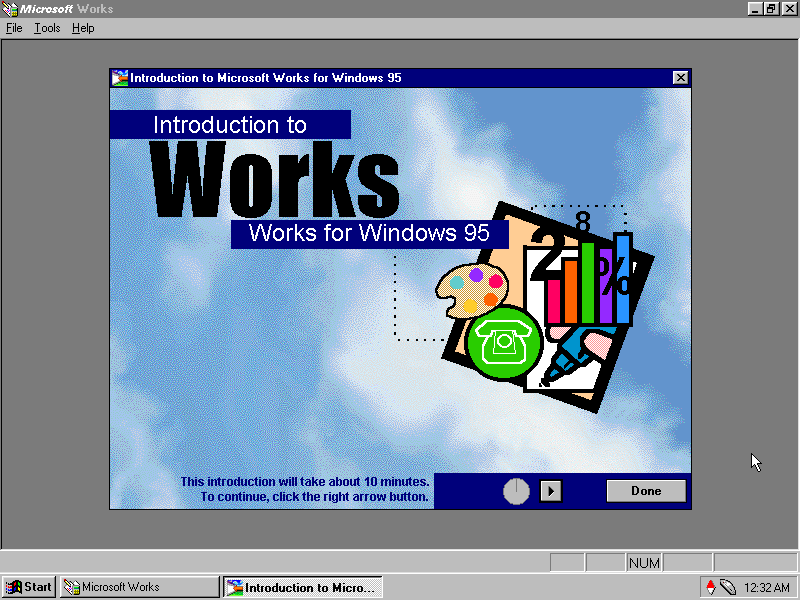
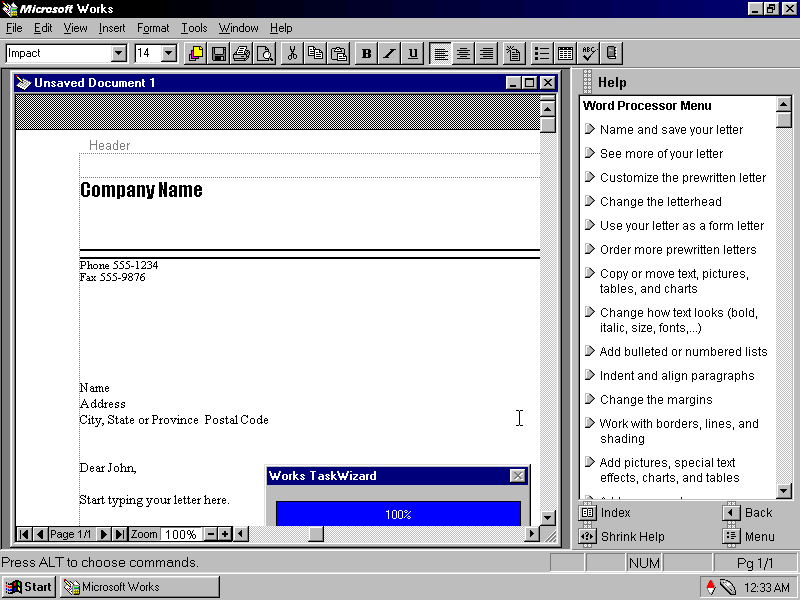
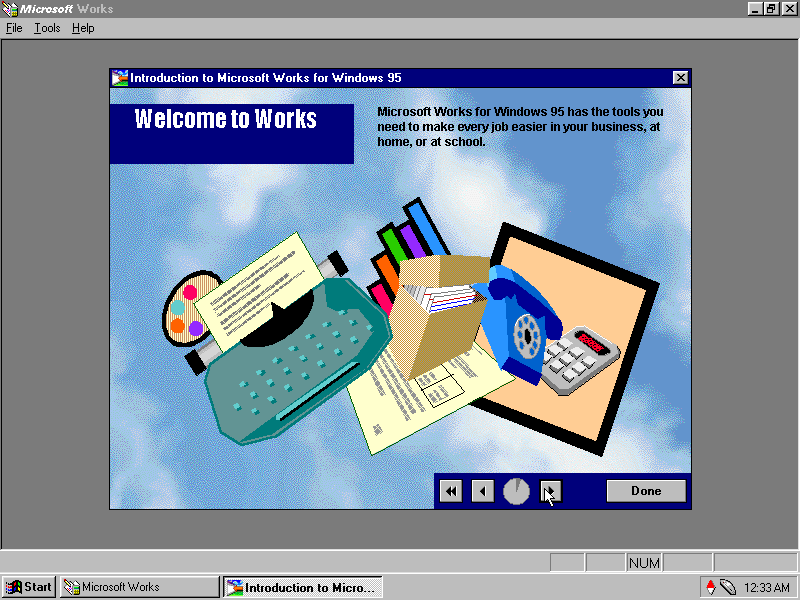
Microsoft Works: The OG Oxymoron, this was a basic version of Microsoft Office bundled with OEM systems to give them basic Office functionality. It is considered productivity software suite which combines a word processor, spreadsheet and a basic database system. As it was a lot cheaper than Microsoft Office, it was commonly bundled with OEM systems to increase their value, although it was also available separately.

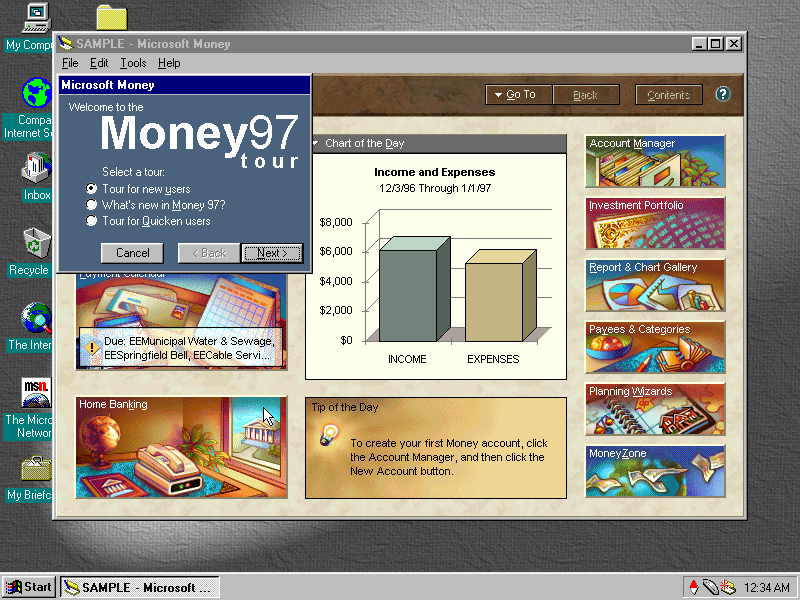
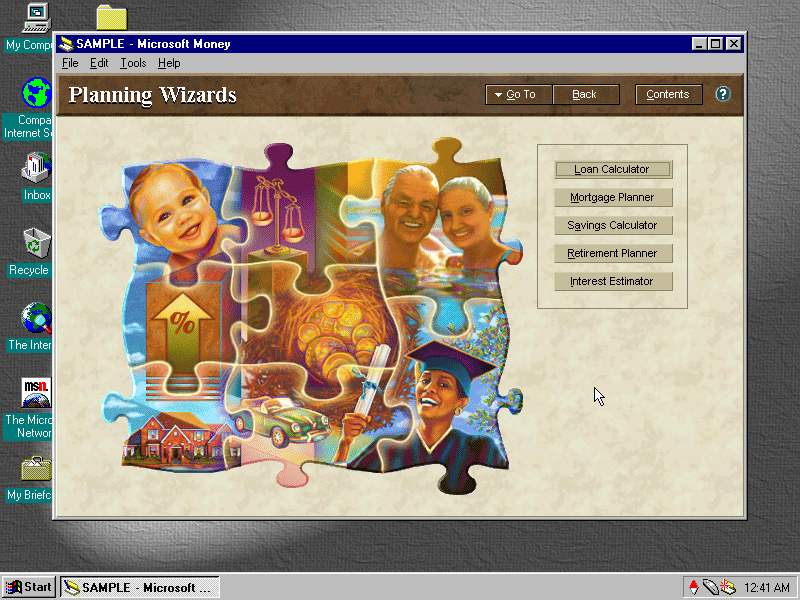
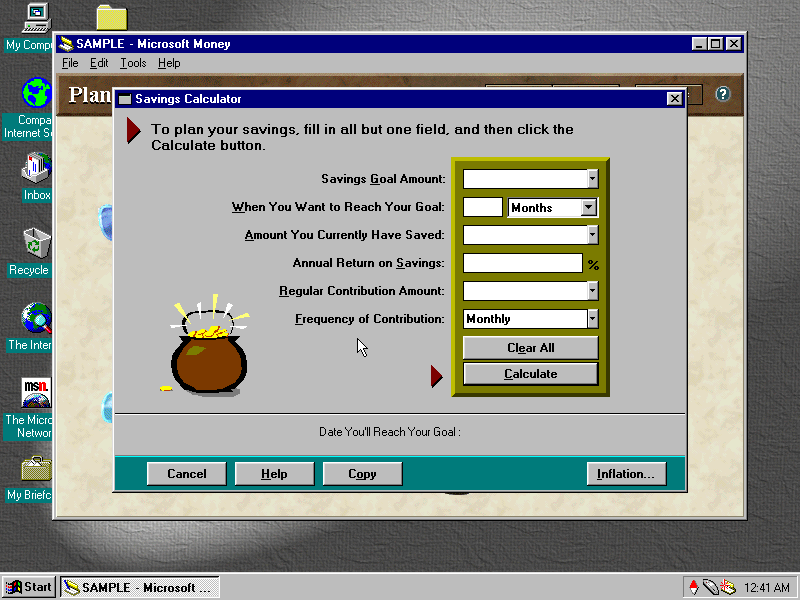
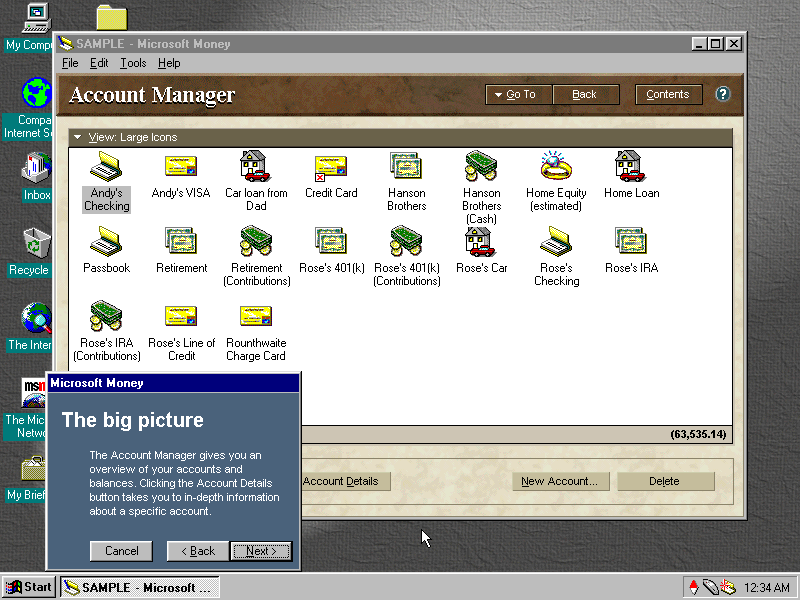
Money 97: Software to help manage your bills and bank accounts, before internet banking was widespread. I like the interface design and art used here, you defiantly wouldn’t expect to come across design like this in accounting software

AOL: Also bundled with the system and serves as the recommended ISP

Compaq Quickrestore For Compaq Presario 4500 Series

86box Github

The Palace (Archive)