Cheetah wasn’t well-received in terms of performance and compatibility and understandably so, given that this was a completely new OS environment with steep hardware requirements compared to OS9. With this in mind, Apple continued to improve OS X and released Puma a few months later. System requirements were still the same, you still required 128MB for adequate performance (despite the iMac G3 shipping with 32MB as standard a few years before), for most users installing OS X necessitated a few hardware upgrades.
Install
Here we installed over Mac OS 9.2 as an upgrade which would have given us compatibility with the classic applications by using the classic environment. Compared to OS X Cheetah, more languages and print drivers are included. Again like Cheetah we miss out on the graphics acceleration and sound support.
Setup Assistant
Mostly is the same as the Cheetah version, a lot of the forums are compulsory like the address and contact details which is pointless in this version can no longer connect to Apple
Login Screen
Login screen
Desktop
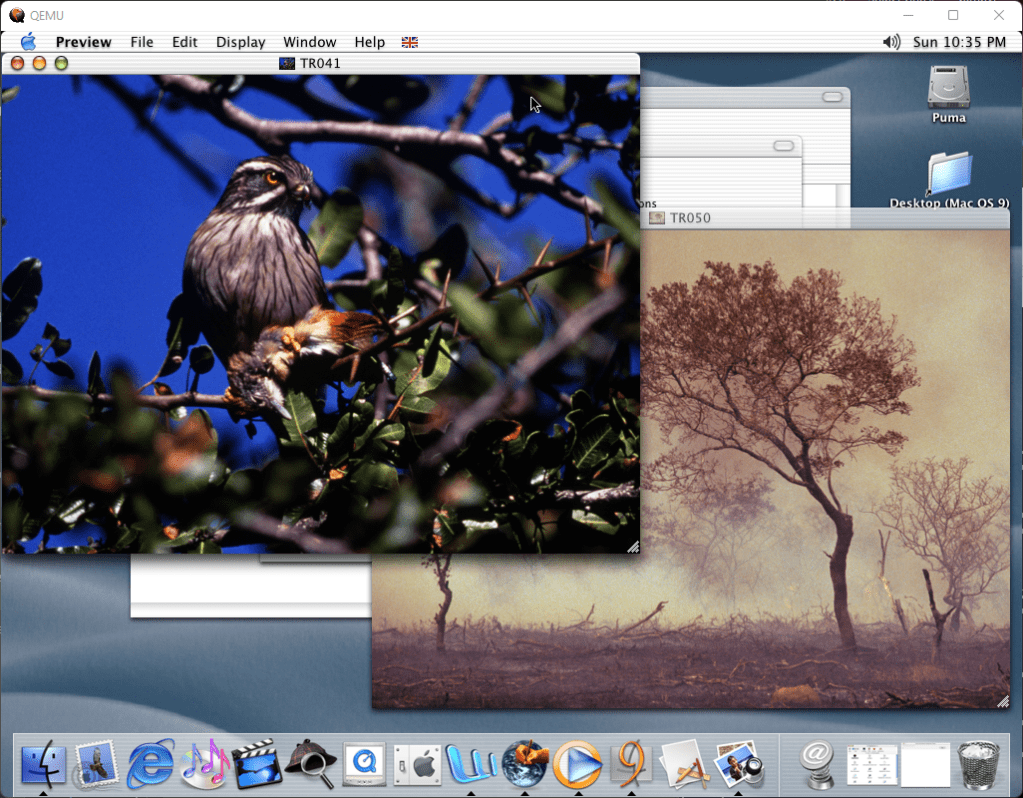
Most improvements are made under the hood, the user appearance resembling the same as Cheetah. Many of the existing applications that shipped with Cheetah were included in Puma, being slightly updated versions of Internet Explorer and QuickTime.
Browsing the filesystem using the Finder. Seemingly it has issues displaying the filename on CD/FAT filesystems
iTunes
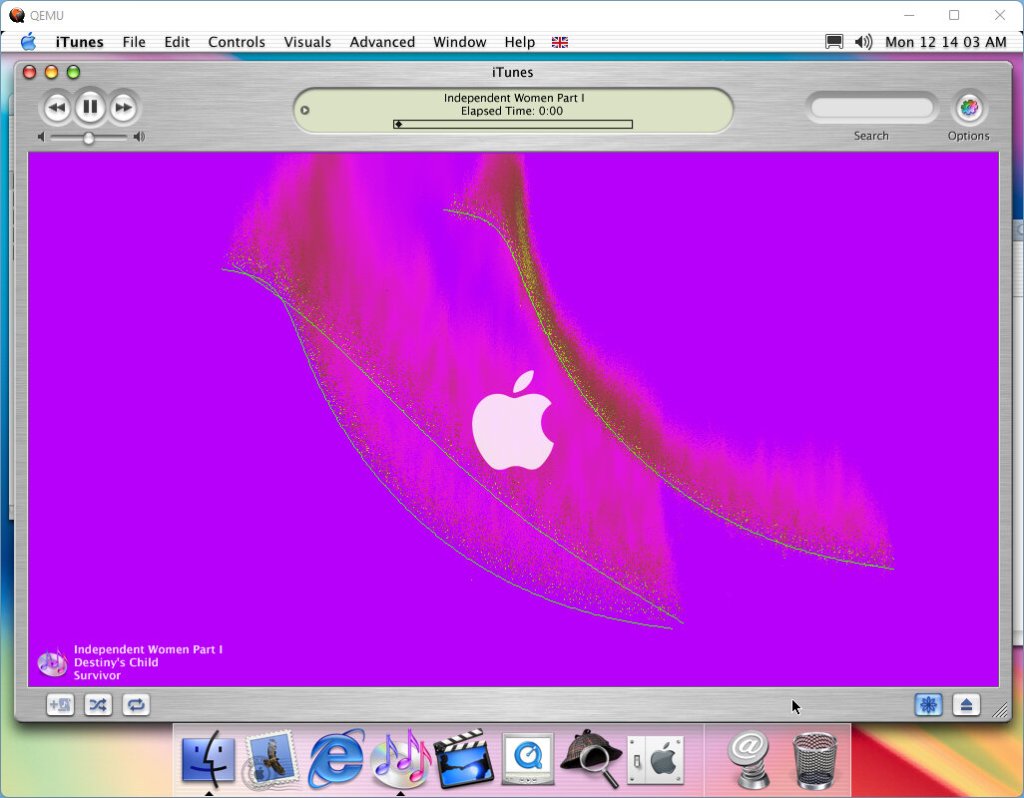
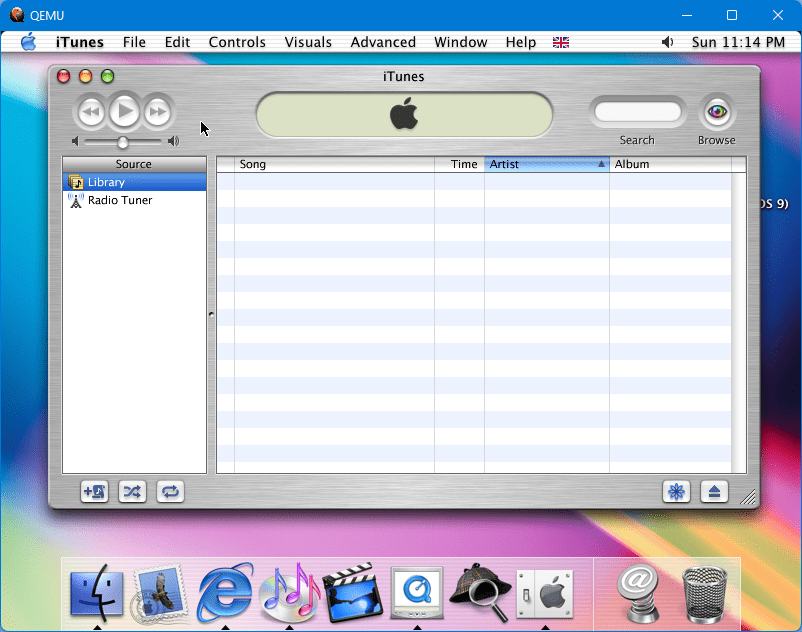
iTunes makes its Mac OS debut in Puma. This version functions as a media player that is capable of importing CD’s and managing a CD library. A basic internet radio station is supported here, but the servers are no longer functional. I’m not sure if this build can sync with an iPod since it was released before the first iPod was released.
Mail
iMovie
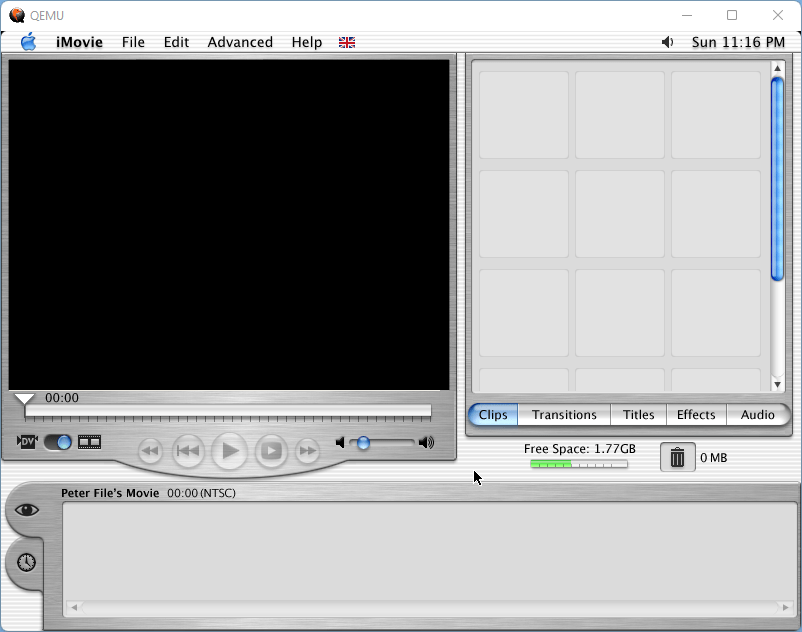
Create and edit moves imported from a digital video camera, typically used on Mac with built-in Firewire. iMovie would later be included in the iLife suite.
Internet Explorer
Internet Explorer has been slightly upgraded compared to the previous release and is running a later build
Acrobat Reader
Acrobat reader is included with the operating system. One of the early features of OS X was the use of PDF rendering embedded into the operating system. A separate version is provided here since it includes features the embedded version lacks.
iDVD
For Macs with DVD drives and an MPEG2 accelerator, a DVD player is offered which was once offered in Mac OS 9. Since QEMU does not emulate an MPEG2 decoder and there is no graphics acceleration we are unable to access the interface.
System Preferences
The system preferences panel has been redesigned and applets are sorted into groups for easier navigation.
Imageviewer
Classic / Start up
Changing the startup mode, on an actual Mac will change which operating system boots the machine, but on QEMU it will brick your install. The classic environment will still work as normal
Screensavers
A nice selection of screensavers that take advantage of the new graphics engine.
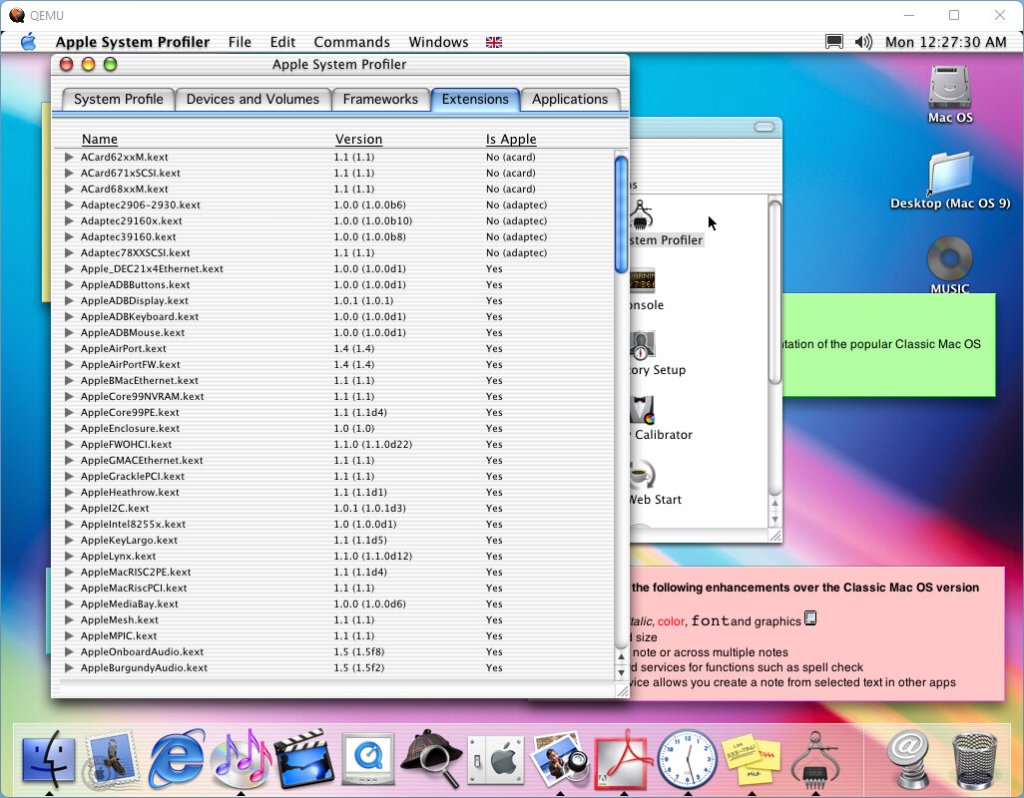
System Profiler
Gives much more detailed information on your system, including the software components and the hardware installed in your Mac
Applications & Games
We had better luck getting apps to run in this version compared to Cheetah
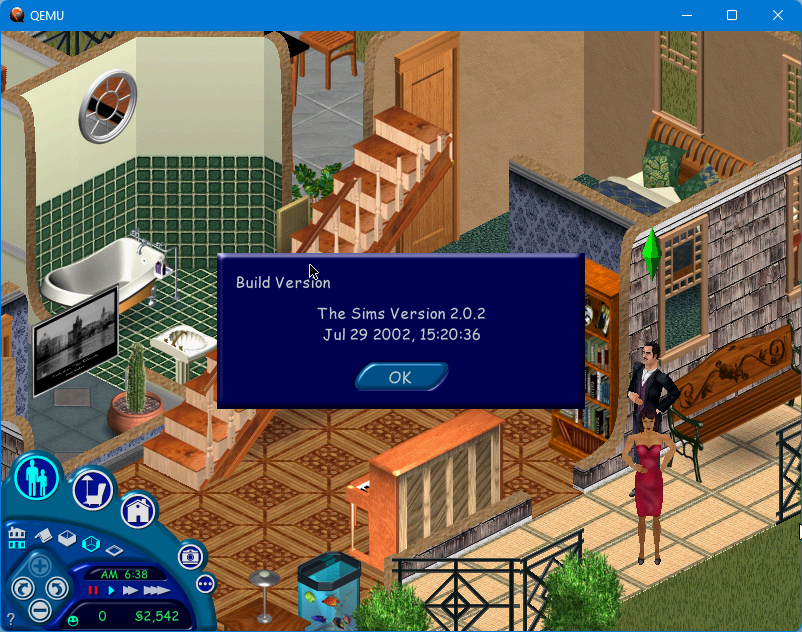
The Sims
We were finally able to run The Sims, which we had failed to do previously. This was a Carbon-based app which was an API that allowed for use for Mac OS Classic and OS X. OpenGL is the main rendering engine used here, and this is integrated into OS X.
3D titles however are more of a problem with the emulator, which lacks 3D acceleration which means we have to rely on software rendering, and many games of the time were starting to require hardware T&L
Microsoft Office X
Microsoft’s popular productivity suite had a version specifically for OS X and takes advantage of the user interface elements. Functionality is similar to Office XP which was released at the time.
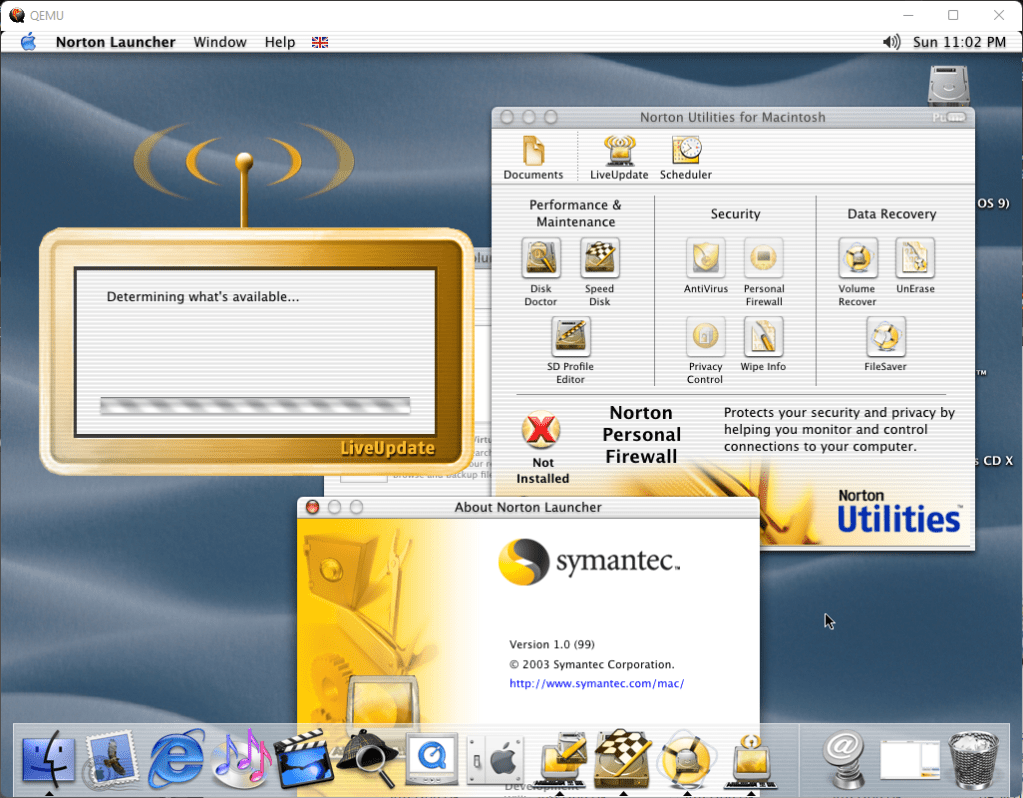
Norton
Norton had released their Utilities for OS X, which is a collection of software typically geared towards maintenance. Here you can run tasks that can check your mac’s hard disk, and access Norton AntiVirus if it’s installed.
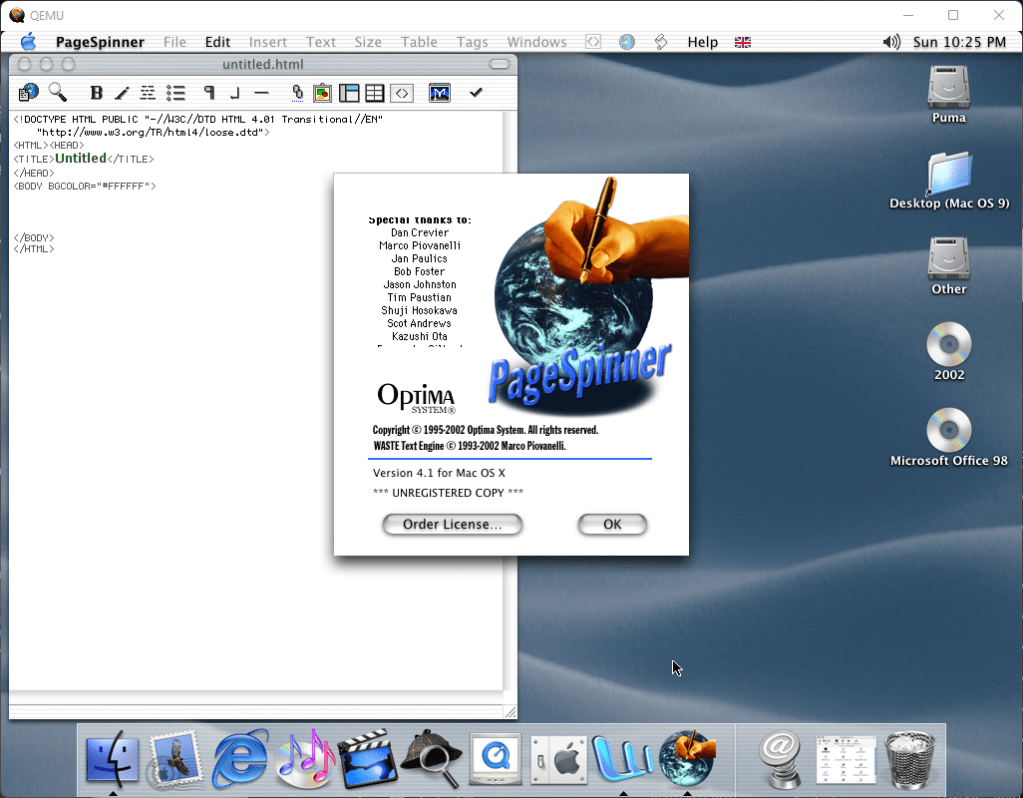
PageSpinner
An HTML text editor for OS X and one of the first to be carbonized for OS X.
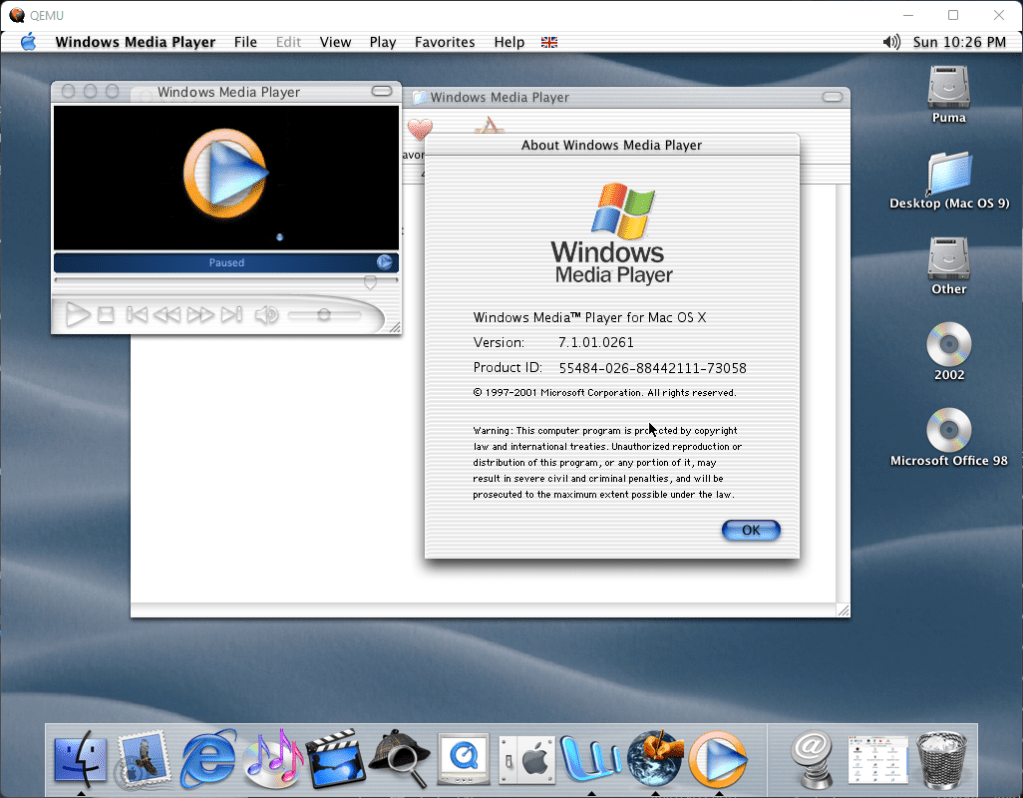
Windows Media Player
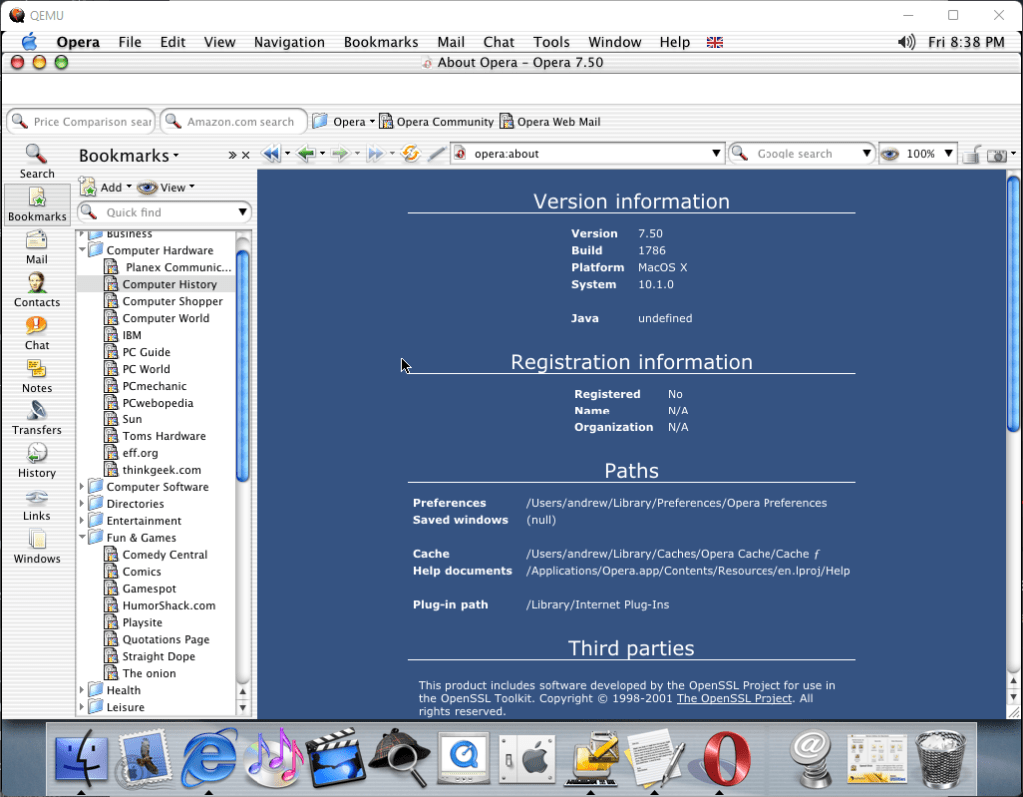
Opera
One of the other alternative browsers for OS X, If Internet Explorer or Netscape isn’t your thing. Curiously I did try Netscape navigator 6 but this required classic environment and wasn’t a native OS X application.
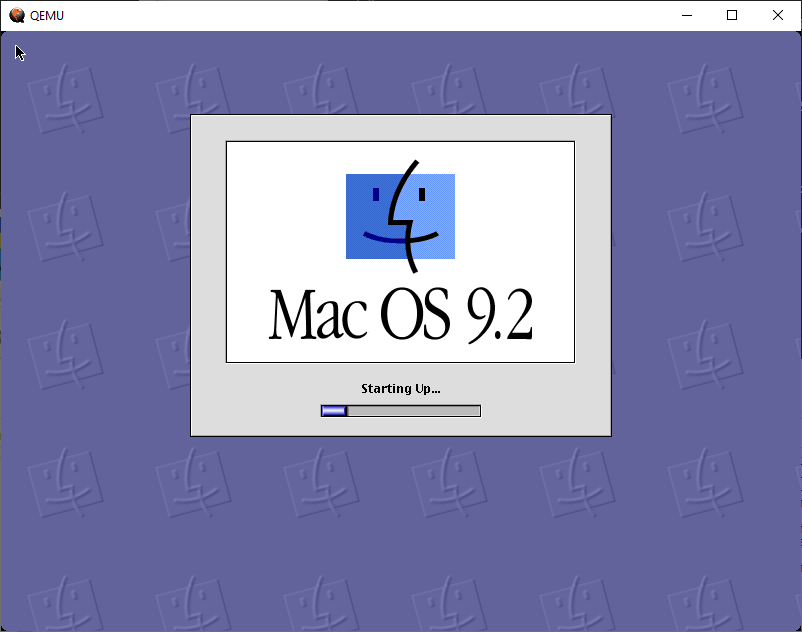
This was the last release of the classic Mac OS operating system, before it was discontinued in favour of Mac OS X. The emulator used here is a custom build of QEMU that has sound support.
QEMU config file, remove the ^ and collapse everything onto one line
Up to four disk drives can be accepted by QEMU?OS 9.2, five if you use USB
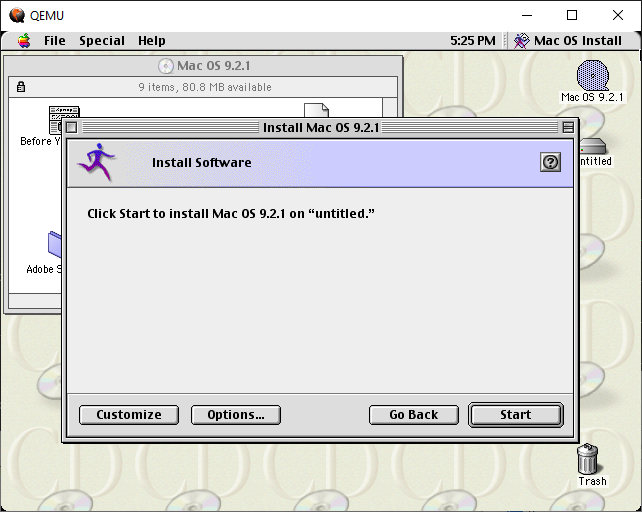
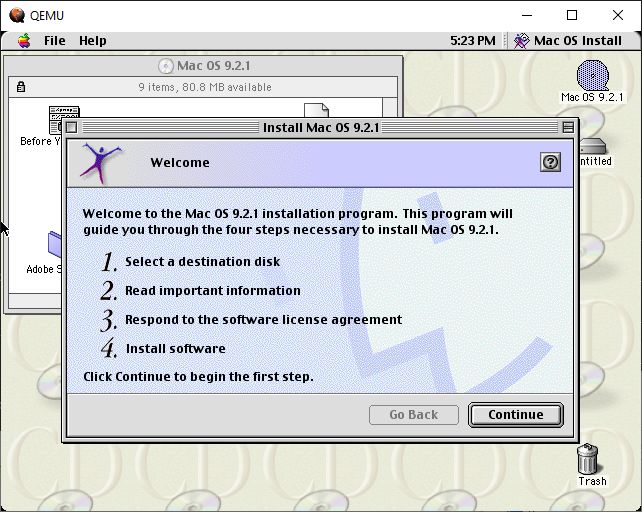
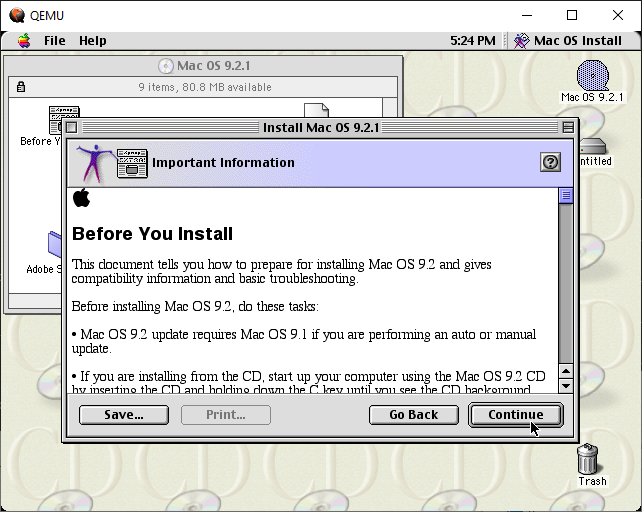
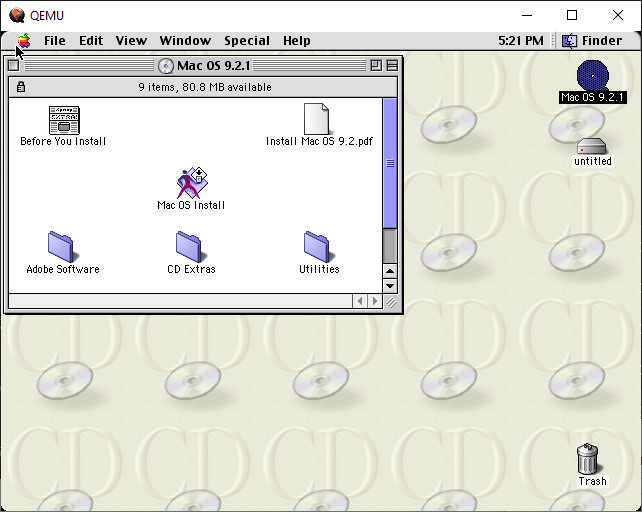
Install
Mac systems will boot into a live cd like environment where the hard disk can be partitioned and formatted. In some circumstances, the Mac firmware can be upgraded here, which may be required to install.
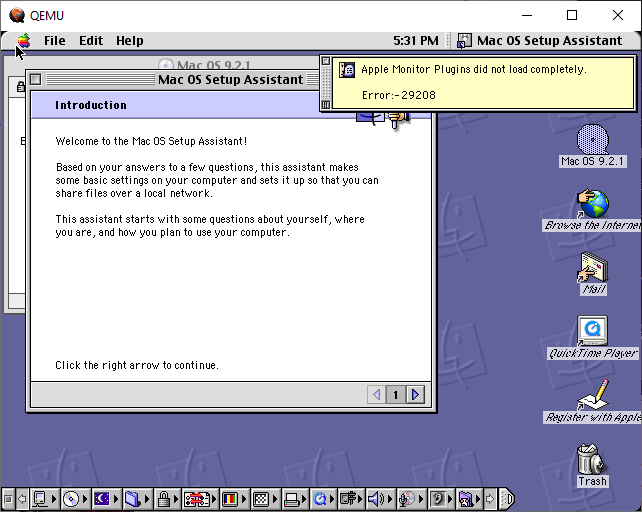
The setup assistant that runs after you reboot following the install. It mainly helps with connecting to the internet or a network and configures sharing options
Applications
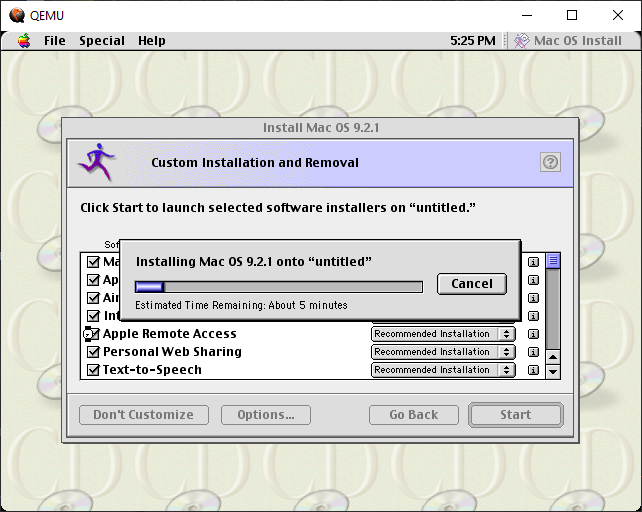
OS9.2 comes with plenty of bundled applications, many of which can be configured from the installer. This allows for you to pick and choose applications to install, and to disable un-needed applications
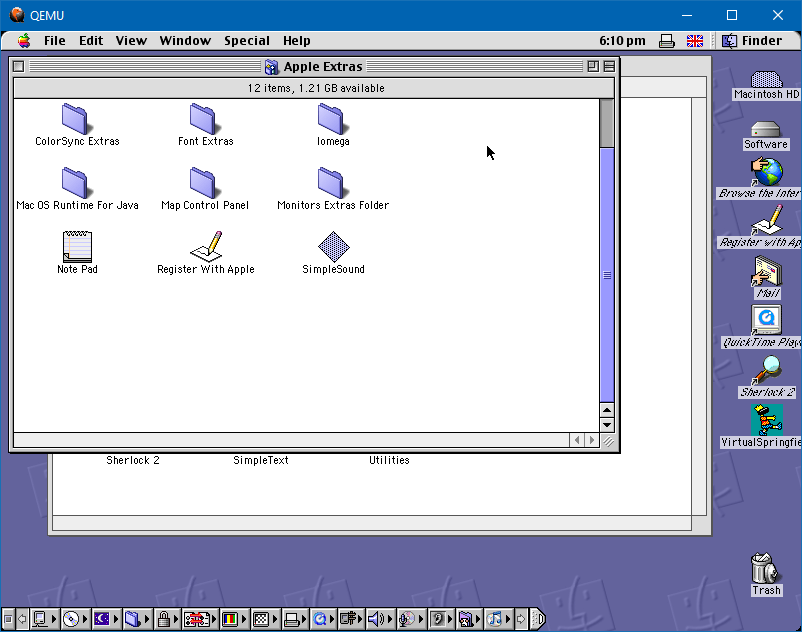
Apple Extras
A folder on the CD-ROM that has additional applications, similar to the VALUEADD folder on Windows discs that contain various optional utilities.
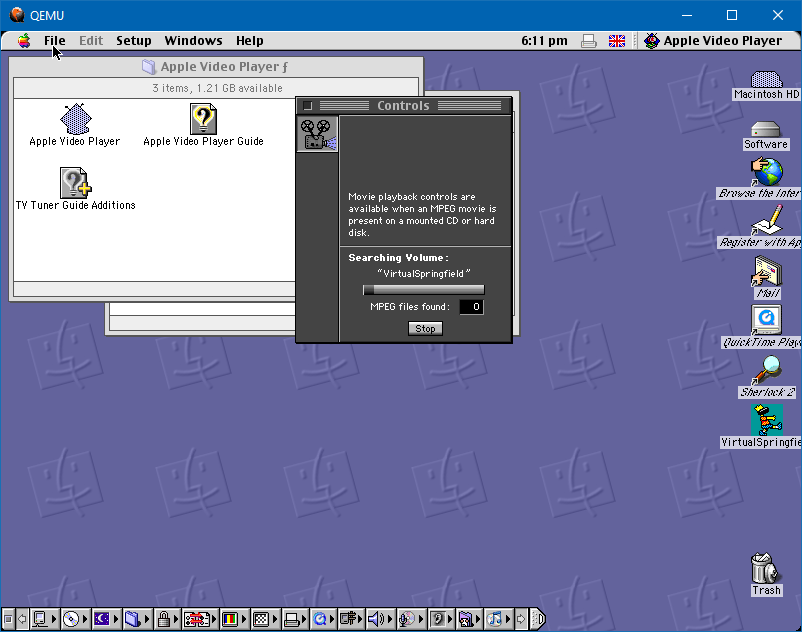
Apple Video Player
Plays back MPEG video and works best with an MPEG addon expansion card.
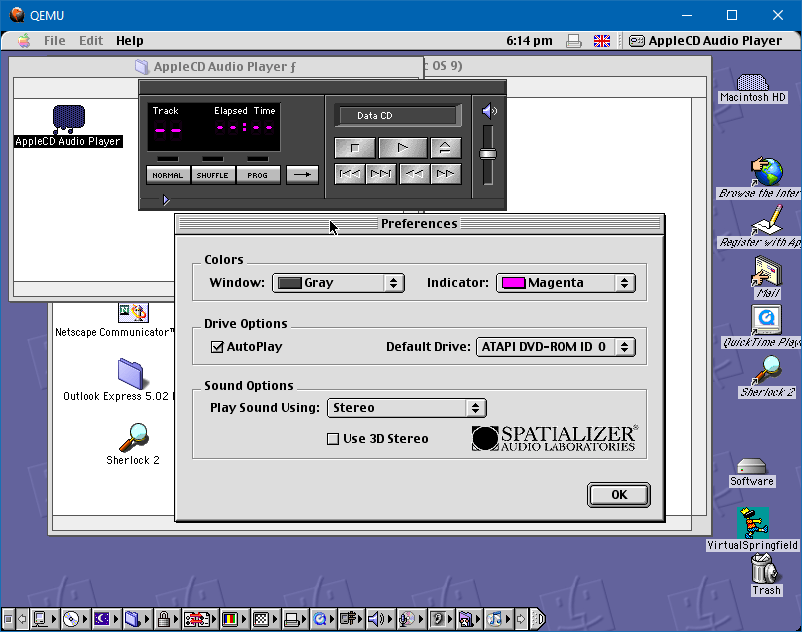
AppleCD Audio Player
The CD player of which QEMU does not pass the audio data to the virtual machine, so it wasn’t possible to test the CD Player functionality.
Internet Explorer
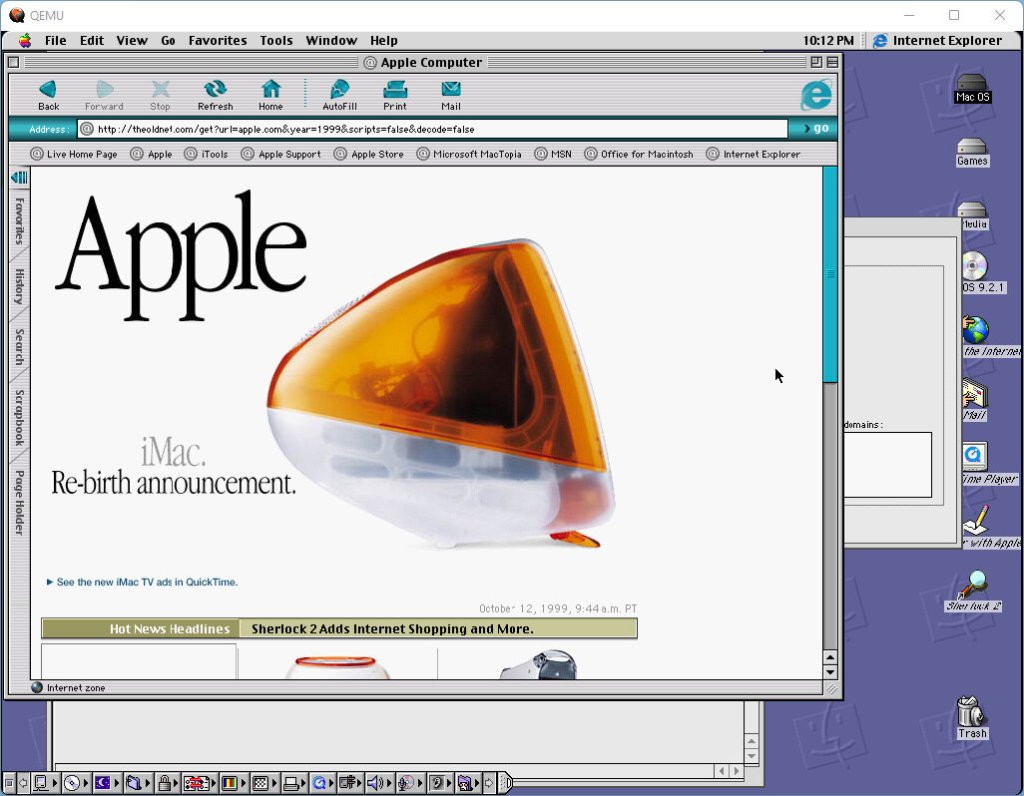
Internet Explorer Mac OS
Internet Explorer 5 shipped with Mac OS 9.2 and was the default browser on default installations. Unlike the desktop version, the Mac version used the Tasman rendering engine rather than the Trident engine the PC versions used. The interface is remarkably different with sidebars being used for favourites and history
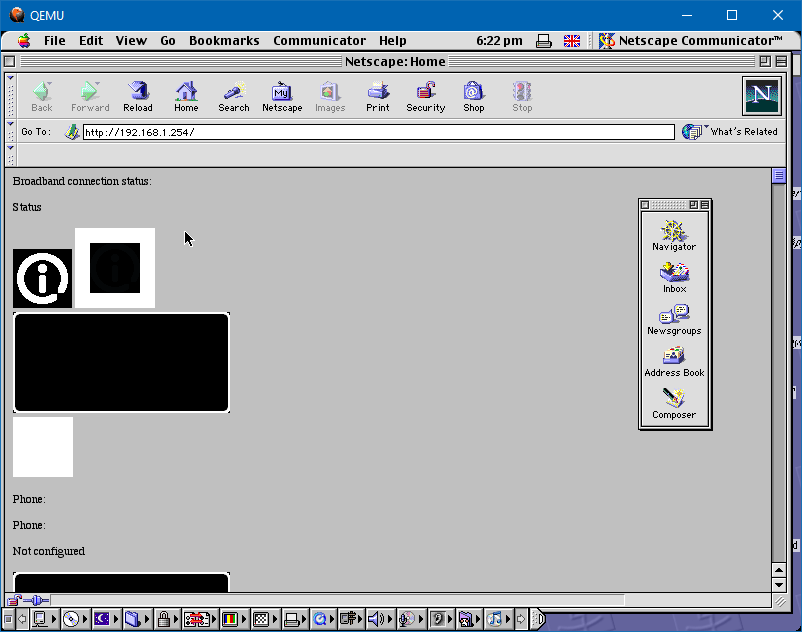
Netscape Communicator
Netscape was the other popular browser of the time and was bundled with the operating system. This was the precursor to the Gecko rendering engine used in Mozilla Firefox
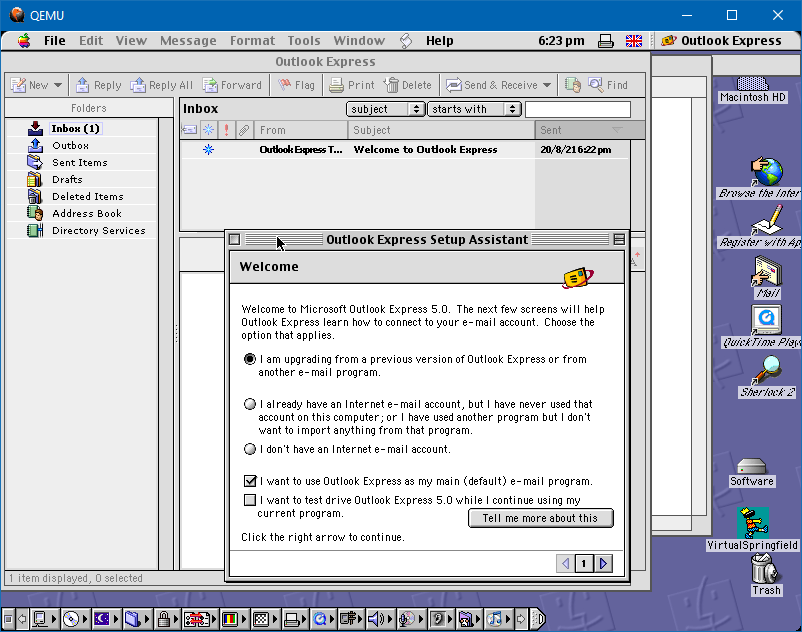
Outlook Express
Microsoft’s mail client for Mac OS, which was replaced by the Mail client for OS X
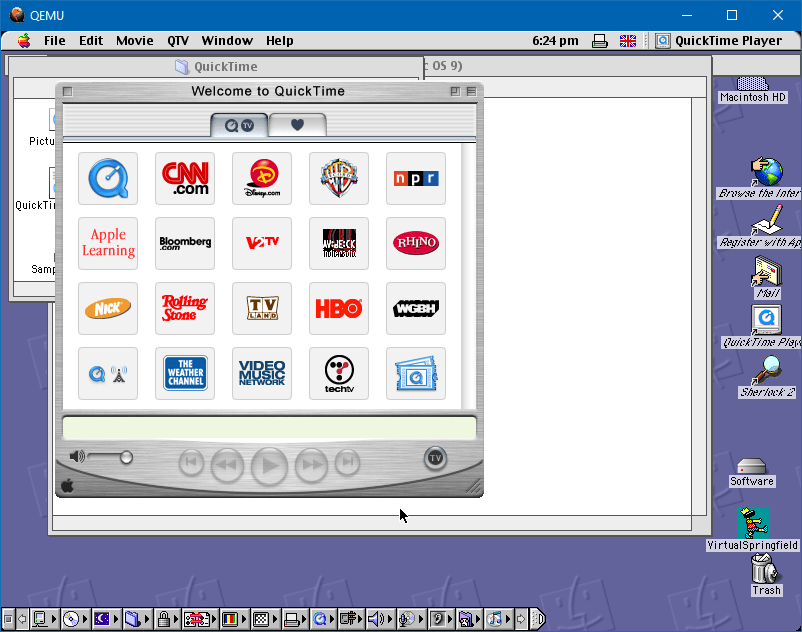
QuickTime
A view of sample channels in QuickTime, these would provide links to online video content such as trailers and previews. Similar to what modern YouTube is like now
Sherlock2
Sherlock was an integrated search engine for both local files and online websites. Various different categories could be used to find a certain website like in the shopping category you would find links to Amazon and eBay.
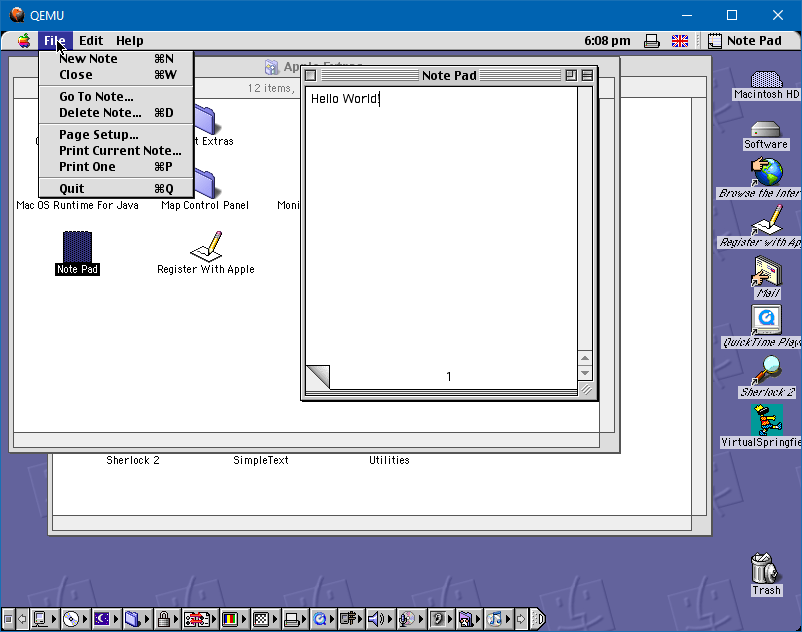
SimpleText
A basic text editor, like Notepad for Windows
Sound Support
A build of QEMU exists that enabled basic sound support using the Apple Screamer chipset which was used in the early Power Mac G3 (Minitower, not the blue/white version). By installing the latest QuickTime version for this operating system (QuickTime 5) it’s now possible to have basic sound support and acceleration.
Games and Third Party Applications
OS9 was compatible with many of the existing software for OS 8 and below
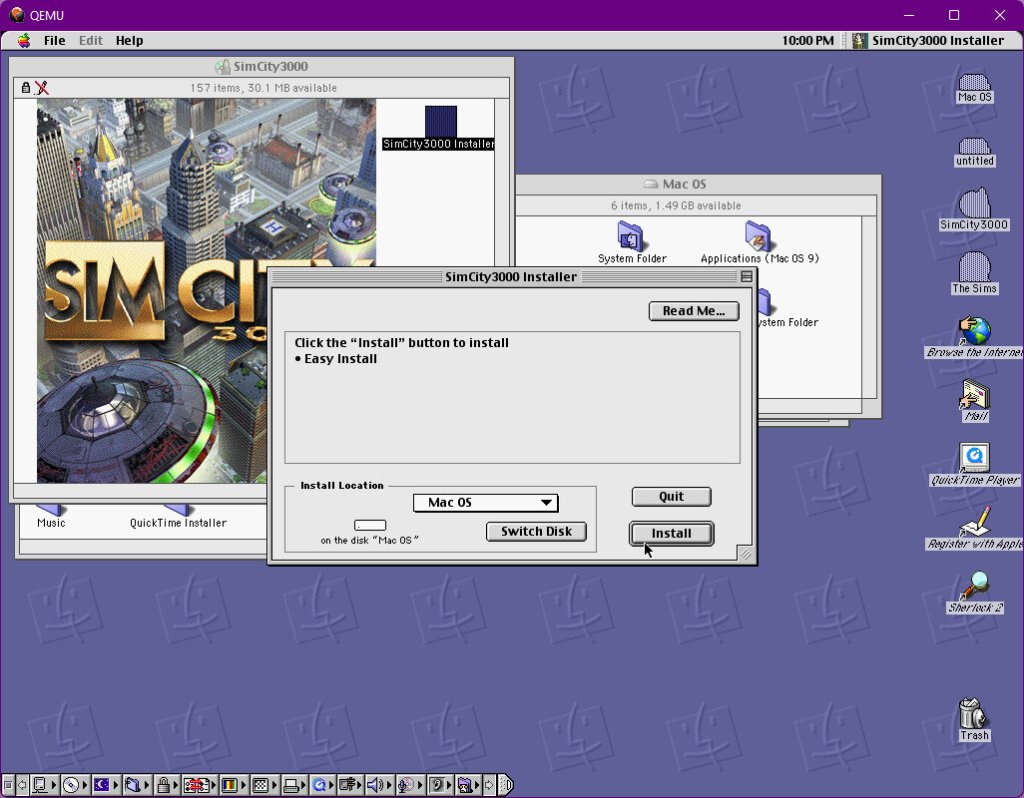
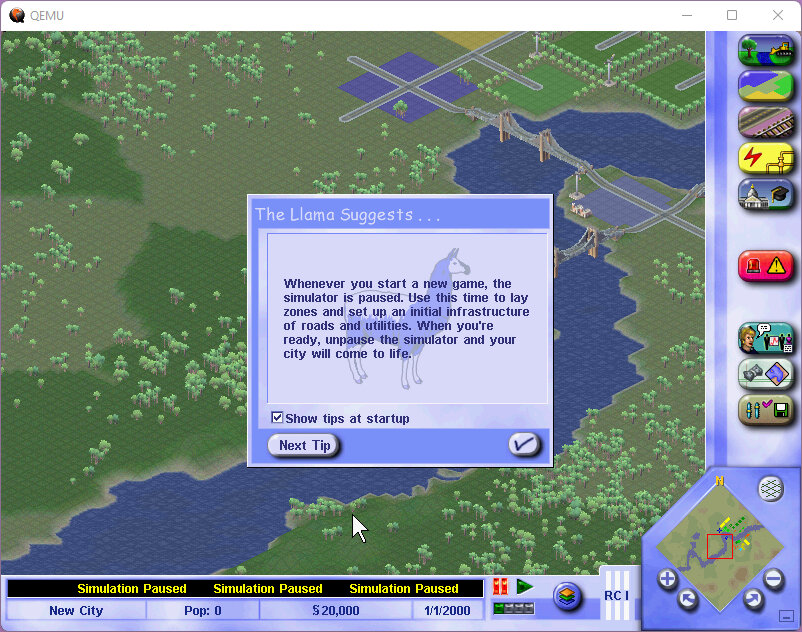
SimCity MacOS
Simcity 3000: Works well but lacks content in comparison to the later unlimited release. Has a different intro and some music was changed compared to the later release which I’m more familiar with. All base cities and scenarios are present.
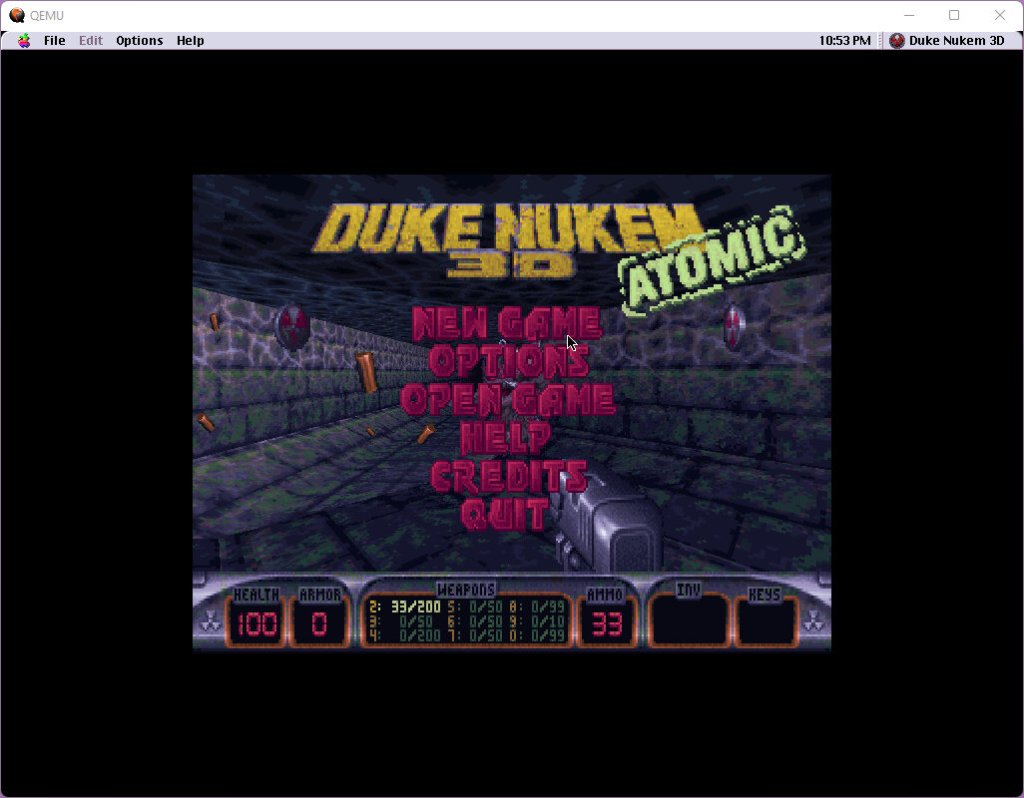
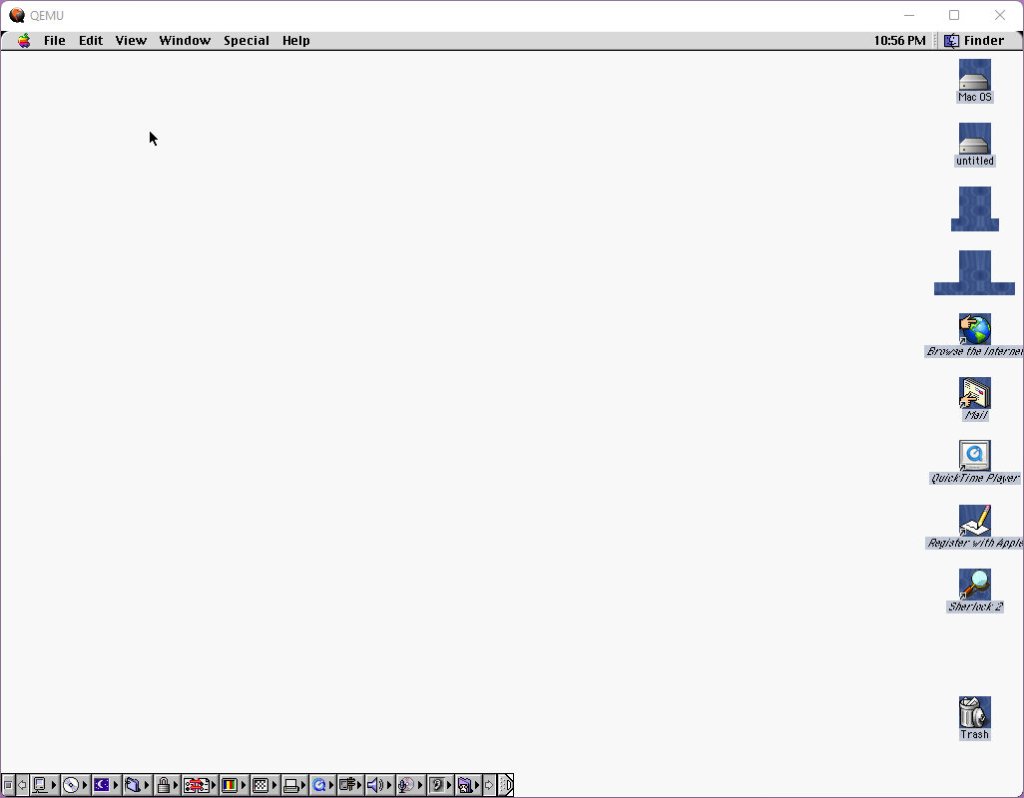
Duke Nukem 3D Atomic: Tested the PowerPC build, seems to work fine but the desktop seems to have issues after exiting the game
Driver: You Are the Wheelman: Did not work as it failed to start in software rendering mode, the game thinks there is a glide capable card upon startup but fails to load. Since OS9.2 came out around the same time as Driver I would assume this game would have worked as intended.
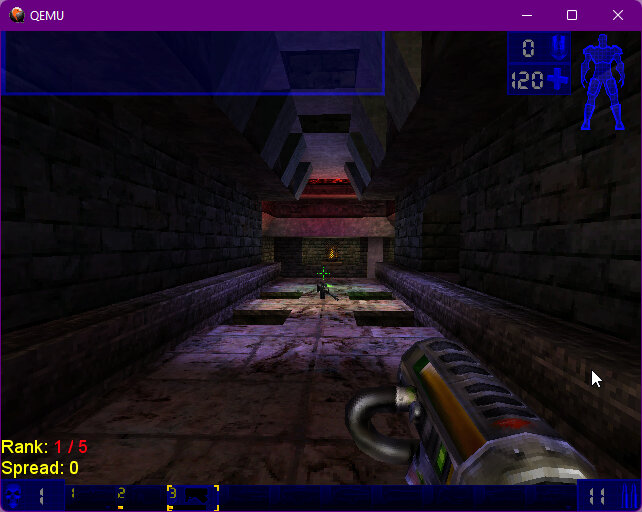
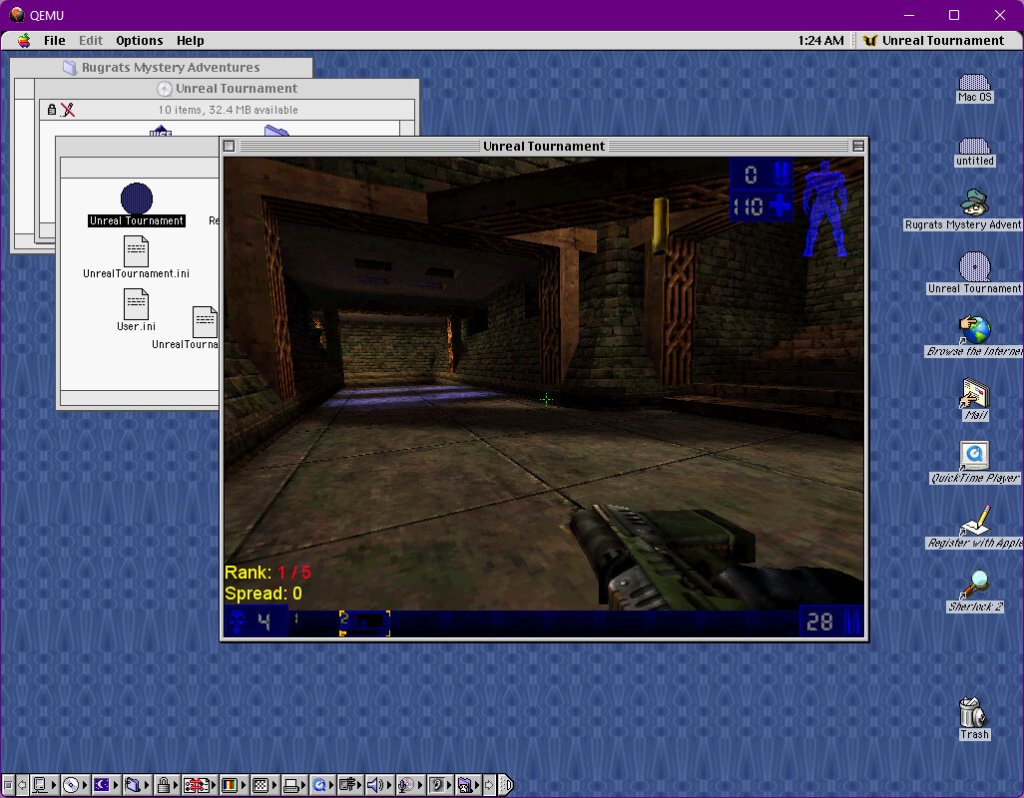
Unreal Tournament: Possible to run under software rendering, adequate performance at 640×480. Whish we had some 3DFX emulation in QEMU though. The master server for this game went offline a while back after GameSpy had shut down, but new master servers have been hosted and can be accessed by amending the unrealtournament.ini file
The Sims: Worked just fine but had to change to mac99-pmu as the mouse wasn’t being picked up correctly in-game, and would randomly recenter in the middle or off-screen which made it cumbersome to play
Microsoft Office: Office 98 was released around the same time and was the popular office utility suite back then, which had full compatibility with its PC counterpart
A Freeview service with a few additional services bundled alongside the regular Freeview offering, making full use of IPTV to deliver streamed TV channels in HD.
The service is very similar to Youview provided by BT or TalkTalk (Of which the latter now offers Netgem as an alternative to Youview) in that it melds Freeview and on-demand (Or catch-up services) with one interface, ideal for an alternative to smart TVs. Live TV channels are also offered and is one of the standout features of the service, whilst this requires a subscription fee – typically £15 a month, or £10 if you have a bundled internet plan with a service provider.
History of Netgem
Not many people are aware Netgem offer a subscription TV service of sorts Netgem was previously known in the Freeview market for the iPlayer (before the name was squired by the BBC for their on-demand service), the Netgem iPlayer was an advanced internet-connected Freeview box that contained an internet browser and a basic media player, which put it leagues ahead of other Freeview boxes of its era.
Netgem TV
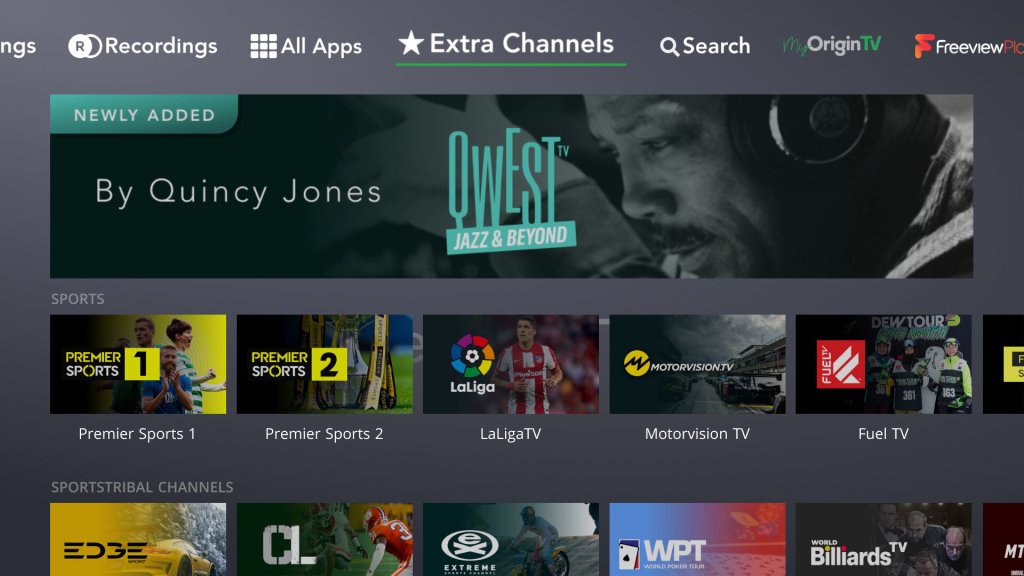
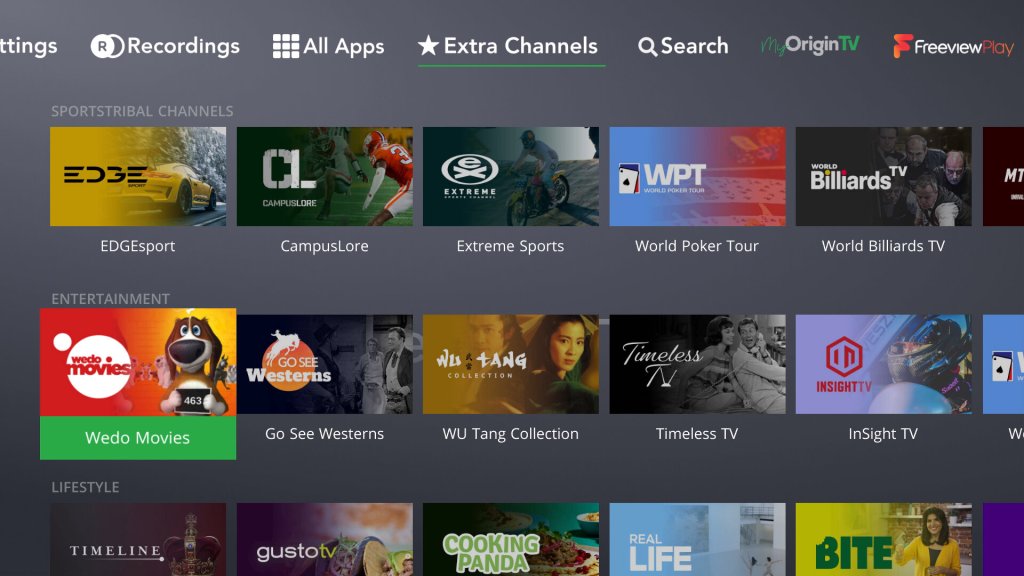
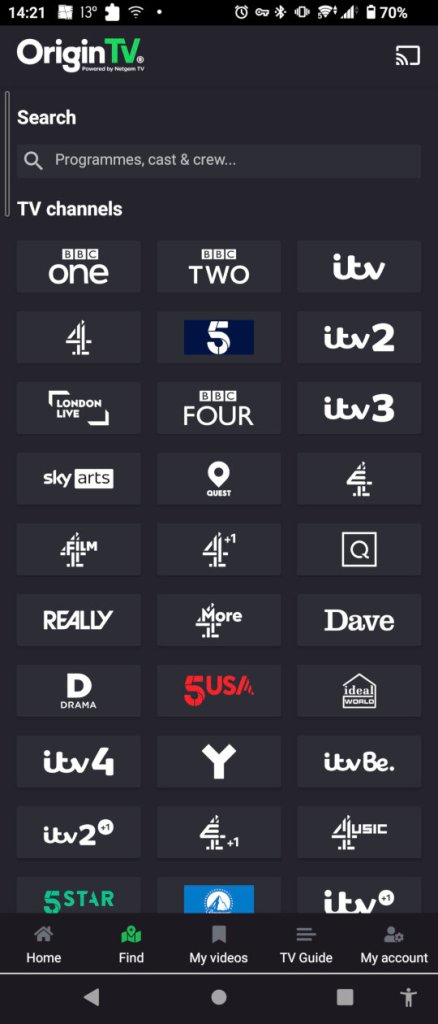
Some internet service provers will offer Netgem TV as part of the service, designed to be an alternative to subscription service from Sky or Virgin. In reality, many of the channels are different in scope and serve a niche interest. There’s no Sky Sports or Movies, and many common subscription channels are missing. MTV, and Comedy Central make an appearance, but Syfy, Discovery, Sky Showcase, and GOLD are missing from the lineup.
You can also purchase the box standalone which functions as a typical Freeview HD smart device, but this does not include the streaming channels. It does allow full access to the streaming apps (an additional subscription is required as usual) and the Freeview Play catchup services.
Also unlike a typical Youview box, the Netgem box is not classed as a PVR as it contains only a single tuner and lacks a hard disk drive. With it is intended to be used for catch-up services instead. Despite this, the box is capable of recording by connecting a USB drive to the USB port located at the rear of the box so you get the very basics of PVR’s
Netgem box on the right, in comparison with the BT Youview box
Appearance-wise the box maintains a low profile look, with an LED strip that indicates the power status of the box. Sizewise It’s similar in footprint to the basic BT Youview box
Install
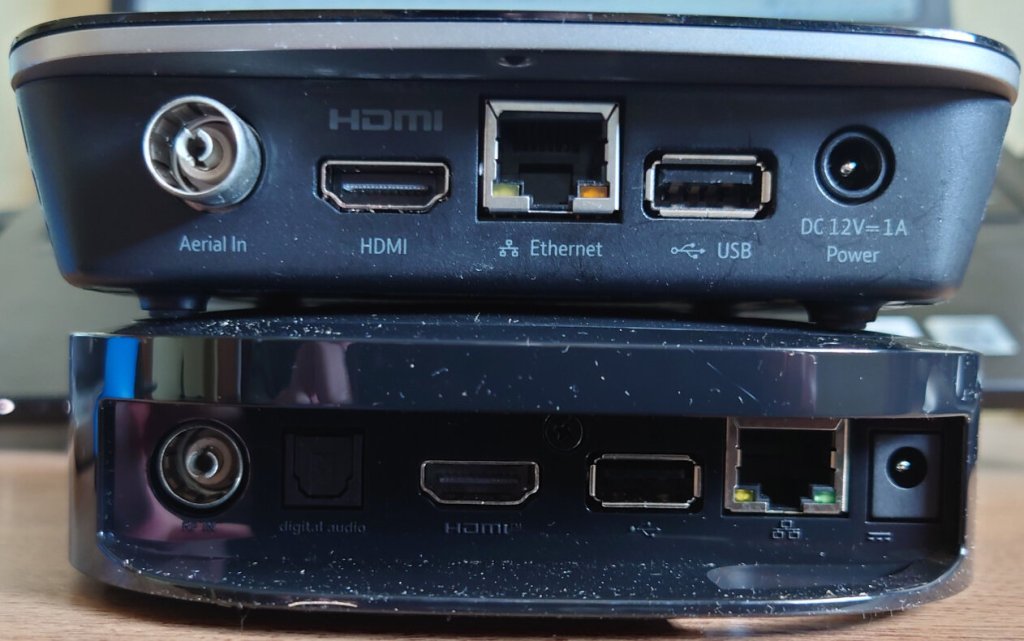
Typical connections include Ethernet, HDMI output (Capable of supporting a 4KTV at 50FPS, so it must the HDMI 2.0 capable.
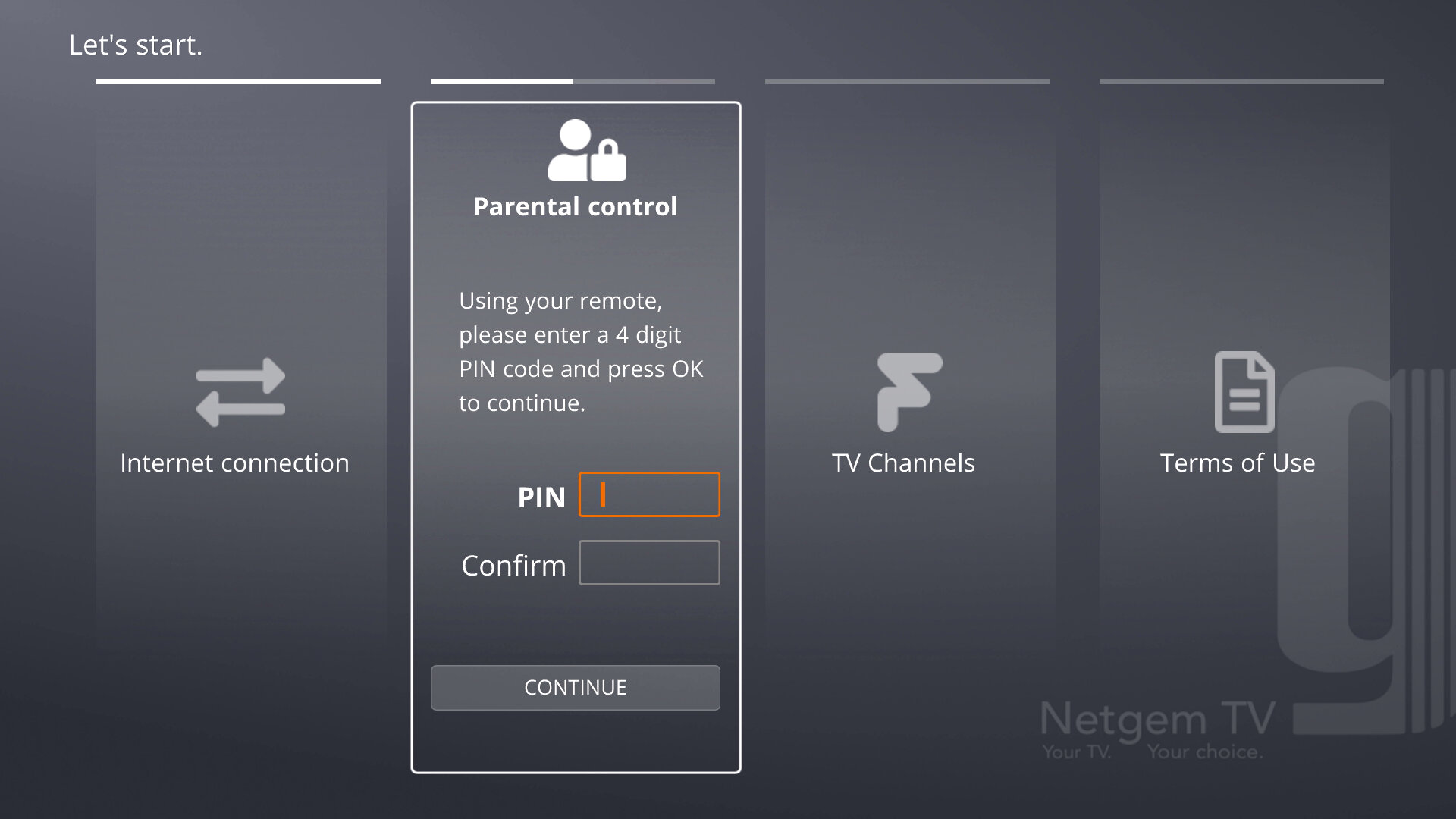
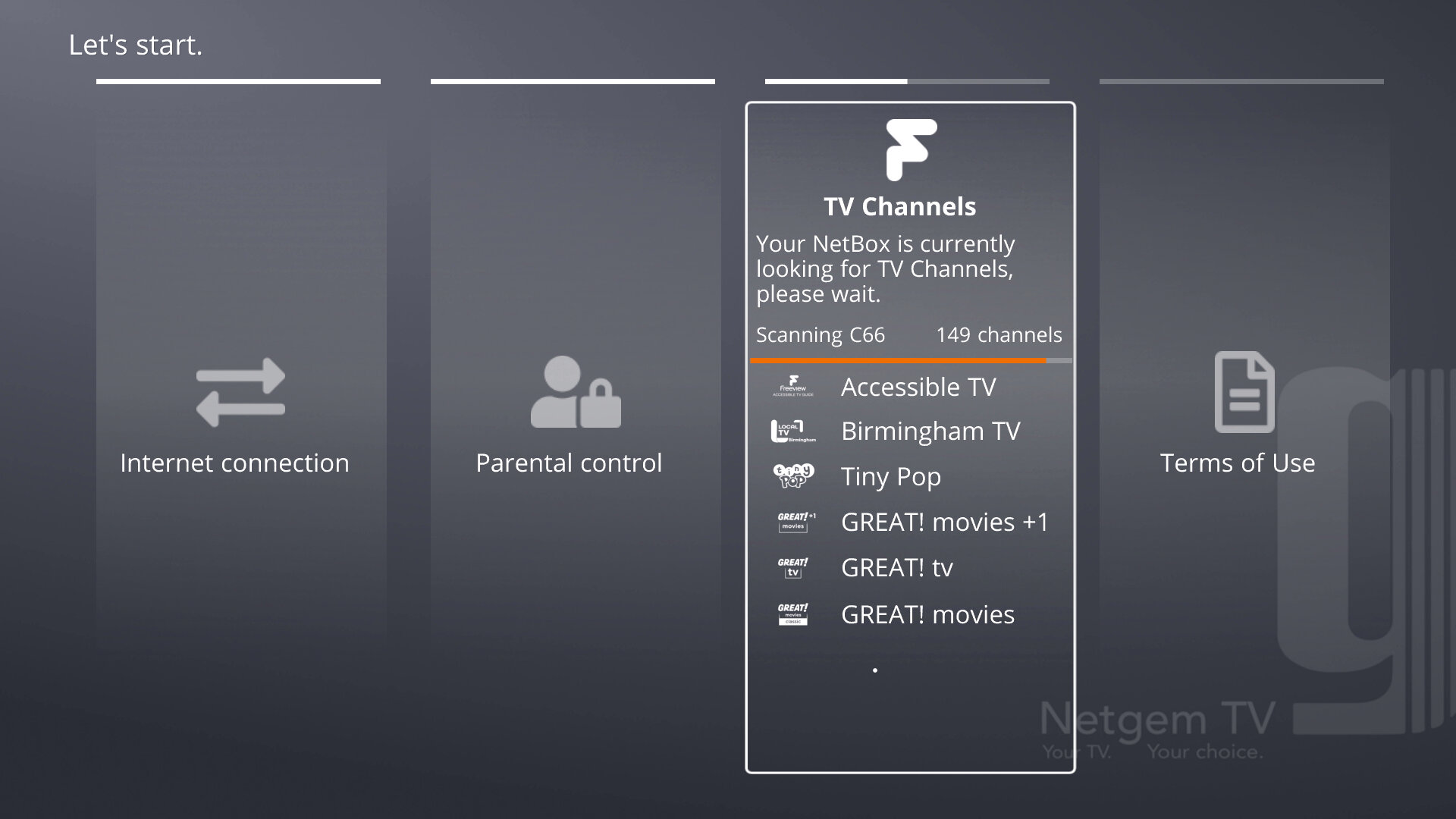
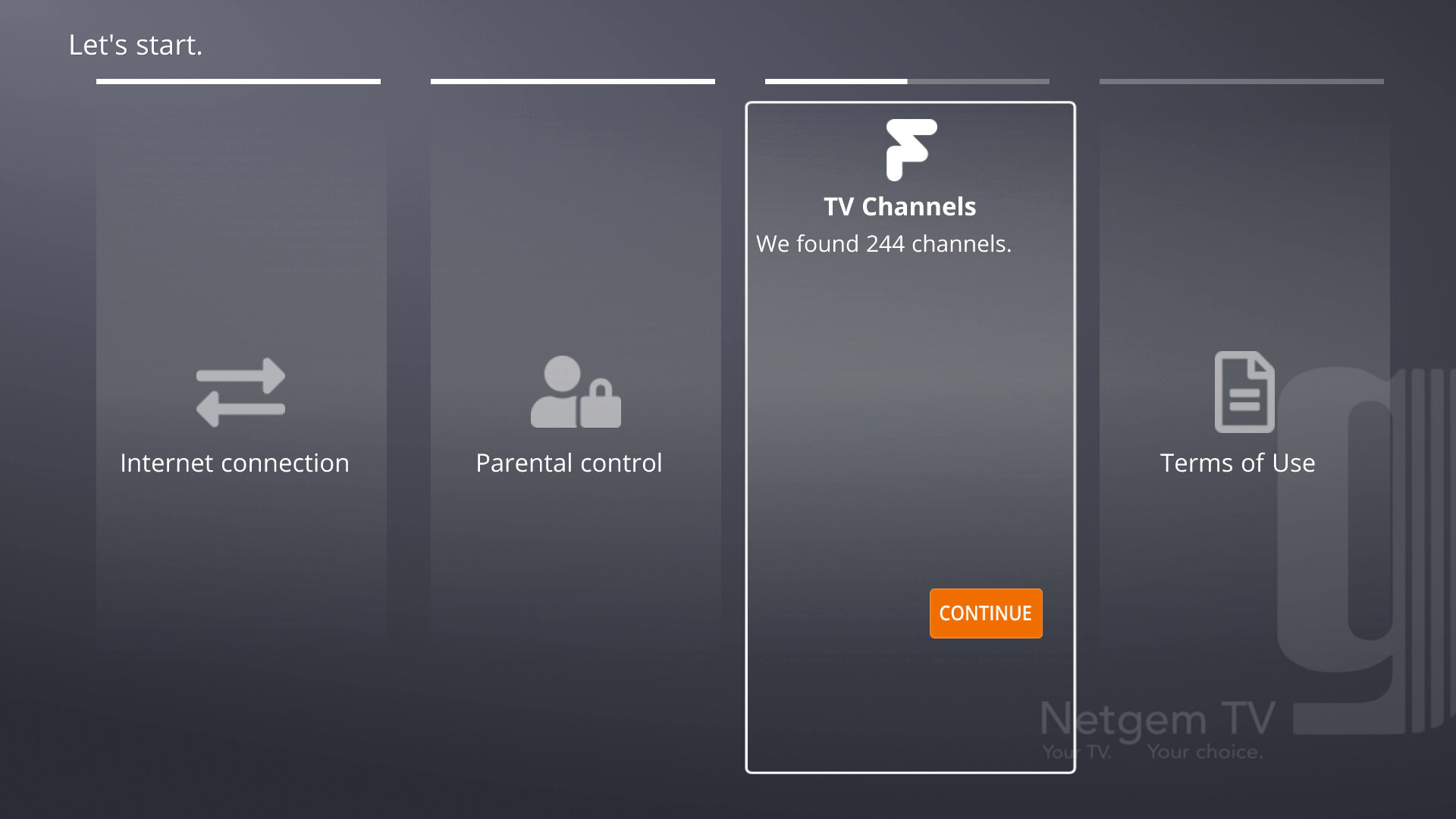
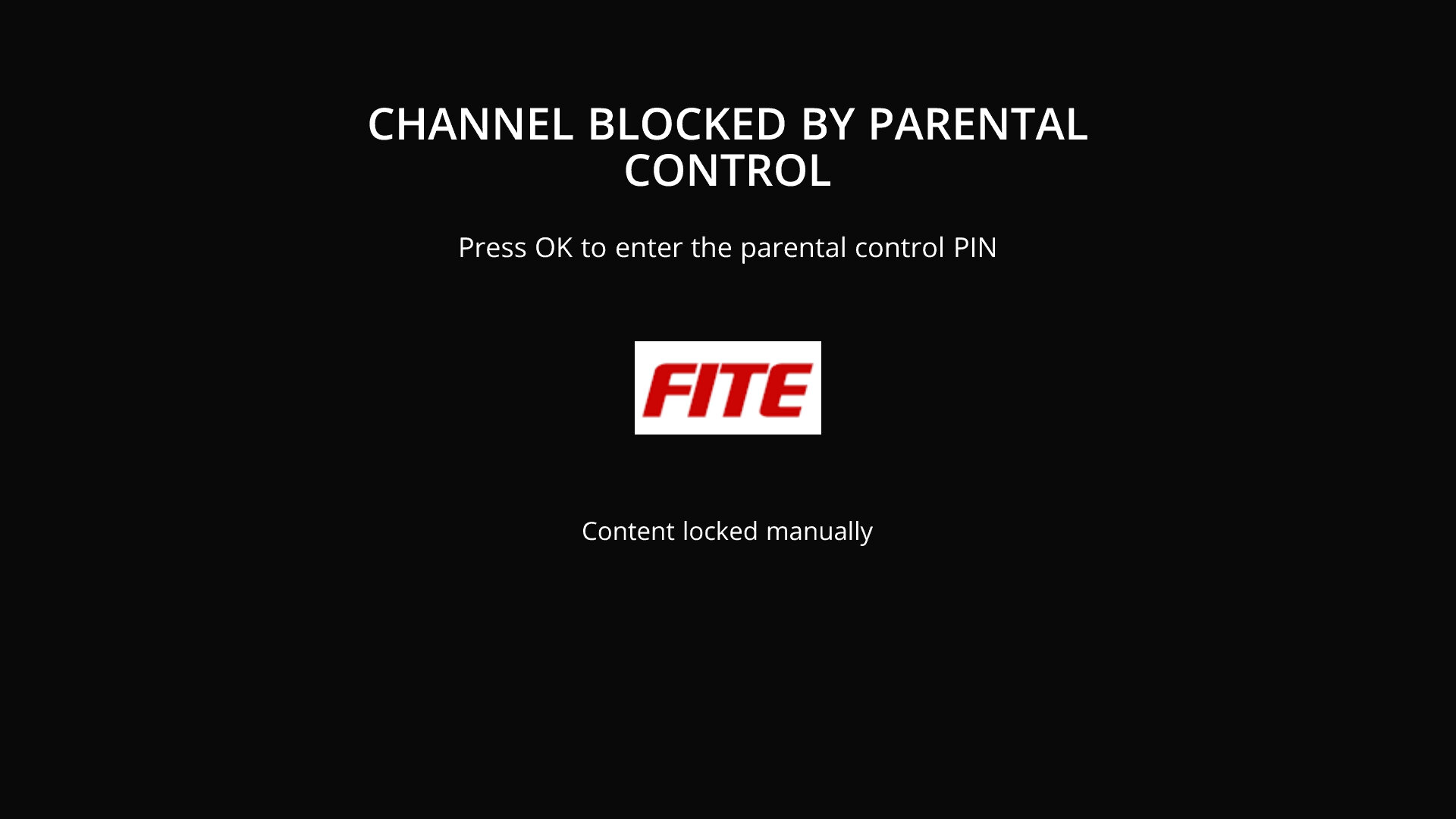
When powered up for the first time you will be taken through the set up process which will search for channels, check and download for updates (If you connect the ethernet cable before powering on the receiver will automatically install before going through the install) You will also be prompted to set up a PIN number as a few of the streaming channels require a PIN to access, depending on the content being shown. After all is done you will be notified of the Netgem TV apps for Android/iOS and will then be taken to the main TV interface.
One complaint is the lack of RF output or a proper loop-through. This assumes that you will be exclusively using Freeview with the Netgem TV and whilst that might apply to the majority of people, some may prefer to loop the output for the TV.
One reason for this is to emulate a dual tuner PVR, with the Netgem box busy recording, the TV is free to tune into a Freeview channel so long as it can receive a Freeview channel. This is a good consideration considering the Netgem box only features a single tuner, meaning it can only record one channel at a time (With some exceptions, being it can record two channels if they are on the same multiplex)
Of course, you could add a splitter into the setup, and split the signal between the Netgem box and the TV, but you live in a weak signal area this could affect your reception unless you invest in a signal booster.
Although in my case since it was connected to a computer monitor it wasn’t so much of an issue, but just a weird oversight if you wanted to integrate it into a smart TV setup.
No, I don’t think I will
Interface
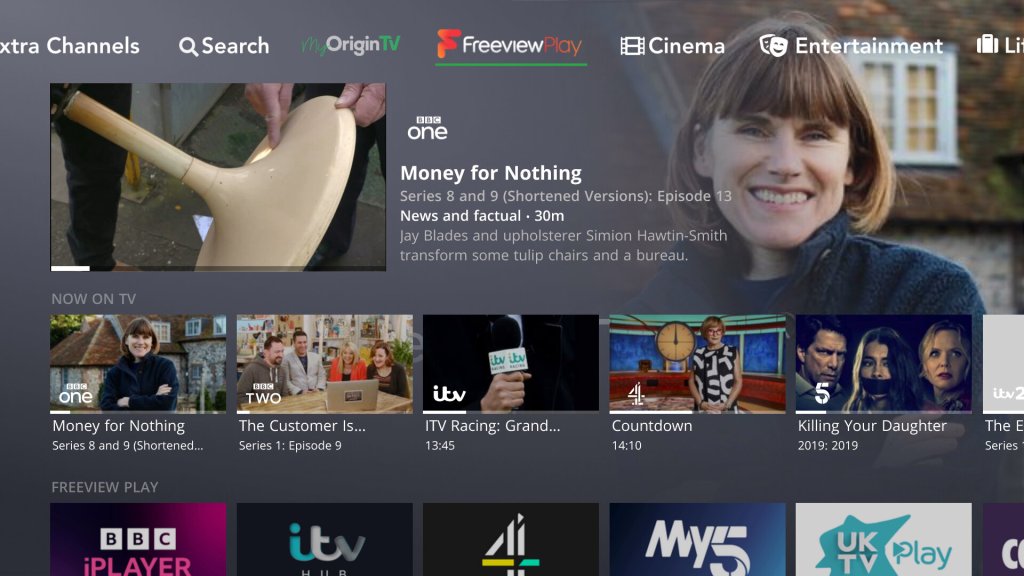
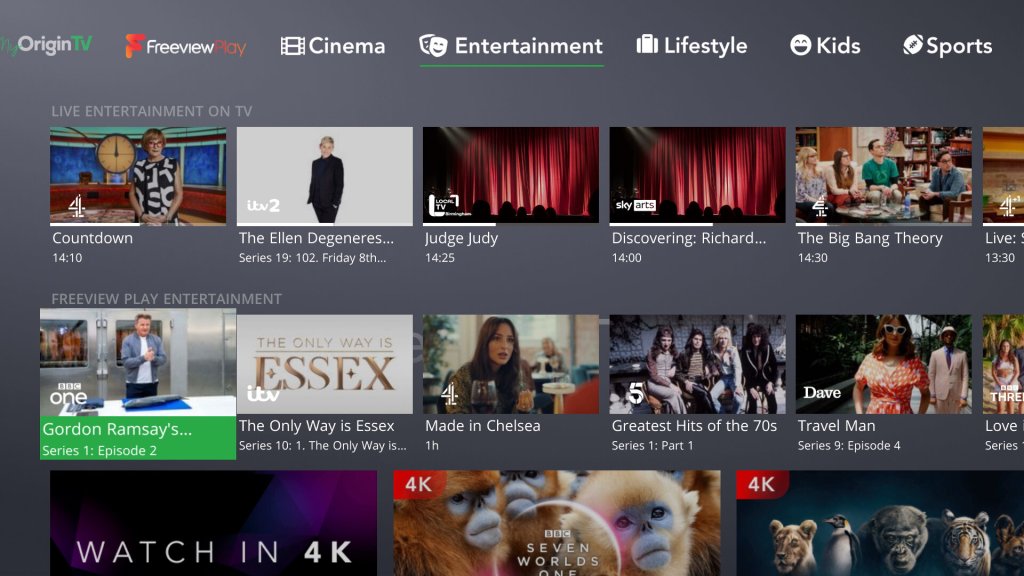
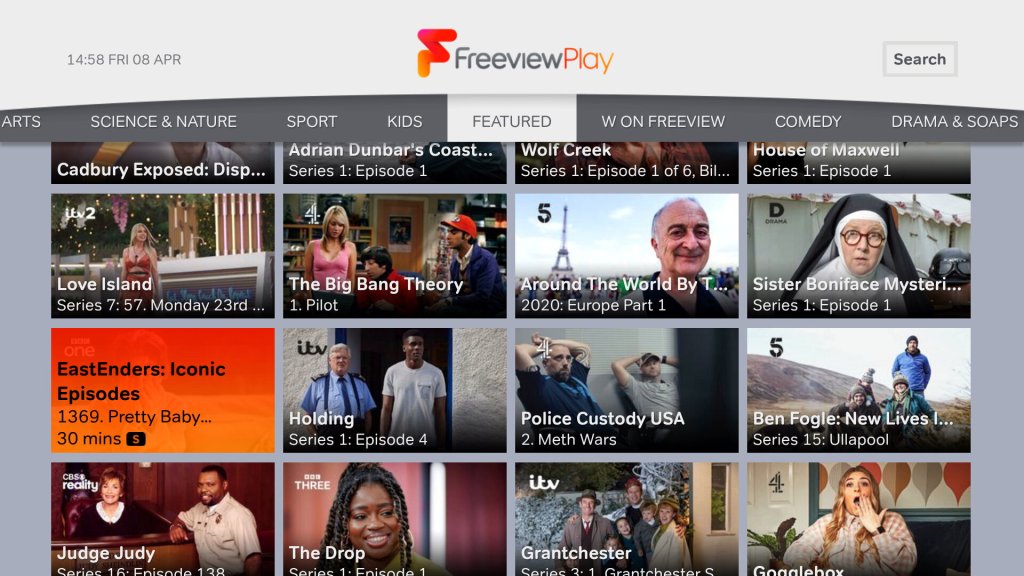
Netgem had developed and built its own TV Guide interface, which integrates internet streaming channels and content with the Freeview platform. It’s very Youview-like in its presentation and its graphics-heavy with TV show thumbnails being used to show currently broadcast programs and recommendations.
The home screen features a tab-like interface that gives access to the different genres of channels, with a dedicated section for movies, sports, kids, documentaries, lifestyle, news
You can see what is being currently broadcast, what is upcoming later that day per channel & any on-demand content that is related to the genre.
Coming out of standby takes a few seconds to start up, likely due to the box entering a low power state during standby. Unlike Youview there is no way to adjust this.
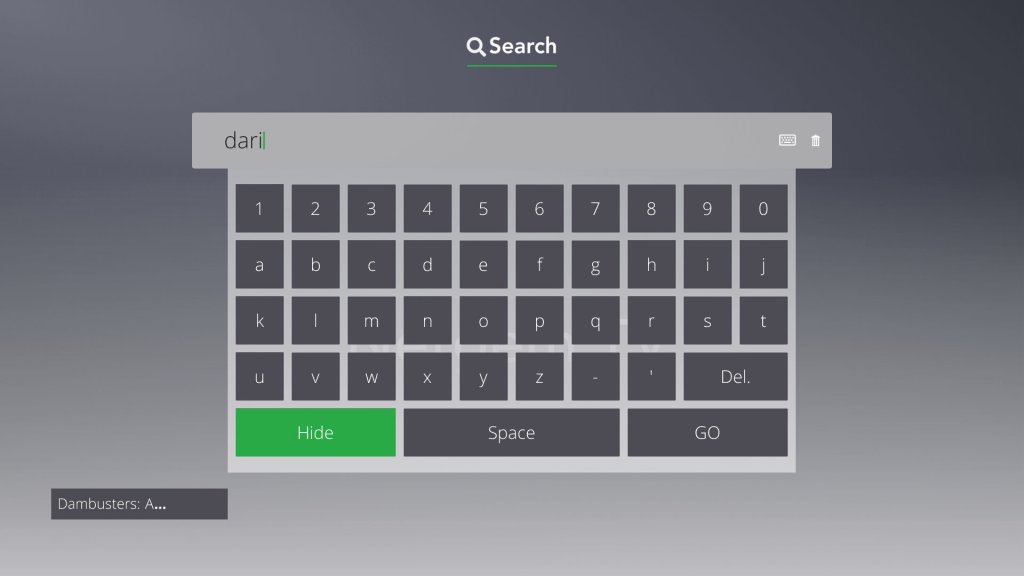
The onscreen keyboard is not QWERTY based, and I didn’t have much luck plugging in a USB keyboard, nor can you use the remote number pad to type anything in, instead it’s all done through the directional arrow buttons and pressing OK to select a letter. This is nothing but time-consuming and makes it a chore to search
In contrast, the original Sky Guide allowed you to type text using the remote when using the A-Z listing or when using interactive, it’s surprising how such a basic feature is overlooked. My guess (And this applies to most other ‘smart’ TV platforms) is they would rather what they recommend in your feed rather than find and discover content yourself.
EPG / TV Guide
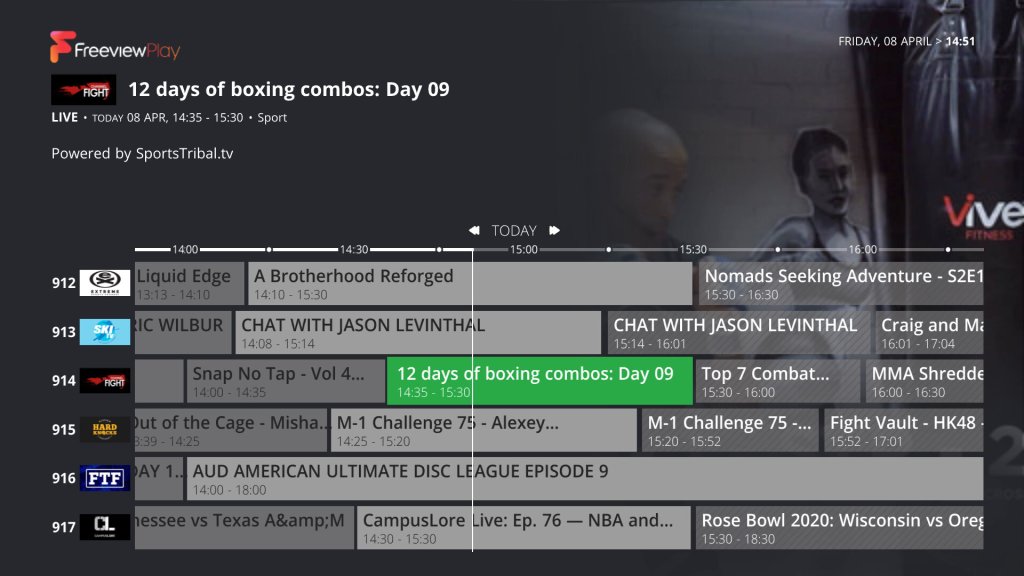
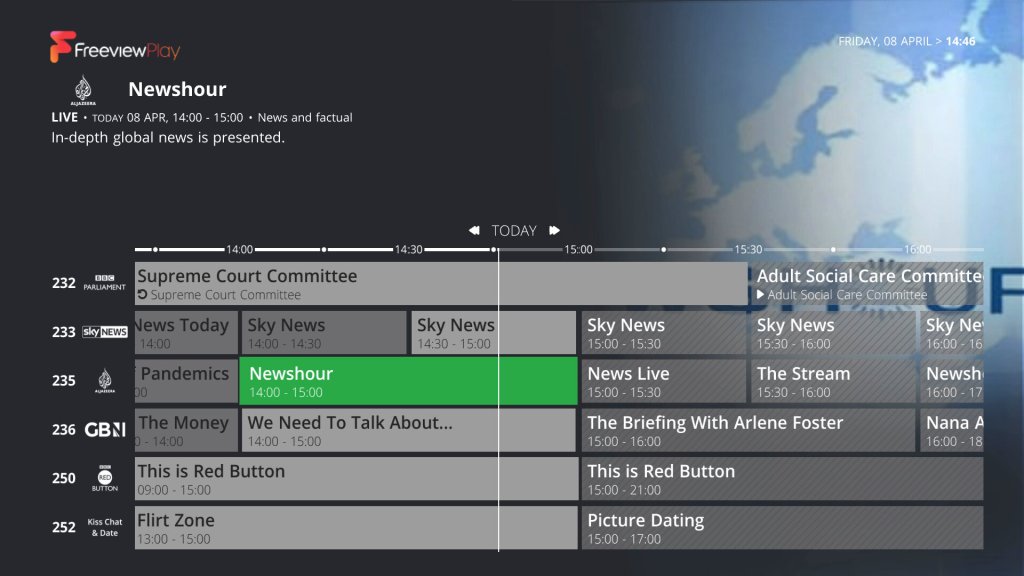
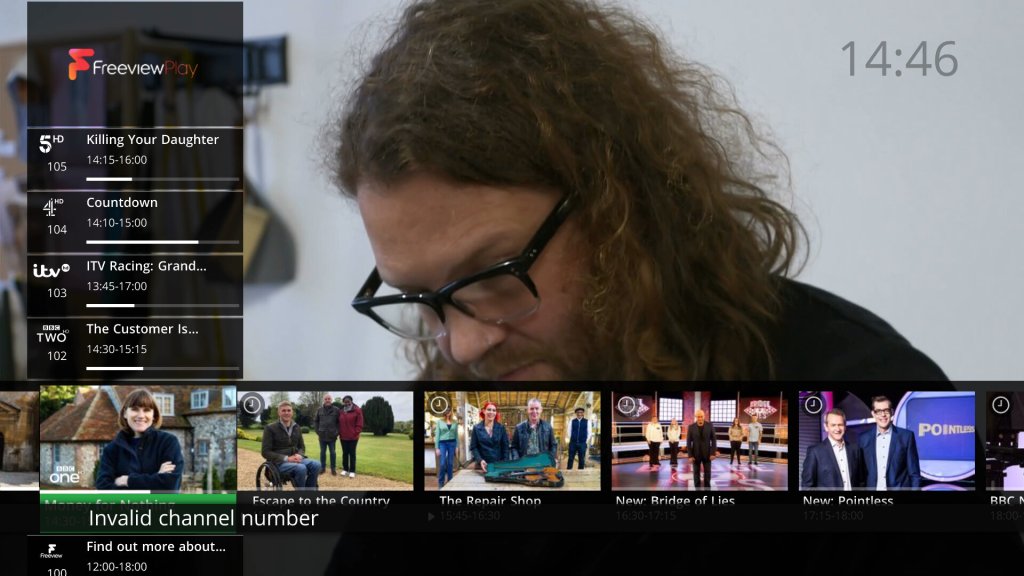
The area where all your Freeview channels are listed, although it seems to be tacked on as an afterthought. Whilst it does its job, I feel there’s a lot of screen space wasted since it will display the program synopsis at the top, along with a heavily compressed JPEG that’s related to the program. It would have been nice to have the option to choose from a more detailed guide that would show more channels on the screen per page. Kind of like the old Sky Guide which displayed a row of 10 channels per page, Netgem only shows 7.
Streaming channels, in the EPGRegular Freeview Channels
There is a dedicated button on the remote to get to the EPG, so that’s a nice feature. If only Youview had the same design. Channel logos are displayed when connected to the internet, like how Freesat or Tivo displays them.
There’s also a search and scan banner of sorts, which kind of reminds me of the XMB from the PlayStation 3. You can cycle through the various channels and view the schedule whilst watching a live TV channel.
The Remote
The bunded remote feels on the cheap side and has a clicky feel to the buttons. A red LED light lights up when a button is pressed to indicate it is working. There are dedicated buttons for Freeview Play, and another for My TV which takes you to the home screen. There are a few buttons that take you directly to the channel list, EPG and the search function. There is also a dedicated button that opens Amazon Alexa, but it just tells how to pair the Alexa app to your device. I can’t see any microphone on the remote itself so I’m not sure if you can even speak commands using the remote.
TV volume control is not supported, instead, the volume will always control the volume level of the box. Whilst this makes it ideal for use with a computer monitor, people that watch on a regular TV many prefer the remote to control their TV or AV receiver / Soundbar
Apps and OnDemand
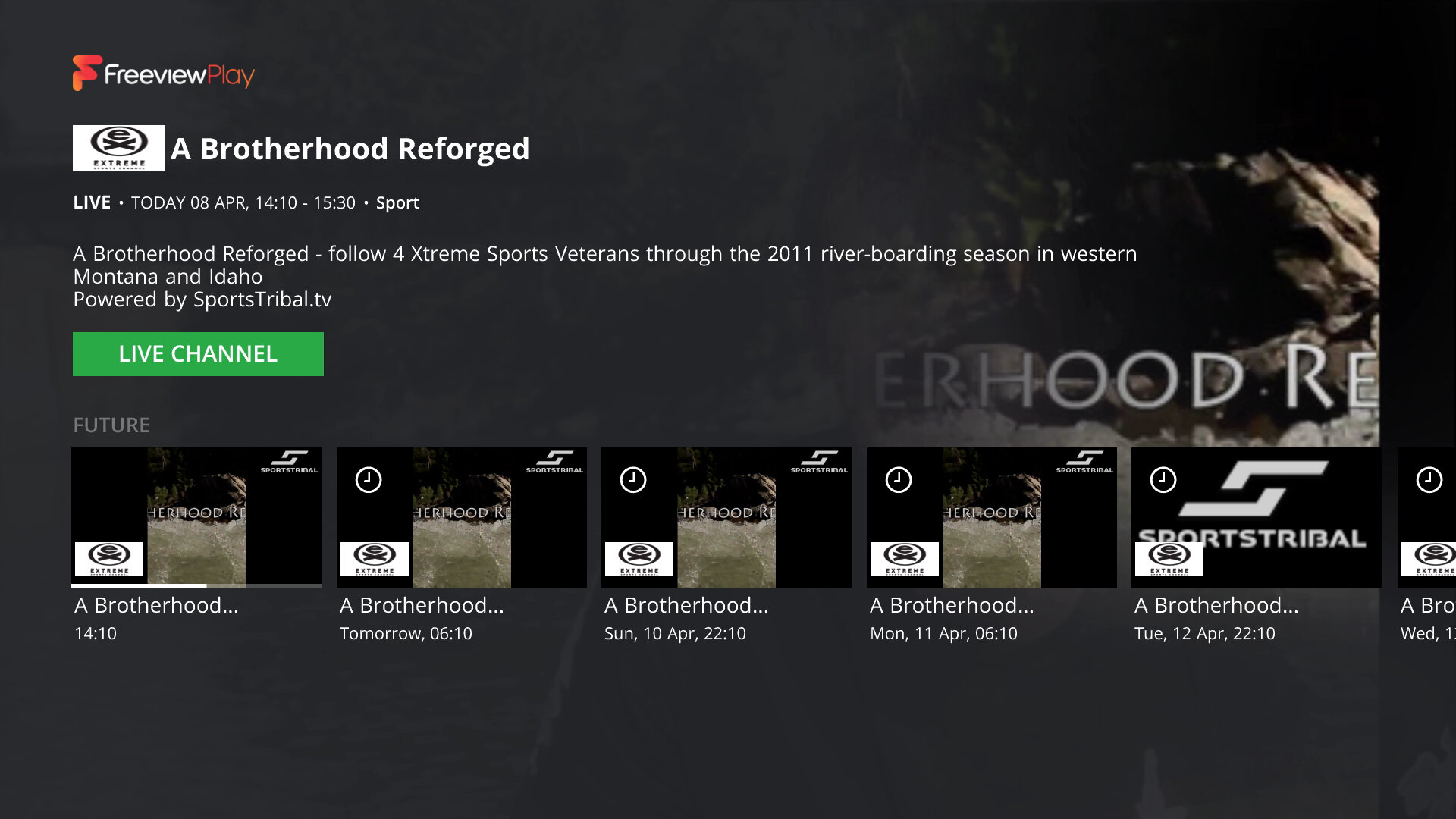
Freeview Play is integrated into the service, so you get full access to BBC iPlayer, ITV Hub, Demand5, 4oD Pop Player, and Horror Bites.
There are a few other streaming applications available that are not part of the Freeview Play like YouTube, Amazon Prime, Rakuten, BritBox & AcornTV. These do require an additional subscription, they are not included in your Netgem subscription if you have one. Plex is also available, which includes a few free streaming TV channels But no Netflix which is a strange omission, since nearly every smart device has Netflix on it, including an old Sony Blu-ray player I have from 2016. Guess I can’t watch Cuties in 4K or race-baiting documentaries on this box…
Streaming Channels
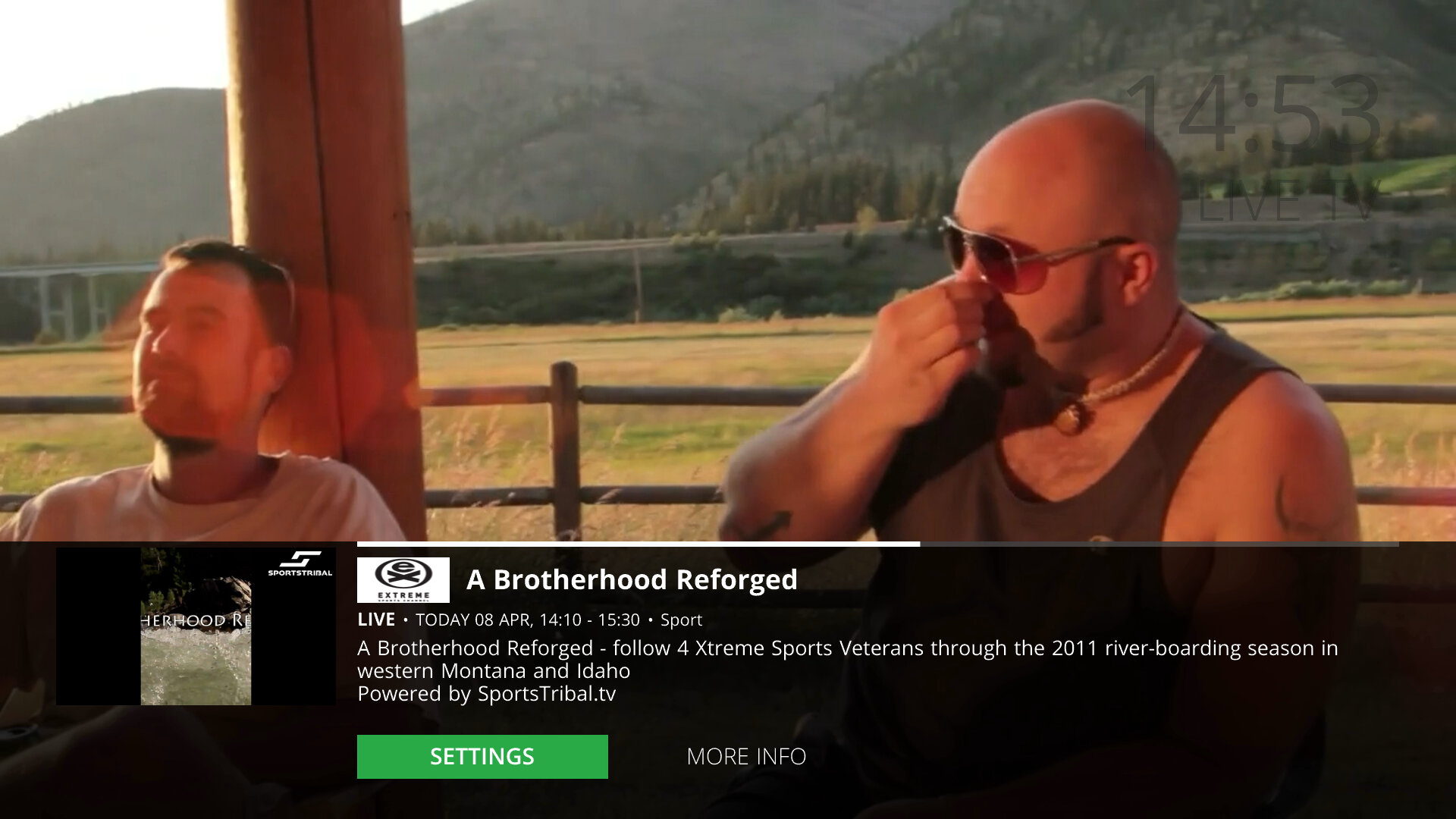
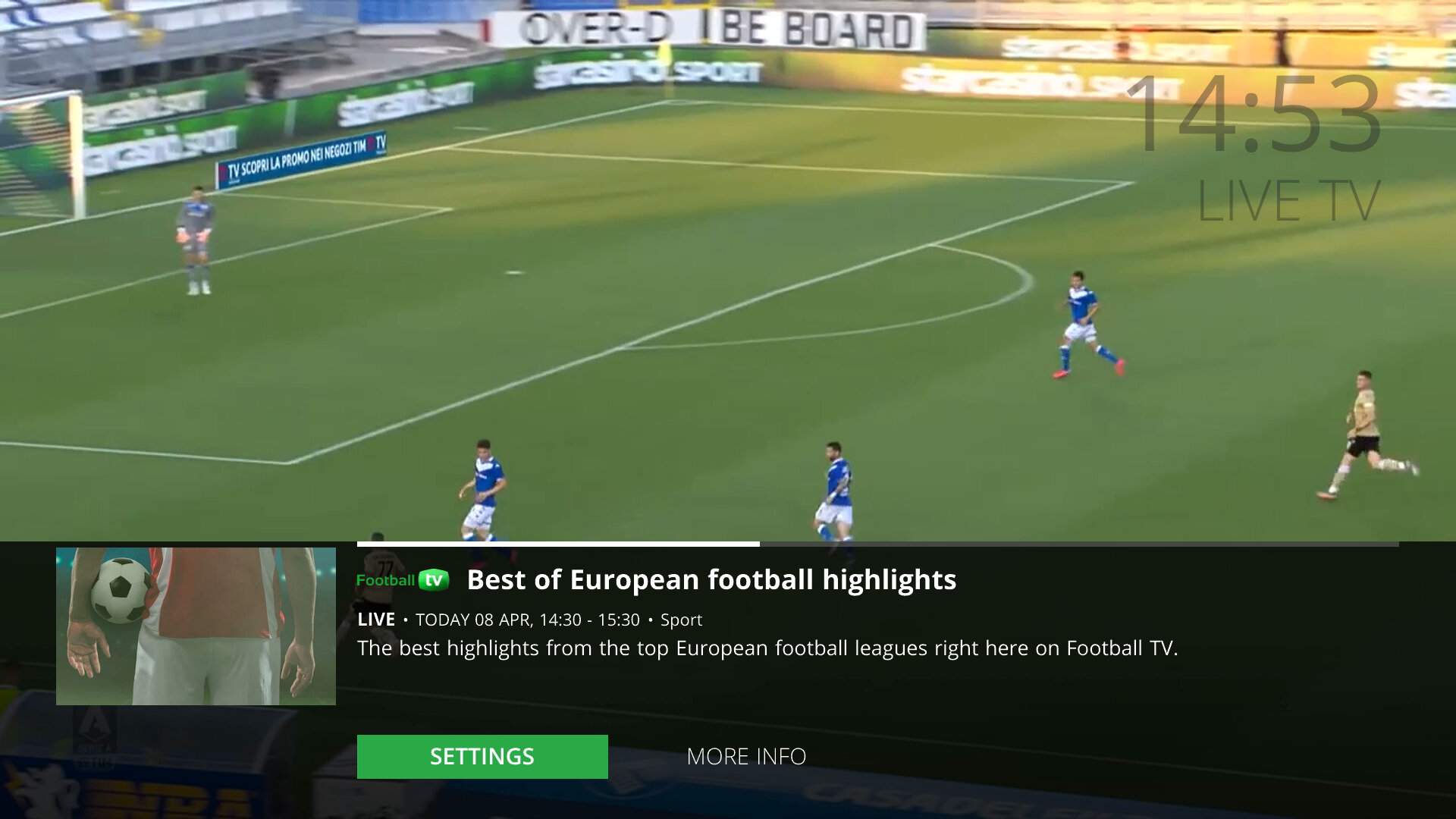
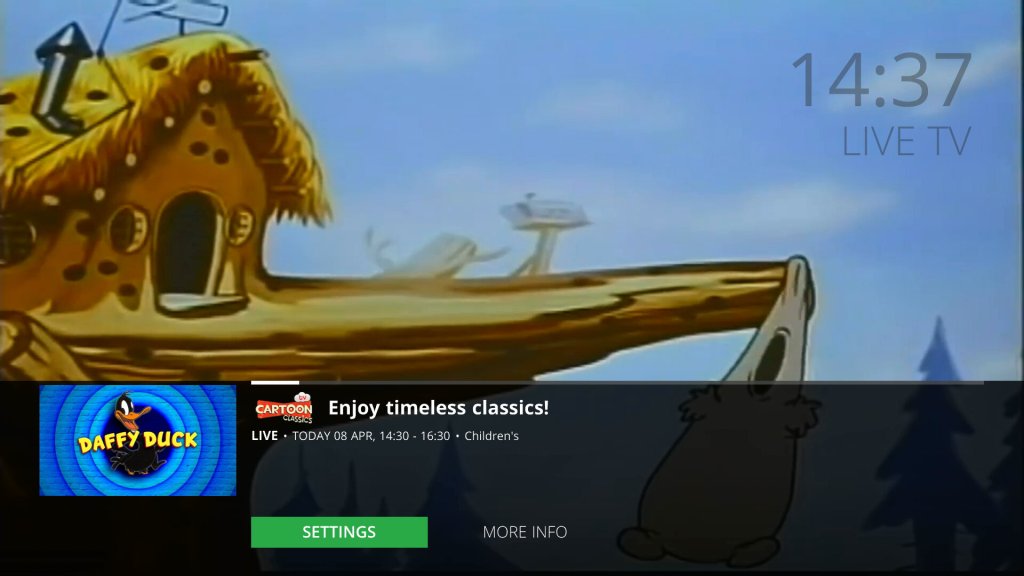
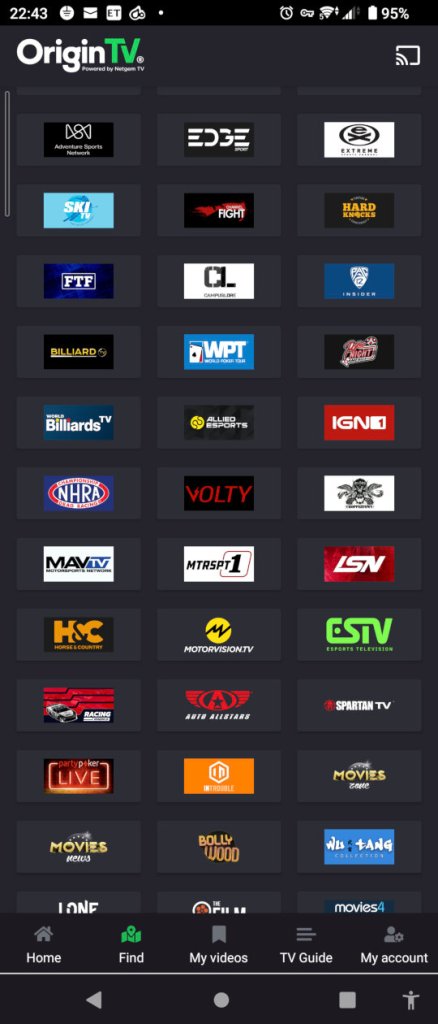
This is one of the unique features of the Netgem TV box is the live TV channels offered through the service, many of which consist of IPTV-exclusive streaming channels, although there are a few known channels included like MTV. They appear in the main EPG/TV Guide as any other TV channel and are quick to tune in with very little buffering time needed. Most channels broadcast in full HD, aside from the handful of HD channels Freeview HD offers. Still, there’s no ITV2/3/4 HD or E4 HD, which are missing from the lineup and would be useful to have.
These channels are featured in the 900 section of the EPG, which seems like there shunted off at the back end of the EPG, compared to the Youvuew TV service where the subscription channels occupy the 300/400/500 section. Perhaps these were reserved by Youview and Netgem had no access to this section? I know the 700 section is reserved for radio channels, and the 800 is used for channels from other transmitters that the box will sometimes pick up. I cant see why the 300/400 section could not be used, since this isn’t a Youview vox and it never will be, so it makes no sense blocking off these channel numbers, plus the 900 section is nearly full with only a few blank channel numbers in between.
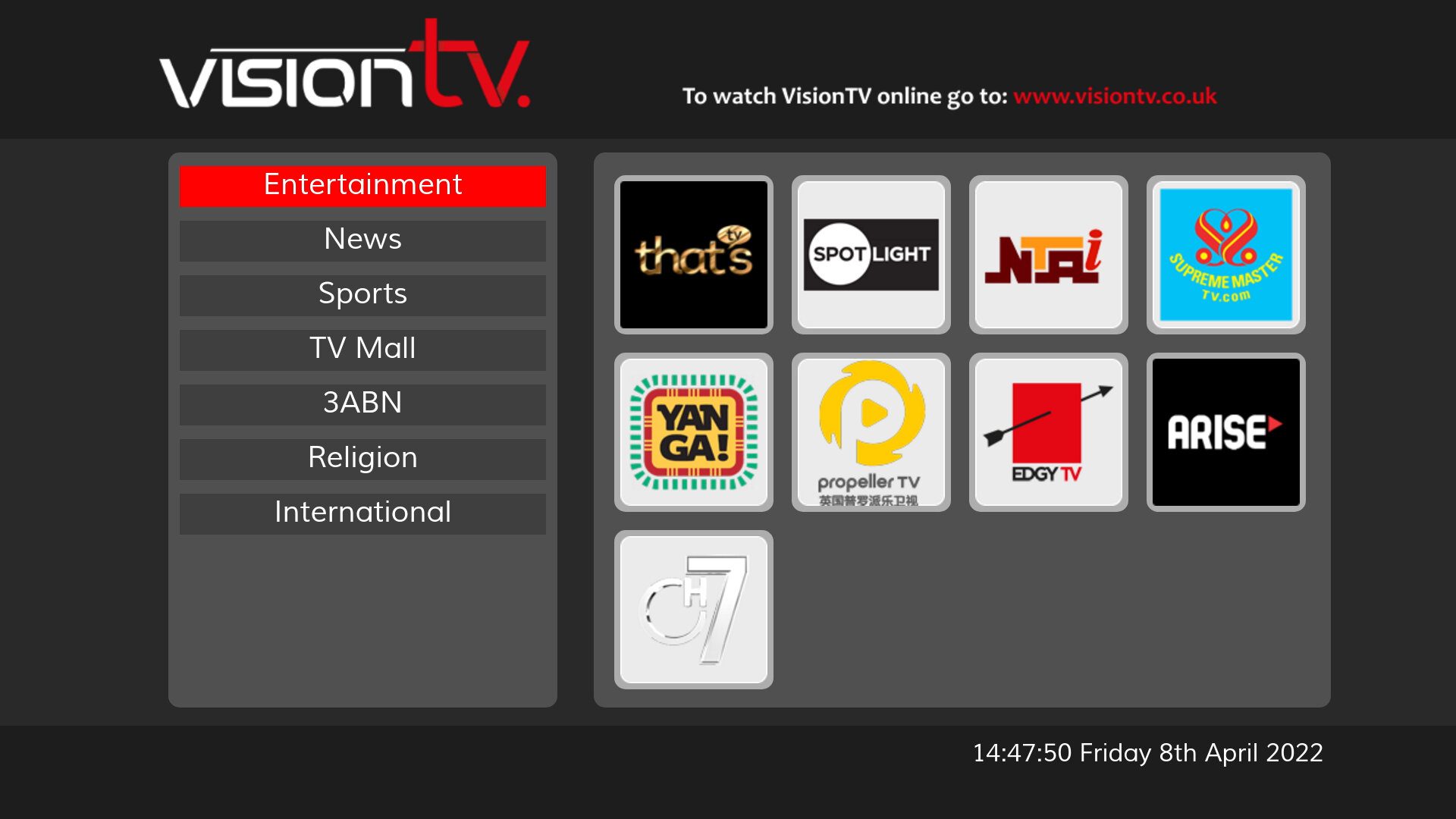
Adding to the selection, you have also access to the MHEG streaming channels location from 250 – 299. They take a few seconds to load but the channels do work. VisionTV below works fine, if a little slow.
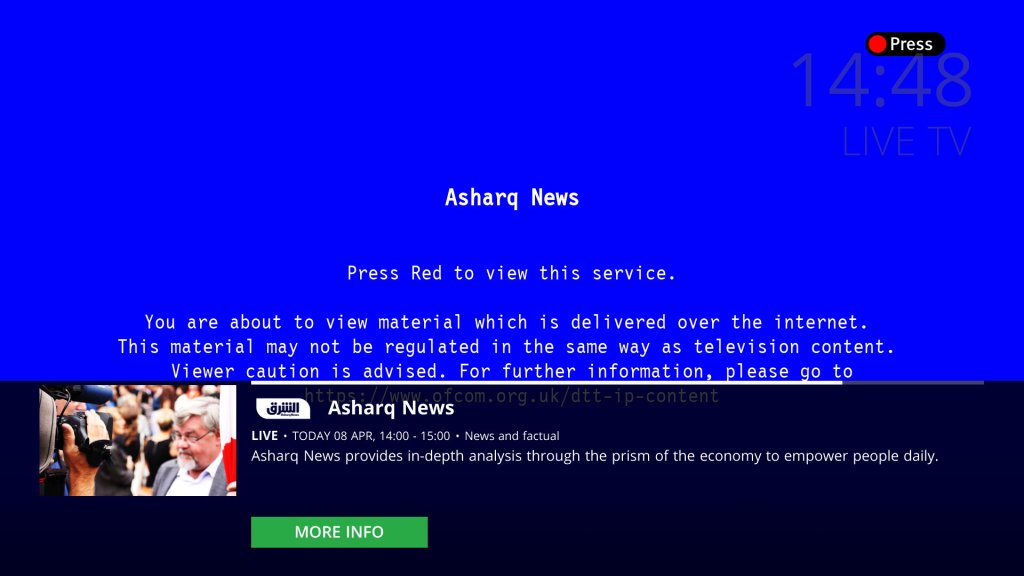
Not related but what is with this MHEG screen? looks like a Windows 9x BSOD
Recording
As established, the unit only performs the very basic PVR functions, it lacks an internal hard disk, so in order to enable PVR functionality, an external USB drive must be connected to the rear USB port. This can be either a flash memory-based memory stick with 32GB or higher capacity or an external hard disk.
The single tuner will also be a limitation, although if you have a modern smart TV you can emulate a dual tuner PVR by recording on the Netgem box and watching live on the smart TV, or connecting USB external storage to the TV and having that record also, which can act as a second tuner.
Unlike a PVR, the Netgem does not buffer or actively record TV, this means you cannot rewind TV, instead you must press pause which will activate the buffered recording. If you are used to PVR’ from Virgin/Sky or Youview or any basic Freeview PVR this will be a disadvantage since those models will actively record the live TV broadcast, enabling you to pause and rewind at any time. This also means you can’t quick rewind, so if you miss a piece of dialog or see to see something quickly again, you cannot skip back a few seconds.
Sadly you cannot record the streaming channels, only the Freeview (DTT) delivered channels. The good news is a lot of these channels have their content available on-demand but with a snag, you have to sit through the adverts.
Settings & Configuration
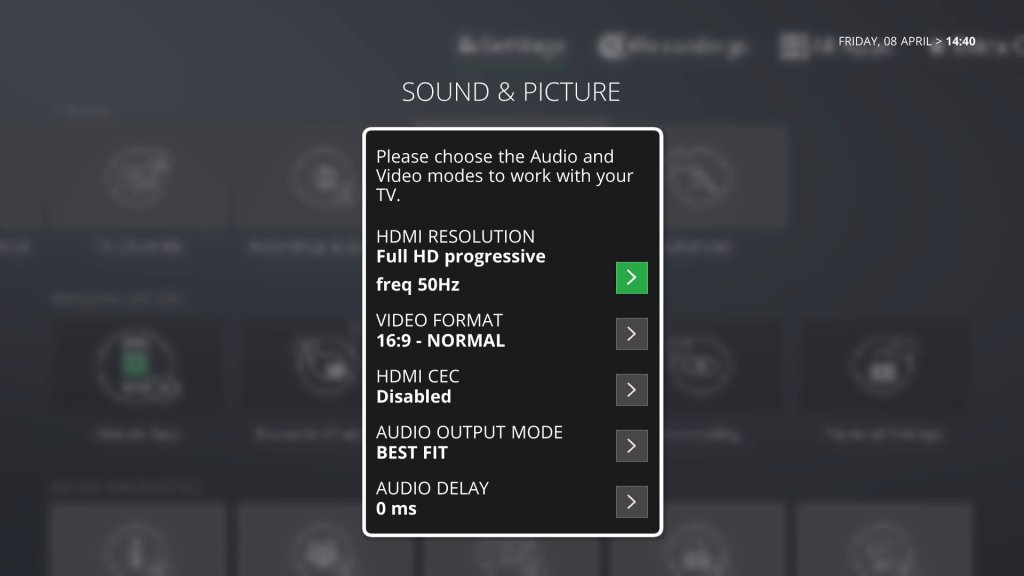
HDMI-CEC is supported if your TV or AVR supports it, and it will turn on with your TV when selected in your TV’s HDMI menu.
The box also features Wi-Fi built-in, although ethernet can be used instead.
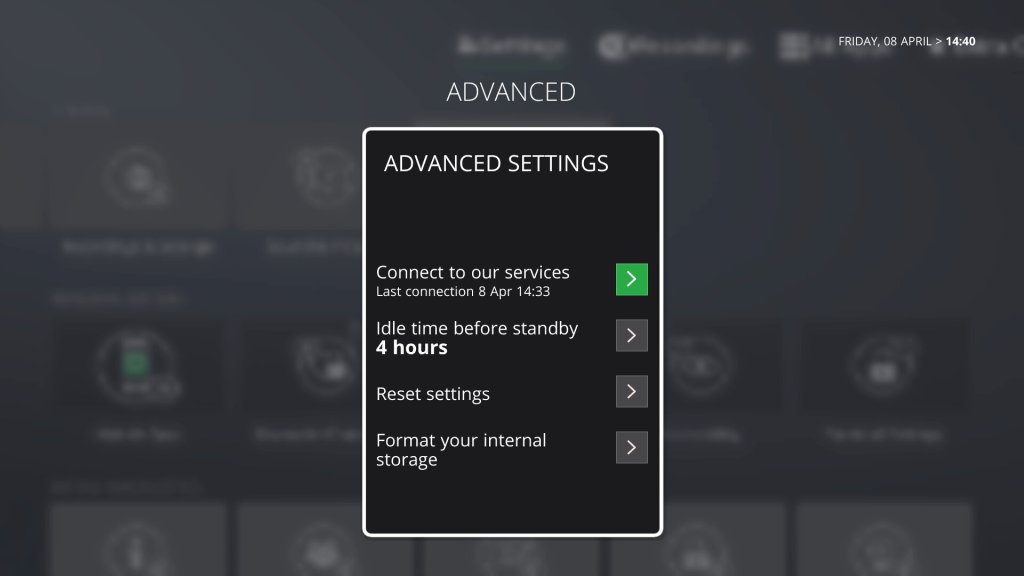
Current Software: 8.4.21-67 (Sat, 19 Feb)
Mobile App
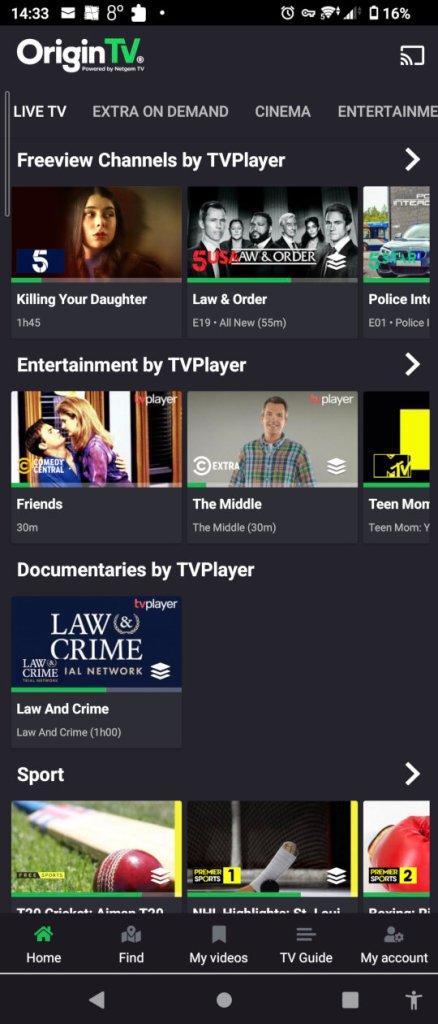
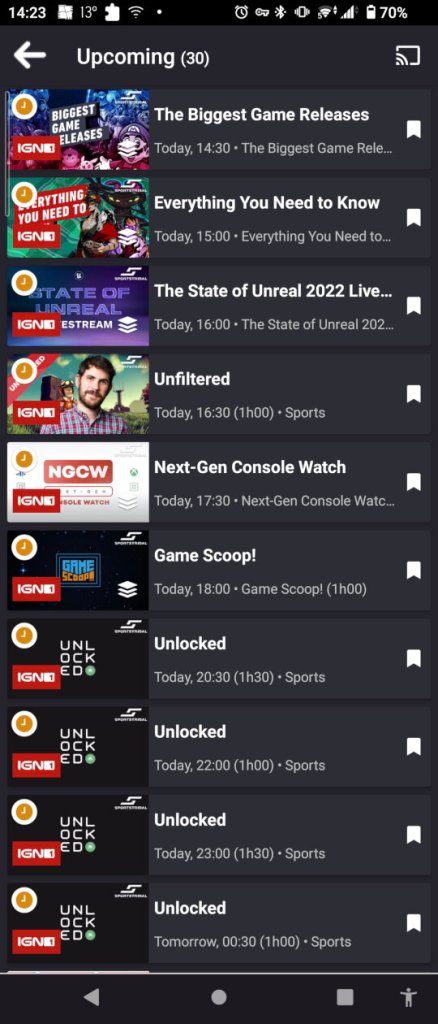
TV guide listings can be viewed through the smartphone app. You can cast channels through using the screencast feature which will detect compatible devices. This seems to be limited to Android-based devices, and the Netgem box, as it picked up my Sony Android TV and a couple of Google assistants.
Screenshots are taken with a Sony Xperia 5 II
Key Considerations
Performs poorly as a PVR, which seems to be tacked on feature. But then again it’s not really designed for such. Netgem also does not have a PVR-based box.
Some UI features have been overlooked, like the channel number missing from the search and scan banner.
The remote feels too clicky and cheap
Can’t seem to disable the PIN protection completely, some channels will always require it which gets annoying
The streaming channels are reminiscent of the various FTA channels you used to get on Sky back in the mid-2000s, where some were very niche and interest-specific. That said the picture quality is fantastic on these channels.
Honestly, this would be much improved if they had a PVR option, something that acts as a good alternative to Youview considering this service is marked and often bundled with FTTP internet service provided. However, the trend here is everything must be in the cloud as it’s trendy and modern. Fuck the cloud I’d say, I want the content available locally to watch, not disabled due to some crappy servers going down or because of some backward copyrights policy.
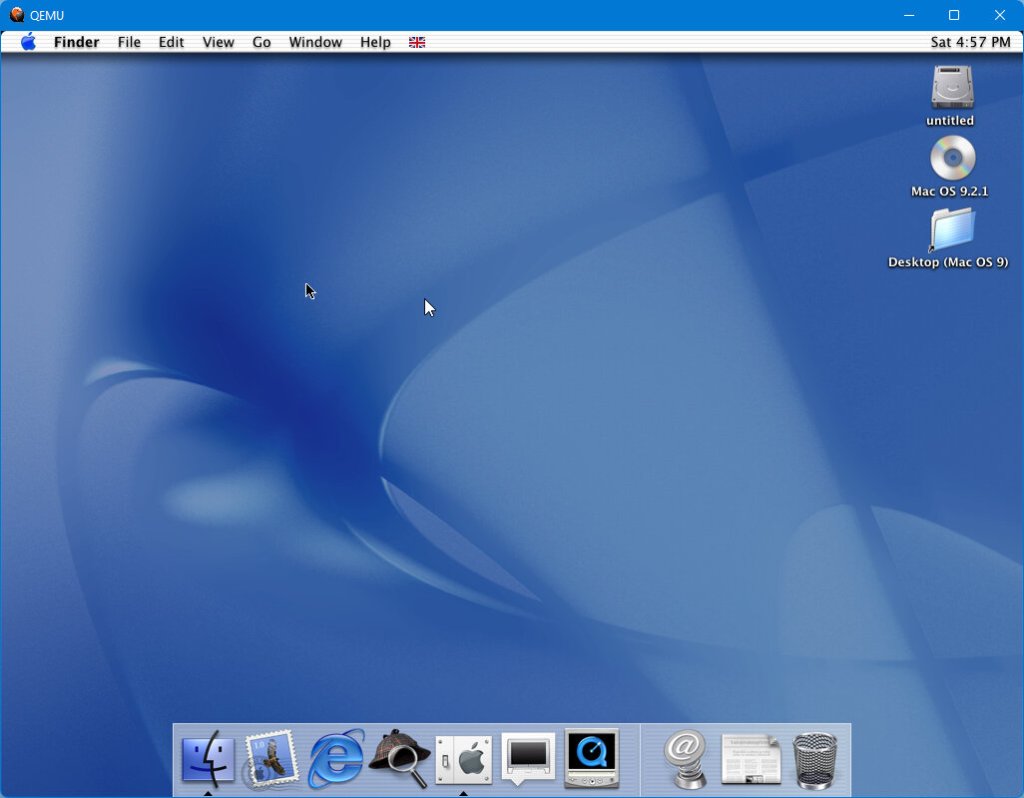
Mac OS X mouse cursor is black, the white one comes from Windows 11
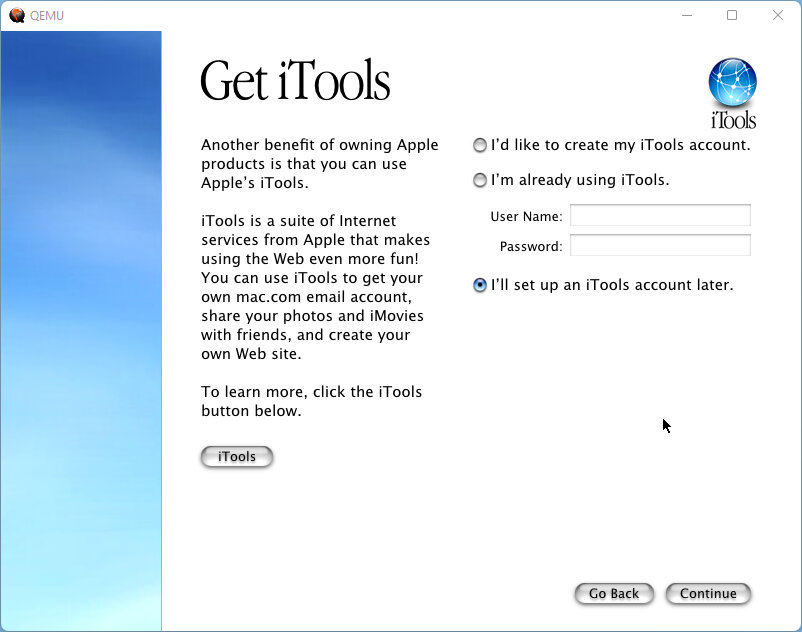
Running in a build of QEMU Here there is limited to no graphics acceleration, no sound support. In QEMU the G3biege switch works best instead of mac99 which still boots but was unable to use the keyboard or mouse, even with the usb/kvm or adb switches.
The emaculation guide recommends using the PPC builds, but I found the screamer/audio builds to work and have sound support (somewhat, it does crackle)
Install
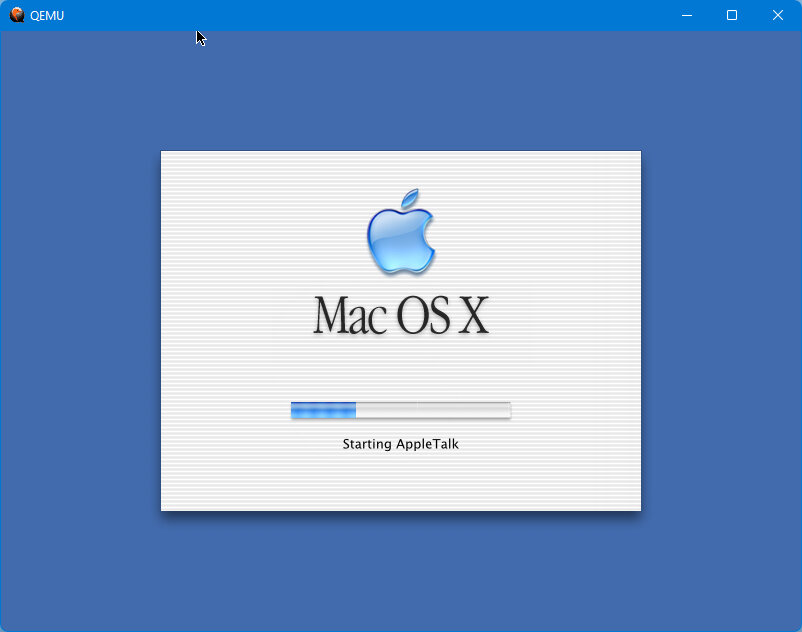
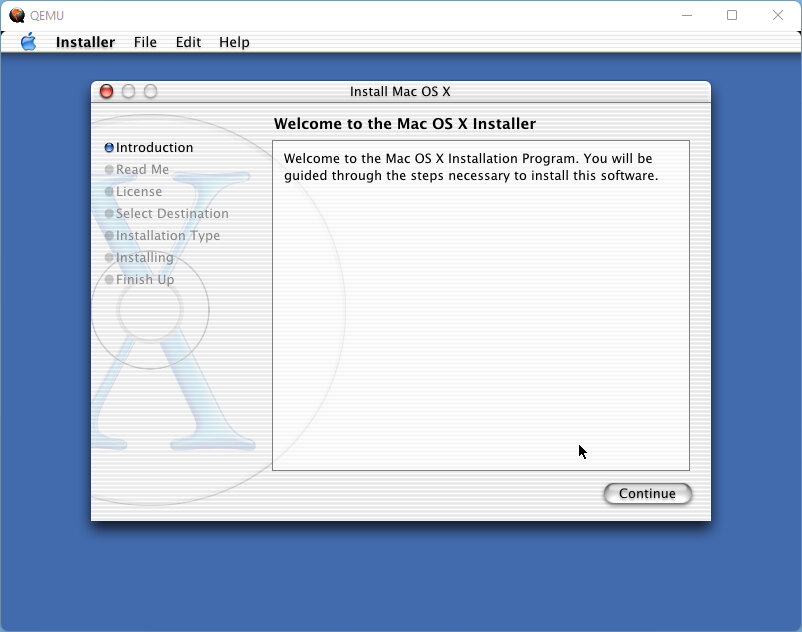
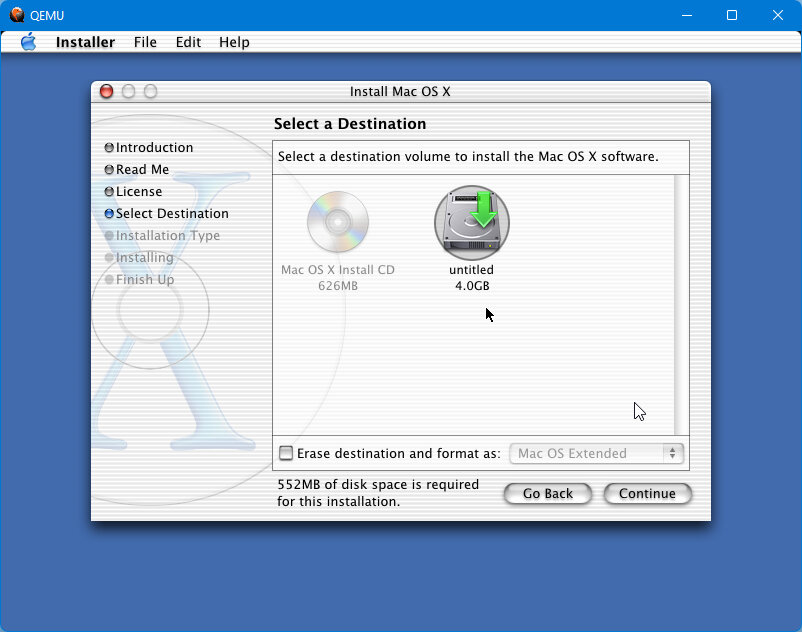
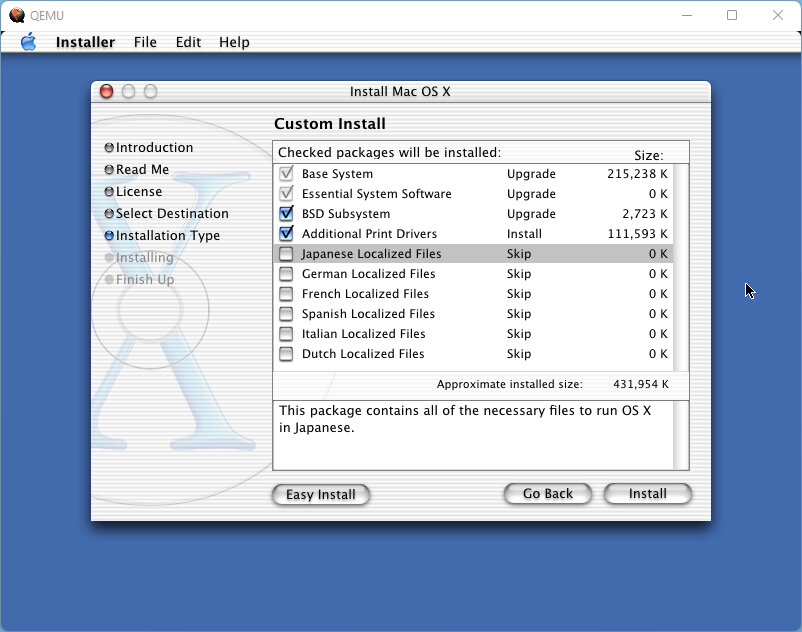
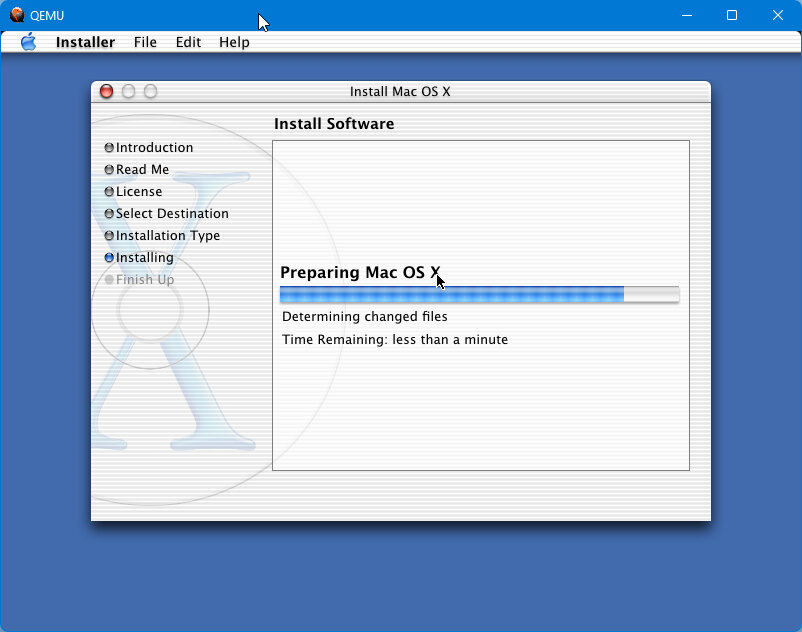
Initially when trying to install, the OS X installer had difficulty locating the QEMU hard disk. This is possible because the disk was a newly created drive and had not been initialized before, and this version of Mac OS X was intended to be installed as an upgrade since many Macs were shipping with a version of OS9 still. There probably is a way to do this through the command terminal but for now, let’s just boot into a 9.2 CD and initialize the drive from there. I’d recommend installing in conjunction with an OS9 install since you have the benefit of using classic mode.
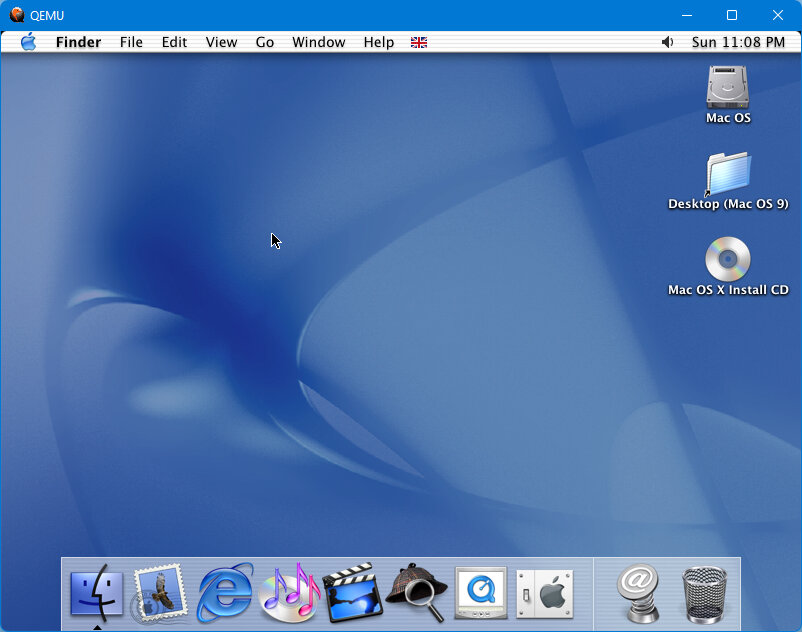
The desktop is a radical departure from Mac OS 9 and introduces new UI elements like the Aqua design language and the dock, which would be a staple of Mac OS X for years to come.
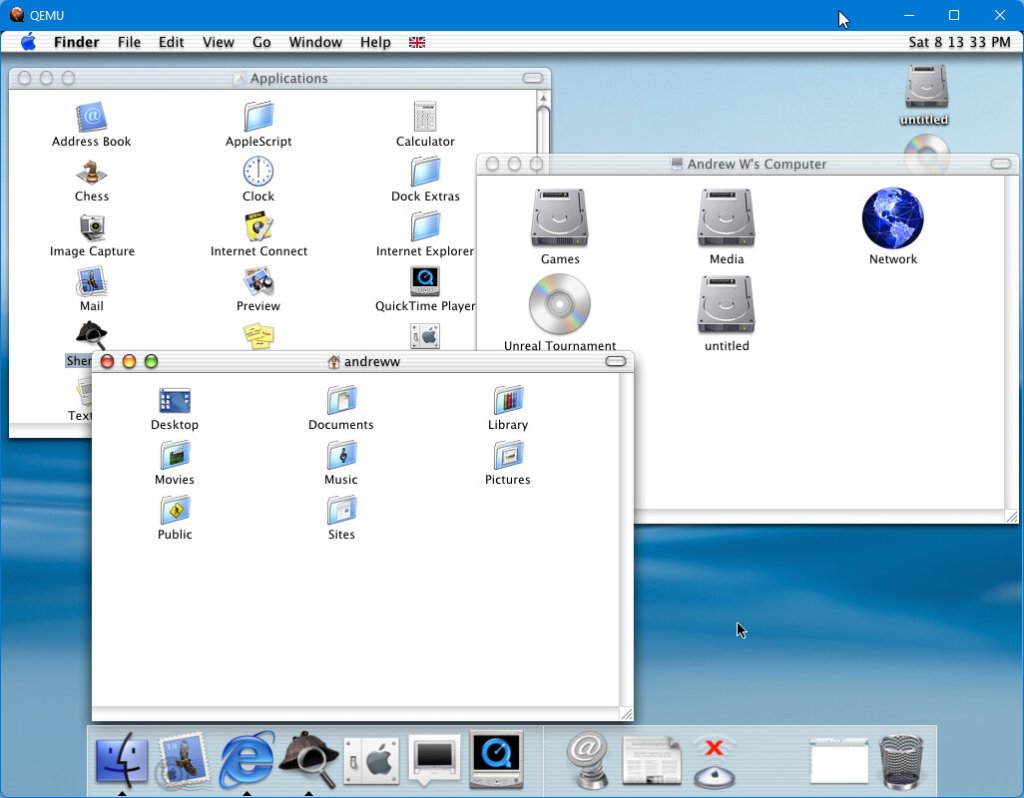
Finder
The Finder acts very much like Windows Explorer and allows the user to browse the different directories of their system. It’s the main area where applications can be launched (If they’re not in the dock). Like Windows Explorer it has web browser-inspired back and forward buttons, along with view change options and links to commonly used areas like Computer, Home, Favorites and Applications.
What I don’t get is this button on the top right, which compacts the window you have selected by a few pixels. I’m not sure why but given low-resolution screens were common back then maybe it was a product of its time. But then you might as well minimize it to the dock.
Applications
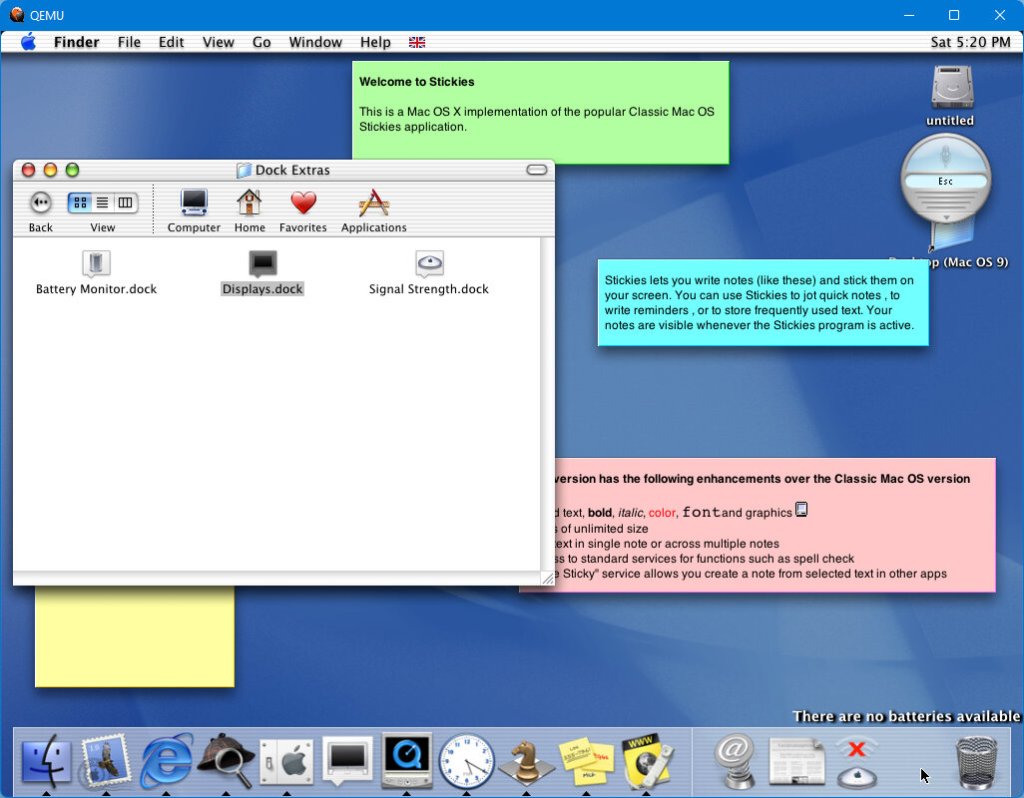
A few applications have been bundled with the OS, some of which come from previous versions of MacOS and some which came from the NEXTSTEP side (Chess)
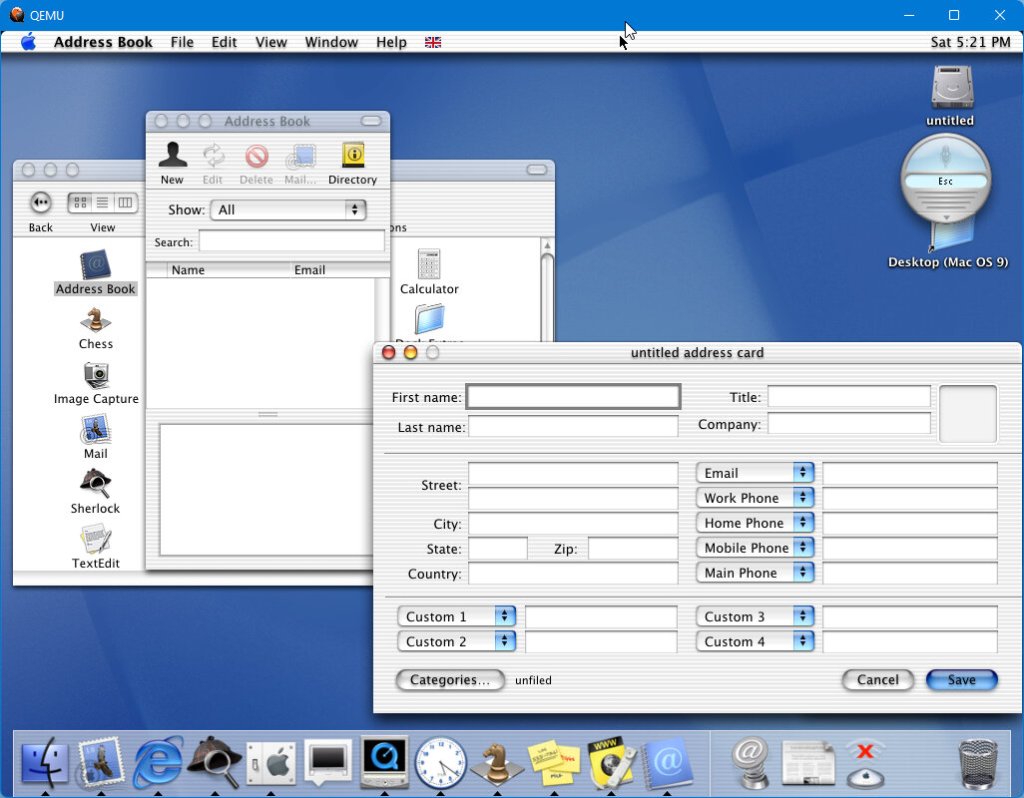
Clock: Displays a clock in the dock Mail: The email client for macOS which includes support for Apples .mac email service and AOL Image Capture: Import photos from your digital camera Address Book: The contacts area where you can store phone numbers and email addresses for your contacts, these are then accessible from the Mail app TextEdit: Just your standard text editor Stickies: A nice feature, that lets you quickly take notes and keep them on your desktop
Internet Explorer
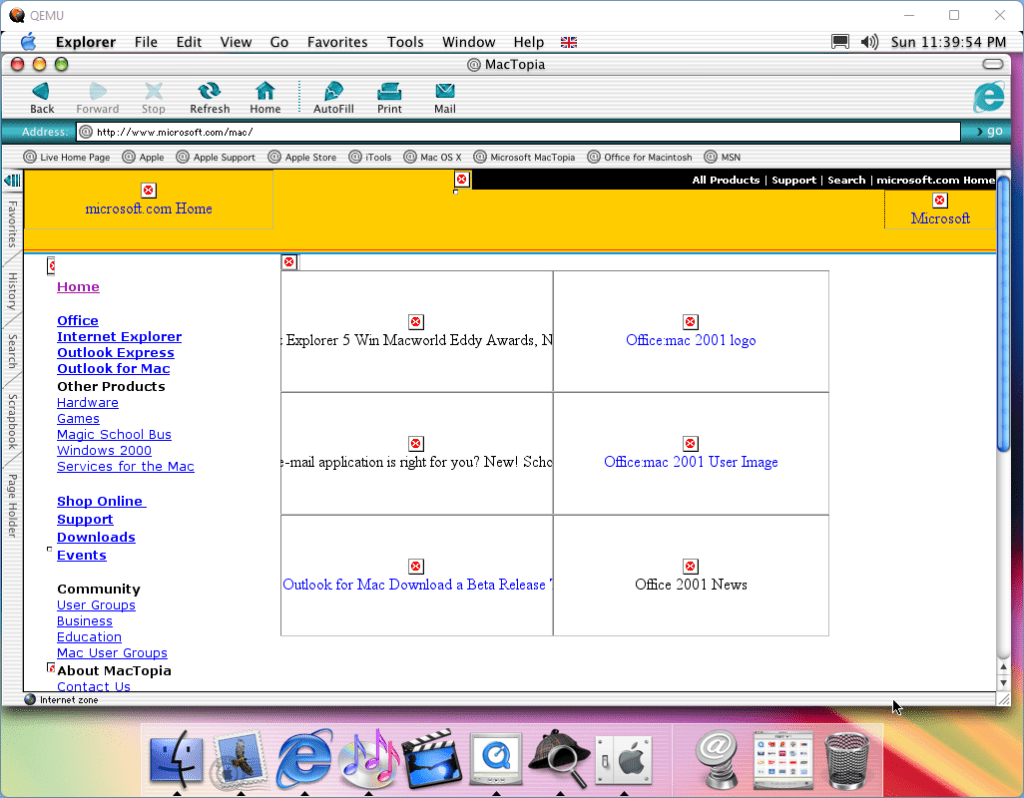
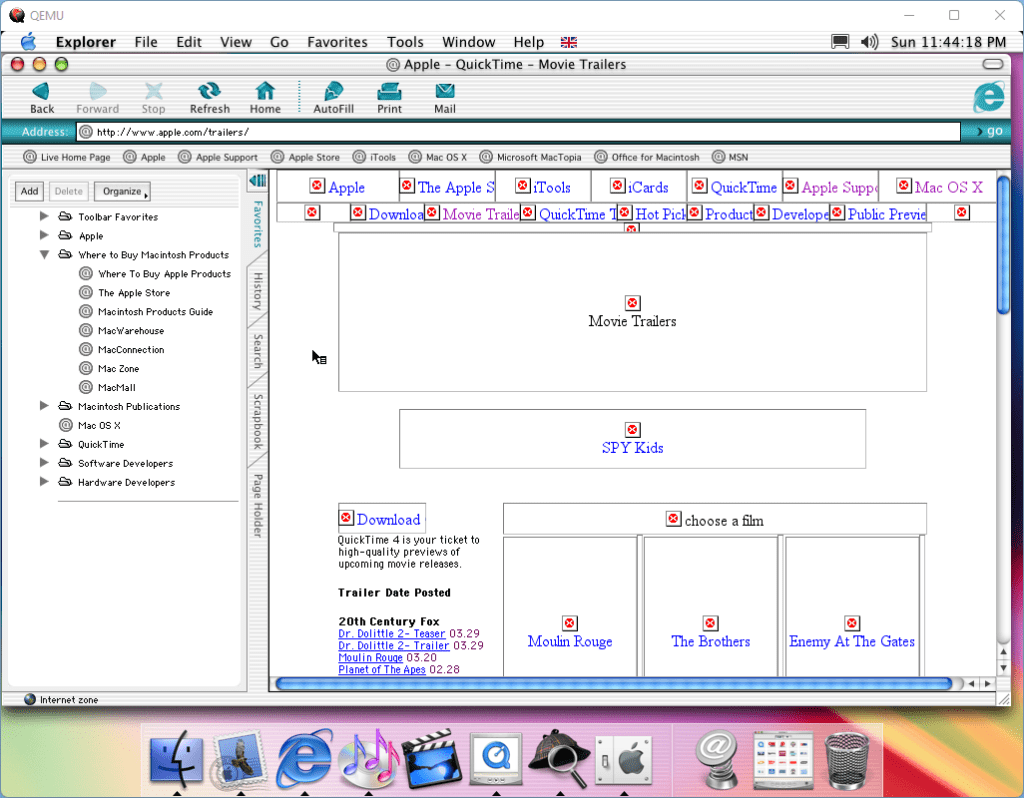
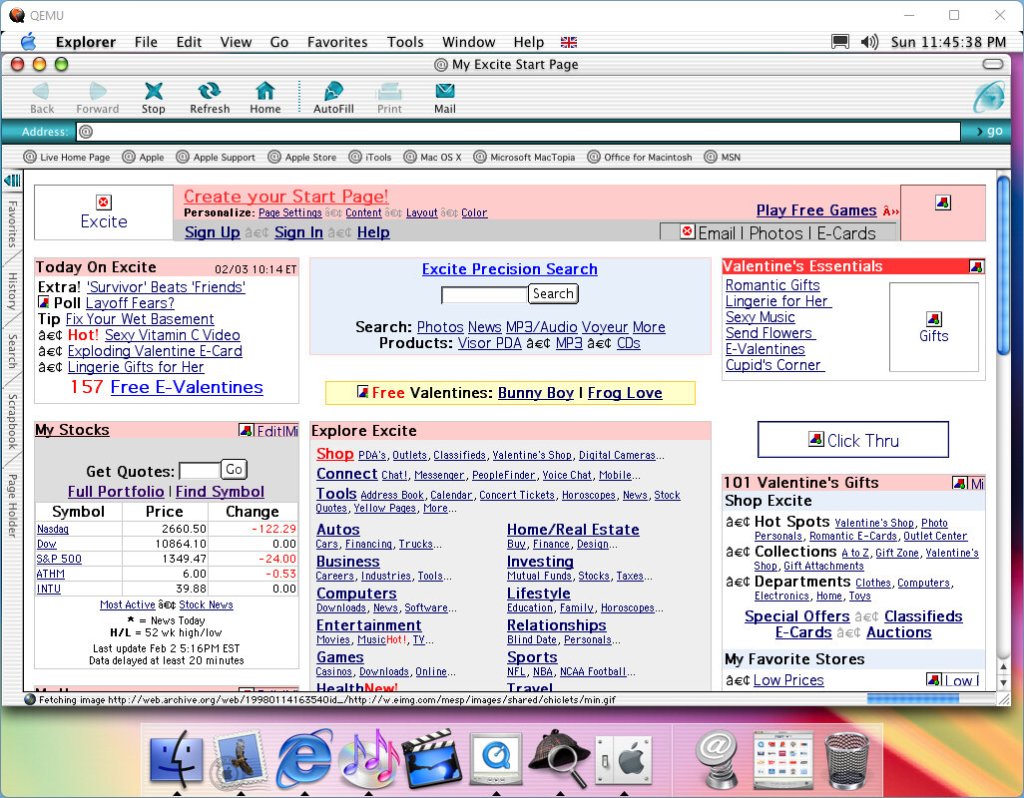
Everybody’s favorite browser is pre-installed with the operating system, a preview release of 5.1 for Mac. This browser uses the Tasman rendering engine in comparison to the Trident engine that the Windows version uses
Sherlock
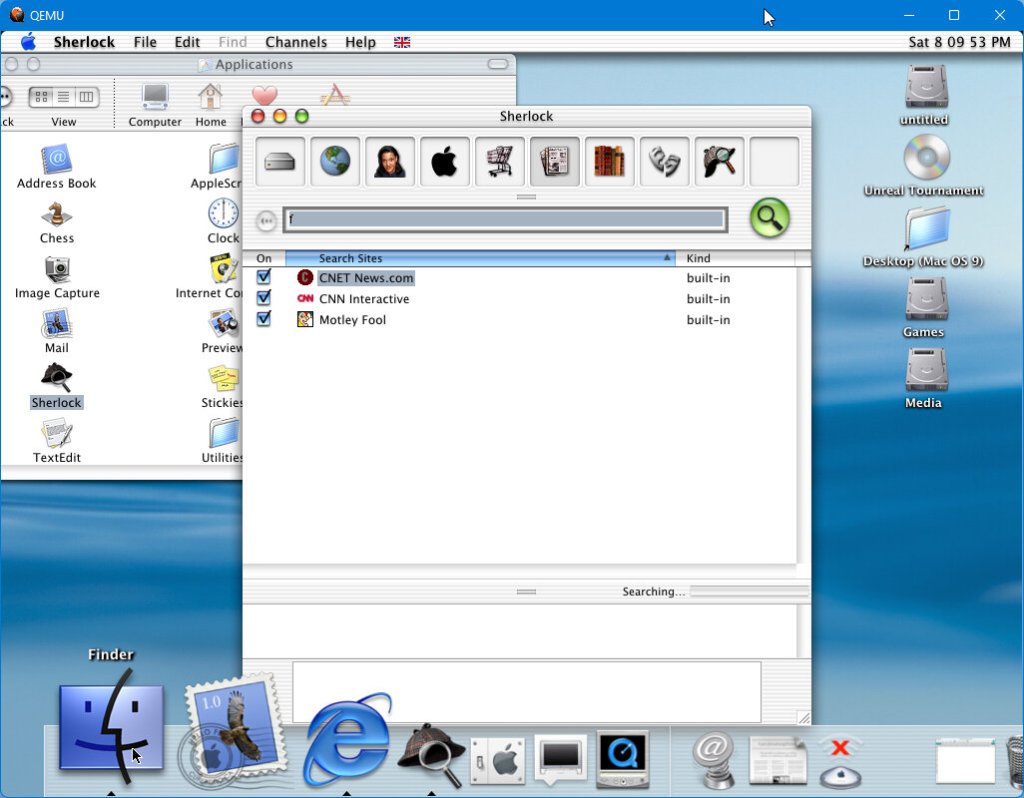
The main search engine for the operating system. Here you can search for files and folders that are stored on the computer’s hard disks. But you can also search online through various websites split into sections: Internet, Shopping, Articles, reference, and entertainment. None of the search links work any more, and some just open a link to the website which the browser is incapable of rendering.
Quicktime
Apple’s video and multimedia player. This version places channels at the forefront of its interface.
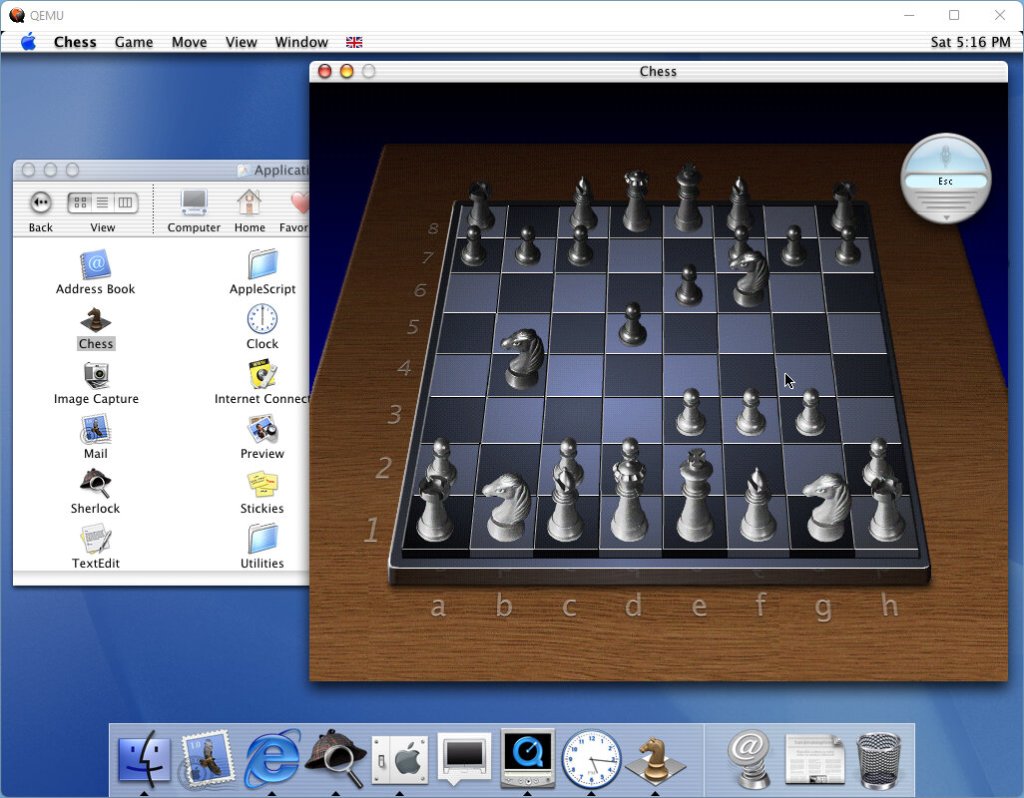
Chess
Apple’s chess game originated from the NextStep linage. If only I knew how to play chess
Mail
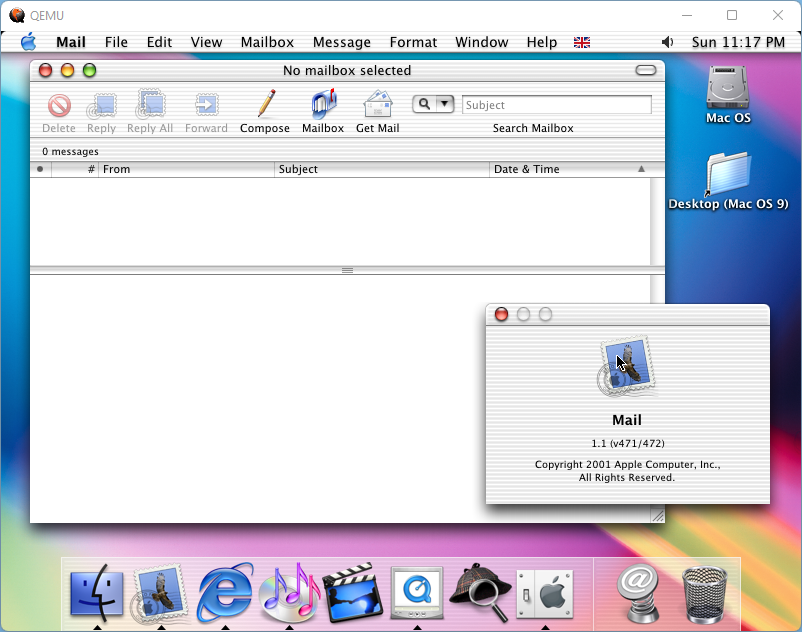
Apple’s new mail client. Sadly no longer compatible with modern protocols.
Stickies
Address Book
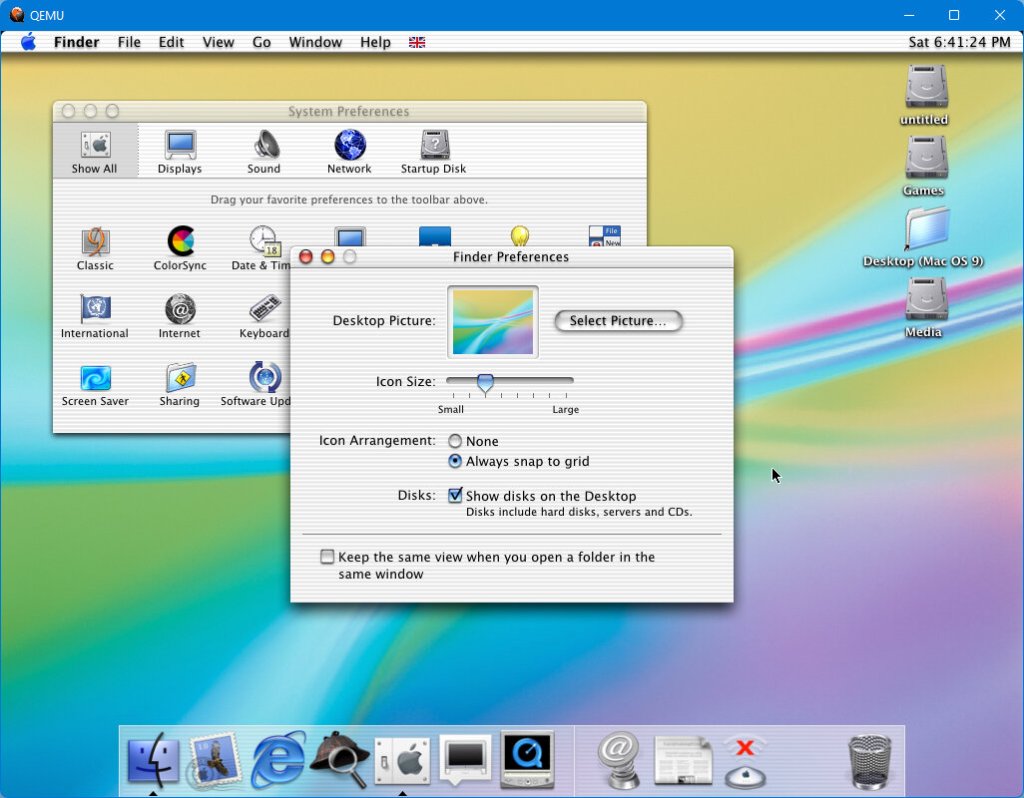
System Preferences
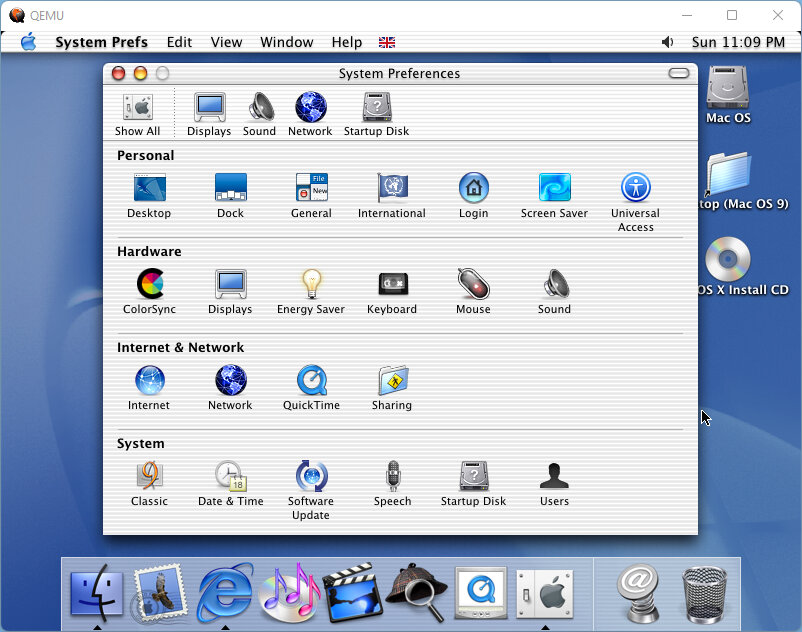
Replacing the control panels area of Mac OS 9, contains most of the systems configuration tools, with the rest being located in the utilities folder.
These don’t run well in QEMU on the count of the low CPU speed and the lack of graphics acceleration.
The Cosmos screensaver
Sherlock looks mostly the same as the OS9 version, this was meant to be the search engine of the operating system with the ability to link to online websites.
Window management in OS X
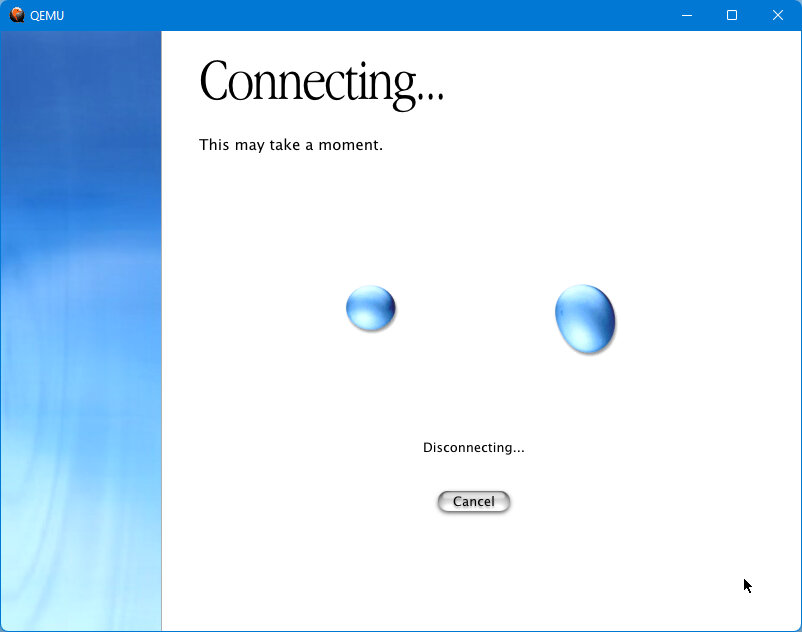
Networking in OS X, QEMu does provide an ethernet SliRP adaptor
Third Party Software
This was a bit of a disaster since although MacOS has compatibility with Mac OS 9, the classic environment is not installed by default and had to be installed separately, and many apps that were developed for OS X were intended to be used on later releases.
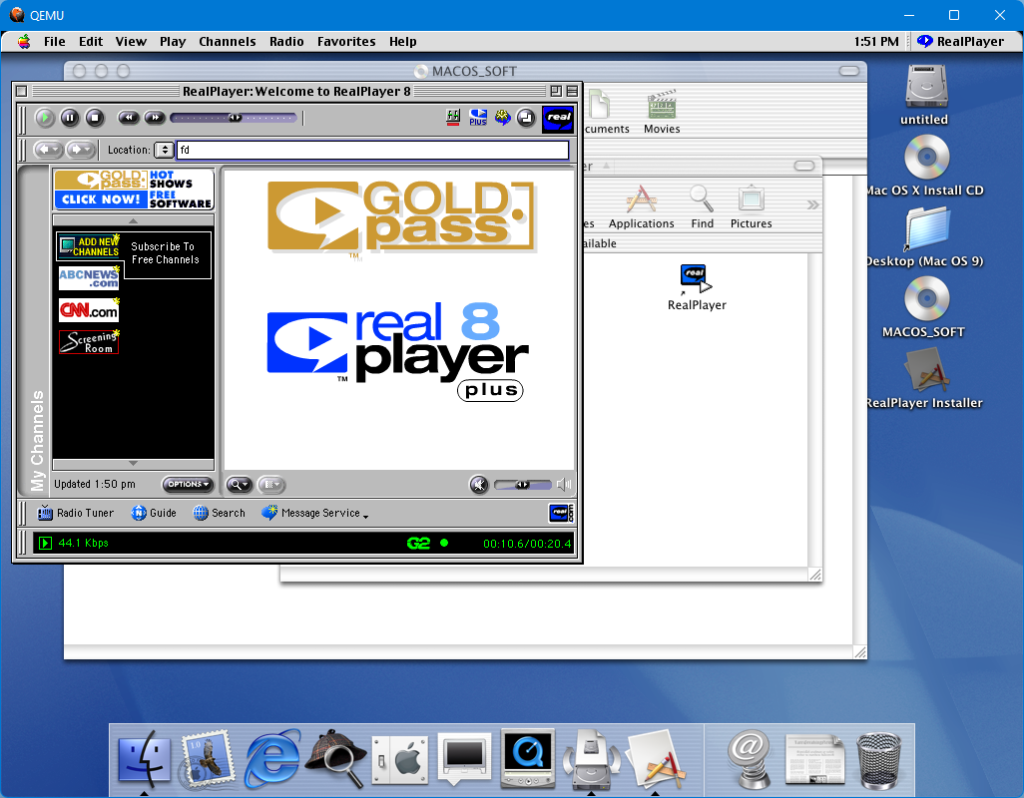
I did get some software to run in both native and classic mode. This wasn’t faultless however as the mouse cursor would frequently disappear when Classic applications were running and only a reboot would get it back. It seems to port the OS 9 UI elements into the OS X display, as the menu bar changes to the OS 9 platinum design when a classic application is active.
You will be using this a lot
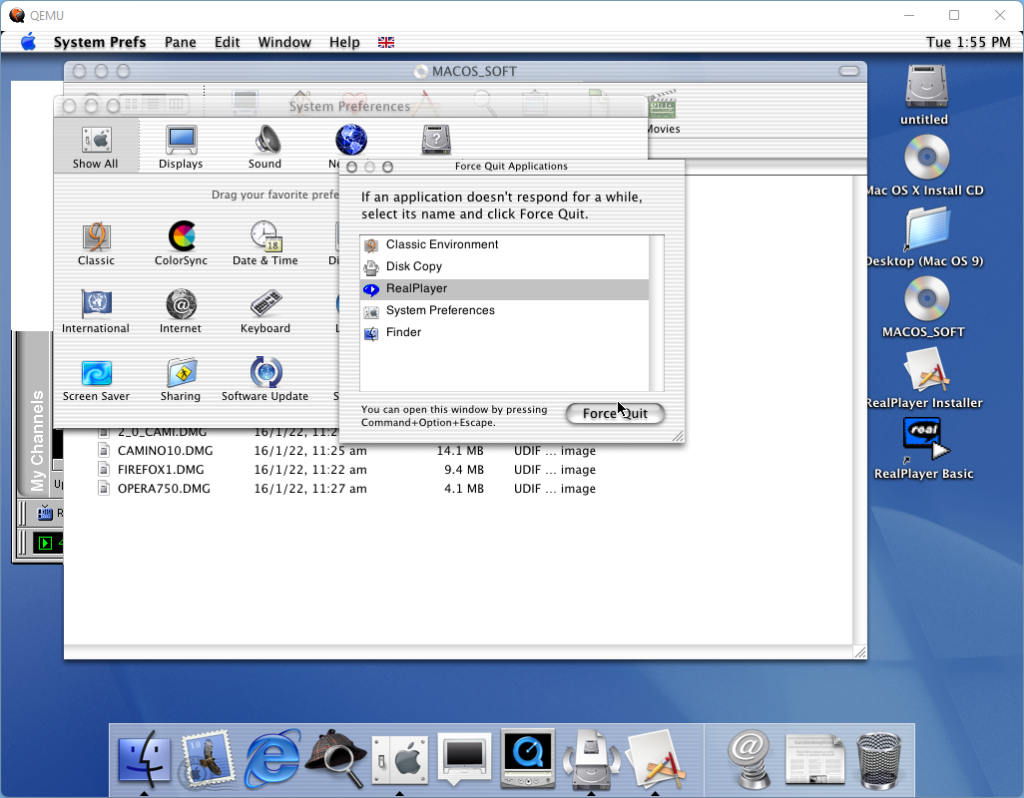
To be fair these are limitations of the old Mac OS kernel since it could not do true multitasking, and with OS X the whole classic layer runs in the same fashion. Should one classic program crash, the others will become unresponsive until the classic mode is restarted which can be done in OS X, whilst the native OS X apps are unaffected.
Microsoft Office 2001
This does affect the screen rendering, but this could be more due to the emulation rather than the operating system itself, QEMU isn’t 100& accurate. Still it’s better than nothing and was from a time when Apple cared about backward compatibility.
Trying Unreal Tournament didn’t fare any better since this is also a classic Mac application. Trying to run the game with software rendering results in a blank screen, and QEMU must be restarted to get back into the Finder.
The Sims didn’t fare any better since despite being compatible with Mac OS 9, for Mac OS X it requires 10.0.3 update. It is however a carbon application which was a new API that Apple introduced to help with the OS X transition. Carbon applications will run natively in OS X
Conclusion
OS X Cheetah was not received very well since it lacked a majority of features from OS 9, DVD playback was not yet possible and the classic environment was very hit or miss. But the Aqua design was applauded for its style and gave an insight into what the next century of desktop computing would look like. The stability was also well-received that’s to its Unix-like roots, but at the cost of performance. Users would continue to run OS9 and Apple never shipped it as a default OS (at least to my knowledge). Then again Microsoft did the same for its Windows NT line of operating systems. Whilst they were stable, lacked the compatibility and performance offered for gaming or low-end hardware.
Cheetah was short-lived on the market and was replaced with Puma in the same year as a free upgrade. Today there isn’t much reason to run Cheetah except for historical interest.
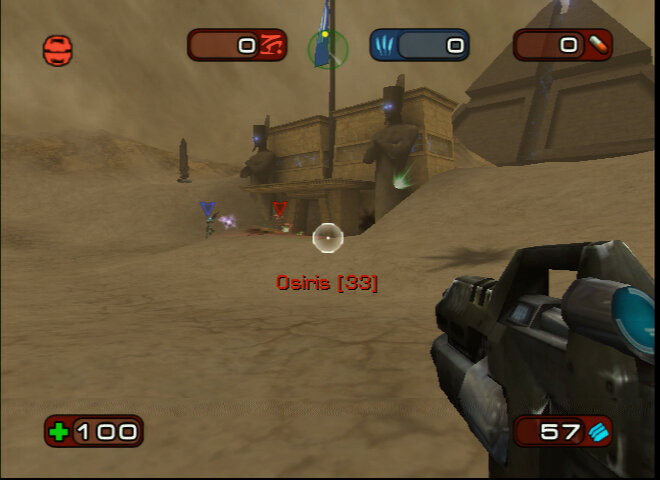
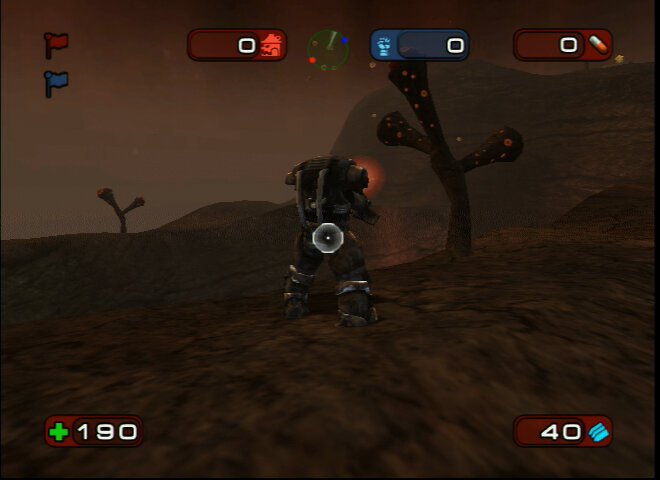
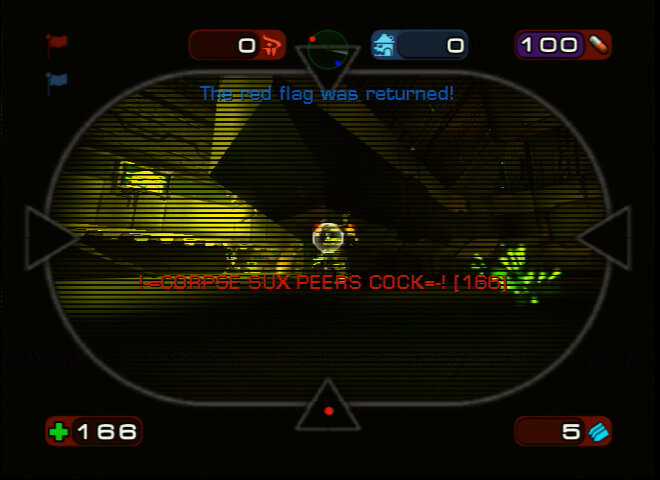
A remake/port of Unreal Tournament 2003 for the original Xbox, and one of the first games to use Xbox Live.
A remake of Unreal Tournament 2003 for the original Xbox, and one of the first games to use Xbox Live. It can be considered a console adaption of Unreal Tournament, which it shares a lot of maps with.
Sadly this is one of the games that is trapped on the original Xbox, it was not made backward compatible with the Xbox 360 or the Xbox One, despite its sequel being supported. Perhaps this is deliberate since Unreal Tournament 2003 isn’t available on Steam, but the original and 2004 are, are Epic ashamed of these games?
Game Modes
Deathmatch: Standard deathwatch action, either team-based gameplay (two teams fighting each other, Red Vs Blue) or a free for all Capture the Flag: Very similar to the PC original, you have to capture the opposing team’s flag three times (more or less, depending on the game settings) and return it back to base. If both teams have the opposing team’s flag, then no teams can score until the opposing team’s flag has been returned, which can be done by killing the flag carrier and picking up the flag. Double Domination: Similar to capturing the flag, here you and your team have to capture two points for 10 seconds in order to score a point for your team. Kind of like a king-of-the-hill mode. Once either team reaches a predetermined score, the game is over. This is one of the games does that is better played online rather than offline since the bots suck at defending the captured base. Bombing Run: Basically a reverse capture the flag, but kind of like football. Here you have to take control of the ball (Spawns in the middle of the map) and then fire it into the opponent’s goal. When you take control of the ball, expect to be target #1 by the opponent team. A nice side effect is the ball will replenish your health, slowly. Survival: 1 vs 1, whoever gets the most kills wins, really deathmatch but with only two players.
Characters
There is a distinct story between the different characters, but this is only referenced in the characters biography’s, there is very few cut scenes in the game involving characters, aside from the opening with Brock and Lauren. Characters here have their own statistics, although many share the same voice lines, i.e human males use the same voice as each other, but the Aliens have their own, each with male/female versions. It’s not like fighting games like Tekken where each character has their own fighting style, more so they have unique statistics for their team.
Gen Mo’Kai: Alien looking species who take part in the tournaments, seem to be very agile but have weak strength
Automatons: A bunch of robots built by the Liandri corporation
Mercenaries: Regular humans, fairly typical stats for each character, ideal for newcomers to the game
Juggernauts: Big muvvafuckers, the strongest race that can take the most damage but are slow and the least agile characters in the game
Anubans: Look like humans but dress like they’re from Egypt, bit more agile than humans but are very high jumpers and acquire adrenaline more quickly
Nightmare: A bunch of weird and scary looking but have generally good stats. Supposedly their appearance is a result of the different experiments that have been done to them
Many characters would appear in Unreal Tournament 2003 and 2004.
Multiplayer – Online Play
As one of the first Xbox Live titles, Unreal Championship was a popular title that was played online and the game made full use of the Xbox Live features. Until Microsoft shut down the original Xbox Live in mid 2010. On the flip side you can sill play the game online using the system link features, which was Microsoft terms for LAN play where multiple Xbox’s are connected to the same network. This can be done either by connecting a crossover ethernet cable from one Xbox to another or by connecting both Xbox’s to a router using a standard ethernet cable xLink Kai can be used to play online by using the system link features to play games over the internet, this requires the xbox to be connected to a PC which will emulate an Xbox LAN network
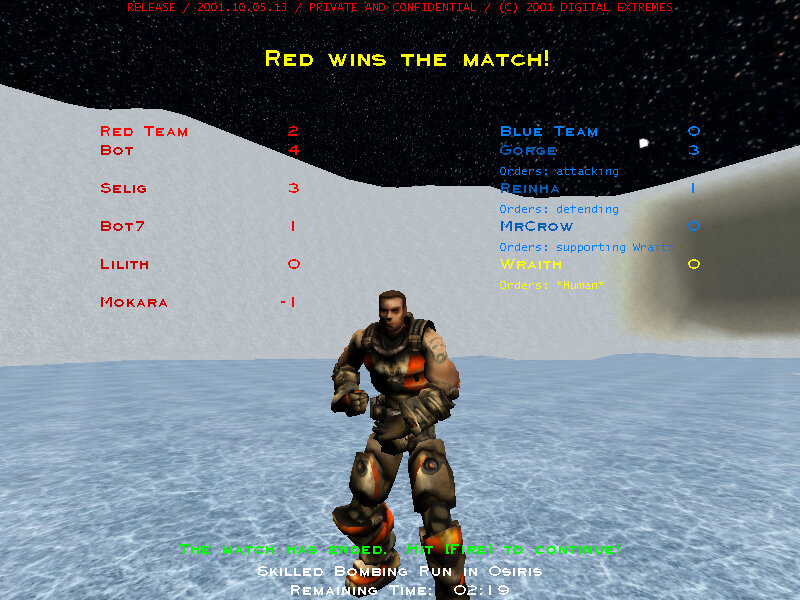
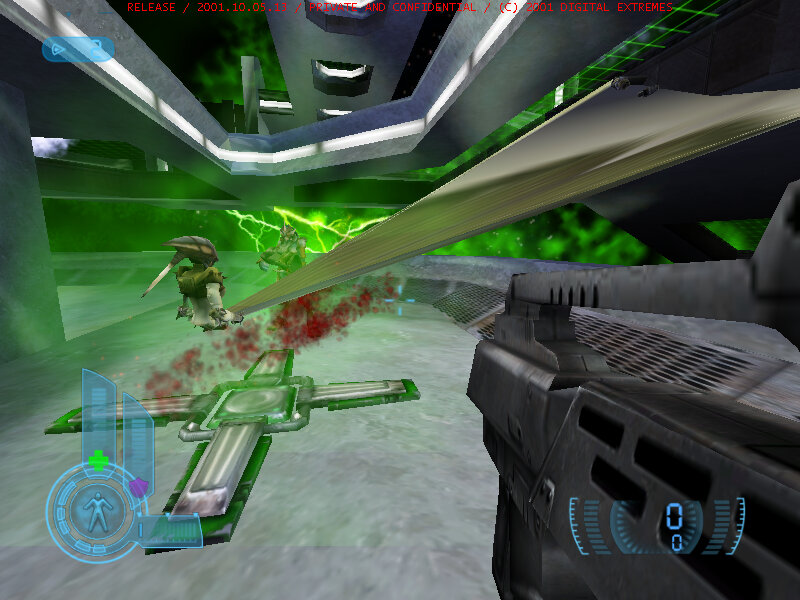
Left: Score display screen, Right: Hidden third person view, avaliable by using a custom save file
DLC
Additional maps were released on Xbox Live that could be purchased and downloaded from around May 2003. These maps could then be played online or in instant action mode. These maps include:
AquaMortis: This area features a open ocean area that contains a shark, who will kill once a player falls in
Inferno: Hell themed map
Leviathan B: SciFi arena themed map
Otaros Run: Capture the Flag map, A large-ish map set in the forest, similar to Tokara forest in UT2003
Installed DLC, which uses a different format
These maps are installed in the TDATA directory and can be used for all profiles on the Xbox. I’m not sure if custom maps can be installed and played this way since they are in a different format, would be good if custom maps could be played like the PC version. As far as I know, you cannot use UT2003 maps on Unreal Championship.
Left: View from the translocator camera, and your typical Xbox Live Gamertag, Right: The lightning gun
Shield Gun: The weapon you will only use when you are out of ammo and have no pickups in sight, alt-fire fires a shield that can protect you from limited damage but can only take so much damage.
Assault Rifle: One of the weapons you start with, does basic damage and is really the gun you only use until you can pick up another. Alt-fire shoots out a grenade that explodes shortly after being shit.
Mini-gun: A chain gun or sorts, ideal for spraying bullets at multiple enemies. Has a slight charge time of around a second.
Flak Cannon: The GOAT, fires a bunch of small projectiles which disperse quickly. Best used in close combat as it almost functions as a shotgun
Lighting Gun: A sniper rifle of sorts, shoots out a lightning bolt. Alt fire can be used to zoom into an opponent.
Rocket Launcher: Fires a rocket, alt-fire will lock onto a target
Translocator: Not really a weapon but more of a utility, allows you to fire a beacon which you can use to teleport to where the beacon had landed, useful for teleporting to hard to reach areas but you cannot translocate when carrying a flog. Attempting to do so will cause the flag to be dropped, but it can still be picked up by a teammate or returned back to base.
Adrenaline
Throughout playing the game and killing opponents or by picking up adrenaline pills, you will acquire adrenaline which can be used to apply power ups by quickly entering a button combination whilst playing:
Regeneration – Press down four times quickly – Regenerates health to twice the staring health, and gives up to 150 shield points Berserk: Press up three times quickly – Increases damage inflicted to opponents, and reduced the damage taken by the player Invisibility: Press Right twice, then Left twice – Makes your character invisible to other players, not much use on instant action / campaign as bots have been reported to still attack the player Agility: Press Down twice, then Up – Increases your characters running and jumping ability
Early Alpha
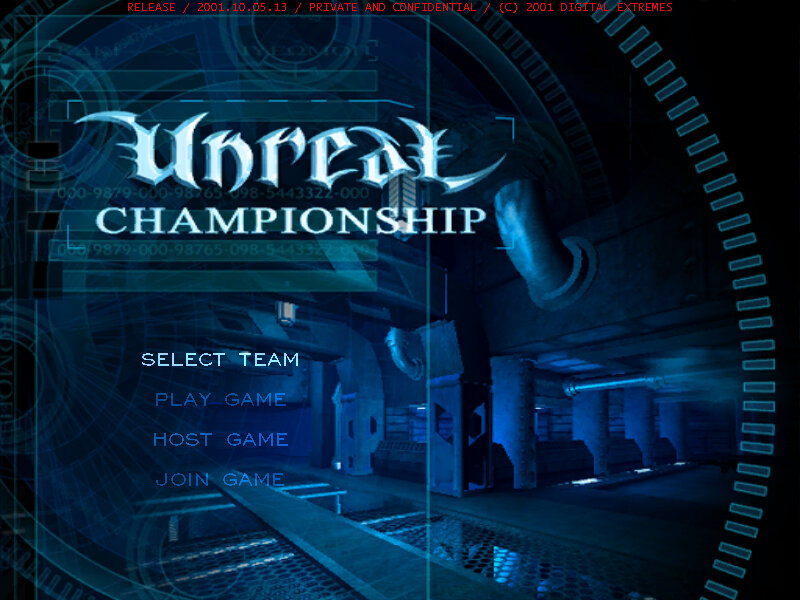
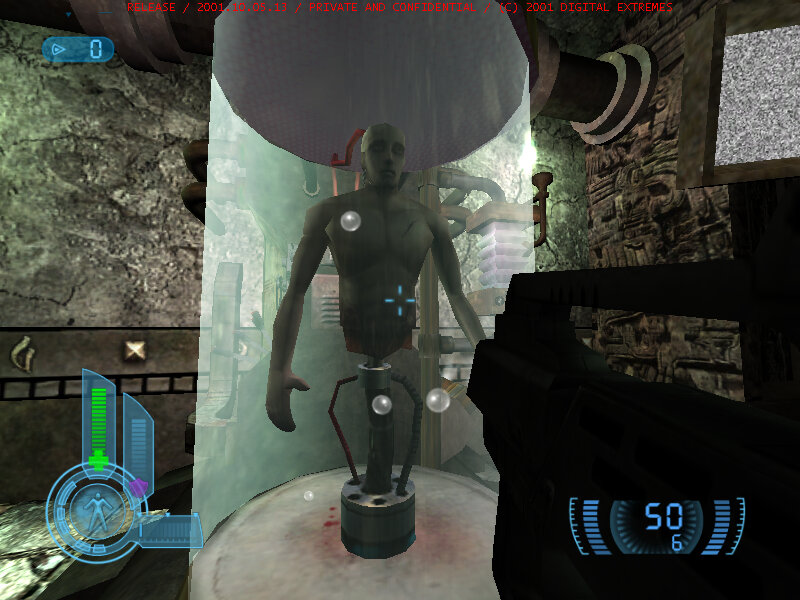
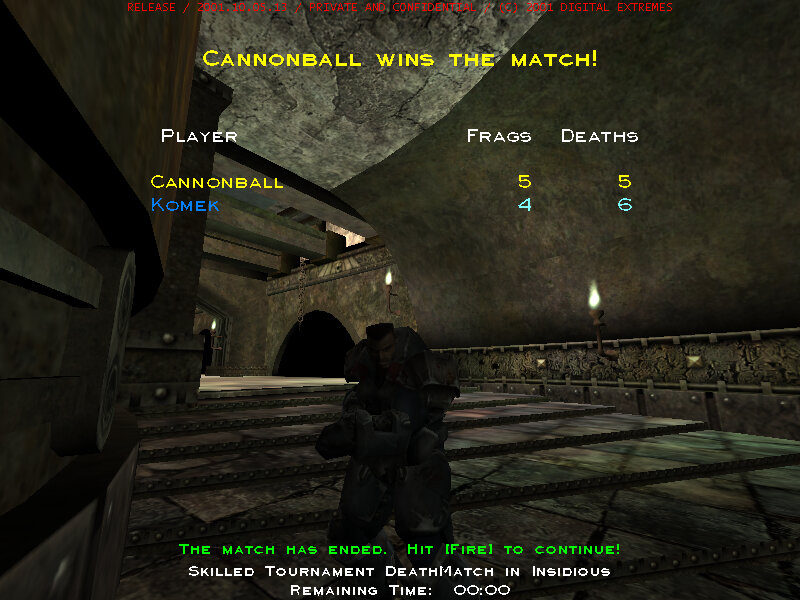
A build of Unreal Championship was leaked in 2011 which was an early alpha version but was compiled and running on PC (Windows). There are quite a few changes compared to the actual release, with many maps being completely different.
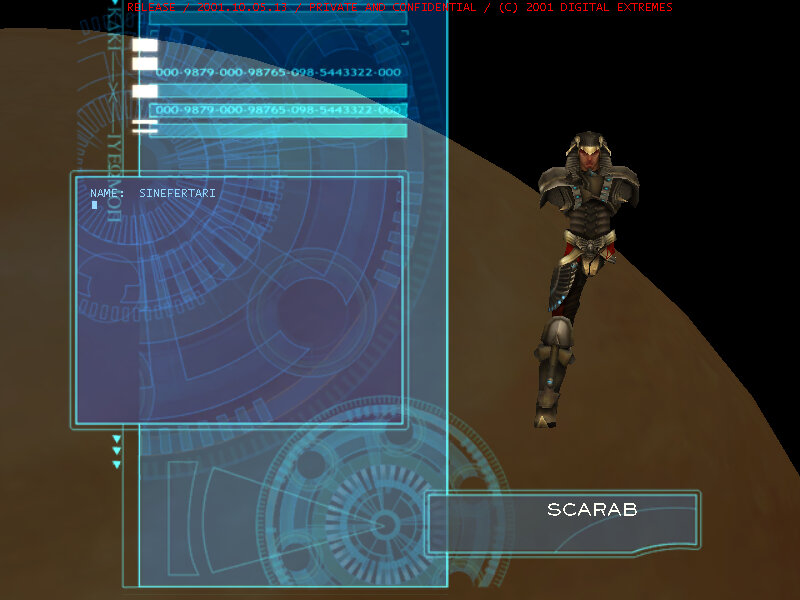
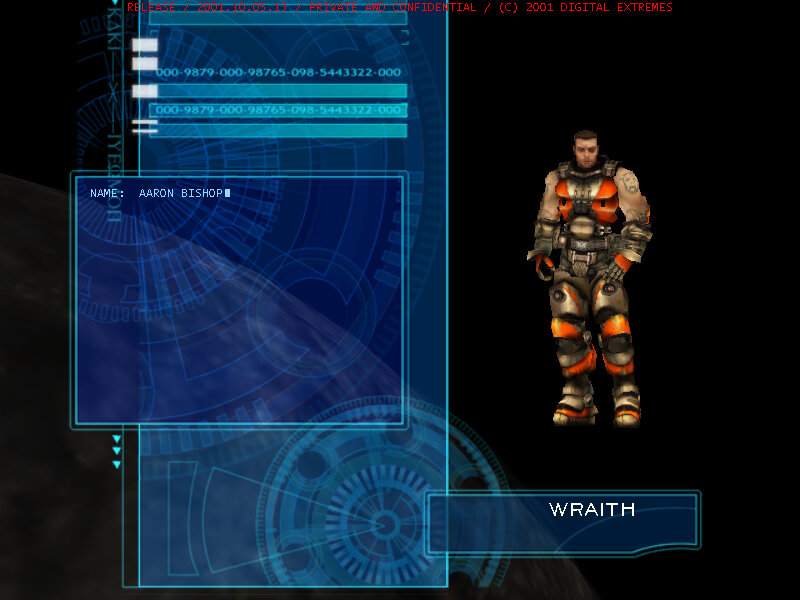
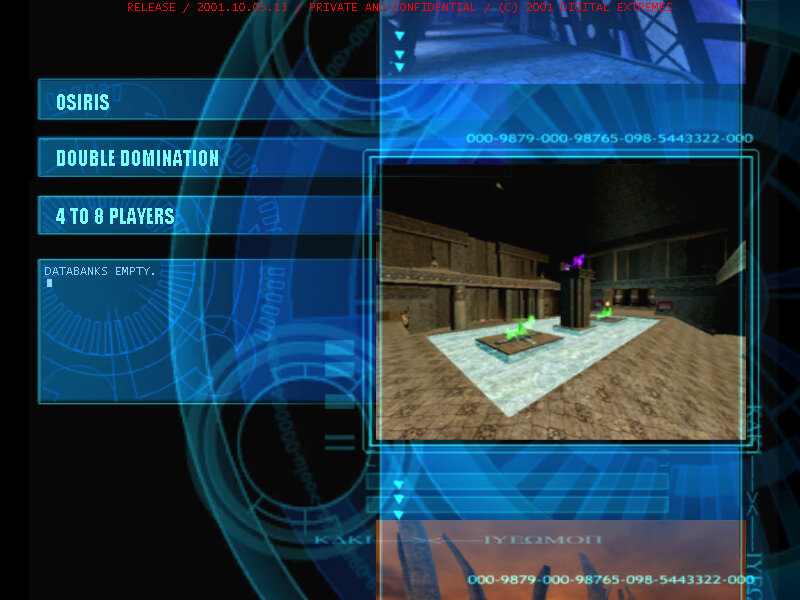
The menu interface is different, with it using a planet-like interface for the character selection screen, here you can see the actual3D models, complete with animations compared to the 2D portraits in the final release.
Poor Scarab
Some geometry errors when playing on more modern systems, this game would have been developed and tested on DirectX 8 compatible hardware, and would have used Nvidia based hardware like the original Xbox used.
In the menu, Up/Down is used to select the map, whilst left/right is used to select the game mode.
There is no settings section to customize the game, but the ini file can be edited to change the game rules, such as the amount of kills needed to win (1000 by default)
Some sound effects come from the original Unreal Tournament, notably the respawn sound.
To exit the game, bring up the console by pressing tab and then type ‘exit’ There is no pause menu, but pressing F1 will bring up the score/players.
The game can be played using a keyboard, but the controls are centered around a console control. Weapons can be selected using the number keys (1-9), the mouse wheel can’t be used to select a weapon F9 – Take a bitmap screenshot F10 – Adjust Gamma F11 – Adjust Brightness F12 – Adjust Contrast The Numpad number keys will spawn a weapon, and the regular number keys can be used to directly select a weapon.
A vehicle can be spawned by pressing H, which can be used to travel through the map quickly, very similar to the hoverboard in Unreal Tournament 3.
A third-person view mode can be activated by pressing F4, however it’s very buggy, and the weapon aiming is buggy.
The second expansion pack for The Sims that allows them to party (or Partay)
Objects
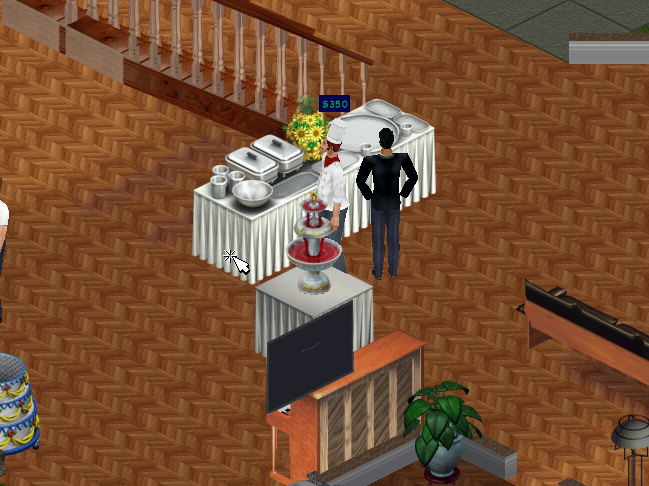
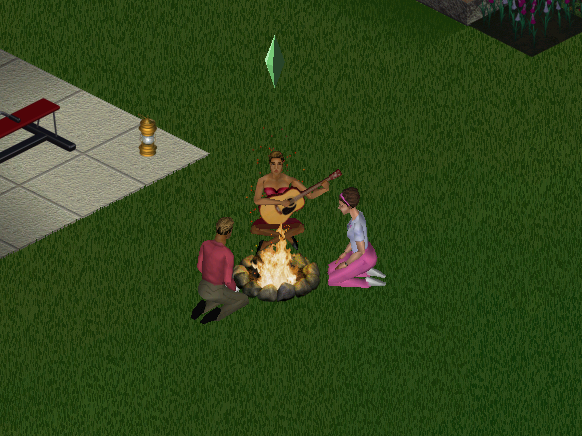
Some of the objects that come with House party, there are other items like chairs and tables that are not listed here since they have a similar function to the base game objects. Granny Raymond’s Holiday Cookies: A plate of cookies you can buy direct from buy mode. If you leave them on a table next to the fireplace, along with a Christmas tree from Livin It Up, Santa will appear. Birthday Cake: Another buyable food item, kids can choose to blow out the candles, although this does not age them up (You need a charm in Makin Magic for that) SimFarm Turkey Dinner: A piece of turkey sims can buy and carve up Punchucopia Extraordinaria Punchbowl: sims or their cater can refill to keep guests satisfied at parties The Elegant Chef Buffet Table: Used to serve a starter, main meal and desert from one table, excellent for parties or for large gatherings. Fancy Feet Cake Treat: Spawns a male or female dancer (Stripper), or if it’s a kids party, a giant bear. Give a boost to the fun motive. KampRite Instant Campfire: Sims can sit round the camp fire and sing songs, tell stories or roast marshmallows Spazmatronic Plasmatronic Go-Go Cage: A Dancing cage, boosts fun. Best place with the dance floor and the DJ booth Turntablitz DJ Booth: Used for the dance floor but can also function as a radio, has access to all radio stations in the game. Jukebox: Two versions of this seem to exist, the first is just labelled as the Jukebox and has access to only the fault radio stations in the game. An updated version comes with Hot Date that can select all music tracks House party has to offer. Bounce My Booty Dance Floor: The dance floor where sims can get their groove on. It’s a 2×2 tile than can be combined together in various patterns. When sims are dancing, the floor will light up in various different patterns and colours. Porta-Parody Costume Trunk: A costume trunk that can be used to give your party a fancy dress theme. When one sim changes their costume, all sims will change to that costume theme.
Screenshots
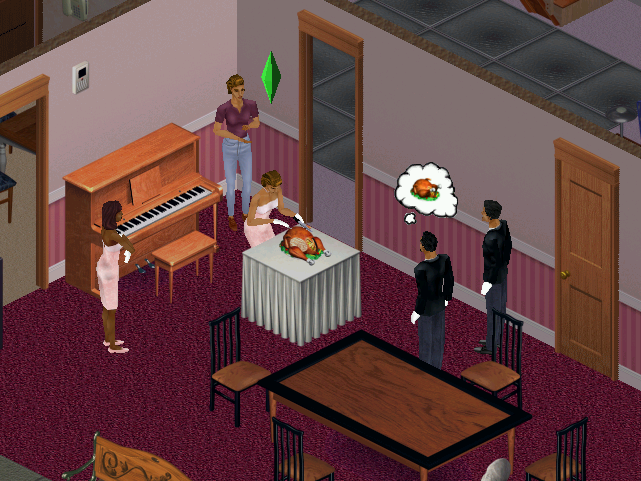
Sims carving some turkey, which is buyable from buymode. When carving, sims will stand round and clap until its served.
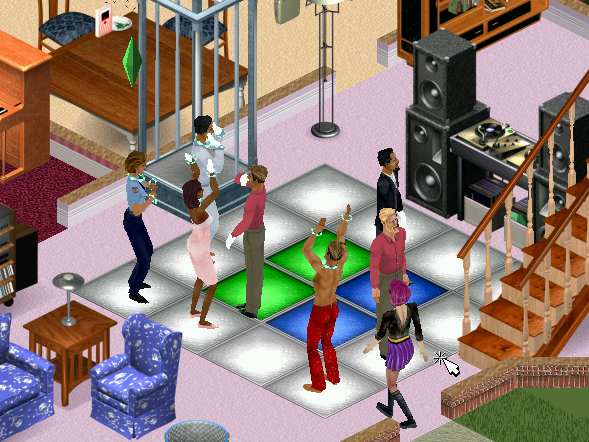
The dance floor, in the front of someone’s living room. Puts Dance Central to shame
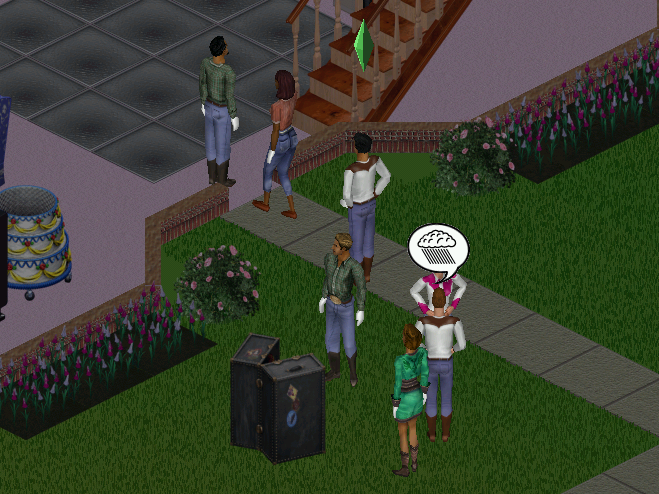
The costume trunk is ideal for theme parties. Available themes are Western, Disco, Toga
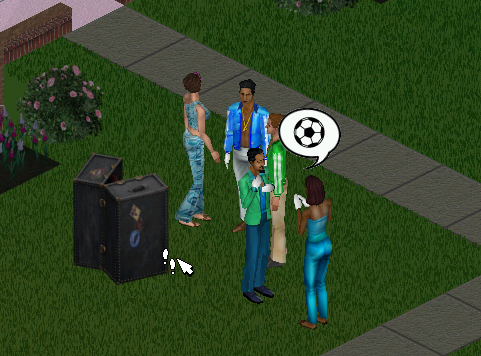
Here sims are rocking the disco theme
The buffet tables and the hireable caterer, sims can restock the table themselves at a cost of §20. A punchbowl can also be restocked.
The campfire, sims can tell a ghost story, roast marshmallows or sing a folk song.
Neighborhoods
The expansion pack adds support for multiple neighborhoods if you’ve not installed Livin It Up, Neighbourhoods 6-8 are added since the game assumes Livin it Up has been installed and takes the place of 2-5. It’s easy to add custom hoods. More hoods can be added by going into the games directory in the Program Files folder and adding a new UsedataX folder, where X will be the new number (since the game creates 8 hoods, you would start at 9) and can support up to 99 unique hoods.
NPCs
The Mime: Appears when you are throwing a shit party, and sometimes tries to steal your items. Leaves automatically once your party score has increased Party Crashers: Appear when you are throwing a good party, these two (Pete and Pauline Dropinsky) will arrive and will try to wreck anything in the party, including breaking objects as they use them. Best to get rid of them as soon as possible. The Caterer: Can be hired through the phone, the main purpose is to restock the buffet table and the punch bowl. He will also socialize with the guests if he has nothing to do. You must have a buffet table or a punch bowel or he will leave. Drew Carey: Some American celebrity who appears when you have thrown a great party, arrives in a limo of which sims will rush to it upon arrival. For those who don’t know who Drew Carey, he was a popular late-night show host, like Jimmy Kimmel back when late-night talk shows weren’t biased towards a specific political party.
Some new NPCs have additional roles: Police Officer: If you throw a party after 8pm, Officer meddling will appear regarding a complaint by one of your neighbors regarding the noise. You are supposed to disband and end the party by asking the guests to leave. Should you fail to do so she will reappear after 2 hours (10pm) and will find you.
Install
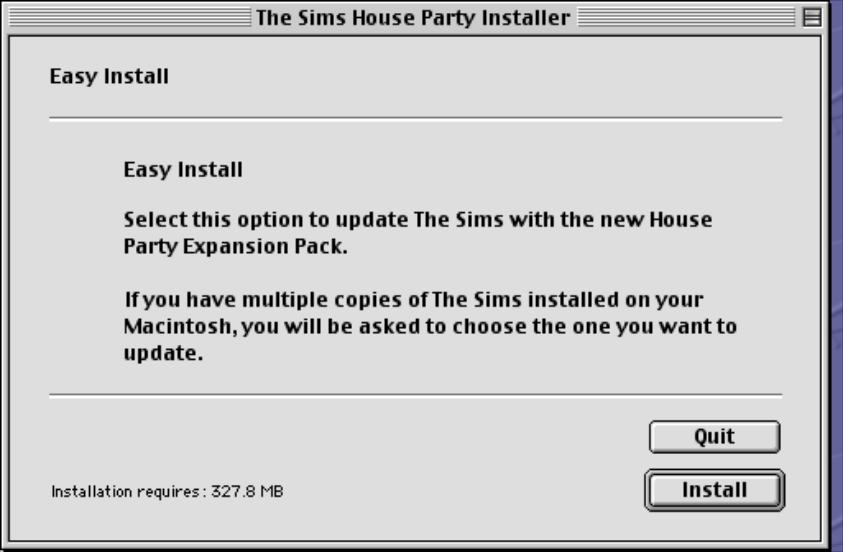
The game’s installer will pick up from the previous install, and will automatically install the game patch.
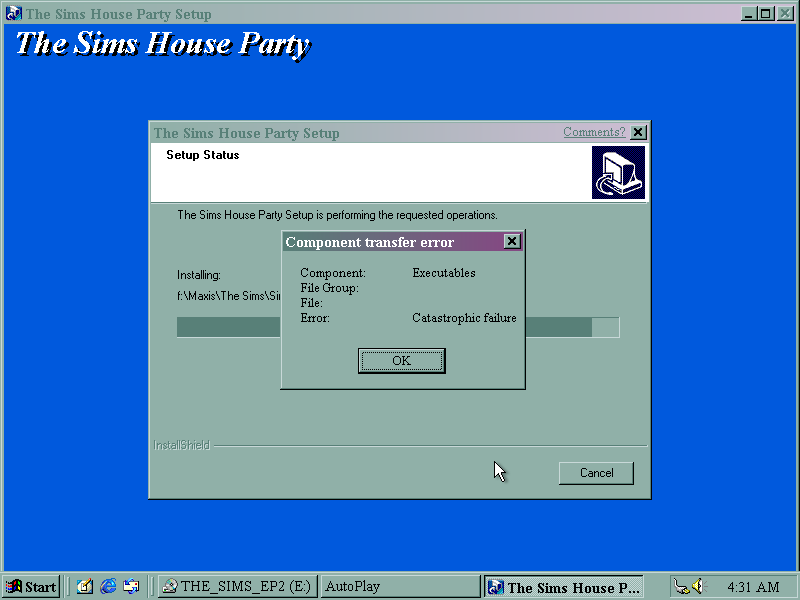
Disc read error upon install, caused by a scratched CD.
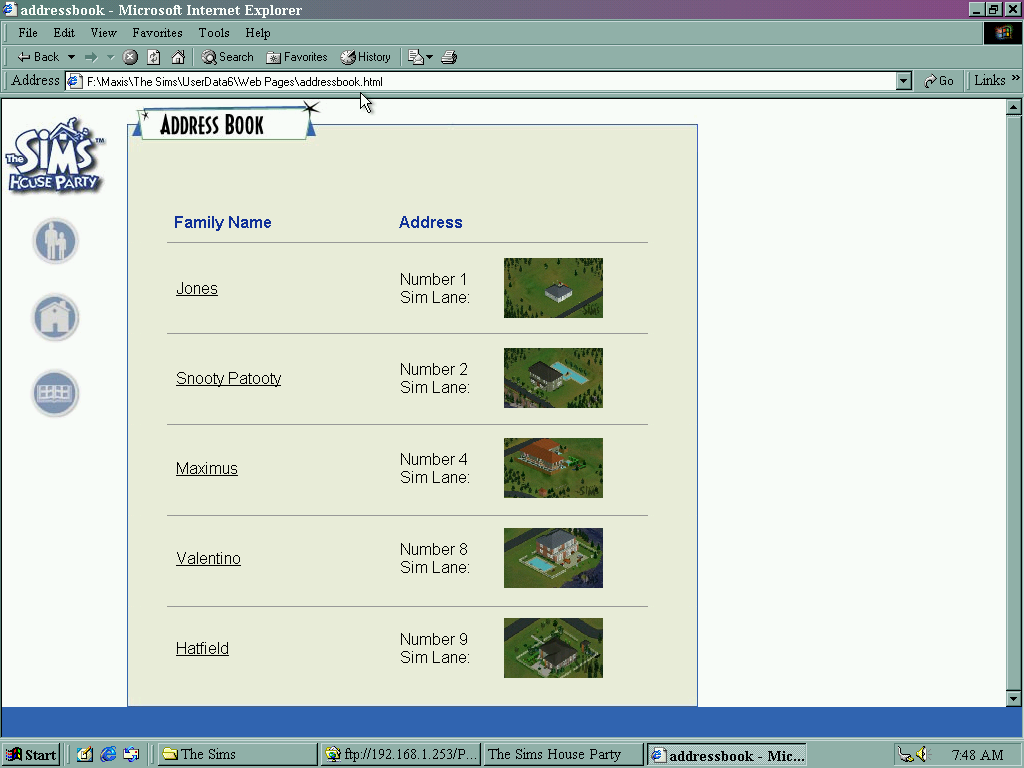
HTML view of The Sims House Party, listing sims that are currently moved into the neighborhood. Sims could be viewed here before they were uploaded onto the Sims exchange, which was a place where families and houses could be downloaded.
Mac OS Version
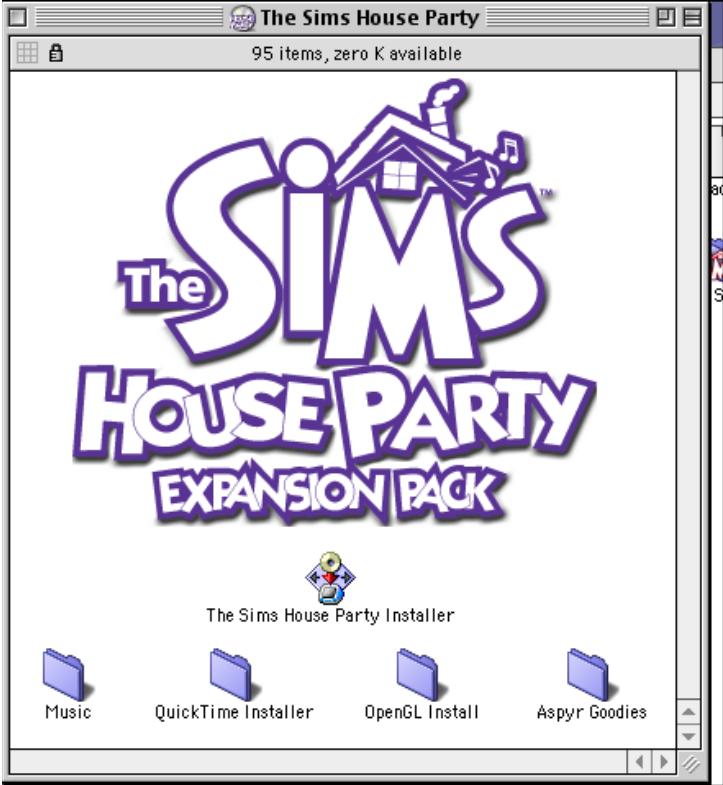
The expansion pack was made avaliable for the Mac OS platform, which a Carbon patch being released later for OS X compatability.
Pace was one of the main suppliers of ONdigital receivers, having supplied boxes since the official launch on the 15th November 1998.
There are a few differences in contrast with the Nokia 9850T that I looked at previously, the bootup process behaves differently with the Pace flashing its front panel display for a few seconds before displaying the time (12:00, until it loads the time from the DVB-SI). Another observation is the middle colon (:) on the display will flash when a button is pressed on the remote. This didn’t happen on the Nokia 9850T, even though it is documented in the instruction book.
The front LED display also flashes when coming out of standby, and like the Nokia it takes a few seconds to come out of standby.
Onwards there isn’t much difference, the software is mostly the same as the Nokia, its had the OnMail, and ONrequest update which enabled the guide menu to be accessed.
In terms of performance, it seems to be a bit more responsive compared to the Nokia
Hidden menu & Software Information
Like on the Nokia, a hidden menu exists that shows additional software information about the box.
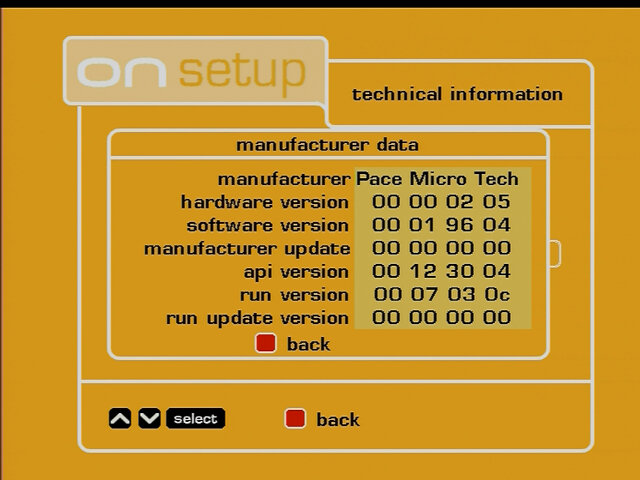
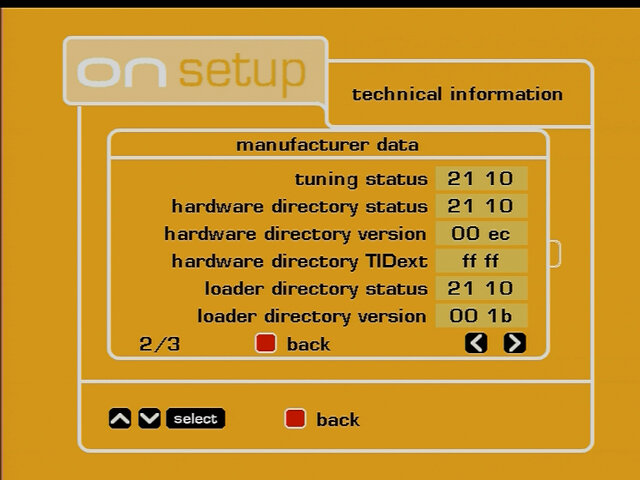
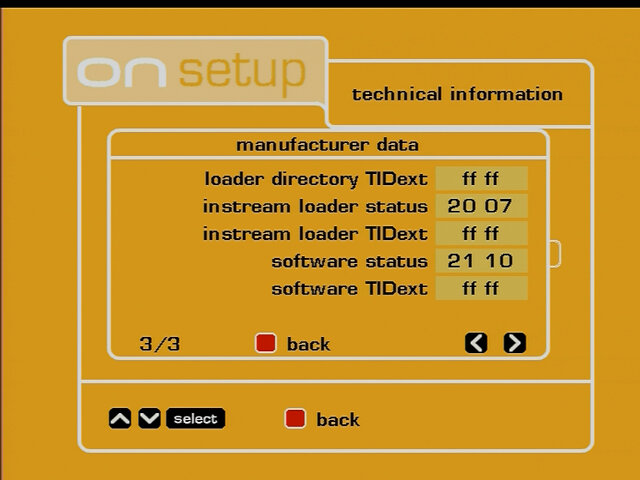
To access, Press menu Select option 7 (technical information) Then select option 2 (manufacturer data) Press text-guide-text-guide
ONMail remote
The box didn’t come with a remote, thankfully I had the ONmail remote which has the ability to control the box but requires to be programmed at first. This is because each manufacturer used their own remote control design and IR codes. To set the remote code: Hold the Red and Select button for around four seconds, then type in the code Pace – 905 Nokia – 901
Inside the box
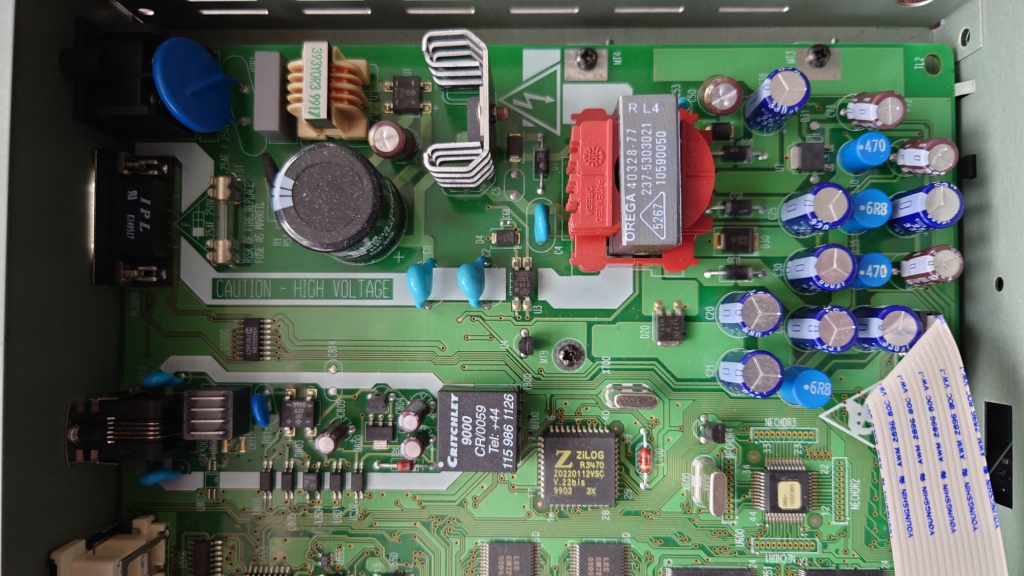
Lets see what powers the DTR730…
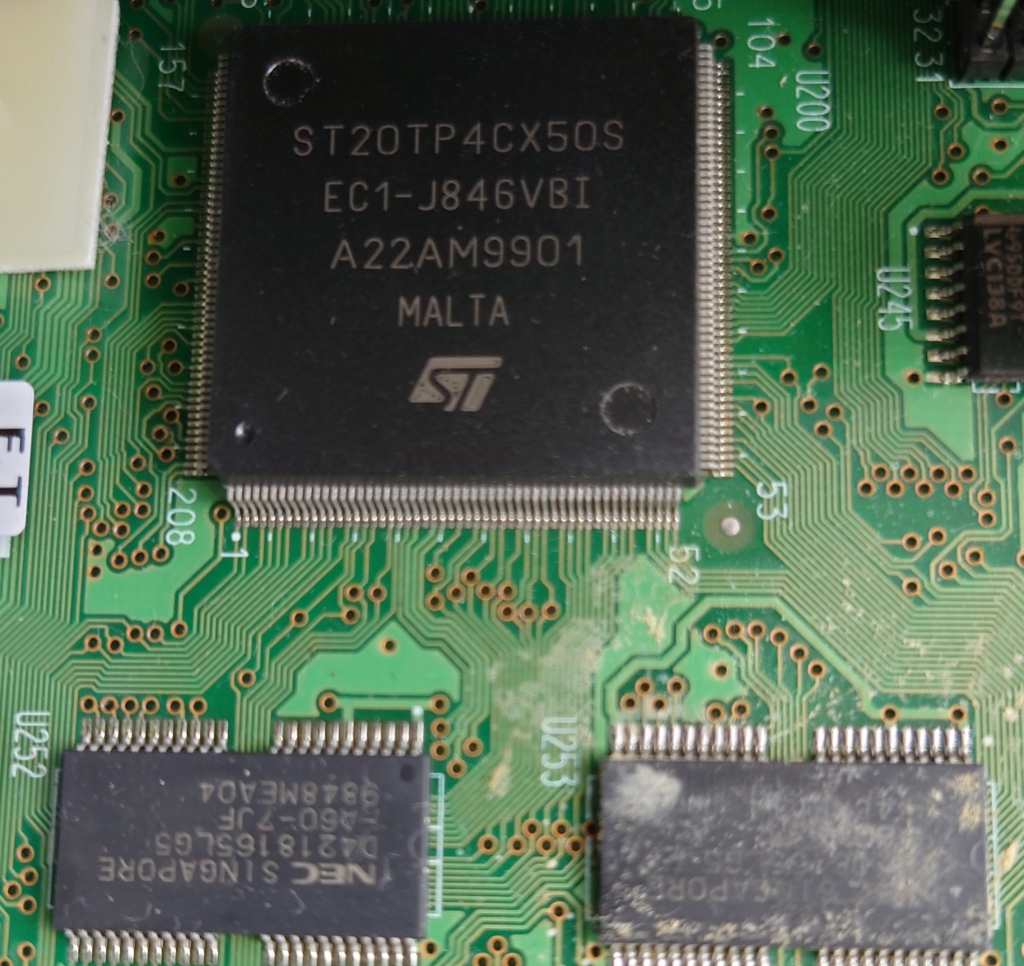
At the heart we have the ST20-TP4 processor, this seems to be a variation of the ST20-TP3 used in the digibox’s of the time and appears to be clocked at 50Mhz. This contrasts to the ARM Texas Instruments chip found in the Mediamaster 9850T, which was an ARM clocked at 40Mhz. It is unfair to compare both on the clock speeds alone, as they are of different instruction set with the Nokia being of the ARM family and the Pace belonging to the ST20 family of processors. Still the Pace feels a lot more responsive compared to the Nokia, although both are sluggish navigating the menus compared to more modern boxes.
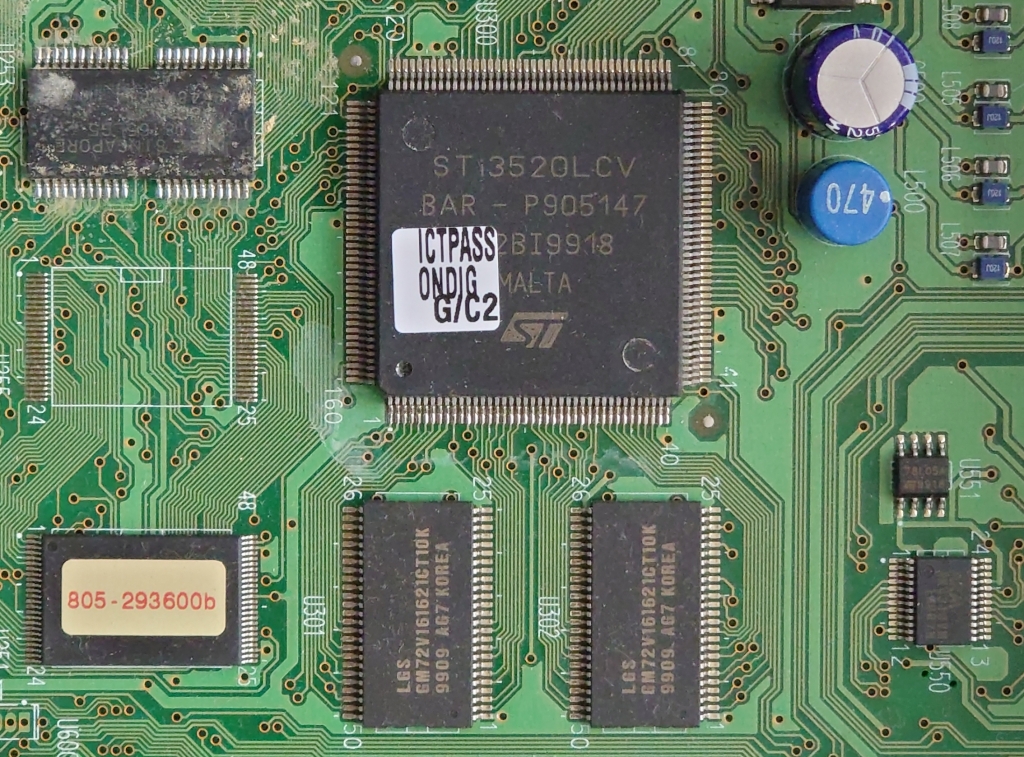
STi3520LCV
An MPEG2 decoder is provided off-chip, very similar to what Pace used in their digibox’s of the time. At this point many of the components were not as integrated, so the Cpu and decoder were still separate chips. I’d say this is the same decoder they used on their Digibox’s, and the IPTV receivers (the DSL4000).
Like the Nokia, the tuner seems to be on its own board and is connected in a similar fashion. Here you have the tuner, RF modulator and the DVB-T demodulator. Here is provided by LSI Logic, whilst the Nokia used a Motorola processor. These would have belonged to the same generation and would have lacked 8K modulation support, meaning these boxes cannot receive modern Freeview broadcasts. As both the Nokia and pace follow this modular-like design for the tuner, I’d guess this was a design consideration, and the mainboards were intended to be adapted easily for satellite or cable use, by separating the tuner module from the mainboard. I also wonder if this is similar to the hardware Canal+ had used for their equipment, just fitted with satellite tuners instead. Pace, Philips, and Nokia did make boxes for Canal+, who also designed the Mediahighway and Mediaguard components that ONdigital used, so it may be the case they just adapted the box design for ONdigital.
Underneath is the common interface slot, which is a PCMCIA slot for additional addon board like a conditional access interface, or to add an additional decoder.
Back in the day there were rumors of a satellite tuner being added as a sidecar to allow for them to receive ONdigital broadcasts, this never materialized and as such the slot remained redundant. Compared to the common interface on the Digibox, it’s a lot smaller but uses the same PCMCIA interface suggesting this was for conditional access use only.
The modem is integrated onto the mainboard unlike the Nokia which was a separate module, it looks to be the same hardware as the Nokia however. Its certainly a lot quieter as it does not make a click when the modem is accessed like the Nokia does (You can hear it when you try to dial into the ONmail service.
The back panel is fairly typical of ONdigital boxes, with dual scarts, audio out (No digital audio like the Sony or Nokia) and a serial port for the ONmail remote.
Flash memory chips, each chip has 2MB of capacity for a total of 6MB. Rumor is there are two partitions, 2MB solely for Canal+ (Possibly the operating system itself?) and 4Mb for ONdigital’s resident applications.
NEC D4218165LG5
The main DRAM, I’d say there’s around 2 or 4MB of system RAM, assuming there aren’t additional chips on the underside of the board. Not much information on these can be found online.
LGS GM72V161621CT10K
Some sort of SDRAM for the MPEG2 decoder, appears to be 1MB in size for each chip for a total of 2MB, according to this site (assuming I’ve read this correctly)
Misc Screenshots
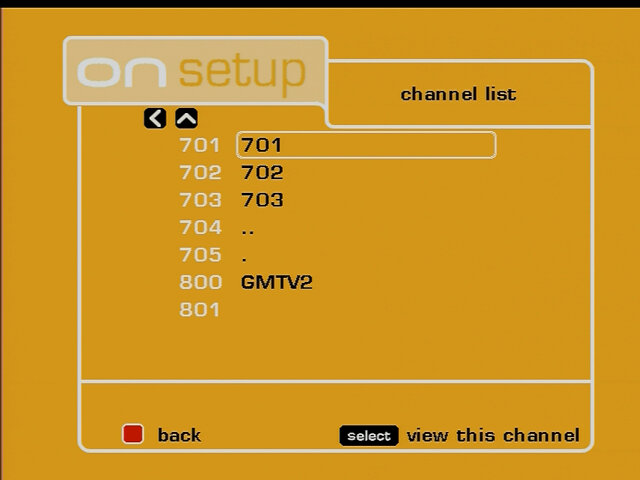
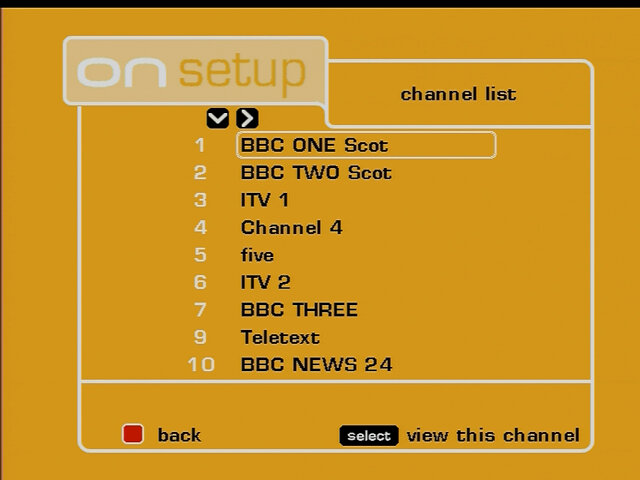
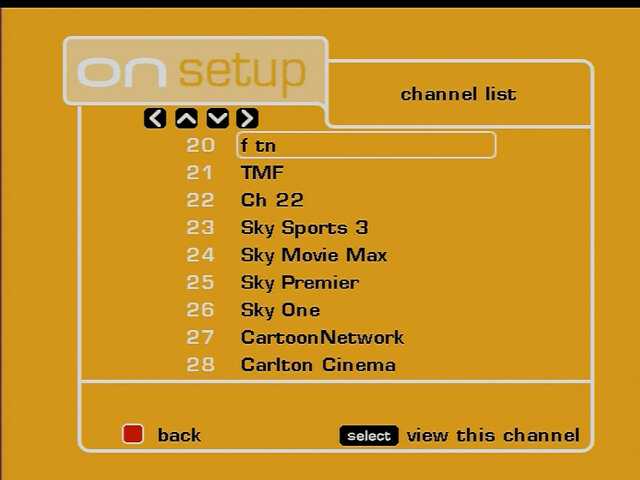
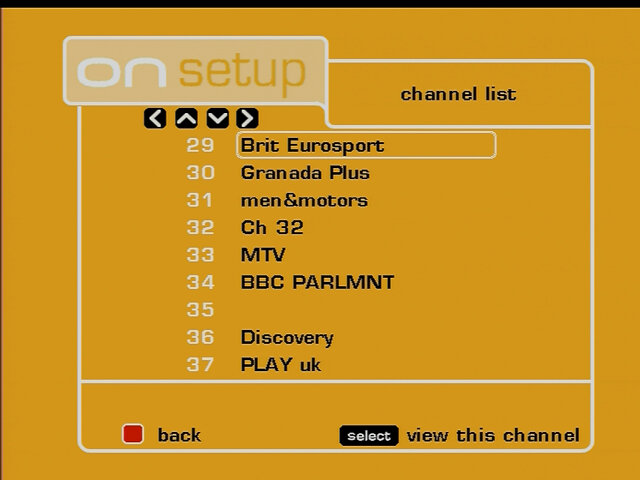
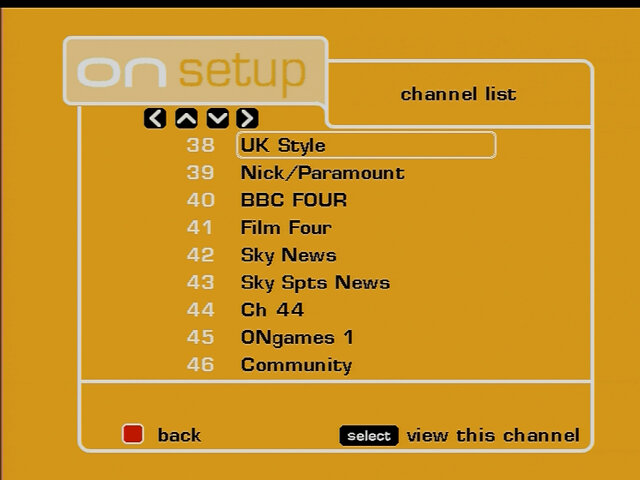
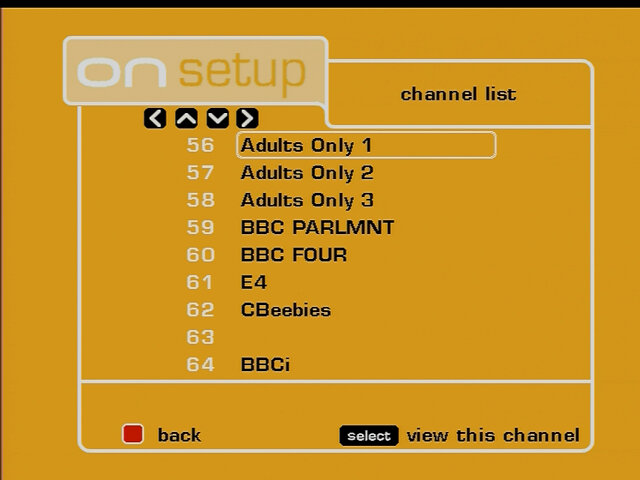
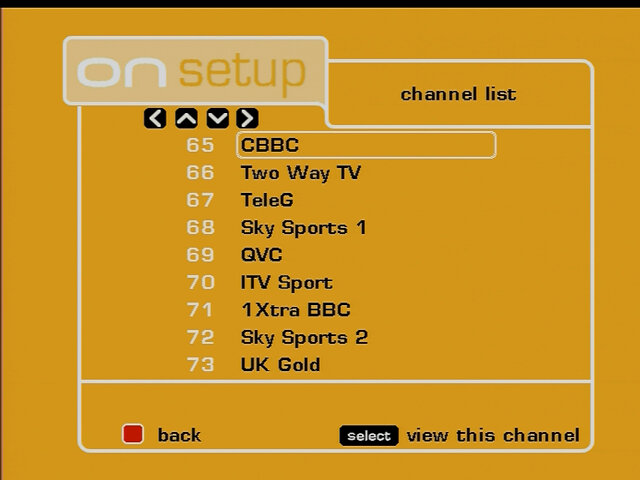
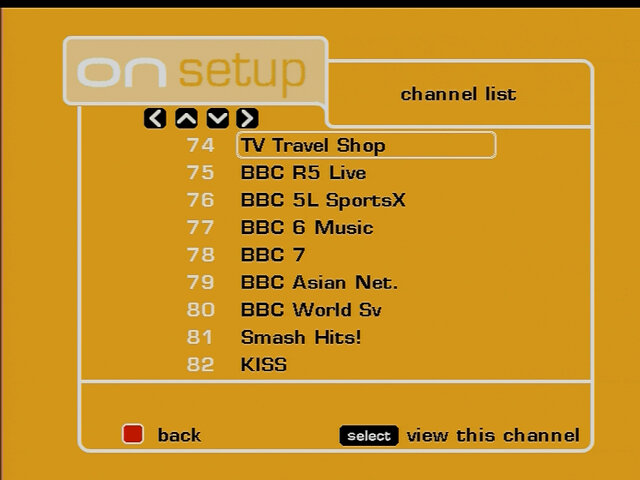
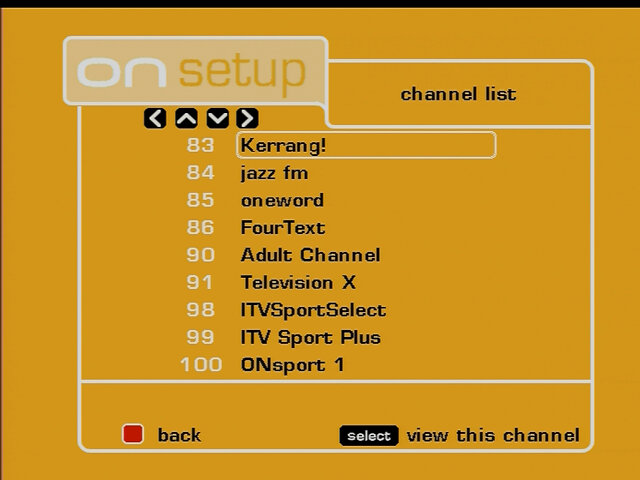
A look at the channel list, seems the box was able to retain some of its original channel list, but was rescanned at some point
Libdebug
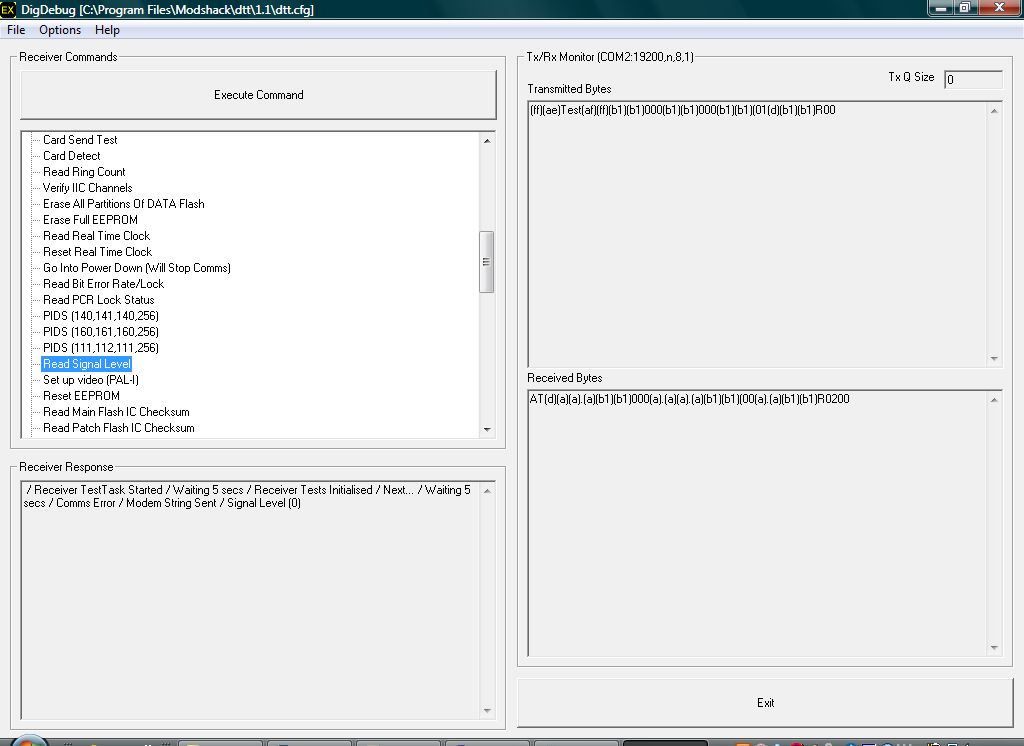
Using the DigDebug and loading the appropriate configuration file, we are able to see the test process for the DTR730. Here there are options to:
Test and clear the flash memory did not want to do this since this will erase the current channel list
Enable/disable the test patterns (A color bar is displayed on screen)
Test the Mediaguard smartcard (If it’s inserted and detectable)
Turn on/off different SCART signals
Test the modem and have it dial out (Didn’t seem to work on my box)
Test the front LED display, you can either set it to be blank or light up all segments on the display
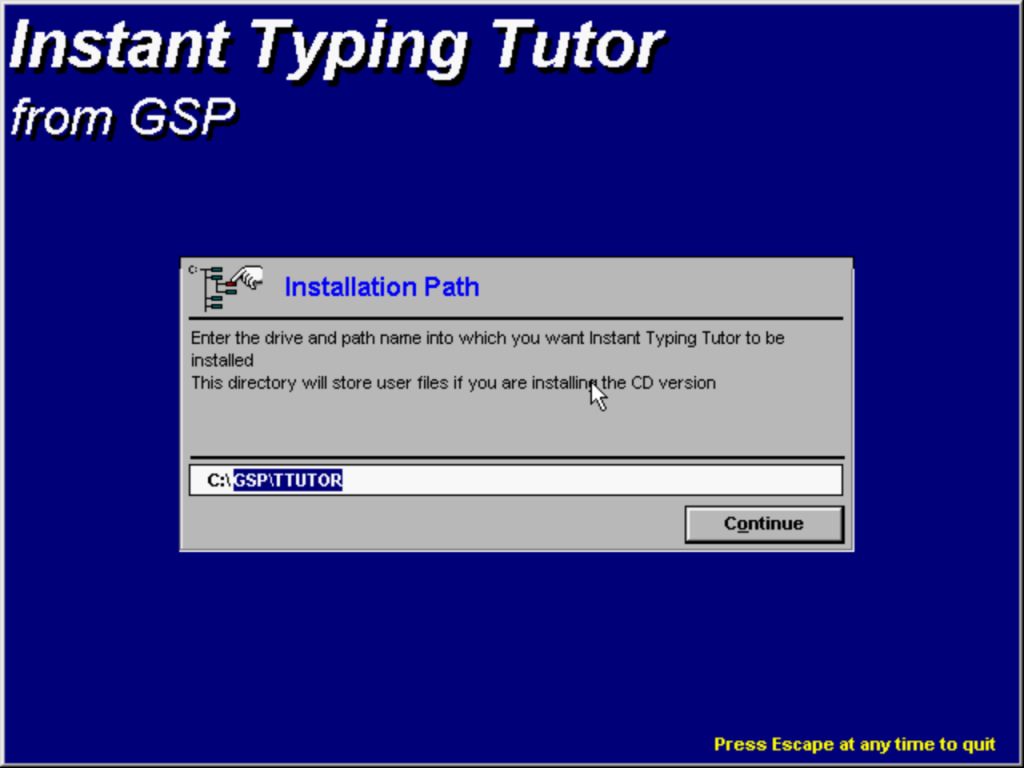
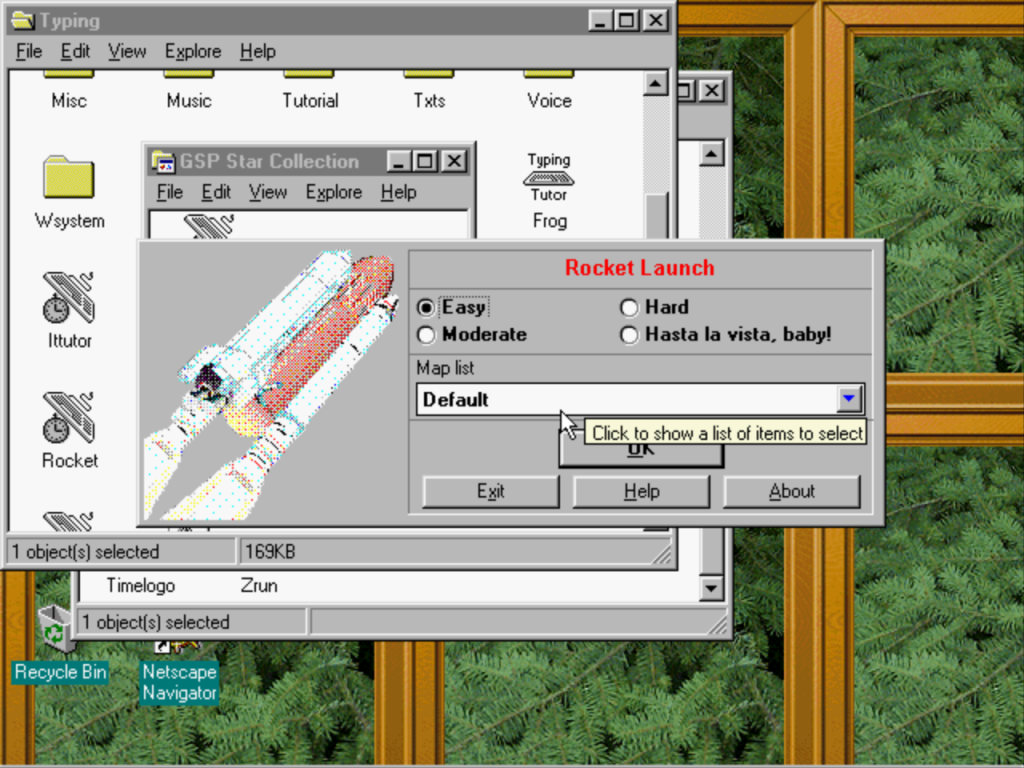
Typing Tutor was software that assisted on how to type effectively on a modern keyboard via touch typing, similar to Mavis Beacon. This is a 16bit Windows application and was intended to be run on both Windows 3.11 and 95, but will work on 98 up to the 32bit versions of Windows Vista. It was commonly bunded with OEM systems as part of other software. For me this came preinstalled on a Time Desktop PC (UK based OEM that sold cheaply built PCs) along with HomeWise and MoneyMatters.
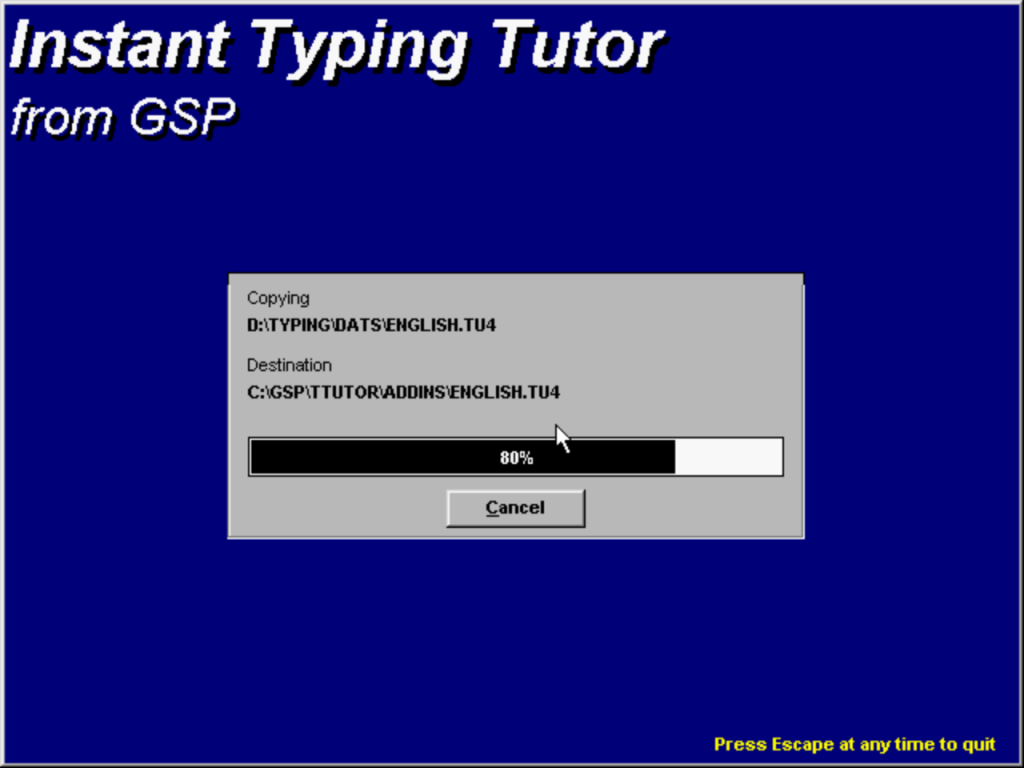
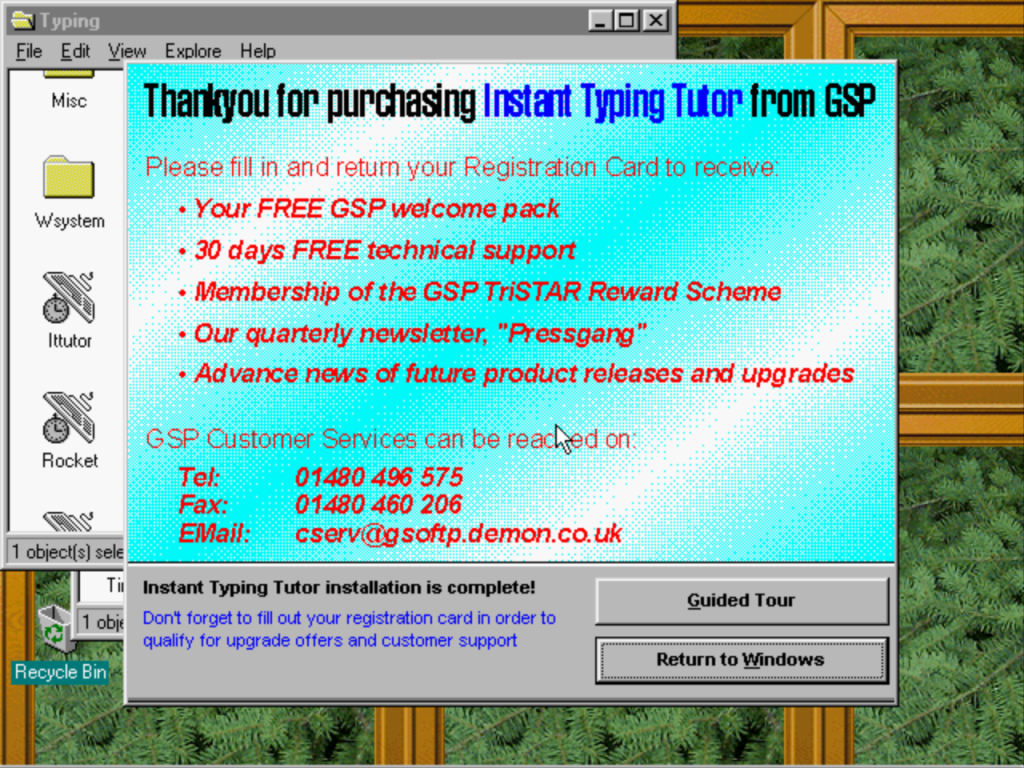
Install
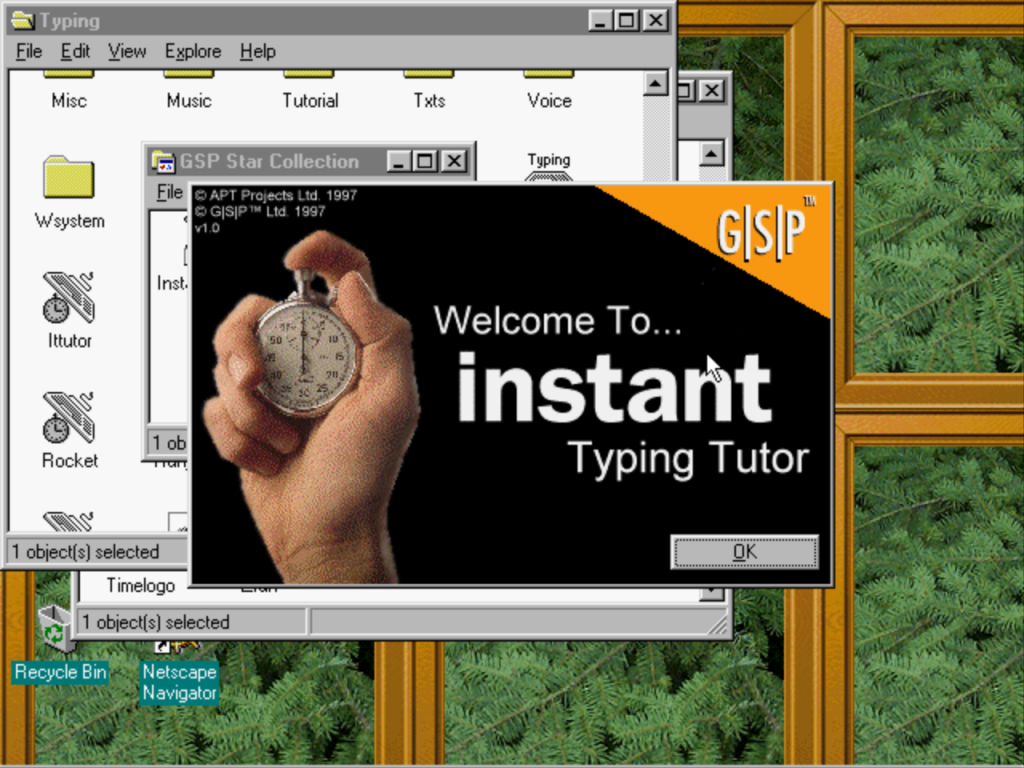
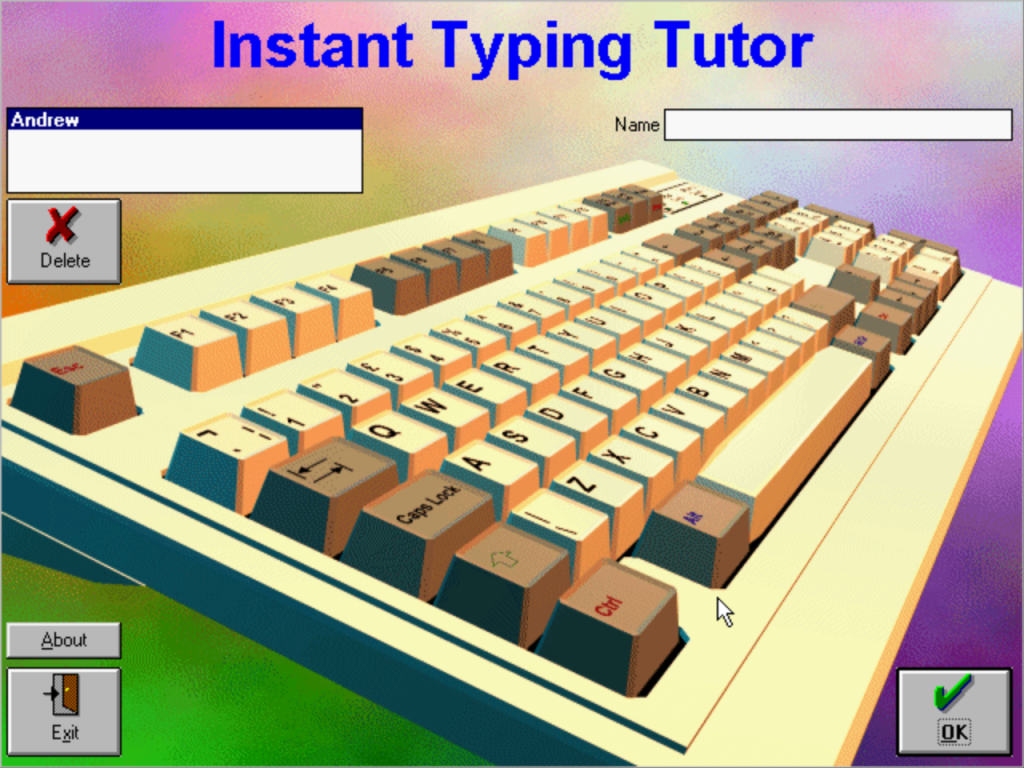
The start screen, each user can have their own profile where they can enter their name and specify their own password. The program can then keep the users score and keeps track of their lessons independently without affecting the other users grade.
User Interface
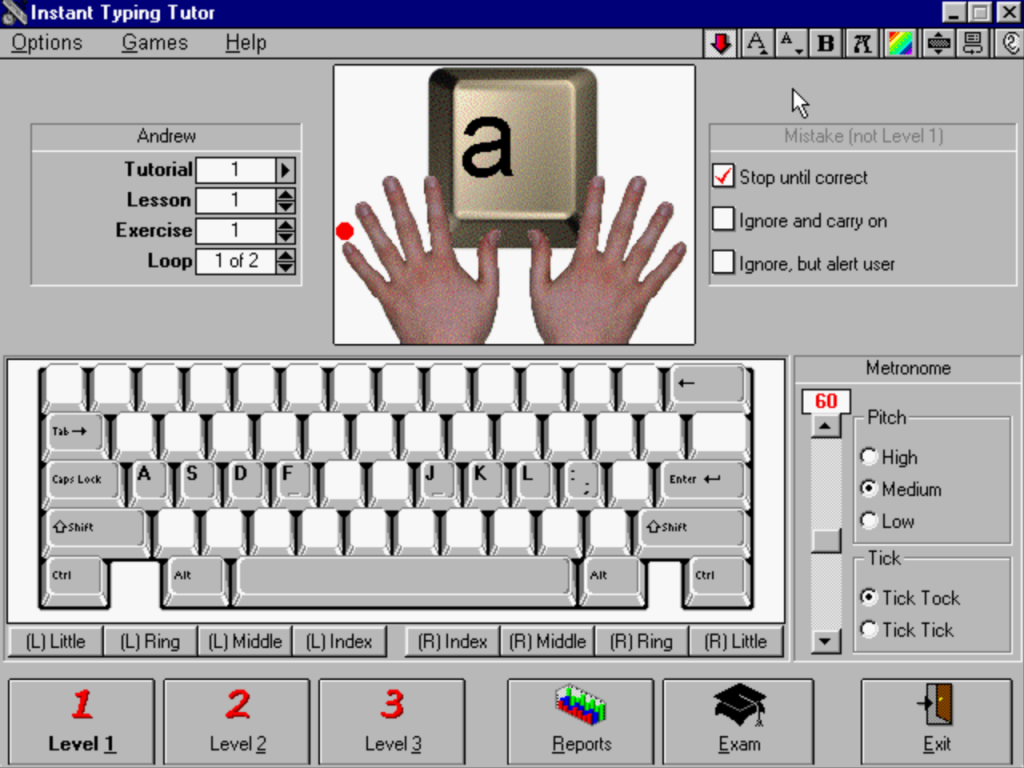
You are introduced to the keyboard layout and the primary keys (ASDF and JKL;) and are then asked to type a few simple works to get you started. Gradually as you move onto a higher level, the words to type become more longer and complex. At first you are prompted to enter a single letter, which will then move onto three letter words.
Whilst you are typing, the software calculates the WPM (Words per minute) and your accuracy (dependant on any mistyped keys). If you frequently mistype or make mistakes, the program will inform you and will give you simple words or letters to help you refocus. The application can be configured to beep to give the user audio feedback as to their progress, and will sound a tone if they make a mistake or when they start a new chapter. This uses the PC beeper rather than the soundcard.
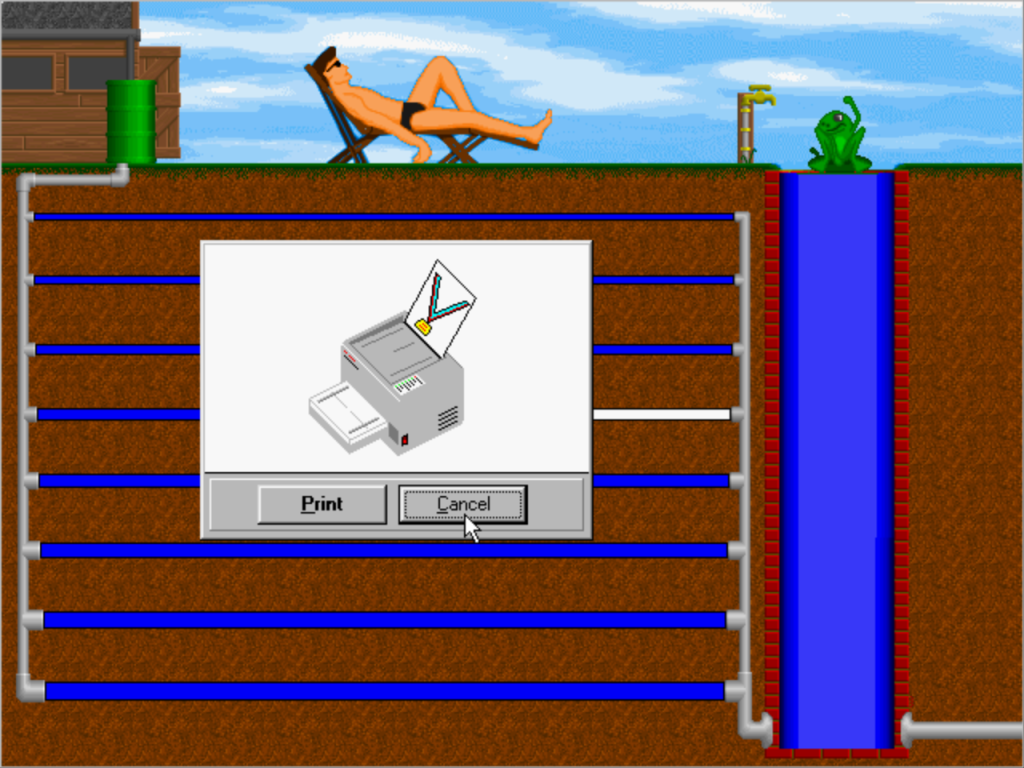
There are different exercises that get progressively difficult as you complete them. When you have completed all the courses, you are offered the option to complete an exam, of which you are awarded with a certificate that you can then print out.
Games
There are two games that are centred around typing
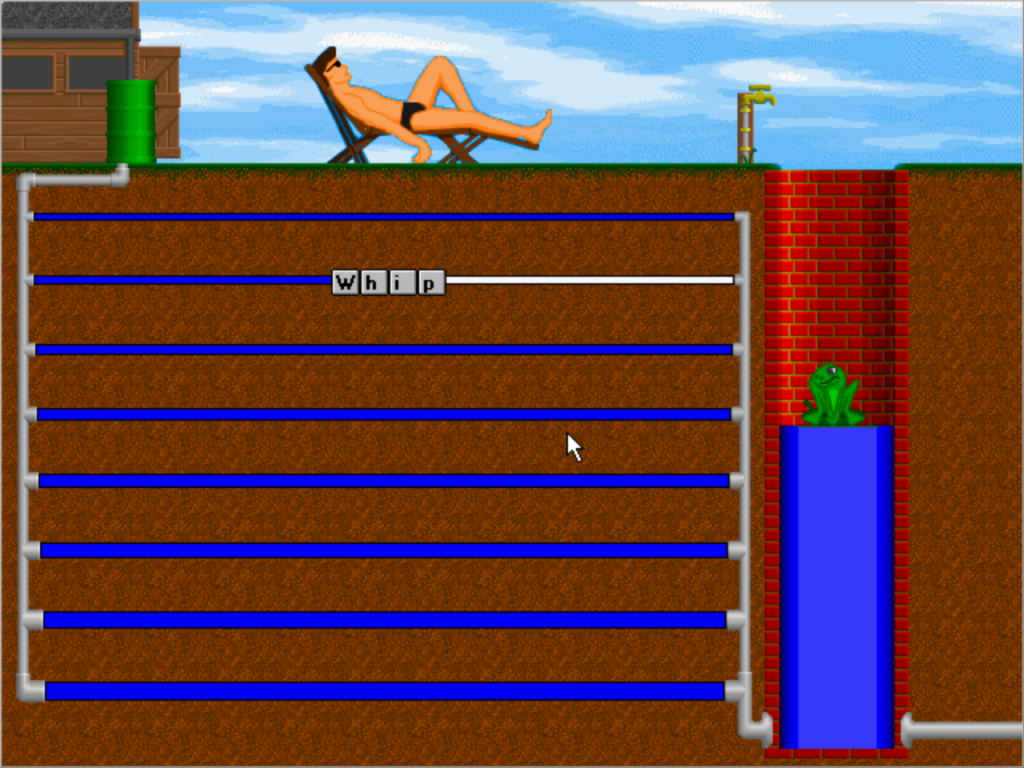
The first game require you to unblock water pipes by typing in words to help the frog escape, that has fallen down the well. Several different levels are available with more longer words being provided on the harder difficulty.
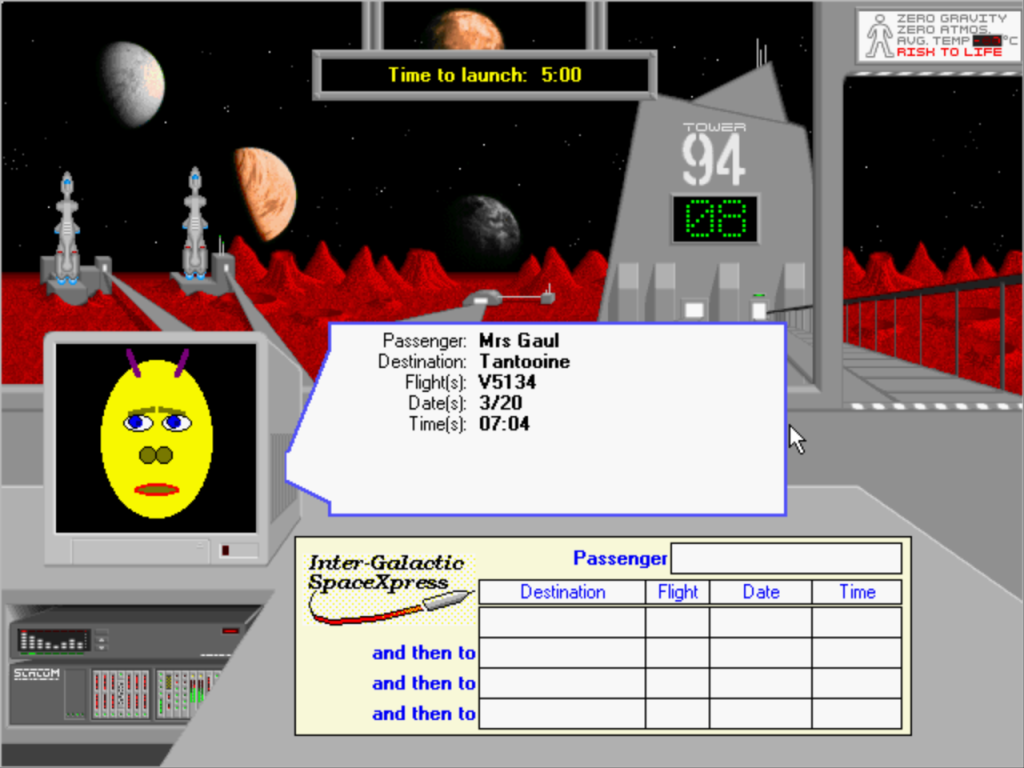
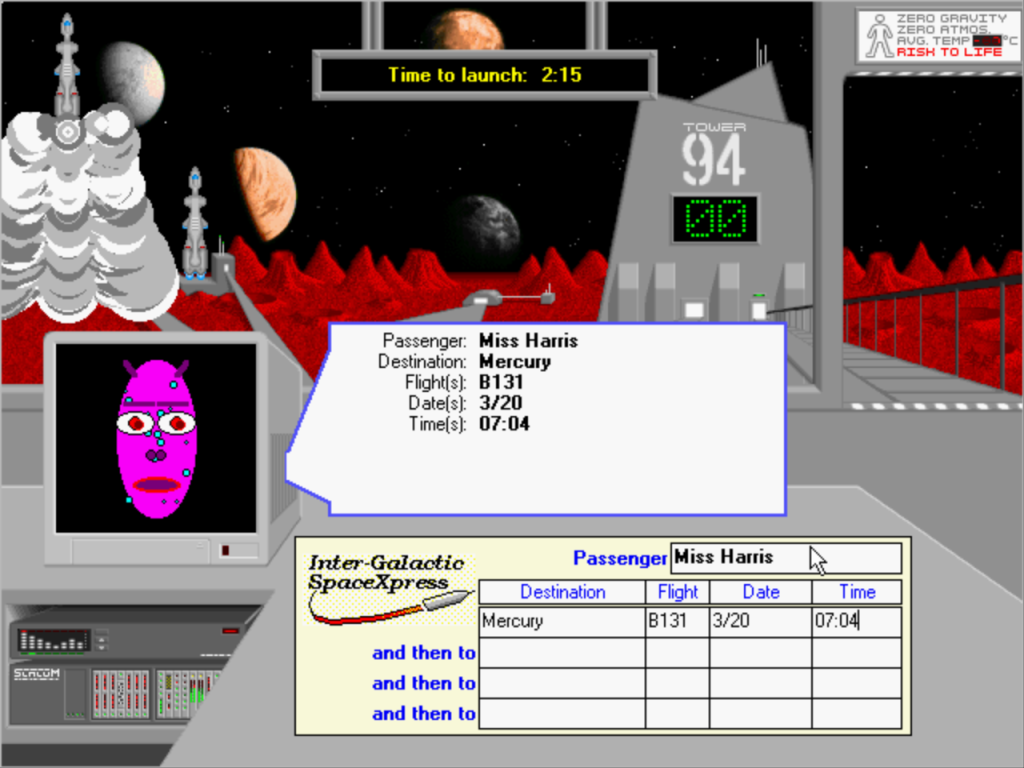
Second one is a bit more mundane, you have to type out the aliens details into the system, completing as many records as you can before time runs out.
The S3 ViRGE is supported on 86Box, albeit a slightly different variant that the Packard bell had used, possibly an OEM exclusive model. The SoundCard differs, using the Aztech 2316R, whilst 86Box is able to emulate the Aztech SoundGalaxy Washington instead, being the closest match.
Install
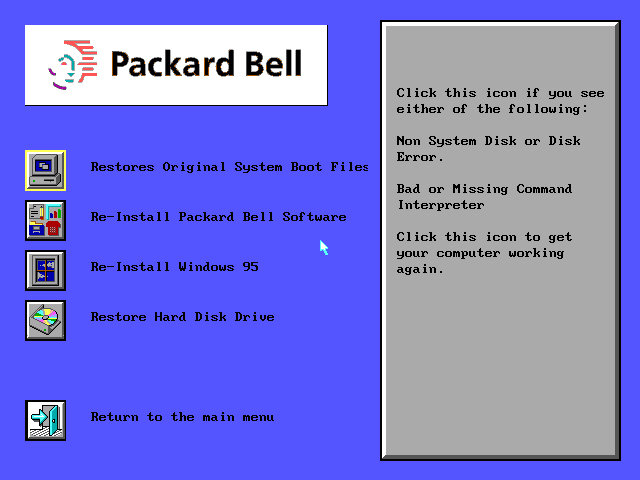
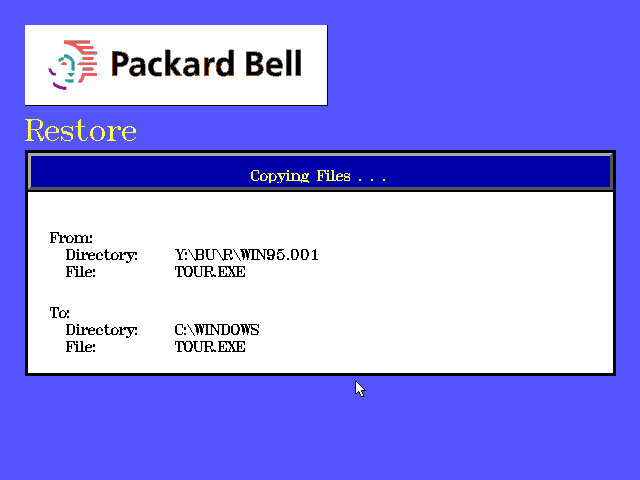
A floppy disk was required to initiate the installation, since the CD was not bootable, despite the motherboard BIOS supporting CD-ROM booting. Once started, a recovery version of Windows 95 started up, and we were presented with the Packard Bell recovery screen where we were given a list of a few options: Restore the original boot files Re-Install the Packard bell software Re-Install the Windows 95 operating system
The only option that worked was the Windows 95 recovery since our virtual machine had currently lacked a formatted drive. When starting the OS recovery process, we were prompted to enter the system serial number to identify the system that we were running on. Since we did not have this to hand, we were able to bypass this by entering a series of random numbers. A warning message popped up regarding the number not being recognized but offered to install anyway. The recovery process then started, with a Windows 3.11 looking dialog box appearing to transfer various files to the hard drive.
Setup
After the file had finished copying over, the computer rebooted and started the Windows 95 setup utility, which looked the same as a generic install. You will be prompted to enter an OEM serial key, so be sure to have one when installing. Once again the system reboots and performs the device detection process.
USB Support? The motherboard BIOS has references to USB support, but this seems to randomly appear and disappear when entering setup, possibly an issue with the emulation? I’m not sure if the actual system even had onboard USB ports or if they were even functional, this was early 1996 when the motherboard was designed.
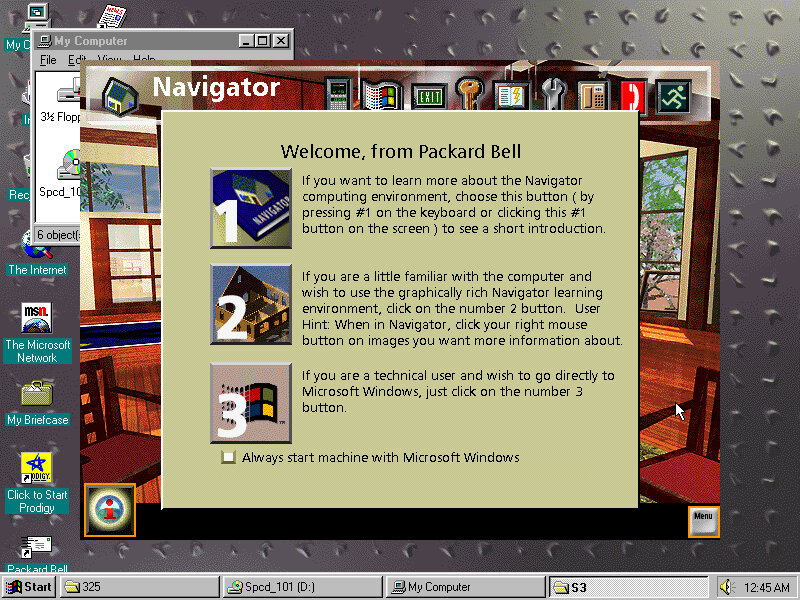
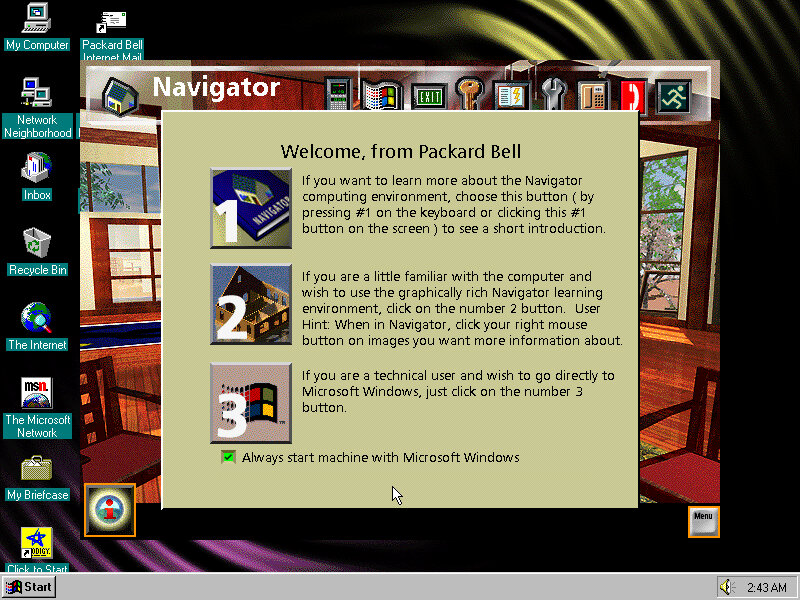
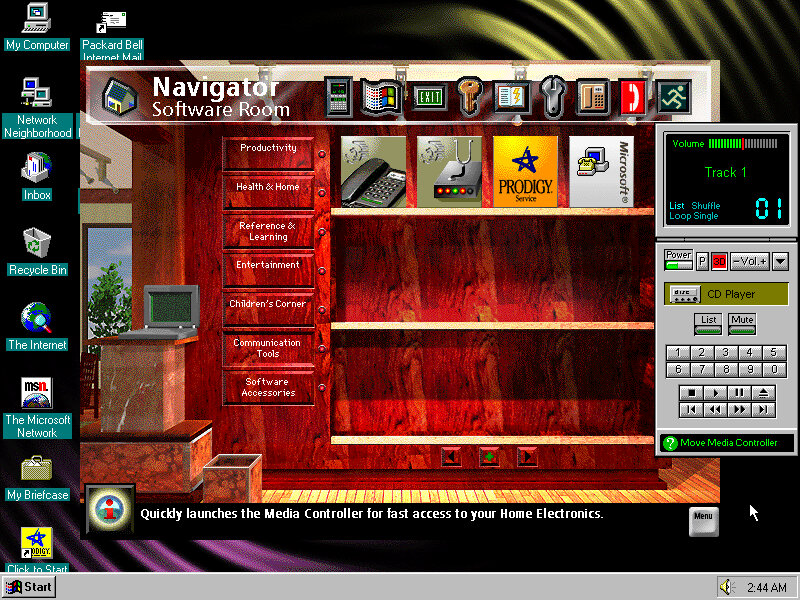
This serves as a replacement shell for Windows and as a way for novice users to navigate their system. From here you can open various applications that were bundled with the system itself, and add future applications that have yet to be installed. Some of these programs require their own CD-ROM to be inserted, as only the minimal install files have been installed, and many were intended to be run off the CD-ROM to conserve disk space.
Navigator (Packard Bell, Not Netscape) uses a house metaphor to present the interface to the user, which was intended for novice users and was exclusive to Packard Bell computers of the era. Some other OEMs also provided their own interface such as Sony with the VAIO Space, which offered a 3D-like user navigation interface for advanced users.
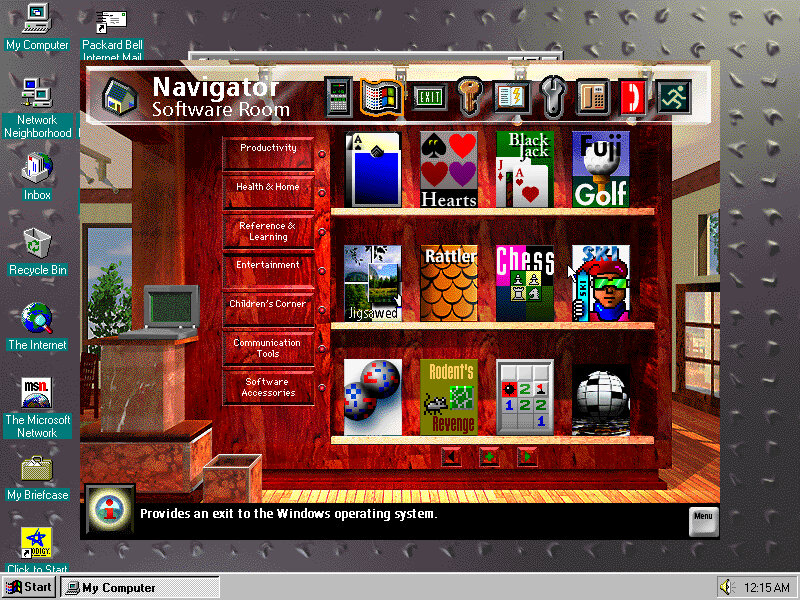
You can see there are a few custom icons for launching the applications, with the facility to install more. Packard Bell presumably sold additional software packages that were navigator friendly and included icon art that suited the navigator interface, and would automatically add themselves to the software room
Also to note was Navigator only runs in 640×480 resolution, when running the desktop at 800×600, Navigator retains its default resolution, personally I prefer it like that since it lets you quickly jump back to the desktop, although it does break the immersion of the Navigator interface.
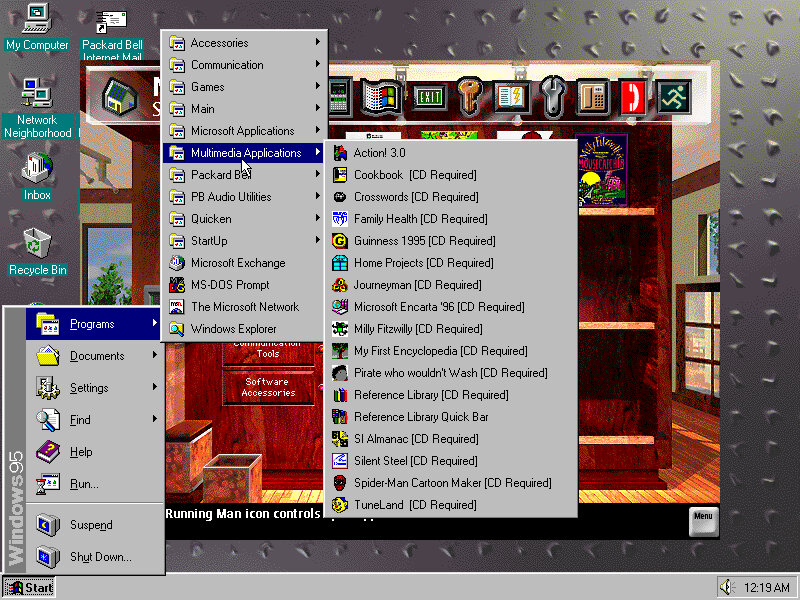
Bundled Software
The example start menu items, organized by Packard Bell
Microsoft Works & Money
These two were very commonly bundled with OEM system bundles and serves as basic productivity suites for Office and accounting respectively.
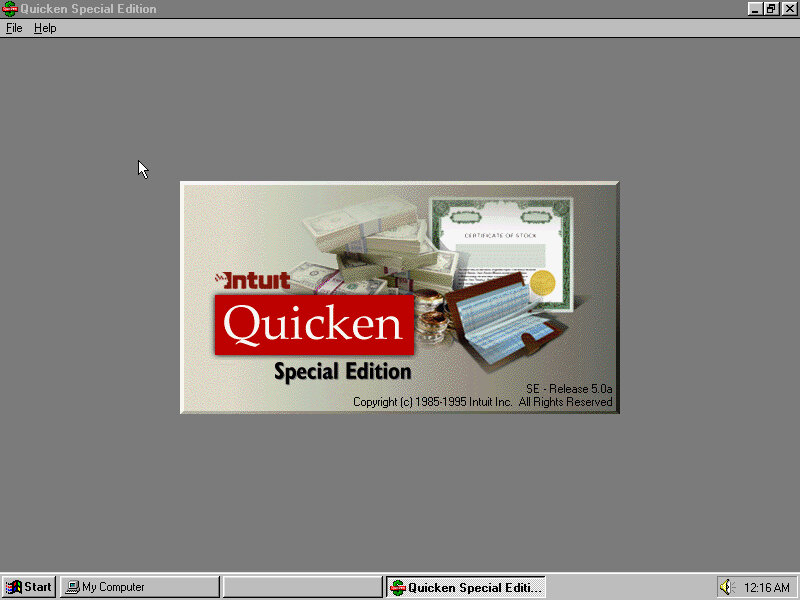
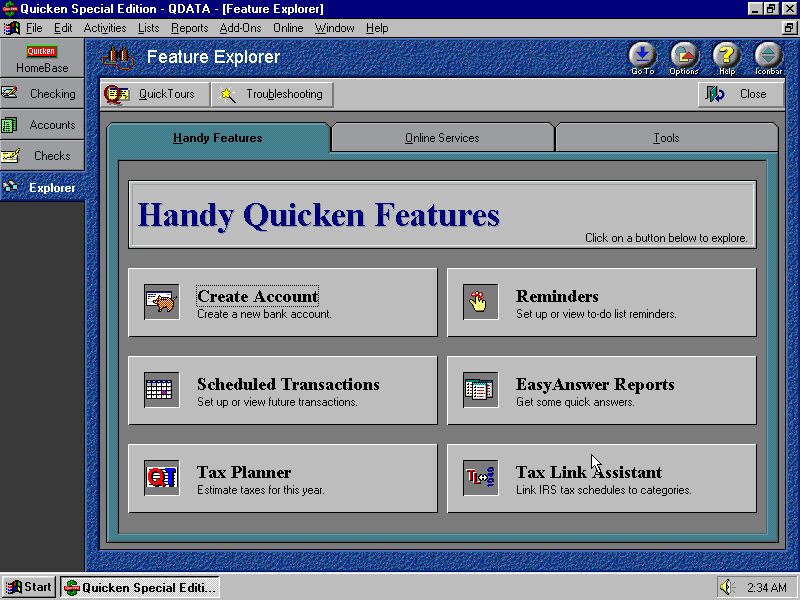
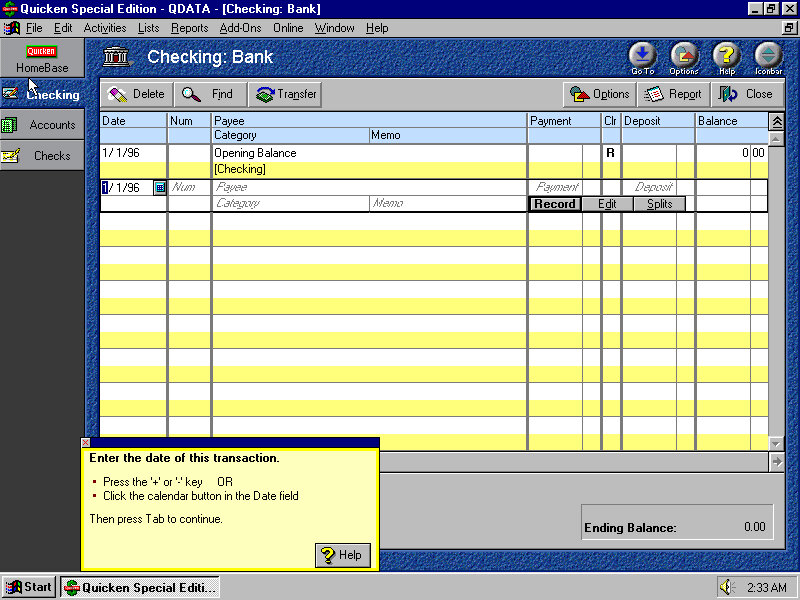
Quicken
Some sort of finance application that helps you keep control of your accounts. Bills and monthly payments, it’s a bit redundant considering Microsoft Money is installed, based on what I’ve seen so far.
Macromedia Action!
It’s like Microsoft PowerPoint where you can create and showcase sideshows, although it has no compatibility with PPT files. There are a few premade templates available to choose from. Files are saved in either the Act format or (Player) ACP or (Stationery) STA. There is an option to export the presentation to an external VCR, this would involve connecting the VGA output, or composite if the graphics card supported it to the VCR to record from. This is known as Print To Video.
Microsoft Word Viewer
For viewing Microsoft Word DOC document format, you would think Microsoft Works would be able to handle this format (It does, but I’m not sure if its fully compatible with certain features/formatting)
Microsoft Entertainment Pack
A few selections of games are included from the Best Of Entertainment pack, this is fairly common to be included in Packard Bell’s prebuilt systems. Skifree, Rodent Revenge and JigSawed are common games included here.
Call Center
Looks to be some sort of modem/phone line dialer to make phone calls through your PC. Could also be used to contact Packard Bell support.
Stick Ups Lite
Stick ups
It’s the MacOS sticky notes but for Windows, you can create various sticky notes to help remind you of upcoming tasks and reminders. You can customize the colour of the note itself and the font/style of writing. This is kind of a good addition as its rather useful, and Microsoft wouldn’t bundle something like this in Windows until Windows Vista as one of the widgets gadgets, although a few third-party applications included similar functionality
Conclusion
Packard Bell was one of the few hardware OEM systems builders to make their systems unique from both a hardware and software perspective, despite the restrictions Microsoft had enforced following the use of alternative shells post Windows 95, however, Packard Bells’ bundled applications help give off a certain personality with the system being aimed for family and novice users.
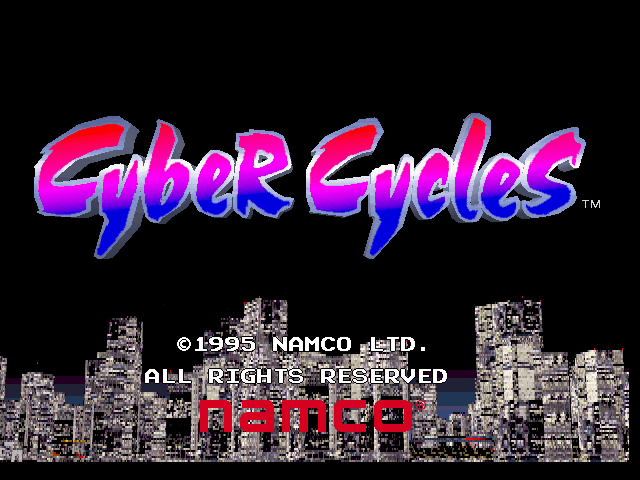
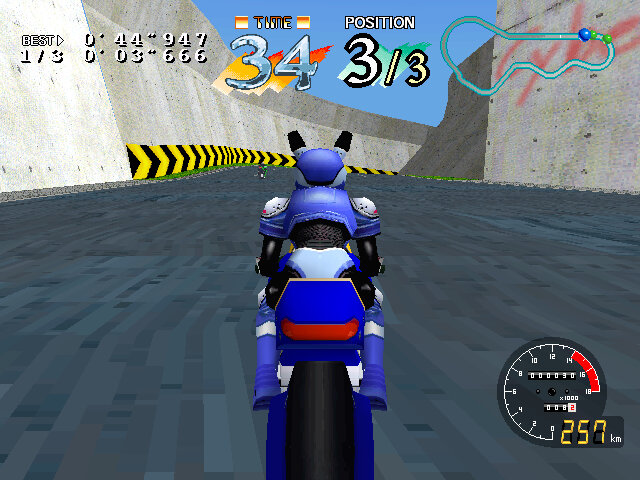
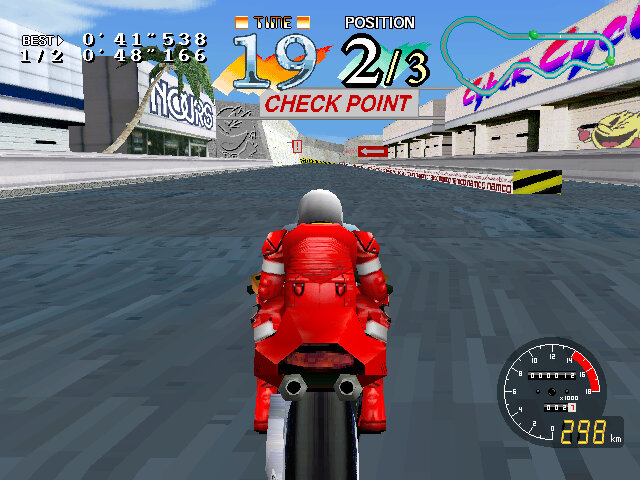
Lets take Ridge Racer, but with bikes instead of cars
There are two main opponents and a couple of AI drone racers that done affect your rank. It’s best to stay away and avoid these since should you collide, you risk crashing and falling off your bike which will waste time and allow the over racers to overtake. As with all Namco AI it will cheat and rubberband to ensure they are right behind you.
The viewpoints in the game can be changed with the dedicated view change button, which also function as the select button in many of the games menus. There are three views in total, one close to the bike, one far from the bike and a first person view. Some players may control the game better with a certain viewpoint.
As with all Namco game, the game has a pretty good soundtrack and makes use of the Namco C352 sound chip
Machines
Anthias – Novice, easy to handle and maneuver but falls short in the top speed. I would use this bike for the first few game of a track to get a handle of the basics of the game. NVR 750R – Intermediate, a good machine to master since is has a balance of handling and speed, turning gan be an issue due to the weight of the motor itself Wild Hog – Advanced, a pain to handle but has quick acceleration. The name might be a pun on Wild Dog from Time Crisis, which was released in the same year NVR 750RSP – Hidden Black Anthias – Hidden Peggy – A pengium who rides on a scooter, currently only playable via a MAME cheat
Handling in the game is determined by the size and weight of the machine you choose. This will affect the drifts which are required to get a good score in the game.
Courses
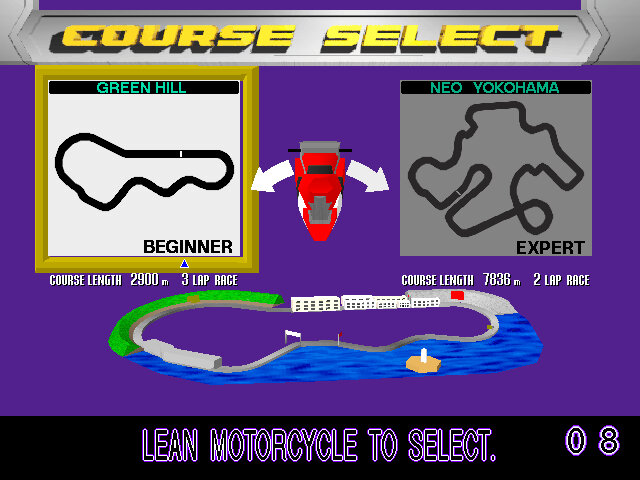
Green Hill – The beginner course and very reminiscent of the courses from Ace Driver or Ridge Racer. There’s plenty of scenery within the environment that gives an impressive amount of detail Neo Yokohama – The more advanced course, set in a city an night with plenty of tall skyscrapers. This one has a few difficult turns to learning and mastering drifts is a must.
Other Info
Clips of the game were included in the music video for Republica – Ready To Go (Original, not the rock version), Virtua Fighter 2 is also shown
Cyber Cycles was not released for home consoles, and remained an arcade only title.



























































 Drew1440: Blog