Sony VAIO PCV-90 (86Box)

Another machine that’s supported by 86box and has a recovery CD available online

A desktop PC with a Pentium 166Mhz (No MMX), 32MB of RAM (Although we will be giving it 128MB, the max amount), an 8X CD-ROM, floppy drive, and a 2.1GB HDD. The PCV-90 was a higher-end machine and featured the Pentium at 200Mhz and a 2.5GB HDD. Both systems use the ATI RAGE 3D graphics card with 2MB VRAM.

Setting Up

86box does not support all of the hardware that the PCV70 shipped with, the ATI RAGE graphics accelerator is missing and currently un-emulated so we had to substitute another graphics card instead.
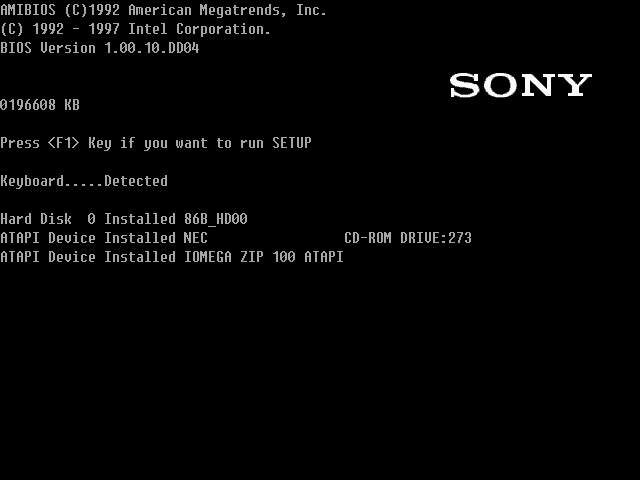
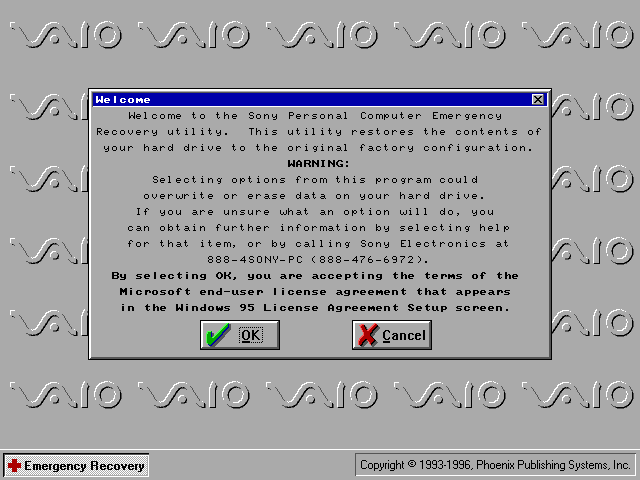
Recovery Disc

A copy was posted onto the Internet Archive which was the full backup disc that shipped with the computer, which was intended to restore the PC back to factory shipped state.
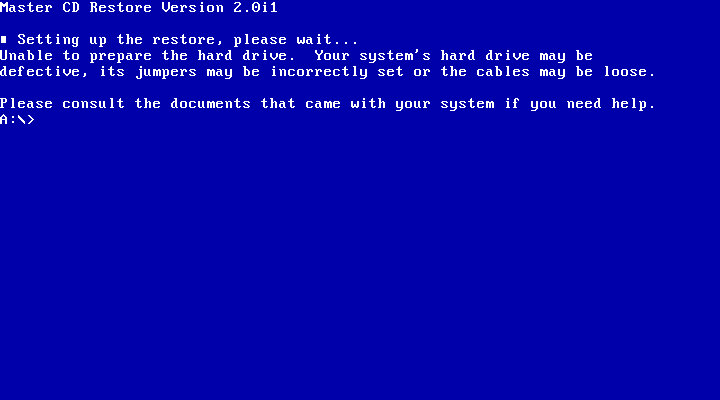
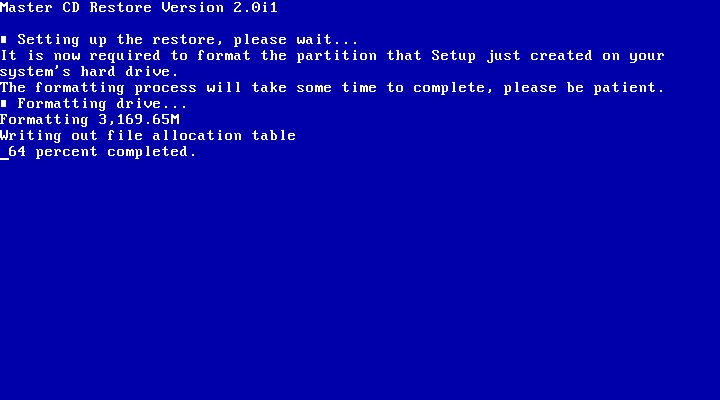
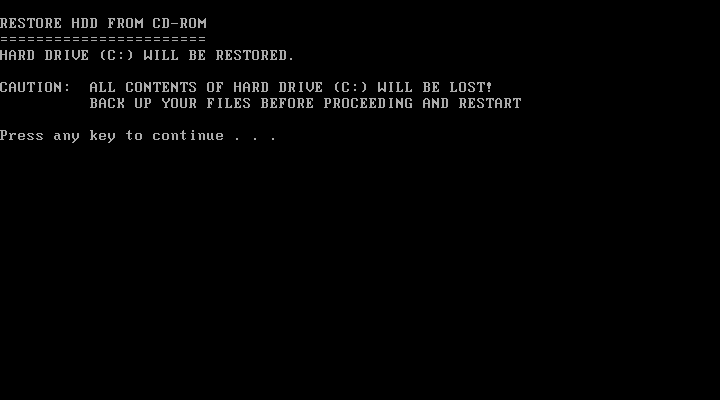
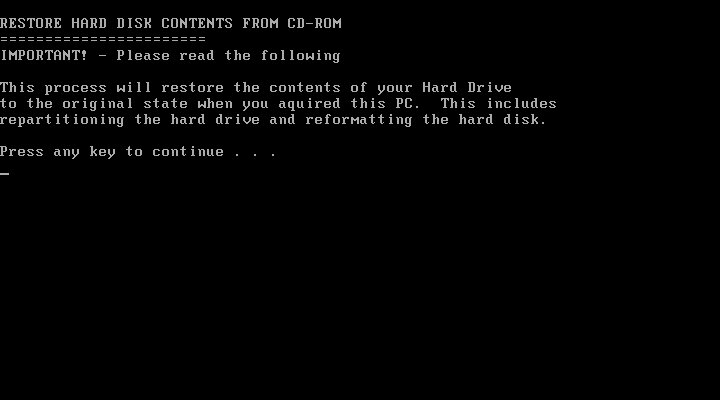
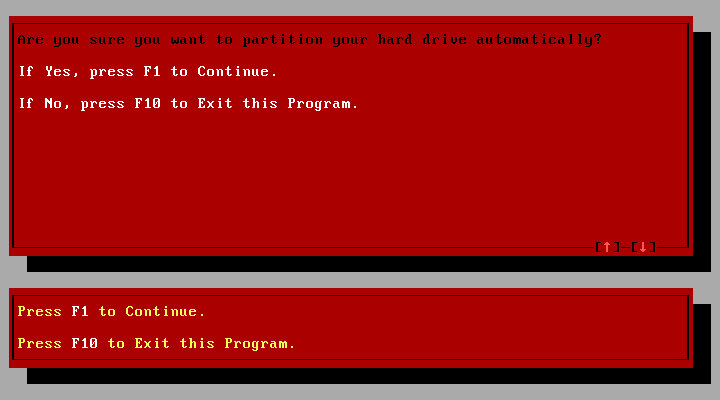
This is where we encountered issues, the recovery utility rightly detected that the hard drive was unformatted since this was a new machine VHD, and instructed me to exit the interface and run a command, which would have initialized the disc. But these commands fail to run, they appear to be batch files that would have run FDISK with a specific argument to create the disc. There are two of these, one for each model since both models had different hard disk sizes.

When the CD-ROM boots, it mounts a virtual floppy drive to drive A: and the actual floppy drive is moved to B:
This image is located as an IMG file and can be extracted and mounted in modern Windows.
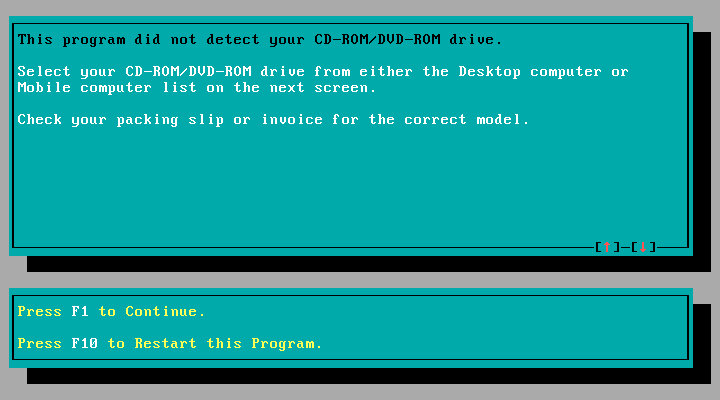
For some reason when this IMG file is booted, it loads some sort of customized boot disk but fails to load the CD-ROM drive despite it being detected by the Windows 95 or 98 bootdisks. As a result, the recovery utility cannot see the CD-ROM drive since that is running off the virtual floppy drive mentioned earlier.
The reconvey utility is non-functional due to the lack of CD drive detected by the emulated boot disk, likely Sony is using a custom boot disk that came with its own set of drivers. When the driver loads you can quickly see an error message informing no CD drivers were found.

So in order to make these CD’s work with 86Box we are going to have to work around them

Solution

The easiest way was to install Windows 95 RTM, then boot into the recovery program and have it overwrite the files and replace the install, this also involved initializing the disk. To save time I would opt for a minimal install and use the RTM version instead of the later OSR releases as that’s the version Sony used (They actually used the plus pack version, which is integrated into the recovery image and gets installed regardless)

Once Windows 95 is installed and fully bootable, I had to trick the recovery utility to load files from the G: CD-ROM drive, but the regular Microsoft boot discs will place the CD-ROM drive as D: which the Sony utility will refuse to see.
Multiple ways to do this was:
Both methods work best when you have a basic Windows 95 install, this is because the recovery software has issues writing to the bootsector.

Method 1: Bruteforce SCSI

Add a supported SCSI adaptor to the 86box machine, and add a load of both IDE and SCSI CD-ROM drives with the hope one of them would become the G: drive.

I would then use the Windows 98 recovery disc, which has the SCSI drivers to detect the drives and load the recovery program. Once the boot disk environment had loaded, verify the C drive was accessible (If not FDISK it using FAT16). You have to type ‘lock C:’ to enable full access to the C: (See the Note below)
Then I mounted the extracted OSBOOT file as a floppy disk in 86box. This was done by extracting the OSBOOT file from the iso and mounting it after the Windows 98 boot disk had loaded, once mounted I ran the recover.exe file and mounted the actual iso image under the G drive.

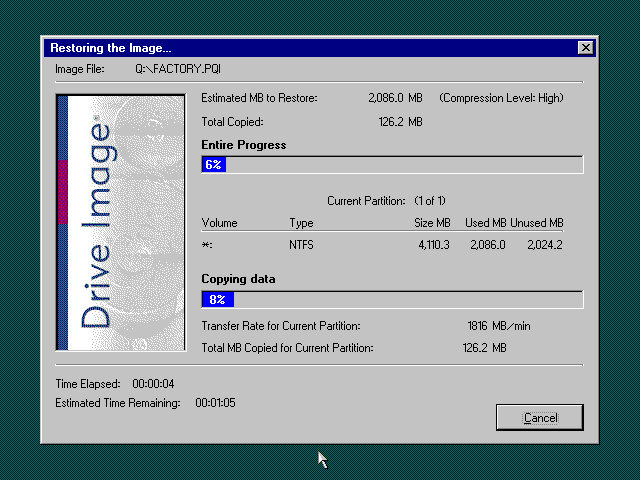
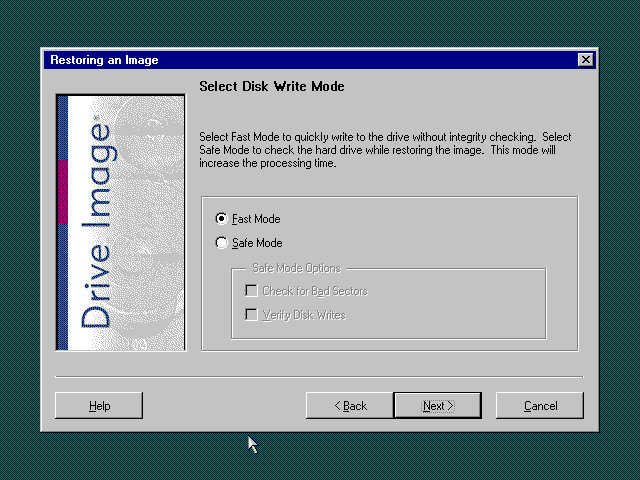
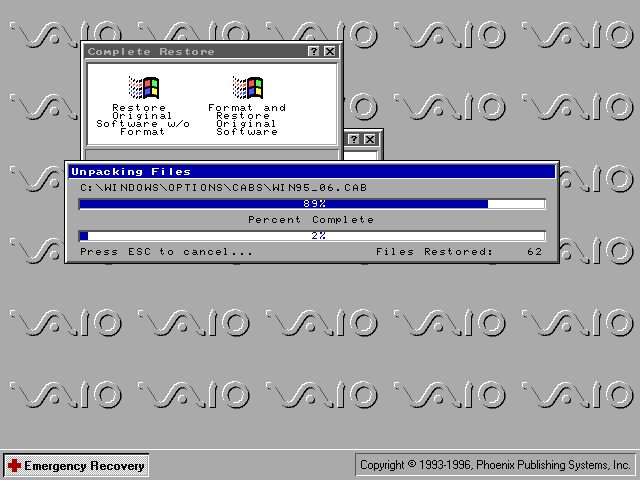
Once the recovery utility loads, select restore system without format, and it should begin the restore process, where it will copy the files onto the C drive, once completed you can reboot the system and it will go through the initial setup procedure.
Remember to eject any floppy discs

Note: The version of DOS that the Windows 98 bootdisk shipped with disables direct writing to the C: drive by default unless the lock C: command was used before the recovery software was loaded. Even then the software had issues writing to the boot sector, so even after transferring and unpacking the files we were still left with an unbootable system. This is why I advised installing an RTM version of 95 then using the recovery utility to overwrite it with the Sony image.

Once the OS is installed you can remove the SCSI drive if you prefer.

Here we modify the existing Windows 95 boot disk to set the CD-ROM drive to be G: instead of D: The easiest way to do this was to mount 9Make a backup first) the bootdisk in a working Windows install or use a third-party utility, and edit the AUTOEXEC.BAT file on the root of the boot disc and change the line:

LH A:\MSCDEX.EXE /D:mscd001 /l:d

See the /l:d
We want to change that to /l:g instead
Then save
This tells the DOS driver to start allocating CD-ROM or ATAPI drives from G: onwards

Now we mount and open the OSBOOT.IMG that was extracted from the Recovery CD, and pinch some files off it, namely the recover.exe, recover.ini, profile.ini and sony.exe
All four of the files total 236KB and we want to copy them to the Windows 95 boot disk, If you run out of space there are a few utilities like regedit that can be deleted off the boot disk.
Save and then mount the modified boot disc and boot the machine into it.
If prompted on the startup disc, load the NEC IDE CROM driver.
If everything is correct it should show

Drive G = Driver MSCD001 unit 0

At the prompt, type recover then hit enter (Should be on the A: drive)
The recovery environment will then load
Select Complete Restore
Select Restore Original Software w/o Format
You may get a few error messages that it was unable to copy certain system files, I believe this is related to the boot sector files I indicated earlier, as long as your original Windows 95 install was bootable then the recovery should work regardless.

I should note that despite testing both methods, both methods result in missing applications like Netscape Navigator. This wasn’t so much of an issue since I could reinstall them alter, and the recovery CD has dedicated options for reinstalling both browsers anyway, along with Microsoft Works and Money.

Update: It seems I had to do another reinstall, and on that one it did install both Netscape and Internet Explore, not sure what I did differently?

Windows 95 Bootdisk

Windows 98 Bootdisk

Post Install

We had to substitute a few device drivers in order for us to have a working system

The ATI RAGE card is unemulated in 86box, instead, I used an ATI MAch64VT2 instead. Do note this card lacks MPEG decoding support so some video sequences will be corrupted and will just display a pink color screen

ATI Mach Drivers

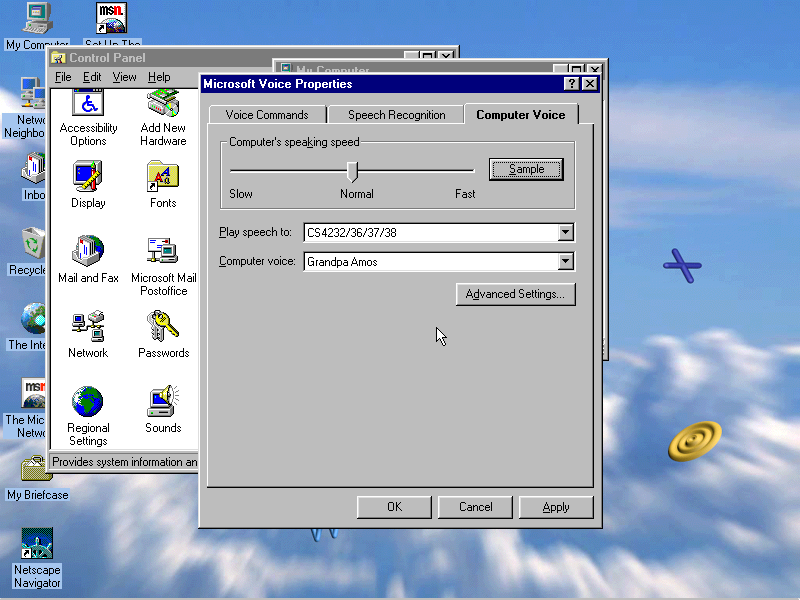
The Yamaha sound card was also unemulated, instead, I replaced it with a Crystal ISA soundcard instead. The originally bundled utilities will still function to an extent.

Crystal Drivers (VOGONS)

PreInstalled Software

There is a shedload of software bundled with this VAIO PC, with many titles requiring an additional CD-ROM to be inserted in order to run, which would have been bundled with the system.

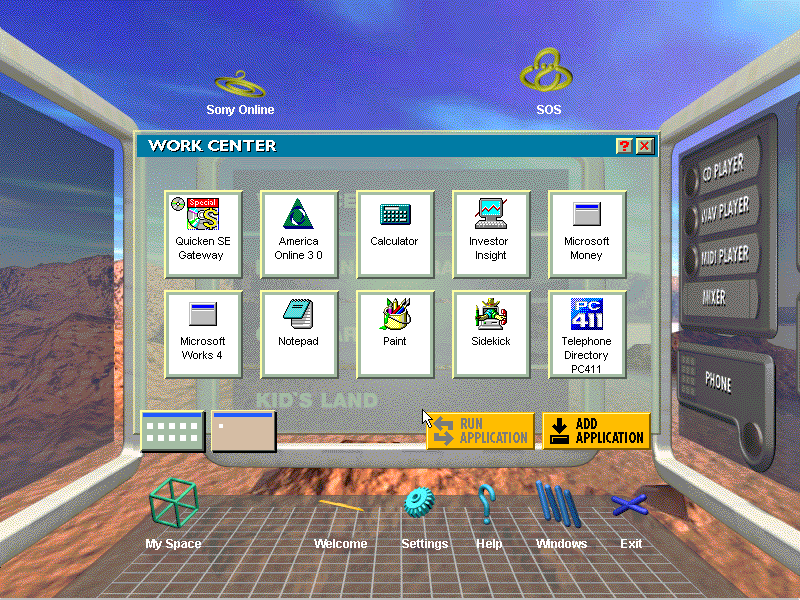
VAIO Space

This was the default launcher that came with the system and would run in place of the Windows desktop, similar to the Packard Bell navigator and RM Window Box, oh and don’t forget Microsoft BOB.
VAIO Space tries to take full advantage of the hardware that Sony offered and many parts of the launcher make use of MPEG video (which isn’t functional in 86box since no graphics card can accelerate MPEG video, so your left with pink squares instead.
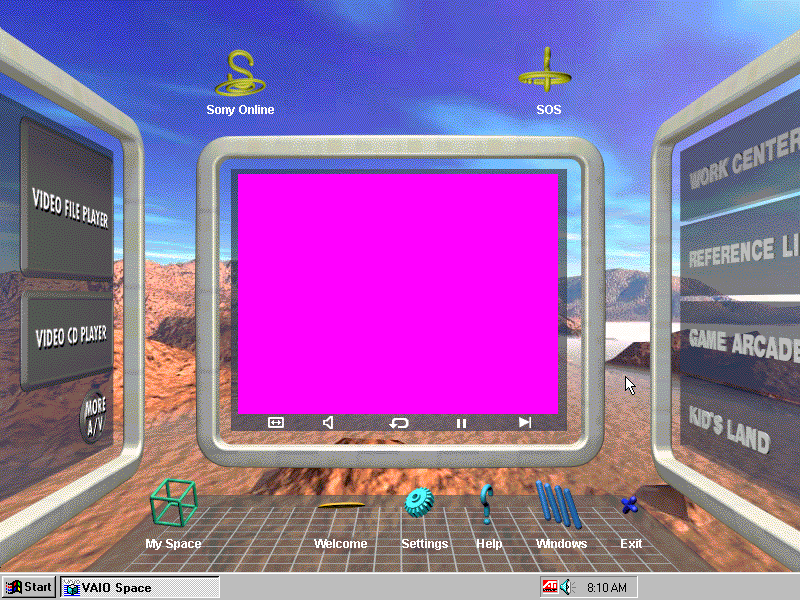
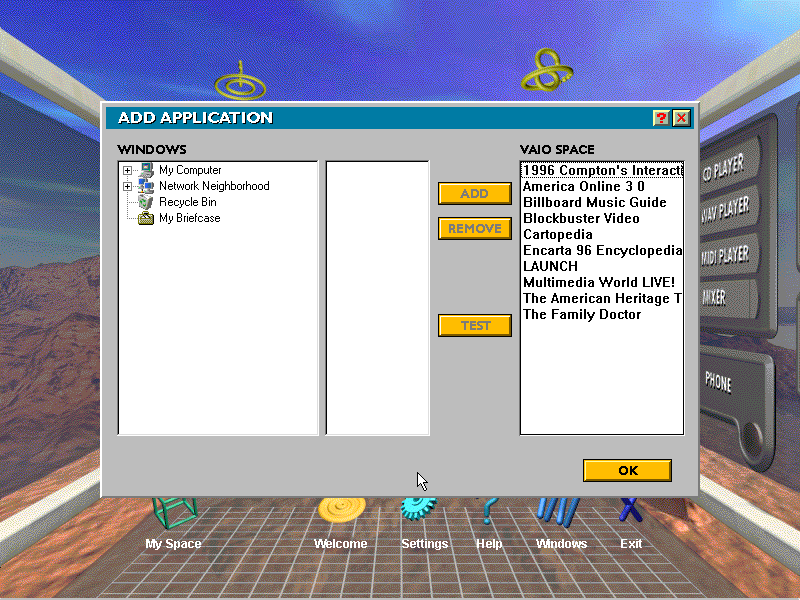
There are a few different areas of the VAIO Space that contains links to dedicated applications:
Home: Features links to My Space, a Welcome demo, the setting page. The Windows button takes you back to the 95 desktop
My Space: Add shortcuts to your favorite applications.
Windows: Take you to the Windows 95 desktop
Help: Gives you a short description on how to use the VAIO Space utility
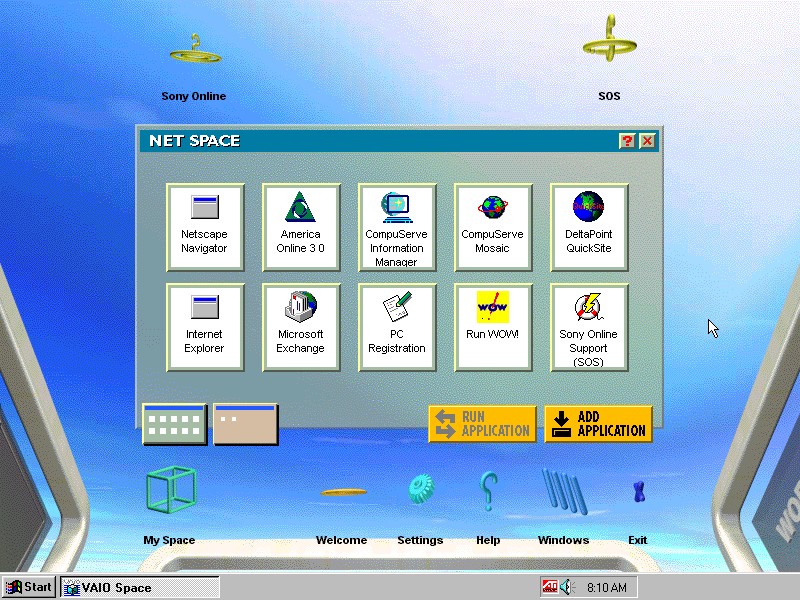
Net Space
Accessible by clicking towards the top of the screen, this takes you ‘up’ and gives you a selection of internet applications like AOL, Netscape and Internet Explorer which were not installed on my system. There’s also links to Sony’s online website and an SOS button which opens up a phone dialler to dial 911

Screen 2
Click left from the home screen takes you to this screen, here you see four different categories:
Work Center: features productivity software like Microsoft Works, Microsoft Money and Paint
Reference Library: Links to reference stuff like Encarta, Family Doctor and Compton’s interactive encyclopedia. As the internet wasn’t very widespread it made sense to bundle this software/
Game Arcade: Links to various games like Wipeout and Mechwarrior 2, also featuring the entertainment pack games and the bundled windows games.
Kids Land: Child-friendly software like 3D movie maker

Screen 3
Multimedia applications like the CdPlayer and WAV/MIDI player. These do not open the standalone windows applications, rather Sony’s own that they have bundled. The More A/V button shows the Window standard programs.

Judging from the software bundled, this was designed to be a family PC with various bits of software to suit everyone.

Overall its defiantly a unique experience and was designed to make it easier for novice users to use the system. Not sure how Microsoft felt about it though, image developing a new user interface only for some OEM to replace it with their own.

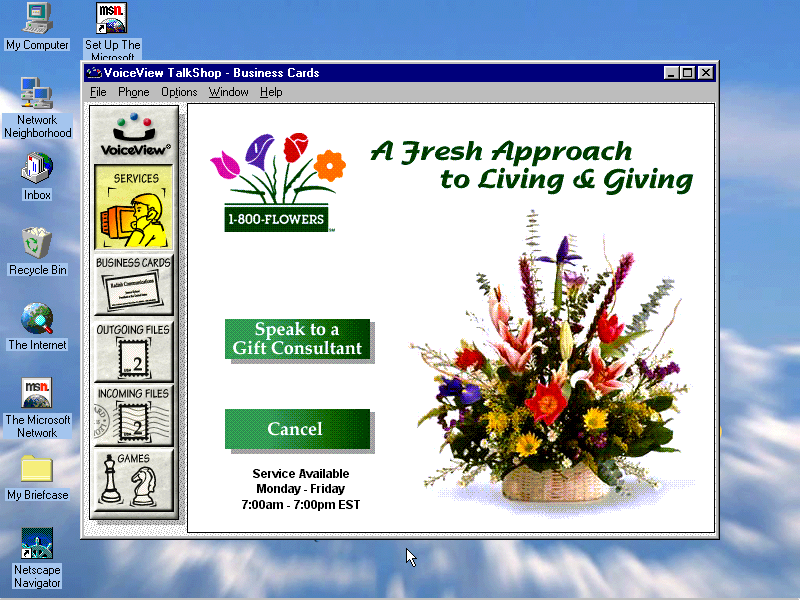
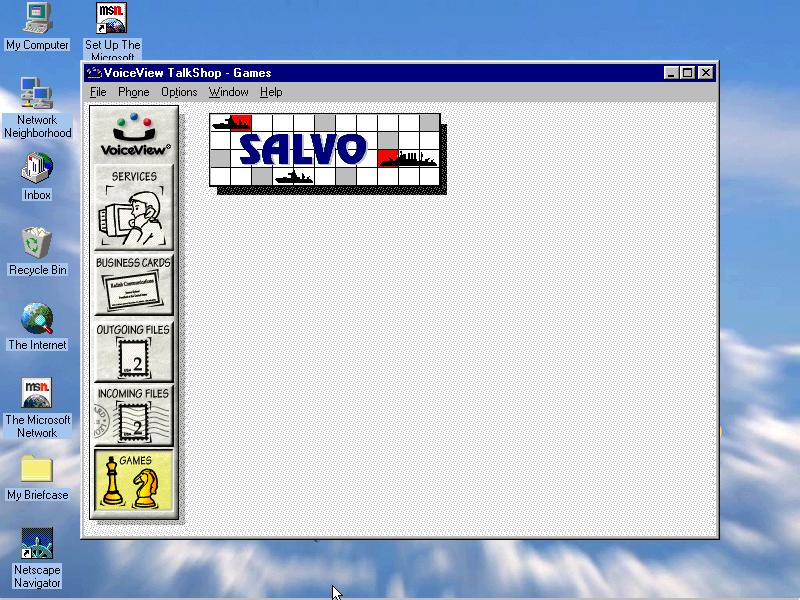
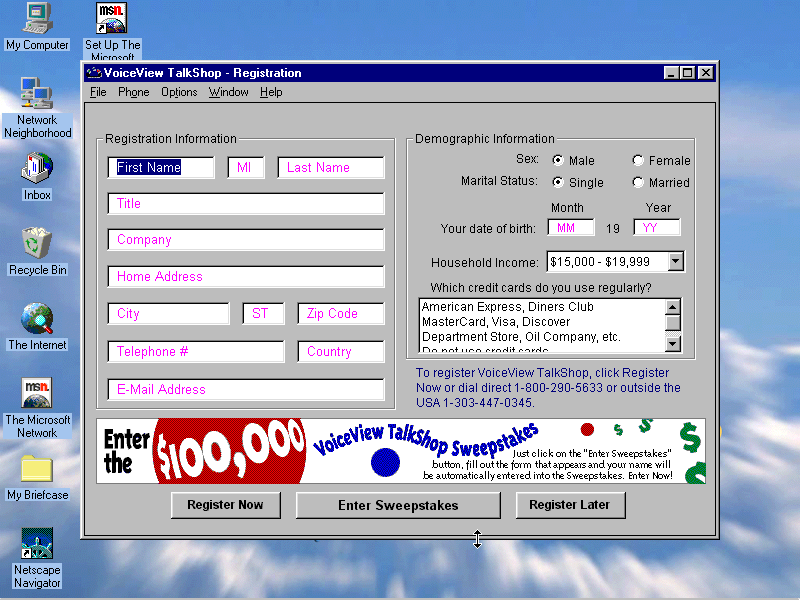
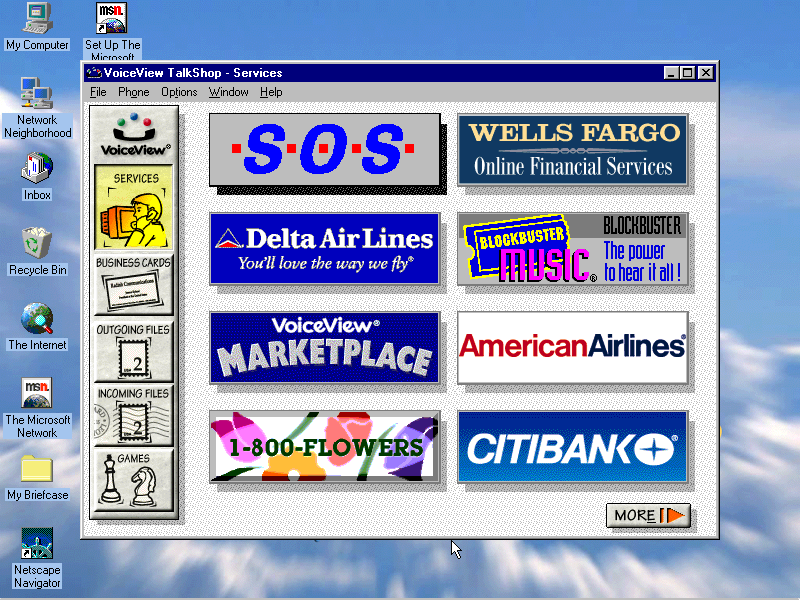
VoiceView: Seems to be a gateway to various online services, has an online game but this crashes when you try to open it

Billboard Music Guide: Needs CD-ROM

Compton’s Interactive Encyclopedia: Needs CD-ROM

AOL: Desktop client for AOL, an internet service provider
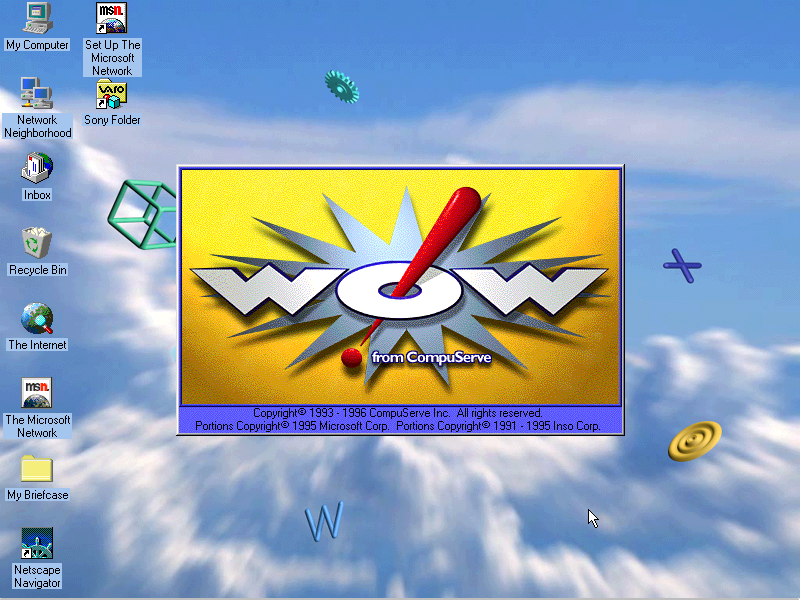
Compuserve: Another Internet service provider client

Microsoft 3D Movie Maker: Popular movie maker application that was part of the Microsoft Home bundle

CyberPassage: Needs CD-ROM

DeltaPoint: Needs CD-ROM

Cartopedia: Needs CD-ROM

The Family Doctor: CD-ROM needed
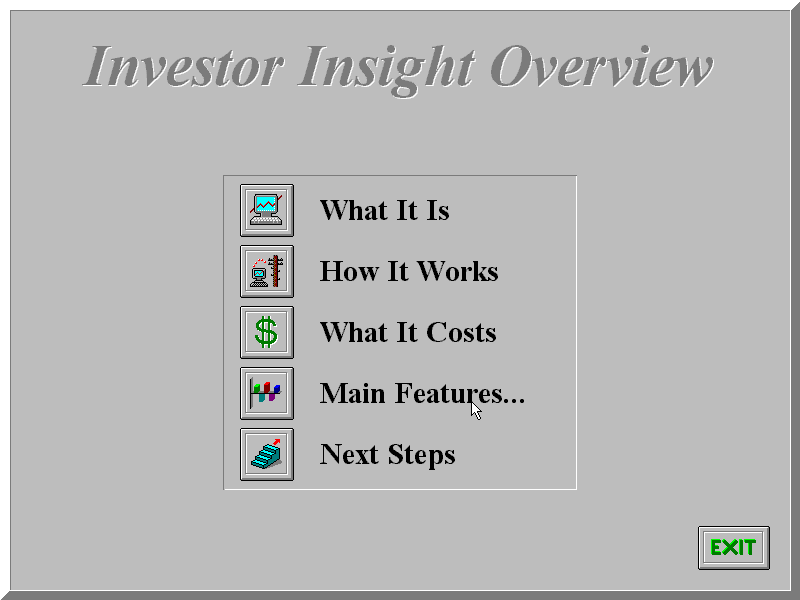
Investor Insight: Another financial application

LAUNCH: Unknown, does not even open without the CD inserted

Microsoft Money: Accounting management software, the 96 edition is included here

Microsoft Phone: Looks like a phone dialer, to make calls through your PC

Microsoft Works: Microsoft’s basic productivity suite, version 4

Microsoft Reference: Works like an offline Wikipedia, needs a CD to run
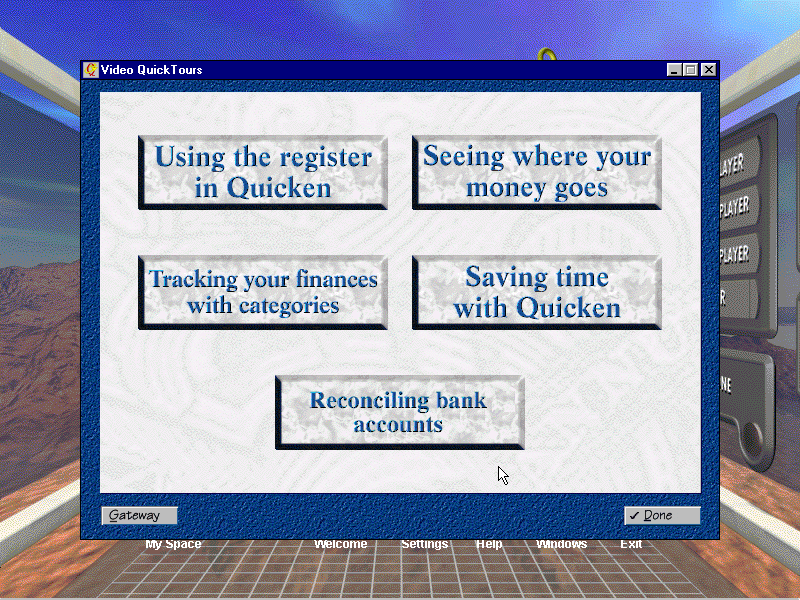
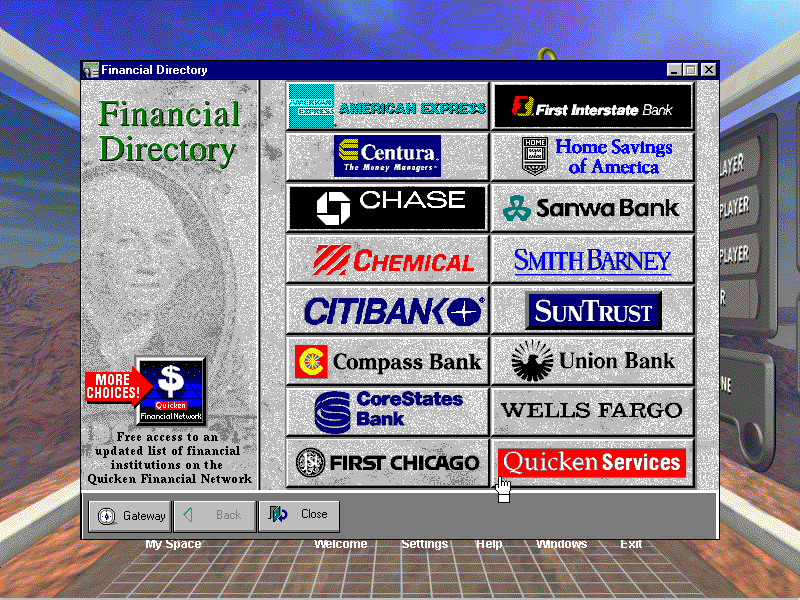
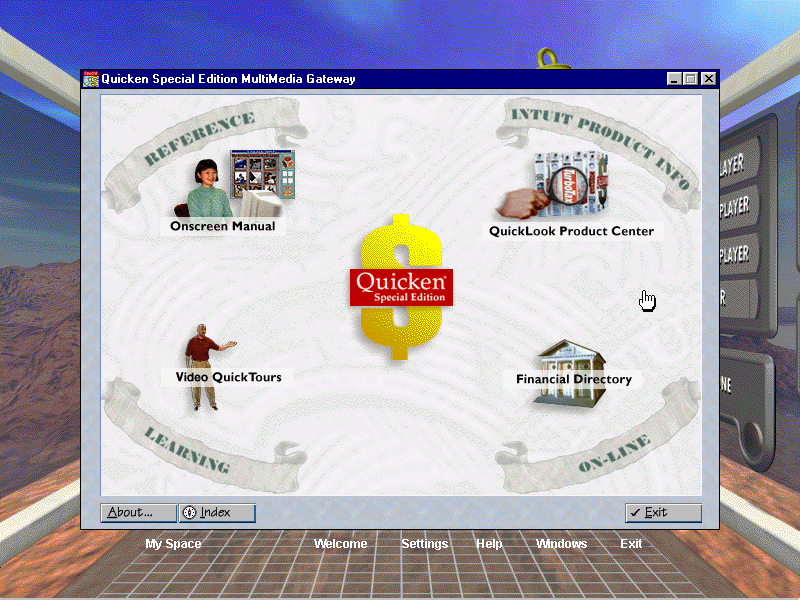
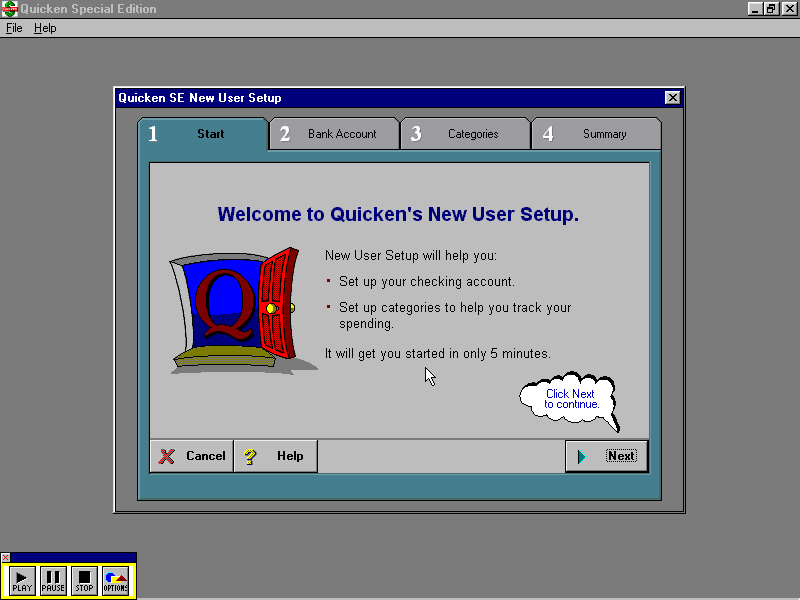
Quicken SE Gateway: Looks to be a finance application and has a lot of links to various banks, requires a CD to fully run and appears to be trialware – limited to 10 launches.

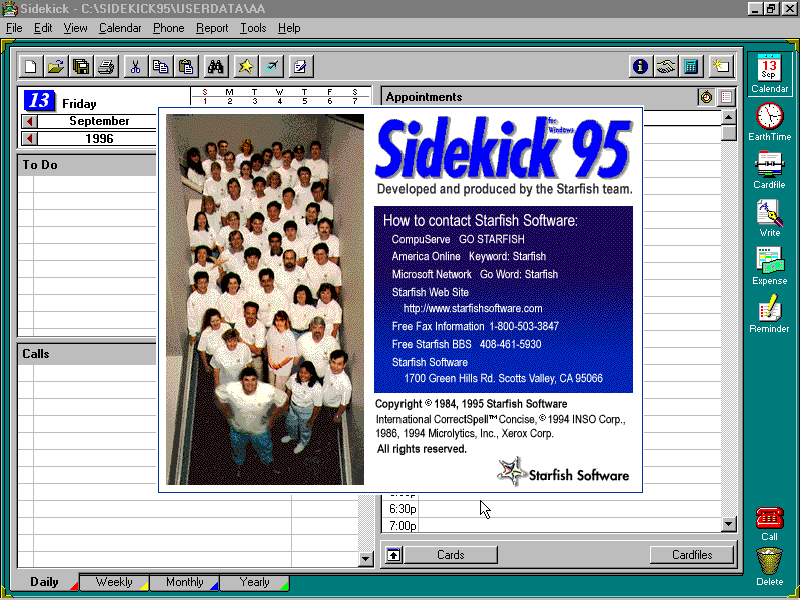
Sidekick 95: Some sort of personal information manager, like Outlook that would store user contacts email address and phone numbers
Reader Rabbit: Needs a CD in order to run

American Heritage Talking Dictionary: Mainly functions as a dictionary, but has a few extras including an anagram generator and a thesaurus
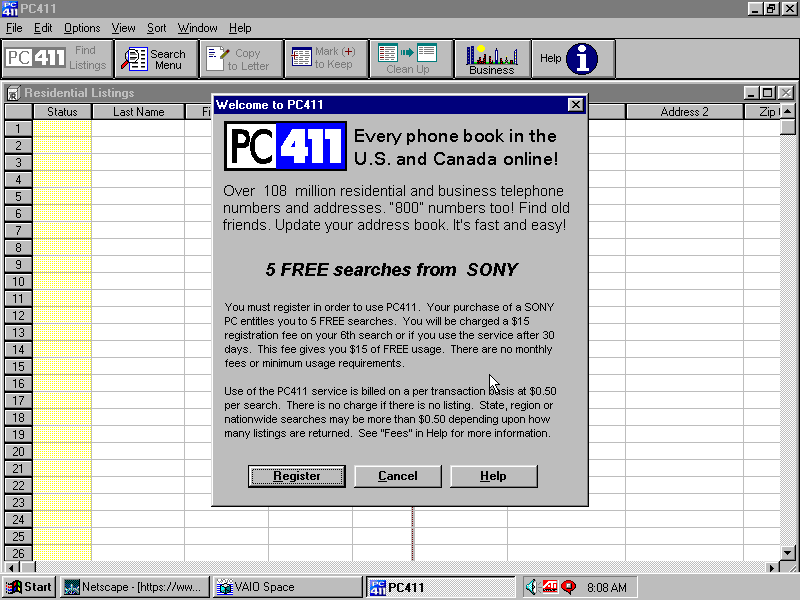
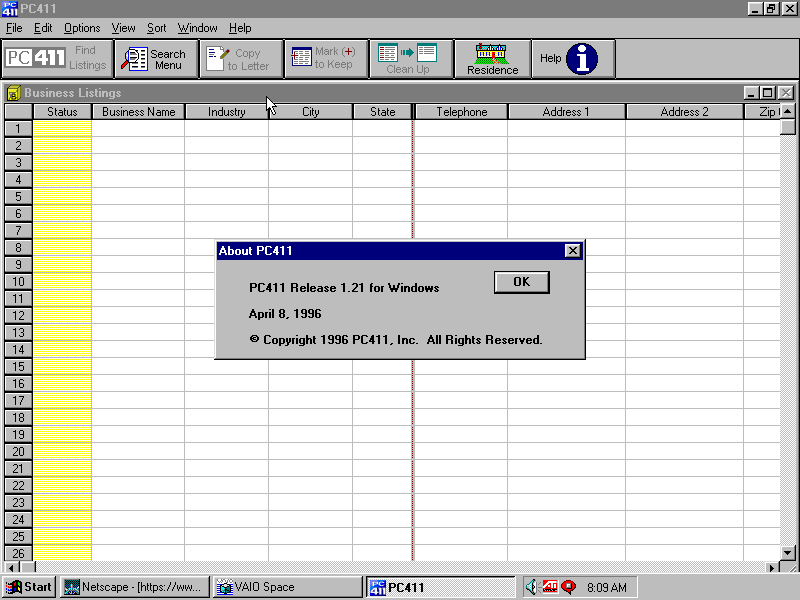
Telephone Directory PC411: A phonebook application

Games

Wipeout: A 32bit version of the popular PlayStation game, running using the ATI CIF graphics engine. Sadly 86box cannot emulate this and using a 3DFX or the S3 ViRGE won’t work because it’s designed exclusively for the ATI CIF API, which I hope to cover later on as there are quite a few titles that use this technology.

Also to note, WipEout was one of the launch games for the PlayStation

MechWarrior 2: Retail game that I’ll cover separately at some point in the future, again it needs its own CD-ROM

Microsoft Entertainment Pack: Included games like Chip’s Challange, Dr Black jack, and Jezzball to name a few

Hover: That game that came on the Windows 95 CD

Other

USB Support

This was one of the first home desktops to ship with onboard USB, two years before the iMac which was said to have popularised the standard. However, the version of Windows 95 that Sony shipped with the computer had no USB support. The intention was to ship USB support in an update once Microsoft had released the upgrade for Windows 95, which would be introduced in a supplement update to OSR2 which was released in August 1997, nearly a year after Sony had released the PCV-70/90.

Early Windows 95 USB was a bit of a disaster and didn’t have much support, in fact, it wasn’t until Windows 98SE that USB support was to the standard that we accept today, with the earlier versions lacking many USB drivers.

86Box does not allow for USB devices to be connected, so there isn’t much point in upgrading to this version anyway. Regardless i did try to upgrader it to a USB supported build, which ended up bricking the OS completely. Apparently you have to upgrade in steps first, to OSR1, then OSR2, then install the USB supplement, whilst I tried to install the USB supplement update only, which resulted in a VxD error upon bootup. Not even safe mode could rescue me here, I had to reinstall from scratch.

You would think the Microsoft installer would check first and tell me to upgrade to a supported version of 95, instead it just happily installed
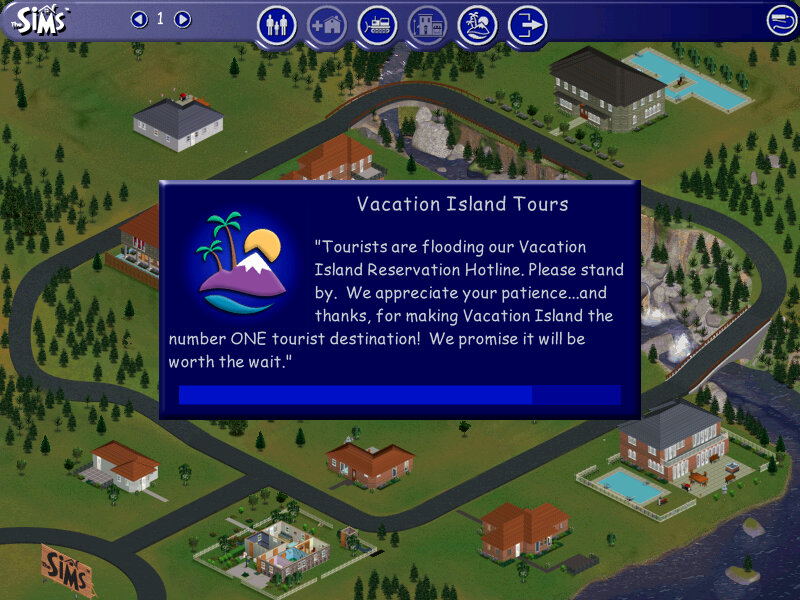
The Sims On Holiday

Or The Sims Vacation in simplified English

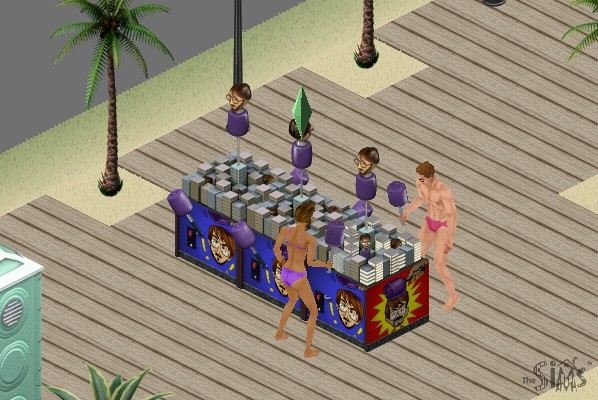
The expansion is very similar to Hot Date in which many game elements were revamped. With a new social interaction system, revised user interface, and a new vacation island area with additional sub lots. Whilst Hot Date introduced the concept of sims leaving their lots to go downtown, here sims can actually stay on these lots for an extended period of time, depending on how much money they have.

New interactions exclusive to On Holiday are released that allow sims to invite each other to play games based on the new objects added, like playing archery, volleyball or fishing. In addition, some of the new interactions from hot dates are added.

Holidays allow for sims to take a break from their schedule, as they are not required to work or go to school and dance sims in the first game have no concept of days off or weekends, this expansion allows sims to go off and do other stuff without having to worry about their jobs as they can stay on holiday indefinitely.

Vacation Island

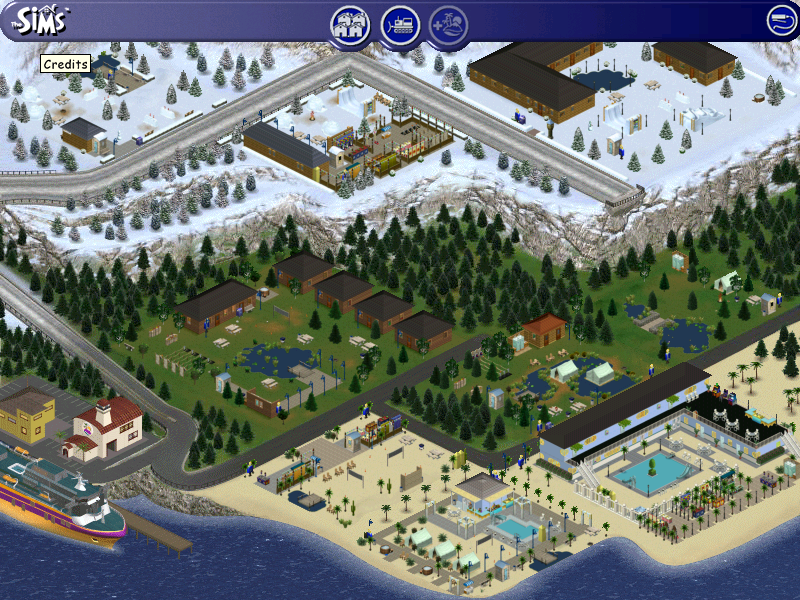
There are three types of vacation lots available, each with a different environment:

  • Beach Lots: Set on your typical beach/seaside, sims can sleep in a hotel located on the lot which will each have a bed and a bathroom. Sims can swim in these areas or play volleyball and can rent sandcastle kits.
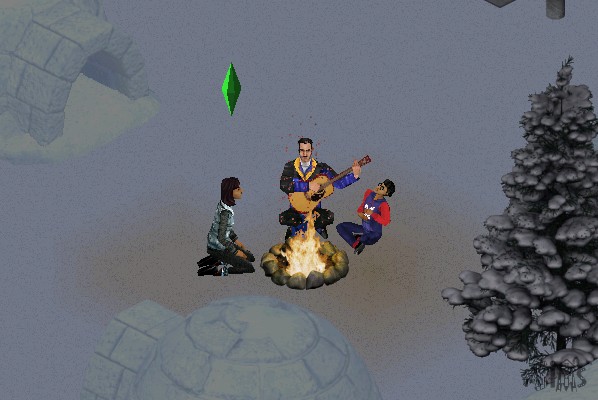
  • Forest Lots: Simulates a camping lot, here your sims are set near woodland and have the option to camp in a tent or rent a log cabin. These lots typically feature a campfire
  • Snow Lots: Set on a Ski/Snow resort, Some lots have an igloo that your sims can sleep in

Each of the three environments has three different resorts that scale to accommodate the budget of the sims traveling there, there is a cheap resort that features only basic amenities, a moderate one that features a mix of both, and a more expensive one that resembles a hotel of sorts.
Sims will need to check in every day at 11:00AM in order to access and use most of the lot facilities. The game will do this automatically unless the sims check out.

Internally, houses 40 – 48 are used or the holiday lots.

NPCs

Whilst On Holiday, sims will encounter NPC sims that will also be on the same resort. These are like townies (Downtown NPCs) of sorts in that the player cannot control but they can be interacted with, and if your sim has a higher enough relationship they can move in. Some families will have an adult but one or more kids, who will also join the family.
This is convenient if you wanted your sim to marry and expand their family quickly without having to go through the baby raising process (Which is horrid in the first Sims)

There are also new NPCs

  • Vacation Director Kana: Just walk around the lot relentlessly 24/7 with a clipboard, you have to admire her dedication. Your sim can ask her questions to find out more on the different features of the expansion.
  • Mascots, there are three in total but only one will show up on a lot at a time. The mascot will vary based on the lot environment, beach lots will get the Marky Sharky mascot (If only they got the Marky Mark mascot instead. Berry Yeti is present on the Snow lots and Archie Archer is on the forest lots. They can only be interacted by kids. This makes them annoying since they will constantly try to play with the kid, even if they are busy.
  • Janitor: Cleans up dirty items on the lot. They’re a bit too keen as they will immediately come and will sometimes block the doorway

Objects

A lot of these are intended for use on holiday lots, but can be used in the home buy mode catalog. As introduced in the Hot Date expansion, subcategories are introduced in buy mode which allows for better organization of custom objects.

KampRite Instant Campfire

Volleyball

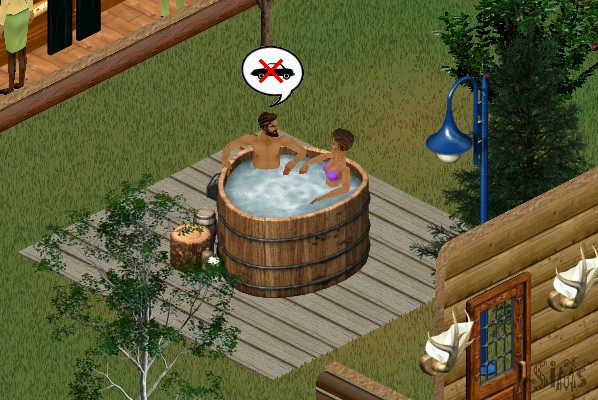
Redwood Hot Tub

A hot tub that seats two sims, adults only. Very similar to the one introduced in Hot Date

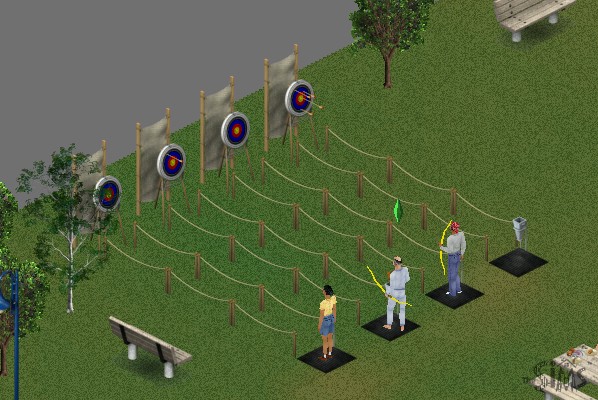
Archery

Sims will earn tokens when they win, whih allows them to redeem prizes

Water Ballon Fort

Group activity where sims can throw water balloons

Snowboard Halfpipe

Sims seem to have problems skating without falling down

At least in heaven I can skate

Polar Bear Rug

Wait until PETA sees this…

Snowman

Not a buyable object but sims can build their own snowmen on snowy lots

Snowball Fort

Same as the ballon fort but with snow

Snowslide

Sims can slide, SSX style

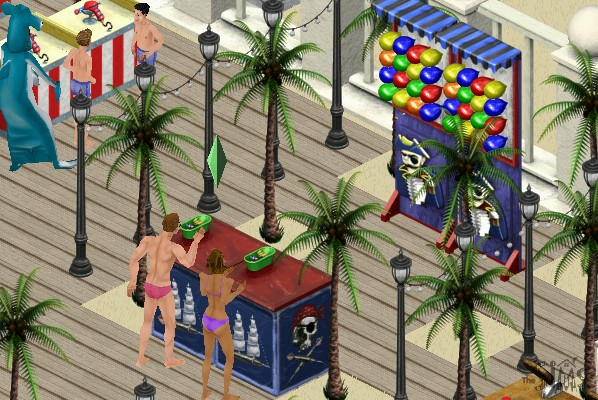
Carnival Games

Like the archery game, your sim can earn tokens with they can redeem into prizes. These then become souvenirs when they move back home, which they can display on a dedicated shelf.

Mac OS Version

The expansion was ported to Mac OS and OS X and install’s in the same fashion.

Packard Bell Bora Pro (86Box)

Another prebuilt system supported by 86Box that a restore disc is available for. From the looks of the software included this was intended to be a family PC, typically sold in computer stores of the era (PCWorld or Staples)

The PC itself

This motherboard featured onboard 3DFX Voodoo 3 graphics, along with the onboard audio. Although 86Box has support for the Voodoo 3, there are various issues with the emulation that cause sever graphical issues when just on the desktop.
The onboard soundcard is not emulated at all, meaning we have to use a discreet sound card instead.

Running the initial recovery software was easy since the disc is bootable from the CD-ROM itself. From here you can format and initialize the hard disk and begin the recovery process.

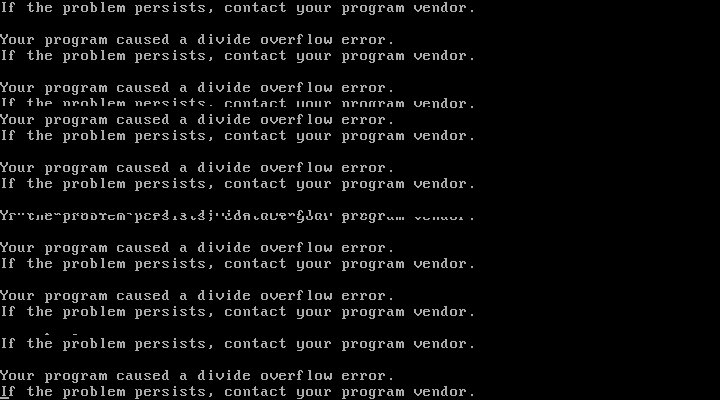
After the first stage, things went a bit wrong and the system crashed to a bizarre divide overflow error. This didn’t affect anything and the install continued after a quick reboot

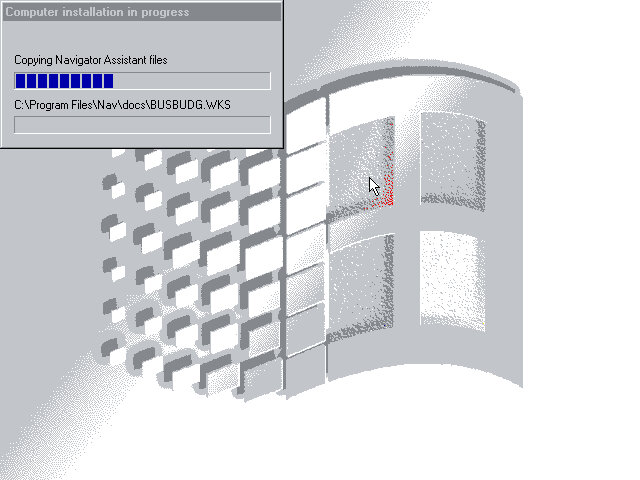
The last stage took you to the Windows desktop, but the recovery was not yet finished as additional software installers had continued to run.

Software

Lots of bundled software to look at here:

Packard Bell Tour

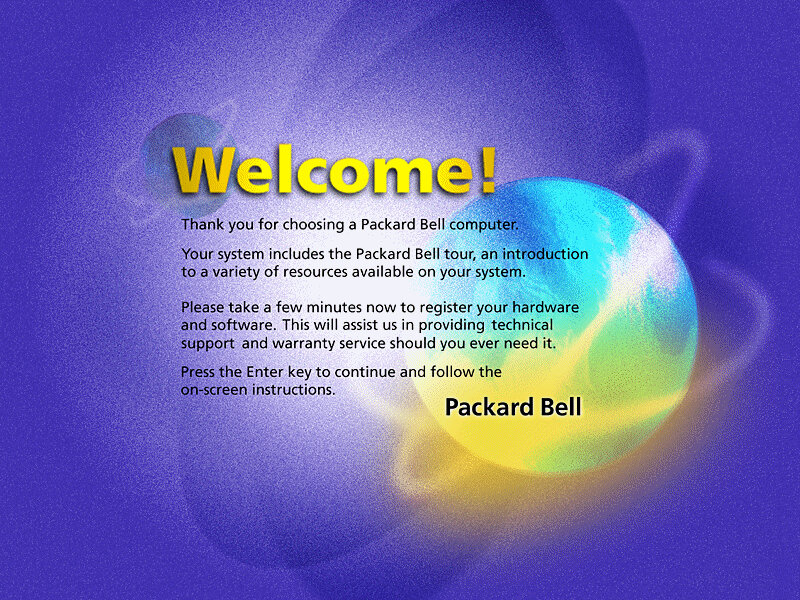
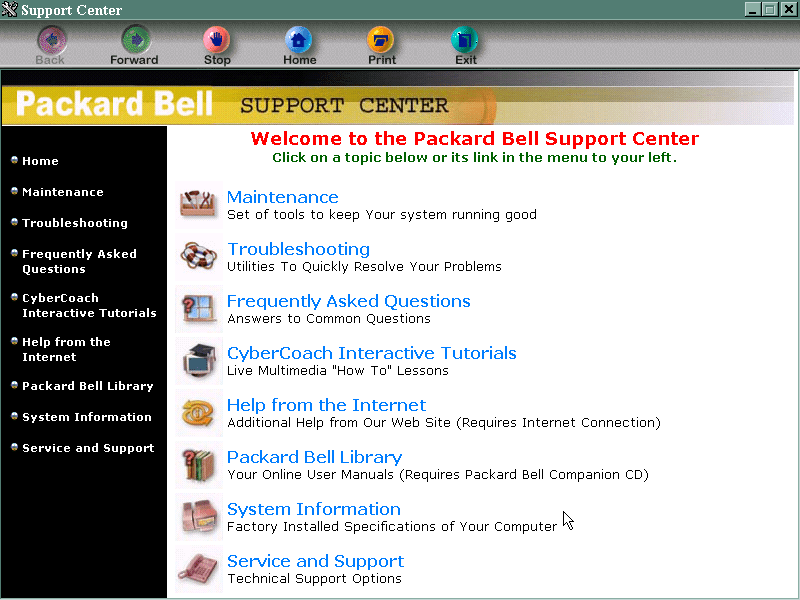
A browser-based tour (You can see it launching Internet Explorer briefly), it gives a rundown of the features of your new PC, and gives you the option to register.

Packard Bell Support Center

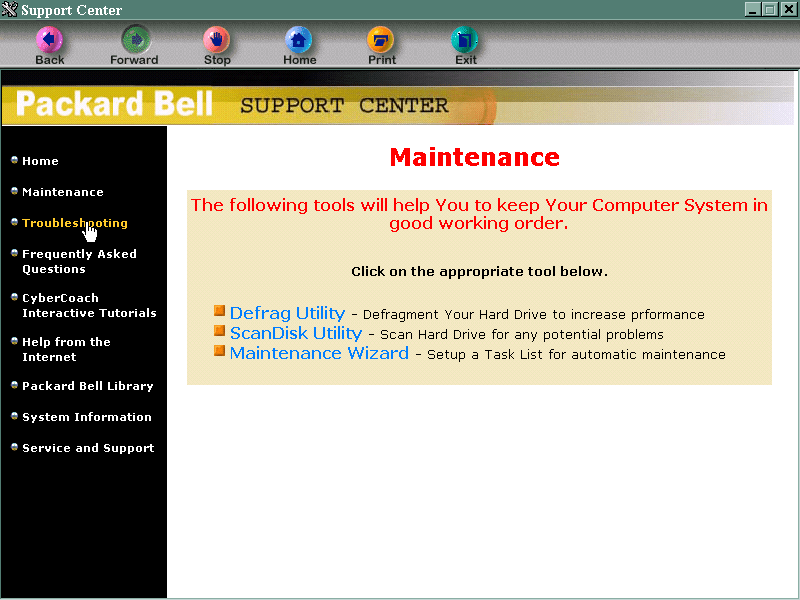
This is sort of the replacement of Windows help, although that still exists by pressing the F1 key. It gives you troubleshooting and maintenance information and your computer’s specifications. It also links to the CyberCoach tutorials.

AT&T Special Offer

Signs you up with AT&T, the internet service provider. Not much use outside the US.

Packard Bell Internet Radio

Appears to be a link to an online website, but its probably long since discontinued. It also wont open, thinking that we have yet to set up an internet connection. This is despite using the PCI ethernet adaptor.

Cyber Coach

Targeted to novice computer users or for those who are new to Windows, gives a step by step demonstration of different software included on the system and how to perform basic tasks.

CyberTrio / Kiddos

An interesting program that affects the Windows environment. There are different modes:
Basic mode: sort of like a limited user mode seen in Windows XP, prevents users from modifying critical system settings
Advanced mode: Typical Windows environment
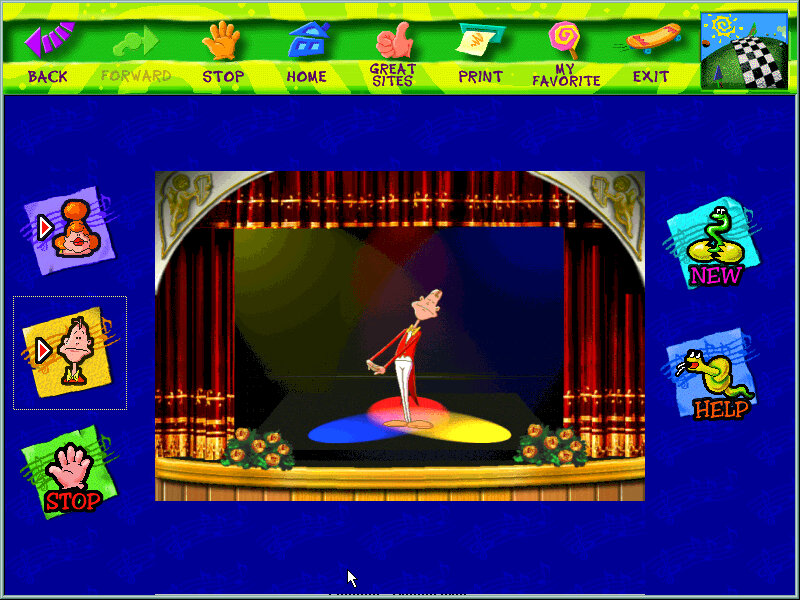
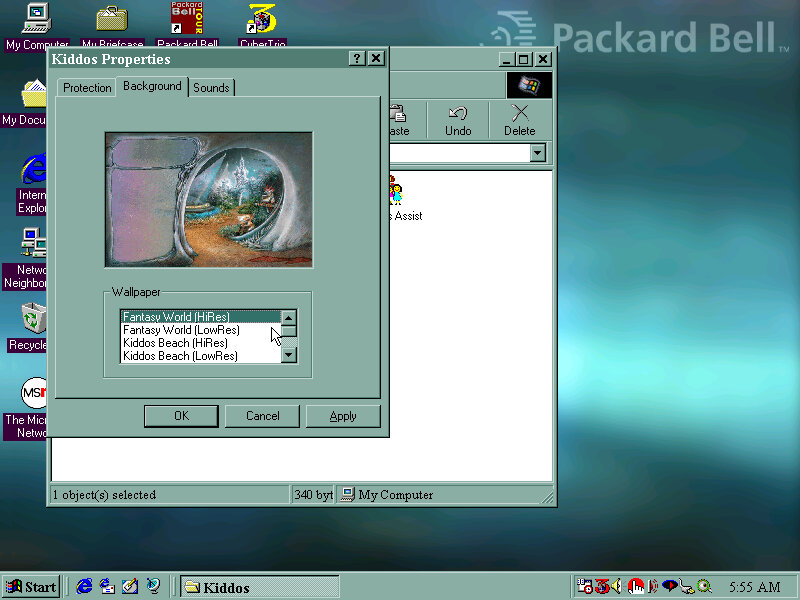
Kiddos: A restricted environment designed for young kids to allow them to use the computer without potentially damaging or affecting system files. Clicking on the icon will take you to a customized desktop. I’m not sure if this is a customized user account or just a custom version of Windows Explorer.

Also if you ever wondered where the ImgBurn sound comes from (The one that plays at the end of a successful burn) it originated from here and acts as the Kiddos logon sound.

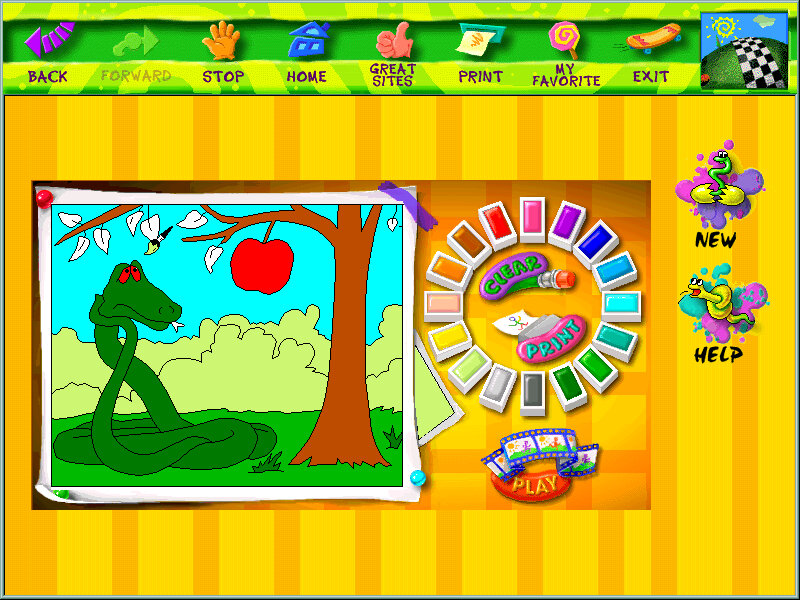
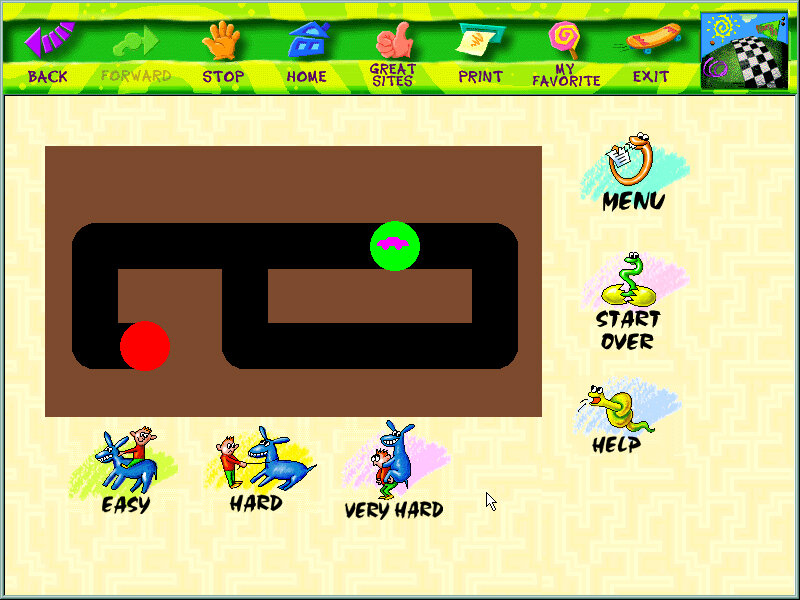
You can manually add programs to the Kiddos area, such as any games or additional software that was installed after. Packard Bell have already set up and installed a few child-friendly applications such as the games from the Microsoft Entertainment pack.
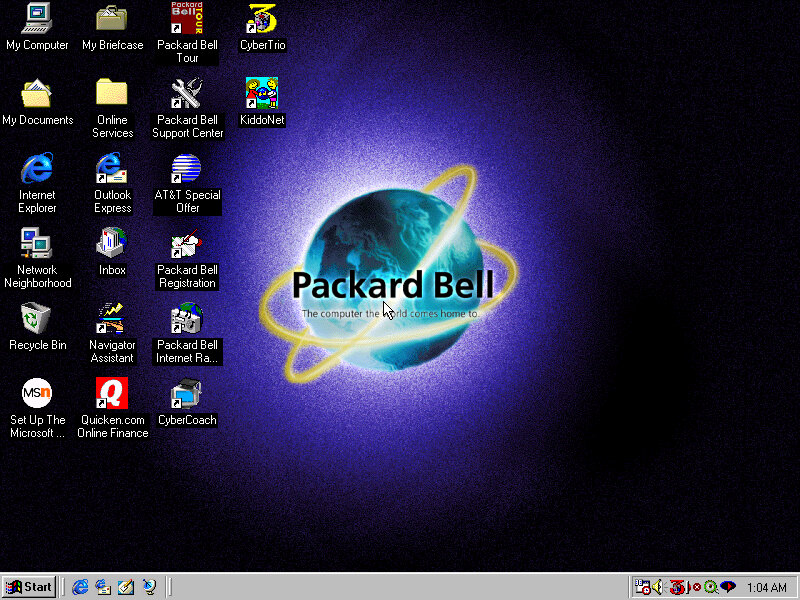
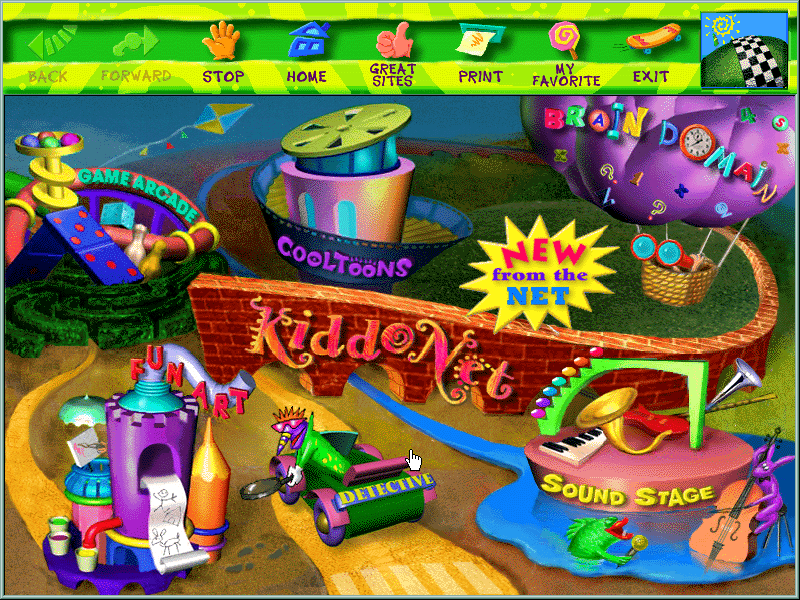
KiddoNet

An activity center for kids, with various different activities

Quicken.com Online Finance

Some shortcut to an online website, no longer active and an archived version does not exist.

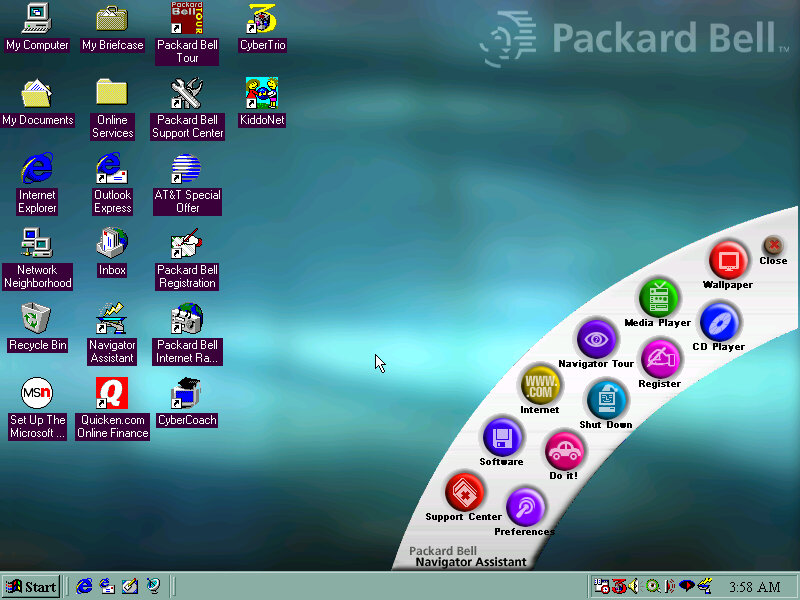
Just opens a banner with shortcuts to various applications and tools like the internet, CD player. Kind of pointless since it’s located on the desktop so you will need to minimize to open the banner, would have been better off as a quick launch icon. My guess is the computer would have came with a bundled keyboard that had a dedicated button that opened the Navigator Assistant.

Microsoft Word 97

Just Microsoft Word is installed here instead of the whole office suite.
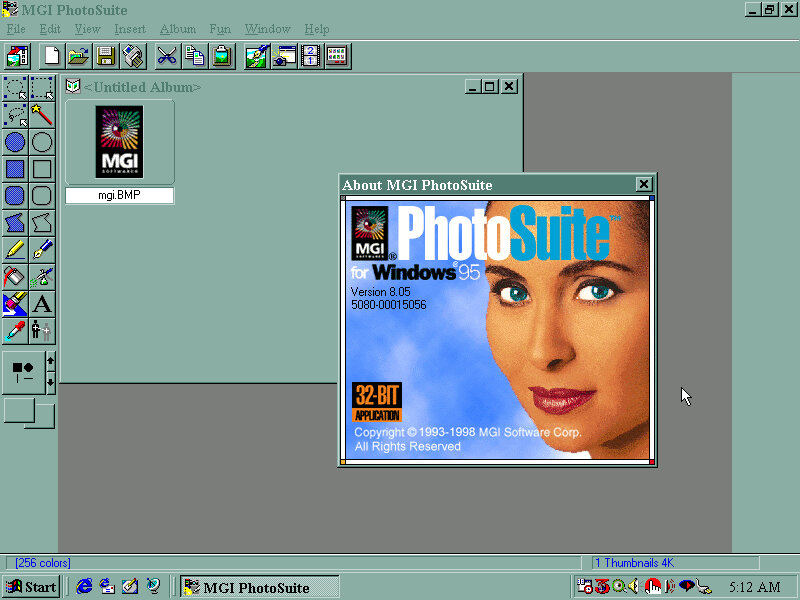
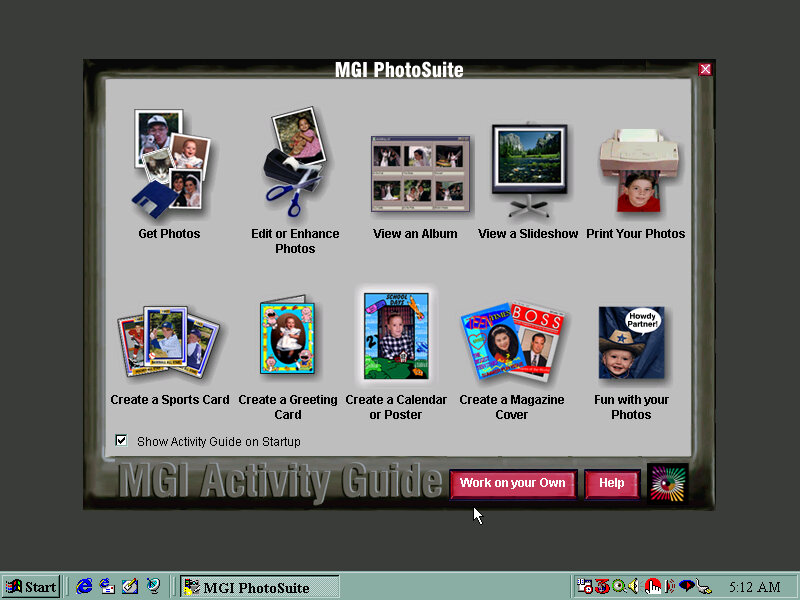
MGI Photosuite

Early photo editing software, typically shipped on systems that came with a flatbed scanner.

Other Screenshots

Expansion

There are four expansion slots, 3 PCI and one ISA slot

ISA: Sound Blaster AWE32 PnP 8MB
PCI: 3DFX Voodoo Banshee 16MB
PCI: AMD Pcnet-FAST III
PCI: Spare

The SoundBlaster card was part of the premade configuration in Winbox86, and features an onboard IDE controller that supports two drives. In combination with the motherboard IDE controller you can have up to 6 IDE drives, plus the two floppy drives for a total of eight. The SoundBlaster IDE is a bit temperamental due to the emulation so I recommend connecting a CD-ROM and Zip drive to it, and having the hard drives and one CD-ROM drive connected to the motherboard, since this BIOS is capable of CD-ROM booting.
In the end I swapped it for a ISA AWE32, and using a SCSI card for the additional drives since Windows 98 would sometimes fail to detect the SoundBlaster IDE device upon boot.
As mentioned earlier, the board also had onboard sound but the SoundBlaster was substituted instead, unless support comes in later 86Box versions.

The AMD PCnet card is automatically detected and installed as part of Windows setup and should work out of the box, the actual system did not have an onboard NIC or a modem.
The video card used was a 3DFX Voodoo Banshee which did not work out of the box, and required an additional driver to be installed. I would recommend a Cirrus Logic for the OOBE setup, then change to whichever graphics card you prefer. Since the motherboard included a 3DFX card onboard, you may prefer to have a Voodoo Banshee or Voodoo 3 instead

Uh-Oh

eMachines eMonster 800

Another eMachines system, let’s have a look at what comes bundled…

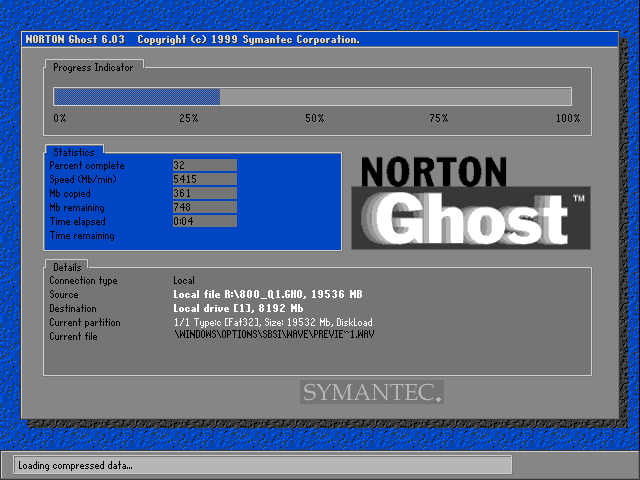
Install is as simple as always, simply boot and the recovery software will automatically partition the disk and action the recovery. Norton Ghost is the utility used to image the recovery media.

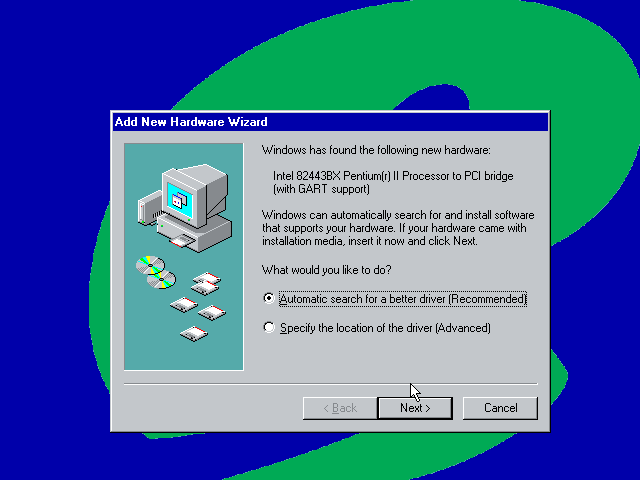
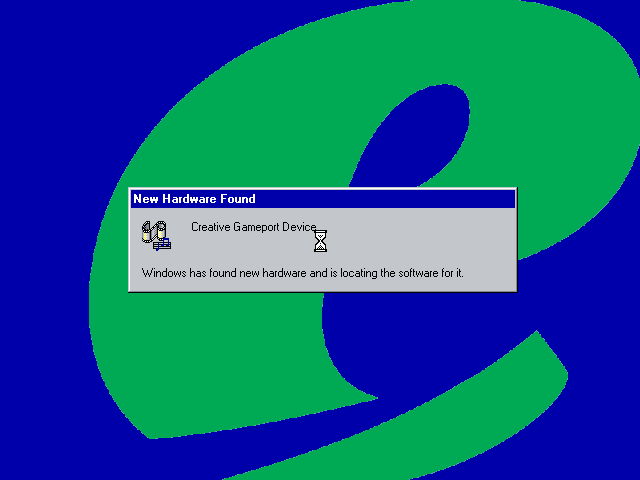
After installing the VM rebooted into the Windows ME and began detecting the new hardware. There are a lot of PCI bridges that will be picked up as part of the VM (If you are installing on Vmware Workstation) you can simply hold the enter key whilst Windows detects and notify new hardware was detected.


Eventually, it will start detecting the Network, Sound, and Video adaptors however whilst the sound and network work out of the box, video is a tad more complicated. Simply use the stock VGA driver for now.

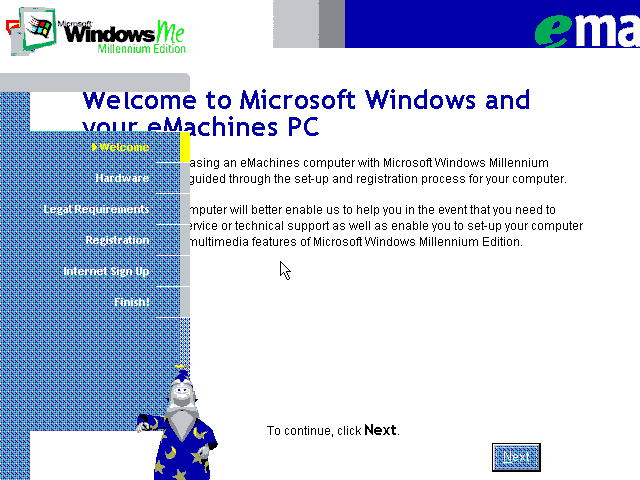
The next part is a bit messy, we are tasked with completing the OOBE (Out Of Box Experience) by filling out a few registration details as proof of purchase. We are stuck at a low screen resolution(640×480) with no ability to change and this causes some of the text to overlap. With a bit of luck we can fill in the required fields (Use 90210 for the ZIP code) and then proceed. At some point the system will try to dial out to eMachines to complete registration, you can simply click on skip to move on.

Also that wizard from the XP OOBE (And Office) appears with a robotic voice.

Eventually, we are presented with the desktop, but we are not done yet. We need to install the VMWare VGA drivers but the OS is so old we cannot use the latest VMWARE tools, instead we can download an old version of the VMWare tools and install that. These files are iso files and can be mounded into the VM using one of the virtual drives (I recommend adding two IDE CD-ROM drives for convenience, although more can be added using SCSI which Windows ME supports)

VMWare tools old version

This one worked best, but even that generated an error, thankfully we can manually install the VMware VGA and mouse drivers through device manager. A quick reboot and we have some acceleration enabled.

Though we still have issues with the USB controller and some other PCI devices.

Alternatively, we can use 86Box to provide more accurate emulation, however im not sure which system is the best match for the eMachines monster.

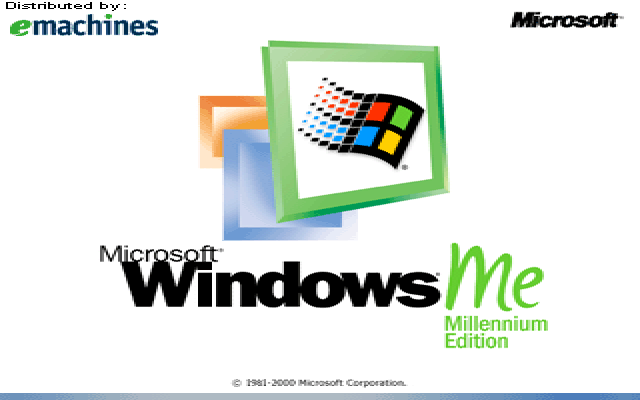
Some branding on the boot screen

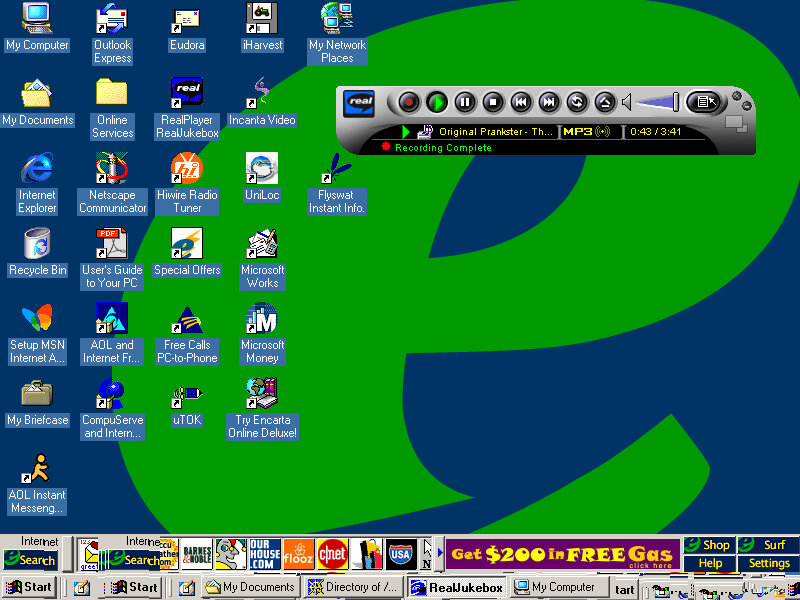
Desktop

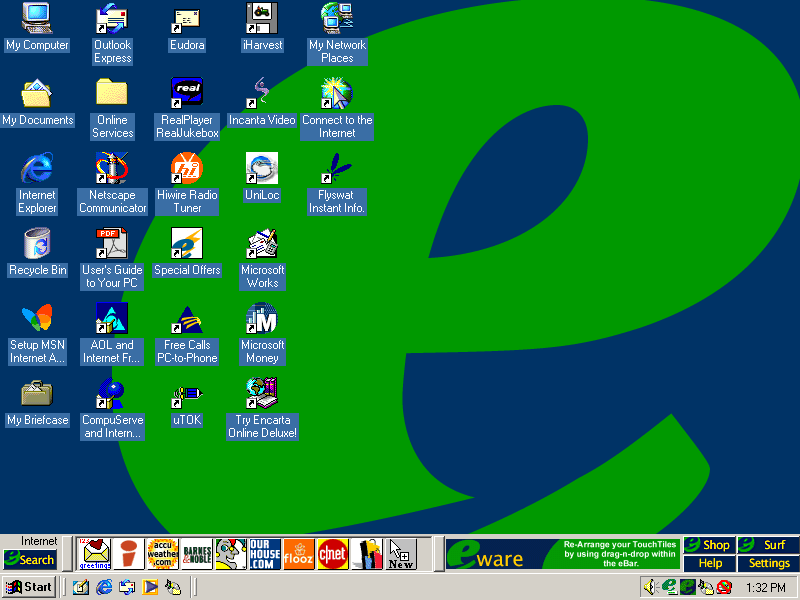
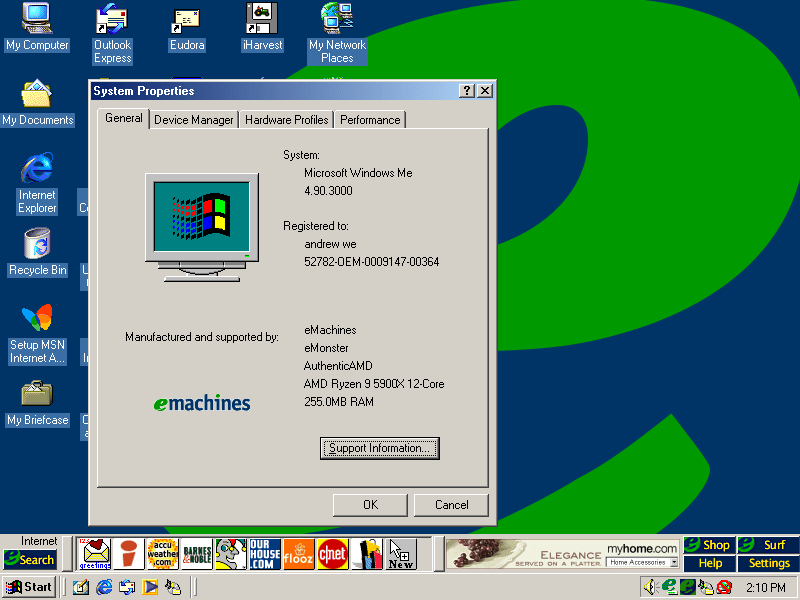
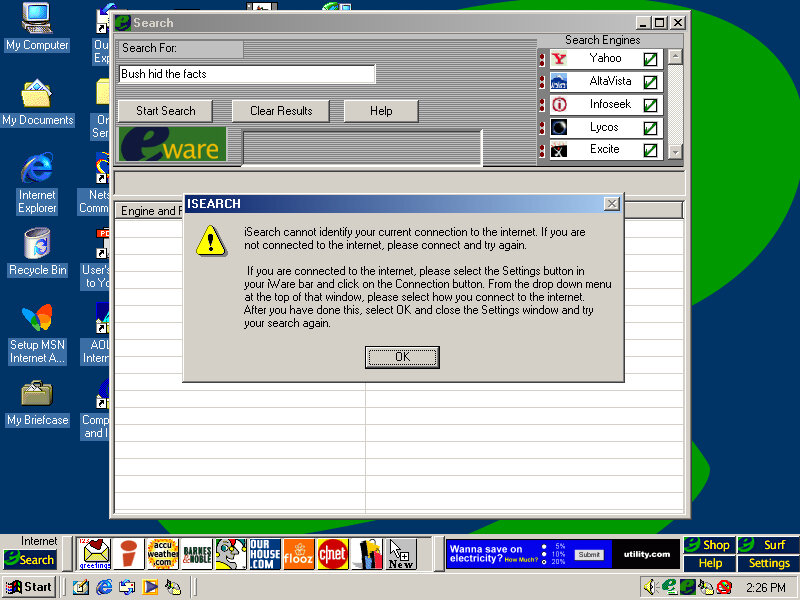
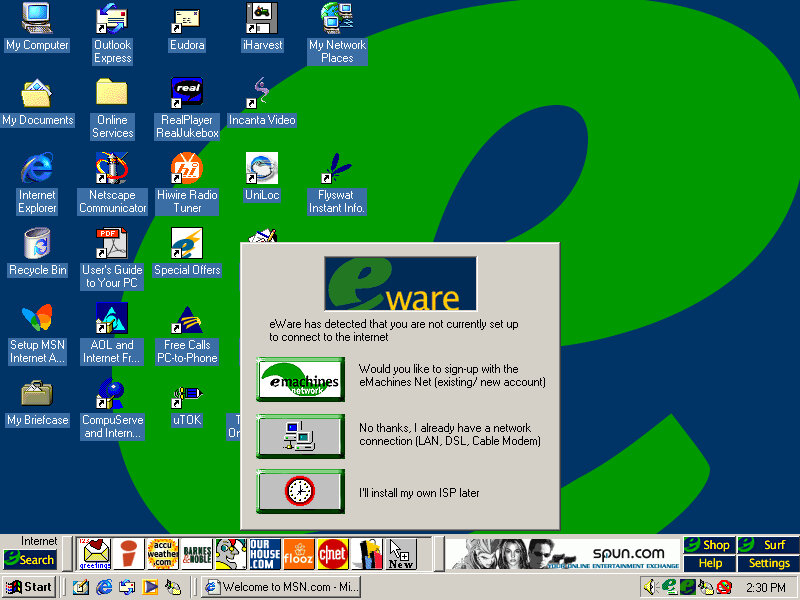
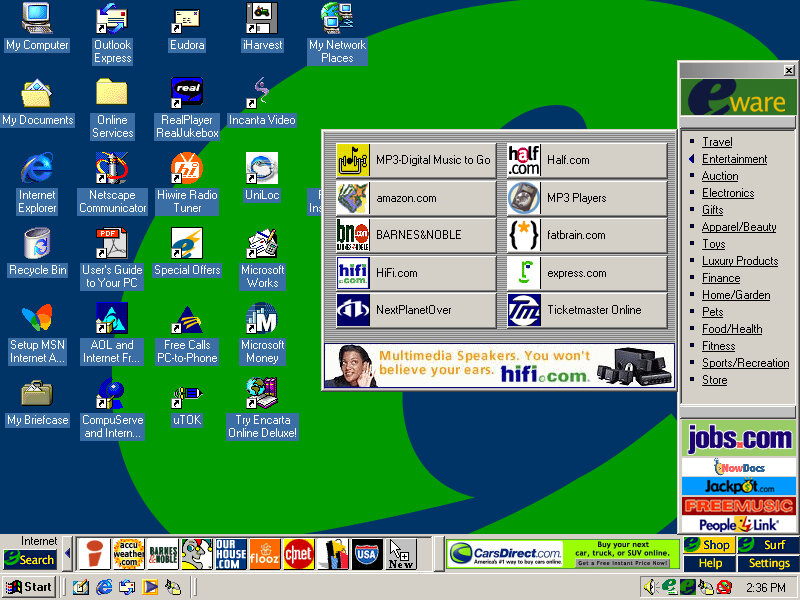
It’s a bit cluttered and there’s quite a bit already preinstalled. You will notice another bar on top of the Windows taskbar. There are a few icons and an advertisement banner on the right. Yup that space was intended for adverts direct to your desktop
Clicking on the search button opens up a search box, where you can search on multiple search engines, It’s sort of like Apple Sherlock.

Nothing seems to work, and the error box reports the program as iSearch. My guess is the server is offline.
Search engines supported are yahoo, AltaVista, InfoSeek, Excite and Lycos. No Google, thank fuck for that.
The other buttons on the toolbar are shortcuts to various web pages online, many of which are defunct or return dead links:
Accuweather
Barnes&Nobile
Shoppinglist.com
Flooz
cnet
ourhouse.com
Fool.com
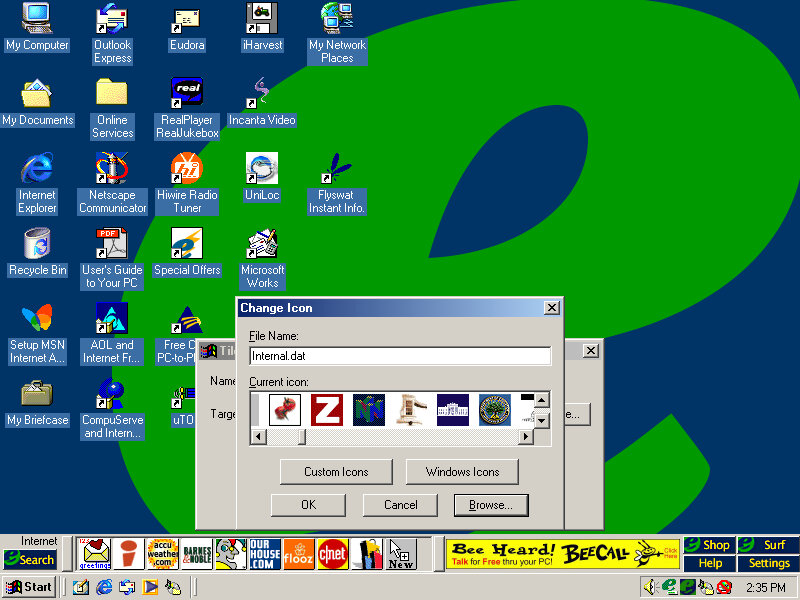
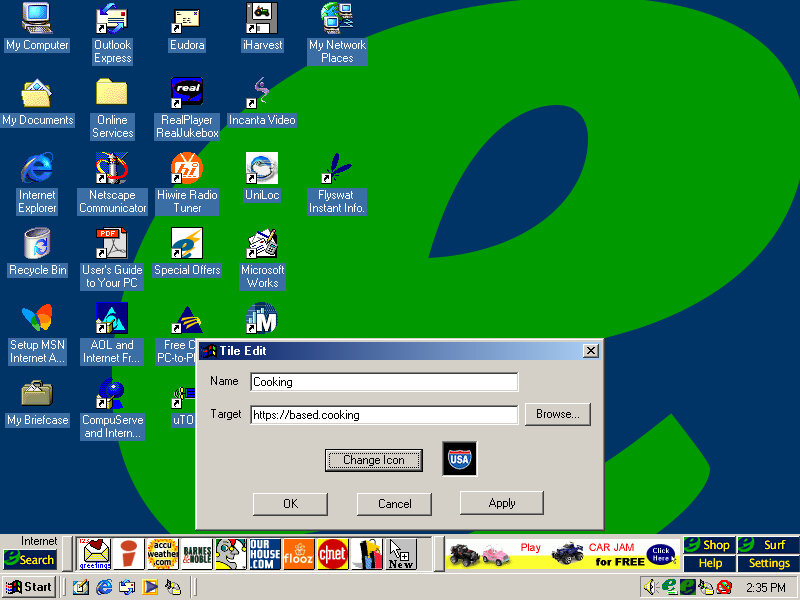
You can add your own website shortcut and assign your own icon, for which there’s a large collection to choose from.

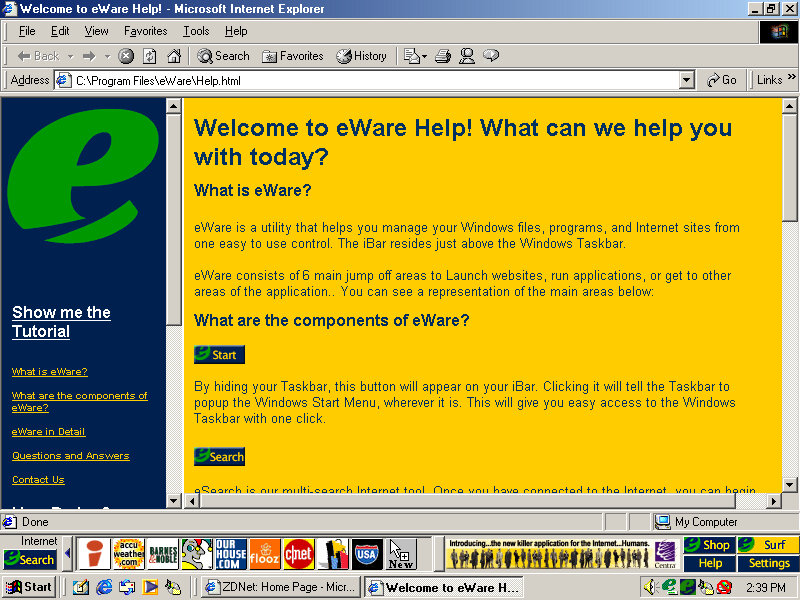
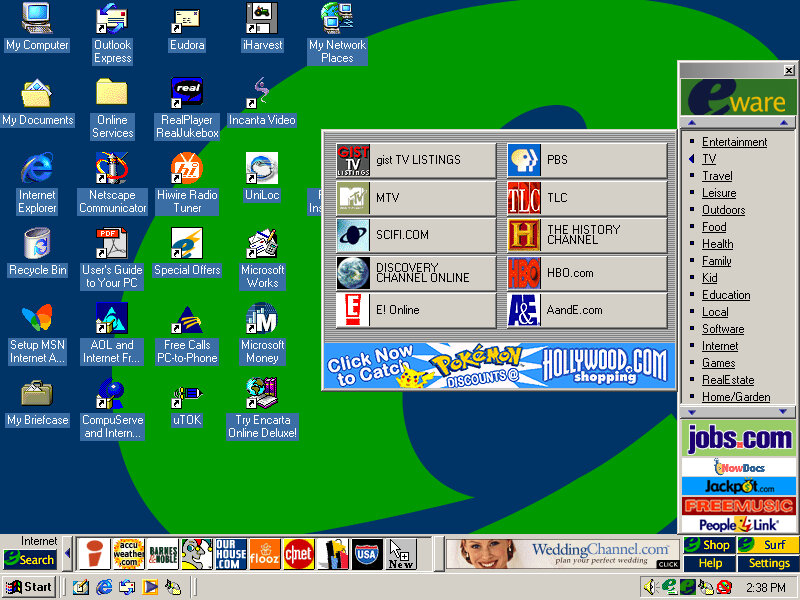
Clicking on Shop on the right of the bar opens up the eWare menu, with a bunch of categories to choose from like travel, Entertainment, Fitness, etc. these contain links to further websites, acting as a directory of online shopping sites.
The Surf button is nearly the same as Shop but contains no e-commerce sites and has various categories for entertainment, knowledge and utilities.

It’s actually not a bad idea since these PCs would be intended for first-time internet users who may not be knowledgeable on what websites to access. It’s a shame about the banner adverts.

Software

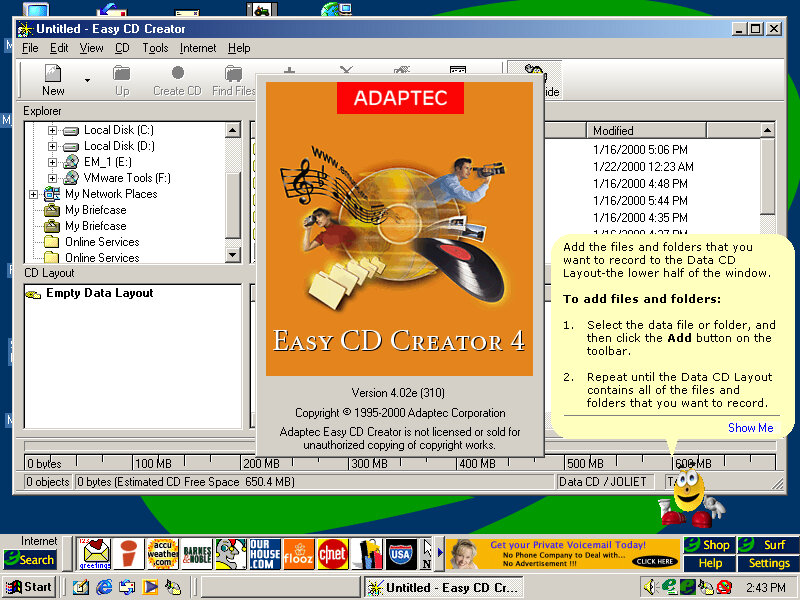
Easy CD Creator

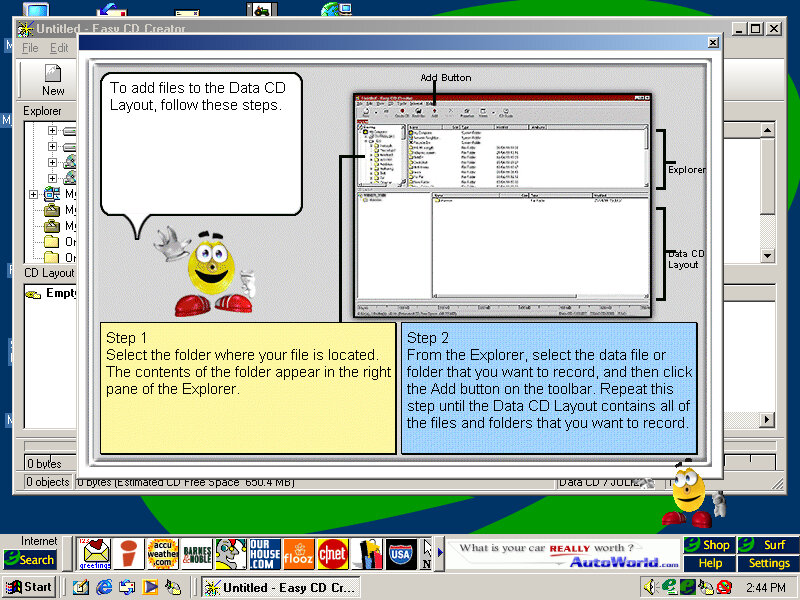
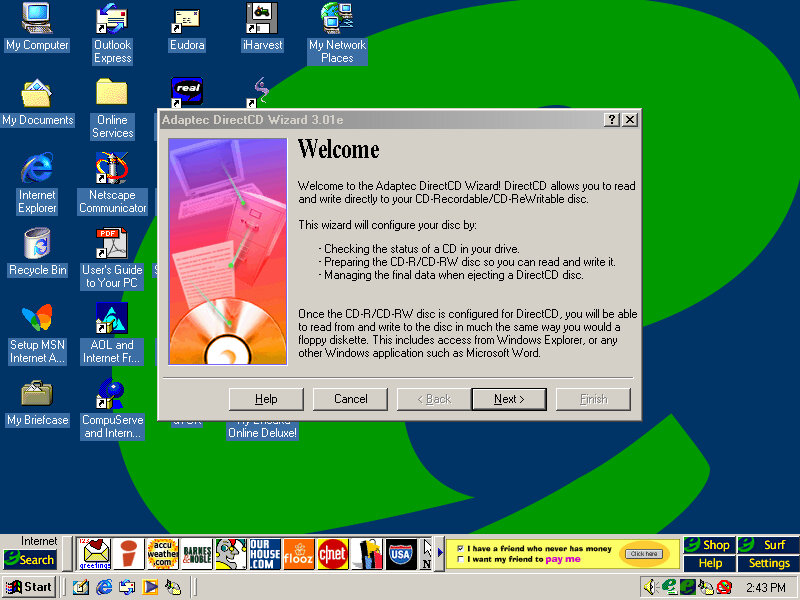
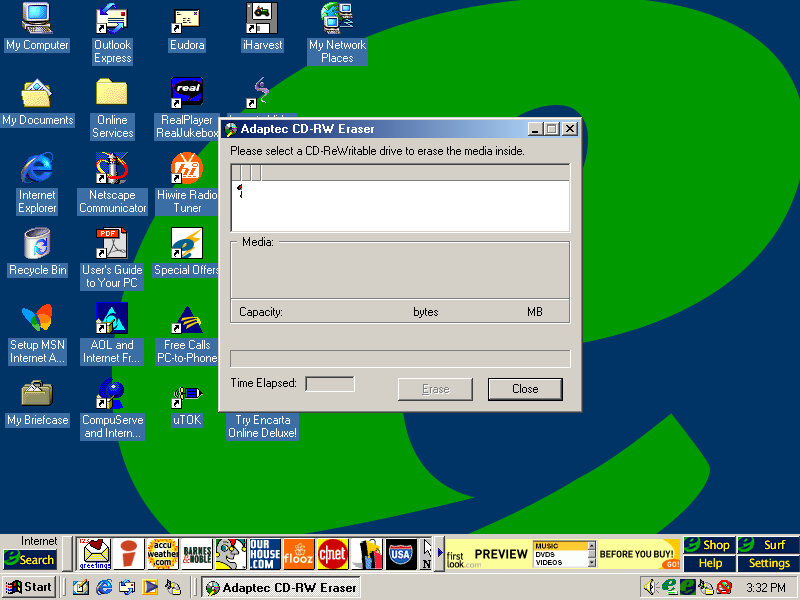
This system came configured with a CD Burner, and I don’t think Windows had native support for CD burning, at least not integrated into Windows Explorer so additional software was required to fulfill this task. Here you can burn audio and data CDs so you can copy your Napster MP3s and convert/burn them for your CD Player or some PSX isos.
The Easy CD Creator comes will a full-blown interface, and even has Office assistance-like features that will help you use the program. Images created here to use the CIF CD Image File format, another format that nothing else uses, Alternatively ISO can be used instead.

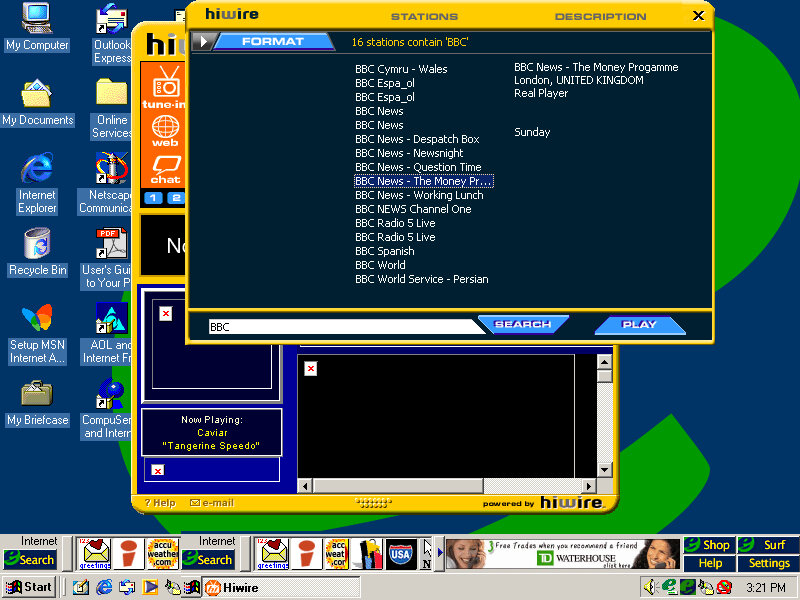
HiWire

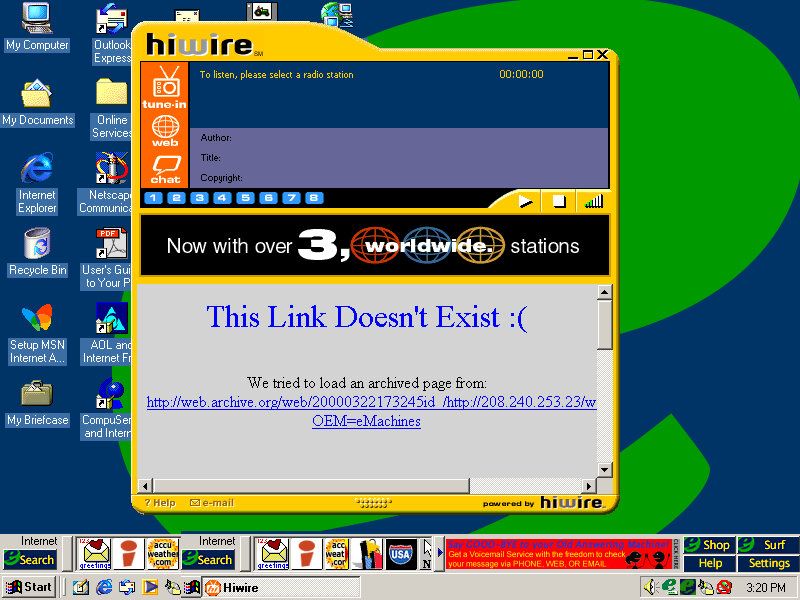
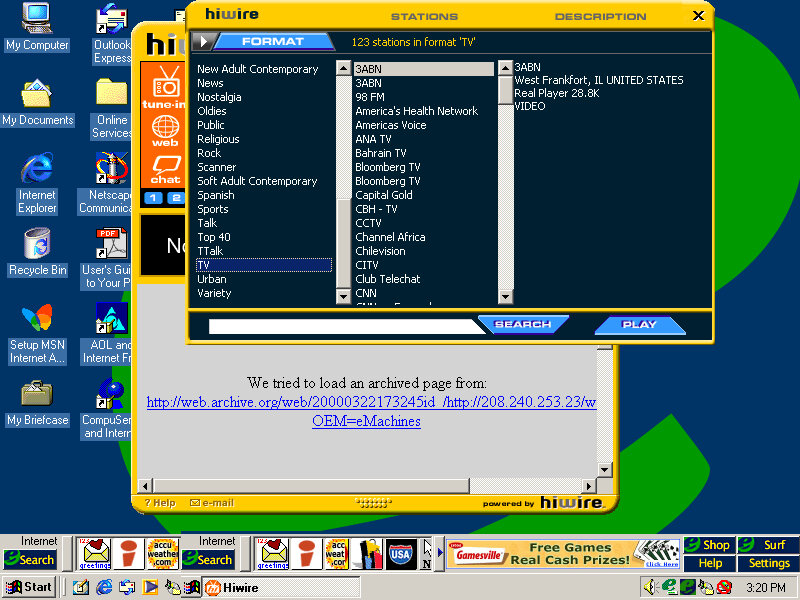
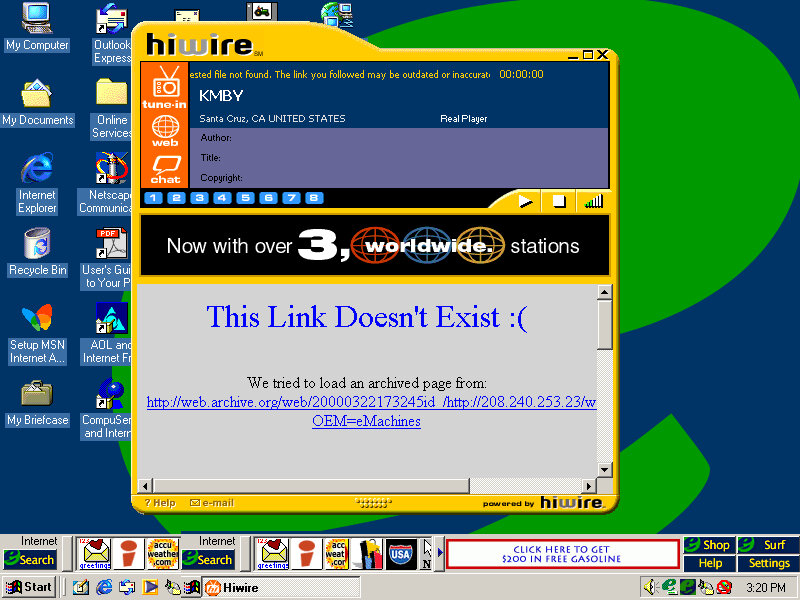
A radio streaming program that lets you stream internet radio over your dial-up or LAN connection, Has a unique interface that stands out from the rest of the Windows applications. You can browse a directory of preset radio stations, of which you can double click to listen to. The chat button open a link to the palace, which was an external virtual chat application.
None of the radio stations will work, and will just result in a connection error.

Deltathree

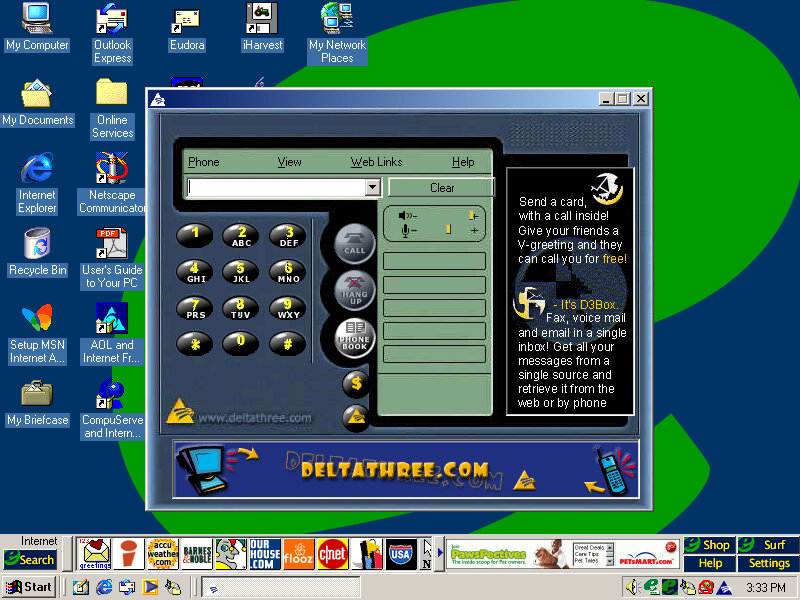
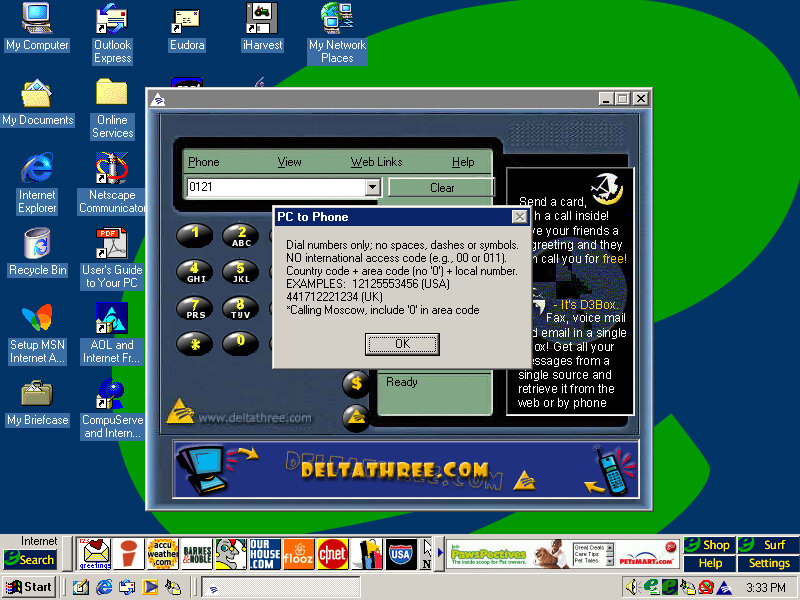
A phone dialing application is used to make phone calls with your PC, although it requires a login to the server. Possibly some sort of VoIP application.

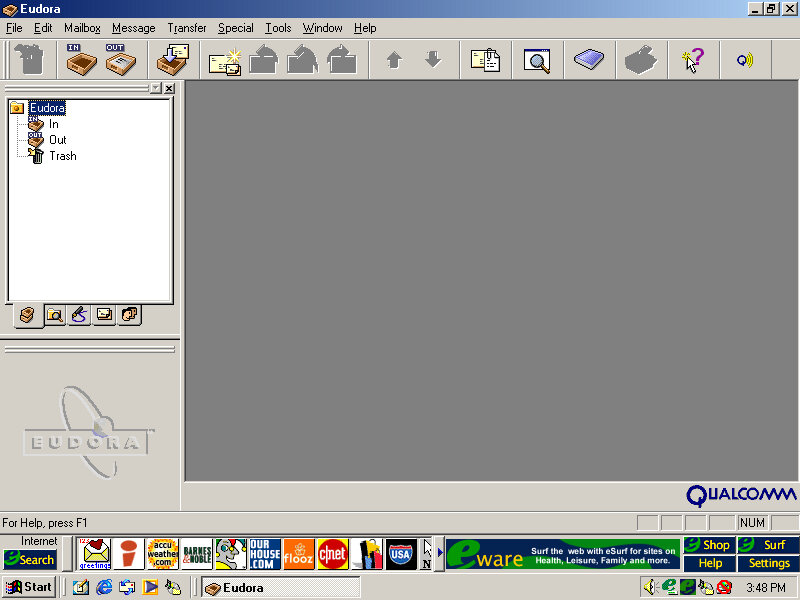
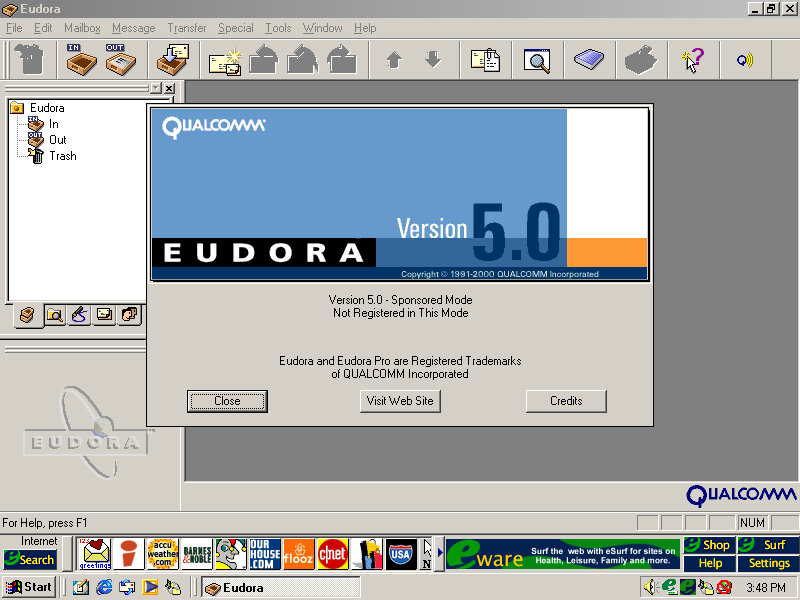
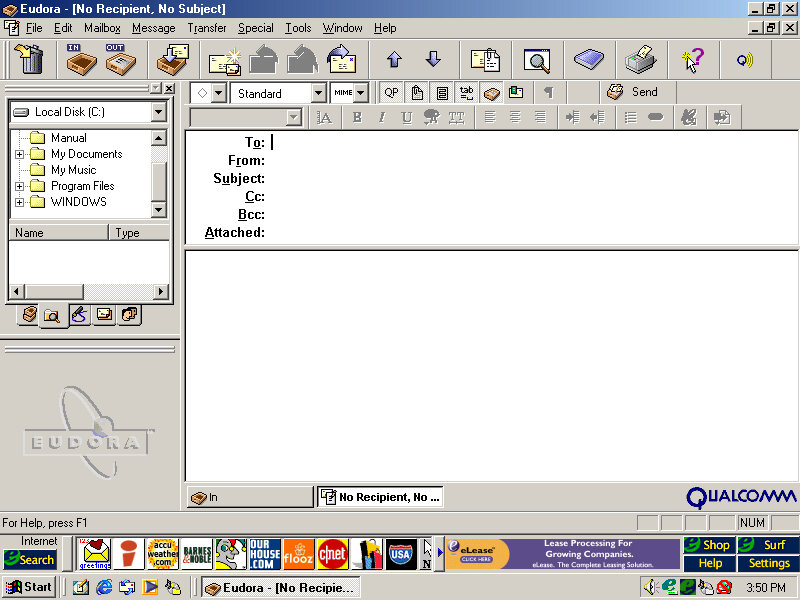
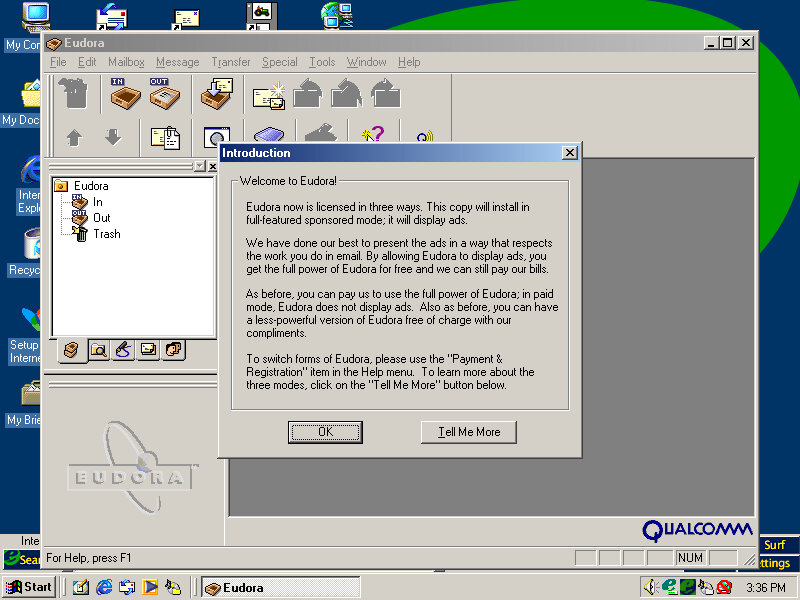
Eudora

This was a popular email client application used as an alternative to Microsoft Outlook. However it requires registration and payment, otherwise, adverts will be shown, similar to Opera.

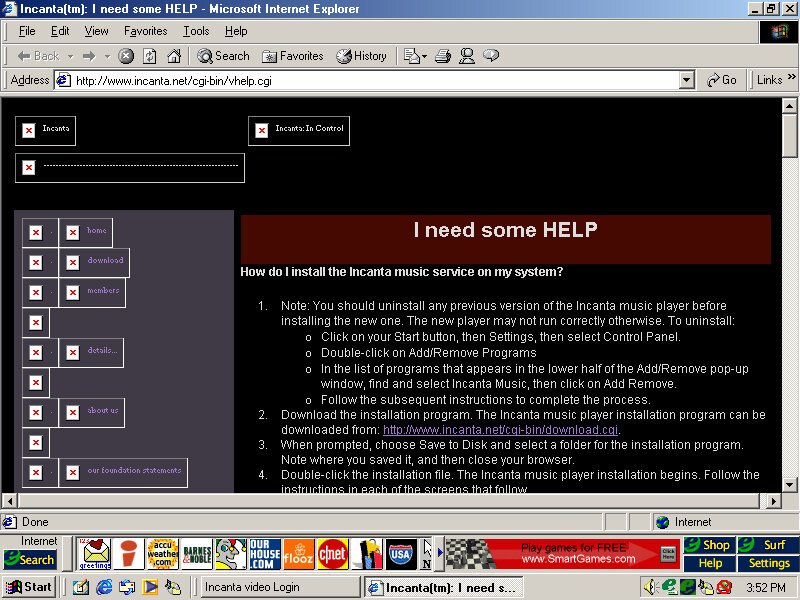
Incanta Video

Not sure what this is as it only shows a login box. A look on their archive website, it appears to be some sort of video music service, like VEVO?

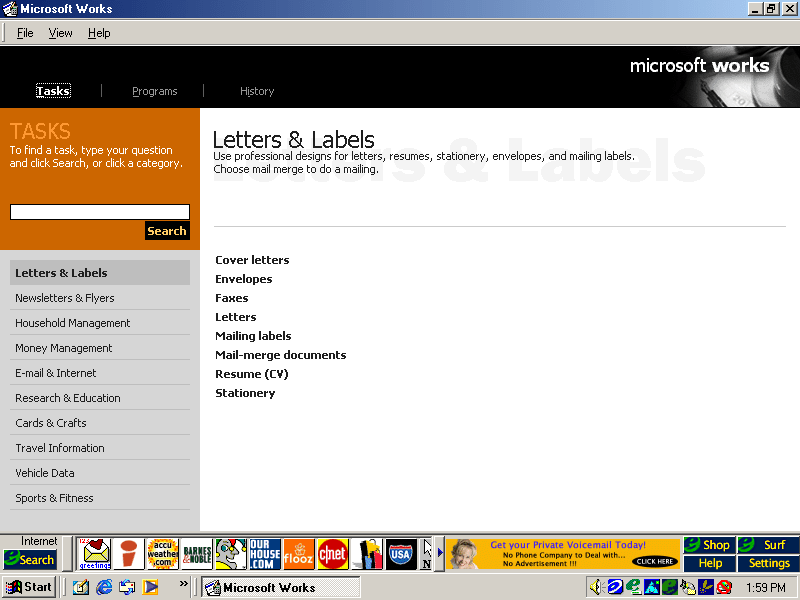
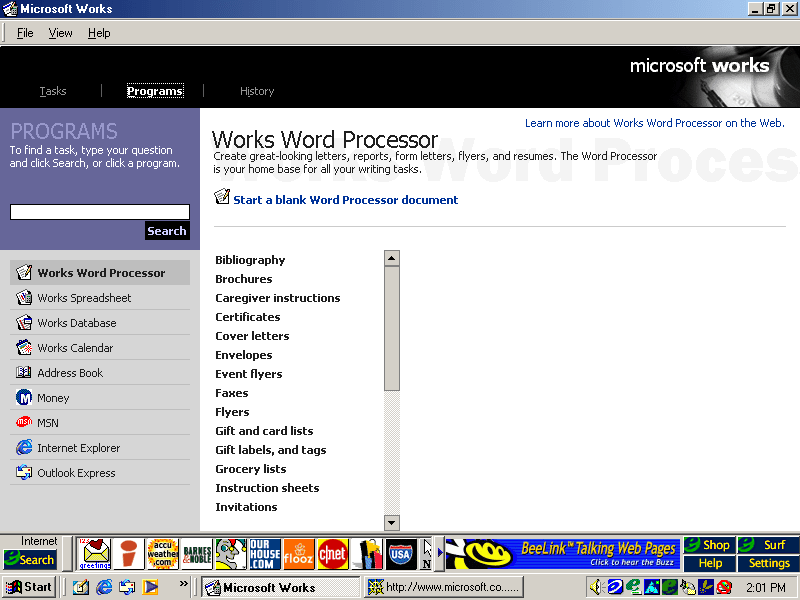
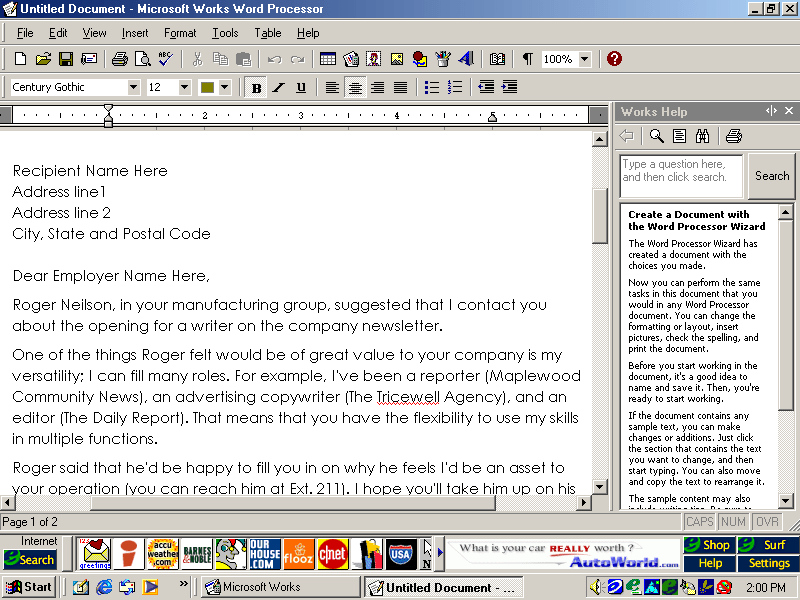
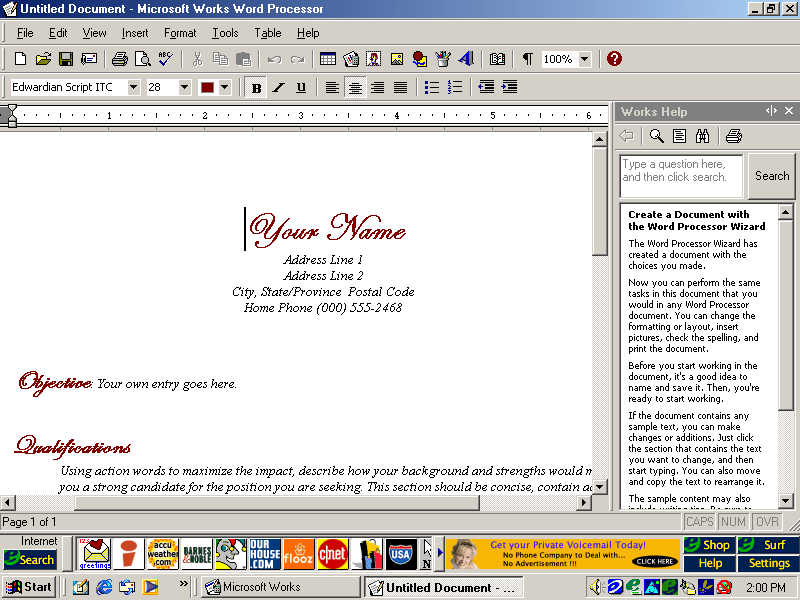
Microsoft Works

An OEM favorite, basic office suite with a bundled word processor, spreadsheet software and a calendar application.

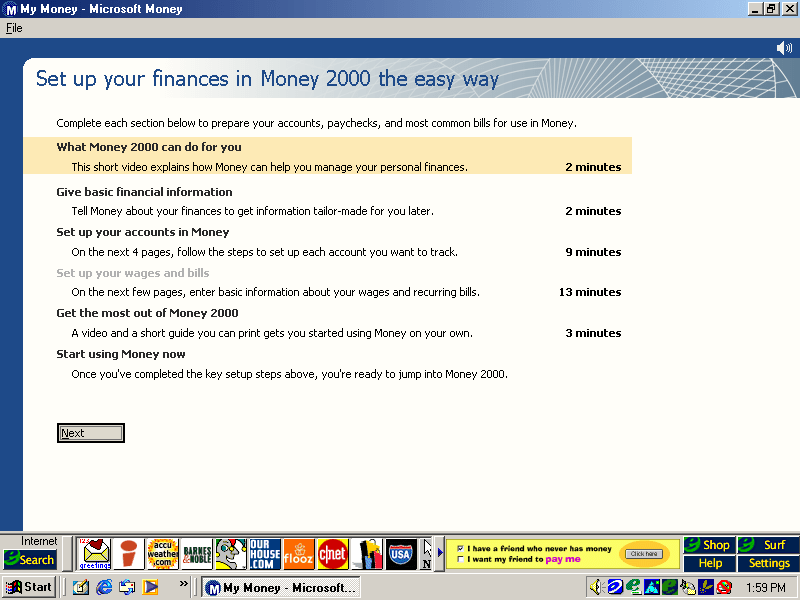
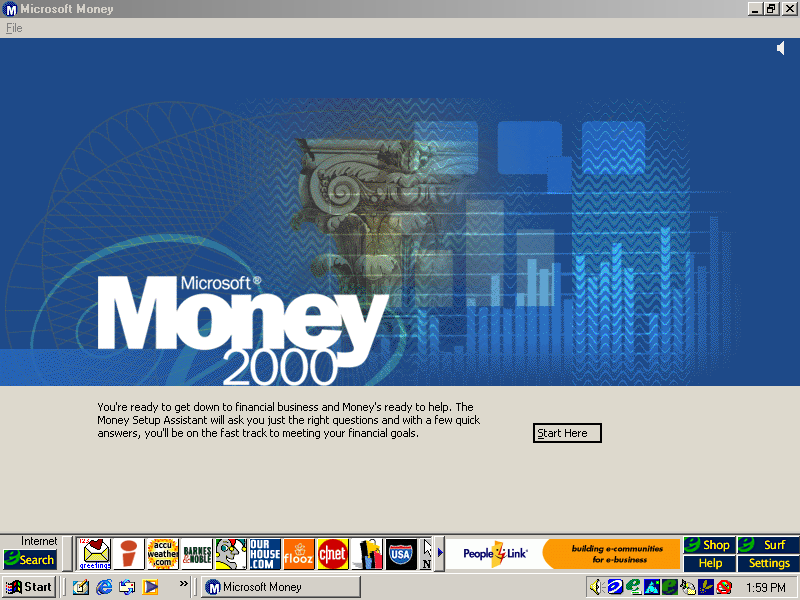
Microsoft Money

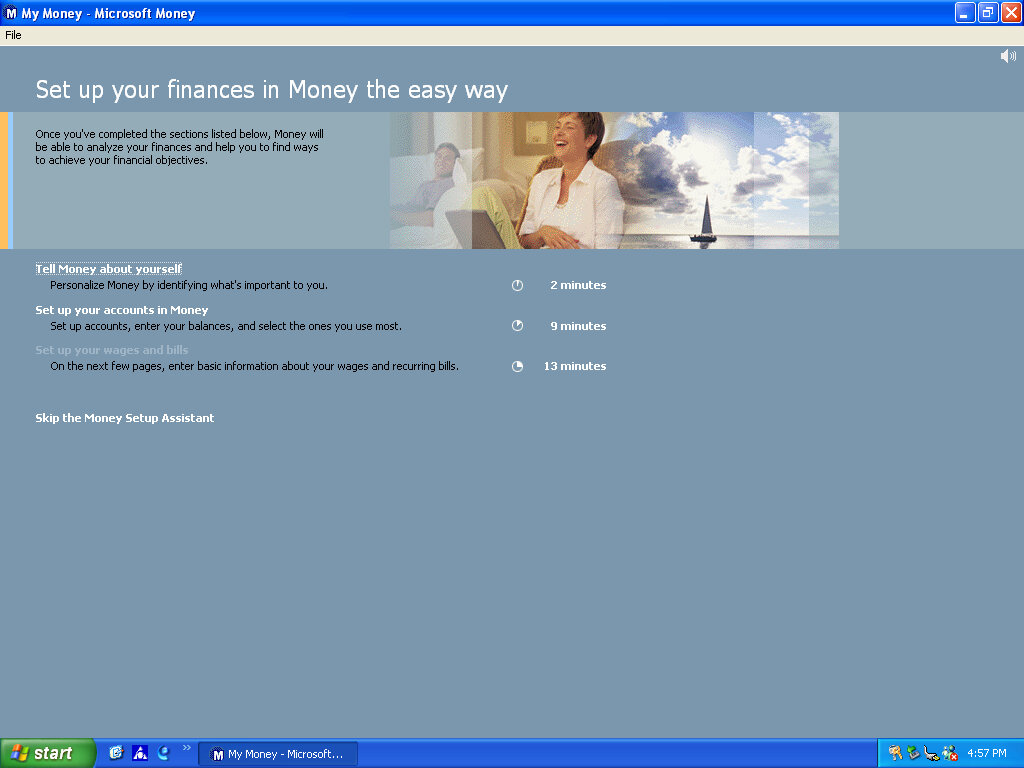
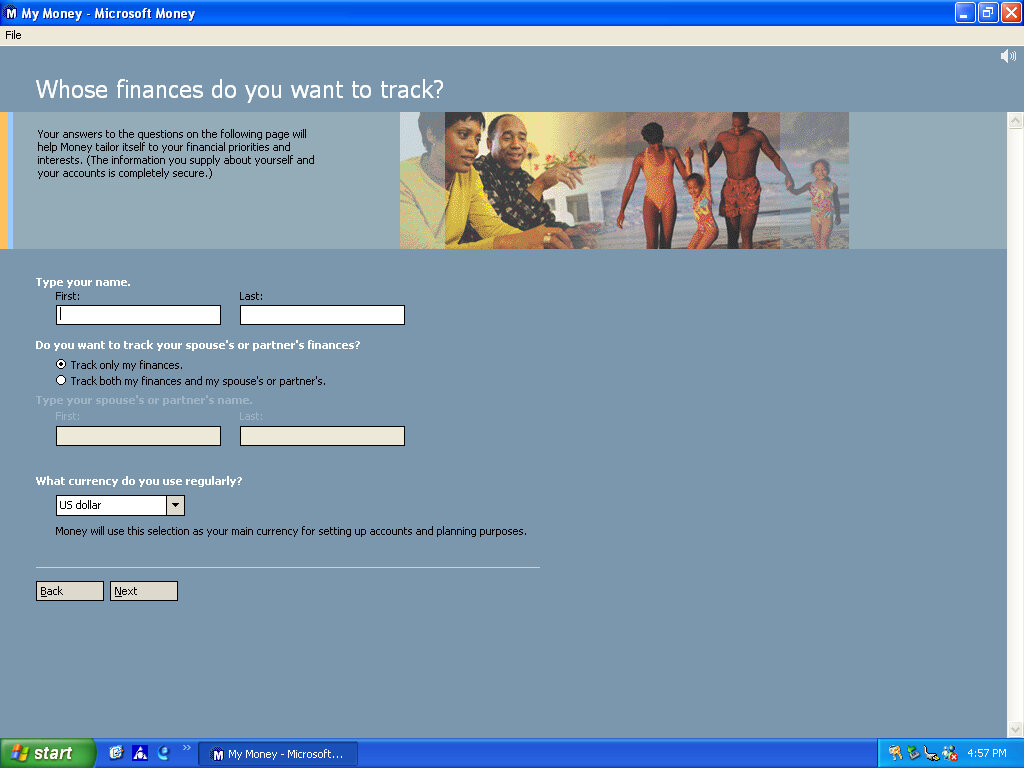
Money 2000 comes included here and plays a short tutoral upon the first startup.

RealPlayer

Version 6.0.8.122 is bundled here, RealPlayer was used to stream audio and video over the internet.

RealJukebox

Serves as a media music player for playing local MP3 files that you obtained from Napster

Netscape Browser

Not installed by default but can be done by clicking on the install icon on the desktop, this will install Netscape Navigator and will set it as the default browser
Trellix Web

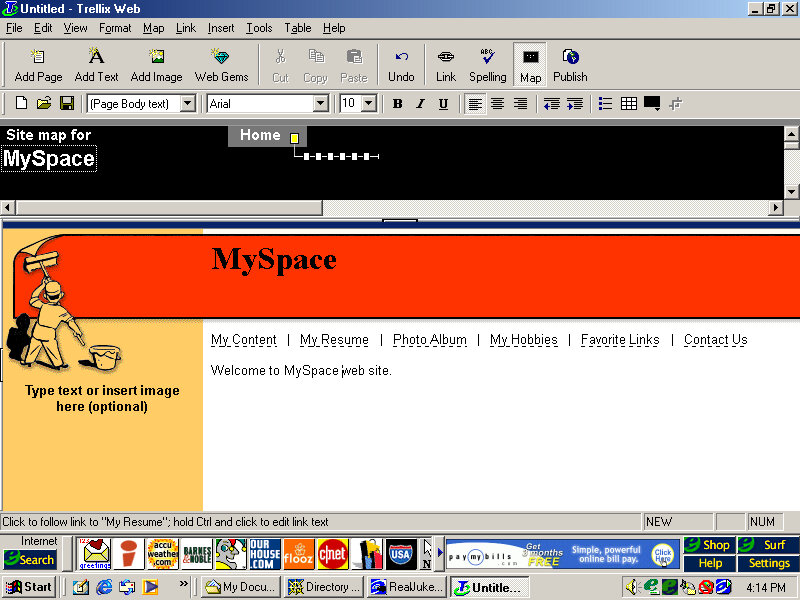
Website building application and the first I’ve seen on an OEM system. You can generate a website built from a template and publish it online, although the bundle host has long since gone defunct.

Further Info

Archive link – CD Image

Press Release

Gateway Tigereye (Restore V5.5)

Another OEM system, but this seems to be a motherboard that was used in multiple Gateway systems from around 1997.

Motherboard appears to be based on an Intel design, might be a clone of an Intel board but with a Gateway customized BIOS. This was possibly used in various different models used throughout the late Pentium era. I actually had a Gateway system that was in a similar time frame, but we had it second hand and the original owner had wiped it in favor of a fresh Windows 98 install.

Supports up to 128MB RAM
Supports CD-ROM booting
No sign of USB, 86Box cannot interface with USB currently

Install/Recovery CD

You will get the option to format as FAT32 or FAt16, whichever one you choose will depend on what build of Windows 95 you have, this restore Cd does not feature a Windows 95 install, instead it contains a set of drivers and utilities that are installed in conjunction to Windows 95, but you must use your own Windows install disk instead.
FAT32 is supported on OSR2.1 onwards, whilst earlier builds use FAt16, if in doubt choose FAT16. I believe you can ‘Upgrade’ to FAT32 once you update the OS.

One potential issue here was the IDE CD-ROM driver, the restore CD gives you the option to choose, possibly because some systems might have used a propriety CD-ROM interface, or might be using the IDE interface on the soundcard instead. This could potentially cause issues if you choose the wrong option. For this I chose the Generic IDE-ROM driver, which can be found all the way at the bottom.

Once you begin the restore process you are requested to insert the Windows 95 install Cd and reboot, of which the system will begin to copy the Windows 95 files.

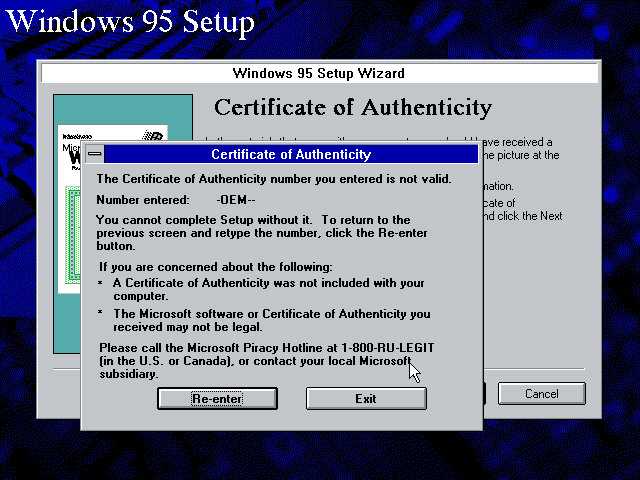
From here setup runs like a typical Windows 95 retail install, however on mine I encountered an error with the OEM serial number, and had to manually enter another one. I’m not sure of eyes are specific to the OEM version they were bundled with, or if each manufacture uses a slightly different algorithm, or maybe something failed to validate in the background.

Reboot, then Gateway software proceeds to install


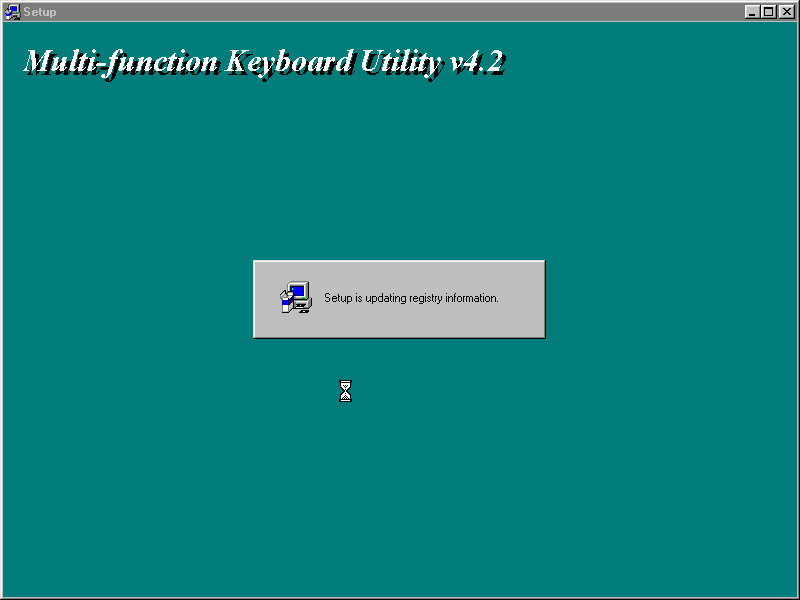
Installs keyboard multimedia utility, then install utility freezes. I had to force a reboot at this point


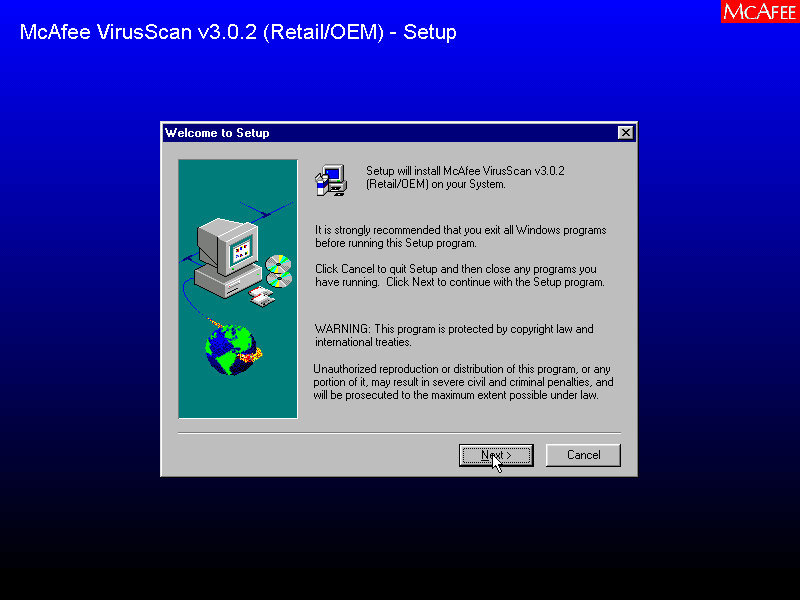
A quick reboot and it then installs McAfee Anti-Virus

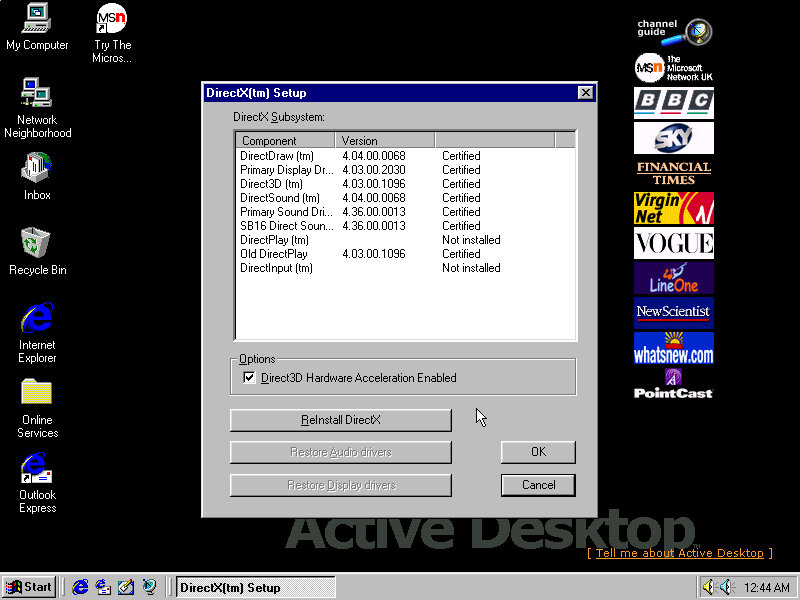
Installs DirectX 5, reboots again. Kind of redundant since OSR2 already included DirectX 5

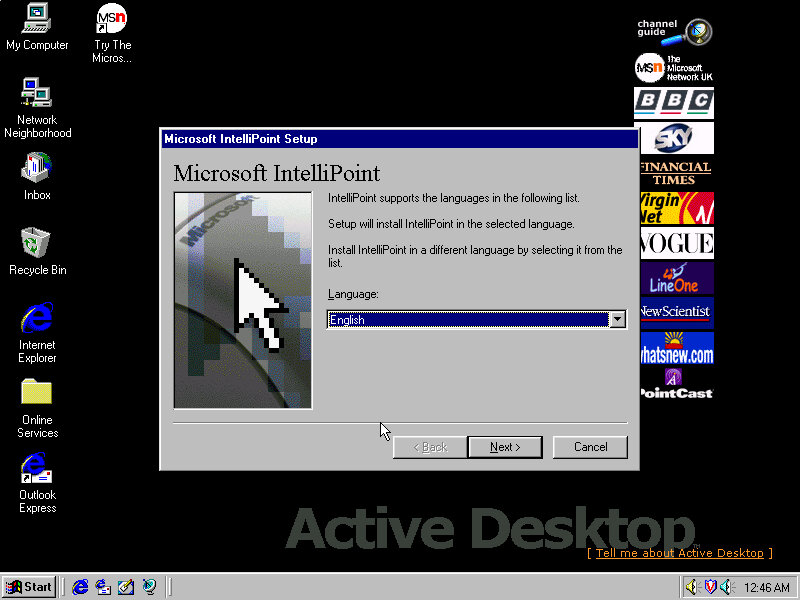
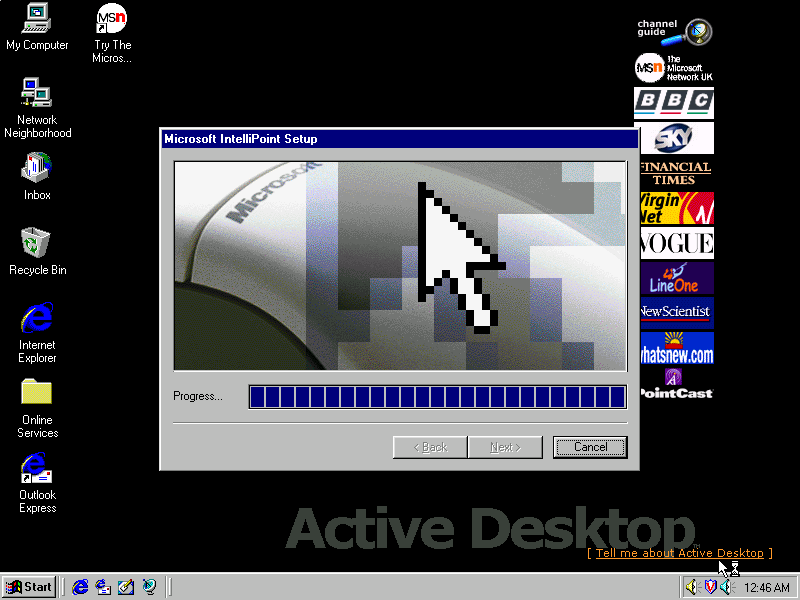
Installs Microsoft Intellipoint, Gateway possibly bundled the Microsoft mouse with their systems

Lastly the sound card software install, Windows had already detected the SoundBlaster on install, but here it inclused the Creative sound software.

Post Install

Megaphone

Appears to be a modem and address book software to manage internet connections and user contact information.

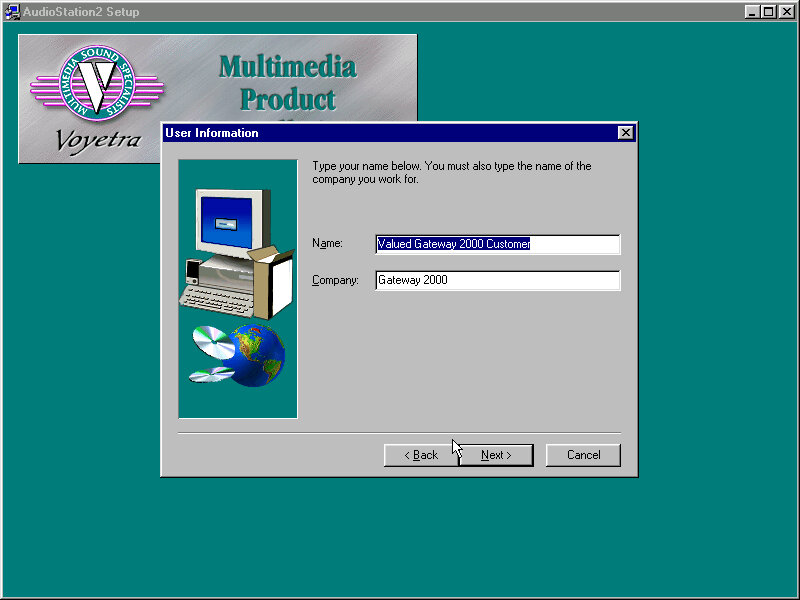
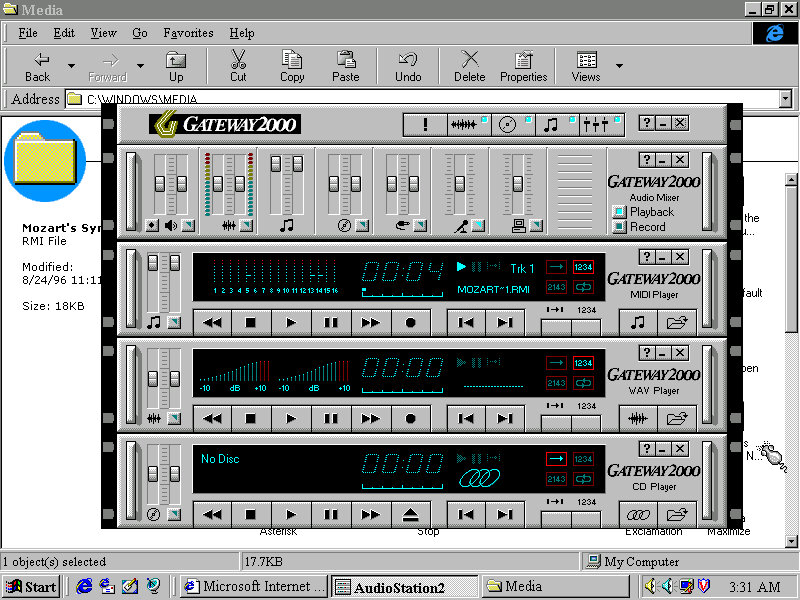
AudioStation2

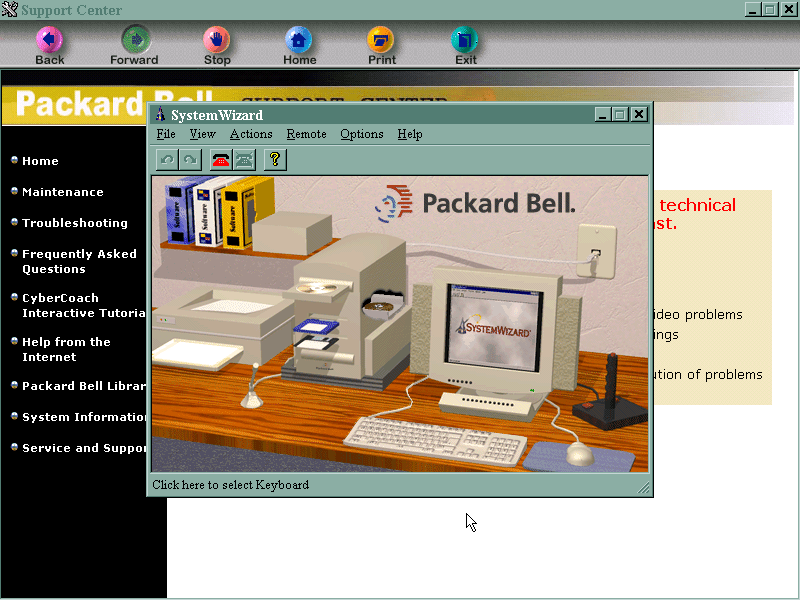
A MIDI and CD player with a Hi-Fi like interface, something similar was also installed on the Sony VAIO PCV-90
Adding a second drive

The motherboard has two IDE channels for a total of four IDE drive, with the SoundBlaster 16 PnP card we can also add an extra two for a total of six IDE devices.

Adding the second IDE drive, I encountered a problem since after adding it as IDE slave (0:1), Windows 95 would freeze upon bootup. The way to fix it was to use the Windows 95 bootdisk, use the FDISK /FPRMT command to initialize the salve drive, format as FAT32 (Or FAT16 if you are using an earlier version of Windows 95), then reboot and format within the boot disk.
After then would Windows 95 boot up and mount the drive.

Preinstalled Software
This was a bit dry, I presume Gateway didn’t bundle much with their systems or this is typically stored on another disk. From browsing the CD-ROM it’s a generic recovery disk with a range of drivers that covered the hardware that gateway would have shipped in their desktops. Any additional bundled software would have been shipped on a separate disk.
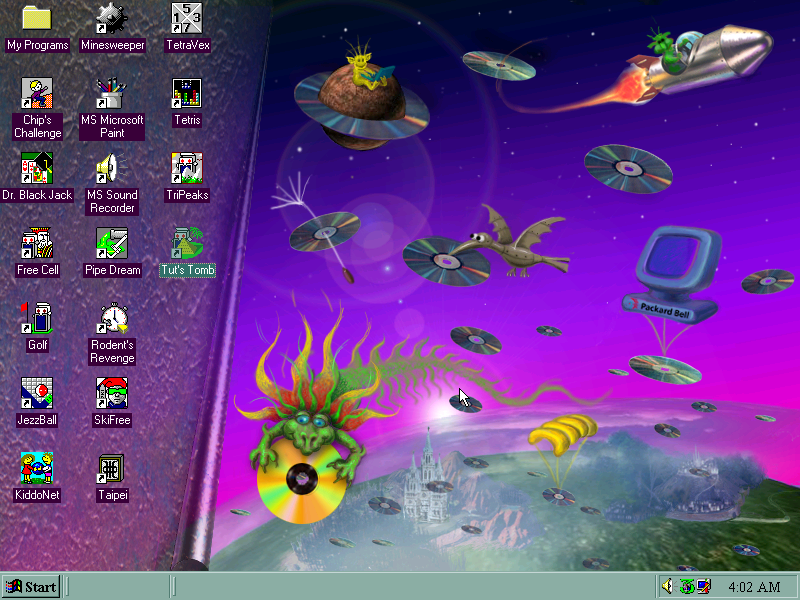
Even the OEM branding was scarce, I expected there to be a cow-skin themed wallpaper like the cardboard boxes used

Adding additional devices

PCI: Video Card (S3 Trio64)
PCI: 3D Accelerator (3DFX Voodoo)
PCI: For future use
PCI: For future use
ISA: Ethernet (AMD PCnet-ISA)
ISA: For future use
ISA: Soundcard (SoundBlaster 16 PnP)

PCI slots are based on the amount found on the Vogons wiki, there are four PCI slots in total but there may be many more as this board could optionally come with onboard video (This could be AGP?) Or sound.
Some versions of the board came with an onboard S3 Trio64, the Phoenix in 86box was the closest match and as a bonus was automatically detected and installed during instillation.
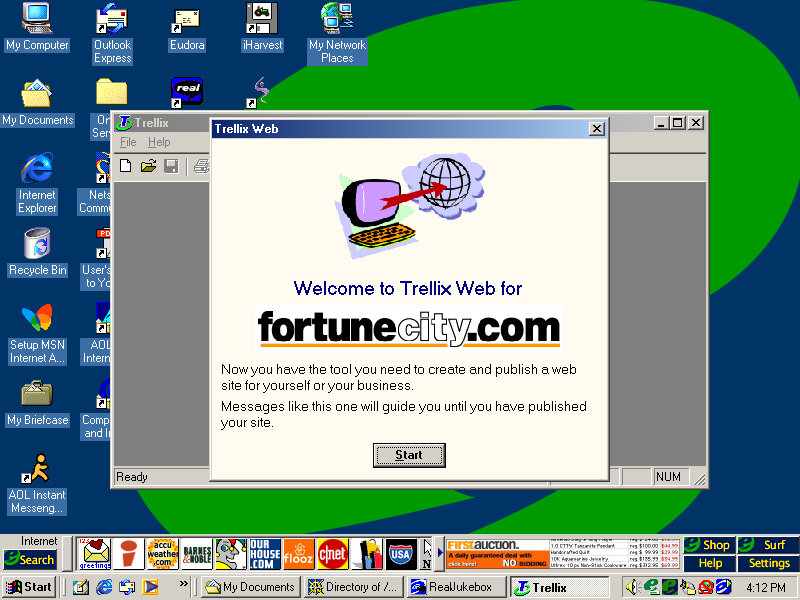
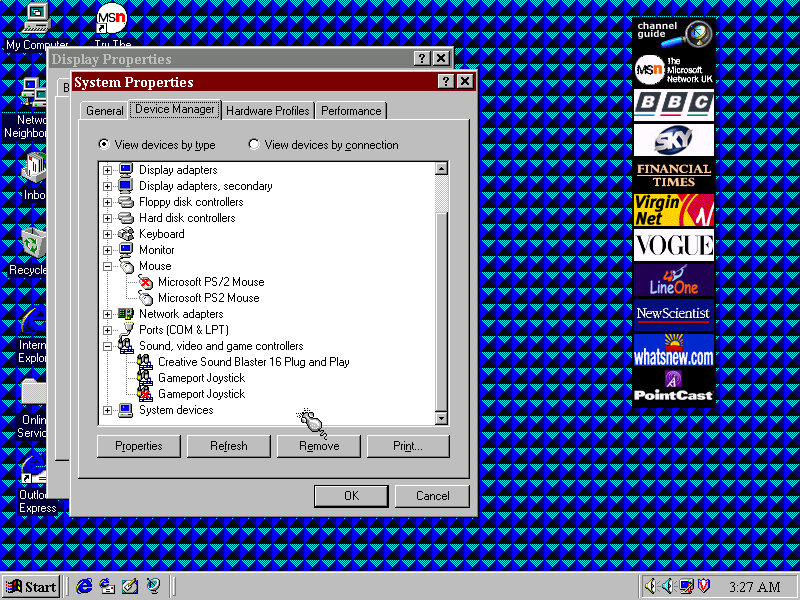
Device Manager with some duplicate devices

Restore Image – Archive

Windows 95 OSR2.5 (2.1 might be a better fit, or the original Windows 95, make sure to choose the FAT16 option when formatting for pre-OSR2.1 Windows 95)

Motherboard Information – VOGONS – Not a 1:1 match but the Gateway might be a close match to it


Compaq Presario 700 (VMWare)

An early Windows XP era laptop released around 2002, not to be confused with the Presario C700 which was HP branded. Windows XP Home Edition was the operating system bundled with the restore CD

Restore Process

This one used a slightly different way of restoring the default image, and I believe this is due to the copy being modified so that it will restore on any machine, instead of being tied to a specific model.
Here you must manually select the recovery image (located on the CD drive) and then proceed with the installation. If the hard disk is blank (Which it will be if we have just created the drive) the software can automatically initialize and format the disk and will create the correct partitions.
Once this has been set up, the recovery process will begin and the system will notify once it has been completed.

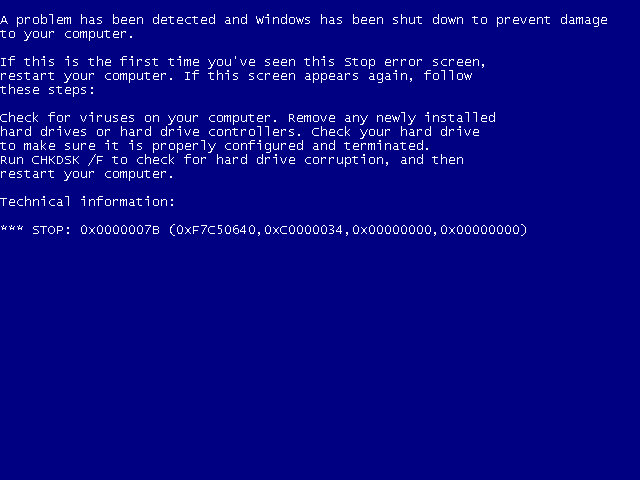
Hello blueness my old friend

After the first reboot, we will most likely run into a BSOD, since we had installed it in a virtual machine instead of actual hardware, it’s expecting a motherboard that’s completely different. At this points It’s Hirens time
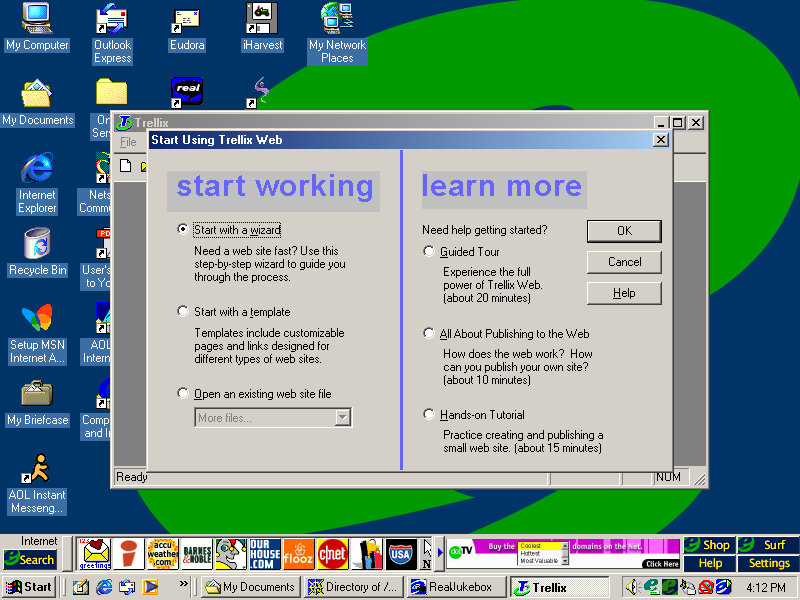
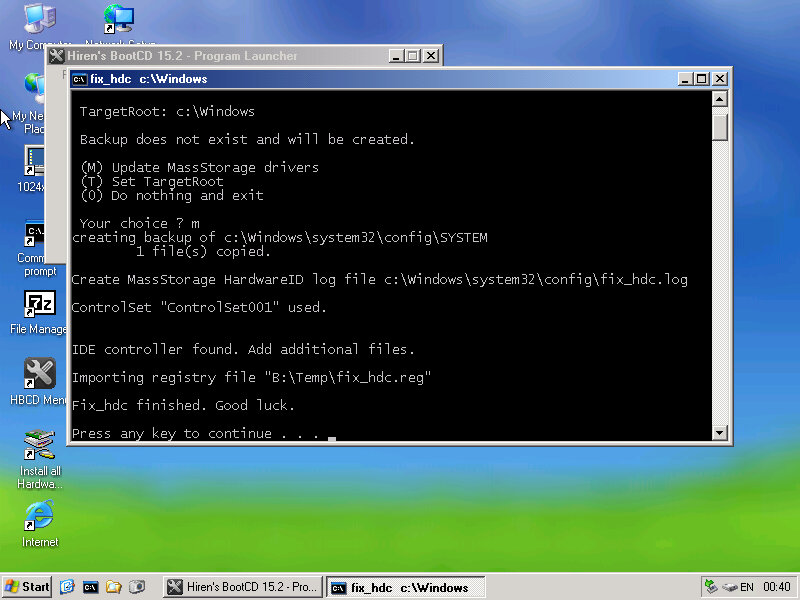
Hirens Boot CD

Same as the eMachines system, we just need to reset the hard disk controller to clear the error. After a reboot we are onto the OOBE.

OOBE

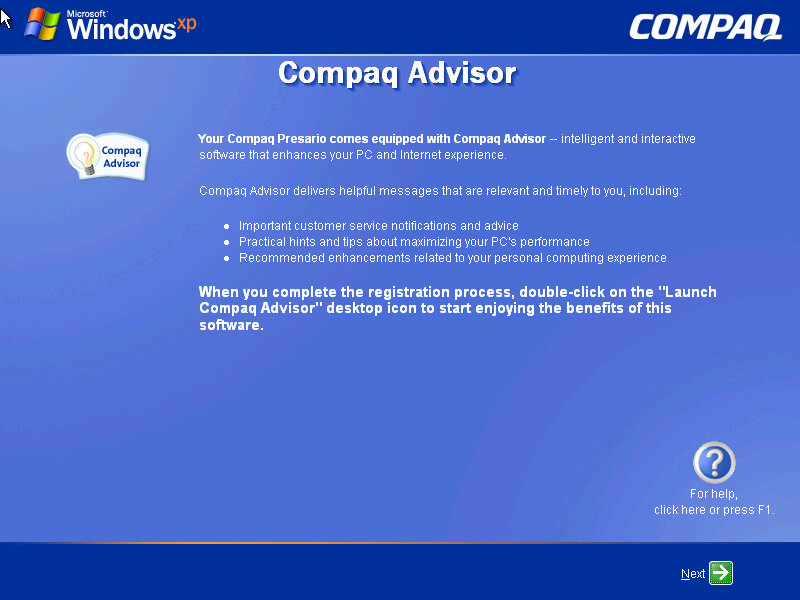
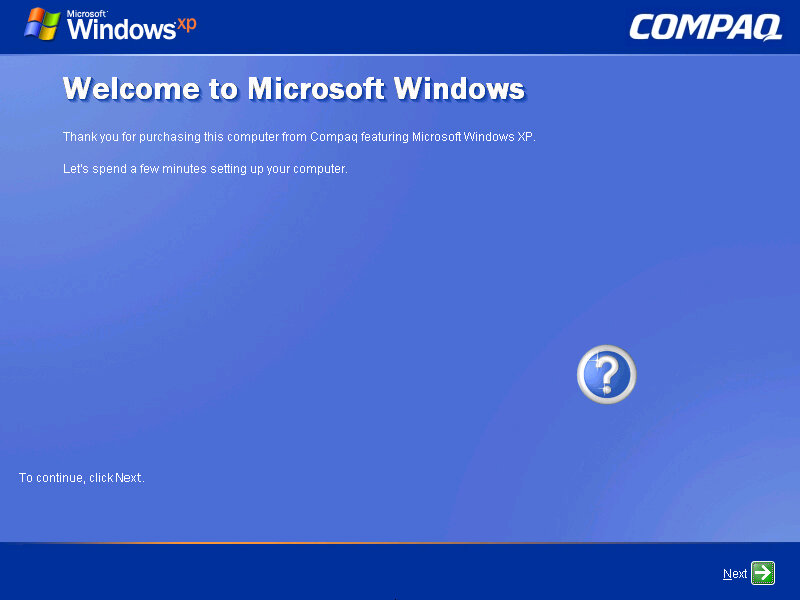
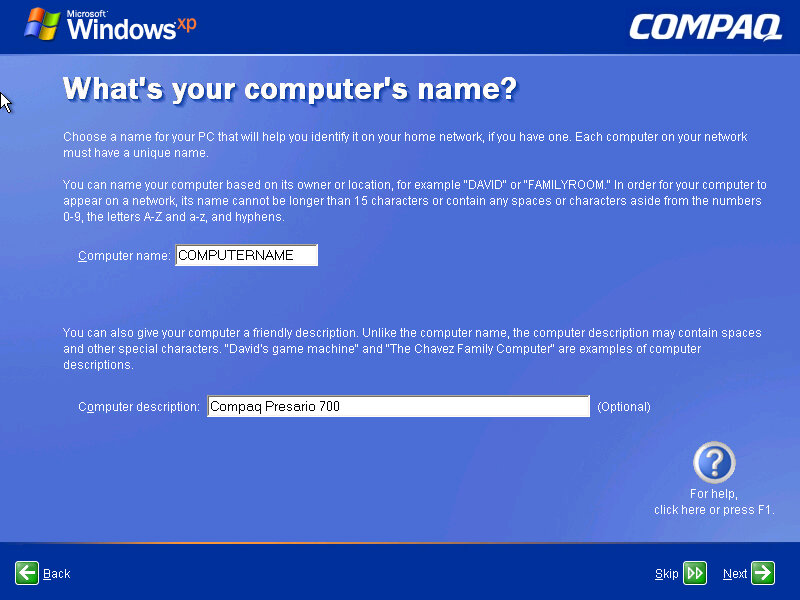
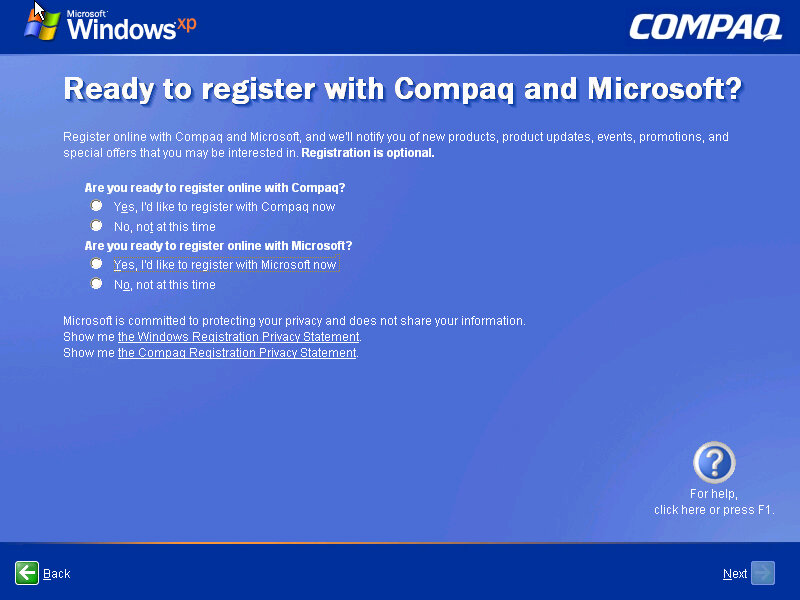
Once we cleared the BSOD boss fight we move on to the OOBE (Out-Of-Box-Experience) where we set up the system for the first time. You will notice the Compaq branding and will be informed of the Compaq Advisor, which is some sort of assistant. At this point you can also register your system, although I doubt there is much point,, Microsoft probably discontinued the registrations servers and Compaq has since been absorbed into HP.

Desktop

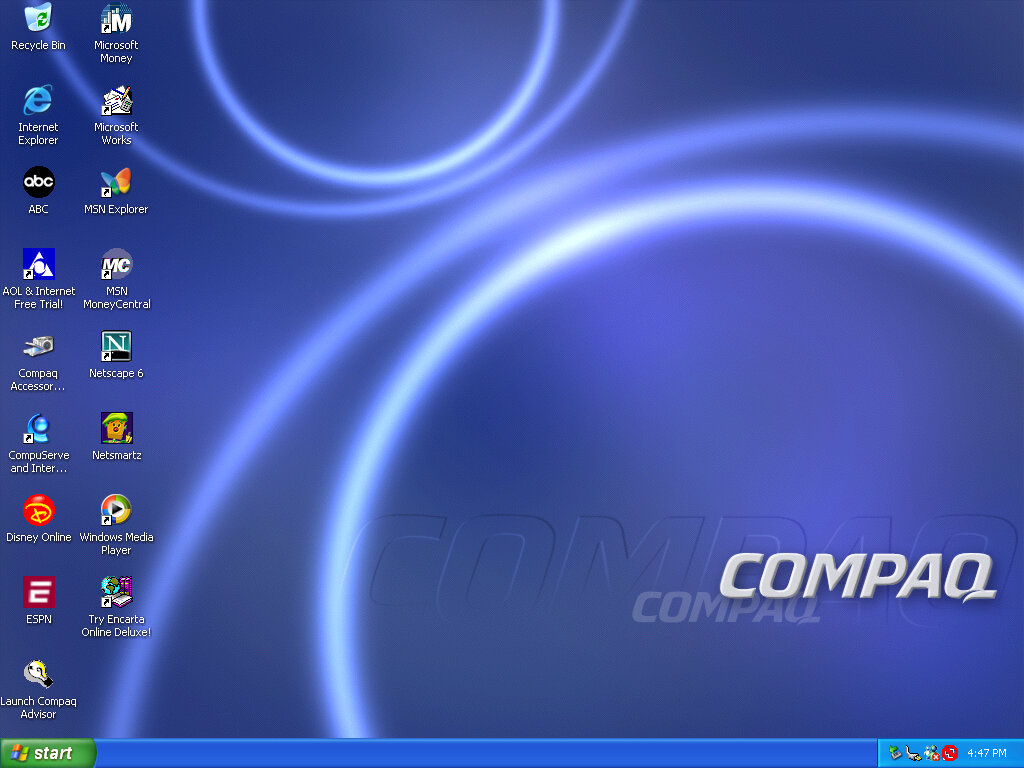
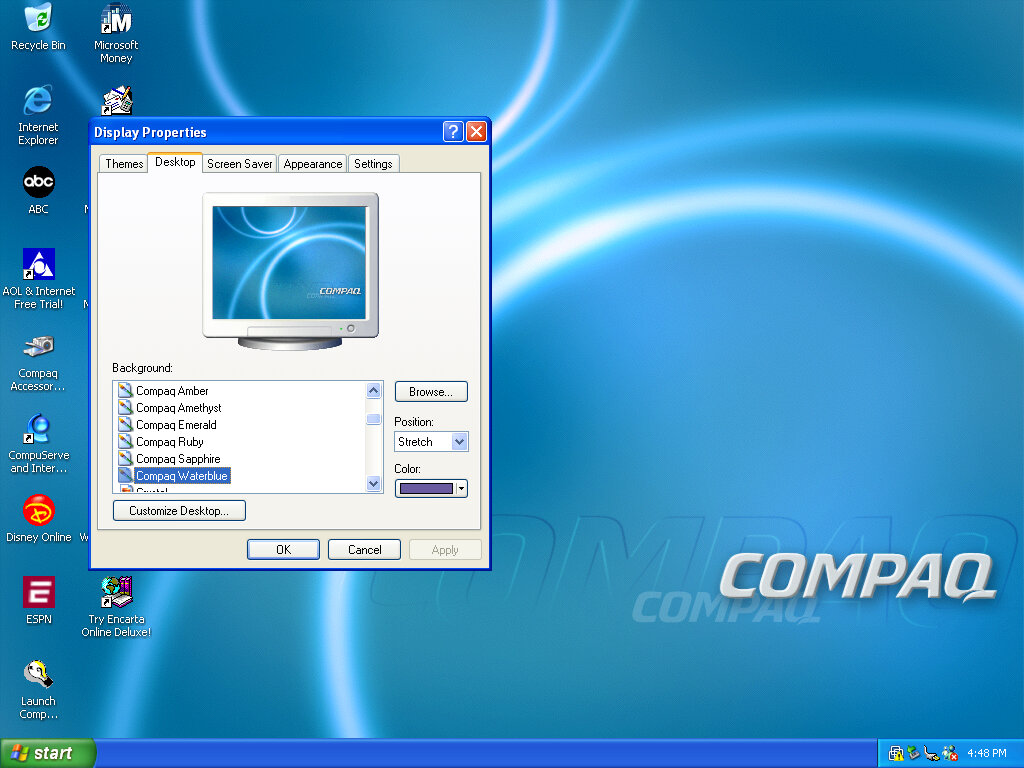
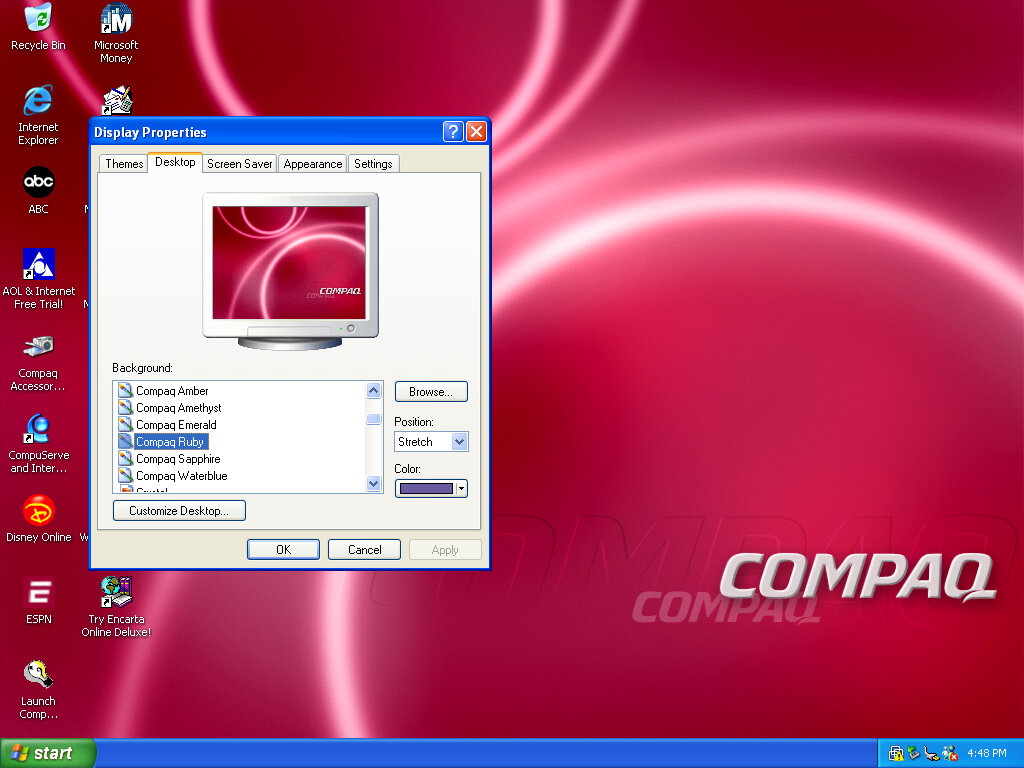
After that, we are presented with our new desktop, along with a funky wallpaper. There are several of these OEM wallpapers that are available in different colours. I’m not sure if these are reflective of the laptop itself or Compaq just whacked a few different colours for the user’s preference. It kinda reminds me of the original iMac with its various colours and shades.
Of course, you also have the regular Windows XP wallpapers if you prefer.

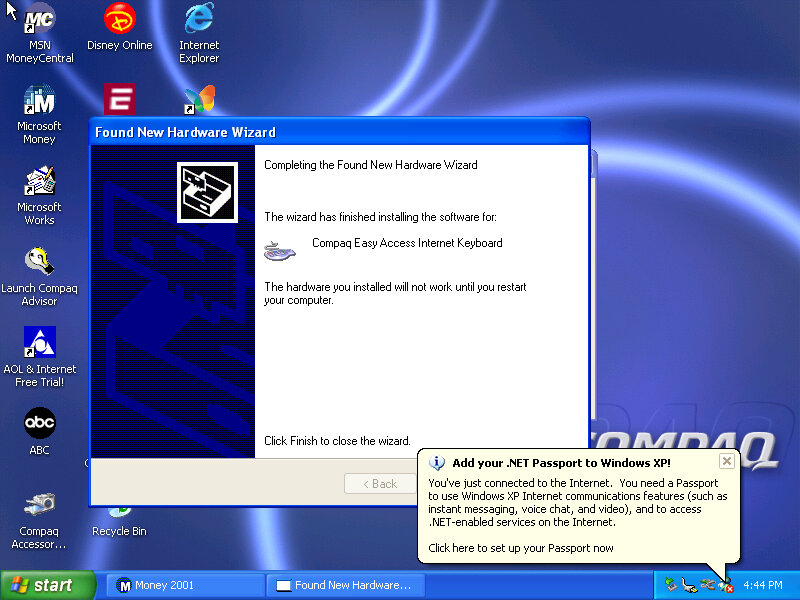
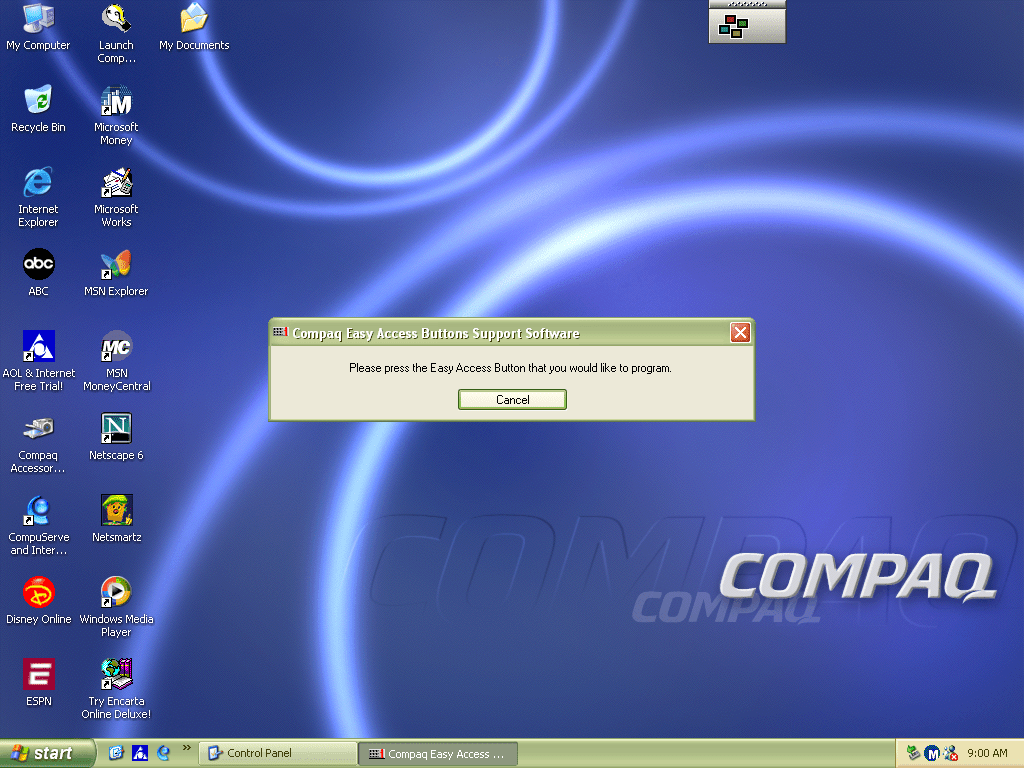
Interestingly it will try to install a driver for a Compaq Easy Access Internet Keyboard. This has little to no effect on the VMWare keyboard. On the desktop, there are a few internet shortcuts to various affiliate links like ABC, Disney,

VMWare

As this is pre-Service Pack 1 we are limited to how we can install the VMWare add-ons, the later tools require service pack 3 and will fail to install on an old Windows XP install. We can however download and mount an old version of VMWare Tools
Be careful with this, as these tools were intended for the version of VMWare they were released with. I got a BSOD when trying to display one of the 3D screensavers, and had to upgrade to a later version to fix the issue.

Software

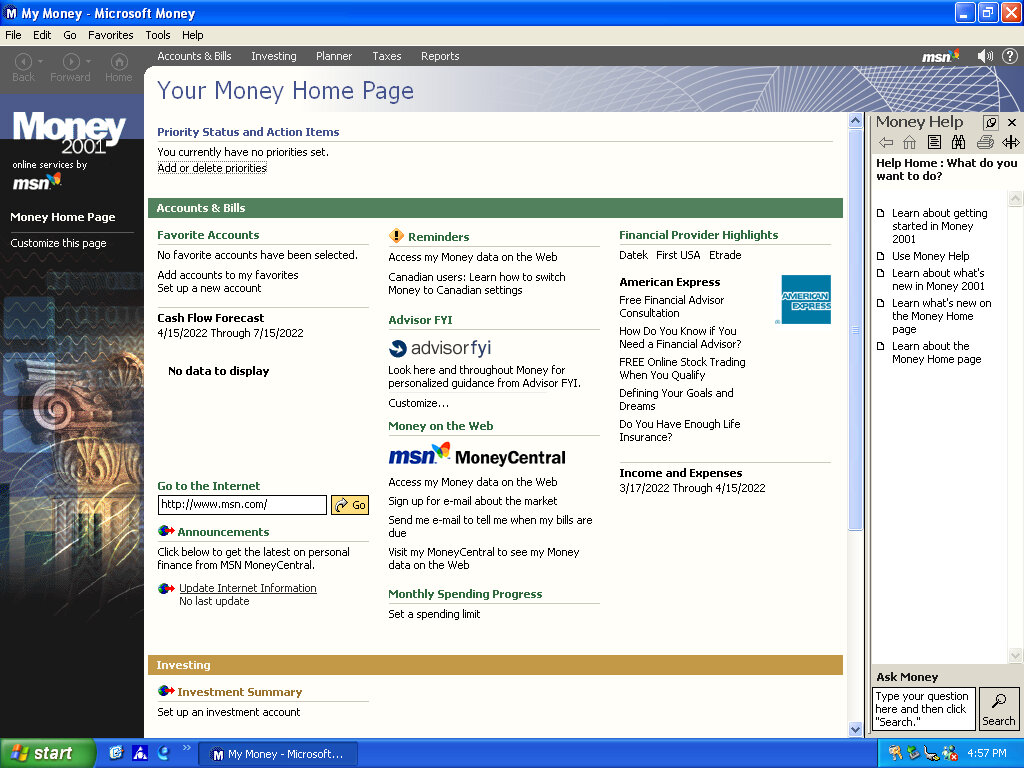
There isn’t much included, there is Netscape 6 and RealPlayer 8 bundled, and Microsoft Works and Money 2001

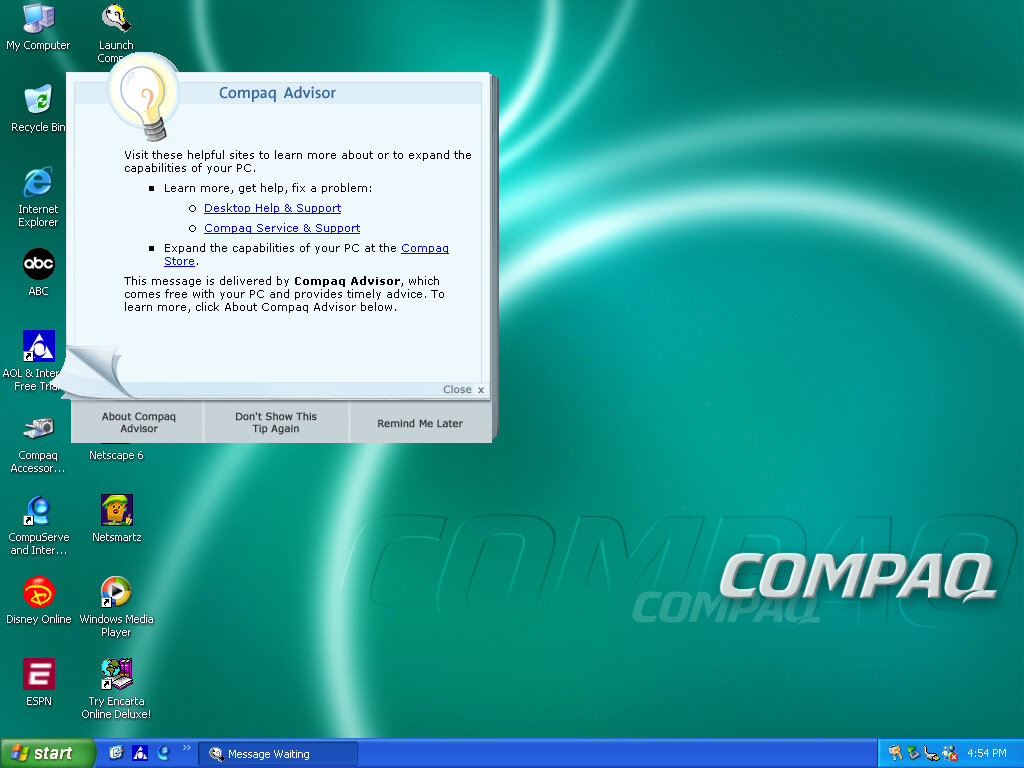
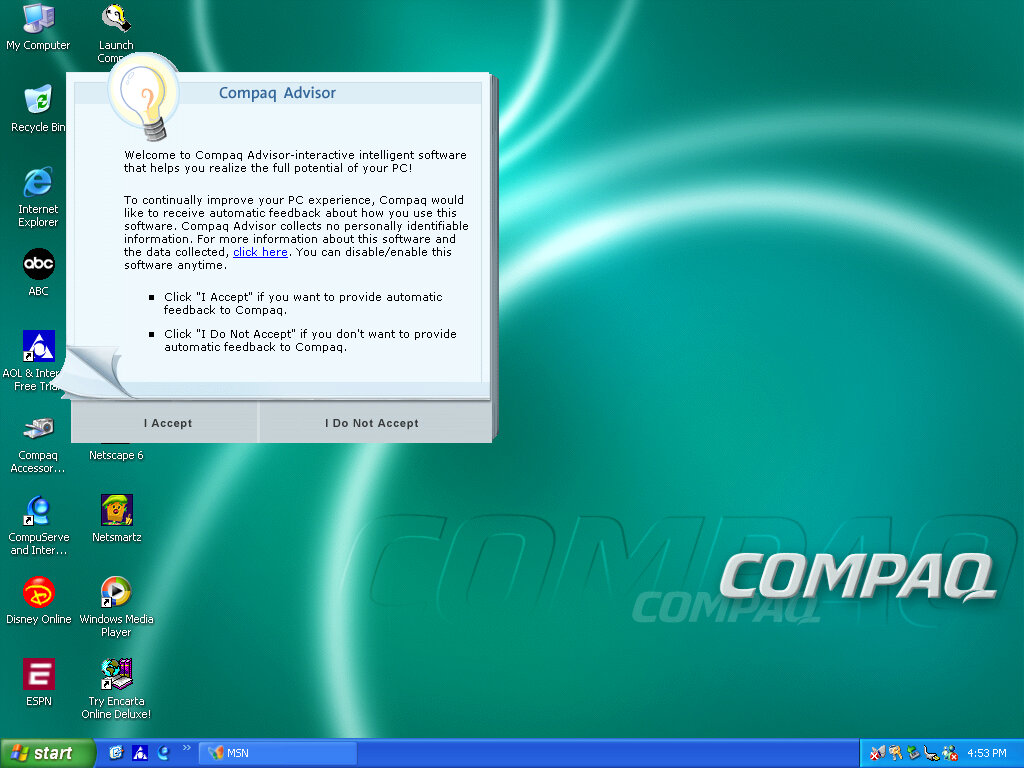
Compaq Advisor

Seems to be some sort of help/assistant program, sort of similar to the Windows Help & Support but more tailored to the Compaq-related stuff. The actual Windows Help & Support has a few customizations made to it, mainly with some Compaq stuff added.

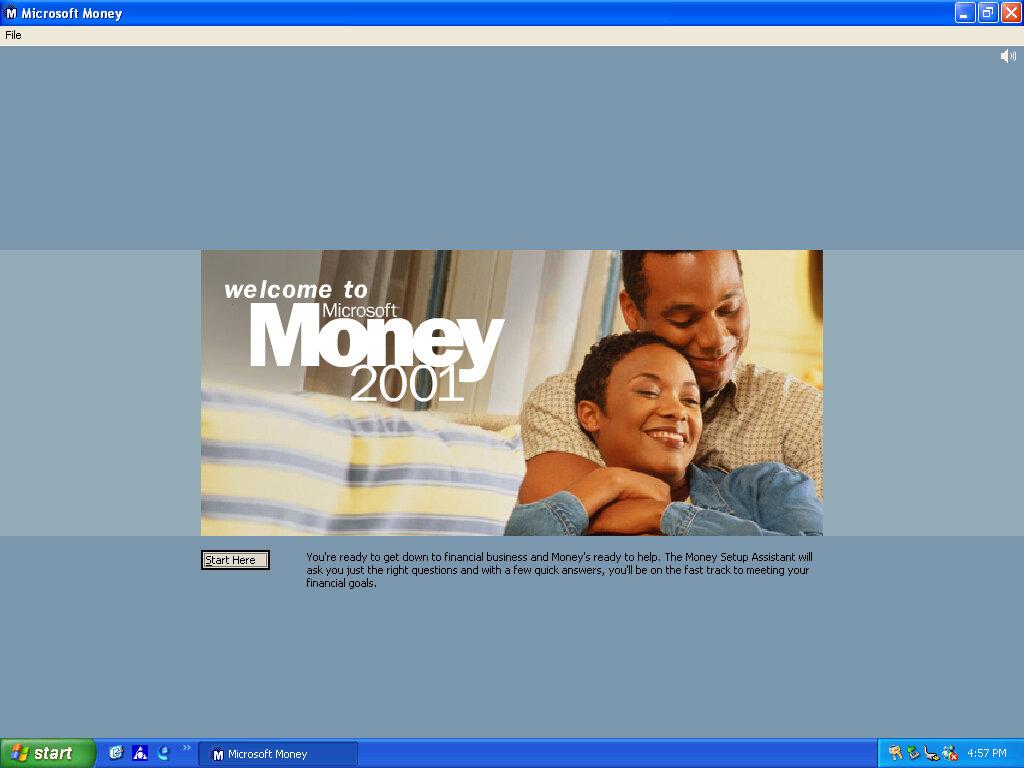
Microsoft Money 2001

There isn’t much included, there Netscape 6 and RealPlayer 8 bundled, and Microsoft Works and Money 2001

Microsoft Works

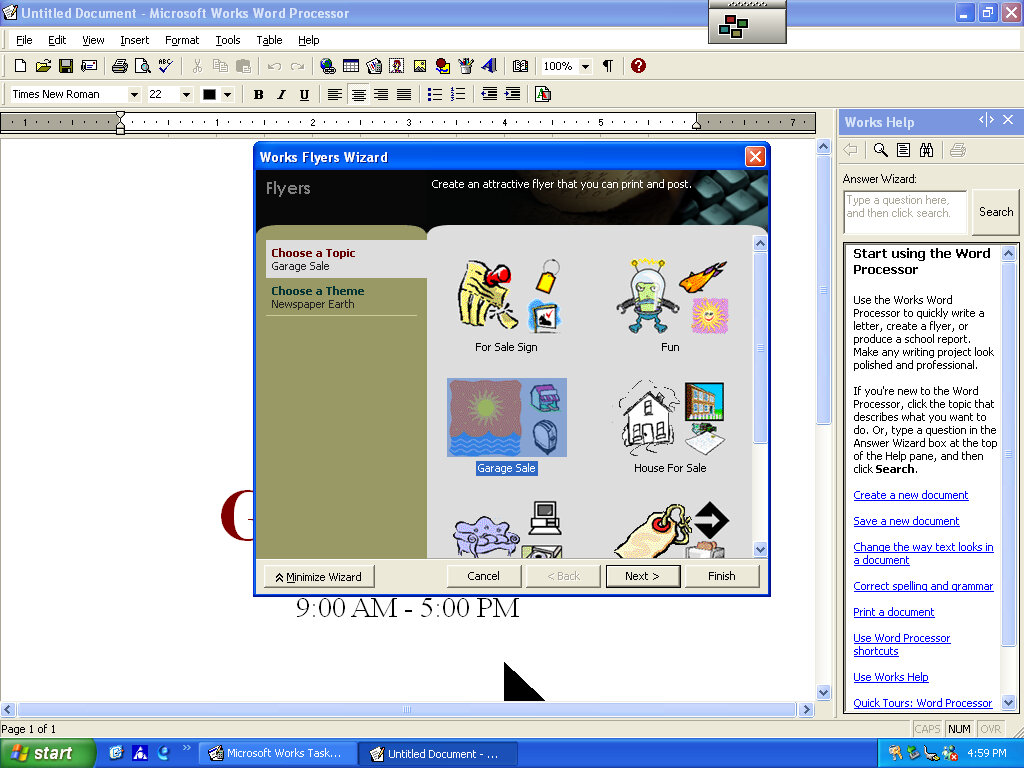
Version 6 of Microsoft Works comes bundled here, which serves as a basic productivity suite. It contains a word processor and spreadsheet software, along with a variety of templates to choose from.

OEMLink (Presario Info Center)

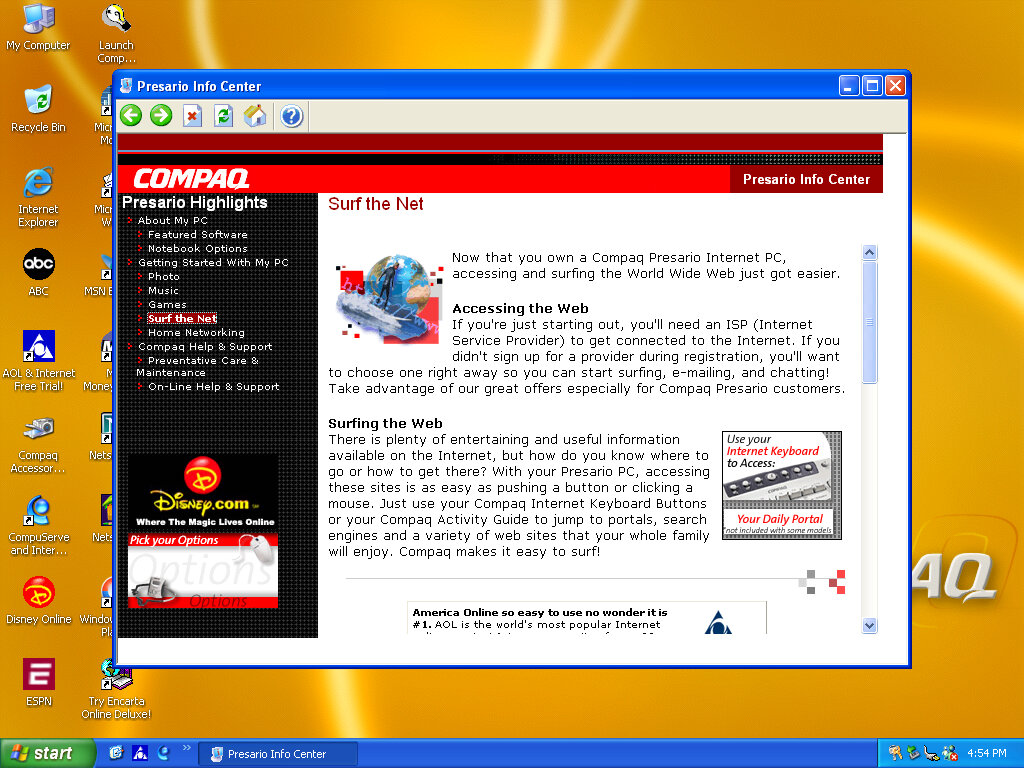
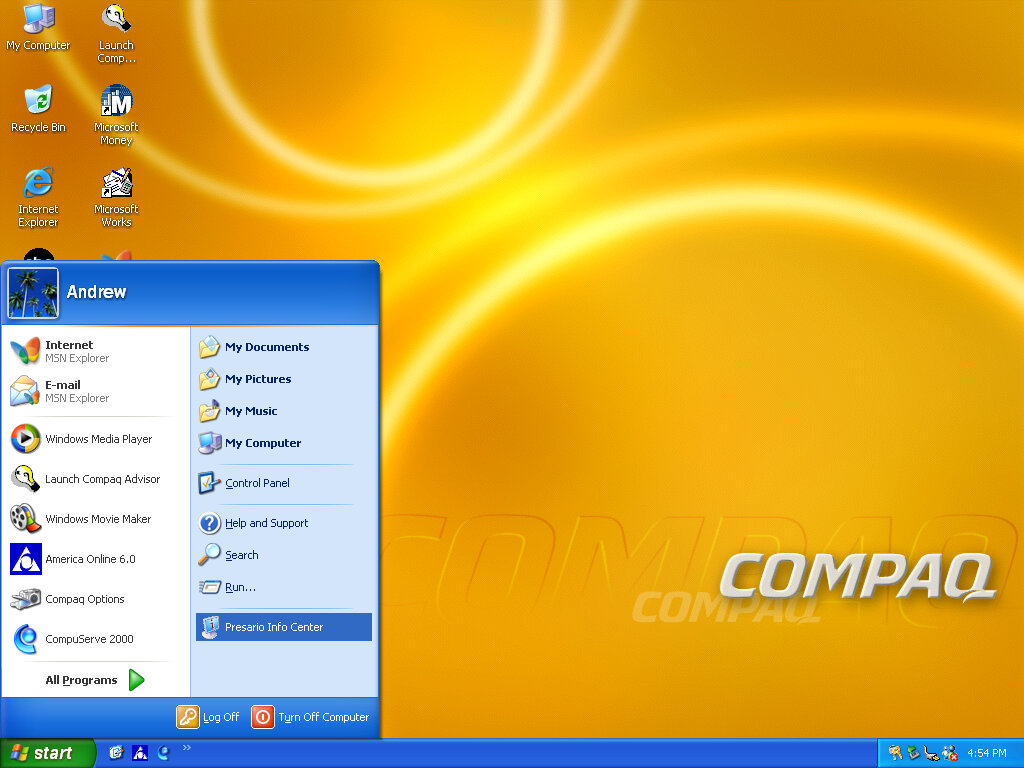
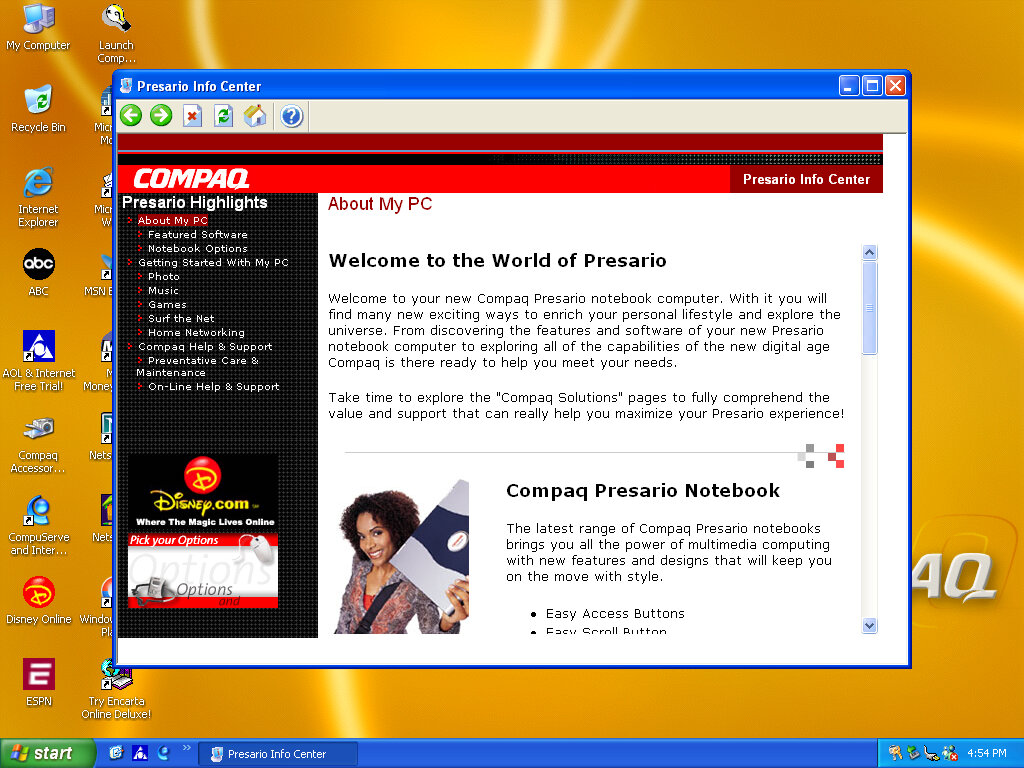
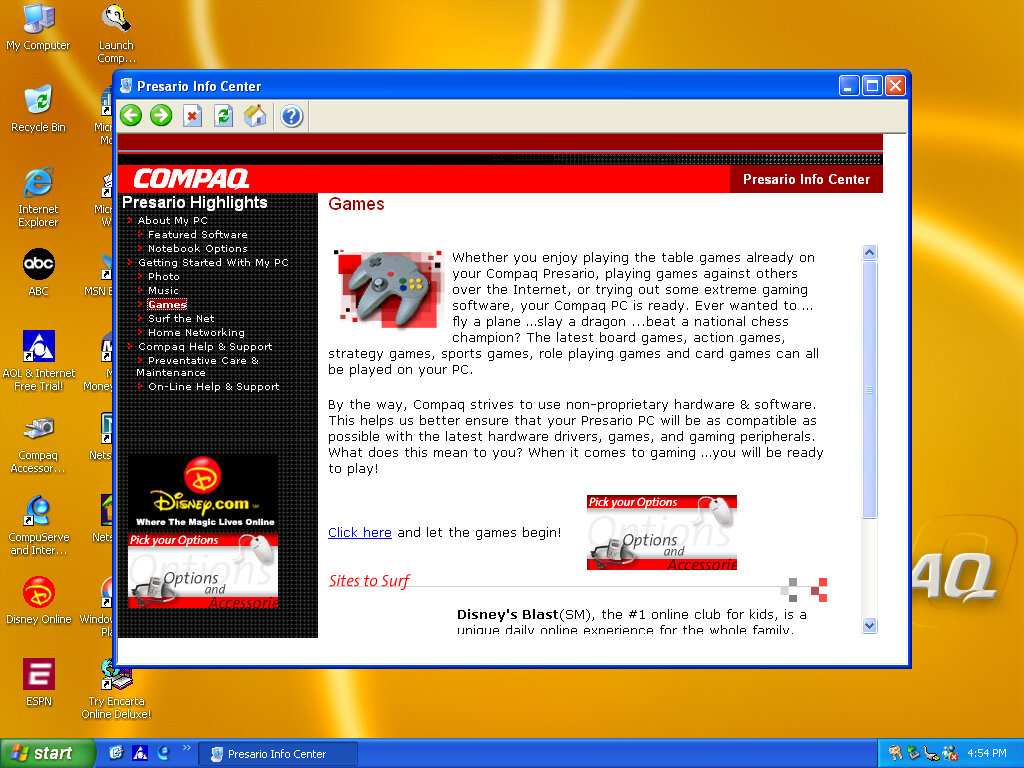
Another system I’ve found to make use of the OEM link feature of Windows XP. This acts like a help center that shows the different capabilities of the PC, along with recommended software, some of which might be preinstalled with the system. Some of these are not present here so there might be another disc that includes this.

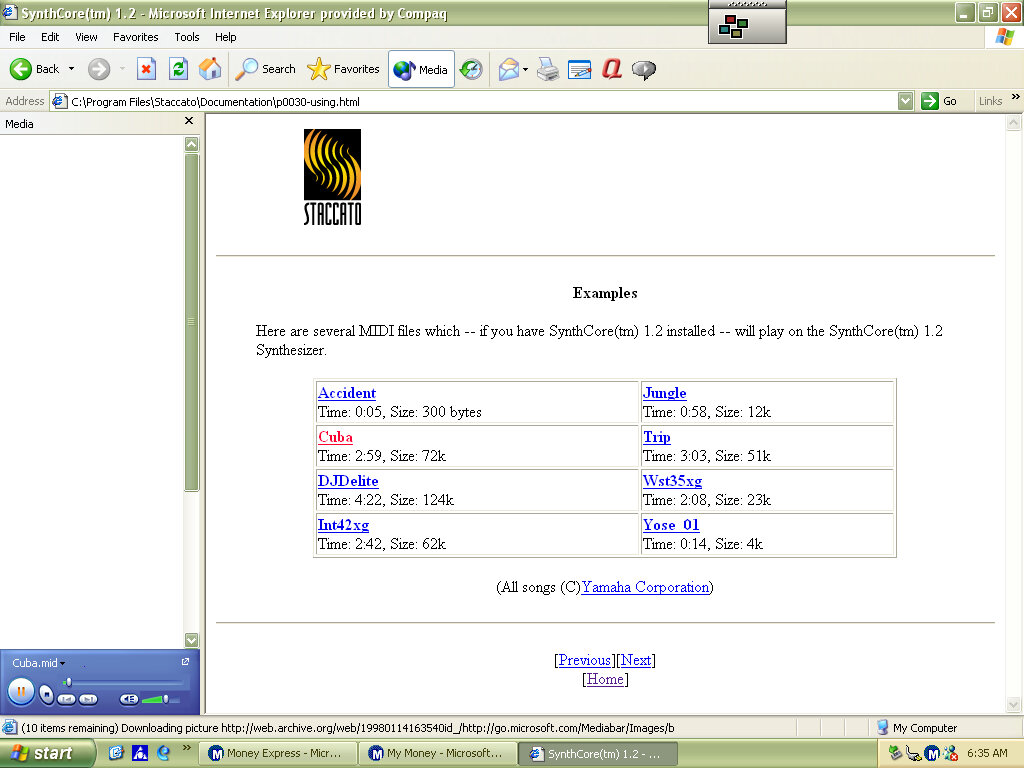
SynthCore

Also, this appeared in the start menu, it’s some sort of MIDI file samples that came bundled with the soundcard. These play normally on the emulated SoundBlaster but do not sound the same as they would on an actual system.

Control Panel

  • Easy Access Buttons: This lets you reassign the easy access buttons on the keyboard to open different functions
  • Compaq Advisor: Change settings in relation to the Compaq Advisor, appears to have been developed by Neoplanet Inc
  • Automatic Compaq Updates: Enables updates
  • SoundMAX: Opens the soundcard utility, does nothing in this VM since were using a different soundcard

Other

Archive Link

Windows 98 SE Beta

98Se was an updated released of Windows 98 operating system, similar to how Windows 95 received updated builds that introduced support for new technologies. (98SE extends it support for Plug and Play, especially with USB devices and shipped with a lot more USB drivers, allowing for these devices to be detected.

Other changes was an updated version of Internet Explorer, DirectX, NetMeeting and Windows Media Player.

For this build (and many others) First issue was actually getting the installer to start, as the DOS bootdisk was unable to see the win98 directory. Attempting to change directory would result in a directory not found error message

The solution was to modify the iso image and amend the win98 folder to WIN98 instead. Easiest way to do this was to use 7ip to extract the contents of the iso image, and then use Imgburn to recreate the iso file.

Windows 98SE desktop

Software

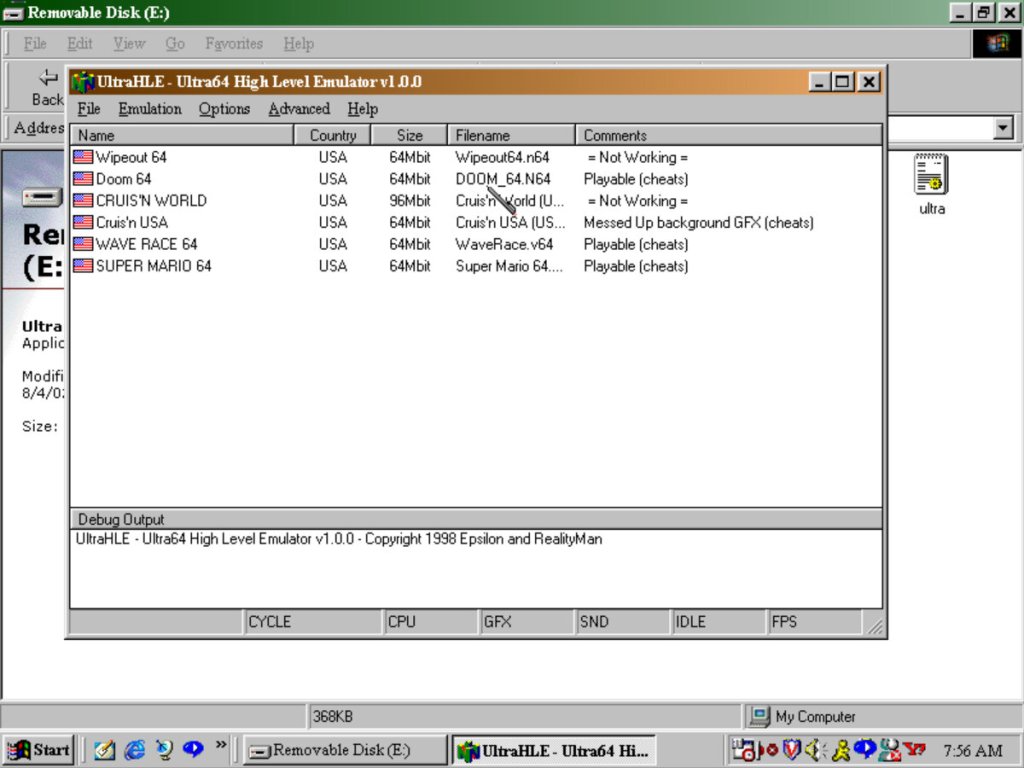
UltraHLE: An early Nintendo 64 emulator that was capable of high level emulation. This allowed for acceptable framerates of Nintendo 64 games. Whilst it starts up, it will crash the entire emulator when you try to start a game.

QuickTime: Apple’s video and internet streaming application, for streaming video over a network. Also used on multimedia software and is installed automatically with that software

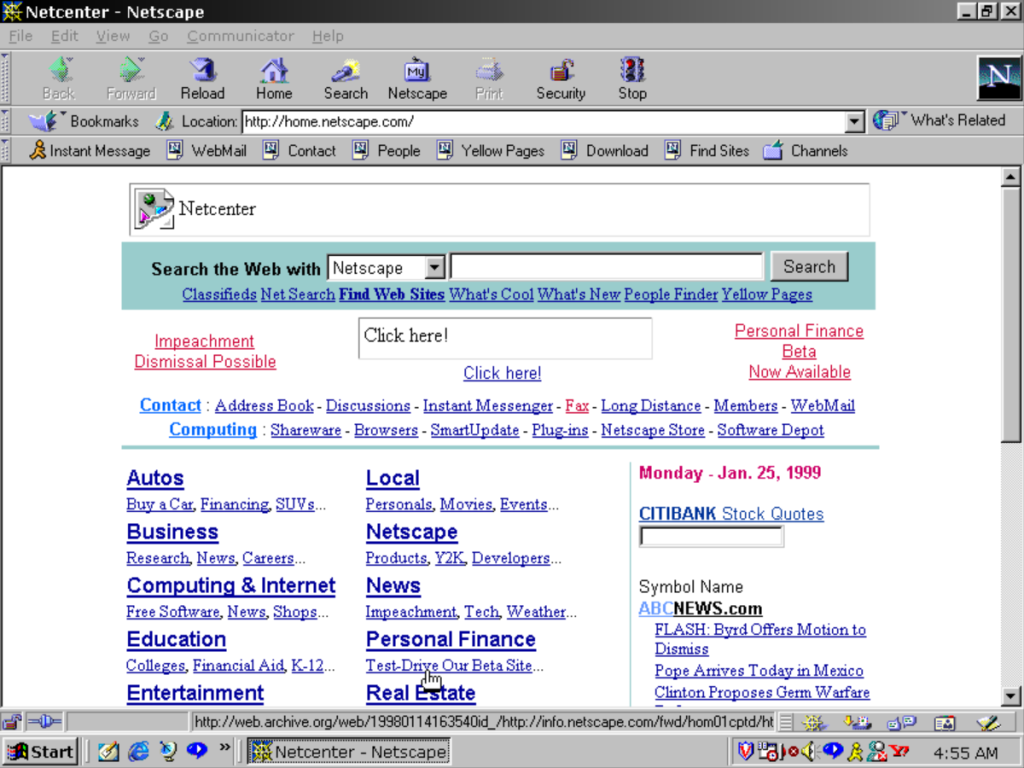
Netscape Communicator: A popular web browser that ultimately lost the first browser war to Internet Explorer

RealPlayer 7: Works but the title bar is glitched out, might be more to do with the PCem emulator or its graphics card (3DFX Voodoo Banshee)

AOL Instant Messenger: Popular in the US, but did not take off in the UK as MSN messenger was more popular here, sadly both died in favor of Whatsapp and Facebook messenger

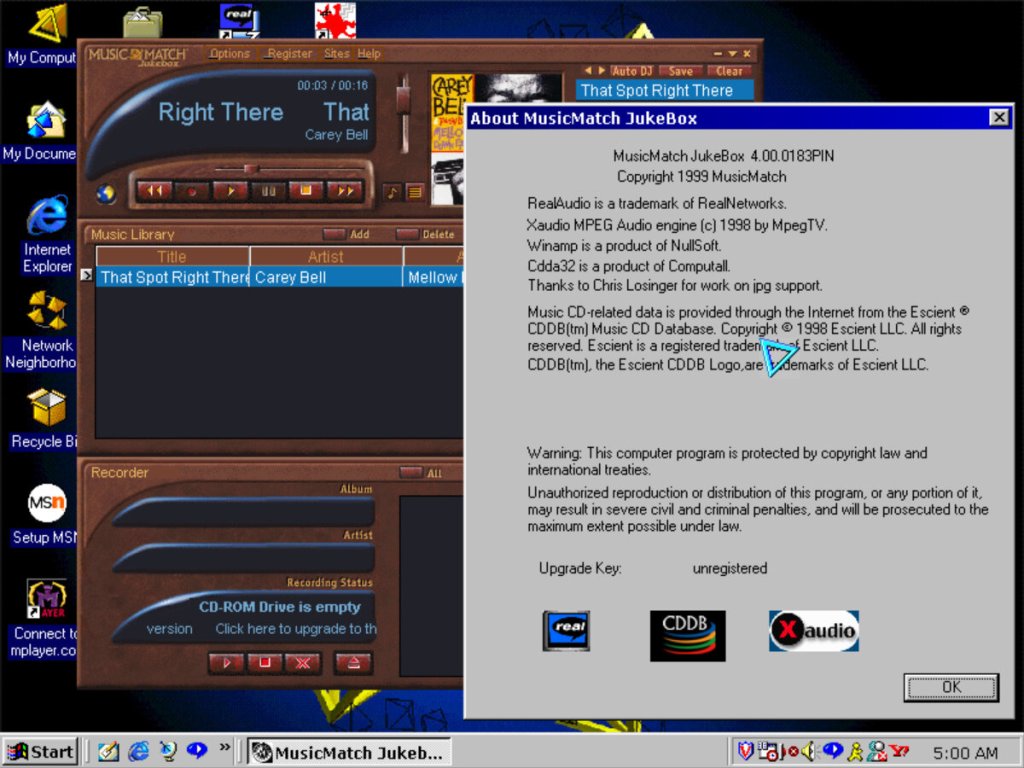
Musicmatch, Background theme is from 98 Plus! expansion pack

Winamp: Null soft’s legendary music player capable of playing MP3 files

McAfee: An anti-virus security software, typically found preinstalled on Dell computers and uninstalled after 30 days

Adobe Acrobat Reader: For viewing PDF documents, commonly distributed with other CD-ROM software. I really like the splash screen art from this era of Adobe software.

Nero Burning ROM: A Very popular CD-ROM burning application, sadly PCem does not emulate a CD-R drive.

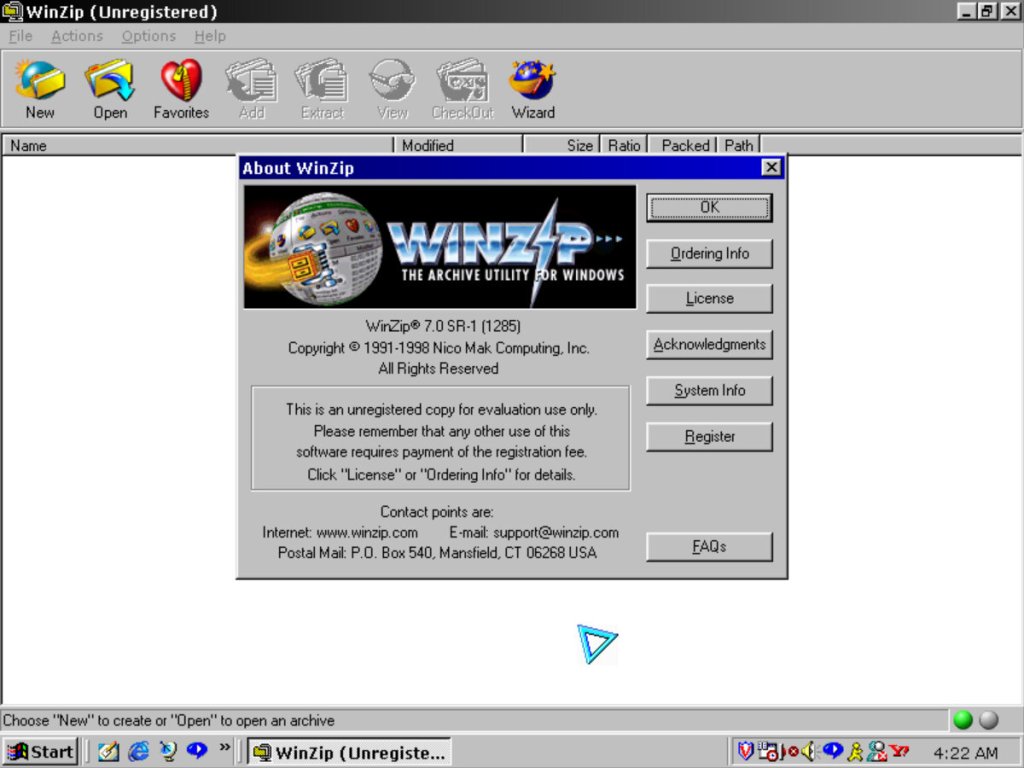
WinZip 7.0: Popular compression software, its like WinRAR with its user interface but also offers a wizard like interface

Pun on Hans-Solo?

Simcity 3000: Works well on this build on Windows, this was the original release that has a different opening movie compared to the later release (Unlimited), the background music has also been revised

eMachines T2200

Product Information

The Bliss wallpaper, with a touch of eMachines

We all know eMachines, and have probably used an eMachines system at one point in our lives, known for being very affordable (Cheap) computer systems for first time buyers or for people who just need a basic system. Typically found at PCWorld or Currys, These computers are typically paired with either an Intel Celeron or an AMD Durion or Athlon.

Install

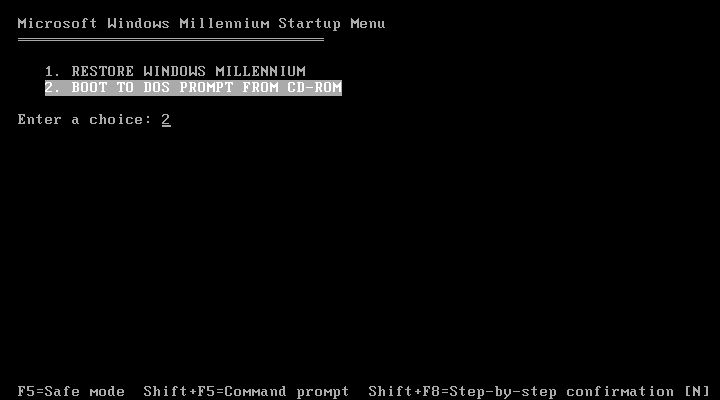
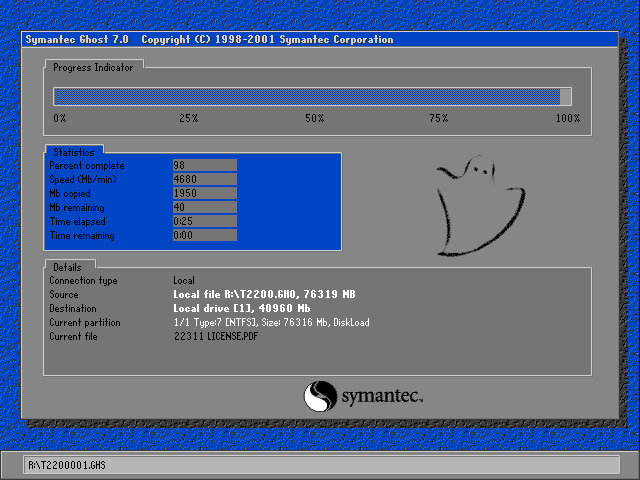
eMachines made use of Norton Ghost to operate the recovery media, this initially presented us with a Windows 9x style boot menu which gave us the option to boot into the recovery environment.

Ran into a few issues getting this one up and running. Whilst the initial restore process went through without a hitch, I was greeted with a BSOD upon bootup

Following the guidance on the archive link, I booted into Hirens and ran a script that reset the hard disk driver, which was causing the BSOD.

When the command windows open’s, choose option T first to set the target root, this is the Windows install directory (C:\WINDOWS). Just check that Hirens actually mounted it to C as it may have assigned the hard drive to another letter.

Programs > Registry > Fix Hard Disk Controller

Programs are located in the Hirens Program launcher, Not the start menu

Alternatively, navigate to the CD-ROM root and go to HBCD\Programs\FixHDC.bat to launch the program

After a reboot, we were able to boot into Windows and progress through the OOBE section, which has some eMachines customizations.

OEMLink

The start menu here has an OEM link which I’ve rarely seen on Windows XP systems. This is an option that can be selected in the Windows XP start menu that takes you to online OEM information.

Realtek AvRack

Some sort of bundled media player that makes of the sound cards processing functions, none of these are functional under a virtual machine since it emulates a different soundcard. I was able to play a regular MP3 file but none of the effects would work. These would have included echo and voice pitch changing effects

AIM AOL Instant Messenger

Another popular instant messaging application, this was supposedly popular in the US, but didn’t take off in the UK where MSN was more popular.

ICQ

ICQ was a popular instant messaging program before the likes of AIM and MSN Messanger took over. Each user would have a unique ICQ number. I personally never used it myself since it was already obsolete when I first heard of it (2004) and barely anyone I knew had an ICQ account.

McAfee

Bundled antivirus software, this also comes with a firewall bundled. Sadly this version can no longer be updated and we are stuck with virus definitions from 2002.

Although once you enable the firewall, be prepared for endless connection alerts whenever you open a program or even do anything that uses its own socket.

Winamp

A popular media player bundled with this system. A little redundant with Windows Media Player, unless Winamp is capable of playing a file that WMP cannot.

Microsoft Works

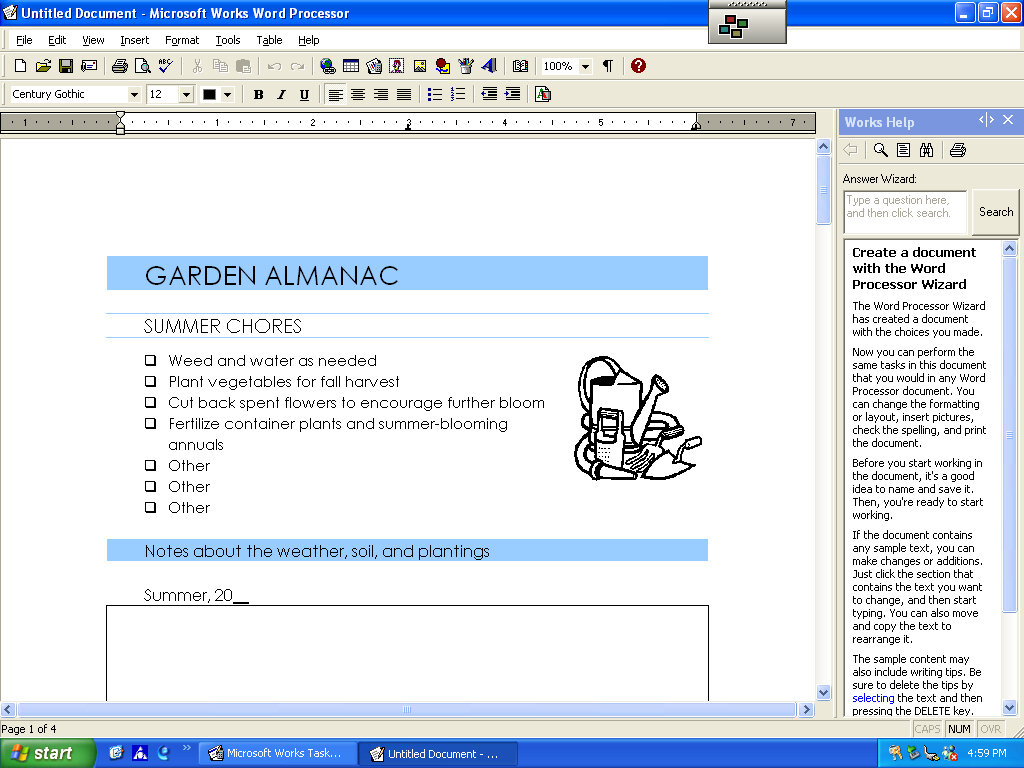
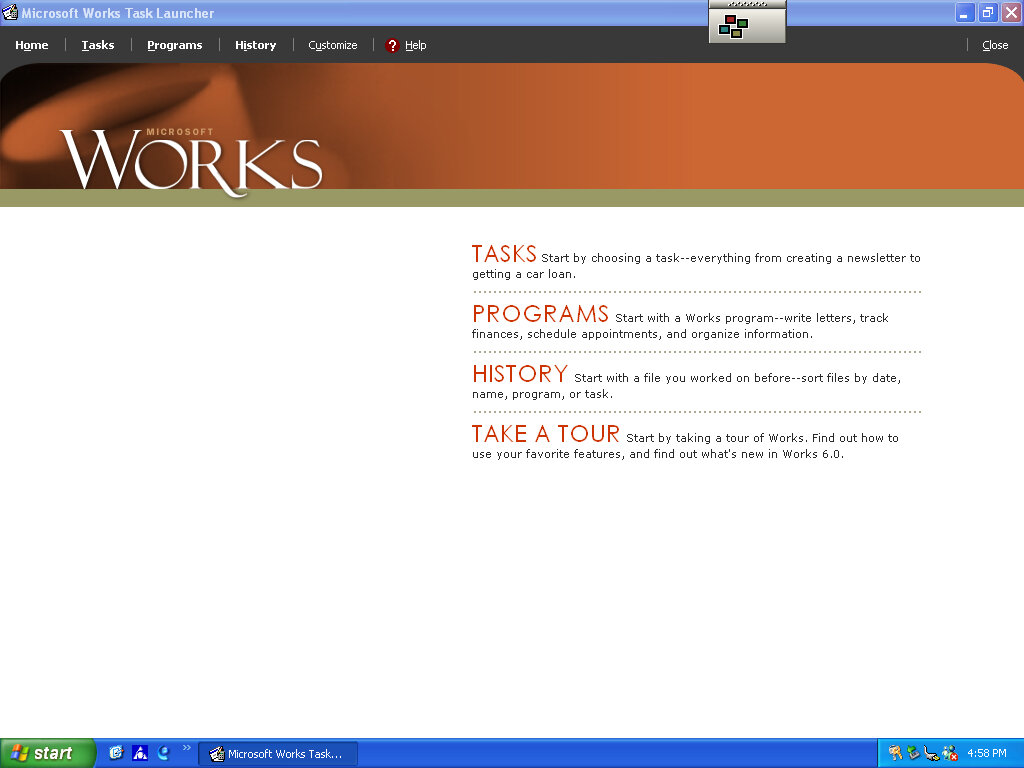
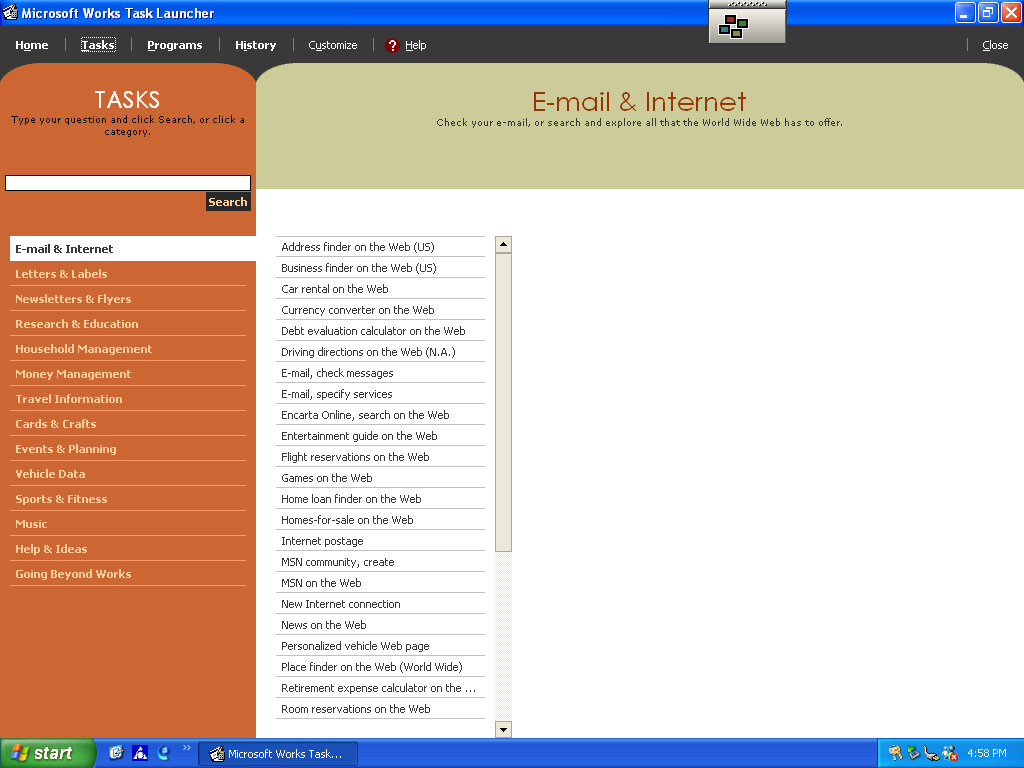
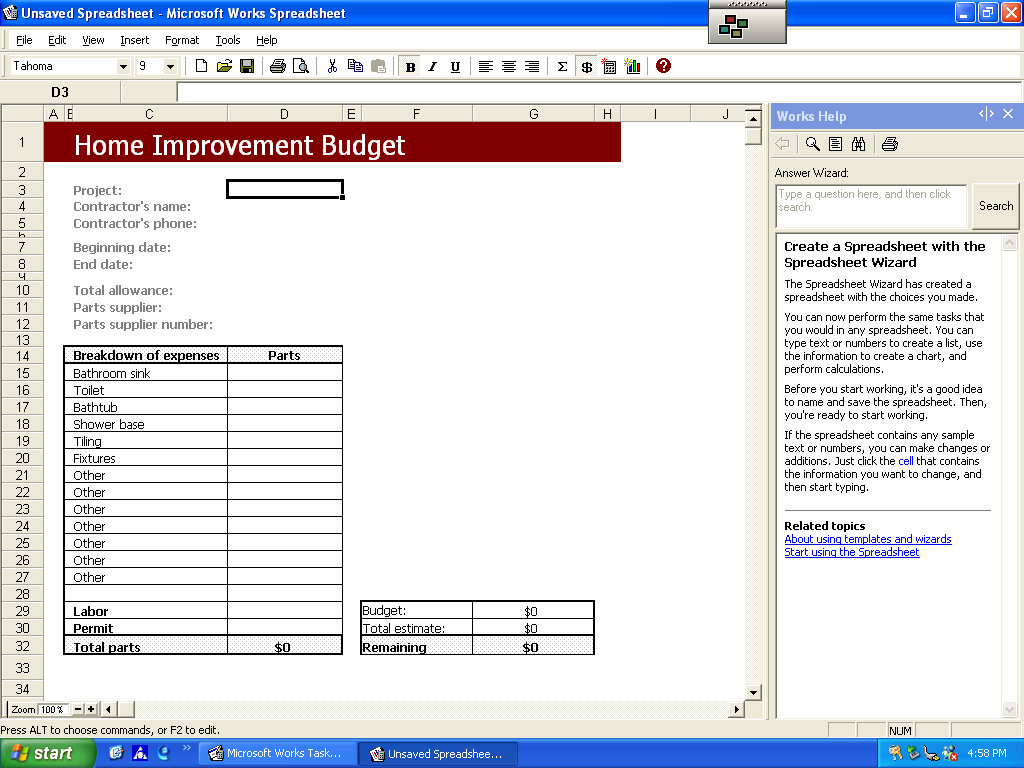
Microsoft’s entry-level productivity suite that provided a word processor, spreadsheet software, and a basic database. To make the program more user-friendly to use, a a task launcher is used to open various elements of the application since this is designed to appeal to users who are not familiar with office productivity software. Here a user can select from a list of tasks they wish to complete, and Works will open the correct template for them.

Some of these are very specific like coaching a sports team or planning a family reunion. Some of these are quite useful, there’s a template to create a fitness log using a spreadsheet that helps keep track of your workouts, or if you want to keep track of road trips.

Microsoft Money

Money 2003 – used to organize your finances and bank accounts, back in the early days of internet banking. Nowadays most banks offer something similar online.

Cyberlink PowerDVD

PowerDVD is software intended to allow DVD video to be played, it was commonly bundled with PCs that came bundled with a DVD drive. Although I’m sure Windows Media Player is capable of doing the same thing so this software would be redundant?

BigFix

Appears to be a utility that monitors your PC’s performance, and is preinstalled from the CD. There are also links to eMachines technical support. In normal operation, it will notify you if a software update or patch is available and will prompt you to install it (It does not install automatically). Although if Windows Update is enabled then this kind of redundant, possibly that would have checked for driver updates also?
BigFix was later acquired by IBM and was renamed IBM Bigfix.
RealPlayer

Realplayer was a popular way to stream video over the internet since it was cross-platform, supporting both Windows and Macintosh.

Compuserve

Another internet service provider provided its own software to access its services.

DirecTV: UltimateTV

Ultimate TV was a partnership between DirecTV and Microsoft, who were looking to expand their WebTV platform. The DISH Player had launched a year prior with DISH network, and has also used the WebTV platform as a basis of its DVR software.

DirecTV also launched a DVR with Tivo, known as the DirecTivo which integrated two DSS satellite tuners into the Tivo system, which allowed for two channels to be recorded at the same time. Something that could not be done on the regular Tivo’s of the time, which required an external set top box to be connected.

Hardware was manufactured by RCA and Sony who had also made standalone WebTV hardware. Receivers typically came with a 40GB hard disk and twin DSS tuners

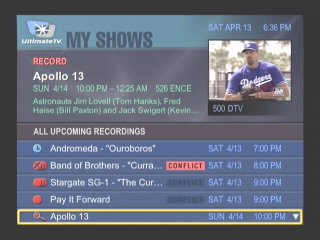
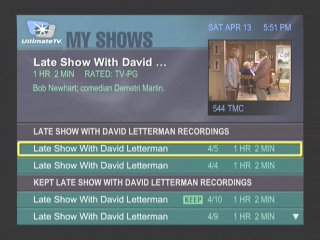
My Shows

List of all recordings made, and any upcoming shows to be recorded

Another screenshot of the My Shows section, this time with recordings grouped by title name

More recordings of different episodes of the same show

At launch dual channel recording was not possible, and inital functionality c

Interactive

An interactive prompt, WebTV was one of the main interactive platforms

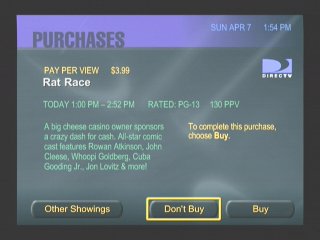
Pay-Per-View

PPV movie and events could be ordered and recorded

Favourite Channels

Separate lists can be made to store favourite channels

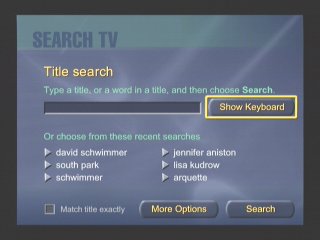
Category Search

Searching for a specific program, you can choose from various filters

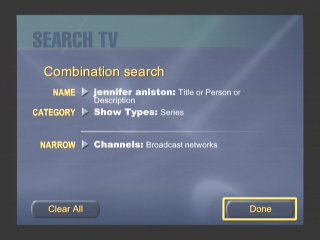
Searching by actor and a combination of categories

Someone here was clearly a fan of Friends

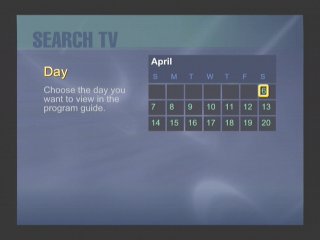
Searching by Day

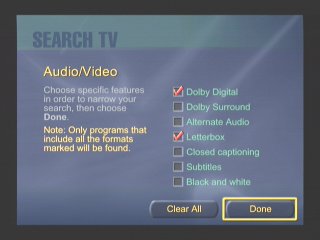
You can filter to a specific feature that a program supports, like subtitles

Search by age rating

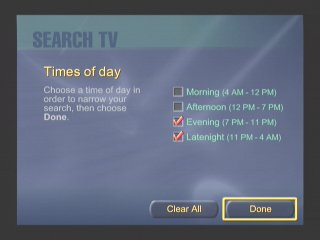
Filtering by the period of day

Or by decade period

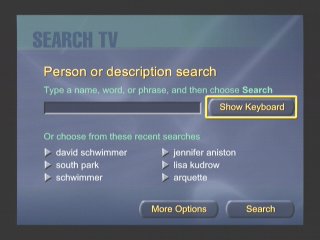
Or by a search term / keyword. This was similar to what Tivo had offered

Additional Search terms

DISH Player

Dish Network also had their own DVR which ran using the WebTV middleware, known as the DISH Player. This was very similar to the UltimateTV but was released one year prior. Two models were released, the 7100 and 7200, both manufactured by Echostar and feature a single tuner. The 7100 has a 8GB Hard Disk, whilst the 7200 has 17.8GB.

A software update was released in December 1999 that enabled full DVR functionality. Prior to that it was only possible to live pause TV for 30 minutes. A $10 subscription fee was required, reducing to $5 if you took out a WebTV subscription also.

Images were originally captured from iwantptv.com before the site went offline

Channel 1 is the PTV (personal TV) channel, which is where the DVR is managed. You can view recorded shows which the DVR can self manage, older watched shows are deleted automatically to make space for upcoming shows.

  • TV Home: The main screen where you can access the guide, personal TV and any other services offered by WebTV and DISH Network.
  • Settings: Change receiver settings
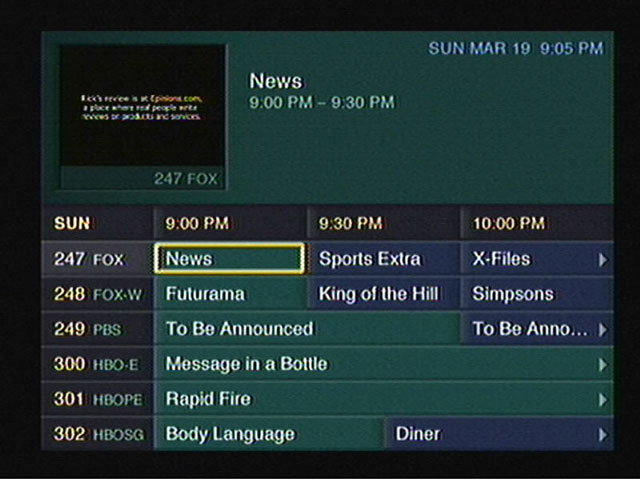
  • TV Listings: The main TV guide and search engine
  • Web Home: Opens the WebTV browser
  • Help: Gives you information on how to use the receiver
  • Purchases: Pay Per View shows will appear when when purchased
  • TV Sites: TV Channel related sites like Fox News, CNN, etc
  • Games: Basic games that have been downloaded to the hard drive
  • Notices: Displays any messages sent to the box like service announcements

Only satellite programs can be recorded, OTA terrestrial ATSC channels can not be recorded, only watched live.

Conclusion

Microsoft didn’t last long in the North American DVR market, and the WebTV based DVR’s would be replaced not long after. DirecTV continued their partnership with Tivo and would eventually introduce their own branded DVR’s running NDS XTV software. DISH would replace the DISH Player with their own DISH DVR models.

Part of the reason was the poor initial reception due to the poor and buggy software during the early years of WebTV DVR’s, with reports of freezing and missed recordings, along with audio and visual glitches. It would be some time before these issues were sorted out, and Microsoft wasn’t very engaging on the software side of things which made it difficult for DirecTV or DISH to push software updates.

This wouldn’t be the last we would see of Microsoft attempting to enter the set top box market, the Mediaroom middleware would launch and power the ATT U-Verse and BT Vision services, and would also demo the Microsoft TV Foundation Edition for the Comcast/Motorola DCT platform.

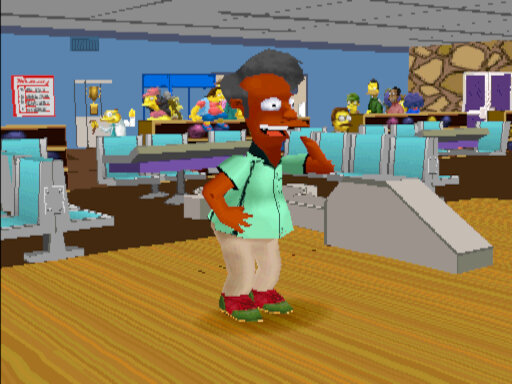
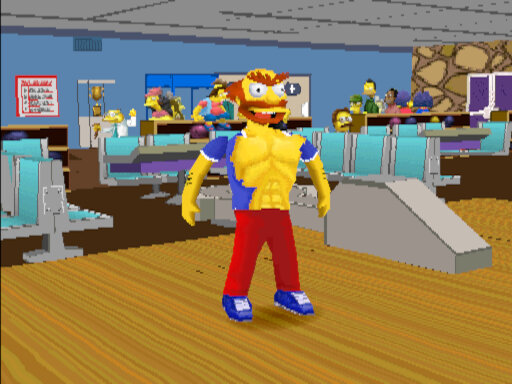
The Simpsons Bowling

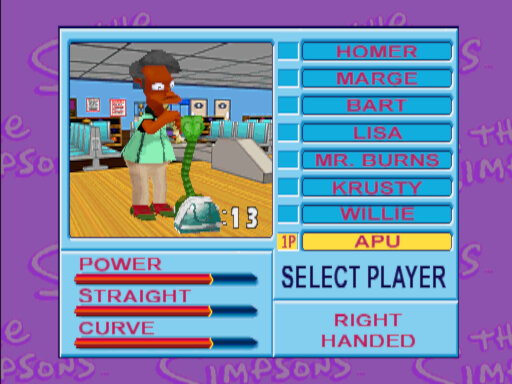
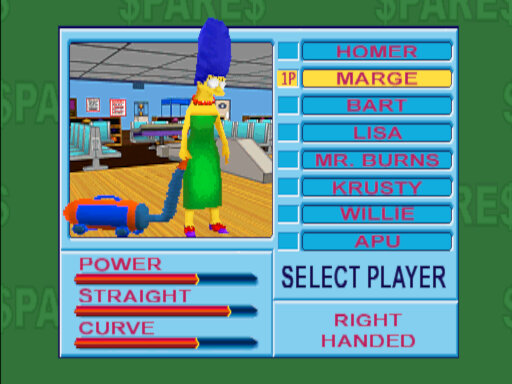
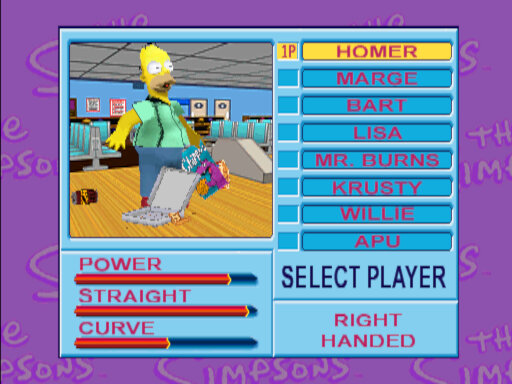
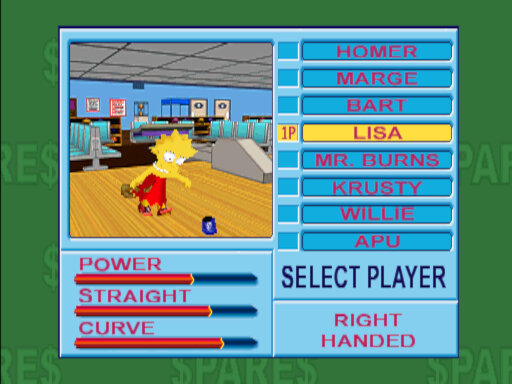
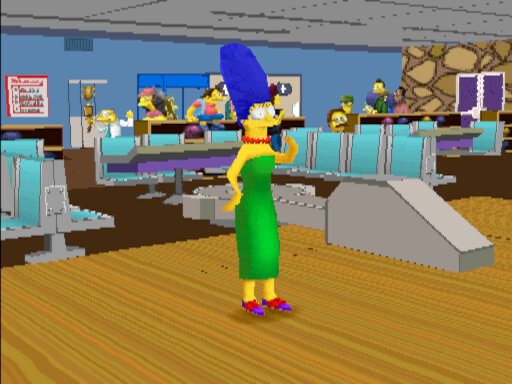
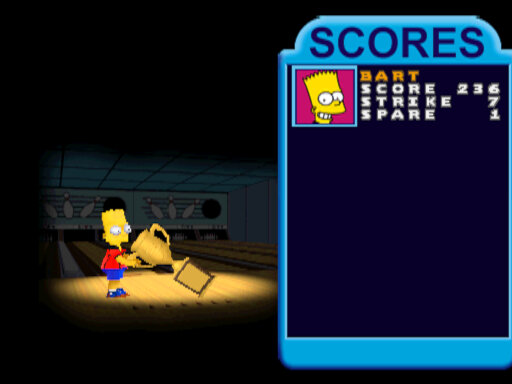
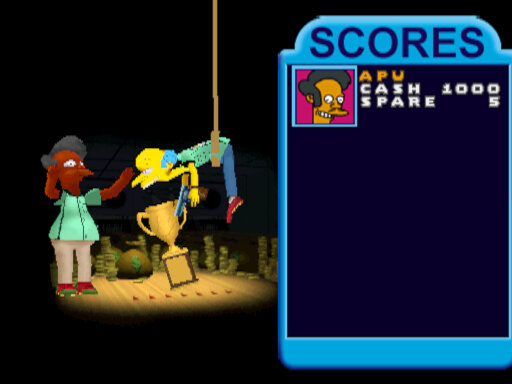
A bowling game developed by Konami and released only in arcades. Here you can choose from a select amount of Simpsons characters, each with their own unique stats and ending animations.

Bowling has always been one of the main pastimes shown in the actual show and several characters have had plots involving bowling, or the location Barney’s Bowlarama, where Homer sets up a minor Bowling league, or where Marge tries to take an interest in Bowling and nearly end’s up having an affair. It would also appear in the background, Homer would occasionally be seen playing bowling.
With Bowling being a popular concept of The Simpsons, it’s inevitable they would make a game out of it.

Despite running on PlayStation-based hardware, the game was only released in arcades. It’s possible a home port was planned but was abandoned when Konami lost the Simpsons license

Gameplay

There are two types of game modes that can be selected:
Standard Game – Typical bowling mode, on default settings you can score up to 300 points across 10 frames.
Spares Game – Same as standard, but there is a money mechanic. The player needs to make the most money in order to win. The bowling pins are randomly selected and require a lot more strategy in order to win

The game has the option of a normal control scheme or an easier mode. The difference is the process of firing the bowling ball, the easy mode just requires you to spin the trackball to launch the bowling ball, whilst the normal mode requires you to press the 1P button when the icon moves in the green area, sort of like a QTE/Timing minigame. Both modes can then be chosen by the players instead of the arcade operator.

You can change your character’s starting positions, and adjust the curve on their ball with is a key component of scoring.