Specifically ATRAC3 format music
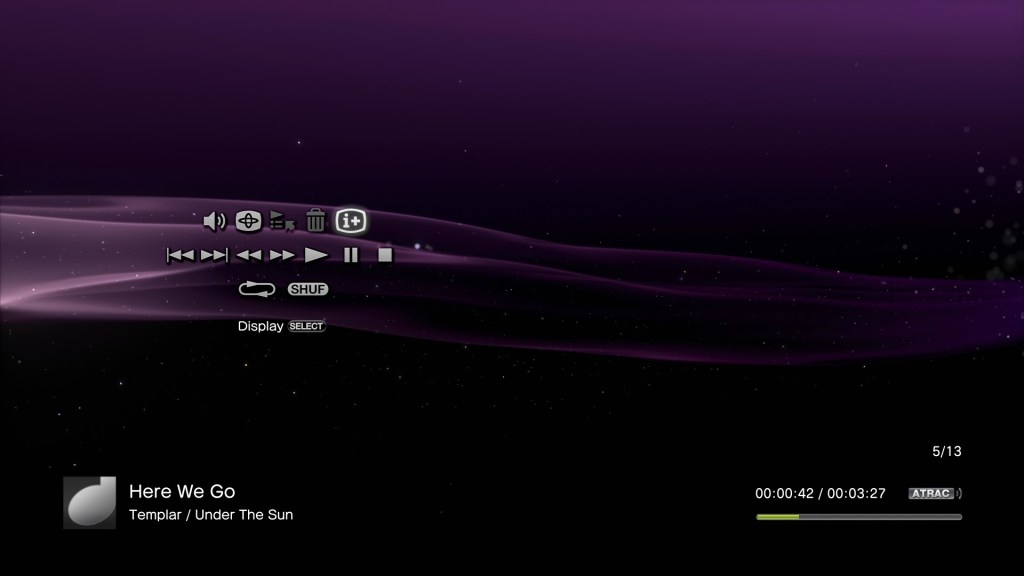
The PS3 is still a pretty chill music player, with its support for MP3, AAC and ATRAC3 audio formats, and it’s XMB interface. A nice feature was its ability to import compact disc audio tracks for storage on its internal HDD or a USB connected drive. As part of the import process, the PS3 would automatically obtain song titles from its Gracenote database which would obtain the artist, album and song information, along with any album art if this was available.
At some point this functionality had stopped working, meaning the PS3 can no longer automatically obtain the required information.
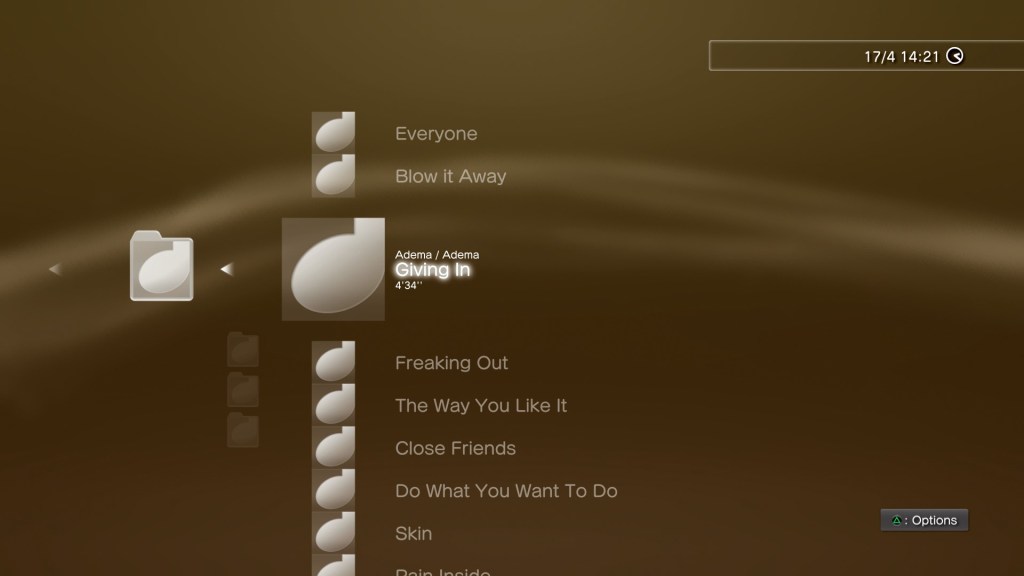
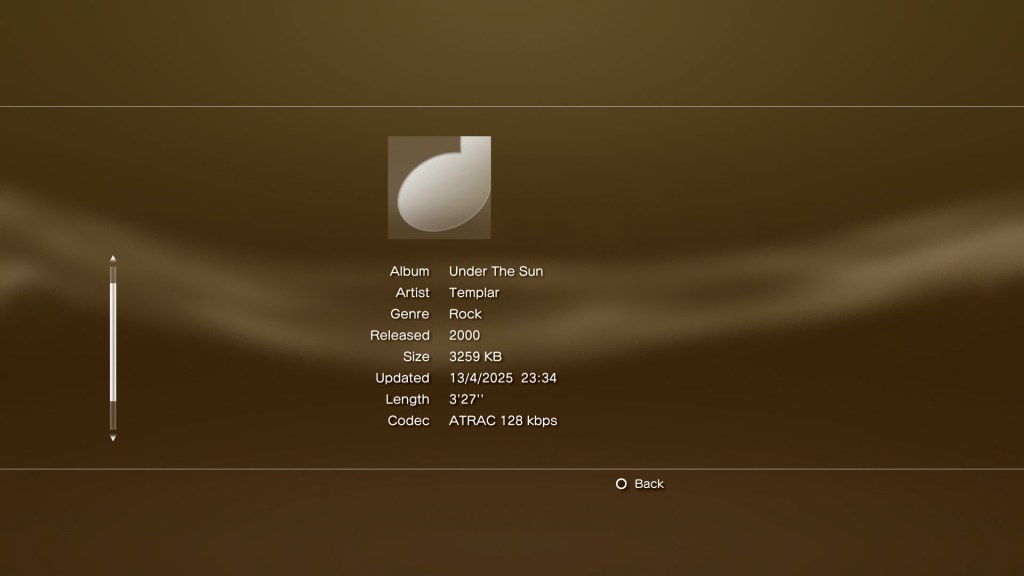
A solution to this was to manually type in the required information before you import the CD, which can be very laborious when using the Dualshock controller since you must rely on the onscreen keyboard. Even if you were to attach a USB (or Bluetooth) keyboard, the process of typing in the song and album information can take a while for large albums.
Whilst software exists that can automatically acquire information for MP3 or AAC audio, few or none currently exist for ATRAC3 encoded files.
Why use ATRAC3? Well its supposedly more efficient compared to MP3, although its debatable how much better it is compared to WMA or AAC. It is a format unique to Sony, so it feels right to use it on their own hardware.
A solution is to use a more up-do-date media player that supports ATRAC and that can retrieve audio information from the Internet. This is where Music Center for PC comes in, originally designed to sync and transfer songs to Sony’s modern Walkman players, and is the successor to Media Go for the PSP, or SonicStage for Sony’s earlier digital Walkman’s.
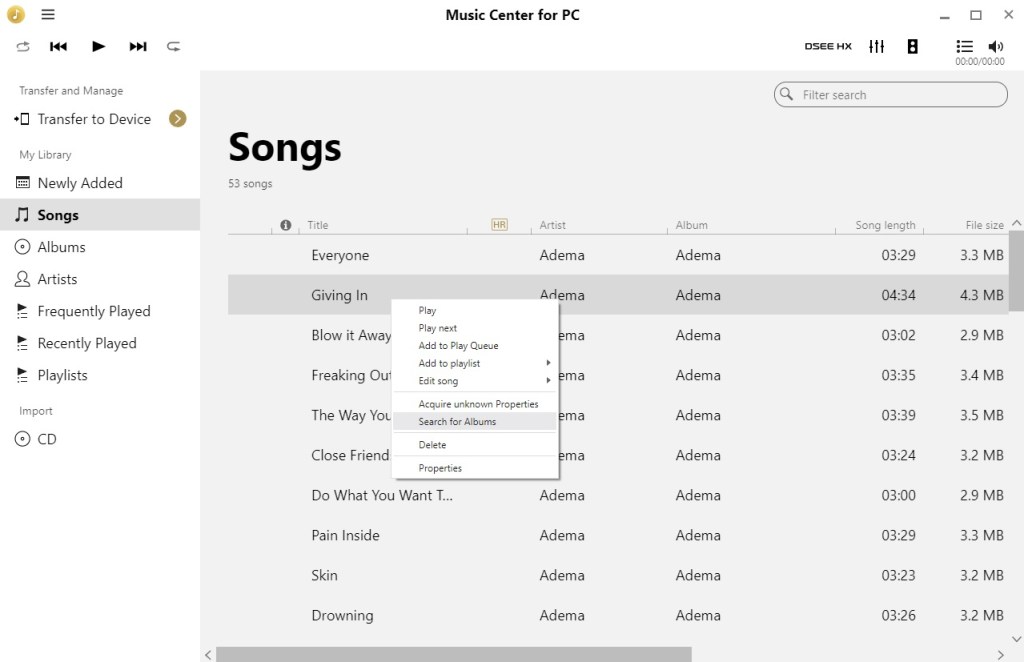
Here we can scan and analyze the tracks using a Windows PC with the Sony Music Center software. This will involve copying the album from the PS3 console onto an external USB drive which can be done from the XMB.
Connect the USB drive to your PC, and when Windows detects and mounts the drive you will need to instruct Music Center to scan/import the files to its database. The PS3 by default will copy music files to the MUSIC directory on the drive, which is where we need to point Music Center to.
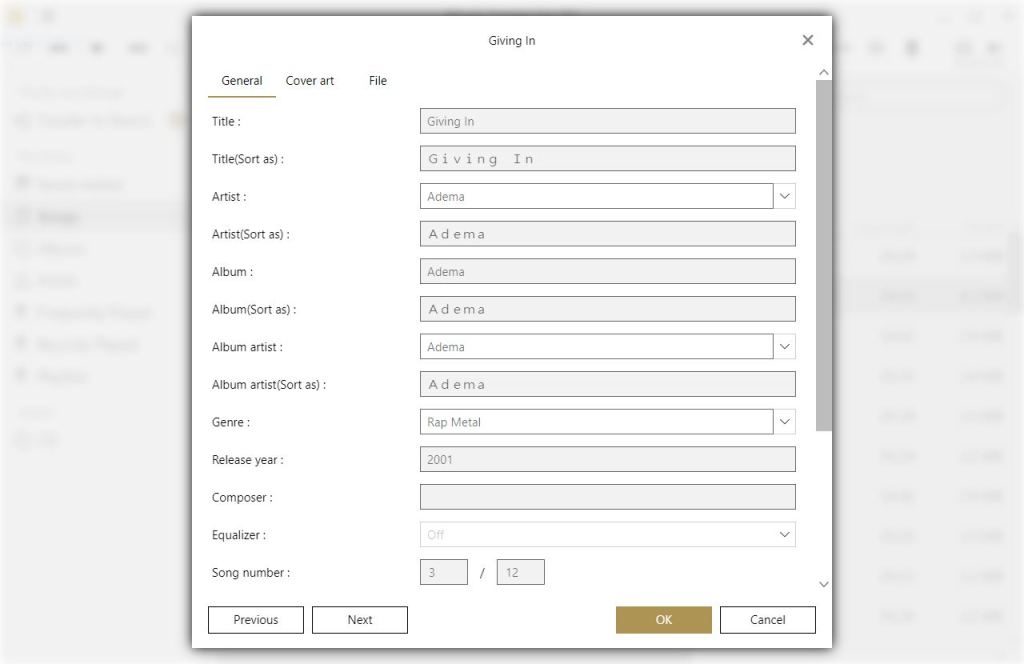
Once Music Center has added the correct tracks, we can acquire the missing information, Right click on the song or album, and then select ‘Acquire unknown properties’. Music center should then start processing and update the song information. This will then update the file itself, so the PS3 should be able to read this information.
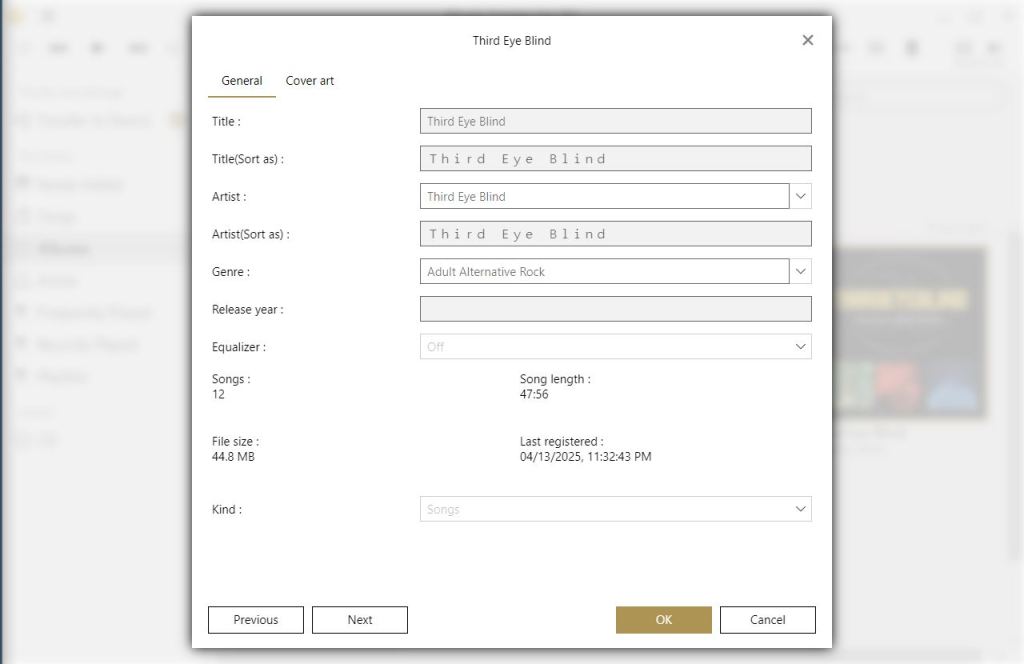
As useful as this utility is, it does get things wrong. Here this Third Eye Blind had a few of the track titles mixed up. My guess is any album that had a different track listing for certain regions might fall victim to this.
Album art also does to appear to transfer over, but that’s not much of a loss.
Hopefully this will be useful to those who would like to use their PS3 for music purposes, and wish to take advantage of the ATRAC format. There is probably better software that can achieve this, which might be something to look into.
 Drew1440: Blog