Tag Archives: Dell

An S3 Mirage3 Experience (Dell Optiplex 160)

SiS are not a huge name in the GPU market, thats largely dominated by Nvidia and AMD. But they were once one of the more popular choices for entry level 3D graphics cards when the 3D accelerator market was in it’s infancy. When I saw one that had been featured in a Dell Thin client PC, I was curious to see its performace. The system itself (A Dell Optiplex 160) isnt intended for high performace computing, it features a first generation Intel Atom processor running at 1.6Ghz. It’s more of a thin client, or a net top PC, a simple PC design for basic tasks with much less power consumption than a typical desktop PC.

From looking at the specifications, its clear this GPU will struggle against its rivals, with the GMA3100 and Radeon HD2000 being the main competition, along with the low end GeForce series (7100 for example). From what I’ve found online, it lacks hardware T&L support which is hard to believe for a GPU released in 2007. Nvidia released their first T&L GPU with the original GeForce in 1999, with AMD (Then ATI) following suit with the Radeon in 2000. Intel would eventually release their own T&L capable card much later.

What is T&L? Well it stands for Transform and Lighting and means the GPU is capable of generating its own geometry such as polygons and is able to apply effect independent of the CPU. When 3D first hit the market back around 1994, many 3D graphics cards were known as 3D accelerators, with their main purpose being able to offload certain rendering tasks off the CPU, freeing the CPU of the burden and leaving more time and cycles to perform other tasks. How much was offloaded depending on the accelerators capabliles, a lot of the first generation only did texture wrapping and shading. Since they were reliant on the CPU to generate the geometry, it meant the CPU could become a bottleneck if it couldn’t render polygons fast enough for the card.

That’s kind of what we are dealing with the Mirage, since its going to be reliant on the Atom CPU to handle some of the geometry rending. It’ is a dual core model’s a single core dual threaded model, though i’m uncertain how well the micro-arictecture is with geometry calculations. Intel Atom’s typically have their own processor design that is independent from the Pentium 4 (Netburst) and Intel’s Core that was used in the Intel Core 2 duo series.

Still, knowing this, we can kind of guess which  generation of games will best work with the machine, already we know it on the same feature level as the Nvidia TNT and the Ati Rage series of graphics processers, but does benefit from additional rendering features SiS might have added. We also will struggle to run games from when this machines was first released 2008.

GHG (Greenham Gaming) did a feature on this system, running what appears to be Windows 7 and concluded it was an epic fail when it game to gaming. A few older titles worked, but even then some had rendering issues. I’m not sure how much was apparent to running Windows 7, but I was curious to see what performance would have been like for Windows XP, which tends to be the go to choice for running retro games, at least for its broad compatibility across hardware.

For this, keeping in line with the machines embedded roots, I decided to use Windows Embedded POSReady 2009, which was a more upto date version of Windows XP SP3 designed for embedded use like sales kiosk’s (hence the name POS – Point of Sale, what else did you think it stood for?). However its still mostly a full fledged version for Windows XP, and even features an up to date installer that can detect SATA drives that this machine uses (still needs to be in IDE mode, AHCI is not supported).

Missing ksuser.dll? (Windows POSReady 2009)

Post install, there were a couple of issues. Most of the drivers provided by Dell did install, except for the sound driver. When installing, it would complain about missing ksuser.dll file and the installer couldn’t continue without this file. Searching inline pointed to the issue with DirectX, but POSReady does come with DirectX 9.0c already installed, and installing the updated runtime from Microsoft’s website didn’t work.

What did work was to install Windows Media Player, which wasn’t installed by default. You can easily install this by popping over to the Control Panel, opening Add/Remove programs, then click Add/Remove Windows Components and select Windows Media at the bottom to install it. Version 11 will then be installed. You could also select this option when installing the OS, but I left it at the typical settings, which appear to not install Windows Media Player. Makes sense I guess, since this is intended for checkouts and cashpoints which might not require sound (unless for disability purposes)

S3 Utilities

They’re pretty basic, you can adjust settings for the gamma and screen rotation, but very little can be changed for the 3D. The system does support dual monitors, but will always identify a VGA monitor as a CRT, regardless if it’s a flat panel.

Here we are using driver version 6.14.0010, which is the latest from Dell’s website. By dedefault, 28MB of memory is allocated to the graphics, which can be adjusted in the systems BIOS, upto 256MB to 32MB at the lowest. It seems to pass the Direct3D rending testes, upto version 9

Games

Here I have mostly tested a few Direct3D 6 & 7 class games:
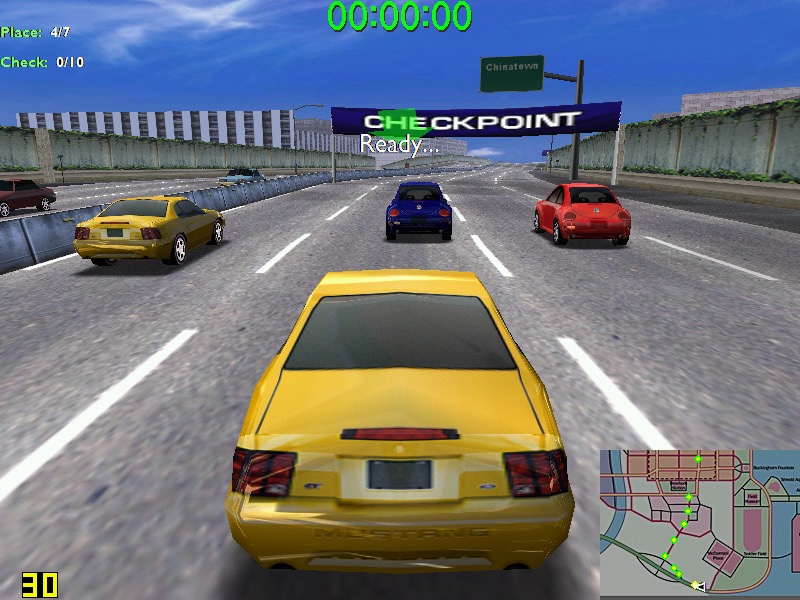
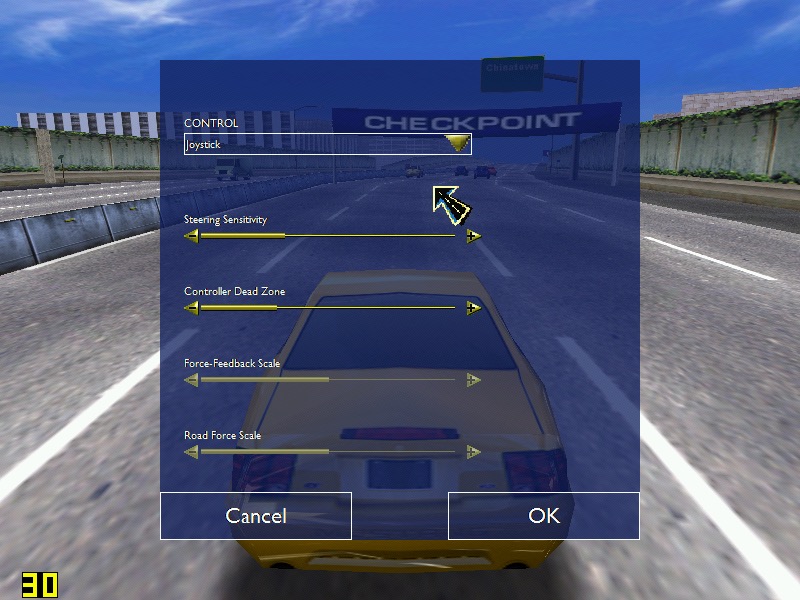
Midtown Madness – Hits 30 fps on high settings – 800×600, but can suffer to 22 when there are a lot of cars on screens. In underground tunnels we can get upto 44fps. No rendering or texture issues from what I can see.
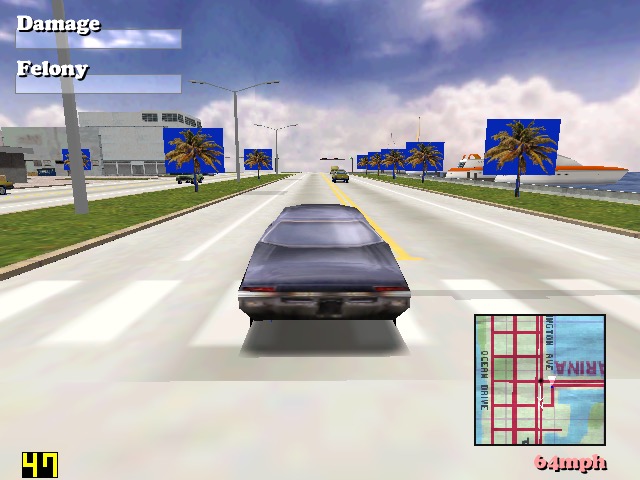
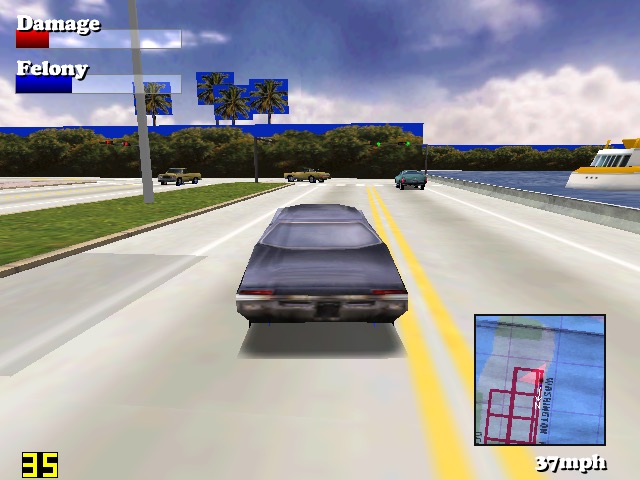
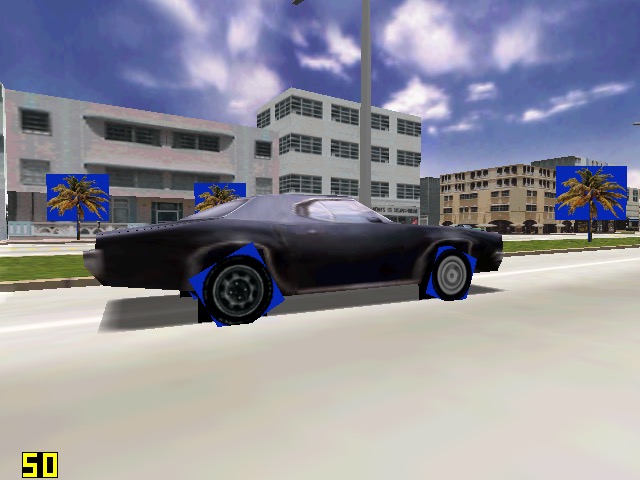
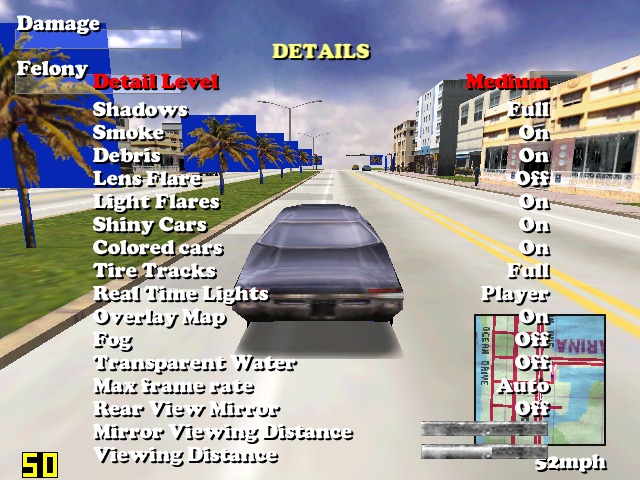
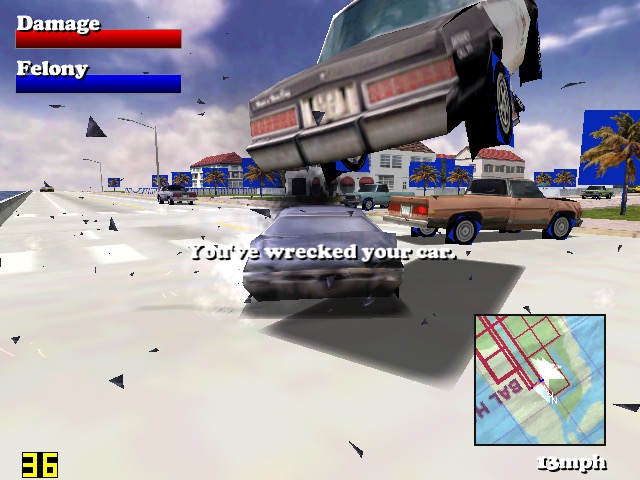
Driver: We started to see struggles in this one. When running at 640×480, we can see blue squares around the trees, and on the edges of the car wheels, suggesting there is an issues with the transparency for certain textures. Playing at 800×600 result in partially missing graphics like the car wheels and some of the building. A shame because we got a semi-decent frame rate on medium settings.
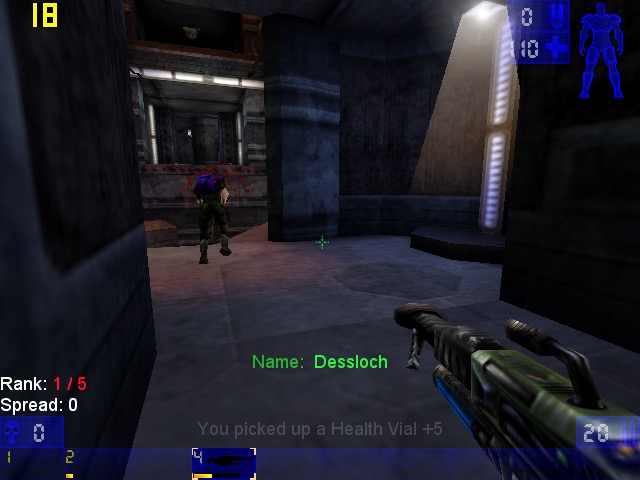
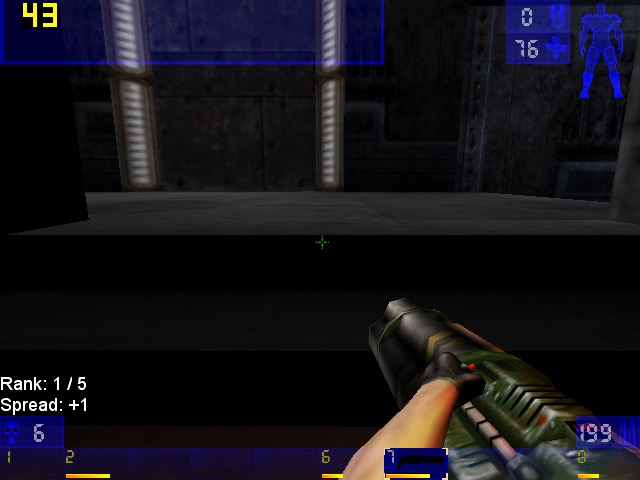
Unreal Tournament: Framerate struggles in some of the more busy areas of the maps, framerate seems to hover round 20-30fps, with 22fps being common in more open areas. The opening sequence did dip to 14FPS during the skyscraper sequence. Using an updated Direct 3D9 render helps out massively, with it nearly reaching 60fps in certain parts of the map. Patches can be found here

Sega Touring Car Championship: Runs very well at 640×480

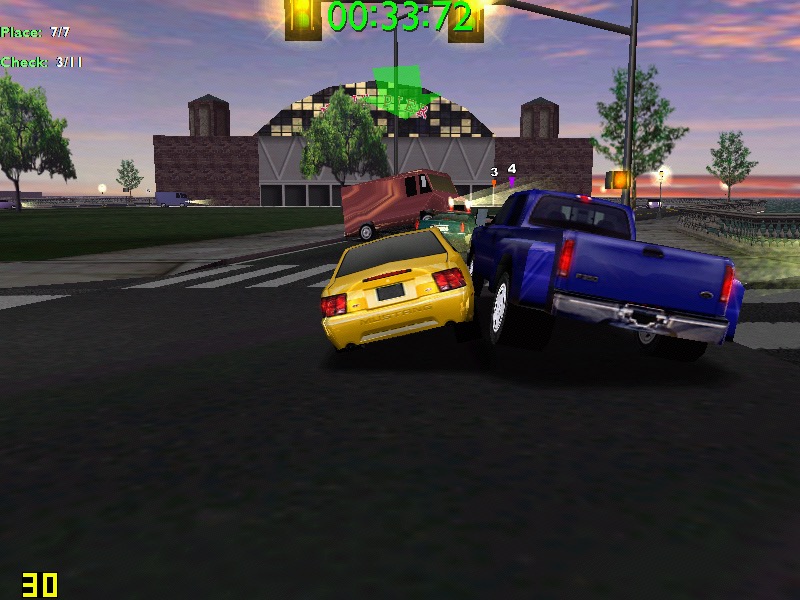
Monster Truck Madness 2: This crashed the graphics driver when selecting 3D acceleration, by default it opted for software rendering. I had some luck choosing the image quality to ‘normal’. Unfortunately it didn’t play well with Fraps, and would lock the system up when trying to run both, sometimes resulting in a BSOD. On its own however, its mostly stable.
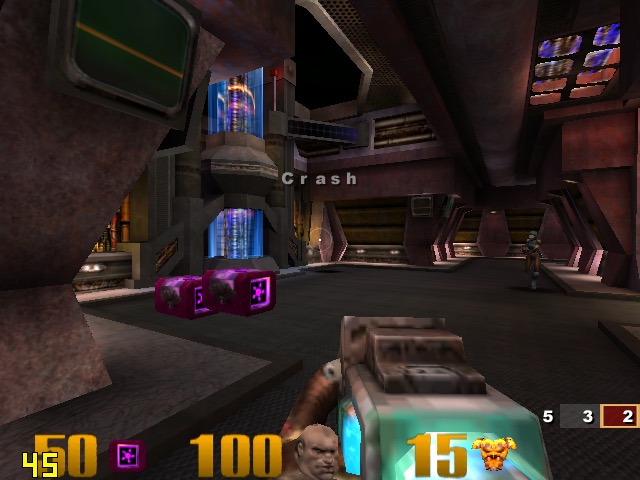
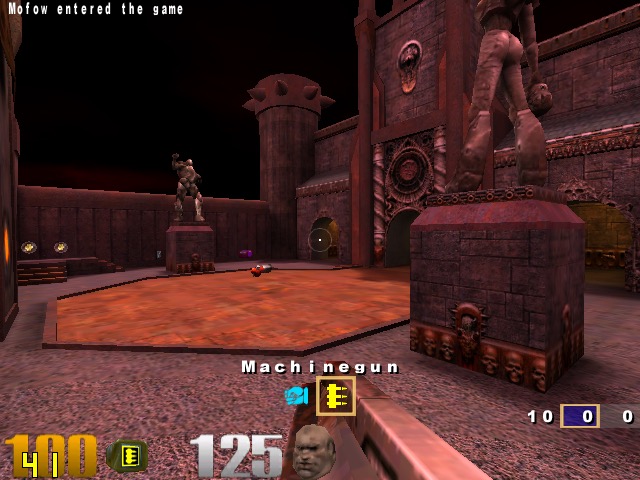
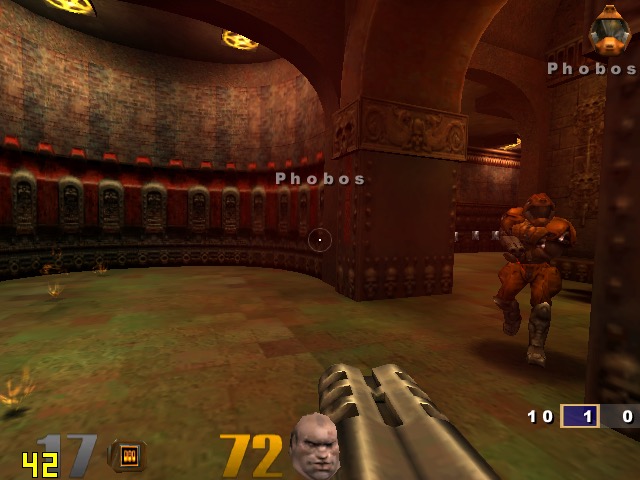
Quake 3: Here we can work off average of 50fps, with the game only slowing down when there is too much action on the screen. One of the few native OpenGL games.
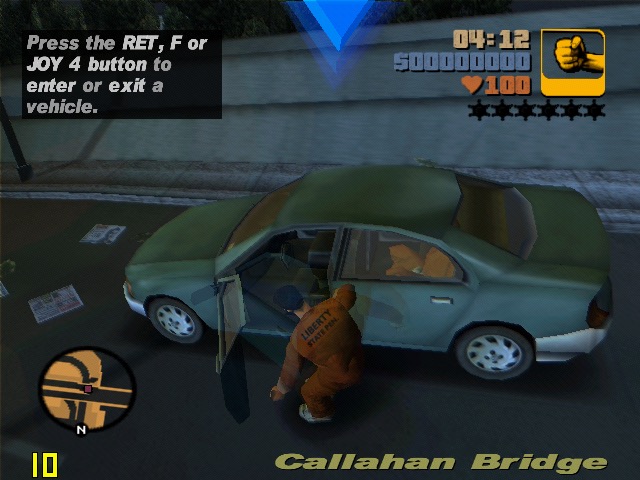
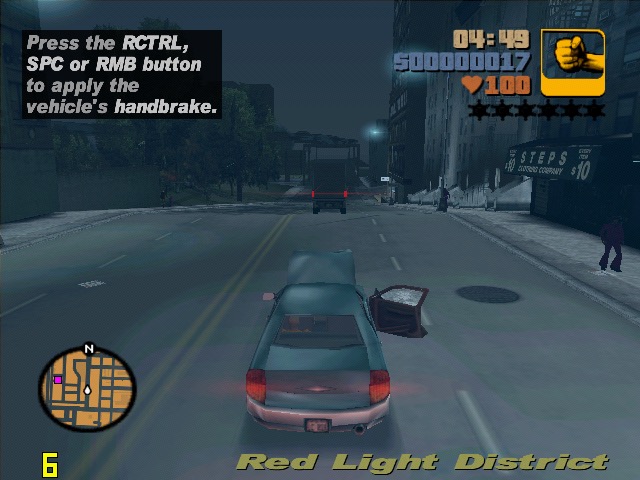
GTA III: On default settings at 640×480 we are treated to a slideshow of 8fps for the opening mission, dropping even lower once we are in control. Turning off the trails and reducing the draw distance did little to help unfortunately. Yup this is unplayable.

The Operative: No One Lives Forever, On standard configuration at 640×480, we have an average framerate of around 12fps during the opening sequence outside, inside the building it does go up to around 25 but we still get a few dips. Once we get into gameplay it’s a different story, only managing 3fps for the training section. Dropping the graphics settings to ‘Best Performance’ only gives up a marginal improvement of 8fps. If you point the camera down to the flow when moving you can get reasonable performance but not what I would regard as playable.

Alcatraz Prison Escape: This was also unplayable, managing only 1fps for the opening sequence. The game only runs at either 800×600 or 1024×768, no option for 480. Another game to avoid

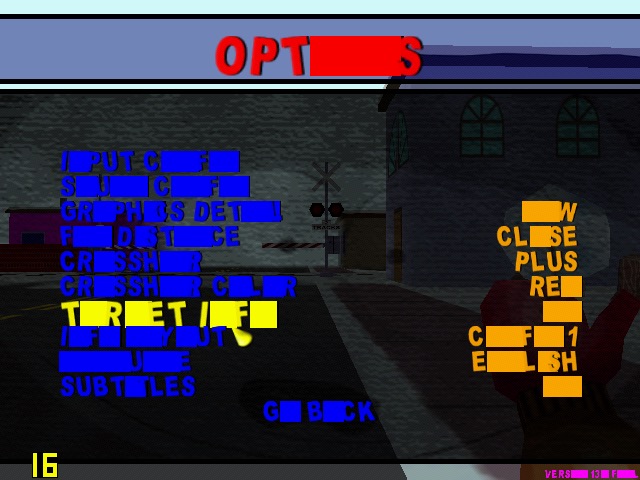
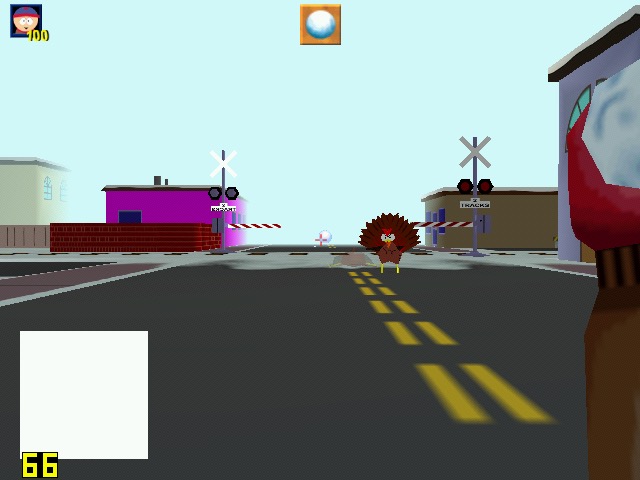
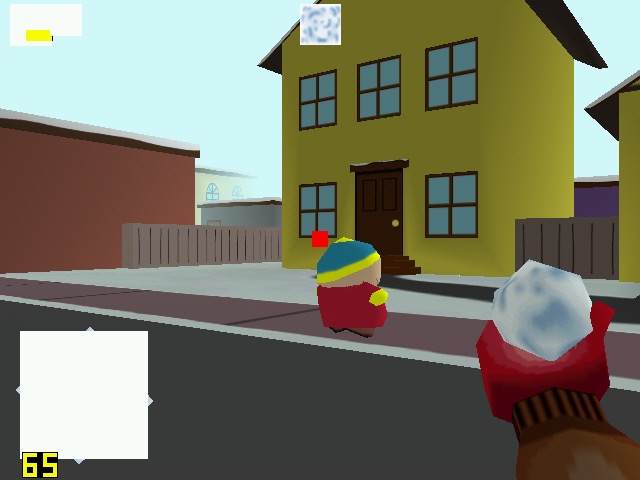
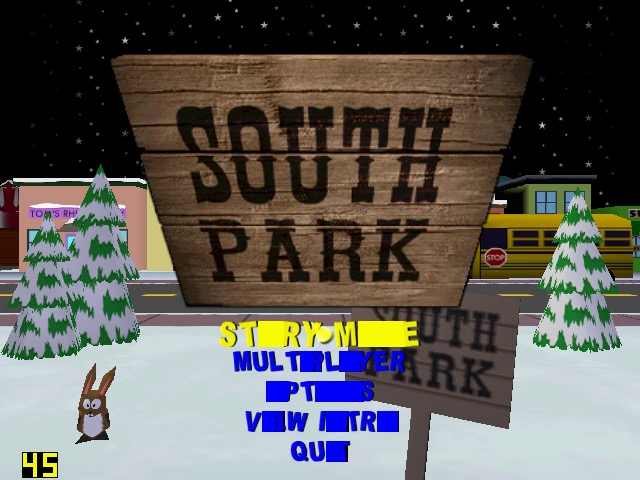
South Park: Had issues getting this to work, I had to install nGlide to get the game to start up. However I was then able to select the correct graphics rendered (it detected the DirectX SiS Mirage renderer) but there are multiple graphics issues when playing the game, with some of the games text not being rendered correctly. The framerate, although it appears to be running at around 25 is very jerky with the game freezing every 2 seconds. Settings the graphics quality to low and long with lowering the draw distances helps out with the framerate, but we still have missing or corrupted textures, especially with the HUD. The freezing I also odd since the game still runs – you can attack enemies and hear them respond but the screen will freeze for a few seconds.
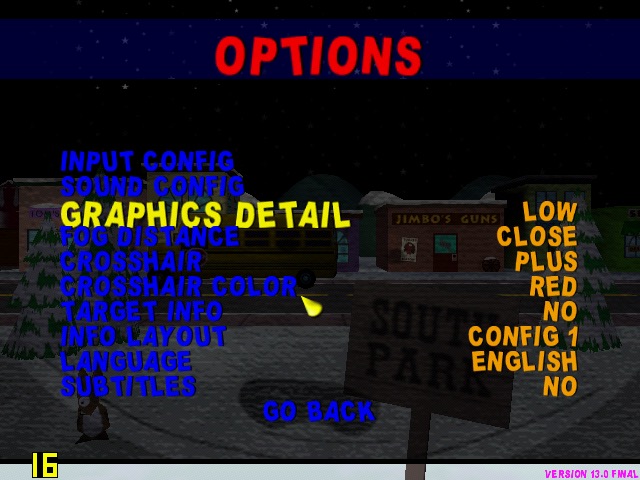

Running the game with the Glide wrapper (nGlide) ended up being a much better experience, since the game was a t a more decent framerate, reaching 26fps and only lowering when there were too much turkey’s onscreen.
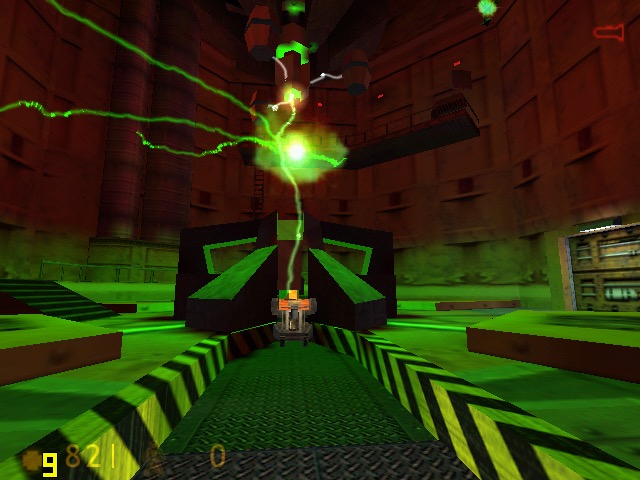
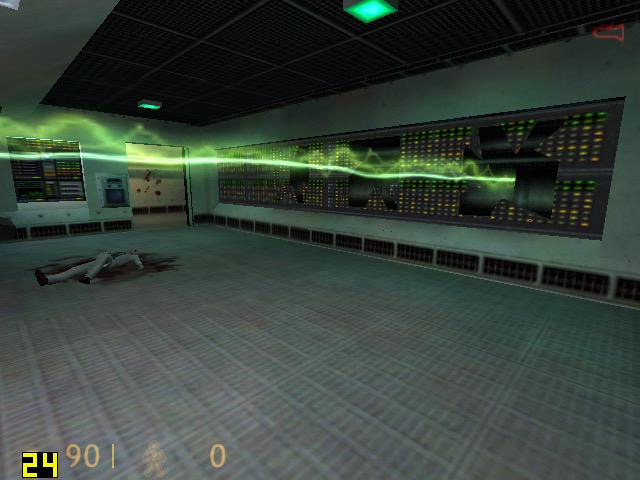
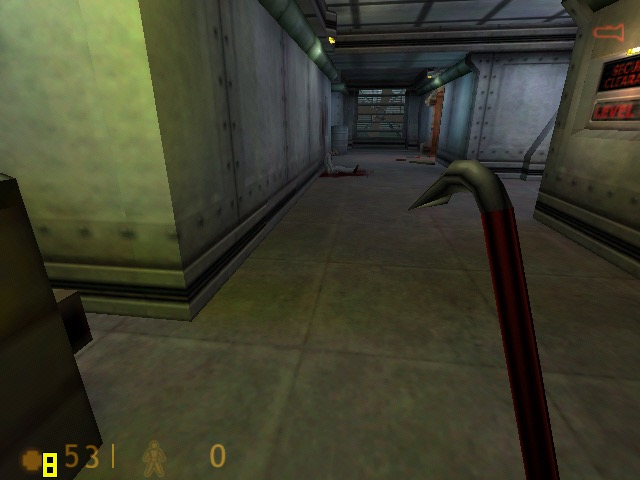
Half life: Here I tested the original release of the game, not the Source based re-release. Running at 640×480, its performance is dismal in the opening cutscene, dropping frames to a low 7fps. Walking through the facility corridors gives us a more fluid framerate. Half Live offers the choice of three renderers, a software based one either Direct3D or OpenGl.

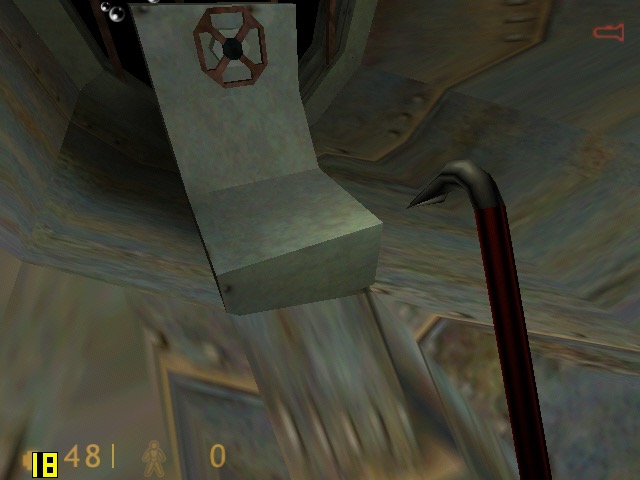
OpenGl did give up better performance but was a lot more unstable, with the game crashing particularly at the moment the Lambada experiment goes awry. Switching to Direct3D allowed me to progress past that part but the performance just wasn’t good enough. We are able to lower the resolution but at that point it start’s to low more like a PS1 game. Oh and the water effect;s are non existant, with the textures warping like a PS1 game during the underwater sections, as seen in the last screenshot.

Conclusion

So performance is pretty dismal across the various different games that were tested. I expected it to handles games that were released within the sixth generation of consoles, but it struggles to run even certain late 90s games at 480p. How much of this is down to the Mirage, or the Atom CPU remains to be seen. 

It does appear to be on the level of the Sega Dreamcast in terms of overall performance, and you have to contend that SiS possibly haven’t optimised their driver like Nvidia or ATI (AMD) have previously done. You also have to take into accound that due to the machine being fanless for both the CPU anf GPU, thermal throttling could also be a issue that could explaint the less than ideal performace.

This does appear to the one of the last release of SiS graphics chips, the XGI Volari is closely related but there are difficult to find except for a few Asus server boards.
Alienware Alpha

Alienware’s Steam Machine

The Alienware Alpha was one of the few systems designed to be part of Valve’s Steam machines, which were computers designed for the living room to better compete with the console hardware of the time, which would have been the Xbox One, PlayStation 4 and the Wii U.

The Alpha is quite a small unit, only slightly larger than a Mac Mini and lacks an optical drive, but it packs an Nvidia GeForce 860M, capable of 1.3TF of performance which would have placed it in the same league of the Xbox One. 4GB of RAM comes with the machine, with some configurations supporting 8GB. The size and performance is underwhelming for a gaming system which makes me think Alienware intended for this to be the lower – end machine, with a larger and more powerful mode challenging the PS4 for it’s performance. With an 860M it’s mostly going to be a 720p machine.

This Alpha however lacks the bundled SteamOS, shipping with Windows 8 instead. Probably a good call from Dell/Alienware since the amount of native SteamOS games were very minor, and Steam’s Proton wasn’t a thing yet. Hardware-wise there are two USB 3.0 ports on the Rear, and two USB2.0 on the front, along with a single 2.0 port underneath which is intended for use with a wireless controller dongle. With only one HDMI output, running multiple screens isn’t possible unless you opt for a DisplayLink dock, like the Dell D3100 dock.

Restoring the Operating System

Since this unit was a second hand unit, it looks like the original owner had stripped the original install, along with the recovery partition and had install the latest version of Windows 10. Dell do offer recovery images for the Windows 10/11 systems on their website which can be download using this tool, just pop in your machines service tag along with a 16GB USB memory stick and off you go.

The recovery image Dell offer appears to be based off build 1809, and will require several updates. It also seems to lack the Nvidia drivers which kind of defeats the point of using Dell’s recovery image. The AlphaUI also isn’t included and had to be download separately off the machines drivers & downloads page. If I had to guess, Dell just provide a generic Windows 10 image for older machines, which simply gives OEM and support branding.
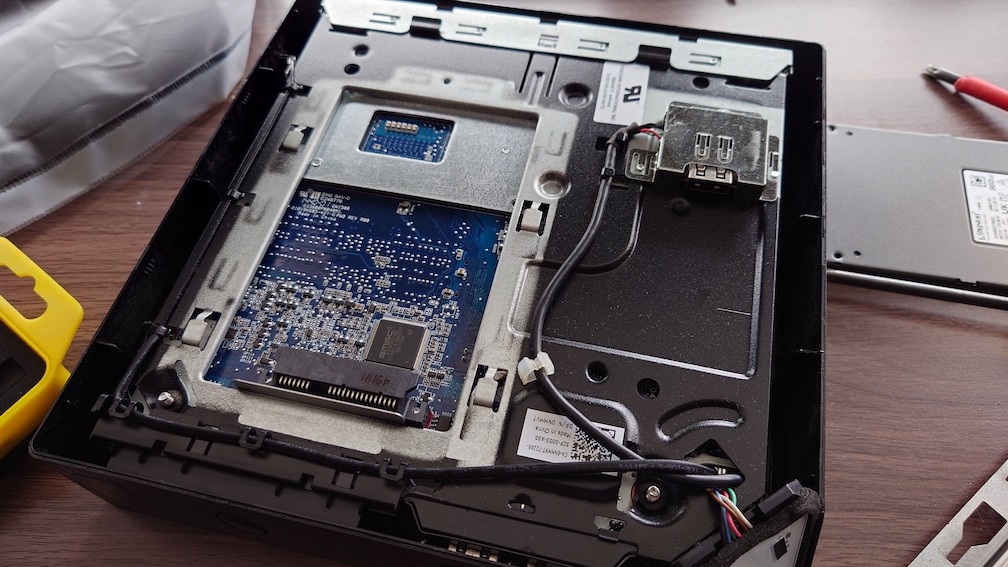
Also these machines come with a HDD as standard, which I promptly replaced with an SSD. Installation was easily, simply turn the computer upside-down and remove the bottom cover and you will see the HDD bay immediately.

Alienware Command Center

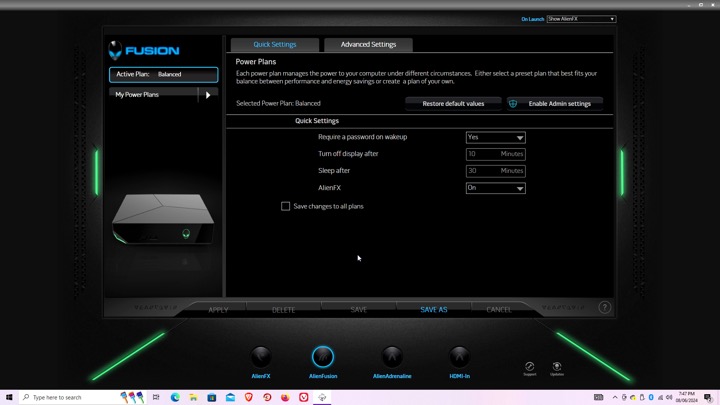
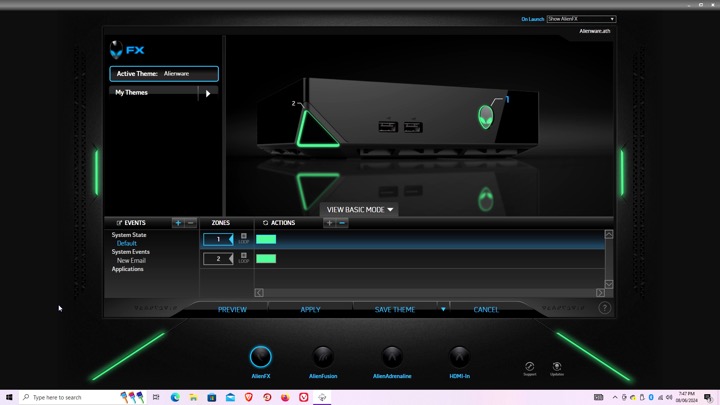
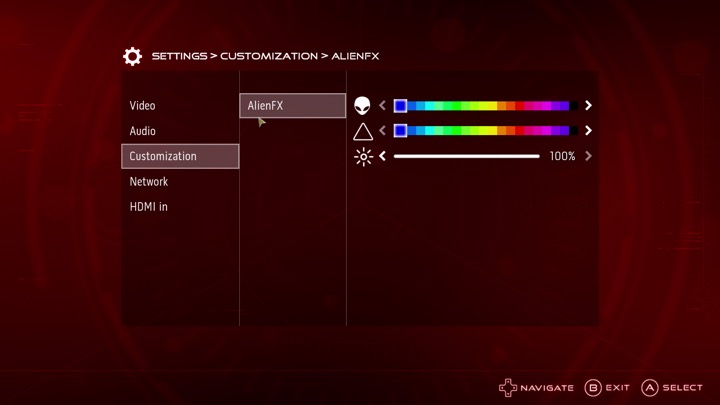
Here is where you can configure the various different settings, like the LED lightning.

AlienFX: You can set different profiles which will change the colour scheme of the unit’s LED lights, this can be applied to different games or programs, although with Steam games you will need to navigate to the steamapps directory to locate the game’s exe file, otherwise you will get an error message. The Steam games on your desktop are just shortcuts.

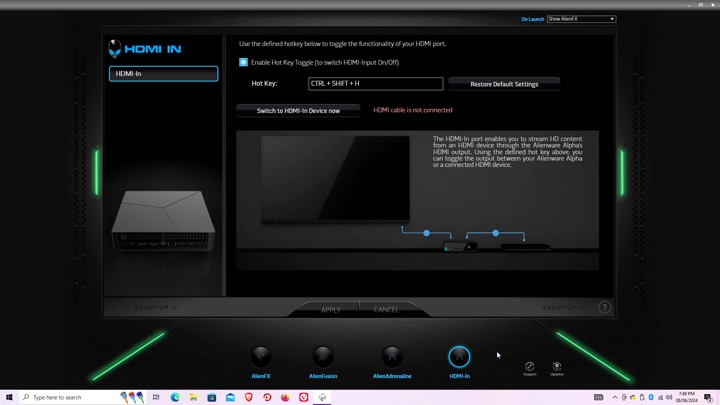
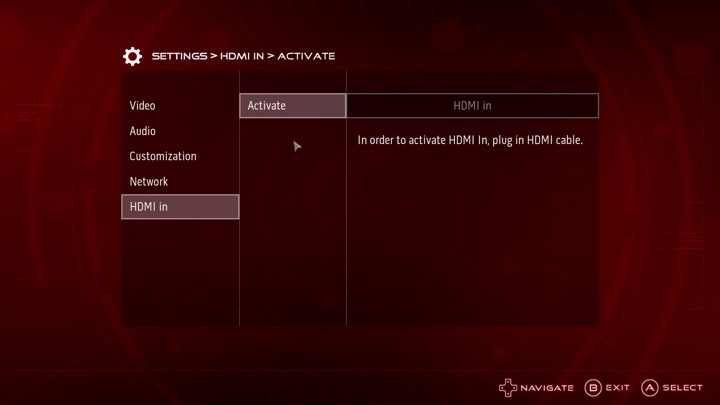
Settings for the HDMI input, there isn’t much to do there since you cannot capture the input. It simply functions as a passthrough, more suited to displays that only feature a limited amount of HDMI ports.

AlphaUI

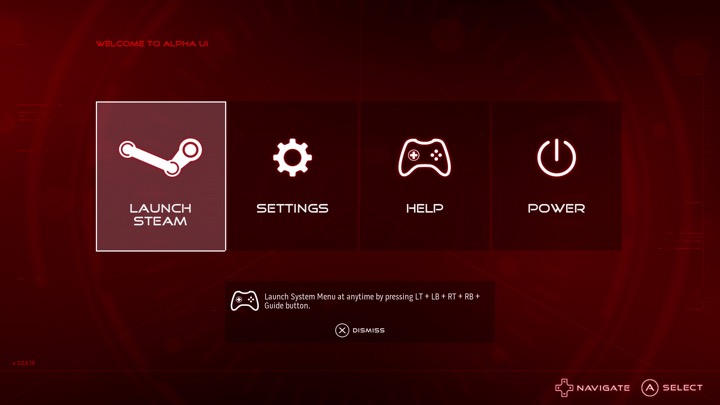
This was the intended interface for the Alpha, Alienware had originally planned to launch the Alpha as a dedicated Steam machine, sadly Valve time was a thing and the SteamOS was delayed several times. Alienware decided to cobble up a quick 10-foot UI that acts as a launcher. It’s based on XBMC and if you are familiar with it you will recognise some of the sounds when you select an option.

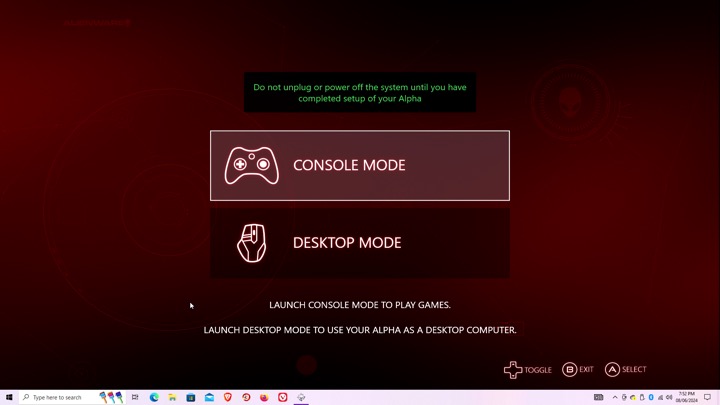
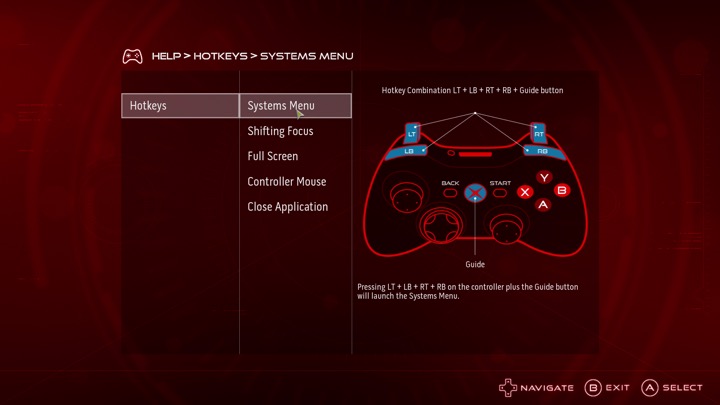
Setting up the AlphaUI, once we click on console mode we are immediately rebooted and a new user account is created. This interface is designed to be used from a controller, Alienware previously bunded an Xbox 360 controller with the system.

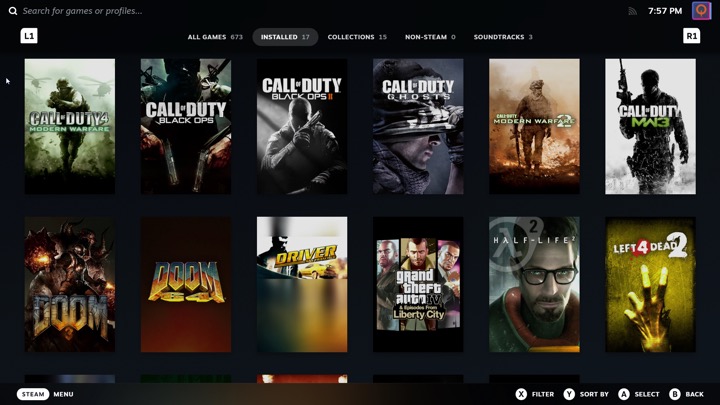
Selecting Steam will launch the Steam Big Picture interface. The Steam UI has changed since the AlphaUI was released and is orientated towards the SteamDeck, which is a little trickly to use on a non-touch screen hardware.

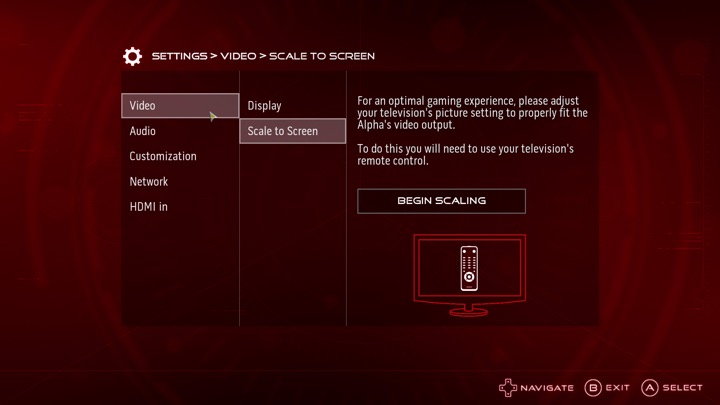
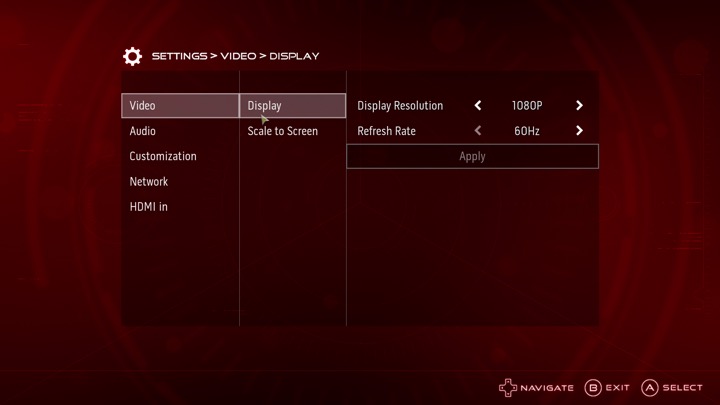
The settings menu, here you can adjust the video resolution and volume, along with customizing the AlienFX features. You can also switch into the HDMI input.

I can’t seem to find an option to add a custom program or launcher, it seems to assume you want to use Steam which makes it impossible to load something like Retroarch, unless you manually add it through Steam. It’s a bit of a letdown but not a big issue.

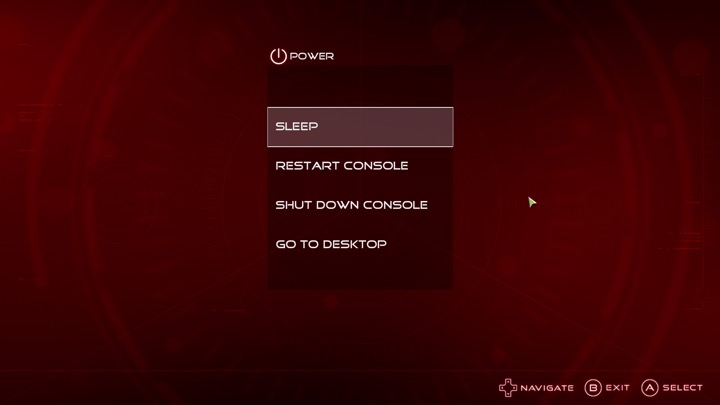
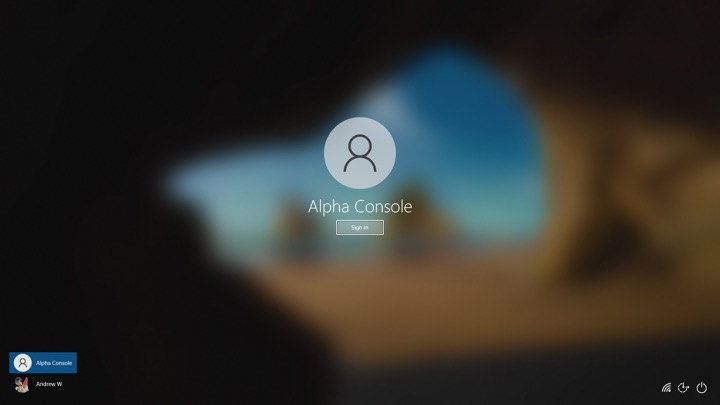
Lastly going to desktop will sign you out of the Alienware user account and will return you to your default Windows account.

Sadly the Alpha didn’t sell well, but was regarding as being the more popular of the Steam Machines. There was one hardware refresh that upgrades the graphics processor, and add an external PCI Express socket for an eGPU. Also the new Steam interface does not play well with just a controller, and Windows 10 can interfere with it’s silly feedback requests. Still there’s nothing stopping you from installing SteamOS and using it like a true Steam Machine.

Dell Latitude LT – Windows NT 4

The Latitude line was Dell’s professional series of laptops intended for business use. They typically come with features such as docking station support, enhanced security or encryption options. They also typically came with support for Windows NT operating system, however, some models could also come with a Windows 9x operating system if this is preferred.

Trying to install using a VM for 86Box, was a bit of a mess. There were a few virtual machines we could use, but many would result in a non-functional system. In most cases the keyboard was unresponsive which prevented us from being able to login.

Instead lets use VMWare

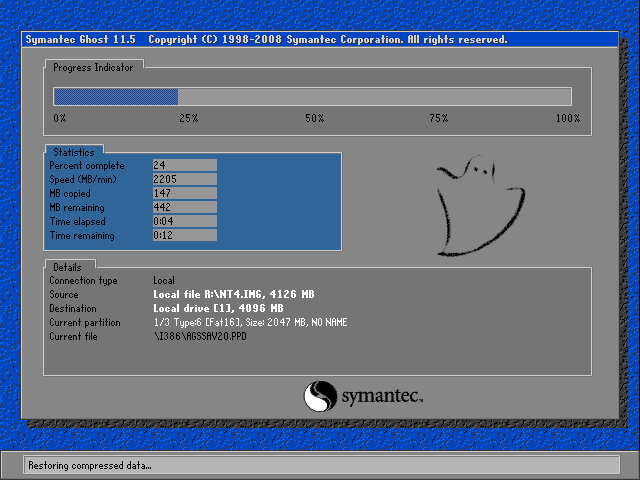
The recovery tool uses Symantec Ghost to restore the image. The software is capable of initializing a blank hard drive and will reboot the system when done.

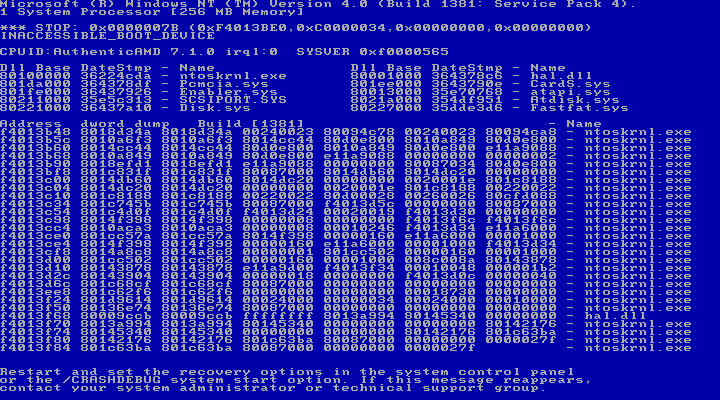
After booting up we get an instant BSOD with an Inaccessible Boot device error (0x0000007B). Turns out it was because VMWare allocate hard drives under a SCSI controller, instead of an IDE controller which NT 4 prefers. Changing the hard disk to IDE fixes the issue.

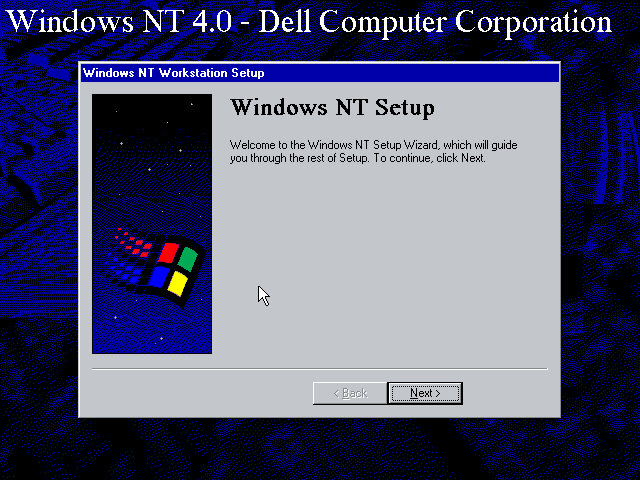
After we fixed that, the setup utility starts where you enter details of the user and computer name, and the serial number is entered here.

A Y2K utility appears to load and then crash soon after we log in. I guess this checks the BIOS version to prevent any issues with Y2k compliance, which was a much-talked-about issue when this laptop would have been released.

NT will not pick up the soundcard upon bootup, but we can install a compatible Creative Driver. Once installed and rebooted, we get sound.

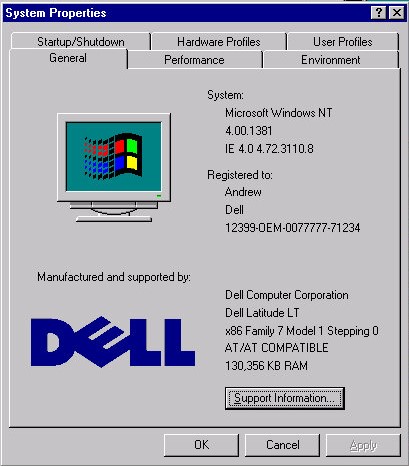
System properties that shows the OEM customization.

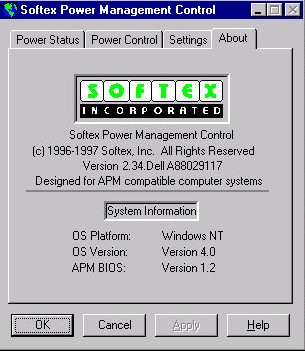
A look at the battery utility which controls the power management settings. It appears to be developed by Softex Incorporated and would have provided ACPI support that was desirable for laptops, but was not yet fully supported in the Windows NT line, not until Windows 2000.

Dell have included a couple of utilities, the first one will convert the hard disk to NTFS (its FAT32 by default) and the second will create a recovery disk using a blank floppy disk.

And that’s it. There isn’t much software included and it’s likely Dell supplied any bundled software separately, and they would have kept the base install as minimal for businesses to customize.

Like other NT 4 installs, this does not power off the computer, rather it will just restart the VM even if you select the shutdown option. On the actual machine itself, I’d image Dell would have implemented ACPI support allowing for auto shutdown.

Dell Venue Pro

The first and last Dell Windows Phone

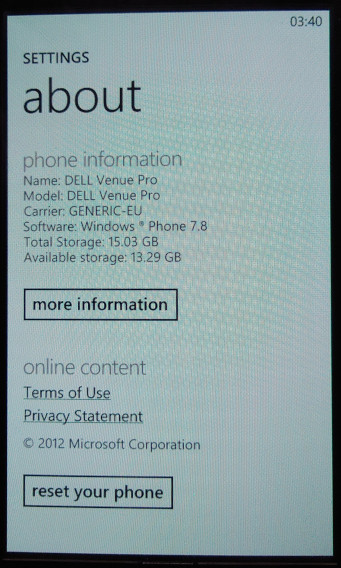
Dell was one of the launch manufacturers for Windows Phone, back when it launched in 2010. The Venue 7 stood out compared to the other models thanks to its slide form factor which is reminiscent of the old Samsung slide phones of the era. A gentle push will reveal the phone’s keyboard, which looks similar to a standard PC keyboard in terms of layout.

Aside from that, it’s pretty much the same compared to other Windows Phone 7 handsets with its 5-megapixel camera, Qualcomm Snapdragon 1GHz processor with an Adreno 200 graphics core, and 16GB onboard storage. No micro-SD support so storage cannot be expanded.

This would be Dell’s last foray into the mobile market, Dell also had a few Android handsets like the Dell Streak and would produce a few tablet devices like the Dell Venue.

This handset originally ran the launch builds of Windows Phone 7 and was later upgraded to 7.8 which backported various Windows Phone 8 features.

Microsoft has slowly phased support for Windows Phone 7, with various services ceasing support. Bing no longer works, the app store has since been discontinued meaning you can no longer download and install applications for the device, limiting its capabilities as a smartphone. You’re pretty much limited to what comes with the device, which is very little in this case. The handset has pretty much become a basic feature phone with web browsing functionality but with Internet Explorer 9 the browsing is very limited with certain sites refusing to load due to how old the browser is and the lack of support for modern security protocols.

As someone who use Windows Phone from 2011 – 2017, it’s a sad state to see how this once fantastic but flawed mobile OS has been abandoned, kind of like seeing how deteriorated the Titanic wreck is.
Some things still work as of October 2022, like the search suggestions that appear when you type into the Internet Explorer search bar, and the Bing background wallpaper.

The games will certainly be missed as Microsoft actually put some effort into porting popular titles like Doodle Jump and Fruit Ninja, and also embraced new titles like Beards n Beaks and Wordament. All of these feature Xbox Live achievements and leaderboards which synced with your main Xbox profile.

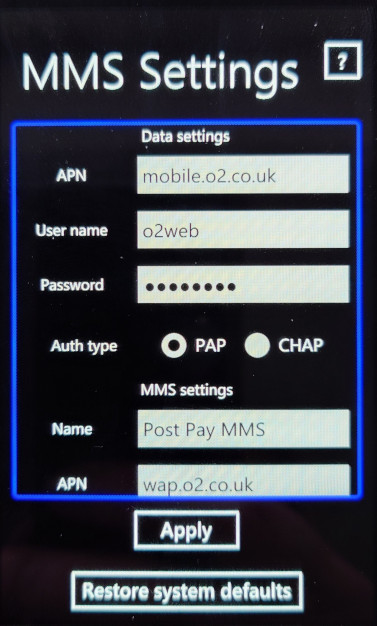
There are very few applications that are preinstalled, which Windows OEMs could do so. Considering this is a Dell, I’m surprised there no McAfree security preinstalled. The only one I can see is a network operation settings app, that lets you set the correct internet and MMS configuration for your network provider.

Music & Video

The Zune software is used to transfer media from and to the phone and is required for this purpose. You cannot use MTP to transfer content as the phones file system is not exposed to the host in any form. Its a very similar approach to what Apple took with the iPhone, where iTunes was the only way to exchange media to the phone. (Although later ios released supported PTP for easier photo transfers)

The problem here is Zune is partially broken on later Windows 10 releases since the conversion function is nonfunctional. This was useful for when you had high quality MP3 files that you wanted to transfer to the phone Zune could transcode them to a lower quality, say 128Kbps, and copy them to the phone. The result is a smaller file size in a more efficient WMA format whilst maintaining some form of quality.

Using Windows 8, 7 or Vista is recommended if you wish to transcode your music through Zune.

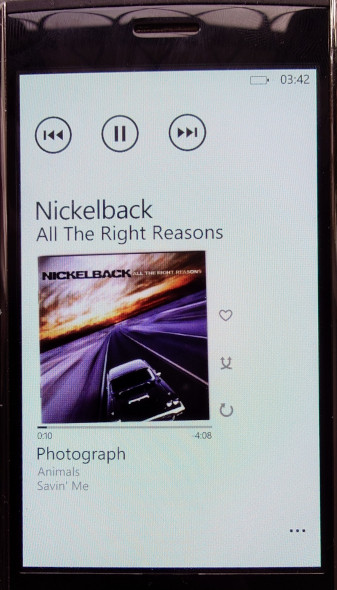
This does make the phone a kickass music player, and back when if was functional Zune pass was revolutionary for the time as it allowed you to subscribe to stream music from their library, similar to Spotify or Deezer today.

Lastly the Zune software could also sync podcasts and applications/games downloaded from the Zune store. This functionality has since been removed and has not been replicated, making it impossibly to load apps from your PC onto the phone itself.

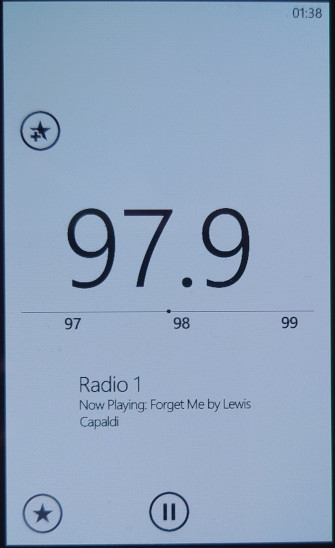
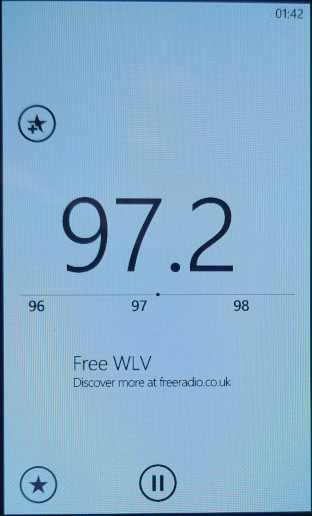
You at least get access to an FM radio, which lets you change the frequency by sliding your finger in the direction you want to scan. It can pick up station name indicators along with any supplementary information if broadcast by the station. You can also pin stations individually onto the start screen for quick access.

Conclusion

Well, it’s a shame to see that was once a smartphone has now been relegated to a feature phone, or even a dumb phone as compared to your typical Nokia or Sony Ericsson feature phone that has the ability to run third party Java programs, Windows Phone 7 now lacks this ability. Only merit it has is its Internet Explorer browser which is losing support by the day.

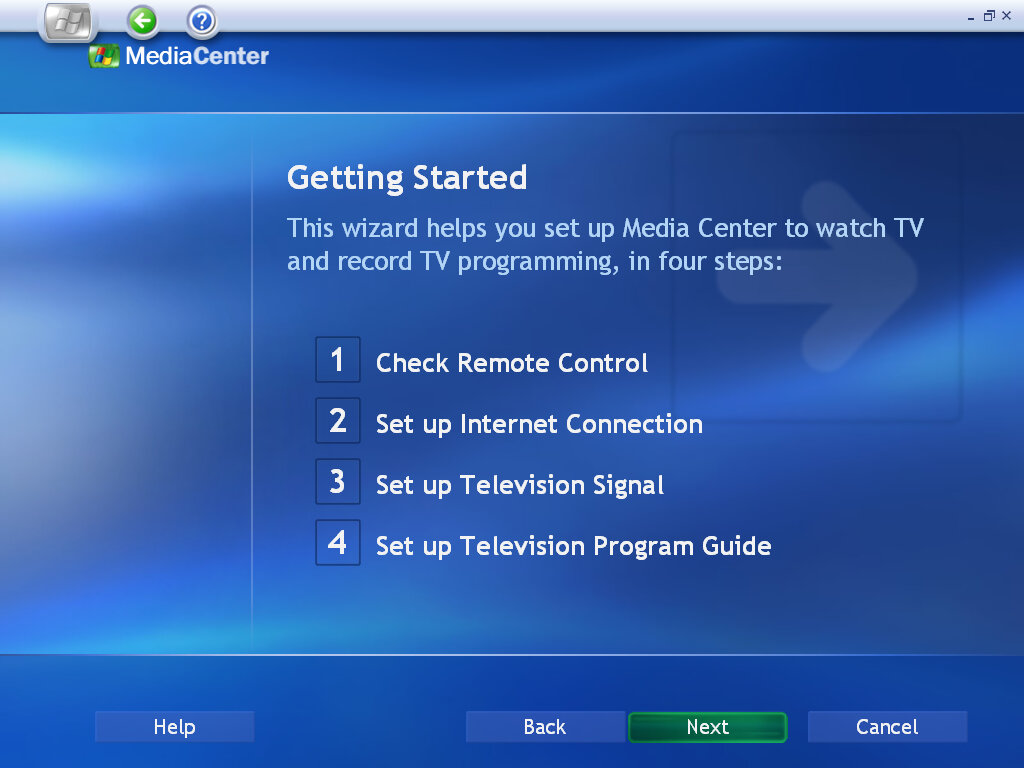
Windows XP Media Center Edition 2004

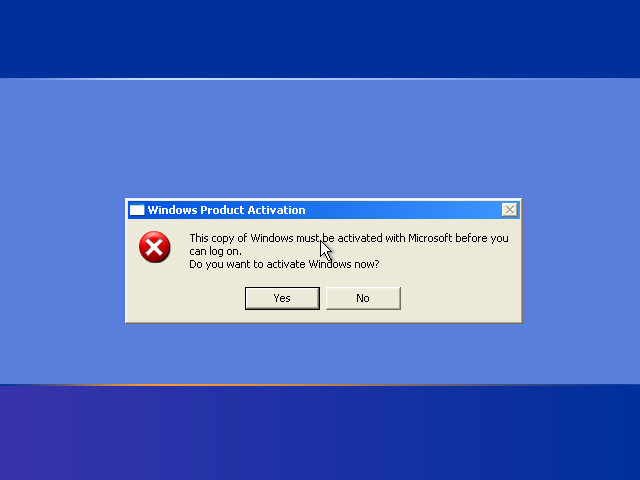
An update to Windows XP Media Center, again intended for OEM use. Very little has changed on the desktop side with most of the enhancements being done to the Media Center program. Again this version was intended solely for OEMs, so only OEM-type product keys can be used. When installing on an OEM system, like my Dell XPS Gen5, activation was automatic and I don’t remember it prompting for a product key. On VMWare, it’s a different story with it being locked out of the OS on the initial boot-up.

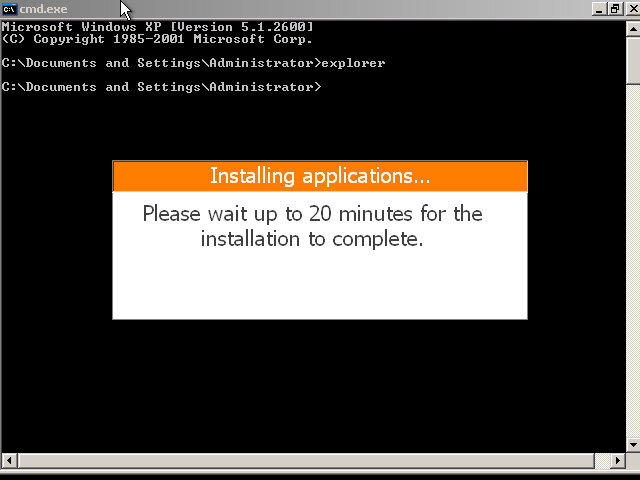
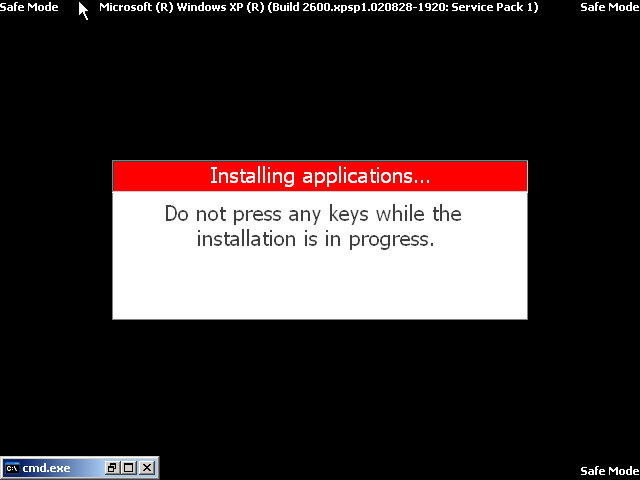
Some issues may occur regarding product activation since this is a Dell OEM copy, to get around this:
Spam F8 upon boot up
Select Start in Command Prompt
When the Command prompt window appears, enter ‘explorer’ and wait for the setup prompt to finish, this will reboot the PC automatically

Version Information

ComponentVersion
Internet Explorer6.0.2800.1106.xpsp11.020828-1920
Outlook Express6.00.2800.1106
Windows Media Player9.00.00.3005
Windows Messenger4.7.0041
Windows Movie Maker1.1.2427.1

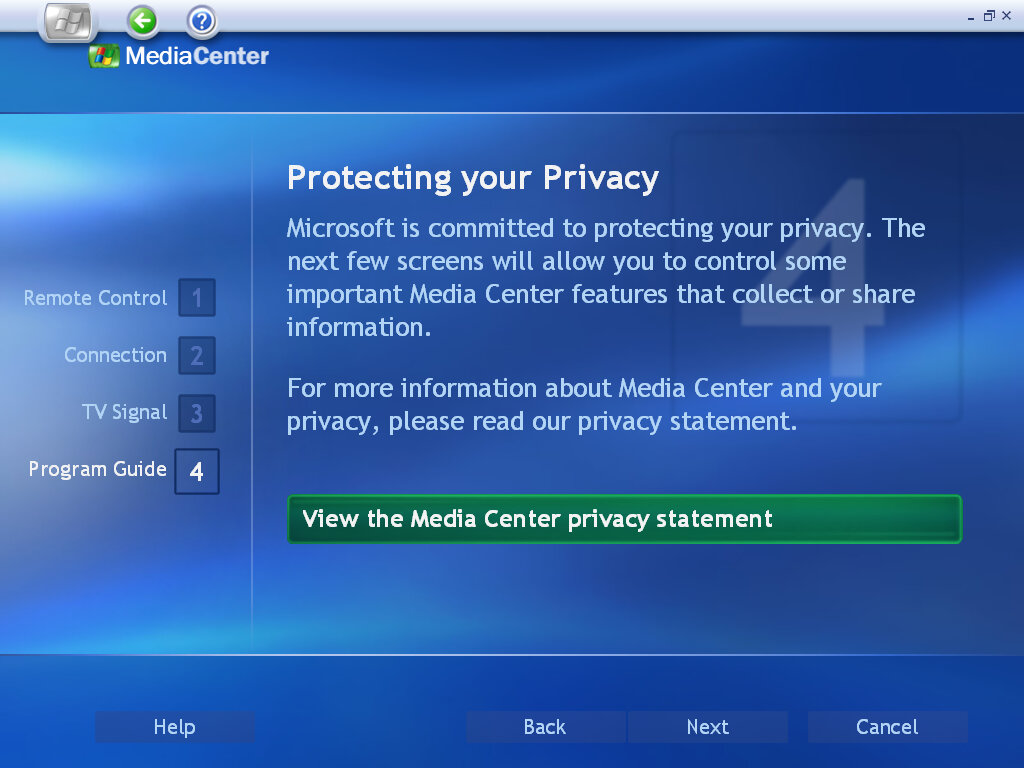
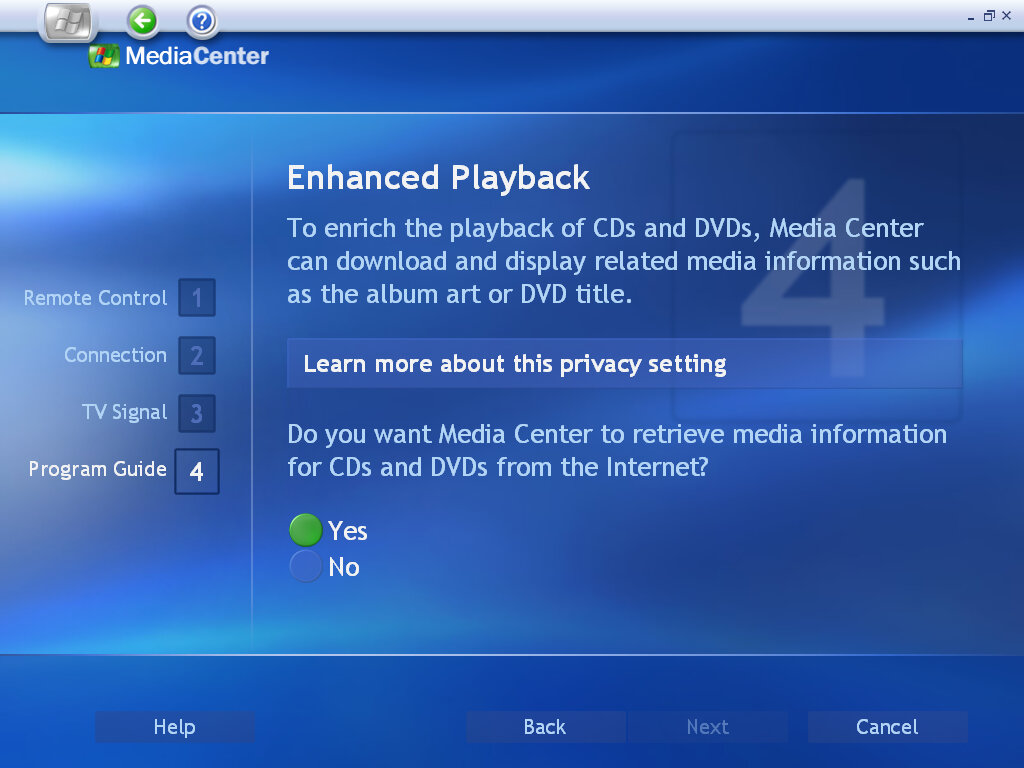
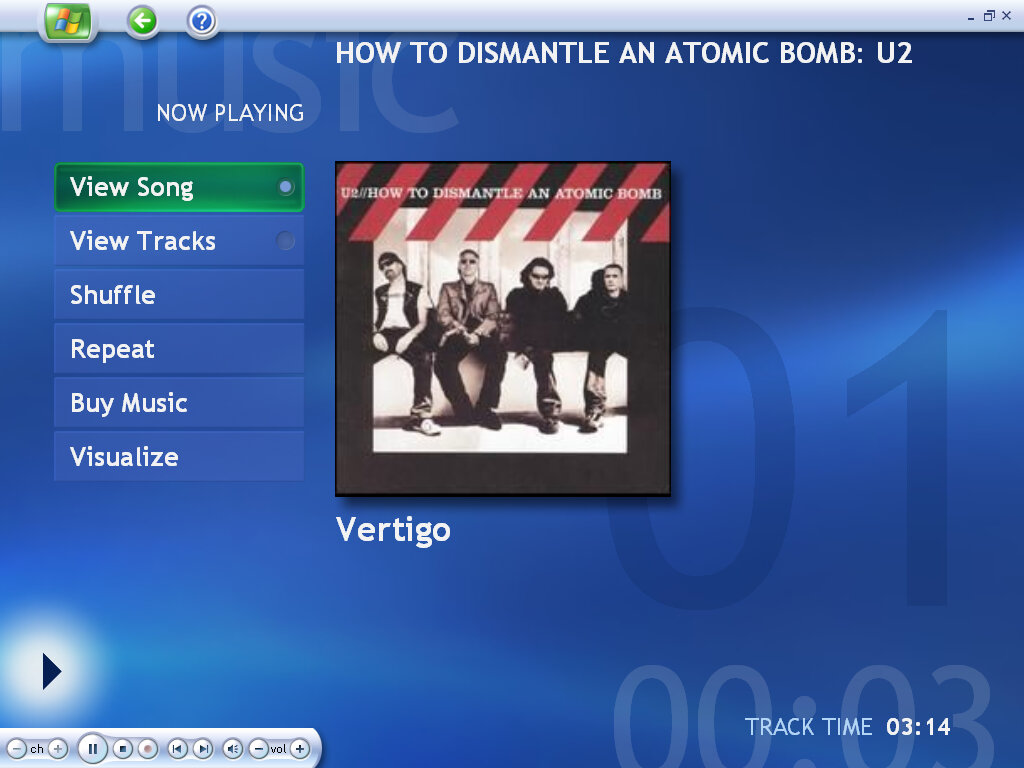
The desktop remains the same as a default Windows XP, with the only noticeable difference being the Media Center icon on the Start Menu. A new Online Spotlight option is now present, This would take you to an online website, displayed within the Media Center application (possibly using the Internet Explorer engine) that would have provided further information with using Media Center.

Play DVD

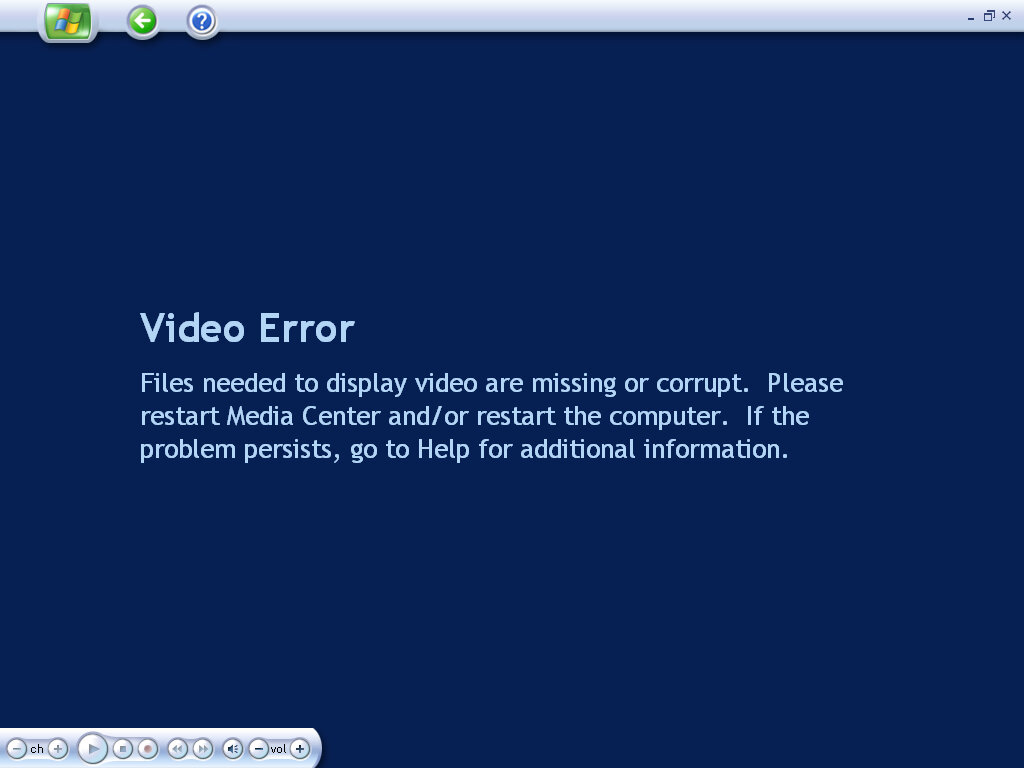
The main DVD player, again we have difficulties playing DVD discs due to the lack of hardware MPEG2 decoder. You would think they would support software rendering by now.

My Videos

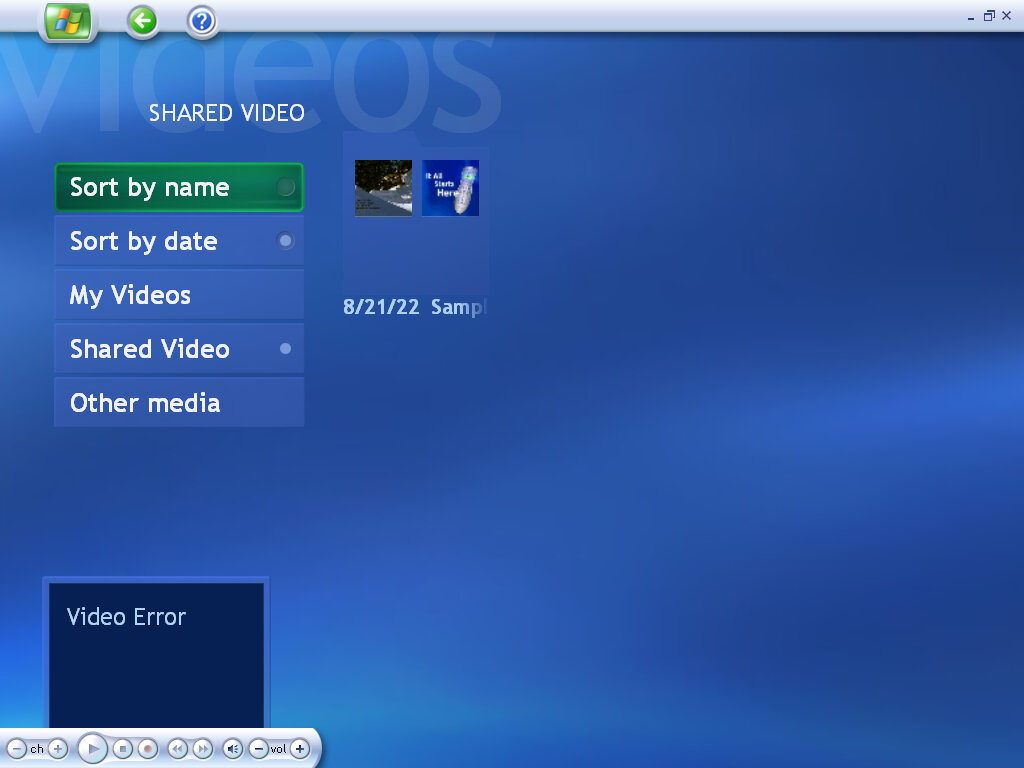
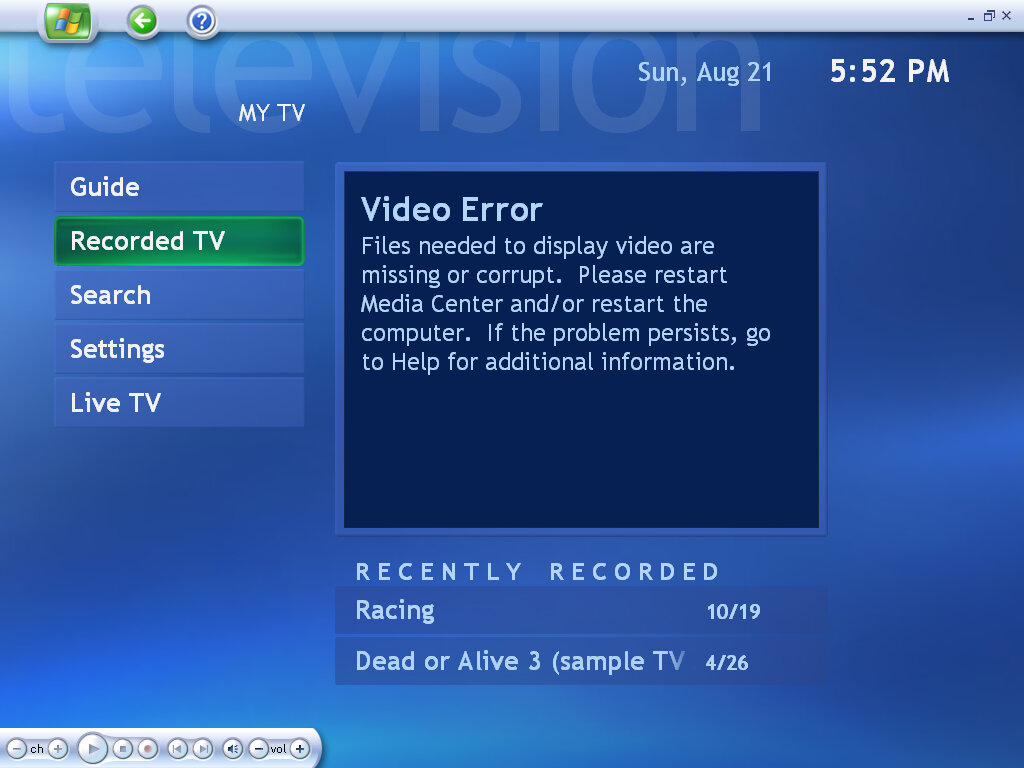
Videos stored in the My Videos folder are located and played back here. This does not include Recorded TV, which has its own section. Video playback requires a supported graphics card that will provide acceleration, that VMWare (Or its driver) does not support.

My Pictures

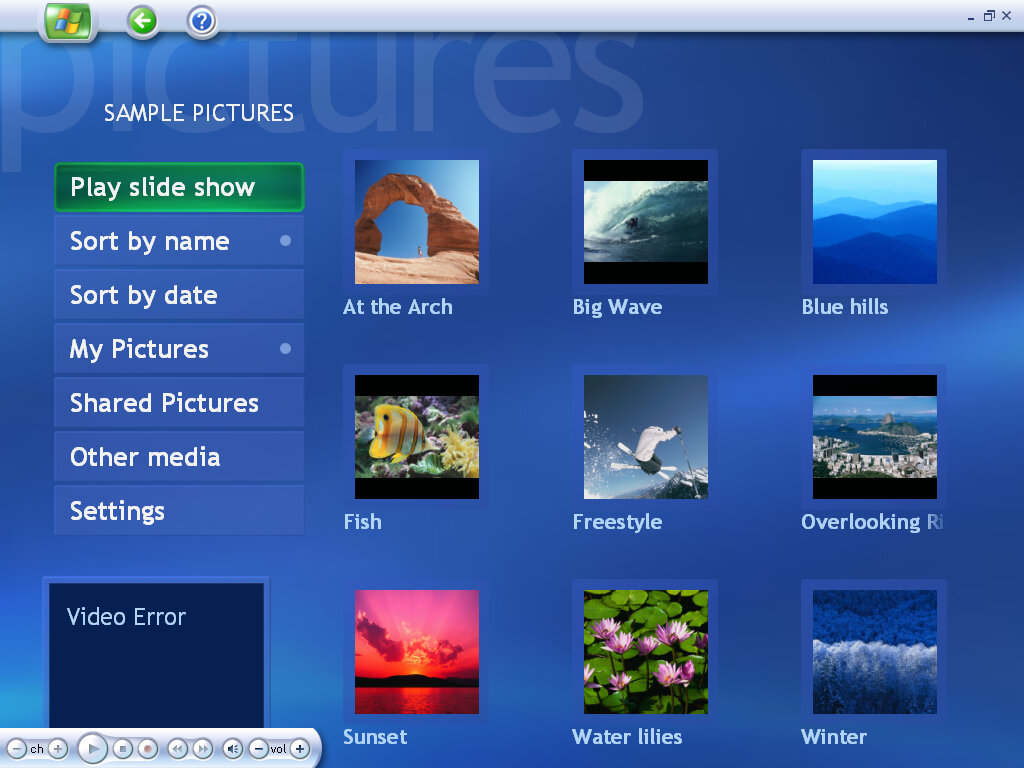
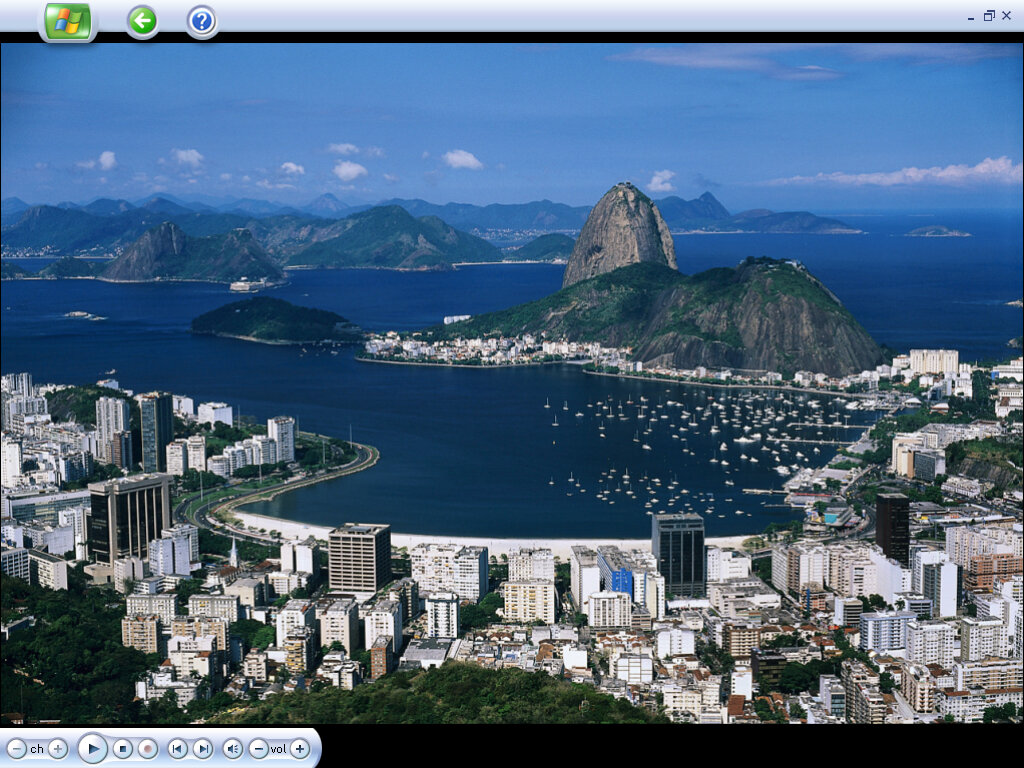
Similar has before, photos can be displayed as a single image or as part of a slideshow. Media center supports the common file formats and will display images from the My Pictures folder, or the Shared Pictures

My TV

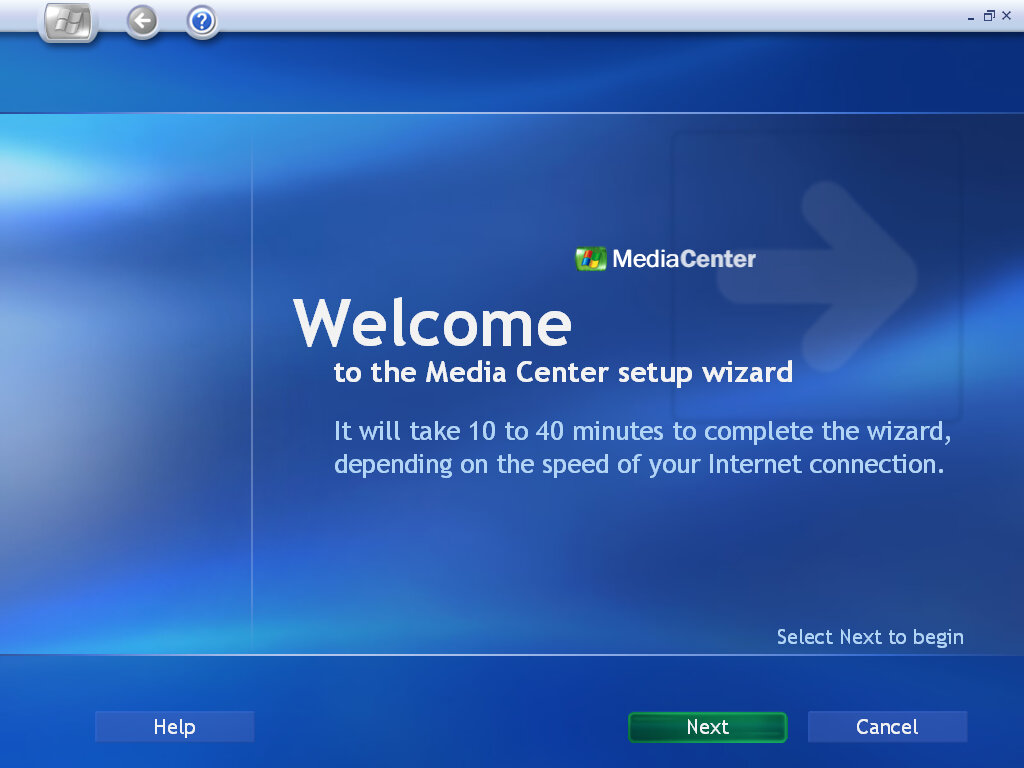
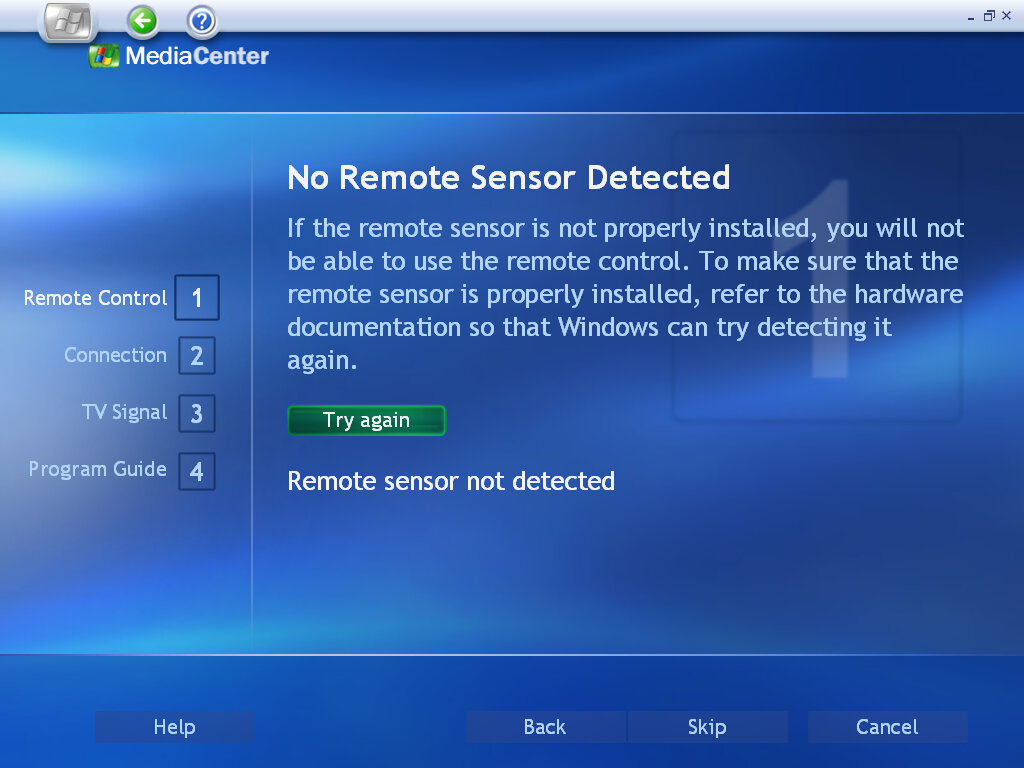
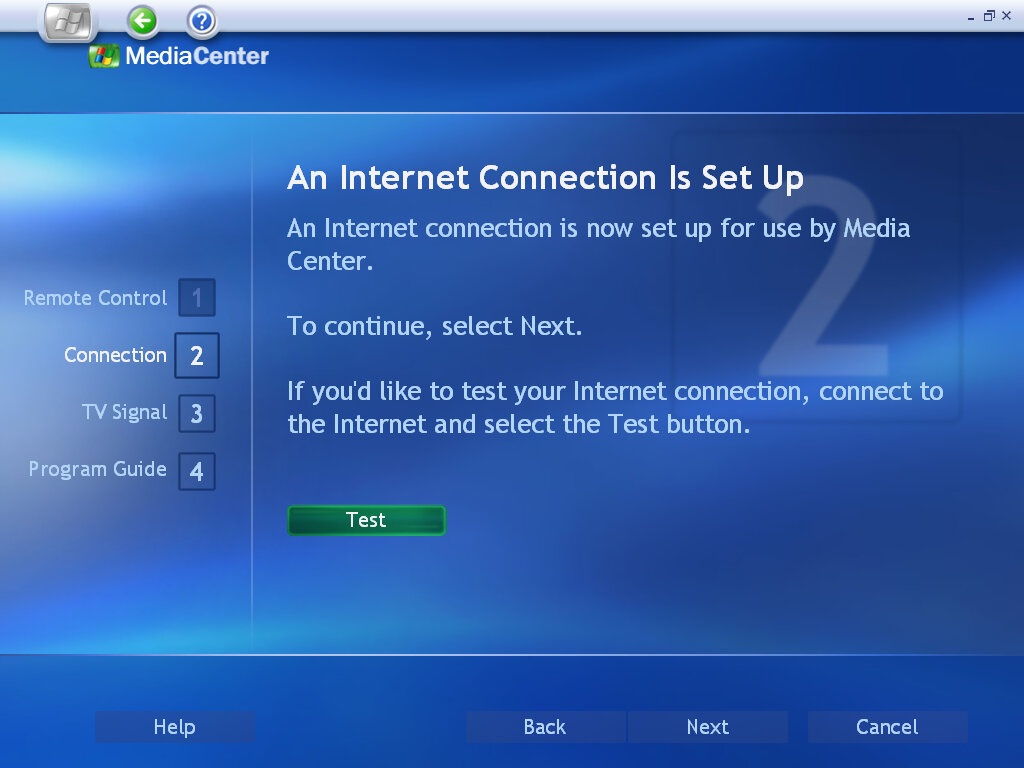
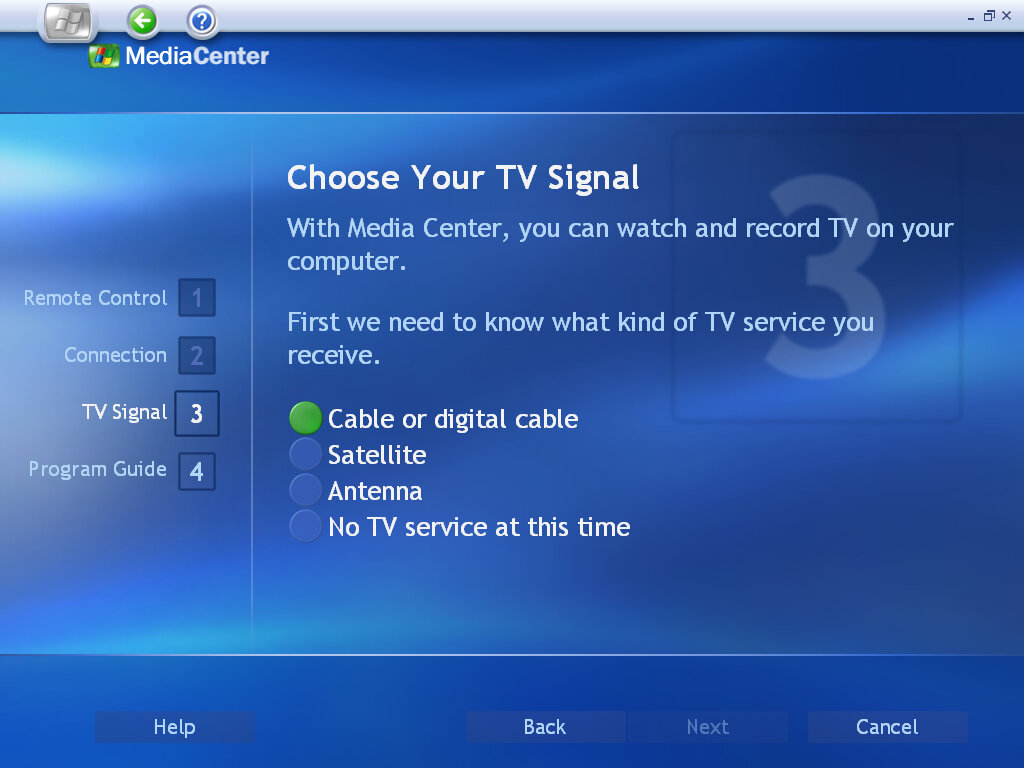
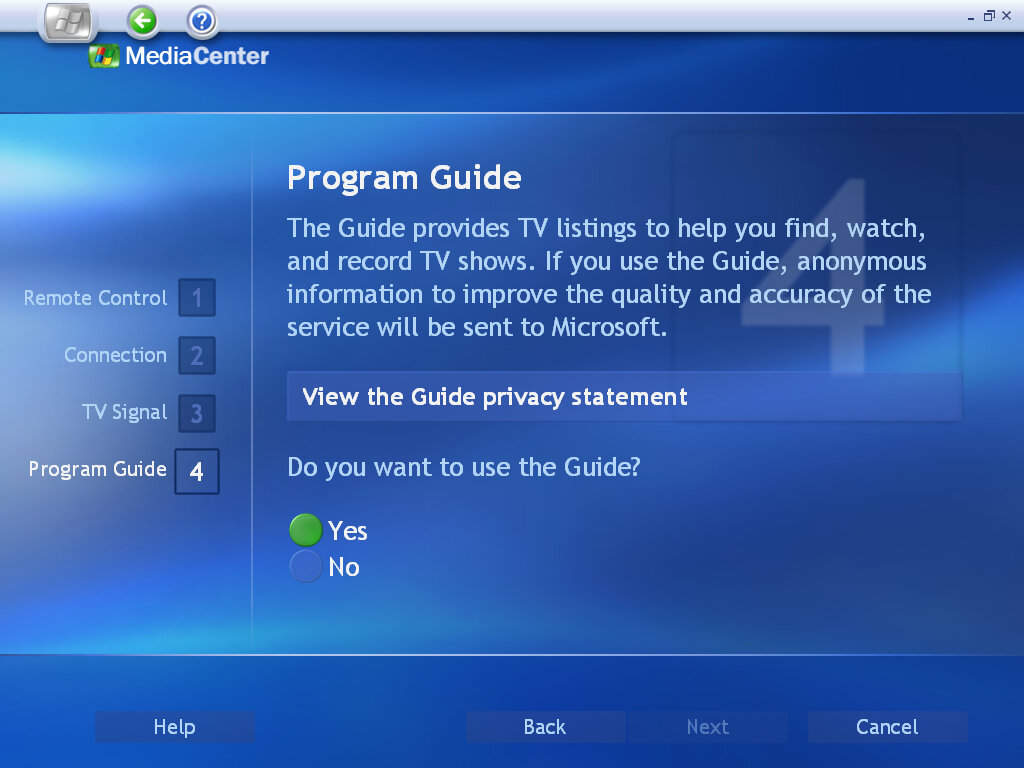
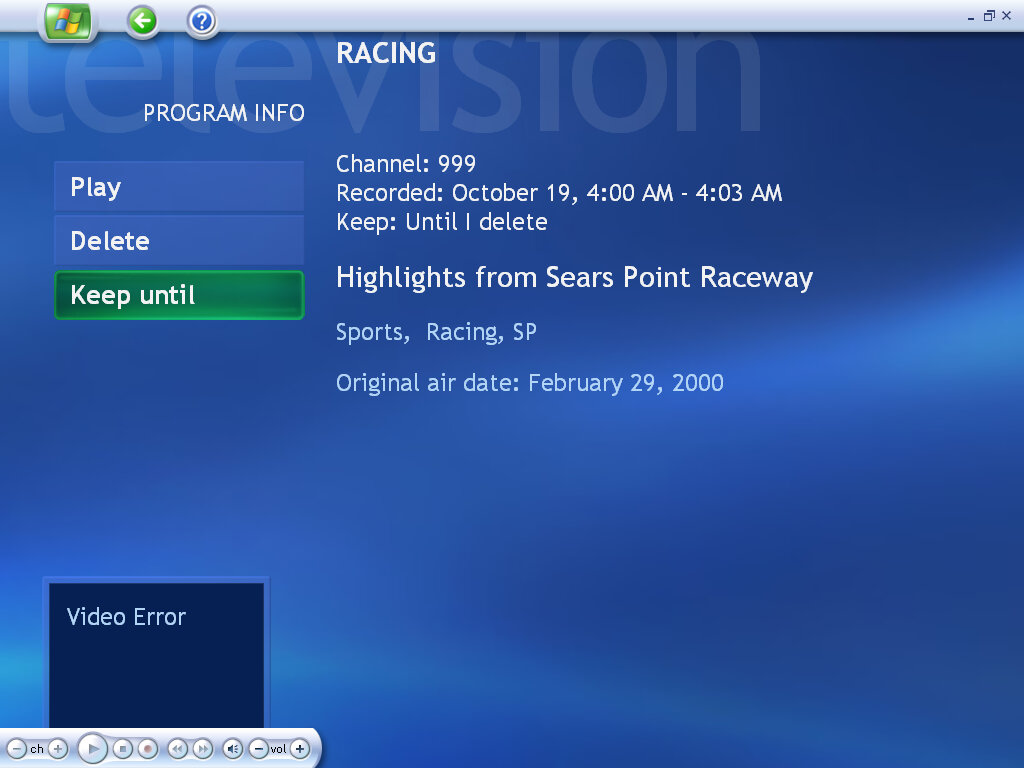
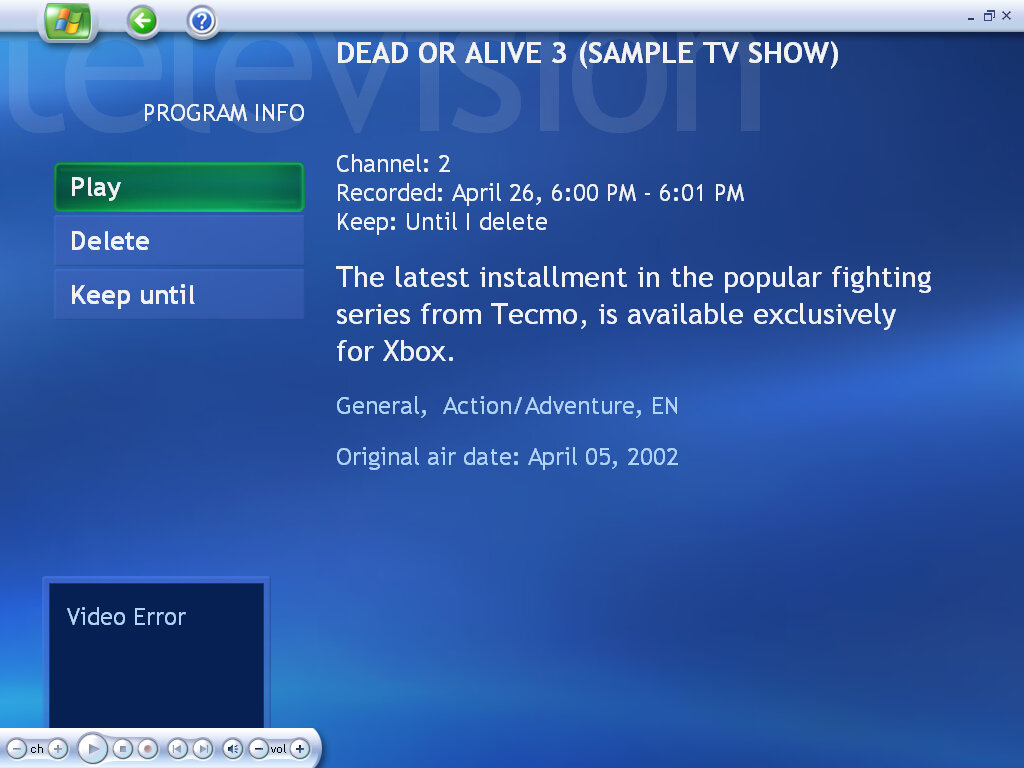
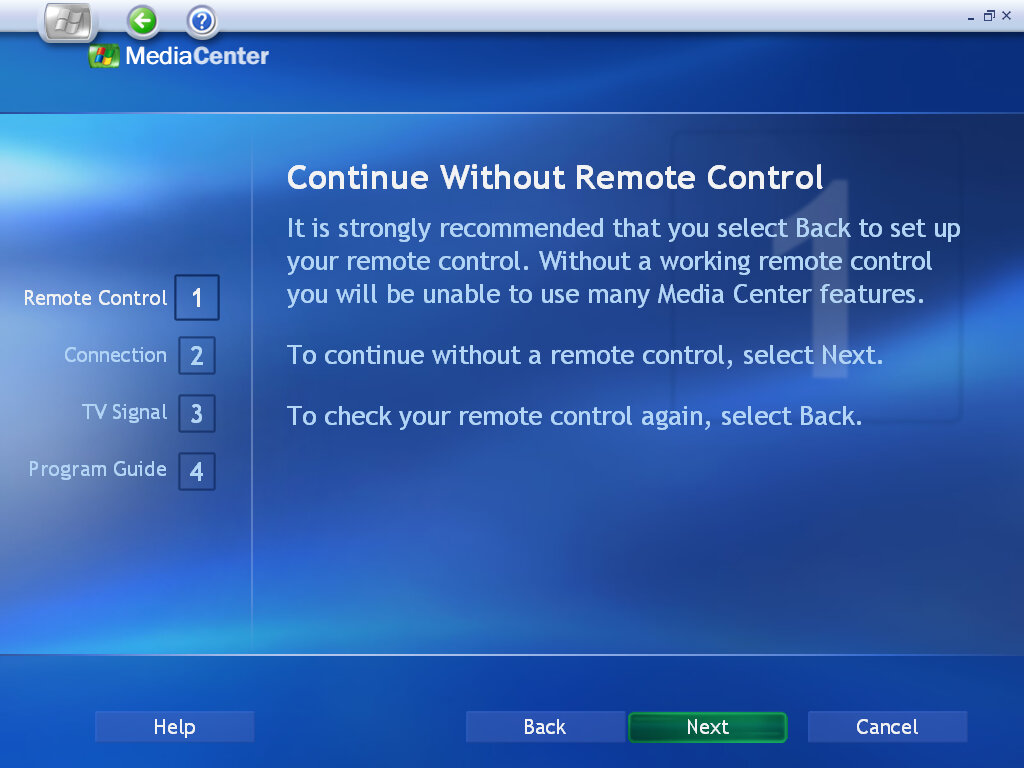
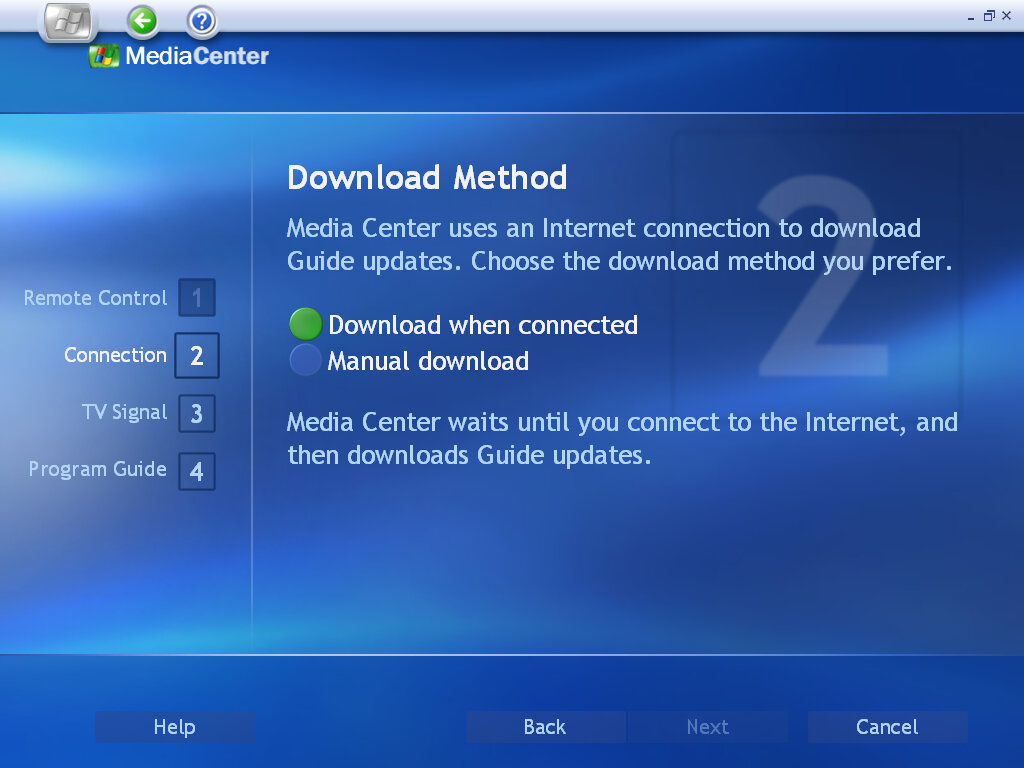
TV functionality is still a mystery, as my DVB-T tuner adaptor is still not recognized by the Media Center Application. From looking at the help files, Media Center has full PVR functionality with the ability to schedule recordings, pause live TV & rewind. You can now watch TV in slow motion, which is useful for sports events or frame by frame to check if anything has been missed (or for any subliminal messages).
As with the previous version, you can configure the TV source to be through an antenna, using a satellite or a cable feed. The latter two probably need a set-top box along with an infrared blaster to control it.
Pay-Per-View also appears to be supported, but I’m unsure how this is implemented. Possibly it interacts with your cable box’s PPV application?
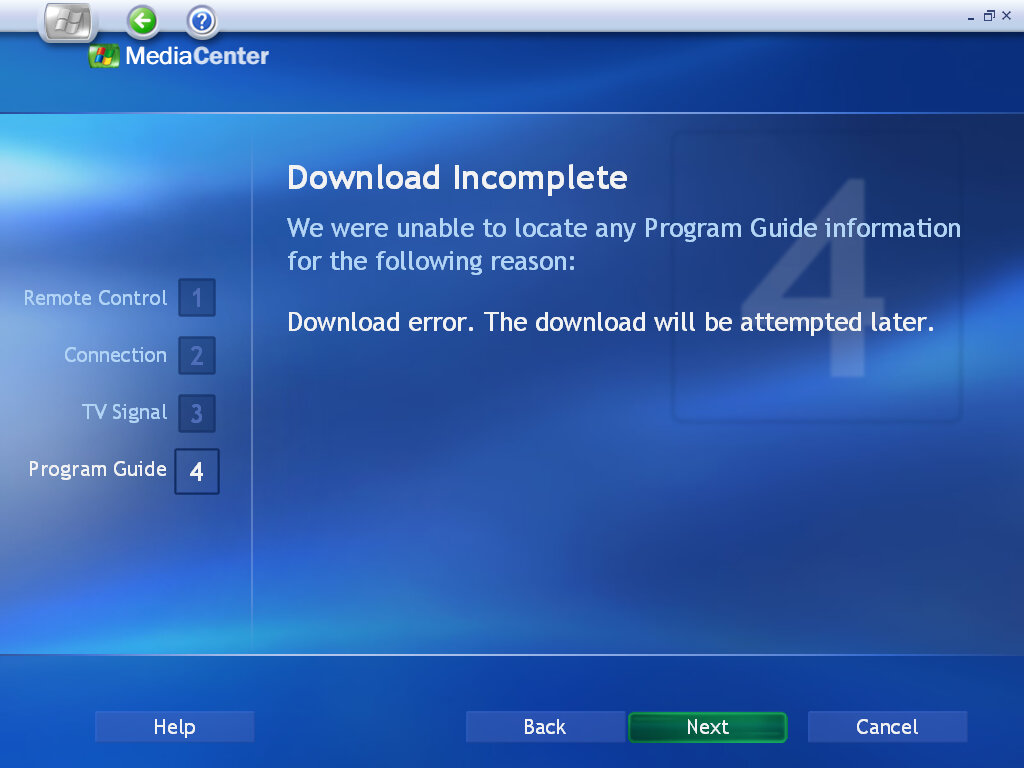
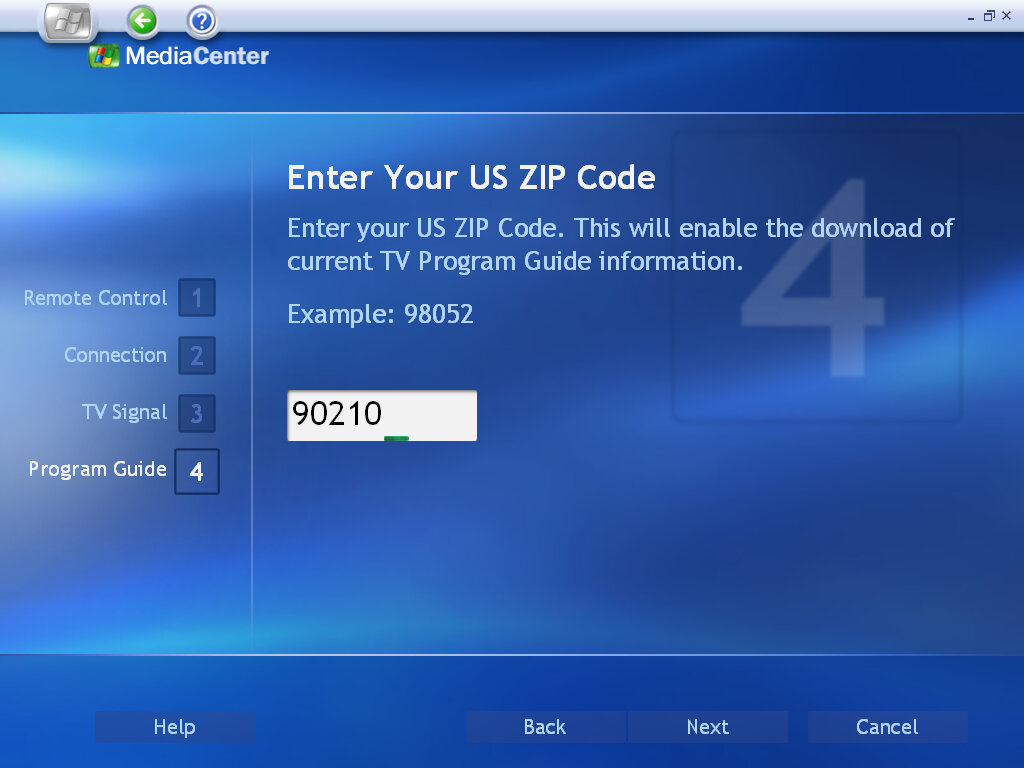
As for the TV listings, as Microsoft has killed off the EPG servers we are unable to load any channel listings.

My Music

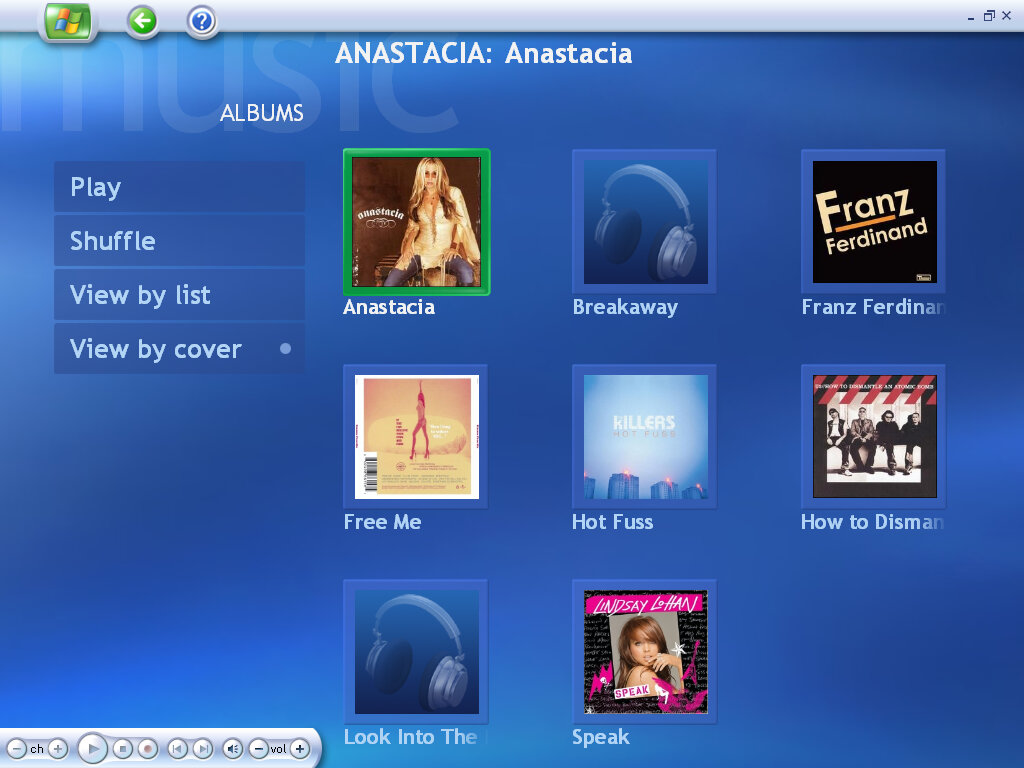
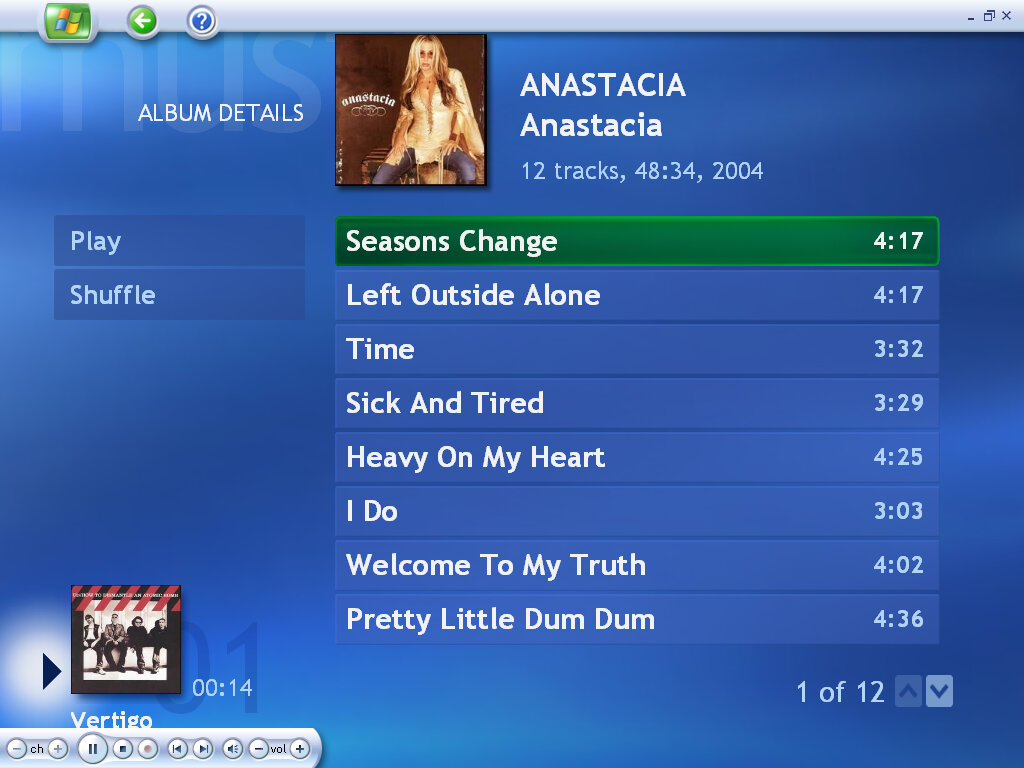
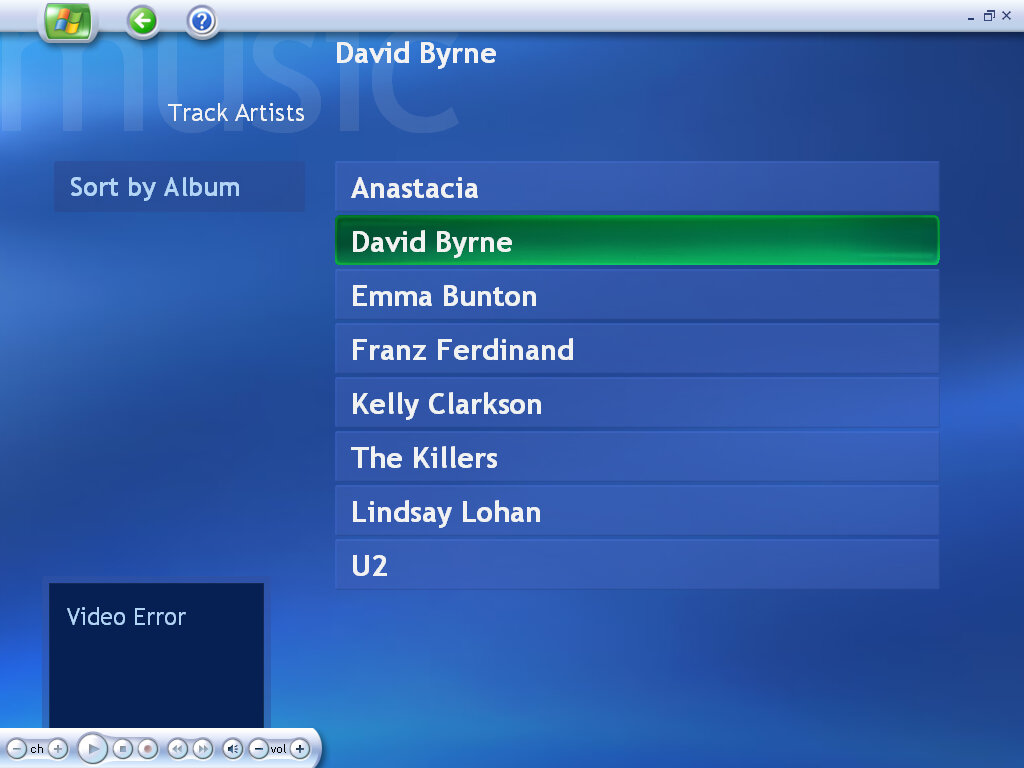
Little here has changed compared to the previous version. Music stored in the My Music folder can be played or organized into a playlist, and played through the media center application.

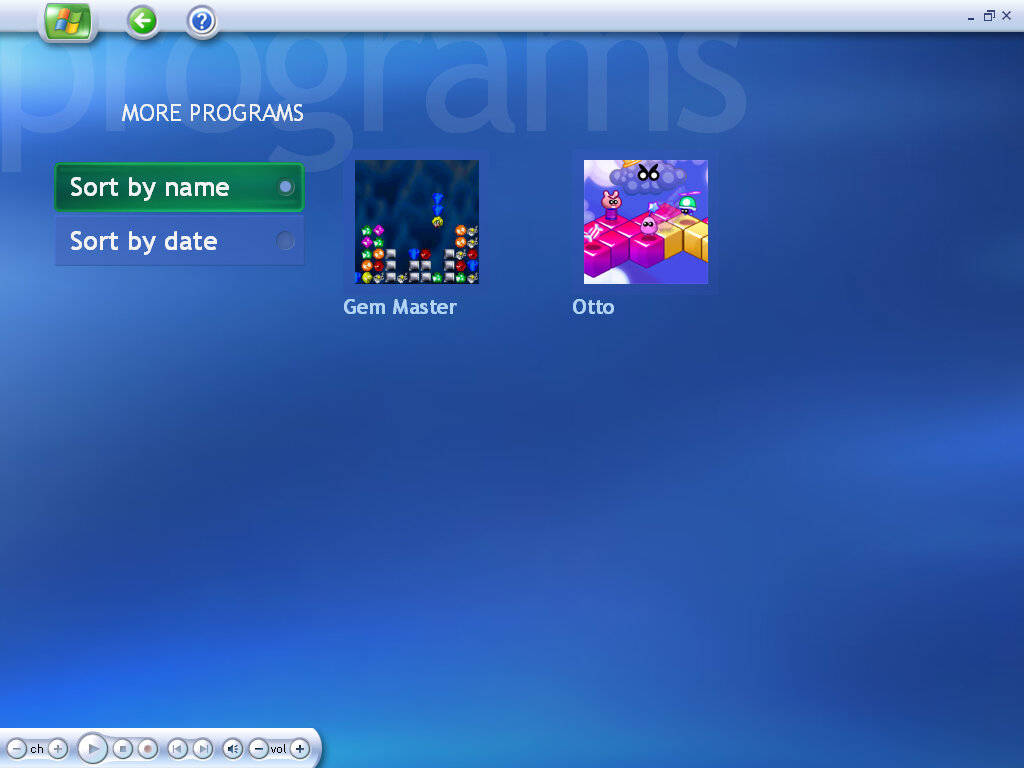
More Programs

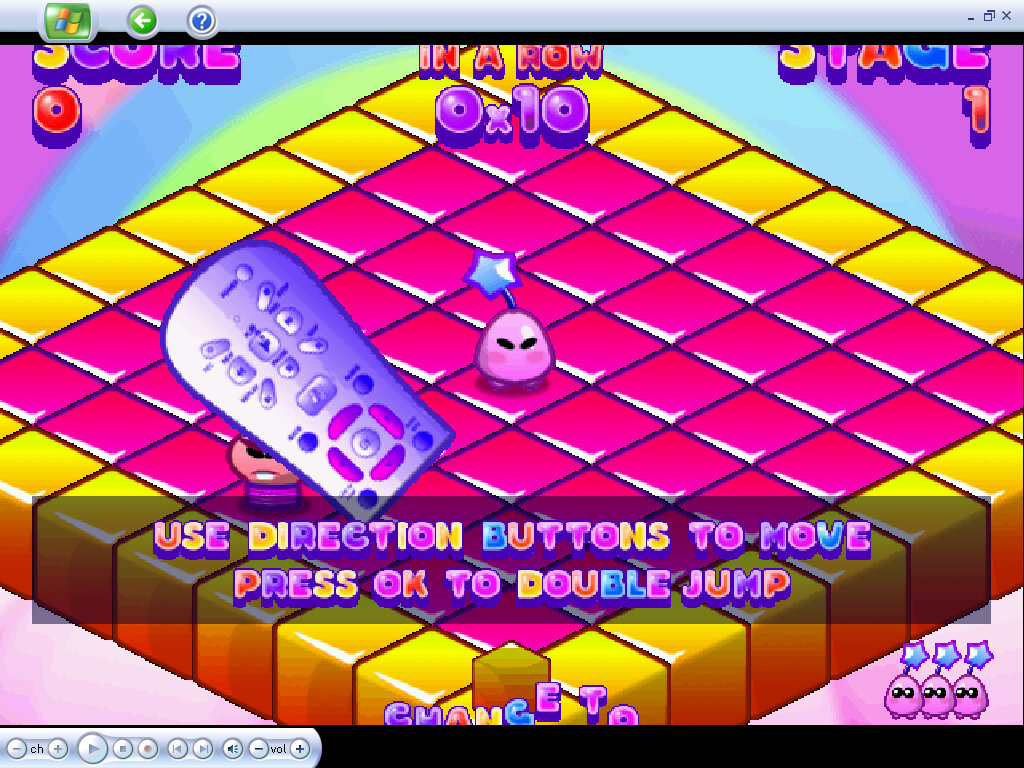
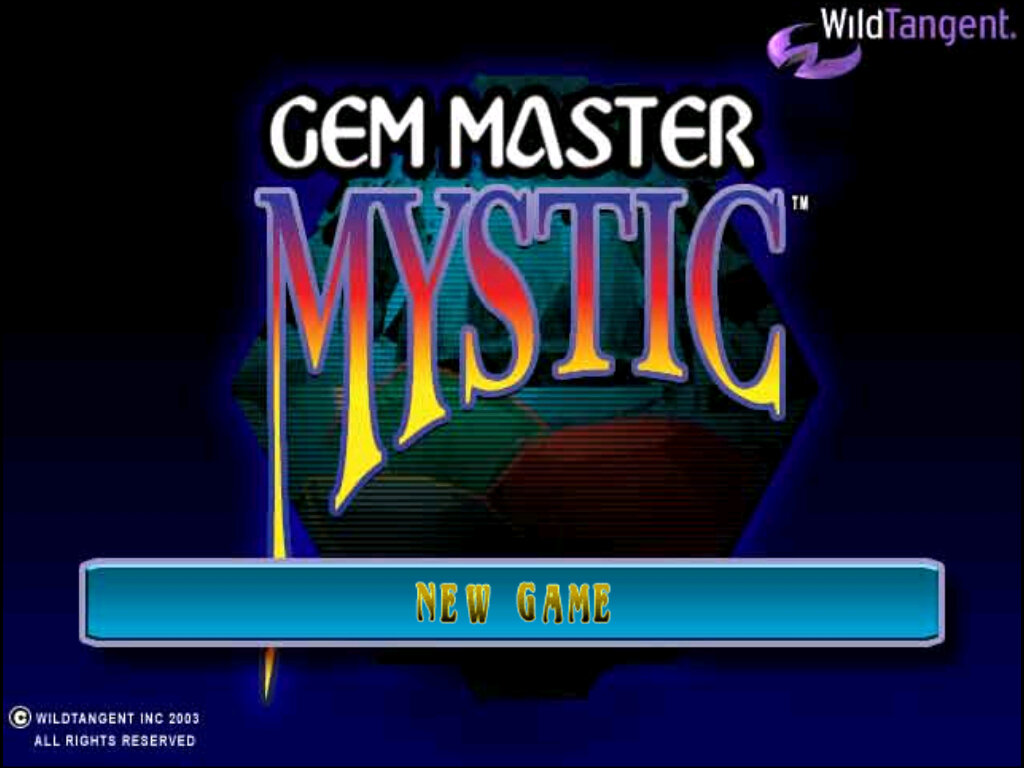
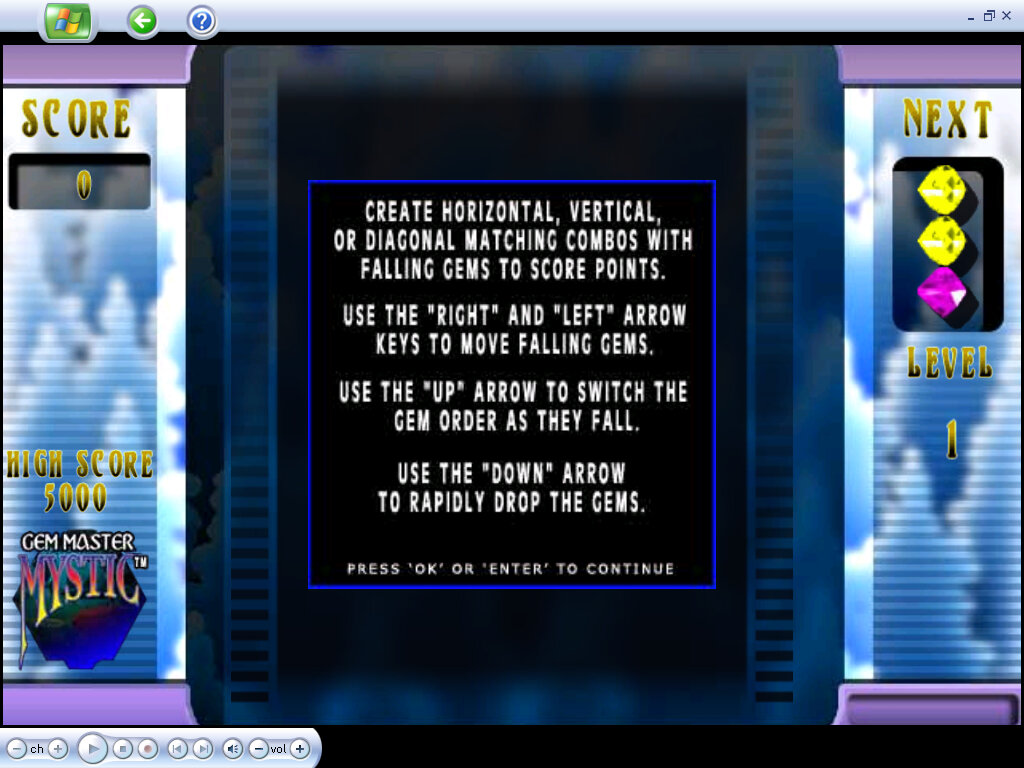
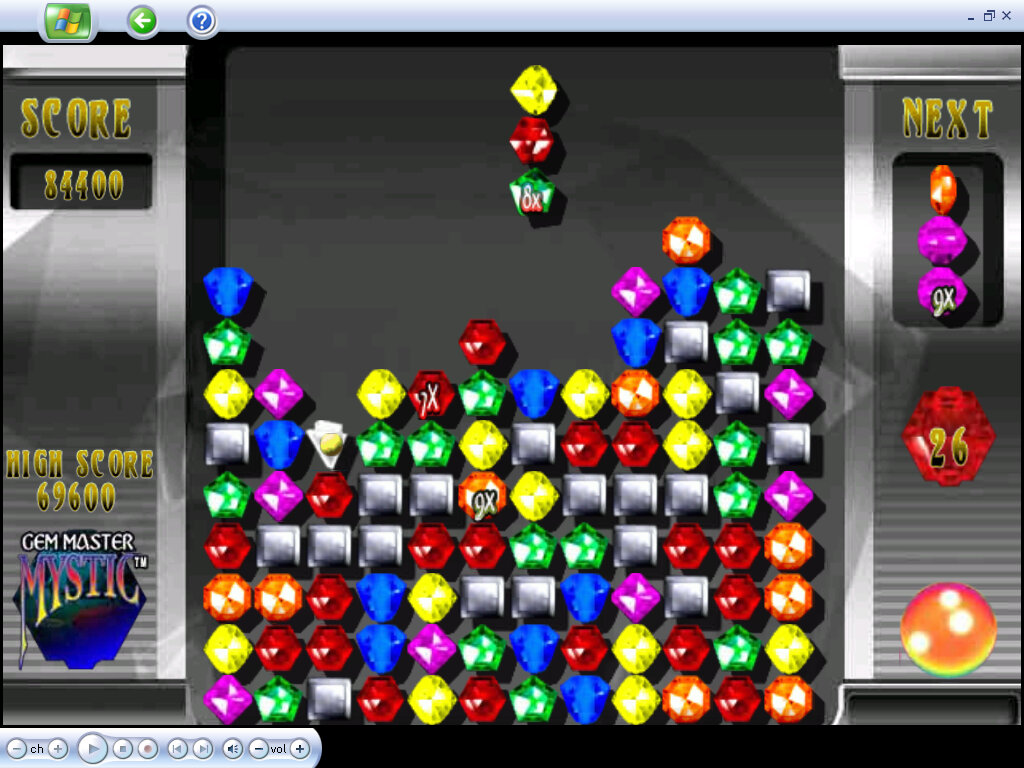
Additional programs that integrate into Media Center are displayed here, which can include games or links to the website. Dell has bundled a few WildTangent games that are intended to be played using the Media Center remote.

Otto: The objective is to turn all of the squares into your colour, whilst avoiding the enemies.

Gem Master: Similar to Sega Columns, clear the board by matching three or more colours together

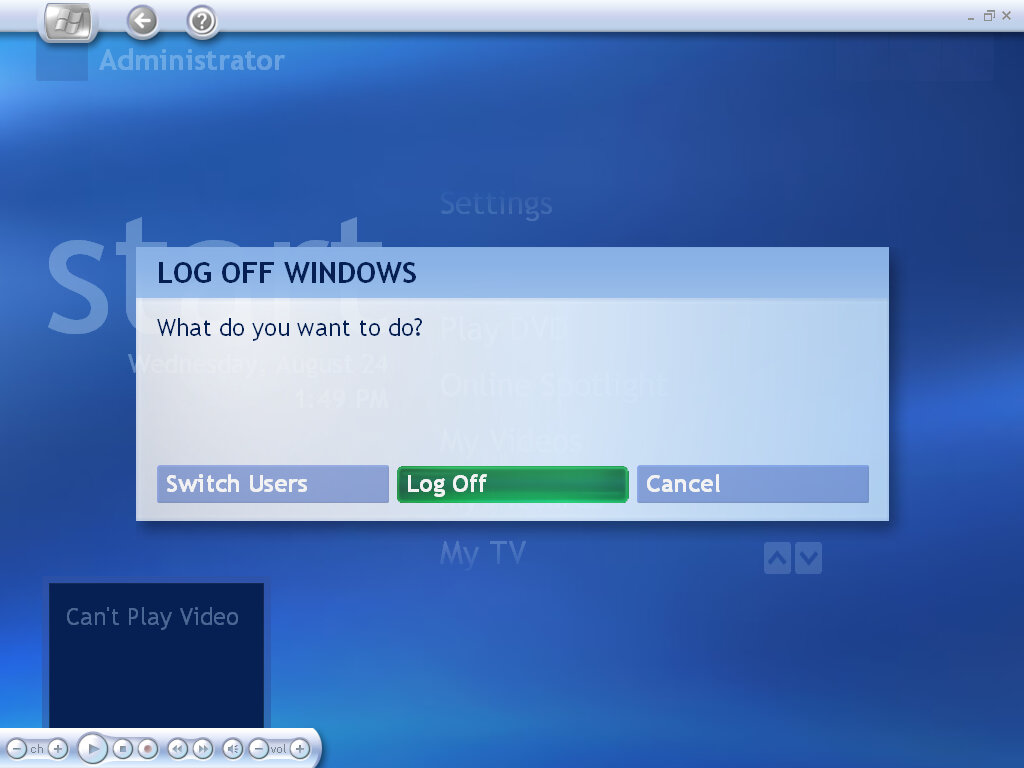
Shutting down within media center

Dell Dimension 1100

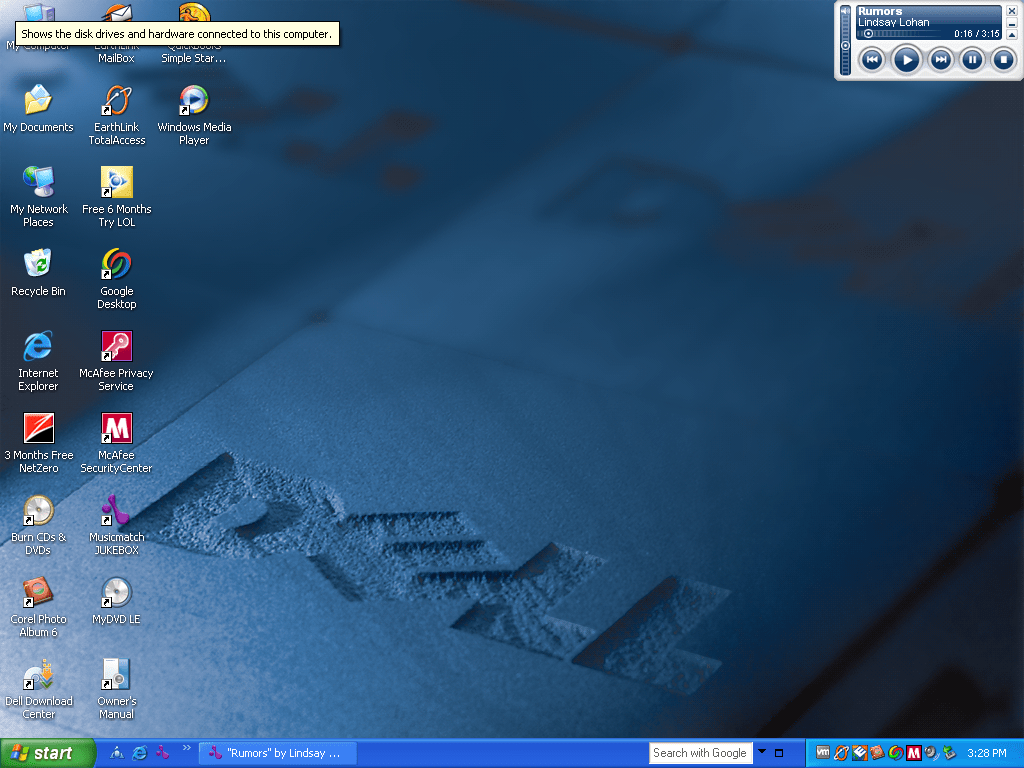
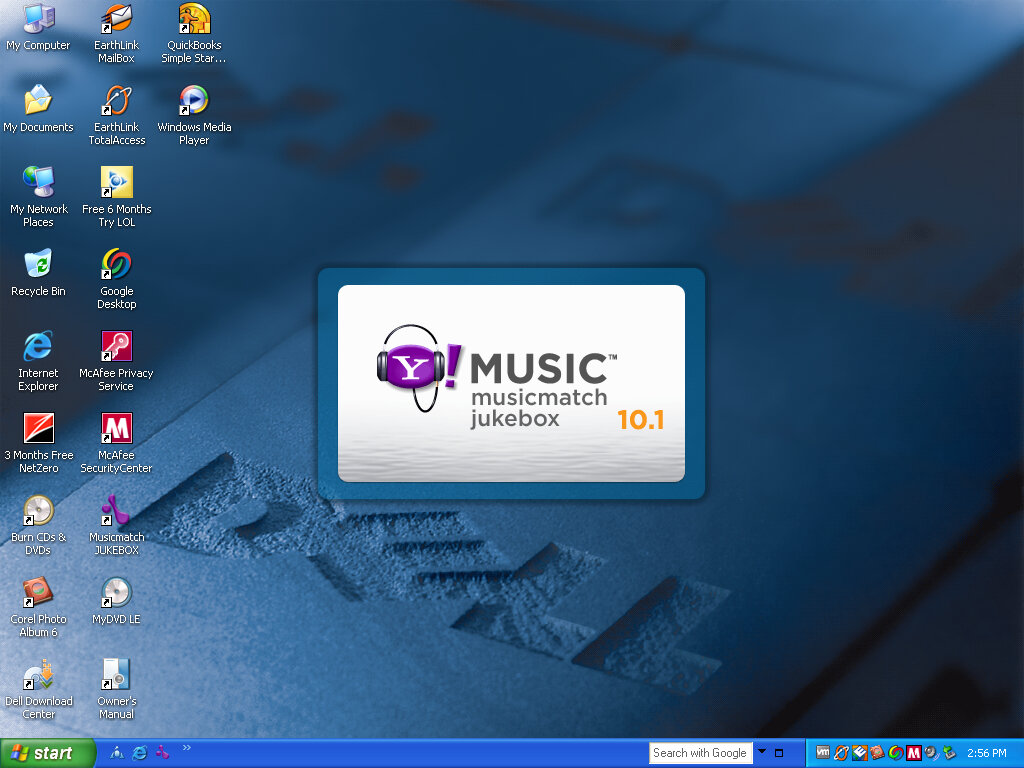
A low-end desktop system released by Dell in 2005, paired with a Pentium 4 and 512MB of RAM with onboard Intel graphics. Typically paired with a 15inch LCD monitor. Nothing really special about the system and there’s a distinct lack of Microsoft Works unless it was included in a separate CD.

Typical Dell desktop background of the era. I remember this was used on the Inspiron 9100 also. Notice the AOL being branded as LOL, not sure if that occurred on the actual system or something that got renamed

Software

Let’s look at the software bundled

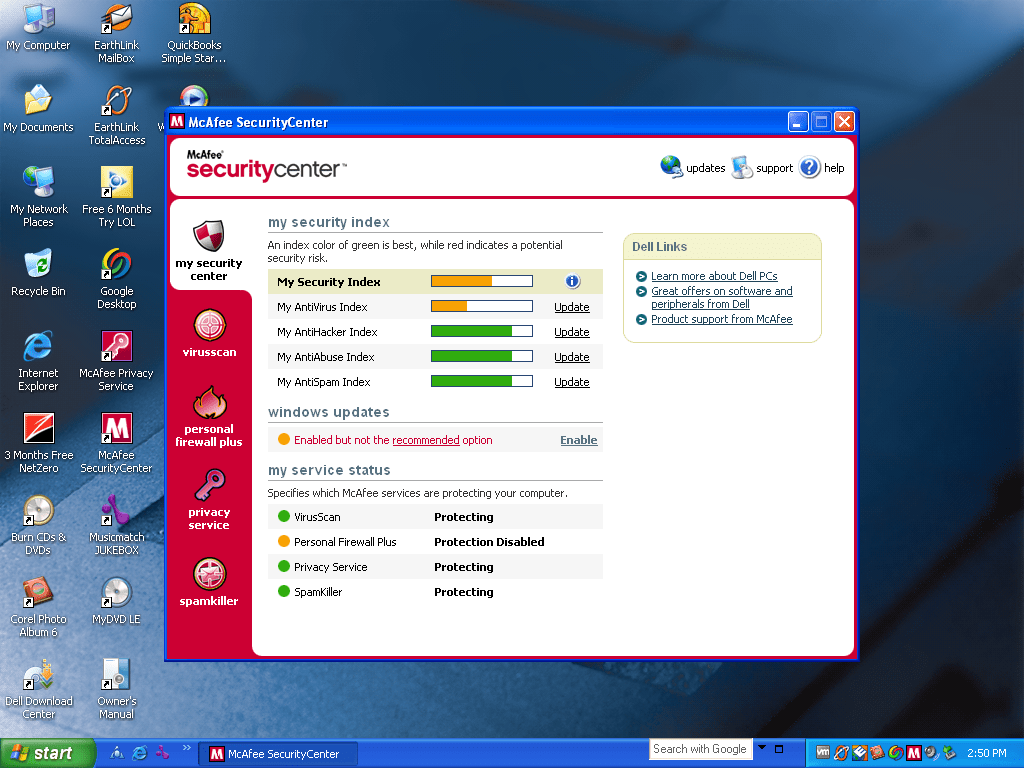
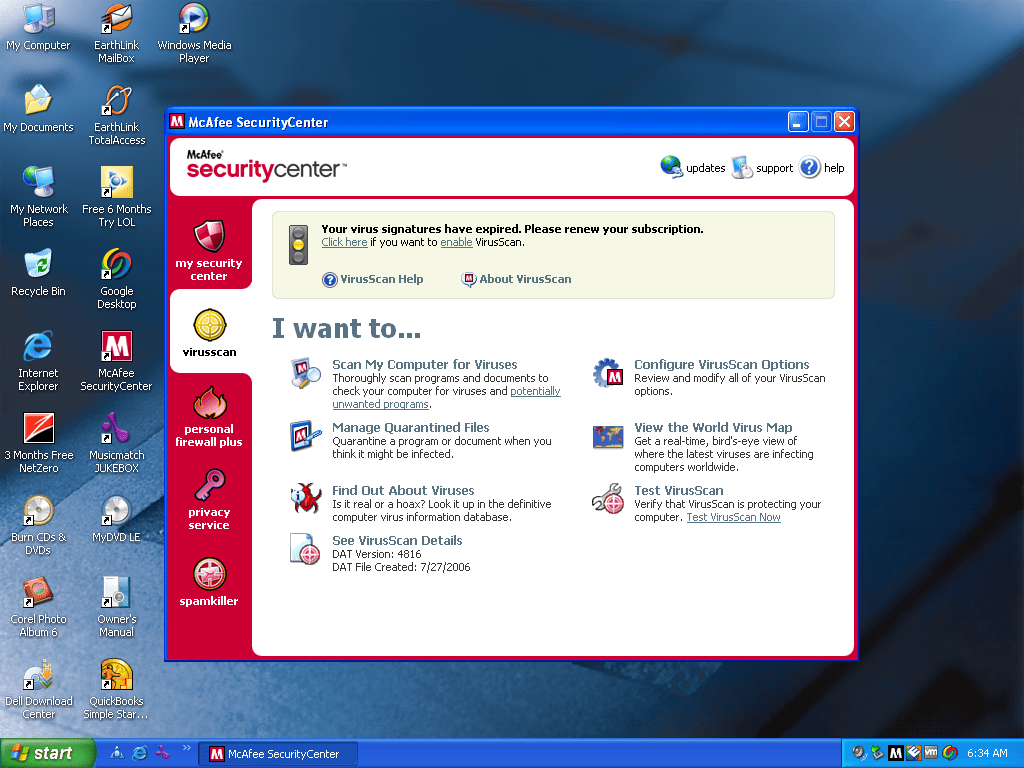
McAfee

Dell and McAfee are commonly seen together, and this system was no exception to that. Like Norton, this acts as both the antivirus and the firewall for the system.

McAfee firewall will pop up if a new program tried to connect to the internet or access a network resource.

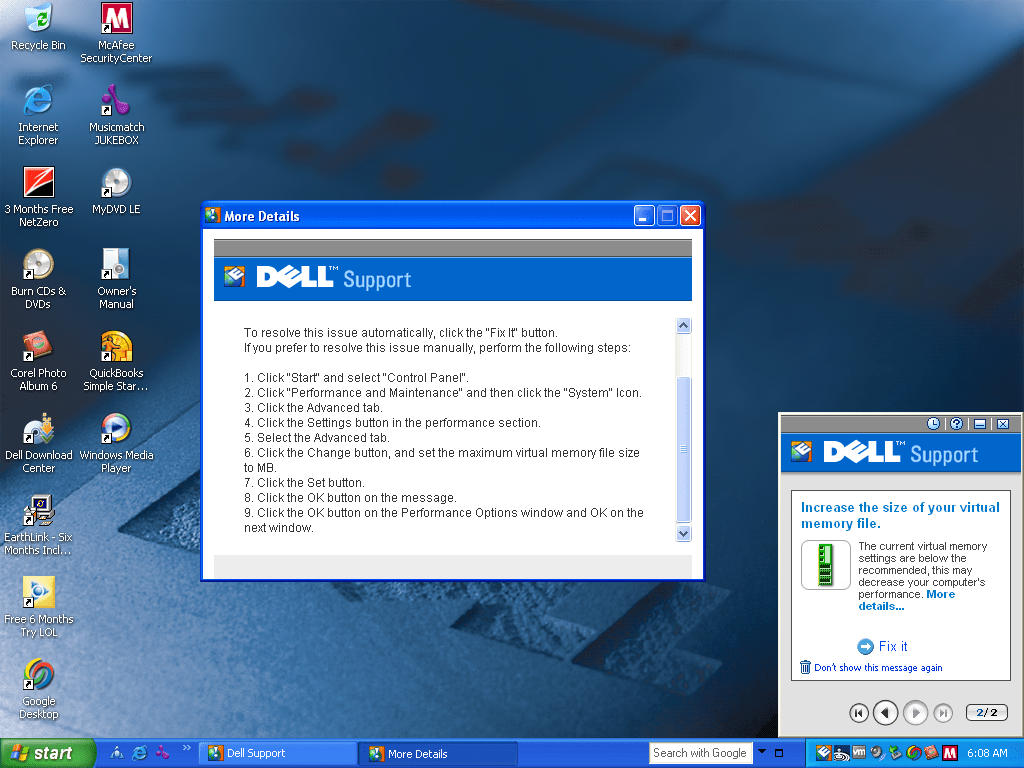
Dell Support

A utility that pops up whilst your in the middle of a SimCity/Civ session and causes the game to minimize itself, only for Dell Support to prompt you about a rip off offer, then when you try to restore the game it freezes and you have to kill it in task manager and you lose all your unsaved data.

In all fairness its useful for first time computer buyers, bot the occasional popups will get annoying after a while. There is an option to reduce or turn off the alerts.

Google Desktop

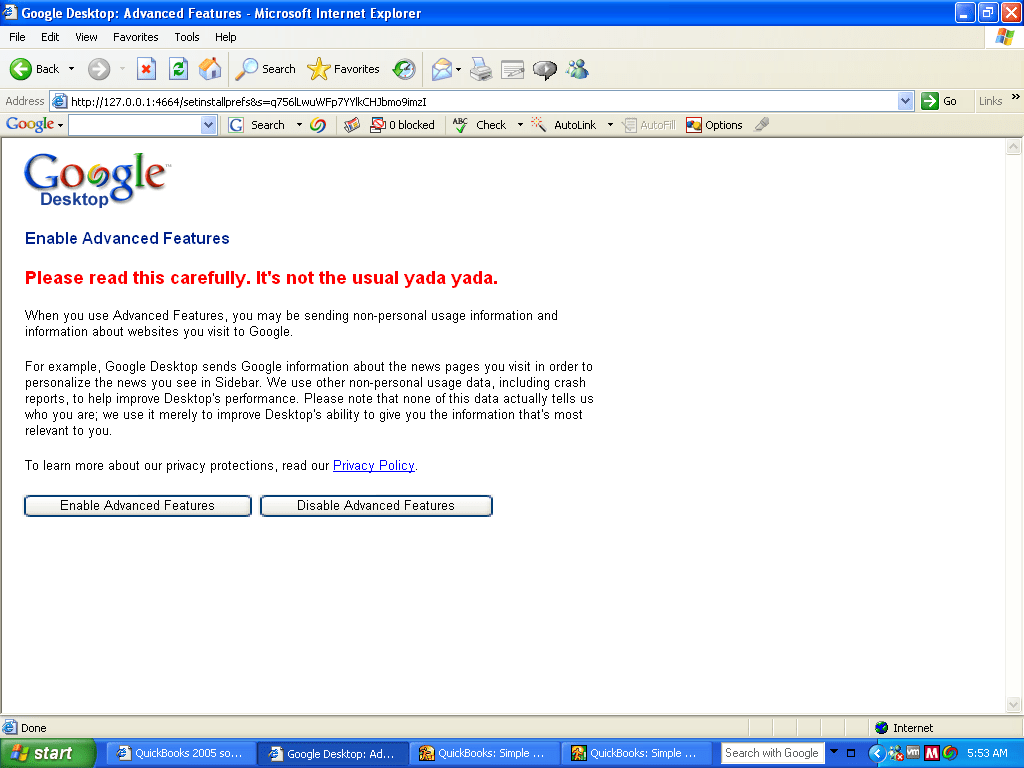
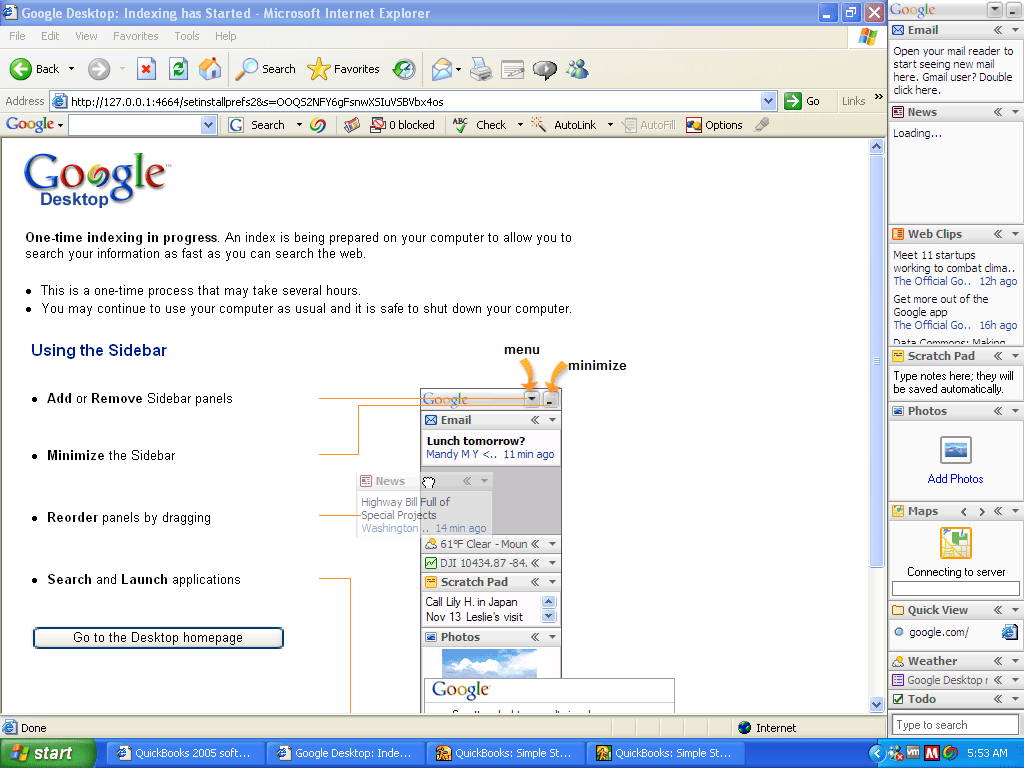
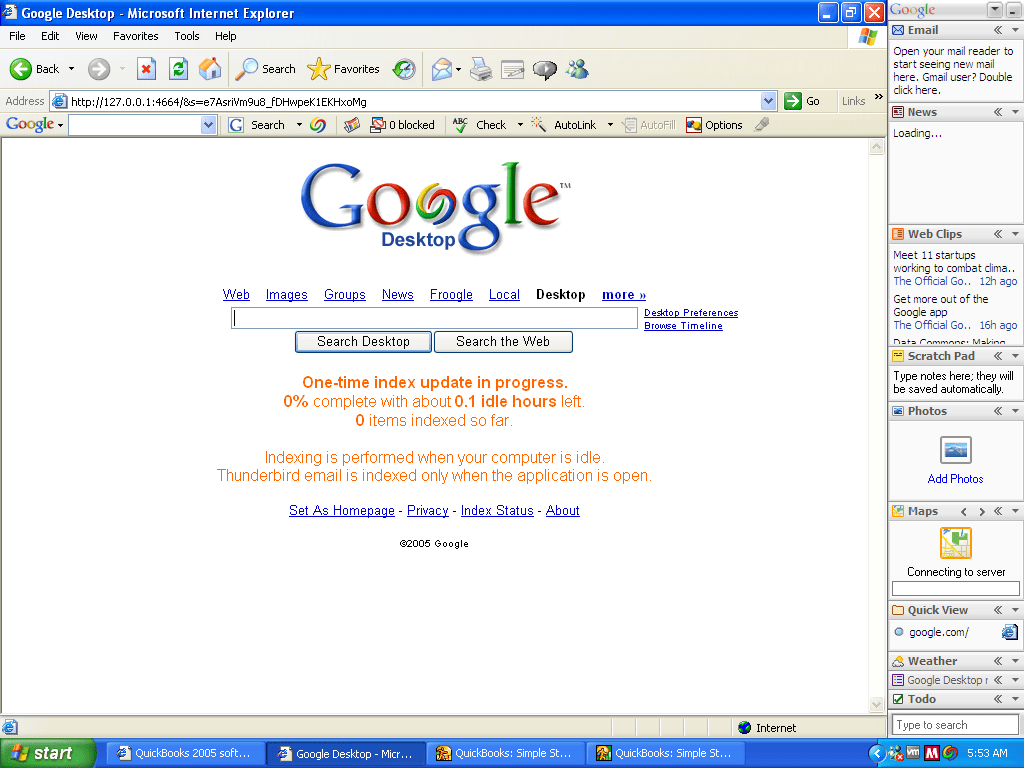
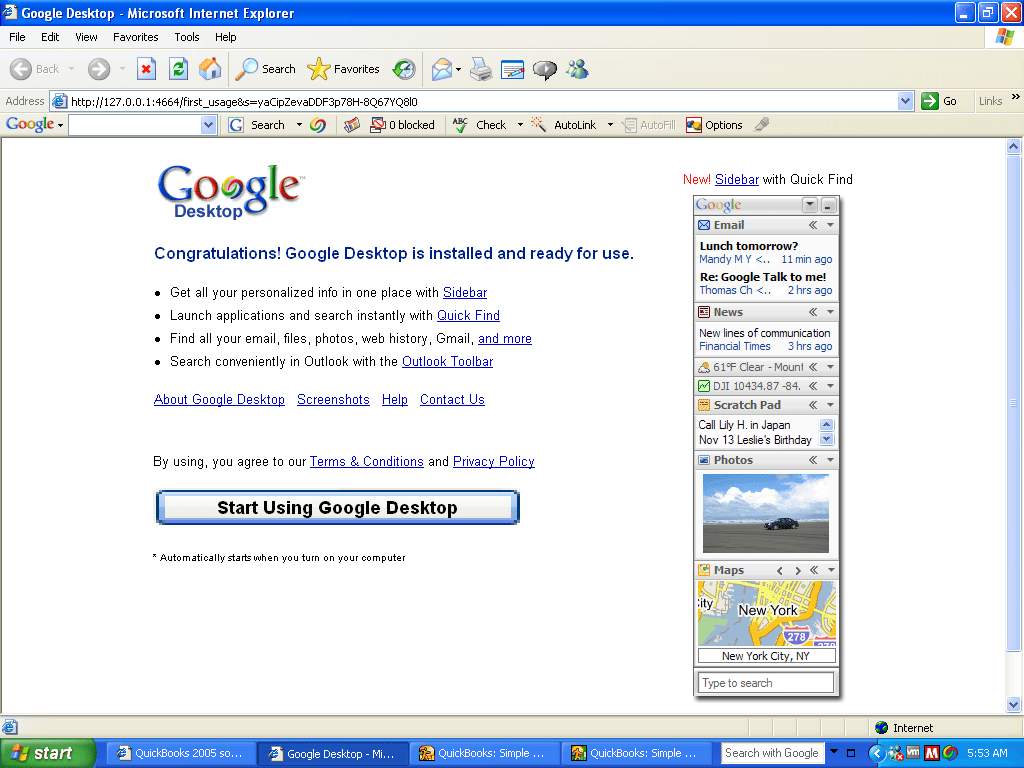
A software application that allowed you to search Google from your desktop, and included an indexed desktop search client. This also placed a search box on your taskbar of which will bring results from both the web and files/folders that are local to the PC. This would give a similar experience to the Windows Search feature that was introduced in Windows Vista, although Microsoft would also release Windows Search for Windows XP.

A sidebar included widget-like functionality, similar to Mac OS X Tiger that was released at the time. As its a Google produced, expect it to data mine the hell out of you, I’m sure most people took the time to read the privacy policy.

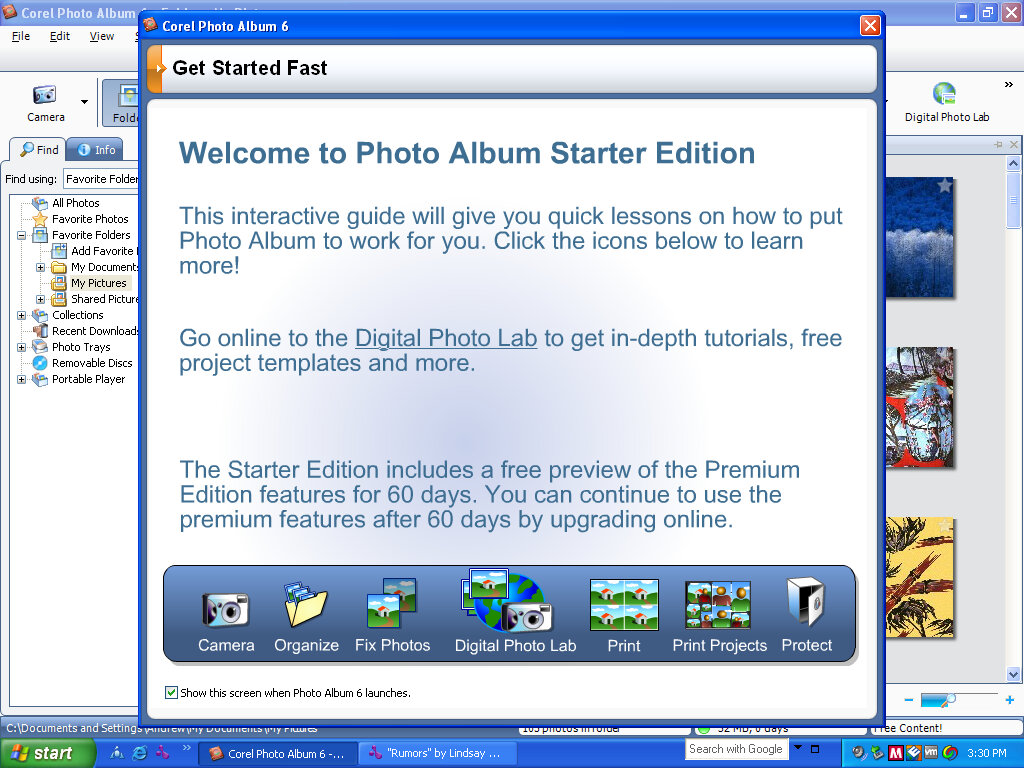
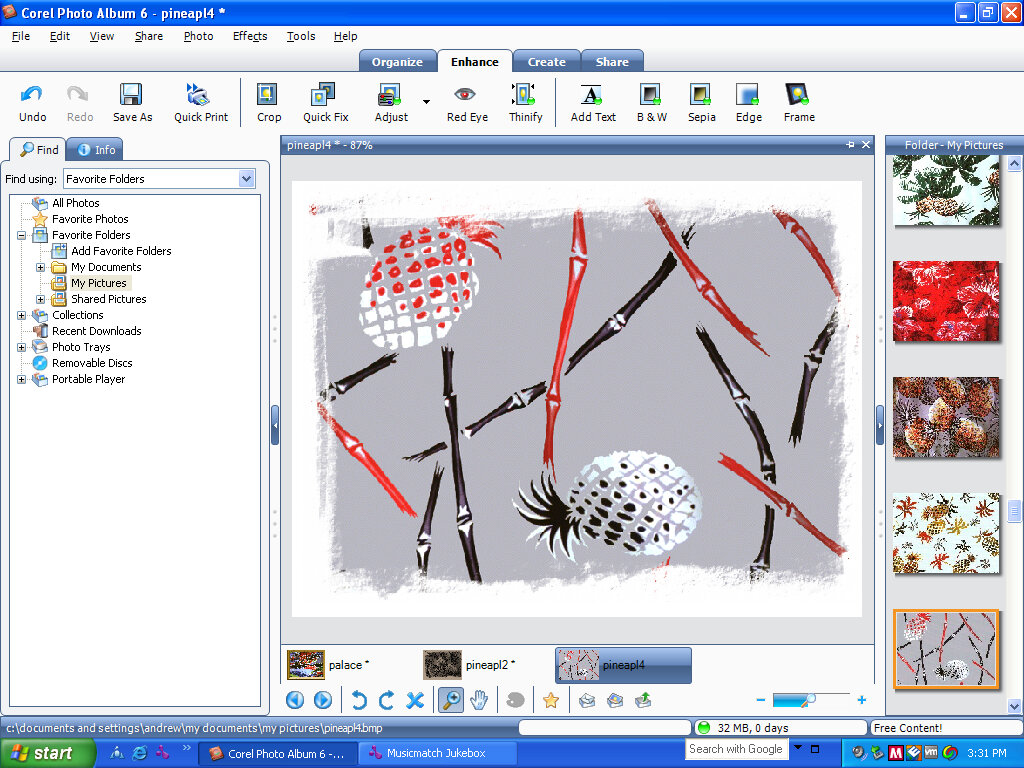
Core Photo Album 6

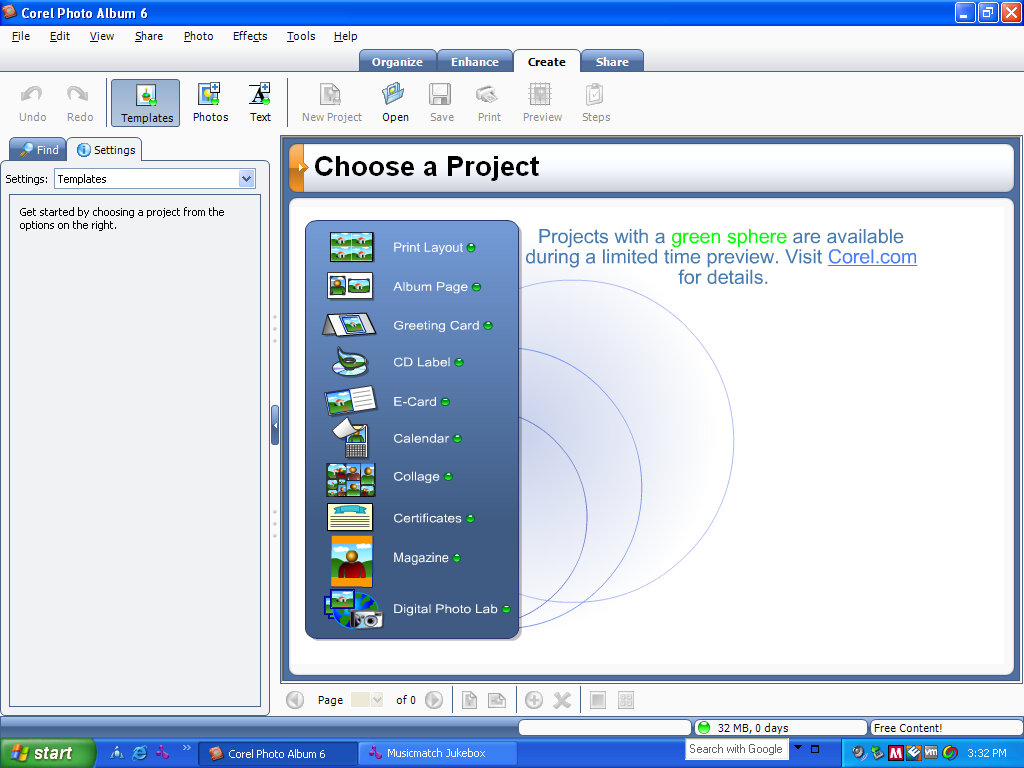
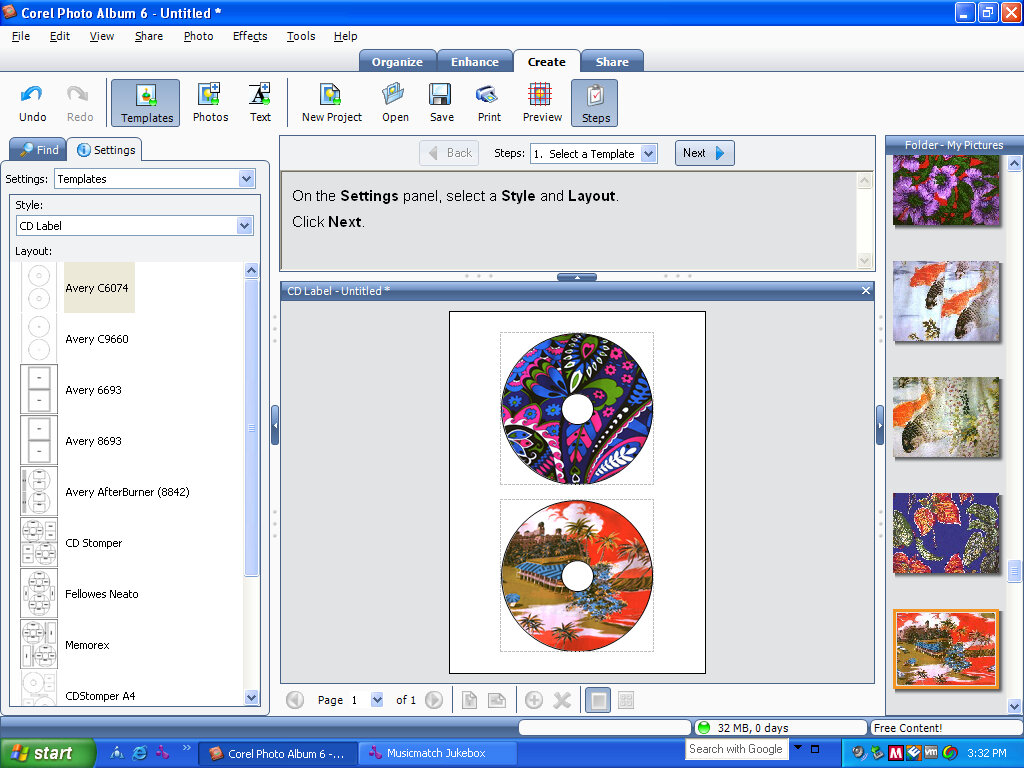
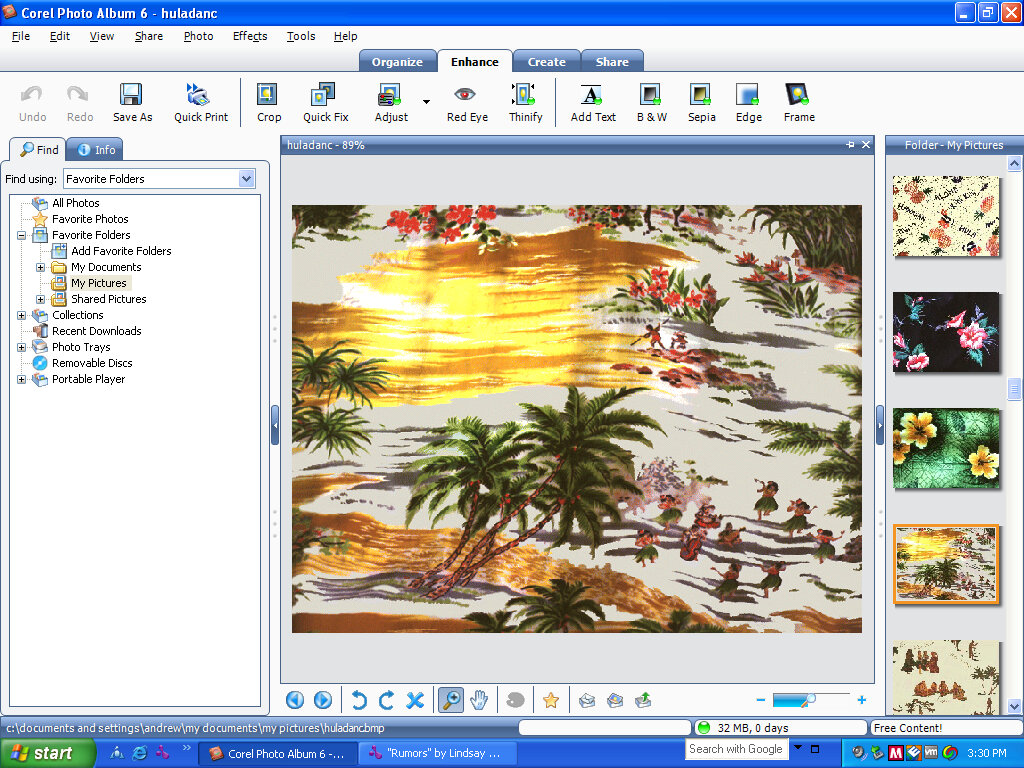
Photo management application. This is designed to gather can collect images from an external source, such as a digital camera or an external SD card.

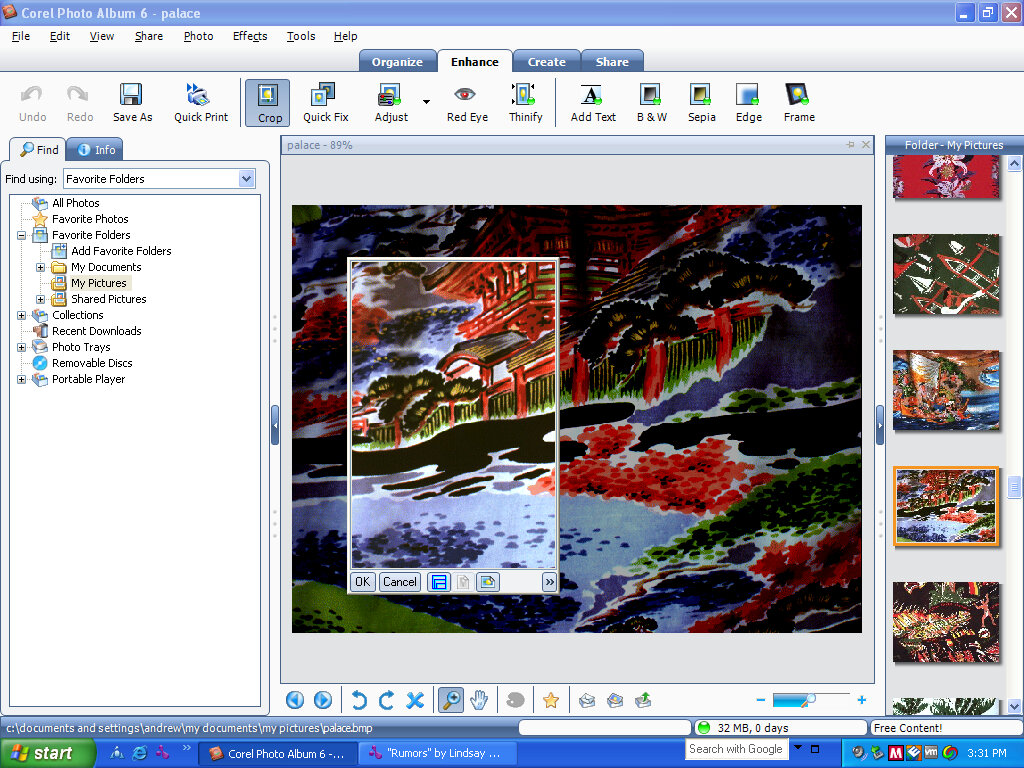
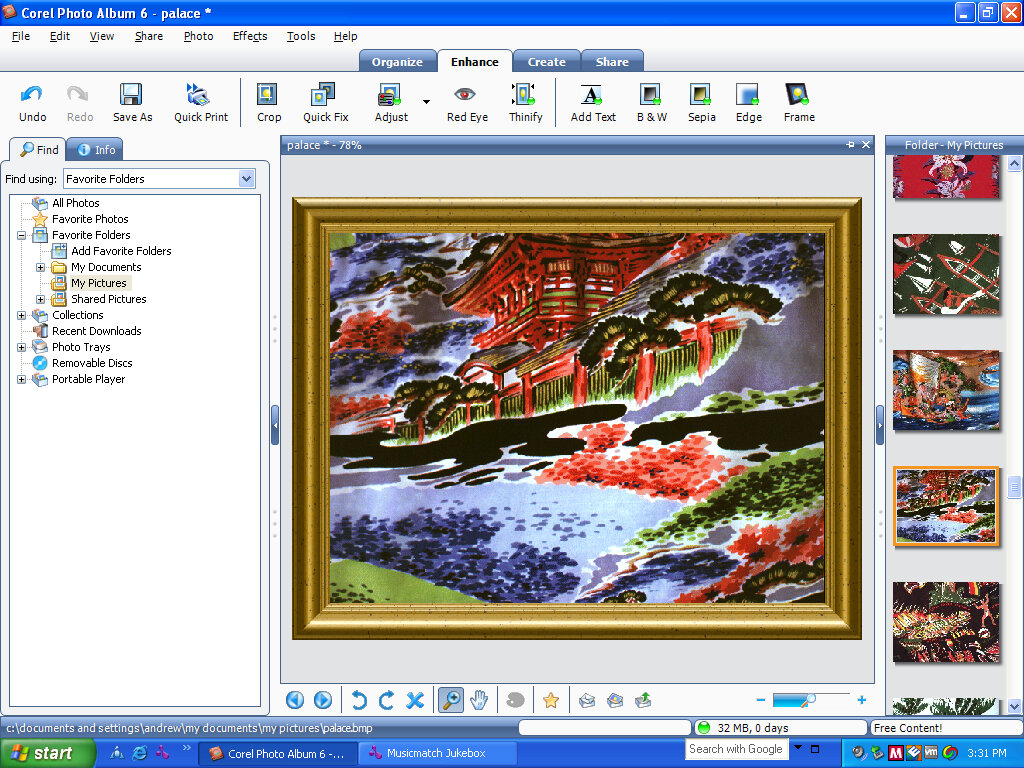
You can edit and apply different effects like sepia, or add a digital frame if you wish, and then export and save or print to a photo printer. Different effects include red-eye removal, which was common on a digital cameras of the time. Alternatives included Microsoft PictureIt, Adobe Photoshop Elements,

This copy was part of a trial, and expires after 60 days of use.

QuickBooks

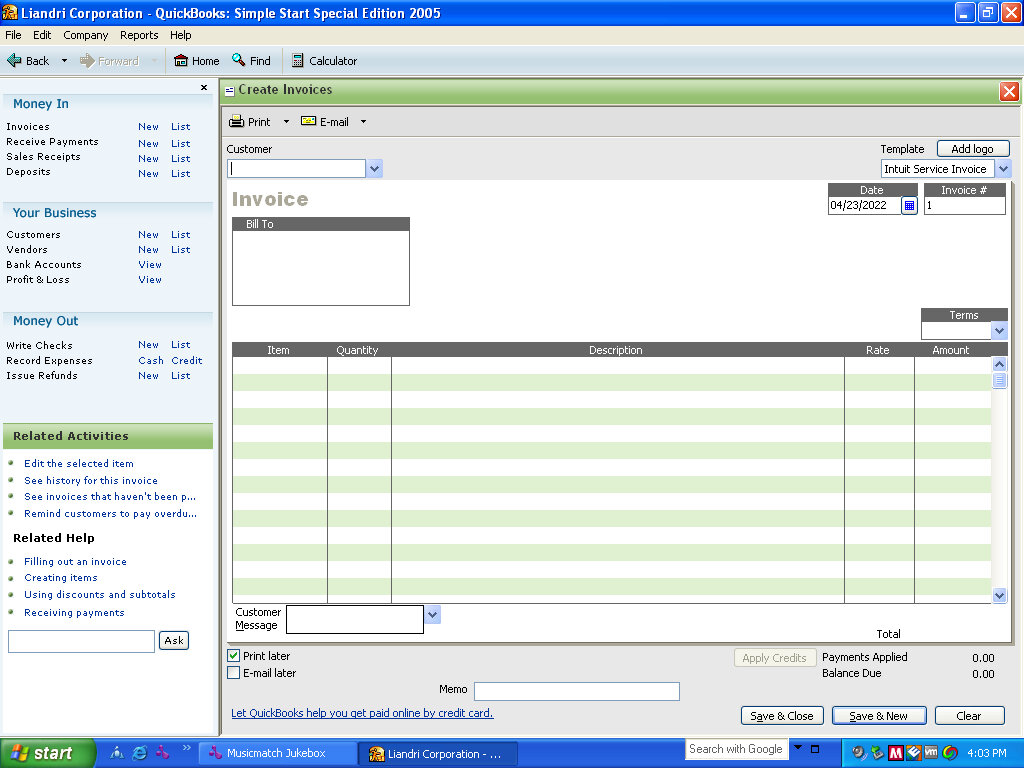
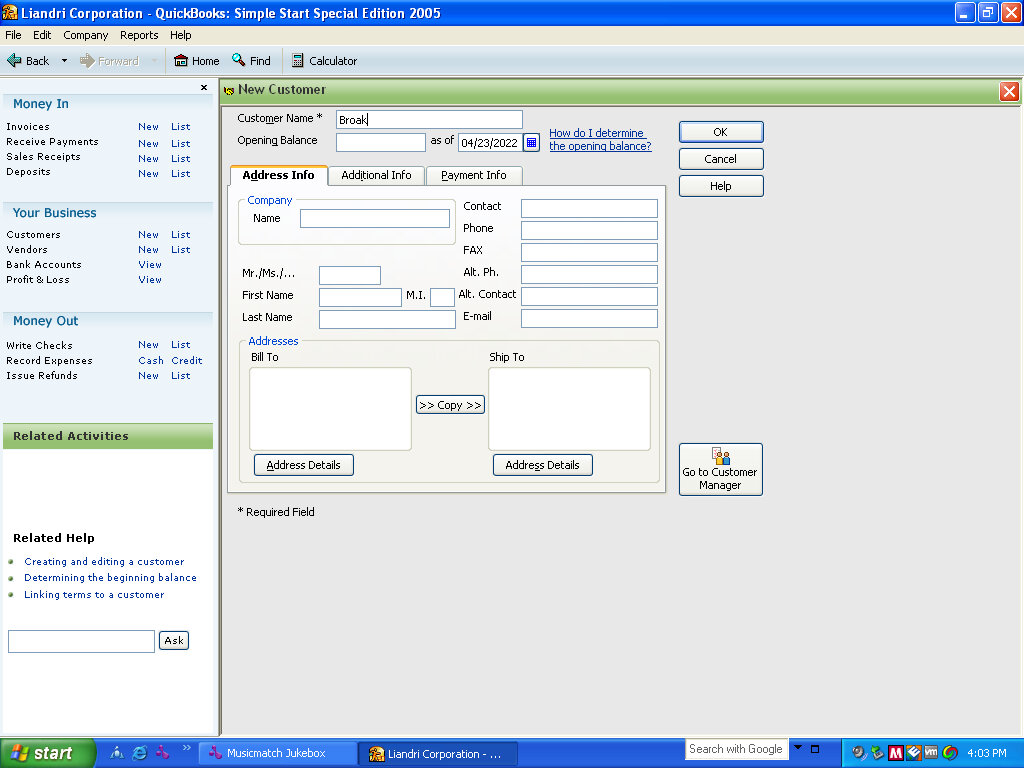
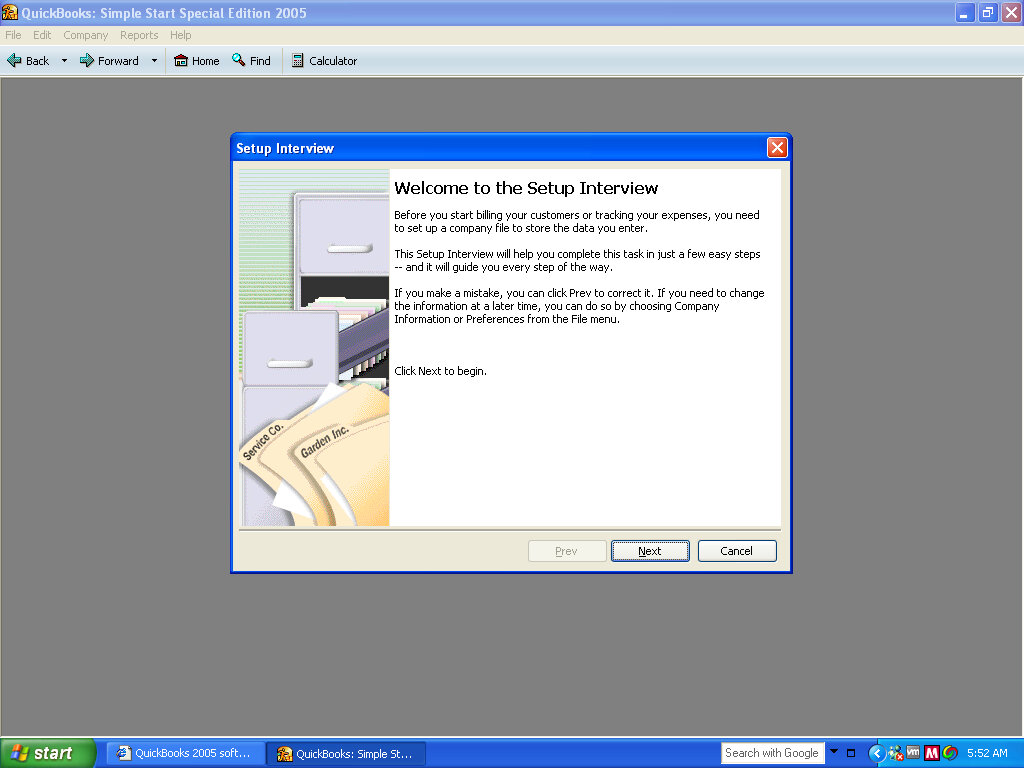
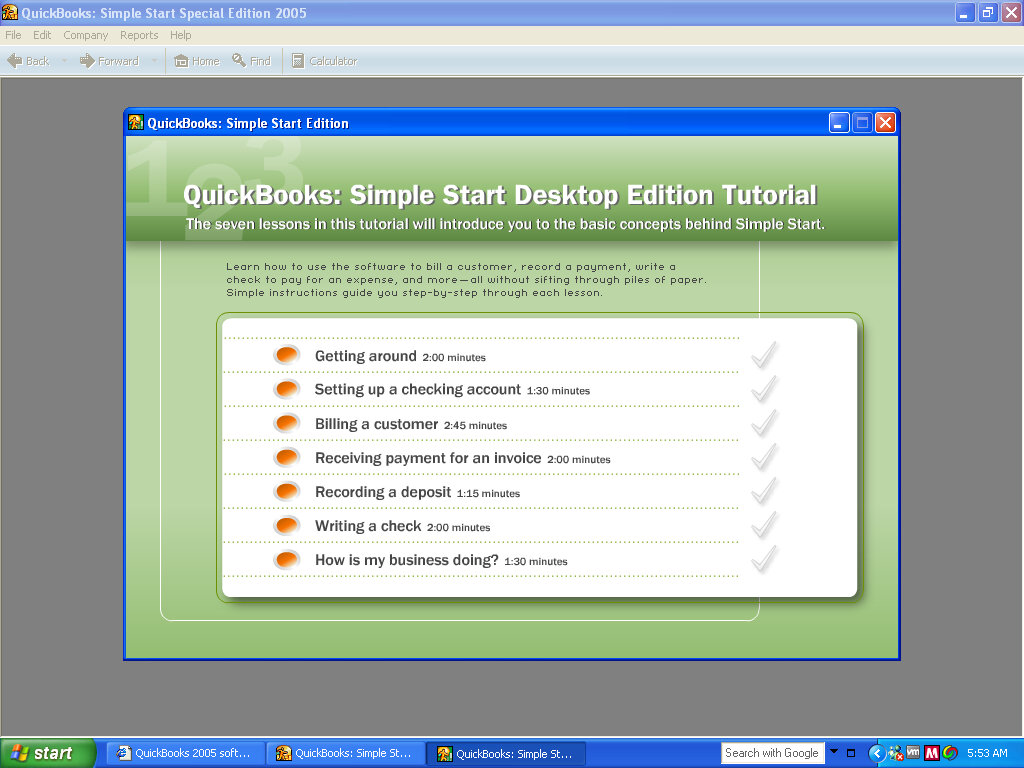
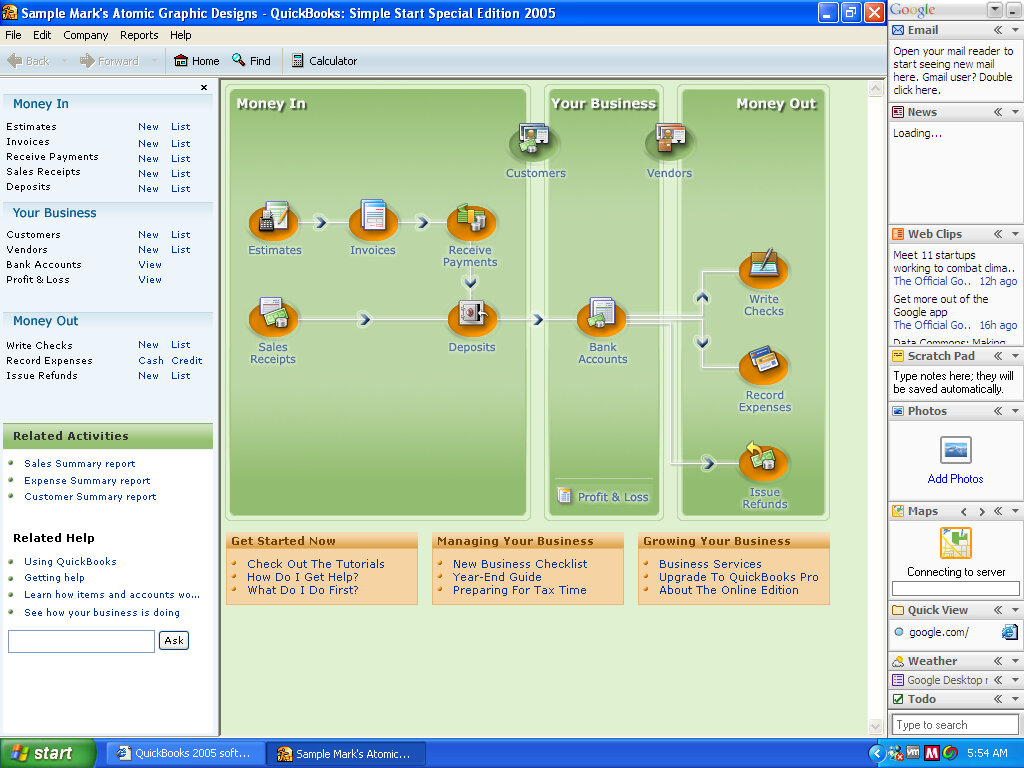
Some sort of accounting software is designed for small businesses like a high street shops. It makes several mentions of creating business so I’d say it’s for a commercial environment in comparison to Microsoft Money which is more for home/personal use.

This appears to be a full back-office management system since it allows for you to create customer accounts, useful for booking appointments. In this was in functions similar to Microsoft Access

MyDVD LE

I assume this is intended to create DVD discs and backups, but will not function since this technically isn’t a Dell machine.

Musicmatch JUKEBOX

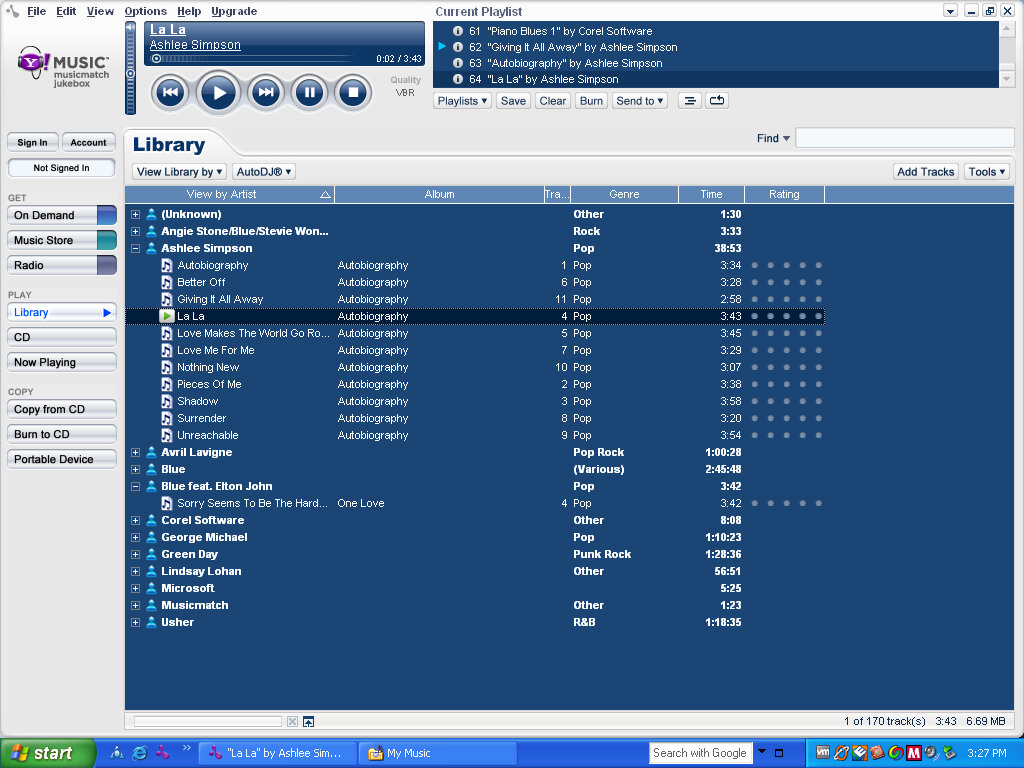
A popular music player and an online digital music store, that was mostly backed by Yahoo. Here you could purchase music to transfer to a supported music player. Alternatively, it can function as a standalone music player, as an alternative to Windows Media Player. MusicMatch was later discontinued in 2006.

AOL

The 9.0 desktop client comes included along with a free internet trial

Sonic CINEPlayer

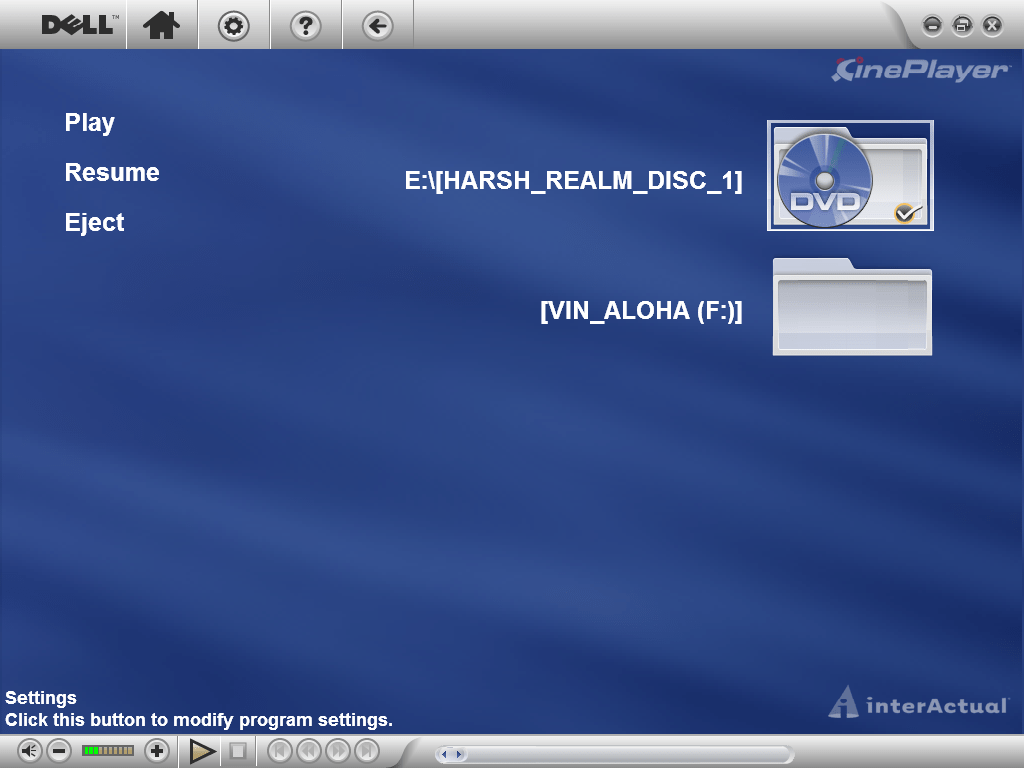
A DVD player of some sort. However, this will not function in a VM and will inform that its intended for only Dell computers. The full screen interface appears very similar to Windows Media Center.

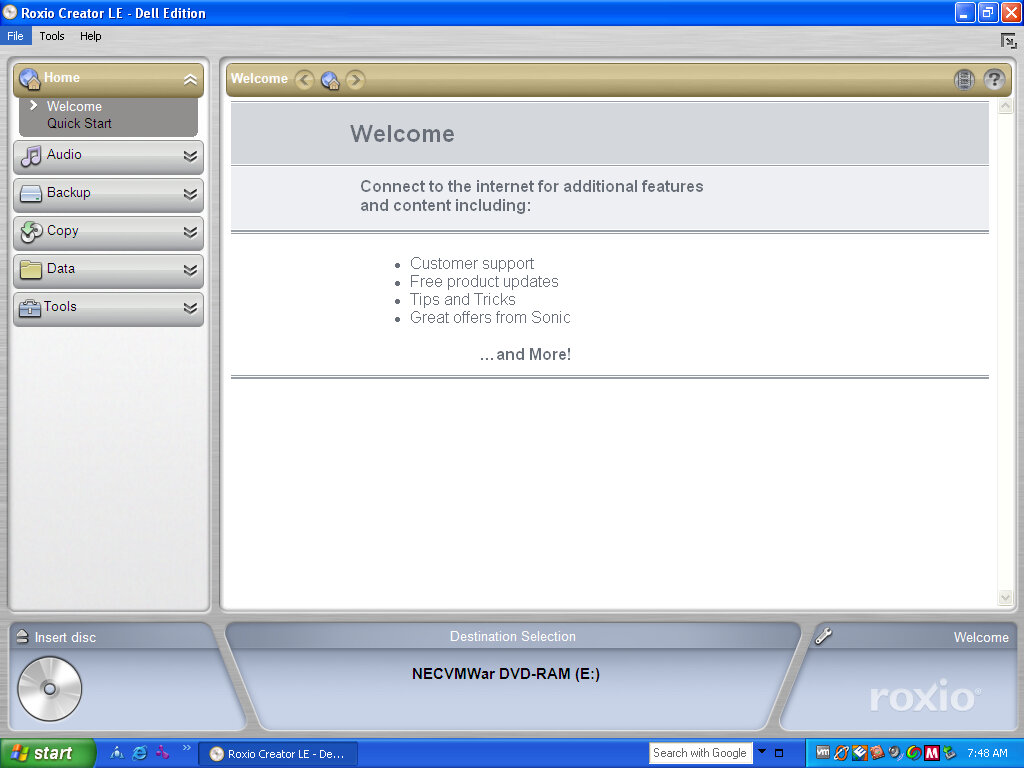
Roxio Creator LE

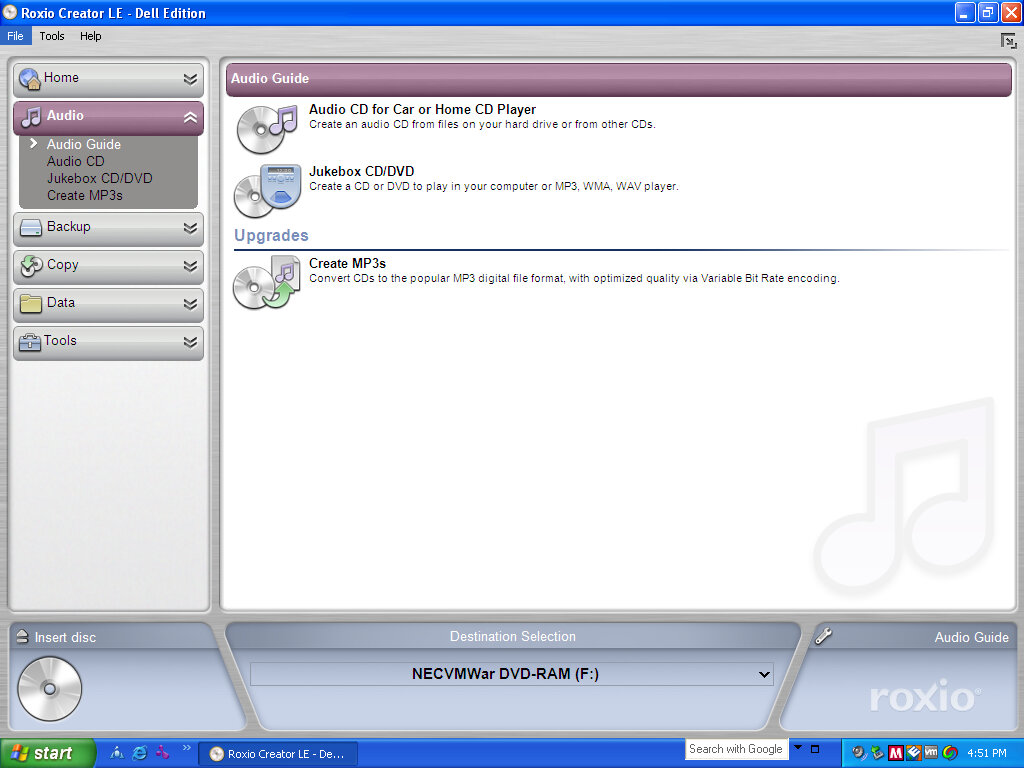
CD burning and authoring program that supports the use of burning audio CD’s and can burn ISO disk images.

Adding a Hard Drive to a Dell Inspiron 5485

Introduction

This laptop comes with an onboard M2 SATA drive that has a 256GB capacity, with the provision of adding a SATA hard disk internally. Whilst you could add another SSD, I decided to reuse an old HDD I had around for some extra storage.

To prepare, make sure you have the hard disk ready that you would like to install and the SATA cable. The thickness of the SATA drive is important, as you will see later I made the mistake of installing a thicker HDD than the bay is designed for. I would also check and make sure the SATA cable is already shipped inside your laptop, since I assumed I had to purchase one separately.

Opening Up

This was a bit tricky, you have to unscrew the screws, the top three being fastened into place and are non-removable. What this means is that you unscrew then as normal but they do not come out of the case, rather they stay to prevent them from falling out.

Once the screws have been removed or loosened, you will need to pry around the edges of the laptop with either a credit or debit card or a thin plastic tip to loosen it. You may need to pry to get it to loosen, be gentle and apply even gradual pressure.

Removing the caddy

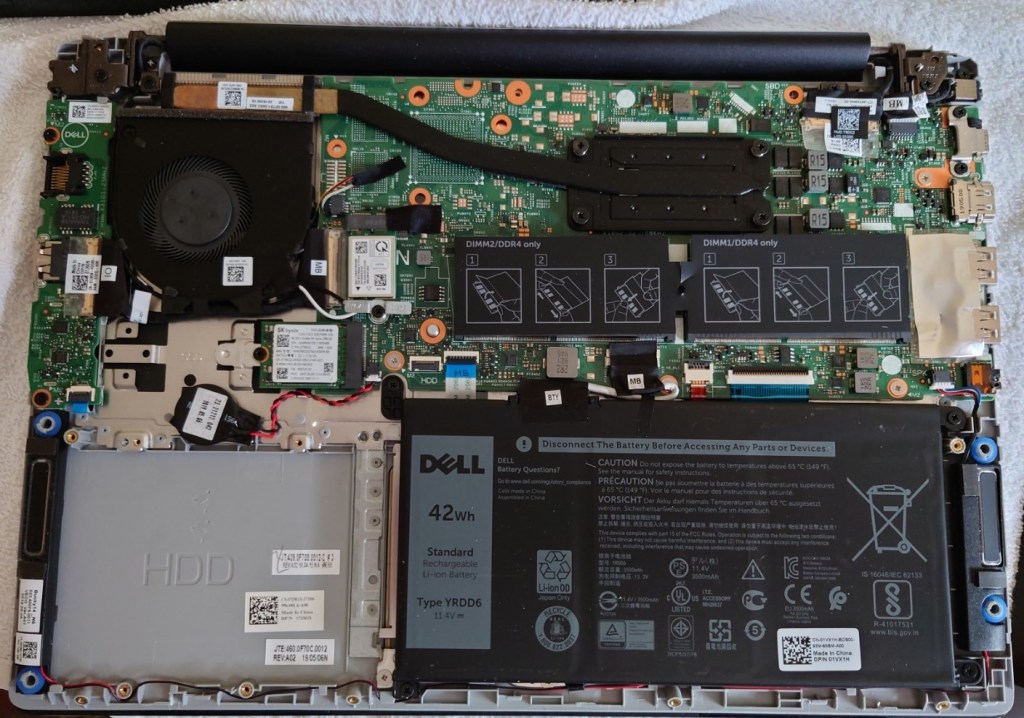
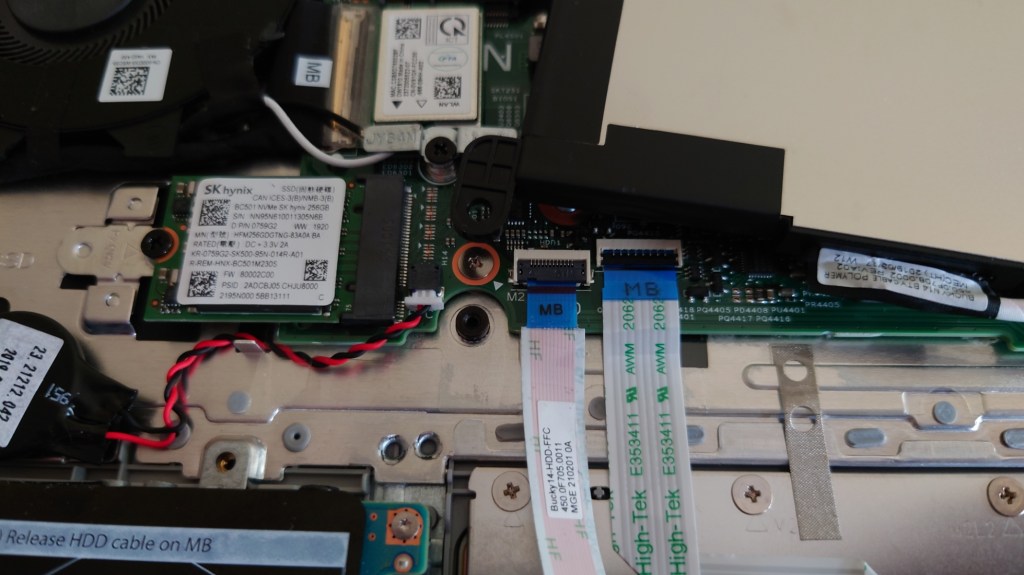
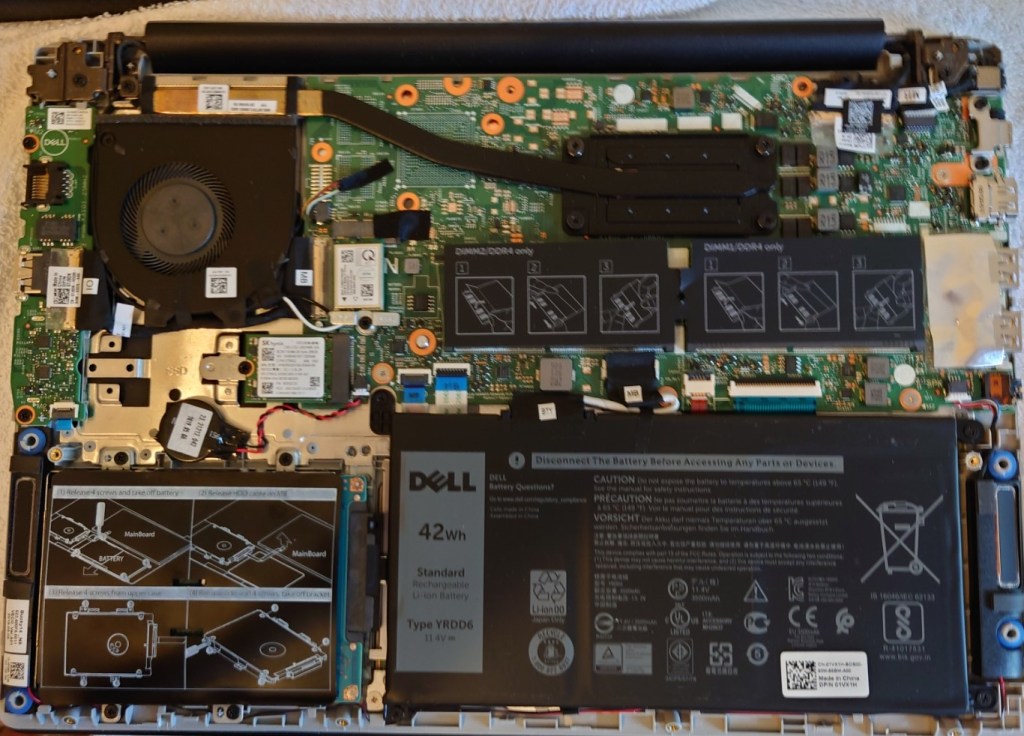
Once opened you will locate the area where the HHD will be installed, alongside the battery that will need to be removed and the socket where the SATA cable will connect to

Removing the battery

The SATA cable will need to route under the internal battery, so we have to temporary remove it, or in my case move it so we can access the area underneath There enough space where you can just place the battery on top of the motherboard whilst you install the SATA cable.

Adding the Hard Drive

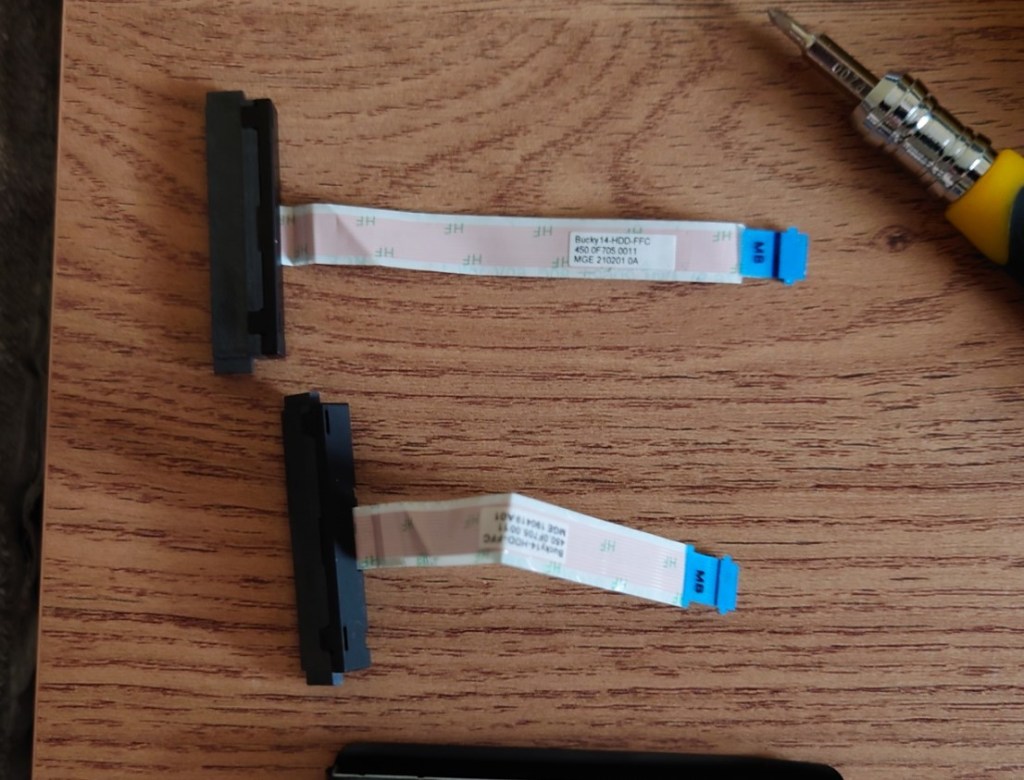
Dell have provided a hard disk caddy where the drive can be installed, simply unscrew it (for screws) to take it out.

Unfortunately at this point is where I made my first mistake, since I assumed Dell did not provided you with the SATA cable and had to be purchased separated. Imagine my surprise when I took out the HDD enclosure and saw the SATA cable nestled between the plastic cover, meaning I now have two SATA cables. Well that’s £18 wasted…

Then again at least I have one spare incase anything was to happen to it. I’m pretty sure the Dell service manual mentioned you had to buy the came separately, or maybe that only applies to certain markets?

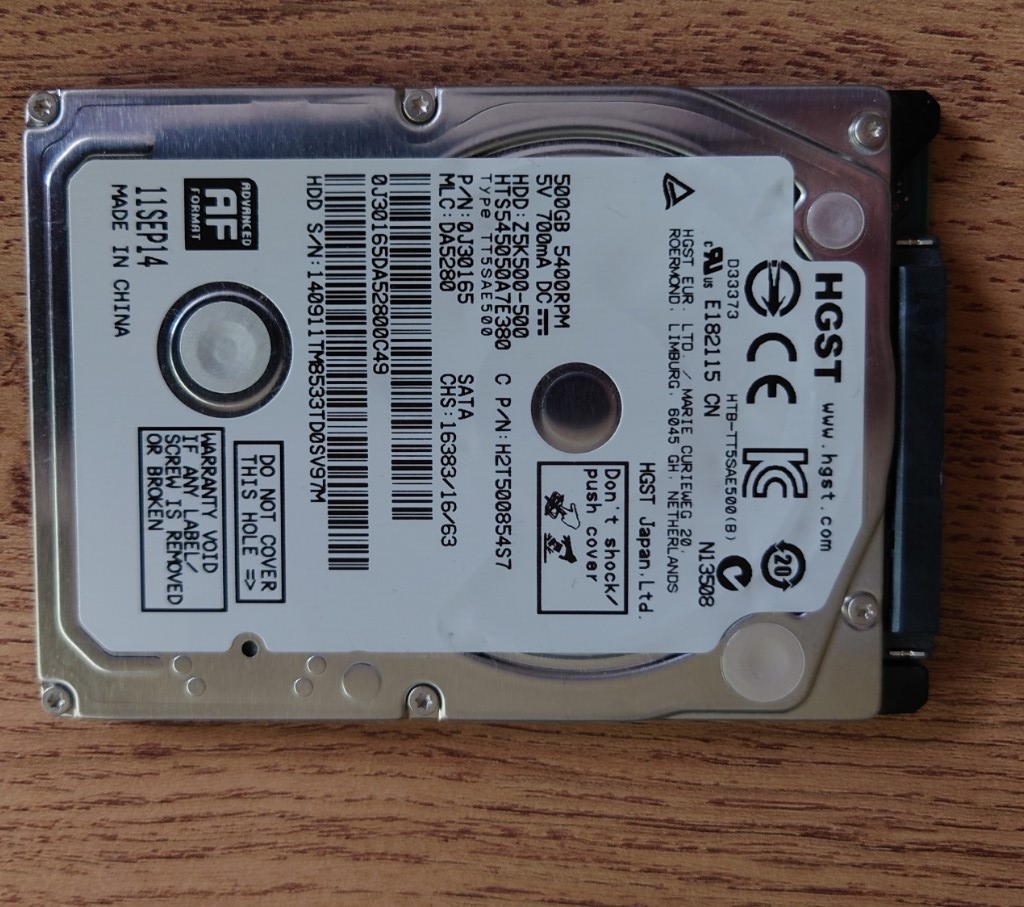
Now it is time to screw in the HDD, which is where I ran into the second issue. I noticed the SATA cable wouldn’t reach, At first I thought I had installed the HDD the wrong way round since the connector wasn’t aligning up but from looking at the hole underneath the HDD bay it seemed to fit. Upon closer inspection it seemed the hard drive I was trying to install was too tall for the enclosure and I had installed it upside down. When the hard drive is too THICC for the laptop…

Thankfully I had another hard drive lying around, a HGST that was pulled from my old PS4 when I upgraded its hard disk. This hard drive was thin enough that it would fit inside the bay.

Reassembling

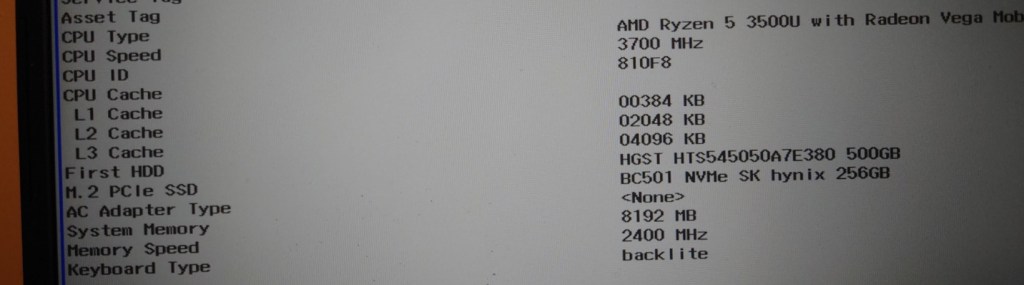
A quick power on test before reassembly to ensure I didn’t fuck anything up. The laptop booted and the HDD was recognised in its BIOS EFI (Still trying to get used to that)