Tag Archives: DirectX 7

SimCity 4

MacOS 64bit version of the game

The SimCity series was one of the first simulation games to gain widespread popularity, despite a lack of concrete goals or action-packed gameplay. SimCity 4 maintains this kind of sandbox play, letting players build and develop cities as they see fit. Aside from staying within the constraints of a budget and carefully avoiding a rioting populace, players are free to build whatever environment strikes their fancy. The cardinal rule in SC4 is, keep the citizens happy. As the mayor, it’s up to you to set the taxes and zone the land in such a way that your residents happily build the city you want. There’s even a terrain-building mode with all the tools to create your own topology before founding a city.
Screenshot

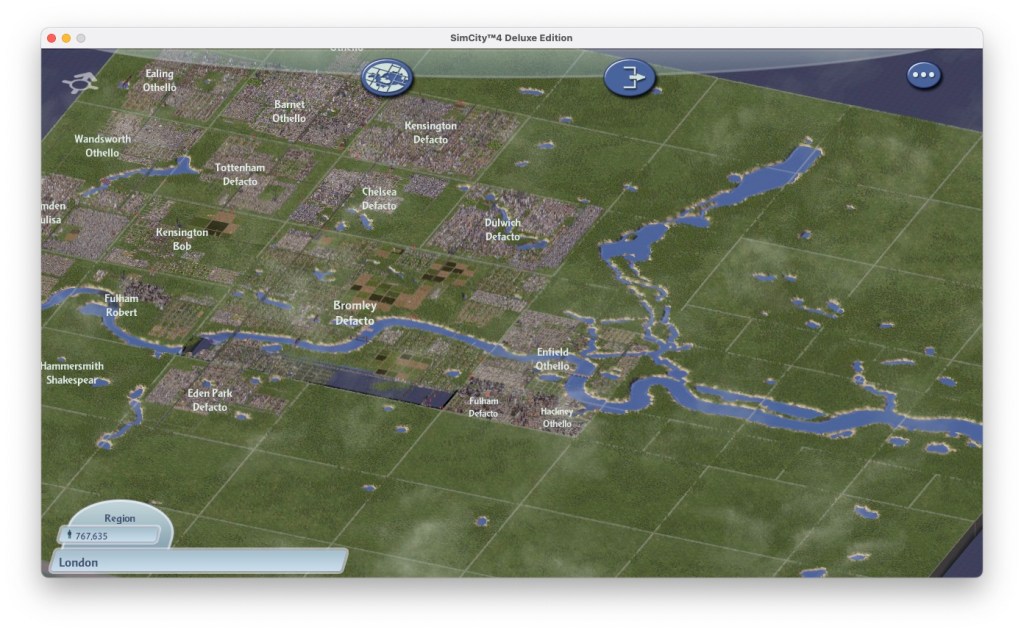
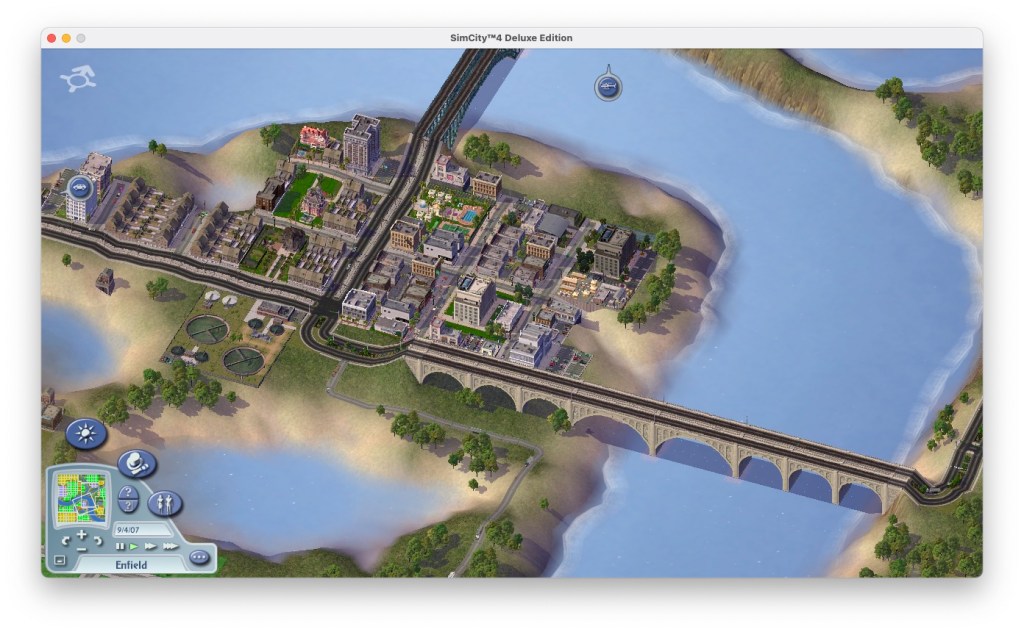
Veterans of the series will have no trouble assuming the role of mayor and will immediately begin laying down the roads, railways, economic zones, and other infrastructure. One notable feature is the addition of interlinked regions of cities even lets players create and manage economies of scale. By building transportation links in a region, cities can share resources, exchange labor pools, trade goods, and benefit from each other in dozens of other ways that weren’t possible in SimCity 3000. This also lets you be more flexible with designing your city, since you have have an industrial focused city, while another can be commercial or agricultural focused. As long as you have strong transport like between the two, you can have a very efficient network of cities. Resources like electricity and water can also be shared, at a monthly cost.
Screenshot

SC4 comes with seven precreated regions, some of which contain existing cities that can be played if you don’t feel like starting from scratch. Some of the remade serve as tutorials which help the player gradually learn the advanced mechanics of SC4.
Screenshot

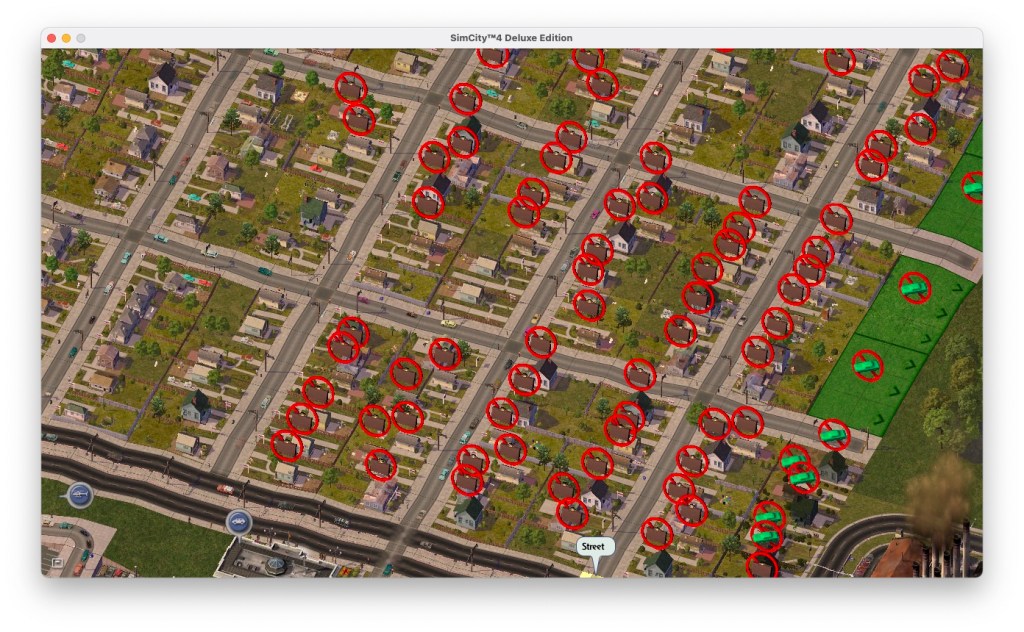
Growth in SC4 is obtained by carefully placing commercial, residential, and industrial districts to encourage new development. There’s a comprehensive system for managing transportation, including roads, highways, rail, sea, and air routes. Traffic management can be challenging but rewarding when optimized, giving a sense of accomplishment when your city runs smoothly. As your city grows, important municipal services such as water, public schooling, and hospitals must be placed strategically to keep your city happy and healthy, as each building can only serve a limited area. Transport will be the first issue you may encounter, such traffic jams can make sims unhappy if your roads aren’t high enough to accommodate, solving this cane done by implementing bus stations, tram, train or monorail lines.
Screenshot

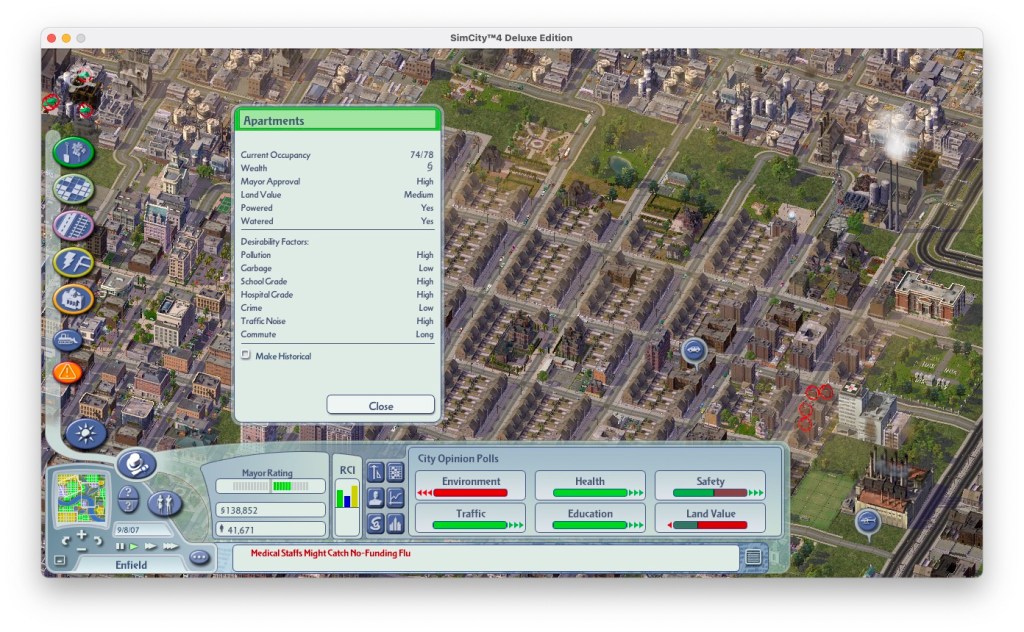
Although you can anticipate their needs, you can save a little money by improving services as complaints arise. Just don’t wait too long to add that water treatment plant or fire station, or your mayor rating will drop drastically and can lead to a population decrease, which means less taxes. All new mayors start with what seems like plenty of cash, but aggressive spending can lead to monthly deficits. Really, your city budget and expensive are the mainbattle here, and it’s difficult to keep themin balance witht he overall income. Slow growth is best, though the game can be too slow at times. It’s difficult to have more than a few hundred dollars cash-positive every month, and with that amount of money little expansion is possible even on the easy difficulty.
Screenshot

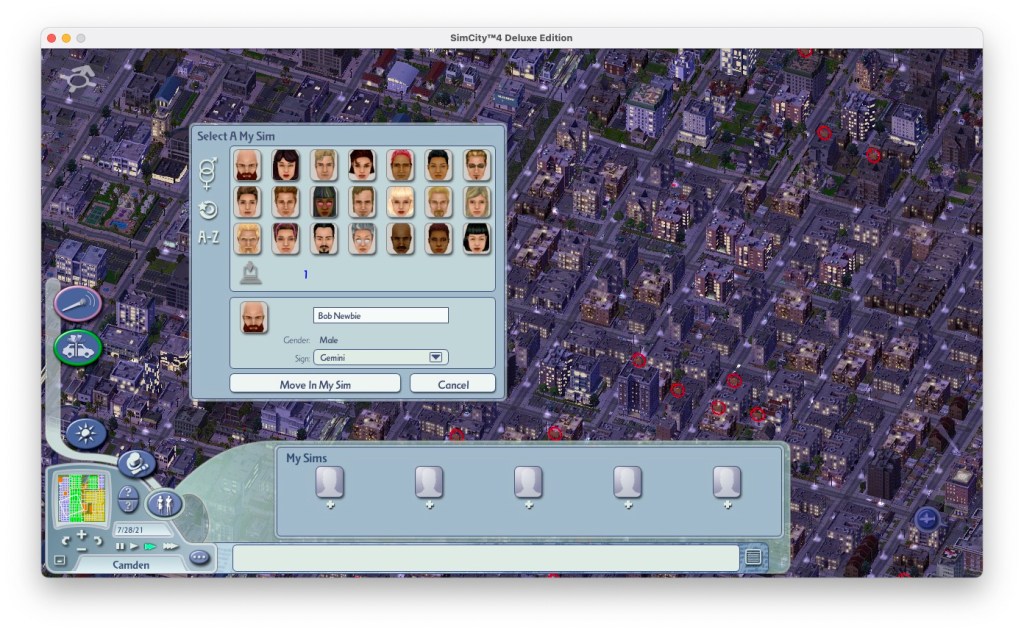
Among the tools at your disposal are graphs , colour-coded maps, and advisors who may or may not provide useful suggestions, these help provide data like which areas have the most serious crime, or which area is well educated or polluted. Residents of the city will also share their desires and frustrations in a number of ways. SC4 lets you place characters from The Sims into your city for more individualised feedback about life in your town. You can place these around the different residential locations of your city, and keep an observation of how rich or poor the different areas are and the success of your sims. They can also get ill and die, providing a reflection of the state of health in that area (pollution and access to hospitals). You might want to place several sims in different areas of economic value, to gauge the overall performance of that area.
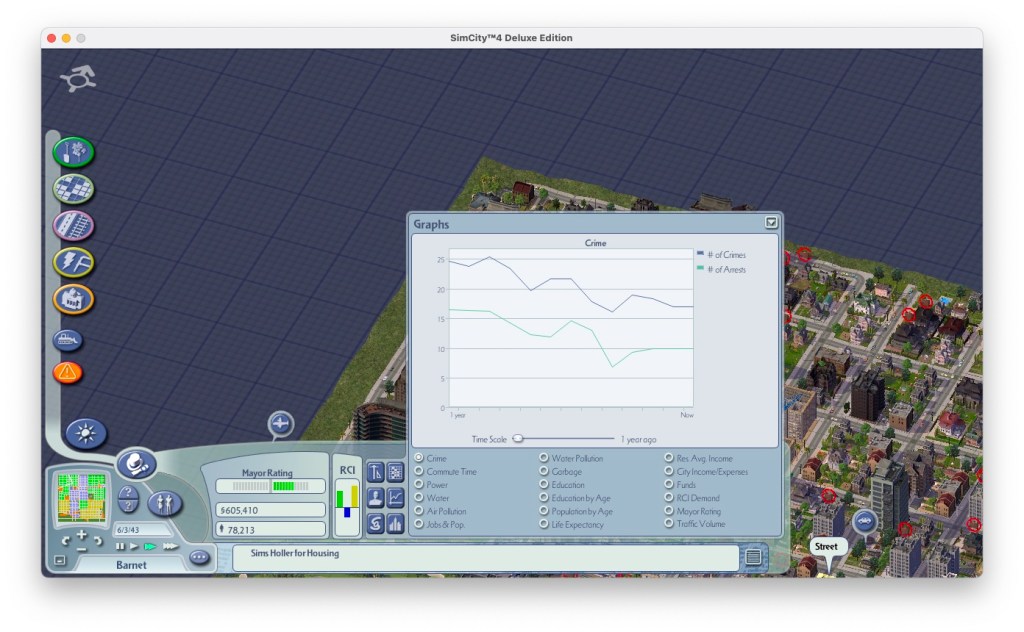
Screenshot

Natural and unnatural disasters, including extraterrestrial incursion, present the most dramatic threat to any city. Although rare, meteor showers, lightning storms, and the like can level entire blocks and start fires throughout the city. Despite the damage they cause, these events are an enjoyable showcase of the improvements to the graphics in SC4, The detail available at the closest zoom level is quite striking. Individual Sims can be seen driving to the train station or enjoying a community garden.
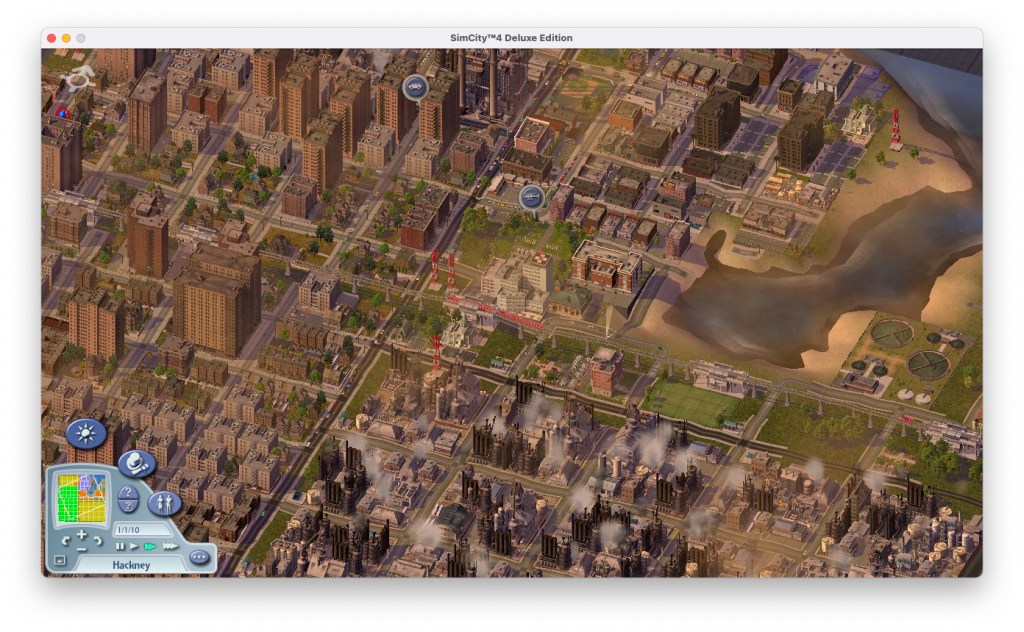
Screenshot

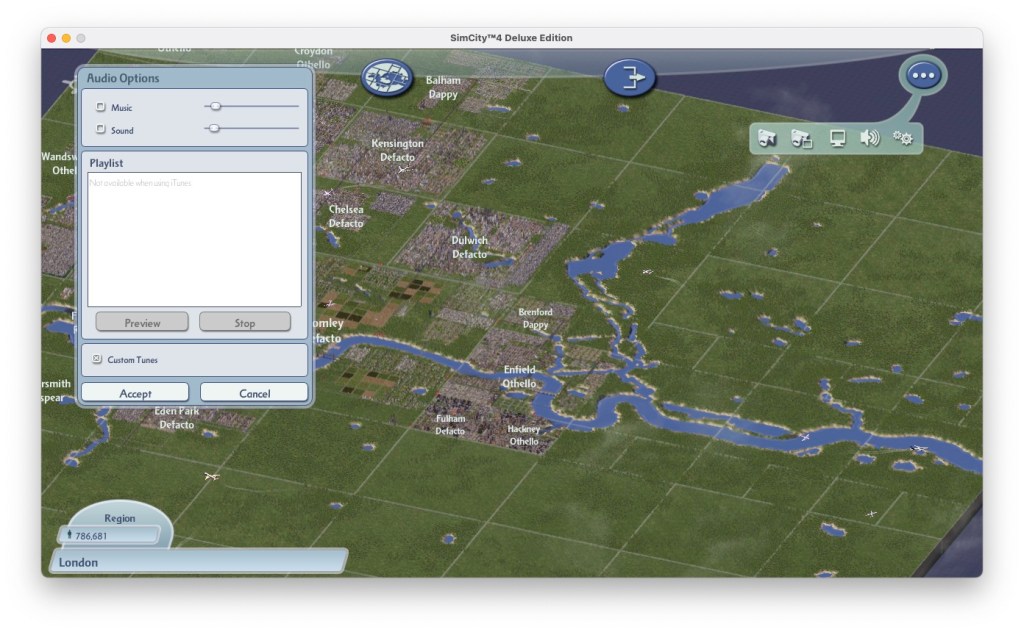
SimCity 4 includes a day to night cycle that’s reflected on-screen, complete with vehicle headlights, streetlights, and midnight basketball games on outdoor courts. If the nighttime view is too dim for your liking, you can elect to forgo the visuals, although your city will still operate according to the cycle. For your listening pleasure, Maxis included a diverse selection of music to accompany your play. Custom MP3 files can be added if you wish to add your own music.

Versions

Windows: The original port of the game, designed for DirectX 7. This version runs fuine on modern Windows 10, but the retail disc releases will require SecuROM which Windows no longer supports. The Steam release of the game removes this requirement in favour of Steam’s own DRM. Also, this game is notorious for crashing, especially on systems that have dual core or multi-core processors (pretty much any CPU from 2006 onwards). Setting the CPU affinity to 1 in Windows Task manager has been known to help, but I still do experience crashes. Always save your cities often, preferable every 5 minutes. 

This version does not natively support widescreen resolutions, or higher resolutions but can be customised to run in a specific resolution.
Screenshot

Mac OS X: Simcity was ported to OS X shortly after the release of the Windows version, and was only for PowerPC initially. The port is similar to the Windows version.

This version later received a Universal Binary patch that allowed the game to run natively on the Intel platform without the use of Rosetta, however this required the Rush Hour expansion to be installed. 

Aspyr would later rerelease the game on the Mac App Store, and would update it to allow it to run on future versions of MacOS, enabling support for the Metal graphics API that enabled native support for higher resolutions, and 64bit support (though the game does not benefit much from this, even with a lot of mods installed). Music from iTunes can be played by using playlists, although this has issues on alter OS released (tested on Monterey) likely since Apple replaced iTunes with the Apple Music app. Still, This new version is the preferred way to play the game if you have access to a Mac.

And yes, like the Windows version the game can crashes frequently.

Conclusion

SimCity 4 isn’t a perfect game. It has a difficult learning curve, so the poor documentation and limited tutorials might frustrate players. And the gameplay suffers from some pacing and balance flaws. The time commitment to build a megalopolis from scratch is extensive, which might encourage players to just cheat instead. Still this version of SimCity is very highly regarded, and is preferred over SimCity Societies and the 2013 release of SimCity. It might be years before we will see another good SimCity game like SC4.
Unreal Tournament

The spin-off that became more popular that its origin game as it expands on the multiplayer aspect of Unreal.

He asked for a 13 and they drew a 31

There isn’t much point of trying to make sense of the Unreal Tournament lore, especially once the sequels come into play. Basically, the tournaments have become annual sports events (Like Soccer, football or handegg) that are also popular TV events set in a dystopian future where corporations control the government (Just like today).

Game Modes

Additional game modes and be downloaded and added to the game, making it very flexible for new ideas for gameplay. Jailbreak is an example of a new game mode. Because of this, Unreal Tournament, and its middleware Unreal Engine because very popular for game modders to add new maps, skins, and mutations to the game, and helped developers become familiar with the Unreal engine which would become the popular engine for various games (in fact, the seventh generations of western games were dominated by Unreal Engine 3)

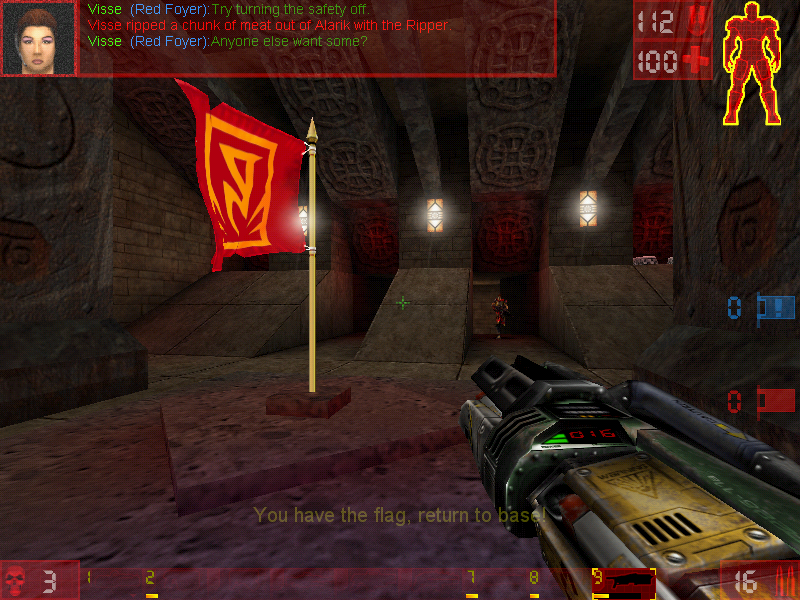
Capture the Flag

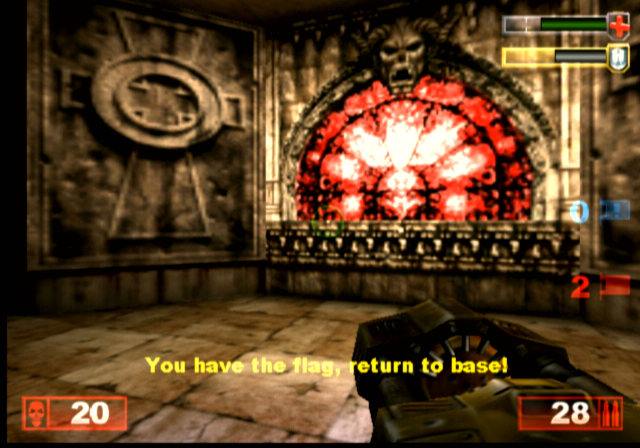
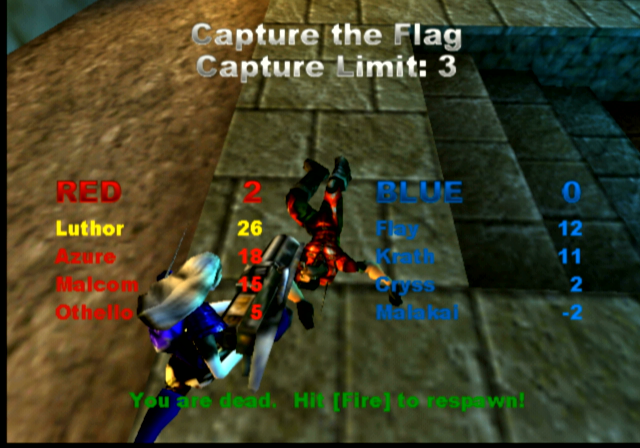
You have to catch the enemy’s flag and bring it back to the base without being killed. If you are killed the flag you were holding would be dropped and someone from your team would have to pick it up, otherwise, it would teleport back to the enemy base should an enemy team member pick it up, or if the flag remains untouched after a certain amount of time.


Here good team communication is key, as you will want someone to be watching the base flag whilst others go after the enemy flag, you may wish to have team members watch certain points of the arena map, especially areas that have narrow corners or corridors. Some maps have secret paths that lead to the flag, so be careful with those.

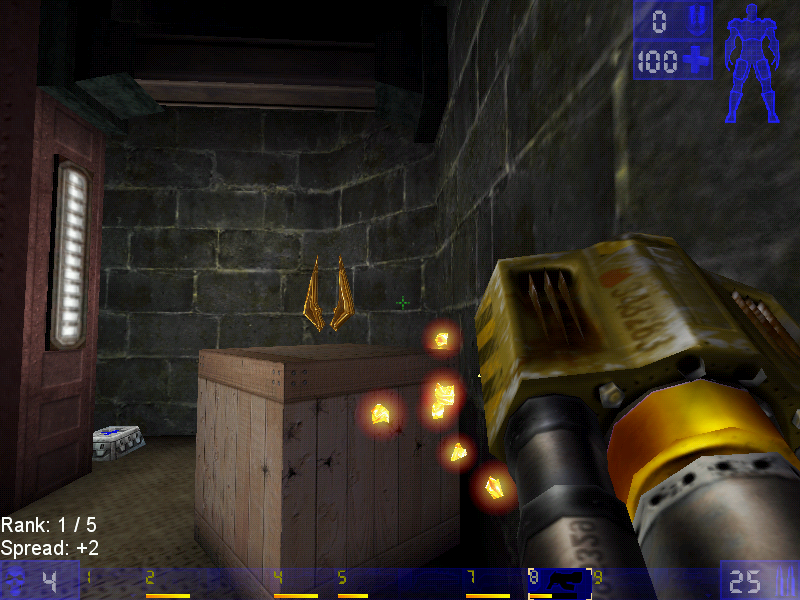
Jump boots, one of the powerups

Deathmatch

Pure kill or be killed action, there are two main variants of this game mode, Deathmatch, and Team Deathmatch, with the former being you Vs everyone on the map. Team Deathwatch put you on one of two teams (Red Vs Blue) with the team having the most kills winning the game.

Last Man Standing: Another variant of deathmatch, here you have a limited amount of lives and have to be the last player in the arena to have one or more lives remaining. The lives affect the number of times you can spawn, with one life being deducted every time you die and respawn.

Assault

Each map has an equal set of objectives that must be completed before time runs out. One team has the role of attacking, whilst the other has to defend. When one team wins, another role starts where the teams switch sides with the opposing team defending. Spawn points depend on how far the attacking team has managed to progress, with later spawn points being available as objects have become completed.

Domination

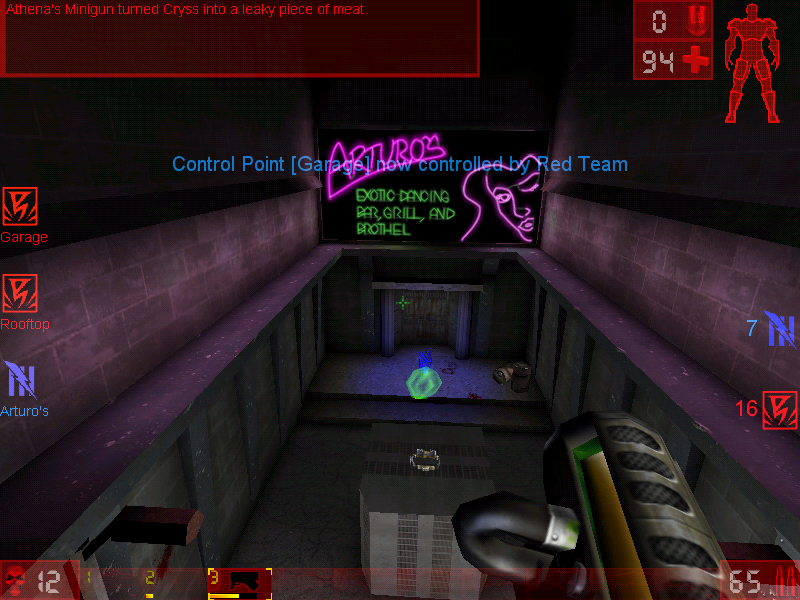
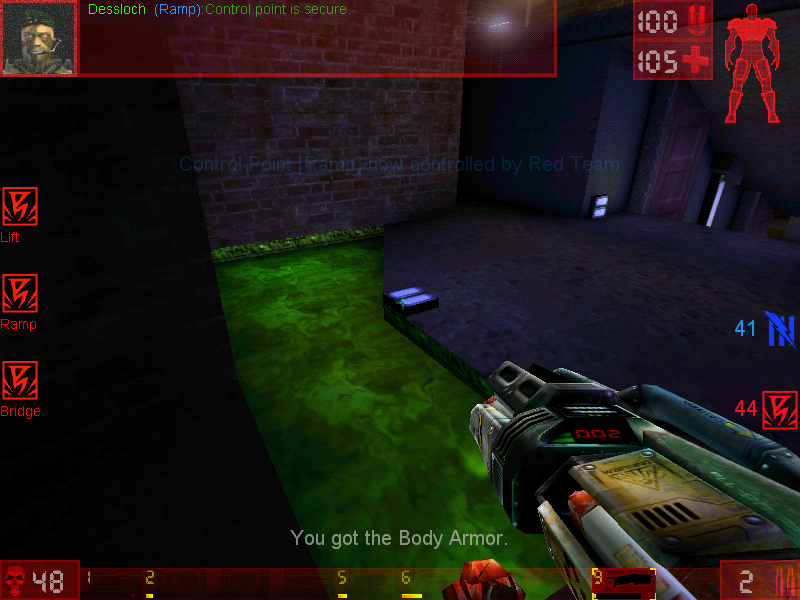
In this mode, there are two teams who had to capture 3 bases in order to gain points. Kills are not essential and sometimes hinder your team, since the opposing player will respawn next to the area they are dominating, making it harder to capture the base. You will preferably want to weaken the enemy player, allowing for an easy kill later.
Points are gained when you have captured a base, and the more bases you capture, the faster your team will accumulate points until the maximum has been reached, of which the resulting team will win.

Weapons

Translocator: Not much of a weapon in terms of damage but allows you to quickly teleport around the map. Your fire the beacon and right-click/alt-fire will teleport you to that location. Be careful though, if a player has been destroyed by the translocator, you will die.

Impact Hammer: The weapon that you use when you’ve run out of ammo and can’t find any more so as a last resort you hope you strike lucky with the impact hammer. This only works when you charge it up and sneak behind a player in order to kill them, otherwise it’s best running and finding a new weapon or ammo.

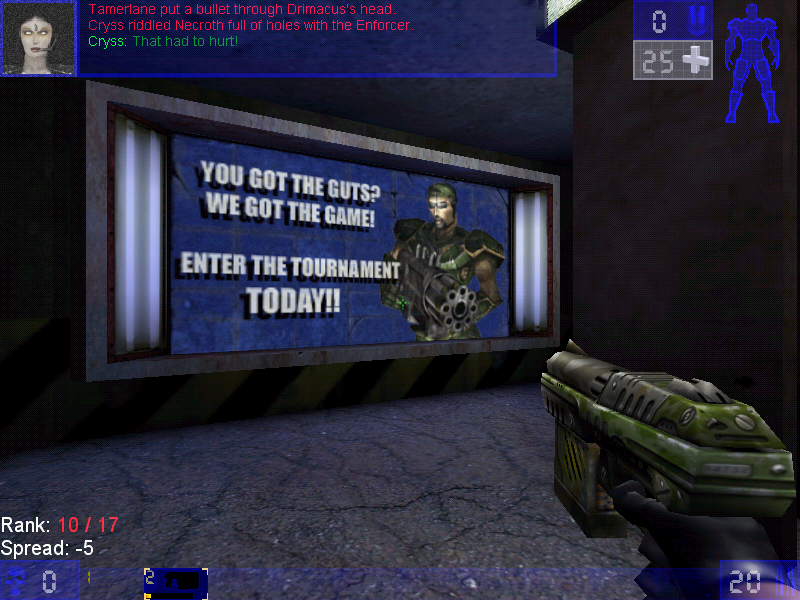
Enforcer: The default weapon that you start and respawn with. Causes minimal damage but gets the job done. The second fire does more dame and has faster speed, but very poor accuracy.

Bio-rifle: Sometimes called the snot gun, fires green-colored gel-like projectiles that stick to any surface. When a player gets in contact it can do some damage. Useful to surround the flag base or the capture point to prevent the flag from being taken. One of those fire and forget guns.

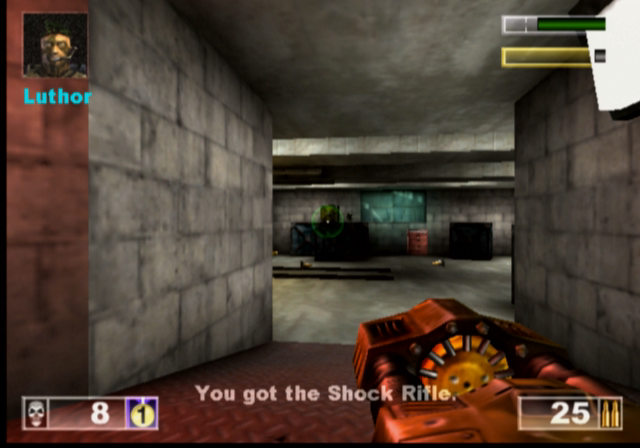
ASMD Shock Rifle: Shoots a stream of energy forward towards the target, the alt-fire shoots a ball of plasma which, when hit with the stream of energy exploded and odes further damage

Pulse Gun: Fires small green balls that are supposed to be energy pulse, nothing really spectacular since it only deals minor damage, but the alt-fire fires a straight green beam which can be linked with the beam from a teammates to increase the damage.

Ripper: Fires off razor blades which bounce off any walls or solid objects, useful for attacking around corners, just be careful since they can bounce back and damage your player

Minigun: Fires a series of bullets after a short delay, since the gun motor has to spin up. Alt fie fires more bullets but is more inaccurate

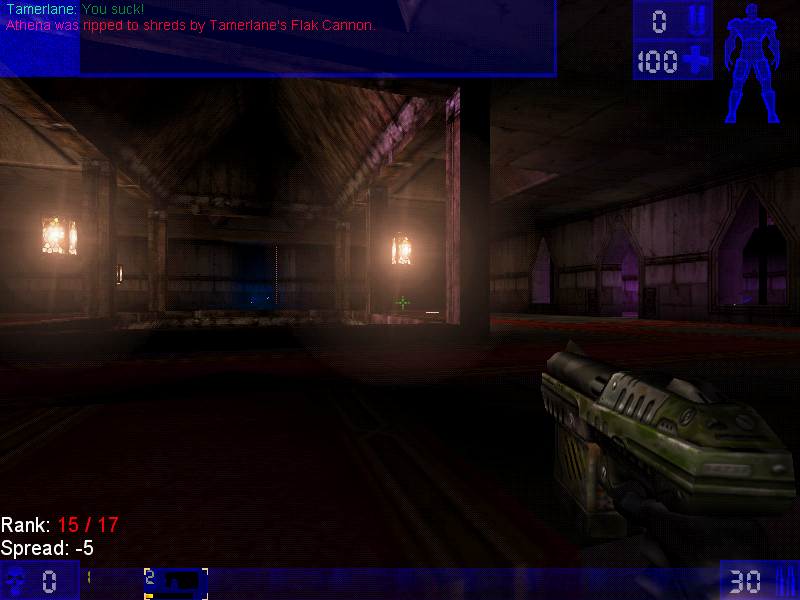
Flak Cannon: The GOAT weapon, fires a large number of projectiles, deadly upon close contact.

Rocket Launcher: Fires a rocket

Sniper Rifle: It’s a great weapon at a distance, and is somewhat usable at close range. You will really want to use this on CTF or assault games where players are more likely to camp

Redeemer: Fires a nuke into the arenas that deals a lot of damage and a large blast radius, alt-fire shoots a steerable missile but leaves you vulnerable to damage, and the missile can be shot at which will disarm the weapon.

Versions

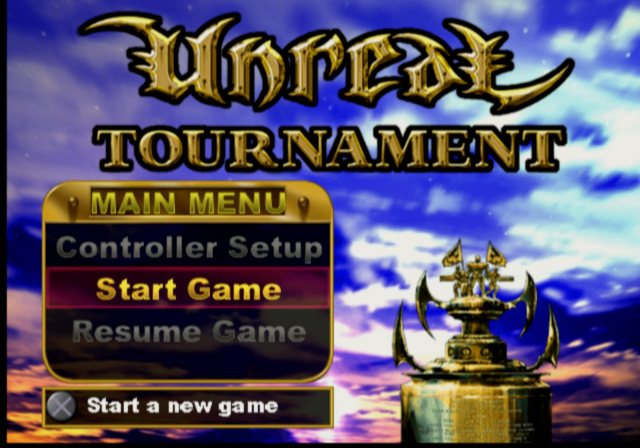
The game was ported to more platforms than the original Unreal game which makes it more well known with the two console platforms of the time.

Dreamcast

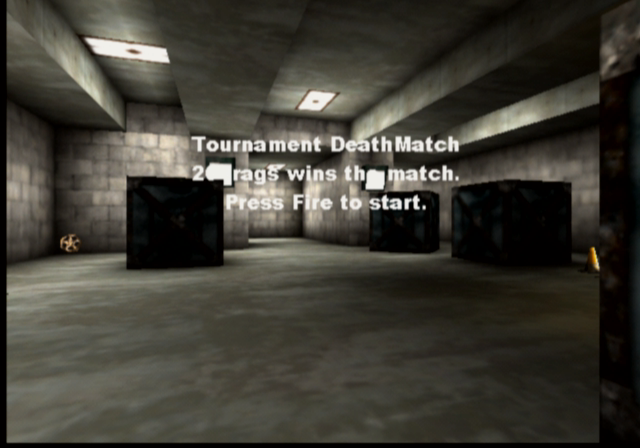
The game was ported to the Sega Dreamcast in 2000, this version came with a few exclusive maps, a redesigned menu system, and HUD and retained keyboard and mouse support. Online play was also supported with you having the modem adaptor and an internet dial-up account.
The VMU is used somewhat, it displays the Unreal logo as a looping animation.

Playstation 2

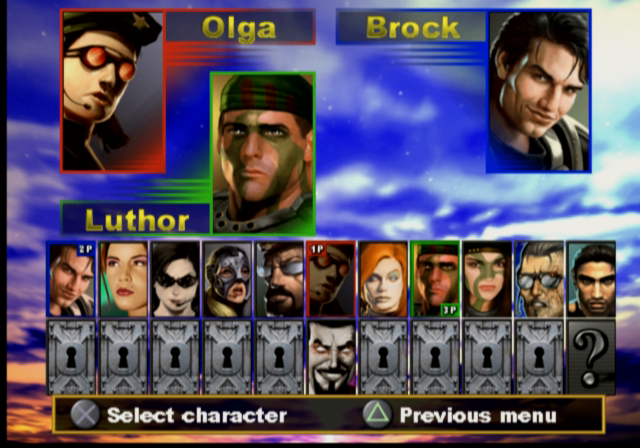
Released early into the PS2 life, this version suffers from a few framerate issues since the game was not very optimized for the PS2 vector units, and was to serve as a concept for future Unreal Engine titles. You can also see the lower resolution textures as the graphics had to squeeze into the PS2’s 4MB VRAM buffer.

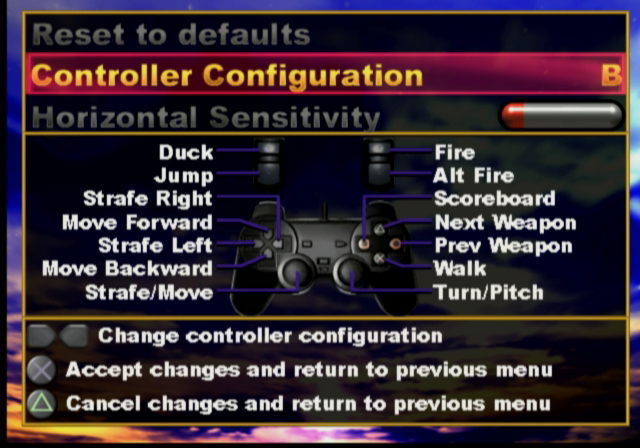
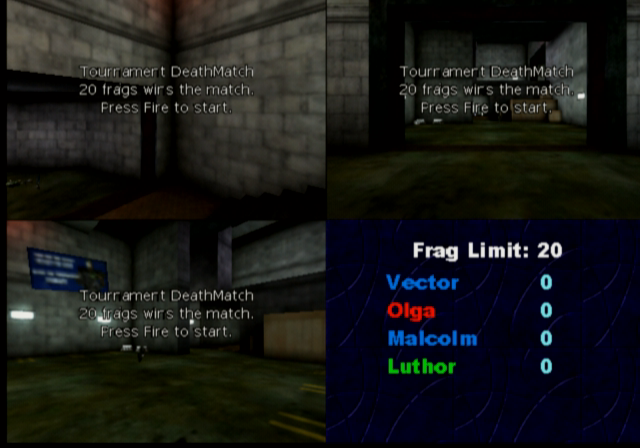
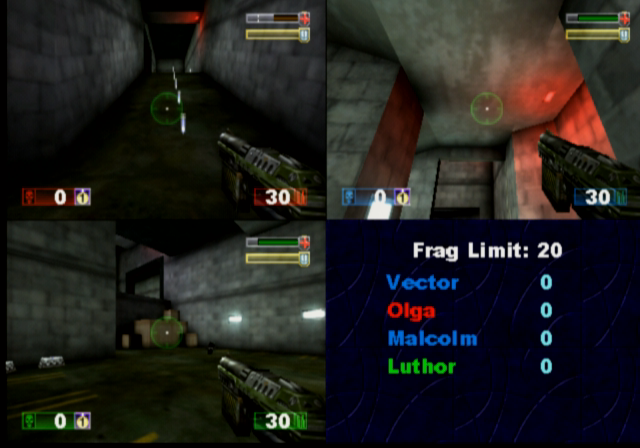
Unlike the Dreamcast version, the PS2 version does not support online play at all, as the PS2 network adaptor was not released at this point (Sony originally intended for the iLink connector to be used for online multiplayer/LAN, but only the US release of Unreal Tournament supports this) This version does support the use of a USB keyboard and mouse which can be used for single-player mode and multiplayer, where up to four players can play from one console with the addition of two controllers and two sets of a keyboard and mouse. This does require a USB hub since the PS2 only has two USB ports, unless you use a combined wireless keyboard and mouse which commonly appears in wireless desktop sets.

As four players are on one screen, a big screen TV is recommended like those huge rear projection TVs that were available of the era.

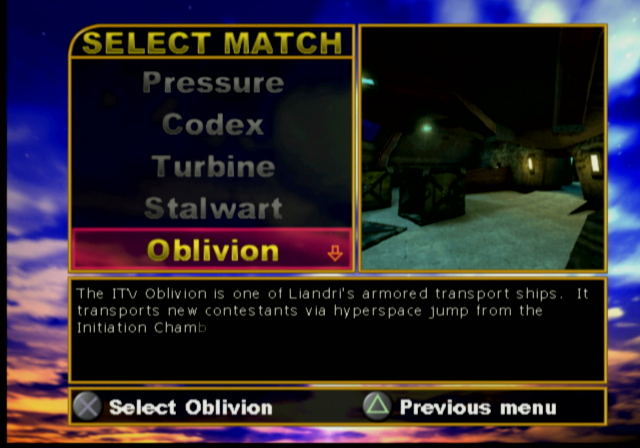
There are also a few console-exclusive maps that didn’t appear in the original PC release, and some existing maps have been altered slightly due to the console’s memory limitations.

PCSX2 1.6 is capable of running the game but will encounter issues with background music stopping abruptly, and the game will randomly lockup when starting or finishing a game.

MacOS

The game was released for the Macintosh platform and is similar to the Windows PC port, and features support for the Macintosh 3D API (Known as RAVE and used the ATI 3D RAGE accelerators, or Nvidia cards on later Macs) and Glide if the Mac has a 3DFX Voodoo card installed. The game runs best on MacOS 9.2 and has issues running through the classic environment on OS X, for both Jaguar and Panther versions of Classic.

A Carbon version exists but this never left the beta stage and lacks a few features compared to the original MacOS version. This uses OpenGL for rendering and a custom User.ini file, which will cause issues if you dual boot with both OS 9 and OS X as they share the same ini file which dictates which 3D renderer the game should use. In order for these to coexist, you will need to have two different install directories of the game.

Windows

The original and lead platform of the game.

Running on an emulated 3DFX Voodoo 2 in PCem

As the game was released in the late 90s, various 3D API’s are supported

  • Direct3D: Initially supported version 6, with patch v413 introducing DirectX 7 support.
  • OpenGL
  • 3DFX Glide: Version 2.4 of the API is supported
  • S3 MeTaL: An API used for S3 Savage graphics card
  • PowerVR SGL
  • Software Rendering: If your PC has no 3D graphics card, or is not supported by Direct3D or OpenGL then you can run the game in software rendering instead which uses the CPU for the rendering functions.

The game will run perfectly on modern Windows systems, even on Windows 11.

The Sims Superstar

Sims get their 15 minutes…

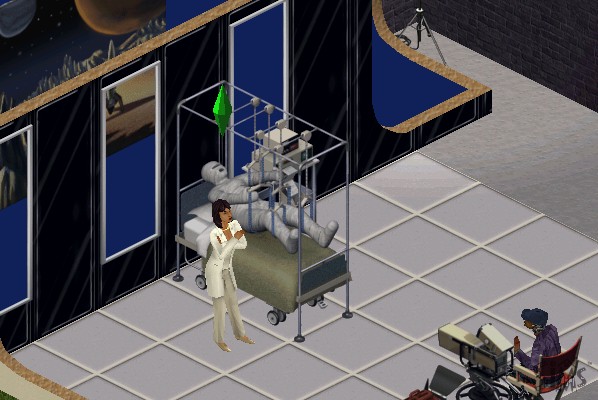
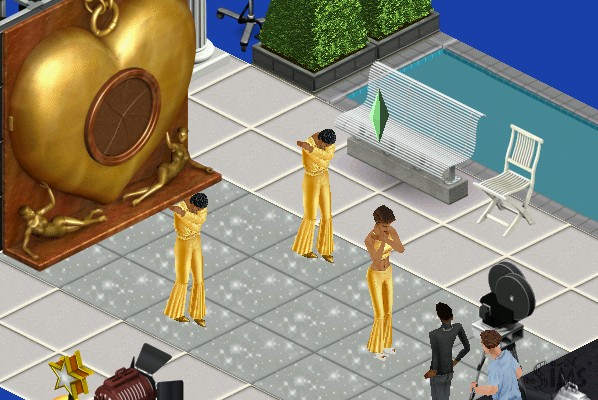
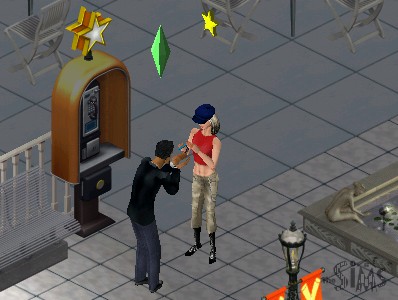
The sixth expansion pack where sims can get famous by following specific careers such as Acting, becoming a Model or a musician (Even though careers for these existed in the base game, and sims in those existing careers already do not gain any fame) It also introduced a new studio town community lot and a set of new objects.

Studio Town and Fame

Studio Town has a very 1950s Hollywood theme to it, since this was considered the golden era of Hollywood on which Studio Town is based on. Many lots consist of shopping sections, but will also cater to various different types of fame, with some being geared towards music, acting or fashion/modelling. Even if your sim is not part of the fame career, regular sims can still visit lots as guests and can interact with most of the objects.


To get to Studio Town, your sim will need to call for transportation, which will take them to Studio Town, from the lot select screen, you can highlight lots that cater to either fashion, acting, music, shopping or spa locations. Like other commercial lots, studio town can he customized by the player by entering a lot directly from the neighborhood view. Objects are grouped by the type and function of studio town lots (Food, Shops, Studio and Spa)

Also if you’ve played The Sims Bustin Out, some of the buy mode music will sound familiar 😉

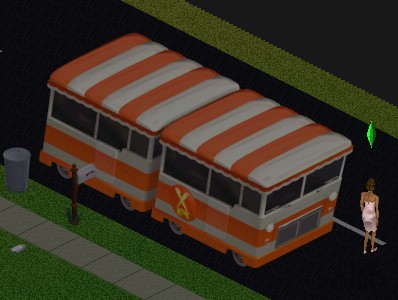
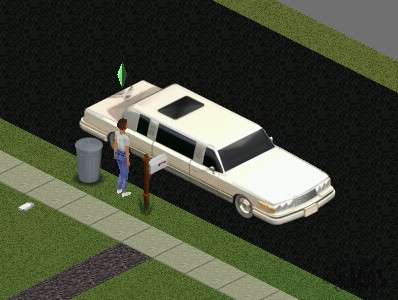
Fame is measured through a level represented by stars, with sims staring out at level 0. Higher levels let your sim have access to further opportunities and will change the vehicle used to transport you to Studio Town, eventually being transported in a custom limousine.

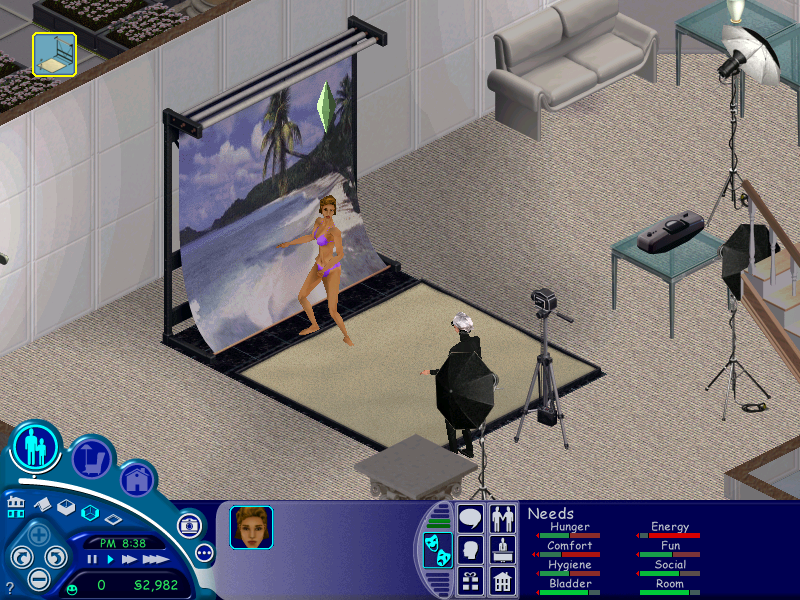
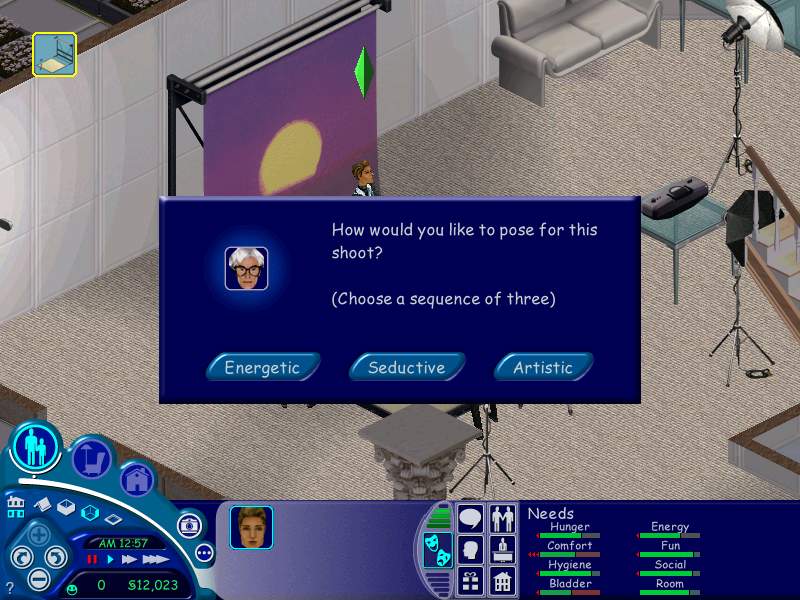
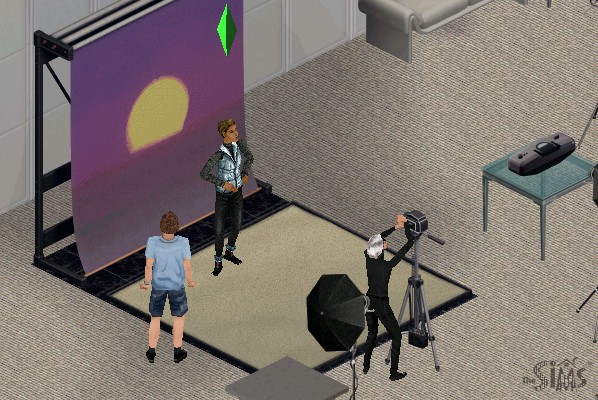
At 0 stars you will only have access to karaoke or open mics which makes sense for the musician or acting paths, but not for modeling. As you level up you will have access to photo shoots and print adverts.
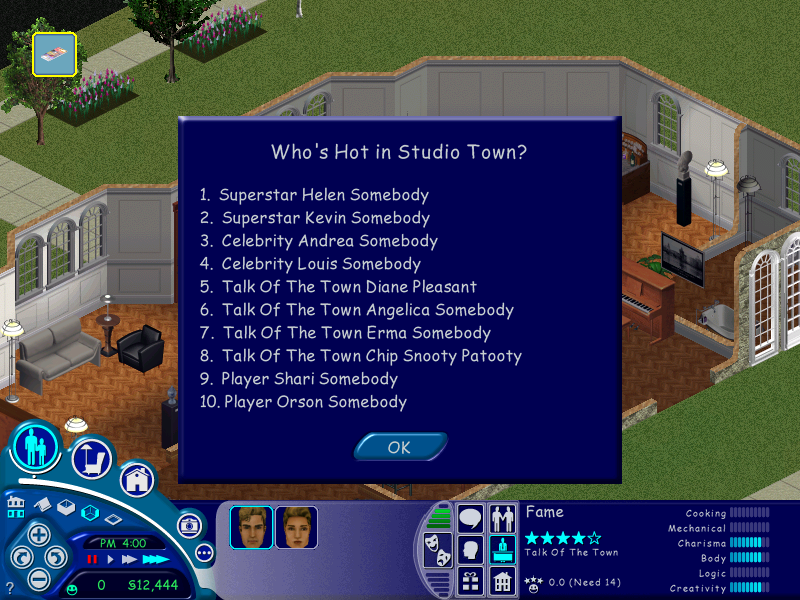
Getting 1 star lets you record Jingles at a recording studio, and 1.5 stars let’s you record a TV commercial. As you progress, more fame objects will become available for your sim to use. You will also notice your sims name in the Who’s Hot section of the Superstar leaflet.

The maximum is 5 stars, which will give you access to all fame objects and opportunities on the Studio Town lots.

Objects

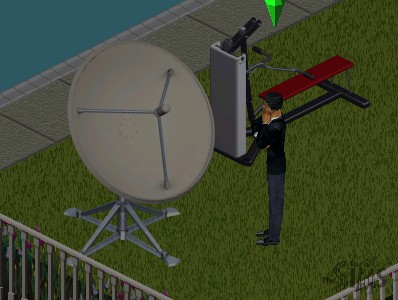
DSTS Satellite Dish – Adds a few extra channels to all televisions on the lot, increasing the fun rating depending on your Sims personality and interests. Its appearance is similar to the old BUD C-band dishes that were huge (around 3m in diameter) that was common in the 80s, compared to the smaller satellite dishes that can fit on your house.

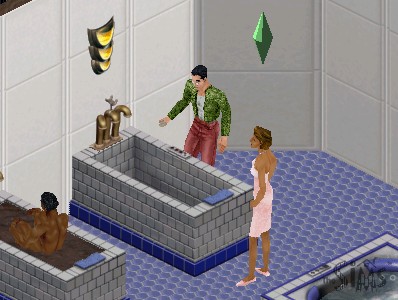
Ponce de Leon Tub – Increases your sims hygiene and comfort but is very time-consuming to use. It takes nearly a sim hour for them to get out, with is bad to use it before they go to work.

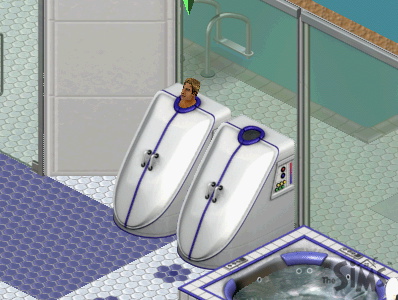
Whisper Steam Personal Steamer – A steamer for your sim, increases hygiene and comfort.

Flatscreen TV – a television that can be wall mounted to save space, and gives the same motive increase as the plasma screen does.

Uncle Roger’s Culinary Offerings – A buffet table similar to what was included in House Party or On Holiday, your sim just needs to set it for a fee and sims can grab a variety of meals from it.

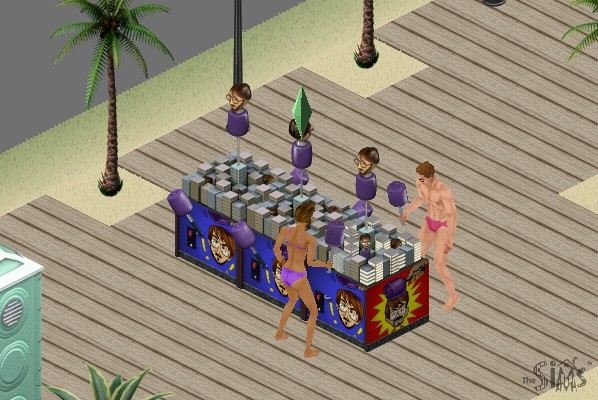
The Face of Shakespeare – A high end bookcase that has an additional option to practice soliloquy which increases the charisma skill

Scuba Tank – Sims can enter this tank, although it takes some time for them to enter it. Increases their fun score.

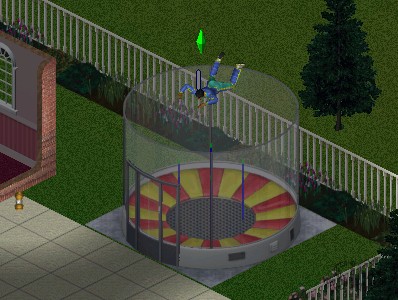
Galileo’s Free-For-All – A mini skydiving simulator

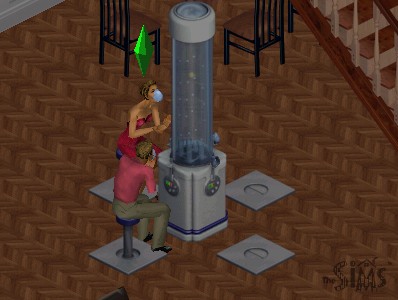
Energize! Oxygen Bar – A bar that sims can sit down on, increases comfort and fun, and social if multiple sims use it

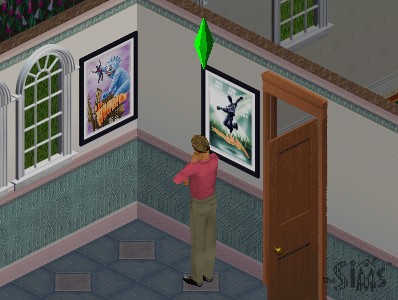
Movie Posters – These can be purchased in Studio Town and then can be decorated into your sims home when they return. Your sim will place them on the nearest surface, which you can then placed in build mode.

NPCs

Butler – Alternative to the maid, although he does much more (gardening, greeting and preparing meals) and stays for a lot longer.

Obsessed Fan – Appears after your sim gains two or more stars, these will follow your sim around studio town and will appear randomly on your lot. They may also rummage through your sims trash and leave black roses on their lot. Having a butler helps shoo them away.

Lana -A helper NPC that your sim can use to find out different aspects of Superstar like the fame system, fans awards and name dropping to boost social.

Celebrities – A few real life celebrities appear int he game like Marylin Monroe, Avril Lavigne and . Additional celebrity NPCs could also be downloaded from The Sims website and have been archived. Andy Warhol also appears as one of the fashion set managers.

Conclusion

Studio town was a nice addition to The Sims but was lacking in several places, especially with the residential lots. Where are the mansions, studio apartments and condo’s for the sims to live in? The fame careers could have been integrated better as the base game already features a musician and actor career paths, neither of these have any effect in studio town.

The Sims 3 Late night is considered the spiritual successor for The Sims 3, the closest for Sims 2 would be Nightlife, but that’s more geared with Hot Date.

The Sims Unleashed

The fifth expansion pack to be released, Unleashed brings a significant change to The Sims, with the addition of pets, larger neighborhoods that can hold more sims and new game elements such as farming and commercial lots.

Whilst Unleashed brought new improvements, it noticeable made the game more unstable and brought some frustrating changes to the gameplay. One noticeable change is sims have issues moving and turning and will sometimes rotate multiple times when interacting with an object.

Some pets will occasionally come onto your lot and piss everywhere, leaving a bunch of puddles randomly outside your sims house, and will trash the outdoor room motive when your sim goes out for work. Also, any malicious animal that spawns will sound the burglar sound, which can startle or surprise some players, but given how frequently these will spawn the effect will eventually wear off and will become more annoying to the player as they play the game.

Neighborhood

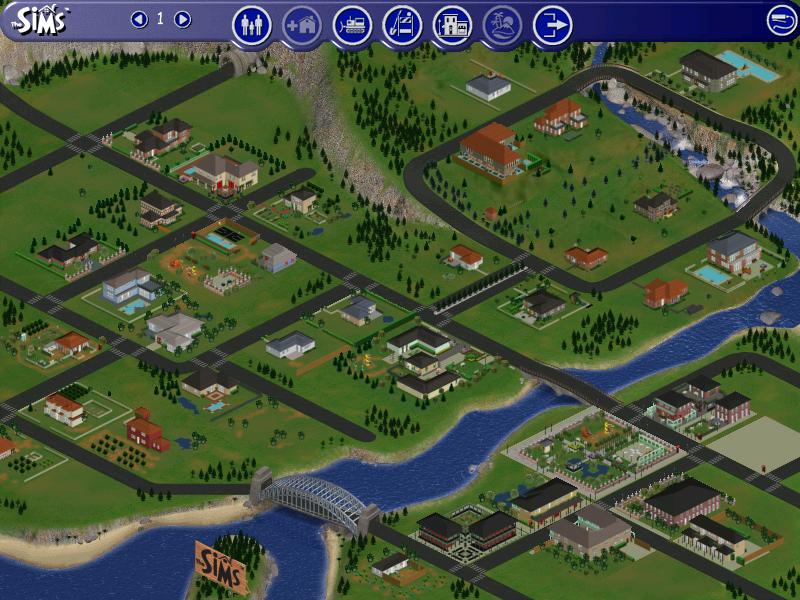
One of the first noticeable changes is the neighborhood screen which sees an increase of playable lots from 10 to around 48. With it is a new lot zone type, commercial. The main difference is a commercial lot is intended to be visited by multiple sims where they can shop or explore. Commercial lots cannot be visited directly from the neighborhood screen, but they can be edited which gives access to buy and build mode. To access a commercial lot, your sim will need to phone up for the Old Town bus which will arrive, and all sims on the lot will be transported to the commercial lot that you choose. These lots cannot be edited whilst sims are visiting, the Build and Buy modes are disabled.

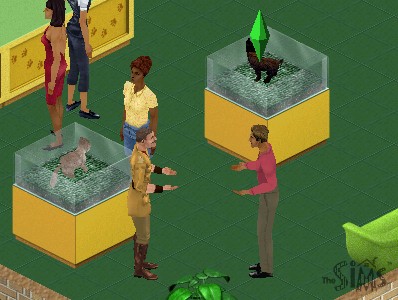
Typically commercial lots will consist of shops, such as a pet store where pets can be adopted, along with any pet accessories. Traditional lots are renamed as residential lots and is where sims reside as they did in the previous expansion packs. Additional neighborhoods still exist as they did in previous expansion packs.

Pets

Two types of pets are featured in the game, mainly cats or dogs which can be adopted by sims themselves. Other pets exist such as budgies which are treated by the game engine as objects, similar to the fish tank that was included in the base game where sims have to feed them every so often.

Skills can be taught to your pets to make them more obedient, this is harder than expected since pets will most of the time go off and do their own thing. The best thing to do is to use the Sit n’ stay command to build the obedience skill, which will make the other skills easier to build up. This interaction only works when your sim is near your pet.

Objects

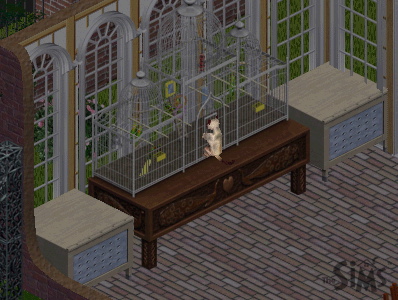
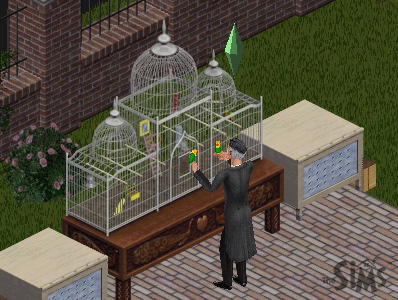
The Aviary – A bird cage to keep birds that have been purchased at the petstore, You need to frequently feed the bird in a similar manor to the fish tank to keep the pet alive.

Sims can play with their pet birds which boosts their fun and social. Two types of birds can be stored here, Love Birds and Budgies. Cats will also try to play with the cage.

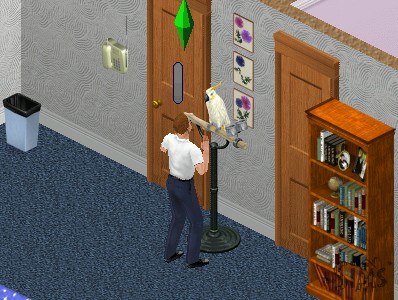
Speaky Scarlet – A pet parrot that can be purchased from buy mode. Sims can talk to it to boost their charisma skill

Ceti the Happy Whale – A playground item that child sims can play on, boosts fun and can be played in groups

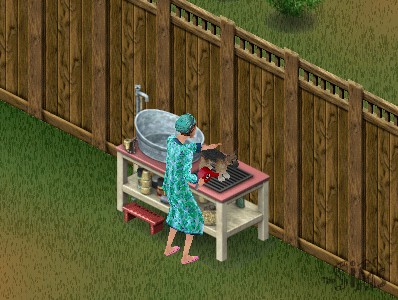
Squeak-EE-Clean Pet Tub – Used to wash your pets, can be used with both dogs and cats, requires regular feeding

Forgotten Jungle Terrarium – Used to house a pet iguana

Other expansion packs featured pet objects like the gerbil featured in Livin It Up (Livin Large), or the fish tank from the base game. These remain unchanged although pets may interact with them.

Commercial Lots Only

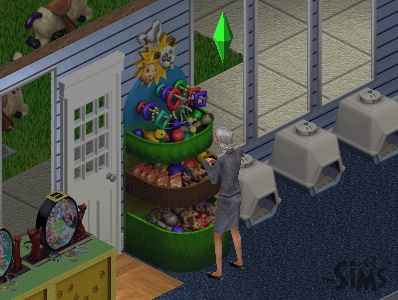
SpueakNip Pet Toys

Only for commercial lots, sims can purchase toys for their pets. Requires a nearby cash register

Notable NPCs

Giuseppi Renni and Mr McCutch

A musical duo that appears on Old Town lots and will entertain your sims, can be tipped 5 Simoleans

Gardener Bob

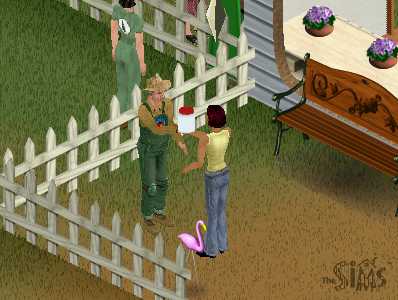
Appears on Old Town lots that sell seeds and vegetables, sims can buy plant tonic for their crops and get advice on how to grow their own crops

Pet Judge

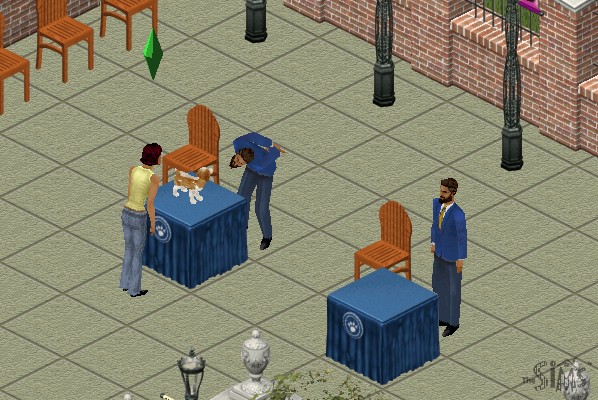
Appears on lots that have pet judging podiums, he can tell you further details on pet judging.

Pet Trainer

This sim will appear on the pet store or anywhere you can adopt a pet. Can be used to train your pet for an increasing fee, dependent on your pets skill level.

W.C. Friendly

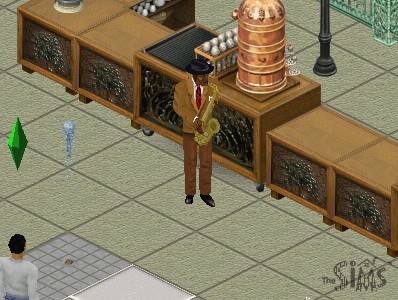
A jazz player that appears on cafe lots (any lot that has a barista/coffee or pastry stand)

Farming

Sims can grow crops by purchasing seeds from an Old Town merchant and planting them, which can be used for food, or produce can be sold in Old Town for money. Growing crops requires a certain amount of effort as sims will need to water, weed and protect the farm from animals or gophers. A buyable scarecrow or a pet cat can help with this, depending on the hunting skill of the pet. Once the crops have been harvested, they can be stored in a pantry or sold at the farmers market.

Garden plots can be found in the gardening section of build mode.

Sims can also purchase produce on certain Old Town shopping lots, if the sim has no room to farm. To store crops for cooking, you will need to purchase a pantry to store the produce in.

Residents

Unleashed also introduces a few new pre-made families to play.

  • Burb: Brad and his wife Tiffany, with their son Johnny and their dog, Tucker. This family would later appear in The Sims 2.
  • Charming: Consists of Claire Charming, with her pet dog Luna
  • Hick: Mama Hick and her son Elden live in what appears to be a trailer, with their three dogs.
  • Goth Sr: Parents of Mortimer Goth.
  • Kat: A single female with four cats, Yup a spinster.

Other Additions

The phonebook has been expanded to a dialog box now appears when calling neighbors. Previously sims were called from the pie menu which would also include any known townies or vacation sims if those expansion packs were installed. Services remain the same as their own section in the pie menu.

Five new careers are included – Fashion, Education, Animal care, Culinary and Circus.

MacOS Version

The game was also ported to the MacOS platform, and makes full use of the Carbon library which gives it OS X and OS 9 compatibility. As this was released in the PowerPC era, you cannot play it on modern OS X versions (10.7 Lion upwards, as these versions of OS X lack PowerPC support) On modern Mac’s it’s easier to use Boot Camp and use the Windows version of the game, but for M1 Macs you may prefer to use an emulator like QEMU or Sheepsaver to emulate an OS 9 PowerPC environment, which the game will run.

Conclusion

Unleashed was a dramatic upgrade to the sims engine, adding new specific to the game, expanding the neighborhood and the type of lots that can be used. I would say this was one of the more important expansions of The Sims as whilst previous expansions added features to the existing game, and expansions like Hot Date added their own expanded areas (Downtown), Unleashed dramatically replaced many game mechanics and in some ways feels like a sequel rather than an expansion. This was also one of the first expansions to ship on two CD’s, highlighting the amount of changes and value being added to the game.

Tragically this expansion never made it to the console versions, which deviated int heir own direction with the release of The Sims Bustin Out and URBZ Sims in the City.

The Sims On Holiday

Or The Sims Vacation in simplified English

The expansion is very similar to Hot Date in which many game elements were revamped. With a new social interaction system, revised user interface, and a new vacation island area with additional sub lots. Whilst Hot Date introduced the concept of sims leaving their lots to go downtown, here sims can actually stay on these lots for an extended period of time, depending on how much money they have.

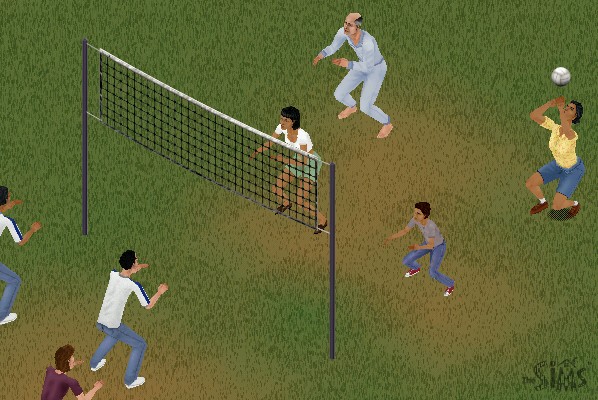
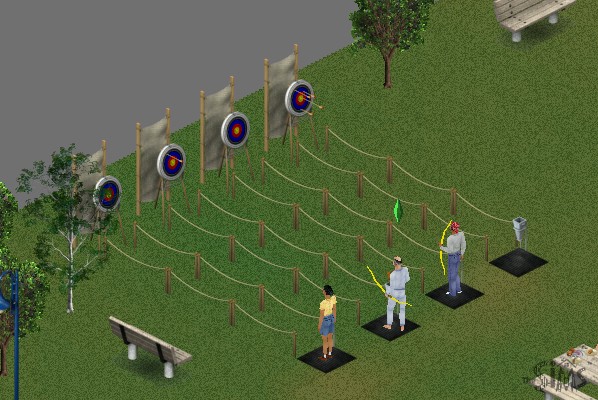
New interactions exclusive to On Holiday are released that allow sims to invite each other to play games based on the new objects added, like playing archery, volleyball or fishing. In addition, some of the new interactions from hot dates are added.

Holidays allow for sims to take a break from their schedule, as they are not required to work or go to school and dance sims in the first game have no concept of days off or weekends, this expansion allows sims to go off and do other stuff without having to worry about their jobs as they can stay on holiday indefinitely.

Vacation Island

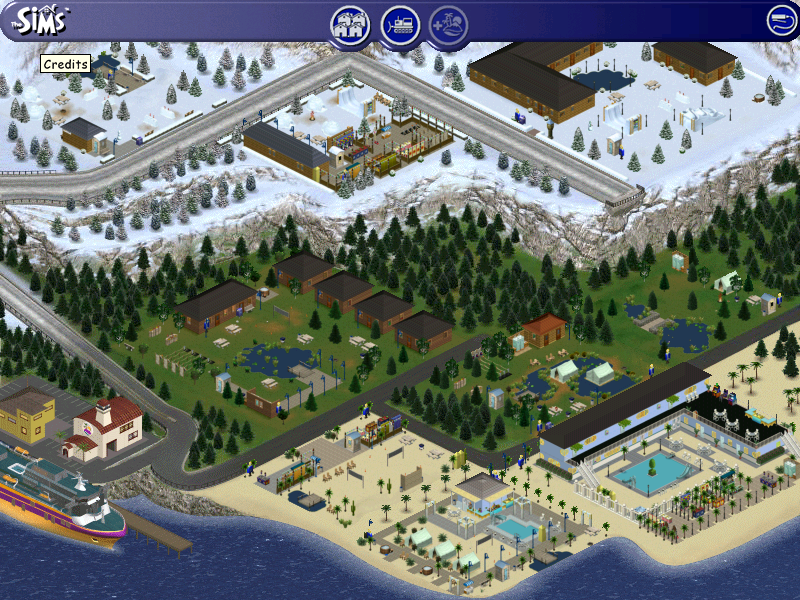
There are three types of vacation lots available, each with a different environment:

  • Beach Lots: Set on your typical beach/seaside, sims can sleep in a hotel located on the lot which will each have a bed and a bathroom. Sims can swim in these areas or play volleyball and can rent sandcastle kits.
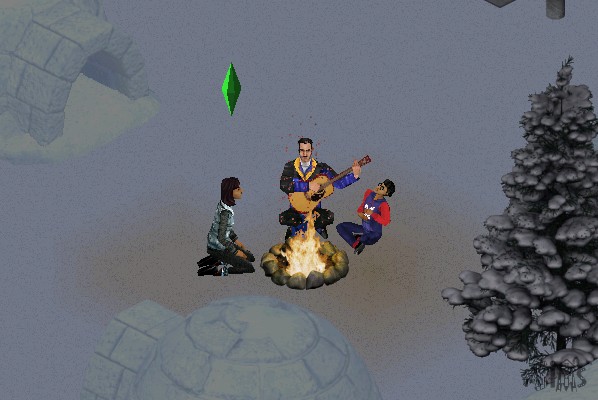
  • Forest Lots: Simulates a camping lot, here your sims are set near woodland and have the option to camp in a tent or rent a log cabin. These lots typically feature a campfire
  • Snow Lots: Set on a Ski/Snow resort, Some lots have an igloo that your sims can sleep in

Each of the three environments has three different resorts that scale to accommodate the budget of the sims traveling there, there is a cheap resort that features only basic amenities, a moderate one that features a mix of both, and a more expensive one that resembles a hotel of sorts.
Sims will need to check in every day at 11:00AM in order to access and use most of the lot facilities. The game will do this automatically unless the sims check out.

Internally, houses 40 – 48 are used or the holiday lots.

NPCs

Whilst On Holiday, sims will encounter NPC sims that will also be on the same resort. These are like townies (Downtown NPCs) of sorts in that the player cannot control but they can be interacted with, and if your sim has a higher enough relationship they can move in. Some families will have an adult but one or more kids, who will also join the family.
This is convenient if you wanted your sim to marry and expand their family quickly without having to go through the baby raising process (Which is horrid in the first Sims)

There are also new NPCs

  • Vacation Director Kana: Just walk around the lot relentlessly 24/7 with a clipboard, you have to admire her dedication. Your sim can ask her questions to find out more on the different features of the expansion.
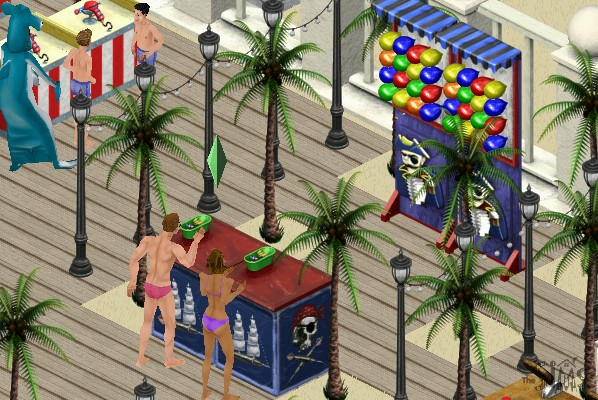
  • Mascots, there are three in total but only one will show up on a lot at a time. The mascot will vary based on the lot environment, beach lots will get the Marky Sharky mascot (If only they got the Marky Mark mascot instead. Berry Yeti is present on the Snow lots and Archie Archer is on the forest lots. They can only be interacted by kids. This makes them annoying since they will constantly try to play with the kid, even if they are busy.
  • Janitor: Cleans up dirty items on the lot. They’re a bit too keen as they will immediately come and will sometimes block the doorway

Objects

A lot of these are intended for use on holiday lots, but can be used in the home buy mode catalog. As introduced in the Hot Date expansion, subcategories are introduced in buy mode which allows for better organization of custom objects.

KampRite Instant Campfire

Volleyball

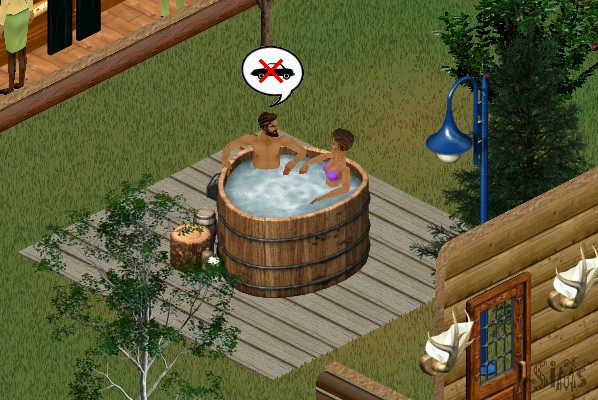
Redwood Hot Tub

A hot tub that seats two sims, adults only. Very similar to the one introduced in Hot Date

Archery

Sims will earn tokens when they win, whih allows them to redeem prizes

Water Ballon Fort

Group activity where sims can throw water balloons

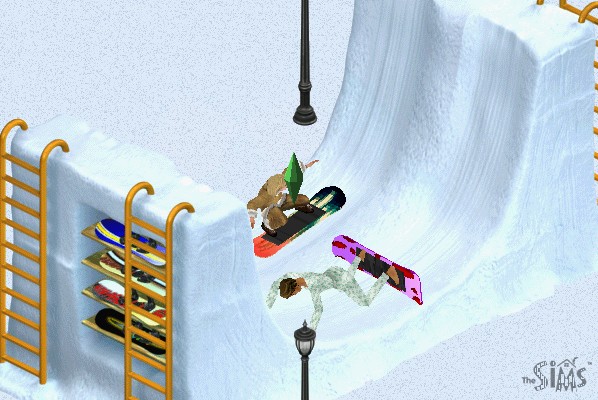
Snowboard Halfpipe

Sims seem to have problems skating without falling down

At least in heaven I can skate

Polar Bear Rug

Wait until PETA sees this…

Snowman

Not a buyable object but sims can build their own snowmen on snowy lots

Snowball Fort

Same as the ballon fort but with snow

Snowslide

Sims can slide, SSX style

Carnival Games

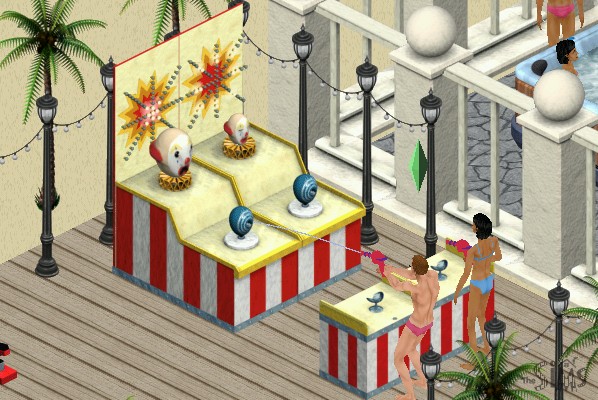
Like the archery game, your sim can earn tokens with they can redeem into prizes. These then become souvenirs when they move back home, which they can display on a dedicated shelf.

Mac OS Version

The expansion was ported to Mac OS and OS X and install’s in the same fashion.

The Sims Hot Date

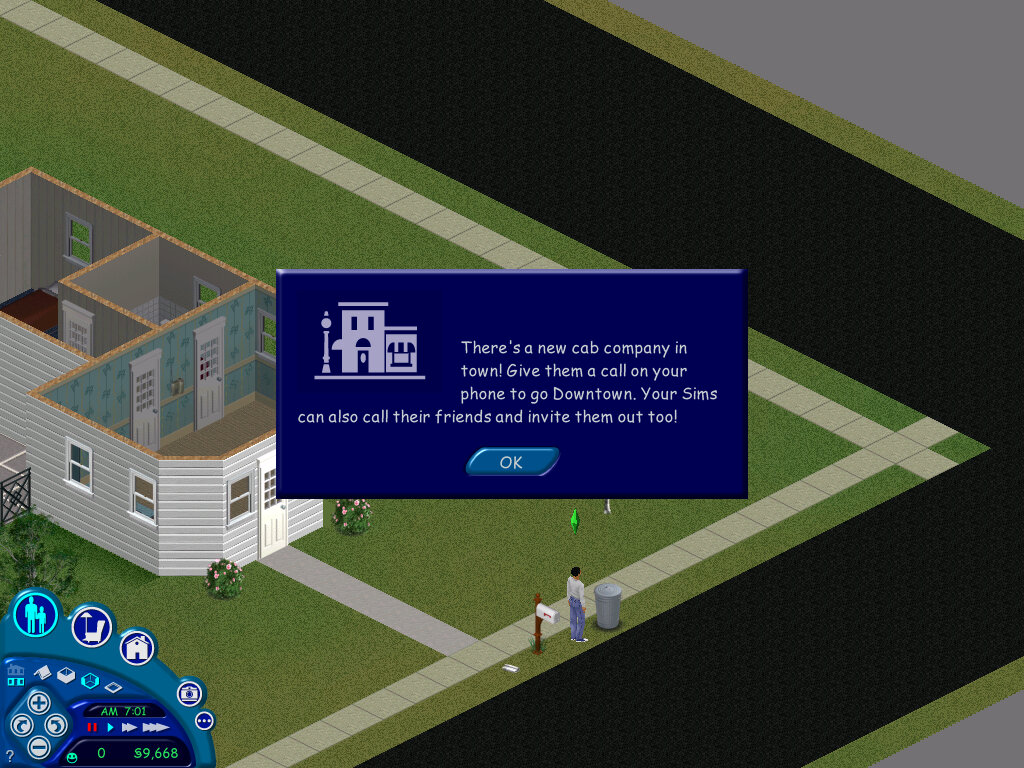
The third expansion pack and one that brought a major change to the mechanics of the game, the main one being the introduction of community lots and the concept of your sims leaving their lots (well they could technically leave to go to work in the base game)

Also included a nice jazzy soundtrack when editing or vising downtown lots.

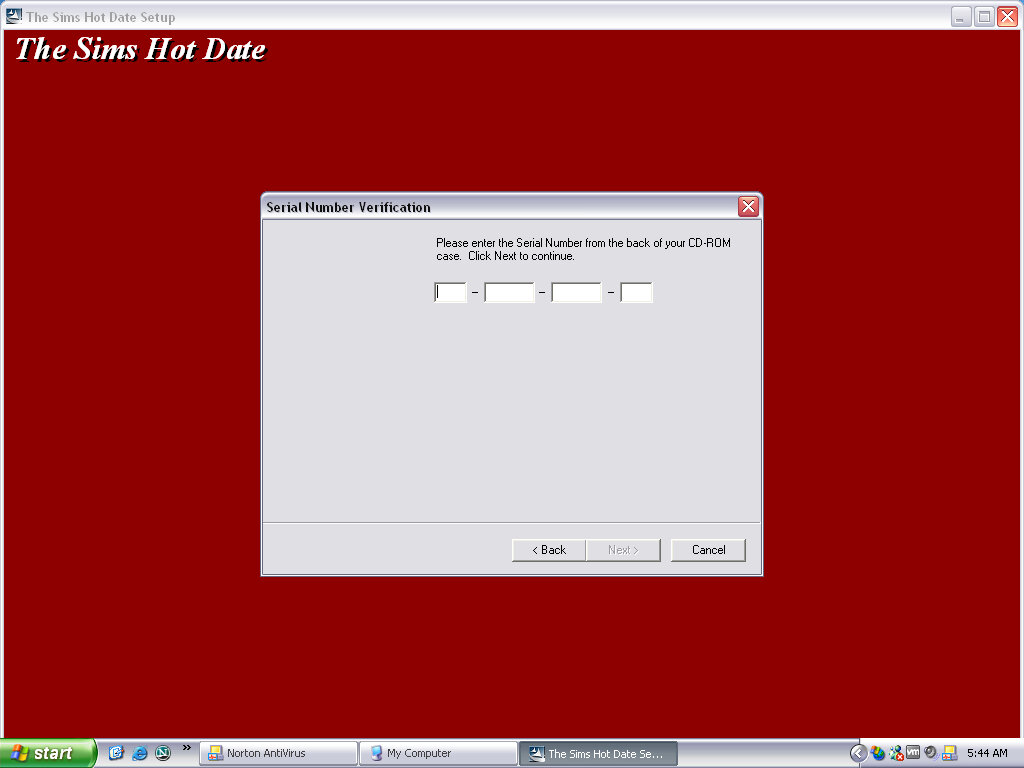
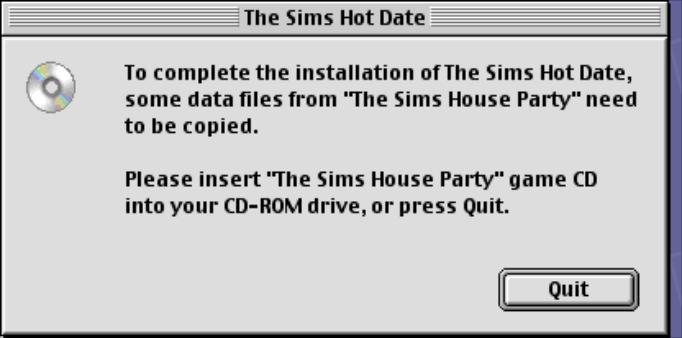
Installing the game requires the original game CD, or the House Party disc if that expansion pack is installed, as the game will install the original audio files to the hard drive. Previously the game would stream the audio from the CD to save disc space at the expense of performance.
If installing over the Deluxe Edition expansion pack, the user will need to run the deluxe edition installer before they can play the game, this is because the deluxe edition was released after Hot Date.

No new neighborhoods have been included with this expansion, but if you are missing the created neighbourhoods from the House Party expansion (Hoods 5-8) then the installer will create them for you. They will be typical blank neighborhoods without any houses or premade sims.

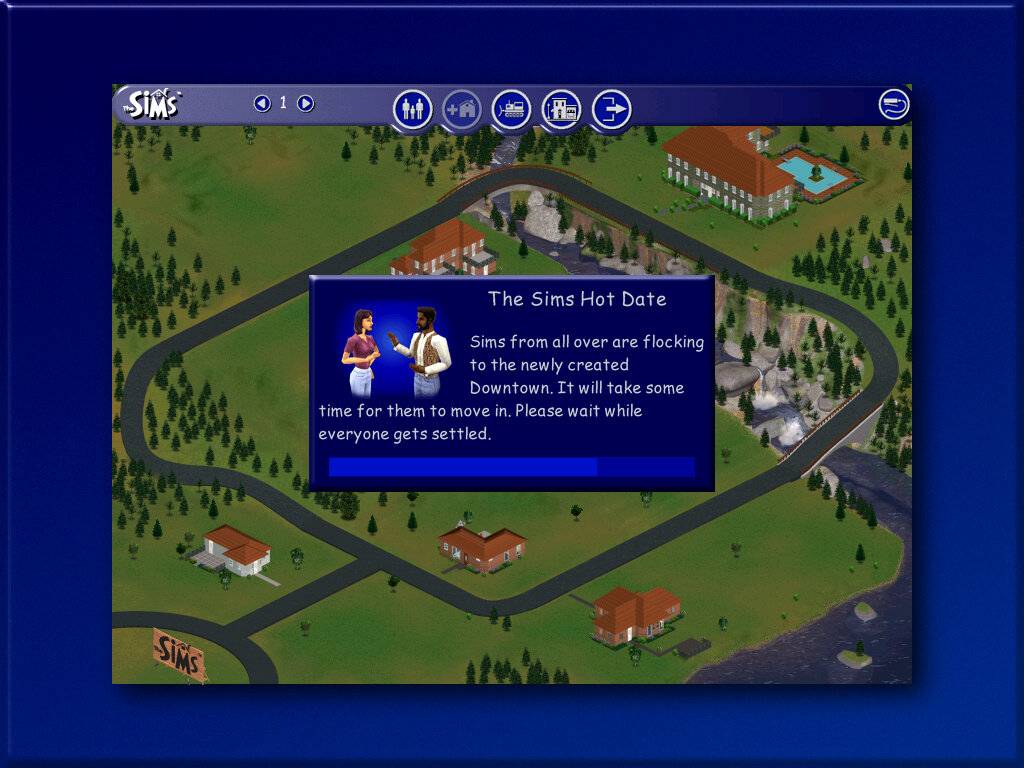
Upon starting the game, new sims will be generated. These will be your townies that are used for downtown.

Downtown, a new sub-neighborhood. Each hood has its own version of downtown with its own generated set of townies. Sims cannot visit a downtown from another hood.

The user interface has been updated with new features

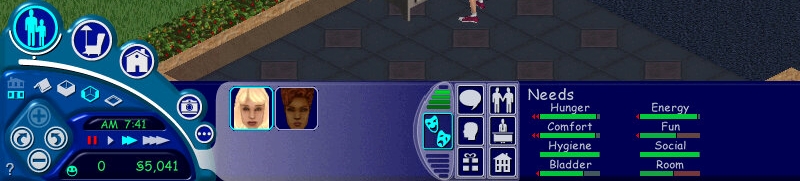
Original user interface
From Hot Date onwards

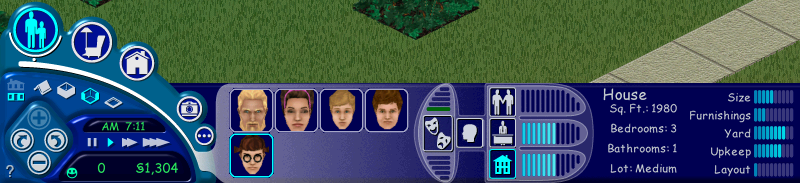
The house meter and the friend’s meter have been removed and have not been replaced. They were removed in favor of adding the inventory and interests panels.
The inventory panel shows objects that are stored by the sims, these can be gifts that have been received by other sims, or prizes won by various games.

Downtown

A new sub-neighborhood, and the first to be included in the Sims engine. There are lots that your sim can visit with other sims.

You can have different themed downtown lots that cater to a specific
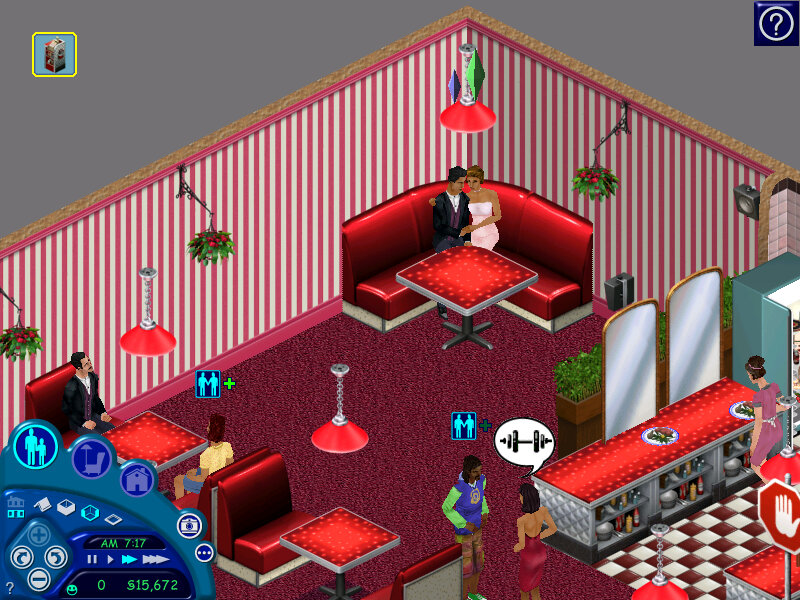
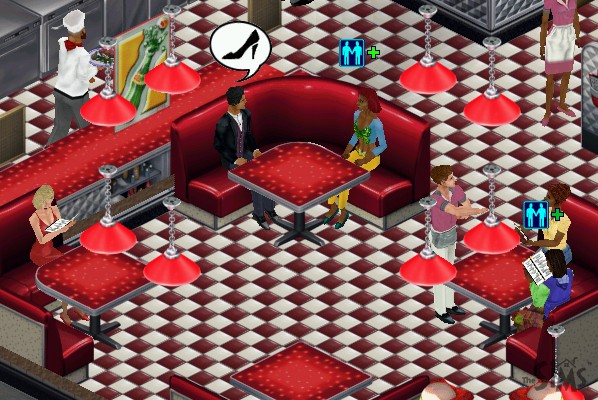
Restaurants typically have a podium, a kitchen with a commercial over, and a dining booth or dining table/seats

Shops generally have till’s and can have clothes racks that sims can browse and buy new clothes, or skins as they are referred to. There are also entertainment lots that have activities like pool tables, pinball machines and slot machines

The default lots for Hot Date make use of objects from the base game and the expansion itself, but not objects from other expansions. With this in mind, you can create new downtown lots using objects or themes from other expansions, like a nightclub using the DJ booth and dance floor from House Party. A spare downtown lot exists (23 Wright Way) for this purpose.

Objects

The buy mode catalog has been updated, and new sub-categories have been added to help classify items better. Downtown lots also have their own categories, depending on what type of lot you wish to build. Here objects are sorted into shops, restaurants, outdoor

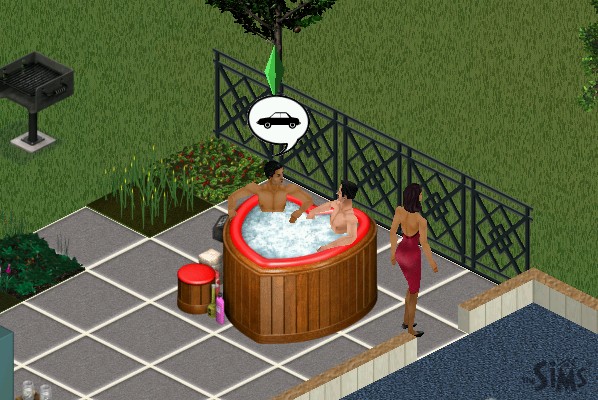
Niagra Love Tub

A hot tub that can seat two sims, who can cuddle and woohoo play

Dawnette Hooded Stove

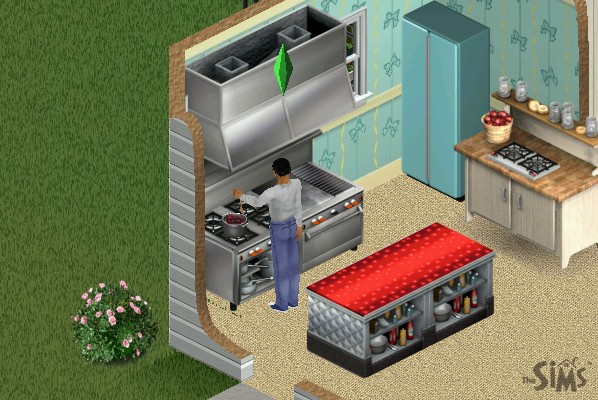
An oven that occupies two titles, can be placed downtown and is required to operate a restaurant

Bachmeier Grand Piano

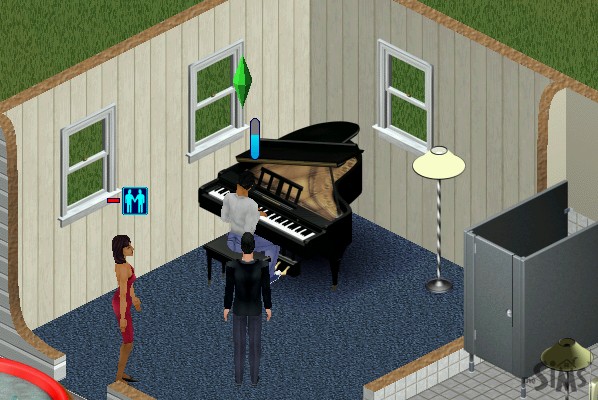
A more expensive piano, placing this downtown will spawn a dedicated piano player NPC

Boggs Home Canning Center

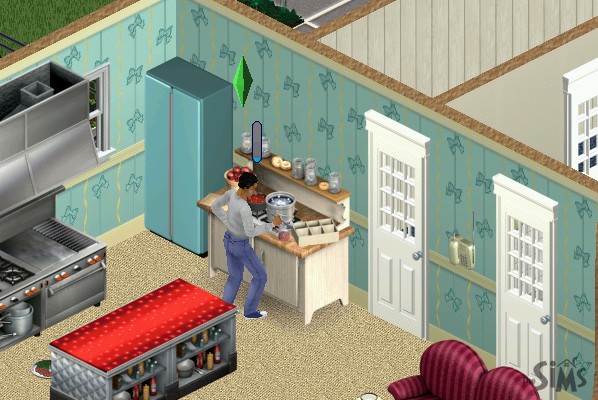
Allows your sim to make preserves at home to sell, also increases the cooking skill

Laguna Vista Instand Pond

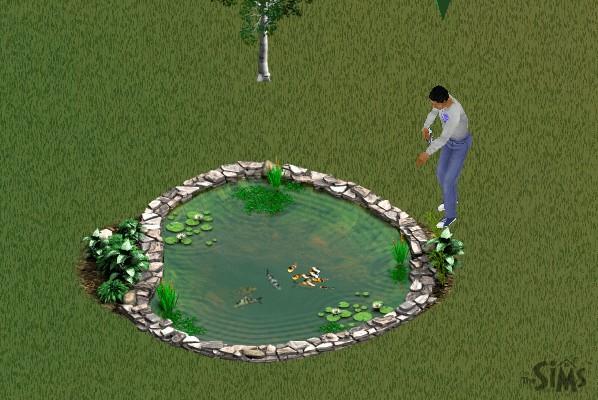
A fish pond where your sim can feed fish and place boats, multiple sims can use this

Bel-Air Dining Booth

Sims will sit after they order a meal at the podium, works as part of a restaurant set otherwise function as a regular table and chairs

Kiosk

Items such as flowers, toys, chocolate, and a copy of the game itself are sold here and can be bought by your sim, A cash till nearby is required to order

Food Counters

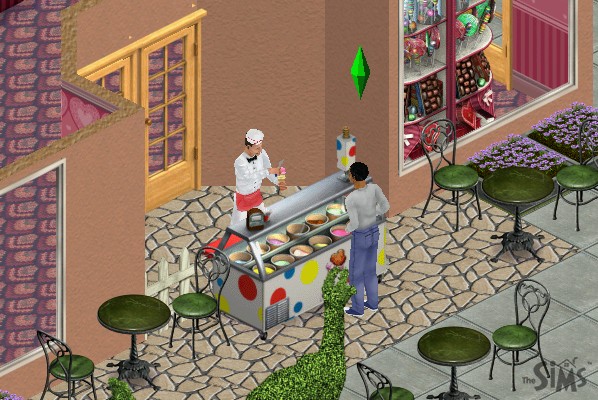
Two exist, one for ice cream and another for burgers, bars also exist for drinks

Social Interactions

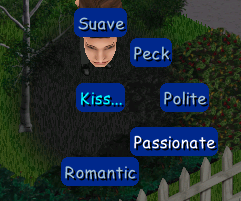
New social interactions have been added, and the social system has been revamped for each sim to better handle interactions. Many have been grouped into one main social interaction, which then has a few sub-interactions. E.g. Talk has the ‘About Interests’, ‘Gossip’ & ‘Brag’ interactions. Entertain has ‘Joke’ and ‘Juggle’ interactions.

Mac Version

Hot Date was later ported to the Mac OS platform and was a Carbon application from the onset which meant support for older Mac OS versions was dropped. Only Mac OS 8.6 onwards and OS X 10.1 is supported.

Nicktoons Racing

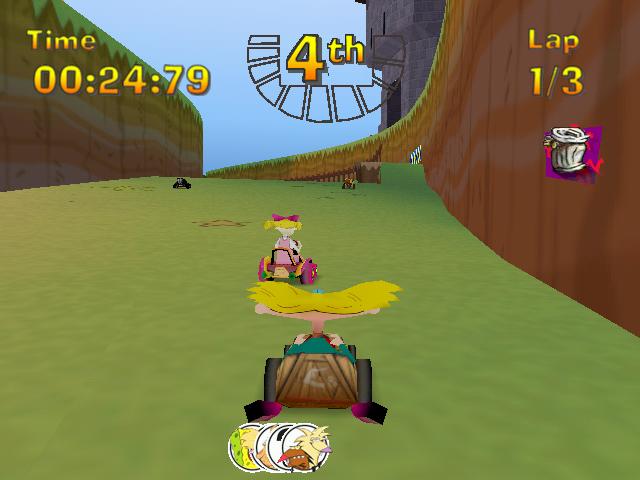
Cart base racing game featuring popular Nicktoons of the time, complete with powerups

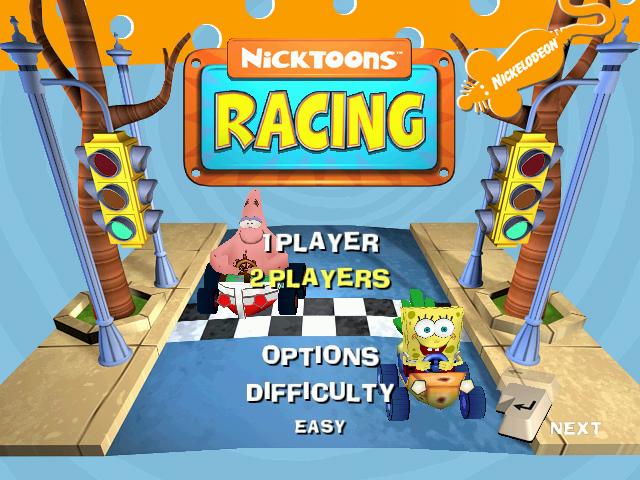
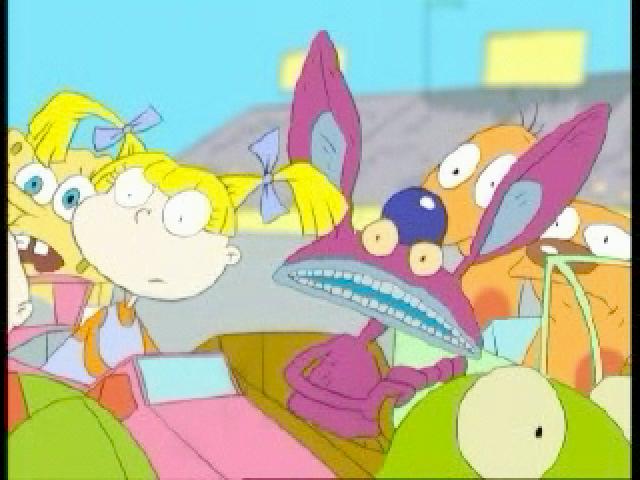
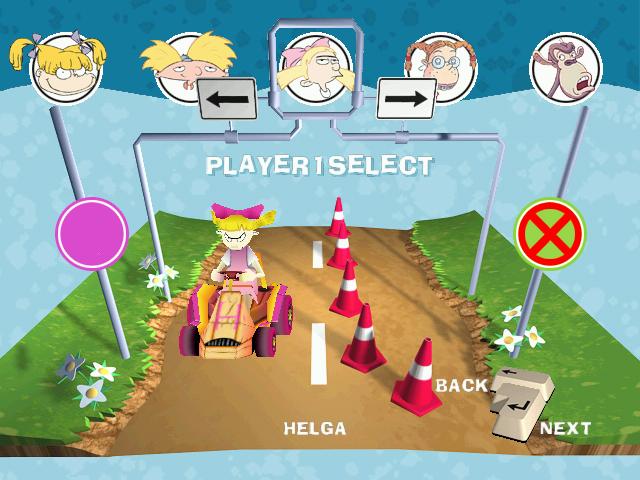
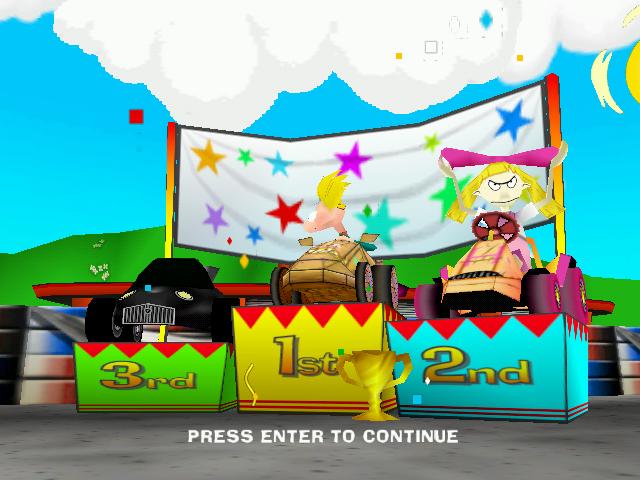
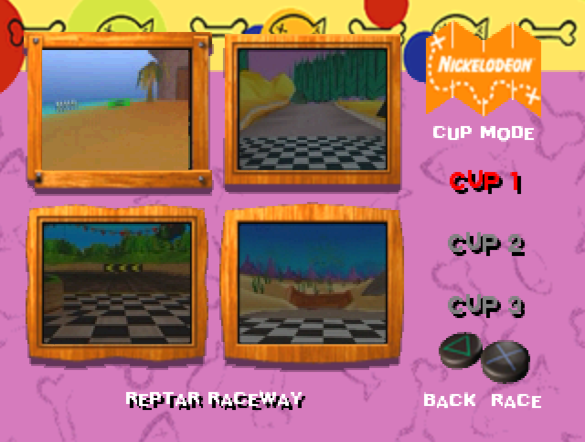
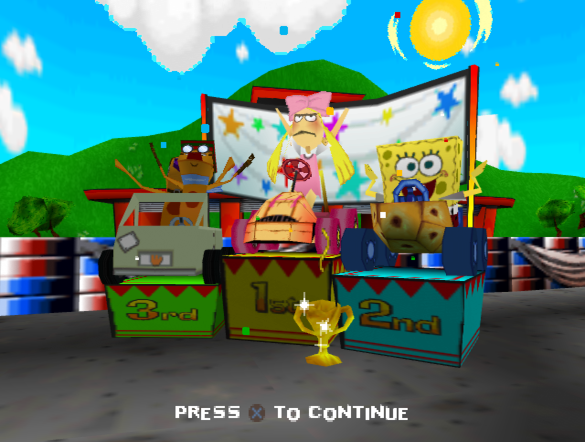
The opening FMV, and a look at the games menu and track selection screen

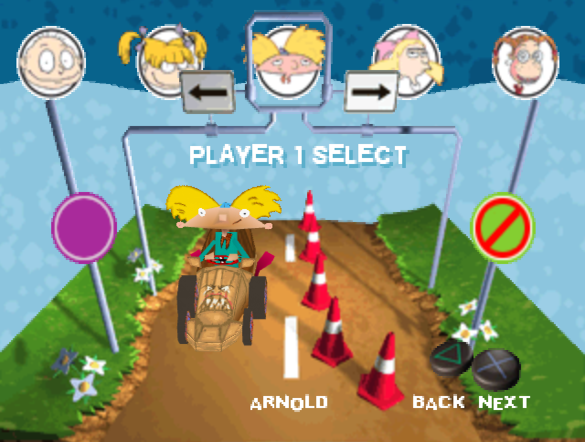
The character selection screen, You can choose from:

Rugrats: Tommy & Angelica

Hey Arnold: Arnold & Helga

Wild Thornberry’s: Eliza and Darwin

Spongebob Squarepants: Sprongebob and Patrick

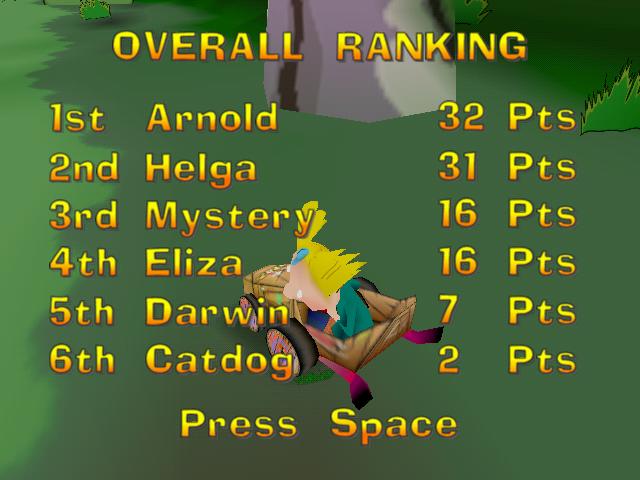
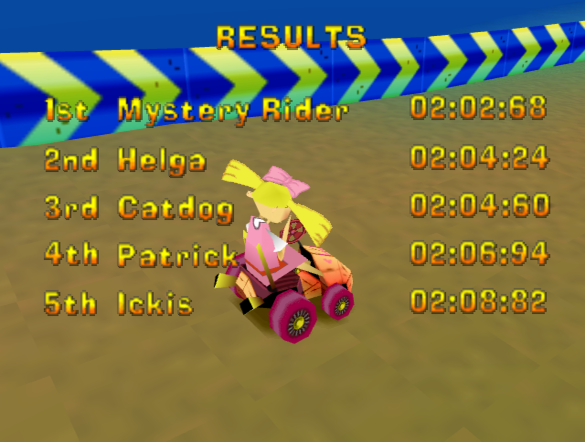
Other playable characters include Ickis from Ahhh Real Monsters, Ren from Ren & Stimpy, Catdog The Angry Beavers, and a Mystery Rider that is unlocked by beating the game.

Tracks

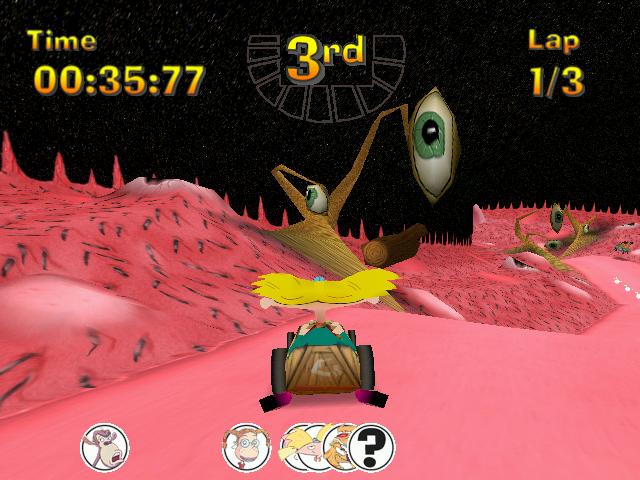
Many tracks are based upon each Nicktoon show and follow the respective art style of that show.

Many of the tracks have shortcuts, which the NPC drivers will use more on a higher difficulty level. There are also many pickups and speed boost pads spread across the track. Some tracks will branch and split into two different section which can vary in speed and difficulty, one path might be shorted but with less pickups, or might have a few tricky bends which have to be navigated.

I’m disappointed they didn’t expand on the Rugrats themed tracks, considering they already released Rugrats games previously, why not have tracks that were based off Search for Reptar? like Toy Palace, or the Mini Golf levels.

Windows

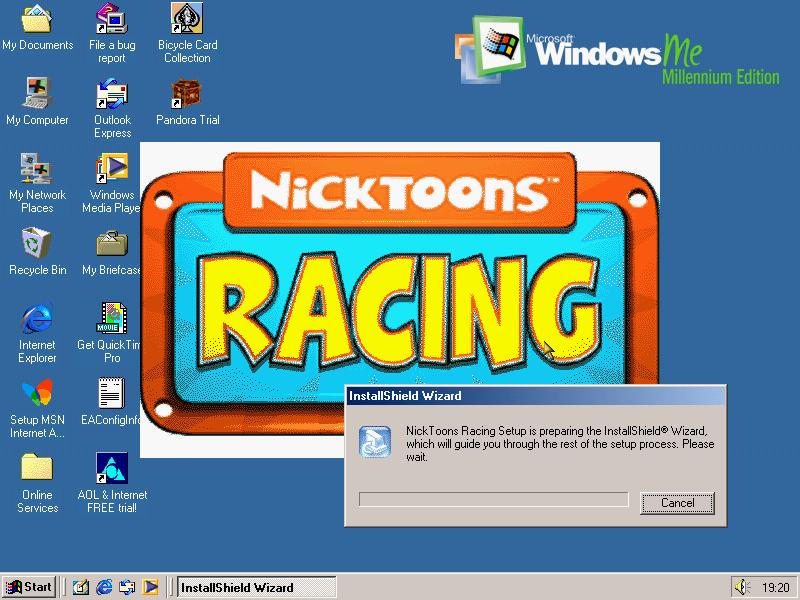
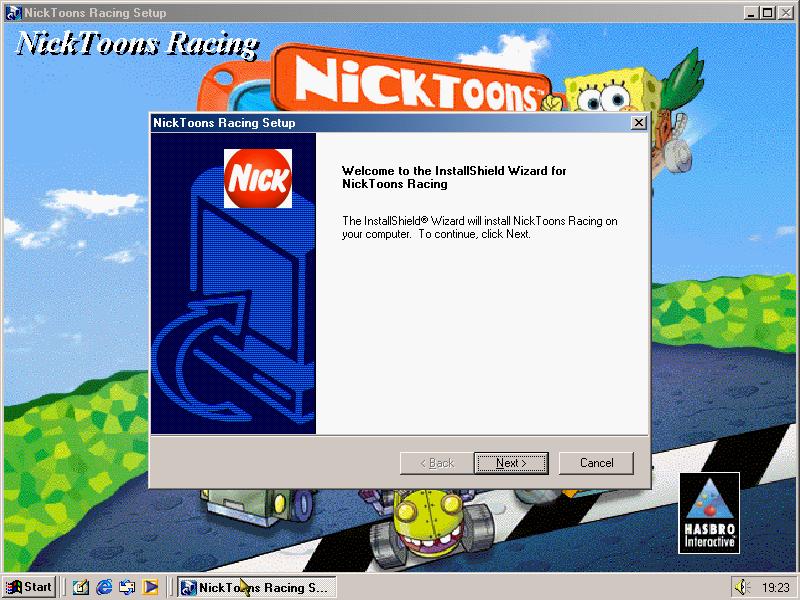
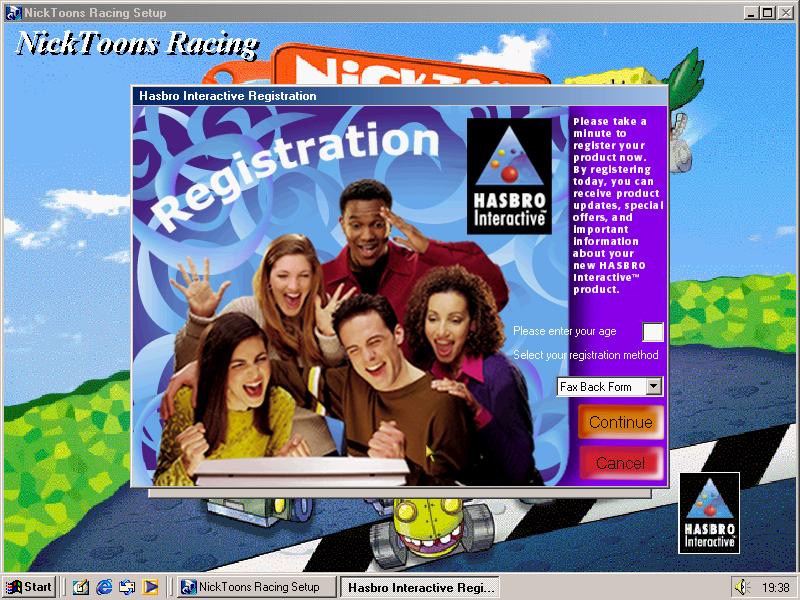
Game can be installed to the hard drive and offers a minimal or a full install, with the full install including the opening FMV and music. At the end the user is given a choice to register their copy of the game.

The PC version benefits from a higher framerate, resolution and texture quality compared to the PlayStation version.

PlayStation

The game was ported to the PlayStation in 2001 and is a straight port of the PC version, with lower resolution graphics. However this version has issues when the CD drive is played at a higher speed and can lead to the opening FMV video skipping, which can also happen with the music. When being played on Duckstation, it is recommended to use the default CD drive speeds (2X/ 300K)

The PlayStation was the only console the game was released on, and did not see a release on any sixth generation console, despite the game being released from 2000-2003

Arcade

An arcade version was released in 2003 and was an adaption of the PC version and was distributed by Chicago Gaming Company

The Sims Livin It Up

Also known as Sims Livin Large, not sure why they changed the title but Livin large sounds like a fat acceptance movement slogan…

The first of many expansion packs for The Sims, and a must-have since the base game was quite barren for content. Let’s see what’s been added:

Multiple neighborhoods can coexist, and the expansion ships with 5 extra goods for up to 50 different lots/families. More can be added by navigating to the games system directory, and creating a new Userdata folder (up to 99 supported). Each hood has its own set of lots and families, and with later expansions, they also have unique NPCs that show up on their lots. Sims from one neighborhood will not appear in another, and the appearance cannot be customized, unless you mod and load an altered bitmap has the hood’s background screen, but I think the game only allows one background bitmap to be set for all hoods. You would still be stuck with the name neighborhood background.

Objects

Genie Lamp: When rubbed, will summon a genie who gives the choice of two wishes. They do have a chance of going wrong.

Here you can choose between two random choices

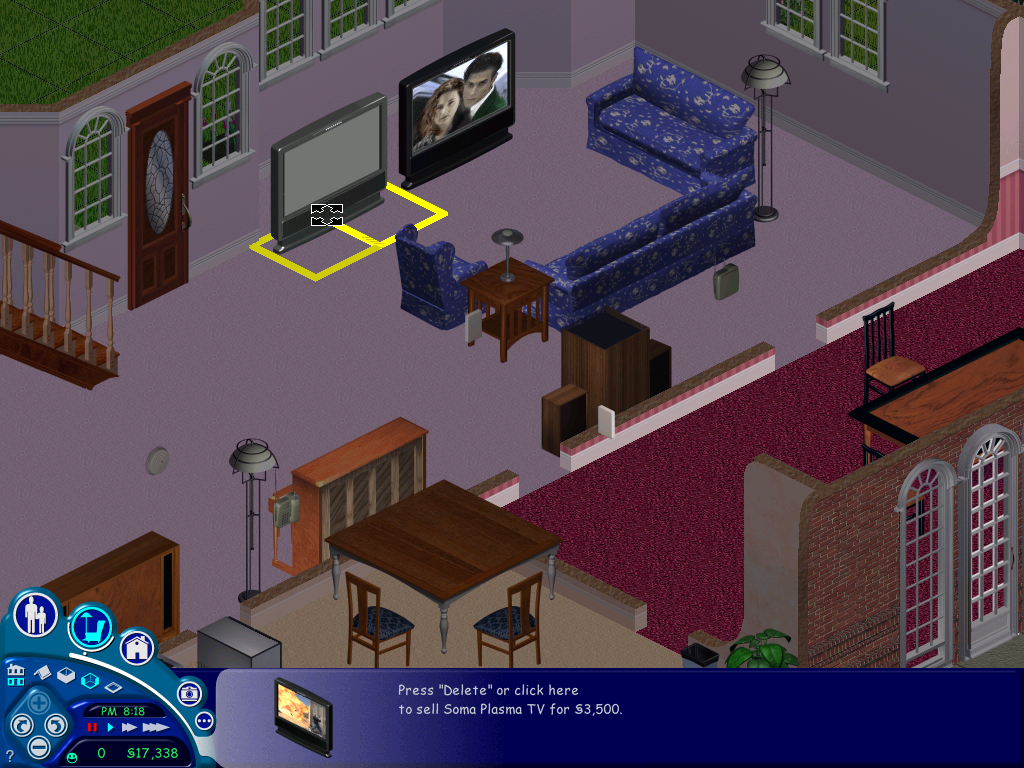
A nice result, our wish was granted and we got a free high-end TV

Unfortunately, it was the exact same model that we already had.

Wishes can go wrong, I’m not sure on the change (Possibly 50/50) but when a wish backfires it can result in something drastic, like an object being set on fire or overdue bills being spawned. Always save before making a wish

Vibromatic heart bed: A bed that increases comfort and is where the magic happens. Costs 20 to use the vibration function each time which sucks considering its an expensive bed.

Telescope: Can be used to increase the logic skill and satisfies the fun meter. There is a chance your sim can be abducted by aliens. When this happens they will be returned with a new randomized personality.

When an abduction occurs, all sims will walk to the telescope, cry for a minute and then go back to what they were doing.

Moosehead: This shows the current mood of the lot, its ankers are based on the average mood of all sims and is useful for later expansion packs like House party to judge if a party is going well.


The Concatenation Station: A chemistry station where sims can make potions. This is created at random.
Blue: The most likely potion to be made, fills 3 needs bars which are chosen at random
Orange: Sims become invisible for the next 12 hours
Light Green: The one to avoid, this causes nearly all needs to plummet to low levels
Dark Green: Makes an evil clone of your sim who will perform bad interactions with other Sims, causing their relationship to suffer
Red: Makes a random sim fall in love with them
Purple: Turns your sim into a monster
White: Will cure any sickness, only creatable by a sick sim
Yellow: Inverts the Sims personality for all points
Creating any potions runs the risk of a visit from the police complaining about the smell, and you may be fined. The chemistry table also has a risk of exploding and must be repaired before it can be reused, this will not cause a fire.

Servo: A robot that acts as the Maid, Gardiner and repairman all in one NPC, one of the most expensive objects in the game. However he has to be manually turned on by your sim, he doesn’t come out automatically when a mess has been made but he can be instructed to serve meals.

Voodoo doll: This can be used by sims to annoy or frustrate another sim which results in their comfort level dropping. Useful to get rid of unwanted guests (Not NPCs)

The little bugger itself (not the sim), be careful when you own this

The gerbil painting, helps cure the disease.

Whilst your sims cannot communicate with the dead, or look into the future, Instead your sims will be given a mini-quest, of which they will be rewarded with a change of personality.

NPCs

Grim Reaper: Appears when a sim has died, can be pled with who will either ignore, resurrect the sim, or resurrect them as a zombie.

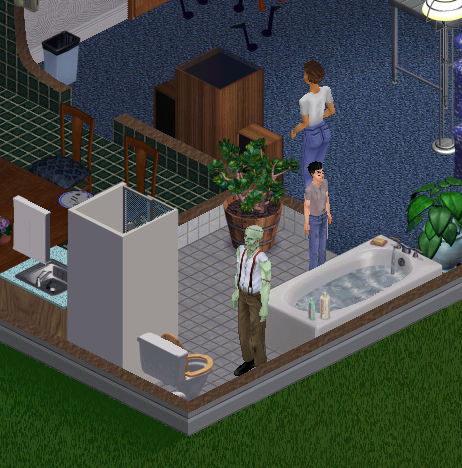
Monster: Resembles Frankenstein, Should your sim drink a specific potion, they will temporally turn into a monster and will break all items on the lot and will need to be repaired, But they seem to like painting, If there is an easel on the lot they will paint until they turn back.

Tragic Clown: Appears when your sims has the tragic clown painting and your sim is in a bad mood. If installing on a fresh install, his painting will appear on prebuilt lots.

The tragic clown in action. The only advantage he brings is you can socialize with him to boost your social motive, otherwise he will become a hindrance since he will wake your sim up if they’re sleeping.

Other additions

New floors and walls have been added that allow you to theme your Sims houses as if they were from a certain period, there’s a medieval look, or a retro 50/60s look to an interpreted future theme, complete with teleports that act as stairs or spaceship-like doors.

Sickness: Guinea pig, this was one of the more controversial features that were added to this expansion pack, since it’s possible for your sim to get sick and die which was not known to many players at the time leaving them to wonder why their sims kept randomly dying since the game only informer when your sim has died, but not the cause of death. This disease is caused by having your sim play with the guinea pig whilst it’s either hungry or if its cage is dirty. Once your sim has been bitten their energy motive will begin to decay faster, and sims will start coughing and sneezing. To cure, the ill sim must have plenty of rest and motives should be kept as high as possible.
The disease is contagious and can be passed to other sims via contact.

Roaches: Another annoying feature, they appear if your lot is dirty. If there are dirty dishes or a lot of trash on the lot.

The Sims Deluxe Edition

This SKU was introduced in 2002 and replaces The Sims, And the Livin It up Expansion pack since it combines content from the two games. This became the new base game as the previous titles were discontinued, and further deluxe bundles were introduced in specific markets that combined certain expansion packs, like Triple Deluxe which bundles House party and On Holiday.

The neighborhood screen has been slightly altered with the top bar being added for use with future expansion packs (Hot Date and On Holiday)

Deluxe Edition also comes bundled with the Sims Creator which is used for creating Sims faces for use in the game. You can also import a photo and paste it onto a Sims head for use in the game. Also, most downloadable objects that were released on the EA website were included, but not the downloadable families like the Hatfield’s or the Jones. Deluxe edition still ships with the premade sims, including the Mashuga’s from the Living It Up expansion.

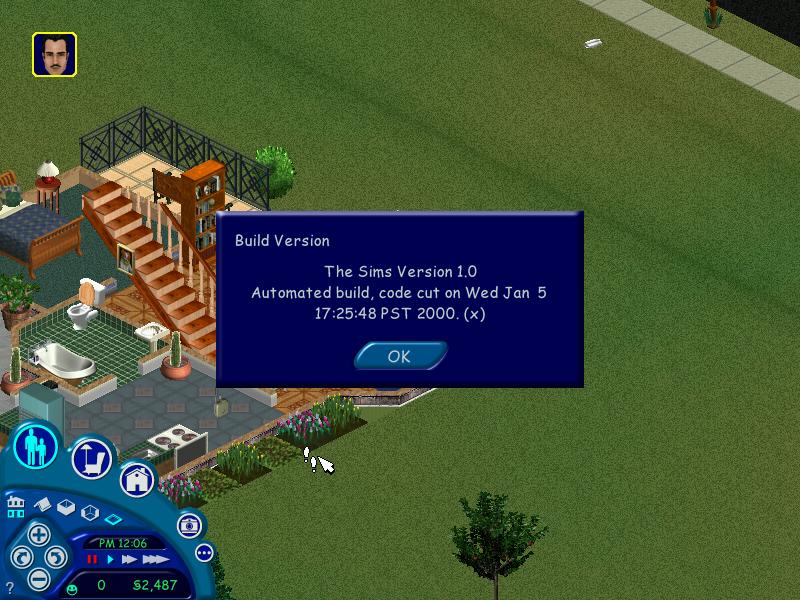
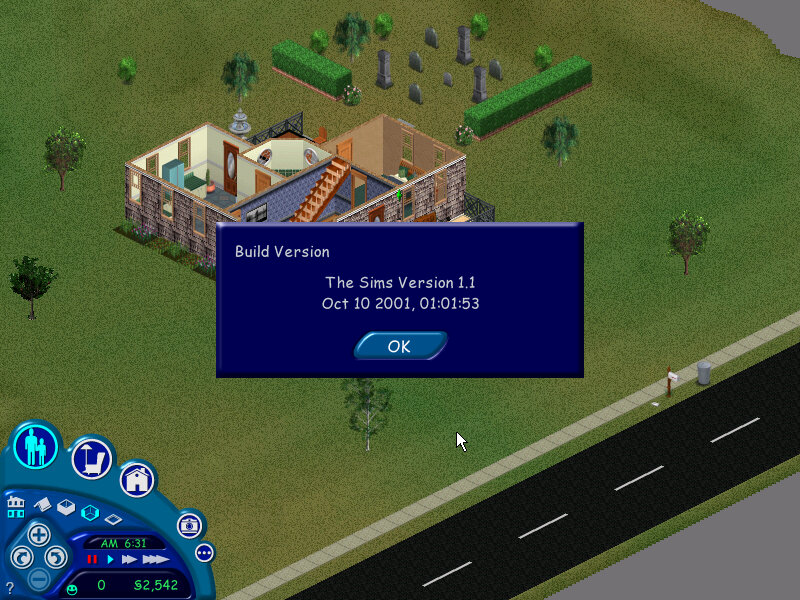
Version information and the build date

Mac OS Version

The expansion was later released on the Mac OS platform and installed in a similar fashion to the PC version. If the user has multiple copies of The Sims installed, they are prompted to select the folder they wish to install.

Like the original game, Livin Large only supported classic Mac OS, with a Carbon update being released later for compatibility with Mac OS X

The Sims

Where it all started…

Updated 9/6/2023: Added information on the Mandrake Linux version

Jump to the console version

Neighbourhood

The streets that raised me

The main screen that shows the playable lots in the neighbourhood, clicking on a house will load that lot. The first game supported only one neighbourhood, with multiple ones requiring an expansion pack. The default install ships with five pre-made families and six houses.

  • Goth: Bella, Mortimer and Cassandra – An easy house to start with, although during the first few nights they have an annoying trait of mourning near the gravestones, usually that stops after a few days
  • Newbie: Bob and Betty, Tutorial household, a nice introduction to The Sims
  • Roomies: Chris and Melissa, another small household, this family is vacant and can be moved into any lot they can afford.
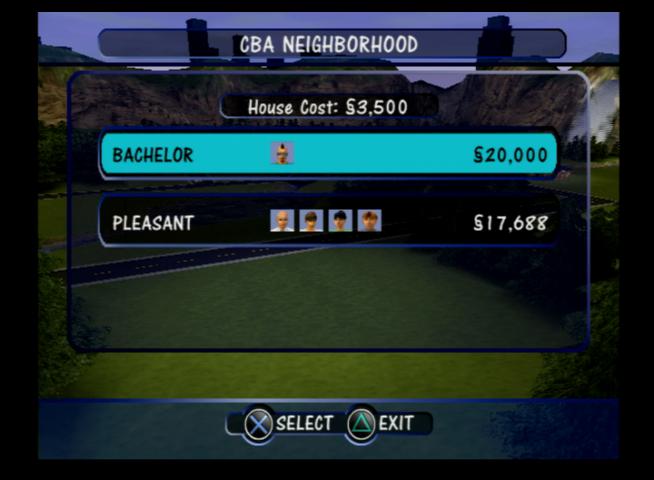
  • Bachelor: Just a single sim, Michael, typically moved into 1 Sim Lane
  • Pleasant: A hard family to play since they have two kids and not much money, and you have to move them into a household. With two adults working two jobs you should be able to progress nicely.

There are also five other families that could be download from the Sims website. Although the website is now offline but mirrors exist to download from. These families can be added to the base game or to any install expansion pack but wont work for the console versions.

  • Hatfield: A very hard family to play. They are poor and don’t have a very good house with basic furniture, but at least both parents are working. If you can get the kids grades (there are three of them) to an A+ you can earn a (random) bonus for good grades.
  • Jones: straightforward family to play with two adults (Edward and Barbara) and a kid (Bobby), similar to the Goth house only less extravagant
  • Valentino: Rudy and Julia, who live in a large house
  • Snooty Patooty: Chip and Buffy, supposed to be a parody of a wealthy couple
  • Maximus: A bizarre family, only two adults and the weirdest house you will ever play

Game elements

Relationship

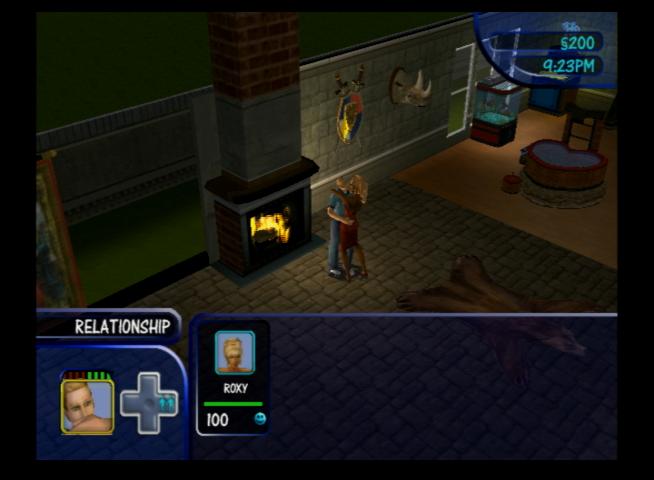
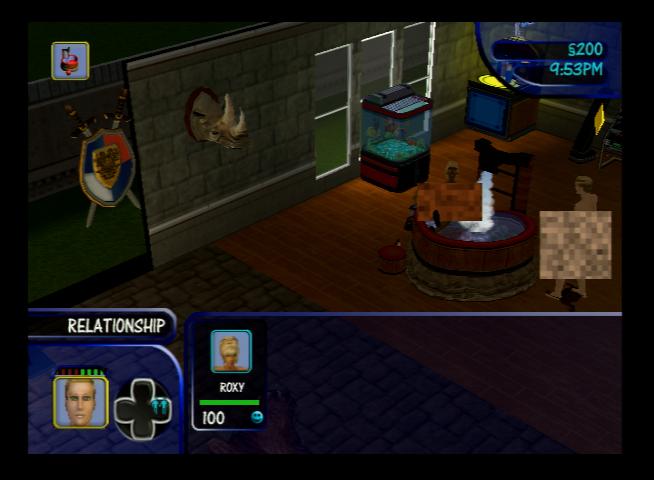
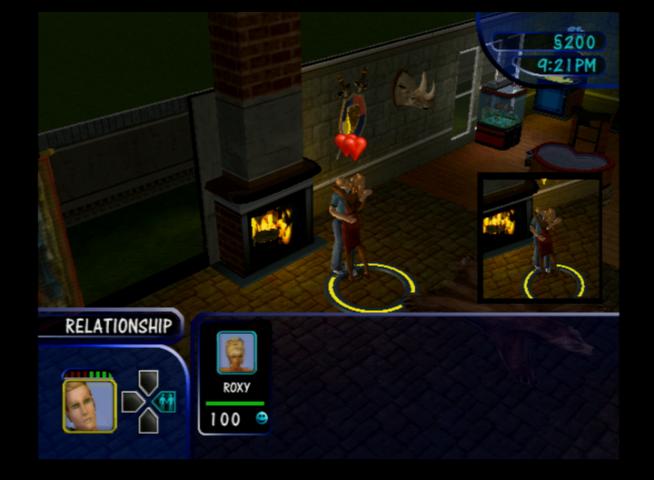
How well your sim knows other sims and if they are friends, lovers or enemies. Some jobs require you to have a certain amount of friends in order to progress to a promotion. The base games has a simple bar that measures your sims friendship from 1-100, with 100 being the highest. In the base game there is only one relationship bar, with two being introduced with the later expansion packs.

Should be notes if you want two adult sims to share a bed they will need a relationship of 50 or higher

Marriage: Sims can move in and get married if their relationship is high enough, this will move the sim into the household, along with any kids if they live with the sim and that sim is the only adult. Same sex sims have the option too move in instead. That said, the game has a very loose concept of marriage, since its possible for one sim too be married to multiple sims, although if they perform any romantic interactions they can become jealous (and the Woody Woodpecker sound plays)

Skills

  • Cooking: Helps prevent fires, and improves the quality of your sims cooking which increases the effect on hunger. The noise the sim makes will also change when food is cooked at a higher cooking level. When playing a sim for the first time its advised to raise their cooking skill level to two bars or higher to reduce the risk of fire.
  • Mechanical: For repairing items, the higher the mechanical skill the faster they will repair the item. Sims can get electrocuted if they repair an electronic item with a low skill level
  • Creativity: Play the piano or paint on the easel, which is useful since sims with a high creativity skill can sell paintings for a lot more money.
  • Logic: Playing chess or looking through the telescope increases this, only useful for job promotions
  • Charisma: Increased by talking to yourself in them mirror, supposed to help with how your sims interact with others, but is mainly useful for job promotions.
  • Body: Helps keep your sim fit, but this has no affect on their appearance. Its mainly useful for carers and winning fights if your sim has enemies

Disasters

  • Fire: Occurs when your sim tries to cook with a low skill level (2 points or lower) or when you have objects near a fireplace. Buy a fire alarm which will summon a firefighter to extinguish the fire automatically.
  • Burglar: Randomly comes during the night, but can come during the day of the sim is at work. Buying a burglar alarm help the police to capture them when they enter your lot.
  • Floods: If a toilet/sink or the dishwasher breaks, it can cause a flood which must be cleaned up by the sim.
  • Aliens: looking through the telescope at night has a risk of being abducted by aliens, who will randomize the sims personality upon return.

Sims can also leave the game autonomously, adults will leave if they get into a fight multiple times with a sim and have a serious degraded relationship. Kids will leave if their grades fall below D- and will be sent to military school. When these occur the sim is deleted from the game upon saving, and cannot be restored unless you exit without saving.

Jobs

The base game comes with ten careers (Six in the console release) with 10 jobs in each. Each job can be accessed by having your sim promoted by fulfilling the job requirements. Certain jobs will require you to have a set amount of friends, and a set level of skills.

Phone Services

Services can be ordered by using the phone, an NPC will then arrive on the lot

  • Maid: A maid will come from 9am every day, and will always leave by 5pm every day. Cleans the lot.
  • Gardener: Waters the plants, comes every 3 days
  • Repairman: Repairs all broken items on the lot
  • Police: No reason to call them unless a burglar comes on your lot and you don’t have a burglar alarm.
  • Fire Service: Only used if a fire breaks out on your lot and you don’t have a fire alarm, can be fined 500 for a false emergency.
  • Pizza: Delivers pizza to your house, costs $40

The game offers a help systems that pops a question mark symbol in the corner, informing the user that a tip is available.

Buy Mode

Where you can purchase items for your sim. Items are grouped by category – Seating, Surfaces (Tables), decorative, electronic, plumbing, appliances, lighting and miscellaneous (items that don’t belong in any category. Clicking on the buy mode icon again switches to room category view

Releases/Versions

PC Release

The Sims: Original base game

Deluxe Edition: The base game with the Livin Large expansion bundled together in one install, also features The Sims Creator

Complete Collection: Includes all expansions

Mac Release

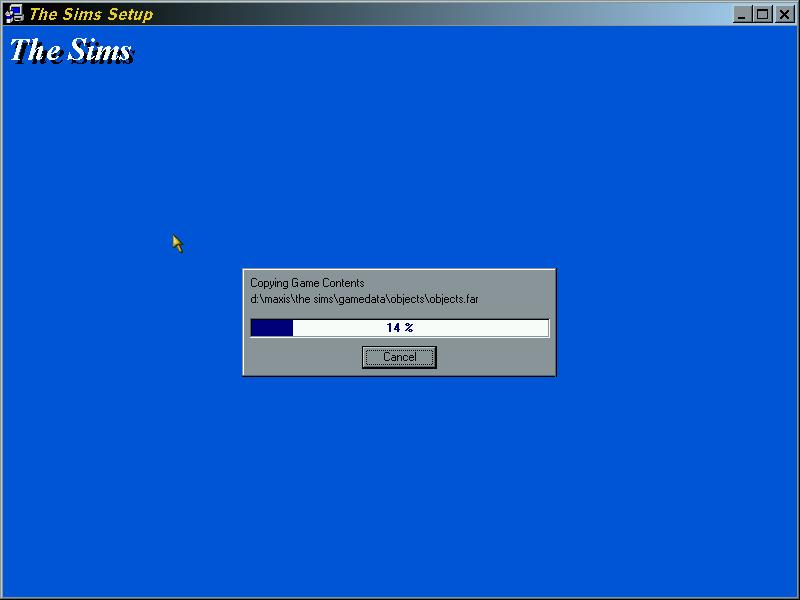
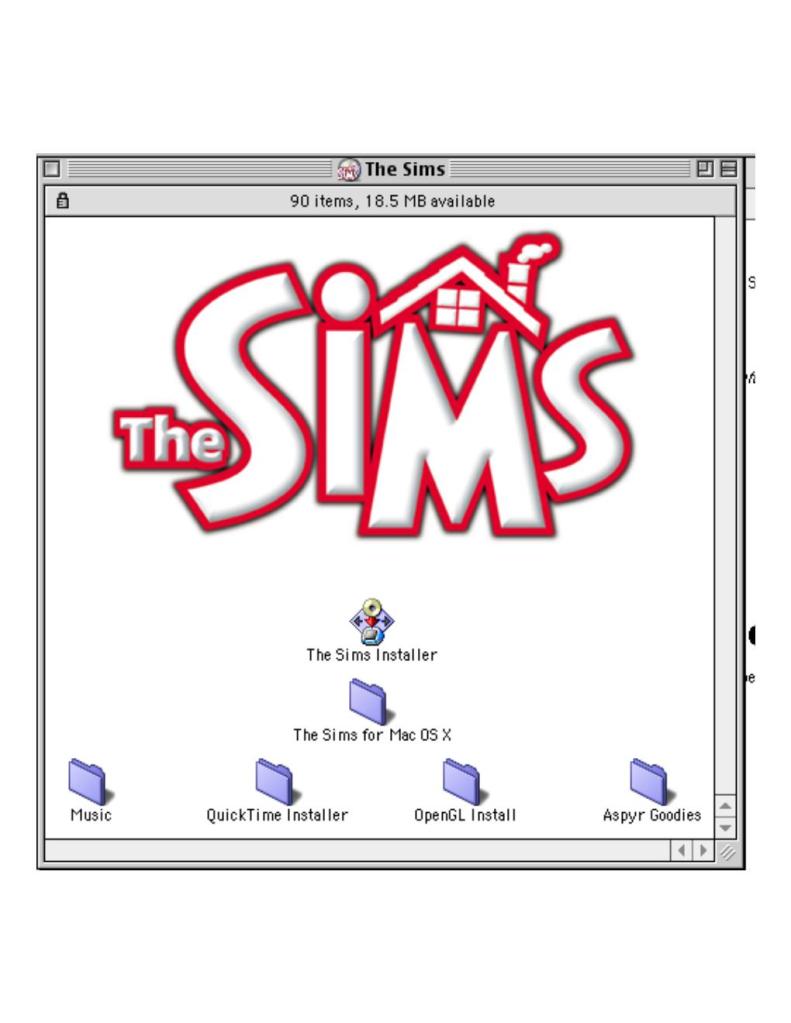
The game was ported to the Mac platform in 2000 by Aspyr and was for the PowerPC platform. This version was very similar to the PC release and is compatible with any downloadable content intended for the PC release, but attention must be made to the file name length since the Mac is limited to 31 characters instead of 255 characters used on Windows for its file name. Files may need to be renamed for it to be used on the Mac version.

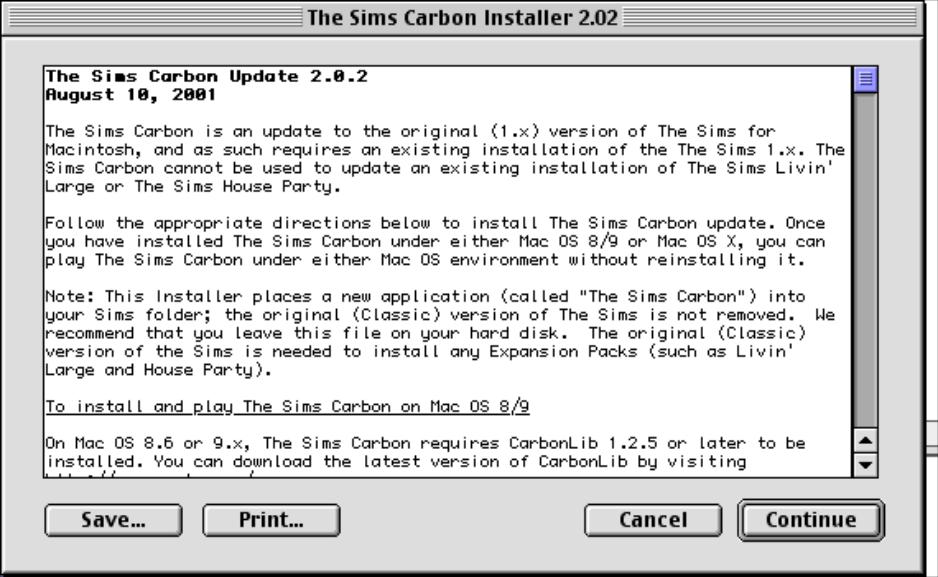
A Carbon version was later released for compatibility with Mac OS X, Carbon was an API that help facilitate the transition from the classic Mac OS to OS X. Carbon applications are only supported on OS 8.6 and higher. When you install the Carbon update, two executables are present in the games folder as some expansion packs rely on the older version. Starting from Hot Date, Carbon was installed as standard.

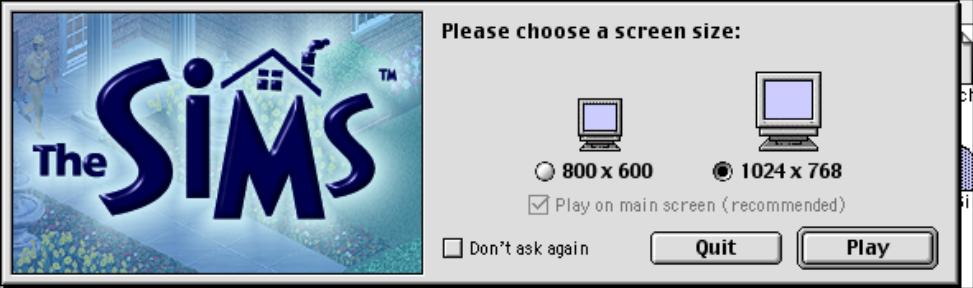
Lastly, OpenGL is used for the graphics API instead of RAVE, and must be installed on classic Mac OS 9. It is integrated by default on Mac OS X.

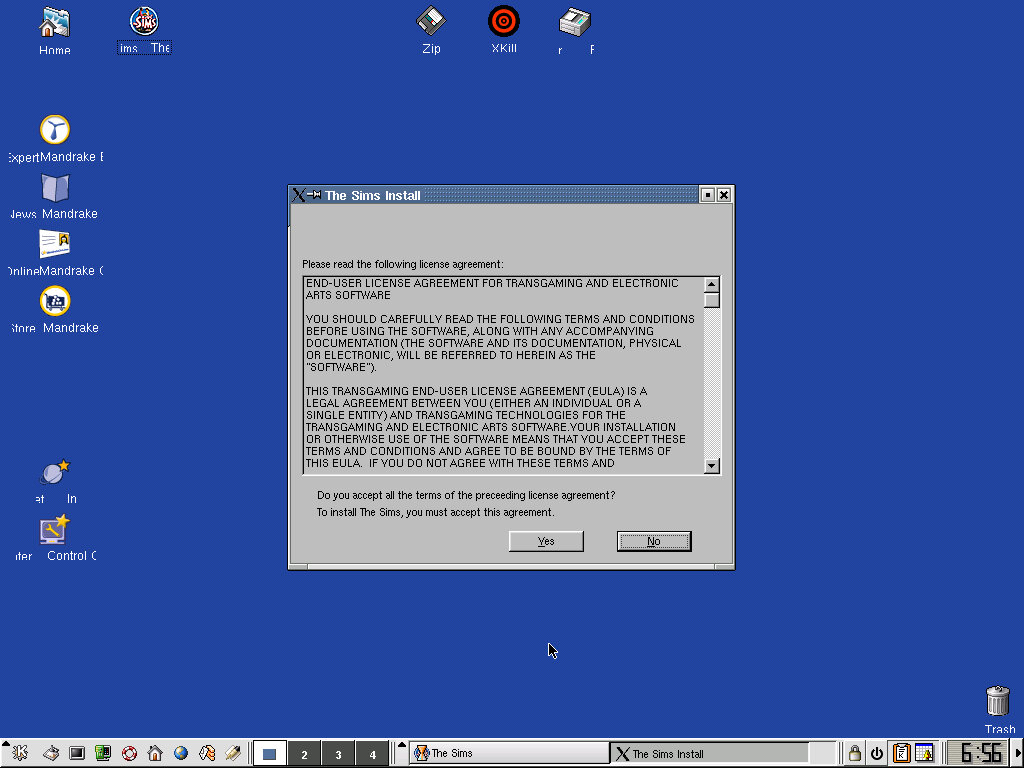
Linux

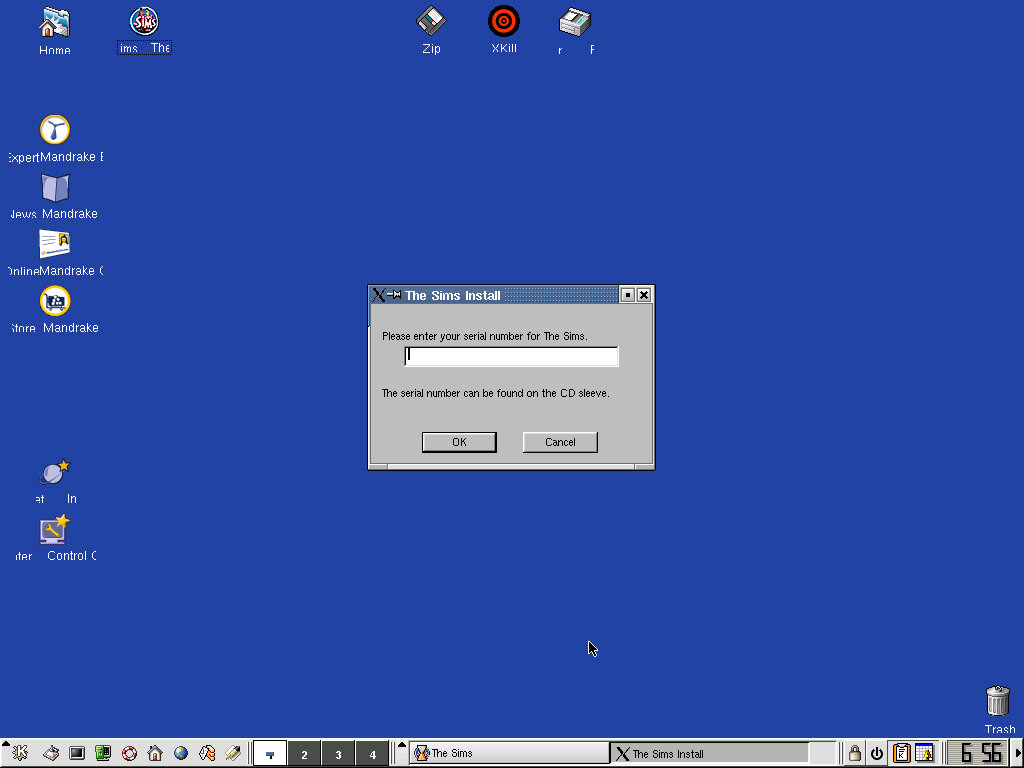
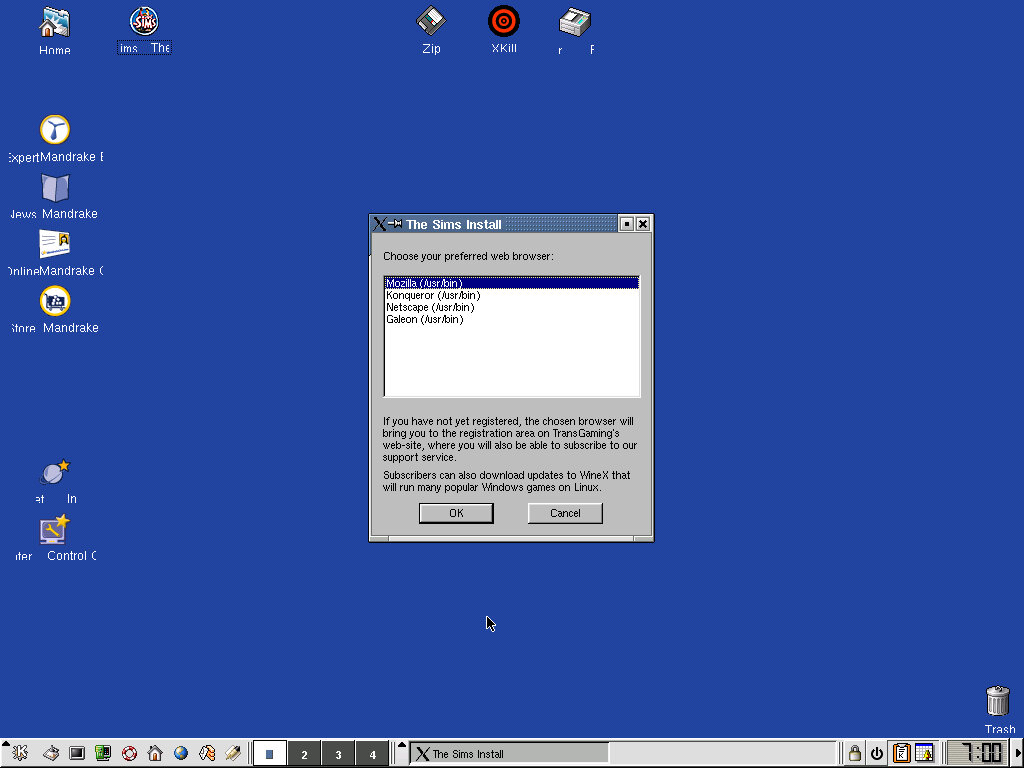
A Linux port exists for Mandrake 8.0 gaming edition, which was the operating system it came bundled with.

This version of the game was released by Transgaming Technologies, which used a proprietary fork of Wine to allow DirectX Windows games to run on Linux.

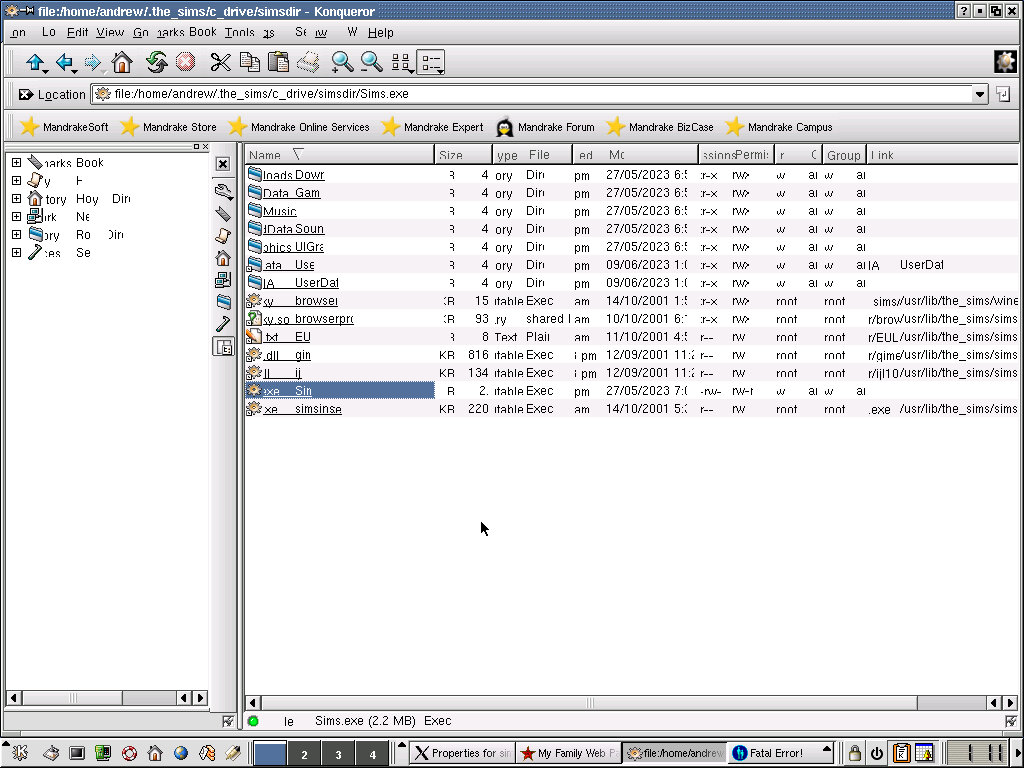
The game itself is very similar to the base game that was released for Windows and included all of the supported features. Browsing in its files directly exposes the regular Sims.exe that you would find in the PC version. Technically this isn’t a port of the game, instead using the Windows version in a Win32 wrapper (WineX). I wonder if expansion packs could be potentially installed?

I’m not sure how this plays well with other Linux distro’s so it might be something to look into.

Here’s a look at the install directory, the text appears garbled as 86Box (the emulator thats being used) has issues with the 3DFX Voodoo 3 that is being emulated, but you can still make out the files in the directory

The Sims (Console)

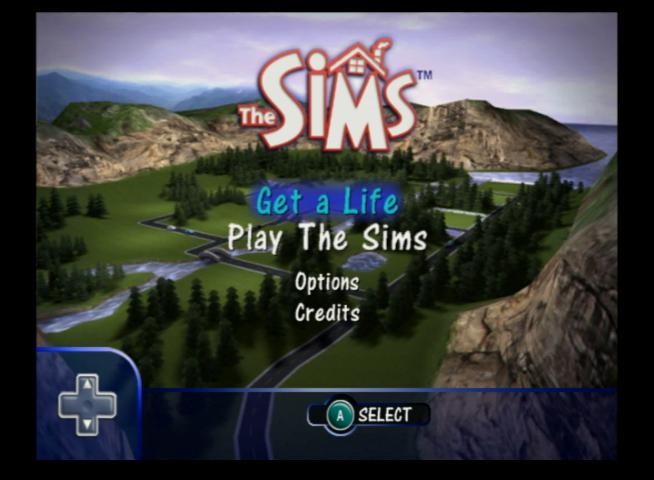
A console adaption of the popular PC game but I would consider this as a remake, The Sims are rendered entirely in 3D graphics complete with new lighting effects and redesigned objects. A new game mode, Get a Life is added which featured level type gameplay where the player has to progress from house to house, building up their career.

The console version was released for the PlayStation 2 first, with an updated build being released for the GameCube and Xbox. Compared to the PC release there are a few differences due to the consoles typically having less memory compared to the PC, and with no expansion packs available what you see in the game is what your stuck with. You also cannot download and install objects or families from the PC version.

Get A Life

In this mode you create your own sim, who lives in their own rags to riches story as they start off in a basic house. The aim of this model is to reach the dream house stage, which can be achieved by completing goals that consist of getting certain promotions at work, cleaning and upgrading the houses and throwing parties that sims enjoy.

Whilst this mode seems easy at first, it will get progressively harder as it taker longer to raise your sims skills, jobs will require more friends in order to get promoted and you have to battle with refilling your sims needs quite often.

The Xbox version saves directly to its hard drive and has seemly unlimited save slots, memory units are not directly supported. The PS2 version can save as much as its memory card allows, with each save consuming 1.1MB. The GameCube version is limited to 1 save file per card.

Levels

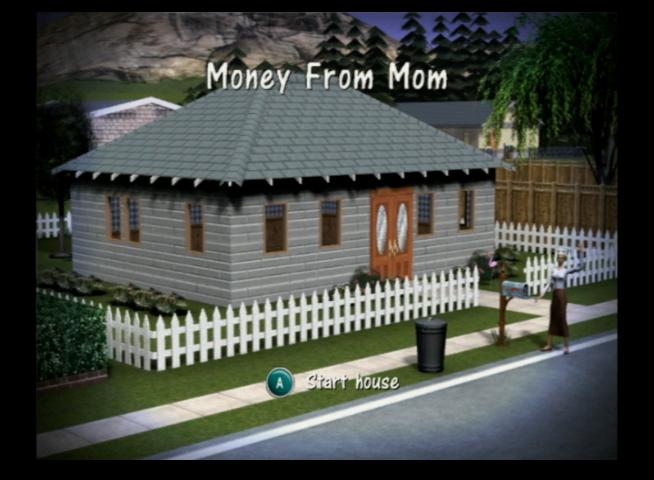
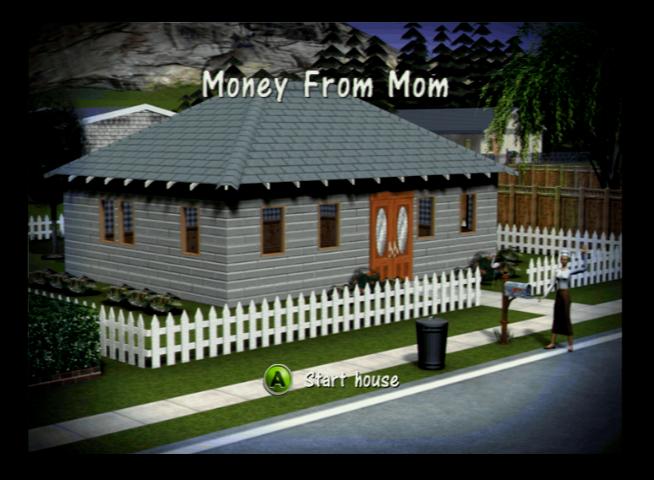
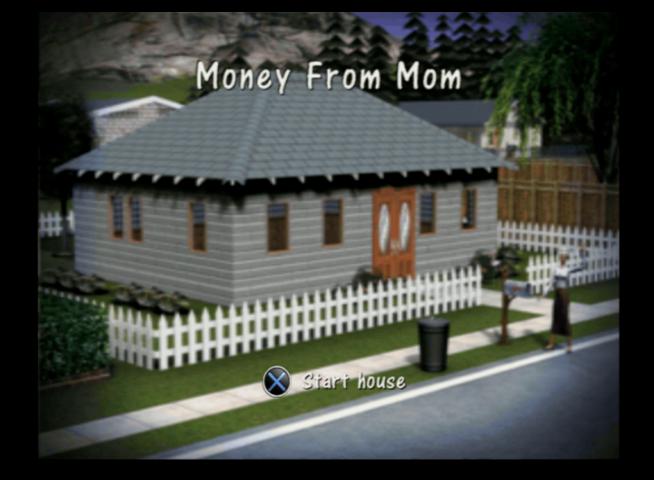
  1. Moms House – Starter level, objectives are to repair the TV, gain two cooking skill points to make a meal, and borrow 800 bucks from ‘Mom’ who is a pain in the arse and will randomly complain and refuses to clean and cook
  2. Reality Bites – This level can be a bit lonely since its just your sim, Dudley (Mimi if your sim is a female) will occasionally pop round but cannot be interacted with unless you invite him. Thankfully Mom can be invited and two neighbours (The Peacocks, Pauline and Pierre) pop round. Get two job promotions, clean and fix everything and spend $1000 upgrading the future to progress.
  3. Party Animals – You have a new roommate, the snag is its Dudley or Mimi (depending on your sim’s gender) who are a pain to live with. Like Mom they wont cook or clean, and skill building is out of the question so getting a job promotion is a challenge. But it can be done, Dudley/Mimi can build his body skill using a swimming pool which is enough to get promoted two times. The house itself is quite large which makes navigating it time-consuming, you may wish to alter its design as part of the $1000 improvements. Two new neighbours are available to meet, the Froofraw (Fran and Freddy, fuck knows how they came up with that surname), along with Dudley’s Roomies friends (Leon, Carlos, Betty, Layla) which you must befriend one of them in order to move out to the next level. There is also a bonus sim, Bobo the Bum, who walk past your house every morning. Give him food and you can unlock a 2 player mode games.
  4. Hot to Trot – You start with the sim that you chose to move in with from level 3, like the previous levels you need to earn two promotions and spend money on upgrades for the house. Again you will be introduced to more of your roommates friends, only this time you have to choose which one you want to marry. This will always be the sim of the opposite sex, as gay marriage wasn’t a thing until the later games. Once completed you will move onto level 5.
  5. Who loves ya baby: The worst level with the worst designed house. Here you have to earn another two promotions and you have to raise two babies to kids. When you first play the lot, you have to manually rearrange the furniture since tis all condensed into two rooms. The worst part is having to raise two children which seems to drag on, you basically need to feed and sing them to sleep every 8 sim hours.
  6. The last Simoleon: You move into a dream mansion. Being the final level, the objective is to reach the max promotion for your career, have 20,000 in your savings and get your kids grades up to an A+ level which will send them to boarding school. Once finished, the end credits will play and you will be returned to the main menu.

Bonus Unlocks: making friends with neighbour sims unlocks certain create a sim cloths and hairstyles or accessories

Play the Sims

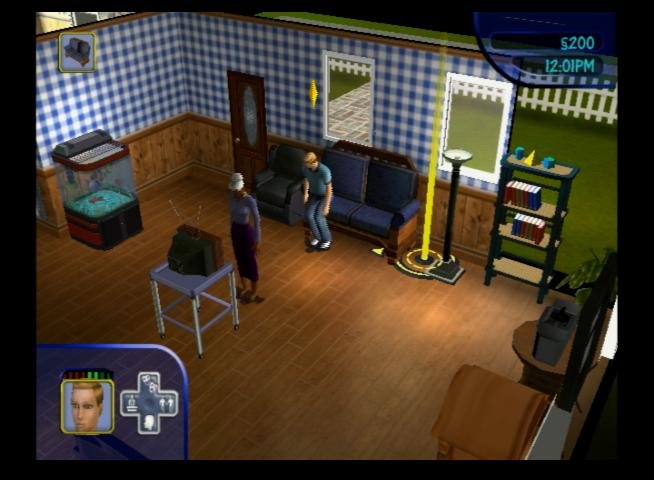
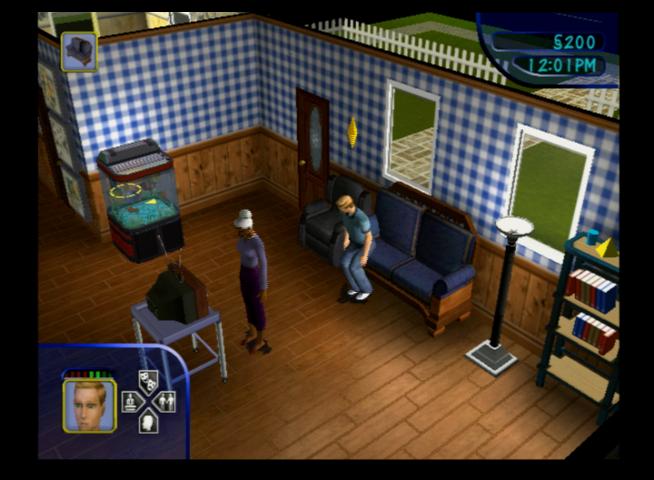
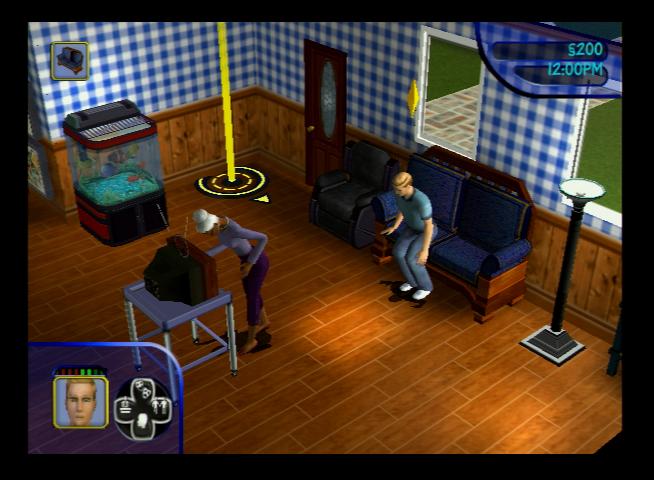
Sandbox-style gameplay like the original PC version of the Sims, although you have much less lots to play with, having only 6 lots from the 10 that PC version offered. You are also limited to 4 sims per lot with the PC version supporting 8, however the game internally supports 8 sims when using a modified save file.

Game saves in this mode are the same as the Get a Life versions, with the PS2/Xbox being ale to save multiple games deepening on the storage capacity, but the GameCube version being limited to a single save per card.

In the PS2 version the default neighbourhood has no defined name, and the player must enter one when first created, the Xbox/GameCube prepopulate the name with ‘Willville’ but this can be changed by the player.

Up to 2 players can play on one console using a split screen method, however the lot must have 2 or more sims on the lot.

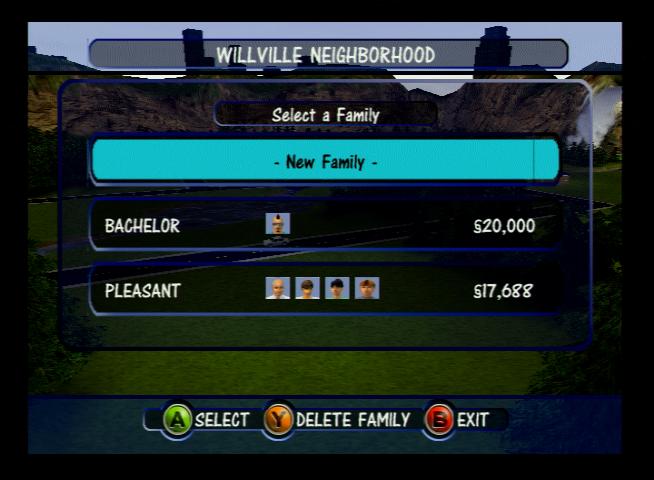
The premade sims are the same as the Pc version, with the Goth, Pleasant, Newbie, Roomies and Bachelor families being present but with a slightly different appearance and personality. The lots have also been amended since the console versions only support a single story. The Goth, Roomies and newbie families are already moved into a lot, but the Roomies house is unfurnished.

Bonus

2 player mode is supported with the use of mini-games, similar to the 2-player mode in Play The Sims mode, but in this mode each level has specific challenges that must be completed by each player, and the player that completes their goals first wins. There are 8 in total:

  • Handyman’s House
  • Maid’s House
  • The Park
  • The Frat House
  • Party Motel: Unlockable only by a cheat, Enter PARTY M in the cheat box
  • Club Abhi
  • Taylor’s Place
  • The Museum

Comparison with the PC

  • Console versions only has a single story houses, the PC supports two
  • Console used 3D rendered graphics for everything, PC version only the sims themselves are 3D with the world being an isometric 2D design
  • No online exchange support for the console
  • No 2 player mode for the PC version, whilst the console versions support split screen like multiplayer

Gamecube

Xbox

PlayStation 2

The PS2 version was a fresh copy, Play The Sims mode is unlocked after starging and saving in Get a Life mode

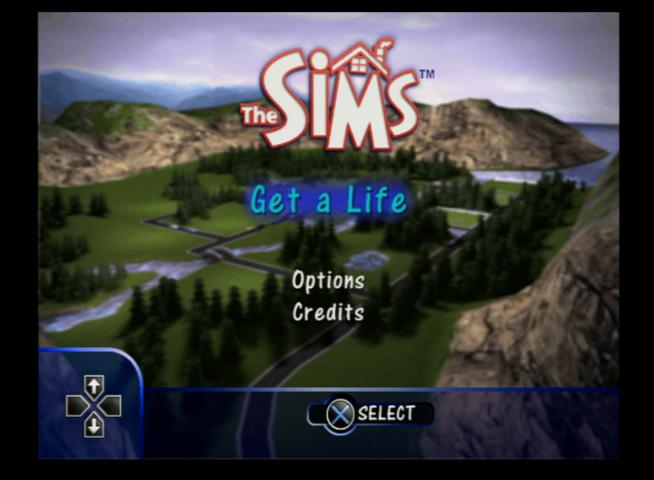
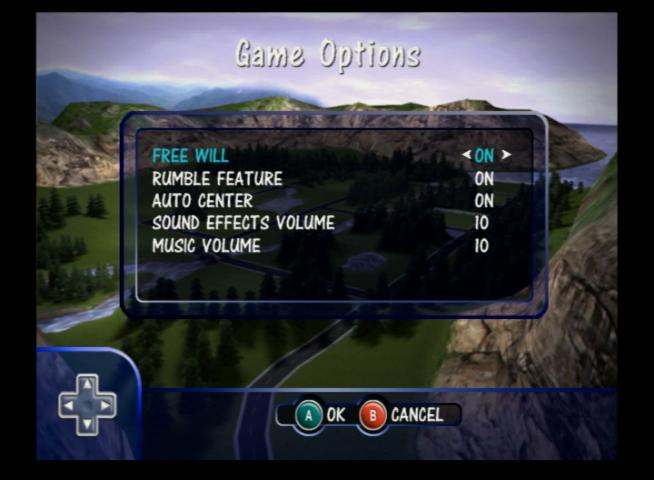
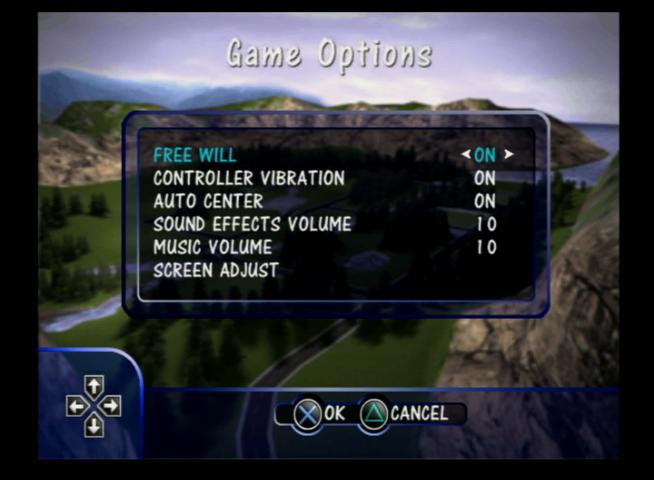
The options menu

Slight difference with the font display on the PS2 version with larger line spacing

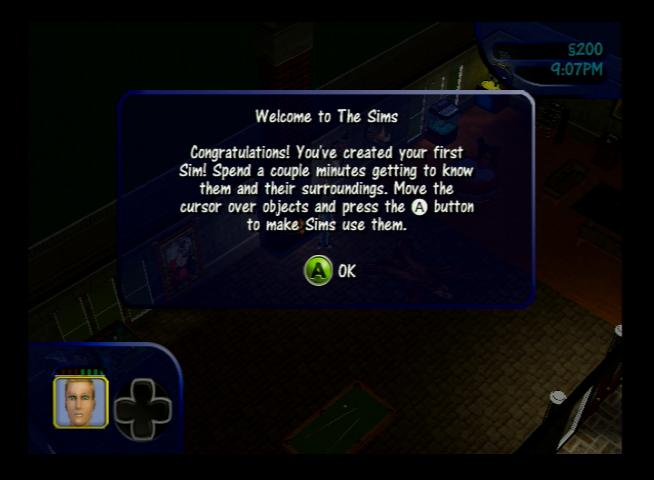
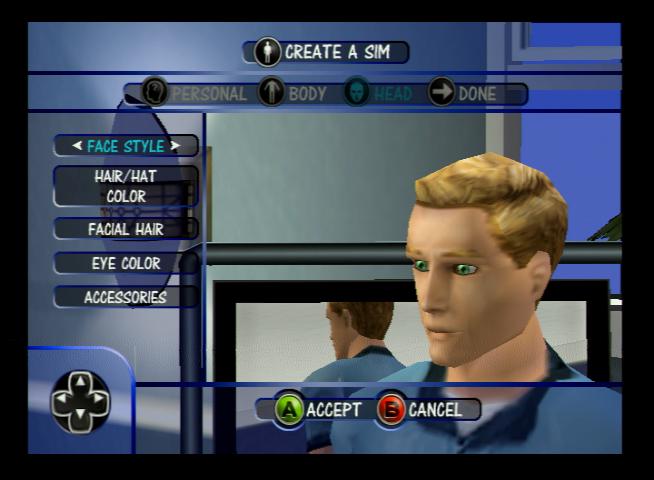
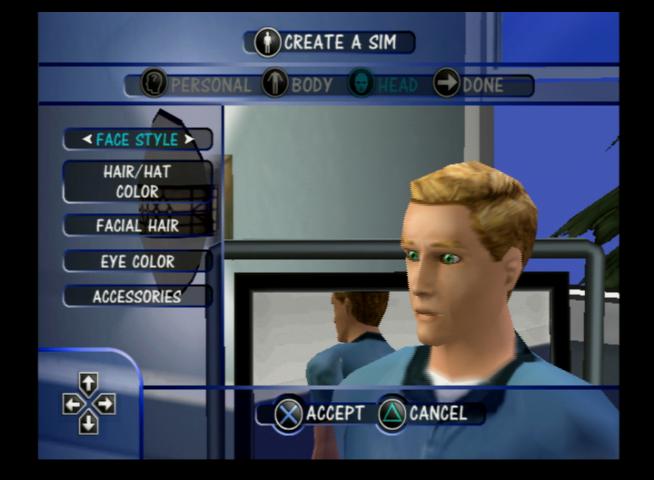
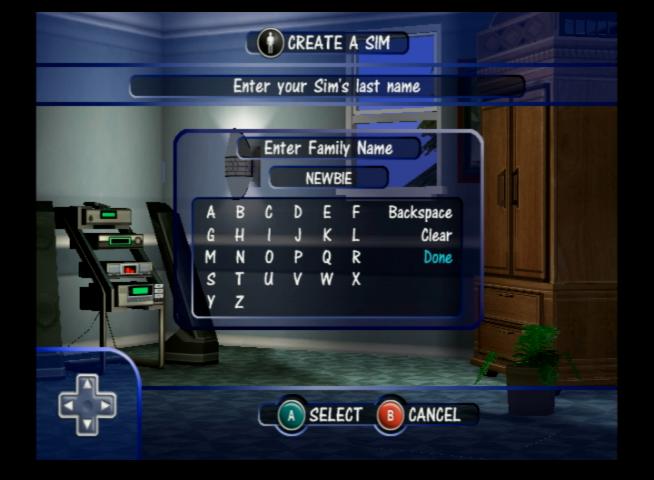
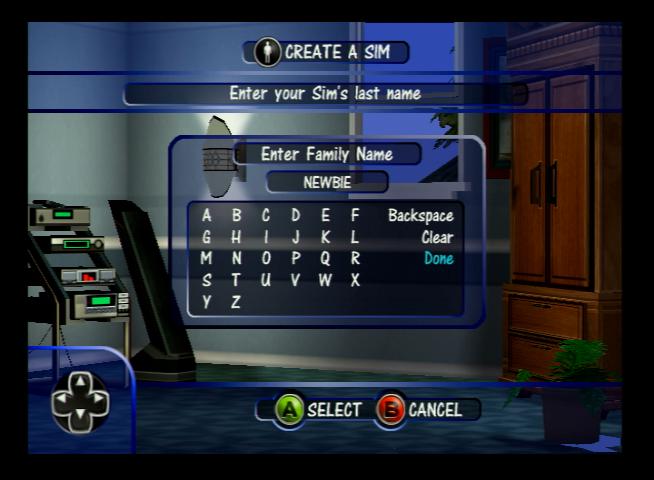
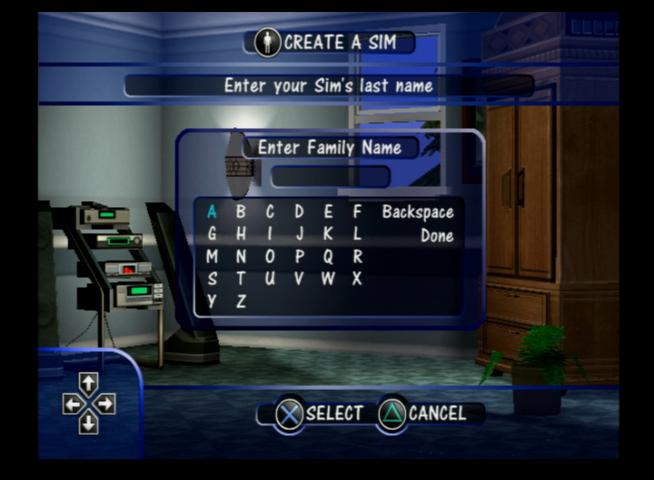
Create a Sim mode, The Xbox version will ask you to confirm the changes upon pressing the B button, the PS2/GameCube versions do not

The GameCube and Xbox version comes wit the name prepopulated

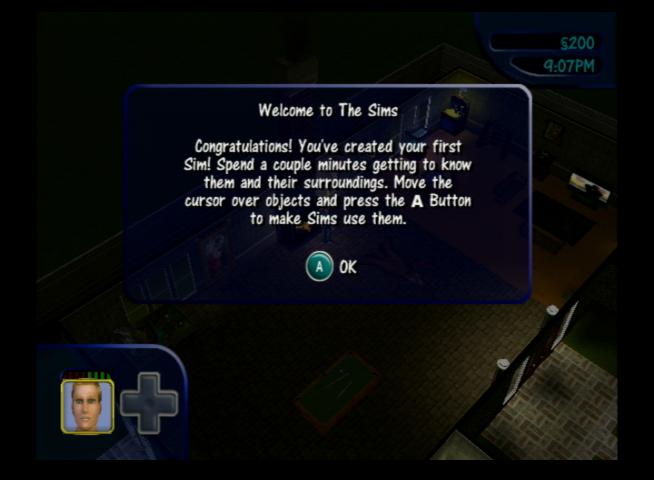
The level start screen

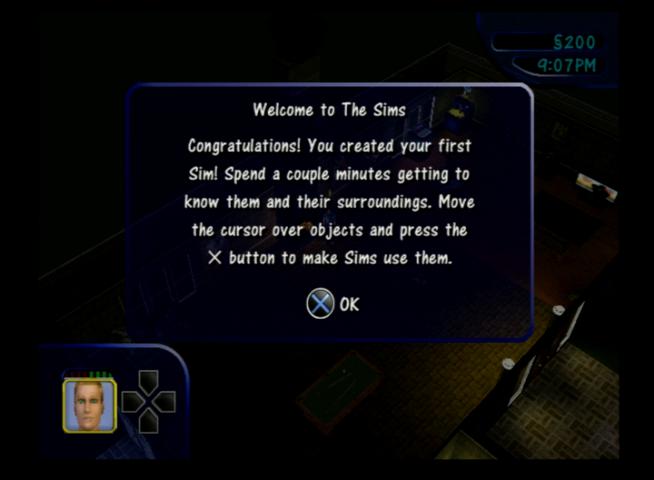
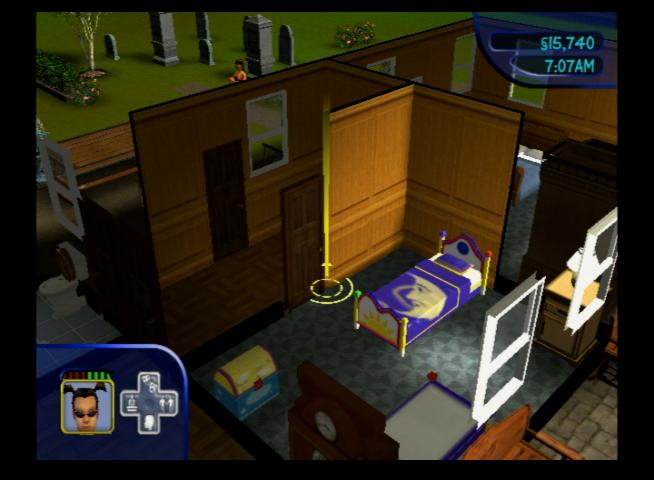
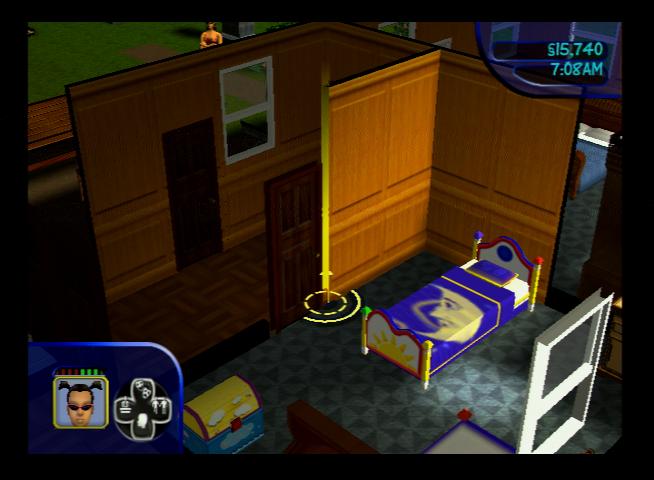
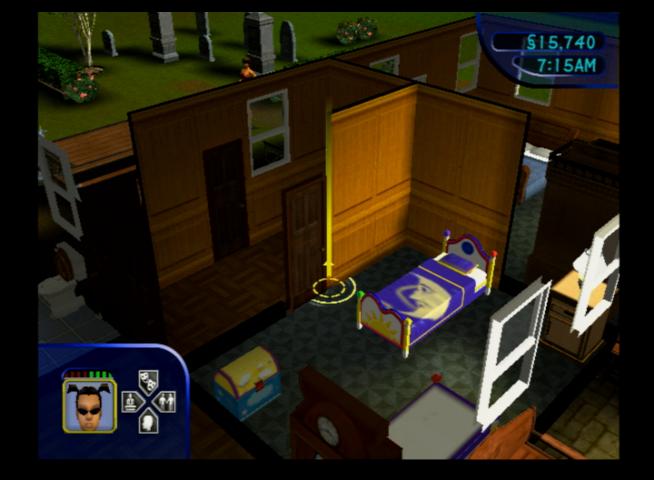
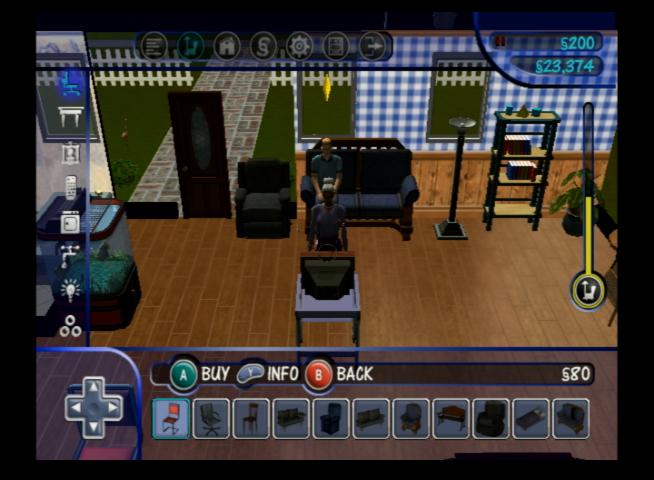
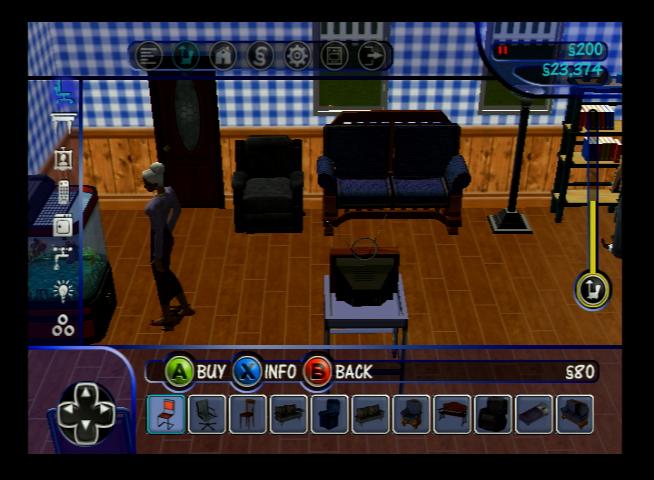
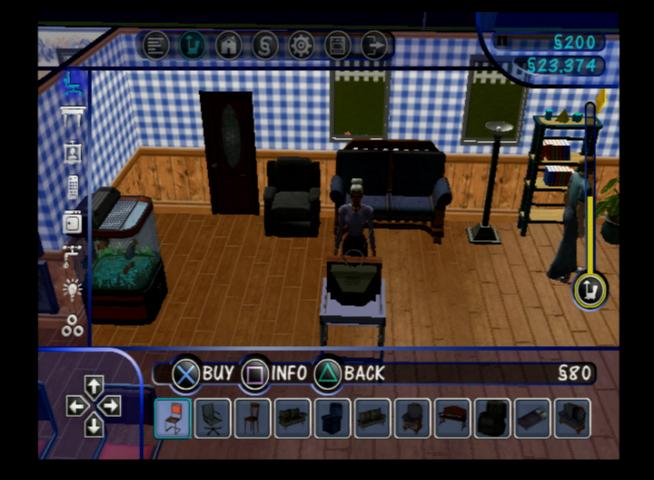
Example of the user interface, the directional pad has a different appearance on each version

The first level, some minor differences in the details. It’s possible the game was built for the PS2 and was the lead development platform and was then ported to the other consoles.

Family selection screen

Buy mode, all versions have the same object limiter

The Xbox version seems to be the best one with its sharper textures, but its graphics ae slightly zoomed in, like the FOV is different compared to the Gamecube/PS2 releases

The Xbox version has bonus loading screens if the game takes too long to load. You will only see this if the game disc is dirty and the console is struggling to load

Utilities

EA AutoPatch

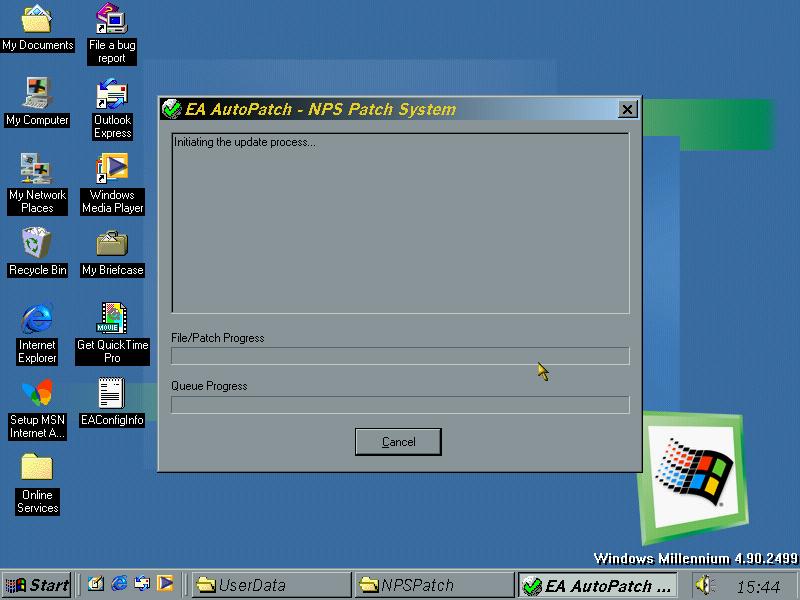
A utility by EA that checks for updates and downloads them, no longer functional.