Tag Archives: Mac OS X

Call Of Duty – Black Ops

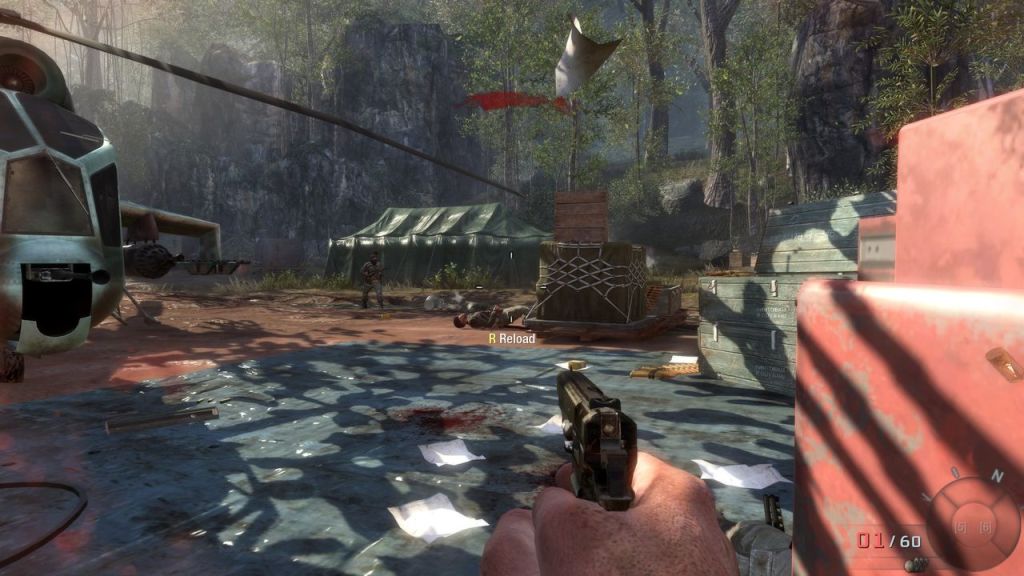
Another FPS game released November 2010 and developed by Treyarch. Considered to be a sequel to World At War.

The game’s set in the 1960s, at the height of the Cold War, where the U.S. and Soviet Union are locked in a global pissing match. The campaign’s core conflict revolves around covert U.S. operations to counter Soviet influence, from Cuba to Vietnam to Arctic outposts. It’s all about proxy wars and espionage, reflecting the real-world fear of mutually assured destruction. You’re playing as CIA operative Alex Mason, running black ops to stick it to the commies, which screams “America, hell yeah” but also shows the shady lengths the U.S. went to for dominance.
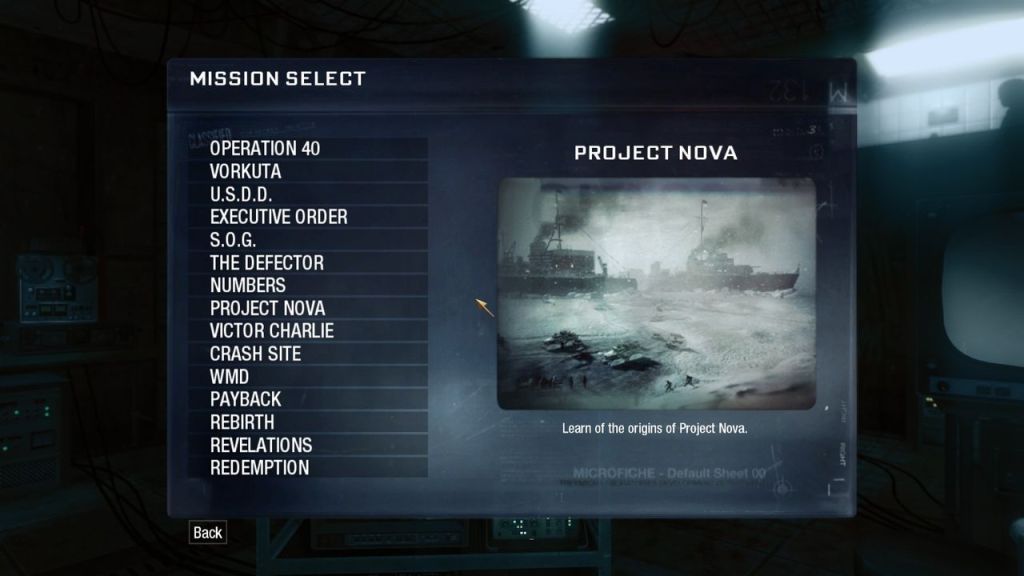
The Bay of Pigs Invasion (1961) kicks things off, with Mason involved in a botched CIA-backed attempt to overthrow Castro’s regime in Cuba. It’s a direct nod to U.S. anti-communist policies and the failure of covert intervention, showing the messy reality of regime change. The game doesn’t shy away from portraying Castro (or at least his double) and the Cuban Revolution as key pieces of the geopolitical chessboard. Vietnam War missions, like those in Khe Sanh and Hue City, highlight the U.S.’s military quagmire against the Viet Cong and North Vietnamese. Black Ops captures the chaos and moral ambiguity of the war, with soldiers like Woods griping about the pointlessness of it all, echoing real-world anti-war sentiments.
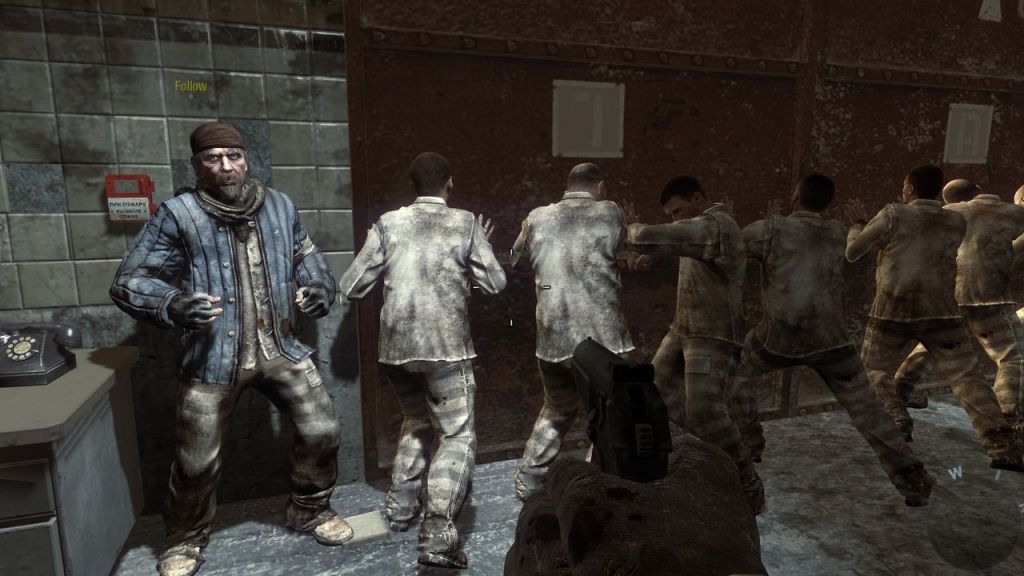
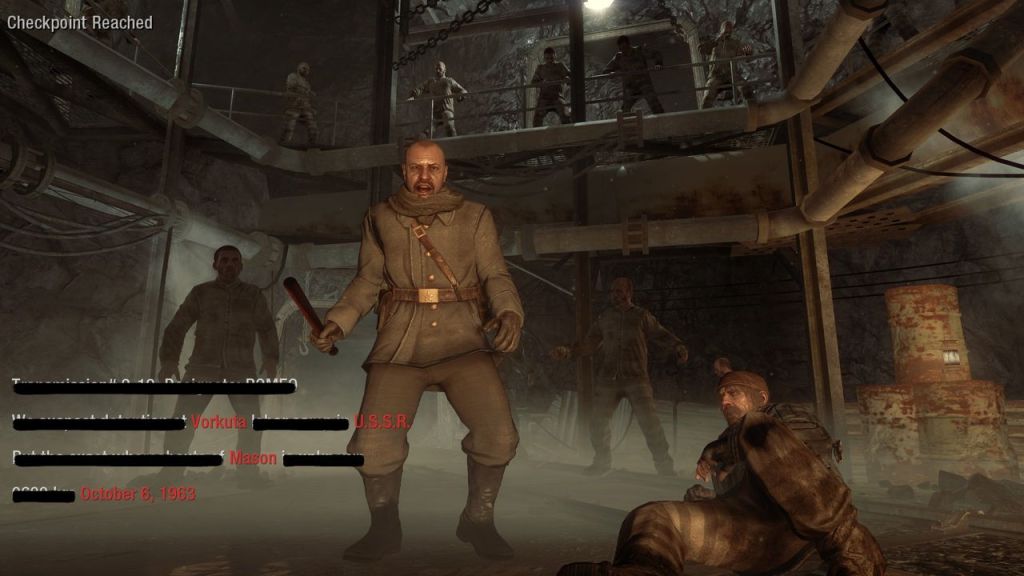
Numbers are a common occurance within the game campaign and play a large role int he story. The “Numbers” program, where Mason’s brainwashed by the Soviets, is a big metaphor for psychological warfare and propaganda. The idea of a sleeper agent programmed to kill on command plays into Cold War fears of ideological control—both sides were paranoid about the other “corrupting” their people. It’s less about left vs. right and more about how far governments (U.S. or Soviet) will go to manipulate minds for their agendas.
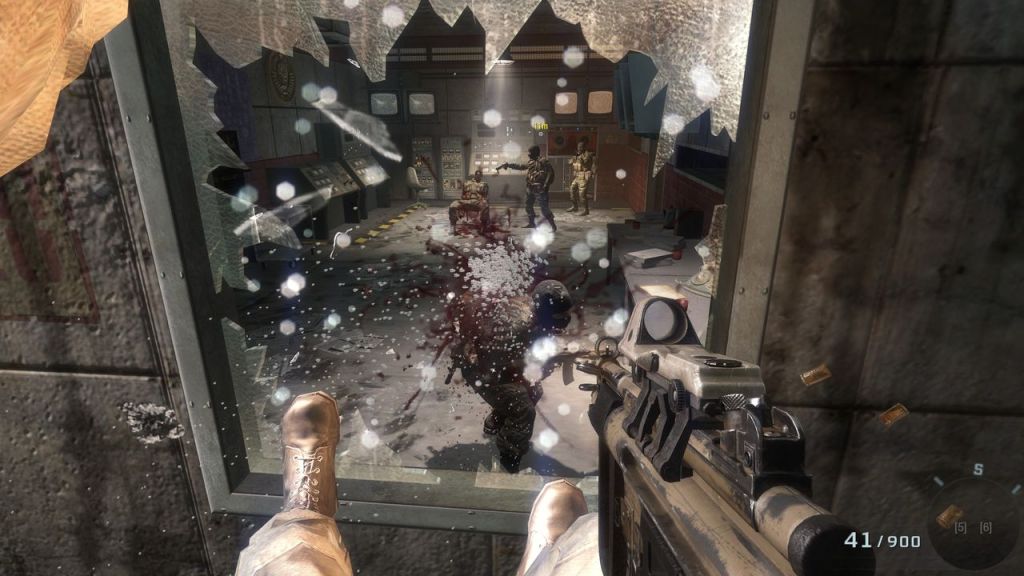
Nova 6, the fictional chemical weapon, is a plot driver, with the Soviets planning to unleash it on the West. It’s a stand-in for real Cold War anxieties about WMDs, like nerve gas or nukes. The game doesn’t preach, but it shows the U.S. and Soviets both playing dirty—testing weapons, running unethical experiments (like Reznov’s backstory)—which raises questions about the moral cost of “winning” a war.
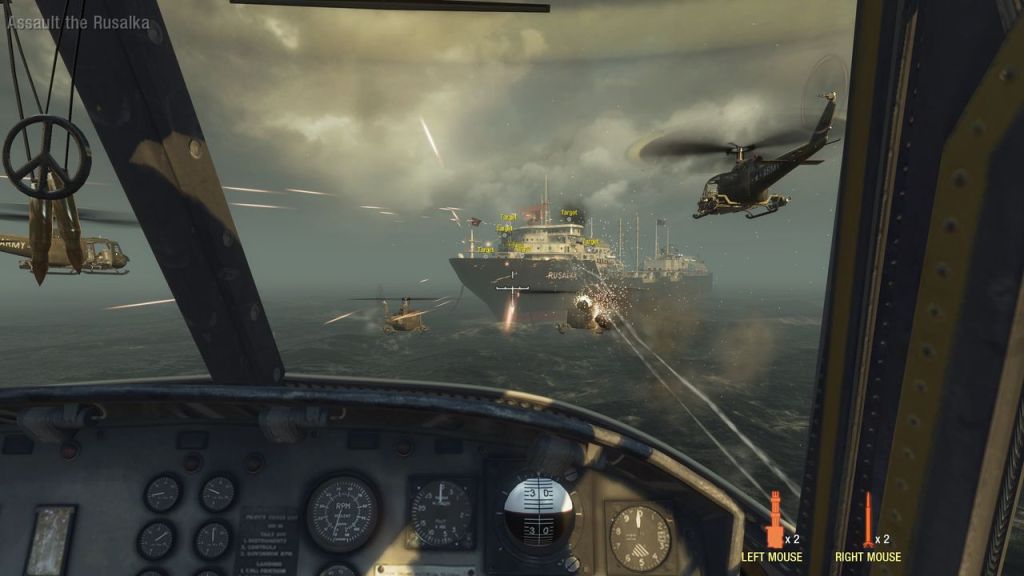
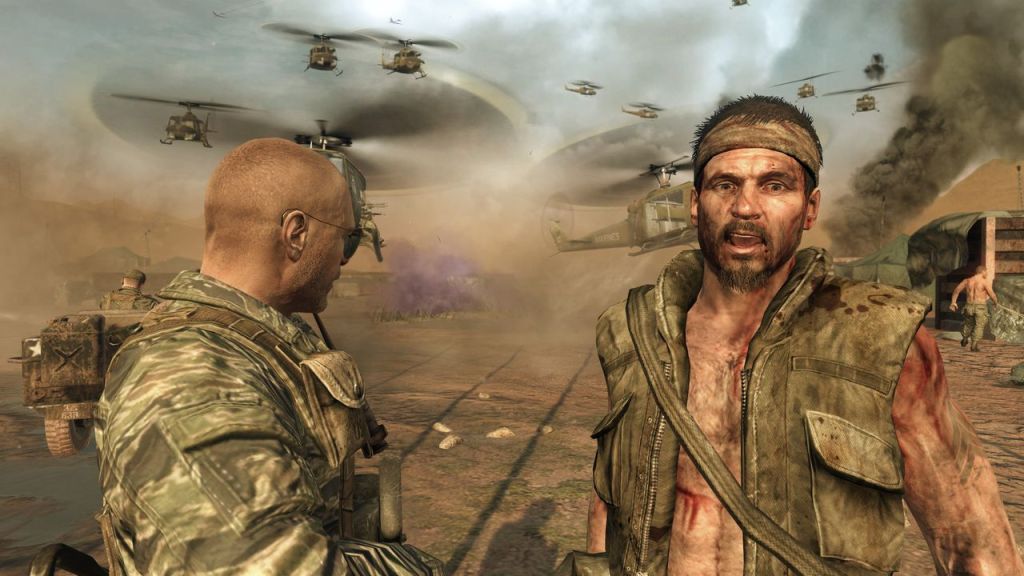
The game leans hard into the U.S. as the “good guys” fighting Soviet evil, with characters like Dragovich and Kravchenko painted as cartoonishly vile. This mirrors the era’s anti-communist propaganda, where the Red Scare was still a thing. That said, it’s not totally one-sided—Mason’s team isn’t exactly saintly, and the CIA’s methods (torture, assassination) get a side-eye, hinting at the hypocrisy of both superpowers.

Multiplayer

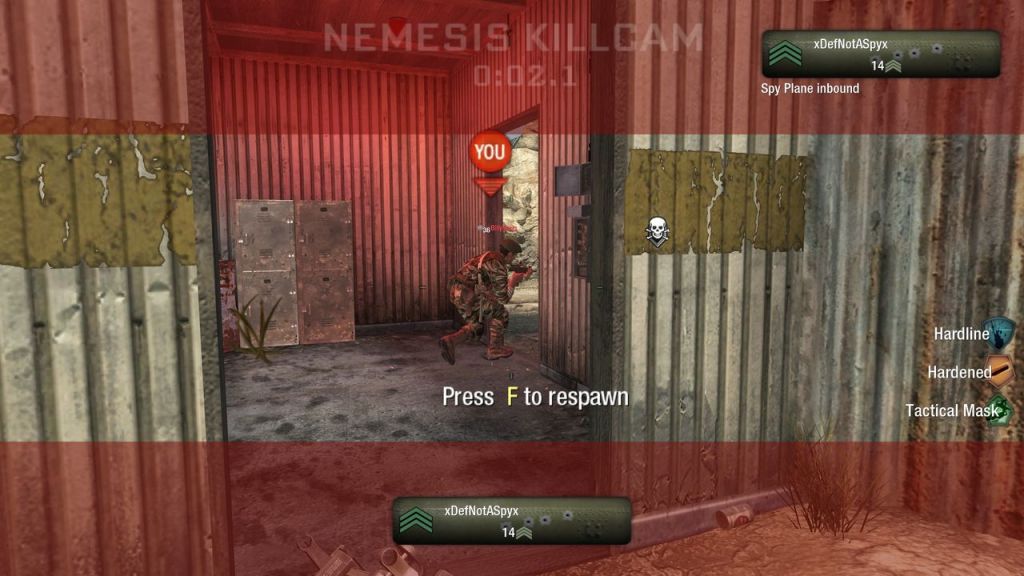
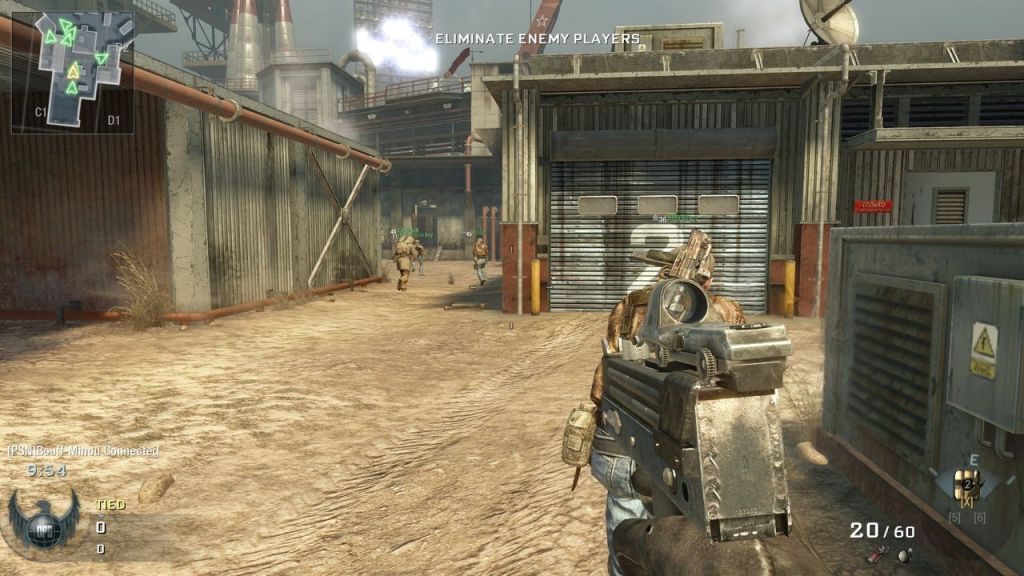
This is where Black Ops earned its stripes. You’ had a selection of 14 maps at launch, classics like Nuketown, Firing Range, and Jungle. Black Ops saw the introduction of COD Points, so you could flex your wallet and unlock that shiny new gun without grinding for days.
  • Nuketown: A tiny ‘50s suburb with two houses, a couple of buses, and a whole lot of carnage due to it’s small size. The nuke shelter and mannequins give it that creepy Cold War charm.
  • Firing Range: A military training ground with shacks, towers, and tight corners. Think of it as Nuketown’s slightly bigger cousin. Fast-paced but with just enough room to breathe. You can flank, hold a rooftop, or go Rambo in the middle. The central tower’s a death magnet, but controlling it feels like you’re the king of the lobby.
  • Jungle: A dense Vietnam jungle with rivers, huts, and elevated paths. It’s humid and hostile, like you’re actually in ‘Nam. Slower-paced, with sneaky flanks and sniper perches. The foliage lets you play Predator, but one wrong move and you’re eating an AK-47 burst. Perfect for tactical players who like a bit of stealth. Snipers and assault rifles shine, but watch for flankers with SMGs. Claymores are your best friend.
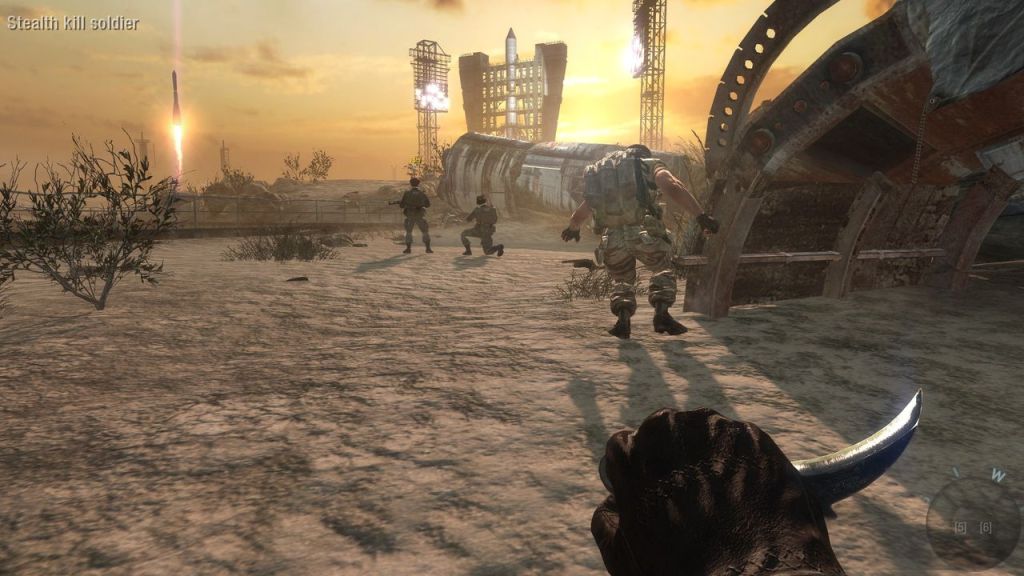
  • Launch: A Soviet cosmodrome with a rocket that actually launches mid-match. Big, open, and industrial. That rocket launch is a cool gimmick, shaking up sightlines. It’s a sniper’s dream with long lanes, but the side paths let rushers flank. Feels epic, like you’re storming Area 51. The rocket’s a distraction however, don’t get caught gawking.
  • Cracked: A war-torn Middle Eastern city with rubble, markets, and a big statue. Urban chaos at its finest. There lots of cover, destructible bits, and verticality. You can climb buildings or sneak through alleys. Feels like a real battlefield, but the layout’s forgiving for newbies.
  • Grid: A Soviet industrial complex with warehouses and open yards. Snowy and tactical. Great for objective modes—lots of choke points and a central building that’s a killzone. It’s balanced but rewards map knowledge.
  • Villa: A swanky Cuban estate with courtyards, a pool, and tight indoor areas. Fancy but deadly. It’s like crashing a drug lord’s party with an M16. The open courtyard’s a sniper’s playground, but indoors is a shotgun fest. Feels unique compared to the military vibes elsewhere.
  • Crisis: A Cuban military base with jungle edges and a central bunker. It’s got a good flow—open areas for firefights, jungle for stealth. The bunker’s a hotspot, but the map’s not as iconic as Nuketown or Firing Range. Solid, not spectacular.
  • Havana: Cuban city streets with colorful buildings, alleys, and a central plaza. Feels like a mini “Operation 40” from the campaign. Tight corners and rooftop routes make it a flankers’ paradise. The cars add cover but can explode GTA San Andreas style, so don’t get cozy around them.
  • Radiation: A Soviet nuclear plant with tunnels, conveyor belts, and an eerie glow. Creepy and industrial. The underground tunnels are a wild card—perfect for sneaky kills or getting ambushed. The open reactor area’s great for big team fights.
  • WMD: A snowy Soviet weapons facility, tied to the campaign mission. Big, with hangars and open fields. The snow adds atmosphere, but it’s a sniper’s map at heart. Feels epic but can drag if your team’s not coordinated.
  • Array: A massive Soviet radar base in the snow, with a giant dish and scattered buildings. It’s one of the biggest maps, built for snipers and vehicle cover. The dish is a cool landmark, but the map’s too spread out for my taste—feels like running a marathon to find a fight.
Zombie

Zombies mode was one of the more popular modes of the multiplayer. “Kino der Toten” is set in an abandoned cinema, with you and other players trying to hold the line at the theater while zombies swarmed like Black Friday shoppers. Then you got “Five,” where you’re playing as JFK and Nixon mowing down the undead in the Pentagon. Very absurd. “Dead Ops Arcade” was this weird top-down fever dream, like if Smash TV and a zombie apocalypse had a lovechild. Additional DLCs like Rezurrection just poured gas on the fire with more maps.

Versions

Xbox 360: The 360 version runs at 1040×608 but manages to maintain its 60fps framerate. This version is playable on the Xbox One, although It’s not enhanced to take advantage of the more capable hardware. A co-operative mode is supported with two controllers, allowing for split-screen play for multiplayer.

Multiplayer is still active on Xbox Live, and for the deathmatch and free-for all playlists you can often jump into a match, or wait a few minutes for matchmaking to assemble a team of players. You might run into hackers every now and then, sometime I’ve even landed on a mod menu by chance, you can often just leave the match and wait a few minutes before matchmaking again.

PlayStation 3: Compared to the 360 version, the PS3 runs at a lower resolution at 960×544 which makes it closer to an SD resolution. Like the 360 version, you can also have two players off the same console with split screen mode. Online play is still supported and is free, but there is an issue with stats not saving for newer PSN profiles, stats have also been reported to reset when your PSN profile name is amended.

Microsoft Windows: The Windows version uses dedicated servers via Game Servers, a which was much preferred over Modern Warfare 2’s peer-to-peer. This means better connection stability and less host migration grief, though server quality varies. You get mod tools and a developer console, letting you tweak settings or create custom content (especially for Zombies).

Mac OS X: The Mac version was ported by Aspyr and was released a few years later. The game was previously sold on Steam, although it was a separate product/licence to the Windows version. It also used different servers, which meant it was more difficult to find multiplayer games. Since it was a 32bit application, it’s no longer compatible with modern versions of macOS which can only run 64bit applications.

The port itself is semi decent, it ran OK on low setting for an iMac 2011 (with a Radeon 6750) though expect to see a lot of ‘Shader Warming’ messages.

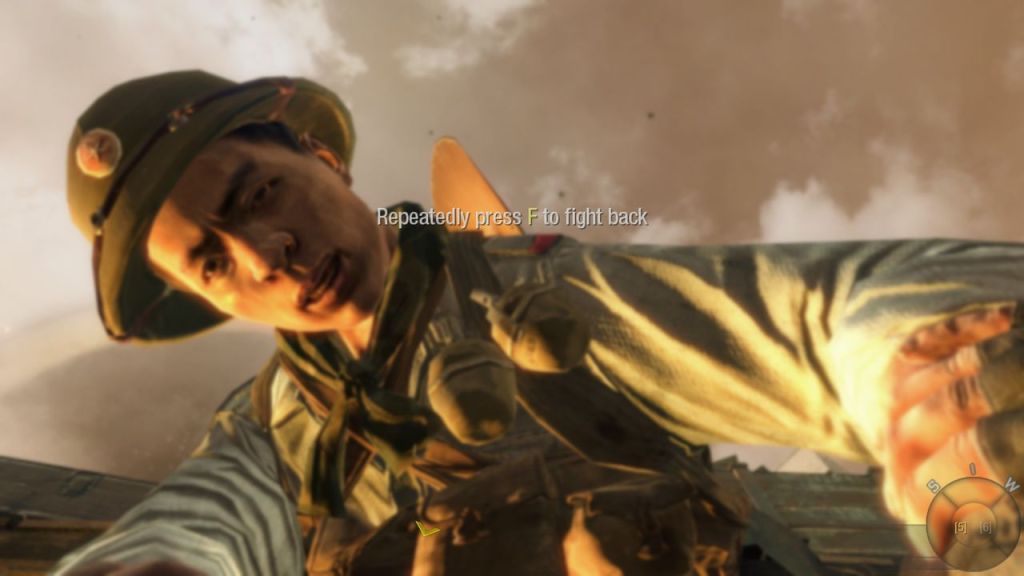
Nintendo Wii: The Wii version is a lot more compromised for it to run on its less capable hardware. You do have the benefit of motion controlled aiming but this can be awkward to get used to, thankfully there is support for the Wii Classic Controller (Not the Gamecube controller) for those that prefer the traditional experience.  Online play was previously supported but the official servers were discontinued. You can use Wiimmfi to restore online play, but the online populations are tiny and is often difficult to find a match. Sadly a lot of people wanting to play Black ops online will just use the more popular 360 or PS3 versions.

Still its an impressive port, but the motion controls can be an issue for some players.
Conclusion

Black Ops is a popcorn shooter with a side of political spice. The Cold War backdrop gives it that gritty “us vs. them” vibe, but it’s not afraid to show the U.S. getting its hands dirty. You’re not just fighting for freedom; you’re knee-deep in the CIA’s sketchy playbook, which makes you wonder who the real bad guy is.
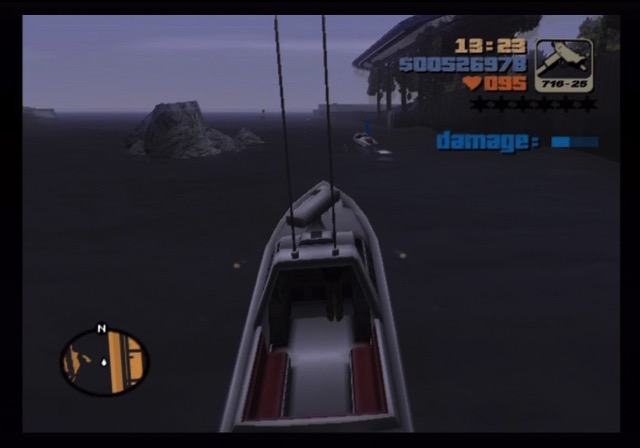
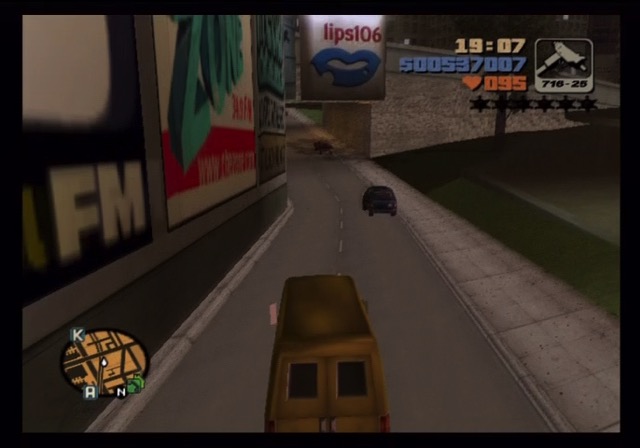
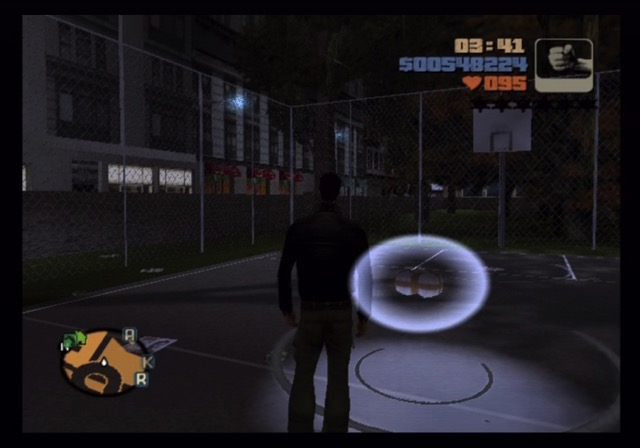
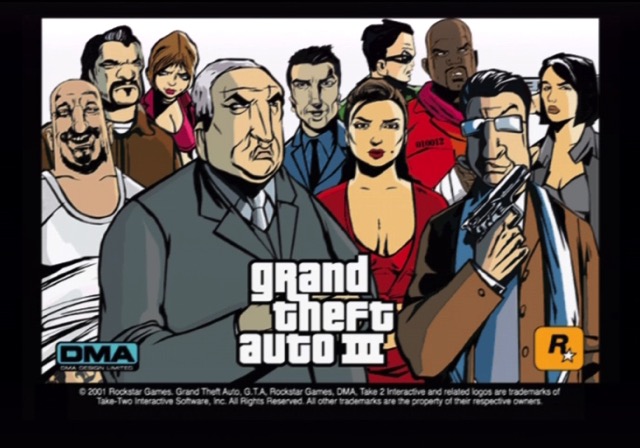
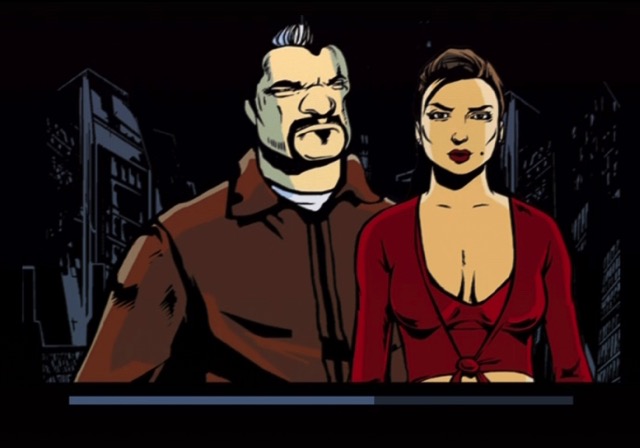
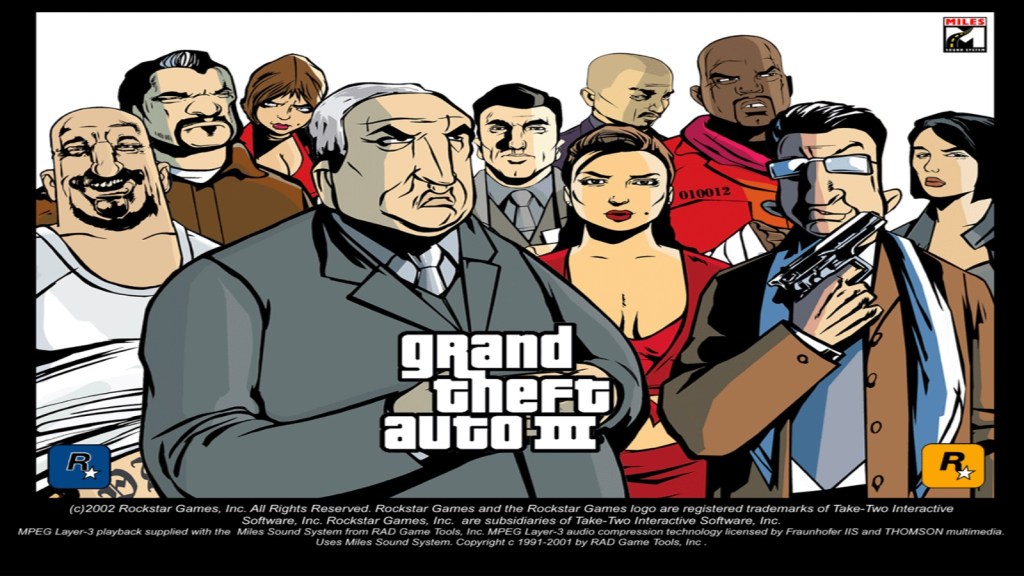
Grand Theft Auto III

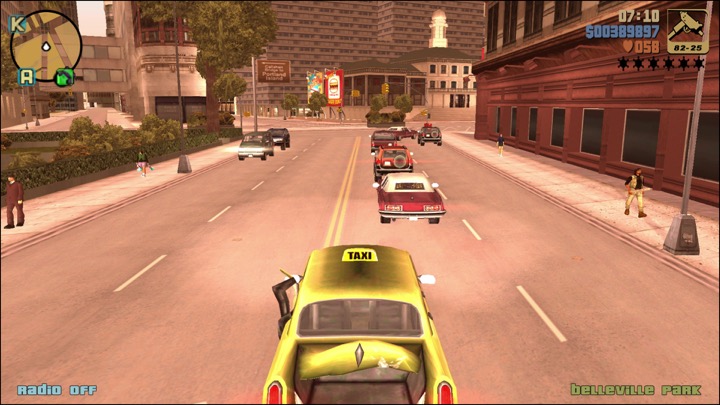
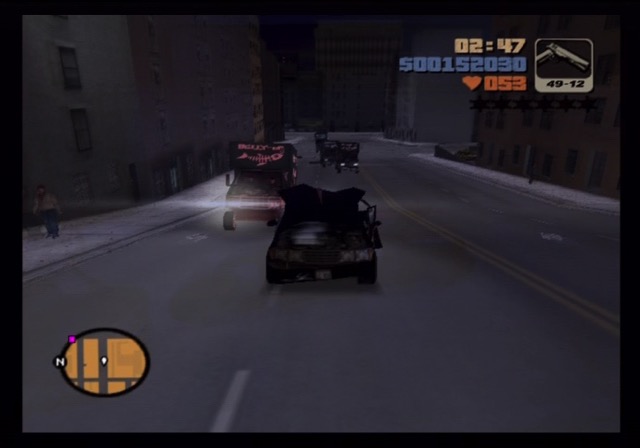
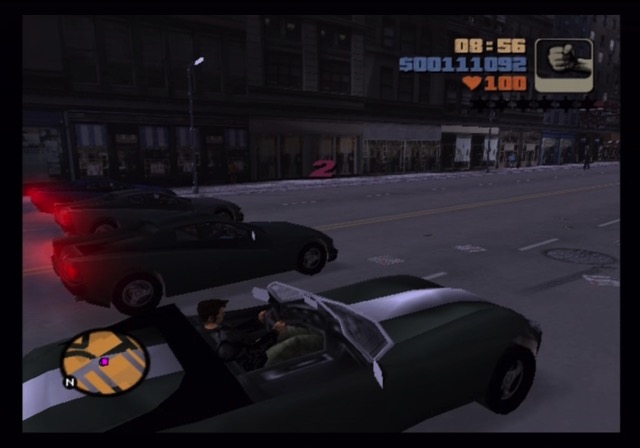
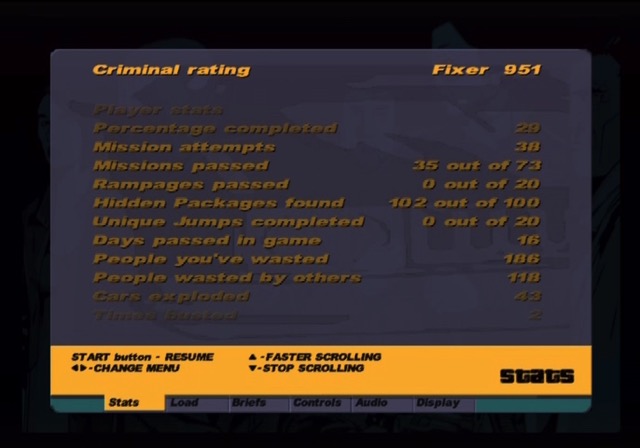
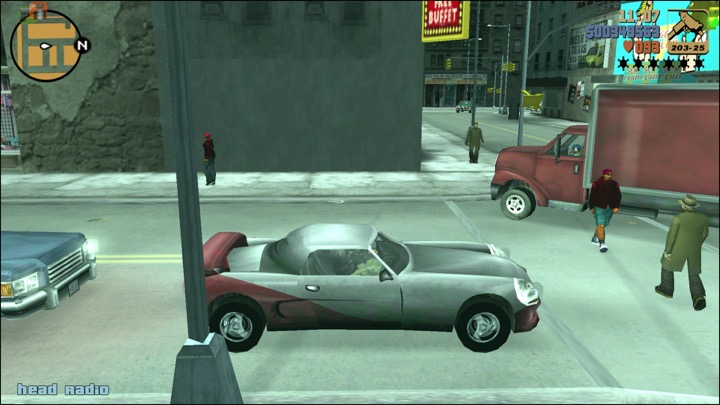
The third in a line of games from DMA Design, Grand Theft Auto III’s gameplay mechanics are built around the acts of theft (namely carjacking) and battery. The first two games featured diverse and open-ended gameplay, but the 2D delivery limited the concept’s execution. The release of Driver for the original PlayStation and PC showed that it was feasible to create an open world 3D rendered world on consumer hardware, Although you were limited to staying within your car, Driver 2 then allowed you to leave the car and carry out mission’s on foot. The original GTA and GTA2 used a top-down perspective view, With GTA3, the premise and plot are fleshed out to a fully realized story line against the backdrop of a 3D world that literally lives and breathes around you. DMA crafted a large virtual city for players to explore on foot or by car and has filled it with enough detail and nuance to continually surprise and impress you as you dig into the game’s hundred-plus hours of gameplay.

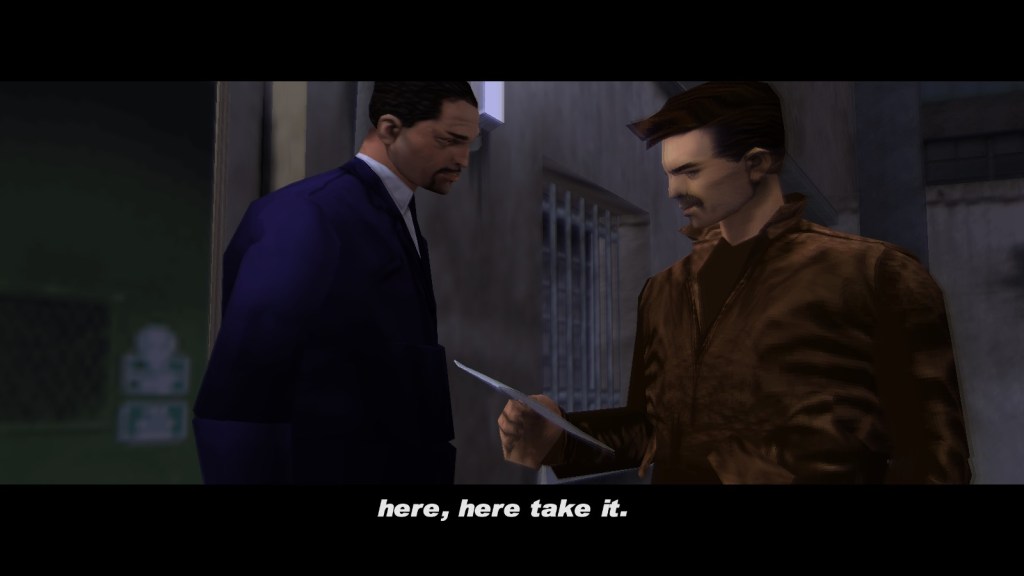
GTA III takes place in Liberty City, a metropolis with three distinct sections that are unlocked as the game progresses which is designed in the same image as New York City. At the game’s start you find your character in a robbery gone wrong. Flash forward to an escape from a prison transport, and the actual gameplay begins as you acquire a car and attempt to make a fresh start working for the mob. GTA III introduced players to Liberty City, an expansive and interactive city where players could roam freely. Liberty City is depicted as a place of economic disparity and decay, with visible signs of poverty, urban blight, and the stark contrast between different neighbourhoods. This setting mirrors real-world issues in major cities where economic policies have led to visible divides.
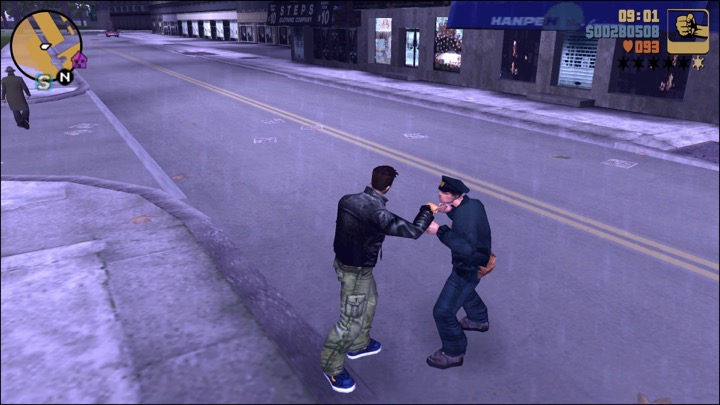
This freedom was unprecedented at the time, allowing players to explore, complete missions, or engage in chaotic antics at their discretion. The early missions familiarise you with the game’s controls, and give you ample opportunity to explore the city on foot or by car. However, if you want to get anything done in the game, you are going to have to get your hands dirty, inflict some pain, or stop a vehicle, pull out the driver, and take off before the police catch you. Missions ranged from carjacking to assassinations, providing a broad spectrum of criminal activities. The narrative drove players through a series of increasingly complex objectives, intertwining with diverse characters, each adding to the games storyline.
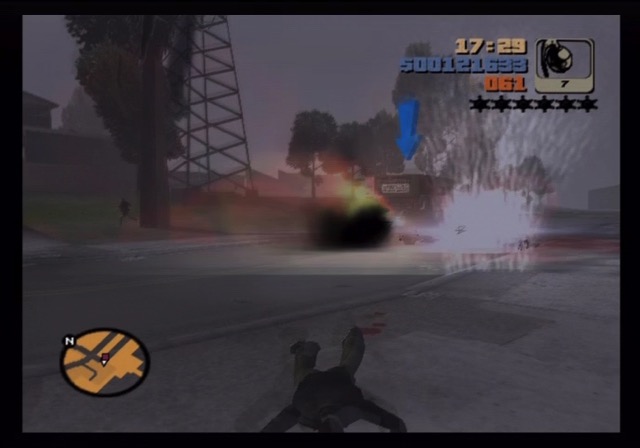
You choose how violent you get to be. Very little about the game is linear, though you can progress through all of Grand Theft Auto III sticking to the basic missions and just taking on fellow underworld criminals. But to really get the full effect of the game’s seemingly endless possibilities, you can cause some mayhem of your own, indulge in many of the game’s side missions or just go on a virtual crime spree. Though walking into a park and shooting at civilians will result in your character finding himself on the receiving end of a police assault rather quickly.

GTA III is often credited with popularizing the sandbox or open-world genre in video games. Many side missions involve stealing a taxi and collecting fares, or carjacking a police car or fire truck to give back to the community, and for some extra cash to purchase weapons or armour.. There is also something quite satisfying about rising up within the ranks of the underworld — at least for anyone who appreciates a good mafia movie or The Sopranos, which the game takes a lot of cues from. That said, its best to complete these side missions as early as possible, since the rewards they offer will help massively in completing missions, but a s the story progresses, the fans will become hostile to you which will cause them to open fire on your vehicle, making it very difficult to complete since the missions over once your vehicle is destroyed.


The actual execution of gameplay is quite amazing, and the play control seamlessly blends the walking and driving interfaces. Moving throughout Liberty City takes some getting used to at first, but it is rather easy to get the hang of things within the game’s first hour. Walking can get tiresome after a while, but each car has its share of nuance throughout that keeps driving around rather fresh. The gameplay mechanics allowed for chaos—carjacking, explosions, and general lawlessness—which might have been cathartic for some in a world where real-life violence had just taken a new, terrifying dimension. However, this also stirred debates about the morality and impact of such gameplay in the wake of real-world tragedies like 9/11 and the Columbine massacre.

The game’s radio, with its satirical news reports and DJ commentary, often touched on a cynical view of society, which could resonate with a post-9/11 audience feeling cynical about government, media, and the state of the world.

Grand Theft Auto III looks quite good as well for it’s time, though it never depicts violence in an overly graphic manner. The 3D world has an amazing amount of detail, especially considering how large each section of the city is, and while you can’t enter every building that you see, they at least offer plenty to look at up close. Every in-game movement, even switching back and forth between walking and driving, is smooth and the game feels rather polished. The game’s cut scenes are quite solid as well, moving the story along while not overdoing it and are rendered in engine, something that was becoming more common with the sixth generation of consoles.

Versions

PlayStation 2: This was the original release and contains a few RenderWare splash screens showcasing the new technology. This version can get a bit ropey in the framerate department, with it slowing down when there are a lot of cars or explosions on screen. There is also some pop-in with the buildings, or blurry texture’s momentarily before they load which can be off putting. Using a soft-modded PS2 with OpenPS2loader, along with a hard drive is recommended which helps reduce the draw in massively. This version was made available on the PS3 as part of the PS2 classics, it lacks trophy support but is indeed the original ROM of the game. Since it’s emulated, the slowdown is more pronounced and isn’t really recommended unless you don’t have access to the PC version. This version was also used for the PS4, and is a lot more smoother not eh account of better emulation.

Also, this version is limited to 480i (Interlaced) or 576i only, progresive scan isnt supported in this version.

Xbox: The recommended version since this has involved textures and models compared to the PS2 and Windows versions, also supports custom music if they are installed to your hard drive. This version also benefits from analogue controls for steering and aiming, and better audio quamility, being encoded in 128k WMA format audio. This version was also playable on the Xbox 360 if a hard drive is installed, but not on the Xbox One or Series consoles. On the 360, the frame rate does suffer mostly when turning into a new street.

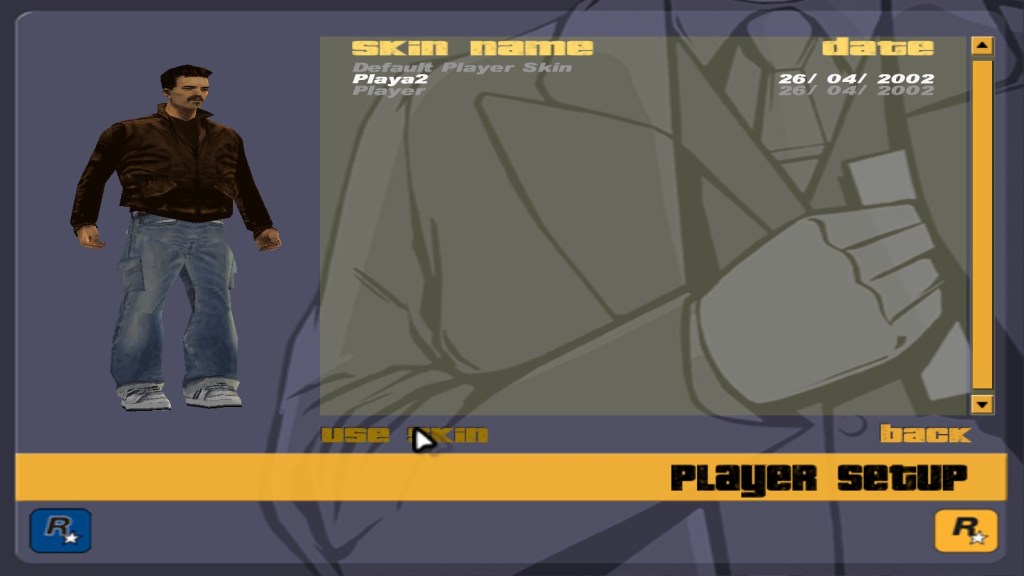
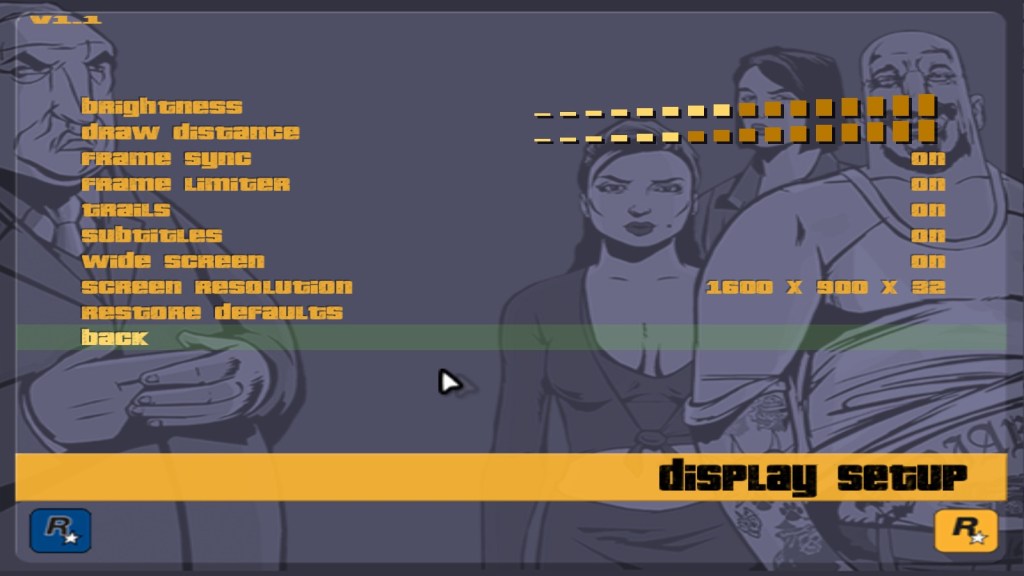
Windows: This version works well and is playable on modern versions of Windows, but lacks the improved details that the Xbox version had. But you can change your characters skin if desired, and can be modded. Some of the enhancements from the Xbox version have been adapted into the PC version using this method.

This version was also adapted for Mac OS X, which was implemented into a Wine DirectX wrapper (Developed by TransGaming Cider/Cedega) and released onto Steam.

Android: Released on GTA III 10th anniversary, This version features improved graphics, providing you set the graphics settings high. This has Android gamepad support, and plays very well on the Nvidia Shield console.  This version is alas playable on the Amazon Fire platform, but you will need to side load it to play.

iOS: also release for the iPhone and iPad platforms, but not Apple TV? As far as I’ve played is pretty much the same as the Android versions.

There is also a definite version of GTA III, which is the original mobile version that has been upscaled mostly using AI. The result is pretty poor and isn’t recommended.

While some people may be turned off by this innovation in Mature-rated games, Grand Theft Auto III was very well received, and surely one of the most impressive and ambitious ever released for the early sixth generation systems. The storyline, extensive gameplay, and excellent presentation make for an amazing experience, and older gamers will find themselves drawn into the seedier world the game depicts in a post 9/11 world.  Newcomers might appreciate it more through the lens of its historical significance rather than pure entertainment value today. Even though some people may see the violence as a novelty, once you get past the first few missions, this is a game you will not want to stop playing until you’ve explored everything it has to offer.

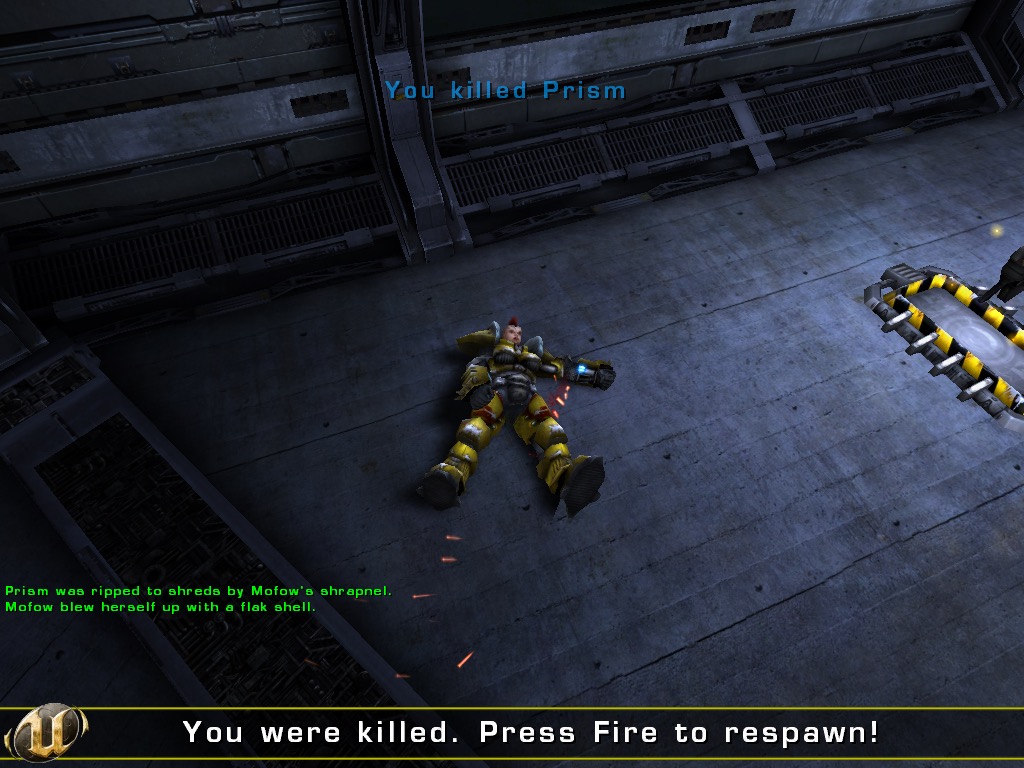
Unreal Tournament 2003

The original Unreal Tournament was the introduction to online and off-line multiplayer action for a lot of players with its gorgeous graphics, multiple game modes, reliable Net play, and a never-ending supply of intense action made it an instant classic. It’s offline bot modes were also valuable to those who didn’t yet have an internet connection. Its sequel, Unreal Tournament 2003 offers plenty of impressive attributes. 

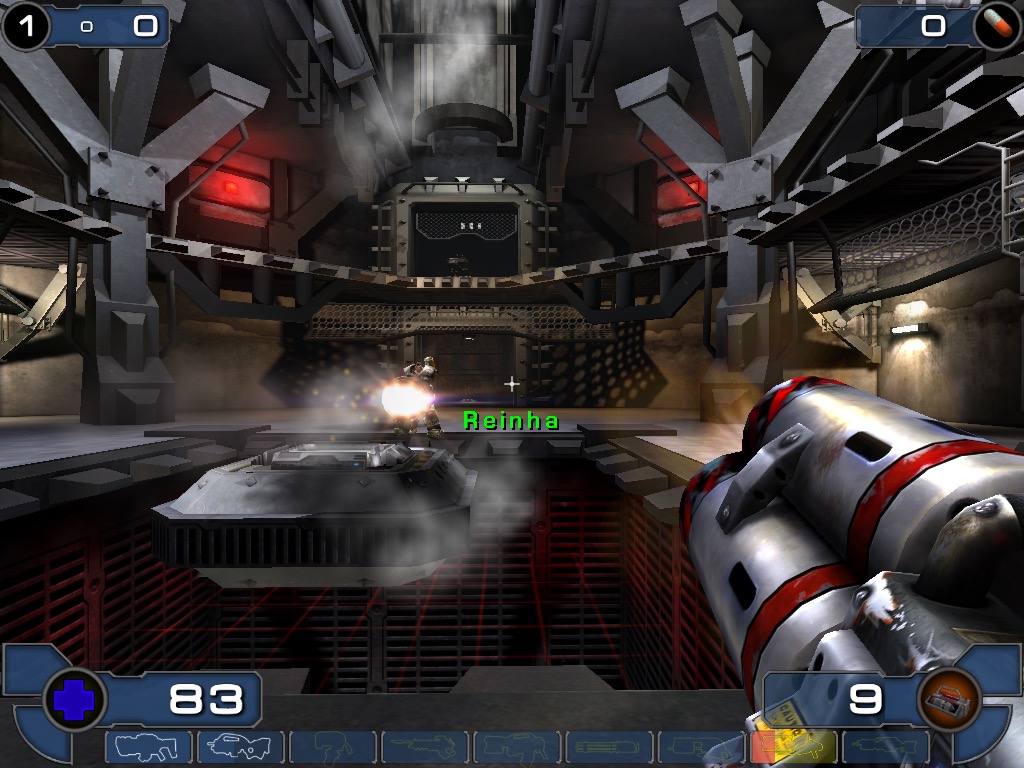
The graphics is one of the stand out features, implementing a smoothly integrated terrain engine the jagged and harsh lines of most 3D games are gone. The use of the Unreal Engine 2.0 brings beautifully detailed environments, with dynamic lighting and textures. The maps here are big, beautiful, and are full of fine detail. This is truly one of the best-looking games on the market when it was released and it runs remarkably well, even on modern hardware without any rendering flaws.

Audio play’s a big role in UT2003, A variety of diverse and amusing taunts, complaints, and other messages come from both your teammates and your opponents. The soundtrack is powerful and dramatic, although it moves quickly to the background during a heated game, a lot of the tracks are recycled from Unreal championship for the Xbox. It has a KMFDM electro/industrial feel to it that fits with the game’s theme, whilst the Egyptian-themed maps benefit from similar music. Sound effects are really good with plenty of bass-intensive booms and blasts that liven up any gunfight. The game has support for EAX with was supported on certain Creative SoundBlaster cards and gives extra environmental audio effects.

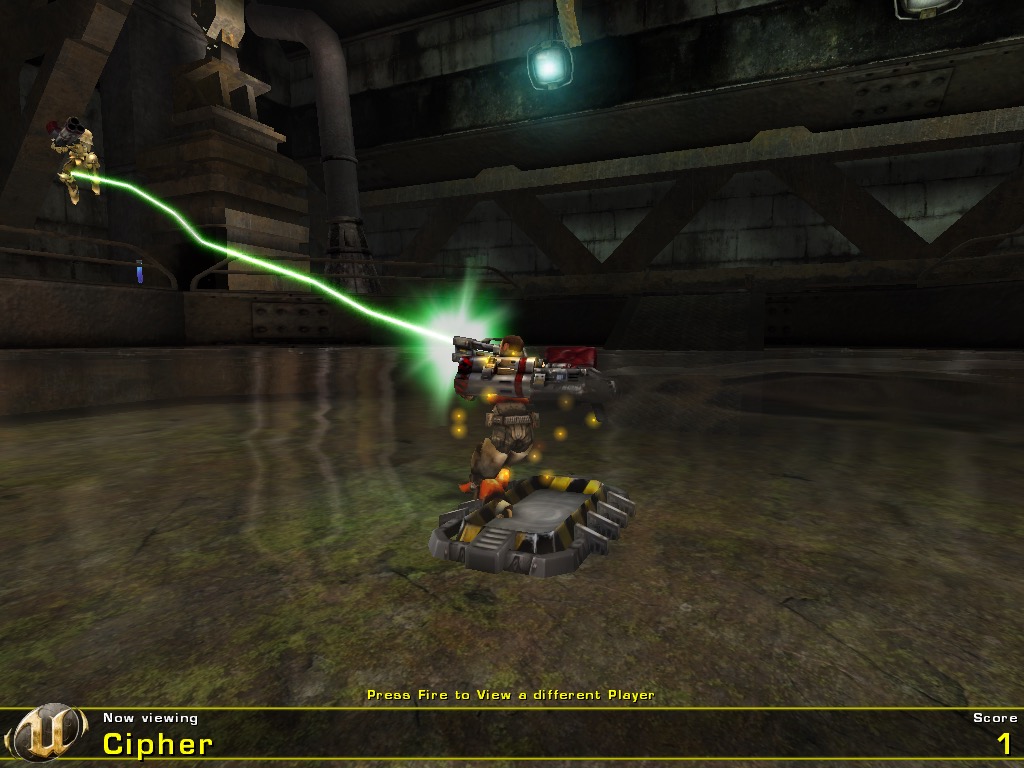
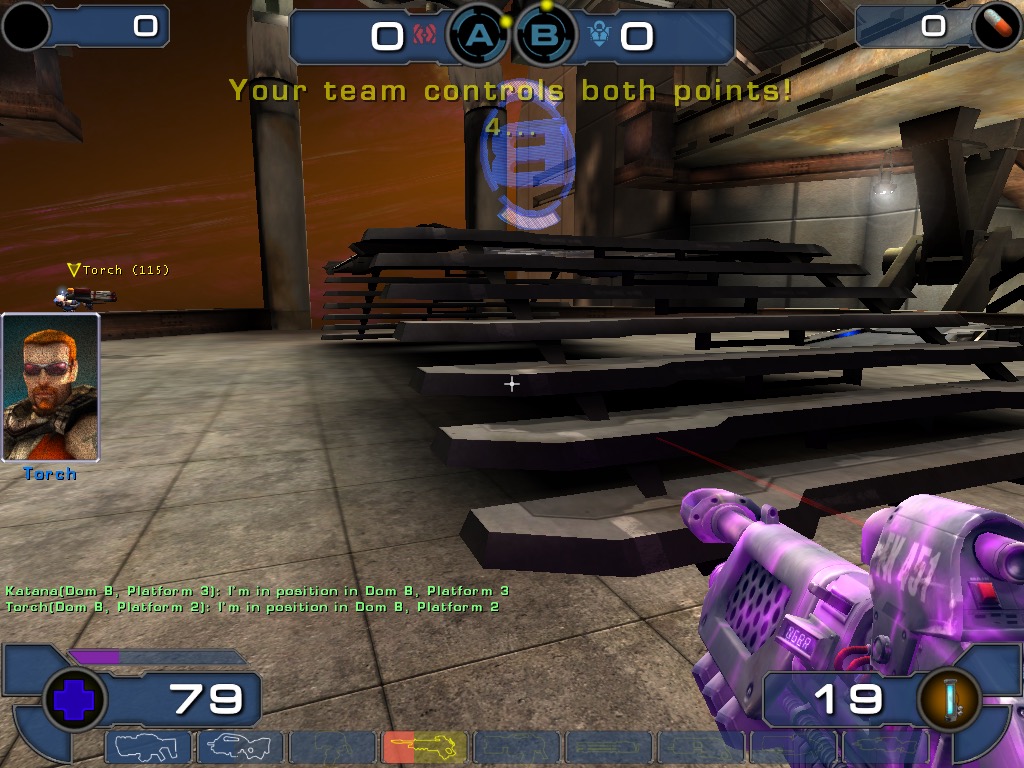
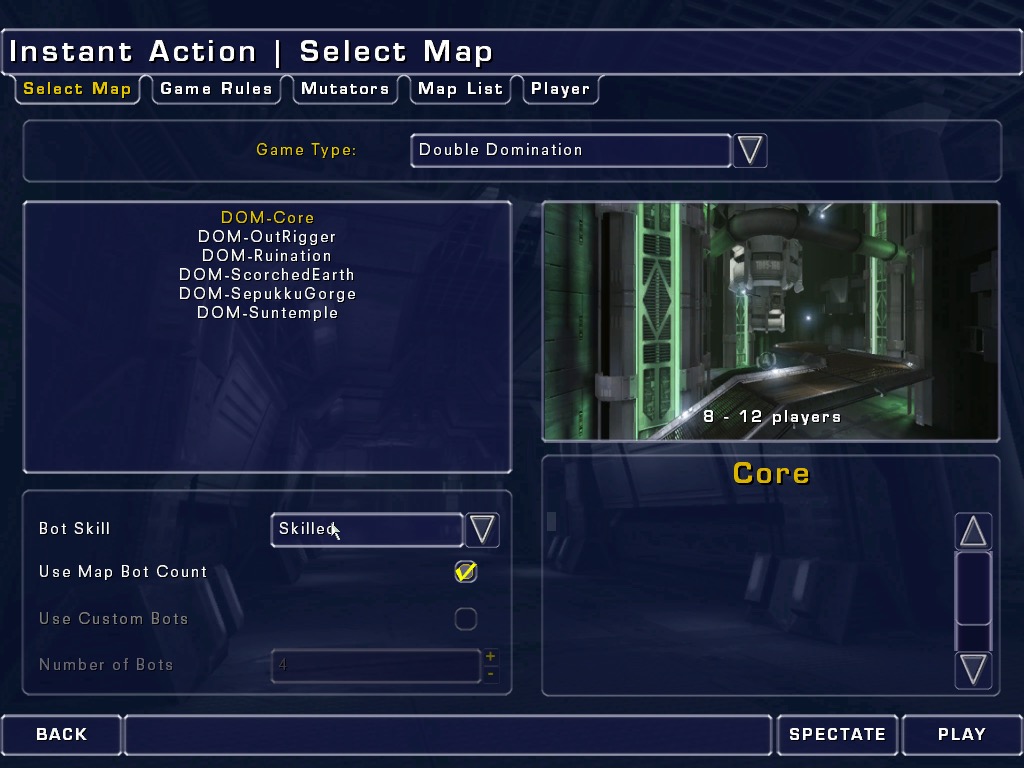
There are five game modes – Deathmatch, Team Deathmatch, Capture the flag, Domination 2.0, and Bombing Run. The first three should be familiar to anyone who has played any online arena shooter. Domination 2.0 is a popular mode from the first Unreal Tournament but has changed where both teams only need to hold two bases for a few seconds for them to score. Bombing Run mixes team-based death matching with ball sports to create an incredibly appealing and challenging variation, although its mostly just an altered version of Capture the flag.

Although most players will get Unreal Tournament 2003 for its online gameplay, the game also offers a good single-player mode to help you get accustomed to the game’s new maps and mechanics. Single player works much like the multiplayer mode, but with bots as your teammates and enemies. The noticeable improvement is in the AI’s team tactics. When playing a bot-filled team game such as Domination, your computer-controlled teammates will work together, support you, and score points all on their own and they’ll do a decent job. You can dictate the AI’s general behavior before a match (defense, offence, auto, support, and so on), or issue orders to them during play via a quick menu. Most of the online servers have been phased out, following the release of UT2004 but you can still find the odd server still offering online play. Epic did shut off the master server (along with other Unreal titles) but third party servers are available.

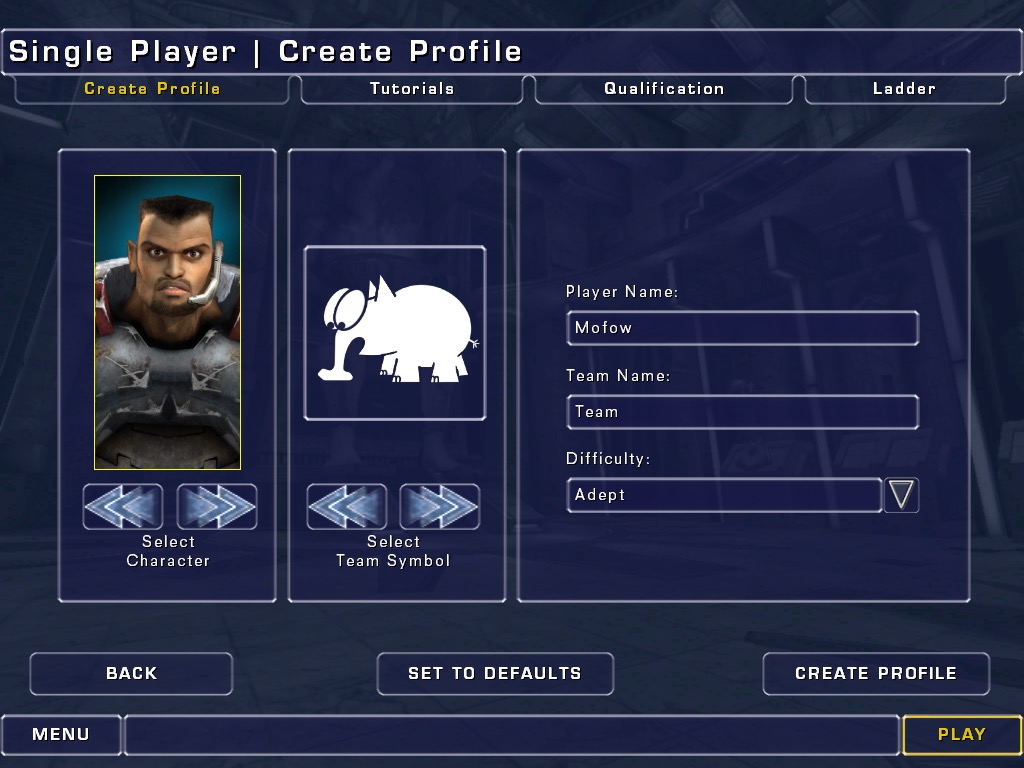
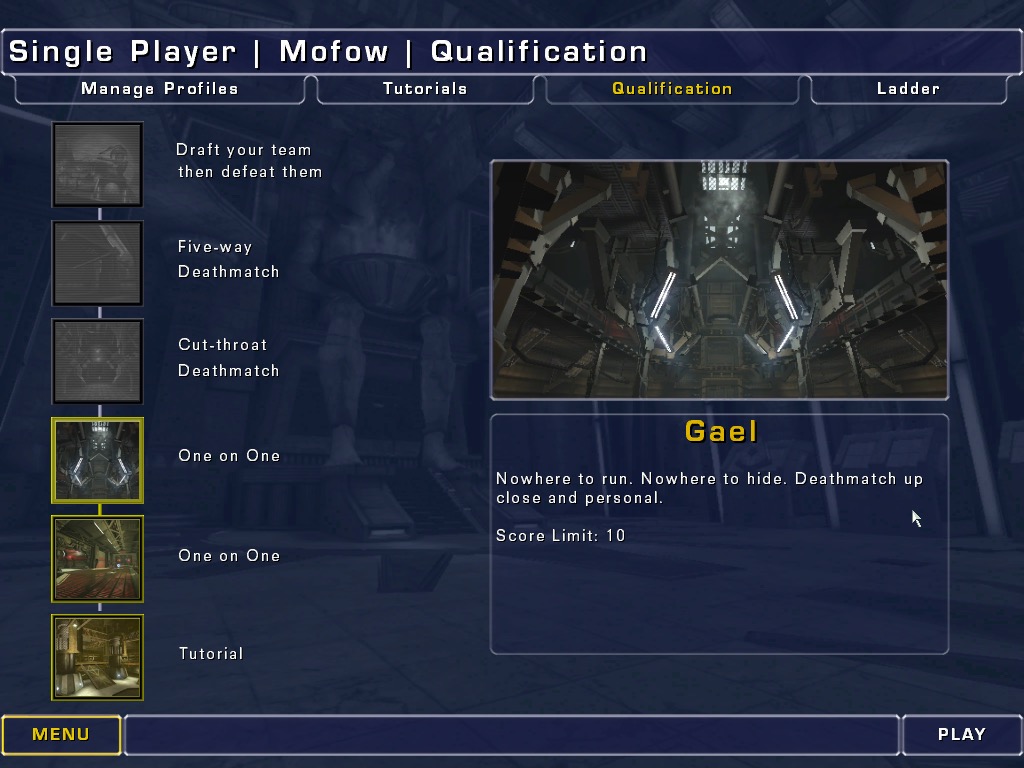
The single-player experience in Unreal Tournament 2003 is designed around the concept of a tournament ladder, where players fight through a series of matches to become the champion. You pick your teammates early on, and as you progress, other teams offer you teammate swaps. Each competitor has a rating for things such as accuracy, agility, stamina, and team play that come into play when you trade teammates. There are different races like the Juggernauts that move slower but have more health, that adds a strategy element to the game. Adding to the variety are more than 30 characters and maps to choose from, with the game supporting additional maps and skins. Also, power-ups abound throughout the levels. This lets you unleash mass carnage with the help of double damage, super shields, and even a new adrenaline rush that temporarily increases your abilities. Finally, there’s a horde of mutators that let you alter gameplay elements, allowing for big heads, low gravity, and instant kills, if you want.

There are nine weapons available, including a flak cannon, a rocket launcher, a machine gun, a minigun, a bio-rifle, and a new sniper-riflelike lightning gun. The weapons are paced differently than in the previous game, making accuracy more of an issue and preventing random wild fire. However, the downside of this is that all the guns have been toned down from the original weapons of mass destruction. The biggest complaint that can be levelled at Unreal Tournament 2003 is that it wasn’t improved over the original enough. The game doesn’t pack in as much variety and features as it could have. More game modes and weapons would have helped put it over the top in terms of value. 

UT2003 was only released on Windows and MacOS, the console counterpart would be Unreal Championship that was released for the original Xbox. 

Windows: This version will work on Windows 98 with DirectX 8 or higher, all the way to Windows 11. Some features like DirectPlay will need to be manually installed through the Windows features:

Mac OS: The Macintosh port was only ever released for OS X for PowerPC, no Universal patch was made available. You will need a Mac running OS X Jaguar with a PowerPC G4 or G5 processor for the best experience.

Call Of Duty 2

The second major installment, released in 2005 and a launch title for the Xbox 360. The game aims for a realistic portrayal of WWII combat, which includes historical accuracy in soldier uniforms, weapon models, and battle settings. Also not to forget the regenerating health. It’s the sequal to the original Call Of Duty and it’s console spinoffs.

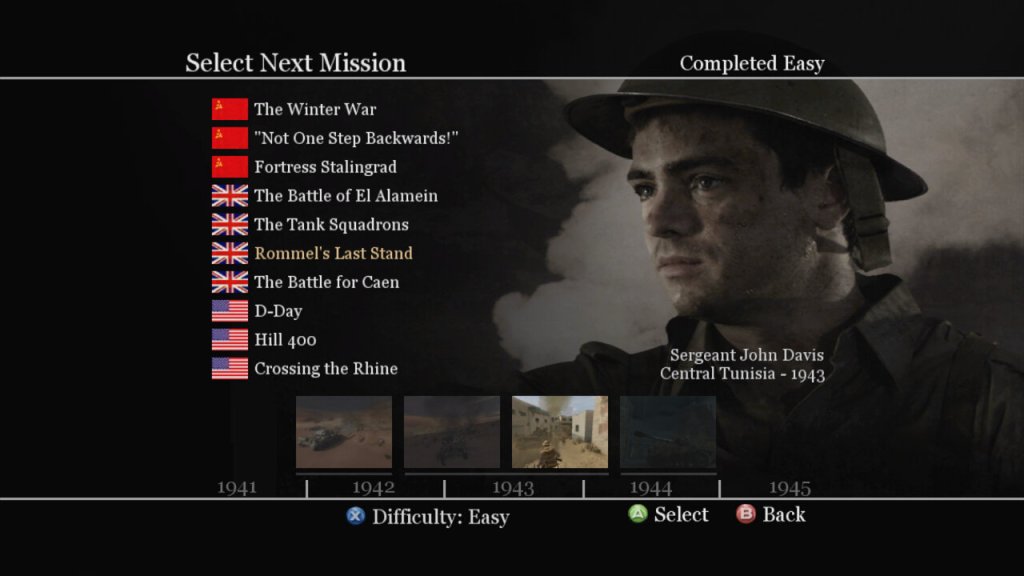
The story campaign is broken into three different arcs, with the narrative is told through the eyes of different soldiers from different nations (US, UK, USSR), giving a broad perspective on the war. Each mission is designed to feel immersive, with detailed environments, weather effects, and dynamic lighting, though the mission scripting can fail from time to time with some of the NPC characters getting stuck, preventing the mission from progressing. The game does autosave frequently to you can easily reload the last save when this occurs.
Missions are also pretty diverse, and sometimes you will be tasked to drive a tank through the fields, or use the mortar or snipers to take out distant enemies. Sometimes you will be tasked to hold out and wait for rescue to arrive. It’s a good way to break up the gameplay and to prevent the game from being monotomus.

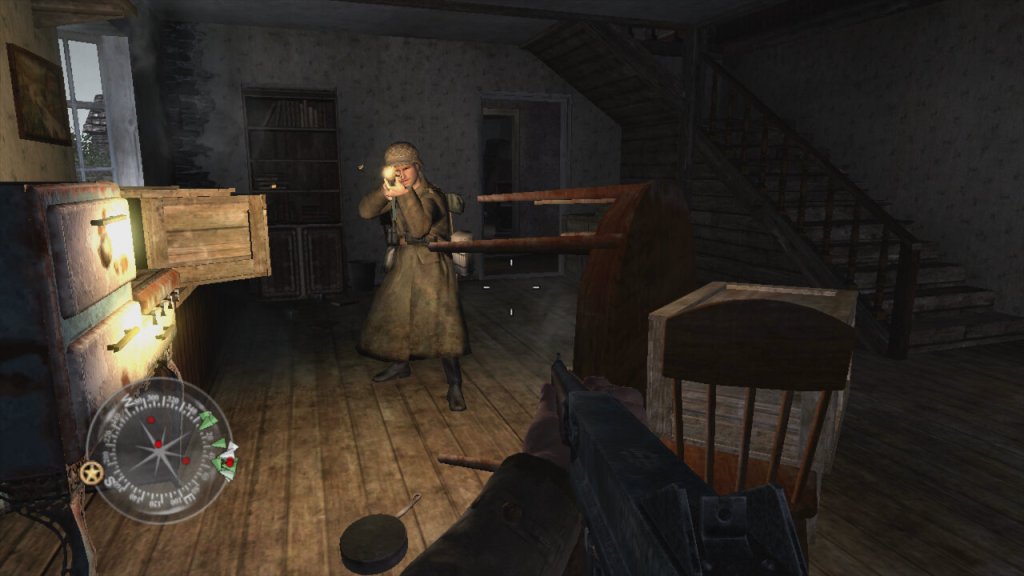
Players view the game from the perspective of their character, using a wide array of WWII-era weapons to engage enemies in combat. Each weapon has realistic firing rates, recoil, reload times, and damage models, influencing player strategy and engagement. Instead of health kits, the game features health regeneration where players recover health over time if they avoid taking damage instead of having to collect and use healing items. While not a traditional cover system, environmental interaction is crucial; players can use walls, doorways, and terrain for cover.

As a World War II game, it deals with historical political themes due to its setting, but it also introduces themes that can be interpreted in broader political contexts. The game presents World War II through the perspectives of soldiers from the USSR, USA, and UK, emphasizing the nationalistic pride each soldier might feel for their homeland. This is particularly evident in mission briefings and the portrayal of heroic acts by soldiers, which could be interpreted as promoting patriotic sentiments.


The game’s focus on combat glorifies military engagement to an extent, showcasing the technology, strategy, and heroism in battle. This can be seen as a form of militarism, where military power is celebrated as a means to resolve international conflicts. By depicting the Allied forces working together, Call of Duty 2 subtly touches upon the theme of international alliances, suggesting the necessity of cooperation against a common enemy, which mirrors real-world political alliances formed during WWII.
WWII is often referred to as “the good war” because of the clear moral lines between the Allies and the Axis powers. “Call of Duty 2” reinforces this narrative by rarely questioning the morality of the war itself, which can be interpreted as a political stance on the justification of warfare when facing extreme ideologies.

Activision beating a franchise to death

Platforms

Call OF Duty 2 Achievemetns


Xbox 360 – This was a launch title for the Xbox 360 and was one of the only console ports of the game, not being released for the PS2 or the original Xbox. It’s odd since sequel, Call Of Duty 3, was released for these ageing sixth generation consoles.
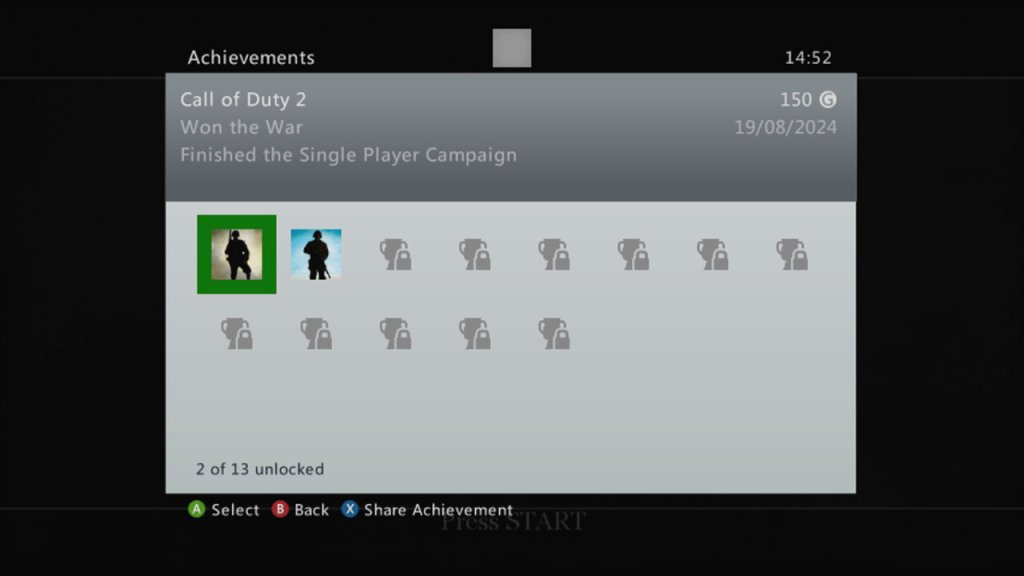
The 360 version is also supported for the Xbox One and Series consoles. Being an early 360 titles, there isnt much achievements, but you get 50G for comleting traning, and 150G for finishing the campaign.

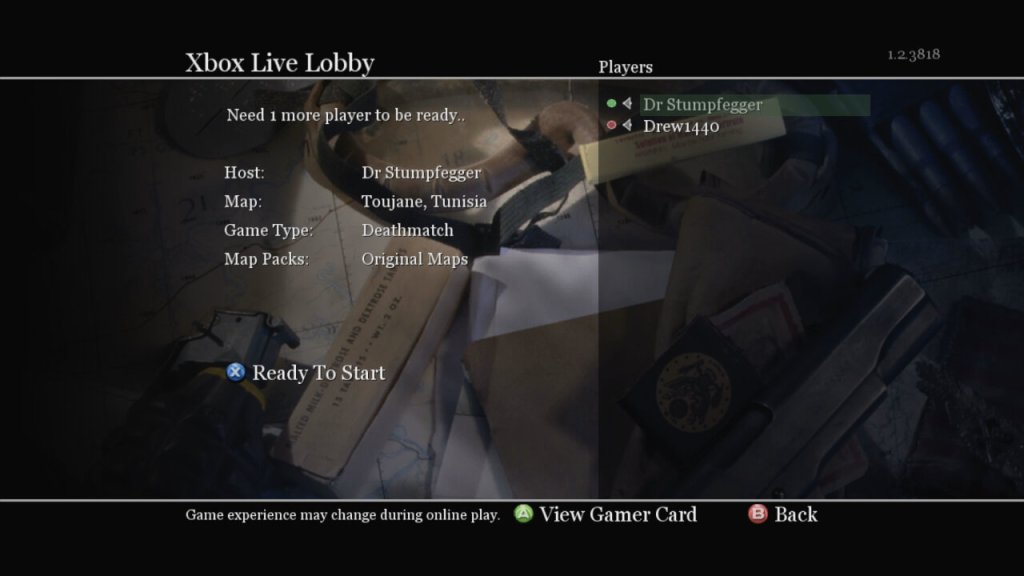
Xbox Live

Microsoft Windows – Released on the PC at the same time as the 360, you can still purchase this on Steam. You can also play this online, though I’m not sure how safe this is due to modern exploits being possible through the game’s engine. The game does come with PunkBuster, but it’s no longer updated.

Mac OS X – the game was ported to Mac’s running both PowerPC and Intel processors, through it needs a beefy G5 processor for it to run correctly. The Mac Mini with it’s G4 and Radeon 9200 will struggle to run this game. This version of the game no longer runs on modern macs since it remins a 32bit applications, thje latest version to run is macOS Mojavie.

The Sims Superstar

Sims get their 15 minutes…

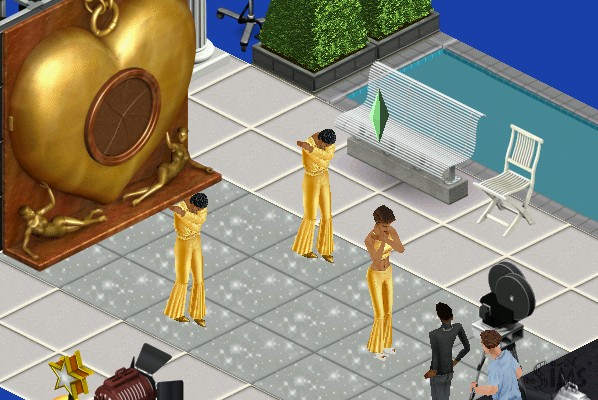
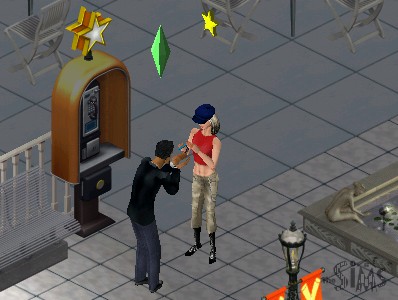
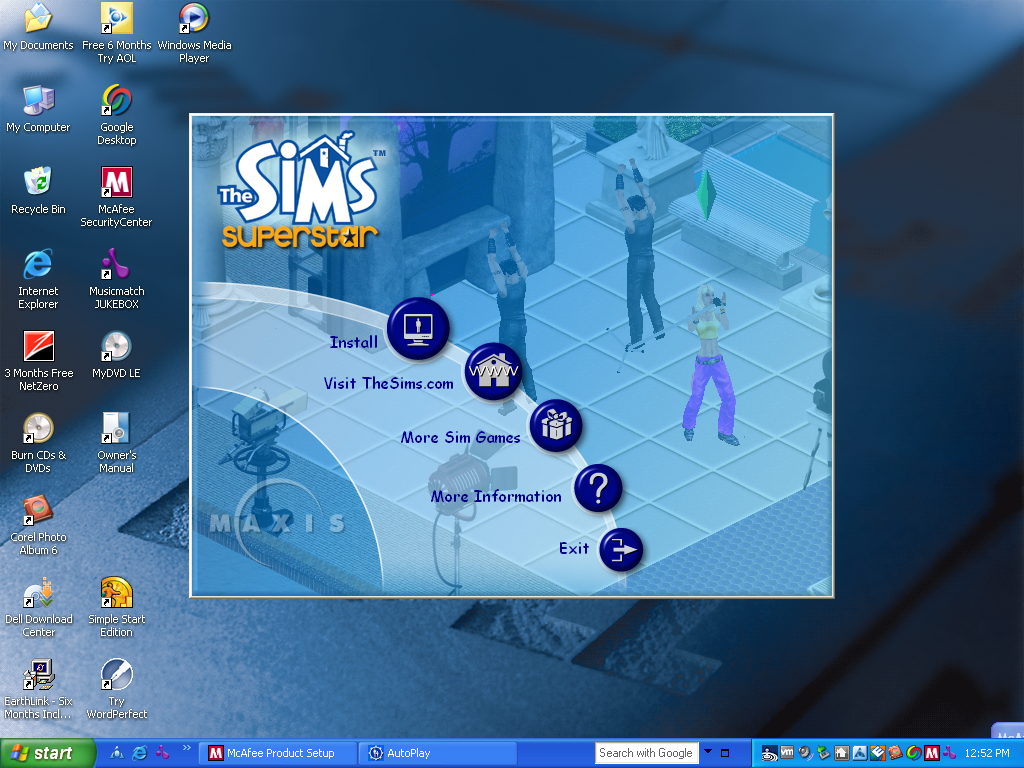
The sixth expansion pack where sims can get famous by following specific careers such as Acting, becoming a Model or a musician (Even though careers for these existed in the base game, and sims in those existing careers already do not gain any fame) It also introduced a new studio town community lot and a set of new objects.

Studio Town and Fame

Studio Town has a very 1950s Hollywood theme to it, since this was considered the golden era of Hollywood on which Studio Town is based on. Many lots consist of shopping sections, but will also cater to various different types of fame, with some being geared towards music, acting or fashion/modelling. Even if your sim is not part of the fame career, regular sims can still visit lots as guests and can interact with most of the objects.


To get to Studio Town, your sim will need to call for transportation, which will take them to Studio Town, from the lot select screen, you can highlight lots that cater to either fashion, acting, music, shopping or spa locations. Like other commercial lots, studio town can he customized by the player by entering a lot directly from the neighborhood view. Objects are grouped by the type and function of studio town lots (Food, Shops, Studio and Spa)

Also if you’ve played The Sims Bustin Out, some of the buy mode music will sound familiar 😉

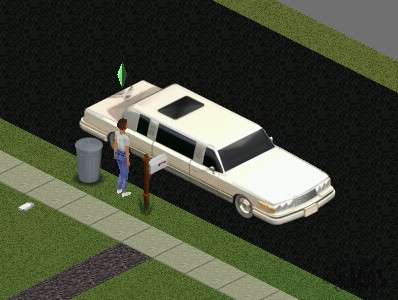
Fame is measured through a level represented by stars, with sims staring out at level 0. Higher levels let your sim have access to further opportunities and will change the vehicle used to transport you to Studio Town, eventually being transported in a custom limousine.

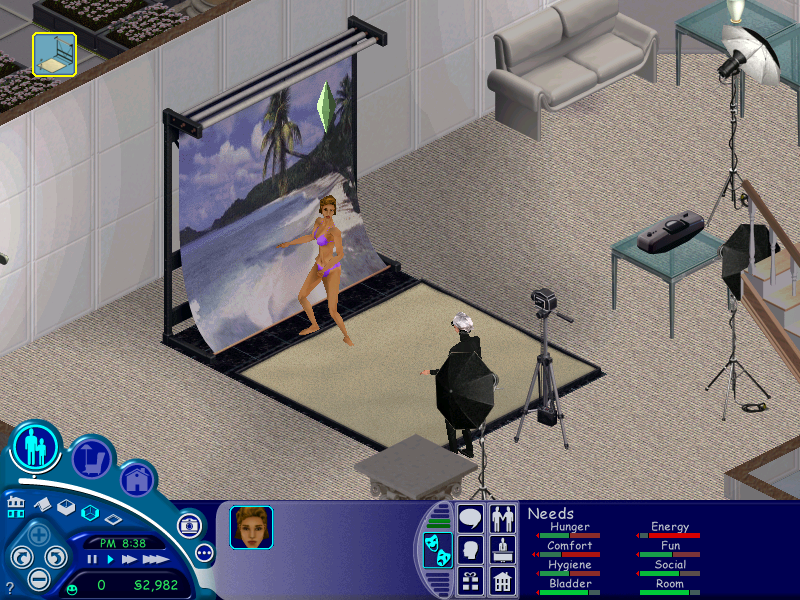
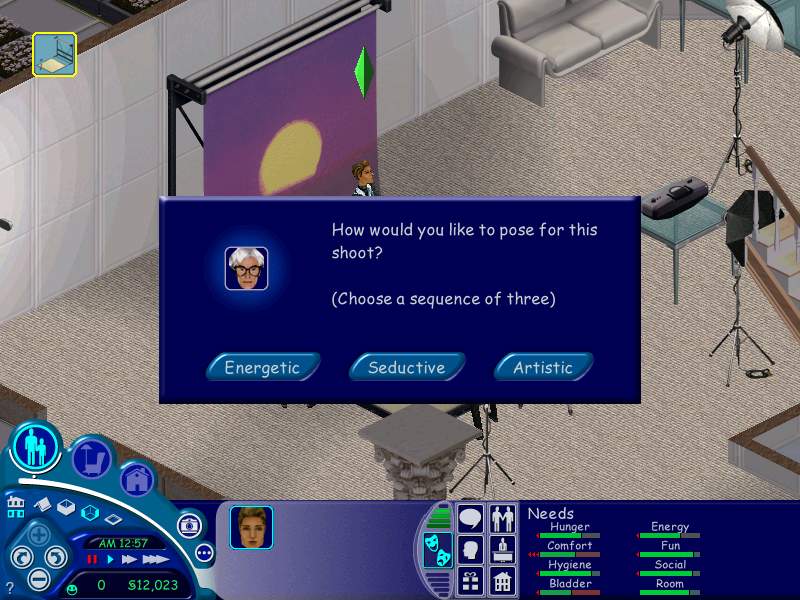
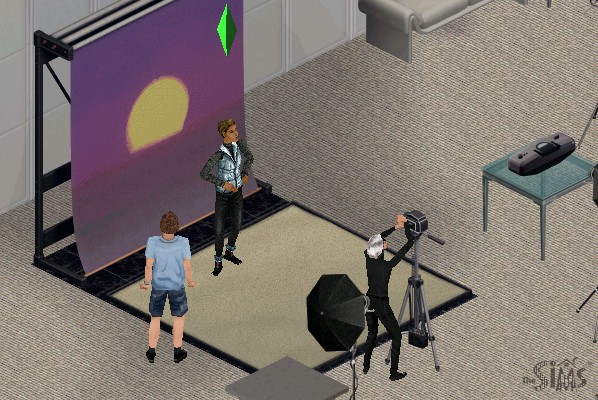
At 0 stars you will only have access to karaoke or open mics which makes sense for the musician or acting paths, but not for modeling. As you level up you will have access to photo shoots and print adverts.
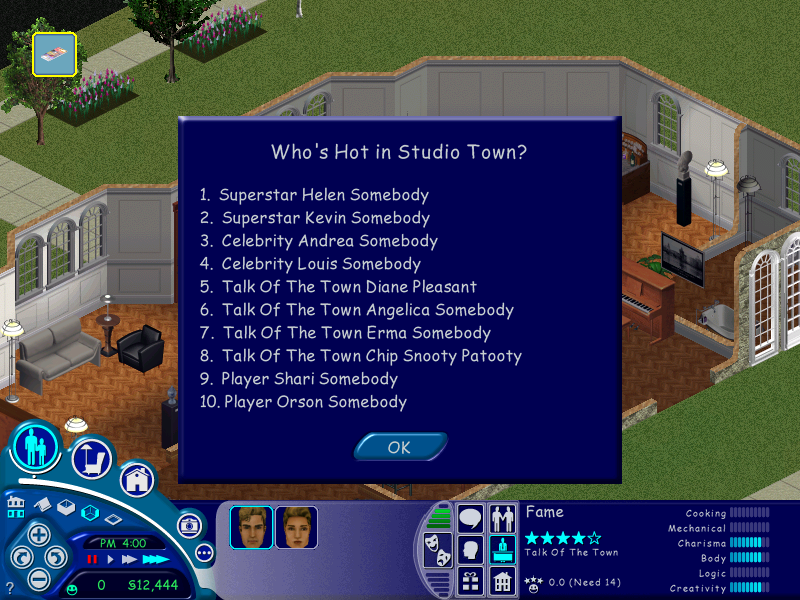
Getting 1 star lets you record Jingles at a recording studio, and 1.5 stars let’s you record a TV commercial. As you progress, more fame objects will become available for your sim to use. You will also notice your sims name in the Who’s Hot section of the Superstar leaflet.

The maximum is 5 stars, which will give you access to all fame objects and opportunities on the Studio Town lots.

Objects

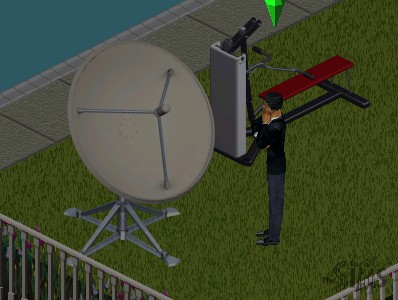
DSTS Satellite Dish – Adds a few extra channels to all televisions on the lot, increasing the fun rating depending on your Sims personality and interests. Its appearance is similar to the old BUD C-band dishes that were huge (around 3m in diameter) that was common in the 80s, compared to the smaller satellite dishes that can fit on your house.

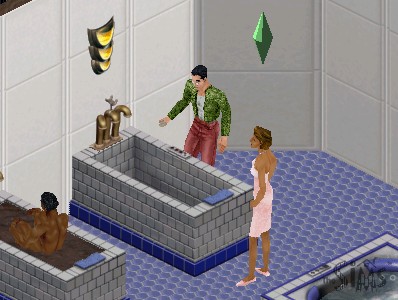
Ponce de Leon Tub – Increases your sims hygiene and comfort but is very time-consuming to use. It takes nearly a sim hour for them to get out, with is bad to use it before they go to work.

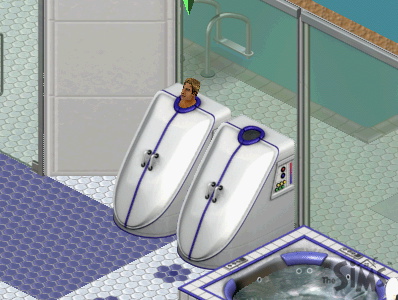
Whisper Steam Personal Steamer – A steamer for your sim, increases hygiene and comfort.

Flatscreen TV – a television that can be wall mounted to save space, and gives the same motive increase as the plasma screen does.

Uncle Roger’s Culinary Offerings – A buffet table similar to what was included in House Party or On Holiday, your sim just needs to set it for a fee and sims can grab a variety of meals from it.

The Face of Shakespeare – A high end bookcase that has an additional option to practice soliloquy which increases the charisma skill

Scuba Tank – Sims can enter this tank, although it takes some time for them to enter it. Increases their fun score.

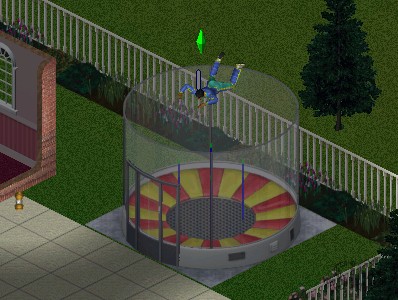
Galileo’s Free-For-All – A mini skydiving simulator

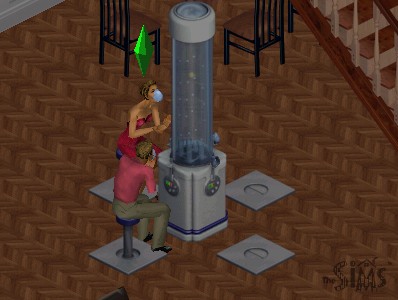
Energize! Oxygen Bar – A bar that sims can sit down on, increases comfort and fun, and social if multiple sims use it

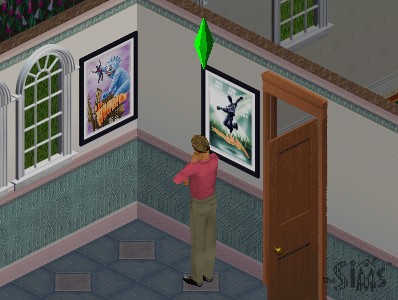
Movie Posters – These can be purchased in Studio Town and then can be decorated into your sims home when they return. Your sim will place them on the nearest surface, which you can then placed in build mode.

NPCs

Butler – Alternative to the maid, although he does much more (gardening, greeting and preparing meals) and stays for a lot longer.

Obsessed Fan – Appears after your sim gains two or more stars, these will follow your sim around studio town and will appear randomly on your lot. They may also rummage through your sims trash and leave black roses on their lot. Having a butler helps shoo them away.

Lana -A helper NPC that your sim can use to find out different aspects of Superstar like the fame system, fans awards and name dropping to boost social.

Celebrities – A few real life celebrities appear int he game like Marylin Monroe, Avril Lavigne and . Additional celebrity NPCs could also be downloaded from The Sims website and have been archived. Andy Warhol also appears as one of the fashion set managers.

Conclusion

Studio town was a nice addition to The Sims but was lacking in several places, especially with the residential lots. Where are the mansions, studio apartments and condo’s for the sims to live in? The fame careers could have been integrated better as the base game already features a musician and actor career paths, neither of these have any effect in studio town.

The Sims 3 Late night is considered the spiritual successor for The Sims 3, the closest for Sims 2 would be Nightlife, but that’s more geared with Hot Date.

The Sims Unleashed

The fifth expansion pack to be released, Unleashed brings a significant change to The Sims, with the addition of pets, larger neighborhoods that can hold more sims and new game elements such as farming and commercial lots.

Whilst Unleashed brought new improvements, it noticeable made the game more unstable and brought some frustrating changes to the gameplay. One noticeable change is sims have issues moving and turning and will sometimes rotate multiple times when interacting with an object.

Some pets will occasionally come onto your lot and piss everywhere, leaving a bunch of puddles randomly outside your sims house, and will trash the outdoor room motive when your sim goes out for work. Also, any malicious animal that spawns will sound the burglar sound, which can startle or surprise some players, but given how frequently these will spawn the effect will eventually wear off and will become more annoying to the player as they play the game.

Neighborhood

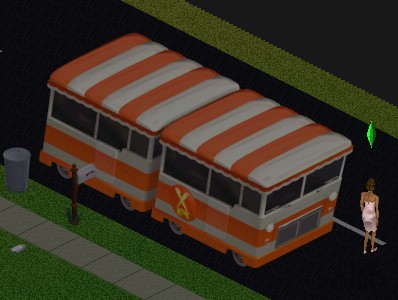
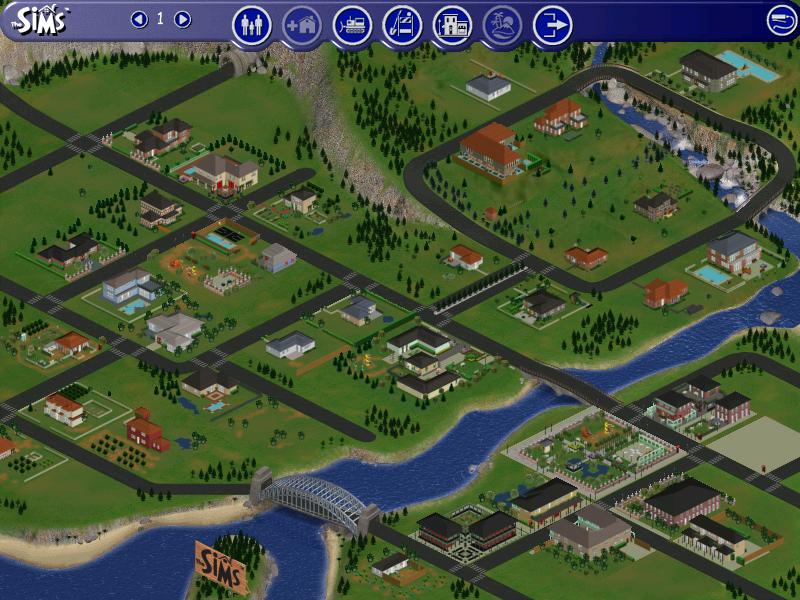
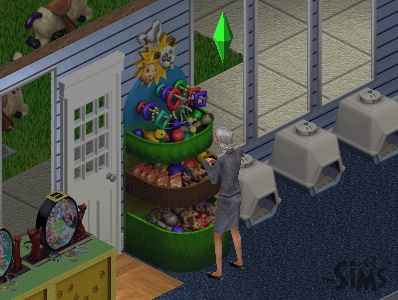
One of the first noticeable changes is the neighborhood screen which sees an increase of playable lots from 10 to around 48. With it is a new lot zone type, commercial. The main difference is a commercial lot is intended to be visited by multiple sims where they can shop or explore. Commercial lots cannot be visited directly from the neighborhood screen, but they can be edited which gives access to buy and build mode. To access a commercial lot, your sim will need to phone up for the Old Town bus which will arrive, and all sims on the lot will be transported to the commercial lot that you choose. These lots cannot be edited whilst sims are visiting, the Build and Buy modes are disabled.

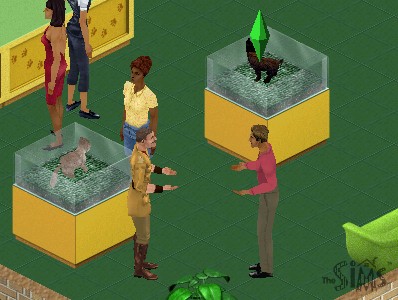
Typically commercial lots will consist of shops, such as a pet store where pets can be adopted, along with any pet accessories. Traditional lots are renamed as residential lots and is where sims reside as they did in the previous expansion packs. Additional neighborhoods still exist as they did in previous expansion packs.

Pets

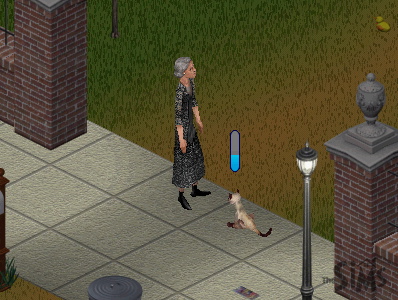
Two types of pets are featured in the game, mainly cats or dogs which can be adopted by sims themselves. Other pets exist such as budgies which are treated by the game engine as objects, similar to the fish tank that was included in the base game where sims have to feed them every so often.

Skills can be taught to your pets to make them more obedient, this is harder than expected since pets will most of the time go off and do their own thing. The best thing to do is to use the Sit n’ stay command to build the obedience skill, which will make the other skills easier to build up. This interaction only works when your sim is near your pet.

Objects

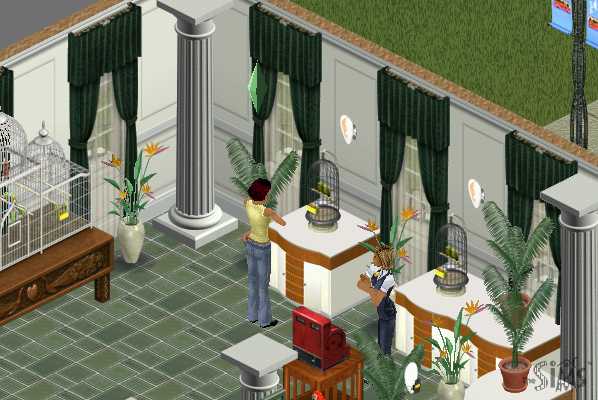
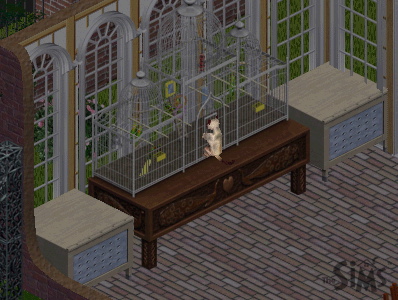
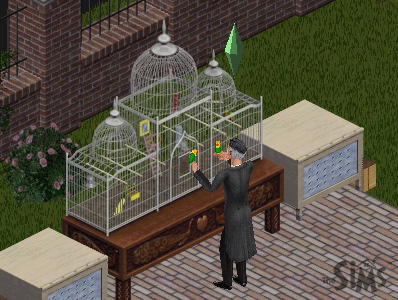
The Aviary – A bird cage to keep birds that have been purchased at the petstore, You need to frequently feed the bird in a similar manor to the fish tank to keep the pet alive.

Sims can play with their pet birds which boosts their fun and social. Two types of birds can be stored here, Love Birds and Budgies. Cats will also try to play with the cage.

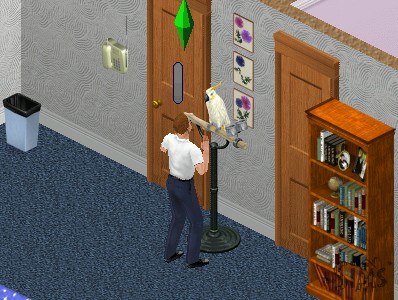
Speaky Scarlet – A pet parrot that can be purchased from buy mode. Sims can talk to it to boost their charisma skill

Ceti the Happy Whale – A playground item that child sims can play on, boosts fun and can be played in groups

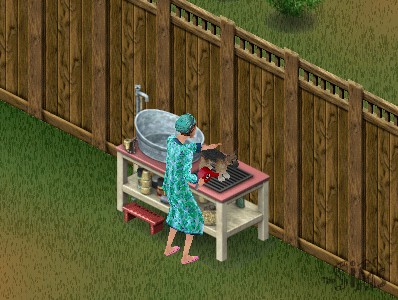
Squeak-EE-Clean Pet Tub – Used to wash your pets, can be used with both dogs and cats, requires regular feeding

Forgotten Jungle Terrarium – Used to house a pet iguana

Other expansion packs featured pet objects like the gerbil featured in Livin It Up (Livin Large), or the fish tank from the base game. These remain unchanged although pets may interact with them.

Commercial Lots Only

SpueakNip Pet Toys

Only for commercial lots, sims can purchase toys for their pets. Requires a nearby cash register

Notable NPCs

Giuseppi Renni and Mr McCutch

A musical duo that appears on Old Town lots and will entertain your sims, can be tipped 5 Simoleans

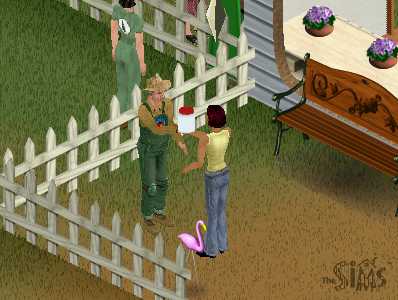
Gardener Bob

Appears on Old Town lots that sell seeds and vegetables, sims can buy plant tonic for their crops and get advice on how to grow their own crops

Pet Judge

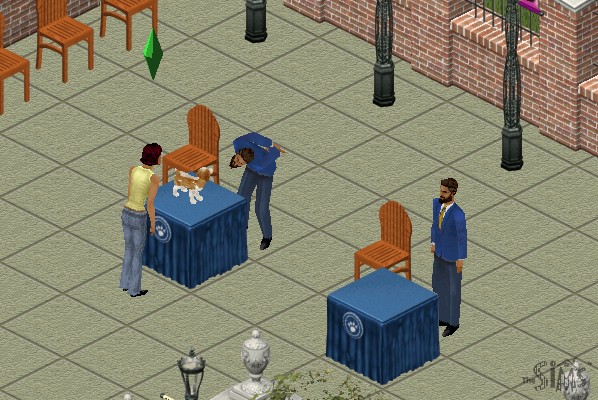
Appears on lots that have pet judging podiums, he can tell you further details on pet judging.

Pet Trainer

This sim will appear on the pet store or anywhere you can adopt a pet. Can be used to train your pet for an increasing fee, dependent on your pets skill level.

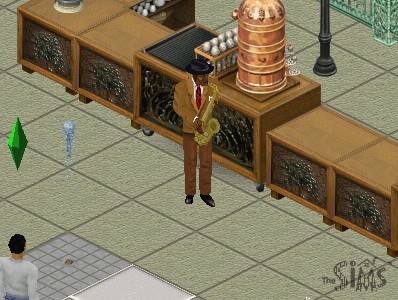
W.C. Friendly

A jazz player that appears on cafe lots (any lot that has a barista/coffee or pastry stand)

Farming

Sims can grow crops by purchasing seeds from an Old Town merchant and planting them, which can be used for food, or produce can be sold in Old Town for money. Growing crops requires a certain amount of effort as sims will need to water, weed and protect the farm from animals or gophers. A buyable scarecrow or a pet cat can help with this, depending on the hunting skill of the pet. Once the crops have been harvested, they can be stored in a pantry or sold at the farmers market.

Garden plots can be found in the gardening section of build mode.

Sims can also purchase produce on certain Old Town shopping lots, if the sim has no room to farm. To store crops for cooking, you will need to purchase a pantry to store the produce in.

Residents

Unleashed also introduces a few new pre-made families to play.

  • Burb: Brad and his wife Tiffany, with their son Johnny and their dog, Tucker. This family would later appear in The Sims 2.
  • Charming: Consists of Claire Charming, with her pet dog Luna
  • Hick: Mama Hick and her son Elden live in what appears to be a trailer, with their three dogs.
  • Goth Sr: Parents of Mortimer Goth.
  • Kat: A single female with four cats, Yup a spinster.

Other Additions

The phonebook has been expanded to a dialog box now appears when calling neighbors. Previously sims were called from the pie menu which would also include any known townies or vacation sims if those expansion packs were installed. Services remain the same as their own section in the pie menu.

Five new careers are included – Fashion, Education, Animal care, Culinary and Circus.

MacOS Version

The game was also ported to the MacOS platform, and makes full use of the Carbon library which gives it OS X and OS 9 compatibility. As this was released in the PowerPC era, you cannot play it on modern OS X versions (10.7 Lion upwards, as these versions of OS X lack PowerPC support) On modern Mac’s it’s easier to use Boot Camp and use the Windows version of the game, but for M1 Macs you may prefer to use an emulator like QEMU or Sheepsaver to emulate an OS 9 PowerPC environment, which the game will run.

Conclusion

Unleashed was a dramatic upgrade to the sims engine, adding new specific to the game, expanding the neighborhood and the type of lots that can be used. I would say this was one of the more important expansions of The Sims as whilst previous expansions added features to the existing game, and expansions like Hot Date added their own expanded areas (Downtown), Unleashed dramatically replaced many game mechanics and in some ways feels like a sequel rather than an expansion. This was also one of the first expansions to ship on two CD’s, highlighting the amount of changes and value being added to the game.

Tragically this expansion never made it to the console versions, which deviated int heir own direction with the release of The Sims Bustin Out and URBZ Sims in the City.

Mac OS X Jaguar (10.2)

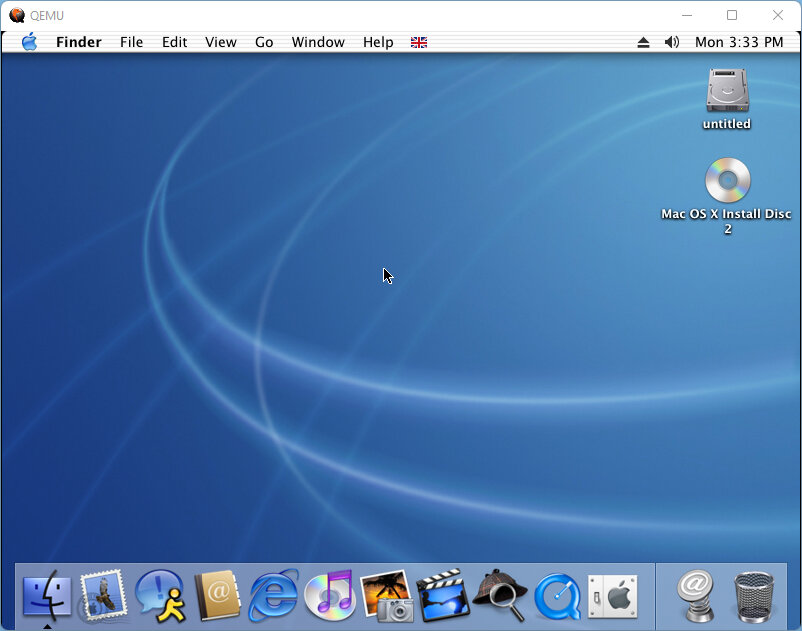
The third release of Mac OS X, let’s hope the bugs from the last version were fixed in this build. Some screenshots come from QEMU (4:3) and off a real PowerMac G4 (16:10)

The desktop, not much has changed from Puma, aside from a few new icons in the dock.

QEMU has a few issues running this build of OS X relating to the finder, where the main Finder window will not open correctly. As a workaround, you can click on the Go menu and then select the window you wish to open.

The emulated IDE controller also has a few issues with a blank/duplicate hard disk.

Install

Install procedure remains the same as the previous versions, with the ability to modify what components are installed. Print drivers were removed since we are never going to use them in QEMU, and we also dont need any additional languages.

Setup

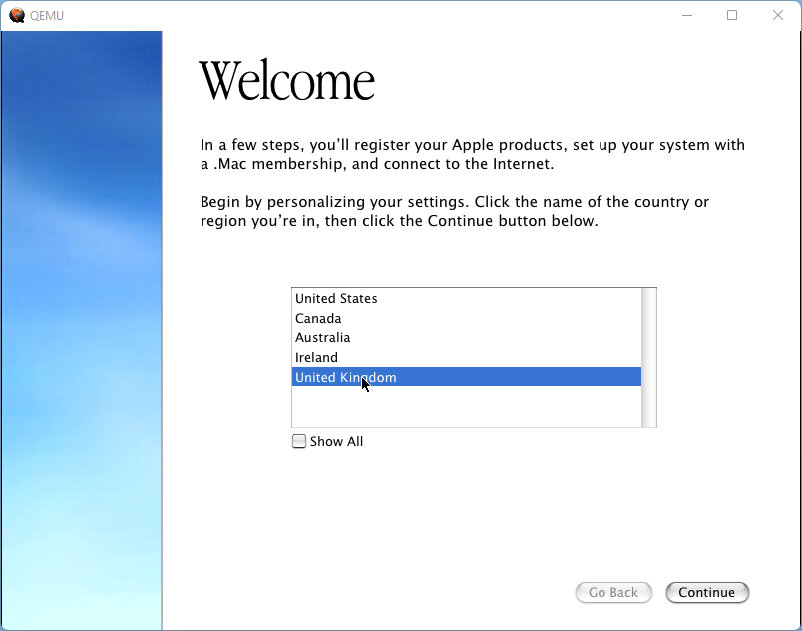
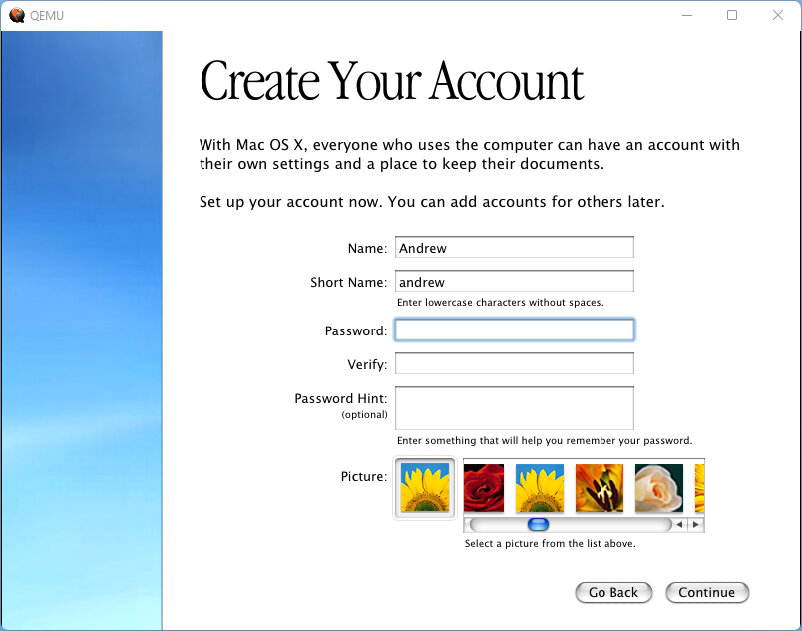
After the install we are presented with the registration wizard.

Desktop

Appears mostly the same as Puma, although you lose the pinestripes out of the dock. Finder window appears to be the same as Puma, with some elements of Windows explorer included which gives it a browser-based feel with the back and forward buttons.

Rendezous is a feature that you will come across in OS X, this allows for local network devices to discover one another, typically used for media devices like DVR (Digital Video Recorder), and Printers. This was later renamed Bonjour, although the technology remains the same. In Safari you can view any local webpages offered by supported devices, such as the configuration webpage of certain routers, and in iChat you can use it to discover other users that have Rendevous enabled. Many OS X applications make use of this technology.

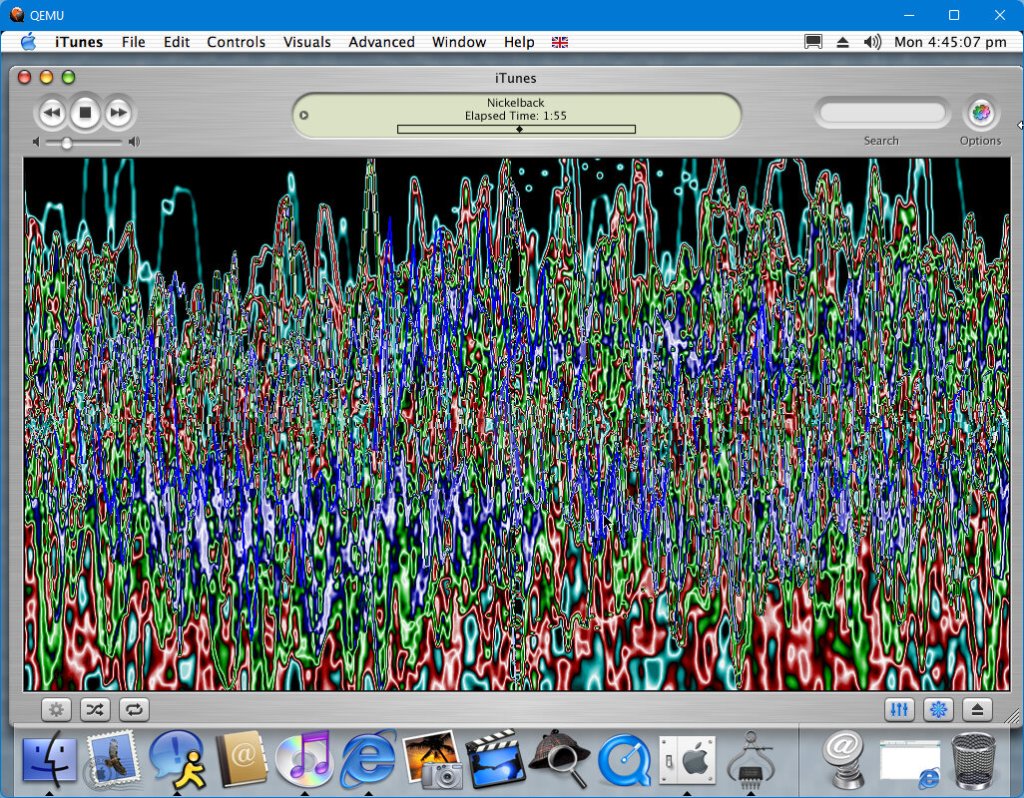
Sound: Works somewhat if you use the screamer audio builds from emaculation. It’s not very good quality audio with stuttering and crackling when playing mp3 audio via iTunes (This might have more to do with the emulated CPU running at 200MHz. Eventually the sound just gave up one time and I had to reboot the OS to get it back.

Applications

iTunes – Version 3 comes bundled with this release and serves as the default music player. This release predates the iPod and the iTunes store, and thus cannot sync without an update.

iChat – Apple’s alternative to MSN Messenger, which supports AIM (AOL Instant Messenger) accounts. works to some extent, whilst the online service will no longer allow sign-in from this client, we can enable Rendezvous chat to communicate with other compatible users, at least on the local network. iChat was originally intended to be used with AOL Instant Messenger.

DVD Player: Plays back DVD movies if your Mac is equipped with a DVD drive or a Combo (DVD Player with CD-R capability) or a Super drive. Also blocks screenshots when using the built-in grab tool.

iMovie: A basic video editor that lets you create home movies, complete with special effects using clips stitched from various video files, typically from a digital video camera. You can also add your own voice effects, allowing you to add commentary to your video. This is one of those apps that runs in full screen, hiding the dock.

iPhoto: Import pictures from your digital camera and organize them into various different albums, Different effects can be applied, and features a printing utility if you have a photo printer.

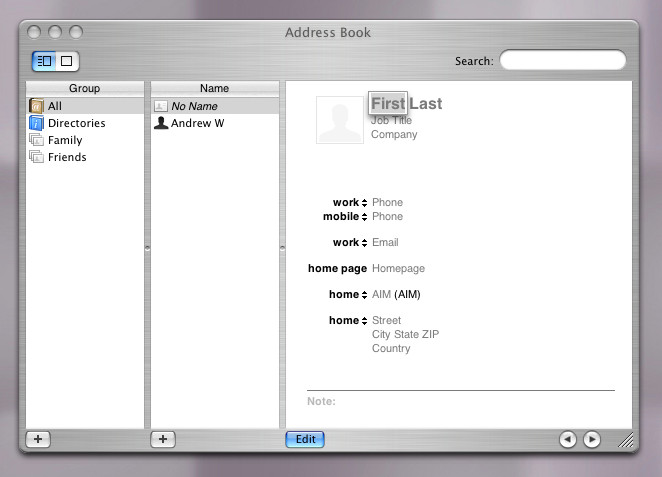
Address Book: Appears to have a brush aluminum appearance which would later influence the Finer window interface for Panther and Tiger

Sherlock: opens but refuses to load any channels, possibly its no longer online.

Photo Import: is a tool that transfers photos from a supported digital camera connected via USB, and can transfer files to your Documents directory. You can choose to import them all or manually select which images to transfer and if they need to be rotated. YOu can also set to delete the photos from the camera itself to free up space. A good utility but surely this could have been integrated into iPhoto.

Bundled in later updates:

Safari – Although mainly introduced in Panther, one of the OS X updates introduced Safari as an alternative browser. This was to replace Internet Explorer and would include its own rendering engine.

AirPort: Additional drivers are included in later releases of Jaguar, third-party cards are supported providing they are using a specific Broadcom-based chipset (The wireless card in my G4 is actually a BT Voyager branded PCI card). But you are still limited to WEP support, no WPA or WPA2.

Third-Party

RealPlayer: Popular video streaming application, before Youtube was king video clips and music videos were streaming using RealMedia .rm files. RealPlayer later evolved into a full-fledged MediaPlayer similar to iTunes or later versions of Windows Media Player

Opera: An alternative browser using the Presto rendering engine. This was from the era when Opera was a browser you had to pay for, but a free version existed that would show adverts.

Camino: A fork of Firefox designed to be built for use on Mac OS X, making full use and integration into the Finder.

Appleworks: Apple’s own productivity suite of applications that consists of a word processor, spreadsheet and desktop publishing. Technically this is first-party, but is not included with the OS install. Appleworks was never really popular, and many mac users would opt for Microsoft’s Office which had full compatibility with the mainstream file formats. In contrast, the CWK format was used to save text documents.

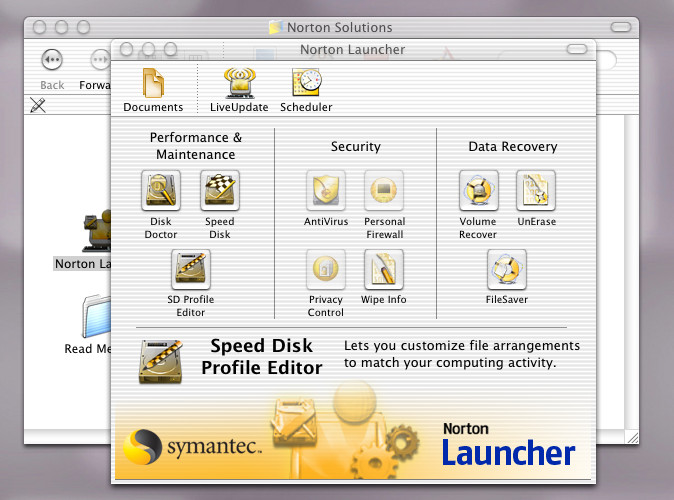
Norton Utilities: A must for early versions of Mac OS X, includes a set of tools to keep OS X running smoothly.

The Sims On Holiday

Or The Sims Vacation in simplified English

The expansion is very similar to Hot Date in which many game elements were revamped. With a new social interaction system, revised user interface, and a new vacation island area with additional sub lots. Whilst Hot Date introduced the concept of sims leaving their lots to go downtown, here sims can actually stay on these lots for an extended period of time, depending on how much money they have.

New interactions exclusive to On Holiday are released that allow sims to invite each other to play games based on the new objects added, like playing archery, volleyball or fishing. In addition, some of the new interactions from hot dates are added.

Holidays allow for sims to take a break from their schedule, as they are not required to work or go to school and dance sims in the first game have no concept of days off or weekends, this expansion allows sims to go off and do other stuff without having to worry about their jobs as they can stay on holiday indefinitely.

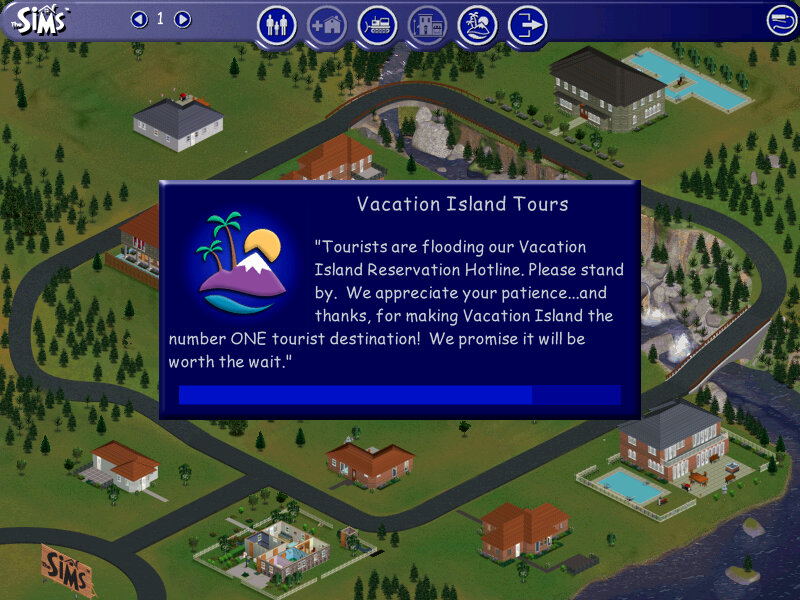
Vacation Island

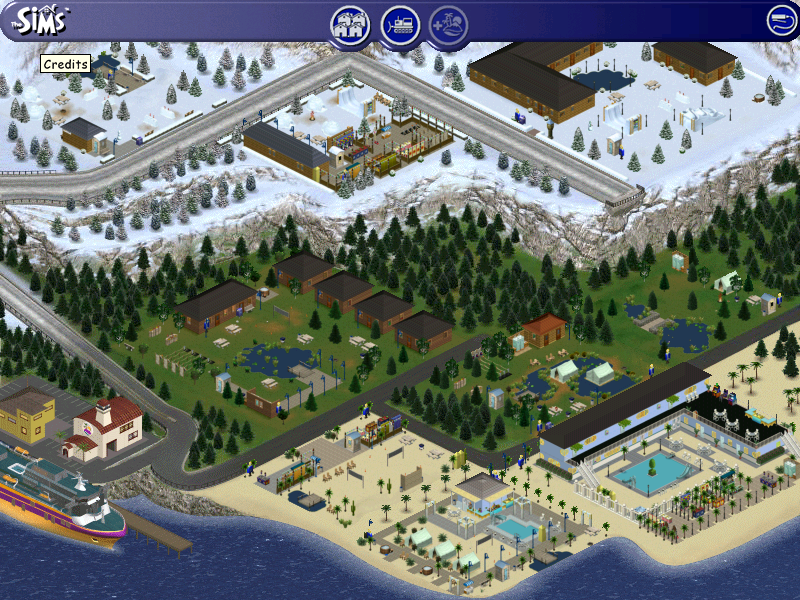
There are three types of vacation lots available, each with a different environment:

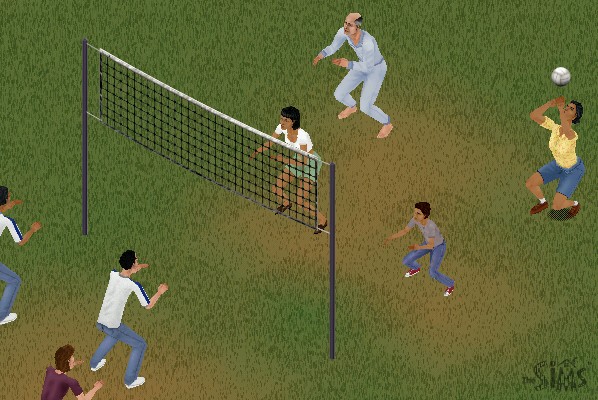
  • Beach Lots: Set on your typical beach/seaside, sims can sleep in a hotel located on the lot which will each have a bed and a bathroom. Sims can swim in these areas or play volleyball and can rent sandcastle kits.
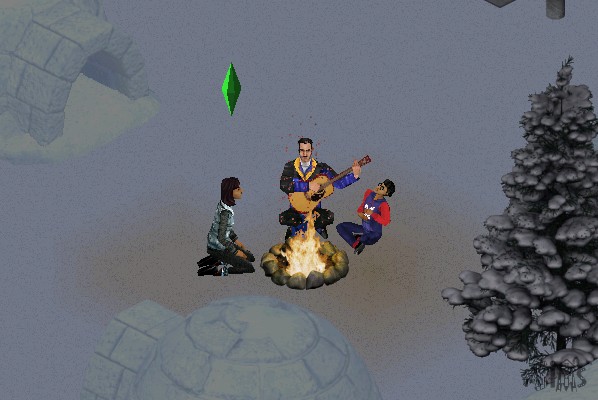
  • Forest Lots: Simulates a camping lot, here your sims are set near woodland and have the option to camp in a tent or rent a log cabin. These lots typically feature a campfire
  • Snow Lots: Set on a Ski/Snow resort, Some lots have an igloo that your sims can sleep in

Each of the three environments has three different resorts that scale to accommodate the budget of the sims traveling there, there is a cheap resort that features only basic amenities, a moderate one that features a mix of both, and a more expensive one that resembles a hotel of sorts.
Sims will need to check in every day at 11:00AM in order to access and use most of the lot facilities. The game will do this automatically unless the sims check out.

Internally, houses 40 – 48 are used or the holiday lots.

NPCs

Whilst On Holiday, sims will encounter NPC sims that will also be on the same resort. These are like townies (Downtown NPCs) of sorts in that the player cannot control but they can be interacted with, and if your sim has a higher enough relationship they can move in. Some families will have an adult but one or more kids, who will also join the family.
This is convenient if you wanted your sim to marry and expand their family quickly without having to go through the baby raising process (Which is horrid in the first Sims)

There are also new NPCs

  • Vacation Director Kana: Just walk around the lot relentlessly 24/7 with a clipboard, you have to admire her dedication. Your sim can ask her questions to find out more on the different features of the expansion.
  • Mascots, there are three in total but only one will show up on a lot at a time. The mascot will vary based on the lot environment, beach lots will get the Marky Sharky mascot (If only they got the Marky Mark mascot instead. Berry Yeti is present on the Snow lots and Archie Archer is on the forest lots. They can only be interacted by kids. This makes them annoying since they will constantly try to play with the kid, even if they are busy.
  • Janitor: Cleans up dirty items on the lot. They’re a bit too keen as they will immediately come and will sometimes block the doorway

Objects

A lot of these are intended for use on holiday lots, but can be used in the home buy mode catalog. As introduced in the Hot Date expansion, subcategories are introduced in buy mode which allows for better organization of custom objects.

KampRite Instant Campfire

Volleyball

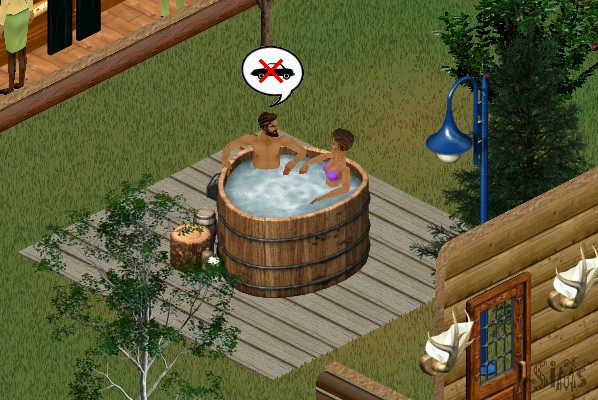
Redwood Hot Tub

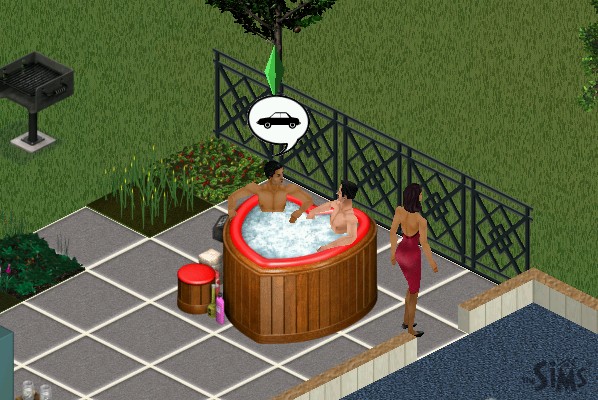
A hot tub that seats two sims, adults only. Very similar to the one introduced in Hot Date

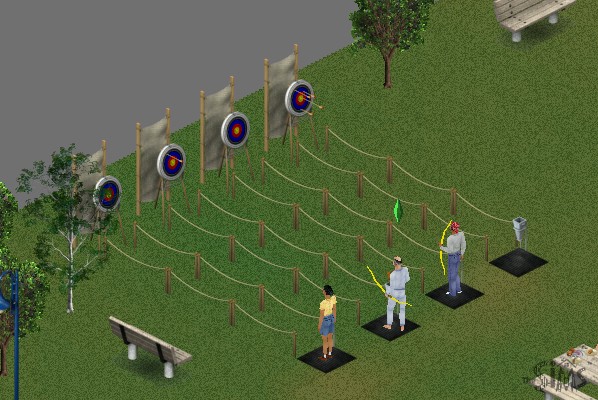
Archery

Sims will earn tokens when they win, whih allows them to redeem prizes

Water Ballon Fort

Group activity where sims can throw water balloons

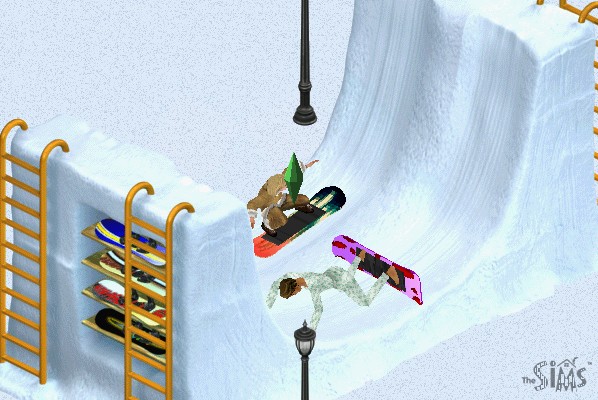
Snowboard Halfpipe

Sims seem to have problems skating without falling down

At least in heaven I can skate

Polar Bear Rug

Wait until PETA sees this…

Snowman

Not a buyable object but sims can build their own snowmen on snowy lots

Snowball Fort

Same as the ballon fort but with snow

Snowslide

Sims can slide, SSX style

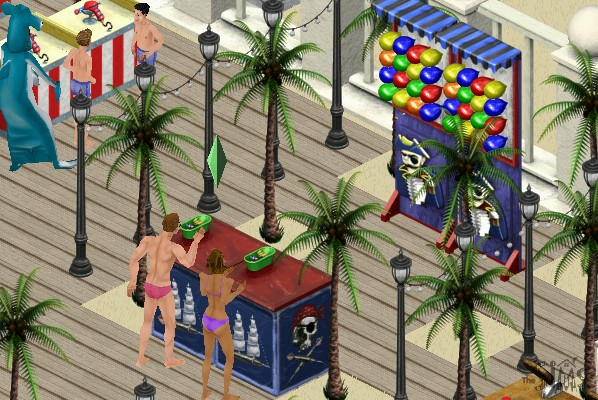
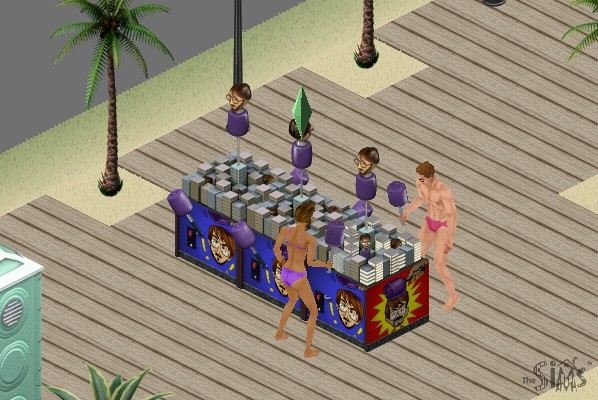
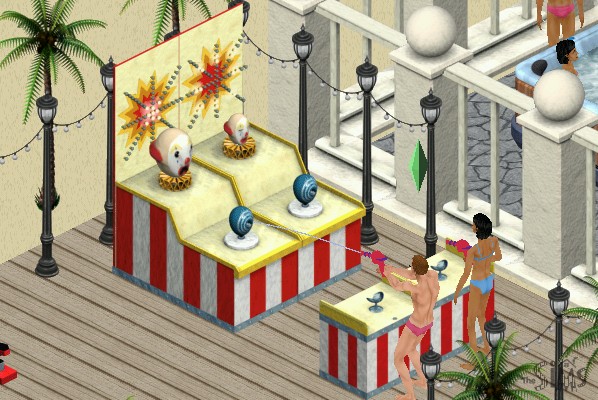
Carnival Games

Like the archery game, your sim can earn tokens with they can redeem into prizes. These then become souvenirs when they move back home, which they can display on a dedicated shelf.

Mac OS Version

The expansion was ported to Mac OS and OS X and install’s in the same fashion.

The Sims Hot Date

The third expansion pack and one that brought a major change to the mechanics of the game, the main one being the introduction of community lots and the concept of your sims leaving their lots (well they could technically leave to go to work in the base game)

Also included a nice jazzy soundtrack when editing or vising downtown lots.

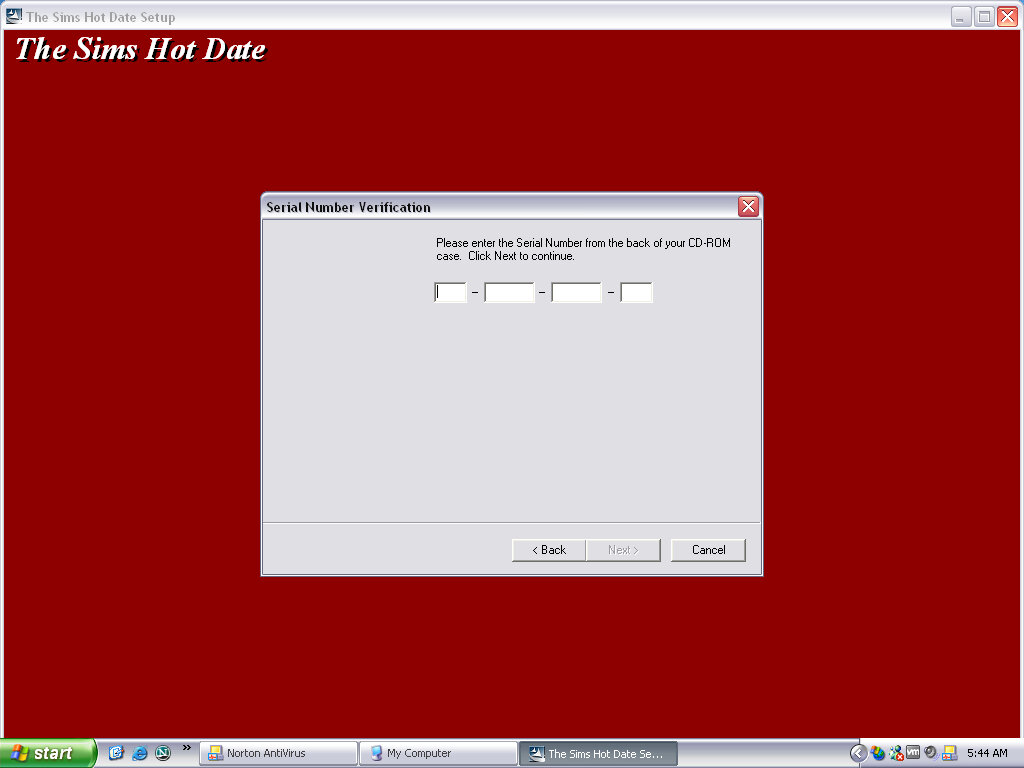
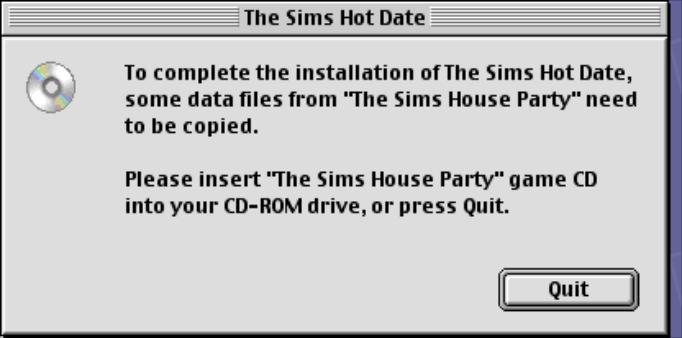
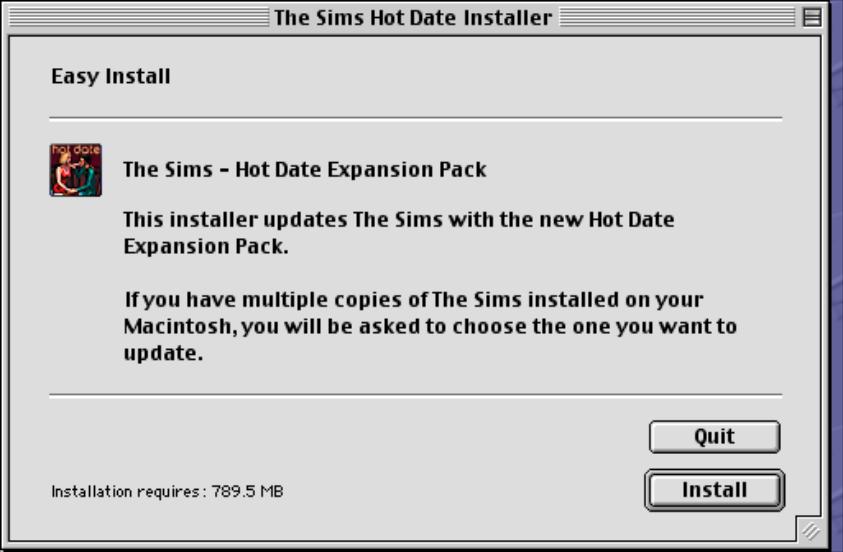
Installing the game requires the original game CD, or the House Party disc if that expansion pack is installed, as the game will install the original audio files to the hard drive. Previously the game would stream the audio from the CD to save disc space at the expense of performance.
If installing over the Deluxe Edition expansion pack, the user will need to run the deluxe edition installer before they can play the game, this is because the deluxe edition was released after Hot Date.

No new neighborhoods have been included with this expansion, but if you are missing the created neighbourhoods from the House Party expansion (Hoods 5-8) then the installer will create them for you. They will be typical blank neighborhoods without any houses or premade sims.

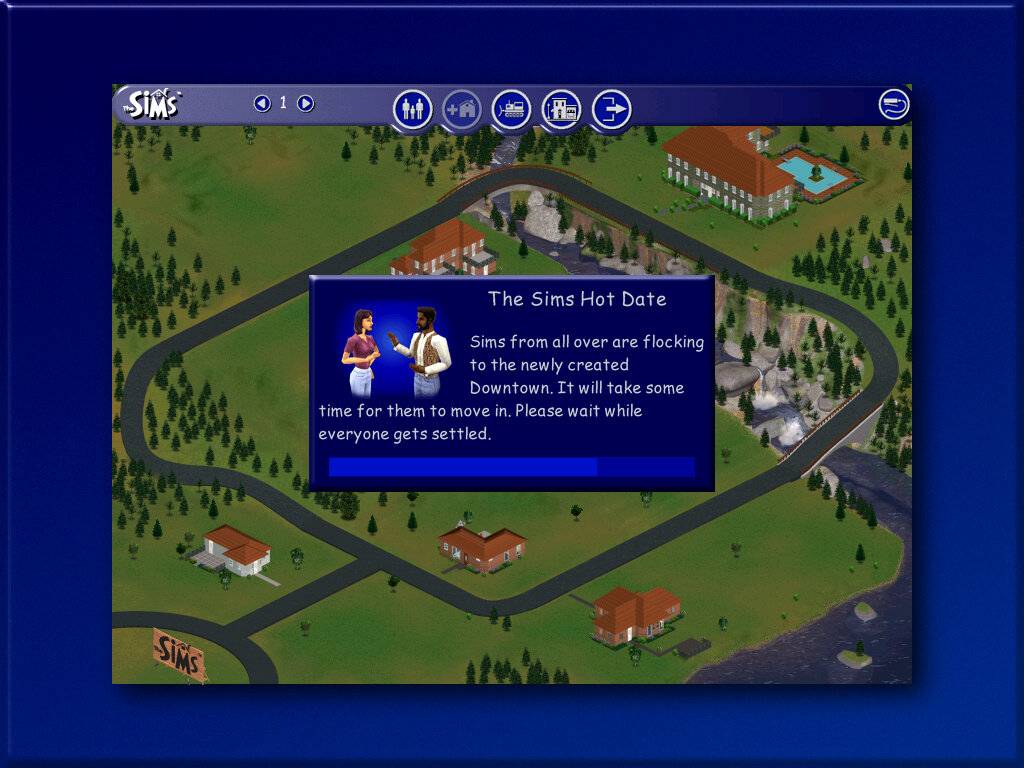
Upon starting the game, new sims will be generated. These will be your townies that are used for downtown.

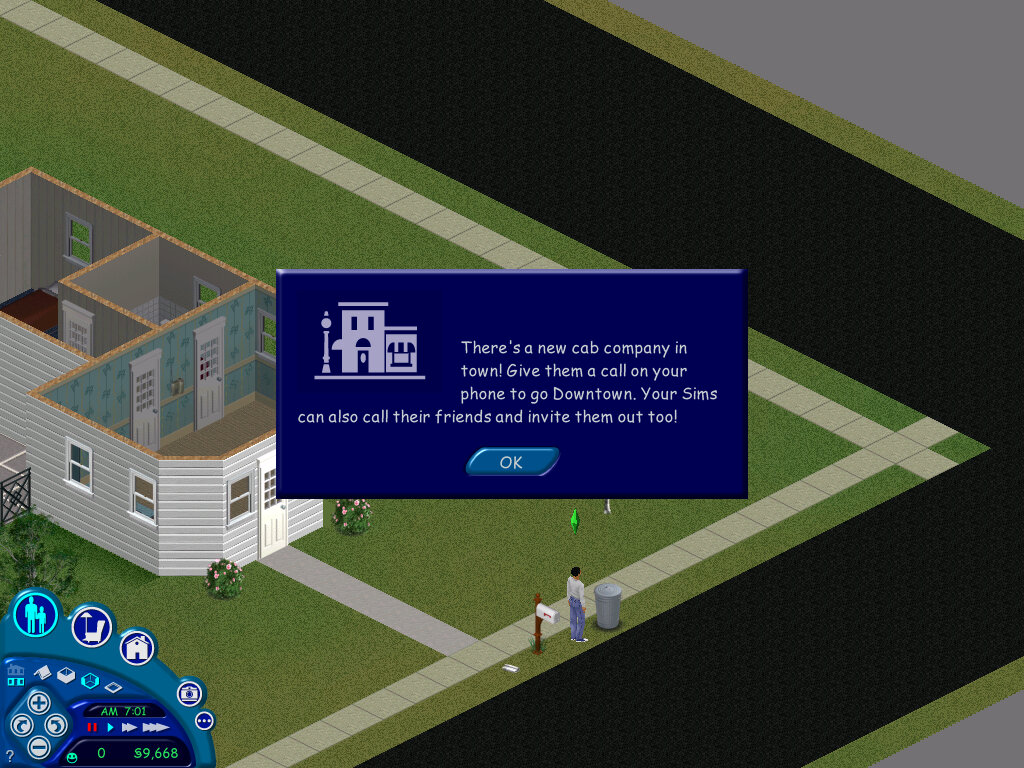
Downtown, a new sub-neighborhood. Each hood has its own version of downtown with its own generated set of townies. Sims cannot visit a downtown from another hood.

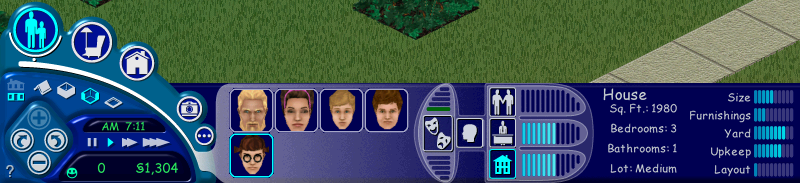
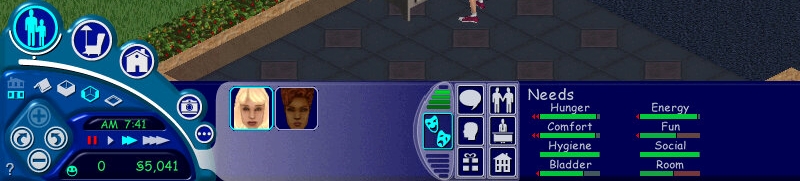
The user interface has been updated with new features

Original user interface
From Hot Date onwards

The house meter and the friend’s meter have been removed and have not been replaced. They were removed in favor of adding the inventory and interests panels.
The inventory panel shows objects that are stored by the sims, these can be gifts that have been received by other sims, or prizes won by various games.

Downtown

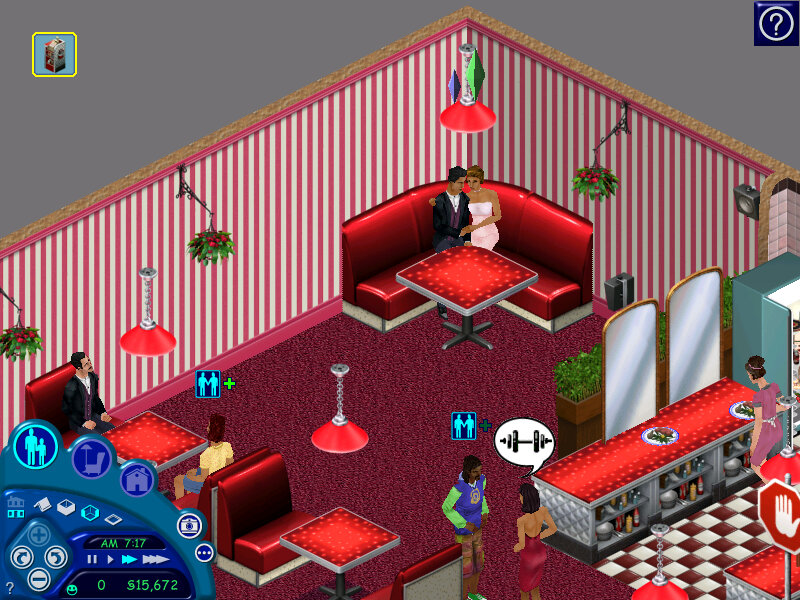
A new sub-neighborhood, and the first to be included in the Sims engine. There are lots that your sim can visit with other sims.

You can have different themed downtown lots that cater to a specific
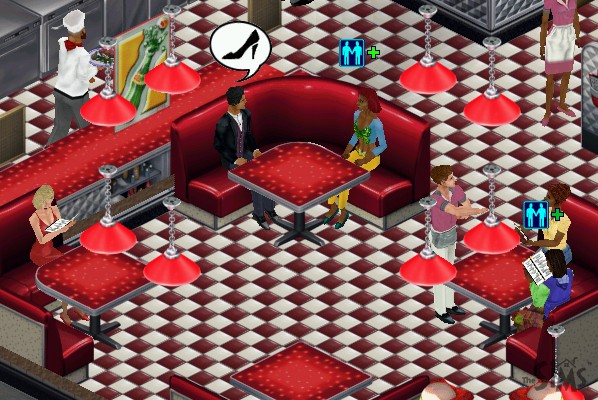
Restaurants typically have a podium, a kitchen with a commercial over, and a dining booth or dining table/seats

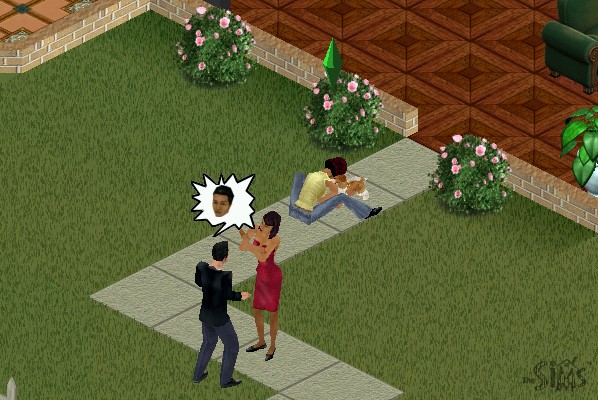
Shops generally have till’s and can have clothes racks that sims can browse and buy new clothes, or skins as they are referred to. There are also entertainment lots that have activities like pool tables, pinball machines and slot machines

The default lots for Hot Date make use of objects from the base game and the expansion itself, but not objects from other expansions. With this in mind, you can create new downtown lots using objects or themes from other expansions, like a nightclub using the DJ booth and dance floor from House Party. A spare downtown lot exists (23 Wright Way) for this purpose.

Objects

The buy mode catalog has been updated, and new sub-categories have been added to help classify items better. Downtown lots also have their own categories, depending on what type of lot you wish to build. Here objects are sorted into shops, restaurants, outdoor

Niagra Love Tub

A hot tub that can seat two sims, who can cuddle and woohoo play

Dawnette Hooded Stove

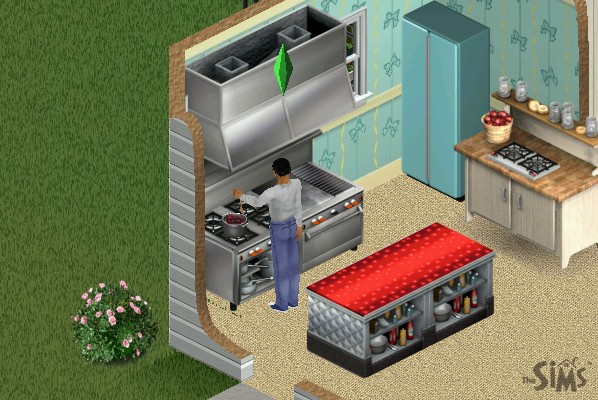
An oven that occupies two titles, can be placed downtown and is required to operate a restaurant

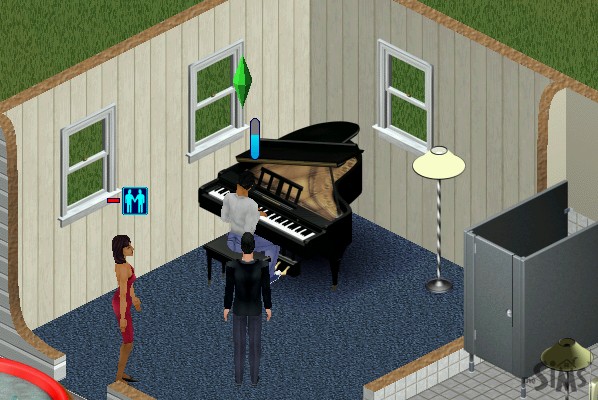
Bachmeier Grand Piano

A more expensive piano, placing this downtown will spawn a dedicated piano player NPC

Boggs Home Canning Center

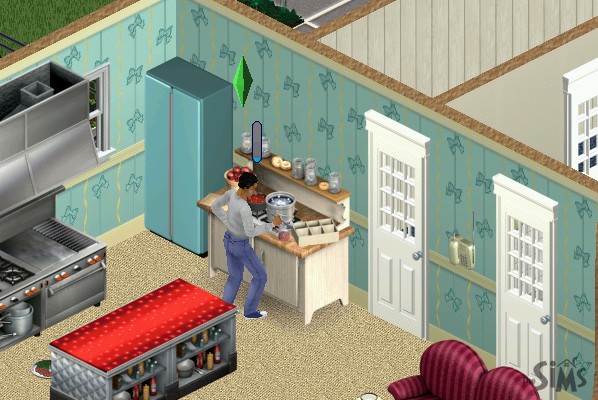
Allows your sim to make preserves at home to sell, also increases the cooking skill

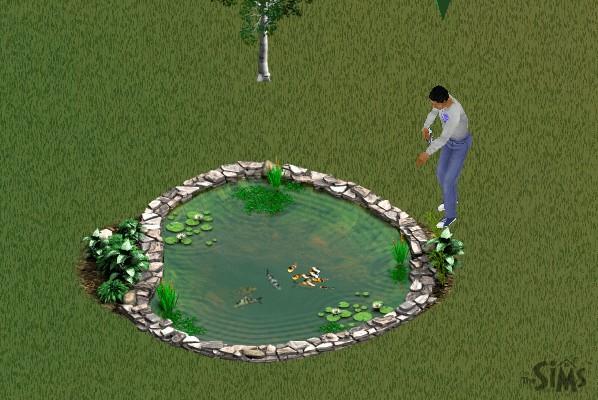
Laguna Vista Instand Pond

A fish pond where your sim can feed fish and place boats, multiple sims can use this

Bel-Air Dining Booth

Sims will sit after they order a meal at the podium, works as part of a restaurant set otherwise function as a regular table and chairs

Kiosk

Items such as flowers, toys, chocolate, and a copy of the game itself are sold here and can be bought by your sim, A cash till nearby is required to order

Food Counters

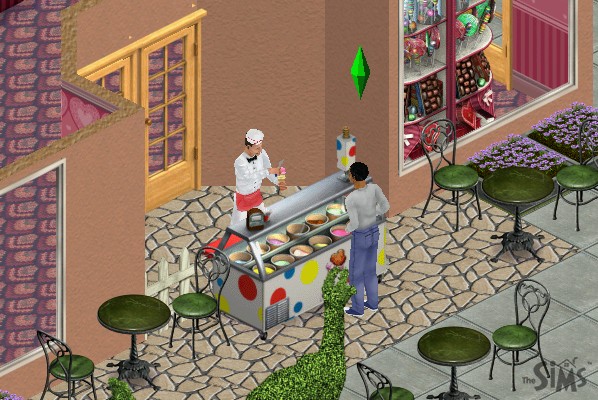
Two exist, one for ice cream and another for burgers, bars also exist for drinks

Social Interactions

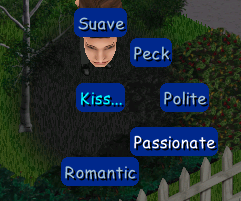
New social interactions have been added, and the social system has been revamped for each sim to better handle interactions. Many have been grouped into one main social interaction, which then has a few sub-interactions. E.g. Talk has the ‘About Interests’, ‘Gossip’ & ‘Brag’ interactions. Entertain has ‘Joke’ and ‘Juggle’ interactions.

Mac Version

Hot Date was later ported to the Mac OS platform and was a Carbon application from the onset which meant support for older Mac OS versions was dropped. Only Mac OS 8.6 onwards and OS X 10.1 is supported.