Tag Archives: Quicken

Acer 1997 Install

A non-model specific restore/OEM Install, this looks like it was intended to be used across various models of Acer’s Aspire line, as it prompts for a reference number during recovery. Aspire is Acer’s brand for desktop and laptop computers for domestic users, similar to Dell’s Dimension or IBM’s Aptiva line of systems.
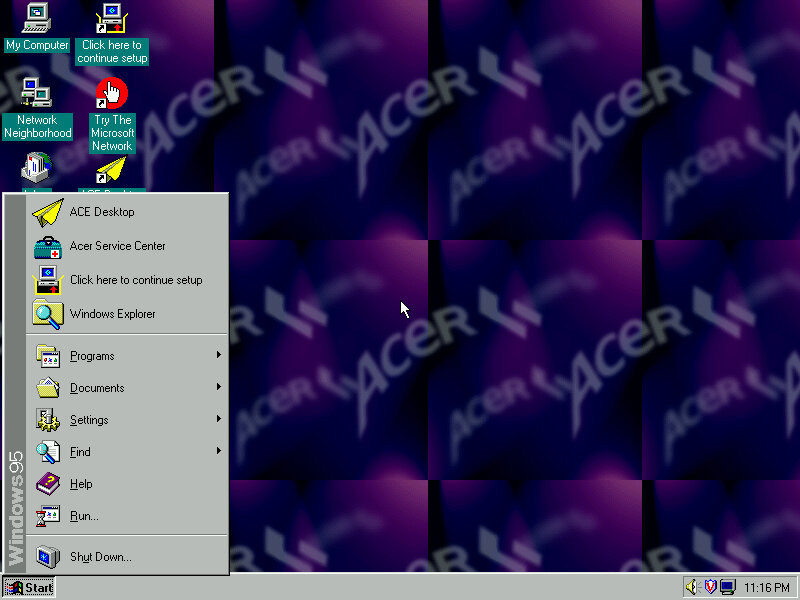
Acer 1997 desktop

The default desktop, post recovery

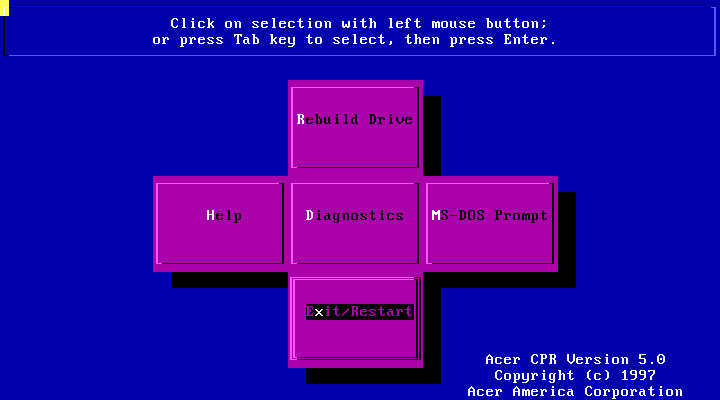
Acer recovery program

Running the recovery program, interesting menu layout you see here which gives you options to restore the drive, perform a few diagnostics or to go straght to the MS-DOS Prompt.
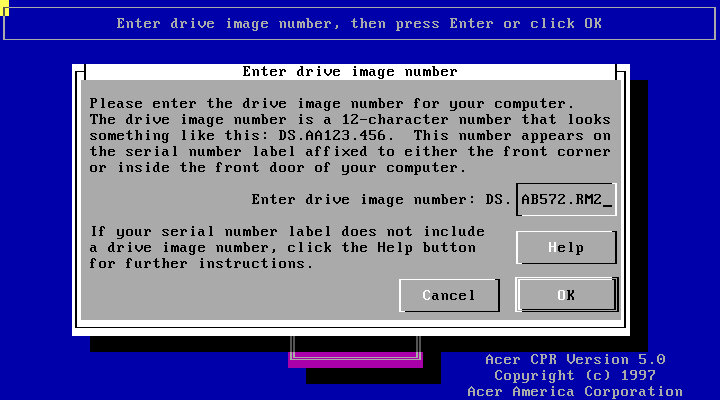
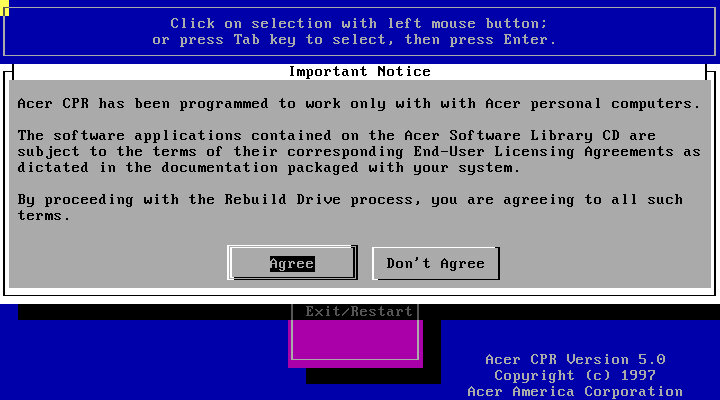
Following through with a full recovery, which will initalise the hard drive
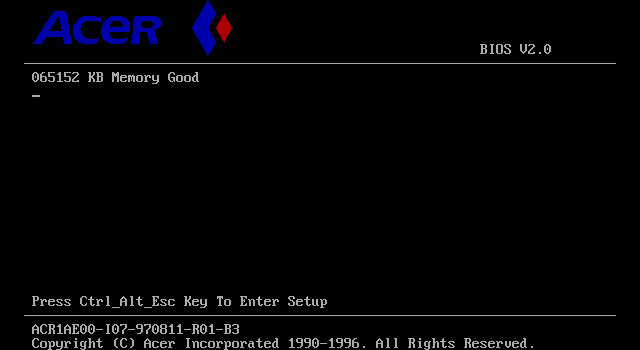
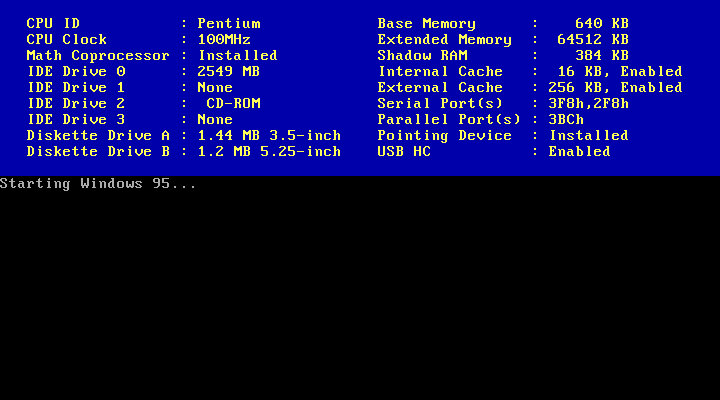
The Acer BIOS, here we are using the V35 motherboard that is emulated in 86Box.
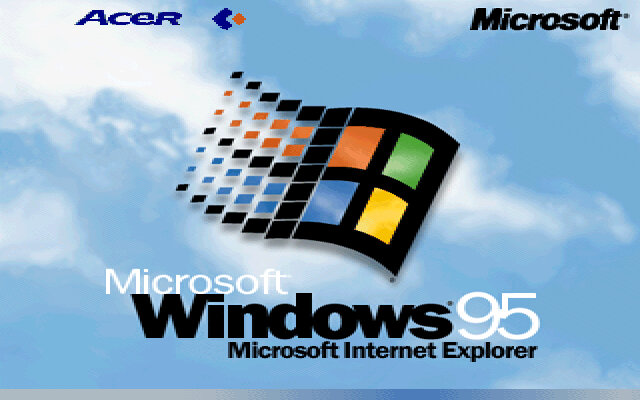
Acer Windows 95

The boot screen, with Acer branding. Here we have Windows 95B, with the USB supplement already installed.

It’s a shame than the bootscreen gets overwritten when installing the 95 Plus! pack. If you wish to preserve it, copy the LOGO.SYS file on the root of your C: drive before installing the Plus! Pack.
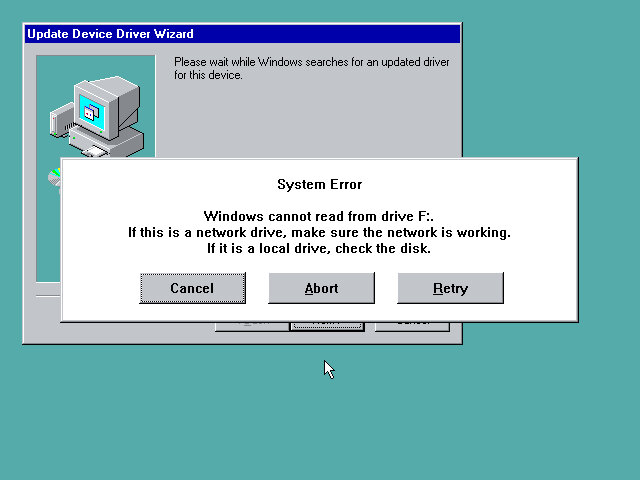
Uh-Oh, not sure what happened here but a quick reboot fixed it. My guess is that setup reinstalled or updated the IDE drivers, and lost access to the CD drive as a result. Acer possibly used various different IDE controllers or chipsets across their motherboard, and this was their way of ensuring the correct drivers were installed for that specific chipset.

Thankfully after a reboot we were able to proceed with the setup and registration wizard
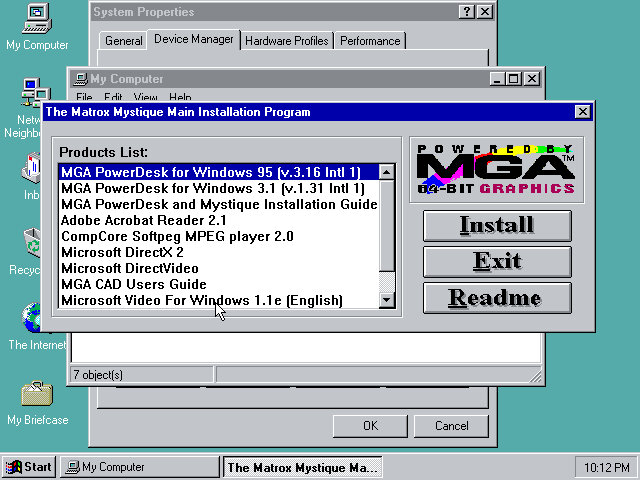
Installing graphics drivers for the Matrox graphics card, which 86Box now supports.
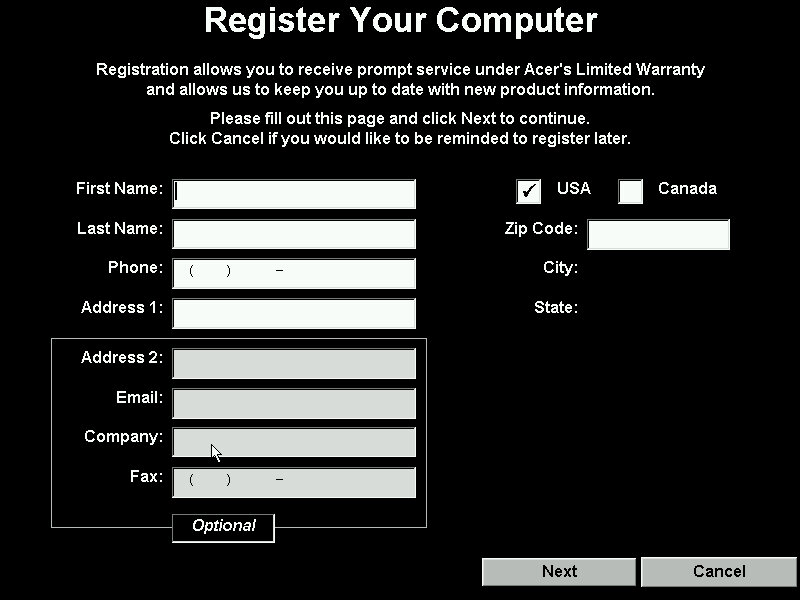
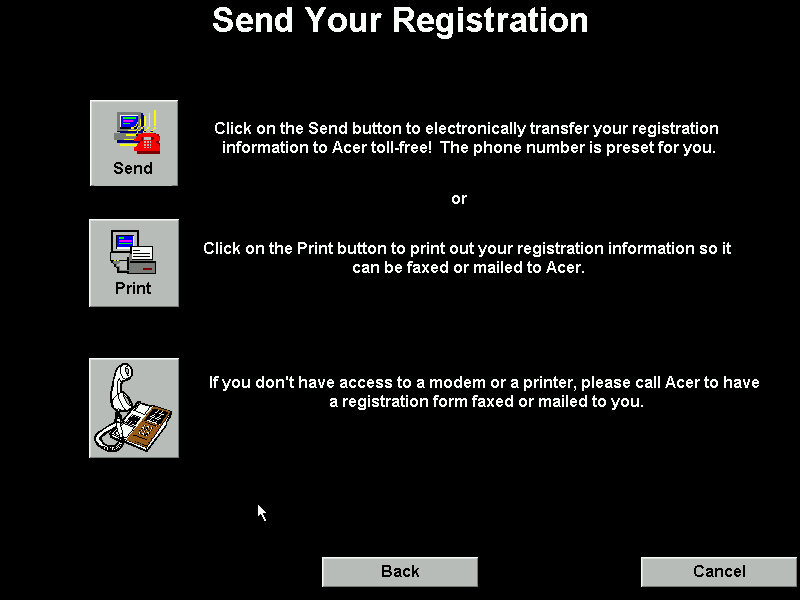
Running the registration utility
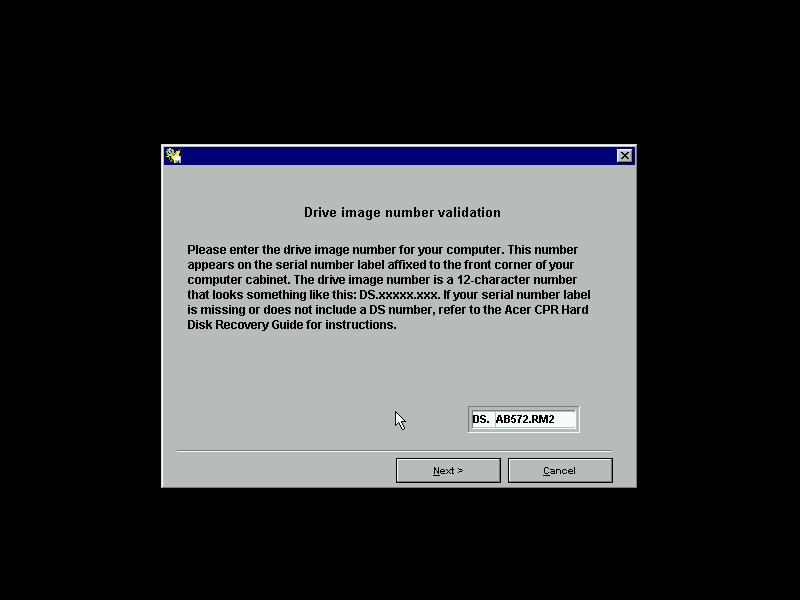
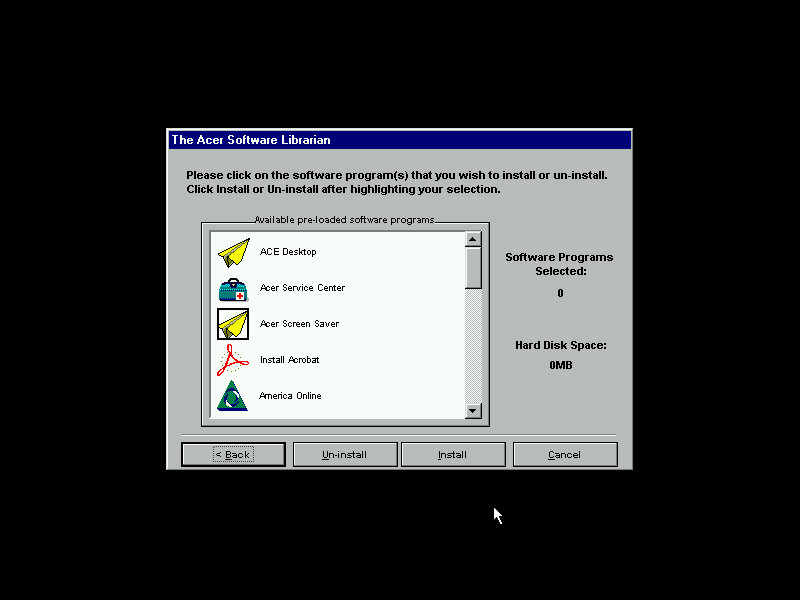
The Acer Software Librarian which is used to install the software that shipped with your machine. You need to enter an identifier provided so the software knows which software and drivers to install for the correct model

Some of the software requires additional CD’s to install from

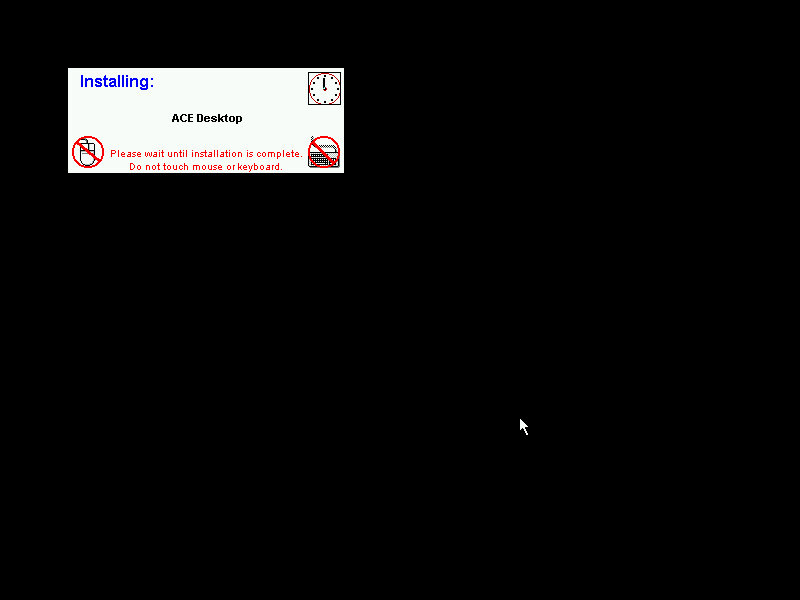
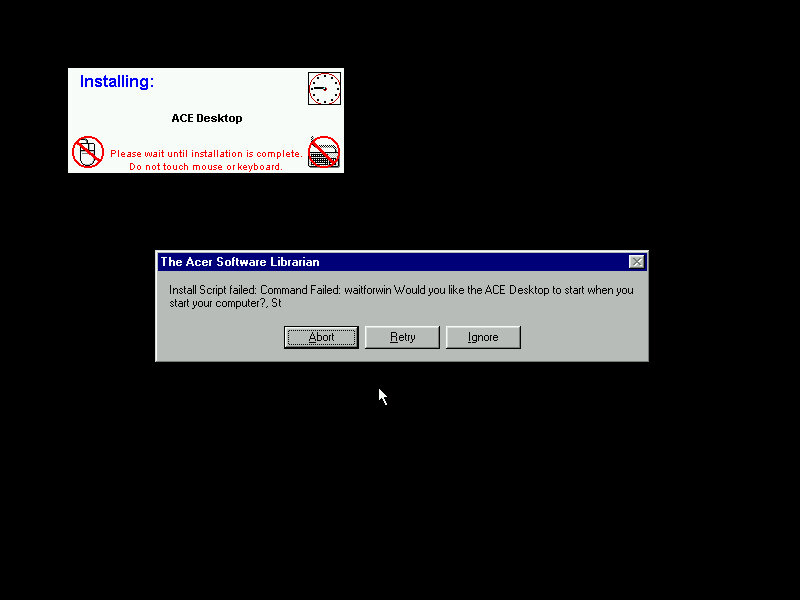
The installers are automated, but can go AWOL if the installer throws up a message that wasn’t expected. This will result in the message informing that the install script failed and will give you the famous Abort, Retry or Fail Ignore. Choosing the retry option to restart the installer. I believe the install script tries to mimic the user’s keypresses, during this it’s best not to touch the keyboard or mouse whilst the script is running.
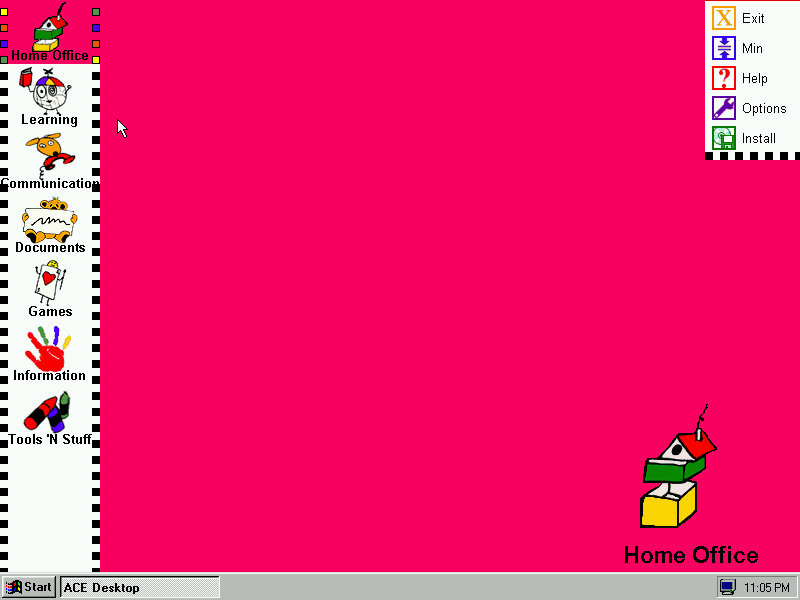
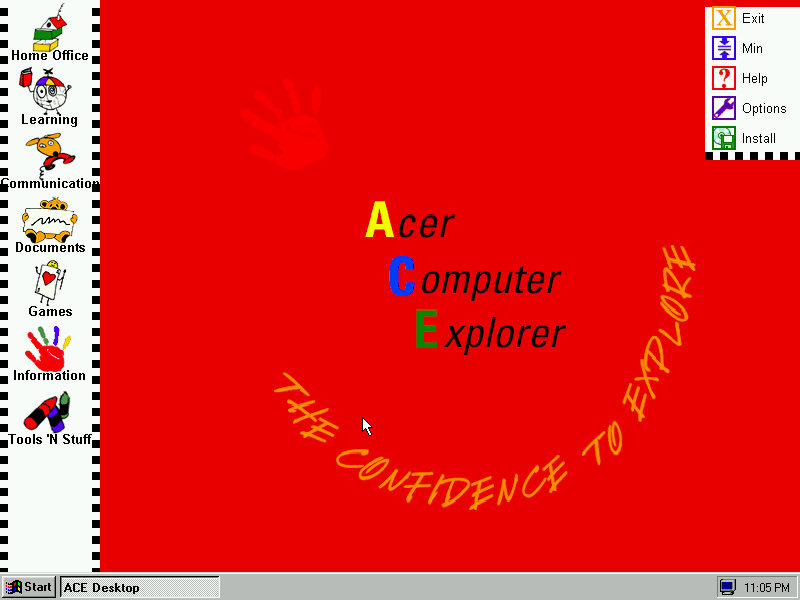
ACE Acer Computer Explorer provide a child friendly interface, like Packard Bell Navigator. There isn’t any software installed that takes advantage of this so we can’t fully demonstrate it.
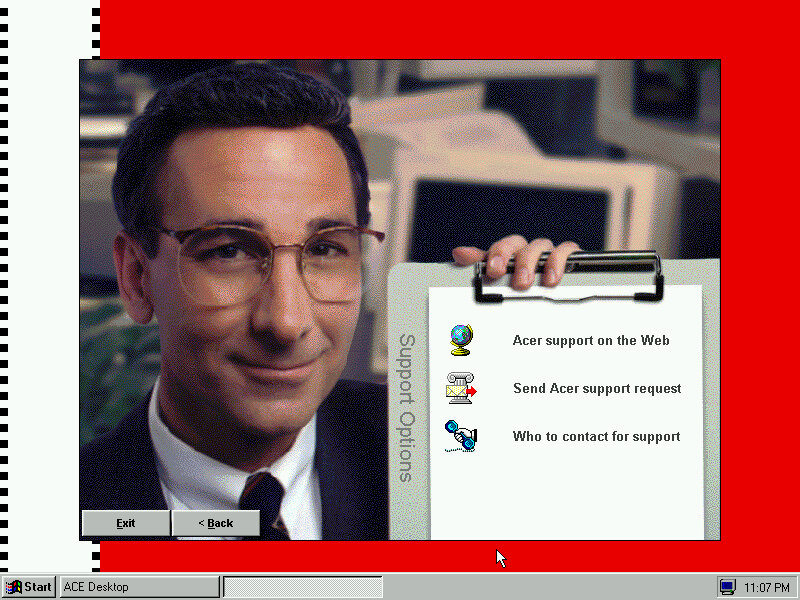
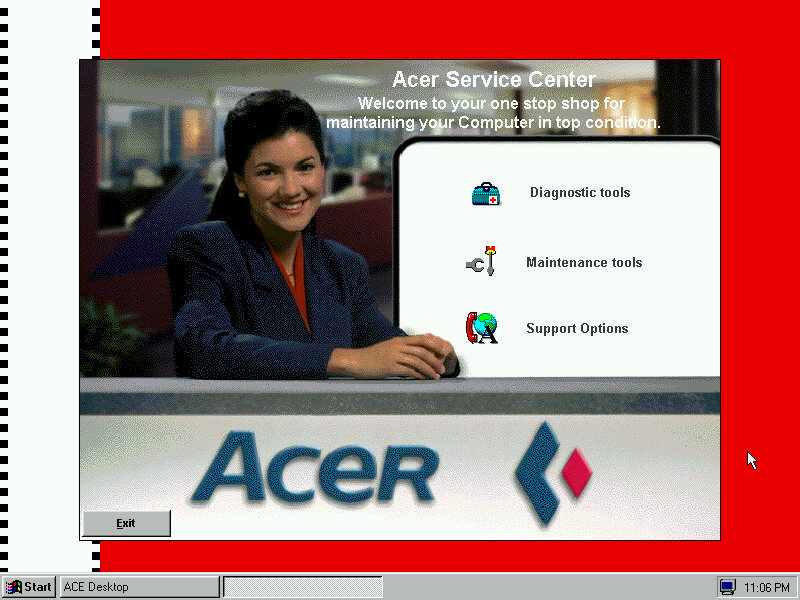
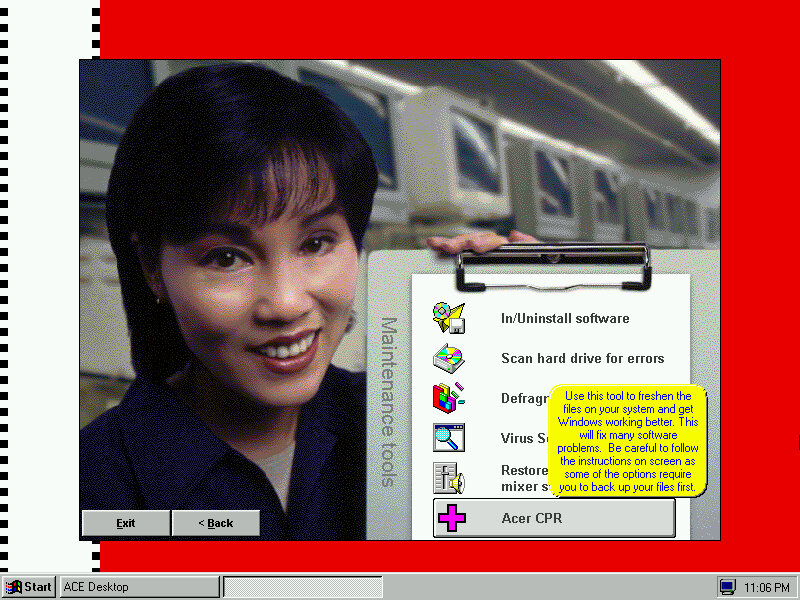
Acer Service Center which providers support information and details about your computer. I kinda dig the aesthetic with the dithered stock photograph of a typical 90s office, almost like an episode of Friends.


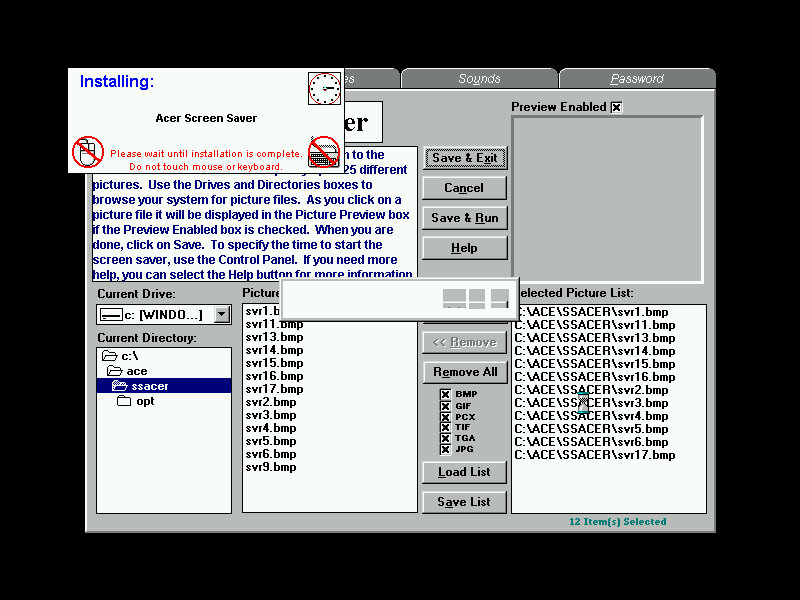
The default screensaver which shows a collage of aspiring photographs (Acer Aspire, geddit?)
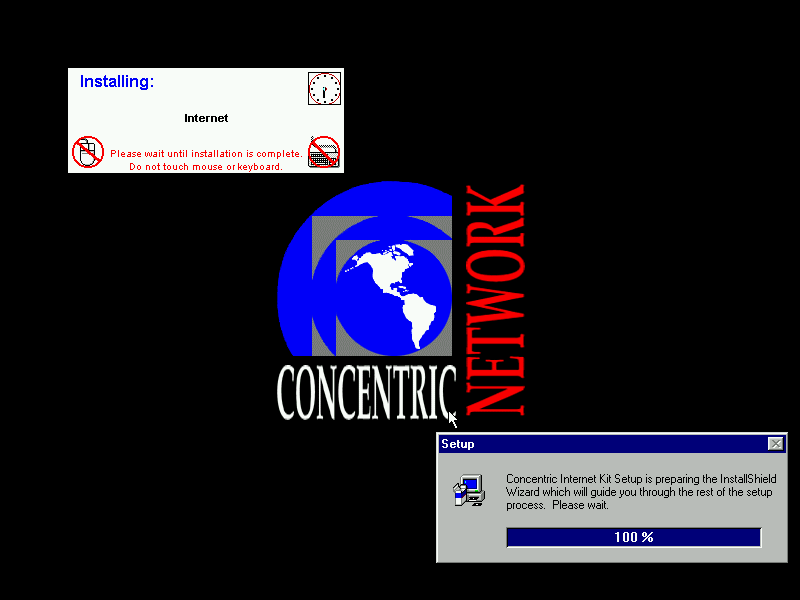
Concentric Network Communications, appears to be an internet provided for SME businesses, it’s since been absorbed into Verizon, according to the XO Communications wiki page.
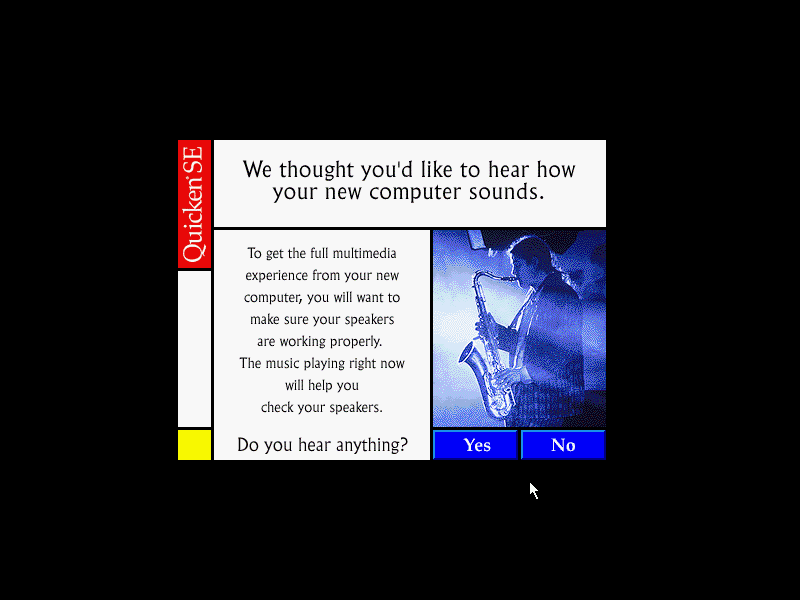
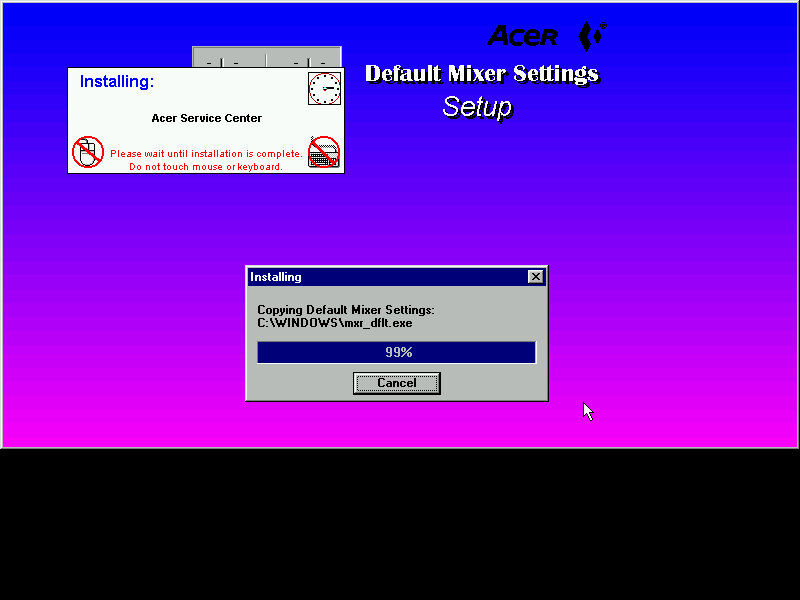
The Quicken, this popped up once I install the sound drivers
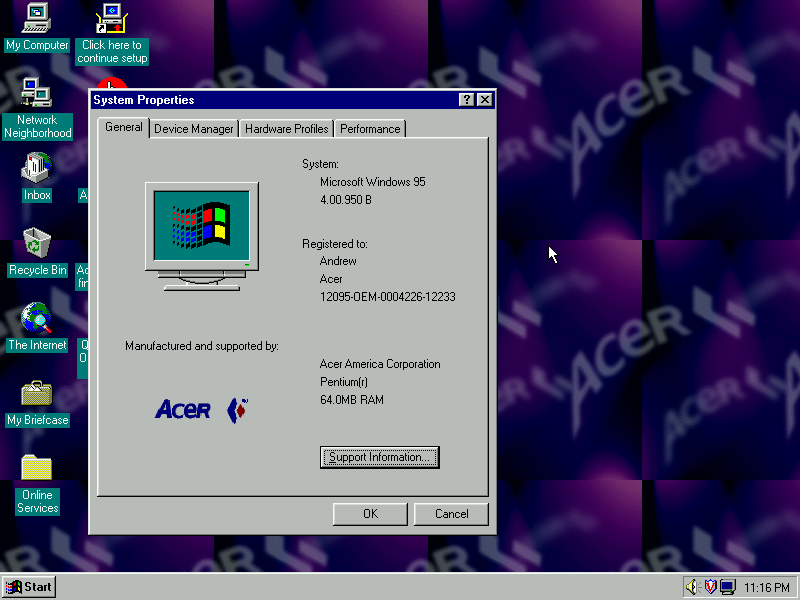
Another look at the desktop with the System Properties

The included wallpapers, which are small Acer logo’s which are intended to be tiled

Download link if you’re interested in trying this yourself. I’ve not tested it on any other motherboard in 86Box apart from the Acer V35, so I’m not sure if it performs a hardware check or if it just relies on the code you enter being correct to perform the restore.

Source – Internet Archive
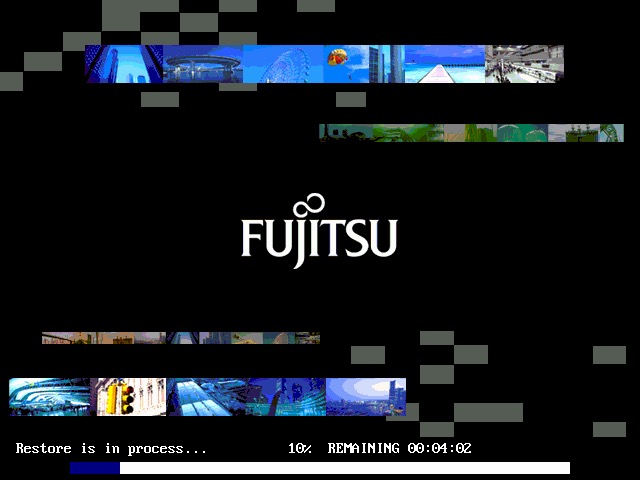
Fujitsu LifeBook S6120

A look at the Fujitsu LifeBook S6120 Windows install, running in a Parallels Virtual machine. Fujitsu are a well known brand in Japan for Personal Computers and are no stranger in the West either, having enterprise contracts with various corporations and governments for IT solutions. Fujitsu also produced FM Townes Marty range of computers that were popular with the Japanese market and used x86 processors. 

Starting the recovery process. At first i thought the graphics were corrupted, probably not a good idea to use this effect for recovery software

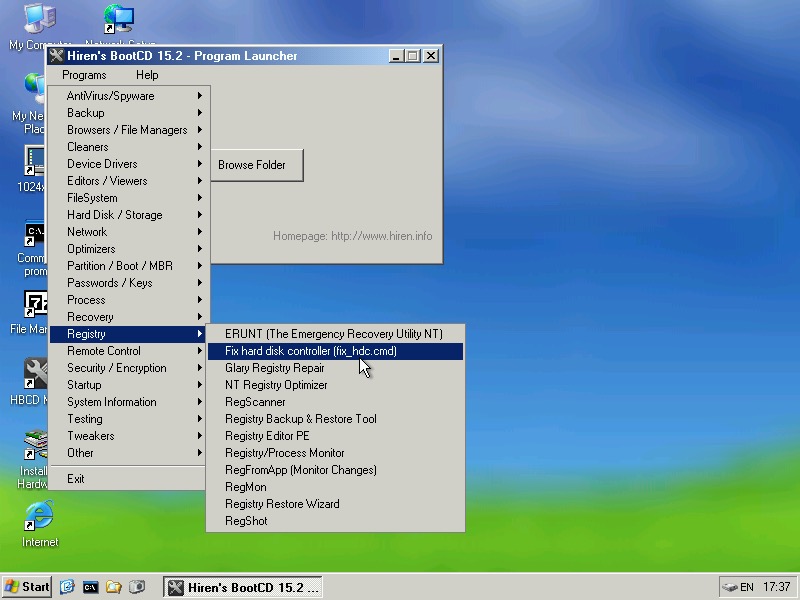
We need to reset the HDDcontroller settings in the Windows registry, to do this we need Hiren’s boot cd. Start Mini windows XP and then click on Hiren’s Menu and select Fix HDD controller form the Registry menu. If you’re stuck at this point, refer to the two screens above which will point you in the right direction

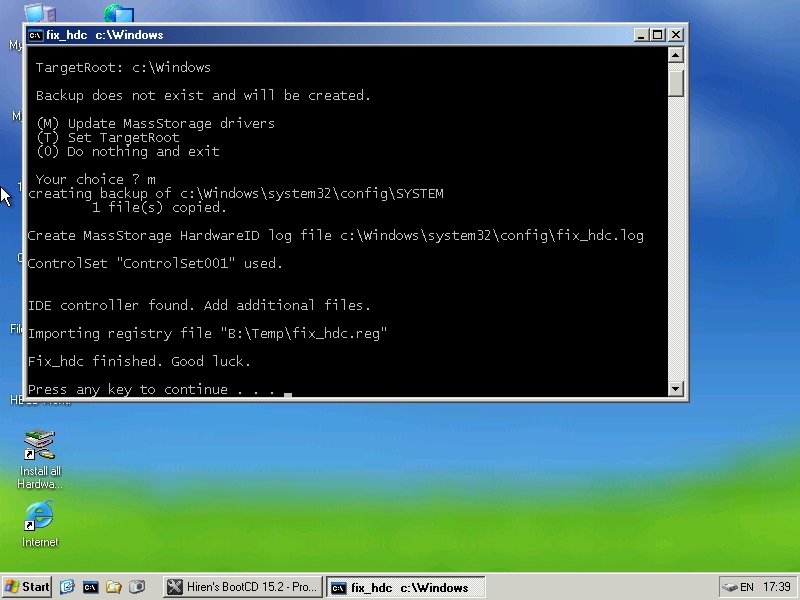
Once the console comes up, select option 2 and then enter the install directory of the Windows folder, which will be C:\Windows.

If unsure, Alt Tab out and check in my Computer to see which drive letter its mounted as

When everything is correct, you can reboot into the install

Windows XP Fujitsu

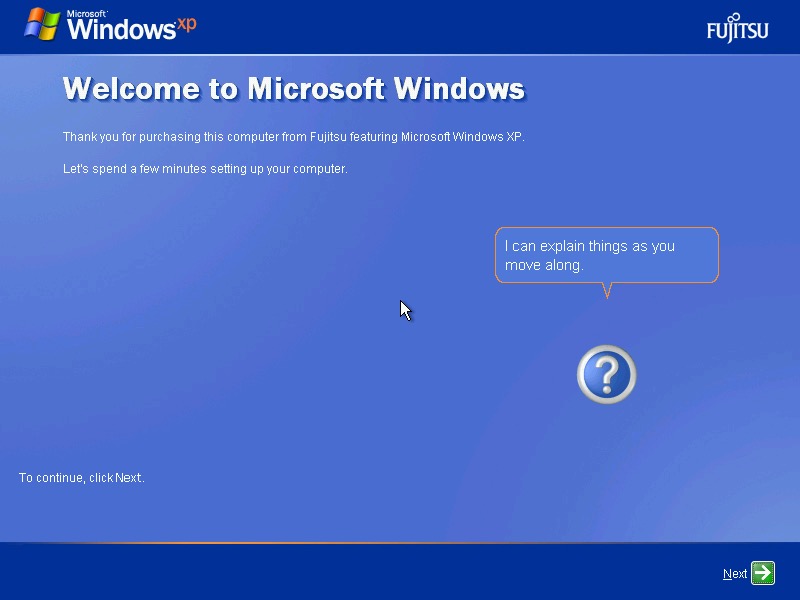
The OOBE with the Fujitsu Logo

Fujitsu desktop

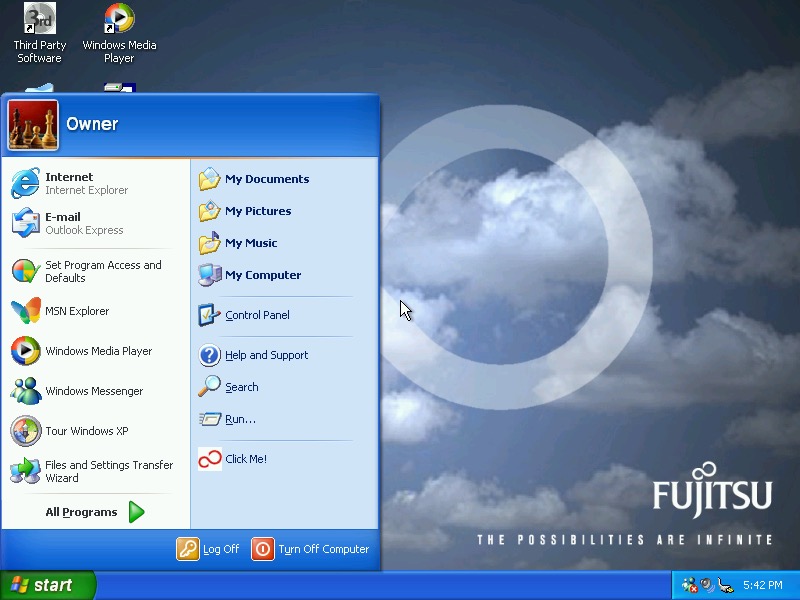
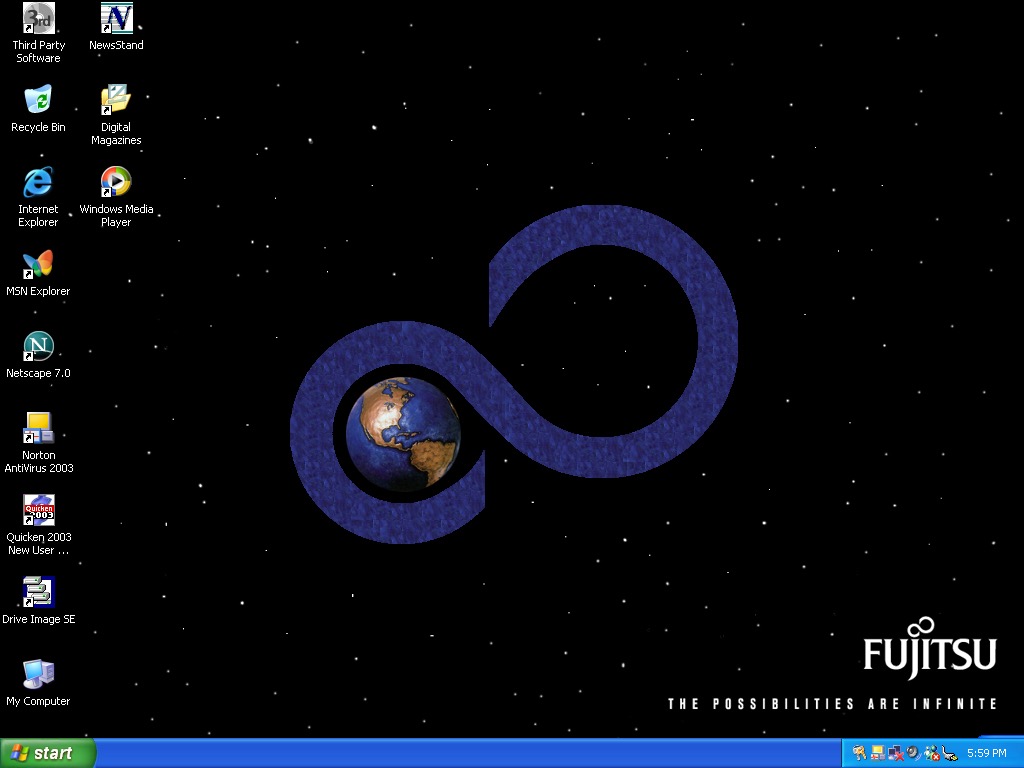
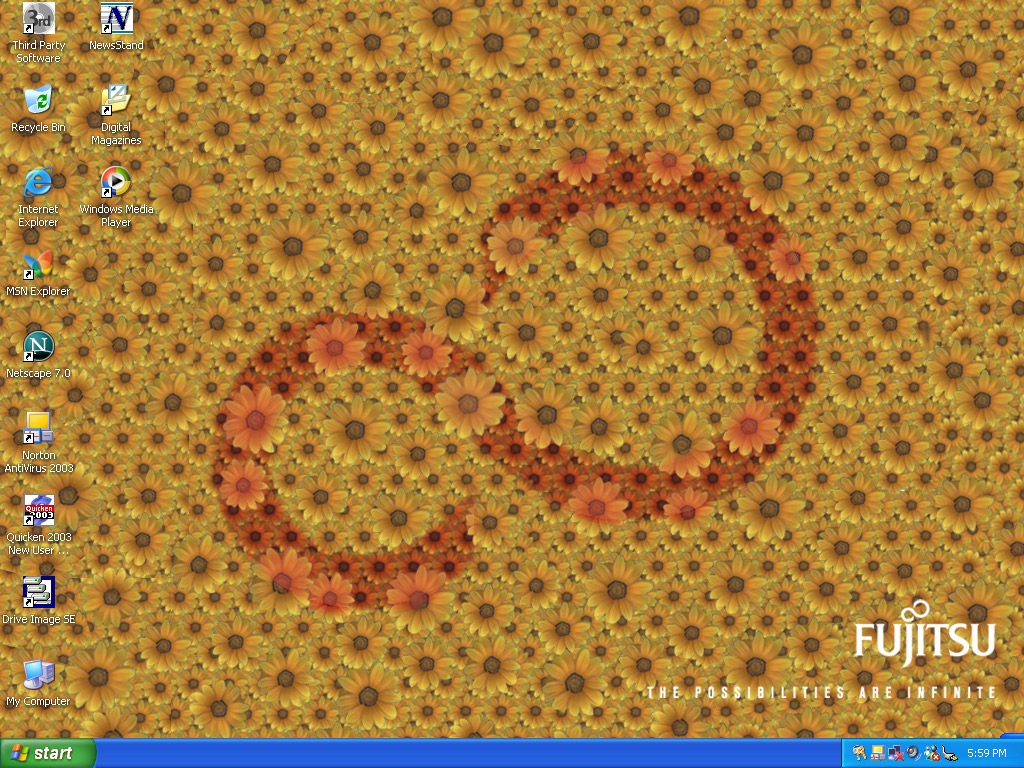
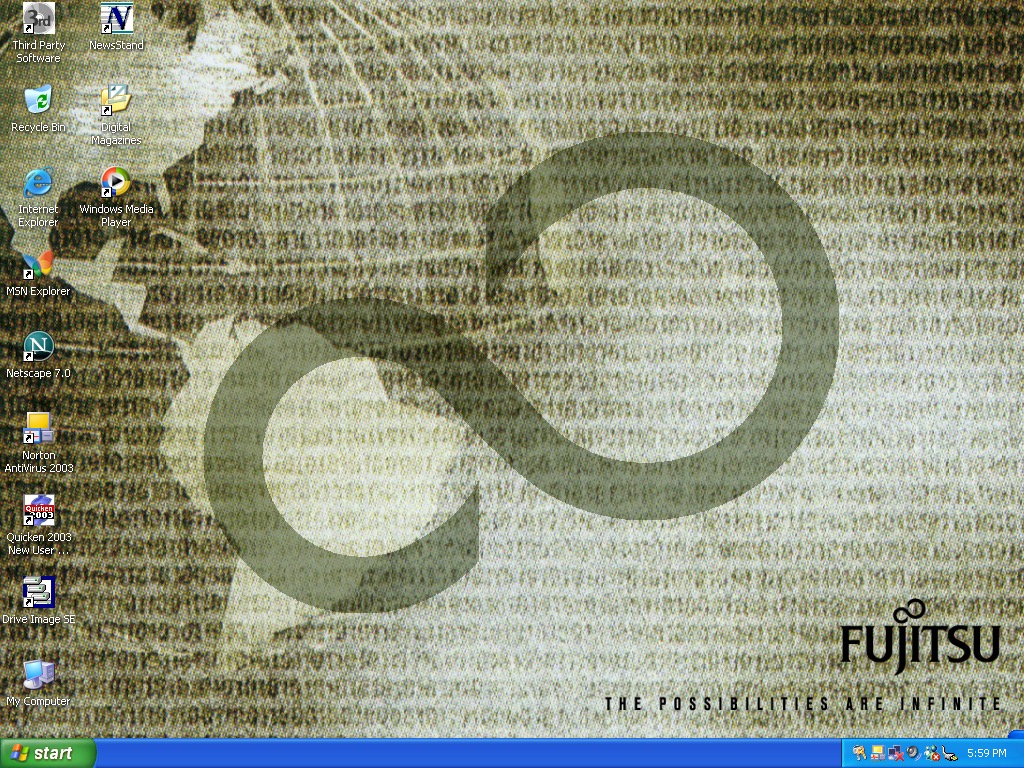
And the desktop, with a custom Fujitsu wallpaper. A few others come included that have the Fujitsu infinite logo, which reminds me of that hidden Sonic CD screen (fun is infinite)

Now lets take a look at some of the software

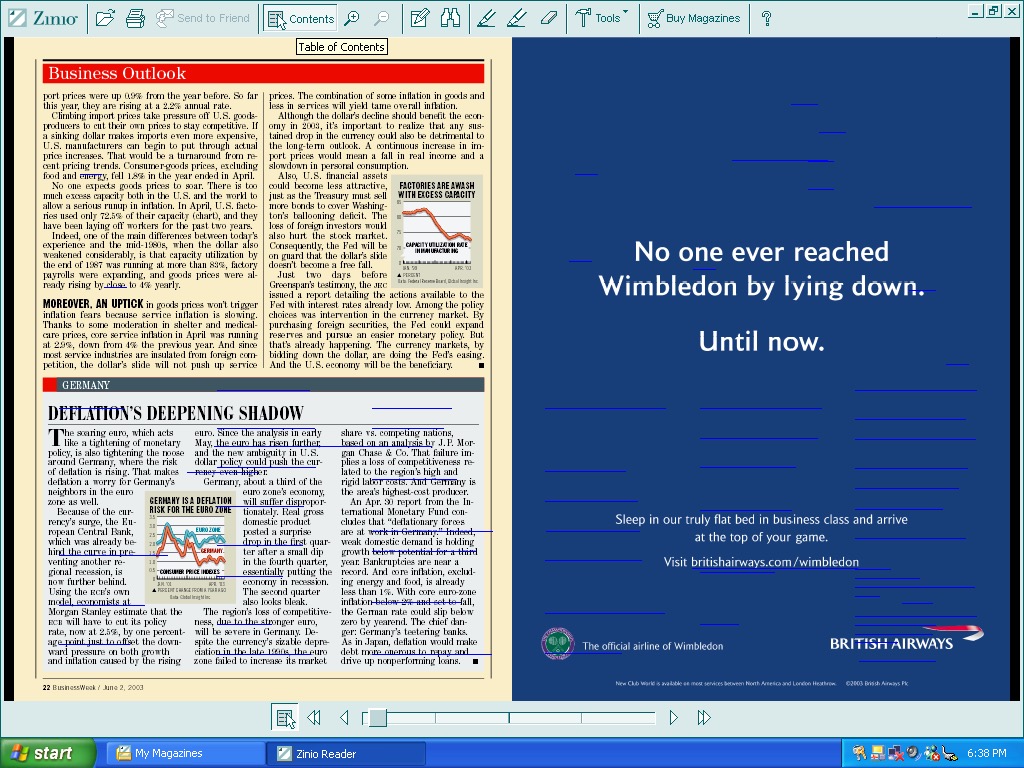
Zinio Reader, appears to be a magazine reader of sorts. Kind of like Adobe Reader but has a few documents on there already which look to be magazines.

Unfortunately whilst I can open them, trying to turn the page causes the VM to freak out and suspend with a graphics error. I’m guessing the program is trying to do something that the virtual GPU does not like. This happens quite friendly and you can see a bunch of blue lines appear when it happens.

Included magazines appear to be from BuisnessWeek, Harvard Business Review, Sporting News and PC Magazine. This service is actually still going, and you can still purchase magazines from there, although this version of the client is long obsolete.

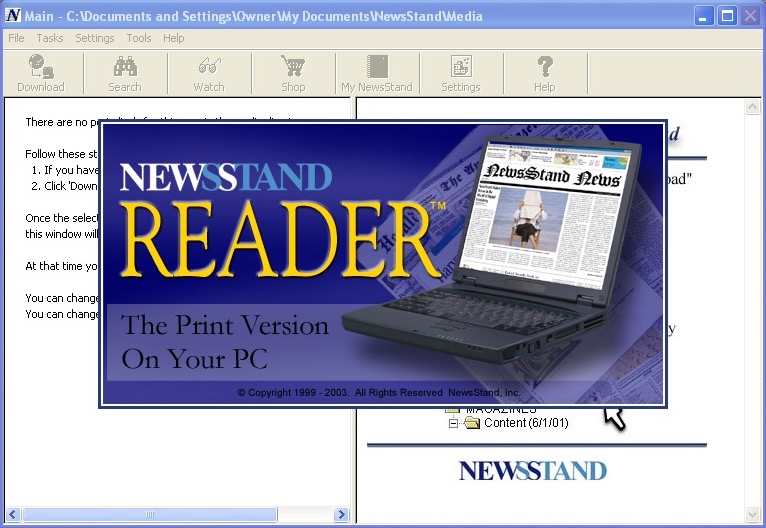
NewsStand Reader

There’s also NewsStand reader, which serves the same purpose

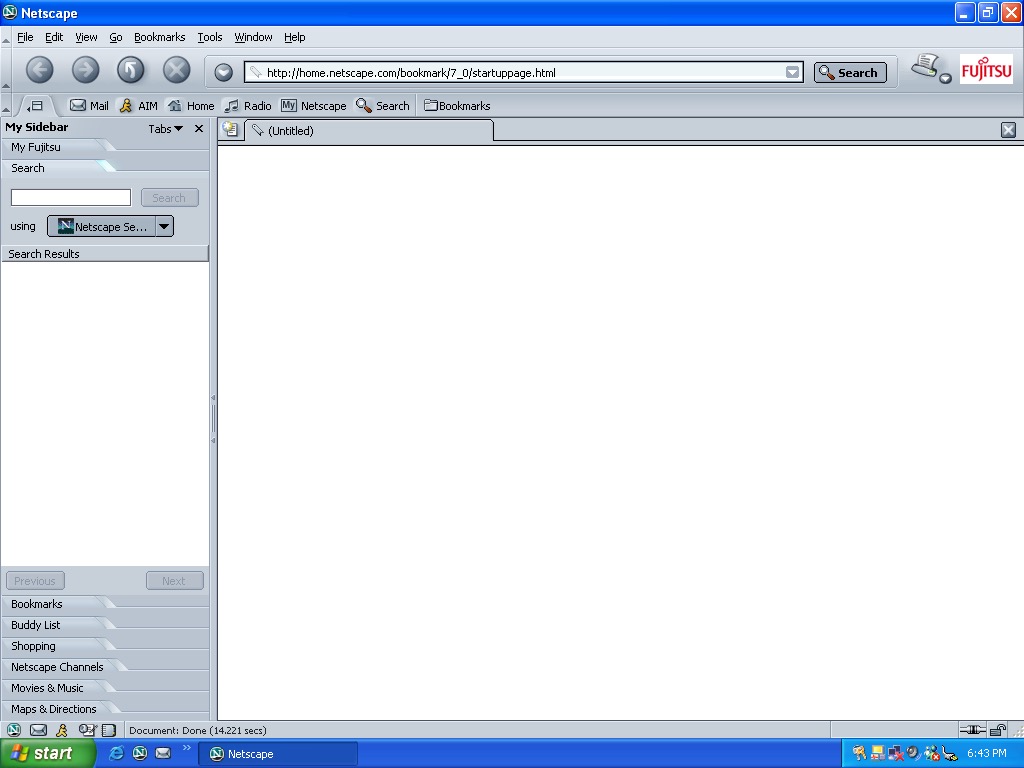
Netscape Fujitsu

Netscape version 7 comes included, with some Fujitsu branding

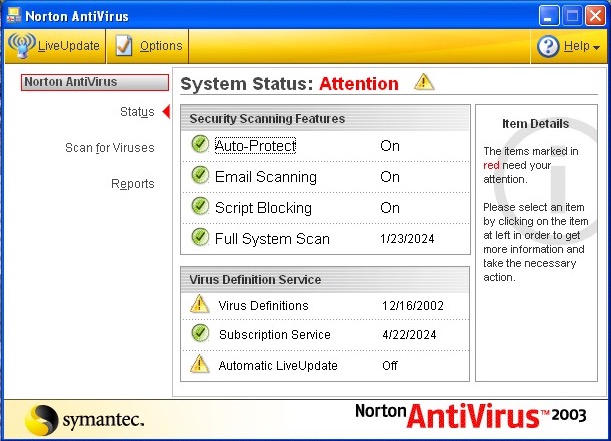
Norton Antivirus 2003

Norton AntiVirus 2003 is the security software included here. This only includes the antivirus, not the internet security suite. I couldn’t get this to update unlike the Norton Internet Security that was seen in the VAIO RG620

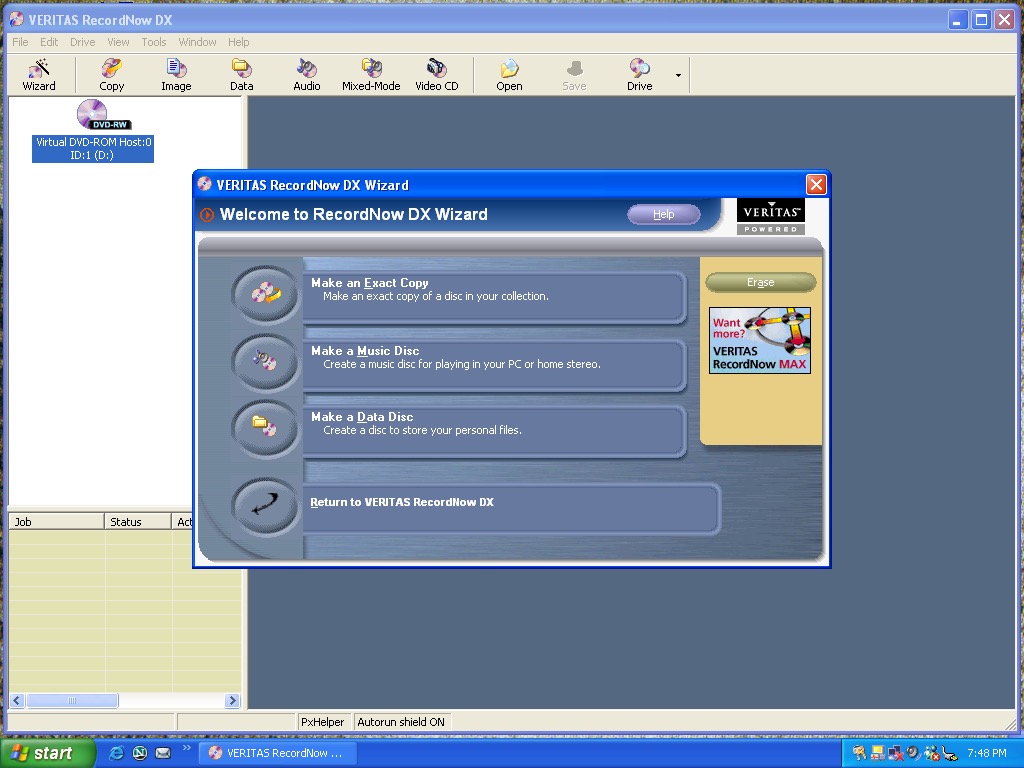
Veritas RecordNow DX

Veritas RecordNow – I’m sure this was originally made by Sonic (Sonic RecordNow!) or they might have acquired off them. Either way this is the software used to burn CD and DVD’s containing either data or music.

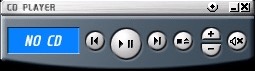
A CD player application comes invoiced that can play audio compact discs. You might think why does this exist when you have Windows Media Player installed but this is a dedicated CD pLayer application and have a very compact interface, ideal if you just want to listen to CD’s without the bloat of Windows Media Player. This only plays from the primary CD player, so connecting a USB CD drive didn’t work at first until I 69’d the drive letters in disk management so that the USB drive was the D:\ drive.

It’s a nice program to listen to music to whilst you work, and you can possibly control the playback via the media keys on the laptop itself.

There is also a security panel application, but this does not load. Instead we are treated to this error message. Chances are its BIOS locked to Fujitsu laptops.

Microsoft Works comes included here which serves as a basic productivity suite. Im surprised this here as this class of laptops would have been used in an office environment where Microsoft Office would have been used instead.

Other software that comes with, but not already installed is Microsoft Reader and Windows Journal Viewer. This can be installed by clicking on the Third Party Software icon on the desktop which opens the folder where the installers are located

Fujitsu Windows XP

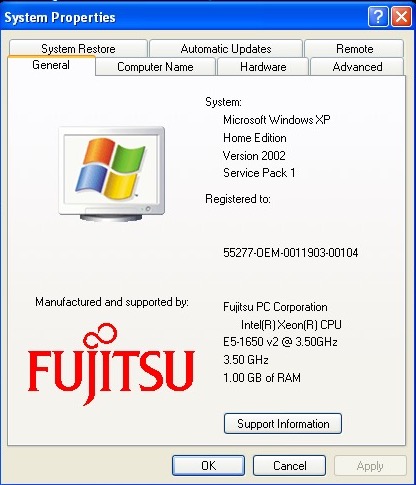
A look at the OEM branding in the system properties

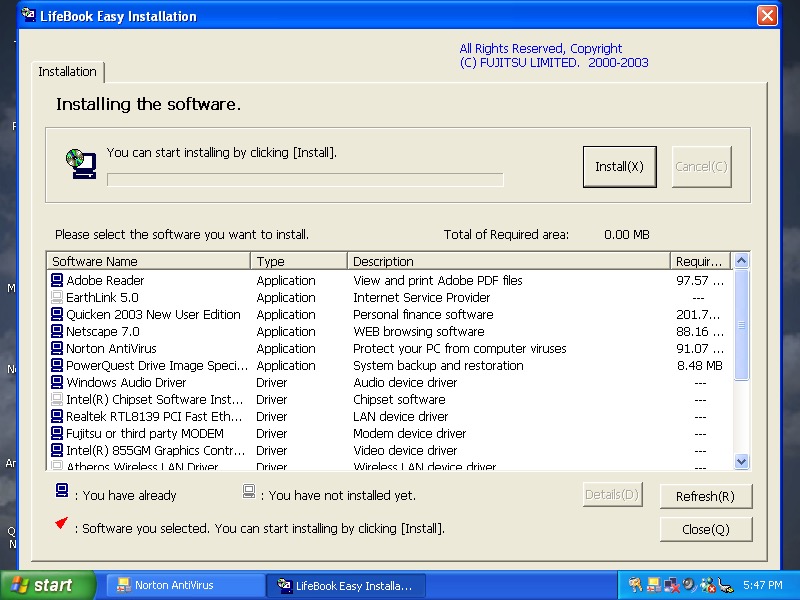
Inserting the second CD-ROM starts the easy instillation which is used to install additional software. So far everything appears to be installed already from the recovery image, though this might be used to install supplementary software the retailer might have included as part of a bundle.

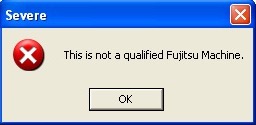
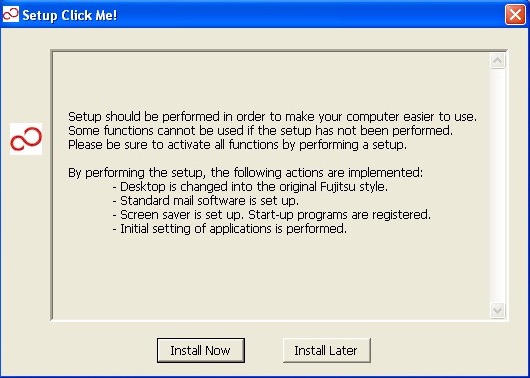
If you’re wondering what the Click Me! link in the start menu does, it displays this message and then disappears, along with the shortcut itself. Probably self terminates if it detects it’s not on a legit Fujitsu machine

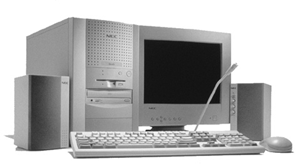
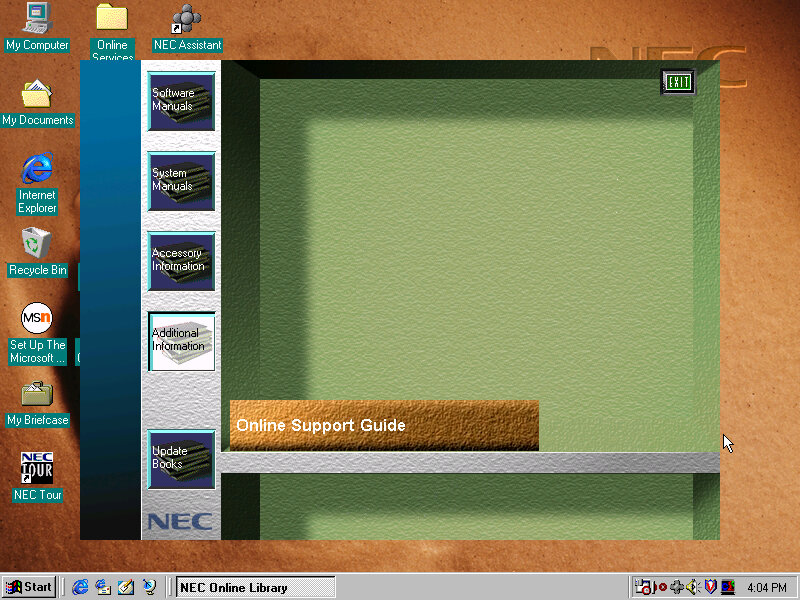
NEC Ready 9748

NEC is no stranger to x86 computers having a respected line of computers in Japan under the PC98 branding. The PC98 is a family of personal computers that was popular in Japan in the 1990s. NEC was one of the major manufacturers of PC98 computers, which were known for their compatibility with Japanese software and games. The PC98 ran on a proprietary operating system called PC-98, which was developed by NEC and other Japanese companies.
Outside of Japan NEC had a minor presence with the Powermate line for the business and enterprise market, and the Ready line for home and small office market.

This is one of their many models that NEC had around the time which were being sold as complete home PC’s that featured bundled software and internet compatibility (being sold with an internet browser package, or ISP software)

Getting to boot the recovery image was a bit of a complicated dance. The CD itself does not seem to be bootable, despite there being files on there that suggest so. Plop bootloader did not appear to be able to boot the disk either.

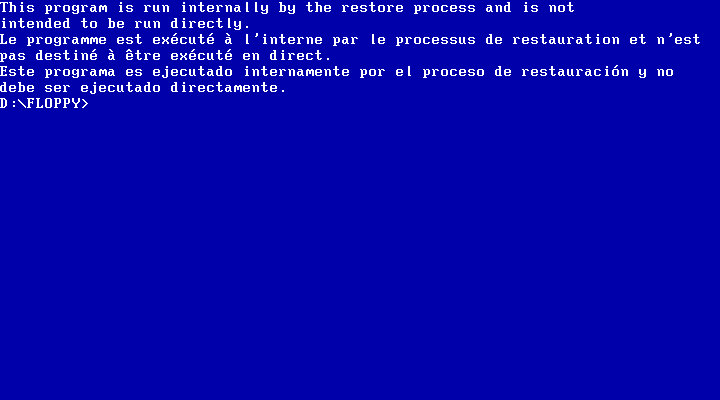
First thing I tried was to use a Windows 95 boot floppy to cd into the floppy directory and run the bat file which I assumed would begin the recovery process.

Instead it gave me the finger and the recovery must be started indirecrtly

What I had to do is open the iso and extract the floppy directory to a folder, and then use WinImage to create a bootable floppy disk using those files that were extracted from that folder. Now this could be forgiven as NEC were possibly using a BIOS that did not support CD-ROM booting, or the hardware was using non standard CD-ROM drive like a SCSI drive (Unlikely but possible, since the Ready series were their budget line of PCs)

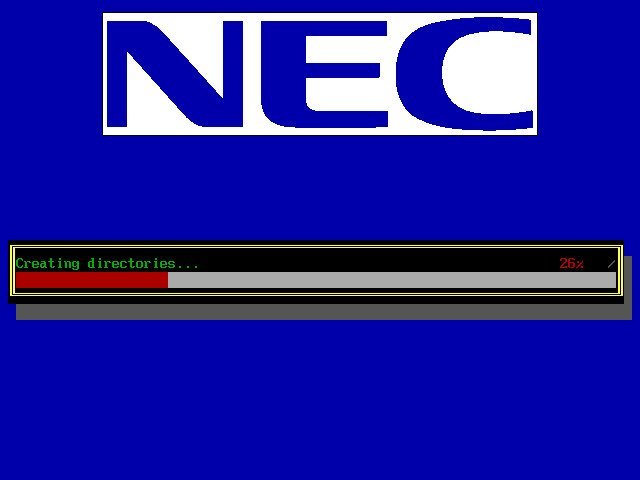
Once we booted the floppy, it picked up the CD and began the recovery process. It appears to transfer a few files to the hard drive.

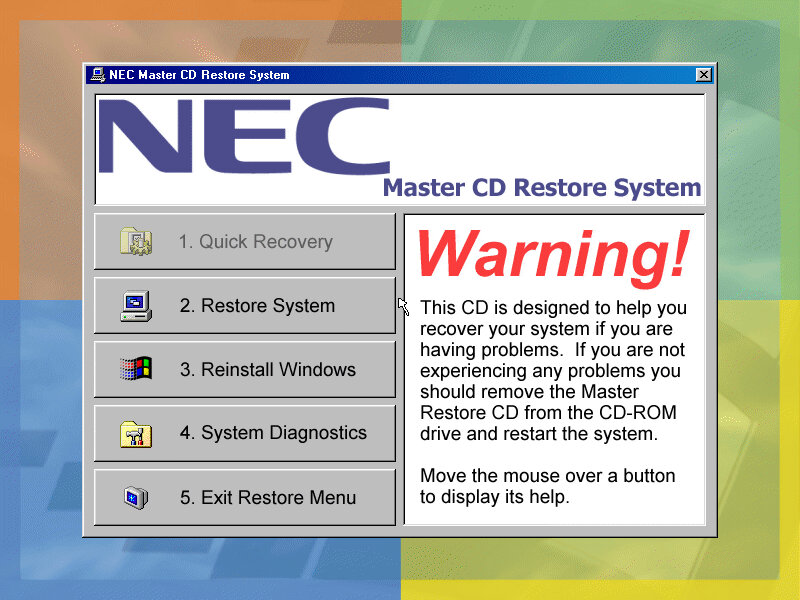
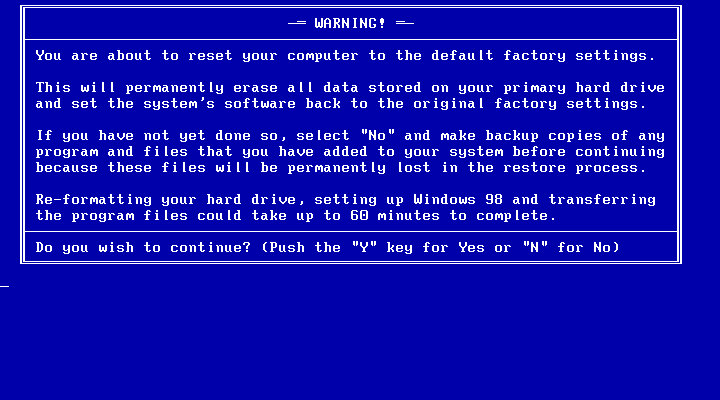
Another recovery process begins, but this time we are givern a few options on how we want to proeed with the recovery. I chose the second option which began to format the hard drive (so what was the point in copying those files in the first place?

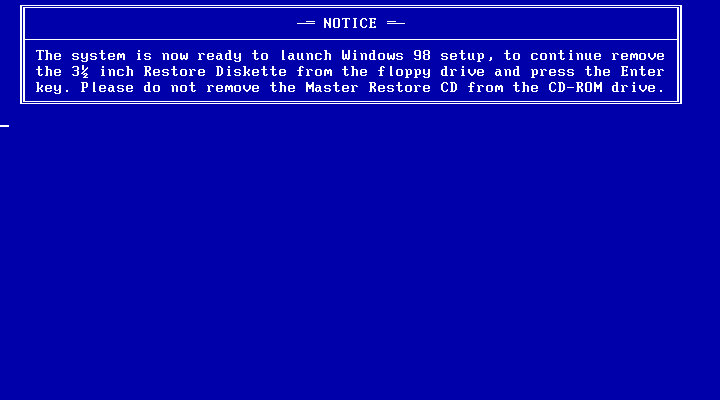
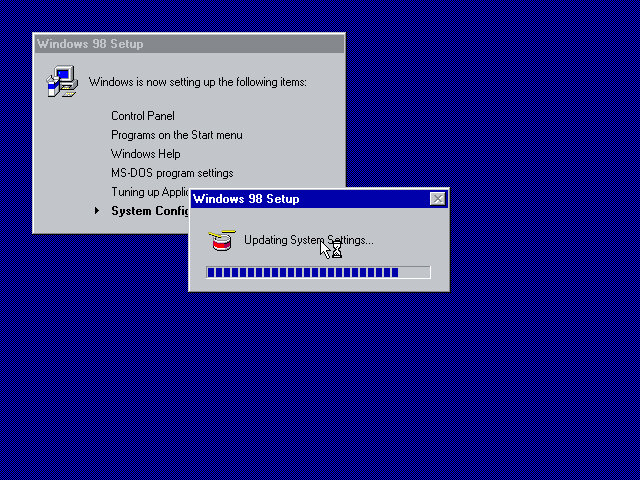
After the copying is complete we are invited to reboot into Windows setup, where the install will continue. This is where the drivers are initialized and detected.
Strangely we are not prompted to enter a product key or any owner or regional information, odd but not a complaint as this makes the install more streamlined.

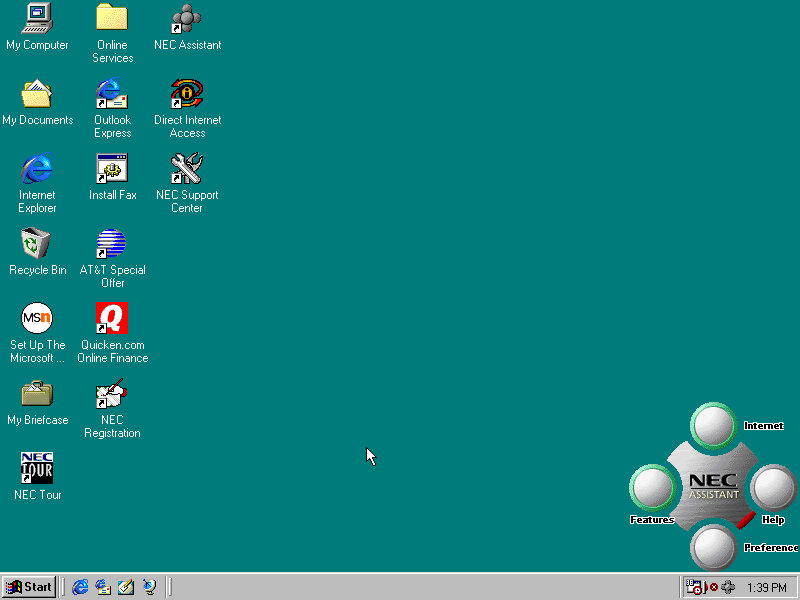
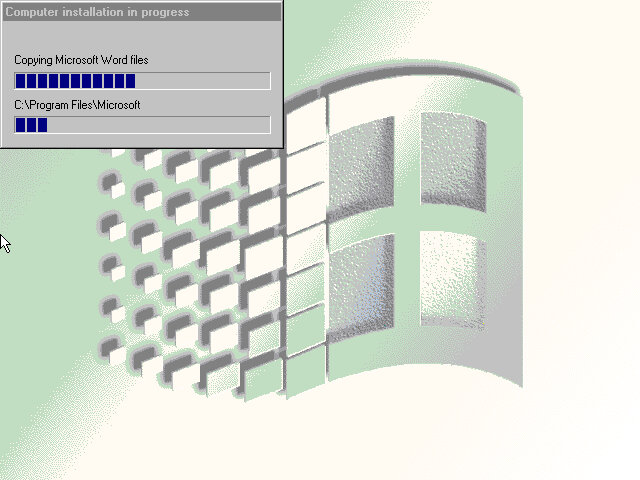
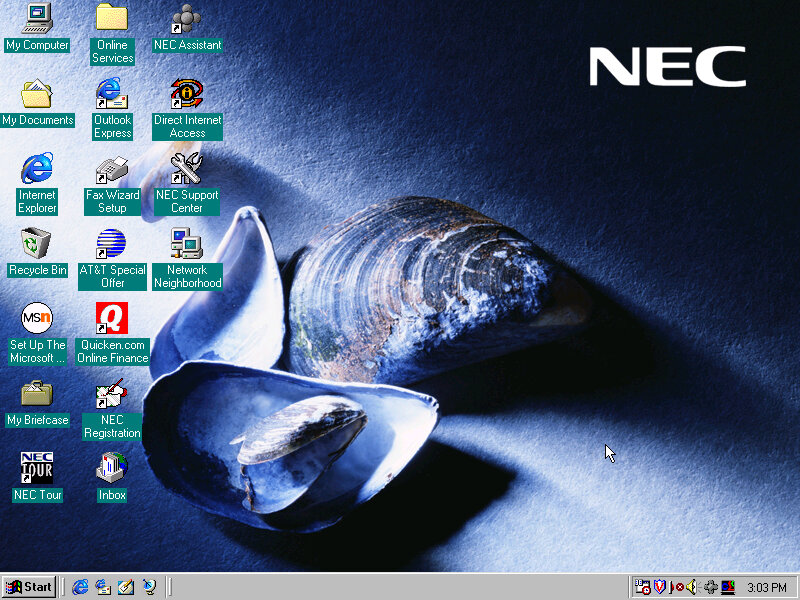
After this has completed we are rewarded with our new windows desktop, though we are not finished with the recovery just yet as we have another install utility to go through.

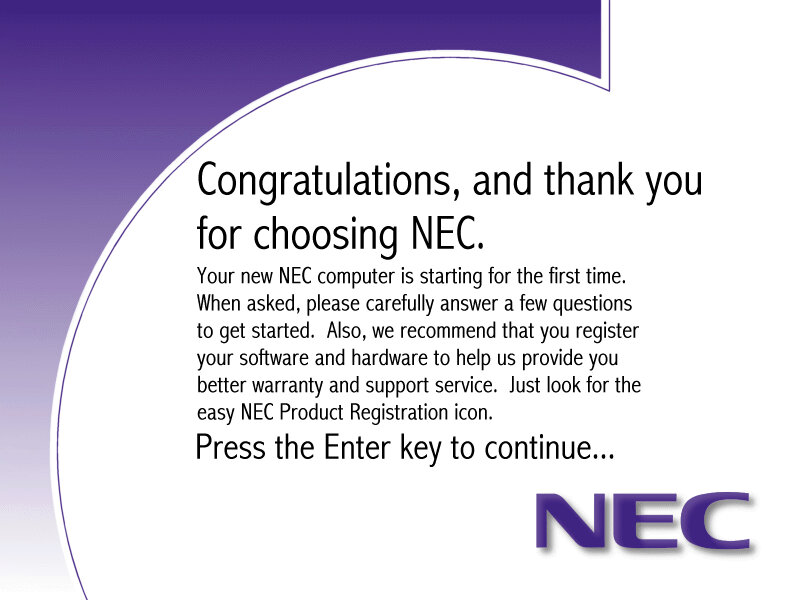
A nice thank you from NEC, followed by another reboot

The NEC Welcome program that invites us to reegister our system

Software

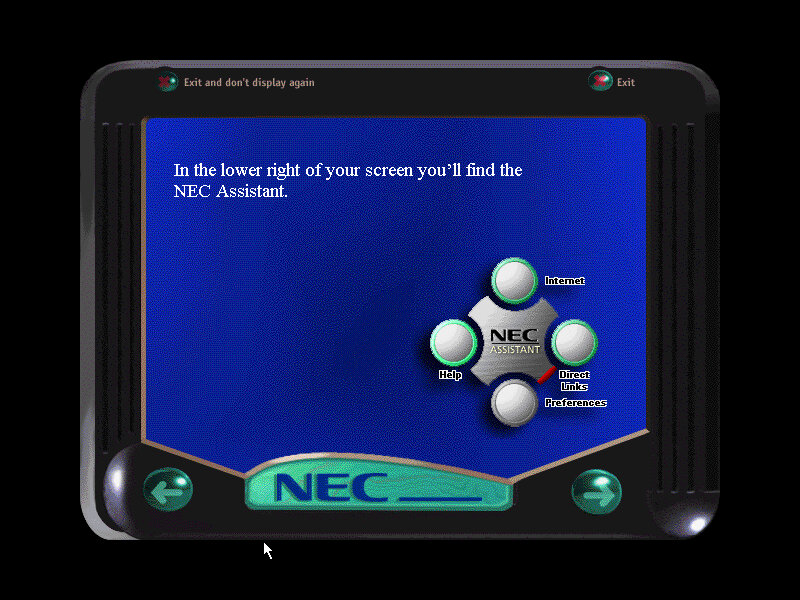
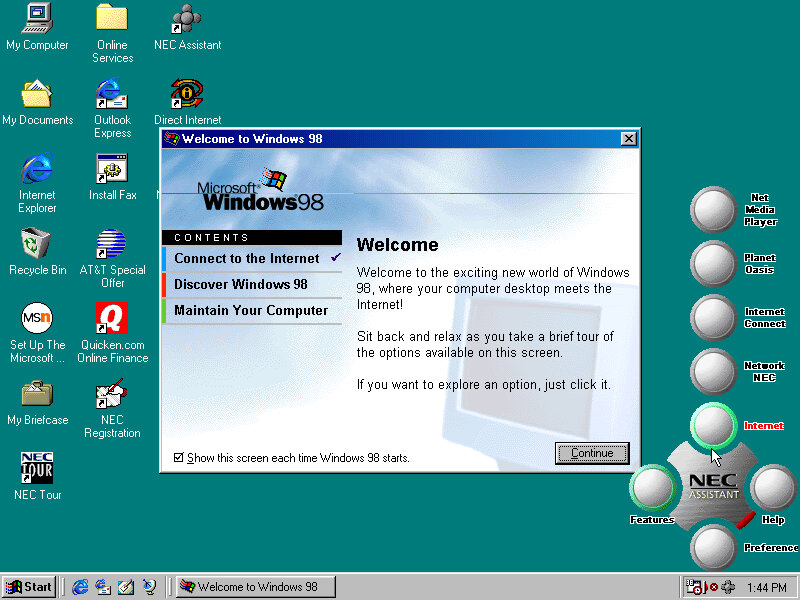
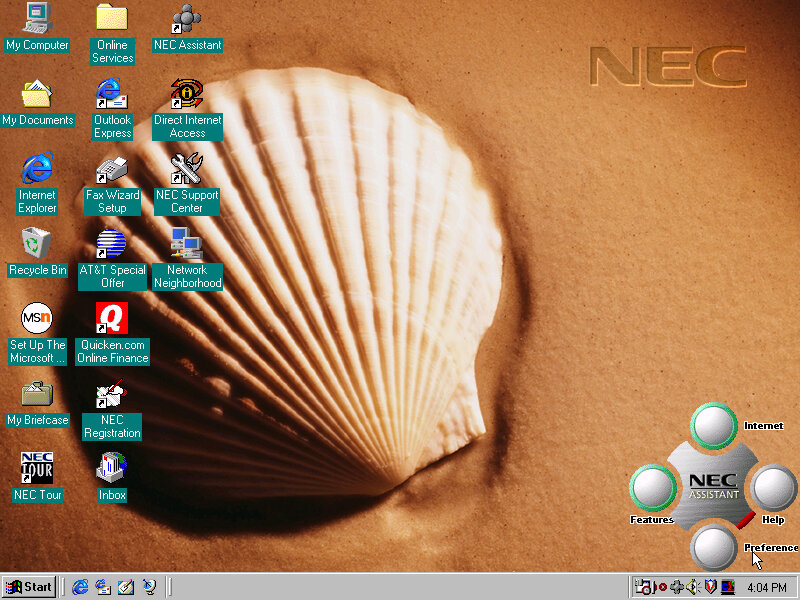
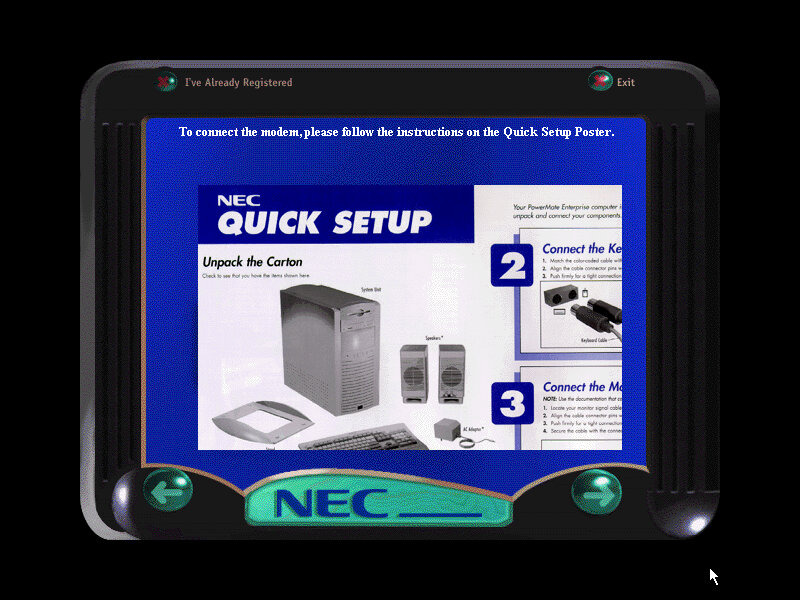
Welcome to Windows, this appears to only have three options, also a sneak look at the NEC assistant

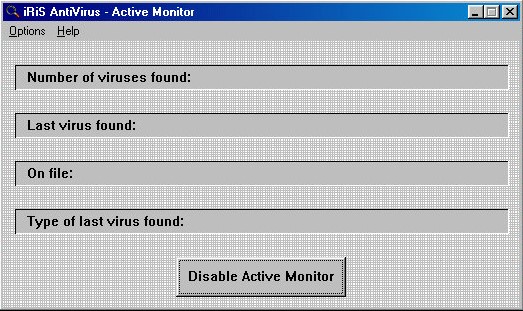
iRiS AntiVirus: A relatively unknown series of antivirus software, seems rather basic even for its time.

Microsoft Entertainment Pack: A suite of games such as Chip’s Challange, Tetis, SkiFree and Tut’s Tomb

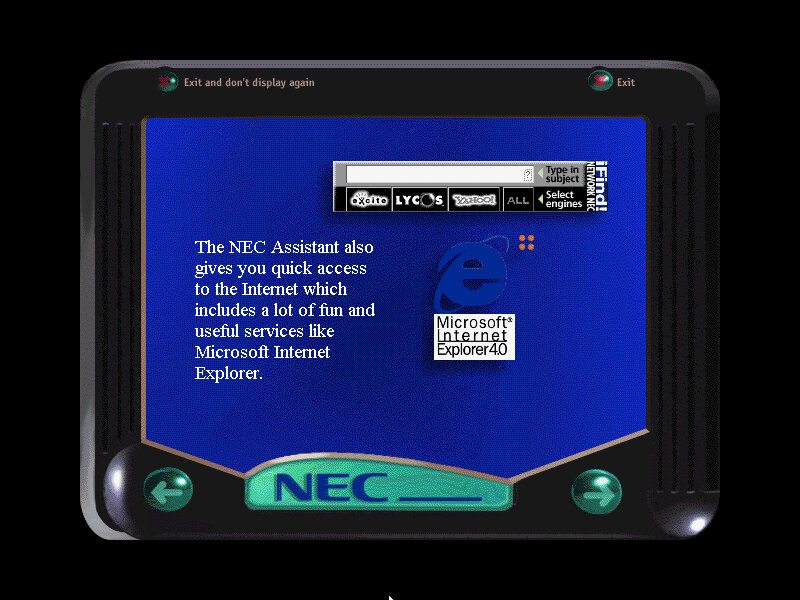
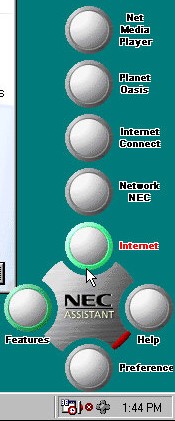
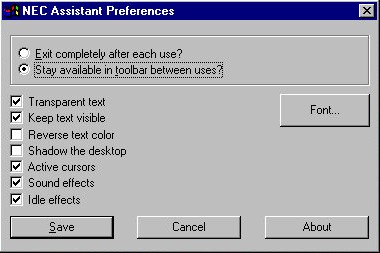
NEC Merlin Assistant

This is situated on the bottom right of the screen and also appears in the system tray. Mousing over it will bring it up. The main buttons are the Features and Internet buttons, which will bring up links to the Net Media player, Planet Oasis, and Network NEC. These require you to sign up with an internet provided using the NEC provided wizard.

This can also be used to set a custom wallpaper to a NEC branded one, these do not appear in the desktop wallpaper section of the display properties. Instead you have to click their button to cycle through them.

Sample backgrounds:

Other Software

These have been seen so many times in OEM installs

Microsoft Works 4.5: Basic productivity software

Microsoft Word 97: Popular word processing software, only Microsoft World is included here, not Excel, PowerPoint or Outlook.

MGI PhotoSuite 8.05: photo editing software developed by MGI Software Corporation. It was originally released in 1997 and was one of the most popular photo editing software of its time. It is designed to provide users with an easy and intuitive way to edit, enhance and manipulate digital images. The software includes a wide range of features such as image editing tools, special effects, filters, borders, frames, and more. It also has a user-friendly interface and provides step-by-step tutorials and wizards to guide users through the editing process

Quicken Basic 98: Quicken Basic 98 was a popular personal finance management software at the time of its release, and was designed to help users manage their personal finances and budget effectively. It helped to establish Intuit as a leader in the financial software market.

Sony VAIO PCV-L630

Featured on Tech Tangents (Akubuku) Youtube channel, this is a slim form factor PC released in 1999 and was positions as Sony’s premium line of PC’s.

Recovery

This one was pretty simple since the hard disk contents was extracted and put u for download. To transfer it back to a bootable 86box image required me to created the VHD and initialize it using FAT32 (via the Windows 95 OSR2 boot disk), then to mount the VHD using disk manager on the host system. Lastly the files could be copied back to the drive.

For 86Box, the Tyan Tsunami ATX motherboard was used as it uses the same chipset (Intel i440BX) as the PCV-L630. For the graphics an ATI Mach64 can be substituted for the 3D RAGE somewhat, but you will be missing 3D acceleration (No bundled applications use this currently).

First Boot

Since we are using a different configuration that the OS does not expect, we have to go through the New Hardware messages and prompts. However I did encounter a weird System File Error message that related to a DDEML.dll file that was complaining that was replaced with an older version. Akubuku did mention some files were corrupted, likely due to failing sectors on the hard drive but this turned out to be CAB files that were replaced with one from a Windows 98SE CD.
I wasn’t sure how to fix this or what caused it. It could be when I extracted the file out of the archive. Booting into Safe Mode didn’t do much, since the OS was complaining about the file being in use I figured Safe Mode would be an environment where it could be fixed.

I decided to use the System File Checker, just to make sure everything was intact but its hard to know if these file changes are the result of Windows update

OEM Customization

Four background wallpapers come included which are part of an Active Desktop script that changes the background depending on the time of day. Very similar to how the XMB background on the PlayStation 3 and PSP worked. Different resolutions and colour depth can be selected.


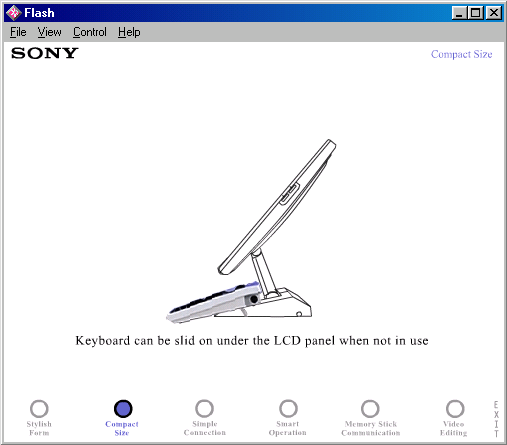
A screen saver (VAIO Tour) is included which appears to show off the different features of the system, built on Macromedia Flash. This can also be opened from the desktop and features as a demonstration/advert of the computers features. It seems more suited to use in a retail environment.

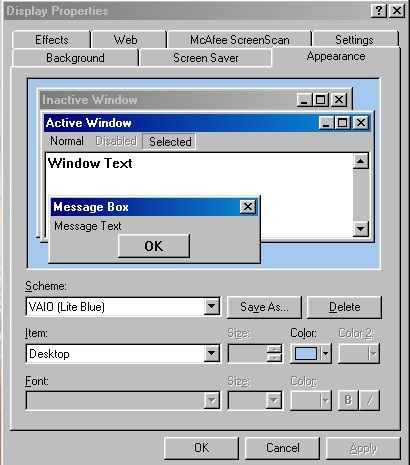
A VAIO Light Blue colour scheme also comes included and selected by default. This comes in a similar colour to the actual desktop unit.

Included Bundled Software

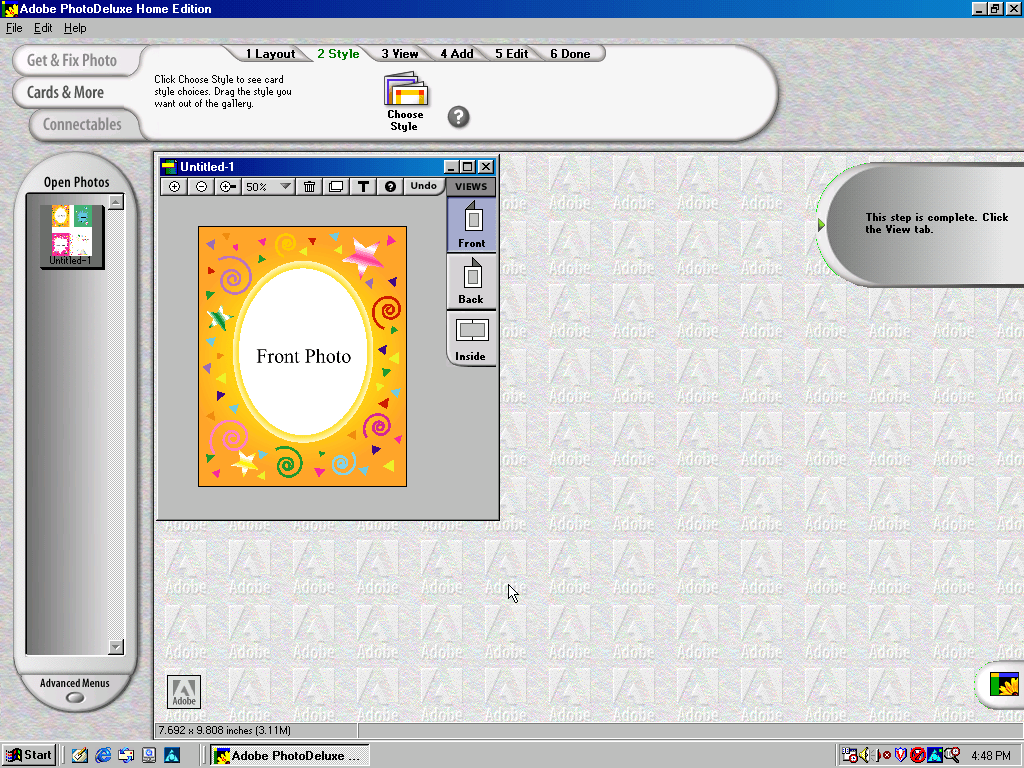
Adobe PhotoDeluxe Home Edition

Adobe PhotoDeluxe was a consumer-oriented image editing software program that was first introduced by Adobe Systems in 1996. It was designed to be an easy-to-use photo editing tool for home users, and it offered a range of basic image editing features, such as cropping, resizing, color correction, and special effects.

PhotoDeluxe was popular in the late 1990s and early 2000s as it was one of the few image editing programs that was accessible and easy to use for non-professional users. However, as more powerful and comprehensive image editing software became available, Adobe discontinued PhotoDeluxe in 2002 and instead focused on its other photo editing programs, such as Adobe Photoshop Elements.

Adobe Premiere 5.1

Adobe Premiere 5.1 is a video editing software program that was released by Adobe Systems in 1998. It was an upgraded version of Adobe Premiere 5.0, which was the first version of the software to offer support for Windows 98. It included several new features and improvements over its predecessor, including enhanced support for real-time video editing, improved performance, and expanded compatibility with a wider range of video and audio file formats.
As this computer shipped with a iLink (Firewire 1394 connector), video capture from a DV camera.

DVGate

A plugin for Adobe Premiere, The primary function of Sony DVgate was to allow users to capture digital video footage from their Sony cameras and camcorders and then edit that footage on their computer. The software supported a range of video formats, including DV, MPEG-1, and MPEG

Media Bar

A suite of applications for media playback, this included a visualizer, minidisc player, and a DVD player. None of these work on a non-Sony system.

MouseWare

Software by Logitech to take advantage of the mouse that shipped with the PC. This includes a set of custom mouse cursors.

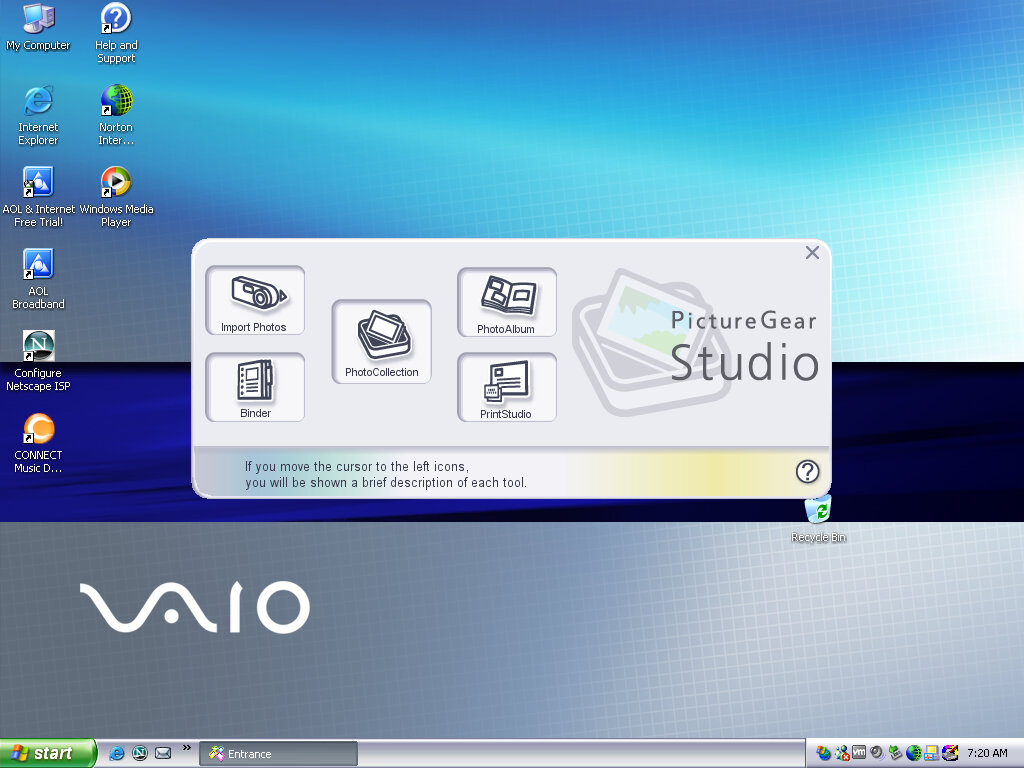
Picturegear

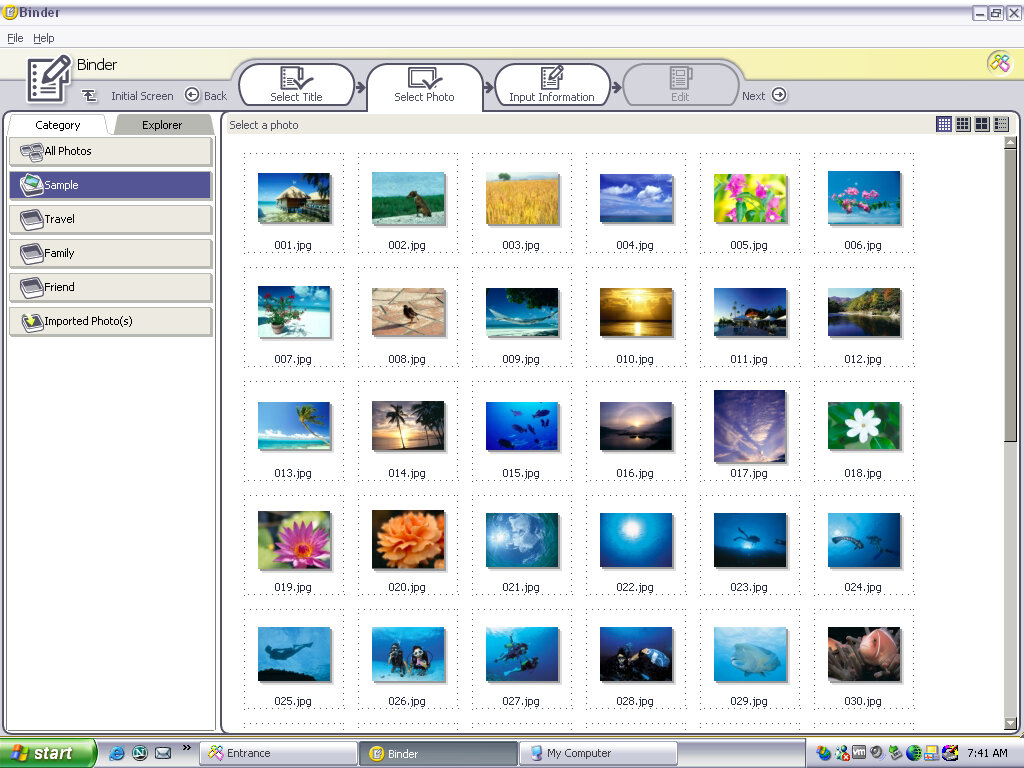
Can only run on Sony hardware, PictureGear is a software program developed by Sony that was pre-installed on some VAIO computers in the late 1990s and early 2000s. The software was primarily designed to help users manage and edit digital photos, including importing, organizing, and enhancing images.

Smart Utilities

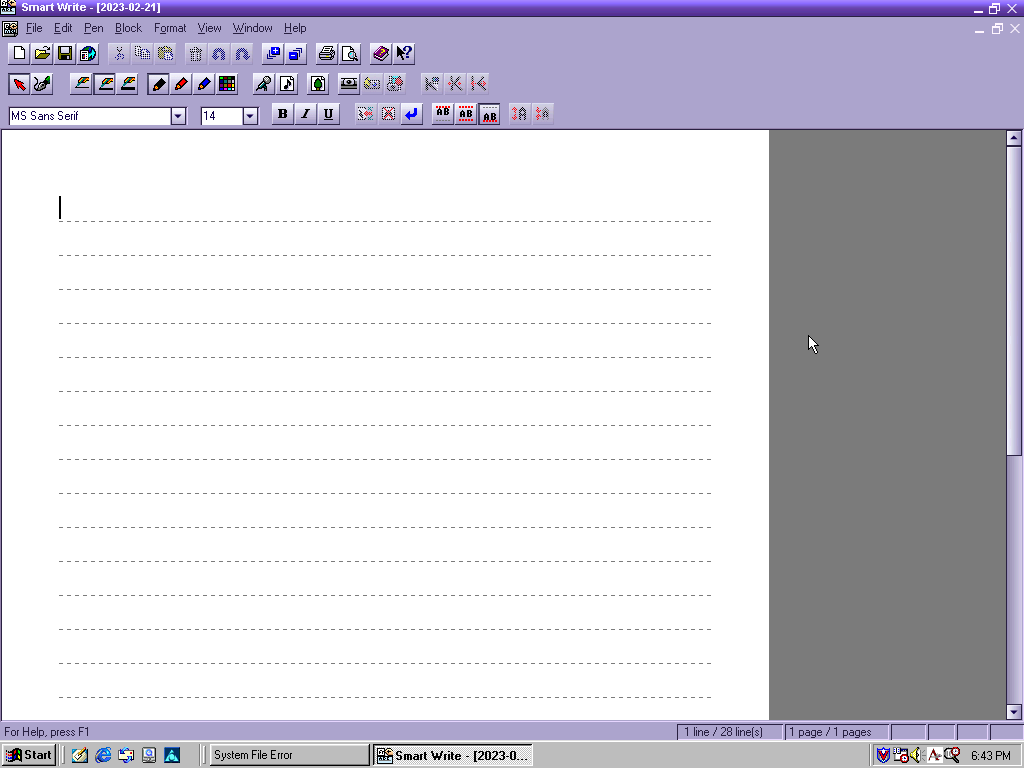
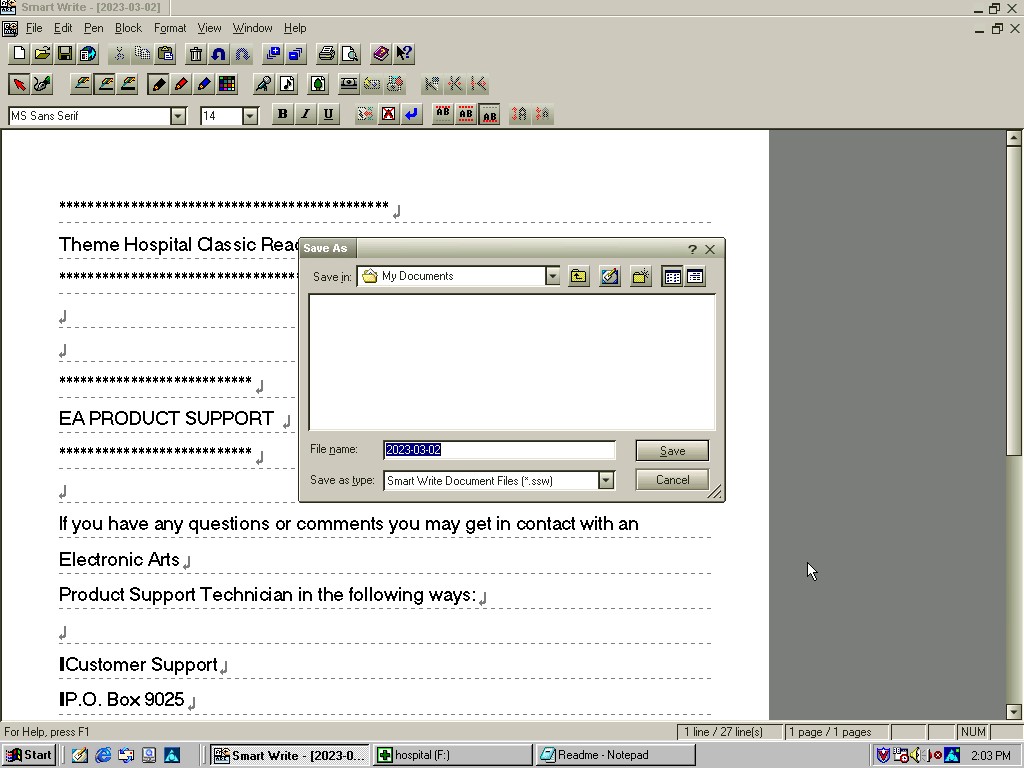
This appears to be an office productivity suite developed by Sony, at least licensed by them. It appears to use the VAIO colour scheme if one is set. Programs here include Smart Write (Word Processor), Smart Label (Lets you create birthday labels) and Smart Publisher which let’s you upload files to an FTP server, possibly HTML files for web use.
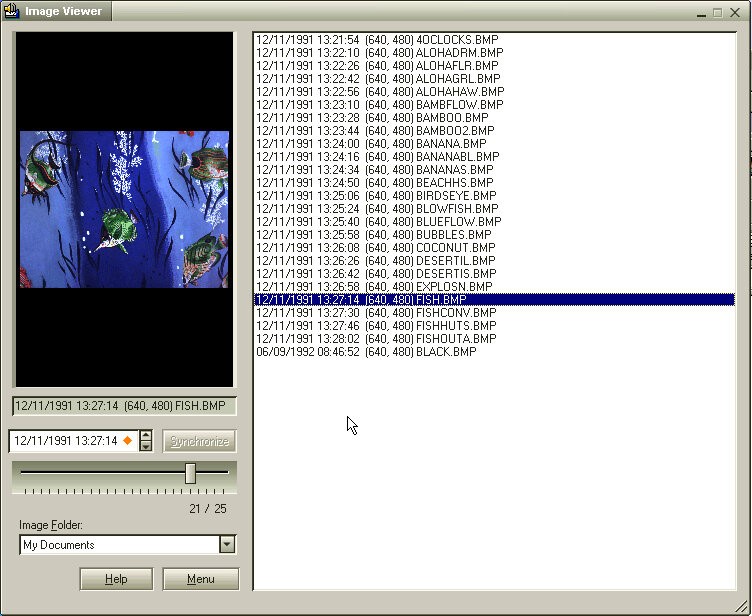
There is also an image viewer which can be used to create labels that appear on the desktop.

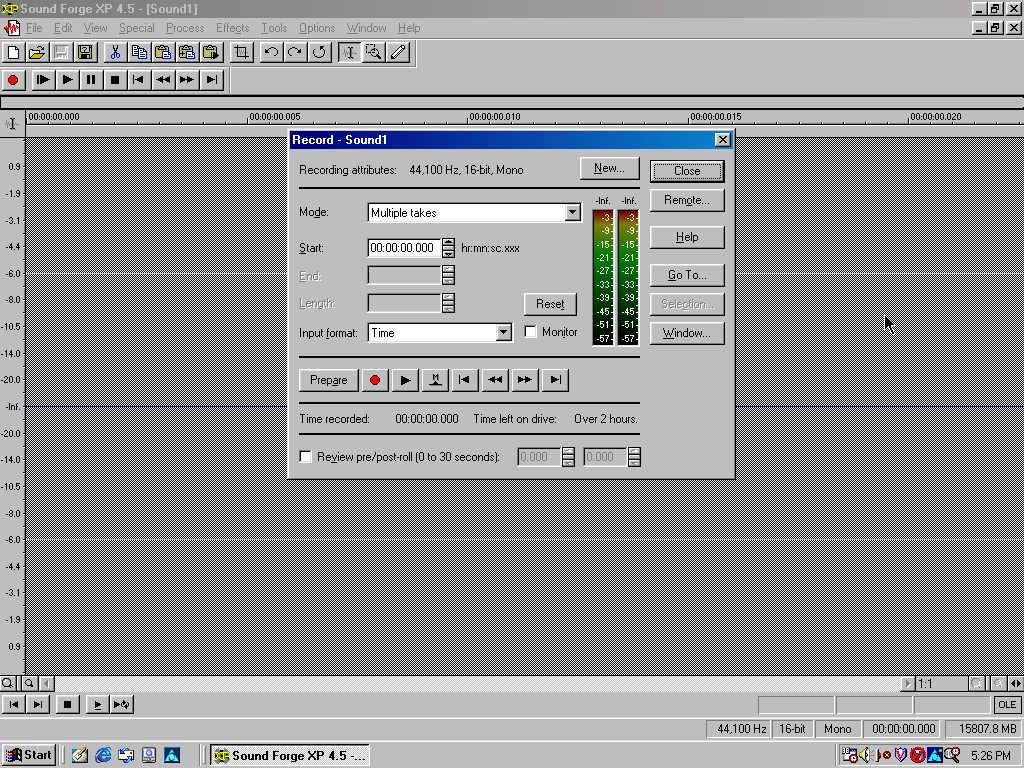
Sonic Foundary Sound Forge XP

Sonic Foundry Sound Forge XP is a digital audio editing software that was developed by Sonic Foundry and released in the early 2000s. The software was designed to provide professional-grade audio editing and processing capabilities to users, with a focus on music and audio production.

Sound Forge XP offered a wide range of features for audio editing and mastering, including tools for editing, processing, and analyzing audio files. Users could use the software to perform tasks like trimming, splitting, and merging audio files, as well as applying various effects, such as reverb, echo, and distortion.

Other Software

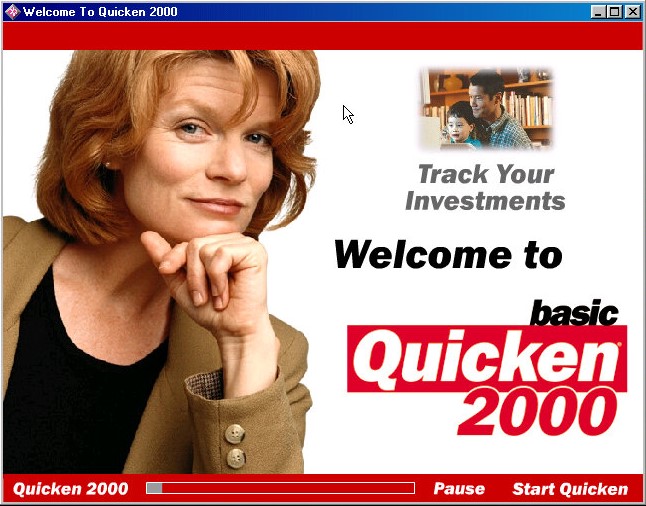
Quicken Basic 2000: Quicken Basic 2000 was one of the earlier versions of Quicken and was designed to run on Windows operating systems. It offered basic features and functionality, such as the ability to track income and expenses, create a budget, manage bank accounts and credit cards, and generate basic reports.

Netscape Communicator 4.5: Popular alternative web browser that integrates an email client, Some of the key features of Netscape Communicator 4.5 included the ability to display websites with advanced HTML features, support for JavaScript and CSS, and integration with various internet services like AOL Instant Messenger, Netscape Netcenter, and RealPlayer.

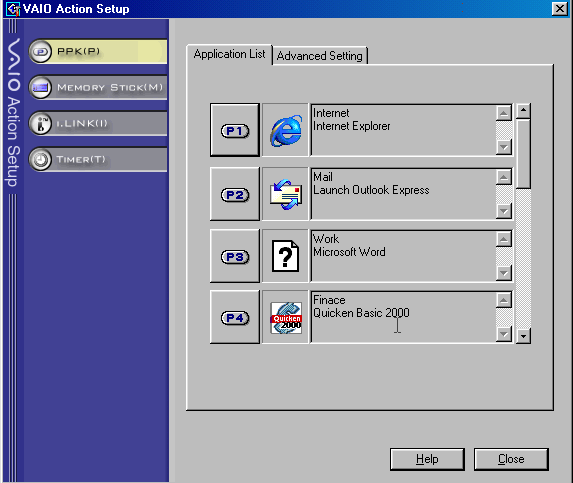
VAIO Action: Appears to be a utility to control the soft keys on the included keyboard and the applications associated with them.

Control Panel

There is a VAIO power scheme which by fault disables the monitor and hard disk standby.

There is an applet for the Aurreal Vortex sound card that was built into the systems motherboard which lets you adjust the sound capabilities of the system. Non functional as 86Box does not emulate this sound card.

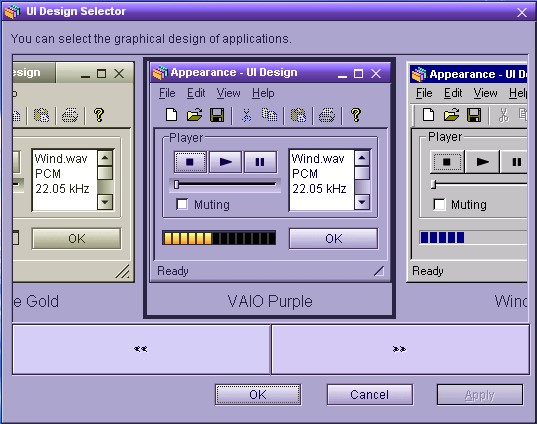
UI Design Selector: Lets you change the user interface for many of the VAIO applications, These do not use the standard Windows UI elements with Sony opting to use their own. Included schemes are VAIO Purple, Vintage Gold, Black and Silver and Windows.

Links

Archive.org Image

OEM Customization files – Includes the wallpapers, OEM Information text, colour scheme registry key and screensavers

HP Pavilion 6630

An early 2000s desktop PC running Windows 98SE, designed as a basic desktop PC for simple web browsing as evidenced with its included software which is geared to the casual home user.

The Pavilion is HP’s brand of conventional desktop PCs tailored to the home market, similar to IBM’s Aptiva and the Dell Dimension line.

According to an archive CNET page, it has a Celeron 500MHz processor with 64MB of memory and a 10.2GB hard drive. For 86Box I used a smaller 4GB hard drive and a slower processor to ease on the emulation. Variations of this model exist with different optical drives, hard drives and processor combinations with some coming with AMD K6 processors and CD-R drives.
Engadget

Starting the recovery process, which just inflates the OS files from a previous install. There is no instillation wizard, HP just took an install and made a restore image out of it. This does mean a lot of New Hardware dialog boxes will appear due to this, and I had originally intended to use it on a HP Brio motherboard in 86Box, but had great difficulty with resource conflicts and BSoD’s. The Virtual PC profile/motherboard worked much better instead.

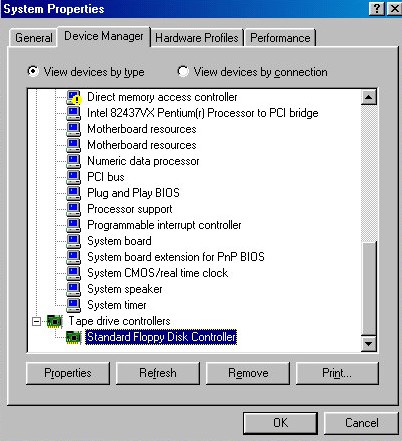
With the old VM it even thought the floppy drive controller was a tape drive.
Post Restore

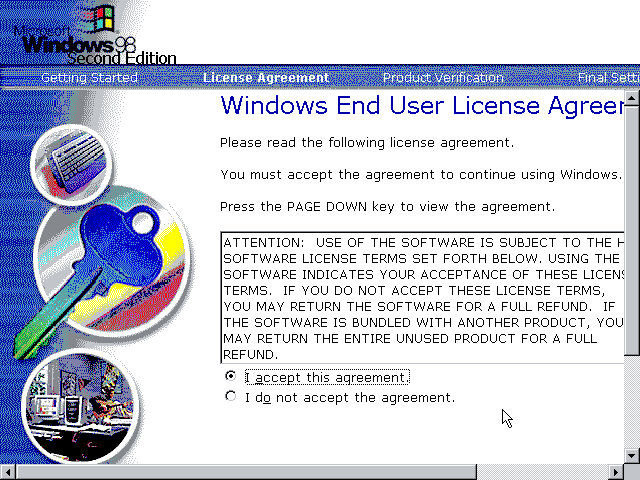
We are booted into a wizard that asks us to confirm the licence agreement, set the keyboard layout, confirm our region and our OEM product key. After a reboot, another wizard starts:

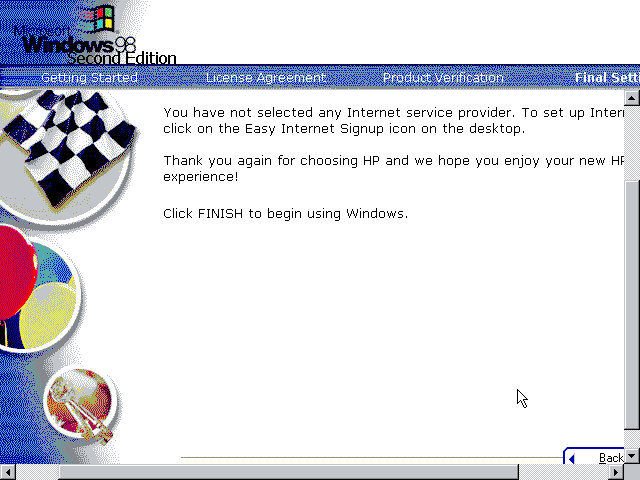
Before we get to the desktop, we are invited to complete the registration wizard where we enter our name, address and our product key which would have been provided in a separate booklet.

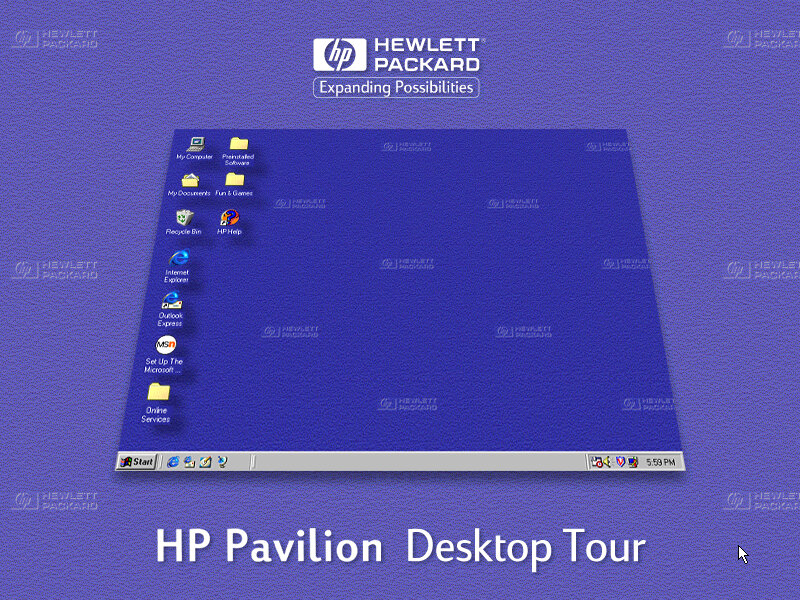
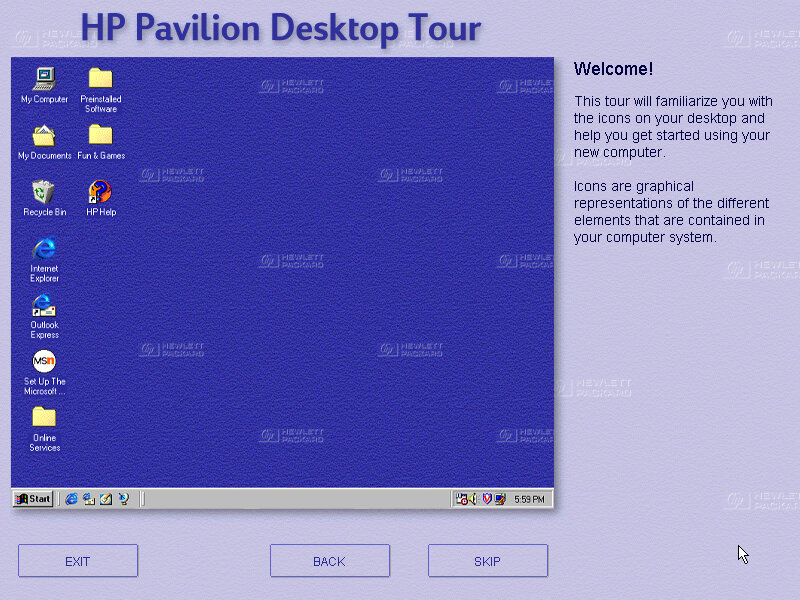
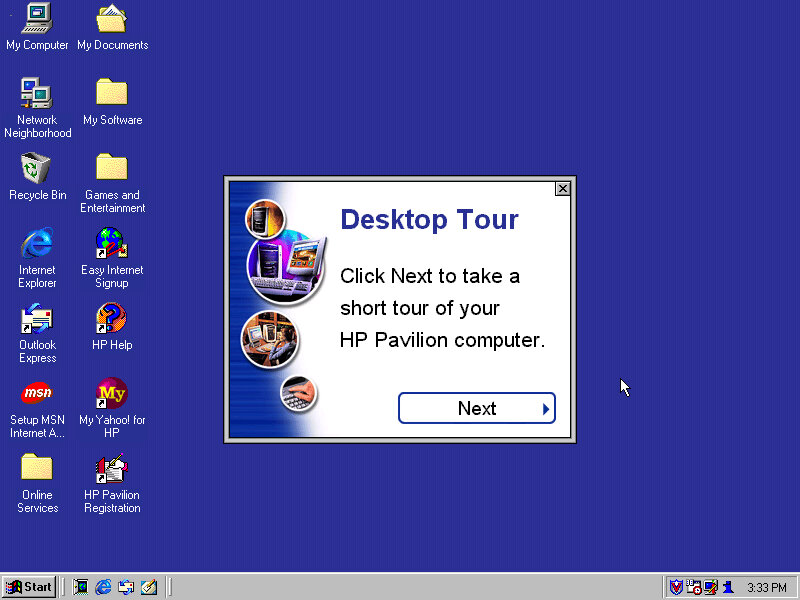
And then after that we are given a tour of the operating system, as some users may have been upgrading from a Windows 95 system, or might even be their first PC. This goes around the basic elements of Windows 98 and gives an animated demonstration of navigating Windows Explorer. This also complement’s the built in Windows tutorials for Microsoft.

Desktop

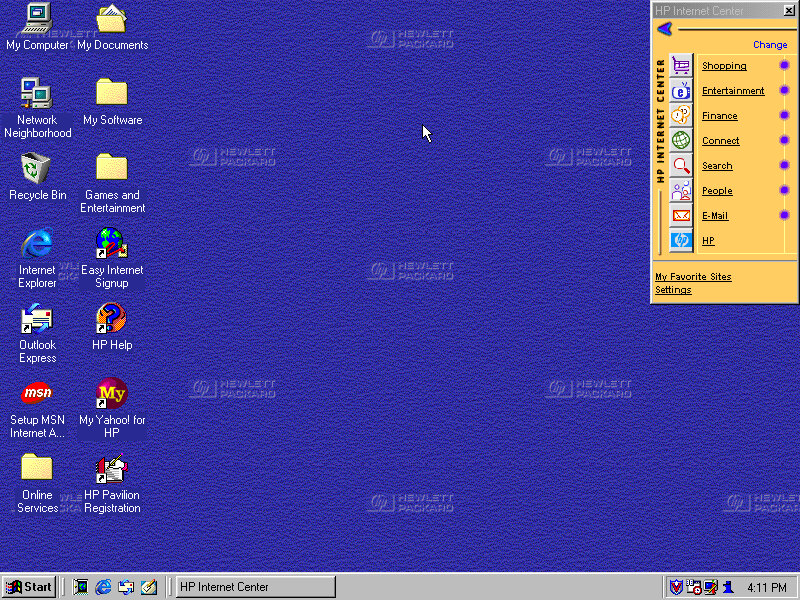
The Windows desktop with some of HP’s customisations. You will notice the HP Internet Manager, which provides easy access to various internet sites and are sorted by categories affirming that this computer was designed for the consumer that wants to browse the internet.

Clicking on any of the links (Such as Shopping) will open Internet Explorer with a customised link to that page. It sort of works in a similar manor to the internet channels included with Windows 98 and is HP’s replacement for the channel bar. Also, when you click on a link, large green text appears to the bottom left of the screen showing which button you clicked. I think this is supposed to replicate the OSD of many TV’s of the 90s where volume would be displayed in that style of display.

Sadly most of these links are long since dead, and the wayback machine does not hold any archived copies, possibly because they were not designed to be indexed. All of them lead to a paviliondownload.com domain.

Whilst we have Internet Explorer open, we can see the Yahoo! Toolbar that was preinstalled. Yahoo was popular at the time and was the common homepage for many users, similar services were AOL, Lycos and AOL. As for Internet Explorer, version 5.00.2614.3500 is installed.

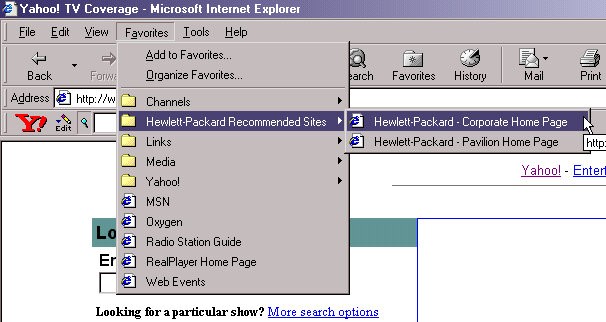
HP have also bundled a few favourites (Bookmarks) of their own with links to their corporate and dedicated Pavilion homepage.

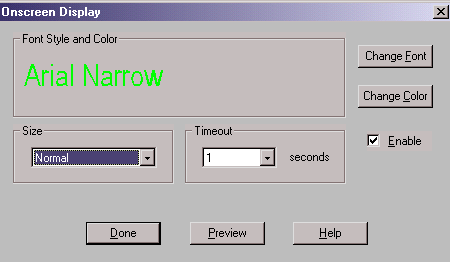
Also another look at the green OSD, it appears when you adjust the volume too. You can actually customise this in the HP keyboard utility. Changes that can be made include the duration of the message, colour and font size.

Themes and Customisation

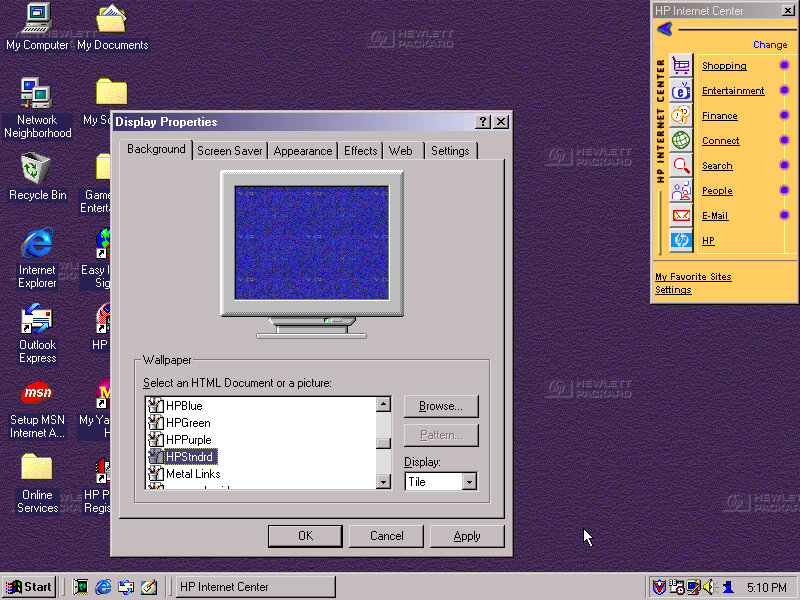
We can see HP have included a customised desktop wallpaper, in fact there are four of them provided in different colours (Purple, Green & Blue) and HPStndrd which is a lighter version of blue.

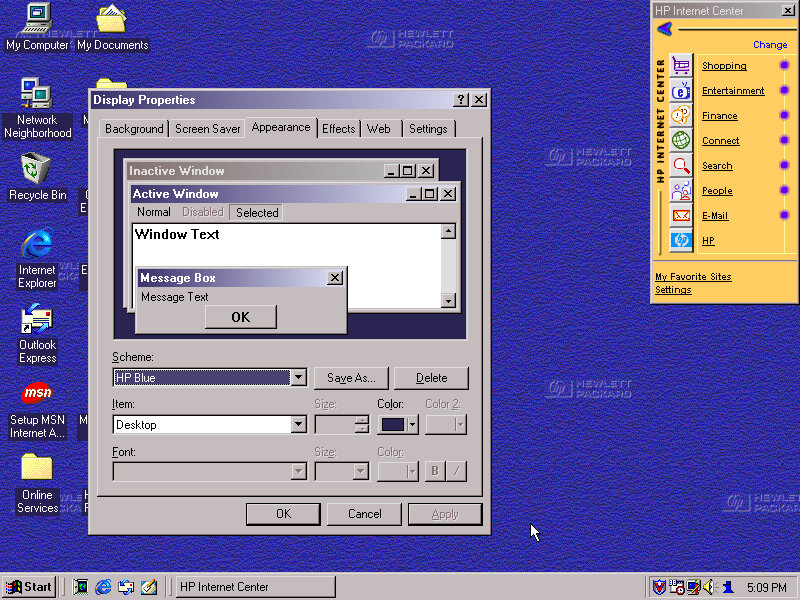
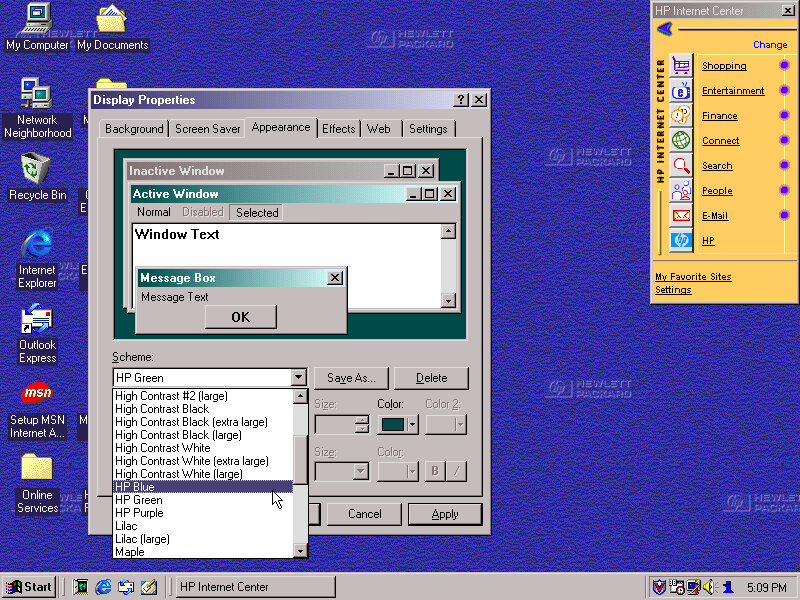
HP also added three custom colour schemes that can be selected in the appearance tab, again the choices being Blue/Green and Purple

Also a shot of the system properties box, with the OEM logo and support information.

Bundled Applications & Utilities

Microsoft Encarta 2000 – Preinstalled but requires the Encarta 2000 disc in order to do anything.

Microsoft Money – Finance management software, the 2000 edition is used here.

Microsoft Works – basic productivity suite that includes a word processor, organiser and a spreadsheet application.

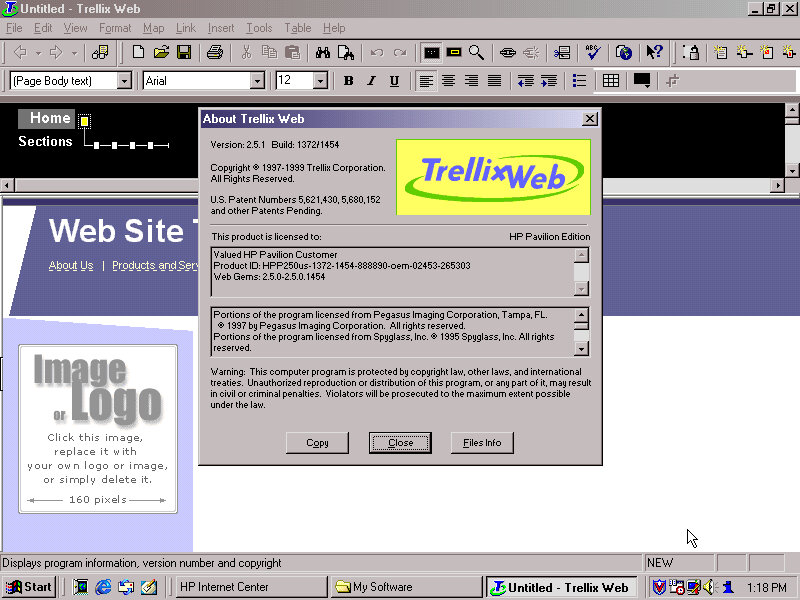
Trellix – Some sort of website builder that included a few templates that allowed for users to create and build their own website. I wonder if they will work with WordPress?

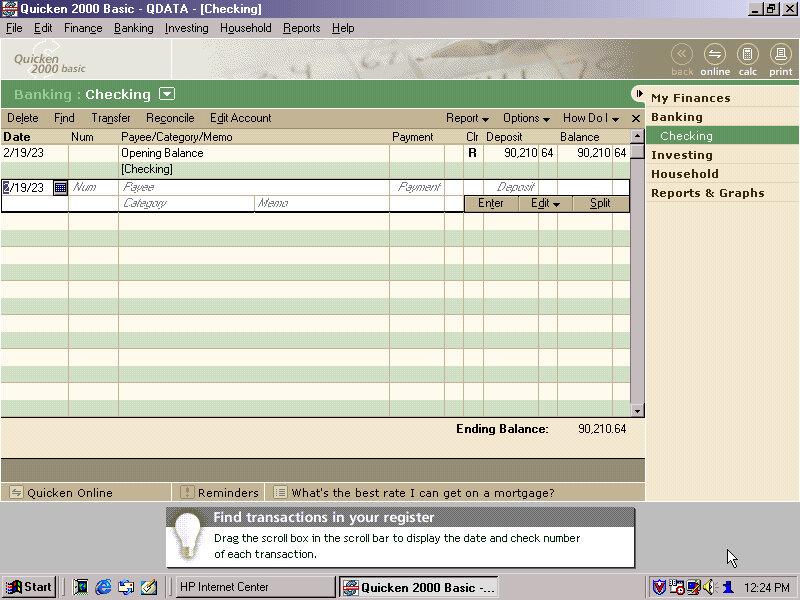
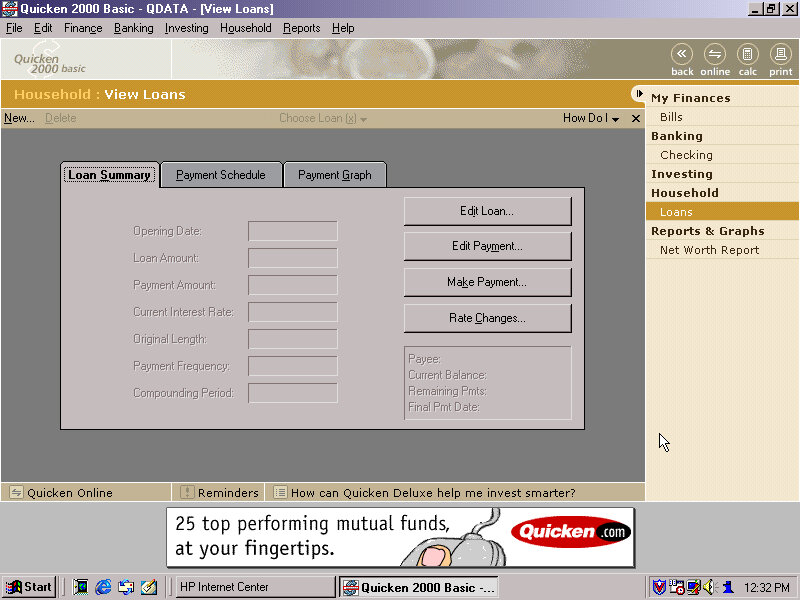
Quicken – Basic 2000 comes preinstalled and is a personal finance management utility, similar to Microsoft Money which was also included. I guess here you’re supposed to populate this with you bank statements and recent purchase’s, so you can get a rough idea of your balance history.

There’s a few online services included within the Online Services folder – AOL, AT&T WorldNET, Disney’s Club Blast, EarthLink, GTE Easy Sign Up, MindSpring, Prodigy internet and Compuserve.

Also, a Games and Entertainment category in the Start menu. Here you can find links to RealPlayer G2 and MusicMatch JukeBox which was a popular MP3 music player, along with a link to Emusic.com. There are also shortcuts to Windows games like Solitaire.

There is a My Yahoo program in the Start Menu, clicking on that takes you to an internet connection wizard that is HP branded. Since we are connecting via LAN, we can breeze past this. Dialup internet was a very common way of accessing the internet and would have been the de facto way of getting online, but was also around the era where cable and DSL broadband internet was starting to become mainstream.

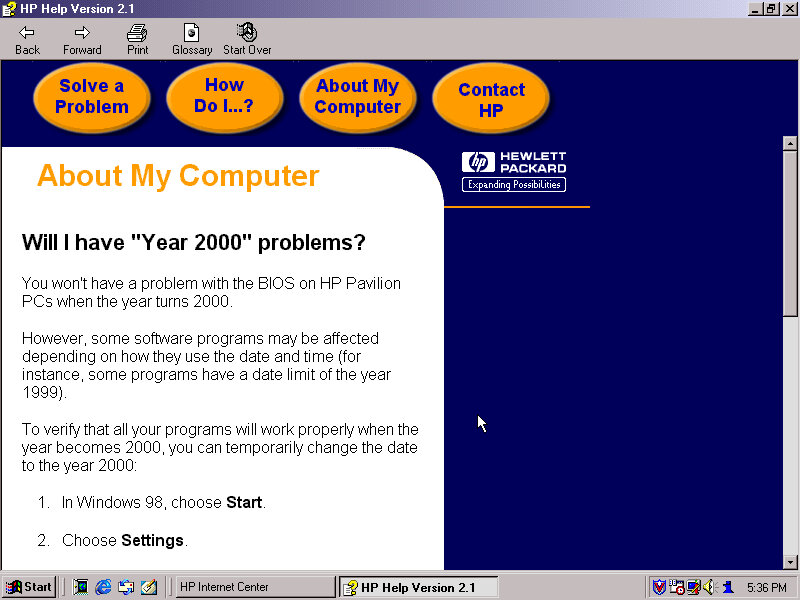
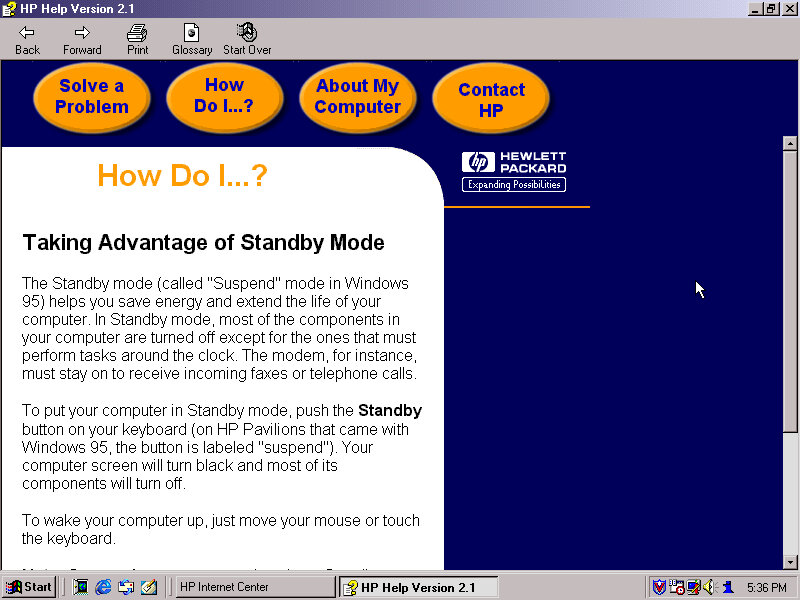
HP Help: Help and support centre for novice users. This can give information about your HP system and comes with a link to the user manual. This does require a separate CD that has this contained, it is not saved on the hard disk.
FAX (QuickLink III) Fax application, if you cannot use the built in Windows fax utility.

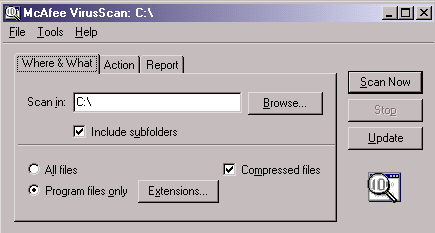
Lastly we also have McAfee security suite which can be found in the system tools folder. This includes the anti-virus and the V-Shield that acts as a firewall. A necessity as Windows did not come with any virus protection at all, that was left up to the end user or the system builder and may would bundle either McAfee or Norton Security.
The typical Windows 98 experience

Additional Links

Recovery Image – Archive.org – This version is cracked which allows for it to be installed on any PC or virtual environment and is an alternative to a regular install. There are two versions with the November 1999 being linked, an August 1999 version exists but has not been tested, perhaps that’s regular Windows 98FE?

Sony VAIO PCV-RD620G

A mid-2003 desktop PC that functions as a media center of sorts, and features dual optical drives (CD burner with a DVD reader) and remote control with an IR receiver. Some models featured an analog TV tuner and a dial-up modem fitted to one of the PCI slots.

VAIO Style

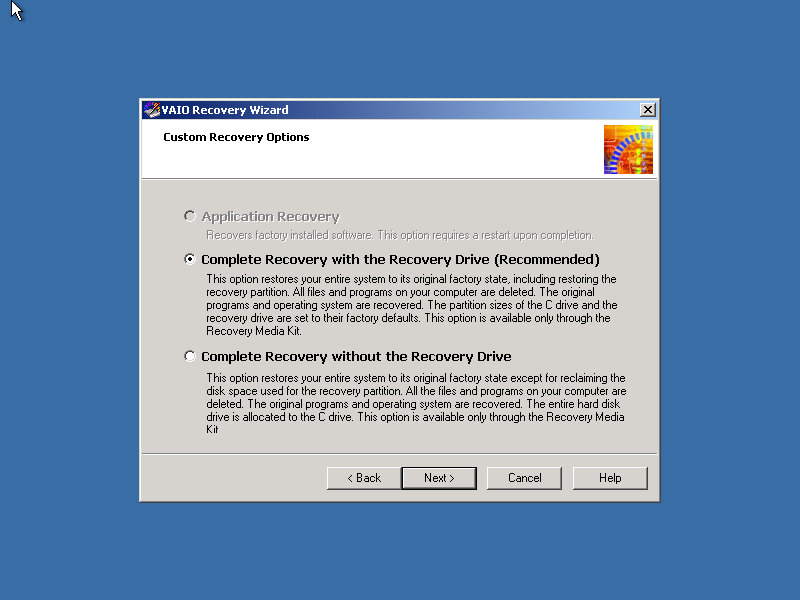
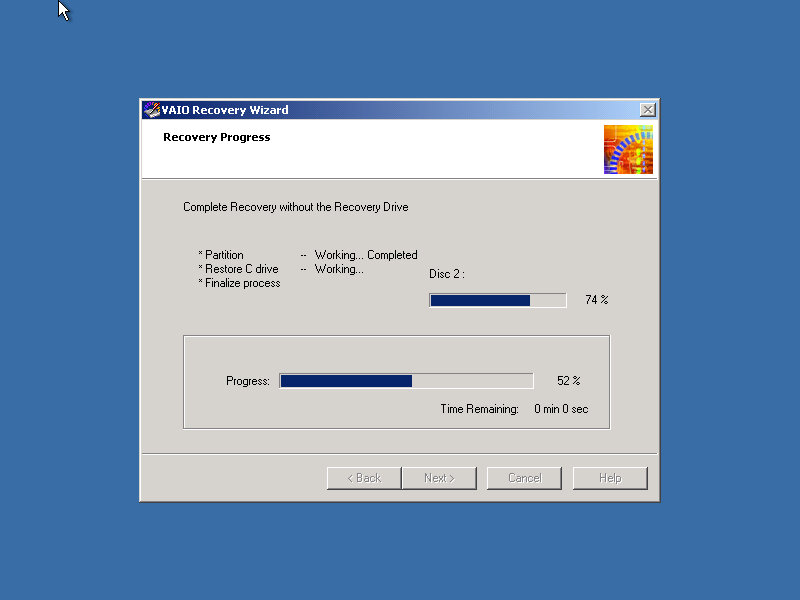
Recovery Wizard

Our VAIO journey starts with the Recovery Wizard, which takes us through the formatting process.

Remarkably it looks like a Windows 2000 environment.

Post Install

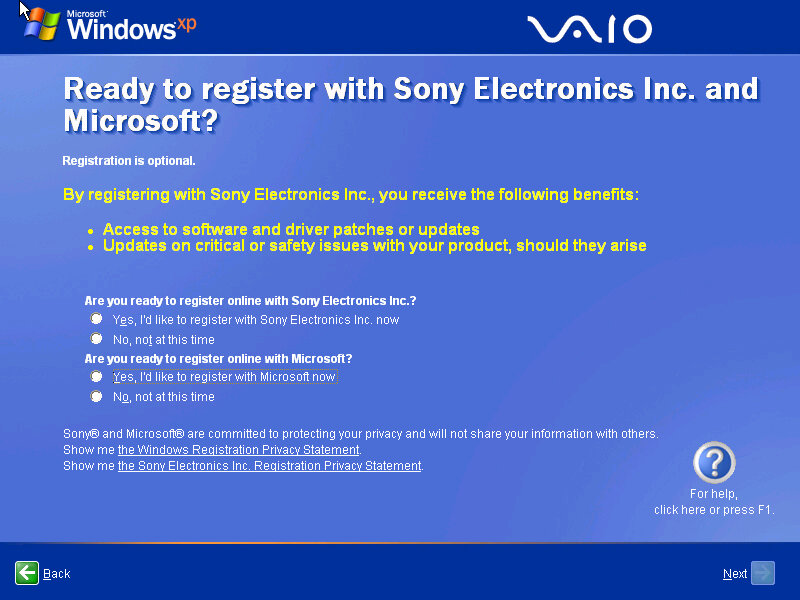
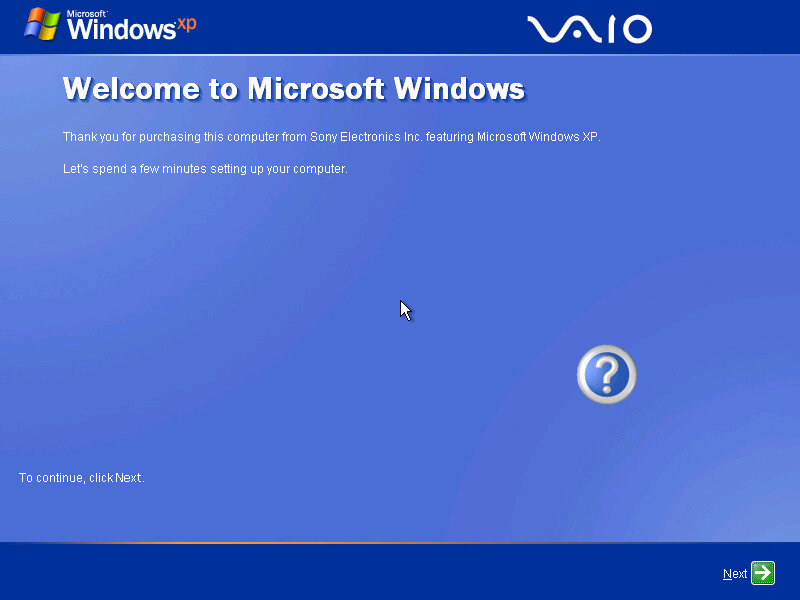
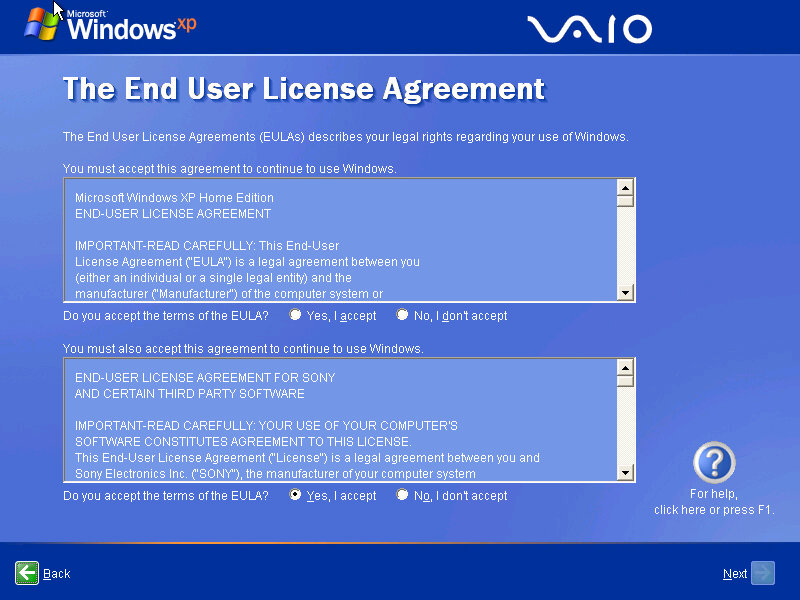
The Sony-branded OOBE, which presents the opportunity to register with Sony and Microsoft.

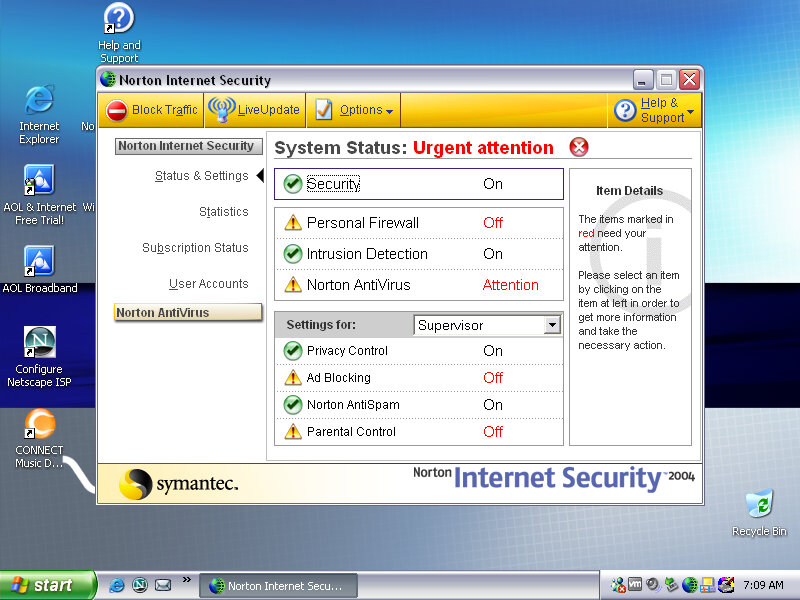
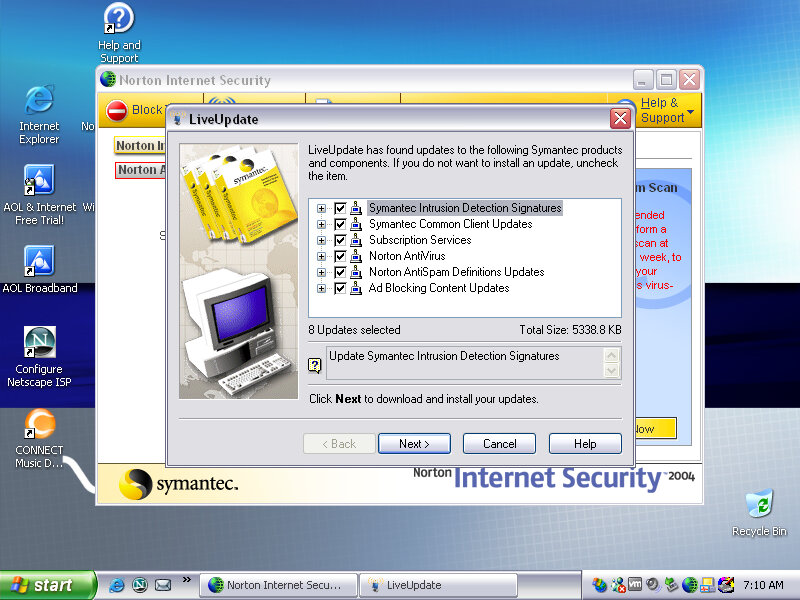
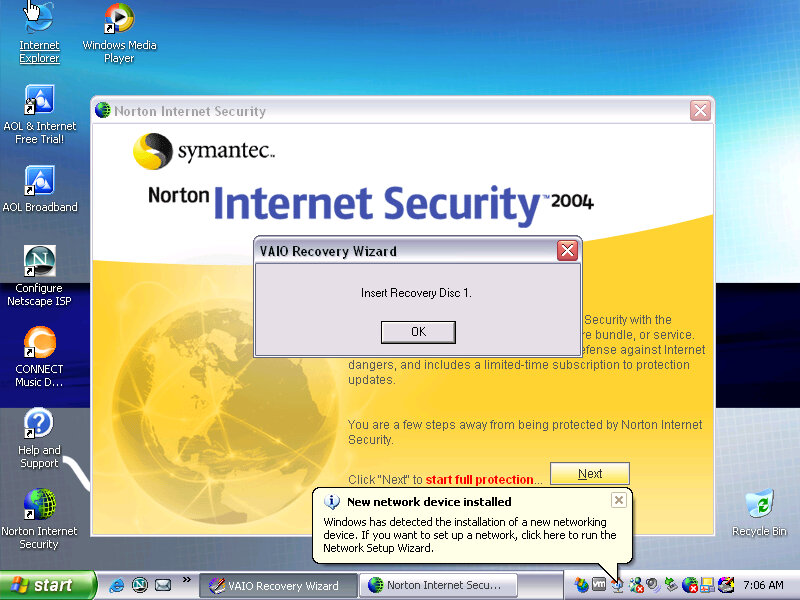
Norton Internet Security comes bundled with the laptop which provides virus protection for a year since it is activated, along with a firewall. Norton also integrates itself into Internet Explorer, providing popup protection. It also appears within Windows Explorer itself.

After the first bootup, we are prompted to insert one of the VAIO recovery disks, these are tied to the machine and will not work inside a virtual environment, and rely on different copy protection

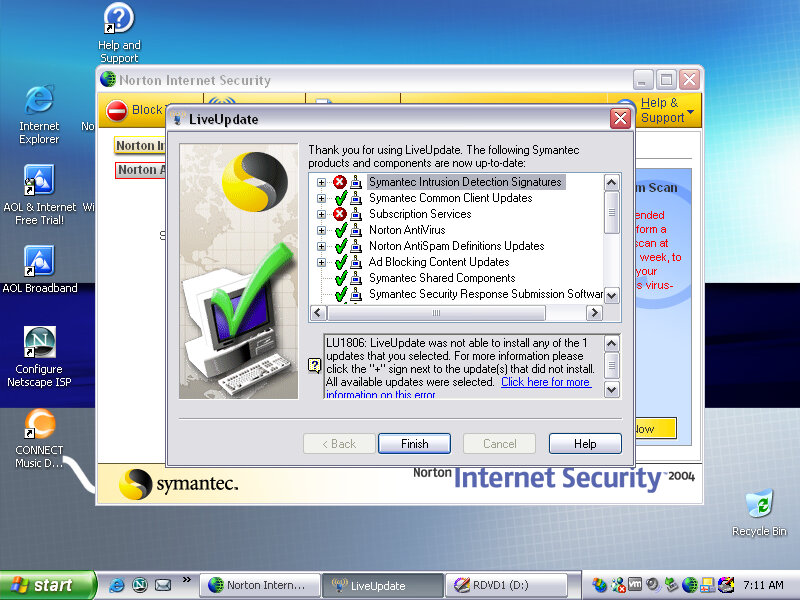
Interesting, Norton seems to be able to pickup and download a few updates, considering this product is nearing 20 years old that’s quite impressive. But I doubt these cover the latest virus definitions, Norton possibly still operates the server that holds these aged definition updates.

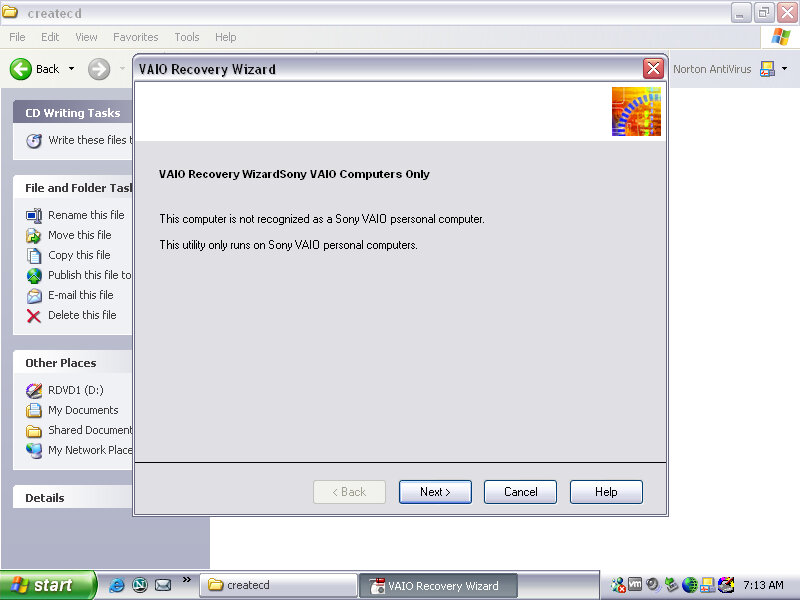
There are a few programs missing since the final part of the recovery wizard specifically checks that you are running on a Sony VAIO PC. I wonder if this checks for the exact model, or if there is just the Sony string in the BIOS, would this work for other Sony models?

SonicStage

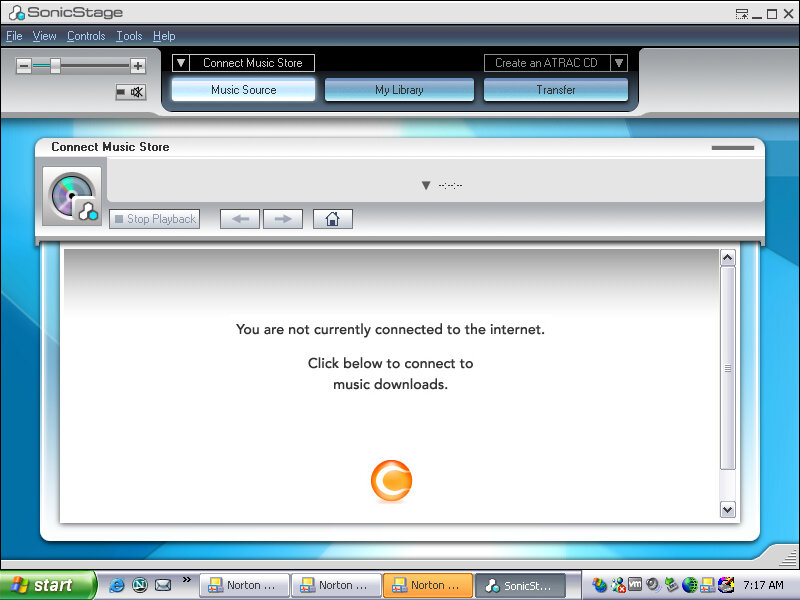
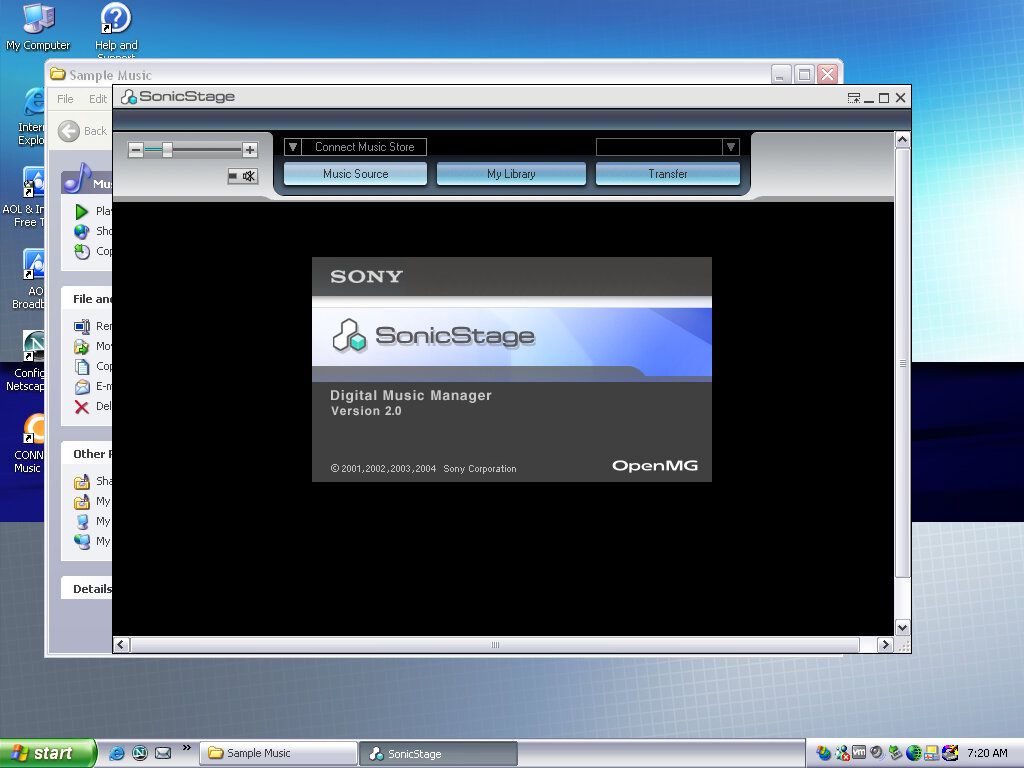
SonicStage was the software used to manage and playback Sony’s ATARC format audio, which was their own property audio format that was initially used on the first MiniDisc models, and was later used for their Walkman digital music players. ATARC was more efficient than MP2 and MP3 at higher bitrates but compared less with AAC or WMA. ATARC was also only supported on Sony products, and even then not all of their electronics supported it, Sony Ericsson phones in Europe had no support for ATRAC, and neither did the first PlayStation or the PlayStation 2, with the PS3 introducing support for the codec.

SonicStage was very similar to iTunes in concept and acted as a way to play purchased songs from Sony’s CONNECT store. As these files were protected by DRM, an account and correct authorization was required to playback the songs purchased by the user. SonicStage could also sync and transfer songs to supported Walkman players, and only Walkman players.

This was during a dark period of time where record companies insisted that much purchases online had to be digitally protected using some form of DRM, which meant purchasing music from one vendor would mean you could only play that track on software or a device that the vendor had support for. This meant music purchased from iTunes could not be played back on a Walkman or a Microsoft PlaysForSure device without burning it to a CD, then reimporting it as MP3 or whichever format the program and device supported, basically the analog hole.

Was it any wonder people turned to piracy?

DRM free music stores later came about, and many vendors eventually started offering DRM free downloads for their songs and all was well. Then the music industry went one step further and insisted streaming was the next best thing, meaning you no longer owned or had direct access to music, instead of being steamed from the cloud for a monthly fee.

As for Sony, the CONNECT store closed down in 2008, and Sonic Stage was discontinued and replaced a few years later with MediaGo, which was mainly intended for the Sony PSP but could work with compatible Walkman devices. Sony would later try again in the music market with Quircity, a streaming playroom before being rebranded to PlayStation Music, and then been killed off in favor of Spotify on the PS4.

For a company that has its own major record label, Sony does suck with online music services.

Screensavers & Wallpapers

Theirs a VAIO screensaver bundled which is a bunch of stock photos taken with a few transition effect applied, with stock music being placed in the background.

You can of course customize it with your own photos, or memes if that is more your thing.

Various backgrounds, these would blend in with the laptop design and supported a variety of resolutions (whilst the internal LCD would use its optimal resolution, Sony provided different wallpaper resolution’s in the event you connect an external monitor.

PrintStudio

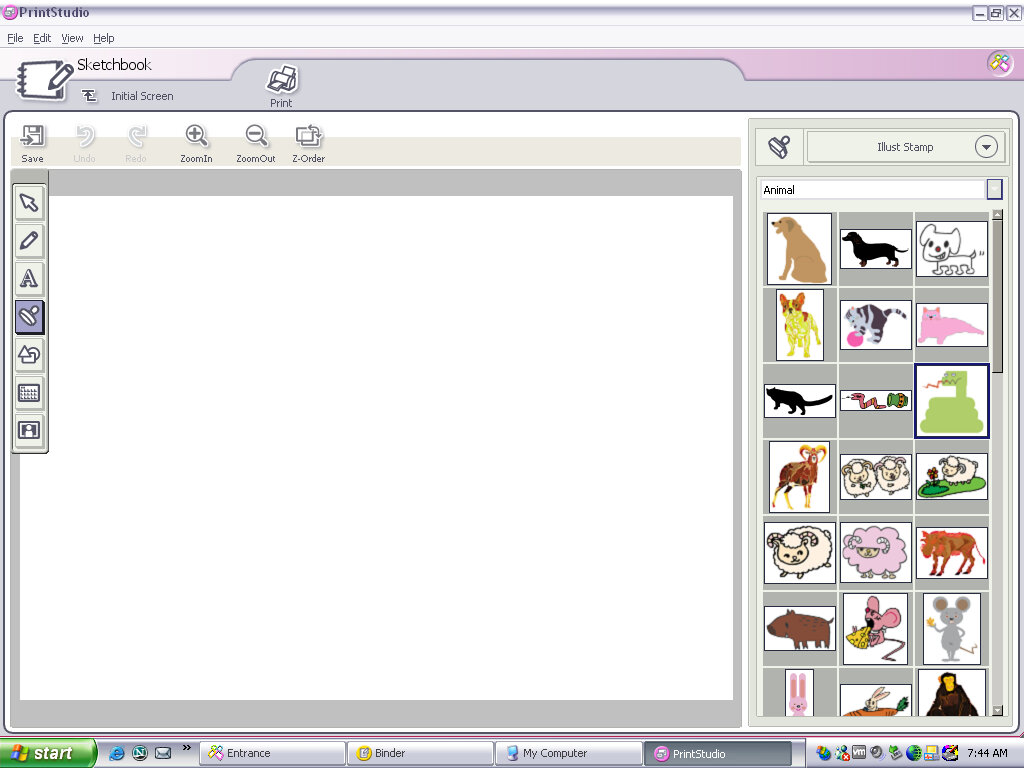
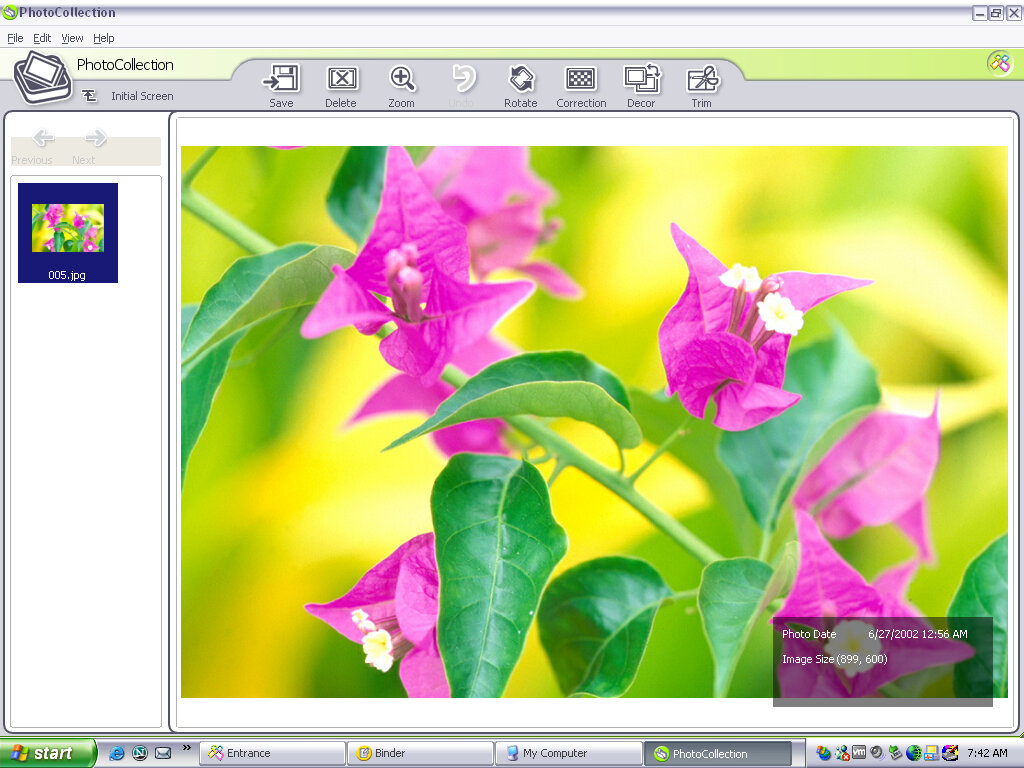
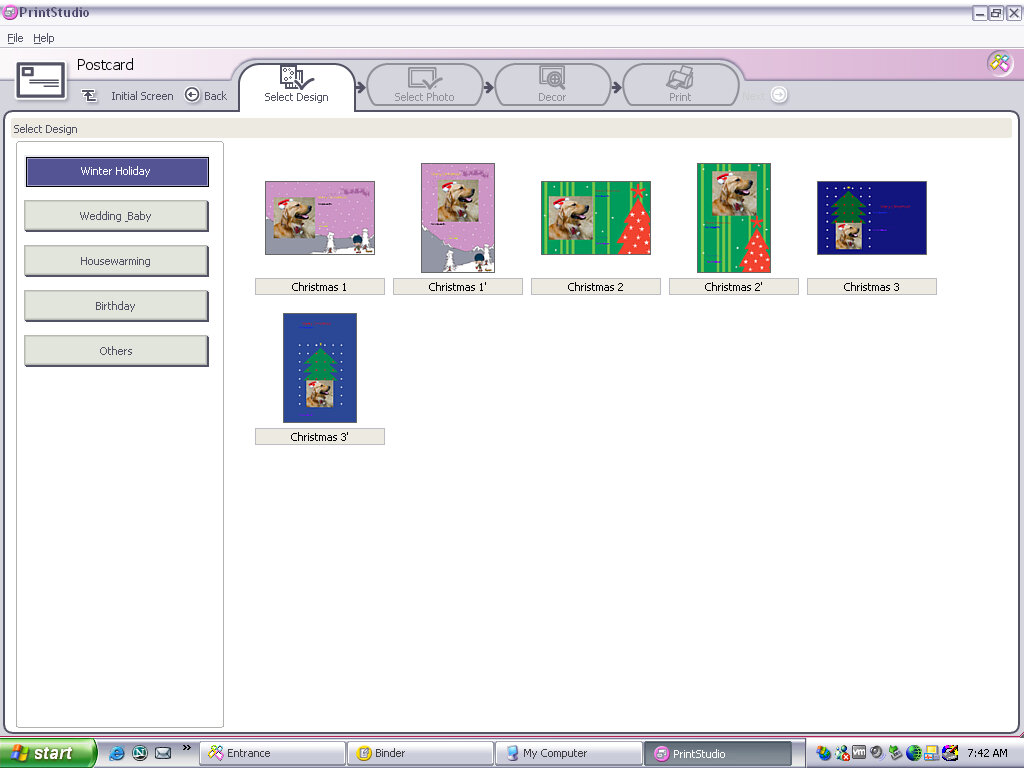
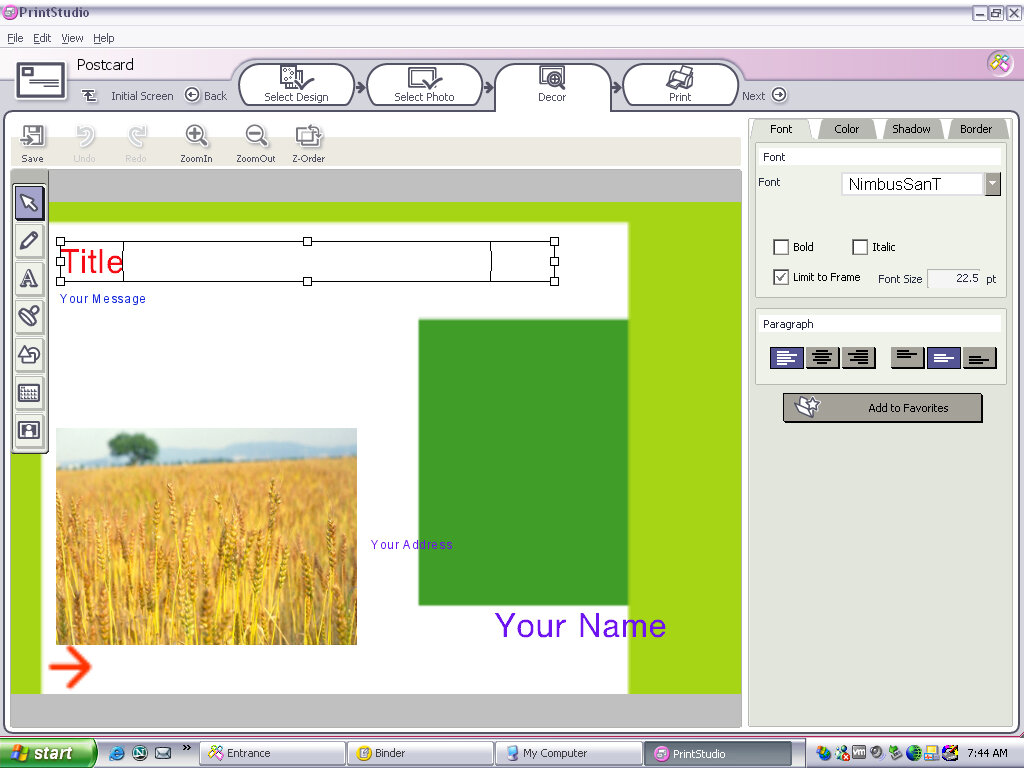
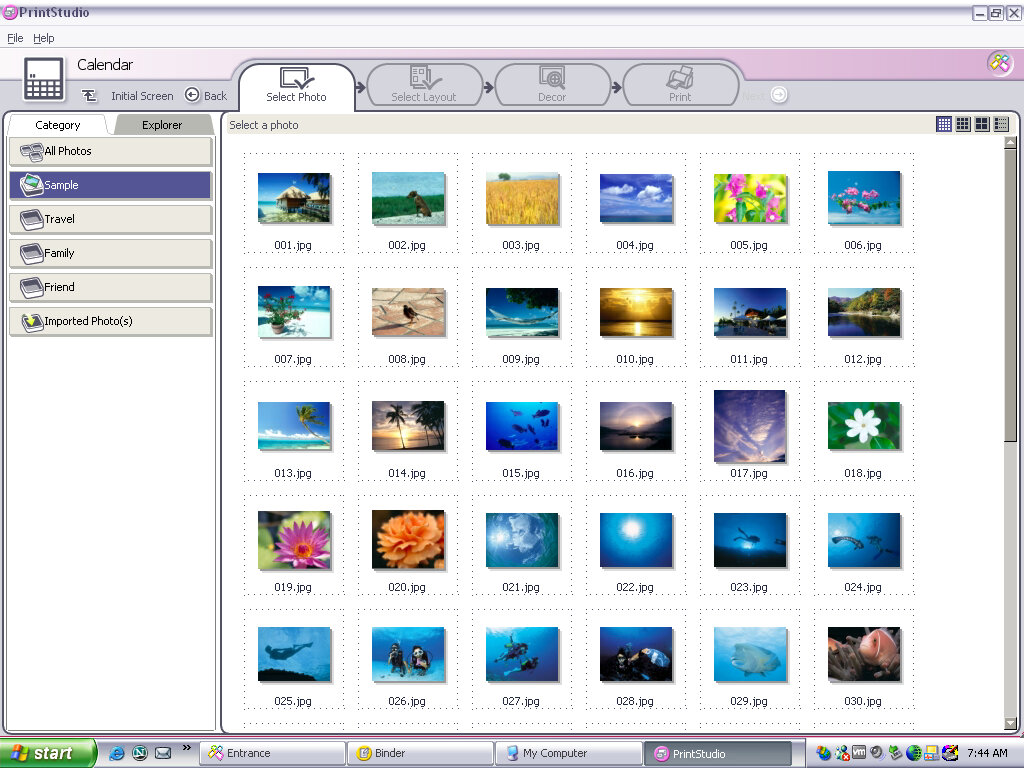
Appears to be a creative photo editing application where you can import photos from a digital camera (maybe a Sony CyberShot camera) and apply effects or add clip-art to them. You then have the option of printing these out or attaching them as an email. you can also create greeting cards with this, so it acts similar to Microsoft Publisher in a way,

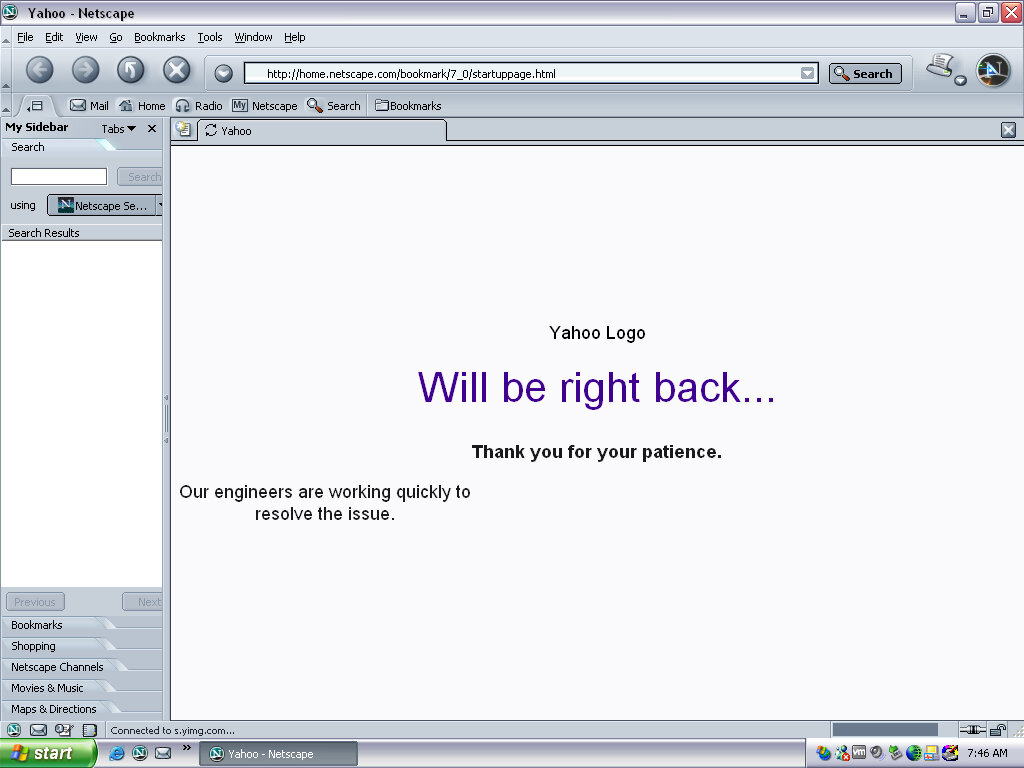
Netscape browser version 6, a popular alternative browser (Didn’t Microsoft discourage OEM’s from doing this? Sony clearly didn’t give a fuck)

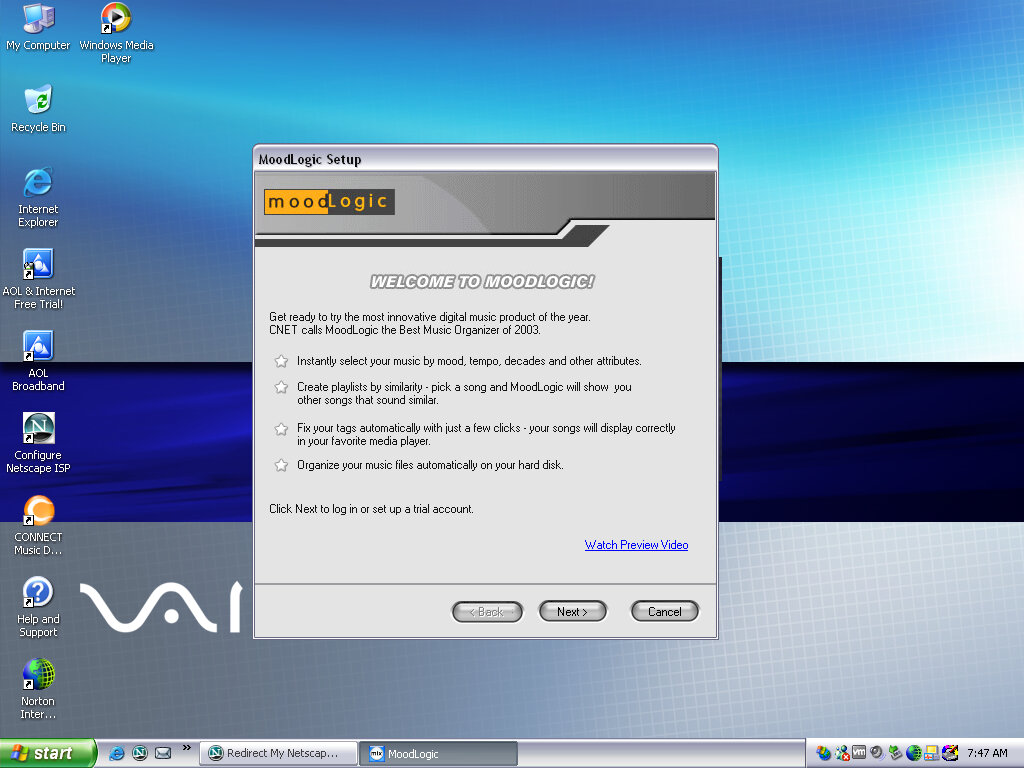
Moodlogic

I think this is some sort of last.fm service from before its time, where it will organize and find similar artists depending on the ones currently in your library, whilst organizing your current music collection. This no longer works and requires a connection to a server that is long since defunct. It sort of similar to Apple Genius playlists.

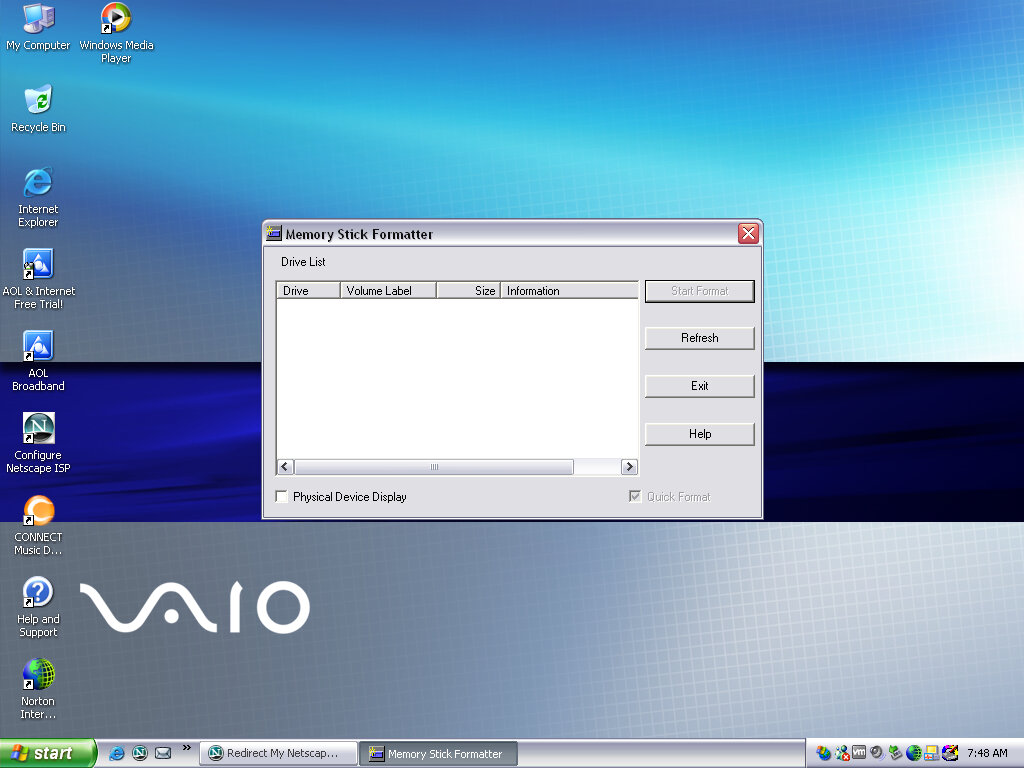
Memory Stick Formater

Formats a Sony Memory Stick, nuff said. Not sure why you can’t do this in Windows Explorer, possibly due to Magic Gate encryption?

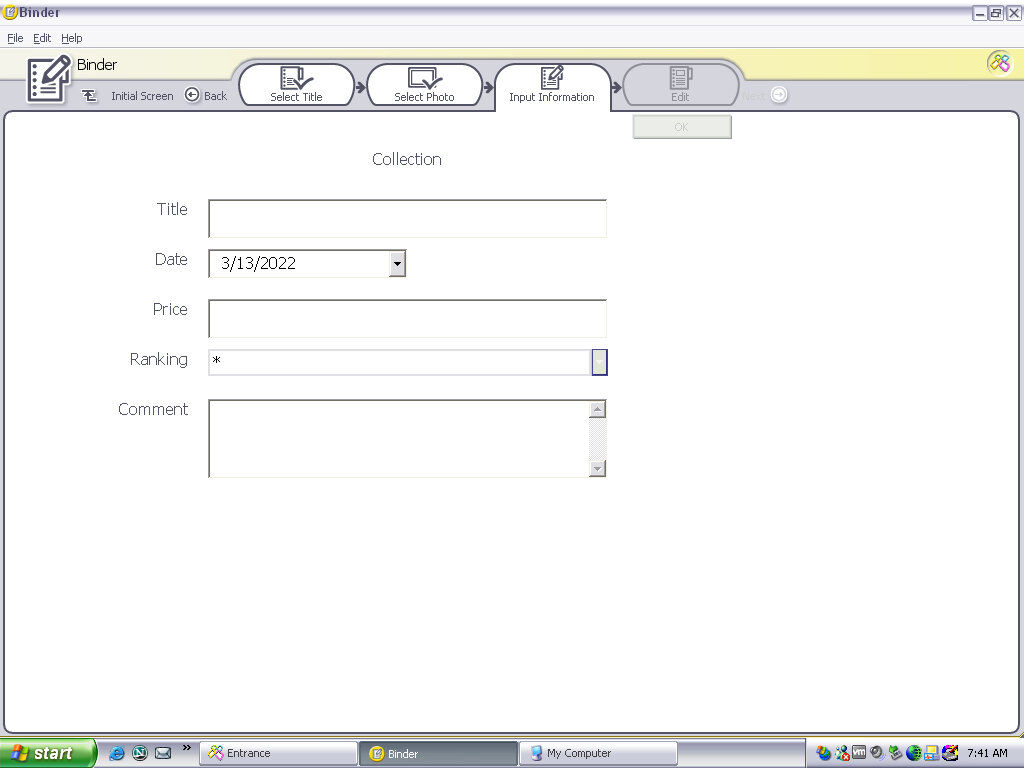
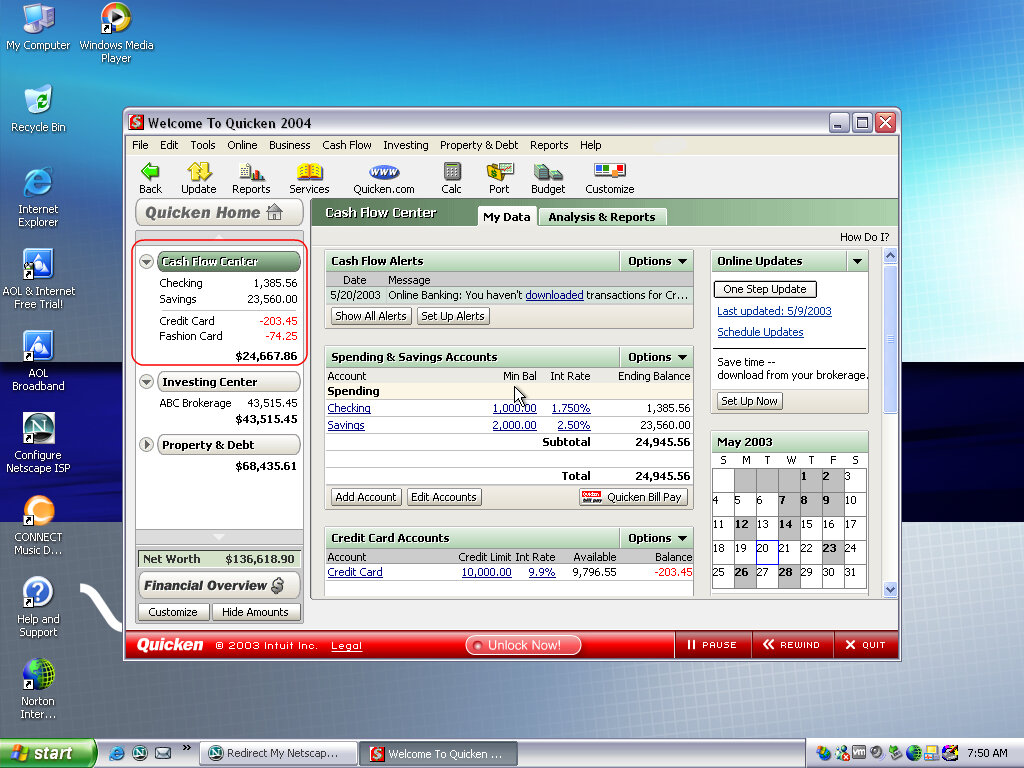
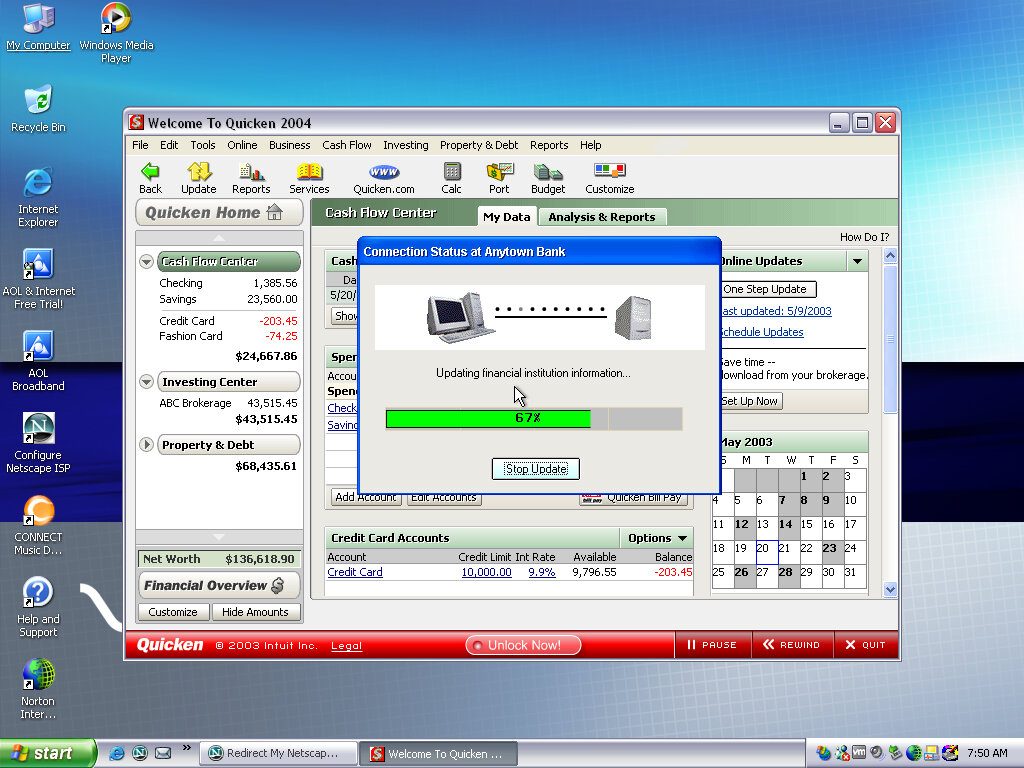
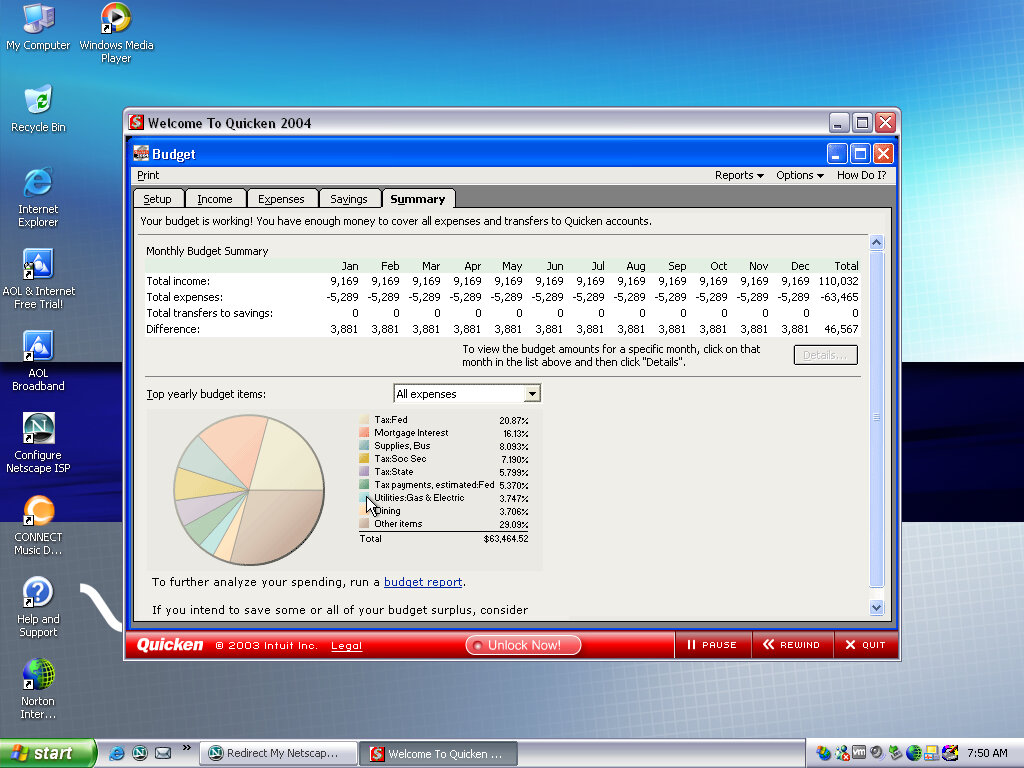
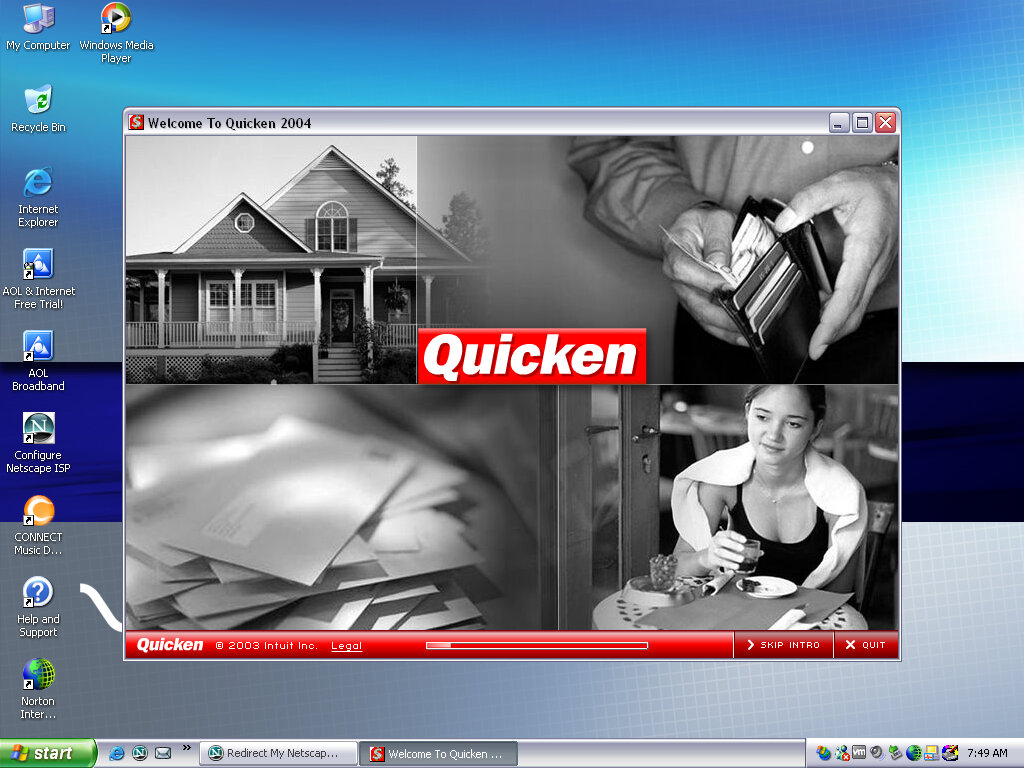
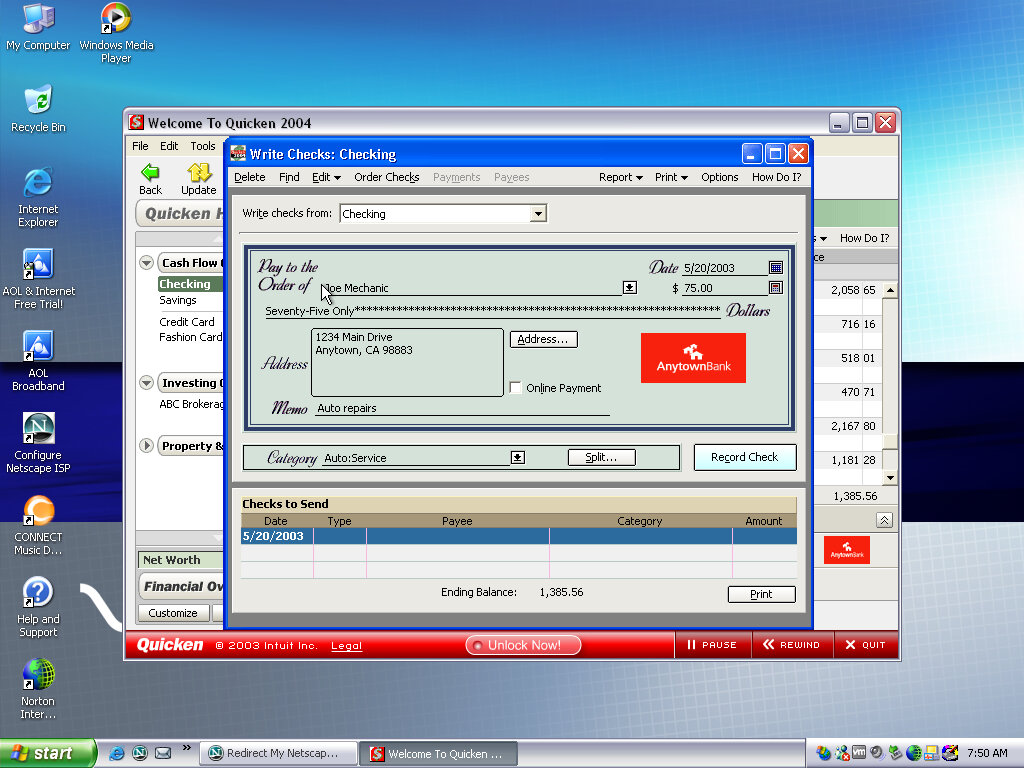
Quicken 2004

Software that Sony loved to bundle with their VAIO systems, is some sort of account and spending management software.

AOL

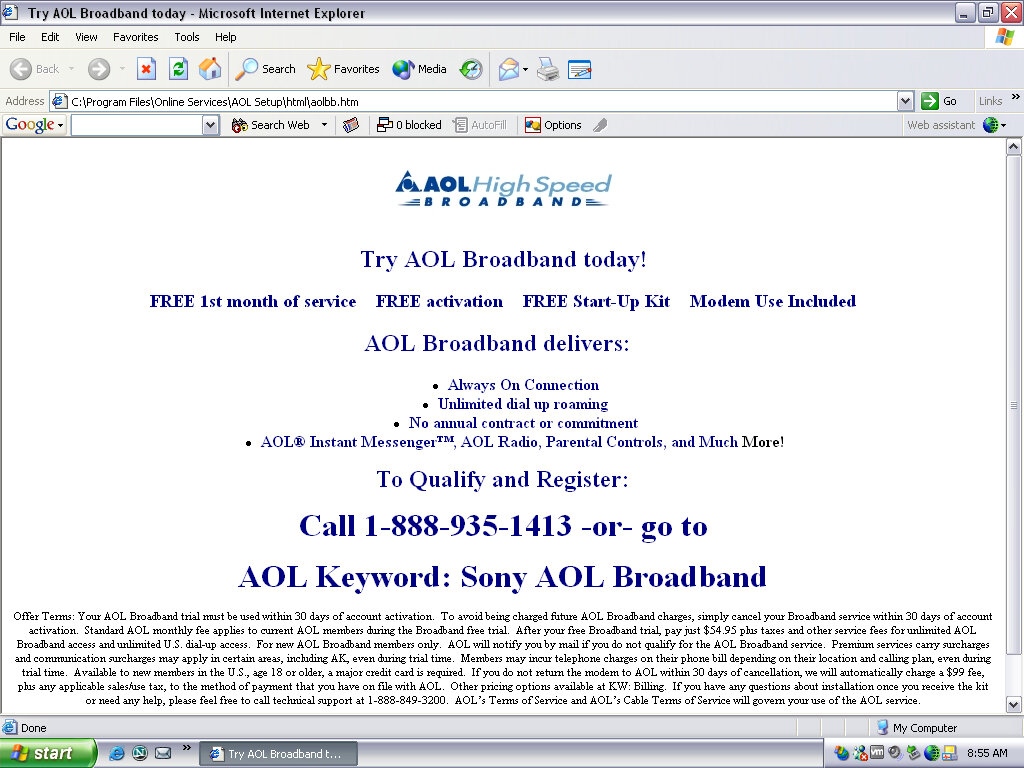
An advert for AOL, looks a bit basic for 2003 standards.

Help & Support

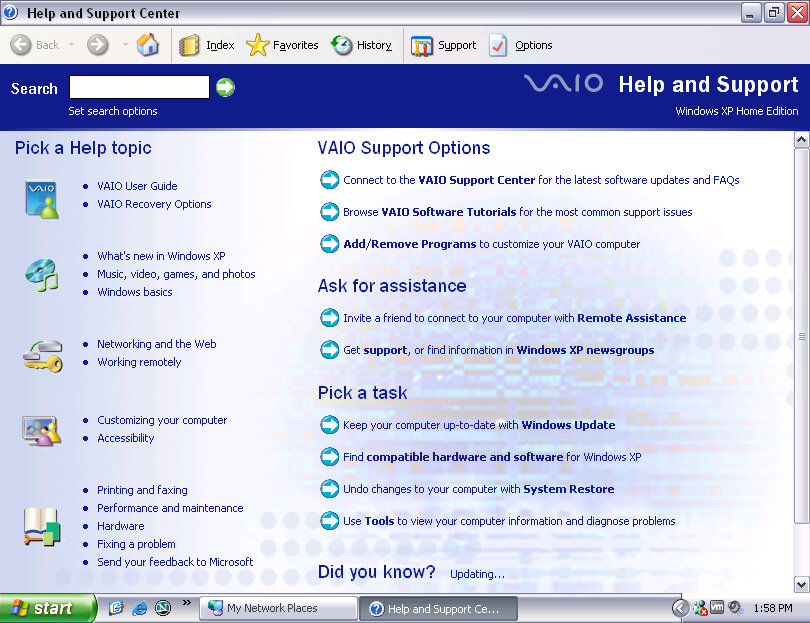
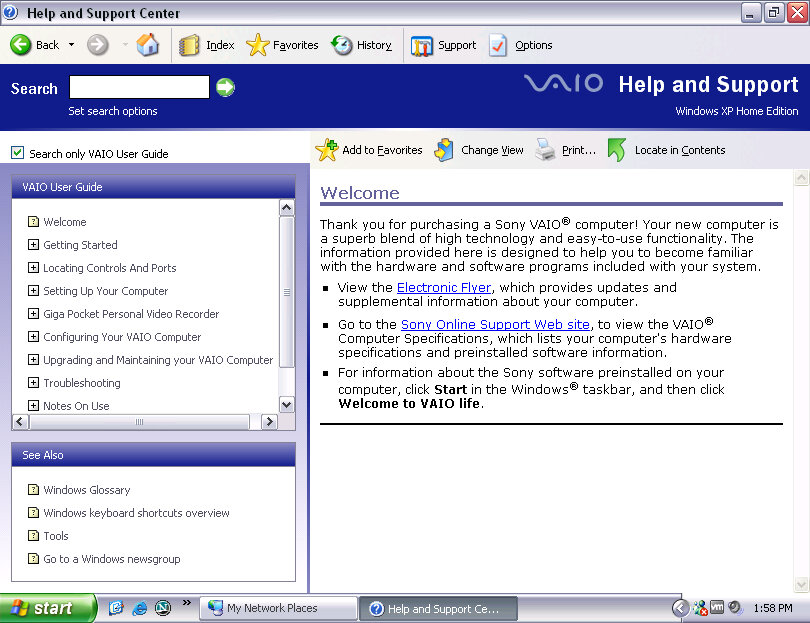
Sony’s help center branding

External Links

Sony Support