Tag Archives: Windows Phone

Samsung ATIV S

Samsung cross between Windows Phone and the Galaxy S3

Samsung was always a common OEM for Microsoft’s smartphones, producing the Focus and Omnia models for Windows Mobile and Windows Phone 7. Following on from that, Samsung introduced the ATIV branding for their Windows 8 devices. ATIV is basically Vita spelt backwards and is Latin for Life, which was also used for the Sony PlayStation Vita, also released in 2012. Coincidence? Maybe

The ATIV branding was supposed to complement the Galaxy branding for Samsung’s Android smart phones, though it also extended to their Windows Laptops and hybrid tablets. The launch device for all this was the ATIV S, which was Samsung flagship Windows Phone for 2012, launching with version 8 of the OS.
Windows Phone 8 looks similar to it’s predecessor Windows Phone 7, but under the hood it was practically are written operating system, making use of the Windows NT kernel instead of the Windows CE that WP7 had used. Due to the drastic changes, no WP7 smartphones could be upgraded to WP8, since it required a dual core processor that no WP7 device had supported (and its widely believed the WP7 core couldn’t support this, hence the need to reboot the OS with a new kernel)
IDK Why they didn’t do this when they introduced WP7, maybe the hardware at the time didn’t support this?
This is kind of why Windows Phone failed, there was no consistent stepping stone between major versions, and with Window’s Phone 8 they effectively reported the OS from scratch again, existing handsets could not upgrade to WP8
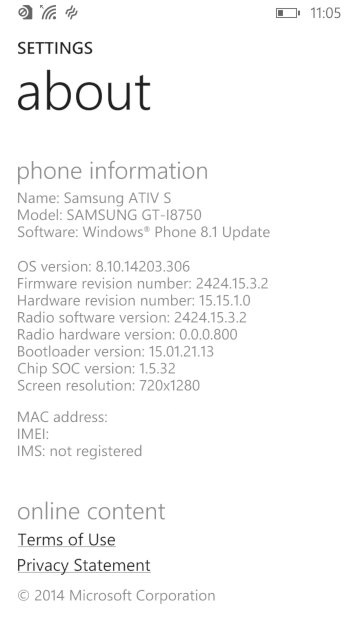
Information for the Samsung ATIV S

The ATIV S itself has very similar specifications to the Galaxy S3, both have a 4.8 inch 720p screen, both feature 1GB of RAM and 16GB of user storage and a dual core processor (the ATIV differs by using a Snapgradon processor whilst the Galaxy used Samsung’s own Exynos cores).

The user interface is pretty much Windows Phone, with its innovative live tiles and social media integration. Samsung did bundle their own exclusive apps and settings which are worth looking into.

Apps
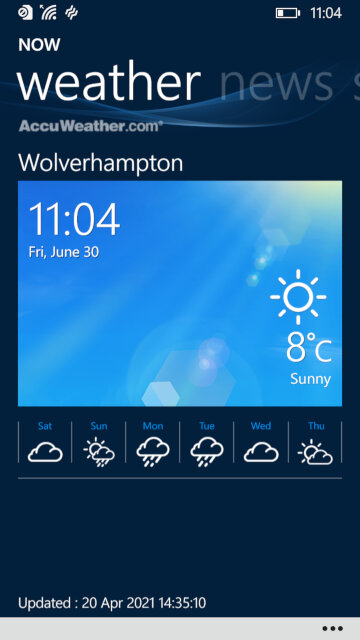
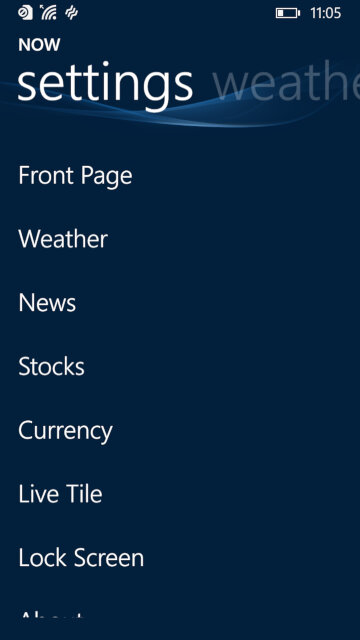
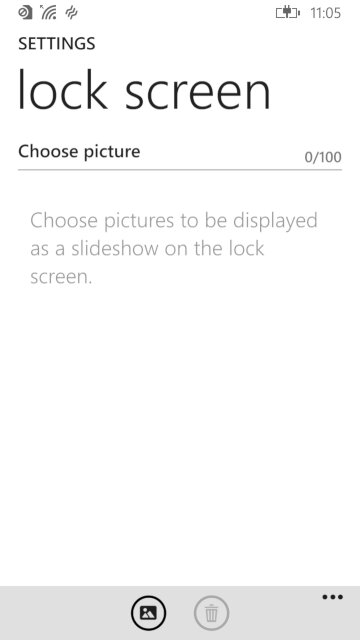
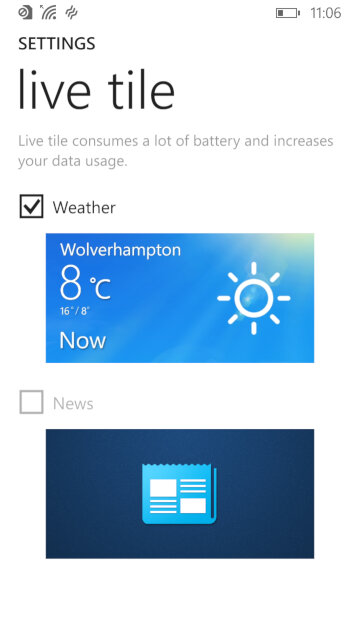
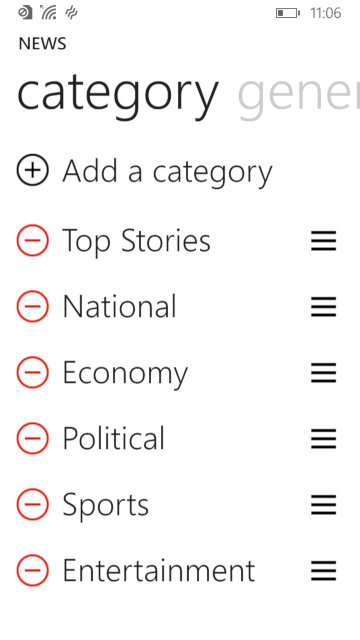
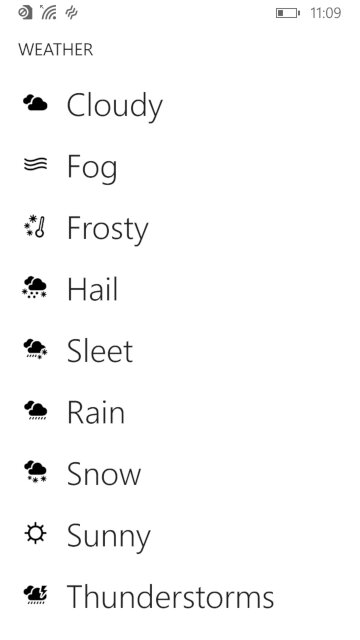
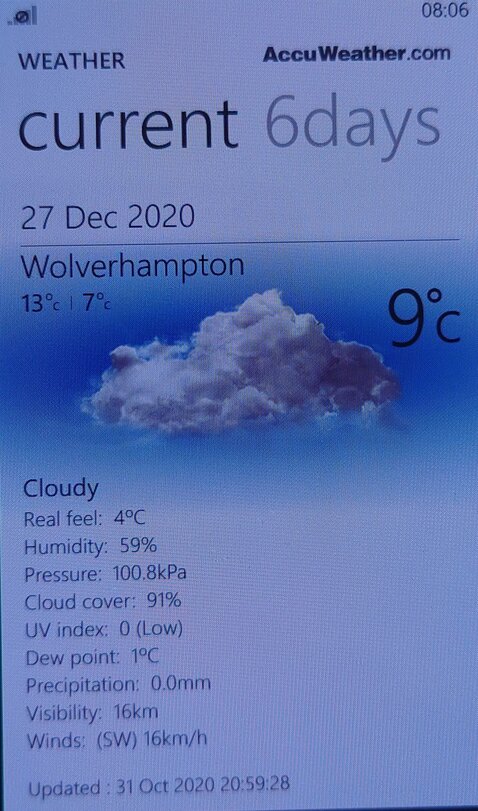
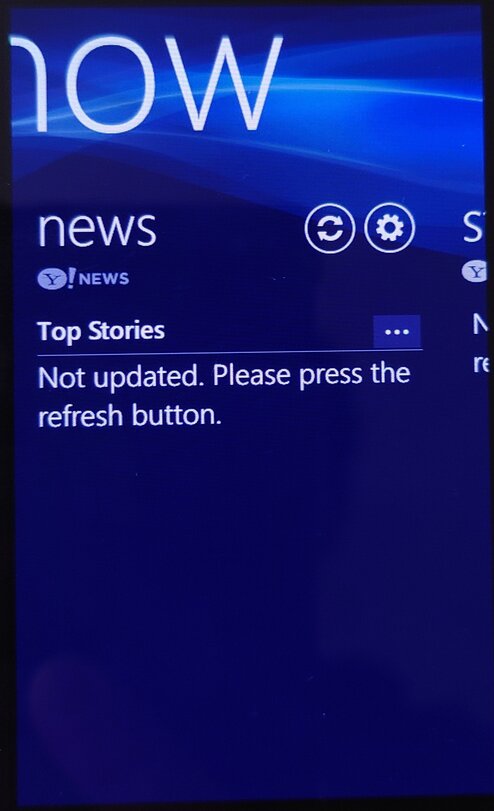
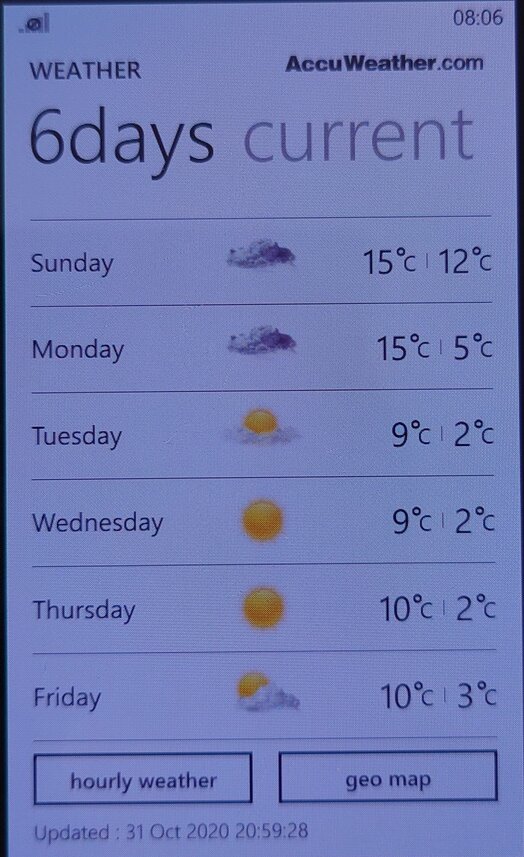
NOW: Similar to what was seen in the Omnia W, this is Samsung’s News, Weather and Stock/Sports information app. News is provided by Yahoo news, who have since discontinued it’s integration but would have shown the latest news headlines for your area. This app supports both the live tile and the lock screen feature, weather information can be displayed on the locks screen itself.
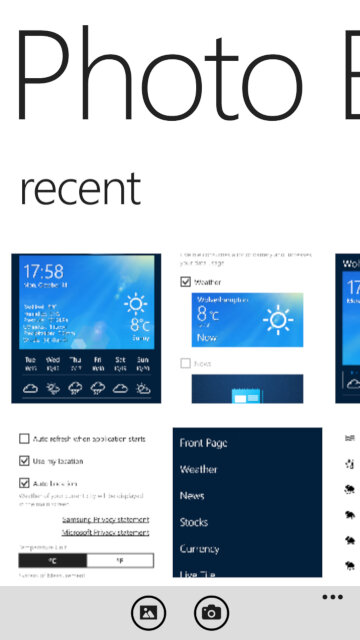
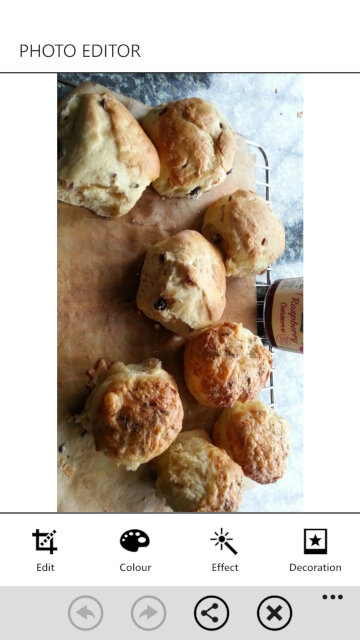
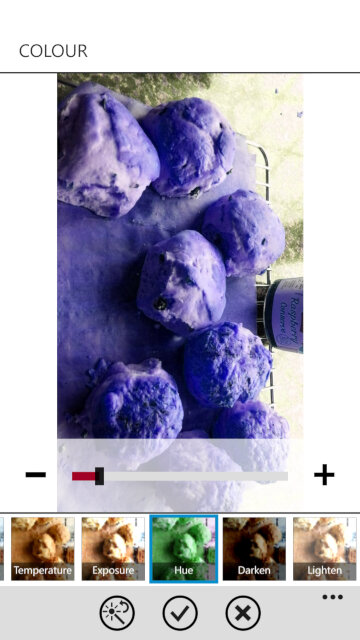
Photo Editor: A simple image editor that can apply a wide range of filters and effect to captured photo’s, and also allows you to place stickers for novelty use. Cropping and zooming are also supported, although you can do this in the Windows stock image viewer.
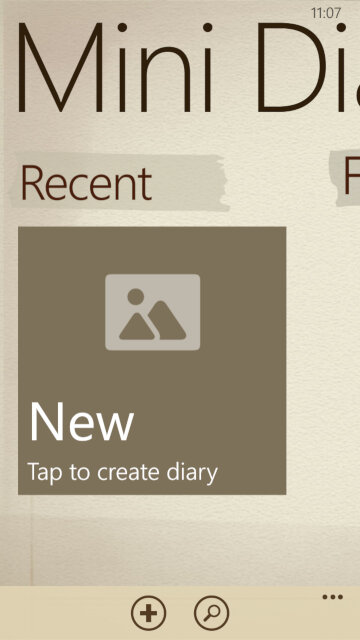
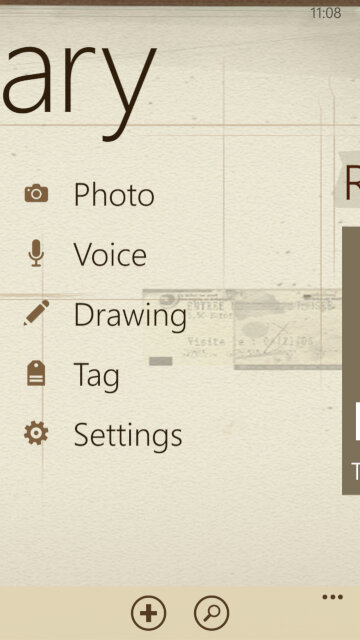
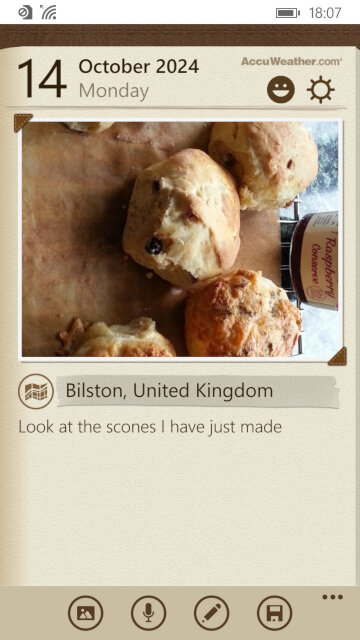
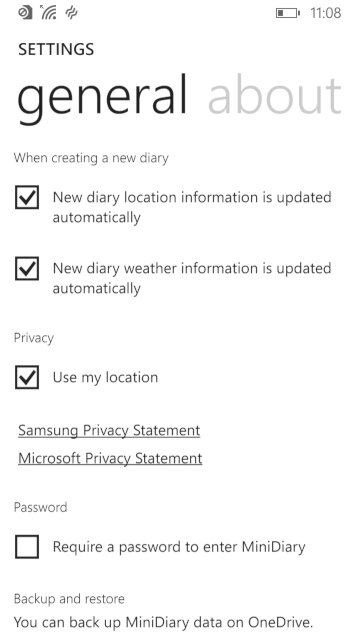
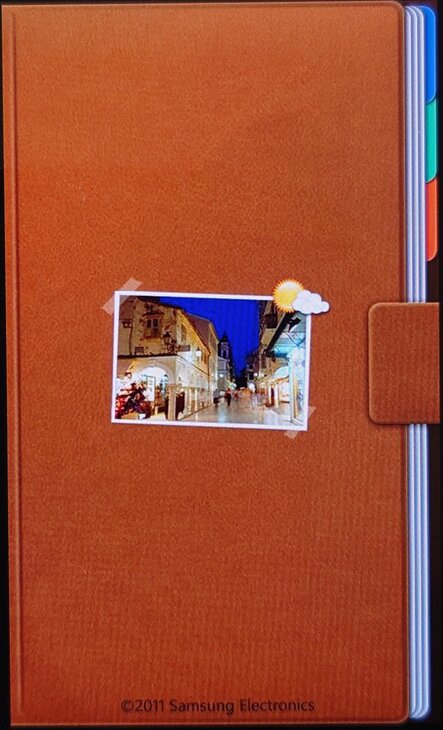
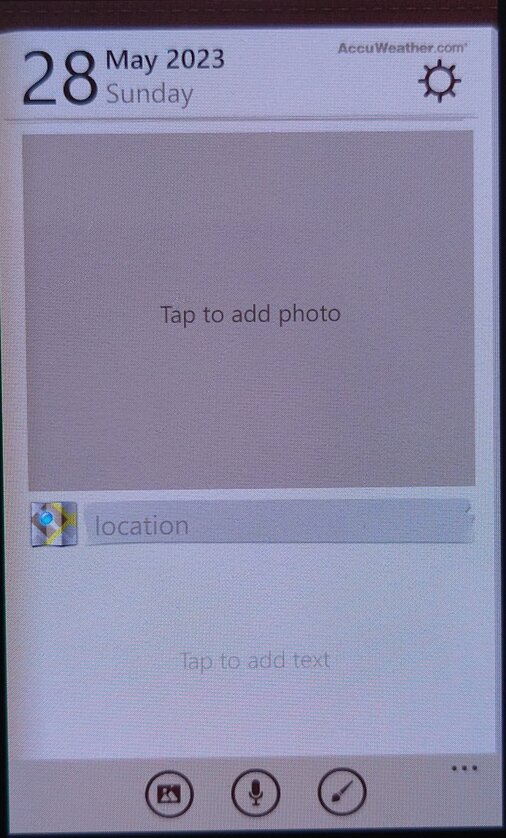
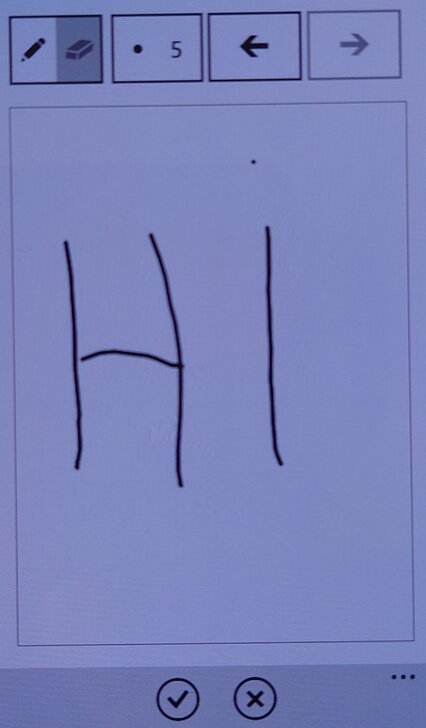
Mini Diary: Lets you create a journal or a note where photos or drawings can be attached to them. You can also record a voice note for upto 10 minutes.

Settings

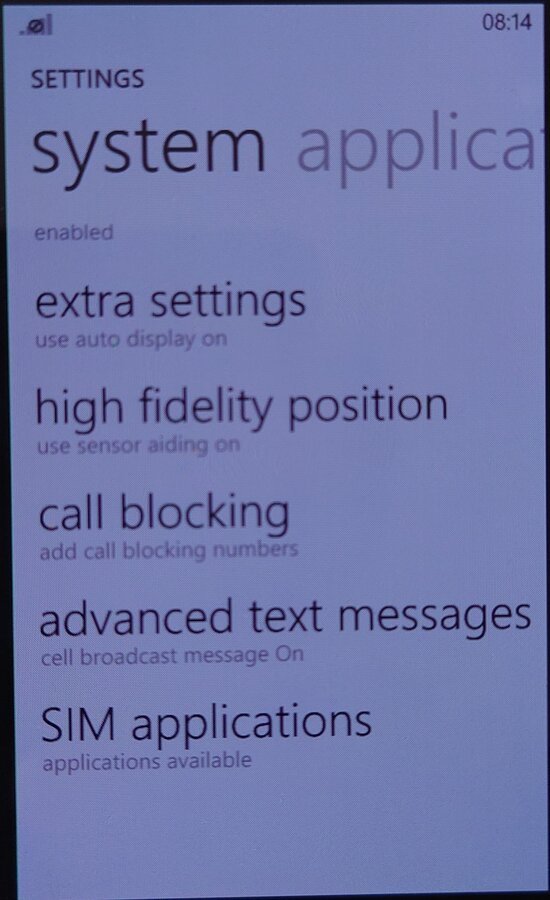
Samsung has included their owns settings applets that are located towards the bottom of the Settings app, these allow you to change features that are exclusive to the ATIV S
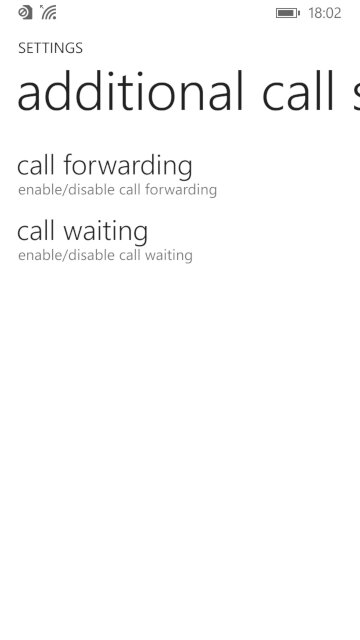
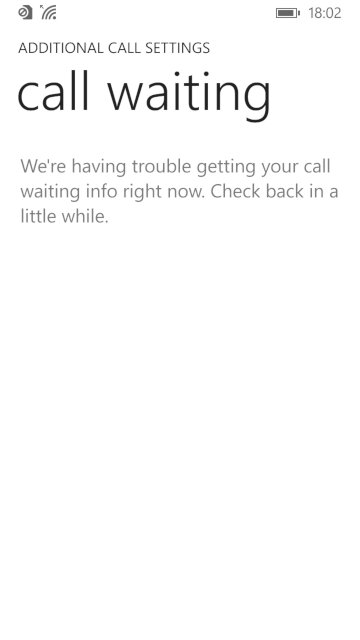
Additional call settings: Check the status and enable call forwarding and call waiting, if they are supported by your network operator
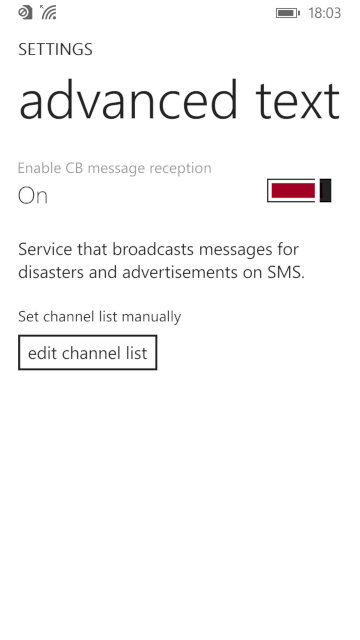
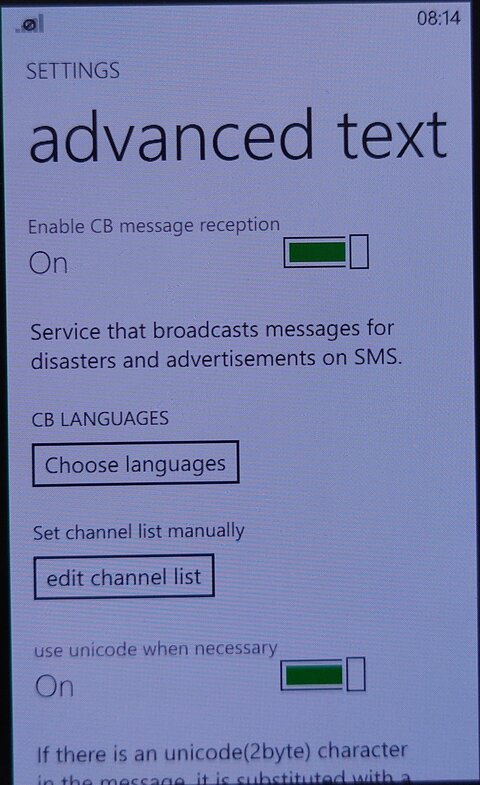
advanced text messages: Allows you to enable CB message reception for broadcast SMS messages, not something we have in the UK
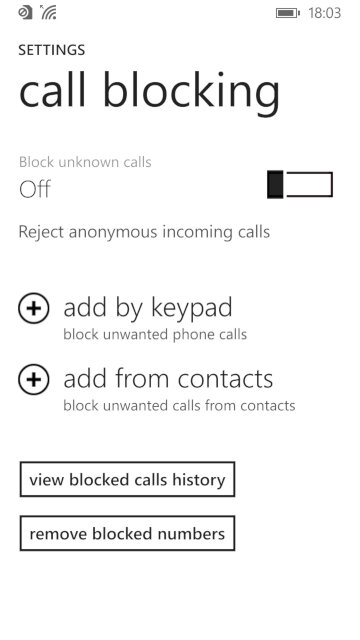
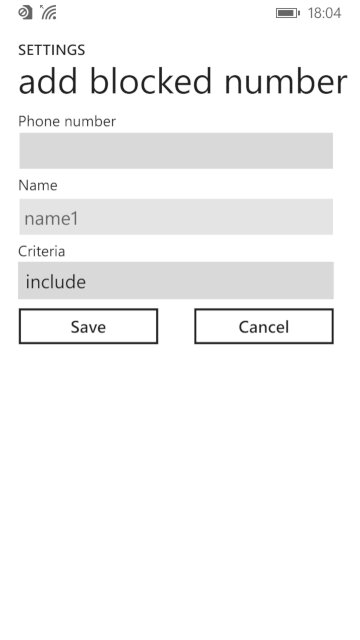
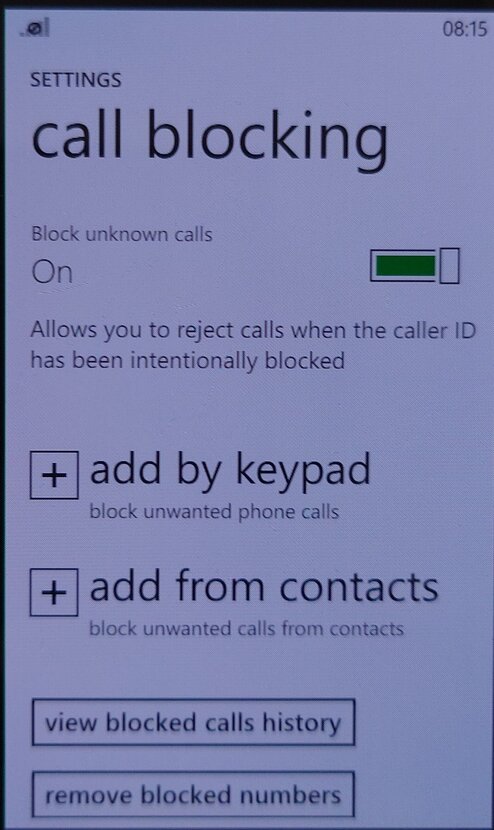
call blocking: lets you enable and add phone numbers to the blocklist which the phone will prevent from contacting you. You can also set to block any callers that withhold their number.
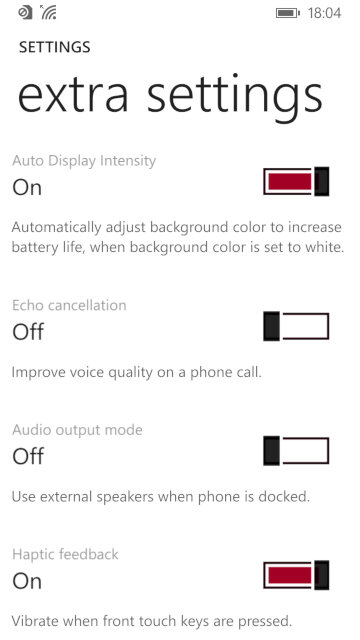
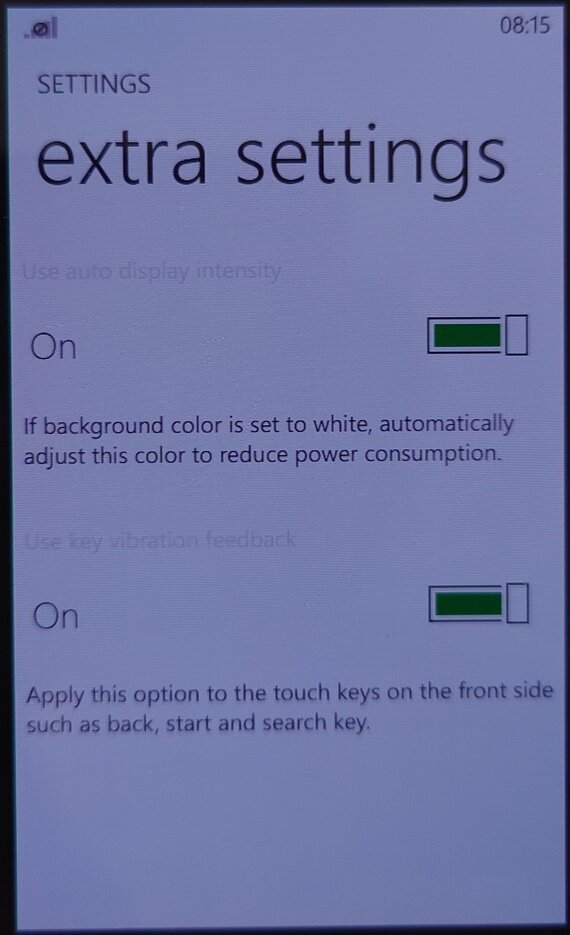
Extra settings: other settings that don’t have their own category, you can change settings for haptic feedback if you want the phone to vibrate when the touch buttons are used.
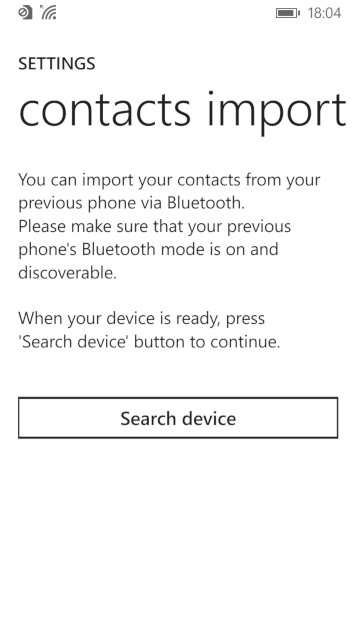
Contacts import: import contacts from another phone via Bluetooth, which Windows Phone didn’t support for some reason.
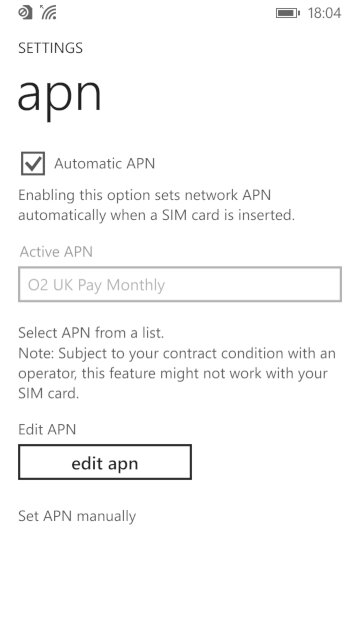
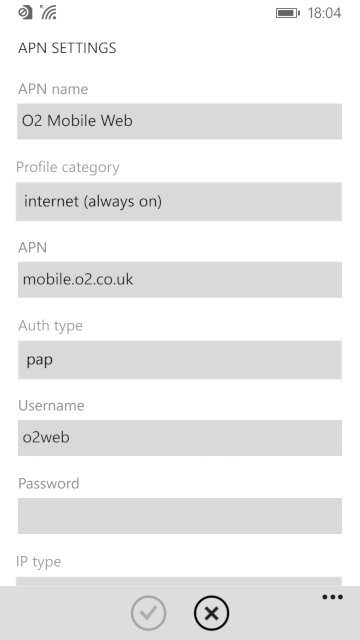
apn: change access point settings, if the phone did not detect your SIM card provider. You need these settings to access the internet and to send or receive MMS messages. Typically you don’t have to do this unless you insert a SIM card that the handset cannot detect the correct settings for, or if they are outdated.

Conclusion

Whilst the ATIV S was the phone to get when Windows Phone 8 was released, it quickly was thrown to the wayside after Nokia started released their flagship handsets, along with their custom exclusive apps for the platform. The ATIV S, along with other Windows Phones didn’t really sell that well, and this caused Samsung to lose interest in the platform. The handset would be followed up by the ATIV S Neo.
The ATIV S was well supported in terms of updates, with the 8.1 update being released in 2013 that introduced an updated boot screen, Cortana (RIP), new features for the Start screen and OS features thanks to Microsoft’s update policy.


The fact that the ATIV wasn’t a best seller, and that Microsoft had a strong partnership with Nokia at the time cause them to exit the Windows Phone platform. Samsung would follow-up with the ATIV Odyssey that was a cheaper low-end device and then the ATIV SE, No Windows 10 handsets were released from Samsung.
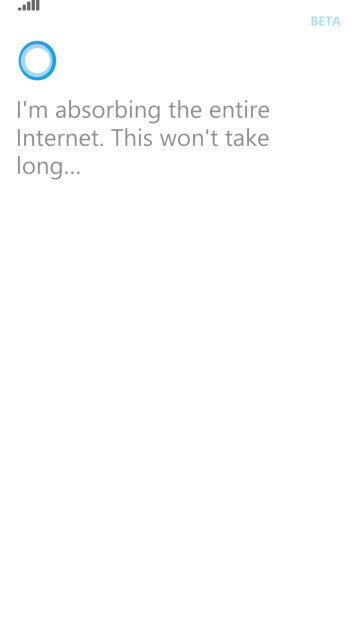
RIP Cortana

Samsung Omnia W

A mid-range smartphone released in 2011 and part of the second generation of Windows Phone 7 devices which see an increase in the processing power and shipping with the Mango update by default.

The Omnia W has a sleek and stylish design with a 3.7-inch AMOLED display. It has a solid build quality and feels comfortable to hold, though its plastic feels a tad on the cheap side.

Powered by a 1.4 GHz single-core processor and comes with 512MB of RAM along with a Adreno 205 GPU which gave it better performance. Even with stock apps the performance increase is noticeable with the Xbox Avatar app having a much smoother framerate compared to Adreno 200 devices like the LG Optimus 7. Out of the box the smartphone runs on Windows Phone 7.5 Mango OS, which is a stable and reliable operating system. The phone performs well for basic tasks like web browsing, email, and social media though at the time it had access to the Windows Phone store which has now since been discontinued.

Storage is where the Omnia W falls, as it comes with 8GB of internal storage, which is non-expandable. Compared to the Optimus 7 that had 16GB, its a step backward for those that want to store more. Microsoft had launched the Zune music pass at around this time, which would as stream music rather than have it saved locally on the handset itself. Like other Windows Phone devices, the Zune software is used to sync media to the phone.

Applications

There were some exclusive apps available for the Samsung Omnia W that were not available on other devices running on Windows Phone 7.5.

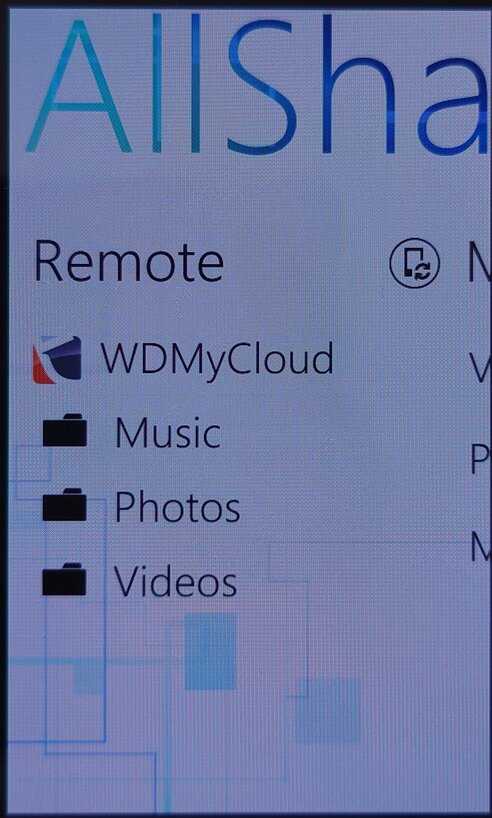
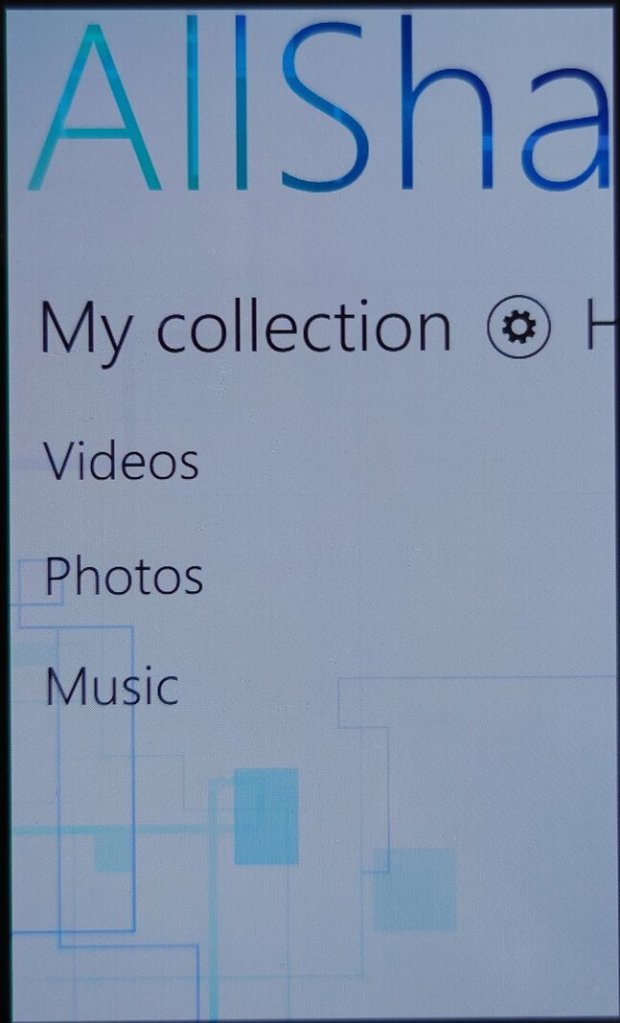
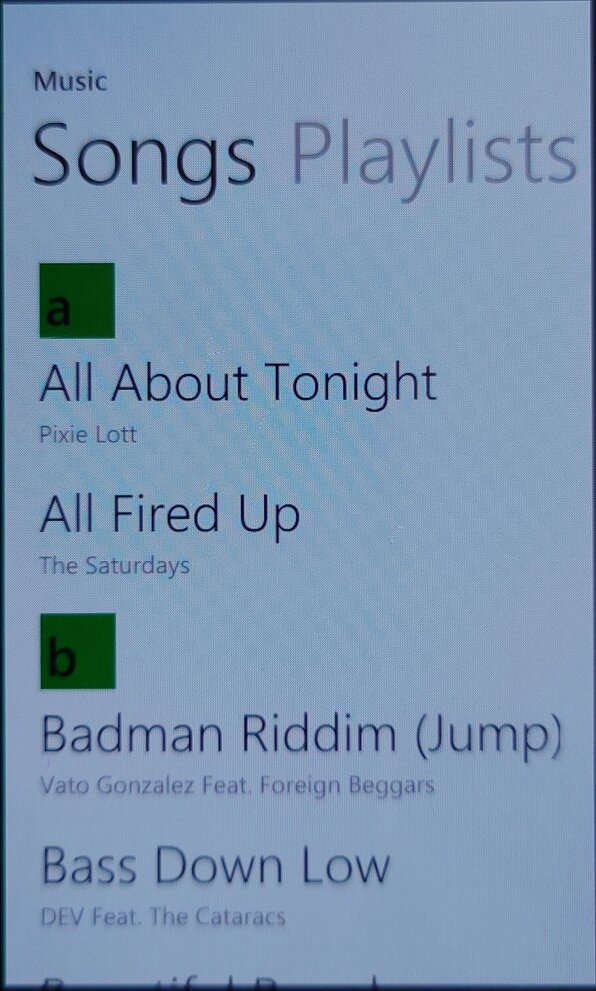
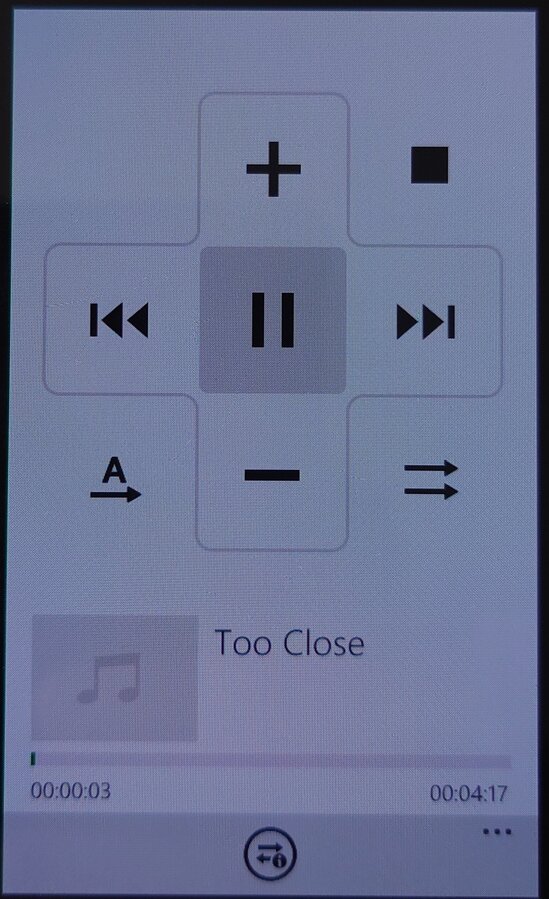
AllShare: This app allowed users to stream media from their phone to other compatible devices, such as a TV or a computer. This uses the DLNA protocol to share to a supported device on the same network. As Windows Phone did not have native support for DLNA, many manufacturers would bundle their own media player apps that supported it. Also screen casting/mirroring wasn’t a thing back then, or was very uncommonly supported so DLNA acted as a good workaround to push content onto an external screen or device. Several Android handsets would do the same, at least until Miracast became standard.

The app is able to pull music from an external source or server, and push it to another DLNA-compatible device, in this example I was able to stream from my MyCloud DLNA server, and cast it to a Panasonic smart speaker.

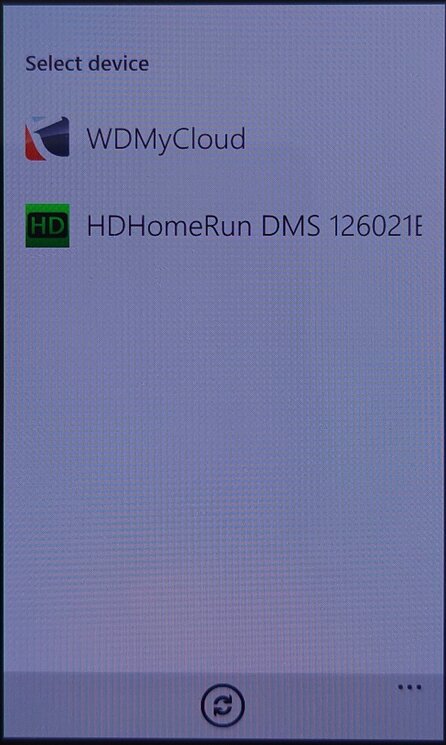
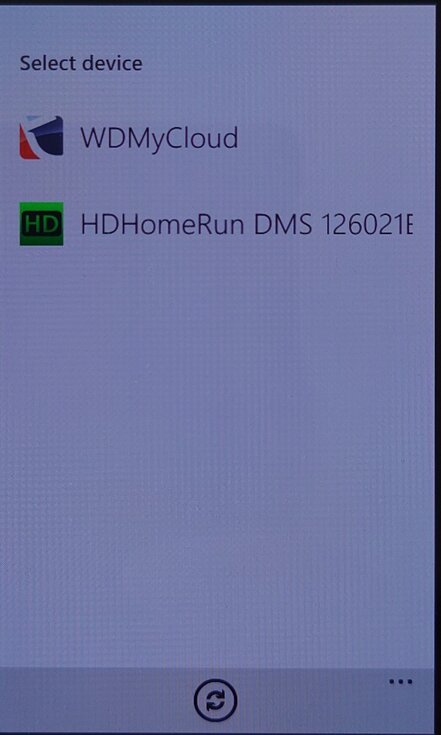
Not all devices were supported, my PS3 and Sony Android smart TV did not appear in the device list, the HDHomeRun appeared but nothing could be done with it.

Family Story: This app allowed users to share photos, videos, and messages with family members and friends who were using a Samsung device.

Fun Shot: This app provided users with a variety of camera effects and filters to enhance their photos, example effects are bulge, pinch, twirl, twist and stretch. Many of these were not supported in the stock Windows Phone camera app.

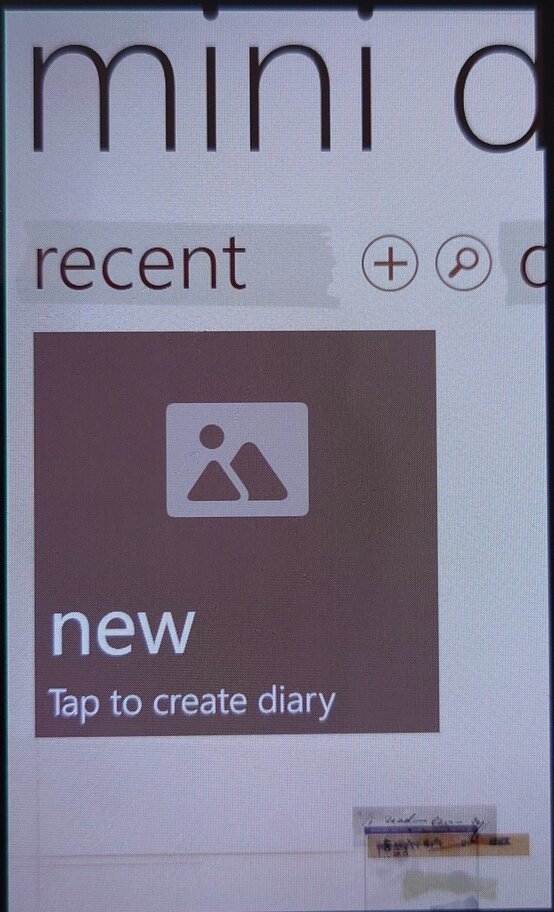
Mini Diary: This app allowed users to create and save notes, photos, and other information in a digital diary. Kind of like a digital scrap book.

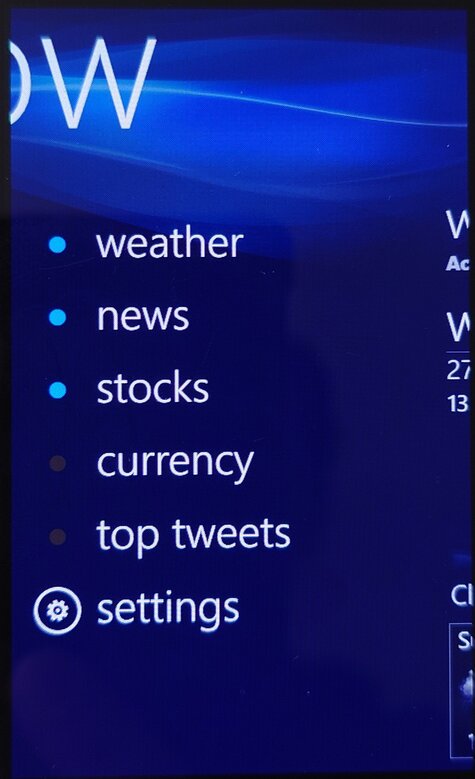
Now: This app provided users with information about the weather, news, and other updates in real-time. Information like news bulletins and weather are displayed on the live tile. Weather information was done using the Accuweather protocol whilst the news & stocks is provided by Yahoo! News.
Lastly there is also a top tweets section that would shows you the popular tweets of the week.

I don’t recall Windows Phone having a built-in News application (MSN News was an optional download Microsoft offered) so this would have been an essential addition.

The services for the app appear to have stopped working around 2021, with December 2020 being the last time I was able to sync the app.

Wireless Manager: You would think this was to do with WiFI-related settings, but is really where you can configure mobile network settings that the standard Windows Phone OS does not let you directly configure. Options such as Call forwarding, call waiting and APN configuration can be set here.
The APN is typically set automatically by Windows Phone, but in some circumstances, you may have to manually enter settings if Windows Phone does not have any for your mobile operator.

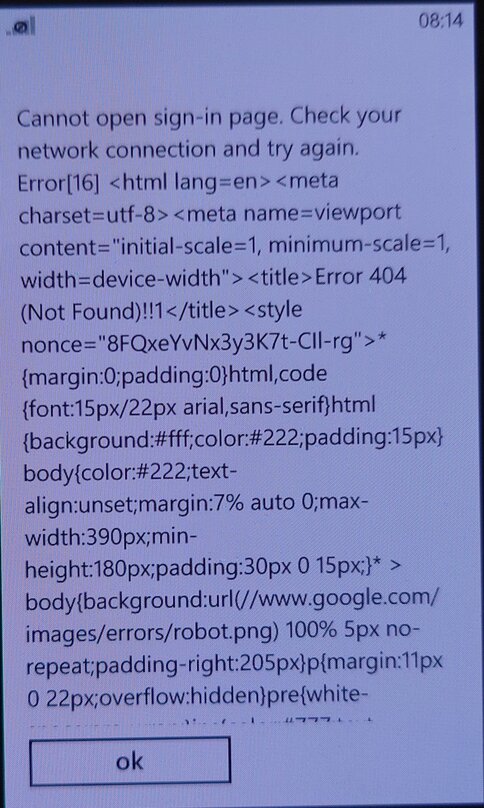
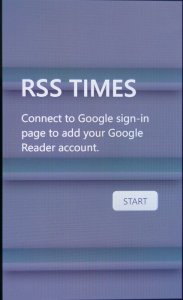
RSS Times: A RSS reader that allows you to subscribe and update your RSS feeds. This requires use of a Google account, of which it’s no longer possible to sign into.

Video Call: Lets you make a video call over the 3G UMTS network protocol, I guess Windows Phone did not support this natively? Odd since this is supposed to be a smartphone platform.

Settings Menu

Microsoft allowed manufacturers to bundle their own settings applications

  • Extra Settings: Enable auto display intensity which reduces the brightness for the AMOLED screen when the display is mostly white. The second setting is to enable haptic feedback when you press the bottom navigation button (Back, Search) which are touch buttons, this provides haptic feedback when these buttons are pressed.
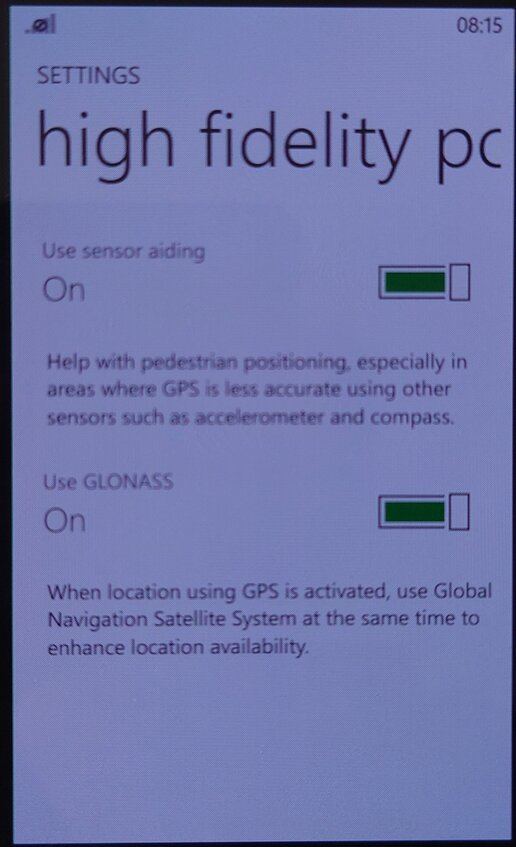
  • High-Fidelity Position: Enables the use of GLONASS for more accurate GPS tracking. These can be turned off to conserve battery power.
  • Call Blocking: Block specific numbers from calling or sending SMS messages. You can also block calls without caller ID (Caller Display)
  • Advanced Text Messages: Enables the use of CB broadcast SMS messages if they are supported by your network operator. Useful for nearby alerts though I’ve never seen this used in the UK.
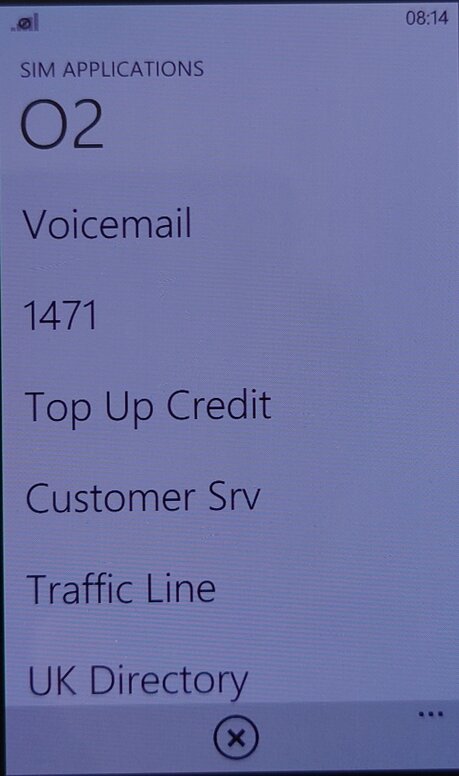
  • SIM Applications: Access the SIM-AT Toolkit, if they are offered by your SIM card or operator. They are commonly used to access certain features of your operator.