Released in 2003, this was one of the few Xbox exclusive racing games that verges between the arcade racing as seen in Ridge Racer / Metropolis Street Racer and the simulation aspects of Gran Turismo.
The main game mode is the Dream Mode, and features a rags to riches type story where you start off in an old car garage workshop. You are required to race and tune up your vehicle in order to stay competitive. As you win and progress through the game, you are able to finance development of further vehicles that will help with later races. You are provided the choice of which car to develop, which varies based on handling, speed and acceleration.
Essentially you are developing a new series of cars that are financed through the winnings of your races, the better you do, the more funds you can put towards better cars.
You will also see your workshop change and improve over time, with the building expanding as further departments are introduced. The workshop serves as the user interface for the game, using the left. right buttons to move between the different sections of the workshop that are used to access parts of the game. Visiting the garage lets you change settings for the car, and choosing the shelf lets you change game settings (video, audio, controller) and to load/save the game. Its a very creative way of navigation and blends into the game play. Races are started by the LCD display on the wall, giving the impression these races are televised.
1st place isn’t always required but is needed to get more funding for development of better vehicles. You can always repeat races to improve your standing. Some races are set in a Gran Prix series where you must finish a set of races in order. You also have an opportunity to complete a one on one race with a rival opponent, wining these races will give a boost to your research funds.
There are few characters that appears in cut scenes and serve as your staff. These serve a specific purpose in progressing through the game and will appear as you progress through the game.
Rick, The Mechanic – Pictured above, One of the first characters you meet, he’s responsible for making and applying changes to the car.
Carla, The Receptionist – Handles PR stuff
Rebecca – Responsible for managing production of cars which your company sells to also fund research.
Benjamin, The Scientist – Appears to the end, mainly responsible for researching high end supercars
The races themselves are straightforward, you start at the bottom and have to race your way to first place. There are typically 6 opponents that you compete with who’s vehicles will also adapt to changes from your vehicle, Keeping the game competitive. Theres a diverse amount of tracks in the game, with some being set in the daytime, evening and nighttime, along with their own background music. As with other Xbox tiles you have the option of using your own playlist if you have imported this onto the Xbox.
There are four main settings for the races, City, Mountain, Stadium and Racetrack.
The racing display is typical of the era, with a mini-map keeping track of your car and opponents, along with a lap counter and time display that shows the current racing time, your best lap and the track record which is shared between the different profiles on the Xbox.
Theres a couple of different camera views to select from, from third person to bonnet view.
No online play, not even system link which is strange for an Xbox exclusive from 2003. There is a head to head display that allows two players to race each other by connecting two controllers.
Sadly this game is not playable on the Xbox One or Series X/S, it is compatible on the Xbox 360 albeit with missing audio on some cutscenes. I suspect due to licensing issues we will never see this emulated officially on another Microsoft console.
Similar games
R: Racing Revolution – very similar in driving mechanics.
Midnight Club 2 -This is more set in an open world
Burnout – A lot more grounded in reality compared to the alter Burnout titles.
Ridge Racer V – The tracks and scenery have some similarities
Released in 1996, Dead or alive was the fighting game created by Tomobou Itagaki, who is known for hating the Tekken game with a passion.
There are some similarities to the Virtua Fighter series of games by Sega, and have the same input controls and move-sets with Punch, Kick and Guard/Hold.
Characters
The character select screen displays basic stats on the characters and some not-so-useful information like the character’s favorite food and their hobbies. Honestly, this looks more like a dating site profile but does add a bit of personality to the fighters.
As with other fighting games, each character has their own unique fighting style which is tailored to their culture, and there are some obvious inspirations with Jann Lee being based off Bruce Lee.
Kasumi: The ginger ninja, or runaway shinobi according to the games lore
Zack: Dennis Rodman-inspired character who has a kickboxer moveset. The first opponent who stage is set on a tropical beach set at sunset
Ryu: Another Ninja, from the game Ninja Gaiden. The third opponent set on a rural Japanese stage with a hut in the background
Bayman: A Russian henchman/assassin, the sixth opponent whose stage is set in an aircraft hangar since he is supposed to have a military background
Jann Lee: Bruce Lee, similar to Law from Tekken. The fourth opponent and shares a stage with Tina, which is an American downtown highway set at night
Tina Armstrong: A wrestler and daughter of Bass Armstrong
Gen Fu: Old dude who is a master in Kung Fu, like Wang from Tekken
Lei Fang: A Chinese fortune teller turned fighter
PlayStation Only
Ayane: Kasumi’s half-sister who are rivals. Looks like a feminist
Bass Armstrong: Tina’s father, Hulk Hogan and Randy Savage crossover
Versions
Dead or Alive was released initially in arcades in 1996, and then ported to home consoles in 1997
Arcade (Original)
The game runs on the Sega Model 2 arcade board and is very similar to Virtua Fighter 2 which also ran on the same board. The control movesets and even the background stages are similar. This version of the game renders its stage background in full 3D, allowing for certain moves that use the background elements like a couple of Ryu’s moves on his stage. There is also a ‘Danger Zone’ around the stage that when your opponent lands on it, will be propelled into the air with a mild explosion, dealing some damage.
Sega Saturn
The game was ported to the Saturn and was the first home port of the game. This version is a mostly faithful conversion of the arcade original, with some changes taking place due to the less capabilities of the Saturn 3D hardware. Still, the Saturn has always done good with fighting games, and Dead Or Alive is no exception to this, yet this version of the game was only released in Japan.
There are a few menu options added, with a Time Attack mode being similar to arcade mode but with the goal of completing rounds in the shortest amount of time. V.S being versus, allowing a second player to fight head to head. Survival mode has you fight against multiple opponents, one at a time, using a single life bar. Kumite is somewhat a sparing mode where you can fight from 30/60/100 opponents which the goal of having the highest winning percentage. Lastly, there is also a standard training mode that lets you practice each character move, and test against opponents’ defensive moves.
Like other Arcade to Saturn conversions, an opening FMV is included which gives a quick montage of the characters.
As the Saturn version of the game was only released in Japan, I would avoid this version and get the original Xbox version instead, which is the same game but with added online play and cleaned-up graphics.
Sony PlayStation
An updated version of the game was released for the PlayStation, which came with updated moves, two new added characters & backgrounds. This is considered a remake of sorts, as the stage background and music have been redesigned and are vastly different compared to the Sega versions. Two new characters have also been added which also feature in the arcade version, Dead or Alive ++, not the Model 2 version.
This version also includes the training, Kumite, Survival and Vs modes.
Arcade (Dead Or Alive++)
Another arcade version was released, this time on the PlayStation-based ZN arcade board, and shared a lot of similarities with the PlayStation home release. Each fighter has 4 different costumes to choose from, and a tag match mode has been added. New characters, Bass Armstong and Ayane have been added to this version.
Xbox
This version was based of the original Sega Saturn release but takes advantage of the Xbox hardware. However, id say it pales graphically compared to the Model 2 version which features full 3D background objects, whilst the Xbox version features the static 2D backgrounds (no moving objects in the background, but some textures are animated) the Saturn uses. Still the character’s models and textures are more detailed, and Xbox Live support is included in this port of the game to allow online multiplayer. This has since been shut down following Microsoft discontinuing support for original Xbox Live titles in 2010.
Still, you miss out on Bass Armstrong and Ayane which is an odd omission.
This version of the game is playable on the Xbox One and Series consoles and can be brought online. You can also play on the Xbox 360 with a compatible hard drive.
Conclusion
Dead Or Alive came at a very hard time for Tecmo, who was facing bankruptcy prior to the release, hence the name of Dead Or Alive.
Dead Or Alive would be followed up in 1999, with the release of Dead or Alive 2 for the Dreamcast, and the PlayStation 2. It would be the last game released for the arcades. Future installments would be released on the Xbox exclusively, before returning to multiplatform with Dead or Alive 5.
A remake/port of Unreal Tournament 2003 for the original Xbox, and one of the first games to use Xbox Live.
A remake of Unreal Tournament 2003 for the original Xbox, and one of the first games to use Xbox Live. It can be considered a console adaption of Unreal Tournament, which it shares a lot of maps with.
Sadly this is one of the games that is trapped on the original Xbox, it was not made backward compatible with the Xbox 360 or the Xbox One, despite its sequel being supported. Perhaps this is deliberate since Unreal Tournament 2003 isn’t available on Steam, but the original and 2004 are, are Epic ashamed of these games?
Game Modes
Deathmatch: Standard deathwatch action, either team-based gameplay (two teams fighting each other, Red Vs Blue) or a free for all Capture the Flag: Very similar to the PC original, you have to capture the opposing team’s flag three times (more or less, depending on the game settings) and return it back to base. If both teams have the opposing team’s flag, then no teams can score until the opposing team’s flag has been returned, which can be done by killing the flag carrier and picking up the flag. Double Domination: Similar to capturing the flag, here you and your team have to capture two points for 10 seconds in order to score a point for your team. Kind of like a king-of-the-hill mode. Once either team reaches a predetermined score, the game is over. This is one of the games does that is better played online rather than offline since the bots suck at defending the captured base. Bombing Run: Basically a reverse capture the flag, but kind of like football. Here you have to take control of the ball (Spawns in the middle of the map) and then fire it into the opponent’s goal. When you take control of the ball, expect to be target #1 by the opponent team. A nice side effect is the ball will replenish your health, slowly. Survival: 1 vs 1, whoever gets the most kills wins, really deathmatch but with only two players.
Characters
There is a distinct story between the different characters, but this is only referenced in the characters biography’s, there is very few cut scenes in the game involving characters, aside from the opening with Brock and Lauren. Characters here have their own statistics, although many share the same voice lines, i.e human males use the same voice as each other, but the Aliens have their own, each with male/female versions. It’s not like fighting games like Tekken where each character has their own fighting style, more so they have unique statistics for their team.
Gen Mo’Kai: Alien looking species who take part in the tournaments, seem to be very agile but have weak strength
Automatons: A bunch of robots built by the Liandri corporation
Mercenaries: Regular humans, fairly typical stats for each character, ideal for newcomers to the game
Juggernauts: Big muvvafuckers, the strongest race that can take the most damage but are slow and the least agile characters in the game
Anubans: Look like humans but dress like they’re from Egypt, bit more agile than humans but are very high jumpers and acquire adrenaline more quickly
Nightmare: A bunch of weird and scary looking but have generally good stats. Supposedly their appearance is a result of the different experiments that have been done to them
Many characters would appear in Unreal Tournament 2003 and 2004.
Multiplayer – Online Play
As one of the first Xbox Live titles, Unreal Championship was a popular title that was played online and the game made full use of the Xbox Live features. Until Microsoft shut down the original Xbox Live in mid 2010. On the flip side you can sill play the game online using the system link features, which was Microsoft terms for LAN play where multiple Xbox’s are connected to the same network. This can be done either by connecting a crossover ethernet cable from one Xbox to another or by connecting both Xbox’s to a router using a standard ethernet cable xLink Kai can be used to play online by using the system link features to play games over the internet, this requires the xbox to be connected to a PC which will emulate an Xbox LAN network
Left: Score display screen, Right: Hidden third person view, avaliable by using a custom save file
DLC
Additional maps were released on Xbox Live that could be purchased and downloaded from around May 2003. These maps could then be played online or in instant action mode. These maps include:
AquaMortis: This area features a open ocean area that contains a shark, who will kill once a player falls in
Inferno: Hell themed map
Leviathan B: SciFi arena themed map
Otaros Run: Capture the Flag map, A large-ish map set in the forest, similar to Tokara forest in UT2003
Installed DLC, which uses a different format
These maps are installed in the TDATA directory and can be used for all profiles on the Xbox. I’m not sure if custom maps can be installed and played this way since they are in a different format, would be good if custom maps could be played like the PC version. As far as I know, you cannot use UT2003 maps on Unreal Championship.
Left: View from the translocator camera, and your typical Xbox Live Gamertag, Right: The lightning gun
Shield Gun: The weapon you will only use when you are out of ammo and have no pickups in sight, alt-fire fires a shield that can protect you from limited damage but can only take so much damage.
Assault Rifle: One of the weapons you start with, does basic damage and is really the gun you only use until you can pick up another. Alt-fire shoots out a grenade that explodes shortly after being shit.
Mini-gun: A chain gun or sorts, ideal for spraying bullets at multiple enemies. Has a slight charge time of around a second.
Flak Cannon: The GOAT, fires a bunch of small projectiles which disperse quickly. Best used in close combat as it almost functions as a shotgun
Lighting Gun: A sniper rifle of sorts, shoots out a lightning bolt. Alt fire can be used to zoom into an opponent.
Rocket Launcher: Fires a rocket, alt-fire will lock onto a target
Translocator: Not really a weapon but more of a utility, allows you to fire a beacon which you can use to teleport to where the beacon had landed, useful for teleporting to hard to reach areas but you cannot translocate when carrying a flog. Attempting to do so will cause the flag to be dropped, but it can still be picked up by a teammate or returned back to base.
Adrenaline
Throughout playing the game and killing opponents or by picking up adrenaline pills, you will acquire adrenaline which can be used to apply power ups by quickly entering a button combination whilst playing:
Regeneration – Press down four times quickly – Regenerates health to twice the staring health, and gives up to 150 shield points Berserk: Press up three times quickly – Increases damage inflicted to opponents, and reduced the damage taken by the player Invisibility: Press Right twice, then Left twice – Makes your character invisible to other players, not much use on instant action / campaign as bots have been reported to still attack the player Agility: Press Down twice, then Up – Increases your characters running and jumping ability
Early Alpha
A build of Unreal Championship was leaked in 2011 which was an early alpha version but was compiled and running on PC (Windows). There are quite a few changes compared to the actual release, with many maps being completely different.
The menu interface is different, with it using a planet-like interface for the character selection screen, here you can see the actual3D models, complete with animations compared to the 2D portraits in the final release.
Poor Scarab
Some geometry errors when playing on more modern systems, this game would have been developed and tested on DirectX 8 compatible hardware, and would have used Nvidia based hardware like the original Xbox used.
In the menu, Up/Down is used to select the map, whilst left/right is used to select the game mode.
There is no settings section to customize the game, but the ini file can be edited to change the game rules, such as the amount of kills needed to win (1000 by default)
Some sound effects come from the original Unreal Tournament, notably the respawn sound.
To exit the game, bring up the console by pressing tab and then type ‘exit’ There is no pause menu, but pressing F1 will bring up the score/players.
The game can be played using a keyboard, but the controls are centered around a console control. Weapons can be selected using the number keys (1-9), the mouse wheel can’t be used to select a weapon F9 – Take a bitmap screenshot F10 – Adjust Gamma F11 – Adjust Brightness F12 – Adjust Contrast The Numpad number keys will spawn a weapon, and the regular number keys can be used to directly select a weapon.
A vehicle can be spawned by pressing H, which can be used to travel through the map quickly, very similar to the hoverboard in Unreal Tournament 3.
A third-person view mode can be activated by pressing F4, however it’s very buggy, and the weapon aiming is buggy.
The first exclusive console release of The Sims, and sequel to the original console port. The Sims Bustin Out reuses a lot of assets from the original game with many objects returning along with their animations, however a revised user interface for both Live and the Build/Buy modes. Sims themselves have been redesigned along with new hairstyles, customizations and clothes styles.
The game builds from the previous console instalment and a lot of objects looks familiar. An improvement is the lighting engine, sunrise and sunsets are gradual and look more natural comparted to the previous title, which would blank the screen whilst it switch to day or night mode. The lots themselves are more details with various background elements that set the environment, like moms house being set on a barn, Clubb Rubb being set in a city downtown, Shiny Things Labs being set in a waste plant and Casa Caliente set on a beach.
Bustin Out Mode
The main game mode that is similar to Get A life mode from the first release. You start off at Mom’s house and then progress onto different lots, gaining several job promotions along the way. As you gain promotions and unlock goals you will unlock new objects and social interactions, many of which were exclusive to The Sims Bustin out.
Goals
Like the previous game, Most levels had a few common goals that most be completed in order to unlock new locations, social interactions and objects
Parties can be started by using the Throw Party option on the telephone, which is available from 8am to 11pm. Once started, a random collection of sims will arrive to your house (Just like the MySpace bulletin parties back in the day). To throw a good parties you have to keep your guests needs satisfied. Complete this by serving a few meals (Pizza, BBQ burgers or a meal from the fridge), have plenty of toilets of which you may want to build more outside the house since some lots only have one bathroom. A large table with plenty of room, a few free counters and a dishwasher are also highly recommended. A hot tub is a must, although its quite expensive to buy. Lastly have some music in the background and some entertainment objects. Either a good TV, the unlockable game console,
Its worth noting that if your guests motives fall low, your guests will leave automatically. You can call sims individually if you require a specific guest, which is needed for a few goals. A little cheat you can do is using the Aromaster, and choose the Juniper and Rosemary setting in increate your sims energy in that room.
Upgrade or make improvements: Just spend a certain amount of cash on new objects, or sell and buy new objects to replace the old ones.
Get to know (Sim) Better: Make friends with the named sim, this normally unlocks a new social interaction or a item of clothing.
Lots
Dream Club: The opening dream sequence where you are in a nightclub. You have to kiss your admirer, who turns out to be Candy/Peter from Free Street. This lot is very similar to 3 Free Street in Free play mode judging by the environment surrounding the lot. Sadly this lot does not appear again, the closest to it would be Club Rubb.
Mom’s House: the starting level, House is like a cottage barn. No bus will arrive here for work but is a great place to upgrade your skills, and if your money goes under 200 you will receive a phone call will a reward as a way to earn money. The only annoying bit is Mom like to turn the jukebox/radio on at night.
Mimi’s House: Unlocked after you get a job, some careers will branch here. It’s a decent lot with two bedrooms so there’s plenty of space. Mimi herself is annoying and will constantly make meals and try to interact with out, often standing in the way. The house on the other hard is pretty much complete with little to no improvements needed, its just a bit too .. pink? Probably just purchase a computer or a skill building item, and change the carpet to a more masculine colour.
Dudley’s Trailer: Also unlocked after you get a job, this lot is used for certain careers and is set on a desert trailer park. Like Mimi, Dudley will also try to interact with you and will cook food constantly. As for the lot itself it’s a bit shit, but not the worst the game has to offer, you will have to clean up the entire lot since there’s a lot of trash. You will want to improve the kitchen area, and replace the couch for a more comfortable one. Also build or expand the bathroom, since sims tend to get stuck in there due to how cramped it is, maybe create an outhouse keeping with the trailer park theme.
Goth Manor: Remember the Goth family from the first Sims game? They reappear here albeit without Cassandra. This might mean the game was set before Cassandra was born, or they just abandoned her. Bella and Mortimer are present, along with a large synthesizer that they love to play at 2am of the morning, thankfully this is in a separate room and won’t wake your sim which is surprising considering how loud it is. You can only control your sim and Mortimer (or Bella if your sim is female) so one if them is guaranteed to be playing the synth. Also if you invite guests round, they start playing the synth too.
Like other Goth households in the sims, this one is haunted and has a chance of ghosts appearing at night. There is even a mission goal for communicating and convincing the ghosts to leave by using the crystal ball.
Studio 8: This is supposed to be an art gallery although I found it a pain to live in since half the lot is dedicated for the gallery. Not much fun items here so you will need to buy a TV or have your sim paint on the easel to increate their fun, which wont be possible if they are in a bad mood. Just don’t sell the art items, since they tend to increase in value over time.
Toane’s Gym: Another crap lot to live in since this is supposed to be a gym but you only have one back room for all sims on a lot to sleep in. It would make sense it this game supported two-story buildings so you could at least have an apartment on the second floor instead of having a couple of rooms squished at the back.
At this point its worth mentioning some of these levels from this point forward have goals relating to marriage, you only have to get married once and it will unlock on every lot you move in. Same applies for the children goal.
Casa Caliente: Some sort of beach shack, set on a tropical beach. You will need to purchase two beds since Malcom will take the existing (unlockable) bed. Overall this is a nice lot to play on since its set on a beech and you have background noise of the waves to listen to.
Club Rubb: A nightclub, this is similar but not the same as the club in the dream sequence when you first started the game. Sadly Malcom takes the dance floor and the laser thing. There are also no bedrooms, and there is some hut at the back of the lot with a recliner and a toaster oven. There are also no bathrooms or showers.
Shiny Things Labs: My favorite lot, this is themed after a desert laboratory, like the Curious family from The Sims 2, Strangetown neighborhood. Its also well equipped with beds, proper bathrooms. Only thing its missing is a living area but there’s plenty of items to increase your sims fun rating.
This maid is fearless
Tinsel Bluffs: looks like a Hollywood themed house, with a garden that overlooks the city. Plenty of well equipped items on this lot although Malcom does take the high end TV.
Pixel Acres: A nudist colony, bet you’d never thought you would see this on The Sims. Thankfully the sim themselves are censored. A gripe with this levels is there’s near to no fucking rooms! That means if you purchase a TV or a stereo , ensure it is turned off otherwise it will wake your sim, since it and the sims beds are in the same room (Outside, which the game considered to be one large room). Also make sure you hire a maid, or ensure you clean up after your sim since dirty plates will cause the room score to plummet. Honestly this is one of the worst levels of the game since there are little rooms built. I ended up building a small hut just for my sim and partner. Chase and Ying were left outside however, if they choose to live like that that’s their choice.
The Octagon: This is a military themed lot, similar to the Grunt family in The Sims 2, you might want to upgrade some of the objects here since the beds are quite basic. Everything else seems to be Ok.
Malcom’s Mansion: The final level of the game, and it’s a nice one being set in a typical mansion. Still only one floor though. The good news is Malcom gets kicked out of the house, allowing for your sim to move in freely.
Free Play Mode
This is the sandbox mode of the Sims game and is quite a downgrade compared to the previous release. You only have three lots to play with on this game, compared to the six on the previous console instalment. And you have a different set of careers in this mode which we will talk about later.
The game save for this mode is intertwined with the bustin out mode which means sims from that mode will appear once your sim progresses to a certain point. The intention is that your player sim can marry and have one of those free play sims move in with your sim, rather than being stuck with your premade sim.
Up to 8 save games can be made, when you take into account the three lots per sim you have up to 24 different sims that can be saved. However only three can be interacted with at a time, its not possible for sims from one save file to appear in another save. Also each save games will have its objects locked again, unless you unlock them again in Bustin Out Mode.
Honestly this mode seems to restrictive and feels like it was tacked on at the last minute. For open ended gameplay you are best of sticking with the PC version of the Sims, or if you prefer playing on s console or like 3D graphics, the original Sims release for consoles.
Lots:
Tutti: A sausage party consisting of four males, intended to be married by a female sim in Bustin Out mode. If you have played the previous console instalment you will recognise some of the names
Frutti: All female version of the Tutti family
Careers
There are seen new careers in Bustin Out mode and five new careers in Free Play mode. These careers remain exclusive to the game and do not appear in the PC counterpart. I’m not sure why the careers are separated by the game mode, as it would have been fun to play this in both Bustin Out and Free Play mode.
Bustin Out Mode:
Paramilitary, Movie Star, Mad Scientist, Jock, Gangster, Fashion Victim and Counter Culture.
Free Play Mode:
Slacker, Swindler, Rock Star, Computer Geek and Artist.
Objects
A few unique objects that are exclusive to the game, many of these are related to skill building
Tumultech Sim-Phony Synthesizer
Like the piano it increases the sims creative skill. The tune that it plays depends on your sims creative level. Bella and Mortimer love to play this at 2am of the morning
Crystal Ball
Can be used to tell your sims fortune and to communicate with the dead, required to complete a goal at Goth manor.
Gene GenieIncubator
Use this to create your sims logic skill and to create a mutant plant which will eat your sims trash. Unlocked after being promoted to virus breeder in the Scientist career.
Sham-Shag Polar Rug
A carpet for your sims to relax on, required to complete a goal as Casa Caliente
Diving board
Sims can perform a single, double or a triple flip, which is required for a later goal. Sims can die if they perform tricks if their needs are low.
Tappan Yakki
Great for parties since it can serve 5 people at a time and is very satisfying for hunger. This can also be used for an outdoor table
Ping pong table
Another fun group activity that raises fun and social with other sims.
Tetherball
Multiple sims can play with this. Unlocked by promotion to Love Guru in the Counter Culture Career Path
Drink’s bar
Also good for parties, sims can make and serve drinks for other sims and builds the cooking skill
Floyd Co. laser Light Show
Emits laser effects and can boost your sims mood. Unlocked at Fingernail Painter in the Fashion Victim Career path.
Kraftking Potters Wheel
Like the artist block, finished pots can be sold. Higher the creative skill, the more valuable the pots will be.
Miss Gyrotic
A programmable robot, similar to the Servo object in The Sims Livin Large. Can be set to clean, socialize and guard. Unlocked after being promoted to Robotician in the Scientist career.
Gyrosport Abdominator
Looks similar to the one in The Sims 2, builds the body skill the fastest. Unlocked by completing the “Seek and Destroy Bioweapons” goal
Hellagraphix 1024 Diamond Edition
A holograph powered game console, does not require a TV and good for playing with multiple sims. Service NPCs can also play with this in a group session. Unlocked following promotion to Boot Polisher in the Paramilitary career.
Sonic Shower
Also in the first console game but not the PC release. Supposedly vibrates all the dirt of your sim with sound, ideal for sims with low neat personality since it does not flood.
Nostalgico Microphone
Fastest way to build the charisma skill, unlocked after getting promoted to Sex Symbol in the Movie Star Career Path.
Information Overload by Bu Butubu
A TV with 9 screens and a snack dispenser, unlocked after reaching Head Coach in the Jock Career Path
Console Specific Features
PlayStation 2 – Online Weekend: Exclusive to the PS2 version, this was an online mode that used the PS2 network adaptor to connect online. This has since ben shut down, but has been resurrected using the same netcode as the Sims Online ran on.
Strangely the Xbox version lacks any sort of online play, which is an odd decision by EA since every Xbox has an ethernet port and was designed for online play, whilst older PS2 units require a network adaptor to go online (The PS2 slim wasn’t a thing when this game was released) Therefore the install base for online play would have been smaller for the PS2 compared to the Xbox, despite the PS2 selling much more consoles.
Xbox – High Definition: The Xbox version is capable of running in high definition with the use of a component cable for the NTSC version of the console. PAL/Europe consoles have this feature disabled since HD wasn’t a standard until the launch of the Xbox 360, but can be enabled by softmodding the console and changing the consoles EEPROM to NTSC and using the component cable. The only issues is the UI does not scale very well with the opening FMV being centered in a pilliarbox, but the 3D environment itself does and is a noticeable improvement with the higher resolution.
(How does this compare to emulated Gamecube/PS2 versions? that are upscaled)
Gamecube – Gameboy Link: The Gamecube version can link with the GameBoy advance version to exchange minigames.
Screenshots from the Gamecube version, captured on the Nintendo Wii using DIOS MIOS. Textures are slightly downgraded, but is hardly noticeable compared to the Xbox version.
Common Annoyances
Lights – They keep breaking. Literally after a few days of your sim being on a lot all the light will be out, with the interaction ‘Replace Bulb’ needed to fix the light. This is common amongst all three console versions and require your sim to constantly repair the lights otherwise the lot will be in darkness. Hiring a handyman will help, but they will soon break, one by one. I even had one break a couple of seconds after it was fixed.
Gossip – This social interaction is a huge pain. First is every sim loves to do it, it’s the most used autonomous social interaction so your sims will often be doing it. The second issue is the time it takes to perform the interaction, sims will often gossip 3-4 times per interaction. Lastly its hard to cancel, literally nothing can stop this interaction once it starts. I’ve had sims miss work because they were stuck gossiping with a sim
Dialogue Boxes – Affects Bustin out mode. NPC sims will often try to tell to you directly though the game, usually by telling you a certain hints on how to complete certain goals or general game mechanics like taking care of your needs. Usually this is fine if there was a way to disable them, but you can’t.
Object Limiter: See the bar on the left when you’re in buy mode? That’s the object limiter since these console has a restriction on the amount of objects that could be placed because of the limited Ram these console had. It’s the same throughout despite the console having varying amounts of RAM (PS2 had 32MB, Xbox 64MB)
The first Simpsons game on sixth generation consoles, Simpsons Road Rage is a combination of racing with taxi driving. If you’ve played Crazy Taxi before, you will already be familiar with the games concept, but for those who aren’t, the objective here is to pick up passengers and drop them off at their desired location within the time limit, all whilst avoiding traffic obstacles. There are six locations, and over 20 different characters to choose from with slightly different mechanics.
A lot of references to previous episodes are in the game
Story of the game is Mr Burns has brought out the local bus company and has filled the buses with radioactive waste, which are wrecking havoc across Springfield (You will see why in the game) Simpsons basically predicted Uber.
Moleman gonna Netflix n chill with Patty and Selma
Road Rage
The main mode of the game and the one used to earn money to unlock characters and locations which can be done by dropping passengers off as fast as possible for bonuses. If you fail to get a passenger to their destination on time, you sill get to keep cash accumulated so far. As soon as you start a game you will have to pick up a passenger by stopping within the blue rings that surround a character, an icon of the destination will appear on the left of the screen, and a hand will appear at the top which will point in the direction where you need to go, along with a point marked on a mini map. The passenger time limit is also displayed.
Avoiding traffic gives an extra bonus
Reward
Slow: Between 0% and 20% of the timer left, $25 bonus only Normal: Between 21% and 35%of the timer left, $50 and 1 second added Fast: More than 36% of the timer left, $100 and 3 seconds added Safe Driver: Awarded when the bonus randomly appears, you have to avoid and NOT hit traffic three times. If you hit three cars then you lose this bonus. $250 and 5 seconds added Road Rage: Awarded when the bonus randomly appears, you have to destroy a certain amount of objects before you drop the passenger to their location. $1000 and 10 seconds added
The Safe Driver bonus is triggered when ‘Avoid Traffic For Bonus’ appears when you pick up a passenger, the Road Rage bonus is similar where upon picking up a passenger, you are prompted to destroy a set amount of objects by running your car into it.
When the time runts out, its game over. You will return to the score screen to see how much you have collected, then you are promoted to enter your initials if you have a high score, then the game auto-saves and you can then picked a different character or location.
Be Mindful of
Mr Burns will randomly appear during the game, (you will hear him say ‘Get them Smithers’) who will then try to drive into you to disrupt your driving, but due to the poor AI will either miss you completely, or crash into another car or bus. The Buses, These wreck havoc around the town, and will leave a trial of destruction in their path such as cards and objects which can be of hindrance since you will have to drive round them to avoid them slowing you down. Transit Stops, Knocking over these add an additional 2 seconds to your time, and you can hit them on your way to your passengers destination Obstacles: Some objects like billboards are solid and will cause your car to crash which impacts your speed. Some billboards can be knocked down but others are solid and will cause your car to collide with them. Physics: The game doesn’t have the best physics engine, and sometimes you car can crash into something that isn’t there due to a faulty hit box detection, or when you drive into the air, your car may land at a weird angle which will take some time for your car to correct. Not something that you want when your trying to beat the time limit. Best thing is to ty and straighten your car as its about to land.
Smithers has had enough of Mr Burns
Sunday Drive Mode
The chilled mode, here there’s no time limit or fares. This means you can explore all unlocked locations at your leisure, and find new shortcuts for road rage mode (There are loads) You cannot unlock anything in this mode since you don’t earn any fares.
Marge had a bit of road rage
Mission Mode
A series of 10 missions where you have to complete an objective within the time limit. Most of these missions consist of knocking over X amount of objects within a set time, or just getting a passenger to their destination at a specific time limit. There’s little variety here and you only unlock the special car for Homer when you complete all 10 missions. Also these missions are very short, with the games loading screen taking more time to load than the game-play itself, at least on the PS2 version.
Locations
Evergreen Terrace: The location that contains the iconic Simpsons House, along with the Kwik-E-mart, Springfield Church, Retirement Castle and the Elementary school. This is the only location that’s available at the start of the game.
Entertainment District: Where Moe’s, Duff Brewery, Mini Golf and the Rusty Barnacle are located. Plenty of shortcuts but due to the tall buildings its easy to miss them.
Springfield Dam: The infamous Spring Dam, This locations has no transit stop so you will need a fest vehicle to get the faster times, this is despite having plenty of transit buses? Destinations here are quite far apart, so make use of the shortcuts. You can drive down the damn itself into the water to get to Rancho Relaxo faster. Kamp Krusty, Jittery Joe’s Coffee Shop (From the season 5 episode where Marge and Ruth Powers meet) and the Stonecutters lodge are also here
Nuclear Power-plant: This is an odd location, since half of it is for the Power-plant with the other being for the Springfield Mall. As a result many character locations will be parts of the Plant itself, like the cut off valve or the cooling towers, which makes no sense as to why a character would want a taxi there. At least there’s a baseball stadium that you can drive through, and an Ikea knock off with the Springfield mall.
Totally not Ikea
Downtown: Various familiar locations are here like the Clown College, Androids Dungeon, the Police Station and the Monorail. This location can get a bit busy with a lot of traffic and objects, and there’s plenty of items to destroy when you get Road Rage bonus.
Springfield Mountains: The final location, set in a rural area like the Springfield Dam. Burns Mansion is located here along with Springfield Gorge. A hard level to make any money on since everything is a large distance from their destinations, there are very few short stops.
Versions
The game was released on all three major console platforms (GameCube, PlayStation 2, Xbox, with no native PC port). There’s very little difference between the three, with the Xbox version having the most detailed textures and stable framerate. The PlayStation 2 version is an earlier build and has a few extra passenger locations which were removed since these could be exploited to gain faster time, you could pick up and drop off the passenger, the race back to the same pickup location and since the destination is very short, you could easily make time by exploiting this.
The main screen that shows the playable lots in the neighbourhood, clicking on a house will load that lot. The first game supported only one neighbourhood, with multiple ones requiring an expansion pack. The default install ships with five pre-made families and six houses.
Goth: Bella, Mortimer and Cassandra – An easy house to start with, although during the first few nights they have an annoying trait of mourning near the gravestones, usually that stops after a few days
Newbie: Bob and Betty, Tutorial household, a nice introduction to The Sims
Roomies: Chris and Melissa, another small household, this family is vacant and can be moved into any lot they can afford.
Bachelor: Just a single sim, Michael, typically moved into 1 Sim Lane
Pleasant: A hard family to play since they have two kids and not much money, and you have to move them into a household. With two adults working two jobs you should be able to progress nicely.
There are also five other families that could be download from the Sims website. Although the website is now offline but mirrors exist to download from. These families can be added to the base game or to any install expansion pack but wont work for the console versions.
Hatfield: A very hard family to play. They are poor and don’t have a very good house with basic furniture, but at least both parents are working. If you can get the kids grades (there are three of them) to an A+ you can earn a (random) bonus for good grades.
Jones: straightforward family to play with two adults (Edward and Barbara) and a kid (Bobby), similar to the Goth house only less extravagant
Valentino: Rudy and Julia, who live in a large house
Snooty Patooty: Chip and Buffy, supposed to be a parody of a wealthy couple
Maximus: A bizarre family, only two adults and the weirdest house you will ever play
Game elements
Relationship
How well your sim knows other sims and if they are friends, lovers or enemies. Some jobs require you to have a certain amount of friends in order to progress to a promotion. The base games has a simple bar that measures your sims friendship from 1-100, with 100 being the highest. In the base game there is only one relationship bar, with two being introduced with the later expansion packs.
Should be notes if you want two adult sims to share a bed they will need a relationship of 50 or higher
Marriage: Sims can move in and get married if their relationship is high enough, this will move the sim into the household, along with any kids if they live with the sim and that sim is the only adult. Same sex sims have the option too move in instead. That said, the game has a very loose concept of marriage, since its possible for one sim too be married to multiple sims, although if they perform any romantic interactions they can become jealous (and the Woody Woodpecker sound plays)
Skills
Cooking: Helps prevent fires, and improves the quality of your sims cooking which increases the effect on hunger. The noise the sim makes will also change when food is cooked at a higher cooking level. When playing a sim for the first time its advised to raise their cooking skill level to two bars or higher to reduce the risk of fire.
Mechanical: For repairing items, the higher the mechanical skill the faster they will repair the item. Sims can get electrocuted if they repair an electronic item with a low skill level
Creativity: Play the piano or paint on the easel, which is useful since sims with a high creativity skill can sell paintings for a lot more money.
Logic: Playing chess or looking through the telescope increases this, only useful for job promotions
Charisma: Increased by talking to yourself in them mirror, supposed to help with how your sims interact with others, but is mainly useful for job promotions.
Body: Helps keep your sim fit, but this has no affect on their appearance. Its mainly useful for carers and winning fights if your sim has enemies
Disasters
Fire: Occurs when your sim tries to cook with a low skill level (2 points or lower) or when you have objects near a fireplace. Buy a fire alarm which will summon a firefighter to extinguish the fire automatically.
Burglar: Randomly comes during the night, but can come during the day of the sim is at work. Buying a burglar alarm help the police to capture them when they enter your lot.
Floods: If a toilet/sink or the dishwasher breaks, it can cause a flood which must be cleaned up by the sim.
Aliens: looking through the telescope at night has a risk of being abducted by aliens, who will randomize the sims personality upon return.
Sims can also leave the game autonomously, adults will leave if they get into a fight multiple times with a sim and have a serious degraded relationship. Kids will leave if their grades fall below D- and will be sent to military school. When these occur the sim is deleted from the game upon saving, and cannot be restored unless you exit without saving.
Jobs
The base game comes with ten careers (Six in the console release) with 10 jobs in each. Each job can be accessed by having your sim promoted by fulfilling the job requirements. Certain jobs will require you to have a set amount of friends, and a set level of skills.
Phone Services
Services can be ordered by using the phone, an NPC will then arrive on the lot
Maid: A maid will come from 9am every day, and will always leave by 5pm every day. Cleans the lot.
Gardener: Waters the plants, comes every 3 days
Repairman: Repairs all broken items on the lot
Police: No reason to call them unless a burglar comes on your lot and you don’t have a burglar alarm.
Fire Service: Only used if a fire breaks out on your lot and you don’t have a fire alarm, can be fined 500 for a false emergency.
Pizza: Delivers pizza to your house, costs $40
The game offers a help systems that pops a question mark symbol in the corner, informing the user that a tip is available.
Buy Mode
Where you can purchase items for your sim. Items are grouped by category – Seating, Surfaces (Tables), decorative, electronic, plumbing, appliances, lighting and miscellaneous (items that don’t belong in any category. Clicking on the buy mode icon again switches to room category view
Releases/Versions
PC Release
The Sims: Original base game
Deluxe Edition: The base game with the Livin Large expansion bundled together in one install, also features The Sims Creator
Complete Collection: Includes all expansions
Mac Release
The game was ported to the Mac platform in 2000 by Aspyr and was for the PowerPC platform. This version was very similar to the PC release and is compatible with any downloadable content intended for the PC release, but attention must be made to the file name length since the Mac is limited to 31 characters instead of 255 characters used on Windows for its file name. Files may need to be renamed for it to be used on the Mac version.
A Carbon version was later released for compatibility with Mac OS X, Carbon was an API that help facilitate the transition from the classic Mac OS to OS X. Carbon applications are only supported on OS 8.6 and higher. When you install the Carbon update, two executables are present in the games folder as some expansion packs rely on the older version. Starting from Hot Date, Carbon was installed as standard.
Lastly, OpenGL is used for the graphics API instead of RAVE, and must be installed on classic Mac OS 9. It is integrated by default on Mac OS X.
Linux
A Linux port exists for Mandrake 8.0 gaming edition, which was the operating system it came bundled with.
This version of the game was released by Transgaming Technologies, which used a proprietary fork of Wine to allow DirectX Windows games to run on Linux.
The game itself is very similar to the base game that was released for Windows and included all of the supported features. Browsing in its files directly exposes the regular Sims.exe that you would find in the PC version. Technically this isn’t a port of the game, instead using the Windows version in a Win32 wrapper (WineX). I wonder if expansion packs could be potentially installed?
I’m not sure how this plays well with other Linux distro’s so it might be something to look into.
Here’s a look at the install directory, the text appears garbled as 86Box (the emulator thats being used) has issues with the 3DFX Voodoo 3 that is being emulated, but you can still make out the files in the directory
The Sims (Console)
A console adaption of the popular PC game but I would consider this as a remake, The Sims are rendered entirely in 3D graphics complete with new lighting effects and redesigned objects. A new game mode, Get a Life is added which featured level type gameplay where the player has to progress from house to house, building up their career.
The console version was released for the PlayStation 2 first, with an updated build being released for the GameCube and Xbox. Compared to the PC release there are a few differences due to the consoles typically having less memory compared to the PC, and with no expansion packs available what you see in the game is what your stuck with. You also cannot download and install objects or families from the PC version.
Get A Life
In this mode you create your own sim, who lives in their own rags to riches story as they start off in a basic house. The aim of this model is to reach the dream house stage, which can be achieved by completing goals that consist of getting certain promotions at work, cleaning and upgrading the houses and throwing parties that sims enjoy.
Whilst this mode seems easy at first, it will get progressively harder as it taker longer to raise your sims skills, jobs will require more friends in order to get promoted and you have to battle with refilling your sims needs quite often.
The Xbox version saves directly to its hard drive and has seemly unlimited save slots, memory units are not directly supported. The PS2 version can save as much as its memory card allows, with each save consuming 1.1MB. The GameCube version is limited to 1 save file per card.
Levels
Moms House – Starter level, objectives are to repair the TV, gain two cooking skill points to make a meal, and borrow 800 bucks from ‘Mom’ who is a pain in the arse and will randomly complain and refuses to clean and cook
Reality Bites – This level can be a bit lonely since its just your sim, Dudley (Mimi if your sim is a female) will occasionally pop round but cannot be interacted with unless you invite him. Thankfully Mom can be invited and two neighbours (The Peacocks, Pauline and Pierre) pop round. Get two job promotions, clean and fix everything and spend $1000 upgrading the future to progress.
Party Animals – You have a new roommate, the snag is its Dudley or Mimi (depending on your sim’s gender) who are a pain to live with. Like Mom they wont cook or clean, and skill building is out of the question so getting a job promotion is a challenge. But it can be done, Dudley/Mimi can build his body skill using a swimming pool which is enough to get promoted two times. The house itself is quite large which makes navigating it time-consuming, you may wish to alter its design as part of the $1000 improvements. Two new neighbours are available to meet, the Froofraw (Fran and Freddy, fuck knows how they came up with that surname), along with Dudley’s Roomies friends (Leon, Carlos, Betty, Layla) which you must befriend one of them in order to move out to the next level. There is also a bonus sim, Bobo the Bum, who walk past your house every morning. Give him food and you can unlock a 2 player mode games.
Hot to Trot – You start with the sim that you chose to move in with from level 3, like the previous levels you need to earn two promotions and spend money on upgrades for the house. Again you will be introduced to more of your roommates friends, only this time you have to choose which one you want to marry. This will always be the sim of the opposite sex, as gay marriage wasn’t a thing until the later games. Once completed you will move onto level 5.
Who loves ya baby: The worst level with the worst designed house. Here you have to earn another two promotions and you have to raise two babies to kids. When you first play the lot, you have to manually rearrange the furniture since tis all condensed into two rooms. The worst part is having to raise two children which seems to drag on, you basically need to feed and sing them to sleep every 8 sim hours.
The last Simoleon: You move into a dream mansion. Being the final level, the objective is to reach the max promotion for your career, have 20,000 in your savings and get your kids grades up to an A+ level which will send them to boarding school. Once finished, the end credits will play and you will be returned to the main menu.
Bonus Unlocks: making friends with neighbour sims unlocks certain create a sim cloths and hairstyles or accessories
Play the Sims
Sandbox-style gameplay like the original PC version of the Sims, although you have much less lots to play with, having only 6 lots from the 10 that PC version offered. You are also limited to 4 sims per lot with the PC version supporting 8, however the game internally supports 8 sims when using a modified save file.
Game saves in this mode are the same as the Get a Life versions, with the PS2/Xbox being ale to save multiple games deepening on the storage capacity, but the GameCube version being limited to a single save per card.
In the PS2 version the default neighbourhood has no defined name, and the player must enter one when first created, the Xbox/GameCube prepopulate the name with ‘Willville’ but this can be changed by the player.
Up to 2 players can play on one console using a split screen method, however the lot must have 2 or more sims on the lot.
The premade sims are the same as the Pc version, with the Goth, Pleasant, Newbie, Roomies and Bachelor families being present but with a slightly different appearance and personality. The lots have also been amended since the console versions only support a single story. The Goth, Roomies and newbie families are already moved into a lot, but the Roomies house is unfurnished.
Bonus
2 player mode is supported with the use of mini-games, similar to the 2-player mode in Play The Sims mode, but in this mode each level has specific challenges that must be completed by each player, and the player that completes their goals first wins. There are 8 in total:
Handyman’s House
Maid’s House
The Park
The Frat House
Party Motel: Unlockable only by a cheat, Enter PARTY M in the cheat box
Club Abhi
Taylor’s Place
The Museum
Comparison with the PC
Console versions only has a single story houses, the PC supports two
Console used 3D rendered graphics for everything, PC version only the sims themselves are 3D with the world being an isometric 2D design
No online exchange support for the console
No 2 player mode for the PC version, whilst the console versions support split screen like multiplayer
Gamecube
Xbox
PlayStation 2
The PS2 version was a fresh copy, Play The Sims mode is unlocked after starging and saving in Get a Life mode
The options menu
Slight difference with the font display on the PS2 version with larger line spacing
Create a Sim mode, The Xbox version will ask you to confirm the changes upon pressing the B button, the PS2/GameCube versions do not
The GameCube and Xbox version comes wit the name prepopulated
The level start screen
Example of the user interface, the directional pad has a different appearance on each version
The first level, some minor differences in the details. It’s possible the game was built for the PS2 and was the lead development platform and was then ported to the other consoles.
Family selection screen
Buy mode, all versions have the same object limiter
The Xbox version seems to be the best one with its sharper textures, but its graphics ae slightly zoomed in, like the FOV is different compared to the Gamecube/PS2 releases
The Xbox version has bonus loading screens if the game takes too long to load. You will only see this if the game disc is dirty and the console is struggling to load
Utilities
EA AutoPatch
A utility by EA that checks for updates and downloads them, no longer functional.
Last month I looked at the console release of The Sims in depth, mainly studying the game files and the format they are saved in.
One type of file that took my interest was the ngh files, specifically the story, chall and default.ngh files. I know these had some bearing on how the game stored the default neighbourhoods.
The level 3 houseParty Girls household in the level 5 house
The story and chall/challenge files were essentially customized neighbourhood’s, even to an extent we were able to extract and load them on a standard PC copy of the game, albeit with some workarounds but the lots and to some extent, sims were mostly playable, minus some missing objects that were exclusive to the console version.
I wonder what would happen if we swapped these files around, like if we tricked the game into loading the story neighbourhood in play the sims mode, in theory it should allow us to play the story mode sims and their respective lots in a sandbox style mode, along with full customization. What happened if we added the challenge/multiplayer lots into the mix?
The Roomies
To do this we need access to a modified console, since we will be modifying the games data files, and its easier if the game is stored on the Xbox hard drive rather than having to compile / burn a disc image.
File List
Story.ngh
Default files for ‘Get a Life’ mode
Chall.ngh
Default files for the Bonus multiplayer modes
Default.ngh
Default neighborhood for the ‘Play the Sims’ mode
Getting Started
For this I used the Xbox version of the game, purely due to the fact it is running a soft modded dashboard with FTP access, which makes it easier to manipulate the files without having to rebuild iso images. Before we start. Ensure you have backed up your games files, specifically the ngh files that we will be swapping around.
To to this we simply rename the ngh files to the one we want to trick the game to load, so to create a sandbox neighborhood with story lots and sims we simply rename story.ngh to default.ngh. We might have to change the original default.ngh to default2.ngh to prevent file conflicts.
Loading Story lots in Play the Sims mode
Possible – Works well and all story mode sims appear without any issues. The level 4 house does exist and appears in the map screen but cannot be selected since this lot is not accessible directly from the game – the lot appears on 4 Sim Avenue which was disabled by the game quite late in development, I’m not sure if they’re is a way to access the lot with cheats or debug actions. It does appear for a short second before moving away to the next lot.
Unoccupied families, some debug sims appear here
Some sims are duplicated (Dudley/Mimi Langrabb) and some test sims exist such as Jane House. In the xbox version there is a sim called DJ Tooter who never appears in the actual game, and seems to be slightly corrupted as is thumbnail uses an image from the Pc version.
This surprised me, the games CAS is normally limited to 4 sims per family, but here we have up to 8 sims without any issuesEditing pre-made sims causes them to lose their custom thumbnails
All of the above sims and lots can be moved in and played without any restrictions. No issues with saving or loading lots.
Loading Story lots in Challenge mode
Varies a lot, some lots work but you cannot complete any objectives. Some lots don’t load correctly
Loading Challenge lots in Play the sims mode
Possible – outcome is the same as when we imported the files into the PC version, only this time we have access to all objects and sims looks the way they are intended instead of the default face/skins. Interesting is some families have more than 4 sims, in fact one family has 8 sims, yet the game runs fine although switching between them is far from ideal since you have to spawn the button multiple times to cycle though the sims. Normally the game limit’s you to a max of 4 controllable sims per lot. Some sims here are copies of the story mode sims, with some differences with the personality points. There are a lot of unoccupied sims, which serve as the NPC’s for these mode’s.
You can see the a house on 4 Sim Avenue, which is not normally accessible from the game
Not all lots are playable, one lot appears (The Frat House) in the neighbourhood view but we cannot access it despite there being a family that is occupied in the lot. They don’t have a telephone so you are unable to call or invite them round but they do attend party’s and will walk by the lot occasionally. Other lots don’t appear on the screen, because there are only space for 6 lots and this mode has 8. We are missing one of the Handyman/maid lots which exists in the game but we cannot make it appear since they are mapped to houses 08 and 09 which do not show up in game, the console neighbourhood only holds up to 6 lots.
Loading Challenge lots in Get A Life mode
This one works somewhat, the game tried to load the Dream House at the start of the game, but loads the Maid’s house instead, and we are unable to complete any of the objectives needed to progress through the level the game also ends after a minute and quits back to the main menu screen.
On the Gamecube version though the dolphin emulator, if we use the level skip debug command, we can load the first level, however sadly we hit another road block where we get endless dialogue boxes from MOM. The script gets stuck in an endless loop since the sim in question does not spawn on the lot. Unfortunately we are unable to continue past this point, even with the debug commands.
Loading Sandbox/Play the Sims lots in Challenge mode
Only some lots load, many load a blank lot with no sims. Sadly we are not able to complete any of the challenge mode, and some lots load to a blank lot with the game stuck at 3x Speed, since there are no sims on that lot and the build and buy modes are disabled in this mode.
Loading Sandbox Play the Sims lots in Get A Life mode
Not much luck with this one, game crashes when trying to load the dream mansion lot. Possibly because this hood does not have enough sims to populate, or the lot does not exist.
Downloads
Xbox Premade Save Files
Works best on a modded xbox with an FTP supported dashboard,
There are two files, one for the Story mode sims and the other for the Challenge mode sims. Both neighborhoods have all playable families and lots with a couple being inaccessible due to limitations with the ‘Play the Sims’ mode of the game
If your Xbox is not modified you need to use software that can write to FATX volumes, along with a supported USB drive and a XBOX to USB cable or Action Replay. You will then need to use the Xbox dashboard to transfer from the memory unit back onto the hard drive.
The NGH files look to be embedded into one of the many arc files, which is a customized format used by the game. We can extract the game files using the same QuickBMS script, however I have yet to come across a NGH file. It’s possible Bustin Out uses its own structure that makes it incompatible with the format that the PC and console versions use.
If you look at the Bustin Out lots, they seem to look similar to the first console release in terms of build mode tools, but some lots have custom backdrops, like Tinsel Bluffs having a city/mountain backdrop and Casa Calente having a seaside backdrop. The original console version however had a standard stone wall surrounded by green grass, in style with the neighborhood theme.
The sims themselves however may be compatible, they both have the same personality system, and the create a sim items are mostly the same in terms of customization.
To be frank with the Sims Bustin out, as much as I liked the game, the free-play mode was disappointing compared to the previous since console installment. With only 3 Freeplay lots there isn’t much room for a proper sandbox style game which limits what you can do. Also EA had designed 5 careers that were exclusive to Free Play mode
I can’t understand why the other Bustin out premade sims were not fully playable, whilst you could control them you they were unable to progress through their careers, or where you able to marry or move them out or switch them to a different career. I understand that those sims are tied to some goals but surly if you have completed all goals you should be able to unlock the ability for proper control of these sims, since they are no longer needed to fulfil your sims goals. Some sims were not controllable at all (Dudley/Mimi Landgrabb, Bella and Charity if your sim was a male) It seems like EA wanted to focus on the story mode of the game rather than the sandbox as to not distract from the PC version of the game, which had it’s seventh expansion pack around the time of Bustin Out’s release, as-well as the upcoming Sims 2.
When the sims was released for consoles in 2002, it was not a straight 1:1 port of the PC game. Whilst the PC version played using a 2D isometric perspective with the sims themselves being rendered in 3D. This was mostly since 3D capable graphics card were not that common in most desktop PC’s, and because The Sims being considered an experimental game, Maxis wanted to keep the minimum specifications as low as possible.
When The Sims was ported to consoles, the developers had the opportunity to render the game fully in 3D, a first in the series. There were however some gameplay secrifices that had to be made, mainly due to the reduced memory of the consoles. First is that you are limited to a single story building – no upstairs, probably to make the game more simple and because it may have been awkward to switch between the two stories using the game controller without resorting to a key combination, as all the buttons had been mapped for other uses. Another annoying limitation was the object limiter, which limited the amount of objects you could have on a lot, due to the amount of memory on the consoles.
The Gamecube release, captured from Dolphin Emulator
Despite the differences with the graphics, the gameplay was mostly intact with many of the objects from the PC base game being included, along with some console exclusive objects. Many of the pre-made Sims appear here with the same members, The Goths with Mortimer, Bella and Cassandra, The Roomies with Chris and Melissa, the Newbie, Pleasant and Bachelor families still being present. The only major difference is the Sims and their world being fully rendered in 3D. The lots are mostly the same with the absence of the second story, although the mansion from the first game is missing.
A new addition to the game was the ‘Get a Life’ mode, which was a single player level based mode where you create your own Sim who has to progress through a rags to riches style of gameplay. Your Sim would basically start from their parents house and would have to get a job and upgrade their skills, after two promotions they would progress onto the next stage in a new lot, along with certain other challenges. The en goal being to reach the top of their career ladder and to get married. Players would also have to upgrade the lot by purchasing new furniture, meeting new friends and hosting many parties. The Sims Bustin Out would later expand on this formula greatly, and would be the basis for the Urbz and would influence The Sims Life Stories spin offs.
Another console exclusive feature was the two player mode, where two players could control two different Sim’s on the same lot by using a second controller,this would split the screen and allow each Sim to be controlled by both players. There are also mini games (Challenge mode) that are centred around this feature were two players would compete to get the most friends, or to get the cleanest house.
Because of the Similarities of the PC and console versions, I wondered if they were both compatible with each others data, as in you could extract a lot from the PC version and load it on the console version. There are a few challenges to this, since the PC version used 2D graphics compared to the 3d models that the console uses, and the Sims themselves are rendered differently. It’s worth looking at the console disk images to see if there are any similarities to the PC version.
PC Version (The Sims – Base Game only)
Console Version
Two story buildings
Single Story building
Can only choose from a selection
Can customize hair, face, eyes, mouth, makeup
Can only choose from a selection
Can customize top, bottom, shoes and colour of each item
10 lots selectable
6 lots selectable + 1 hidden/disabled
8 selectable sims per household
4 selectable sims per household
Cannot edit lots without a family moved in until Unleashed EP
Can enter build/buy without a family moved in
One Player
Up to two players with two controllers
Near unlimited objects
Object limiter (may vary on console)
Online Exchange support – Now Offline
No Online support for DLNS/Xbox Live
The ARC
I started with the Xbox version, since the XBOX was built on the PC architecture with it’s Intel processor,and since it’s possible to ftp directly into a modified Xbox rather than having to extract and recreate an iso image. First obstacle I ran into were these ARC files, which were also present in the Gamecube and PS2 versions. They were quite large files and contained a bulk of the games size. These files store a bulk of the games content.
In order to extract data from this you will need a custom utility with a plugin that understands these formats. From a bit of research ARC was a older compression format what fell out of use once zip took over. Nintendo also used ARC format as a container format for their games similar to the CAB format used on Windows however this seems to be a different format only used by Nintendo. There are also several different ARC formats that are incompatible with each other, which makes it hard to extract files form this format, and makes it harder to inject files into an existing ARC file. i’m not sure if these formats are different format that share the same extension, or there is some encryption/passcode involved.
What’s interesting is each console has a different file size for their respective ARC file, with the Gamecube being the largest. Maybe they are duplicating the files on the Gamecube version in order to reduce loading times? or the Xbox version might be compressed more? This would make sense for the sound and cutscene since they would be using the wmv and wma format for audio on the Xbox, the PS2 may have used MPEG2 since the Emotion Engine had an onboard MPEG2 decoder for it’s DVD player. The Gamecube does not have an onboard decoder so it needs to decode video and audio in software, which would affect the codec’s being used, and in turn affect the file size.
Runtime Folder
Looking on the Gamecube disc there is a Runtime folder that holds data for the default neighbourhoods, along with the sims, lots, and occupied objects (but not the objects themselves, or the skins, wall or floors). At first I assumed this was where the game pulls the default neighbourhood data from when creating an new memory card file, and would act as a template, however closely inspecting a batch files, it seems this folder is used to create the .ngh file which is kind of like a zip or cab archive of the above folders. The runtime folder is not present on the Xbox or Playstation 2 versions, but the ngh files are.
Folders
ChalData – for the 2 player lots
StoryData – a neighbourhood for the get a life mode
UserData – a neighbourhood for the play the sims mode / sandbox
These are template folders, I assume they get created to the memory card upon creating a new game, and the memory cards hold an ‘zipped’ or arced copy of the files.
There are 4 batch (.bat) files that were used to create the ngh files, here’s what exportstory.bat looks like;
SimsNghExport.exe – program used to create the ngh files, sadly not on disc
allcharaters.rsp – this file lists all the NPC and playable sims that shipped with the game, what gender/age and their skin-tone and clothing but NOT personality or job. I’m guessing that specific data is stored in the respective userXXXX.iff file, with the console specific stuff being referred to in this ngh file. The key field looks to the the sim name since I cant find any userid?
iWalllsFloors.ini – not sure, just a bunch of numbers, might be remapping the PC walls to the console version?
StoryData – folder, contains character files and house .iff files, basically the equivalent to the Userdata folder on the PC version
story.ngh – the output file
need to look the this ngh format, is it an archive? Is it compressed? Can we add and remove data with it?
This got me thinking if we could take this data and load it into the pc version of the game? After all, the extensions are the same (.iff) although the file sizes are smaller. In order to investigate further we need to call a old friend called Windows…
For this we are using the original unpatched sims base game, with no expansions.
First I started off by copying the entire userdata folder from the gamecube iso into the game files and started the game up. What greeted me was this error message;
It’s not much of an error since you can click OK and the game to continue to load. Interesting is the names referenced in the message box, Grimreaper, which didn’t appear in the base game, only in the Livin it up expansion pack (GrimReaper does exist in the console version). Monkeybutler which is exclusive to the console release (its part of an object like the Servo robot in Livin It Up, cleans the house and repairs), not sure about robot or officer2?
Also what is sourcesafe?
After loading the game I found not of the lots were accessible or even recognisable, clicking on them did nothing and no lot information data would appear. When I clicked on the family bin icon however I could see the two unoccupied families from the console version, the heads and faces looked to be missing and the game has loaded the default templates. Understandable since the console sims are in an incompatible 3d format, I’m surprised the game didn’t crash outright.
The Pleasant’s have not aged that all wellMeanwhile here is what they’re supposed to look like
I tried copying it again, this time leaving the neighbourhood.iff filers intact, this time a different error message appears;
I assume the neighbourhood.iff acts as some soft of database of which sims belong on a specific lot and also deals with NPC assignments.
Loading the Story mode families
What about the story mode folder? For this I did the same with the storyData folder, copied it to the game files and renamed it userdata and see how the game reacted.
The console sims, all can be moved in and loaded with their personalities intact, shame about their heads/bodies
Checking the family bin you can see all the sims used in get a life mode, all from the different households. Some are even listed twice like Dudley and Mimi landgrabb .
The same issue with the lots persist, and after copying back the original files from the PC neighbourhood, I tried moving one of the sims in and clicking on their control panels. The skills and personality points seem to be intact with what the console version would show, although the sim names are always in BLOCK CAPITALS, maybe this was deliberate since it was easier to read on a standard definition TV screens at the time?
Interesting is that there are multiple copies of some sims, the Landgrabs and Mom have duplicate versions. This may be because once you move to another level, the previous sims are deleted except for the langrabb’s and Mom, who’s relationship gets transferred to the other copy. Other sims like the Roomies are deleted once you move from stage 4 to 5.
There are also two other families, the Tooter family with the sim ‘DJ’, and a ‘JANE HOUSE’. As these don’t appear in the game, they are either cut from the game or test sims. It’s worth noting than upon loading the families in a lot you will receive the below errors message, however this wont effect the game and will continue to load normally.
Loading the lots
Console version of 3 Sim Lane, missing it’s second floor. Known as 3 Sim Avenue in the console release.
To get the console lots to load you need to trick the game into loading them, since starting the game up the game would just ignore them and the lot would be undetectable from the nhood screen, however if you load up with the original pc lots, alt-tab out of the game and replace the lot and then alt tab back into the game and load the specific lot, the game will load the lot. You will receive a missing objects error message which is to be expected, any objects the game can match will be present in the lot. Walls and floors are slightly different, the game will load the respective one but it if it tries to load a wall that is not there it will default to as substitute, the same happens with floors, and sim heads and bodies. Swimming pools will be missing since the console version used fixed design swimming pools, the PC version instead allows you to build your own swimming pool.
Console version of the Goth house, even the grave stones are intact
Unfortunately this is when I started to encounter issues with the base game, as loading certain lots would just cause the game to crash regardless, lot 4 in particular was very problematic. Switching to the The Sims complete collection fixed this and was able to load all of the lots. It was also more compatible since the console games contains content that was also included with later expansion packs, It was defiantly better at matching the correct walls and floors. Unfortunately sims complete collection refused to accept the neighbourhood iff file or the characters/sims themselves, which meant I could not load the console sims directly. Perhaps the neighbourhood files have changed significantly since unleashed in a way that breaks compatibility with the older code. The Sims Deluxe Editions might be a good compromise to test out but for now lets continue with Complete collection.
This lot appears a couple of times, however i have never seen this in game
Userdata Lots – Play the Sims Mode
After loading a lot you must save before exiting to the hood or the game, as the game will crash. Em guessing there is incomplete data that the game tries to fill in when saving, or the game tries to load the 3D thumbnail used on the console version which wont render on the PC version.
Filename
Household
Comments
House00
It’s built but no doors or windows or any objects?
House01
Empty
House02
Empty
House03
Roomies
Ok
House04
Empty
House05
Goth
Ok
House06
Empty
House07
Newbie
House08
Empty
House09
Empty
House10
Mostly empty lot with a small house and two doors
No luck getting the occupied sims themselves to migrate over, must use a different format for sims that move into occupied houses. only family’s that are in the family bin.
Story Data Lots
Filename
Comments
House00
Exactly the same as House00 in Userdata
House01
Level 1
House02
Level 2
House03
Level 3
House04
Level 4
House05
Level 5
House06
Level 6
House07
Blank level
House08
The mansion at the start of the game, dream sequence
House09
Vacant Lot
House10
Mostly empty lot with a small house and two doors
After placing House10, a development time message keep appearing, selecting yes or no yielded no noticeable effect.
Char Data Lots (Challenge mode)
Filename
Comments
House00
Exactly the same as House00 in Userdata
House01
Maid’s House
House02
The park
House03
The Museum
House04
The Frat House
House05
Club ABHI
House06
Club
House07
Party Motel
House08
Handymans House
House09
Mostly empty lot with a small house and two doors
House10
Empty Lot
Files
Links to both extracted Lots and Character files in separate archives
The lot files were imported using The Sims Complete Collection, but should work with any game as long as you extract the HouseXX.iff file into your own UserData folder
The character files were created using The Sims (Base game) and may not work past Unleashed, these contain the sims from the ‘Get a Life/Story’ mode and Challenge , Play the Sims / Sandbox mode.
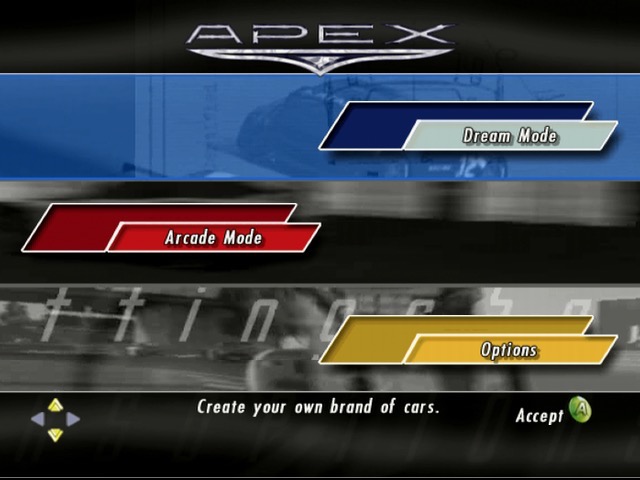
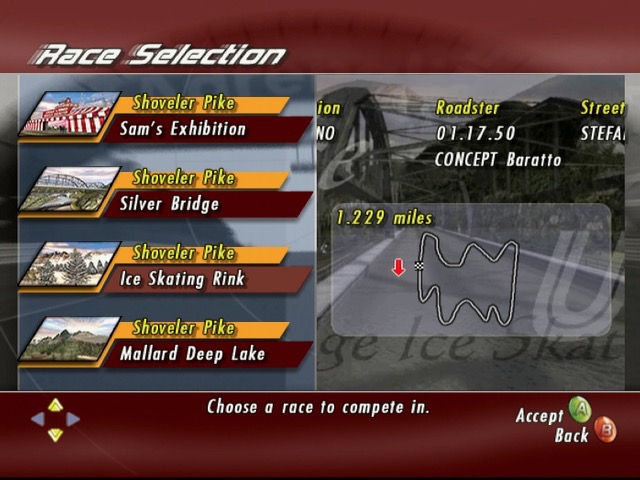
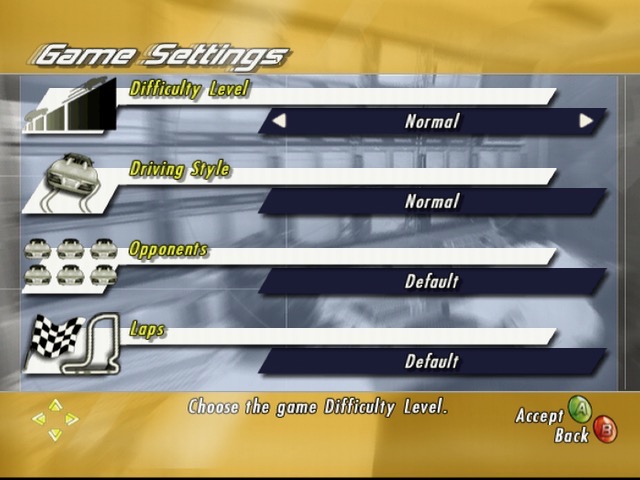
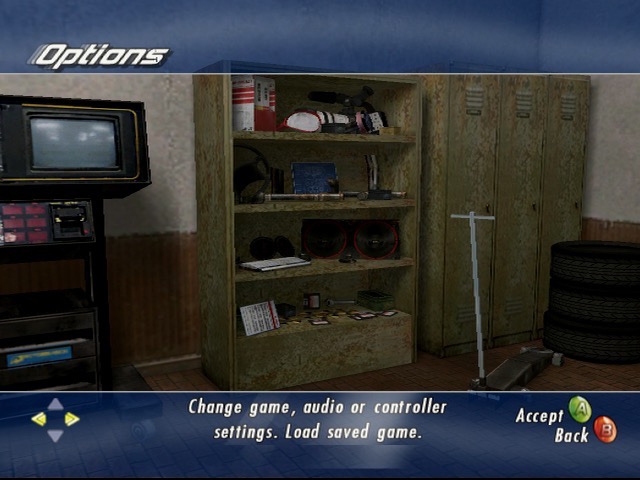
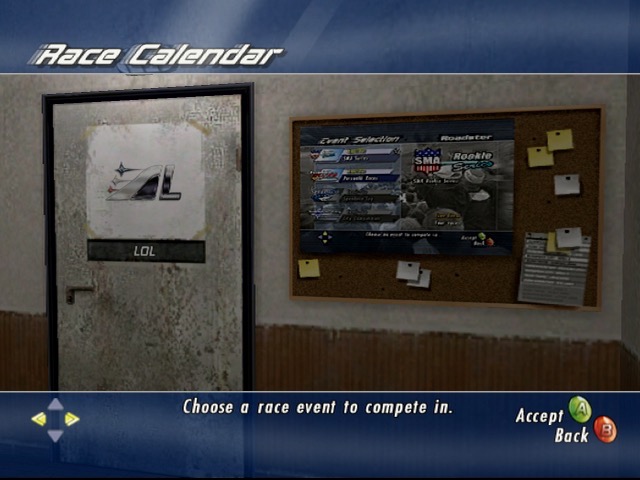
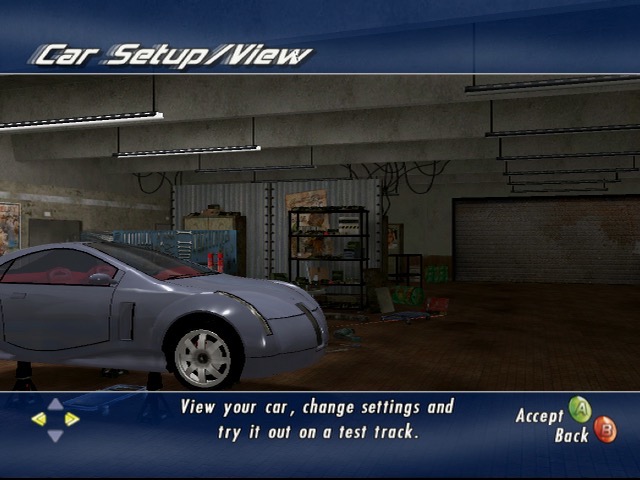
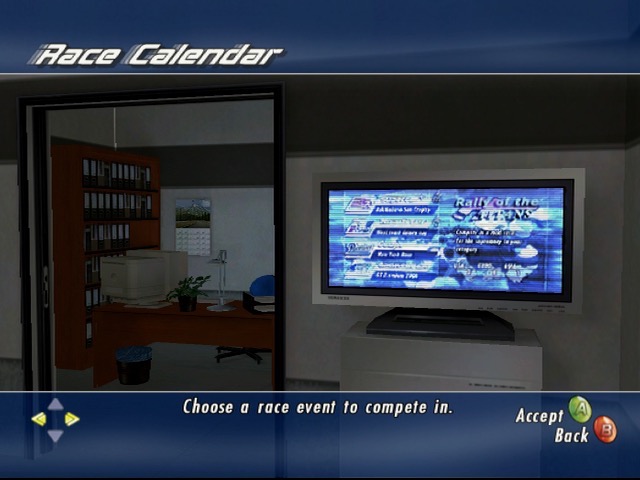
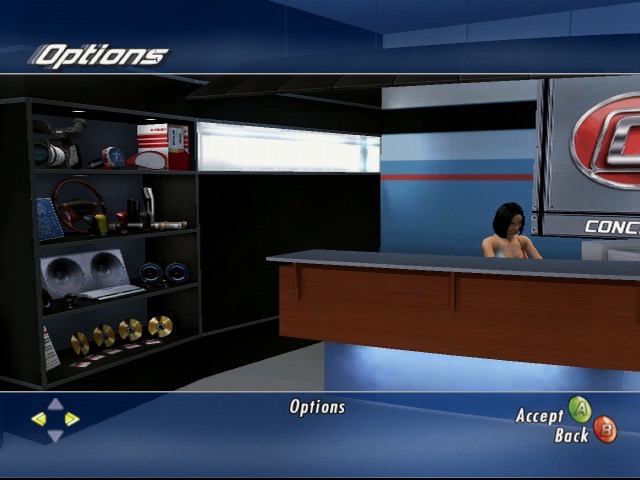
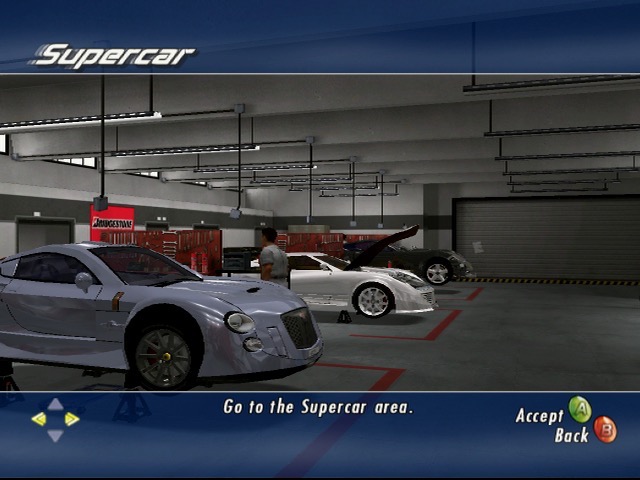
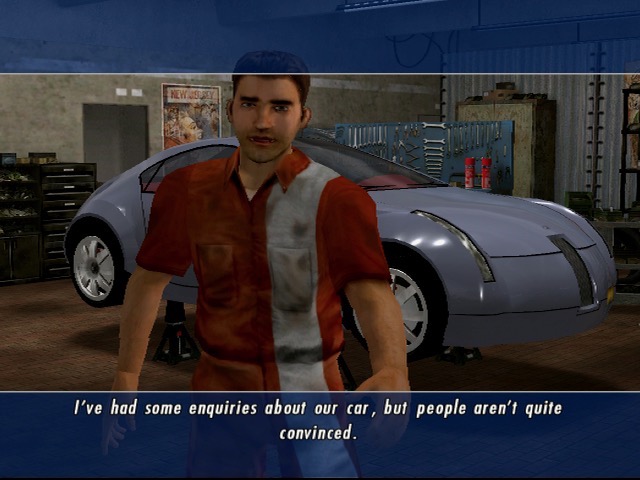
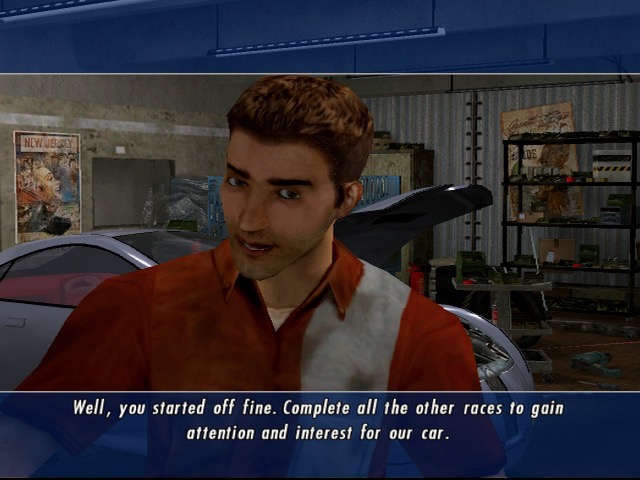

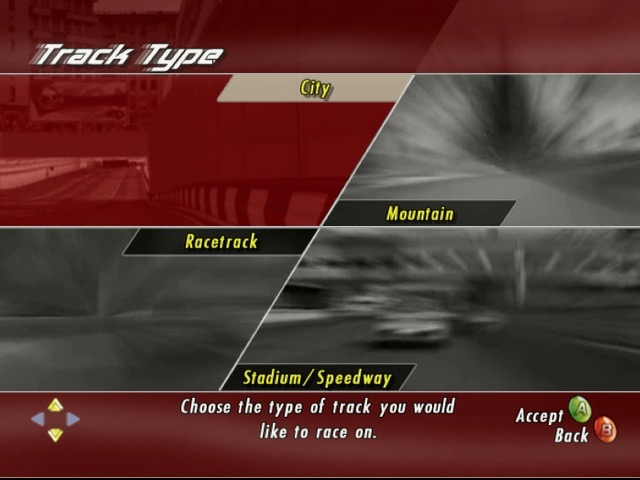
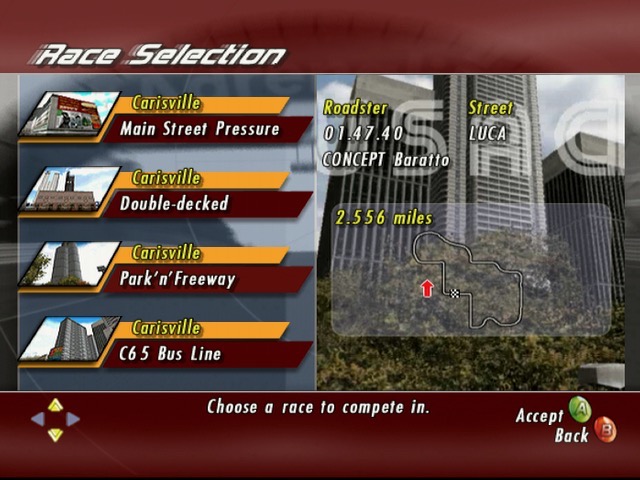
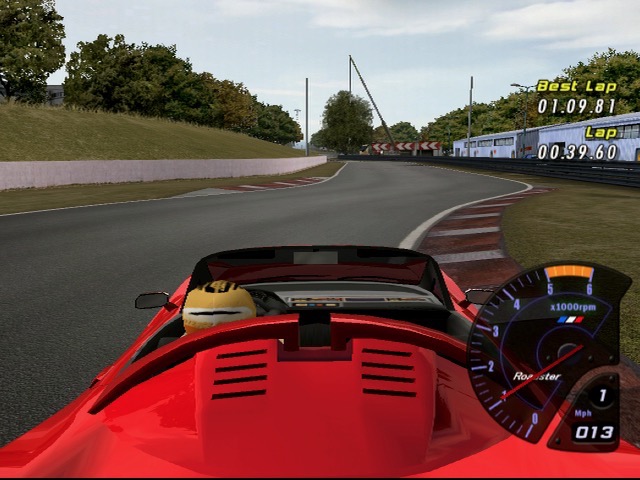
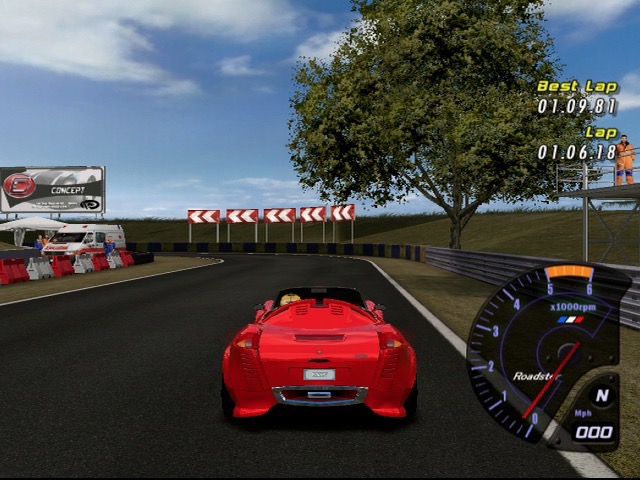
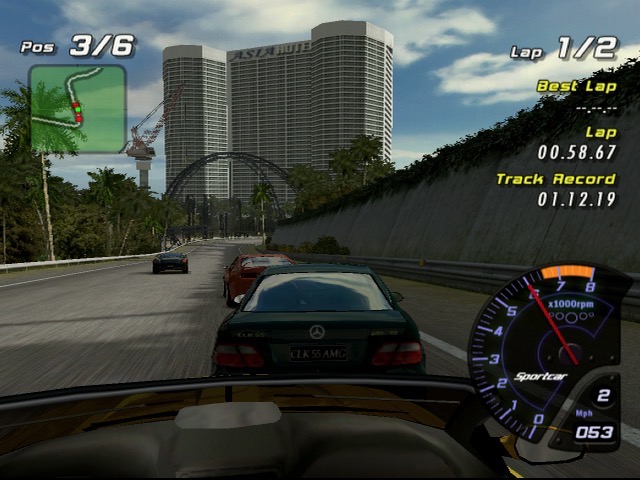


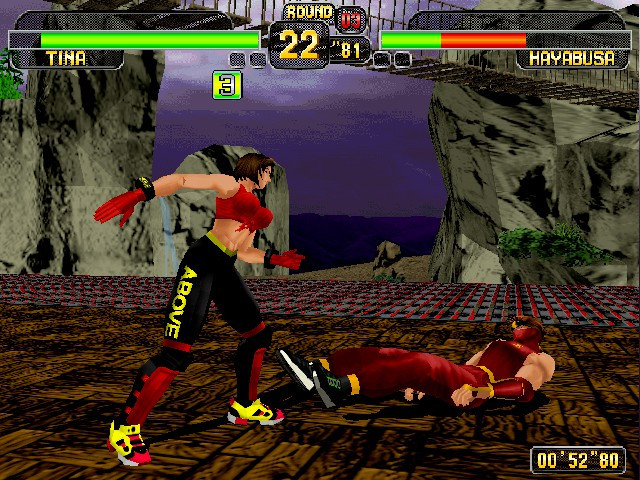

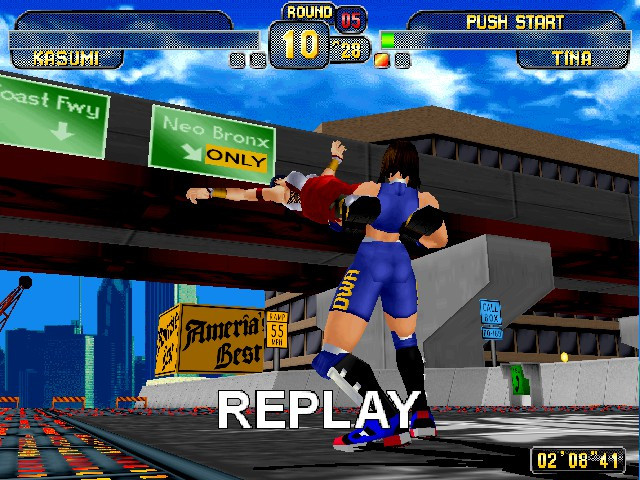

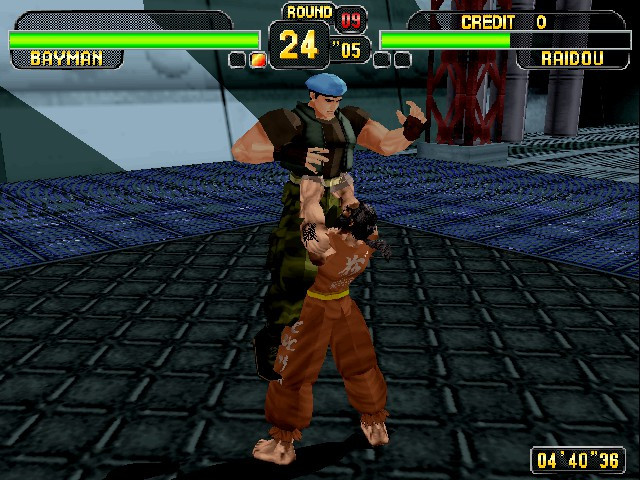
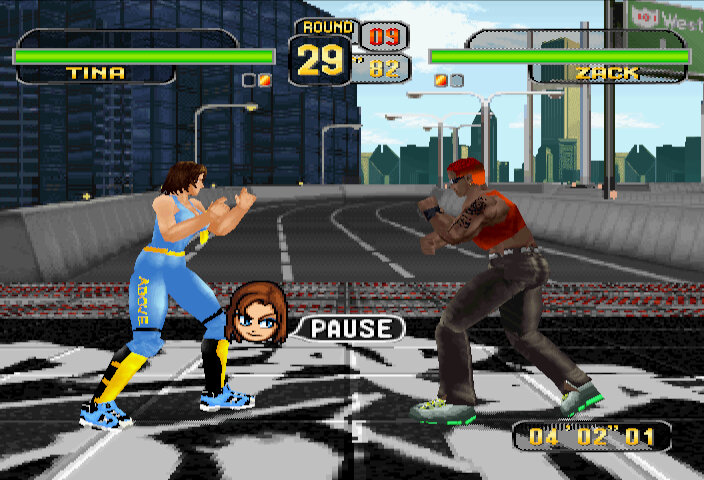

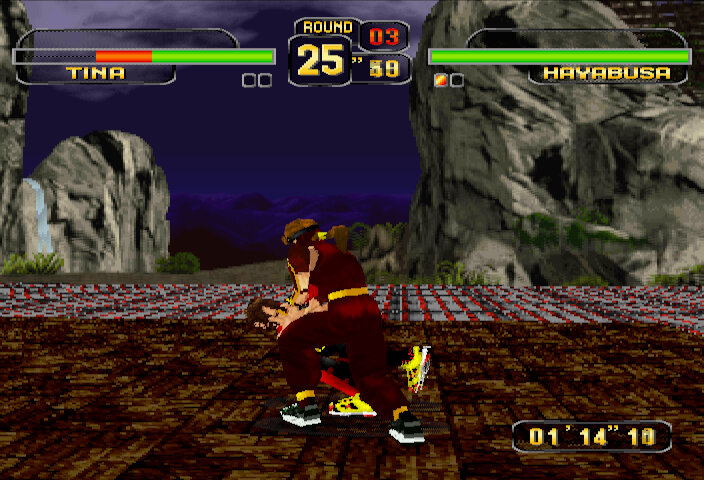
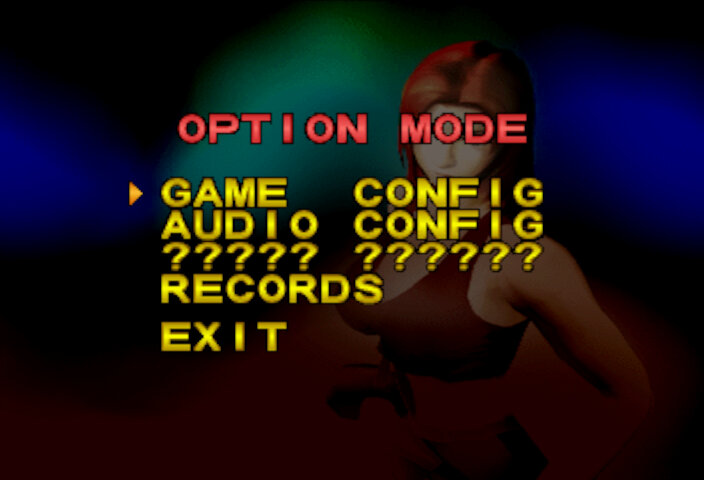

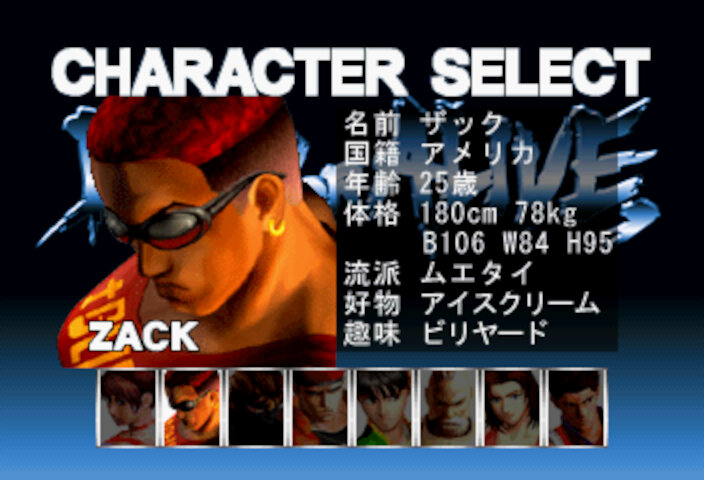
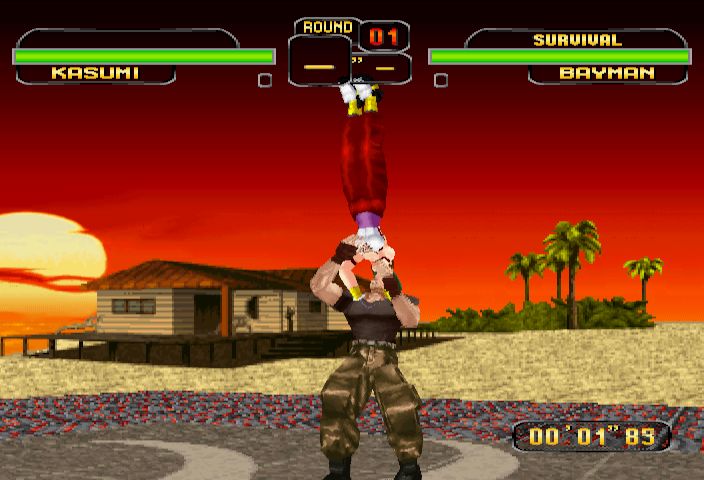
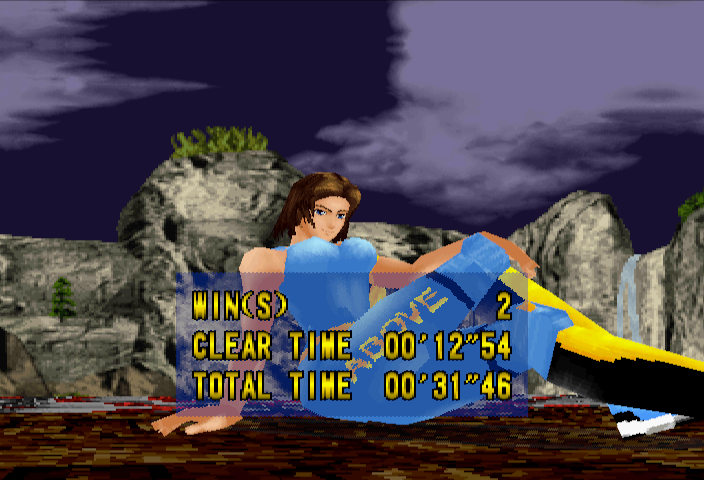


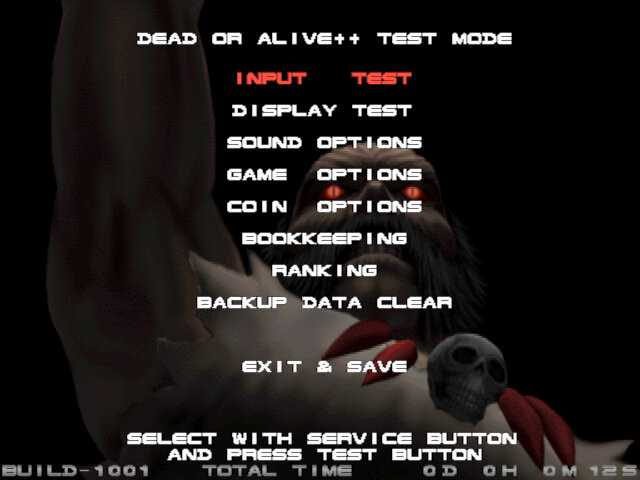
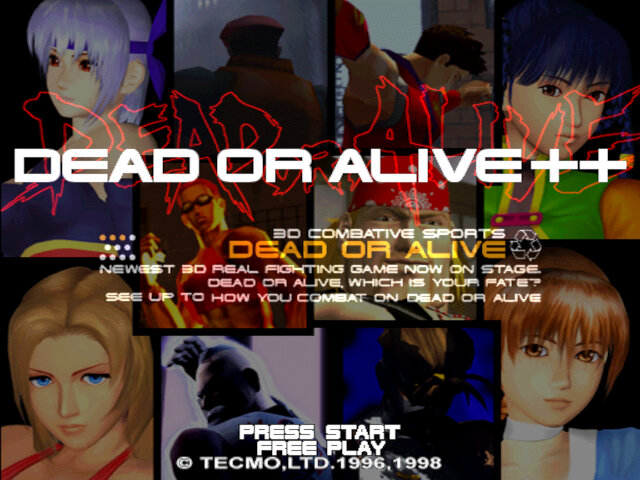
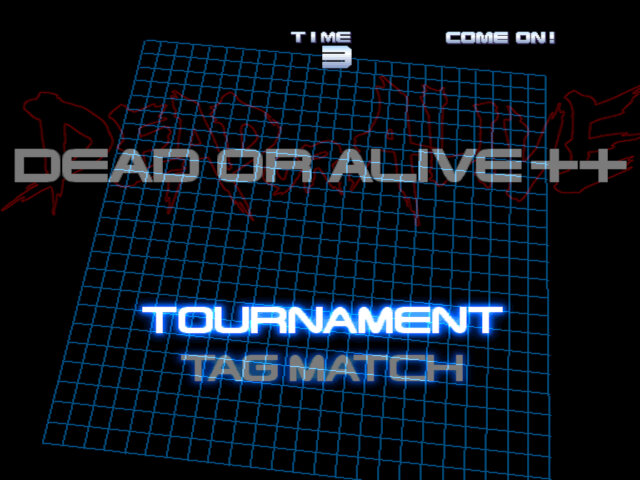
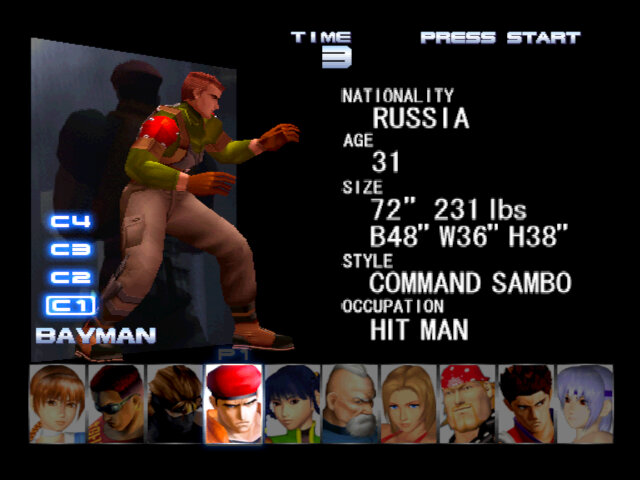
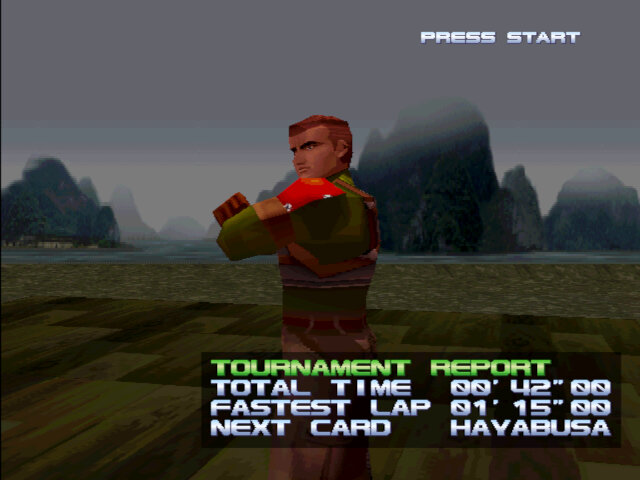



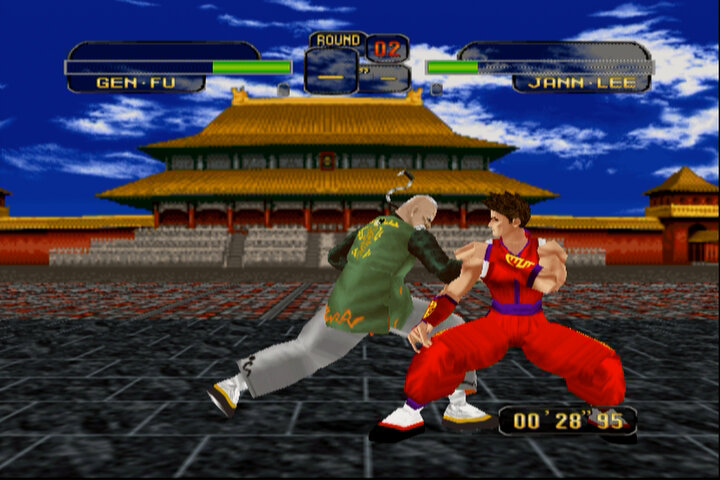
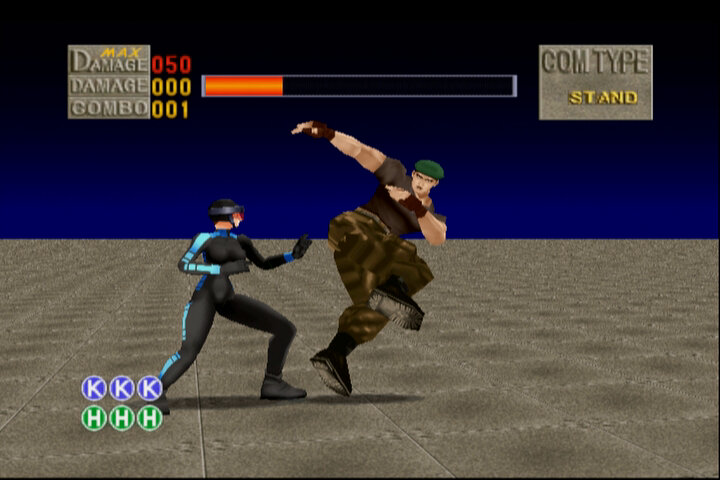
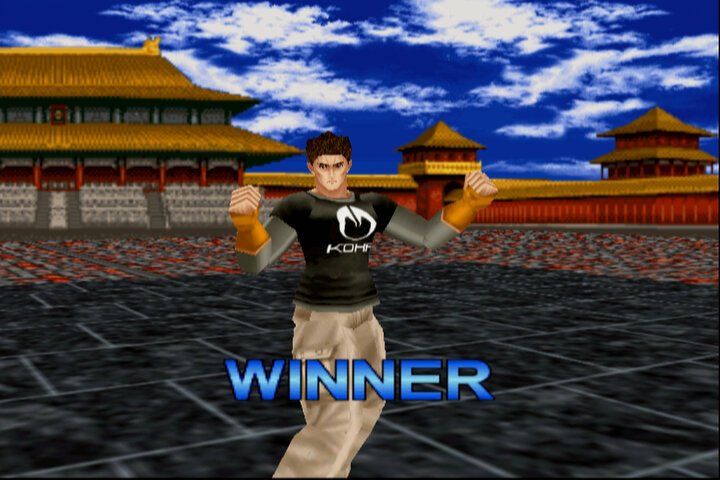


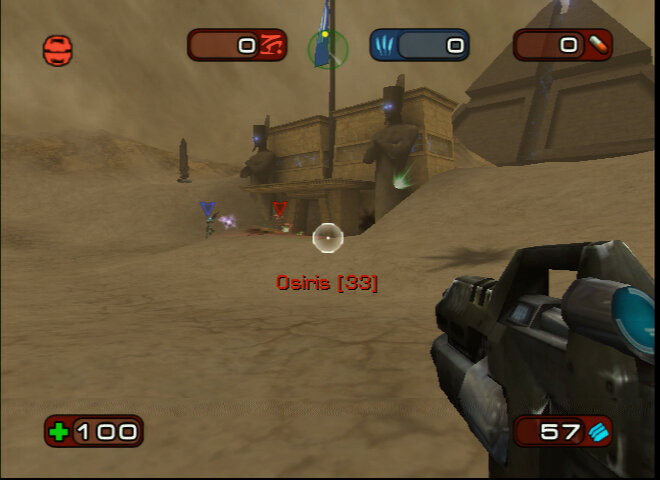
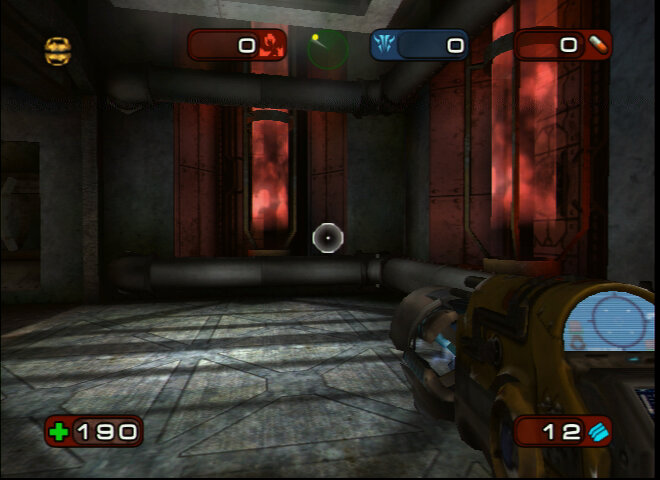
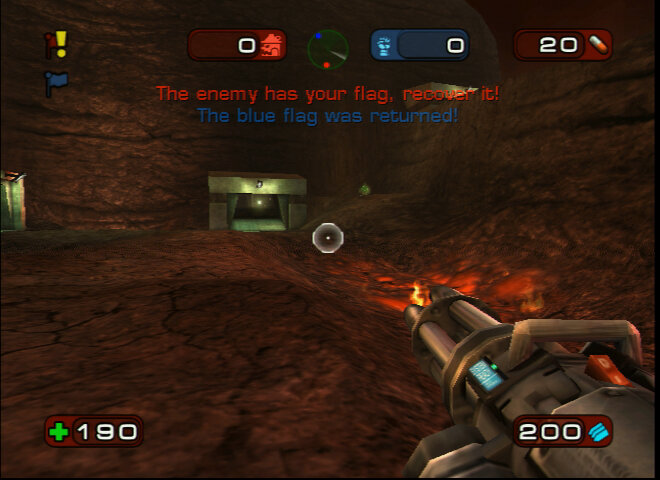

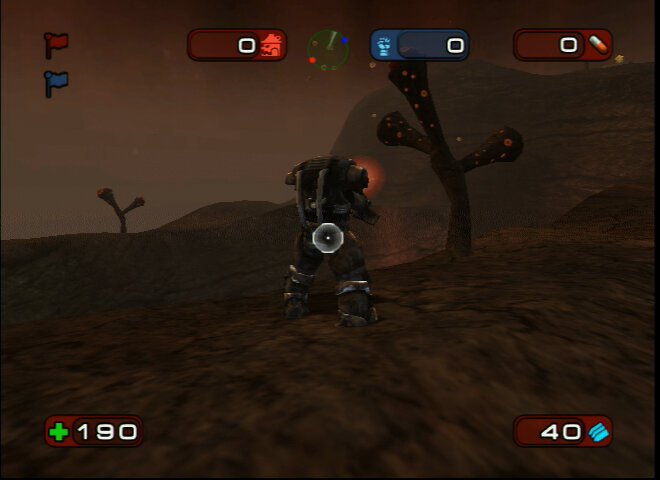

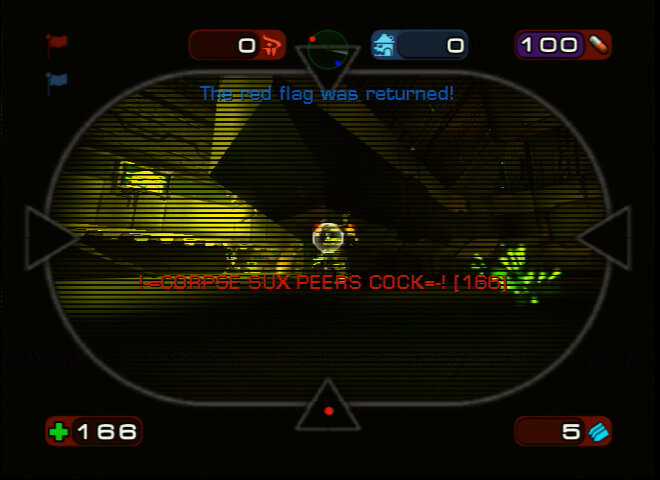

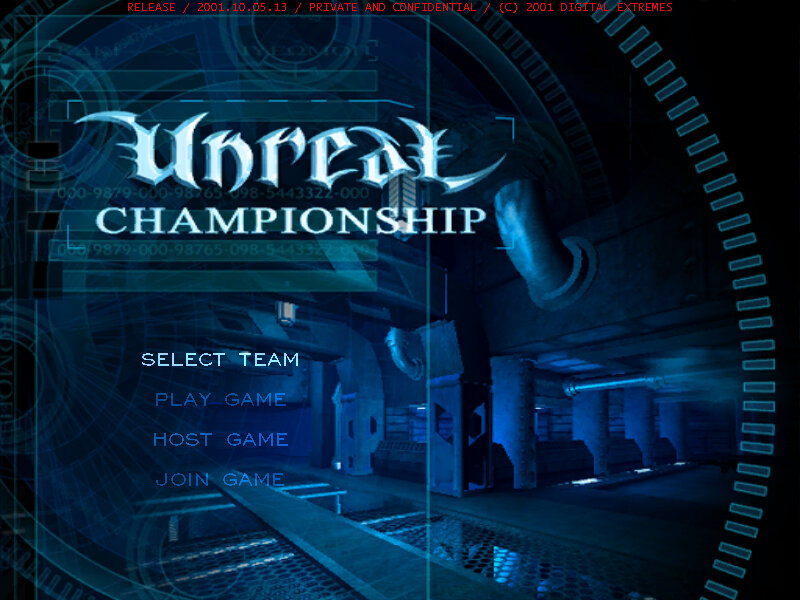
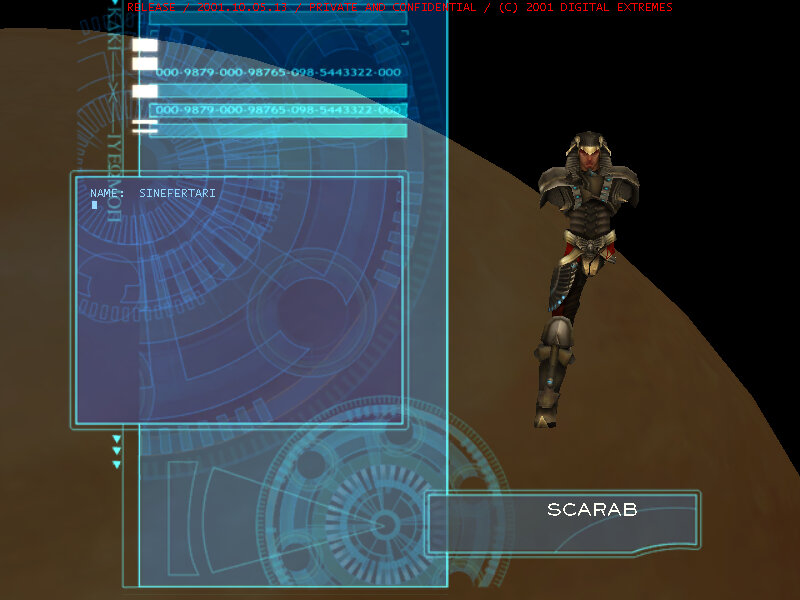
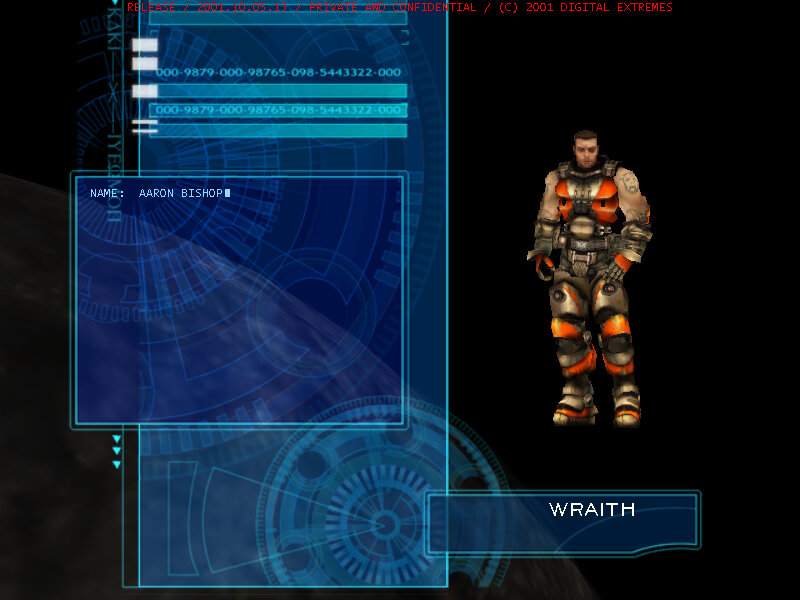
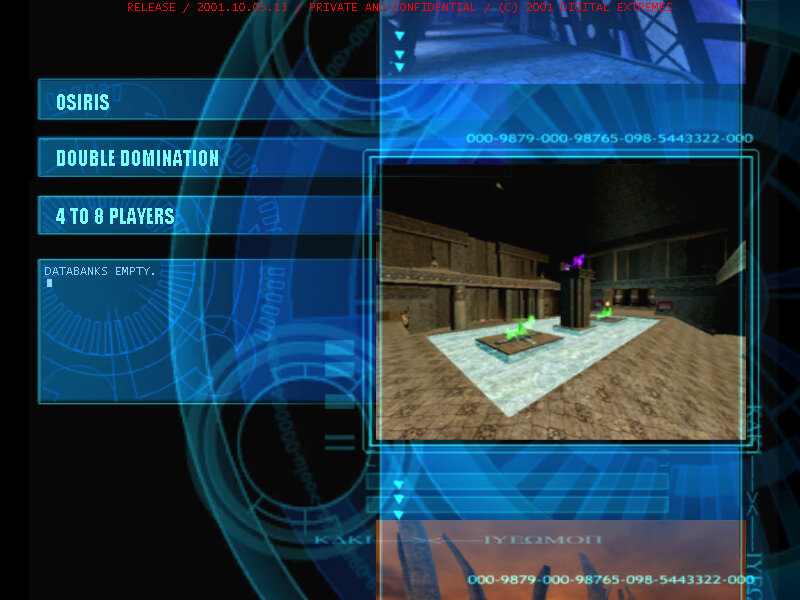


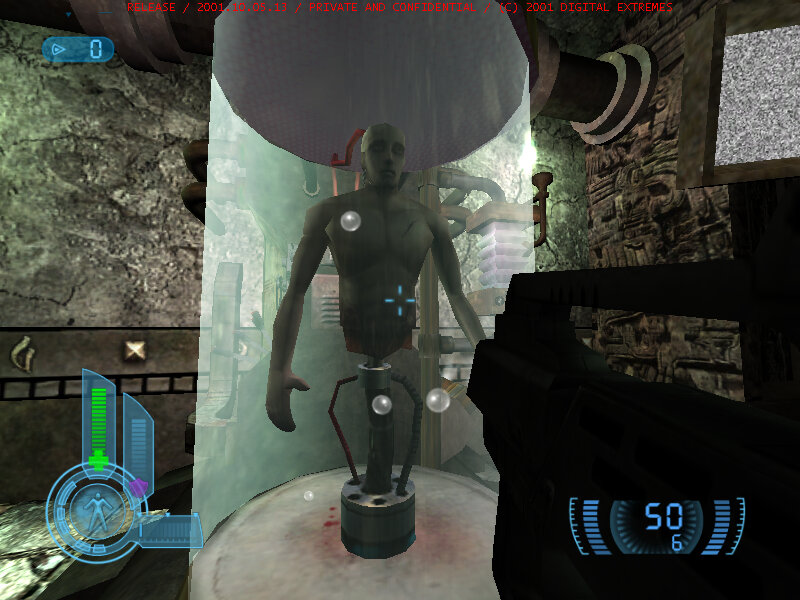
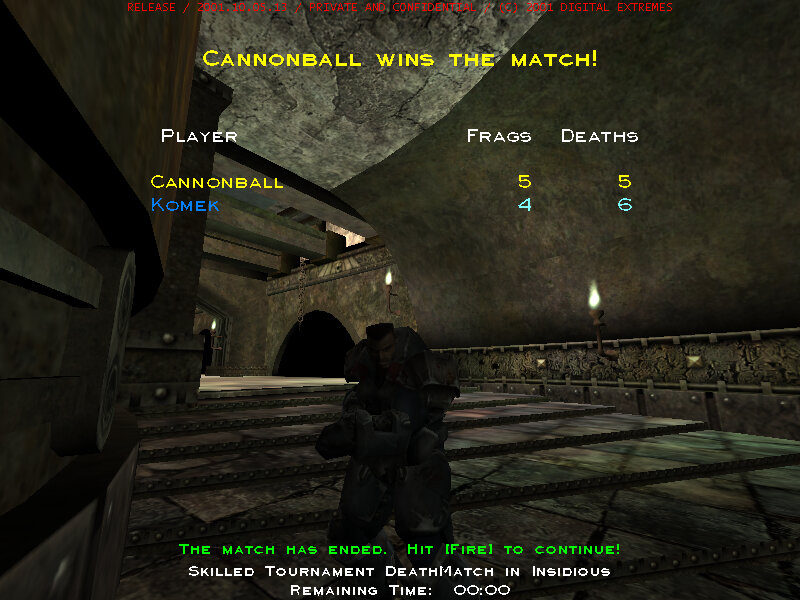
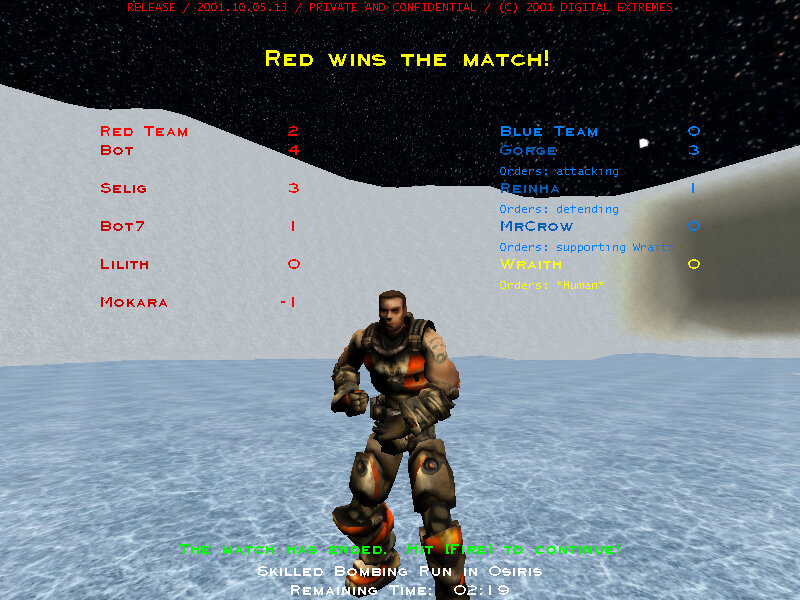

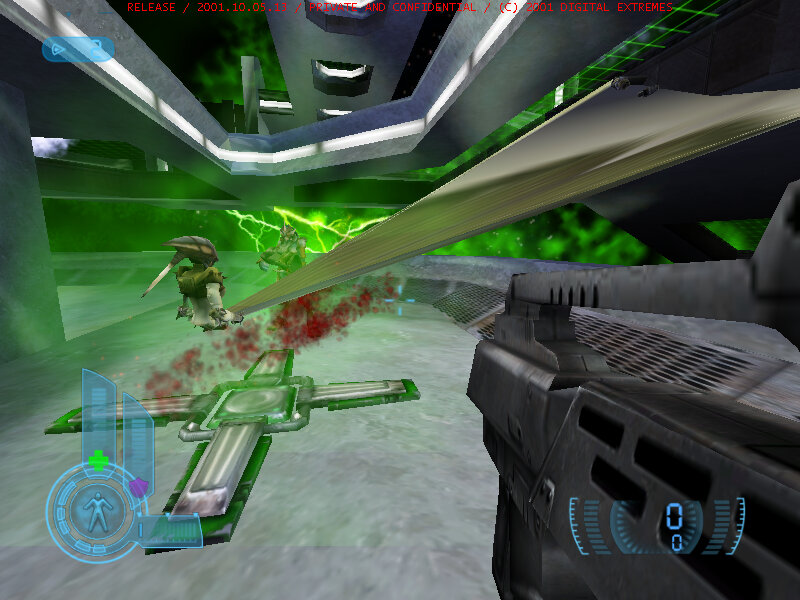
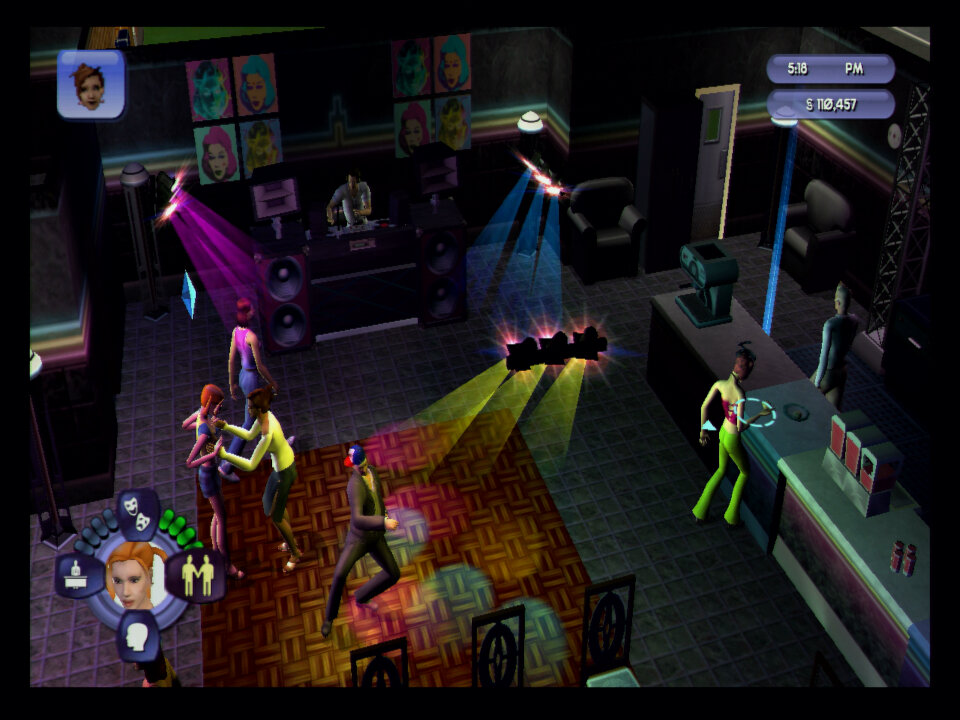
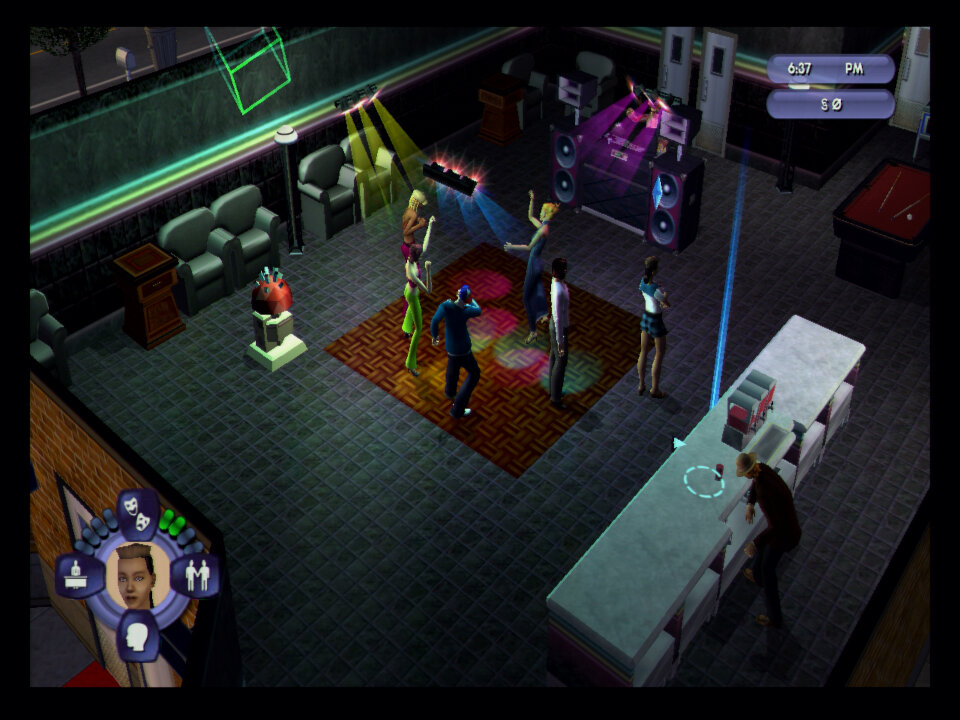
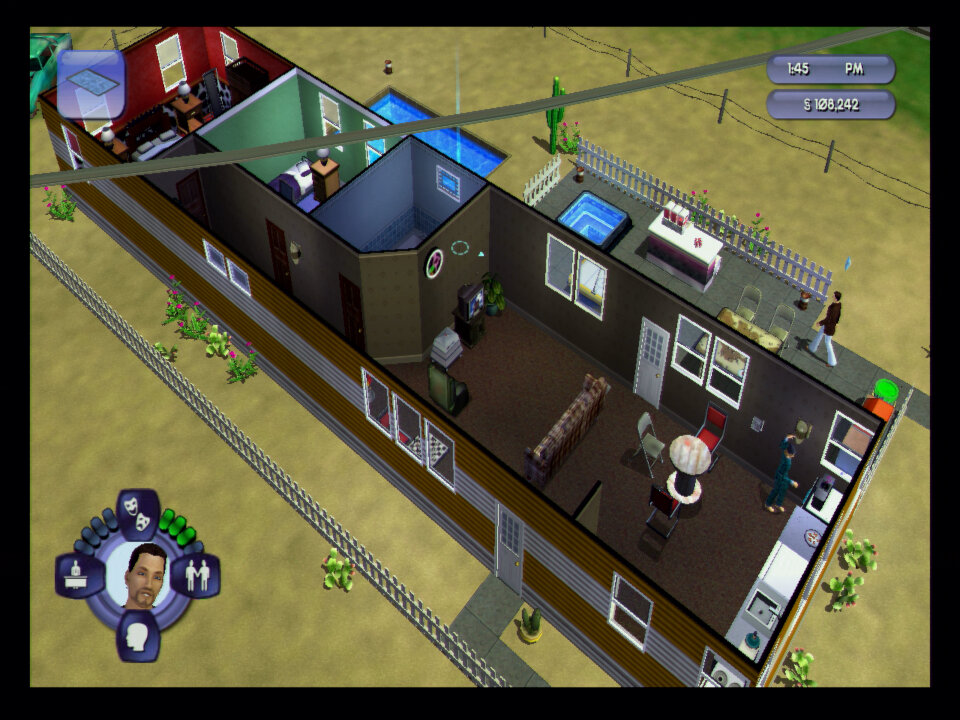
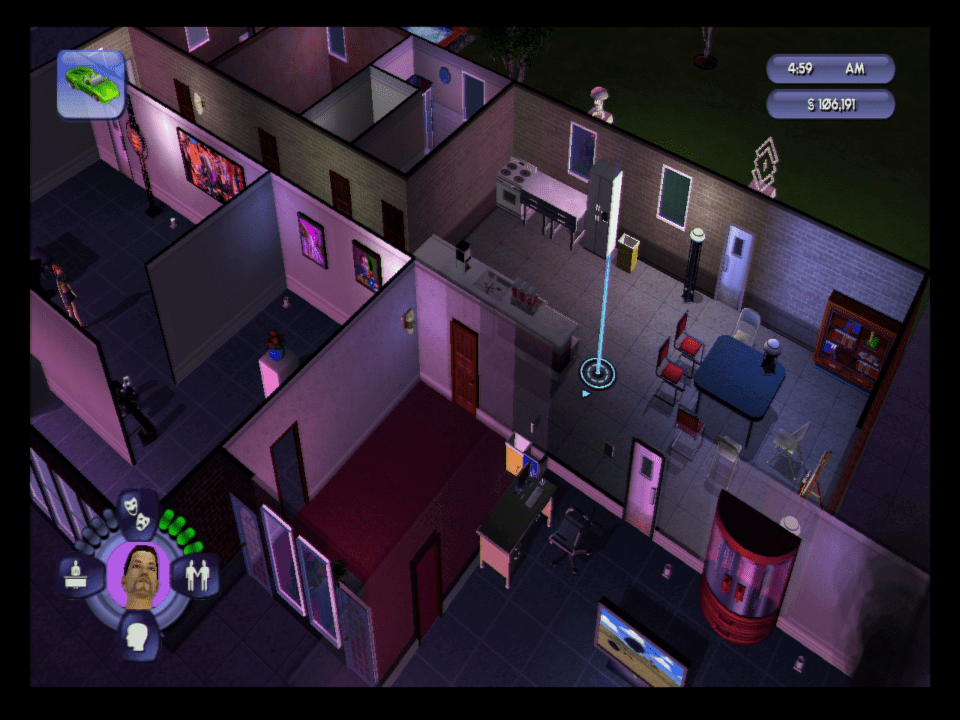
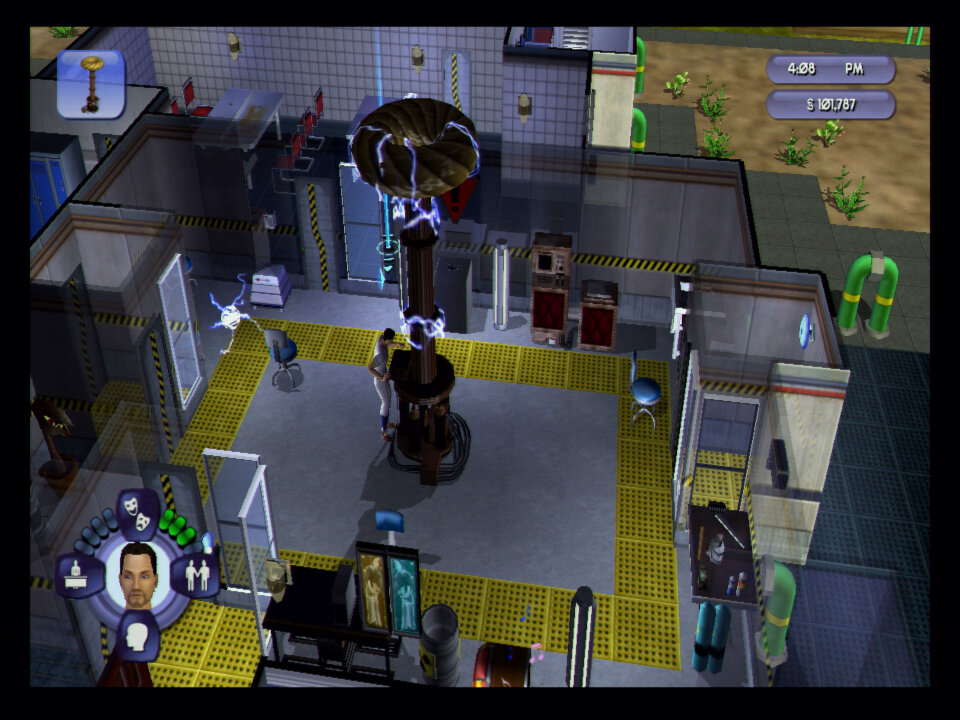
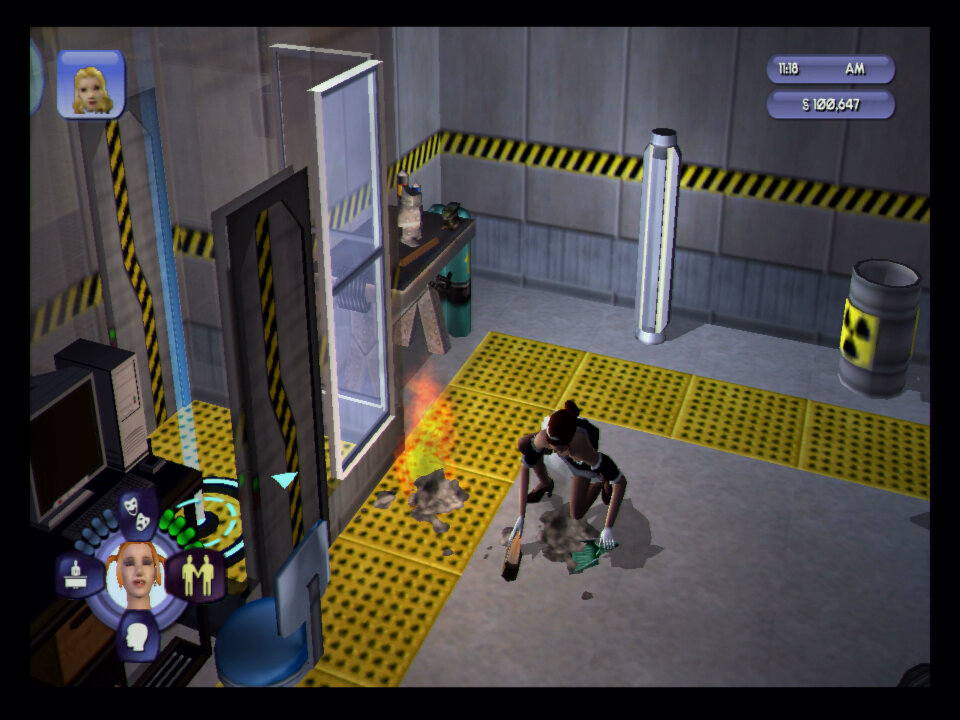
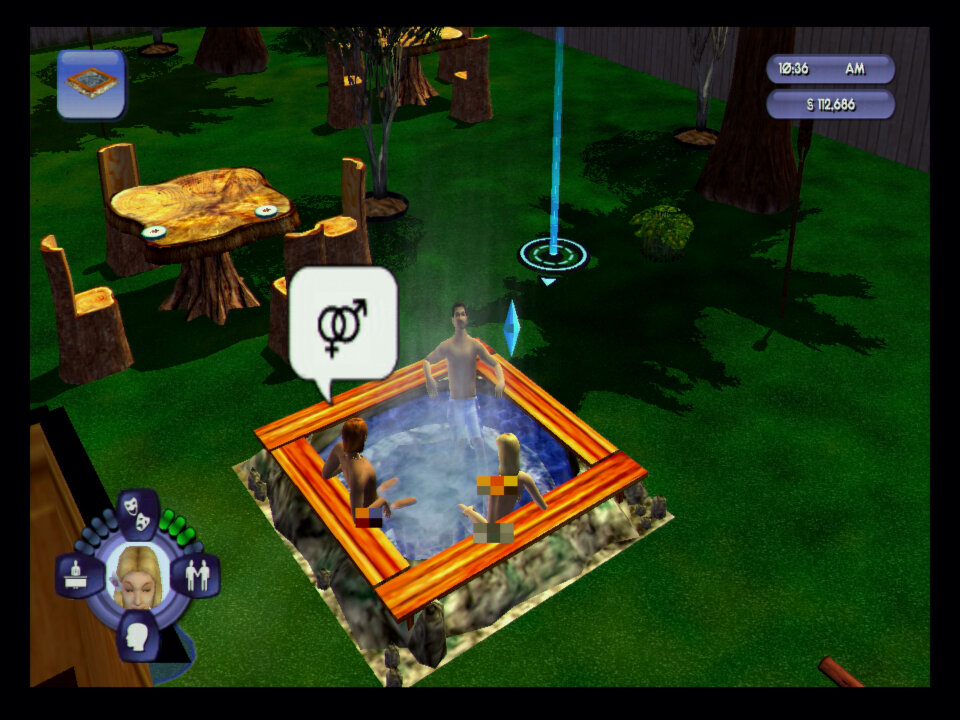
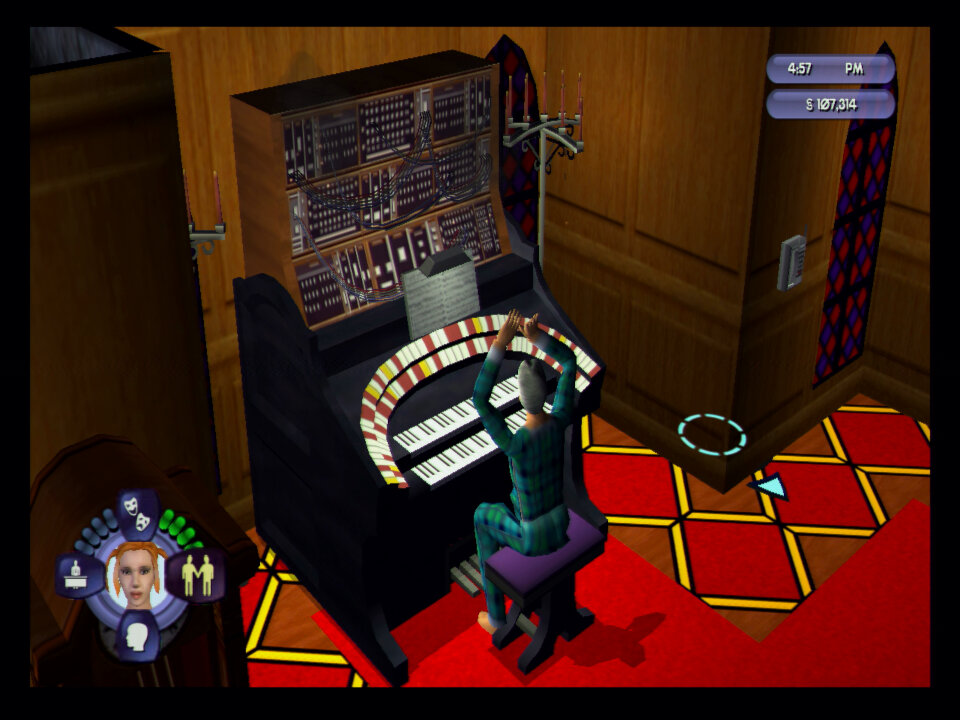
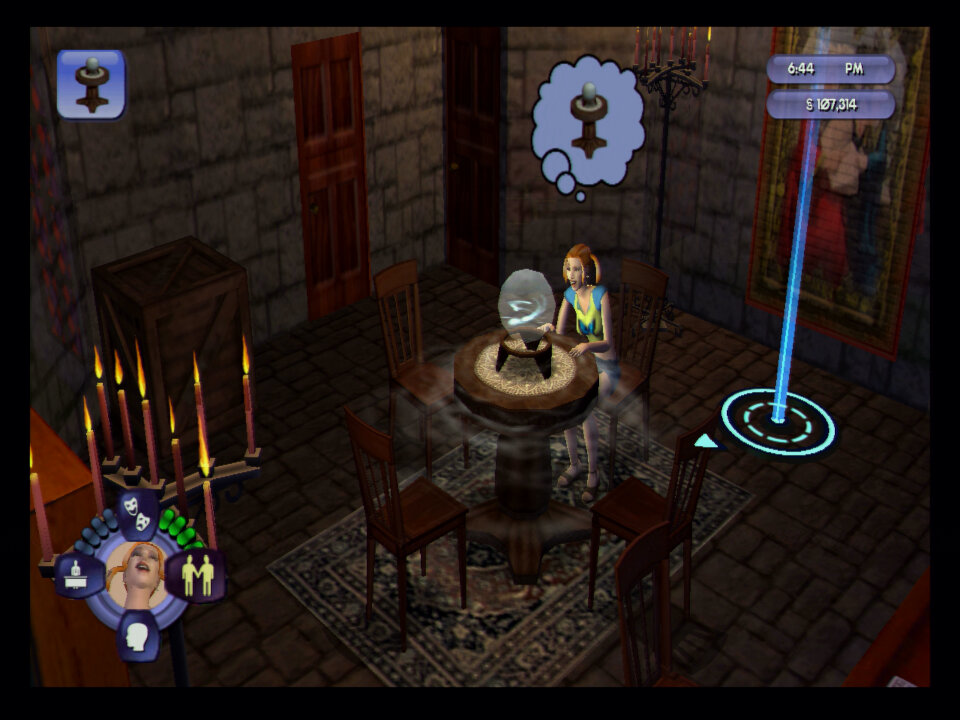
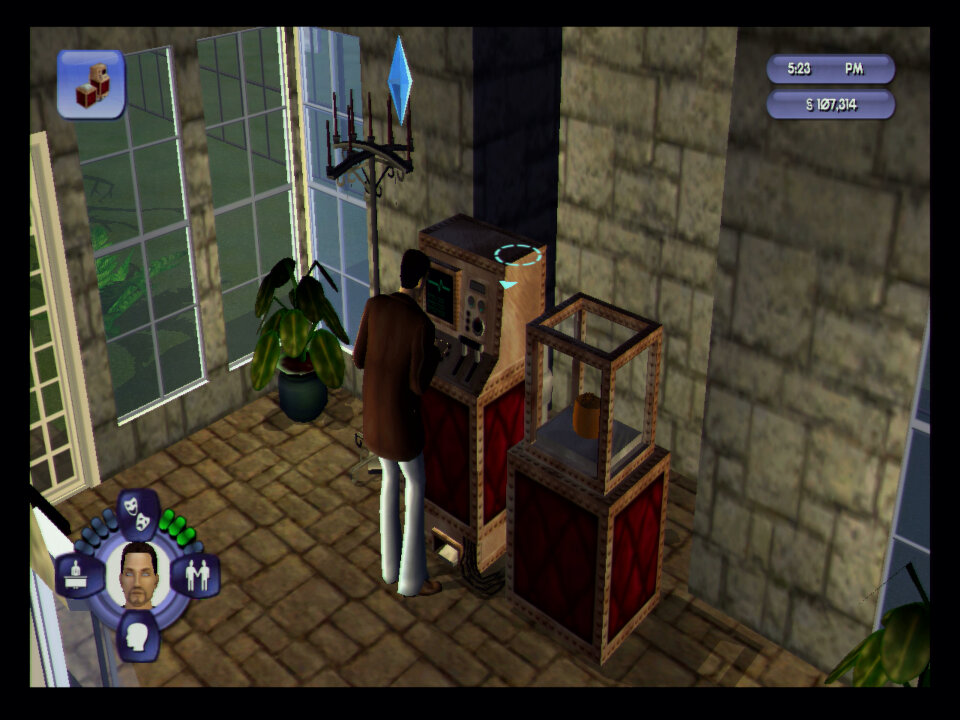
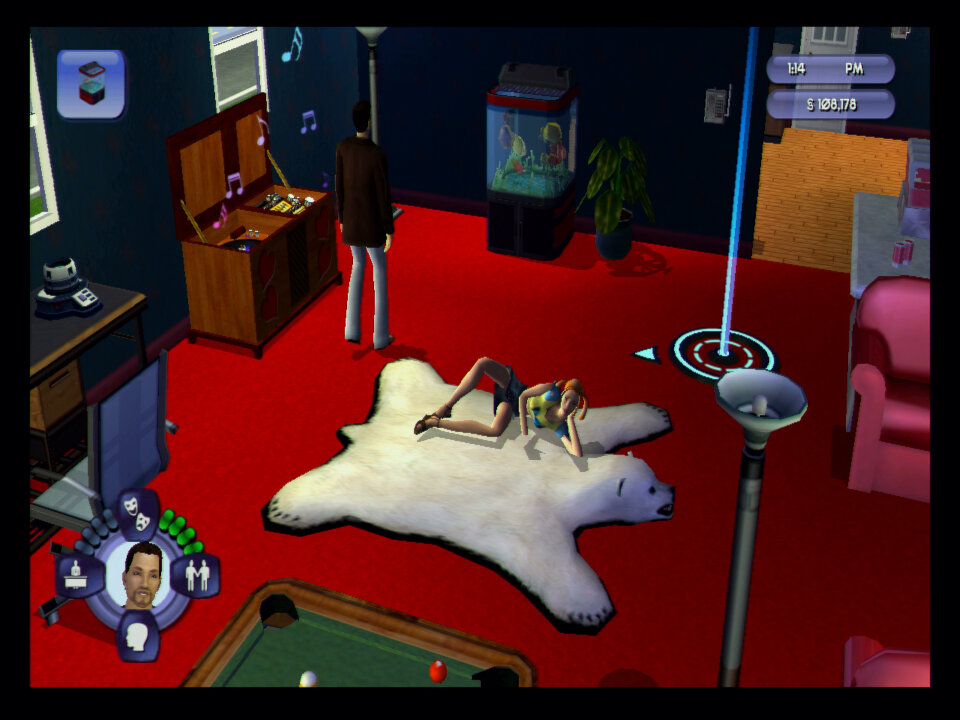
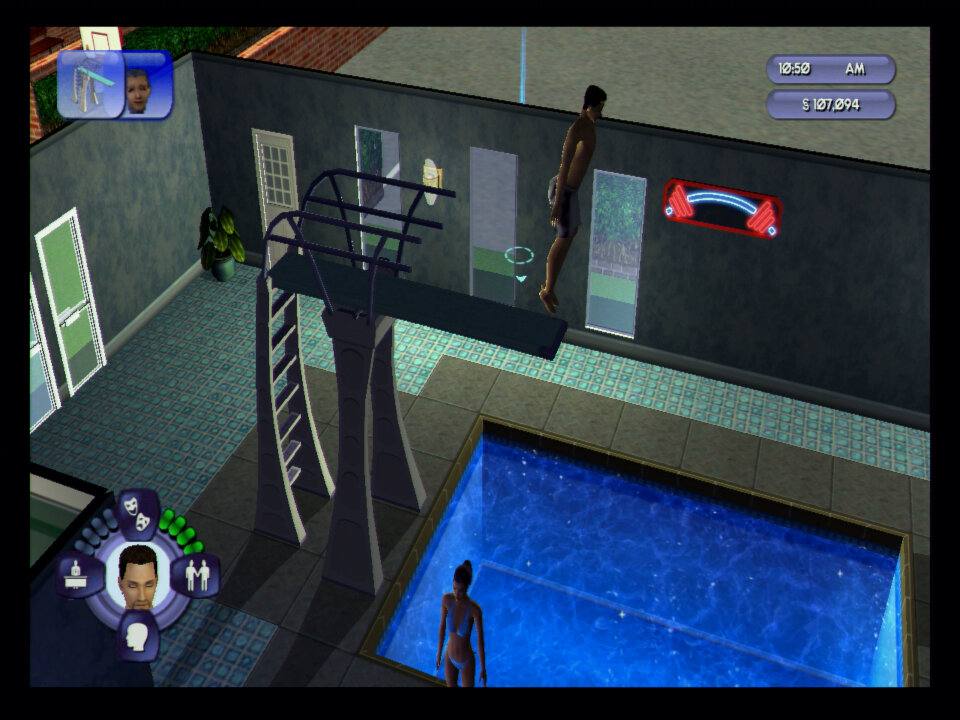
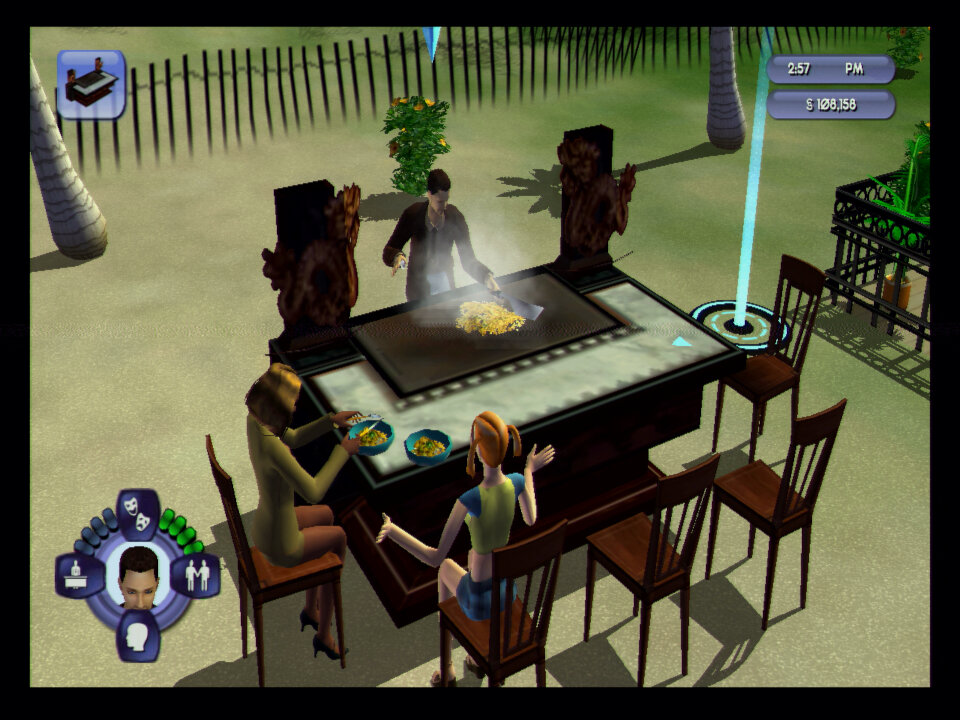
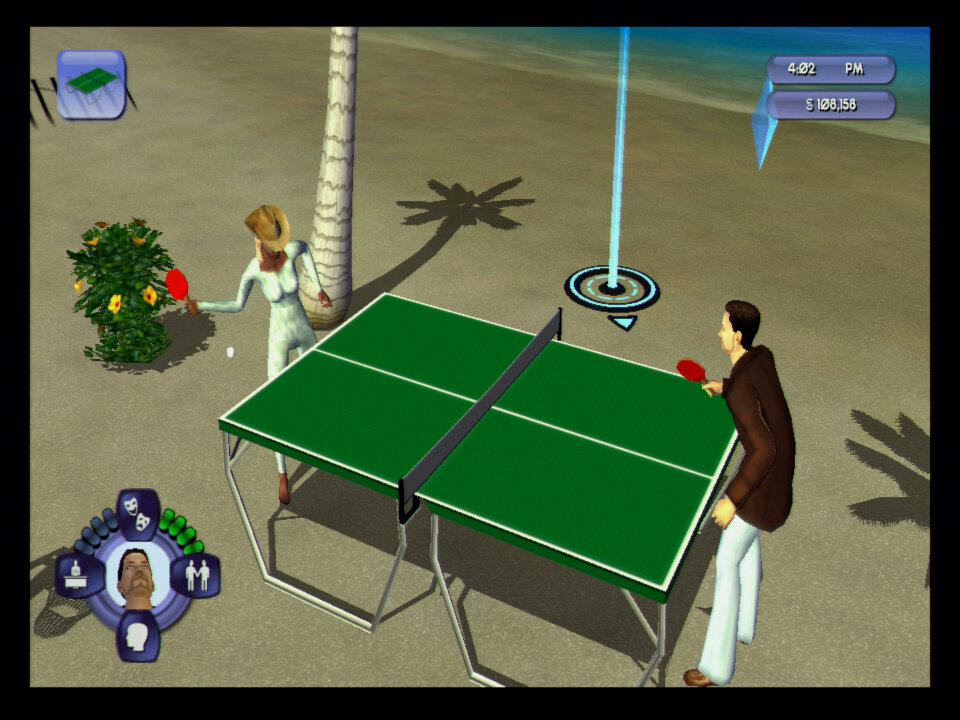
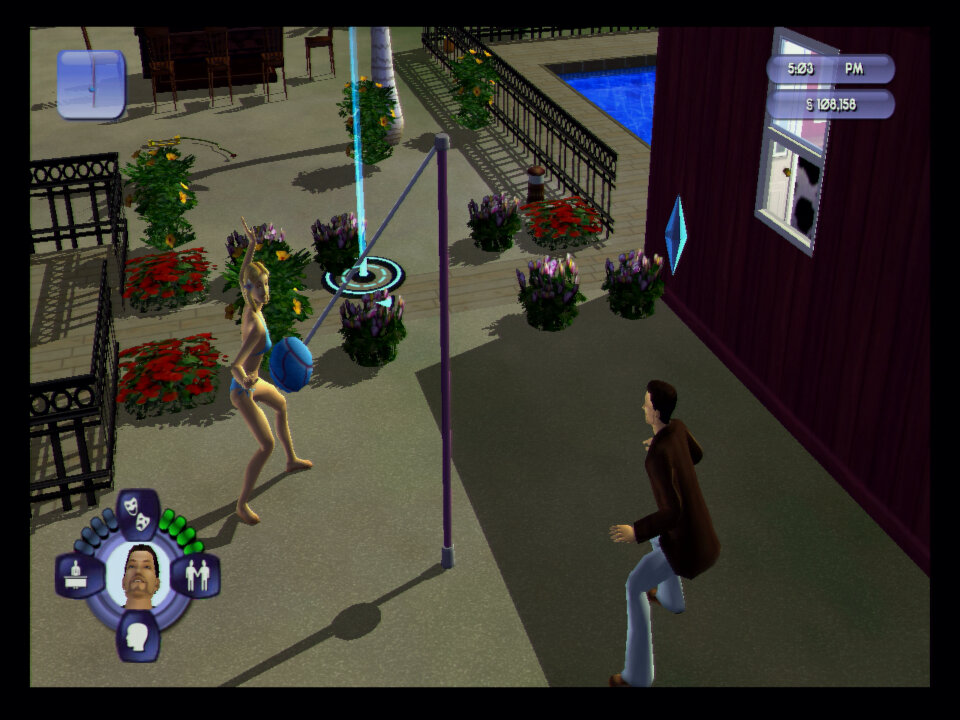
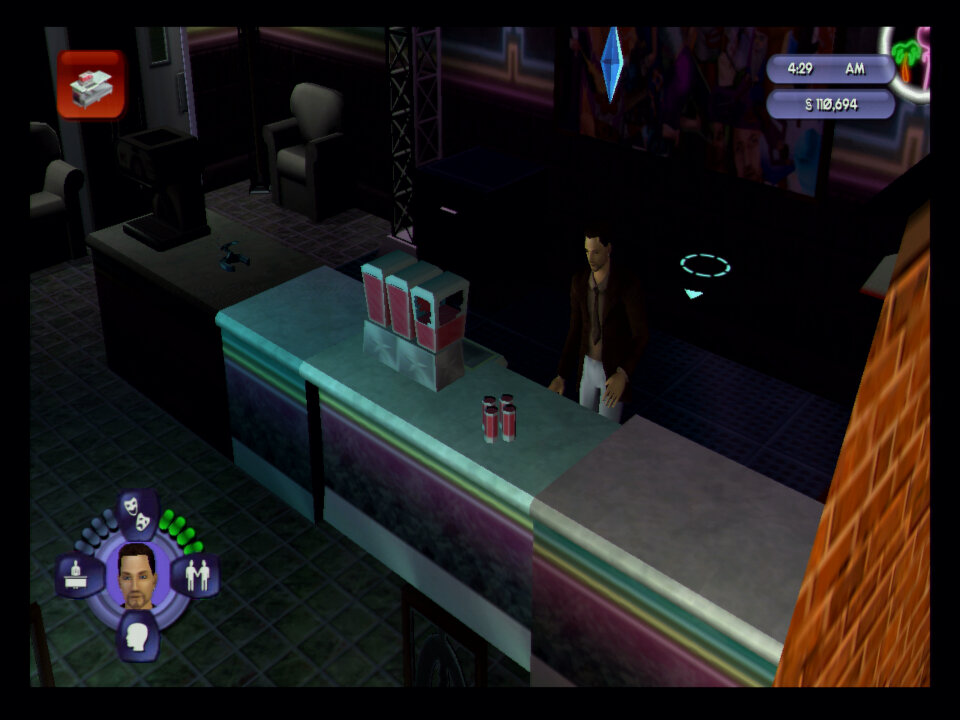
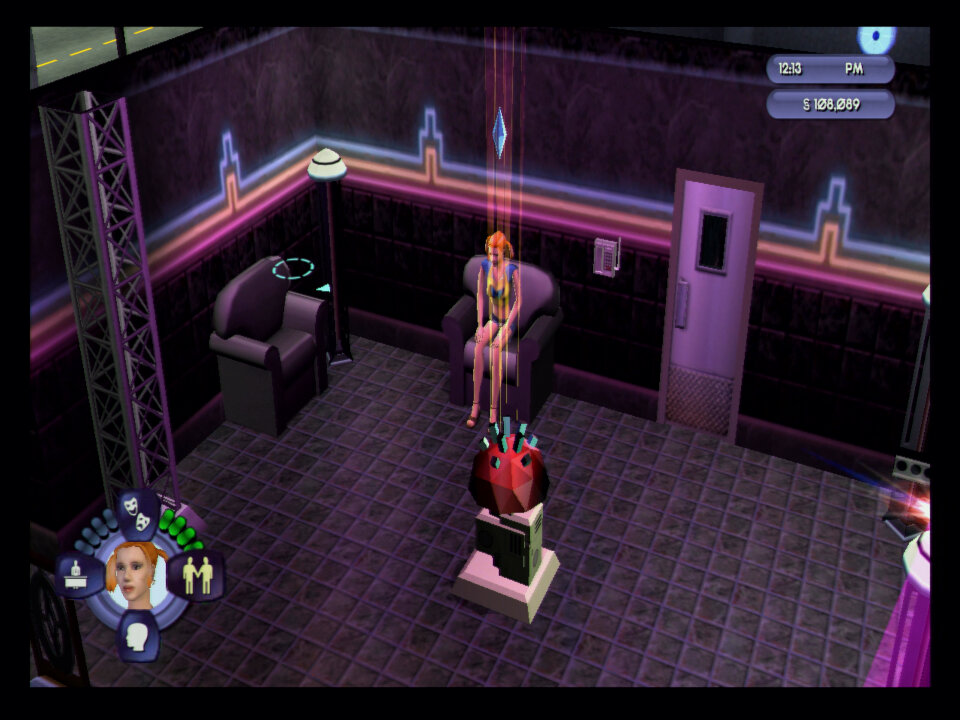
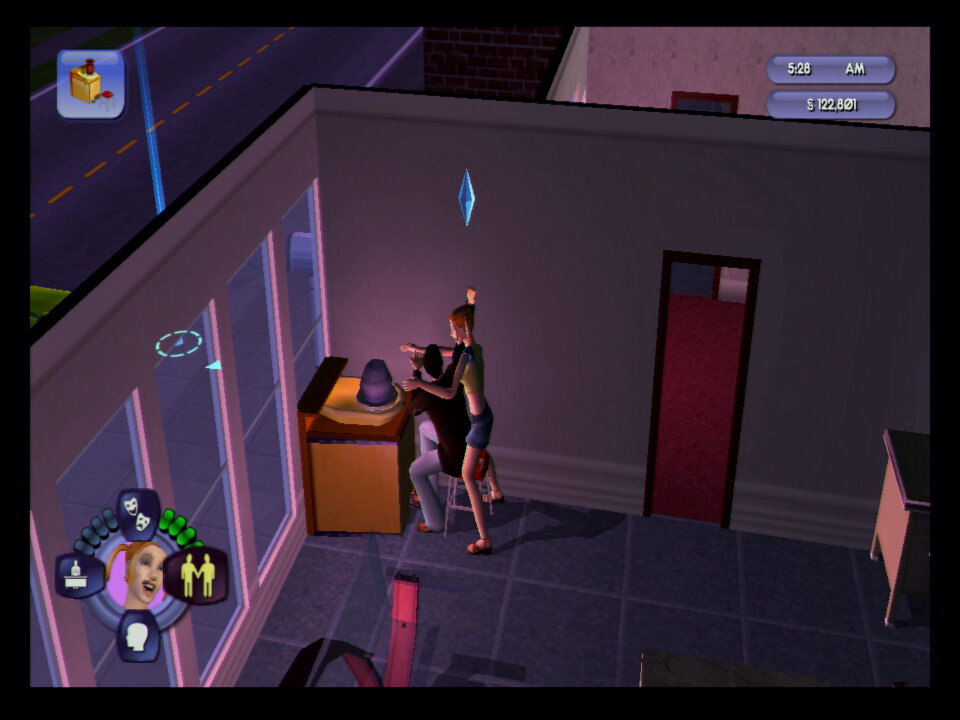
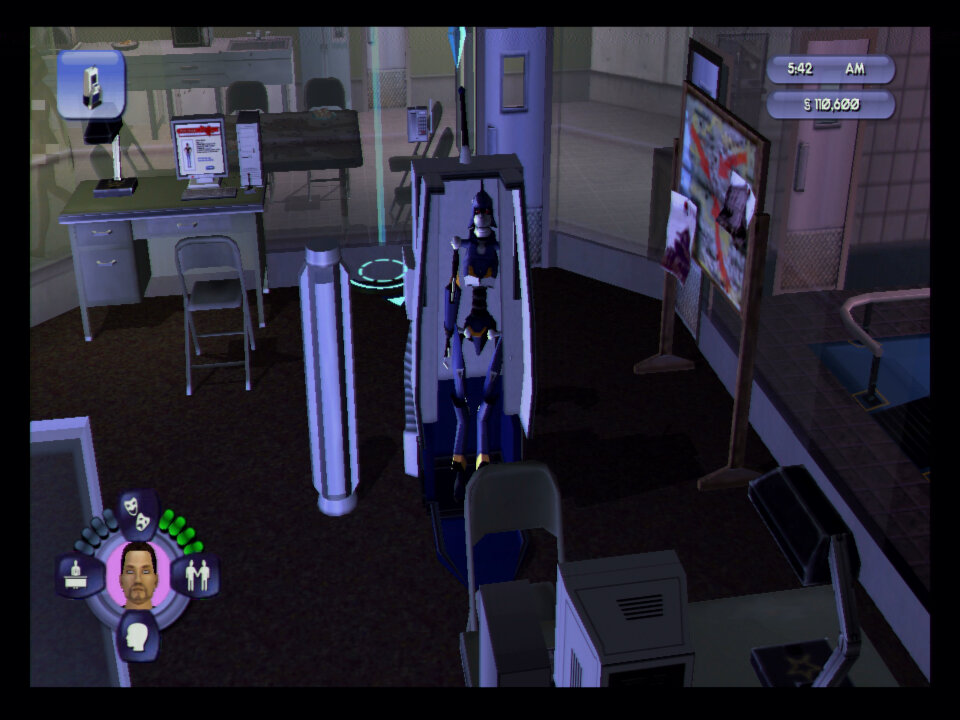
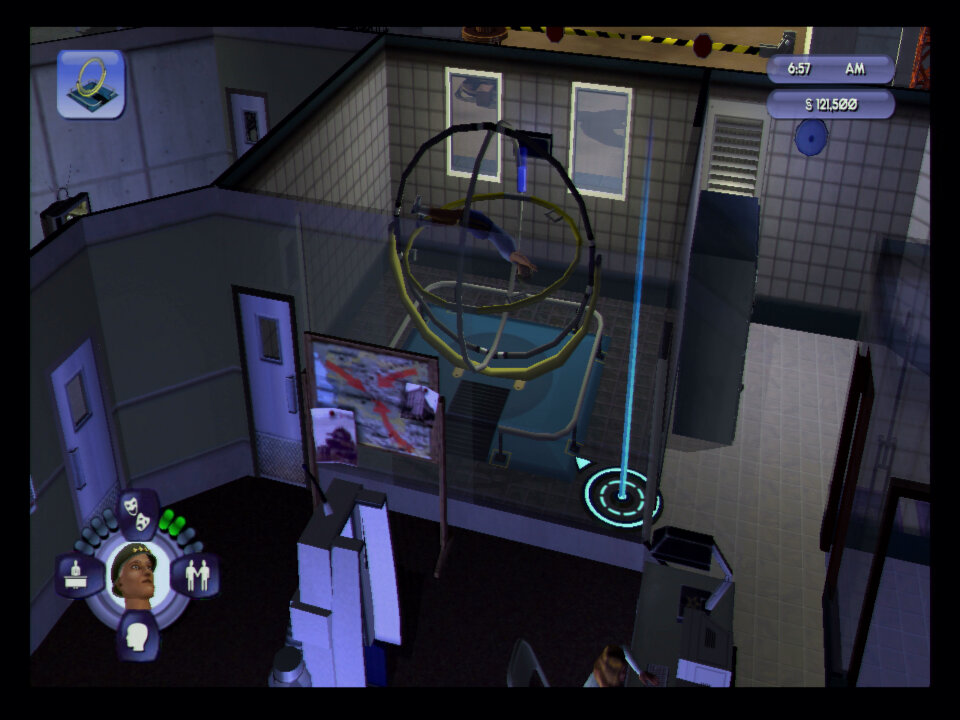
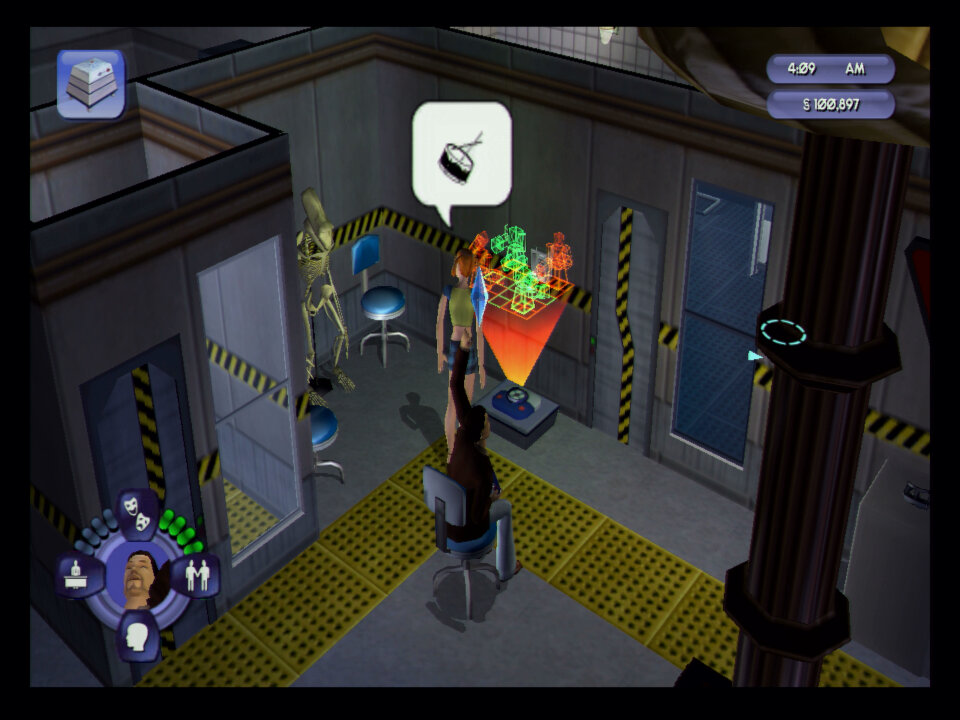
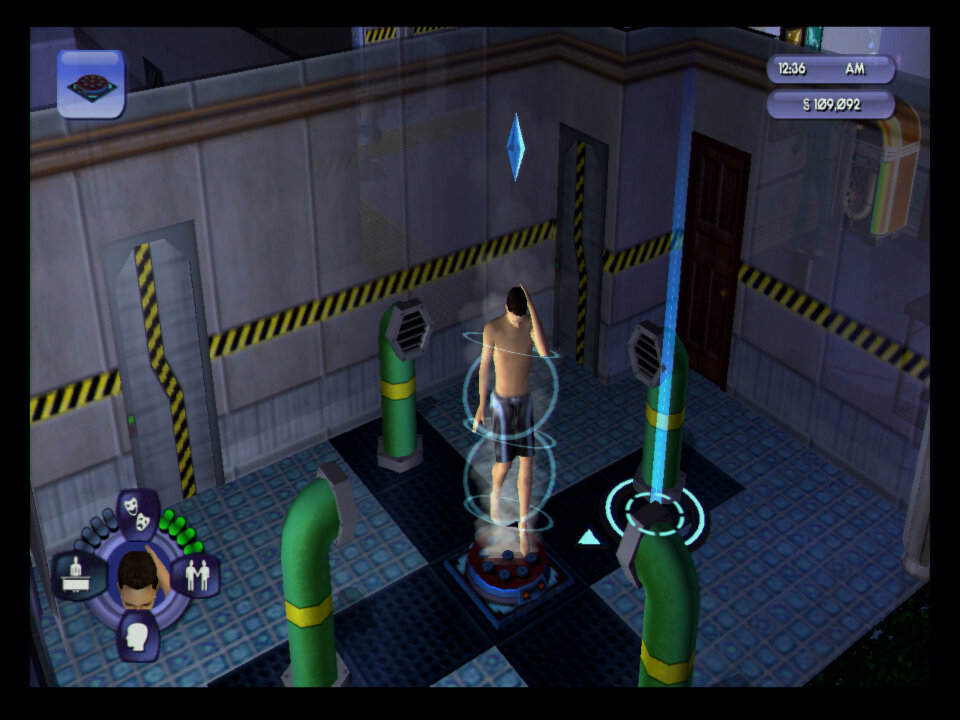
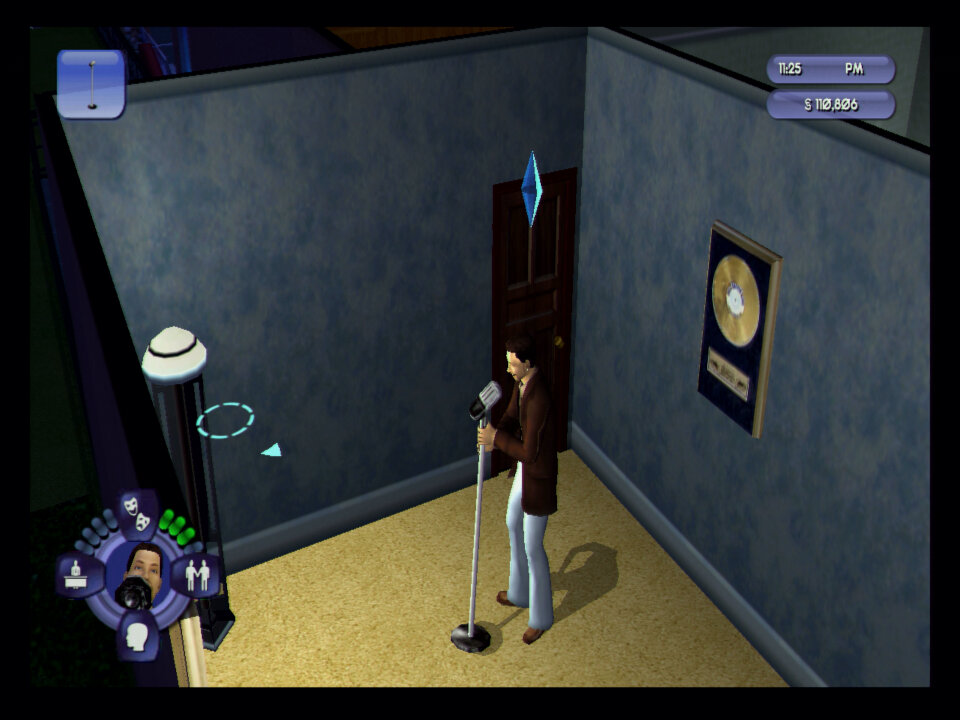
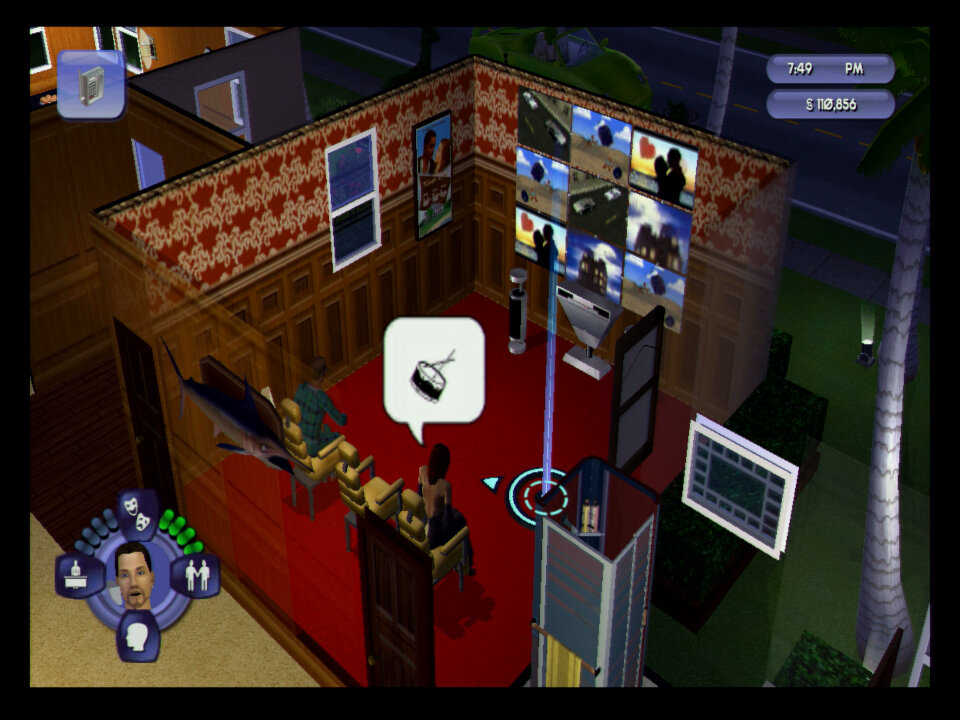
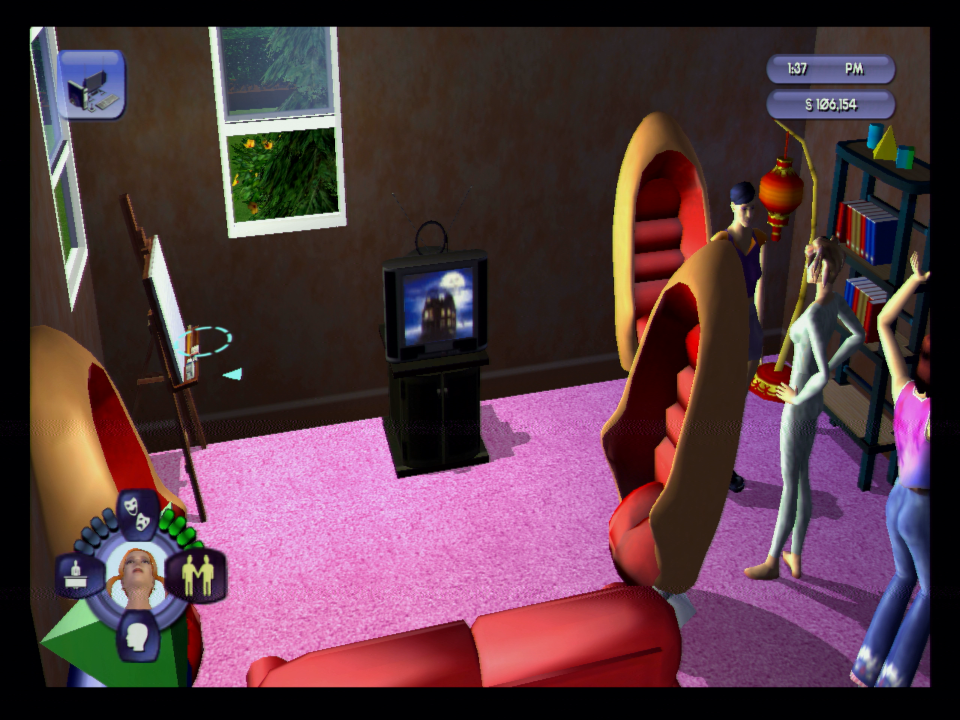
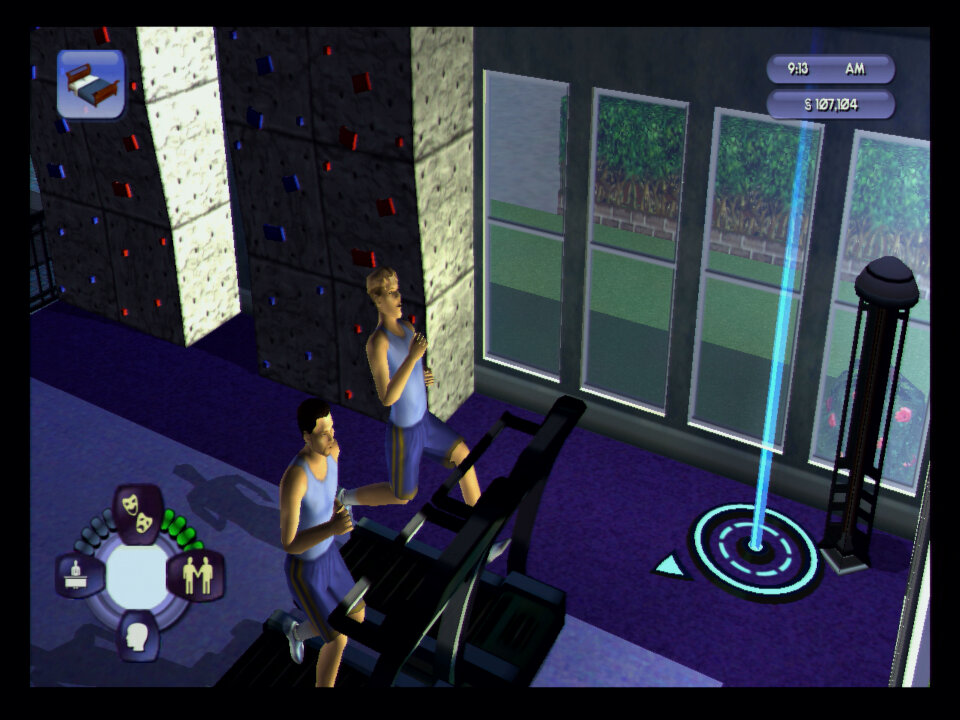
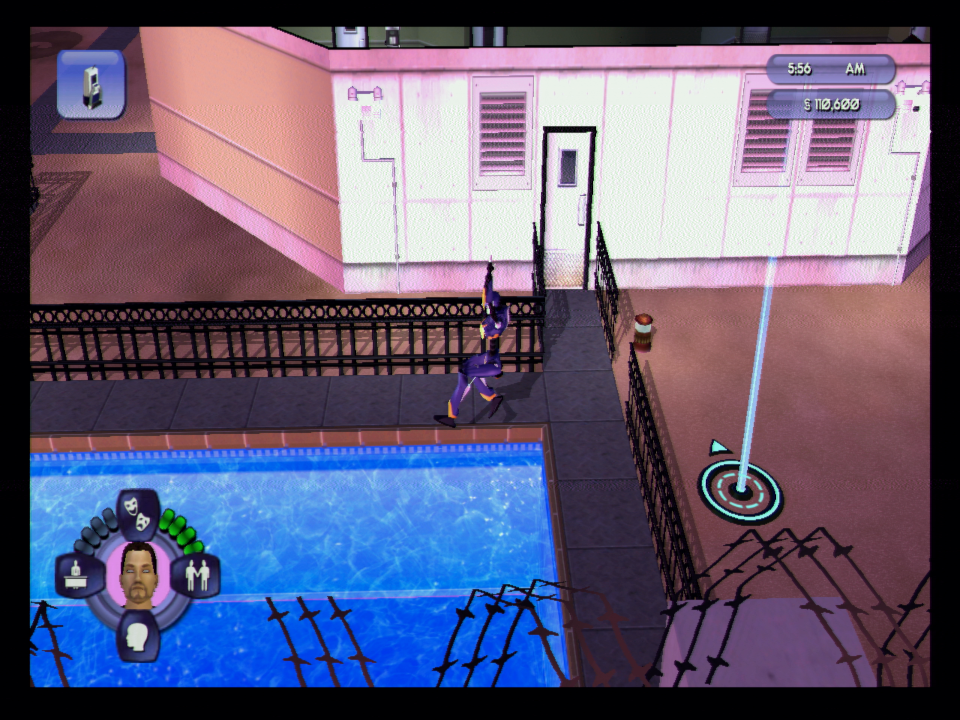
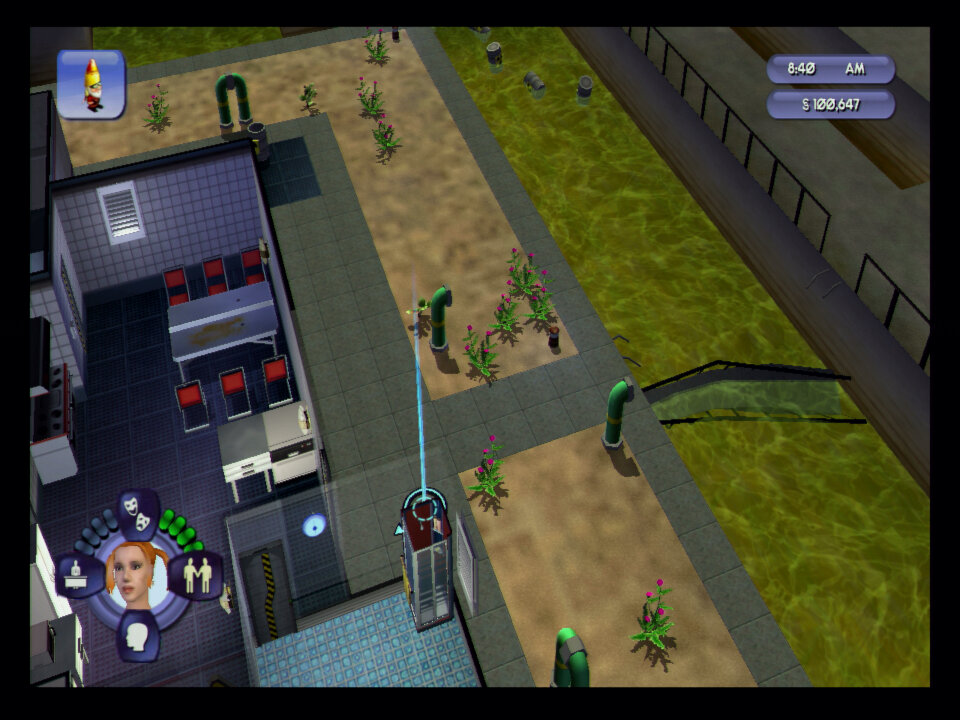
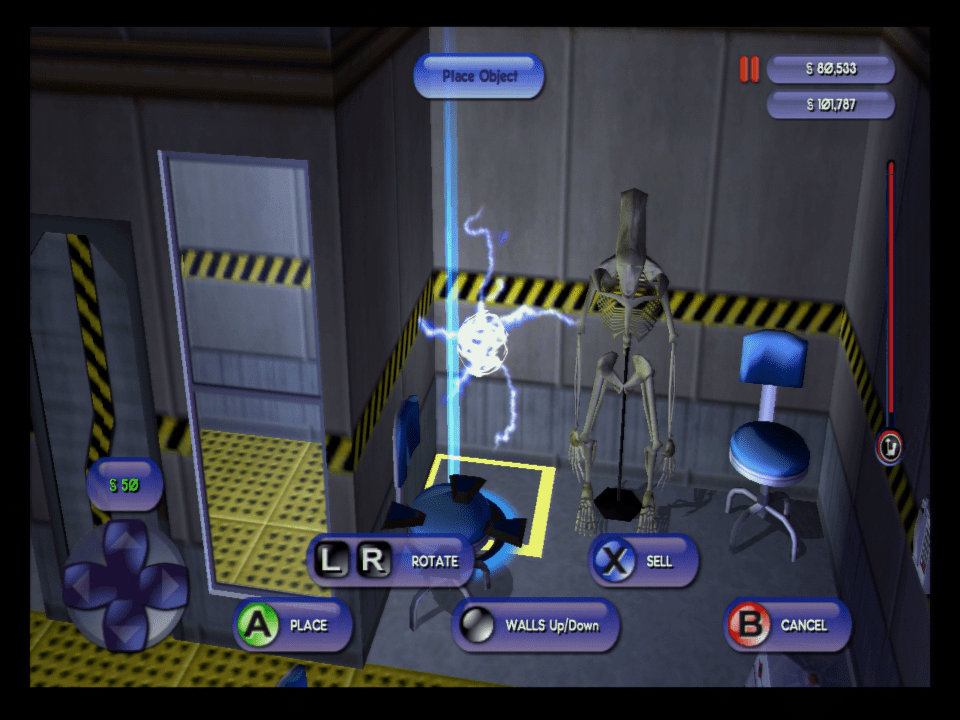
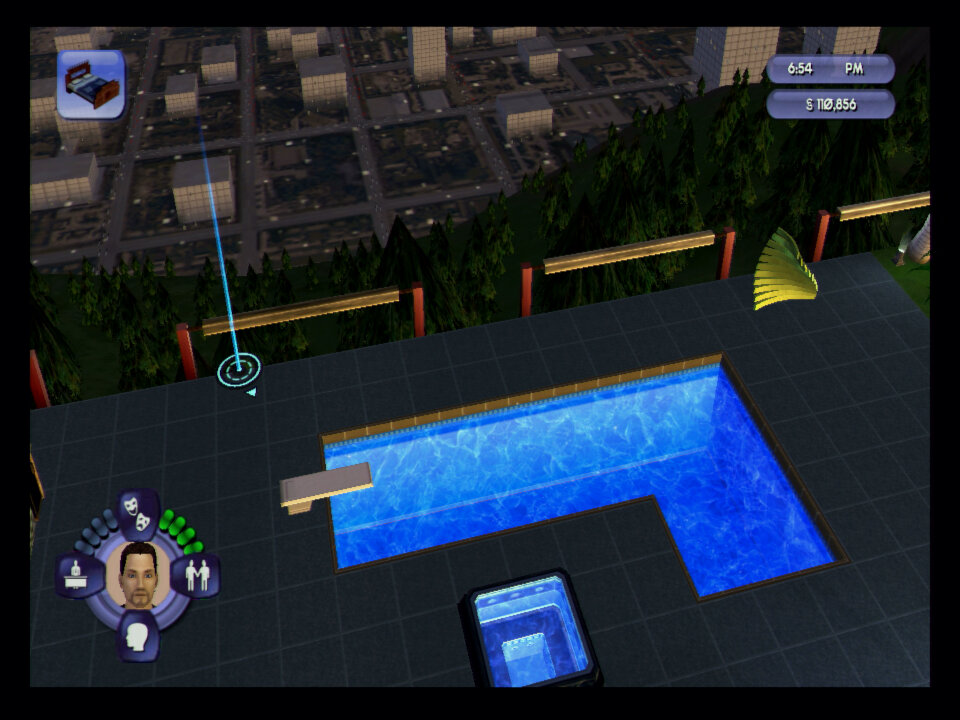
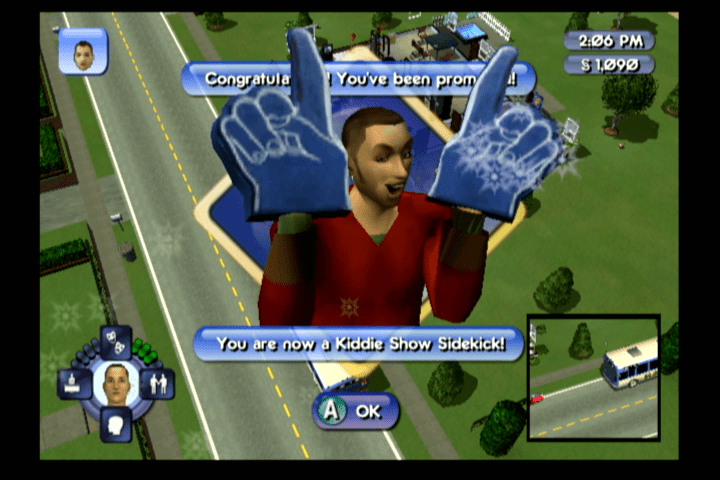
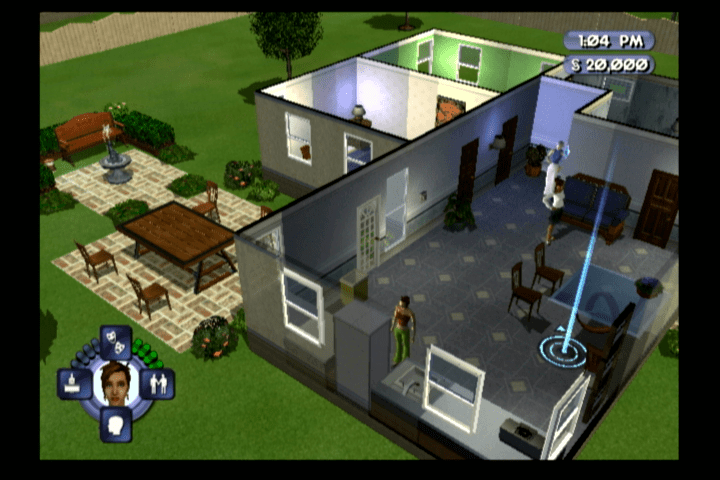
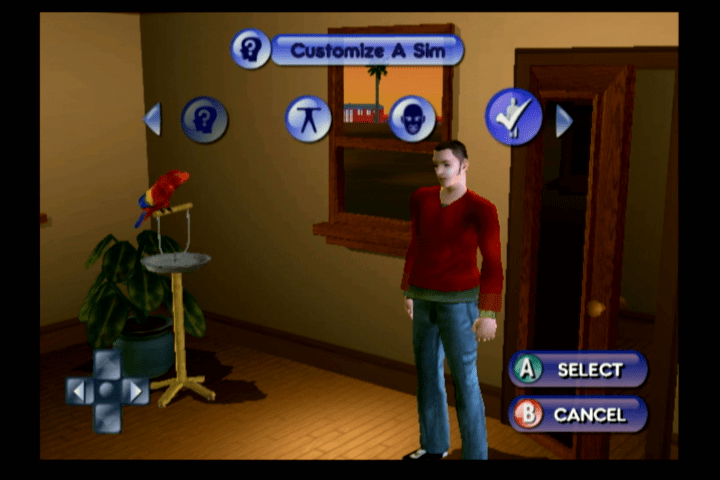
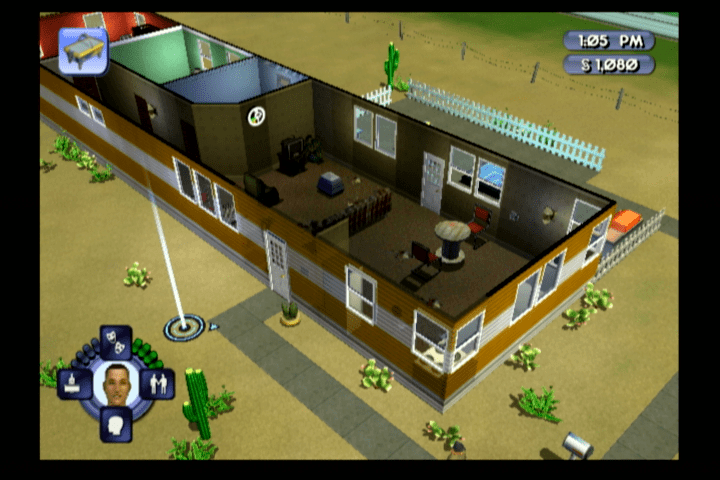
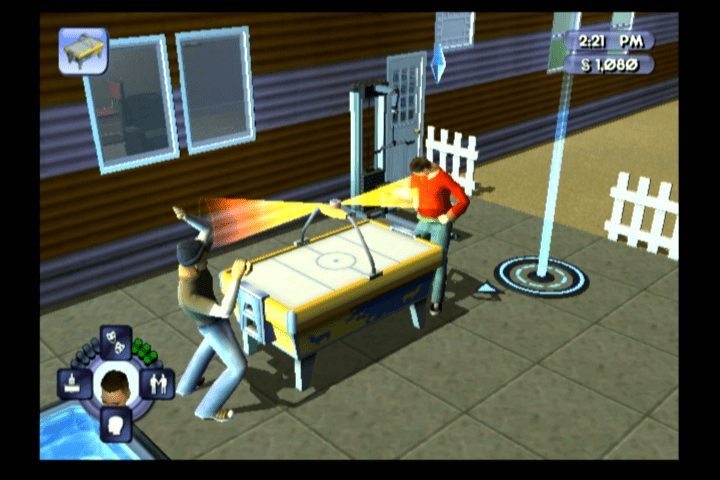
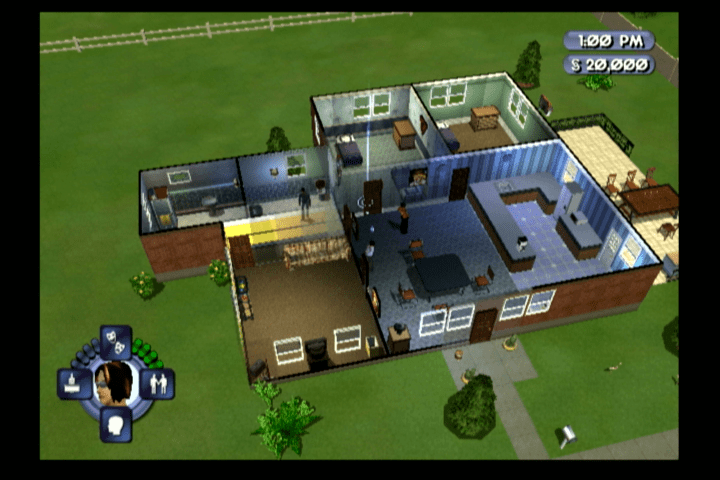
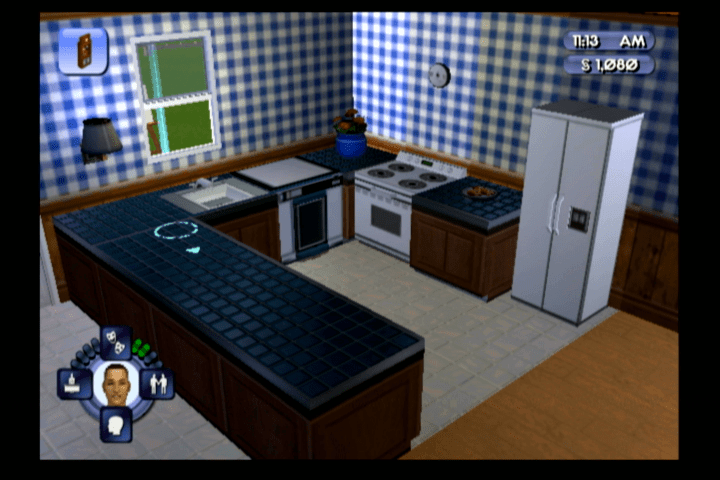
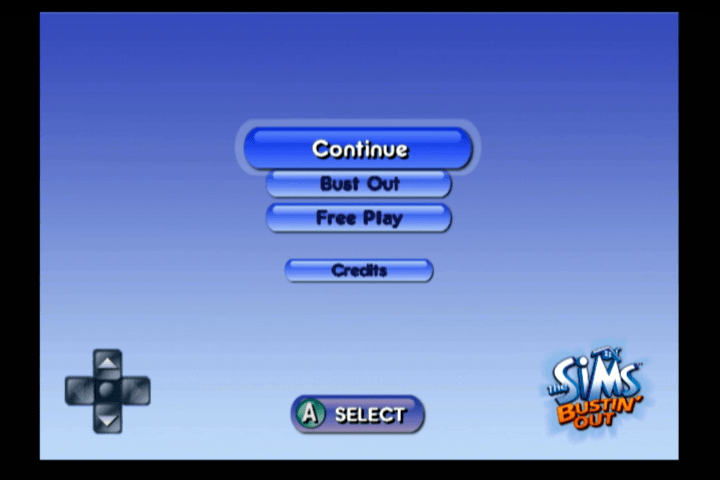
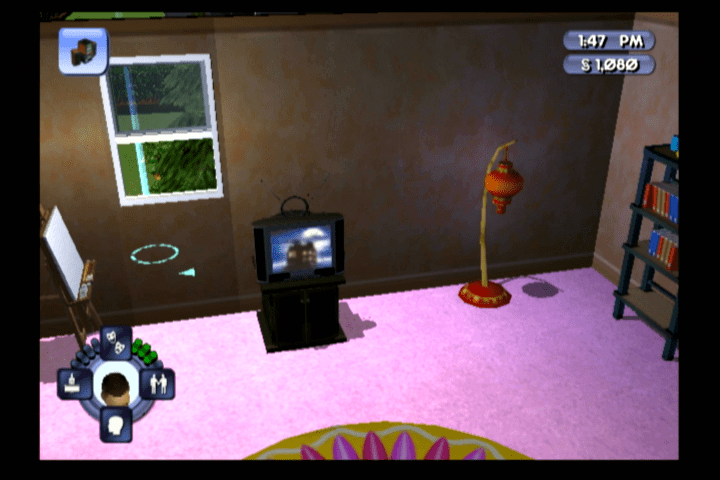
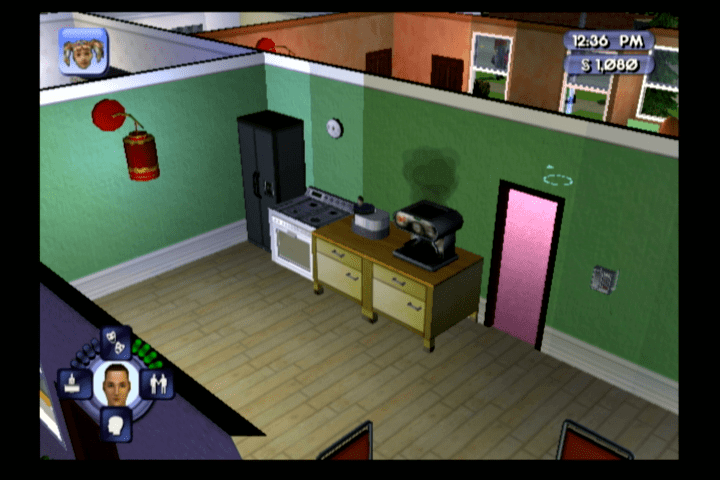

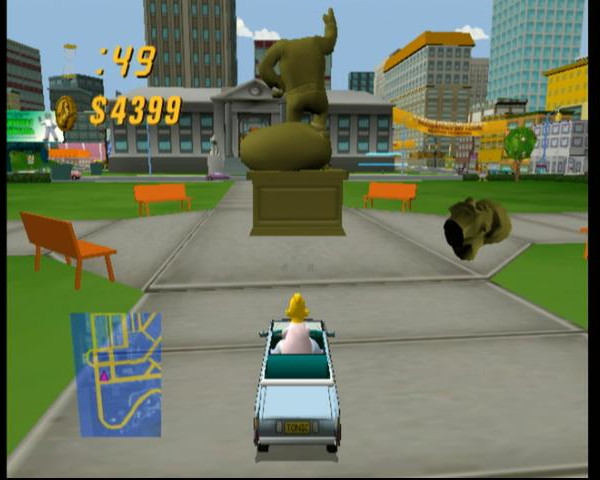


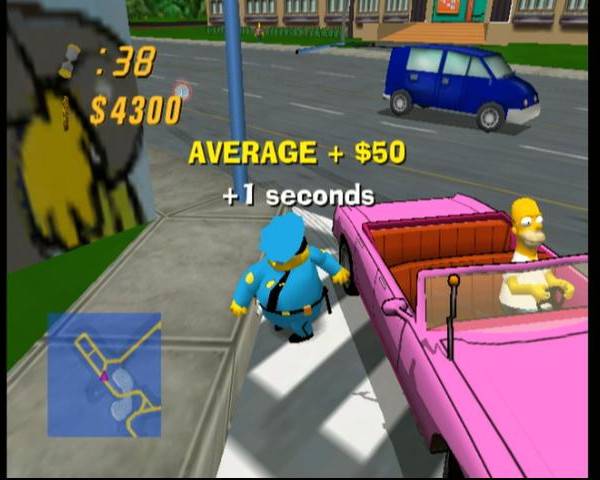
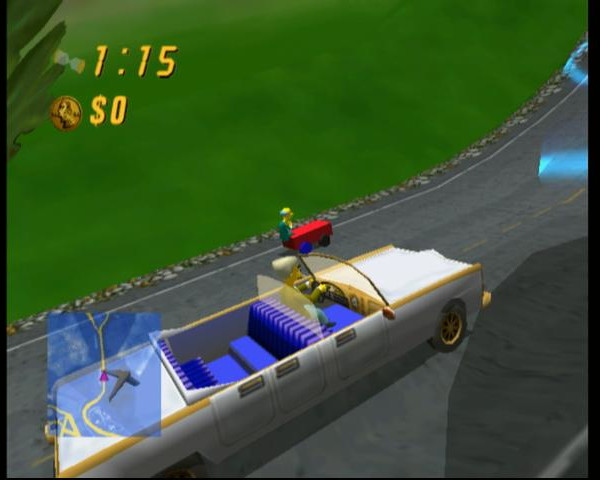
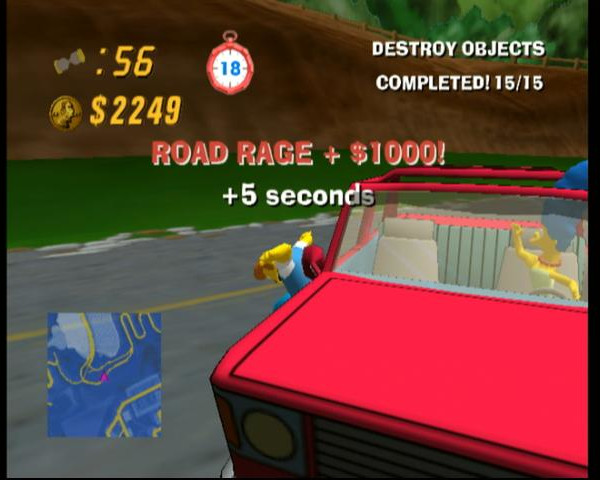
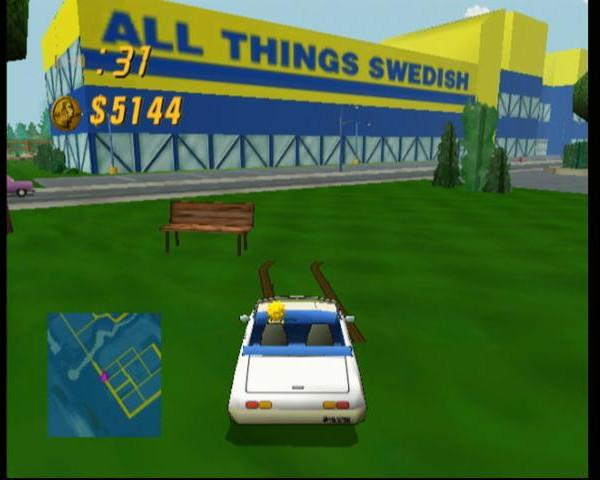
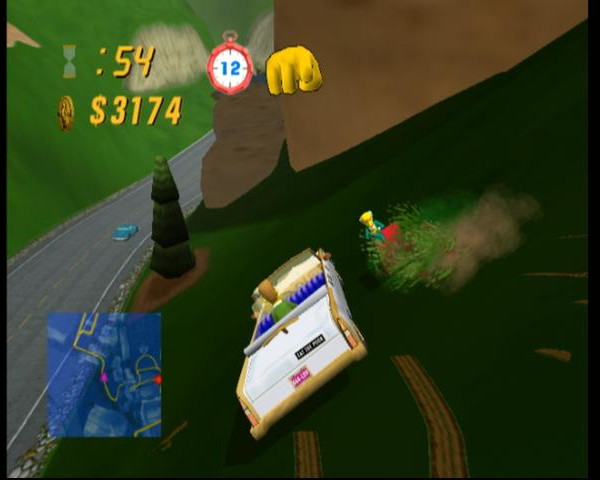

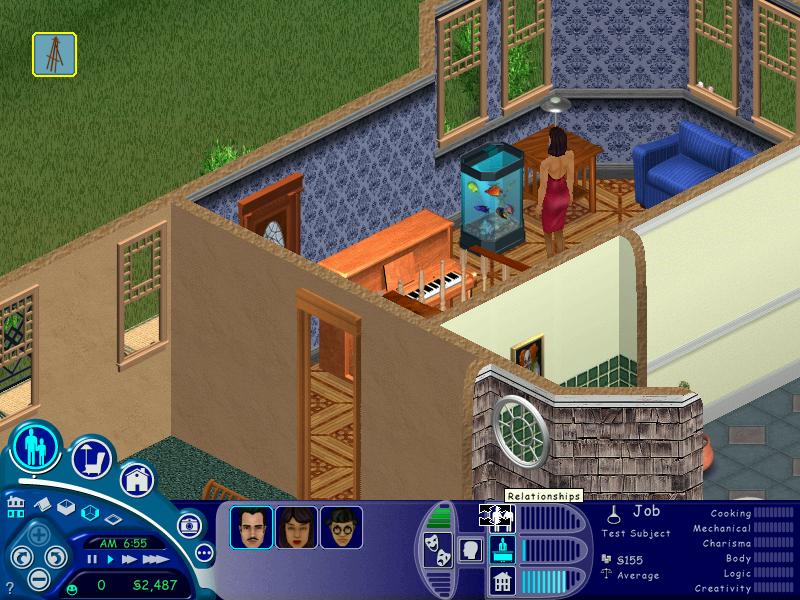

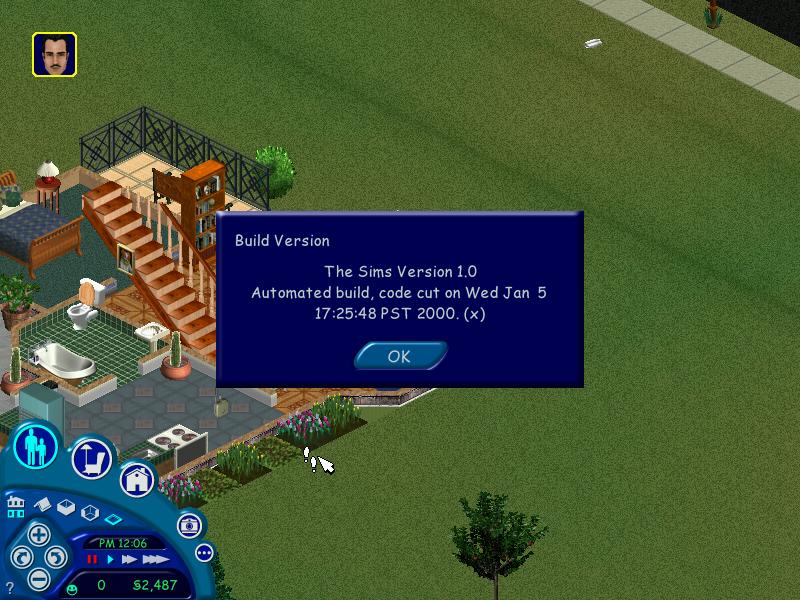

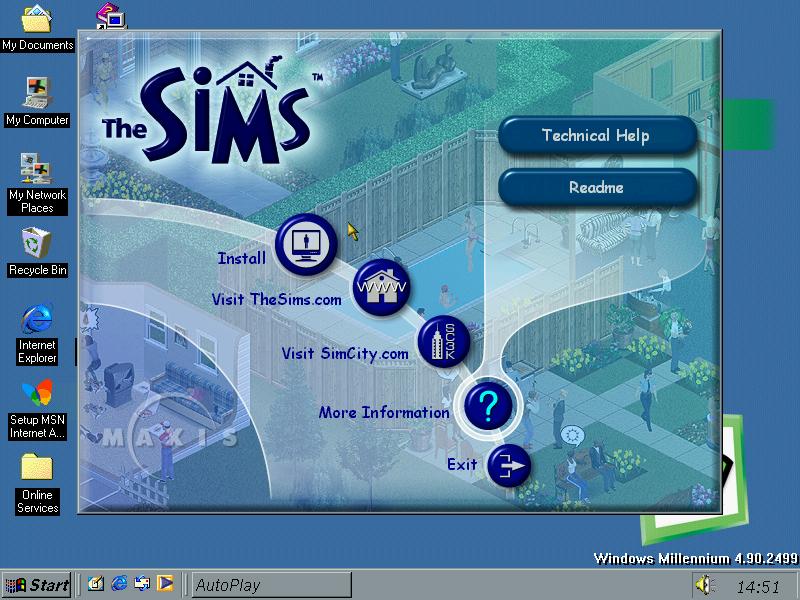
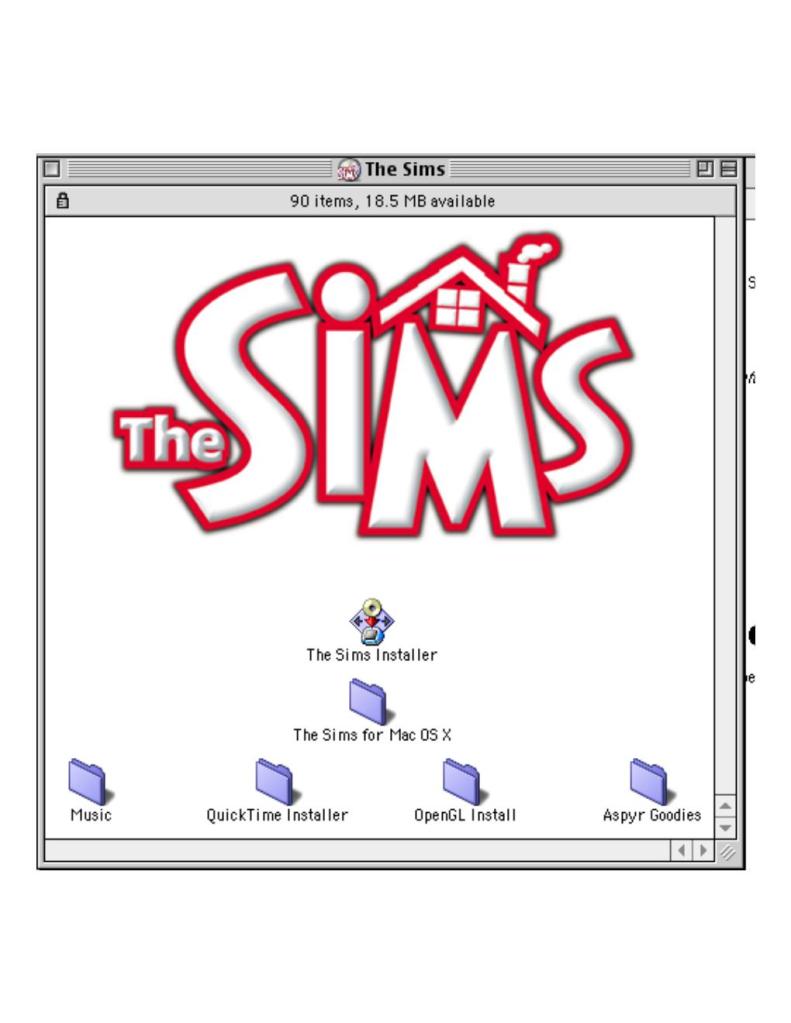
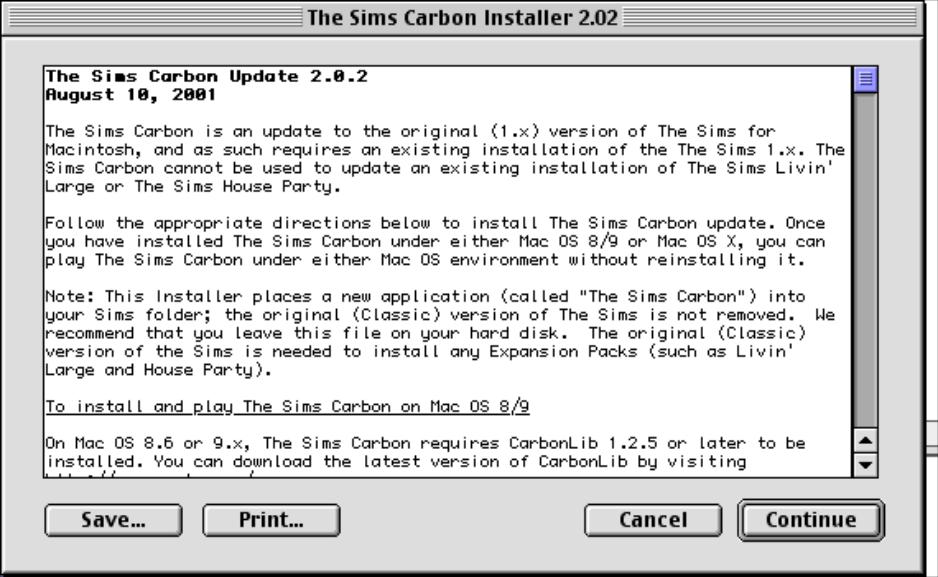
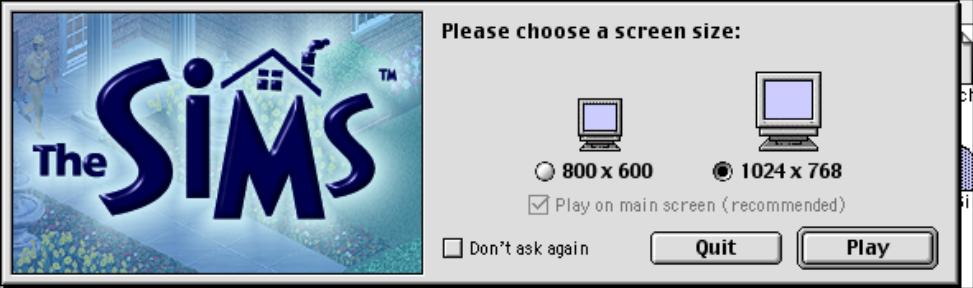
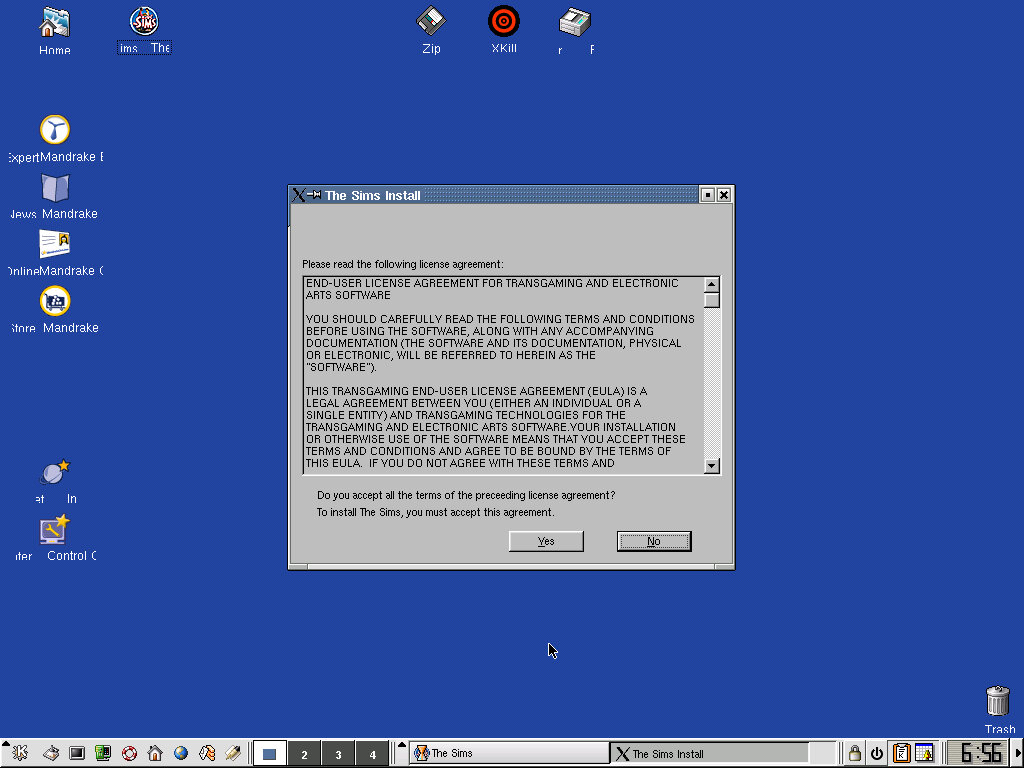
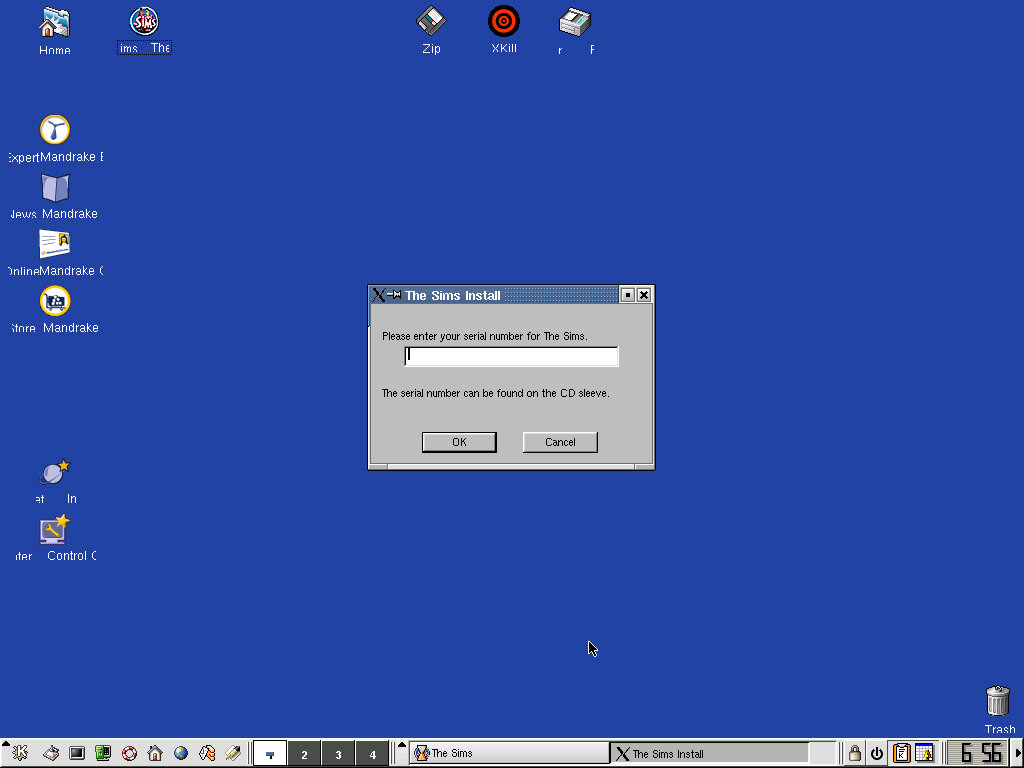
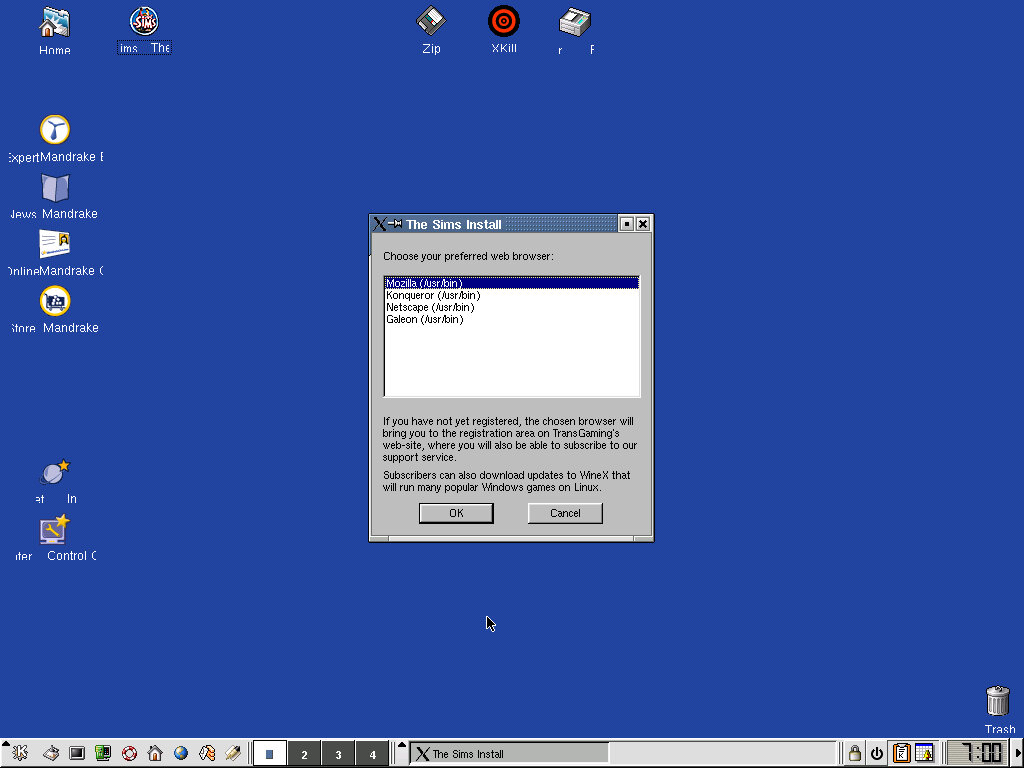
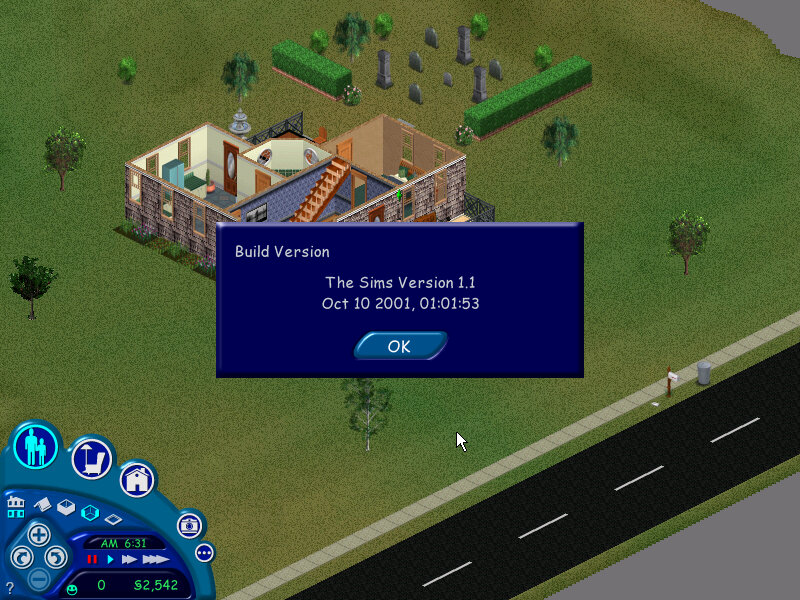
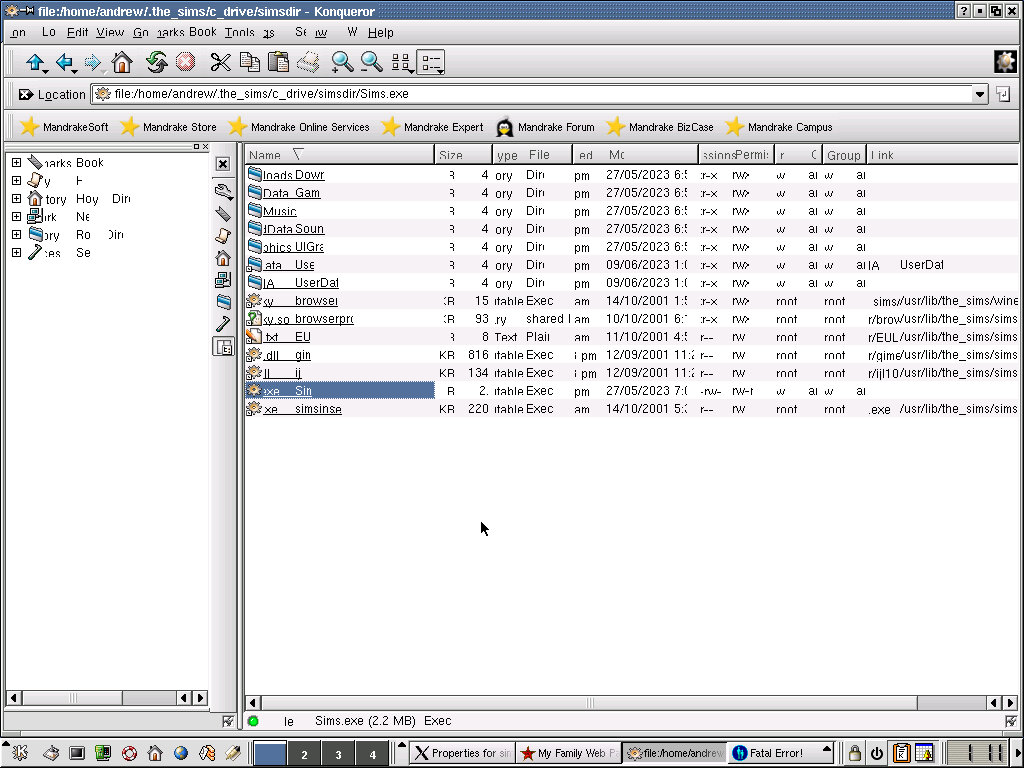


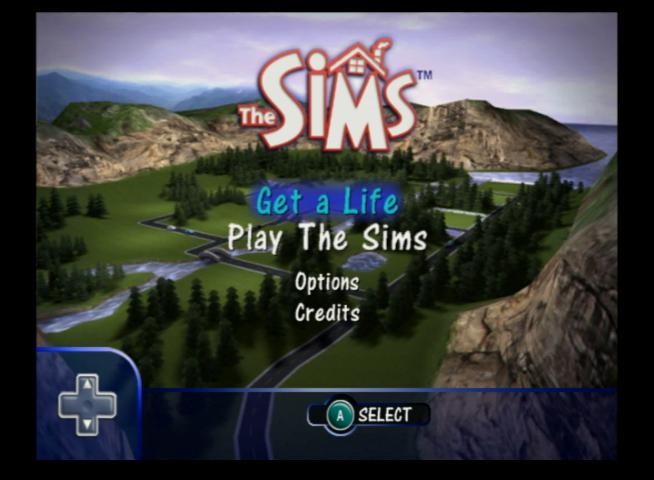

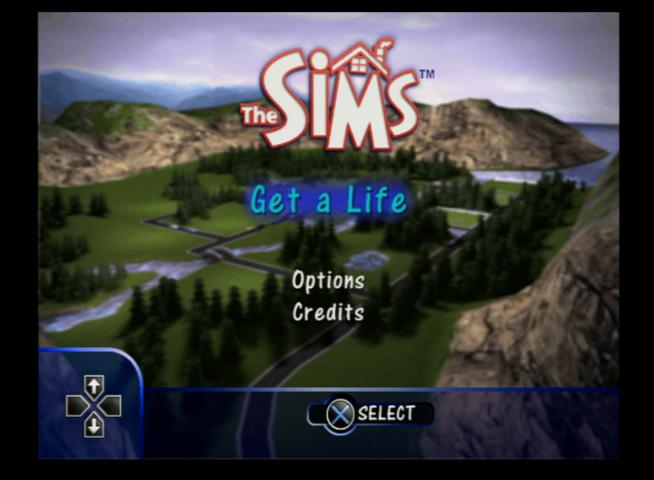
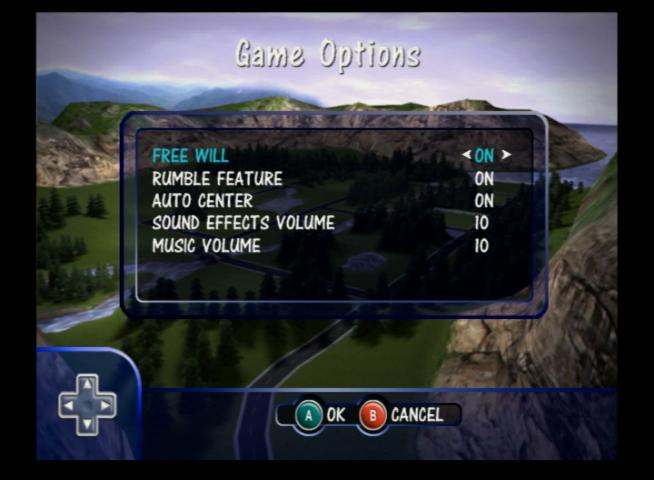

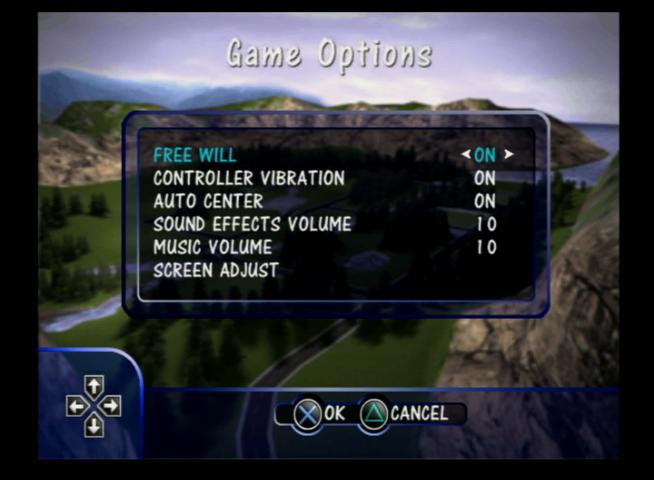
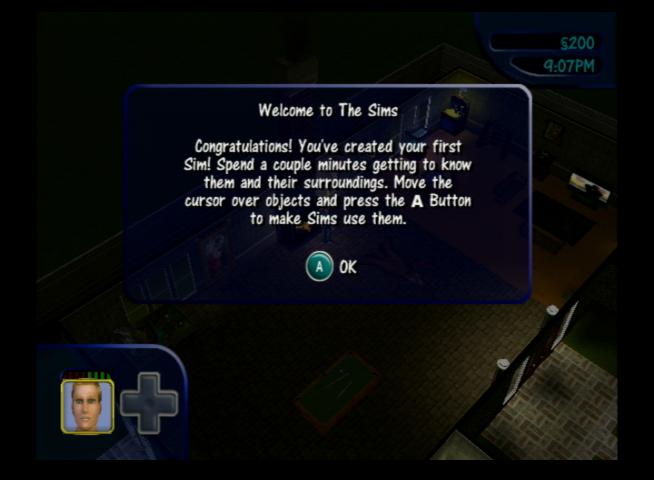
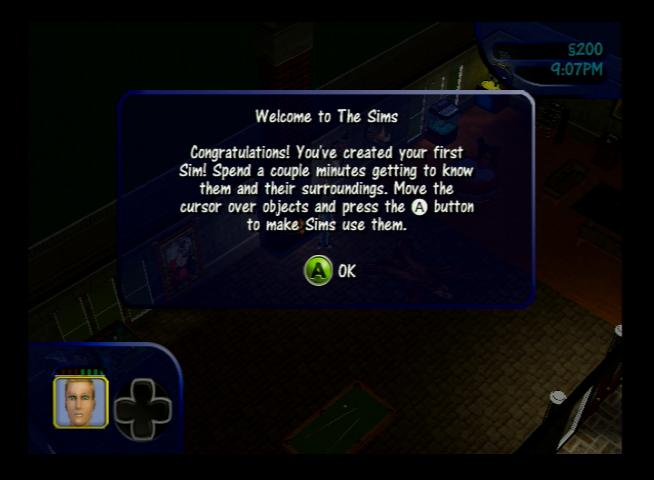
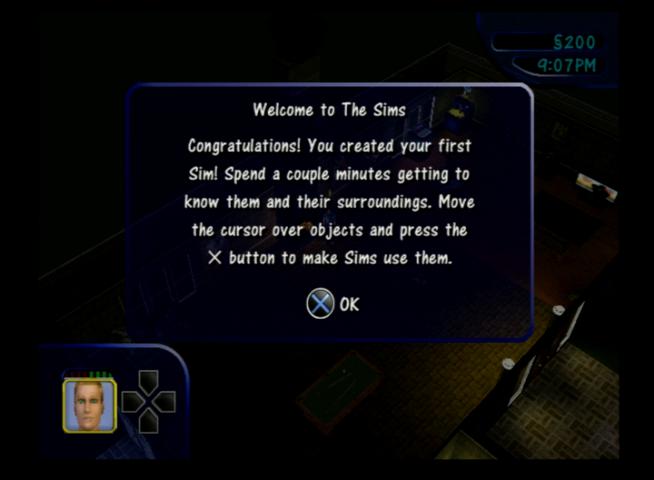

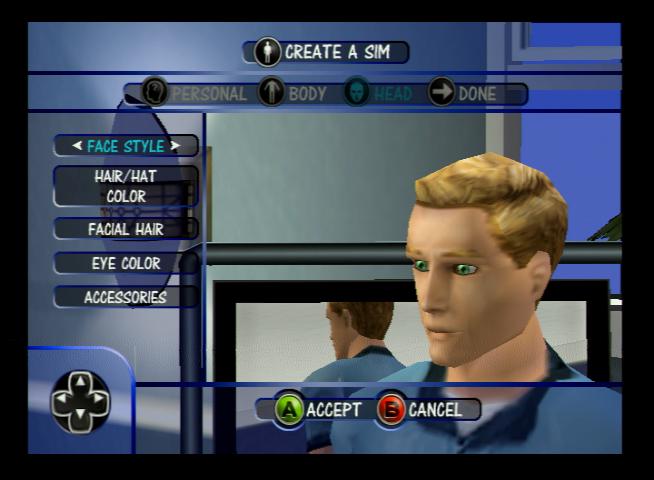
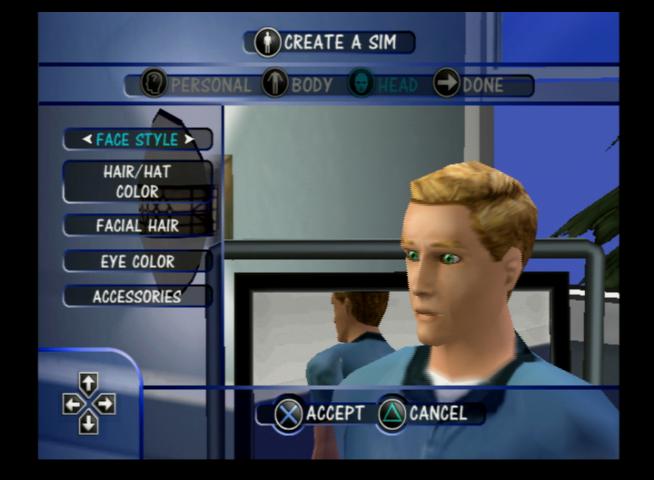
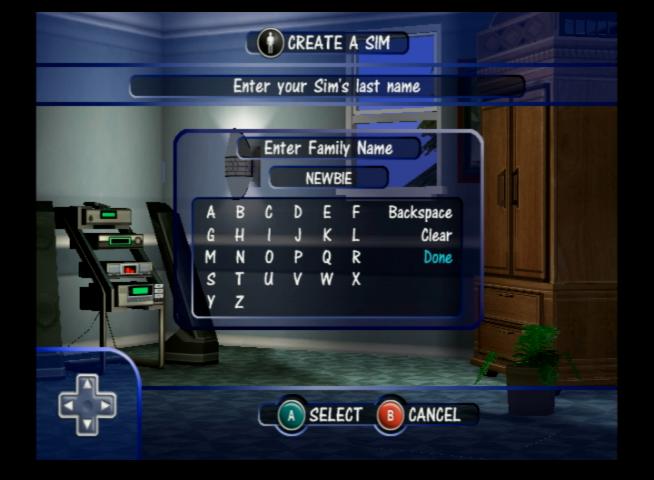
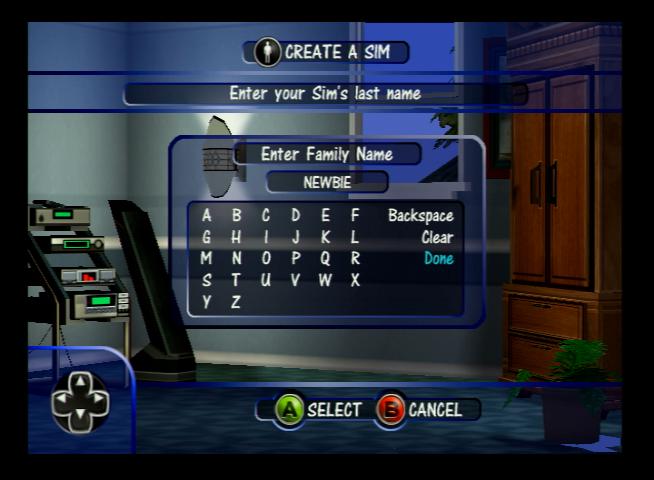
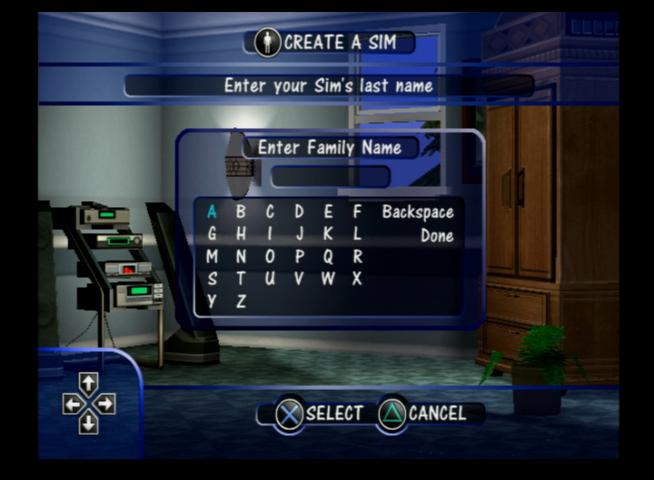
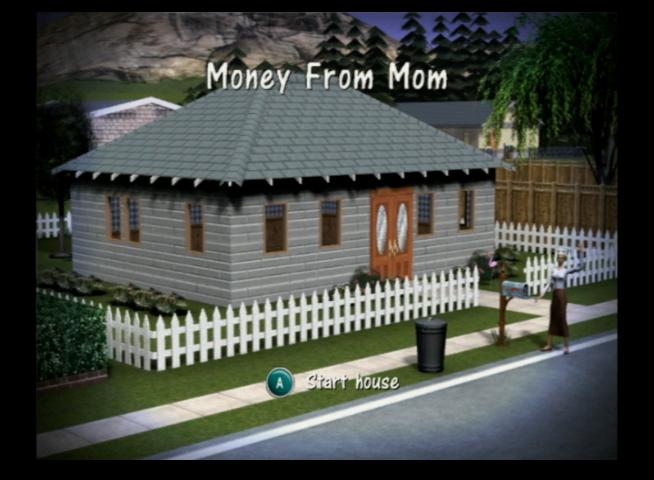
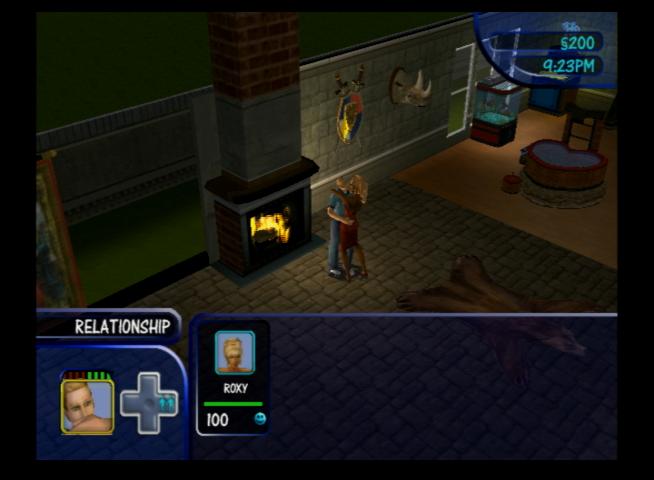
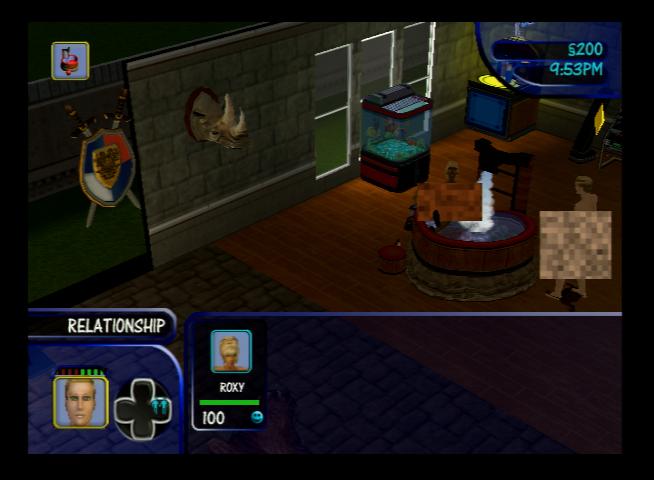
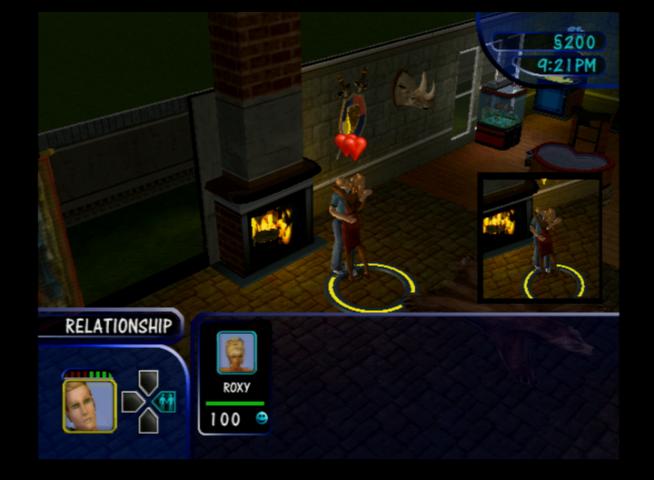
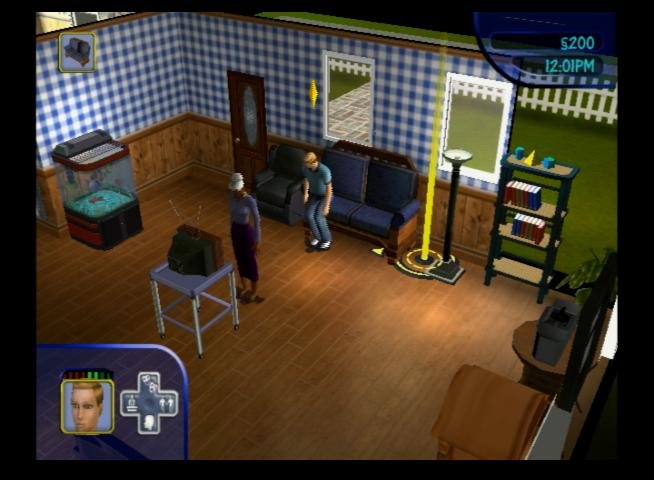
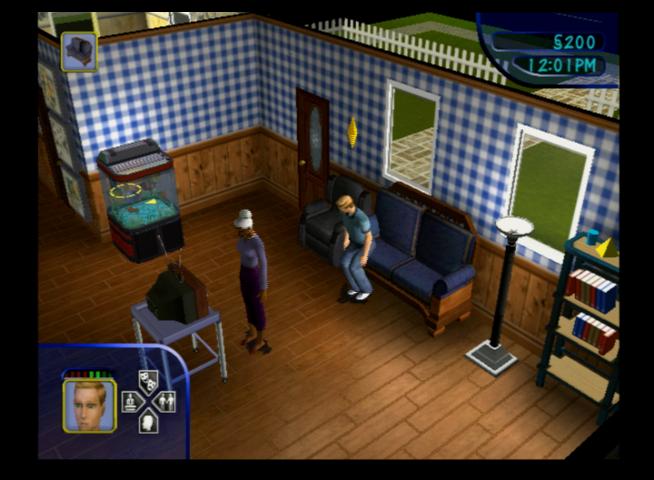
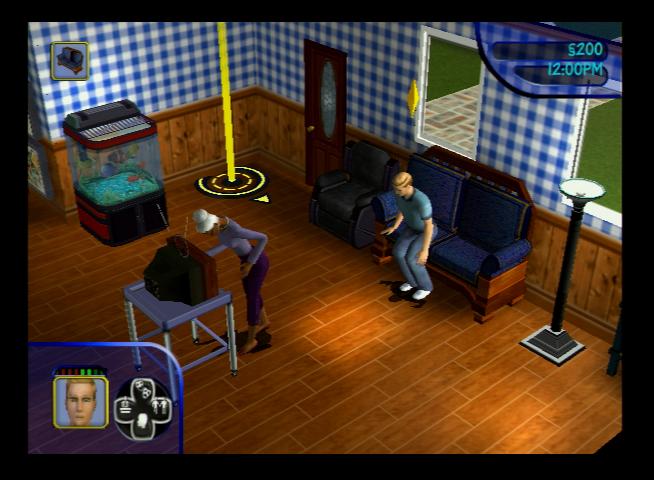
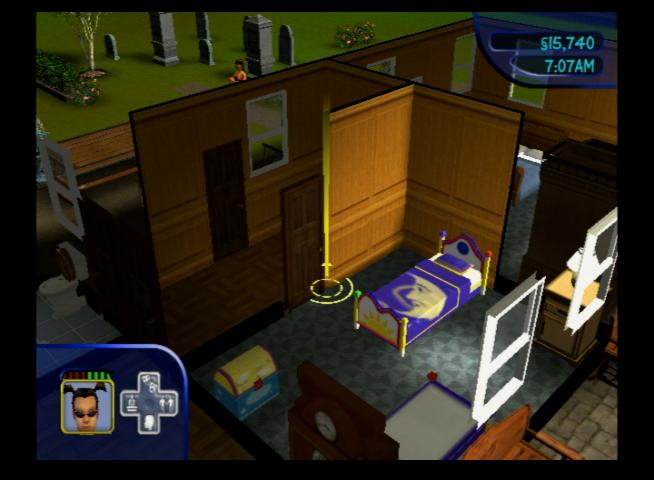
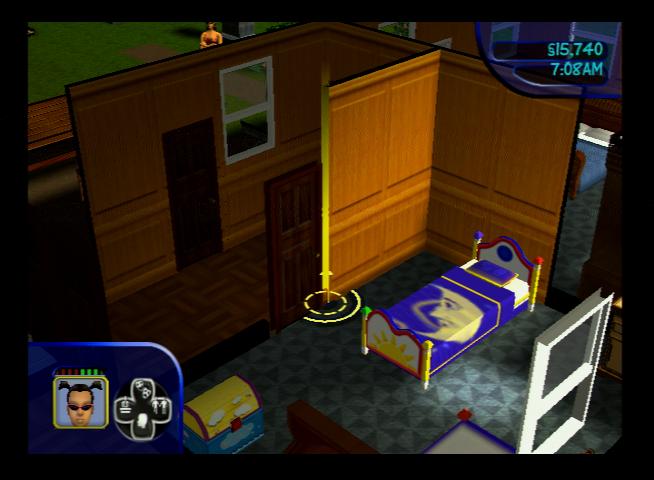
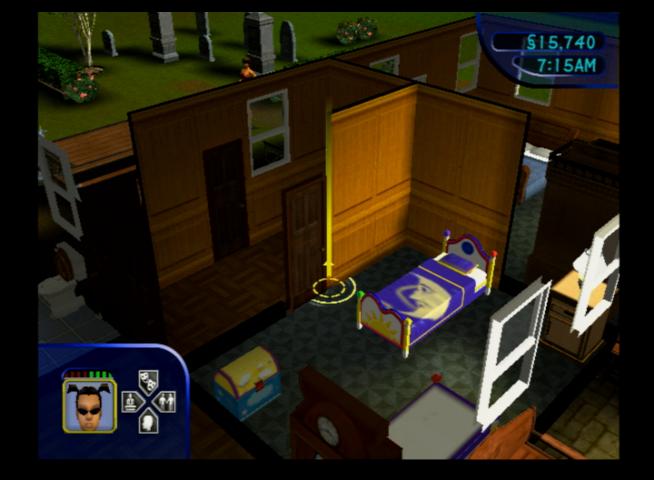

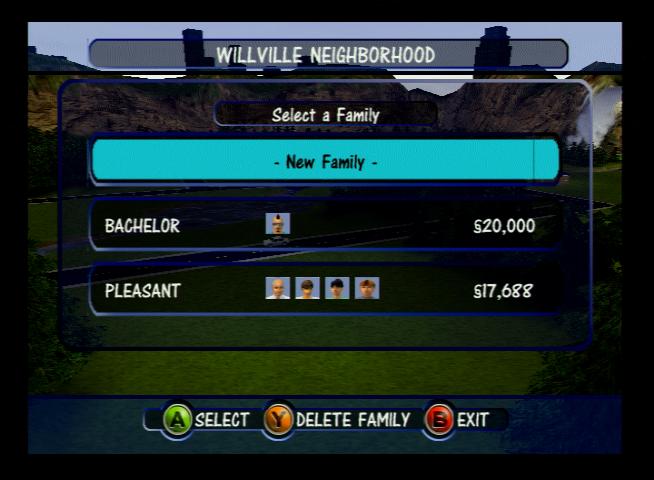
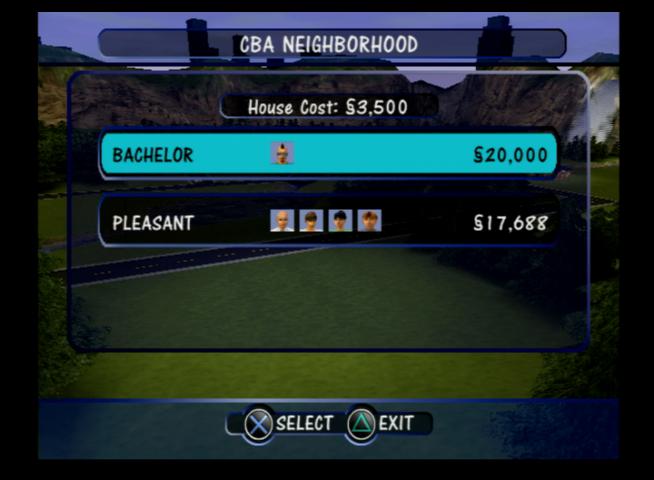
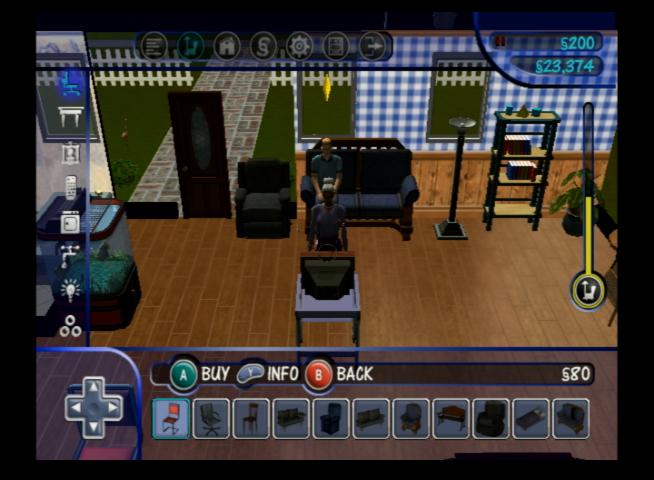
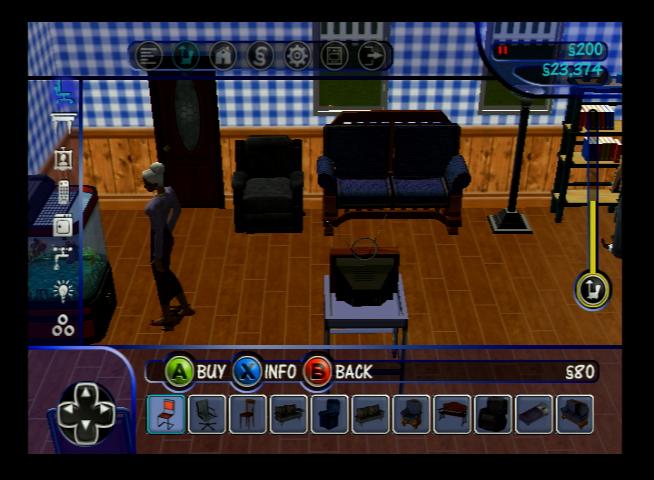
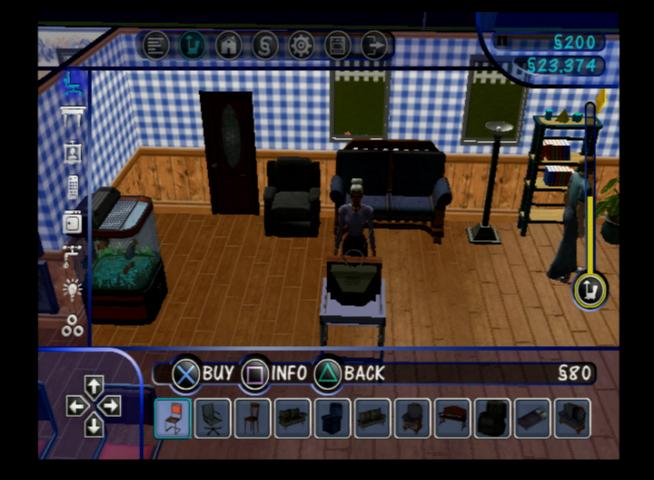


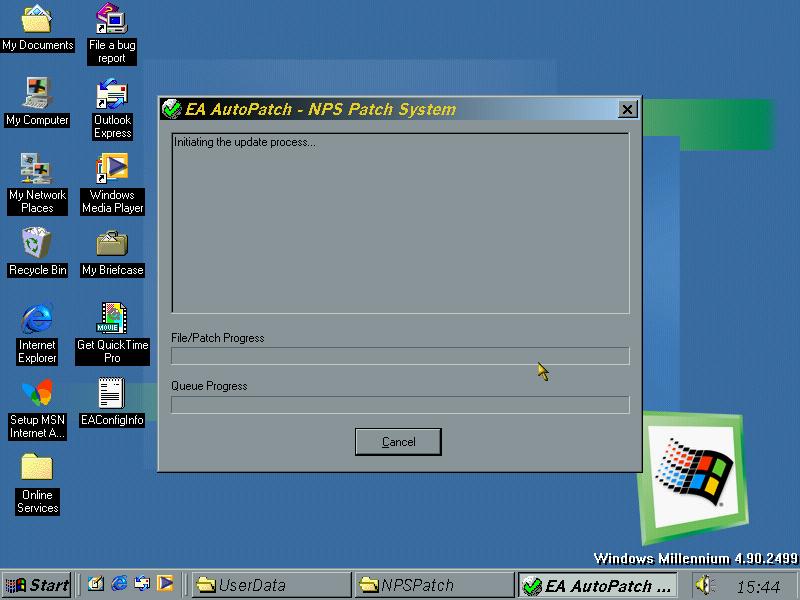
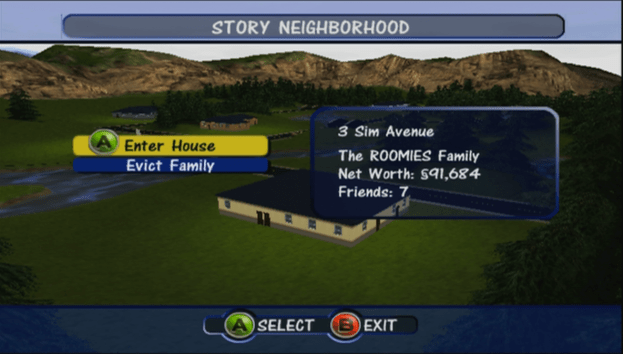
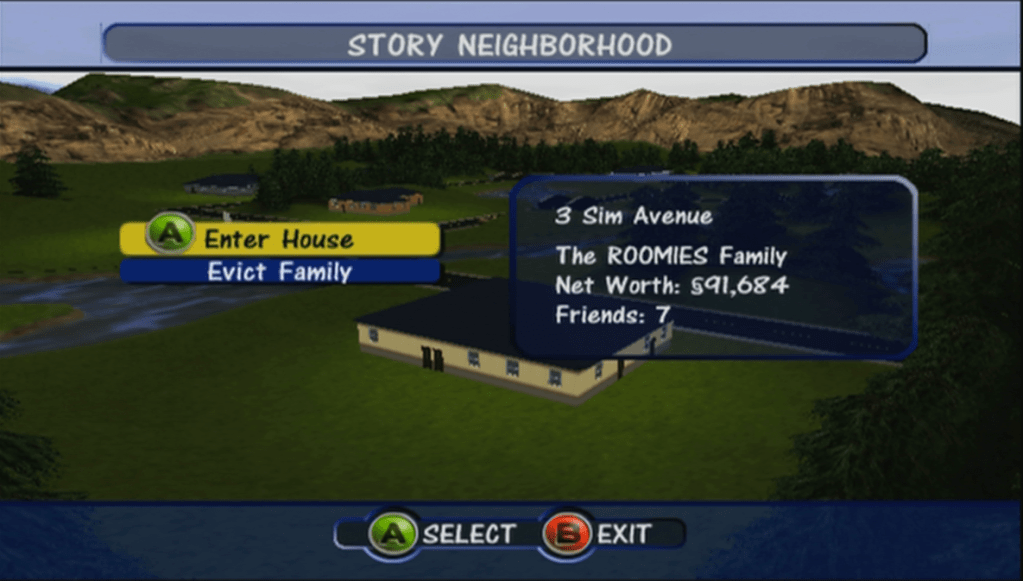
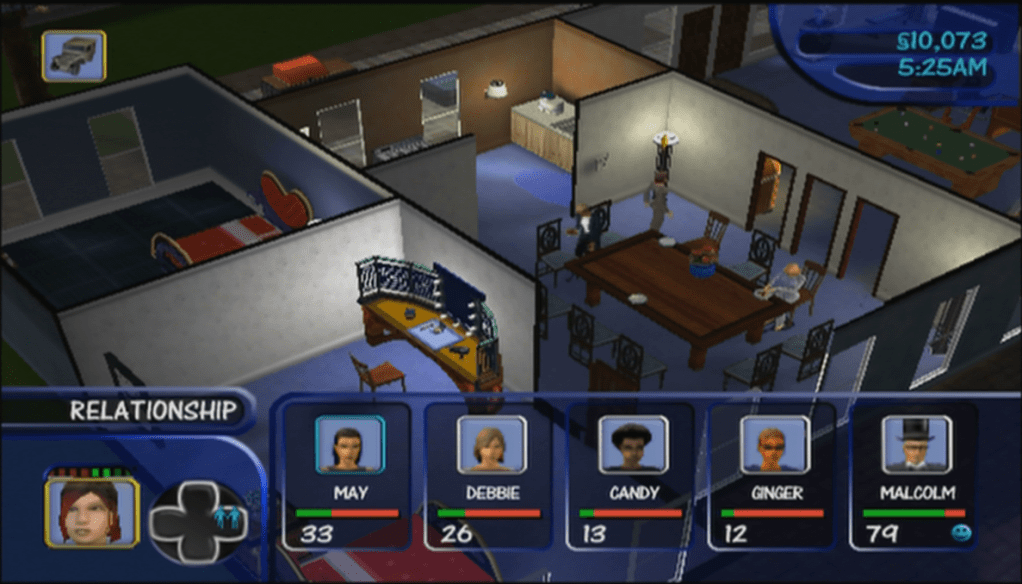
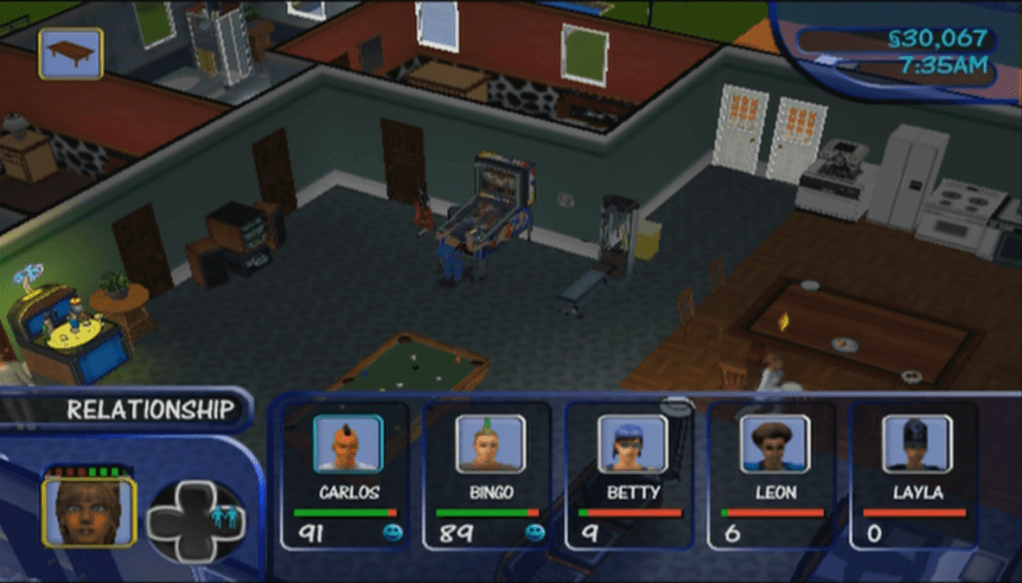
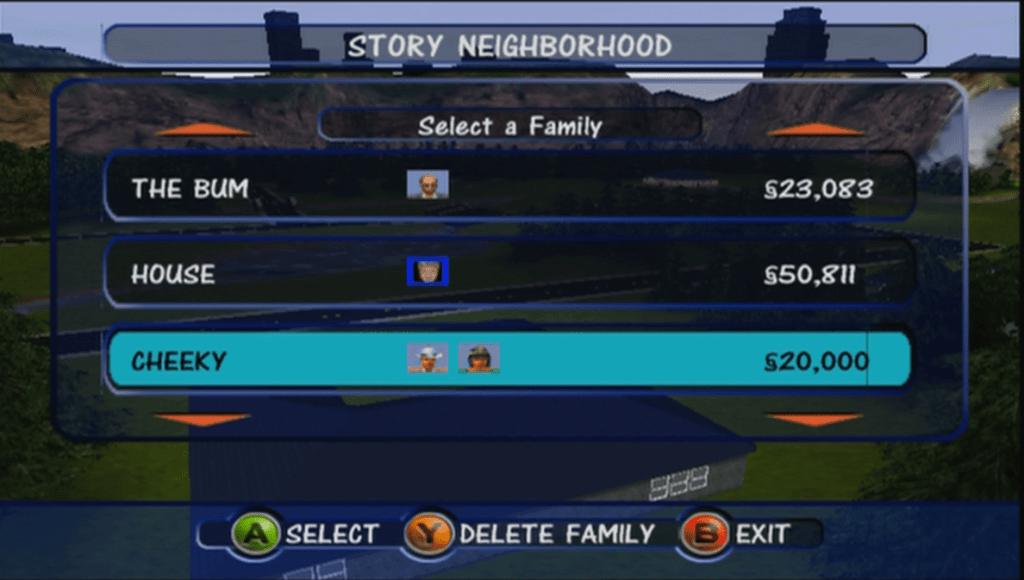
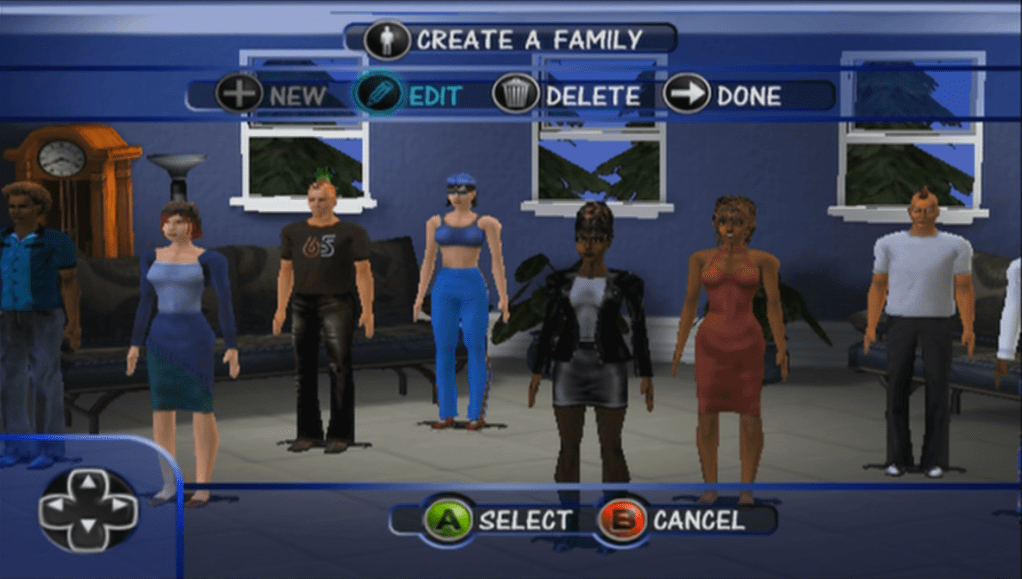
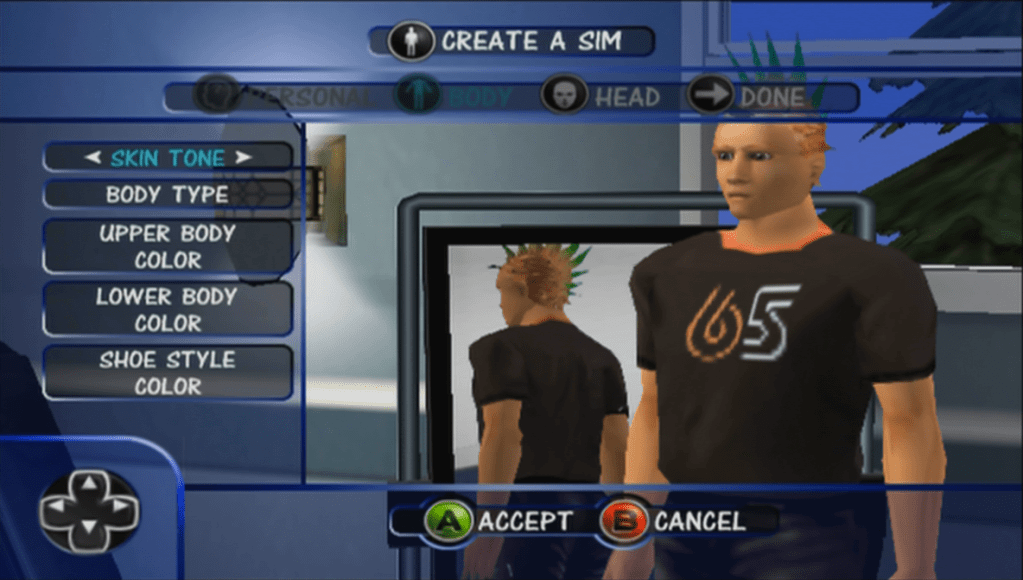
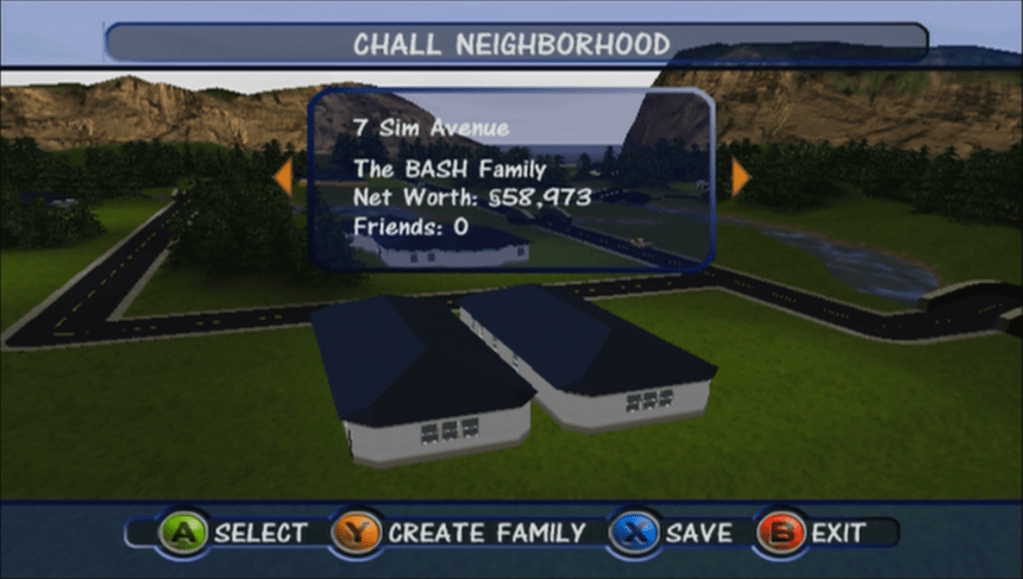
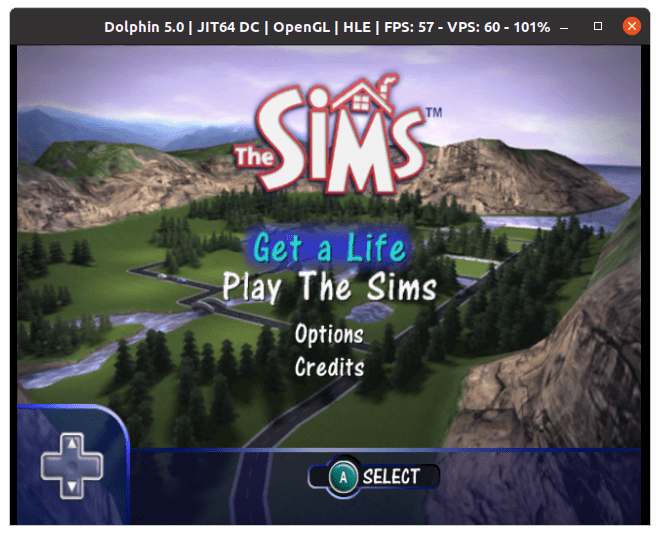
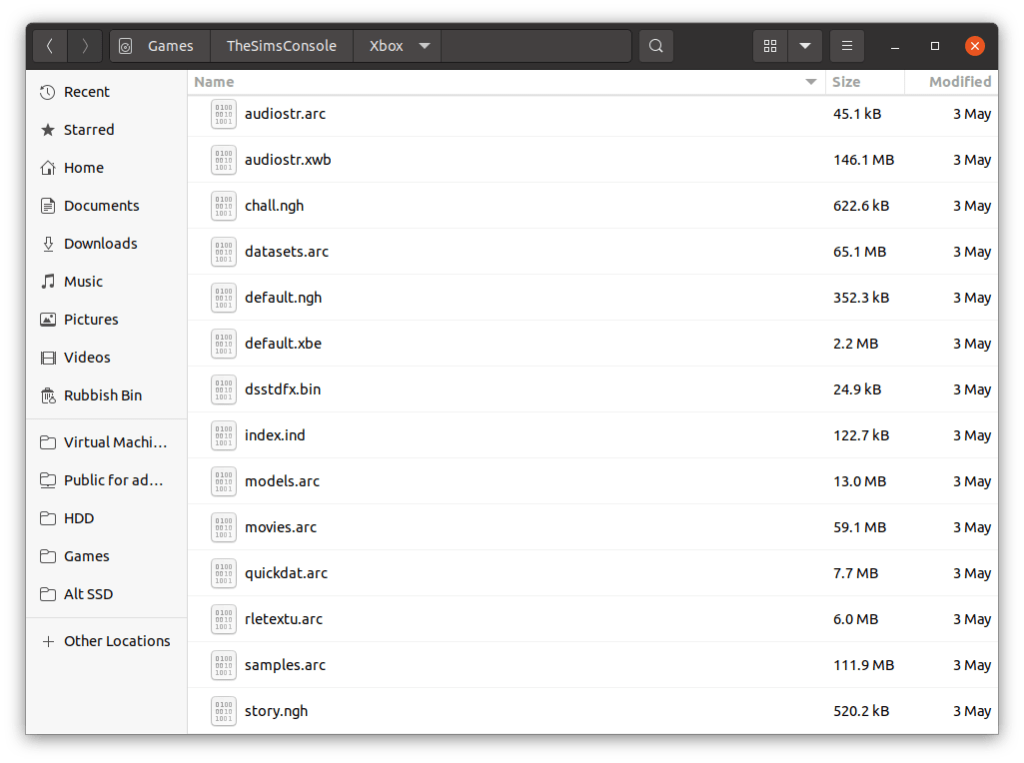
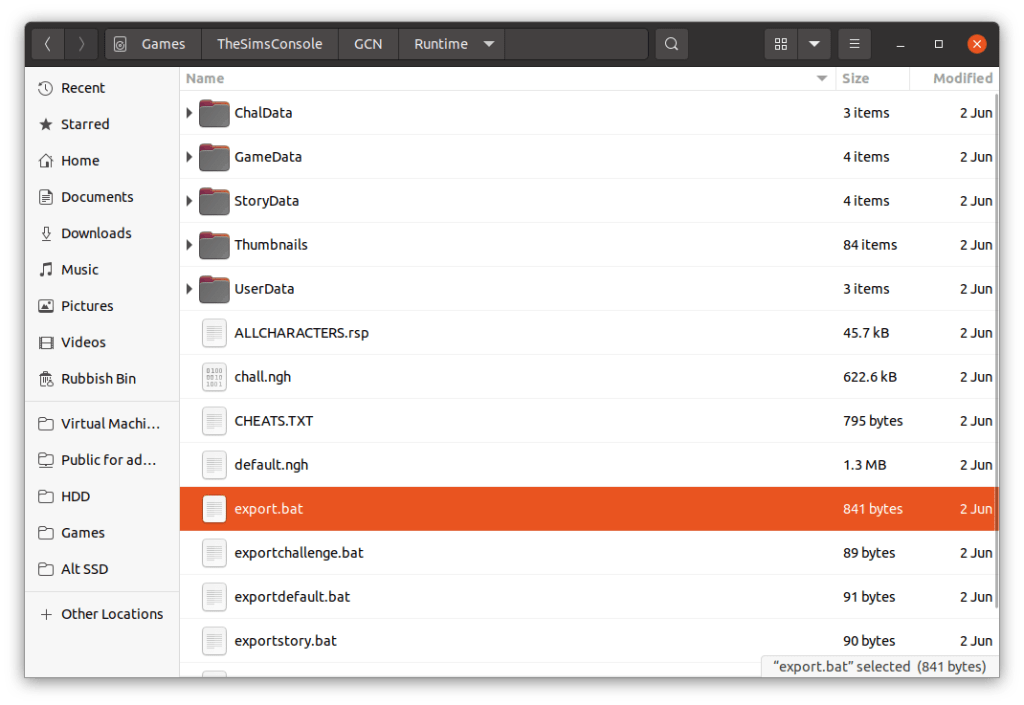
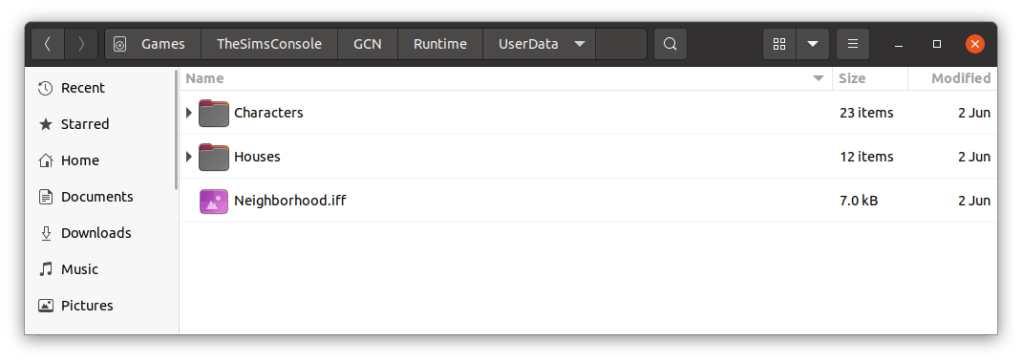
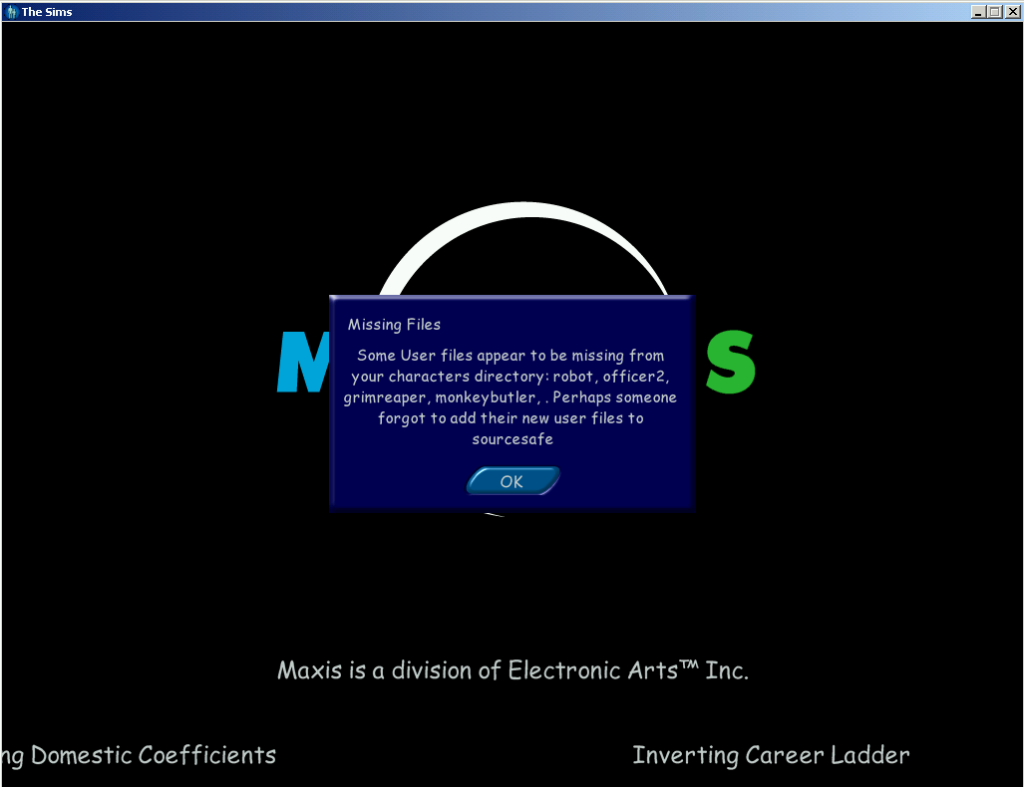
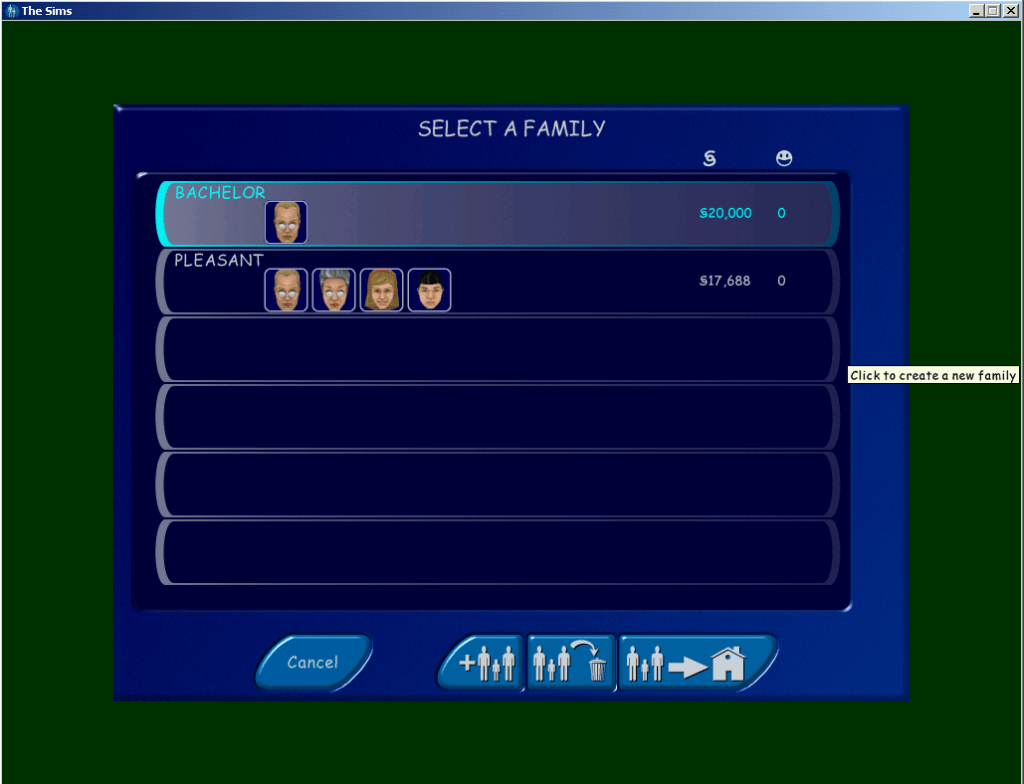
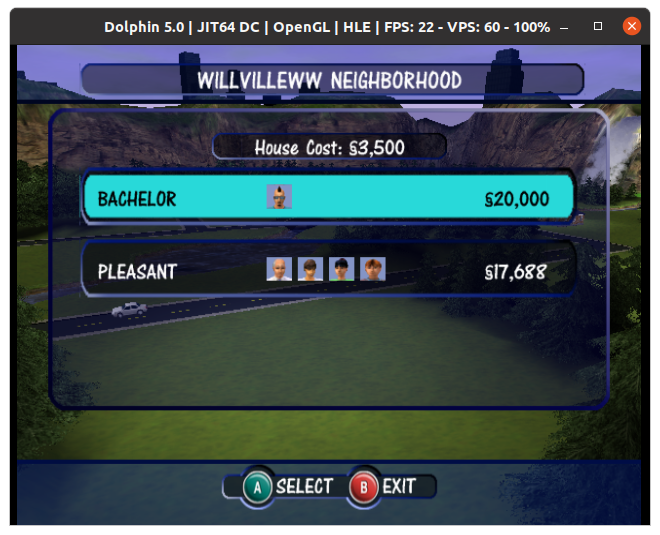
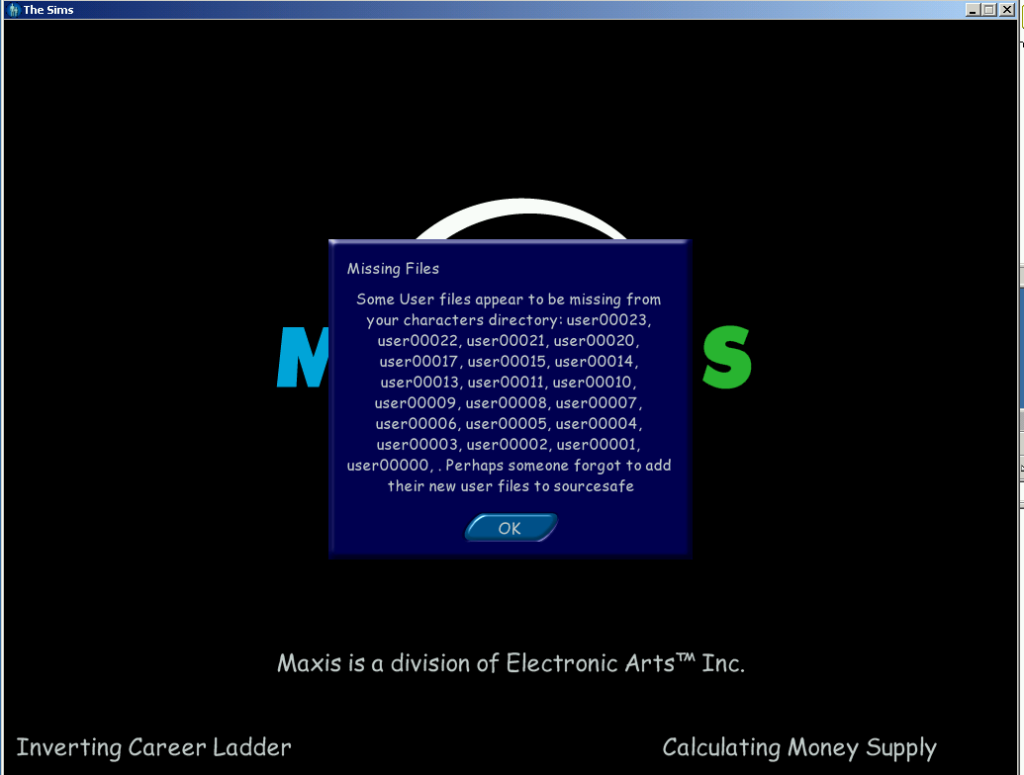
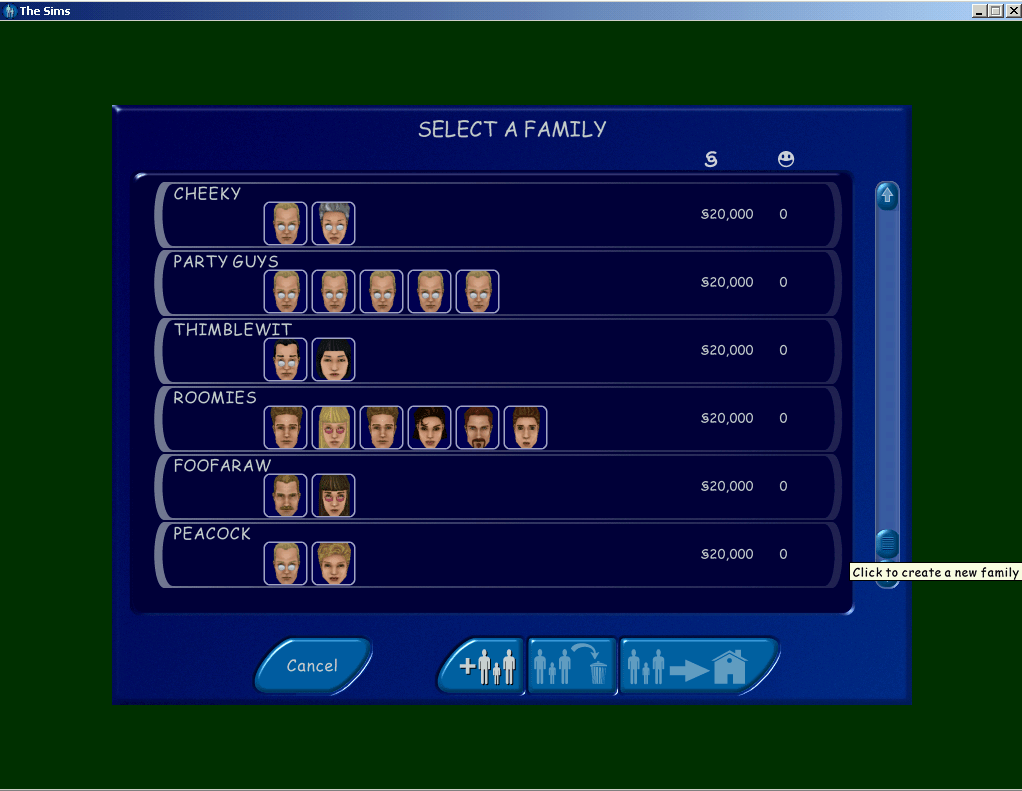
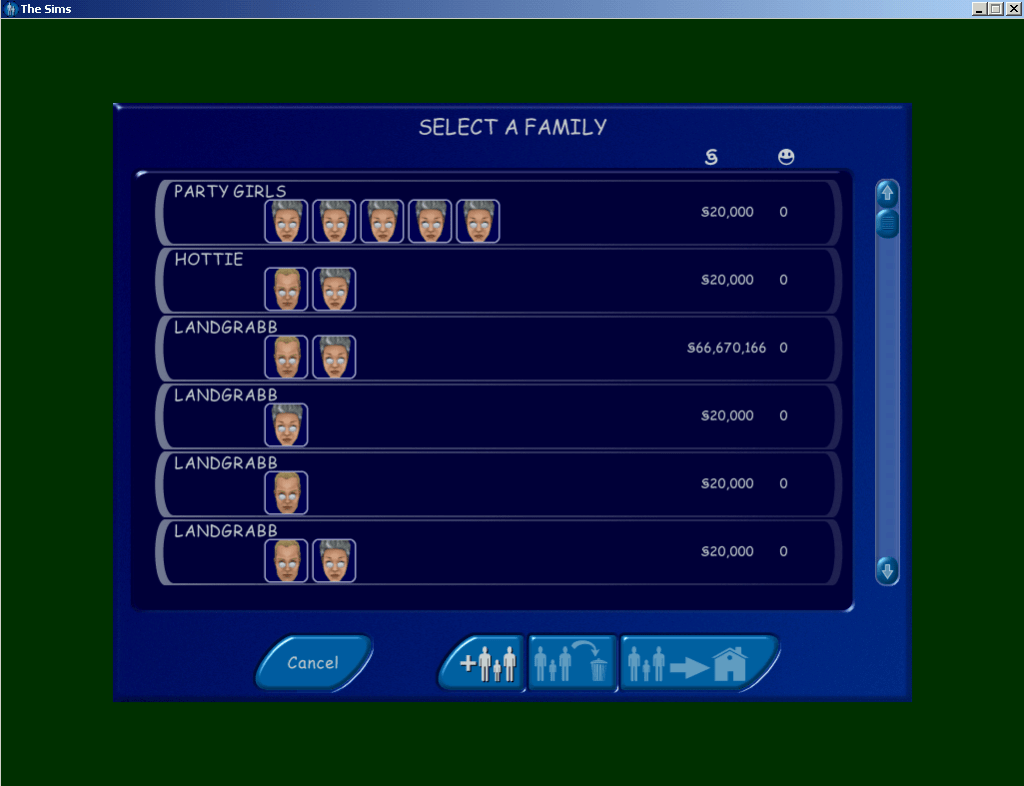
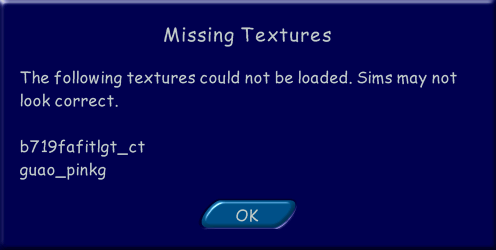
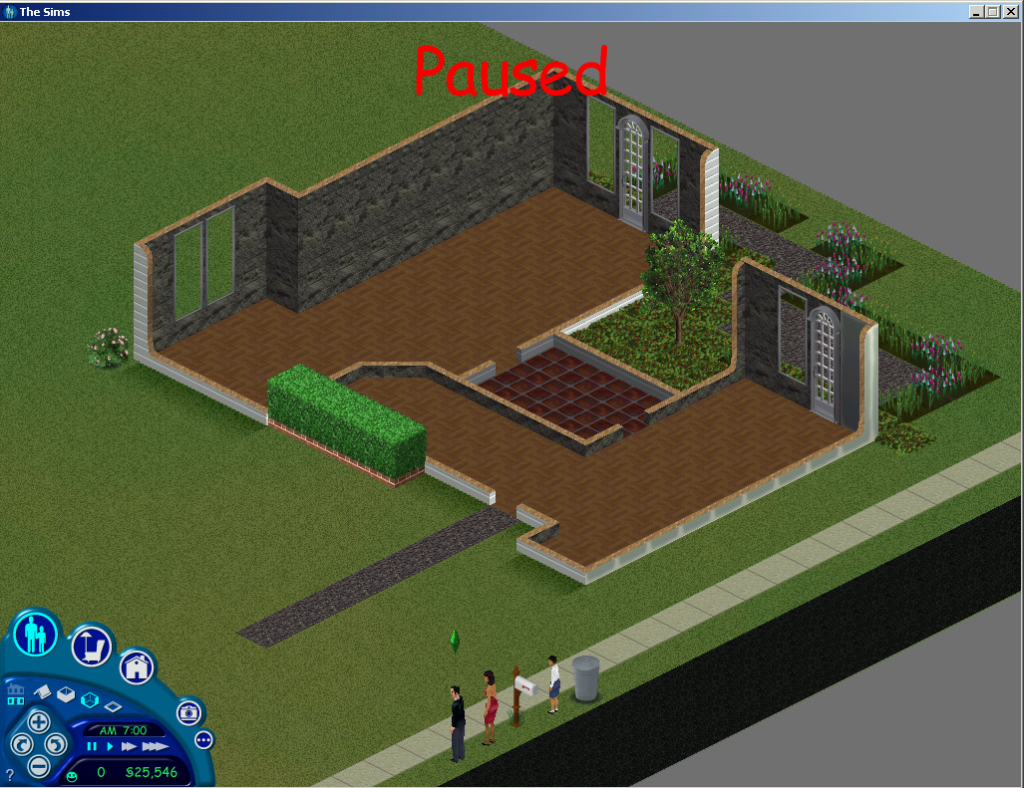
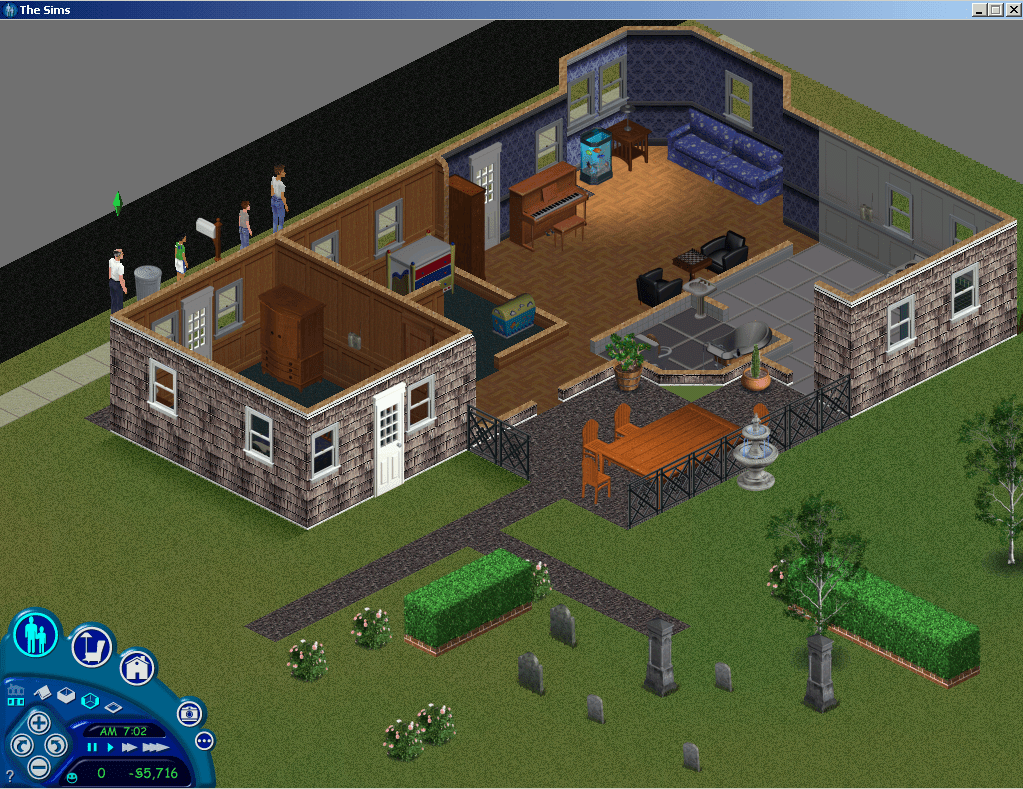
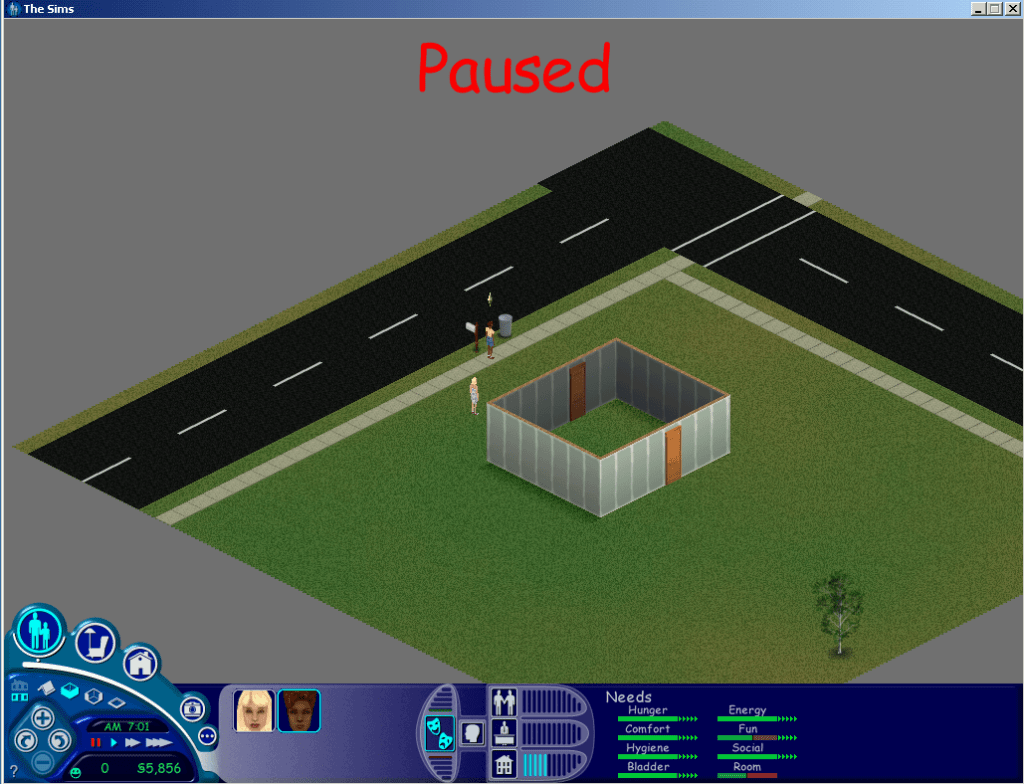
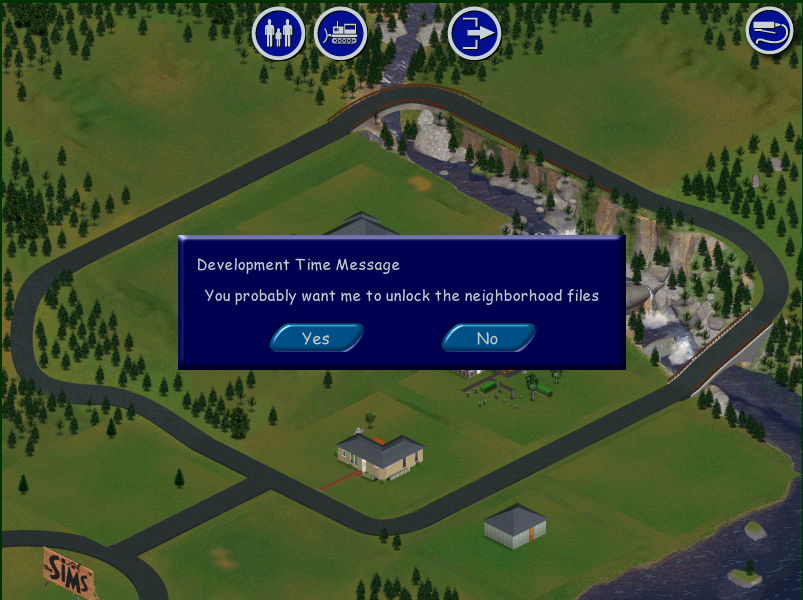
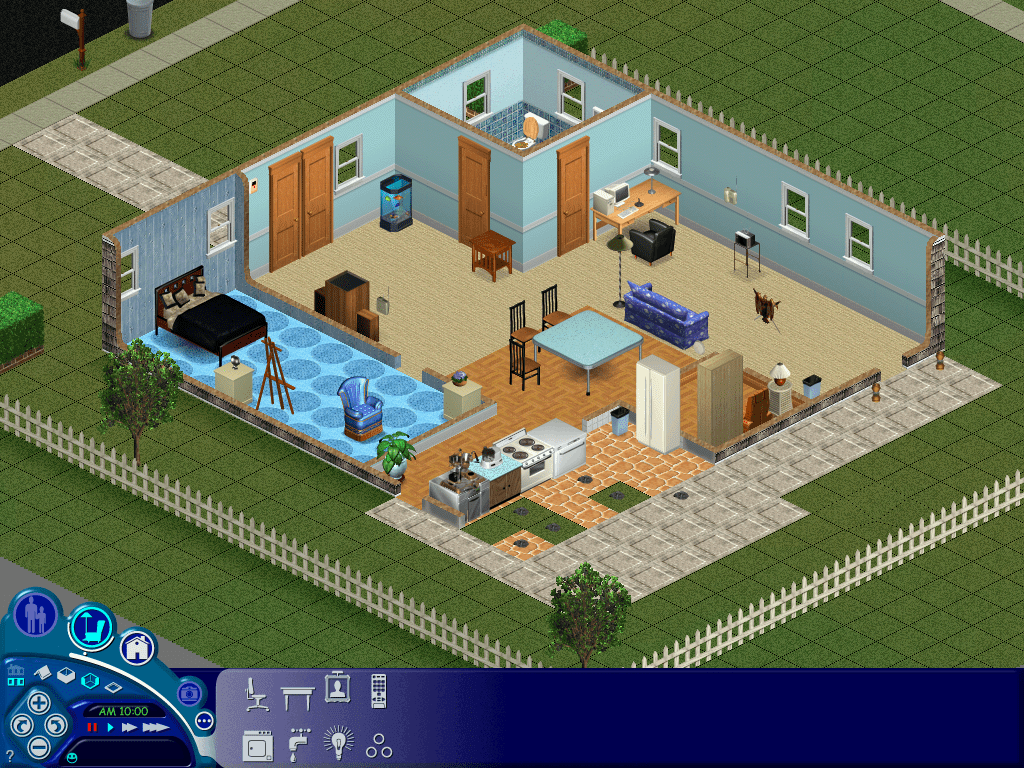
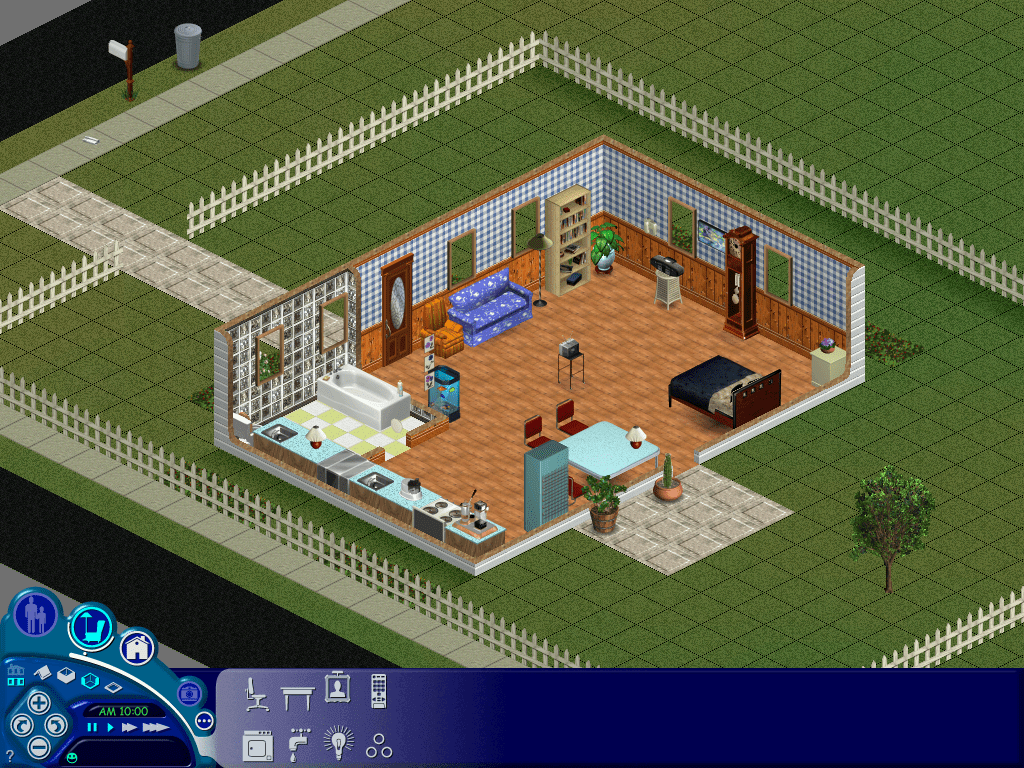
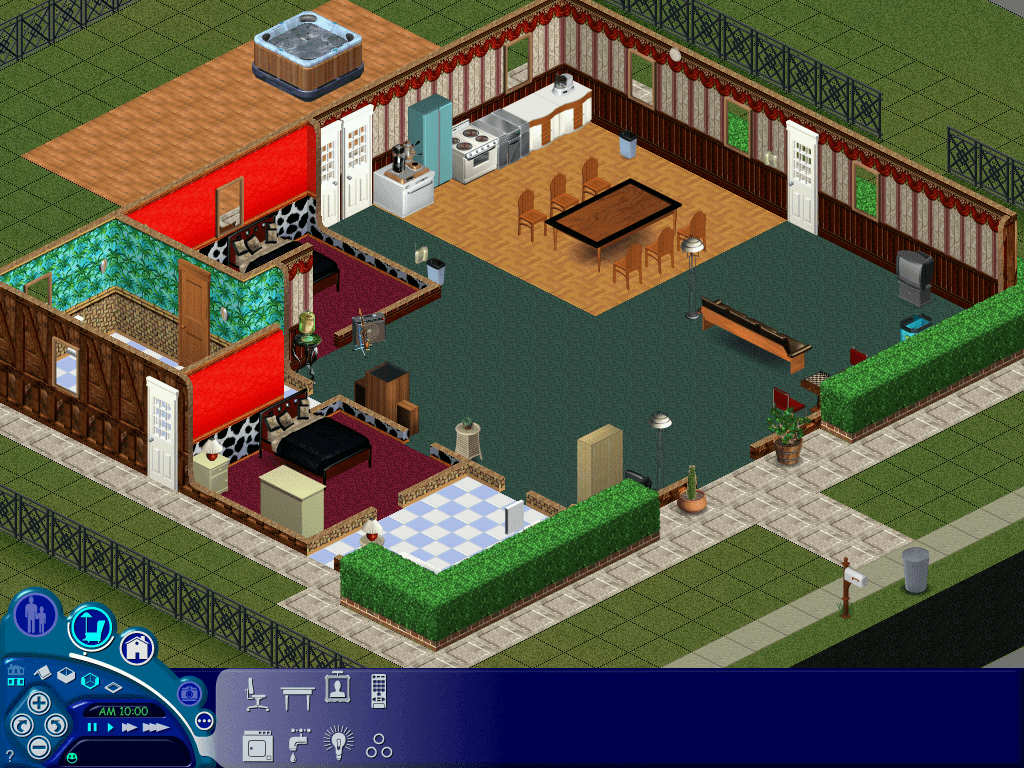
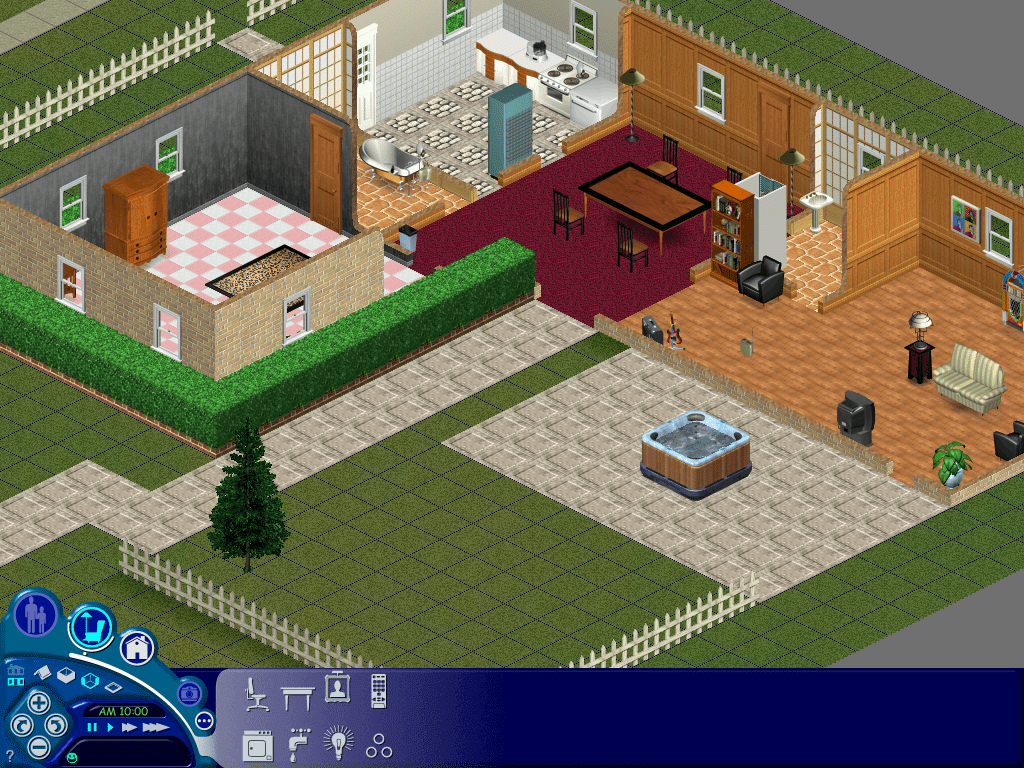
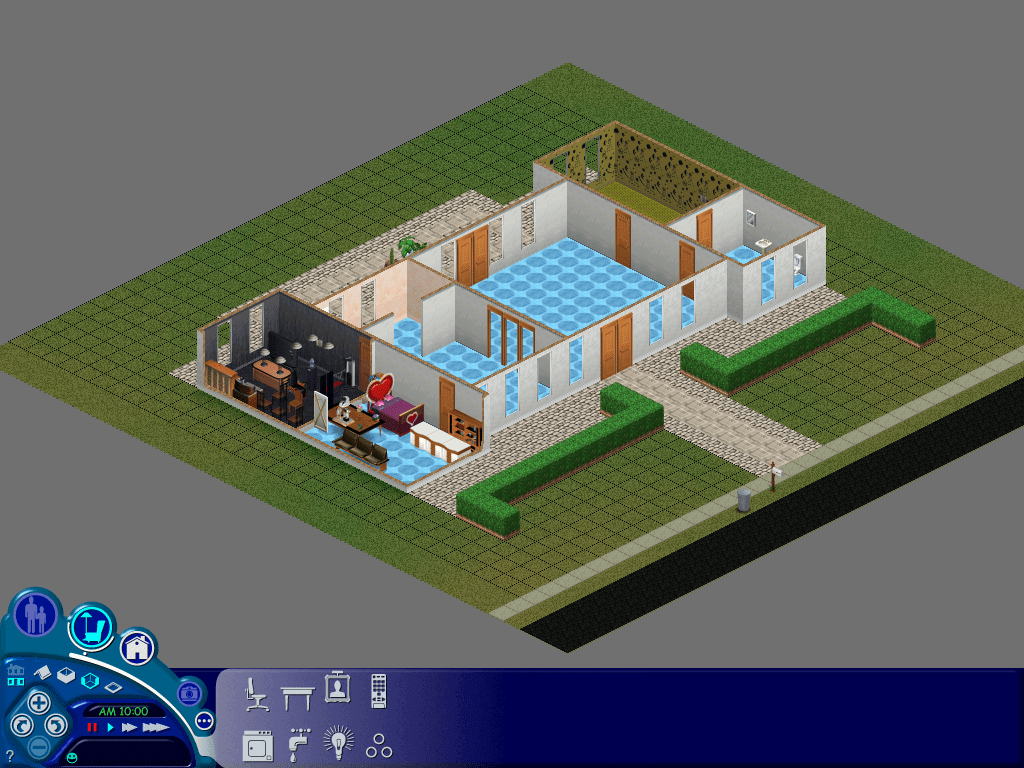
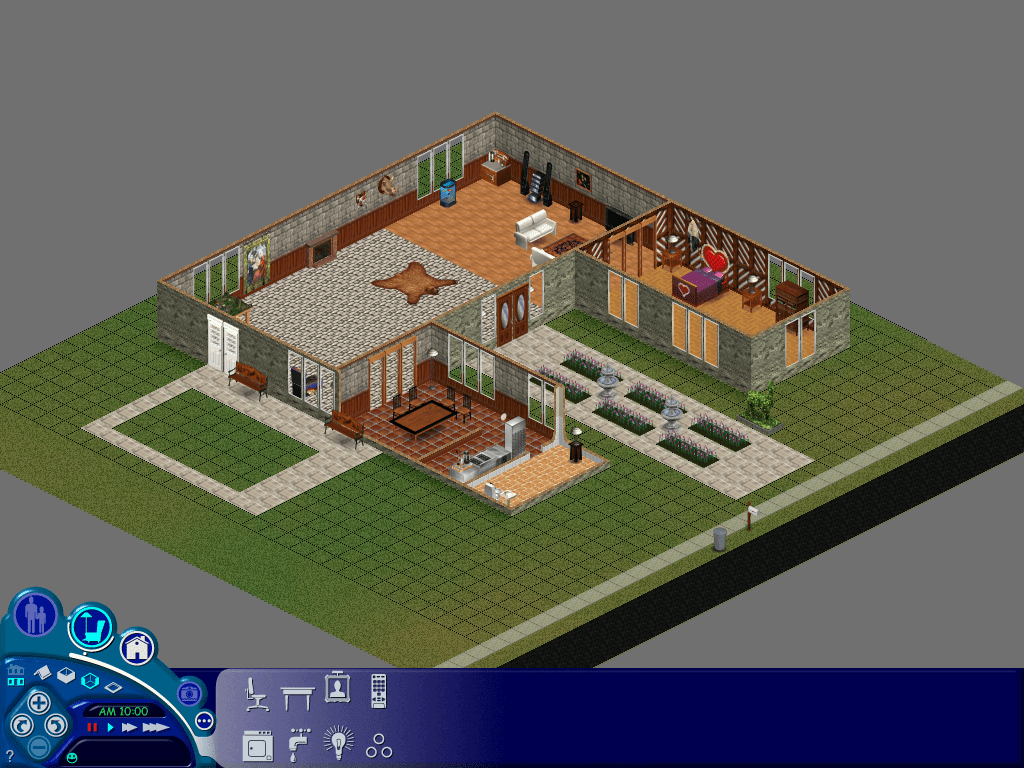
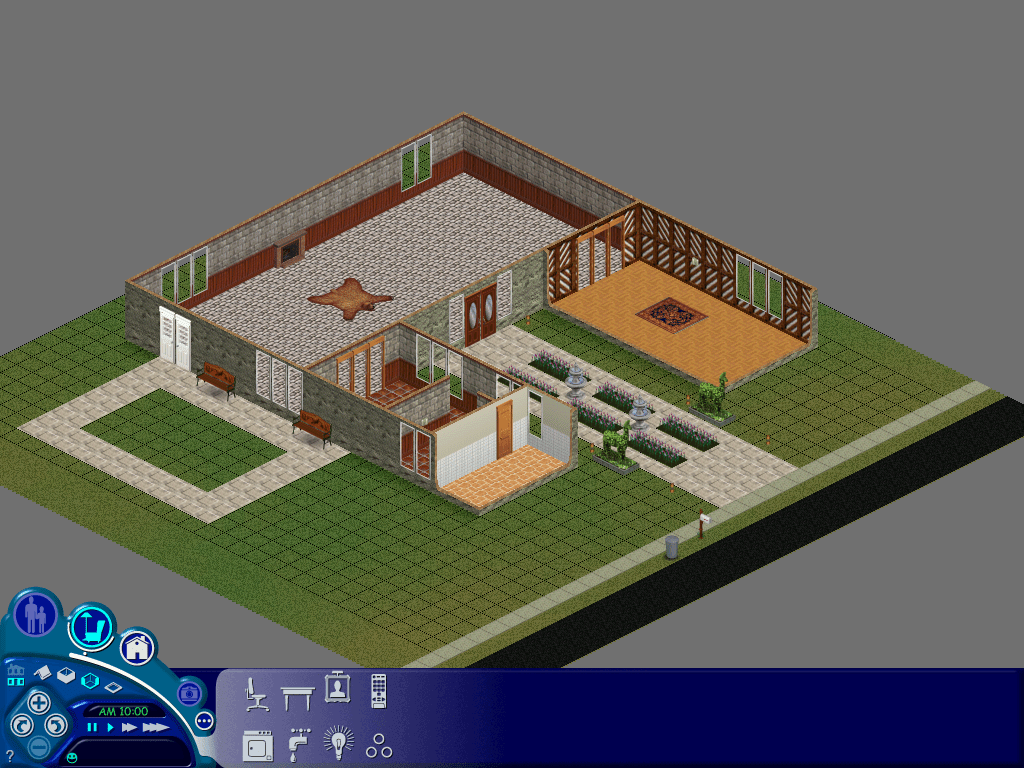
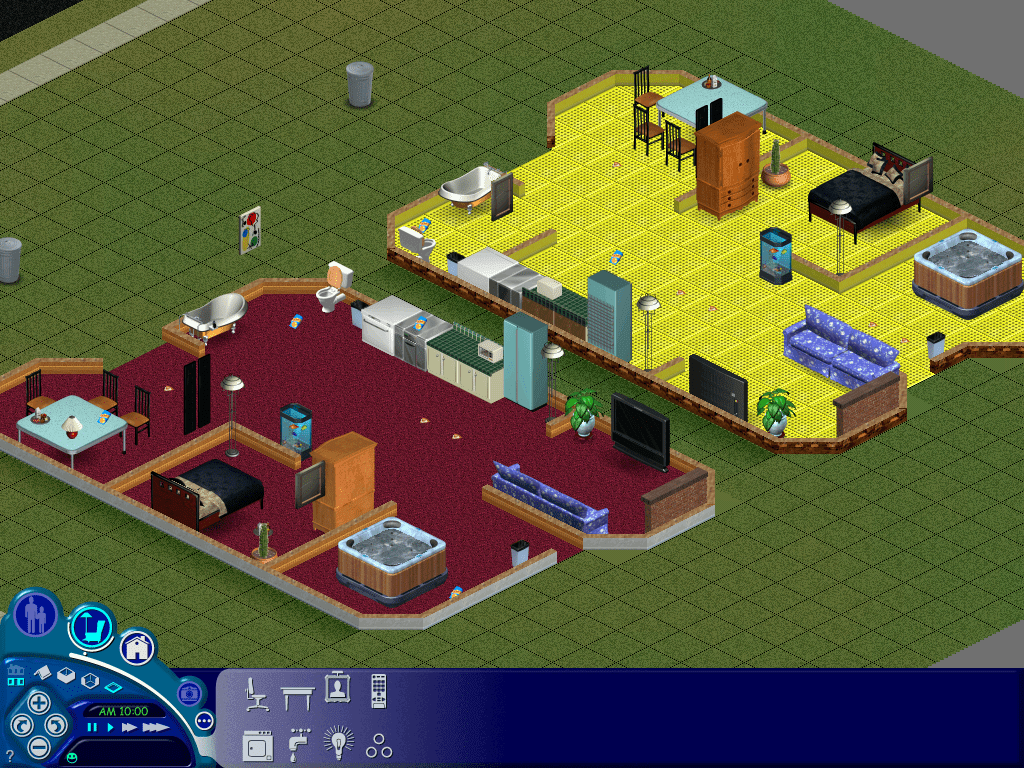
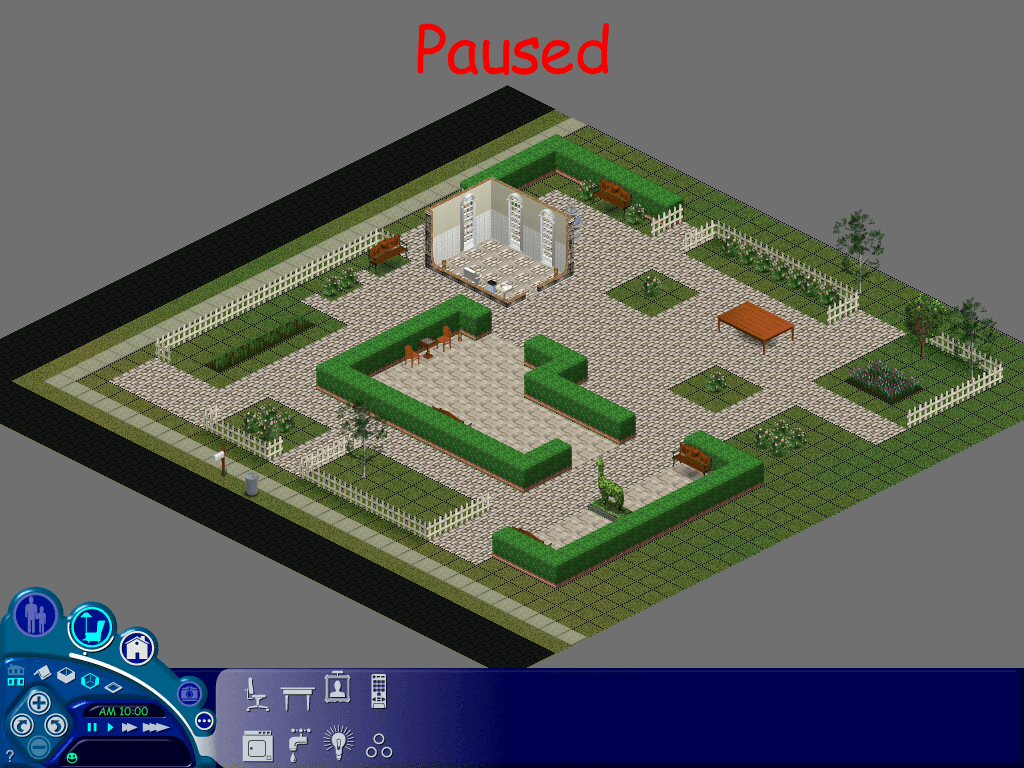
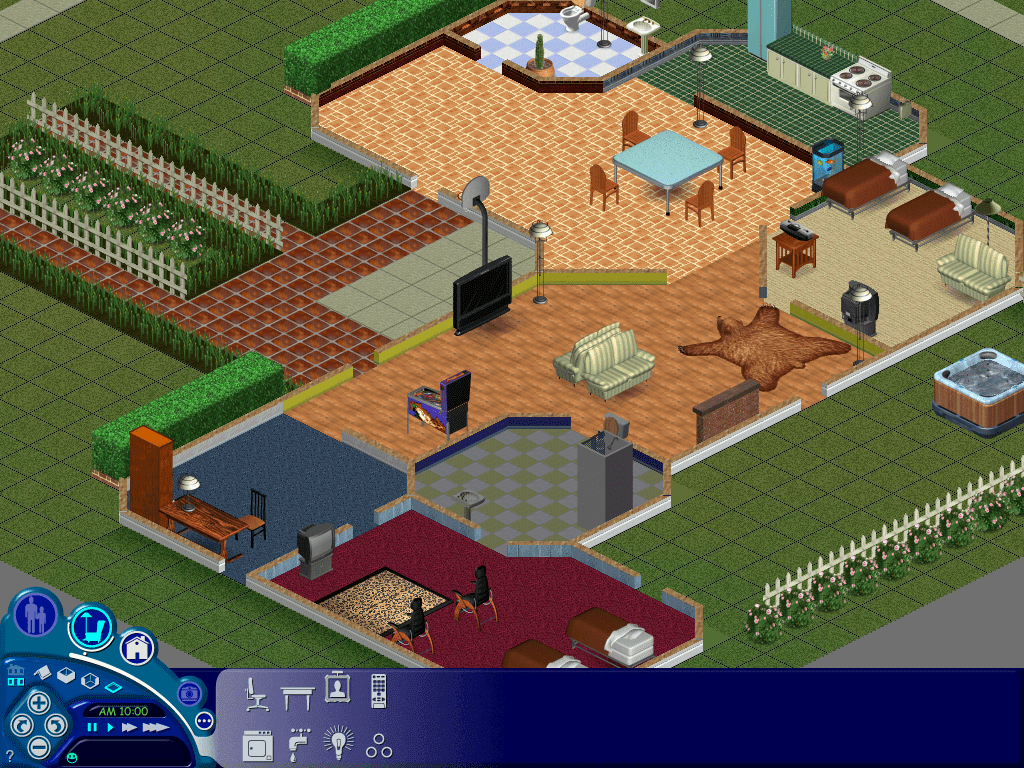
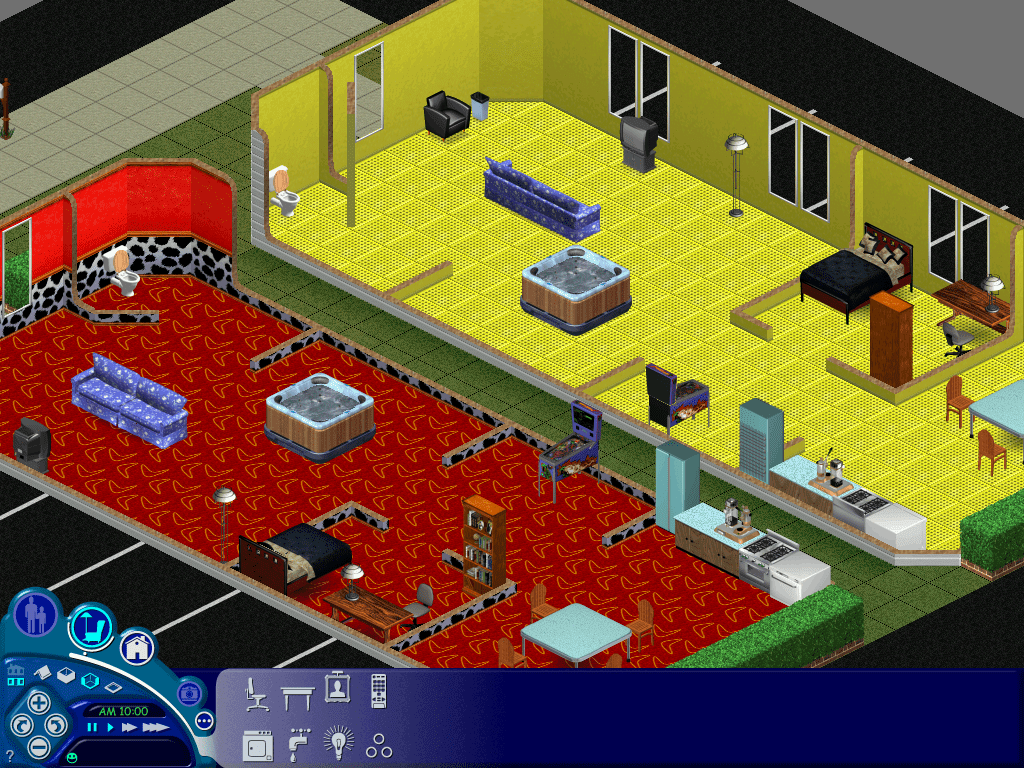
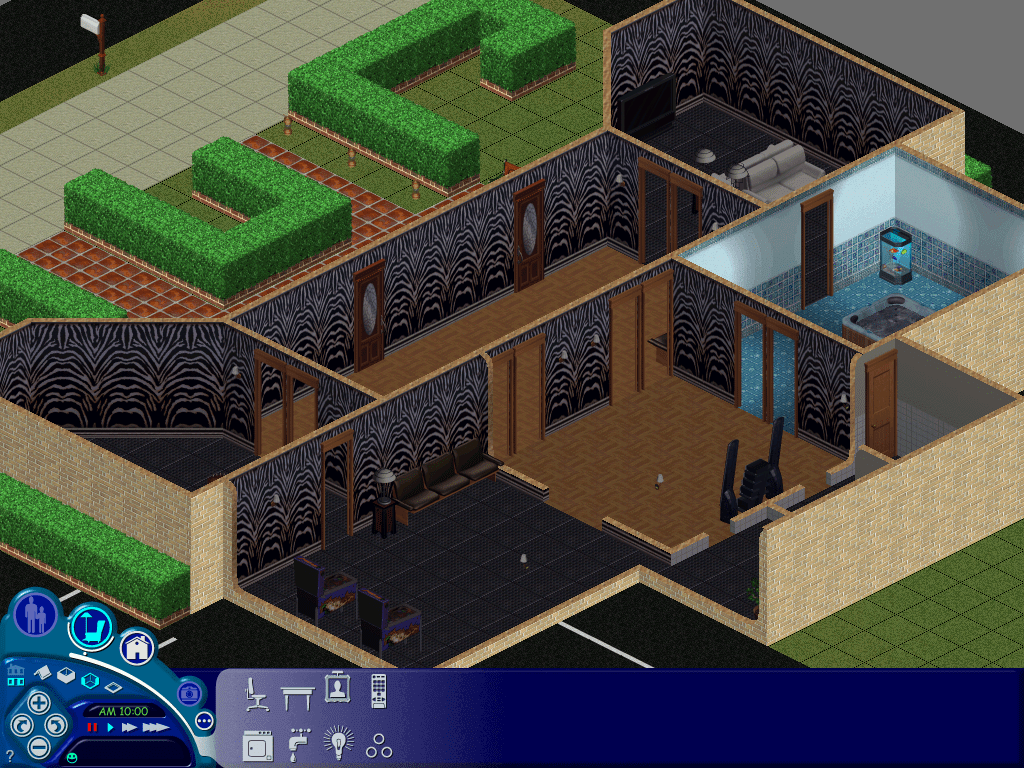
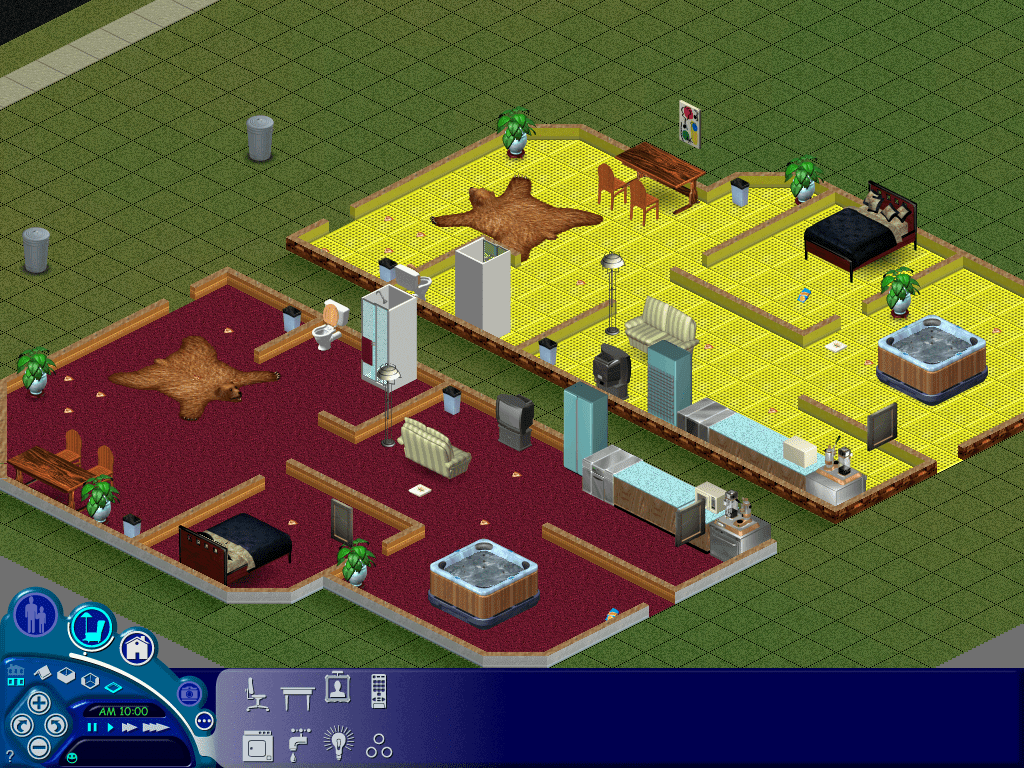
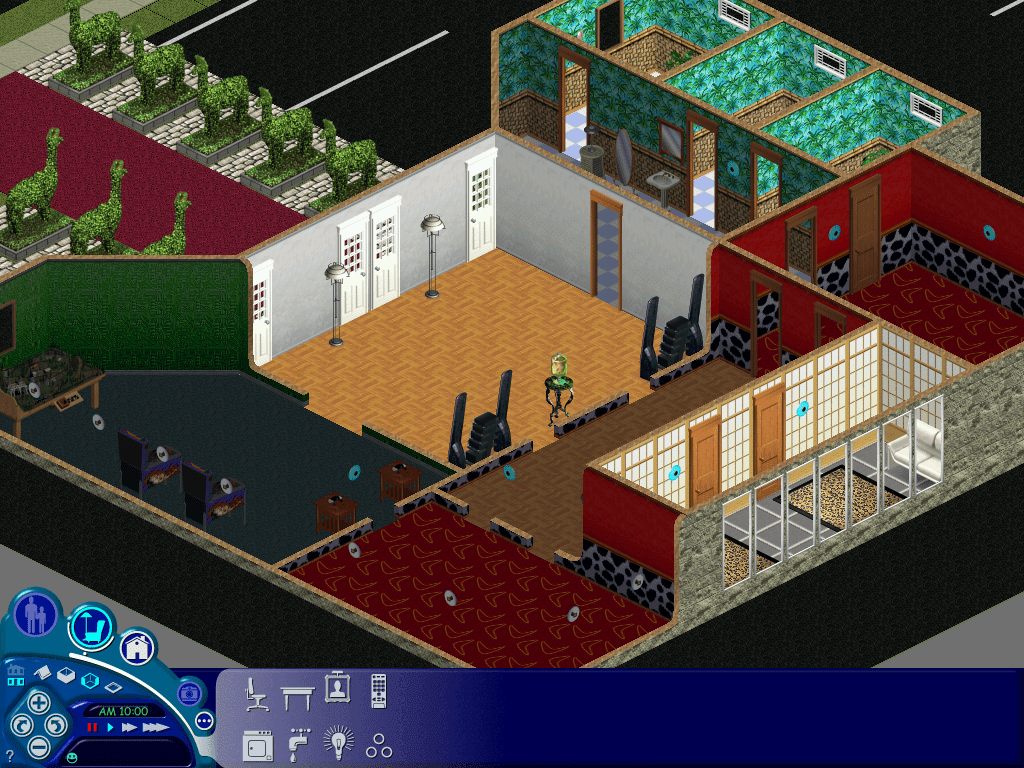
 Drew1440: Blog