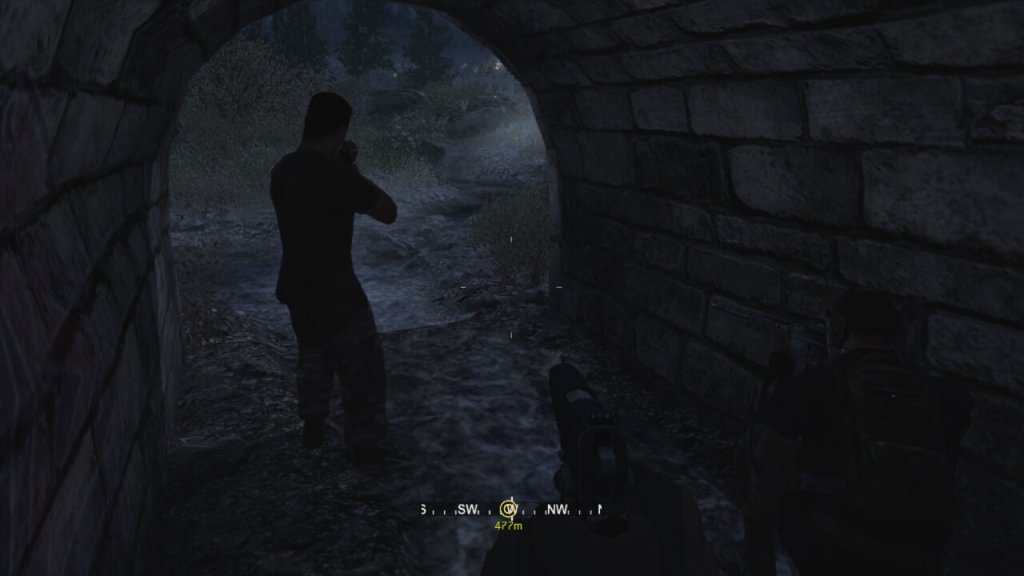
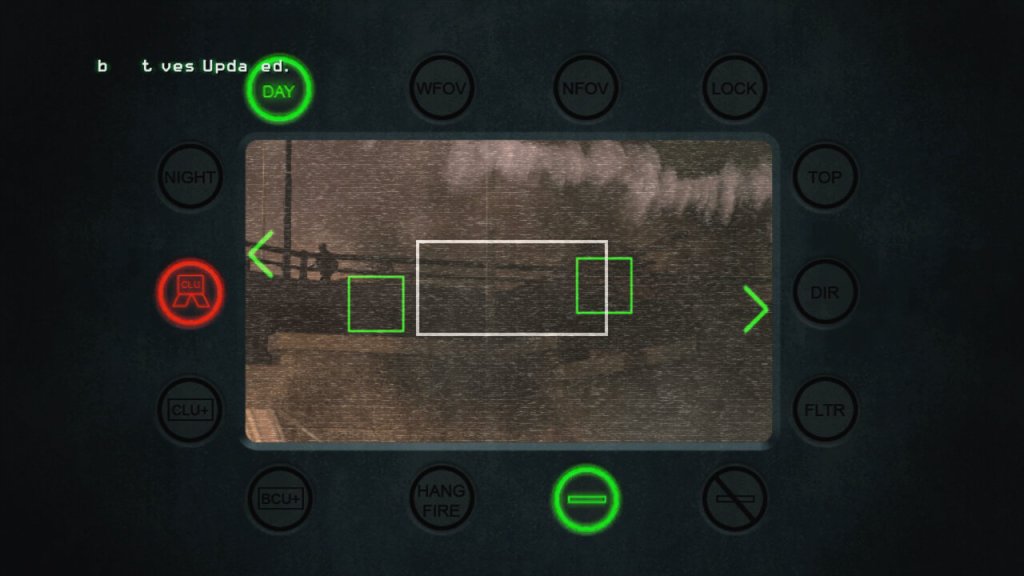
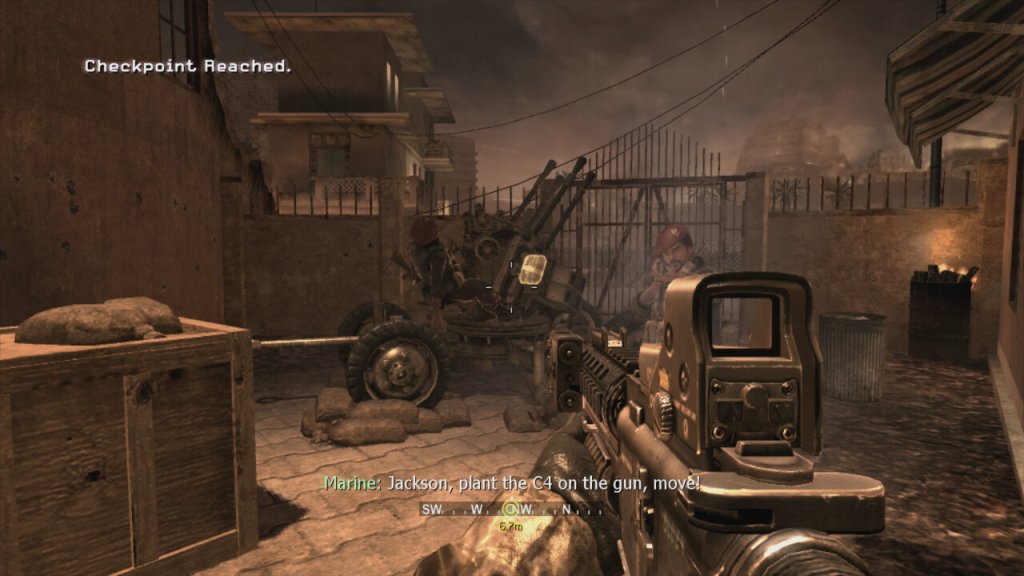
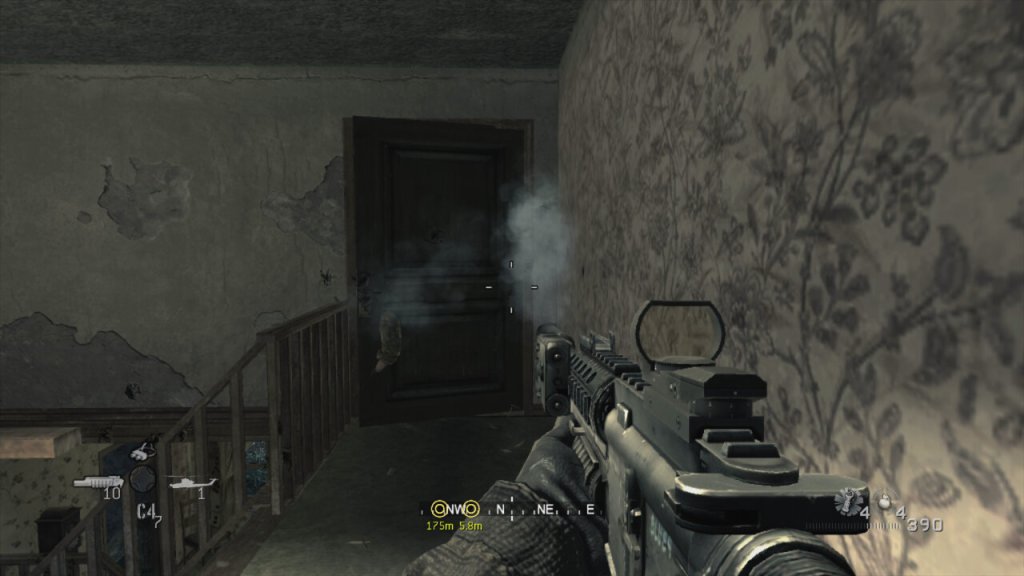
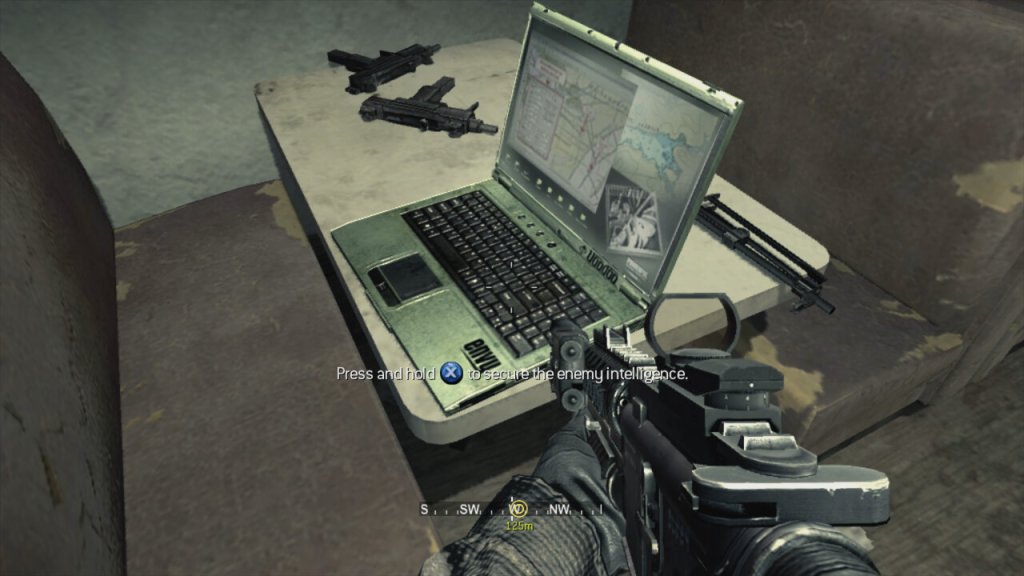
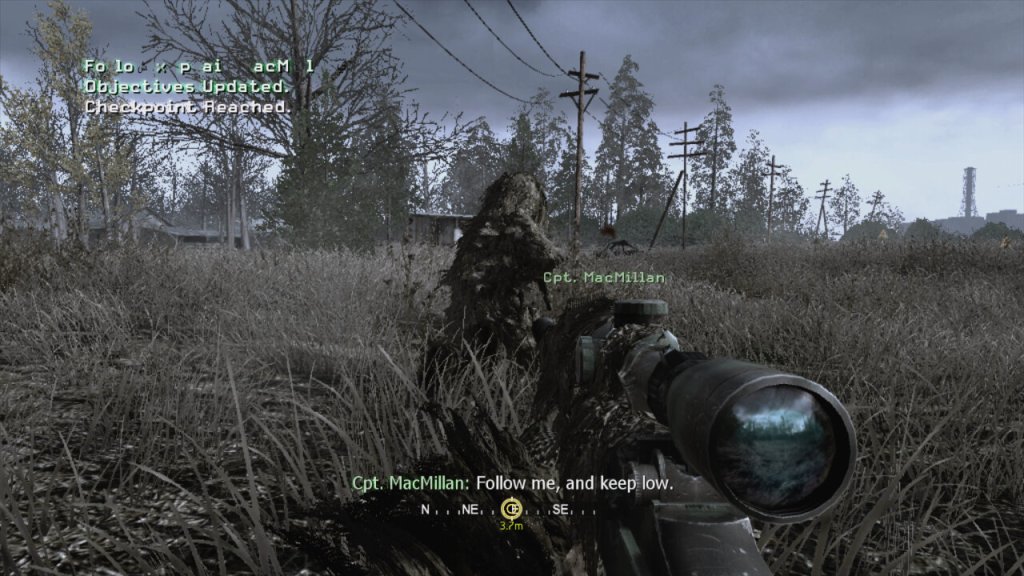
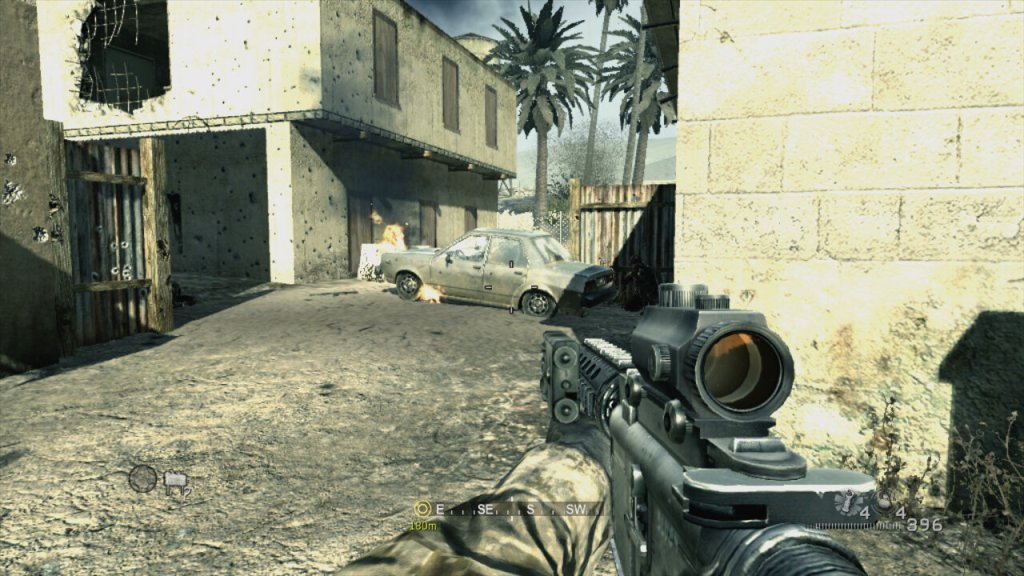
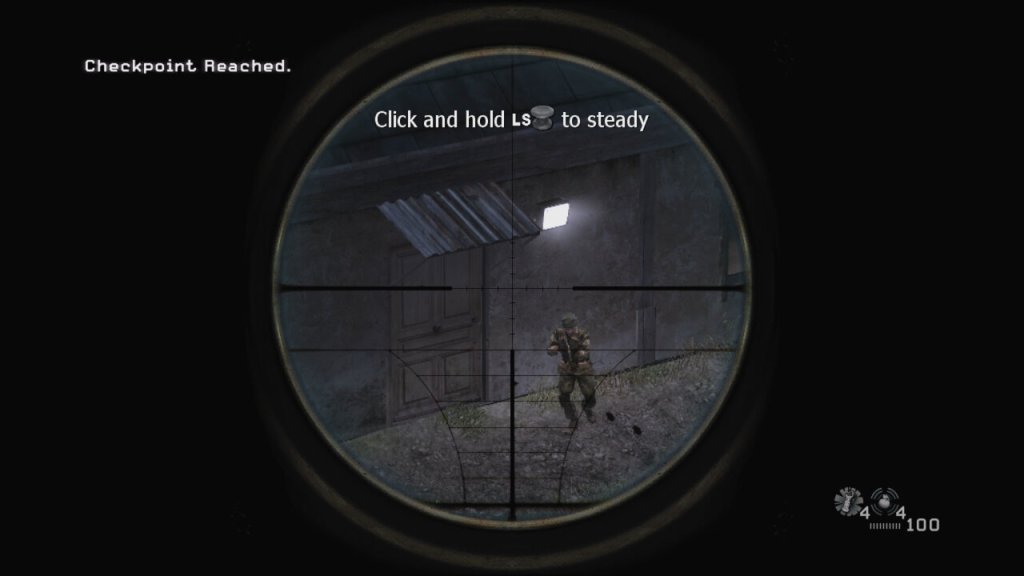
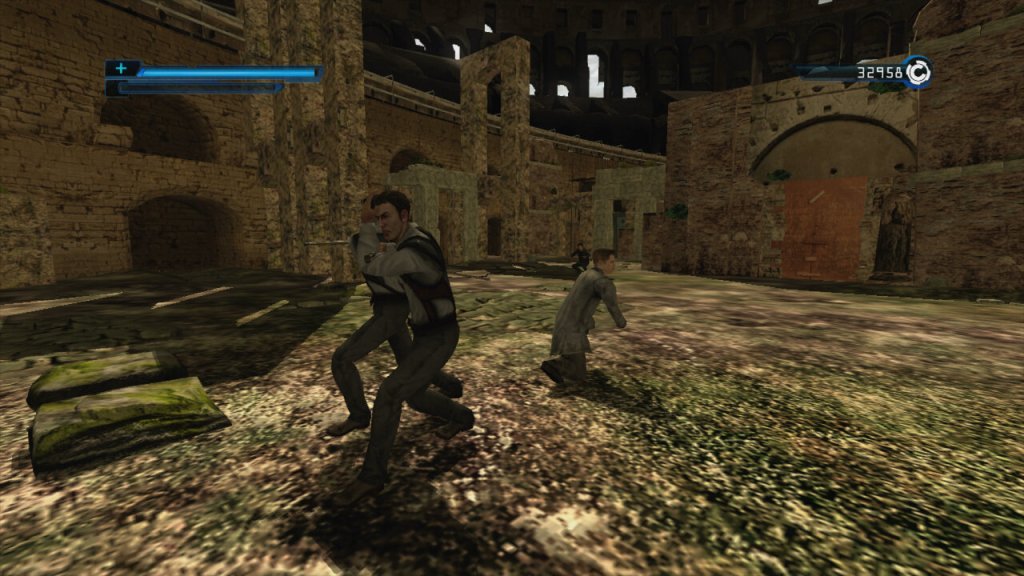
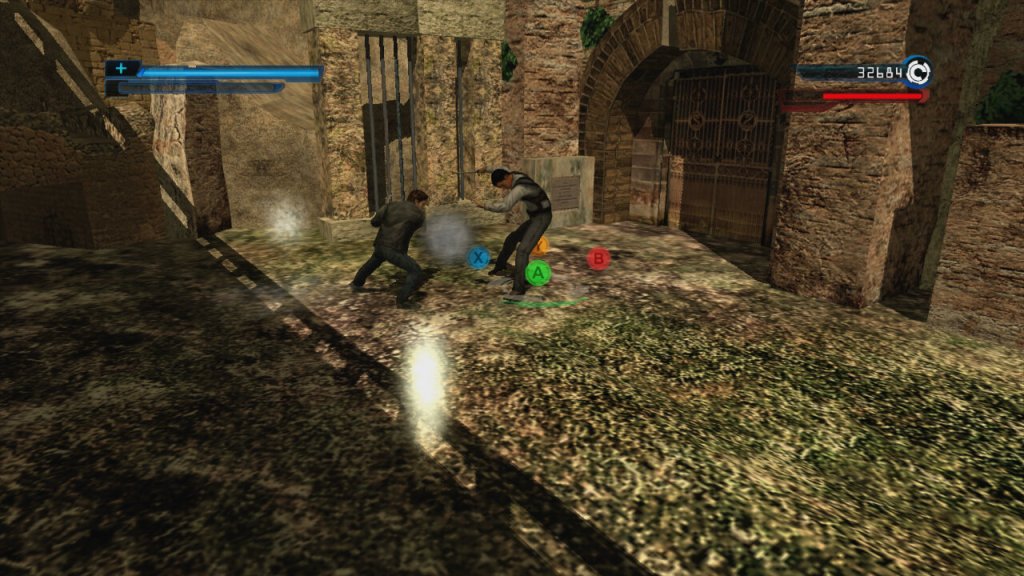
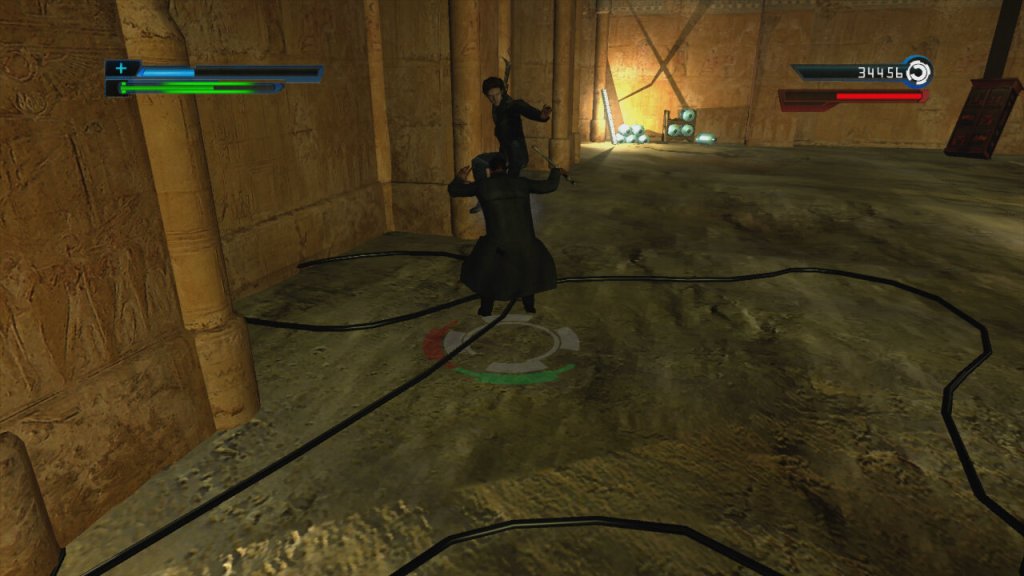
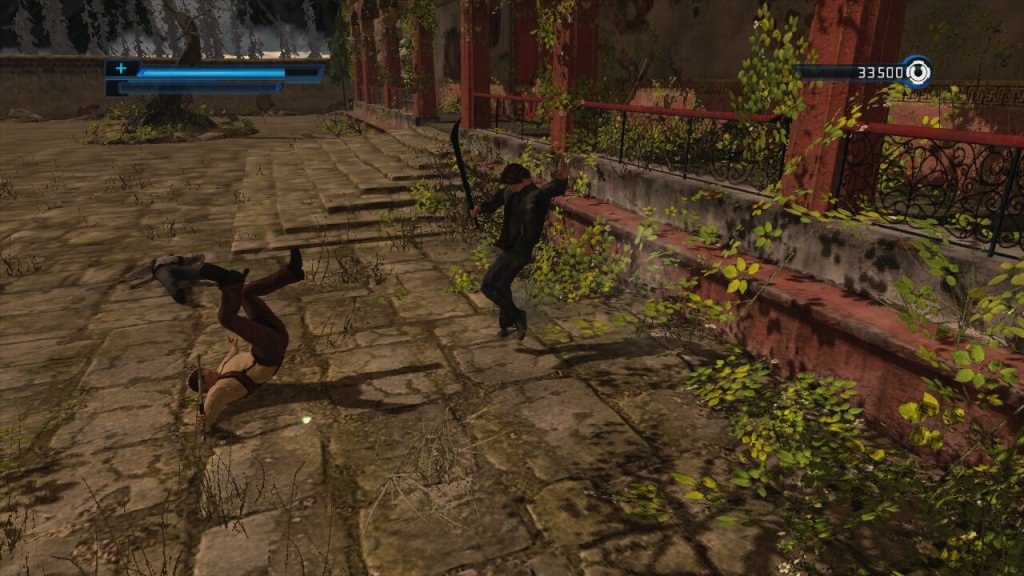
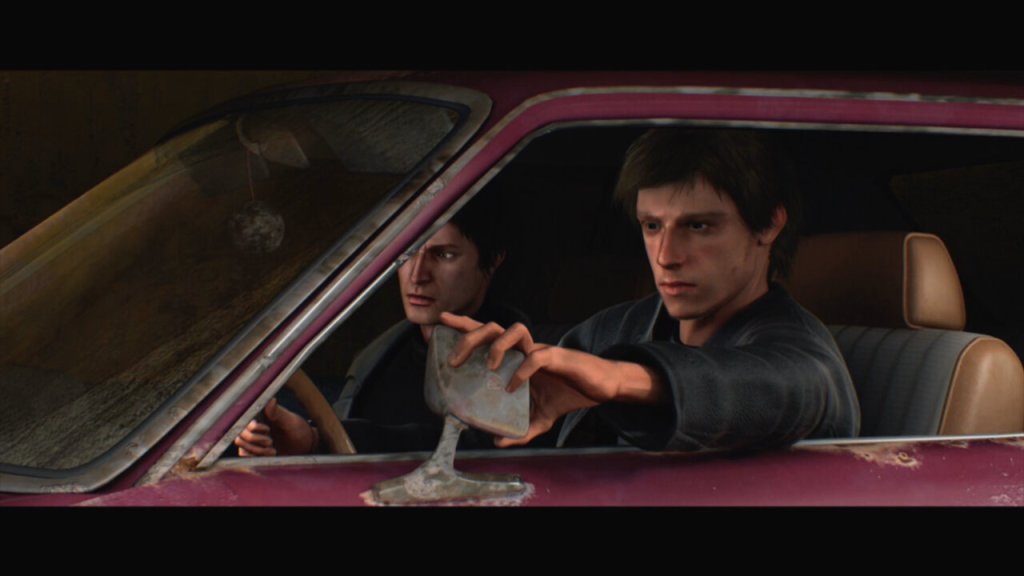
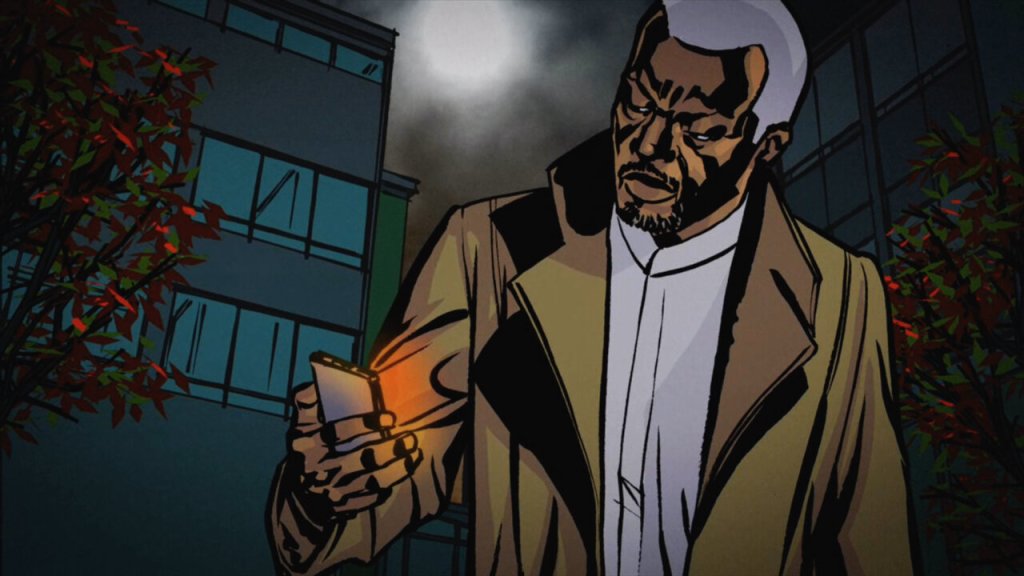
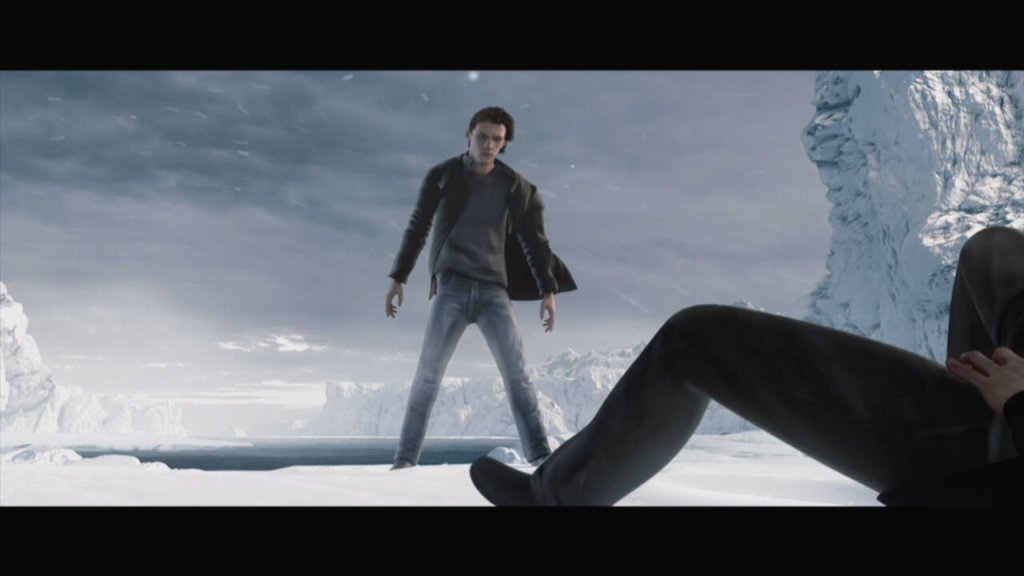
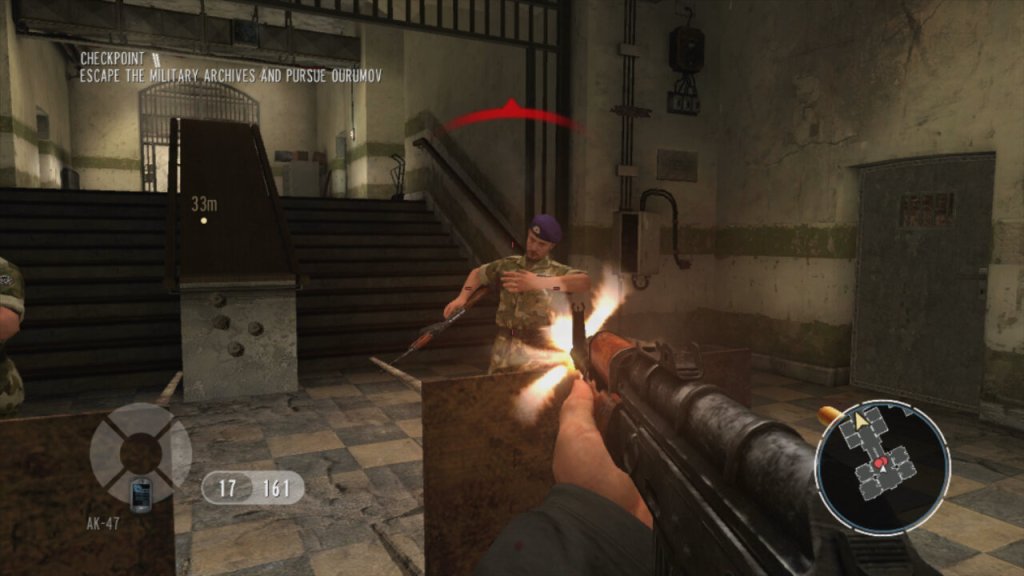
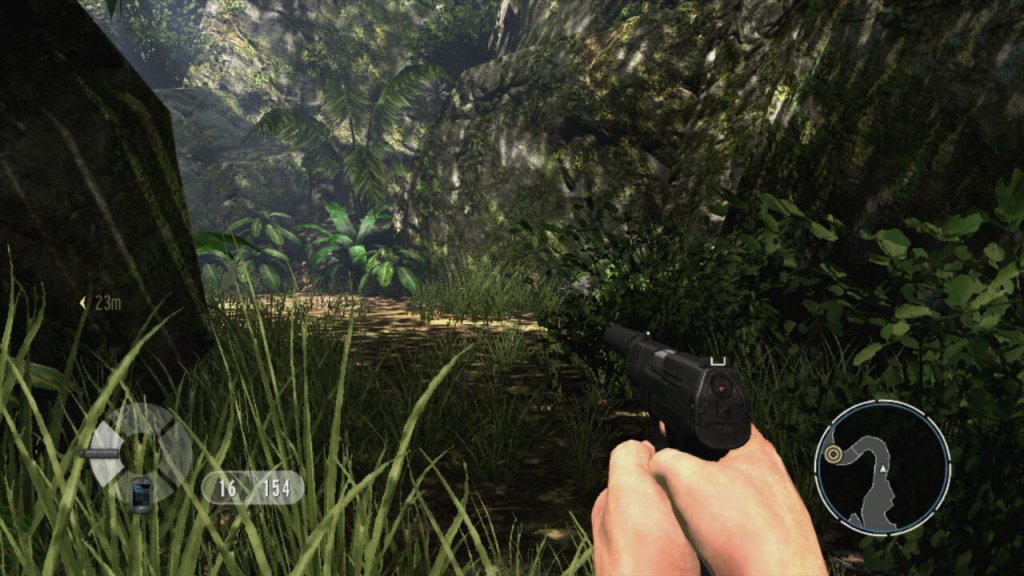
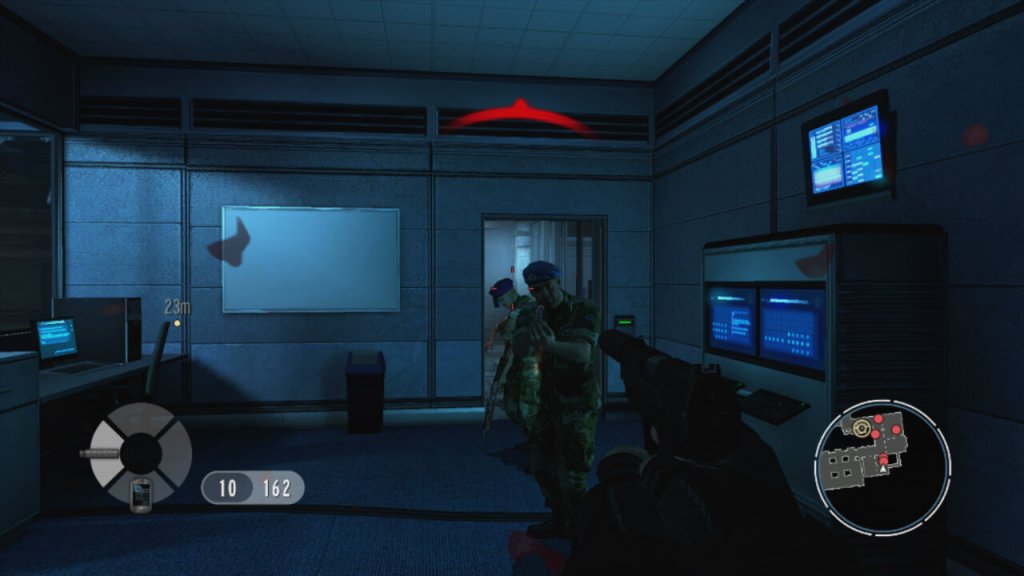
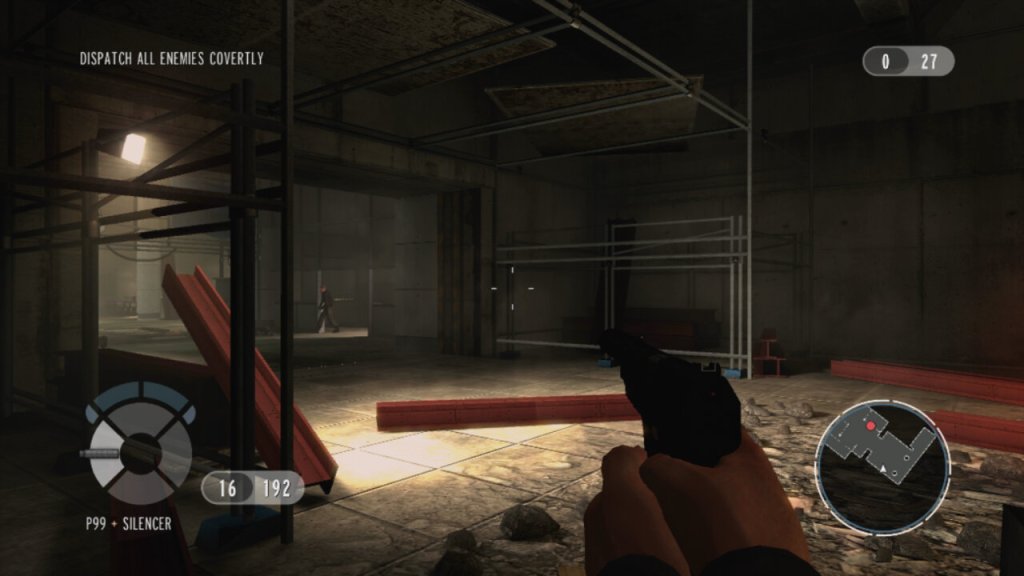
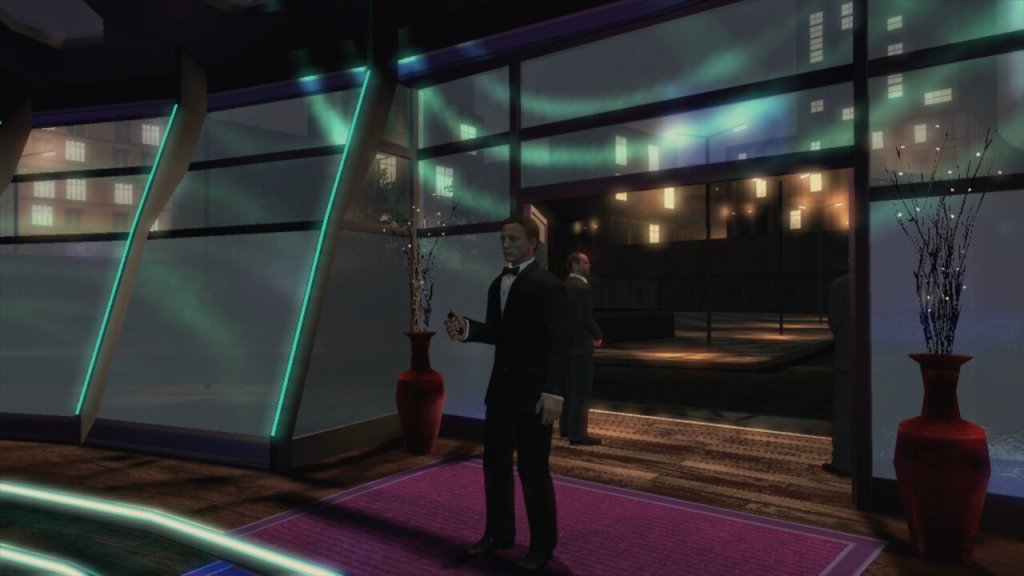
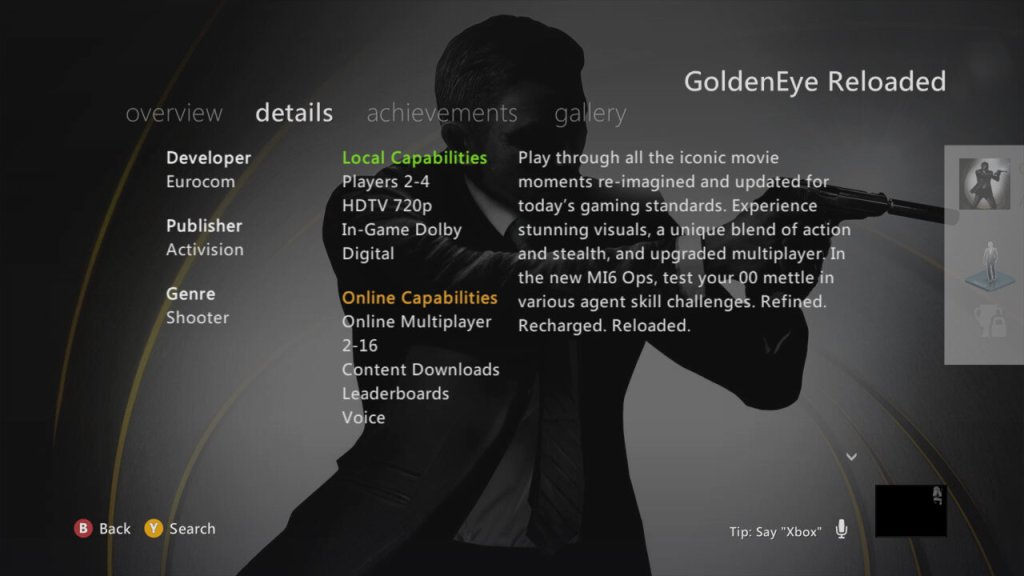
A remake (not remaster) of the original Goldeneye 64 game that was released in 1998 for the Nintendo 64. And was later ported to the HD twins with traditional controls. Developed by Activision and Eurocom, it was originally imagines to be a remake of the original Goldeneye game which was sought after for a release, but held back due to a minefield of copyright and licensing issues. This was made more convoluted by Rare, who developed the original Goldeneye game being acquired by Microsoft, along with Activision holding the rights to the Bond license at the time.
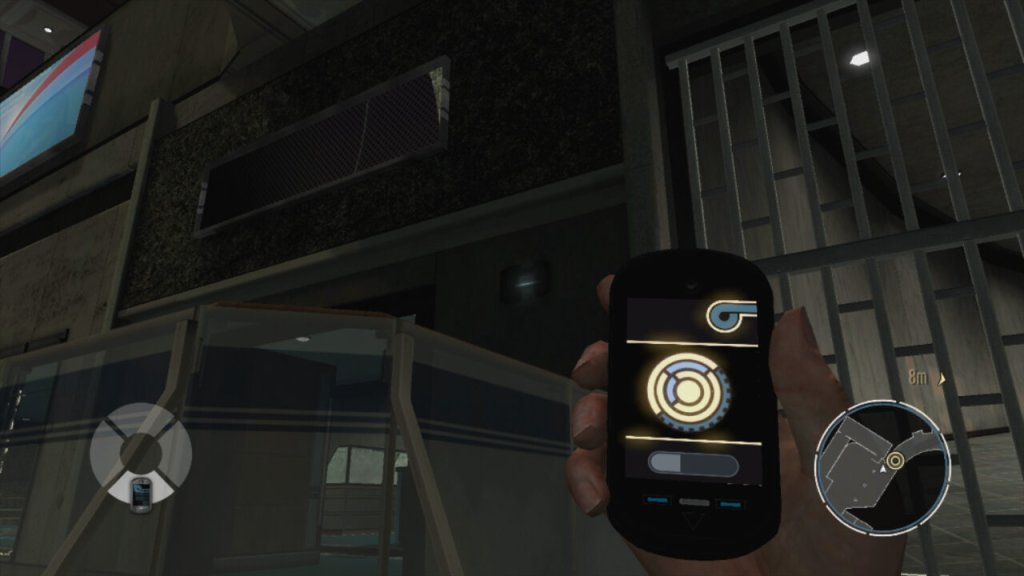
The story is identical to what was featured in the original release, though it matches the movie more closely since sequences were originally cut due to the limitations of the Nintendo 64. The character model has been changed for a likeness to Daniel Craig, who is the current Bond when the game was released. The gadget have changed, instead of Bond’s watch being used, a smart phones takes it’s place instead. And a deadmau5 song is included within the Nightclub level.
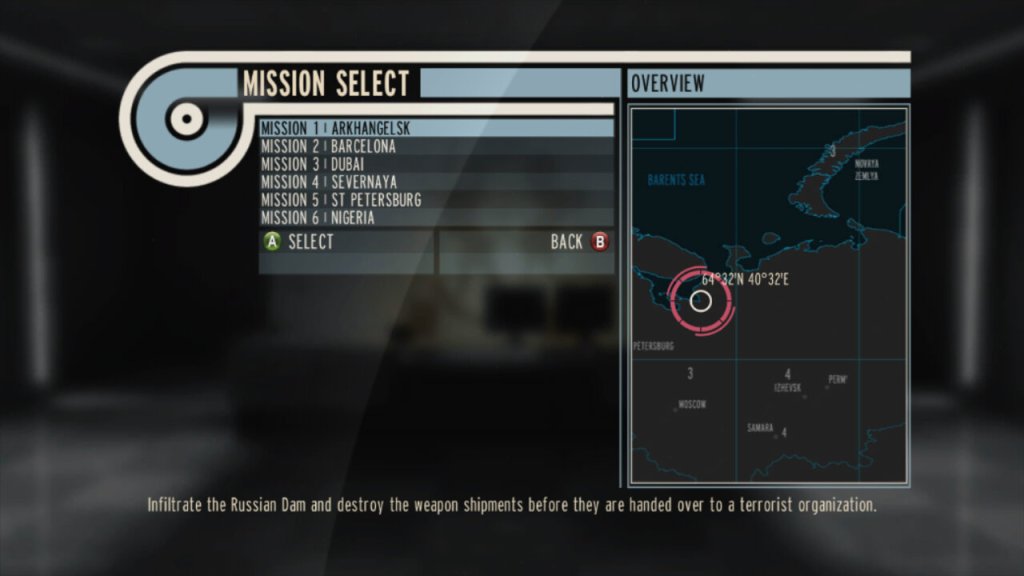
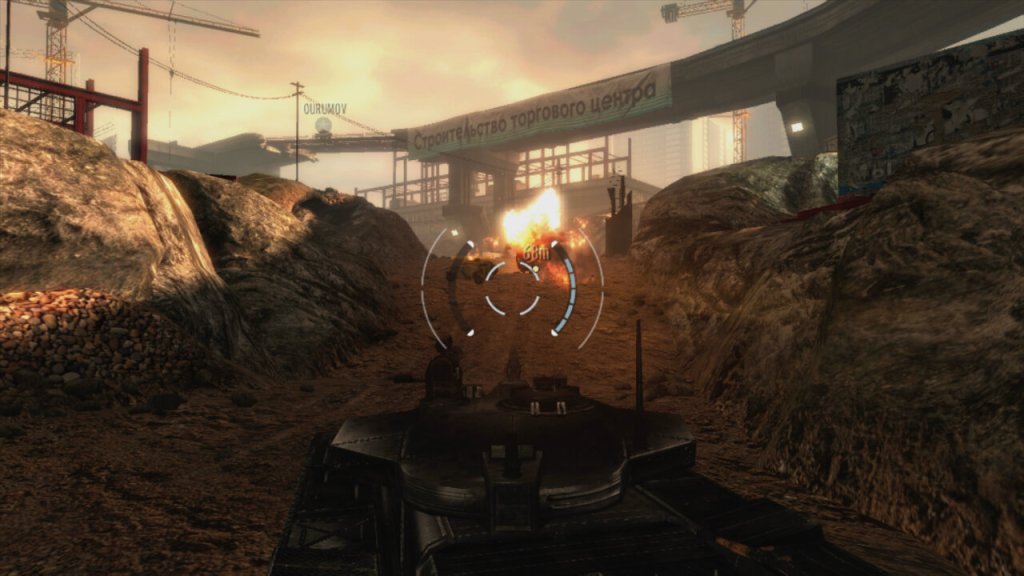
Many of the original levels have been redesigned to be more appealing for the modern gamer, but they still have a level of familiarity to those who have played the original game. You start off at the Dam level where you have to bungee jump off a dam to infiltrate a Soviet facility. You then infiltrates the chemical weapons facility where he meets Alec Trevelyan, and things go south. The rest of the game follows the movie somewhat closely, and you will encounter familiar enemies like Xenia, and Ourumov. Like many FPS games of the era, it features regenerating health.
MI6 Ops
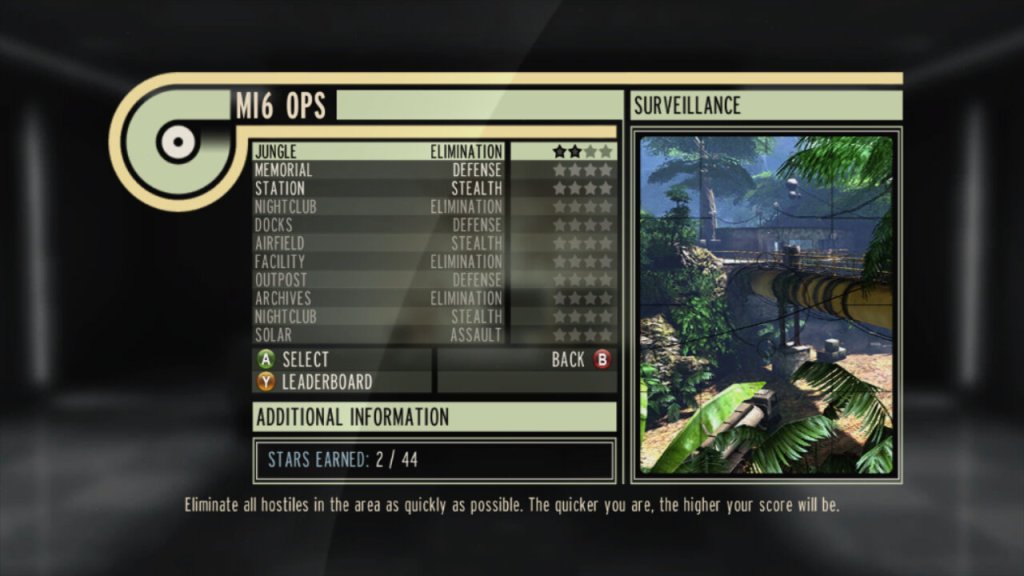
MI6 Ops Missions are a series of standalone challenges separate from the main campaign that offer additional gameplay modes. These missions are designed to test various aspects of player skill, providing a mix of objectives that can be quite different from the story missions, kind of the like Snake Tales from Metal Gear Solid 2. There are a few different game modes like Elimination – where the objective is to eliminate all enemies within a level or achieve a set number of kills. Stealth can be an option but isn’t always necessary. And Defense, where you must protect certain points or items from waves of enemies. This could involve setting up defenses, using gadgets wisely, or just good old-fashioned shooter skills. These modes can be played by a single player, or by local split screen. There are also online game modes like Conflict which is your standard deathmatch, and Team Conflict.
Versions
Wii: The original release of the game, which is designed around motion control aiming. A special bundle was released that features a golden classic controller, a reference to the golden gun.
Xbox 360: The HD release, that can be played with traditional controls, not compatible with the Xbox One or Series consoles.
PlayStation 3: Very much the same as the 360 version, but has support for PS Move controls that give it a similar gameplay to the Wii release.
Overall, GoldenEye 007: Reloaded is like that high school reunion where you meet up with an old friend. It’s great to see them all spruced up, and you’ll have a good time reminiscing, but you also realize why you moved on. It’s a solid shooter that banks on nostalgia but brings enough modern gameplay to not feel outdated. If you loved the original or you’re into Bond, give it a shot, but don’t get rid of your N64 ROM anytime soon.
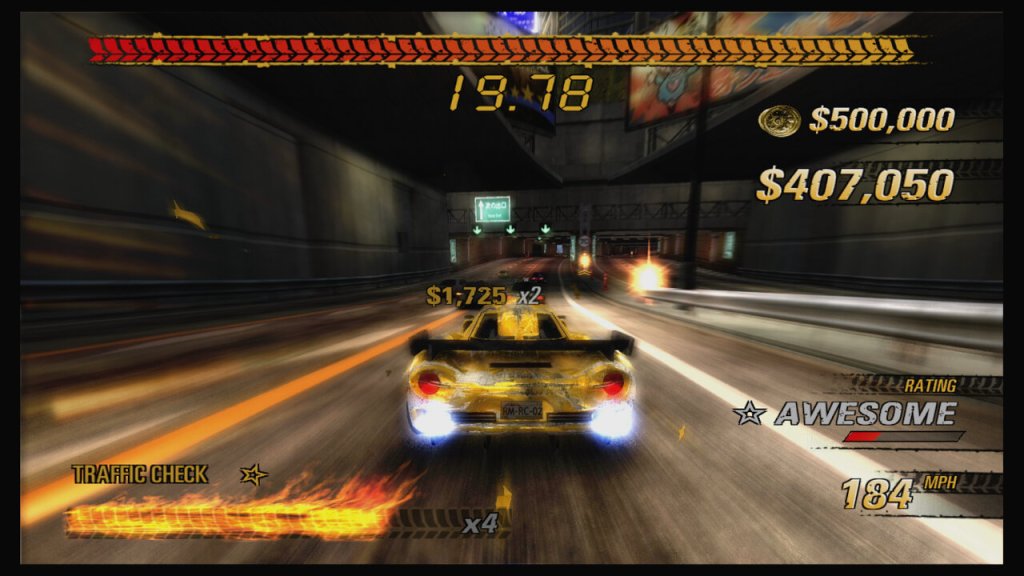
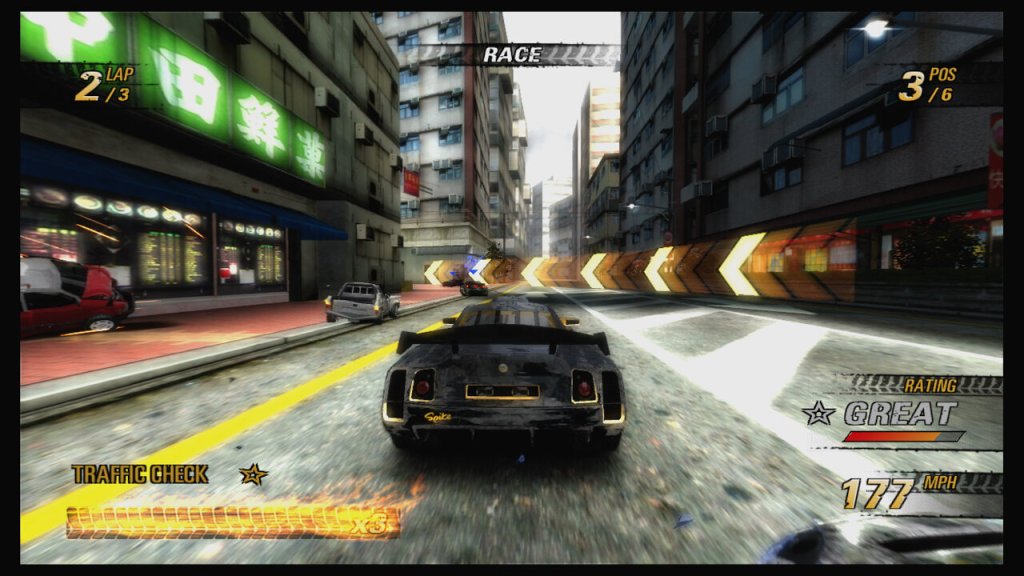
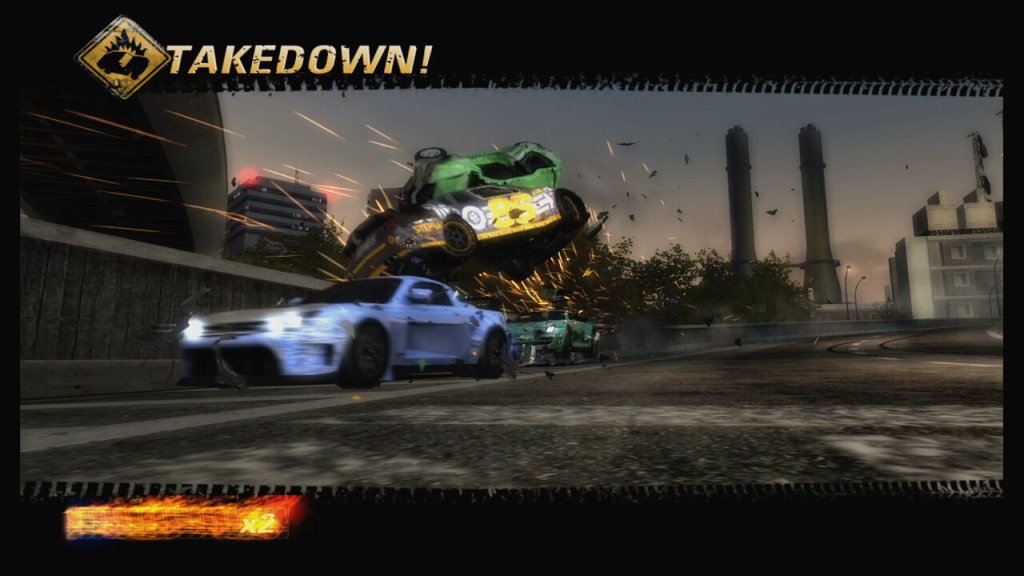
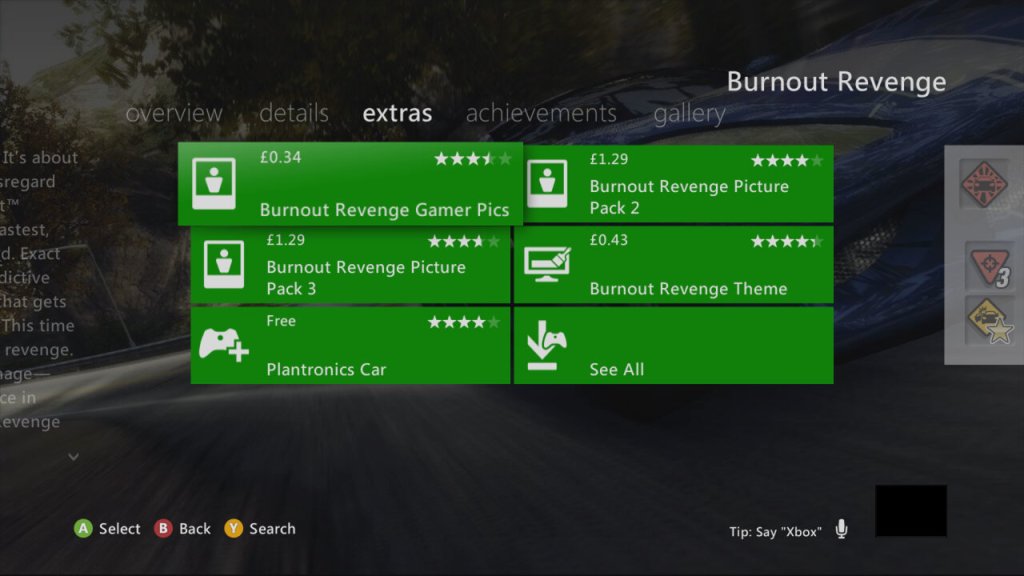
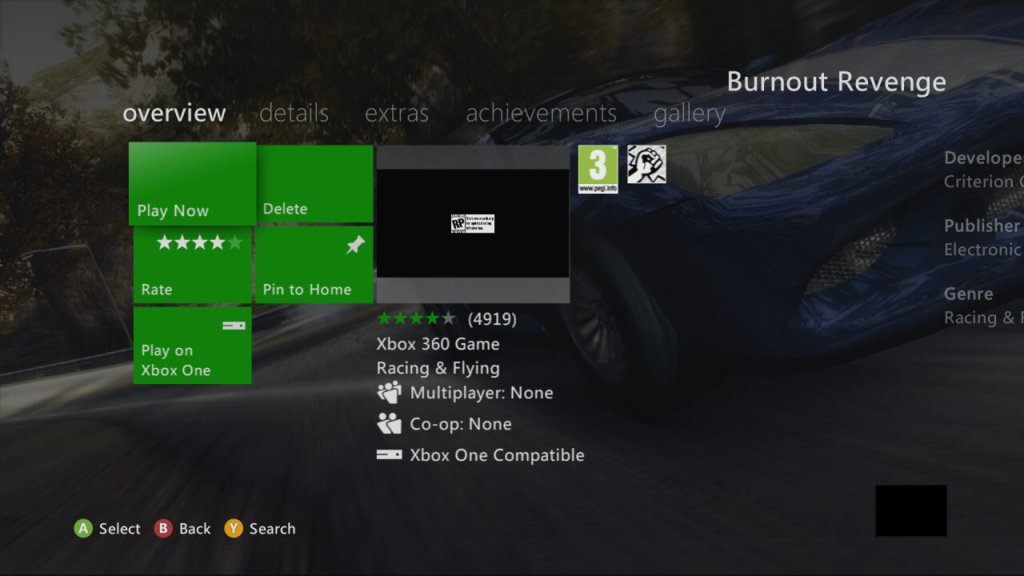
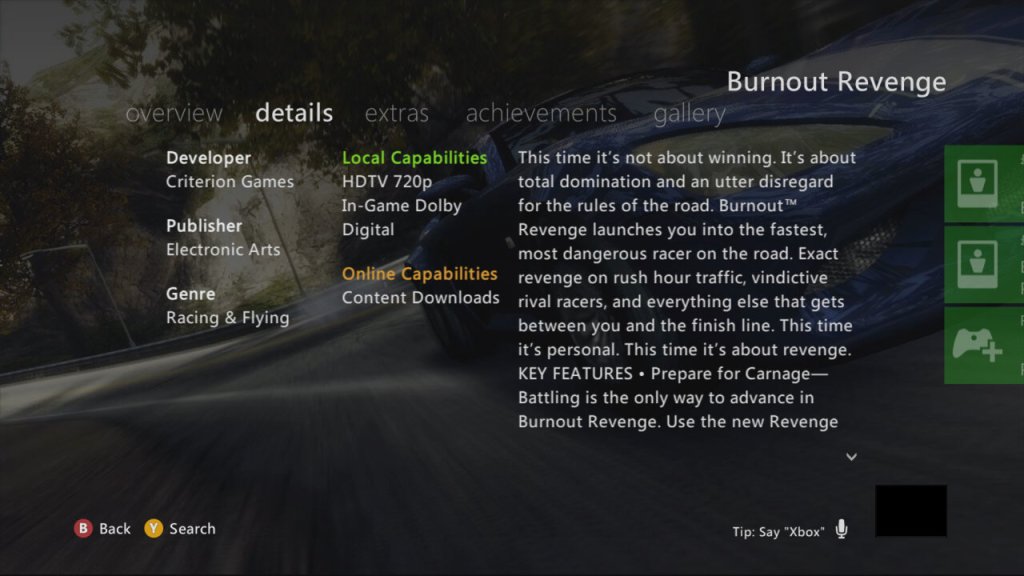
The fourth Burnout game, and the second released by EA. It follows on from the formula set by Burnout 3: Takedown but adds a revenge mechanic.
Tracks in Burnout Revenge were designed with more verticality, multiple routes, and interactive elements that could change the track layout mid-race, offering a more dynamic racing environment compared to the mostly flat and static tracks of its predecessors. There are still hidden shortcuts located throughout the track which help give the advantage to the opponents.
The Revenge mechanic is one of the games signature features, where one of the opponents is marked as your rival, and causing them to crash will reward you with a bonus. These are known as Revenge Takedowns, and are given when you take out a rival that has taken yourself out repeatedly throughout the current race. The rival is reset when you start a new race.
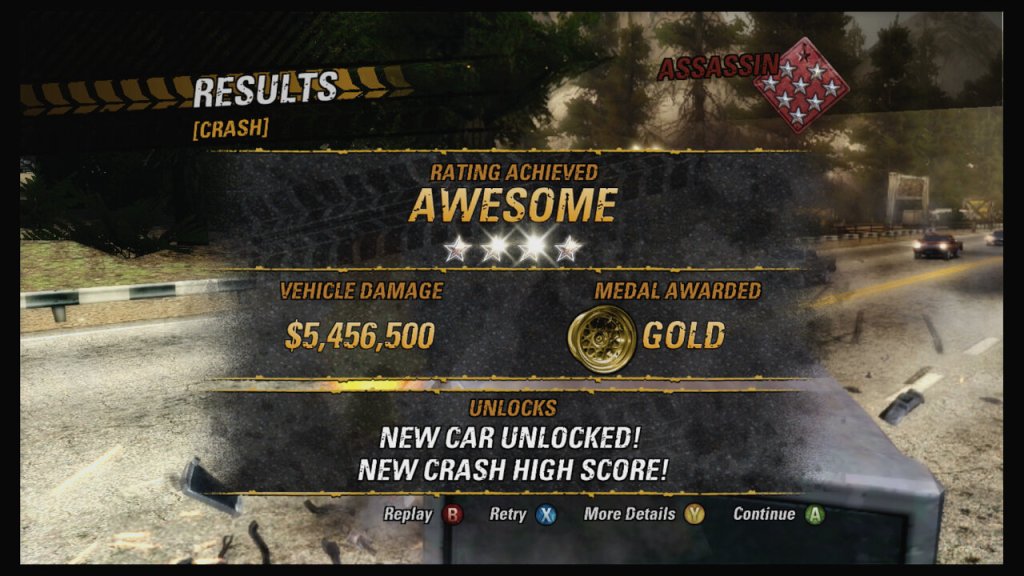
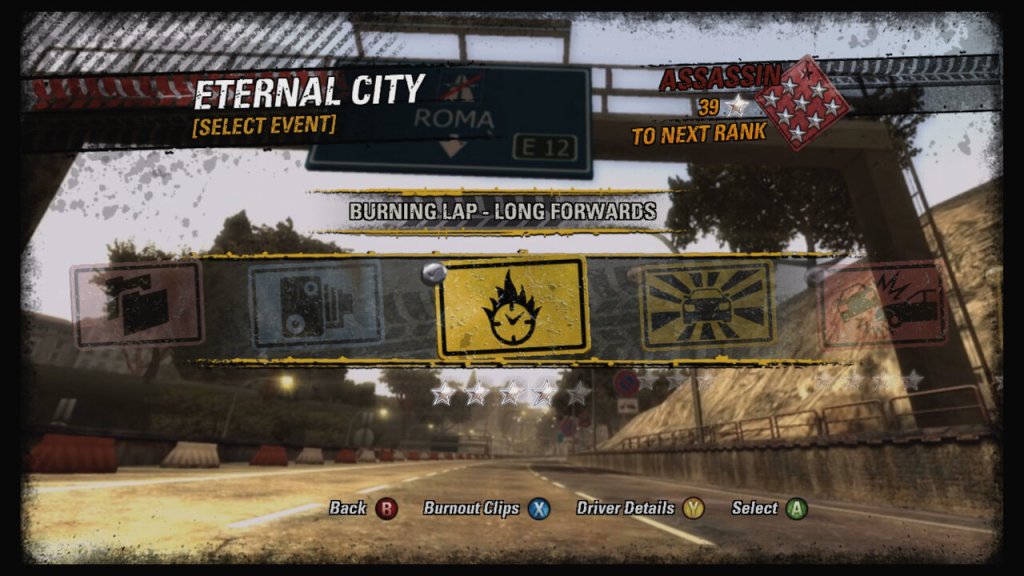
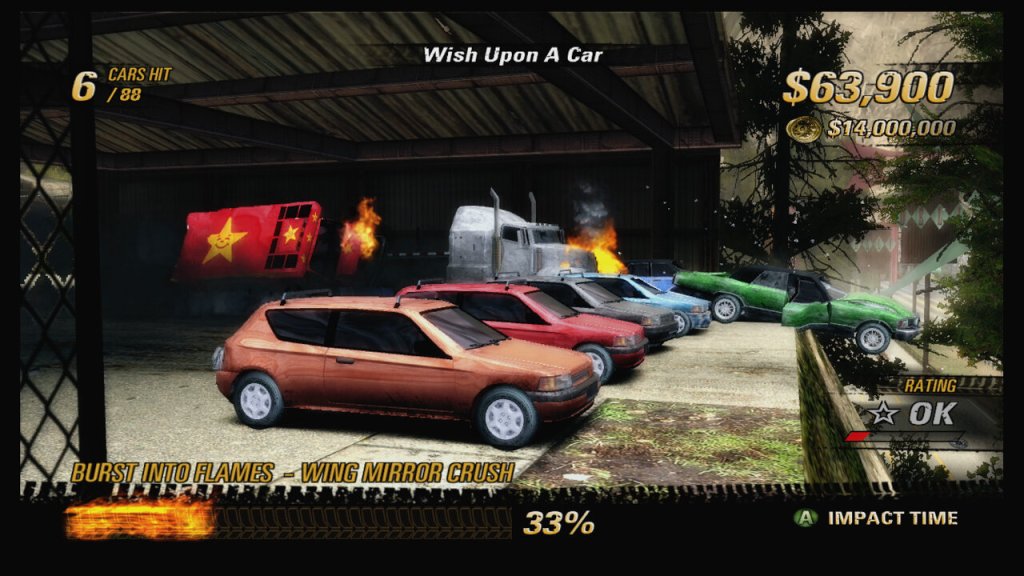
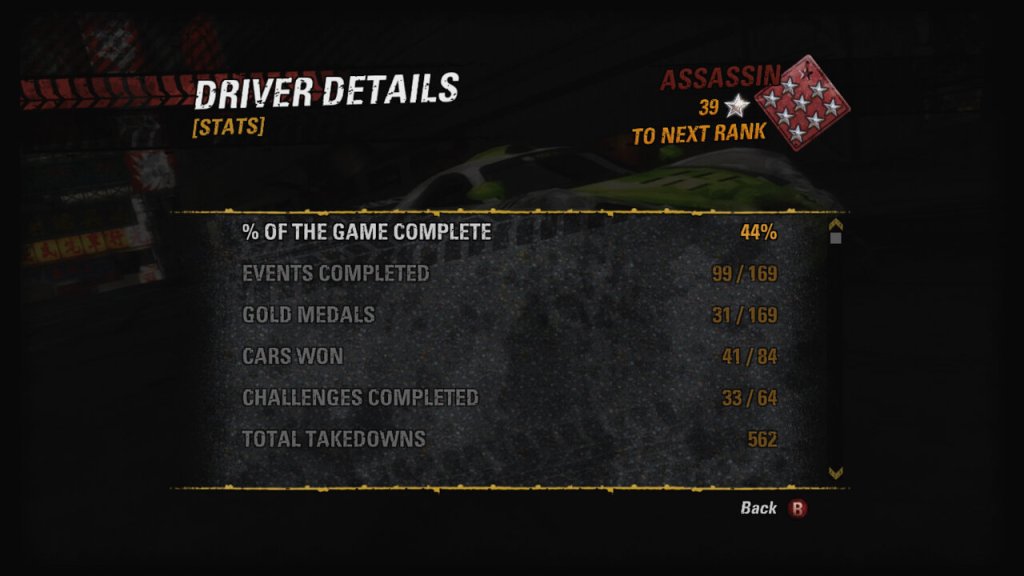
To mix things up, there are few different race modes that you will play as part of completing the games single player mode. Race is your standard racing mode where the objective is to finish first. Making use of takedowns and shortcuts are key to winning. Road Rage is where you have to score as many takedowns as possible within the time limit. Winning isn’t essential for these races, and you may prefer to linger in third or second place to ensure you can takedown as many opponents as possible. Traffic Attack required you to cause as much damage as possible within the time limited by crashing into vehicle or various objects that are part of the track. Buring Lap is pretty much time trial where it’s just you and the track, worth the objective being to finish within the time limit. There is also a Crash Mode with the objecting being to cause as much damage There are three tiers of scoring from Bronze, Silver and Gold, spending on how well you have scored. You can replay events at any time if you wish to improve your score and can experiment with different vehicles that will differ on speed and weight.
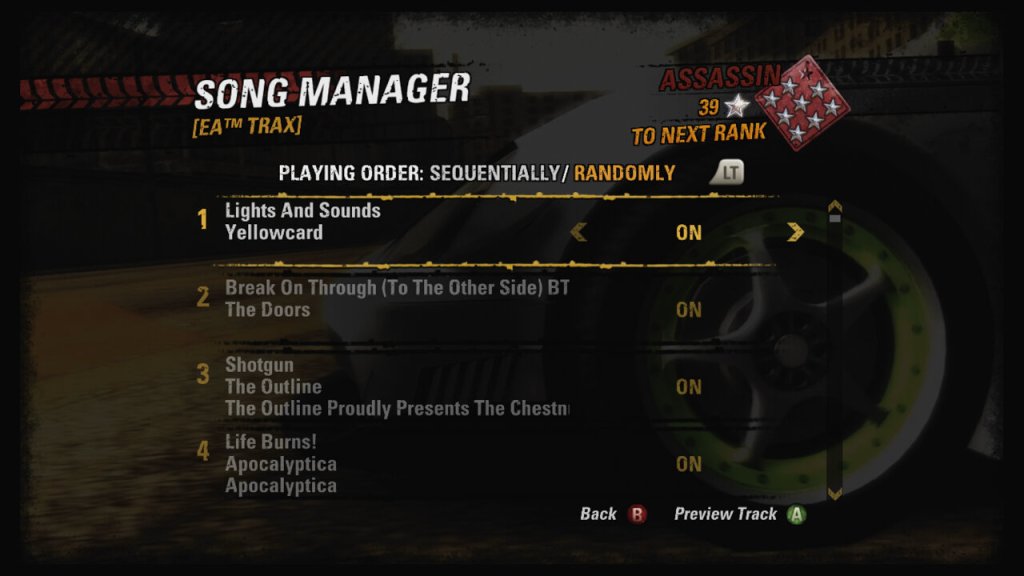
The soundtrack is one of the enjoyable elements of the game, with a playlist mix of Rock, Metal, Industrial, Electronic and PopPunk. There’s a few big names like Fallout Boy, The Chemical Boys, Maximo Park, Bloc Party and Avenged Sevenfold. Songs can be changed easily during a race by hitting the L1/Left Bumper button if you wish to skip the current track.
Xbox 360: The preferred version as it runs in a higher HD resolution and has exclusive Xbox 360 car skins that can be applied. This version does go a bit overboard with the bloom, which can be a put off for some players. Like the Xbox version you can also make use of the custom soundtrack feature if you prefer to use your on music. This version was also made compatible with the Xbox One and Series X/S consoles.
PlayStation 2: Very well optimized for the console, being released late into the console’s lifecycle. Though I recommend getting the Xbox/360 versions instead since the frame rate tends to tank when there’s a lot of stuff on the screen.
Xbox: As the game was released in 2005, it made sense for to be ported to the sixth-generation consoles, that were remarkably popular. This version supports online play over Xbox Live.
No Gamecube version was released, which is odd considering the previous Burnout games were released on that platform.
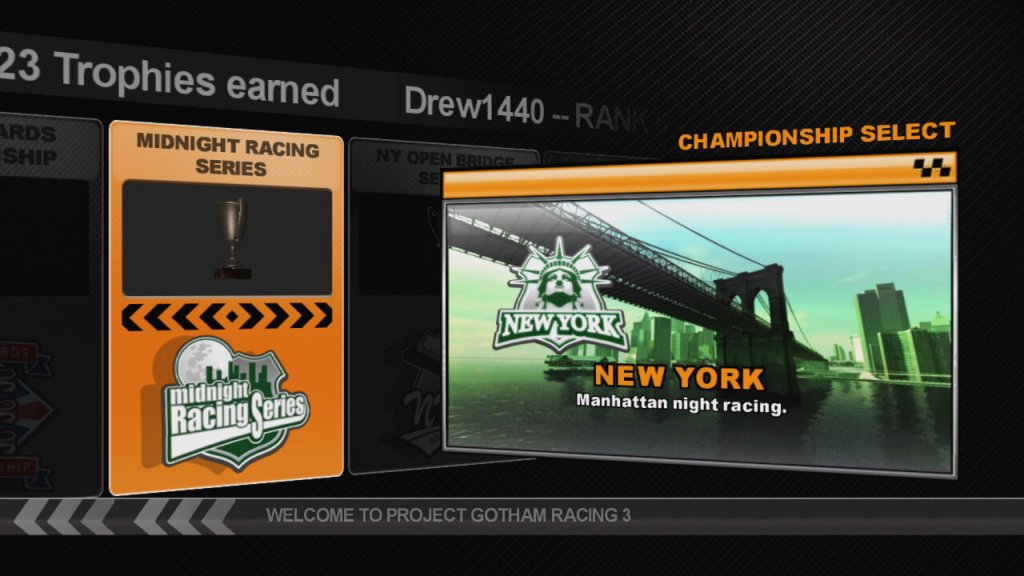
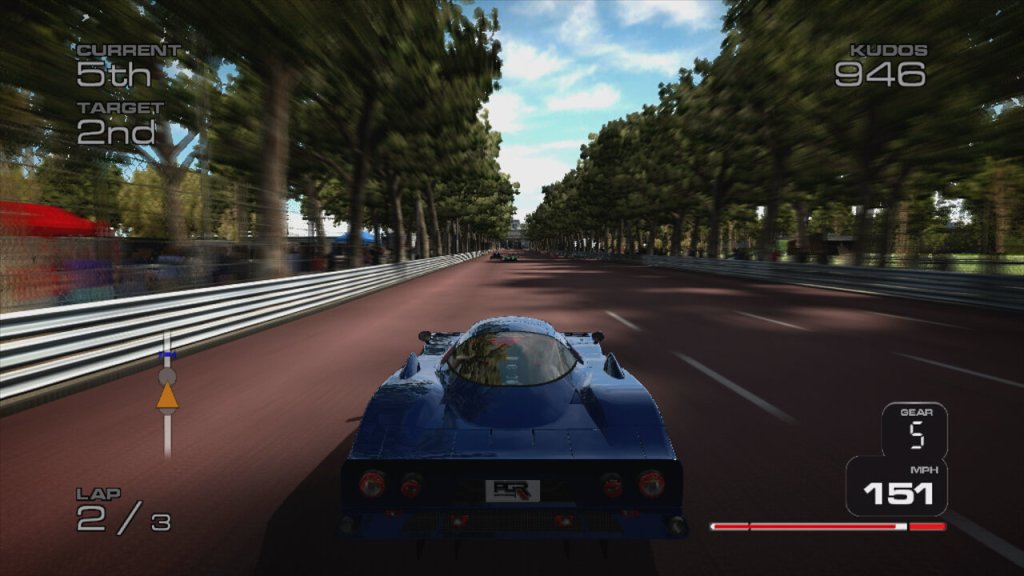
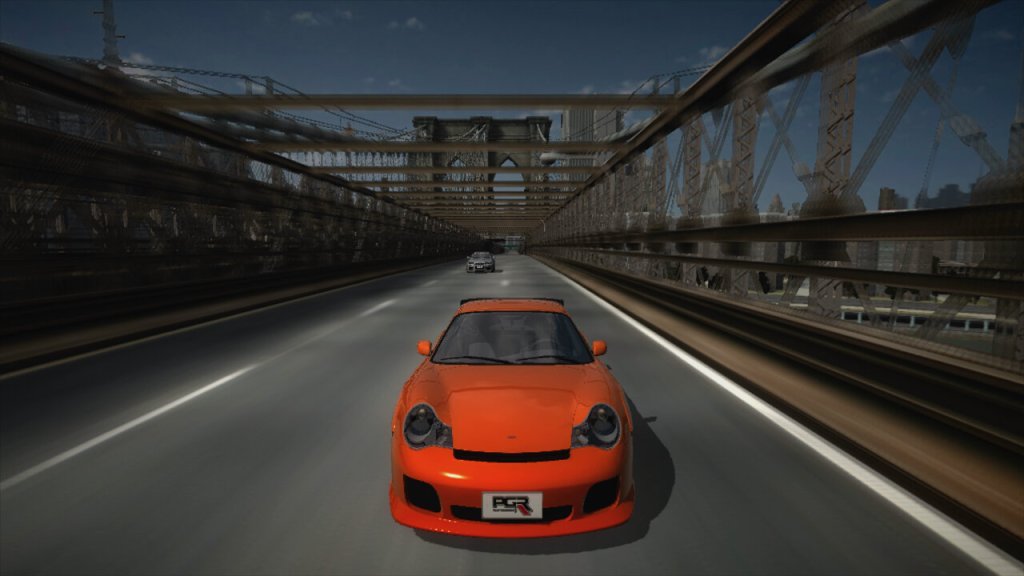
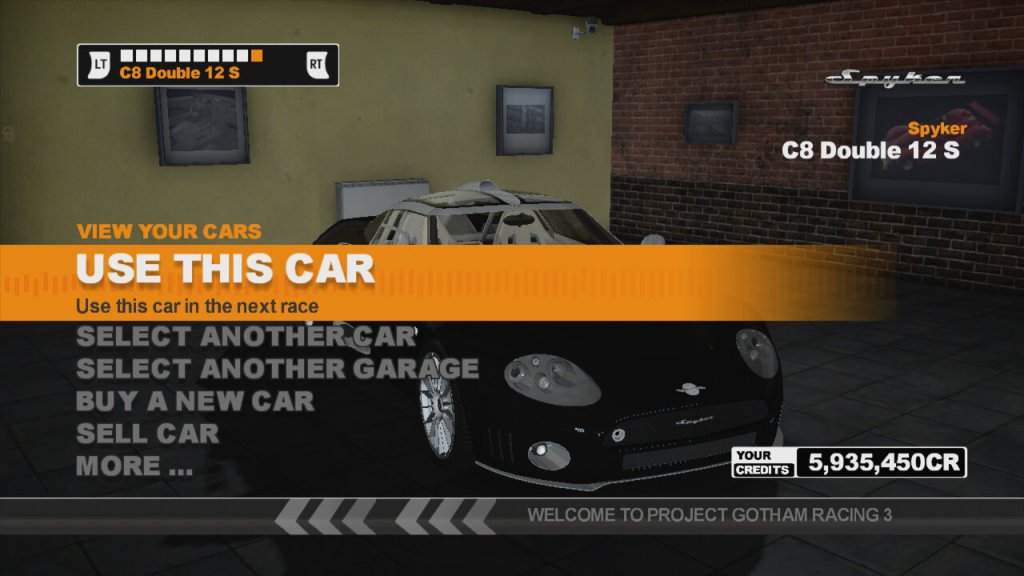
Project Gotham Racing 3 is the third installment of the game, released for the Xbox 360 very early in its life. It follows on from the previous two installments that were exclusive to the original Xbox, and Metropolis Street Racer for the Dreamcast.
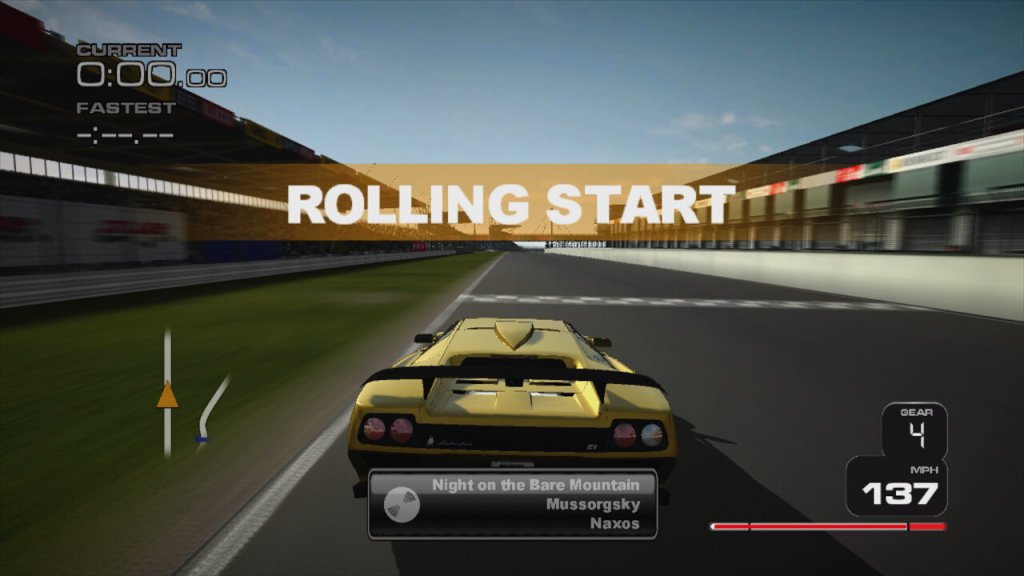
PGR3 hits you with that arcade racing feel, but with enough realism to make you feel like you’re actually behind the wheel of some of the world’s most gorgeous cars. When you fire up this game, it’s like slipping into a supercar’s leather seat. The visuals? Oh, they’re next-gen for its time, showcasing the Xbox 360’s power with cars that look so good you almost feel the engine purring through your controller.
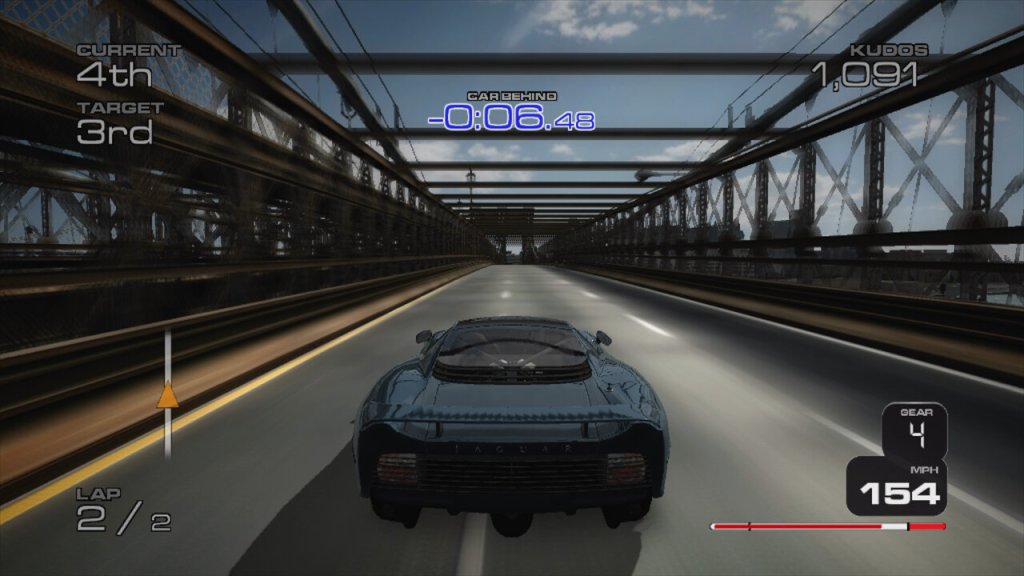
The Kudos system is like a style meter on steroids. You’re not just racing; you’re performing for the crowd, drifting through corners, pulling off 360s, and drafting like a pro. It’s all about the finesse, the skill, making every turn not just about speed but about flair. It’s this system that makes PGR3 not just a racer but an experience.
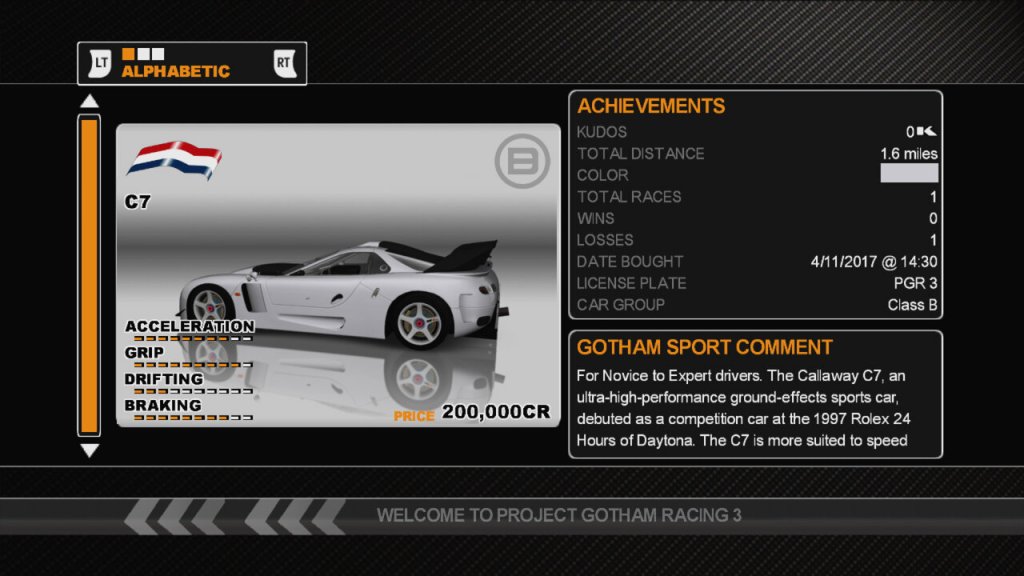
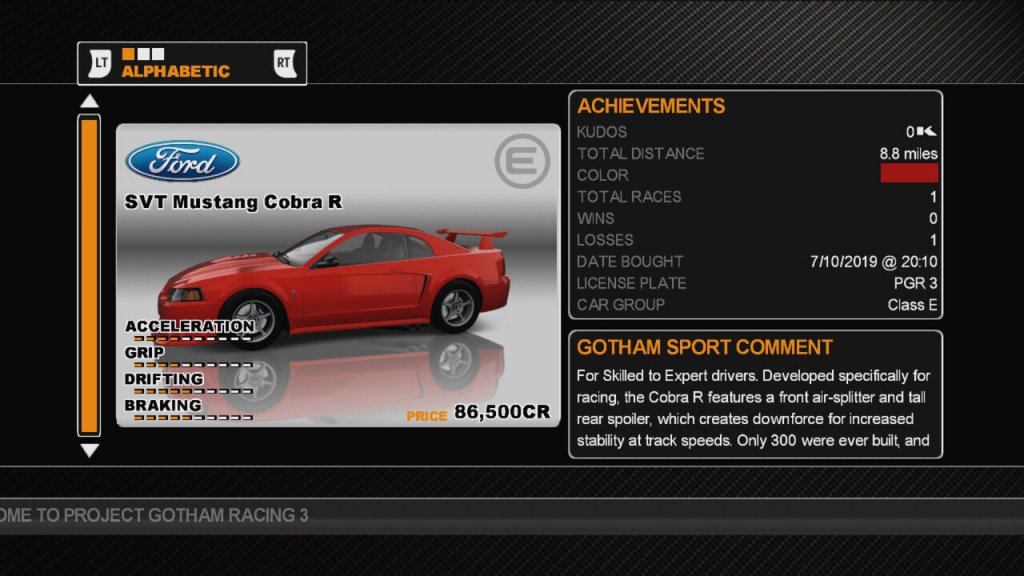
Regarding the vehicles, You start with a bang, not those slow, underpowered street cars from other games. Here, you’re jumping into supercars from the get-go. And the variety? Insane. From Ferraris that make you feel like you’re in a Bond movie to prototypes that look like they’ve escaped from a sci-fi flick, there’s a car for every fantasy. There is a lot of variety with the vehicle types that can appeal to everyone riving style, some of which will fare better on different track styles used in the game.
The soundtrack is also pretty diverse with a wide variety of genres from classics to rock, hip-hop and electronic dance. You can also elect your own music to play within the racetrack, taking advantage of Xbox’s custom soundtrack feature.
PGR3 is often remembered fondly for its peak of the series style over simulation approach. It’s debated among fans whether it’s the best in the series due to its balance of accessibility with rewarding skilled play, though many argue PGR2’s more raw, less polished feel had a charm. I certainly prefer it to the simulation racing games like the Forza series or Gran Turismo. PGR3 felt like a true next-gen update, not just in graphics but in how it integrated online features. However, its core gameplay evolution from PGR2, while significant, didn’t feel revolutionary to some, leading to mixed reviews about whether it was the peak of the series or just a polished continuation. It would later be followed up with Project Gotham Racing 4
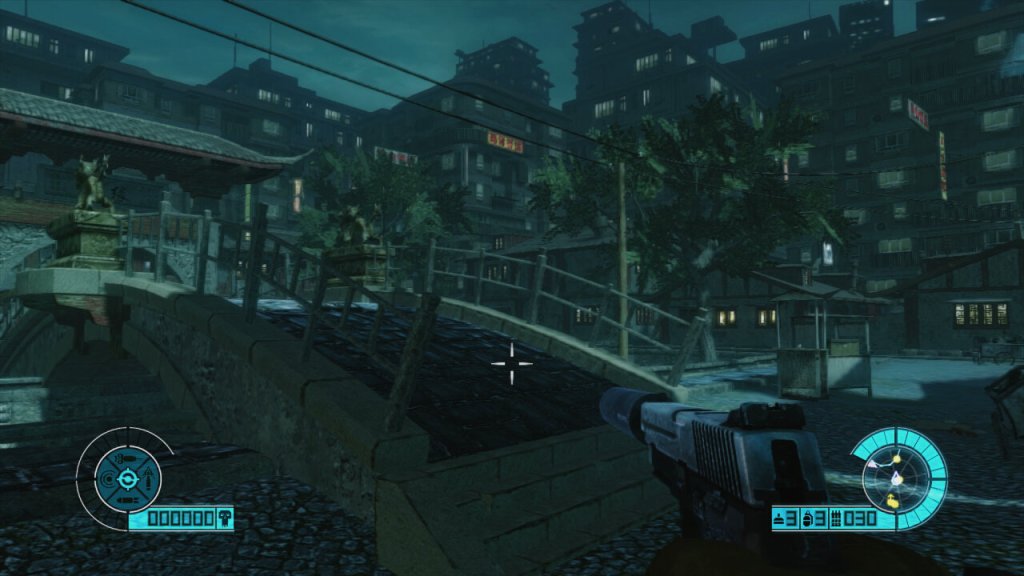
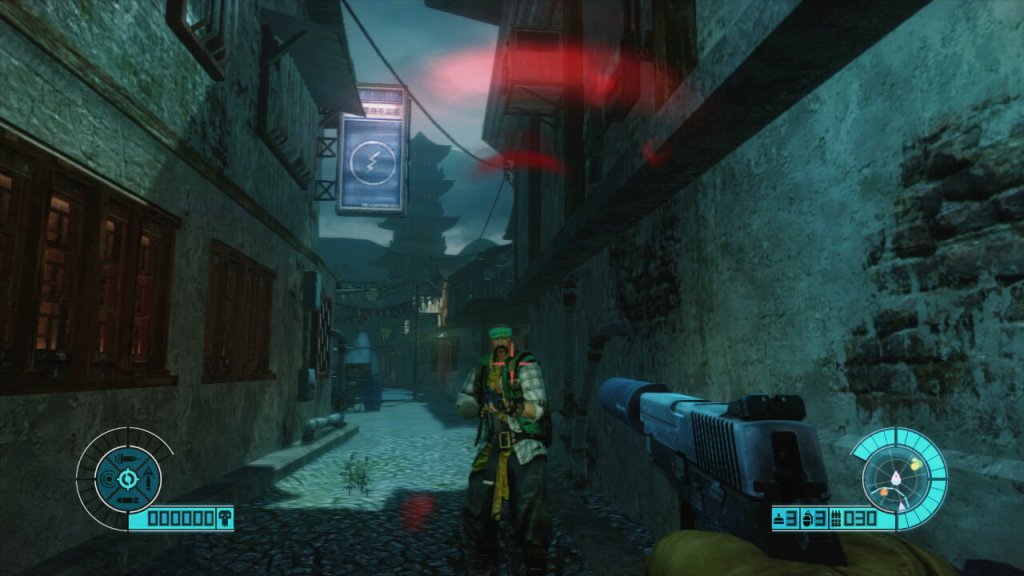
A first person shooter with arcade like shooting mechanics, released in 2011 to a crowded market where it had to contend with Gears Of War 3, Modern Warfare 3, Red Faction: Armageddon and Killzone 3. It’s an easily forgotten game on the count of its poor promotion (I only know of this game since it was recommended to me on Amazon years ago). The gunplay is ok for the most part, but some of the weapons like the silenced pistol are redundant since this game has very poor stealth mechanics, with enemies often reacting to you despite being out of their view. Still when pulled off correctly, it can help you take out enemies one by one rather than getting swarmed,
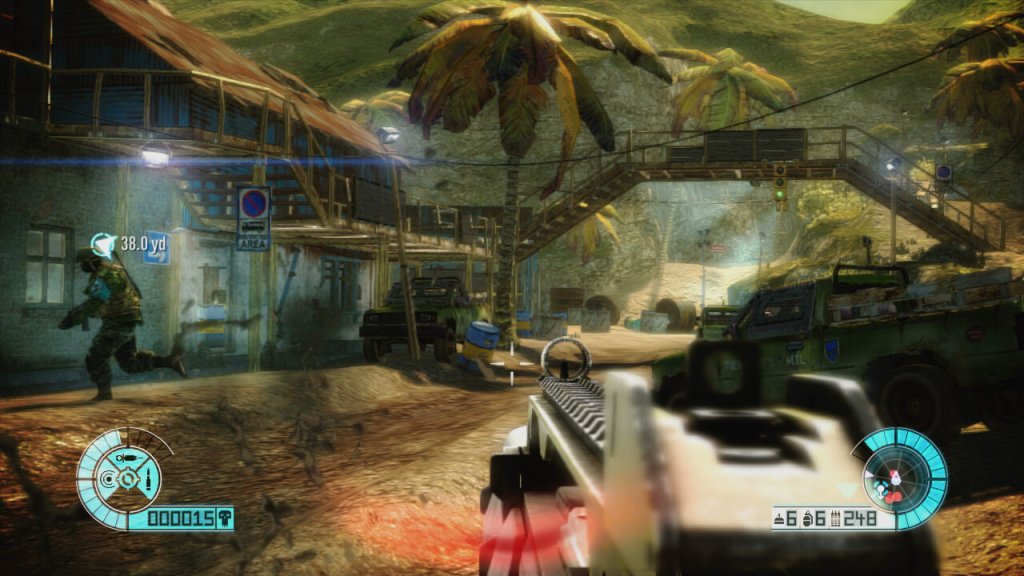
However a lot of the gameplay consists of holding the current position whilst waves of enemies attack, and this gets very repetitive the further you progress through the game. Sometimes the spawning is sloppy, with enemies simply appearing out of thin air.
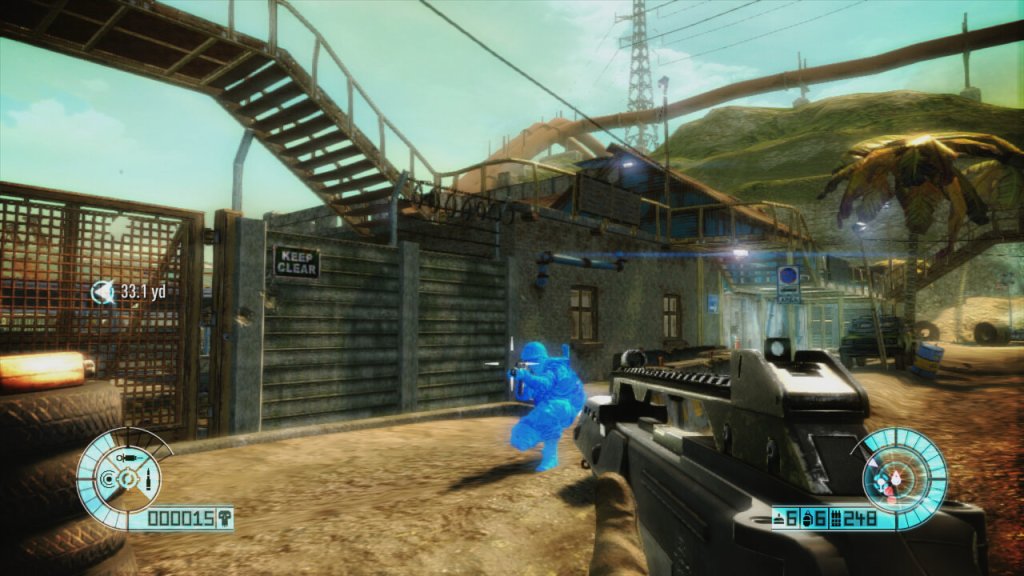
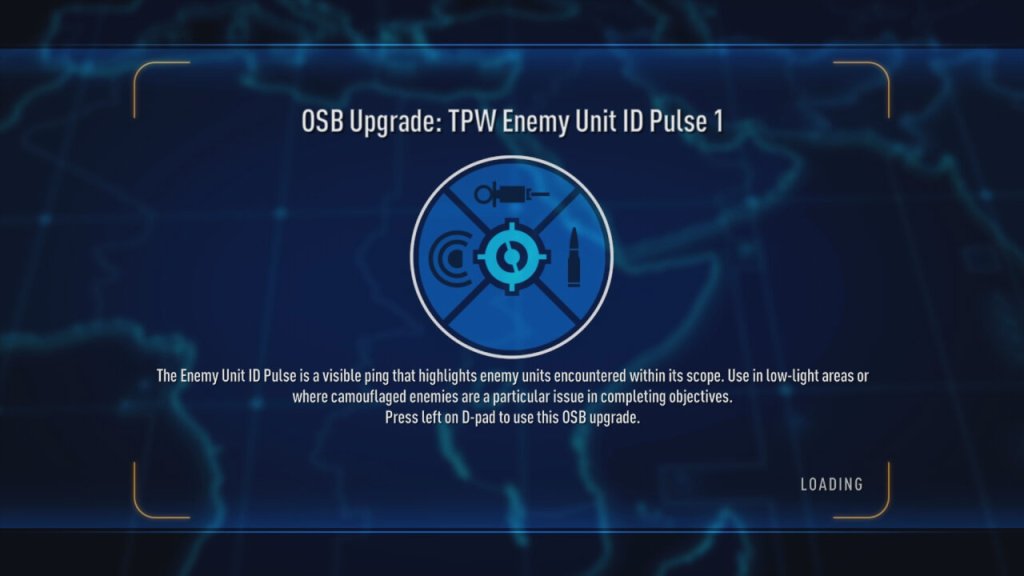
There were a few innovations to help with this, ‘Intel’ is a core mechanic to the game and is collected when you kill and enemy, it’s used to power up your character to use weapons like explosive bullets, or adrenaline to help with the more difficult waves. Also some sections of the environment as destructible, which can help with dealing with large waves of enemies.
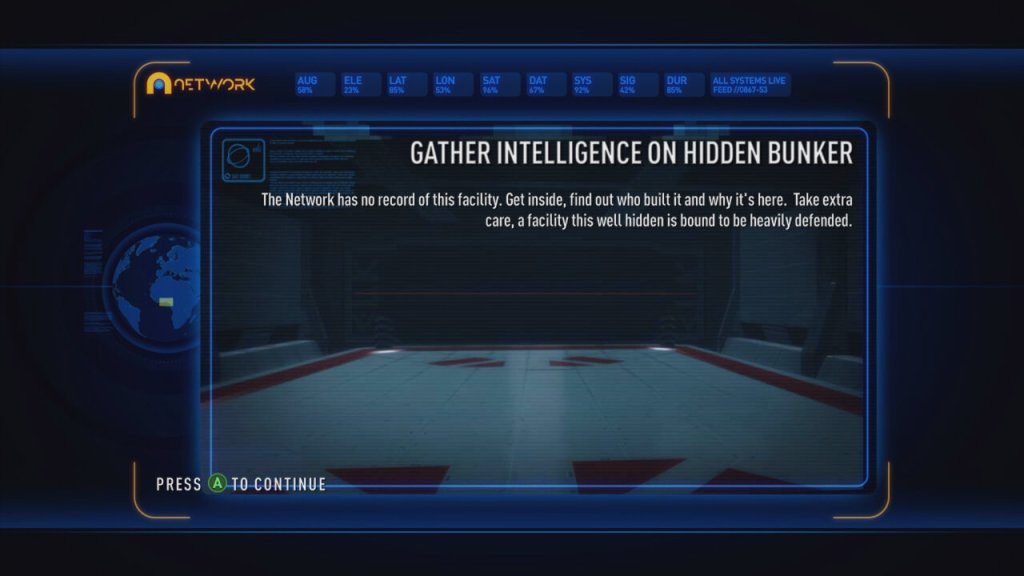
The main story of the game isn’t working delving into, essentially you’re against an entity known as ‘The Network’. This isn’t very well explained and often you are left wondering what is going on, you will often go from battles in beautiful real-world locations to these futuristic Tron-like areas which look very out of place.
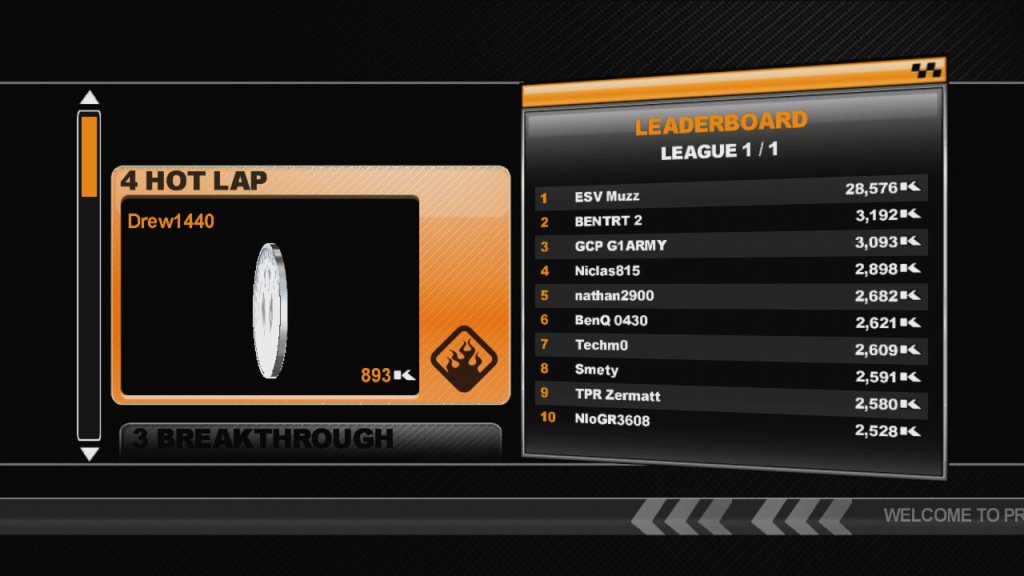
Aside from the campaign, there is also a BodyCount mode that lets you load up a previous chapter to complete it in an arcade style to get the highest points.
Versions
Xbox 360: The preferred platform for reasons outlined below. Sadly this isn’t compatible with the Xbox One or the Series consoles.
PS3: This version is the worse of the two, running at a lower resolution complete with screen tearing.
Samsung cross between Windows Phone and the Galaxy S3
Samsung was always a common OEM for Microsoft’s smartphones, producing the Focus and Omnia models for Windows Mobile and Windows Phone 7. Following on from that, Samsung introduced the ATIV branding for their Windows 8 devices. ATIV is basically Vita spelt backwards and is Latin for Life, which was also used for the Sony PlayStation Vita, also released in 2012. Coincidence? Maybe
The ATIV branding was supposed to complement the Galaxy branding for Samsung’s Android smart phones, though it also extended to their Windows Laptops and hybrid tablets. The launch device for all this was the ATIV S, which was Samsung flagship Windows Phone for 2012, launching with version 8 of the OS. Windows Phone 8 looks similar to it’s predecessor Windows Phone 7, but under the hood it was practically are written operating system, making use of the Windows NT kernel instead of the Windows CE that WP7 had used. Due to the drastic changes, no WP7 smartphones could be upgraded to WP8, since it required a dual core processor that no WP7 device had supported (and its widely believed the WP7 core couldn’t support this, hence the need to reboot the OS with a new kernel) IDK Why they didn’t do this when they introduced WP7, maybe the hardware at the time didn’t support this? This is kind of why Windows Phone failed, there was no consistent stepping stone between major versions, and with Window’s Phone 8 they effectively reported the OS from scratch again, existing handsets could not upgrade to WP8
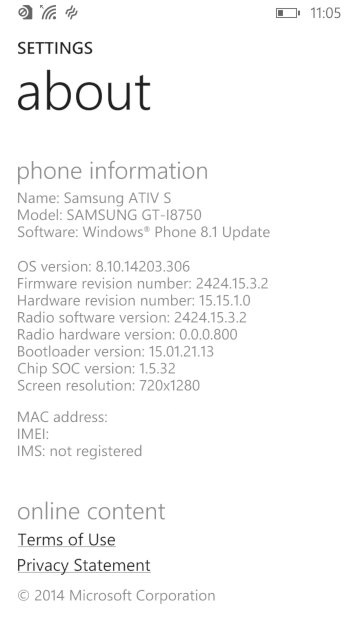
The ATIV S itself has very similar specifications to the Galaxy S3, both have a 4.8 inch 720p screen, both feature 1GB of RAM and 16GB of user storage and a dual core processor (the ATIV differs by using a Snapgradon processor whilst the Galaxy used Samsung’s own Exynos cores).
The user interface is pretty much Windows Phone, with its innovative live tiles and social media integration. Samsung did bundle their own exclusive apps and settings which are worth looking into.
Apps
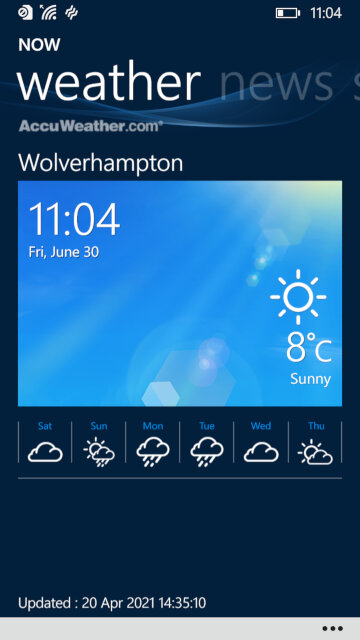
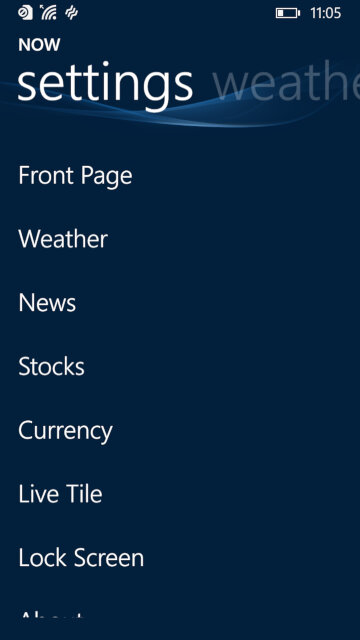
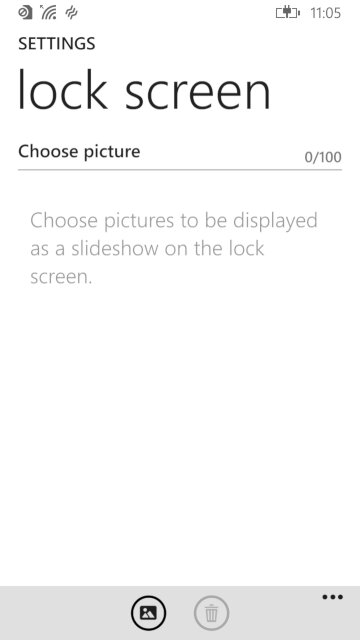
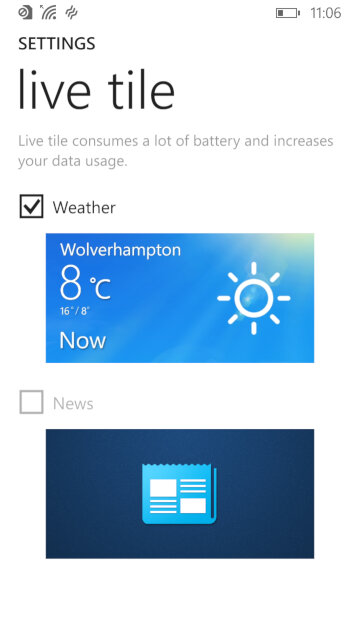
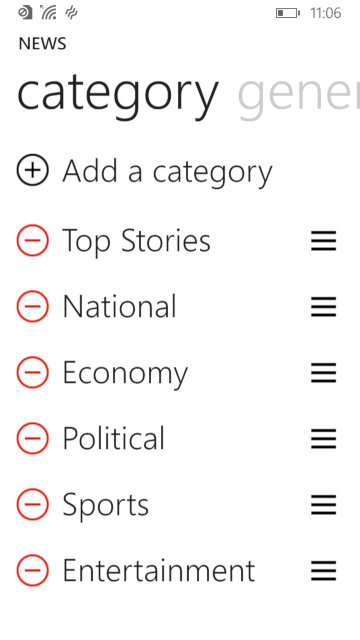
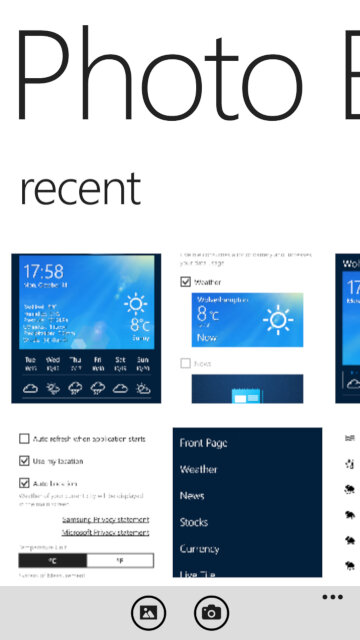
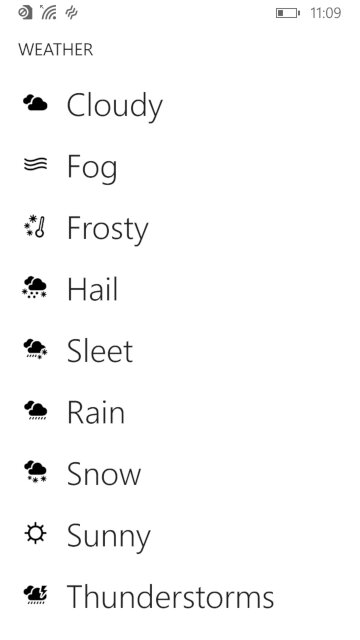
NOW: Similar to what was seen in the Omnia W, this is Samsung’s News, Weather and Stock/Sports information app. News is provided by Yahoo news, who have since discontinued it’s integration but would have shown the latest news headlines for your area. This app supports both the live tile and the lock screen feature, weather information can be displayed on the locks screen itself.
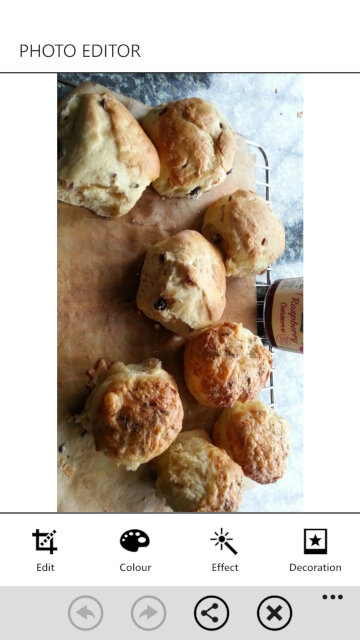
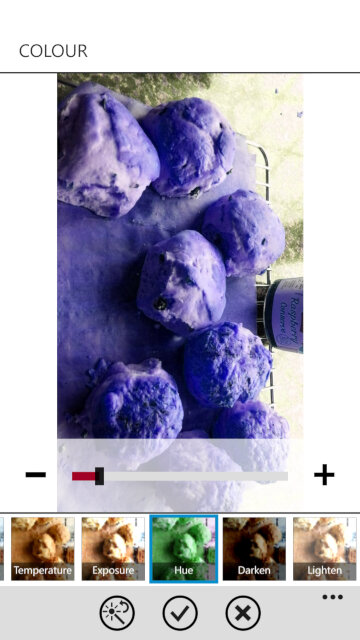
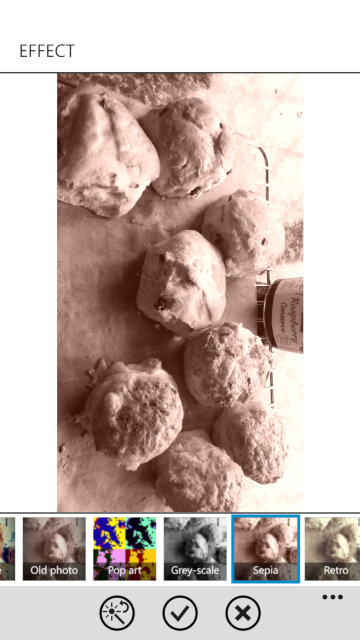
Photo Editor: A simple image editor that can apply a wide range of filters and effect to captured photo’s, and also allows you to place stickers for novelty use. Cropping and zooming are also supported, although you can do this in the Windows stock image viewer.
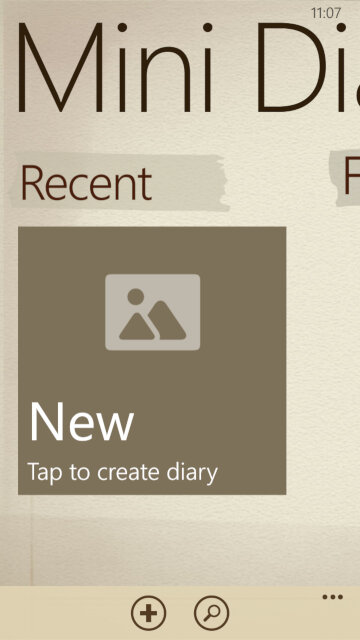
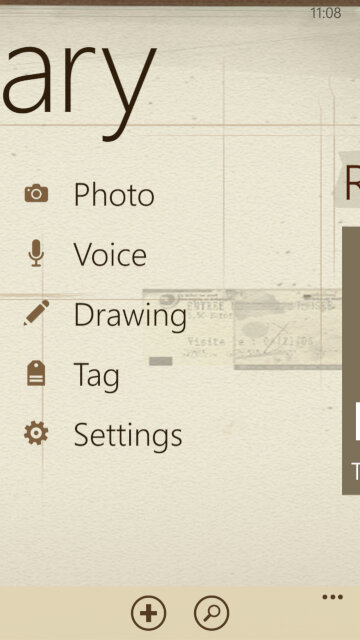
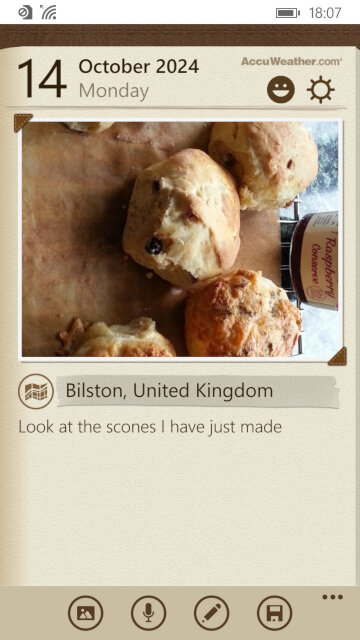
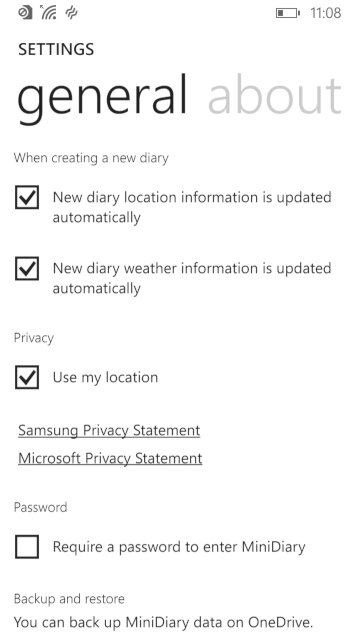
Mini Diary: Lets you create a journal or a note where photos or drawings can be attached to them. You can also record a voice note for upto 10 minutes.
Settings
Samsung has included their owns settings applets that are located towards the bottom of the Settings app, these allow you to change features that are exclusive to the ATIV S
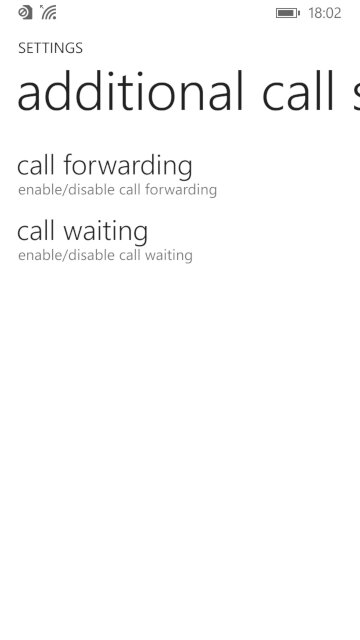
Additional call settings: Check the status and enable call forwarding and call waiting, if they are supported by your network operator
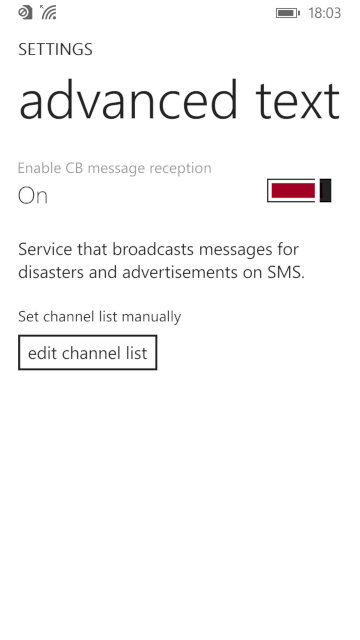
advanced text messages: Allows you to enable CB message reception for broadcast SMS messages, not something we have in the UK
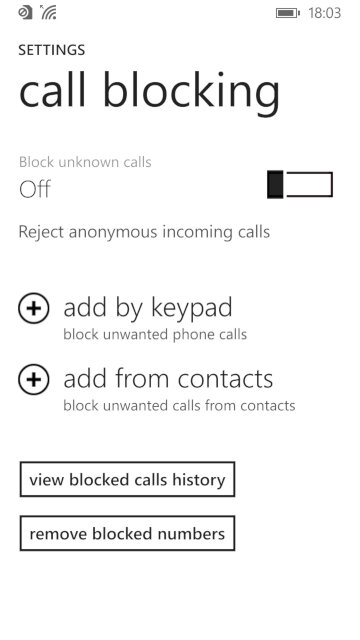
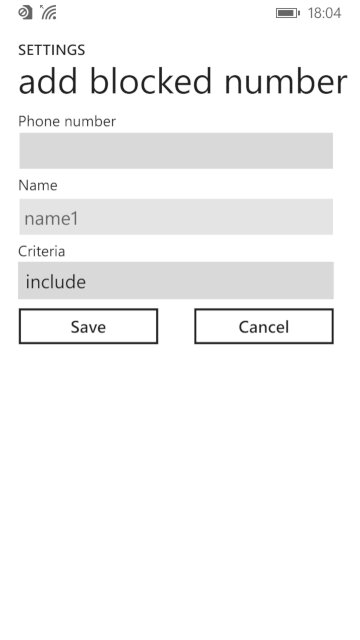
call blocking: lets you enable and add phone numbers to the blocklist which the phone will prevent from contacting you. You can also set to block any callers that withhold their number.
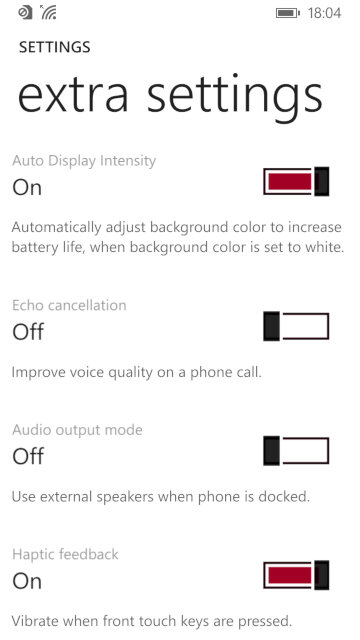
Extra settings: other settings that don’t have their own category, you can change settings for haptic feedback if you want the phone to vibrate when the touch buttons are used.
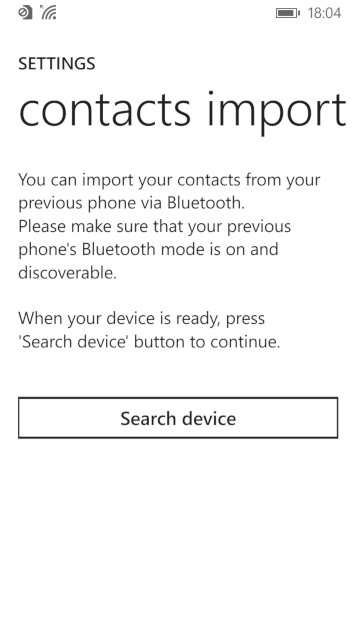
Contacts import: import contacts from another phone via Bluetooth, which Windows Phone didn’t support for some reason.
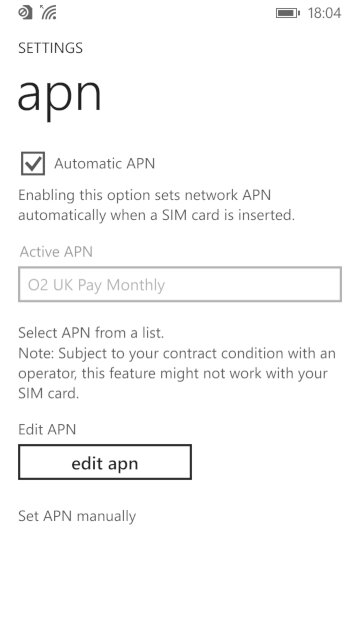
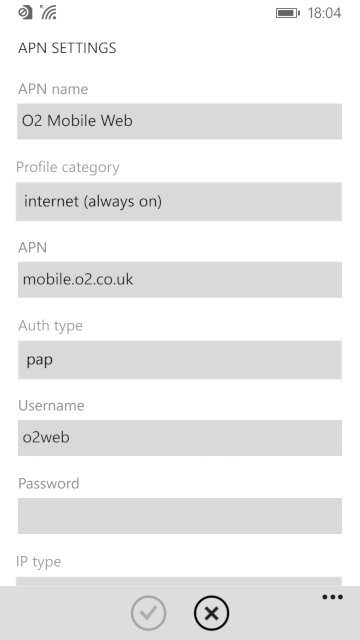
apn: change access point settings, if the phone did not detect your SIM card provider. You need these settings to access the internet and to send or receive MMS messages. Typically you don’t have to do this unless you insert a SIM card that the handset cannot detect the correct settings for, or if they are outdated.
Conclusion
Whilst the ATIV S was the phone to get when Windows Phone 8 was released, it quickly was thrown to the wayside after Nokia started released their flagship handsets, along with their custom exclusive apps for the platform. The ATIV S, along with other Windows Phones didn’t really sell that well, and this caused Samsung to lose interest in the platform. The handset would be followed up by the ATIV S Neo. The ATIV S was well supported in terms of updates, with the 8.1 update being released in 2013 that introduced an updated boot screen, Cortana (RIP), new features for the Start screen and OS features thanks to Microsoft’s update policy.
The fact that the ATIV wasn’t a best seller, and that Microsoft had a strong partnership with Nokia at the time cause them to exit the Windows Phone platform. Samsung would follow-up with the ATIV Odyssey that was a cheaper low-end device and then the ATIV SE, No Windows 10 handsets were released from Samsung.
Oh god, its just like the PCV-90. This is gonna be a pain in the ass
Or maybe not since we actually get working mouse support and the software is able to see the CD drive so we don’t have to modify the boot disk.
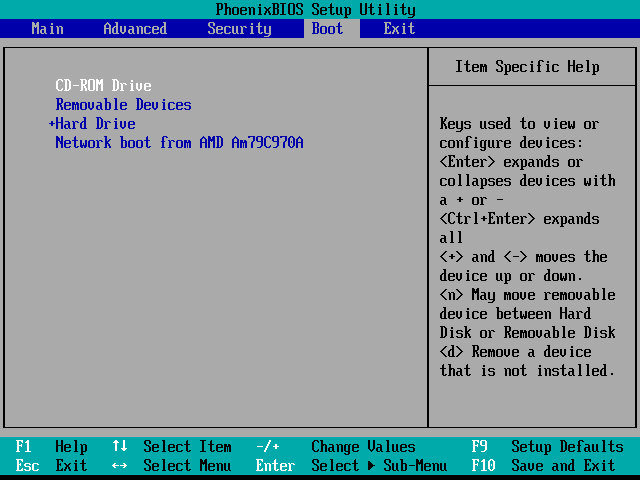
The restore utility cannot initialize a drive since it assumes its already formatted, What you need to do is FDISK it and initialize the drive, in order to start the recovery process. Also once you init the drive, VMWare will try to boot from it. If you keep getting Missing Operating System – Power off the VM and them click on Power On To Firmware option in the dropdown menu next to the Play/Power button. Once you are in the Firmware (BIOS), go to the boot section and pop the CD-ROM drive at the top of the list (Press Shift and + to move it up)
Although the recovery program tells you to run a specific .bat command, this is very specific to the machine’s hard disk and will not apply to our VM, unless our HDD is the exact size.
Before we get to the desktop, we are treated with an IOS error
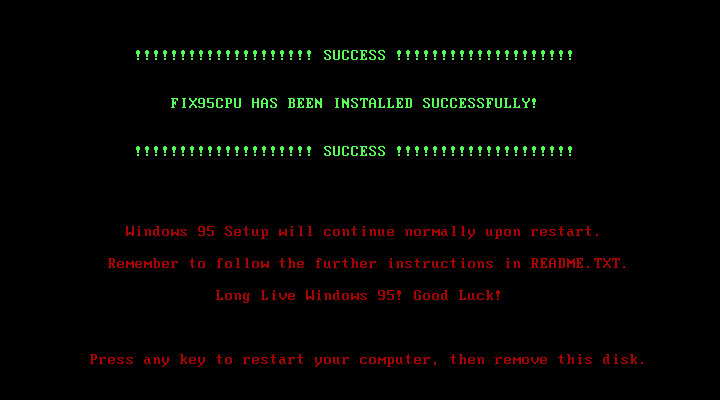
This occurs because the CPU we are running on is too fast for Windows 95 and this causes a fault with a built-in race condition as part of the Windows 95 boot process. Thankfully there’s a community made fix for this and allows us to have a bootable system
Post Install
After we are taken through the last part of the installation where we need to enter identity information. We then have to progress through a series of New Hardware prompts, (Use a hardware profile 6.2 or lower to avoid this, later versions install a lot of PCI-PCI bridges which are way overkill for what we are using)
Installing VMware Tools, Or maybe not, our CD-ROM drive has gone missing…
It came back after a reboot, I’m not sure why it disappeared
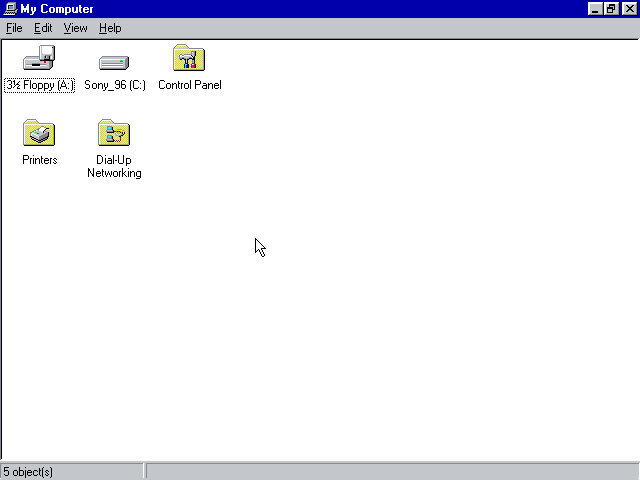
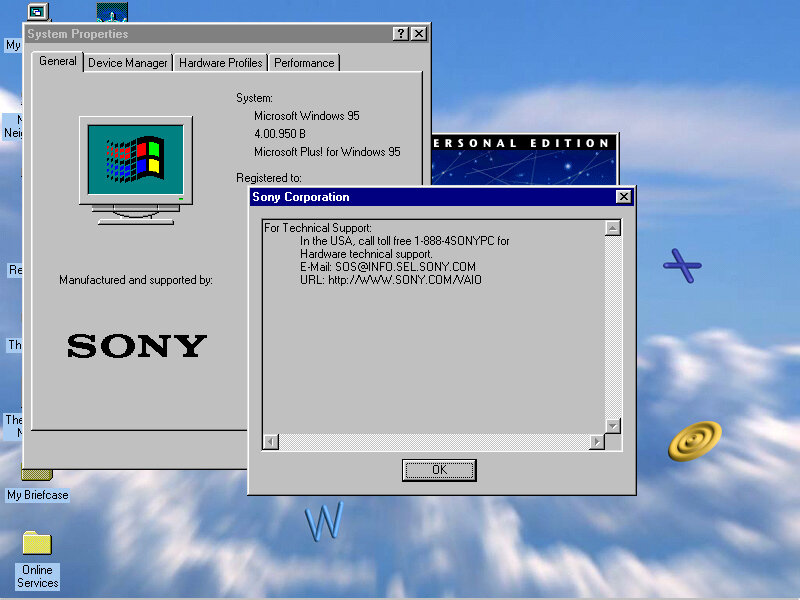
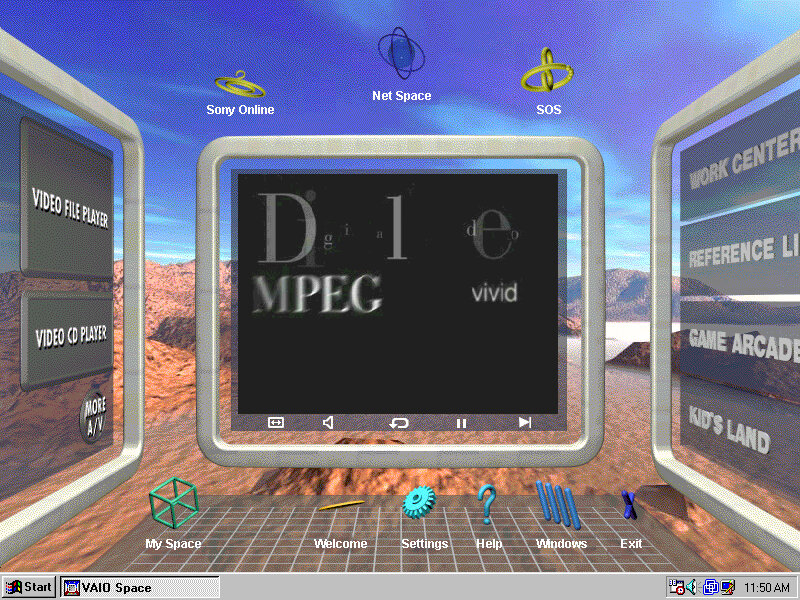
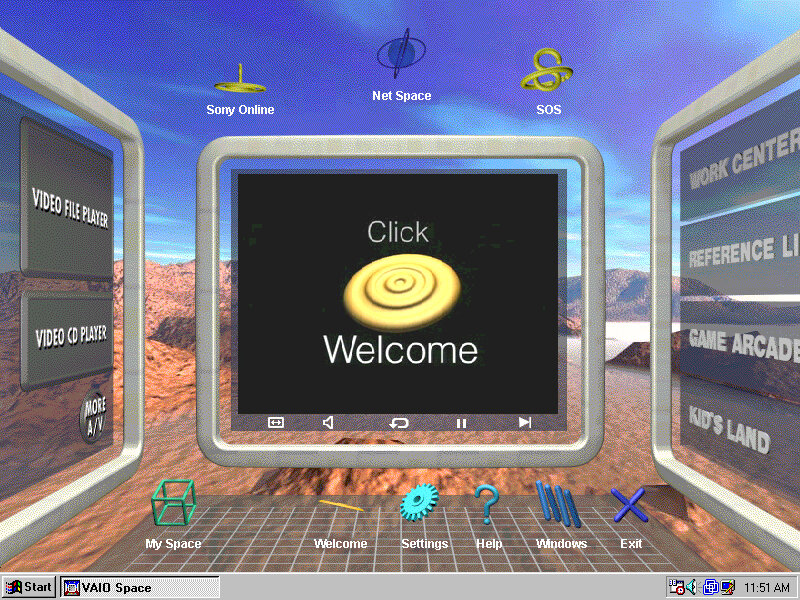
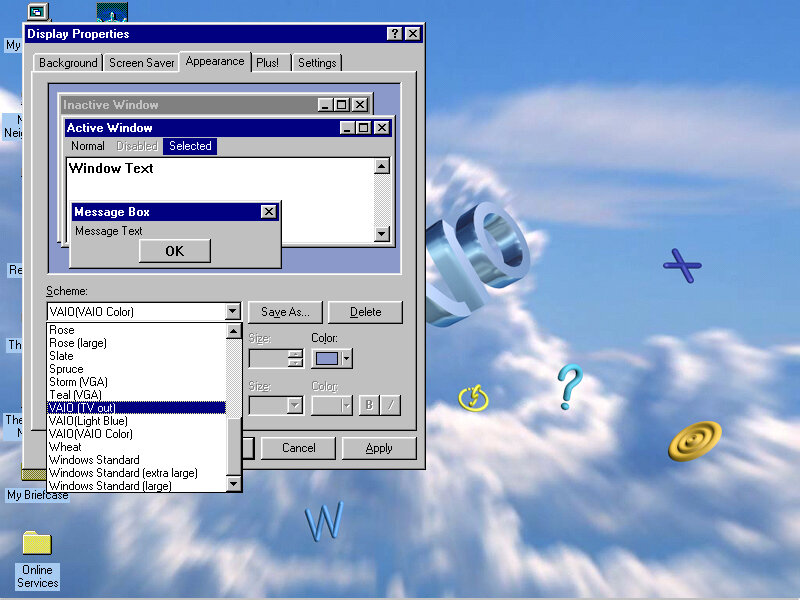
From here it’s very similar to the PCV-90 that was looked at previously, with a lot of the software being bundled with the install.
86Box
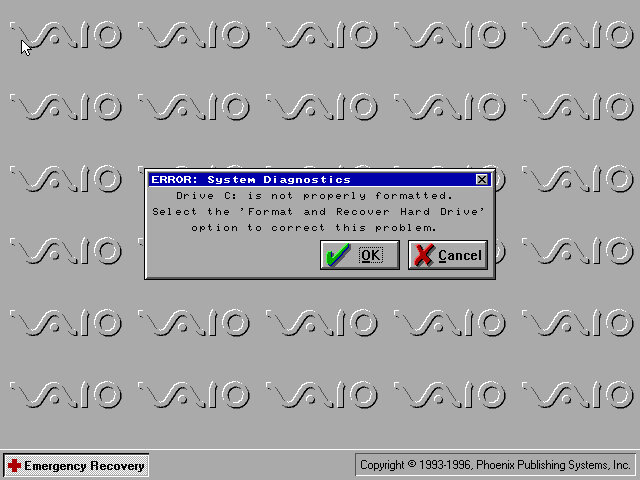
VMWare can be a bit problematic with these old Windows 95 installs, so we can use 86Box instead. Here I quickly setup a system using VirtualPC 2007 motherboard, and loaded the restore CD when it gave this error message:
I don’t get it, the BIOS screen reports no errors?
I disabled ACPI in the BIOS since that can cause problems and made sure both floppy drives were correctly enabled in the BIOS, and that seemed to fix it. Lets give this another try…
After going through the recovery steps again this time it worked properly, and the hardware detection was a lot less painful to go through. However there is one other issue, the IDE CD-ROM drive is no longer detected once we boot into Windows 95 and this is likely due to the Hitachi IDE drivers being used which causes issues. It’s possible to fix this by changing the motherboard but considering we had issues with the PCV-90, I believe it’s more of an emulation issue with 86Box. A workaround is to install and use the SoundBlaster 16 PNP which will feature its own IDE controller. If you do this you must put the CD-ROM as IDE 2:0 or 2:1 to assign it to the SoundBlaster, Windows 95 will generally detect and install a driver BUT you must have a copy of the Windows 95 install disc, as it requires a few files in order for it to install the driver. Alternatively, you can attach an Adaptec SCSI interface instead, again you will need to have a Windows 95 install disc for it to detect and install a driver, or you can locate the driver files yourself. The SCSI option is a lot more flexible as you can install up to around 7 drives (CD/ZIP or hard disks)
Overall this system is very similar to the PCV90 and included a lot of its software, so there isn’t much to cover that we have not done so already. To be honest its probably worthwhile installing in VMWare, then upgrading it to Windows 98 to make it usable in VMWare, as it should be more useable that way.
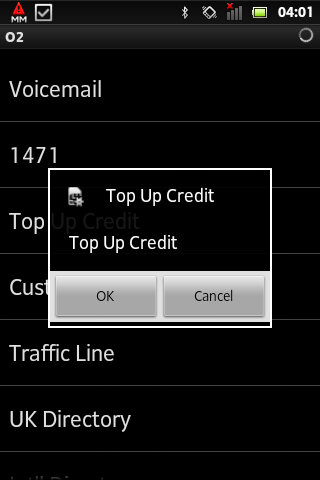
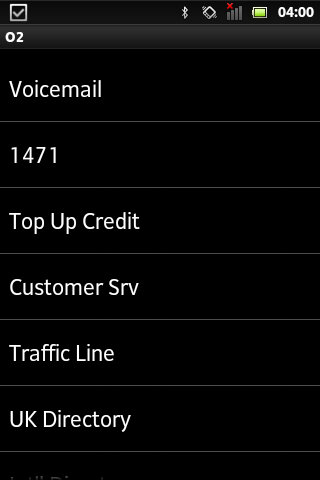
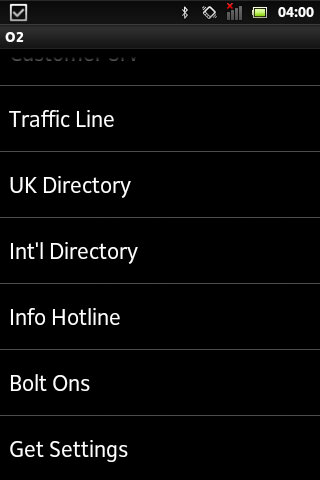
Technically known as SIM-AT (Application Toolkit), this is a menu that is built into many SIM cards and can be accessed through the handset directly.
Many of the mainstream networks used the SIM Toolkit to promote their services and to increase their accessibility. Many provide links to news bulletins, sports, weather and finance. Some would also allow you to dial important services like the RAC breakdown
On the other hand, most of the smaller or virtual mobile network operators neglected support for the SIM AT toolkit. Virgin Mobile was one example of an MVNO that implemented a SIM toolkit in their service, but others such as 3 (Hutchinson 3G) and ASDA or Tesco mobile don’t implement this, mainly as they are promoted as a budget-orientated mobile operator
BT Cellnet / O2
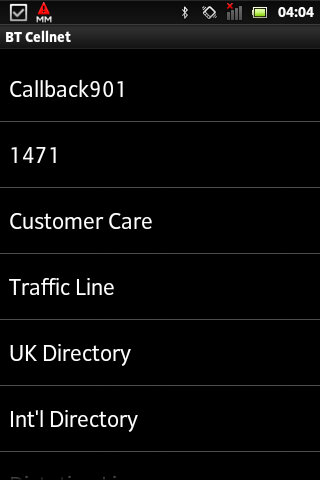
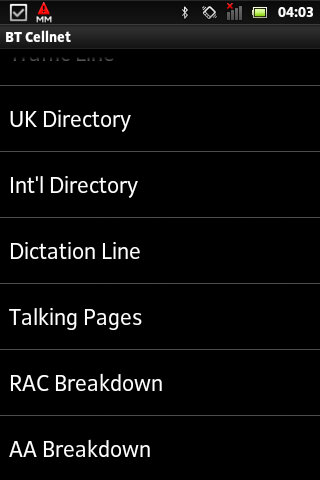
The predecessor to O2, this Sim card dates to around 2000/01, shortly before the rebrand to O2. The menu appears as ‘My Services’ with BT Cellnet being the first item that shows up
Callback901 – This was a shortcut to O2’s voicemail service and simply dials the voicemail message center, which works the same as dialing 901
1471 – tells you who the last number that was dialed
Customer Care – Main O2 customer service line
UK Directory
Int Directory
Dictation Line
Talking Pages – I think this was the speaking version of the phonebook but im not 100& sure
RAC Breakdown – Dials the RAC, useful if your car as broken down
AA Breakdown – Same as above, but dials the AA instead (AA is a breakdown company, not alcoholic anonymous)
From an older BT Cellnet SIM card
T-Mobile
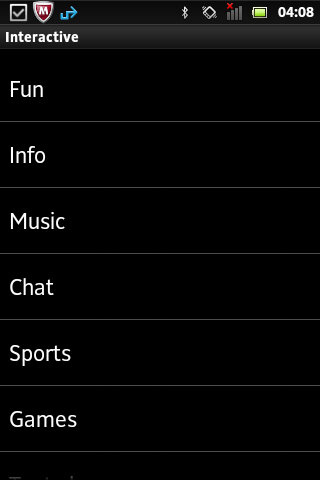
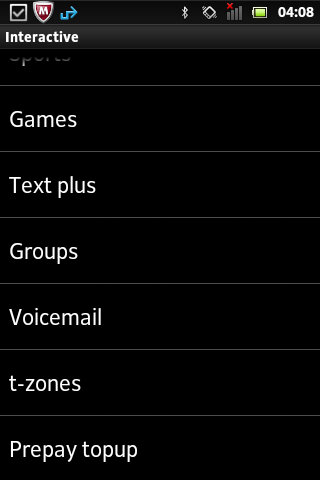
Not sure how old this Sim card is or what year it dates from. Compared to the menu on BT Cellnet it’s a lot more featured, with many options leading into a submenu. When selecting an option, the phone will send an SMS-like message which relates to the request. On most handsets, the menu appears as ‘Interactive’
Fun
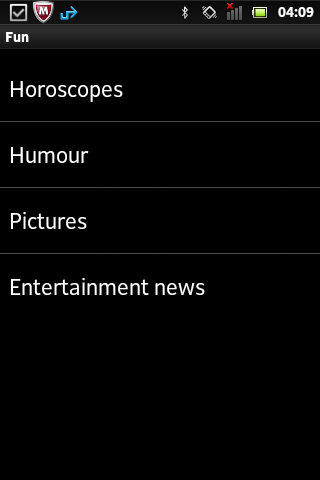
Horoscopes – Gives two options, Romance and Outlook and lets you enable a daily message that tells your horoscope, probably for an additional charge
Humor – Gives options for Jokes, Chat-Up lines or Voicecards. Jokes gives you options for Silly or Adult jokes which then gives a warning message that you must be 18 or over to access
Pictures – relates to MMS and lets you enable picture alerts, options including Babes on & off, Gossip on & off and Footie. Yes, it’s actually spelled like this in the menu.
EntertainmentNews – Options here is daily on/off which controls daily SMS messages being sent in relation to entertainment news, an option to get the latest news once and separate options for soap and film updates. Useful if you want the latest from Eastenders or Emmerdale.
Info
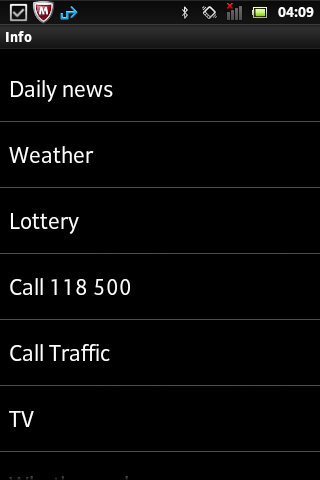
Daily news
Weather
Lottery
Call Traffic
TV – gives two options to see What’s on now and Soap Update
What’s nearby – several options, bar, Hotels + B&Bs, Eat, Taxi and Cash Machine
What’s On – Cinema, Club, Music and Comedy
Streetmap – Send a map to selected compatible Wap push devices
Finance – Options for Shares, Exchange rates or financial news
Call Leisure Line – Calls the Leisure line
Music
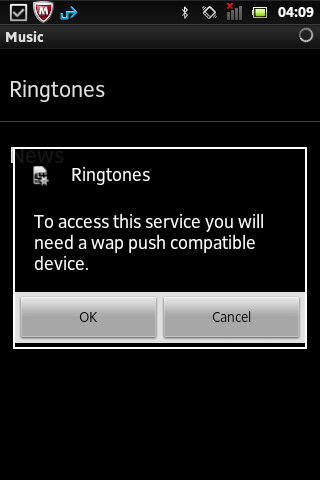
Ringtones – send a WAP link to download more ringtones
News – Various options for Charts alerts, Pop news, and New Releases, these would be text alterts being subscribed to
Chat
Join
Chatrooms – Lists chatrooms or to manually enter a chatroom
Match and chat
Sports
Vodaphone
On this SIM card that dates from 2020, this still has a few menus that are accessible.
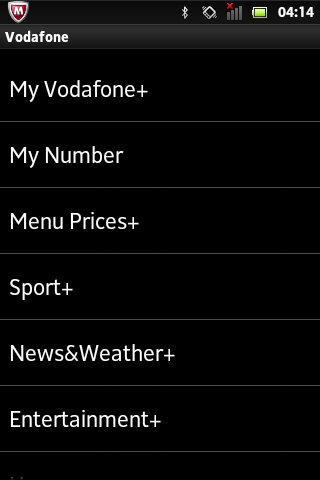
My Vodaphone: Gives options such as TopUp, Balance, Customer Care, Directory Enqs, Voicemail, My Subscription and Voda Stores. Some options will be hidden depending on the type of tariff (Pay as you go vs Pay Monthly)
Balance: Gives you your current account balance, does not show on pay monthly
My Number: Shows your current phone number
Menu prices: View Prices and T&Cs
Sport: Various options consisting of Sky Sports, Sports News, Football, Rugby, Eng Cricket, F1, Horse Racing, Golf News and Tennis News.
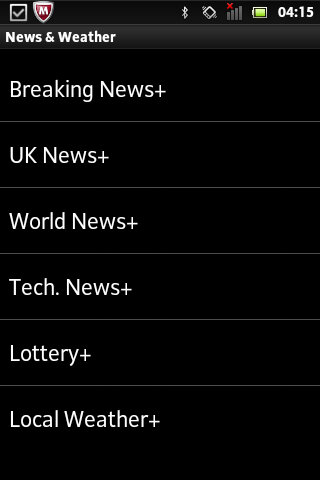
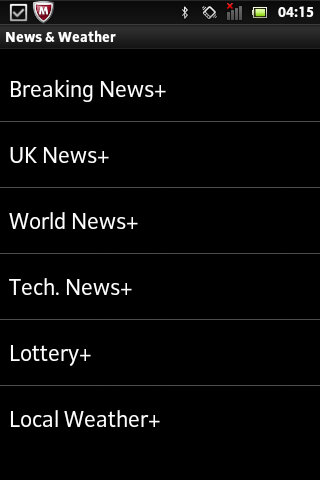
News&Weather: opt into breaking news alerts, or just UK or World news with additional options for tech, lottery and local weather. Cost is 12p per alert.
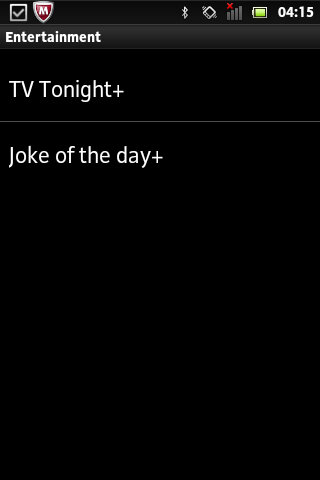
Entertainment: Two options here, TV Tonight which shows TV listings, and Joke of the Day.
Horoscopes: Set up SMS or MMS notifications for your horoscope priced at 1Pnd per week, or 12p for a daily message.
Virgin Mobile
Virgin was one of the first virtual mobile operators and ran on top of an existing mobile network. Virgin offered its SIM-AT menu as ‘Virgin Xtras’
Top-Up
Help
Shop
Offers
Travel – Options are Traffic, Book Virgin and RAC Red
Music – options are Jukebox, Buy and Radio
Going Out
Staying In
Voicemail – Options are Call? and Divert
Most of these are WAP links to the selected service, they don’t seem to bring up a submenu of sorts.
Conclusion
From looking at most of the options listed above, many relate to obtaining information for a specific subject. Like if you wanted to subscribe to breaking news alerts, or sports news alters for a specific game. Many of these carry an additional charge and operate as an additional revenue stream. These would have made sense back in 2000 era of mobiles as WAP was still an emerging technology so getting breaking news in the form of an SMS message would have been a desired feature. Now, most phones come with news apps that support breaking news nominations, delivered through the phone’s data connection. The remainder of the functionality can be replicated using the operator’s app, if they choose to provide one for the smartphone’s platform. For feature phones that run the KaiOS platform, this may not be possible. Still, Android handsets support SIM-AT which appears as a dedicated app if the sim card supports it.
A problem with SIM-AT is some manufacturers implement it differently in terms of accessing it, on many Nokia’s you can access it directly from the main menu, but on Sony Ericsson models it’s buried within either the Entertainment or Services menus. For network operators, this means they cannot give direct instructions without having the customer refer to the phone’s operator manual.
Orange (Now merged into EE, now part of BT) also offered a similar service, ill document and upload when I get access to an older Orange SIM card.
Lets look at a typical Huawei smartphone from 2016, this would have been their flagship mid range model, with the P9 being the main flagship. The P9 lite is smaller, has less storage and a slightly weaker processor.
Huawei EMUI
EMUI is Huawei’s take on Android design, and is an alternative to the standard Android interface. EMUI is shot for Emotion UI and brings a nice clean interface compared to the Frutiger-Aero like interfaces by Samsung or LG, or the material design that Google was adopting. Whilst it looks minimal from the screenshots, Huawei have been it very customisable, with many advanced features packed away in sub menus for intermediate users.
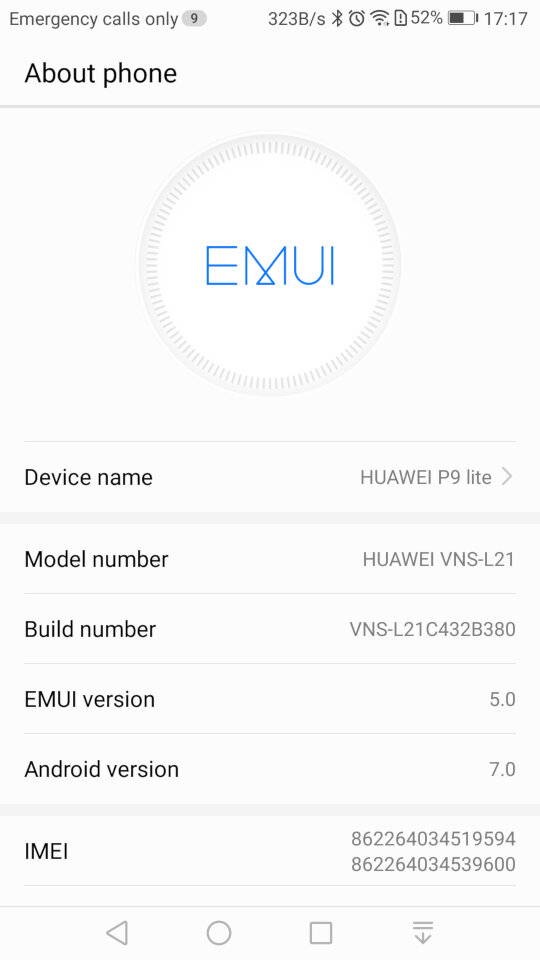
Originally shipped with Android 6, it was updated to Android 7 in 2017. No further Android updates were released, though many apps are still supported as of 2024.
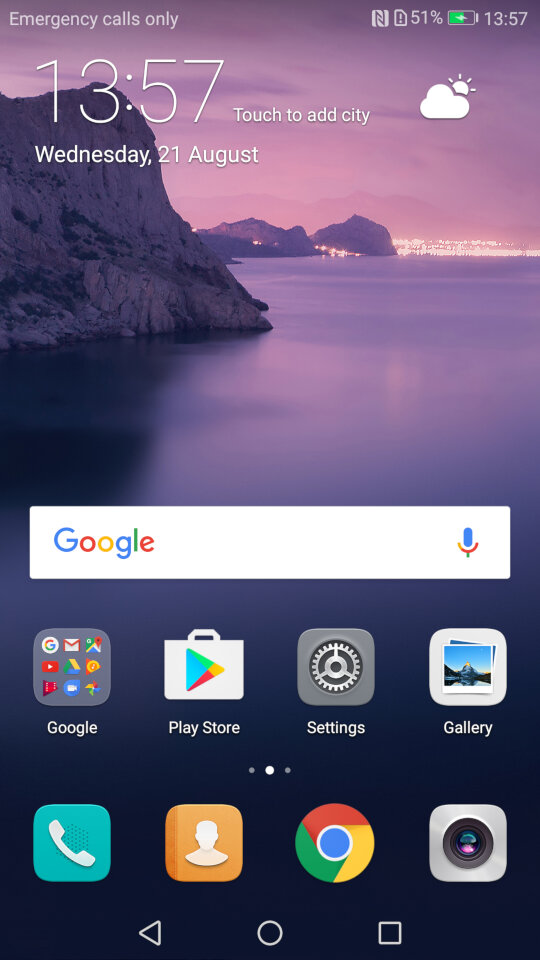
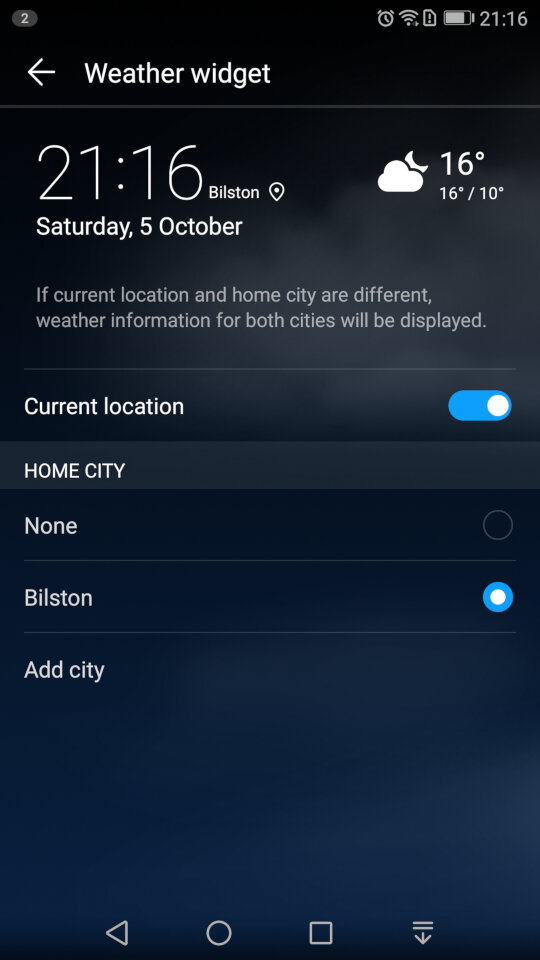
The home menu screen, after running the setup wizard. The default widget shows the time and the weather once you give it permission to access the location.
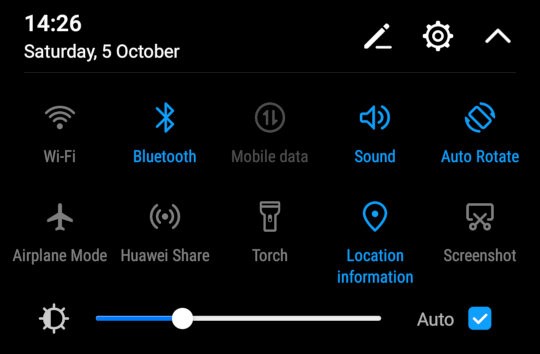
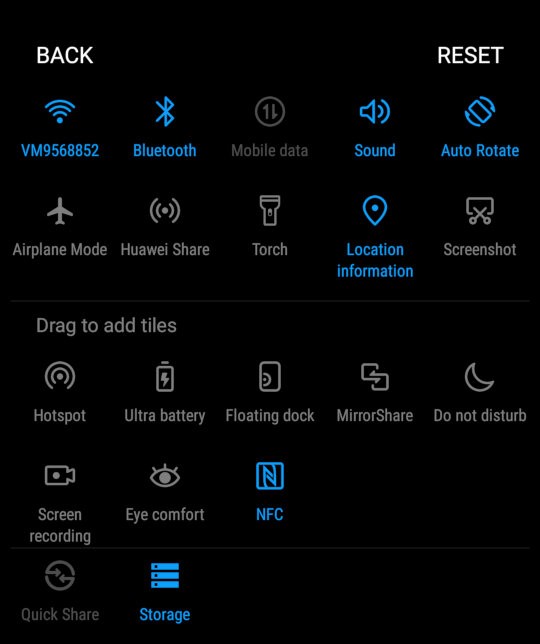
The pull down notification bar where you can quickly activate the Wifi/Bluetooth and the mobile data. This can be expanded to two rows to access more items like the torch, airplane mode and to activate Huawei Share. You can reorganize and add more icon to this menu by dragging them. You can also adjust the brightness from here, and a shortcut to the settings menu is also here
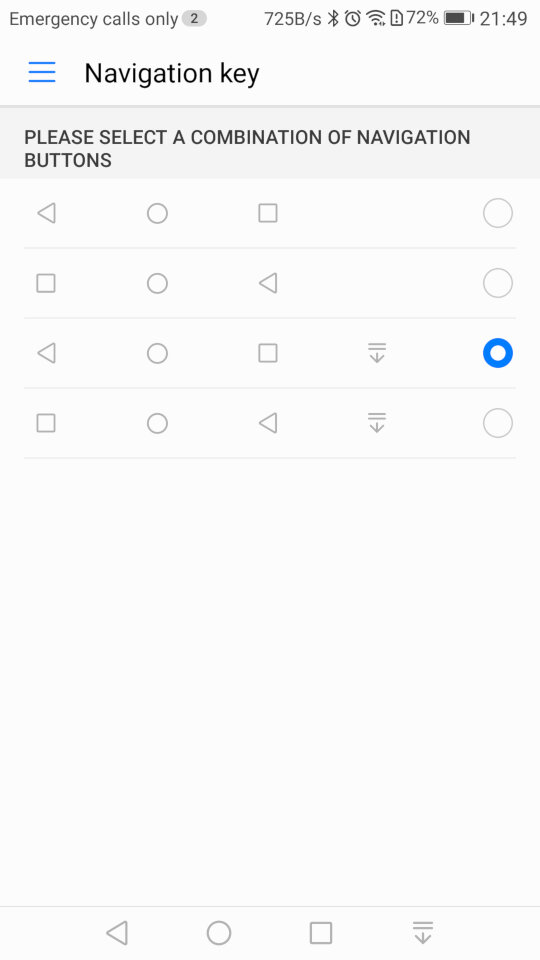
As this device does not contain physical navigation buttons, on-screen ones are used instead. Huawei also allowed you to adjust the order of the buttons, and even add one that quickly pulls down the notification menu which saves having to put your finger at the top of the screen
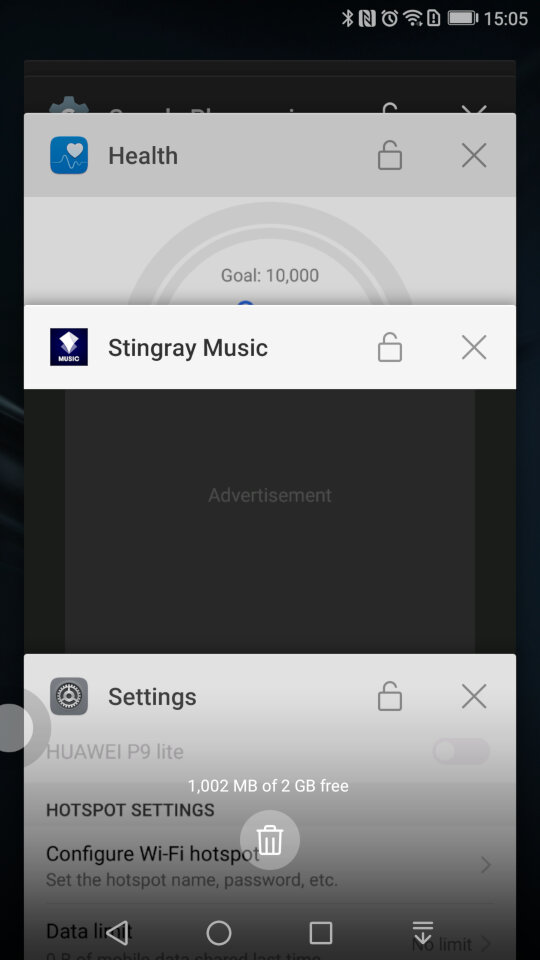
A look at the task switcher, that lets you switch back to previously opened apps. You can quickly close all recent apps by tapping the bin icon, which will also show the currently used memory in MB, sort of like the Windows Task Manager
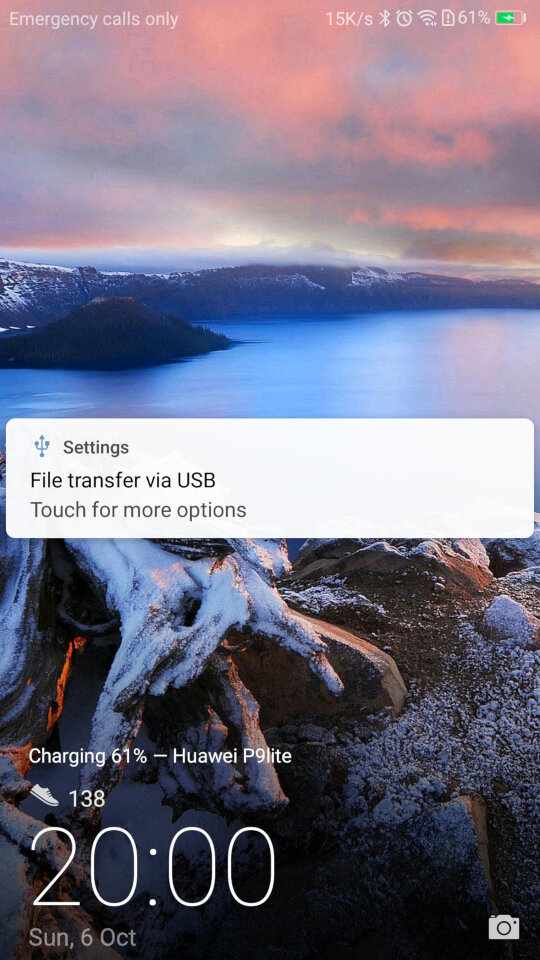
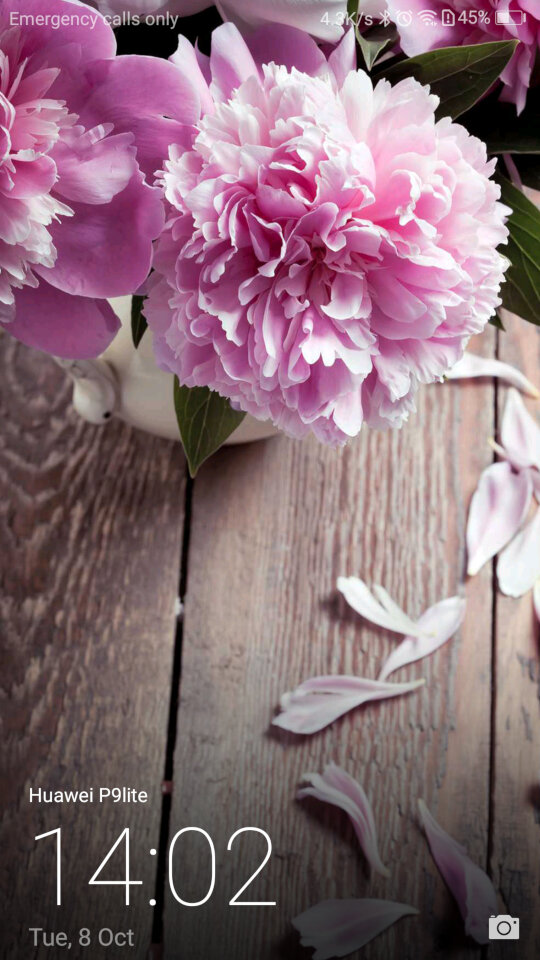
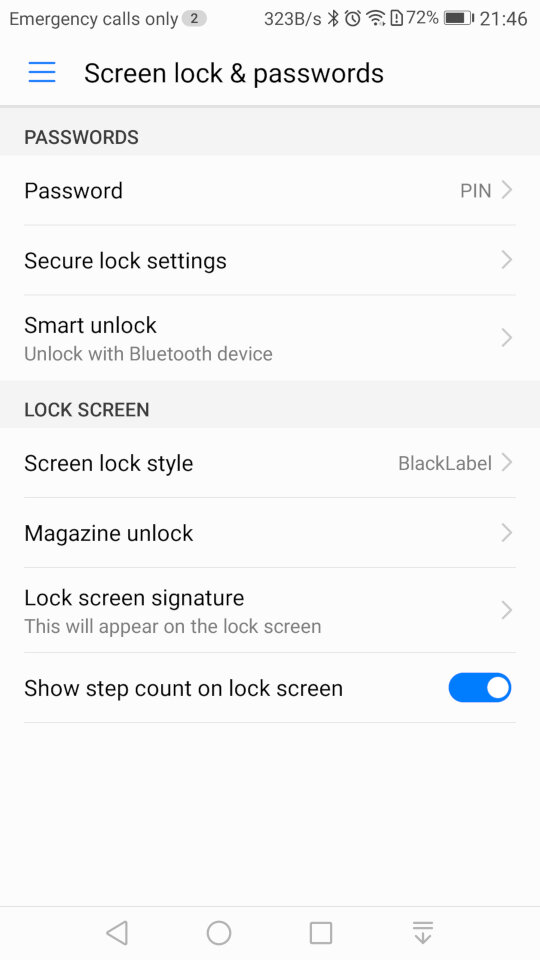
And the lock screen, which will display your step count if this is enabled. It will also display the album art when your are listing using it’s system music app.
There is also a one-handed mode that shifts the screen to one side of the display, to make it easier for use with one hand which can be an issue with screens of a certain size
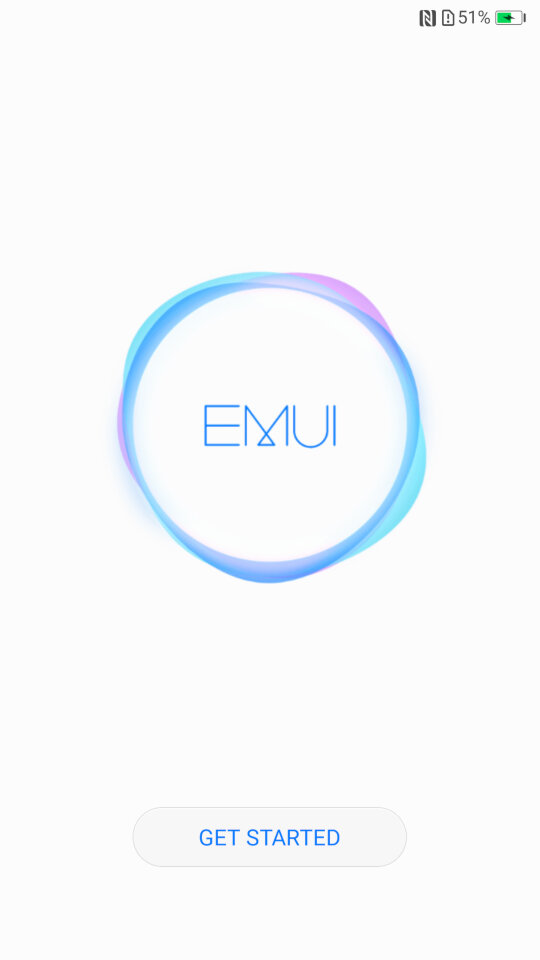
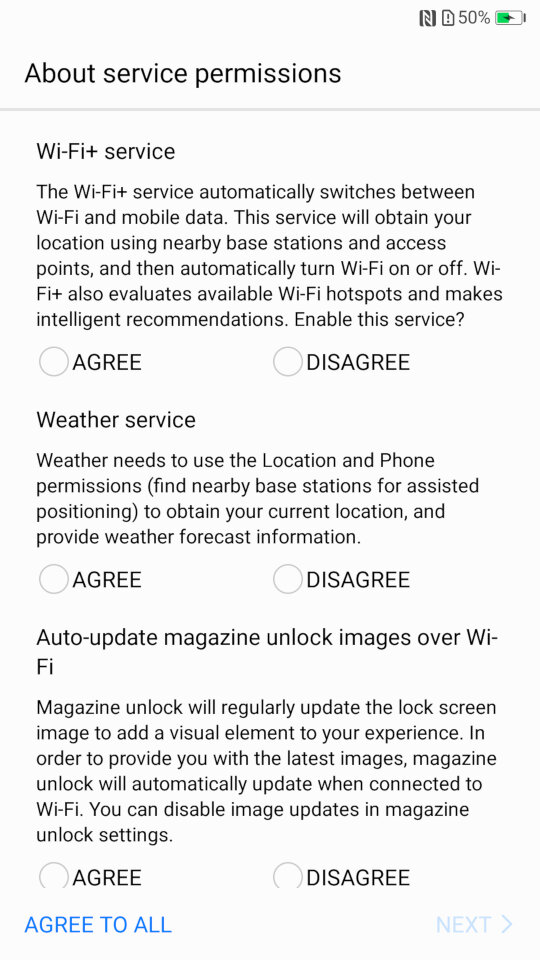
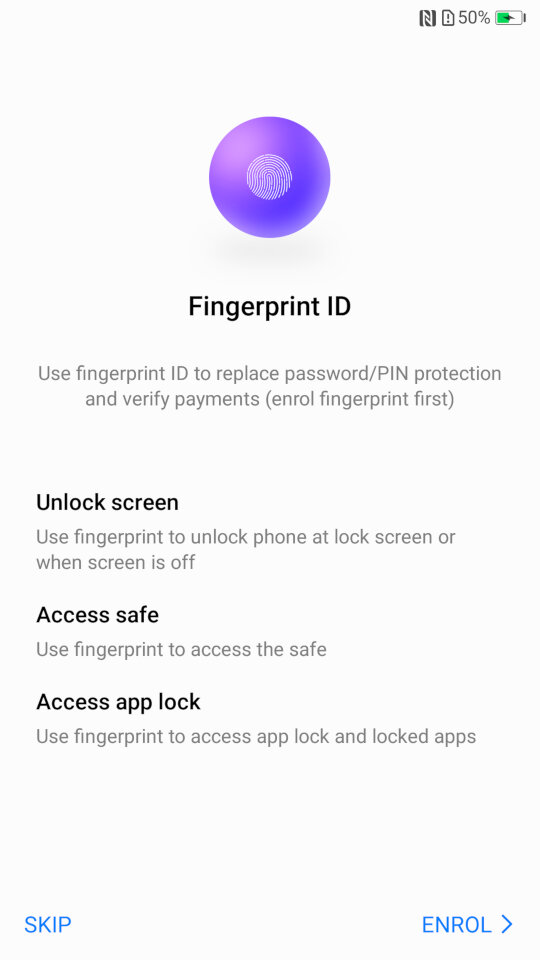
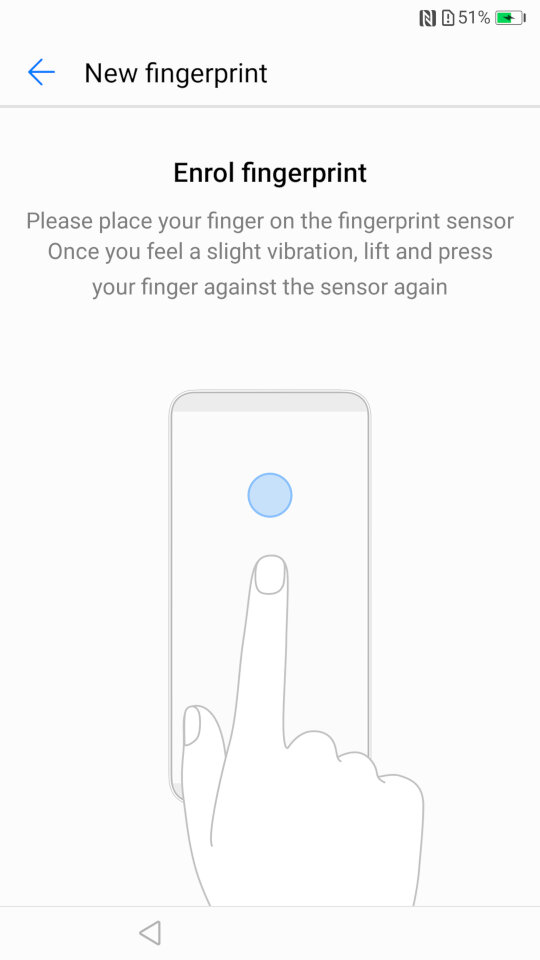
Some images of the setup wizard that runs when you first power on the device, which will guide you through setting up the handset, and to sign into your Google or Huawei account.
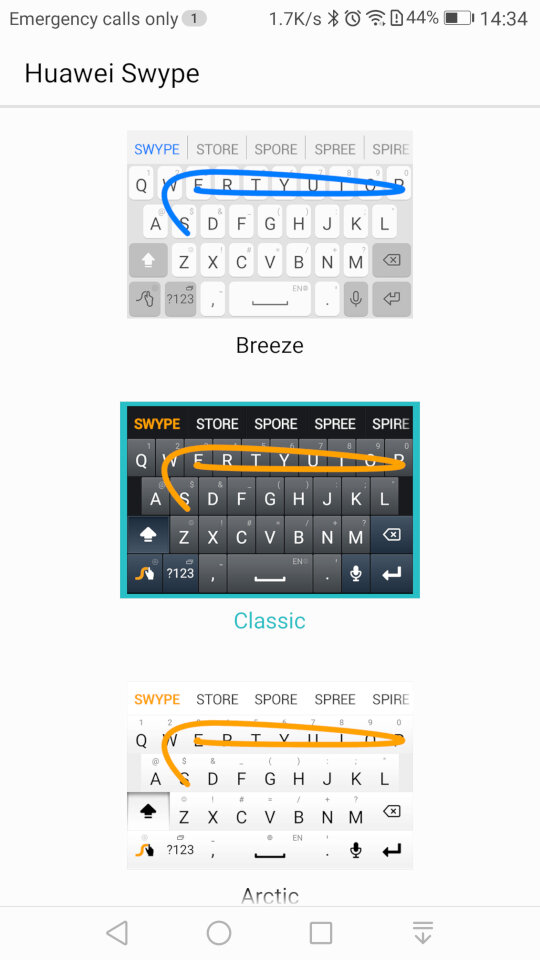
And the stock keyboard that comes with the phone, known as Huawei Swype that makes use of swiping gestures to facilitate keyboard input.
Preinstalled Apps
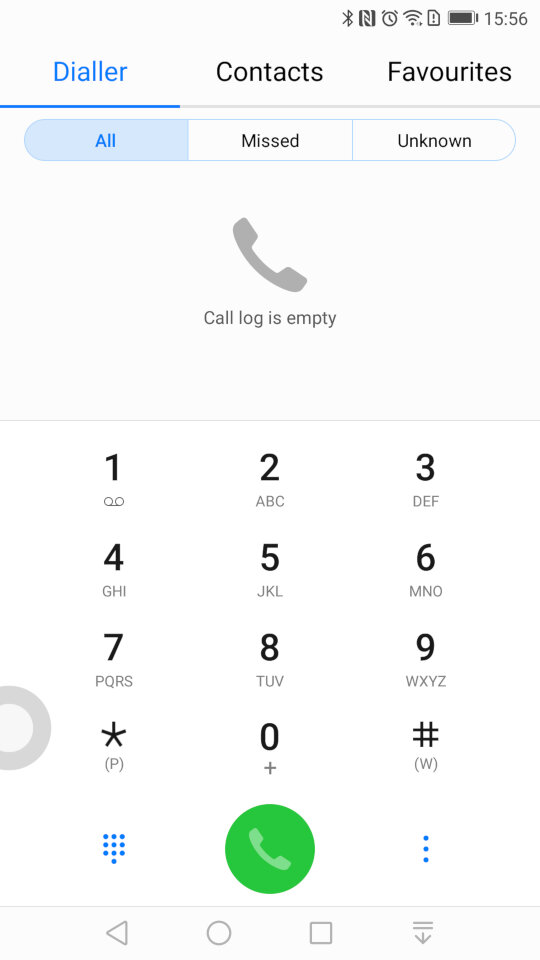
The contacts app, where you can access the phone dialler, and any synchronized contacts . You can also set certain contacts to be favourites if they are frequently used.
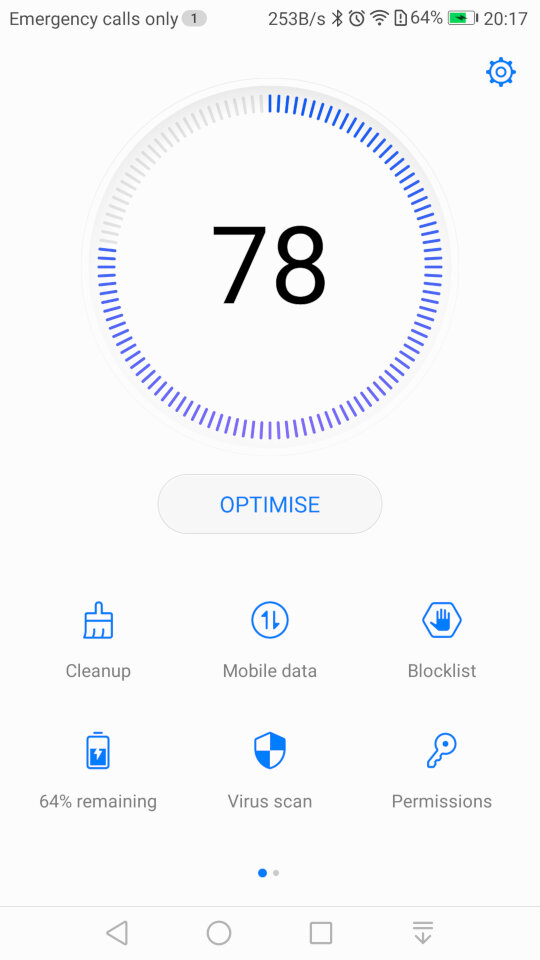
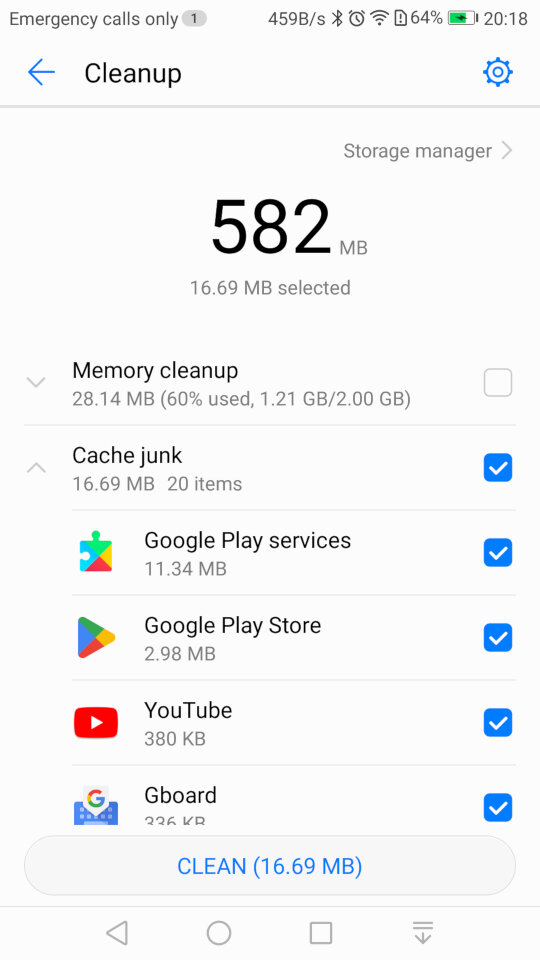
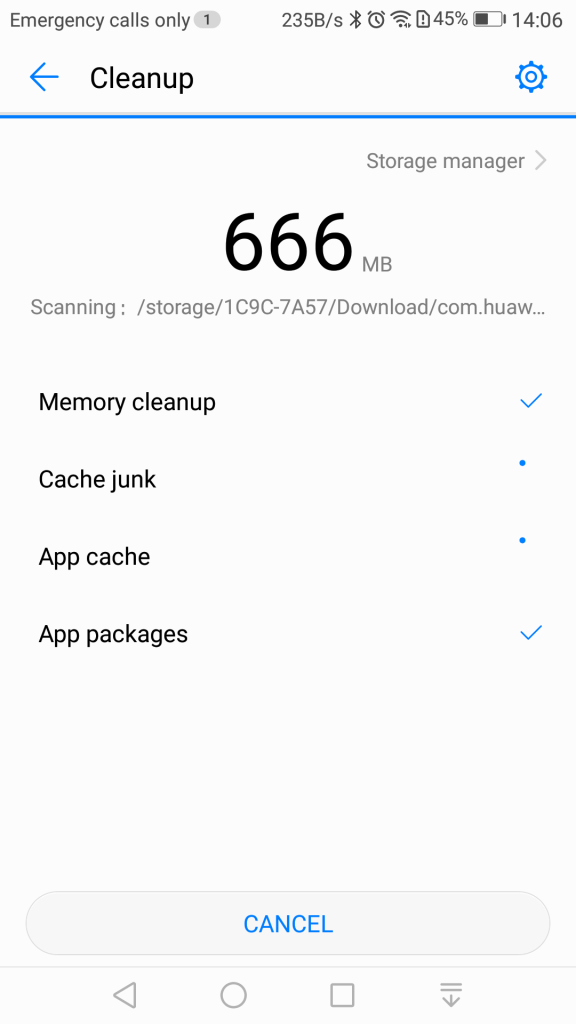
Phone Manager: This serves as a housekeeping tool for the phone and will let you check the device health. The cleanup tool will clean your user storage for both the internal and external SD card locations, and will advise on what you can clear. Given this handset has only 16Gb of storage, it’s a useful utility to delete and remove excess files.
There is also a memory cleanup which will remove aged apps from memory, although the Android kernel should do this automatically. I’m guessing this give the user illusion they are doing something to help with the performance of the phone but also gives it a PC vibe, that you have to routinely perform maintenance which isn’t always the case for smartphones.
You can also clear the cache for installed apps which will free up space but this can also cause a negative impact since the app will have to redownload or generate the data. Normally you should only do this if your experience technical issues with the app itself, doing it too often will negatively impact performance.
A blocklist is also offered that will block certain contacts from contacting you. A little odd place for this feature to be as it would be better suited for the privacy section of the settings menu, but at least the feature is there.
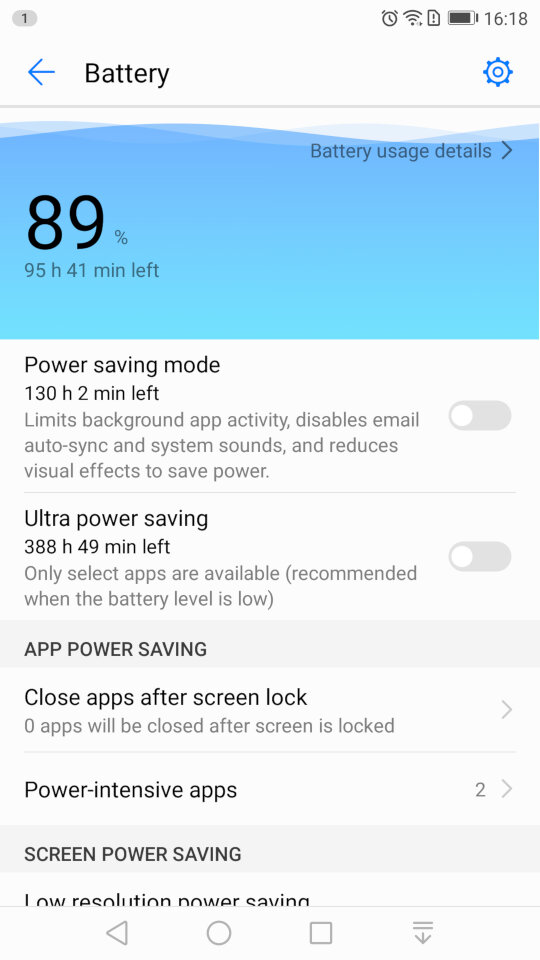
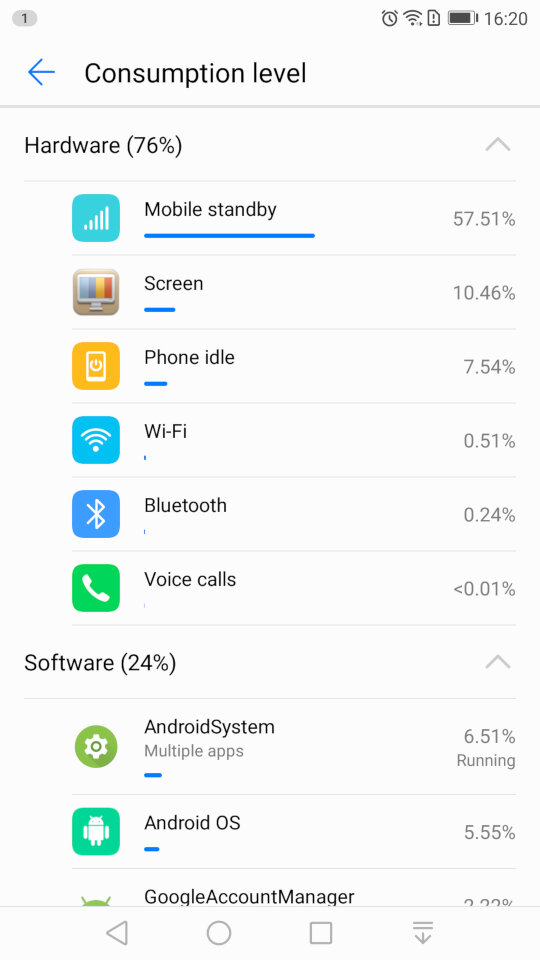
The battery power information which will show the remaining energy, and will let you activate the power saving mod, or ultra saving mode which will shut of moist of the smart function. Ideal if you really need to conserve power. You can also reduce the resolution of the display to conserve power.
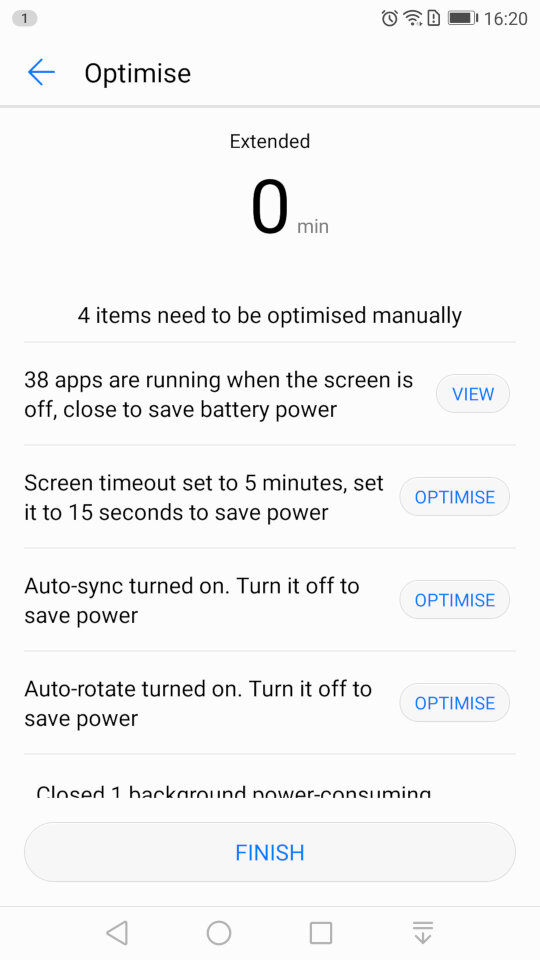
And running the optimize tool which will amend your phones settings, and will advise for settings for other apps to conserve power like disabling automatic sync.
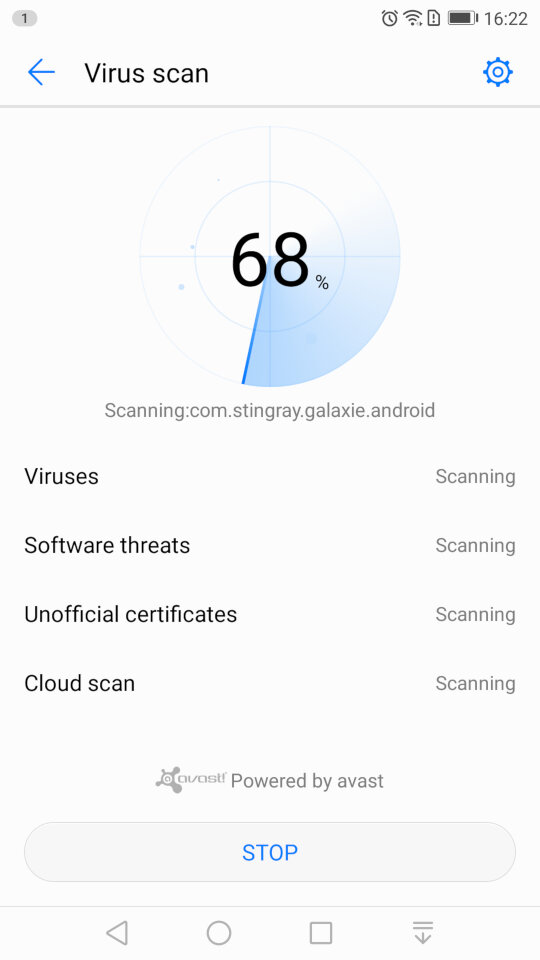
Scanning for viruses, which is supplied by Avast.
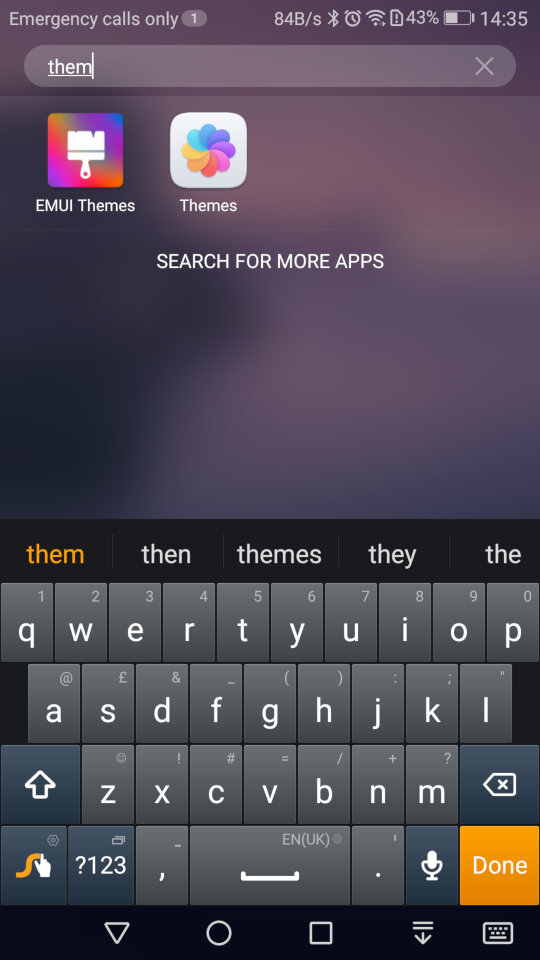
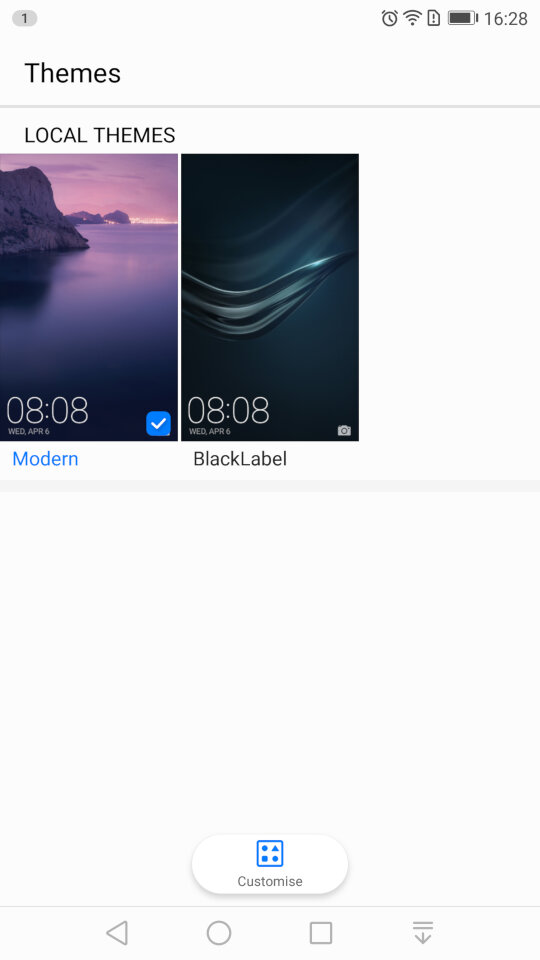
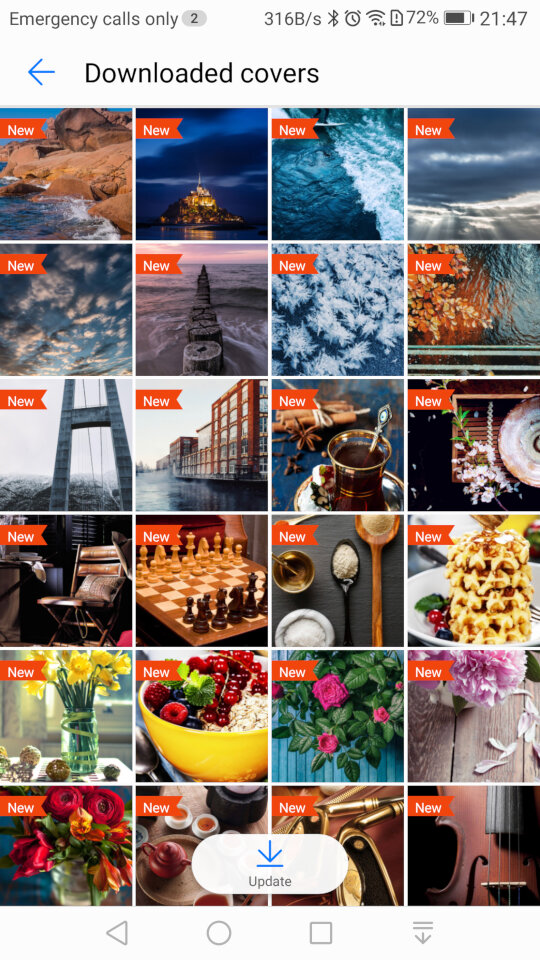
Themes: Two themes come preloaded onto the phone. Modern and BlackLabel. Themes have the ability to change the wallpaper, app icons and the colour scheme.
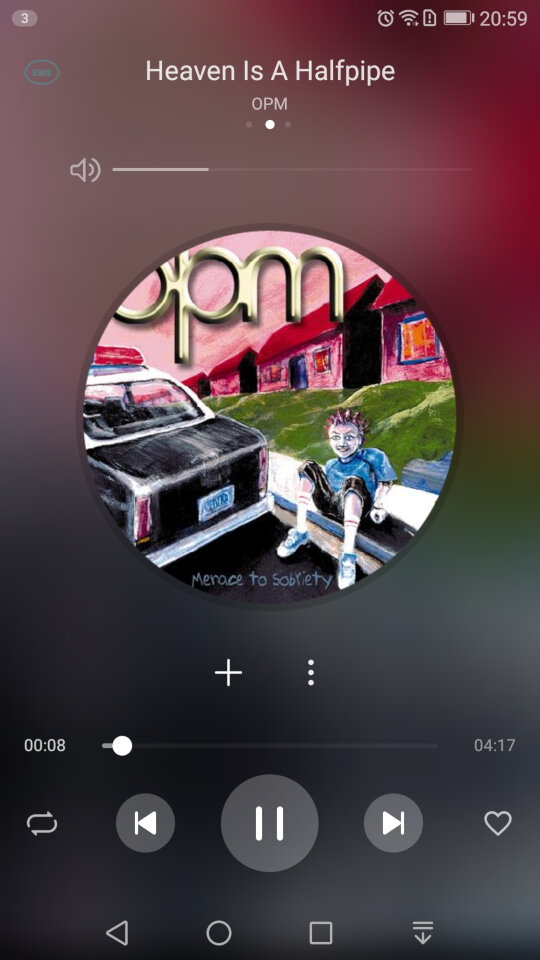
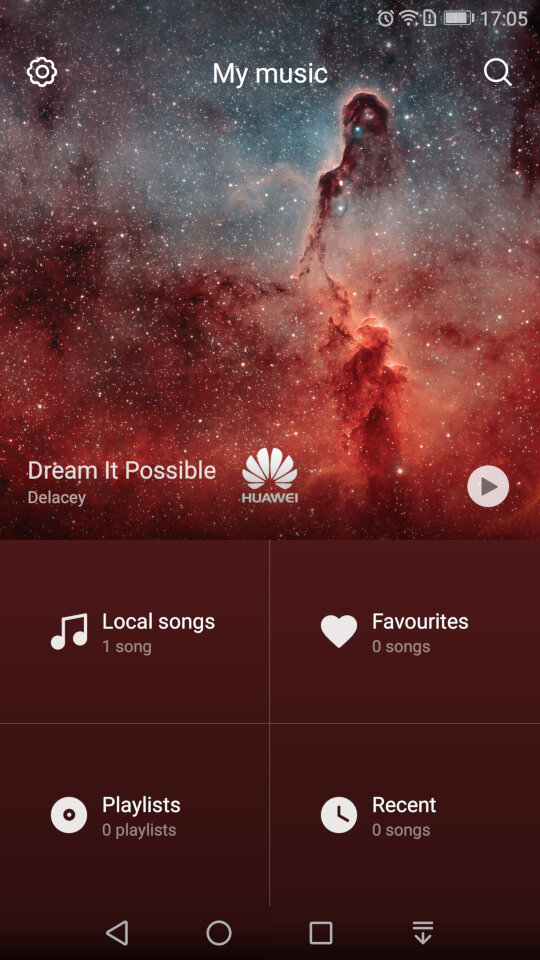
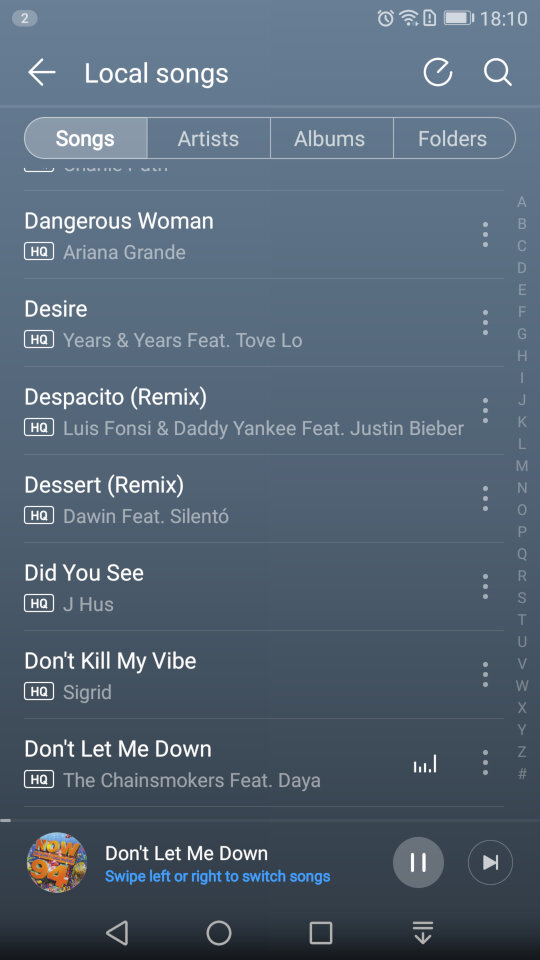
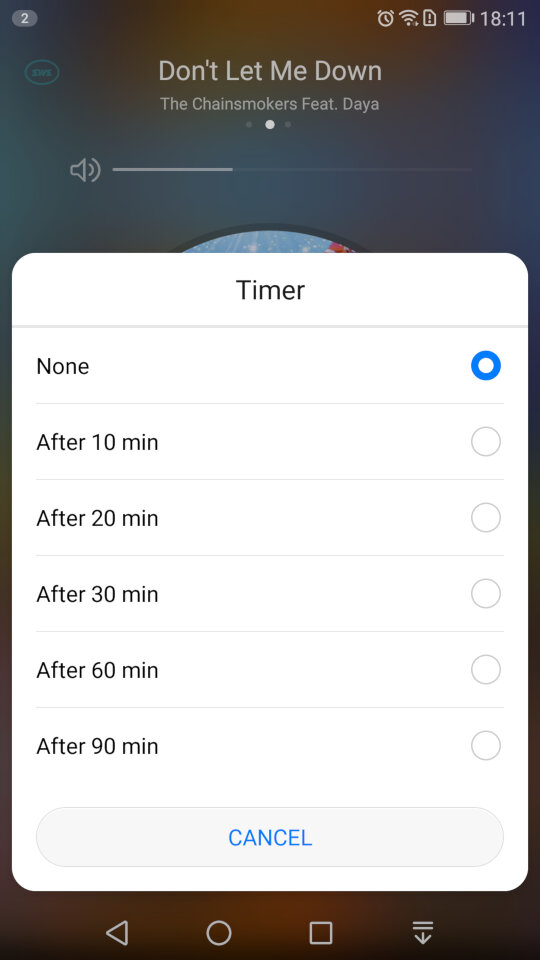
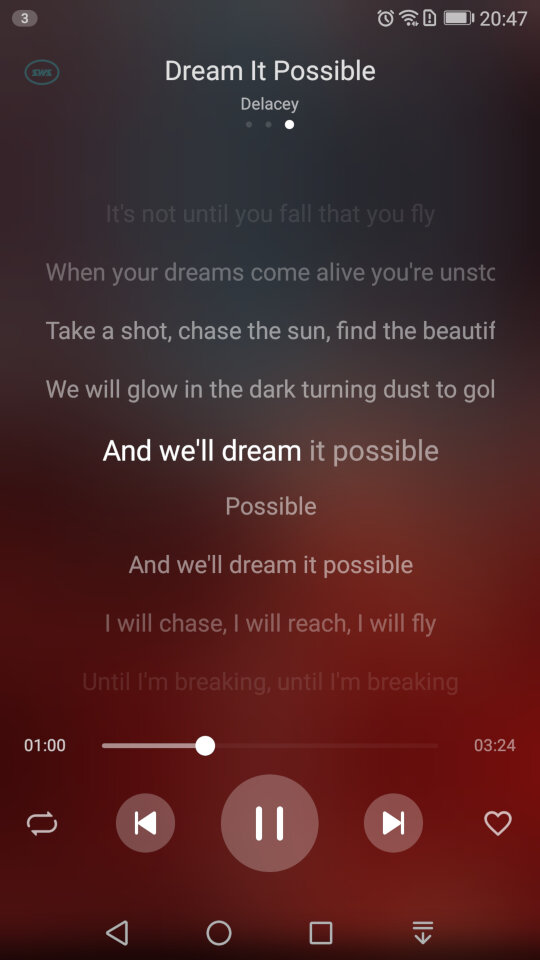
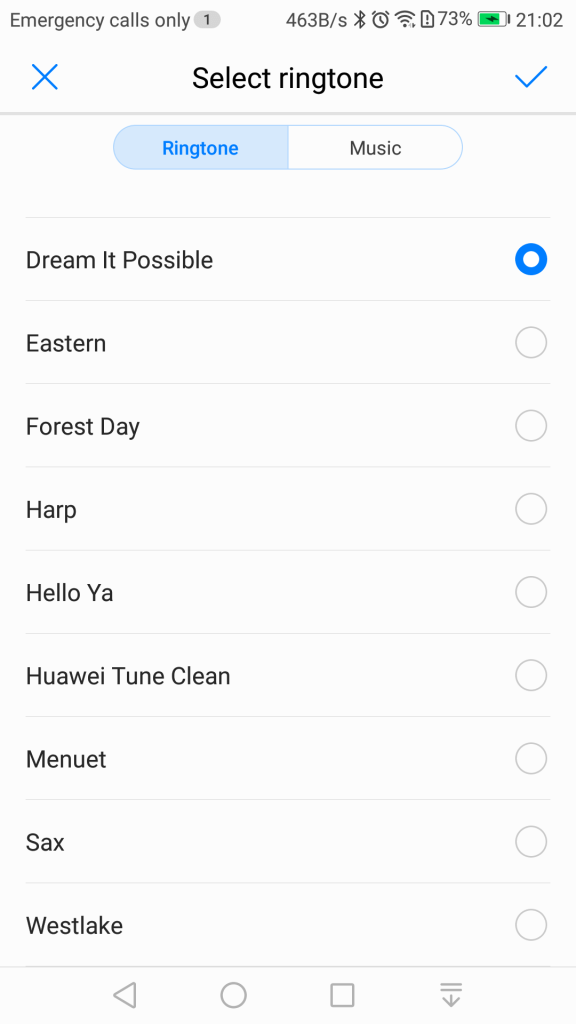
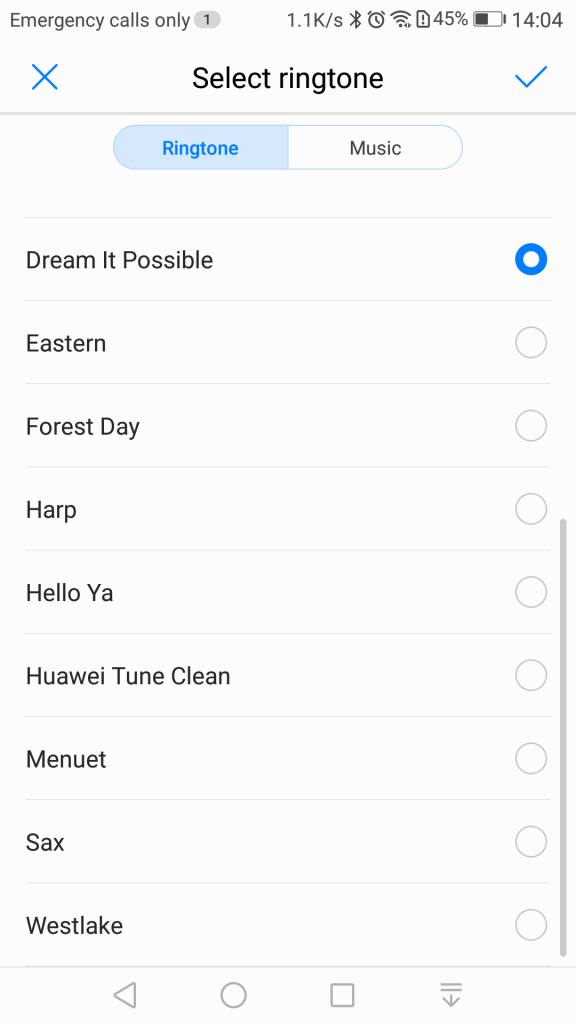
The default player for songs that are stored on your phone. A song is shipped with the phone by default – Dream It possible by Delacey which is supposed to be Huawei’s national anthem, similar to Samsung’s Over The Horizon. The app comes with your standard music playback features like repeat and shuffle, and you can view the lyrics for a song if this has been provided.
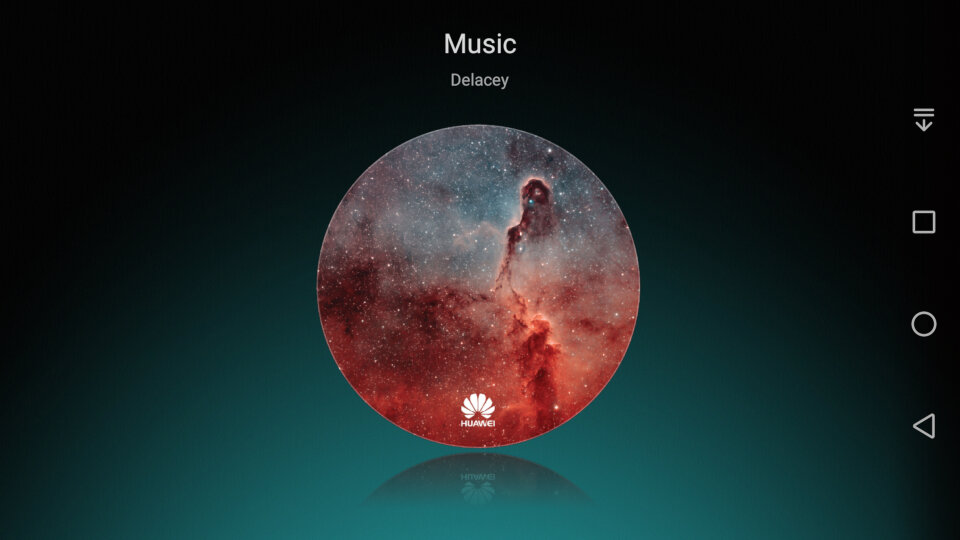
In landscape view
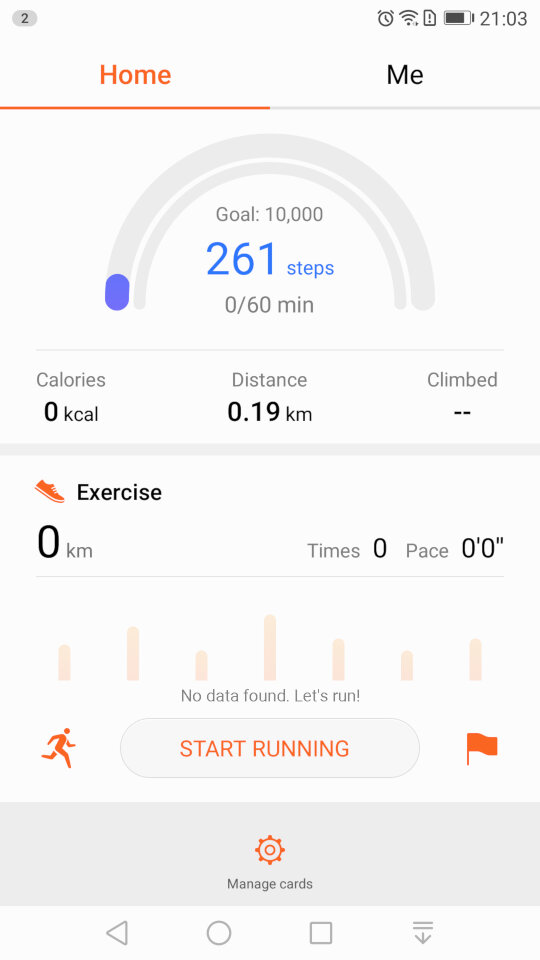
The Health app lets you monitor your steps and log your weekly exercise. If you’re losing weight it can also log your weekly weight and amount of calories burnt, very similar to Sony’s Lifelog and Fitbit apps.
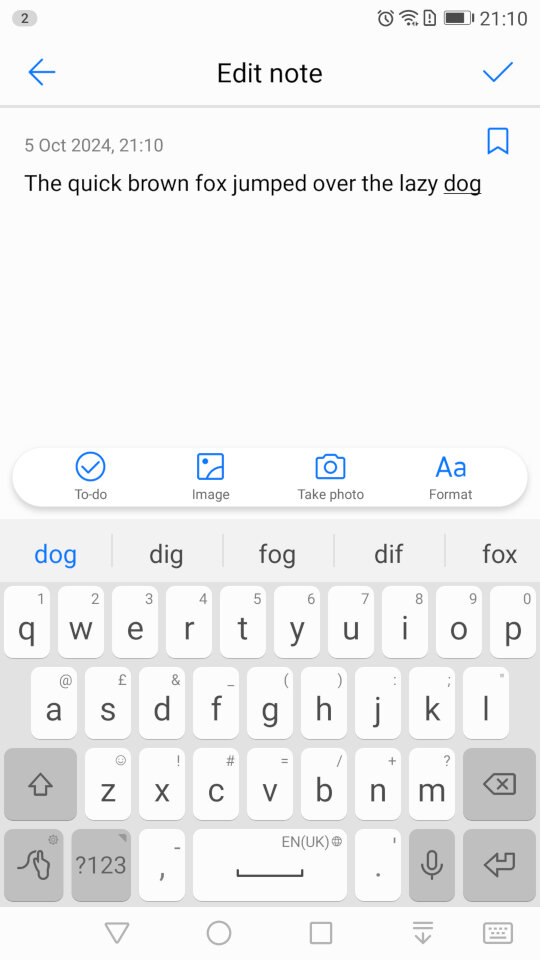
The Notes app lets you create text and multimedia notes, you can embed images within notes and add additional formatting like bullet points for lists. Notes can be tagged as either Personal, Travel, Life or Work for better organisation.
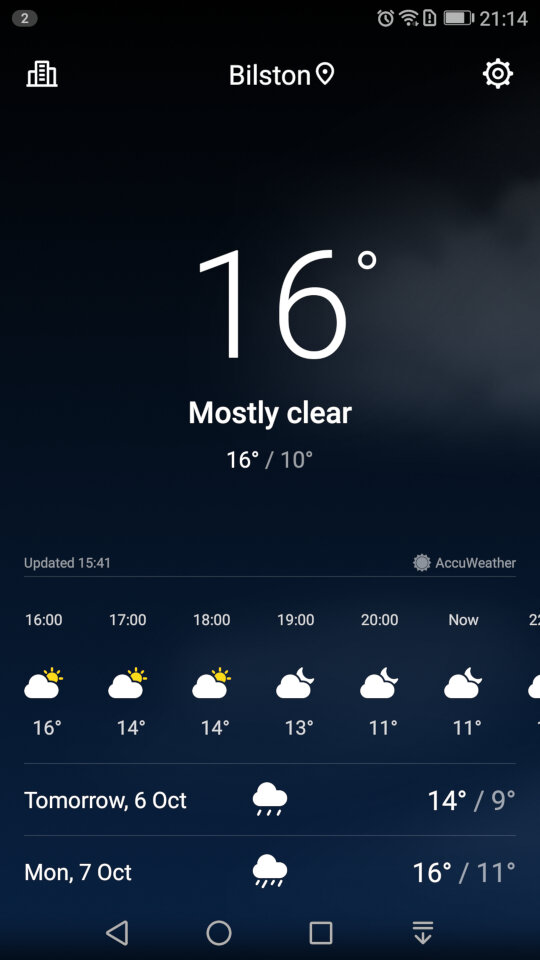
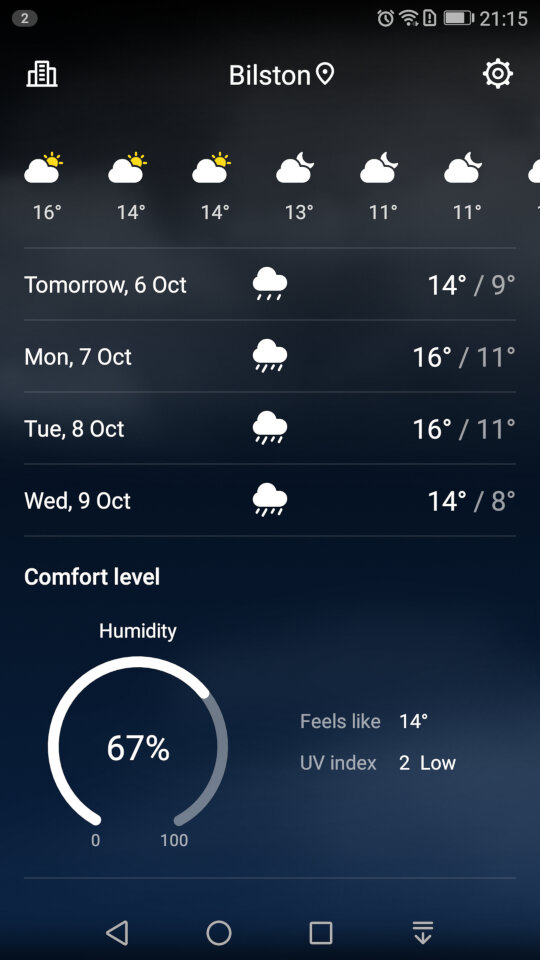
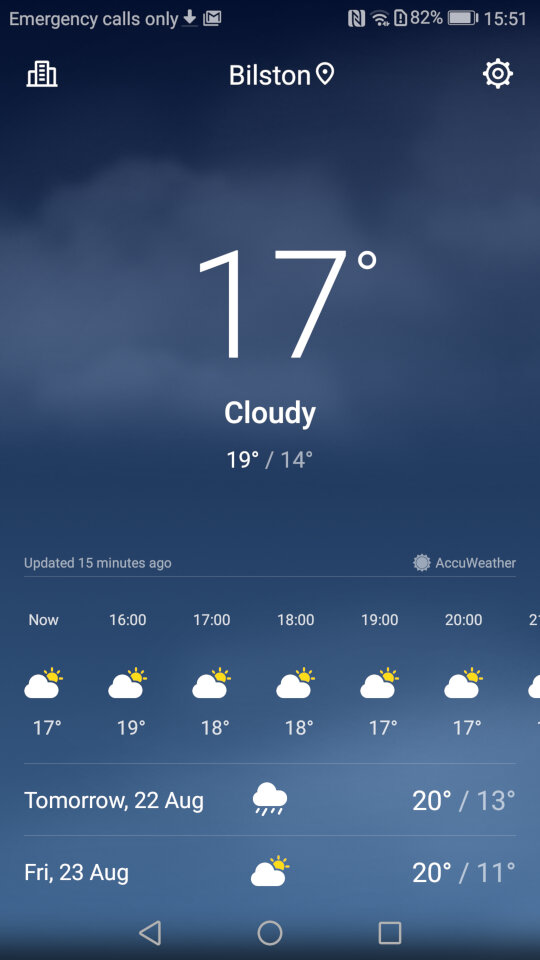
Weather app which will shows the current forecast, scrolling down will revel additional information like the Wind, Humidity and the weekly forecast. You can add additional locations.
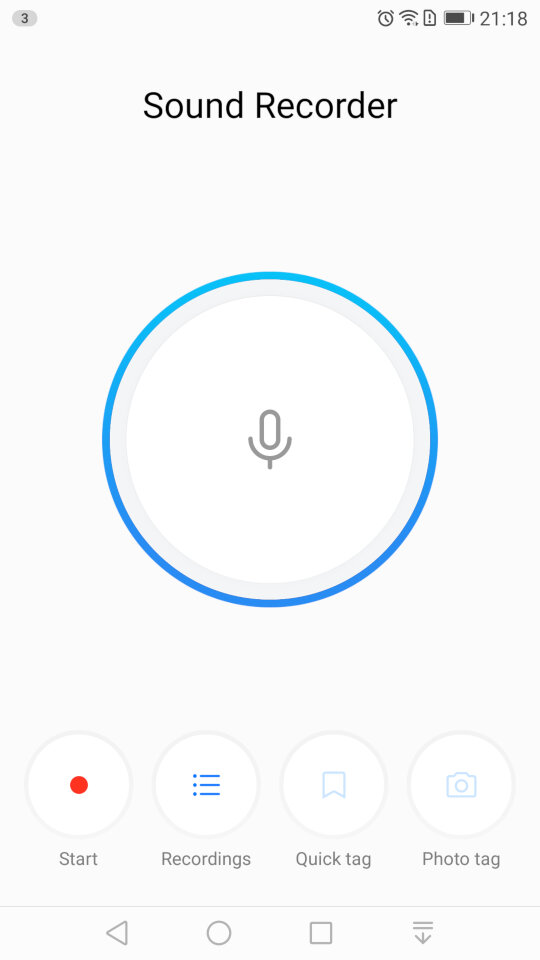
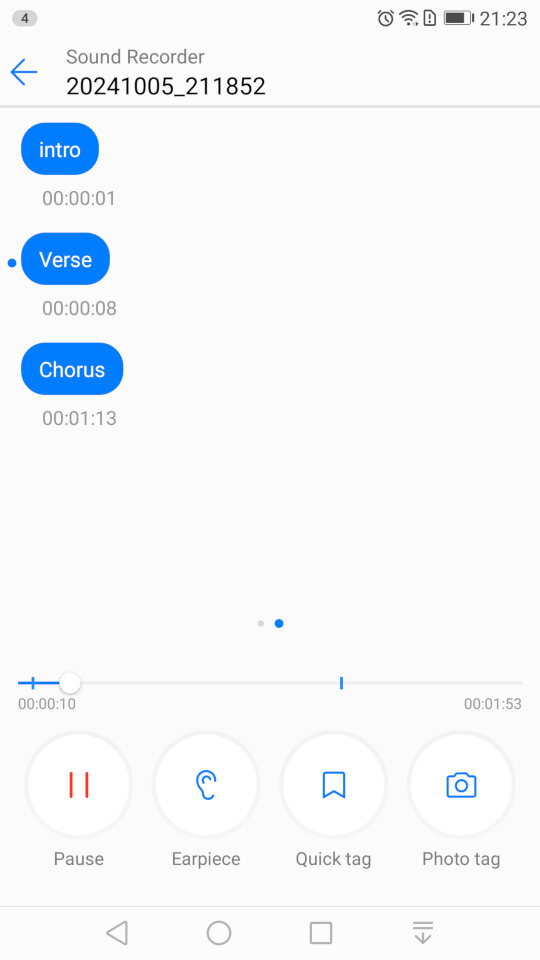
The sound recorder, which lets you add tags that lets you jump to sections of the recording as they are added. This is useful if you have an long recording, and you need to quickly jump to a specific section, like if you were recording a lecture. It’s a nice feature that you don’t normally encounter with smartphone voice recording apps. You can also choose to playback from the loudspeaker or the earpiece instead for better privacy.
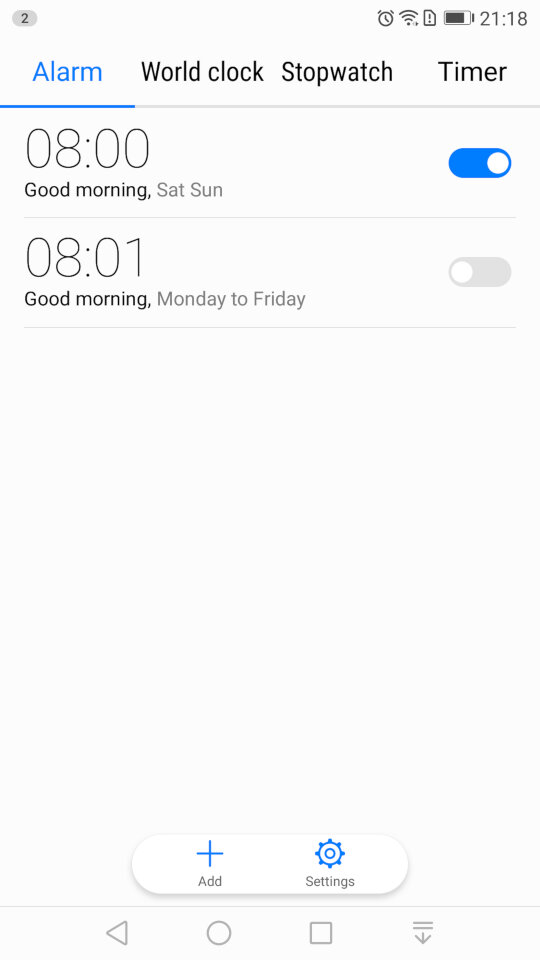
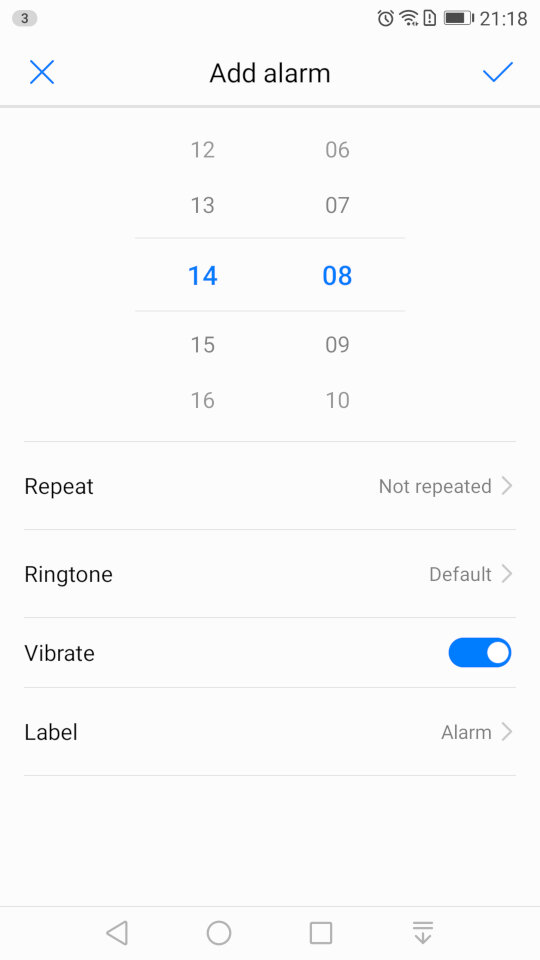
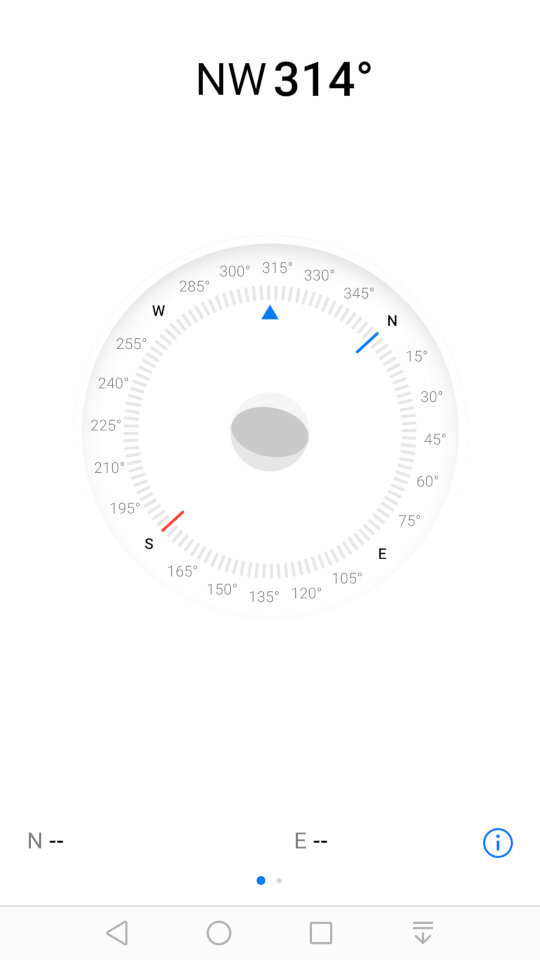
Some screenshots of the other default apps like the calendar, clock/alarm app, etc. These aren’t really noteworthy but still interesting to see the design language and style that Huawei have adopted.
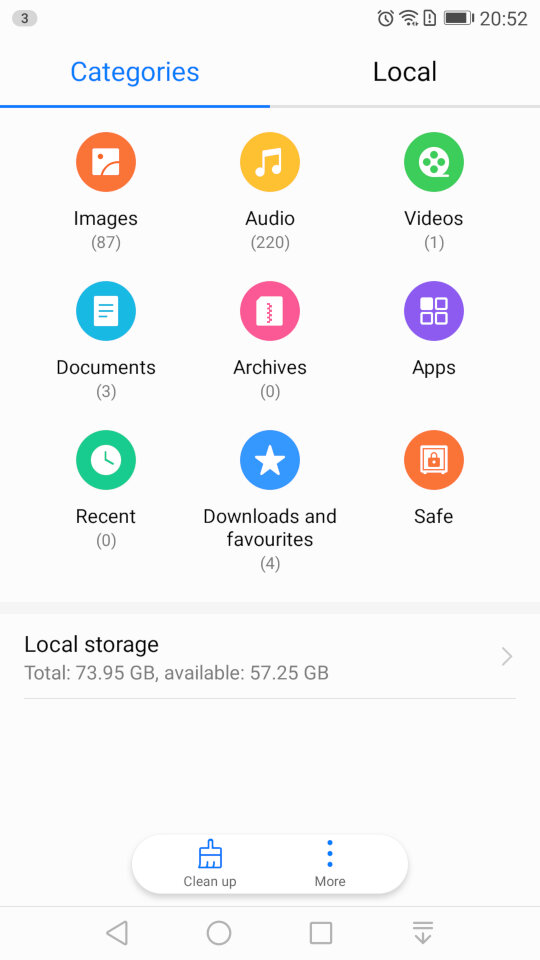
And the file manager, which looks very similar to the one that was in the Samsung Galaxy Alpha
Settings
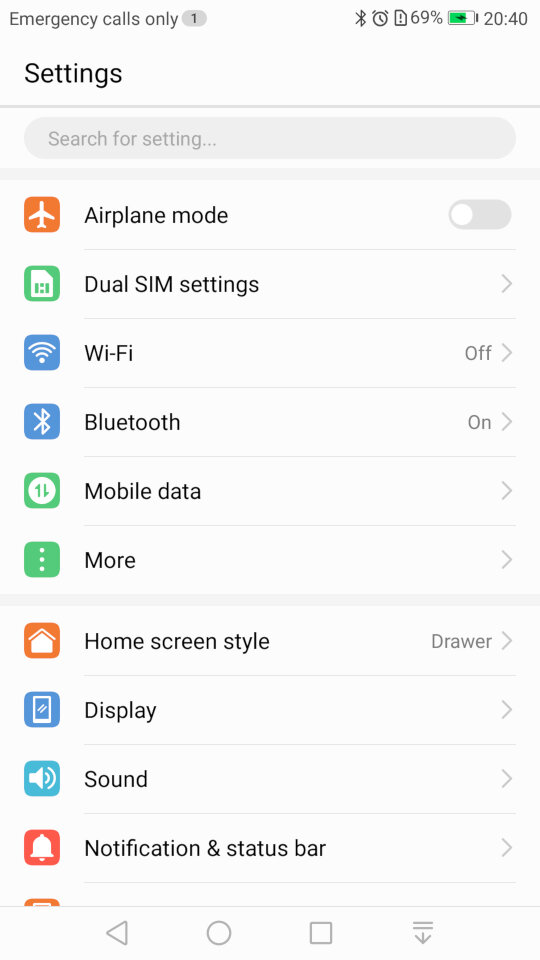
If you’re an iOS user you might be familiar with the layout of the settings screen. Here’s Huawei’s take on the design.
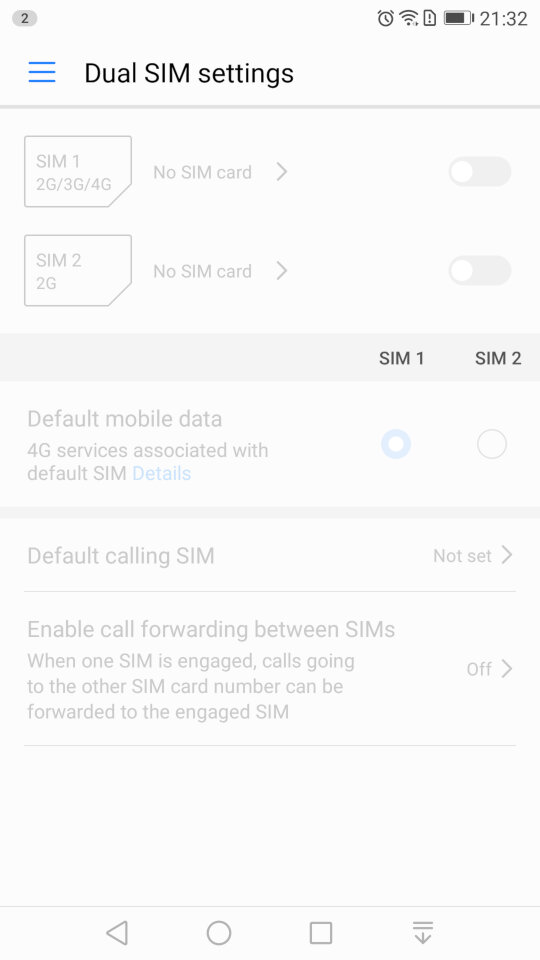
The phone include dual sim card slots to allow the use of dual SIM cards.
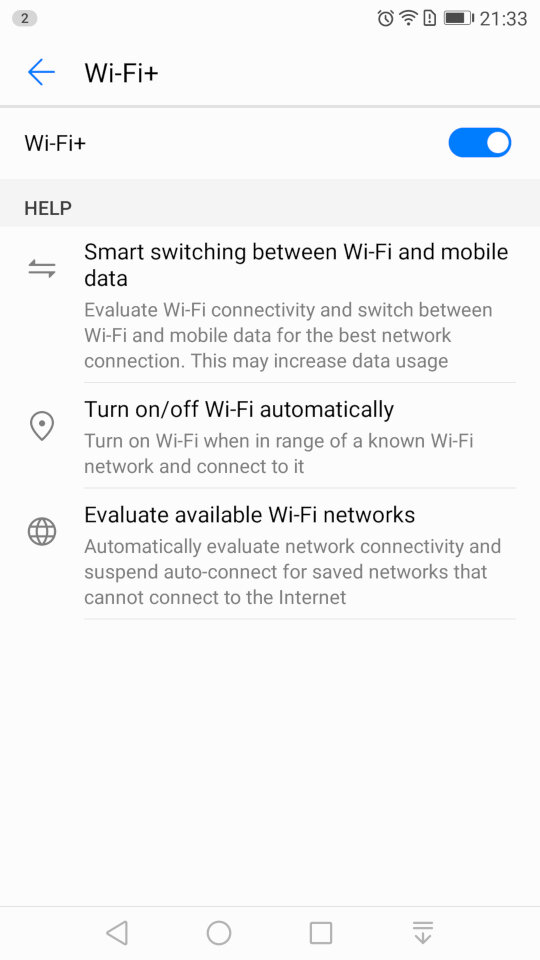
The Wi-Fi settings page, which has an option for Wi-Fi+/ This lets you quickly switch between Wi-Fi and mobile network data, if you are in a weak or fringe Wi-Fi zone. You can also set the Wi-Fi to automatically enable when you are at your home location, rather than leave it turned on all day, similar to Wi-Fi sense on Windows Phone.
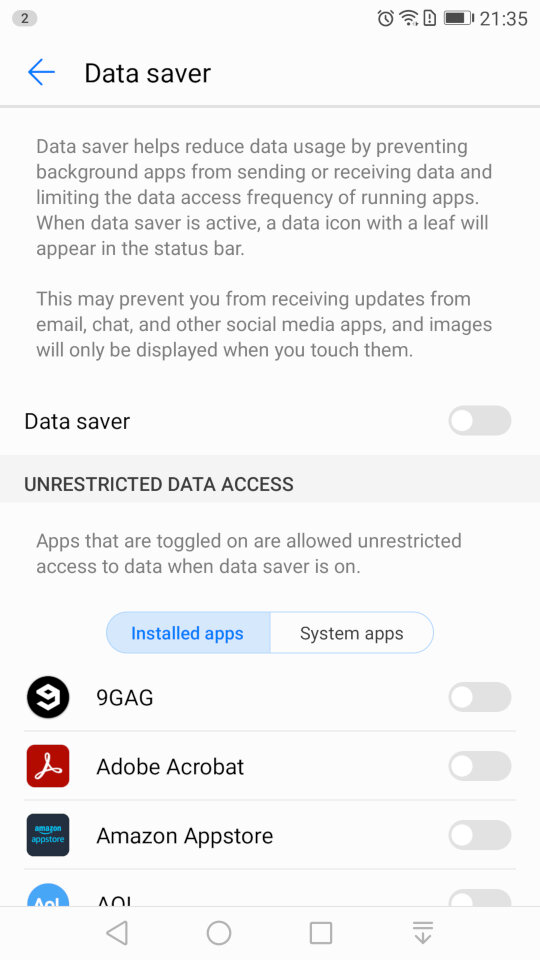
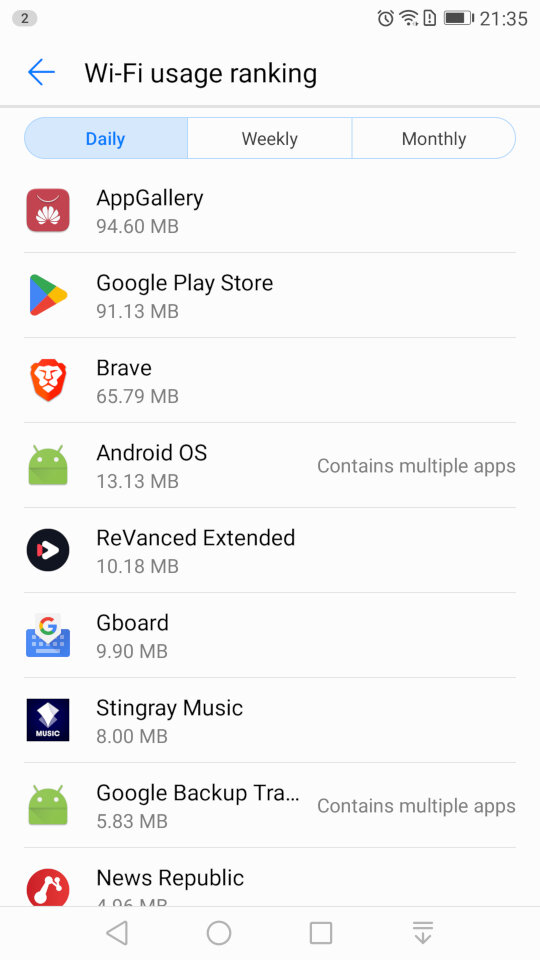
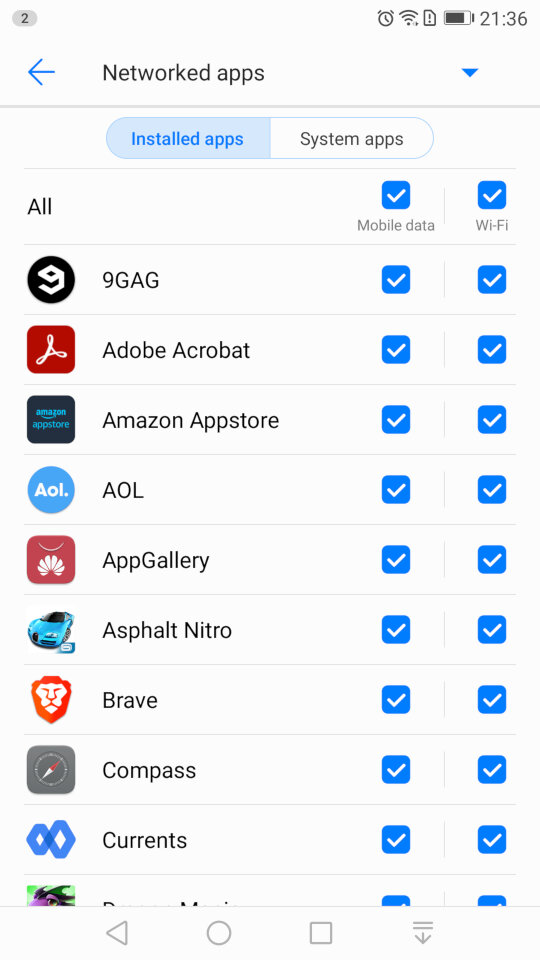
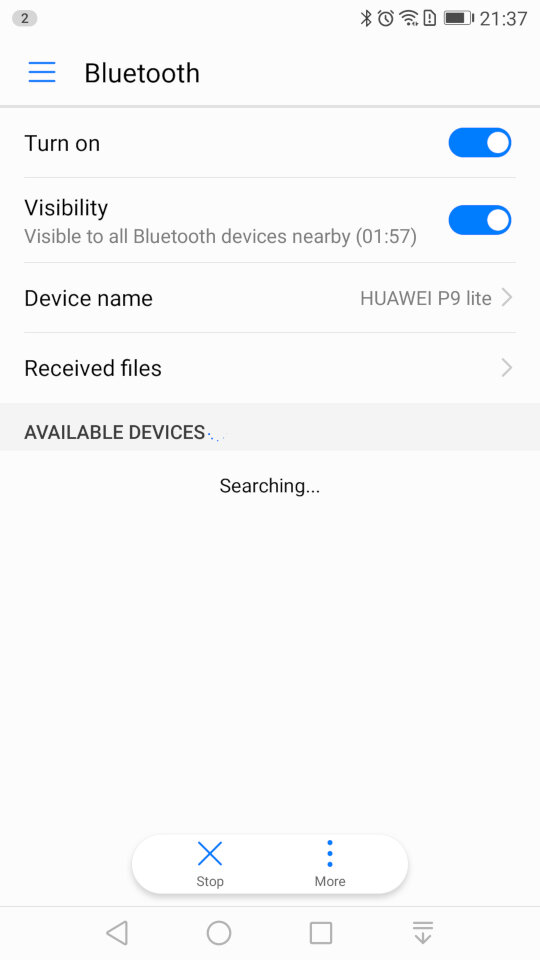
A look at the Bluetooth settings, and the mobile data screen that lets you monitor the amount of data each app has used, and to configure usage limits for when you have a limited data plan. You can also specifically set if you want an app to allow or block data access for Wi-Fi or mobile data individually. The Bluetooth screen also has a handy shortcut for received files, as many OEM’s will just point you to the phones default file manager, typically in the downloads folder.
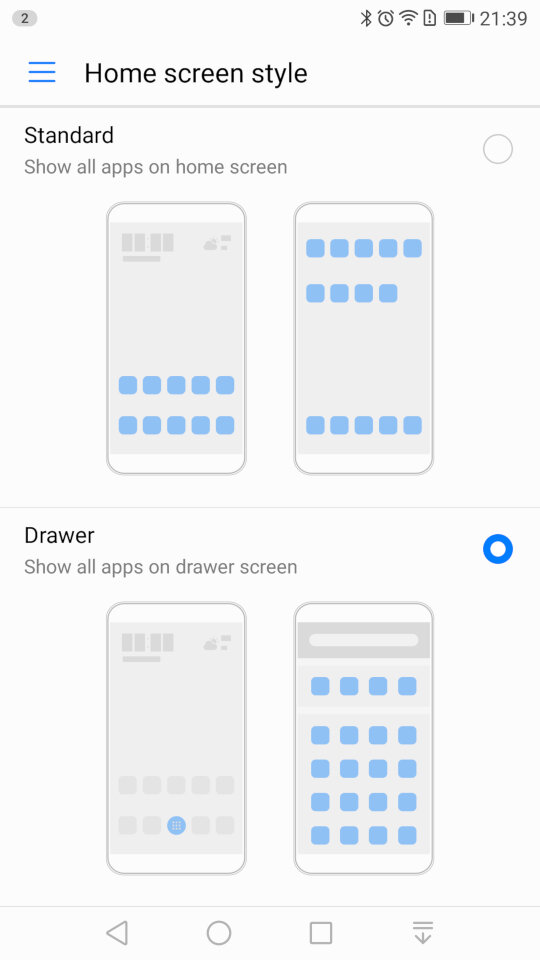
Changing the home screens style, you can choose the standard interface which emulated the iOS setup, where all installed apps are placed on the screen, or the Drawer interface which is closer to the Android style, where apps are placed in a drawer and only pinned apps appear on the home screen.
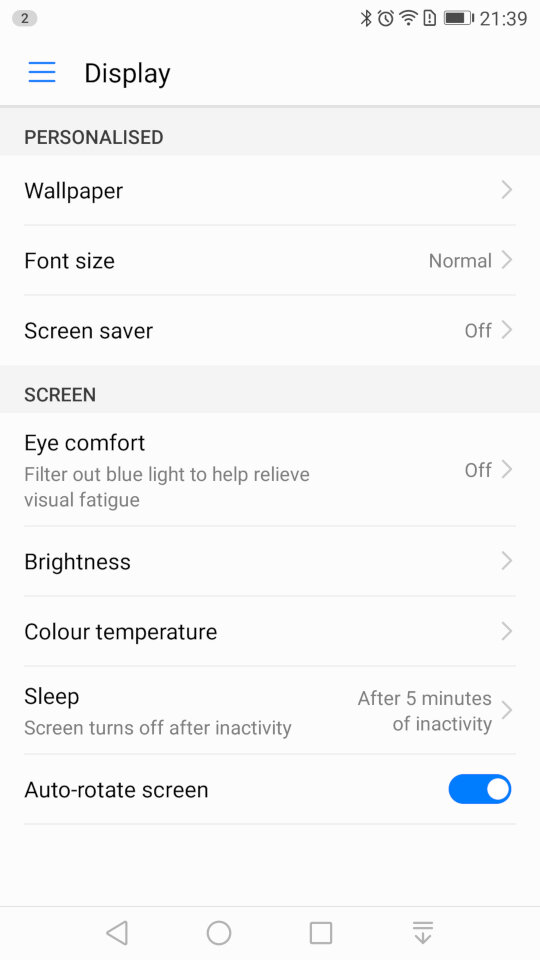
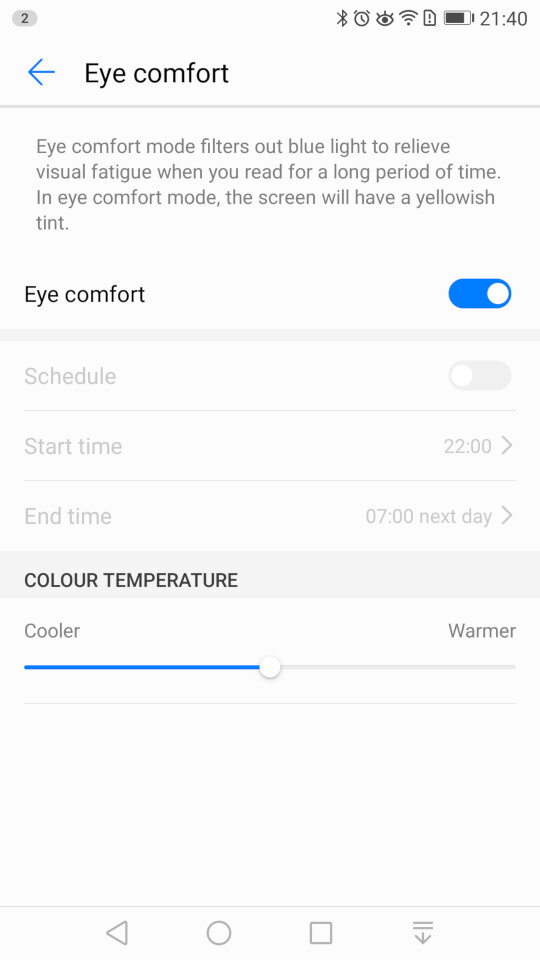
The display settings where you can change the wallpaper, font size and the screensaver for when the phone is charging. The eye comfort feature is similar to the NightShift feature of iOS, or the Flux/Night Light utility for Windows where is filters out the blue light to make it easier for night time use.
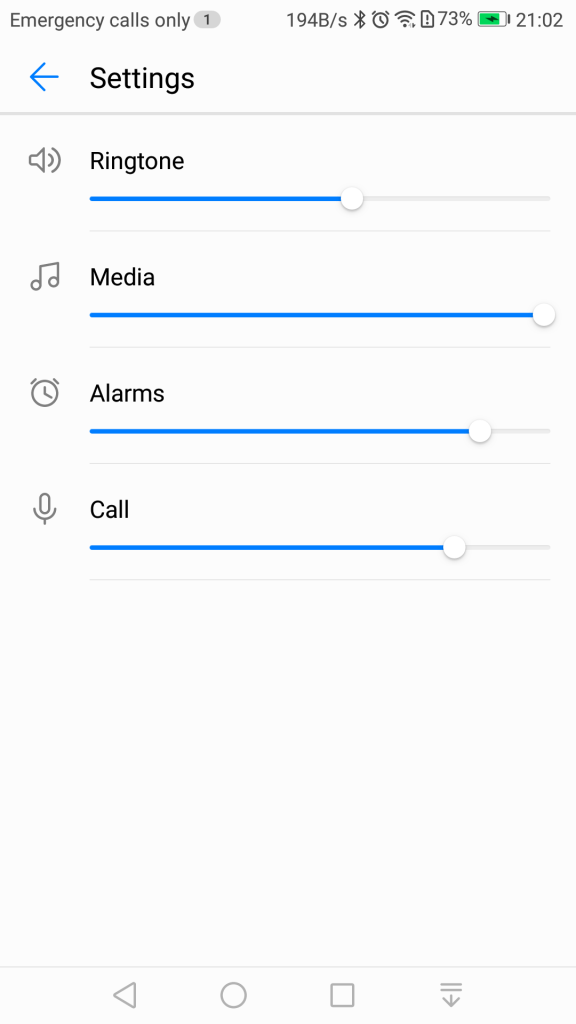
Sound settings for the volume and changing the ringtone, if you have dual sims you can set a ringtone for each SIM card. You can also toggle sounds off or on for individual events. .
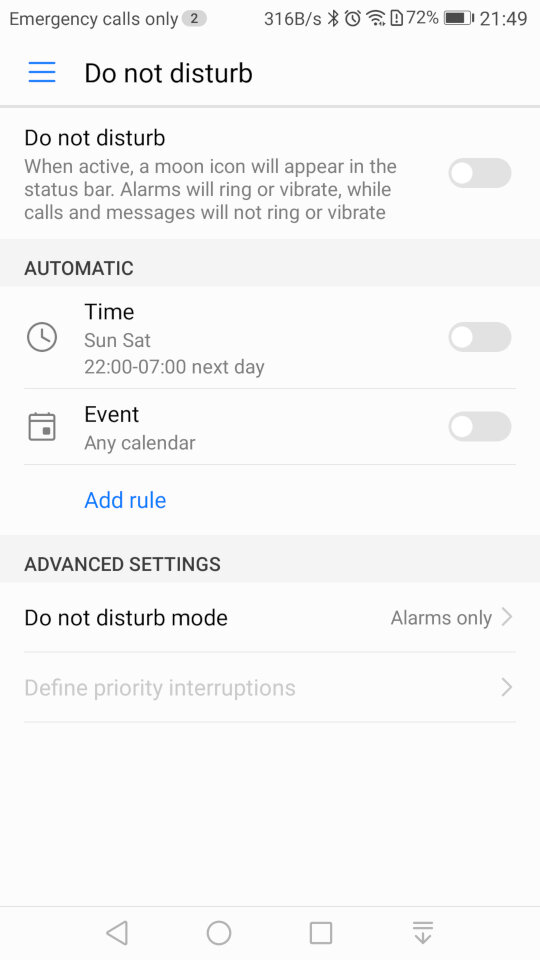
Do Not Disturb will silence the phone notification’s for a specific amount of time, or for a fixed schedule. You can set priority interruptions for specific contacts like family members if they need to ungently contact you.
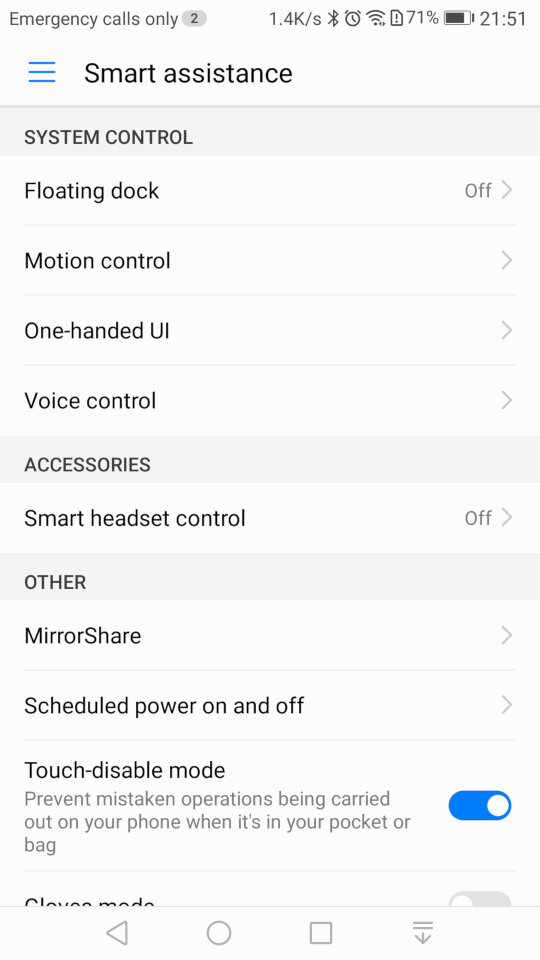
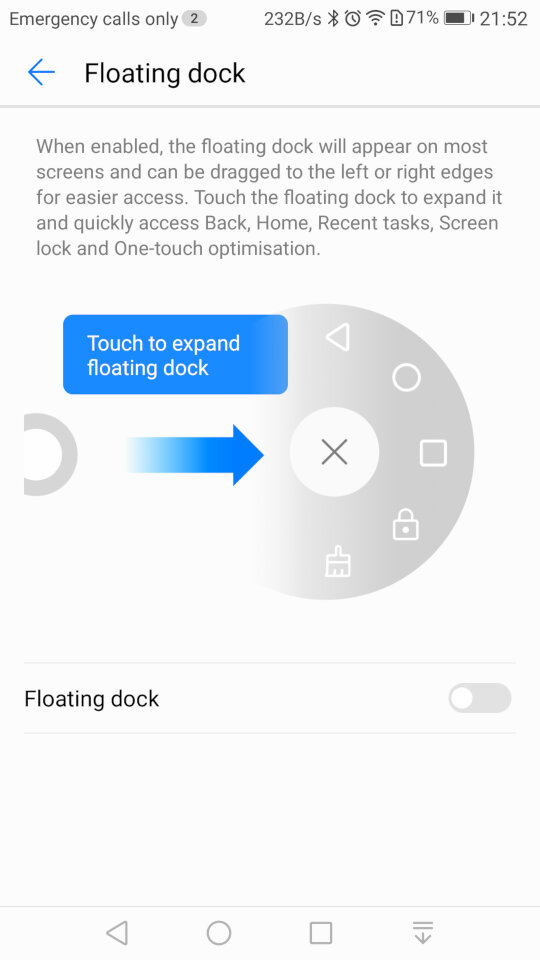
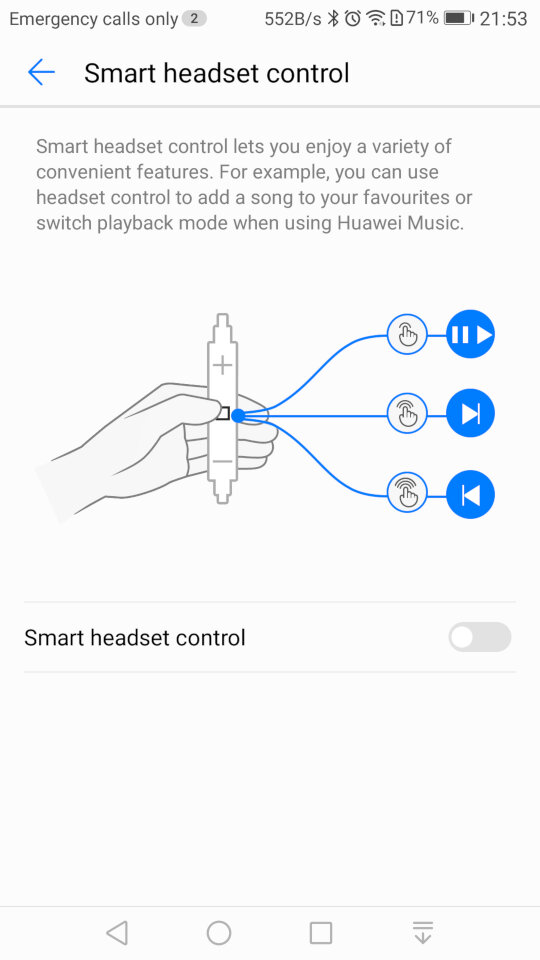
Smart Assistance, where you can enable features like Motion Control that allows you to mute the phone by turning it over when an incoming call is received. The Floating Dock will show the main navigation buttons into a widget that is drawn over other apps and can be freely moved around the screen. Smart Headset control lets you add additional functions to the volume controls on the headset, you can double press to like song, or to enable shuffle. This only works in the Huawei music app and does not function on apps like Spotify or Deezer. Lastly Mirror Share is the phones Miracast feature for casting your screen to a TV or supported device.
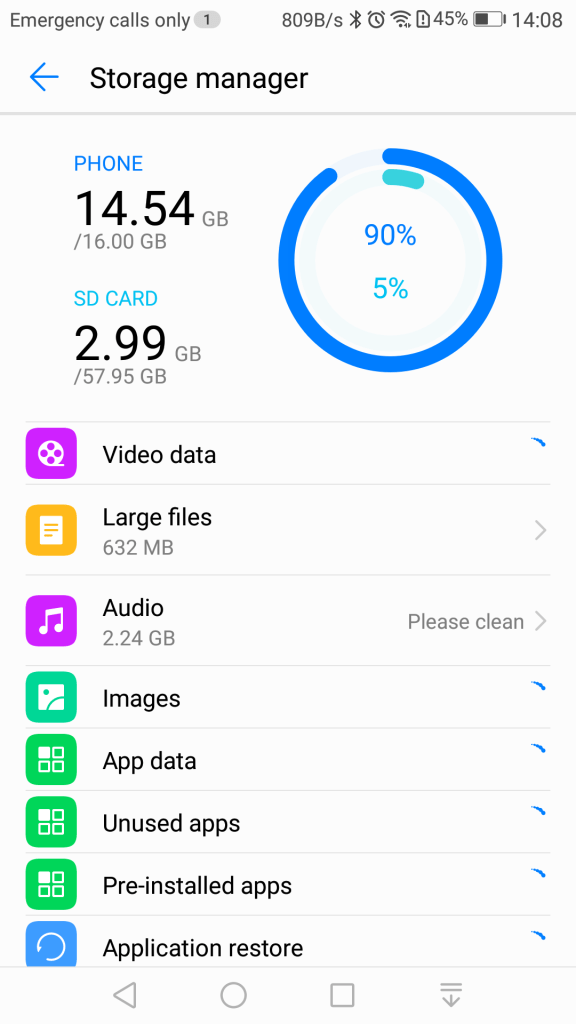
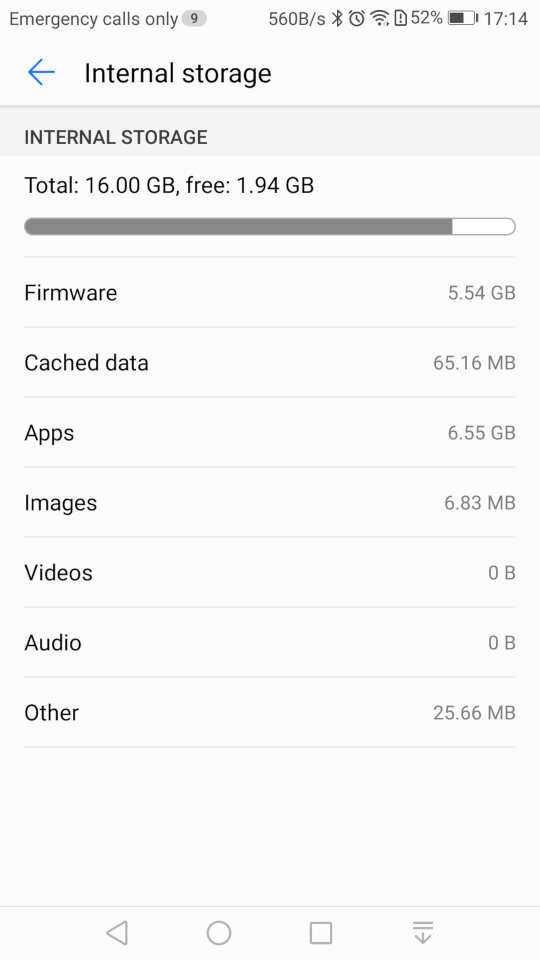
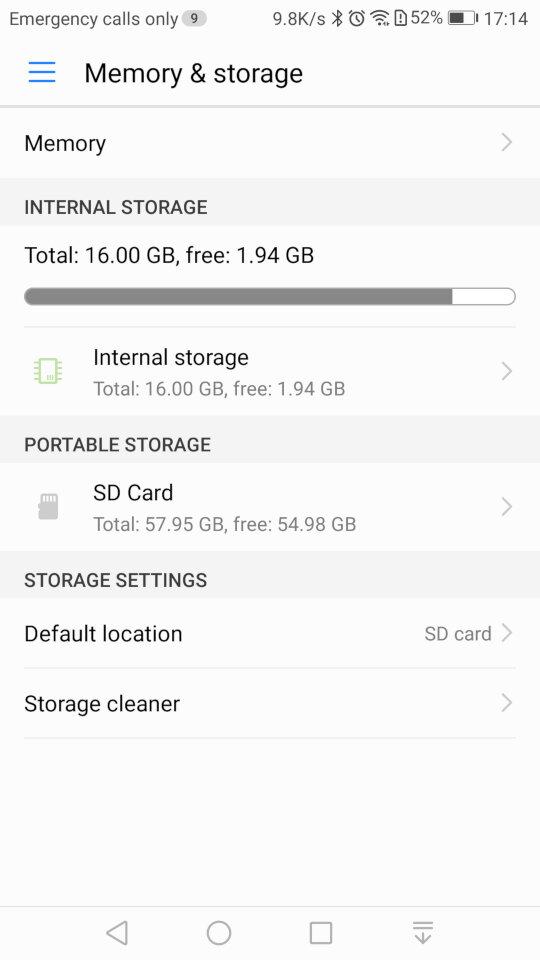
Storage information for both internal and external storage. The SD card can only be used a portable storage, Huawei has disabled the adoptable storage feature of android which limits what apps can be installed to the SD card.
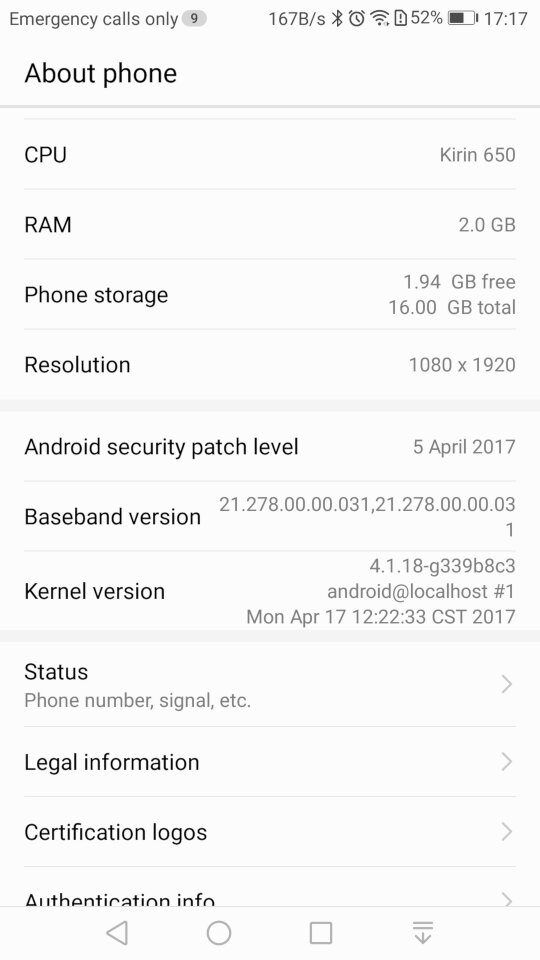
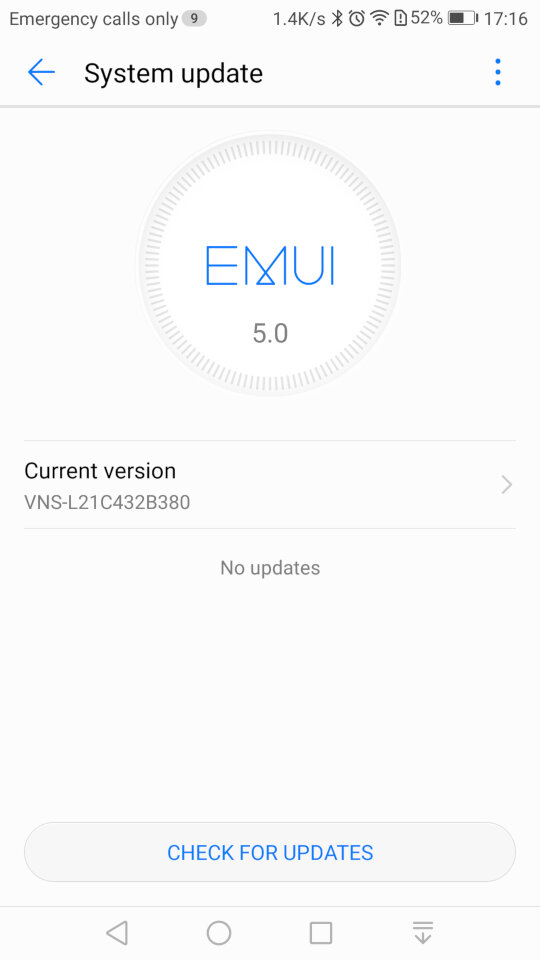
System update settings, here we are running the latest build for this handset, And the system information screen
A third person shooter game with some interesting gravity mechanics. Released in 2008 and Published by LucsasArts
The game is set in the year 2161, where tectonic weapon technology has had an impact on Earth, being a result to climate change and rising sea levels, resulting in the Government investing in terrain morphing research. Basically means you have the ability to raise or lower certain parts of the ground with your weapon and grenades.
The concept of the game was brilliant with it’s tectonic warfare, being able to manipulate the battlefield like it’s SimCity? You’re not just shooting or hiding; you’re literally playing God with the terrain. Raise the land, drop a rift, crush your enemies like bugs with moving rocks. It’s like someone looked at “Earthquake” and said, “I can make this a weapon.” However the actual implementation was very disappointing and is mostly used for moving objects to progress the story. For combat, it’s easier to take cover behind objects, rather than manipulating the ground to your advantage. Certain points of the mission require you to raise the ground to realign a bridge, or to lower the ground to remove a blockage. Whilst this mostly works, sometimes the ground can clip into the objects, making the game look a lot sloppier in presentation.
Now, gameplay. That terrain manipulation? Fun for about five minutes until you realize it’s the only trick in the game’s bag. Everything else feels like it’s been done before, and done better. The fun part comes with the explosives, as there is a good amount of destructible objects (not environments, you’re limited here) that you can use to take out enemies. Things can get a bit chaotic at times if you set these off in a chain with other explosive objects on the map, especially Hyrdraballs, which are explosive balls which roll about the map that you can manipulate.
The main character is a very safe design for its time, being your typical bald space marine. I guess when you’re going with a risky gameplay concept, it’s wise to go with a typical protagonist. There’s a few cutscenes that appear as you progress through the game which detail the lot of the campaign, but it’s really nothing to write home about and can be easily forgotten. Essentially you are fighting a rival faction for power and your player character is a soldier that was in the right place at the right time. The story does explore themes of power, control over nature, the ethics of warfare, and the consequences of advanced technology. It questions the lengths to which nations would go for power and survival, and the impact on humanity when nature itself becomes a weapon.
The game was released for consoles only, for the Xbox 360 and the PlayStation 3. There waw no PC release which was unusually for a third-party game. The Xbox 360 version is considered to be the better port due to running at a higher resolution thanks to the 360 being easier to develop for. Remember this was 2008 where developers were struggling with getting to grips with the Cell Processor of the PS3.
In conclusion, Fracture is like a student project that gets a B for effort but a D for execution. It’s got one fantastic idea but doesn’t know what to do with it beyond the initial “wow” factor. If you’re into trying out games with novel mechanics for their novelty, give it a go. But if you’re looking for a deep, engaging experience? You might want to look elsewhere unless you’re really into watching potential squandered. It’s not the worst game out there, but it’s a reminder that sometimes, a great idea isn’t enough to make a great game.
A third person shooter where you lay as 50 Cent, along with one of his bandmates in a single layer campaign. Players control 50 Cent and a sidekick player as they fight through waves of enemies using a variety of weapons. The game features a cover system (Like Gears Of War), dual-wielding weapons, and unique melee attacks where players can execute finishers on enemies to regain health, all whilst 50 Cent’s music is laying in the background. The game supports co-operative play using either split screen or online over Xbox Live. The second player can choose to be either Tony Yayo, Lloyd Banks or DJ Whoo Kid.
The plot of the game revolves around 50 Cent performing at a concert in a Middle Eastern city. However, their diamond get stolen during a coup. The game follows their quest to retrieve these diamonds from various warlords and factions. It’s not to take seriously and is more fun when played co-operatively with friends.
The gameplay itself is very similar to Gears Of War with you controlling 50 Cent in a third person view. The game has an emphasis on high scores, kill combos, and timed challenges set it apart, giving it more of an arcade-style feel compared to other third-person shooters like Army of Two (another console exclusive game to check out) which is used to unlock weapons that can be purchased in later levels of the game via phonebooths. Enemies drop ammo and cash when they are killed and this can also be used to purchase weapons. The game also gives hidden areas that you can loot for more cash, which also contributes to the score at the end of each mission.
There’s also posters you can take down and targets you can shoot for extra points.
Breaking up the gunplay, you can also engage in hand to hand combat when you are near an enemy. By pressing B or Circle, you can beat the enemy to death when following the button prompts. You can also us the environment to take out groups of enemies.
Blood On The Sand was only released on consoles, the PlayStation 3 and Xbox 360, with the latter being made compatible on the Xbox One. Both versions are very similar in terms of performance and gameplay, the 360 version does keep a more stable framerate.
Blood on the Sand isn’t a game that’s going to win awards for innovation or narrative depth, but it delivers a fun, if not slightly repetitive, shooter experience wrapped in the persona of 50 Cent/G-Unit. It’s not perfect, but it’s a solid entry for anyone looking to mix up their gaming library.
Music featured in the game, If HipHop isn’t your genre of music you can mute the music and use the console to play alternative music.