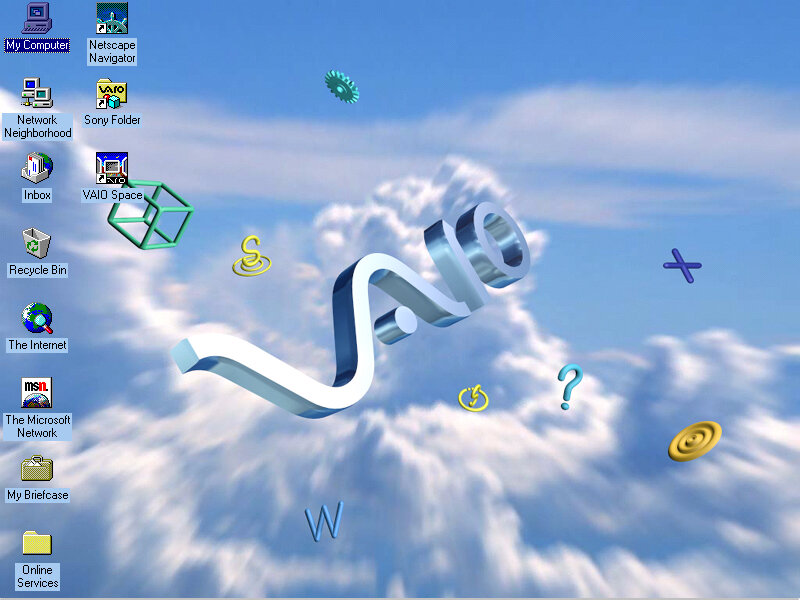
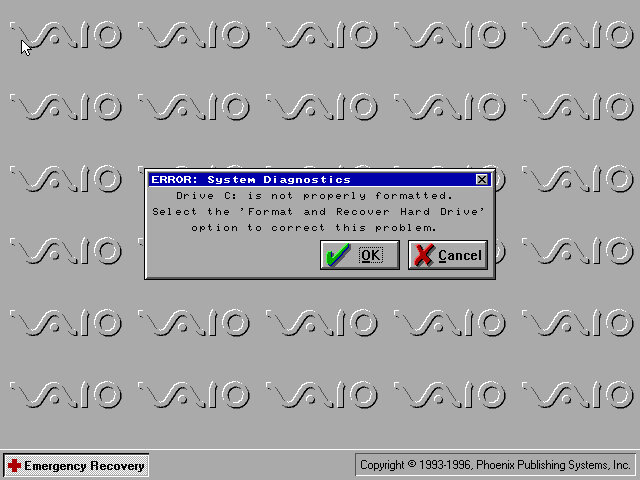
Oh god, its just like the PCV-90. This is gonna be a pain in the ass
Or maybe not since we actually get working mouse support and the software is able to see the CD drive so we don’t have to modify the boot disk.
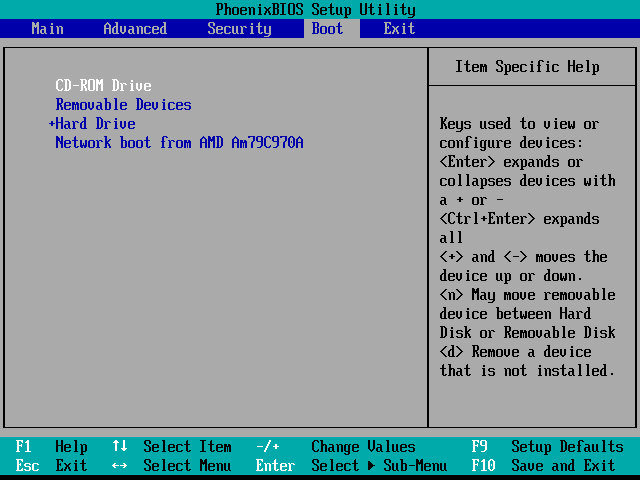
The restore utility cannot initialize a drive since it assumes its already formatted, What you need to do is FDISK it and initialize the drive, in order to start the recovery process. Also once you init the drive, VMWare will try to boot from it. If you keep getting Missing Operating System – Power off the VM and them click on Power On To Firmware option in the dropdown menu next to the Play/Power button. Once you are in the Firmware (BIOS), go to the boot section and pop the CD-ROM drive at the top of the list (Press Shift and + to move it up)
Although the recovery program tells you to run a specific .bat command, this is very specific to the machine’s hard disk and will not apply to our VM, unless our HDD is the exact size.
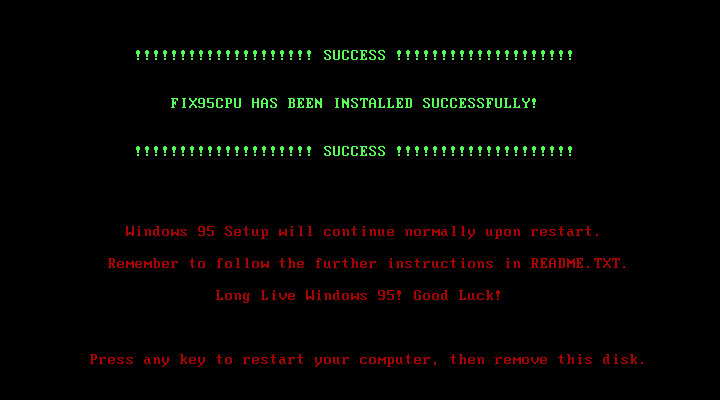
Before we get to the desktop, we are treated with an IOS error
This occurs because the CPU we are running on is too fast for Windows 95 and this causes a fault with a built-in race condition as part of the Windows 95 boot process. Thankfully there’s a community made fix for this and allows us to have a bootable system
Post Install
After we are taken through the last part of the installation where we need to enter identity information. We then have to progress through a series of New Hardware prompts, (Use a hardware profile 6.2 or lower to avoid this, later versions install a lot of PCI-PCI bridges which are way overkill for what we are using)
Installing VMware Tools, Or maybe not, our CD-ROM drive has gone missing…
It came back after a reboot, I’m not sure why it disappeared
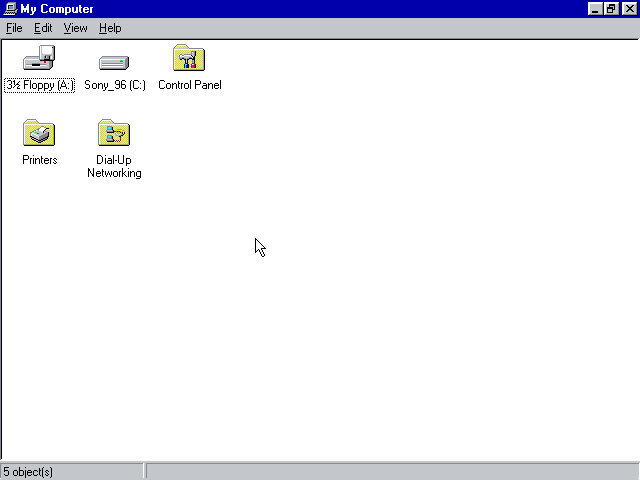
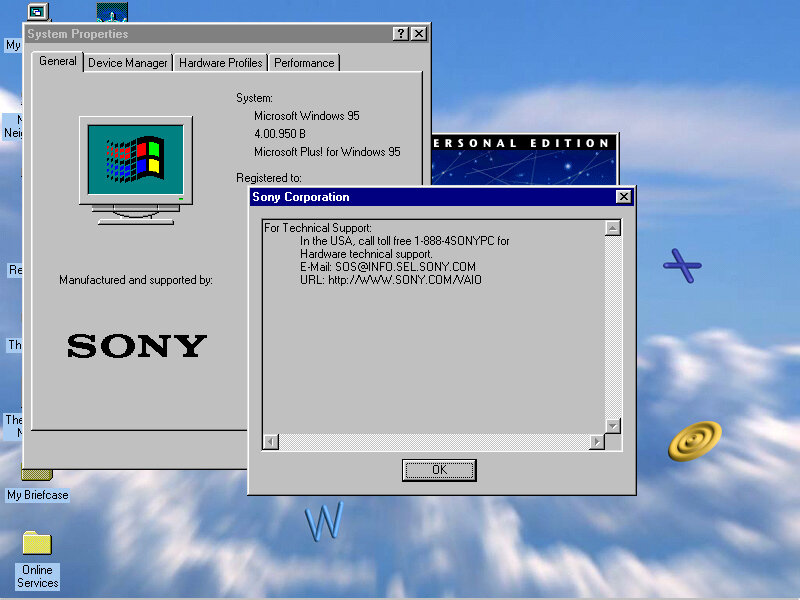
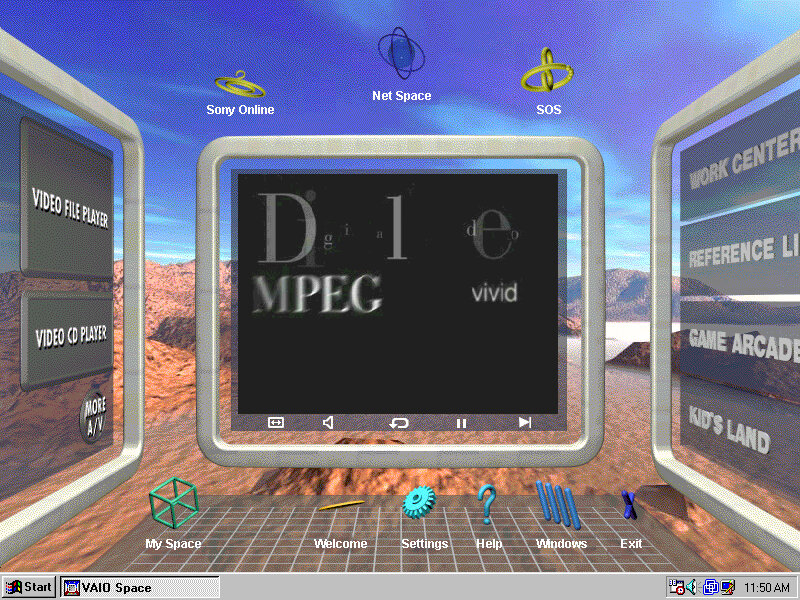
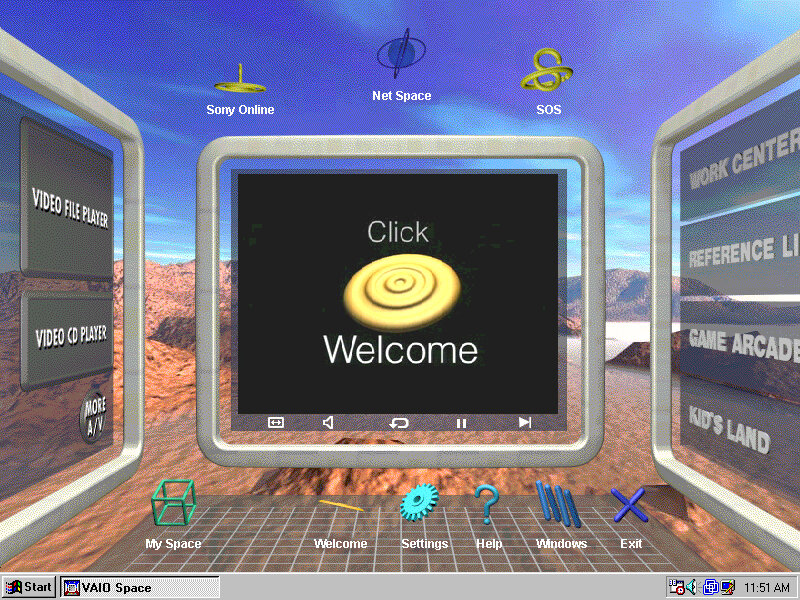
From here it’s very similar to the PCV-90 that was looked at previously, with a lot of the software being bundled with the install.
86Box
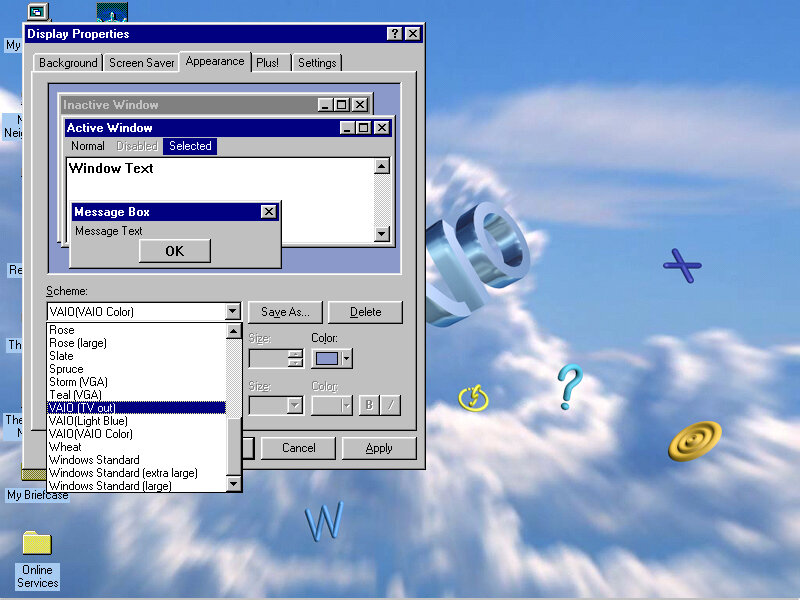
VMWare can be a bit problematic with these old Windows 95 installs, so we can use 86Box instead. Here I quickly setup a system using VirtualPC 2007 motherboard, and loaded the restore CD when it gave this error message:
I don’t get it, the BIOS screen reports no errors?
I disabled ACPI in the BIOS since that can cause problems and made sure both floppy drives were correctly enabled in the BIOS, and that seemed to fix it. Lets give this another try…
After going through the recovery steps again this time it worked properly, and the hardware detection was a lot less painful to go through. However there is one other issue, the IDE CD-ROM drive is no longer detected once we boot into Windows 95 and this is likely due to the Hitachi IDE drivers being used which causes issues. It’s possible to fix this by changing the motherboard but considering we had issues with the PCV-90, I believe it’s more of an emulation issue with 86Box. A workaround is to install and use the SoundBlaster 16 PNP which will feature its own IDE controller. If you do this you must put the CD-ROM as IDE 2:0 or 2:1 to assign it to the SoundBlaster, Windows 95 will generally detect and install a driver BUT you must have a copy of the Windows 95 install disc, as it requires a few files in order for it to install the driver. Alternatively, you can attach an Adaptec SCSI interface instead, again you will need to have a Windows 95 install disc for it to detect and install a driver, or you can locate the driver files yourself. The SCSI option is a lot more flexible as you can install up to around 7 drives (CD/ZIP or hard disks)
Overall this system is very similar to the PCV90 and included a lot of its software, so there isn’t much to cover that we have not done so already. To be honest its probably worthwhile installing in VMWare, then upgrading it to Windows 98 to make it usable in VMWare, as it should be more useable that way.
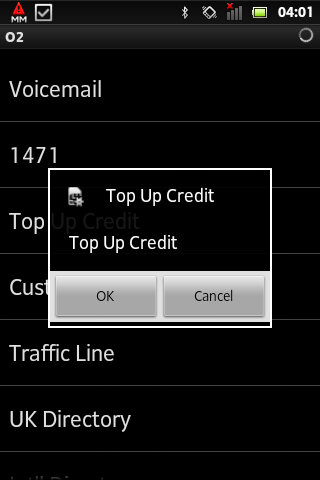
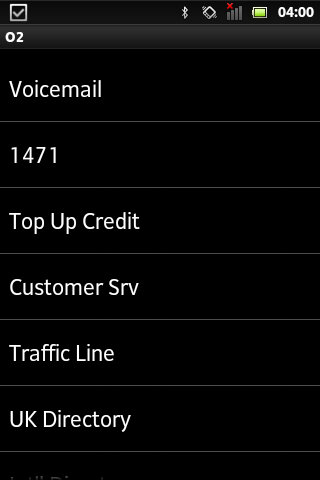
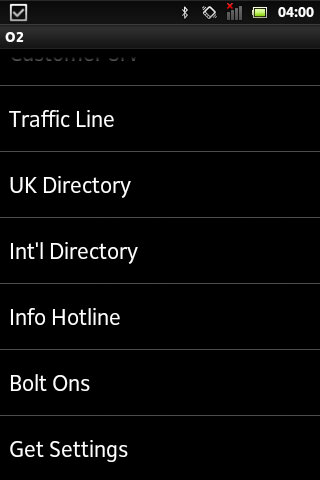
Technically known as SIM-AT (Application Toolkit), this is a menu that is built into many SIM cards and can be accessed through the handset directly.
Many of the mainstream networks used the SIM Toolkit to promote their services and to increase their accessibility. Many provide links to news bulletins, sports, weather and finance. Some would also allow you to dial important services like the RAC breakdown
On the other hand, most of the smaller or virtual mobile network operators neglected support for the SIM AT toolkit. Virgin Mobile was one example of an MVNO that implemented a SIM toolkit in their service, but others such as 3 (Hutchinson 3G) and ASDA or Tesco mobile don’t implement this, mainly as they are promoted as a budget-orientated mobile operator
BT Cellnet / O2
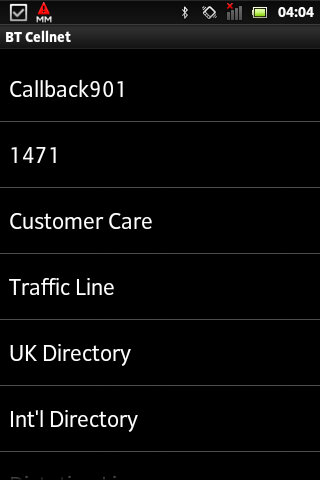
The predecessor to O2, this Sim card dates to around 2000/01, shortly before the rebrand to O2. The menu appears as ‘My Services’ with BT Cellnet being the first item that shows up
Callback901 – This was a shortcut to O2’s voicemail service and simply dials the voicemail message center, which works the same as dialing 901
1471 – tells you who the last number that was dialed
Customer Care – Main O2 customer service line
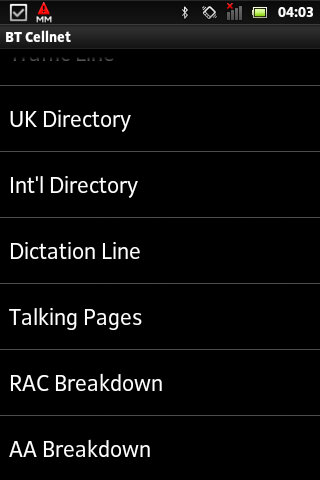
UK Directory
Int Directory
Dictation Line
Talking Pages – I think this was the speaking version of the phonebook but im not 100& sure
RAC Breakdown – Dials the RAC, useful if your car as broken down
AA Breakdown – Same as above, but dials the AA instead (AA is a breakdown company, not alcoholic anonymous)
From an older BT Cellnet SIM card
T-Mobile
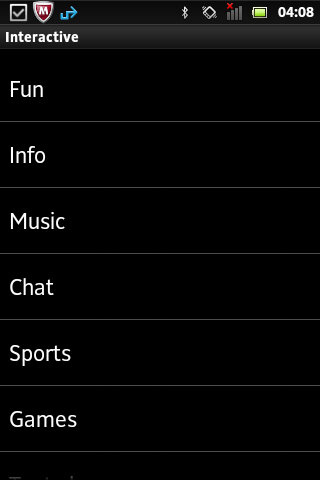
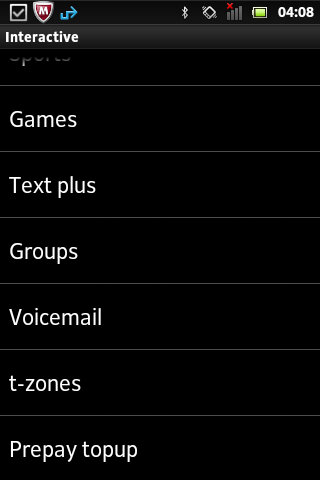
Not sure how old this Sim card is or what year it dates from. Compared to the menu on BT Cellnet it’s a lot more featured, with many options leading into a submenu. When selecting an option, the phone will send an SMS-like message which relates to the request. On most handsets, the menu appears as ‘Interactive’
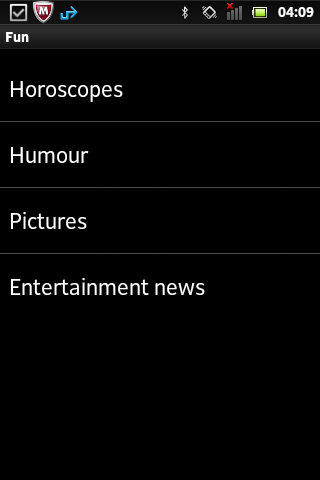
Fun
Horoscopes – Gives two options, Romance and Outlook and lets you enable a daily message that tells your horoscope, probably for an additional charge
Humor – Gives options for Jokes, Chat-Up lines or Voicecards. Jokes gives you options for Silly or Adult jokes which then gives a warning message that you must be 18 or over to access
Pictures – relates to MMS and lets you enable picture alerts, options including Babes on & off, Gossip on & off and Footie. Yes, it’s actually spelled like this in the menu.
EntertainmentNews – Options here is daily on/off which controls daily SMS messages being sent in relation to entertainment news, an option to get the latest news once and separate options for soap and film updates. Useful if you want the latest from Eastenders or Emmerdale.
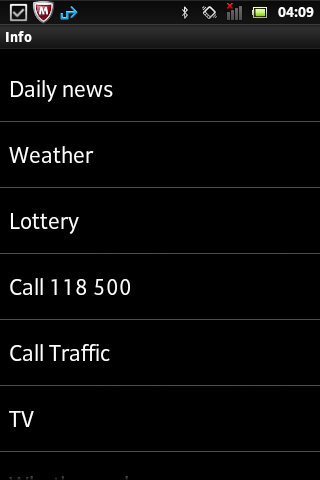
Info
Daily news
Weather
Lottery
Call Traffic
TV – gives two options to see What’s on now and Soap Update
What’s nearby – several options, bar, Hotels + B&Bs, Eat, Taxi and Cash Machine
What’s On – Cinema, Club, Music and Comedy
Streetmap – Send a map to selected compatible Wap push devices
Finance – Options for Shares, Exchange rates or financial news
Call Leisure Line – Calls the Leisure line
Music
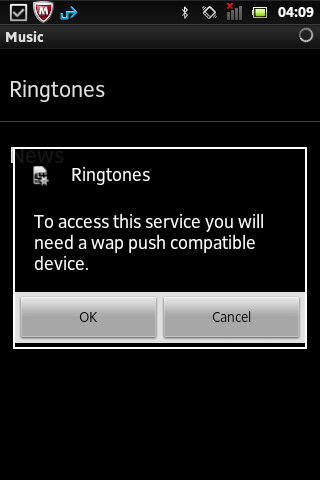
Ringtones – send a WAP link to download more ringtones
News – Various options for Charts alerts, Pop news, and New Releases, these would be text alterts being subscribed to
Chat
Join
Chatrooms – Lists chatrooms or to manually enter a chatroom
Match and chat
Sports
Vodaphone
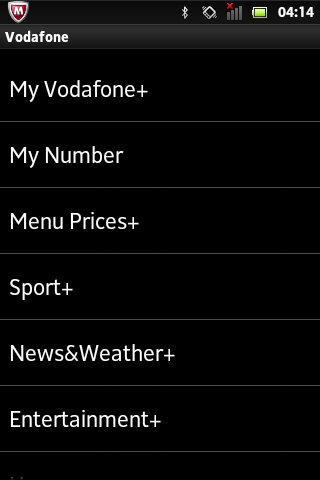
On this SIM card that dates from 2020, this still has a few menus that are accessible.
My Vodaphone: Gives options such as TopUp, Balance, Customer Care, Directory Enqs, Voicemail, My Subscription and Voda Stores. Some options will be hidden depending on the type of tariff (Pay as you go vs Pay Monthly)
Balance: Gives you your current account balance, does not show on pay monthly
My Number: Shows your current phone number
Menu prices: View Prices and T&Cs
Sport: Various options consisting of Sky Sports, Sports News, Football, Rugby, Eng Cricket, F1, Horse Racing, Golf News and Tennis News.
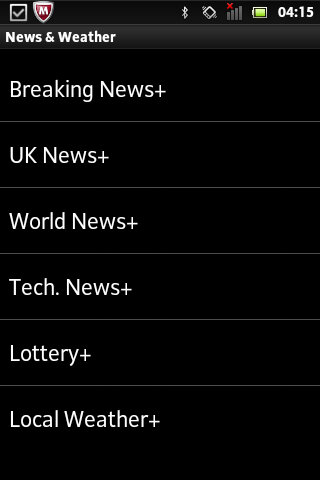
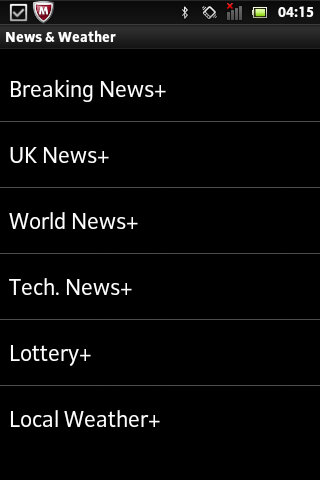
News&Weather: opt into breaking news alerts, or just UK or World news with additional options for tech, lottery and local weather. Cost is 12p per alert.
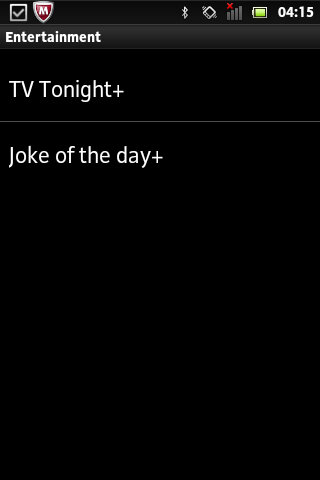
Entertainment: Two options here, TV Tonight which shows TV listings, and Joke of the Day.
Horoscopes: Set up SMS or MMS notifications for your horoscope priced at 1Pnd per week, or 12p for a daily message.
Virgin Mobile
Virgin was one of the first virtual mobile operators and ran on top of an existing mobile network. Virgin offered its SIM-AT menu as ‘Virgin Xtras’
Top-Up
Help
Shop
Offers
Travel – Options are Traffic, Book Virgin and RAC Red
Music – options are Jukebox, Buy and Radio
Going Out
Staying In
Voicemail – Options are Call? and Divert
Most of these are WAP links to the selected service, they don’t seem to bring up a submenu of sorts.
Conclusion
From looking at most of the options listed above, many relate to obtaining information for a specific subject. Like if you wanted to subscribe to breaking news alerts, or sports news alters for a specific game. Many of these carry an additional charge and operate as an additional revenue stream. These would have made sense back in 2000 era of mobiles as WAP was still an emerging technology so getting breaking news in the form of an SMS message would have been a desired feature. Now, most phones come with news apps that support breaking news nominations, delivered through the phone’s data connection. The remainder of the functionality can be replicated using the operator’s app, if they choose to provide one for the smartphone’s platform. For feature phones that run the KaiOS platform, this may not be possible. Still, Android handsets support SIM-AT which appears as a dedicated app if the sim card supports it.
A problem with SIM-AT is some manufacturers implement it differently in terms of accessing it, on many Nokia’s you can access it directly from the main menu, but on Sony Ericsson models it’s buried within either the Entertainment or Services menus. For network operators, this means they cannot give direct instructions without having the customer refer to the phone’s operator manual.
Orange (Now merged into EE, now part of BT) also offered a similar service, ill document and upload when I get access to an older Orange SIM card.
Lets look at a typical Huawei smartphone from 2016, this would have been their flagship mid range model, with the P9 being the main flagship. The P9 lite is smaller, has less storage and a slightly weaker processor.
Huawei EMUI
EMUI is Huawei’s take on Android design, and is an alternative to the standard Android interface. EMUI is shot for Emotion UI and brings a nice clean interface compared to the Frutiger-Aero like interfaces by Samsung or LG, or the material design that Google was adopting. Whilst it looks minimal from the screenshots, Huawei have been it very customisable, with many advanced features packed away in sub menus for intermediate users.
Originally shipped with Android 6, it was updated to Android 7 in 2017. No further Android updates were released, though many apps are still supported as of 2024.
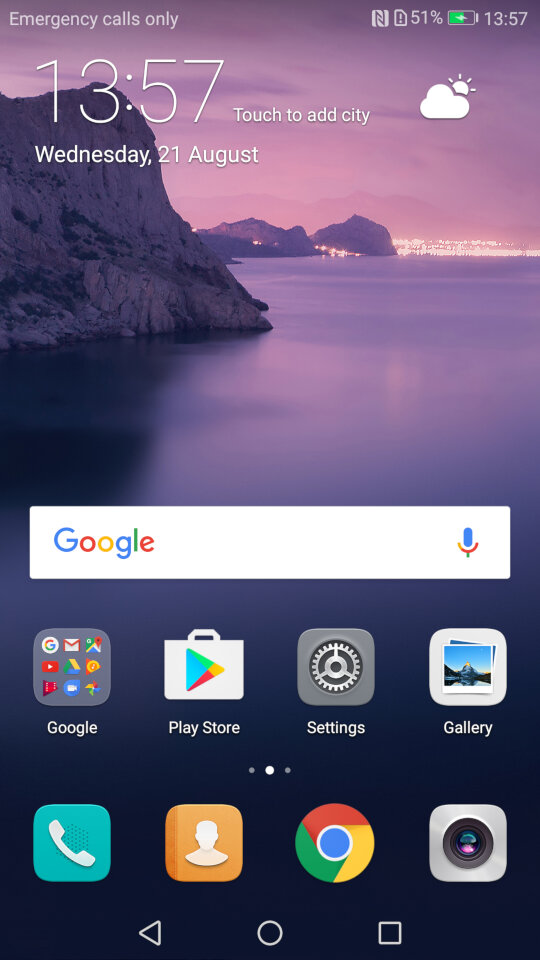
The home menu screen, after running the setup wizard. The default widget shows the time and the weather once you give it permission to access the location.
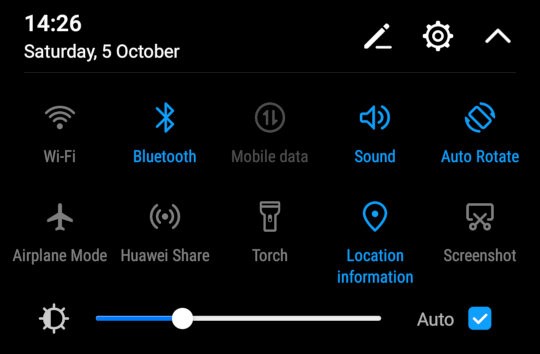
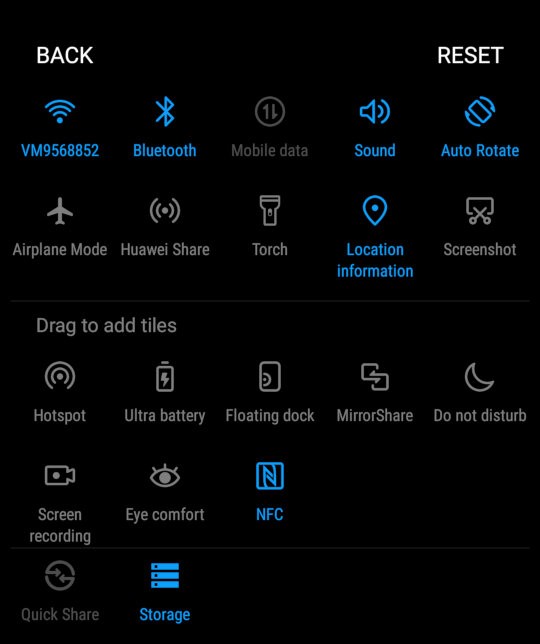
The pull down notification bar where you can quickly activate the Wifi/Bluetooth and the mobile data. This can be expanded to two rows to access more items like the torch, airplane mode and to activate Huawei Share. You can reorganize and add more icon to this menu by dragging them. You can also adjust the brightness from here, and a shortcut to the settings menu is also here
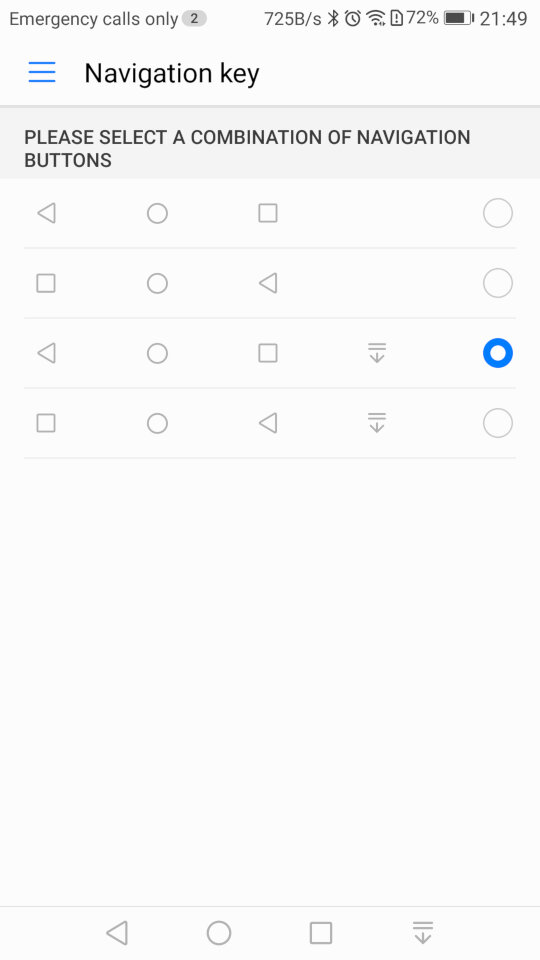
As this device does not contain physical navigation buttons, on-screen ones are used instead. Huawei also allowed you to adjust the order of the buttons, and even add one that quickly pulls down the notification menu which saves having to put your finger at the top of the screen
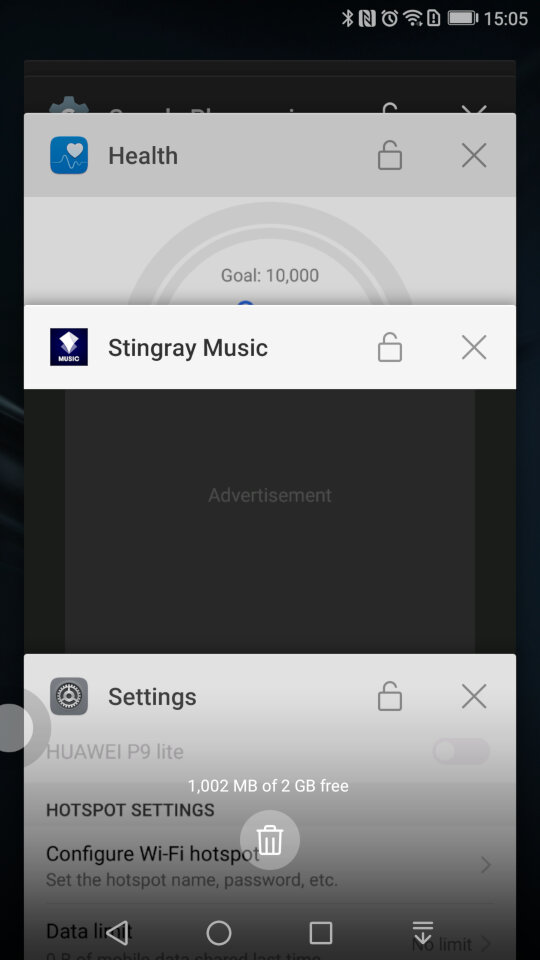
A look at the task switcher, that lets you switch back to previously opened apps. You can quickly close all recent apps by tapping the bin icon, which will also show the currently used memory in MB, sort of like the Windows Task Manager
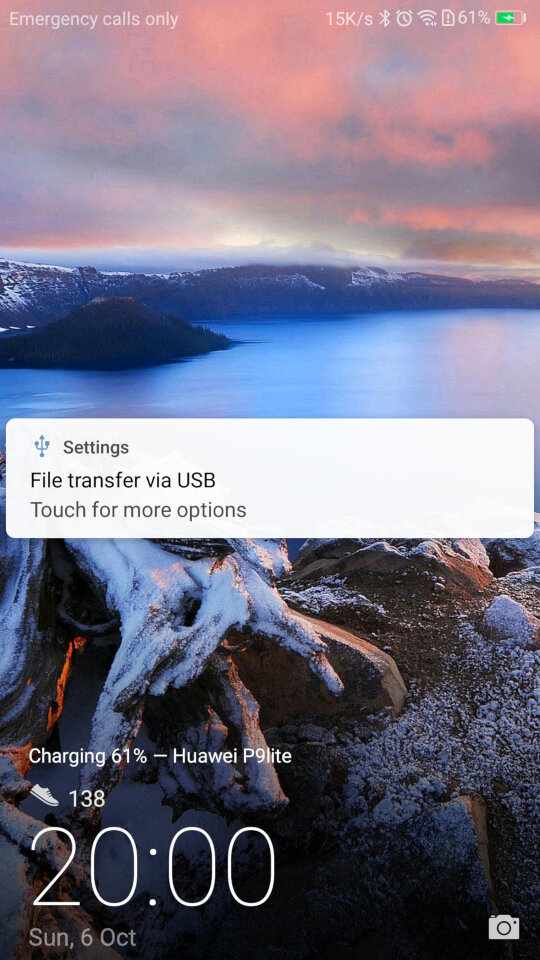
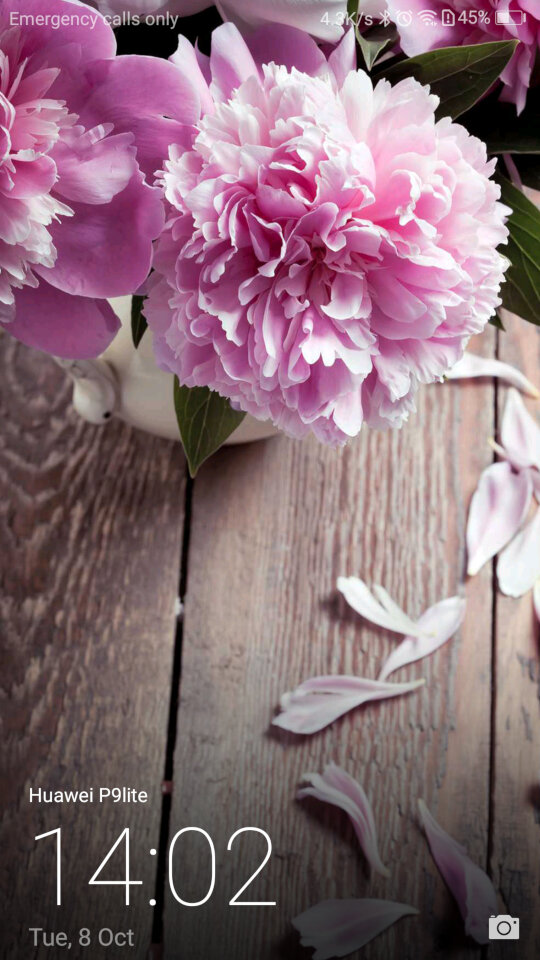
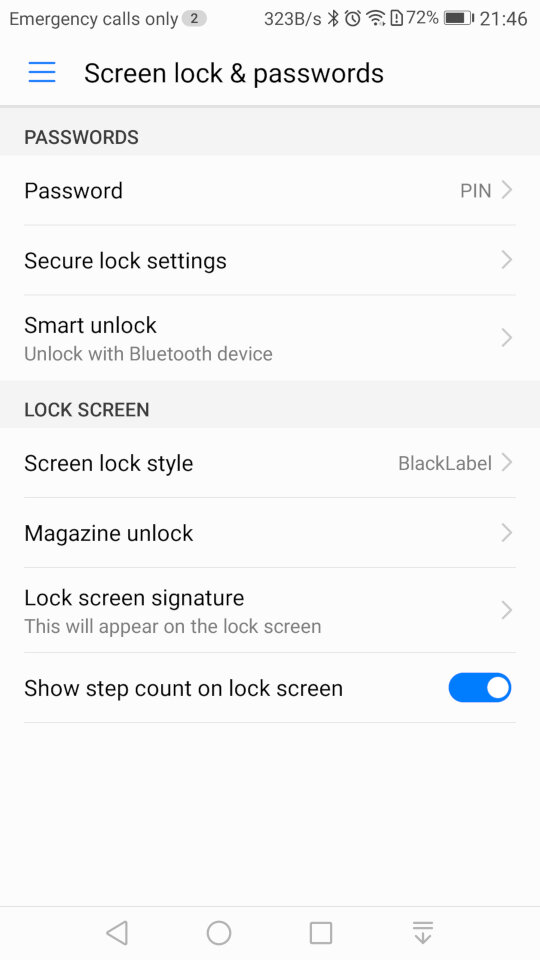
And the lock screen, which will display your step count if this is enabled. It will also display the album art when your are listing using it’s system music app.
There is also a one-handed mode that shifts the screen to one side of the display, to make it easier for use with one hand which can be an issue with screens of a certain size
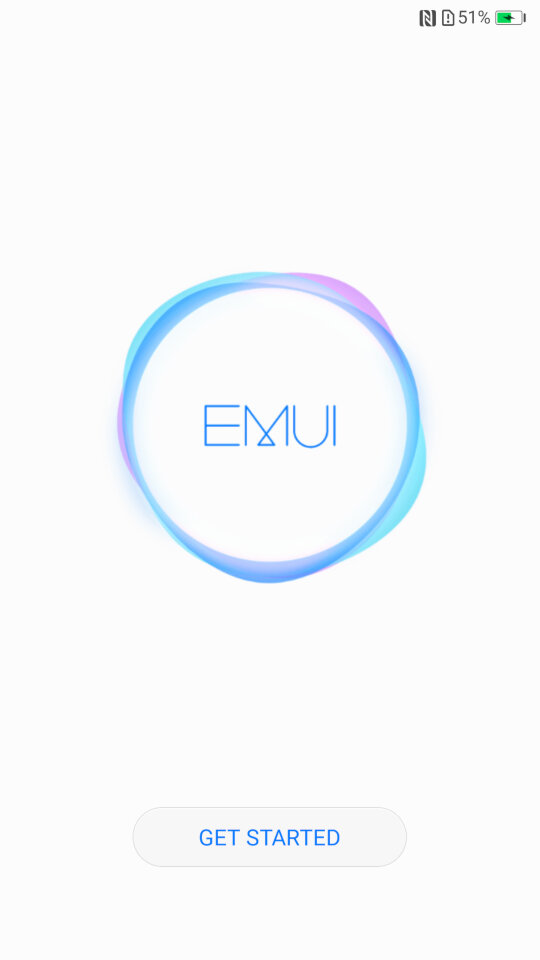
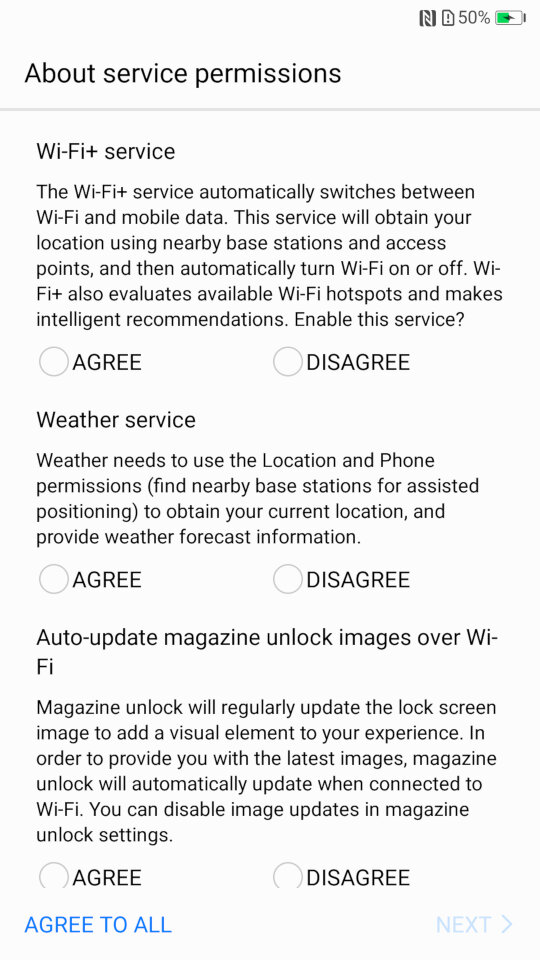
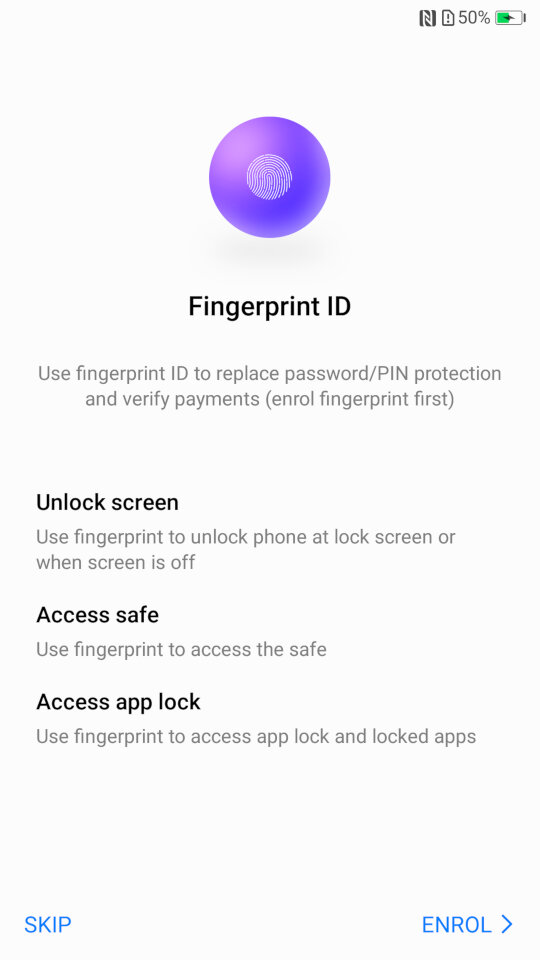
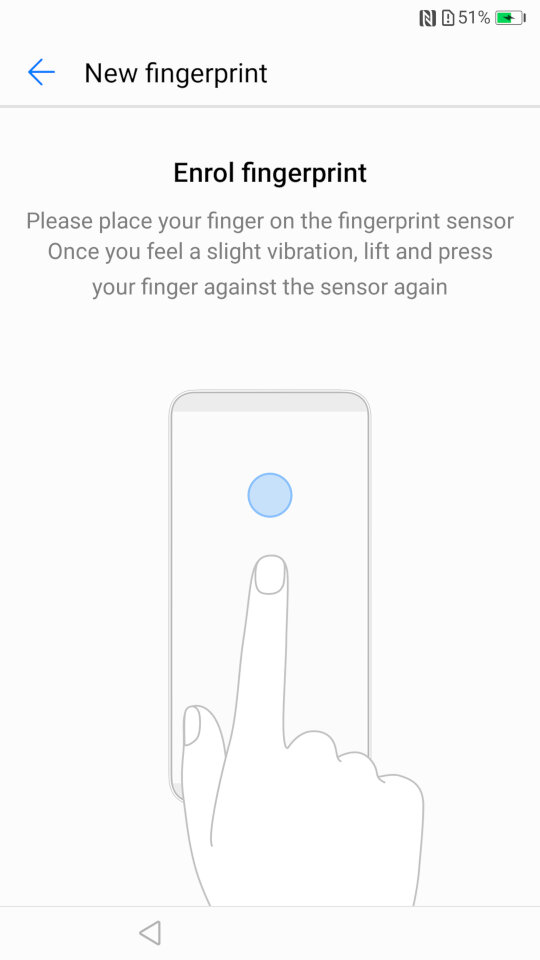
Some images of the setup wizard that runs when you first power on the device, which will guide you through setting up the handset, and to sign into your Google or Huawei account.
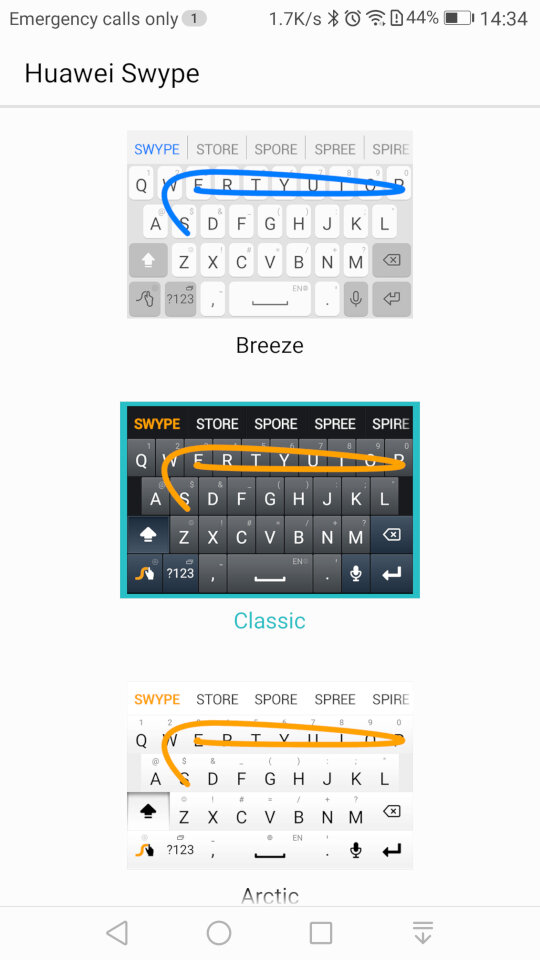
And the stock keyboard that comes with the phone, known as Huawei Swype that makes use of swiping gestures to facilitate keyboard input.
Preinstalled Apps
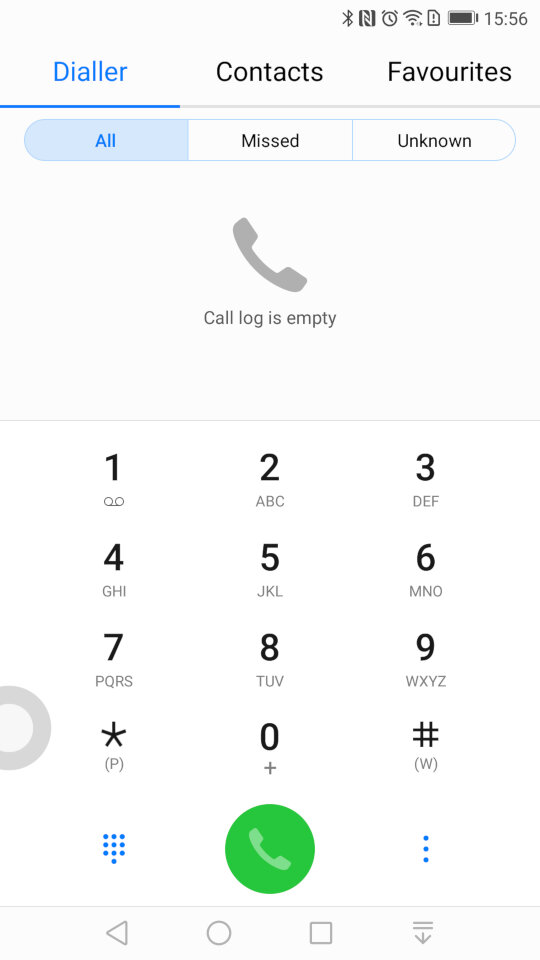
The contacts app, where you can access the phone dialler, and any synchronized contacts . You can also set certain contacts to be favourites if they are frequently used.
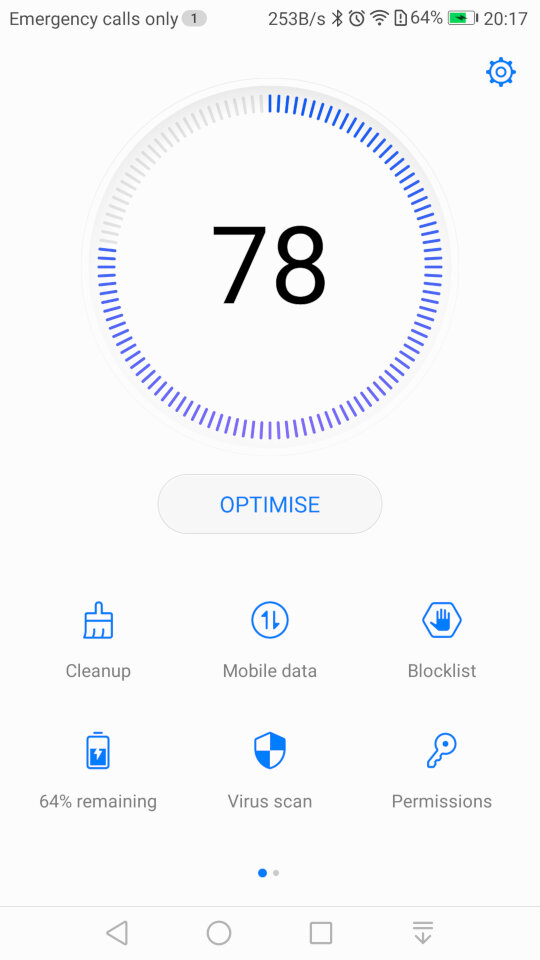
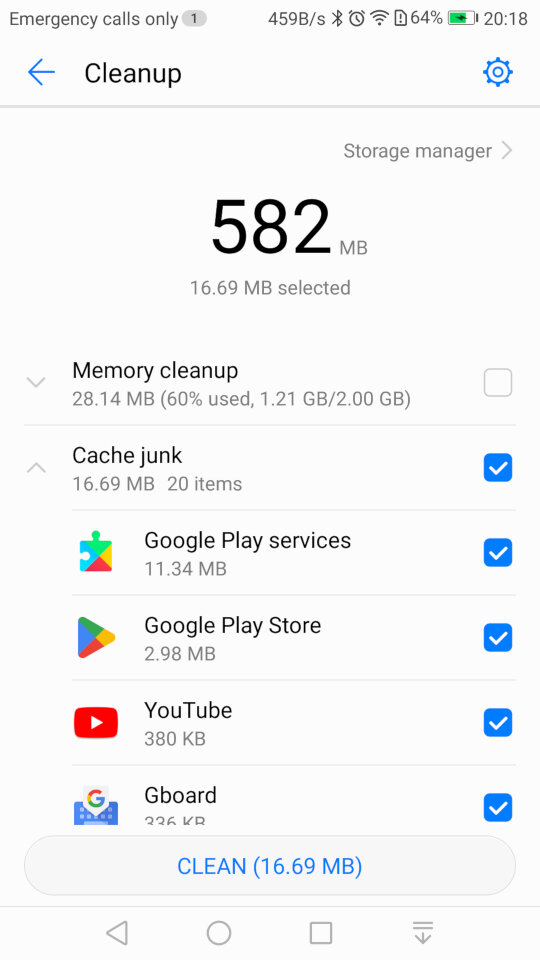
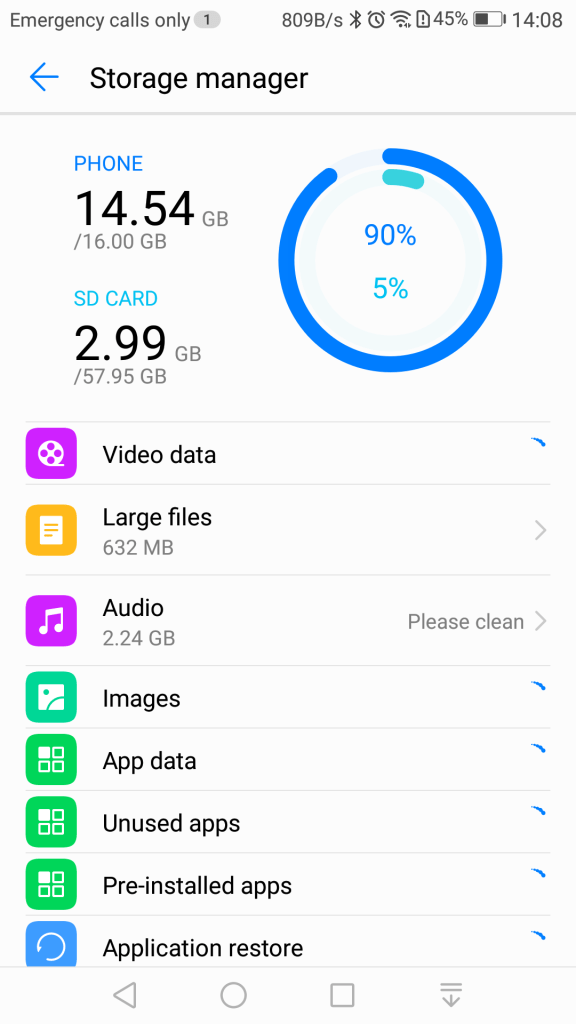
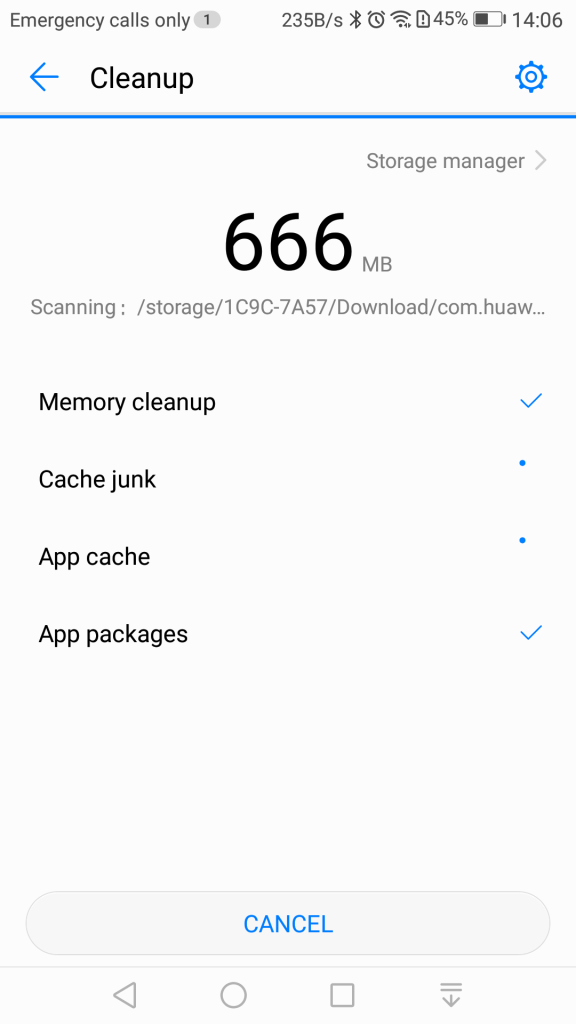
Phone Manager: This serves as a housekeeping tool for the phone and will let you check the device health. The cleanup tool will clean your user storage for both the internal and external SD card locations, and will advise on what you can clear. Given this handset has only 16Gb of storage, it’s a useful utility to delete and remove excess files.
There is also a memory cleanup which will remove aged apps from memory, although the Android kernel should do this automatically. I’m guessing this give the user illusion they are doing something to help with the performance of the phone but also gives it a PC vibe, that you have to routinely perform maintenance which isn’t always the case for smartphones.
You can also clear the cache for installed apps which will free up space but this can also cause a negative impact since the app will have to redownload or generate the data. Normally you should only do this if your experience technical issues with the app itself, doing it too often will negatively impact performance.
A blocklist is also offered that will block certain contacts from contacting you. A little odd place for this feature to be as it would be better suited for the privacy section of the settings menu, but at least the feature is there.
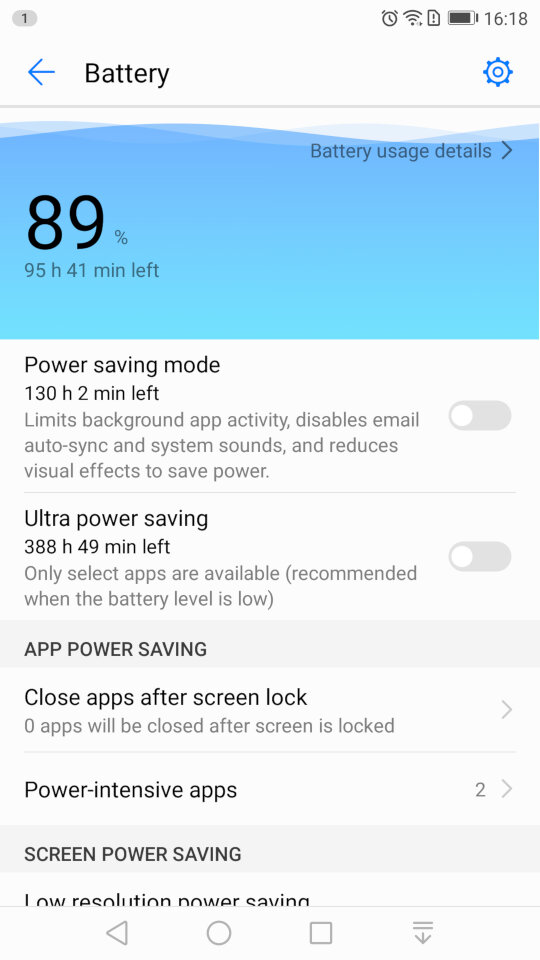
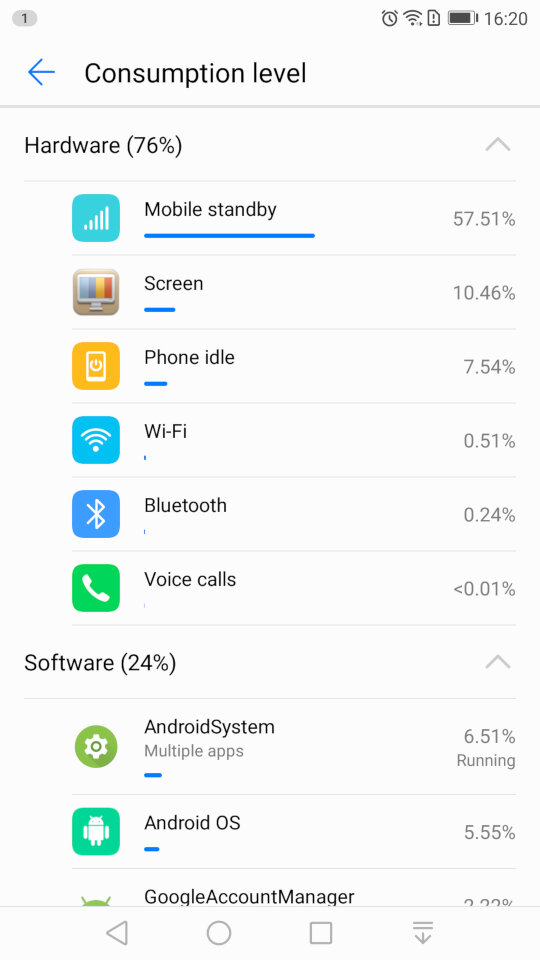
The battery power information which will show the remaining energy, and will let you activate the power saving mod, or ultra saving mode which will shut of moist of the smart function. Ideal if you really need to conserve power. You can also reduce the resolution of the display to conserve power.
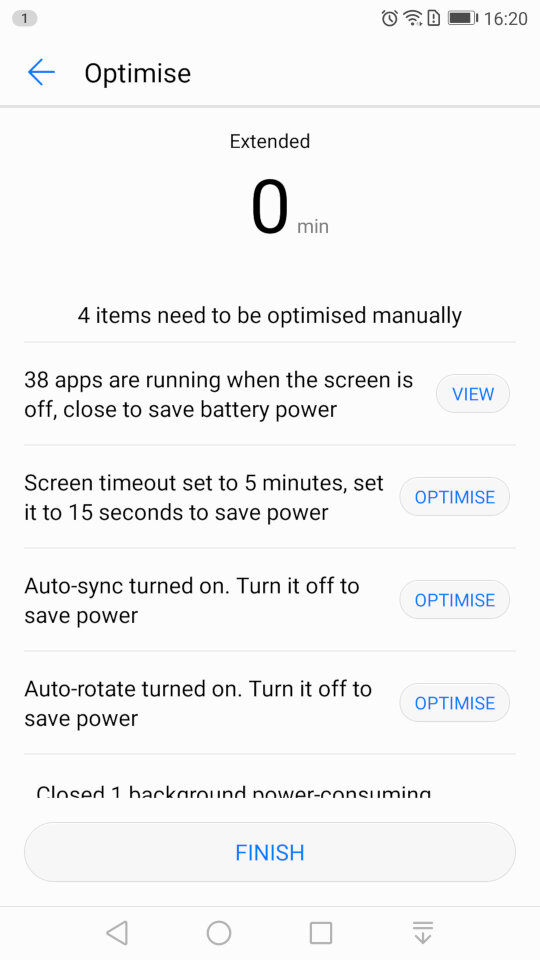
And running the optimize tool which will amend your phones settings, and will advise for settings for other apps to conserve power like disabling automatic sync.
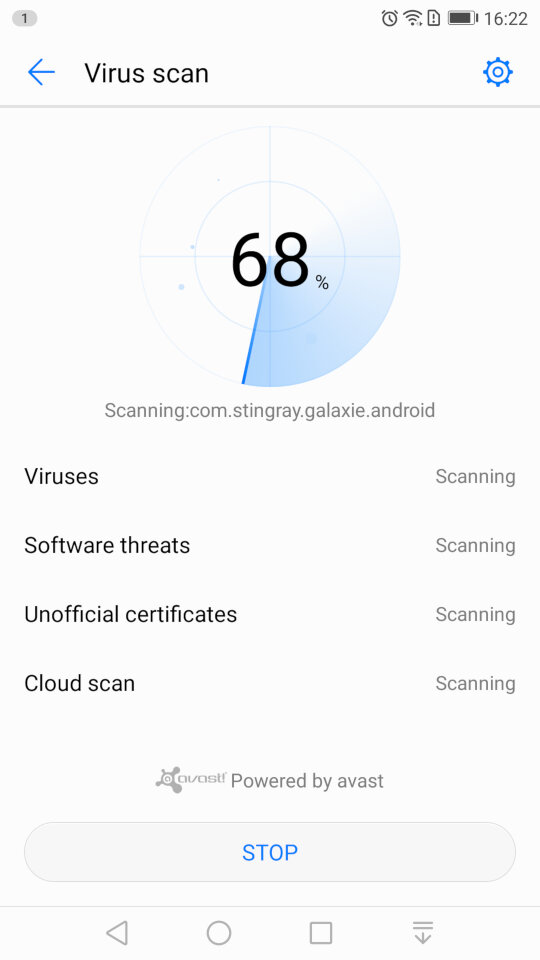
Scanning for viruses, which is supplied by Avast.
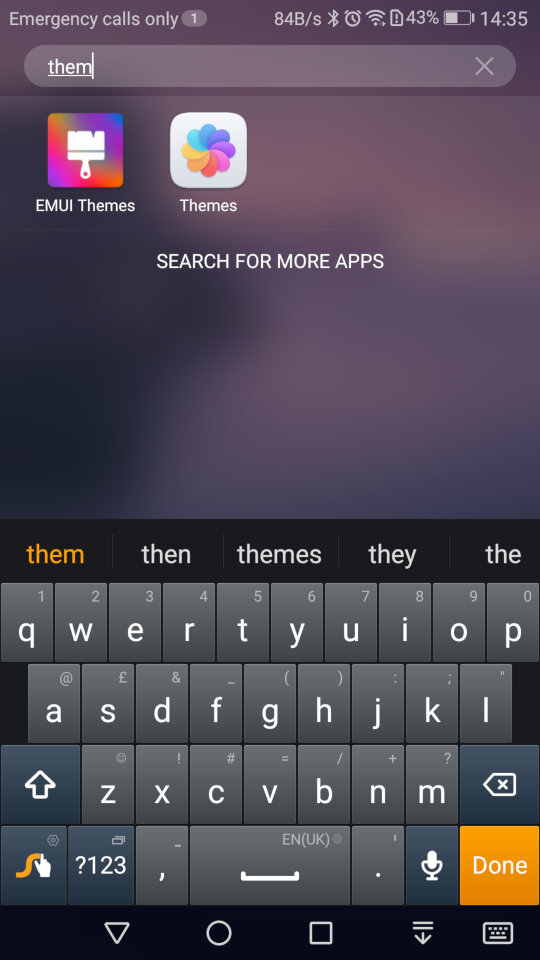
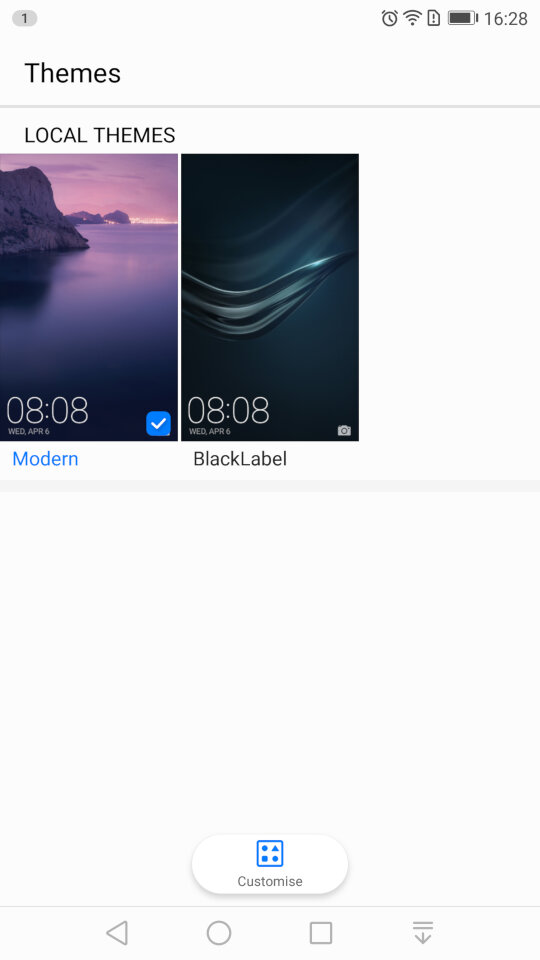
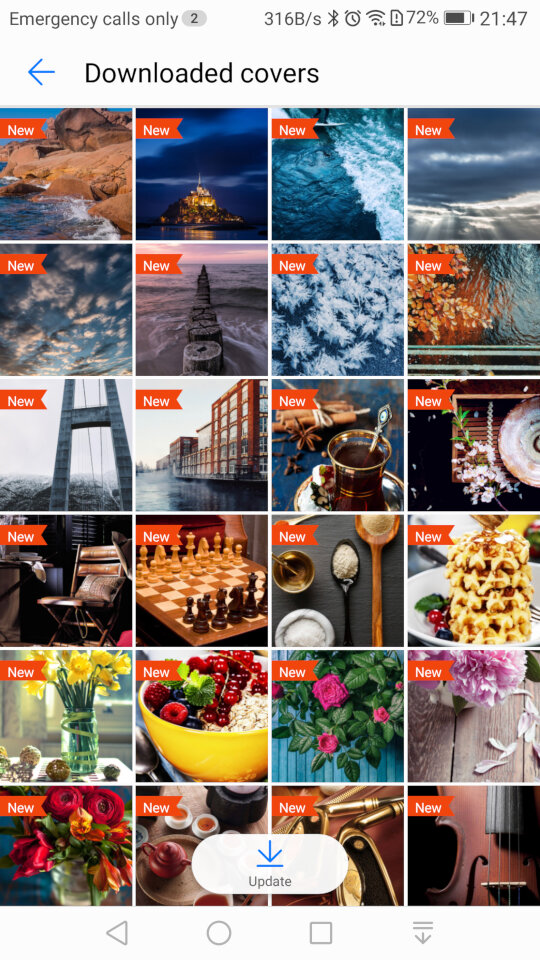
Themes: Two themes come preloaded onto the phone. Modern and BlackLabel. Themes have the ability to change the wallpaper, app icons and the colour scheme.
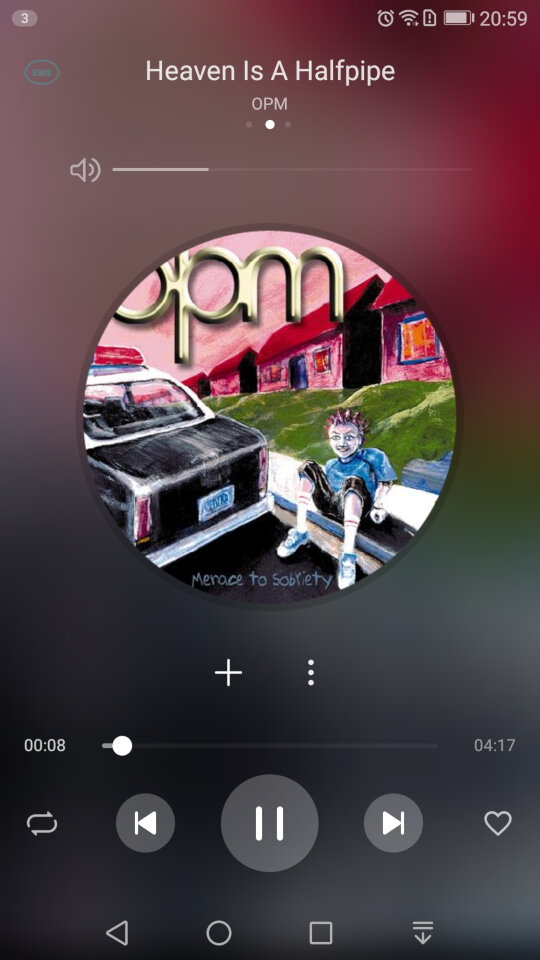
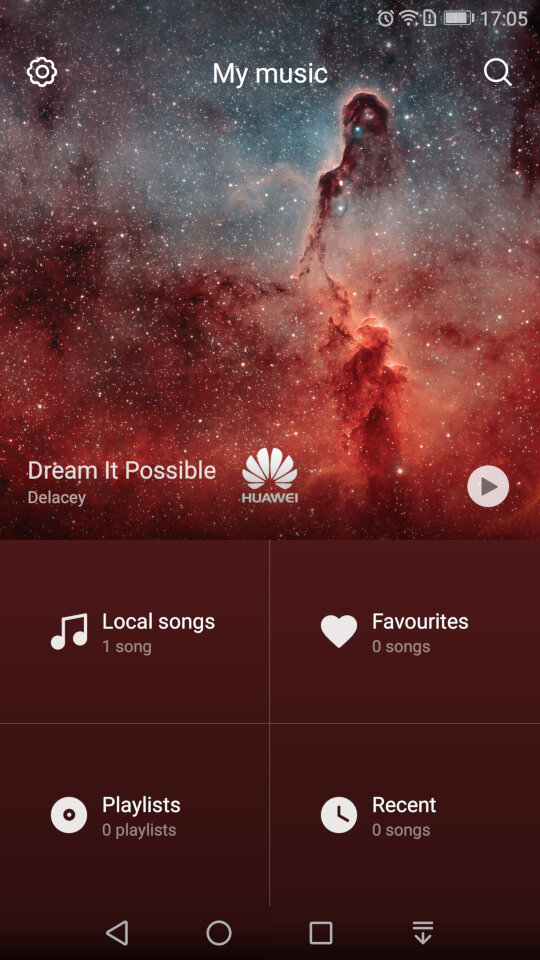
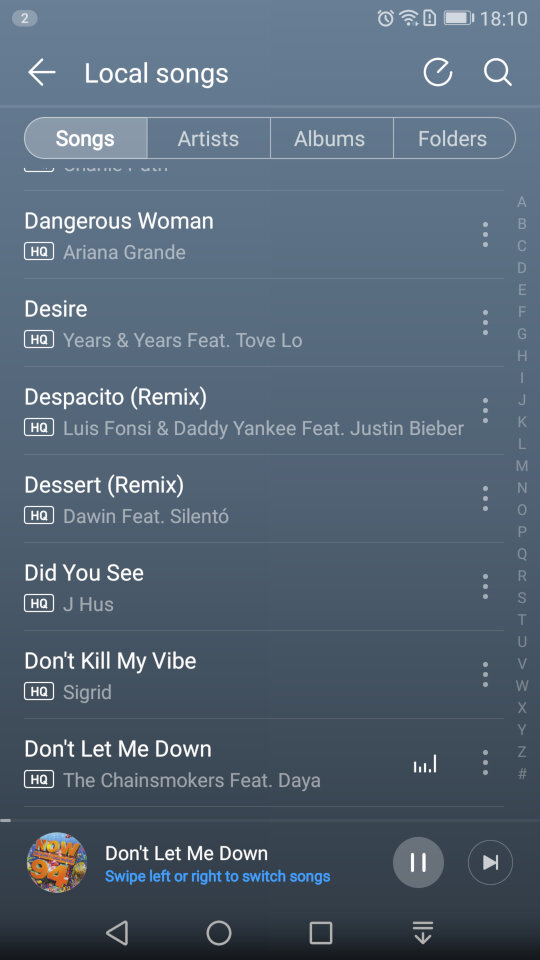
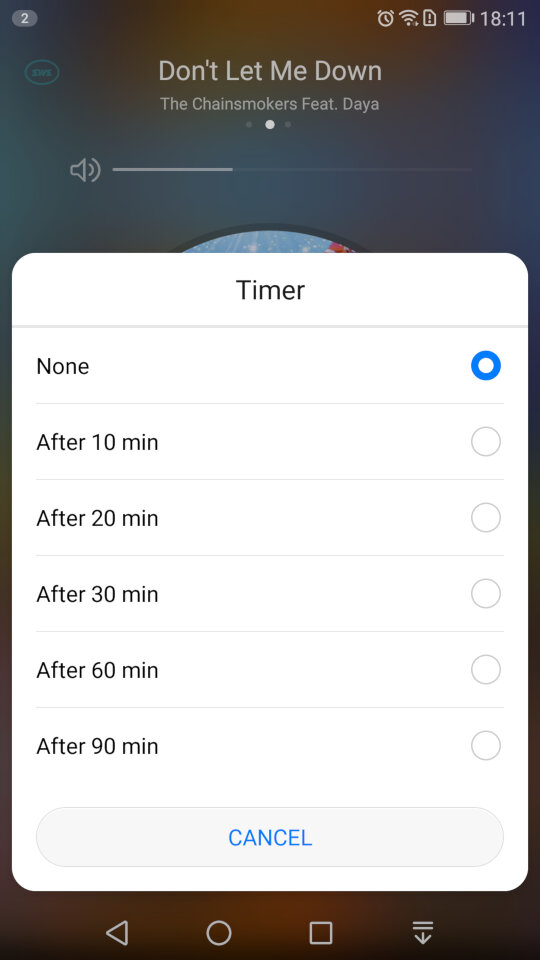
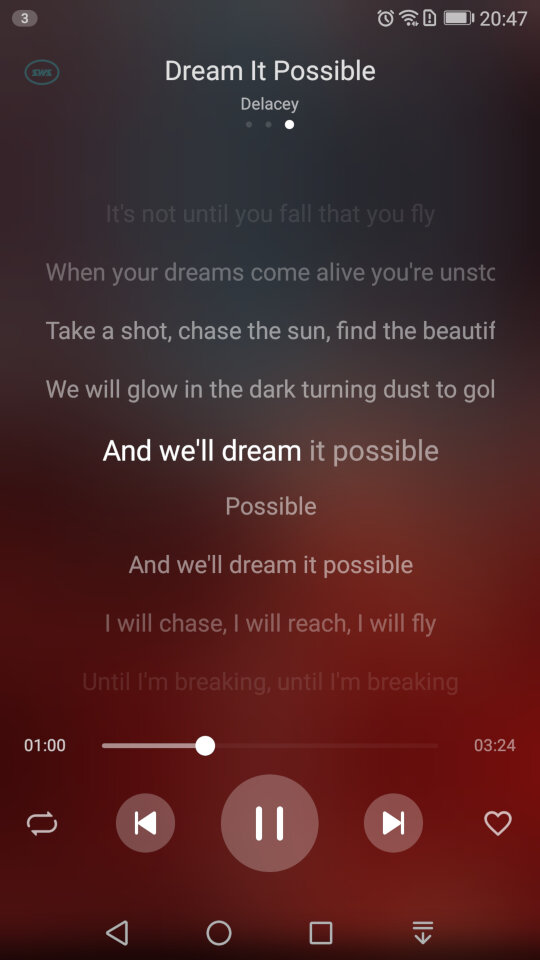
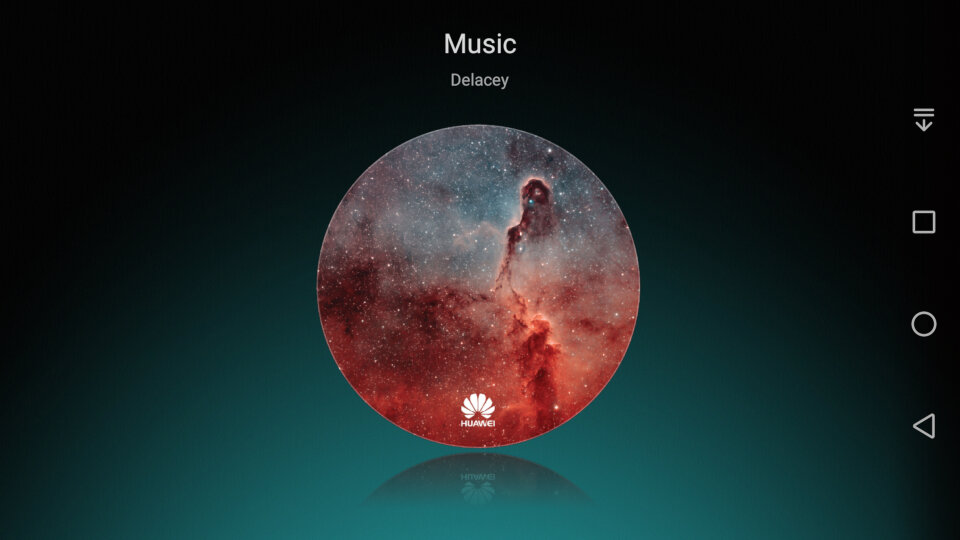
The default player for songs that are stored on your phone. A song is shipped with the phone by default – Dream It possible by Delacey which is supposed to be Huawei’s national anthem, similar to Samsung’s Over The Horizon. The app comes with your standard music playback features like repeat and shuffle, and you can view the lyrics for a song if this has been provided.
In landscape view
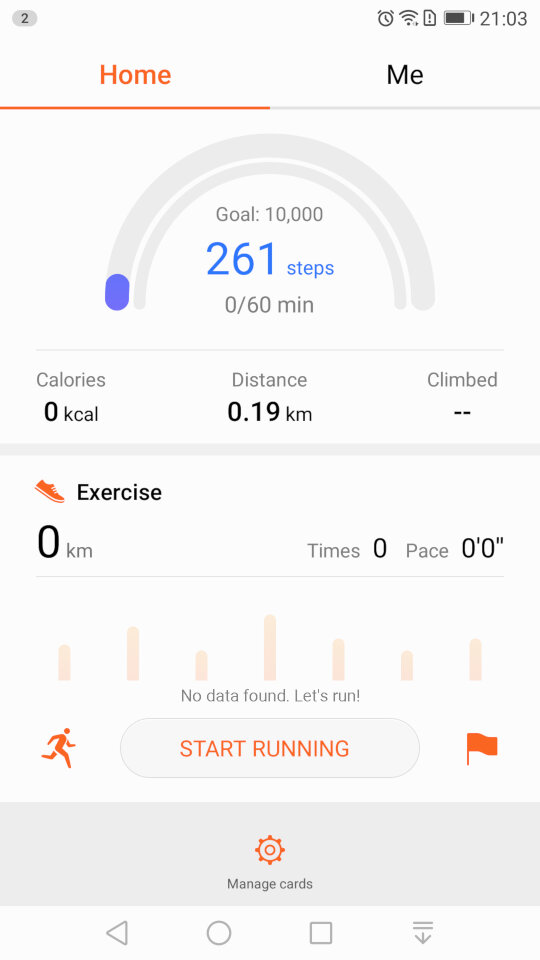
The Health app lets you monitor your steps and log your weekly exercise. If you’re losing weight it can also log your weekly weight and amount of calories burnt, very similar to Sony’s Lifelog and Fitbit apps.
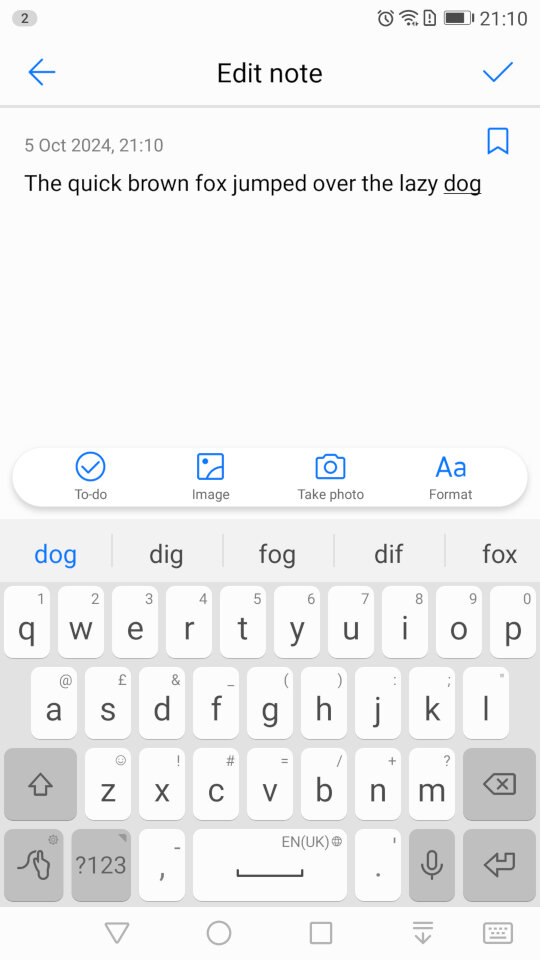
The Notes app lets you create text and multimedia notes, you can embed images within notes and add additional formatting like bullet points for lists. Notes can be tagged as either Personal, Travel, Life or Work for better organisation.
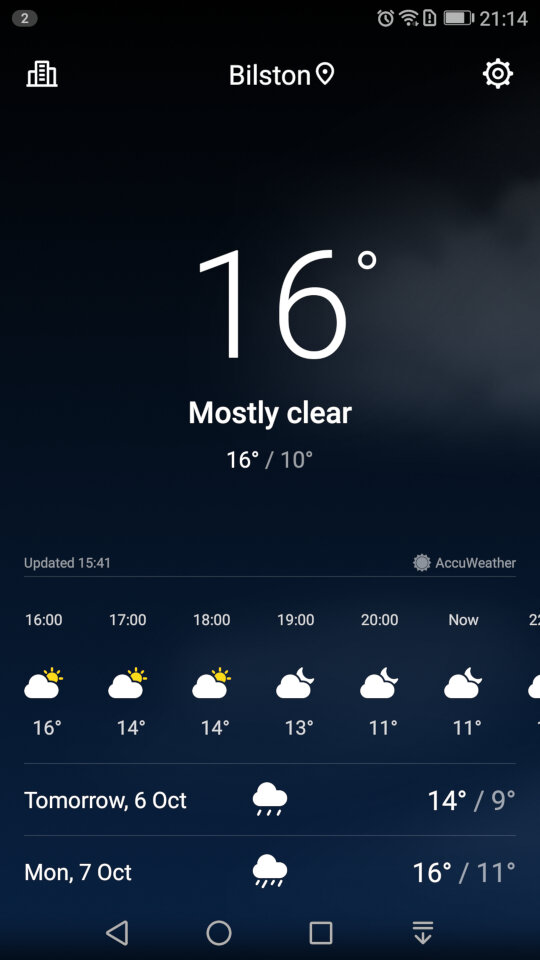
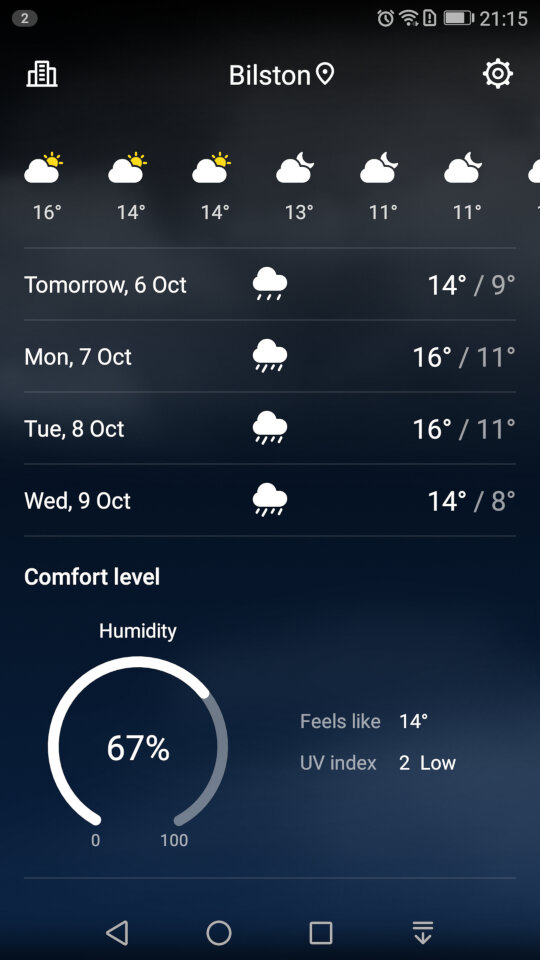
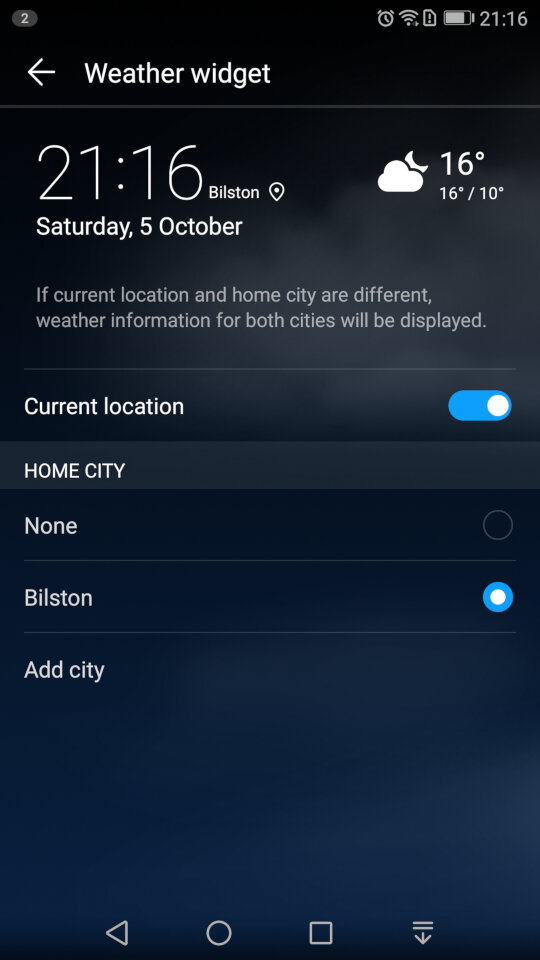
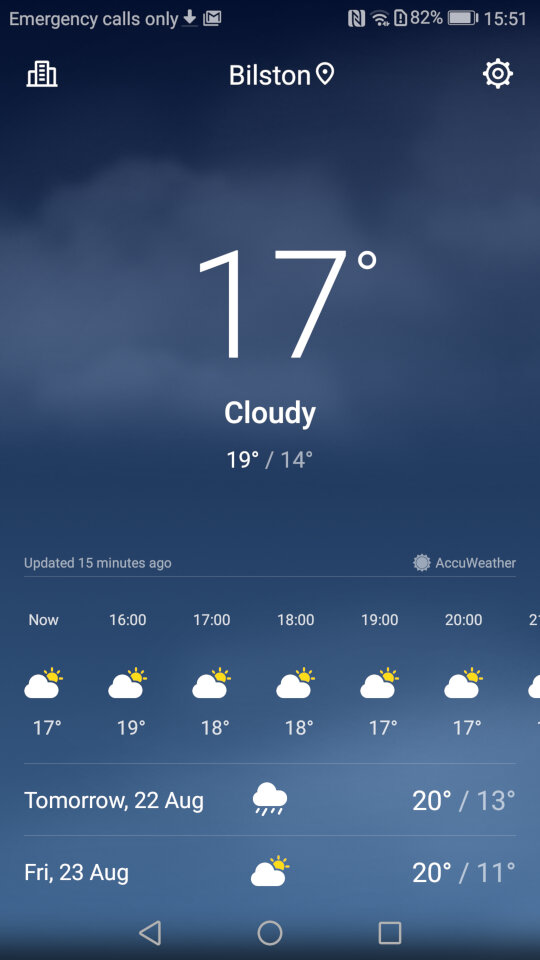
Weather app which will shows the current forecast, scrolling down will revel additional information like the Wind, Humidity and the weekly forecast. You can add additional locations.
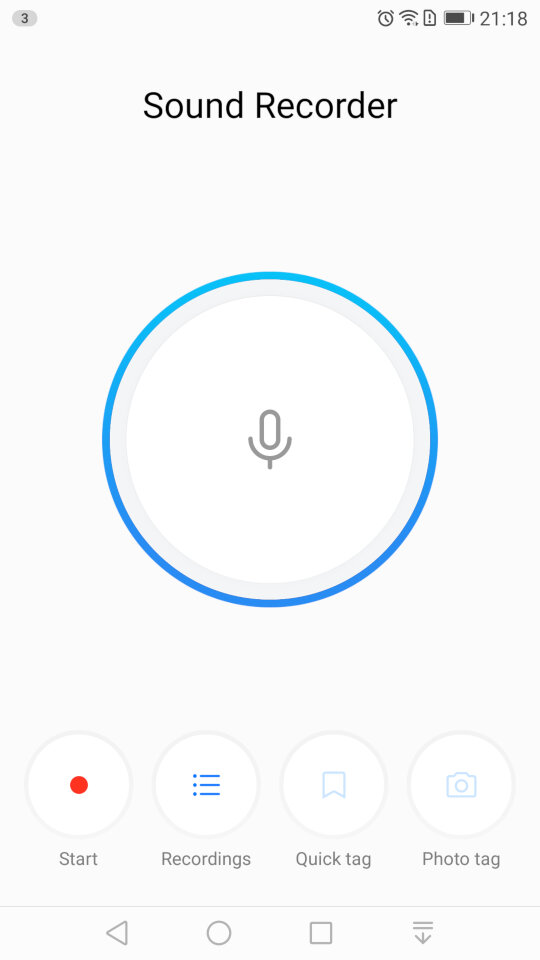
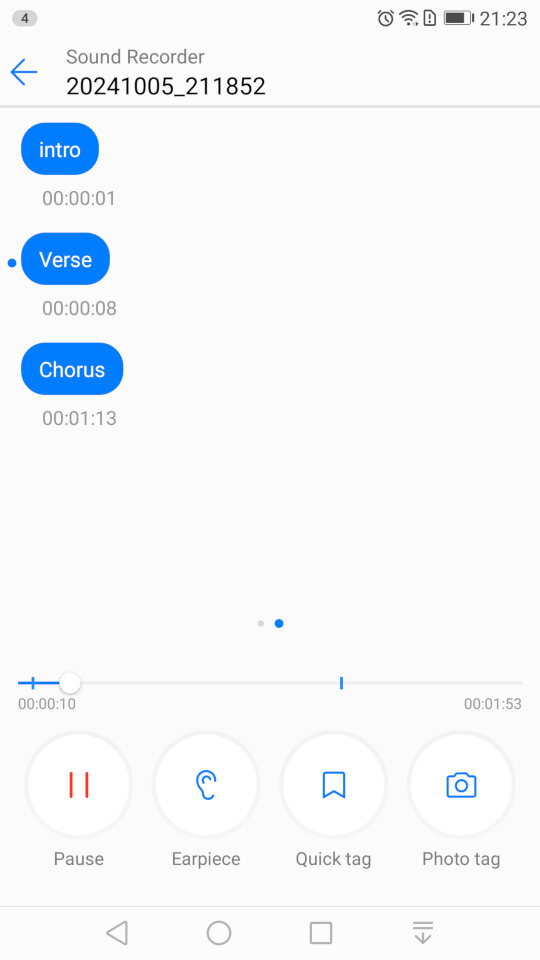
The sound recorder, which lets you add tags that lets you jump to sections of the recording as they are added. This is useful if you have an long recording, and you need to quickly jump to a specific section, like if you were recording a lecture. It’s a nice feature that you don’t normally encounter with smartphone voice recording apps. You can also choose to playback from the loudspeaker or the earpiece instead for better privacy.
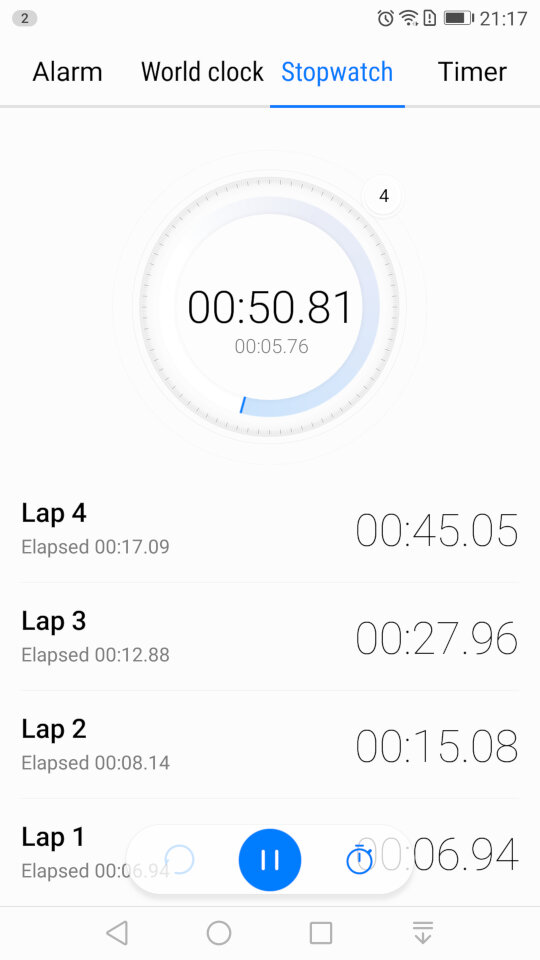
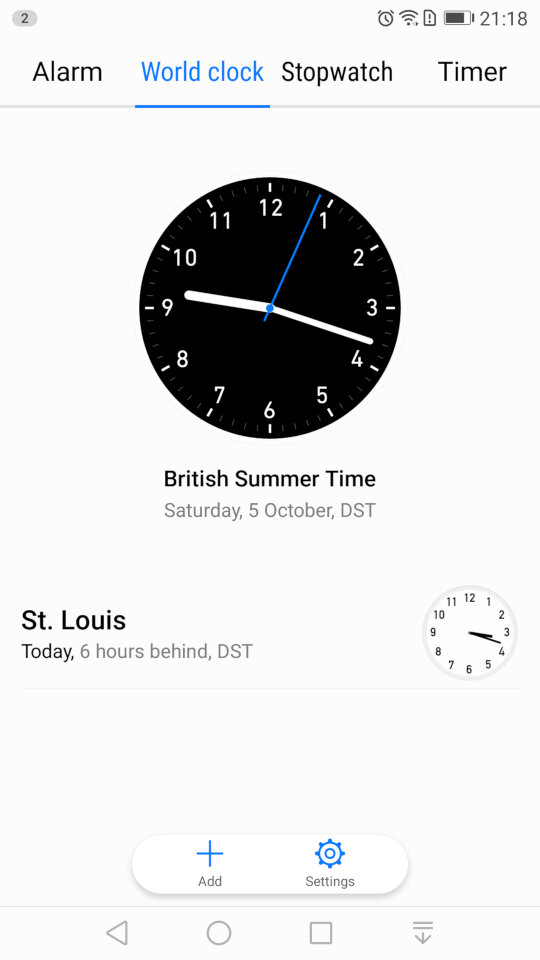
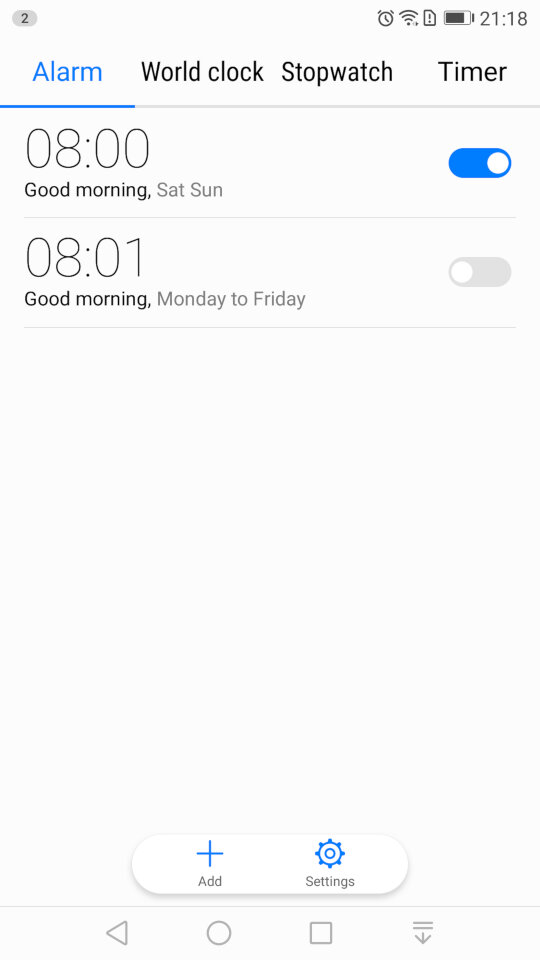
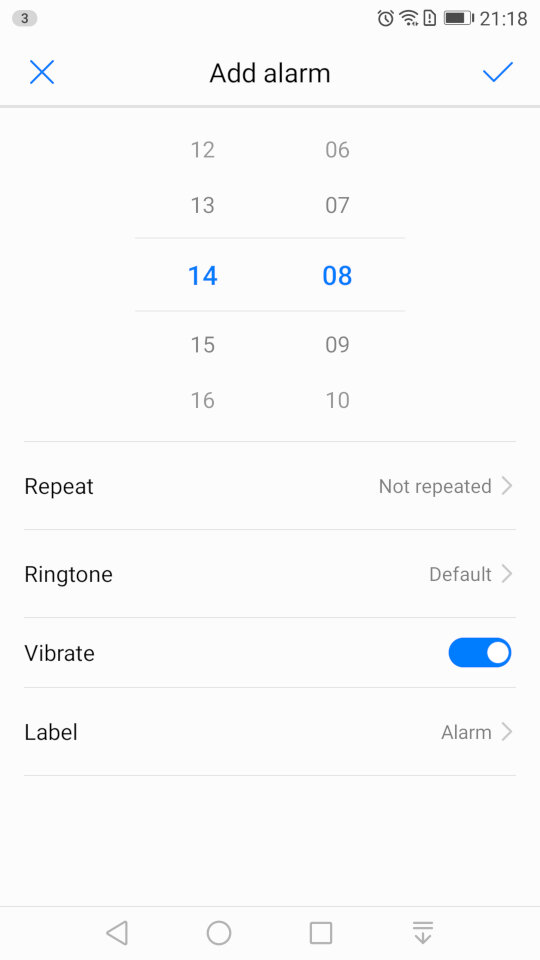
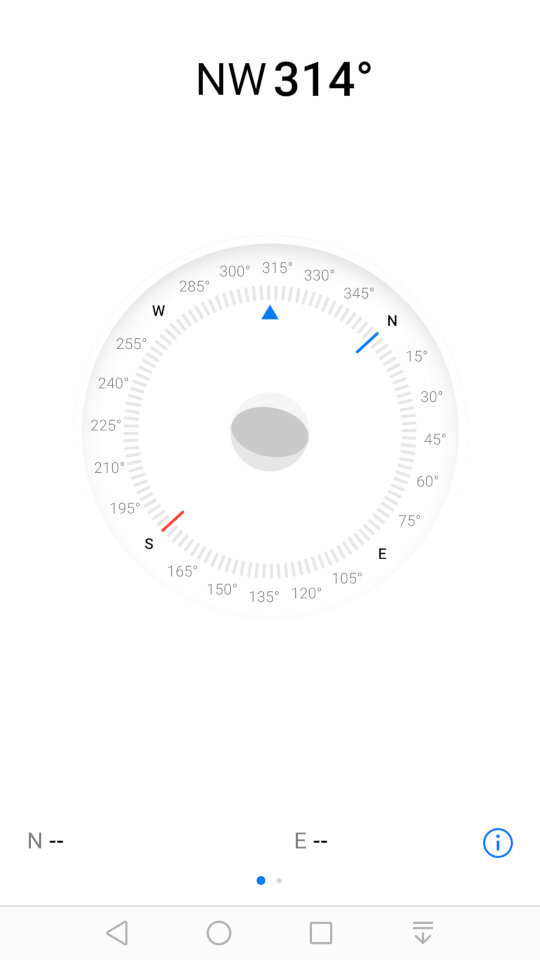
Some screenshots of the other default apps like the calendar, clock/alarm app, etc. These aren’t really noteworthy but still interesting to see the design language and style that Huawei have adopted.
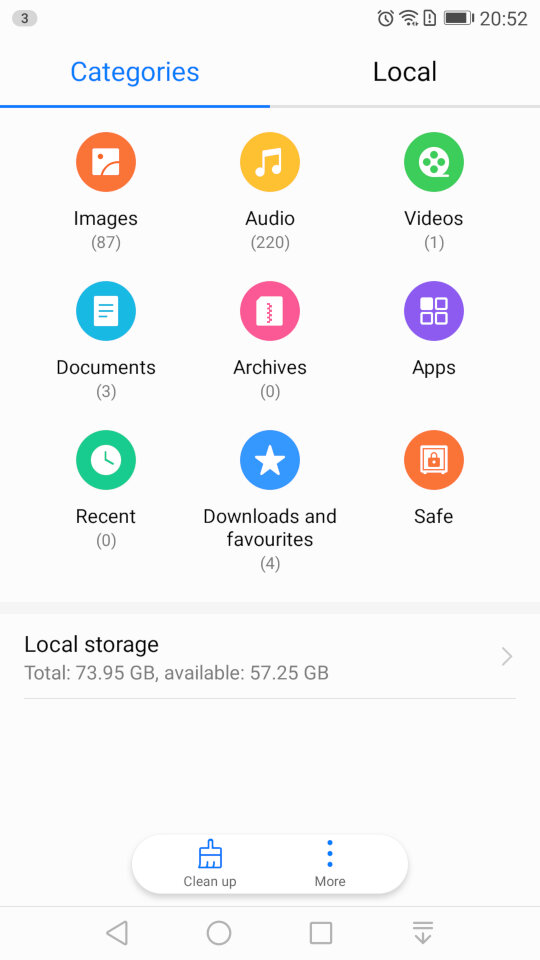
And the file manager, which looks very similar to the one that was in the Samsung Galaxy Alpha
Settings
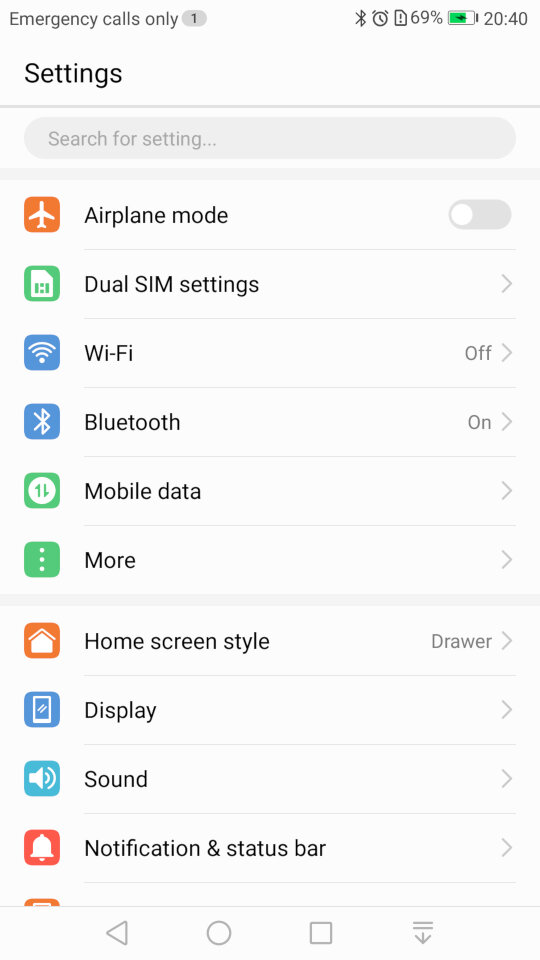
If you’re an iOS user you might be familiar with the layout of the settings screen. Here’s Huawei’s take on the design.
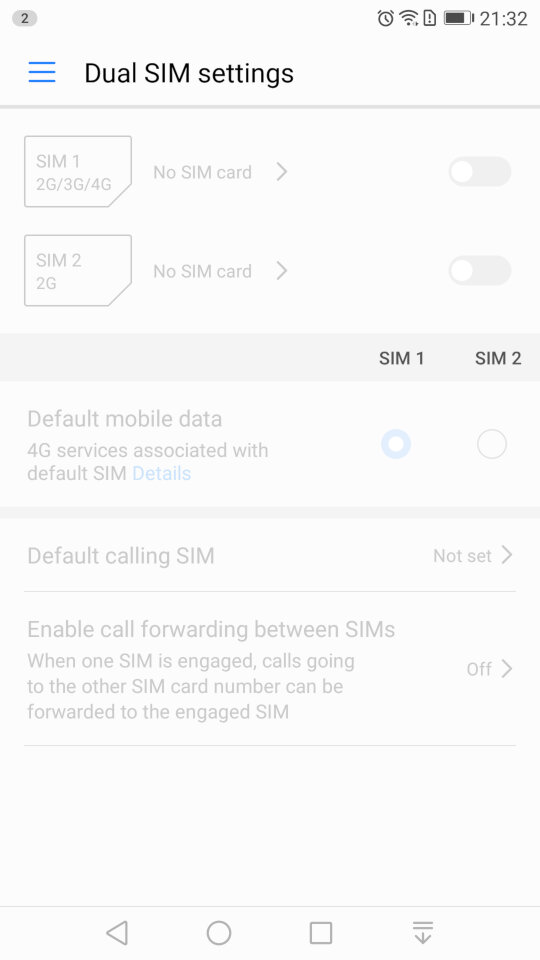
The phone include dual sim card slots to allow the use of dual SIM cards.
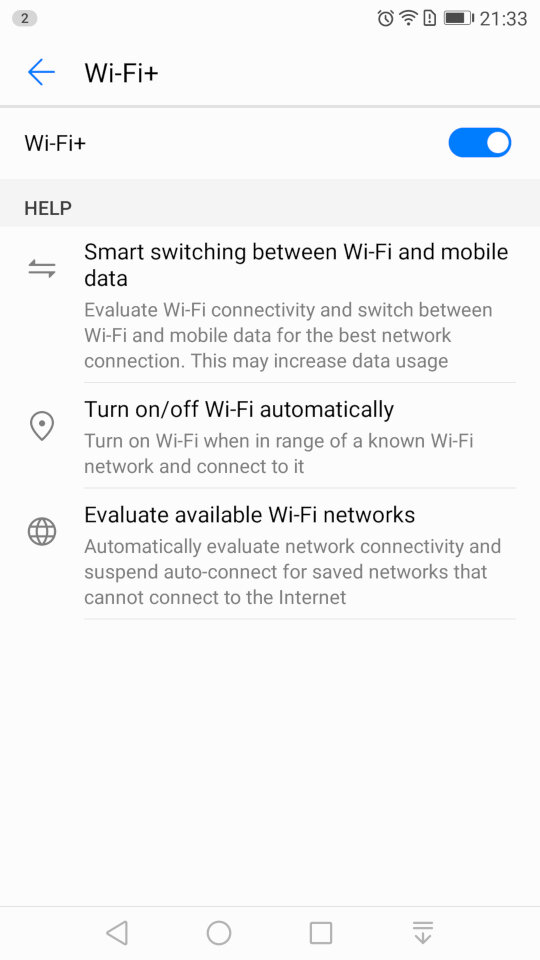
The Wi-Fi settings page, which has an option for Wi-Fi+/ This lets you quickly switch between Wi-Fi and mobile network data, if you are in a weak or fringe Wi-Fi zone. You can also set the Wi-Fi to automatically enable when you are at your home location, rather than leave it turned on all day, similar to Wi-Fi sense on Windows Phone.
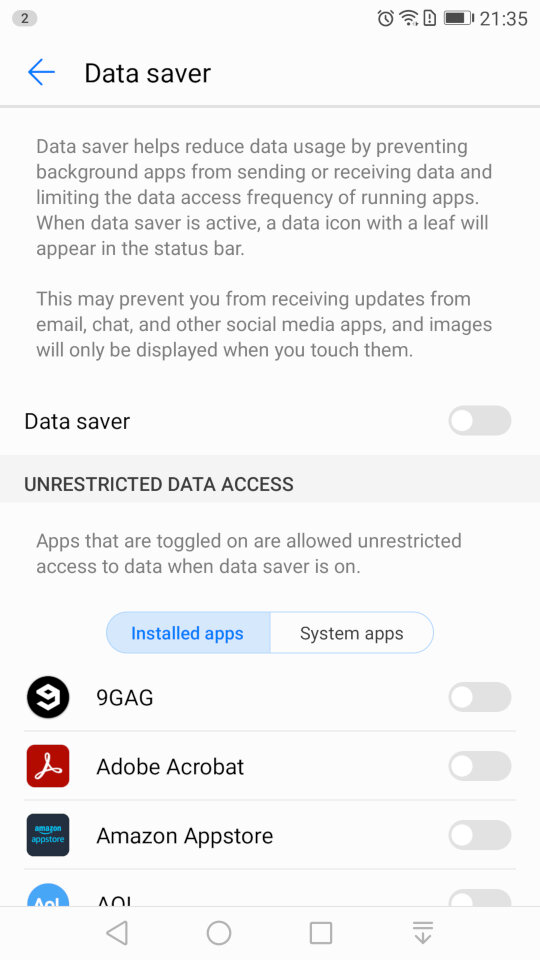
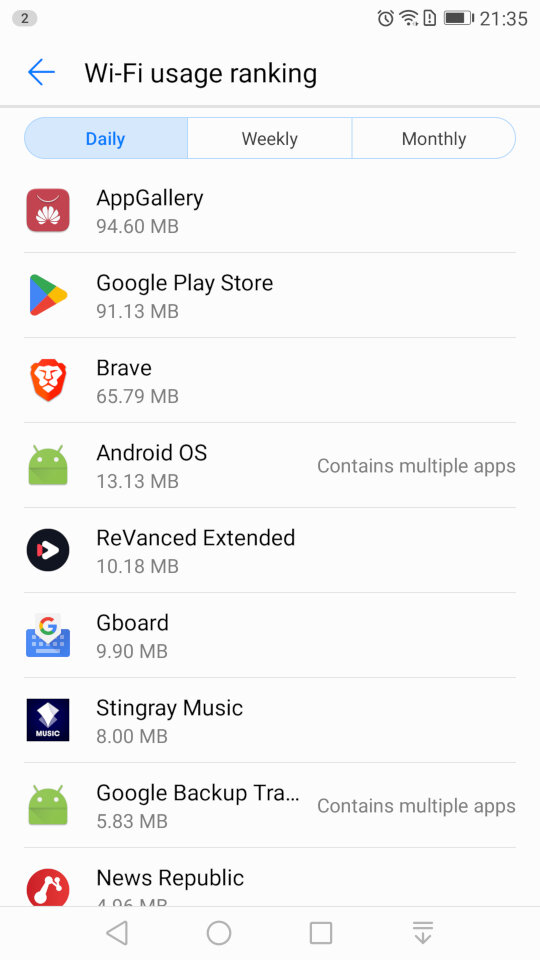
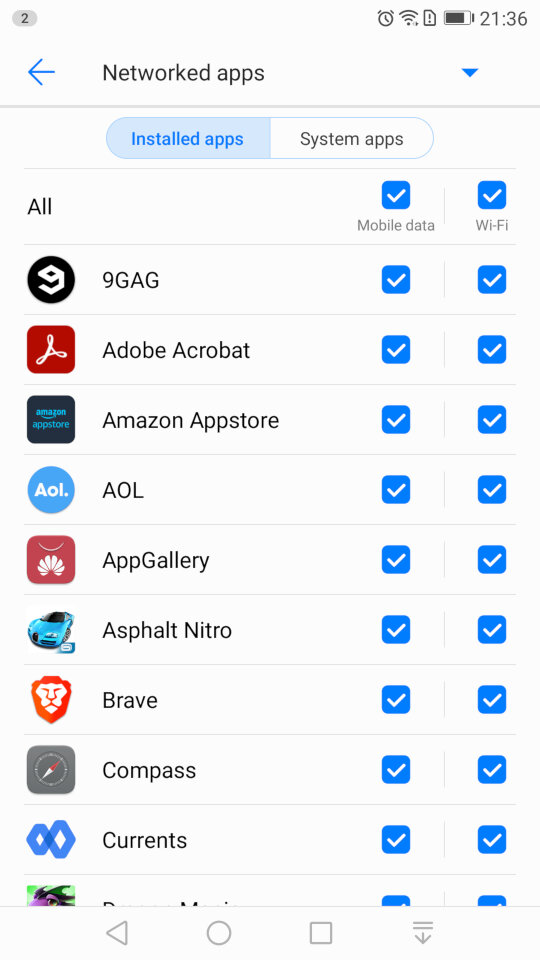
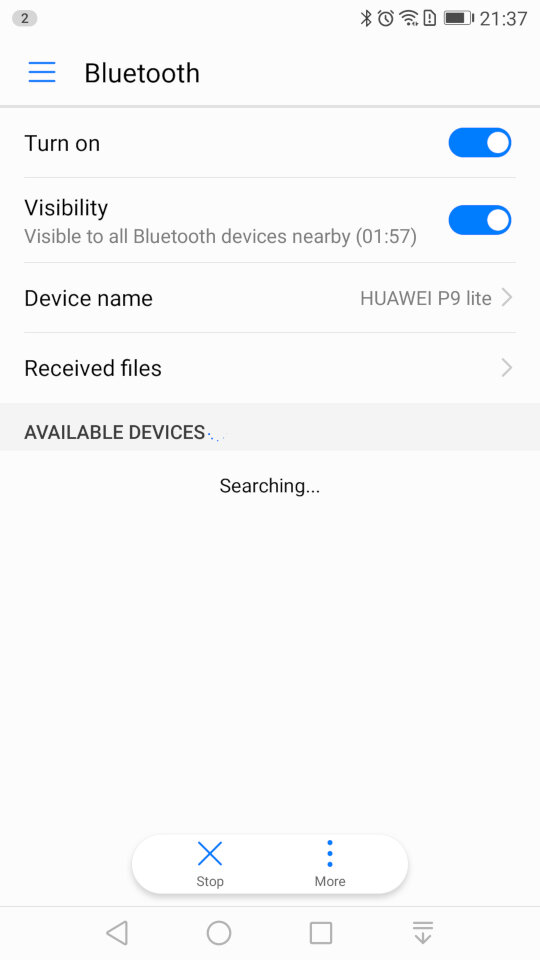
A look at the Bluetooth settings, and the mobile data screen that lets you monitor the amount of data each app has used, and to configure usage limits for when you have a limited data plan. You can also specifically set if you want an app to allow or block data access for Wi-Fi or mobile data individually. The Bluetooth screen also has a handy shortcut for received files, as many OEM’s will just point you to the phones default file manager, typically in the downloads folder.
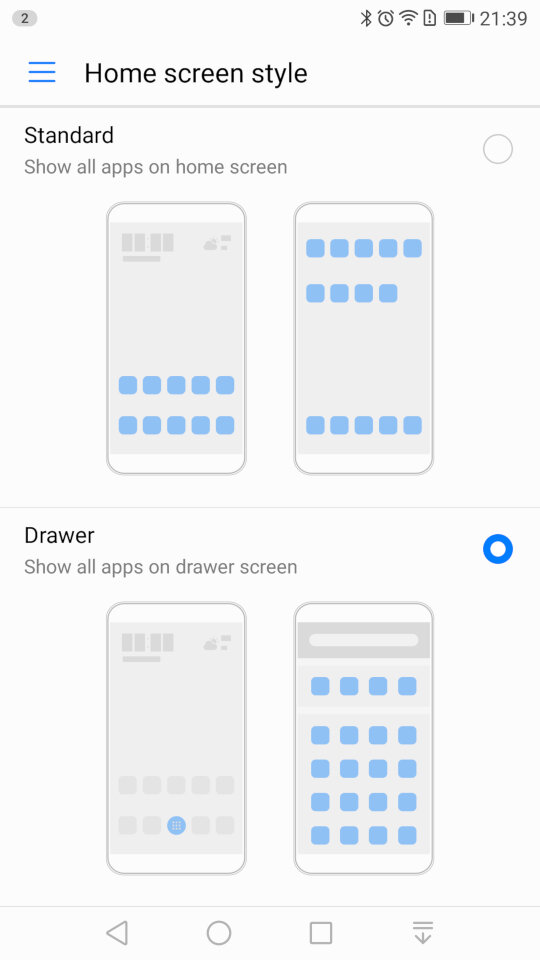
Changing the home screens style, you can choose the standard interface which emulated the iOS setup, where all installed apps are placed on the screen, or the Drawer interface which is closer to the Android style, where apps are placed in a drawer and only pinned apps appear on the home screen.
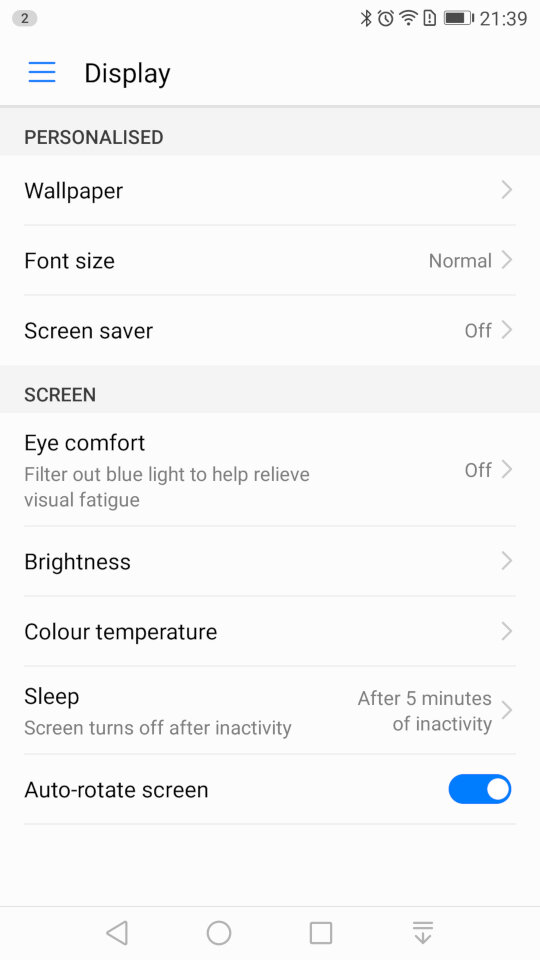
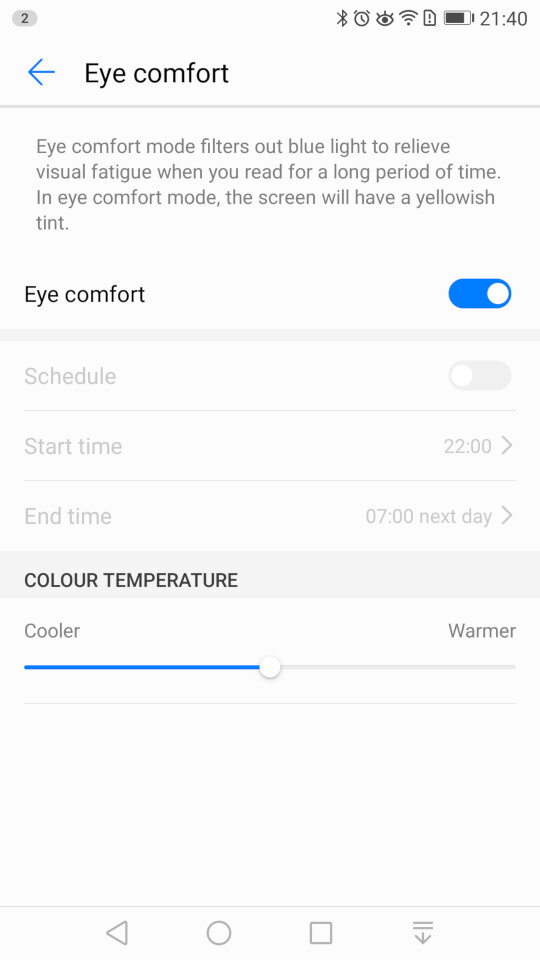
The display settings where you can change the wallpaper, font size and the screensaver for when the phone is charging. The eye comfort feature is similar to the NightShift feature of iOS, or the Flux/Night Light utility for Windows where is filters out the blue light to make it easier for night time use.
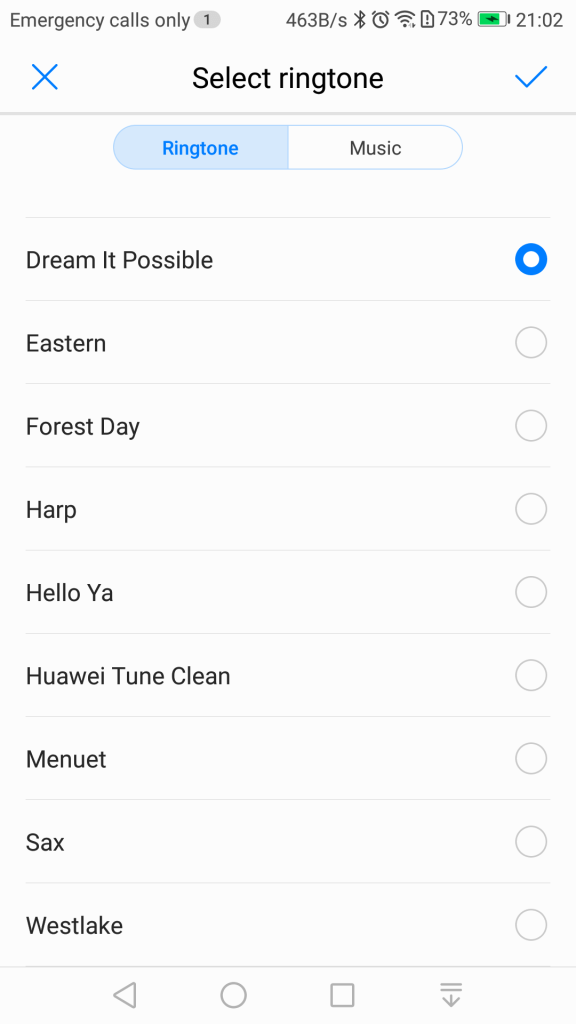
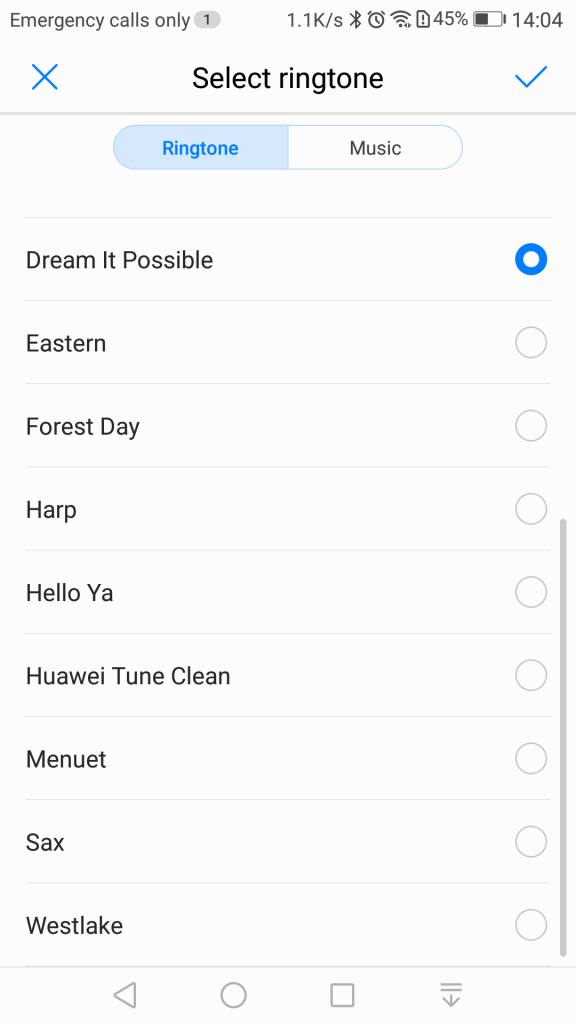
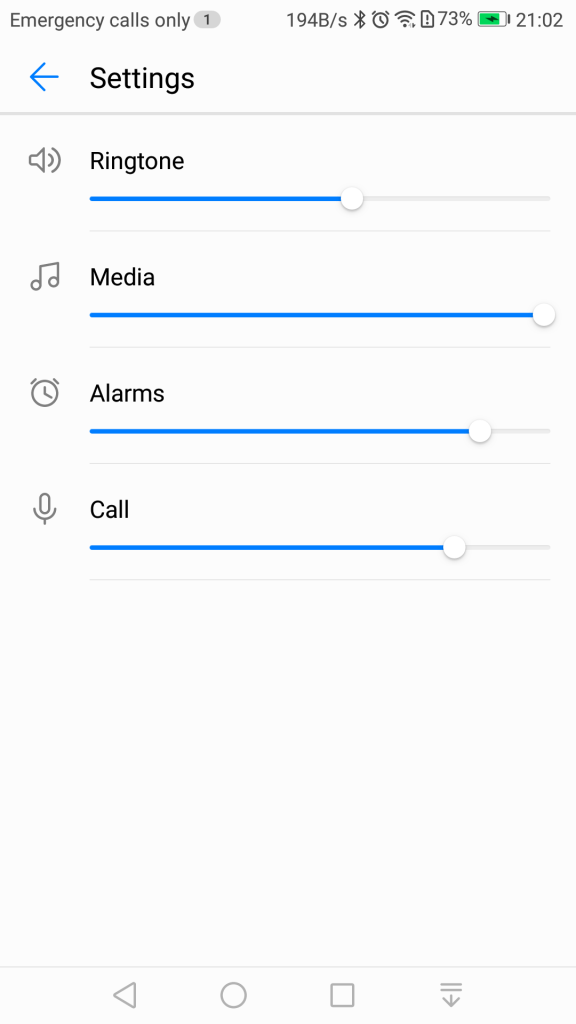
Sound settings for the volume and changing the ringtone, if you have dual sims you can set a ringtone for each SIM card. You can also toggle sounds off or on for individual events. .
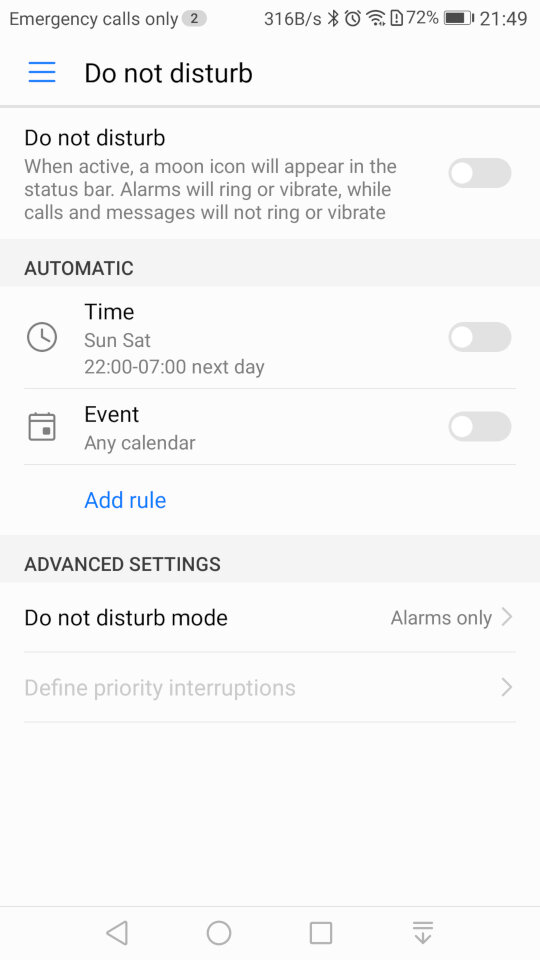
Do Not Disturb will silence the phone notification’s for a specific amount of time, or for a fixed schedule. You can set priority interruptions for specific contacts like family members if they need to ungently contact you.
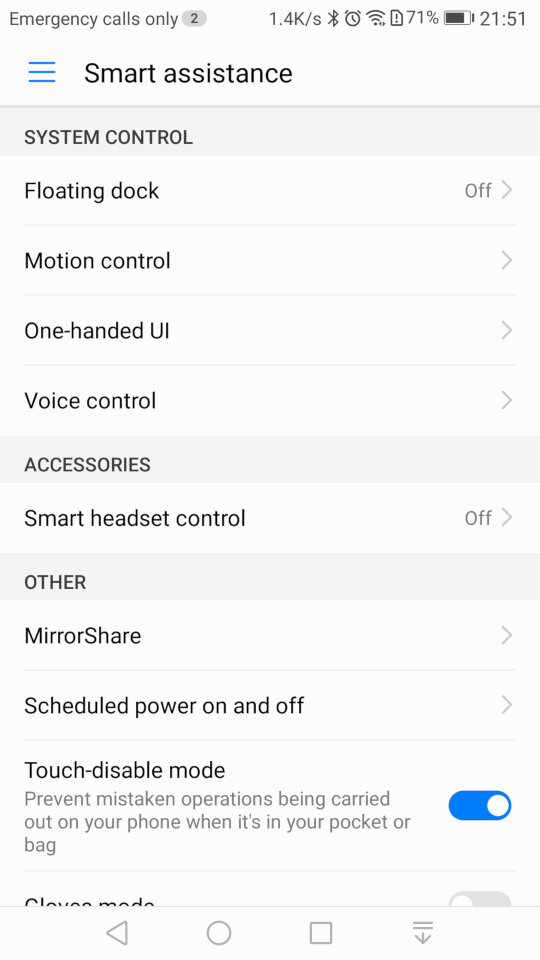
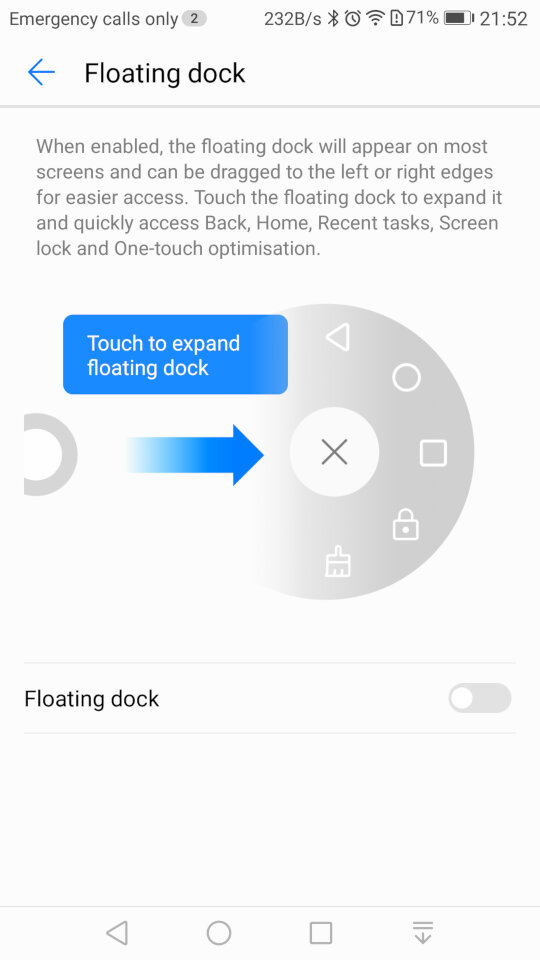
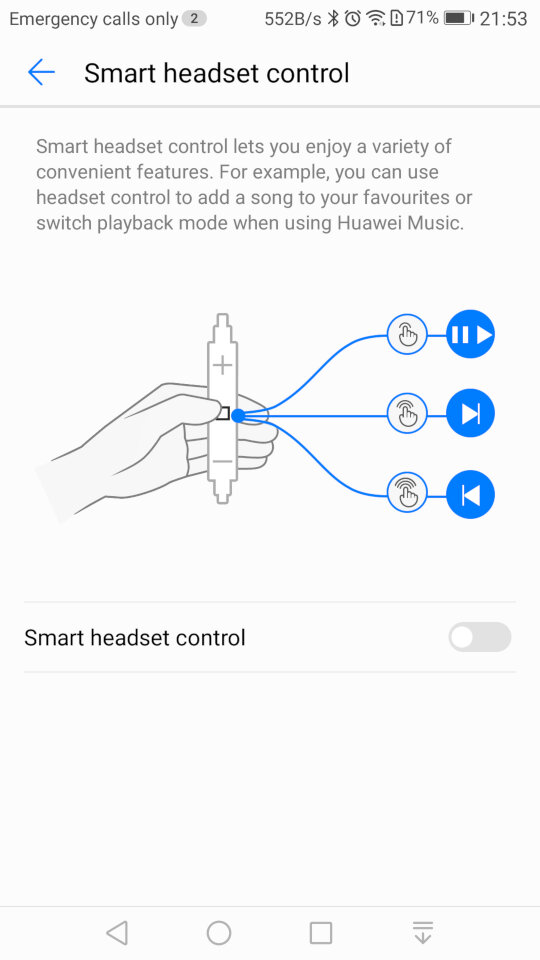
Smart Assistance, where you can enable features like Motion Control that allows you to mute the phone by turning it over when an incoming call is received. The Floating Dock will show the main navigation buttons into a widget that is drawn over other apps and can be freely moved around the screen. Smart Headset control lets you add additional functions to the volume controls on the headset, you can double press to like song, or to enable shuffle. This only works in the Huawei music app and does not function on apps like Spotify or Deezer. Lastly Mirror Share is the phones Miracast feature for casting your screen to a TV or supported device.
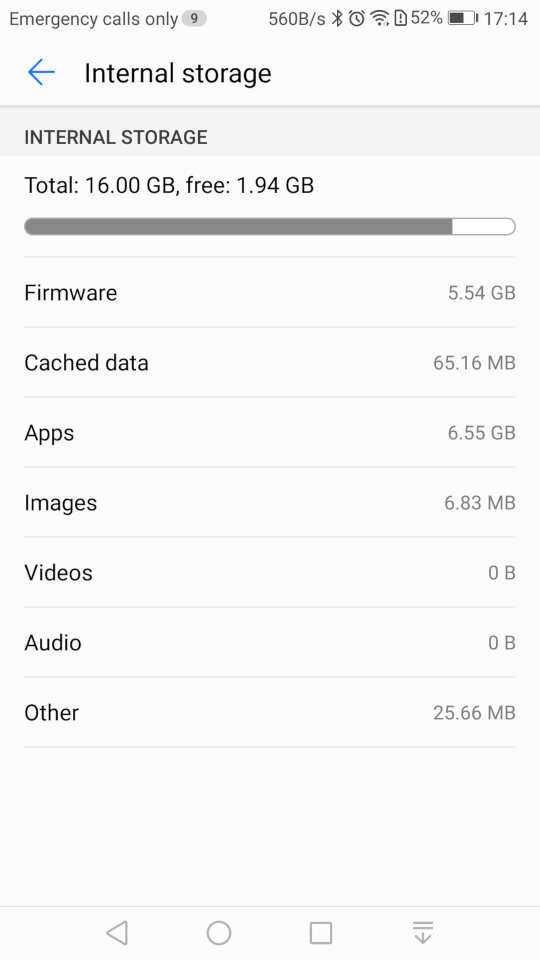
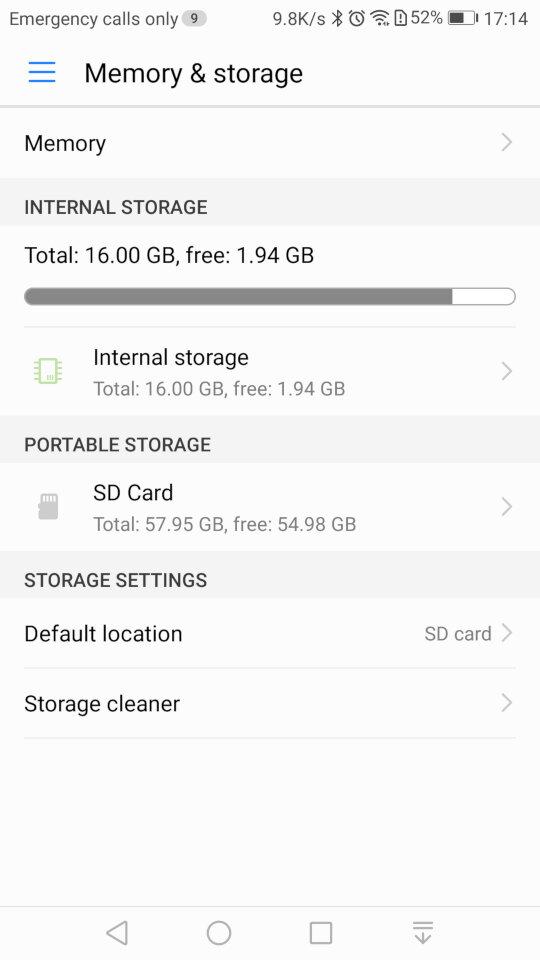
Storage information for both internal and external storage. The SD card can only be used a portable storage, Huawei has disabled the adoptable storage feature of android which limits what apps can be installed to the SD card.
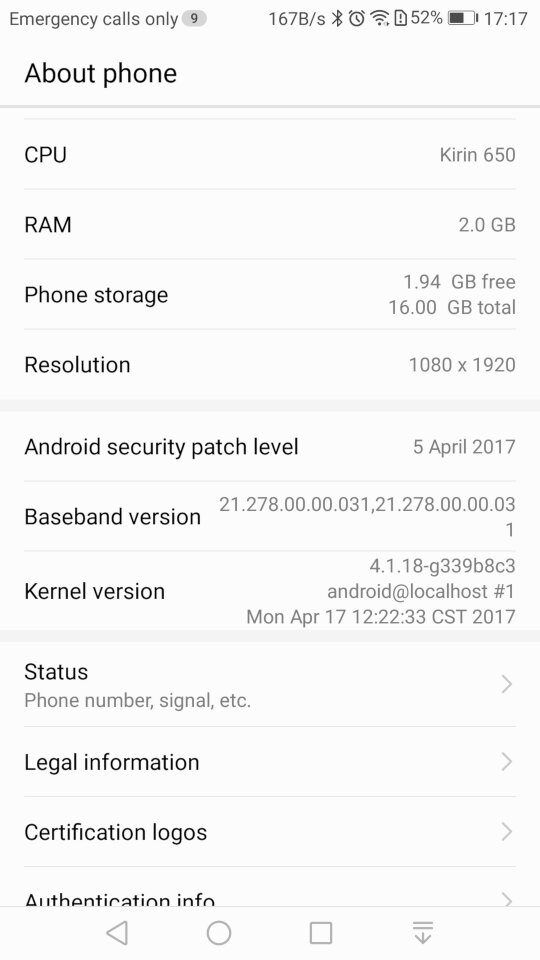
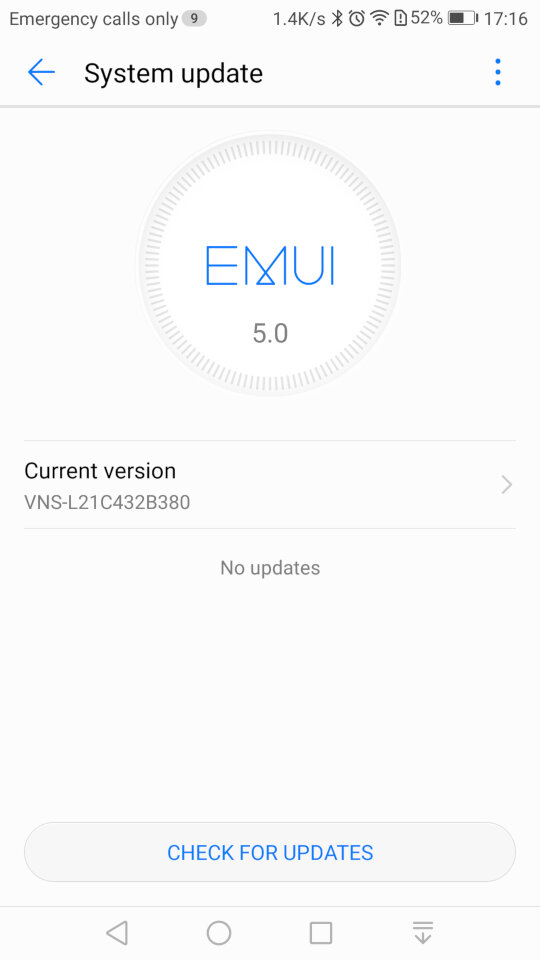
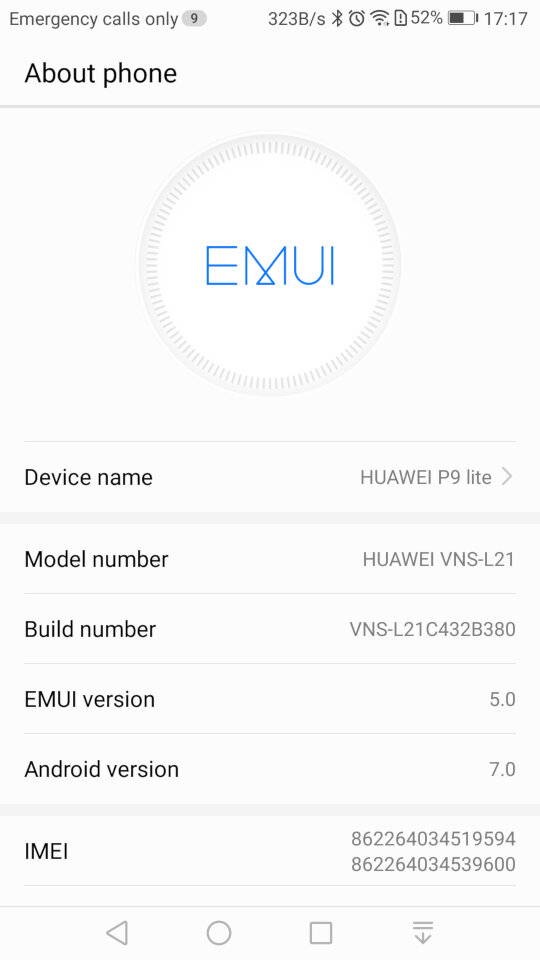
System update settings, here we are running the latest build for this handset, And the system information screen
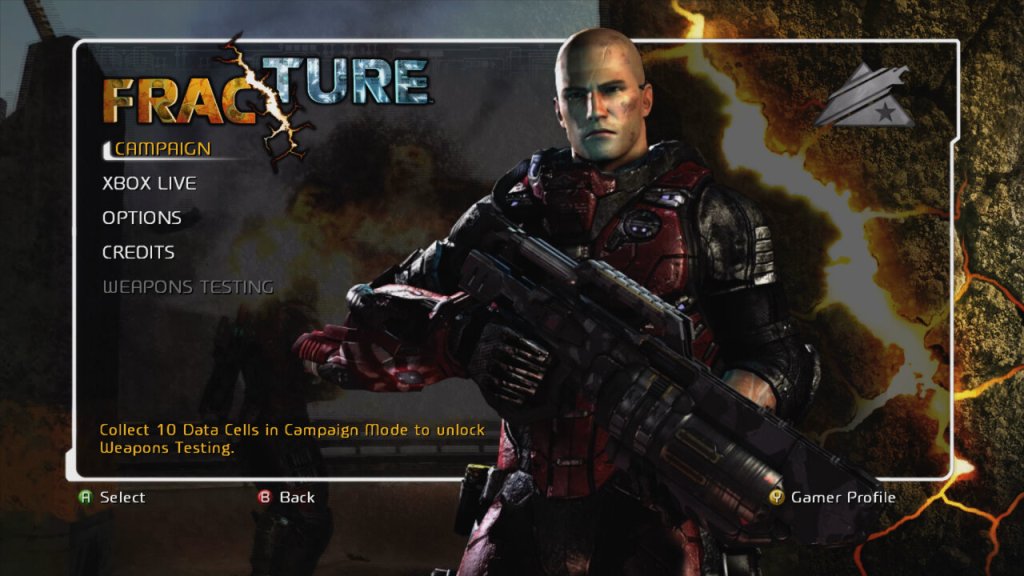
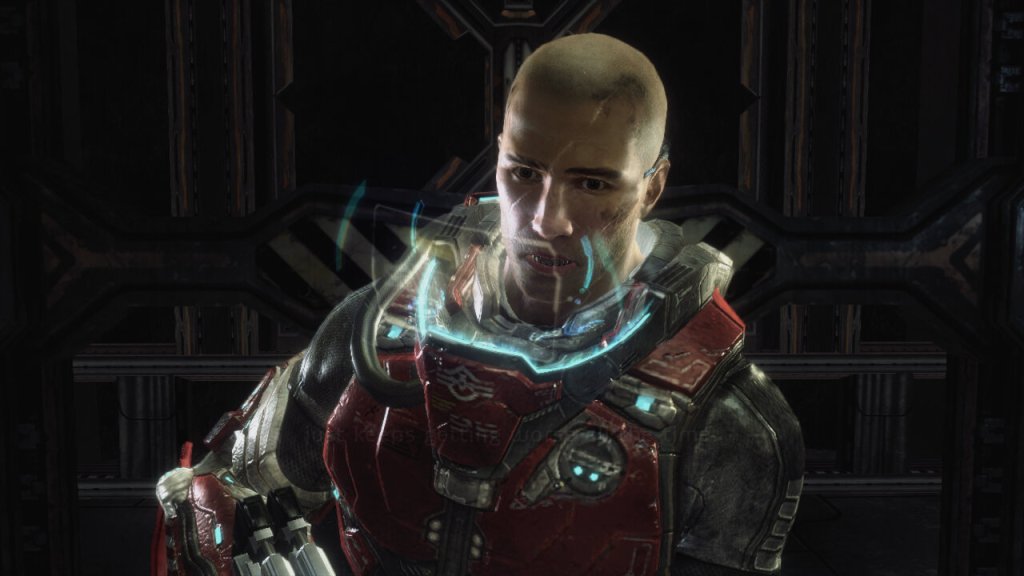
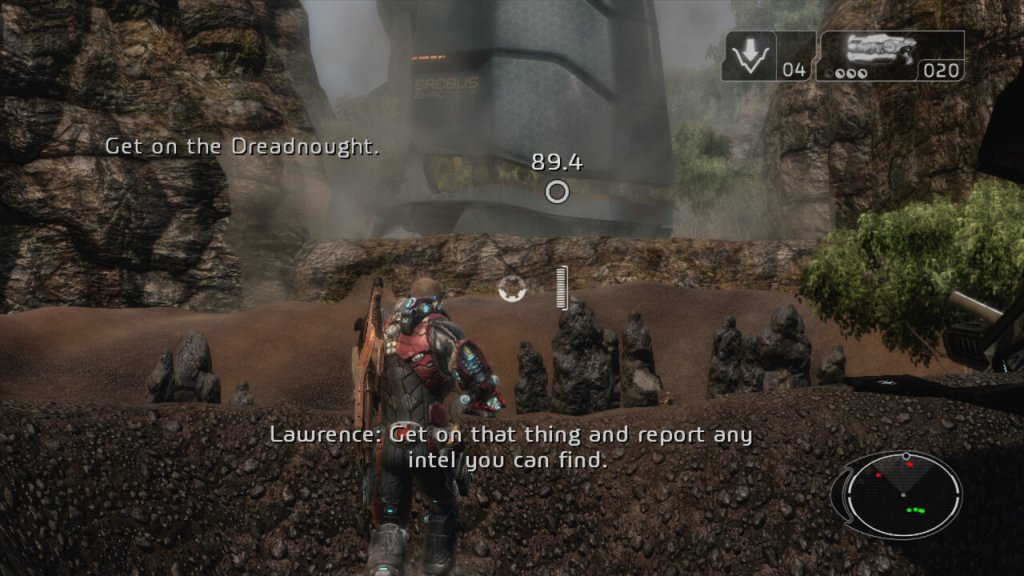
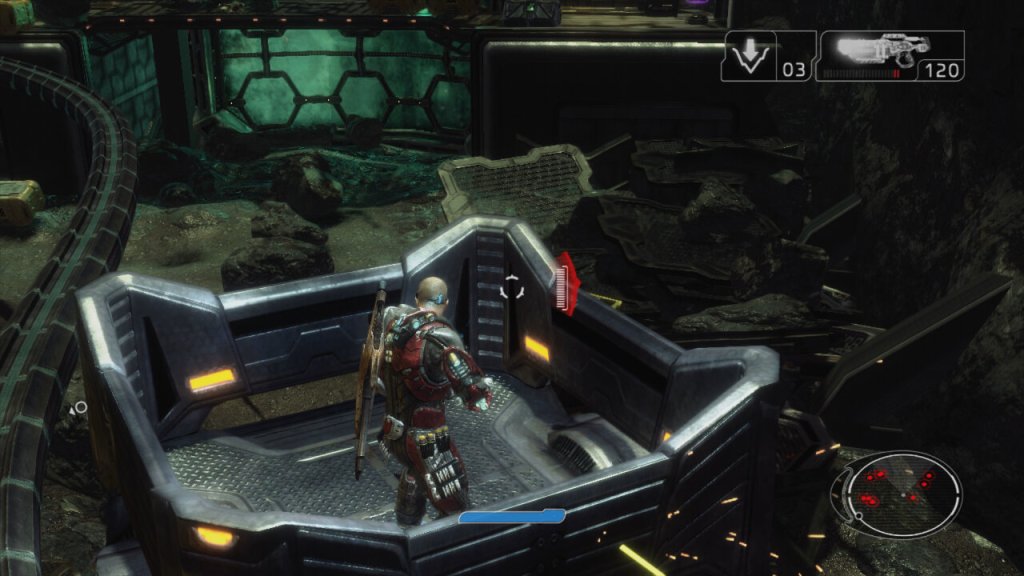
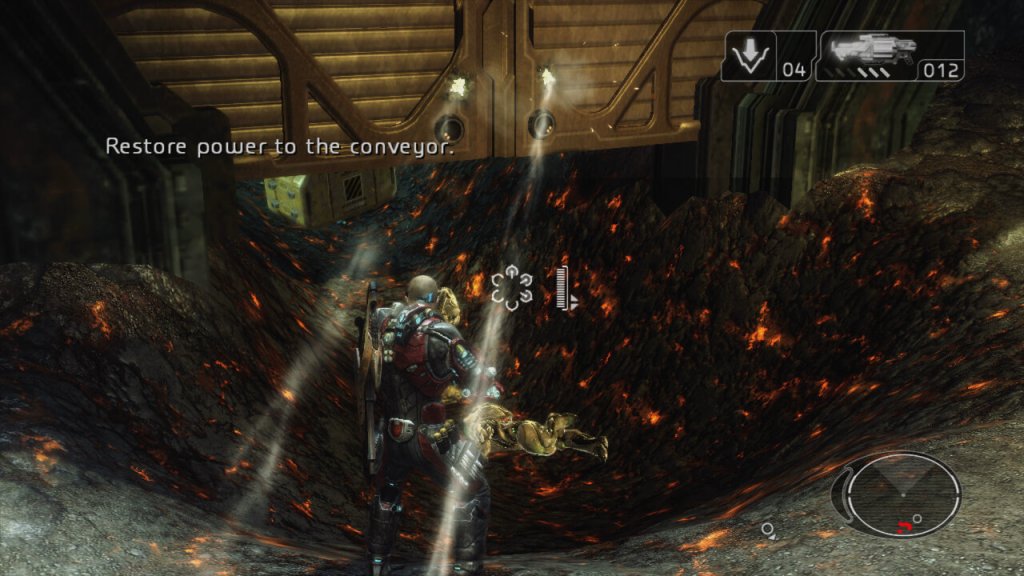
A third person shooter game with some interesting gravity mechanics. Released in 2008 and Published by LucsasArts
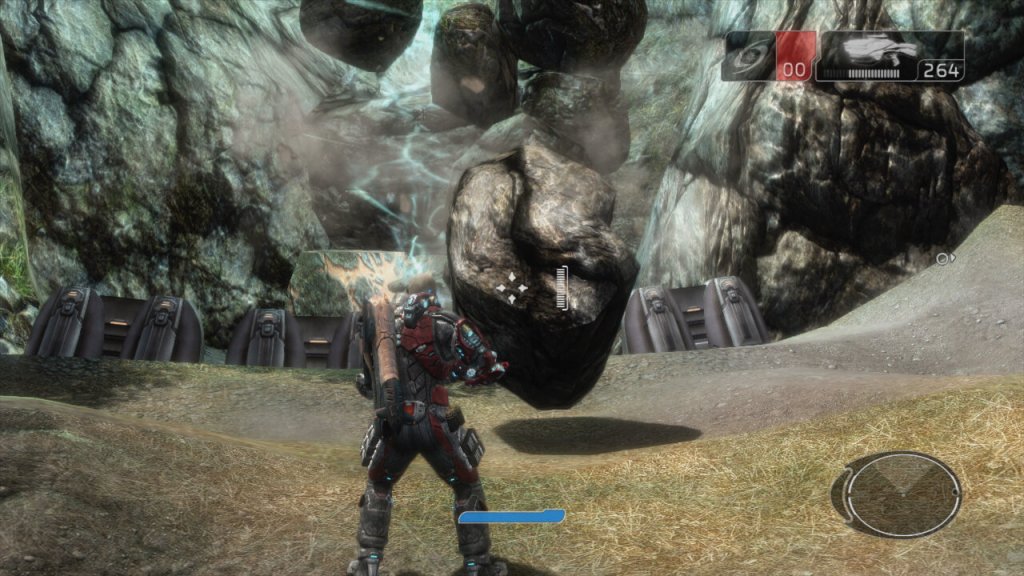
The game is set in the year 2161, where tectonic weapon technology has had an impact on Earth, being a result to climate change and rising sea levels, resulting in the Government investing in terrain morphing research. Basically means you have the ability to raise or lower certain parts of the ground with your weapon and grenades.
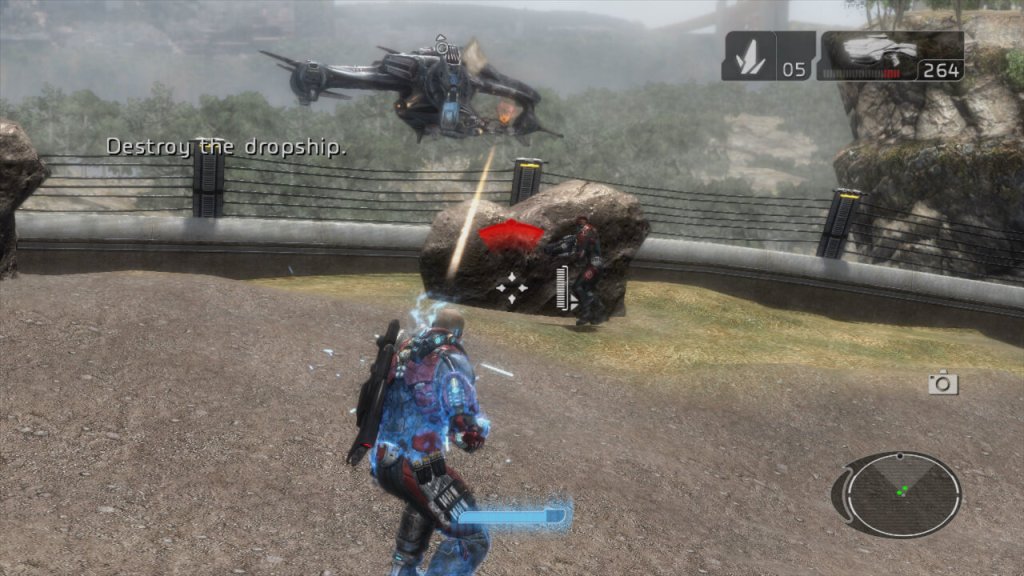
The concept of the game was brilliant with it’s tectonic warfare, being able to manipulate the battlefield like it’s SimCity? You’re not just shooting or hiding; you’re literally playing God with the terrain. Raise the land, drop a rift, crush your enemies like bugs with moving rocks. It’s like someone looked at “Earthquake” and said, “I can make this a weapon.” However the actual implementation was very disappointing and is mostly used for moving objects to progress the story. For combat, it’s easier to take cover behind objects, rather than manipulating the ground to your advantage. Certain points of the mission require you to raise the ground to realign a bridge, or to lower the ground to remove a blockage. Whilst this mostly works, sometimes the ground can clip into the objects, making the game look a lot sloppier in presentation.
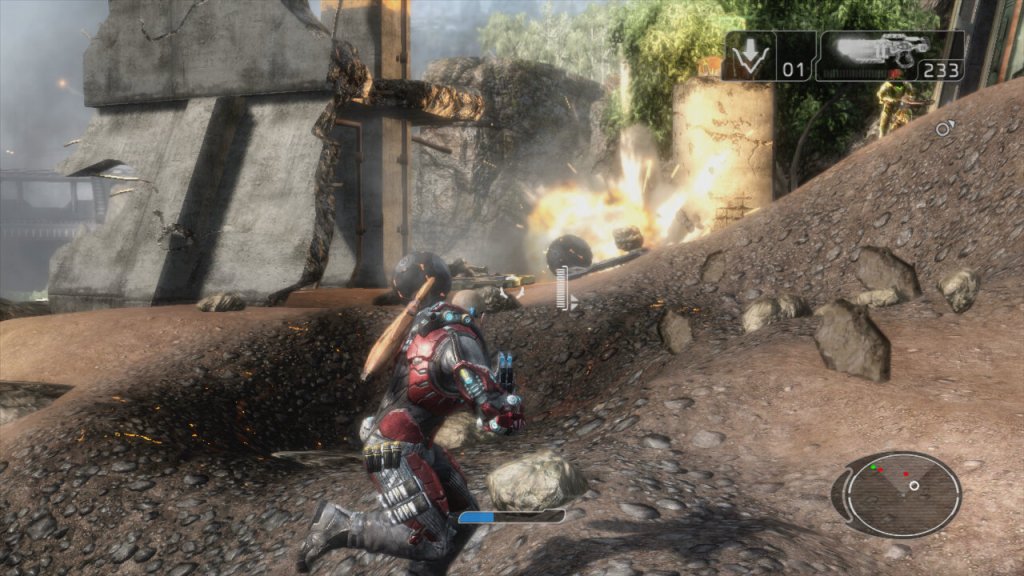
Now, gameplay. That terrain manipulation? Fun for about five minutes until you realize it’s the only trick in the game’s bag. Everything else feels like it’s been done before, and done better. The fun part comes with the explosives, as there is a good amount of destructible objects (not environments, you’re limited here) that you can use to take out enemies. Things can get a bit chaotic at times if you set these off in a chain with other explosive objects on the map, especially Hyrdraballs, which are explosive balls which roll about the map that you can manipulate.
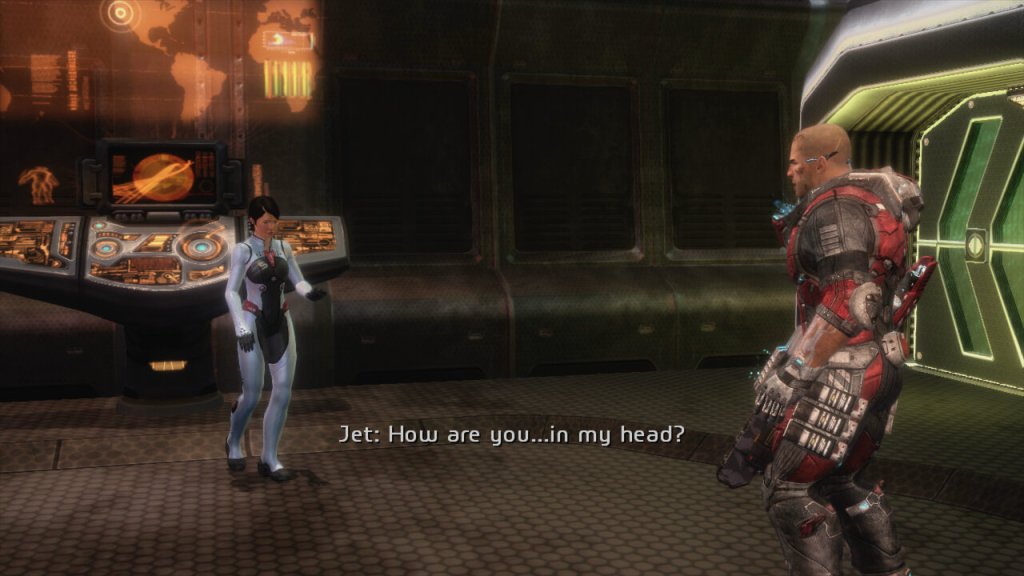
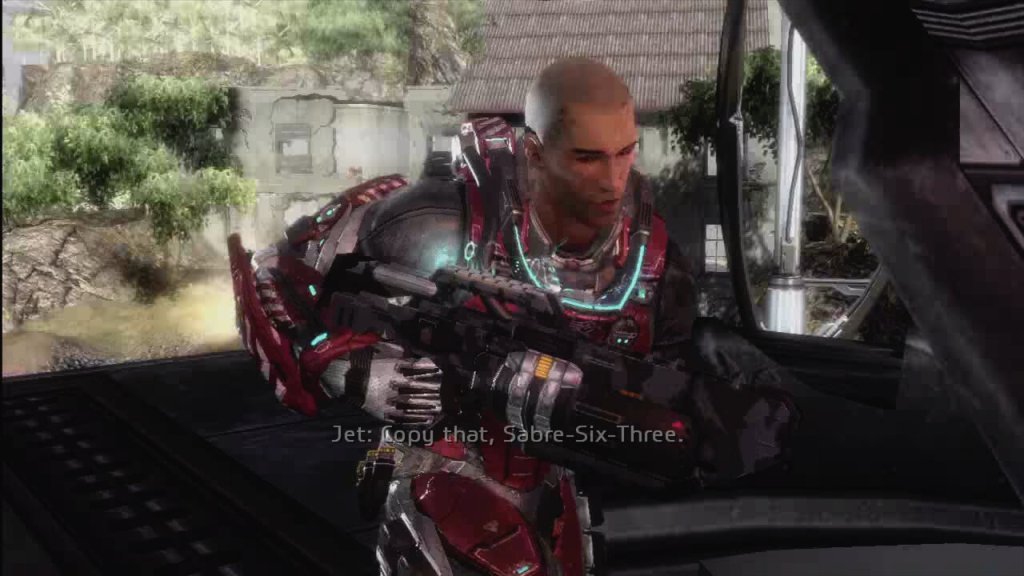
The main character is a very safe design for its time, being your typical bald space marine. I guess when you’re going with a risky gameplay concept, it’s wise to go with a typical protagonist. There’s a few cutscenes that appear as you progress through the game which detail the lot of the campaign, but it’s really nothing to write home about and can be easily forgotten. Essentially you are fighting a rival faction for power and your player character is a soldier that was in the right place at the right time. The story does explore themes of power, control over nature, the ethics of warfare, and the consequences of advanced technology. It questions the lengths to which nations would go for power and survival, and the impact on humanity when nature itself becomes a weapon.
The game was released for consoles only, for the Xbox 360 and the PlayStation 3. There waw no PC release which was unusually for a third-party game. The Xbox 360 version is considered to be the better port due to running at a higher resolution thanks to the 360 being easier to develop for. Remember this was 2008 where developers were struggling with getting to grips with the Cell Processor of the PS3.
In conclusion, Fracture is like a student project that gets a B for effort but a D for execution. It’s got one fantastic idea but doesn’t know what to do with it beyond the initial “wow” factor. If you’re into trying out games with novel mechanics for their novelty, give it a go. But if you’re looking for a deep, engaging experience? You might want to look elsewhere unless you’re really into watching potential squandered. It’s not the worst game out there, but it’s a reminder that sometimes, a great idea isn’t enough to make a great game.
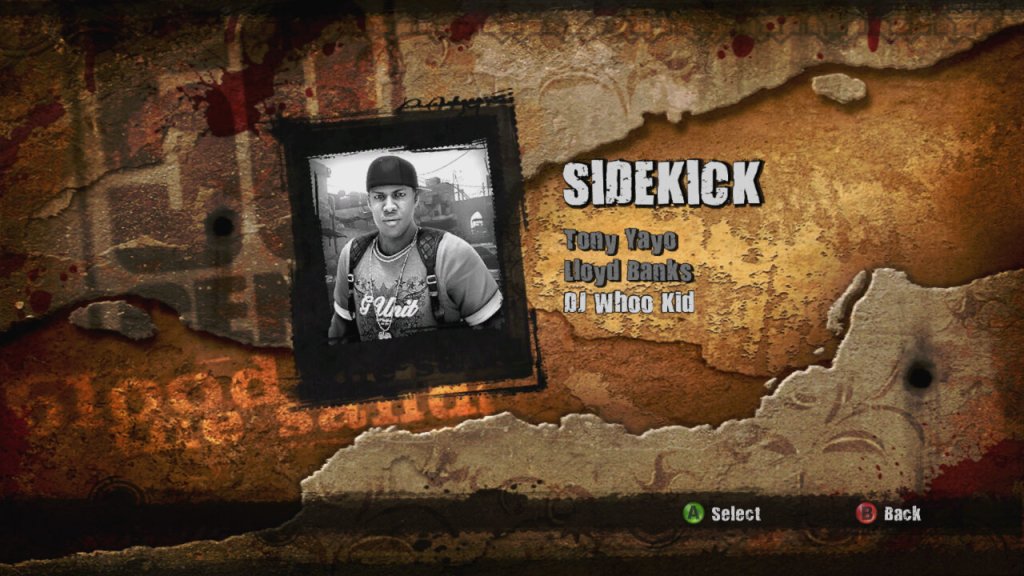
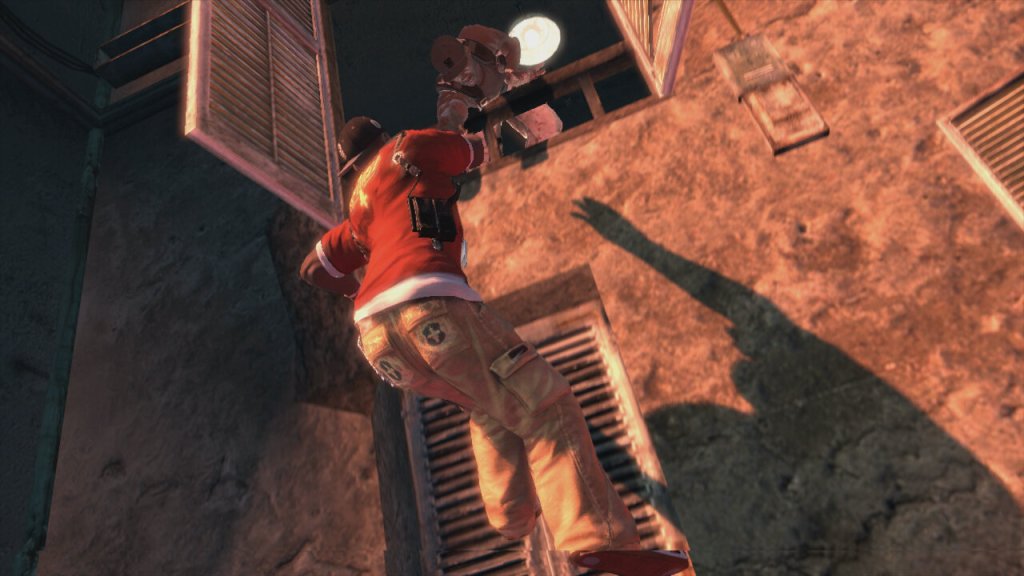
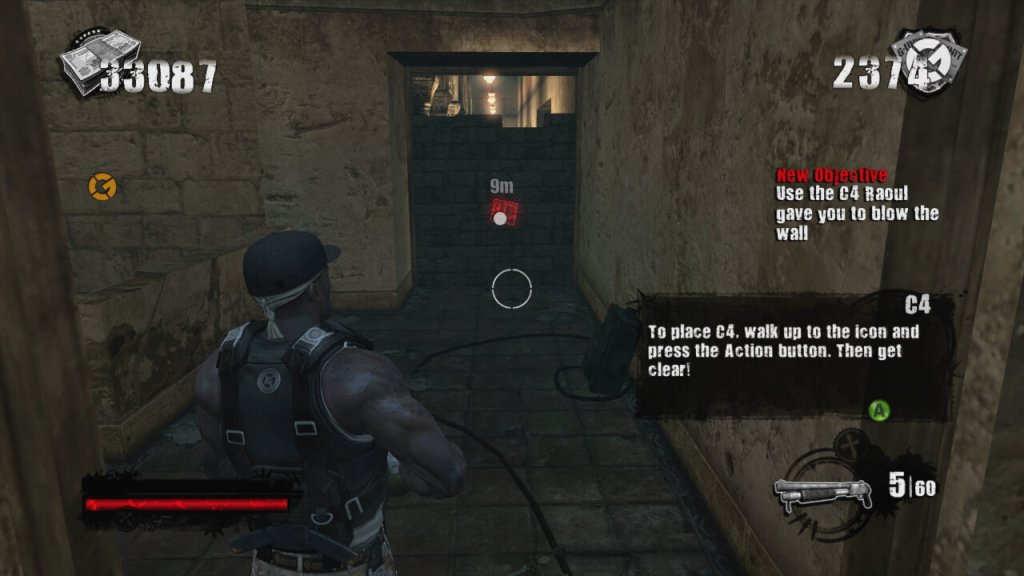
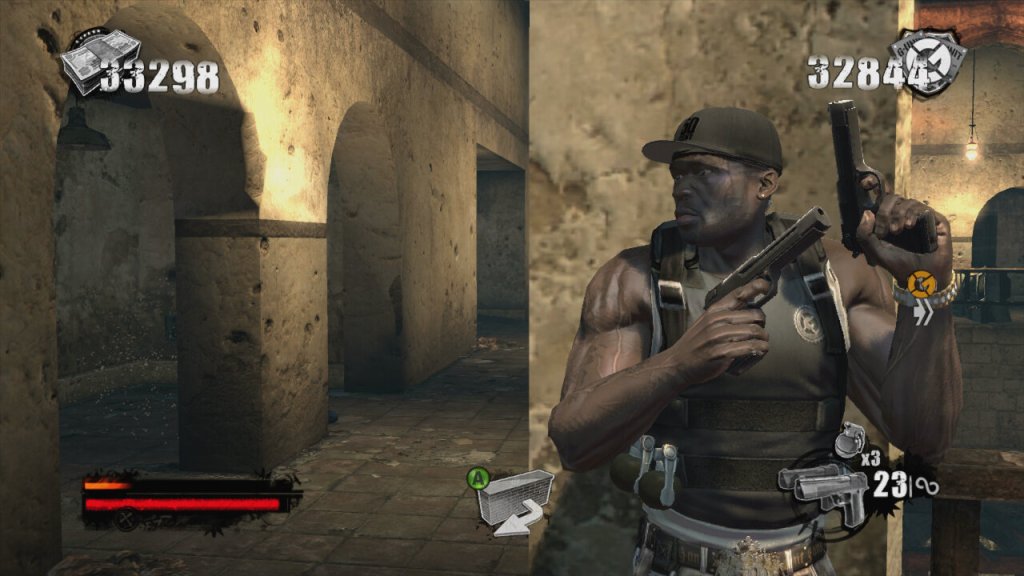
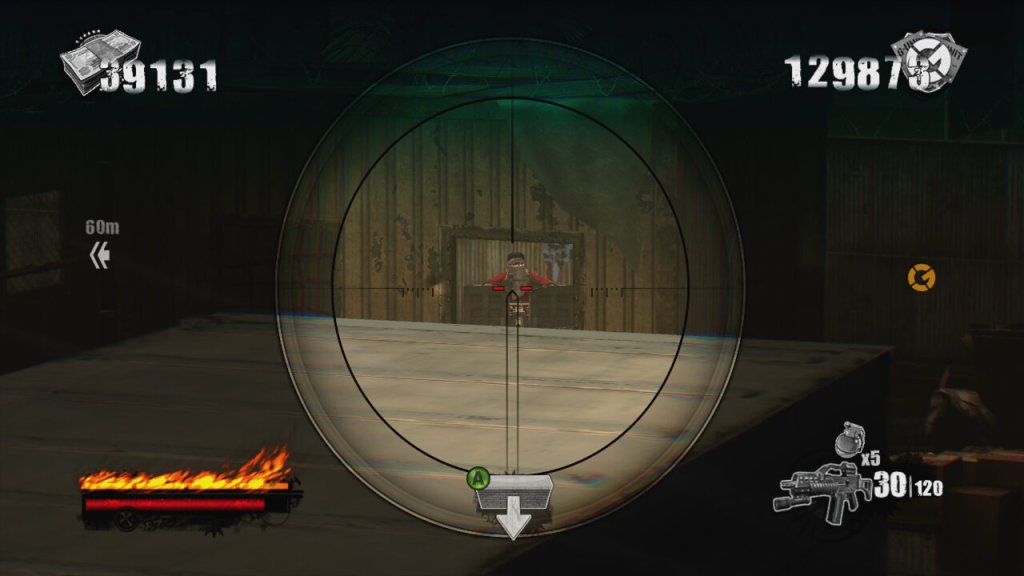
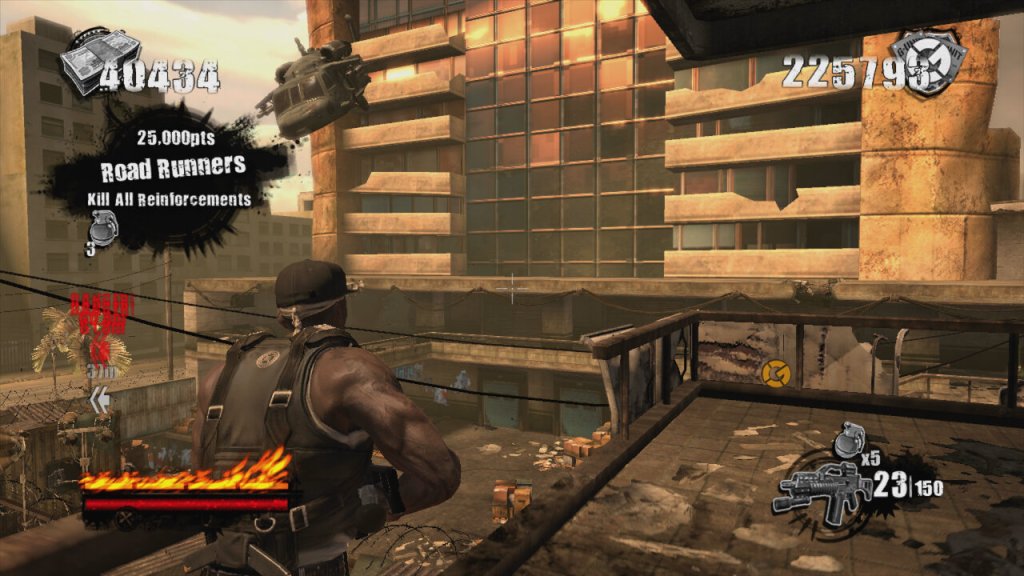
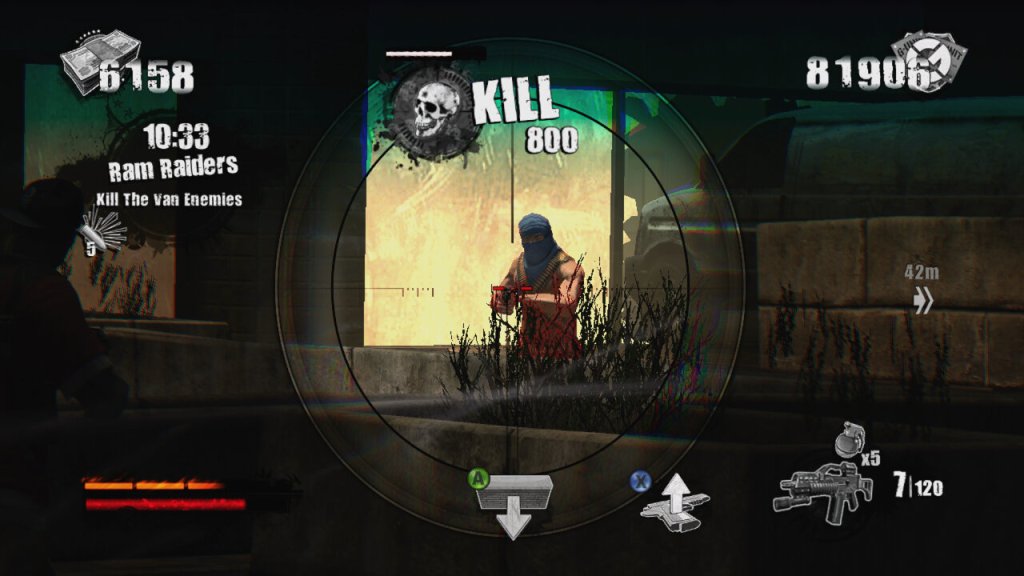
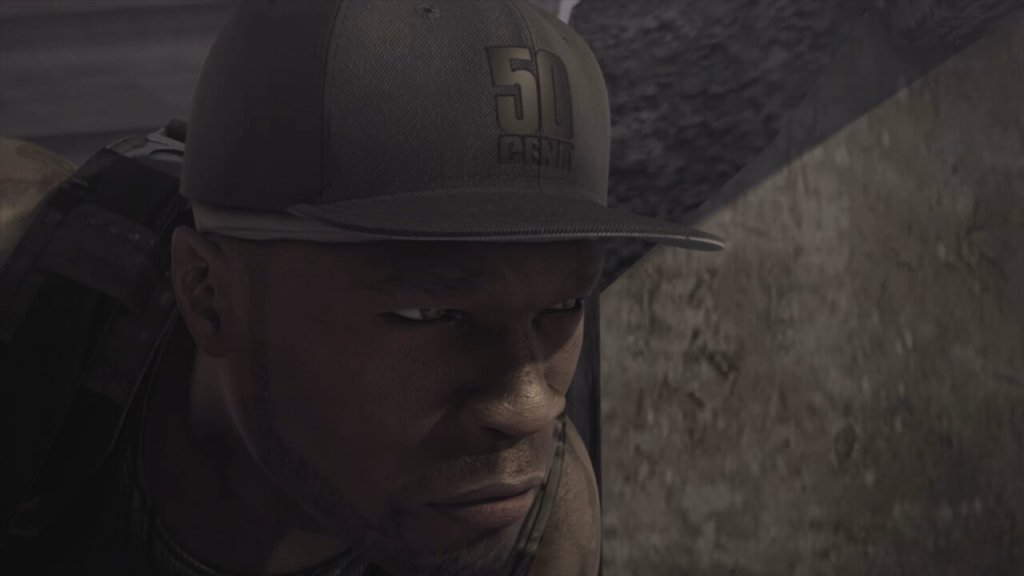
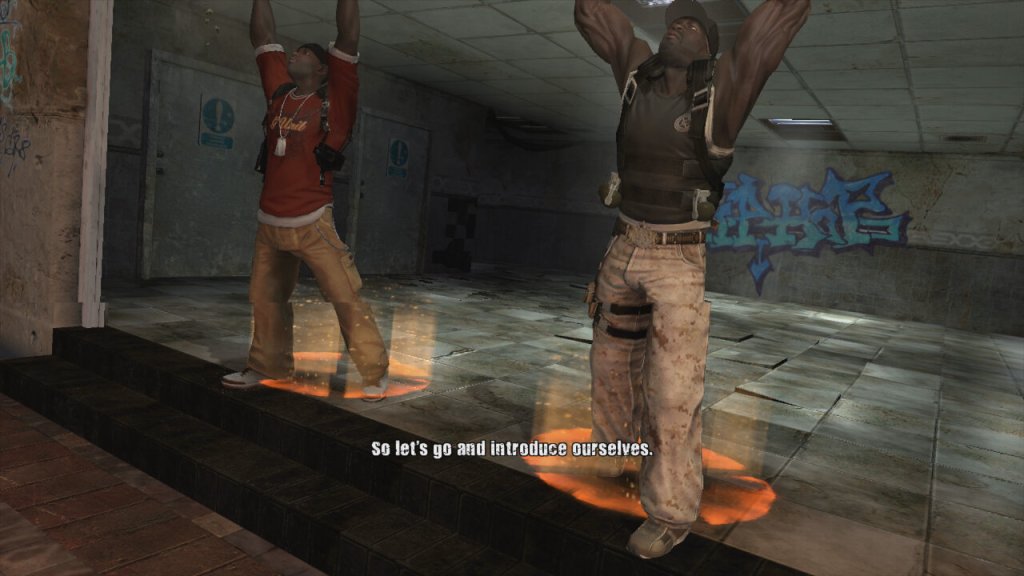
A third person shooter where you lay as 50 Cent, along with one of his bandmates in a single layer campaign. Players control 50 Cent and a sidekick player as they fight through waves of enemies using a variety of weapons. The game features a cover system (Like Gears Of War), dual-wielding weapons, and unique melee attacks where players can execute finishers on enemies to regain health, all whilst 50 Cent’s music is laying in the background. The game supports co-operative play using either split screen or online over Xbox Live. The second player can choose to be either Tony Yayo, Lloyd Banks or DJ Whoo Kid.
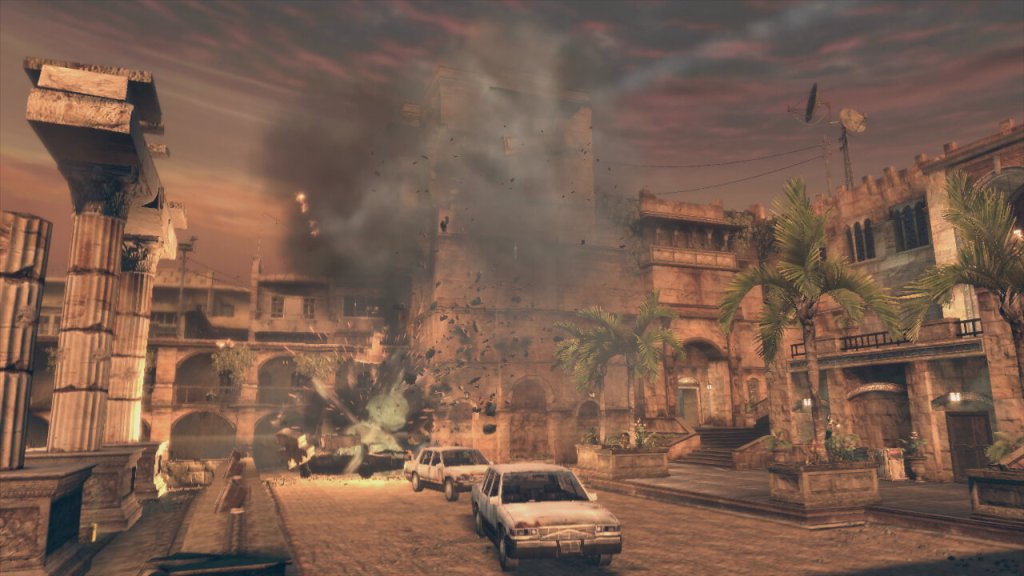
The plot of the game revolves around 50 Cent performing at a concert in a Middle Eastern city. However, their diamond get stolen during a coup. The game follows their quest to retrieve these diamonds from various warlords and factions. It’s not to take seriously and is more fun when played co-operatively with friends.
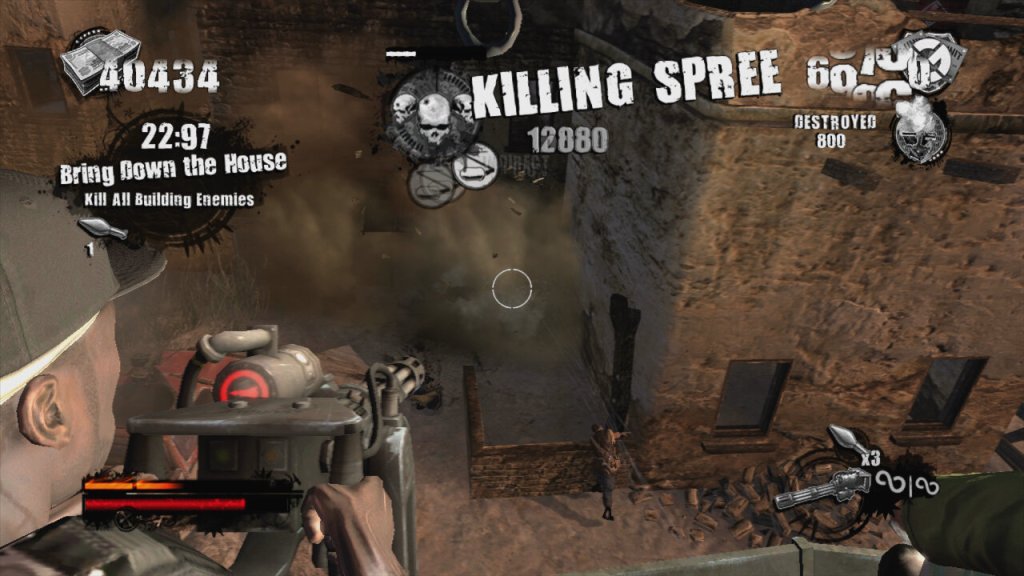
The gameplay itself is very similar to Gears Of War with you controlling 50 Cent in a third person view. The game has an emphasis on high scores, kill combos, and timed challenges set it apart, giving it more of an arcade-style feel compared to other third-person shooters like Army of Two (another console exclusive game to check out) which is used to unlock weapons that can be purchased in later levels of the game via phonebooths. Enemies drop ammo and cash when they are killed and this can also be used to purchase weapons. The game also gives hidden areas that you can loot for more cash, which also contributes to the score at the end of each mission.
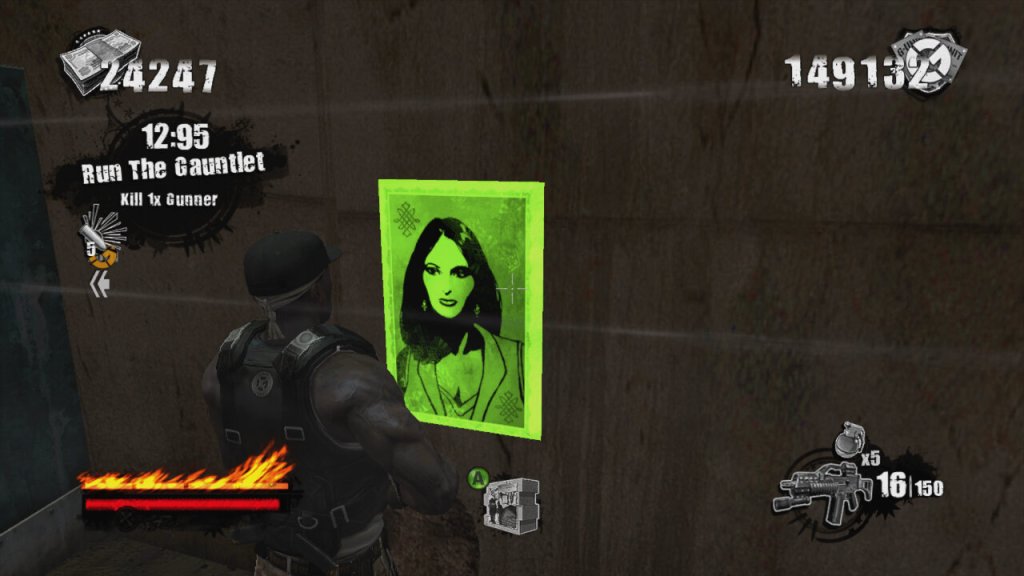
There’s also posters you can take down and targets you can shoot for extra points.
Breaking up the gunplay, you can also engage in hand to hand combat when you are near an enemy. By pressing B or Circle, you can beat the enemy to death when following the button prompts. You can also us the environment to take out groups of enemies.
Blood On The Sand was only released on consoles, the PlayStation 3 and Xbox 360, with the latter being made compatible on the Xbox One. Both versions are very similar in terms of performance and gameplay, the 360 version does keep a more stable framerate.
Blood on the Sand isn’t a game that’s going to win awards for innovation or narrative depth, but it delivers a fun, if not slightly repetitive, shooter experience wrapped in the persona of 50 Cent/G-Unit. It’s not perfect, but it’s a solid entry for anyone looking to mix up their gaming library.
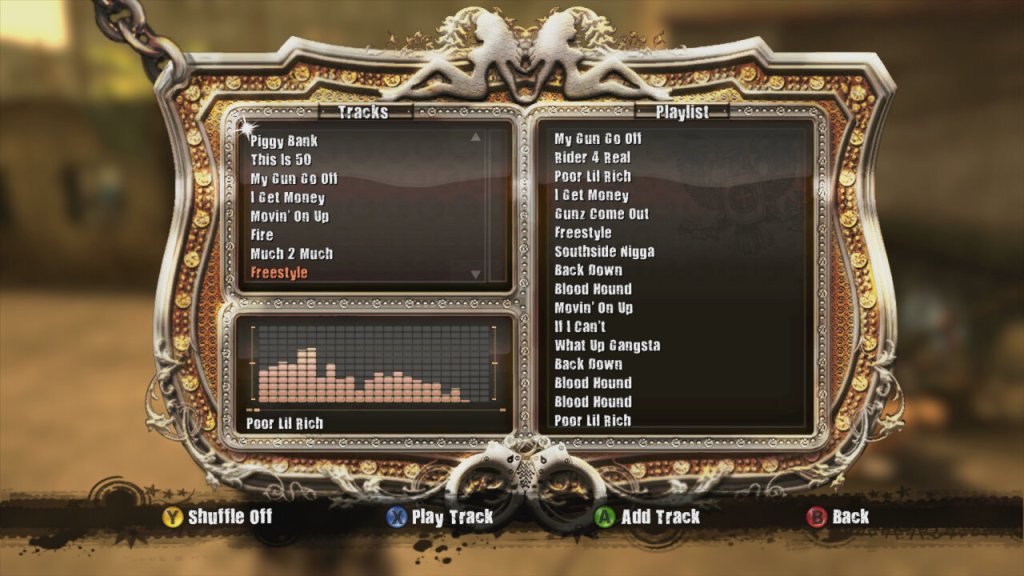
Music featured in the game, If HipHop isn’t your genre of music you can mute the music and use the console to play alternative music.
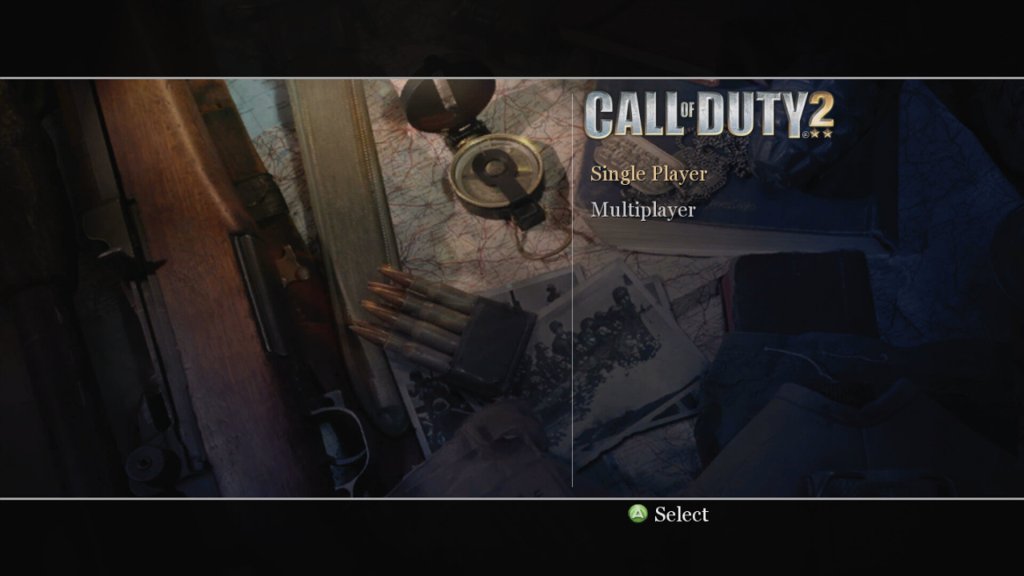
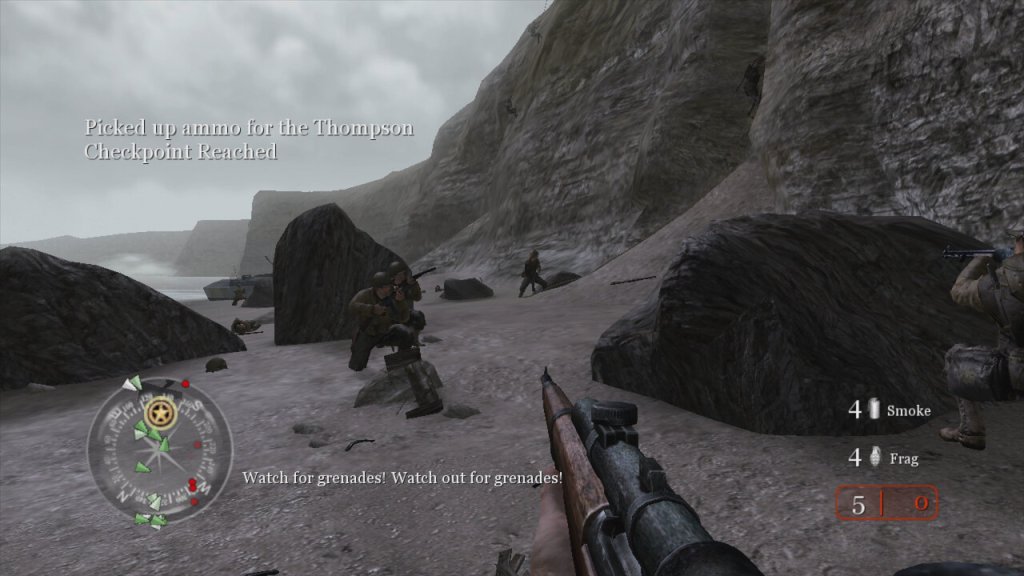
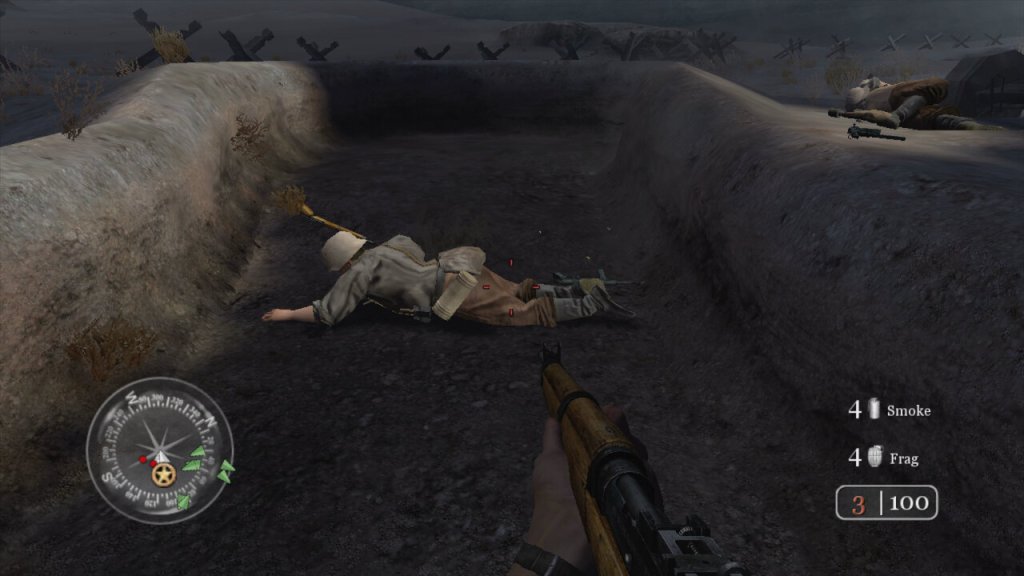
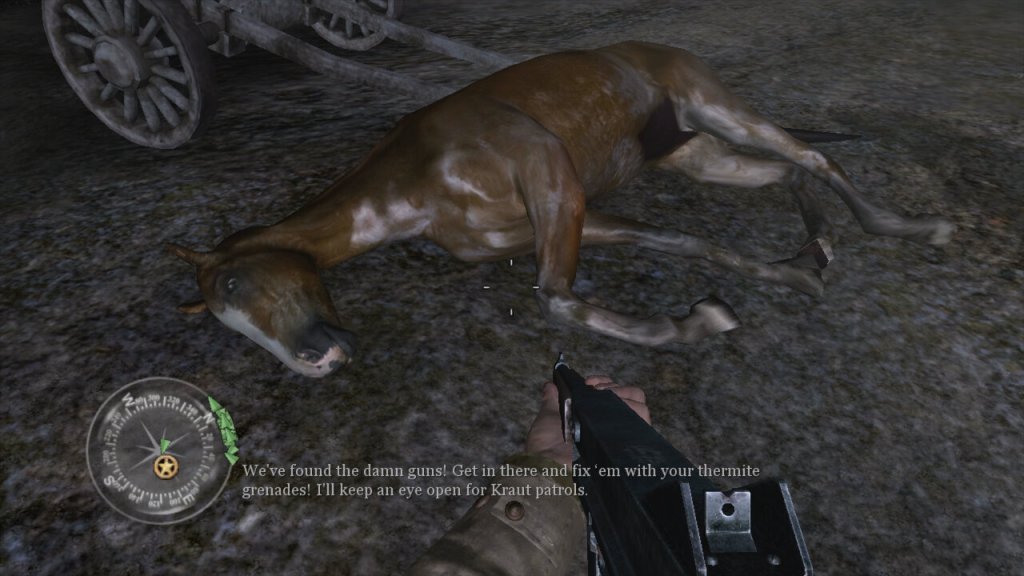
The second major installment, released in 2005 and a launch title for the Xbox 360. The game aims for a realistic portrayal of WWII combat, which includes historical accuracy in soldier uniforms, weapon models, and battle settings. Also not to forget the regenerating health. It’s the sequal to the original Call Of Duty and it’s console spinoffs.
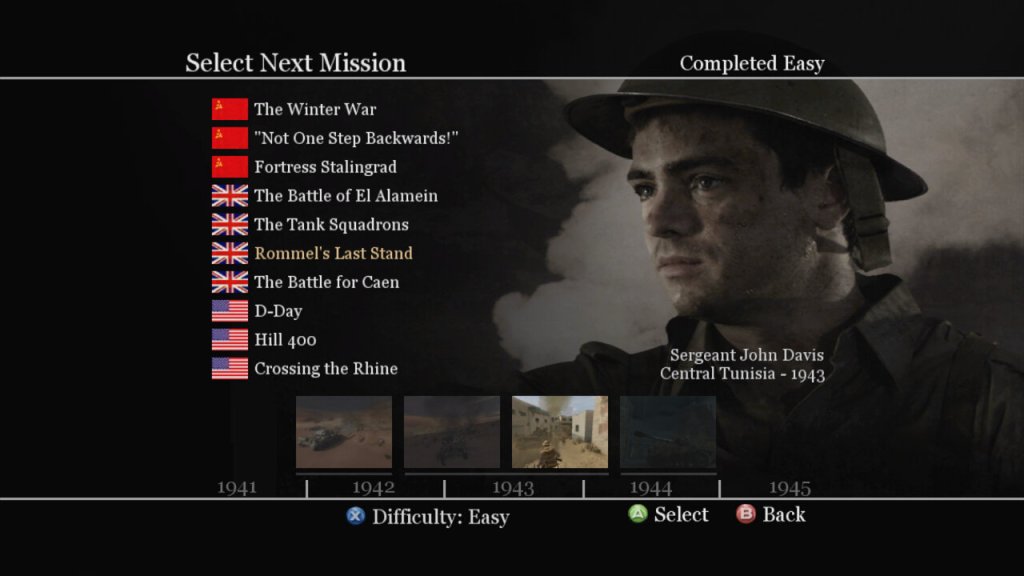
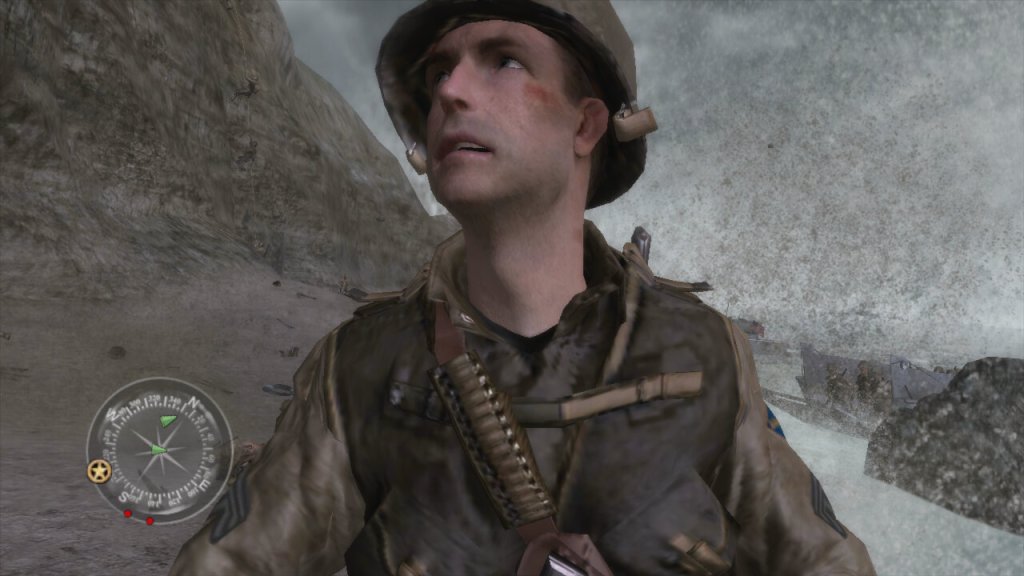
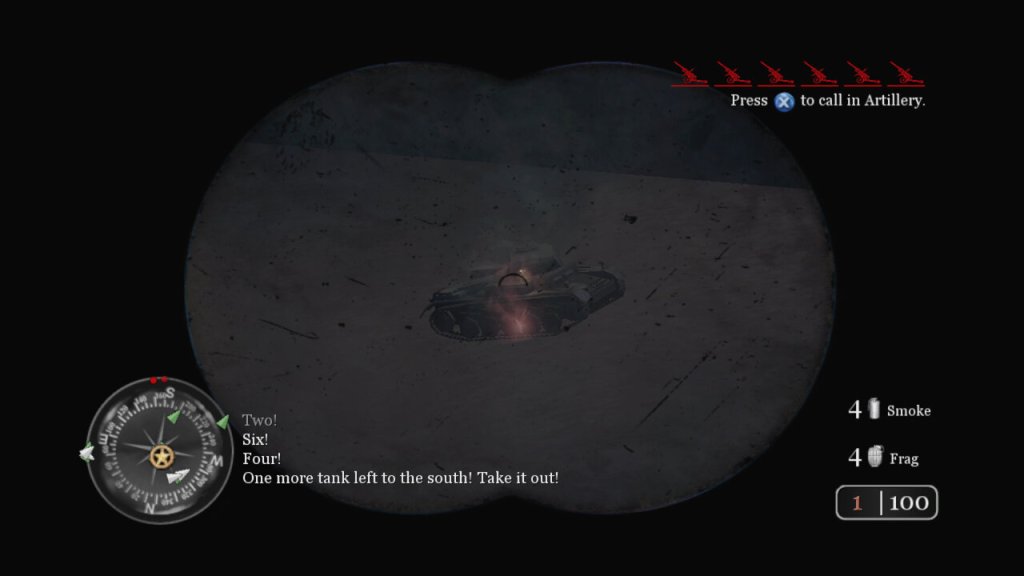
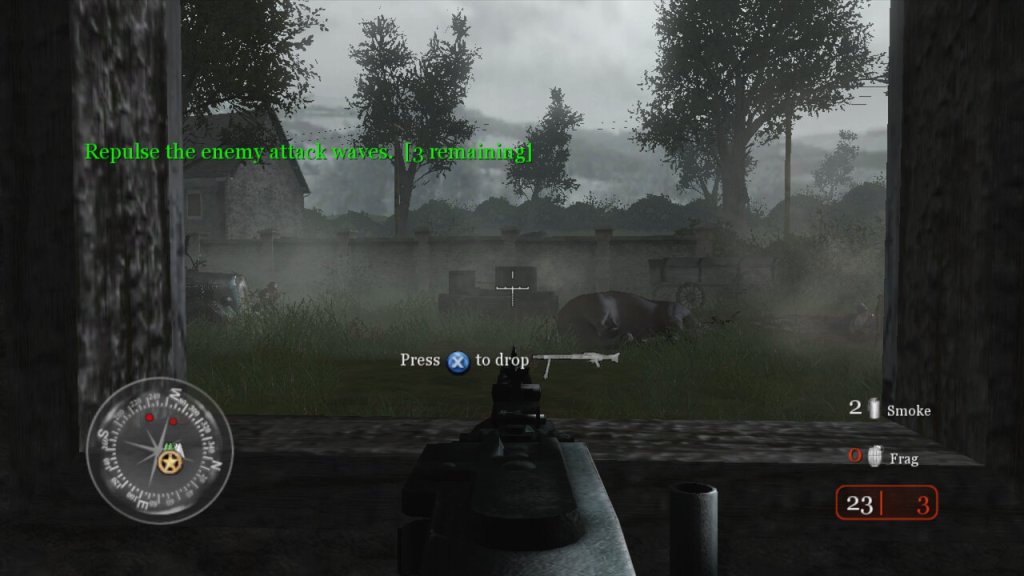
The story campaign is broken into three different arcs, with the narrative is told through the eyes of different soldiers from different nations (US, UK, USSR), giving a broad perspective on the war. Each mission is designed to feel immersive, with detailed environments, weather effects, and dynamic lighting, though the mission scripting can fail from time to time with some of the NPC characters getting stuck, preventing the mission from progressing. The game does autosave frequently to you can easily reload the last save when this occurs. Missions are also pretty diverse, and sometimes you will be tasked to drive a tank through the fields, or use the mortar or snipers to take out distant enemies. Sometimes you will be tasked to hold out and wait for rescue to arrive. It’s a good way to break up the gameplay and to prevent the game from being monotomus.
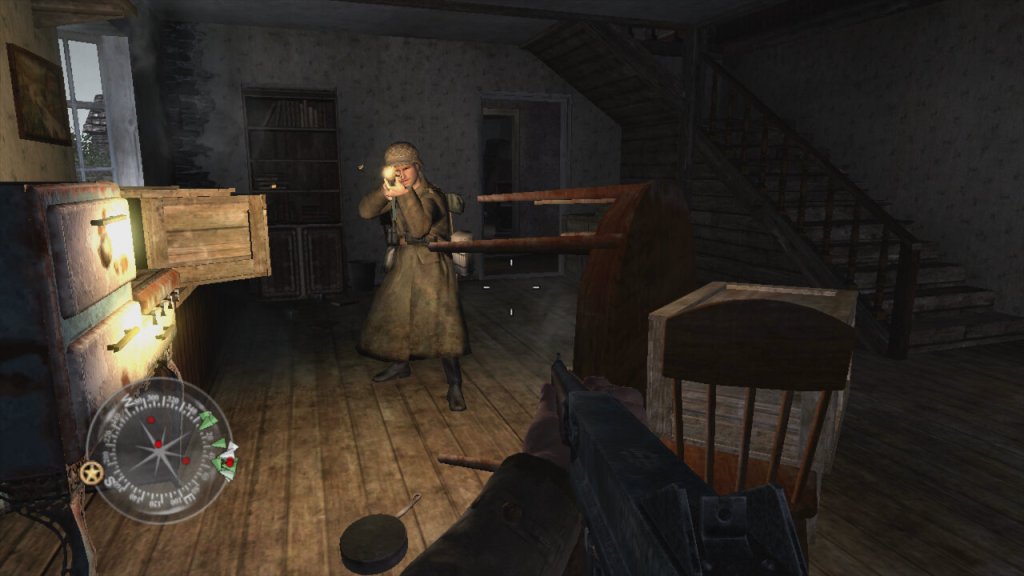
Players view the game from the perspective of their character, using a wide array of WWII-era weapons to engage enemies in combat. Each weapon has realistic firing rates, recoil, reload times, and damage models, influencing player strategy and engagement. Instead of health kits, the game features health regeneration where players recover health over time if they avoid taking damage instead of having to collect and use healing items. While not a traditional cover system, environmental interaction is crucial; players can use walls, doorways, and terrain for cover.
As a World War II game, it deals with historical political themes due to its setting, but it also introduces themes that can be interpreted in broader political contexts. The game presents World War II through the perspectives of soldiers from the USSR, USA, and UK, emphasizing the nationalistic pride each soldier might feel for their homeland. This is particularly evident in mission briefings and the portrayal of heroic acts by soldiers, which could be interpreted as promoting patriotic sentiments.
The game’s focus on combat glorifies military engagement to an extent, showcasing the technology, strategy, and heroism in battle. This can be seen as a form of militarism, where military power is celebrated as a means to resolve international conflicts. By depicting the Allied forces working together, Call of Duty 2 subtly touches upon the theme of international alliances, suggesting the necessity of cooperation against a common enemy, which mirrors real-world political alliances formed during WWII. WWII is often referred to as “the good war” because of the clear moral lines between the Allies and the Axis powers. “Call of Duty 2” reinforces this narrative by rarely questioning the morality of the war itself, which can be interpreted as a political stance on the justification of warfare when facing extreme ideologies.
Platforms
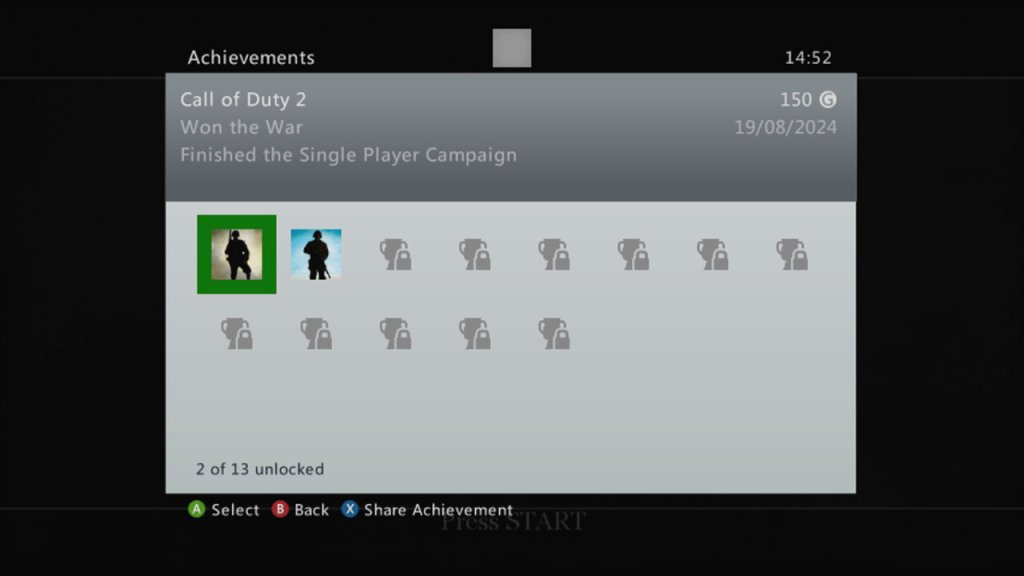
Xbox 360 – This was a launch title for the Xbox 360 and was one of the only console ports of the game, not being released for the PS2 or the original Xbox. It’s odd since sequel, Call Of Duty 3, was released for these ageing sixth generation consoles. The 360 version is also supported for the Xbox One and Series consoles. Being an early 360 titles, there isnt much achievements, but you get 50G for comleting traning, and 150G for finishing the campaign.
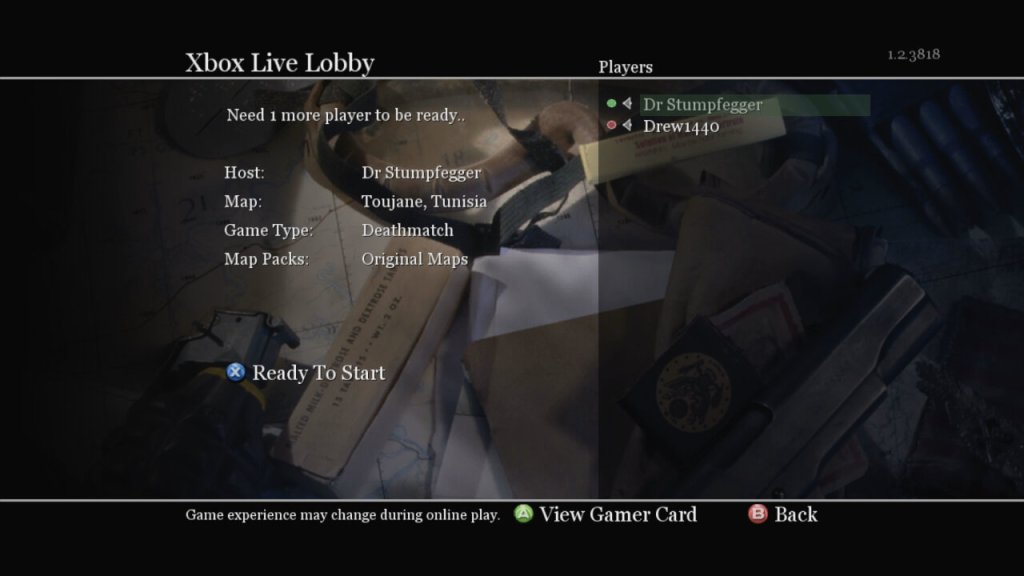
Microsoft Windows – Released on the PC at the same time as the 360, you can still purchase this on Steam. You can also play this online, though I’m not sure how safe this is due to modern exploits being possible through the game’s engine. The game does come with PunkBuster, but it’s no longer updated.
Mac OS X – the game was ported to Mac’s running both PowerPC and Intel processors, through it needs a beefy G5 processor for it to run correctly. The Mac Mini with it’s G4 and Radeon 9200 will struggle to run this game. This version of the game no longer runs on modern macs since it remins a 32bit applications, thje latest version to run is macOS Mojavie.
A high-end multimedia laptop released in 2010, featuring a Core i5 processor, 6-8GB of RAM, a built in Blu-Ray player and a Radeon HD 5450 graphics processor.
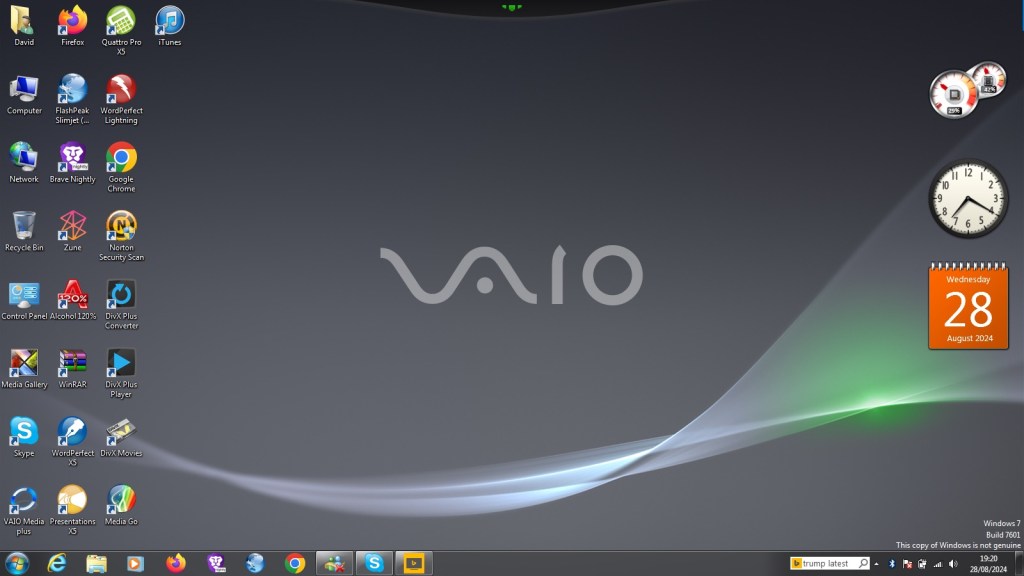
The laptop comes with Windows 7 Home Premium with some Sony software included. When I got the laptop it had a fresh install with Windows 10, but the recovery partition was broken on this model as it could not complete a restore. And even worse the laptop shipped with a 5400rpm hard drive which was slow after using SSD’s for a few years. Recovering the install was another issue, since the only recovery disc I could find online was intended for a similar model, but the recovery utility still would not co-operate due to the model number mismatch, despite the laptops having similar specifications.
A work around was to extract the recovery image and use a utility to extract the files. They are actually Windows Installer files but in a container format (.mod) which is run during the Sony restore utility. By using this method we can install the Sony itilities and drivers, making this close to an actual install. For installing Windows 7, I used a standard OEM Home Premium found online and activated it using the product key found underneath the notebook itself.
Sony VAIO Recovery Patcher – A bit time consuming to run, I found it easier to extract the mod files and run them as Windows insallers (double click to run). Some of these are redundant since they are designed for specific regions, and some just install registry keys. For more information, see the support page
VAIO Control Center
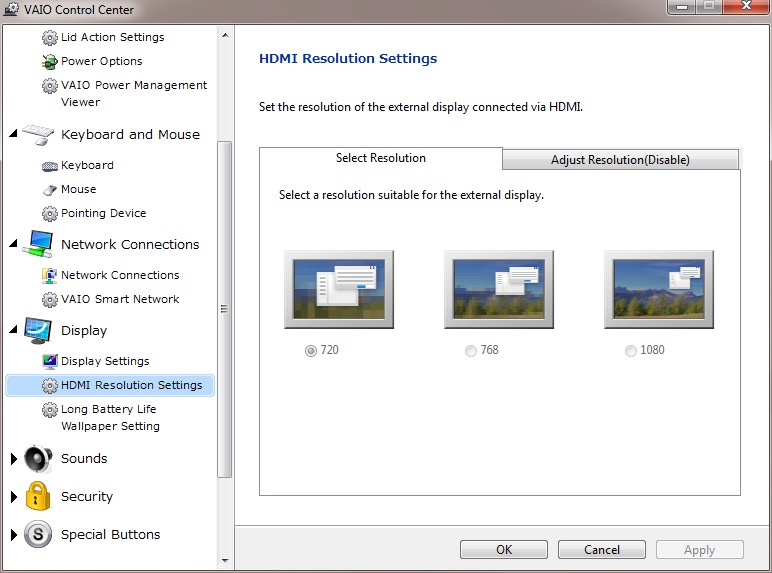
This acts as a control panel that is customised for Sony’s specific functions, here you can change settings relating to power management, Network and display options. It’s a more simplified interface of the Windows control panel.
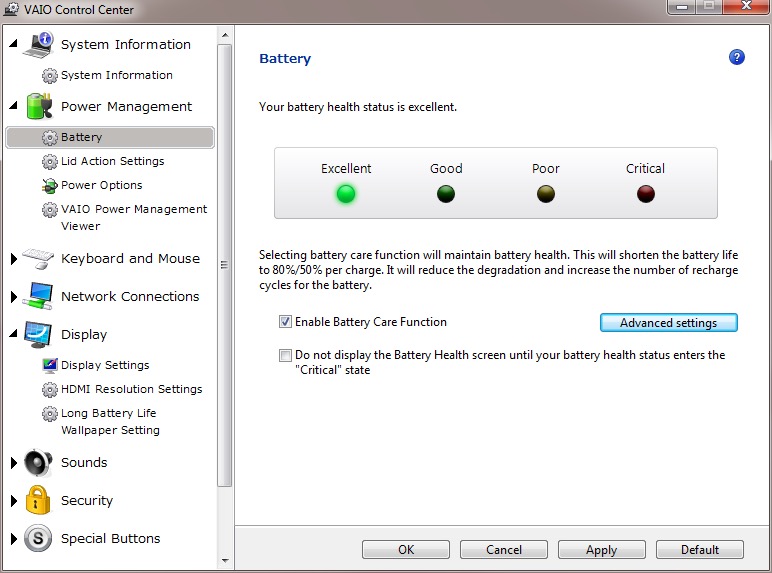
It will also display the heath of your battery (this one happens to be a GreenCell battery I got off Amazon, which shows as healthy yet struggled to hold a charge when disconnected from the AC adaptor.
There is also a battery care function that limits the charging to 80%, which is supposed to extend the life of the battery.
VAIO Media plus
Sony’s Media Centre that lets you view photo’s video and music that is stored on your notebook in a full screen view. Possibly intended for use when you connected your VAIO to your HD TV.
There is the SenseME feature which analyses and organises your music into different modes/playlists, depending on how energetic or smoothing the song is.
VAIO Gate
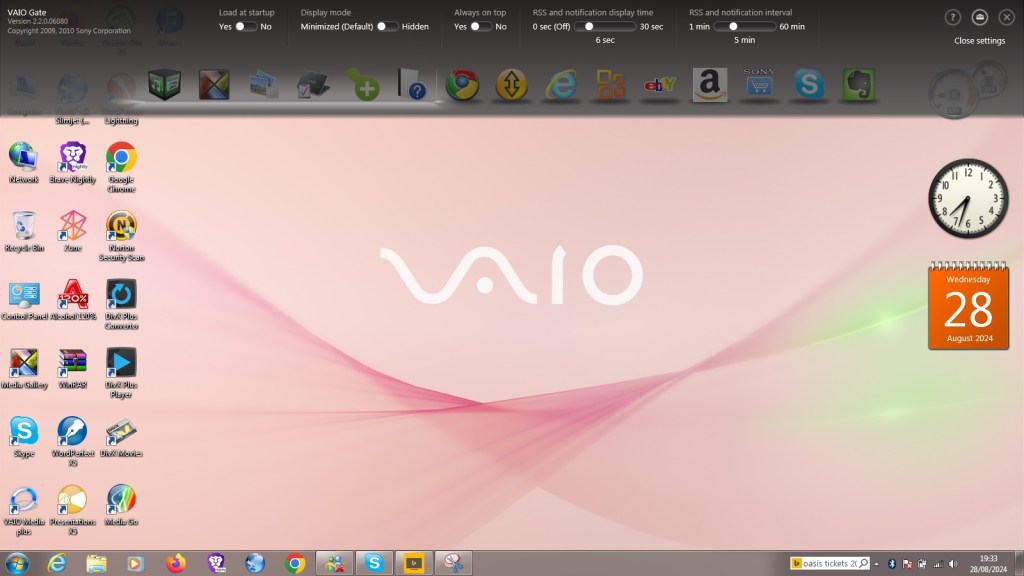
This acts as a shortcut launcher that appears at the top of the screen, and has shortcuts to most preinstalled utilities. You can also pin applications here for pick access, similar to the Mac OS X dock or the Windows Quick Launch that was deprecated in Windows 7.
Whilst intended to be useful, its placement can be annoying, by default if you place your mouse cursor anywhere near the top of the screen it will poppet, making it difficult to use iof you’re using a browser such aa Google Chrome, or any browser that places it’s tab bar at the top of the screen, which is all of them.
At the time this was released, this design was uncommon as Firefox and Internet Explorer placing their tab bars near the bottom of the toolbar. Just above the web page itself with the applications title bear residing at the top.
PlayStation Tools
If you owned a PS3 gaming system at the time of this laptop, Sony bundled two useful utilities to use with your PS Triple.
Remote Play
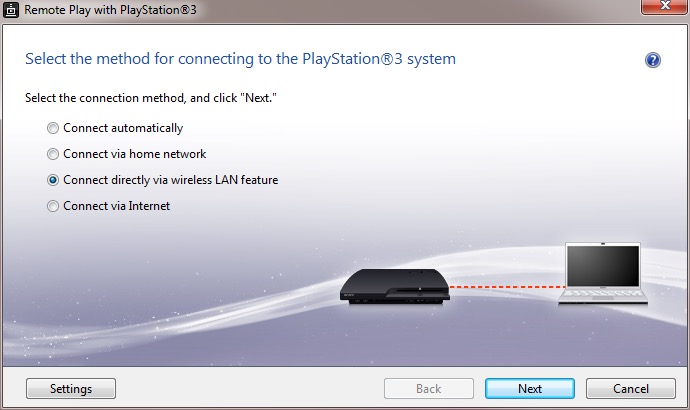
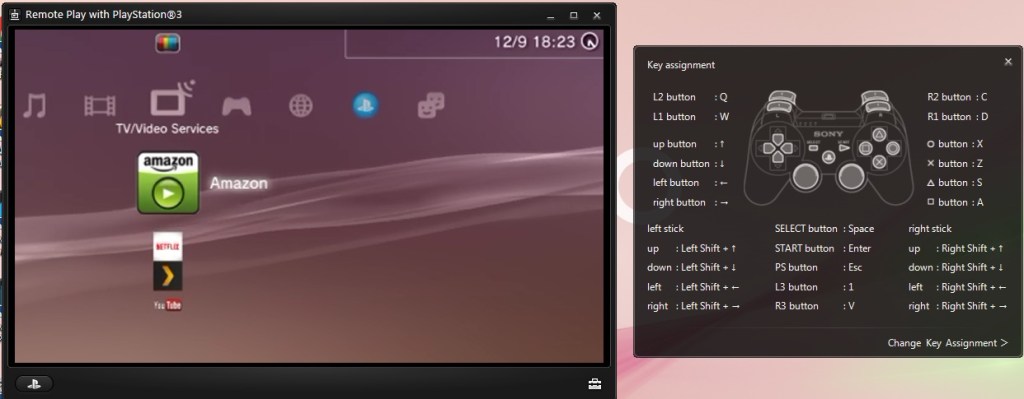
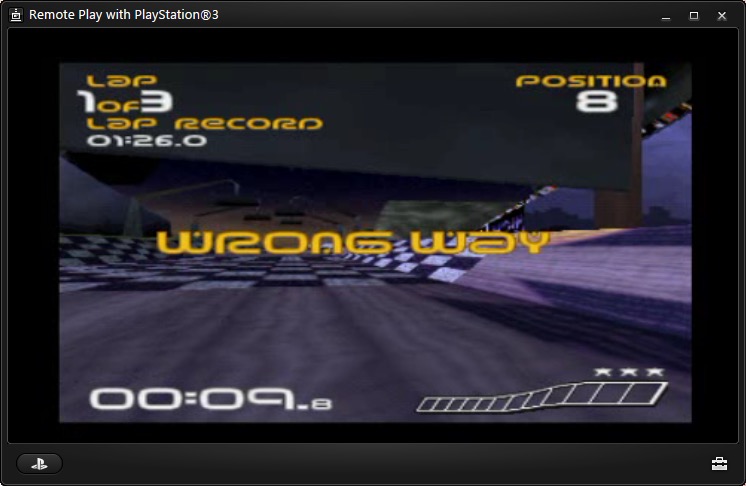
Sony bundled two utilities to allow fours with the PlayStation3, which was their current console when this computer was released. Remote Play will let you control and stream your PS3 console to your laptop.
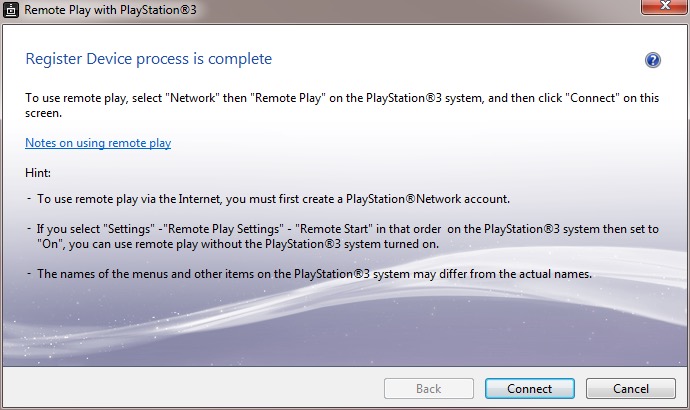
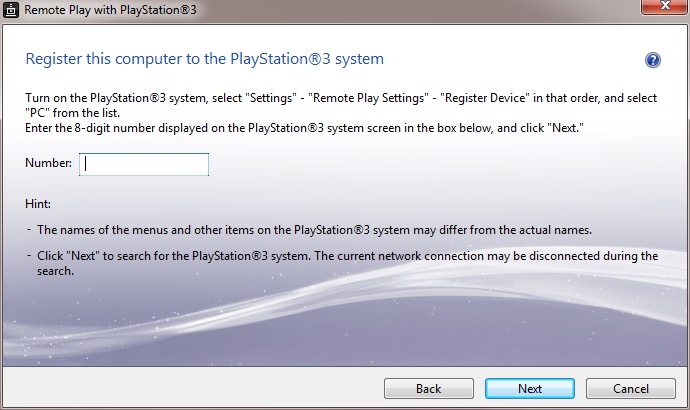
Setting it up requires pairing your PS3 to your computer by entering a code, you can then enabled and allow the PS3 to functional a WiFI hotspot to allow your remote device to turn the PS3 on. This is only for remote play use, you cannot share your internet connection this way.
The performance leaves a lot to be desired, even when both devices are connected via ethernet, the performance is just too poor with the lag reaching to around 3-5 seconds delay to respond to a button press. This gradually gets worse as you use it.
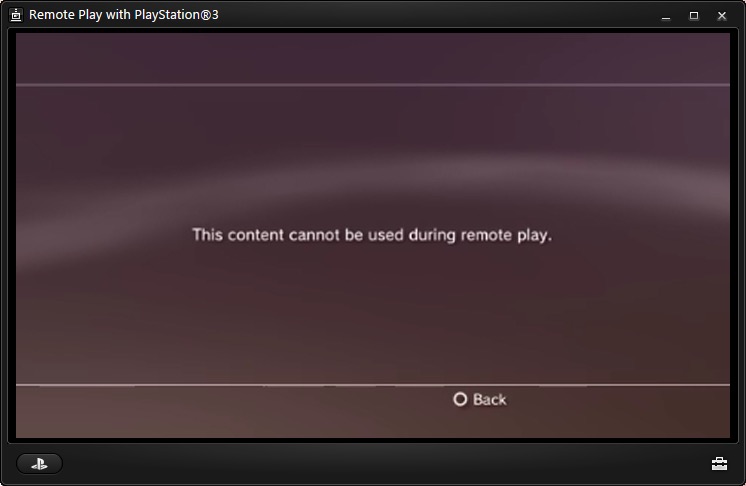
Also to play games, the PS3 game itself must support remote play since it required a certain amount of system RAM to be reserved, along with a spare SPU to encode the video. The amount of titles supported is very small, too much that I don’t have access to a game that is on the list.
PS1 games are supposed to work and a few of the digital titles do work, but you could just download an PSX emulator and play it that way instead, then you woudnt have to deal with the poor latency.
Overall it’s a waste of effort. I remember this working much better with the PSP instead.
Remote Keyboard
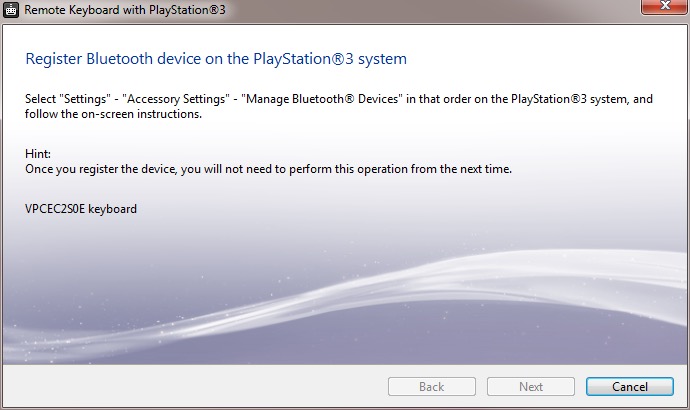
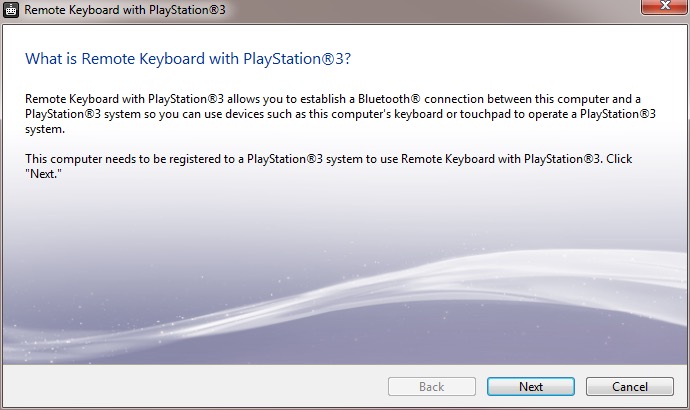
The other utility is the remote keyboard, which lets you pair the PS3 via Bluetooth to allow your VAIO’s keyboard and trackpad to functional it it were connected to the PS3. The setup will guide you on how to pair both devices and once enabled, you can fully control the XMB. This does prevent you from using the laptop whilst connected to the PS3, requiring you to disconnect it from the PS3 XMB, or by pressing Ctrl + Alt+ Backspace on the keyboard.
It useful but niche, how often are you going to be using this in games? Maybe for text entry for games that require it, but many games just don’t need this.
There are a few select titles that did support the keyboard function for gameplay, Unreal Tournament 3 was one such title (the PS2 port of Unreal Tournament also supports this) allowing me to enter a match and play using the PC traditional WASD controls.
There are issues when sending a keystroke and moving the mouse at the same time, making aiming jerky. You can also send only one keystroke at a time, making dodging or jumping difficult. Really you’re best of getting a cheap Bluetooth keyboard and mouse and just pair it directly top the PS3. Maybe at the time these were much more expensive which made it a nice addition, but I just can’t see this being useful.
The only other use for it would be to browse the PS3’s web browser, which again is pointless since the laptop’s browser will be a much better experience.
Upgrade Options
This is one of the few laptops that supports upto two internal SATA drives through the use of an aftermarket adapter which allows you to connect two SATA drives which would have been ideal to add an SSD as a extra SATA drive. These are very difficult to find now, so I had to replace the internal HDD with the SSD instead and leave the second bay empty.
Still the laptop also features an eSATA connector which you can use to attach an external eSATA hard drive or optical drive. eSATA hard drive enclosure’s are difficult to find, but the Dell external optical drives are easily available for eBay.
There is also an ExpressCard connector, which allows for an expansion card to be inserted. A USB 3.0 card can be inserted, or alternatively a Firewire 800 card can be installed instead. The power supply is limited over Expresscard, so for high power devices you will need a power adaptor that supplied an additional 5V or a powered USB 3.0 hub.
A simulation game for theme parks with a focus on rollercoaster design. It has similar core mechanics to Theme Park, but focuses on the roller-coaster design element.
RCT places a heavy emphasis on the design and management of roller coasters and other rides. The coaster design system is intricate, allowing for complex creations with a high degree of customization. While it includes all aspects of park management like finances, staff, and guest happiness, the game really shines in its ride construction and the physics involved in coaster design.
The game is often compared to Theme Park, a Bullfrog game released in 1994. It differs as it was more about the overall management of the park with less emphasis on individual ride design. It included aspects like negotiating for rides, setting up shops, and even stock market elements in some versions. Theme Park also had a broader approach to management, including staff wages, stock levels for shops, and even the saltiness of fries to affect drink sales. It was more about the economic simulation with a whimsical approach to park design.
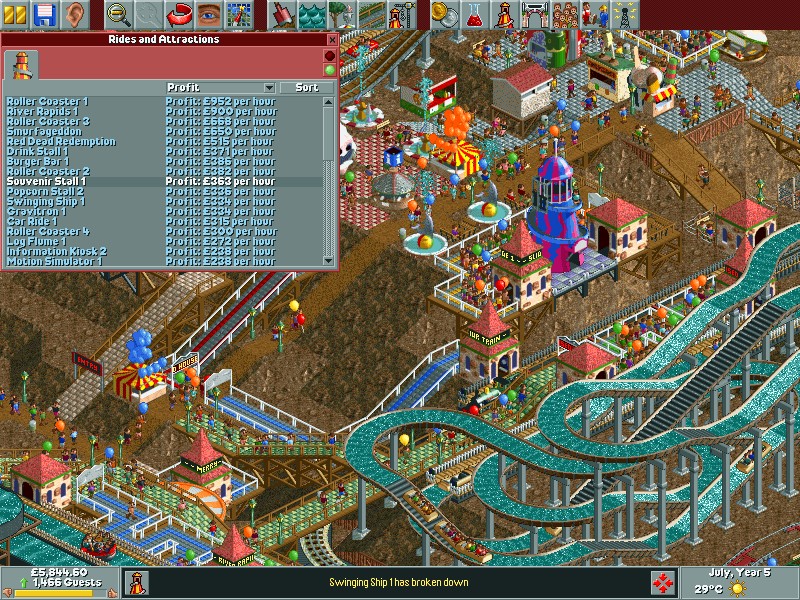
Park management is a core element of the game, Managing the park’s finances is crucial. This includes setting prices for park entry, individual rides, and concessions. Players must balance income with expenses like ride maintenance, staff wages, and loan repayments. Hiring and managing staff such as mechanics (to repair rides), handymen (to clean paths and mow lawns), security guards (to prevent vandalism), and entertainers (to boost guest happiness in certain areas). Understanding and catering to the needs of park guests (“peeps”) is vital. This includes placing amenities like toilets, food stalls, information kiosks, and ensuring guests don’t get lost or overly tired. Regular maintenance checks and repairs are necessary to keep rides safe and operational. Neglecting this can lead to breakdowns or even accidents, which negatively impact the park’s reputation and guest happiness.
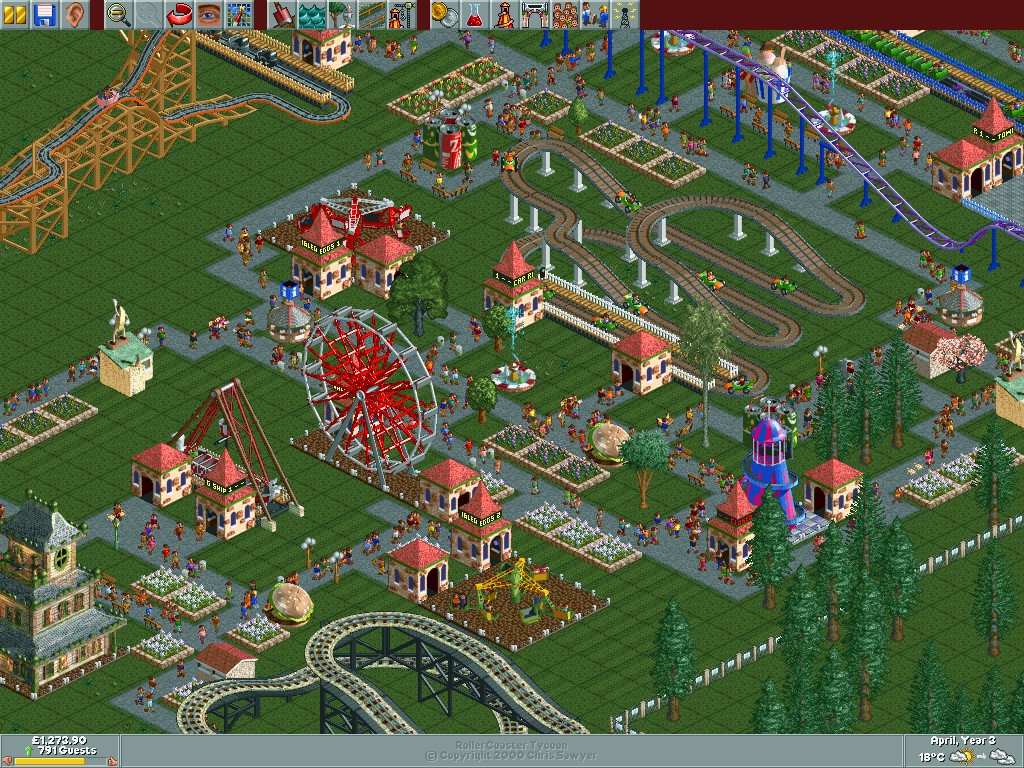
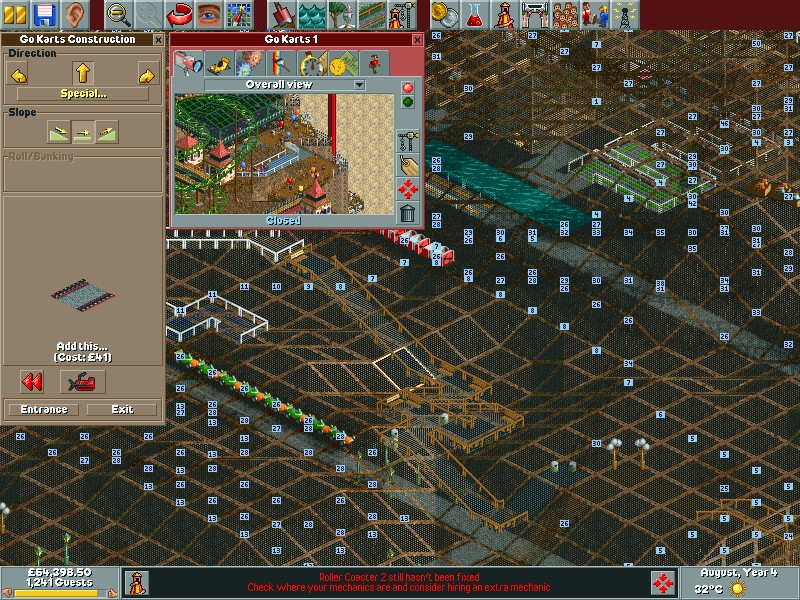
As a game released in 1999, you are treated to an 2D isometric view of your park. The game does allow you to rotate the screen with four different angles to get a better view of the park, but despite this it’s easy to get confused with the perspective, especially when building tall paths to connect to the larger rides since it’s easy to misjudge how high a path or ride is. To help with this you can turn off different layers of graphics to make it easier to see, and you can show the height value to know if your path is on the same level – useful if you are building on a hill since the perspective can be hard to judge.
The soundtrack is like being at a carnival where the main attraction is a slightly out-of-tune merry-go-round. It’s catchy, it’s quirky, and it fits the theme perfectly. Sound effects? You’ve got the clatter of coasters, the screams of joy (or terror) of the guests, and the jingle of coins as you rake in revenue. The rides can also have background music, some might sound familiar if you’ve played other games from 1999 (Driver).
The game comes with a few built in scenarios where the objective is to have a certain amount of visitors in your park by a target year, which is usually the third or fourth year of operation. Certain parks have their own quirks by way of their environment or building regulations. • Forest Frontiers is the first one you will encounter and lets you get used to the basic mechanics of the game • Dynamite Dunes shows off the different terrain settings, with this one being set in the sand. It also has its own custom built roller coaster. • Evergreen Gardens sees you revamping a typical park into a theme park, with special care being given to designing and placing the roller coasters. Guests will typical get lost a lot due to the long-winded paths so its recommenced to delete some whilst being in the early stages of the park • Bumbly Beech introduces you to buying building rights for outside land. This allows you to build pathways but you cannot place stores or rides on them. • Paradise Pier is set mostly on water with the exception of the pier paths • Ivory Towers’s is set on a existing park but it run down and mismanaged with a lot of litter and vandalism which you must fix, in addition to expanding the park and adding additional rides. It does have a fully functional monorail however. • Rainbow Vally is the most difficult since you cannot destroy or remove any trees or alter the terrain. There is also a limit to how tall your rides can be. • Additional expansions will come with even more scenarios.
Like Theme Hospital/Park you will need to invest in research to unlock new rides, features and attractions. Initially, you start with a limited selection of rides. As you progress through the game, either by completing objectives in scenarios or by reaching certain milestones in open-ended play, you unlock additional rides, attractions, and even staff types. You can choose the amount of funding to contribute to research, with determines how fast items are unlocked. You can also adjust the type of items you want to research, if you prefer to focus on unlocking new roller coasters or gentle rides instead.
The Rides: • Wooden Roller Coaster: A classic ride with wooden tracks, offering a nostalgic feel with its clackety-clack sound and traditional design. • Steel Roller Coaster: Typically faster and smoother than wooden coasters, offering more modern thrills with loops, corkscrews, and inversions. • Log Flume: Guests ride in logs that climb to a height before plunging down a steep slope, often getting splashed at the bottom. • River Rapids: A circular ride where guests get soaked as they navigate through rapids, with the added fun of getting wet.
Many of the rides can be freely designed and built, but you can also choose from prebuilt templates of different sizes. You can also customize the price, colour and music used by the rides.Park guests can be picky as some might not prefer to ride some of the more intense coaster rides.
Aside from rides there are other attractions such as gentle rides and stores which sell food, beverages, items and ballons. The Information Kiosk, unlocked later in the park’s life, allows customers to purchase umbrellas and maps for better navigation. Food stalls are offered in the form of separate Fries/Chips, Pizza, Burgers and popcorn. You will need to place these strategically away from rollercoasters to reduce the chance of vomiting. Gentile Rides consist of the Haunted House, Bumper Cars, Ferris Wheel, Merry-Go-Round. These are easy going rides for customers that prefer less thrilling rides, or need a break from the roller coasters. Thill Rides are a bit more intense with the motion simulator, 3D Cinema, Swinging Ship and the Go Karts.
There are also transport rides that help get your guests from A to B, these consist of either the Monorail, Railroad or Chair Lift. These can also be considered as rides themselves.
RollerCoaster Tycoon was a massive commercial success, praised for its depth, creativity, and the freedom it gave players in park design. Originally for PC, RCT1 has been made available on modern systems through digital distribution platforms like Steam and GOG, often bundled with its expansions. A port was released for the original Xbox and is the only console port of the game.
The Alienware Alpha was one of the few systems designed to be part of Valve’s Steam machines, which were computers designed for the living room to better compete with the console hardware of the time, which would have been the Xbox One, PlayStation 4 and the Wii U.
The Alpha is quite a small unit, only slightly larger than a Mac Mini and lacks an optical drive, but it packs an Nvidia GeForce 860M, capable of 1.3TF of performance which would have placed it in the same league of the Xbox One. 4GB of RAM comes with the machine, with some configurations supporting 8GB. The size and performance is underwhelming for a gaming system which makes me think Alienware intended for this to be the lower – end machine, with a larger and more powerful mode challenging the PS4 for it’s performance. With an 860M it’s mostly going to be a 720p machine.
This Alpha however lacks the bundled SteamOS, shipping with Windows 8 instead. Probably a good call from Dell/Alienware since the amount of native SteamOS games were very minor, and Steam’s Proton wasn’t a thing yet. Hardware-wise there are two USB 3.0 ports on the Rear, and two USB2.0 on the front, along with a single 2.0 port underneath which is intended for use with a wireless controller dongle. With only one HDMI output, running multiple screens isn’t possible unless you opt for a DisplayLink dock, like the Dell D3100 dock.
Restoring the Operating System
Since this unit was a second hand unit, it looks like the original owner had stripped the original install, along with the recovery partition and had install the latest version of Windows 10. Dell do offer recovery images for the Windows 10/11 systems on their website which can be download using this tool, just pop in your machines service tag along with a 16GB USB memory stick and off you go.
The recovery image Dell offer appears to be based off build 1809, and will require several updates. It also seems to lack the Nvidia drivers which kind of defeats the point of using Dell’s recovery image. The AlphaUI also isn’t included and had to be download separately off the machines drivers & downloads page. If I had to guess, Dell just provide a generic Windows 10 image for older machines, which simply gives OEM and support branding.
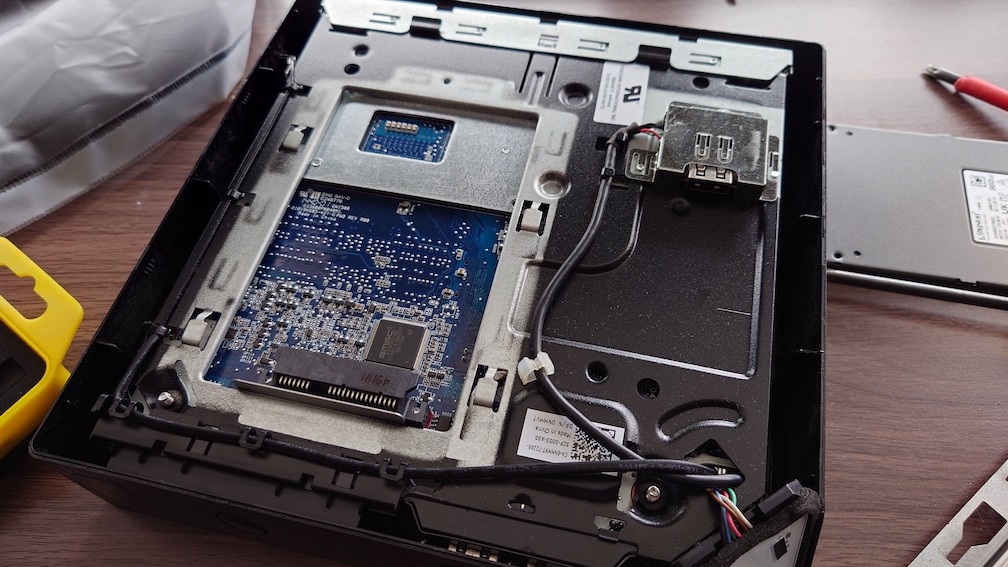
Also these machines come with a HDD as standard, which I promptly replaced with an SSD. Installation was easily, simply turn the computer upside-down and remove the bottom cover and you will see the HDD bay immediately.
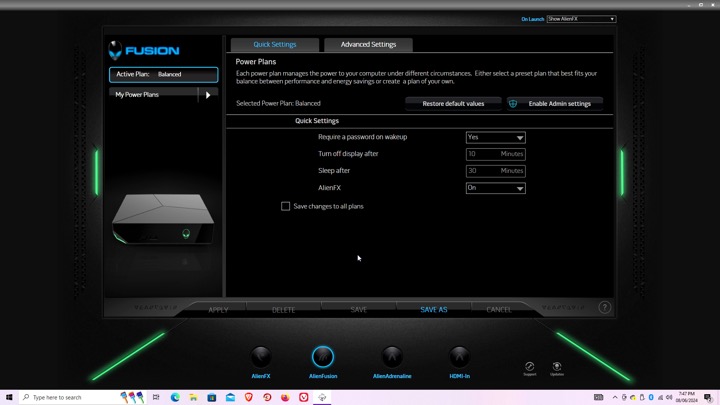
Alienware Command Center
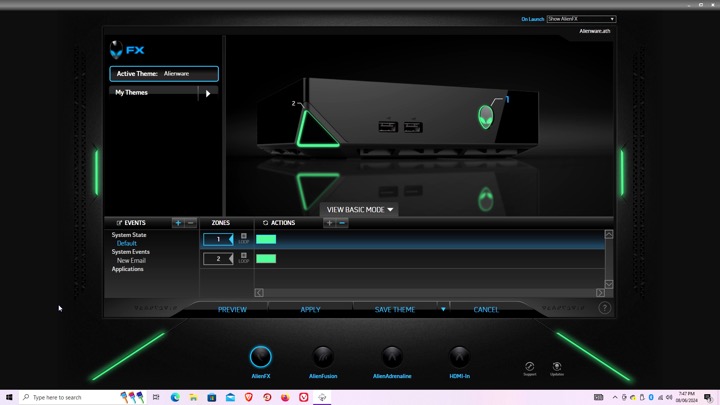
Here is where you can configure the various different settings, like the LED lightning.
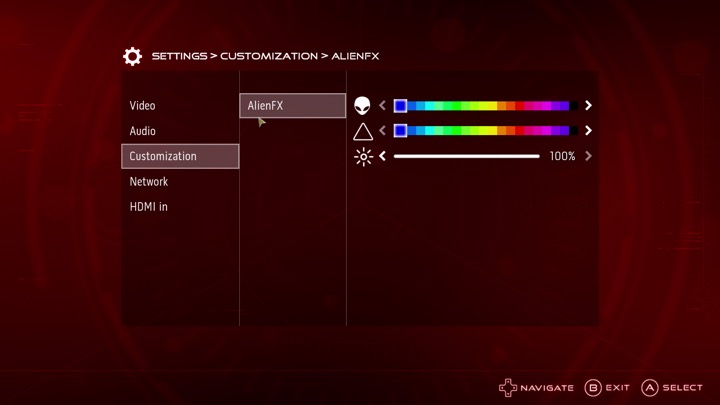
AlienFX: You can set different profiles which will change the colour scheme of the unit’s LED lights, this can be applied to different games or programs, although with Steam games you will need to navigate to the steamapps directory to locate the game’s exe file, otherwise you will get an error message. The Steam games on your desktop are just shortcuts.
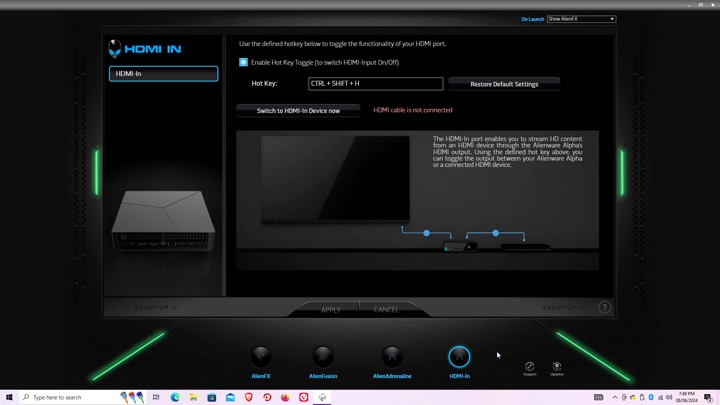
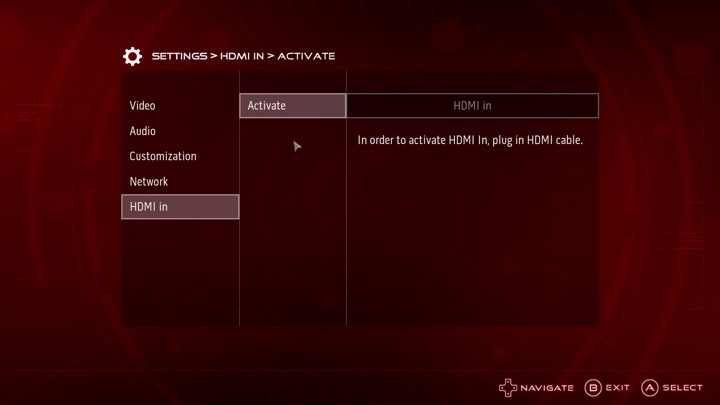
Settings for the HDMI input, there isn’t much to do there since you cannot capture the input. It simply functions as a passthrough, more suited to displays that only feature a limited amount of HDMI ports.
AlphaUI
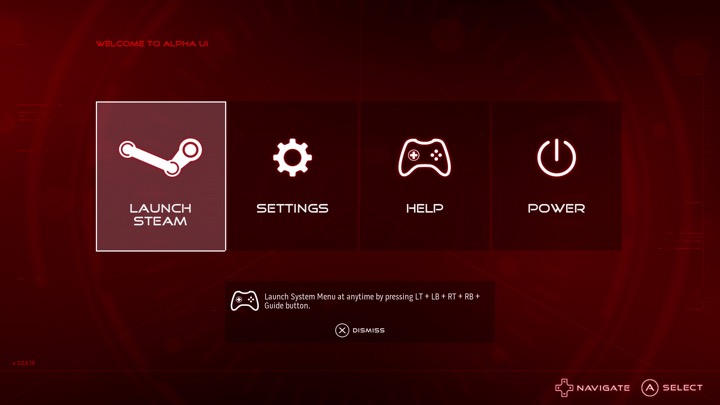
This was the intended interface for the Alpha, Alienware had originally planned to launch the Alpha as a dedicated Steam machine, sadly Valve time was a thing and the SteamOS was delayed several times. Alienware decided to cobble up a quick 10-foot UI that acts as a launcher. It’s based on XBMC and if you are familiar with it you will recognise some of the sounds when you select an option.
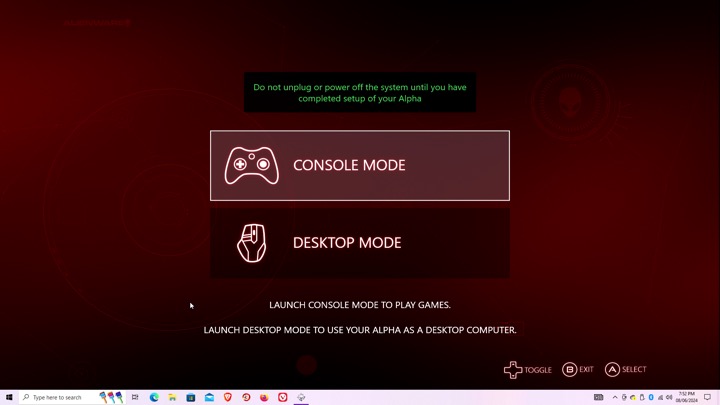
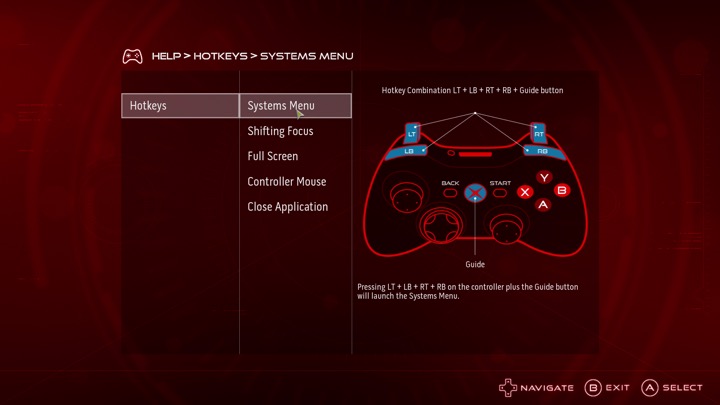
Setting up the AlphaUI, once we click on console mode we are immediately rebooted and a new user account is created. This interface is designed to be used from a controller, Alienware previously bunded an Xbox 360 controller with the system.
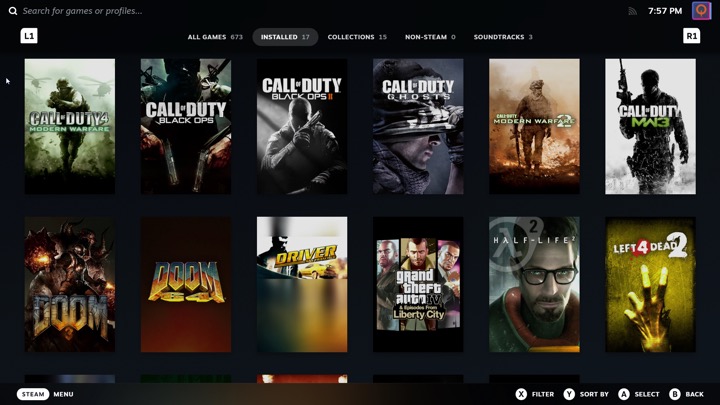
Selecting Steam will launch the Steam Big Picture interface. The Steam UI has changed since the AlphaUI was released and is orientated towards the SteamDeck, which is a little trickly to use on a non-touch screen hardware.
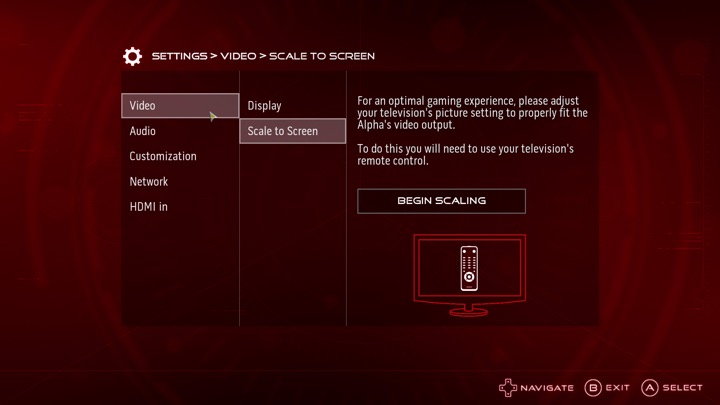
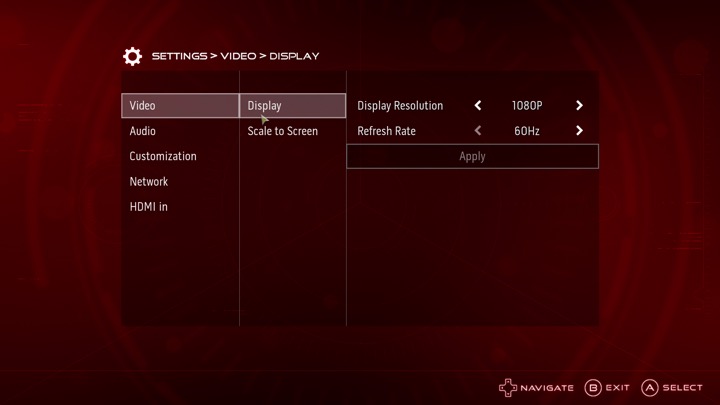
The settings menu, here you can adjust the video resolution and volume, along with customizing the AlienFX features. You can also switch into the HDMI input.
I can’t seem to find an option to add a custom program or launcher, it seems to assume you want to use Steam which makes it impossible to load something like Retroarch, unless you manually add it through Steam. It’s a bit of a letdown but not a big issue.
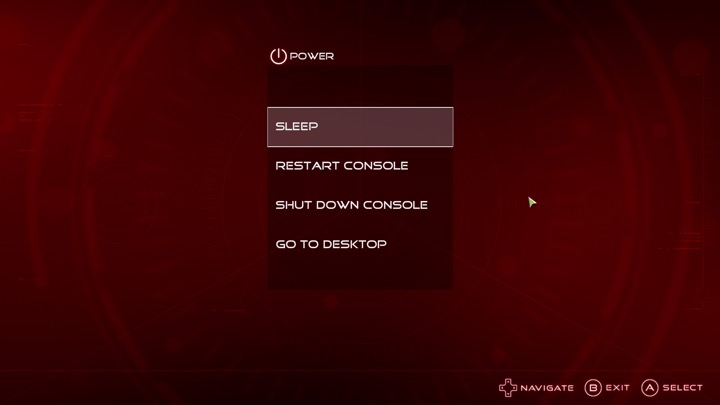
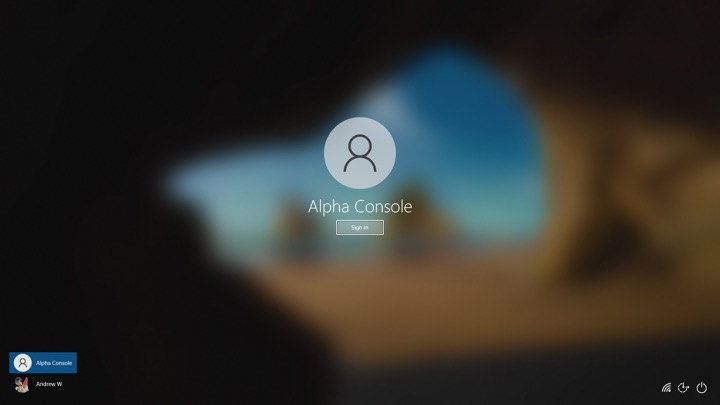
Lastly going to desktop will sign you out of the Alienware user account and will return you to your default Windows account.
Sadly the Alpha didn’t sell well, but was regarding as being the more popular of the Steam Machines. There was one hardware refresh that upgrades the graphics processor, and add an external PCI Express socket for an eGPU. Also the new Steam interface does not play well with just a controller, and Windows 10 can interfere with it’s silly feedback requests. Still there’s nothing stopping you from installing SteamOS and using it like a true Steam Machine.
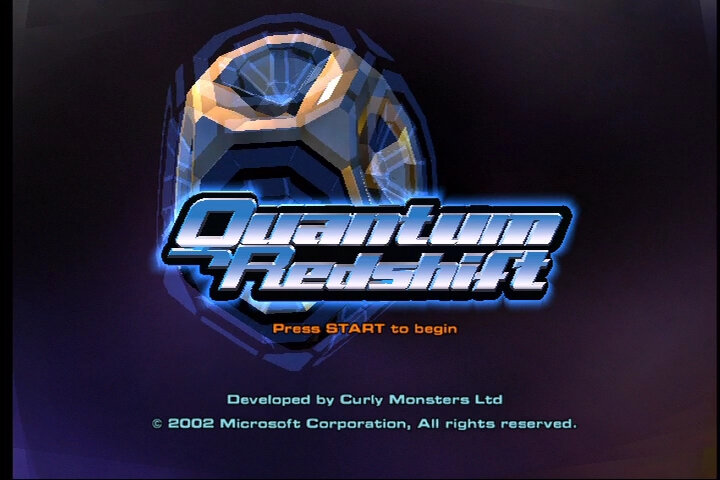
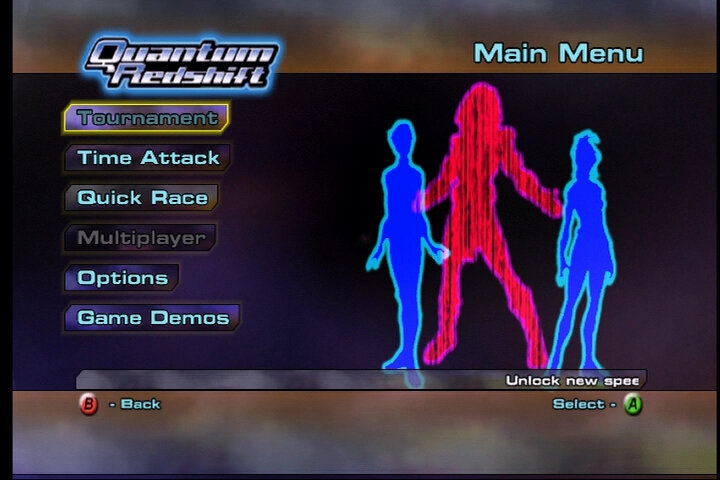
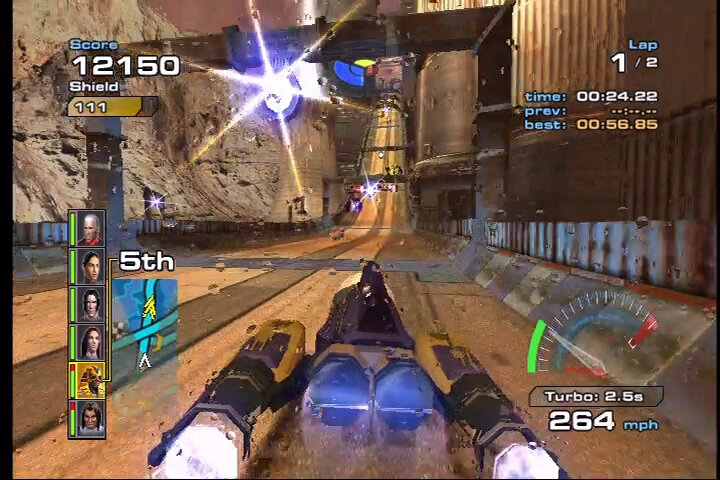
Xbox’s answer to WipEout, No relation to Quantum Break A futuristic racing game release exclusively for the original Xbox in 2003 by Curly Monsters, which would be the first and last game developed by the studio. It’s not a bad game but there are a few flaws, but defiantly worth checking out if you’re a fan of futuristic racing games.
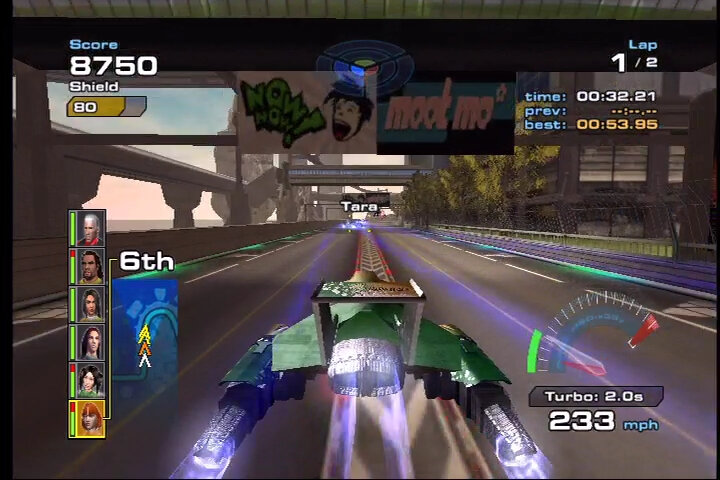
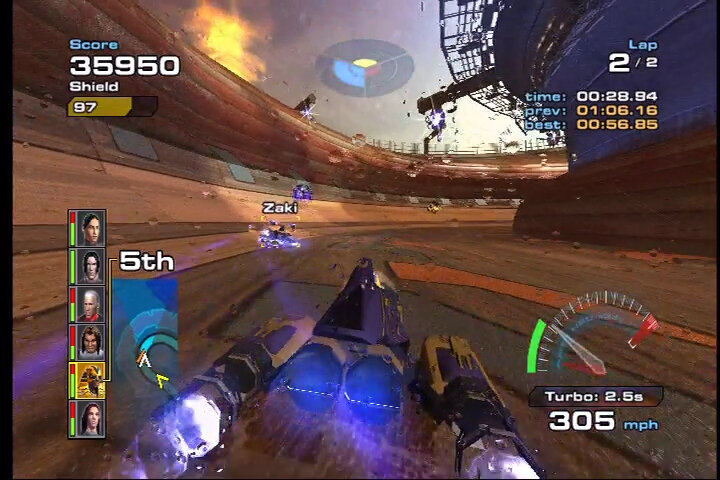
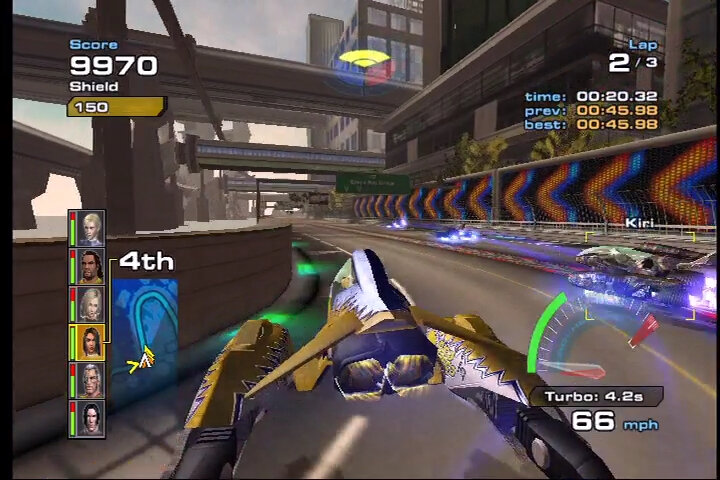
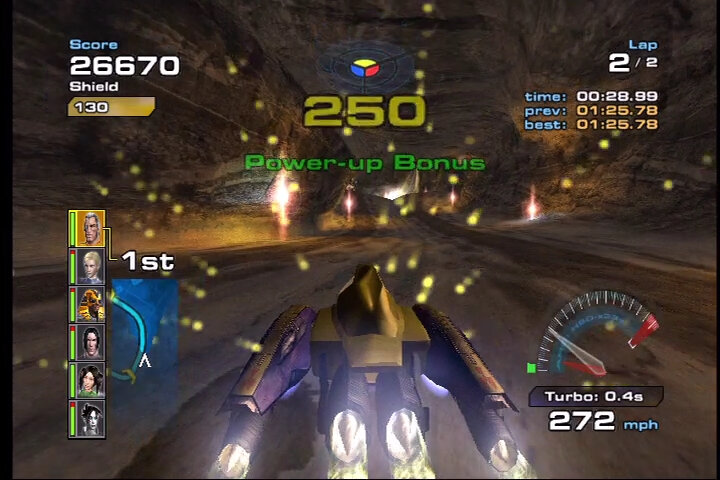
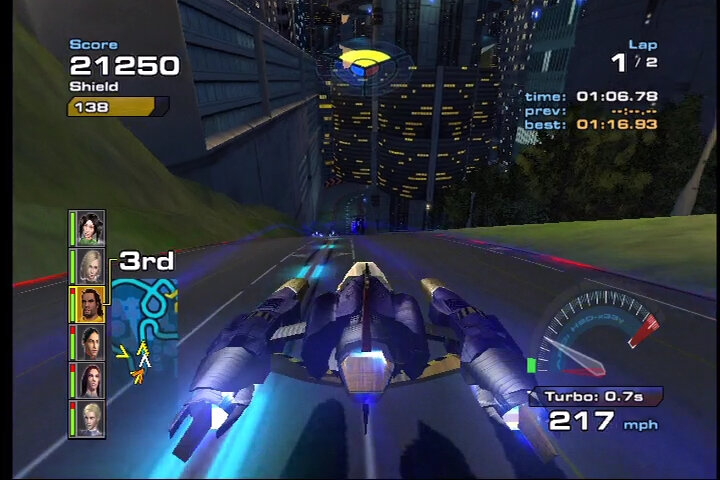
The graphics are one of there best for the original Xbox and really takes advantage of the effects the Nvidia GPU was capable of, with water lens effects appearing when your ship lands in the water, along with detailed textures that you would never find on the PS2. It certainly stood out from WipEout Fusion or Extreme EX G3 that were released at the same time. The game also runs smoothly, with no noticeable lag or slowdown even during intense races, no matter how many ships are on screen.
Sound is where the game shines, with the soundtrack itself being composed by JunkieXL (also known as JXL, who is most known for that 2002 remix of an Elvis hit – A little Less Conversation). The music is segmented in sections that changes as you progress through the race, with some segments looping longer depending on your speed. This is similar to Tekken 4 on the PS2, or the arcade version of Tekken 3 that also progresses the soundtrack as you finish the rounds.
The music itself is your standard electronic/trance music that was also a main staple of WipEout and Extreme G3. But there is no support for custom soundtracks which was one of the exclusive features to the Xbox for that generation. Considering this game was built from the ground up for the Xbox, it’s odd that this feature wasn’t implemented.
As for the gameplay, it’s mostly the same as WipeOut but with a focus on combat and defence rather than speed, though you do travel at very high speeds on the later difficulties. You have to pickup powers which are either defence (yellow), homing weapon (red) or non-homing weapon (blue). Each ship/character has their own unique weapons that require you to master and seat specific points of the race, some will through grenade like weapons for when there are multiple opponents in front of you.
Defence is also very important since your ship has limited life which when depleted, it’s game over. The game will warn you when an opponent is about to attack which will give you time to deploy the shield, providing you have picked up a defence power up. This isn’t always accurate and sometimes the opponents weapon will miss if they are far away or if you have passed a tight bend. It’s a bit of a gamble as you have to decide when to deploy your serene powerup (which gives a limited shield) or save it for later.
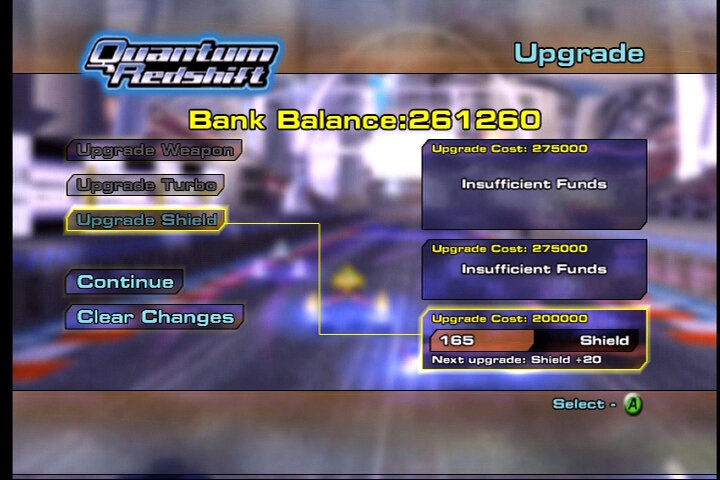
You also get turbo that refills after you complete a lap, initially you are limited to a few second of turbo but as you earn points, you can increase the turbo time you have. I usually recommend to save your turbo until the last lap, since the AI is a bit cheaty with speed boosts once you are in the lead, and you will have to watch out for enemy attacks.
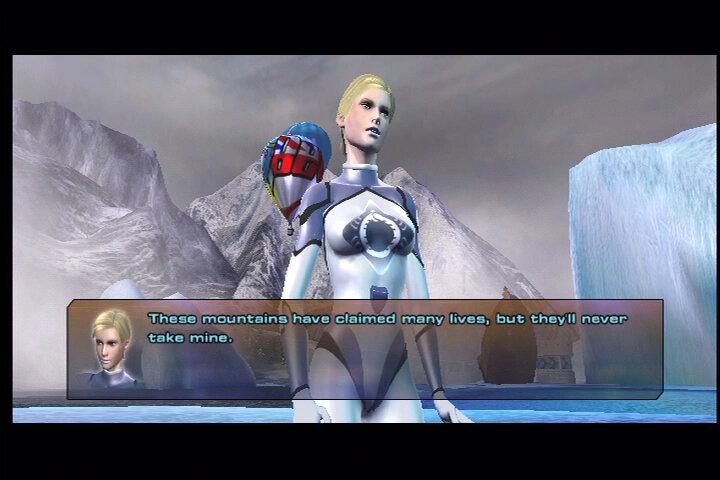
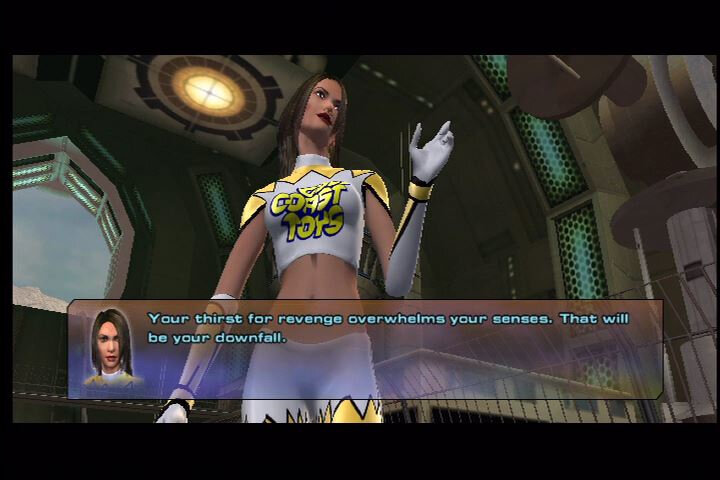
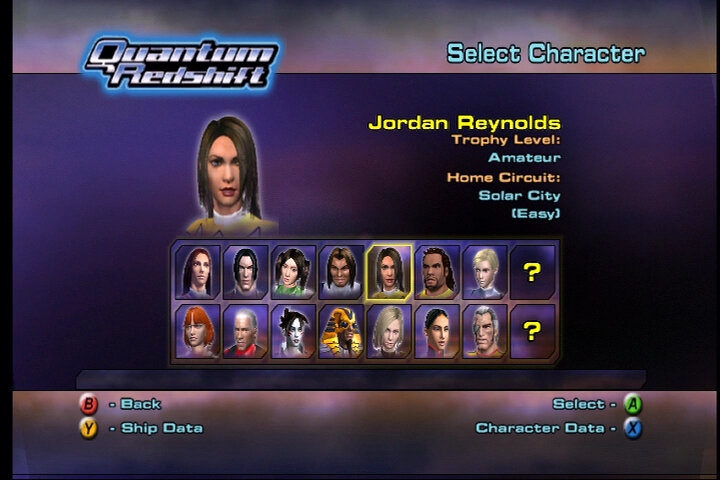
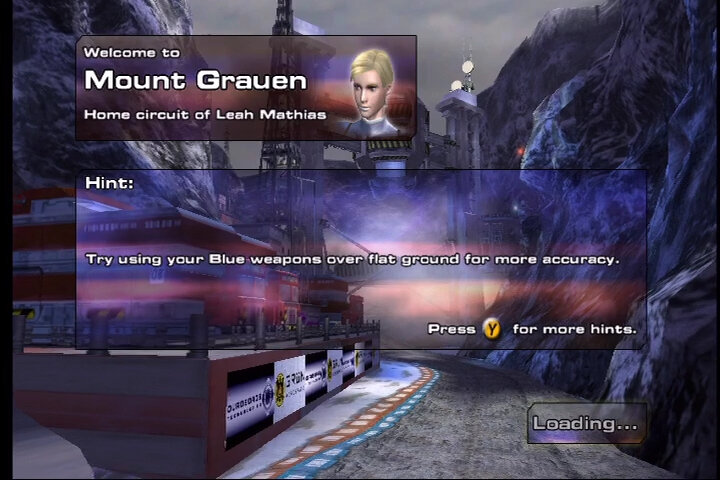
There isn’t much story to the game, mostly you are given cutscenes with your character and their rival before the race, some characters have a backstory that unfolds as you complete the races, and will need to complete the expert difficulty to view and unlock the complete set of cutscenes. Unlike WipEout, there is more focus on the character itself rather then the ships. The characters themselves are pretty diverse, being located around the globe though thankfully most of them speak English. Each character has a main rival that you will have to face in a duel in order to win, they also have a ‘home’ track depending on where the characters originate from. The voice acting is a bit cheesy and feels like you’re watching a budget soap opera, and most of the racers personality come off as arrogant and cringy. If you’re familiar with the cutscenes from fighting games like Dead Or Alive 2 or Tekken 5, its a very similar setup.
The racing tracks are also pretty diverse and varied, with interesting loops and bens that require precisions and mastery of your ship to win. A nice touch as the countdown voice being in the language where the track is set, Fukoushou City being in Japanese and Kalu wastelands being in Russian.
Despite the flaws, it’s a very nice looking game, and it defiantly is a worthy opponent to WipEout, competing favourable with WipEout Fusion. It’s one of the many true Xbox exclusives that are worth playing and preserving and it’s tragic it never got a sequel or a remaster.
Also since it was released early into the Xbox life cycle, it lacks support for online play for Xbox Live, nor any support for downloadable DLC. The game was made comparable for the Xbox 360 but has yet to be made compatible with the Xbox One.