Category Archives: Windows 98

IBM ThinkPad 390E

Thinkpads were pretty nice laptops, especially during the late 90s when they pioneered various emerging technologies that were yet to be common. Let’s take a look at a typical OS install that would have shipped with a Thinkpad.

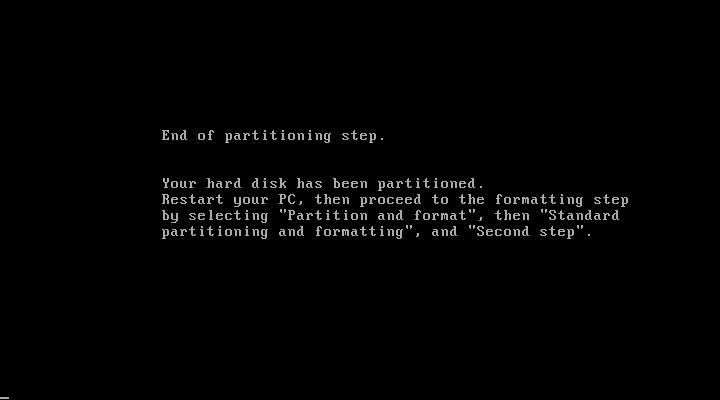
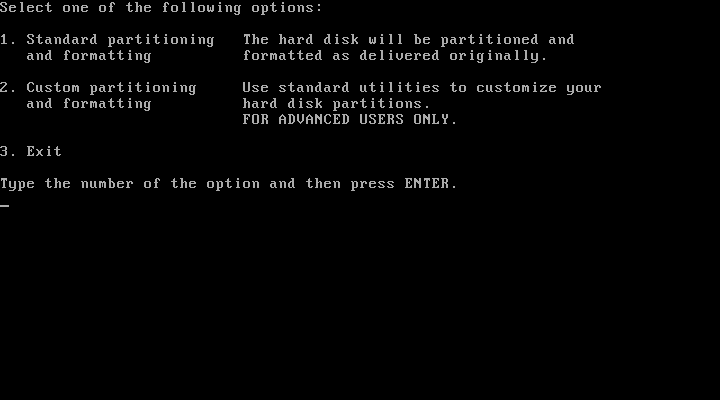
The installer requires the hard disk to be at last initialised, that means having a partition table ready and a partition created. The recovery disk included the FDISK program to create this if its not been done so, and supports the creation of FAT32 partitions.
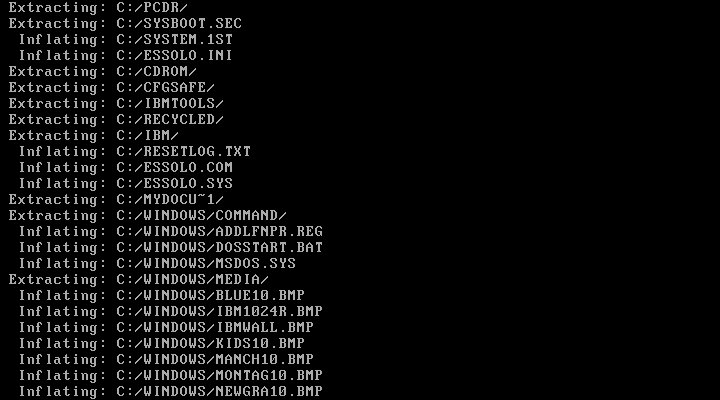
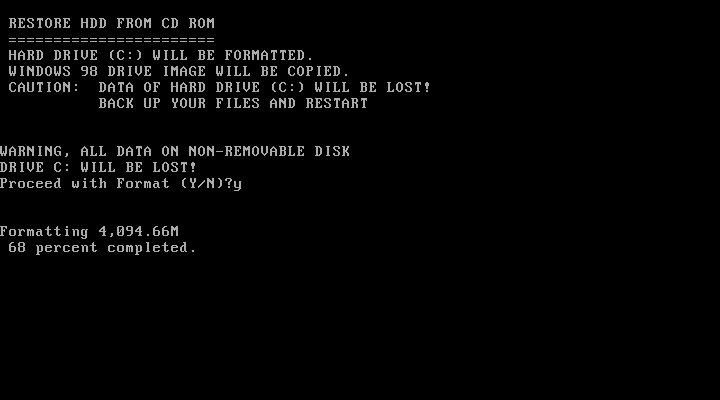
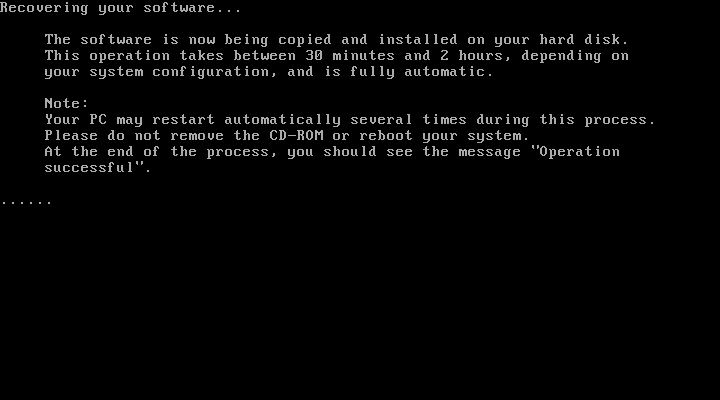
Once ready, you can start the recovery process, which will inflate the required files. In total this will consume around 600MB of disk space
Initially, this was attempted in VMWare and whilst the first part of the install worked very well, we ran into a few issues. Since our host CPU is over 2.1GHz, we ran into a protection error and were unable to continue without modifying the OS. A patch exists and can be installed.
This isn’t a problem in Windows 98SE or Windows ME, but this image contains the first edition of Windows 98 which does have this bug.
However at some point the install bricked itself, getting a few errors about missing VXD files, which could be related to the patch above.

Since VM software has issues running these older operating systems, it’s better to use 86Box instead.

86Box

86Box has a few IBM machines emulated, but none from the Pentium II era. Although in theory, we can use any capable motherboard to run the OS, I wanted to use an IBM based machine to better fit the profile however 86Box only has a handful of IBM systems:
IBM Valuepoint 60: Has a shit BIOS that only detects a hard drive up to 504MB, the restore image along consume 600MB and we cannot boot from an external SCSI drive
IBM PS/ValuePoint 433DX/Si: BIOS is also wack and complains about a config error no matter what combination of hardware I throw at it. Seems to work with larger hard drives but does not boot from a CD-ROM so I had to use Plop boot loader. Whilst I was able to complete the restore and was able to boot into Windows and complete the hardware detection somewhat, after another reboot the system would no longer boot up, giving a non-system disk error
IBM PC 330: I couldn’t even get this shit to POST

Overall 86Box didn’t have much going for it in the IBM department for later generation PCs so I ended up using the VirtualPC 2007 based system, which worked easily and was able to boot from CD.

Post Install

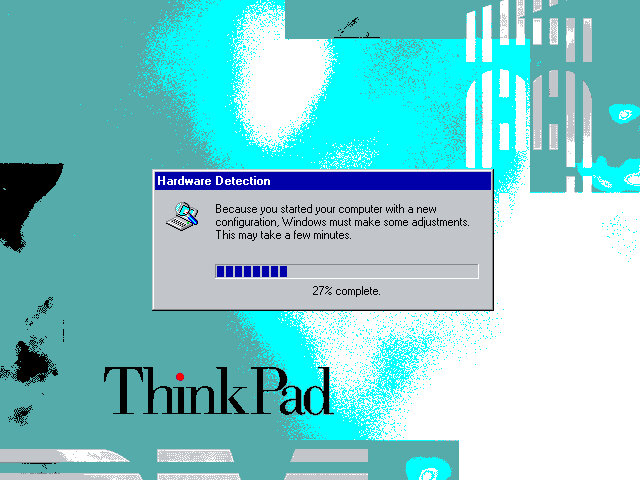
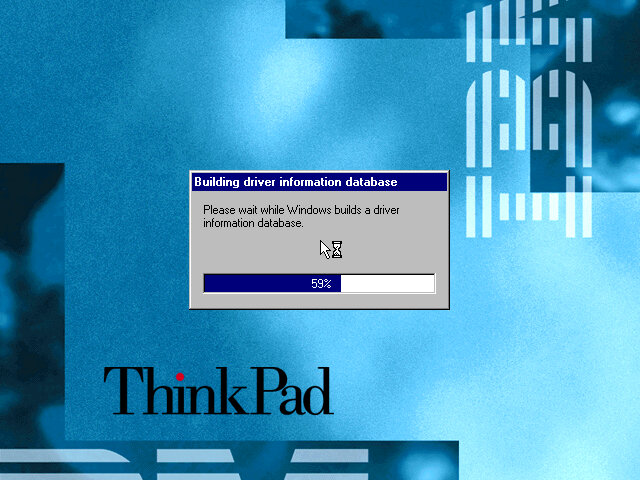
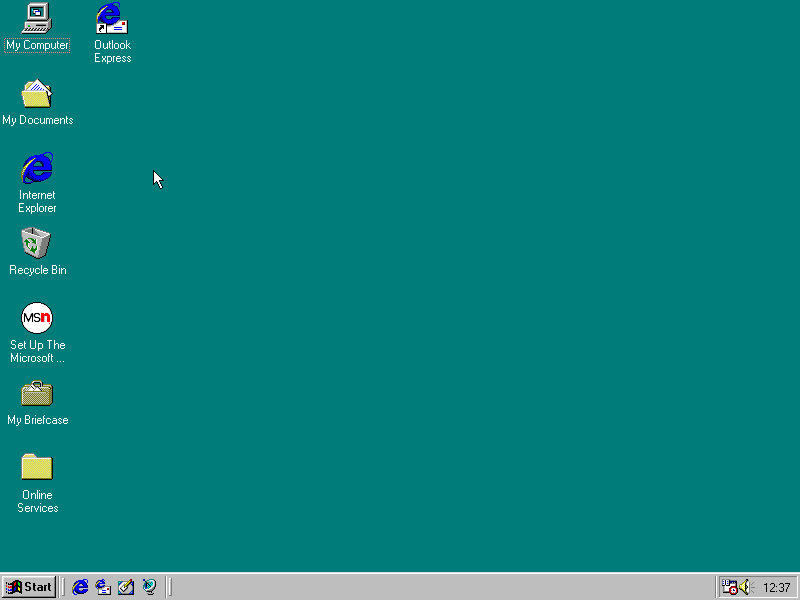
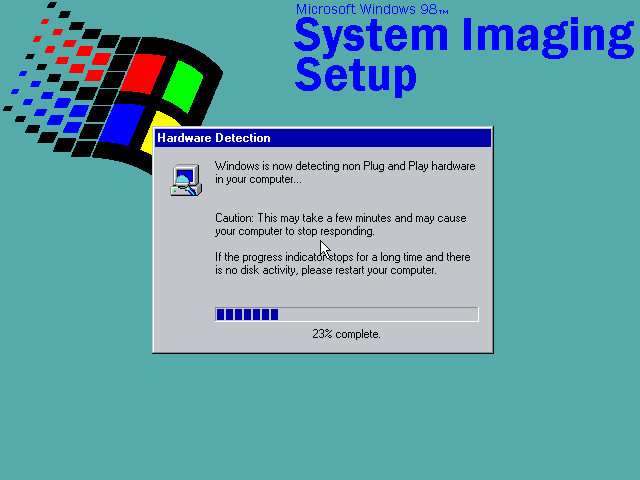
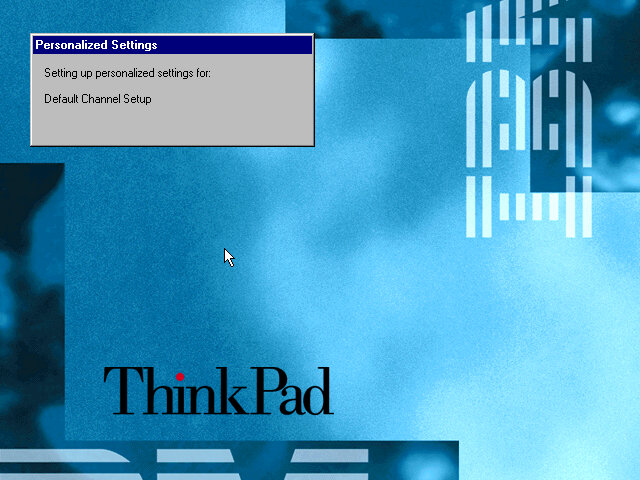
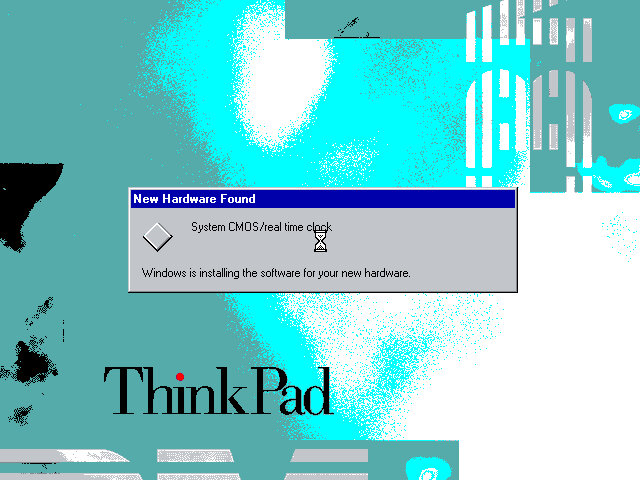
When running on completely different hardware you will encounter this hardware detection section, as Windows tries to detect and install various drivers for the motherboard and components used. On the actual ThinkPad system, you will just be taken to the desktop.

This typically takes around 10 minutes to complete, be warned that if you try this on VMWare you will have endless prompts regarding PCI-PCI bridges since VMWare likes to have a lot of these.

Software

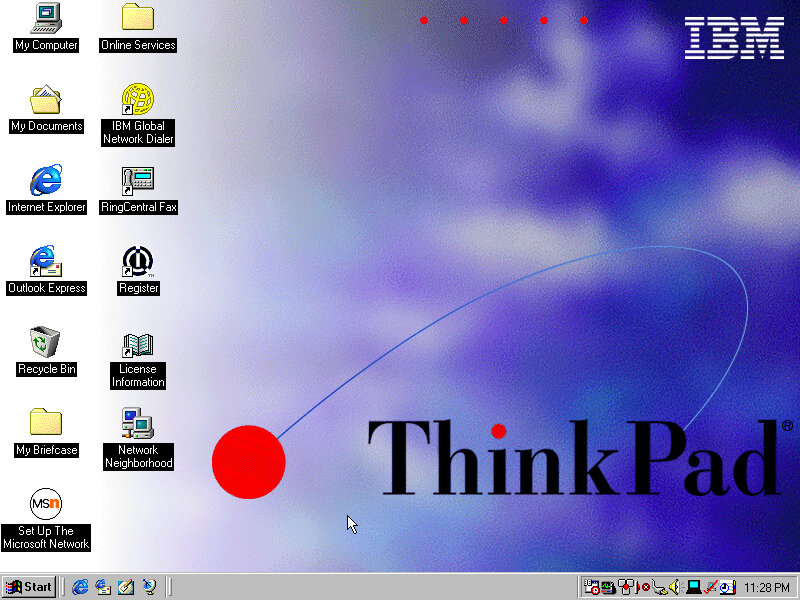
The Welcome to Windows screen has been customized by IBM to some extent, as the ThinkPad itself can be seen in the background. I’ve never seen this done by an OEM for Windows 98.

ThinkPad on the Net

A utility to help you sign on for an internet service provider. If you already have one the program will attempt to test the internet connection, but this will fail since the servers are no longer active, the program simply thinks you don’t have an internet connection.
It’s also possible this only works for dial-up connections which were popular at the time, and requires a modem.

Product Registration

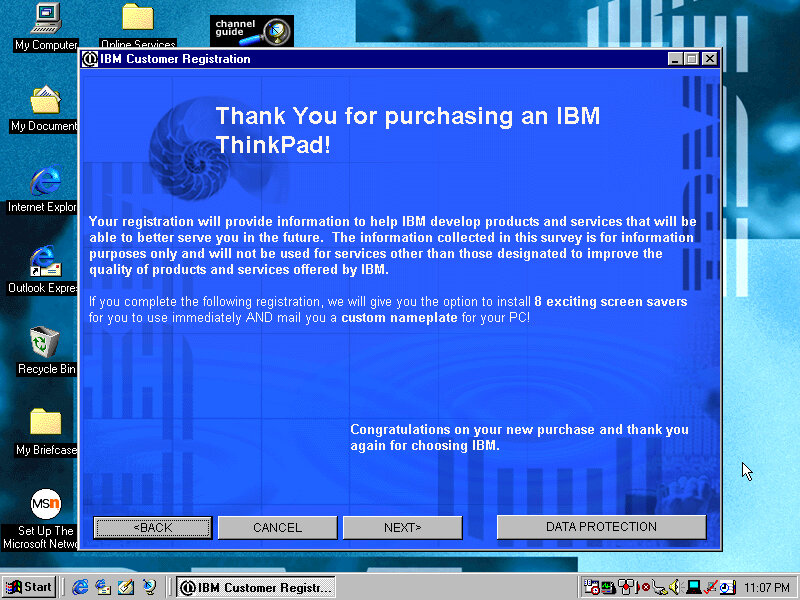
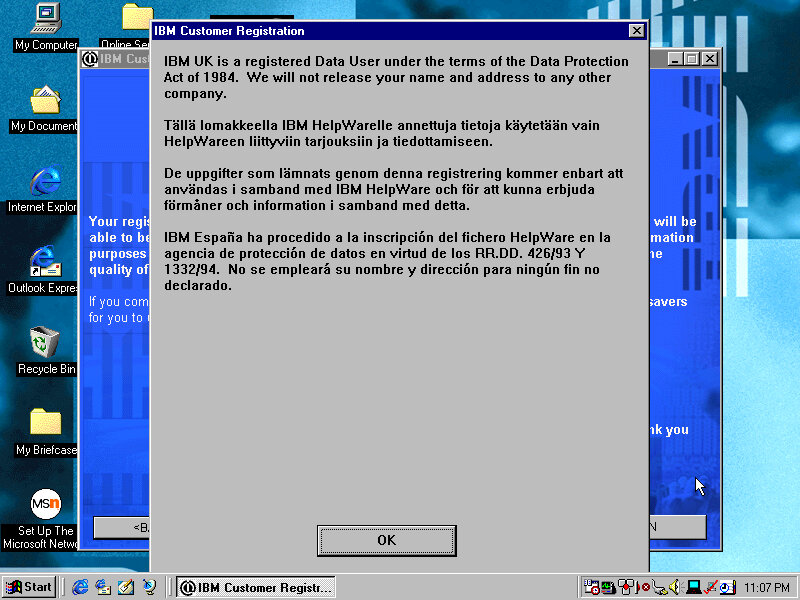
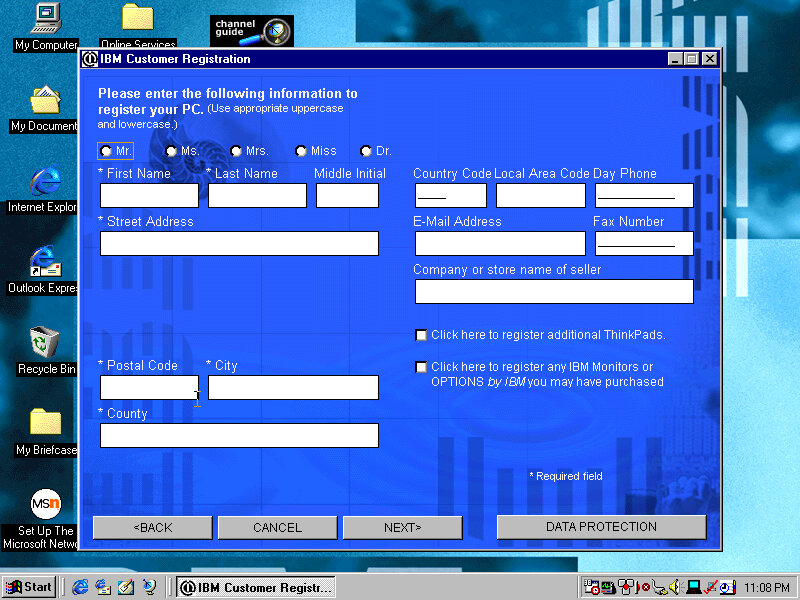
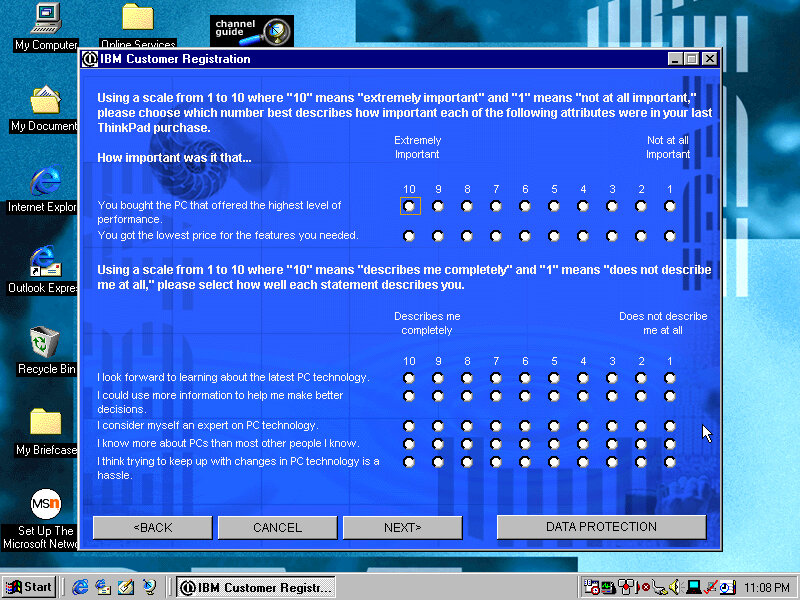
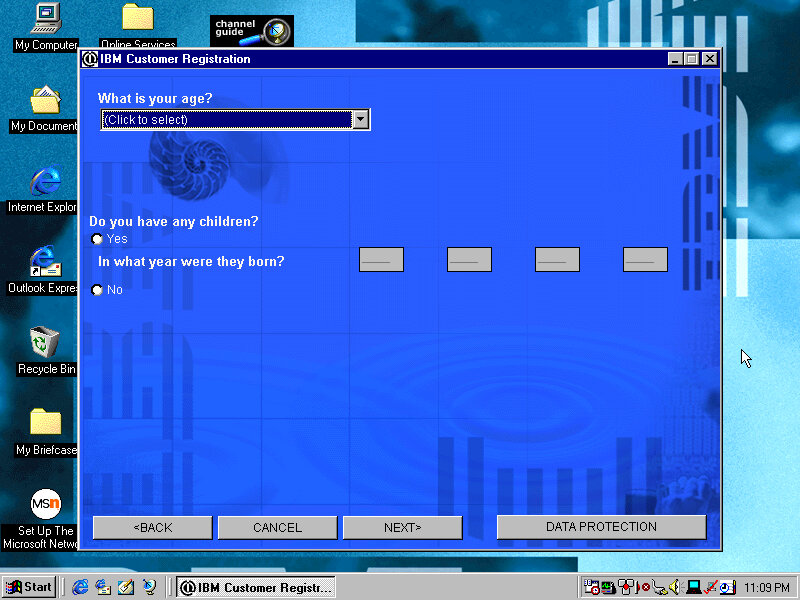
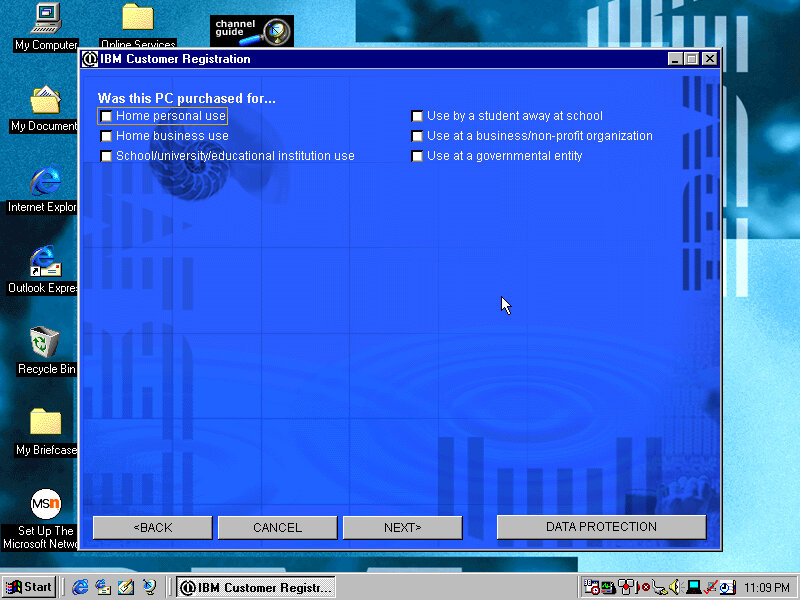
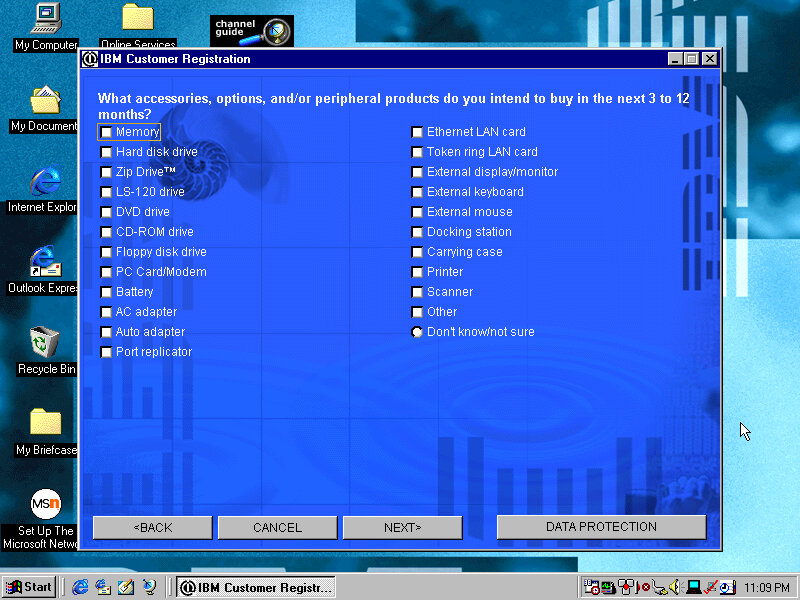
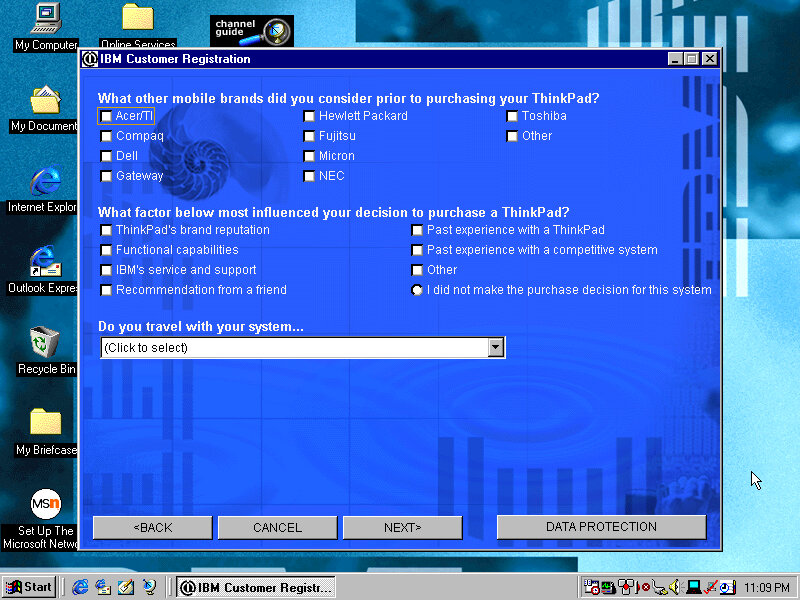
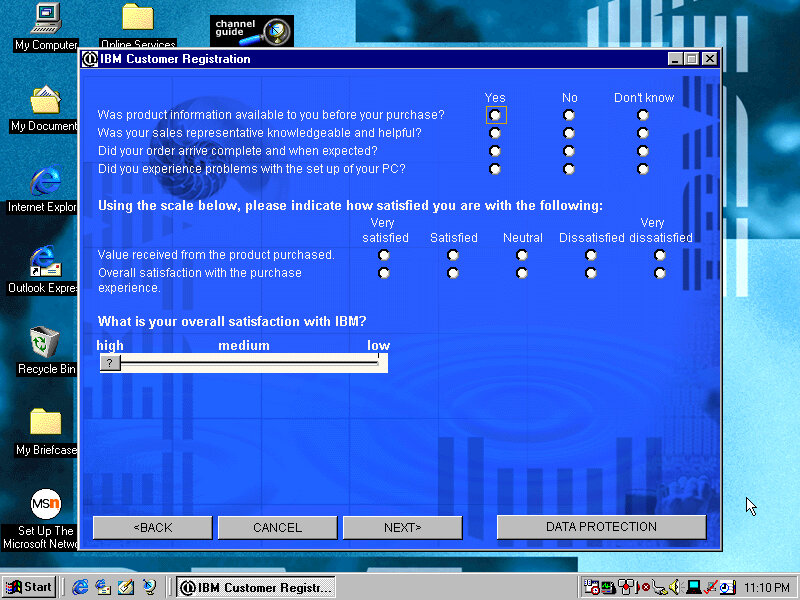
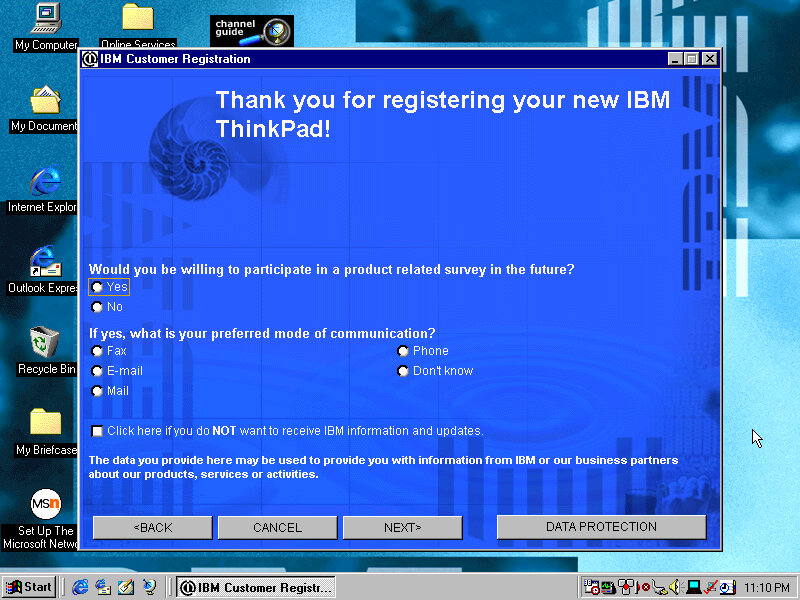
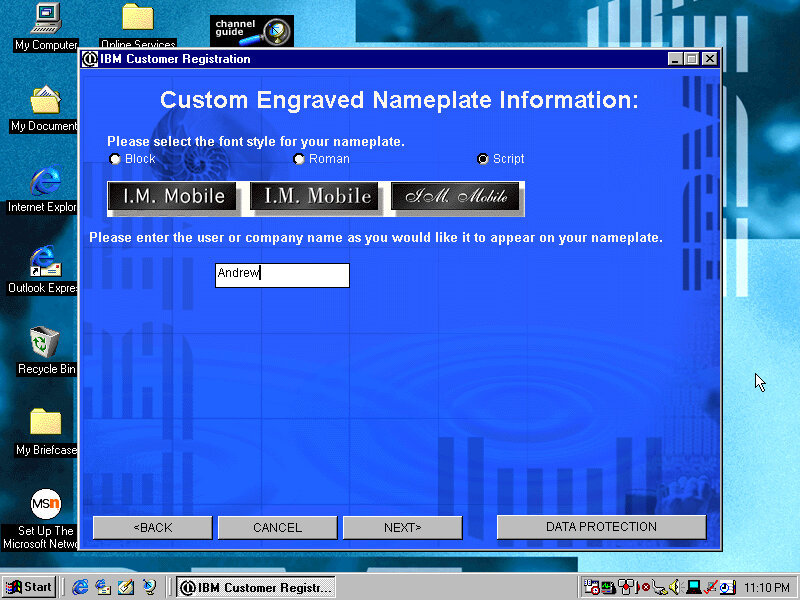
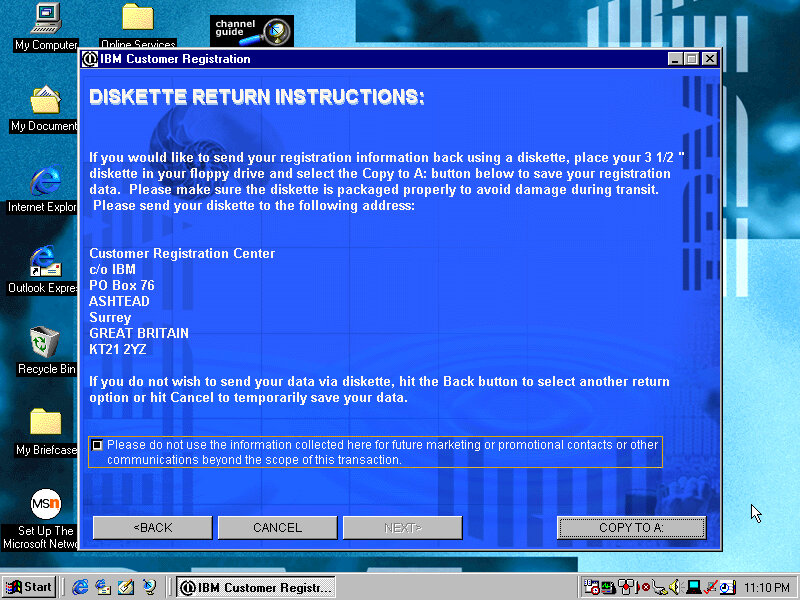
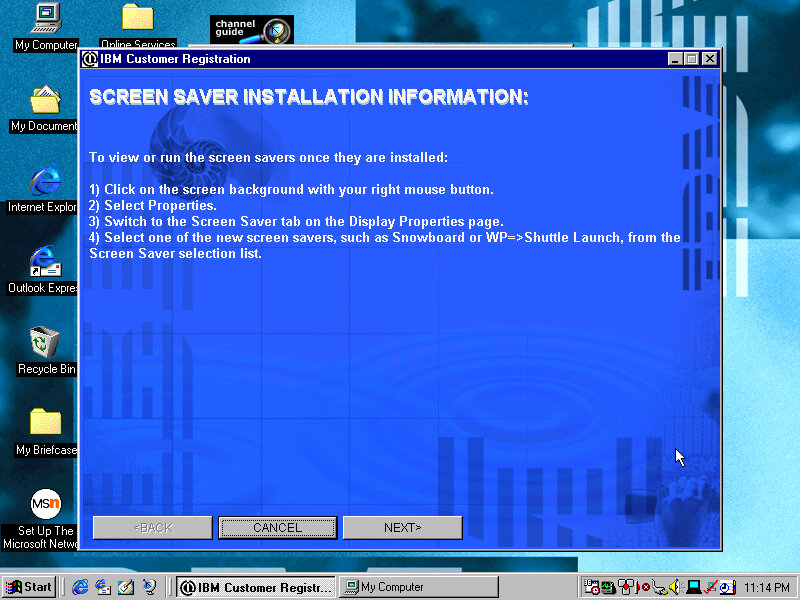
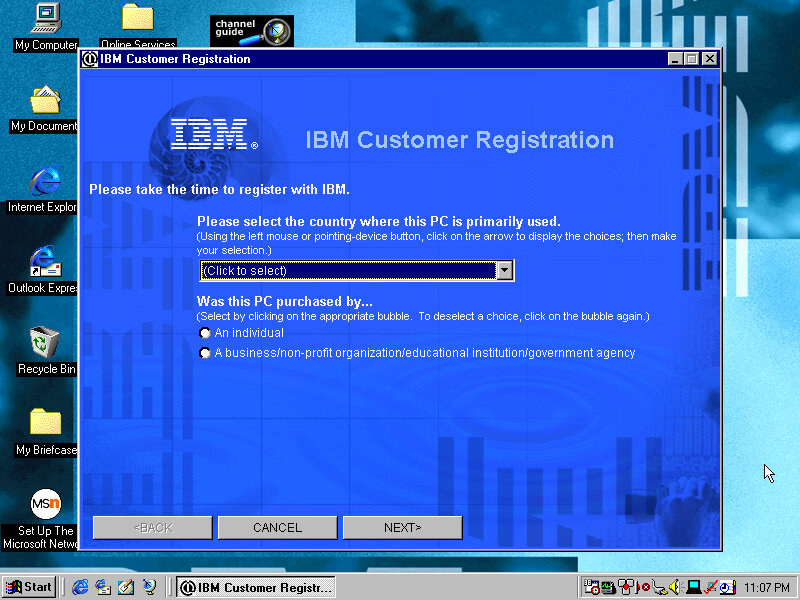
Presents the opportunity to register your product by answering several questions about you and your life story, along with what you intend to do and what accessories you intend to purchase. This was the good old days when telemetry wasn’t embedded into the OS, so this was the only way to provide feedback to the OEM. Registering your products will reward you with bonus screensavers.
Screensavers

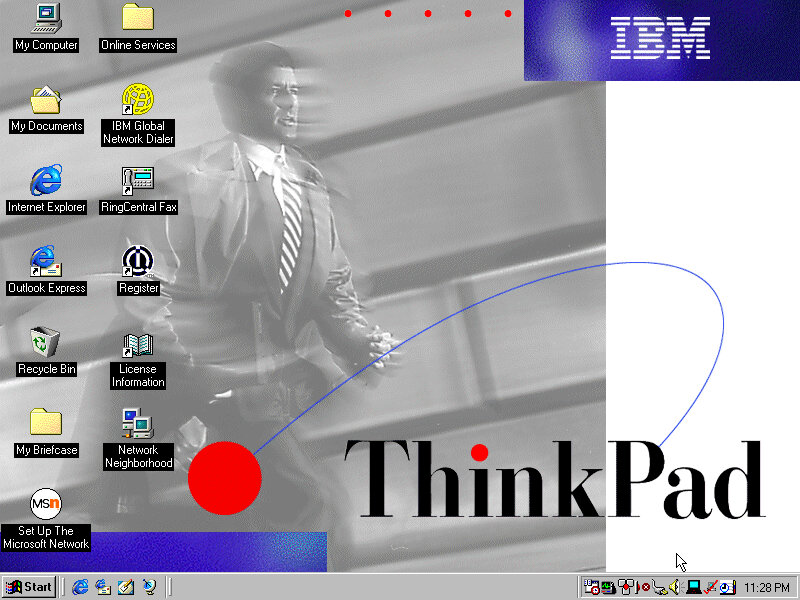
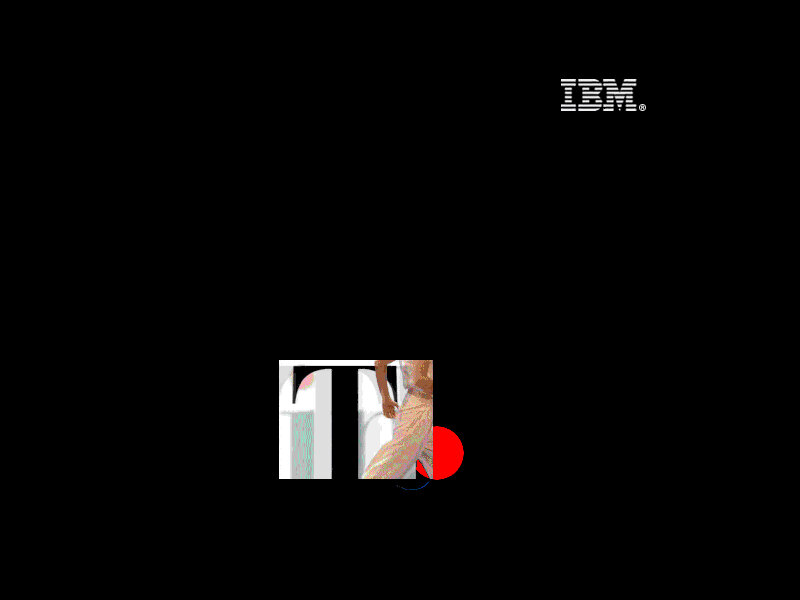
Think 1: The Thinkpad logo flashes around the screen whilst a red dot (TrackPoint) spins around
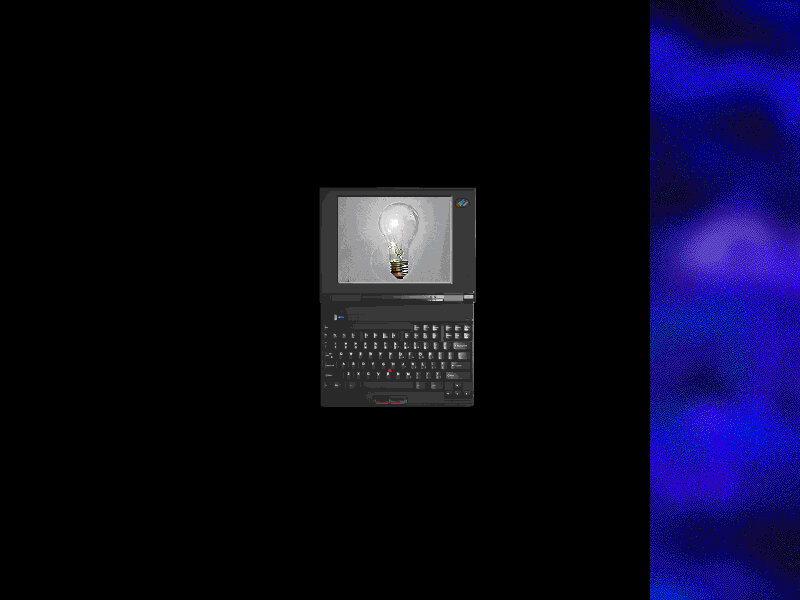
Think 2: Similar to think1 but has an animated image of the laptop itself
Saw: Simulates a saw cutting pieces from your desktop, along with a loud saw sound that scared the shit out of me. There is an option to disable the sound thankfully
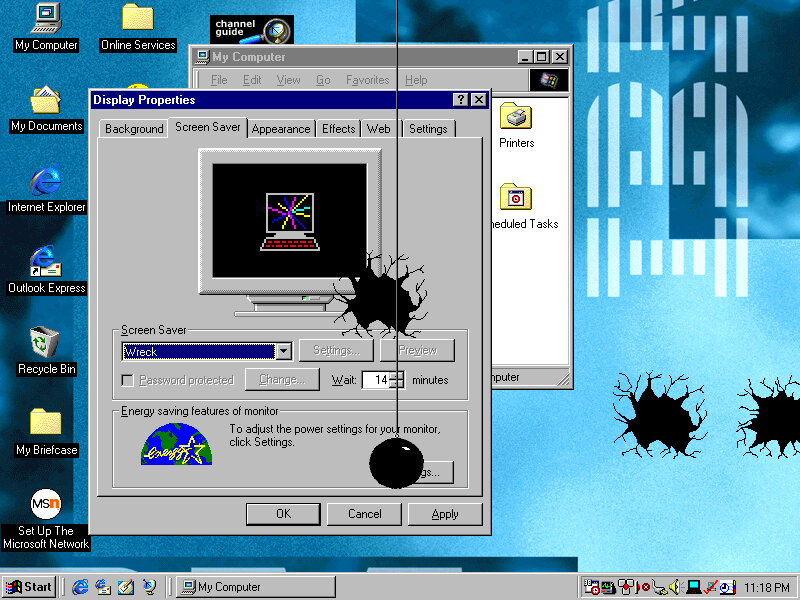
Wreck: A wrecking ball appears and smashes against your desktop background, along with smashing sounds.
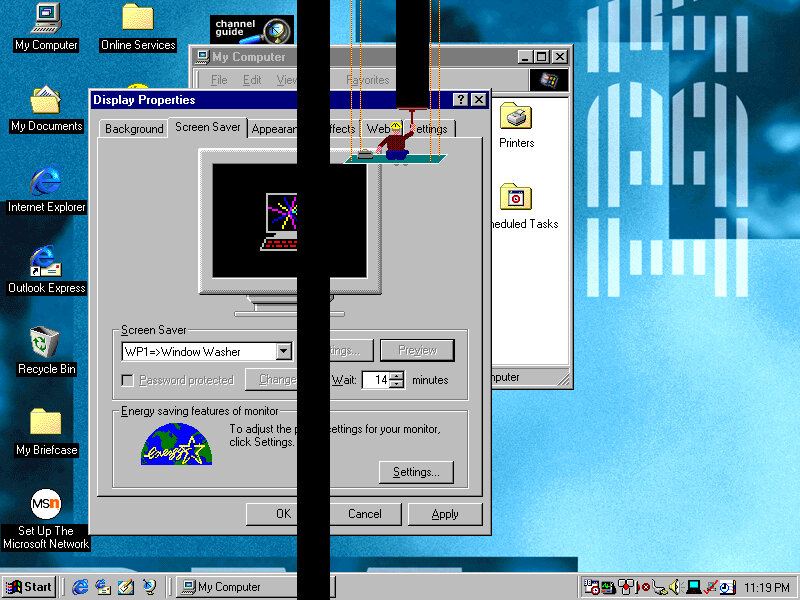
Window Washer: A Window Washed slides down the screen, taking vertical black stripes from your desktop background
Gumballs: A bunch of coloured circles appears on the screen
Snore: A floating bed with a guy sleeping in it
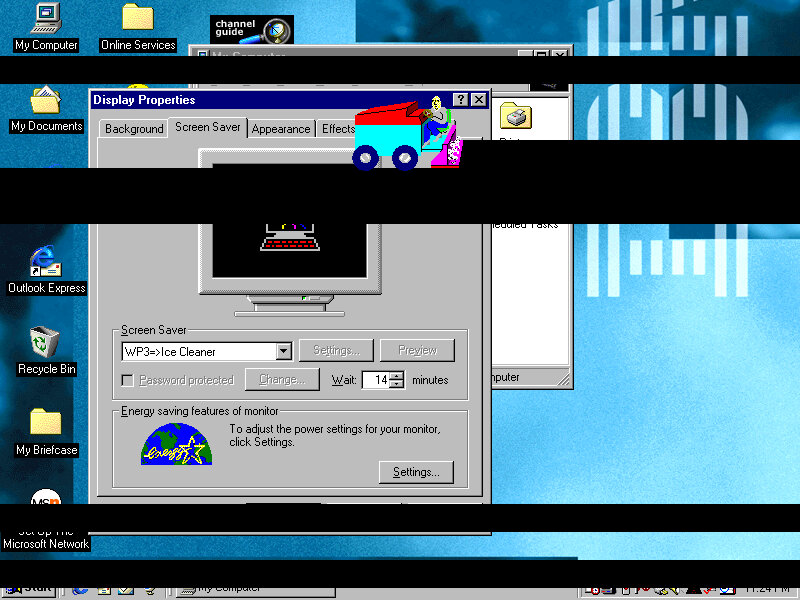
Ice Cleaner: An Ice cleaner of sorts appears
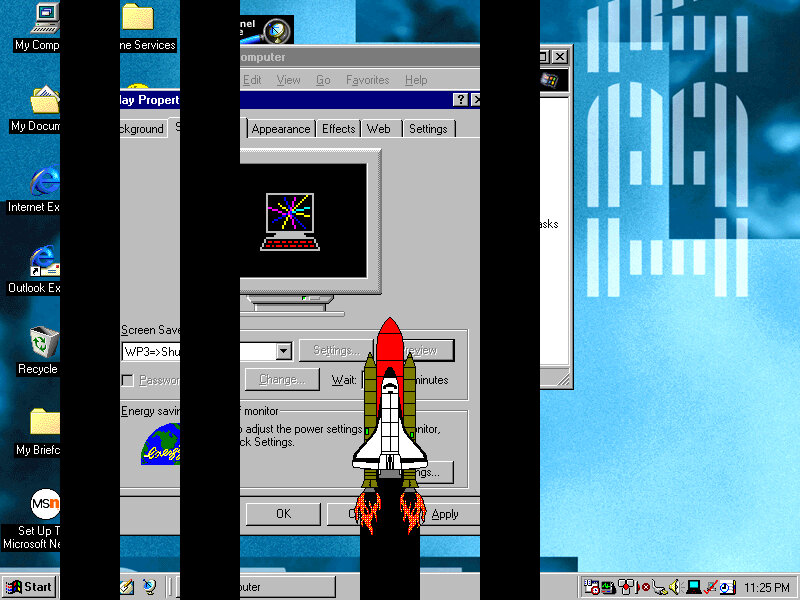
Shuttle Launch: A Shuttle appears and moves on the screen
Wallpapers
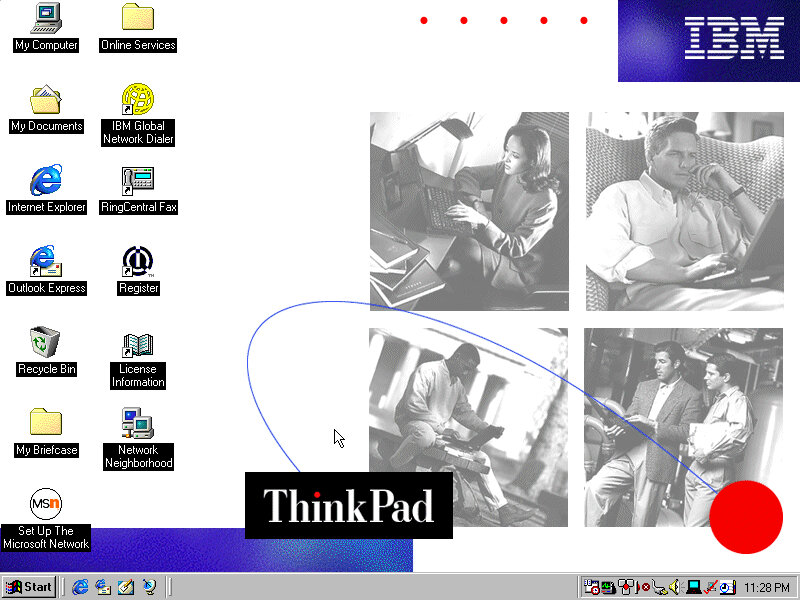
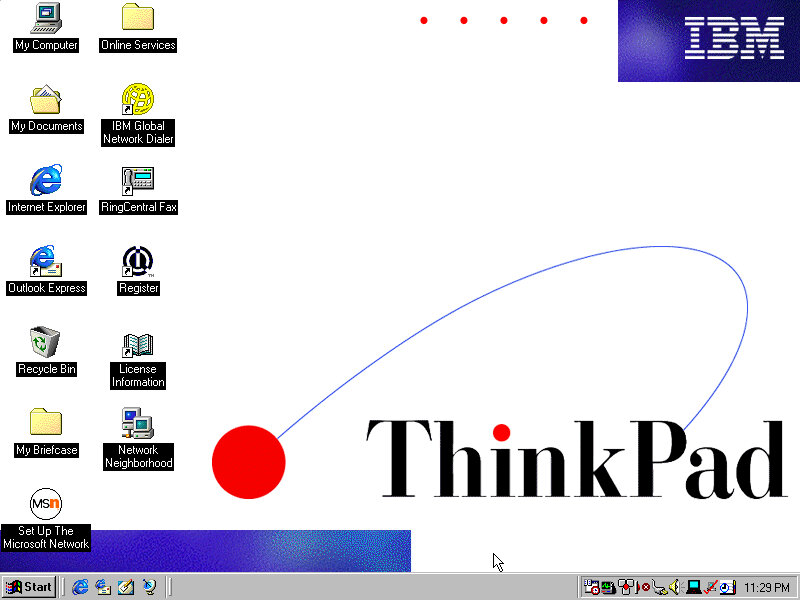
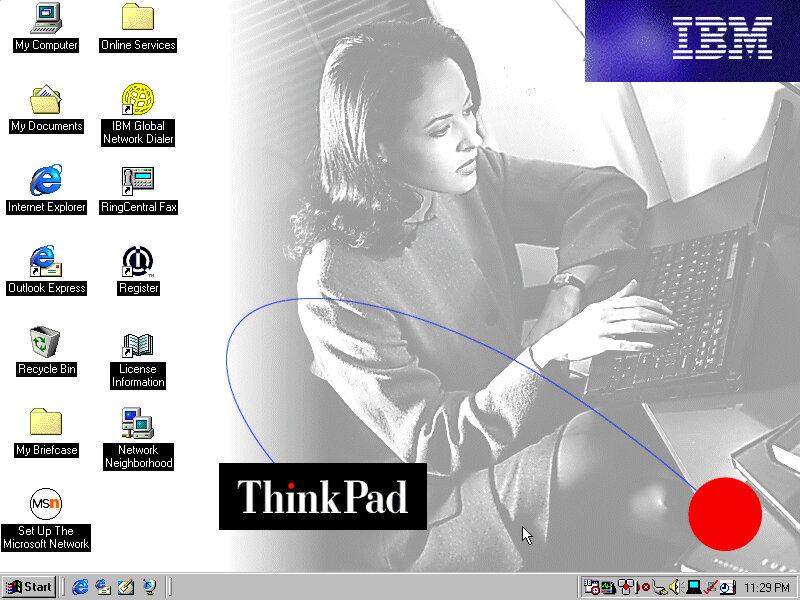
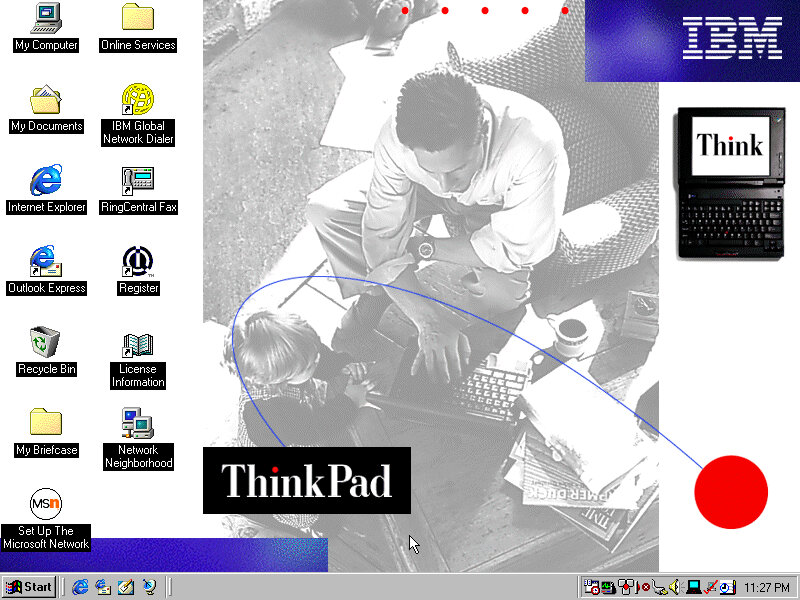
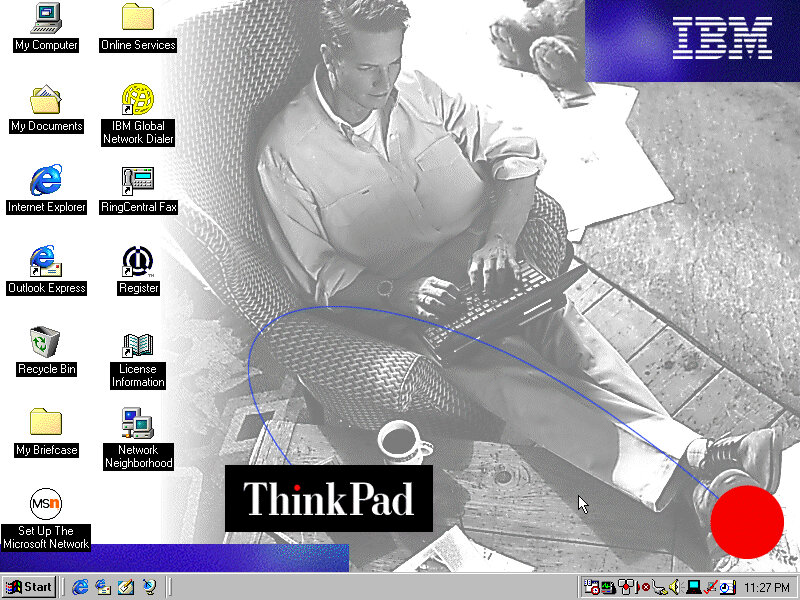
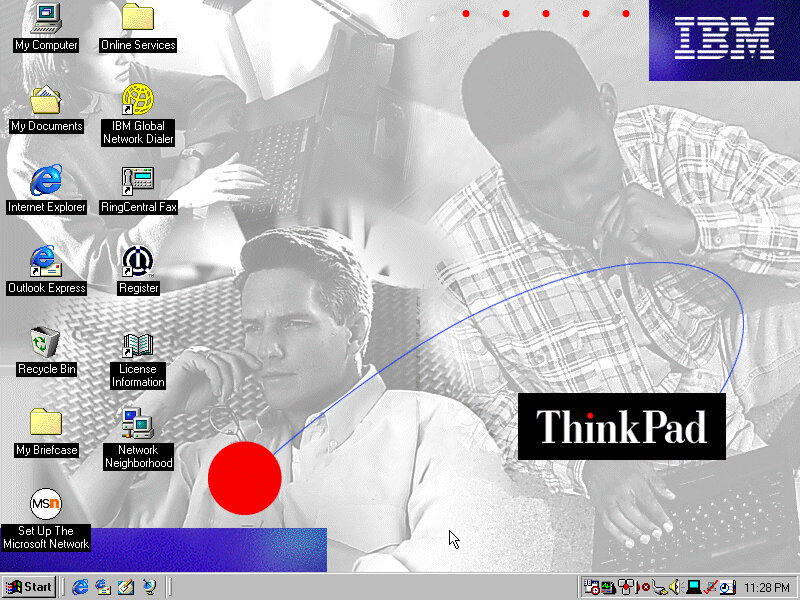
There are plenty of wallpapers included, supporting both 800×600 and 1024×768 resolutions.

PC Doctor

A diagnostic program of sorts, which performs a variety of tests. This included the CPU, video card and various devices connected to the system. Very interesting considering we are running in an emulated system.
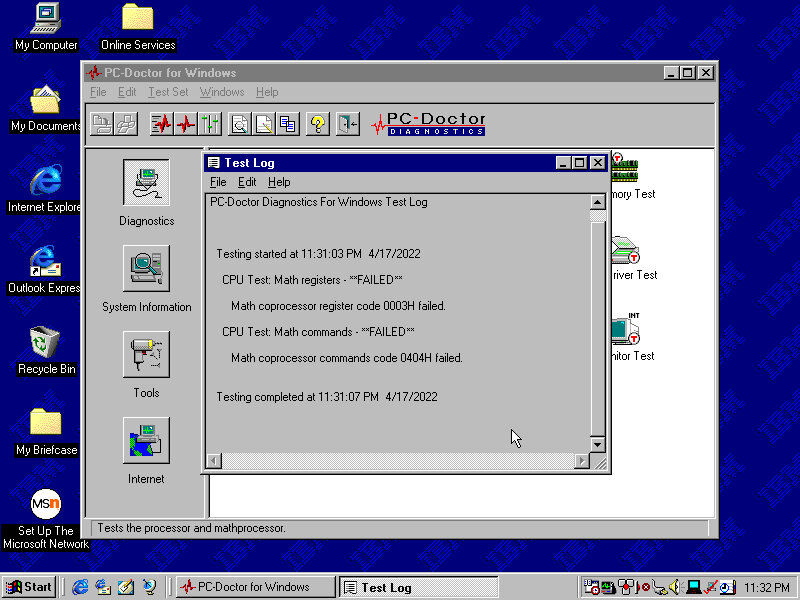
Shockingly it has failed, although we are emulating a Pentium II, seems the Math coprocessors has issues returning incorrect results.

Let’s give the memory a test…
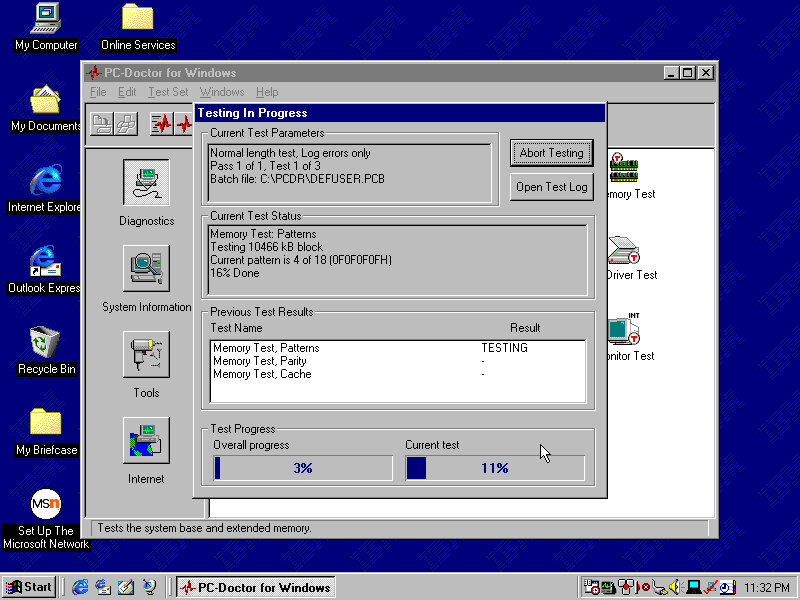
Looks like it passed, Now for the video
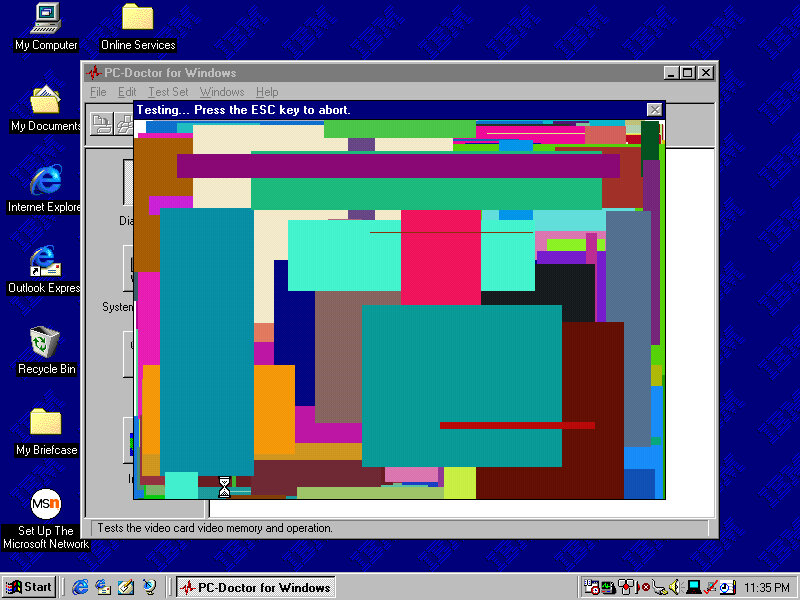
Is it me or can you see watergate…
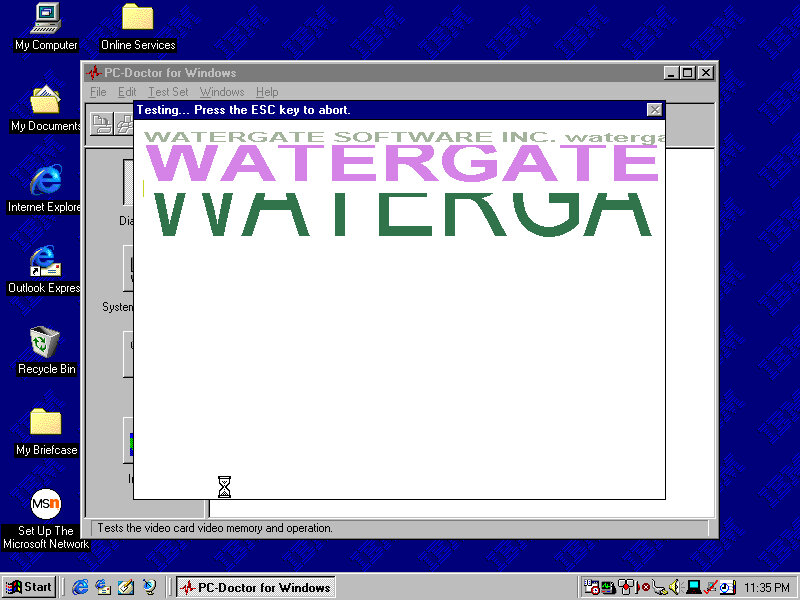
The Graphics card is an S3 ViRGE (325), This isn’t the graphics card that shipped with the system

The sound test plays a few MIDI and Wave samples

The system Information area gives us details information on the various elements of the system. However here its possible to hard freeze the system

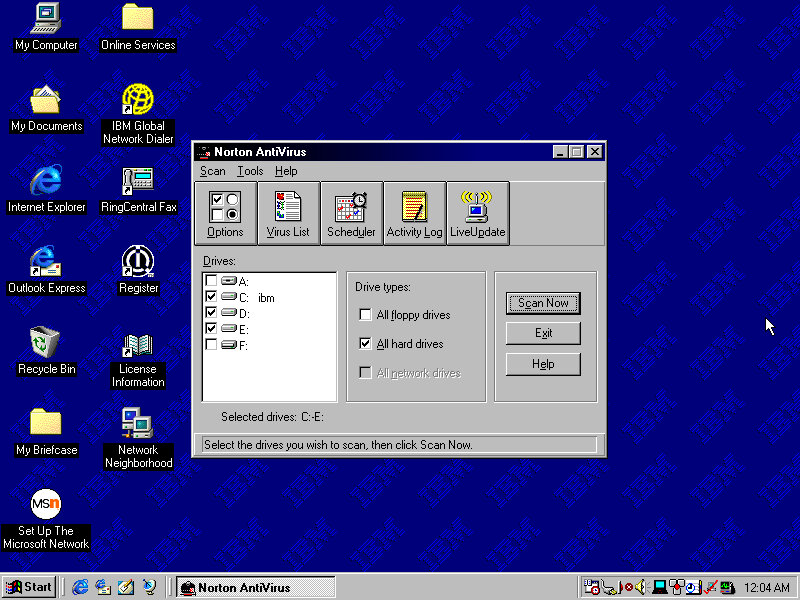
Norton AntiVirus

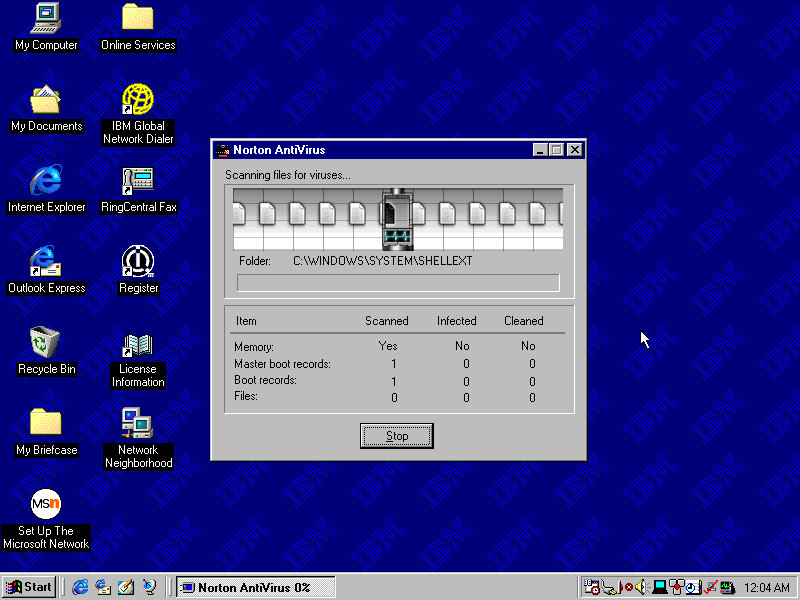
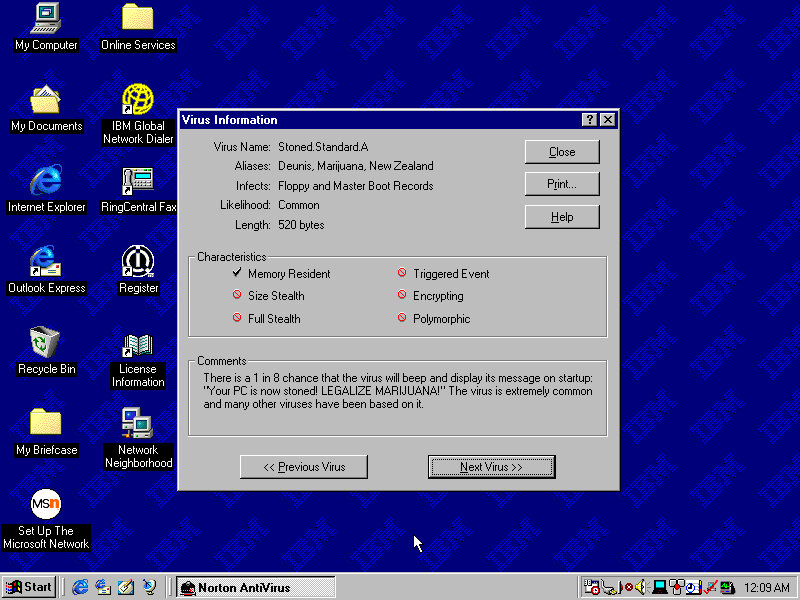
Included antivirus software that can detect and remove viruses. This version lets you browse through the various virus definitions to see what they do and what parts or side effects they can cause.
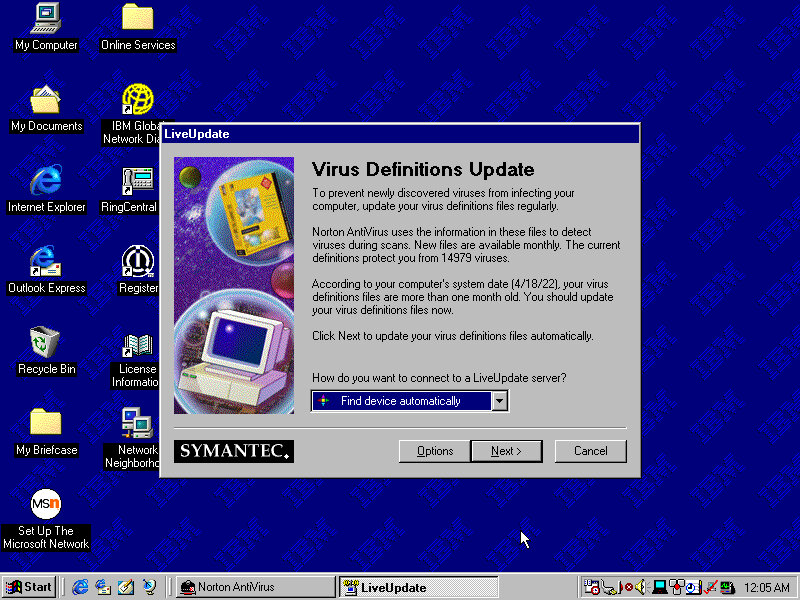
A Liveupdate feature was available but is no longer functional will return a server error.

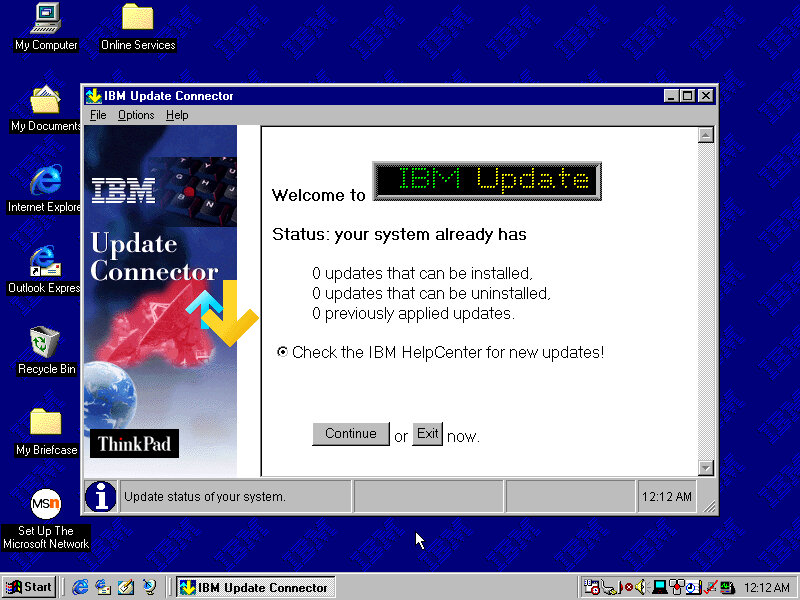
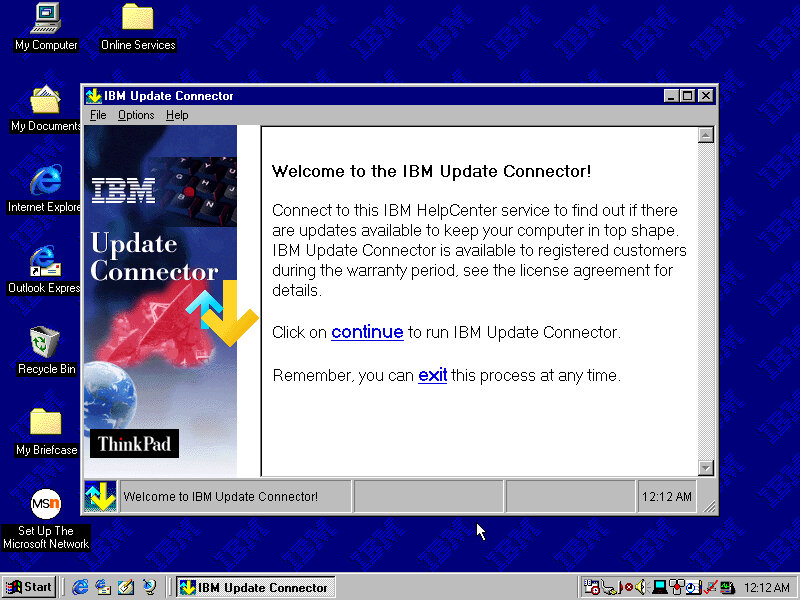
IBM Update Connector

Checks for various updates for applications and utilities that came in bundles with your IBM system.
ThinkPad Configuration

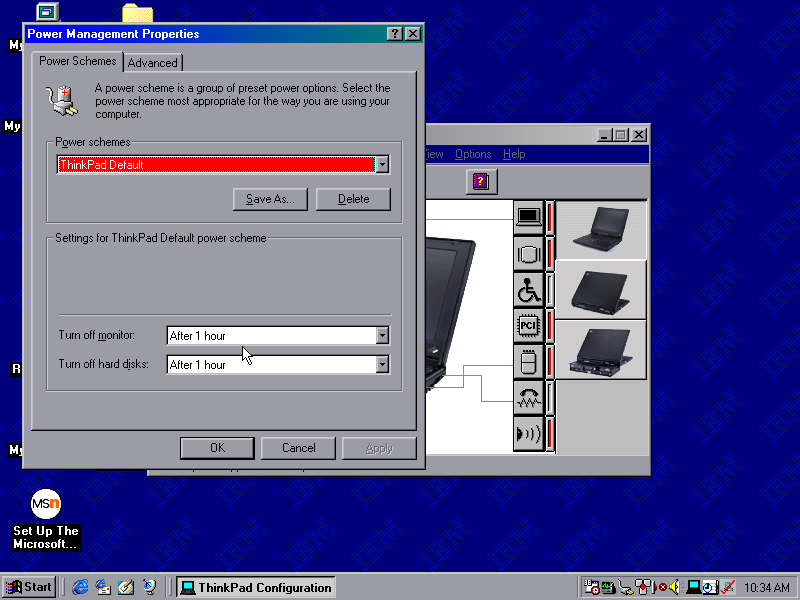
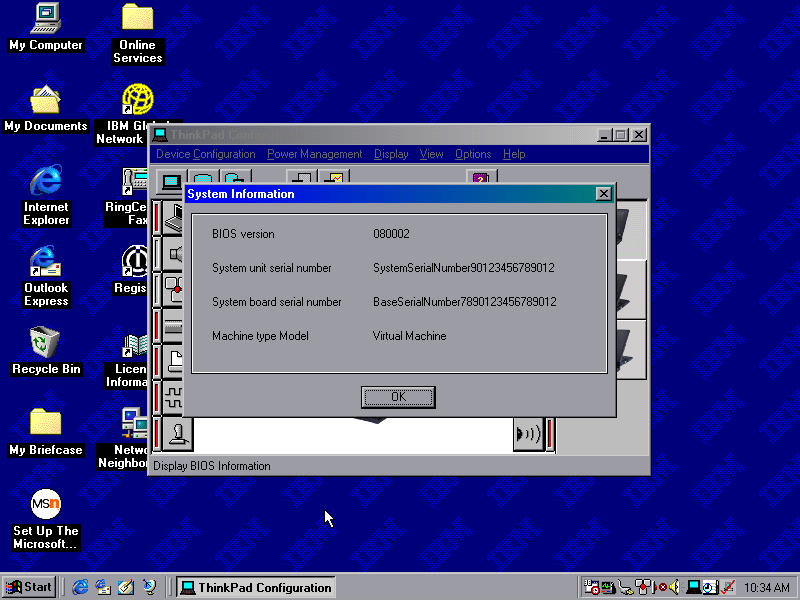
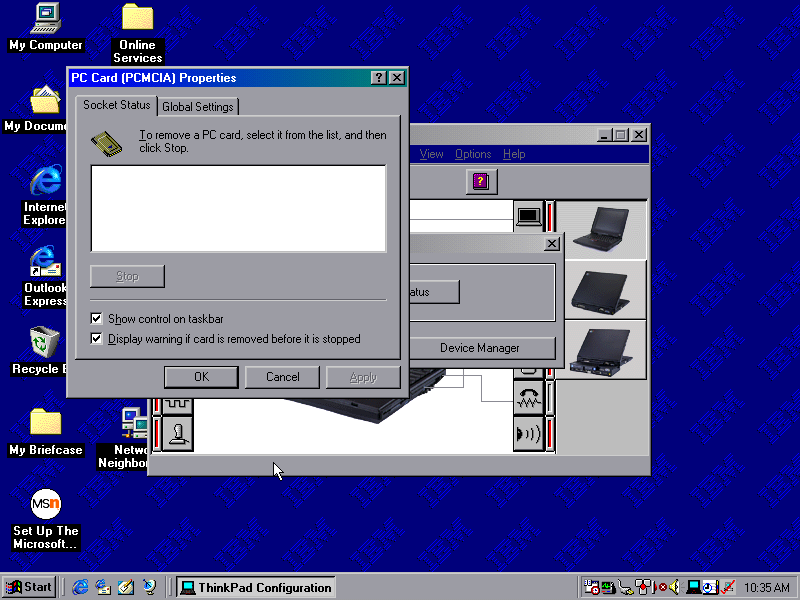
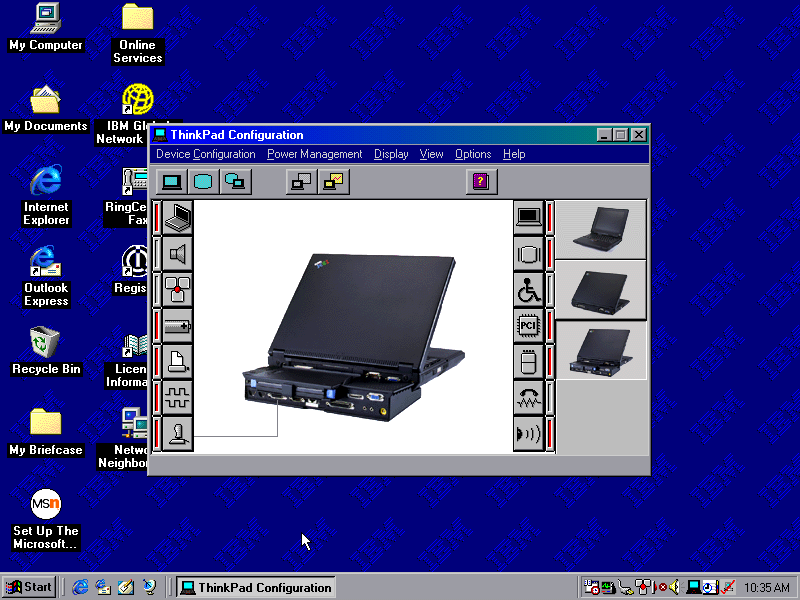
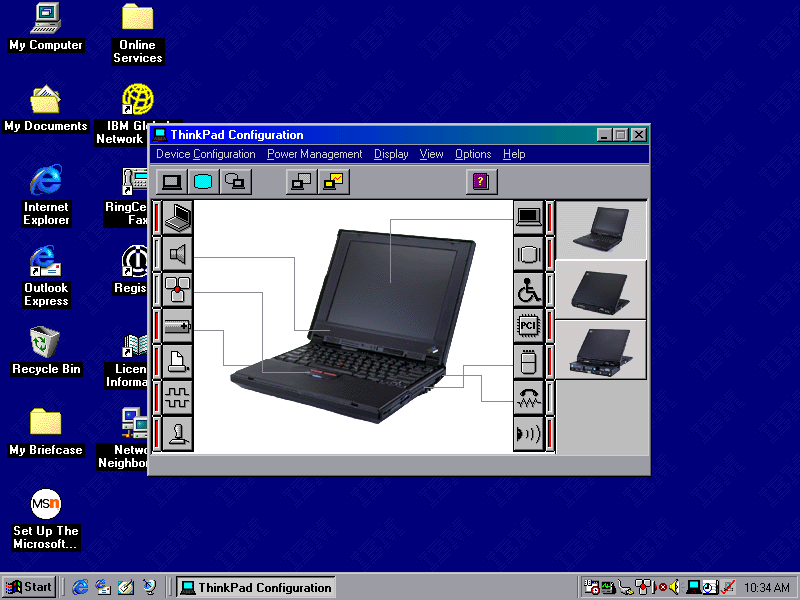
A utility that lets you change settings and enable/disable different components of the system. You can configure settings for the sound, game port and TrackPoint itself. These are settings that are typically exclusive to the ThinkPad itself and may not be covered by the Windows settings.
ConfigSafe EZ

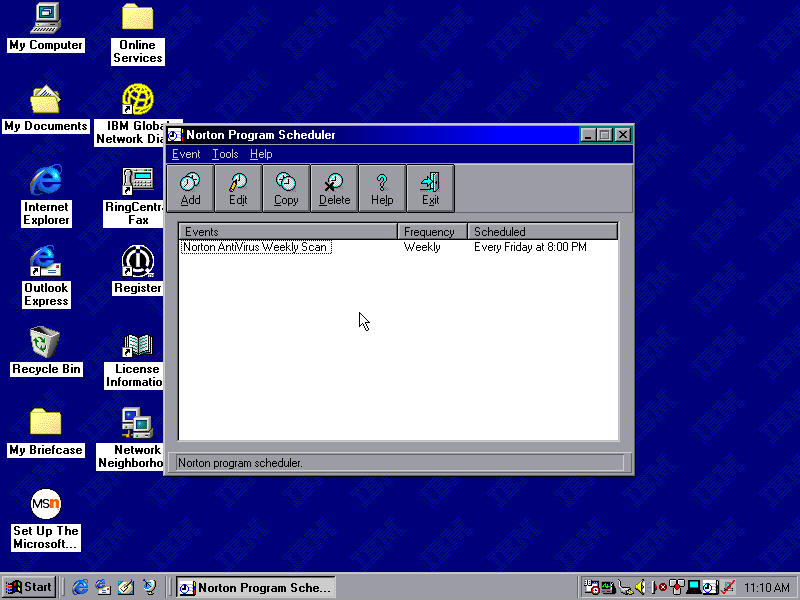
Acts like an early form of system restore, which will back up critical system files which can be restored should the need arise.
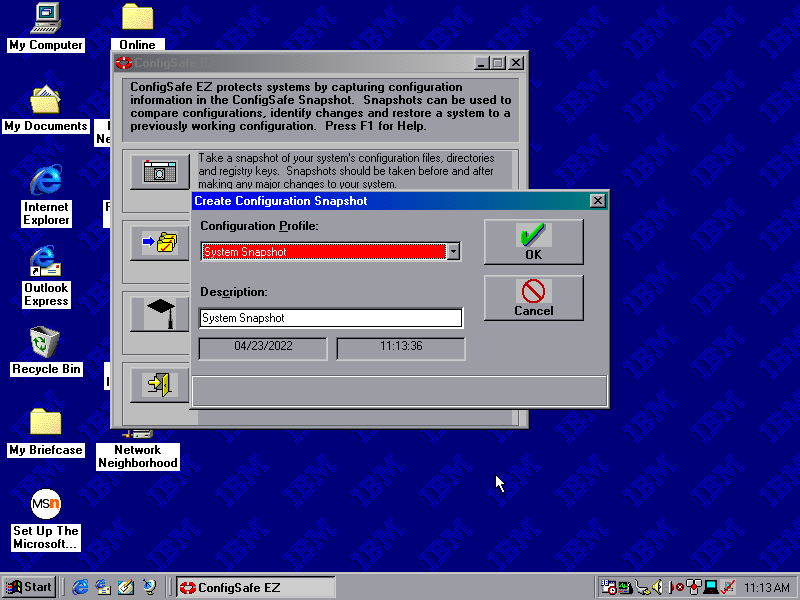
Snapshots can be taken on a schedule, either daily, weekly, monthly or every time Windows boots up. Files are saved to a CSX image file and total to 1.46MB, which seems to go over the floppy drive limit

IBM HomePage Creator
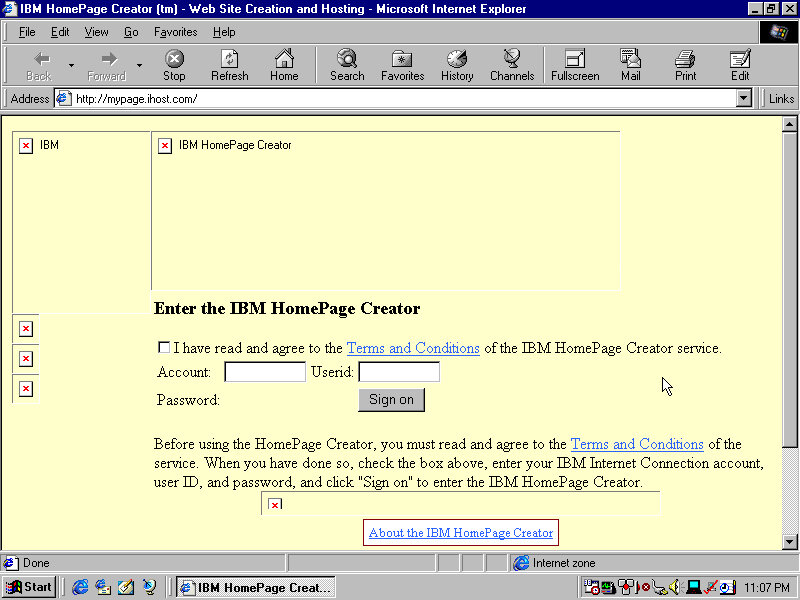
This takes you to an online page, presumably where you can create an account and sign up for a web hosting service

Shutting Down
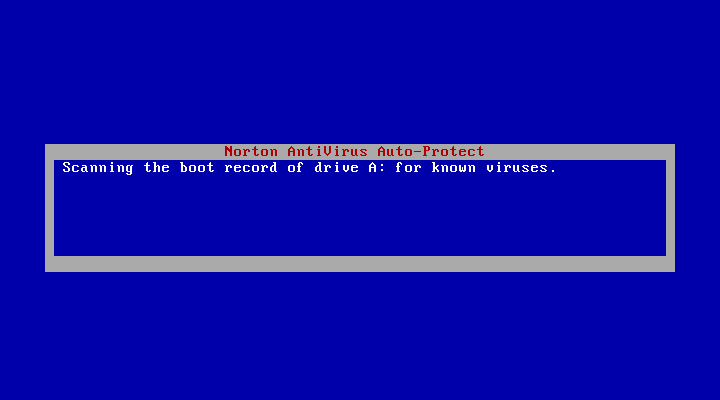
Shutting down the system brings up a Norton AntiVirus screen that kinda looks like a BSOD. This just does a quick virus scan before shutdown and lasts for a few seconds, possibly does a boot sector scan to ensure nothing has tampered with the bootloader.
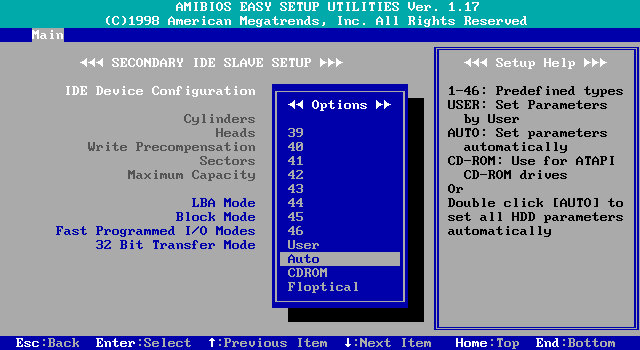
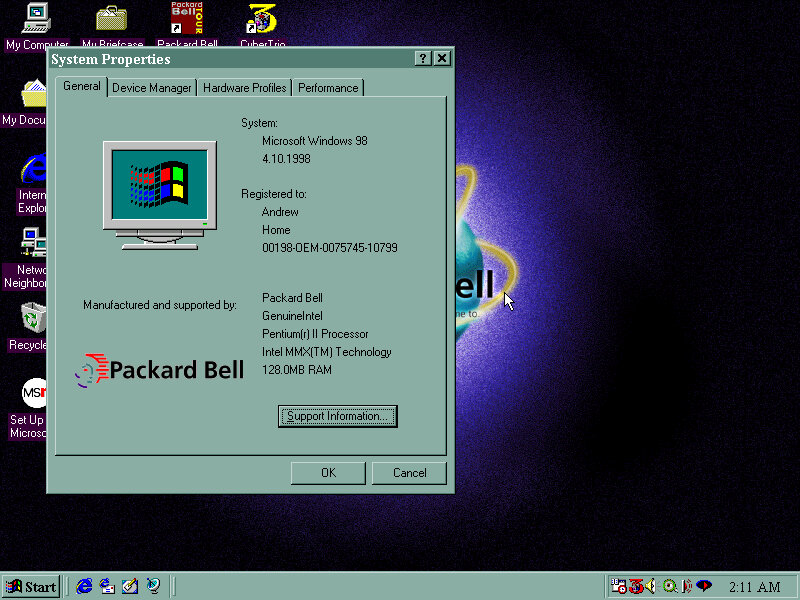
Packard Bell Bora Pro (86Box)

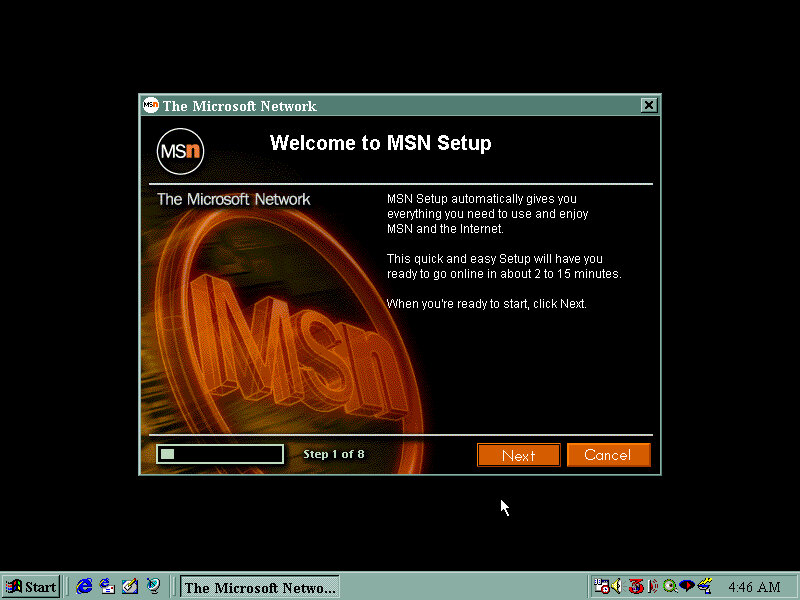
Another prebuilt system supported by 86Box that a restore disc is available for. From the looks of the software included this was intended to be a family PC, typically sold in computer stores of the era (PCWorld or Staples)

The PC itself

This motherboard featured onboard 3DFX Voodoo 3 graphics, along with the onboard audio. Although 86Box has support for the Voodoo 3, there are various issues with the emulation that cause sever graphical issues when just on the desktop.
The onboard soundcard is not emulated at all, meaning we have to use a discreet sound card instead.

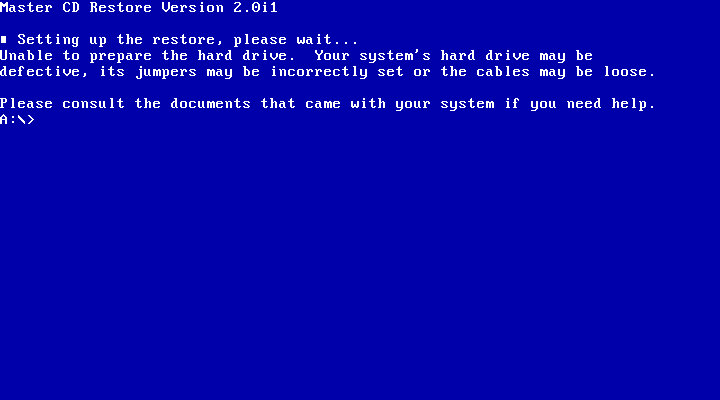
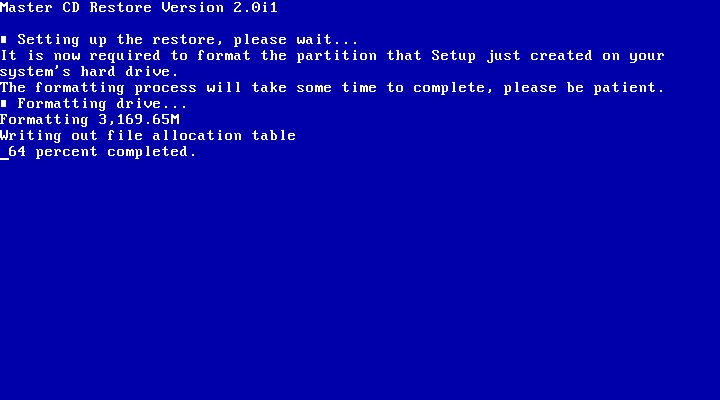
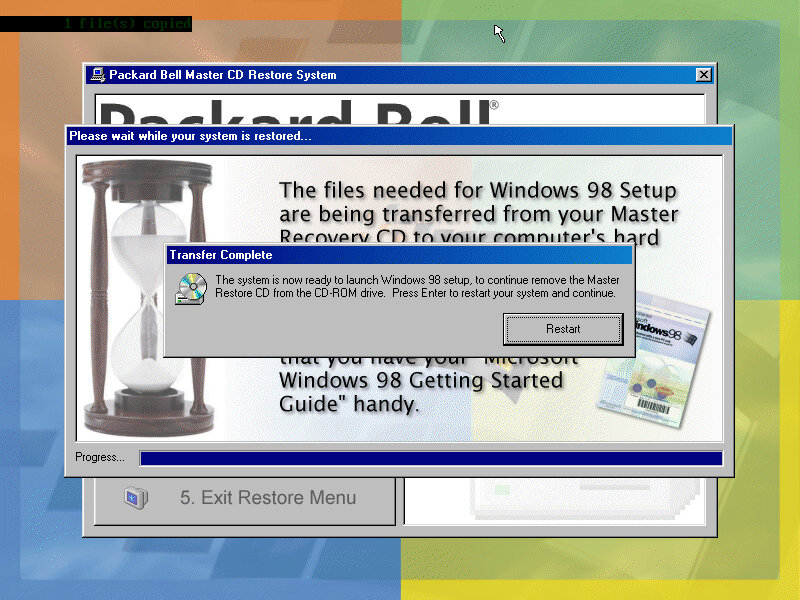
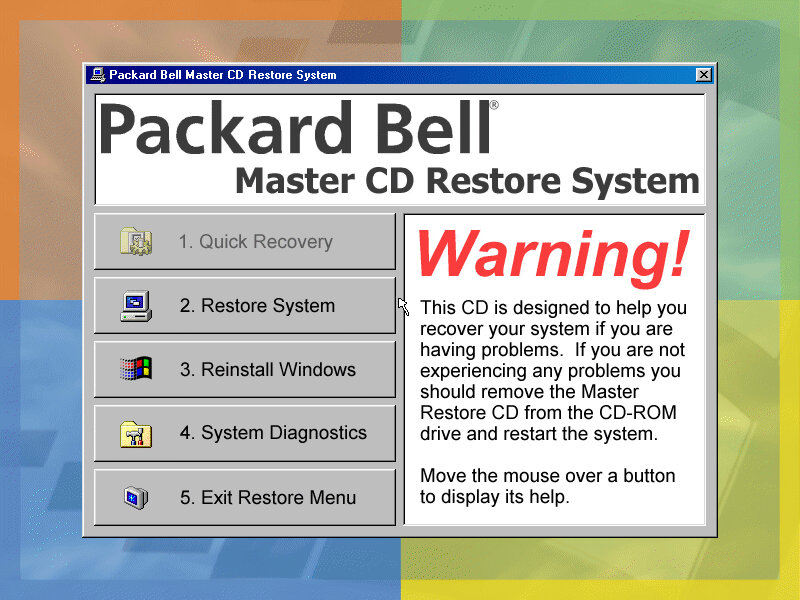
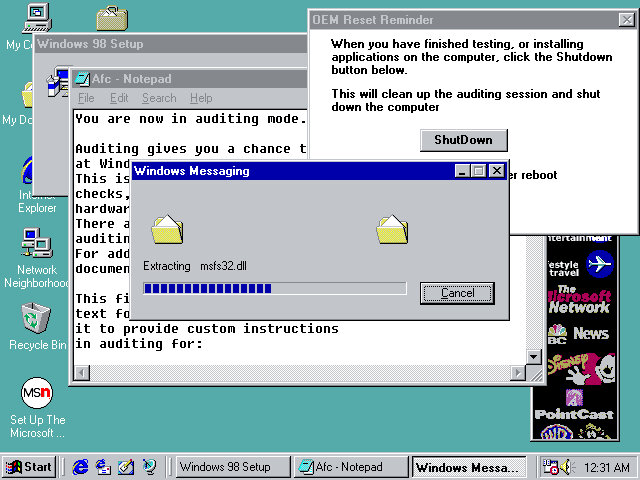
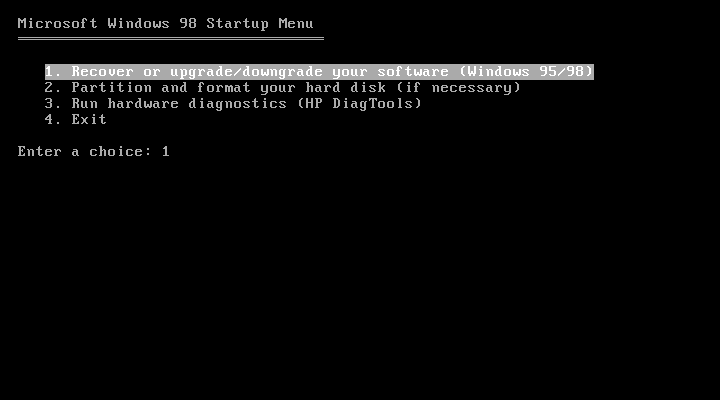
Running the initial recovery software was easy since the disc is bootable from the CD-ROM itself. From here you can format and initialize the hard disk and begin the recovery process.

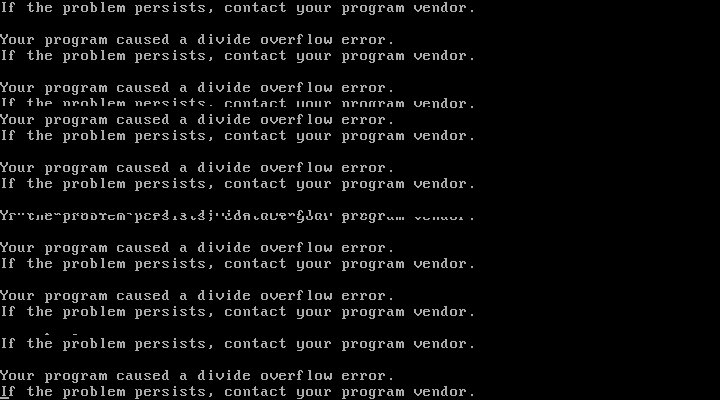
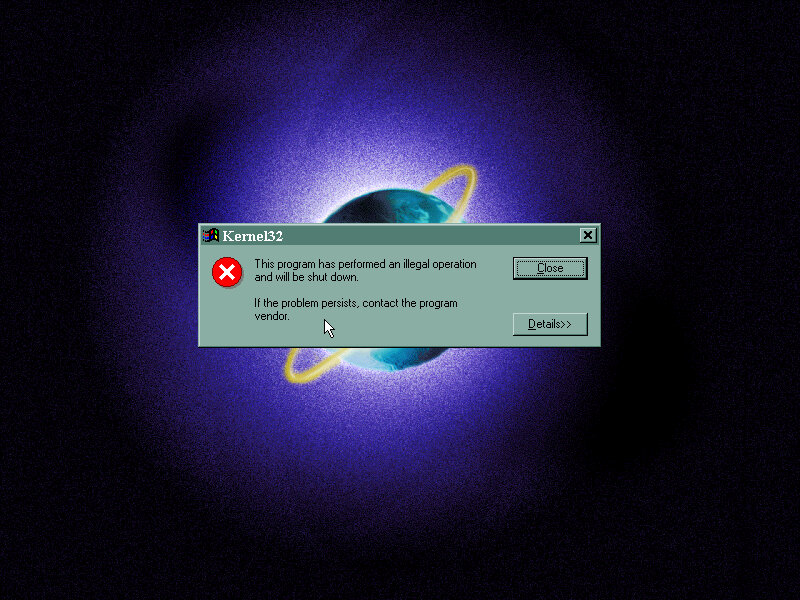
After the first stage, things went a bit wrong and the system crashed to a bizarre divide overflow error. This didn’t affect anything and the install continued after a quick reboot

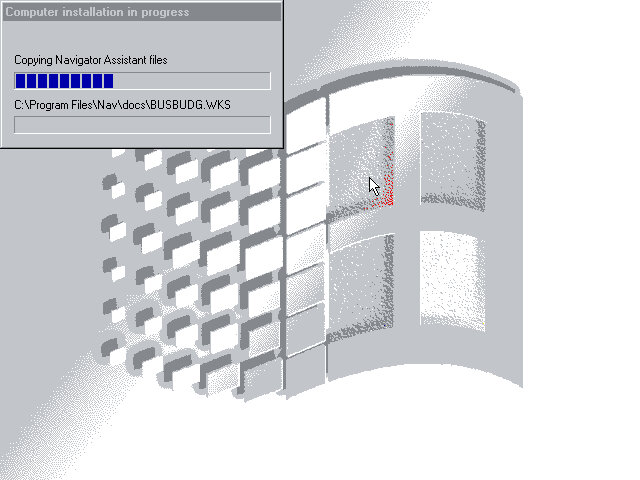
The last stage took you to the Windows desktop, but the recovery was not yet finished as additional software installers had continued to run.

Software

Lots of bundled software to look at here:

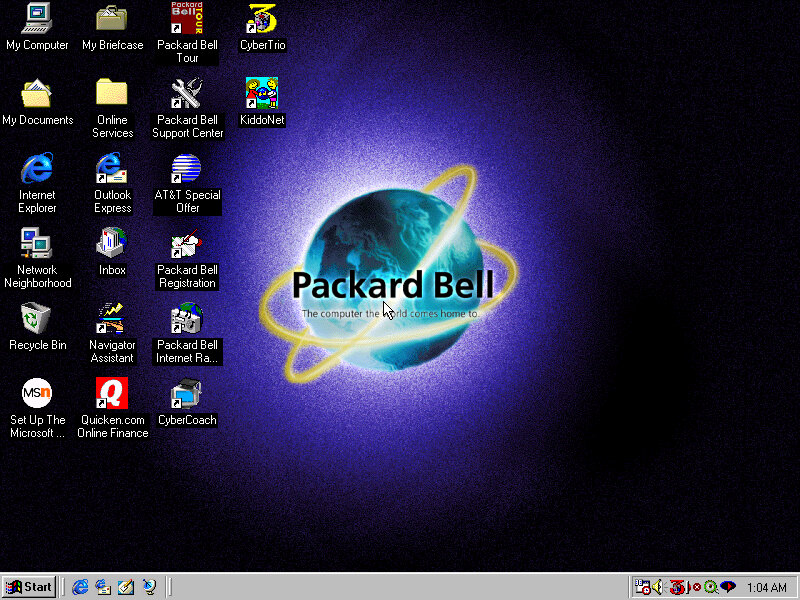
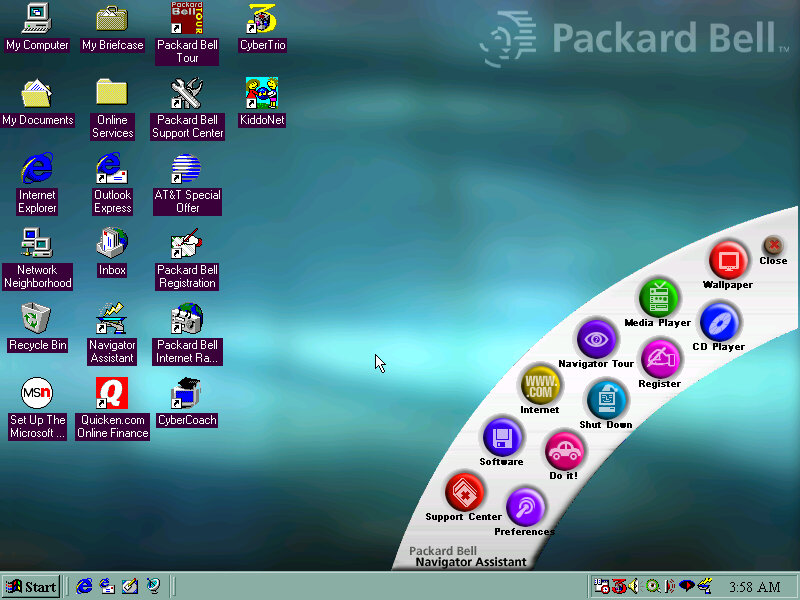
Packard Bell Tour

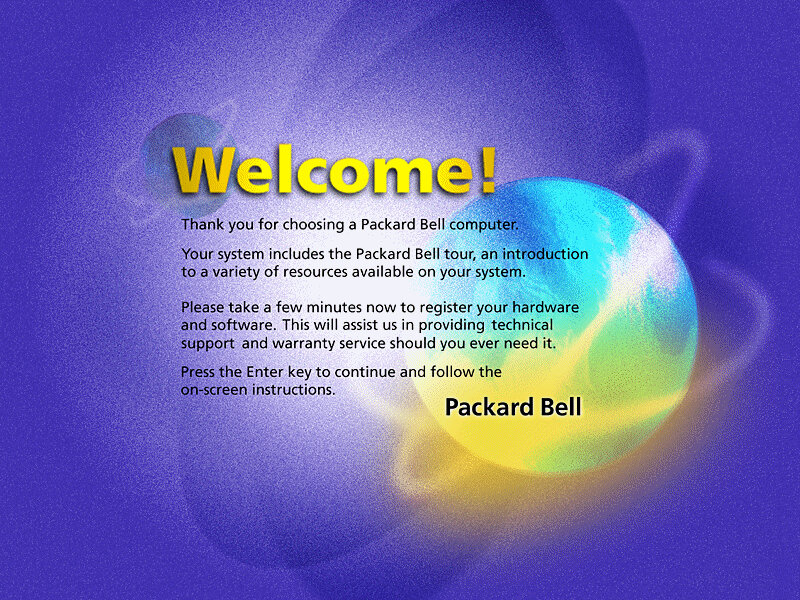
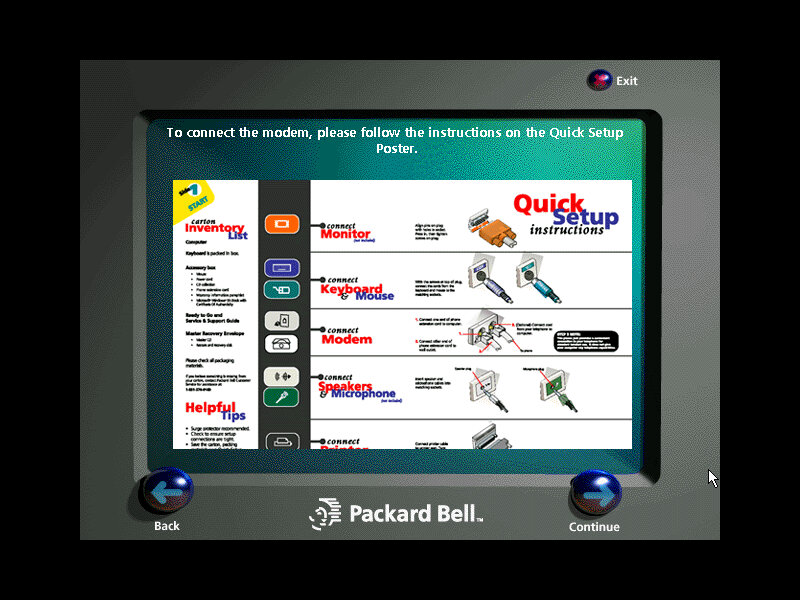
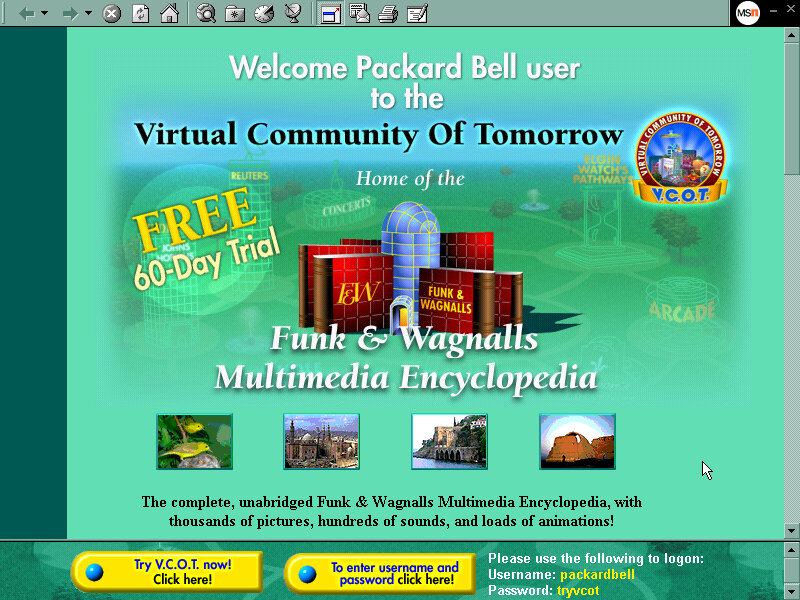
A browser-based tour (You can see it launching Internet Explorer briefly), it gives a rundown of the features of your new PC, and gives you the option to register.

Packard Bell Support Center

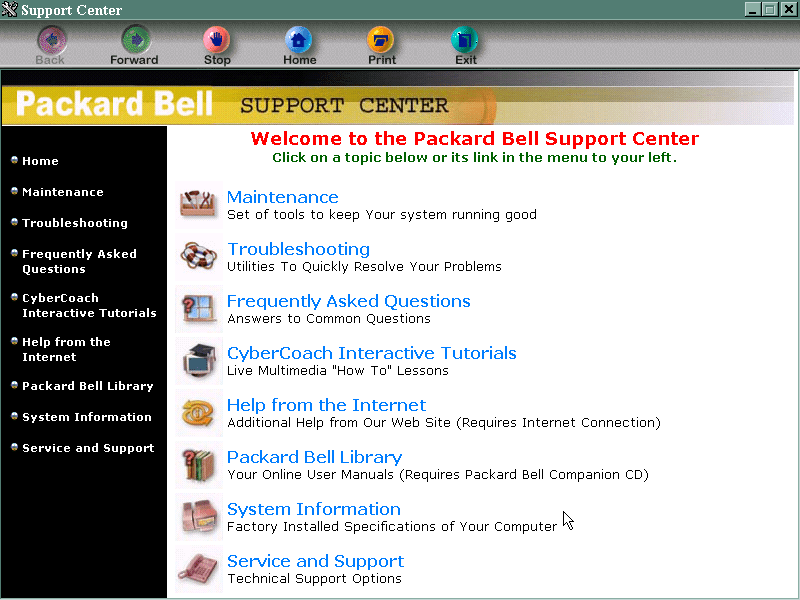
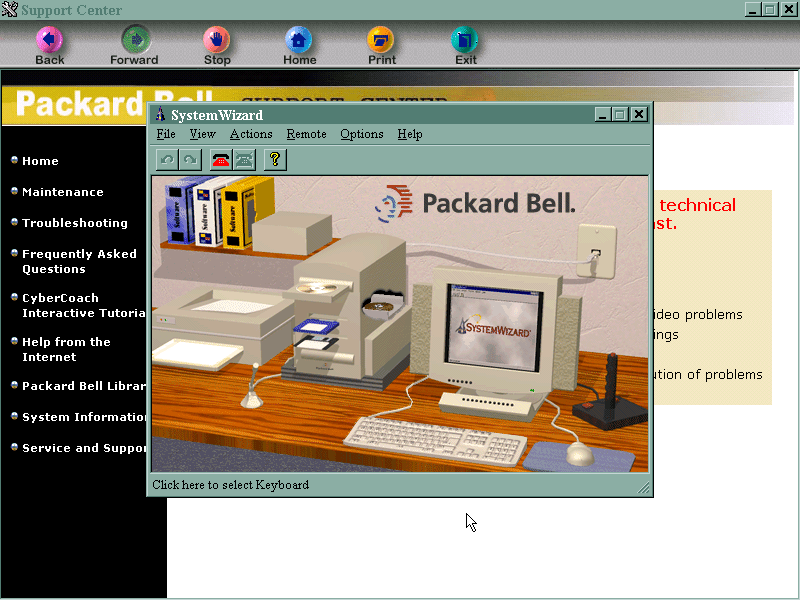
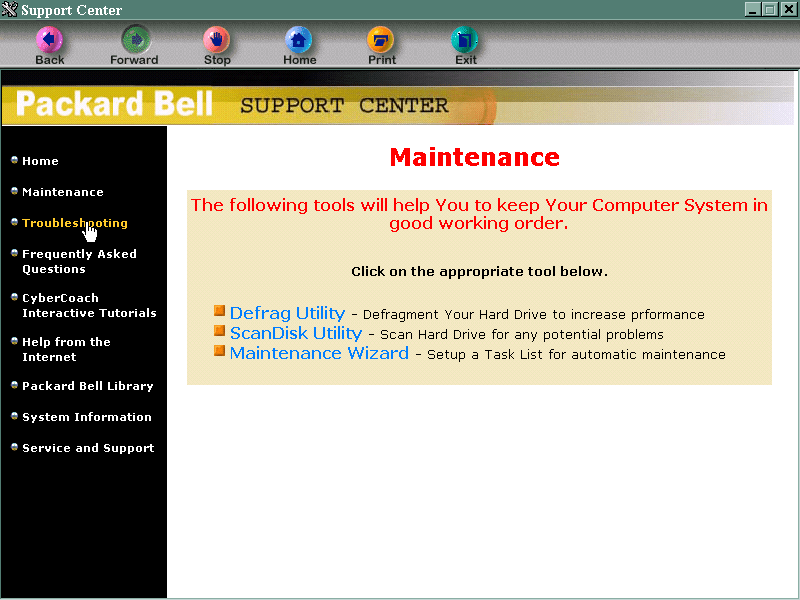
This is sort of the replacement of Windows help, although that still exists by pressing the F1 key. It gives you troubleshooting and maintenance information and your computer’s specifications. It also links to the CyberCoach tutorials.

AT&T Special Offer

Signs you up with AT&T, the internet service provider. Not much use outside the US.
Packard Bell Internet Radio

Appears to be a link to an online website, but its probably long since discontinued. It also wont open, thinking that we have yet to set up an internet connection. This is despite using the PCI ethernet adaptor.

Cyber Coach

Targeted to novice computer users or for those who are new to Windows, gives a step by step demonstration of different software included on the system and how to perform basic tasks.

CyberTrio / Kiddos

An interesting program that affects the Windows environment. There are different modes:
Basic mode: sort of like a limited user mode seen in Windows XP, prevents users from modifying critical system settings
Advanced mode: Typical Windows environment
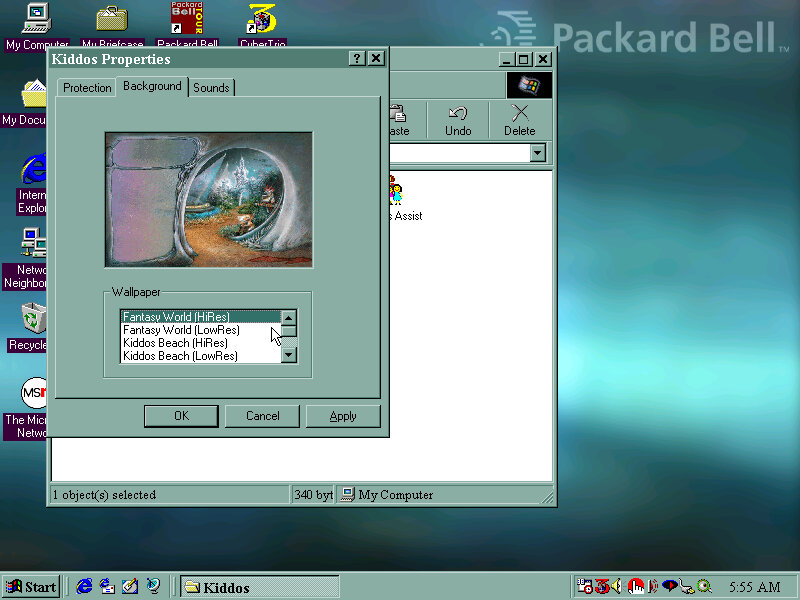
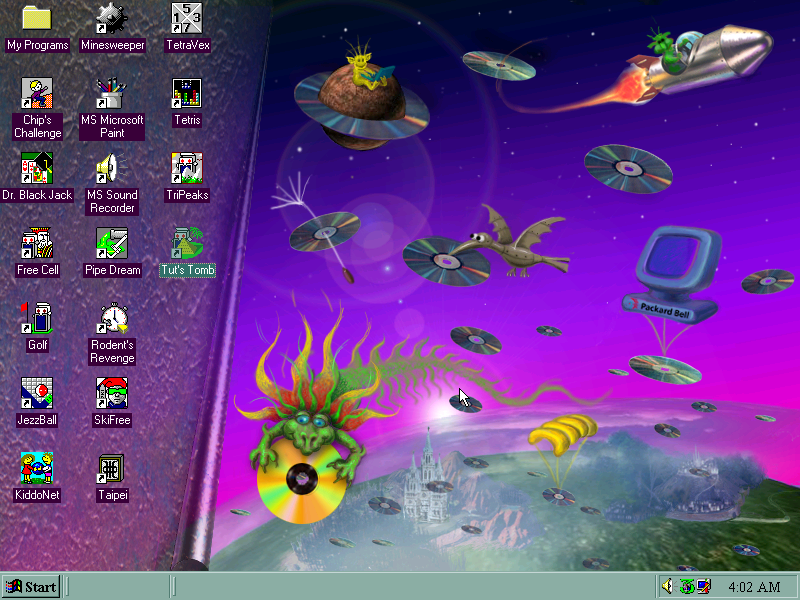
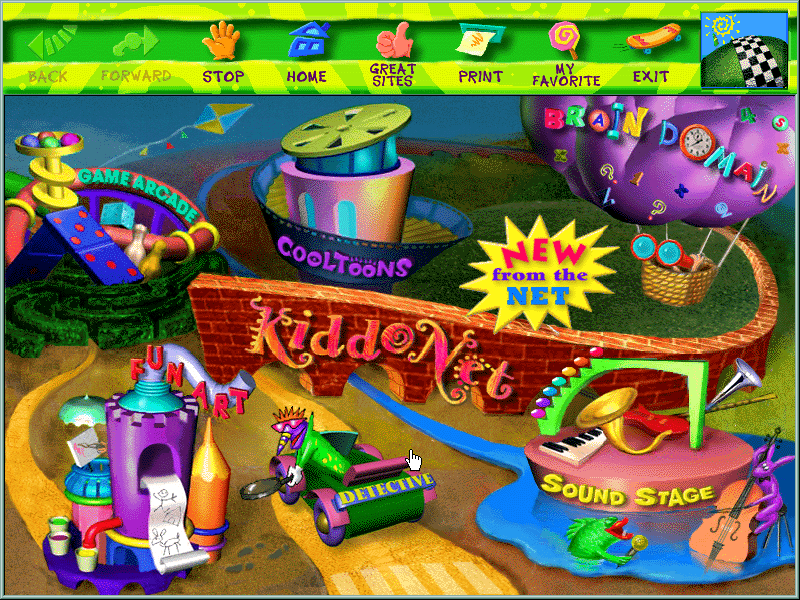
Kiddos: A restricted environment designed for young kids to allow them to use the computer without potentially damaging or affecting system files. Clicking on the icon will take you to a customized desktop. I’m not sure if this is a customized user account or just a custom version of Windows Explorer.
Also if you ever wondered where the ImgBurn sound comes from (The one that plays at the end of a successful burn) it originated from here and acts as the Kiddos logon sound.

You can manually add programs to the Kiddos area, such as any games or additional software that was installed after. Packard Bell have already set up and installed a few child-friendly applications such as the games from the Microsoft Entertainment pack.

KiddoNet

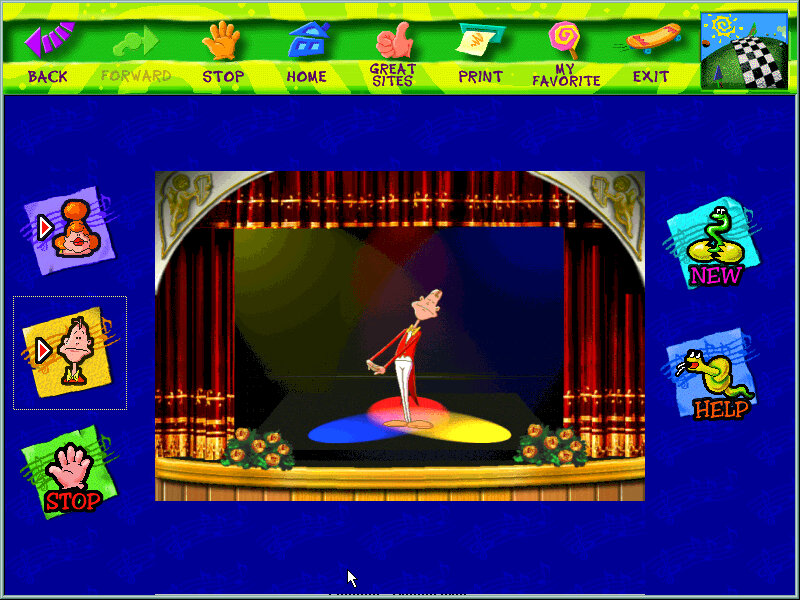
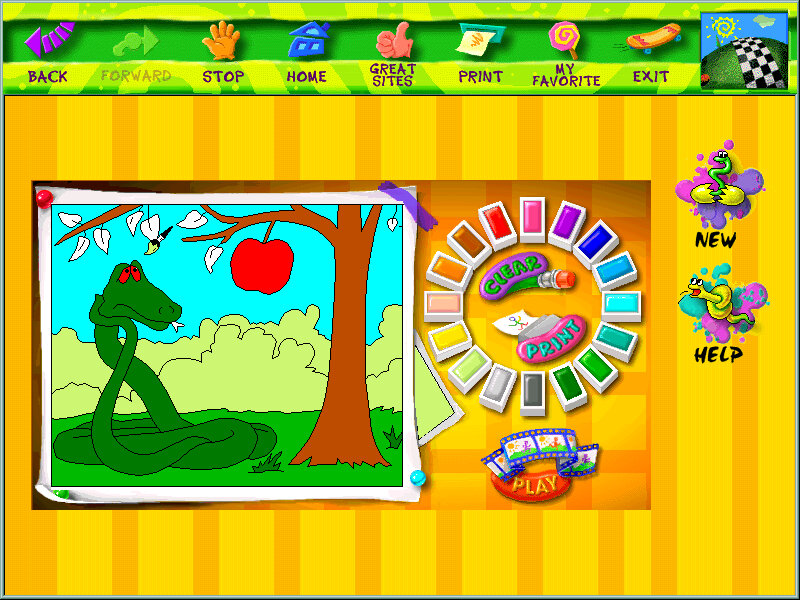
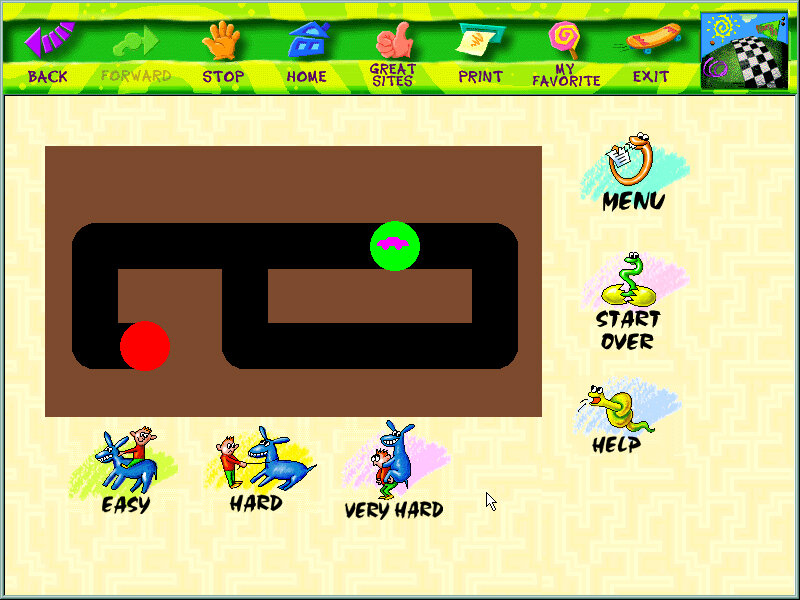
An activity center for kids, with various different activities

Quicken.com Online Finance

Some shortcut to an online website, no longer active and an archived version does not exist.

Just opens a banner with shortcuts to various applications and tools like the internet, CD player. Kind of pointless since it’s located on the desktop so you will need to minimize to open the banner, would have been better off as a quick launch icon. My guess is the computer would have came with a bundled keyboard that had a dedicated button that opened the Navigator Assistant.

Microsoft Word 97

Just Microsoft Word is installed here instead of the whole office suite.

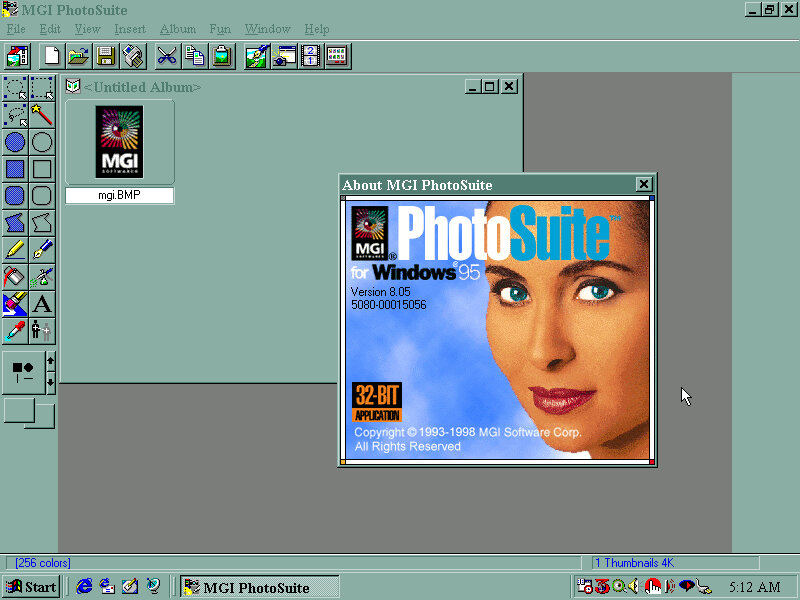
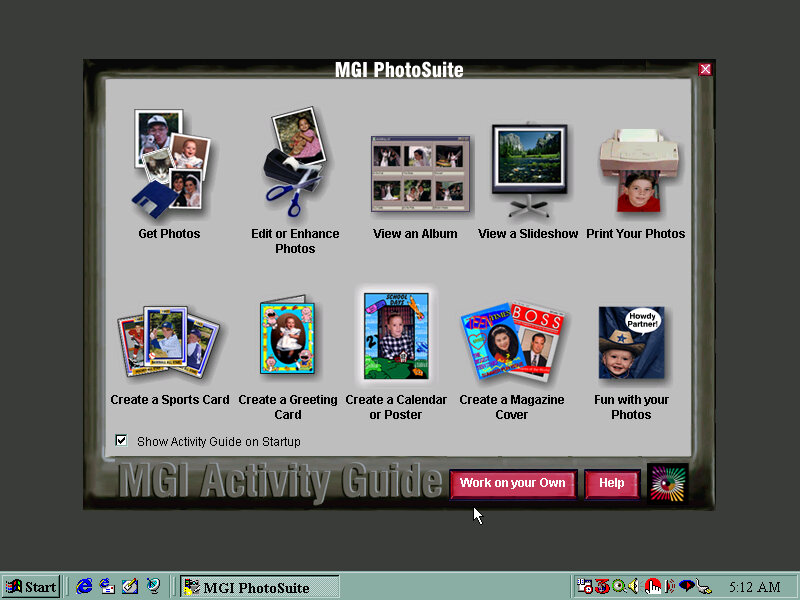
MGI Photosuite

Early photo editing software, typically shipped on systems that came with a flatbed scanner.

Other Screenshots

Expansion

There are four expansion slots, 3 PCI and one ISA slot

ISA: Sound Blaster AWE32 PnP 8MB
PCI: 3DFX Voodoo Banshee 16MB
PCI: AMD Pcnet-FAST III
PCI: Spare

The SoundBlaster card was part of the premade configuration in Winbox86, and features an onboard IDE controller that supports two drives. In combination with the motherboard IDE controller you can have up to 6 IDE drives, plus the two floppy drives for a total of eight. The SoundBlaster IDE is a bit temperamental due to the emulation so I recommend connecting a CD-ROM and Zip drive to it, and having the hard drives and one CD-ROM drive connected to the motherboard, since this BIOS is capable of CD-ROM booting.
In the end I swapped it for a ISA AWE32, and using a SCSI card for the additional drives since Windows 98 would sometimes fail to detect the SoundBlaster IDE device upon boot.
As mentioned earlier, the board also had onboard sound but the SoundBlaster was substituted instead, unless support comes in later 86Box versions.

The AMD PCnet card is automatically detected and installed as part of Windows setup and should work out of the box, the actual system did not have an onboard NIC or a modem.

The video card used was a 3DFX Voodoo Banshee which did not work out of the box, and required an additional driver to be installed. I would recommend a Cirrus Logic for the OOBE setup, then change to whichever graphics card you prefer. Since the motherboard included a 3DFX card onboard, you may prefer to have a Voodoo Banshee or Voodoo 3 instead

Uh-Oh

HP Vectra VEi8 (86Box)

Vectra is a line of desktop PC’s by HP that are targeted towards the business/Home Office segment, like the Dell OptiPlex or the Compaq Deskpro series of computers. Typically come with Intel Celeron/Pentium processors and onboard video.

The VEi8 can feature a Pentium II running at 350/400MHz or a Pentium III at 450/500MHz. with a Intel 440ZX chipset. Onboard video is the Matrox Millennium G200 with 8MB of graphics memory, which 86Box does not yet emulate

Not much branding here…

Recovery Disc

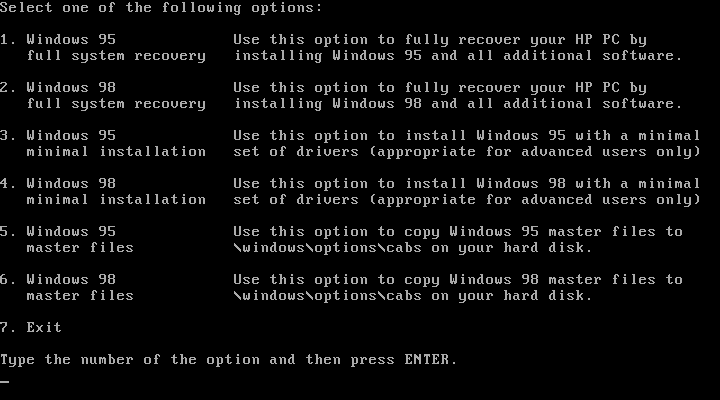
We have the option of restoring either a Windows 95 or Windows 98 image.

Windows 95 didn’t go as planned as we encountered a protection error upon boot up. At first I though the CPU used was too fast for Windows 95 as early builds had issues with CPU’s over a certain speed due to a race condition that’s executed upon boot up. A patch is available but you need to be in the Windows environment in order to install it. Downgrading the CPU and its speed had no effect in 86box.
Sadly I wasn’t able to fix this, and went for the Windows 98 option instead.

Post Install

There isn’t much to see here, since its pretty close to a vanilla Windows install compared to the Compaq Presario, just a few HP utilities. I guess the Vecta line were intended to be used in business and office environment who would prefer to control and maintain the software that they would install.

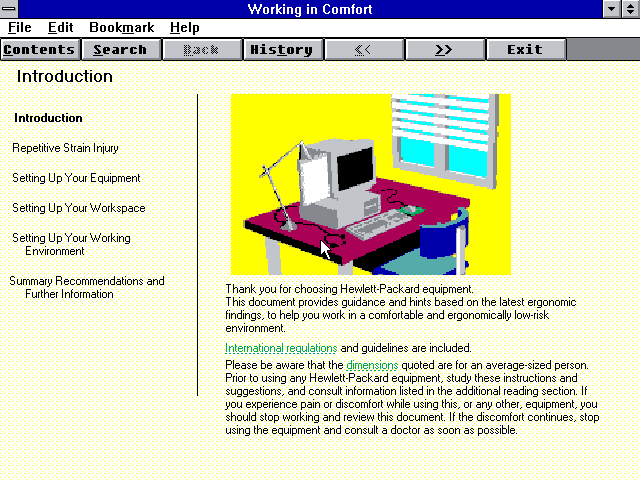
Upon the first reboot a tutorial is run which gives a basic demonstration on how to use a computer. This looks like some sort of Windows 3.1 environment and only appears once.

Installed Software

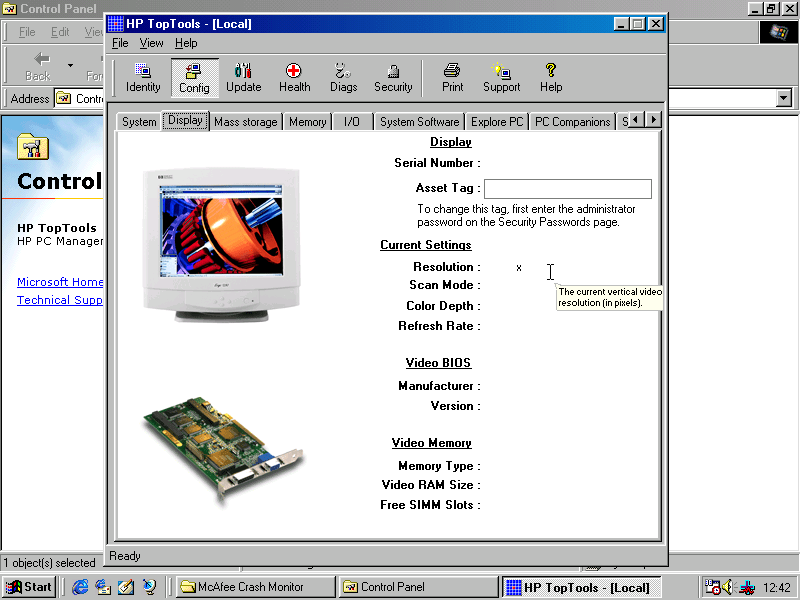
HP TopTools

HP TopTools

Looks to be a hardware diagnostic application that shows detailed information on your system.

McAfee

McAfee Antivirus and crash monitor are preinstalled by default and provide basic protection.

Supplementary Hardware

The real motherboard supports two floppy disks, and four IDE devices across two channels. Additional drives can be added by installing a SCSI adaptor in 86Box. Here I was using the Tekram DC-390 which Windows 98 detected as a AMD PCI SCSI controller automatically and installed a driver for it.
This wasn’t 100% perfect as adding a hard disk or a writable ZIP or Magneto optical disk would cause a blue screen upon boot up. Since we want to attach a writable drive to the computer, this was far from ideal.
I tried installing a driver I found online but it had no effect, there is an issue when using this adaptor in 86Box. I switched it out for another PCI SCSI card, Buslogic but it had the same issue with a BSOD upon boot up when a writable drive is attached.

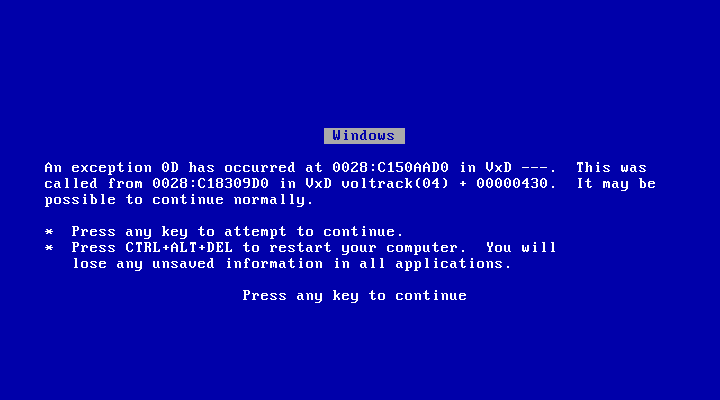
That’s a lie, it wouldn’t continue normally

Couldn’t find anything online relating to the BSOD above, any results turn up of that video of Windows 98 crashing in front of Bill Gates after plugging in a scanner.

In the end I tried to use another SCSI card instead, this time a ISA based card which required me to disable PCI IRQ steering for IRQ 10 & 11 to free up an IRQ slot for both the SCSI and the sound card.
Which made no difference, it still BSOD upon boot up.

I even mounted the image as write protected but it made little to no difference.
The rest of the devices (Zip 250/CD-ROM drives) worked fine, just hard disks and the magneto optical drives caused the BSOD.

I did notice an odd issue when I added the slave IDE hard drive, where Windows would BSOD with an error about drive D: which it would have been mounted as. Booting from the Windows 95 start disk and formatting as FAT32 seemed to fix it as after booting up the system was fine, and the new volume was detected and mounted in My Computer.
My guess is HP are using some unorthodox driver that interfacing when another volume or partition is added.

For networking the Realtek RTL8029 was used, which Windows 98 has built in drivers for.
3D acceleration is possible by adding a 3DFX Voodoo card, which Windows 98 will also have a driver for but you will be better off installing an updated driver instead.

In terms of expansion, the motherboard itself has 3 ISA and 3 PCI slots

  • ISA: BusLogic BT-545S, IRQ: 10, 0x334 DMA 7
  • ISA: Realtek RTL8029AS
  • ISA: Crystal CS4236B
  • PCI: S3 Trio64V+
  • PCI: 3DFX Voodoo graphics accelerator

Technical Manual

Uh Oh…

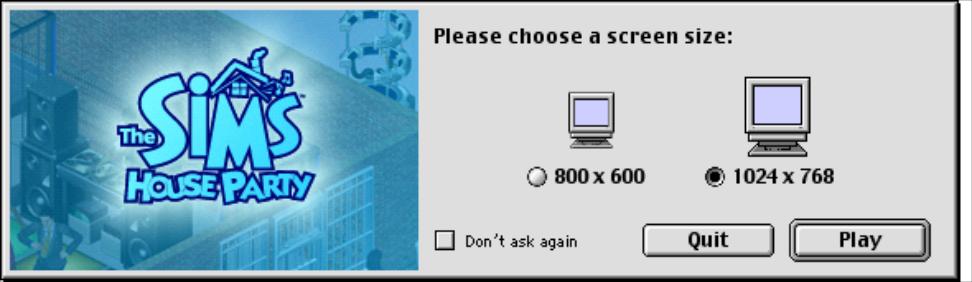
The Sims House Party

The second expansion pack for The Sims that allows them to party (or Partay)

Objects

Some of the objects that come with House party, there are other items like chairs and tables that are not listed here since they have a similar function to the base game objects.
Granny Raymond’s Holiday Cookies: A plate of cookies you can buy direct from buy mode. If you leave them on a table next to the fireplace, along with a Christmas tree from Livin It Up, Santa will appear.
Birthday Cake: Another buyable food item, kids can choose to blow out the candles, although this does not age them up (You need a charm in Makin Magic for that)
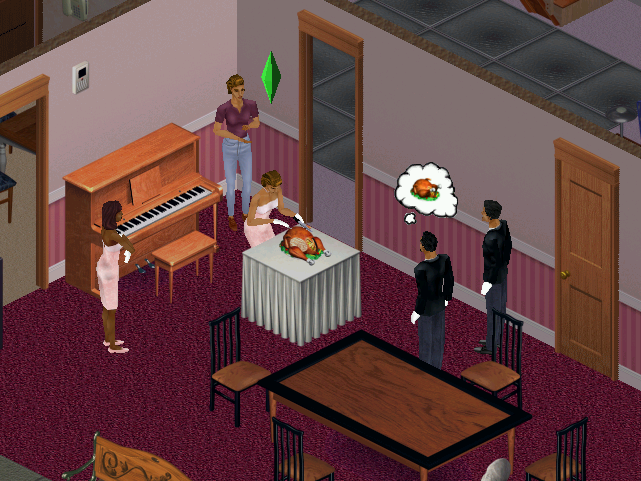
SimFarm Turkey Dinner: A piece of turkey sims can buy and carve up
Punchucopia Extraordinaria Punchbowl: sims or their cater can refill to keep guests satisfied at parties
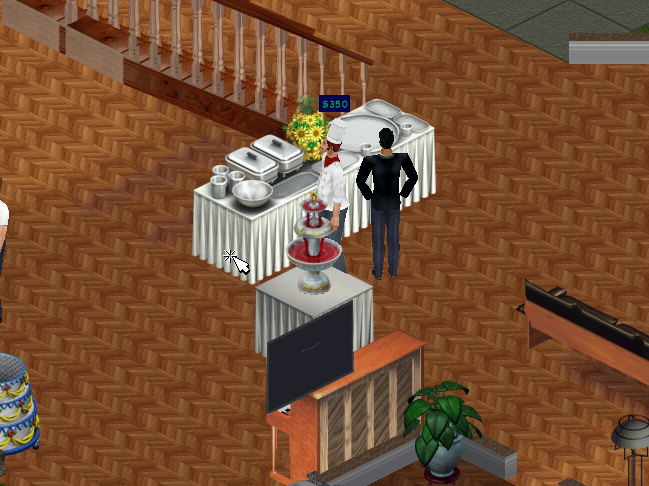
The Elegant Chef Buffet Table: Used to serve a starter, main meal and desert from one table, excellent for parties or for large gatherings.
Fancy Feet Cake Treat: Spawns a male or female dancer (Stripper), or if it’s a kids party, a giant bear. Give a boost to the fun motive.
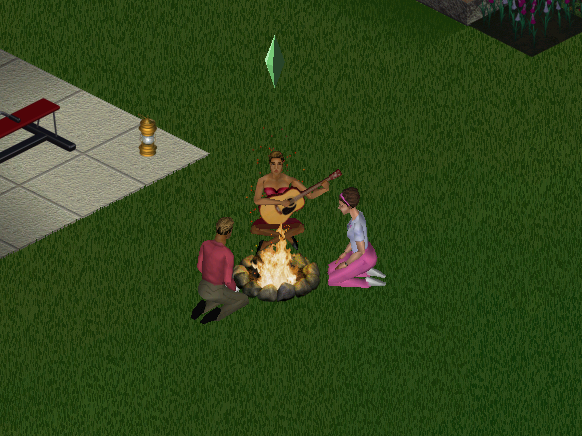
KampRite Instant Campfire: Sims can sit round the camp fire and sing songs, tell stories or roast marshmallows
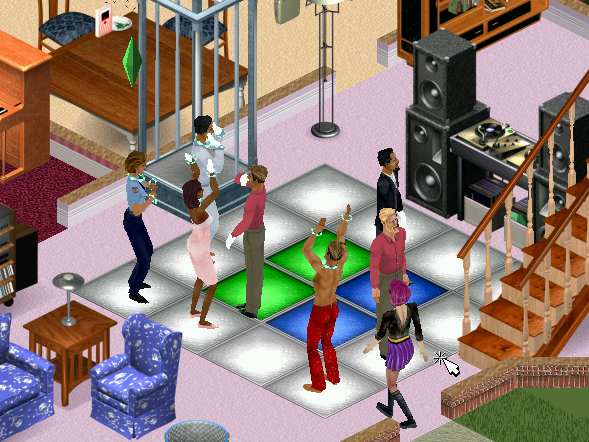
Spazmatronic Plasmatronic Go-Go Cage: A Dancing cage, boosts fun. Best place with the dance floor and the DJ booth
Turntablitz DJ Booth: Used for the dance floor but can also function as a radio, has access to all radio stations in the game.
Jukebox: Two versions of this seem to exist, the first is just labelled as the Jukebox and has access to only the fault radio stations in the game. An updated version comes with Hot Date that can select all music tracks House party has to offer.
Bounce My Booty Dance Floor: The dance floor where sims can get their groove on. It’s a 2×2 tile than can be combined together in various patterns. When sims are dancing, the floor will light up in various different patterns and colours.
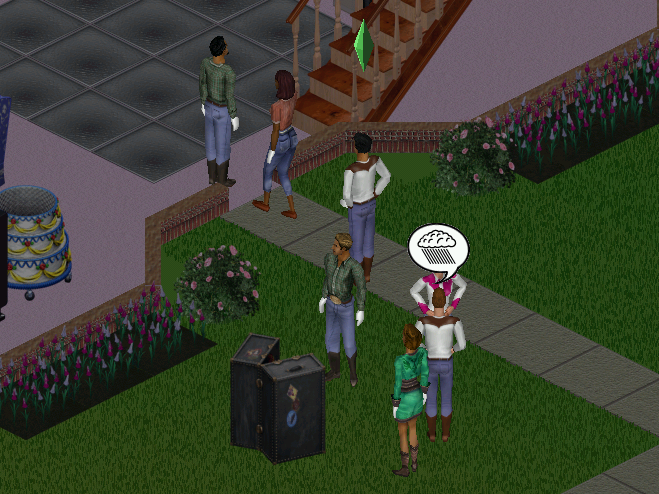
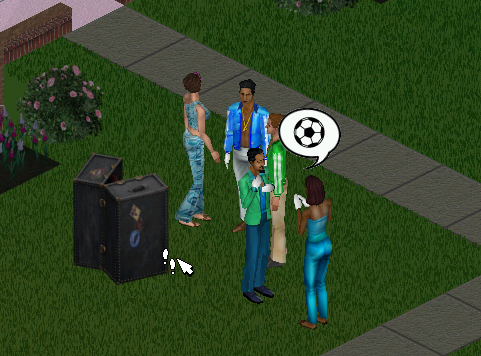
Porta-Parody Costume Trunk: A costume trunk that can be used to give your party a fancy dress theme. When one sim changes their costume, all sims will change to that costume theme.

Screenshots

Sims carving some turkey, which is buyable from buymode. When carving, sims will stand round and clap until its served.

The dance floor, in the front of someone’s living room. Puts Dance Central to shame

The costume trunk is ideal for theme parties. Available themes are Western, Disco, Toga

Here sims are rocking the disco theme

The buffet tables and the hireable caterer, sims can restock the table themselves at a cost of §20. A punchbowl can also be restocked.

The campfire, sims can tell a ghost story, roast marshmallows or sing a folk song.

Neighborhoods

The expansion pack adds support for multiple neighborhoods if you’ve not installed Livin It Up, Neighbourhoods 6-8 are added since the game assumes Livin it Up has been installed and takes the place of 2-5. It’s easy to add custom hoods. More hoods can be added by going into the games directory in the Program Files folder and adding a new UsedataX folder, where X will be the new number (since the game creates 8 hoods, you would start at 9) and can support up to 99 unique hoods.

NPCs

The Mime: Appears when you are throwing a shit party, and sometimes tries to steal your items. Leaves automatically once your party score has increased
Party Crashers: Appear when you are throwing a good party, these two (Pete and Pauline Dropinsky) will arrive and will try to wreck anything in the party, including breaking objects as they use them. Best to get rid of them as soon as possible.
The Caterer: Can be hired through the phone, the main purpose is to restock the buffet table and the punch bowl. He will also socialize with the guests if he has nothing to do. You must have a buffet table or a punch bowel or he will leave.
Drew Carey: Some American celebrity who appears when you have thrown a great party, arrives in a limo of which sims will rush to it upon arrival. For those who don’t know who Drew Carey, he was a popular late-night show host, like Jimmy Kimmel back when late-night talk shows weren’t biased towards a specific political party.

Some new NPCs have additional roles:
Police Officer: If you throw a party after 8pm, Officer meddling will appear regarding a complaint by one of your neighbors regarding the noise. You are supposed to disband and end the party by asking the guests to leave. Should you fail to do so she will reappear after 2 hours (10pm) and will find you.

Install

The game’s installer will pick up from the previous install, and will automatically install the game patch.

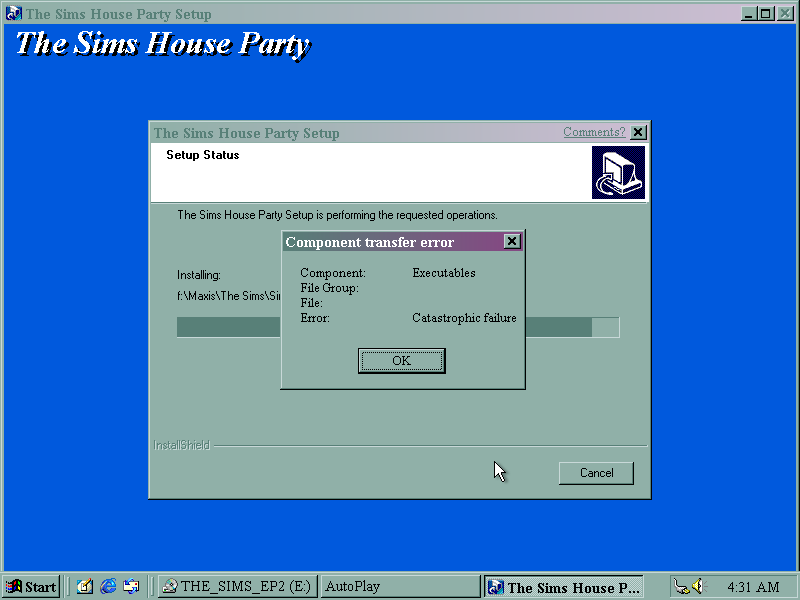
Disc read error upon install, caused by a scratched CD.

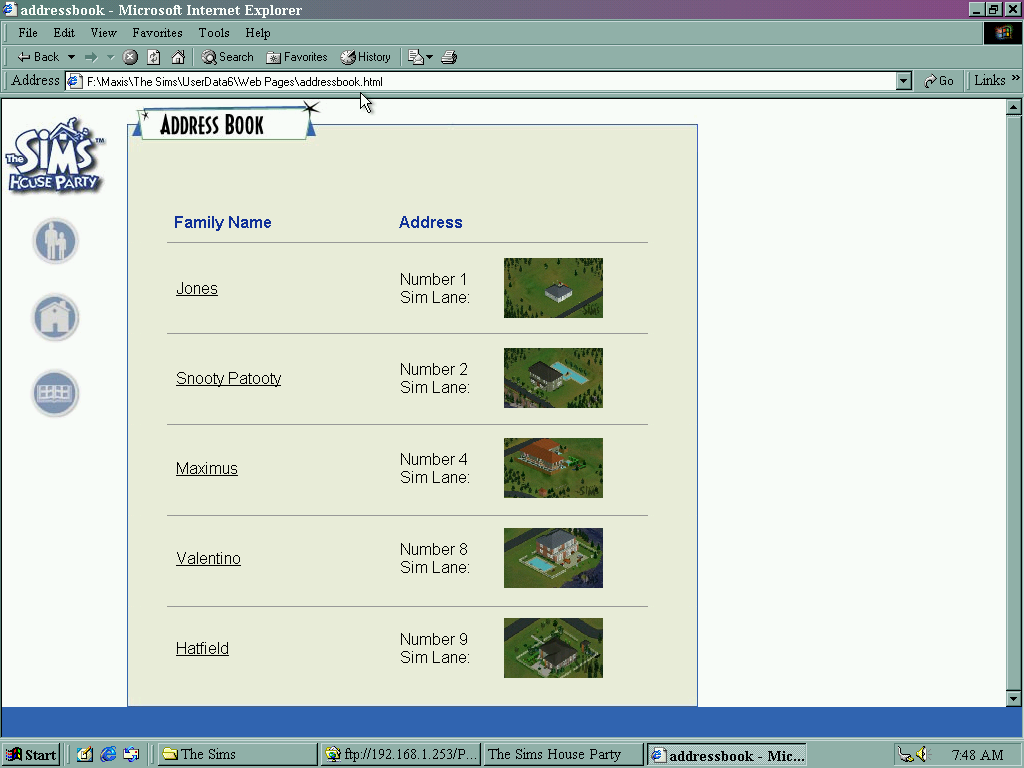
HTML view of The Sims House Party, listing sims that are currently moved into the neighborhood. Sims could be viewed here before they were uploaded onto the Sims exchange, which was a place where families and houses could be downloaded.

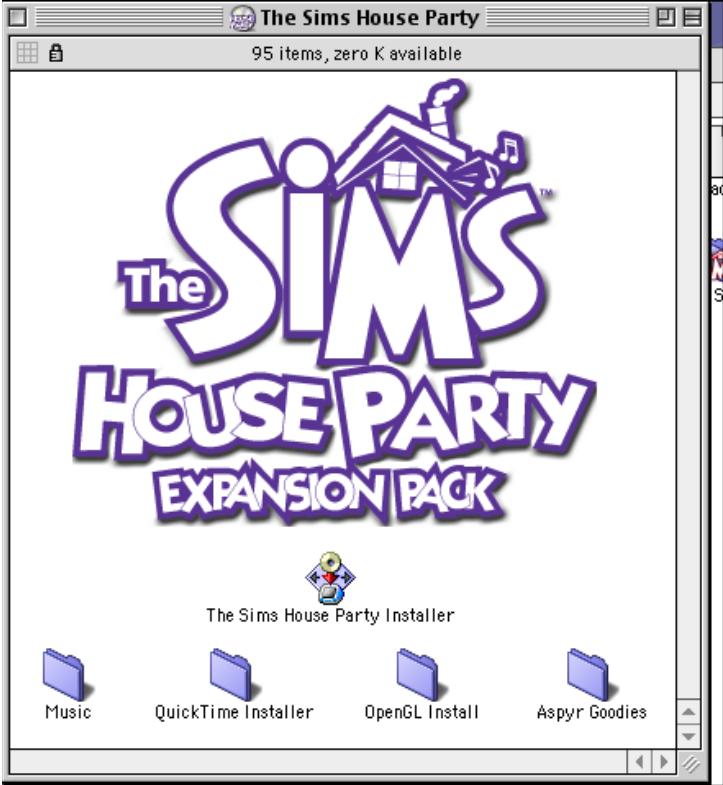
Mac OS Version

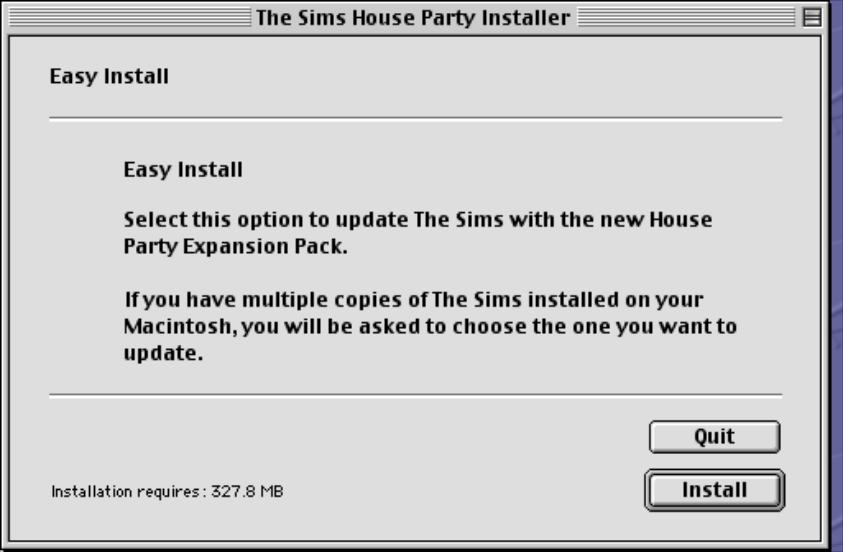
The expansion pack was made avaliable for the Mac OS platform, which a Carbon patch being released later for OS X compatability.

SimCity 3000

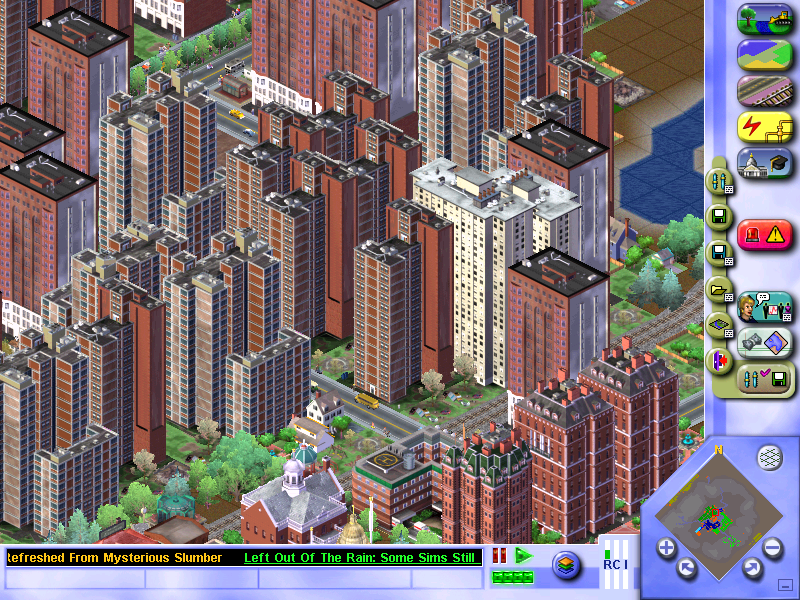
The next installment of the popular SimCity series of games, where the goal is to build and maintain your own city. All aspects of city-building have to be managed, from the power stations to building roads and zoning for different houses/buildings, all whilst being prepared for any disaster that might strike.

Playing SimCity

Residential:
Where sims will live, the density relates to how large the buildings are, with low density being used for small houses, and higher density for apartments.

Commercial:
Shops and businesses, where sims go to work and spend their money

Industrial:
Another place where sims can work, but also where materials are manufactured and produced, and also helps with jobs for your sims.
Farms are one of the types of industry available, but they are difficult to actually have them be built. Every time I zone for farmland, it does start to build a farm but eventually, it will lose out to dirty industry with farm lots being replaced with a bunch of smog-o-matics. I can’t see why they would not just give farms their own industry zone?
Supposedly the key is to not give them any water, just power and roads. But then the news ticker will keep bugging about sims being too far from any water.

Have no idea why the text is missing…

Versions / Ports

SimCity was ported to most of the popular PC platforms, even a port for Linux operating systems. Sadly a port for OS/2 was not released, as IBM had phased the operating system out by then.

SimCity 3000 was not released on any consoles of the era.

Windows (Original Release)

The Windows release only supports Windows 95 or 98 onwards, it does not support NT 4 unless service pack 3 or higher is installed. DirectX does not seem to be used, running solely through the Win32 API.

Windows (Unlimited/Edition)

Released a year later and features a few changes compared to the original release.

  • The user interface was changed slightly, with the query button being moved to a more prominent place on the UI
  • The music was changed with some tracks being added and others being removed
  • This version of the game is available on gog.com and will run effortlessly on modern Windows versions.
  • New city templates have been added which are based off real-world locations, like Liverpool, London, Berlin, Madrid, etc
  • Some existing cities have been renamed, Metropolis has become Europolis but remains the same
  • Some existing cities have been removed in favor of the new cities: Littleburg, Big Mountain City, Sim Isle
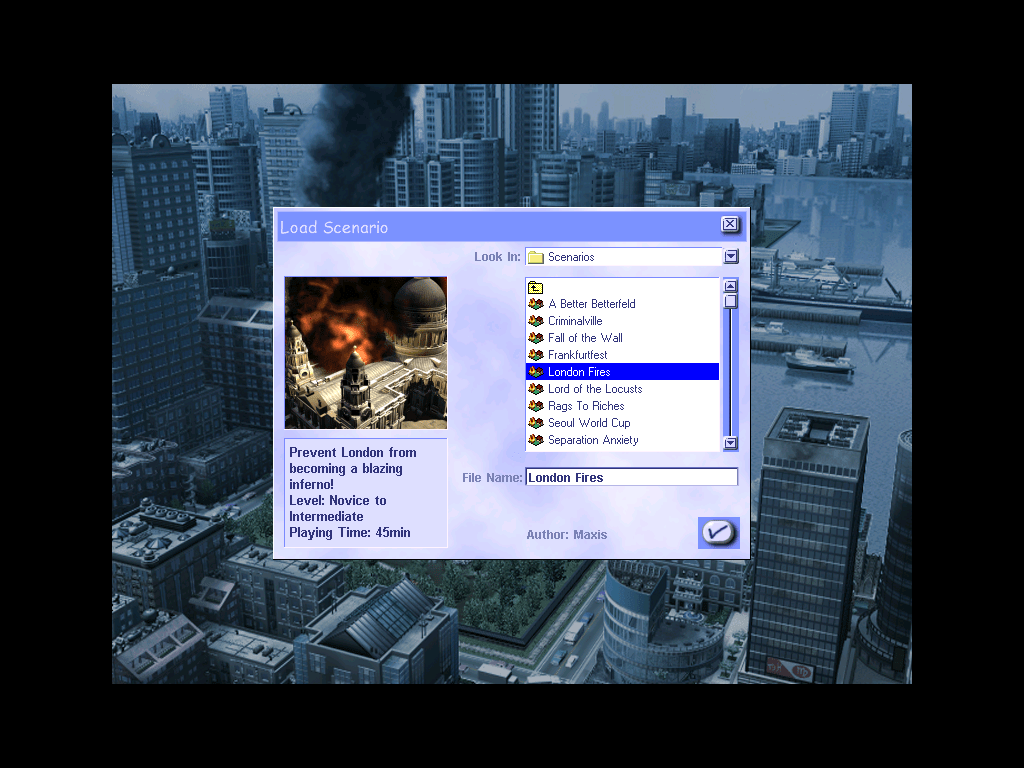
  • New scenarios mode has been added, which are small cities that have objectives to complete
  • Outside of the game, new tools have been made like the scenario creator tool which uses the Microsoft Access engine to create and customize customs scenarios

MacOS

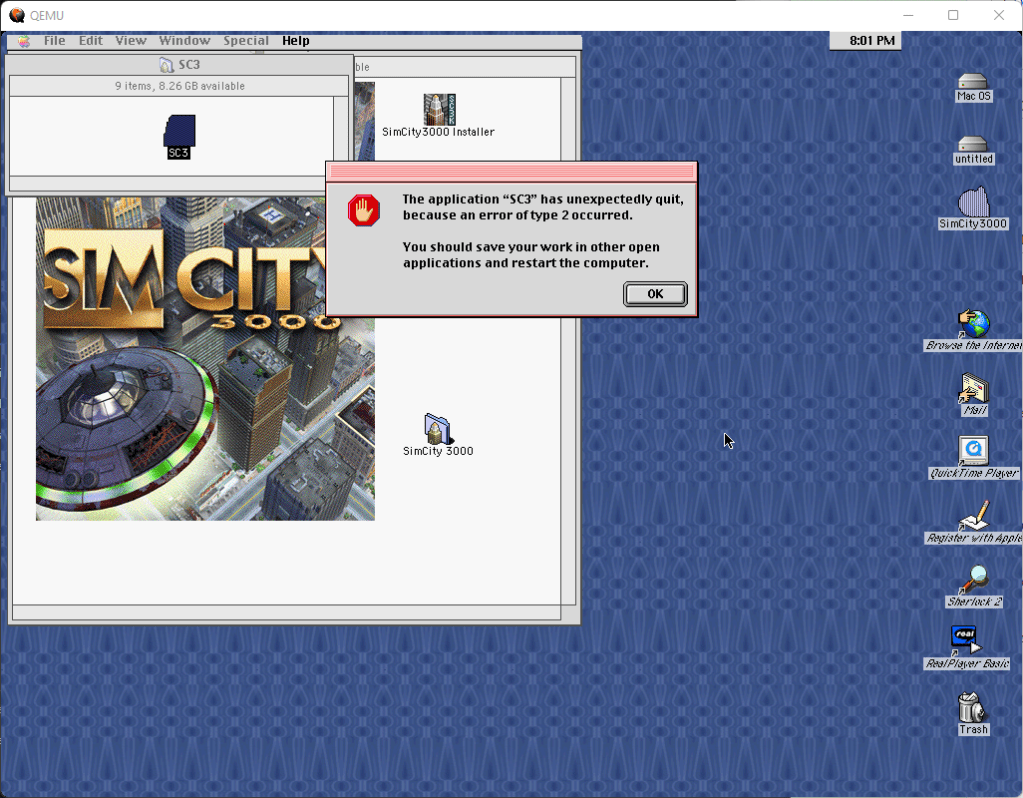
Simcity 3000 was released for the PowerPC Mac OS platform and was targeted for the classic Mac OS. The Mac platform only had a port of the original Windows version, it did not receive the updated unlimited edition that was released for Windows and Linux.

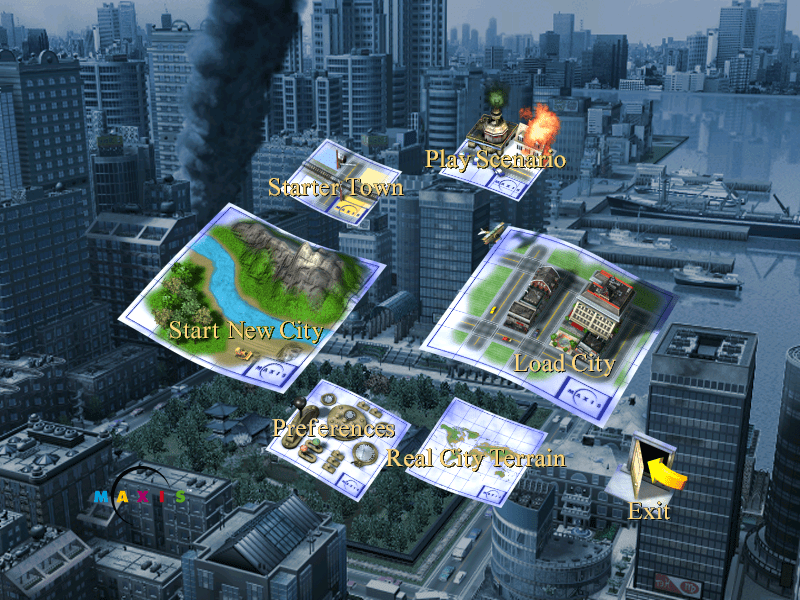
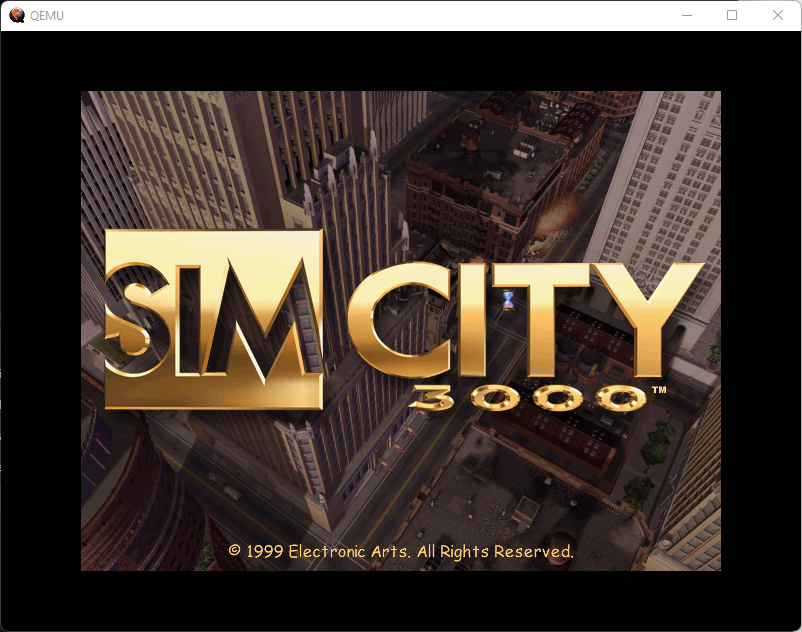
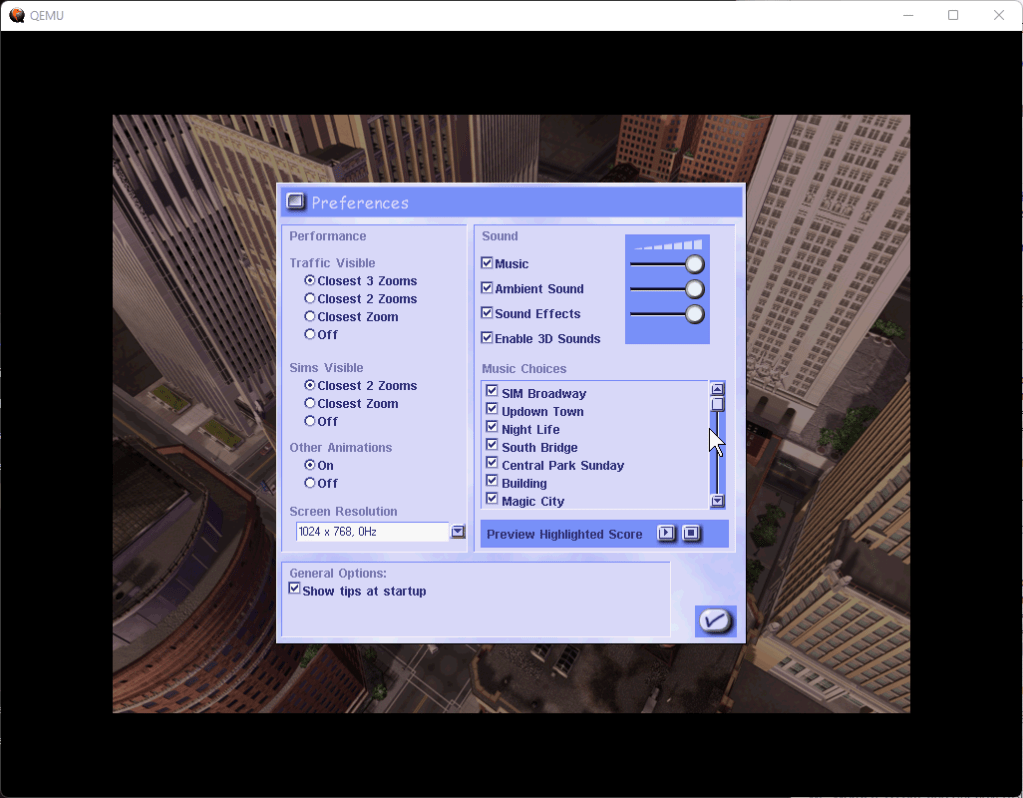
Compared to the Windows version, there are a few differences, the opening FMV seems to have less compression compared to the Windows version and appears to be of higher quality, the animations on the menu buttons are much more fluid on the mac (Is this due to the graphics card?), lastly the close button on the menu box is on the left side for the mac, and on the right side for the PC.

Playing this on modern Macs is a challenge as modern MacOS does not have native support for PowerPC or applications using the older mac libraries. You must use emulation software like QEMU (screenshots above) or Sheepsaver. The last version of OS X to support PowerPC applications was OS X Leopard (10.5)

Linux

Corel Linux

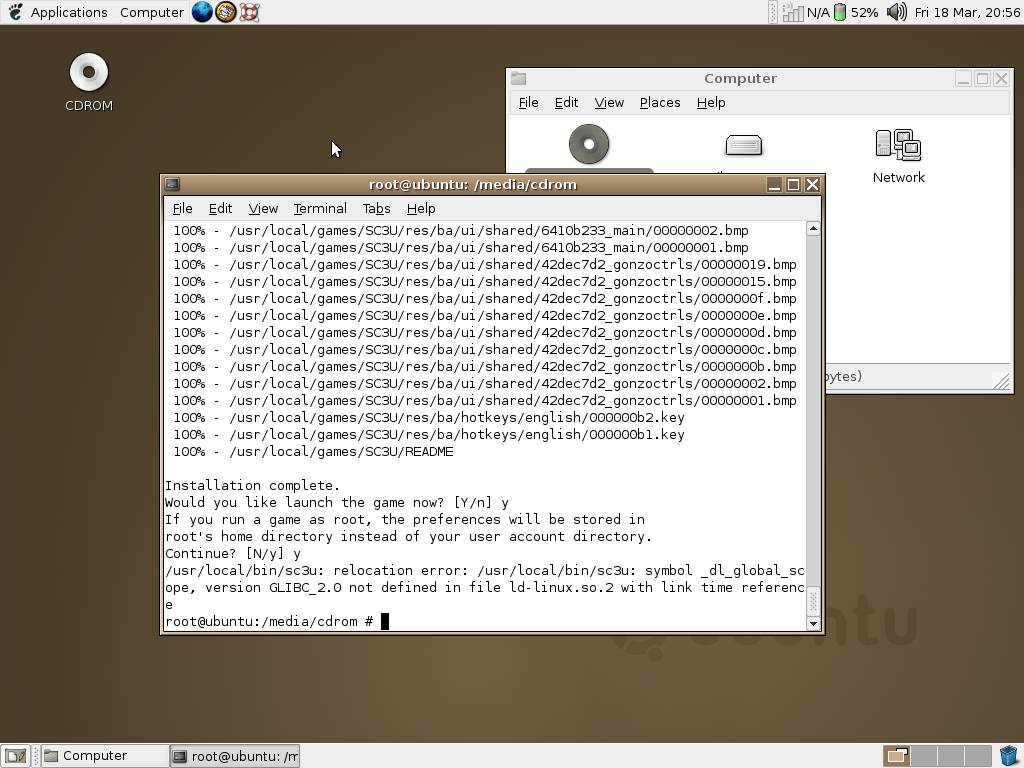
The installer worked, but the game would not run.

Ubuntu

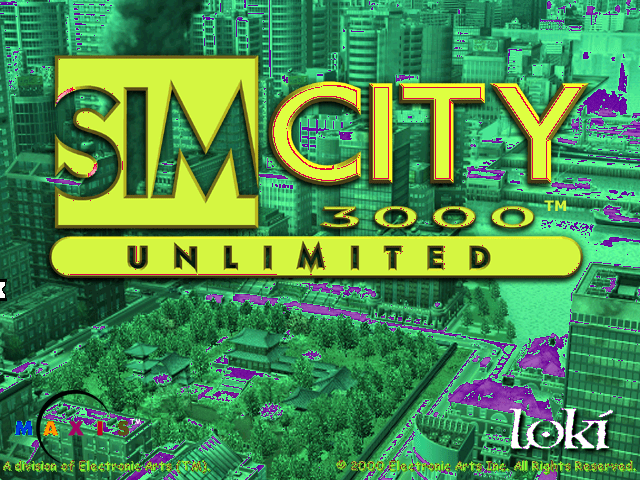
A Linux port of the game was released by Loki games in 2000, and is a port of the Windows PC version. It’s mostly accurate to the Windows version but is more difficult to install and get working, depending on the distro and the libraries/packages installed. I’ve tested it on a few distros of the era, and some more modern distros.

Installing and running the game on Ubuntu

  1. Install the game as normal, remember to note the install directory – you will need it later
  2. Download the official Loki Simcity 3000 patch
  3. Run the patch installer, preferably as root. Easy way is to open a root terminal session (Should be an option in your Linux application launcher) Easy way is to copy the patch file to your home directory/folder, open the terminal and run the command: sudo sh sc3u-2.0a-x86.run -keep (Why you can’t just double-click to run the installer in Linux I do not know)
  4. Once this is finished, you should see a success message
  5. Now you need to run the game in a specific way, in the terminal you have to run the below command: LD_ASSUME_KERNEL=2.4.26 /usr/local/bin/sc3u

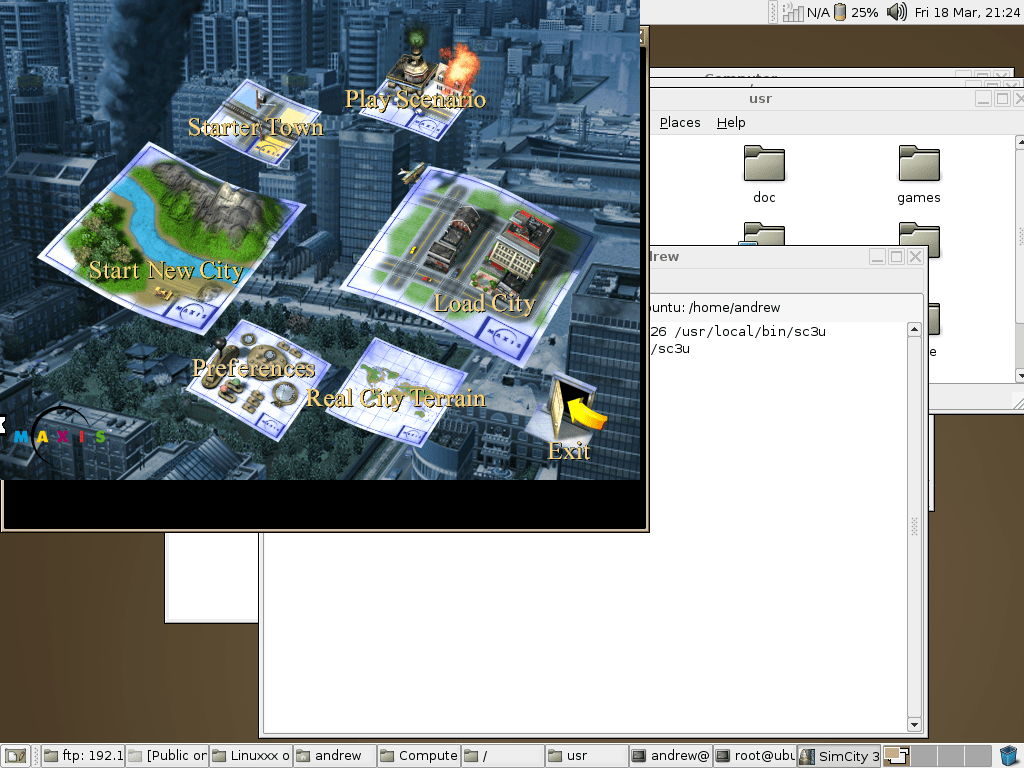
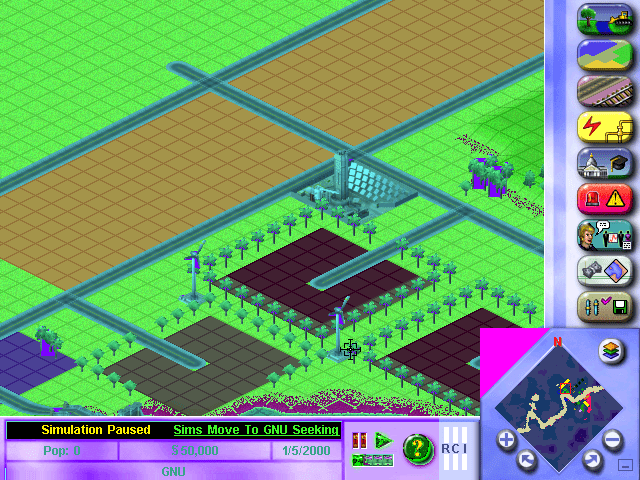
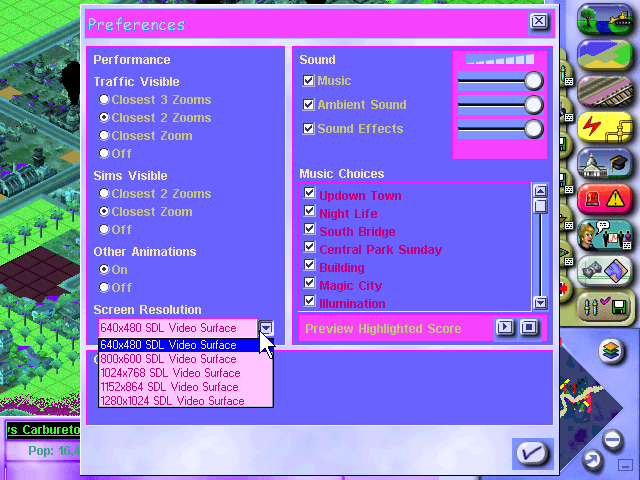
Hopefully, it should now start the game and you should see the intro movie play. This worked well on Ubuntu 4.04 running inside a VirtualBox VM, although there were a few issues. The sound was rather high-pitched and played too fast, and would stutter at high resolutions or when having a busy/large city map. Also running in a windowed mode wasn’t perfect, since it would display in the upper left part of the screen whilst the Ubuntu desktop remained in the background. The fullscreen mode works fine though. This could be due to the lack of drivers in my Ubuntu VM, it’s likely using stock/fail-safe drivers which provide little to no acceleration.

You could just use the Windows version running through Wine, although where is the fun in that? Plus it’s nice to play a native Linux game and in early 2000 there was a push for certain developers to embrace Linux as an alternative to Windows, That said, I can see why this didn’t take off…

Mandrake 7

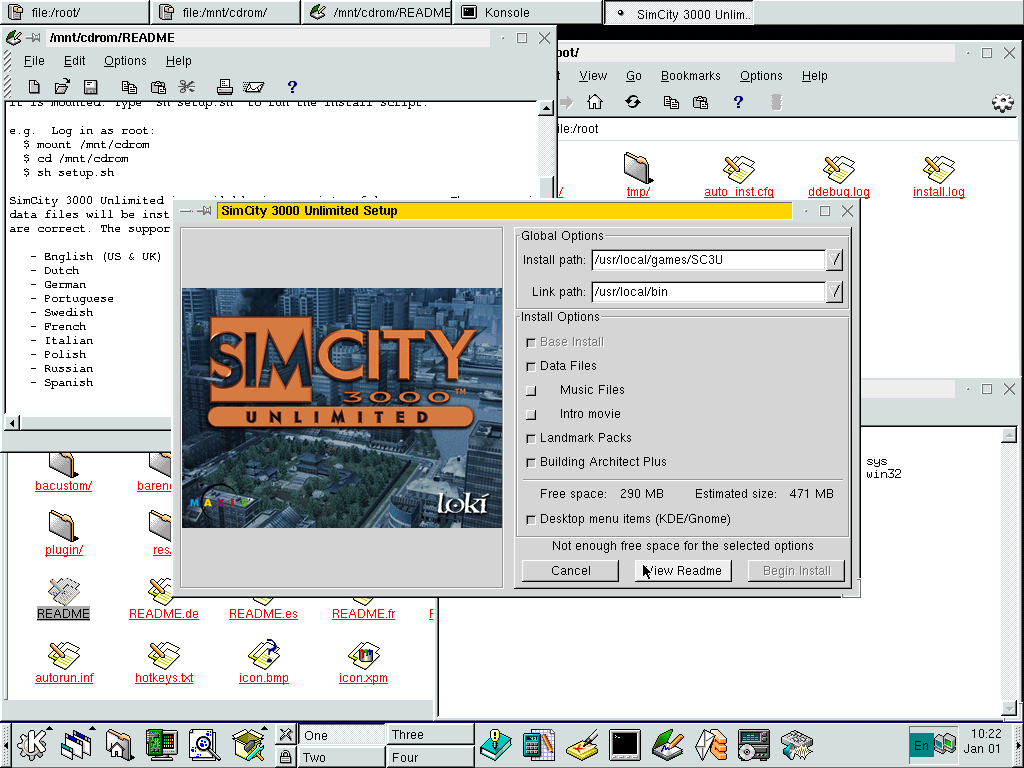
Worked but had issues but these could be due to the emulation in 86box. The game installs and runs mostly Ok but some of the colors are messed up, the game also runs very slowly. Interestingly this uses a graphical installer which is missing when running in either Ubuntu or Corel Linux.