HTC One M9

HTC’s 2015 flagship which continues on the HTC One M8 design, featuring a premium unibody metal design, giving off a stylish look.

Most notable for the appearance is the Front-facing stereo speakers which was a standout feature of the phone. Offering clear audio from the phone, It was like a little concert in your pocket. That was an awesome design choice and HTC have managed to blend the speaker design into the phone.
Powering the phone is the Snapdragon 810 processor with 3GB of RAM, originally running Android 5, later updates introduced Android 7. 32Gb of storage is included, and it can be expanded using a microSD card.

The M9 had some issues with getting hot under the collar. That shiny, beautiful metal body had a downside: it sometimes turned into a portable oven. Now, don’t get me wrong, a bit of warmth is okay, but overheating can be a deal-breaker, especially if the phone heats up when you’re not doing anything too taxing. I hate to think how hot this phone gets when under full use with a plastic case attached.

Launcher + Notifications

HTC Sense is the default user interface for the handset, You’ve got this neat home screen with customizable widgets and themes. The themes can give your phone a whole new look and feel, and if you’re into making your phone truly yours, this is a big win.
HTC Sense Home is supposed to be smart and intuitive, changing your apps based on your location and habits. It’s like your phone’s playing mind reader. It’s a cool concept, but it doesn’t always nail it. Sometimes, you just want your apps right where you put ’em, right? And having to search for them kind of defeats the purpose of it.

The lock screen with a row of shortcut icons at the bottom. YOu can swipe up from these icons to go directly to them when the phone is unlocked, allowing for easy access to the app. You can also customize the layout and which app icons appear on this screen.

Blinkfeed also makes an appearance, but I have mixed feelings about it. It’s a news aggregation feature right on your home screen. It’s nice to have all that info at your fingertips, but sometimes, I just want a clean slate when I unlock my phone. Maybe it’s my inner control freak, but I want to decide when and where I consume my news. But hey, it’s there for those who want to stay on top of things and it can be disabled.

The notification drop down, which also provided access to phone functions

List of apps that are installed on the handset.

Shows any recently open apps that you can quickly switch back to, or apps that are currently running in the background. You can choose from a card or a grid view layout as seen below. Screen pinning can also be enabled from here.

Lastly some shots of the initial setup application

Oh look, a system update for Android 7. I guess this handset hasn’t been used for a few years.

Applications

HTC had created their own set of applications for common phone functions and preinstalled a few third-party apps.

Music: A fully featured music player is included which can playback your standard music formats. There is also an option to playback from a DLNA server, provided you are connected to a Wi-Fi network. This had no problems playing back from a WDMycloud NAS, but album art was missing and it would play the same track again, there was no sequential playback unless you manually skipped to the next track.
There is also a trippy visualizer, but this only works for locally stored music files, DLNA tracks have no visualizer.
Still, HTC went to a lot of effort for their music player, though you can’t change the pitch like in the LG G4’s music player.

Kid Mode: HTC’s answer to Windows Phones’s Kid’s corner. Here you can pin specific apps to restrict access to the phone.

News Republic: A news aggregation app that used to come pre-installed on some Android devices, including some HTC smartphones. It was developed by a company called News Republic, which aimed to provide users with a comprehensive and personalized news reading experience.

HTC Print Studio: HTC Print Studio was to enable users to create physical prints of photos and images directly from their HTC device, kinda like Snapfish. In addition to standard photo prints, HTC Print Studio sometimes offered the option to order various print products, such as photo books, greeting cards, calendars, and posters.

HTC Help: This app provides troubleshooting and hardware testing to see if there are any faults with the device. You can also view the power usage of individual apps. There are also How-to guides on how to use various features of the phone.

HTC Dot View: This is a special case that’s attached to the phone that adds a protective front cover with a bunch of holes. By using the dot view app, you can customize the standby screen and patterns, which would show the current time and if there are any notifications.

Peel Smart Remote: The M9 has a built-in IR transmitter that allows the phone to control a TV or Set-top Box, similar to what the LG G4 had featured.

Photo Editor: basic editing tools such as cropping, rotating, and straightening images to adjust their composition, plus a variety of filters and effects. You can also change the brightness and colour balance.

Polaris Office 5: View and open documents and spreadsheets on the phone itself. This also has compatibility with Microsoft Office formats.

Zoe Video Editor: Zoe is a video editor and social media app created by HTC, the smartphone manufacturer. It’s designed to allow users to easily create and share short video clips with various visual effects and music. Zoe was initially introduced as a feature on some HTC smartphones and later became a standalone app available for download on various Android devices.
You can edit and enhance video clips with a range of editing tools. Users can trim, splice, and arrange clips to create a cohesive video. The app offers various visual effects and filters that can be applied to video clips. These effects can change the look and mood of the video, adding creative and artistic touches.

Voice Recorder: Simple voice recorder app that supports recording in a variety of audio formats from AMR to ACC. Most phones should support both of these formats.

HTC Power To Give: Some sort of distributed computing app that downloads small workloads to process. Very similar to Folding@Home for the PS3 and PC.

Scribble: A scrapbook-like app that allows for drawing and freehand text. You can drag with your finger, or a stylus (Which isn’t included with the phone) for more accuracy. Samsung and LG have included similar apps in their Android handsets for sharing created images.

Emergency Alerts: Displays any emergency alerts, not much to say since we hardly get any natural emergencies over here. I would imagine this would notify of any disasters or riots of peace nearby.

FM Radio: Simple FM radio that supports auto-tuning and RDS. Radio stations can be saved by tapping on the heart button for easy access.

Gallery: Where photos and videos captured by the camera reside, here you can easily edit or share, or organize into an album.

Flashlight: Turns on the LED flashlight, with a nice skeuomorphic torch on screen,

Clock: View different timezones, set an alarm or 5, and access the stopwatch or a lap/countdown timer.

Car: Enabled Car mode which allows earlier access to phone functions when you are driving

File Manager: Browse and access files on both the internal memory or the SD card.

Weather: Shots of the weather app, which uses the Accuweather API

Widgets

A few custom widgets come with the phone, many are linked to the bundled apps.

  • The music widget will either show the currently playing track, or any recently played tracks.
  • The Peel app can also be set as a widget, allowing for quick control without having to open the app.
  • People widgets let you set quick access contacts to easily call or send a message, similar to how contacts could be pinned to the Windows Phone home screen.
  • The Sense widgets will show you frequently or recently used apps that the phone will learn over time
  • A weather clock widget that come with a variety of clock faces, tapping on it will open the app to access the stopwatch or set an alarm. A variant of the widget will display multiple clocks for different time zones.
  • Data dashboard lets you quickly enable and disable certain phone features like the wifi, this is redundant since the notification bar can be used for this

Settings

A view of the main settings screen

HTC Connect lets you share content via DLNA or screen mirroring. A variety of protocols are supported including Apple’s Airplay, Chromecast, Miracast and Blackfire.

HTC Mini+ was a compact device that linked to the phone for easier access, kind of like a smartwatch. It’s marketed as an easy way to get access to the core features of the phone without having to use the actual handset, like if you wish to make a quick phone call or send a text message.

The personalize section lets you change the appearance of the phone and the notifications that it sounds. Themes can be downloaded and applied to the phone which changes the sound, wallpaper and menu fonts. Like the LG G4, the bottom navigation bar can be customized with additional icons being added in addition to the Home, Back and Tasks buttons.

The phone comes with a variety of gestures, in response to the Galaxy S4. You can enable and disable specific gestures that can be used to trigger phone functions. Glove mode increases the sensitivity of the screen to allow it to pick up input from users wearing gloves.

Lastly a look of the themes and wallpapers that shipped with the phone.

This can happen if you charge the phone whilst connected to a USB 2.0 port. The device needs more than 500mA for optimized charging.

Conclusion

Overall, the HTC One M9 was a looker, no doubt about it. It had that premium feel, it oozed style, and it was like holding a piece of art in your hand. But it did have some quirks, like the heat issue and the button placement. Nevertheless, it was a solid design for its time. HTC knew how to make a phone that was both functional and easy on the eyes.

Shutting down the One M9, done by holding the power/lock button.
Flock (Web Browser)

The OG social web browser

Flock was a web browser that was designed to integrate social media platforms and tools into its interface, allowing users to easily access and interact with their social networks while browsing the web. It was first released in 2005 and was based on the same codebase as Mozilla Firefox and mostly retained the same interface layout and was even compatible with its extensions.

Some other features of Flock included native sharing of content, the ability to preview online videos, a built-in RSS reader, a built-in blog editor and reader, and synchronization with web-based email1. The browser was popular because it had social media integration. With this, you could easily keep track of social networks or your webmail at any time. Another standout feature was the ability to post directly to own blog or social media page directly from the webpage, years before Facebook/X had the ability to do this.

Flock integrated with social media networks by allowing users to log into their social media accounts through the browser. Once logged in, Flock could track updates from friends on sites such as MySpace, Facebook, YouTube, Twitter, Flickr, Blogger, Gmail, Yahoo! Mail, etc. This allowed users to easily keep track of their social networks and webmail at any time.

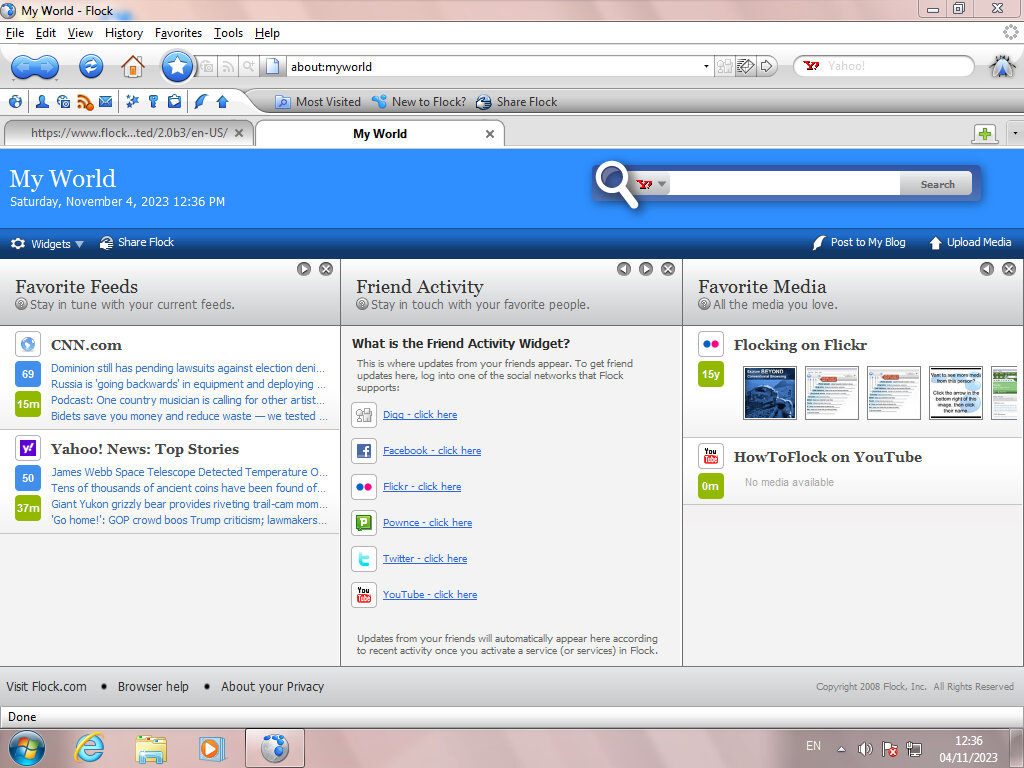
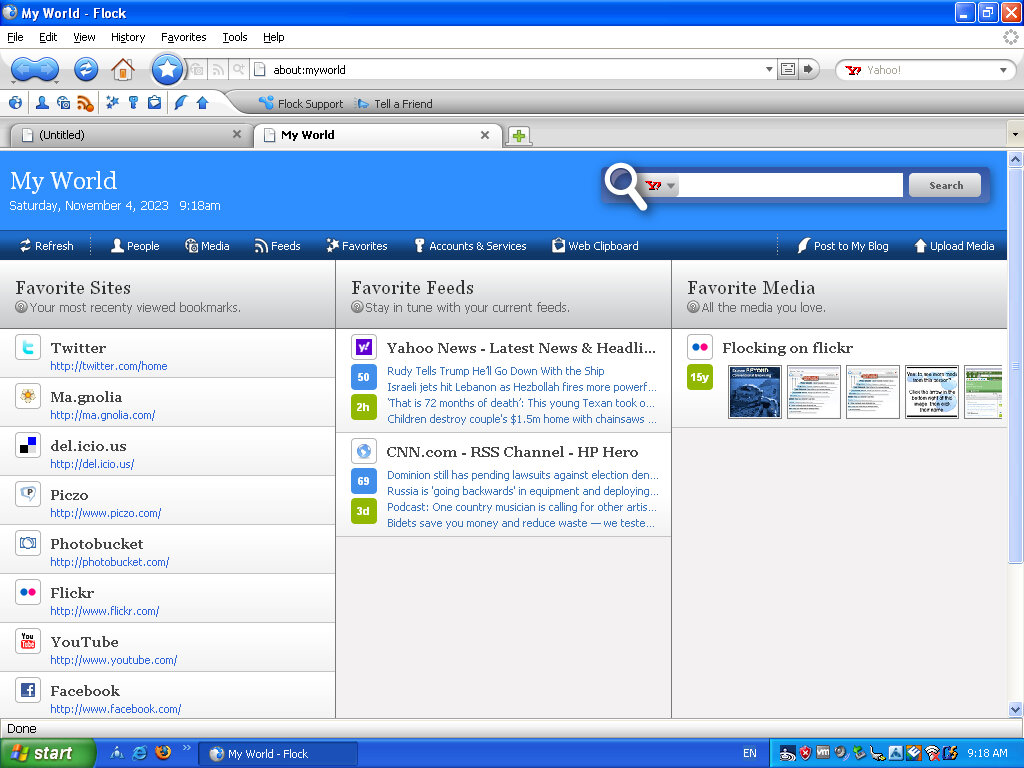
The MyWorld page is where most of the magic happens, giving shortcuts to popular social media and web 2.0 sites. RSS feeds are also displayed here which can be customized.

The user interface is a departure from Firefox, with a glossy blue and white interface. Different themes can be installed, with many from Firefox being compatibility, though the Flock content and customization will standout.

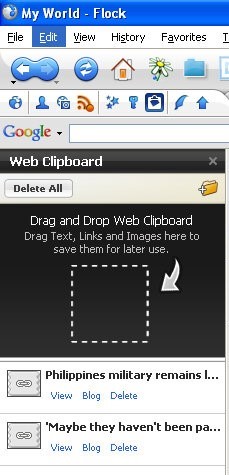
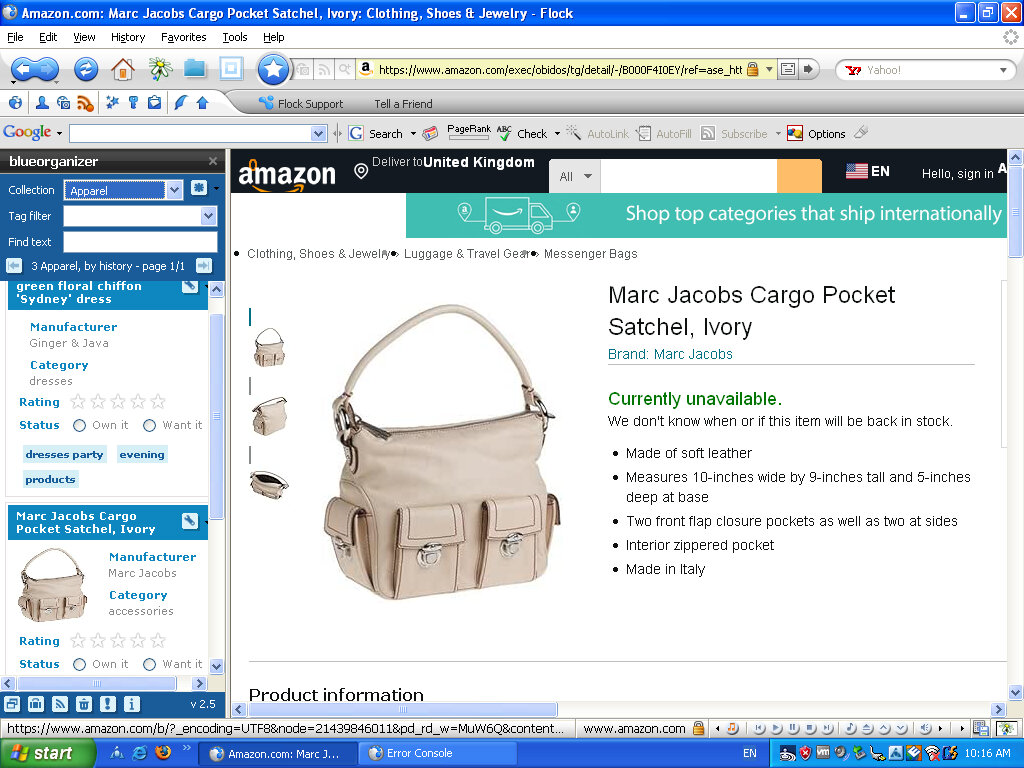
Web Clipboard, sort of like a scrapbook that you cn save pages to for blogging later. You can simply drag the page tab to the sidebar and it will save it for you. Pages can also be sorted into folders for better organisation. Modern browsers also have this functionality, at least in Vivaldi.

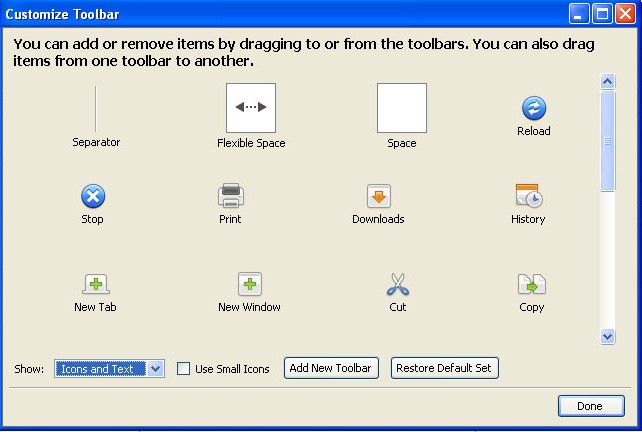
Like Firefox, you can add or remove buttons from the toolbar, and even create your own toolbar. Most icons have been rebranded to Flock’s visual style.

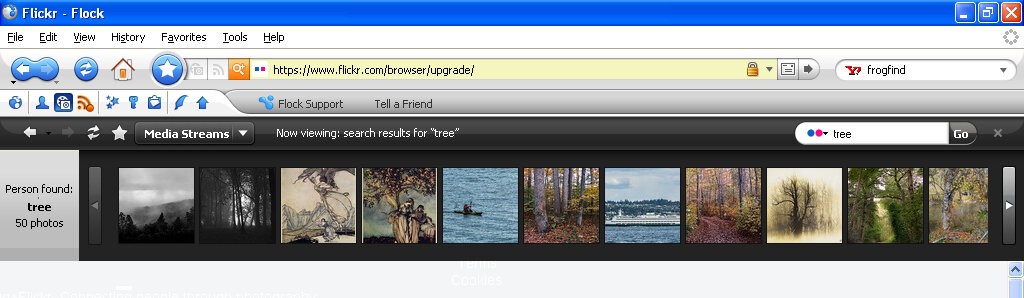
Lets you view content within website that specializes in photo content like Flickr, Photobucket, YouTube and Truveo. These appear within the browser, allowing you to continue on the current website you are on, and can be hidden or closed at anytime.

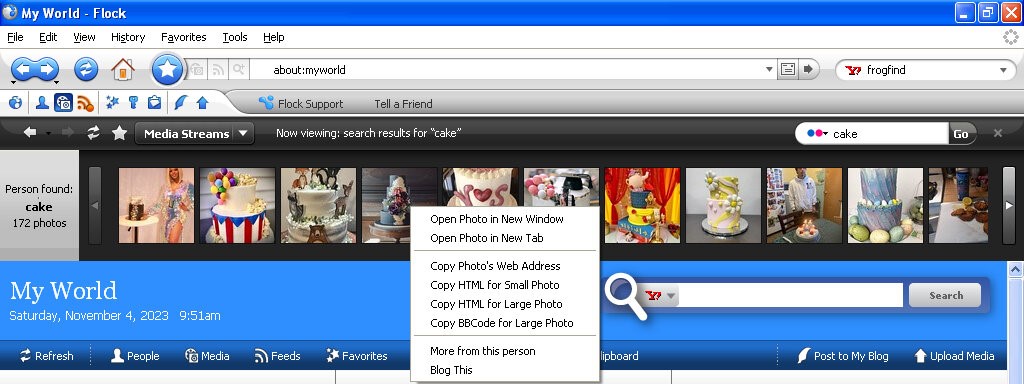
Flickr appears to work, as I can search for a term that comes back with the relevant results. Clicking on an image takes you to that page. Right clicking on an image lets you copy a link to the picture, for when you want to embed it into a comment or a blog post.

The other services no longer work, I guess Flickr has kept their API unchanged or well maintained.

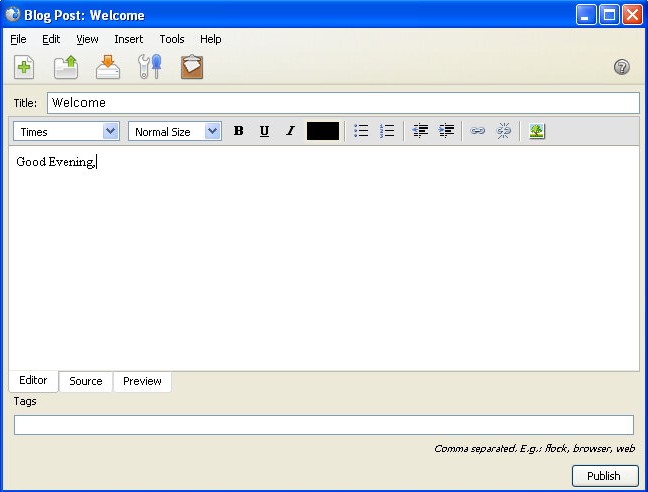
The blog interface, here you can directly write and publish to a supported platform. Protocols such as Atom, MetaWeblog and MovableType.

A lot of social media websites are resistive to social media integration when it comes to displaying content on a third party platform. Many would prefer for you to stay within their platform and app, rather than a third party platform. Windows Phone kinda had the same philosophy with multiple social media networks being present within the phones user interface, removing the need to access the apps individually. A lot of social media comes from engagement and algorithms. Which cannot be done as easily through a browser like Flock. Again they would much rather you access their platform directly and stay there. As such modern replacements are difficult to do, preventing another Flock like browser. Reddit recently implemented some changed to their third party access API’s which make it difficult and uneconomical for third party apps.

The Flock browser had a strong relationship with the concept and practices associated with Web 2.0. Web 2.0 refers to a shift in the way the internet was utilized and experienced, characterized by user-generated content, social media, and interactive web applications. Flock was specifically designed to embrace and cater to the Web 2.0 environment by integrating social media and user interaction into the browsing experience. basically the end user has a way to contribute to the website, in the form of comments or uploading their own content.

Flock was one of the first browsers to deeply integrate social media directly into the browsing experience. It allowed users to access, manage, and interact with multiple social networks from within the browser, aligning with the Web 2.0 trend of social interaction and user-generated content. Web 2.0 emphasized collaboration and user interaction. Flock incorporated tools and features that enabled users to share, comment on, and interact with content and friends’ updates across various social media platforms without leaving the browser.
Flock encouraged active participation and engagement with online content. Its features facilitated easy sharing, bookmarking, and interactions with social media, aligning with the Web 2.0 trend of active user participation and content sharing.

Version 2 added support for additional social networks and services and updated the Gecko rendering engine. This is based off Firefox version 3.

Old Versions for download

Sony Xperia Z2

The Sony Xperia Z2 was a flagship smartphone released by Sony Mobile in April 2014. It was part of Sony’s Xperia Z series and was designed to be a high-end device with a focus on water and dust resistance, camera capabilities, and premium design which set it aside from competing handsets of its time. 

Competing smartphones of its time was the Samsung Galaxy S5. The HTC One M8 compared favourably but had perceived better audio quality owing to its front facing speakers.The LG G3 also beat it in the display department, offering a Quad HD display. However the Xperia offered more memory, a better camera and generally a larger display.

The Xperia Z2’s design – it’s unmistakably Sony. Glass on the front and back, sandwiched with a solid metal frame. The overall aesthetic screams premium, no doubt. But be ready to deal with some smudges and fingerprints, because this thing attracts them like a moth to a flame. One standout feature was the water and dust resistance, with the handset offering cover flaps for both the charging and card slots which set it apart from other handsets, but its glass back frame was a source of weakness, with owners reporting broken or cracked backs from minor drops. It was imperative to use a third party case, which detracted from the appearance of the phone.

The Xperia’s main menu, very close to the stock Android interface few a few Sony enhancements. Also note the Sackboy from LittleBigPlanet and what I assume is the main character from Medieval, two of Sony’s game franchises. 

Still theres a distinct lack of Kratos from God Of War.

Swiping right takes you to another home screen, here you can see the clock, Google search box (which is a widget that can be changed to any search engine that you like) and shortcuts to Google’s services.

The lock screen, which provides shortcuts to the camera when you swipe up in that direction. A common design you will see are waves, which were similar to what was seen on the PS3 XMB and the PS4 home menu, I guess its Sony’s thing

Included Apps

Xperia Lounge: It was designed to offer Xperia users a variety of exclusive content, offers, and experiences that were tailored to their devices and interests. The app aimed to provide a unique and personalised experience for Xperia smartphone owners, offering access to a range of content and perks that were not available to users of other devices. Mainly this was ringtones, themes and wallpapers, though some offers were promoted, mainly for obscure services/products that no one would ever use like vegan chocolate.

PlayStation: Should need no introduction, this was Sony’s app to manage and view your PlayStation trophies and friends. You could also access the PSN store.

Music: Sony’s music player, though I’m a little disappointed with the lack of Walkman branding, considering at one point Sony had Walkman phones. 

Music can be sorted by Artist, Album, Genres or the entire list of songs can be displayed. If album art is saved it will be displayed also. Podcasts also have their own category.

Music can also be streamed directly from Google Drive.

Album: Photo viewer, photos captured with the camera will appear here.

Camera: Both still images and videos can be captured, and Sony have offered additional customizable settings to fine-tune the image before it’s captured. Sony also offers additional apps for specific effects like panorama, timeshift video and 4K capture. Since these are separate apps you will need to go through the permissions malarky the first time you launch these apps.

The Xperia Z2 has a dedicated analog camera button that helps control the focus when capturing an image, similar to the two-stage camera button that was common on Windows Phones.

Support: A help center where users could get more information on how how to use the phone, or how to perform specific features. You can also find out detailed information of the handset itself such as memory usage, or perform hardware tests if you are experiencing issues with the handset.

You can also set an automated backup, which can use the SD card, USB storage or an online service

The STAMINA feature lets you prolong battery life by reducing power usage when the battery hits a certain threshold, very similar to the battery saver feature of Windows Phone. There is also an ultra STAMINA feature, which reduces the phone to a feature phone, ideal if you’re going on a camping trip for the weekend and need to conserve battery power. Though why not just bring a power bank?

Email: A basic email client to connect to email services that didn’t offer their own mobile app. As long as POP3/IMAP is supported, the amp and connect and synchronize with your provider. Most users would typically use either Outlook/Gmail or Yahoo Mail.

Microsoft Exchange was also supported.

Weather: Sony’s stock weather app, powered by Accuweather. Surprisingly this still works well and is able to bring up weather information from my local area.

Calendar: Your standard calander app

Newsfrom Socialife: Sony’s news app. The app aimed to curate news articles, blog posts, and other online content based on users’ interests, allowing them to stay informed about topics they cared about. The app would aggregate news articles, blog posts, and other content from various sources across the internet and present them in a personalized news feed. The content displayed would be based on the user’s selected interests and preferences.

Users could choose their favorite topics, categories, and sources to tailor their news feed to their interests. This allowed users to receive updates about subjects that mattered to them. The app also supported offline reading so that articles could be read in the event they no longer had access to date, ideal if you travel the underground subway/railway.

As of 2023 the app is now dead but was replaced by News Suite, which is still a thing on modern Xperia smartphones, at least on my Xperia 1 IV.

Calculator: Your standard calculator, appears to license some code from SGI (Silicon Graphics) which was a major workstation vendor.

Clock: Standard clock application that is similar to other apps of this type. Includes a stopwatch, alarm clock, clock that supports multiple time zones and a timer.

Lifelog: This was designed to help users track and record various aspects of their daily activities and experiences, creating a digital “lifelog” of their interactions, movements, and habits. The app aimed to provide users with insights into their daily routines and behaviors, with a focus on health, fitness & entertainment. The main features of this app were Activity Tracking, The app used sensors like the phone’s accelerometer and GPS to track physical activities, such as walking, running, and cycling. It could also monitor your movements throughout the day. Additional features were sleep tracking, health insights, goals and social integration. In many ways it was similar to the FitBit app.

Sketch: Sony’s own version of MSPaint, allows you to freehand draw using either the brush, pencil or sticker tools. Shaps can also be added and there’s various image manipulation tools like smudging

The background can also be changed to give the appearance of writing or graph paper, which can also be customized.

There is also an option to place stickers onto your drawing, of which Panda themed stickers are included by default. At one point you could download additional sticks from Sony online, but has since been discontinued.

TrackID: Sony’s own version of Shazam, which has access to the Gracenote database. The app was designed to quickly identify the title, artist, and album of a song playing in the background, which was particularly useful for discovering new music or identifying tracks you encountered in various settings.

AVG protection: Virus protection was a thing on Android, and Xperia’s were commonly bundled with AVG which offered basic protection. With the option to upgrade to a paid version which offered better support.

Well at least it’s not McAfee or Norton.

PS Video: A video-on-demand store where you could purchase movies and TV series boxsets to own, which could then be played on the PS3 or PS4, or if you had a smart Bravia TV. Not to be confused with PlayStation Vue, which was an OTT streaming service limited to the US.

File Commander: A third-party file manager application funded with the phone, and one of the few apps that has adverts. Files can be browsed on both the internal storage, and the SD card if one is inserted. This appears to be a limited trial that requires a license to be unlocked.

Smart Connect: Lets you setup and enable certain events to trigger when you connect an accessory, like a headset or charger. For headsets you can set the phone to automatically open the music app and set it to only happen within set time period.
You can also use this for timed profiles, where you can set the phone to go on silent mode between a set time period.

Kobo eBooks: A bookstore that competes with Amazon’s Kindle, preloaded partly as Sony had discontinued their own bookstore for their eReader series.

Navigation: A rebranded Garmin client, servers as an alternative to Google Maps and makes use of the assisted GPS feature of the phone.

TV SideView: TV SideView was designed to serve as a companion app for Sony’s BRAVIA line of smart televisions. It allowed users to control and interact with their Sony smart TVs using their Xperia smartphones. It can be used as a remote control (requires the TV to be connected to the same network) a program guide powered by Gracenote, and content recommendations for upcoming TV programs. This still works with modern BRAVIA Android TV’s and will pull the current channel list along with TV listings.

Messages: Supports SMS and MMS, with custom stickers.

Notification & Launcher

Sony’s launcher is very similar to what you would find on a stock Android handset, complete with multiple home screens. The home screens can be customized with custom icons or widgets.

Xperia Keyboard, Sony would later switch to the Switfkey keyboard, additional skins can be selected to customize the keyboard 

One-handed mode is a feature to make the phone easier to use.

Sony have their own set of emoji’s that can be used over the stock Android ones

The task switcher, the bar along the bottom appears to be some soft of quick launch bar. The default options are Internet Browser, Timer, Calculator and Screen capture (Which allows you to capture the window itself, like the Windows snipping tool)

Settings

The settings menu is divided into different sections for easier navigation:

Wireless & Networks: Connect to a WiFI network, Bluetooth. In the Device Connections menu, you can ‘Throw’ media onto an external display using either screen mirroring or DLNA, if the TV supports either of these. The Throw feature integrates with Sony’s media apps, giving a unified experience. There are separate options for casting and screen mirroring which are managed by Android.

This might be because screen mirroring was included as standard in later Android versions/updates, but was not at the phone’s release.

Alternatively you can set the phone to be a media server, and have your devices connect to it instead.

Another feature is the ability to pair a DualShock 4 controller, which is the standard PS4 controller. This is useful for playing games that support the Android controller API. This didn’t work on three of my controllers (CUH-ZCT2E) the first couple of attempts, but after closing and resetting the Bluetooth I eventually got it to pair, as it would attempt to pair but would then fail.

Once paired you can controller the phone via the controller and can navigate base menus.

The Device section gives you settings for personalization, such as themes, display, notifications & sound. Theme in particular can be downloaded and applied. to the phone and can change the colour scheme, icons and background wallpaper.

Lastly shutting down the Xperia Z2

Midnight Run: Road Fighter 2

Why are you last? You driving Miss Daisy?

A racing game set on a typical Japanese city highway, complete with rival traffic that you have to overtake and avoid.

There are three different courses available, each named after difficulty (Easy, Normal, Hard). The harder courses have more complicated tracks with sharper corners, and more dense traffic to avoid. They are also set at different times, with the easiest being set in the evening (Sunset Trial), the medium being set at night (Starlight heat) and the hardest at Midnight (The Midnight Run)

There are also four different vehicles to choose from, though there isn’t any difference with their speed or handling, holding the start button down lets you enabled tuning mode, where all the cars have spoilers on them. I assume these are much faster but with less handling.

Initially released in arcades, the game was later ported to the PlayStation in Japan and Europe. There isn’t any new content or game modes added so I can’t really recommend it over the arcade version which has much better graphics. Speaking of, this does run on the Konami ZR107 arcade board which uses the PowerPC 403e running at 32Mhz, but I wasn’t able to locate any information on its graphics hardware except that it uses an Analog Devices ADSP-21062 for its geometry engine, similar to what was used in the Sega Model 2B. it’s likely Konami licensed a 3D accelerator from another vendor.

I’m unsure how it compares to Sega or Namco’s 3D hardware as it only had three games released for it, all of which appear to be racing games.

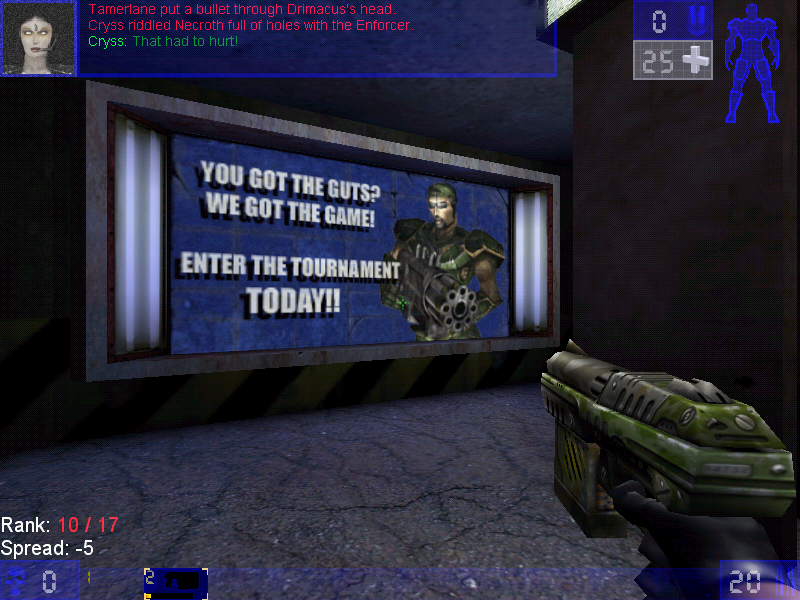
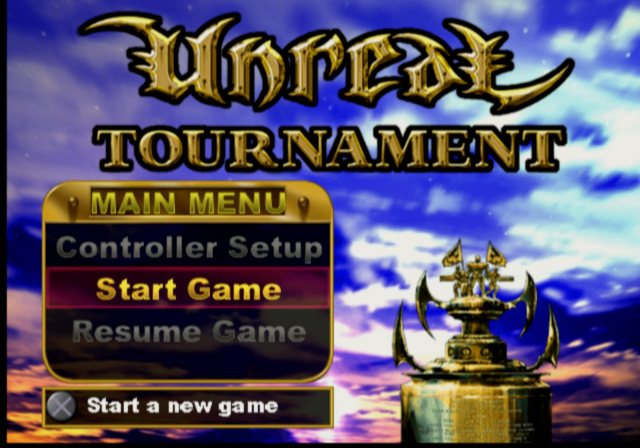
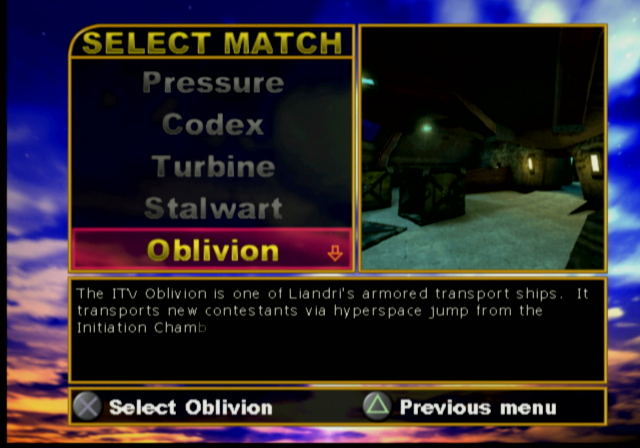
Unreal Tournament

The spin-off that became more popular that its origin game as it expands on the multiplayer aspect of Unreal.

He asked for a 13 and they drew a 31

There isn’t much point of trying to make sense of the Unreal Tournament lore, especially once the sequels come into play. Basically, the tournaments have become annual sports events (Like Soccer, football or handegg) that are also popular TV events set in a dystopian future where corporations control the government (Just like today).

Game Modes

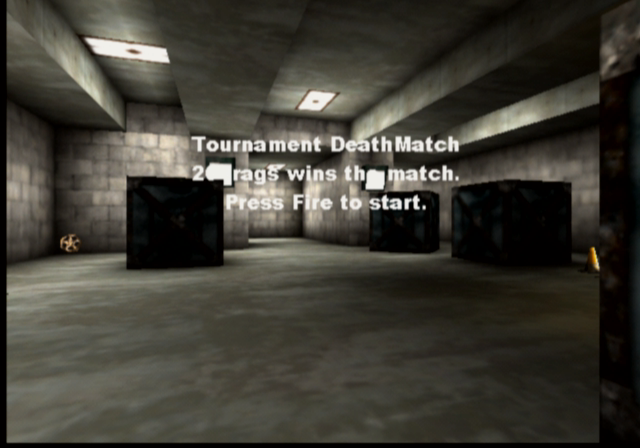
Additional game modes and be downloaded and added to the game, making it very flexible for new ideas for gameplay. Jailbreak is an example of a new game mode. Because of this, Unreal Tournament, and its middleware Unreal Engine because very popular for game modders to add new maps, skins, and mutations to the game, and helped developers become familiar with the Unreal engine which would become the popular engine for various games (in fact, the seventh generations of western games were dominated by Unreal Engine 3)

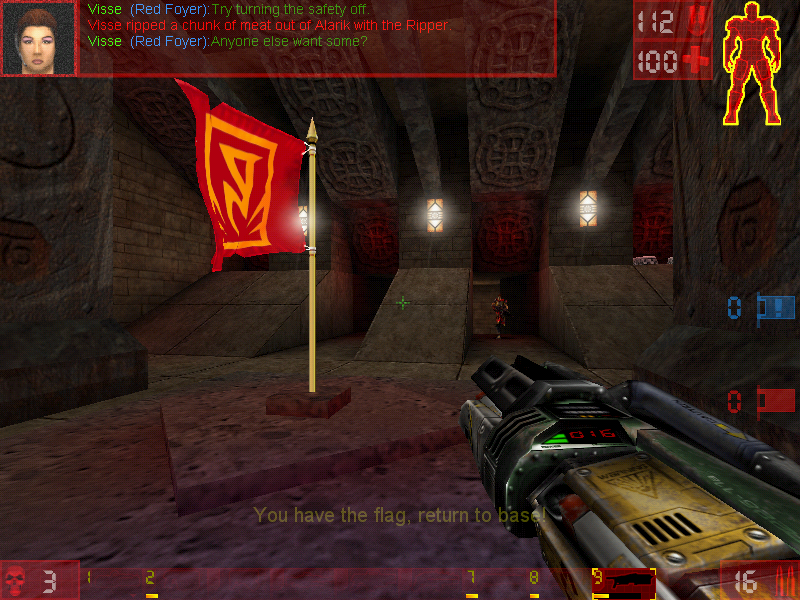
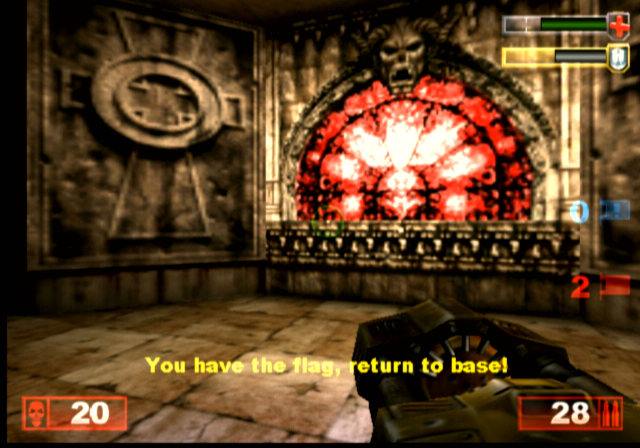
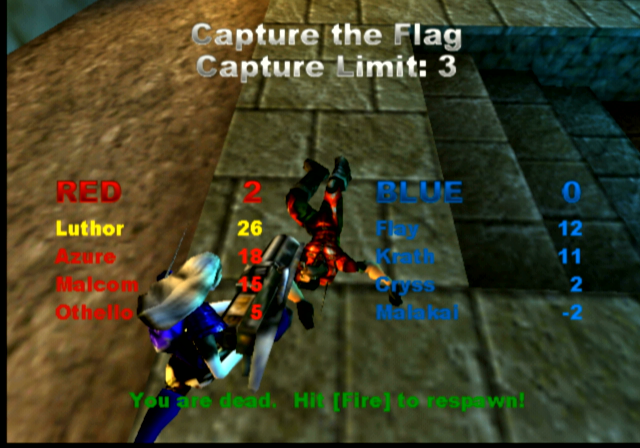
Capture the Flag

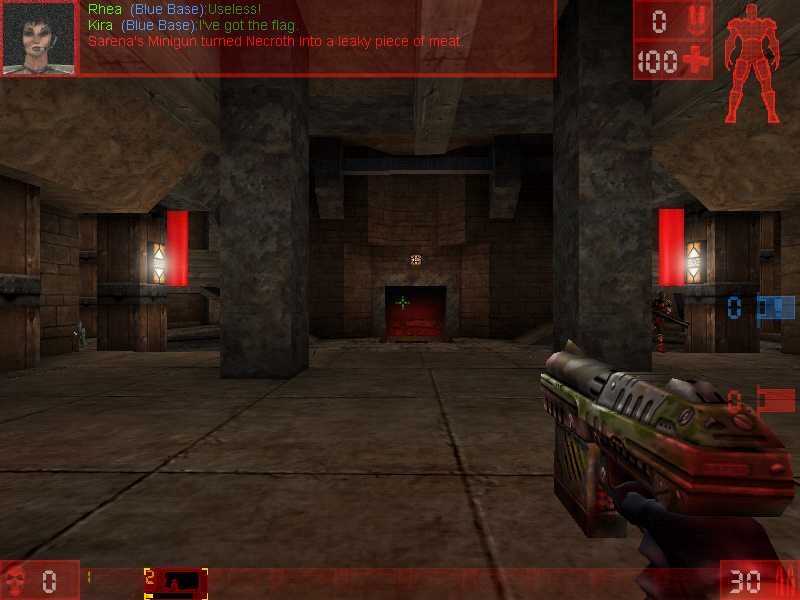
You have to catch the enemy’s flag and bring it back to the base without being killed. If you are killed the flag you were holding would be dropped and someone from your team would have to pick it up, otherwise, it would teleport back to the enemy base should an enemy team member pick it up, or if the flag remains untouched after a certain amount of time.


Here good team communication is key, as you will want someone to be watching the base flag whilst others go after the enemy flag, you may wish to have team members watch certain points of the arena map, especially areas that have narrow corners or corridors. Some maps have secret paths that lead to the flag, so be careful with those.

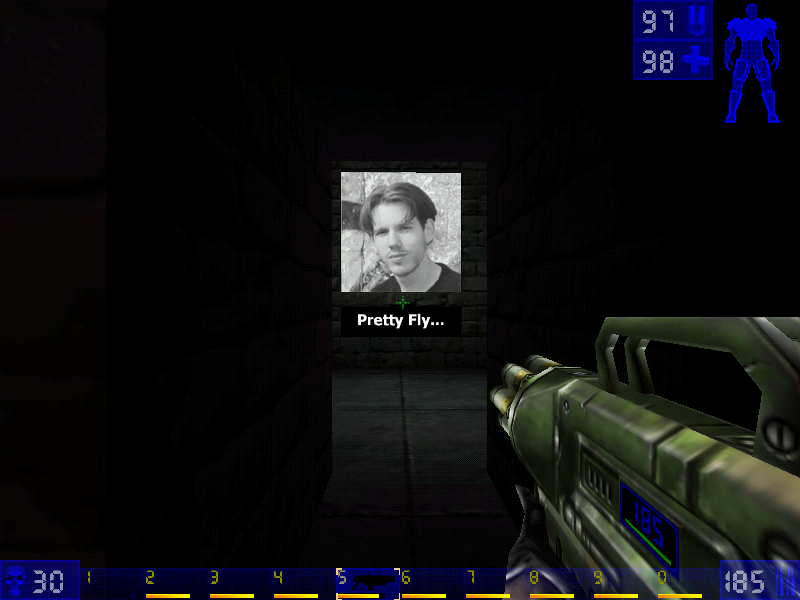
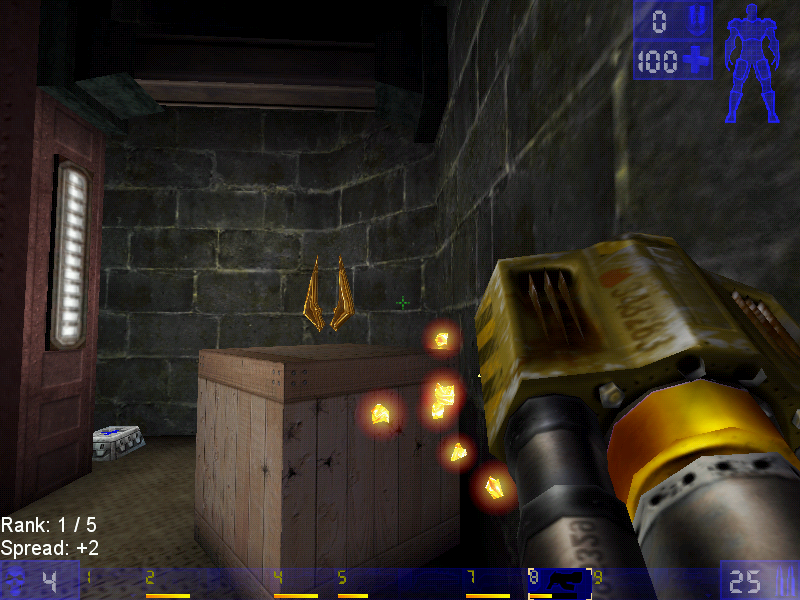
Jump boots, one of the powerups

Deathmatch

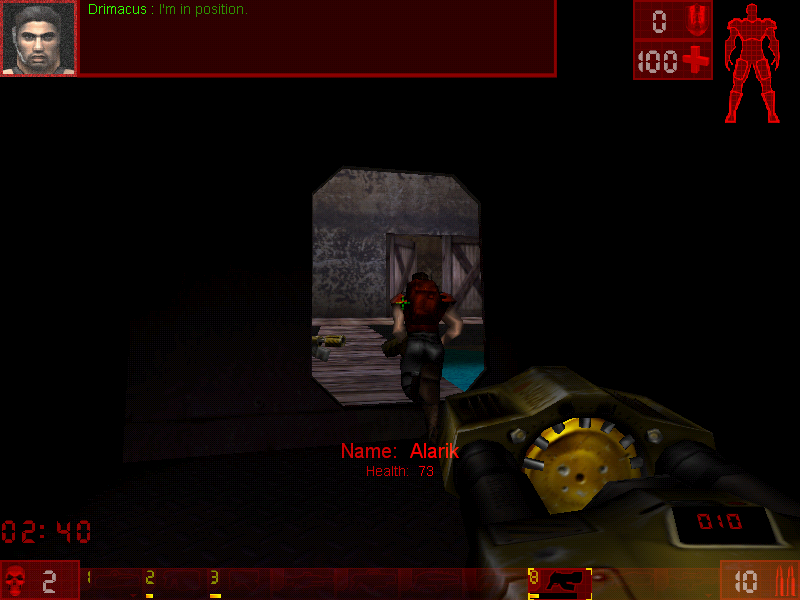
Pure kill or be killed action, there are two main variants of this game mode, Deathmatch, and Team Deathmatch, with the former being you Vs everyone on the map. Team Deathwatch put you on one of two teams (Red Vs Blue) with the team having the most kills winning the game.

Last Man Standing: Another variant of deathmatch, here you have a limited amount of lives and have to be the last player in the arena to have one or more lives remaining. The lives affect the number of times you can spawn, with one life being deducted every time you die and respawn.

Assault

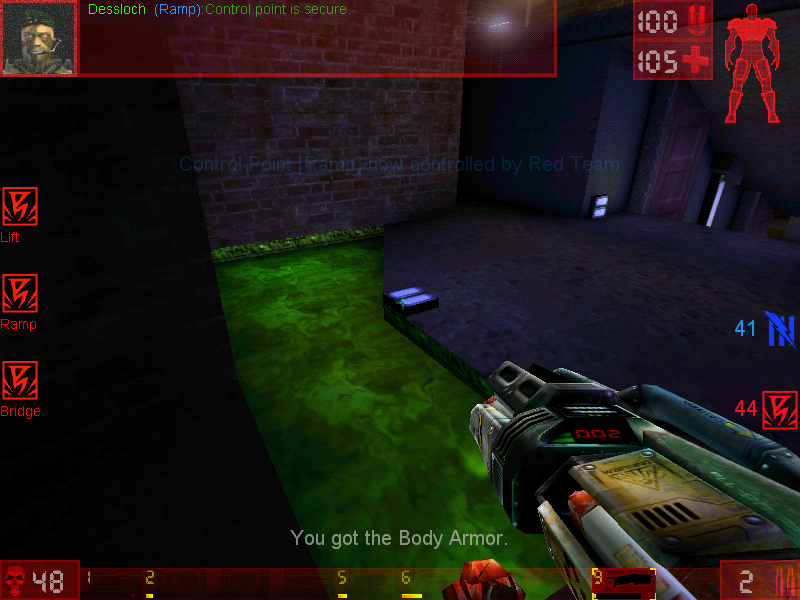
Each map has an equal set of objectives that must be completed before time runs out. One team has the role of attacking, whilst the other has to defend. When one team wins, another role starts where the teams switch sides with the opposing team defending. Spawn points depend on how far the attacking team has managed to progress, with later spawn points being available as objects have become completed.

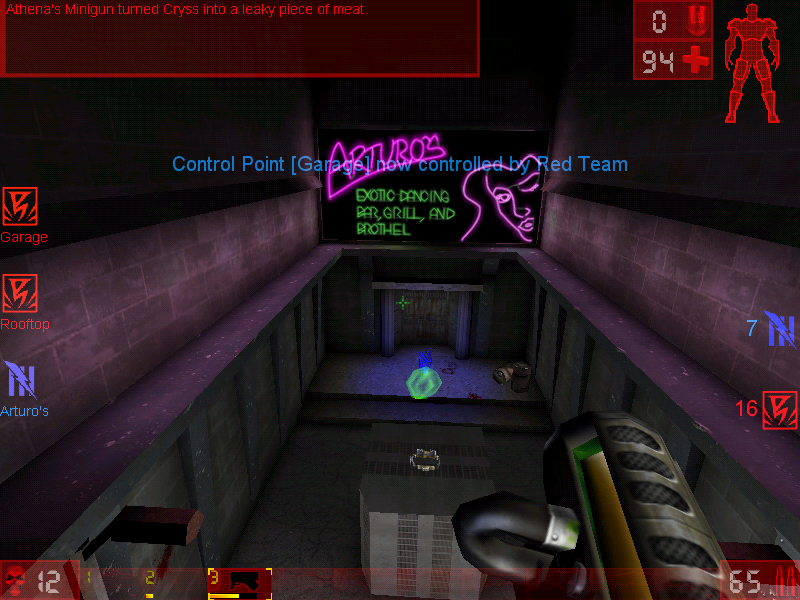
Domination

In this mode, there are two teams who had to capture 3 bases in order to gain points. Kills are not essential and sometimes hinder your team, since the opposing player will respawn next to the area they are dominating, making it harder to capture the base. You will preferably want to weaken the enemy player, allowing for an easy kill later.
Points are gained when you have captured a base, and the more bases you capture, the faster your team will accumulate points until the maximum has been reached, of which the resulting team will win.

Weapons

Translocator: Not much of a weapon in terms of damage but allows you to quickly teleport around the map. Your fire the beacon and right-click/alt-fire will teleport you to that location. Be careful though, if a player has been destroyed by the translocator, you will die.

Impact Hammer: The weapon that you use when you’ve run out of ammo and can’t find any more so as a last resort you hope you strike lucky with the impact hammer. This only works when you charge it up and sneak behind a player in order to kill them, otherwise it’s best running and finding a new weapon or ammo.

Enforcer: The default weapon that you start and respawn with. Causes minimal damage but gets the job done. The second fire does more dame and has faster speed, but very poor accuracy.

Bio-rifle: Sometimes called the snot gun, fires green-colored gel-like projectiles that stick to any surface. When a player gets in contact it can do some damage. Useful to surround the flag base or the capture point to prevent the flag from being taken. One of those fire and forget guns.

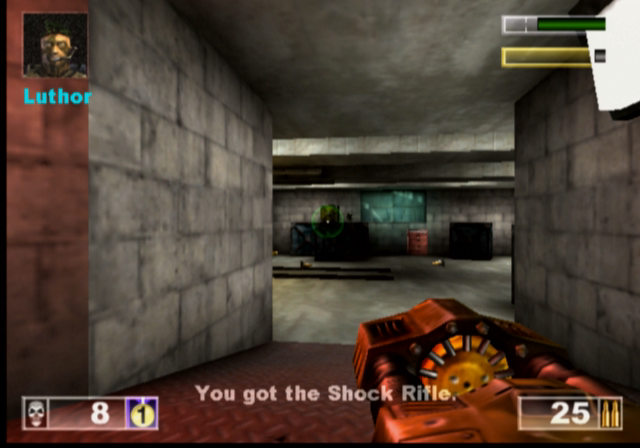
ASMD Shock Rifle: Shoots a stream of energy forward towards the target, the alt-fire shoots a ball of plasma which, when hit with the stream of energy exploded and odes further damage

Pulse Gun: Fires small green balls that are supposed to be energy pulse, nothing really spectacular since it only deals minor damage, but the alt-fire fires a straight green beam which can be linked with the beam from a teammates to increase the damage.

Ripper: Fires off razor blades which bounce off any walls or solid objects, useful for attacking around corners, just be careful since they can bounce back and damage your player

Minigun: Fires a series of bullets after a short delay, since the gun motor has to spin up. Alt fie fires more bullets but is more inaccurate

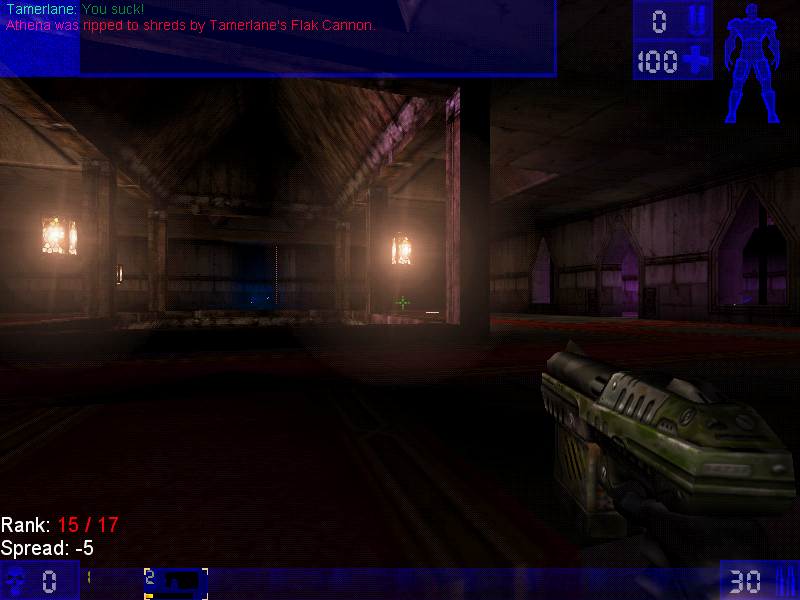
Flak Cannon: The GOAT weapon, fires a large number of projectiles, deadly upon close contact.

Rocket Launcher: Fires a rocket

Sniper Rifle: It’s a great weapon at a distance, and is somewhat usable at close range. You will really want to use this on CTF or assault games where players are more likely to camp

Redeemer: Fires a nuke into the arenas that deals a lot of damage and a large blast radius, alt-fire shoots a steerable missile but leaves you vulnerable to damage, and the missile can be shot at which will disarm the weapon.

Versions

The game was ported to more platforms than the original Unreal game which makes it more well known with the two console platforms of the time.

Dreamcast

The game was ported to the Sega Dreamcast in 2000, this version came with a few exclusive maps, a redesigned menu system, and HUD and retained keyboard and mouse support. Online play was also supported with you having the modem adaptor and an internet dial-up account.
The VMU is used somewhat, it displays the Unreal logo as a looping animation.

Playstation 2

Released early into the PS2 life, this version suffers from a few framerate issues since the game was not very optimized for the PS2 vector units, and was to serve as a concept for future Unreal Engine titles. You can also see the lower resolution textures as the graphics had to squeeze into the PS2’s 4MB VRAM buffer.

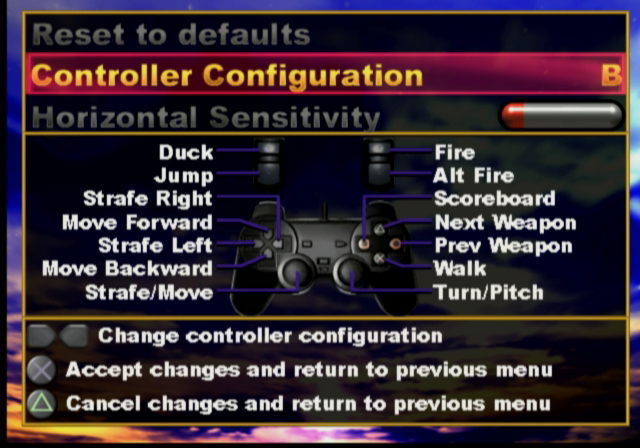
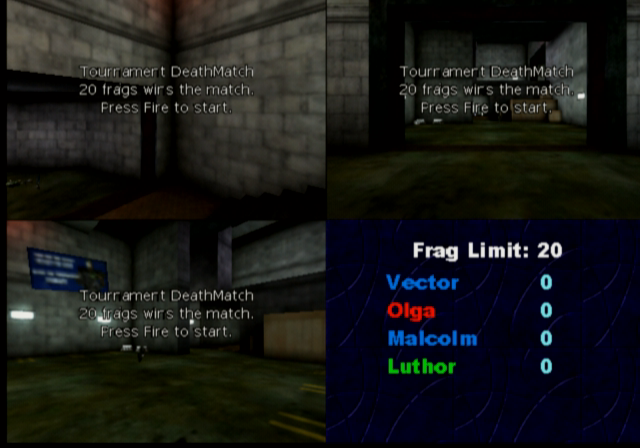
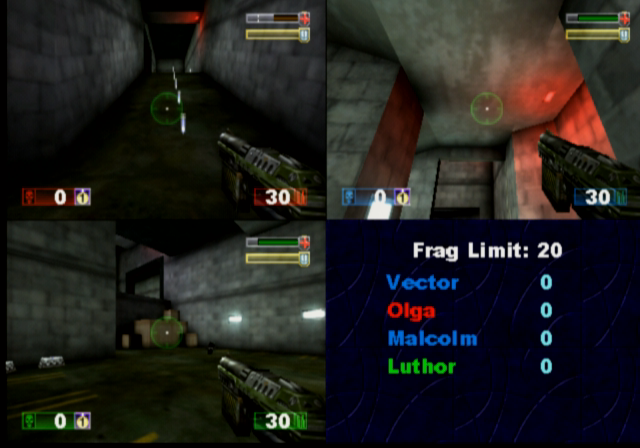
Unlike the Dreamcast version, the PS2 version does not support online play at all, as the PS2 network adaptor was not released at this point (Sony originally intended for the iLink connector to be used for online multiplayer/LAN, but only the US release of Unreal Tournament supports this) This version does support the use of a USB keyboard and mouse which can be used for single-player mode and multiplayer, where up to four players can play from one console with the addition of two controllers and two sets of a keyboard and mouse. This does require a USB hub since the PS2 only has two USB ports, unless you use a combined wireless keyboard and mouse which commonly appears in wireless desktop sets.

As four players are on one screen, a big screen TV is recommended like those huge rear projection TVs that were available of the era.

There are also a few console-exclusive maps that didn’t appear in the original PC release, and some existing maps have been altered slightly due to the console’s memory limitations.

PCSX2 1.6 is capable of running the game but will encounter issues with background music stopping abruptly, and the game will randomly lockup when starting or finishing a game.

MacOS

The game was released for the Macintosh platform and is similar to the Windows PC port, and features support for the Macintosh 3D API (Known as RAVE and used the ATI 3D RAGE accelerators, or Nvidia cards on later Macs) and Glide if the Mac has a 3DFX Voodoo card installed. The game runs best on MacOS 9.2 and has issues running through the classic environment on OS X, for both Jaguar and Panther versions of Classic.

A Carbon version exists but this never left the beta stage and lacks a few features compared to the original MacOS version. This uses OpenGL for rendering and a custom User.ini file, which will cause issues if you dual boot with both OS 9 and OS X as they share the same ini file which dictates which 3D renderer the game should use. In order for these to coexist, you will need to have two different install directories of the game.

Windows

The original and lead platform of the game.

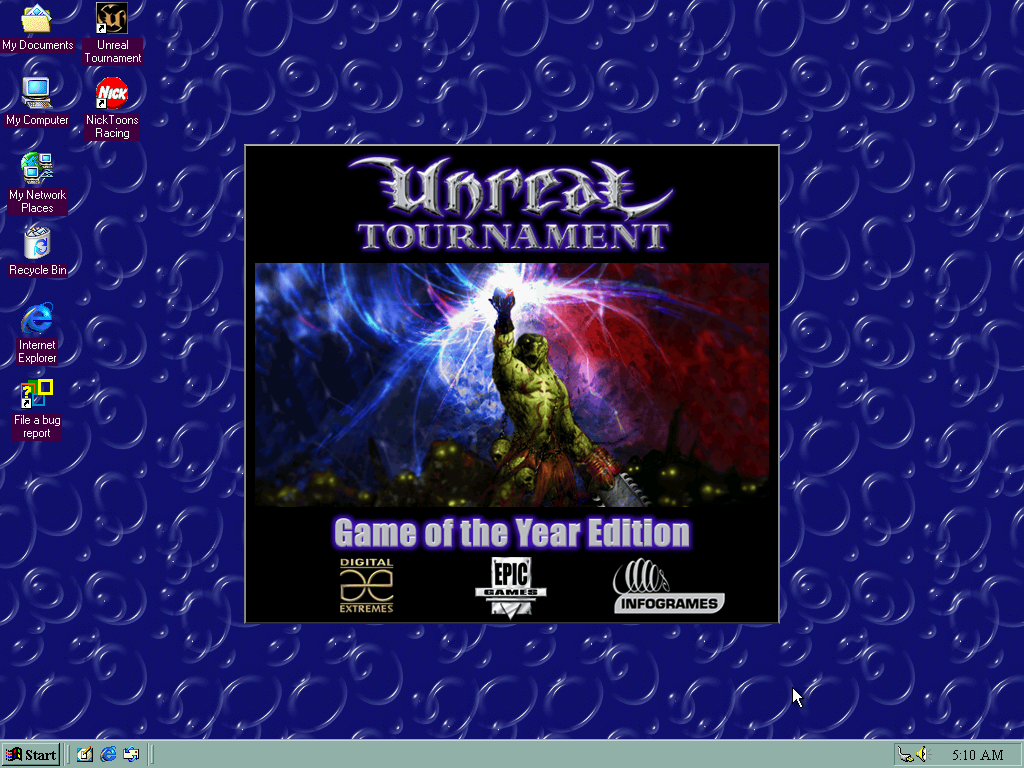
Running on an emulated 3DFX Voodoo 2 in PCem

As the game was released in the late 90s, various 3D API’s are supported

  • Direct3D: Initially supported version 6, with patch v413 introducing DirectX 7 support.
  • OpenGL
  • 3DFX Glide: Version 2.4 of the API is supported
  • S3 MeTaL: An API used for S3 Savage graphics card
  • PowerVR SGL
  • Software Rendering: If your PC has no 3D graphics card, or is not supported by Direct3D or OpenGL then you can run the game in software rendering instead which uses the CPU for the rendering functions.

The game will run perfectly on modern Windows systems, even on Windows 11.

Saint’s Row

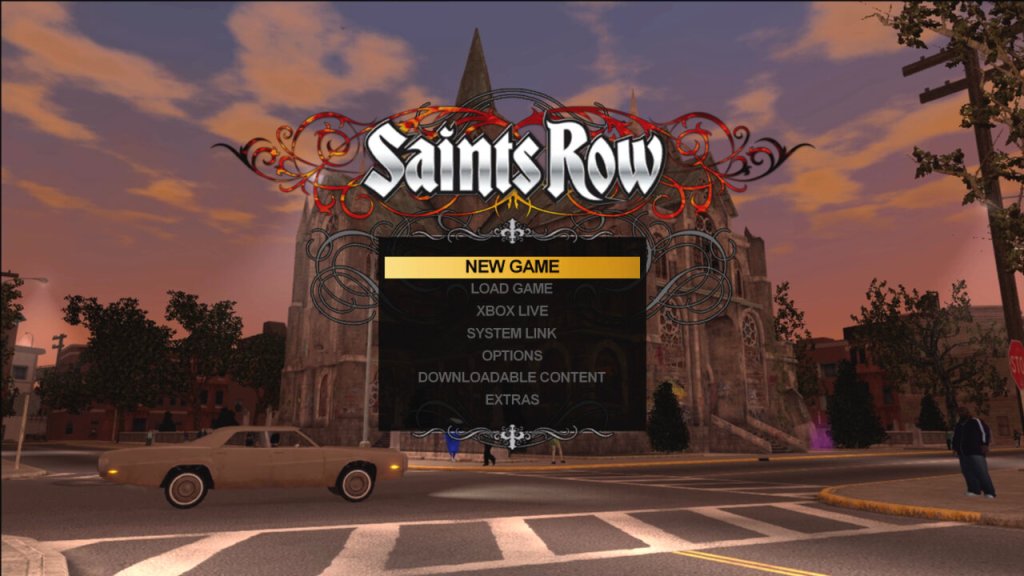
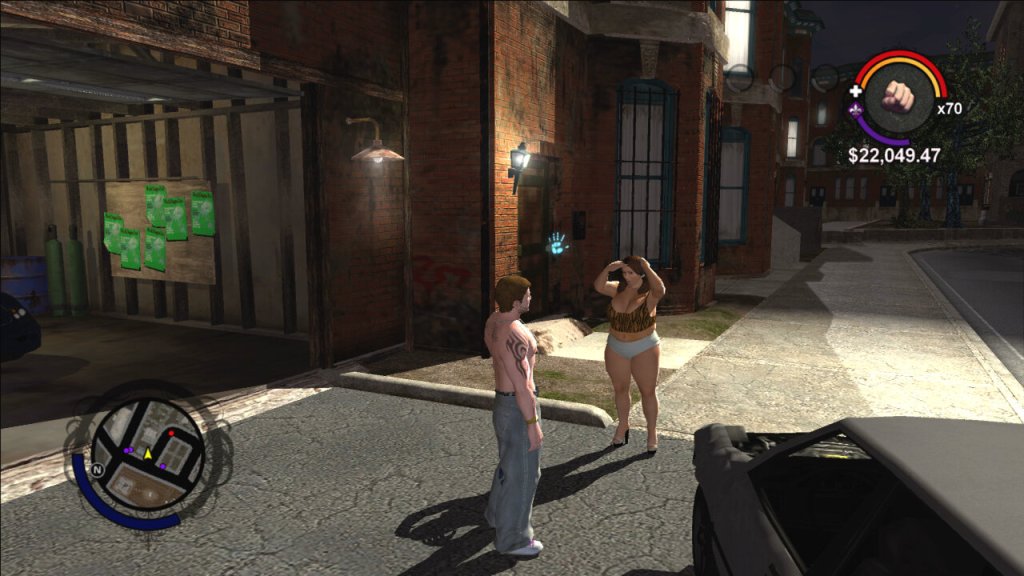
Saints Row is one wild ride. It’s like Grand Theft Auto on steroids, with an added dose of wackiness and humor – the original one that is, not the zoomer version.

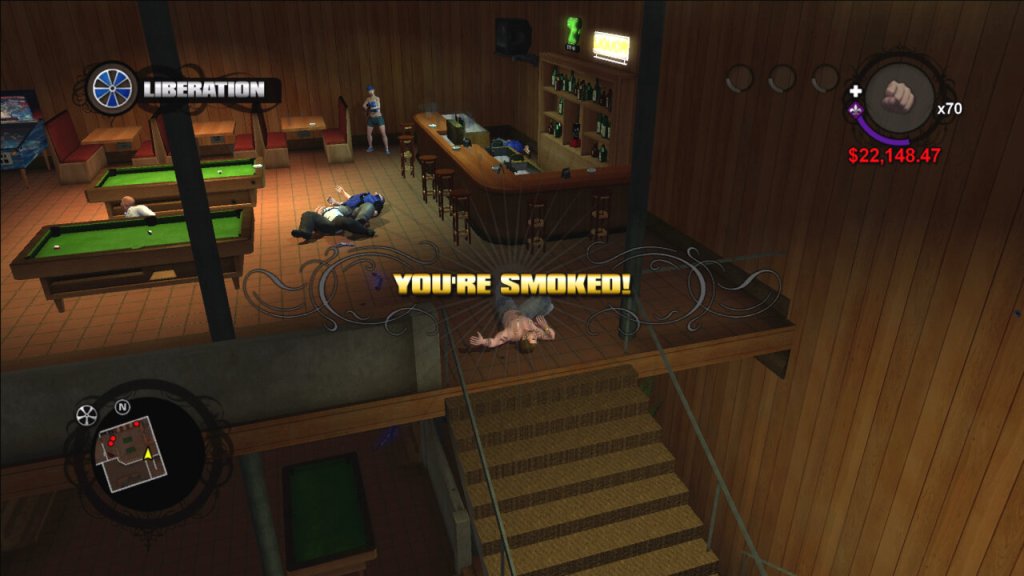
You play as the leader of the Third Street Saints gang, trying to take over the city of Stilwater one block at a time. The gameplay is pretty solid. It’s a sandbox game, which means you can go anywhere and do anything you want. You can drive cars, shoot guns, and even fly helicopters. The missions are varied and exciting, ranging from taking out rival gang members to rescuing your homies from prison. There’s always something to do in this game.

The customization options are also a big plus. You can create your own character, from their physical appearance to their clothing and accessories. You can also customize your cars and weapons, making them unique to your playstyle.

But where Saints Row really shines is its humor. This game is hilarious from start to finish. The dialogue is sharp and witty, and the characters are all memorable in their own way. The game never takes itself too seriously, which makes it a refreshing change of pace from other, more serious sandbox games.

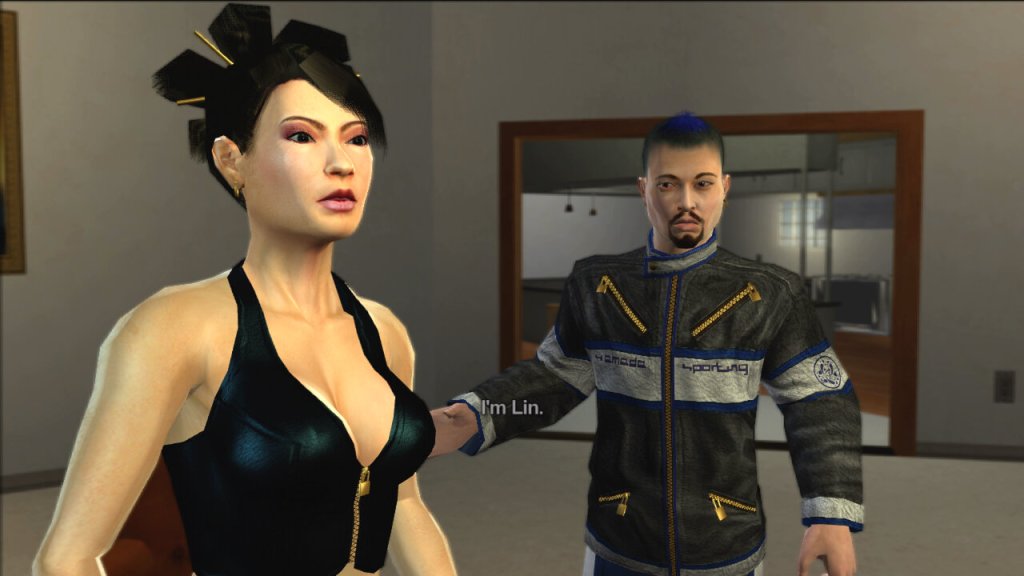
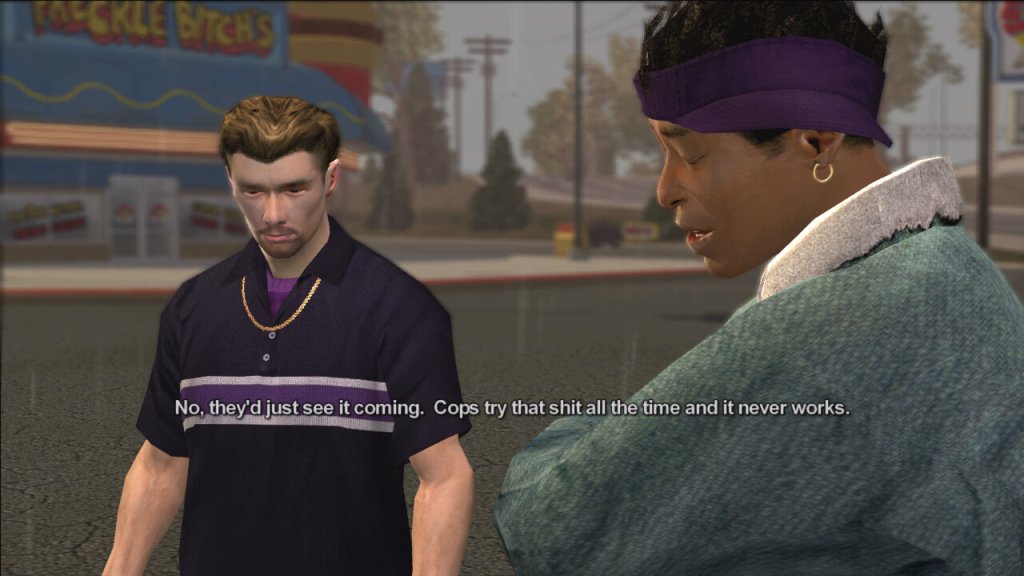
Some of the characters in the game

  • The Protagonist – The player-controlled character and the leader of the Third Street Saints gang.
  • Julius Little – A founding member of the Third Street Saints who helps the Protagonist take over the city of Stilwater.
  • Johnny Gat – A charismatic and violent member of the Third Street Saints who becomes a close friend and ally of the Protagonist.
  • Lin – A tech-savvy member of the Third Street Saints who helps the gang with their computer-related needs.
  • Aisha – The Protagonist’s girlfriend and a former member of a rival gang, who becomes a strong supporter of the Third Street Saints.
  • Dex – A member of the Third Street Saints who is known for his business acumen and negotiating skills.
  • Troy – A high-ranking member of the Los Carnales gang, one of the rival gangs the Third Street Saints must defeat.
  • Victor Rodriguez – The leader of the Los Carnales gang, who serves as the primary antagonist of the game.

The Gangs

  • The Third Street Saints – The main gang that the player controls in the first three games of the series. Originally a small-time gang, they become one of the most powerful and influential gangs in Stilwater and later in Steelport.
  • Los Carnales – A Mexican-American drug cartel that serves as the main antagonist gang in the first game of the series.
  • Vice Kings – An African-American gang that controls the southern part of Stilwater. They are the main antagonist gang in Saints Row 2.
  • Westside Rollerz – A gang that specializes in street racing and drug trafficking. They are one of the three gangs that the Third Street Saints must defeat in Saints Row.

Activities

The game features a variety of activities that players can engage in to earn money, gain respect, and improve their skills. These activities range from traditional side missions to more unique and unconventional challenges. Escort where the player must escort a VIP to a destination while protecting them from enemy attacks, Mayhem – The player must cause as much chaos and destruction as possible within a set time limit, Hitman – The player must assassinate a target without being detected by the police or rival gangs and Racing – The player can participate in a variety of street races to earn money and respect. There are other side activities like Insurance Fraud. There are also additional activities like drug trafficking, Insurance fraud and Snatch, many of these reward you with respect that is required to start certain missions, and rewards you with cash.

Like many open-world games set in urban environments, it does touch on some social and political issues, albeit in a somewhat satirical and exaggerated manner. The game prominently explores the world of street gangs and criminal organizations. It depicts the power struggles, violence, and territorial disputes that are often associated with gang culture, which can be seen as a commentary on issues related to urban crime. The game features corrupt law enforcement officials and politicians, which is a common theme in many crime-related narratives. It suggests that the line between criminals and those meant to uphold the law can sometimes blur.

Stilwater, the fictional city where the game is set, is depicted as a city with areas suffering from poverty and decay. This portrayal may reflect issues related to urban blight and inequality in real-world cities.

When the game was originally released in 2006, it was one of the few Xbox 360 exclusive titles, despite later sequels being multiplatform. It was re-released for the Xbox One as part of the backward compatible titles and can be brought digitally or played by using the Xbox 360 discs, though it still remains exclusive to the Xbox family of consoles.

Dead to Rights: Retribution

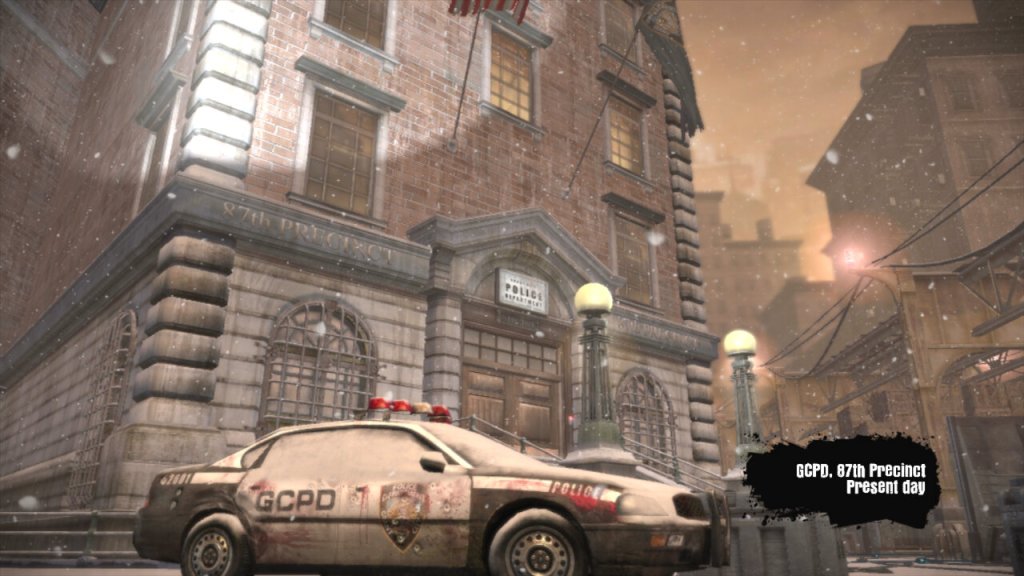
Dead to Rights: Retribution primarily takes place in the fictional and crime-ridden city of Grant City. The game’s environment is characterized by its dark and gritty atmosphere, which reflects the city’s seedy underbelly and ongoing criminal activities. In terms of weather, the game’s setting generally features a consistent and moody aesthetic that contributes to the overall atmosphere.

While the game doesn’t have dynamic weather systems or changes in weather conditions, it typically portrays Grant City as a place shrouded in darkness, with rain-soaked streets, dimly lit alleyways, and a generally overcast and gloomy ambiance. This atmospheric choice aligns with the game’s themes of crime, corruption, and a city in decline. The game’s visual design emphasizes the noir-like qualities of a crime-infested urban environment, and the lack of variation in weather conditions reinforces the consistent tone of the narrative. Players will often find themselves navigating through grim and rain-soaked urban landscapes as they progress through the story and engage in combat encounters with various adversaries.

Jack Slate is the protagonist of the game and a tough-as-nails cop with a no-nonsense attitude and a physique that puts Marcus from Gears Of War to shame. He’s on a mission to uncover a conspiracy involving a powerful criminal organization and bring them to justice. Jack is skilled in both firearms and hand-to-hand combat and is accompanied by his loyal canine companion, Shadow. Most of the game is spent playing as Jack, with a few sections requiring the control of Shadow, either to access hard-to-reach areas, or if Jack is incapacitated as part of the game’s plot.

Shadow is Jack Slate’s faithful canine companion and a key element of the gameplay. Shadow can be commanded to perform various tasks, including attacking enemies, retrieving items, and assisting Jack during missions. Shadow’s presence adds a unique dynamic to the game, as he can help Jack in combat and solve puzzles. Be careful around enemies, Shadow does not have much health and can only attack at close range.

I wonder if this was any inspiration for Riley from Call of Duty Ghosts?

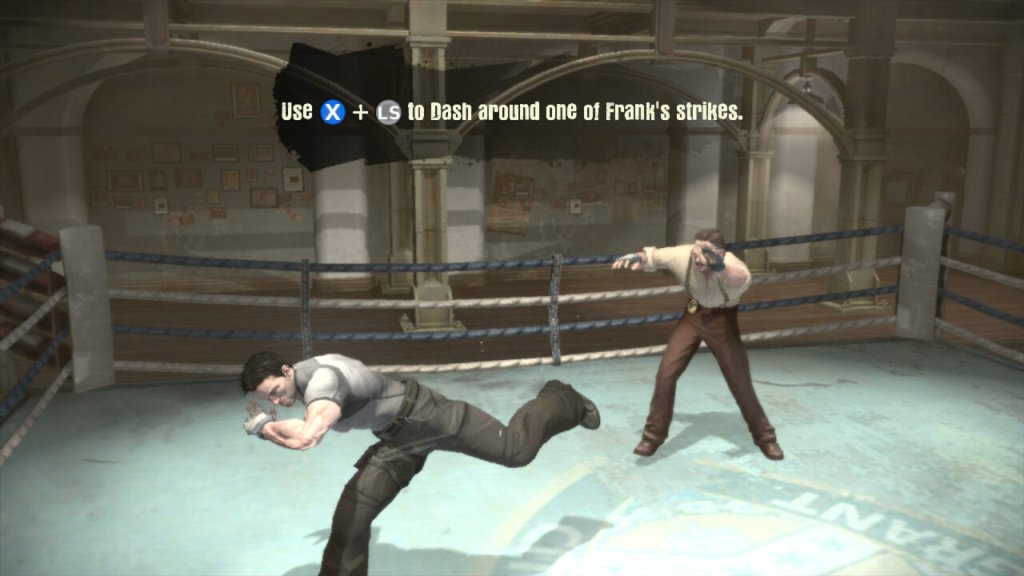
The game’s main focus is hand-to-hand combat, with gunfire taking a side role. Many of the guns you pick up in the game have very little ammo, meaning you have limited use of these weapons and must be used sparingly. You might want to save them for distant enemies instead.

The gameplay tried to mix brawling & melee attacks with shooting, however this gets repetitive fast with very few puzzles to break up the gameplay. There are some sections where you will have to fortify and hold out against a horde of enemies but again there is very little diversity in the gameplay.

Grant City is depicted as a city where corruption runs rampant within its law enforcement agencies and political institutions. Jack Slate’s journey to uncover the truth behind the criminal conspiracy highlights the pervasive corruption that has taken hold, with powerful figures involved in illegal activities.

The game touches on the abuse of power by individuals in positions of authority. The criminal organization known as the Triad wields significant influence and control over the city, and part of Jack’s mission is to expose and challenge this abuse of power.

While not explicitly political, the game’s portrayal of Grant City as a dystopian and crime-infested metropolis can be seen as a commentary on the societal decay that can result from political corruption and a lack of effective governance.

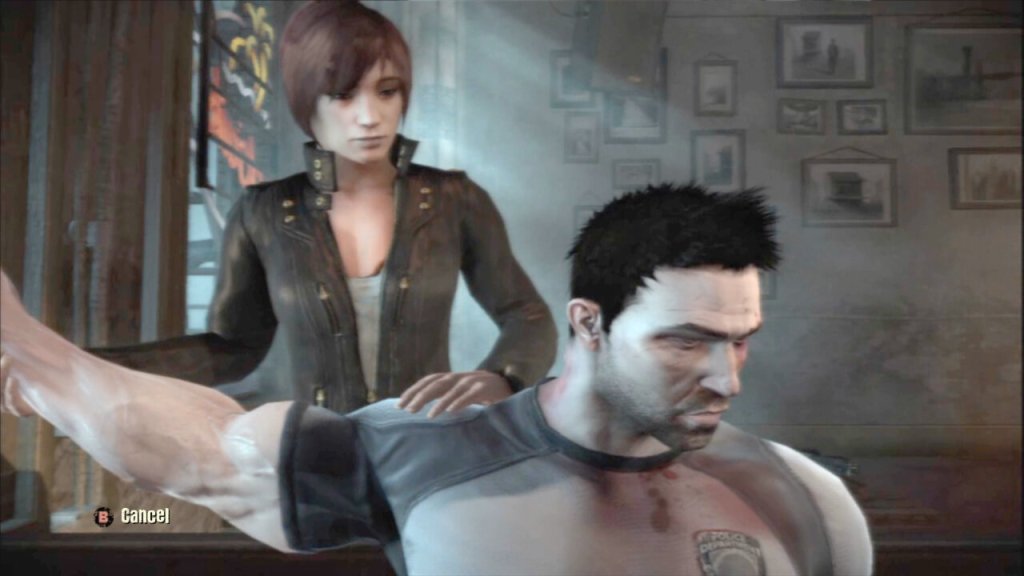
The character of Cassandra Hartz (seen below), a journalist investigating the criminal activities in Grant City, indirectly highlights the role of the media in exposing corruption and holding those in power accountable. Her presence in the game alludes to the importance of investigative journalism in a society plagued by political and criminal misconduct. Most of this is explained through the game cutscenes with her.

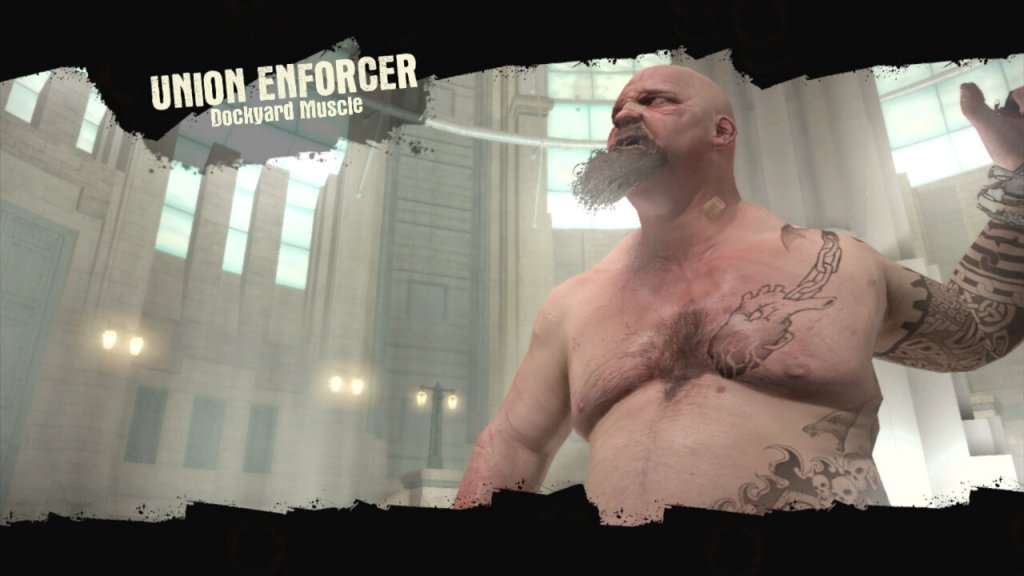
The type of enemies found in the game will change as you progress, initially facing against the Triads, the GAC later become the main focus of the game who are much more difficult to take down. The GAC were the Anti-crime units that became corrupt, whilst the Triads are your average gang where you must take out the boss to defeat them.

The game was only ever released on consoles, with no PC version released. Although It can be played on the PS3 or Xbox 360, Sadly it remains on seventh-generation consoles as we have yet to see it released or made compatible with the Xbox One. It also appears to be the final game in the franchise, as no new games have been released.

Virgin TV 360

No, not to be confused with the Xbox 360

Virgin’s successor to the Tivo and sort of answer to Sky Q.

The familiar colour of purple welcomes us to the 360 and we are greeted with the welcome change on channel… 360. Its a nice touch and goes through the capabilities of the new software. The platform makes use of Horizon 4 platform by Liberty Media, which is the parent company of Virgin Media. Horizon is also used across Europe by VM’s sister company like Telenet and Ziggo. Horizon was previously in use on UPC Ireland, which was later bought and rebranded as Virgin Media Ireland.

The set top box itself remains the same as the V6, using the Arris DCX960 with the same amount of storage (1TB), though a different remote control is used which drops the Tivo thumb buttons but adds a profile button and voice control. By using the same set top box, this allows for an in-place upgrade which can be requested by the customer to migrate the software from Tivo onto Horizon. A new remote is sent via the post during this process and once recited and activated by the customer, the software is upgraded.

One setback is existing recording are lost during the upgrade, so there is a grace period of 5 days before the software is updated automatically. This is likely due to the two platforms using different DRM to manage recordings.

TV Guide

The EPG guide, with the miniTV being displayed on the bottom right of the screen, which is a weird place to put it. The Tivo and even their older Liberate software placed the miniTV on the top right.

Pressing the OK button bring up the information banner which will show what you are watching. And what is on later that day. It will also show you the director, and the cast of the current movie you are watching, in a similar manor to how the previous Tivo platform presented it.

You can also set the box to record the current program, and enable subtitles or audio description.

Scrolling down will also give you options to watch on demand or to purchase it from an online store. You are also given recommendations of similar shows or movies

Channel off air slides, these come from the video stream and are not generated by the box.

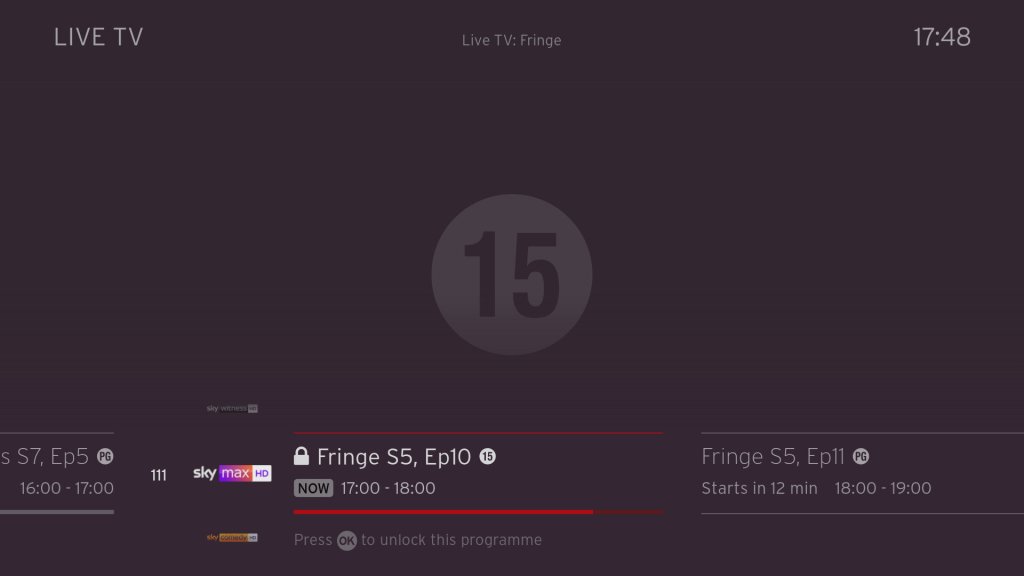
Ah my favorite show, Fringe.

Filtering by the channel genre

Pressing Ok will bring up a small menu

Trying to watch an age restricted program outside of watershed hours, pressing Ok will prompt you to enter your PIN.

Navigating the user interface, you can quickly see what’s on next, and on other channels.

FAST Channels

Some of the PlutoTV channels will appear in the guide as streaming channels, however they are not integrated very well. Selecting then channels requires the box to buffer for a few second which cannot be helped, but when leaving the channel you are promoted if you wish to leave, which makes cumbersome when channel flicking. I wonder if this is a side effect of Ofcom, since these are not considered traditional broadcast channels then they cannot be directly accessible from the guide. I should also not these channels cannot be recorded, but their content is available on catch-up via the PlutoTV app.

This message will appear overtime you try to change channels in the top right corner, making it cumbersome to channel surf.

You also cannot pause or rewind for these channels, nor can you record any shows on these channels. Trying to do so will show the above message.

+1 channels now have their own section in the EPG which some might prefer, these are in the 3xx section of the guide. These channel are largely redundant, since you can just record or use the catch-up feature considering you have six tuners at your disposal, there’s little need for these time shift channels.

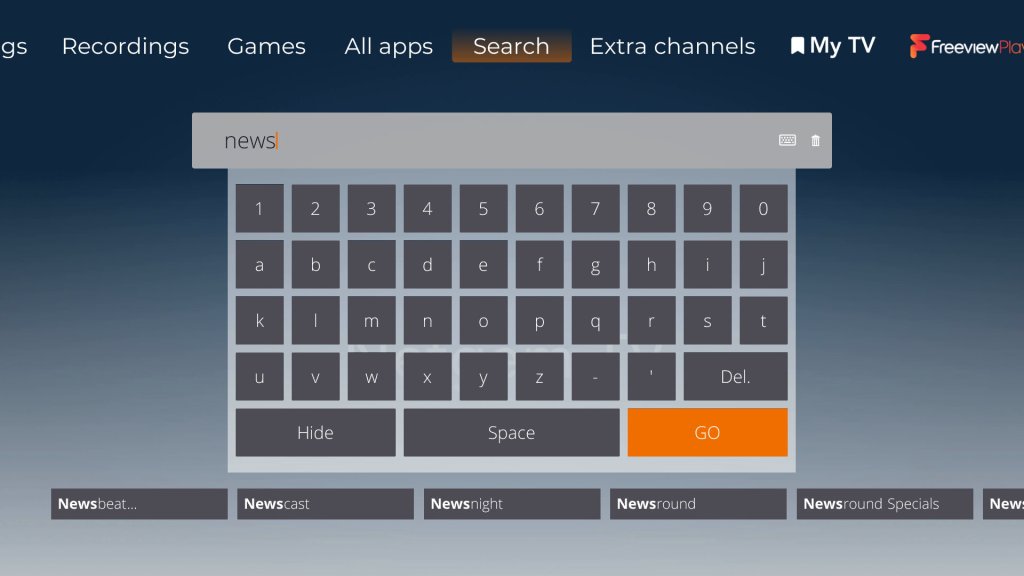
Voice search is a new feature that comes to the Virgin platform. Here you can press the microphone key on the remote and speak into it, either a command or a show you wish to search. It actually works quite well and is much more convenient than having to type to search on an onscreen keyboard, and it appears to be quite accurate despite having a lot of background noise.

Every so often, the Horizon software will show hints on how to navigate the TV guide interface.

Settings

Profiles are one of the main features of the 360 software, where each user can set their own preferences for favorite channels and language settings.

Favourite channels

A few accessibility options with voice-over options added.

Parental controls where you can lock specific channels or apps to restrict their usage. You can also enable PIN requests for program’s recorded after the watershed.

Video output settings, up-to 4K (2160p) output is supported.

System configuration where you can amend the auto power off. One power lets you turn on both the 360 box and the TV itself at the same time.

You can also switch between the Ethernet connection or to use the WiFi instead, though the box will always try to use the Ethernet connect if its available. You can also rename boxes if you have multiple 360 boxes.

Lastly some information about the box, this one appears to be the Arris DCX960. There is also a Humax version floating about (Humax 1008R-HDD-VM )

According to a few online sources, the box is powered by the Broadcom BCM7252, with 4GB of RAM. The CPU is a dual ore ARM processor though there is no indication as to which core it implements (most likely the Cortex A53)

Lastly adding additional buffering time to recordings.

Recordings

Watching recordings, which shows both shows available on demand and recorded program’s. Anything recorded and stored locally is represented by a full circle, whilst on demand is represented by a red ring instead. This is a bit misleading since I assumed the ring meant unwatched programmers, whilst full circles were already watched.

Selecting. show will display the amount of seasons that are currently available, and a list of episodes to select from with a short description of the episode.

A list of recorded shows, what can be sorted by date. You can also view any recording that are planned (and active season passes)s and how much disk space remains.

Like Tivo, you can customize the season passes where multiple episodes can be recorded. You can set to record only new episodes only, or from a specific season. And set to keep at most between 10 – 25 episodes so your storage does not get filled up from one show.

Age restricted program’s will require a PIN to be entered to watch. By default this is set to 1234 but can be changed at any time.

Apps

All the standard streaming apps are available such as BBC iPlayer, ITV X, Netflix and Amazon Prime.

PlutoTV: A free, ad-supported streaming service that offers a variety of on-demand movies, TV shows, and live channels. It operates similarly to traditional cable or satellite TV, with a channel guide that allows viewers to watch content on specific channels at scheduled times. Pluto have expanded the amount of channels steaming with the service since its launch on Virgin Media in 2020.

Radioline: A radio streaming app similar to TuneIn, radio stations and podcasts can be streaming and played through the 360 box, or through your sound system if you have your 360 box hooked up to it. There is an SPDIF audio output on the box for you to connect to an supported audio system.

VEVO: For music videos, had a large catalog of songs but there are certain omissions from popular artists, in that most all their music videos are available. Like Spotify, there are curated playlists available.

The Red button still exists, and can be invoked on the BT TNT Sport channels to quickly access other screens

BBC also still has a red button service, although this is just links to iPlayer instead. No more news headlines or information, that’s all done through the internet now.

A fireplace app, that shows a looping view of a fireplace. No I’m not kidding.

Fit At Home: A video fitness app with pre-recorded exercise segments

News headlines from France24

And the Wall Street Journal, a newspaper who famously tried to claim that PewDiePie was a nazi.

Paramount+ and Disney+ is also a welcome addition to the service. Now we just need Discovery+ to be added, although Virgin offer a lot of their content through their live TV channels and catchup/box sets.

No games though, why?

Full view of the app gallery

Comparison to Virgin Media Stream

Not long after the 360 was launched, Virgin introduced Stream which was offered to broadband only customers. This is a tiny box that connects wirelessly and is independent of the cable network (you still need a Virgin internet connection). Main different is you not receive live V channels through I (in the traditional sense, some apps might allow live TV broadcasts but its not using DVB-C, rather IPTV)

It’s really geared to customers who prefer to stream their shows fully on demand and have no plans to watch live tv, or they are happy with the freebie lineup instead.

Virgin Media App

A few captures of the Android app, running on a Sony Xperia 1 IV. The app will block screenshots when a channel is being streamed but not if browsing the guide. You can push channels and shows directly to your 360 box if its on the local network, and use your phone as a remote control providing its on the same network.

Lastly you can watch live broadcasts on any internet connection, but you are limited to up to 5 devices.

Conclusion & Improvements

My overall though on this was, is that it?

It’s not a bad services, if in fact its a lot better than say BT TV or TalkTalk offer, but there just isn’t that much improvement over the Tivo software that was used previously, This does goes to show how forward thinking Tivo was in its design and feature implementation. But really the move to Horizon 4 was more so that Liberty Media could have their operators migrated to one common platform.

If you’re an existing Tivo V6 user than there is little incentive to upgrade, unless you need the voice search.

Some improvements that could be made are:

Better FAST channel integration: Its a good idea to integrate them into the guide, as many people will simply ignore them if they’re hidden inside an app. But the shortcoming is you cannot channel hop as easy since the box will prompt you if you wish to leave the app, despite the illusion that you are still within the live TV interface.

More storage options: Needed as you lease more mini boxes from Virgin, 1TB isn’t going to cut it for a large household, especially when you consider 4K content. A 2TB upgrade would be very welcome. The box is detachable from the hard drive, though it requires unscrewing from the base. This is really so that Virgin can offer a mini box using the same design, the end user is not authorized to modify the hard drive.

Ability to steam to a smart TV or a Android set top box, or function wirelessly: This seems to be a common request for multiroom, as many people would prefer if they could get Virgin TV in another room without the need for a coax connection, like the mini boxes for Sky Q. However being able to stream live channels to another network device might be beyond the 360 hardware capabilities, its designed more as a generic PVR than a server. I really wish Virgin would pull their finger out when it comes to this, as multiroom viewing was one of the things cable TV did well and it seems they are not really trying with the 360.

I’m not sure why the Stream isn’t capable of this, I would assume they are using the same Horizon middleware.

More apps: This will always be a moving goalpost, but investing support for Britbox, AcornTV, Rakuten TV, Sportstribal and Plex TV are useful but they remain niche services.

Gaming services may be preferable in the future, with Xbox Gamepess Cloud, PlayStation Now & Amazon Luna being an example of such services.

Further Information

I should also mention that Virgin marketed the box as the Virgin TV 360, not Horizon 4 which is what the software is referred to internationally and by Liberty Media. Likewise EOS refers to the hardware architecture that Liberty Media has designed, since the hardware is capable of running the Tivo middleware.

As with the V6, the box features six tuners. Multiroom is handled differently with the 360, as mini boxes come linked to the main box to allow recording to be shared. The main box acts as a central server which the mini boxes can playback recording from it. However unlike Sky Q, the mini boxes require a cable feed for live TV, and can only live buffer a certain amount since that relies on the internal flash storage.

The 360 mini box is pretty much the same and the main 360 unit, just with the hard drive section removed. In theory this means you could attach additional storage for one extra monthly fee, though its unlikely Virgin will take advantage of this, We should be lucky the 360 has a hard disk at all, the European versions don’t have one and rely on cloud storage which means recording have to be streaming through your internet connection.

Call me a simple guy, but I prefer having everything on local HDD storage rather than in the cloud datacenter. I can just imagine this stuff being a disaster with not being able to watch back recording due to downtime/maintenance, or not being available due to ‘rights issues’. Just because you can, doesn’t mean you should.

Also, like the V6, the 360 does not feature a built in modem like the origin Tivo did, so you will need a permanent connection (Wireless or Ethernet, unsure of the speeds but I guess its enough for HEVC 4K video) to use the 360. Channels are still delivered using DVB-C rather than IPTV as Virgin would have you believe, though anything on demand will require an internet connection.

Further Information

Horizon EOS4

Netgem TV 2023

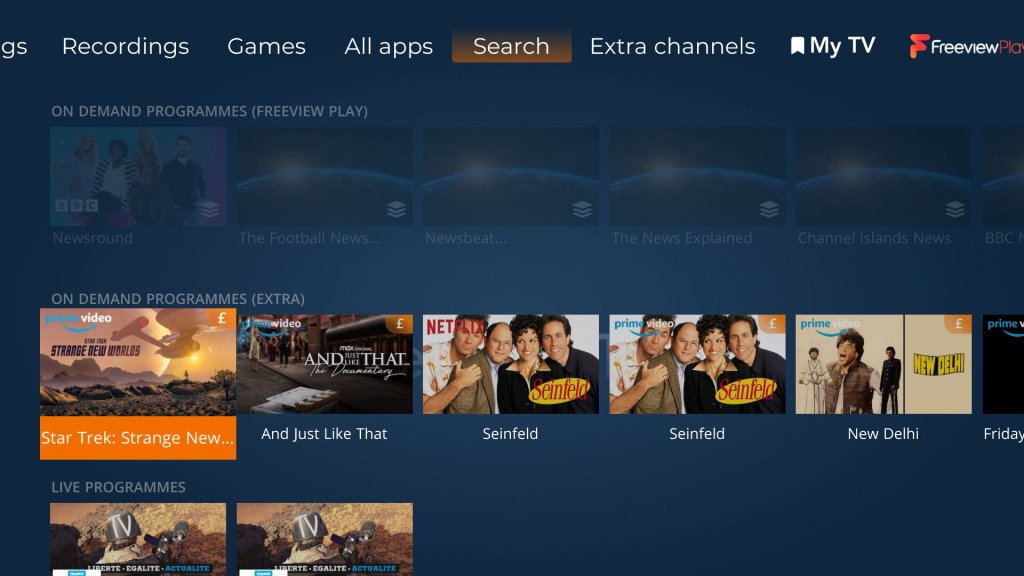
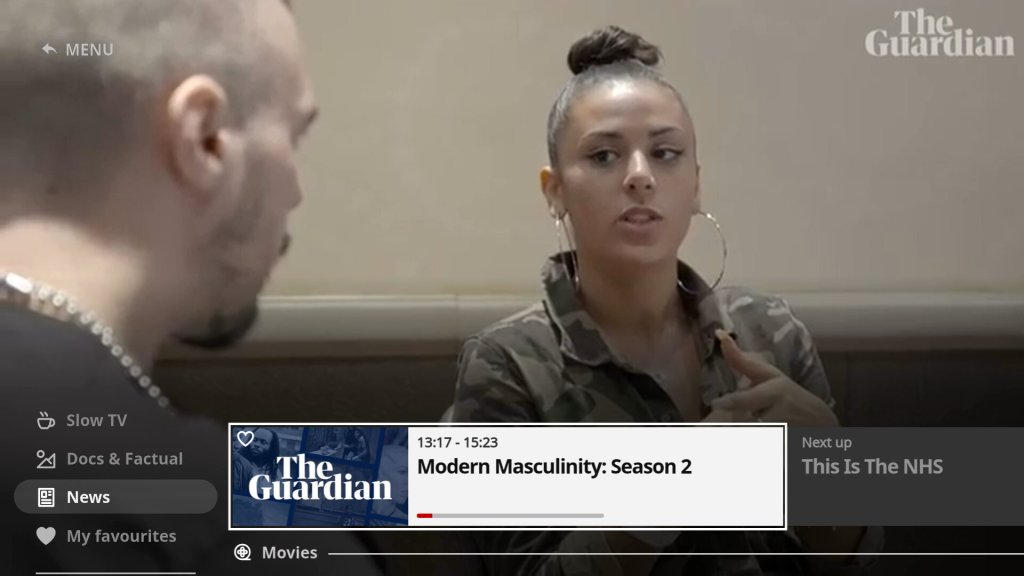
A look at the state of the service in 2023. Netgem TV is a Freeview box with additional IPTV channels bolted on and is commonly offered with FTTP internet service providers as a supplement to their services like Octapus, TalkTalk. Most of the channels FTA fodder, though there are a few good ones that cater to niche interests.

Netgem TV Freeview

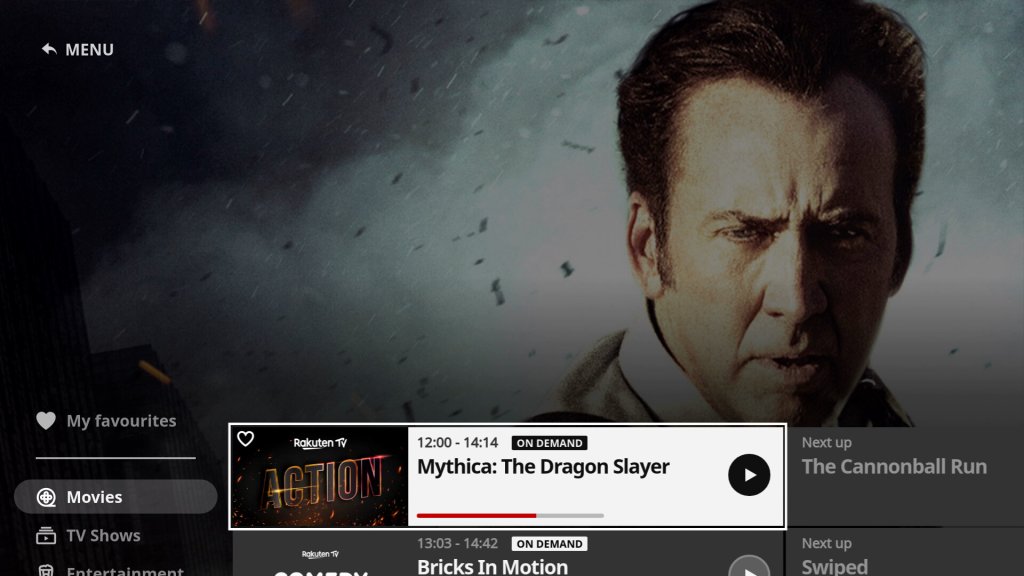
The amount of channels included in the service has expanded, over 120 IP channels now available. The amount of channels added has caused Netgem to expand the channel numbers that have been allocated, as they were previously in the 9xx section of the guide. Channels now start at 830.

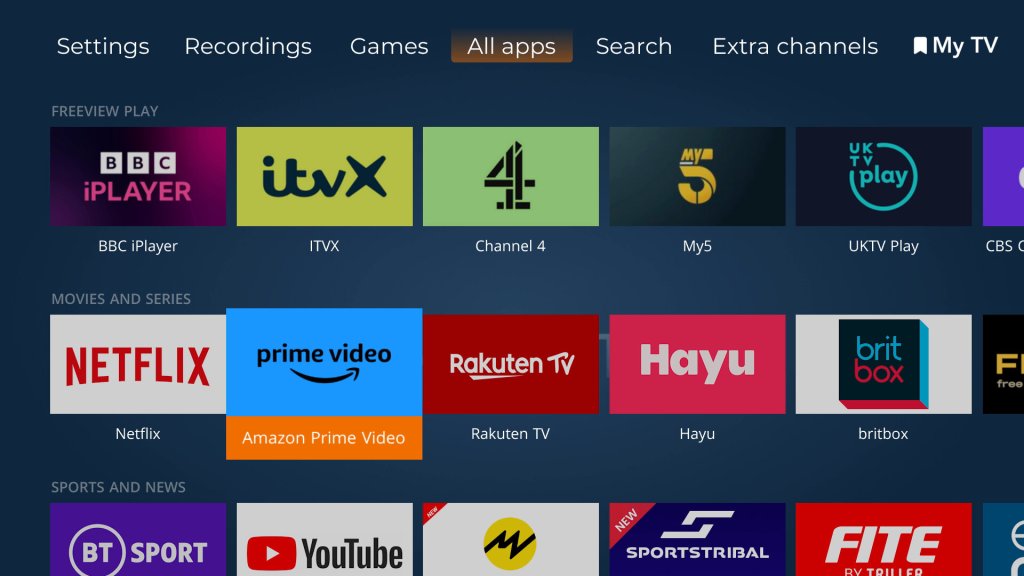
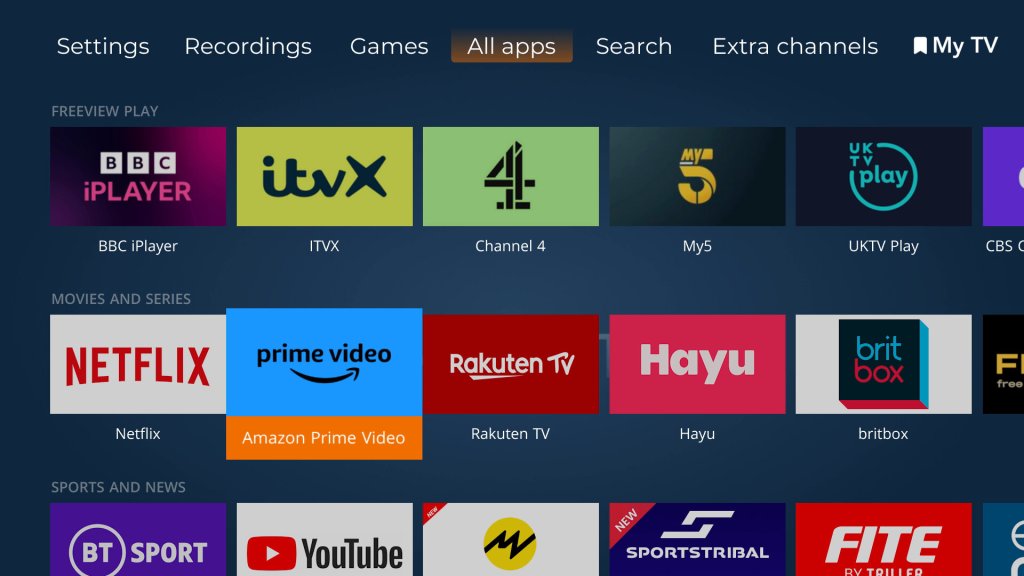
There is also an increase in apps offered, with Netflix, Plex and Rakuten now being offered, in addition to your standard selection of Freeview Play catchup services.

Weird why they cannot use the 300-599 section, which is used for Youview. These boxes will never be able to access Youview’s services, so why not use that section of the EPG?

Games

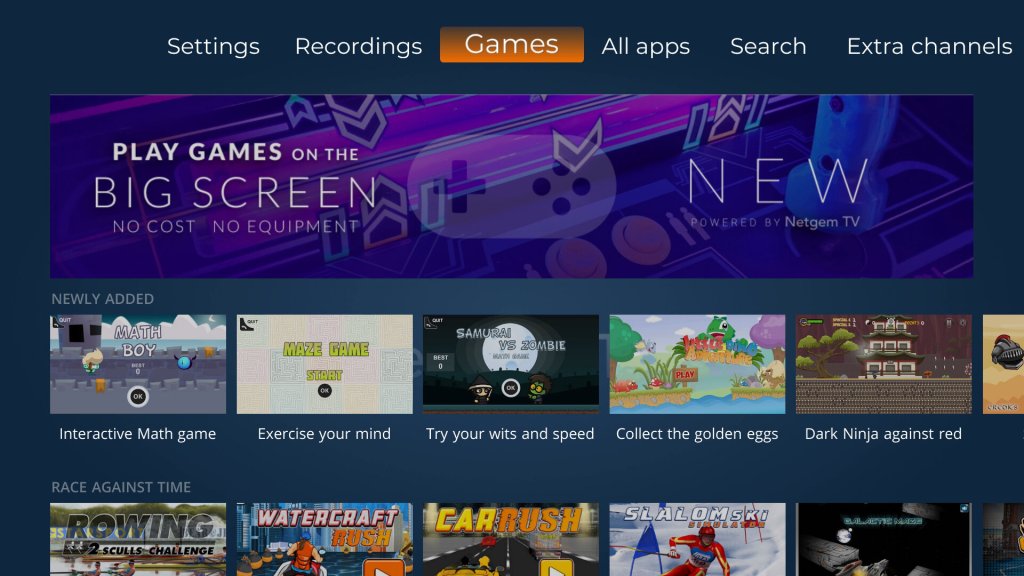
Several new games have been added to the service

Netgem TV Freeview

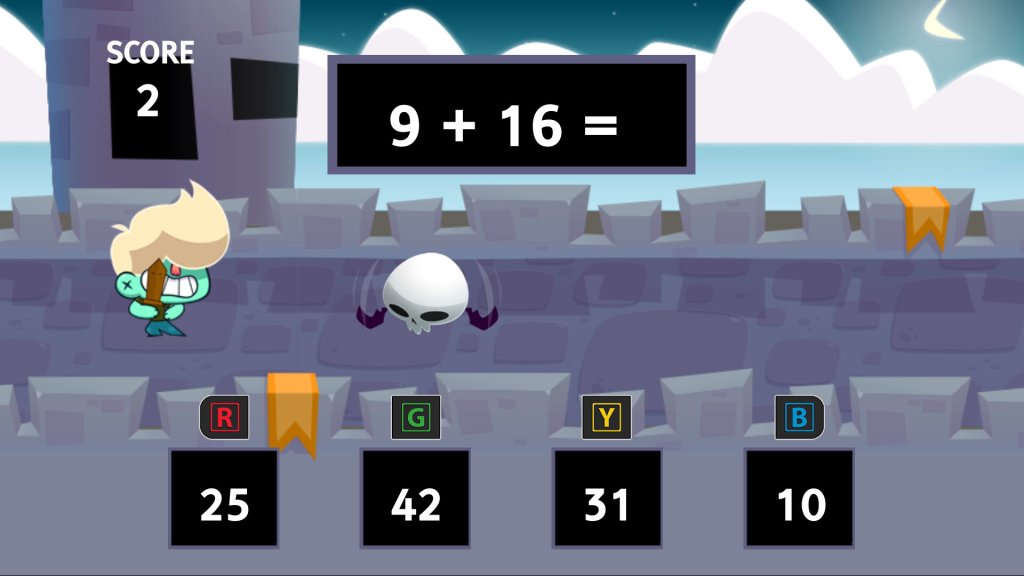
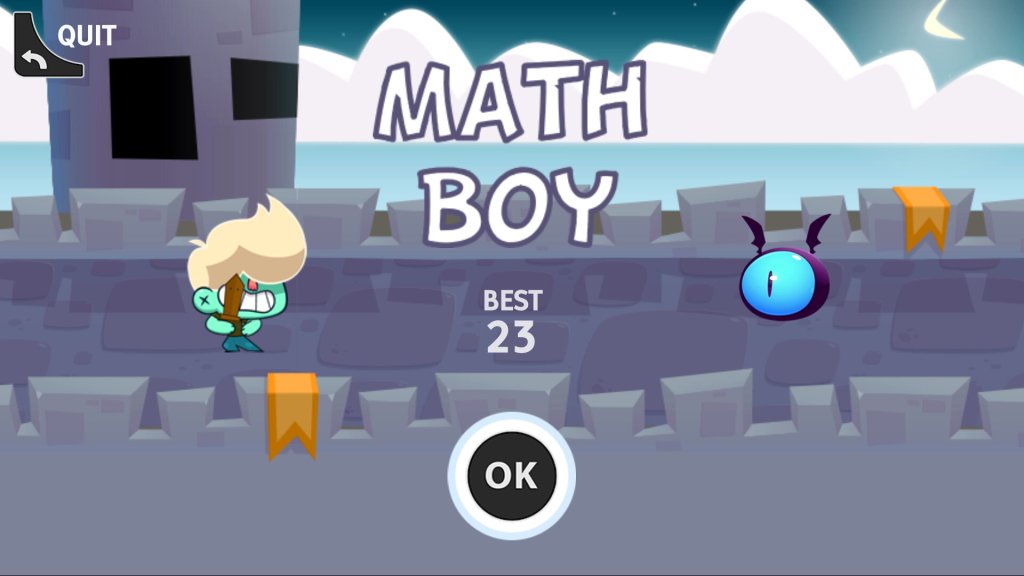
Math Boy – A mental maths game where you have to choose the correct answer before the flying skill-bat-thing kills you, you only have one chance, so be quick.

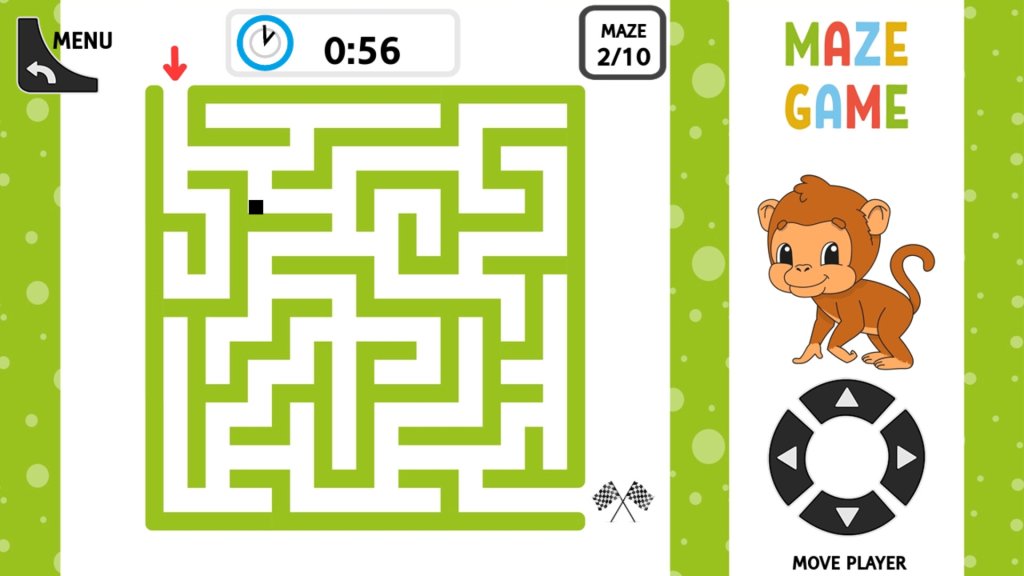
Maze Game – A maze game that is difficult to control, making it difficult to navigate the maze. The stiff remote really does not help with these sort of games.

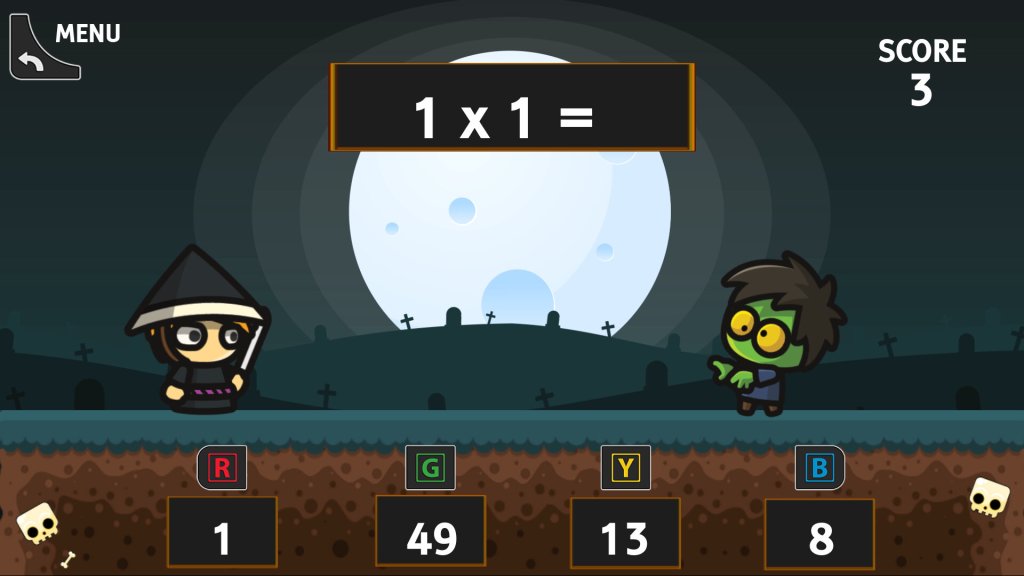
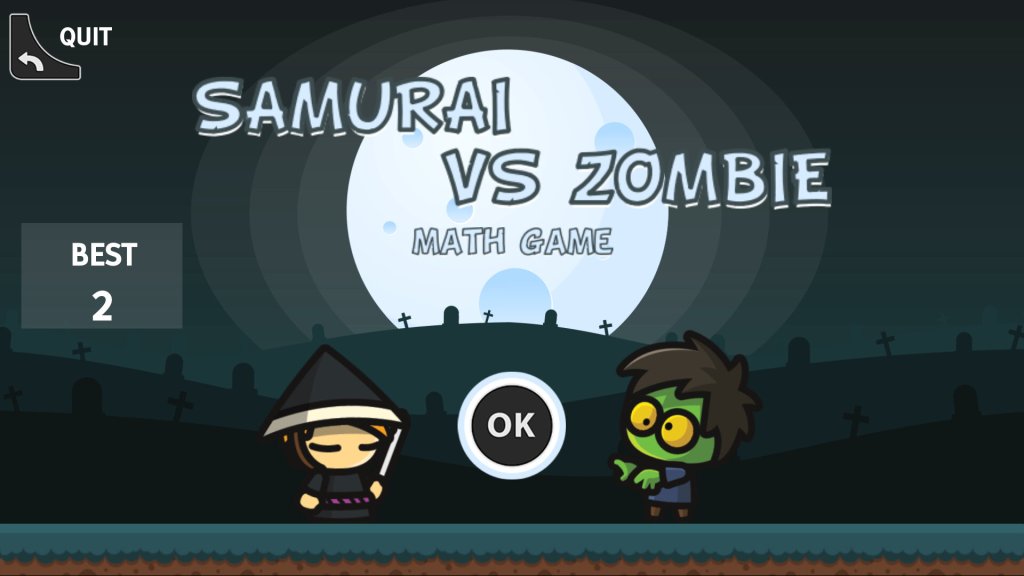
Samurai Vs Zombie – This is the same as the interactive math game, but with zombies vs samurai. The questions are a lot more varied, and you cannot choose the type of sums unlike the other game.

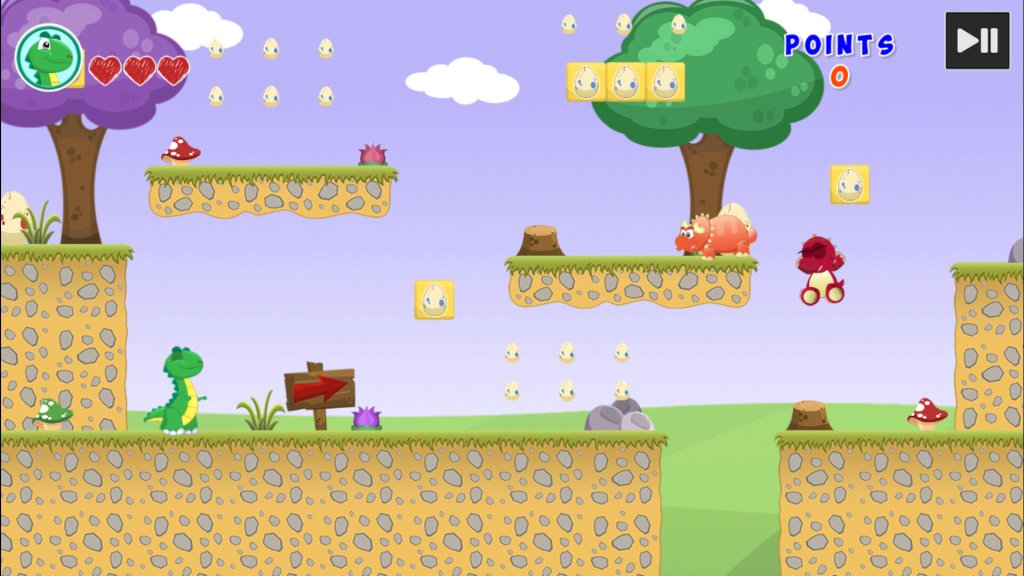
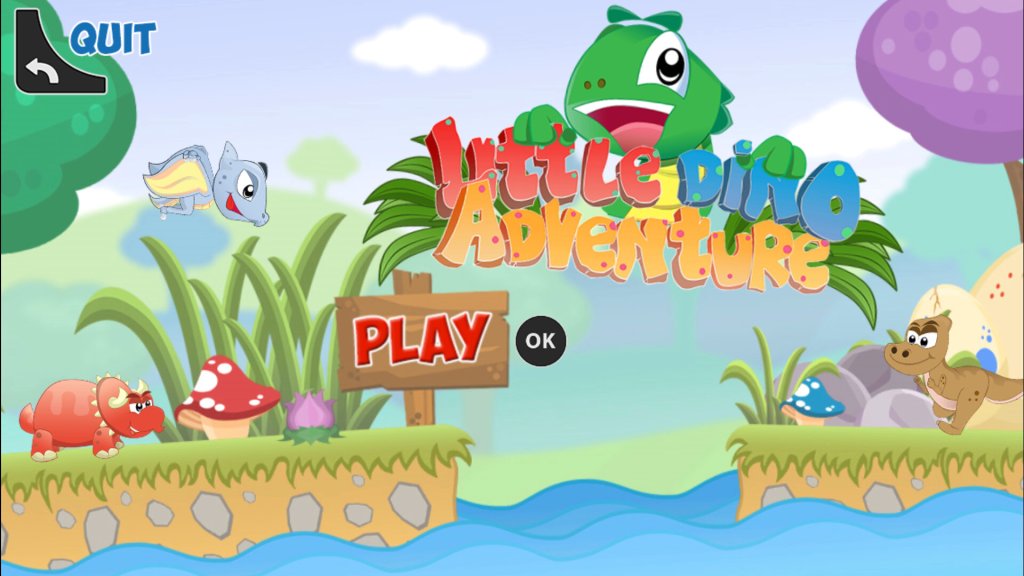
Little Dino Adventure – A platform game where you control a green lizard as you navigate through the level, avoiding enemies in the process. Controlling the game requires a bit of skill, as you cannot run and jump to another platform due to the limitations of the remote, careful timing is required to jump to another platform.

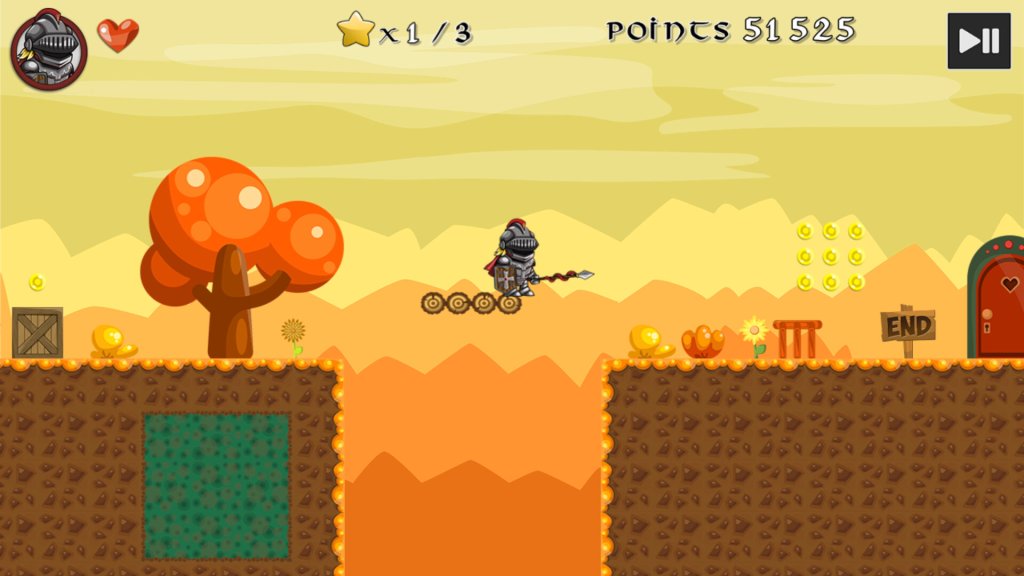
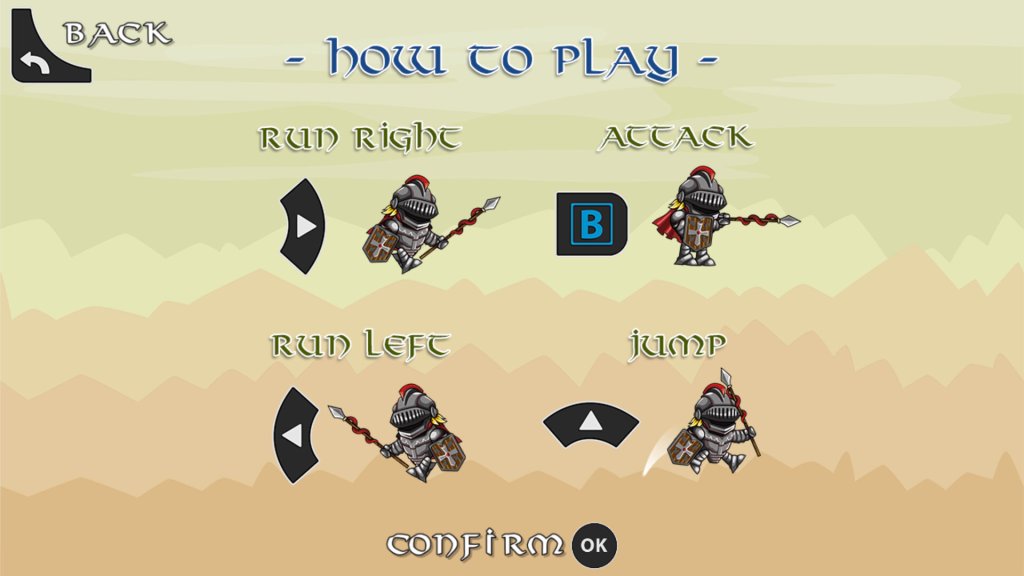
Super Knight – Platform game were you have to get the Knight to the other end of the level, avoiding and killing the enemies.

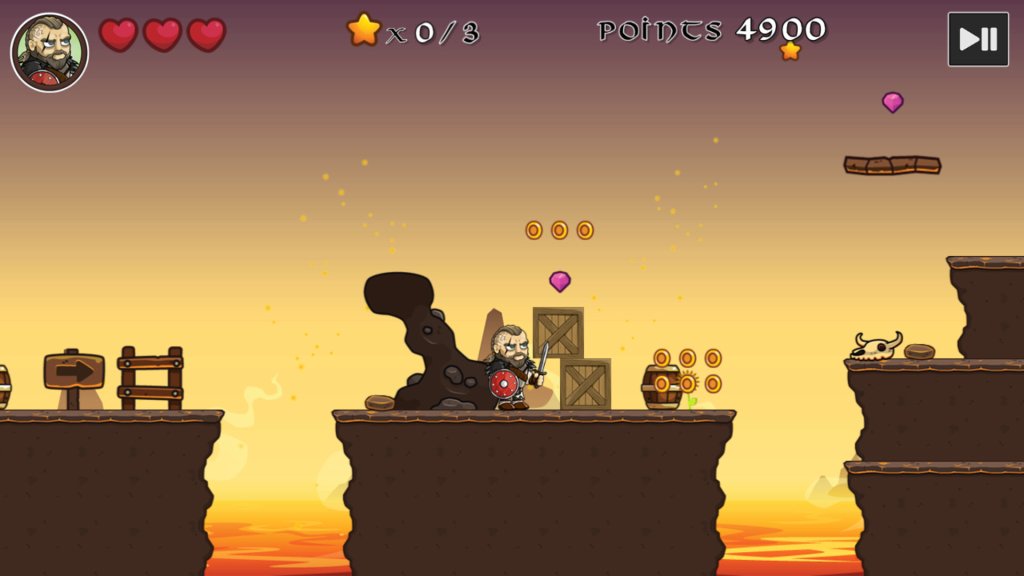
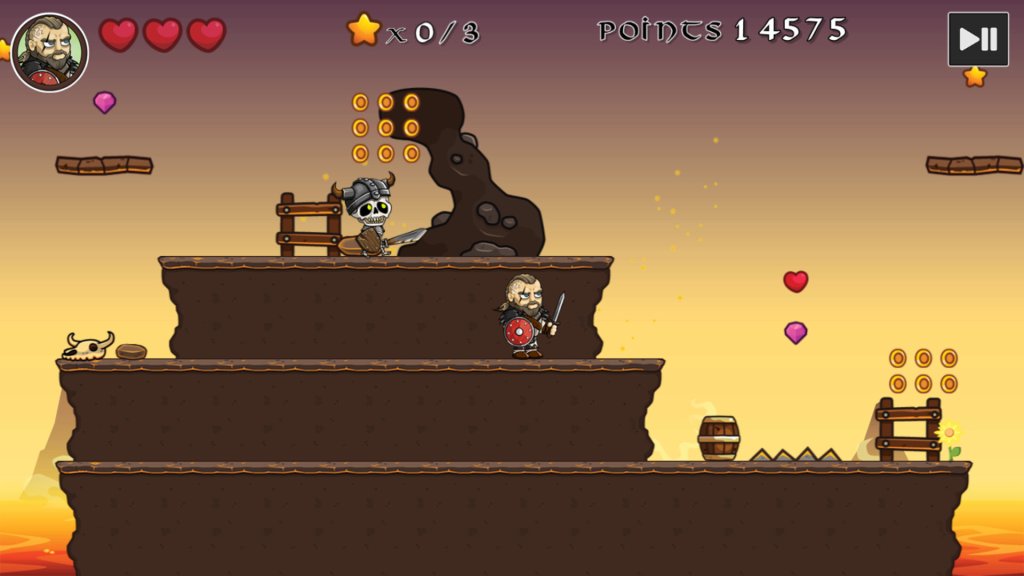
Vikings Vs Skeletons – Another platform game where you play as an Eddie Hall lookalike against skeletons.

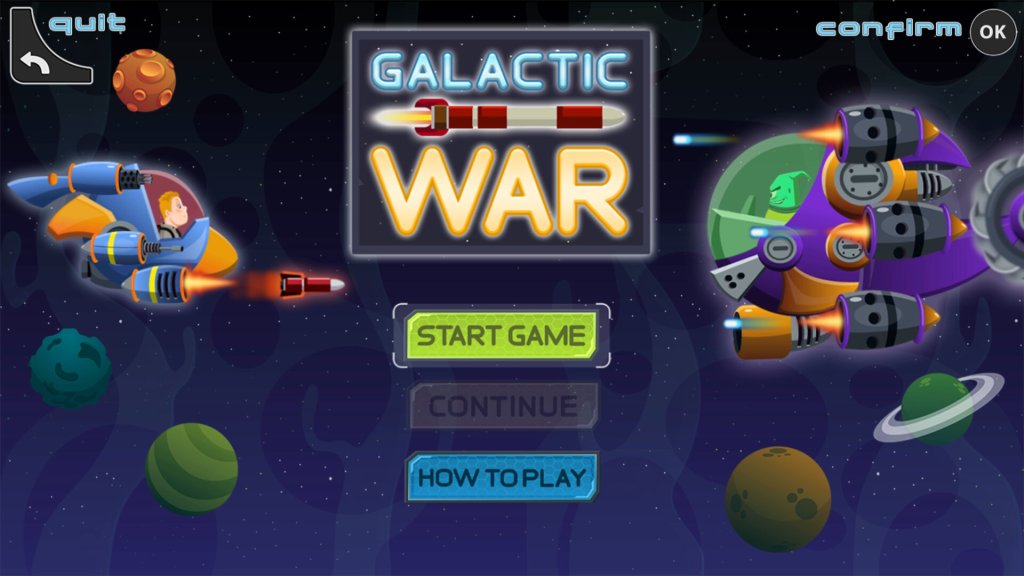
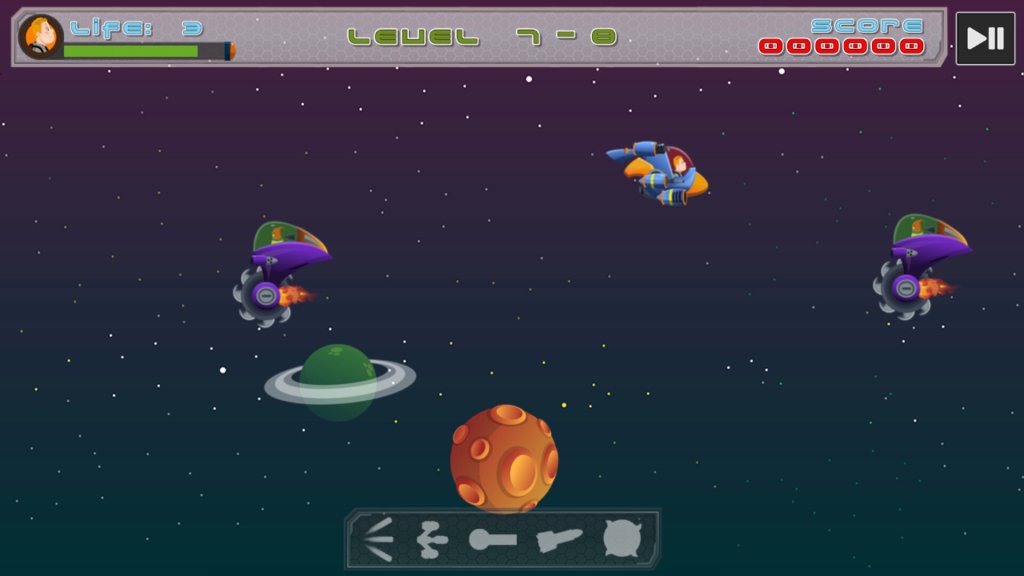
Galactic War – Side-scrolling space fighting game, similar to Space Impact on Nokia Series 40 phones.

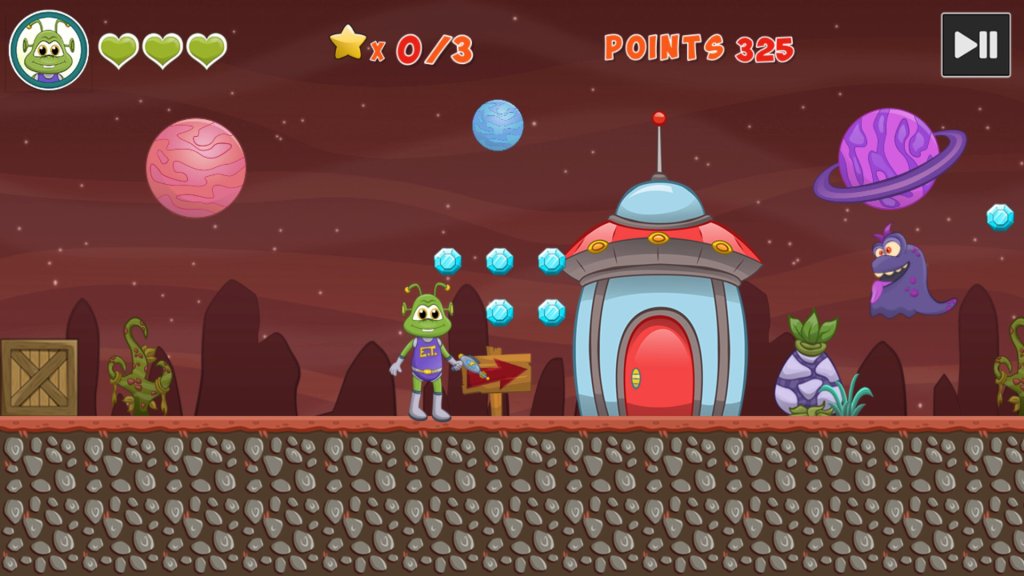
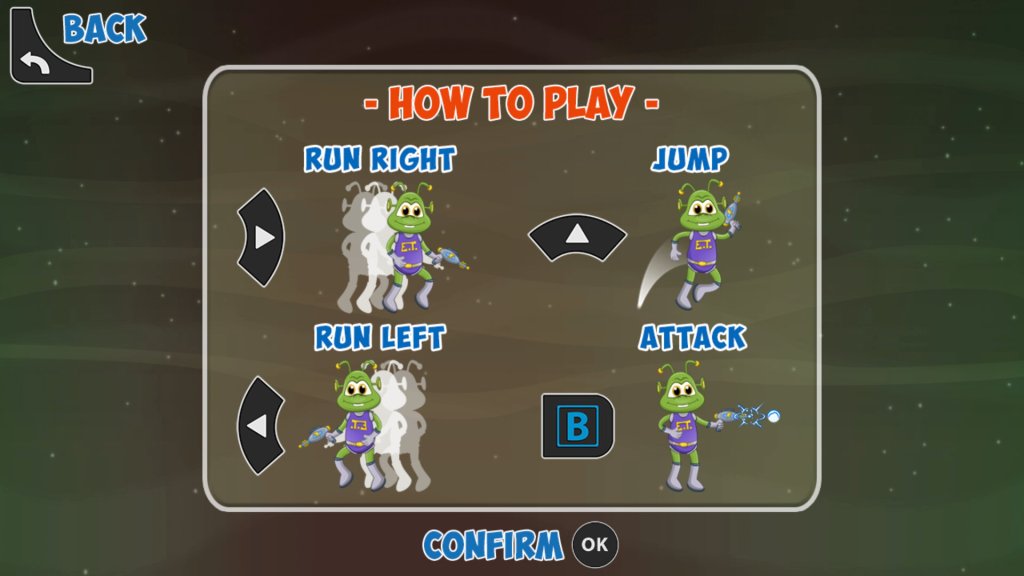
E.T. Game – Platform game where you control a spaced-out space alien

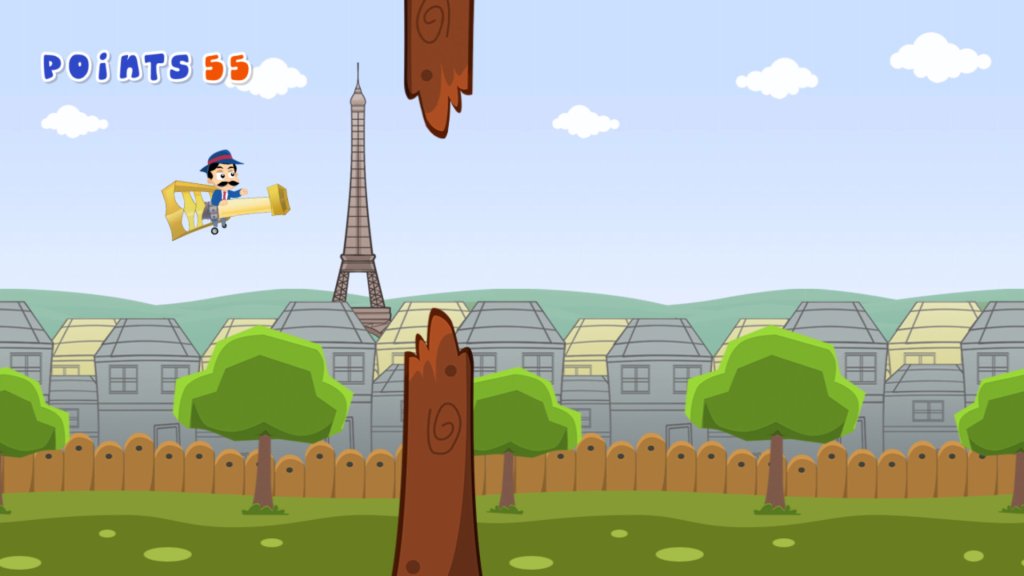
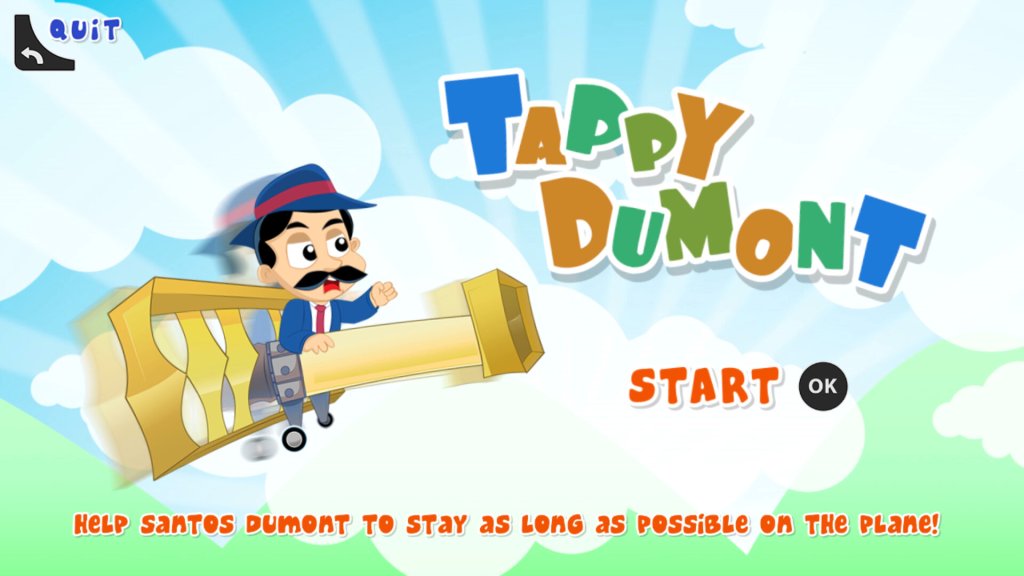
Tappy Dumont – Flappy bird clone

Apps

Netgem TV Freeview

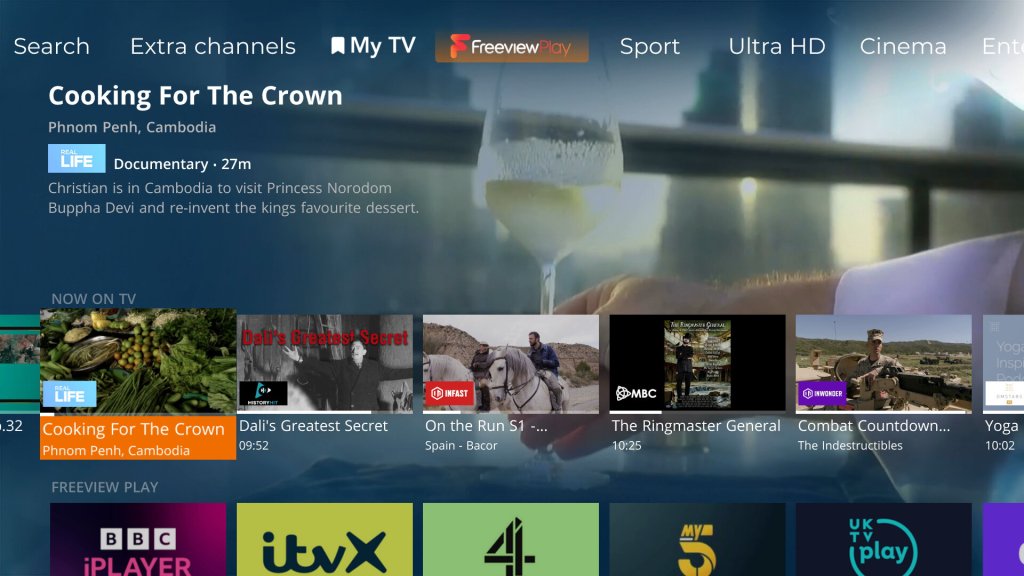
Plex – Popular local media streaming app, this also comes with FAST (Free Ad Supported TV) live TV channels that are very similar to the ones offered by Netgem itself. Most of these are American and will appeal to niche audiences.

Rakuten TV – an online video store that also provides themed FAST channels. I’m not sure if the guide is supposed to be three-quarters down the screen which makes it difficult to read and navigate.

FUSE

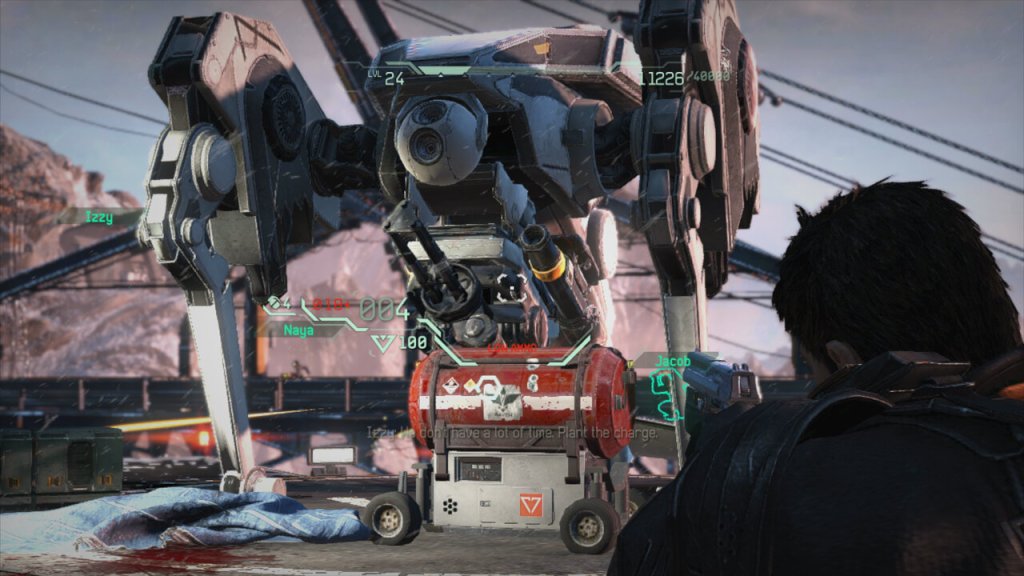
FUSE is a third-person shooter video game developed by Insomniac Games and released in 2013 for the Xbox 360. The game follows a team of four agents known as Overstrike 9 who are tasked with recovering an alien substance called Fuse that has been stolen by a rogue paramilitary organization.

The gameplay in FUSE is primarily focused on co-op multiplayer, where players control the different members of Overstrike 9 with unique abilities and weapons. The game also features a single-player mode where the player can switch between characters on the fly, and an online multiplayer mode that includes cooperative and competitive gameplay. Co-op is where “Fuse” was supposed to shine, but it felt like a missed opportunity. The AI wasn’t the sharpest tool in the shed, making the single-player experience kinda meh. Plus, the lack of real innovation in the co-op mechanics didn’t help it stand out.

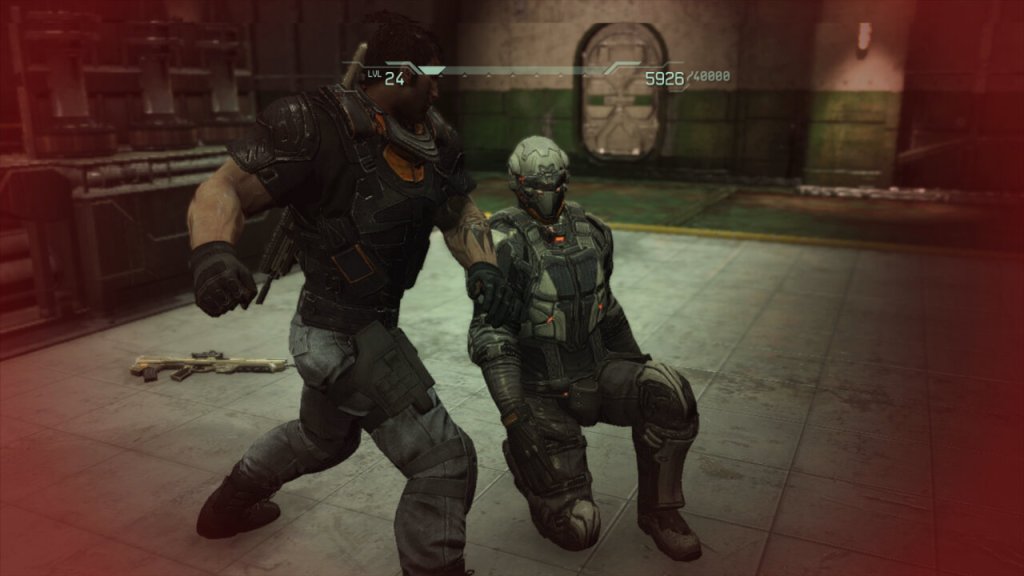
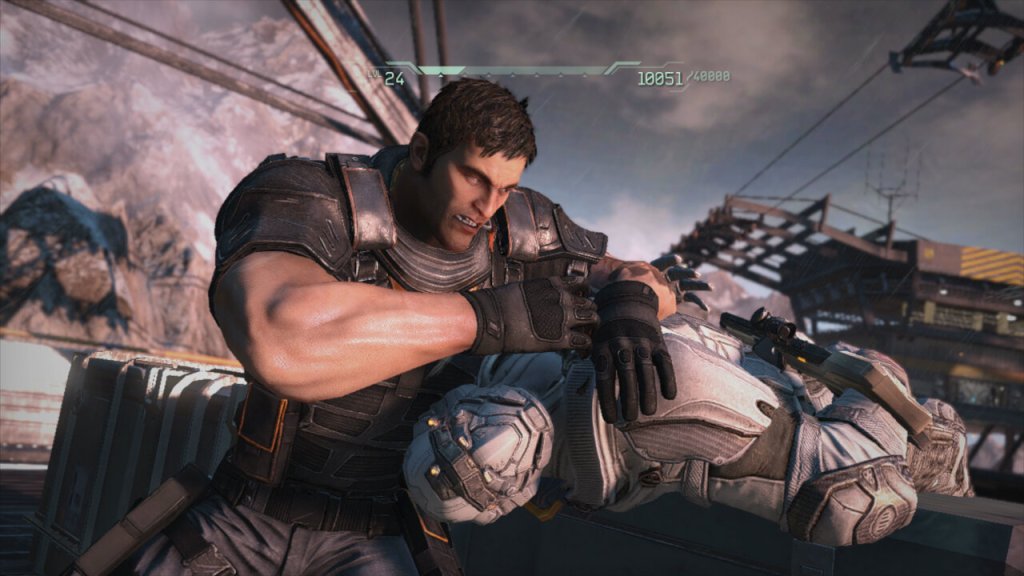
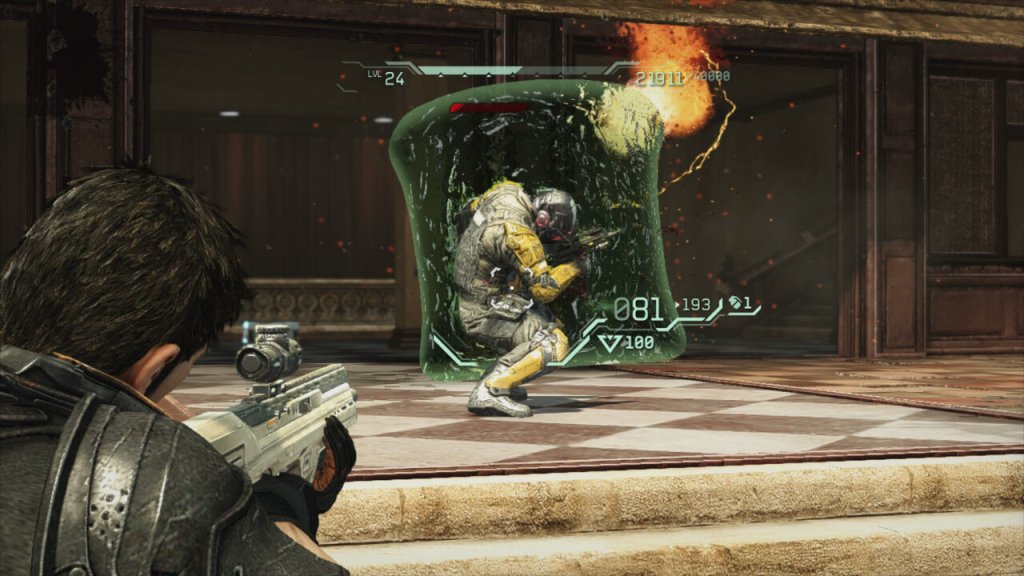
The gameplay in FUSE is solid, with responsive controls and satisfying gunplay. The game also features a cover system that is easy to use and adds a tactical element to the combat. The game’s weapons are diverse and interesting, with each character having access to a unique weapon that can be upgraded over time.

However, one of the main criticisms of FUSE is that it doesn’t do anything particularly new or innovative. While the game’s co-op gameplay is well-executed, it doesn’t introduce any new mechanics or ideas to the genre. The game’s storyline is also fairly predictable and doesn’t offer any surprises.

Additionally, the game’s graphics and presentation are somewhat underwhelming, especially compared to other games released around the same time. The game’s environments are often repetitive and lack detail, and the character models and animations are somewhat stiff.

Characters

One of the strengths of FUSE is its varied cast of characters, each with their own unique playstyle and abilities.

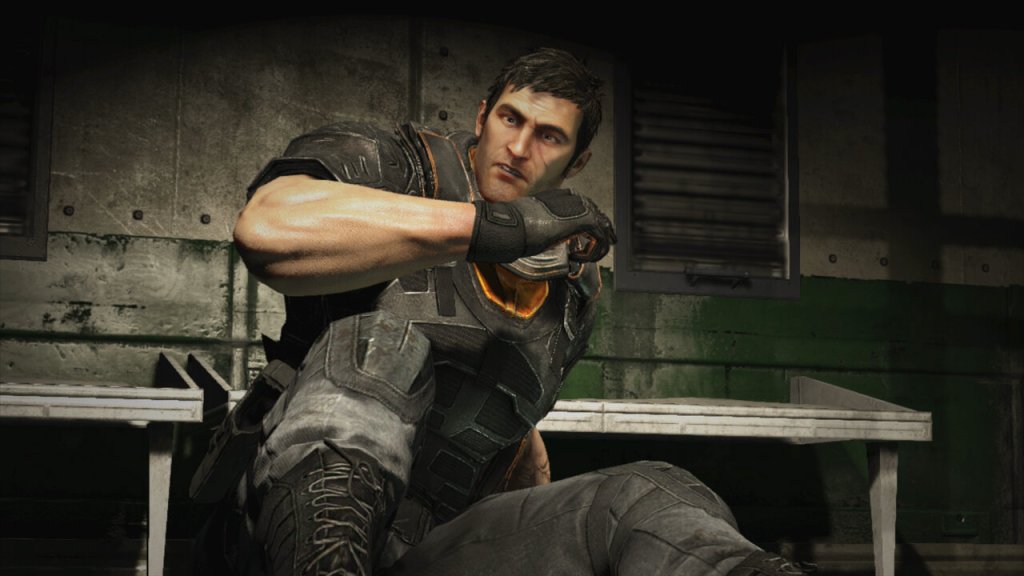
Dalton Brooks – the team leader who specializes in heavy weapons and defense. In combat, Dalton is a heavy weapons specialist, favoring powerful and explosive weapons such as rocket launchers and grenade launchers. He is also the team’s tank, with the ability to deploy his Magshield, a powerful energy barrier that protects him and his teammates from incoming fire. Outside of combat, Dalton is portrayed as a somewhat gruff and reserved character, but with a dry sense of humor. He has a complex relationship with Naya Deveraux, his former lover who betrayed him and the team in the past.

Throughout the course of the game, Dalton confronts his troubled past and the fallout from his relationship with Naya. As the team faces increasingly dangerous foes, Dalton must overcome his own inner demons and learn to trust his teammates in order to succeed. Overall, Dalton is a strong and compelling character. He’s also pretty huge, looking like a Gears Of War character.


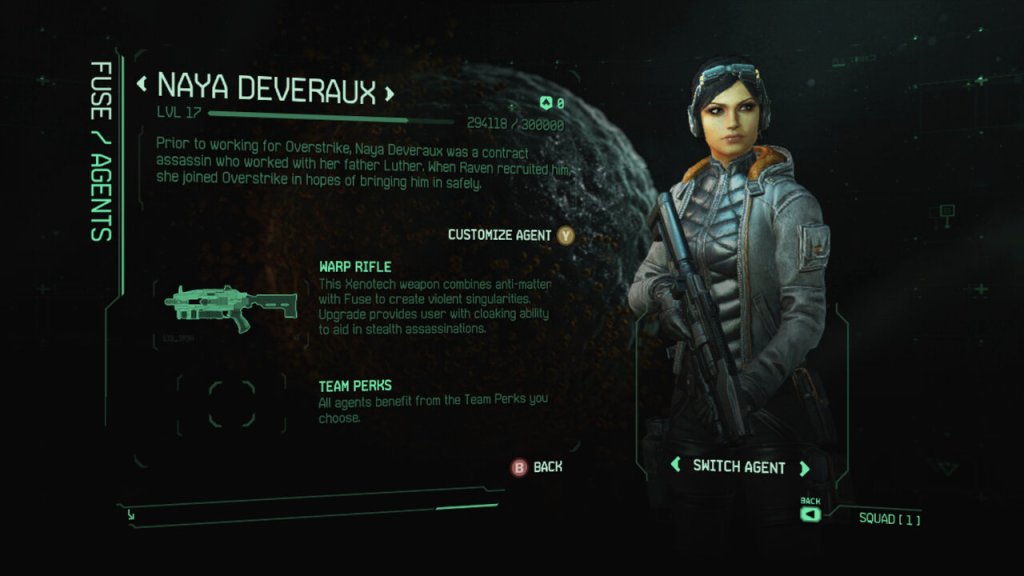
Naya Deveraux – the stealthy assassin who can turn invisible and use her enhanced agility to take out enemies silently.

Naya’s gameplay revolves around her expertise in stealth and precision. She can use her warp rifle to create wormholes, allowing her to manipulate enemies’ positions and open up strategic opportunities for her team. With her assassin skills, Naya is lethal at close range, and players can utilize her abilities to flank enemies and take them down swiftly and silently.

As with the other characters in “Fuse,” Naya’s powers and abilities are meant to complement the rest of the team, encouraging players to work together and use each character’s unique traits to overcome challenges throughout the game.


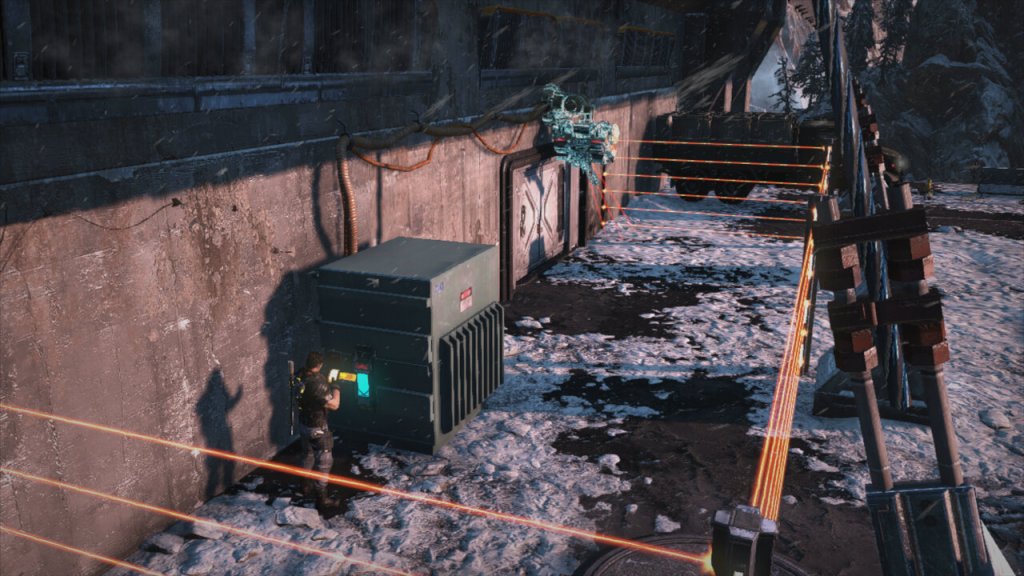
Izzy Sinclair – the tech expert who uses her Fuse-powered energy barriers to protect the team and heal them in battle. Izzy’s playstyle focuses on using her unique weapon to control the battlefield. By creating black holes, she can disorient and suck enemies into the void, leaving them vulnerable to attacks from her and her teammates. Additionally, her technological skills are essential for hacking systems, gaining access to secure areas, and providing support during missions.


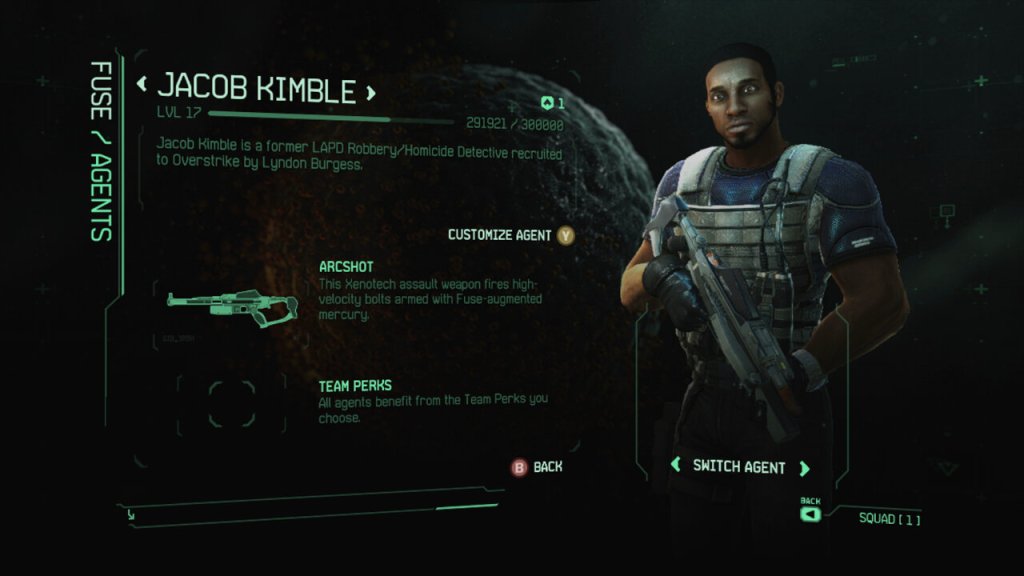
Jacob Kimble – the team sniper who can create miniature black holes to suck enemies into or fire devastating shots with his Fuse-powered weapon. Jacob’s playstyle focuses on precision and tactics. As a sniper, he can take out enemies from a distance and eliminate high-priority targets with ease. His Arcshot crossbow, in particular, allows for some creative and devastating attacks, as the electric bolts can chain between multiple enemies, causing collateral damage.

Versions

FUSE was only released on consoles, it was never officially released on the PC. There isn’t really any major difference between the two consoles, as the game was released late into the console’s lifetime, it’s a pretty well-optimized game.

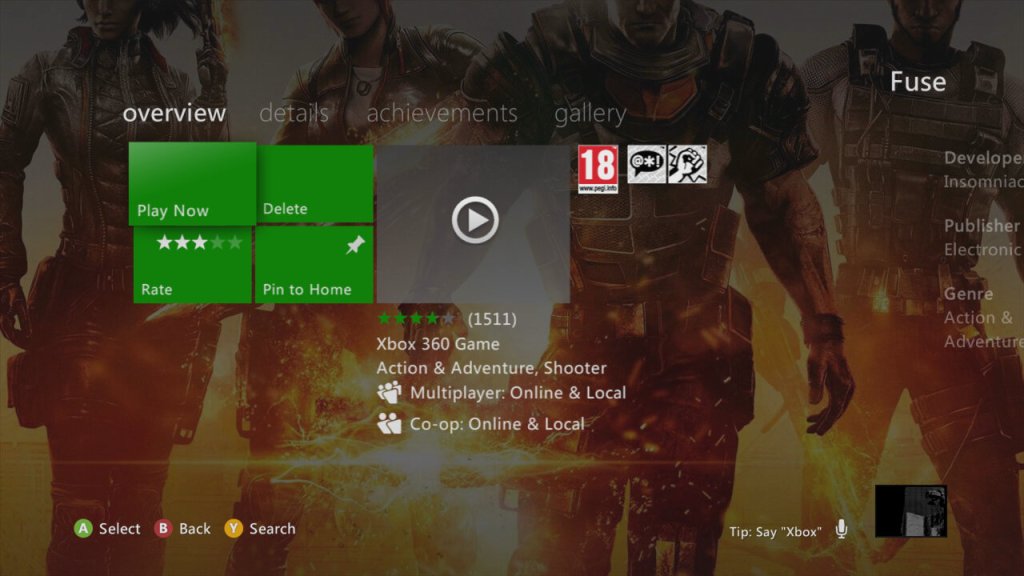
Xbox 360: Works fine and can be installed to the HDD through the dashboard, but is not compatible with the Xbox One

PlayStation 3: Performs just as well as the 360 version, clearly Insomniac have used their expertise from their previous PS3 titles to take advantage of the Cell processor.