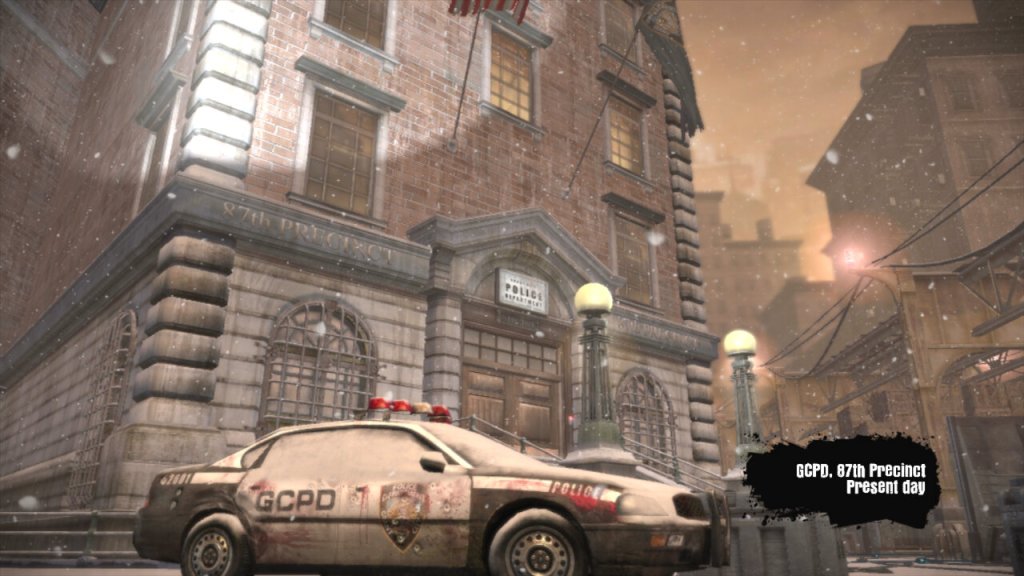
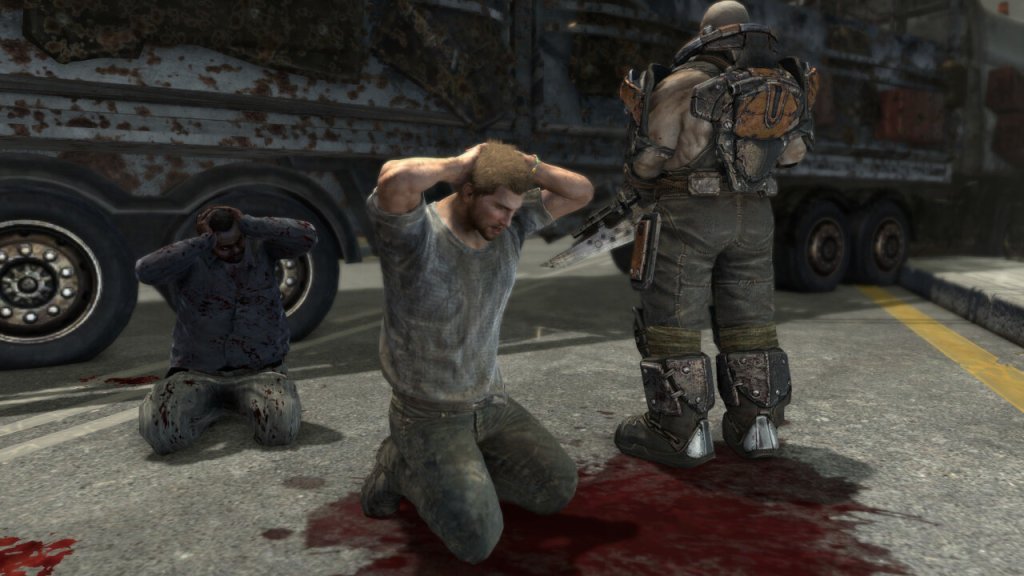
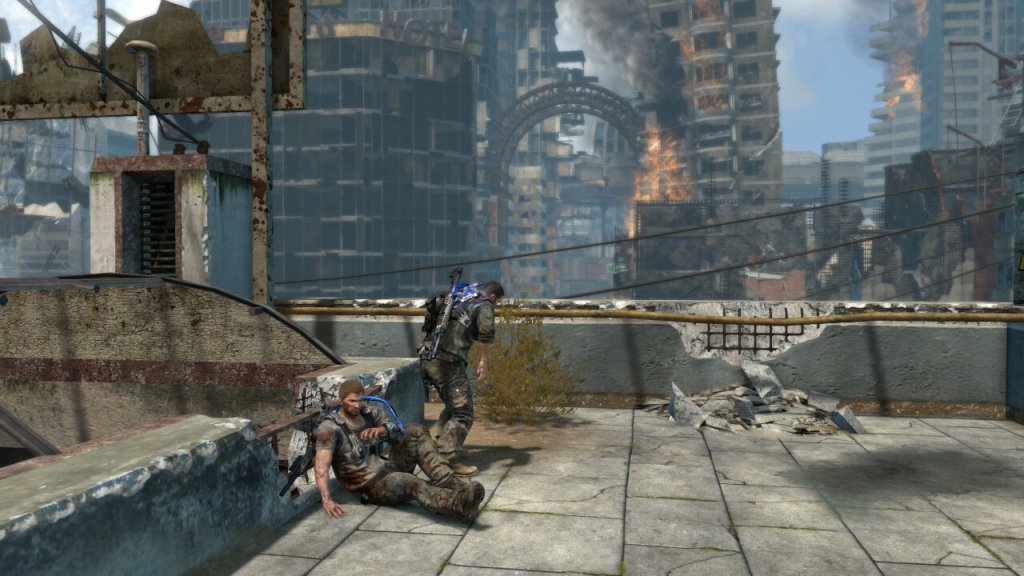
Dead to Rights: Retribution primarily takes place in the fictional and crime-ridden city of Grant City. The game’s environment is characterized by its dark and gritty atmosphere, which reflects the city’s seedy underbelly and ongoing criminal activities. In terms of weather, the game’s setting generally features a consistent and moody aesthetic that contributes to the overall atmosphere.
While the game doesn’t have dynamic weather systems or changes in weather conditions, it typically portrays Grant City as a place shrouded in darkness, with rain-soaked streets, dimly lit alleyways, and a generally overcast and gloomy ambiance. This atmospheric choice aligns with the game’s themes of crime, corruption, and a city in decline. The game’s visual design emphasizes the noir-like qualities of a crime-infested urban environment, and the lack of variation in weather conditions reinforces the consistent tone of the narrative. Players will often find themselves navigating through grim and rain-soaked urban landscapes as they progress through the story and engage in combat encounters with various adversaries.
Jack Slate is the protagonist of the game and a tough-as-nails cop with a no-nonsense attitude and a physique that puts Marcus from Gears Of War to shame. He’s on a mission to uncover a conspiracy involving a powerful criminal organization and bring them to justice. Jack is skilled in both firearms and hand-to-hand combat and is accompanied by his loyal canine companion, Shadow. Most of the game is spent playing as Jack, with a few sections requiring the control of Shadow, either to access hard-to-reach areas, or if Jack is incapacitated as part of the game’s plot.
Shadow is Jack Slate’s faithful canine companion and a key element of the gameplay. Shadow can be commanded to perform various tasks, including attacking enemies, retrieving items, and assisting Jack during missions. Shadow’s presence adds a unique dynamic to the game, as he can help Jack in combat and solve puzzles. Be careful around enemies, Shadow does not have much health and can only attack at close range.
I wonder if this was any inspiration for Riley from Call of Duty Ghosts?
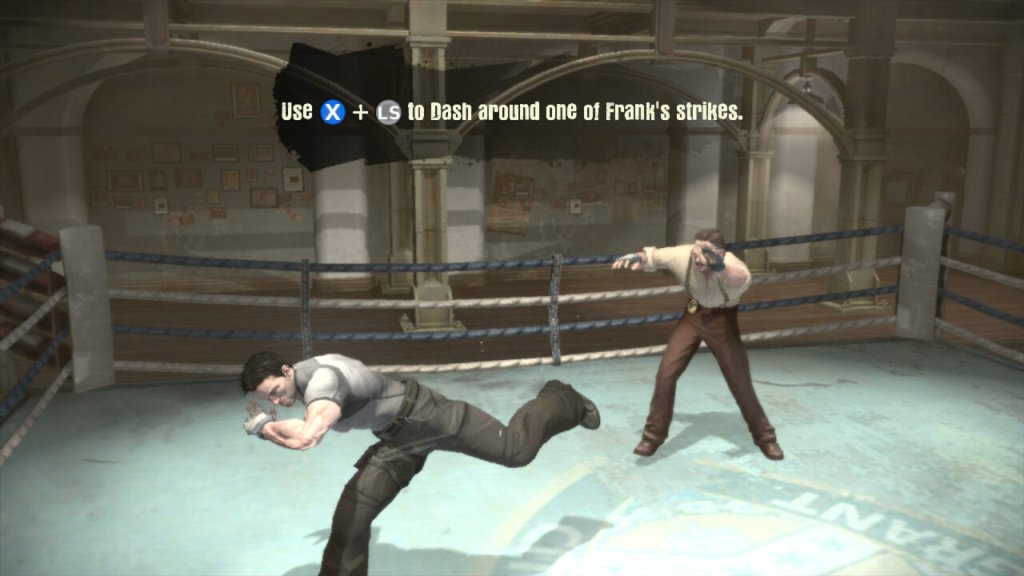
The game’s main focus is hand-to-hand combat, with gunfire taking a side role. Many of the guns you pick up in the game have very little ammo, meaning you have limited use of these weapons and must be used sparingly. You might want to save them for distant enemies instead.
The gameplay tried to mix brawling & melee attacks with shooting, however this gets repetitive fast with very few puzzles to break up the gameplay. There are some sections where you will have to fortify and hold out against a horde of enemies but again there is very little diversity in the gameplay.
Grant City is depicted as a city where corruption runs rampant within its law enforcement agencies and political institutions. Jack Slate’s journey to uncover the truth behind the criminal conspiracy highlights the pervasive corruption that has taken hold, with powerful figures involved in illegal activities.
The game touches on the abuse of power by individuals in positions of authority. The criminal organization known as the Triad wields significant influence and control over the city, and part of Jack’s mission is to expose and challenge this abuse of power.
While not explicitly political, the game’s portrayal of Grant City as a dystopian and crime-infested metropolis can be seen as a commentary on the societal decay that can result from political corruption and a lack of effective governance.
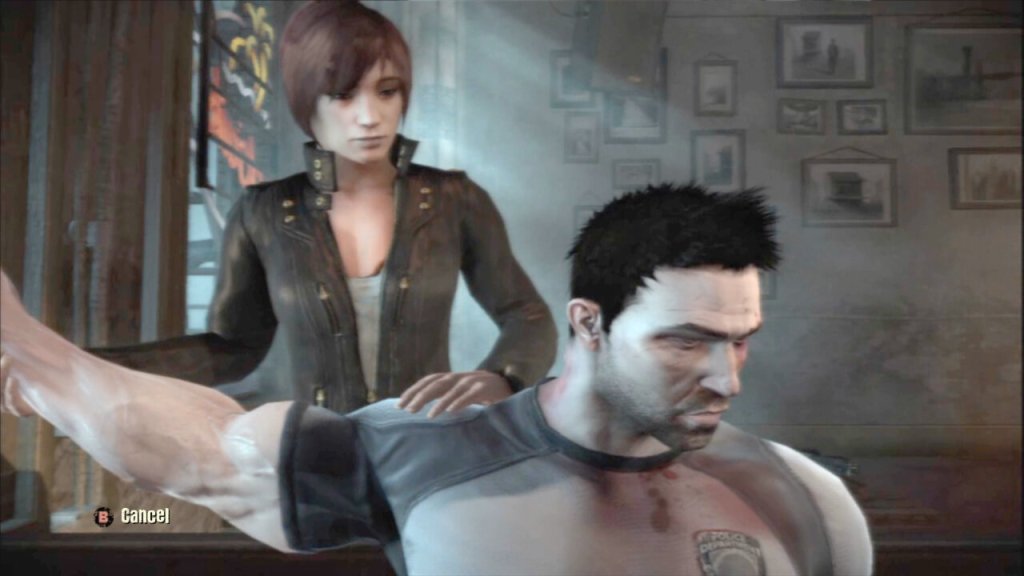
The character of Cassandra Hartz (seen below), a journalist investigating the criminal activities in Grant City, indirectly highlights the role of the media in exposing corruption and holding those in power accountable. Her presence in the game alludes to the importance of investigative journalism in a society plagued by political and criminal misconduct. Most of this is explained through the game cutscenes with her.
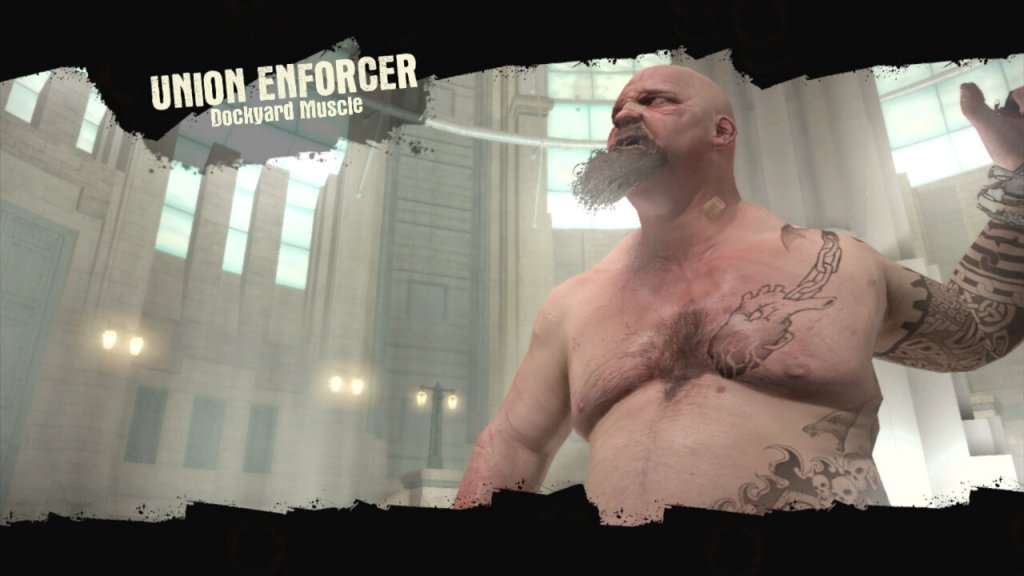
The type of enemies found in the game will change as you progress, initially facing against the Triads, the GAC later become the main focus of the game who are much more difficult to take down. The GAC were the Anti-crime units that became corrupt, whilst the Triads are your average gang where you must take out the boss to defeat them.
The game was only ever released on consoles, with no PC version released. Although It can be played on the PS3 or Xbox 360, Sadly it remains on seventh-generation consoles as we have yet to see it released or made compatible with the Xbox One. It also appears to be the final game in the franchise, as no new games have been released.
Virgin’s successor to the Tivo and sort of answer to Sky Q.
The familiar colour of purple welcomes us to the 360 and we are greeted with the welcome change on channel… 360. Its a nice touch and goes through the capabilities of the new software. The platform makes use of Horizon 4 platform by Liberty Media, which is the parent company of Virgin Media. Horizon is also used across Europe by VM’s sister company like Telenet and Ziggo. Horizon was previously in use on UPC Ireland, which was later bought and rebranded as Virgin Media Ireland.
The set top box itself remains the same as the V6, using the Arris DCX960 with the same amount of storage (1TB), though a different remote control is used which drops the Tivo thumb buttons but adds a profile button and voice control. By using the same set top box, this allows for an in-place upgrade which can be requested by the customer to migrate the software from Tivo onto Horizon. A new remote is sent via the post during this process and once recited and activated by the customer, the software is upgraded.
One setback is existing recording are lost during the upgrade, so there is a grace period of 5 days before the software is updated automatically. This is likely due to the two platforms using different DRM to manage recordings.
TV Guide
The EPG guide, with the miniTV being displayed on the bottom right of the screen, which is a weird place to put it. The Tivo and even their older Liberate software placed the miniTV on the top right.
Pressing the OK button bring up the information banner which will show what you are watching. And what is on later that day. It will also show you the director, and the cast of the current movie you are watching, in a similar manor to how the previous Tivo platform presented it.
You can also set the box to record the current program, and enable subtitles or audio description.
Scrolling down will also give you options to watch on demand or to purchase it from an online store. You are also given recommendations of similar shows or movies
Channel off air slides, these come from the video stream and are not generated by the box.
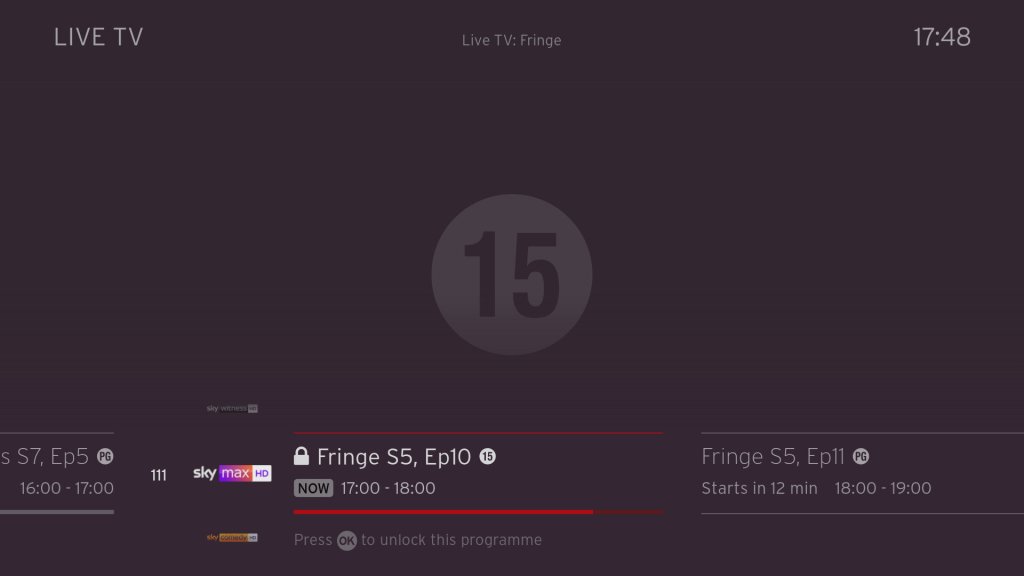
Ah my favorite show, Fringe.
Filtering by the channel genre
Pressing Ok will bring up a small menu
Trying to watch an age restricted program outside of watershed hours, pressing Ok will prompt you to enter your PIN.
Navigating the user interface, you can quickly see what’s on next, and on other channels.
FAST Channels
Some of the PlutoTV channels will appear in the guide as streaming channels, however they are not integrated very well. Selecting then channels requires the box to buffer for a few second which cannot be helped, but when leaving the channel you are promoted if you wish to leave, which makes cumbersome when channel flicking. I wonder if this is a side effect of Ofcom, since these are not considered traditional broadcast channels then they cannot be directly accessible from the guide. I should also not these channels cannot be recorded, but their content is available on catch-up via the PlutoTV app.
This message will appear overtime you try to change channels in the top right corner, making it cumbersome to channel surf.
You also cannot pause or rewind for these channels, nor can you record any shows on these channels. Trying to do so will show the above message.
+1 channels now have their own section in the EPG which some might prefer, these are in the 3xx section of the guide. These channel are largely redundant, since you can just record or use the catch-up feature considering you have six tuners at your disposal, there’s little need for these time shift channels.
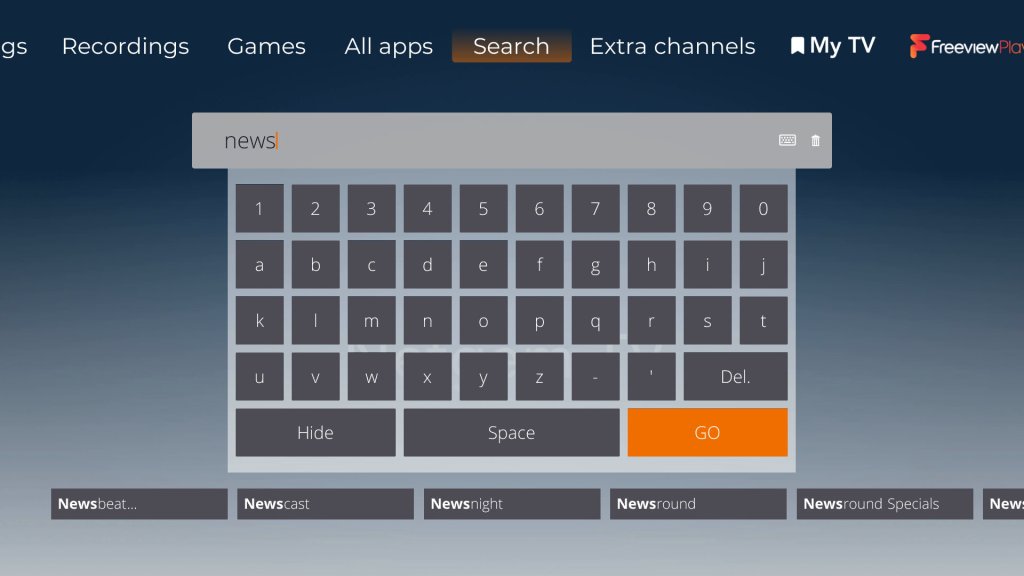
Voice search is a new feature that comes to the Virgin platform. Here you can press the microphone key on the remote and speak into it, either a command or a show you wish to search. It actually works quite well and is much more convenient than having to type to search on an onscreen keyboard, and it appears to be quite accurate despite having a lot of background noise.
Every so often, the Horizon software will show hints on how to navigate the TV guide interface.
Settings
Profiles are one of the main features of the 360 software, where each user can set their own preferences for favorite channels and language settings.
Favourite channels
A few accessibility options with voice-over options added.
Parental controls where you can lock specific channels or apps to restrict their usage. You can also enable PIN requests for program’s recorded after the watershed.
Video output settings, up-to 4K (2160p) output is supported.
System configuration where you can amend the auto power off. One power lets you turn on both the 360 box and the TV itself at the same time.
You can also switch between the Ethernet connection or to use the WiFi instead, though the box will always try to use the Ethernet connect if its available. You can also rename boxes if you have multiple 360 boxes.
Lastly some information about the box, this one appears to be the Arris DCX960. There is also a Humax version floating about (Humax 1008R-HDD-VM )
According to a few online sources, the box is powered by the Broadcom BCM7252, with 4GB of RAM. The CPU is a dual ore ARM processor though there is no indication as to which core it implements (most likely the Cortex A53)
Lastly adding additional buffering time to recordings.
Recordings
Watching recordings, which shows both shows available on demand and recorded program’s. Anything recorded and stored locally is represented by a full circle, whilst on demand is represented by a red ring instead. This is a bit misleading since I assumed the ring meant unwatched programmers, whilst full circles were already watched.
Selecting. show will display the amount of seasons that are currently available, and a list of episodes to select from with a short description of the episode.
A list of recorded shows, what can be sorted by date. You can also view any recording that are planned (and active season passes)s and how much disk space remains.
Like Tivo, you can customize the season passes where multiple episodes can be recorded. You can set to record only new episodes only, or from a specific season. And set to keep at most between 10 – 25 episodes so your storage does not get filled up from one show.
Age restricted program’s will require a PIN to be entered to watch. By default this is set to 1234 but can be changed at any time.
Apps
All the standard streaming apps are available such as BBC iPlayer, ITV X, Netflix and Amazon Prime.
PlutoTV: A free, ad-supported streaming service that offers a variety of on-demand movies, TV shows, and live channels. It operates similarly to traditional cable or satellite TV, with a channel guide that allows viewers to watch content on specific channels at scheduled times. Pluto have expanded the amount of channels steaming with the service since its launch on Virgin Media in 2020.
Radioline: A radio streaming app similar to TuneIn, radio stations and podcasts can be streaming and played through the 360 box, or through your sound system if you have your 360 box hooked up to it. There is an SPDIF audio output on the box for you to connect to an supported audio system.
VEVO: For music videos, had a large catalog of songs but there are certain omissions from popular artists, in that most all their music videos are available. Like Spotify, there are curated playlists available.
The Red button still exists, and can be invoked on the BT TNT Sport channels to quickly access other screens
BBC also still has a red button service, although this is just links to iPlayer instead. No more news headlines or information, that’s all done through the internet now.
A fireplace app, that shows a looping view of a fireplace. No I’m not kidding.
Fit At Home: A video fitness app with pre-recorded exercise segments
News headlines from France24
And the Wall Street Journal, a newspaper who famously tried to claim that PewDiePie was a nazi.
Paramount+ and Disney+ is also a welcome addition to the service. Now we just need Discovery+ to be added, although Virgin offer a lot of their content through their live TV channels and catchup/box sets.
No games though, why?
Full view of the app gallery
Comparison to Virgin Media Stream
Not long after the 360 was launched, Virgin introduced Stream which was offered to broadband only customers. This is a tiny box that connects wirelessly and is independent of the cable network (you still need a Virgin internet connection). Main different is you not receive live V channels through I (in the traditional sense, some apps might allow live TV broadcasts but its not using DVB-C, rather IPTV)
It’s really geared to customers who prefer to stream their shows fully on demand and have no plans to watch live tv, or they are happy with the freebie lineup instead.
Virgin Media App
A few captures of the Android app, running on a Sony Xperia 1 IV. The app will block screenshots when a channel is being streamed but not if browsing the guide. You can push channels and shows directly to your 360 box if its on the local network, and use your phone as a remote control providing its on the same network.
Lastly you can watch live broadcasts on any internet connection, but you are limited to up to 5 devices.
Conclusion & Improvements
My overall though on this was, is that it?
It’s not a bad services, if in fact its a lot better than say BT TV or TalkTalk offer, but there just isn’t that much improvement over the Tivo software that was used previously, This does goes to show how forward thinking Tivo was in its design and feature implementation. But really the move to Horizon 4 was more so that Liberty Media could have their operators migrated to one common platform.
If you’re an existing Tivo V6 user than there is little incentive to upgrade, unless you need the voice search.
Some improvements that could be made are:
Better FAST channel integration: Its a good idea to integrate them into the guide, as many people will simply ignore them if they’re hidden inside an app. But the shortcoming is you cannot channel hop as easy since the box will prompt you if you wish to leave the app, despite the illusion that you are still within the live TV interface.
More storage options: Needed as you lease more mini boxes from Virgin, 1TB isn’t going to cut it for a large household, especially when you consider 4K content. A 2TB upgrade would be very welcome. The box is detachable from the hard drive, though it requires unscrewing from the base. This is really so that Virgin can offer a mini box using the same design, the end user is not authorized to modify the hard drive.
Ability to steam to a smart TV or a Android set top box, or function wirelessly: This seems to be a common request for multiroom, as many people would prefer if they could get Virgin TV in another room without the need for a coax connection, like the mini boxes for Sky Q. However being able to stream live channels to another network device might be beyond the 360 hardware capabilities, its designed more as a generic PVR than a server. I really wish Virgin would pull their finger out when it comes to this, as multiroom viewing was one of the things cable TV did well and it seems they are not really trying with the 360.
I’m not sure why the Stream isn’t capable of this, I would assume they are using the same Horizon middleware.
More apps: This will always be a moving goalpost, but investing support for Britbox, AcornTV, Rakuten TV, Sportstribal and Plex TV are useful but they remain niche services.
Gaming services may be preferable in the future, with Xbox Gamepess Cloud, PlayStation Now & Amazon Luna being an example of such services.
Further Information
I should also mention that Virgin marketed the box as the Virgin TV 360, not Horizon 4 which is what the software is referred to internationally and by Liberty Media. Likewise EOS refers to the hardware architecture that Liberty Media has designed, since the hardware is capable of running the Tivo middleware.
As with the V6, the box features six tuners. Multiroom is handled differently with the 360, as mini boxes come linked to the main box to allow recording to be shared. The main box acts as a central server which the mini boxes can playback recording from it. However unlike Sky Q, the mini boxes require a cable feed for live TV, and can only live buffer a certain amount since that relies on the internal flash storage.
The 360 mini box is pretty much the same and the main 360 unit, just with the hard drive section removed. In theory this means you could attach additional storage for one extra monthly fee, though its unlikely Virgin will take advantage of this, We should be lucky the 360 has a hard disk at all, the European versions don’t have one and rely on cloud storage which means recording have to be streaming through your internet connection.
Call me a simple guy, but I prefer having everything on local HDD storage rather than in the cloud datacenter. I can just imagine this stuff being a disaster with not being able to watch back recording due to downtime/maintenance, or not being available due to ‘rights issues’. Just because you can, doesn’t mean you should.
Also, like the V6, the 360 does not feature a built in modem like the origin Tivo did, so you will need a permanent connection (Wireless or Ethernet, unsure of the speeds but I guess its enough for HEVC 4K video) to use the 360. Channels are still delivered using DVB-C rather than IPTV as Virgin would have you believe, though anything on demand will require an internet connection.
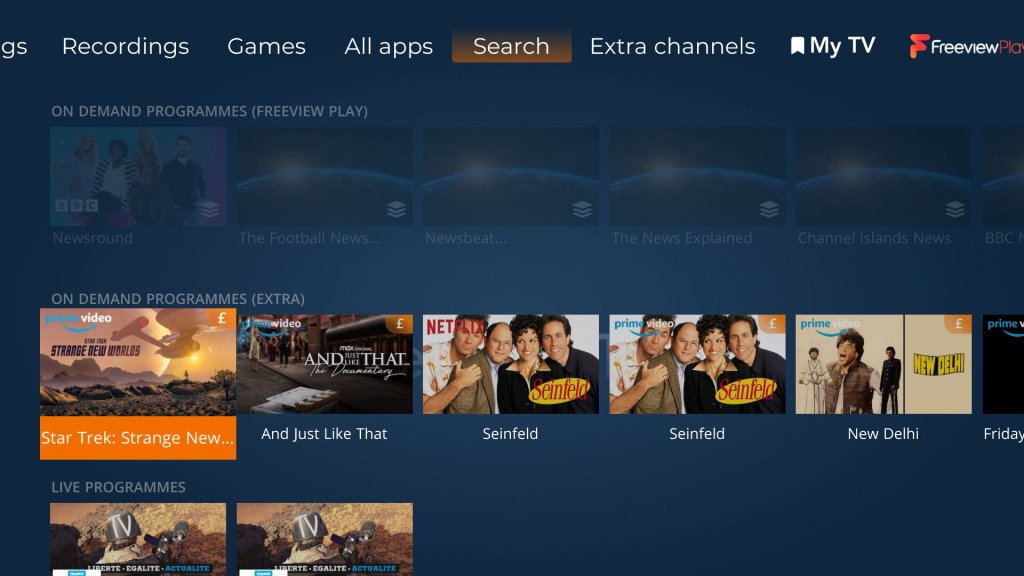
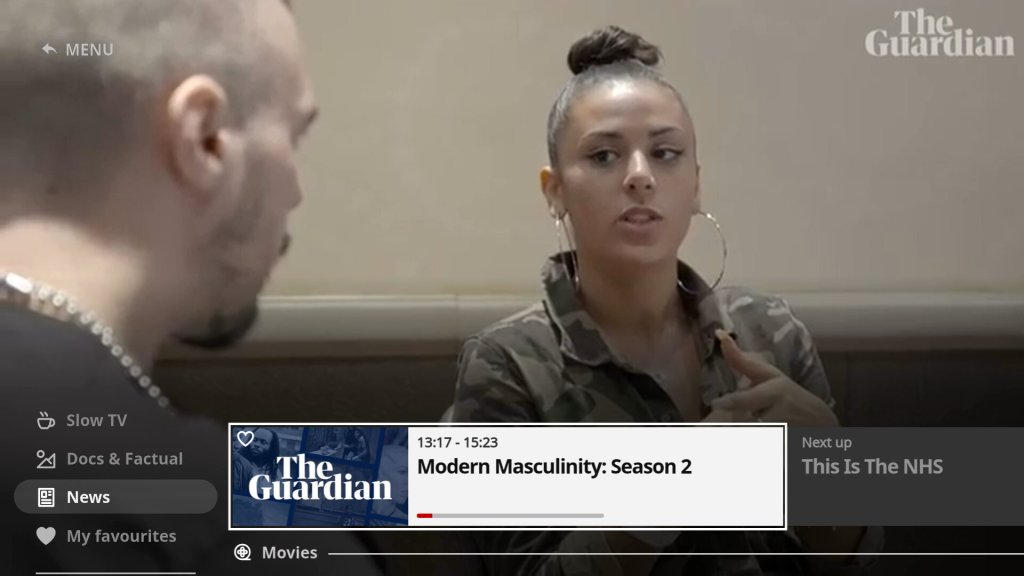
A look at the state of the service in 2023. Netgem TV is a Freeview box with additional IPTV channels bolted on and is commonly offered with FTTP internet service providers as a supplement to their services like Octapus, TalkTalk. Most of the channels FTA fodder, though there are a few good ones that cater to niche interests.
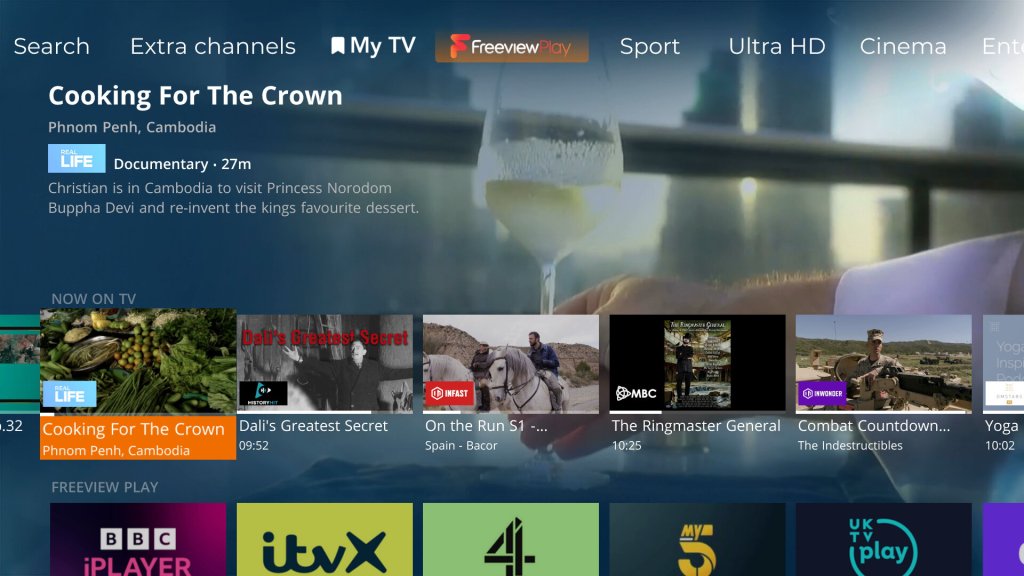
The amount of channels included in the service has expanded, over 120 IP channels now available. The amount of channels added has caused Netgem to expand the channel numbers that have been allocated, as they were previously in the 9xx section of the guide. Channels now start at 830.
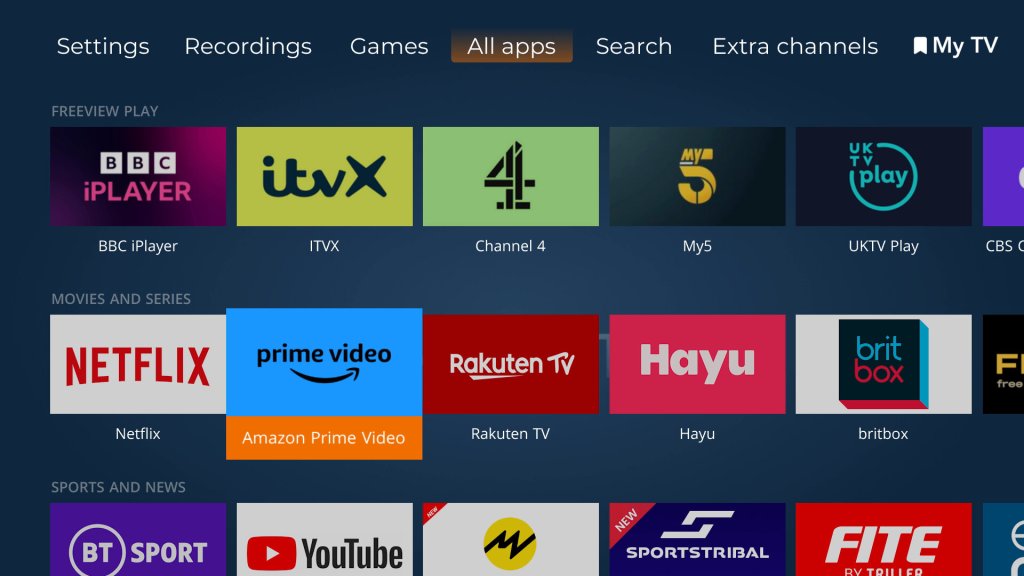
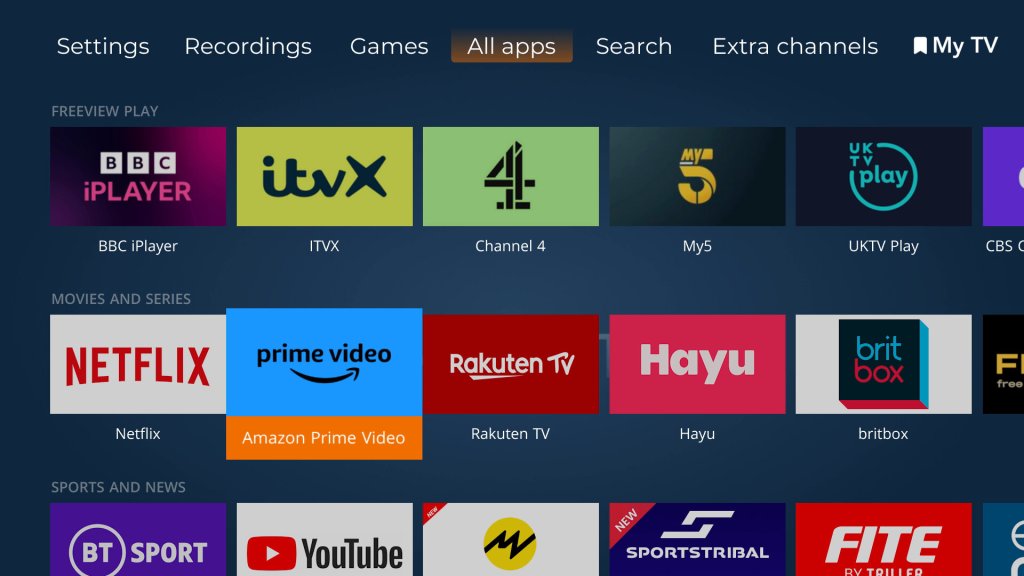
There is also an increase in apps offered, with Netflix, Plex and Rakuten now being offered, in addition to your standard selection of Freeview Play catchup services.
Weird why they cannot use the 300-599 section, which is used for Youview. These boxes will never be able to access Youview’s services, so why not use that section of the EPG?
Games
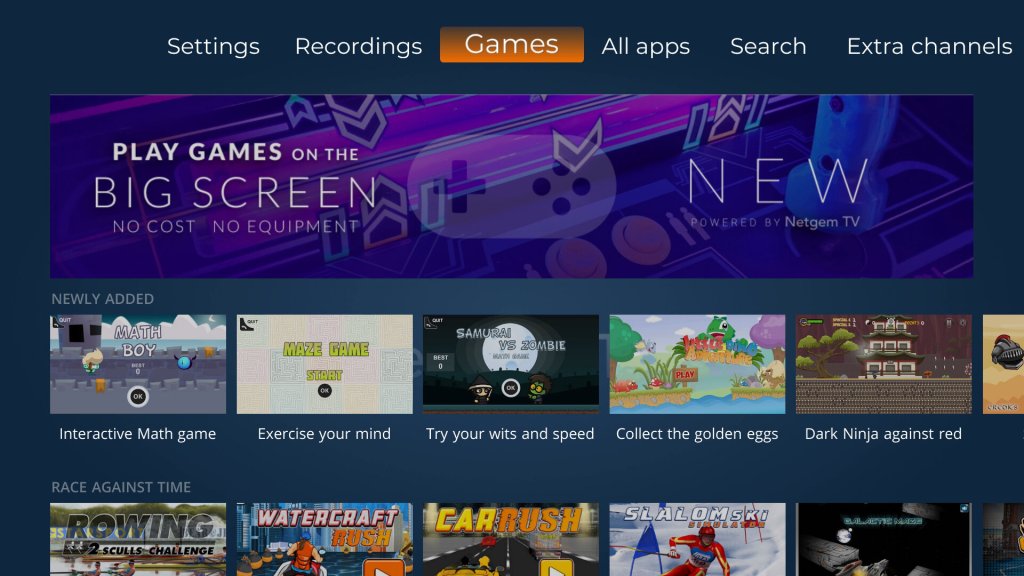
Several new games have been added to the service
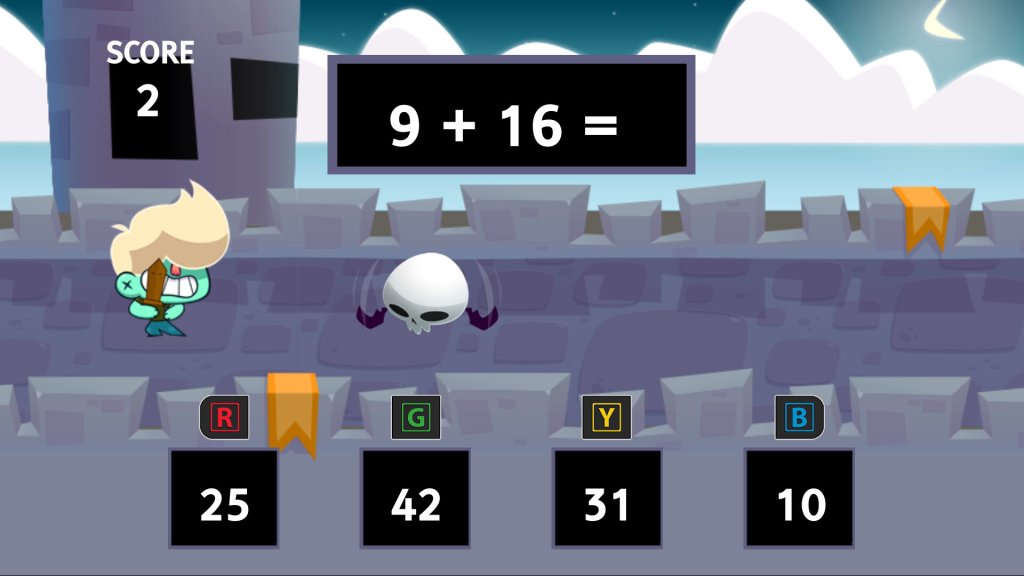
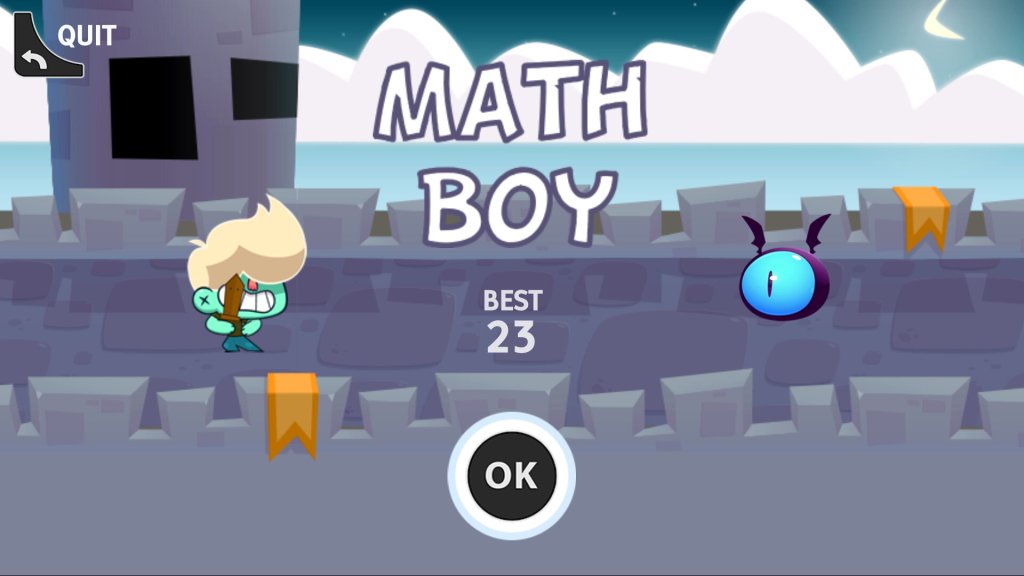
Math Boy – A mental maths game where you have to choose the correct answer before the flying skill-bat-thing kills you, you only have one chance, so be quick.
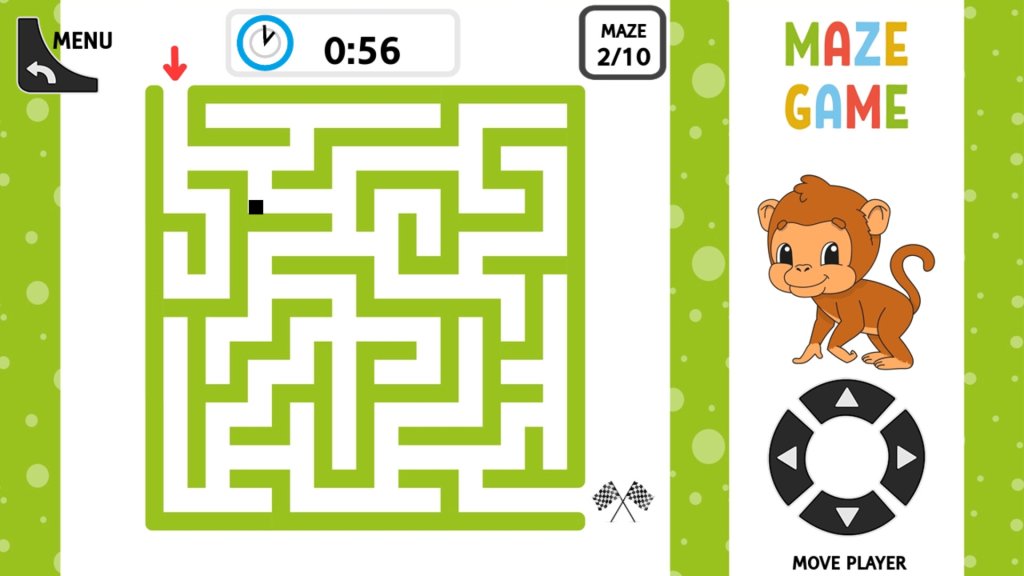
Maze Game – A maze game that is difficult to control, making it difficult to navigate the maze. The stiff remote really does not help with these sort of games.
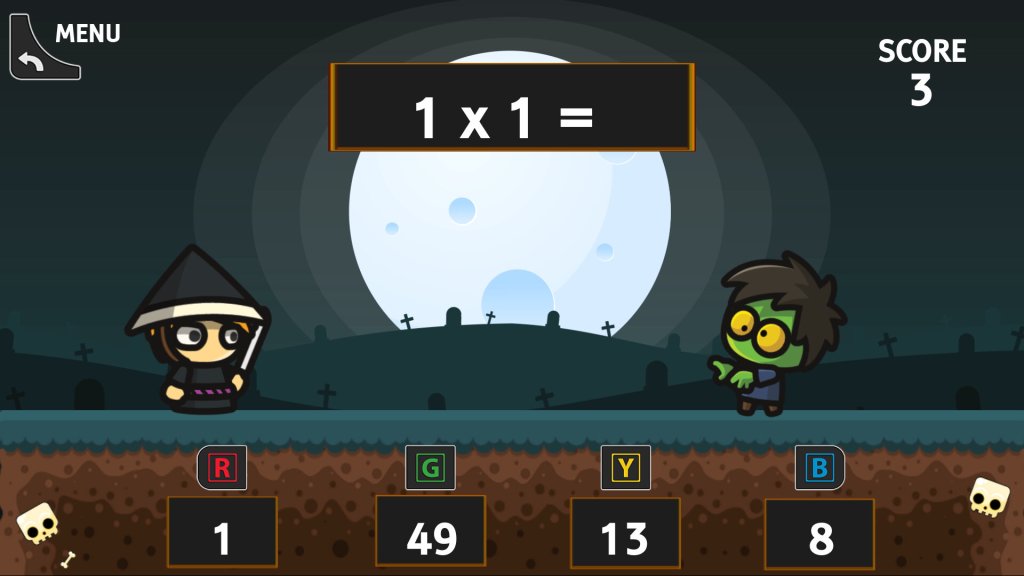
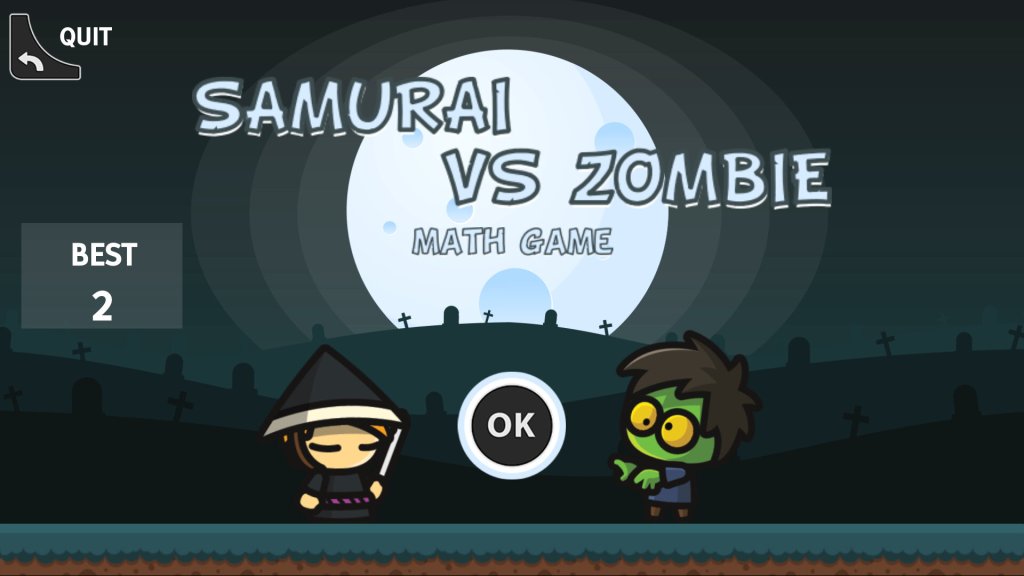
Samurai Vs Zombie – This is the same as the interactive math game, but with zombies vs samurai. The questions are a lot more varied, and you cannot choose the type of sums unlike the other game.
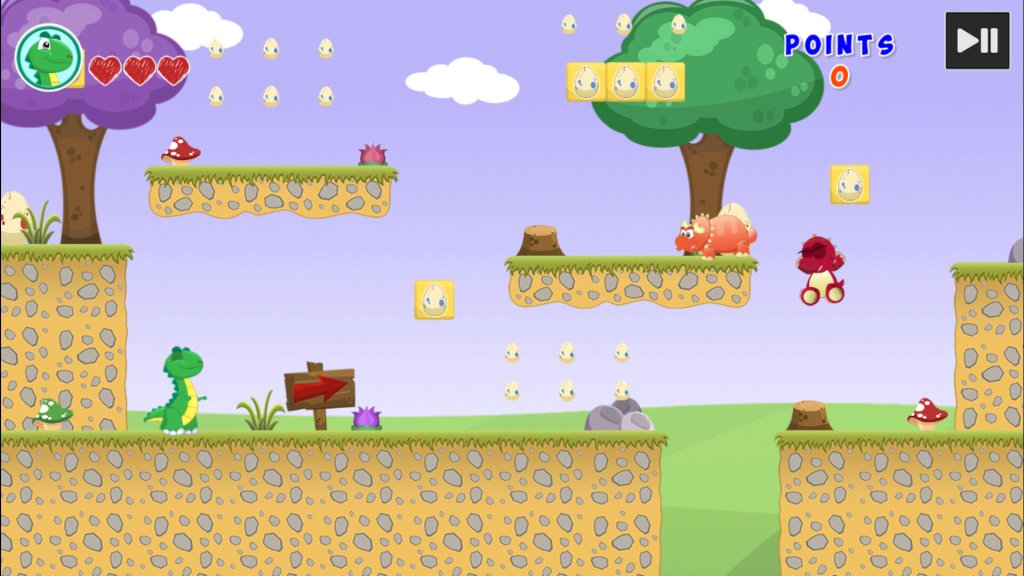
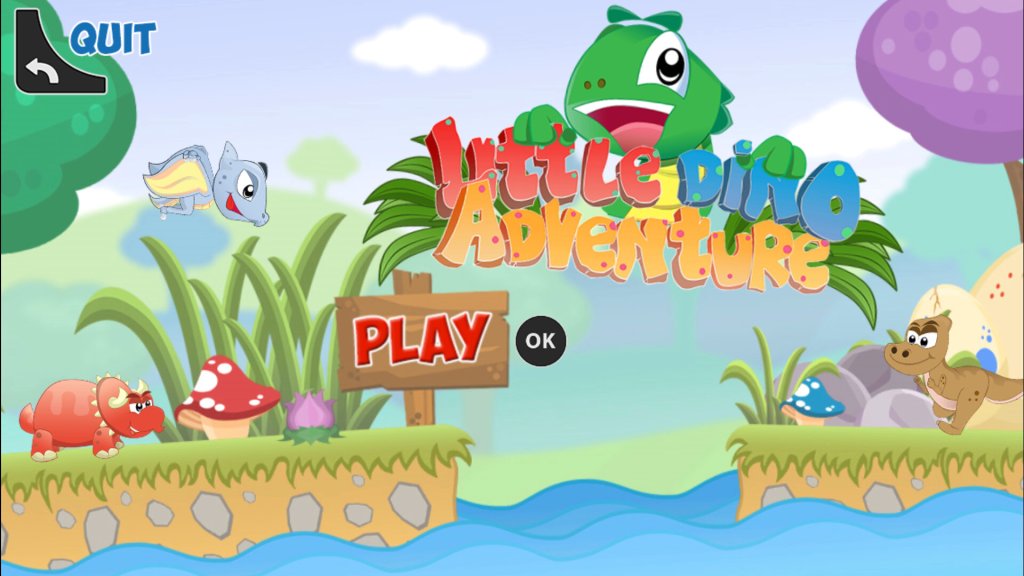
Little Dino Adventure – A platform game where you control a green lizard as you navigate through the level, avoiding enemies in the process. Controlling the game requires a bit of skill, as you cannot run and jump to another platform due to the limitations of the remote, careful timing is required to jump to another platform.
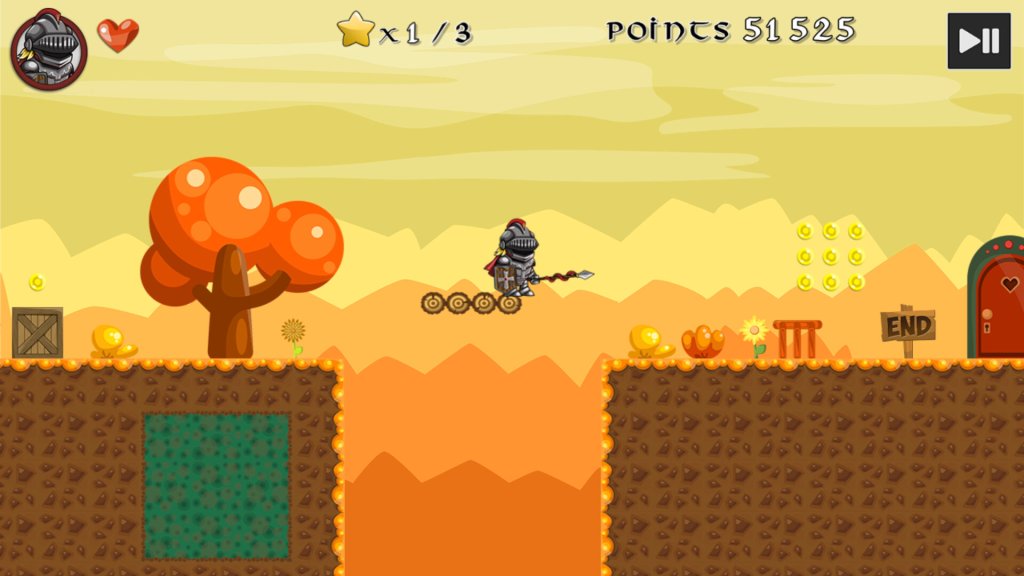
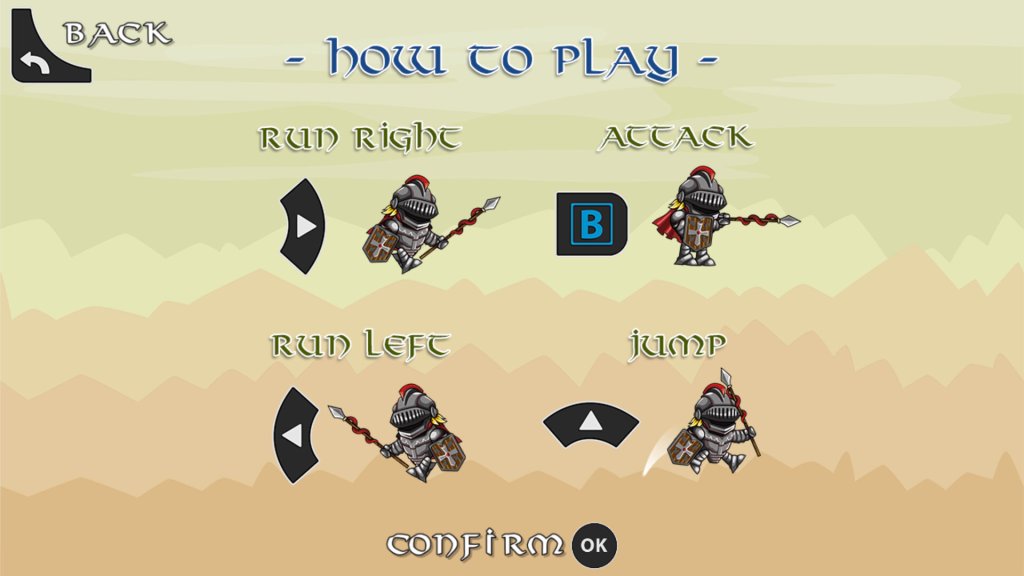
Super Knight – Platform game were you have to get the Knight to the other end of the level, avoiding and killing the enemies.
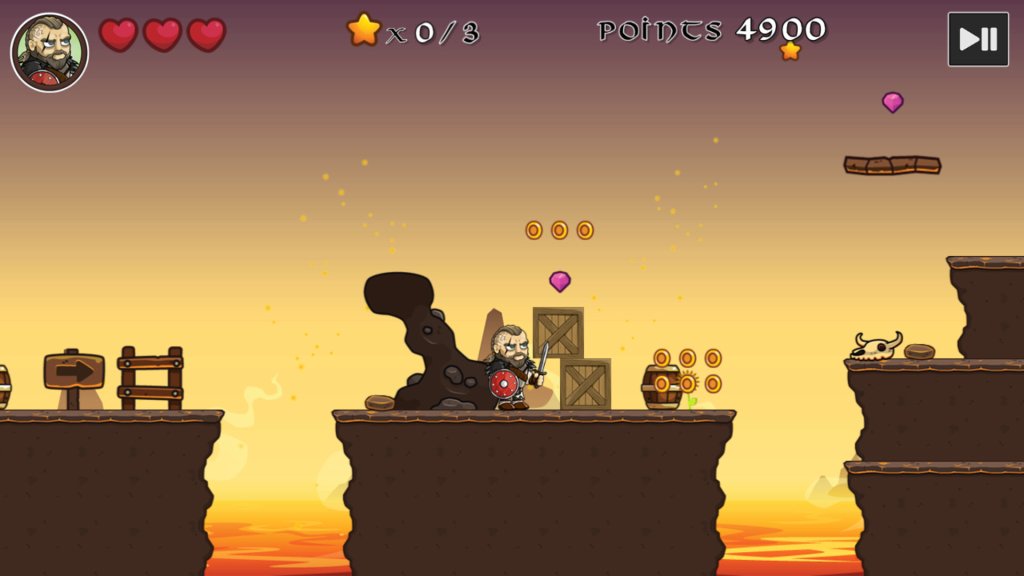
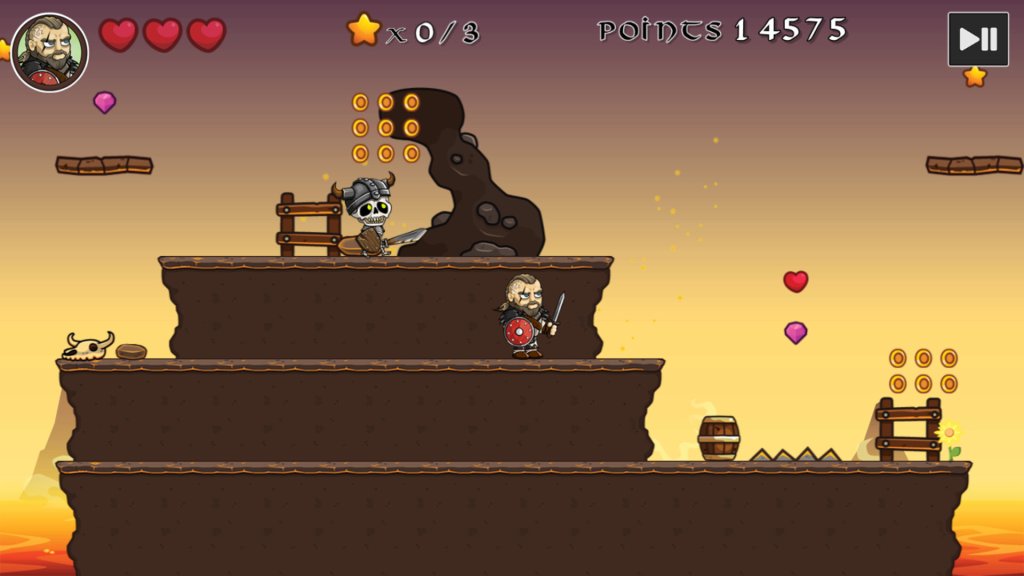
Vikings Vs Skeletons – Another platform game where you play as an Eddie Hall lookalike against skeletons.
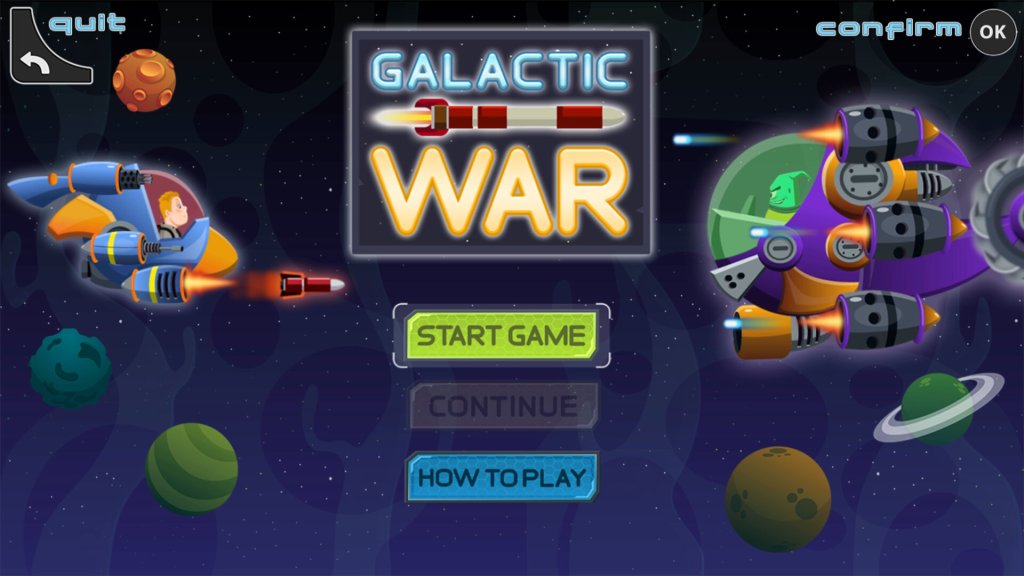
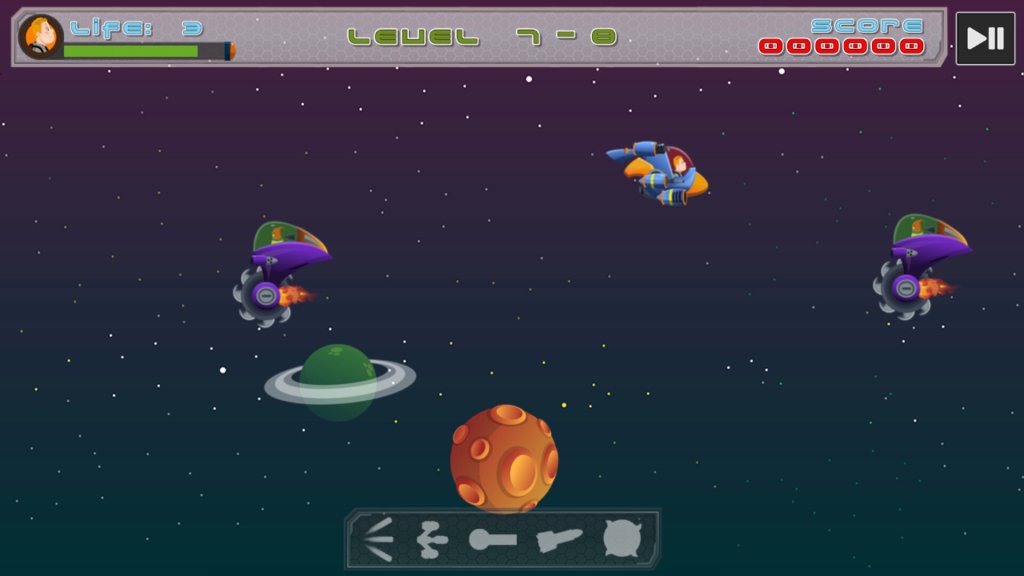
Galactic War – Side-scrolling space fighting game, similar to Space Impact on Nokia Series 40 phones.
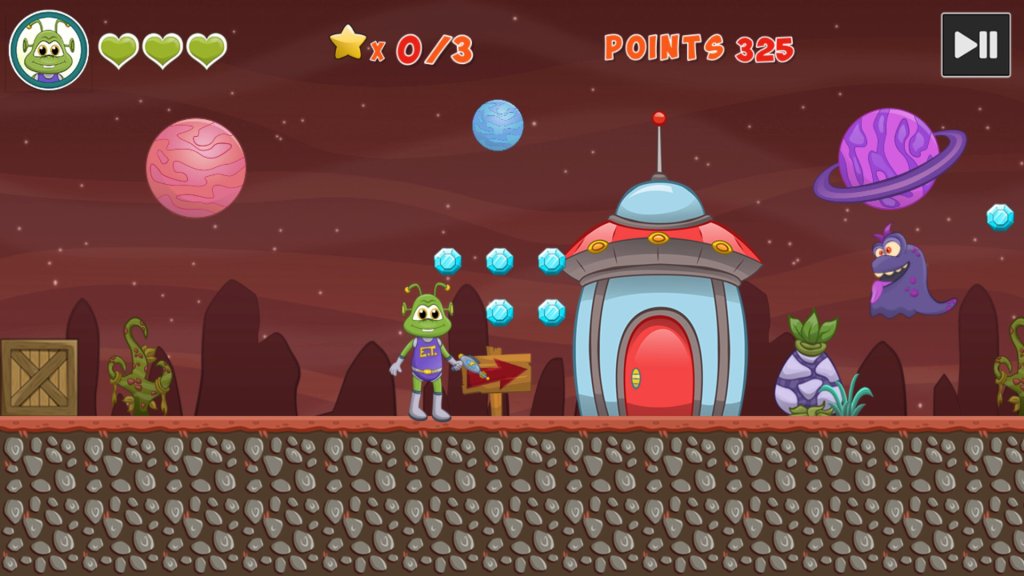
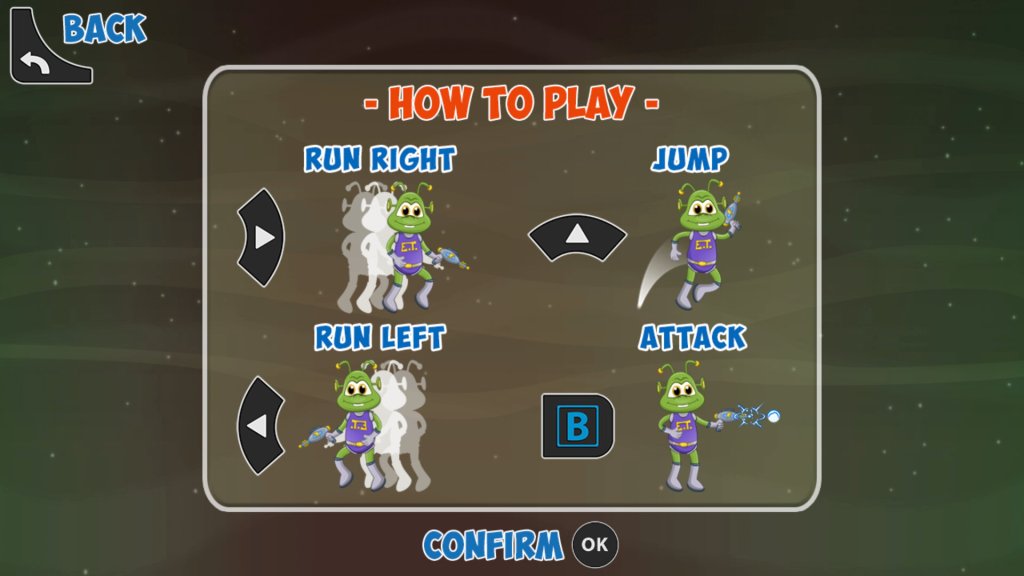
E.T. Game – Platform game where you control a spaced-out space alien
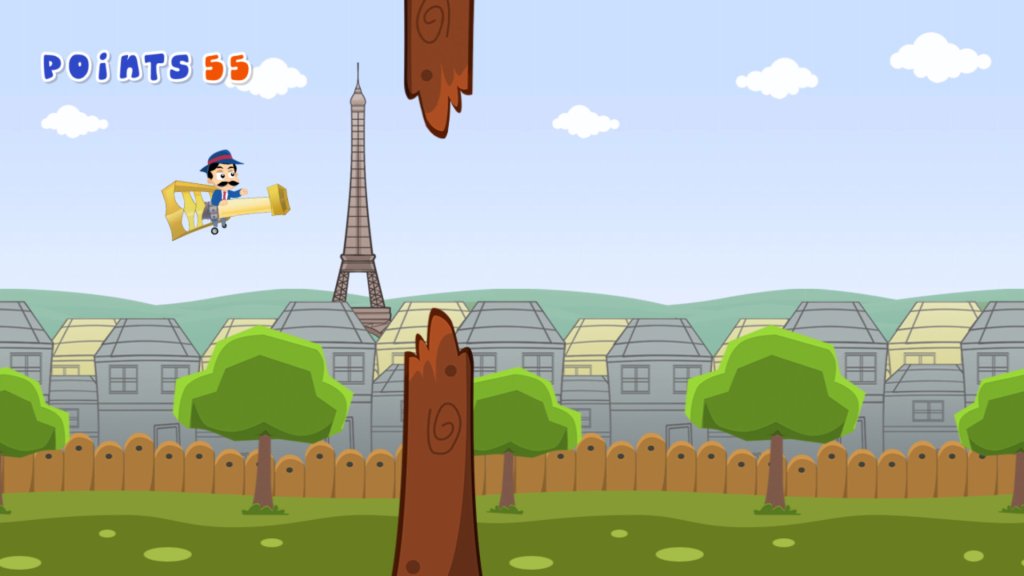
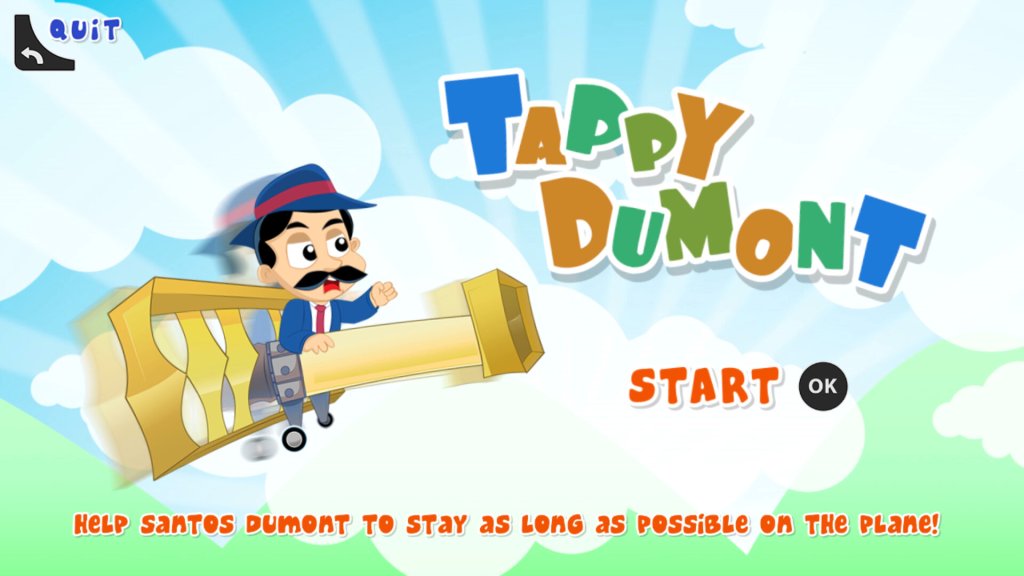
Tappy Dumont – Flappy bird clone
Apps
Plex – Popular local media streaming app, this also comes with FAST (Free Ad Supported TV) live TV channels that are very similar to the ones offered by Netgem itself. Most of these are American and will appeal to niche audiences.
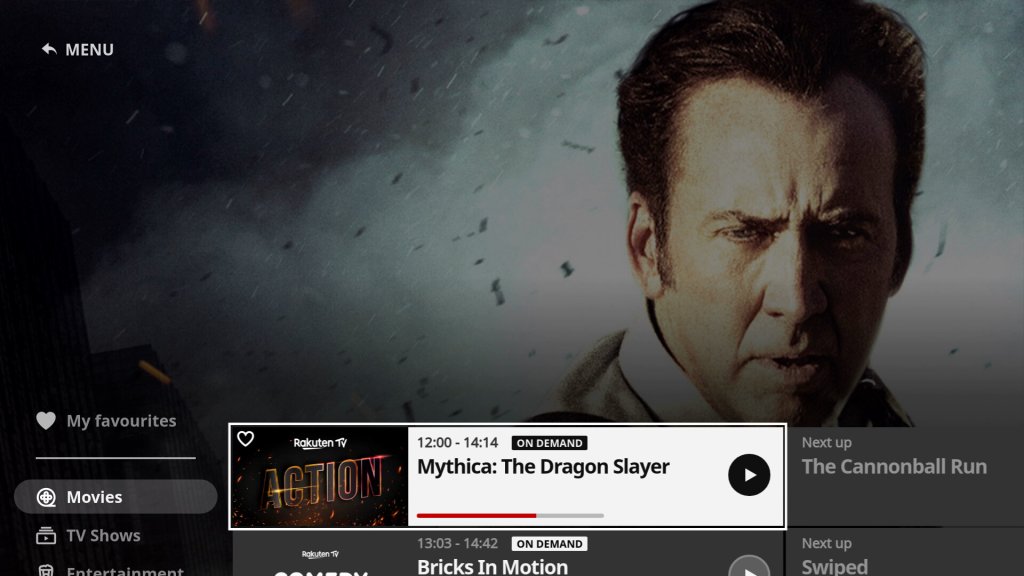
Rakuten TV – an online video store that also provides themed FAST channels. I’m not sure if the guide is supposed to be three-quarters down the screen which makes it difficult to read and navigate.
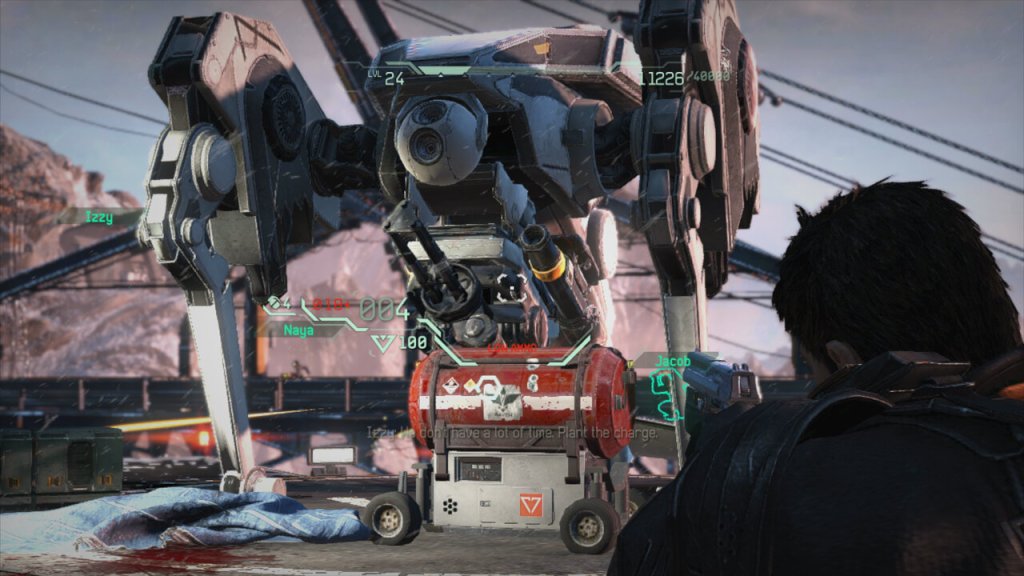
FUSE is a third-person shooter video game developed by Insomniac Games and released in 2013 for the Xbox 360. The game follows a team of four agents known as Overstrike 9 who are tasked with recovering an alien substance called Fuse that has been stolen by a rogue paramilitary organization.
The gameplay in FUSE is primarily focused on co-op multiplayer, where players control the different members of Overstrike 9 with unique abilities and weapons. The game also features a single-player mode where the player can switch between characters on the fly, and an online multiplayer mode that includes cooperative and competitive gameplay. Co-op is where “Fuse” was supposed to shine, but it felt like a missed opportunity. The AI wasn’t the sharpest tool in the shed, making the single-player experience kinda meh. Plus, the lack of real innovation in the co-op mechanics didn’t help it stand out.
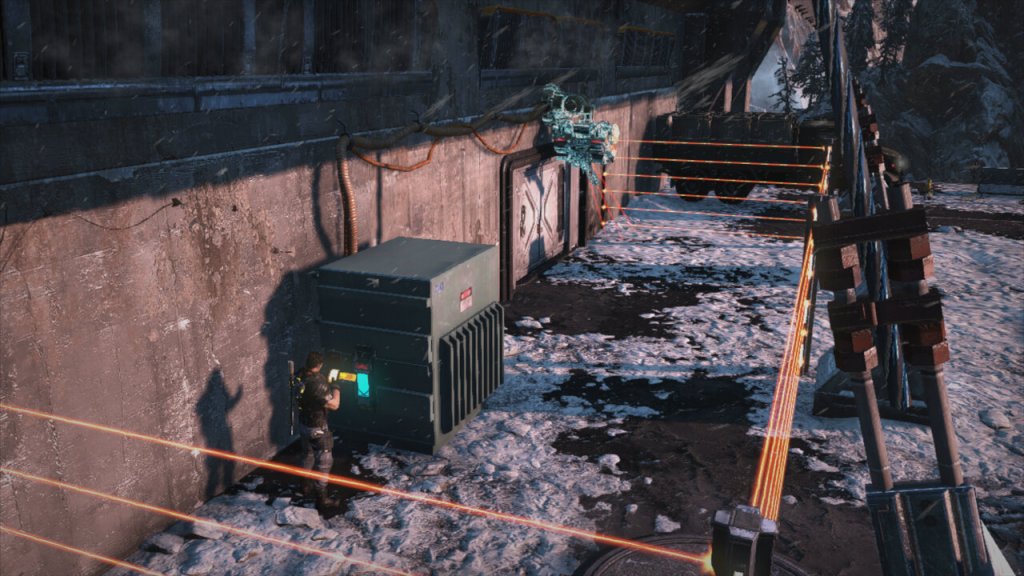
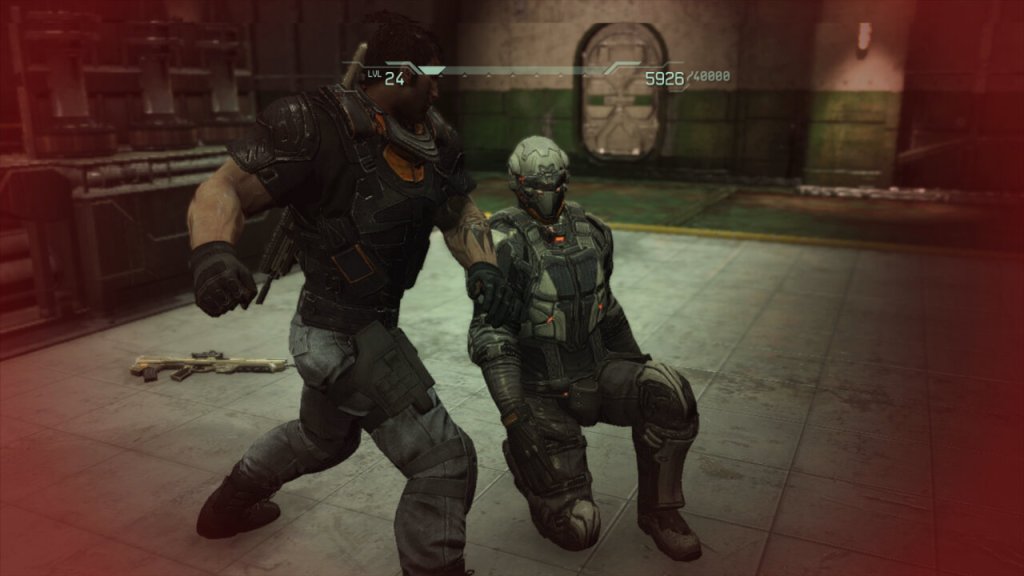
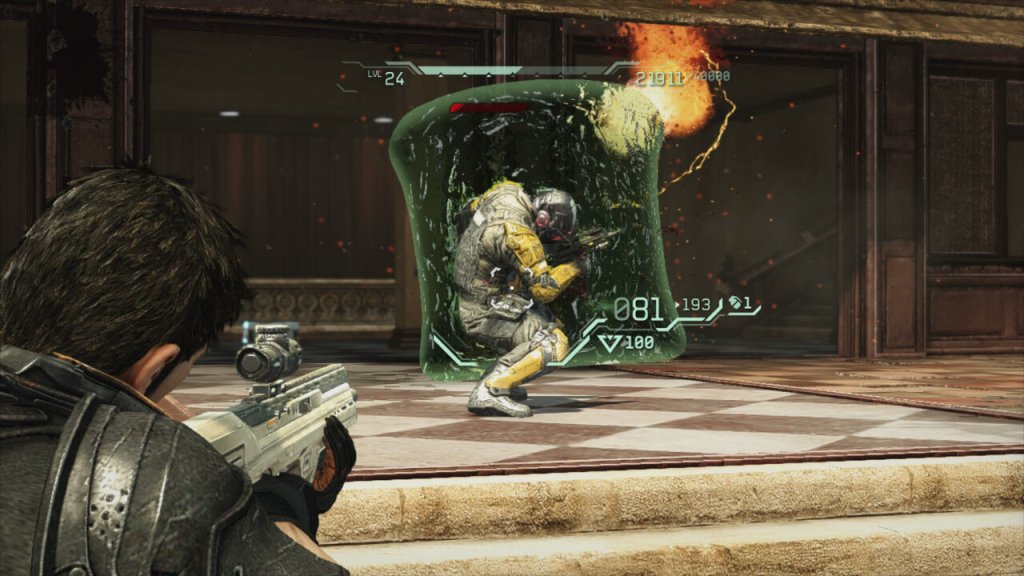
The gameplay in FUSE is solid, with responsive controls and satisfying gunplay. The game also features a cover system that is easy to use and adds a tactical element to the combat. The game’s weapons are diverse and interesting, with each character having access to a unique weapon that can be upgraded over time.
However, one of the main criticisms of FUSE is that it doesn’t do anything particularly new or innovative. While the game’s co-op gameplay is well-executed, it doesn’t introduce any new mechanics or ideas to the genre. The game’s storyline is also fairly predictable and doesn’t offer any surprises.
Additionally, the game’s graphics and presentation are somewhat underwhelming, especially compared to other games released around the same time. The game’s environments are often repetitive and lack detail, and the character models and animations are somewhat stiff.
Characters
One of the strengths of FUSE is its varied cast of characters, each with their own unique playstyle and abilities.
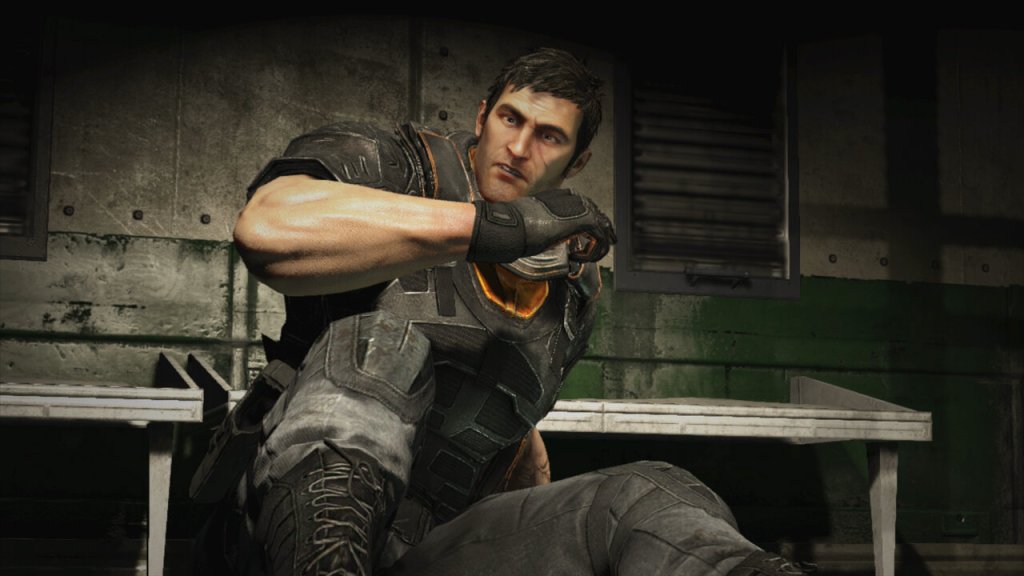
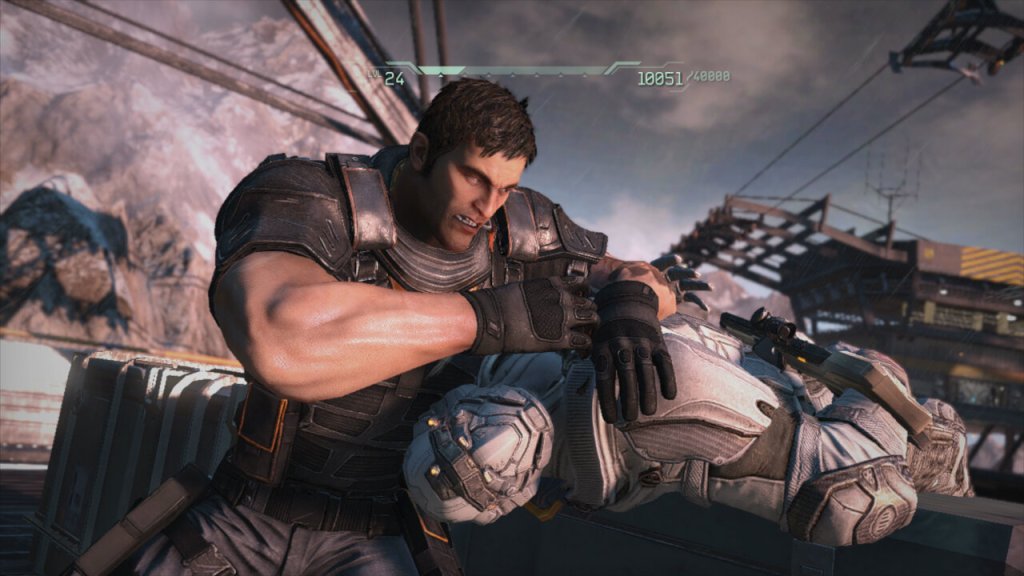
Dalton Brooks – the team leader who specializes in heavy weapons and defense. In combat, Dalton is a heavy weapons specialist, favoring powerful and explosive weapons such as rocket launchers and grenade launchers. He is also the team’s tank, with the ability to deploy his Magshield, a powerful energy barrier that protects him and his teammates from incoming fire. Outside of combat, Dalton is portrayed as a somewhat gruff and reserved character, but with a dry sense of humor. He has a complex relationship with Naya Deveraux, his former lover who betrayed him and the team in the past.
Throughout the course of the game, Dalton confronts his troubled past and the fallout from his relationship with Naya. As the team faces increasingly dangerous foes, Dalton must overcome his own inner demons and learn to trust his teammates in order to succeed. Overall, Dalton is a strong and compelling character. He’s also pretty huge, looking like a Gears Of War character.
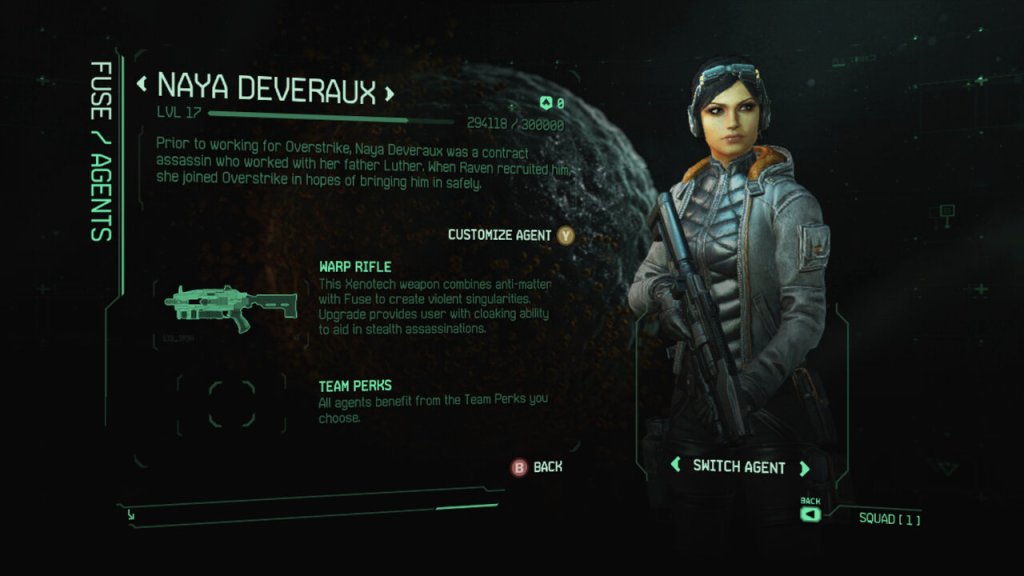
Naya Deveraux – the stealthy assassin who can turn invisible and use her enhanced agility to take out enemies silently.
Naya’s gameplay revolves around her expertise in stealth and precision. She can use her warp rifle to create wormholes, allowing her to manipulate enemies’ positions and open up strategic opportunities for her team. With her assassin skills, Naya is lethal at close range, and players can utilize her abilities to flank enemies and take them down swiftly and silently.
As with the other characters in “Fuse,” Naya’s powers and abilities are meant to complement the rest of the team, encouraging players to work together and use each character’s unique traits to overcome challenges throughout the game.
Izzy Sinclair – the tech expert who uses her Fuse-powered energy barriers to protect the team and heal them in battle. Izzy’s playstyle focuses on using her unique weapon to control the battlefield. By creating black holes, she can disorient and suck enemies into the void, leaving them vulnerable to attacks from her and her teammates. Additionally, her technological skills are essential for hacking systems, gaining access to secure areas, and providing support during missions.
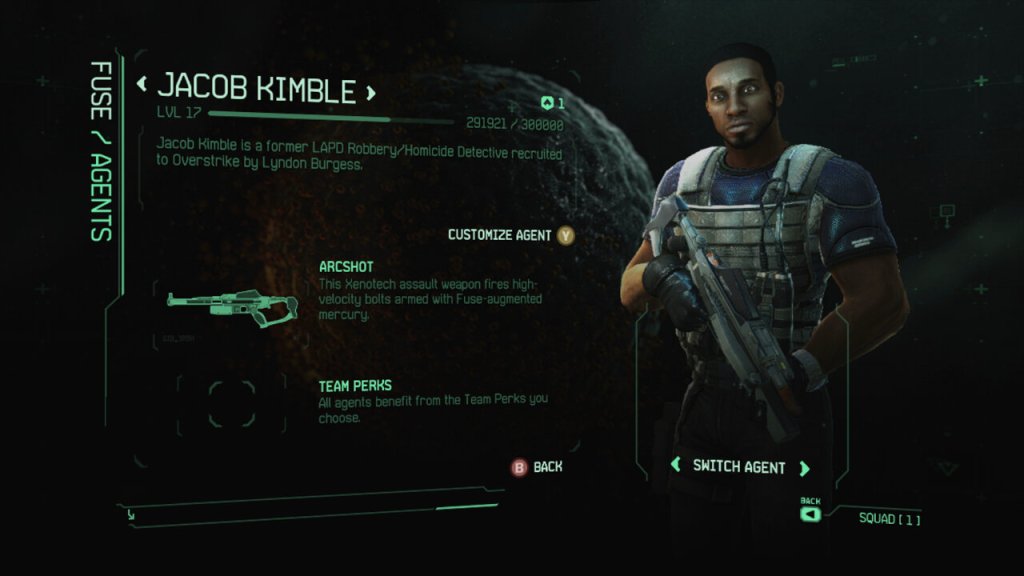
Jacob Kimble – the team sniper who can create miniature black holes to suck enemies into or fire devastating shots with his Fuse-powered weapon. Jacob’s playstyle focuses on precision and tactics. As a sniper, he can take out enemies from a distance and eliminate high-priority targets with ease. His Arcshot crossbow, in particular, allows for some creative and devastating attacks, as the electric bolts can chain between multiple enemies, causing collateral damage.
Versions
FUSE was only released on consoles, it was never officially released on the PC. There isn’t really any major difference between the two consoles, as the game was released late into the console’s lifetime, it’s a pretty well-optimized game.
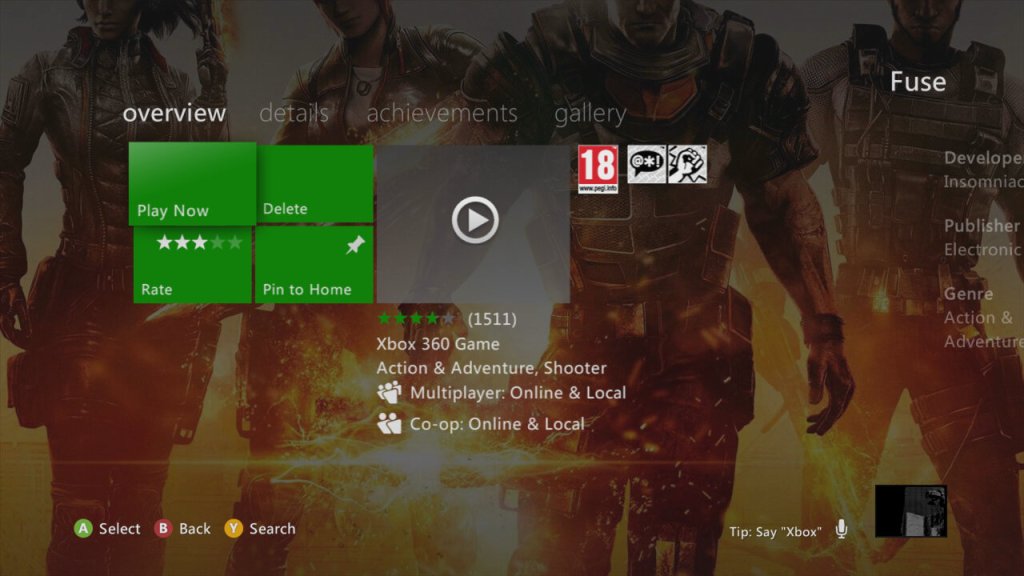
Xbox 360: Works fine and can be installed to the HDD through the dashboard, but is not compatible with the Xbox One
PlayStation 3: Performs just as well as the 360 version, clearly Insomniac have used their expertise from their previous PS3 titles to take advantage of the Cell processor.
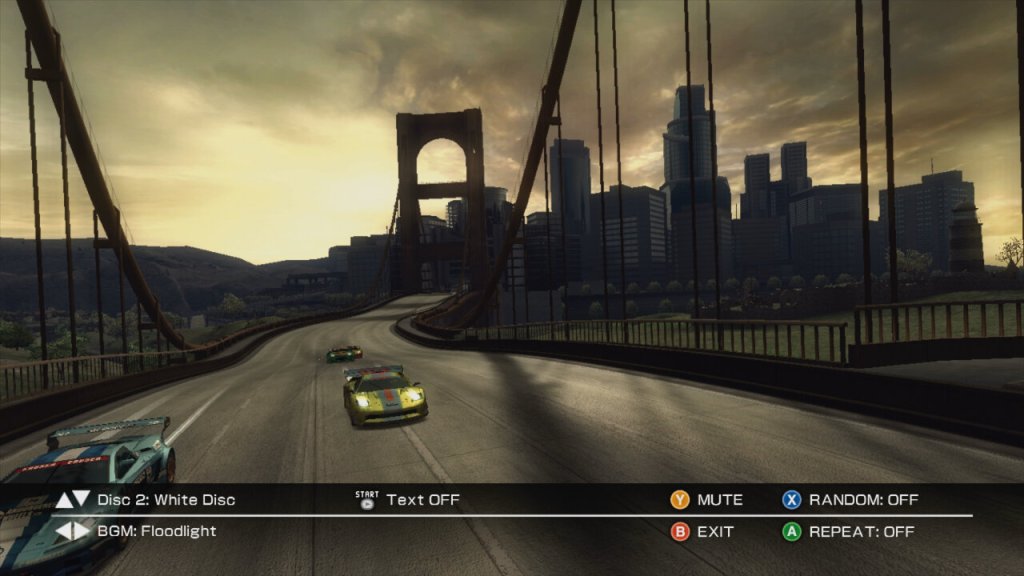
Ridge Racer 6 is a fast-paced and adrenaline-fueled racer that’s easy to pick up and play, but difficult to master. The game features a wide variety of cars and tracks to choose from, each with its own unique handling and feel. The controls are responsive and tight, and the drifting mechanics are especially satisfying. However, some may find the game’s AI to be a bit too aggressive and unfair at times, especially at the last section of the world tour.
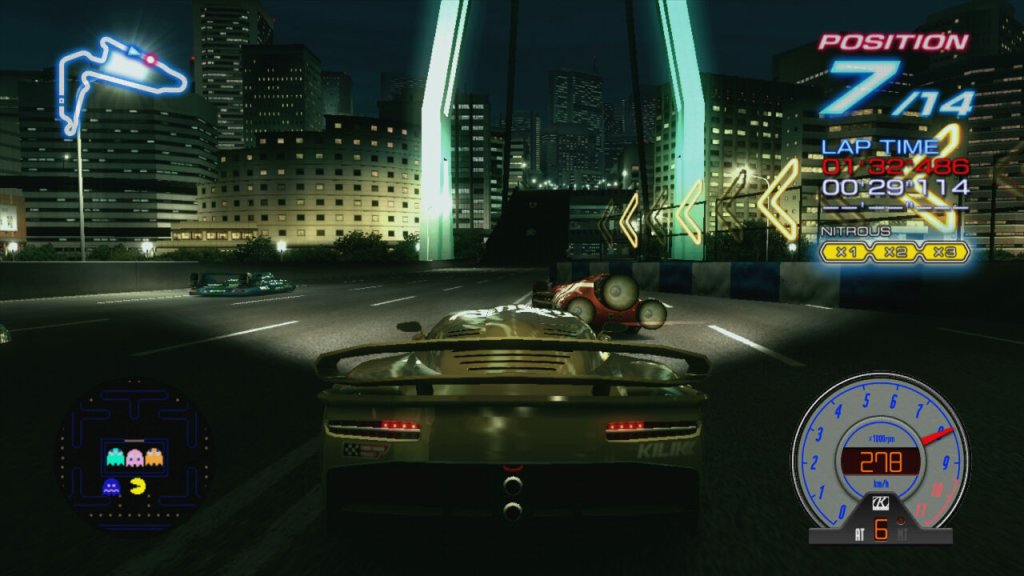
Like other Ridge Racer games, it features a mini arcade game based on a Namco property, in this case it’s the original Pac-Man. The interface is very similar to Ridge Racers on the PSP, with a very similar menu structure and HUD design, this would also carry over to the iOS version.
The game makes use of its own brands of cars that feature unique handling and statistics, with some cars performing better at drifts. Some examples of fictional cars that are known to be included in Ridge Racer 6 include the Kamata Fiera, the Danver Bayonet, the Assoluto Bisonte, the Terrazi Wild Gang, and the Himmel 490B. Each of these vehicles has its own unique strengths and weaknesses.
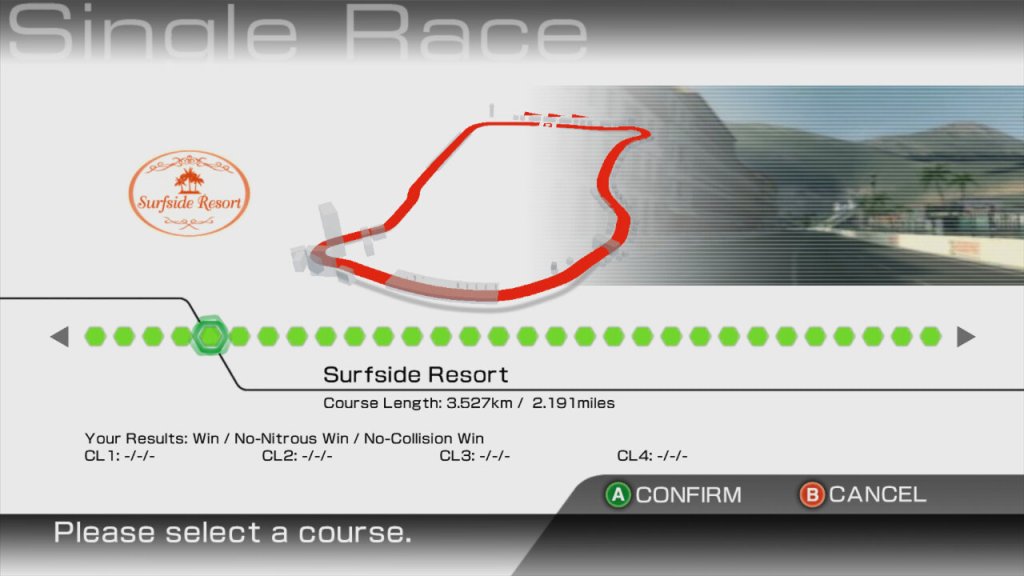
Harborline 765 – a city course that winds through a harbor area.
Southbay Docks – another city course that features tight turns and narrow streets.
Highland Cliffs – a mountain course with plenty of twists and turns.
Sunset Heights – a coastal course with plenty of jumps and high-speed sections.
Midtown Expressway – an urban course with long straights and wide corners.
Seaside Route 765 – a coastal course that takes place along a scenic seaside highway.
Lakeside Parkway – a course that features a long straightaway and tight turns around a lake.
The World Tour mode is a game mode in Ridge Racer 6 that allows players to compete in a series of races across a variety of different locations and tracks. In this mode, players progress through a series of Grand Prix events, with each event consisting of multiple races that take place on different courses. I believe this is also the first Ridge Race title to feature online lay over the internet, using Xbox Live, which remains active to this day.
As players progress through the World Tour mode, they earn points and unlock new cars, upgrades, and tracks. The difficulty of the races increases as players advance through the Grand Prix events, providing a challenging and engaging gameplay experience. In addition to the standard races, World Tour mode also includes a variety of special challenges and events, such as time trials, drift challenges, and lap battles. These challenges offer a unique twist on the standard racing gameplay, and provide an additional layer of depth and variety to the World Tour mode.
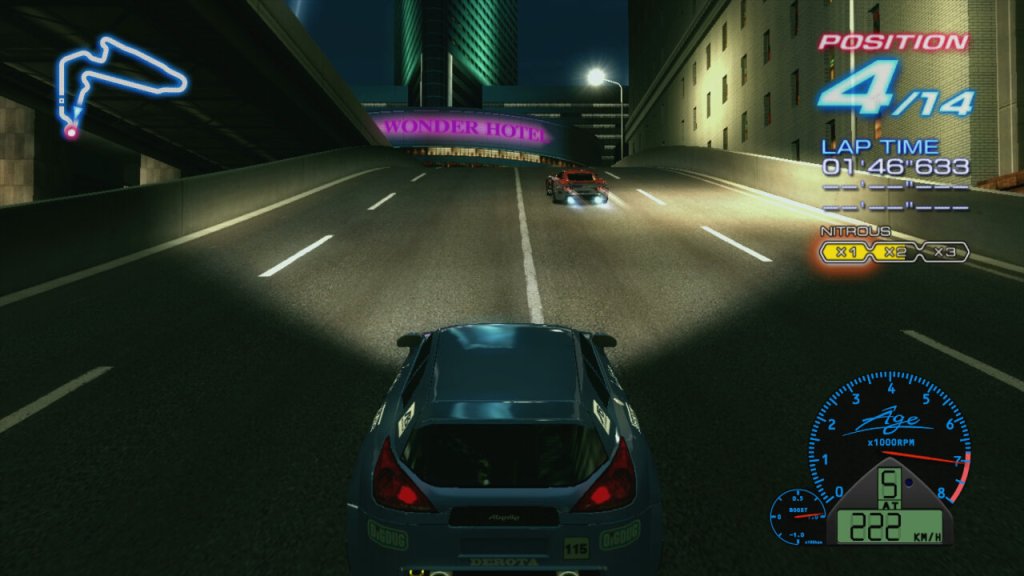
The Nitro game mechanic in Ridge Racer 6 is a system that allows players to temporarily boost their car’s speed and acceleration, giving them a strategic advantage during races. The Nitro system works by filling up a meter that is located on the game’s heads-up display (HUD) when players perform certain actions, such as drifting or drafting behind other cars. Once the Nitro meter is full, players can activate the Nitro boost by pressing a button, which causes their car to accelerate at a significantly faster rate than normal. This can be particularly useful during key moments in a race, such as when players are trying to overtake opponents or catch up to the pack.
In addition to the standard Nitro boost, Ridge Racer 6 also features a “Full Nitro” mechanic that can be activated when players have filled their Nitro meter to its maximum capacity. Full Nitro provides an even greater speed boost than standard Nitro, and can be particularly useful for closing large gaps between players or pulling away from the pack.
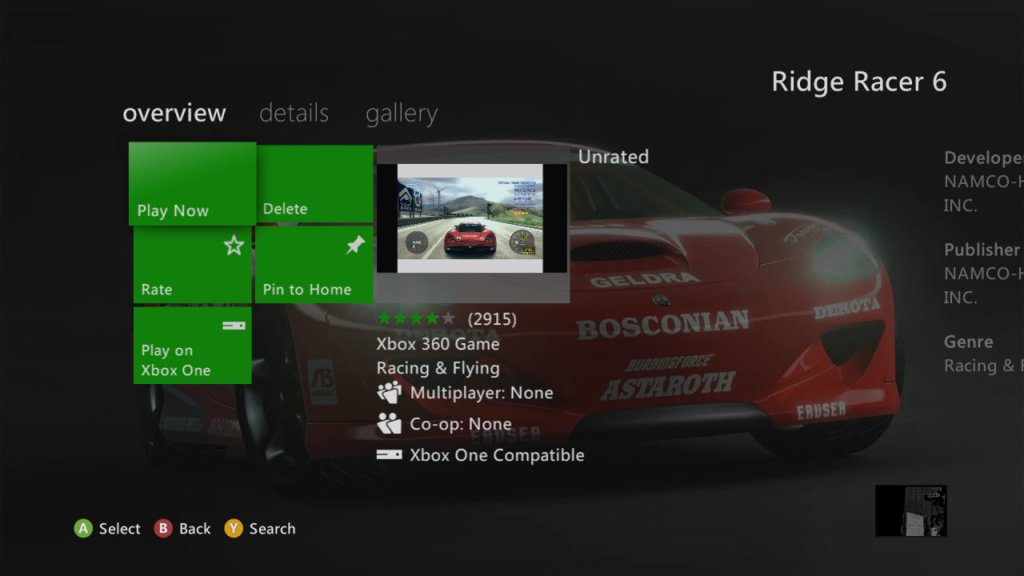
The game was only ever released for the Xbox 360, but was ported to the Xbox One as an Xbox 360 backward-compatible title. This isn’t Xbox One X enhanced which means it does not benefit from the higher resolution the Xbox One X provides.
Many of the tracks and cars appear in Ridge Racer 7, a PS3-exclusive game. Some of the music tracks that feature in R6 could also be downloaded for the PS3 as DLC.
Speaking of DLC there are numerous unlock codes to enable machines to be unlocked, and you can also purchase additional songs that were featured on the PSP version of the game.
The song downloads are rather large for their size, which makes me think these are using a lossless format, or they feature additional files. I always assumed Xbox 360 games used the WMA format for audio, or at least the Xbox version of it which should result in a smaller file size. It could also be for surround sound or additional channels, as the songs have additional effects when you fire off Nitorus.
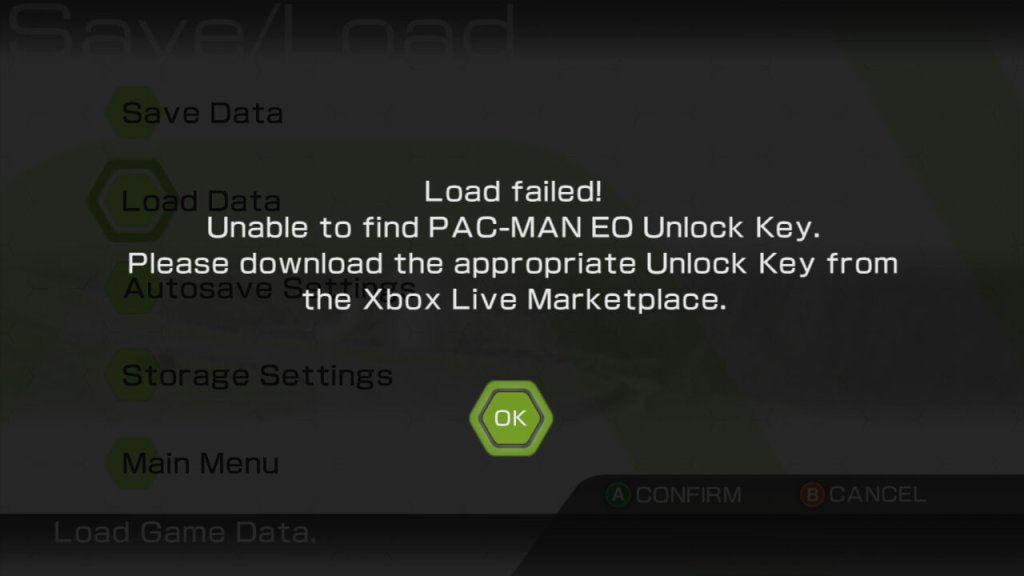
A quick warning, the DLC become attached to your save file and you cannot load your save without them, this becomes more problematic as the Xbox 360 store becomes more ‘broken’. In order to redownload the DLC I had to navigate through the download list in the Settings/Account section of the Xbox dashboard. They no longer appear in the game information tile of the dashboard.
A better way is to purchase them from the Xbox One store (console or Web) which will then push them to the top of the download list on the Xbox 360, which makes it easier to download. Remember to save the files to the same storage location as your gamesave, the hard drive or memory unit is best.
Also a nice touch, you can change the race announcer from the standard voice to the robotic system voice, or Heiachi from the Tekken series. And there’s an option to lay the Mac-Man game from earlier.
Overall, Ridge Racer 6 is a fantastic racing game that’s sure to please fans of the genre. The game’s stunning visuals, tight controls, and satisfying drifting mechanics make for a truly exhilarating experience. While some may find the game’s AI to be a bit too aggressive, it’s a small price to pay for an otherwise fantastic racing experience. As it stands, it was a great launch for the Xbox 360, and a taste of what HD gaming would bring for racing games.
Inversion, released in 2012 for multiple platforms, aimed to offer a unique twist on the shooter genre with its gravity-manipulating mechanics and a focus on destructible environments. Developed by Saber Interactive and published by Namco Bandai Games, it generated some initial buzz due to its innovative concept.
It’s best thought about as a Gear of War clone with gravity gameplay mechanics.
The story of Inversion centers around the protagonist, Davis Russel, and his quest to rescue his missing daughter in a world invaded by an alien force known as the Lutadores. Set in the fictional city of Vanguard, the game explores the aftermath of a catastrophic event called the Inversion, where gravity has been altered, leading to widespread destruction and chaos. Davis Russel, a police officer, and his partner Leo Delgado find themselves separated from their families when the Inversion occurs. As Davis navigates through the decimated city, he discovers that the Lutadores are using their advanced technology to control gravity and oppress humanity. Davis encounters an underground resistance group called the Resistance 33, led by a man named Dr. Raymond Gonzales, who holds knowledge about the Lutadores and their motives.
Throughout the game, Davis embarks on a journey to find his daughter and unravel the mystery behind the Inversion. Along the way, he confronts various Lutadores forces, including powerful bosses and their minions. Davis gains access to a gravity-manipulating weapon known as the Gravlink, which allows him to manipulate gravity, alter the environment, and combat enemies. As the story progresses, Davis discovers the Lutadores’ true intentions and their connection to his missing daughter. The narrative explores themes of family, sacrifice, and the fight against oppression. Davis must overcome personal challenges and make difficult choices to save his daughter and liberate humanity from the grip of the Lutadores.
Inversion’s core gameplay mechanic revolves around manipulating gravity to alter the environment and combat situations. While the concept was intriguing, the execution left much to be desired. The gravity manipulation abilities lacked fluidity and precision, making it challenging to execute actions with the desired accuracy. The controls felt clunky and imprecise, hindering the overall enjoyment and responsiveness of the gameplay.
Inversion features numerous combat encounters throughout the game. However, the combat lacked depth and strategy, resulting in repetitive and monotonous gameplay. The enemy AI is often predictable, and the lack of varied enemy types and tactics diminished the challenge. Additionally, the AI of allied characters proved to be lackluster, failing to provide meaningful assistance or engage players in cooperative gameplay elements.
One of the touted features of Inversion was its destructible environments. Players could use gravity manipulation to collapse structures and create cover. While this added a layer of dynamism to the gameplay, the destructibility felt scripted and limited, lacking the freedom and interactivity seen in other games with similar mechanics. The impact of environmental destruction on gameplay and strategy was not fully explored, resulting in missed opportunities to enhance the overall experience. In most cases, you will use the gravity mechanics to clear debris so you can progress to the next area and that’s about it.
They really could of added secret areas to the levels that could have been uncovered using gravity that would reward you with additional ammo or collectibles that could flash out the backstory. Again very similar to Gears Of War but it adds a lot more depth to the game itself.
Versions
Like most seventh-generation games, it was released on the HD twins (Xbox 360 and PS3) and on the PC (Windows). Nowadays it’s difficult to obtain this game digitally, meaning physical copies are the only feasible way.
Windows
This version was available on Steam, but has since been delisted for users outside North America. I had issues running the game on Windows 10 & 11, with the game refusing to launch. Only way to play the game was to use an older Windows 8 machine. There are supposedly fixes available online but unfortunately I was unable to get them to work.
Also announcing is the lack of Stream achievements despite this game being released in 2012, many Steam games were supporting achievements by then.
Xbox 360
The preferred console platform, but sadly this is not compatible with the Xbox One.
PlayStation 3
Pretty much the same as the 360 version but suffers from a lower frame rate.
The follow-up to the Galaxy S, which would become the staple Android handset, a highly popular smartphone that was released back in 2011. This was when Samsung started to become the goto Android manufacturer, and the main competitor to Apple’s iPhone 4S
The Galaxy S2 initially launched with Android 2.3 Gingerbread and later received updates to Android 4.1 Jelly Bean. Samsung’s TouchWiz user interface was layered on top, which added some extra features and customization options. However, over time, the device started to experience slowdowns and lacked software updates, as is often the case with older smartphones.
TouchWiz UI
TouchWiz was the main user interface that Samsung had developed and gave the device its unique identity compared to other Android handsets. Elements of the Fruitger Aero design can be seen, though the style was already on the decline with the majority of software moving to the flat design (Windows Phone)
TouchWiz offered a visually appealing and user-friendly interface. It featured colorful icons, smooth transitions, and a customizable home screen. Users could add widgets, shortcuts, and folders to personalize their devices. The notification bar in TouchWiz provided quick access to notifications, such as messages, missed calls, and app alerts. It also included toggles for commonly used settings like Wi-Fi, Bluetooth, and screen rotation and can be customized by the user to add additional shortcuts.
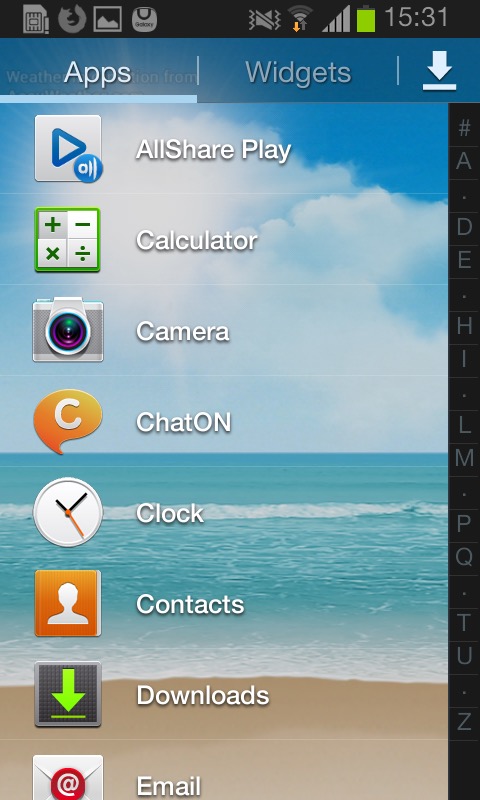
The app drawer housed all the installed applications on the device. TouchWiz offered a grid-based layout, allowing users to arrange and organize their apps as per their preferences. Users could also create folders within the app drawer for better app categorization.
TouchWiz on the Galaxy S2 introduced several motion and gesture-based features. For example, users could tilt the device to zoom in on images or webpages, turn over the device to mute incoming calls, or swipe their finger across the screen to capture a screenshot. The Smart Stay feature used the front-facing camera to detect the user’s eye movements and kept the screen on as long as they were looking at it, helping to prevent the display from timing out while reading or viewing content. The phone will occasionally notify you. of these gesture features when they are useful.
The task switcher is activated by holding down the home button. Clicking on the pie menu on the bottom left takes you to the active applications window, where you can force quit running applications that are in the background. It will also show currently available memory, and the amount of storage in the handset. In essence this is very similar to the Windows Task Manager or the System Monitor in Mac OS X.
Another nice feature where the default live pictures change based on the time of day. The Samsung D900 also did something similar to this with its default theme.
And the notification bar that’s pulled down from the top of the screen, which allows quick access to common phone functions like Bluetooth or settings. You can scroll through the top bar by sliding, which will reveal additional settings like power saving, or mobile data.
Apps
The Samsung Galaxy S2 came preloaded with several exclusive bundled apps that were designed to enhance the user experience, at a time when Samsung wanted to differentiate their Android phones from competitor handsets and to be a better competitor for Apple:
Samsung ChatON: This was a messaging app developed by Samsung that allowed users to send text messages, and multimedia messages, and engage in group chats. It also supported sharing of images, videos, and voice messages. Whist commonly bundled with Samsung handsets, Samsung did allow other smartphones to use the service and was also made available on Windows Phone. It was shut down as Whatsapp and Telegram were much more popular.
Samsung Apps: This was Samsung’s own app store, similar to Google Play Store, where users could discover and download apps specifically optimized for Samsung devices. Surprisingly this still works and I was able to create an account, though signing in is a mess since it has to open a separate browser to facilitate a two-step login.
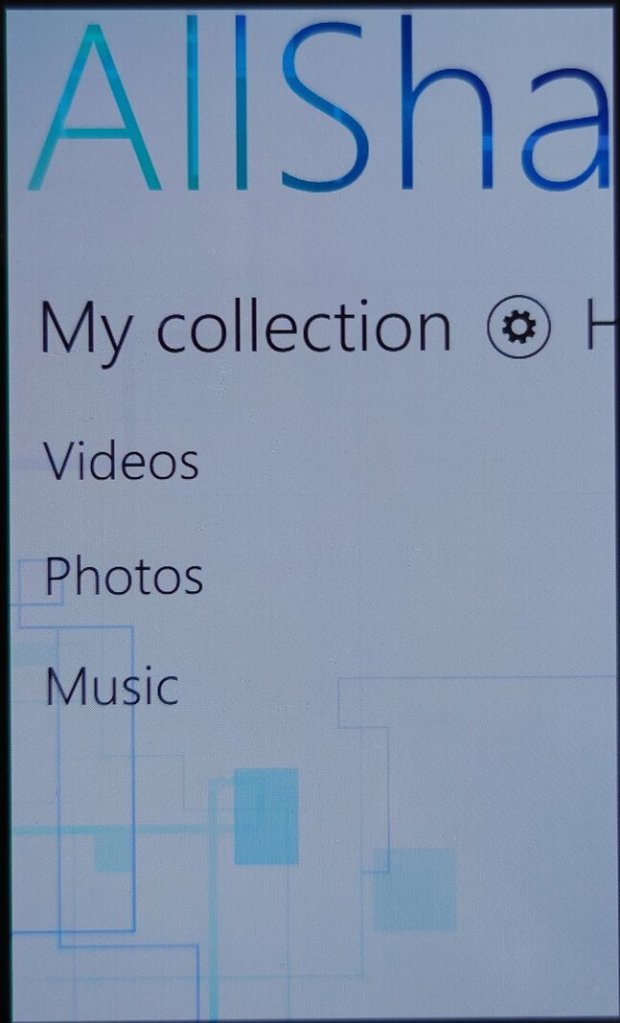
AllShare: This app enabled users to wirelessly stream and share content, such as photos, videos, and music, between the Galaxy S2 and other compatible devices on the same network, like smart TVs and laptops. I’d say this would use DLNA, but it requires an account to setup which is no longer possible.
Voice Talk: This app aimed to provide a hands-free and convenient way to interact with the device, especially when users were unable or unwilling to use the touchscreen interface. With the Voice Talk app, users could activate their phone’s voice recognition system by launching the app or using a designated hotkey. Once activated, users could speak commands or requests, and the app would interpret and execute them.
As this was before the days of Google Assistant integration, this was a useful feature, although now obsolete as it’s now bundled with the latest Android releases. Common tasks supported were making phone calls, Sending messages, Opening apps, performing web searches, settings reminders & alarms, and controlling the music player.
Game Hub: provided a centralized platform for accessing and downloading games. It was designed to enhance the gaming experience on Samsung devices and offer a variety of gaming options to users. This was mainly to compete against Xbox LIVE integration on Windows Phone, and Game Center on iOS, which allowed users to keep track of achievements and leaderboards with other users. Google had yet to introduce this functionality, and would later do so under Google Play Games.
Radio: Plays FM radio and can store presets. There’s. a very skeuomorphic design with a radio dial being represented here, it’s clear Samsung was trying to mimic Apple’s design language of the era, though I do like Samsung’s twist on the design.
My Files: The phone’s file manager that lets you browse selected folders on the handset’s internal memory, or a microSD card if one is inserted. One hindrance is only one storage medium can be browsed at a time, you have to manually change the paths of the folders to either the internal storage or the memory card. Though when you insert memory card for the first time, the phone automatically changes this to the card.
I can kind of understand this, as it simplifies the storage setup on the phone, Samsung assumes the memory card will be used for multimedia content like music or photos, with the internal storage being left for the apps. I believe Android upon the phones release restricted apps to just run from the internal storage.
Power users on the other hand might prefer to use another app that gives them more access to the phone’s storage.
Gallery: Similar to the file manager but focuses on photos captured with the camera, and any screenshots that have been taken. Albums can be sorted by date taken, location (If GPS tagging was enabled) or if the photo contains a specific person (set manually). Within this you can rotate, crop, edit or set the photo as wallpaper. Printing is also supported, but only supported Samsing printers can be used that support Wi-Fi direct.
S Planner: Samsung’s calendar application, and an alternative to the Google calendar. As with other calendar apps, events and reminders can be added in the future and are synced with the Samsung account on the phone.
Other productivity apps that are included include the Calculator, Clock, Email client and a basic internet browser based on Chromium.
Music Player: Plays back MP3 and AAC files located on the phone’s storage. A simple equalizer (SoundAlive) lets you choose from different presets. You can also stream music from different DLNA sources, like a NAS server. There is also a music sequencer that lets you choose tracks based on them being Calm, Joyful, Exciting or Passionate, though none of them would open any tracks, so I’m not sure how this works. There is a quick list that you can add songs to, which acts as a playlist.
Messaging: Standard text messaging apps that has support EMS and MMS. Like iOS and Windows Phone, a threaded view is used by default. Templates are integrated by default and can be inserted into any message, along with smilies (predecessor to Emoji’s)
Another app known as Messenger+ is included, but I believe this was an old instant messenger supported by Google that is now defunct.
Mini Diary: Very similar to what was found on the Omnia W, you can create diary entries and add any photos or videos, along with a location. Useful to keep track of any memories, but is not exportable to any other application or online service.
Readers Hub: A convenient app for accessing and reading various types of digital content, such as e-books, magazines, and newspapers. Very similar to Apple’s Newsreader that was introduced in iOS 5. Readers Hub offered access to a vast library of e-books, allowing users to browse, purchase, and download e-books directly to their device. It supported various e-book formats and provided features like bookmarking, text highlighting, and adjustable font sizes for a customizable reading experience.
The app also provided access to a wide selection of digital magazines across different genres and interests. Users could subscribe to their favorite magazines or purchase individual issues, which could be read in a digital format with features like page flipping and zooming. Lastly, allowed users to access digital versions of newspapers. It offered a range of newspapers from different regions and provided a convenient way to read daily news and articles on the device.
Group cast: This was an app designed to allow sharing and viewing of content among multiple devices. The app allowed users connected on the same network to share and display their device’s screen in real-time on other devices participating in the Group Cast session, sort of like Miracast but restricted to supported Samsung devices which limits its usefulness.
When creating a session, a PIN is created to restrict access on who can access the session, who can then join provided they are connected to the same Wi-Fi network.
Memo: Simple note-taking app that supports sync with Google Docs
Video:The video app allows users to play various video formats directly on their phone. It supports common video file types such as MP4, AVI, MKV, WMV, and more. The app typically offers basic playback controls like play, pause, rewind, fast forward, and seek. Basic editing is supported for videos captured with the internal camera where videos can be trimmed/clipped.
Lastly a look at the clock app which offers the ability to set an alarm, along with a timer and stopwatch. There is a briefing alarm feature that reads out the time, upcoming schedule, weather forecast and current news headlines, very similar to what Google Assistant offers.
Widgets
TouchWiz introduced a range of widgets that users could place on their home screens. These widgets provided quick access to information and functions, such as weather updates, calendar events, news feeds, and music playback controls.
Like on other Android handsets, Widgets let users pin accessible sections of apps for quick reference or as a shortcut.
Shows your frequently accessed apps, settings or contacts.
Various clock faces can be set and displayed on the home screen
Quickly access the radio, and any stored frequencies
Quickly create a new diary entry
Shortcuts to the S Planner, which is the default calendar application for Samsung phones. From here you can quickly create a new calendar event or task.
Settings Menu
The settings menu is divided into several categories:
Wireless & Networks: Wifi, USB and Bluetooth settings. Also lets you configure DLNA configuration for sharing media. Wi-Fi Direct can also be configured here for local device-to-device sharing.Wi-Fi direct can be enabled here for connection to other wireless devices, and you can check the mobile network data usage.
Device: This has options for sound/display/storage and power settings. You can also enable the blocking feature which will backlist certain contacts or notificatins, like an early Do not disturb mode.
Personal: Settings in relation to locking/unlocking the device, and security settings.
Accounts: Shows any accounts that are setup on the device, be default you will see your Google and Samsung accounts, but additional accounts will show up here as you install third-party apps.
Storage is a little odd on this phone, there’s 2GB of main storage, plus 11.5GB ‘USB Storage’ which appears to be internal to the phone, along with SD card storage if one is inserted. I’m not sure why the internal memory is split into two, possibly to get around current Android storage limitations. The phone does support dedicated USB storage when you connect to a computer, so possibly it’s intended for direct access to the content files on the phone, as an alternative to MTP (Which is also supported), maybe Samsung wanted to give the user the luxury of two methods?
Although there are options to clear memory, Android automatically suspends tasks that are not currently in use to conserve battery power, normally the user does not need to do this.
PC Software
Kies: Kies provided both wired and wireless connectivity between the Galaxy S2 and a computer, allowing users to transfer files, sync data, and manage their device using a Windows or Mac computer.
Kies can transfer (Sync or Manual) music to either internal storage of onto the memory card. Songs that are transferred are not automatically updated by the phones music app, instead you have to wait a few minutes for the app to update with the newly added songs.
You can also optionally install the AllShare client for Windows, which lets you push content using DLNA.
Lastly, shutting down the S2. This menu appears when you press the lock/power button.
A mid-range smartphone released in 2011 and part of the second generation of Windows Phone 7 devices which see an increase in the processing power and shipping with the Mango update by default.
The Omnia W has a sleek and stylish design with a 3.7-inch AMOLED display. It has a solid build quality and feels comfortable to hold, though its plastic feels a tad on the cheap side.
Powered by a 1.4 GHz single-core processor and comes with 512MB of RAM along with a Adreno 205 GPU which gave it better performance. Even with stock apps the performance increase is noticeable with the Xbox Avatar app having a much smoother framerate compared to Adreno 200 devices like the LG Optimus 7. Out of the box the smartphone runs on Windows Phone 7.5 Mango OS, which is a stable and reliable operating system. The phone performs well for basic tasks like web browsing, email, and social media though at the time it had access to the Windows Phone store which has now since been discontinued.
Storage is where the Omnia W falls, as it comes with 8GB of internal storage, which is non-expandable. Compared to the Optimus 7 that had 16GB, its a step backward for those that want to store more. Microsoft had launched the Zune music pass at around this time, which would as stream music rather than have it saved locally on the handset itself. Like other Windows Phone devices, the Zune software is used to sync media to the phone.
Applications
There were some exclusive apps available for the Samsung Omnia W that were not available on other devices running on Windows Phone 7.5.
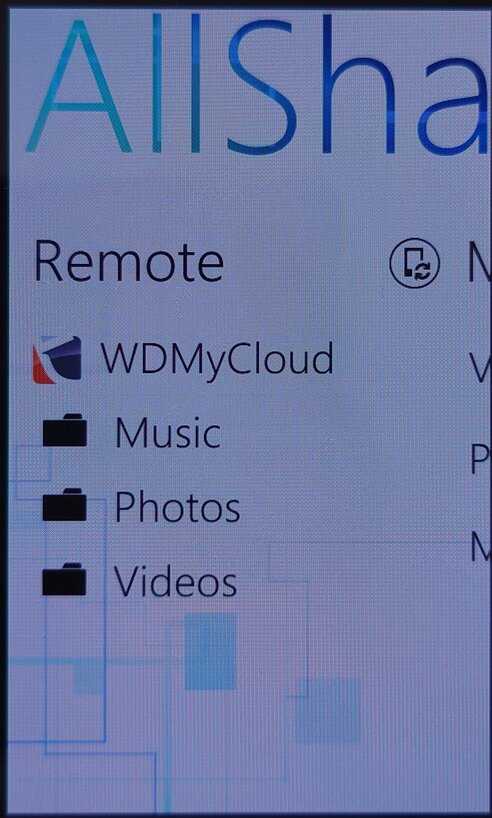
AllShare: This app allowed users to stream media from their phone to other compatible devices, such as a TV or a computer. This uses the DLNA protocol to share to a supported device on the same network. As Windows Phone did not have native support for DLNA, many manufacturers would bundle their own media player apps that supported it. Also screen casting/mirroring wasn’t a thing back then, or was very uncommonly supported so DLNA acted as a good workaround to push content onto an external screen or device. Several Android handsets would do the same, at least until Miracast became standard.
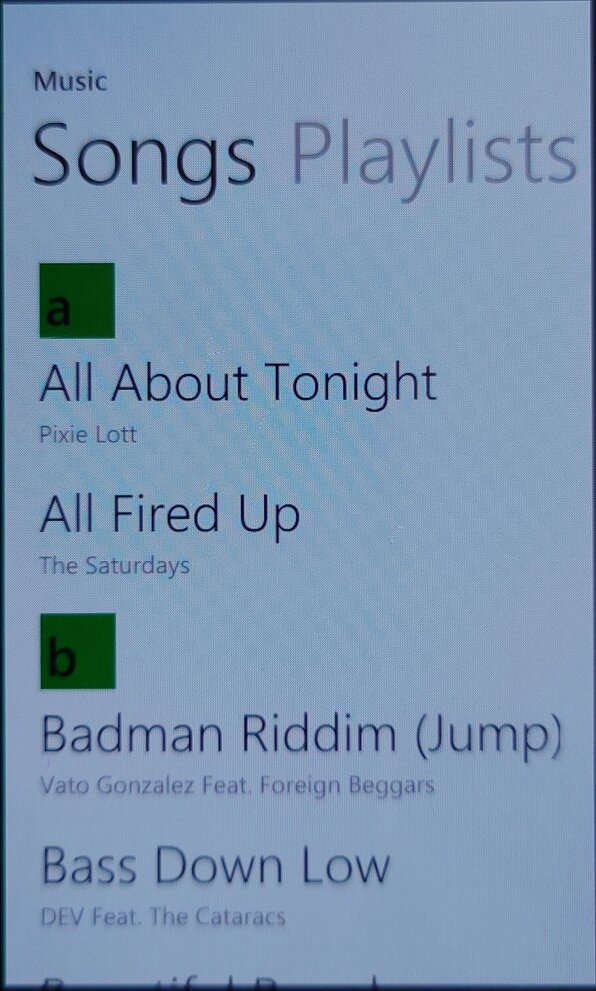
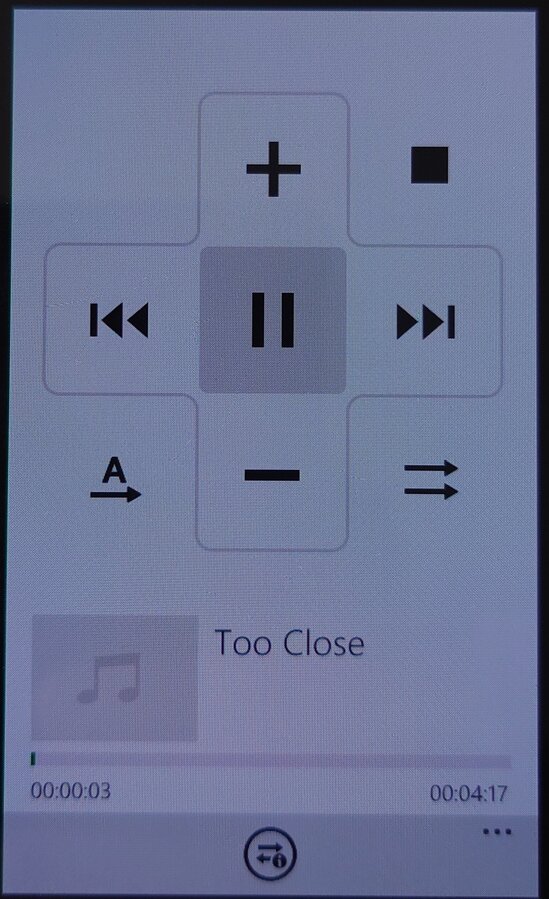
The app is able to pull music from an external source or server, and push it to another DLNA-compatible device, in this example I was able to stream from my MyCloud DLNA server, and cast it to a Panasonic smart speaker.
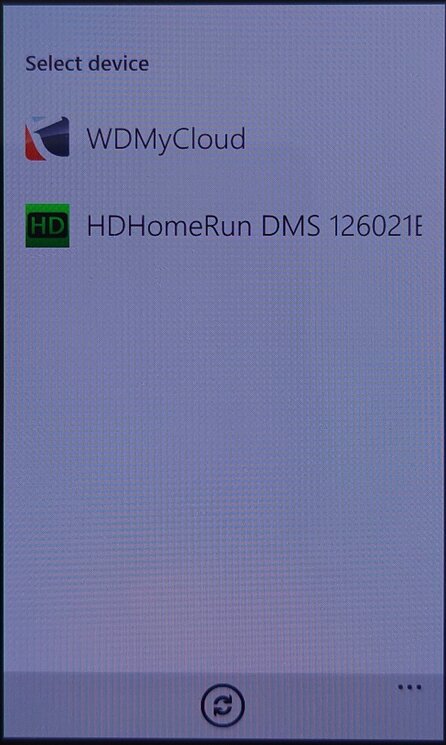
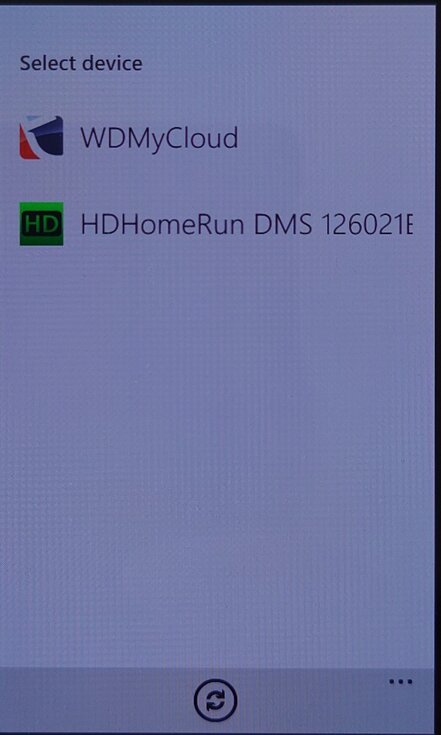
Not all devices were supported, my PS3 and Sony Android smart TV did not appear in the device list, the HDHomeRun appeared but nothing could be done with it.
Family Story: This app allowed users to share photos, videos, and messages with family members and friends who were using a Samsung device.
Fun Shot: This app provided users with a variety of camera effects and filters to enhance their photos, example effects are bulge, pinch, twirl, twist and stretch. Many of these were not supported in the stock Windows Phone camera app.
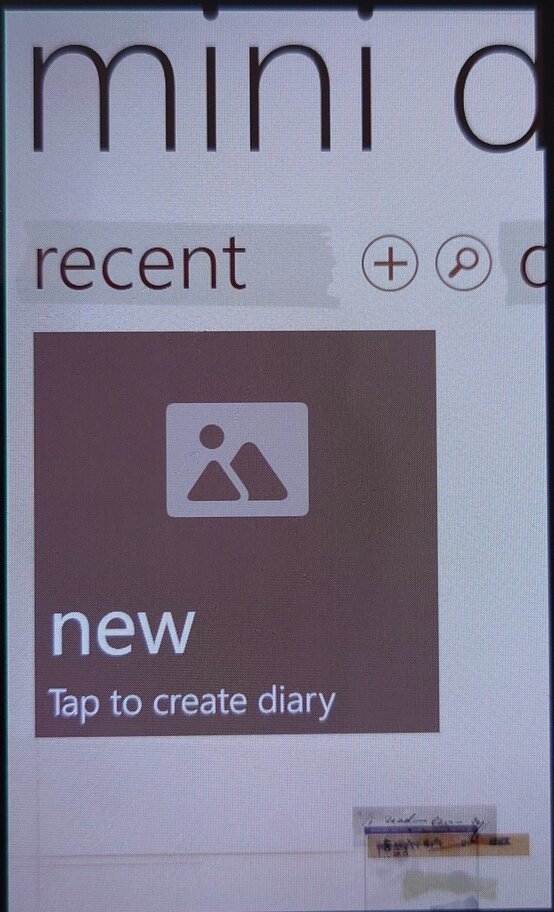
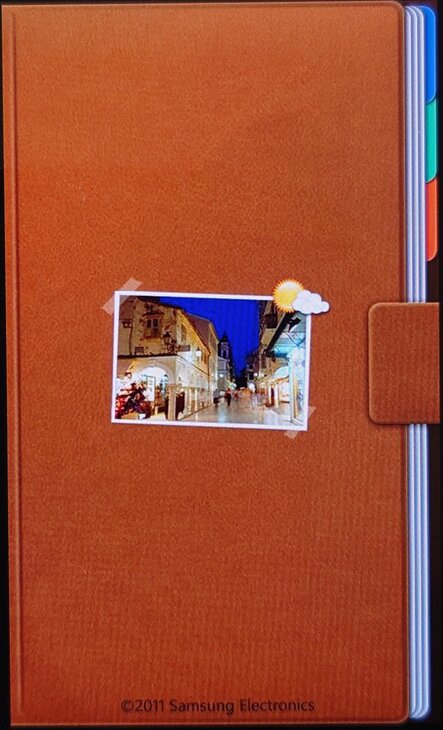
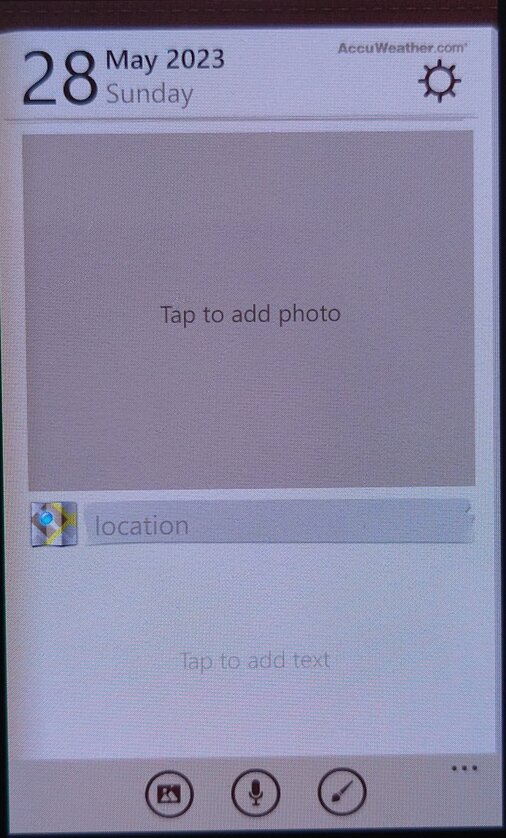
Mini Diary: This app allowed users to create and save notes, photos, and other information in a digital diary. Kind of like a digital scrap book.
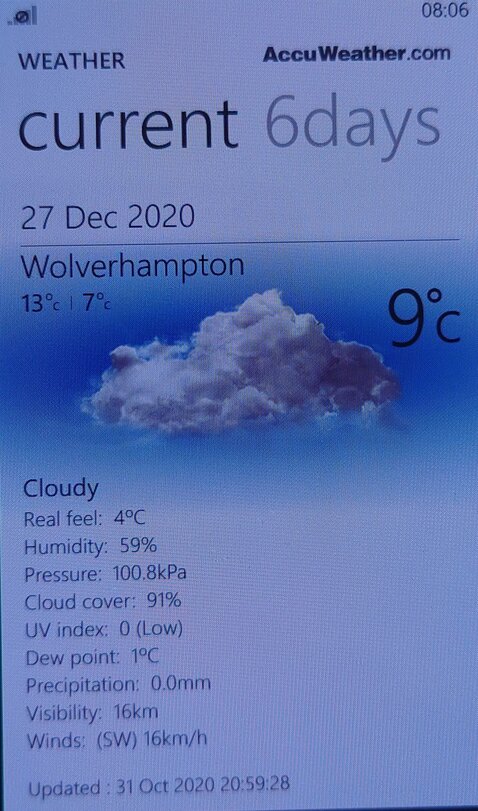
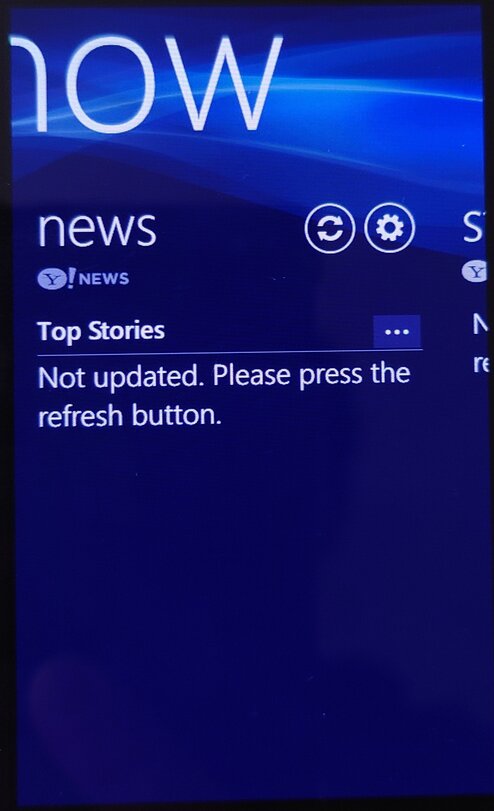
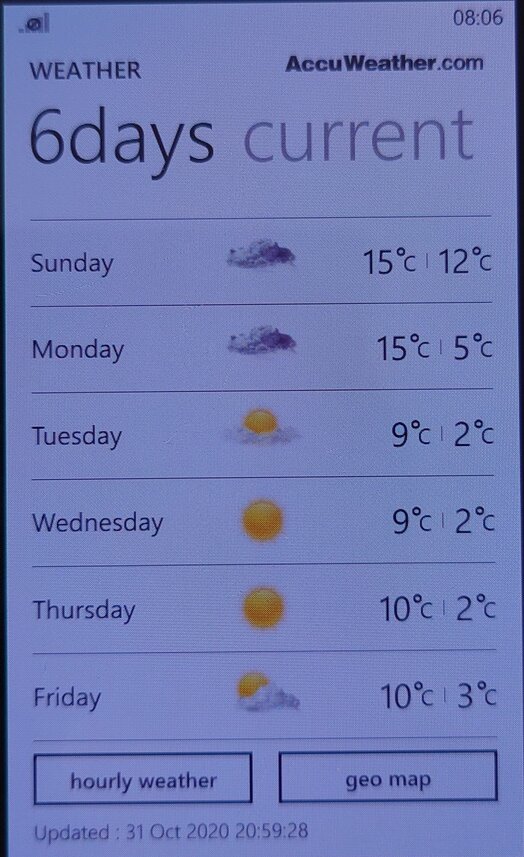
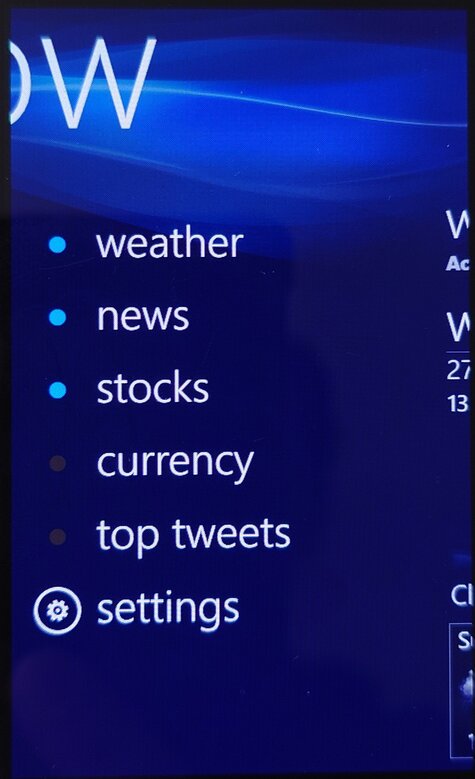
Now: This app provided users with information about the weather, news, and other updates in real-time. Information like news bulletins and weather are displayed on the live tile. Weather information was done using the Accuweather protocol whilst the news & stocks is provided by Yahoo! News. Lastly there is also a top tweets section that would shows you the popular tweets of the week.
I don’t recall Windows Phone having a built-in News application (MSN News was an optional download Microsoft offered) so this would have been an essential addition.
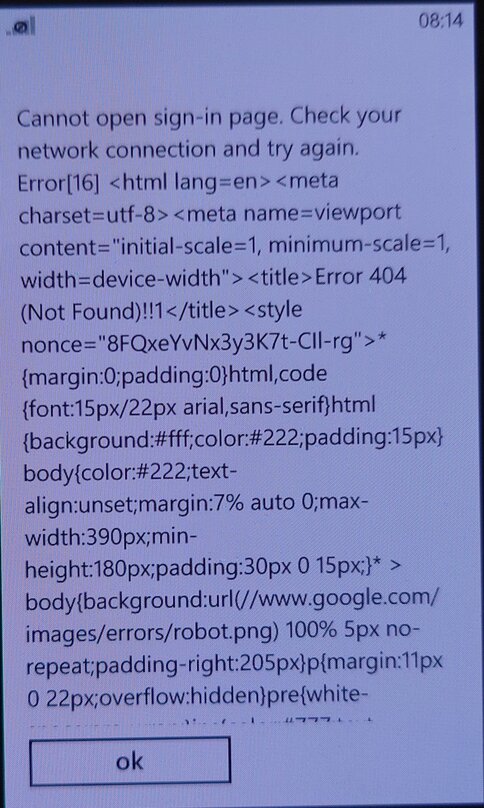
The services for the app appear to have stopped working around 2021, with December 2020 being the last time I was able to sync the app.
Wireless Manager: You would think this was to do with WiFI-related settings, but is really where you can configure mobile network settings that the standard Windows Phone OS does not let you directly configure. Options such as Call forwarding, call waiting and APN configuration can be set here. The APN is typically set automatically by Windows Phone, but in some circumstances, you may have to manually enter settings if Windows Phone does not have any for your mobile operator.
RSS Times: A RSS reader that allows you to subscribe and update your RSS feeds. This requires use of a Google account, of which it’s no longer possible to sign into.
Video Call: Lets you make a video call over the 3G UMTS network protocol, I guess Windows Phone did not support this natively? Odd since this is supposed to be a smartphone platform.
Settings Menu
Microsoft allowed manufacturers to bundle their own settings applications
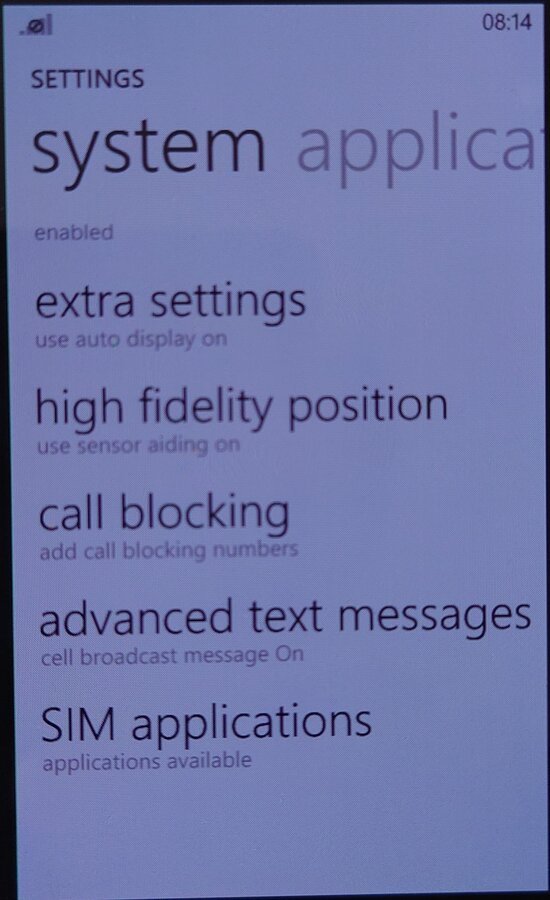
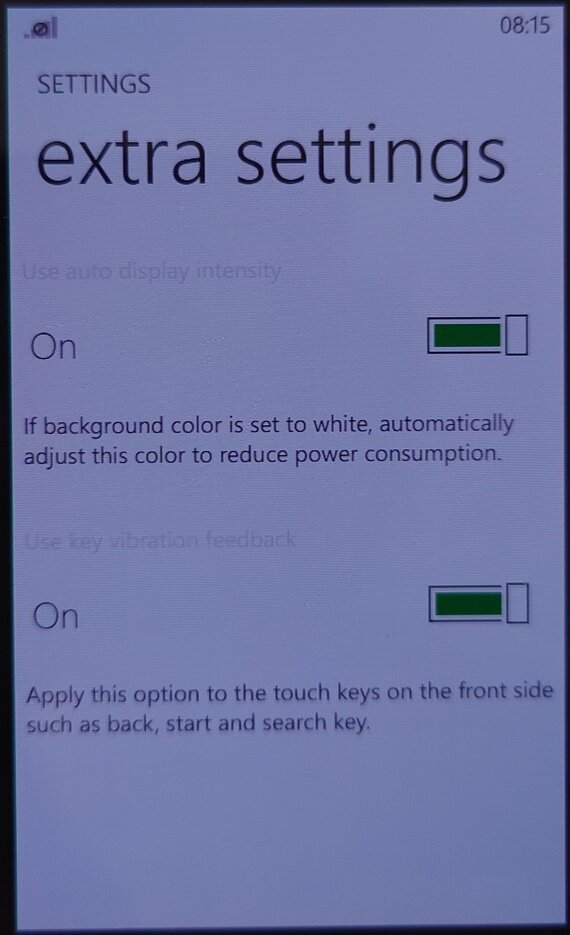
Extra Settings: Enable auto display intensity which reduces the brightness for the AMOLED screen when the display is mostly white. The second setting is to enable haptic feedback when you press the bottom navigation button (Back, Search) which are touch buttons, this provides haptic feedback when these buttons are pressed.
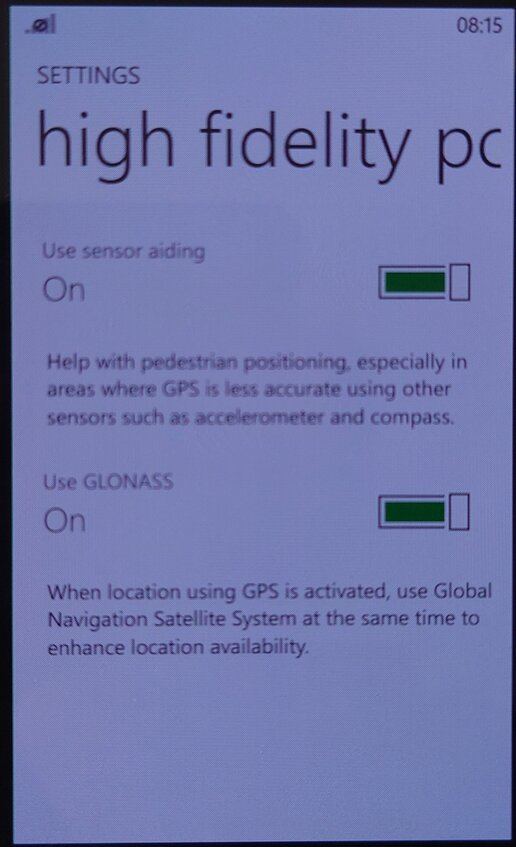
High-Fidelity Position: Enables the use of GLONASS for more accurate GPS tracking. These can be turned off to conserve battery power.
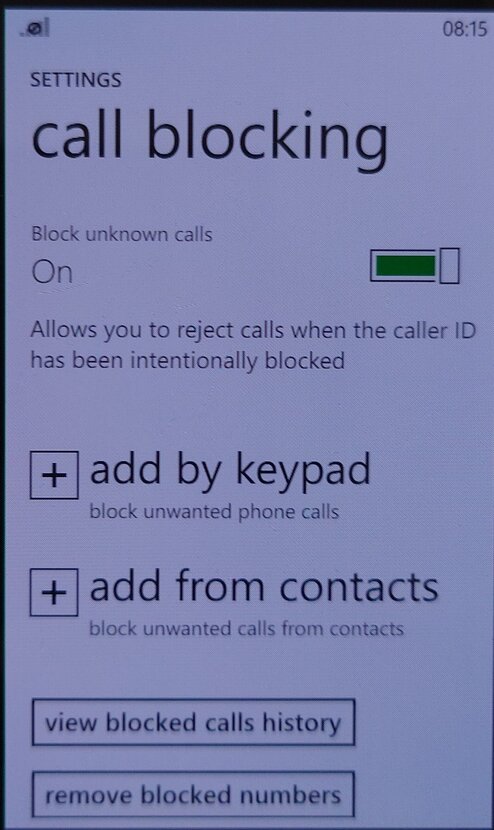
Call Blocking: Block specific numbers from calling or sending SMS messages. You can also block calls without caller ID (Caller Display)
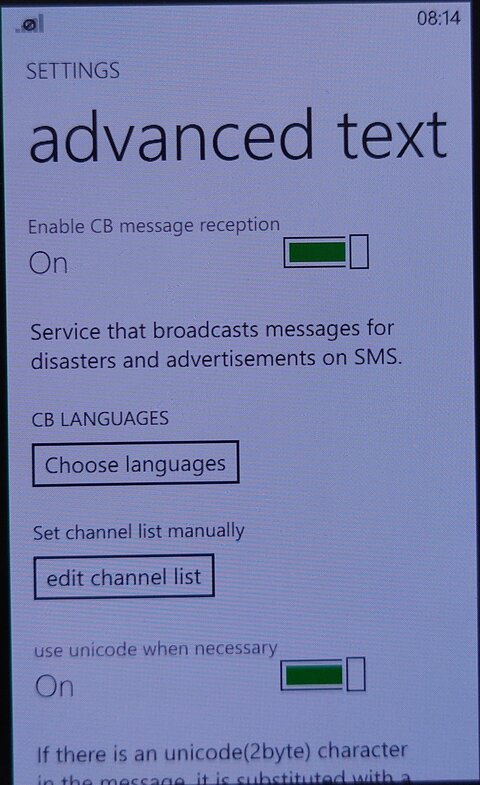
Advanced Text Messages: Enables the use of CB broadcast SMS messages if they are supported by your network operator. Useful for nearby alerts though I’ve never seen this used in the UK.
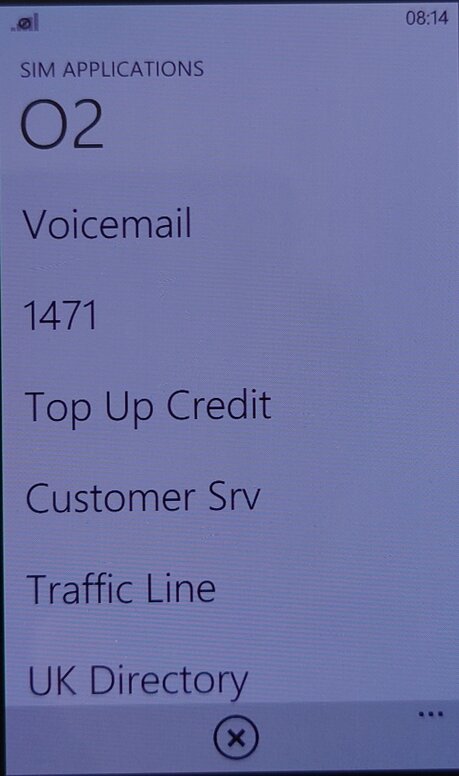
SIM Applications: Access the SIM-AT Toolkit, if they are offered by your SIM card or operator. They are commonly used to access certain features of your operator.
Compton’s Interactive Encyclopedia 99 was a popular educational software program released in the late 1990s. It aimed to provide users with a comprehensive and interactive encyclopedia experience on their personal computers. This version was taken from a Time PC bundle.
Distributed on two CD-ROMs, you will be required to swap out the CD for certain articles or media clips. If your PC had two CD drives and has both discs inserted, the software will automatically switch between the two drives. You will still receive a prompt to swap the disc but if you click Ok, then the software will automatically swap to the next drive.
Atlas
Clicking on the Atlas button on the Control Bar displays an interactive atlas that lets you find places in the world by location and name. Use the atlas to find locations on a world map; maps of continents, regions, countries and dependencies, states, and provinces; and historical and thematic maps.
When you first click on the Atlas button, a world map appears. If you click on an atlas icon in an article, in Related Items, in the Find Viewer, or in other lists, the atlas opens to the specified location.
Timeline
The Timeline button on the Control Bar lets you explore information about important events, people, and eras or trends throughout world history, from 10,000 B.C. to the present. Use the timeline to discover when a particular event occurred, the order in which a series of events happened, and which events were happening at the same time.
The timeline has a horizontal scroll bar along the top of the window that shows the complete span of time, a portion of which can be viewed on the timeline below. The small box in the scroll bar represents the position in time that is currently shown in the timeline.
The pictures, icons, text, and era bars on the timeline mark specific events you can explore. Use the vertical scroll bar to move up and down to see all the timeline elements for the currently displayed time period for the United States and/or World History. Move the cursor over a timeline element to see the date an event happened and a brief description of it. Clicking on other elements will present music or sound, movies, tables, maps, or articles. Some era bars may also link to lists of events from that era that in turn link to articles, sound, and other types of media. Click on any underlined text in an article to open a related article.
Research Tools
The Topic Chooser can be used to see the contents of the encyclopedia as a set of topics and branching subtopics. Browse through the topic lists to find areas of interest. Start with a broad subject and narrow your view to a specific aspect by exploring related subtopics.
Each topic on the first list has a folder beside it, indicating that each topic has related subtopics and articles. Subtopics are indicated by folders, which can also be opened to show more subtopics or articles.
You can use the Bookmark List to see a list of the bookmarks you’ve created. (Bookmarks can be created to mark an article, a Dictionary/Thesaurus entry, a Timeline item, a picture, a movie, a sound, a table, an Atlas map, an update, or a Web link.
Dictionary / Thesaurus
The Dictionary/Thesaurus can be used to look up words using Webster’s New World Dictionary, Third College Edition, and the New Revised Edition of Webster’s New World Thesaurus. You can also double-click on a word in an article or a caption to access these features. When you open the Dictionary/Thesaurus from the Research Tools button on the Control Bar, type a word in the viewer’s text box and press Enter to see the word’s definition. When you open the Dictionary/Thesaurus by double-clicking on a word in text, the word appears in the viewer’s text box and its definition is displayed.
Presentation Maker
Presentation Maker allows you to create multimedia shows and presentations by combining and arranging information you find in Compton’s Interactive Encyclopedia—articles, tables, pictures, Atlas maps, Timeline items, movies (including animations and slide shows), sounds, atlases, and star maps. You can also create title screens and other screens of text, which you can decorate with borders and colored backgrounds. For a finishing touch, you can even record your voice to narrate the show.
Creating a show is easy, Gather or create the components of your show and place them into a script. Your show can contain any combination of these four kinds of elements:
Items from the encyclopedia, such as articles, tables, pictures, maps, movies, and sounds. You can “collect” items from the encyclopedia by creating bookmarks, or you can select them directly from the Presentation Maker screen.
Title screens, which are screens of text that you create.
Extra sounds, which you can record or add from other sources.
Extra pictures, such as art you’ve created in a paint program, photos you’ve scanned, or pictures you’ve gathered from other sources.
Online
The options available from the Online button on the Control Bar give you access to Internet resources. Offline, you can browse a list of Web site descriptions and then link to a site by clicking on its title.
In addition to searching for a topic, you can click on the topic categories. Websites are grouped thematically. When you click on a topic with a Web link icon, a pop-up viewer displays a listing of one or more related Web sites that includes a title, an Internet address, a target age group, and a description. You can use the listings to look up information available on the Internet, and then click on the Web site title to go to that Web site, though most of the links are no longer active unless you use the WayBack machine.
You can view descriptions of Web sites by clicking on the Web Links information type in the Find Viewer, Web Links in the drop-down menu in Related Items, or the Web Links icon in articles, on the Timeline, and elsewhere in the encyclopedia.
Special Features
Here you can explore exciting multimedia collages and timelines related to a specific subject.
Biomes of the World: Explore environments from the harsh desert landscapes of Asia and North Africa to the forests of the temperate zones.
Space Exploration: Race to space with the Soviets and the Americans from the first orbiting satellite to space stations and the space shuttle program. The pioneers of the last frontier include many firsts—the first person in space, the first in orbit, the first to walk in space, and the first to land on the moon.
Ancient & Classical Civilizations: Go back in time and relive the ancient world of the Chinese dynasties, Greek and Roman empires, and other civilizations.
World Cultures: Journey through five continents and meet the people who live there through their art, music, and dance.
U.S. History 1775–1877: Travel back in time to the Revolutionary War, the Oregon Trail, the California Gold Rush, and the building of the transcontinental railroad.
U.S. History 1877–Present: Discover the events that shaped American life 100 years ago and 10 years ago.
The Planetarium shows the night sky in your area at the current time (if you are using the program at night) or at dusk (if you are using the program during daylight hours). The date and time appear at the top of the map.
Overall, Compton’s Interactive Encyclopedia 99 was a comprehensive and engaging educational resource for its time. It provided a wealth of information on various topics, along with interactive features that enhanced the learning experience. Its age means a lot of articles are now outdated, but its nice to go back and look at previous articles in hindsight.
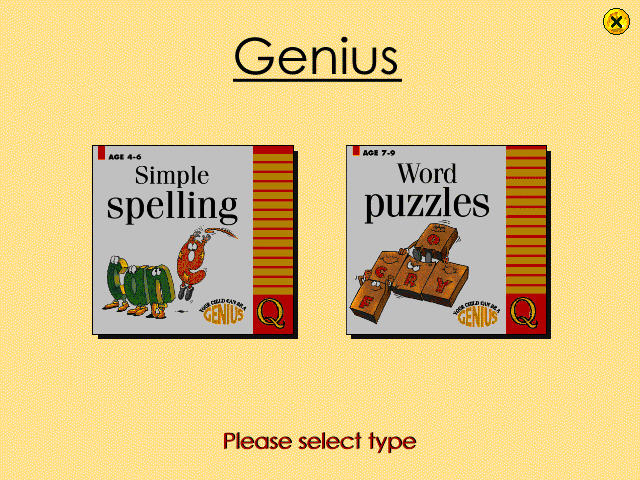
A bundled CD-ROM multimedia title designed for primary school users, that was often bundled with a Time Windows PC (A common OEM at the time). This stuff pretty much helped me graduate from school.
Simple Spelling
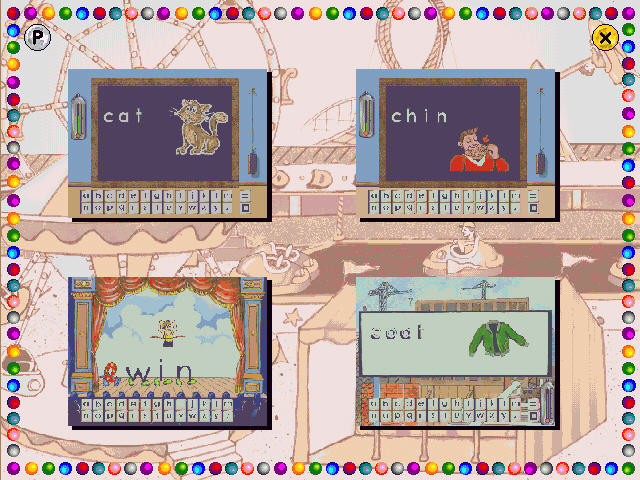
This section teaches spelling in the form of phonetic concepts. There are three programs in the package that provide speech, graphics, animations and sound effects and is controlled by using the mouse.
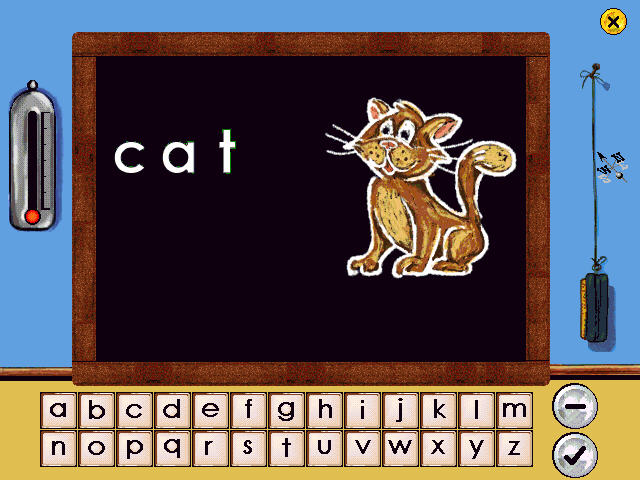
The first program concentrates on the fundamental three-letter words that are the traditional phonic nursery slopes – cat, mat, hat, etc. You also get audio that sounds out the word, though it comes through rather choppy.
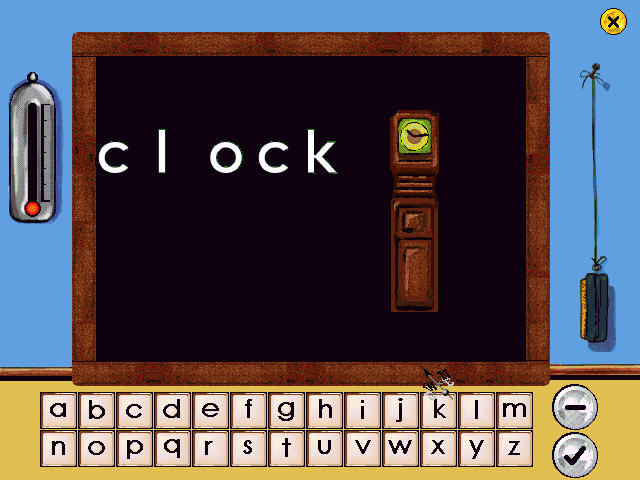
On the next activity, you deal with letter blends such as cl (clown/clown), bl, and fl. Again words are shown and sounded out and we are given the task to spell out the words.
Again the sounds occasionally come out choppy, despite running on a 16x CD-ROM drive.
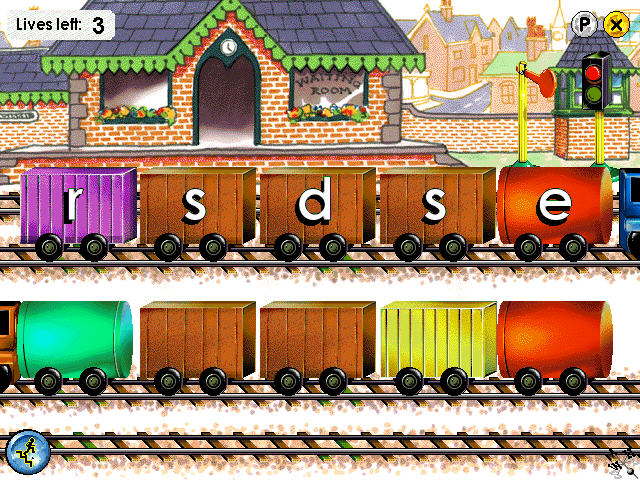
The final activity teaches the concept of magic e, how putting the letter e at the end of a word changes the sound of a preceding vowel.
So it’s basically your average English lesson with the magic of 90s PC multimedia.
Word Puzzles
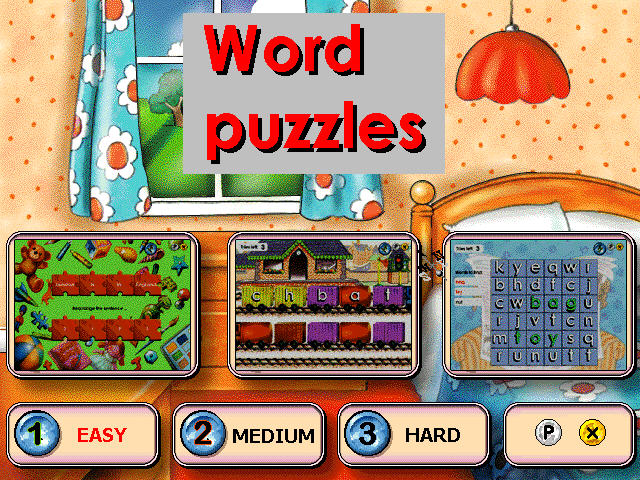
There are three puzzles, anagrams, word search and fun with sentences.
Anagrams: This help understand the structure of a word, particularly noting the position of vowels and the way words blend together, such as “fr” and “cl”, there are three levels that range in difficulty, the user rearranges the letters in the correct order. The player uses the mouse to click on a letter and drag it onto a blank space to build up the correct word. Three attempts are allowed before moving on to the next word.
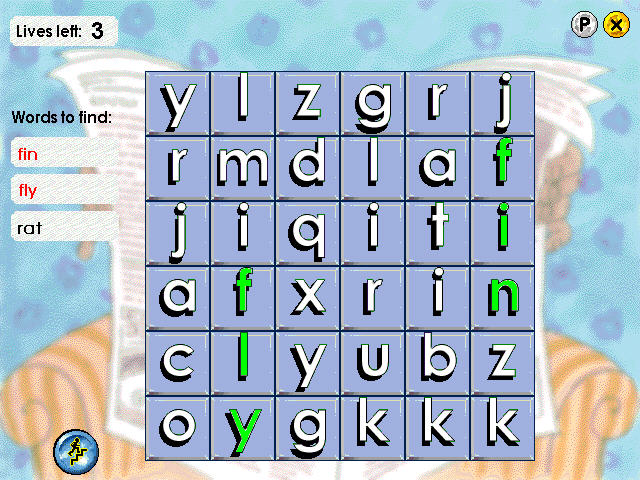
Word Search: A list of the words is shown on the left of the screen and each is highlighted when the word has been found. Clicking on the correct first letter of a word turns the whole word green. Clicking on the wrong letter loses a life, of which there are only three. If the player clicks on a letter and nothing happens, it means the letter is within a hidden word.
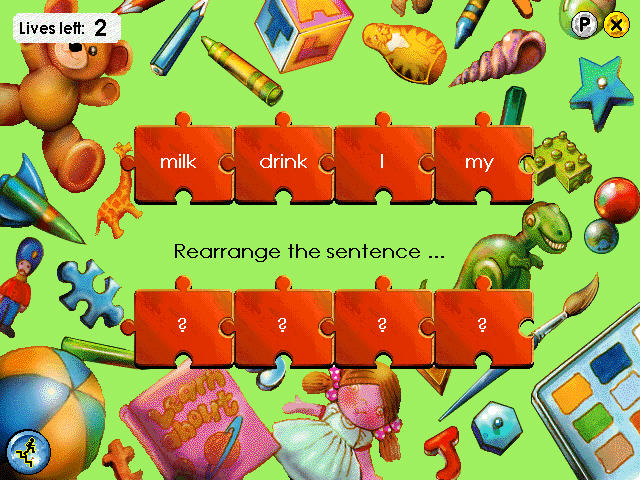
Fun with Sentences: This consists of two different puzzles, each of which is designed to help think of the structure of sentences. In the first game, the player is invited to pick the correct word from a choice in order to complete a simple sentence. The second game requires the player to rearrange the words in a jumbled sentence. The mouse is used to click on a word and drag it to its correct place in the sentence.
SATs Tests
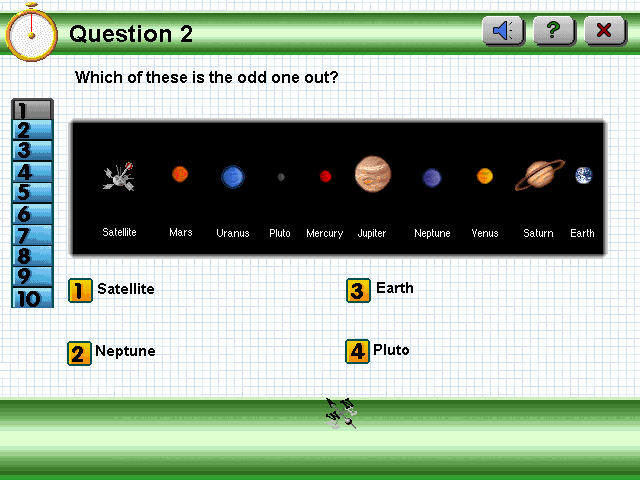
Helps prepare for SAT’s tests, which are standardized exams that are carried out in the UK. The questions included here are part of the national curriculum. There are 20 questions to be answered that are covert at either a Key Stage 1 or 2 levels (the difference being the age, 1 intended for ages 7 and 2 intended for 11)
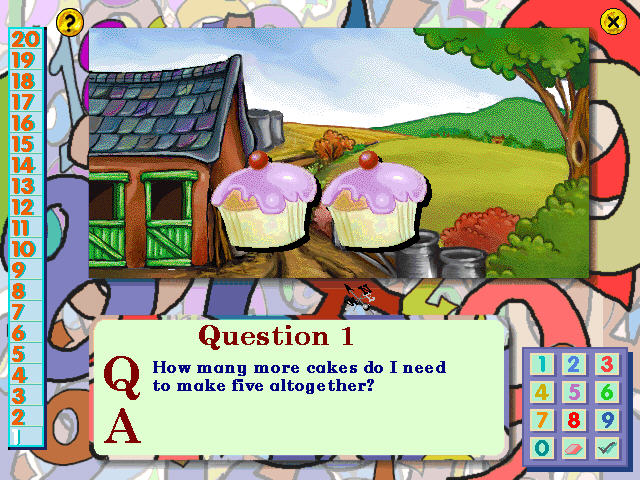
Each question is selected at random and can be answered by selecting a number or typing the answer. Sometimes you will need to select a graphic or icon on the screen.
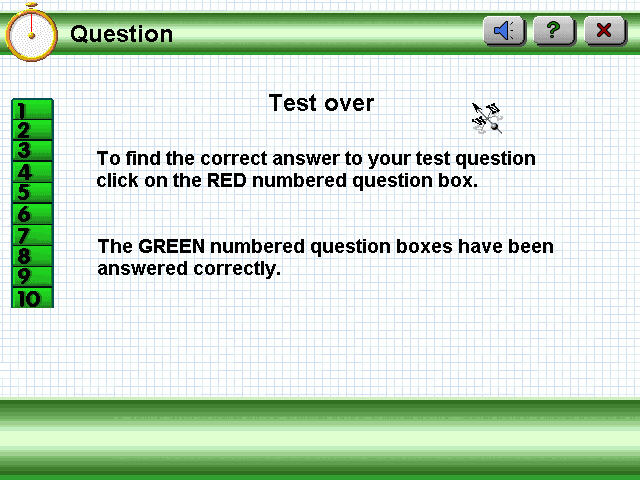
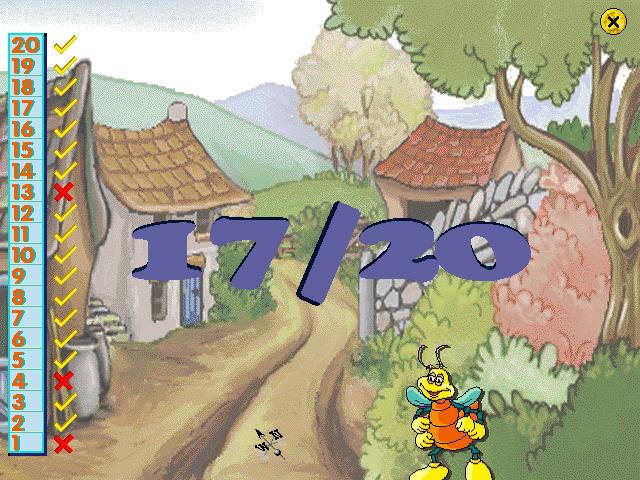
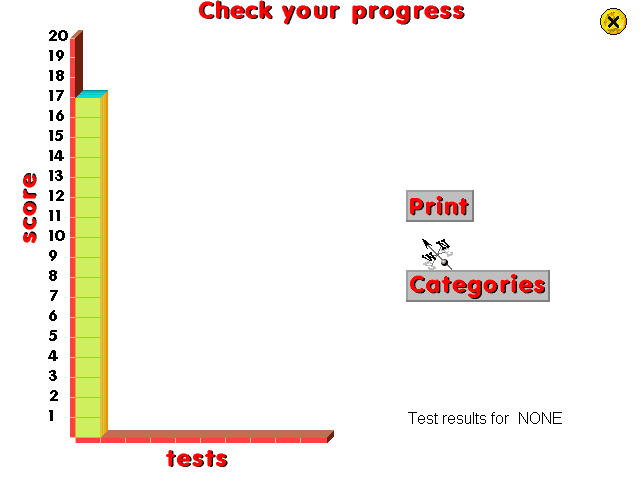
At the end of the test, you are graded and can see the questions that you got incorrect. The program keeps track of your scores in a graph view so you can track your progress over time.