LG G4

So good, they named a boyband after it

LG’s flagship for 2015 where it competed with the HTC One M9, Samsung Galaxy S5 and the Lumia 920.
The LG G4 has a curved design with a slightly arched back that makes it comfortable to hold. The phone has a leather back option, which gives it a premium feel similar to the Nokia 8800 or the Vertu series of phones. The phone is also relatively lightweight and easy to use with one hand. The G4 has a 5.5-inch Quad HD IPS LCD screen with a resolution of 1440 x 2560 pixels. The display is bright and vibrant with accurate colors and good viewing angles.

Compared to other handsets the LG takes you out of the comfort zone as the volume rocker is featured at the back of the handset rather than at the left side, it’s kind of similar to the Viewty that also had the volume rocker at the back. It does take a bit of getting used to as you will often try to reach for them at the side instead of the back. The lock/power key is also featured at the back.

The G4 is powered by a Qualcomm Snapdragon 808 processor and 3GB of RAM. The phone handles most tasks with ease, including multitasking and demanding apps. However, it may struggle with some of the more intensive games and apps. Even today the phone as a good chance of running most apps, though it does tend to heat up when running multimedia or gaming apps, YouTube an particular. We also have 32GB of storage with a microSD slot that can provide more storage if required.

LG User Interface

As with other Android handsets, it uses LG’s own customized user interface. Originally this was Android 5.1, but mine has been upgraded to Android 6 along with some updated apps that shipped with the handset. LG’s Android skin is one of the better ones as it retains the Google Material design whilst adding features for power users, which I will delve into later. Its clear LG intended this handset for the intermediate user who is familiar with smartphones.

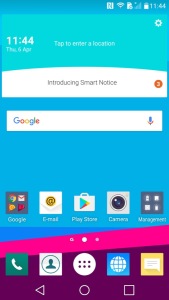
Your typical homescreen layout that consists of multiple pages of icons and widgets. LG have preset some for you, and more can be added at any time.
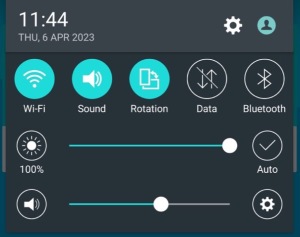
Pulls down from the top and is used for quick access to common phone features like WiFi and Bluetooth, also lets you adjust the phones volume and brightness if not set to auto.
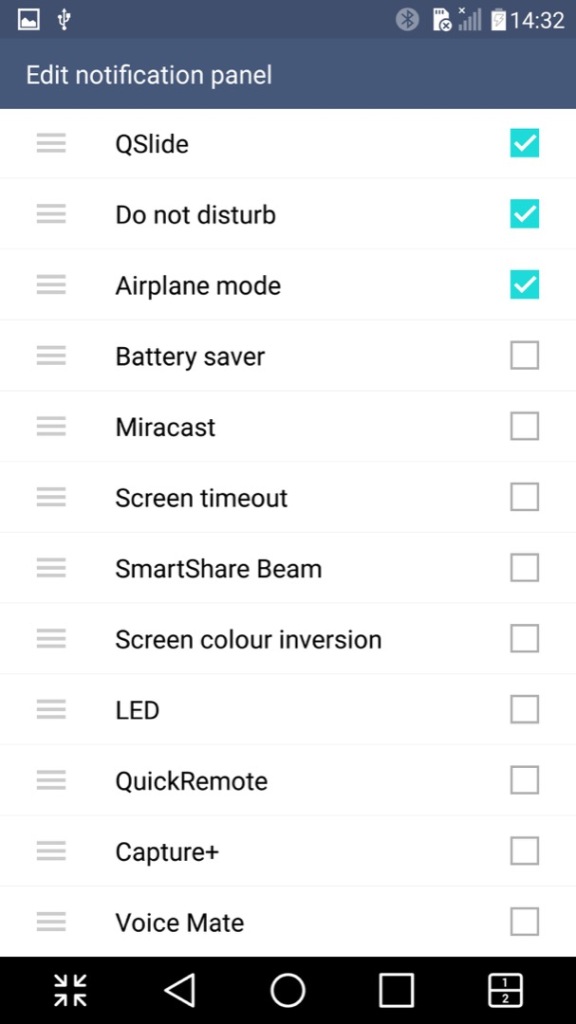
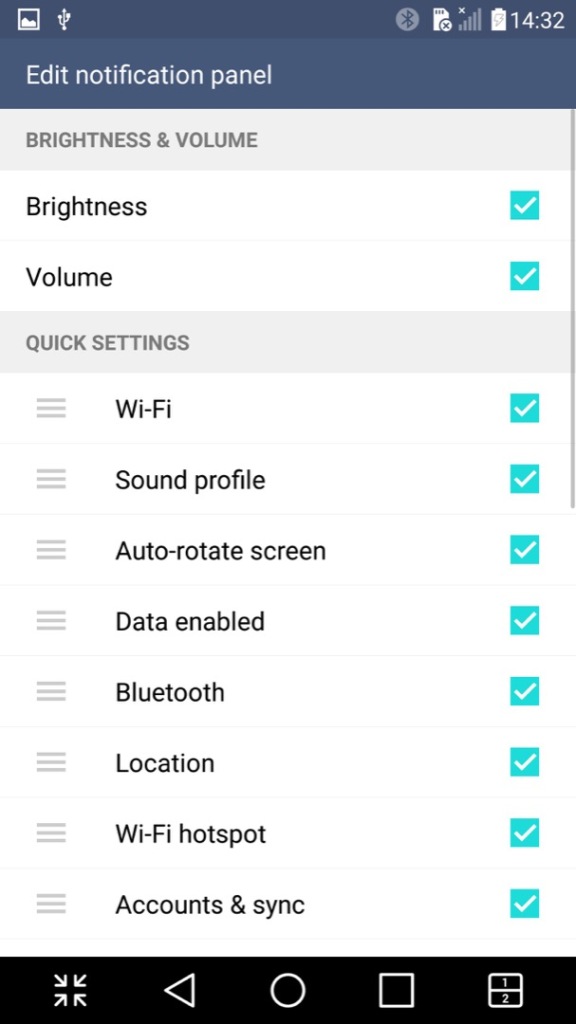
The quick access panel can be modified with additional options added

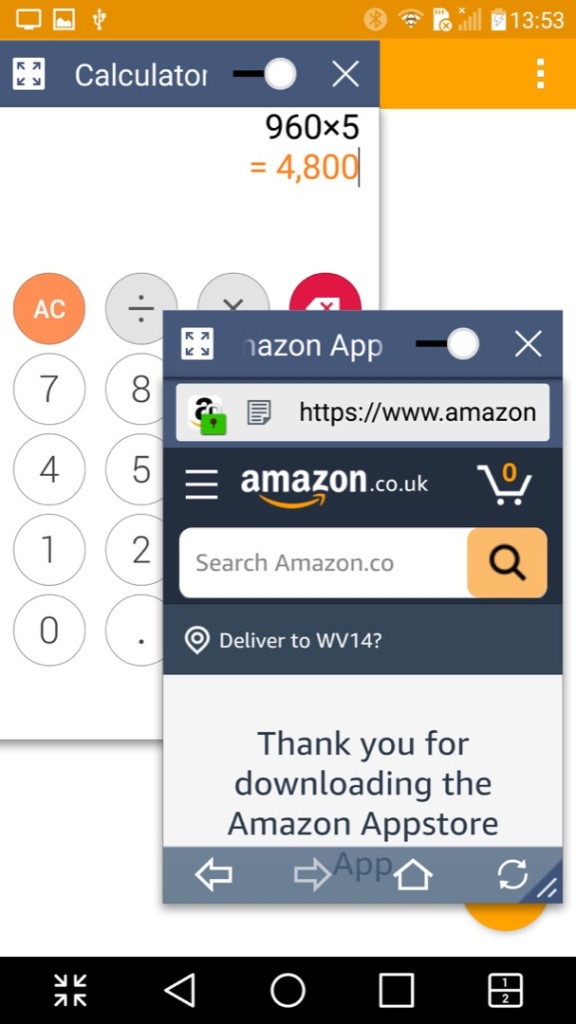
A look at LG’s Qslide feature that works with their preinstalled apps. You can have up to three different apps running on the same screen, two in a window with a regular app in the background. The windowed apps need to be Qslide aware which is mostly LG’s own applications, but the background app can be any native Android app. As you can see, it gets a little cramped. A practical use for this would be running a Youtube video in the background whilst answering an SMS message.
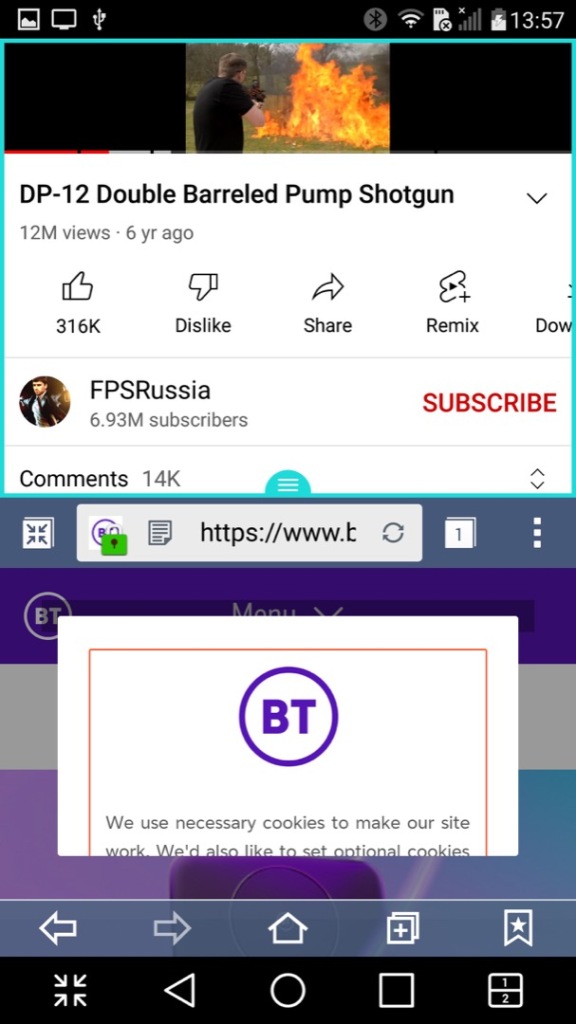
A similar feature is the split screen mode (sometimes called Dual Window), this is actually more beneficial though you suffer from a cramped screen, here you can split apps into two areas of the screen, allowing both to run simultaneously. This is actually a good feature and one I use heavily on my Sony Xperia 1 IV, its especially useful for phones with a larger screen.
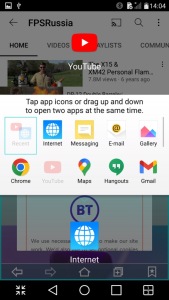
Not all apps play nicely with this, and some that do work function a bit awkwardly. Most modern apps however do work well, but back when the phone was released the lack of split-screen support for apps would have been an issue, limiting its functionality.

I should also mention the onscreen buttons can be customized, instead of having the regular three buttons for Back, Home & Recent Apps, you can add the Qshare and splitscreen buttons directly.
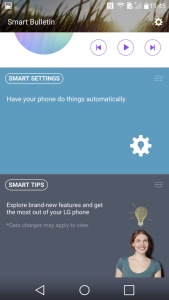
Panning to the left of the home screen reveals the Smart Bulletin screen, which shows highlighted information from the LG apps. Its very similar to the live tiles that were a mainstay in Windows Phone. This seems limited to the LG apps, so its less versatile and you cannot add your own widgets, unless you pan to another home screen.

Installed Apps

Most of LG’s apps use QSlide which allows apps to run in a window, facilitating a crude way of multitasking as seen on desktop operating systems.
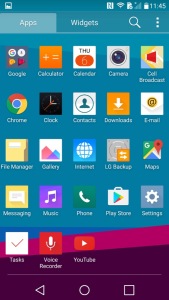
LG have also developed or adapted their deign language as such, which is showcase through their applications. At the top are categories that you can scroll, which is very similar to the Windows Phone 7 / Zune interface. This is in contrast to Apple who put their category/Tabs at the bottom of the phone screen, with Samsung following suit.

Camera: The LG G4 has a 16-megapixel camera with optical image stabilization (OIS) and laser autofocus. The camera takes excellent photos with good detail and accurate colors. The OIS helps to reduce blur in low-light conditions, and the laser autofocus ensures fast and accurate focusing. The camera app also includes manual controls for advanced users.

A unique feature I’ve not seen is the ability to capture photos by saying a phrase, typically Cheese or Whisky. It’s a little goofy and does not always work, but adds to the charm and fun of the phone, also useful when capturing a group photo.

Cell Broadcast: A dedicated app to receive broadcast alerts from the cellular network. Not sure why this has its own dedicated app since its typically integrated with SMS apps
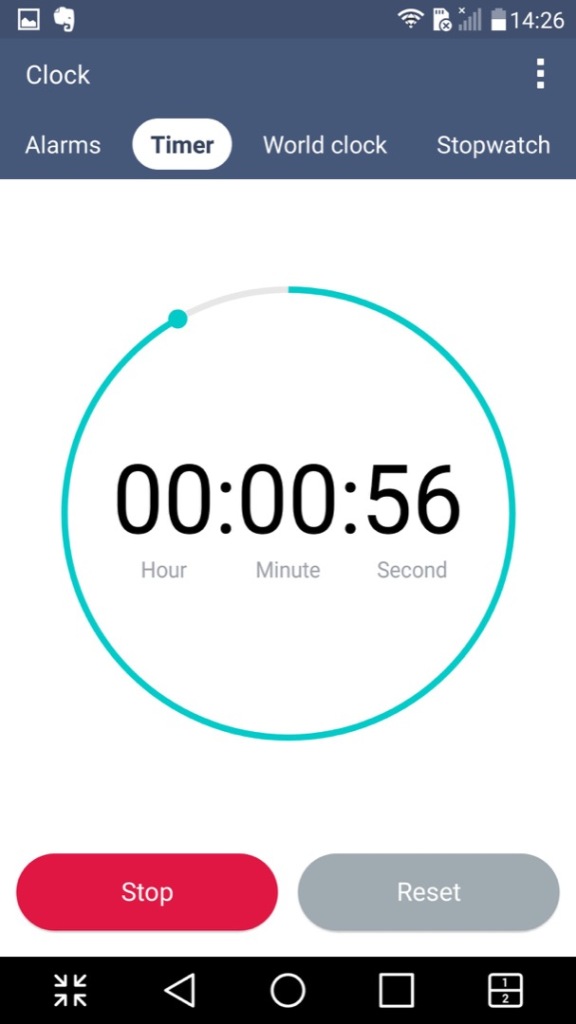
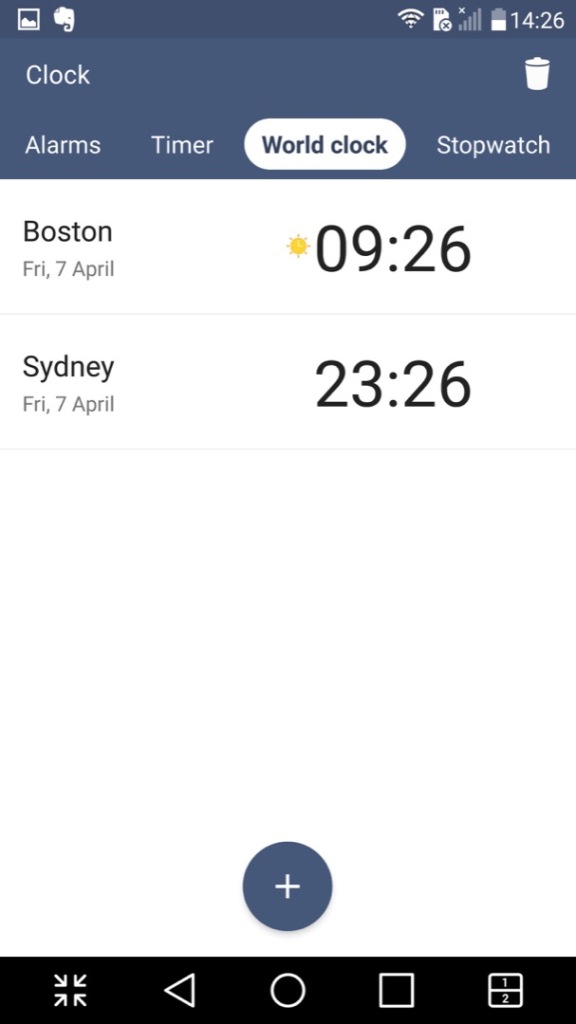
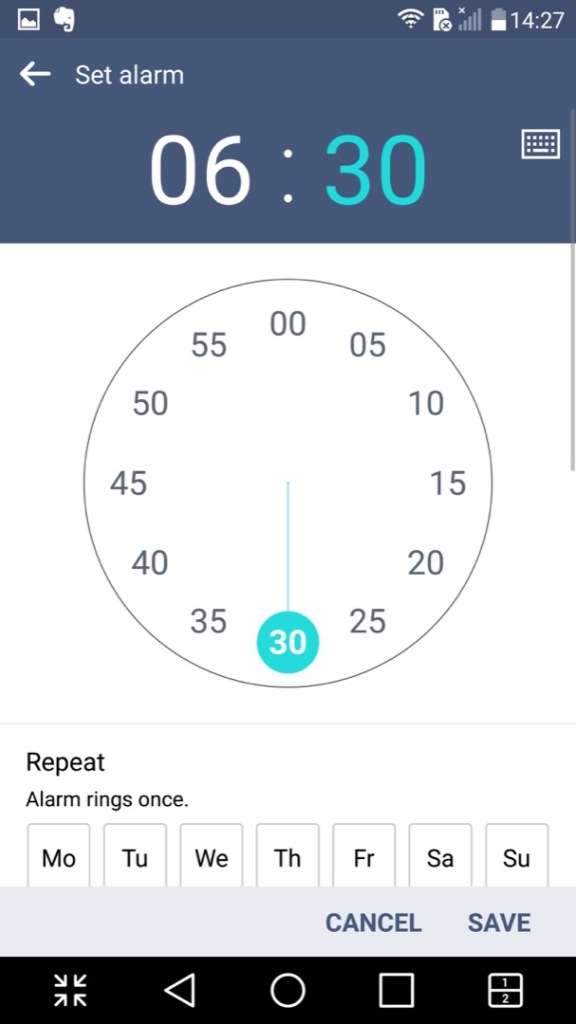
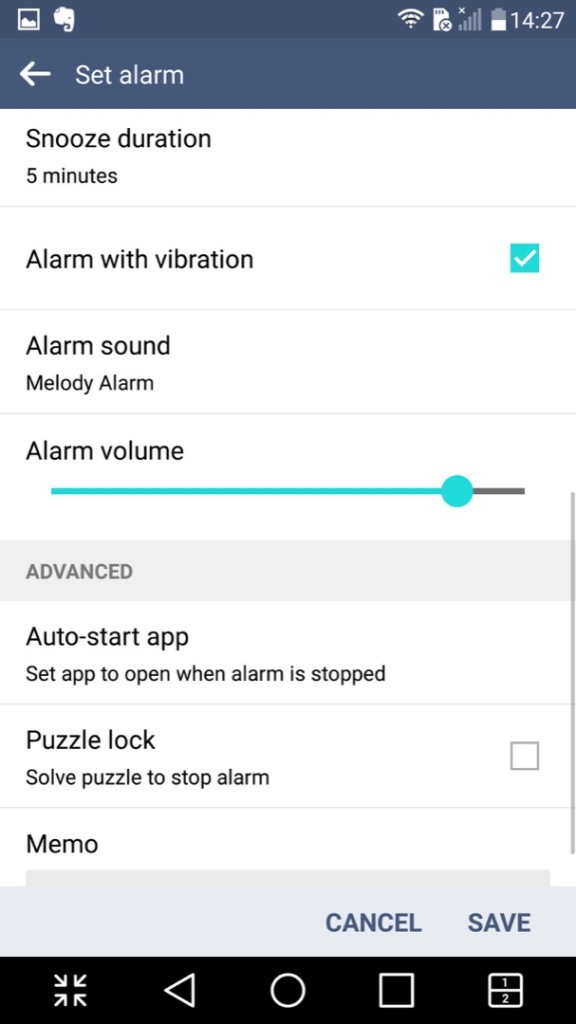
Clock: Your standard clock app with the LG design, provided functionality to set an alarm, timer, world clock and a stopwatch
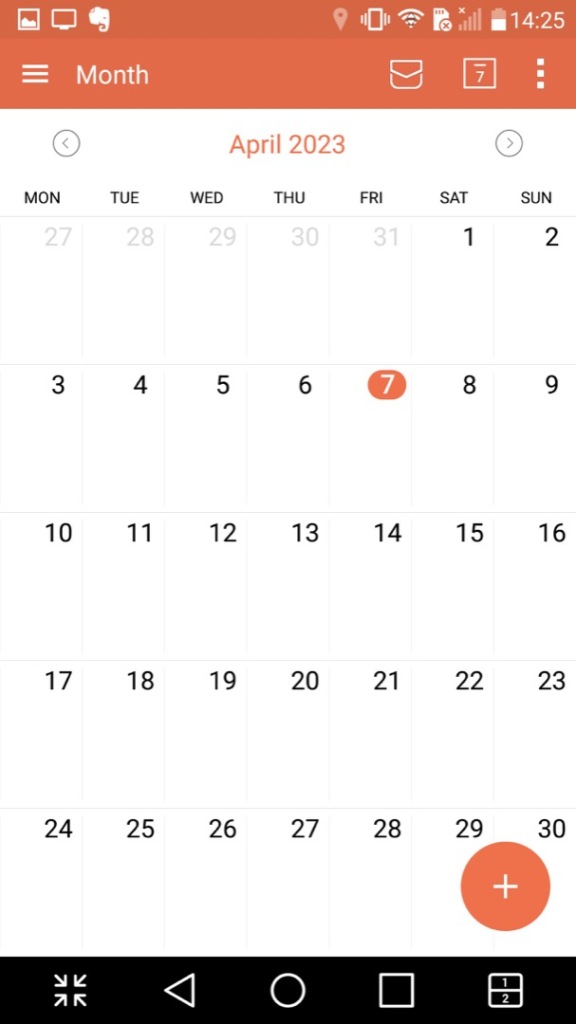
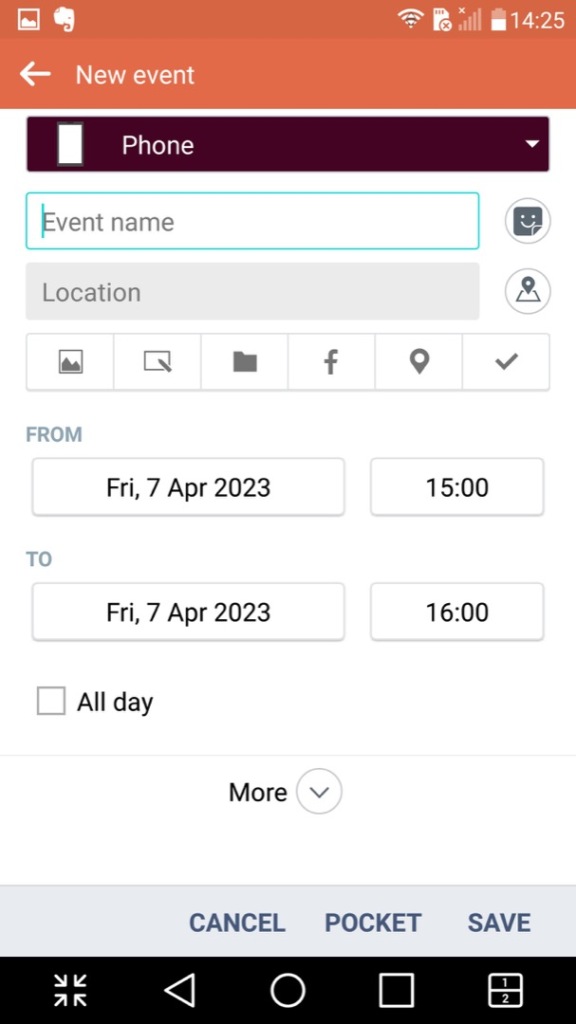
Calendar: Displays the calendar and can sync with other accounts that are set up. You can also set agendas, reminders and any holidays. A nice touch is the icon will change to reflect the current date.
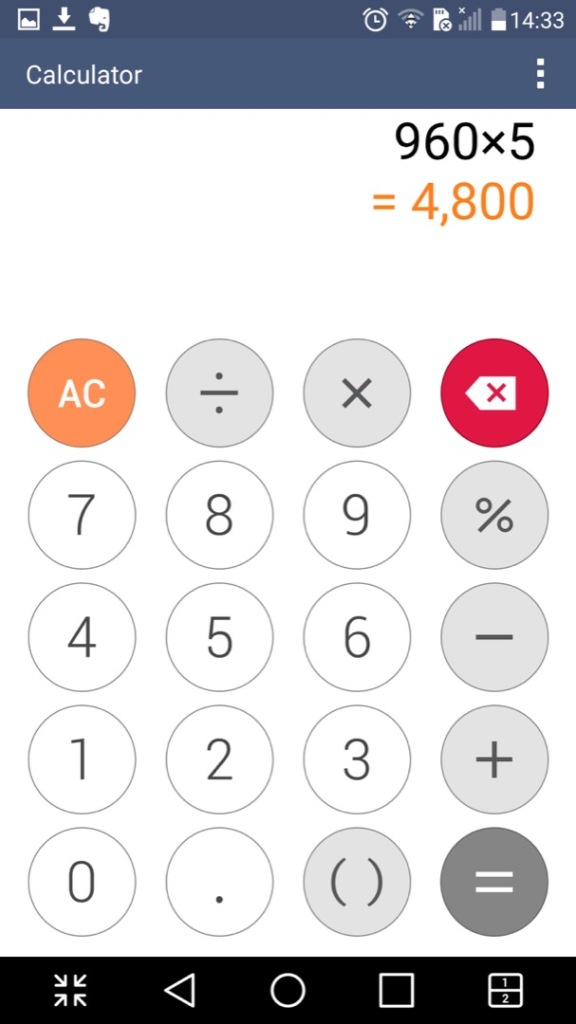
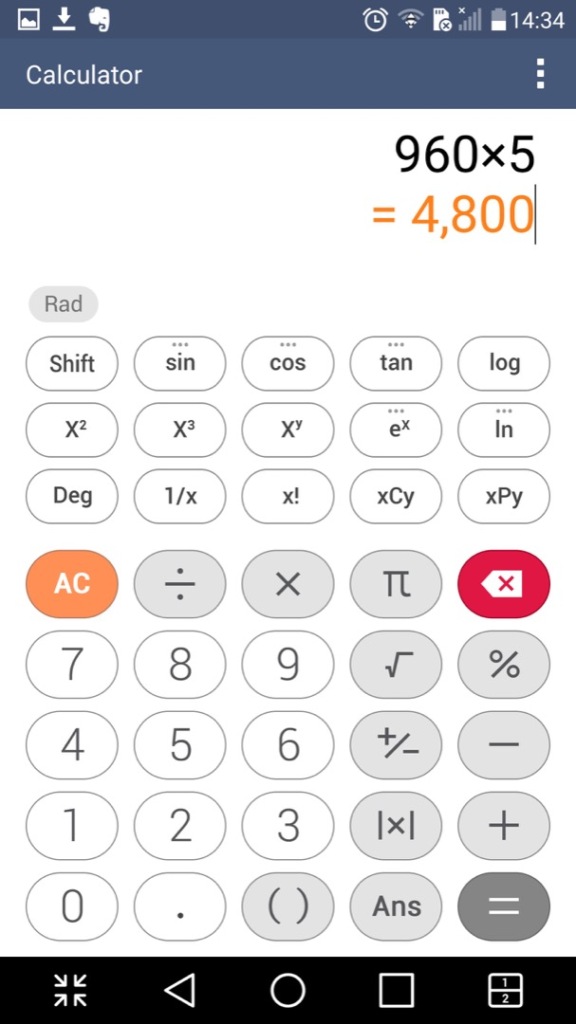
Calculator: Just your regular calculator, which functions a regular and a scientific calculator.
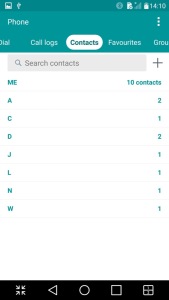
Contacts & Phone: Lists contacts from accounts synchronized on the phone, commonly Google. This is integrated into the phone app and you can dial directly from that application.
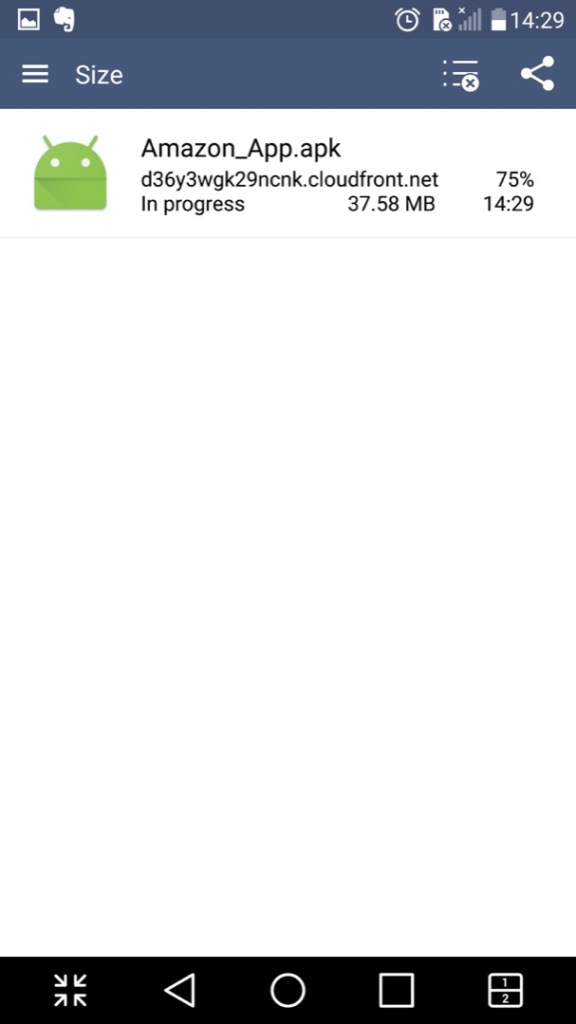
Downloads: Shows any file that has been downloaded through the phone web browser, and from some third-party browsers.

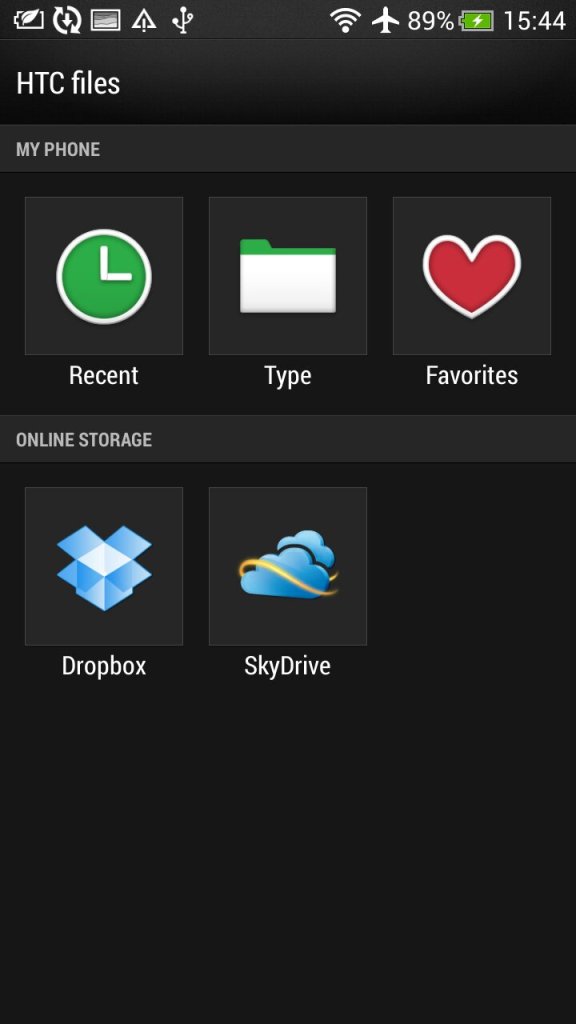
File Manager: Browse files saved on the phone, or a memory card if one is inserted. This also integrates with cloud storage services like Dropbox, OneDrive or Box.

Gallery: Like the file manager but orientated towards multimedia like photos and videos. Images taken with the phone’s camera will show here.

Internet: A chrome based internet browser, appears to be based on Chrome 38
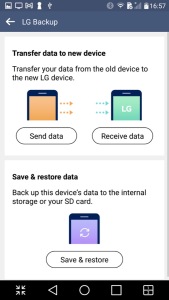
LG Backup:

Intended to transfer data from another device and can backup existing data to the inserted SD card

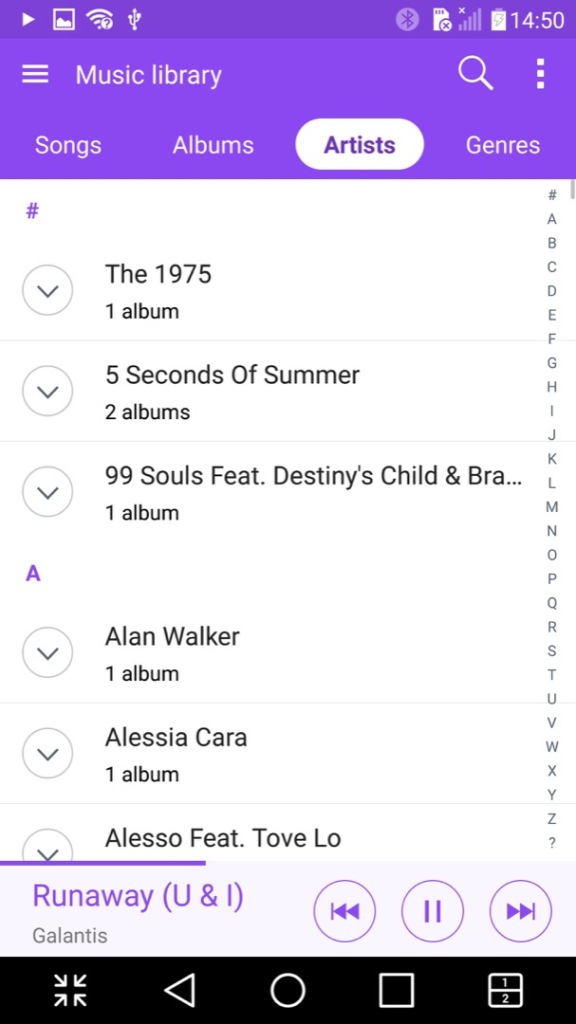
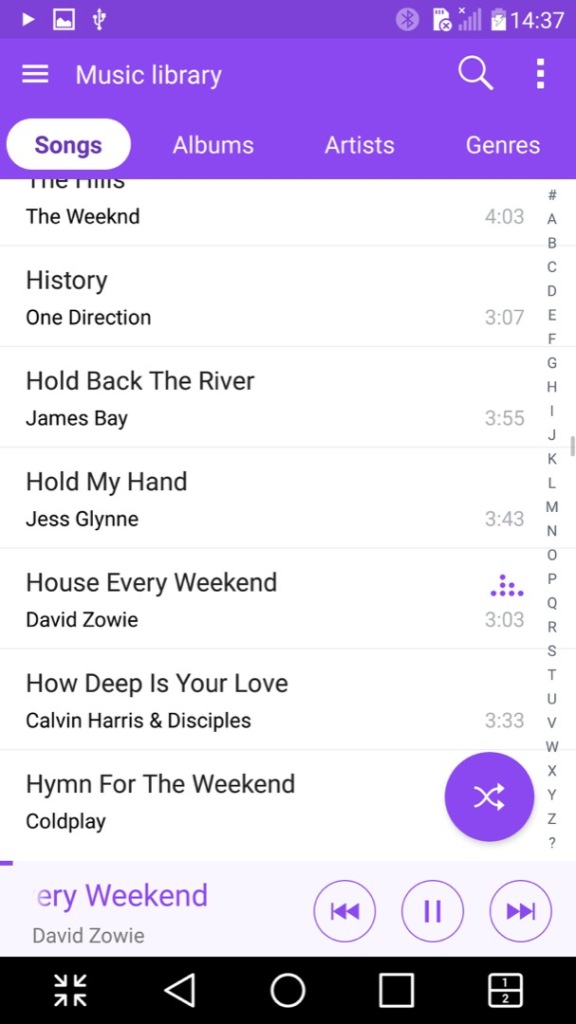
Music: Plays music files stored on the phone or the microSD card. A nice feature is it can lookup the song title on Youtube to locate the music video, its not 100% accurate since it basically searches the song and artist title. Lyrics can also be displayed if they are included or embedded with the file itself.
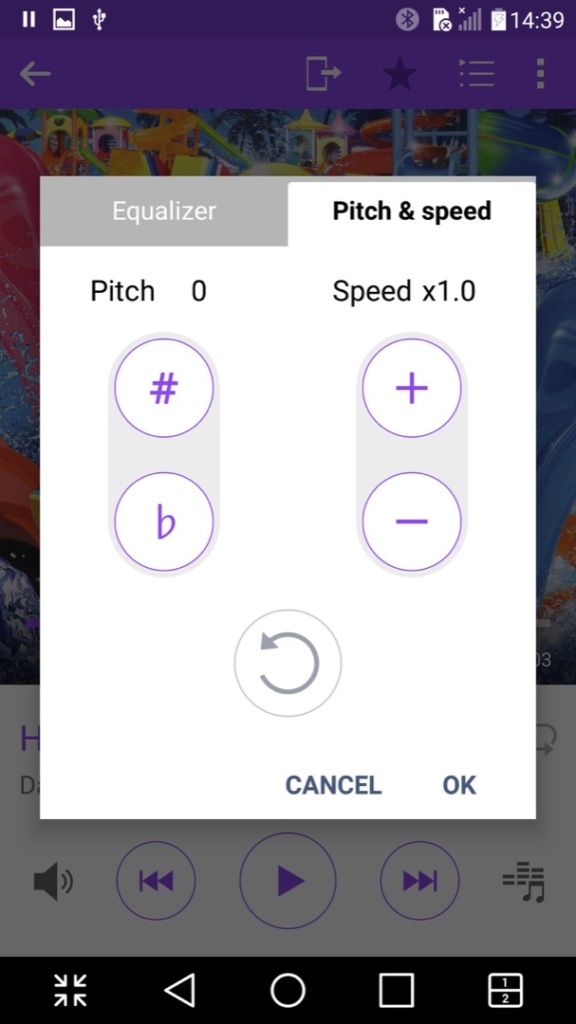
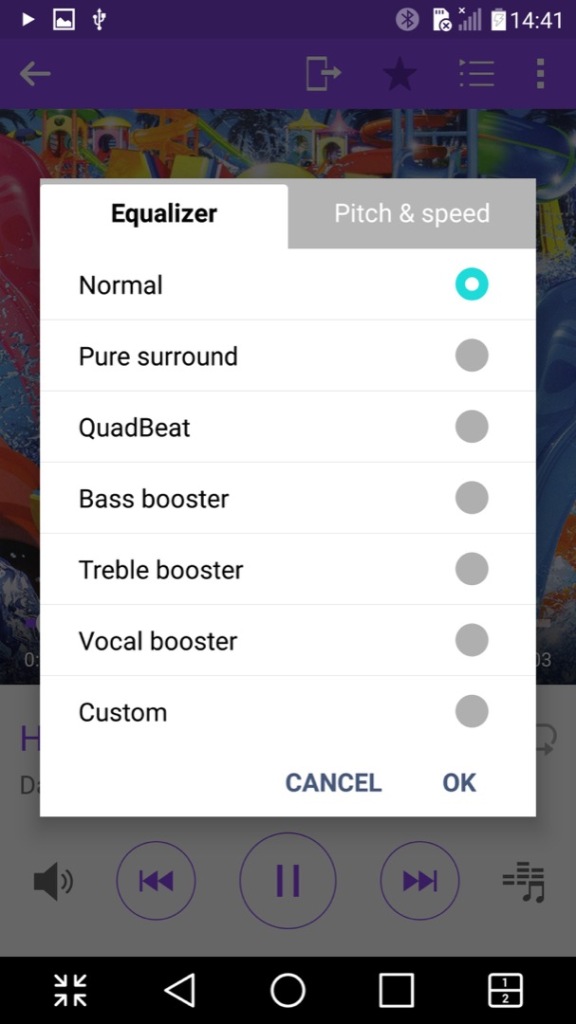
Another nice feature is the ability to adjust the vocal pitch and the track speed of the song, allowing you to create nightcore remixes directly just by playing the file. There is also an equalizer that has a few pre-sets included.

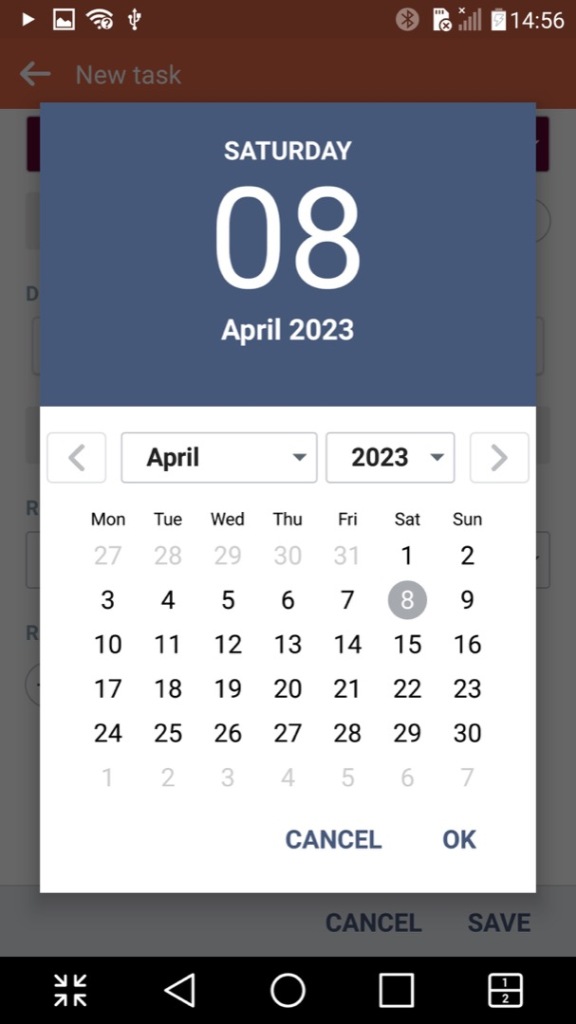
Tasks: Lets you create and set single or recurring tasks which serve as reminders. This can also sync with either your Google or LG account.
Voice Recorder: A simple voice recorder that recording using the internal microphone, recordings can be paused and resumed at any time, keeping it as a single file. Audio is encoded in the MP4 format and is saved in the 3GP container, likely for backward compatibility with older handsets when sharing the file.
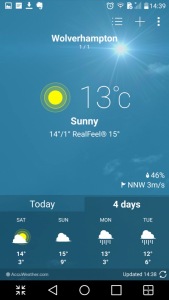
Weather: Shows weather information from your local area, or a location/city that you have manually selected. Weather information is pulled from Accuweather
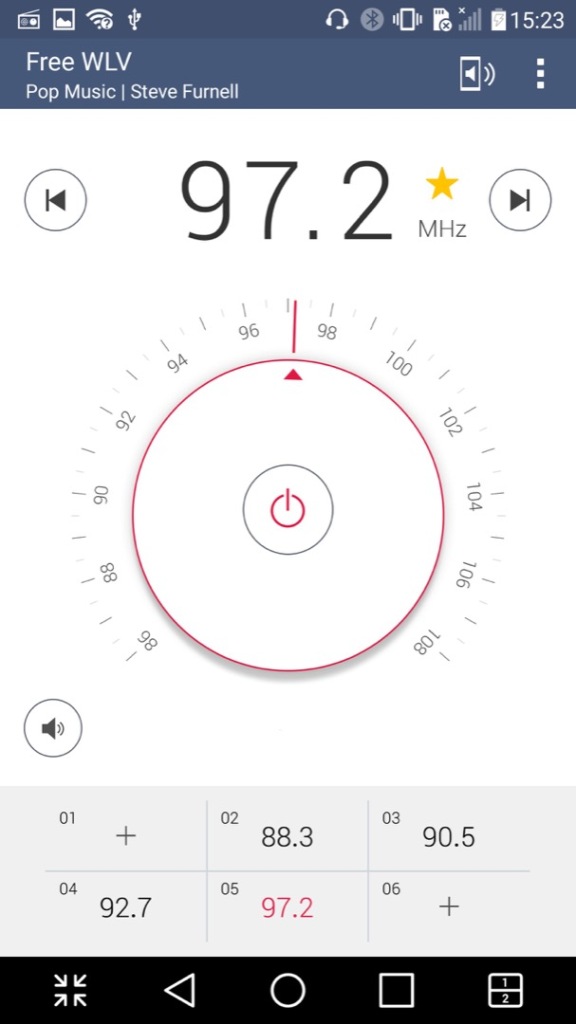
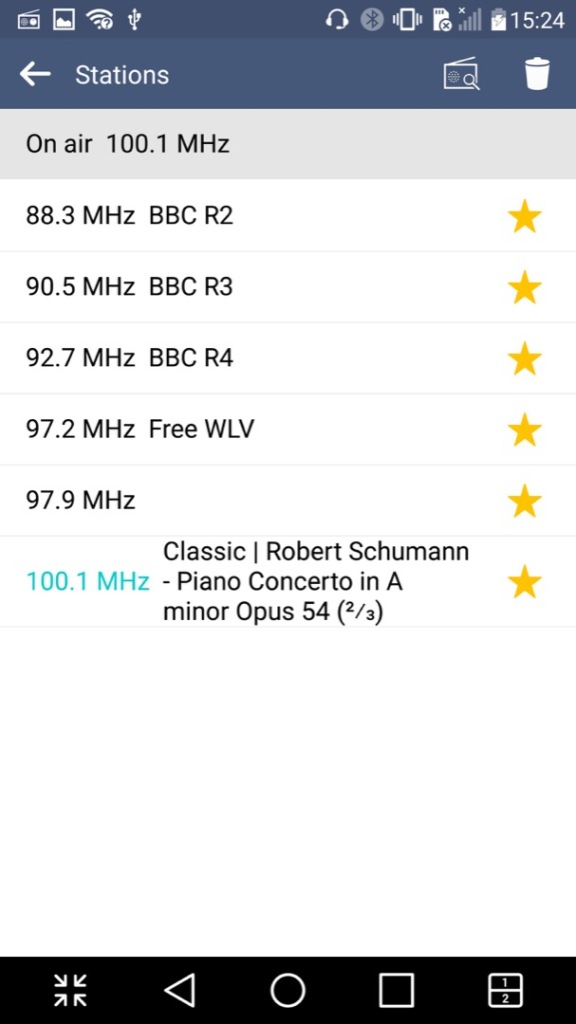
FM Radio: Plays the FM radio if a set of wired headphones are connected. Visually the app emulated a radio dial which is used to manually scan through the different frequency, but you can also set the phone to automatically scan and store radio stations that can be listened to. Weak or poor signals are ignored. Up to 12 pre-sets can be saved of your favorite radio stations. The app can all decode RDS data and display additional information if this is supported by the station.

It’s worth noting FM radio is currently on the way out in the UK and is being replaced by DAB+ radio, though internet radio is becoming popular.
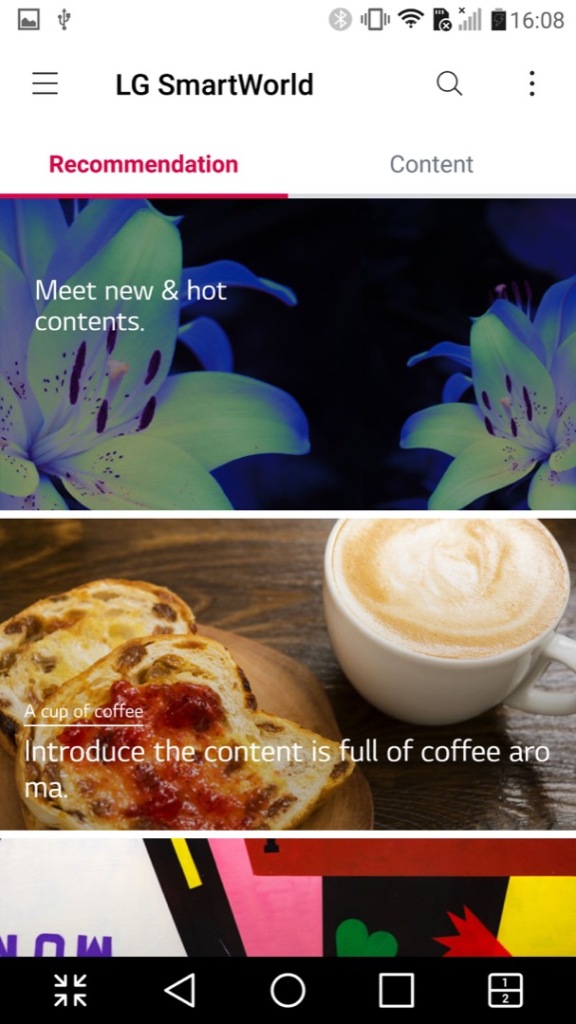
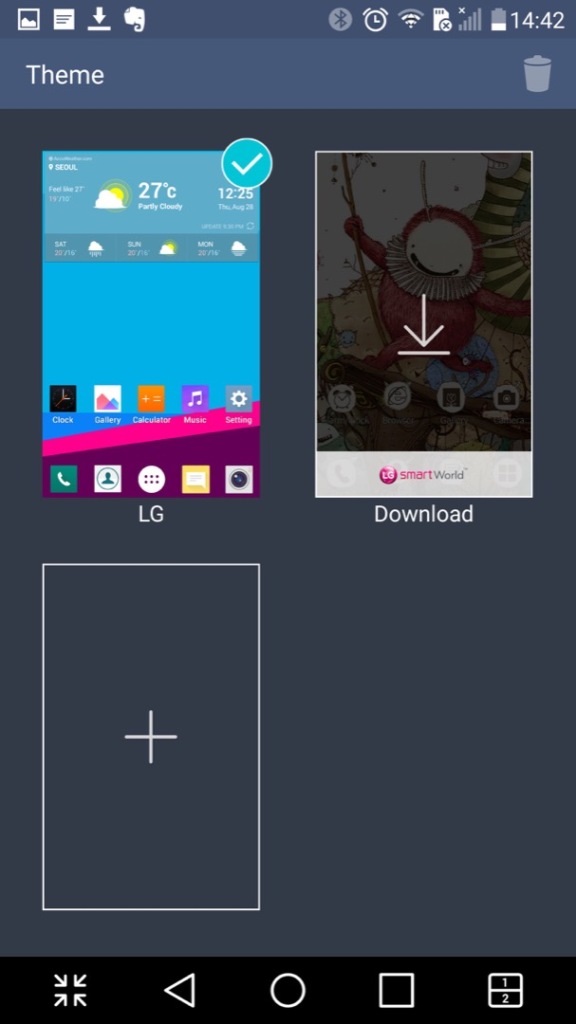
LG SmartWorld – This is a kind-of application store by LG where exclusive apps can be downloaded. Themes, wallpapers and ringtones could also be downloaded from here. This no longer appears to work which results in network connection errors, I am able to get to the main screen share it shows a couple of themes to download, but any attempt to sign in results in an error message. As LG are no longer in the smartphone market, they might be withdrawing support.
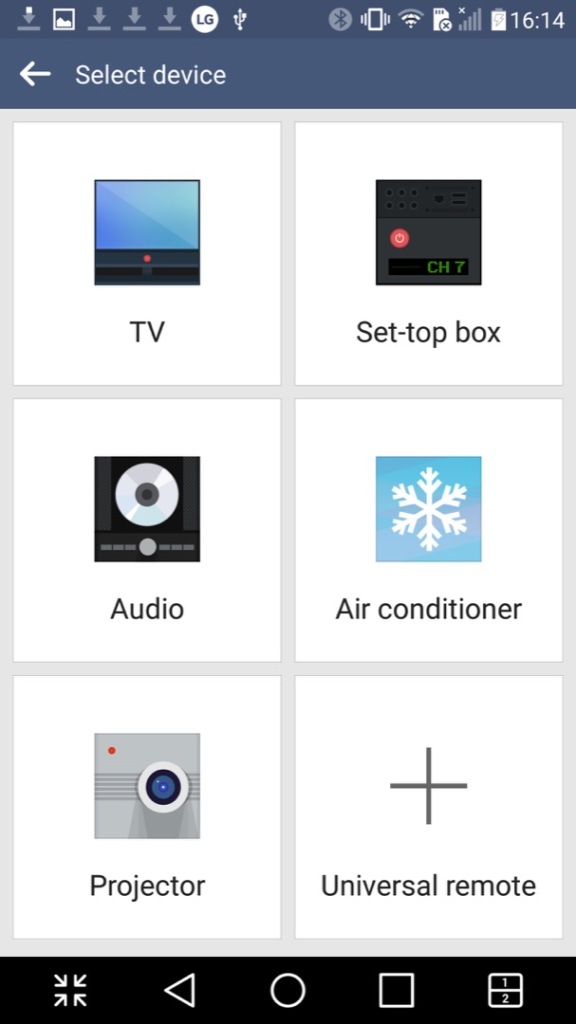
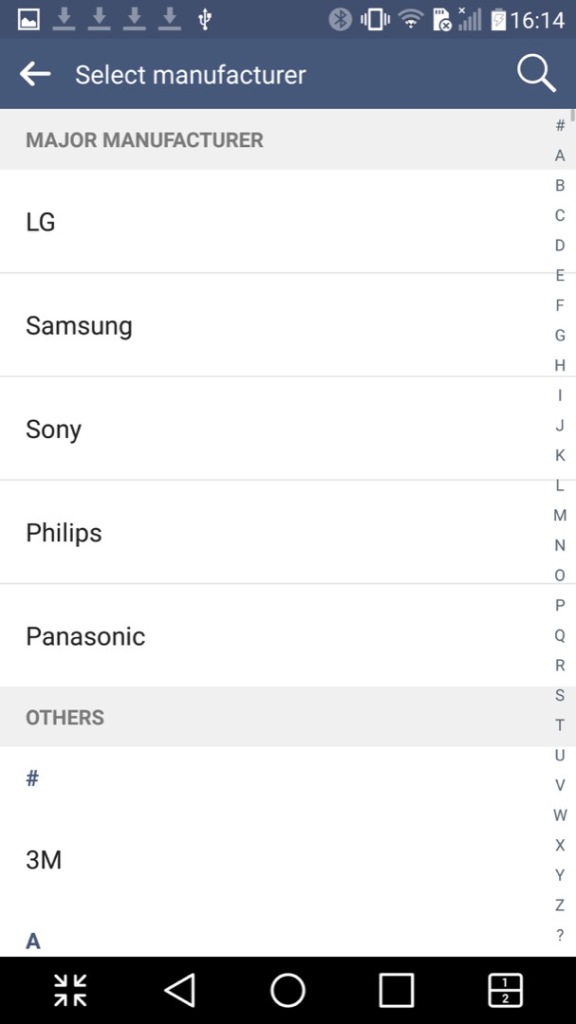
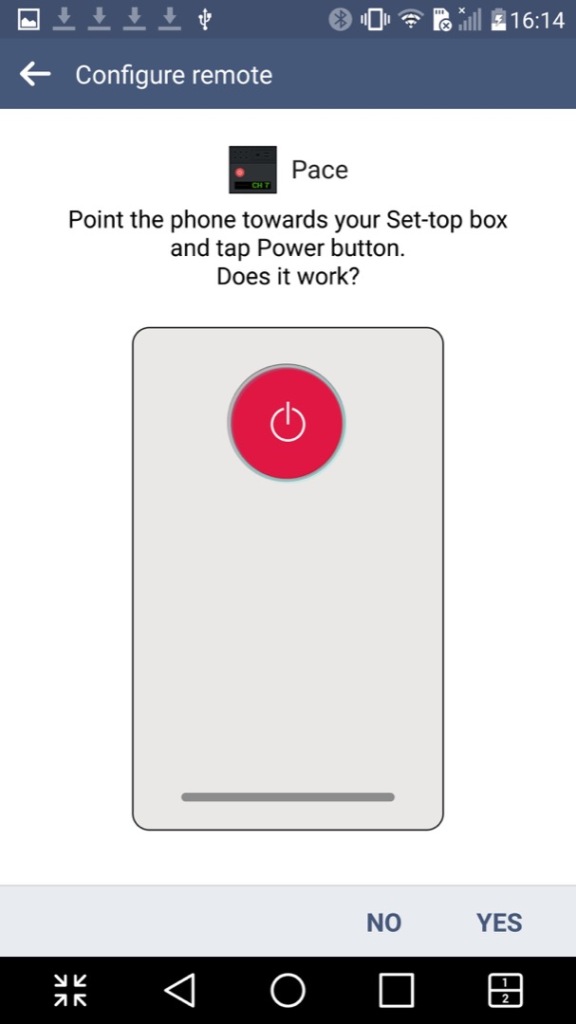
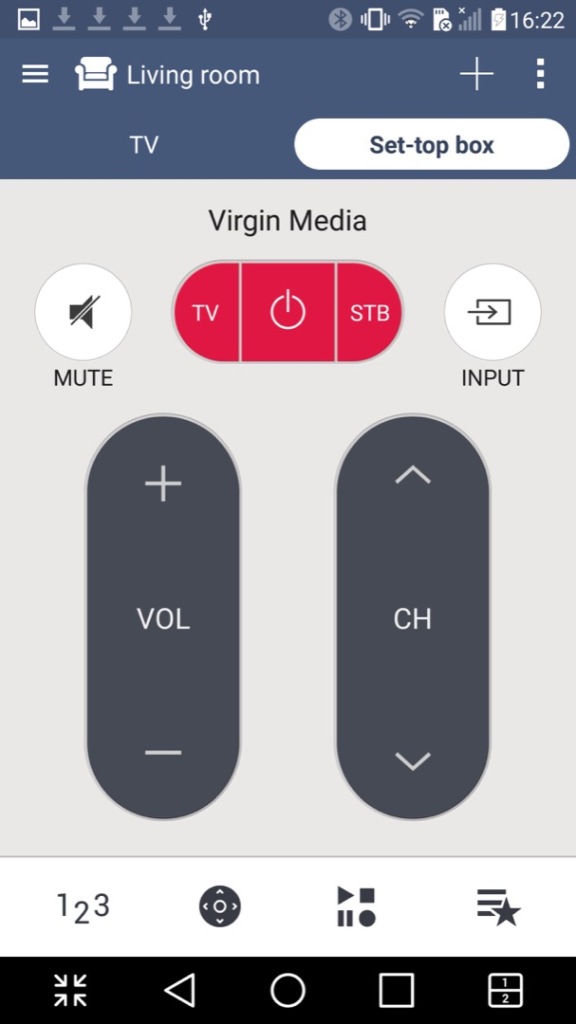
QuickRemote: Turns your phone into a universal remote that can control a TV, set-top box, an audio system or the air conditioner. You can designate the remote for different rooms of your household and can choose from a list of various different manufacturers, and will list the most common ones first. You can also search by typing in the manufacturer or service provider of your equipment.
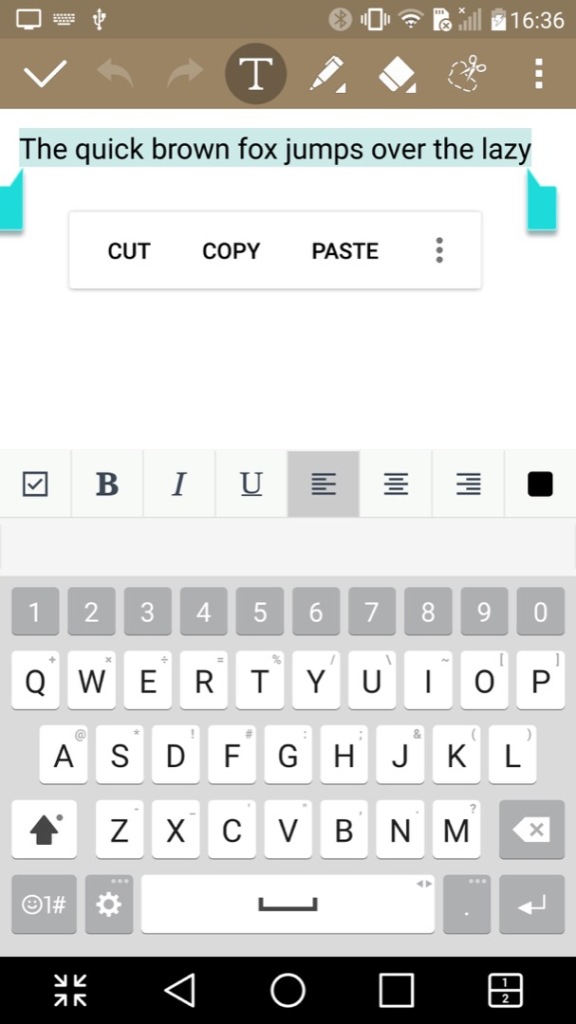
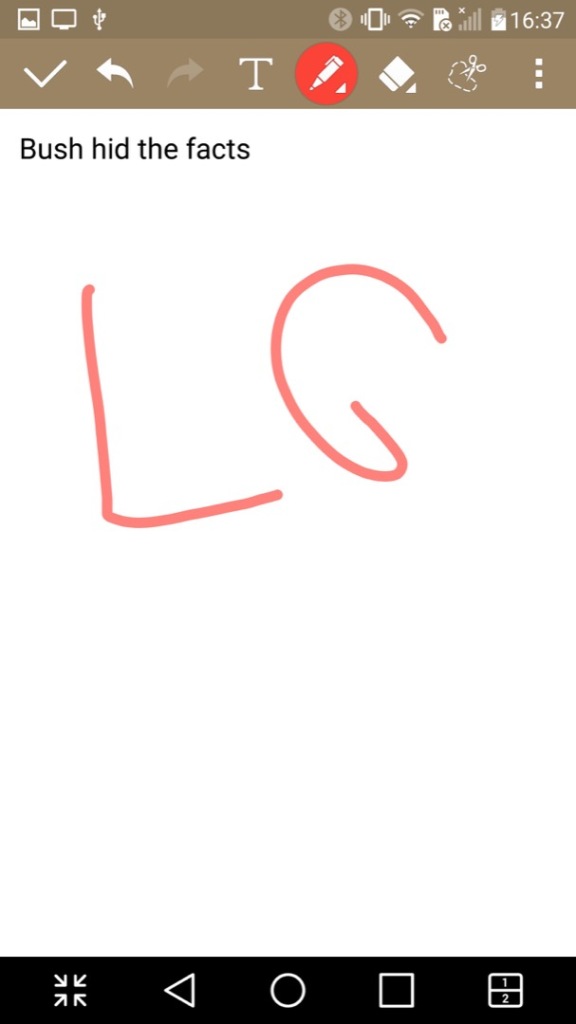
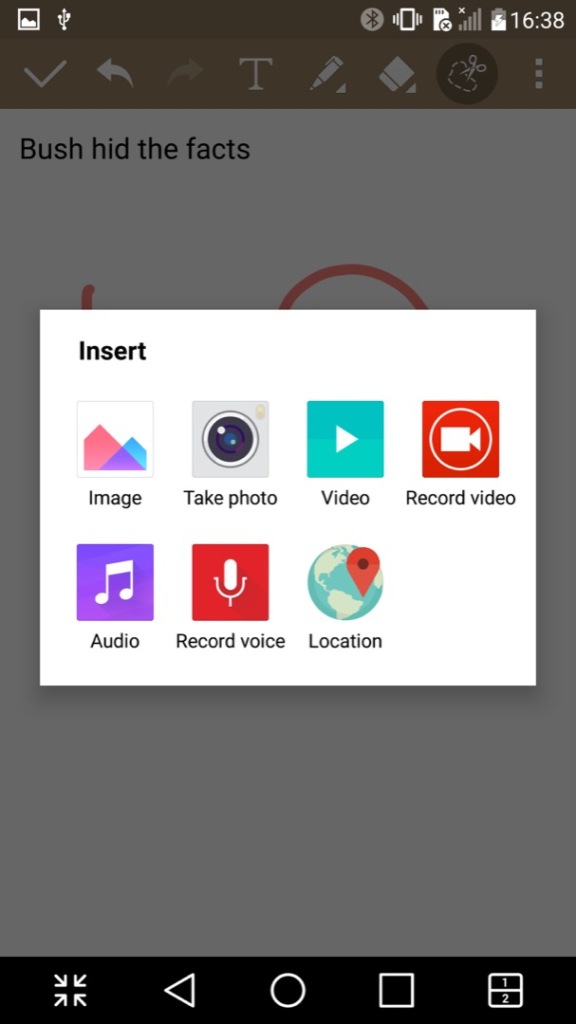
QuickMemo+: A text editor of sorts that you can either type text, or freehand draw. You can also insert pictures, audio or video clips. Its kind of like Microsoft OneNote in that sense. Files can be exported in either the QuickMemo+ (iqm) or as a PDF file.
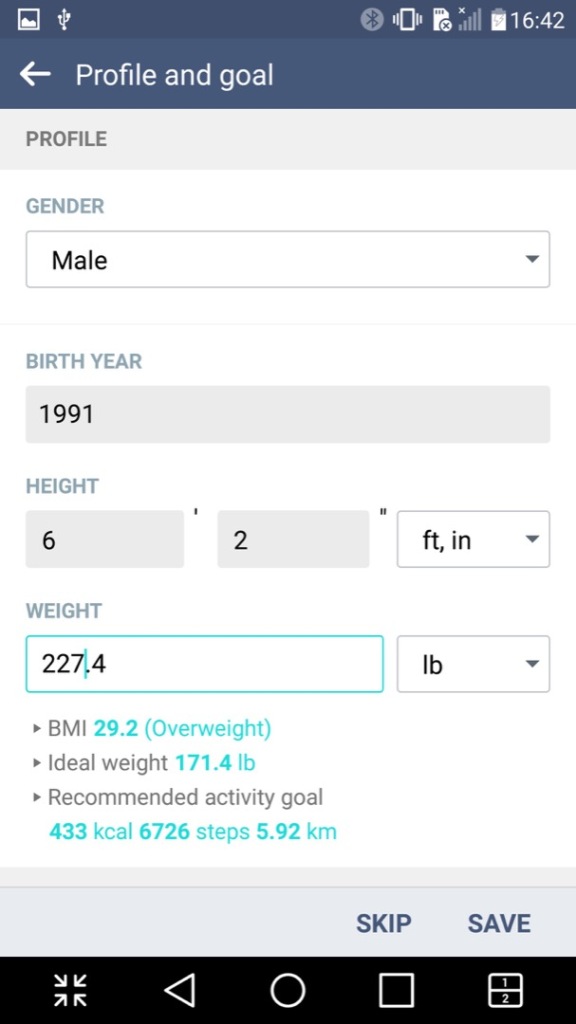
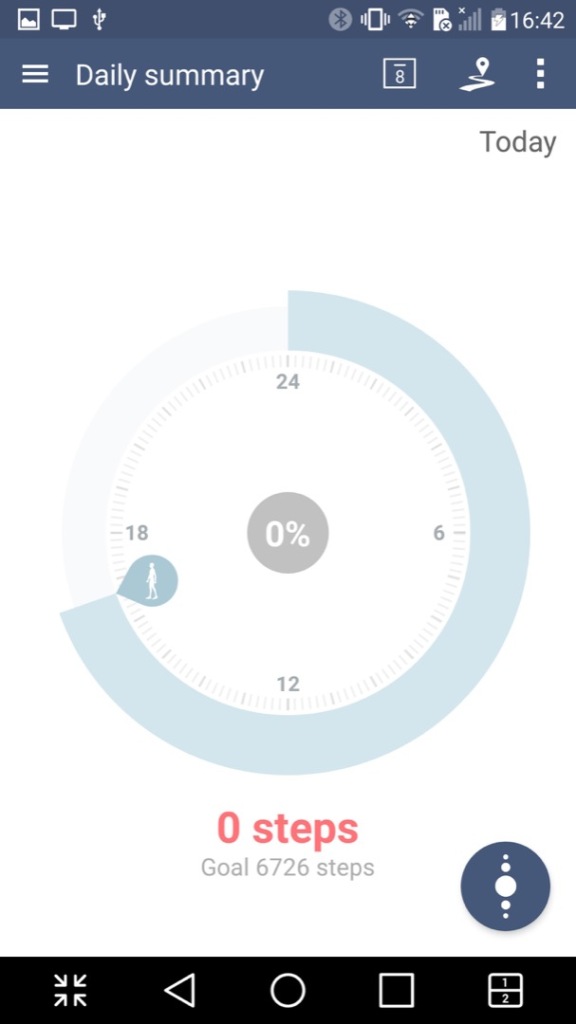
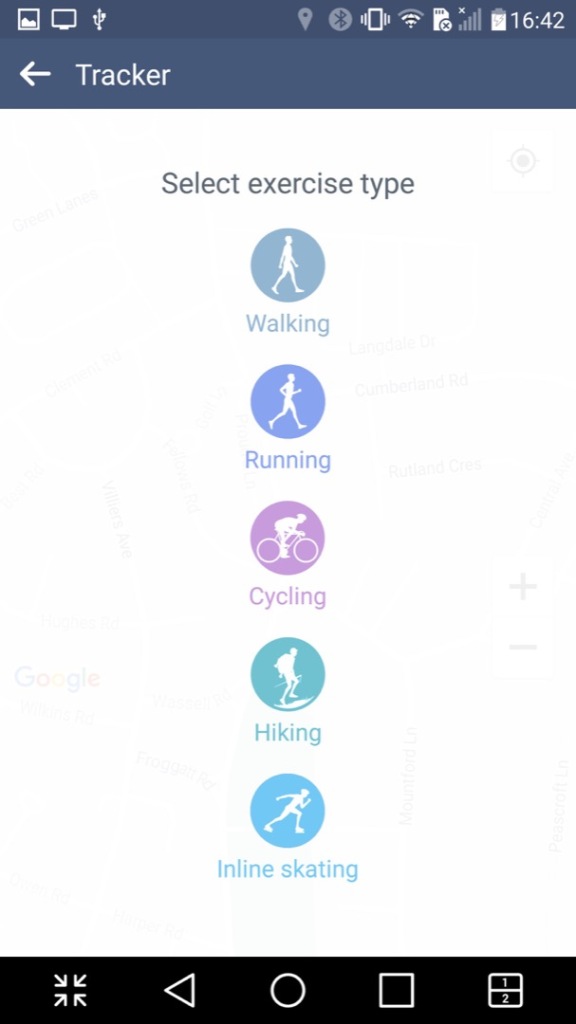
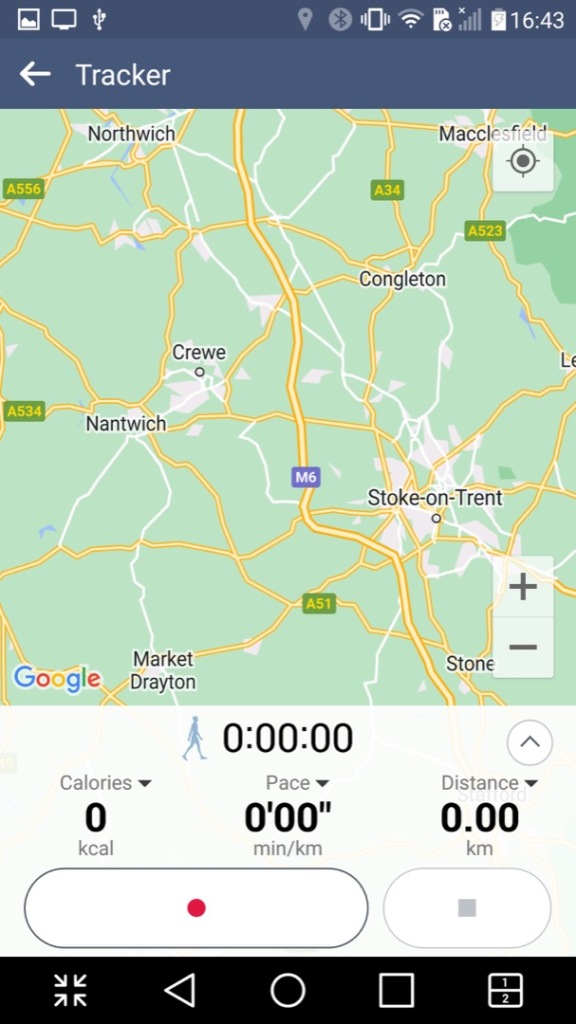
LG Health: A fitness app like Fitbit where you provide details regarding your body height and weight, along with your age. It will then calculate your BMI and your ideal weight. It can also be used to track exercises and the number of steps done within a day, assuming you keep your phone on you at all times. It has the ability to sync with Google Fit, but not much else.

RemoteCall Service: I think this is some sort of technical support app that allows LG customer service representatives to remotely access and control an LG device for the purpose of troubleshooting and resolving technical issues. The feature works by establishing a secure connection between the LG device and the customer service representative’s computer, which enables the representative to diagnose and solve problems on the device remotely. Kind of like Teamviewer or Remote Assist for Windows.
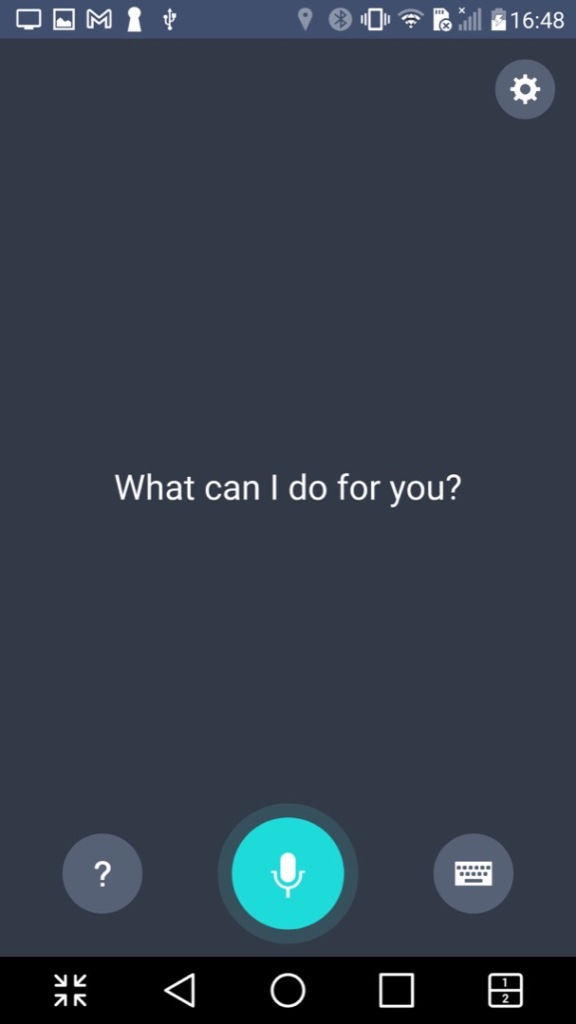
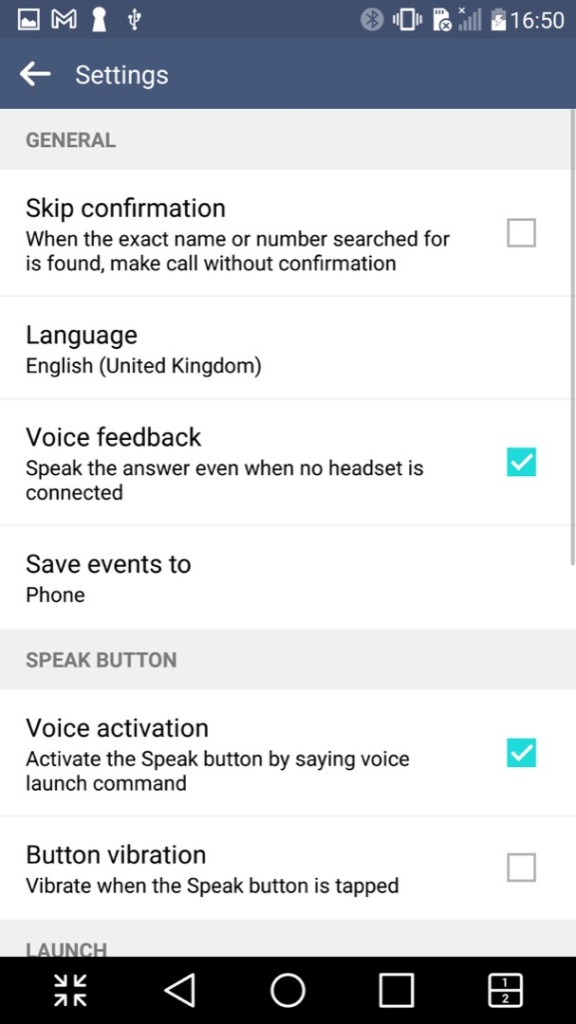
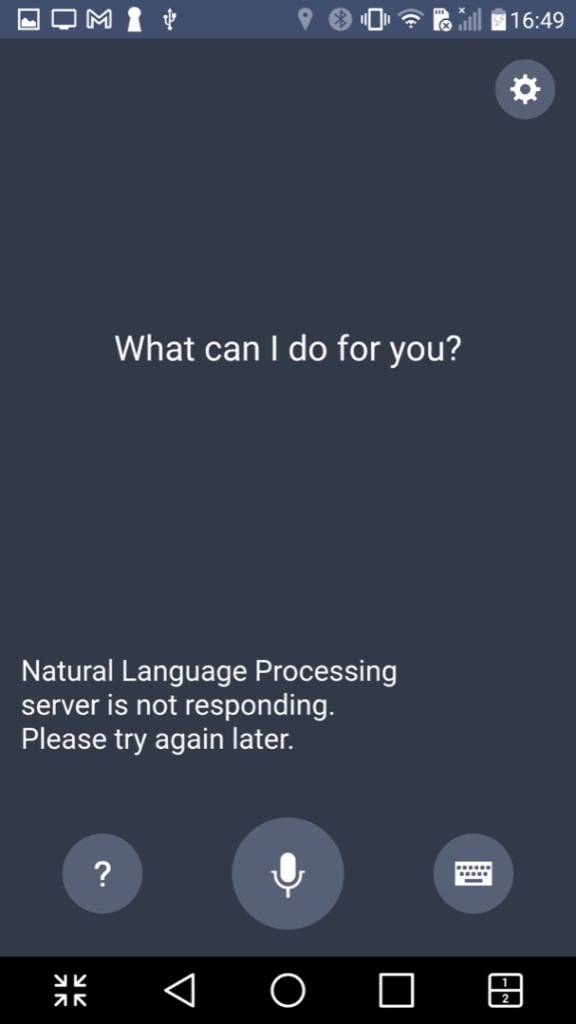
VoiceMate: LG’s own version of a voice assistant, think of it as an alternative to Cortana, Alexa or Bixby. Sadly this no longer functions and only responds with an error message about a natural language processing server.

Lastly there is Evernote, a popular note and referencing app
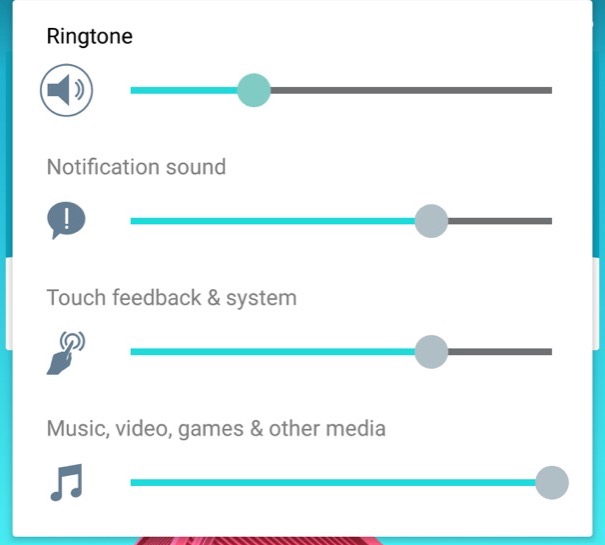
The volume control, with separate sliders for calls, notifications and multimedia.

Settings Menu
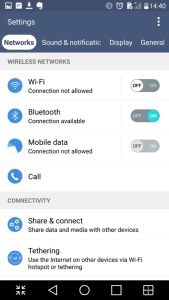
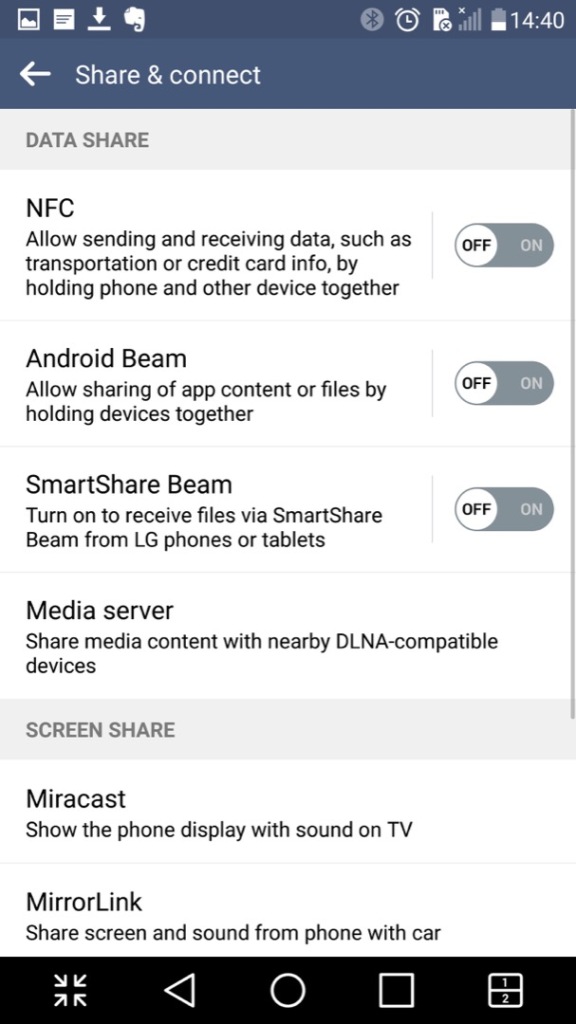
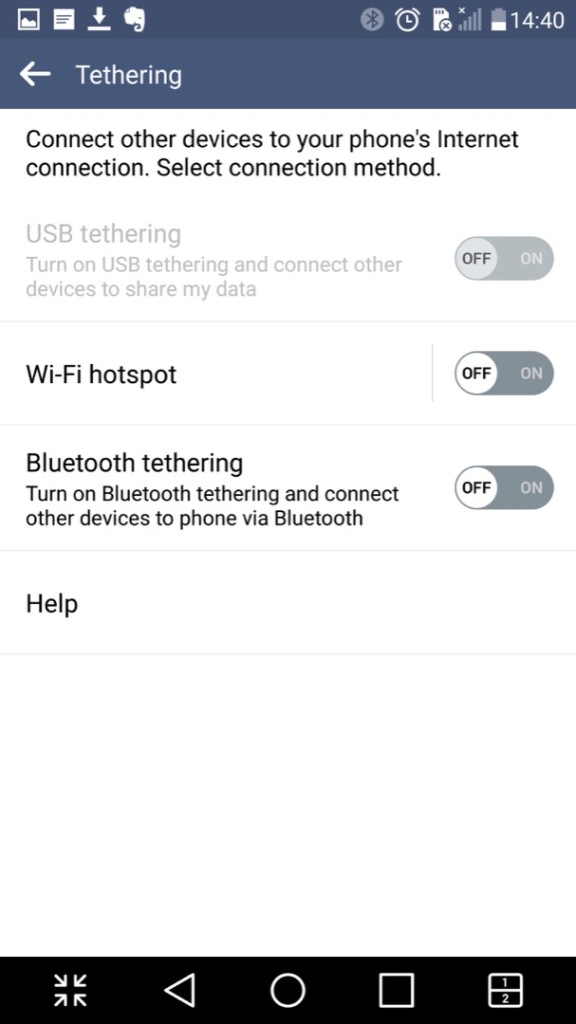
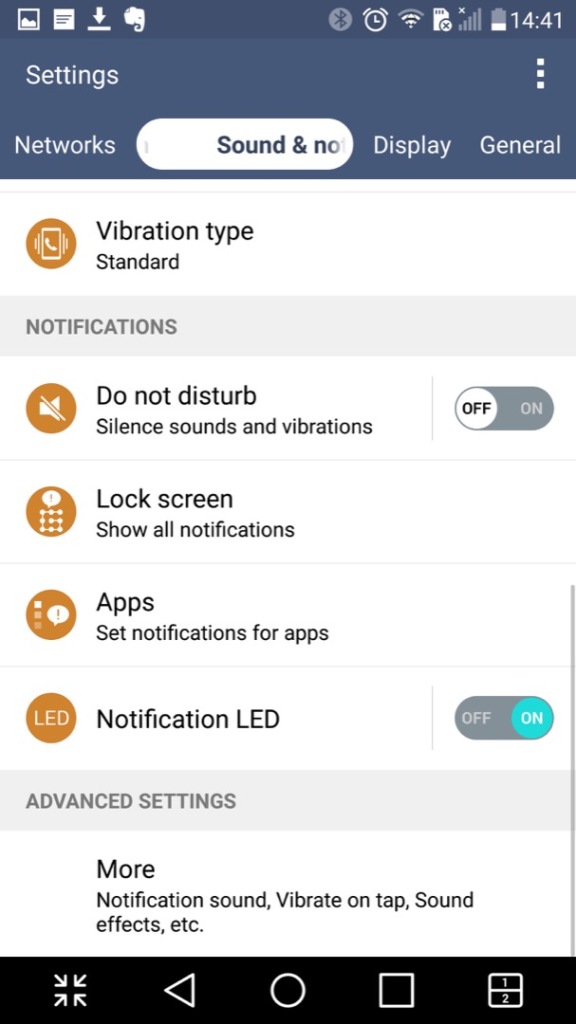
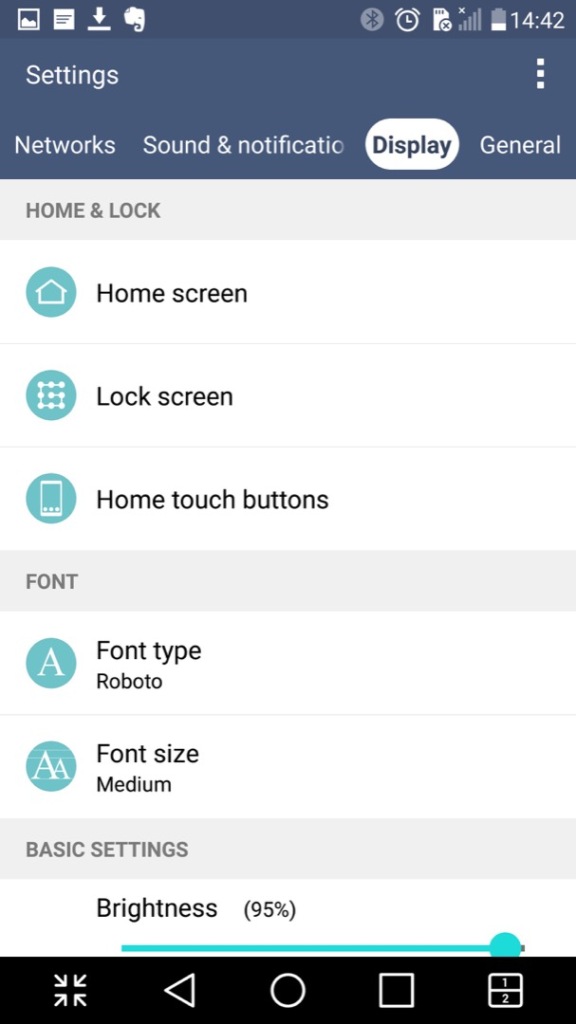
The settings menu which is split into different sections of Networks, Sound & Notifications Display and General
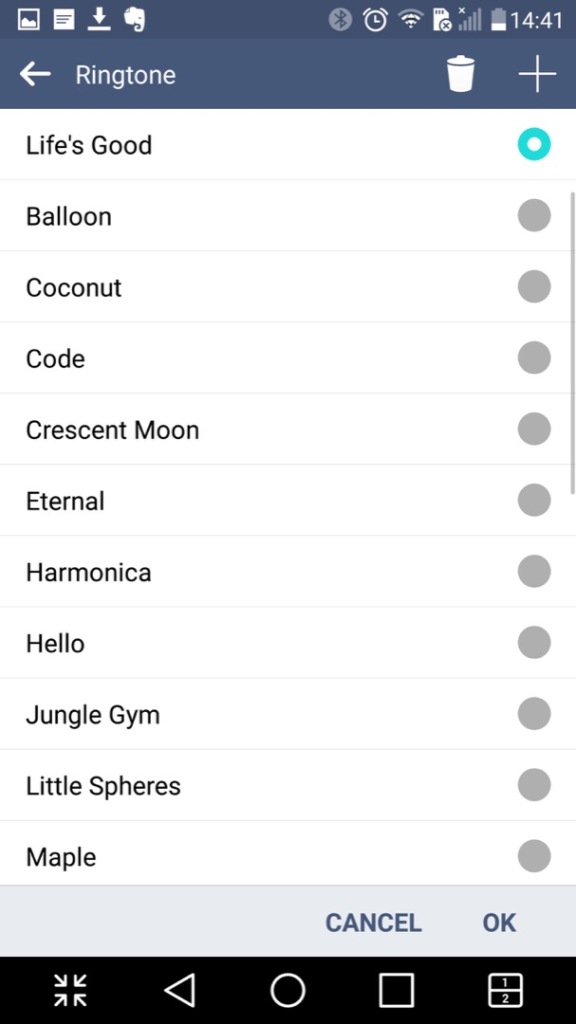
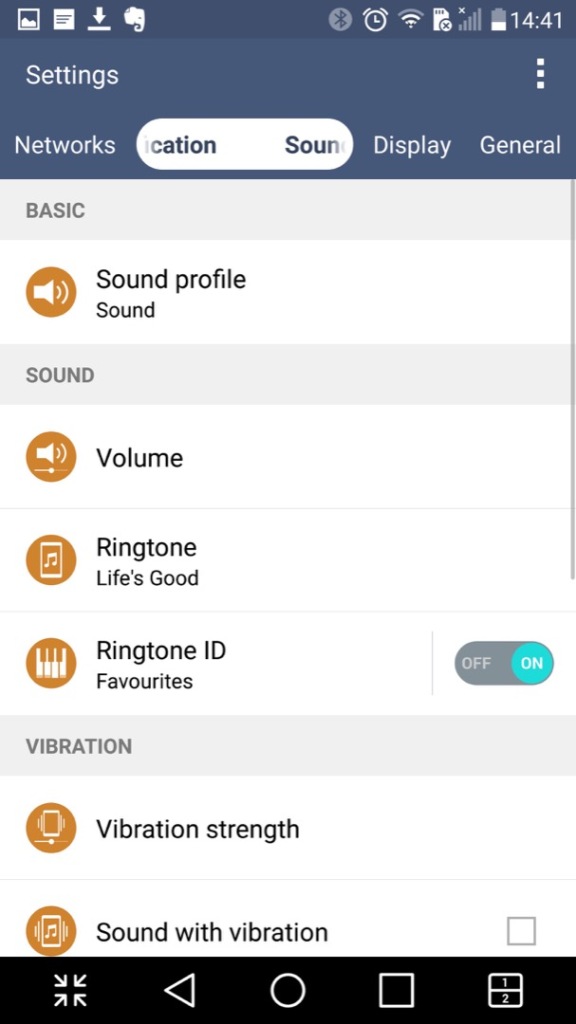
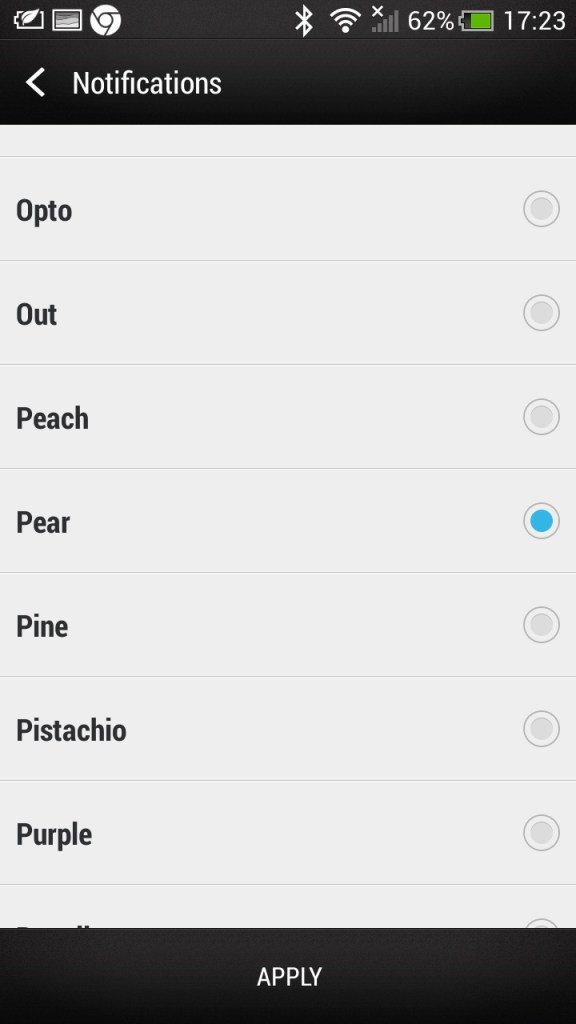
LG have bundled in their own ringtones, and have not included the stock Android ringtones.
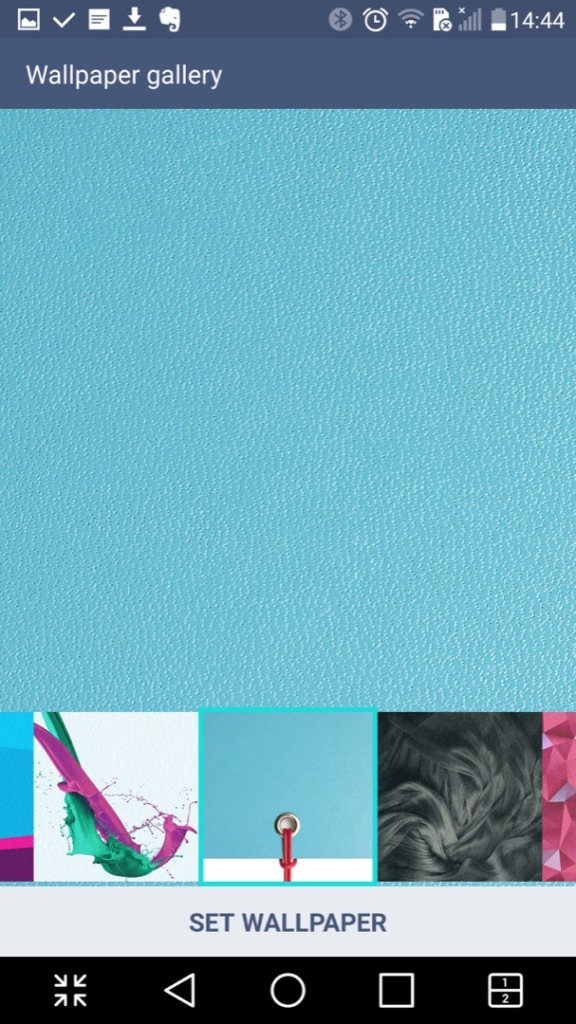
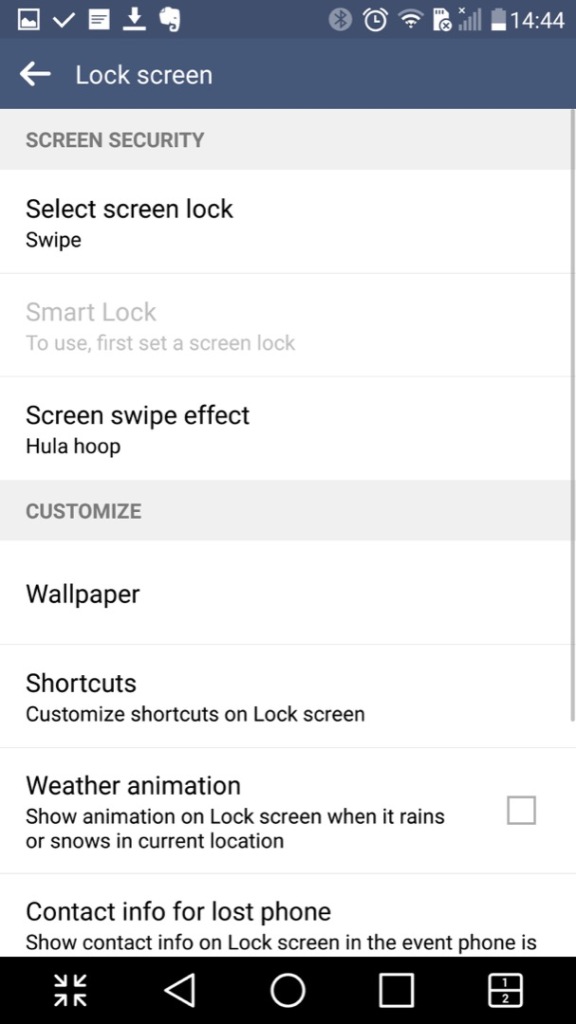
Customising the wallpaer background and the lock screen
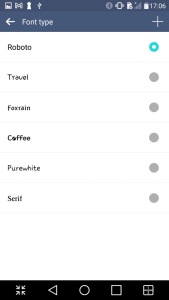
LG also allow you to set different fonts that are used throughout the phone’s menus, however many apps will neglect to use them in favor of their own font.

Conclusion

So LG pretty much went all out with the software on this one which makes it standout from other Android phones that use the stock launcher and software. LG also didn’t skimp on the hardware either with its stunning screen and design which showcases a premium luxury feel.

Even today the phone is semi usable, with essential Android apps still being supported, although that amount is starting to reduce and the OS ages.
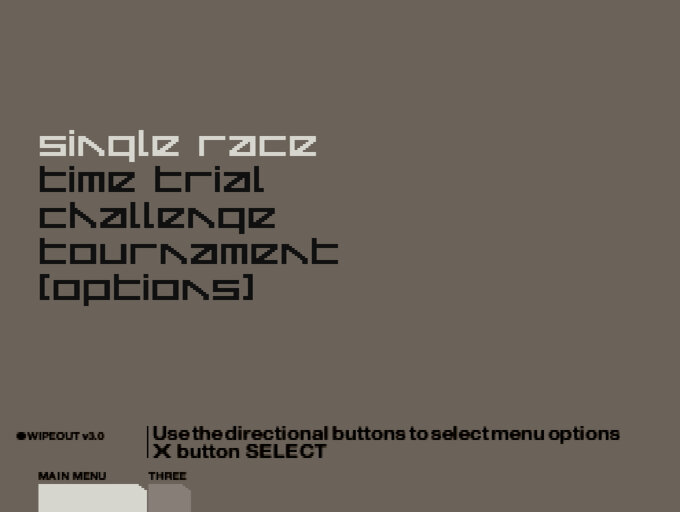
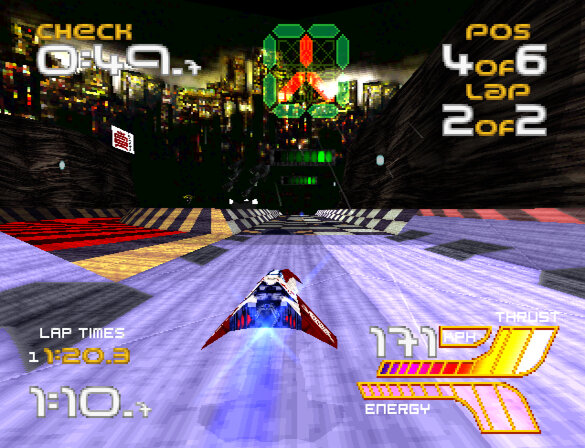
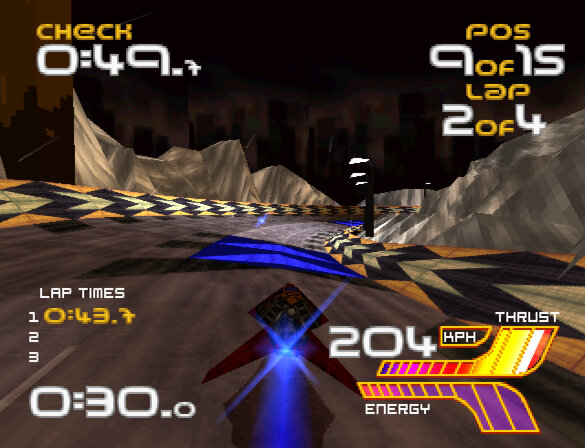
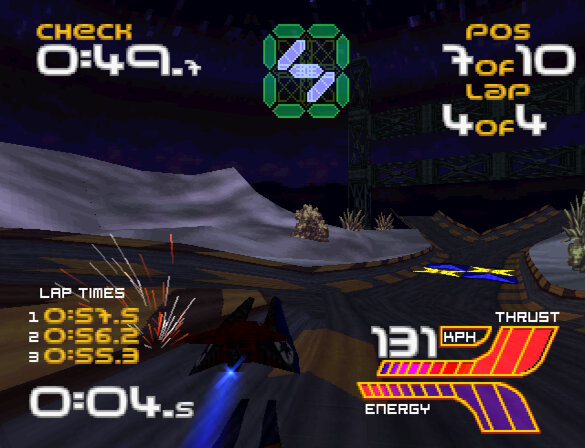
Wip3out

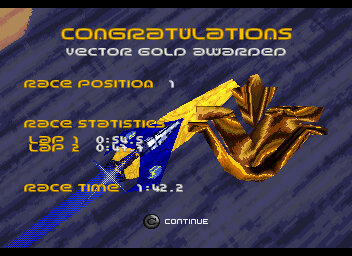
A racing video game developed by Psygnosis and released for the PlayStation console in 1999 and the final instalment for the original PlayStation. The game features fast-paced anti-gravity racing, where players control futuristic vehicles called AG craft through a series of challenging tracks, but features a resigned track style.

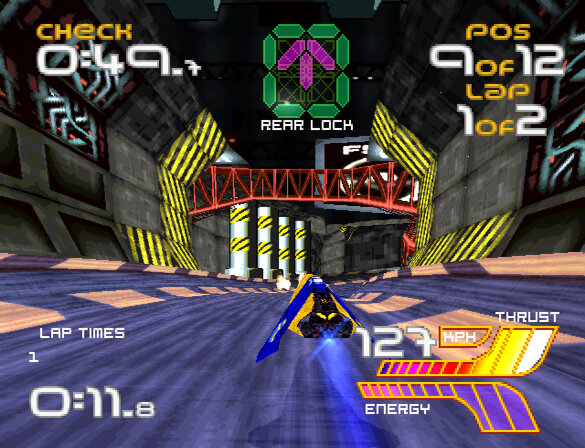
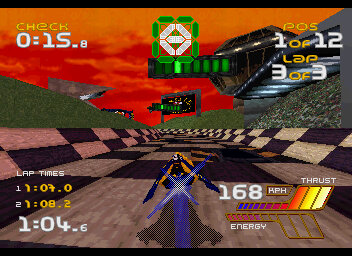
Wipeout 3 features impressive graphics for its time. The game’s anti-aliased, high-resolution graphics are rendered in real-time, and the frame rate is smooth and consistent and makes it one of the few PlayStation games that takes advantage of its higher resolution output resulting in a cleaner image quality. The game’s tracks and vehicles are designed with intricate details, and the game’s lighting effects and particle effects are impressive for what the hardware can achieve. Wipeout 3’s graphics are some of the best on the PlayStation, and the game’s stylish aesthetic still holds up well today. As one of the last games to be released by Studio Liverpool for the PlayStation, it severs as a nice finale for the studio as we prepare for the next generation.

Complementing the games graphics are its sound effects that are well-designed, with a range of satisfying engine noises, weapon sounds, and explosions. The game’s soundtrack, which features electronic dance music from artists like The Chemical Brothers and Underworld, perfectly complements the game’s futuristic atmosphere.

Complementing the games graphics are its sound effects that are well-designed, with a range of satisfying engine noises, weapon sounds, and explosions. The game’s soundtrack, which features electronic dance music from artists like The Chemical Brothers and Underworld, perfectly complements the game’s futuristic atmosphere.

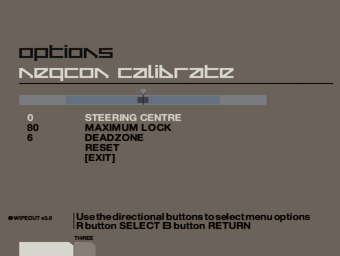
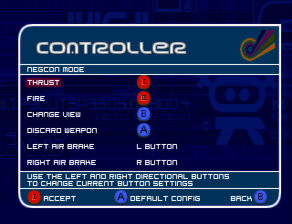
As with other titles in the series, Wipeout 3’s gameplay is fast, challenging, and satisfying. The game’s controls are tight and responsive, allowing players to execute precise manoeuvres and drifts with ease. The game’s tracks are well-designed, featuring multiple paths, jumps, and obstacles that require skilful driving to navigate. The game’s weapons system is also well-balanced, with a range of offensive and defensive options that can be used strategically to gain an advantage. The NeGcon controller is still supported for analogue input, in addition to the Dualshock and analogue controls.

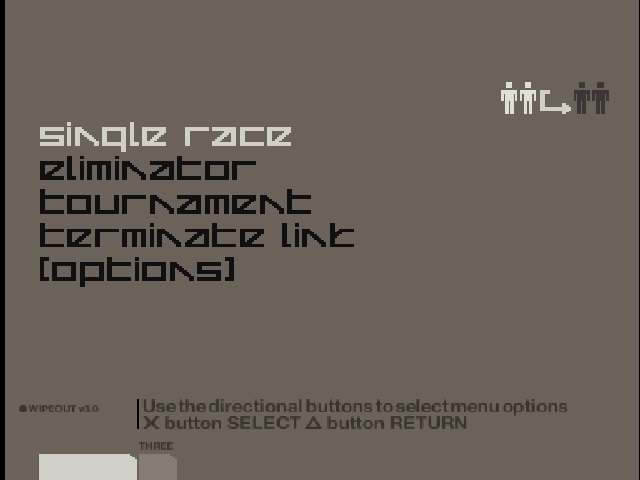
Wipeout 3 offers a lot of replay value, with multiple game modes and difficulty levels to choose from. The game’s Championship mode provides a lengthy campaign that will take hours to complete, and the game’s time trial mode provides a satisfying challenge for players looking to master each track’s nuances. The game also features a multiplayer mode that allows up to four players to compete against each other, adding even more replay value. This was a little tricky to setup as you have to establish a link between the two consoles first, as the game will also support two players from one console.

Using the Linux build of the PCSR-R emulator and an ethernet cable connected to two laptops, its possible to emulate the link play but it runs at such a low framerate that makes it unplayable. However you do get an idea how this would work on an actual console.

In Wip3out, there are several teams that the player can choose to represent during races. Each team has its own unique anti-gravity ship, which has different stats for speed, acceleration, handling, and shield strength. Here is a brief overview of each team

  • Auricom – This team is known for having the fastest ships in the game, but they have weaker shields and are more difficult to handle
  • FEISAR – This team has good acceleration and handling, but their top speed is slightly lower than other teams.
  • Goteki 45 – This team has good handling and acceleration, but their shields are weaker than other teams.
  • Piranha – This team has balanced stats and is a good choice for players who want a well-rounded ship.
  • Qirex – This team is known for having the strongest shields in the game, but their ships are slower and have lower acceleration.
  • AG Systems – This team has good handling and acceleration, but their top speed is slightly lower than other teams.
  • Assegai – This team has good handling and acceleration, but their shields are weaker than other teams.
  • Icaras – For more advanced players, as their ships run at high speed.

Wip3out includes a variety of power-ups that players can use during races to gain an advantage over their opponents. Here is a brief overview of each power-up:

  • Missile – This power-up fires a homing missile at the closest opponent in front of the player’s ship, causing them to spin out or crash.
  • Auto Pilot – This power-up temporarily takes control of the player’s ship, allowing them to focus on using weapons or navigating tricky sections of the track.
  • Shield – This power-up temporarily boosts the player’s ship’s shield strength, making it more resistant to damage from weapons or collisions.
  • Mines – This power-up drops a set of mines behind the player’s ship, causing opponents who run over them to spin out or crash.
  • Plasma Bolt – This power-up fires a powerful plasma bolt that can cause significant damage to opponents’ ships, potentially causing them to crash.
  • Quake Disruptor – This power-up causes a seismic disturbance that shakes opponents’ ships and makes them harder to control, potentially causing them to crash.
  • Invisibility – This power-up makes the player’s ship invisible for a short period of time, allowing them to avoid weapons and sneak past opponents.
  • Reflector – Reflects any damage to another ship
  • Cloak – Make your ship invisible for a short time
  • Force Wall – Spawns a wall that can be used to stop opponents

Each power-up is represented by a different icon on the track, and they can be picked up by flying over them.

Wipeout XL / 2097

Wipeout XL is a high-speed, futuristic racing game that was originally released in 1996. It was developed by Psygnosis and published by Sony Computer Entertainment. The game is set in the year 2097, where players compete in anti-gravity ships across a variety of tracks and modes.

One of the first things you’ll notice about Wipeout XL is its incredible sense of speed. The game’s visuals are still impressive today, with a smooth frame rate and a futuristic art style that holds up well. The sound design is also fantastic, with a thumping techno soundtrack that perfectly complements the game’s high-octane racing.

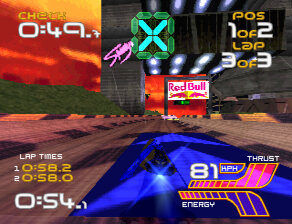
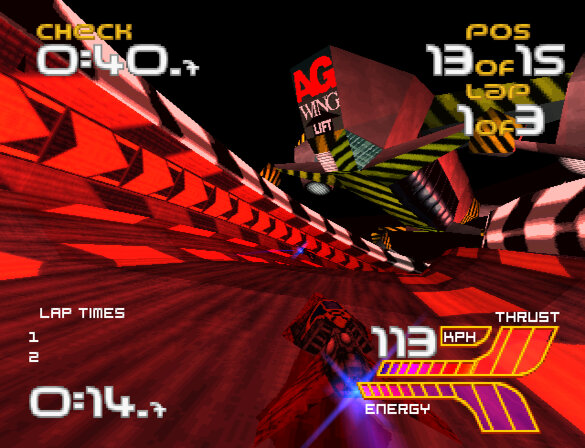
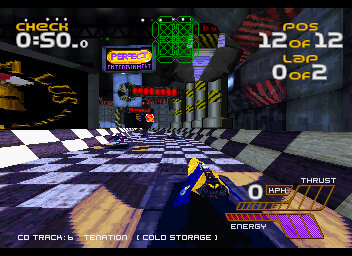
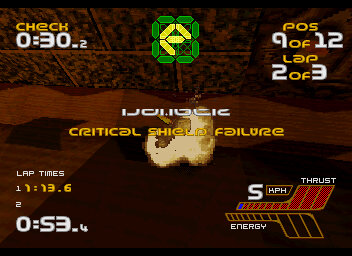
The weapon system has been improved, now your ships have a health meter that depletes upon impact with a weapon, or with another ship or track. Energy can be replenished by using the designed pit area’s that restores the ships energy. When you ship runs out of energy, the game is over.

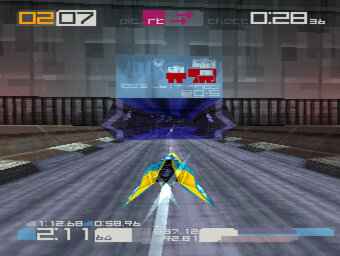
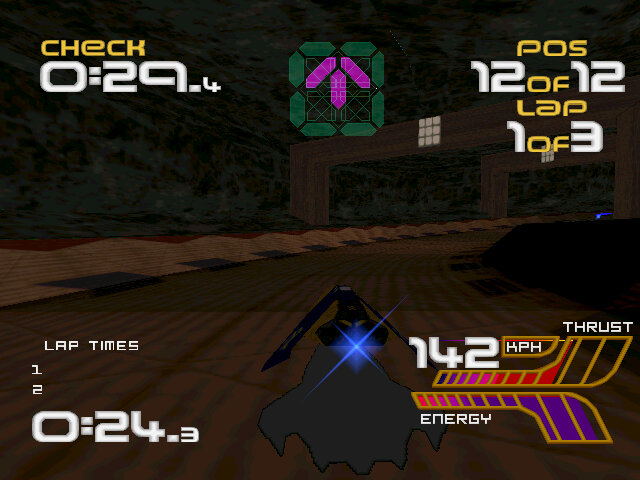
Also there is a countdown timer that depletes until you reach the next checkpoint, giving an arcade feel to the game though its a bit redundant, since if you run out of time, chances are you are already well behind in the race.

The gameplay in Wipeout XL is intense and challenging. The ships handle well, but require precise control at high speeds. The game has a steep learning curve, and it can take a while to get the hang of the tracks and the various weapons and power-ups available. But once you do, the game is incredibly rewarding, with tight races and exciting finishes.

One of the features of Wipeout XL is its variety of modes. The game offers a campaign mode, where you compete in a series of races and unlock new ships and tracks. There’s also a time trial mode, where you can compete against your best times or the times of other players. And of course, there’s a multiplayer mode, where you can race against your friends.

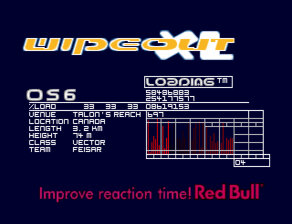
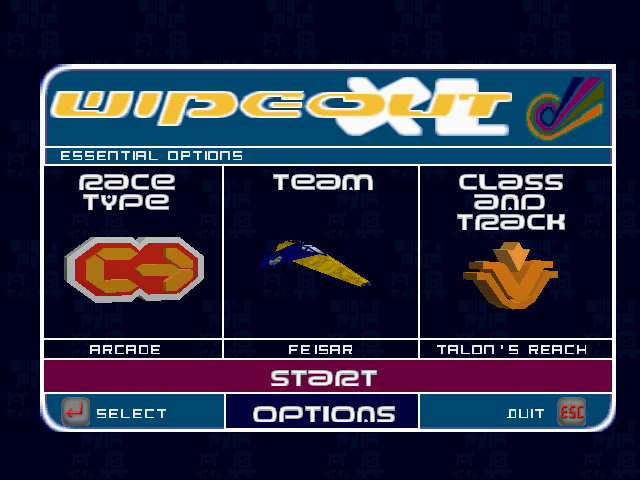
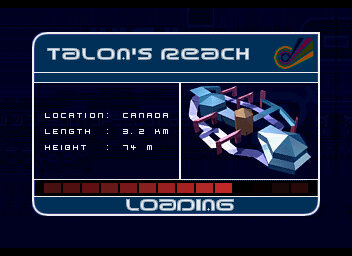
  • Talon’s Reach: This is the first level of the game and serves as an introduction to the basic gameplay mechanics. It’s a relatively simple track with a few jumps and turns, but it’s a good warm-up for the more challenging tracks to come.
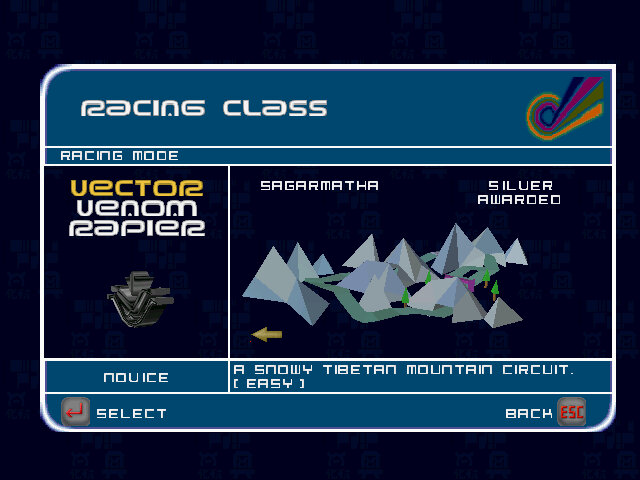
  • Sagarmatha: This level takes place on a track set high in the Himalayas. It’s a visually stunning track with steep drops and sharp turns that require precise timing to navigate.
  • Valparaiso: This track takes place in a futuristic version of the Chilean port city. It’s a challenging track with tight turns and narrow sections that require careful control of your craft.
  • Gare d’Europa: This level takes place in a futuristic version of the train station in Paris, France. The track is fast and has a lot of straight sections, making it a great level to use your craft’s top speed, also has a few lightning effects.
  • Odessa Keys: This level takes place on a track set in a futuristic version of the Black Sea. It’s a challenging track with tight turns and narrow sections that require precise control of your craft. The track also features a large jump that can be difficult to navigate.
  • Other tracks include Vostok Island, Spolskinanke & Phenitia Park.

Teams Included

  • AG Systems: This is one of the default teams in the game and is a good choice for beginners. Their craft is well-balanced and easy to control, making them a great option for players who are still learning the game’s mechanics.
  • Qirex: This team is known for its high speed and power. Their craft is one of the fastest in the game, but it can be difficult to control at times. This team is a great choice for experienced players who are looking for a challenge.
  • Feisar: This team is known for its agility and handling. Their craft is one of the most manoeuvrable in the game, making them a great choice for players who value control over speed.
  • Auricom: This team is known for its all-around performance. Their craft is well-balanced and can perform well in any situation. This team is a great choice for players who want a versatile craft that can handle any track.
  • Piranha: This ship has the highest stats nut cannot use any weapons.

Versions

Wipeout XL is the most accessible version of Wipeout to date and was ported to over 4 platforms.

PlayStation

The lead platform and the best way to play, One advantage of playing the PlayStation version is that it was specifically designed for the console, so the controls were optimized for the PlayStation controller. Some players may find it easier to control their vehicle using the PlayStation controller rather than a keyboard or other input device on the PC. Overall it appears to be the most polished version of the game.

Additionally, the PlayStation version of Wipeout XL had support for the serial cable which allows two consoles to be linked together to provide two player support.

Another nice feature is support for the NeGcon controller which provides analogue steering support, as this game predated the Dualshock controller.

Windows

The PC version of Wipeout XL features improved graphics over the PlayStation version and features higher resolution textures, improved lighting effects, and smoother frame rates but has issues running at refresh rates higher then 30hz, causing the game to run too fast. This breaks the game entirly as its difficult to play at effectivly twice the speed.

It has native support for DirectX 3 or PowerVR graphics cards. The readme file also mentions official support for the Rendition, ATI RAGE and Matrox graphics cards.

Sega Saturn

The graphics and sound of the Sega Saturn version are generally considered to be inferior to the PlayStation version. The Sega Saturn version features lower resolution textures, less detailed backgrounds, and reduced visual effects. The sound quality is also less impressive than the PlayStation version, with lower quality sound effects and music. The loading screens are different in this version and there is no multiplayer support.

The gameplay of both versions is largely the same, with fast-paced anti-gravity racing across futuristic tracks. However it suffers from slower frame rates and occasional glitches, which can make the game feel less smooth than the PlayStation version. It does have support for the 3D control pad which provides analogue control.

MacOS

There was also a release for PowerPC based Macintosh computers released in 2002, a few years later. Unfortunaly I cannot get his version to run on any Mac that i own, either on a PowerMac G4 running Mac OS 9.2 with a Radeon video card or an iMac running OS X Snow Leopard.

The Getaway

A promising game ruined by poor design

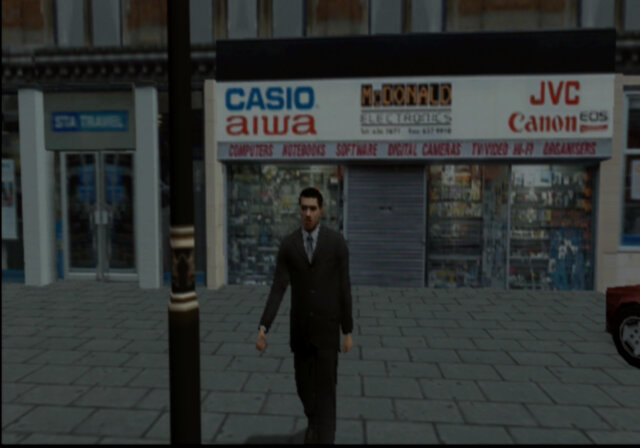
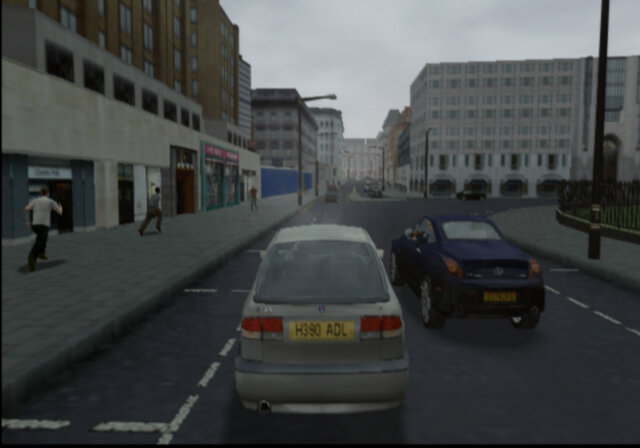
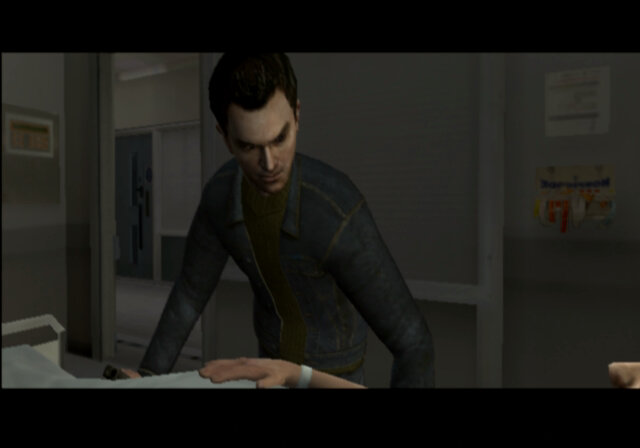
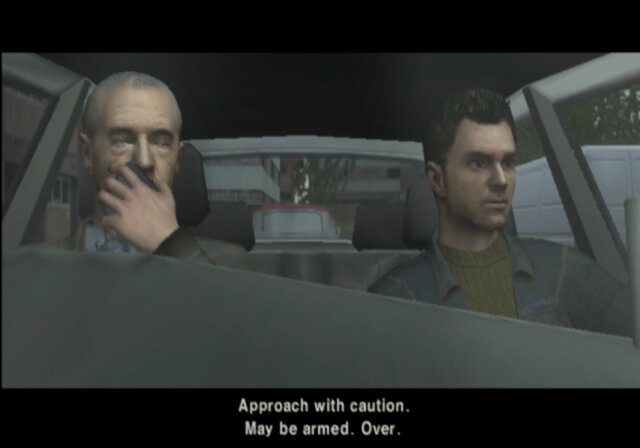
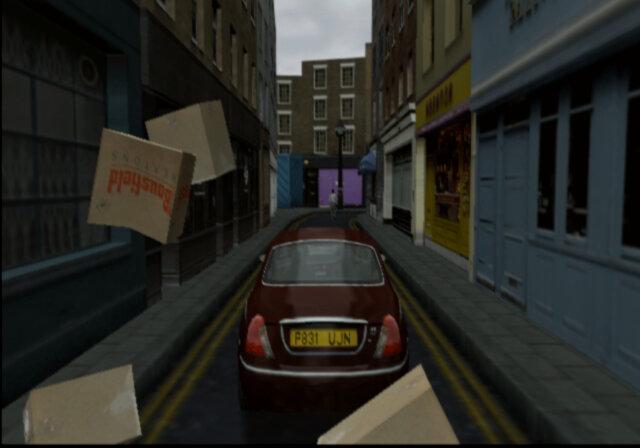
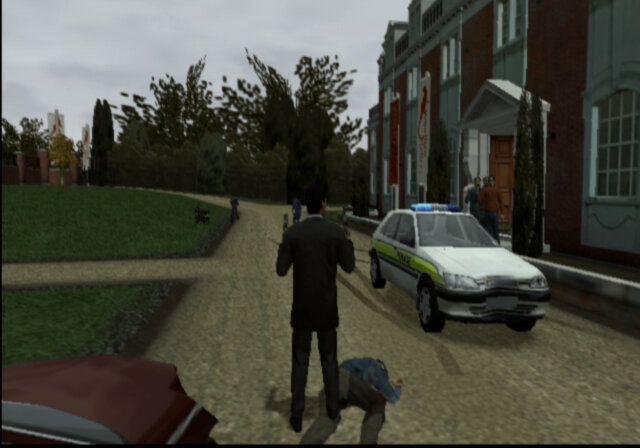
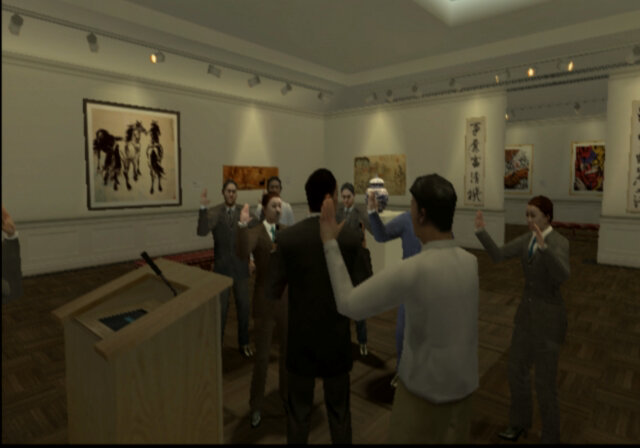
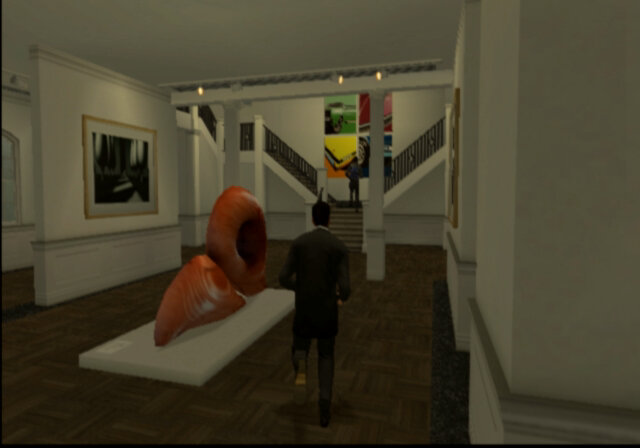
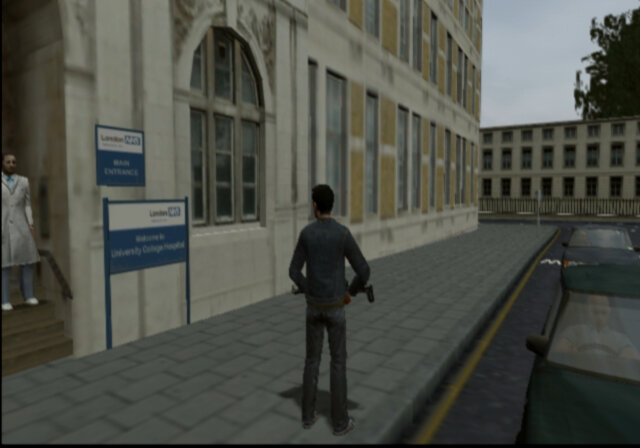
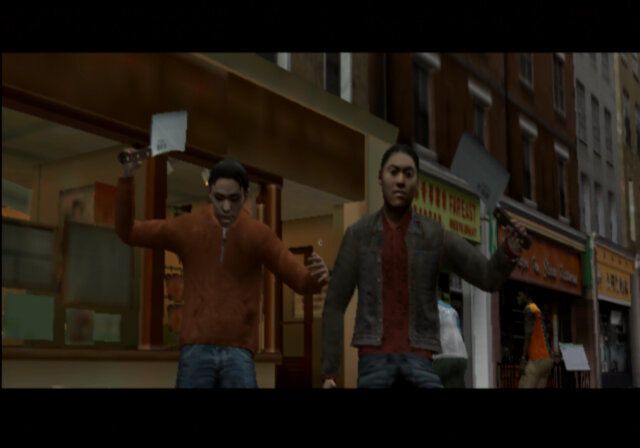
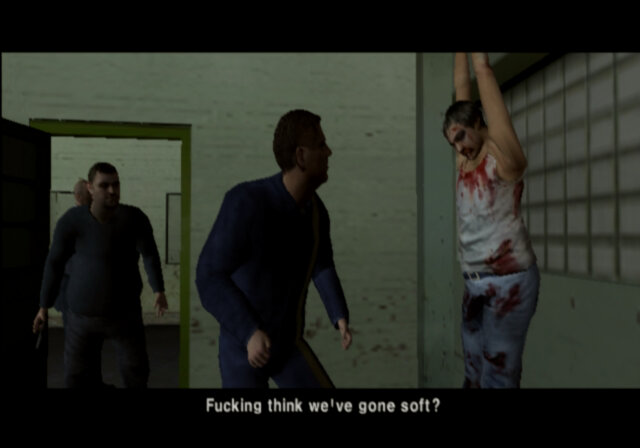
The Getaway is a third-person action-adventure game that was released on the PlayStation 2 in 2002. The game takes place in a fictionalized version of London, and follows the story of former criminal Mark Hammond as he attempts to rescue his kidnapped son and clear his name. The game is an open world GTA style game set on the cold streets of London, and is fairly accurate for the time, taking into account the game engine limitations.

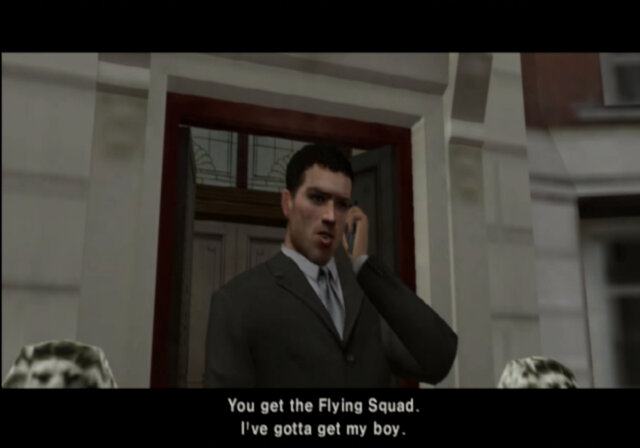
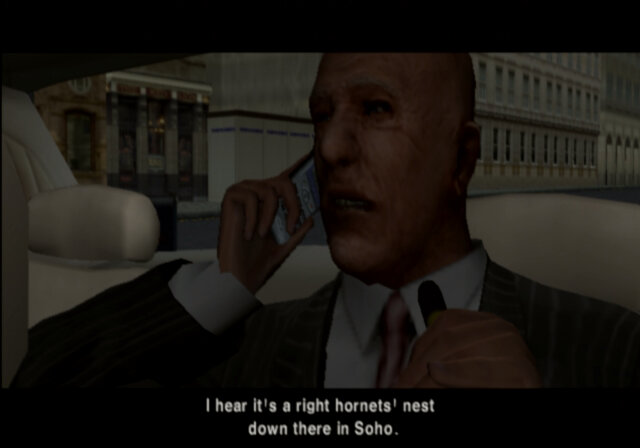
One of the most notable aspects of The Getaway is its focus on realism and authenticity. The game’s version of London is recreated in painstaking detail, with recognizable landmarks, accurate street layouts, and realistic traffic patterns. The game also features a cast of British actors, who deliver their lines in authentic accents and help to bring the game’s world to life. The game has a story mode which puts you in control of Mark Hammond, a cockney gangster who was recently out of prison and is looking to start a new life until his kid get kidnapped and his missus is shot. With his kid being abducted, mark is sent upon various missions against former rival gangs in the interest of staring a gang war on the streets of London.
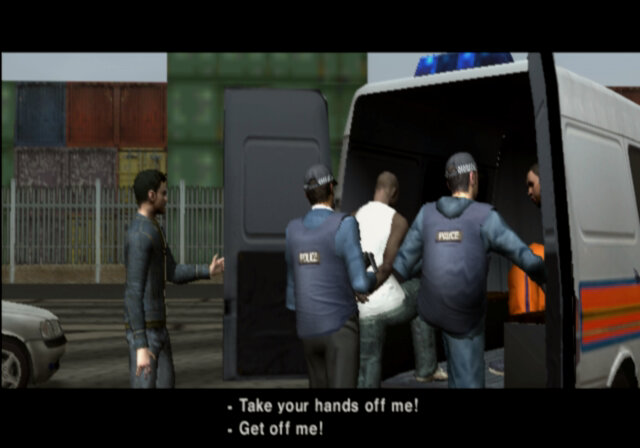
There is also a second half of the story, being set from the perspective of a police detective, Frank Carter.

Playable characters

Mark Hammond: Mark Hammond is the main protagonist of The Getaway. He is a former member of a London gang called the Collins Crew, who retired from a life of crime after serving time in prison. Mark is portrayed as a tough and determined, with a willingness to use violence when necessary to achieve his goals. He is also shown to have a softer side, particularly when it comes to his son, and is motivated by a desire to protect and care for him.

Frank Carter: He is a police officer who becomes involved in the game’s central conflict, which revolves around the kidnapping of Mark Hammond’s son.
Frank is initially assigned to investigate the murder of a fellow officer, but soon becomes embroiled in the larger conspiracy surrounding the kidnapping. He is shown to be a skilled detective and a dedicated police officer, but also has a somewhat rebellious streak that puts him at odds with his superiors.
Throughout the game, Frank works with Mark Hammond to uncover the truth behind the kidnapping and clear Mark’s name. He is a key ally to Mark, providing him with information, backup, and assistance when needed. However, Frank is also grappling with his own personal demons, including a troubled marriage and a secret drug addiction.

But whilst the story is intense and gripping, the gameplay has some serious downfalls:

Main complaint the lack of a HUD (heads up display). There is no ammo indication. No mini map, no health meter, nothing. Now I get why this seemed attractive in theory since its gives the game a cinematic feel to it, but it makes the game a whole chore to play.

The lack of a mini-map is a serious ballache, driving around the streets of London, I had no clue where anything was. The only hint is the vehicle indicator that flashes whilst you are driving around, it flashes either left or right which shows the direction you need to take to reach the objective. Except it does not always appear, and sometimes it would send me down one-way streets most of the time.
Mini maps are a common utility with these sorts of games, Grand Theft Auto had one, Driver had one and that was on the PS1. Missing this feature was a horrible decision, at least give the player the option to display the mini-map .
I mean this sort of shit would make sense on the Dreamcast with its VMU display but not on the PS2.

Also there is too much fucking traffic, its like living in India rather than London considering how overpopulated the city must be. You are constantly crashing into and having to avoid other cars.

Also the player controls are an issue, with Mark randomly spinning around when your trying to move in the specified direction. I tried this with several controls just to see if this was an issue with a specific controller, but it seems to occur. The problem is this game make use of the analogue face buttons, where the pressure applied makes use of how your character reacts, the sad news is 20 years old dualshock controllers have quite a bit of wear and tear and the buttons themselves are a bit mushy after years of use, making button commands unpredictable. This is worse in the mission where you have to move carefully to avoid setting off the laser beams.

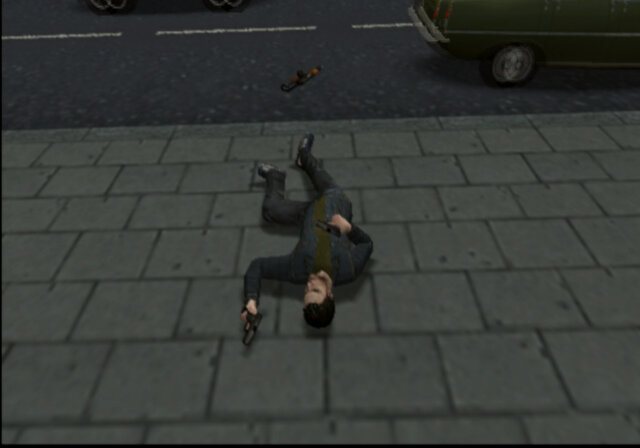
Mission checkpoints are poorly implemented, in some most cases if you die, which is very easy to do in the game, its back to the mission start you go. Only after a cut scene does the game save a checkpoint.

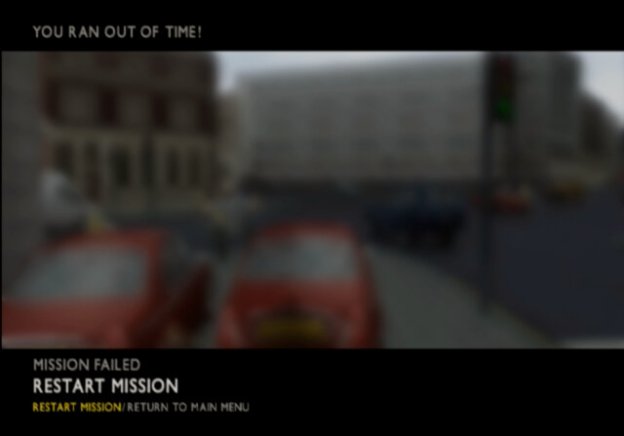
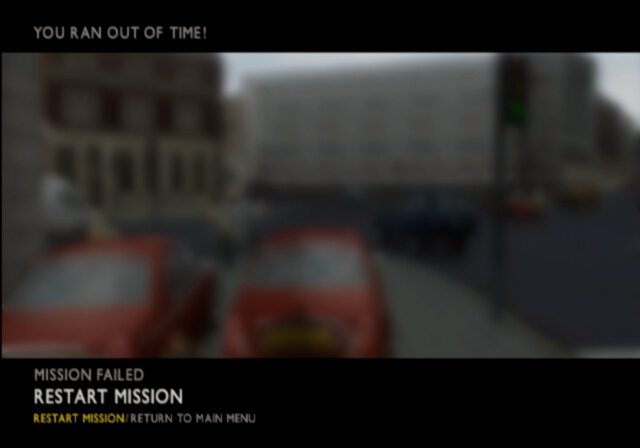
Some missions are timed, which makes sense and have been a staple of these types of games, expect The Getaway neglects to inform you the mission is timed, or what the status of the timer is. The only indicator is a music ques that sound when you have 10 seconds left.
How hard is it to include a two digit indicator on the screen, seriously, this cinematic experience can suck it.

Outside of the story missions there is not really much to do. You have a free roam move where you just drive around an overcast London, no side missions to build up the character development or to improve your stats. At least with the GTA games you could complete the ambulance missions to help increase your health.

There’s also no control of the camera at all, that right analogue stick is pretty useless except for accelerating whist drive your vehicle.

Some of the missions are incredibly hard, which is increased when you take into account the issues mentioned above. Partially with Mission 12 which had both the gangs and the police trying to ram into you.

Lastly, I don’t know if this was me being a dumb fuck but when you boot up the game, an animation sequence plays after the company logo’s. At first I assumed this was some sort of loading screen but it turns out it’s the equivalent of the press Start screen, except the game does not tell you to press start.

A common occurance

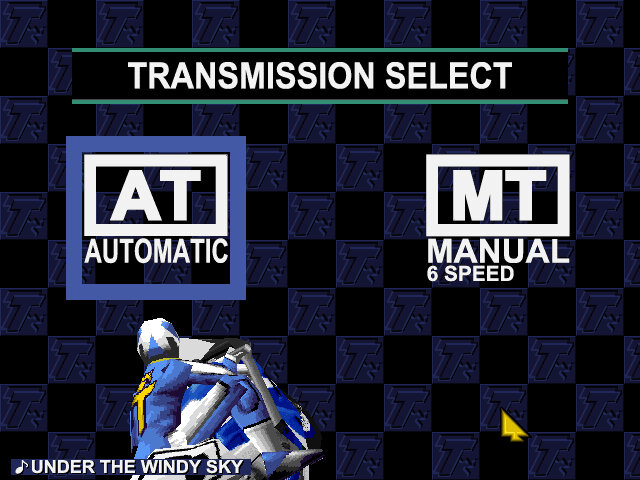
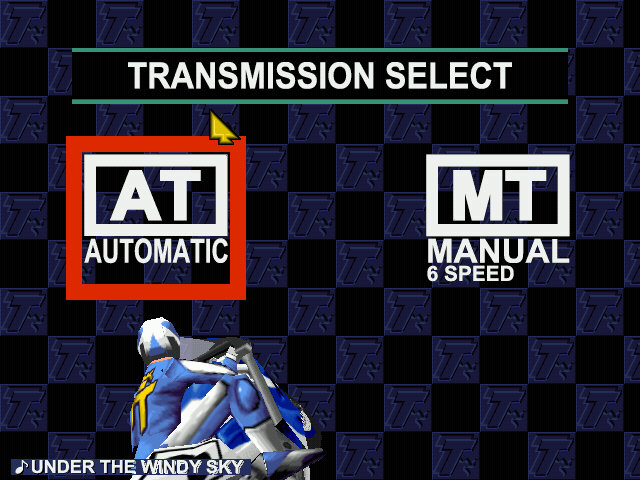
Manx TT Superbike

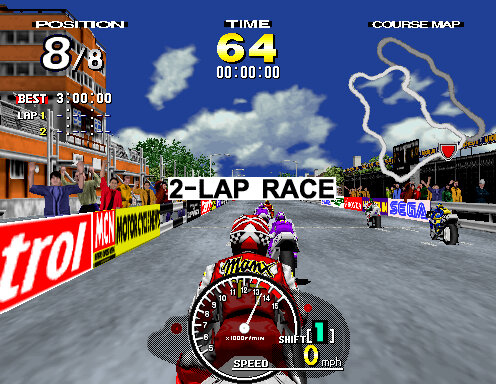
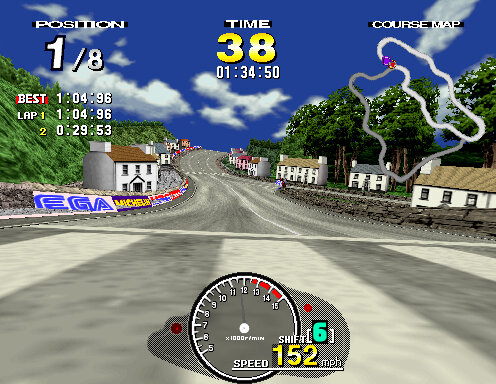
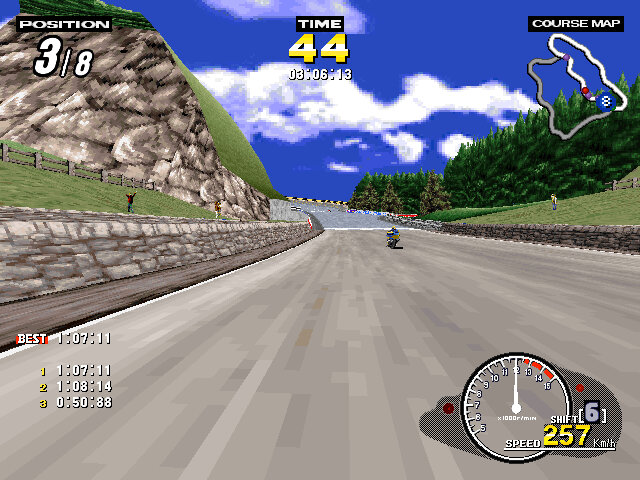
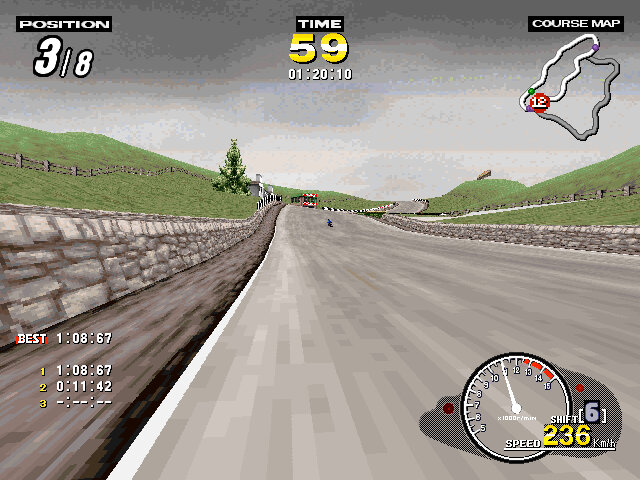
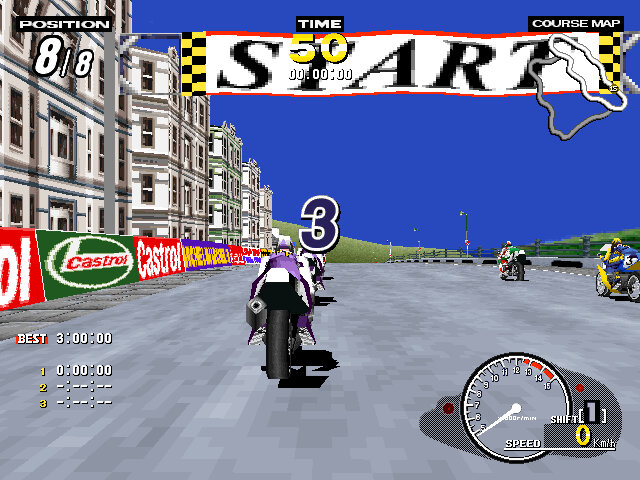
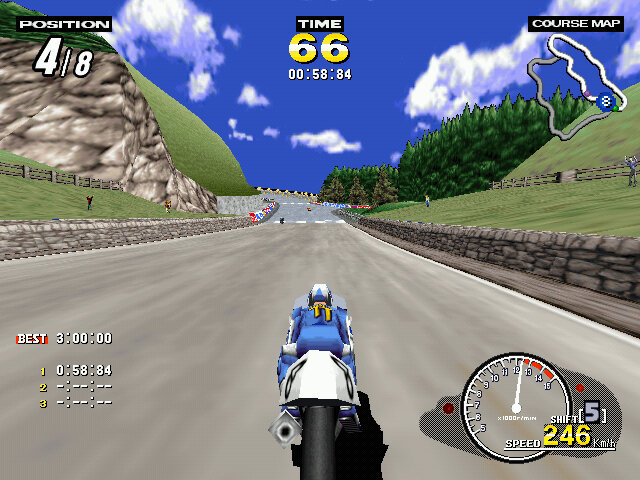
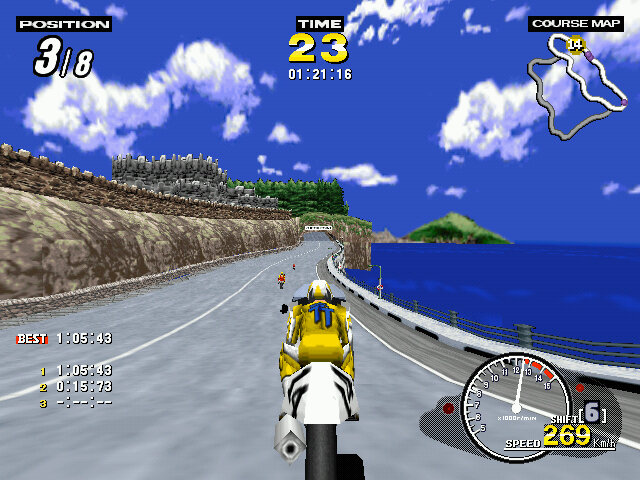
An arcade style racing game released in 1995, aimed to replicate the Isle of Man TT – a motorcycle racing event. Very similar in spirit to Daytona USA which was based on the real Daytona speedway, and Indy 500.

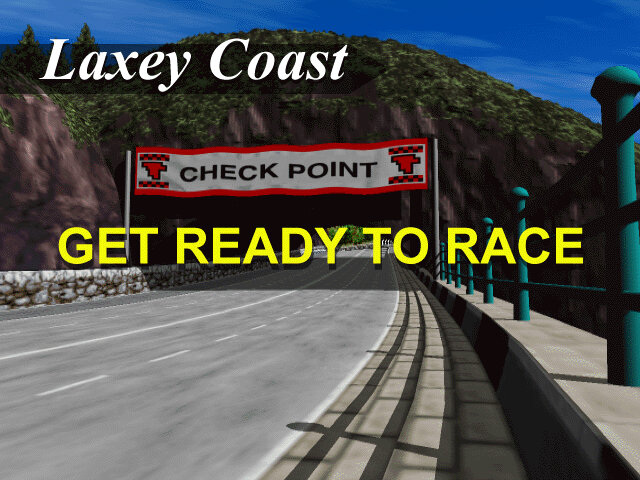
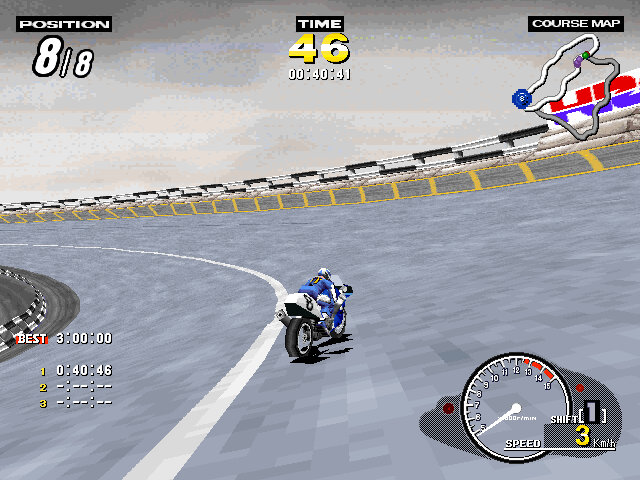
Two courses are offered, Laxely Coast and T.T Course, the latter being the actual track used in the Isle of Mann races. Both tracks share sections with each other and will split and re-join into their own different paths.
The home versions feature two additional tracks that are part of the PC/Saturn mode, these are reverse-mirror versions of the two arcade tracks and can only be selected in that mode. These tracks are also set in the early evening in the Saturn version, and early morning / dusk in the PC version.

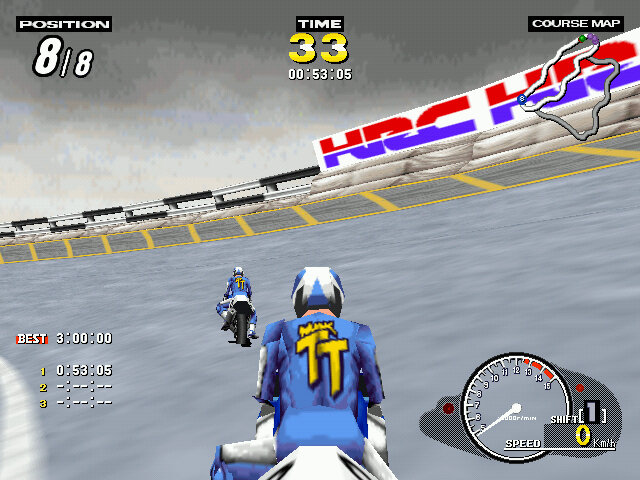
Time Trial: Similar to time trial featured in other racing games, choose a track and a bike and try to get the lowest time. On the arcade version you have to hold the brake button when selecting a track to active time trial.

Console / PC Exclusives modes

Practice Mode: Similar to arcade mode, choose a track and your bike which will have a unique stats for speed, acceleration and handling.

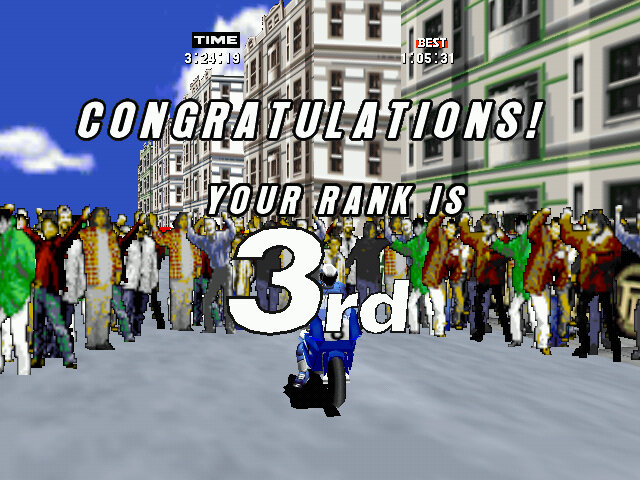
Challenge Mode: a tournament mode where you have to race on all four tracks, coming in a 3rd or higher in each one. The superbike challenge is unlocked after completing this mode.

Versions

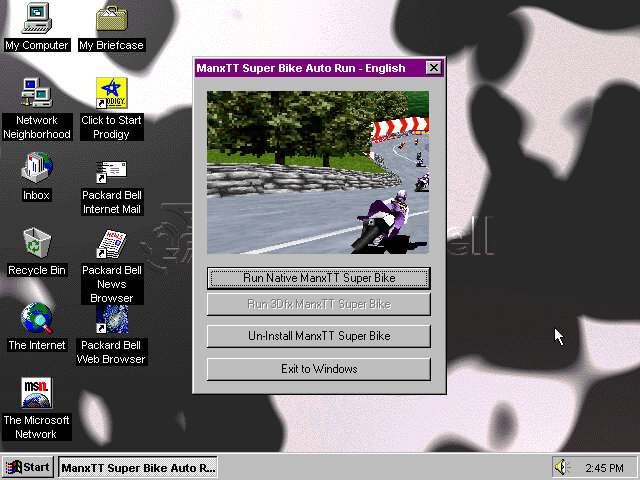
Like other Sega games of the era, this title was relased to the arcades first, then to their Saturn console and eventually to Microsoft Windows.

Arcade

The original arcade release runs on the model 2 hardware, specifically the 2A version. This version was considered to be graphically superior of the three versions but is the most basic in terms of content, featuring only two courses and just the arcade and time trial mode. The Model 2 emulator is the most popular way to play this version of the game, with the MAME driver making steady progress but still unplayable in some regards.

Really for a home port, the game could have done with further tracks being added to increase the replay value of the game.

Sega Saturn

Sega ported the game to their home console of the era, the Sega Saturn in 1997. This version introduced new features including an FMV opening sequence and additional race modes. There are also options to change the bike model, which have unique stats across the different models. The game’s graphics were considered to be impressive for the Sega Saturn’s capabilities, with colorful and detailed environments that recreated the feel of the arcade version.

Windows

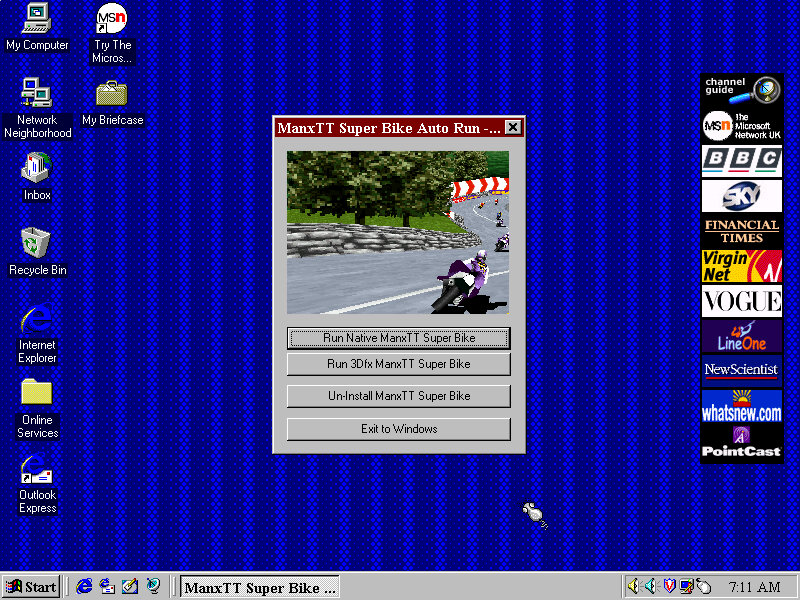
This version supported both DirectX 5 and 3DFX Glide, the latter gives a visual difference that makes it similar to the arcade version sans the frame rate. It seems the game will only render up to 30fps. Still the game can run at 640×480 which is higher than the Saturn or even the Arcade version.

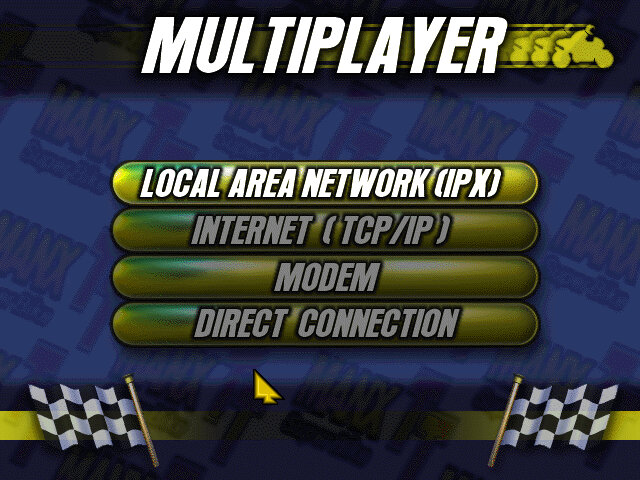
Multi player is supported in this version and can be done over a variety of channels. IPX, TCP/IP, Modem and Serial connections are supported. This can be done via virtual box of you use the PCap option between two 86box VMs, linking it to the VMware virtual network adaptor (8 is typically the local adaptor) then create an IPX session. It may also be possible to map to the serial port in the near future.

I believe up to 8 players can playing a single session, to this would require three machines or more. Unallocated players will be replaced with an AI enemy, similar to single player mode.

DirectX Version

The regular version that uses DirectX 5 for 3D acceleration which works fine in 86Box using the S3 ViRGE video card. This graphics card lacks support for texture filtering.

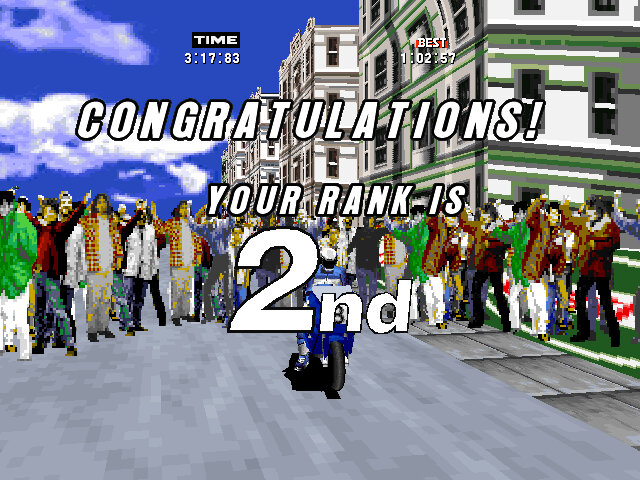
Only issue is after the race, the crowd can disappear and reappear intermittently.

3DFX Glide Version

The bundled 3DFX drivers will only function on the original Voodoo, or the Quantium3D version of the Voodoo card. Later 3DFX cards require updated libraries in order to be detected, otherwise you will receive the ‘Failed to find any glide hardware’ error, or ‘Failed to initialize viewport system’ error.

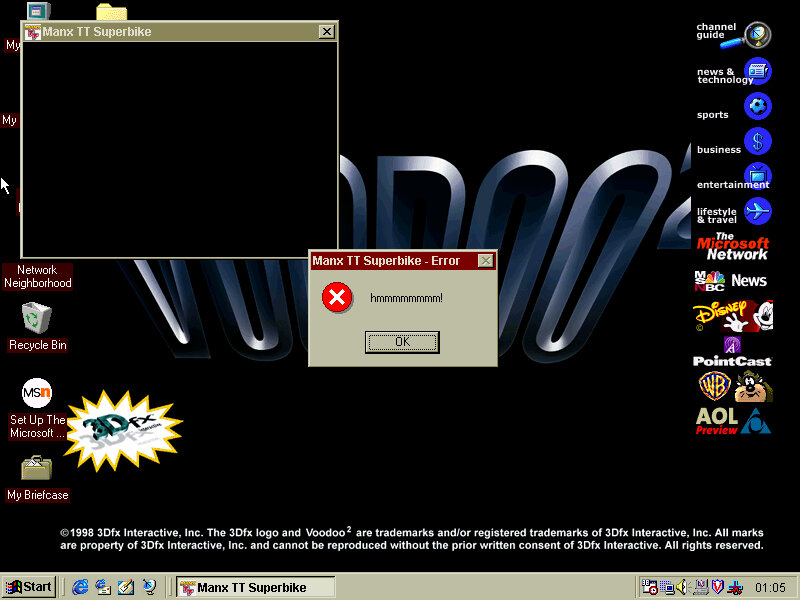
Works well in 86box until I tried it in a Pentium II PC with a Voodoo 2 (S3 Trio video card), where there were a couple of warping polygons and the game would throw up a ‘hmmmmmm’ error message. Whilst it looks like the game crashed, clicking Ok on the message box would restore and return you back to the game. None of this seemed to occur in other VMs I have that used the original Voodoo and AMD K6 combo.

Rugrats Studio Tour

Sequel to the Rugrats :Search for Reptar, released only for the PlayStation in 1999

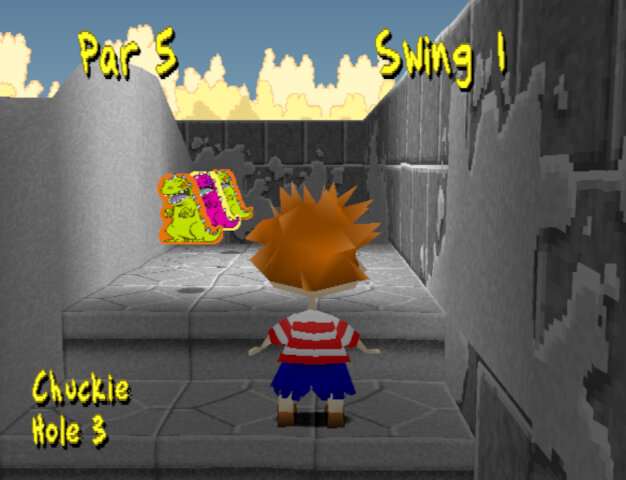
The game is very similar to Search for Reptar, and even re-uses a lot of the textures, models and sound effects of the first game. Golf makes a return with two themed minigames. A multiplayer mode has now been added that supports up to 4 players (2 at one time)

Characters

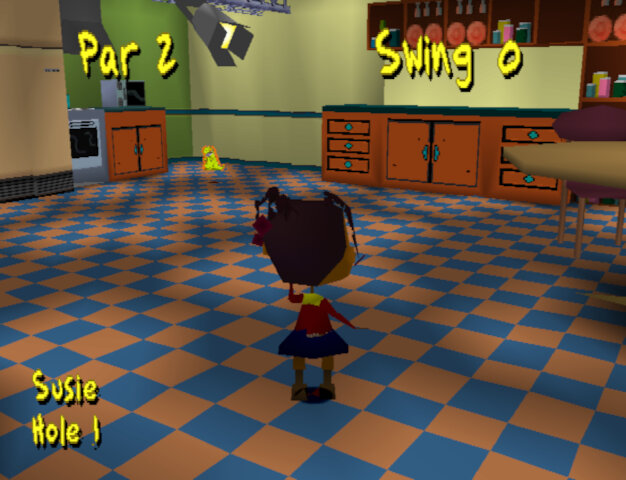
  • Main characters include Tommy, Chuckie, Angelica, Phil, Lil and Susie who all appeard in the first game and mostly have their models / textures reused.

The adults Didi, Stu and Grandpa, along with DiIl also appear in the cut scenes but are not directly playable.

Minigames

Each Rugrats character has their own stage, although some stages are split into different levels which feature a different character.

Diapies of Thunder

Play as Phil in a racecar themed levels. These are similar to Mario Kart where you can collect powerups that can either give you a speed boost, grant invulnerability or leave traps for other racers.

  • Speedway: Race 8 laps round a speedway style track, kind of like Daytona USA.
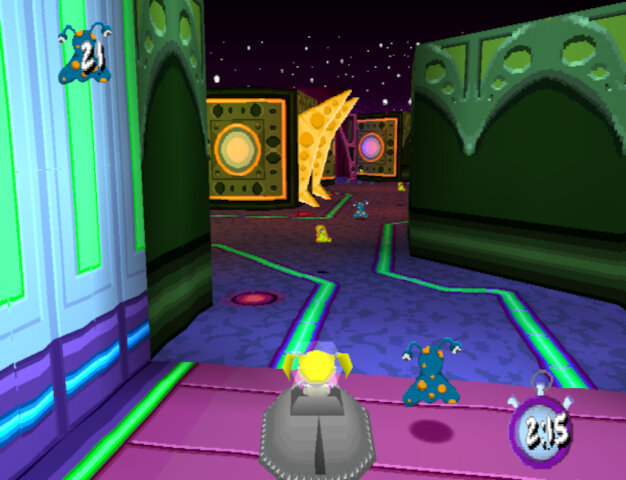
  • Bayou Race Scene: You race as Lil in a jungle/swamp themes race track. Probably the best racing track in the game since its quite varied and challenging.
  • Desert race scene: The final race set in a desert/wild west scene. This one tends to drag on as you play as Angelica who has to race 4 laps on the longest track in the game. You will often manage to overtake the babies within the first lap which means you spend the remaining 3 laps in the lead.
  • Bonus 1: Only available one you complete the game. There’s noting really special about it, its just set in a large apartment with each lap only taking 9 seconds to complete.

Captain Cookies

You mainly play as Angelica in a pirate themed minigames

  • Treasure hunt: Win keys by exploring the map and opening the blue treasure chests, once you have 4 blue keys you can open the final treasure chest
  • Treasure Collecting Area: 4 rounds to collect all the coins in the area before time runs out
  • Pirate Golf Scene: Win a key by scoring under par for the whole game, there are 9 levels in total
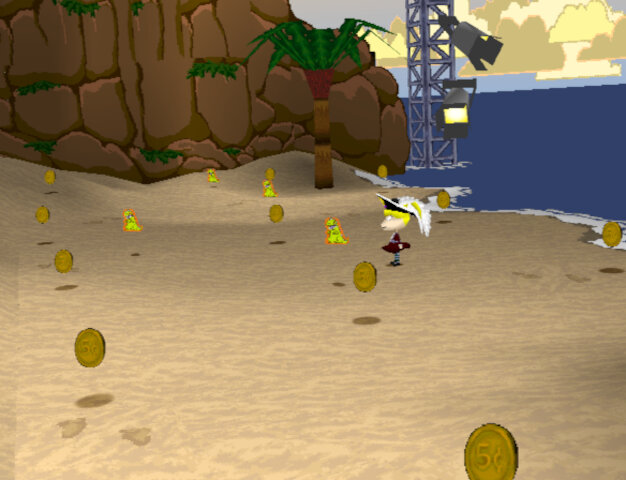
  • Footrace Scene: Same as the racing games but your racing on foot. This one can be a challenge as some of the babies (Susie) are quite fast, whilst Lil and Chuckie are slow and prone to walking straight into hazards. There are also track hazards like Lobsters, oil spills and bananas falling from the trees.
  • Tag Scene: tag the babies in order to win, similar to Chuckie’s glasses but you don’t have to race them back to an area.

Lazy Saddles

You play as Susie in a wild west themed studio, with the name being a pun on blazing saddles.

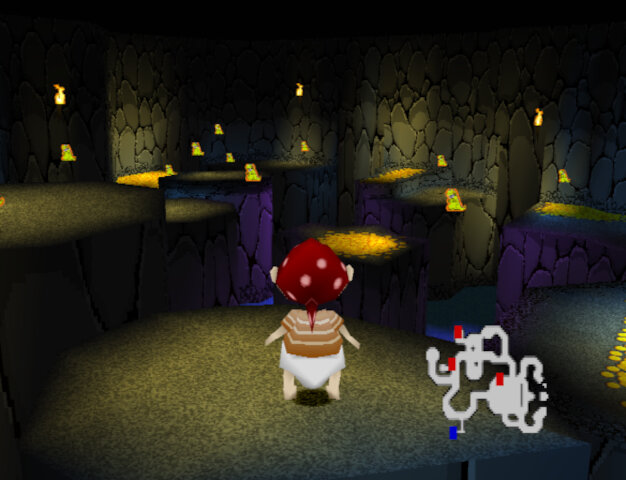
  • Gold Mine Scene: Collect all the gold in the mine and make It back to the entrance before time runs out. First levels are straightforward but the final on become more difficult since there are multiple floors and you have to navigate back down to the start. The controls are unpredictable since the Minecart will often fail to take turns and jumping is delayed. Also enemy ghosts will appear and will take your gold upon being hit, use your torch to zap them
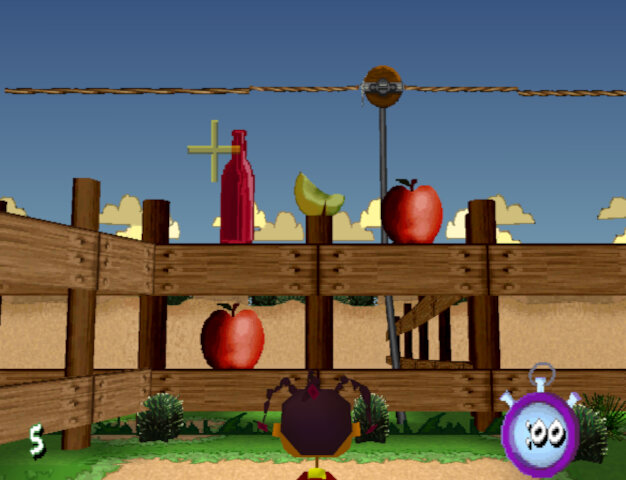
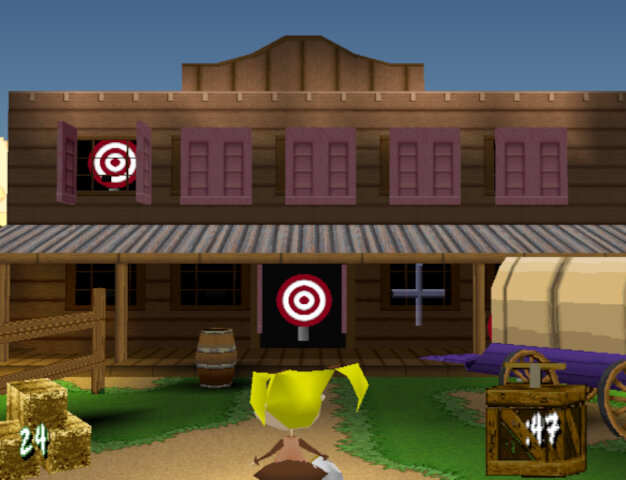
  • Milk Squirting Scene: Shoot at the targets within the time limit, there are multiple rounds
  • Round Up Scene: Round up all the animals to win keys by picking them up and placing them in the correct pen, there are four stages in total
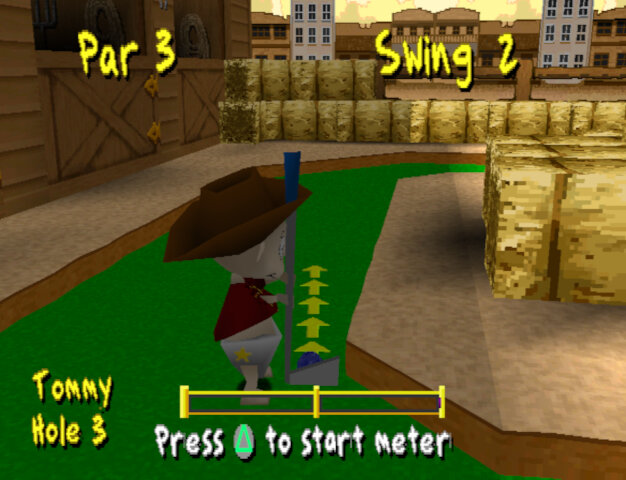
  • Western Golf Scene: Like the Pirate Golf there are 9 stages, to win you have to be under par for all stages. There are pink keys that, when picked up allow access to hidden areas.

Interestingly these golf levels seems to tell a story.

  • Hole 1: A western rail station where you enter the town
  • Hole 2: A town bank where you have access to a vault with money
  • Hole 3: A blacksmith where you take refuge from whilst on the run, and eventually caught
  • Hole 4: A western sheriff/jail that you break out from
  • Hole 5: A graveyard where you hide
  • Hole 6: A tunnel or a hill? I think
  • Hole 7: Native American/Indian refuge
  • Hole 8: Entrance to a mine cave
  • Hole 9: Tunnel to a mine cave

Then again I’m probably reading too much into it, its a kids’ game afterall.

Outside Space

You play as Chuckie in a sci-fi space studio setting

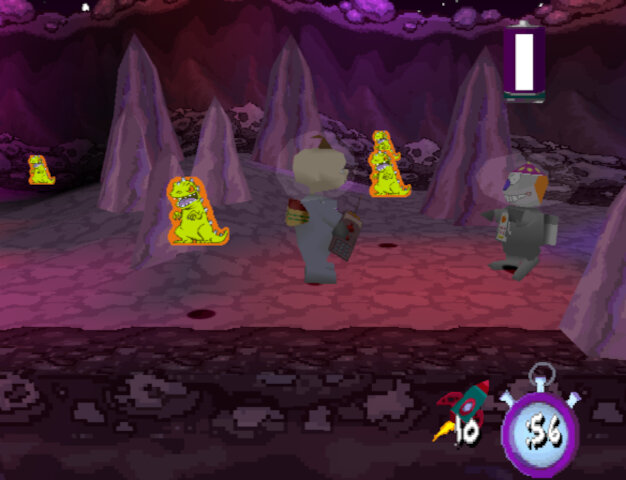
  • Loonie Lander: Collect all the aliens in each of the four stages, each stage gets bigger with more aliens to collect. This level could have been used as a race stage.
  • Zero Gees Scene: Play three levels and navigate the level to the end of the level. Plays like a platform game but can be frustrating to play due to the poor controls. Sometimes there is a delay in the jumping which can cause you to miss a platform.
  • Lazy Beam Scenes: Shoot lasers at the objects to win, similar to the western milk squirting scene

Final Levels

  • Shirley Lock Holmes: Play as Angelica and find four of the ghost keys to open the large door at the bottom of the path which will take you to the next area. From here you use the switch to move the platforms to allow for you to progress.
  • Okey Dokey Jones: Playing as Tommy, this is similar to the Zero Gees Scene activity. Tommy has to navigate to the end in order to locate Dil through a series of platforms and challenges. A homage to the Rugrats Movie which came out around this time.
One thing that stands out about Rugrats Studio Tour is its sense of humor. The game doesn’t take itself too seriously and has a lot of tongue-in-cheek references to Hollywood and the film industry. The character animations are also quite amusing, with the Rugrats getting into all sorts of wacky situations.

That being said, the game does have its flaws. The controls can be a bit clunky at times, and the camera can be frustrating to work with as it was in the original game.

Overall, I’d say Rugrats Studio Tour is a decent game that’s worth checking out if you’re a fan of the show or looking for a fun, lighthearted platformer. It’s not a masterpiece by any means, but it’s a solid effort that’s sure to bring back some fond memories for those who grew up with the Rugrats.

A Packard Bell Windows 3.1 install

First hurdle we get to the hard disk recovery key, this is a six digit number that identifies the SKU model of the computer, and dictates which software will be restored along with the needed drivers. 555251 was the one I had used, but you can find a list of them on the CD-ROM drive itself. Simply navigate to the BU\A\ directory where you will find a list of SCR files with the number titled in the file name. These can also be opened in notepad or any text editor and will list the files that will be restored.

For 86Box I used the Packard Bell PB410A as the motherboard which comes with an onboard video card (Headland) and uses an Intel 486 class processor.

Running the recovery application, you may have to specific a NEC drive in order for the recovery to work. As this motherboard only has one IDE channel, the CD-ROM drive was placed as a slave drive. Its likely Packard Bell had used one of the propriety CD-ROM interface that were commonly used from around this era. Panasonic, Sony, Philips and Mitsumi all used their own CD-ROM interface as opposed to IDE.

First hurdle we get to the hard disk recovery key, this is a six digit number that identifies the SKU model of the computer, and dictates which software will be restored along with the needed drivers. 555251 was the one I had used, but you can find a list of them on the CD-ROM drive itself. Simply navigate to the BU\A\ directory where you will find a list of SCR files with the number titled in the file name. These can also be opened in notepad or any text editor and will list the files that will be restored.
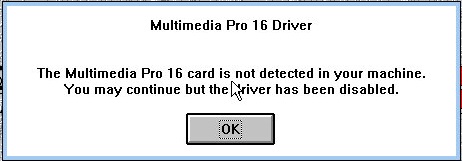
One caution is to ensure the video card being used matches what you are emulating, a Cirrus Logic driver wont go very far on a VM running a Headland video card. The soundcard driver will also throw up an error as no emulator currently support the soundcard that Packard bell had used, but we can easily uninstall it and add our own, though some soundcard utilities will no longer function.

Looks like its expecting to use a Panasonic CD-ROM drive, likely a Matshuita CD interface drive.

Sound card error, not much we can do about that

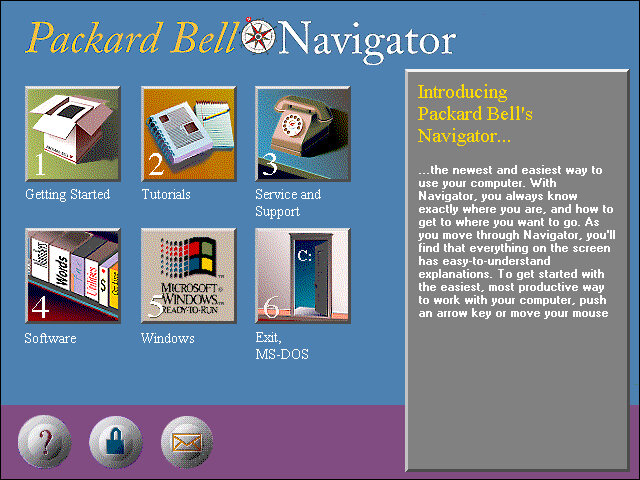
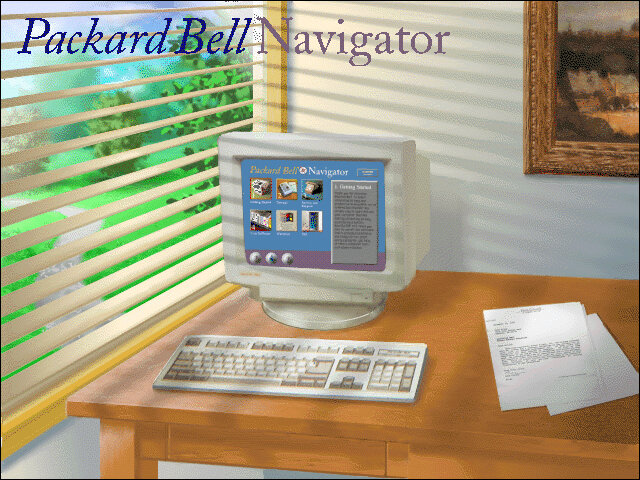
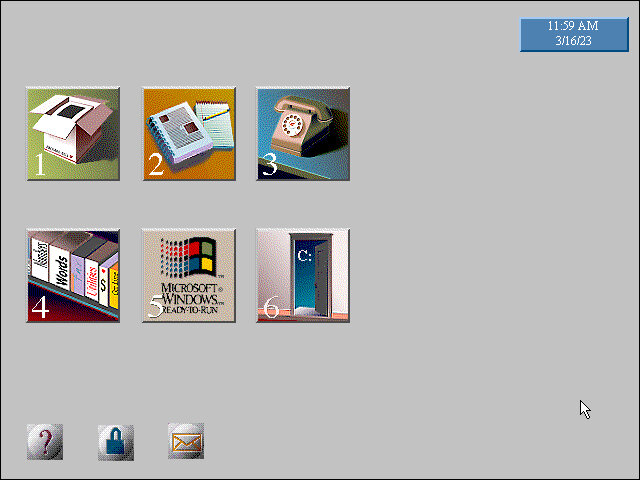
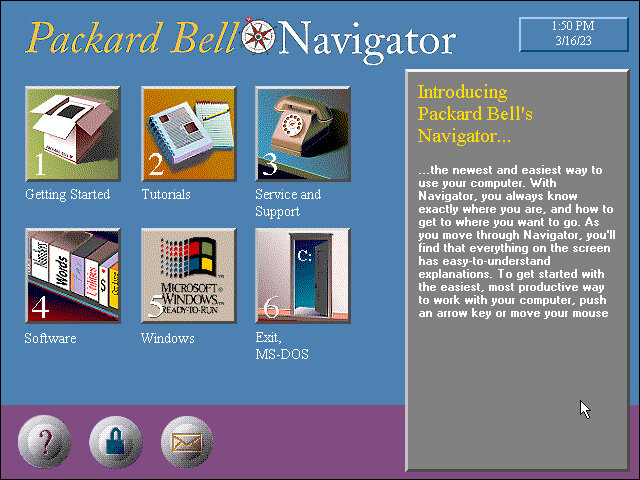
The Packard Bell Navigator which was an alternative user interface to make it more appealing to use a computer for the novice user. It serves as an alternative launcher to install applications, though the Windows 3.1 interface is still included and can be accessed via a dedicated option on the main menu. Launching an application will run it in the standard Windows 3.1 interface.


There were many attempts to make computers more user friendly by incorporating a dumbed down user interface, one that comes to mind was RM Window Box which was a user interface targeted towards primary school users, and allows teachers to manage the programs installed on the computer whilst restricting access to the Windows system for the students.

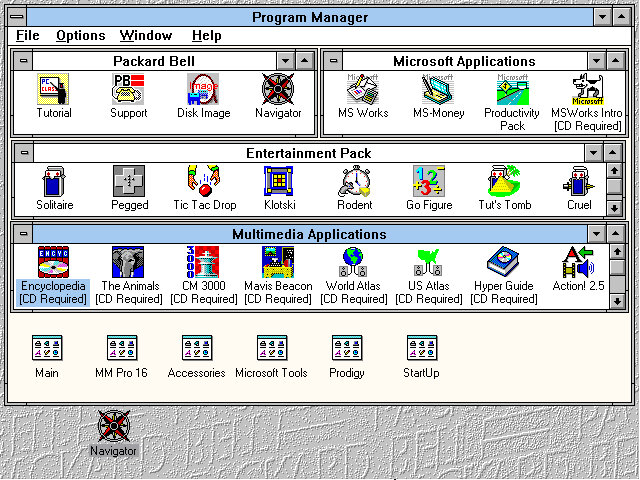
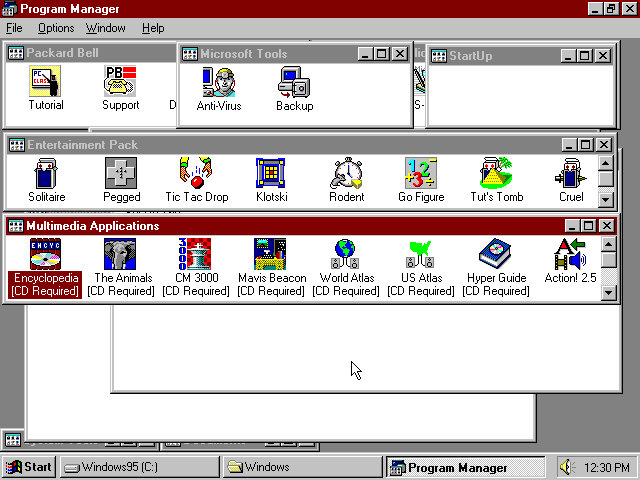
The Program Manager with a customised preset design, showcasing the preinstalled applications.

The Headland utility for changing the screen resolution and the colour palette.

Included software

From Packard Bell

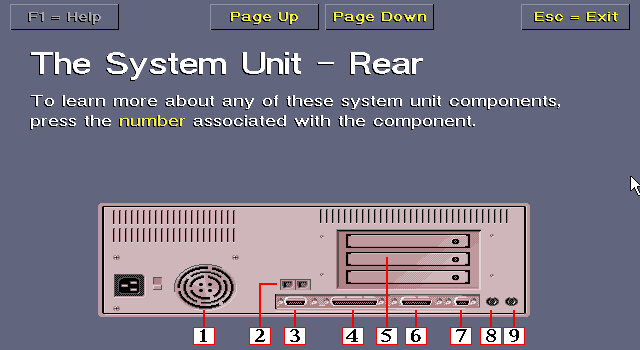
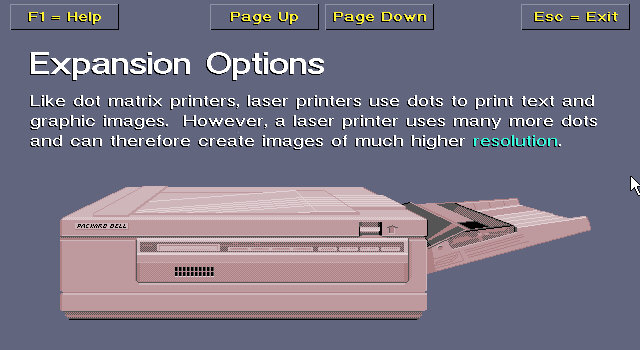
Tutorial: Gives an in-depth insight into how your computer operates, its expansion options, and how to use the software.

Support: A simple application that shows how to contact Packard Bell for support, how to connect to their BBS and warranty information.

Disk Image: Creates a recovery disc image

Navigator: Starts the Packard Bell Navigator environment

The Microsoft Entertainment pack

A selection of additional games which included Rodent, Go Figure, Tut’s Tomb and Tic Tac Drop.

There is also a Jurassic Park that comes with the install and is located under the Entertainment pack program group.

Microsoft Applications

MS Works: Versions 2.0 Multimedia Edition, software suite that included several applications, including a word processor, spreadsheet, database, calendar, and communications tools. It was intended to be a comprehensive solution for basic office tasks, suitable for home and small business use. The word processor included in Microsoft Works 2.0 had a range of basic formatting options, such as font selection, text alignment, and line spacing. The spreadsheet application supported basic formulas and functions and could create charts and graphs. The database application allowed users to create and manage simple databases, while the calendar application provided basic scheduling features.
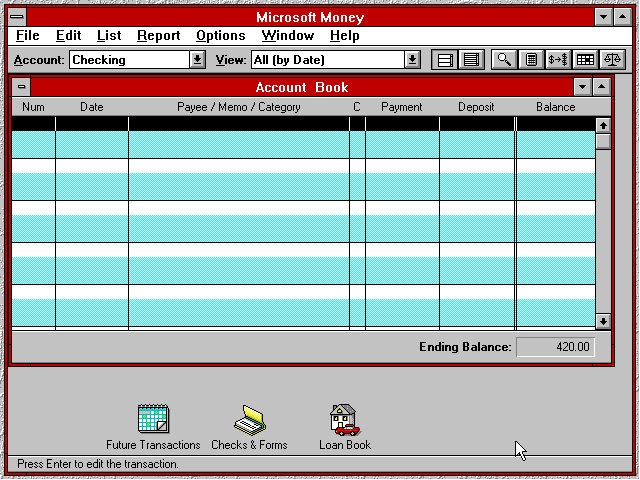
MS Money: Version 2.0a, a personal finance software program developed by Microsoft Corporation and released in 1992 as a successor to the original Microsoft Money. It was designed to help users manage their personal finances by tracking income and expenses, creating budgets, and analysing financial data. The software included several features to help users manage their finances, including checkbook balancing, bill payment tracking, and investment tracking. It also included a range of tools for creating reports and charts to help users visualize their financial data.

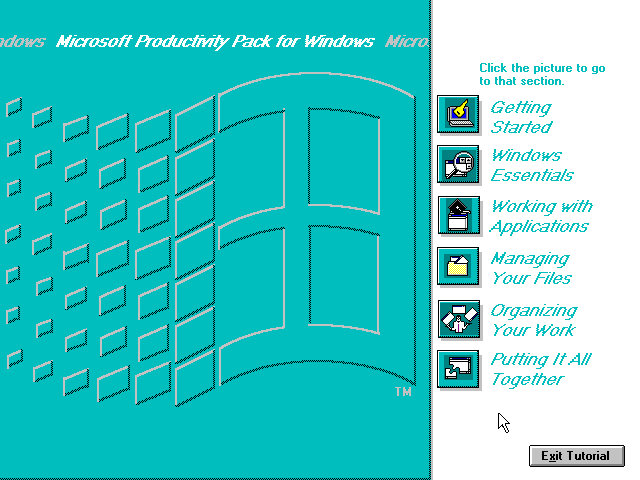
Productivity Pack: A tutorial to using the mouse and keyboard and elements of using Windows 3.1

Multimedia Applications

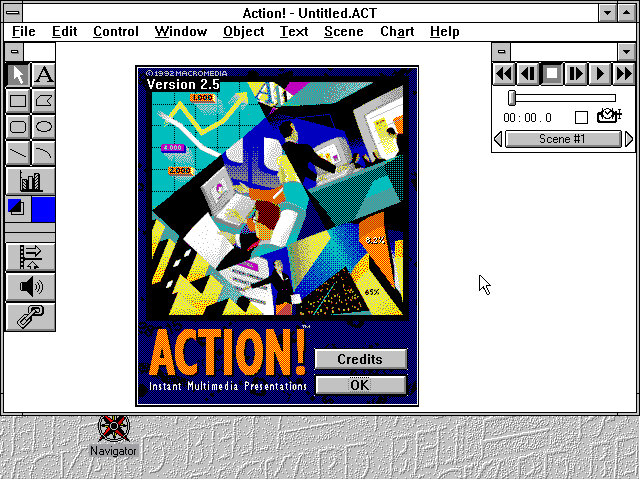
Macromedia Action! 2.5: This was an early competitor to Microsoft PowerPoint and allowed for presentations that incorporated multimedia elements
PBTV: Allows for video capture form an external analog capture card or device.
Authorware Star: Authorware Star was a software program developed by Macromedia, which was a multimedia authoring tool used for creating interactive learning content. The software was widely used for creating educational and training materials, especially in the early days of e-learning. One of the key features of Authorware Star was its ability to create branching scenarios, where learners could choose different paths through the content depending on their responses to questions or interactions. This made it possible to create personalized learning experiences that were tailored to the needs and preferences of individual learners.
Other software that is included but requires a separate CD-ROM to run: Mavis Beacon,US Atlas, Music Box, Encyclopedia.

Upgrades

Lets see that the upgrade experience was like, as this motherboard came with a 486 processor we should be able to upgrade to Windows 98 and later 98.
Windows 2000 & ME will require a processor upgrade, perhaps to the Pentium Overdirve which would have fitted into the existing CPU socket, though the experance will be rough as were still using the same video card. Memory will also have to be upgraded.

Windows 95

Install appeared to go smoothly with most of the settings being carried over. This was done using the floppy disk version of Windows 95 as the VM lacked CD-ROM support.

A message indicating for us to power off our computer appears on startup, likely a remaint from

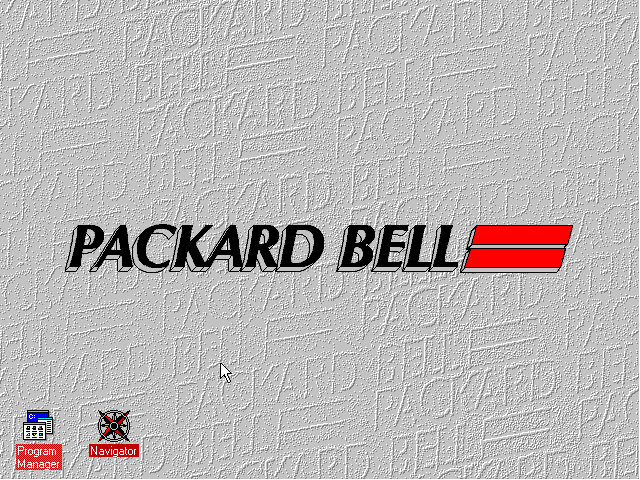
Some compatibility issues with the Packard Bell Navigator with the background elements missing, Most of the other applications appear to be fine

And the Program Manager which can still be accessed from Windows 95

Windows 98

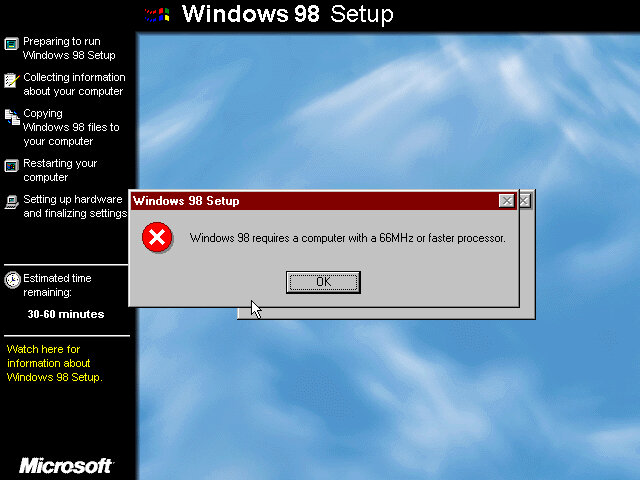
Now that its running 95, lets try to install 98. For this we have to bump up the memory to around 16MB at a minimum, instead I maxed it out to 36MB which is the most the motherboard supports. Initially it appears we need a faster CPU to install Windows 98, With 86Box we have an option to use an AMD486 running at 75Mhz which should allow for 98 to install. How well it runs is another issue.

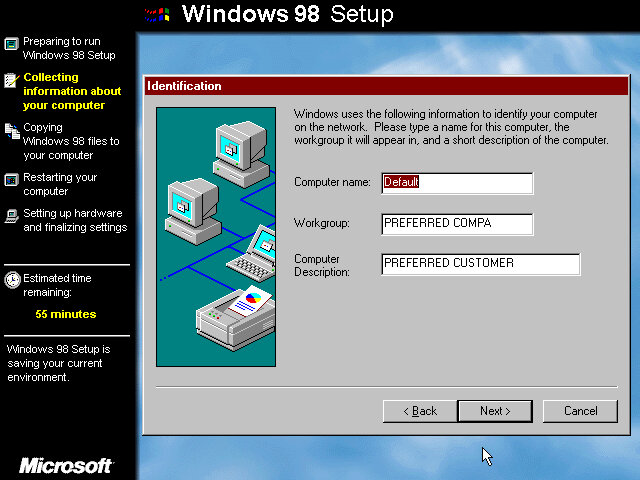
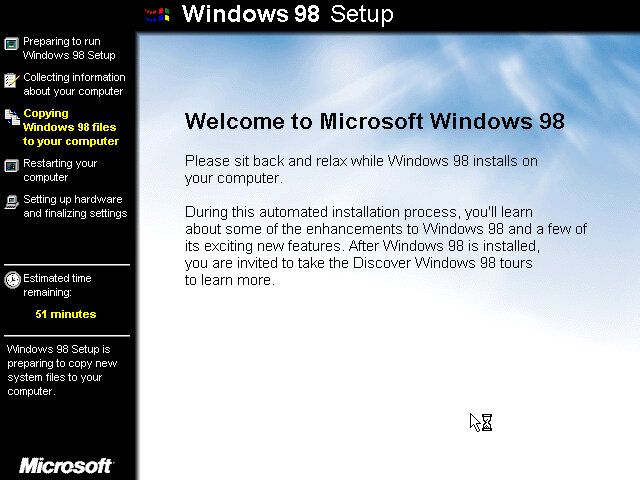
Also the 98 upgrade installer looks a lot better? It makes a change from the electric blue background of the OEM/Retail installer.

Packard Bell navigator appears to work better in this version.

Windows 2000 & ME

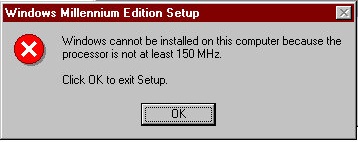
Was not able to install as our CPU isn’t fast enough as I was running a AMD 486 at 75MHz and Windows ME needs at least 150MHz. I tried a Cyrix 5×86 at 133Mhz on the off chance it might work, but no luck.

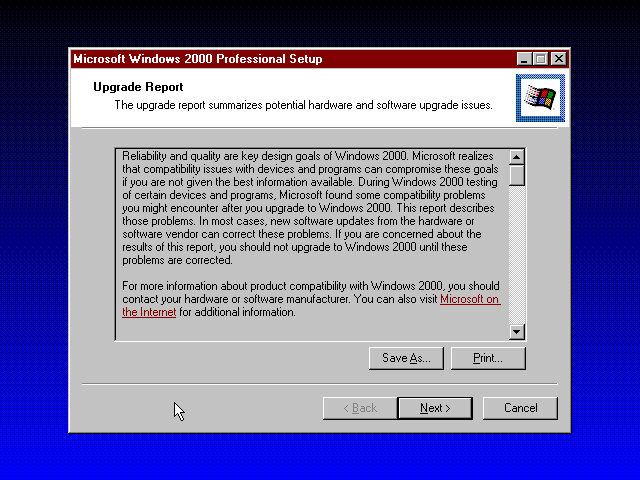
Windows 2000 was more promising and gave us a report of the potential incompatibilities, including the Headland video card. Unfortunate I was unable to progress due to the lack of hard disk space as this motherboard can only address around 518MB due to being reliant on the old C/H/S system. It seems Windows 98 is the max we can take this install to.

Maybe using a SCSI hard disk could get around that issue.

Sony VAIO PCG-505G

The VAIO goes portable

The Sony Vaio 505 was a line of laptop computers that were first introduced by Sony in the late 1990s. The Vaio 505 was known for its thin and lightweight design, which made it a popular choice among mobile professionals.

The Sony VAIO 505 series of laptops were available with different variations of the Intel 440TX chipset, which was a popular chipset at the time of the VAIO 505’s release in the late 1990s. The chipset provided support for Intel Pentium III and Celeron processors, as well as support for AGP graphics and up to 1 GB of RAM. Some variations of the Vaio 505 also included integrated graphics using the Intel 810 chipset.
Closest match we have is the Intel YM430TX which uses the same i430TX chipset as the VAIO laptop.

The (cracked) restore utility, this requires us to have a HDD that is already preformatted to FAT32. IF this isn’t done you will need to use the FDISK utility found on the Windows 9x bootdisk to set this up. Also if you have two or more CD-ROM drives the install will not be able to mount the optical drive, as it assigns it the letter Z:

After the restore has completed we are booted into Windows 98, the first edition.

OEM Customization

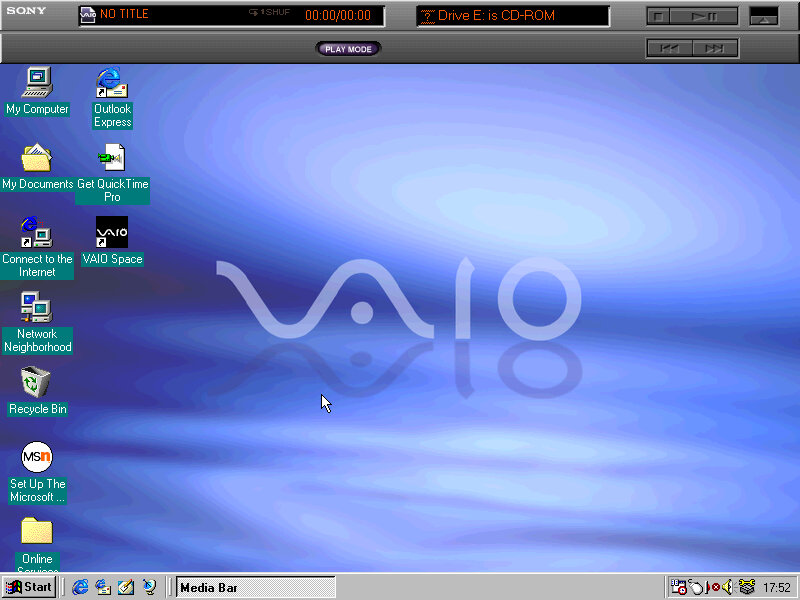
A few wallpapers are included with the VAIO water being set as the default, other wallpapers include VAIO Sky (As seen in the PCV-70), VAIO Earth and VAIO Wind.

A screensaver is also included, the PictureGear Screen Saver which acts as a photo screensaver that you can link your images to. Up to eight image files can be used with transition effects.

A customized Welcome To Windows screen, with a fifth option for launching the Vaio desktop space.

Included Software

Start Menu with its own category for preinstalled VAIO software

VAIO Space

Demonstration software that details the features and capabilities of the notebook. It also provided tutorials. It was a pre-installed software on Sony VAIO computers that provided a centralized location for managing media and accessing online services.

FrontPage Express

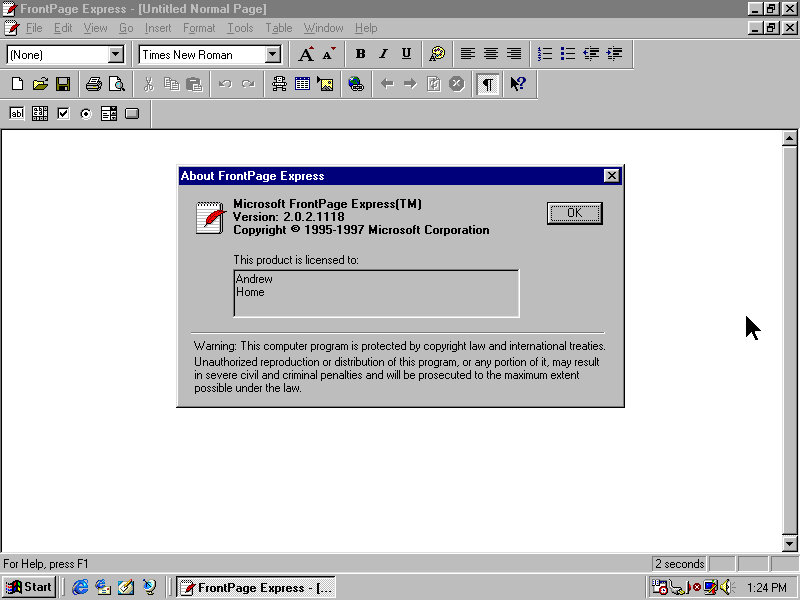
FrontPage Express was designed to be an easy-to-use tool for creating basic web pages without requiring any knowledge of HTML coding. It had a simple interface that allowed users to drag and drop images, text, and other elements onto a page and arrange them as desired. It also provided basic formatting tools, such as font and color selection, and allowed users to preview their pages in a web browser.

ScribblePad

Why I need a Waccom

Some models for this laptop had a touchscreen along with a stylus which allowed the user freehand input. TO take advantage of this Sony had included their own ScribblePad utility. This was a necessarily as Windows 98 did not include any pen input functionally (That I know of).

VoiceMemo

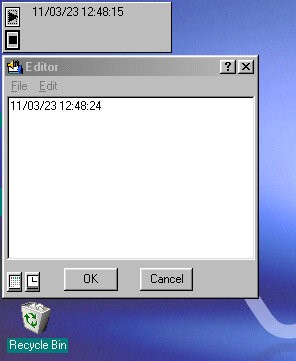
A utility for recording notes in text or voice format. These remain on the desktop after creation and can be moved about freely, similar to the sticky notes on Windows 7. The background colour can be customized using the standard Windows palette along with the font style.

PowerPanel

A very interesting utility that lets you control some of the power features of the laptop. The CPU speed can be adjusted to a slower speed to conserve the battery, You can also switch the HDD into standby immediately rather than wait for the OS to do it, and switch to standby or hibernate mode.
The PowerPanel appears as a sidebar on the desktop than can be set to autohide if its not needed.

MediaBar

Some sort of Sony branded music CD player, kind of redundant since Windows 98 already comes with one, unless this plays some specific Sony format? Video files in the AVI/MOV or MPEG format can be played.

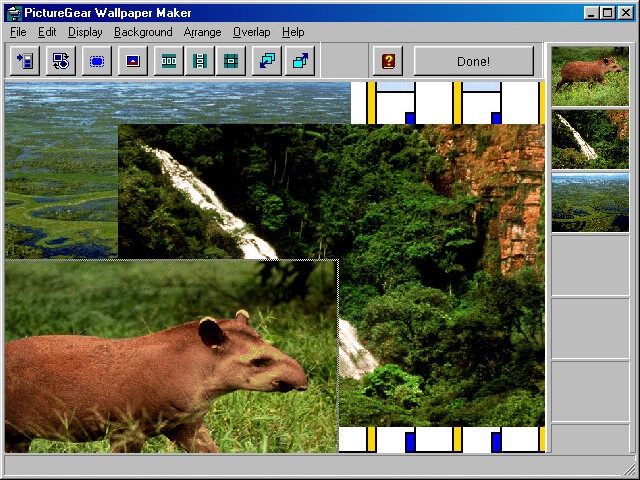
PictureGear WallpaperMaker

A software program developed by Sony Corporation that allows users to create customized wallpapers for their computers. With this, users can choose from a variety of pre-designed templates or create their own custom wallpaper designs using their own photos or images. The software includes a variety of tools for editing and manipulating images, such as adjusting brightness and contrast, adding text and graphics, and applying special effects.

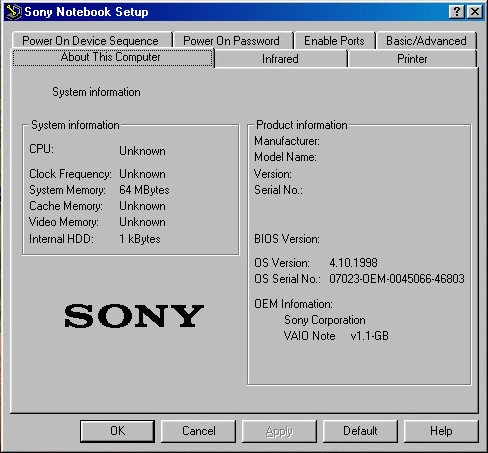
Sony Notebook Setup

Graphical BIOS utility where you can change settings without having to enter the BIOS.

PhoneTools

A utility to manage phone calls, Fax and user contacts.
It also appears to support cellular 2G GSM modules to make add receive phone calls over a mobile network, and there is also support for SMS messages. Alternatively you can connect a Sony phone to the computer instead, and use its GSM modem for an internet connection.

HTC One X

No, not the Xbox One X

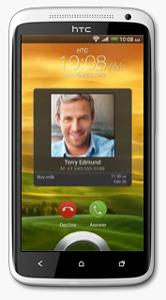
The HTC One X was released in 2012 and was a flagship smartphone from HTC at that time. With its sleek and stylish design, with a polycarbonate unibody and a 4.7-inch Super LCD2 display, The phone is light and easy to hold, and the display is large and clear even in outdoor environments.

The HTC One X is powered by a quad-core NVIDIA Tegra 3 processor and 1GB of RAM. It runs Android 4.0 Ice Cream Sandwich, which is upgradable to Android 4.2.2 Jelly Bean. The phone offers smooth and snappy performance for its time, with fast app loading times and seamless multitasking. The phone was powered by a quad-core NVIDIA Tegra 3 processor clocked at 1.5 GHz, which was a high-end processor at the time of its release as most smartphones only featured dual-core processors. It also had 1GB of RAM to help with multitasking, a respectable amount for the time. The Tegra 3 processor featured a fifth battery-saver core that kicked in when the phone was idle or performing low-intensity tasks to save power. When more processing power was needed, the other four cores would activate to provide smooth performance without any intervention from the user.

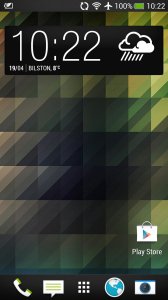
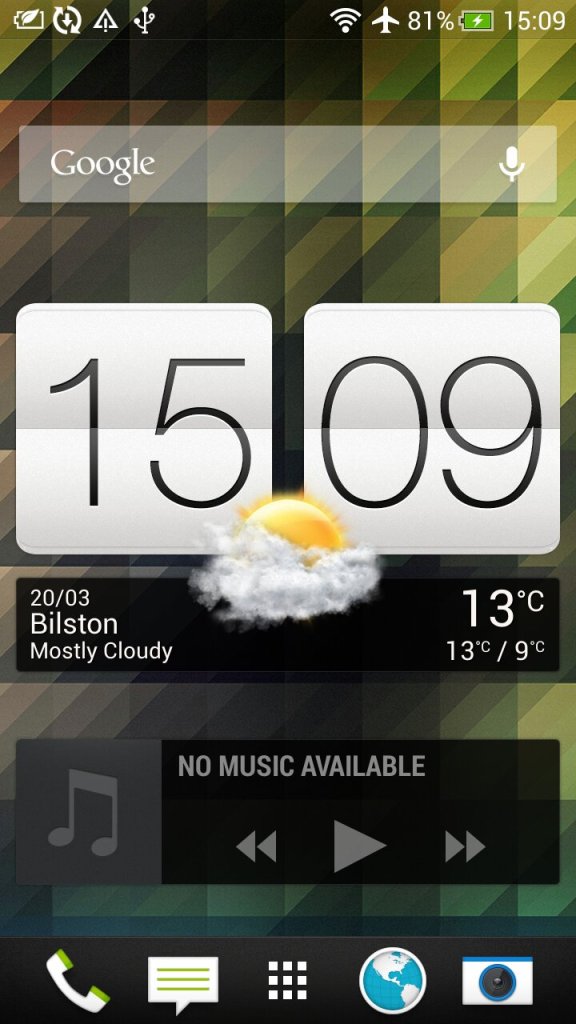
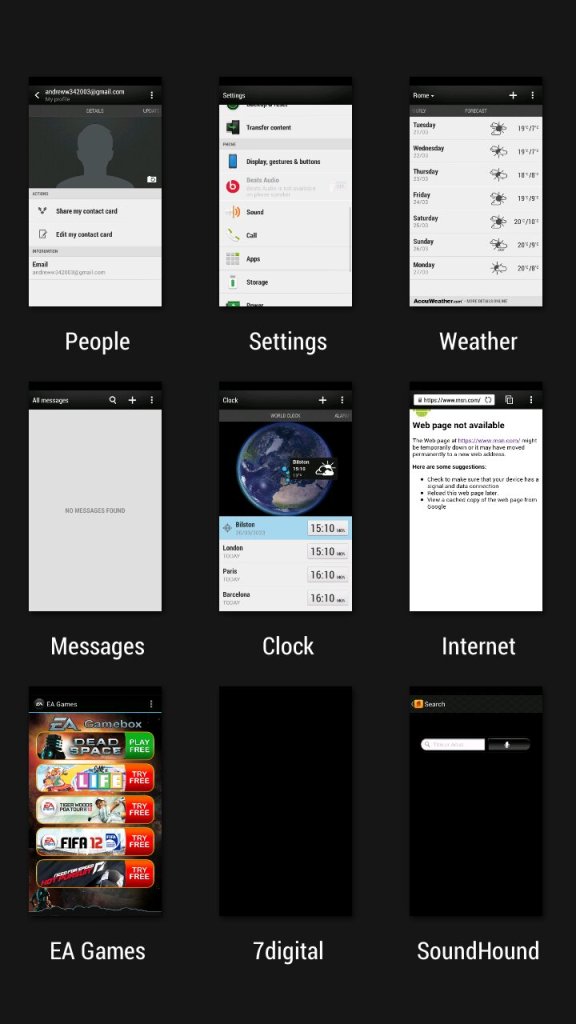
The second page of the home screen, along with the task switcher that shows recently opened apps, and lets you quickly switch between apps.

HTC Sense

The HTC Sense UI (User Interface) is a custom skin or overlay that HTC uses on top of the Android operating system on its smartphones. It is designed to provide a unique and personalized user experience for HTC users, and it includes features and enhancements that are not available on stock Android.

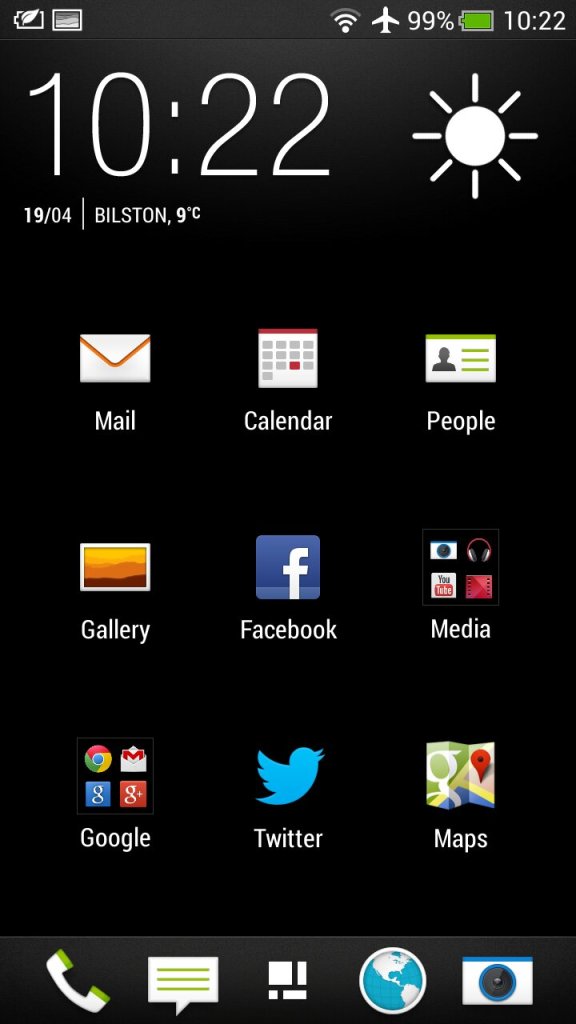
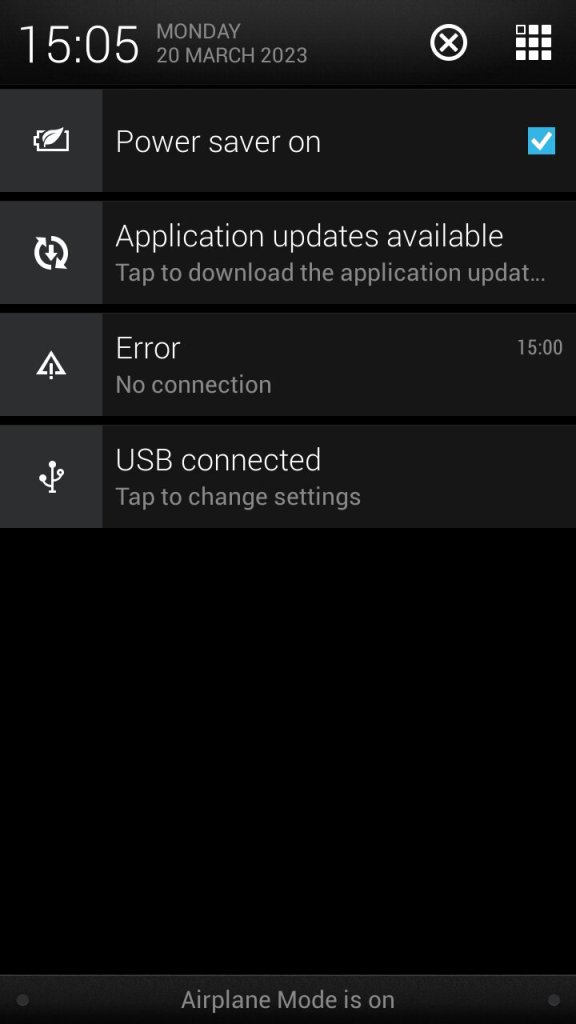
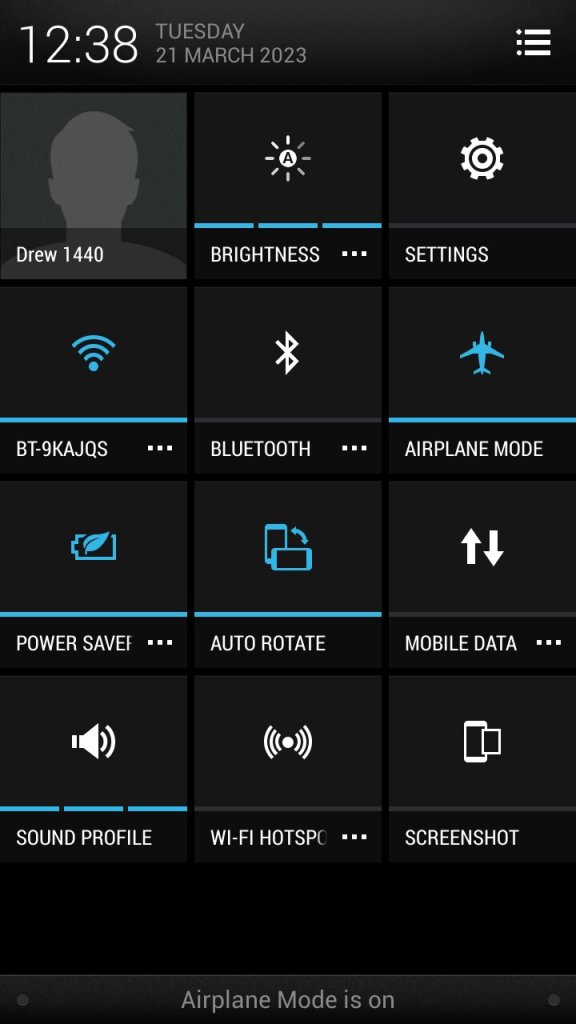
The app menu will show all installed apps on the phone, this can be customized to show apps that have been recently opened, in alphabetical order or in a custom order. The grid size can also be customized. Also the notification section, tapping on the grid button on the top right will switch to the quick access section where common features can be toggled on or off like the WiFi or Bluetooth, and the phones ringtone profile.

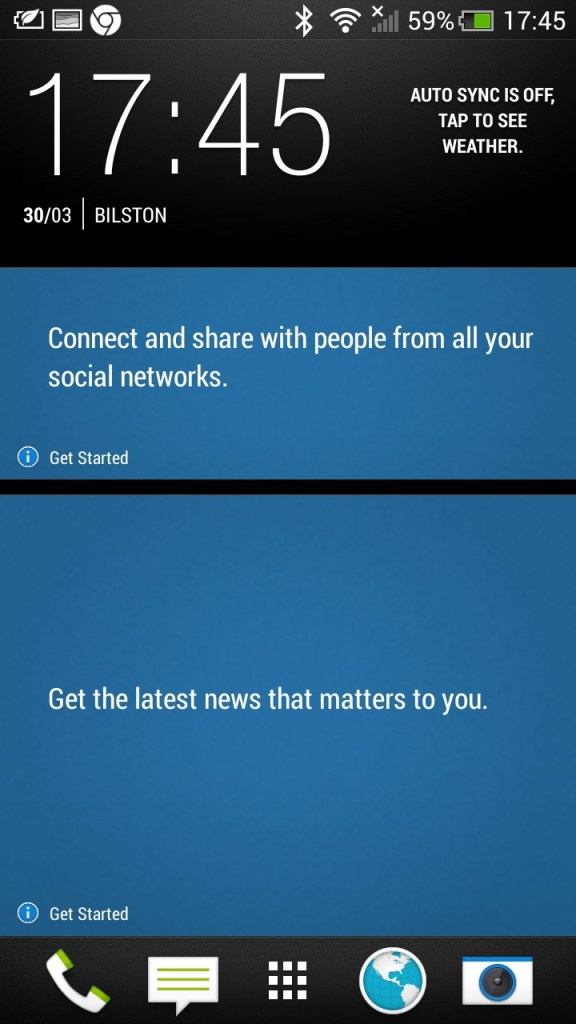
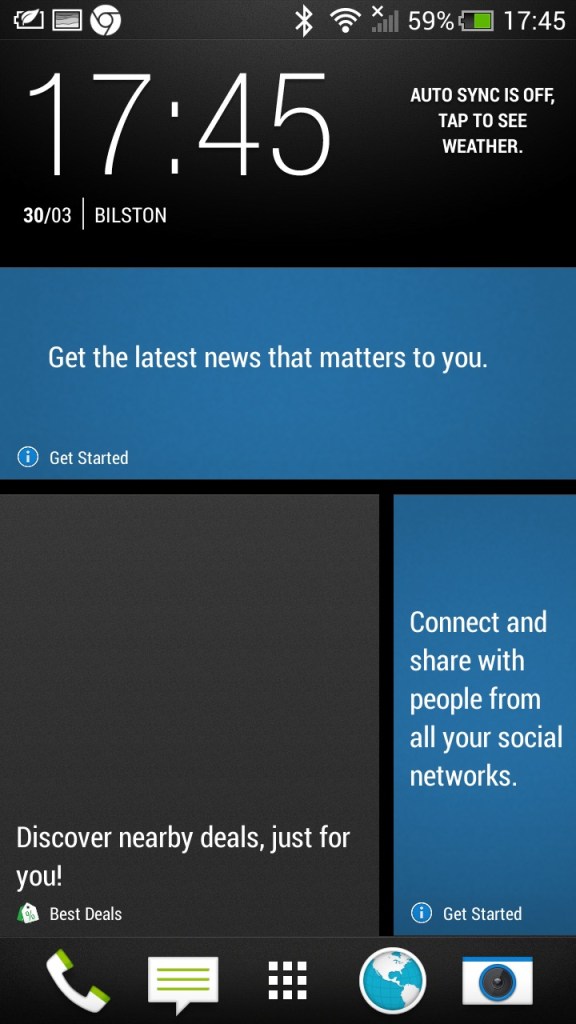
There is also Blinkfeed which collates updates from supported social media apps used on your phone (Twitter, Facebook, Instagram) and news updated from your preferred networks. I can’t help but feel its design was inspired by the Windows Phone design language.
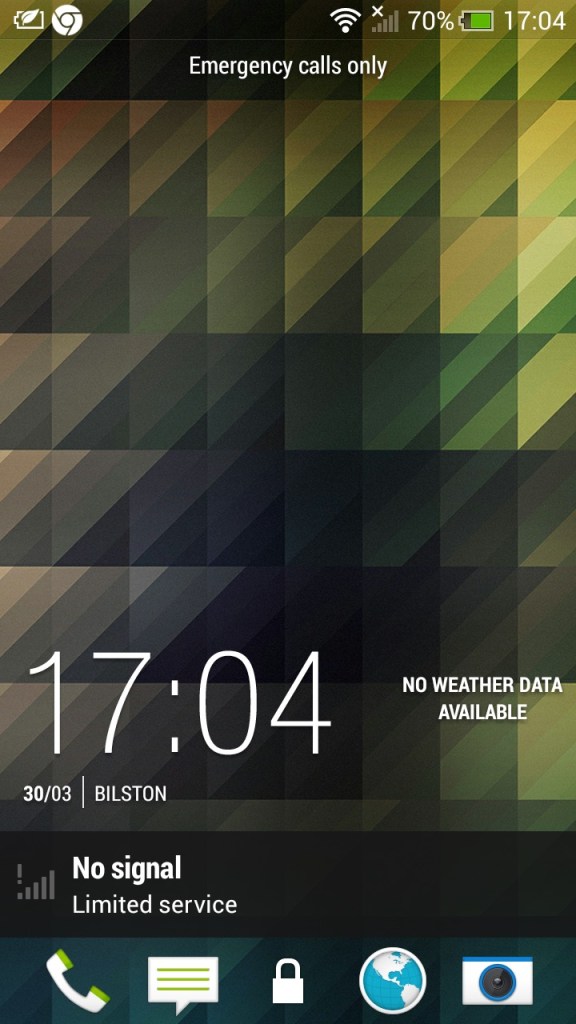
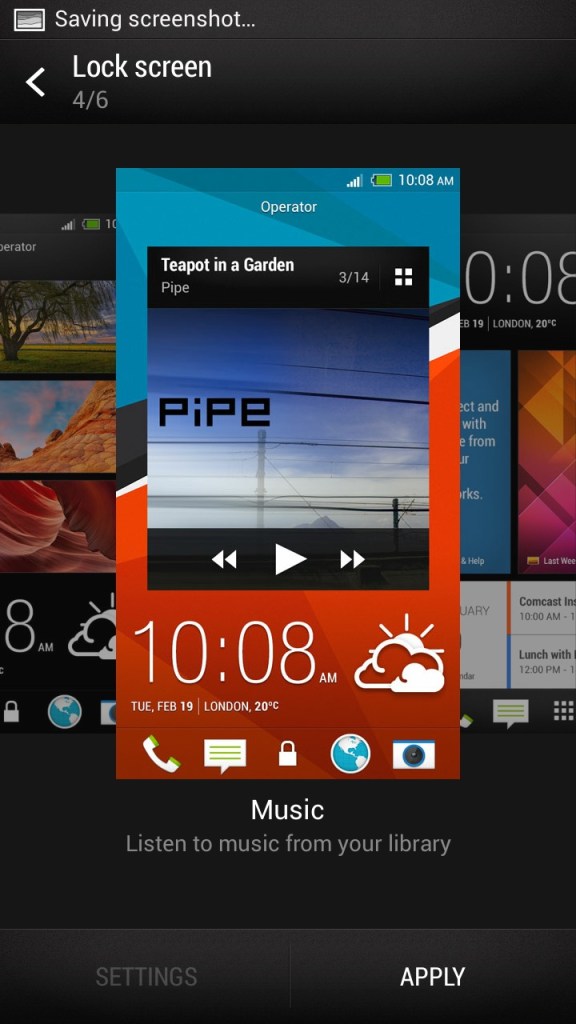
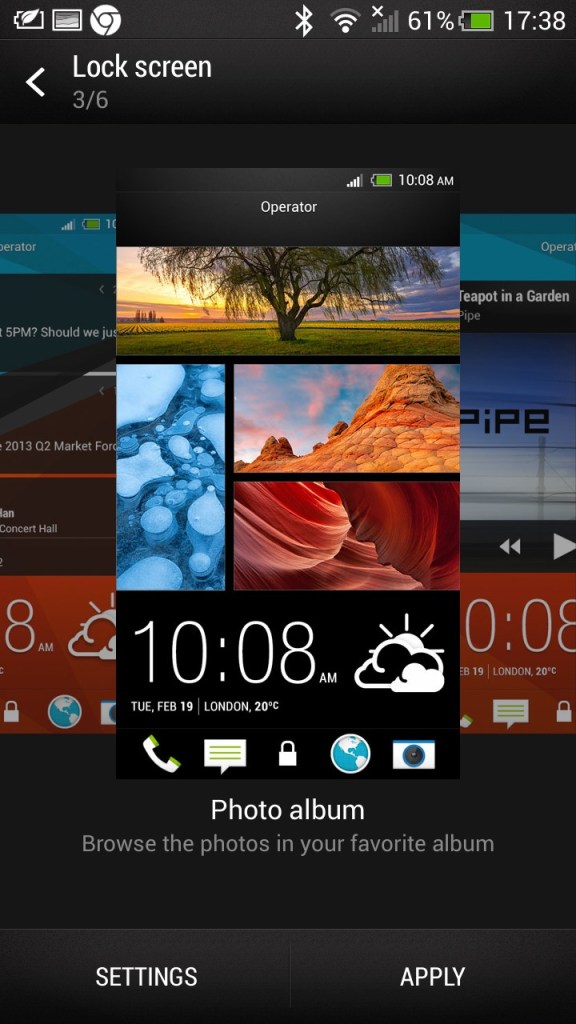
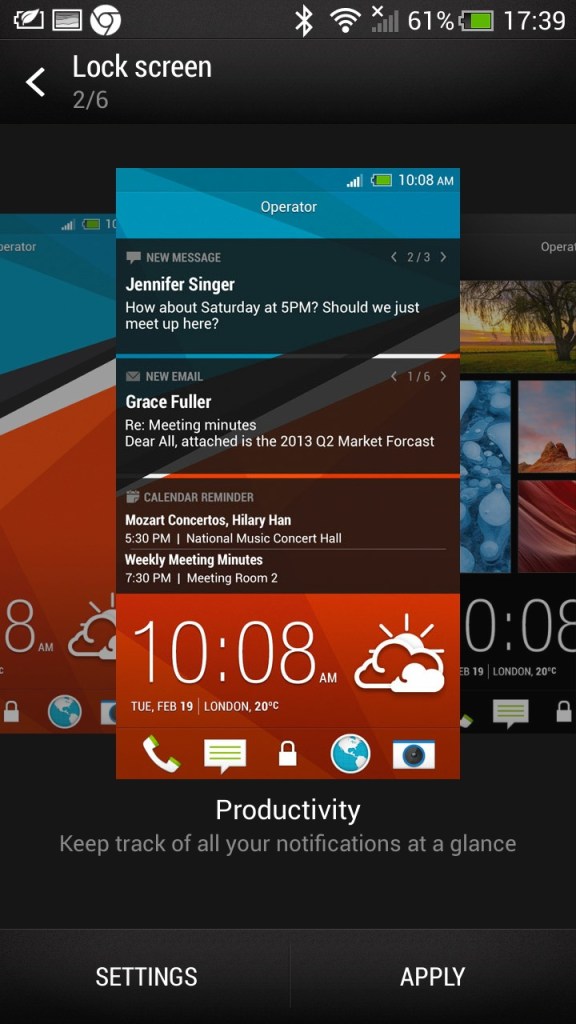
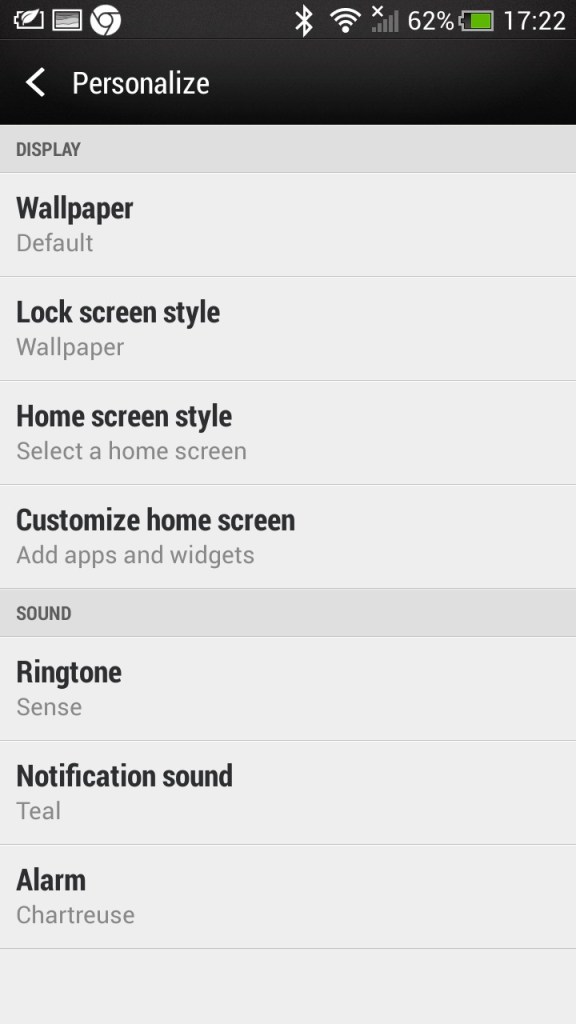
The lockscreen which is unlocked by sliding upwards, doing so raises the clock upwards which is very similar to the Windows Phone lock-screen behavior. Different lockscreens can also be set according to your preference,

  • Productivity – Shows information from email and calendar apps
  • Photo Album – Shows images in your photo albums
  • Music – Shows and lets you play music in your library directly from the lock screen
  • Or it can be configured to display a specific widget, like the weather

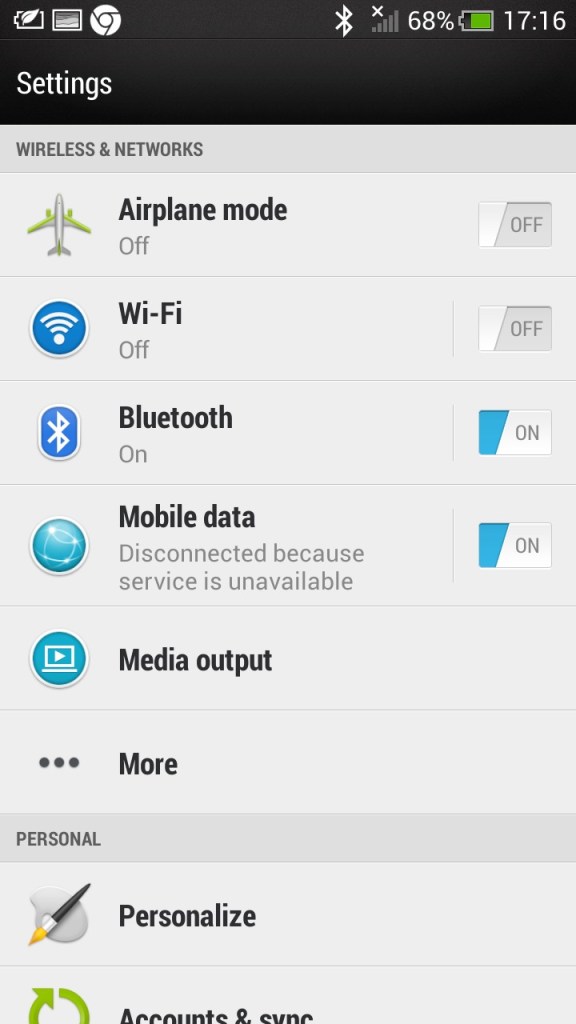
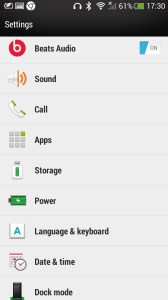
The main settings screen which divides into different sections (Wireless & Networks), Personal, Phone)

Beats audio, which was a selling feature of the phone, This was before Beats was acquired by Apple. It’s supposed to be an audio equalizer that has a specific preset, though I can’t say it makes much of a difference.

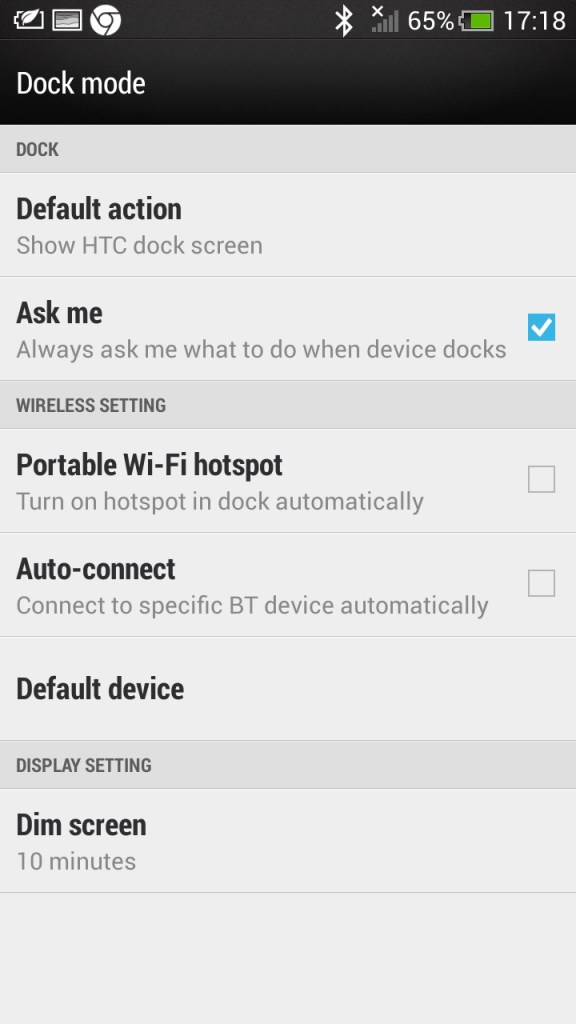
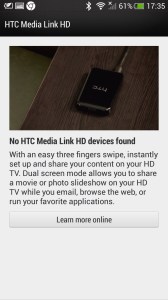
Media Link: The Media Link setting, that acts as a screensharing utility that requires the Media Link device which plugs into your TV’s HDMI input. I guess this was a predecessor to Miracast that is featured on all modern phones. The bundled tutorial showcases the ability to play movies and videos from the phone, ideal for displaying videos recorded from the camera, but I can’t imagine using it to cast Netflix (Some people actually do this, just get a streaming stick/box for fucks sake) Also remember most, if not all TV’s from this period were not ‘smart’ in that they could receive video over a network.

Multitasking is possible where the media will play on the big screen whilst you open another app, at least until the handset overheats. Still, it shows this was a very versatile smartphone.

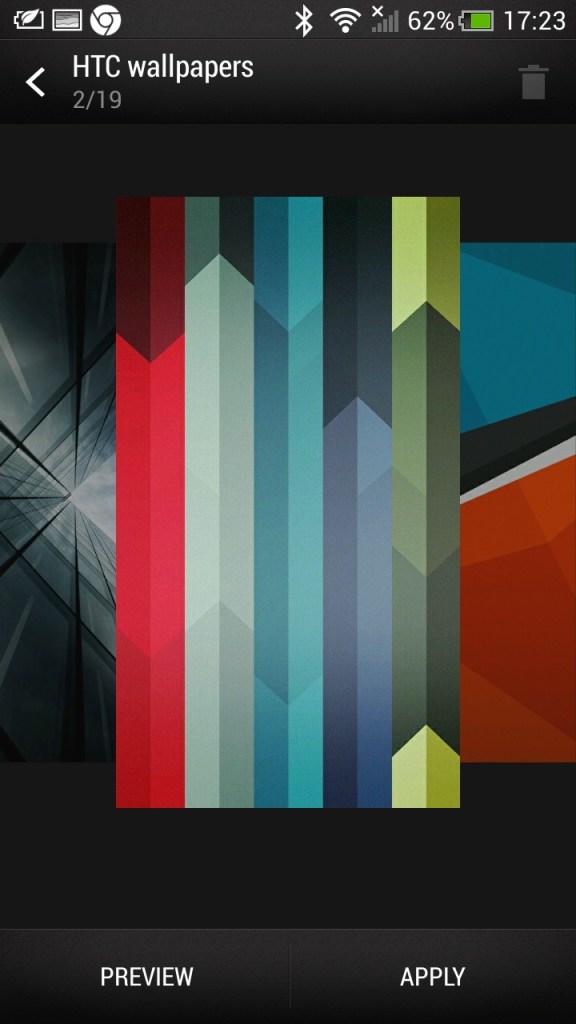
Some additional screens, including the default wallpapers HTC shipped with the phone

HTC Applications

As part of the HTC sense user interface, HTC also provided their own apps for common functions of the phone. These all conform to the same design language, achieving a consistent design across the pre-installed apps.

Messages: Your standard SMS app which can also handle MMS messages, both being presented in a threaded view.

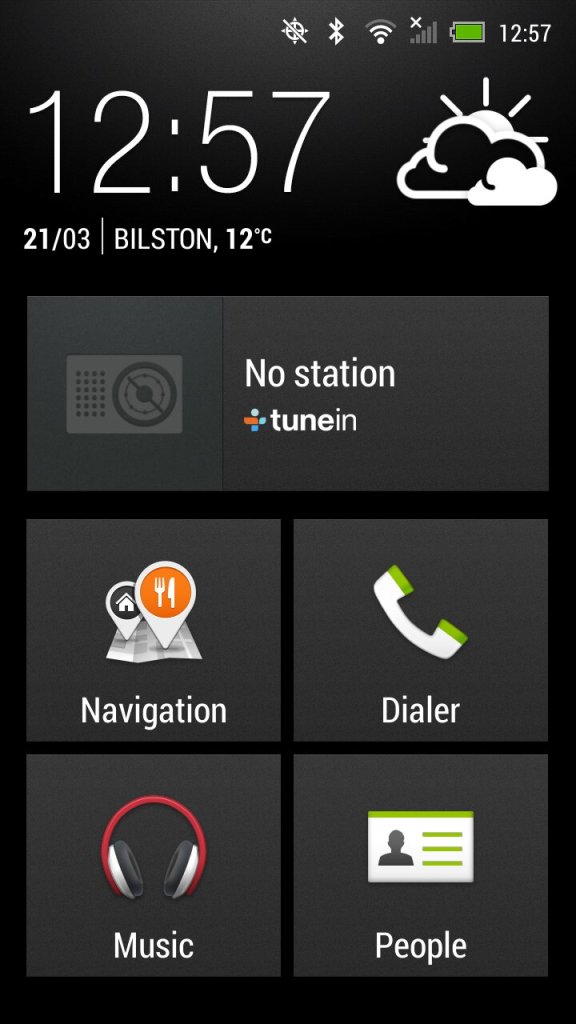
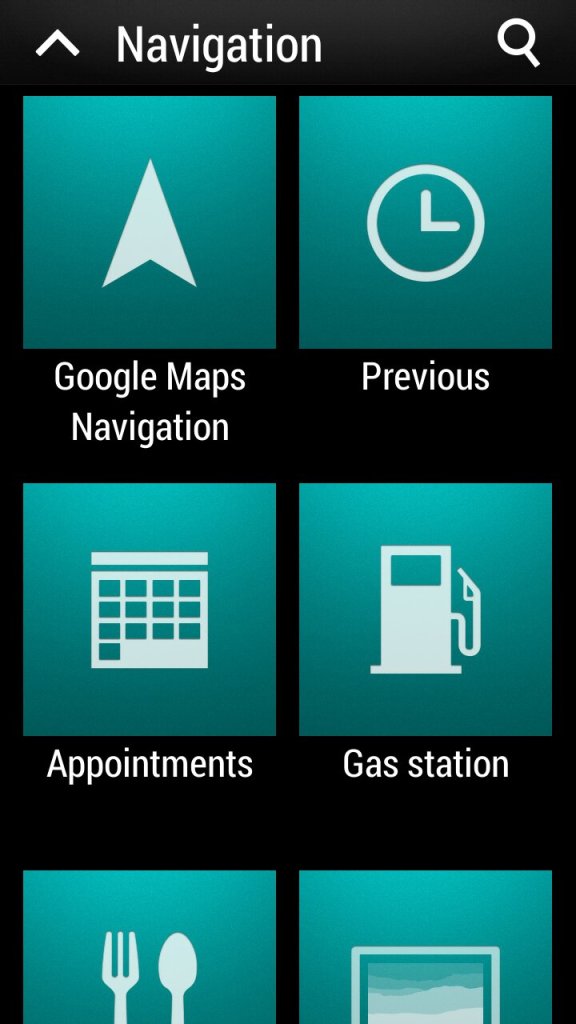
Car: for use when driving, present an easily accessible interface for using the GPS navigation and music/radio apps which are powered by Tunein. The BBC podcasts appear to work but are a few months out of date, the others no longer function. The menu can be customized to add apps that are not there by default.

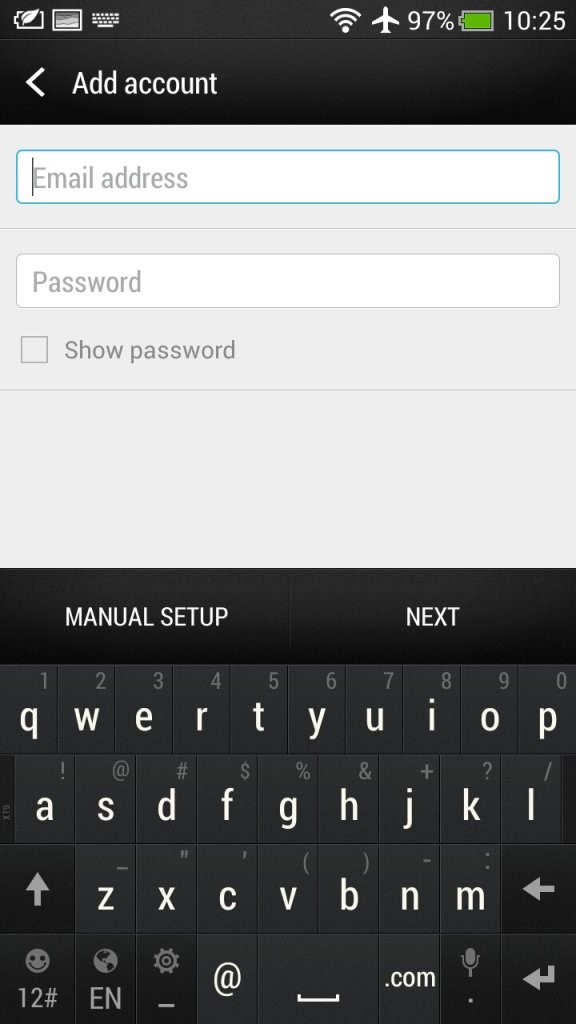
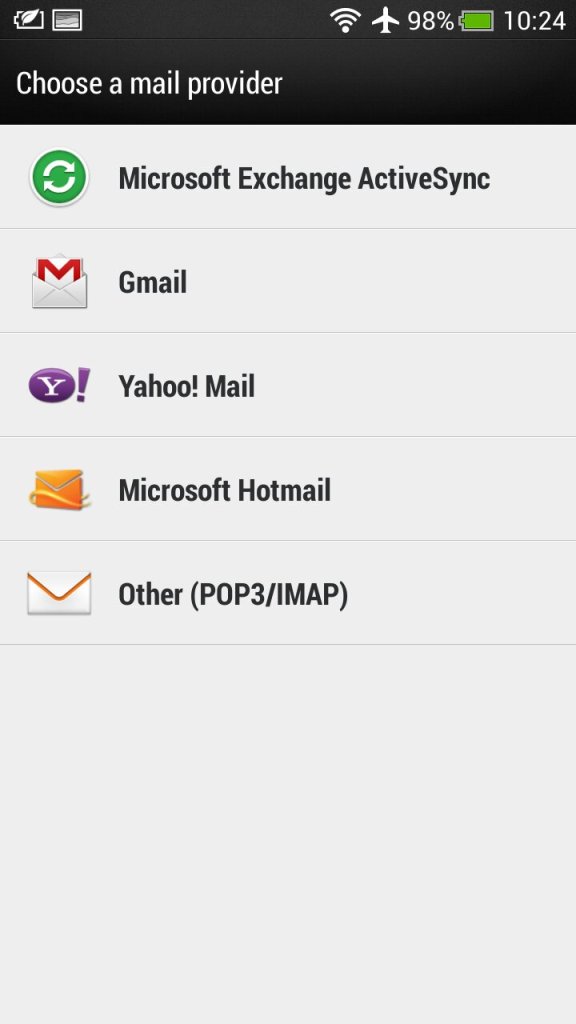
Mail: HTC’s own email client that had support for Gmail, Yahoo! Mail and Hotmail (Outlook). Other email providers can be used by setting the correct POP3/IMAP configuration. Microsoft Exchange can also be used.

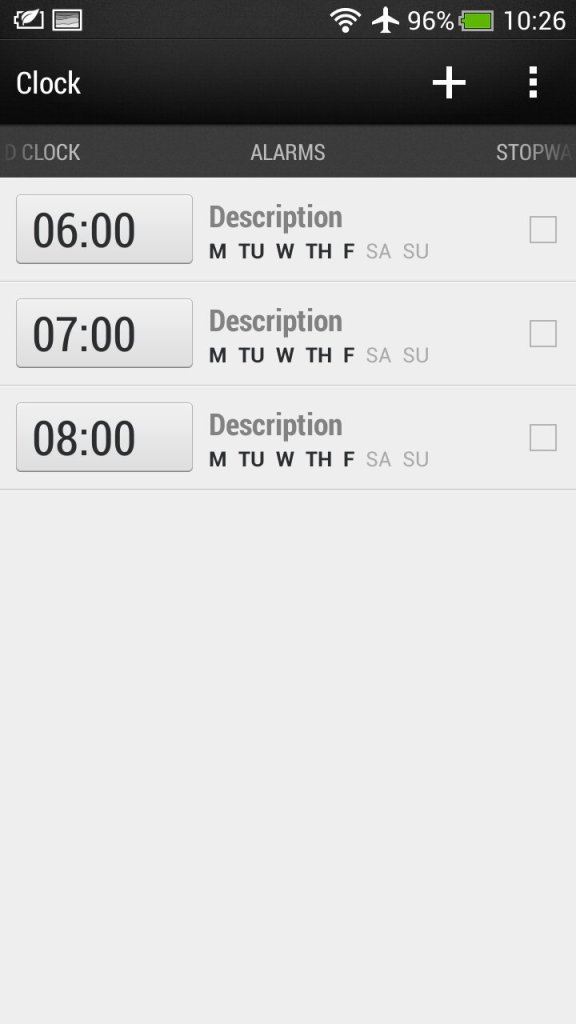
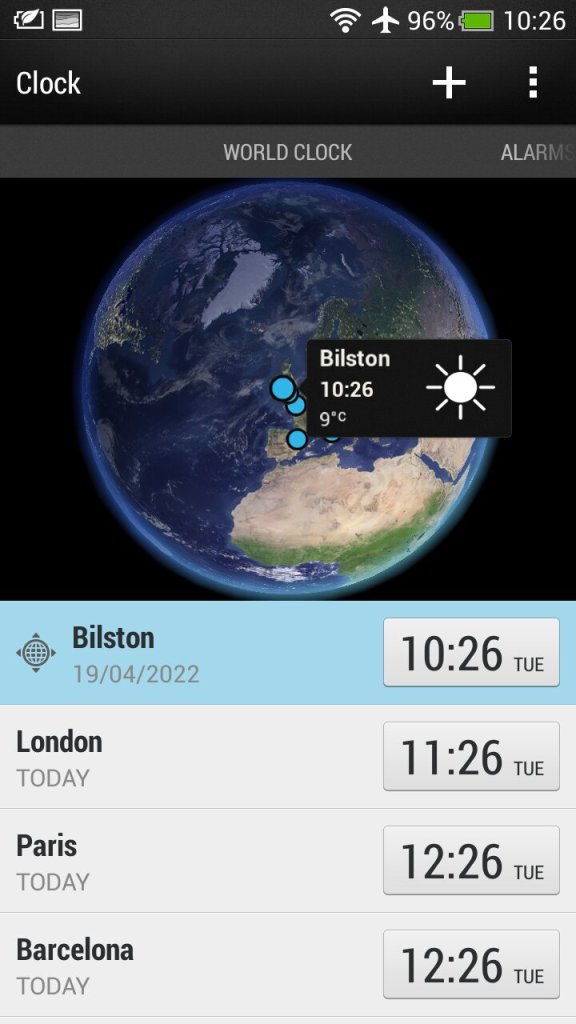
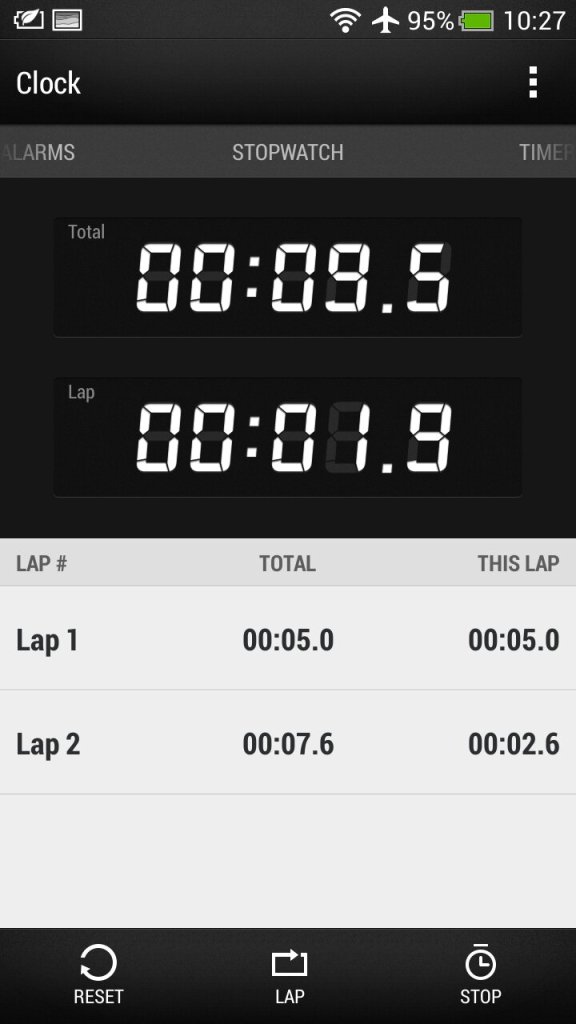
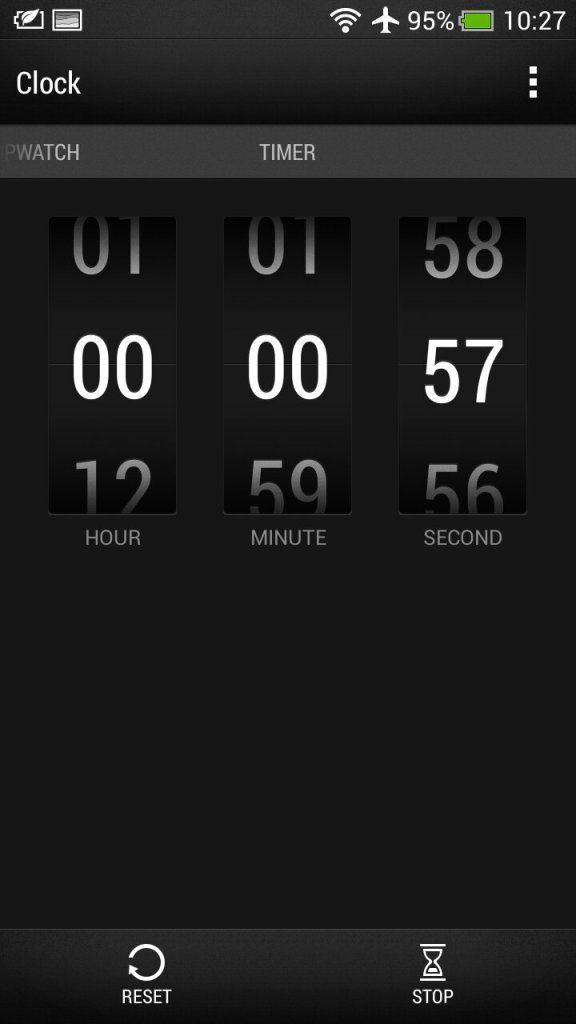
Clock: For setting the time or different timezones, of which HTC has configured a few for you. Here you can also set multiple alarms that can be a standalone or recurring. A stopwatch and a timer are also provided which mimics an old alarm clock.

Stocks: Check your stocks of which the information is delivered from Yahoo Finance.

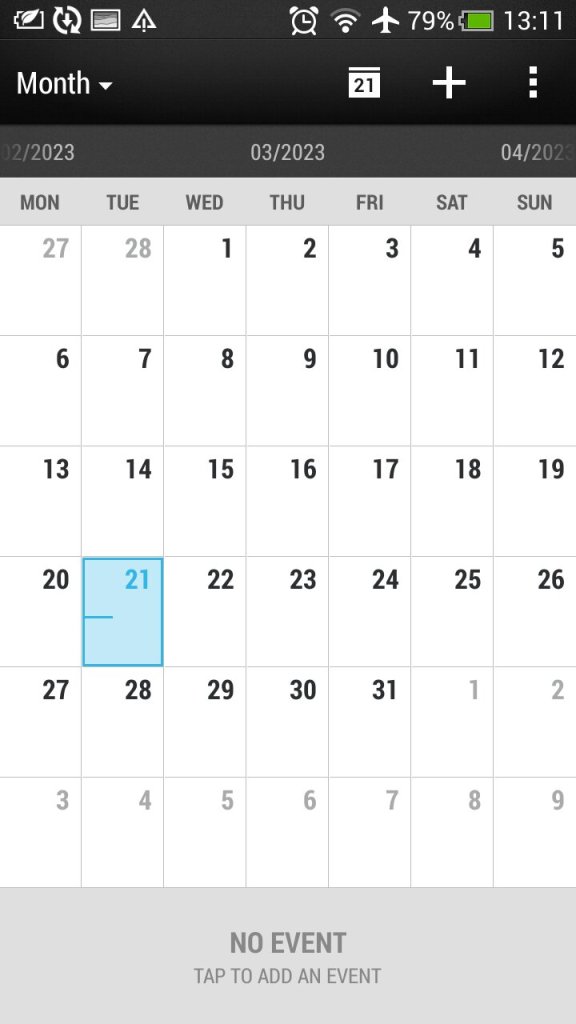
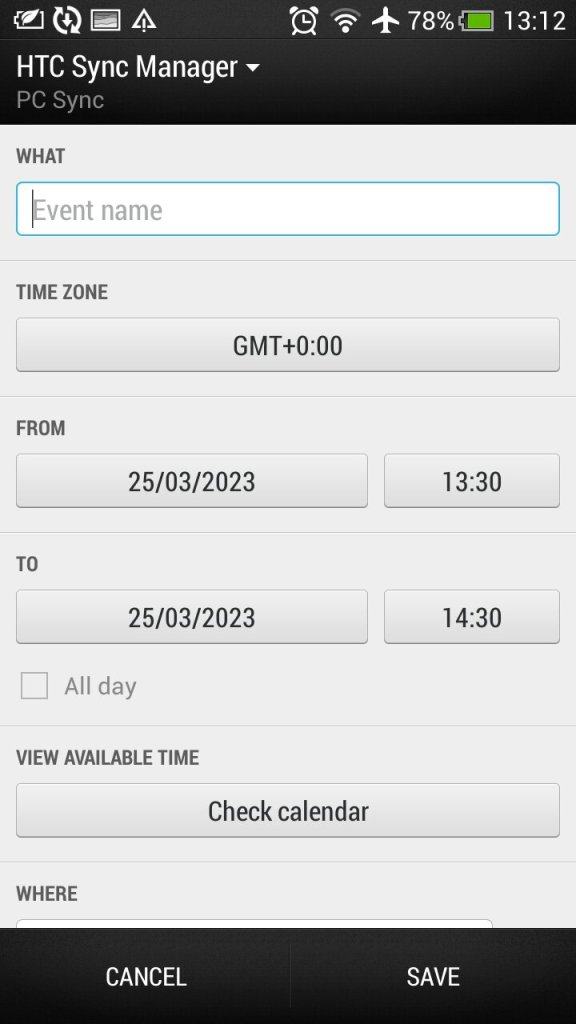
Calendar: Typical calendar app to set reminders and events. This will sync with the calender of your email provided if one is supported, otherwise this can be set to sync with HTC Sync manager, an application for your desktop PC.. Default view can be either Day, Week or Month.

Camera: The handset features an 8-megapixel camera with autofocus and LED flash. The camera is capable of capturing high-quality images and 1080p video, with good colour accuracy and sharpness. It also has a front-facing camera for video calls and selfies.

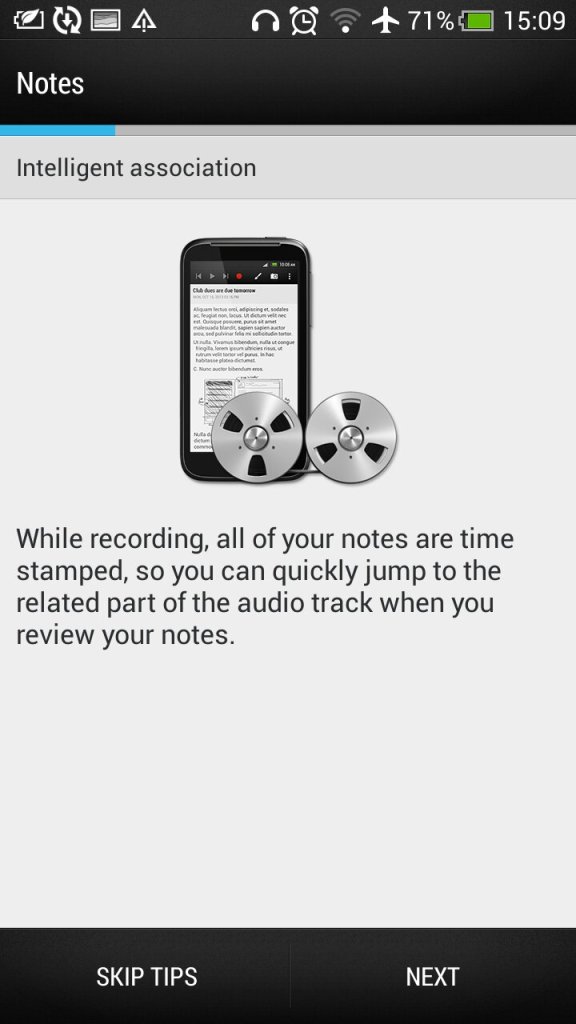
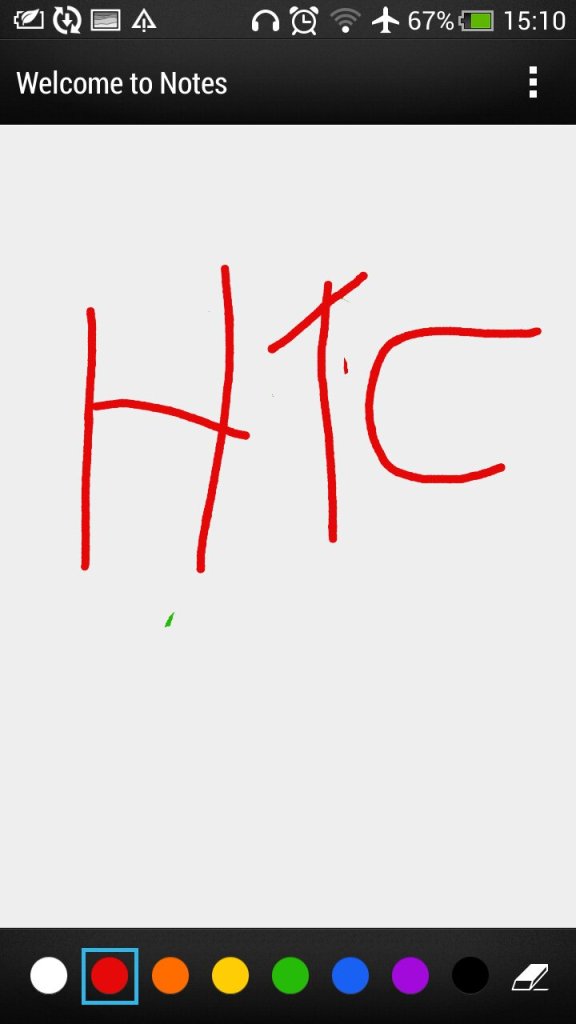
Notes: Supports both text notes and handwriting/freehand notes. Also gives access to the voice recorder feature.

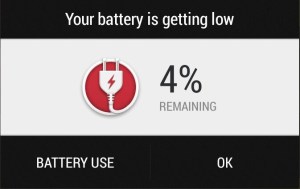
Low battery notification, which gives you a shortcut to the battery-use application that shows apps that have consumed the most power

Preinstalled Apps

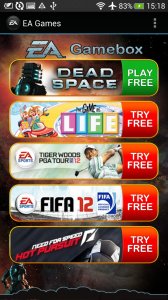
EA Gamebox: Gives us links to EA’s mobile games that you could download to your device including Dead Space, The Game of Life, Tiger Wilds, FIFA12 and Need for Speed Hot Pursuit.

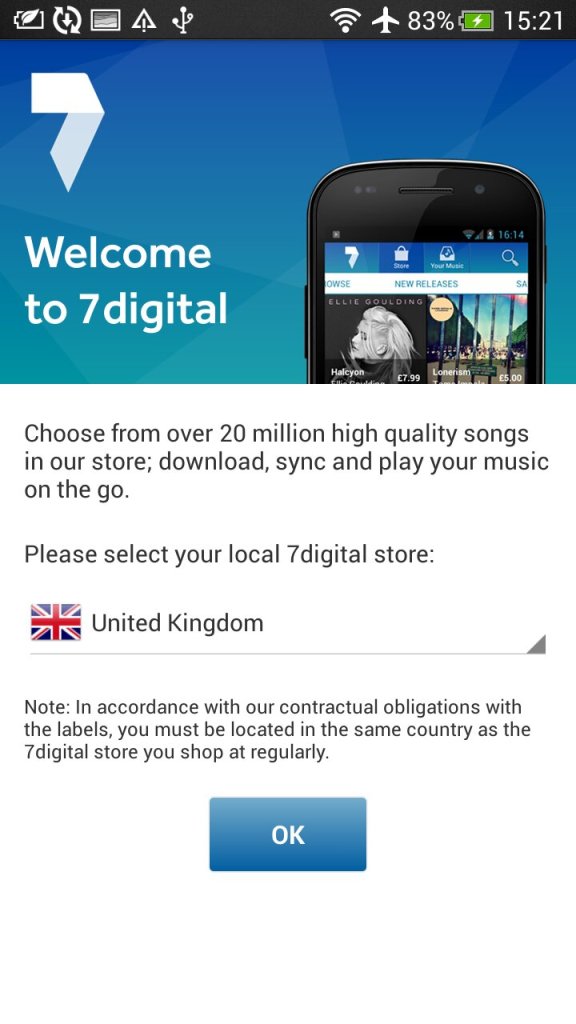
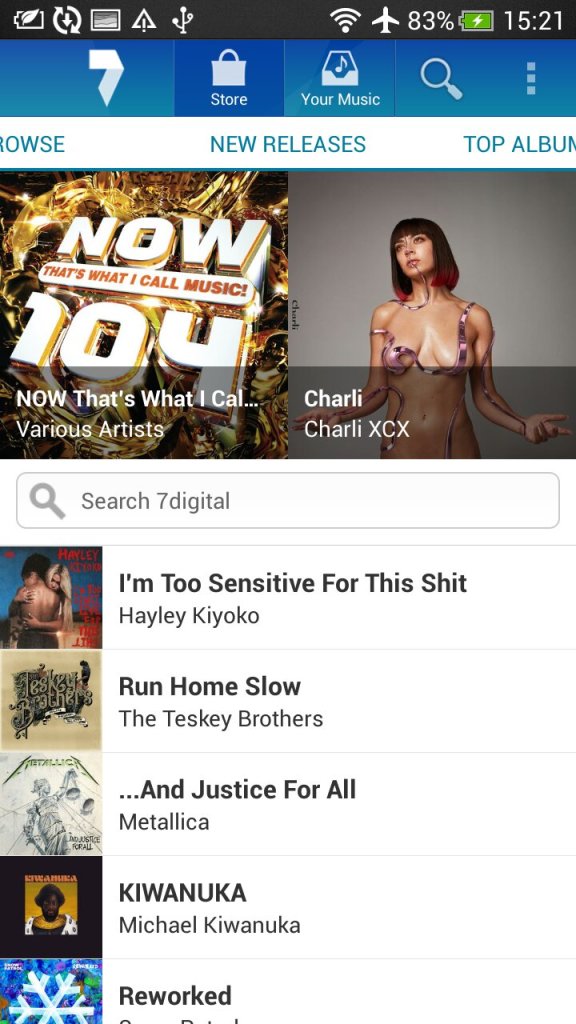
7digital: Popular music store, an alternative to the iTunes or AmazonMP3 for purchasing music. This also serves as a music player as I can play both download music off the store and any local files you transfer from a PC.

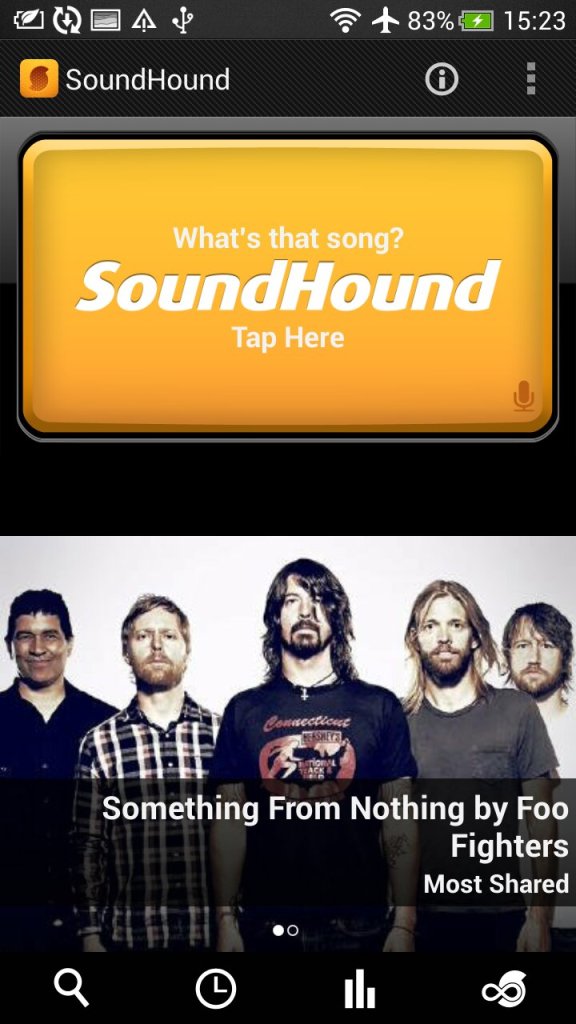
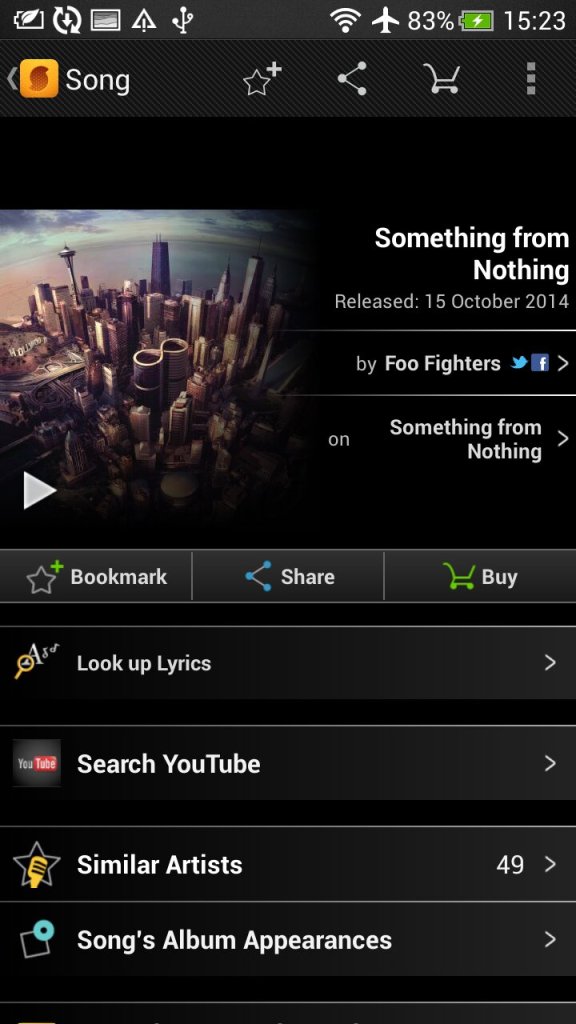
SoundHound: Music discovery tool that can detect and identify music playing my listing and sending a sample. Useful to identify a track that is unknown.

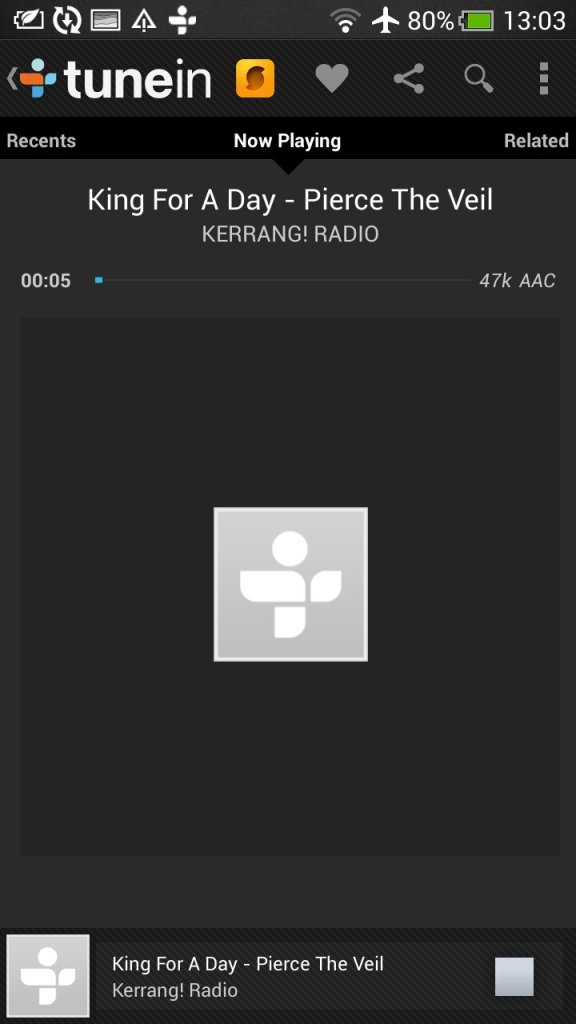
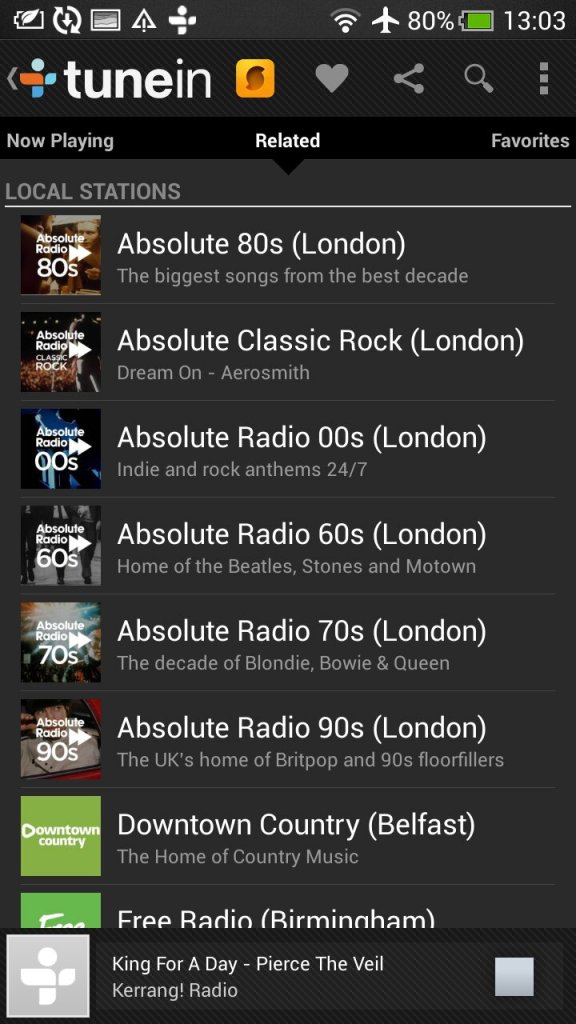
Tunein Radio: Radio player directory, used to discover and listen to internet radio stations

Dropbox: Cloud file storage app that can sync with multiple devices.

Polaris Office: Mobile office productivity suite to open documents, this can auto integrate with both Dropbox and SkyDrive (Now Onedrive) or open files off USB storage.

Standard social media apps are also included like Twitter and Facebook

Widgets

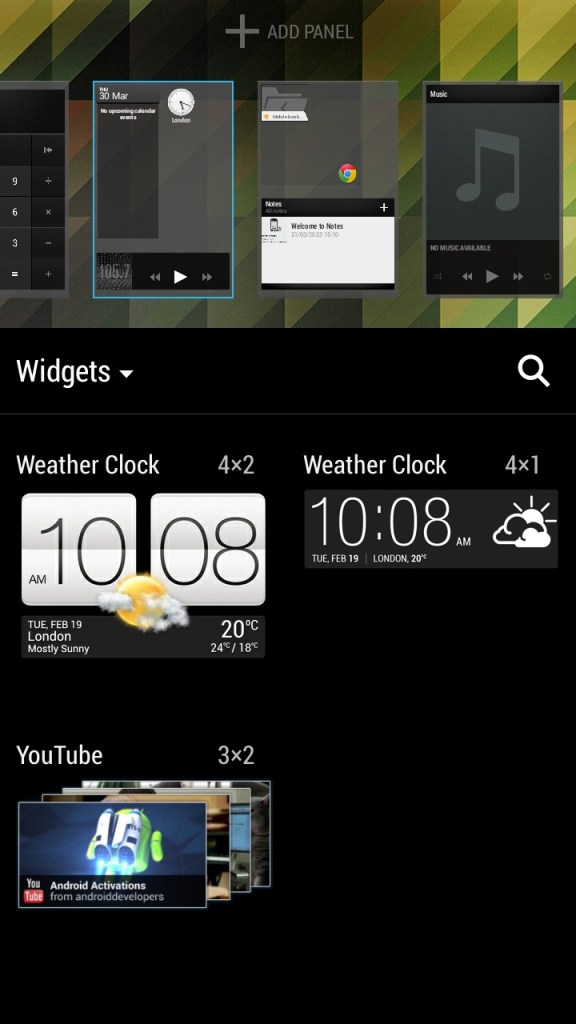
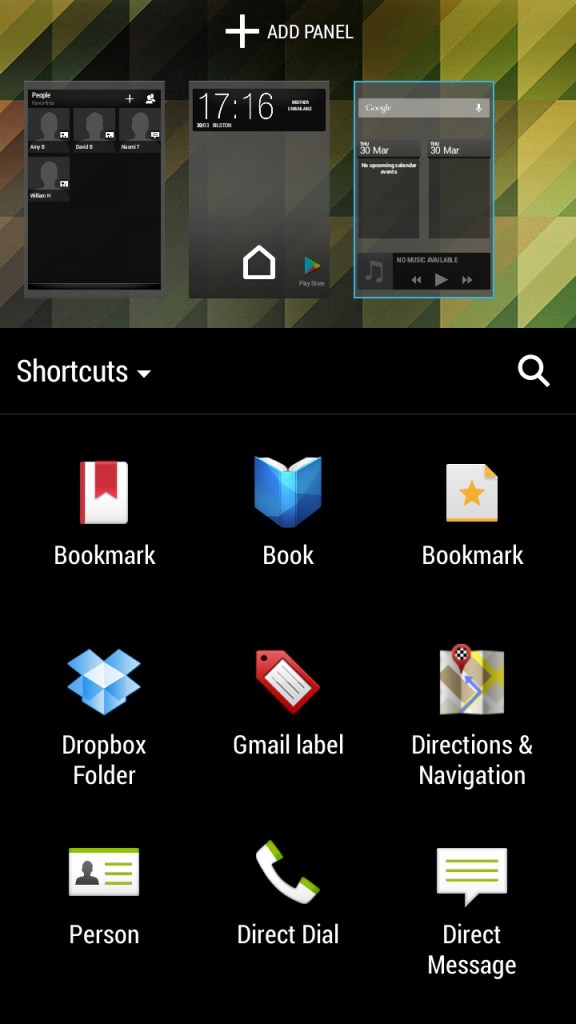
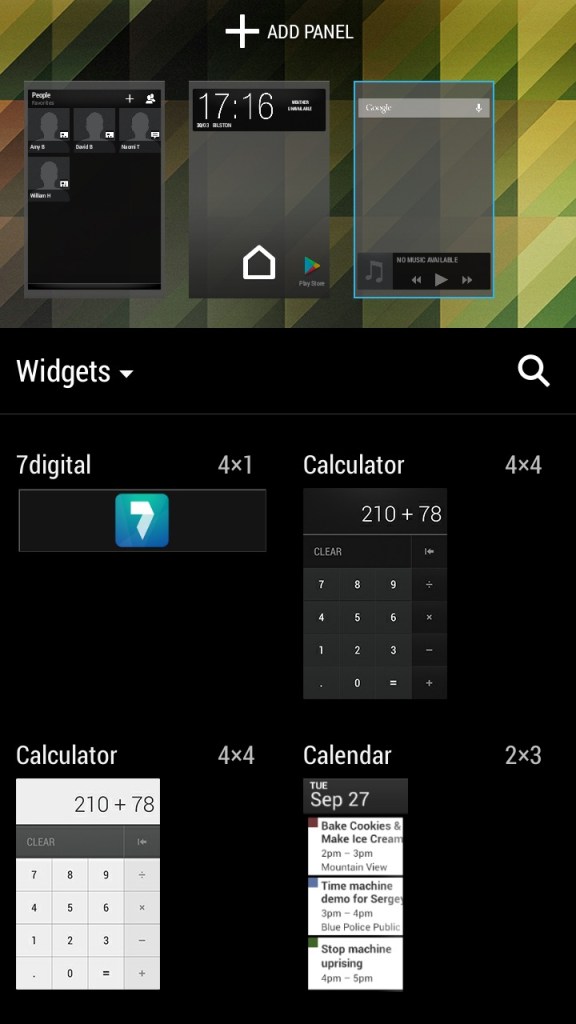
Like other Android handsets, HTC have included a few default widgets that can be placed on the Sense UI, most of these will link to existing apps on the phone and incorporate some of their functionality. You can have up to 8 different panels containing widgets or app icon shortcuts fro easy access. Switching between panels is as easy as swiping left or right.

The contacts widget lets you place your top 9 contacts, of which can be pinned for quick access. Kind of like a speed dial of sorts but you can customize what to do when you select them, either open the contact card or directly call or message the contact instead.

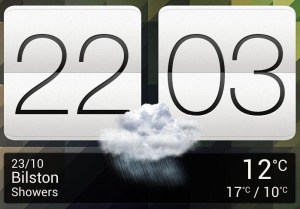
The weather and clock widget which will show the weather according to your phone’s location, when pressed will just take you to the clock app.

The music widget lets you quickly play the last played track and also lets you pause and skip tracks directly. Pressing on it will open the HTC music app.

Conclusion

Overall, the HTC One X was a great smartphone for its time, offering excellent performance, a good camera, and solid battery life. However, it is now outdated and may not be suitable for users who require the latest features and technology. Trying to use it as a daily driver 10 years later will be a challenge, whilst you can still connect and sync a Google account, the amount of Play store apps that can be installed is very low, with Twitter, Facebook and even Google’s own Youtube apps no longer being supported. Oddly Youtube Music and Kids can still be installed.

The browser side isn’t much better, the latest Google Chrome dates from 2015, whilst Dolphin Browser 12.2.9 is the latest supported. You have to remember a lot of modern Android apps are not ARM64, and his handset is only 32bit.

Toshiba Satellite 300

A notebook computer released in 1998 and running the first edition of Windows 98. Toshiba are well known for its notebook systems and was remarkably popular with business users who valued portability and continue to manufacture notebooks under the Dynabook brand. The Satellite series are mid-range systems orientated for small businesses or home office users.

For 86box we used the Toshiba Equibim 5200 which is also a Pentium-based system from the same era but is a desktop system.

Recovery Install Process

Looks like it’s using the eMachines recovery utility to allow installation on a generic machine.

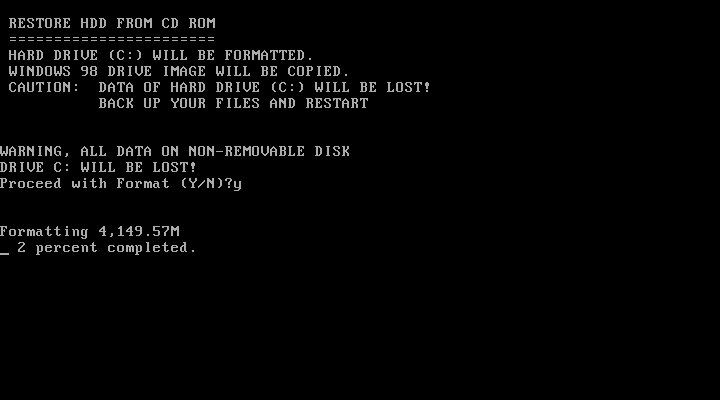
We do need to ensure the hard disk is initialized and the partition’s ready for installation. You are given the option to format the hard disk or leave the volume intact providing its FAT32 (FAT16 might work but is untested) Once formatted the restore begins.

First Boot

The customized active desktop wallpaper is based on the Windows 98 default active desktop wallpaper but with custom links to Toshiba websites.

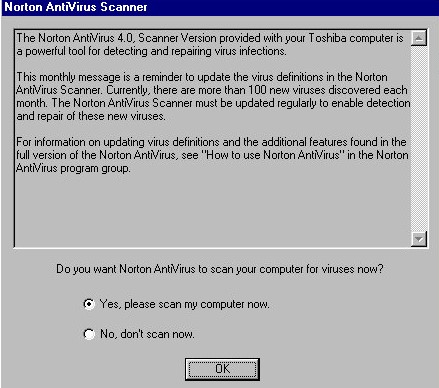
We are welcomed with a reminder about our antivirus software, of which Norton comes installed by default.

OEM information, ‘In Touch with Tomorrow’ was Toshiba’s slogan for their laptops.

Toshiba have customized some of the screensavers including the 3D text.

Another screensaver

Included software

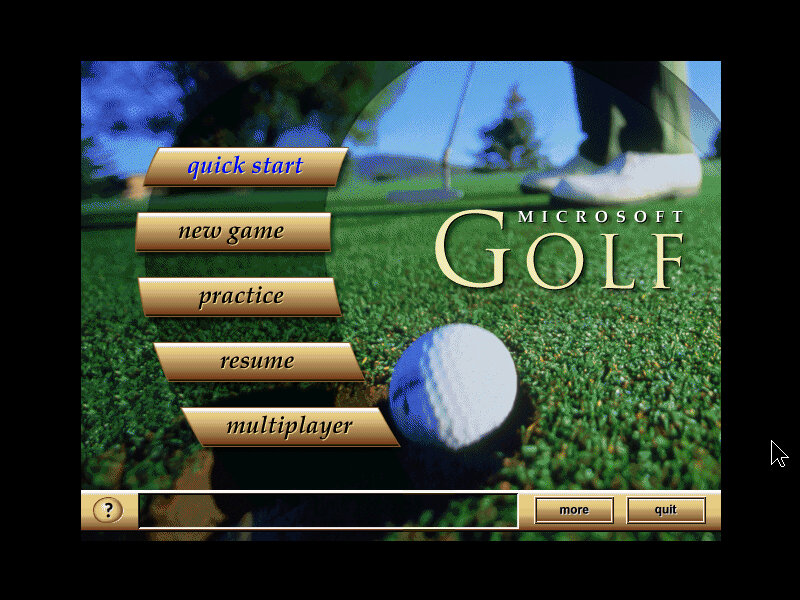
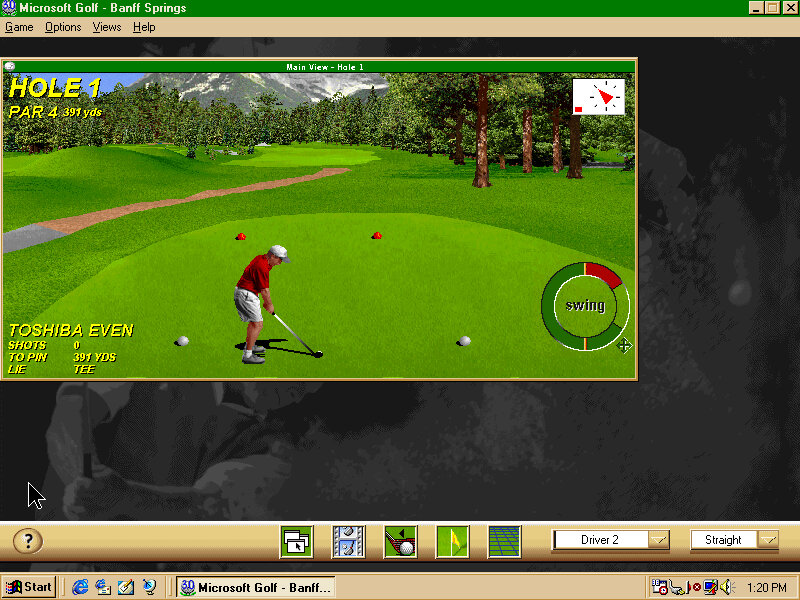
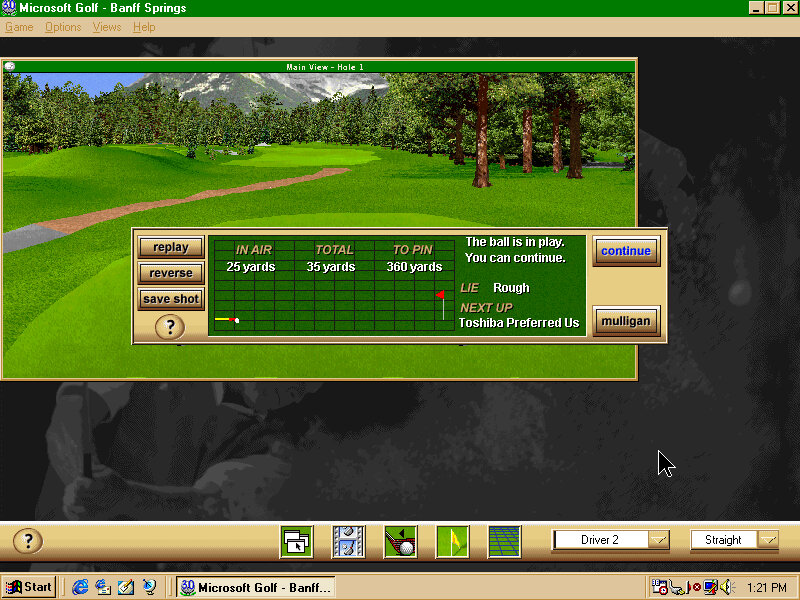
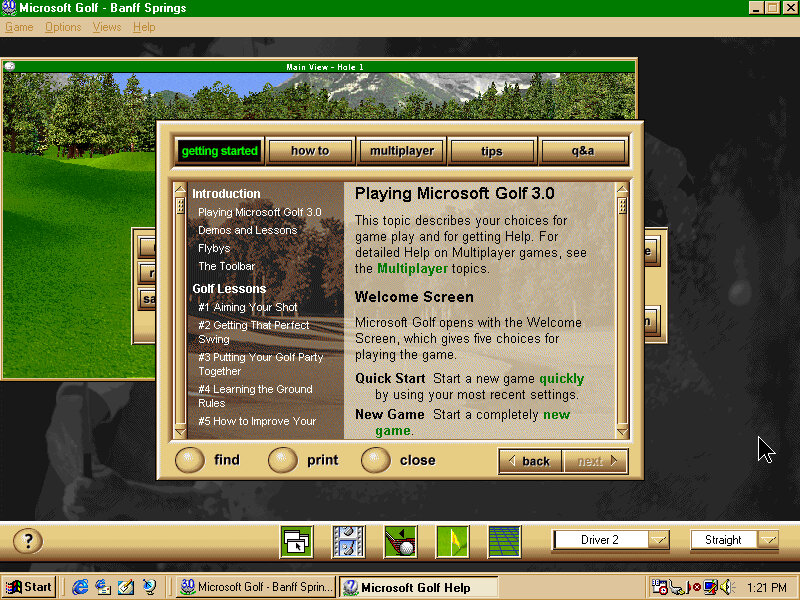
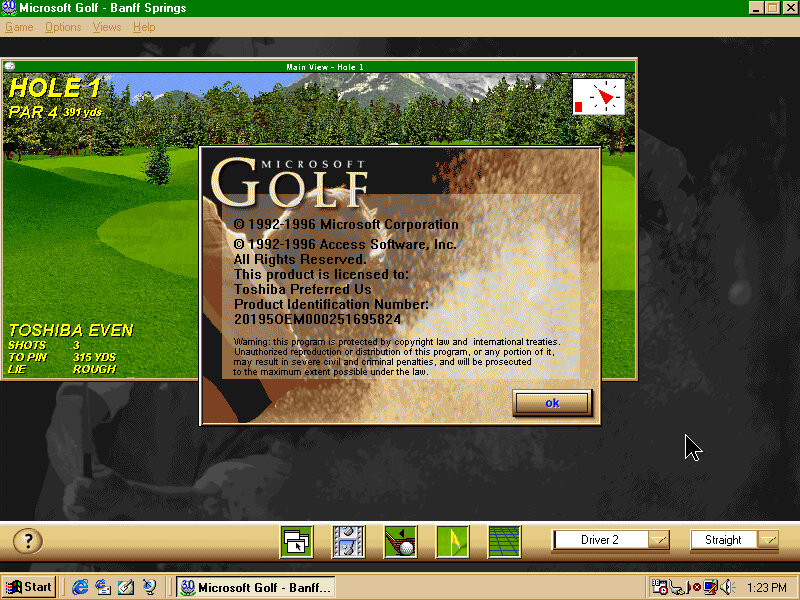
Microsoft Golf: A golf simulation game, the 1998 edition is bundled here though it’s not a complete install with the CD-ROM being required for some parts. This is a budget counterpart to Microsoft Links which was a proper golf simulator.

Microsoft Office Outlook 98: An updated version of Outlook that was featured in Office 97, Outlook 98 featured a number of key improvements over its predecessor, including a redesigned interface with better integration between email, calendar, and contact features.

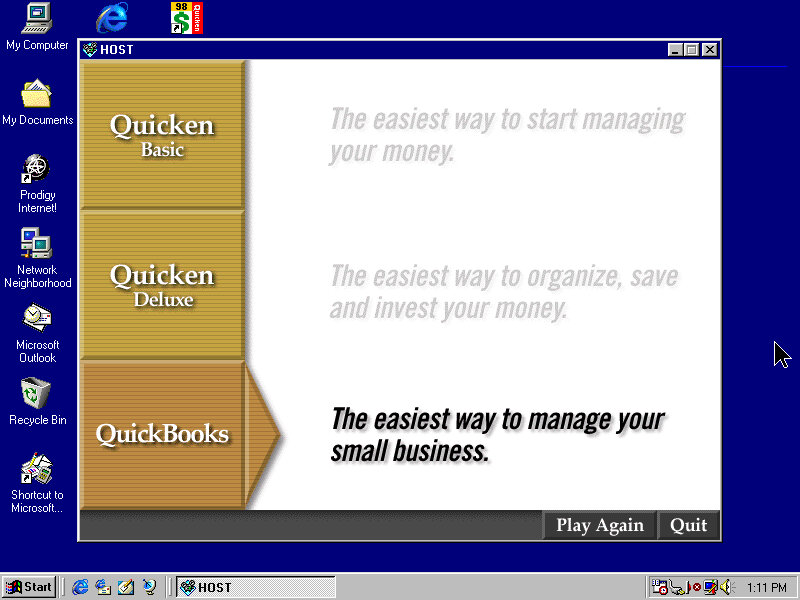
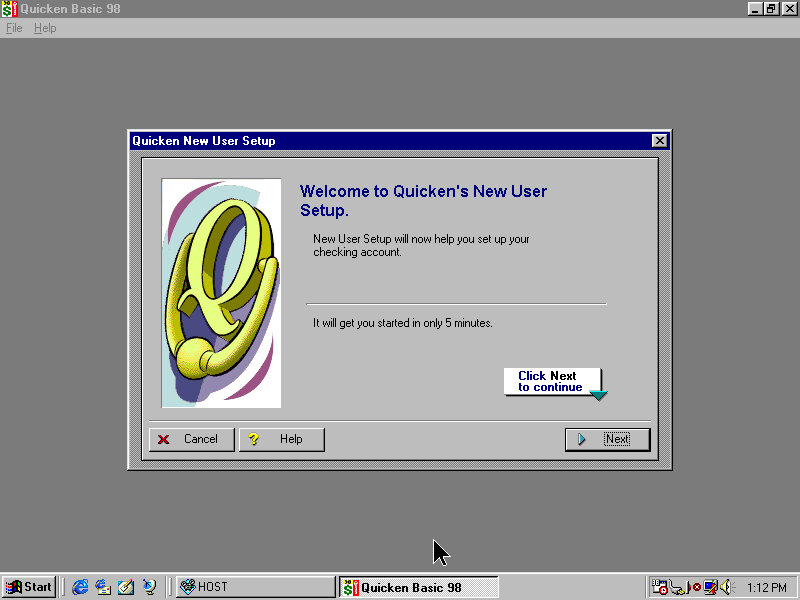
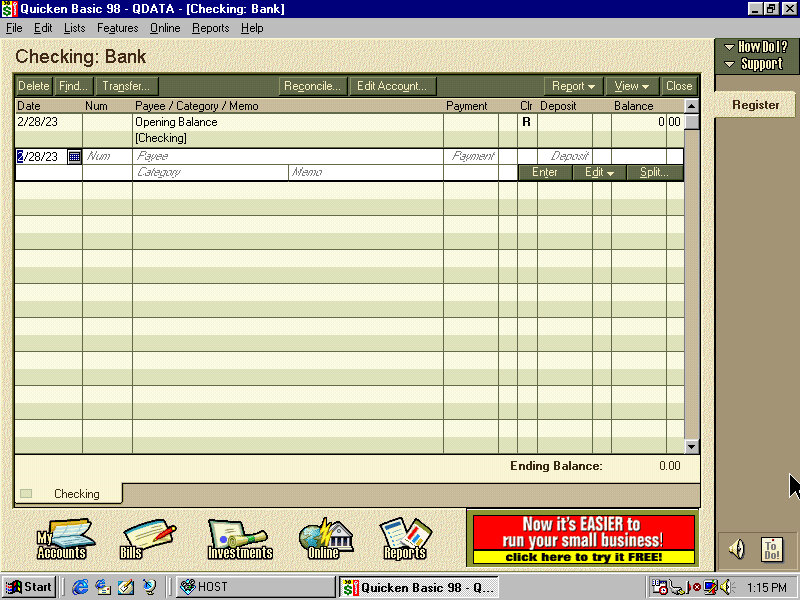
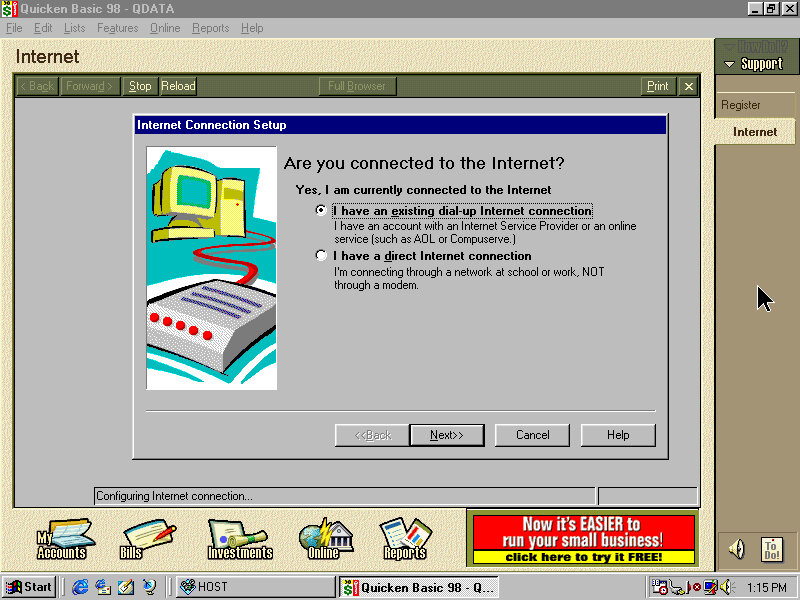
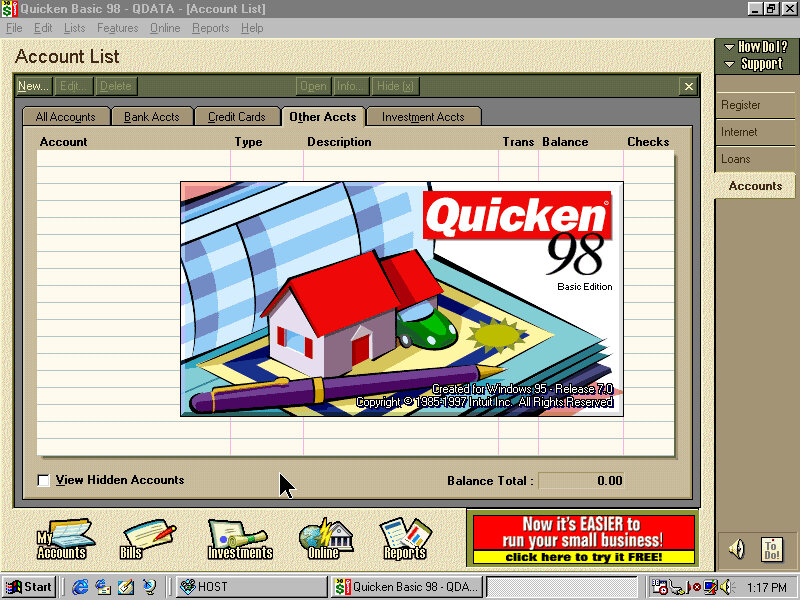
Quicken Basic 98: A personal finance management software program, that enables users to schedule and pay bills directly from the software. The software also included tools to help users prepare their tax returns.

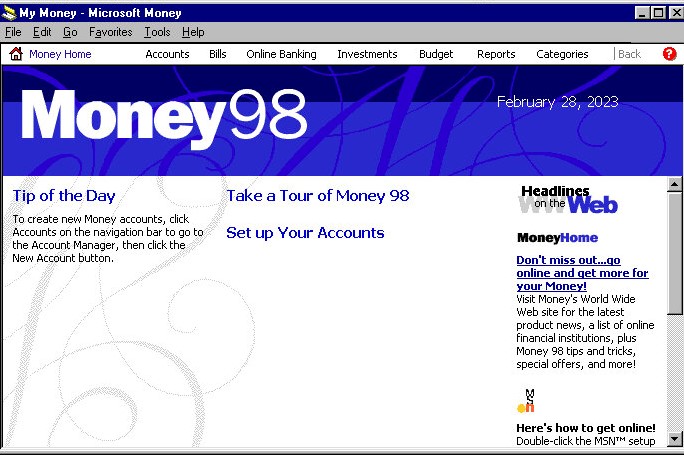
Microsoft Money 98: Microsoft Money 98 allowed users to track their income and expenses, create and manage budgets, monitor their investments, and pay bills online. It also included a tax planner, which could help users estimate their tax

Microsoft Works 4.5: Includes four main applications: a word processor, a spreadsheet, a database, and a calendar. It also included a dictionary and thesaurus, as well as a variety of templates for creating documents such as letters, resumes, and newsletters.

Microsoft Encarta Encyclopaedia: A digital multimedia encyclopaedia that was first released in 1993 by Microsoft Corporation. It was designed to provide users with a comprehensive reference tool that includes articles, images, videos, and other interactive content. The software included a range of features including a dictionary, thesaurus, atlas, timelines, and other educational tools.

Norton AntiVirus: Standard preinstalled antivirus software.

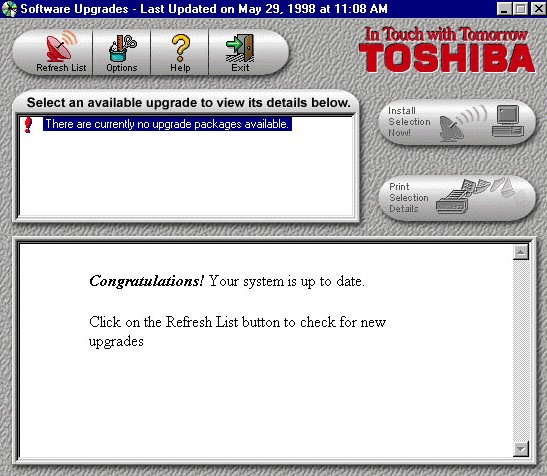
Toshiba Update: A utility that would have downloaded updates to the bundled applications and possibly drivers. Note the last update date of May 1998 which predates the release of Windows 98, I’m sure this was originally a Windows 95 install that was upgraded to 98.