Tag Archives: 86Box

Packard Bell Platinum (86Box)

A mid-range OEM system released in 1996, when Windows 95 was beginning to hit its stride, and another system we can (mostly) recreate in 86Box

Full Specifications here

The S3 ViRGE is supported on 86Box, albeit a slightly different variant that the Packard bell had used, possibly an OEM exclusive model. The SoundCard differs, using the Aztech 2316R, whilst 86Box is able to emulate the Aztech SoundGalaxy Washington instead, being the closest match.

Install

A floppy disk was required to initiate the installation, since the CD was not bootable, despite the motherboard BIOS supporting CD-ROM booting. Once started, a recovery version of Windows 95 started up, and we were presented with the Packard Bell recovery screen where we were given a list of a few options:
Restore the original boot files
Re-Install the Packard bell software
Re-Install the Windows 95 operating system
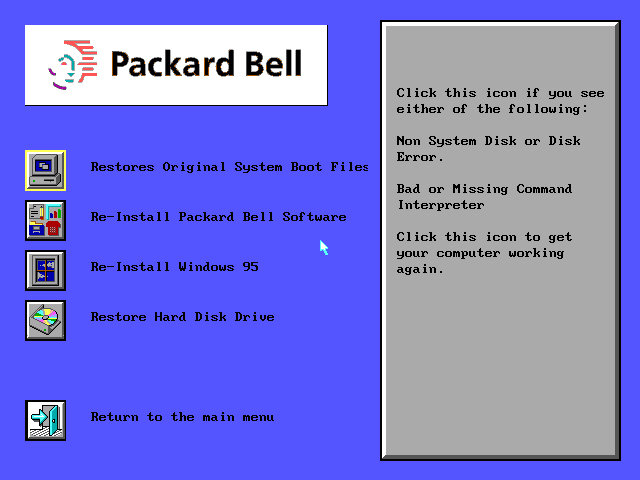
The only option that worked was the Windows 95 recovery since our virtual machine had currently lacked a formatted drive.
When starting the OS recovery process, we were prompted to enter the system serial number to identify the system that we were running on. Since we did not have this to hand, we were able to bypass this by entering a series of random numbers. A warning message popped up regarding the number not being recognized but offered to install anyway.
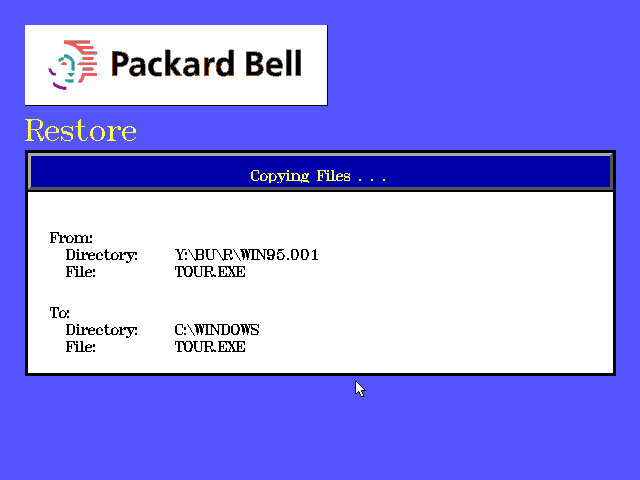
The recovery process then started, with a Windows 3.11 looking dialog box appearing to transfer various files to the hard drive.

Setup

After the file had finished copying over, the computer rebooted and started the Windows 95 setup utility, which looked the same as a generic install. You will be prompted to enter an OEM serial key, so be sure to have one when installing.
Once again the system reboots and performs the device detection process.

USB Support?
The motherboard BIOS has references to USB support, but this seems to randomly appear and disappear when entering setup, possibly an issue with the emulation?
I’m not sure if the actual system even had onboard USB ports or if they were even functional, this was early 1996 when the motherboard was designed.

Additional drivers
S3 Drivers

Packard Bell Navigator

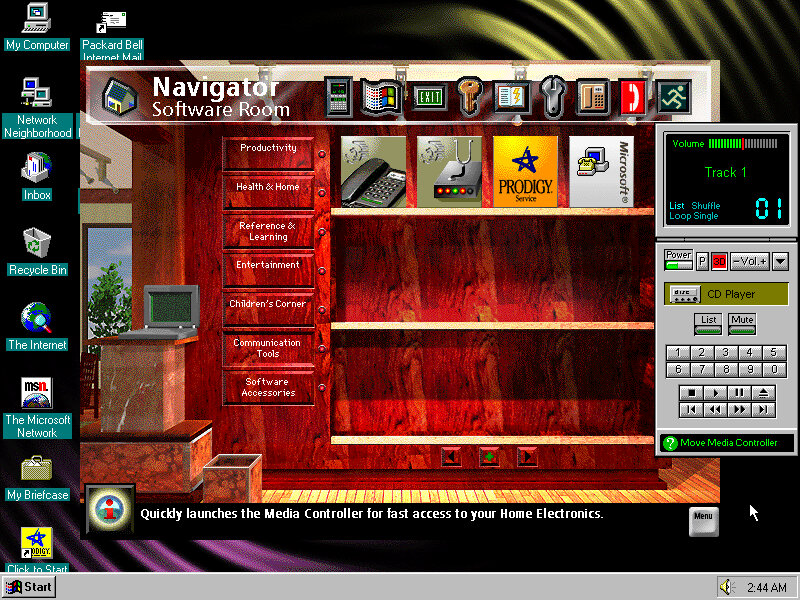
This serves as a replacement shell for Windows and as a way for novice users to navigate their system. From here you can open various applications that were bundled with the system itself, and add future applications that have yet to be installed.
Some of these programs require their own CD-ROM to be inserted, as only the minimal install files have been installed, and many were intended to be run off the CD-ROM to conserve disk space.
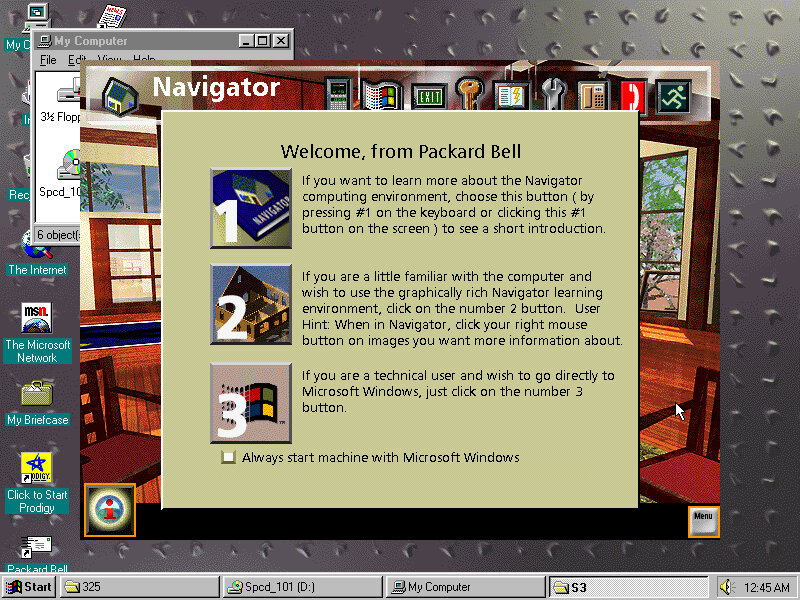

Navigator (Packard Bell, Not Netscape) uses a house metaphor to present the interface to the user, which was intended for novice users and was exclusive to Packard Bell computers of the era. Some other OEMs also provided their own interface such as Sony with the VAIO Space, which offered a 3D-like user navigation interface for advanced users.
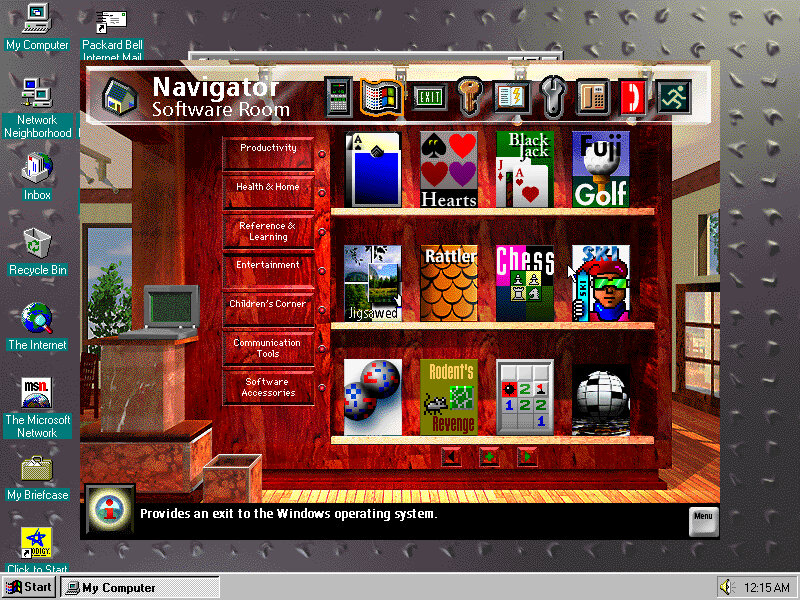
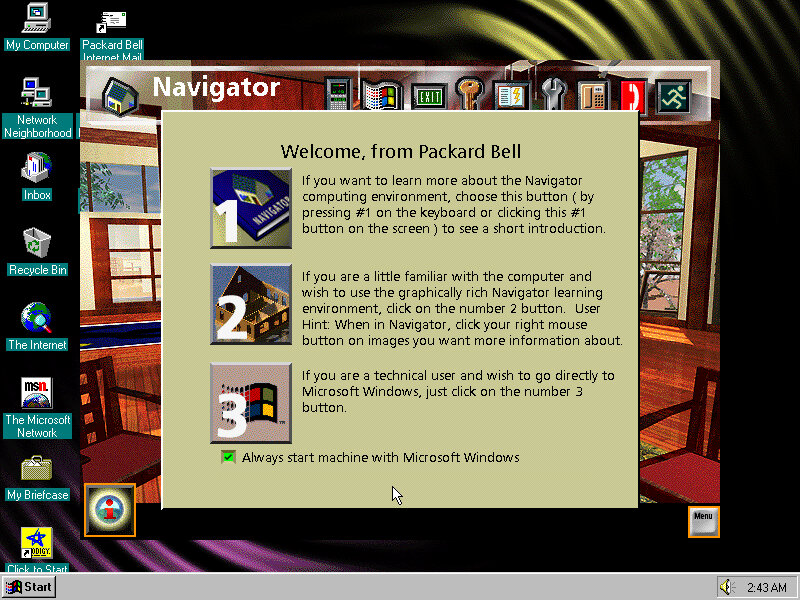
You can see there are a few custom icons for launching the applications, with the facility to install more. Packard Bell presumably sold additional software packages that were navigator friendly and included icon art that suited the navigator interface, and would automatically add themselves to the software room

Also to note was Navigator only runs in 640×480 resolution, when running the desktop at 800×600, Navigator retains its default resolution, personally I prefer it like that since it lets you quickly jump back to the desktop, although it does break the immersion of the Navigator interface.

Bundled Software

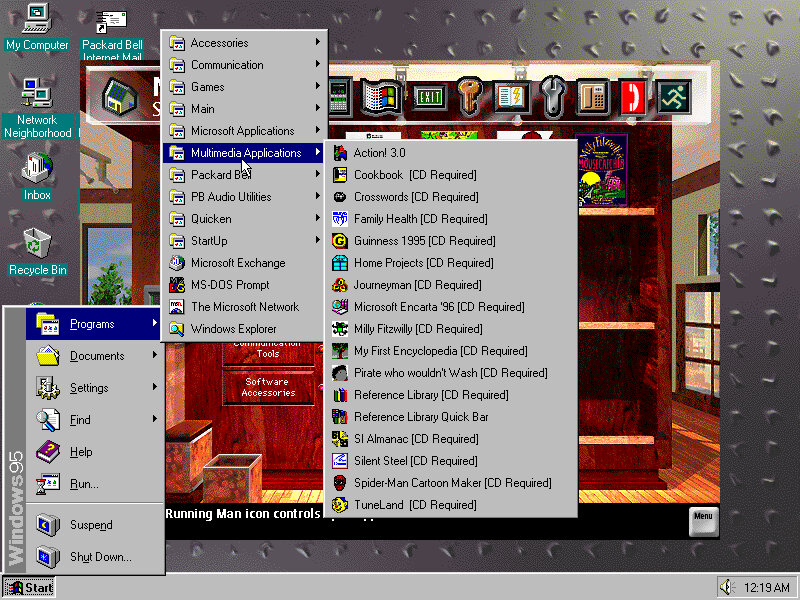
The example start menu items, organized by Packard Bell
Microsoft Works & Money

These two were very commonly bundled with OEM system bundles and serves as basic productivity suites for Office and accounting respectively.

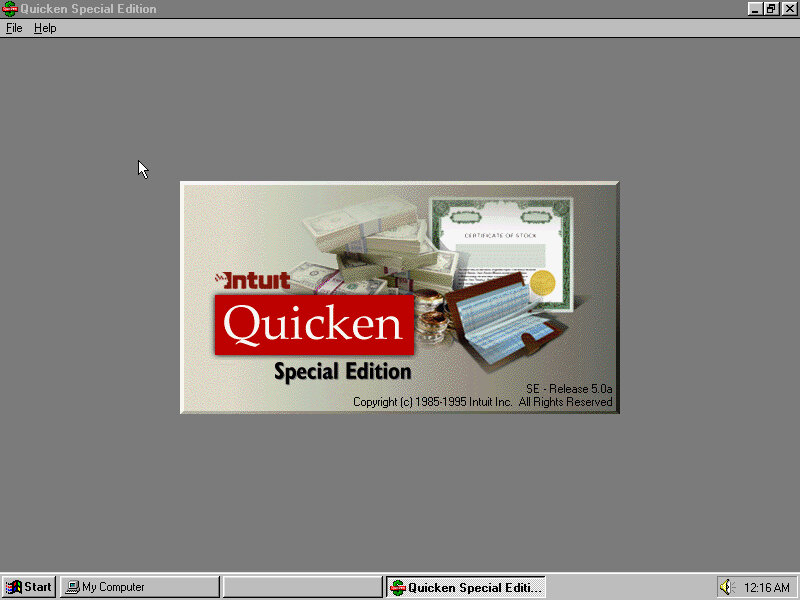
Quicken

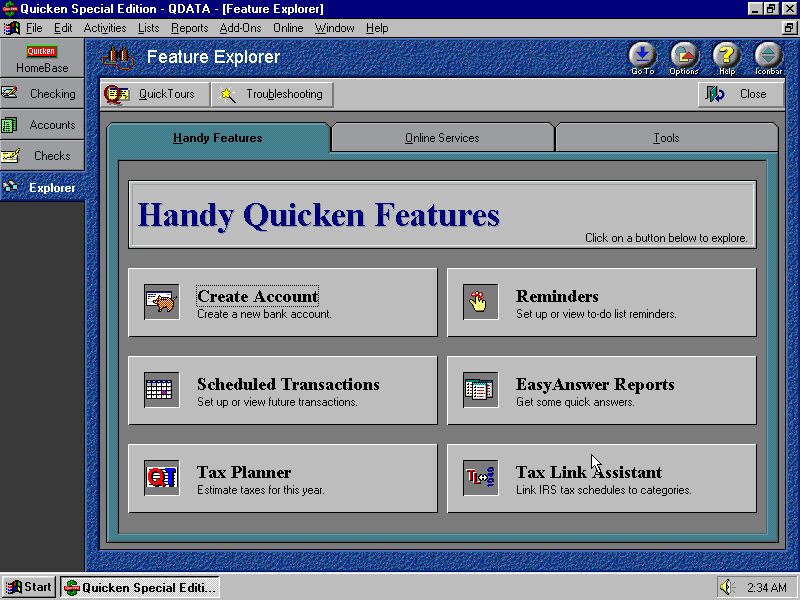
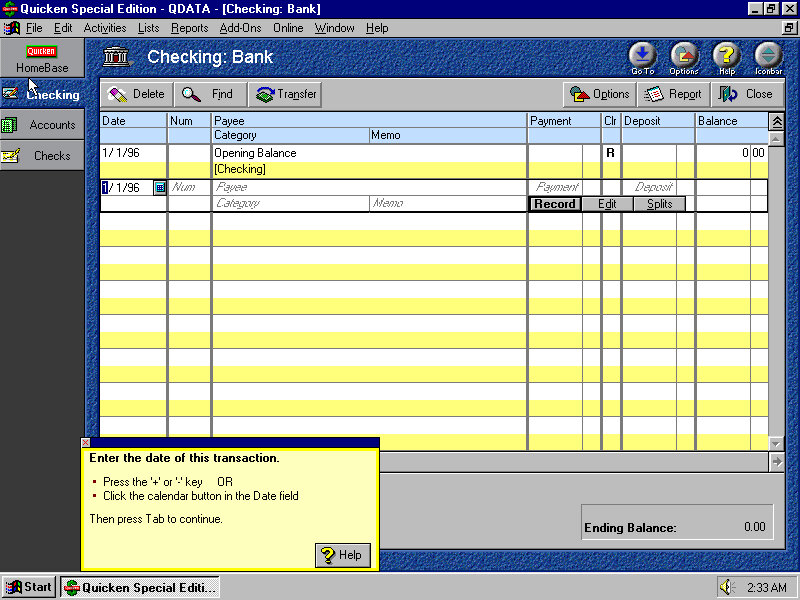
Some sort of finance application that helps you keep control of your accounts. Bills and monthly payments, it’s a bit redundant considering Microsoft Money is installed, based on what I’ve seen so far.
Macromedia Action!

It’s like Microsoft PowerPoint where you can create and showcase sideshows, although it has no compatibility with PPT files. There are a few premade templates available to choose from. Files are saved in either the Act format or (Player) ACP or (Stationery) STA.
There is an option to export the presentation to an external VCR, this would involve connecting the VGA output, or composite if the graphics card supported it to the VCR to record from. This is known as Print To Video.

Microsoft Word Viewer

For viewing Microsoft Word DOC document format, you would think Microsoft Works would be able to handle this format (It does, but I’m not sure if its fully compatible with certain features/formatting)

Microsoft Entertainment Pack

A few selections of games are included from the Best Of Entertainment pack, this is fairly common to be included in Packard Bell’s prebuilt systems. Skifree, Rodent Revenge and JigSawed are common games included here.

Call Center

Looks to be some sort of modem/phone line dialer to make phone calls through your PC. Could also be used to contact Packard Bell support.

Stick Ups Lite

Stick ups

It’s the MacOS sticky notes but for Windows, you can create various sticky notes to help remind you of upcoming tasks and reminders. You can customize the colour of the note itself and the font/style of writing. This is kind of a good addition as its rather useful, and Microsoft wouldn’t bundle something like this in Windows until Windows Vista as one of the widgets gadgets, although a few third-party applications included similar functionality

Conclusion

Packard Bell was one of the few hardware OEM systems builders to make their systems unique from both a hardware and software perspective, despite the restrictions Microsoft had enforced following the use of alternative shells post Windows 95, however, Packard Bells’ bundled applications help give off a certain personality with the system being aimed for family and novice users.

SimCity 3000

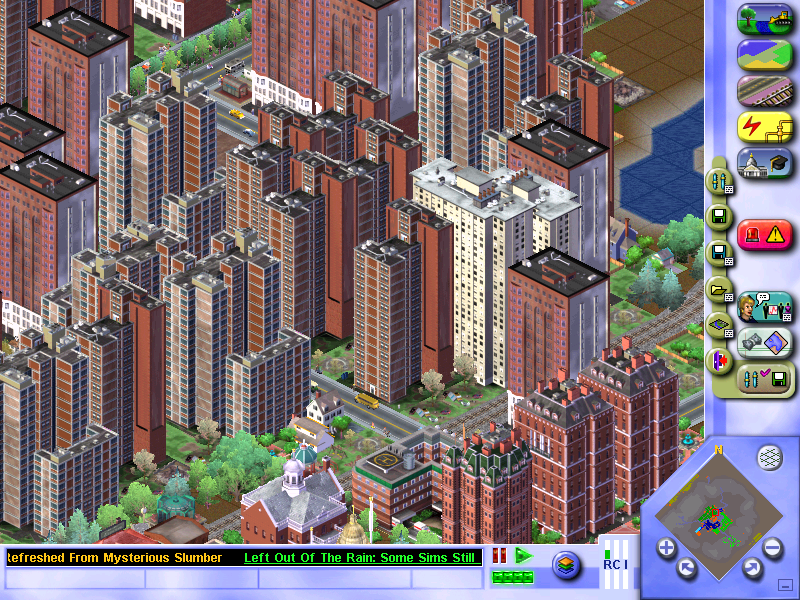
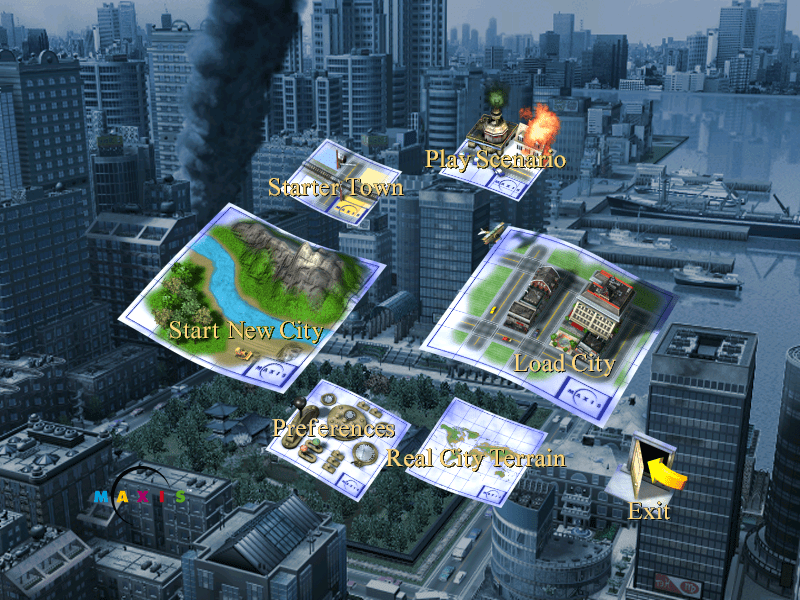
The next installment of the popular SimCity series of games, where the goal is to build and maintain your own city. All aspects of city-building have to be managed, from the power stations to building roads and zoning for different houses/buildings, all whilst being prepared for any disaster that might strike.

Playing SimCity

Residential:
Where sims will live, the density relates to how large the buildings are, with low density being used for small houses, and higher density for apartments.

Commercial:
Shops and businesses, where sims go to work and spend their money

Industrial:
Another place where sims can work, but also where materials are manufactured and produced, and also helps with jobs for your sims.
Farms are one of the types of industry available, but they are difficult to actually have them be built. Every time I zone for farmland, it does start to build a farm but eventually, it will lose out to dirty industry with farm lots being replaced with a bunch of smog-o-matics. I can’t see why they would not just give farms their own industry zone?
Supposedly the key is to not give them any water, just power and roads. But then the news ticker will keep bugging about sims being too far from any water.

Have no idea why the text is missing…

Versions / Ports

SimCity was ported to most of the popular PC platforms, even a port for Linux operating systems. Sadly a port for OS/2 was not released, as IBM had phased the operating system out by then.

SimCity 3000 was not released on any consoles of the era.

Windows (Original Release)

The Windows release only supports Windows 95 or 98 onwards, it does not support NT 4 unless service pack 3 or higher is installed. DirectX does not seem to be used, running solely through the Win32 API.

Windows (Unlimited/Edition)

Released a year later and features a few changes compared to the original release.

  • The user interface was changed slightly, with the query button being moved to a more prominent place on the UI
  • The music was changed with some tracks being added and others being removed
  • This version of the game is available on gog.com and will run effortlessly on modern Windows versions.
  • New city templates have been added which are based off real-world locations, like Liverpool, London, Berlin, Madrid, etc
  • Some existing cities have been renamed, Metropolis has become Europolis but remains the same
  • Some existing cities have been removed in favor of the new cities: Littleburg, Big Mountain City, Sim Isle
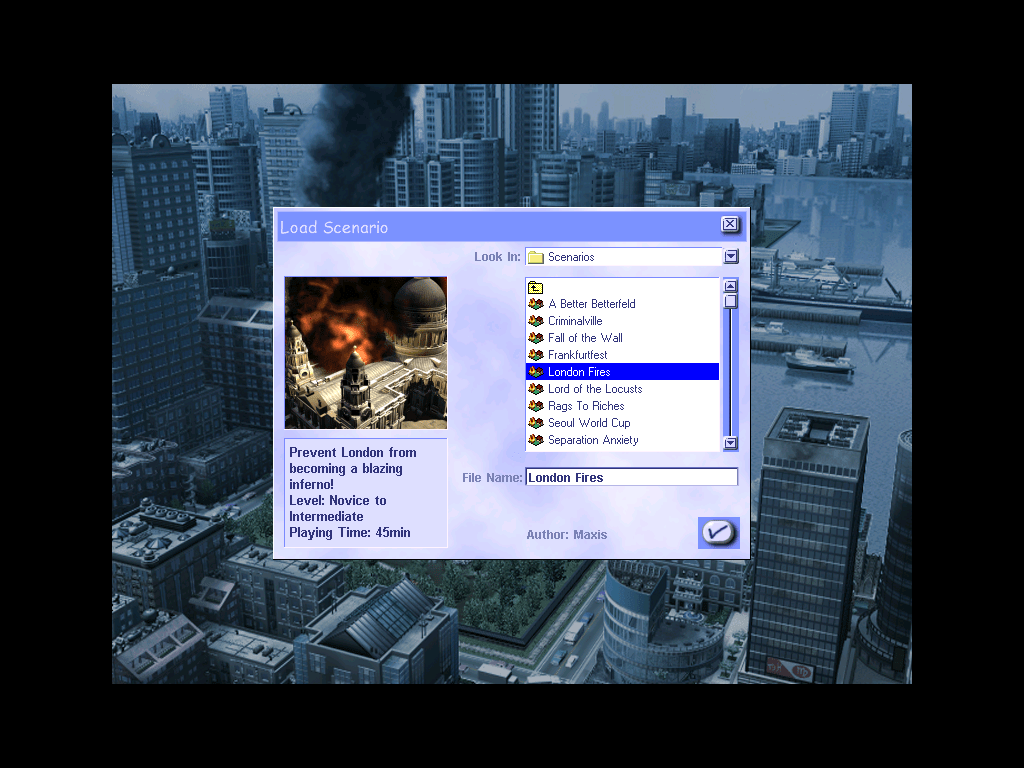
  • New scenarios mode has been added, which are small cities that have objectives to complete
  • Outside of the game, new tools have been made like the scenario creator tool which uses the Microsoft Access engine to create and customize customs scenarios

MacOS

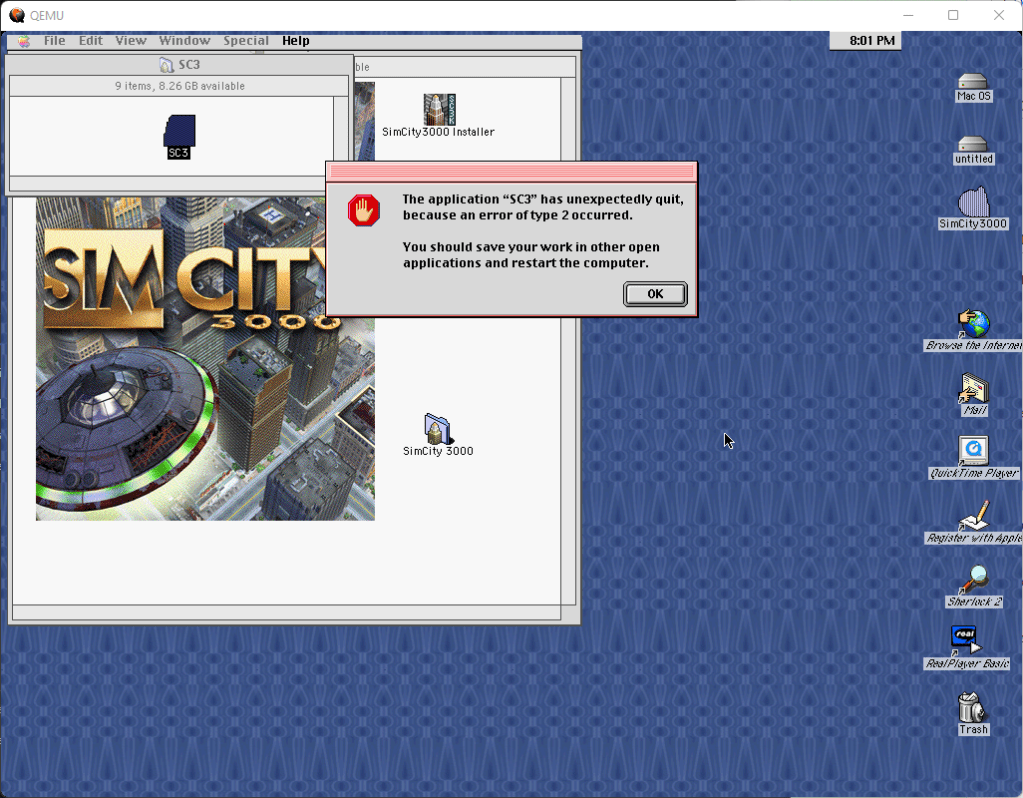
Simcity 3000 was released for the PowerPC Mac OS platform and was targeted for the classic Mac OS. The Mac platform only had a port of the original Windows version, it did not receive the updated unlimited edition that was released for Windows and Linux.

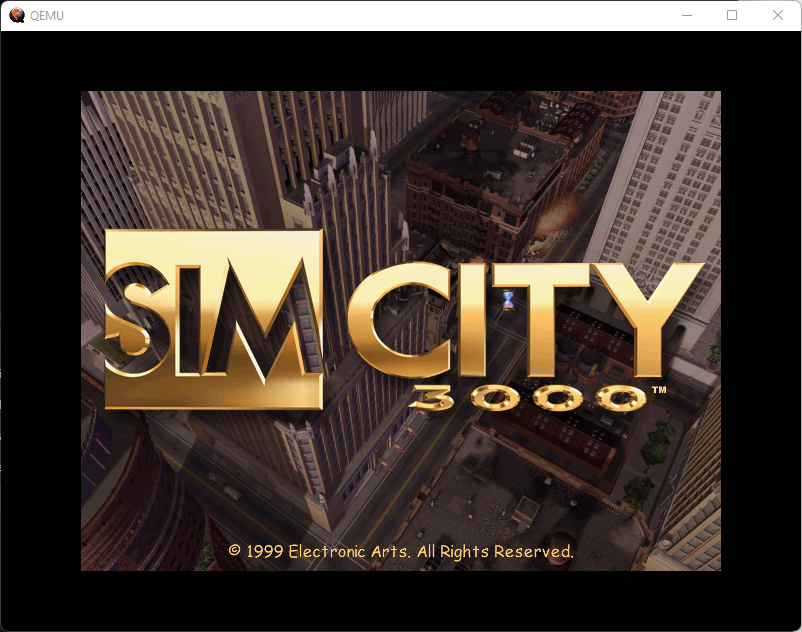
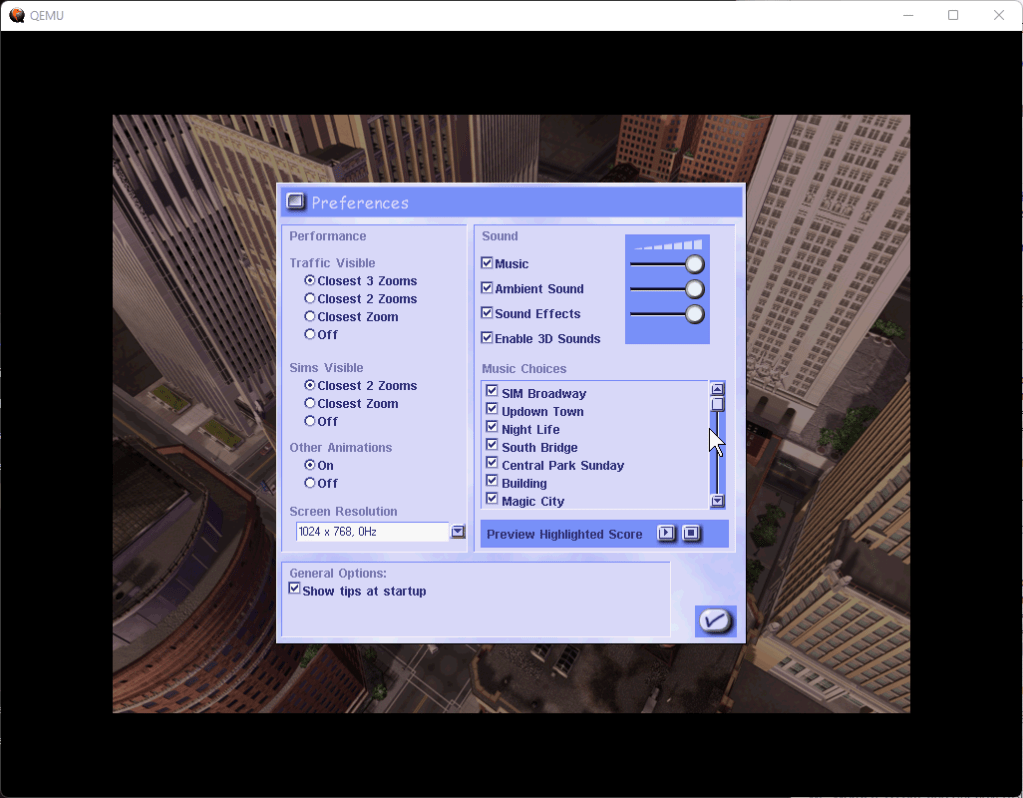
Compared to the Windows version, there are a few differences, the opening FMV seems to have less compression compared to the Windows version and appears to be of higher quality, the animations on the menu buttons are much more fluid on the mac (Is this due to the graphics card?), lastly the close button on the menu box is on the left side for the mac, and on the right side for the PC.

Playing this on modern Macs is a challenge as modern MacOS does not have native support for PowerPC or applications using the older mac libraries. You must use emulation software like QEMU (screenshots above) or Sheepsaver. The last version of OS X to support PowerPC applications was OS X Leopard (10.5)

Linux

Corel Linux

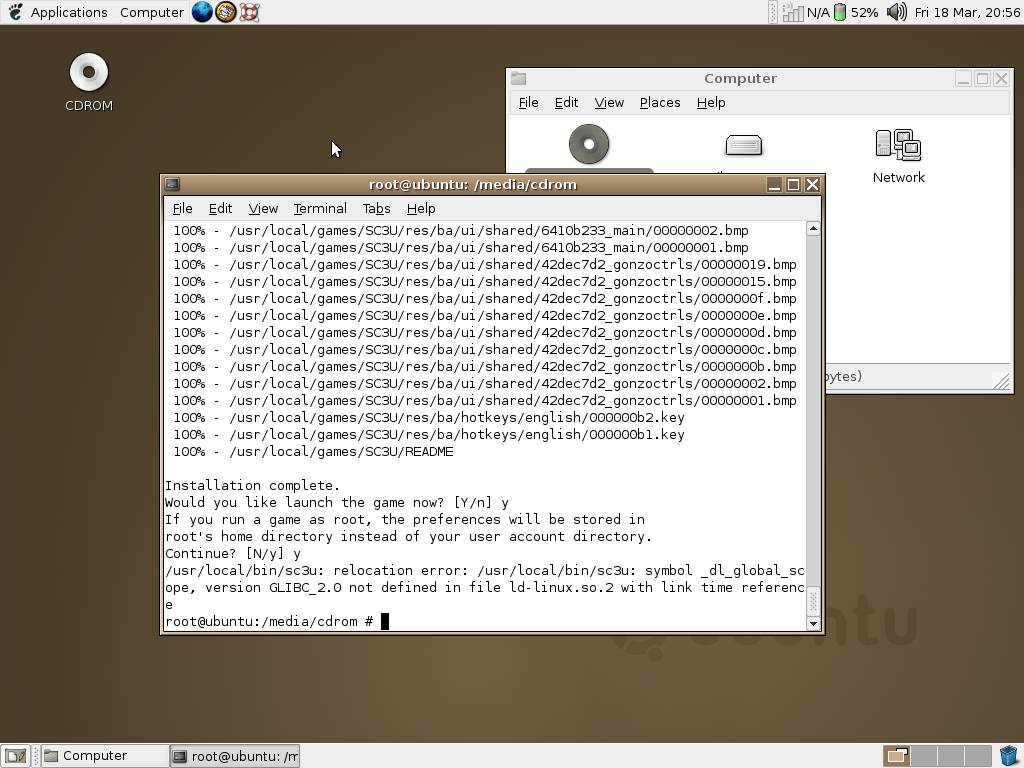
The installer worked, but the game would not run.

Ubuntu

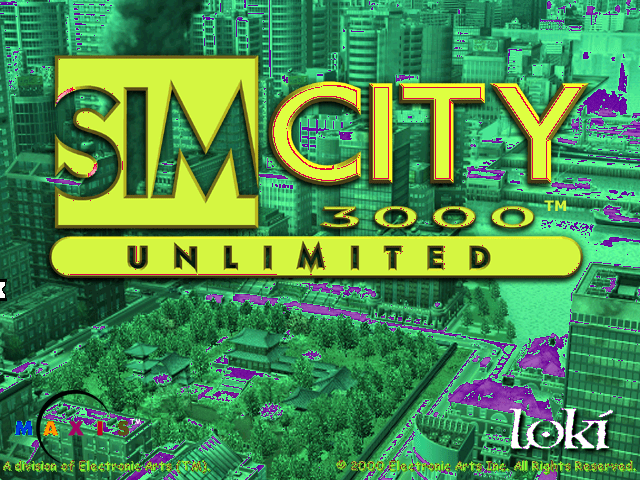
A Linux port of the game was released by Loki games in 2000, and is a port of the Windows PC version. It’s mostly accurate to the Windows version but is more difficult to install and get working, depending on the distro and the libraries/packages installed. I’ve tested it on a few distros of the era, and some more modern distros.

Installing and running the game on Ubuntu

  1. Install the game as normal, remember to note the install directory – you will need it later
  2. Download the official Loki Simcity 3000 patch
  3. Run the patch installer, preferably as root. Easy way is to open a root terminal session (Should be an option in your Linux application launcher) Easy way is to copy the patch file to your home directory/folder, open the terminal and run the command: sudo sh sc3u-2.0a-x86.run -keep (Why you can’t just double-click to run the installer in Linux I do not know)
  4. Once this is finished, you should see a success message
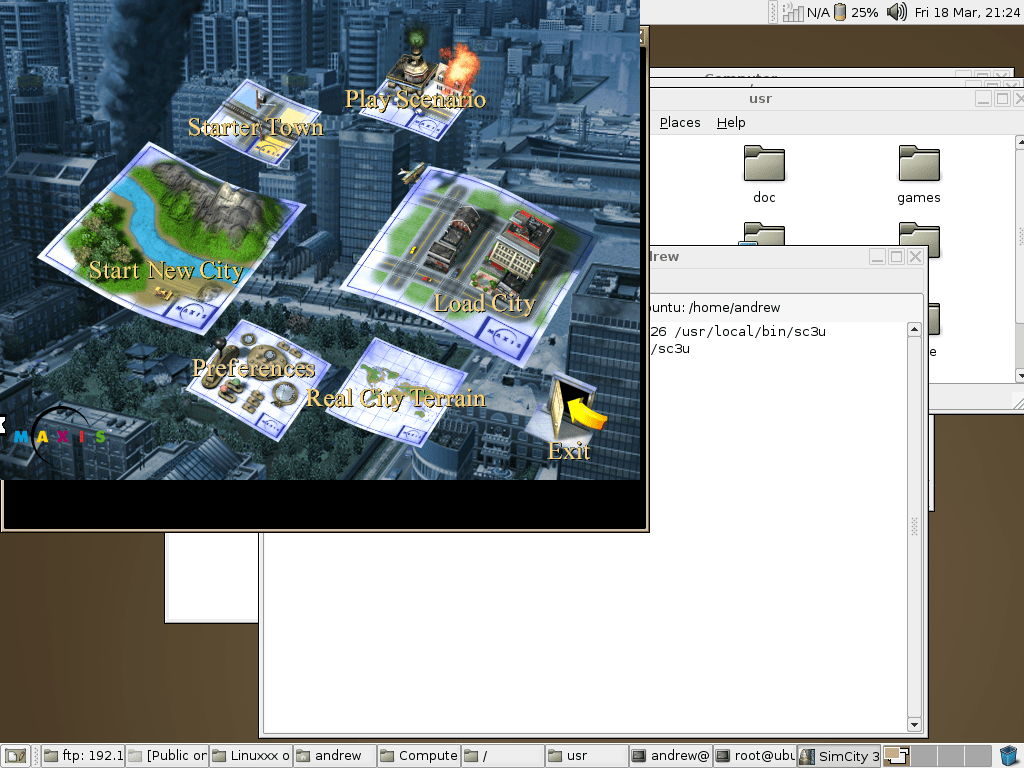
  5. Now you need to run the game in a specific way, in the terminal you have to run the below command: LD_ASSUME_KERNEL=2.4.26 /usr/local/bin/sc3u

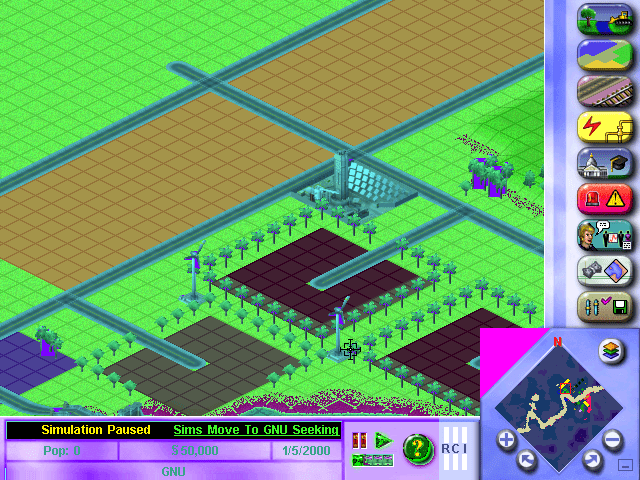
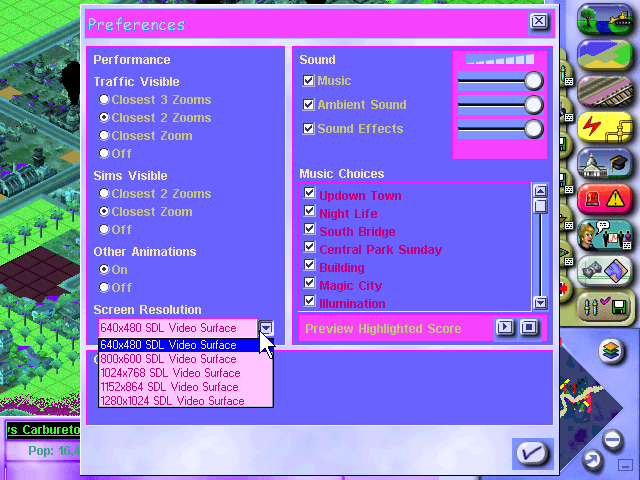
Hopefully, it should now start the game and you should see the intro movie play. This worked well on Ubuntu 4.04 running inside a VirtualBox VM, although there were a few issues. The sound was rather high-pitched and played too fast, and would stutter at high resolutions or when having a busy/large city map. Also running in a windowed mode wasn’t perfect, since it would display in the upper left part of the screen whilst the Ubuntu desktop remained in the background. The fullscreen mode works fine though. This could be due to the lack of drivers in my Ubuntu VM, it’s likely using stock/fail-safe drivers which provide little to no acceleration.

You could just use the Windows version running through Wine, although where is the fun in that? Plus it’s nice to play a native Linux game and in early 2000 there was a push for certain developers to embrace Linux as an alternative to Windows, That said, I can see why this didn’t take off…

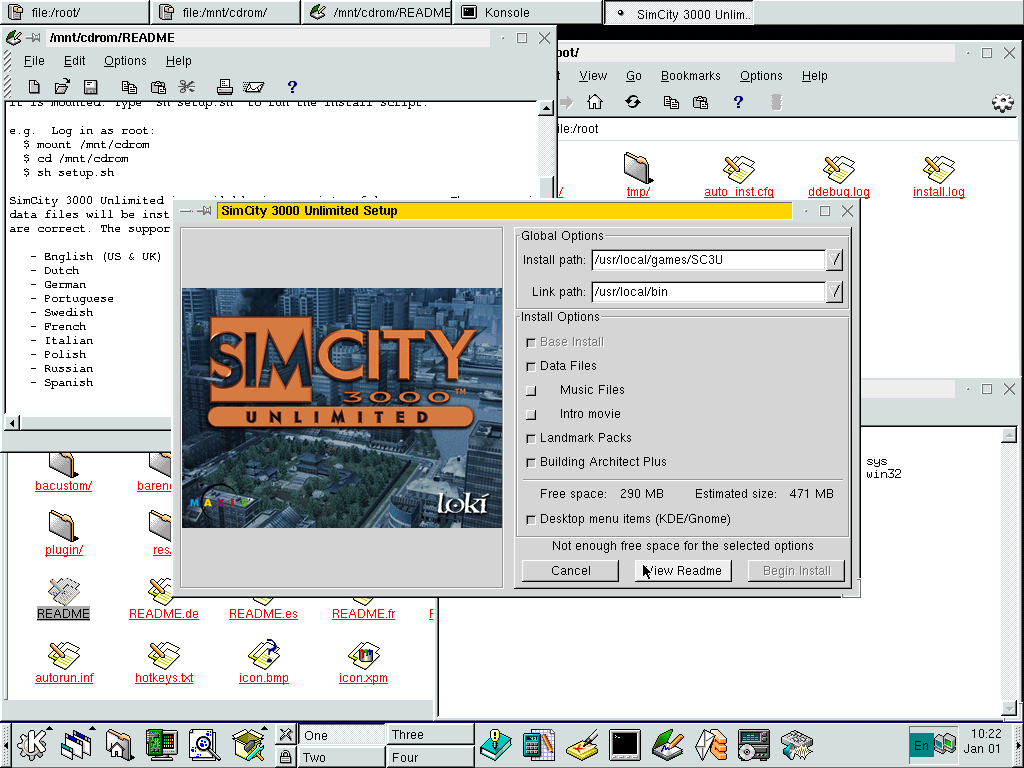
Mandrake 7

Worked but had issues but these could be due to the emulation in 86box. The game installs and runs mostly Ok but some of the colors are messed up, the game also runs very slowly. Interestingly this uses a graphical installer which is missing when running in either Ubuntu or Corel Linux.