Samsung Galaxy S4

Samsung’s flagship for 2013

The S4’s design it’s a Samsung, it’s that familiar plastic build. It’s lightweight, and some might say a bit on the cheap side compared to some competitors like the HTC One. But it’s got that removable back for the battery, and that can be a plus. The display, though, that’s where Samsung shines. A beautiful 5-inch Super AMOLED screen with a 1080p resolution. Colors pop, blacks are deep, it’s a joy for media consumption.

Under the hood, it’s packing either a Snapdragon 600 or an Exynos 5 Octa, depending on your region and network operator. The Snapdragon models feature 4G support, which was still an emerging technology. For providers that didn’t support 4G, the Exynos process was provided instead. There is a performance difference between the two given the different amount of cores. This does seem unfair as some will have a different experience of the S4, depending on what apps they use. Its a tough issue for Samsung as they design their own Exynos processors (Samsung are big in the semiconductor space) and whilst they cam compete in performance, Qualcomm have the upper hand with baseband technology and are able to integrate 4G LTE into the SoC themselves, which would require a separate processor in the Xenon at the cost of size and battery power.
Still, why not call it the Galaxy S4G instead of causing confusion?

Gaming performance is Ok, with it being able to run the mobile port of GTA III as decent frame rates. The PowerVR SGX544MP3 is put to good use here (Adreno in the Snapdragon model)
The phone mainly competed with:

  • Sony Xperia Z – The Xperia had a better camera, offered dust and waterproofing, both both feature the Snapdragon 600 processor
  • LG G2 – The G2 had a larger screen and came with the Snapdragon 800 processor.
  • HTC One M7 – HTC features a more premium metal design which make the S4 look cheap with his plastic covers, still no removable battery. The HTC also used the Snapdragon 800 processor but falls short with its screen size of 4.7 inches.
  • Nokia Lumia 1020 – The Lumia had a smaller screen and ran a different operating system (Windows Phone) but had a much more impressive camera. Samsung would later release the Galaxy Zoom as a response.
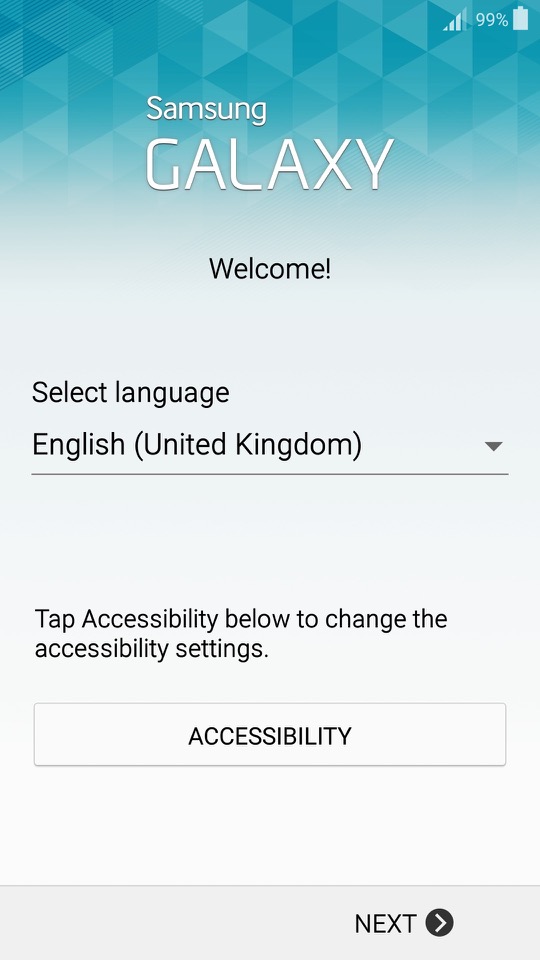
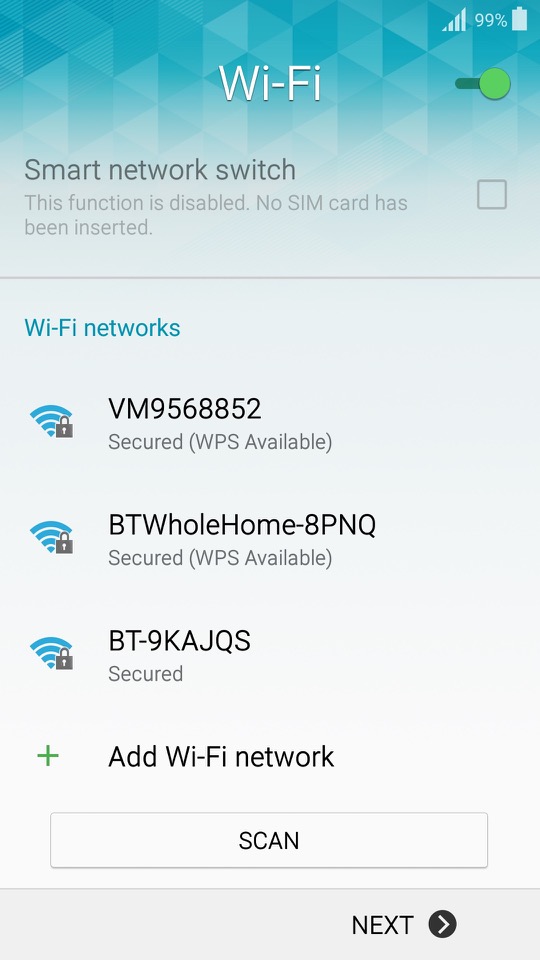
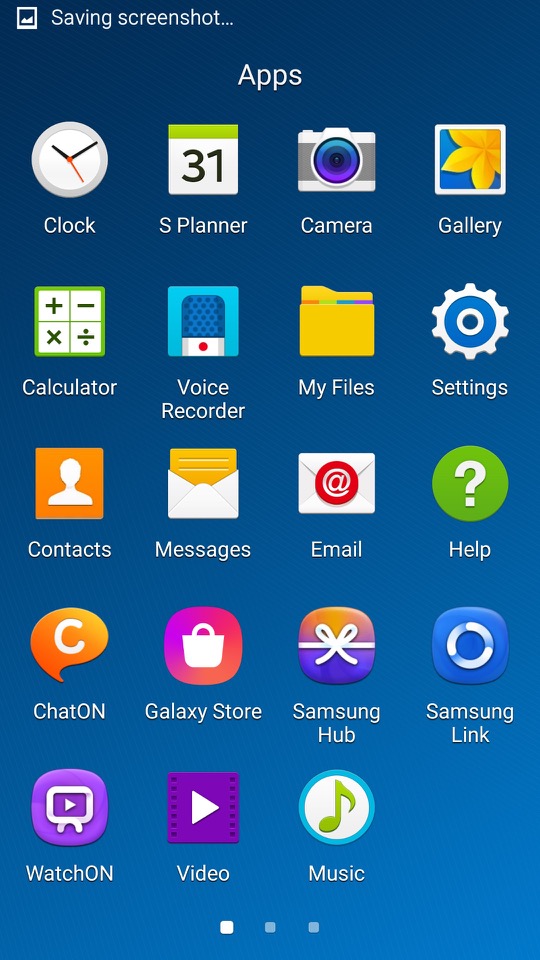
Launcher

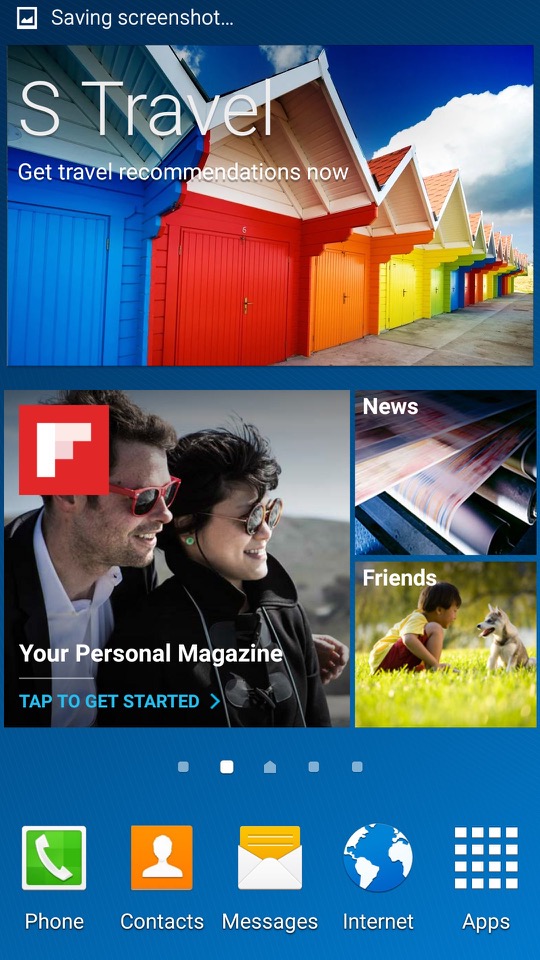
TouchWiz makes an appearance and is the default launcher that come with the phone. Some hate it, some prefer it, personally I’m indifferent abut it.
One of the cool things about TouchWiz is the widgets. They’re like little magic squares you can throw on your home screen to get quick info or control certain features. Weather, clock, music player – you name it, there’s a widget for it.
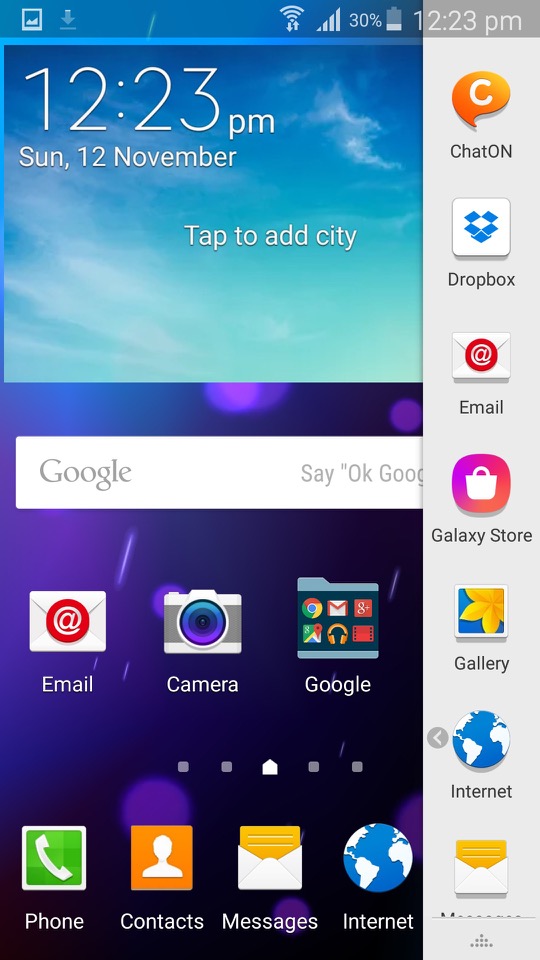
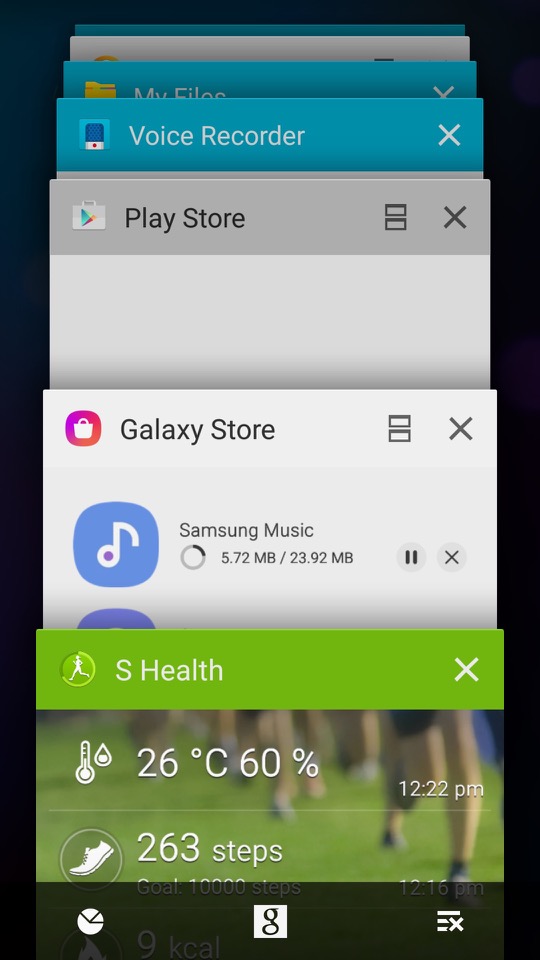
TouchWiz is like the playground where you get to customise your Galaxy S4. It’s Samsung’s own flavour of Android, and it’s all about making your phone truly yours. You can tweak, twist, and customise your home screen until it screams “you.”
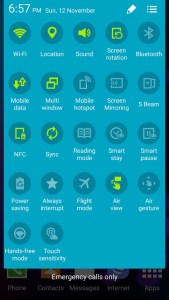
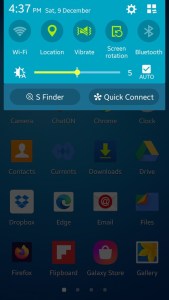
Need to toggle Wi-Fi, Bluetooth, or brightness in a flash? TouchWiz brings you the quick settings menu. Swipe down, and there they are, your shortcut buttons to the most-used settings. Easy peasy.
Easy Mode

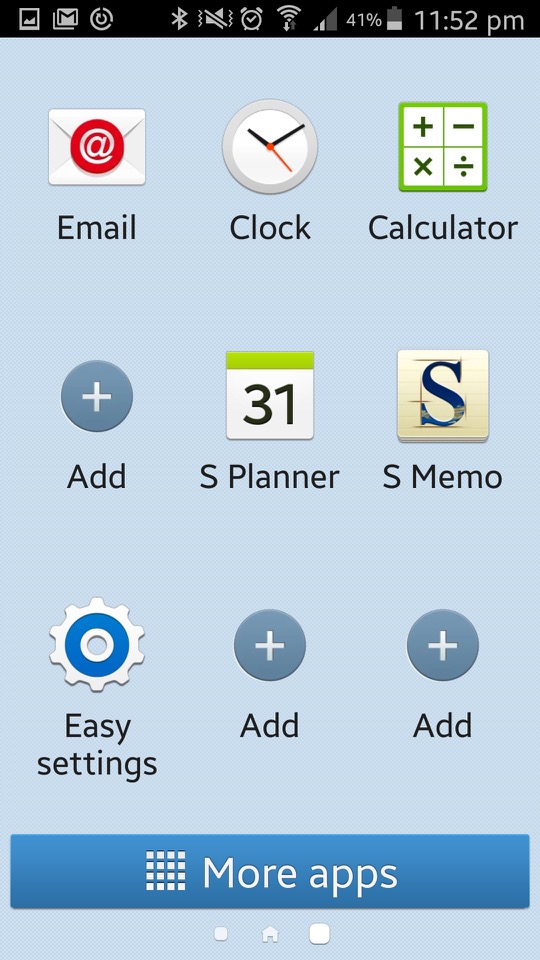
Easy Mode is like turning your Galaxy S4 into a smartphone for beginners. It simplifies everything, giving you a clean, stripped-down interface. Think of it as the “no-frills” version, perfect for those who want a straightforward, easy-to-use experience. In Easy Mode, everything gets a size upgrade. Icons are bigger. Fonts are larger. The goal is to make things super easy to see and tap, especially if you’re not a fan of squinting at your phone.
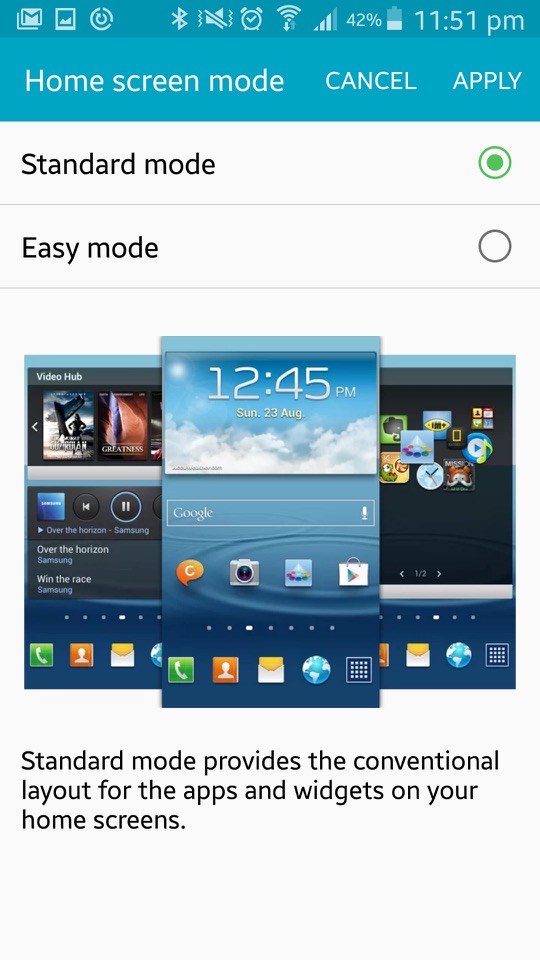
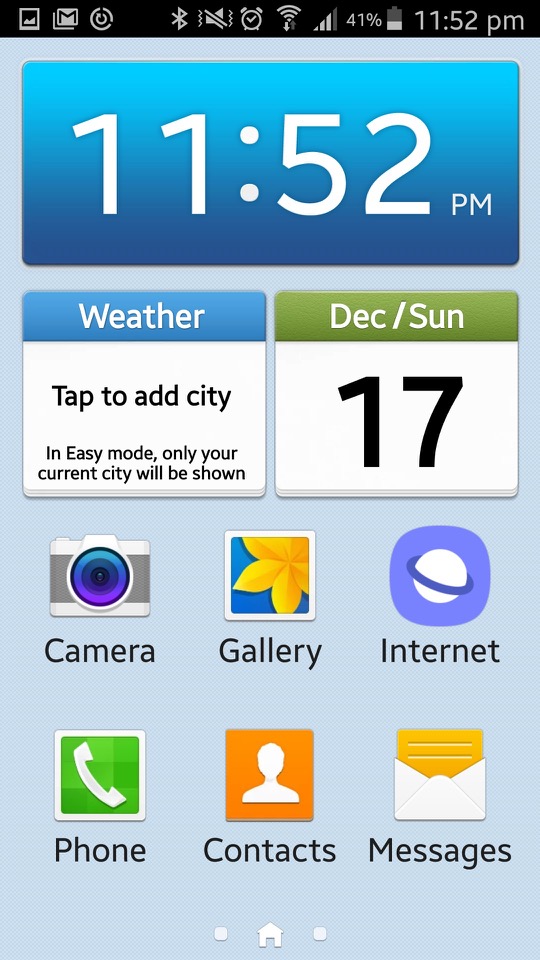
Easy Mode focuses on the basics. You get the must-haves right on your home screen – phone, contacts, messaging, and camera. No unnecessary apps hogging space. It’s like a minimalist’s dream. If you’ve got a tech-challenged grandma or anyone who’s new to the smartphone game, Easy Mode is like a gentle introduction. Less confusion, more simplicity. Grandma will be texting and calling in no time.
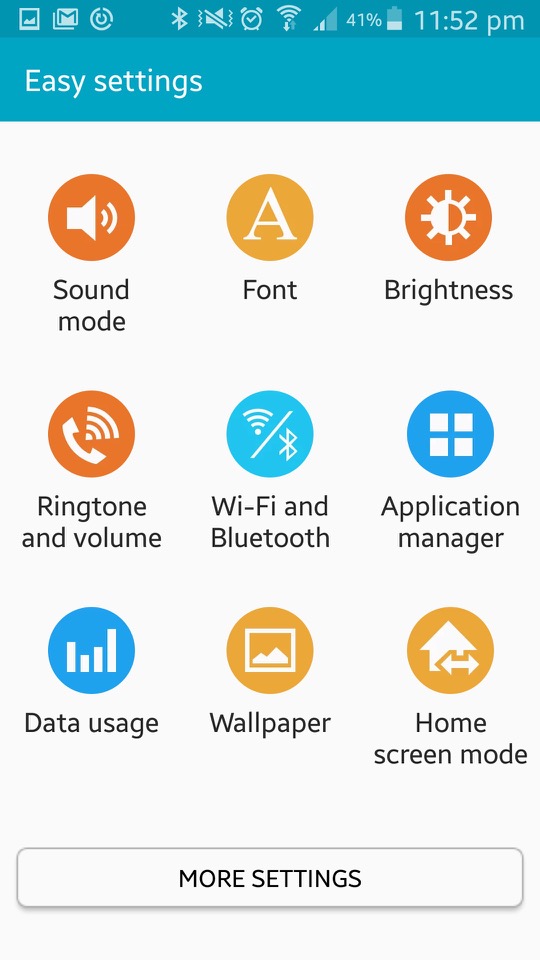
Settings can be a maze, right? Not in Easy Mode. They’re straightforward, stripped of complexity. Adjusting things becomes a breeze, even if you’re not a tech genius.

Bundled Apps

ChatON: Samsung’s version of WhatsApp, a cross platform rich SMS service

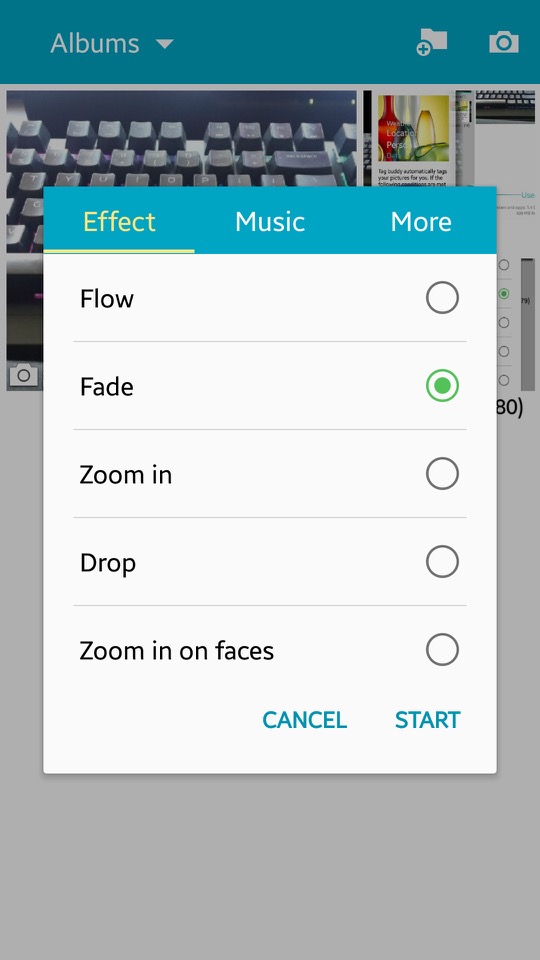
Gallery: Photos captured by the camera can be viewed here. You can sort phots into specific albums, and create collages of different images. A slideshow can also be displayed, of which you can select the transition effects and play a background music track.

Flipboard: News app that recommends articles based on the users interests

Group Play: Similar to what was included on previous models, you can play the same media on multiple devices.

Internet: Samsung had started to bundled a customised web browser, based on chromium

KNOX: Samsung KNOX is all about locking down your device, especially if you’re using it for work. One of the cool things about KNOX is this dual persona mode. It’s like having a split personality for your phone – one side for your personal stuff, memes, and cat videos, and the other side for serious work or handling sensitive information.
Now, for you tech commanders out there, KNOX lets you take control. You can remotely manage your fleet of devices, set policies, and even wipe things clean if a device goes rogue. This is very useful for enterprise use.

Messages: Default SMS and MMS app. Messages here are offered in a threaded view.

My Files: The phones default file manager, can be used to browse files on both the internal storage and the microSD card if one inserted.
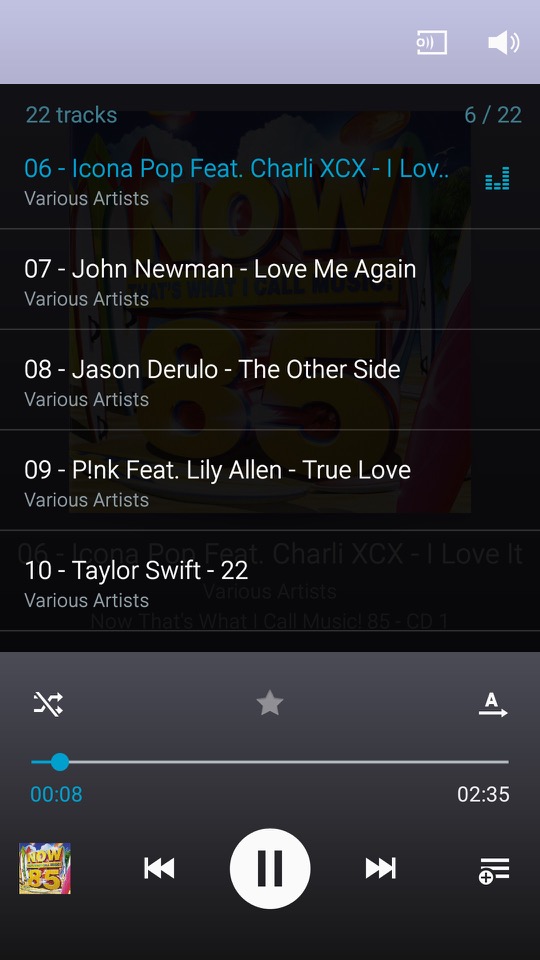
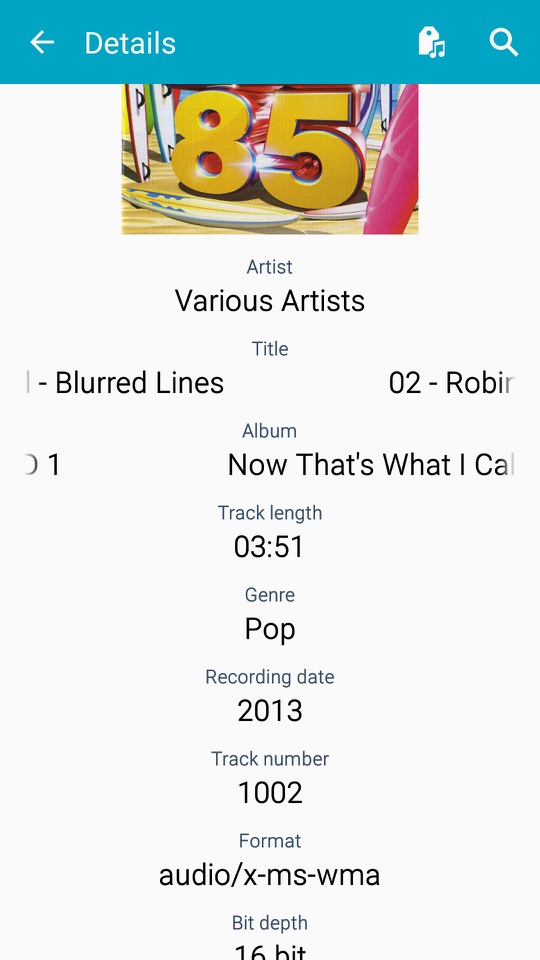
Music: The default music player that comes with the phone, very similar to what we got with the S2

Optical Reader: OCR that converts text on images into actual text.
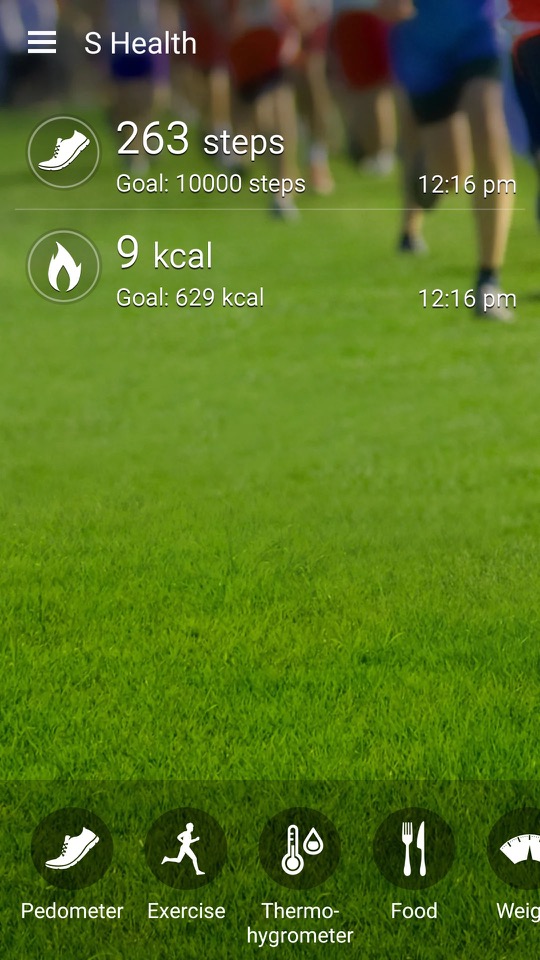
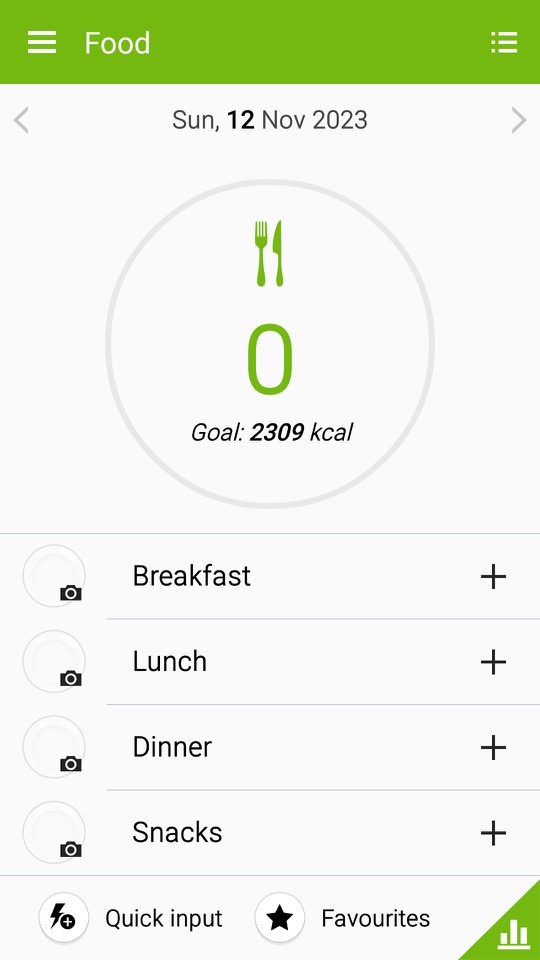
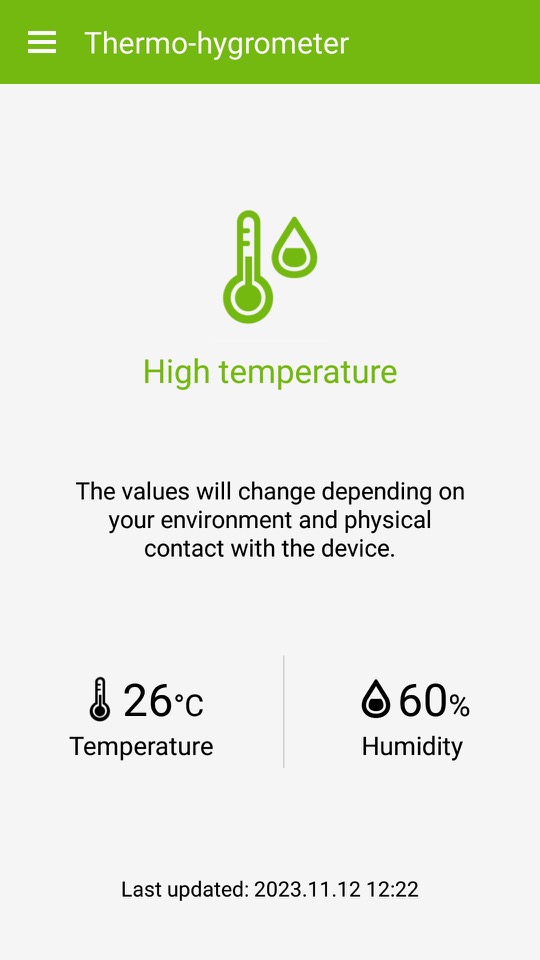
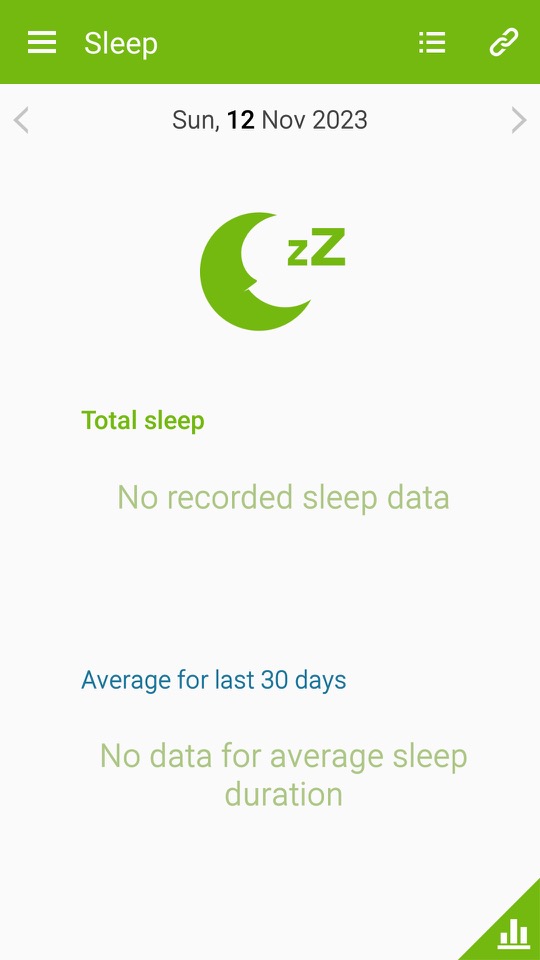
S Health / Samsung Health: A health and fitness application developed by Samsung. It was designed to help users monitor and manage various aspects of their health and wellness. The app offered a range of features to support fitness tracking, nutrition monitoring, and overall well-being. At some point this was rebranded as Samsung Health and featured a new user interface.
S Health included a pedometer to track the number of steps a user took throughout the day which aimed to encourage physical activity and help users set daily step goals. Users could also manually log various types of exercises and workouts, such as running, walking, cycling, and more. The app provided information on duration, distance, and estimated calories burned.
Very similar to the Fitbit or MyFitnessPal which are aimed to make the user aware of their lifestyle and health.

S Planner: calendar and scheduling application developed by Samsung. It was designed to help users organise their events, appointments, and tasks in a convenient and visually appealing manner.
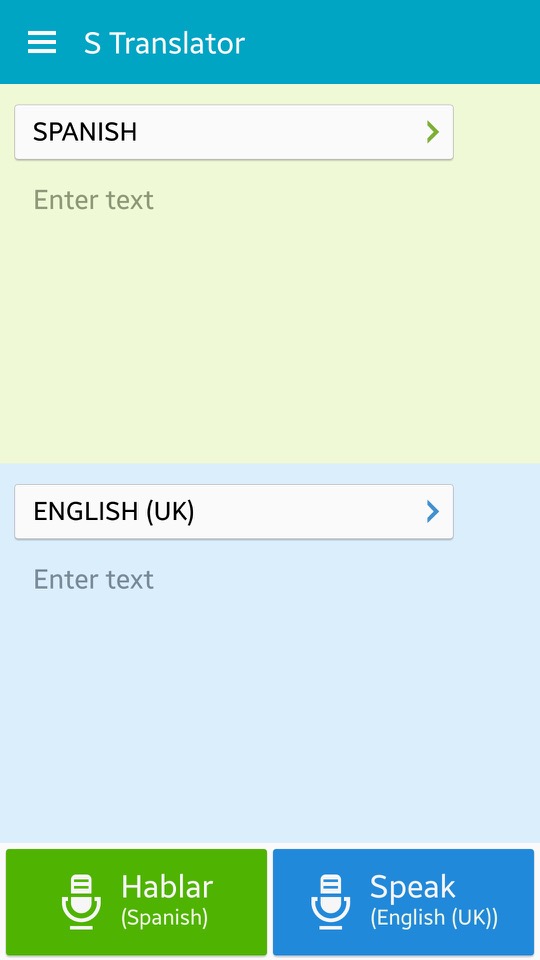
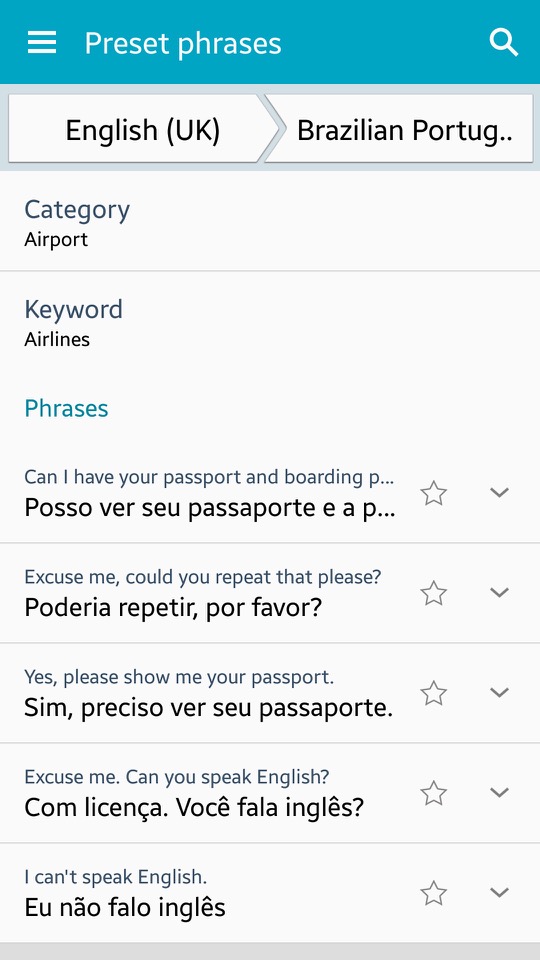
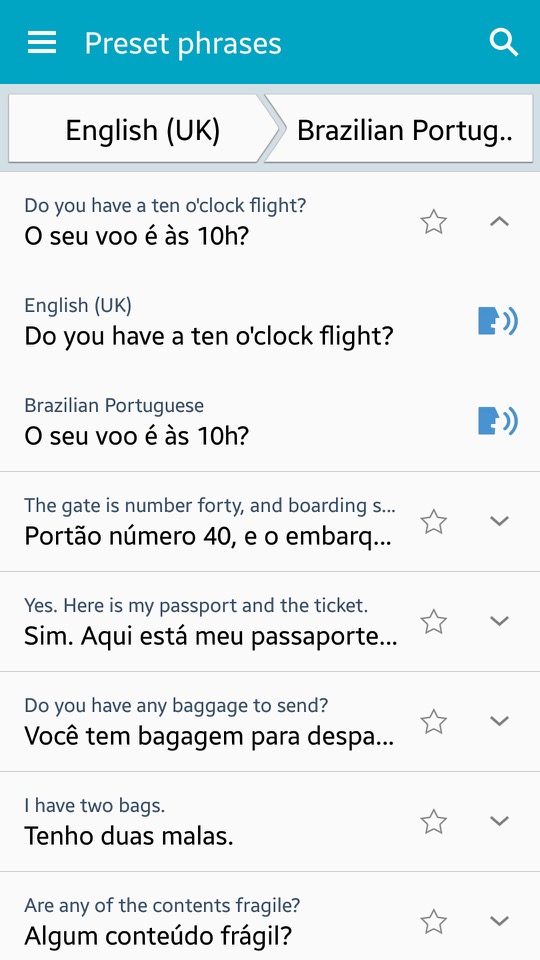
S Translator: Translates text from one language to another – Users can have conversations with others in different languages using the app, which also includes predefined phrases for common use and the ability to save favourite translations for quick access. Additionally, the Galaxy S4 features an Optical Reader that can translate written text on documents and scan QR codes. You can also speak the translated text via the text to speech engine, if you aren’t comfortable with pronouncing certain words.
There is also adoption to view preset sentences for easy access.

S Voice: Samsungs alternative to Apple’s Siri and Microsoft Cortana. This has been deprecated and replaced with Bixby.

Samsung Hub: Apps are promoted here by Samsung, giving recommendations for popular apps.

Samsung Link: This was a service that allowed you to connect and share content across multiple devices, including smartphones, tablets, PCs, and smart TVs. It enabled seamless sharing and playback of multimedia content like photos, videos, and music across different devices on the same network.
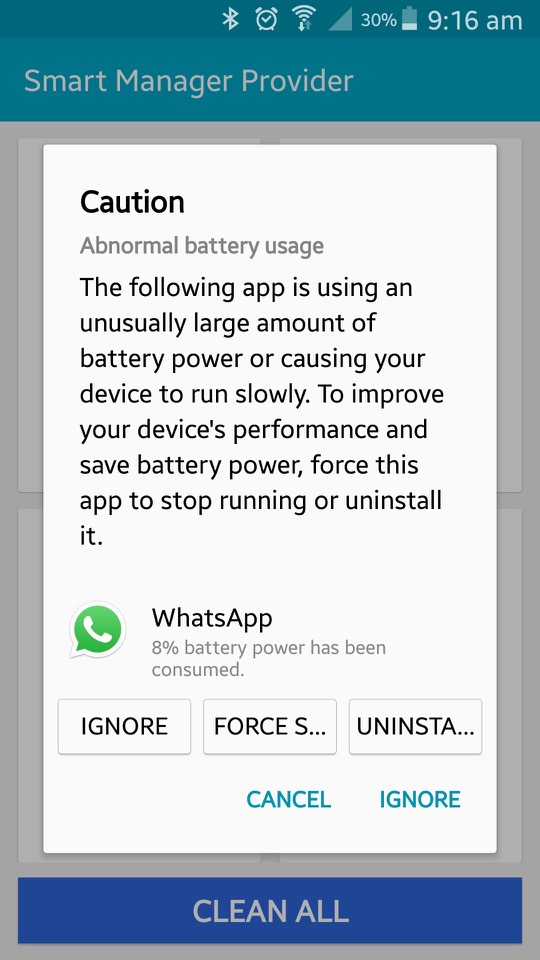
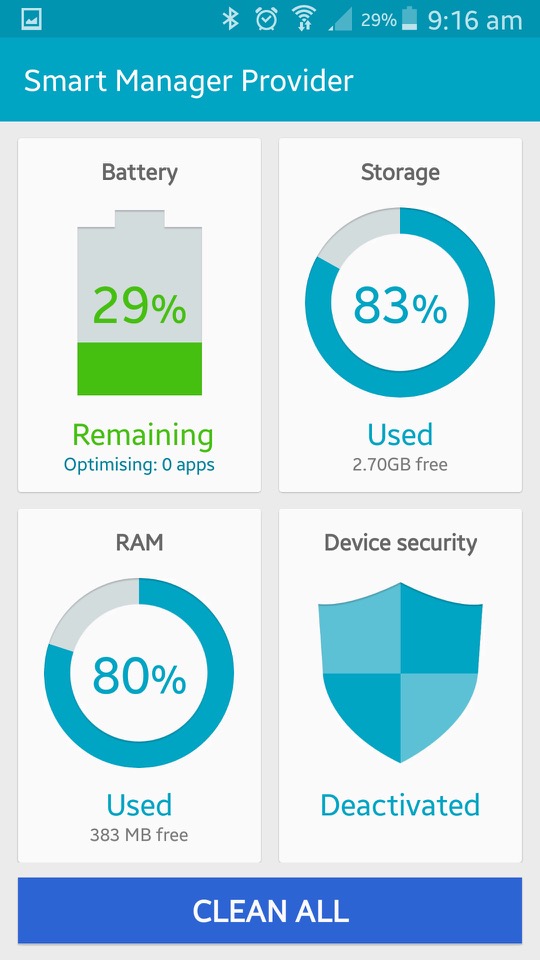
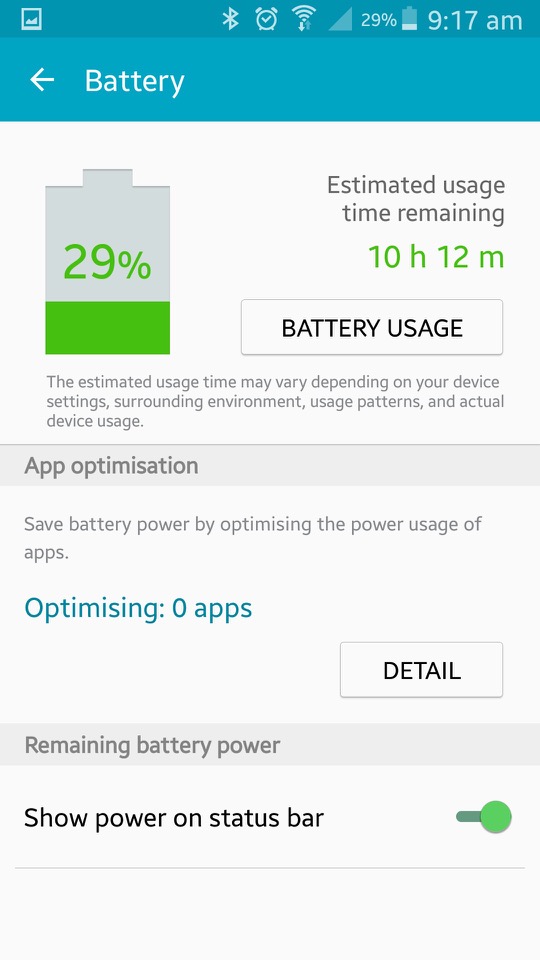
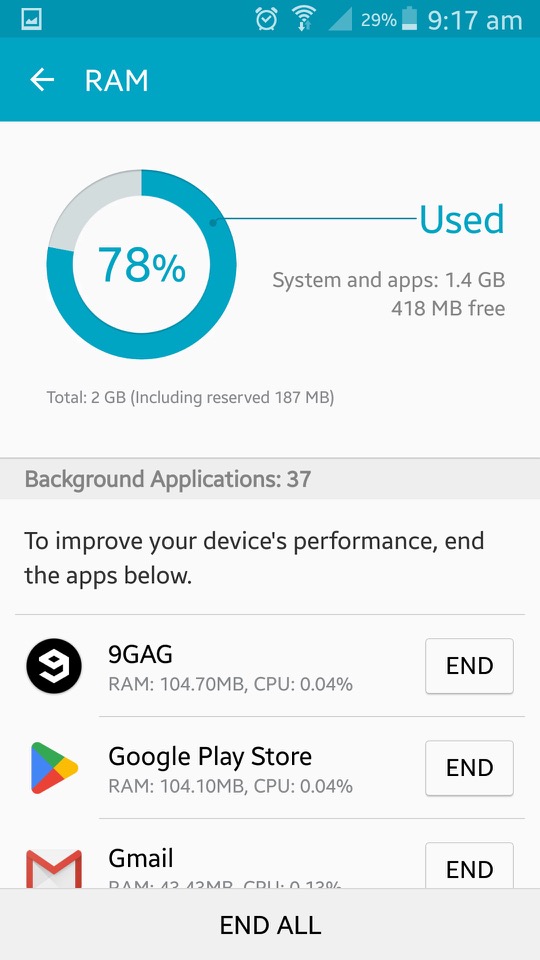
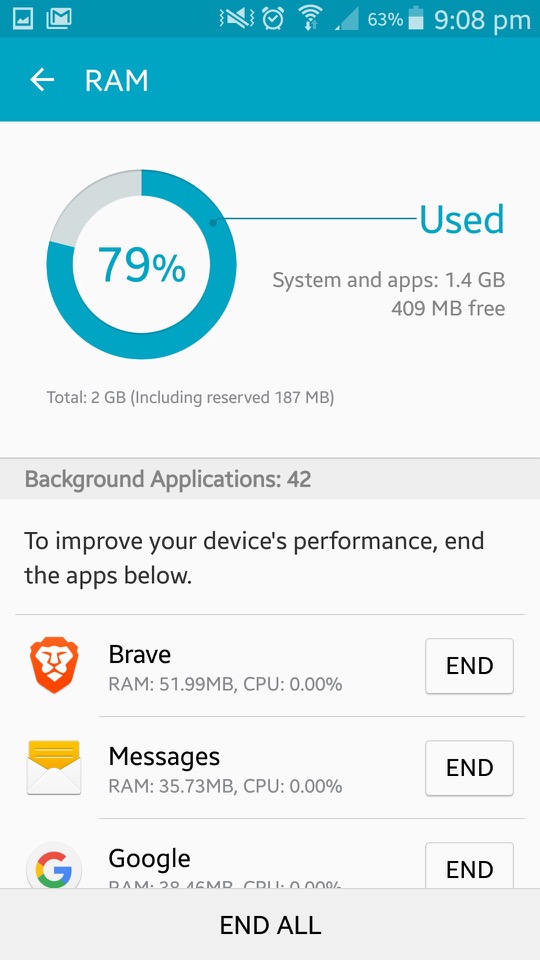
Smart Manager: This shows the current status of the device, and is split into four sections. Battery monitor energy use based on the usage of different apps. It will tell you the estimated battery time remaining. Storage shows information on the phones internal storage and lets you activate disk cleanup which will remove files deemed needed by the phone. The RAM action is similar but lets you view active running apps, and close existing apps that could be using too much RAM. This issn really needed as Android will look after this automatically.
Lastly is the security section which acts as an antivirus of sorts. It will also display the status of KNOX.
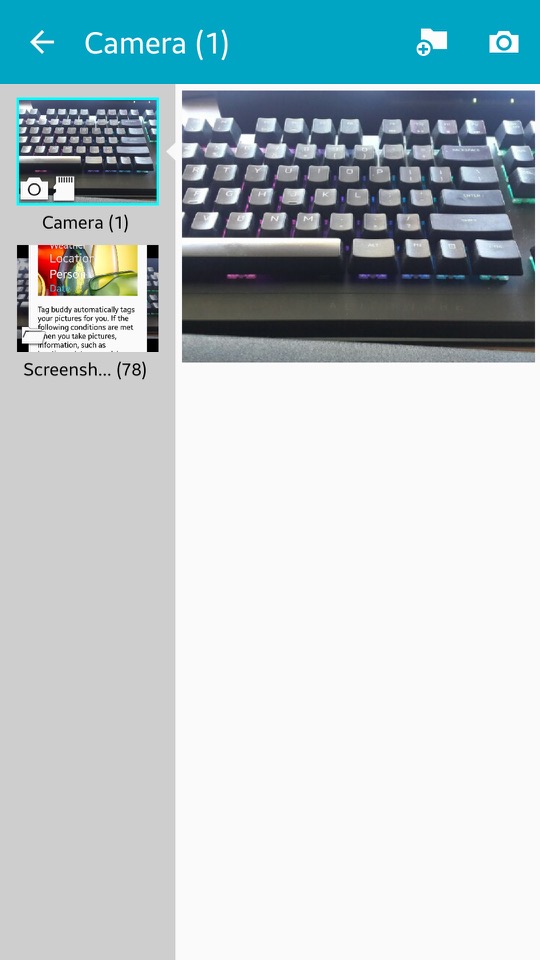
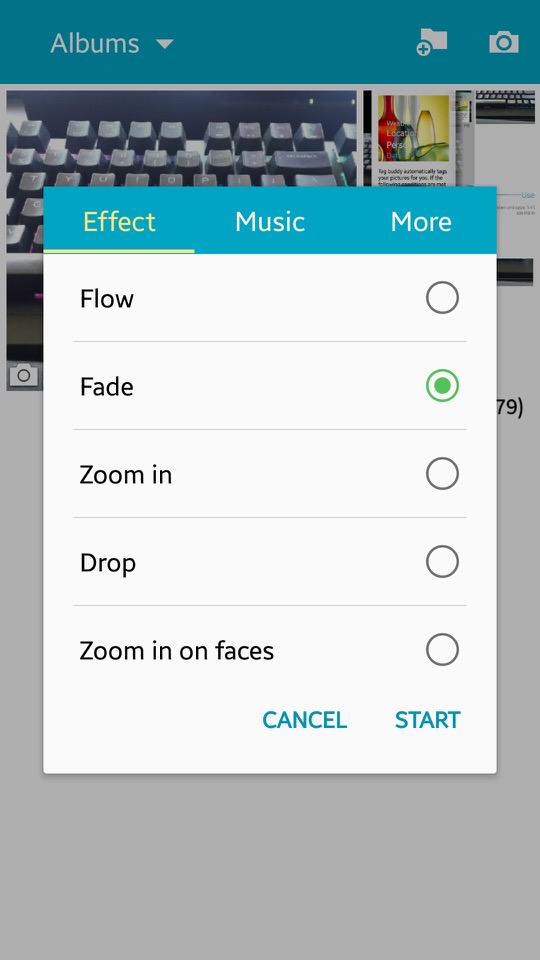
Story Album: This app was a feature on older Samsung phones that allowed users to create digital albums of their photos and videos. It provided various layout templates and themes, making it easy to organise and personalise content into stories or events. Users could also order physical photo books directly from the app
Voice Recorder: Your standard voice recorder. Addition features include noise reduction, recording volume and the recording quality. You can also choose to save recordings directly to the microSD card.

Widgets

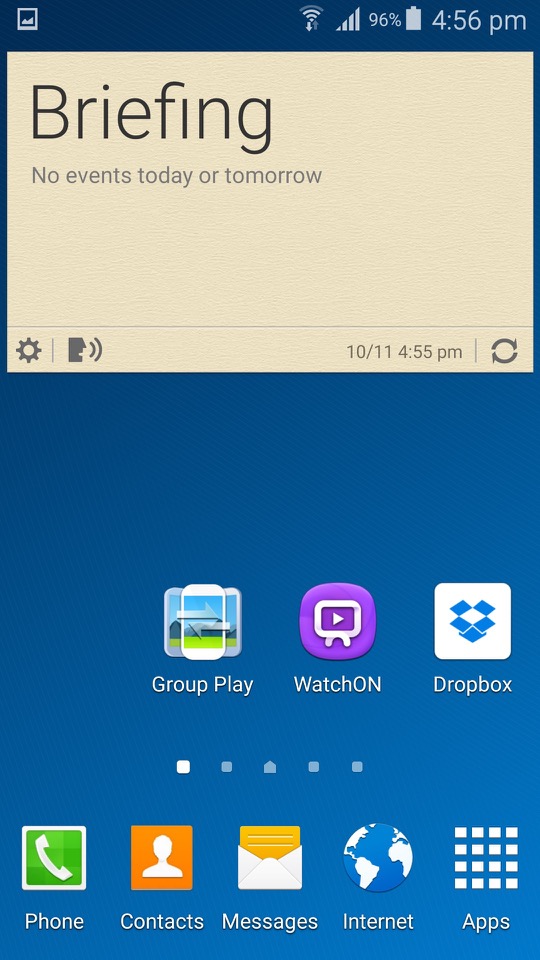
A look at some of the widgets that form as part ot TouchWiz, all of these serve as extensiosn to the apps that feature with the phone and will relay information and updated to the home screen. Tapping on the widget will open the app.
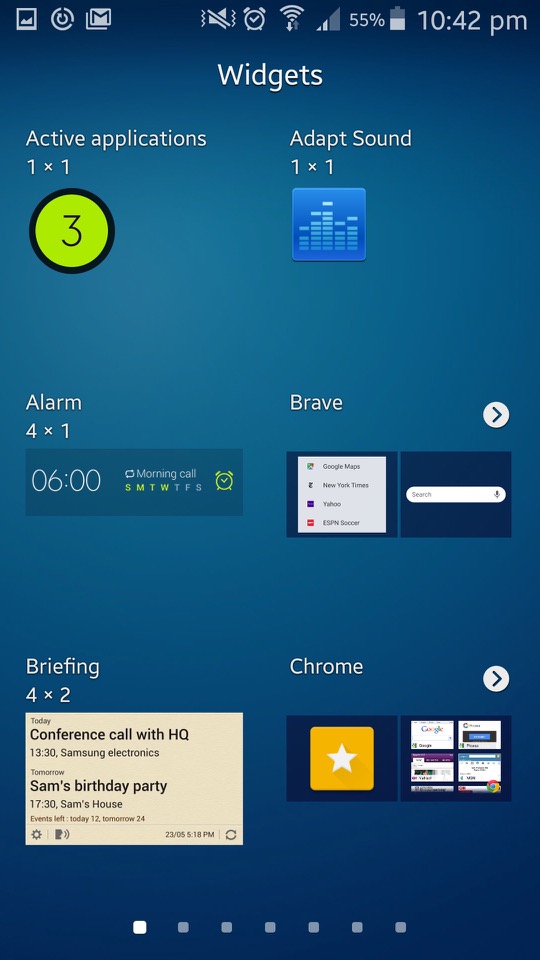
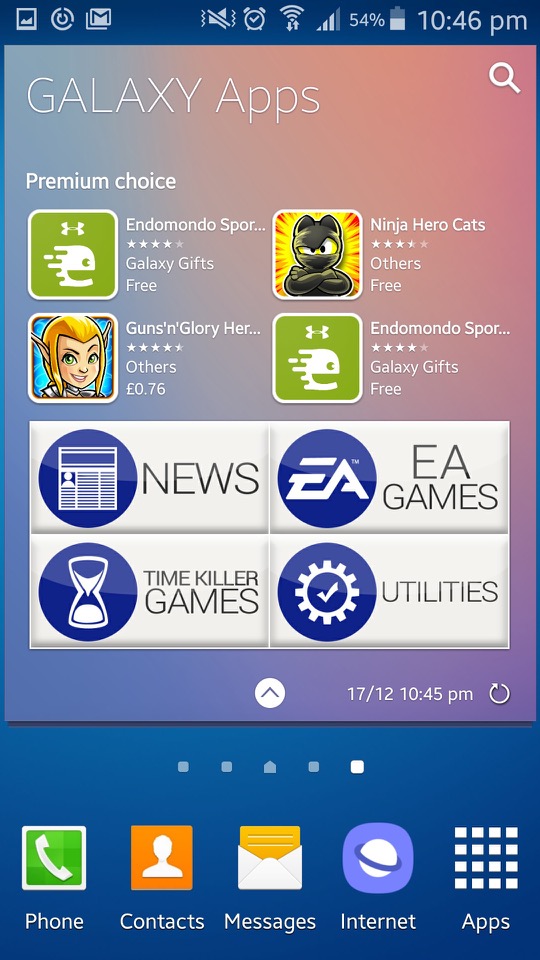
Settings

The control panel of the phone. Samsung have provided further categories for different settings.

Connections: Wifi, Bluetooth, mobile data and cellular netwoks are listed here. You can also configure wireless printers from here, with the Samsung print service plugin being installed by default (Samsung made printers, one upon a time) The S4 also supports internet weathering over Bluetooth, USB or WiFi.
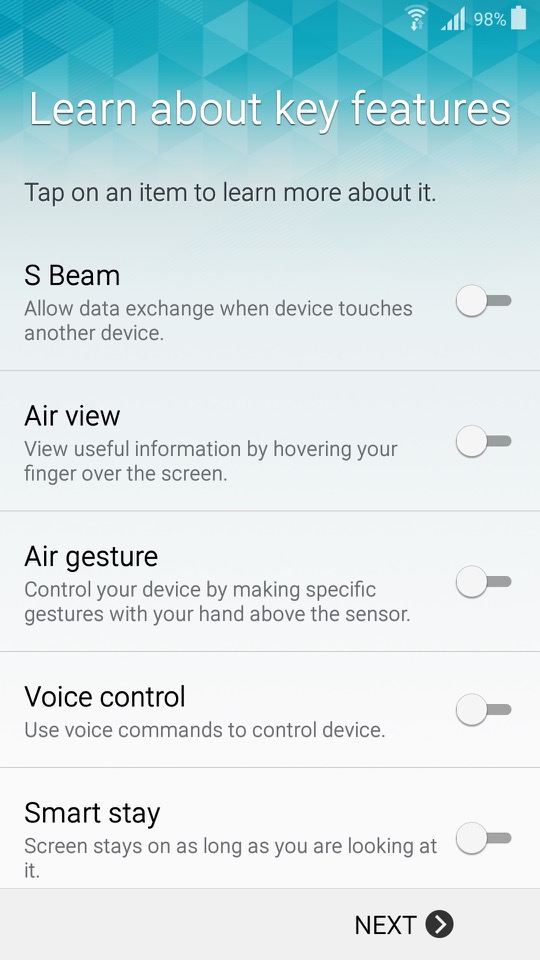
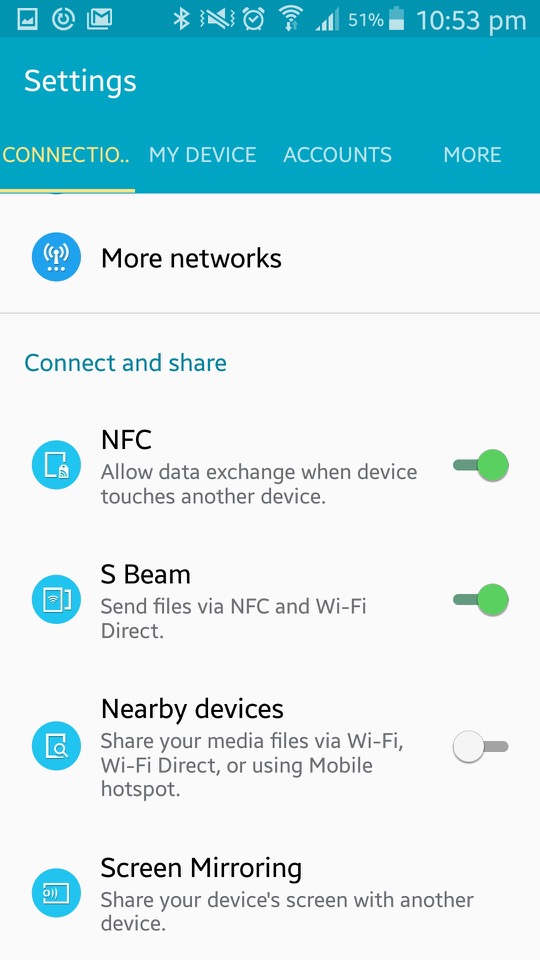
Additional options here are for NFC, S Beam File transfer over Wifi direct, which is initiated by NFC) Screen Mirroring which used the Miracast protocol and allows you to broadcast your display to another TV.
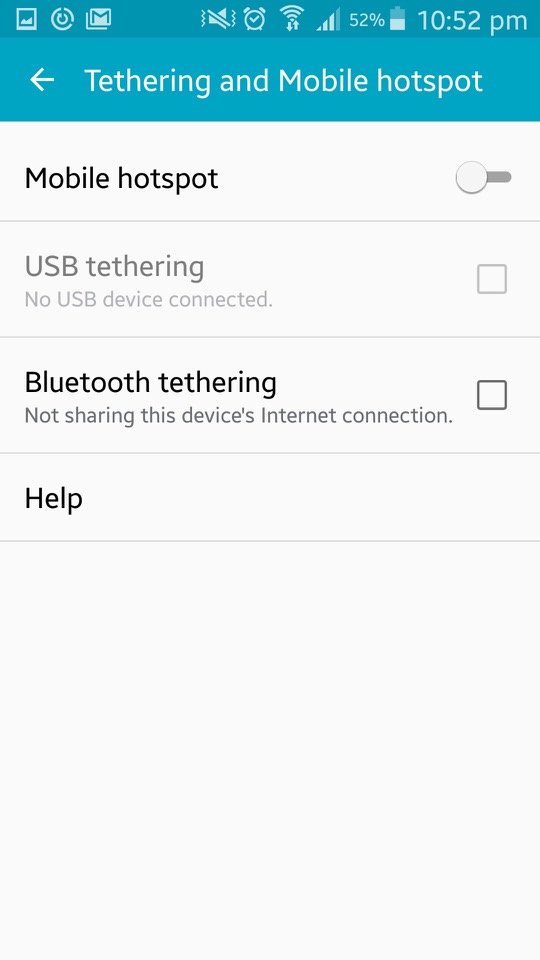
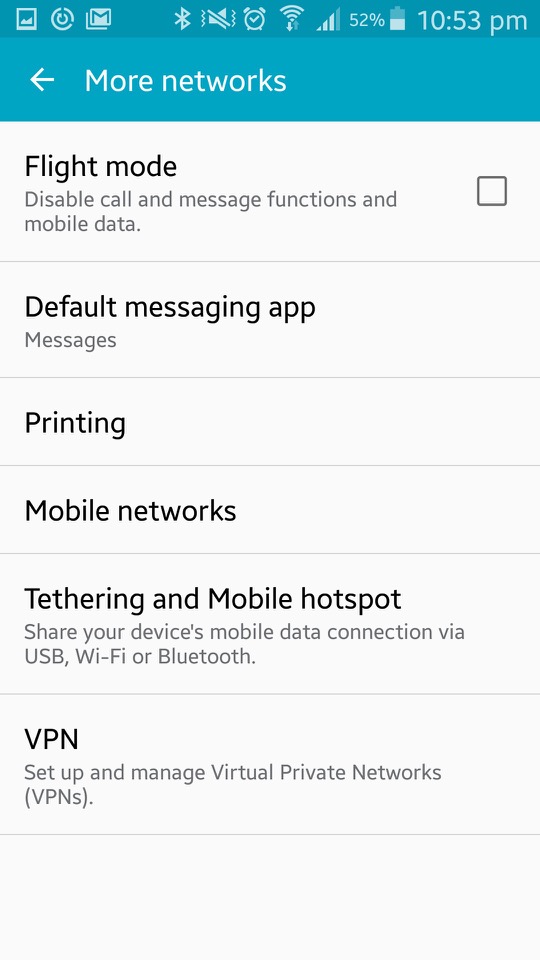
The My Device section offer options tailored to personalisation of the device. Here you can configure settings for the locks creen (lock effects, enable different shortcuts that appear on the lock screen).
Display settings consist of selecting a different wallpaper that can be set for both the home and lock screen. The tock wallpapers all have a fruitier aero feel to them and are very vibrant to show off the AMOLED display.
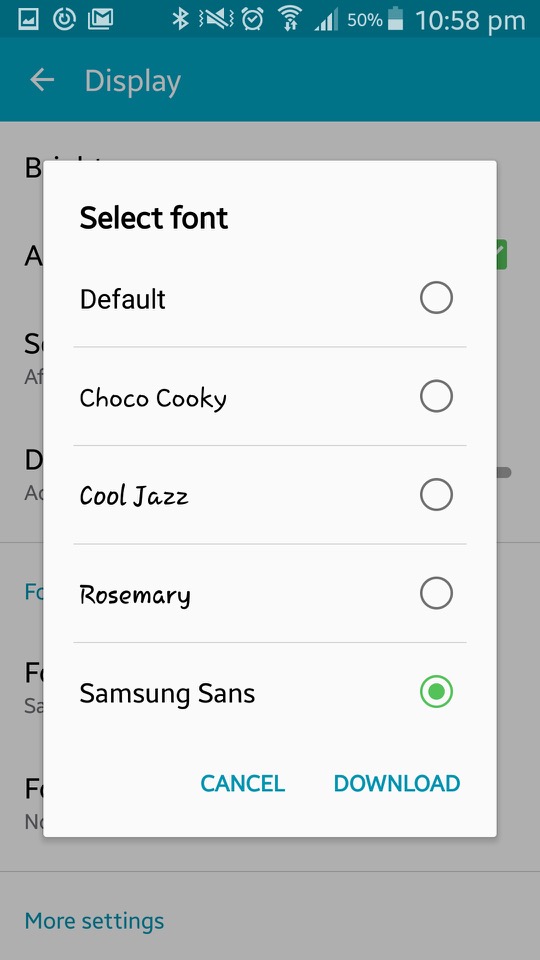
You can also change the font style and size which is set to Samsung Sans by default, other fonts include Chock Cooky, Cool Jazz and Rosemary, with the option to download additional fonts to the phone)
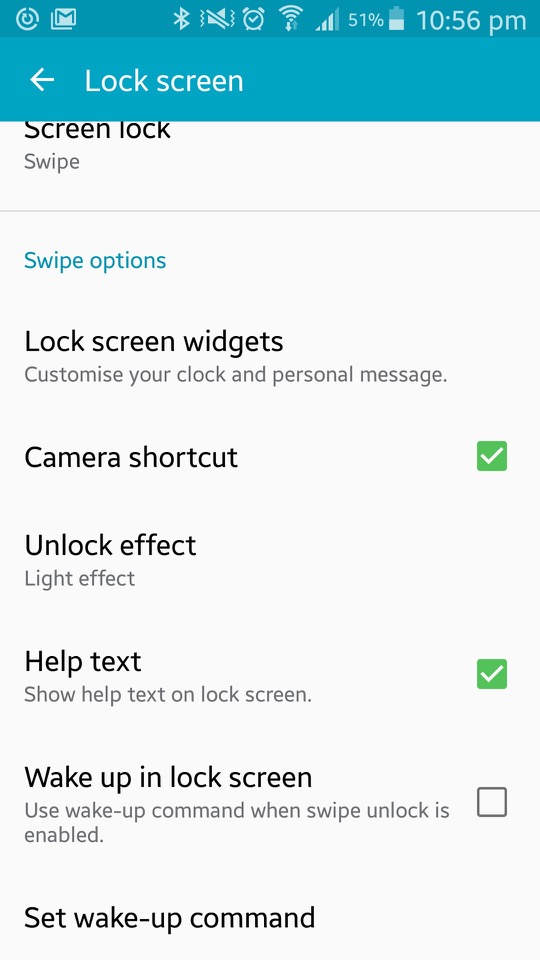
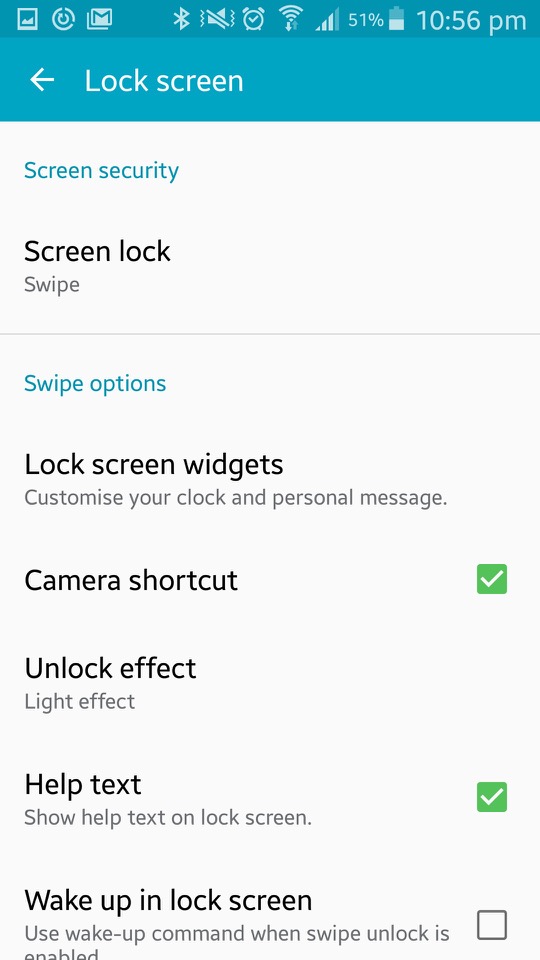
The LED indicator can be set to indicate if the phone is charging, or to show notifications. Seems the only options are between a Red or blue LED, instead of the multiple colours that Blackberry handsets offered.
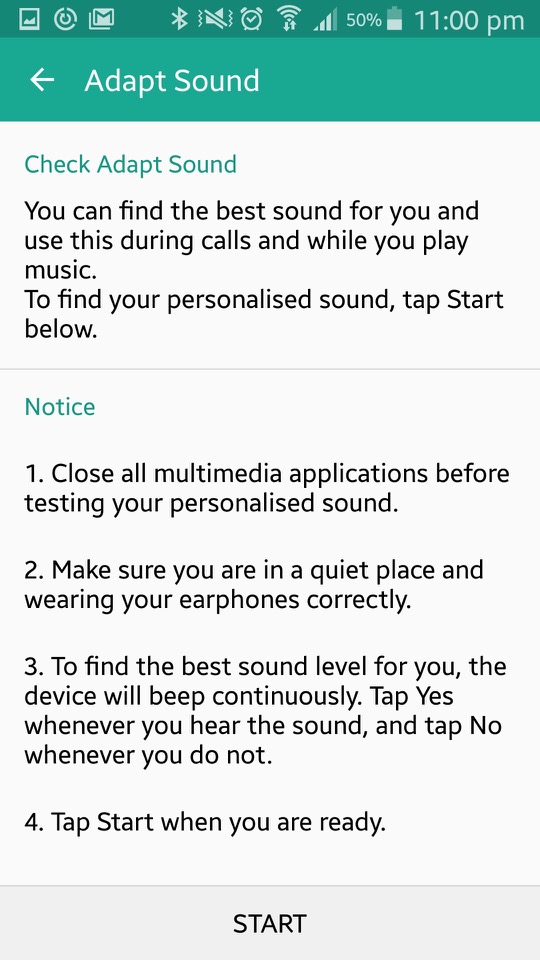
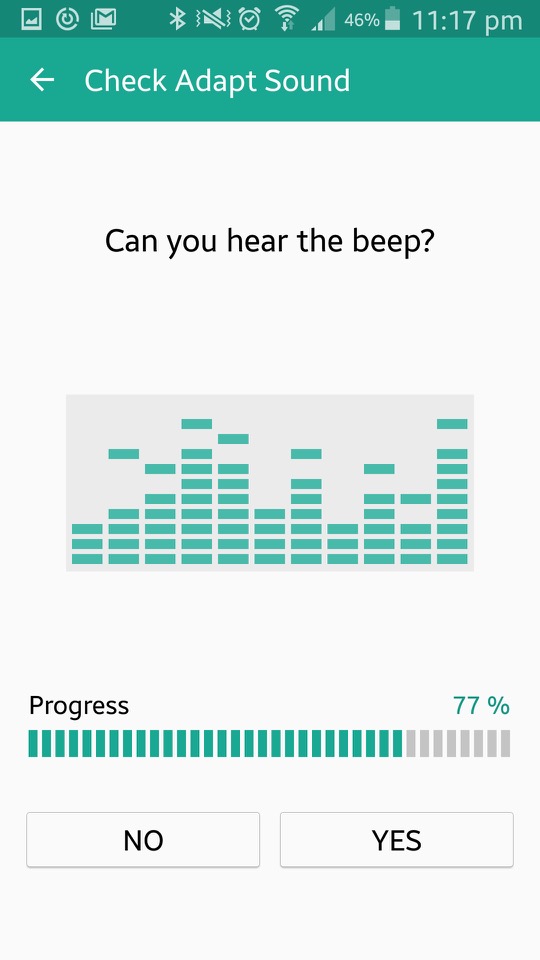
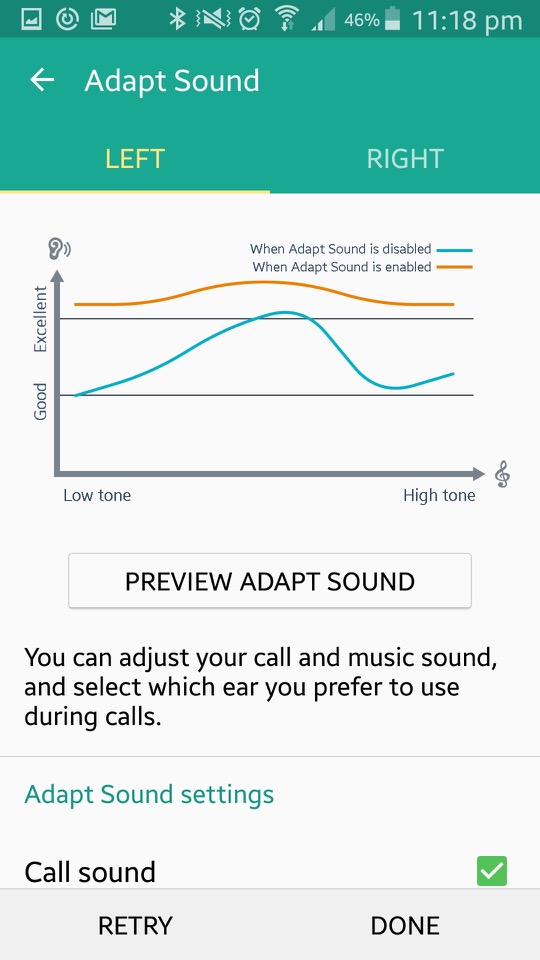
In the sound section there is Adapt Sound, which will take you few a few tests that require the use of earphones. The phone will play various beeping sounds at different frequency range in an attempt to personalise sounds to the frequencies your ear are capable of listening to. The goal of Adapt Sound is to optimise sound settings based on individual preferences and hearing abilities, resulting in a more customised and enjoyable listening experience. I guess this is more for those who are hard of hearing and is considered more of an accessibility feature.


Safety Assistance lets you set up emergency contacts. These are the people you want to know if things go south. Emergency Mode is like your phone’s superhero transformation. When you activate it, your phone dials back on the fancy stuff to save power and focuses on the essentials – making emergency calls and sending out distress messages.

The S Cover is an option accessory for the phone that adds a flip cover to the front of the phone. There is a transparent plastic window that when detected, the phone will show the time and notifications for quick access. Opening the cover will activate the phone.

Lastly there is a More section, that handles the standard Android settings like device information, security, location and application settings.
The Sims 2 – University Life Collection

A compilation of an expansion pack and two stuff packs.

University

One of the first expansion packs released for The Sims 2, Here sims can move up in the world by entering into the world of higher education. They can move into a dorm, enroll in a class and graduate (or flunk). Sims who have graduated have access to additional careers when they return to their home hood.

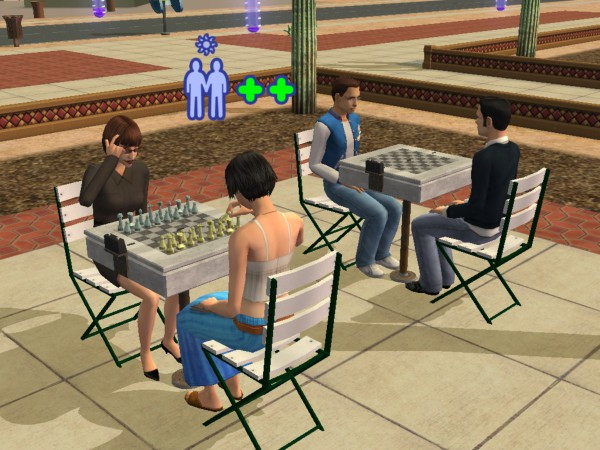
It’s worth mentioning the game tries to portray American college life, which will differ if you are not from the US. If your familiar with college-era TV shows like Undergradz, Blue Mountain State, etc, then you should be aware with what the expansion pack is trying to portray.

A new life stage is introduced, Young Adult. This is only available to sims that have enrolled in University, normal sims aging from teens to age to an adult if they choose not to go to university.

Dorms are shared housing that sims can live on. These are cheaper to live in as they do not require rent (though bills must be paid). Each dorm can have a caterer who will serve food in the canteen area. When moving in, sims will need to allocate a dorm room which is where they will sleep in. Other sims will move into any of the vacant form bedrooms.

Regular houses can also be bought, though this is harder since sims are only given 500 to start with for university. This can be increased by applying to scholarships whilst they are a teenager, which depends on the levels of skills, school grade and circumstances (like having a dead parent or an alien sim)

NPC teenagers can be aged to a young adult and made playable in University, the ‘Send sims to Uni’ button in the neighborhood screen can be used for sending sims in bulk.

Sims’ academic performance is tracked through a GPA (Grade Point Average) system. Attending classes, completing assignments, and studying all contribute to a Sim’s academic success. Not having a good enough grade can cause the sim to enter academic prohibition where they will have to repeat the semester.

University comes with its own NPCs. There are a lot of professors who serve as lecturers, which the game allocates two to each subject. Sims will automatically meet these when they attend class, and will sometimes come over to visit as a regular NPC. They can be interacted with and romances, which can be used to get a higher grade. Be careful with the drama professors, they are very romantic and are sure to cause trouble.

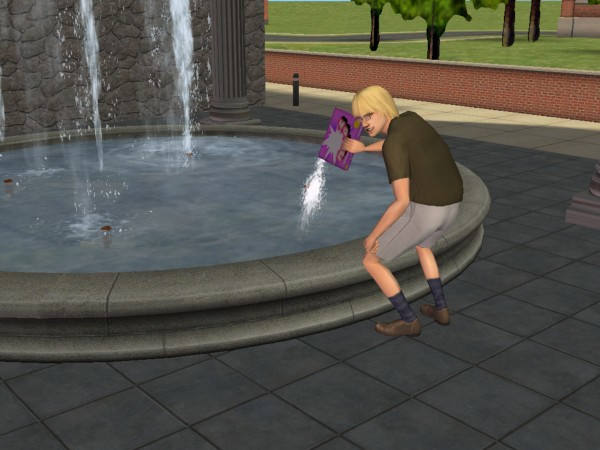
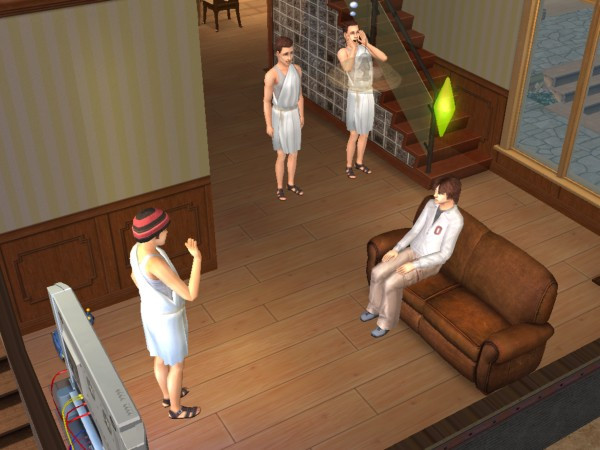
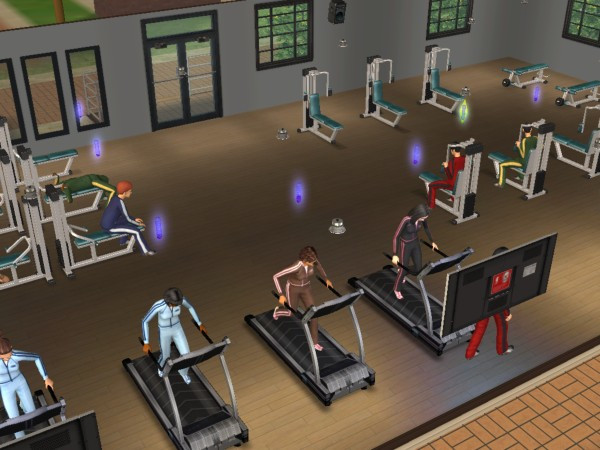
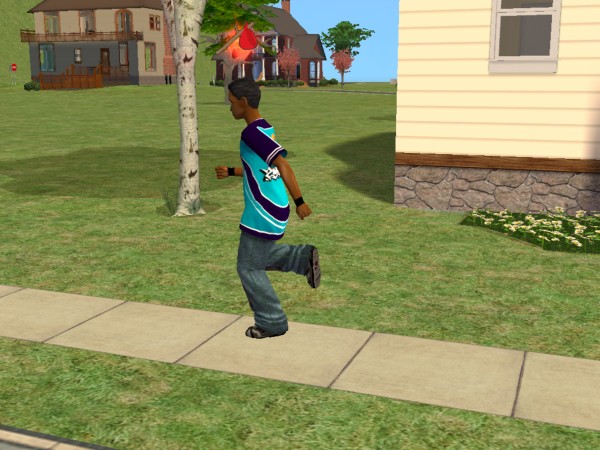
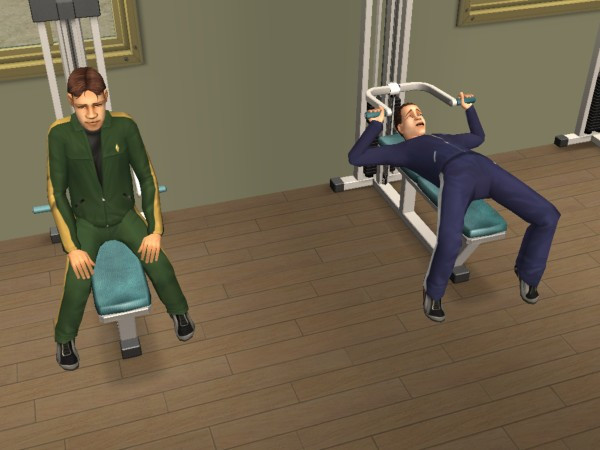
Other NPCs include school mascots which will visit the lot and will constantly perform the school dance. Gym teachers who will instruct sims to work out, and Streakers who are students who run around in the buff.

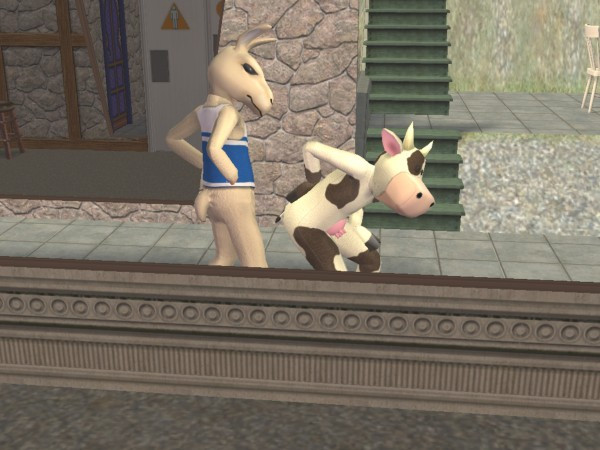
Lastly there is also a Cow mascot which will appear to wreak havoc with other sims, since it’s implied to be from a rival school. I’m guessing campus security isn’t that great.

The Universities

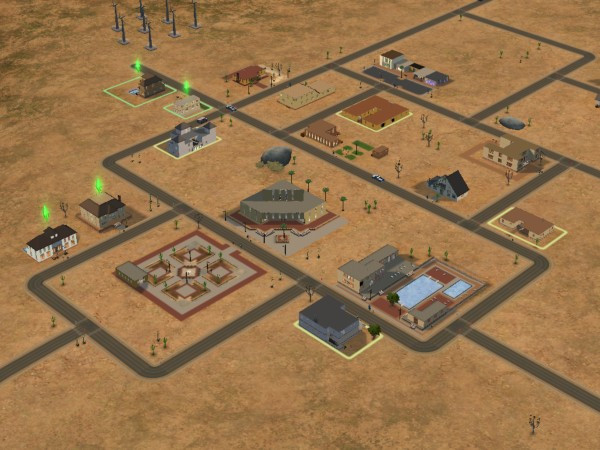
There are three pre-made university sub-hoods, any of which can be attached to each neighbourhood, They are not shared across the different hoods, so each one will have their own copy of lots, dorms and sims.

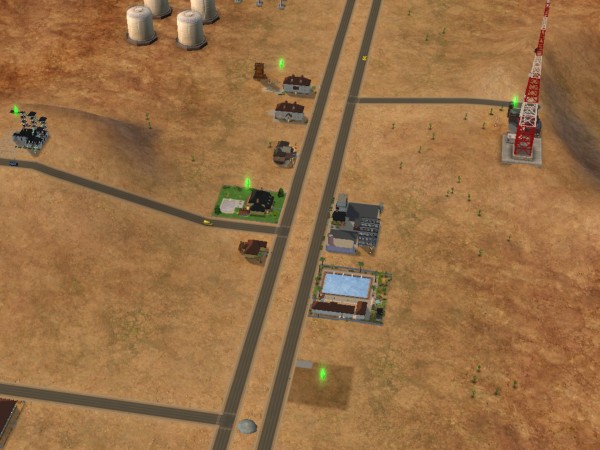
La Fiesta Tech – Set on a desert, similar to Strangetown. IDK why they named it after the Ford Fiesta car?

  • Fraternity: Guy, Mickey and Matthew live in a household named after a Skyrim spell
  • Sorority: DJ, Monica, Sarah and Jessie are one of the geek house lots
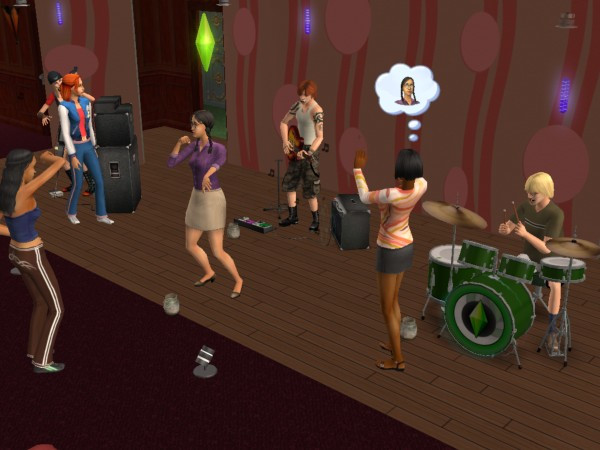
  • Shifting Paradymes – Gunnar, Jasmine and Zoe live in a house and are supposed to be part of a band, hence the household name. They can perm on community lots that have music instruments on them (drum kit, guitar and bass)
  • Worthington: Francis lives here on his own
  • Davis – Aldric and Almeric are twin brothers who live on the same lot
  • Student Housing – William, Blossom and Klara are vacant students who can be moved into any lot or dorm
  • Terrano – Stella is the lone sim here, and the only alien sim students

Academe le Tour – Supposed to be a typical European university, hence no greek houses are included by default.

  • O’Feefe – Delilah live on her own here, and has an obsession with the colour yellow
  • Friends – Mitch and Max live here in very tiny houses. Appears there are two different house on the lot, predating the apartment concept
  • Sharpe: Roxie and Jonah live here, along with Roxie’s brother Edwin. Jonah looks like Carrot Top
  • Biggs – Marla also lives on her own here
  • First Year – Phineaus, Ellen and Chaz all live here in their own household and appear to be a diverse group of different personalities
  • Students – Emily and Tom live here and are ready to be moved into any dorm.

Sim State University

  • Bright: Three outcast students. Martin, Jane and Allegra, who remind me of Janice of Mean Girls
  • Frat Brothers: Your typical college fraternity, with Ashley (who reminds me of Dennis from Always Sunny), Castor, Joshua (the jock) and Kevin (the stoner/slacker)
  • Tri-Var Sorority: Tiffany, Brittany and Heather
  • Freshman: Similar to the first-year students from Academe Le Tour, Sam, Jared and Ty are all new to campus
  • Phoenix: Jimmy is implied to be a foreign exchange student, or an immigrant looking for better opportunities
  • Swain: Erik is on his own and is also a freshman

Students will return to the main hood once they graduate, and can be moved into any lot or move into an existing household.

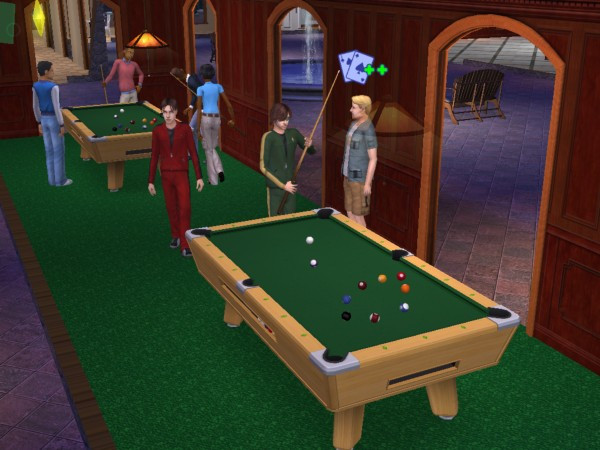
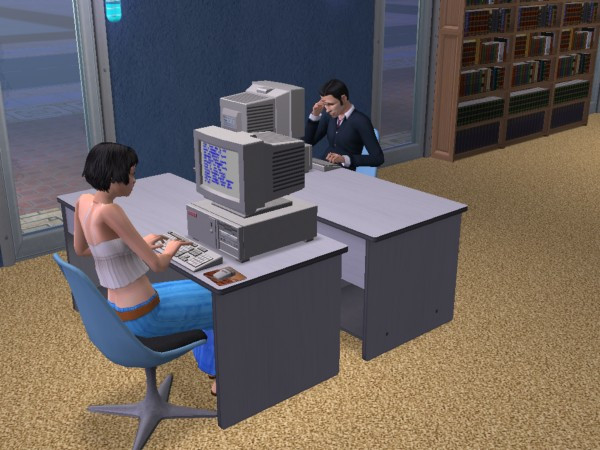
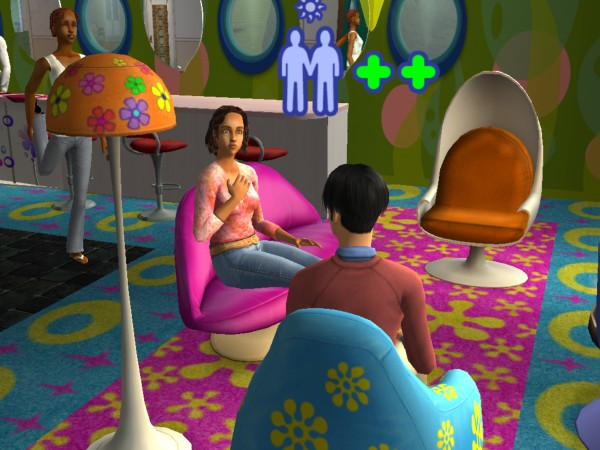
Each hood has its own set of community lots, like a library where sims can upskill. Student unions where sims can interact with other sims and dedicated shops.

Greek houses are lots that have sims who are part of the fraternity. They have access to additional interactions, more of which are unlocked when you level up the house, This can be done by making more friends on campus. To become part of a Greek house, your sim will need to befriend 3-5 sims who are part of the Greek house (done by pledging through the phone.

IKEA Home Stuff

Included a bunch of furniture from IKEA. Typically included chairs, tables, beds and decorative objects. The furniture added here is quite cheap making it ideal for low-income or starter families, and for students who have just moved into college. This is also a good addition if you have the Apartment Life expansion pack.

Teen Style Stuff

Adds a lot of clothes and hairstyles for teenage sims. Mainly consists of bedroom sets like the ones seen in Family Fun stuff. these include beds, wardrobes, wallpaper, carpet and end tables that conform to a specific style. These are used to give some style of a teenage bedroom, but can also be used for regular adult sims.

The Sims 2

The sequel to one of the best-selling games of all time.

Sims themselves were a lot more complex compared to the previous installment, with sims now being rendered entirely in 3D graphics. In the original game only the head and body could be customized with only three body types and skin colour. Sims 2 made this more diverse with four skin colours being introduced, face sliders to customize the sims appearance and more customizable cloths, (Although you couldn’t change the colour of them, which was something the console versions could do).

Body sizes remained the same with the normal, thin and fat body types, which wasn’t very diverse since the fat sims only look slightly chubby, they are nowhere near the My-600lbs-life level. Then again Maxis would have had clipping issues when the sims had close contact with another sim or object, and would have had to have various different animations for the body types.
The concept of genetics was also introduced where sims can pass on their appearance and personality through their offspring, unlike the later game this got pretty complicated with the concept of recessive and dominant genes, later games just kept it simple and combined elements of both sims.

Memories and aspirations are new concepts introduced into the game, with memories serving as achievements that are saved. Aspirations serve as an indicator to a sims mental health, by achieveing ‘Wants’ their aspiraion bar will begin to fill. Fulfilling ‘Fears’ will cause this to go down and when it enters a failure state, sims will break down and will get a visit from a therapist. Points earned from Wants are used to redeem aspiration rewards, which can be used to make skilling or social itneractions easier or to increase the sims lifespan. These cannot be bought for case, only for points.

The concept of genetics and family trees are introduced in this game, where sims can pass on their personality and appearance onto their offspring. The comcept of family relations is also present here, which special socialinteractions being made avaliable to family members.

The Hoods

The original sims game only supported one hood, with multiple hoods being a feature of several of the expansion packs, however these hoods are all set in the same location with very little diversity in the environment. Sims 2 expands on the neighborhoods by allowing the ability to have custom hoods from the base game, and even come with three neighborhoods.

  • Pleasentview: This is supposed to be the original neighborhood from the first Sims game, but set 25 years later with the Sims themselves having aged older. There are many familiar families like the Goths, Burb and Pleasent. Non of the original lots return, will all the houses being remodeled to take advantage of the new building tools.
  • Strangetown – One of my favorite hoods because of how eccentric some of the characters are, set in a remote desert.
  • Veronaville – Inspired by various Shakespeare plays including Romeo and Juliet and The Midsummer Knights Dream. There are three main families who have a very rich backstory. The lots follow either a tudor or an Italian design.

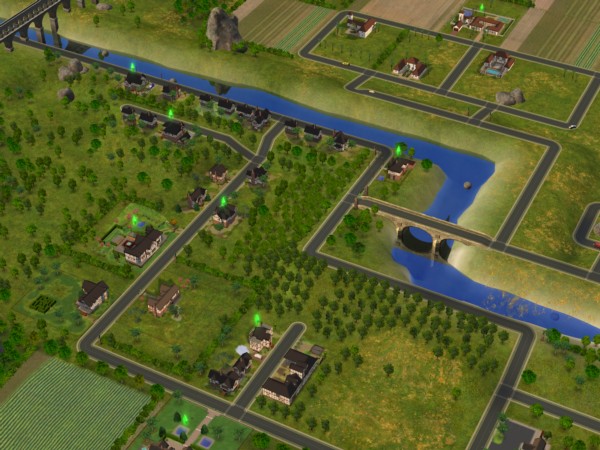
Hoods are based on Simcity 4 small citys, and you can even see the .sc4 file extension allowing for custom hoods to be created using Simcity 4, and then exported to The Sims 2. The terrain level and type could also be customised, although once set you cannot change this within the game. This differs from the original game which was fixedin the neighbourhood type and layout,a dn yiou were limited by the amount of lots (10 int he stock game, 48 in Unleashed) WithSims 2, you are givern the choice of quanitity or size, with larger lots occupying more space.

Pre-made sims

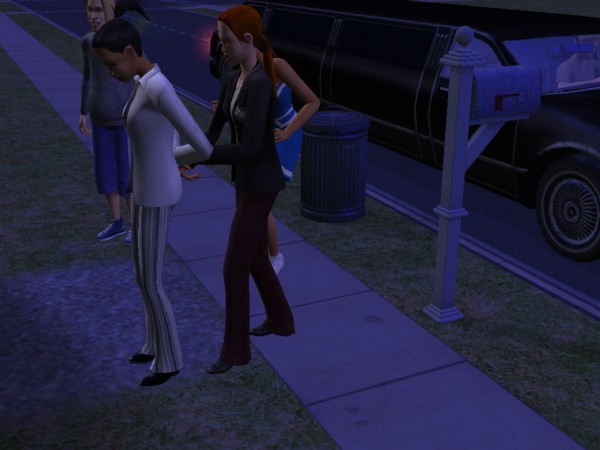
A lot of the premade sims have a storyline allocated to them, although this isn’t part of the gameplay itself, storytelling is a focused component of the game with the ability to take screenshots and capture video through the game. Of which can be collected into a family photo album. Some sims have premade scrips that function when you play them for the first time, some of which will introduce some of the games mechanics and features. The Calientes for example with have a scripted burglar appear on the lot at the first night

Pleasentview

  • Goth: Mortimer and Cassandra return 25 years older, complete in a new crib with the trademark gothic architecture and a gravestone. Alexander is the son of Mortimer and Bella, who is mysteriously missing (but can be added back into the game with either SimPE or the Sim Manipulator object) .
  • Pleasant: Daniel has grown up and has a wife Mary-Sue and kids of his own, twins Angels and Lilith. Daniel appears to be having an affair with the maid, whilst the twins have the worst sibling rivalry ever seen
  • Broke: Brandi with her son Dustin and Beau, live in what appears to be a trailer
  • Dreamer: Widow Darren and his son Dirk, who are struggeling to pay the bills
  • Oldie: An elderly couple with no kids, Coral and Herb. I normally have these adopt a kid just to keep their legacy alive, if you prefer to keep their generics there is also a mod that lets you create a baby from the crib directly.
  • Burb: Daniel Pleasant’s sister – Jennifer who married John Burb, who was also from the original sims game. They have a daughter. No sign of Johnny’s pet dog Tucker
  • Caliente – Nina and Dina – two sisters who have recently moved in and have already wrecked havoc in the neighborhood. Dina has already had an affair with Mortimer Goth, had previously married Michael Bachelor (Bella’s brother and a sim who was also in the original game). Interestingly their family tree shows they have alien ancestry
  • Lothario – Don who is the male counterpart to the Caliente sisters, this one also has an affair with both of them, and is engaged to be married with Cassandra Goth
  • There are also a few NPC’s that are well known, Kaylin Langerak (Who appears in The Sims 3), Gordon King and Goopy Gliscarbo – the NPC with the best fashion sense.

StrangeTown

  • Grunt: A military-esque family with General Buzz with his three sons Tank, Ripp and Buck Grunt. Tank seems to be the type of sim who is desperate for his fathers attention and tries to emulate him, Ripp seems like a slacker/stoner type who is struggling to find his feet, while Buck is the youngest. Their mother, Lydia divorced before passing away, and her grave can be found in Olive Specters garden, speaking off…
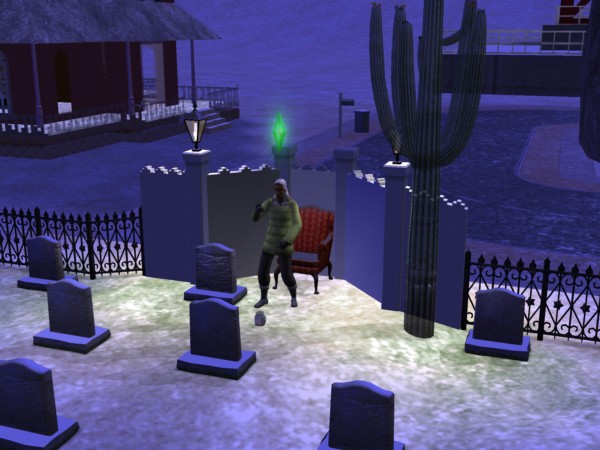
  • Specter: Olive Specter, one of my favourite premade sims since there is such as mystery around her, why does she have so many gravestones in her yard of different sims, why does she have positive memories of the Grim Reaper, why has she been married multiple times and why did she lose her only child to social services? Living with Olive is her niece, Ophelia who has a punk-rock style, like a black Avril Lavigne during her ‘Let Go’ era or Fefe Dobson.
  • Smith: The first alien hybrid family consists of Pollination technician 9, his human wife Jenny and their kids Johhny and Jill who live in a house that looks like something off Wisteria Lane (Desperate Housewives)
  • Singles: Four roommates with Erin (Who is related to Loki Beaker below), Kirsten and sisters Lola and Chloe.
  • Beaker: Loka and his wife Circe, along with their adopted slave Nervous Subject
  • Curious: Three brothers who live on some sort of observatory, with one of them being up the duff from an alien.
  • Loner: Just Ajay on his own, ready to move into a vacant lot. I typically pair him upo with a random townie
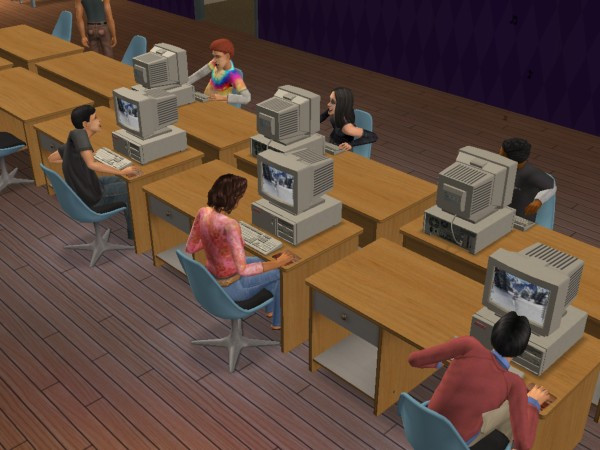
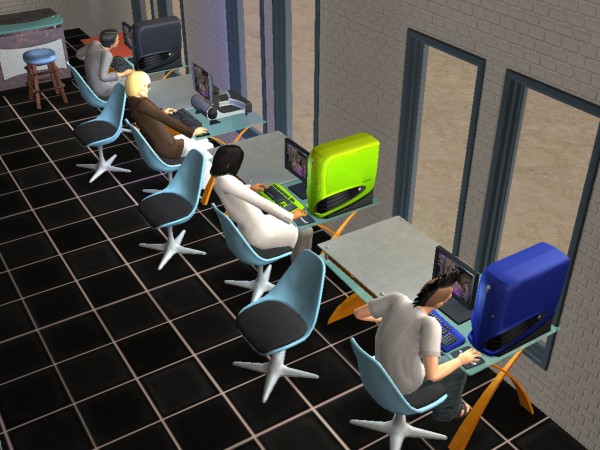
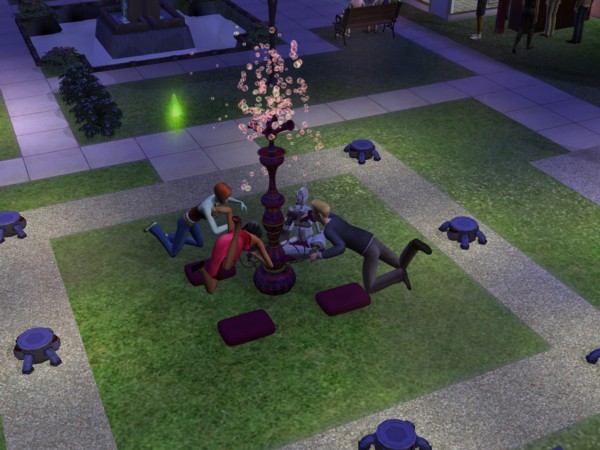
LAN Party, 2004 style

Veronaville

  • Capp – Consort is the oldest surviving member, with Kent and daughter’s Regan, Goneril and Cordelia, who is deceased. Goneril is married to Albany, who is ready to move into a vacant lot. Cordelia issurvived by Juliet, Hermia and Tybalt who live with Consort.
  • Monty – Based on the Montague family from Romeo & Juliet, Isabella is the matriach of the family, with Antonio and Biana present in the family bin, ready to move into an empty lot.
  • Summerdream – Oberon and Titania, and their kids Puck and Bottom.

Theres a shocking lack of Macbeth here, maybe that was too spicy for the game?

The new NPC’s

Most of the existing NPC’s serve a similar purpose to the previous game, but you can now interact them by talking or tipping them. If your sim builds up a relationship with them they can also move in with them.

Typical nanny experiance
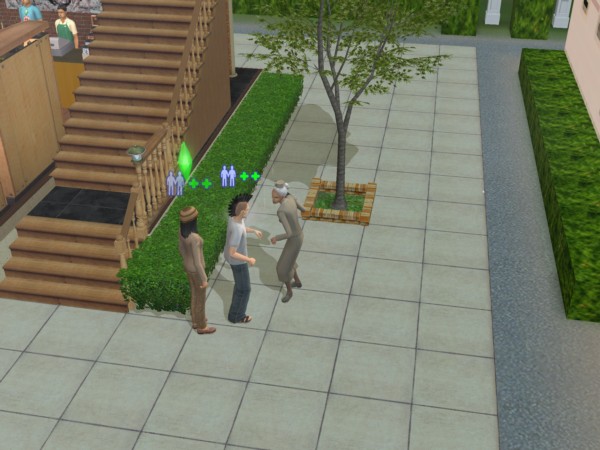
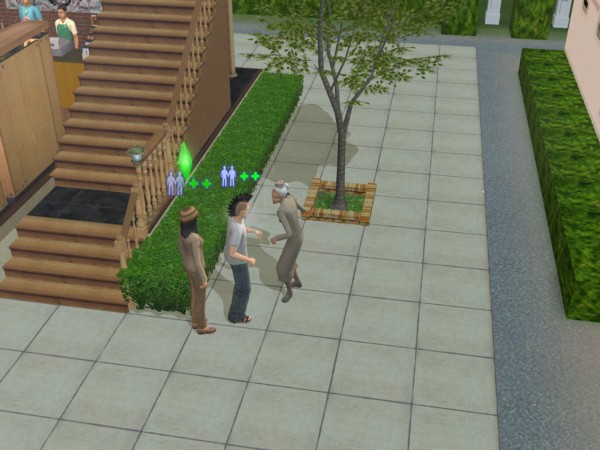
Your typical nanny experiance

Nanny: These will take care of your child and toddler sims and can be set to track your sims work schedule so they will arrive before your sims are due for work. Unfortunately the Nanny’s are either incompetent or senile as they will often neglect the children and will go off and do something else whilst the babies are crying. Also the default-generated nanny’s seen to have very low nice personality points and will constantly fight with your sim. And they will constantly cook meals when there is no need to, and will also keep fetching baby bottles from the fridge despite there being plenty avaliable. Still, they are useful for keeping the social worker at bay.
Bartender: Useful for parties, they will tend the bur and will refill and serve drinks.
Exterminator: Will remove roaches, but not flies from the lot. You still need to clean up after them but they are useful against large swarms of them.

Dina left the front door unlocked again…

The Maid, Repairman, and Gardener continue to appear and can be contacted through the phone.

Deluxe Edition

This edition comes with the base game and the Nightlife expansion, another edition exists that adds the items from the Celebration expansion.

The Sims Nightlife

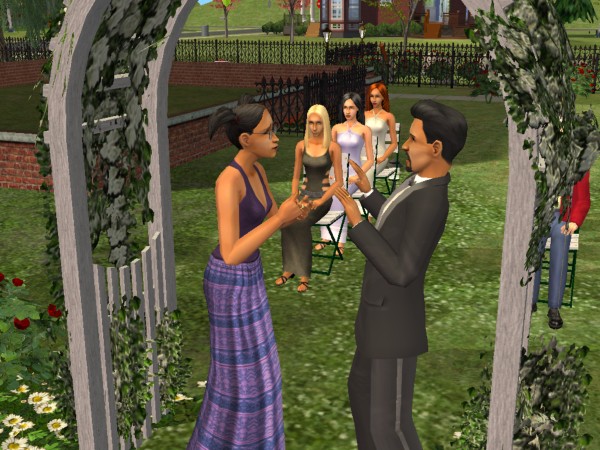
Developed similar to the Hot Date expansion pack for the original Sims, Nightlife was intended to bring added depth and variety to the social and nighttime activities of Sims in the game. The expansion aimed to provide players with more opportunities for their Sims to engage in exciting nightlife experiences and explore new aspects of their virtual lives. Here are some of the key intentions behind the expansion:

Downtown is where a lot of these new lots are located, and it can be added to any neighborhood in the game. Once added, Sims can call a taxi or drive to Downtown. Sims can also live in downtown lots, as there are residential lots available.
For shops, books, magazines and video games can be purchased from downtown stores, so sims are no longer stuck with SSX3. Video games that can be brought are references to other Sims games like SimCity 4 and The Sims Bustin Out

Like the regular neighborhood lots, Downtown is entirely customizable and new lots can be added and edited as normal lots.

A few new objects have been added, with mobile phones being featured for the first time that enable sims to make phone calls on the go which does not require a landline (no text messaging though). A handheld gaming console can also be purchased along with an MP3 player which plays the same music as the radio stations.

Dates are also a new concept to the game, where sims can ask others on a downtown date. Although this was in the first game, a new scoring meter which determines how well the date has gone based on social interactions and the amount of wants fulfilled during the date. You will be able to see the other sims wants to help fulfill them. Sims are rewarded for getting a high score, they may receive a gift or a card in the mail.

Cars are a welcome addition to the game where sims can drive to different community lots (but not residential lots) This was a similar concept to Bustin out. Sims must purchase and make room for a driveway on the lot, which a lot of the default Maxis lots had little to no support for and require adjustment. Adults can use their car to drive to work, replacing the carpool. They can also drive to work if they miss the carpool, though they are warned if they repeatedly come to work late. Teenagers can also drive which is useful if they miss the school bus.

No premande sims are included unless you count the mysterious Tricou family. There are exclusive Downtown NPCs that will only appear on Downtown lots and are generally intended for dating.

DLC

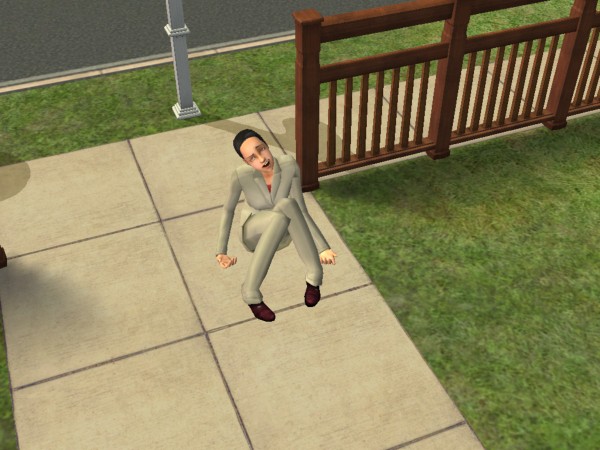
Shortly after release, EA offered official downloads for the game, which could be downloaded under the ‘Get Cool Stuff’ section of the website. One of which was a Running With Scissor’s, where your sim will pick up and run around with a pair of scissors. Some sort of PSA from Maxis on why you shoudn’t run around with sicssors. There is also an Alienware PC which gives a lot of Fun, but was never upgraded for alter expansions which means it cannot take advantage of features introduced in University (Like completing assignments or scholraships) but modded versions are available which support these features.

The Nightlife expansion also featured exclusive DLC in the from of downloadable Ford cars.

GTA Liberty City Stories

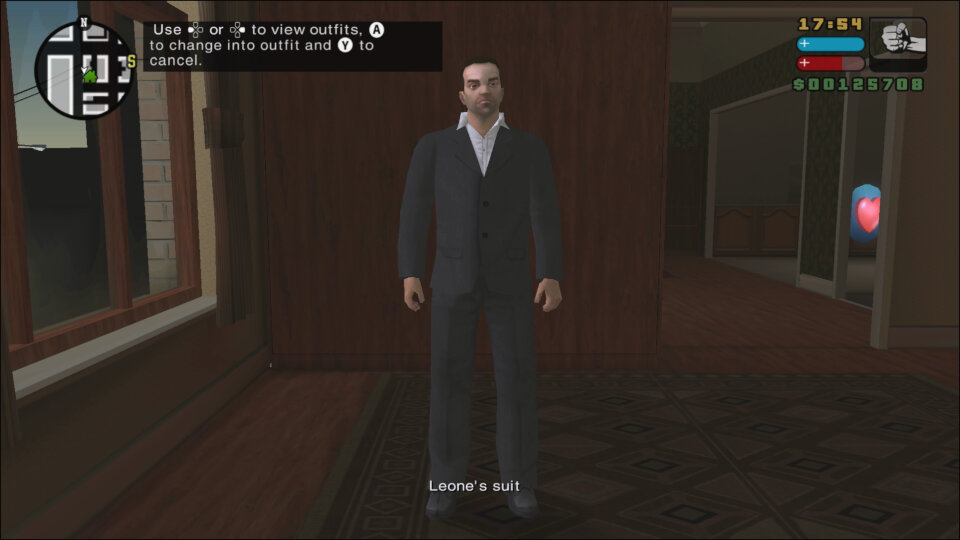
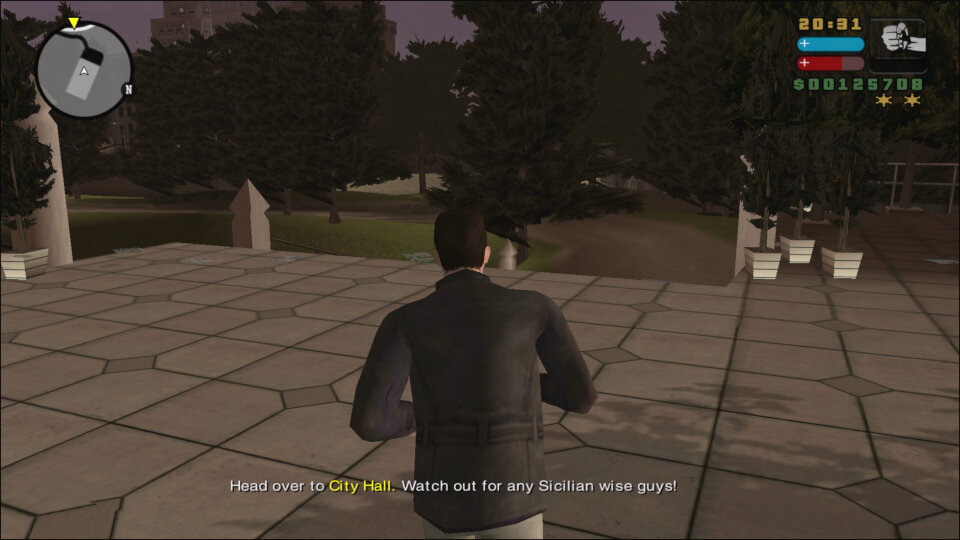
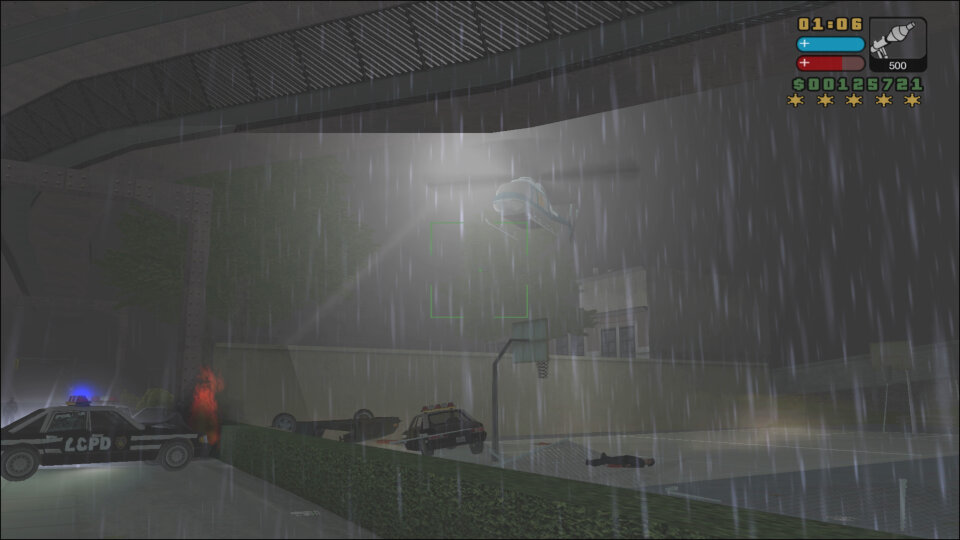
GTA Liberty City Stories is an action-adventure video game developed by Rockstar Leeds and published by Rockstar Games in 2005. It was originally released for the PlayStation Portable (PSP) and later ported to PlayStation 2, iOS, and Android. The game is a prequel to Grand Theft Auto III, set three years prior to the events of the game, and follows the story of Toni Cipriani, a former member of the Leone crime family who returns to Liberty City after being forced into hiding.

GTA Liberty City Stories follows the same open-world gameplay formula as the other games in the GTA series. Players control Toni Cipriani, a Mafia enforcer who completes various missions to advance the game’s plot. The game features a large, open-world environment that players can explore freely, either on foot or by using various vehicles. The game also features a range of side missions and activities, such as taxi driving, vigilante missions, and ambulance missions, which provide players with additional ways to earn money and gain experience points.

The game’s combat system is similar to that of other GTA games, with players able to use a range of weapons to take on enemies, including guns, grenades, and melee weapons. The game also features a targeting system that makes it easier to aim and shoot at enemies.

GTA Liberty City Stories follows the story of Toni Cipriani, a Mafia enforcer who returns to Liberty City after being forced into hiding for several years. The game is set in 1998, three years prior to the events of Grand Theft Auto III, and explores the events that led up to the game’s story. As with other GTA games story is engaging and well-written, featuring a range of interesting characters and plot twists. The game’s voice acting and cutscenes are also well done, further adding to the game’s story.

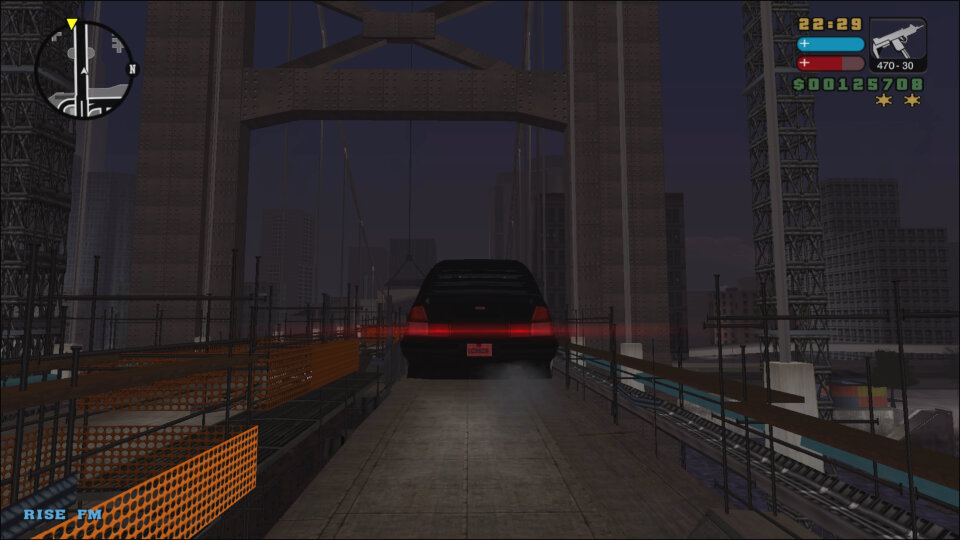
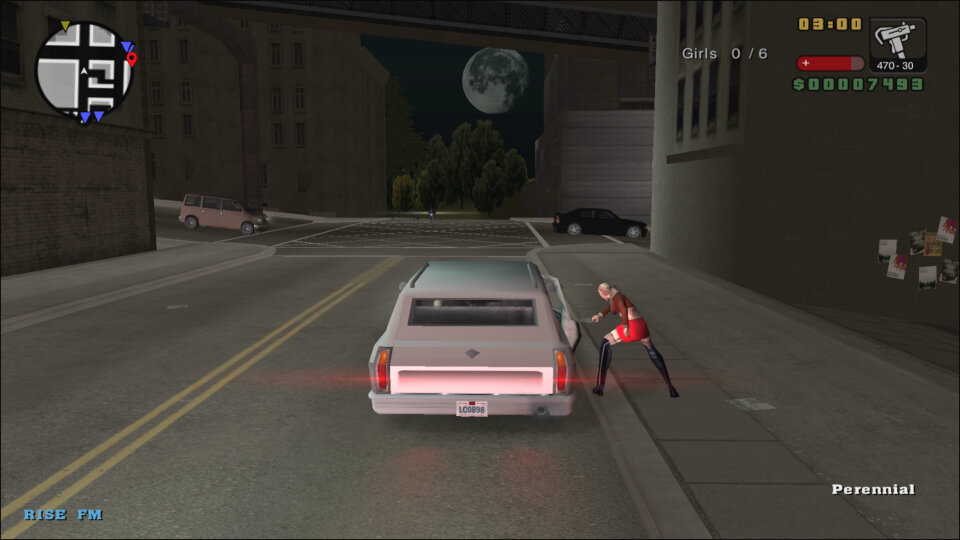
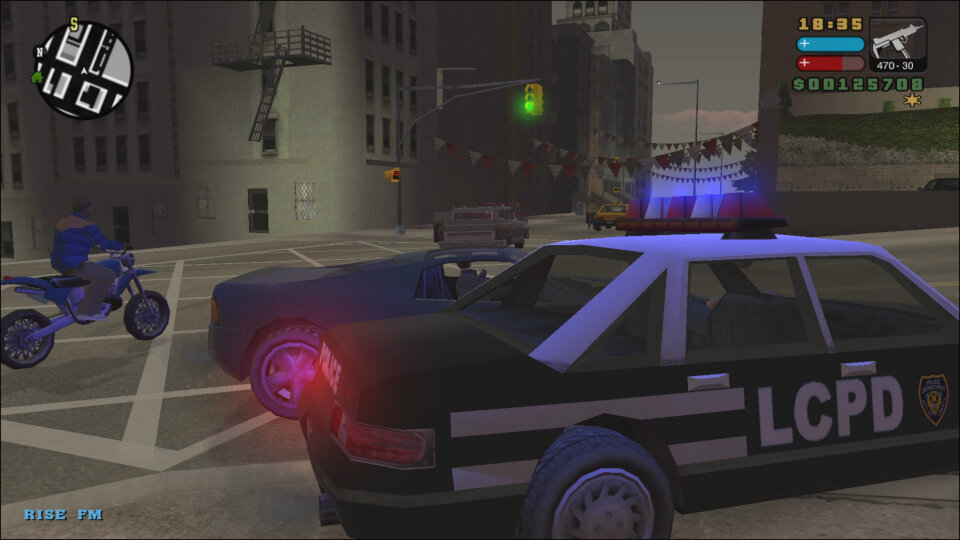
The game perfectly captures what New York was in the late 90s, right down to the music played on the in-game radio stations which feature a diverse mix. RISE FM for example will feature house and dance music that was popular of the era.

The main character of GTA Liberty City Stories is Toni Cipriani, a former member of the Leone crime family who returns to Liberty City after being forced into hiding. Throughout the game, Toni takes on various missions for a range of characters, including Salvatore Leone, The boss of the Leone crime family and Toni’s former boss. Salvatore is a major figure in the game’s story and features prominently in many of the game’s missions.

JD O’Toole is a small-time criminal and owner of the Paulie’s Revue Bar strip club. JD becomes a key ally of Toni’s throughout the game. Mickey Hamfists is a member of the Leone crime family and one of Toni’s closest allies. Mickey helps Toni throughout the game and is often involved in the game’s more violent missions.

Versions

PSP

The game was initially released on the Sony PSP which featured wireless LAN play. This was the first 3D GTA title to be released on a portable console, following the success of GTA Advance.

PlayStation 2

It was later ported for the PlayStation 2 which saw a higher resolution and smoother framerate, though some would believe it was a step back from the graphics we had seen in GTA San Andreas. Still this wasn’t intended to be a mainline GTA title, more like an experimental spinoff.

This version of the game would be released on the PlayStation Network for the PS3 and whilst it uses its PS2 emulator, the build is modified with some of the soundtracks being cut. Most notable is RISE FM with Sneaker Pimps Spin Spin Suger being cut completely. This isn’t the only GTA game to have its soundtrack cut with Vice City and San Andreas also having some of their soundtracks cut.

Mobile / Android

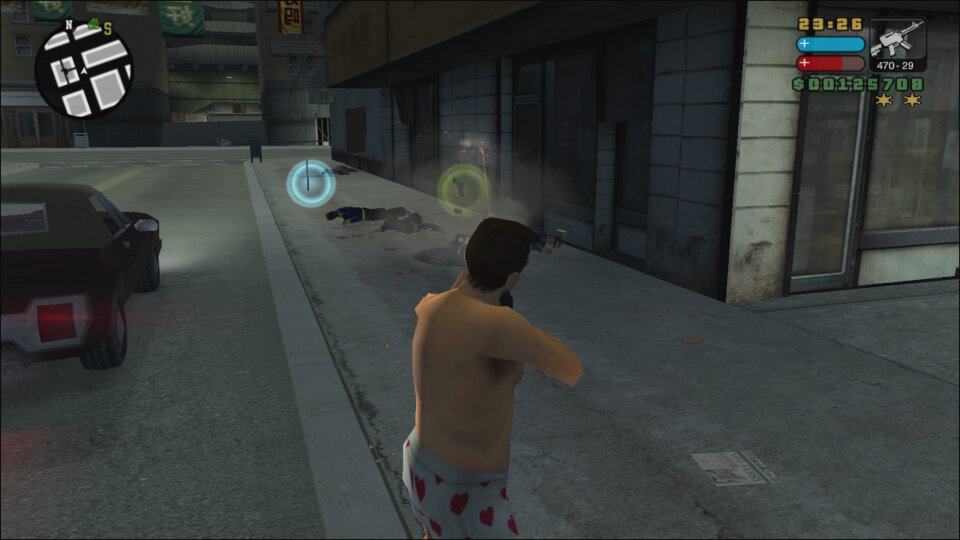
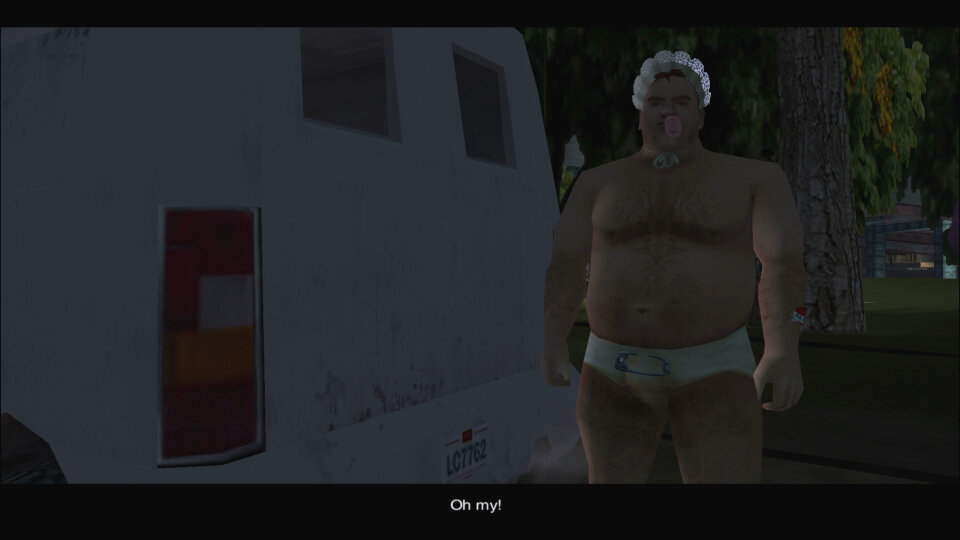
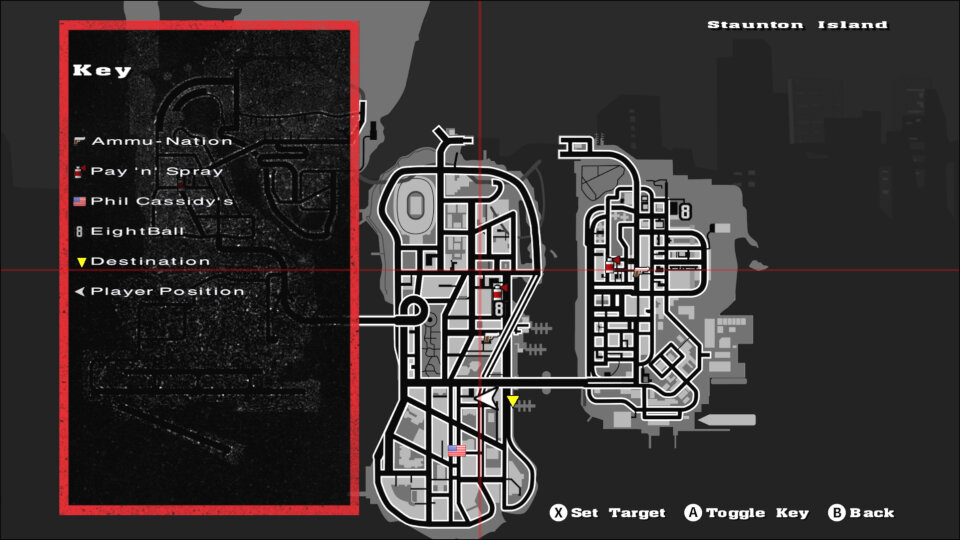
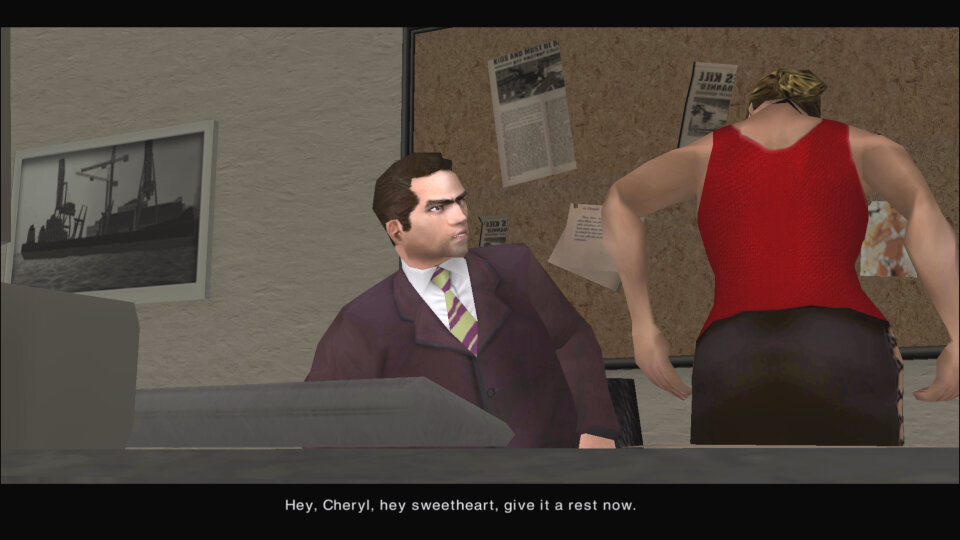
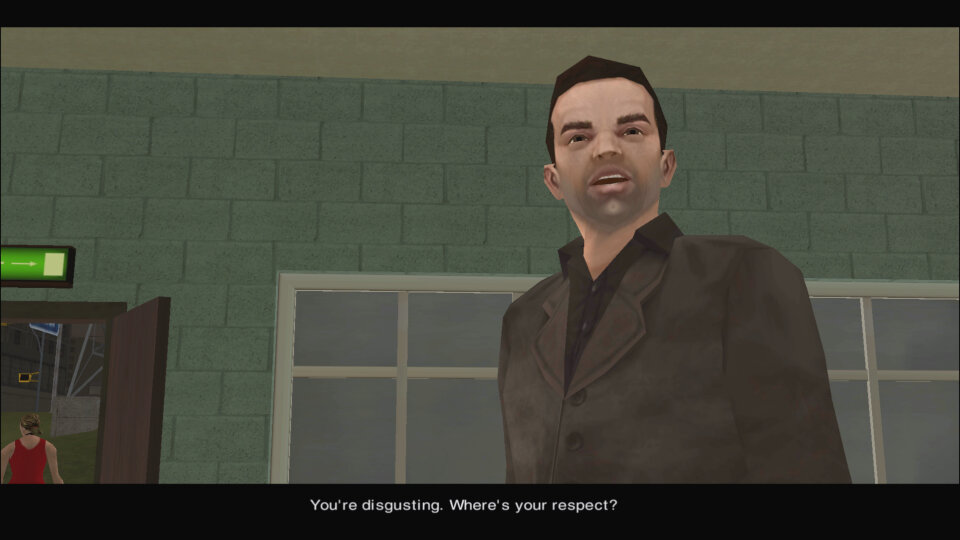
Later Rockstar would port the game onto mobile through the Android and iOS platforms. These serve as a remake of sorts as they feature altered mechanics to make use of the touch screens. The Android version can be controlled via a controller and is fully compatible with Android TV devices like the Nvidia Shield (This is what the screenshots are based on)

Some missions have been altered to make the game easier, likely due to the difficult nature of the touch-based control which these ports were designed for.

Later Android versions would break the game (Android 10 onwards). Patched APK’s exist which make the game playable again. Such versions even include trainer compatibility.

Overall, GTA Liberty City Stories is an excellent addition to the GTA series, providing players with a well-written story, engaging gameplay, and solid graphics and sound design. While it may not be as polished as more recent GTA games, it is still a great game in its own right and is well worth playing for fans of the series or action-adventure games in general.

HTC One M9

HTC’s 2015 flagship which continues on the HTC One M8 design, featuring a premium unibody metal design, giving off a stylish look.

Most notable for the appearance is the Front-facing stereo speakers which was a standout feature of the phone. Offering clear audio from the phone, It was like a little concert in your pocket. That was an awesome design choice and HTC have managed to blend the speaker design into the phone.
Powering the phone is the Snapdragon 810 processor with 3GB of RAM, originally running Android 5, later updates introduced Android 7. 32Gb of storage is included, and it can be expanded using a microSD card.

The M9 had some issues with getting hot under the collar. That shiny, beautiful metal body had a downside: it sometimes turned into a portable oven. Now, don’t get me wrong, a bit of warmth is okay, but overheating can be a deal-breaker, especially if the phone heats up when you’re not doing anything too taxing. I hate to think how hot this phone gets when under full use with a plastic case attached.

Launcher + Notifications

HTC Sense is the default user interface for the handset, You’ve got this neat home screen with customizable widgets and themes. The themes can give your phone a whole new look and feel, and if you’re into making your phone truly yours, this is a big win.
HTC Sense Home is supposed to be smart and intuitive, changing your apps based on your location and habits. It’s like your phone’s playing mind reader. It’s a cool concept, but it doesn’t always nail it. Sometimes, you just want your apps right where you put ’em, right? And having to search for them kind of defeats the purpose of it.

The lock screen with a row of shortcut icons at the bottom. YOu can swipe up from these icons to go directly to them when the phone is unlocked, allowing for easy access to the app. You can also customize the layout and which app icons appear on this screen.

Blinkfeed also makes an appearance, but I have mixed feelings about it. It’s a news aggregation feature right on your home screen. It’s nice to have all that info at your fingertips, but sometimes, I just want a clean slate when I unlock my phone. Maybe it’s my inner control freak, but I want to decide when and where I consume my news. But hey, it’s there for those who want to stay on top of things and it can be disabled.

The notification drop down, which also provided access to phone functions

List of apps that are installed on the handset.

Shows any recently open apps that you can quickly switch back to, or apps that are currently running in the background. You can choose from a card or a grid view layout as seen below. Screen pinning can also be enabled from here.

Lastly some shots of the initial setup application

Oh look, a system update for Android 7. I guess this handset hasn’t been used for a few years.

Applications

HTC had created their own set of applications for common phone functions and preinstalled a few third-party apps.

Music: A fully featured music player is included which can playback your standard music formats. There is also an option to playback from a DLNA server, provided you are connected to a Wi-Fi network. This had no problems playing back from a WDMycloud NAS, but album art was missing and it would play the same track again, there was no sequential playback unless you manually skipped to the next track.
There is also a trippy visualizer, but this only works for locally stored music files, DLNA tracks have no visualizer.
Still, HTC went to a lot of effort for their music player, though you can’t change the pitch like in the LG G4’s music player.

Kid Mode: HTC’s answer to Windows Phones’s Kid’s corner. Here you can pin specific apps to restrict access to the phone.

News Republic: A news aggregation app that used to come pre-installed on some Android devices, including some HTC smartphones. It was developed by a company called News Republic, which aimed to provide users with a comprehensive and personalized news reading experience.

HTC Print Studio: HTC Print Studio was to enable users to create physical prints of photos and images directly from their HTC device, kinda like Snapfish. In addition to standard photo prints, HTC Print Studio sometimes offered the option to order various print products, such as photo books, greeting cards, calendars, and posters.

HTC Help: This app provides troubleshooting and hardware testing to see if there are any faults with the device. You can also view the power usage of individual apps. There are also How-to guides on how to use various features of the phone.

HTC Dot View: This is a special case that’s attached to the phone that adds a protective front cover with a bunch of holes. By using the dot view app, you can customize the standby screen and patterns, which would show the current time and if there are any notifications.

Peel Smart Remote: The M9 has a built-in IR transmitter that allows the phone to control a TV or Set-top Box, similar to what the LG G4 had featured.

Photo Editor: basic editing tools such as cropping, rotating, and straightening images to adjust their composition, plus a variety of filters and effects. You can also change the brightness and colour balance.

Polaris Office 5: View and open documents and spreadsheets on the phone itself. This also has compatibility with Microsoft Office formats.

Zoe Video Editor: Zoe is a video editor and social media app created by HTC, the smartphone manufacturer. It’s designed to allow users to easily create and share short video clips with various visual effects and music. Zoe was initially introduced as a feature on some HTC smartphones and later became a standalone app available for download on various Android devices.
You can edit and enhance video clips with a range of editing tools. Users can trim, splice, and arrange clips to create a cohesive video. The app offers various visual effects and filters that can be applied to video clips. These effects can change the look and mood of the video, adding creative and artistic touches.

Voice Recorder: Simple voice recorder app that supports recording in a variety of audio formats from AMR to ACC. Most phones should support both of these formats.

HTC Power To Give: Some sort of distributed computing app that downloads small workloads to process. Very similar to Folding@Home for the PS3 and PC.

Scribble: A scrapbook-like app that allows for drawing and freehand text. You can drag with your finger, or a stylus (Which isn’t included with the phone) for more accuracy. Samsung and LG have included similar apps in their Android handsets for sharing created images.

Emergency Alerts: Displays any emergency alerts, not much to say since we hardly get any natural emergencies over here. I would imagine this would notify of any disasters or riots of peace nearby.

FM Radio: Simple FM radio that supports auto-tuning and RDS. Radio stations can be saved by tapping on the heart button for easy access.

Gallery: Where photos and videos captured by the camera reside, here you can easily edit or share, or organize into an album.

Flashlight: Turns on the LED flashlight, with a nice skeuomorphic torch on screen,

Clock: View different timezones, set an alarm or 5, and access the stopwatch or a lap/countdown timer.

Car: Enabled Car mode which allows earlier access to phone functions when you are driving

File Manager: Browse and access files on both the internal memory or the SD card.

Weather: Shots of the weather app, which uses the Accuweather API

Widgets

A few custom widgets come with the phone, many are linked to the bundled apps.

  • The music widget will either show the currently playing track, or any recently played tracks.
  • The Peel app can also be set as a widget, allowing for quick control without having to open the app.
  • People widgets let you set quick access contacts to easily call or send a message, similar to how contacts could be pinned to the Windows Phone home screen.
  • The Sense widgets will show you frequently or recently used apps that the phone will learn over time
  • A weather clock widget that come with a variety of clock faces, tapping on it will open the app to access the stopwatch or set an alarm. A variant of the widget will display multiple clocks for different time zones.
  • Data dashboard lets you quickly enable and disable certain phone features like the wifi, this is redundant since the notification bar can be used for this

Settings

A view of the main settings screen

HTC Connect lets you share content via DLNA or screen mirroring. A variety of protocols are supported including Apple’s Airplay, Chromecast, Miracast and Blackfire.

HTC Mini+ was a compact device that linked to the phone for easier access, kind of like a smartwatch. It’s marketed as an easy way to get access to the core features of the phone without having to use the actual handset, like if you wish to make a quick phone call or send a text message.

The personalize section lets you change the appearance of the phone and the notifications that it sounds. Themes can be downloaded and applied to the phone which changes the sound, wallpaper and menu fonts. Like the LG G4, the bottom navigation bar can be customized with additional icons being added in addition to the Home, Back and Tasks buttons.

The phone comes with a variety of gestures, in response to the Galaxy S4. You can enable and disable specific gestures that can be used to trigger phone functions. Glove mode increases the sensitivity of the screen to allow it to pick up input from users wearing gloves.

Lastly a look of the themes and wallpapers that shipped with the phone.

This can happen if you charge the phone whilst connected to a USB 2.0 port. The device needs more than 500mA for optimized charging.

Conclusion

Overall, the HTC One M9 was a looker, no doubt about it. It had that premium feel, it oozed style, and it was like holding a piece of art in your hand. But it did have some quirks, like the heat issue and the button placement. Nevertheless, it was a solid design for its time. HTC knew how to make a phone that was both functional and easy on the eyes.

Shutting down the One M9, done by holding the power/lock button.

Flock (Web Browser)

The OG social web browser

Flock was a web browser that was designed to integrate social media platforms and tools into its interface, allowing users to easily access and interact with their social networks while browsing the web. It was first released in 2005 and was based on the same codebase as Mozilla Firefox and mostly retained the same interface layout and was even compatible with its extensions.

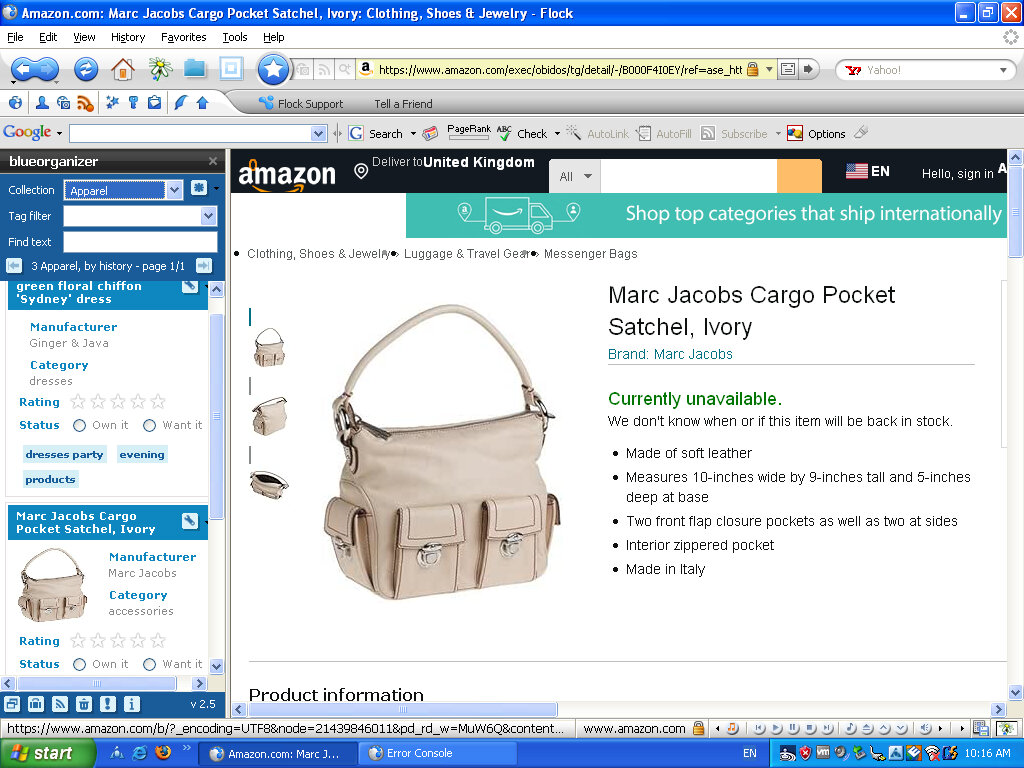
Some other features of Flock included native sharing of content, the ability to preview online videos, a built-in RSS reader, a built-in blog editor and reader, and synchronization with web-based email1. The browser was popular because it had social media integration. With this, you could easily keep track of social networks or your webmail at any time. Another standout feature was the ability to post directly to own blog or social media page directly from the webpage, years before Facebook/X had the ability to do this.

Flock integrated with social media networks by allowing users to log into their social media accounts through the browser. Once logged in, Flock could track updates from friends on sites such as MySpace, Facebook, YouTube, Twitter, Flickr, Blogger, Gmail, Yahoo! Mail, etc. This allowed users to easily keep track of their social networks and webmail at any time.

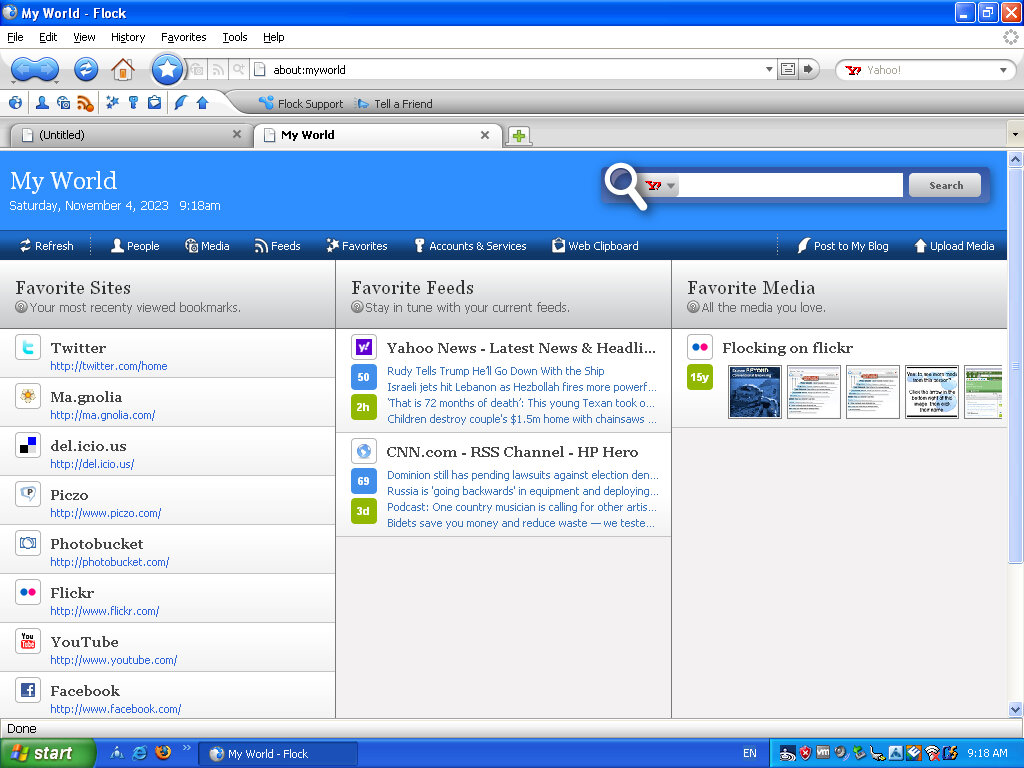
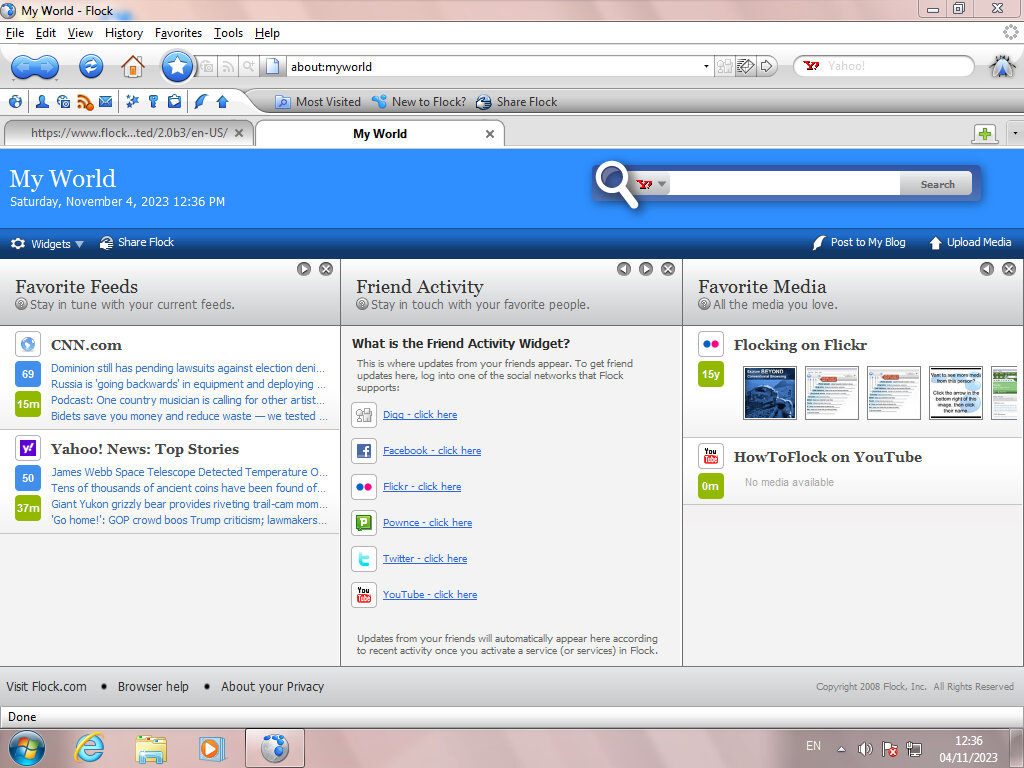
The MyWorld page is where most of the magic happens, giving shortcuts to popular social media and web 2.0 sites. RSS feeds are also displayed here which can be customized.

The user interface is a departure from Firefox, with a glossy blue and white interface. Different themes can be installed, with many from Firefox being compatibility, though the Flock content and customization will standout.

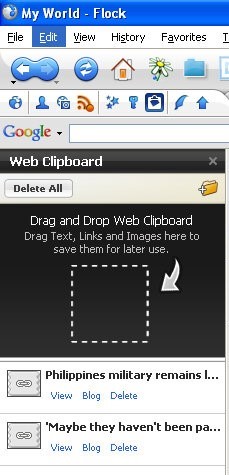
Web Clipboard, sort of like a scrapbook that you cn save pages to for blogging later. You can simply drag the page tab to the sidebar and it will save it for you. Pages can also be sorted into folders for better organisation. Modern browsers also have this functionality, at least in Vivaldi.

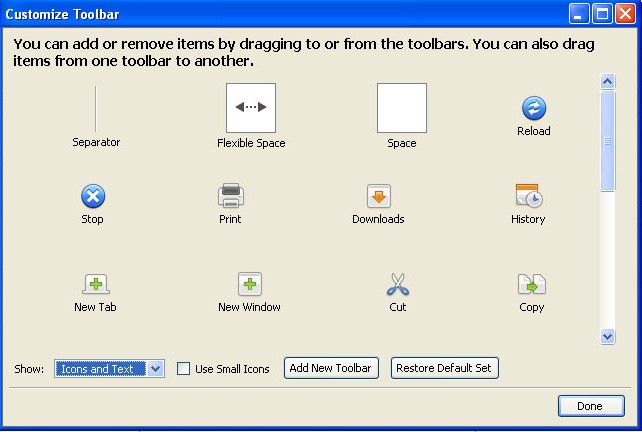
Like Firefox, you can add or remove buttons from the toolbar, and even create your own toolbar. Most icons have been rebranded to Flock’s visual style.

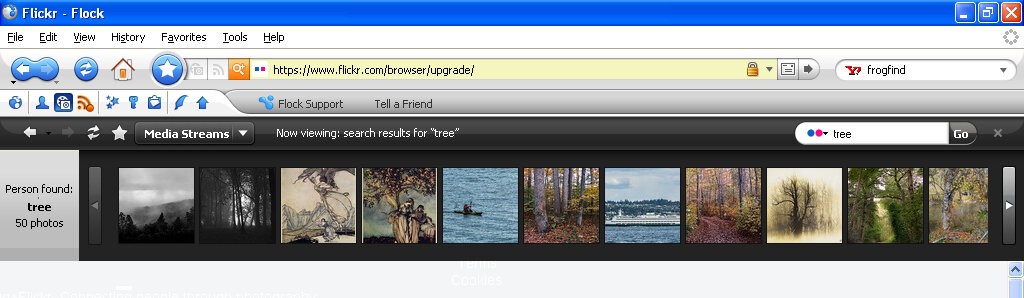
Lets you view content within website that specializes in photo content like Flickr, Photobucket, YouTube and Truveo. These appear within the browser, allowing you to continue on the current website you are on, and can be hidden or closed at anytime.

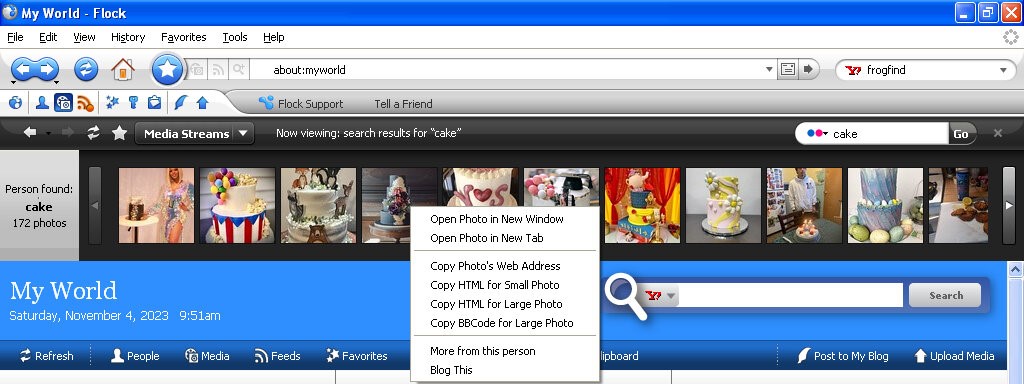
Flickr appears to work, as I can search for a term that comes back with the relevant results. Clicking on an image takes you to that page. Right clicking on an image lets you copy a link to the picture, for when you want to embed it into a comment or a blog post.

The other services no longer work, I guess Flickr has kept their API unchanged or well maintained.

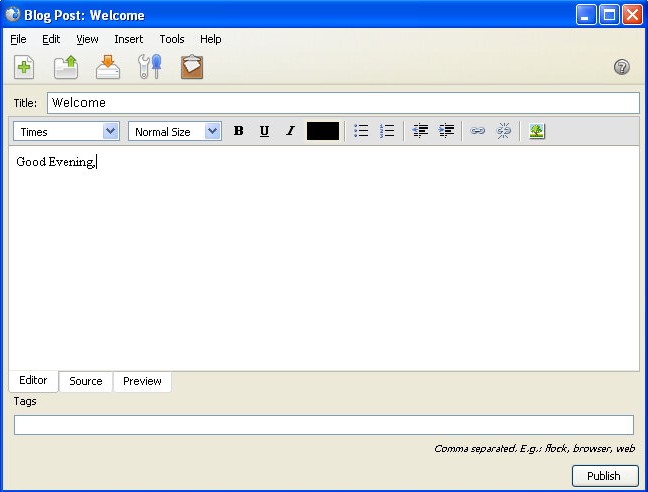
The blog interface, here you can directly write and publish to a supported platform. Protocols such as Atom, MetaWeblog and MovableType.

A lot of social media websites are resistive to social media integration when it comes to displaying content on a third party platform. Many would prefer for you to stay within their platform and app, rather than a third party platform. Windows Phone kinda had the same philosophy with multiple social media networks being present within the phones user interface, removing the need to access the apps individually. A lot of social media comes from engagement and algorithms. Which cannot be done as easily through a browser like Flock. Again they would much rather you access their platform directly and stay there. As such modern replacements are difficult to do, preventing another Flock like browser. Reddit recently implemented some changed to their third party access API’s which make it difficult and uneconomical for third party apps.

The Flock browser had a strong relationship with the concept and practices associated with Web 2.0. Web 2.0 refers to a shift in the way the internet was utilized and experienced, characterized by user-generated content, social media, and interactive web applications. Flock was specifically designed to embrace and cater to the Web 2.0 environment by integrating social media and user interaction into the browsing experience. basically the end user has a way to contribute to the website, in the form of comments or uploading their own content.

Flock was one of the first browsers to deeply integrate social media directly into the browsing experience. It allowed users to access, manage, and interact with multiple social networks from within the browser, aligning with the Web 2.0 trend of social interaction and user-generated content. Web 2.0 emphasized collaboration and user interaction. Flock incorporated tools and features that enabled users to share, comment on, and interact with content and friends’ updates across various social media platforms without leaving the browser.
Flock encouraged active participation and engagement with online content. Its features facilitated easy sharing, bookmarking, and interactions with social media, aligning with the Web 2.0 trend of active user participation and content sharing.

Version 2 added support for additional social networks and services and updated the Gecko rendering engine. This is based off Firefox version 3.

Old Versions for download

Sony Xperia Z2

The Sony Xperia Z2 was a flagship smartphone released by Sony Mobile in April 2014. It was part of Sony’s Xperia Z series and was designed to be a high-end device with a focus on water and dust resistance, camera capabilities, and premium design which set it aside from competing handsets of its time. 

Competing smartphones of its time was the Samsung Galaxy S5. The HTC One M8 compared favourably but had perceived better audio quality owing to its front facing speakers.The LG G3 also beat it in the display department, offering a Quad HD display. However the Xperia offered more memory, a better camera and generally a larger display.

The Xperia Z2’s design – it’s unmistakably Sony. Glass on the front and back, sandwiched with a solid metal frame. The overall aesthetic screams premium, no doubt. But be ready to deal with some smudges and fingerprints, because this thing attracts them like a moth to a flame. One standout feature was the water and dust resistance, with the handset offering cover flaps for both the charging and card slots which set it apart from other handsets, but its glass back frame was a source of weakness, with owners reporting broken or cracked backs from minor drops. It was imperative to use a third party case, which detracted from the appearance of the phone.

The Xperia’s main menu, very close to the stock Android interface few a few Sony enhancements. Also note the Sackboy from LittleBigPlanet and what I assume is the main character from Medieval, two of Sony’s game franchises. 

Still theres a distinct lack of Kratos from God Of War.

Swiping right takes you to another home screen, here you can see the clock, Google search box (which is a widget that can be changed to any search engine that you like) and shortcuts to Google’s services.

The lock screen, which provides shortcuts to the camera when you swipe up in that direction. A common design you will see are waves, which were similar to what was seen on the PS3 XMB and the PS4 home menu, I guess its Sony’s thing

Included Apps

Xperia Lounge: It was designed to offer Xperia users a variety of exclusive content, offers, and experiences that were tailored to their devices and interests. The app aimed to provide a unique and personalised experience for Xperia smartphone owners, offering access to a range of content and perks that were not available to users of other devices. Mainly this was ringtones, themes and wallpapers, though some offers were promoted, mainly for obscure services/products that no one would ever use like vegan chocolate.

PlayStation: Should need no introduction, this was Sony’s app to manage and view your PlayStation trophies and friends. You could also access the PSN store.

Music: Sony’s music player, though I’m a little disappointed with the lack of Walkman branding, considering at one point Sony had Walkman phones. 

Music can be sorted by Artist, Album, Genres or the entire list of songs can be displayed. If album art is saved it will be displayed also. Podcasts also have their own category.

Music can also be streamed directly from Google Drive.

Album: Photo viewer, photos captured with the camera will appear here.

Camera: Both still images and videos can be captured, and Sony have offered additional customizable settings to fine-tune the image before it’s captured. Sony also offers additional apps for specific effects like panorama, timeshift video and 4K capture. Since these are separate apps you will need to go through the permissions malarky the first time you launch these apps.

The Xperia Z2 has a dedicated analog camera button that helps control the focus when capturing an image, similar to the two-stage camera button that was common on Windows Phones.

Support: A help center where users could get more information on how how to use the phone, or how to perform specific features. You can also find out detailed information of the handset itself such as memory usage, or perform hardware tests if you are experiencing issues with the handset.

You can also set an automated backup, which can use the SD card, USB storage or an online service

The STAMINA feature lets you prolong battery life by reducing power usage when the battery hits a certain threshold, very similar to the battery saver feature of Windows Phone. There is also an ultra STAMINA feature, which reduces the phone to a feature phone, ideal if you’re going on a camping trip for the weekend and need to conserve battery power. Though why not just bring a power bank?

Email: A basic email client to connect to email services that didn’t offer their own mobile app. As long as POP3/IMAP is supported, the amp and connect and synchronize with your provider. Most users would typically use either Outlook/Gmail or Yahoo Mail.

Microsoft Exchange was also supported.

Weather: Sony’s stock weather app, powered by Accuweather. Surprisingly this still works well and is able to bring up weather information from my local area.

Calendar: Your standard calander app

Newsfrom Socialife: Sony’s news app. The app aimed to curate news articles, blog posts, and other online content based on users’ interests, allowing them to stay informed about topics they cared about. The app would aggregate news articles, blog posts, and other content from various sources across the internet and present them in a personalized news feed. The content displayed would be based on the user’s selected interests and preferences.

Users could choose their favorite topics, categories, and sources to tailor their news feed to their interests. This allowed users to receive updates about subjects that mattered to them. The app also supported offline reading so that articles could be read in the event they no longer had access to date, ideal if you travel the underground subway/railway.

As of 2023 the app is now dead but was replaced by News Suite, which is still a thing on modern Xperia smartphones, at least on my Xperia 1 IV.

Calculator: Your standard calculator, appears to license some code from SGI (Silicon Graphics) which was a major workstation vendor.

Clock: Standard clock application that is similar to other apps of this type. Includes a stopwatch, alarm clock, clock that supports multiple time zones and a timer.

Lifelog: This was designed to help users track and record various aspects of their daily activities and experiences, creating a digital “lifelog” of their interactions, movements, and habits. The app aimed to provide users with insights into their daily routines and behaviors, with a focus on health, fitness & entertainment. The main features of this app were Activity Tracking, The app used sensors like the phone’s accelerometer and GPS to track physical activities, such as walking, running, and cycling. It could also monitor your movements throughout the day. Additional features were sleep tracking, health insights, goals and social integration. In many ways it was similar to the FitBit app.

Sketch: Sony’s own version of MSPaint, allows you to freehand draw using either the brush, pencil or sticker tools. Shaps can also be added and there’s various image manipulation tools like smudging

The background can also be changed to give the appearance of writing or graph paper, which can also be customized.

There is also an option to place stickers onto your drawing, of which Panda themed stickers are included by default. At one point you could download additional sticks from Sony online, but has since been discontinued.

TrackID: Sony’s own version of Shazam, which has access to the Gracenote database. The app was designed to quickly identify the title, artist, and album of a song playing in the background, which was particularly useful for discovering new music or identifying tracks you encountered in various settings.
AVG protection: Virus protection was a thing on Android, and Xperia’s were commonly bundled with AVG which offered basic protection. With the option to upgrade to a paid version which offered better support.

Well at least it’s not McAfee or Norton.

PS Video: A video-on-demand store where you could purchase movies and TV series boxsets to own, which could then be played on the PS3 or PS4, or if you had a smart Bravia TV. Not to be confused with PlayStation Vue, which was an OTT streaming service limited to the US.

File Commander: A third-party file manager application funded with the phone, and one of the few apps that has adverts. Files can be browsed on both the internal storage, and the SD card if one is inserted. This appears to be a limited trial that requires a license to be unlocked.

Smart Connect: Lets you setup and enable certain events to trigger when you connect an accessory, like a headset or charger. For headsets you can set the phone to automatically open the music app and set it to only happen within set time period.
You can also use this for timed profiles, where you can set the phone to go on silent mode between a set time period.

Kobo eBooks: A bookstore that competes with Amazon’s Kindle, preloaded partly as Sony had discontinued their own bookstore for their eReader series.

Navigation: A rebranded Garmin client, servers as an alternative to Google Maps and makes use of the assisted GPS feature of the phone.

TV SideView: TV SideView was designed to serve as a companion app for Sony’s BRAVIA line of smart televisions. It allowed users to control and interact with their Sony smart TVs using their Xperia smartphones. It can be used as a remote control (requires the TV to be connected to the same network) a program guide powered by Gracenote, and content recommendations for upcoming TV programs. This still works with modern BRAVIA Android TV’s and will pull the current channel list along with TV listings.
Messages: Supports SMS and MMS, with custom stickers.
Notification & Launcher

Sony’s launcher is very similar to what you would find on a stock Android handset, complete with multiple home screens. The home screens can be customized with custom icons or widgets.
Xperia Keyboard, Sony would later switch to the Switfkey keyboard, additional skins can be selected to customize the keyboard 

One-handed mode is a feature to make the phone easier to use.

Sony have their own set of emoji’s that can be used over the stock Android ones

The task switcher, the bar along the bottom appears to be some soft of quick launch bar. The default options are Internet Browser, Timer, Calculator and Screen capture (Which allows you to capture the window itself, like the Windows snipping tool)

Settings

The settings menu is divided into different sections for easier navigation:

Wireless & Networks: Connect to a WiFI network, Bluetooth. In the Device Connections menu, you can ‘Throw’ media onto an external display using either screen mirroring or DLNA, if the TV supports either of these. The Throw feature integrates with Sony’s media apps, giving a unified experience. There are separate options for casting and screen mirroring which are managed by Android.

This might be because screen mirroring was included as standard in later Android versions/updates, but was not at the phone’s release.

Alternatively you can set the phone to be a media server, and have your devices connect to it instead.

Another feature is the ability to pair a DualShock 4 controller, which is the standard PS4 controller. This is useful for playing games that support the Android controller API. This didn’t work on three of my controllers (CUH-ZCT2E) the first couple of attempts, but after closing and resetting the Bluetooth I eventually got it to pair, as it would attempt to pair but would then fail.

Once paired you can controller the phone via the controller and can navigate base menus.

The Device section gives you settings for personalization, such as themes, display, notifications & sound. Theme in particular can be downloaded and applied. to the phone and can change the colour scheme, icons and background wallpaper.

Lastly shutting down the Xperia Z2

Midnight Run: Road Fighter 2

Why are you last? You driving Miss Daisy?

A racing game set on a typical Japanese city highway, complete with rival traffic that you have to overtake and avoid.

There are three different courses available, each named after difficulty (Easy, Normal, Hard). The harder courses have more complicated tracks with sharper corners, and more dense traffic to avoid. They are also set at different times, with the easiest being set in the evening (Sunset Trial), the medium being set at night (Starlight heat) and the hardest at Midnight (The Midnight Run)

There are also four different vehicles to choose from, though there isn’t any difference with their speed or handling, holding the start button down lets you enabled tuning mode, where all the cars have spoilers on them. I assume these are much faster but with less handling.

Initially released in arcades, the game was later ported to the PlayStation in Japan and Europe. There isn’t any new content or game modes added so I can’t really recommend it over the arcade version which has much better graphics. Speaking of, this does run on the Konami ZR107 arcade board which uses the PowerPC 403e running at 32Mhz, but I wasn’t able to locate any information on its graphics hardware except that it uses an Analog Devices ADSP-21062 for its geometry engine, similar to what was used in the Sega Model 2B. it’s likely Konami licensed a 3D accelerator from another vendor.

I’m unsure how it compares to Sega or Namco’s 3D hardware as it only had three games released for it, all of which appear to be racing games.

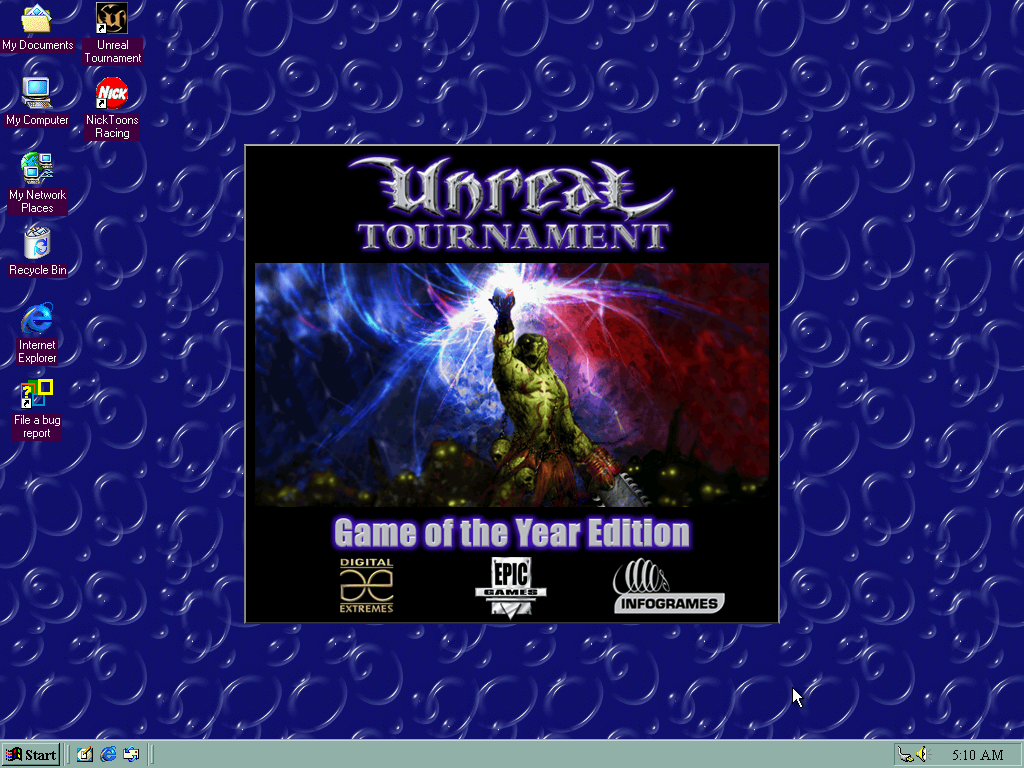
Unreal Tournament

The spin-off that became more popular that its origin game as it expands on the multiplayer aspect of Unreal.

He asked for a 13 and they drew a 31

There isn’t much point of trying to make sense of the Unreal Tournament lore, especially once the sequels come into play. Basically, the tournaments have become annual sports events (Like Soccer, football or handegg) that are also popular TV events set in a dystopian future where corporations control the government (Just like today).

Game Modes

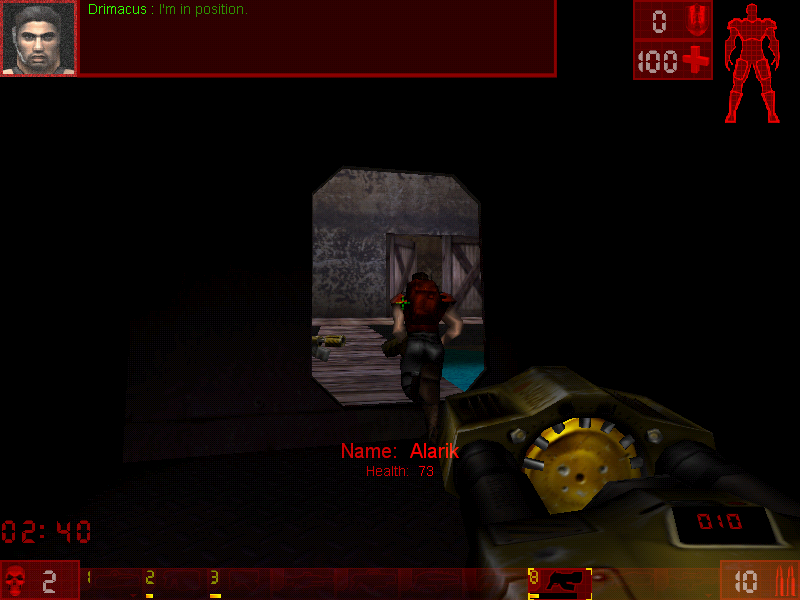
Additional game modes and be downloaded and added to the game, making it very flexible for new ideas for gameplay. Jailbreak is an example of a new game mode. Because of this, Unreal Tournament, and its middleware Unreal Engine because very popular for game modders to add new maps, skins, and mutations to the game, and helped developers become familiar with the Unreal engine which would become the popular engine for various games (in fact, the seventh generations of western games were dominated by Unreal Engine 3)

Capture the Flag

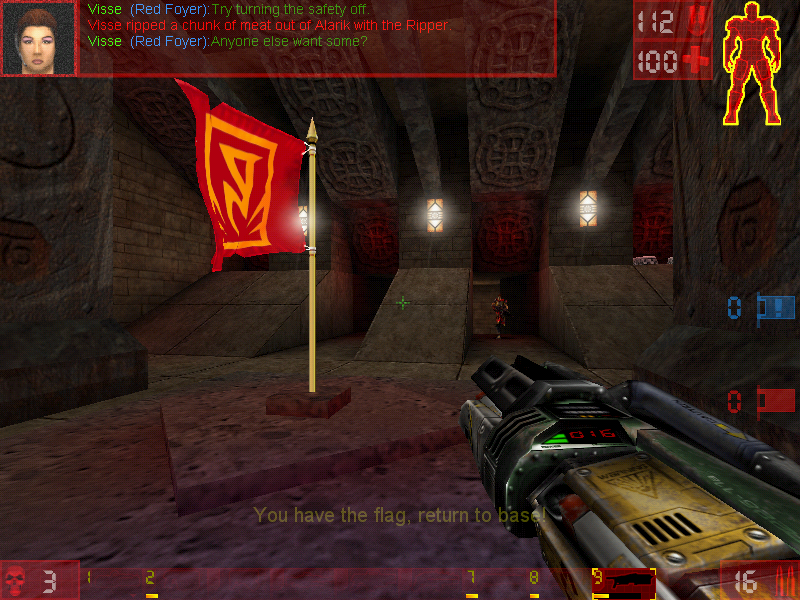
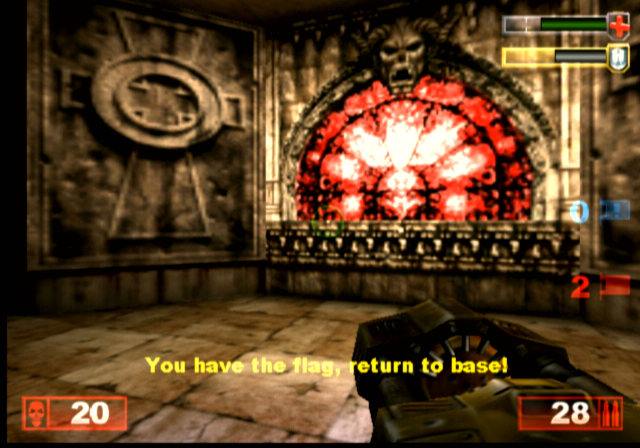
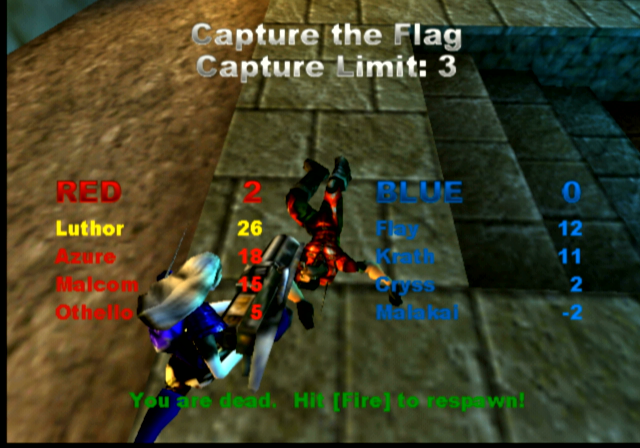
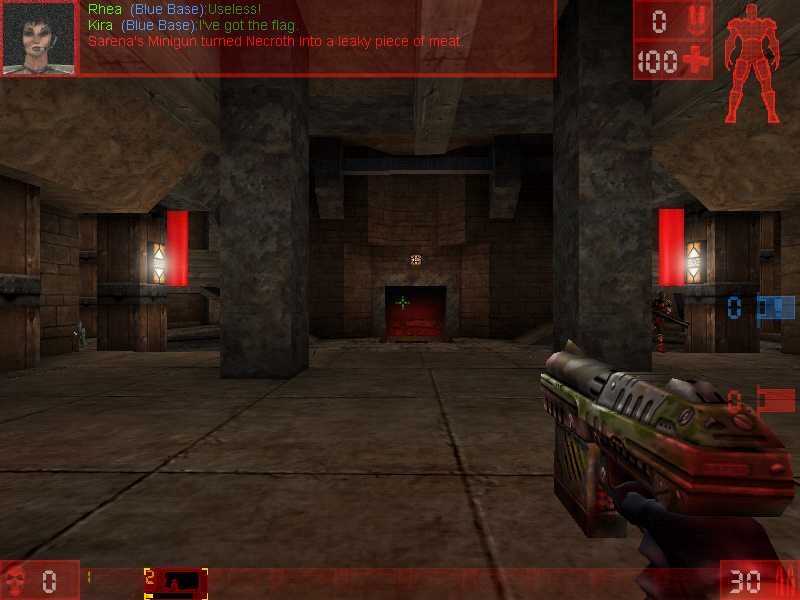
You have to catch the enemy’s flag and bring it back to the base without being killed. If you are killed the flag you were holding would be dropped and someone from your team would have to pick it up, otherwise, it would teleport back to the enemy base should an enemy team member pick it up, or if the flag remains untouched after a certain amount of time.


Here good team communication is key, as you will want someone to be watching the base flag whilst others go after the enemy flag, you may wish to have team members watch certain points of the arena map, especially areas that have narrow corners or corridors. Some maps have secret paths that lead to the flag, so be careful with those.

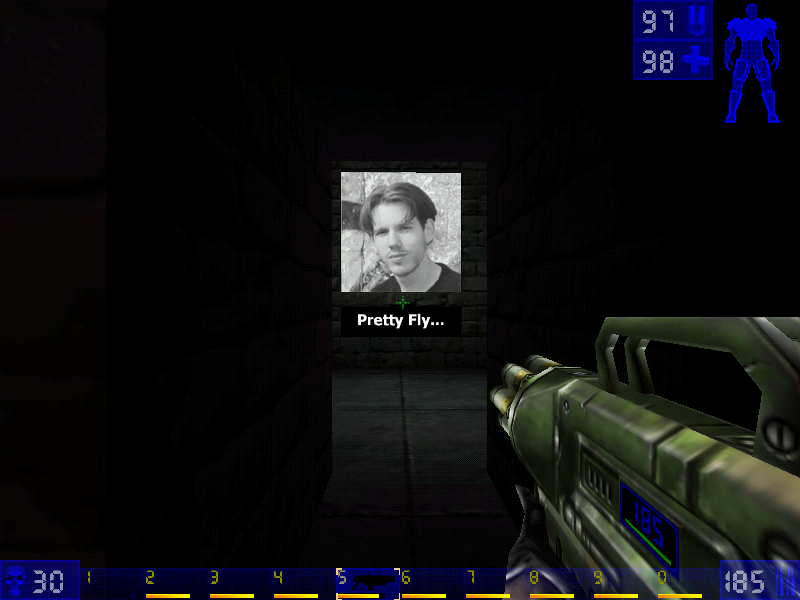
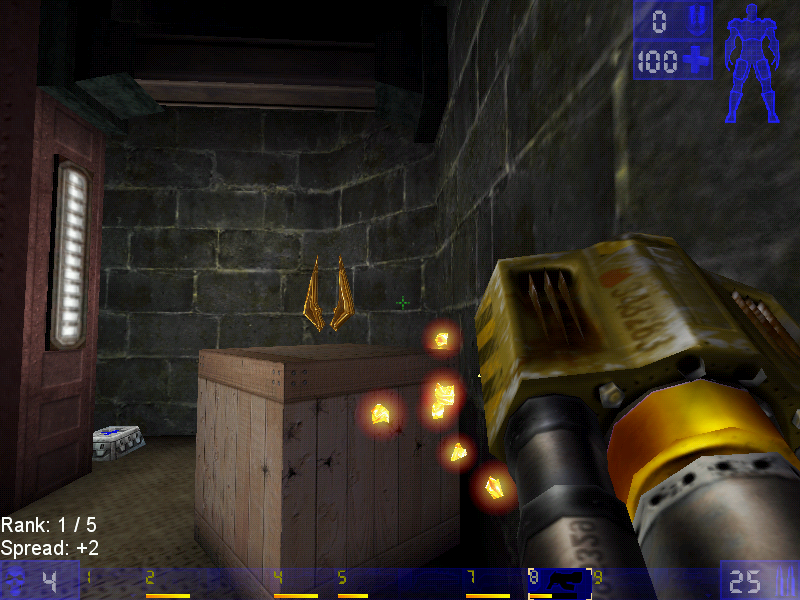
Jump boots, one of the powerups

Deathmatch

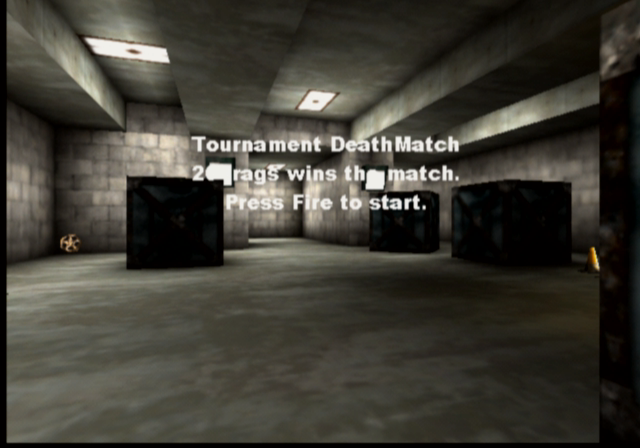
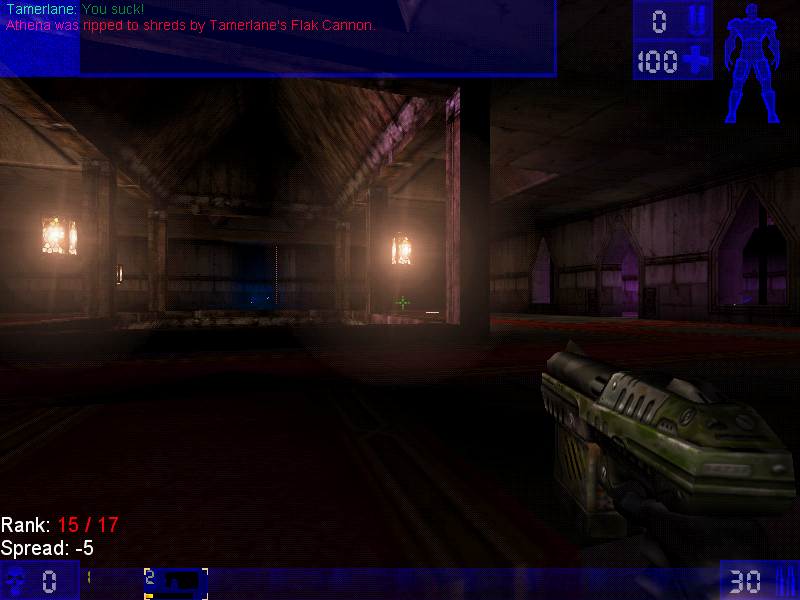
Pure kill or be killed action, there are two main variants of this game mode, Deathmatch, and Team Deathmatch, with the former being you Vs everyone on the map. Team Deathwatch put you on one of two teams (Red Vs Blue) with the team having the most kills winning the game.

Last Man Standing: Another variant of deathmatch, here you have a limited amount of lives and have to be the last player in the arena to have one or more lives remaining. The lives affect the number of times you can spawn, with one life being deducted every time you die and respawn.

Assault

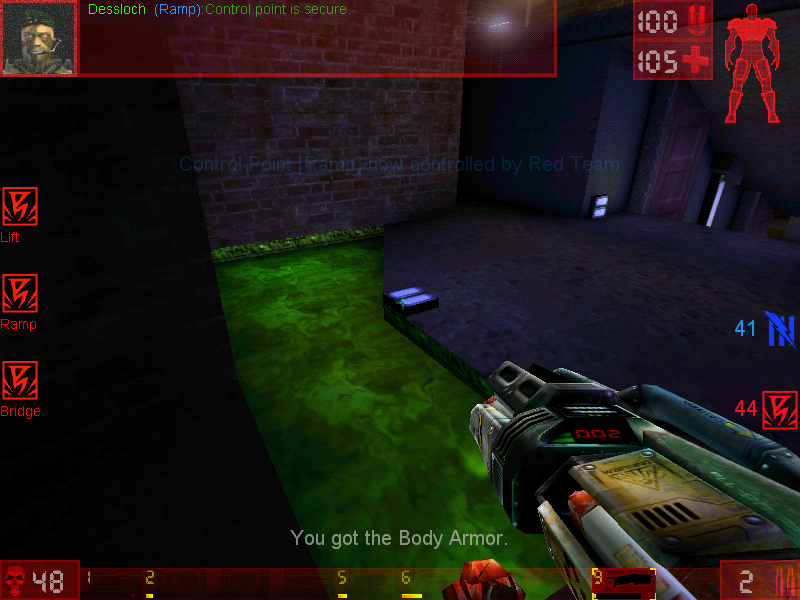
Each map has an equal set of objectives that must be completed before time runs out. One team has the role of attacking, whilst the other has to defend. When one team wins, another role starts where the teams switch sides with the opposing team defending. Spawn points depend on how far the attacking team has managed to progress, with later spawn points being available as objects have become completed.

Domination

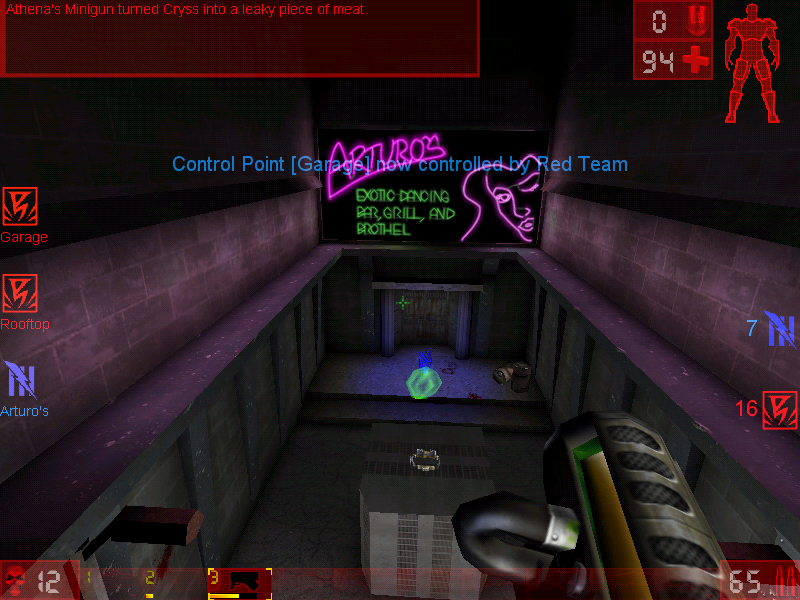
In this mode, there are two teams who had to capture 3 bases in order to gain points. Kills are not essential and sometimes hinder your team, since the opposing player will respawn next to the area they are dominating, making it harder to capture the base. You will preferably want to weaken the enemy player, allowing for an easy kill later.
Points are gained when you have captured a base, and the more bases you capture, the faster your team will accumulate points until the maximum has been reached, of which the resulting team will win.

Weapons

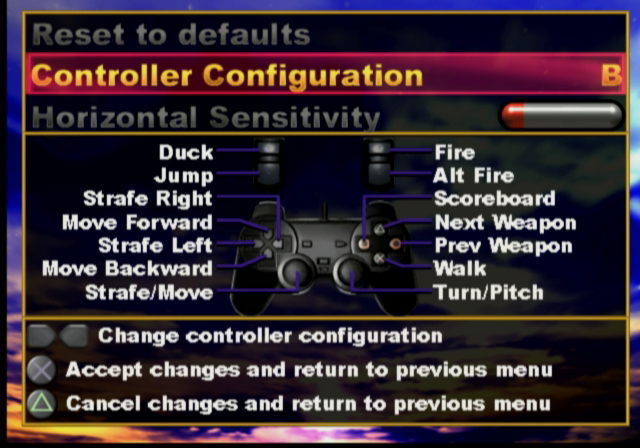
Translocator: Not much of a weapon in terms of damage but allows you to quickly teleport around the map. Your fire the beacon and right-click/alt-fire will teleport you to that location. Be careful though, if a player has been destroyed by the translocator, you will die.

Impact Hammer: The weapon that you use when you’ve run out of ammo and can’t find any more so as a last resort you hope you strike lucky with the impact hammer. This only works when you charge it up and sneak behind a player in order to kill them, otherwise it’s best running and finding a new weapon or ammo.

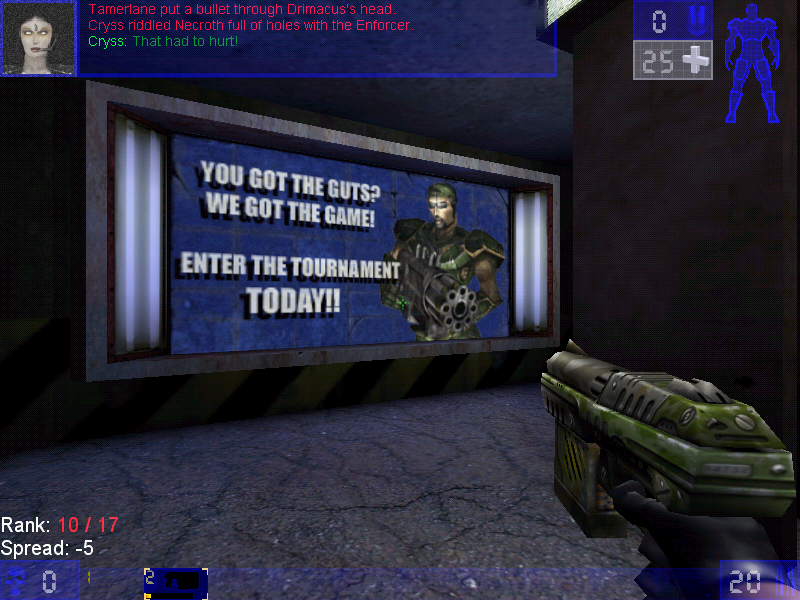
Enforcer: The default weapon that you start and respawn with. Causes minimal damage but gets the job done. The second fire does more dame and has faster speed, but very poor accuracy.

Bio-rifle: Sometimes called the snot gun, fires green-colored gel-like projectiles that stick to any surface. When a player gets in contact it can do some damage. Useful to surround the flag base or the capture point to prevent the flag from being taken. One of those fire and forget guns.

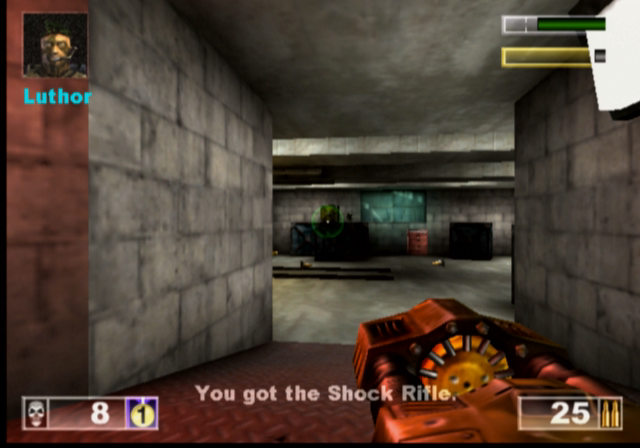
ASMD Shock Rifle: Shoots a stream of energy forward towards the target, the alt-fire shoots a ball of plasma which, when hit with the stream of energy exploded and odes further damage

Pulse Gun: Fires small green balls that are supposed to be energy pulse, nothing really spectacular since it only deals minor damage, but the alt-fire fires a straight green beam which can be linked with the beam from a teammates to increase the damage.

Ripper: Fires off razor blades which bounce off any walls or solid objects, useful for attacking around corners, just be careful since they can bounce back and damage your player

Minigun: Fires a series of bullets after a short delay, since the gun motor has to spin up. Alt fie fires more bullets but is more inaccurate

Flak Cannon: The GOAT weapon, fires a large number of projectiles, deadly upon close contact.

Rocket Launcher: Fires a rocket

Sniper Rifle: It’s a great weapon at a distance, and is somewhat usable at close range. You will really want to use this on CTF or assault games where players are more likely to camp

Redeemer: Fires a nuke into the arenas that deals a lot of damage and a large blast radius, alt-fire shoots a steerable missile but leaves you vulnerable to damage, and the missile can be shot at which will disarm the weapon.

Versions

The game was ported to more platforms than the original Unreal game which makes it more well known with the two console platforms of the time.

Dreamcast

The game was ported to the Sega Dreamcast in 2000, this version came with a few exclusive maps, a redesigned menu system, and HUD and retained keyboard and mouse support. Online play was also supported with you having the modem adaptor and an internet dial-up account.
The VMU is used somewhat, it displays the Unreal logo as a looping animation.

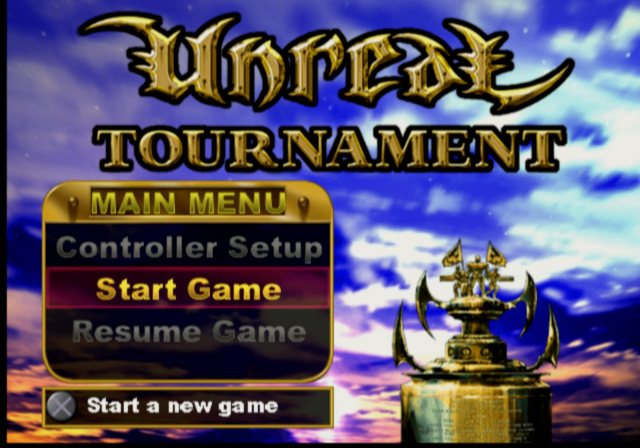
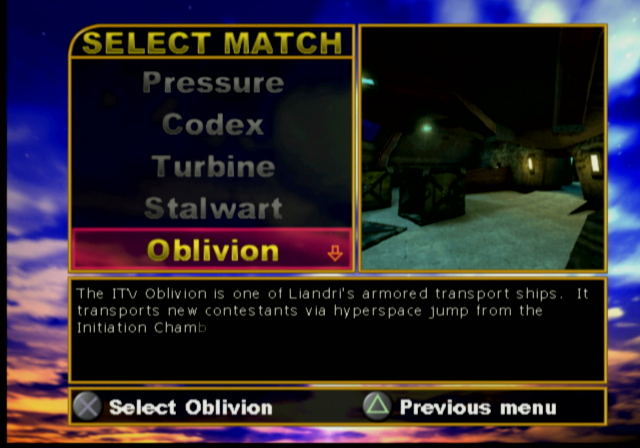
Playstation 2

Released early into the PS2 life, this version suffers from a few framerate issues since the game was not very optimized for the PS2 vector units, and was to serve as a concept for future Unreal Engine titles. You can also see the lower resolution textures as the graphics had to squeeze into the PS2’s 4MB VRAM buffer.

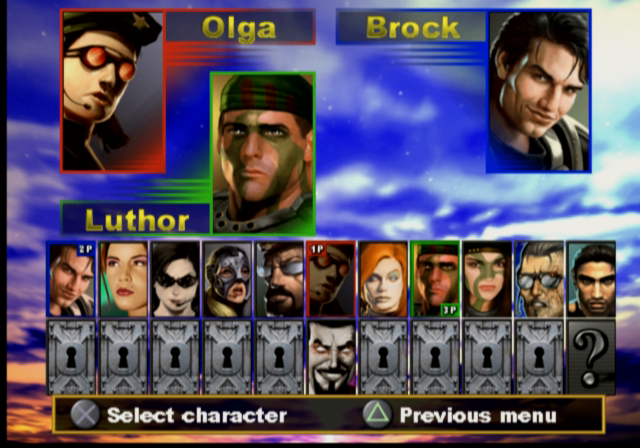
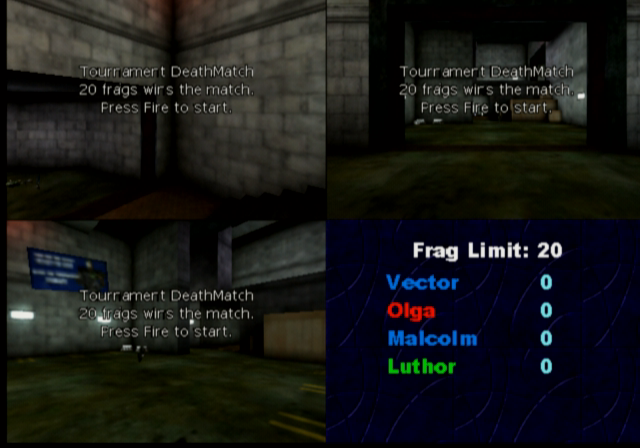
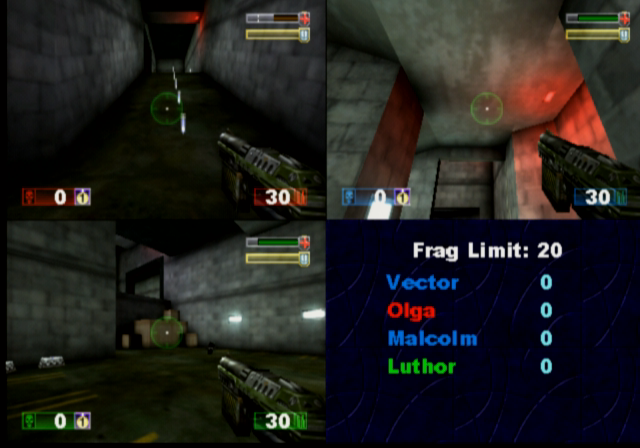
Unlike the Dreamcast version, the PS2 version does not support online play at all, as the PS2 network adaptor was not released at this point (Sony originally intended for the iLink connector to be used for online multiplayer/LAN, but only the US release of Unreal Tournament supports this) This version does support the use of a USB keyboard and mouse which can be used for single-player mode and multiplayer, where up to four players can play from one console with the addition of two controllers and two sets of a keyboard and mouse. This does require a USB hub since the PS2 only has two USB ports, unless you use a combined wireless keyboard and mouse which commonly appears in wireless desktop sets.

As four players are on one screen, a big screen TV is recommended like those huge rear projection TVs that were available of the era.

There are also a few console-exclusive maps that didn’t appear in the original PC release, and some existing maps have been altered slightly due to the console’s memory limitations.

PCSX2 1.6 is capable of running the game but will encounter issues with background music stopping abruptly, and the game will randomly lockup when starting or finishing a game.

MacOS

The game was released for the Macintosh platform and is similar to the Windows PC port, and features support for the Macintosh 3D API (Known as RAVE and used the ATI 3D RAGE accelerators, or Nvidia cards on later Macs) and Glide if the Mac has a 3DFX Voodoo card installed. The game runs best on MacOS 9.2 and has issues running through the classic environment on OS X, for both Jaguar and Panther versions of Classic.

A Carbon version exists but this never left the beta stage and lacks a few features compared to the original MacOS version. This uses OpenGL for rendering and a custom User.ini file, which will cause issues if you dual boot with both OS 9 and OS X as they share the same ini file which dictates which 3D renderer the game should use. In order for these to coexist, you will need to have two different install directories of the game.

Windows

The original and lead platform of the game.

Running on an emulated 3DFX Voodoo 2 in PCem

As the game was released in the late 90s, various 3D API’s are supported

  • Direct3D: Initially supported version 6, with patch v413 introducing DirectX 7 support.
  • OpenGL
  • 3DFX Glide: Version 2.4 of the API is supported
  • S3 MeTaL: An API used for S3 Savage graphics card
  • PowerVR SGL
  • Software Rendering: If your PC has no 3D graphics card, or is not supported by Direct3D or OpenGL then you can run the game in software rendering instead which uses the CPU for the rendering functions.

The game will run perfectly on modern Windows systems, even on Windows 11.

Saint’s Row

Saints Row is one wild ride. It’s like Grand Theft Auto on steroids, with an added dose of wackiness and humor – the original one that is, not the zoomer version.

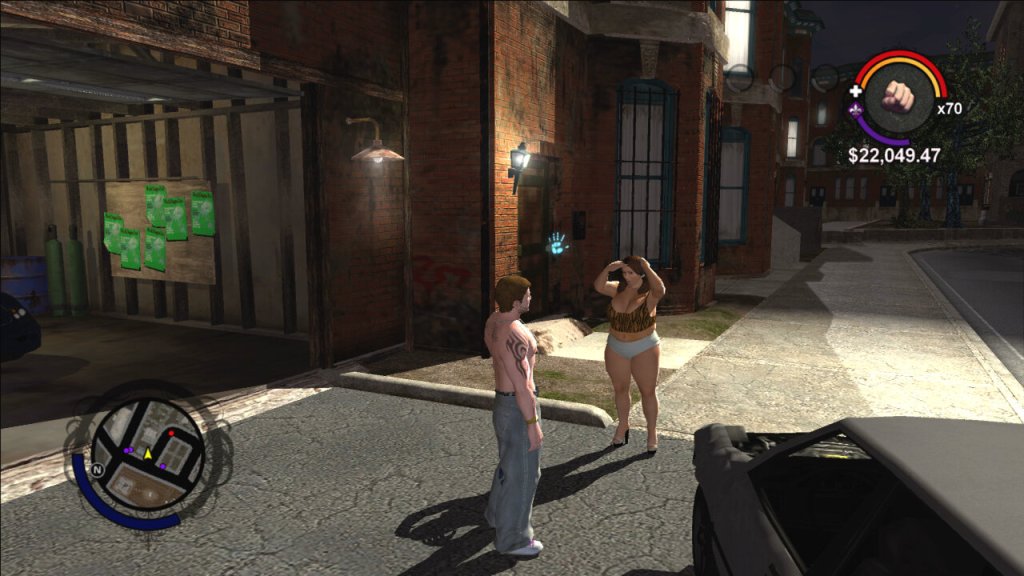
You play as the leader of the Third Street Saints gang, trying to take over the city of Stilwater one block at a time. The gameplay is pretty solid. It’s a sandbox game, which means you can go anywhere and do anything you want. You can drive cars, shoot guns, and even fly helicopters. The missions are varied and exciting, ranging from taking out rival gang members to rescuing your homies from prison. There’s always something to do in this game.

The customization options are also a big plus. You can create your own character, from their physical appearance to their clothing and accessories. You can also customize your cars and weapons, making them unique to your playstyle.

But where Saints Row really shines is its humor. This game is hilarious from start to finish. The dialogue is sharp and witty, and the characters are all memorable in their own way. The game never takes itself too seriously, which makes it a refreshing change of pace from other, more serious sandbox games.

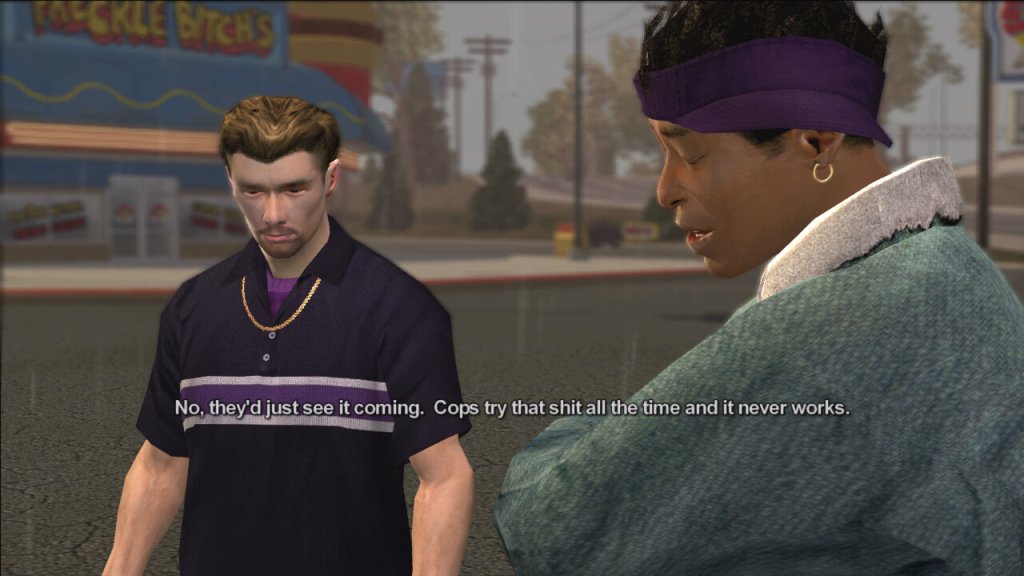
Some of the characters in the game

  • The Protagonist – The player-controlled character and the leader of the Third Street Saints gang.
  • Julius Little – A founding member of the Third Street Saints who helps the Protagonist take over the city of Stilwater.
  • Johnny Gat – A charismatic and violent member of the Third Street Saints who becomes a close friend and ally of the Protagonist.
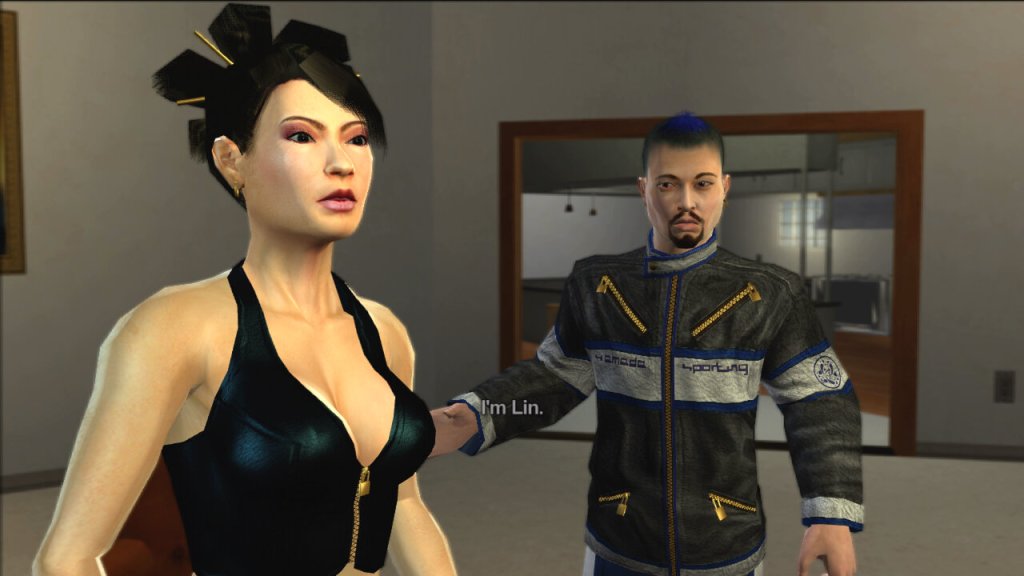
  • Lin – A tech-savvy member of the Third Street Saints who helps the gang with their computer-related needs.
  • Aisha – The Protagonist’s girlfriend and a former member of a rival gang, who becomes a strong supporter of the Third Street Saints.
  • Dex – A member of the Third Street Saints who is known for his business acumen and negotiating skills.
  • Troy – A high-ranking member of the Los Carnales gang, one of the rival gangs the Third Street Saints must defeat.
  • Victor Rodriguez – The leader of the Los Carnales gang, who serves as the primary antagonist of the game.

The Gangs

  • The Third Street Saints – The main gang that the player controls in the first three games of the series. Originally a small-time gang, they become one of the most powerful and influential gangs in Stilwater and later in Steelport.
  • Los Carnales – A Mexican-American drug cartel that serves as the main antagonist gang in the first game of the series.
  • Vice Kings – An African-American gang that controls the southern part of Stilwater. They are the main antagonist gang in Saints Row 2.
  • Westside Rollerz – A gang that specializes in street racing and drug trafficking. They are one of the three gangs that the Third Street Saints must defeat in Saints Row.

Activities

The game features a variety of activities that players can engage in to earn money, gain respect, and improve their skills. These activities range from traditional side missions to more unique and unconventional challenges. Escort where the player must escort a VIP to a destination while protecting them from enemy attacks, Mayhem – The player must cause as much chaos and destruction as possible within a set time limit, Hitman – The player must assassinate a target without being detected by the police or rival gangs and Racing – The player can participate in a variety of street races to earn money and respect. There are other side activities like Insurance Fraud. There are also additional activities like drug trafficking, Insurance fraud and Snatch, many of these reward you with respect that is required to start certain missions, and rewards you with cash.

Like many open-world games set in urban environments, it does touch on some social and political issues, albeit in a somewhat satirical and exaggerated manner. The game prominently explores the world of street gangs and criminal organizations. It depicts the power struggles, violence, and territorial disputes that are often associated with gang culture, which can be seen as a commentary on issues related to urban crime. The game features corrupt law enforcement officials and politicians, which is a common theme in many crime-related narratives. It suggests that the line between criminals and those meant to uphold the law can sometimes blur.

Stilwater, the fictional city where the game is set, is depicted as a city with areas suffering from poverty and decay. This portrayal may reflect issues related to urban blight and inequality in real-world cities.

When the game was originally released in 2006, it was one of the few Xbox 360 exclusive titles, despite later sequels being multiplatform. It was re-released for the Xbox One as part of the backward compatible titles and can be brought digitally or played by using the Xbox 360 discs, though it still remains exclusive to the Xbox family of consoles.