A quick update and a look at some newly added apps for the Virgin TV 360, including some new games. Correct as of December 2023.
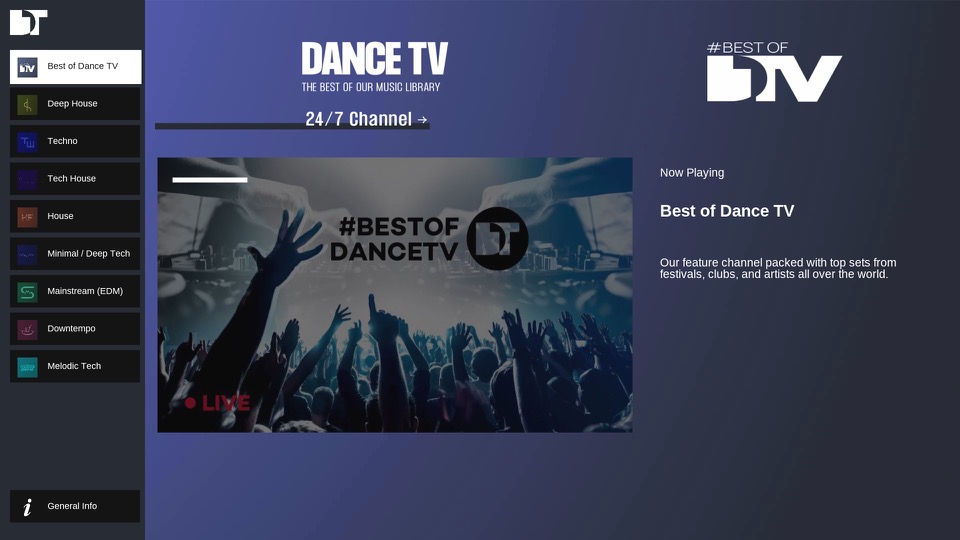
DanceTV
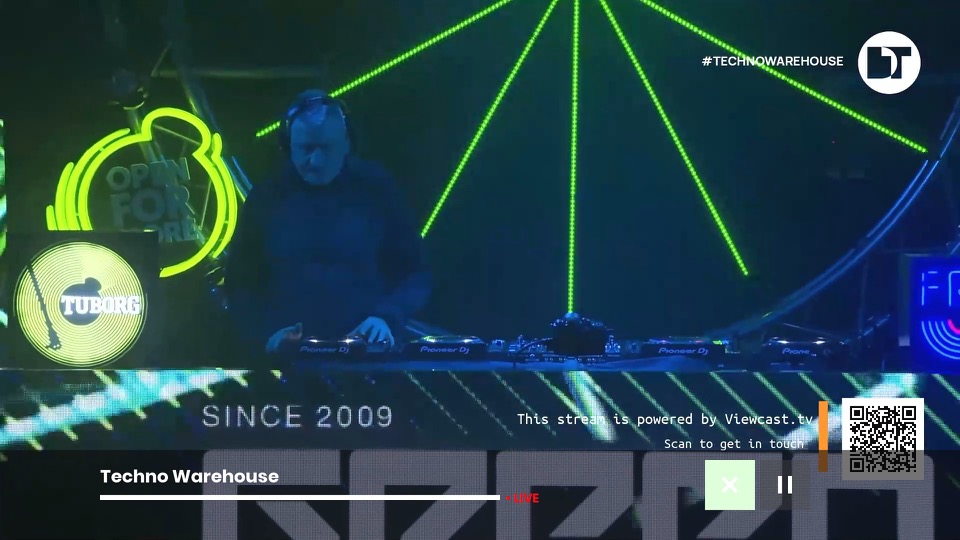
A collection of live music channels that focus of different genres of dance music. Feeds include Deep House, Techno Warehouse, House Floor & EDM Mainstage. There is also a main channel that has a variety of dance music. These channels will play mixes from live events. I’ve yet to see traditional music videos on there, so you’ll have to stick with KISS and Clubland TV for those.
AppleTV+
We now have AppleTV+ which is Apple’s streaming TV service that features a few of their original shows. Virgin has really made a push to add further streaming services to their platform as additional subscriptions, and this will be important to the VirginT V Stream which is reliant on these services.
Games
Games have been reintroduced onto the service, and unlike the Tivo games they are currently free, though I suspect they will introduce adverts into them at some point like BT did with theirs.
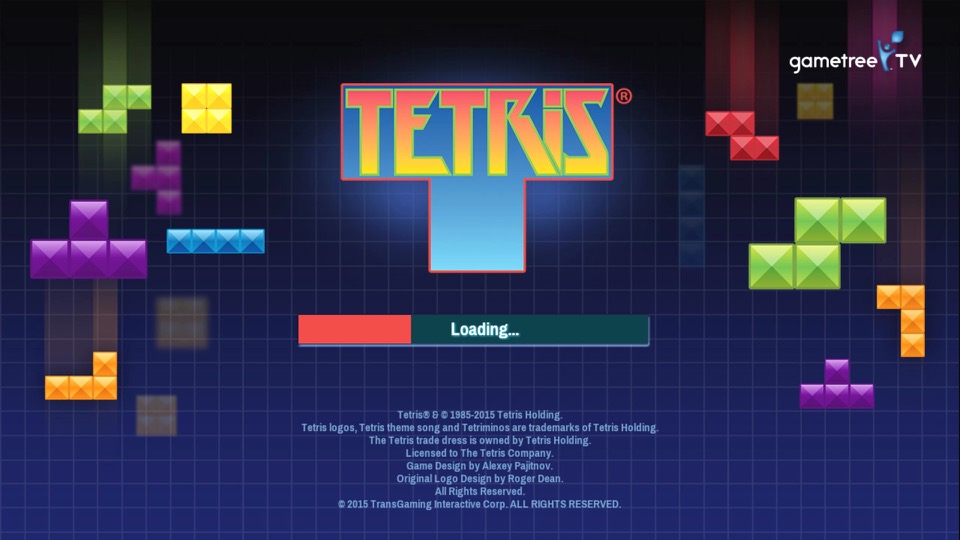
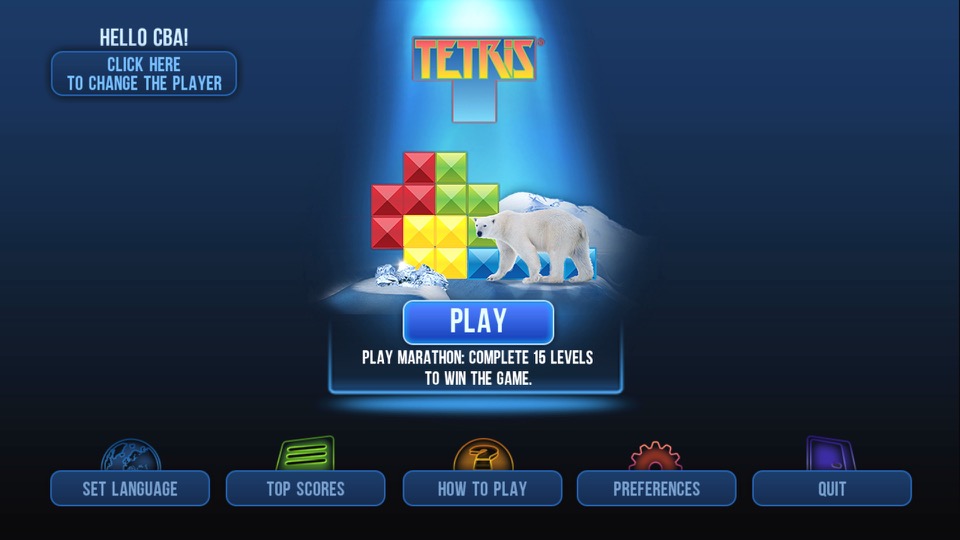
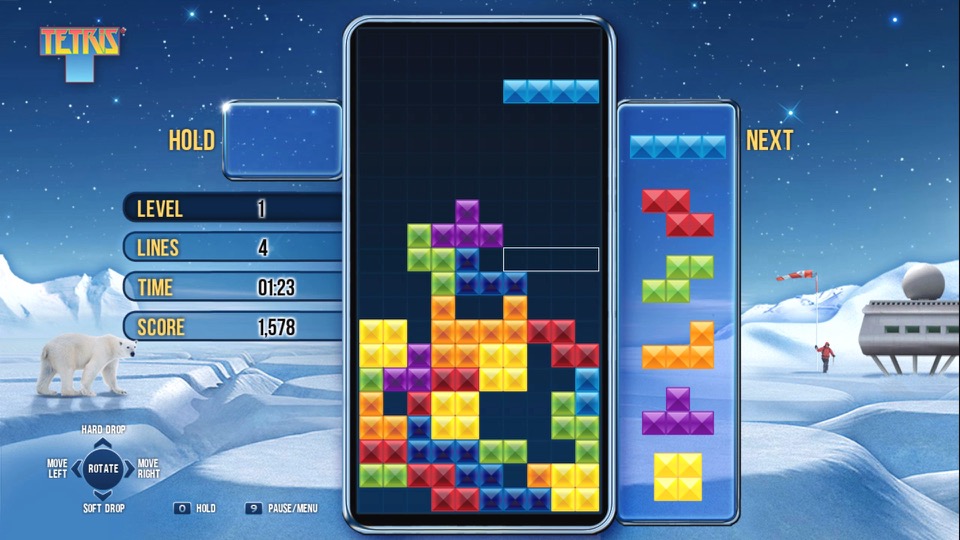
Tetris
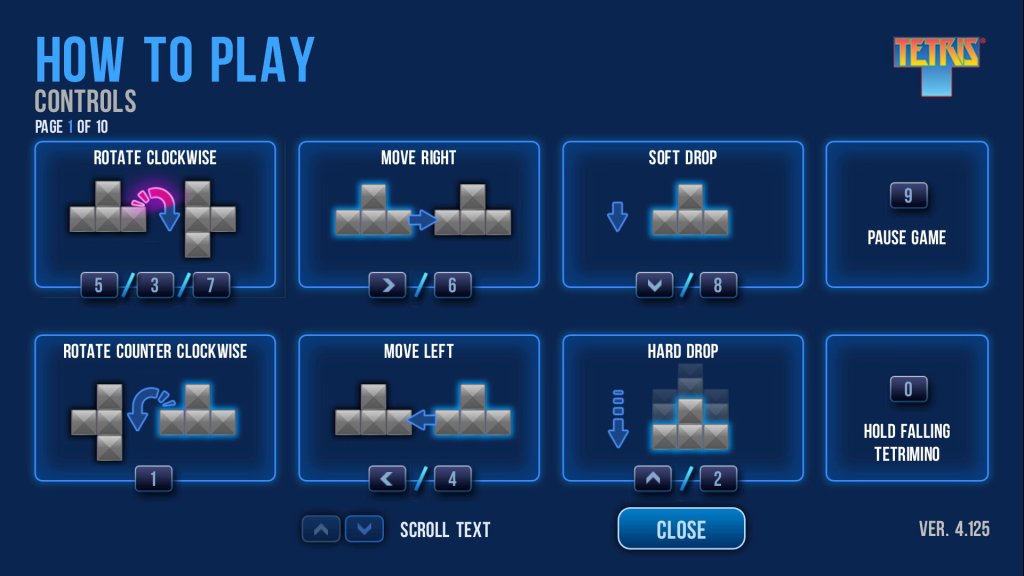
A favorite that you cannot go wrong with. It’s a little tricky with the remote, pressing OK will rotate the piece and pressing up or down will immediately drop the piece. This is very similar to the version featured on BT TV, in fact it’s the exact same game.
Hangman
A simple game of hangman where you have to guess the correct word. You can choose from a list of different categories (Professions, Animals, Fruits, Vegetables, etc).
brutal
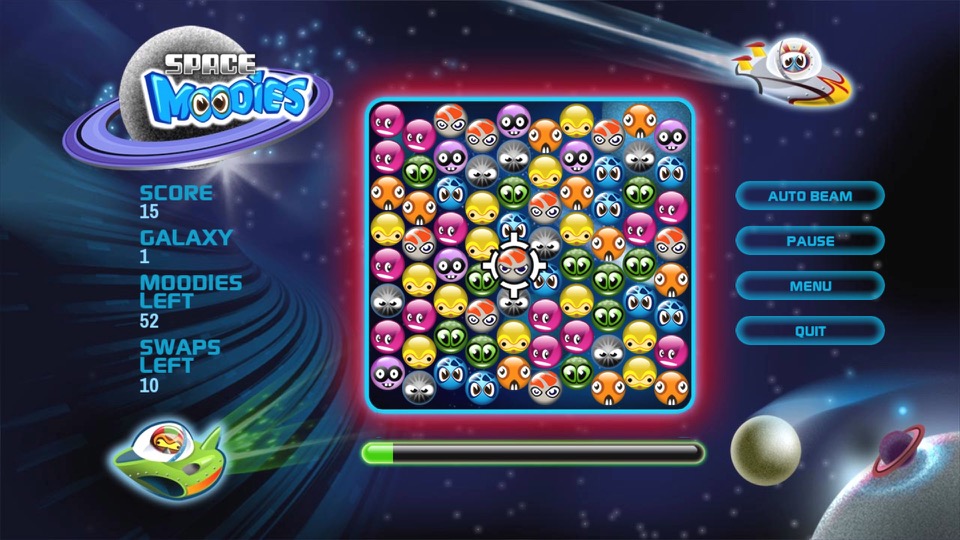
Space Moodies
Another one of those games where you have to match three of the same colour.
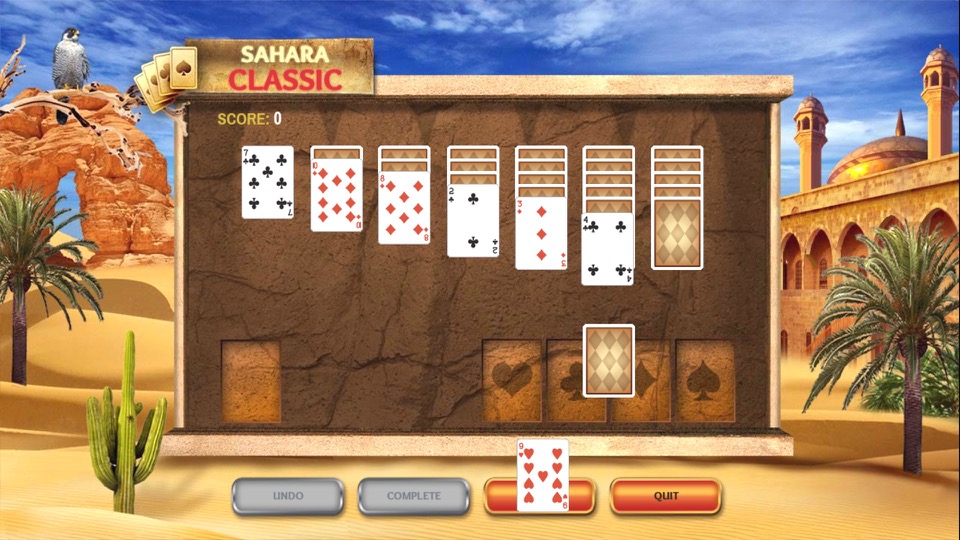
Solitaire
Some card game I have no idea how to play, I’d imagine it’s the same as the Windows version.
Other Stuff
Fast channels are a bit disorganized, you do have a section of channels in the main EPG, but many reside in their own container apps.
One idea would be to organize them into existing EPG genre sections but make them distinct from actual channels. This would increase the visibility of the channels. For example, allocate 600-630 to traditional news channels (BBC/Sky/GB News) with 631-660 allocated for the FAST news channels. The same would apply for the music channels with (250-280 for MTV/NOW Music/Bauer channels) and 280-299 for Pluto’s music channels. This would make the channels more noticeable since they are tied into the EPG and since ITV and UKTV have embraced these services, it would make sense to do so.
Ofcom are looking into regulating these channels, as they are currently unmonitored since they are not classed as broadcast channels which might explain why Virgin have separated them for now. I expect them to act on this urgently since they really don’t want Infowars on our screens anytime soon, or anyone who dares to go against The Message.
There is also a question if FAST channels are sustainable – Possibly.
Whilst many are getting accustomed to Video On Demand (Streaming services) these make a lot of sense for serial drama’s and Sci-Fi shows, since many viewers will want to follow these series more sequentially, as each episode is often connected with each other in order to follow the overall plot. Reality and documentary shows however are different as the episodes are not always connected, and in the case for DIY shows they often feature a different set of people for each episode. Or in the case of Mythbusters or Brainiac, a different subject per episode. I guess cartoons and certain sitcoms could also fall into this.
TLDR: We need a central hub for these FAST channels, the main EPG might not be suitable due to possible Ofcom regulation.
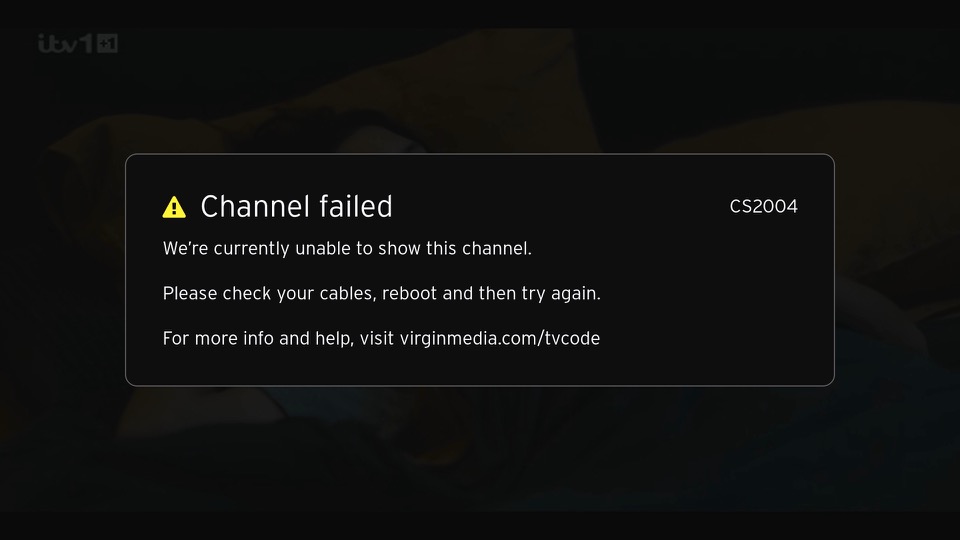
An error screen that appears of the box cannot tune to a channel. This can happen if your signal levels are out of wack or if you just disconnect the RF cable. This will not affect the FAST channels in the guide and the box will continue to operate normally for many of the streaming apps or on-demand stuff. Recording can also be played back from the main TV box.
Virgin’s successor to the Tivo and sort of answer to Sky Q.
The familiar colour of purple welcomes us to the 360 and we are greeted with the welcome change on channel… 360. Its a nice touch and goes through the capabilities of the new software. The platform makes use of Horizon 4 platform by Liberty Media, which is the parent company of Virgin Media. Horizon is also used across Europe by VM’s sister company like Telenet and Ziggo. Horizon was previously in use on UPC Ireland, which was later bought and rebranded as Virgin Media Ireland.
The set top box itself remains the same as the V6, using the Arris DCX960 with the same amount of storage (1TB), though a different remote control is used which drops the Tivo thumb buttons but adds a profile button and voice control. By using the same set top box, this allows for an in-place upgrade which can be requested by the customer to migrate the software from Tivo onto Horizon. A new remote is sent via the post during this process and once recited and activated by the customer, the software is upgraded.
One setback is existing recording are lost during the upgrade, so there is a grace period of 5 days before the software is updated automatically. This is likely due to the two platforms using different DRM to manage recordings.
TV Guide
The EPG guide, with the miniTV being displayed on the bottom right of the screen, which is a weird place to put it. The Tivo and even their older Liberate software placed the miniTV on the top right.
Pressing the OK button bring up the information banner which will show what you are watching. And what is on later that day. It will also show you the director, and the cast of the current movie you are watching, in a similar manor to how the previous Tivo platform presented it.
You can also set the box to record the current program, and enable subtitles or audio description.
Scrolling down will also give you options to watch on demand or to purchase it from an online store. You are also given recommendations of similar shows or movies
Channel off air slides, these come from the video stream and are not generated by the box.
Ah my favorite show, Fringe.
Filtering by the channel genre
Pressing Ok will bring up a small menu
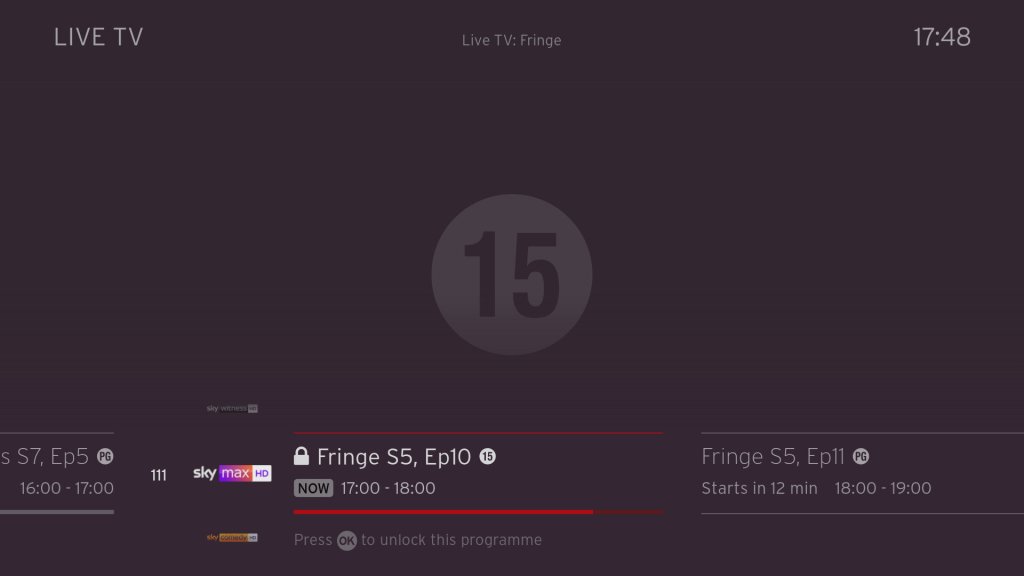
Trying to watch an age restricted program outside of watershed hours, pressing Ok will prompt you to enter your PIN.
Navigating the user interface, you can quickly see what’s on next, and on other channels.
FAST Channels
Some of the PlutoTV channels will appear in the guide as streaming channels, however they are not integrated very well. Selecting then channels requires the box to buffer for a few second which cannot be helped, but when leaving the channel you are promoted if you wish to leave, which makes cumbersome when channel flicking. I wonder if this is a side effect of Ofcom, since these are not considered traditional broadcast channels then they cannot be directly accessible from the guide. I should also not these channels cannot be recorded, but their content is available on catch-up via the PlutoTV app.
This message will appear overtime you try to change channels in the top right corner, making it cumbersome to channel surf.
You also cannot pause or rewind for these channels, nor can you record any shows on these channels. Trying to do so will show the above message.
+1 channels now have their own section in the EPG which some might prefer, these are in the 3xx section of the guide. These channel are largely redundant, since you can just record or use the catch-up feature considering you have six tuners at your disposal, there’s little need for these time shift channels.
Voice search is a new feature that comes to the Virgin platform. Here you can press the microphone key on the remote and speak into it, either a command or a show you wish to search. It actually works quite well and is much more convenient than having to type to search on an onscreen keyboard, and it appears to be quite accurate despite having a lot of background noise.
Every so often, the Horizon software will show hints on how to navigate the TV guide interface.
Settings
Profiles are one of the main features of the 360 software, where each user can set their own preferences for favorite channels and language settings.
Favourite channels
A few accessibility options with voice-over options added.
Parental controls where you can lock specific channels or apps to restrict their usage. You can also enable PIN requests for program’s recorded after the watershed.
Video output settings, up-to 4K (2160p) output is supported.
System configuration where you can amend the auto power off. One power lets you turn on both the 360 box and the TV itself at the same time.
You can also switch between the Ethernet connection or to use the WiFi instead, though the box will always try to use the Ethernet connect if its available. You can also rename boxes if you have multiple 360 boxes.
Lastly some information about the box, this one appears to be the Arris DCX960. There is also a Humax version floating about (Humax 1008R-HDD-VM )
According to a few online sources, the box is powered by the Broadcom BCM7252, with 4GB of RAM. The CPU is a dual ore ARM processor though there is no indication as to which core it implements (most likely the Cortex A53)
Lastly adding additional buffering time to recordings.
Recordings
Watching recordings, which shows both shows available on demand and recorded program’s. Anything recorded and stored locally is represented by a full circle, whilst on demand is represented by a red ring instead. This is a bit misleading since I assumed the ring meant unwatched programmers, whilst full circles were already watched.
Selecting. show will display the amount of seasons that are currently available, and a list of episodes to select from with a short description of the episode.
A list of recorded shows, what can be sorted by date. You can also view any recording that are planned (and active season passes)s and how much disk space remains.
Like Tivo, you can customize the season passes where multiple episodes can be recorded. You can set to record only new episodes only, or from a specific season. And set to keep at most between 10 – 25 episodes so your storage does not get filled up from one show.
Age restricted program’s will require a PIN to be entered to watch. By default this is set to 1234 but can be changed at any time.
Apps
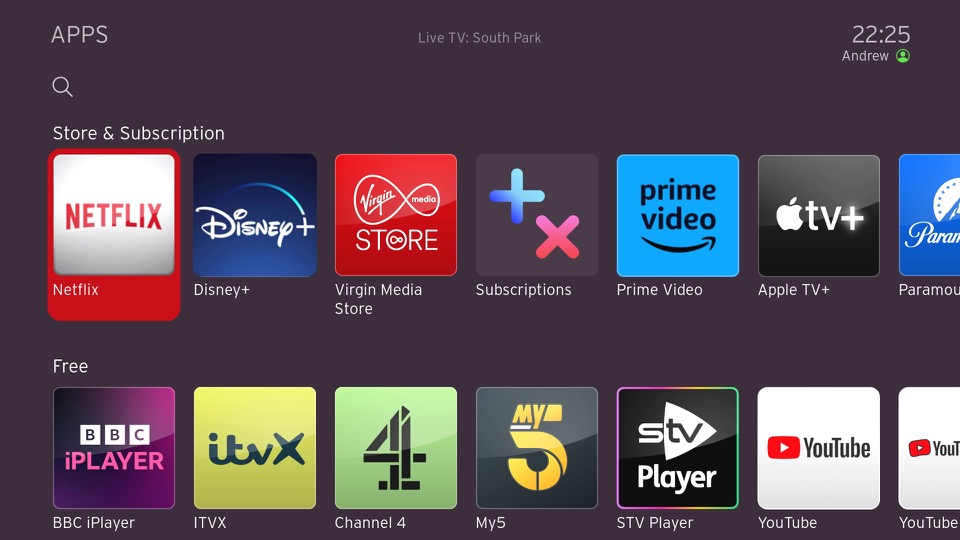
All the standard streaming apps are available such as BBC iPlayer, ITV X, Netflix and Amazon Prime.
PlutoTV: A free, ad-supported streaming service that offers a variety of on-demand movies, TV shows, and live channels. It operates similarly to traditional cable or satellite TV, with a channel guide that allows viewers to watch content on specific channels at scheduled times. Pluto have expanded the amount of channels steaming with the service since its launch on Virgin Media in 2020.
Radioline: A radio streaming app similar to TuneIn, radio stations and podcasts can be streaming and played through the 360 box, or through your sound system if you have your 360 box hooked up to it. There is an SPDIF audio output on the box for you to connect to an supported audio system.
VEVO: For music videos, had a large catalog of songs but there are certain omissions from popular artists, in that most all their music videos are available. Like Spotify, there are curated playlists available.
The Red button still exists, and can be invoked on the BT TNT Sport channels to quickly access other screens
BBC also still has a red button service, although this is just links to iPlayer instead. No more news headlines or information, that’s all done through the internet now.
A fireplace app, that shows a looping view of a fireplace. No I’m not kidding.
Fit At Home: A video fitness app with pre-recorded exercise segments
News headlines from France24
And the Wall Street Journal, a newspaper who famously tried to claim that PewDiePie was a nazi.
Paramount+ and Disney+ is also a welcome addition to the service. Now we just need Discovery+ to be added, although Virgin offer a lot of their content through their live TV channels and catchup/box sets.
No games though, why?
Full view of the app gallery
Comparison to Virgin Media Stream
Not long after the 360 was launched, Virgin introduced Stream which was offered to broadband only customers. This is a tiny box that connects wirelessly and is independent of the cable network (you still need a Virgin internet connection). Main different is you not receive live V channels through I (in the traditional sense, some apps might allow live TV broadcasts but its not using DVB-C, rather IPTV)
It’s really geared to customers who prefer to stream their shows fully on demand and have no plans to watch live tv, or they are happy with the freebie lineup instead.
Virgin Media App
A few captures of the Android app, running on a Sony Xperia 1 IV. The app will block screenshots when a channel is being streamed but not if browsing the guide. You can push channels and shows directly to your 360 box if its on the local network, and use your phone as a remote control providing its on the same network.
Lastly you can watch live broadcasts on any internet connection, but you are limited to up to 5 devices.
Conclusion & Improvements
My overall though on this was, is that it?
It’s not a bad services, if in fact its a lot better than say BT TV or TalkTalk offer, but there just isn’t that much improvement over the Tivo software that was used previously, This does goes to show how forward thinking Tivo was in its design and feature implementation. But really the move to Horizon 4 was more so that Liberty Media could have their operators migrated to one common platform.
If you’re an existing Tivo V6 user than there is little incentive to upgrade, unless you need the voice search.
Some improvements that could be made are:
Better FAST channel integration: Its a good idea to integrate them into the guide, as many people will simply ignore them if they’re hidden inside an app. But the shortcoming is you cannot channel hop as easy since the box will prompt you if you wish to leave the app, despite the illusion that you are still within the live TV interface.
More storage options: Needed as you lease more mini boxes from Virgin, 1TB isn’t going to cut it for a large household, especially when you consider 4K content. A 2TB upgrade would be very welcome. The box is detachable from the hard drive, though it requires unscrewing from the base. This is really so that Virgin can offer a mini box using the same design, the end user is not authorized to modify the hard drive.
Ability to steam to a smart TV or a Android set top box, or function wirelessly: This seems to be a common request for multiroom, as many people would prefer if they could get Virgin TV in another room without the need for a coax connection, like the mini boxes for Sky Q. However being able to stream live channels to another network device might be beyond the 360 hardware capabilities, its designed more as a generic PVR than a server. I really wish Virgin would pull their finger out when it comes to this, as multiroom viewing was one of the things cable TV did well and it seems they are not really trying with the 360.
I’m not sure why the Stream isn’t capable of this, I would assume they are using the same Horizon middleware.
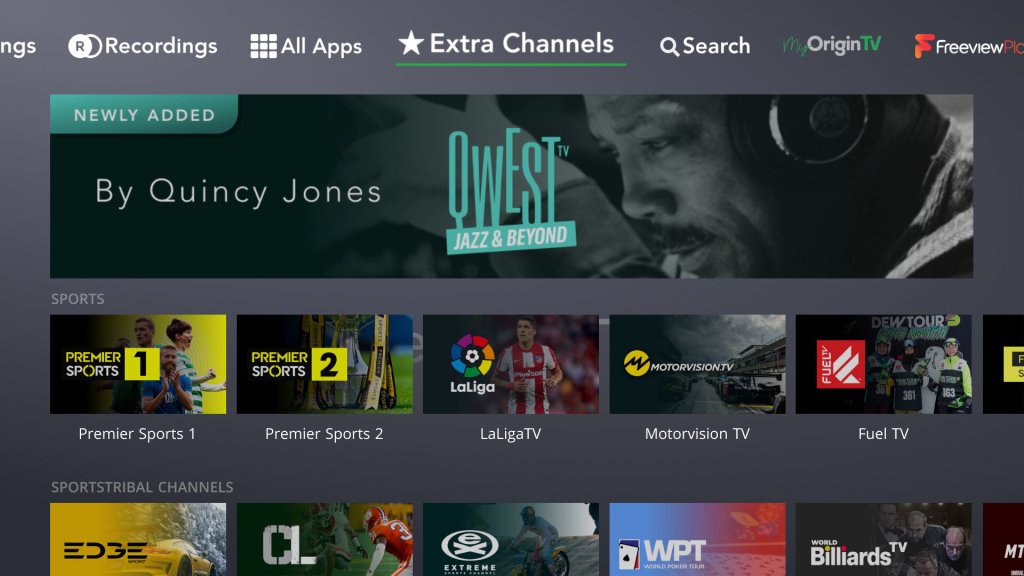
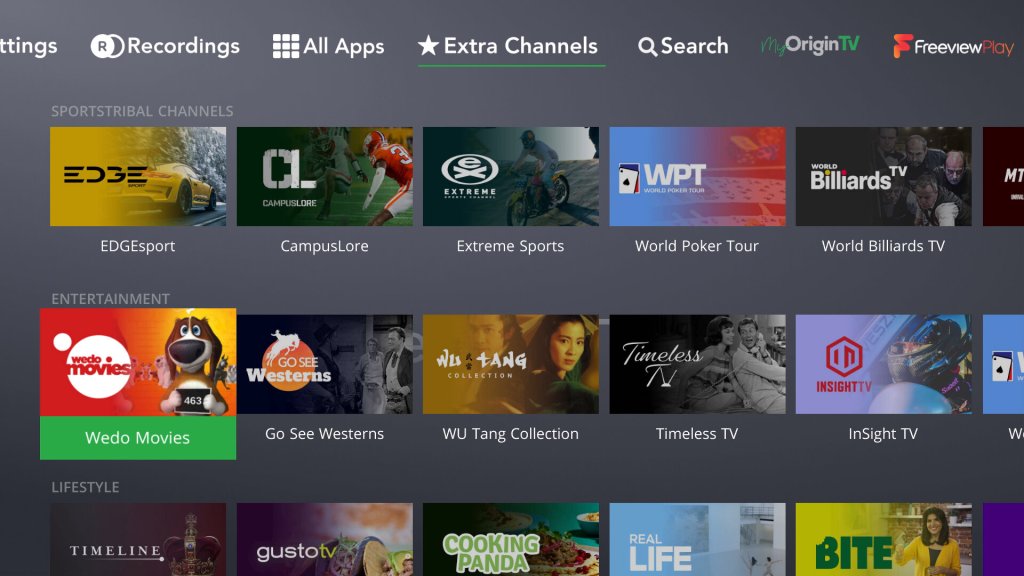
More apps: This will always be a moving goalpost, but investing support for Britbox, AcornTV, Rakuten TV, Sportstribal and Plex TV are useful but they remain niche services.
Gaming services may be preferable in the future, with Xbox Gamepess Cloud, PlayStation Now & Amazon Luna being an example of such services.
Further Information
I should also mention that Virgin marketed the box as the Virgin TV 360, not Horizon 4 which is what the software is referred to internationally and by Liberty Media. Likewise EOS refers to the hardware architecture that Liberty Media has designed, since the hardware is capable of running the Tivo middleware.
As with the V6, the box features six tuners. Multiroom is handled differently with the 360, as mini boxes come linked to the main box to allow recording to be shared. The main box acts as a central server which the mini boxes can playback recording from it. However unlike Sky Q, the mini boxes require a cable feed for live TV, and can only live buffer a certain amount since that relies on the internal flash storage.
The 360 mini box is pretty much the same and the main 360 unit, just with the hard drive section removed. In theory this means you could attach additional storage for one extra monthly fee, though its unlikely Virgin will take advantage of this, We should be lucky the 360 has a hard disk at all, the European versions don’t have one and rely on cloud storage which means recording have to be streaming through your internet connection.
Call me a simple guy, but I prefer having everything on local HDD storage rather than in the cloud datacenter. I can just imagine this stuff being a disaster with not being able to watch back recording due to downtime/maintenance, or not being available due to ‘rights issues’. Just because you can, doesn’t mean you should.
Also, like the V6, the 360 does not feature a built in modem like the origin Tivo did, so you will need a permanent connection (Wireless or Ethernet, unsure of the speeds but I guess its enough for HEVC 4K video) to use the 360. Channels are still delivered using DVB-C rather than IPTV as Virgin would have you believe, though anything on demand will require an internet connection.
A look at the state of the service in 2023. Netgem TV is a Freeview box with additional IPTV channels bolted on and is commonly offered with FTTP internet service providers as a supplement to their services like Octapus, TalkTalk. Most of the channels FTA fodder, though there are a few good ones that cater to niche interests.
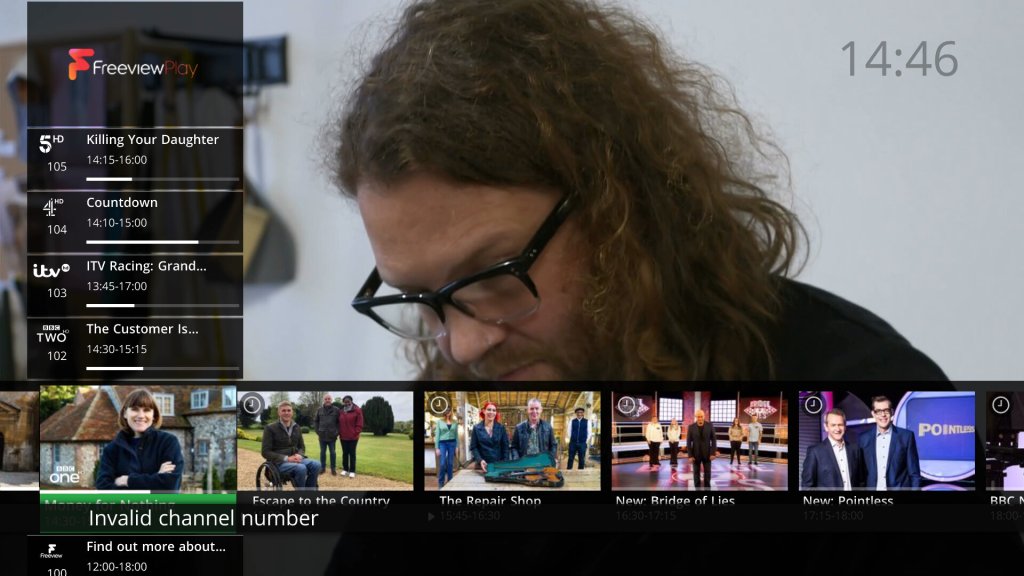
The amount of channels included in the service has expanded, over 120 IP channels now available. The amount of channels added has caused Netgem to expand the channel numbers that have been allocated, as they were previously in the 9xx section of the guide. Channels now start at 830.
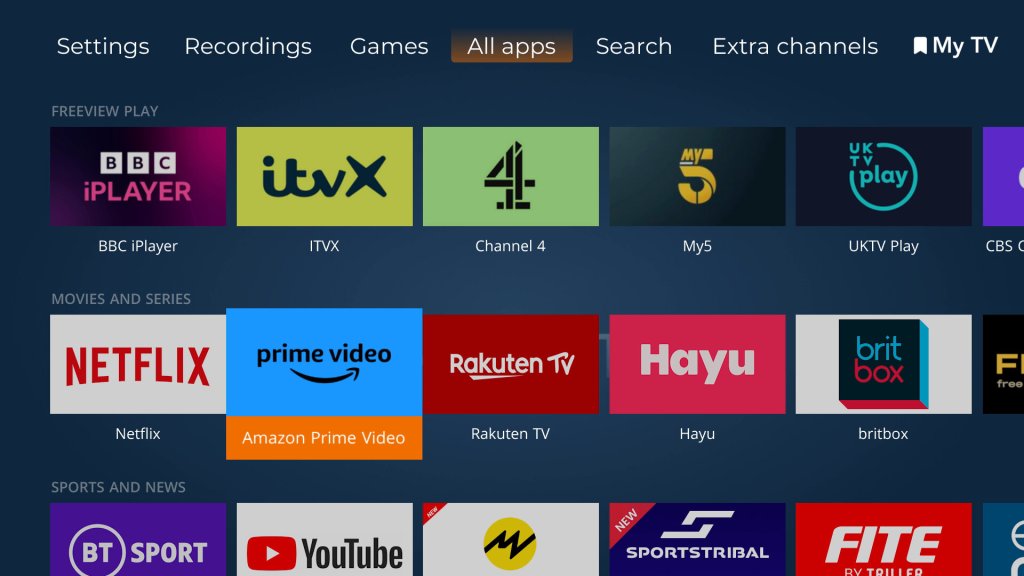
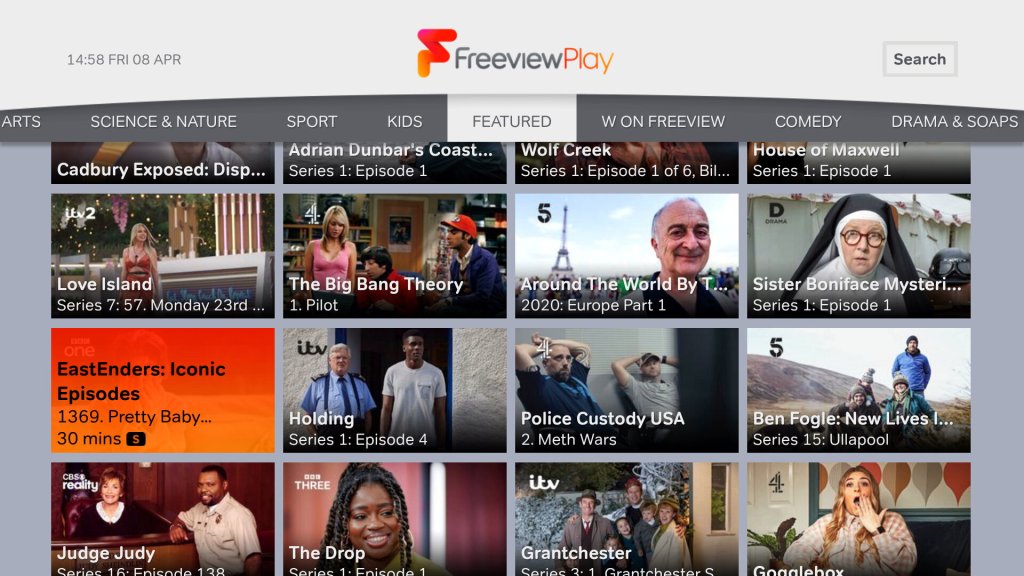
There is also an increase in apps offered, with Netflix, Plex and Rakuten now being offered, in addition to your standard selection of Freeview Play catchup services.
Weird why they cannot use the 300-599 section, which is used for Youview. These boxes will never be able to access Youview’s services, so why not use that section of the EPG?
Games
Several new games have been added to the service
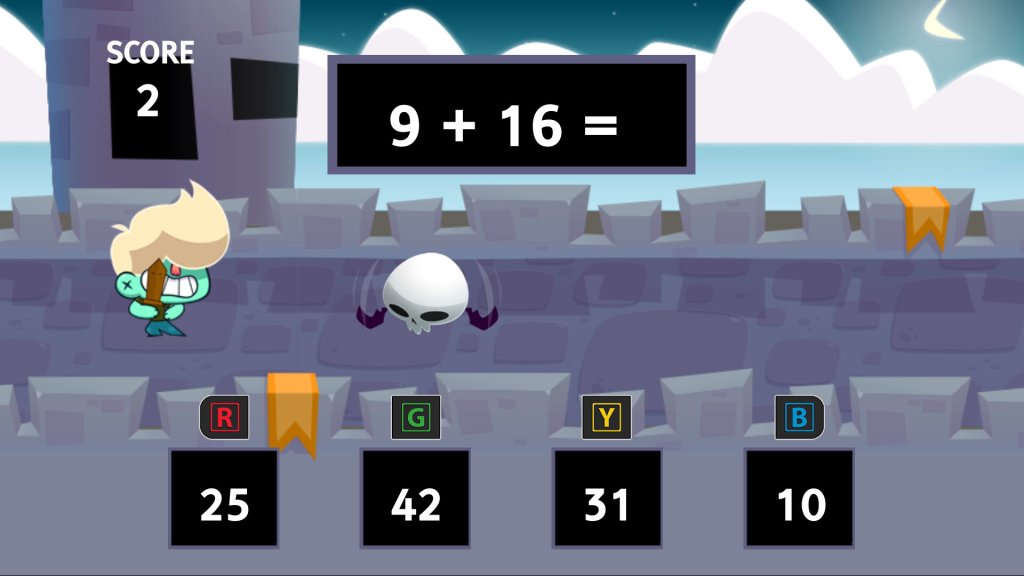
Math Boy – A mental maths game where you have to choose the correct answer before the flying skill-bat-thing kills you, you only have one chance, so be quick.
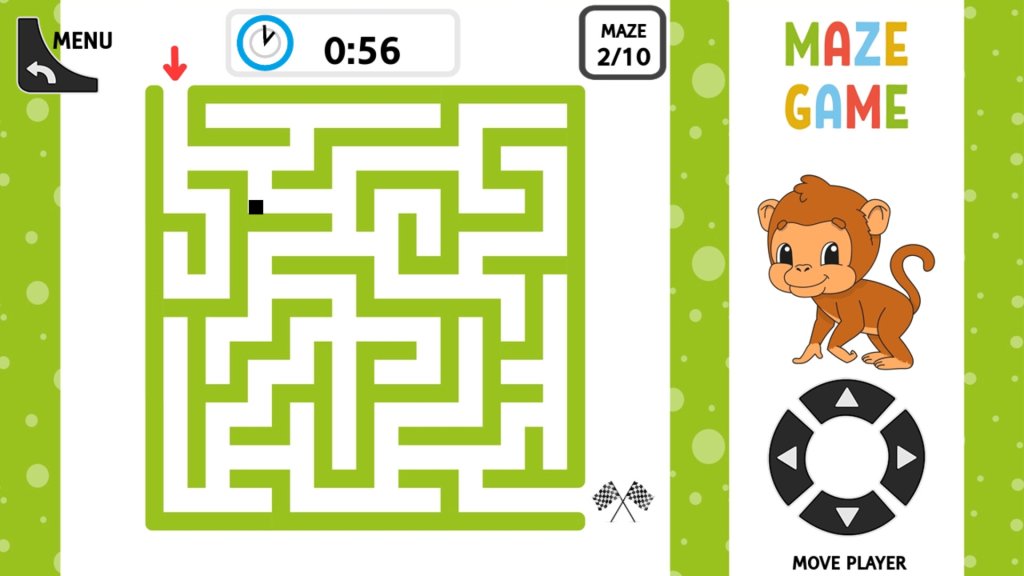
Maze Game – A maze game that is difficult to control, making it difficult to navigate the maze. The stiff remote really does not help with these sort of games.
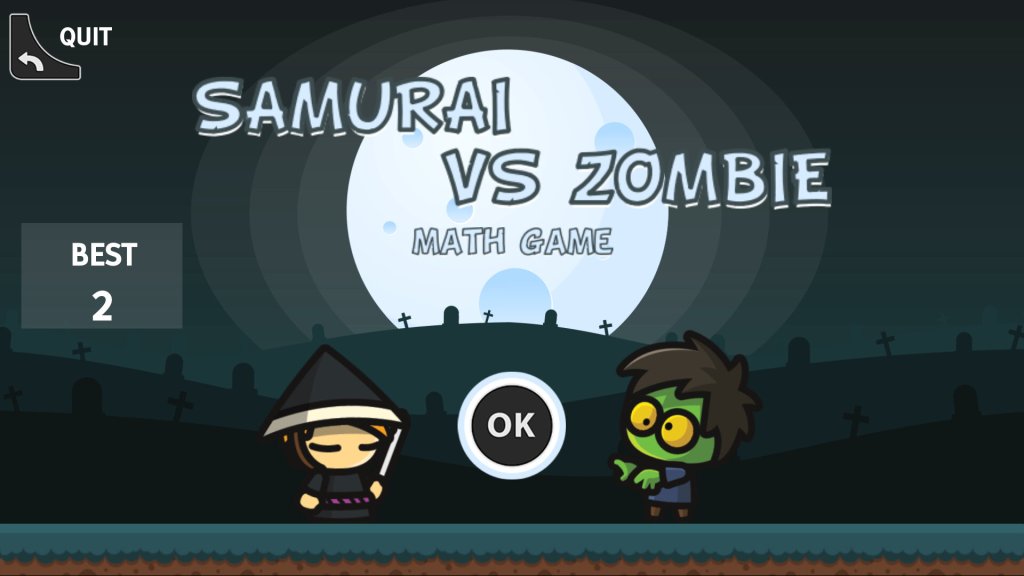
Samurai Vs Zombie – This is the same as the interactive math game, but with zombies vs samurai. The questions are a lot more varied, and you cannot choose the type of sums unlike the other game.
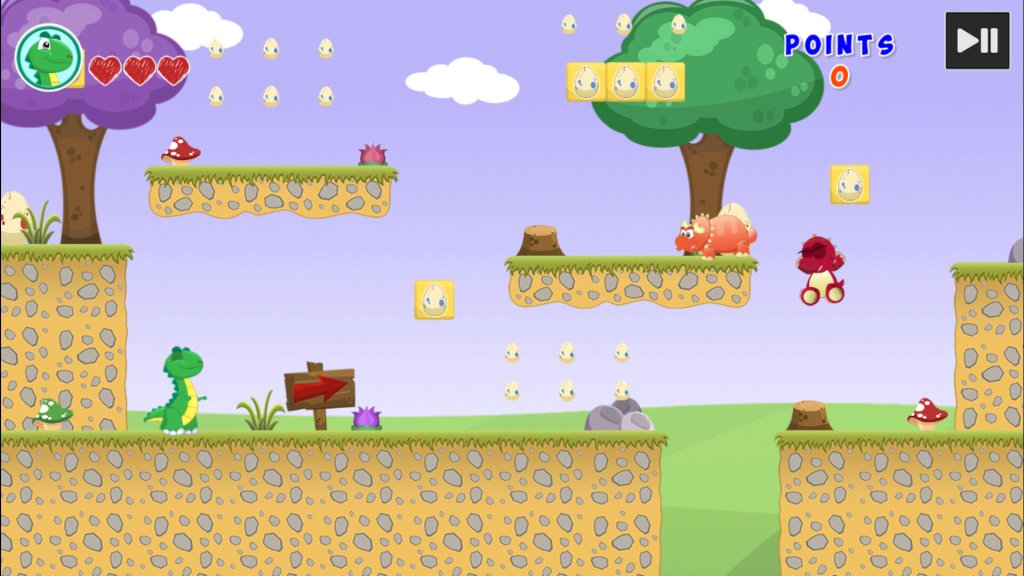
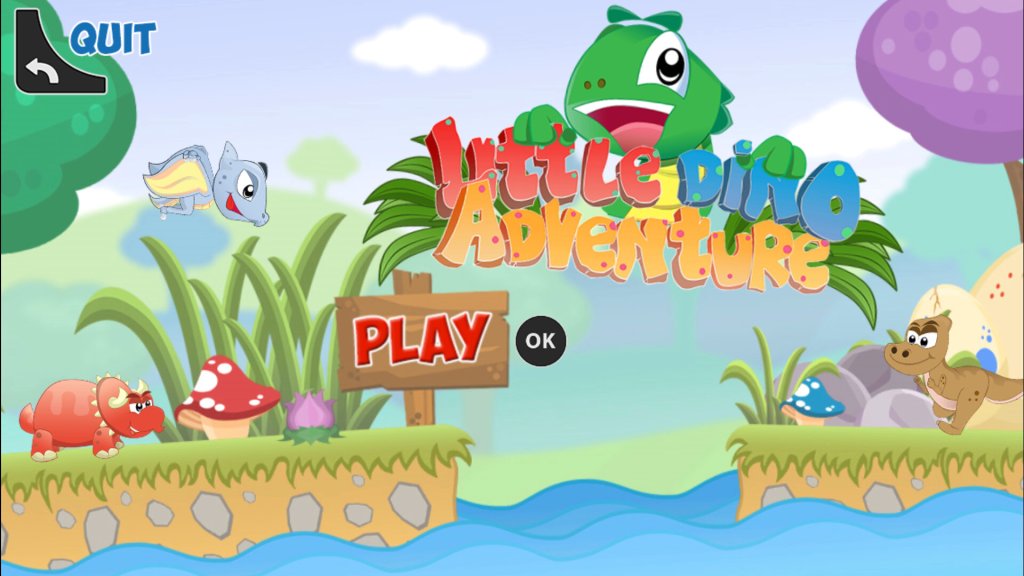
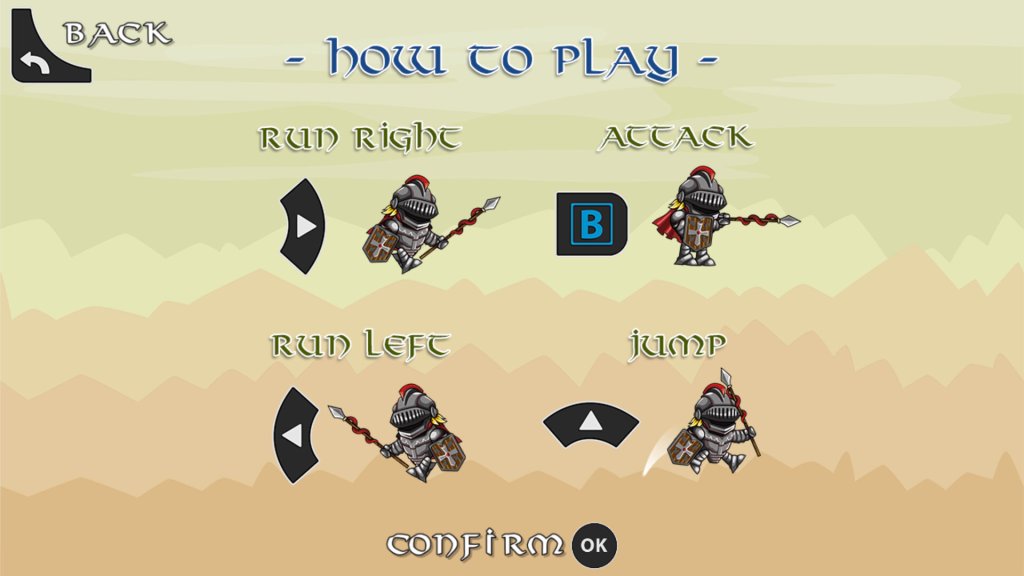
Little Dino Adventure – A platform game where you control a green lizard as you navigate through the level, avoiding enemies in the process. Controlling the game requires a bit of skill, as you cannot run and jump to another platform due to the limitations of the remote, careful timing is required to jump to another platform.
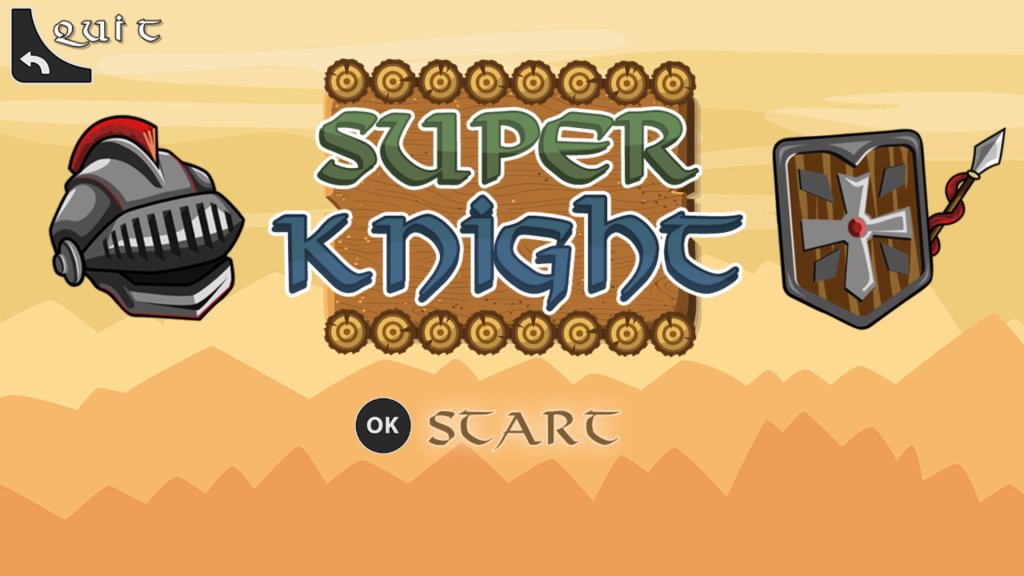
Super Knight – Platform game were you have to get the Knight to the other end of the level, avoiding and killing the enemies.
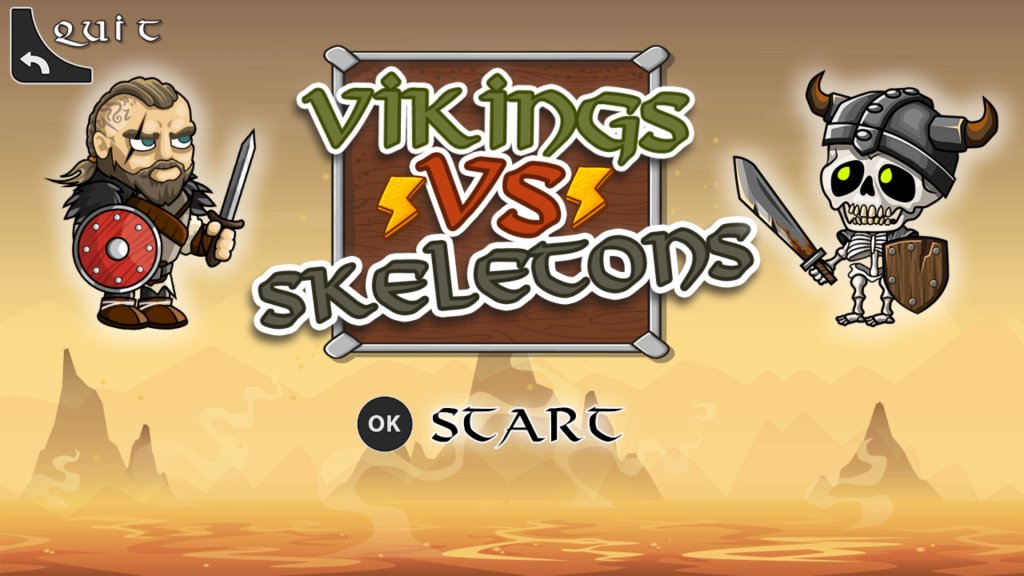
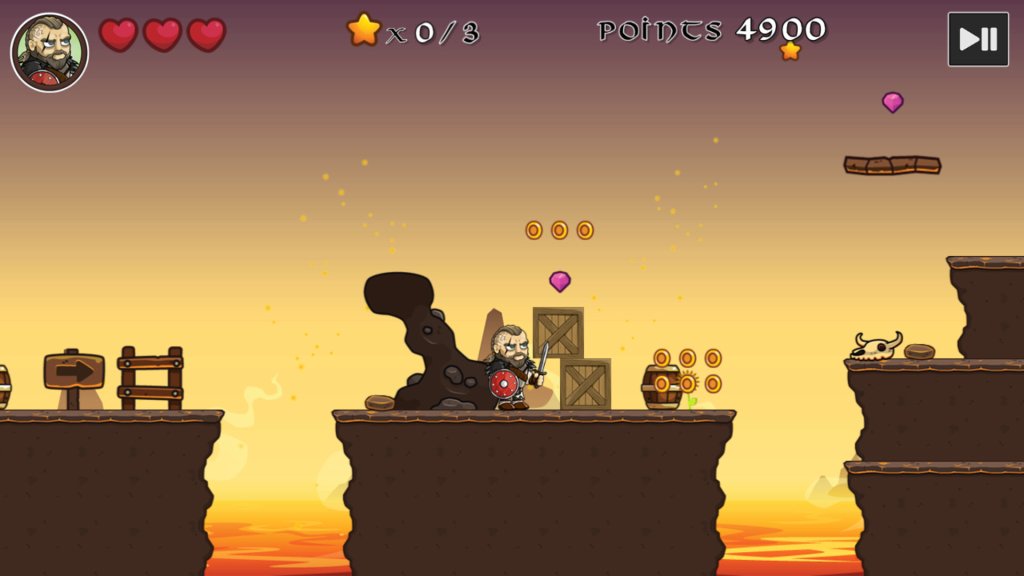
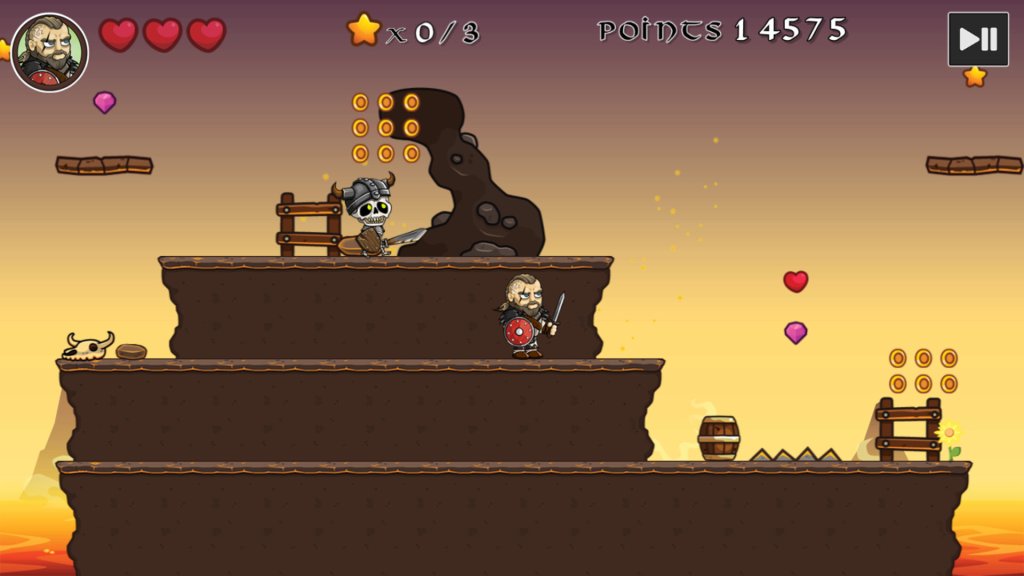
Vikings Vs Skeletons – Another platform game where you play as an Eddie Hall lookalike against skeletons.
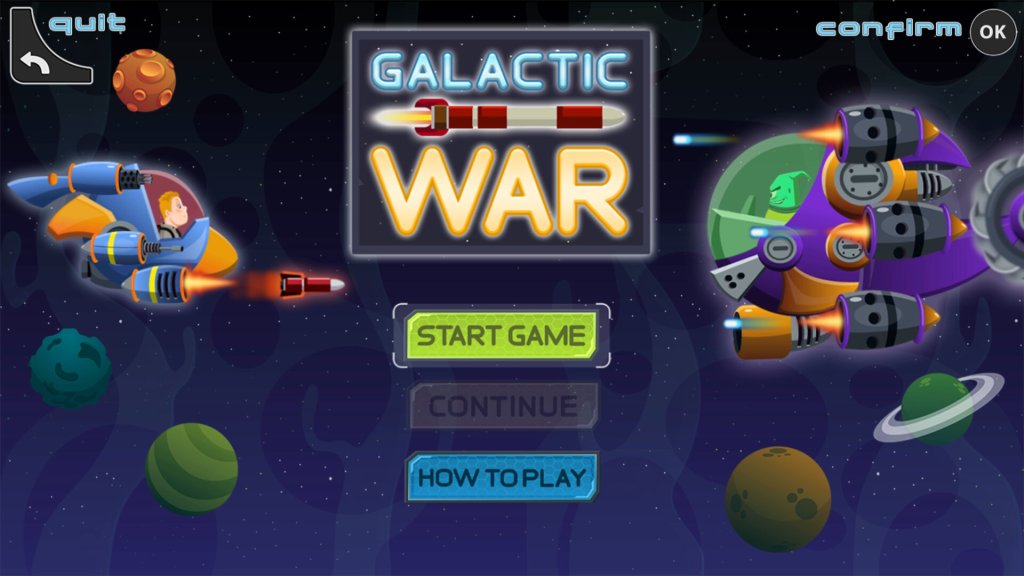
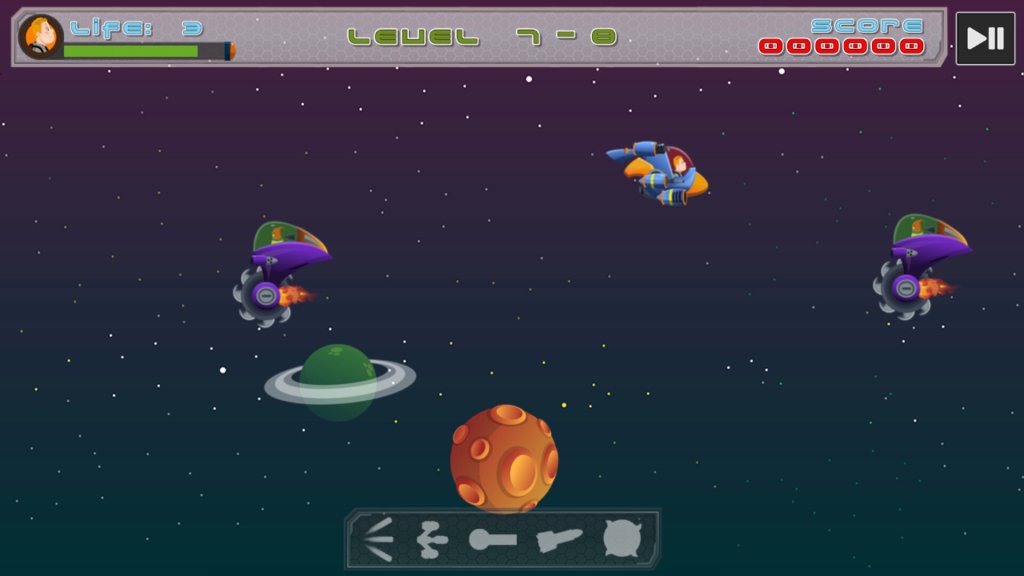
Galactic War – Side-scrolling space fighting game, similar to Space Impact on Nokia Series 40 phones.
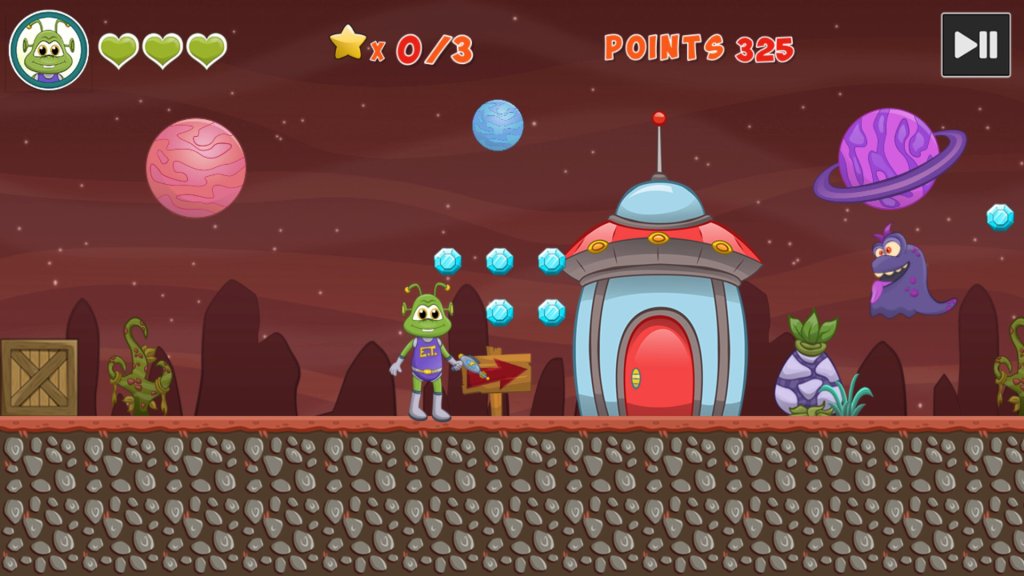
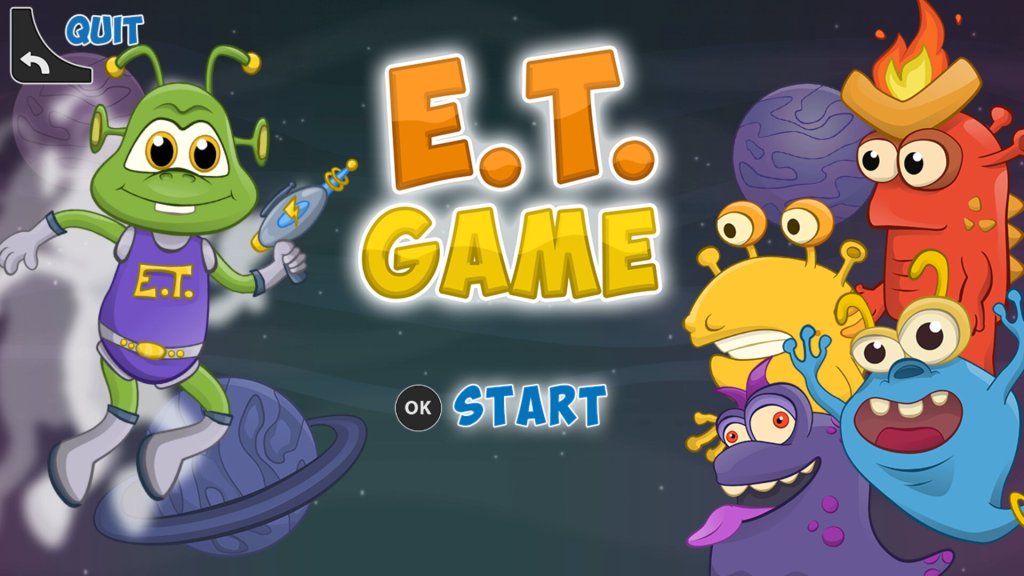
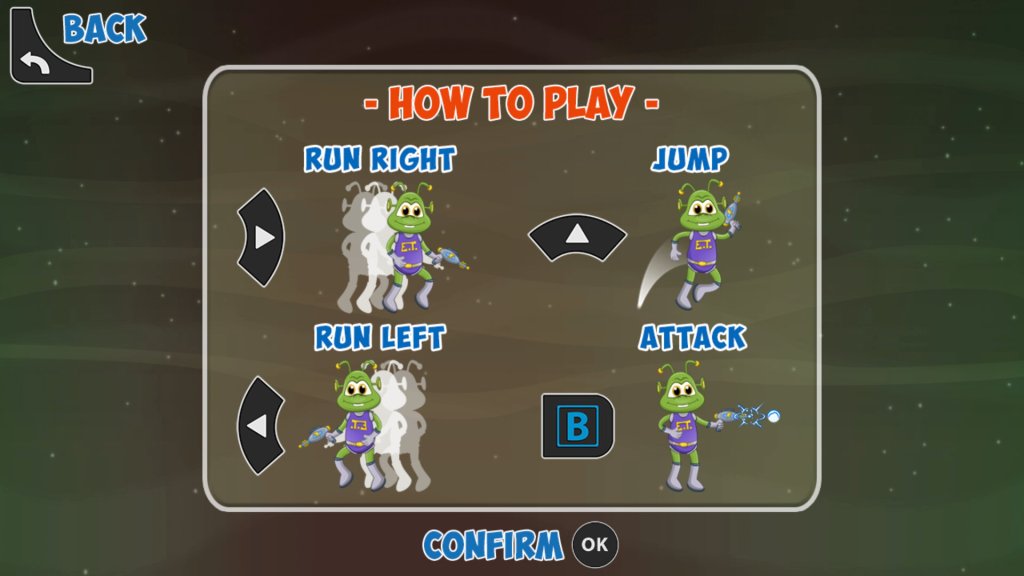
E.T. Game – Platform game where you control a spaced-out space alien
Tappy Dumont – Flappy bird clone
Apps
Plex – Popular local media streaming app, this also comes with FAST (Free Ad Supported TV) live TV channels that are very similar to the ones offered by Netgem itself. Most of these are American and will appeal to niche audiences.
Rakuten TV – an online video store that also provides themed FAST channels. I’m not sure if the guide is supposed to be three-quarters down the screen which makes it difficult to read and navigate.
An alternative Tivo-like DVR that was introduced in 1999. Hardware was typically made by Panasonic although a few other brands existed also.
ReplayTV had a few defining features, one of which was the ability to share shows between two compatible DVR units, providing both had ethernet sockets. Another feature was the ability to skip adverts completely with the touch of a button. Naturally the TV industry hated the idea and ReplayTV (SonicBlue) was sued because copyright matters more than human rights.
Like Tivo a separate subscription was required for your DVR to receive EPG data
Main Menu
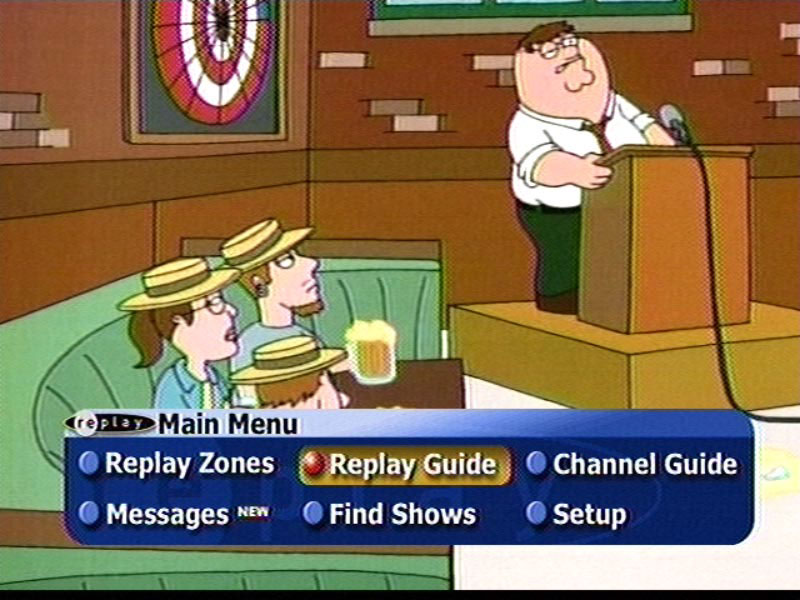
To begin using ReplayTV the best place to start is the Main Menu. To access the Main Menu, simply hit the menu button at the bottom of the ReplayTV Remote Control. The main menu screen is available without leaving the current channel. It pops up as a small section at the bottom of TV screen and presents the following options, most of which are also available directly on the remote control.
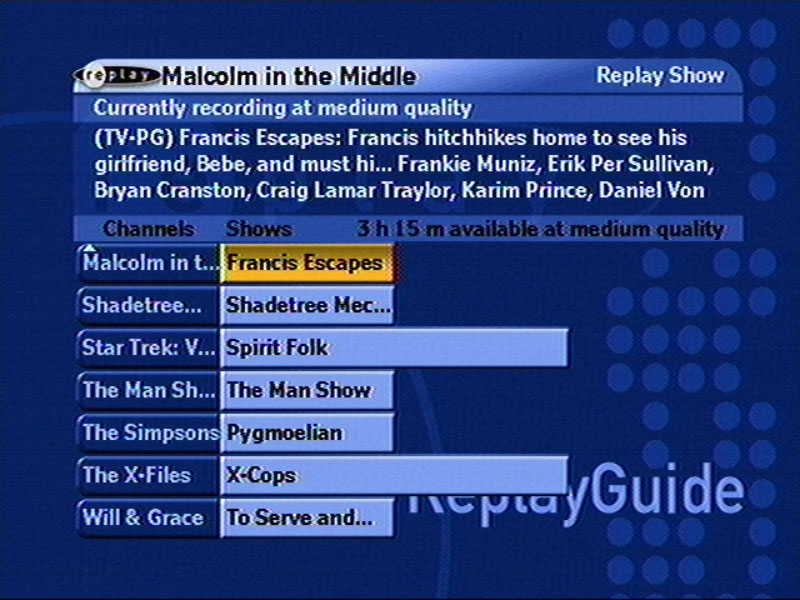
ReplayTV Guide – This shows the ReplayTV Channels you have created.
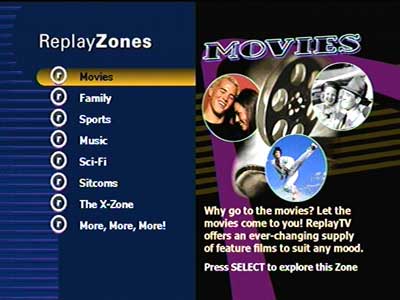
ReplayTV Zones – ReplayTV Zones are common themes of shows organized together.
Channel Guide – Shows a grid-style TV guide for selecting something to watch.
Messages – Shows any messages you have received.
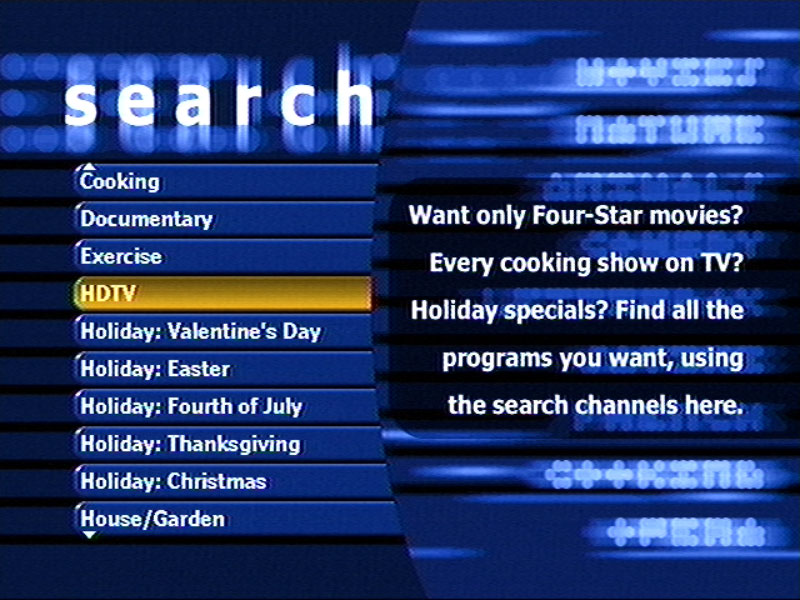
Find Shows – Search tool to help you find something to watch or record.
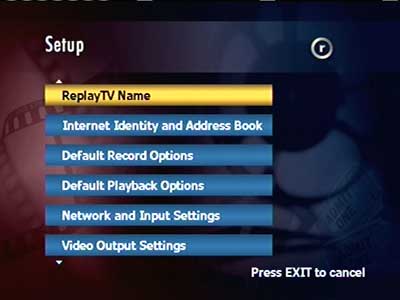
Setup – Configuration of the ReplayTV TV Reciever.
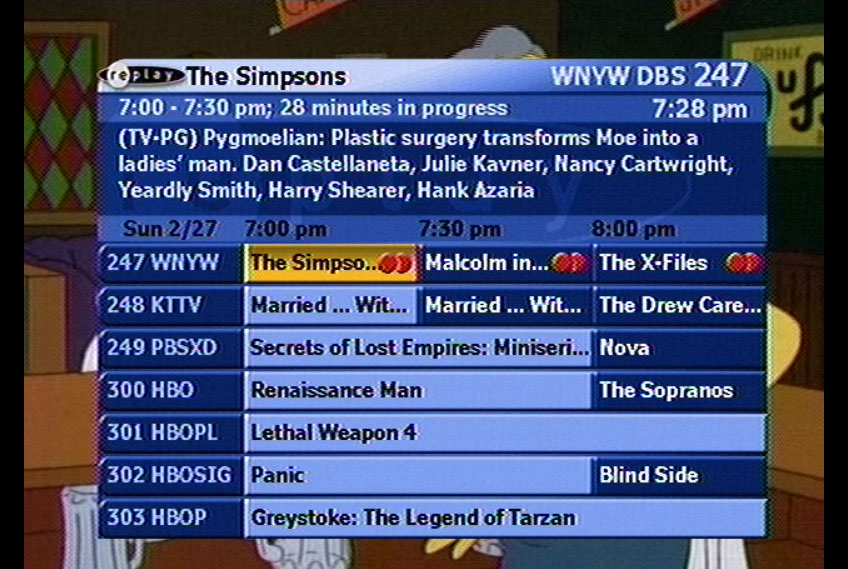
ReplayTV’s channel guide is pretty conventional. It is a Grid style Guide that shows 6 channels down and 1 1/2 hours across. It also shows the currently selected channel, title, time, and description of the show. One very cool feature is the way it shows your position in the selected show. Rather than showing how much time is remaining, which is pretty useless information, it tells you how far into the show you are. For example, on a thirty-minute show that has 10 minutes left, the ReplayTV will say 20 minutes in progress. This is great if what you want to know is how much you have missed.
Rather than organizing the recorded shows into a simple list, ReplayTV decided to use a concept similar to a grid-style guide to organizing the recorded shows. When you select shows to record, whether they are setup to record based on a theme or setup to record a specific show, they appear as a channel in the ReplayTV Guide.
ReplayZones are logical groupings of shows. For instance, there is a ReplayTV zone for NBC and Cartoon Network, which lets you explore some of the best shows on the channel. There are also zones for Movies, Comedies and ReplayTV Picks. The ReplayTV Movies zone shows various movies that are coming to a channel near you organized by category ReplayTV Sitcoms, shows you comedies organized by audience, such as 17 and over. Finally, ReplayPicks lists a random show in various categories that you might want to watch.
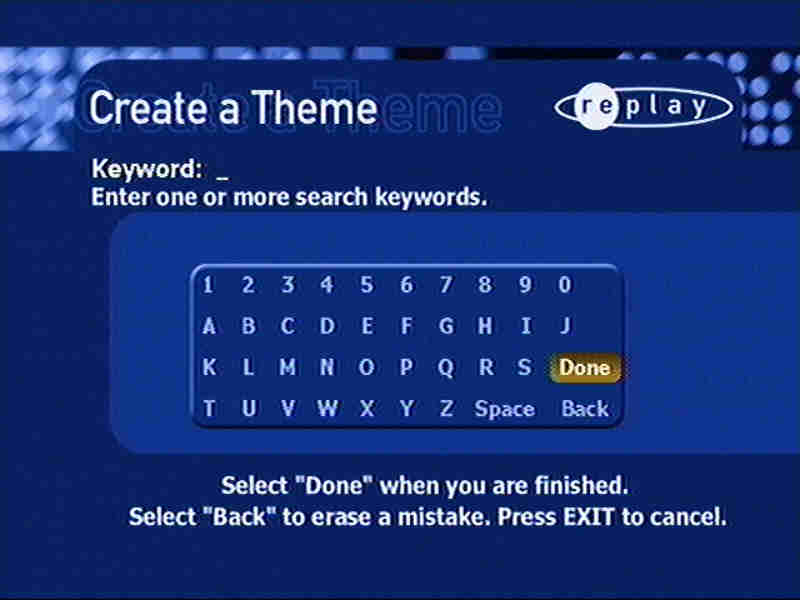
Also in the ReplayZones screen are two other options, Search and Create a Theme. Search allows you to search for shows based on a large number of pre-created groupings, such as ratings, or genres. The Create a Theme option allows you to specify your own keyword searches to use for looking up shows that will be recorded. You can also specify if the keyword will be compared against actors, directors, titles or part of the description. These themes show up in your ReplayGuide as channels and are great for creating themes for related shows when the title isn’t the same.
As with all PTV Receivers, there are certain features that separate these boxes from VCR’s And ReplayTV is no exception. For instance you can pause, rewind and fast forward Live TV. When you hit pause the box will begin recording to the hard drive. This happens regardless of whether you are watching Satellite or Cable programs. Also, whenever you change the channel, ReplayTV immediately starts recording the new channel. This means that you can rewind at anytime to the point where you switched to the current channel. You can also jump backward or forward to live television at the touch of a button.
Further Information
The Replay Zones menu was redesigned to a more flat and simple appearance
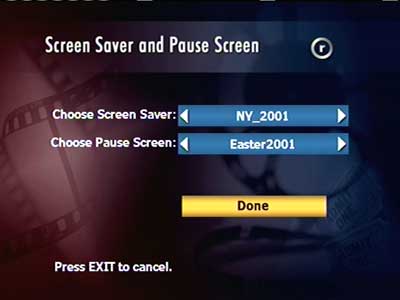
A slideshow composed of various photos can be played back
The Setup menu
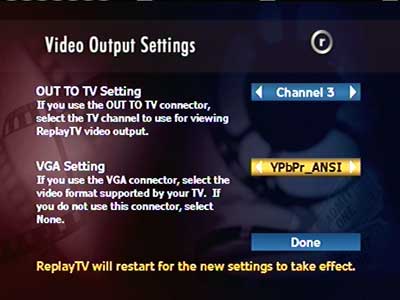
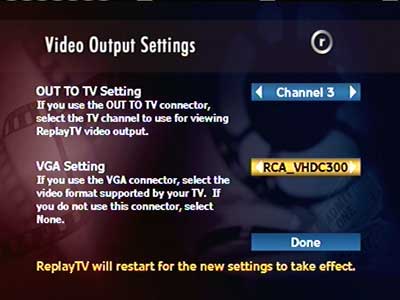
Video output settings, The RF output channel can be changed, along with the VGA output standard
Many early HDTV TV’s used either VGA or DVI to display the HD signal, as HDMI was not standardized at this point
Configuring slideshow settings for displaying photos
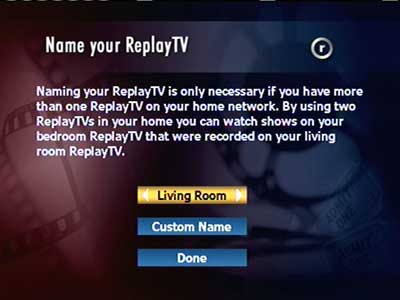
Multiple ReplayTV units can exist on a network, and a unique name can be used to identify an individual box
Quality settings can be changed, as the DVR captures analog video from its composite input
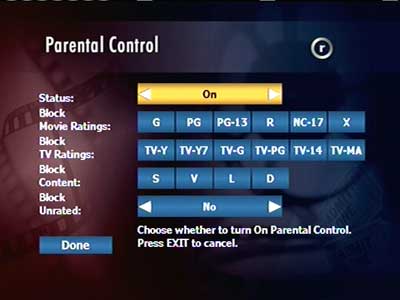
Parental control settings
Settings can be applied depending on the age rating
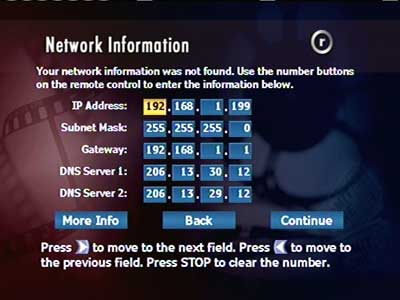
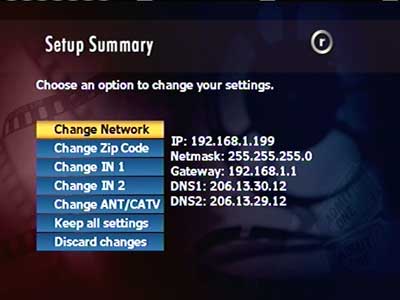
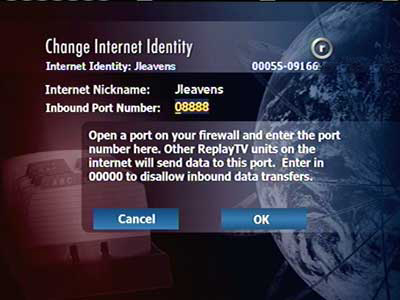
Manually setting an IP address
Another view of the network settings
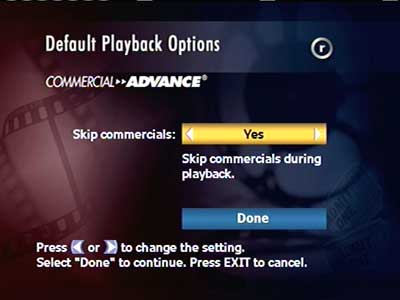
A controversial feature allowing you to skip advert breaks entirely. Other DVRs like Tivo require you to manually fast forward.
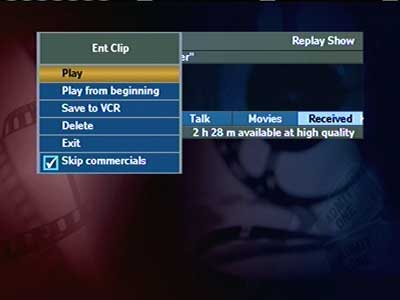
Playing back a show, which gives the option to archive to a VCR
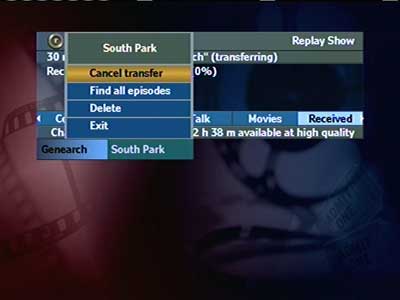
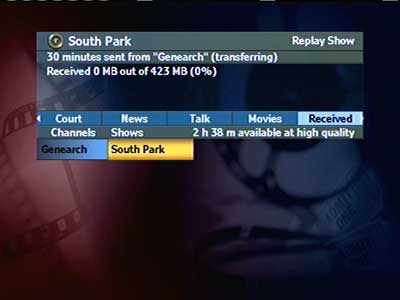
Transferring shows to another DVR over the network, I bet the networks would have loved that.
Icon that is displayed when you skip forward in a recorded show
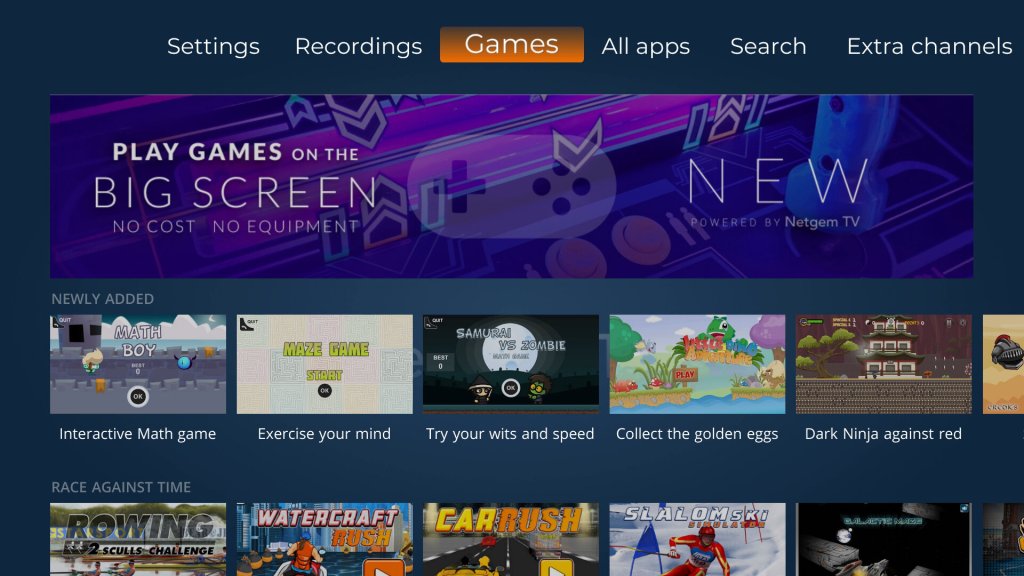
Not to be outdone by Youview, Netgem has decided to add a few games to their Freeview TV service. These games can be accessed directly from the TV Guide and are played using the remote control.
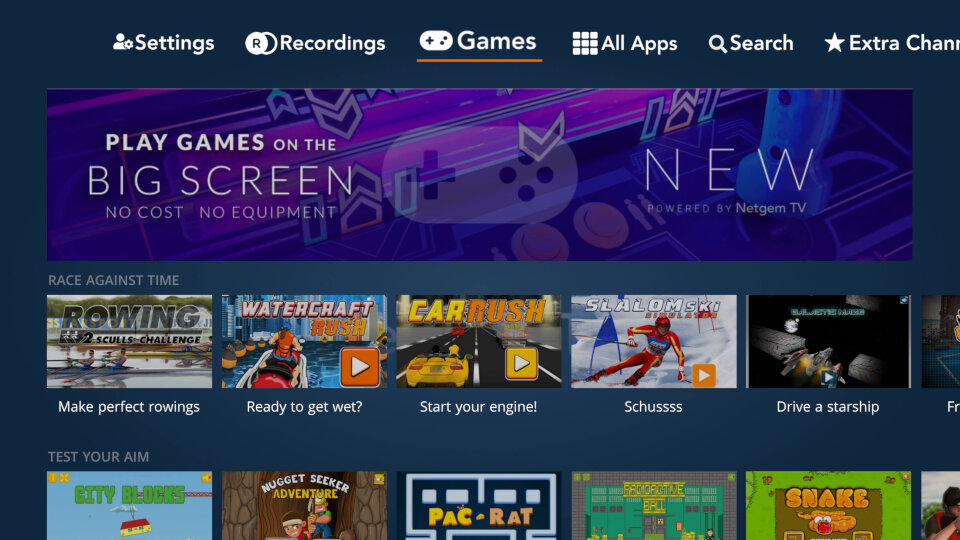
A new Games tab can be seen from the main menu, taking you directly to a selection of games on offer, all of which are free (for now, unless they decide to implement pay to play like Sky did) Like the Youview games they are similar in scope to the Newgrounds Adobe Flash games of the time, but rendered in HD and played using the remote control.
Car Rush
Very similar to Outrun where you have to steer a car around the track with the objective to get to the finish line within the time limit, avoiding the obstacles and navigating the bending track.
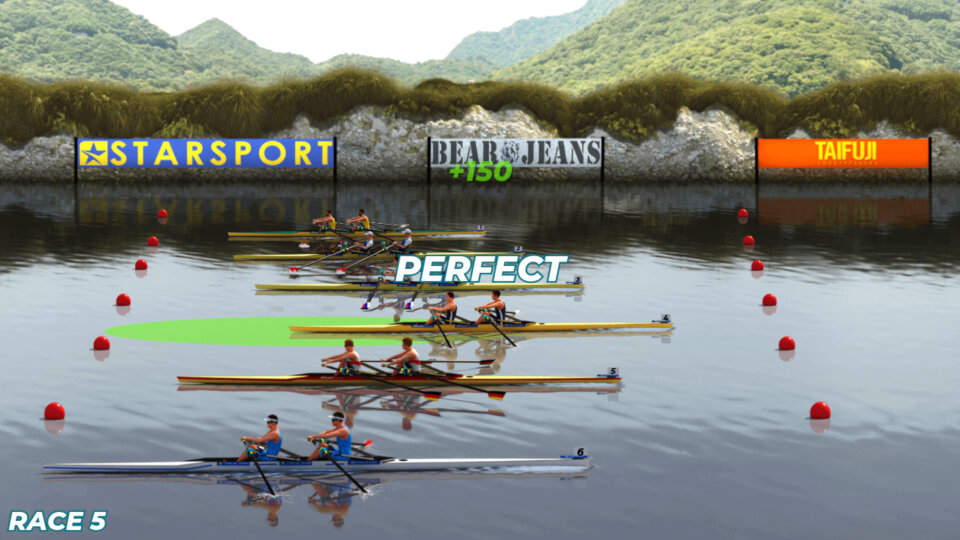
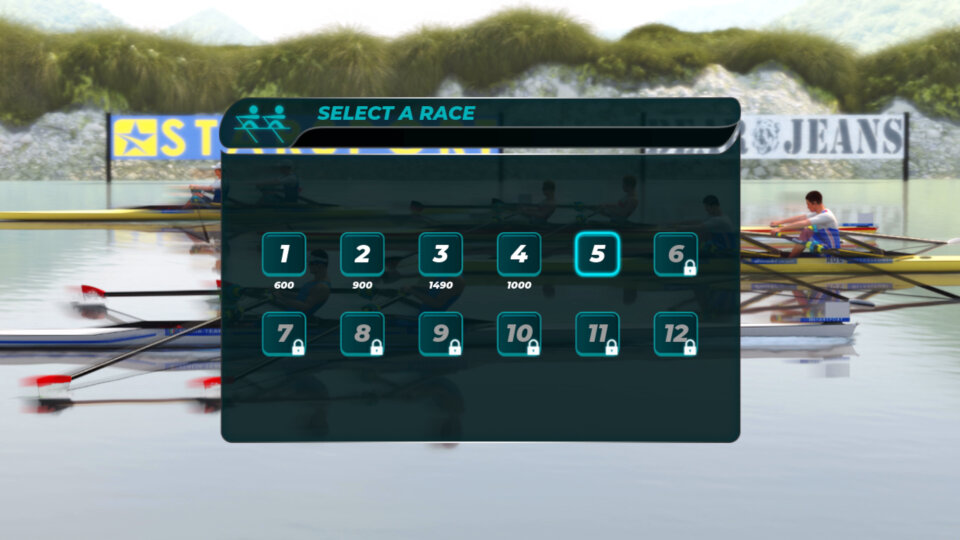
Rowing 2 Sculls Challenge
A rowing game where you have to press the OK button when your boat passes over a green circle to boost. No steering or button mashing is required, you just press a single button. Despite this timing is crucial, especially on the later levels, it also does not help the framerate takes a hit the more opponents there are on screen, and the remote isn’t exactly tactile so you have to compensate by pressing earlier.
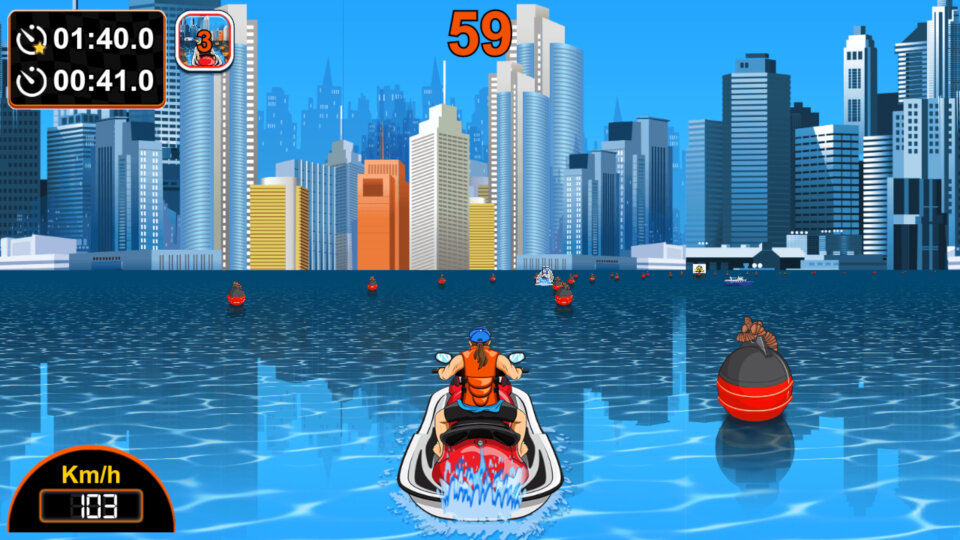
Watercraft RUSH
Well its just Car Rush but with water. I guess this is similar in concept to Nintendo’s Wave Rush, or Namco’s Aqua Jet.
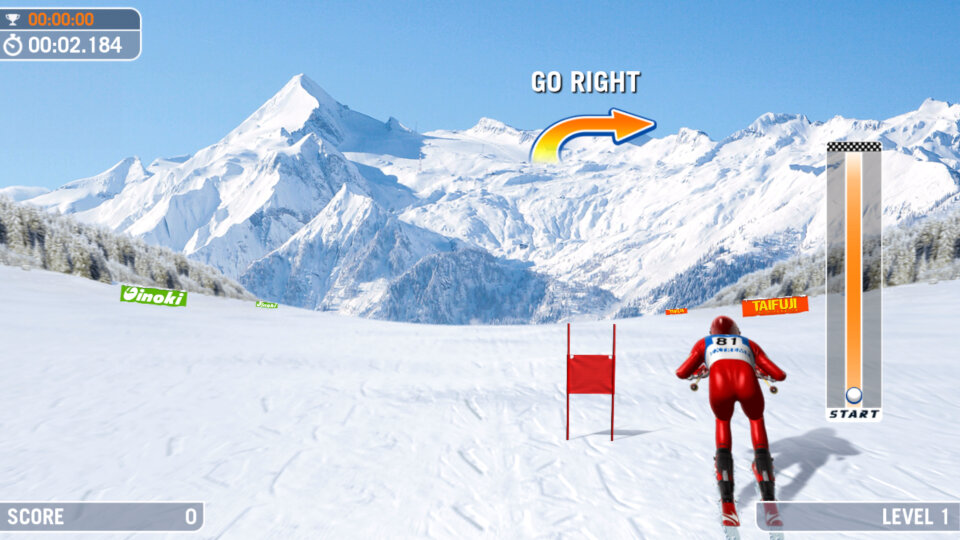
Slalom Ski Simulator
This ones a bitch to play, mainly due to the uneven frame rate which makes it difficult to anticipate the distance of the upcoming flag. Again its similar to , Cool Boarders, 1080 Snowboarding or Ski Free, where you have to steer and pass through the flags in order to progress to the next level. Very difficult as mentioned above due to the framerate and unresponsive controls, could be remedied by having three lives instead of a game over every time you miss a flag.
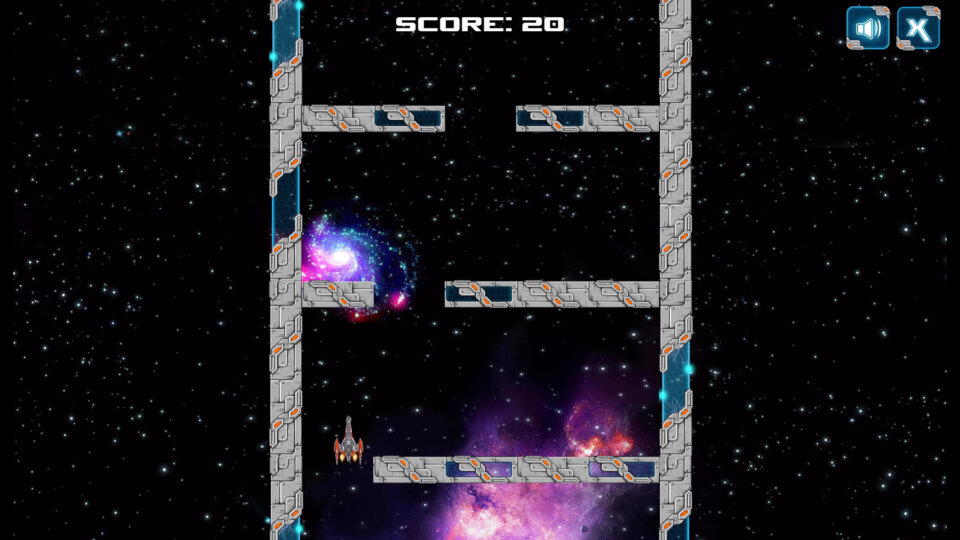
Galatic Maze
Set in space, you have to guide your ship using the arrow keys to navigate through the gaps. If you ship hits a wall, it is destroyed and the game is over, you only get one life.
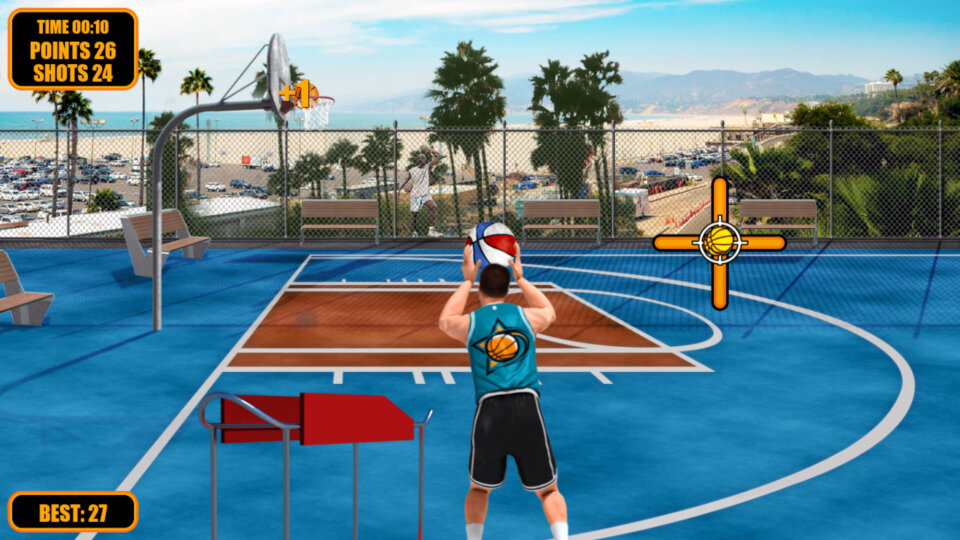
Street Basketball
A basketball games where you have to press the Ok button when the basketball indicator reaches in the middle, this game is reliant on your reaction time. Although you can select your character, I don’t think it has any affect on the game play itself.
Christmas Rush
Here you have to guide Santa around the obstacle in order to collect the dropped gifts. A star can be collected with will allow Santa to move faster
City Block
Build a city block, trying to keep it as straight as possible by pressing the OK button. You have to drop the block in the centre of the screen to get the best score.
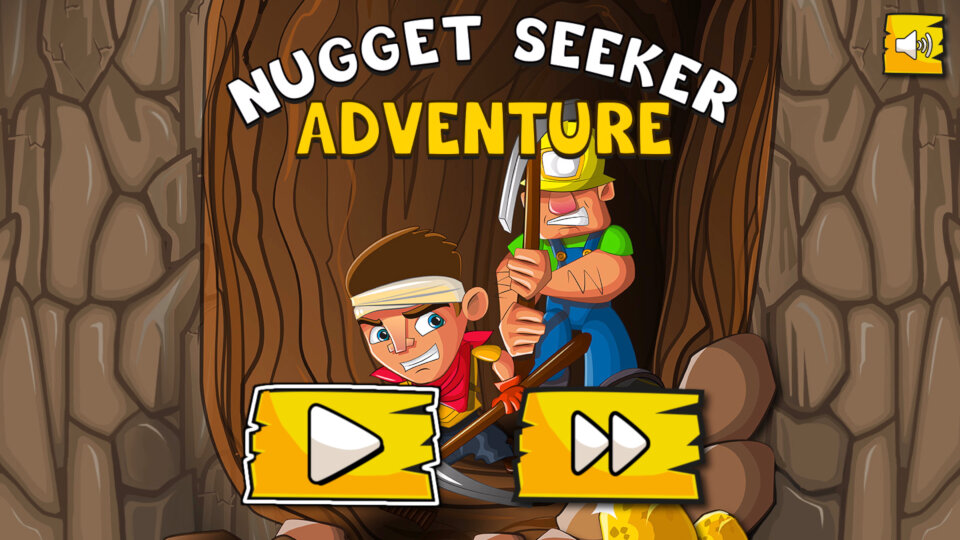
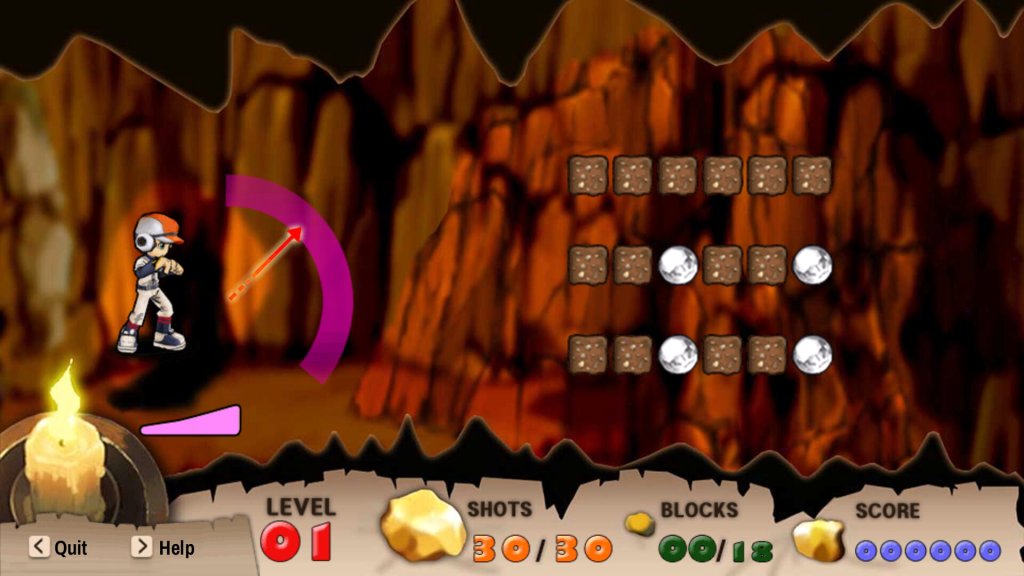
Nugget Seeker Adventure
Like DigDug, you have to mine your way through the level, collecting the gold nuggets whilst avoiding the enemy diggers who will attack.
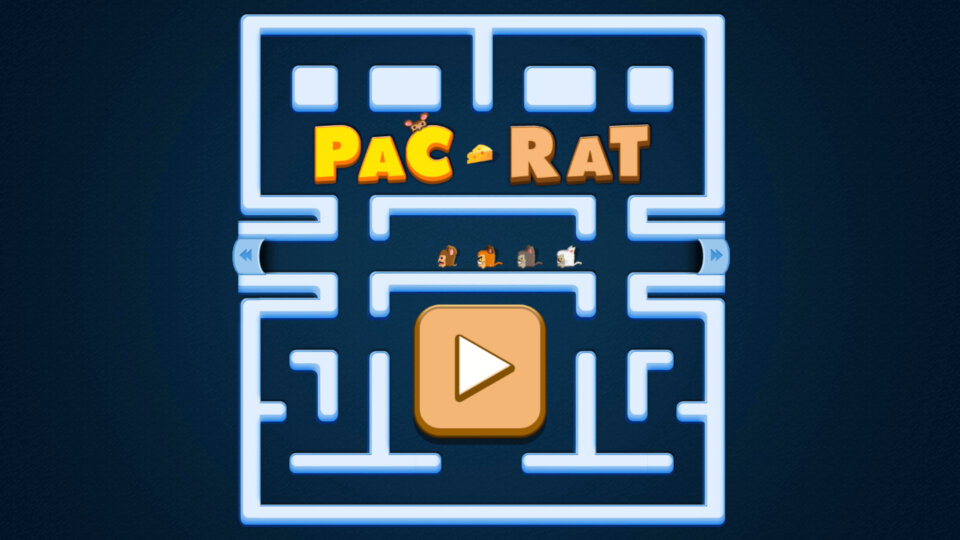
Pac-Rat
Pacman with rats
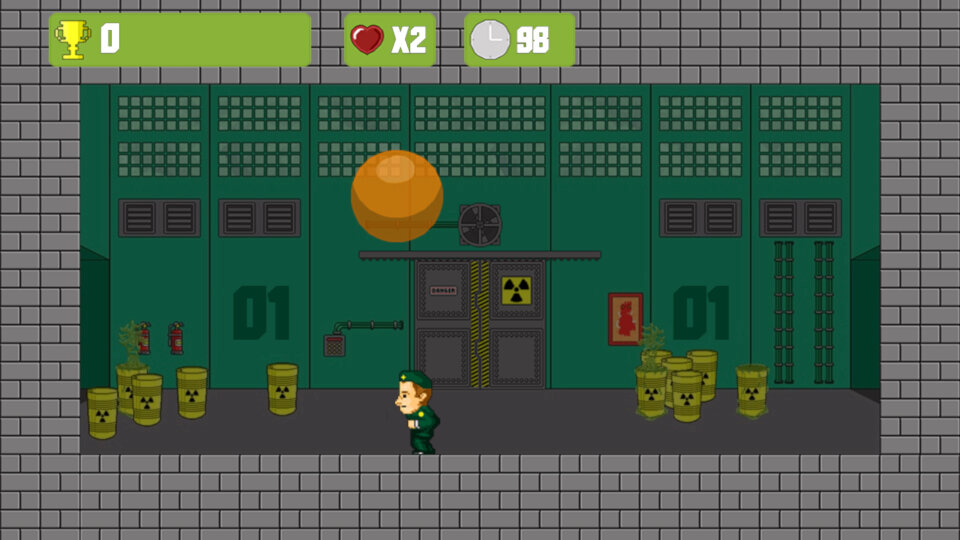
Radioactive Ball
Objective here is to split the ball by pressing the Ok button, but you have to avoid the balls landing on you, which is easier said than done. I think the end goal is to make the balls as small as possible, but I’ve never managed to get past the first level.
Snake
Your typical snake game, eat/collect the dots to increase your score and the size of your snake.
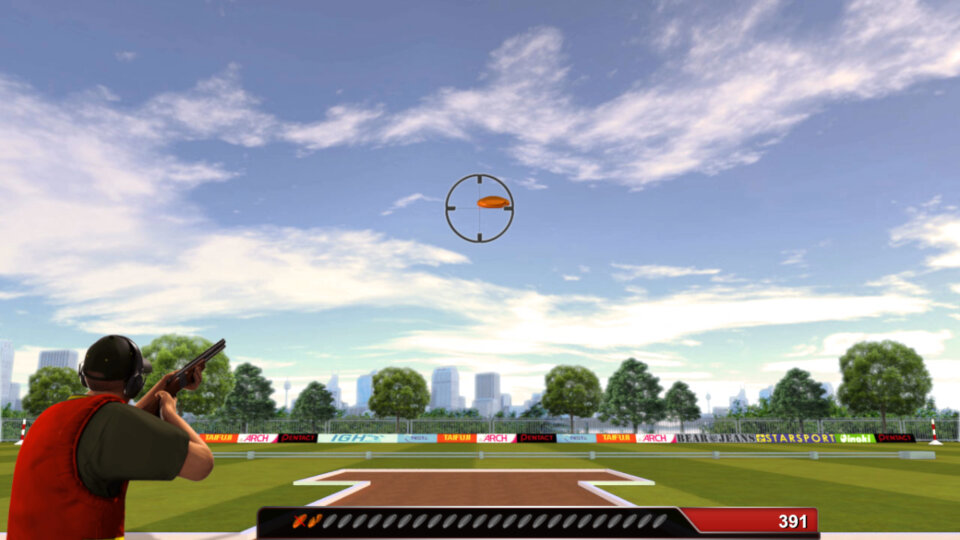
Skeet Challenge
A game where you need to aim and shoot the onscreen skeets, very difficult to aim and score.
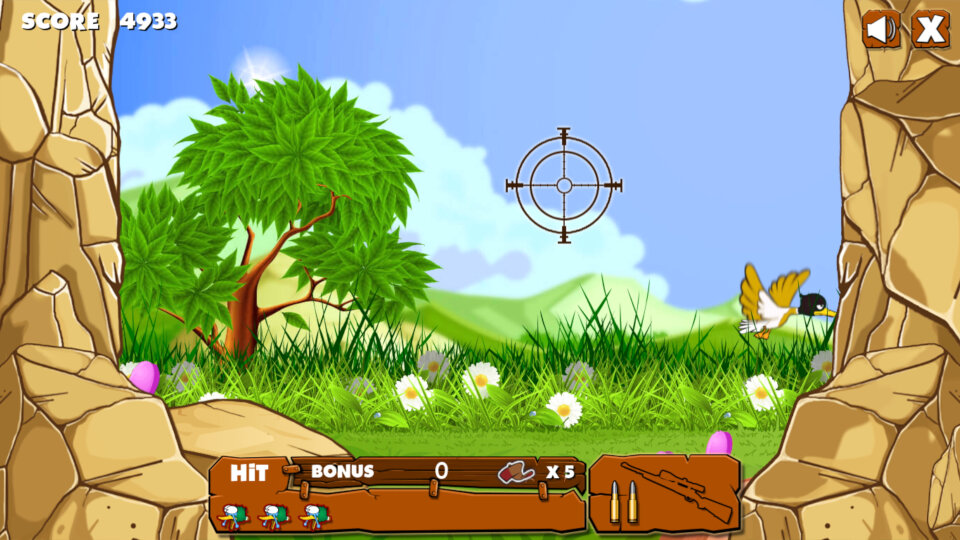
Duck Shooter
A duck hunt clone, also this one has the controls intended for a PC keyboard, as it references using the spacebar to shoot. Different birds move at faster speeds which makes it harder to aim and shoot. You also get a bonus for how quick it takes to shoot a duck.
Flags Maniac
A flag memory/knowledge games where you have to match the country to their respective flag.
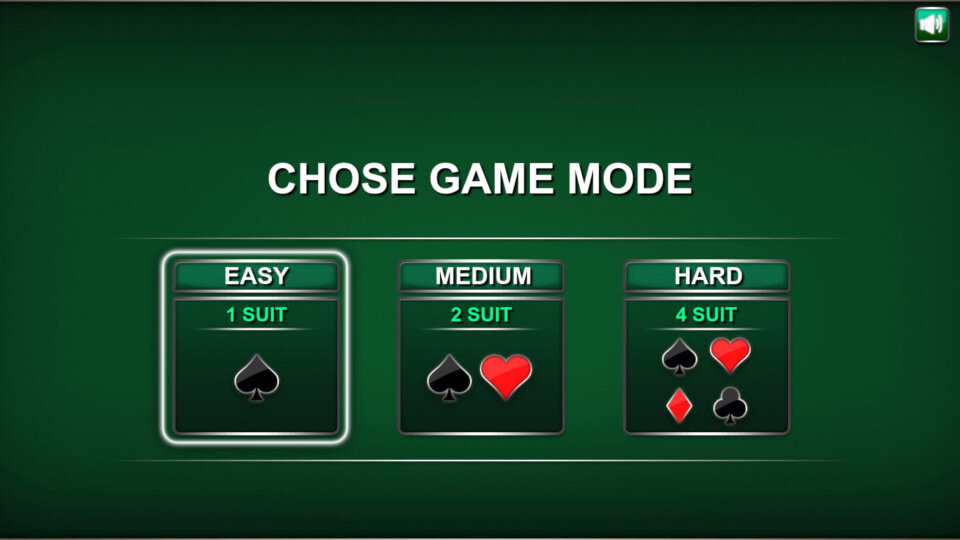
Solitaire
It’s a solitaire game alright
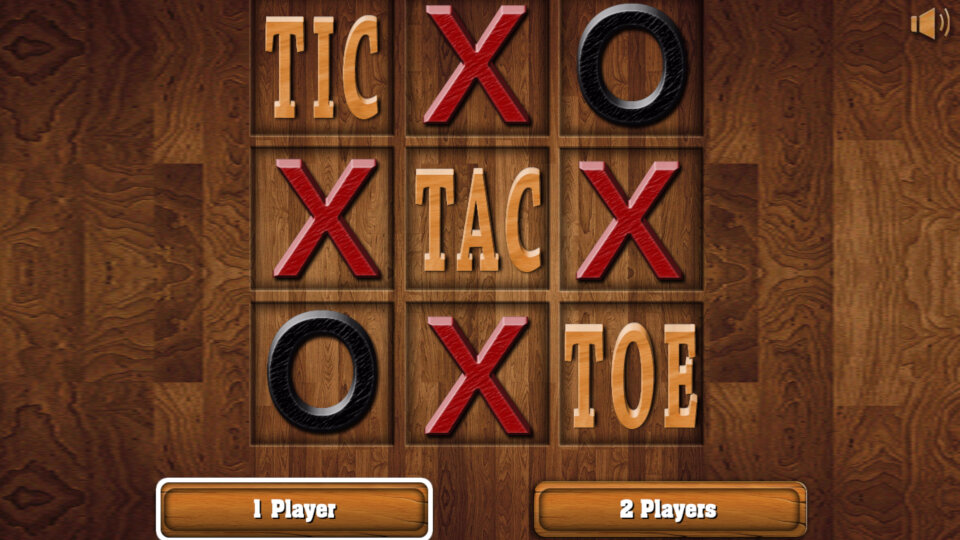
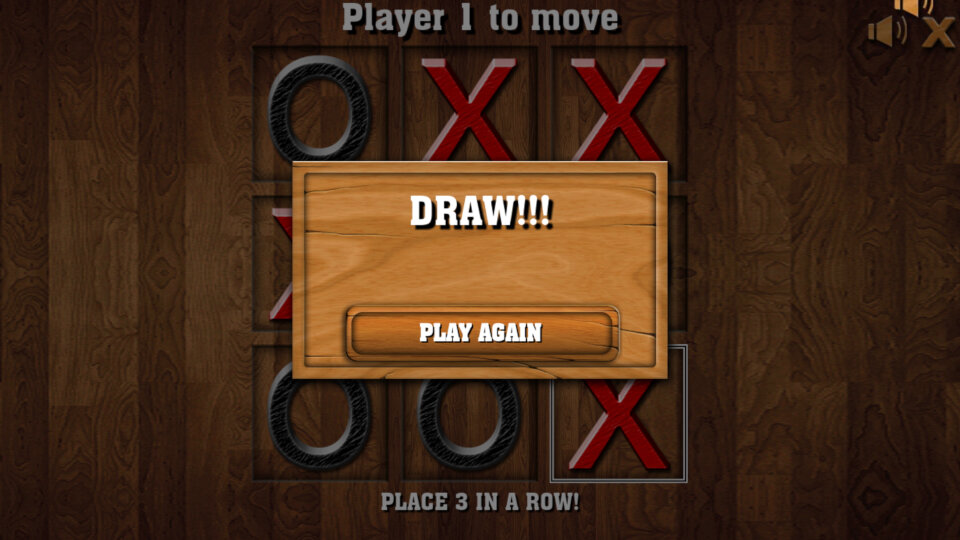
Ric Tac Toe
You can adjust the grid size from three options 3×3, 5×5 or 7×7. Two players can play, but you have to use the same remote and take turns.
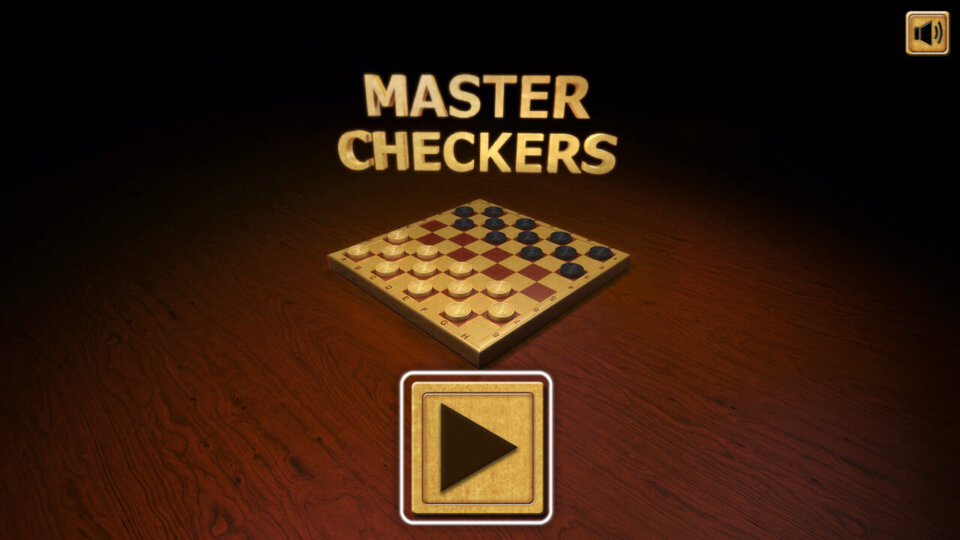
Master Checkers
A checkers game
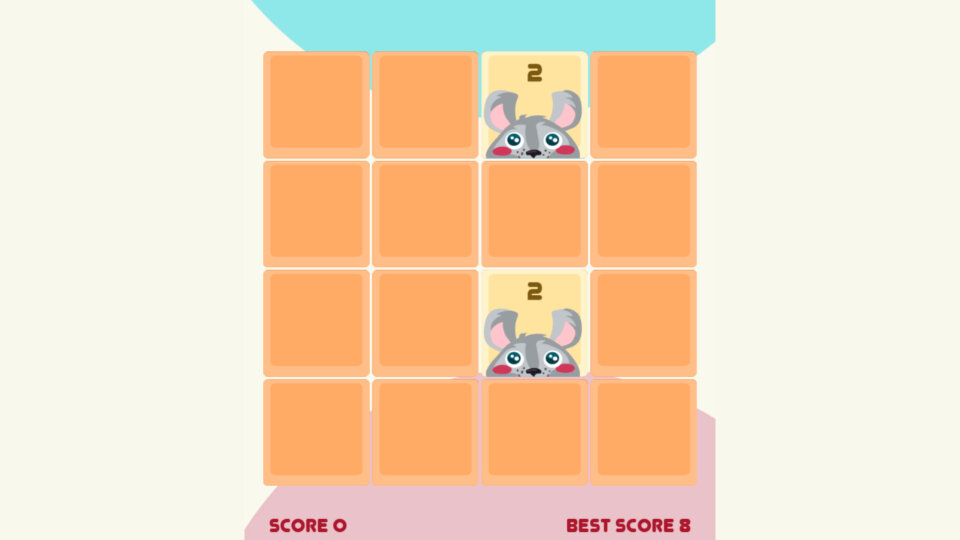
2048 cuteness edition
Similar to that 2048 game on PlayWorks but with a bunch of animals and that damn ukulele music in the background that sounds like your watching a makeup tutorial.
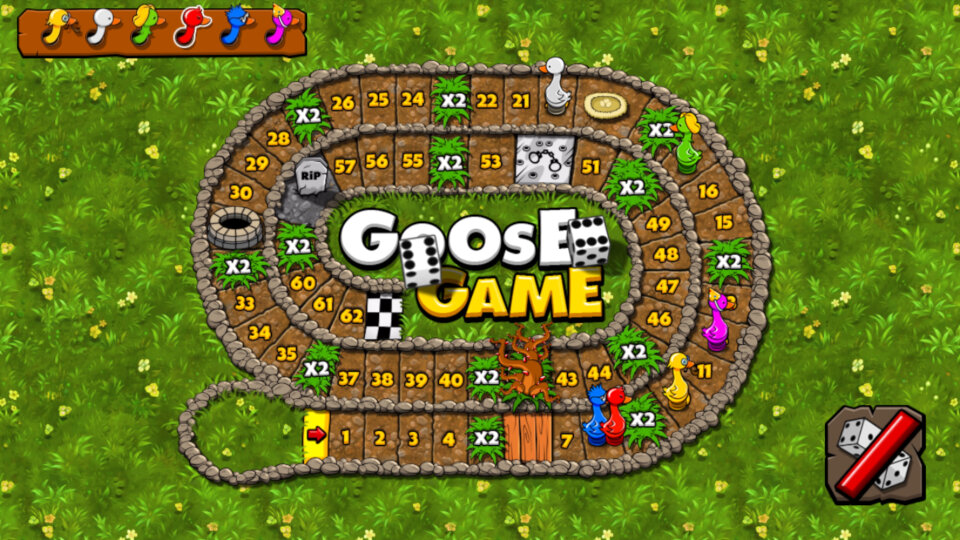
Goose Game
Objective is to throw the dice with the aim of getting to the finish line first. Upto two players can play, and upto 6 players can be on screen at one, with the remaining being controlled by the CPU. This is one of the best games available on the service purley for the simple gameplay.
Snakes & Ladders
Classic snakes and ladders game, can be played upto 2 players, with 6 players in total being controlled by the CPU.
Conclusion
So its a good start and a nice addition for Netgem’s TV service, but the main let-down is the lack of horse power from the hardware. I’m not sure what SoC Netgem use but it seems to struggle with the more demanding games. The main issue is the remote, this just not designed for gaming with its stiff keys and hollow build quality, a wireless controller might be a better addition.
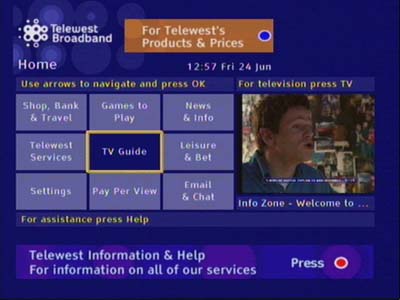
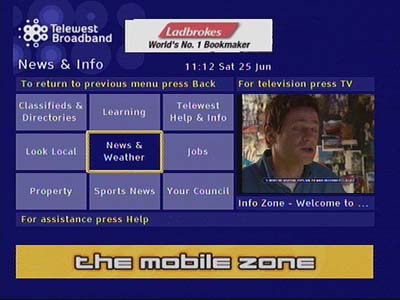
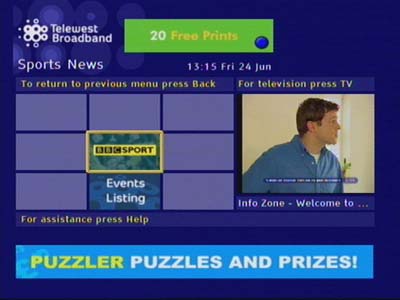
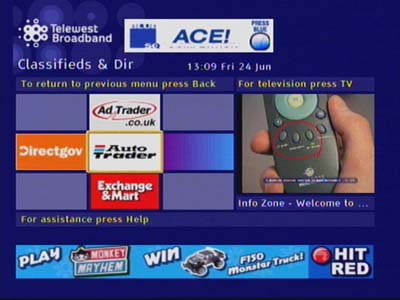
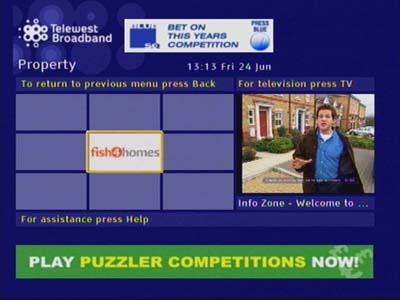
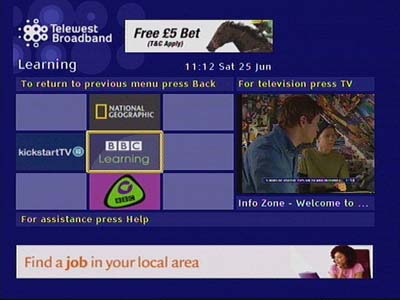
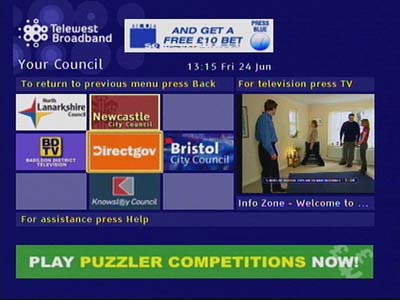
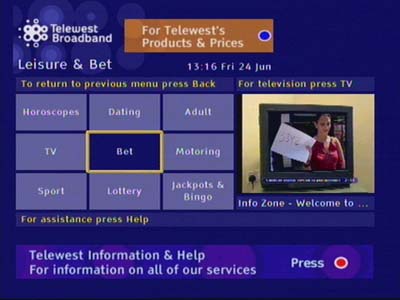
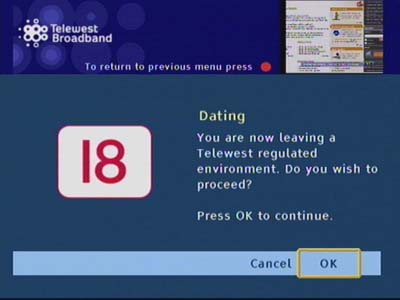
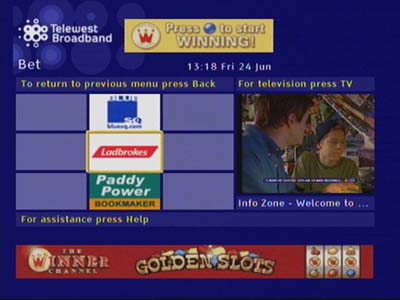
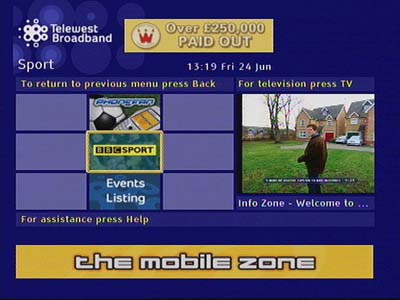
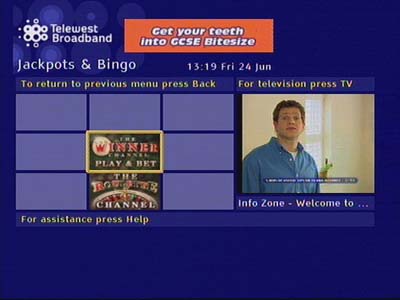
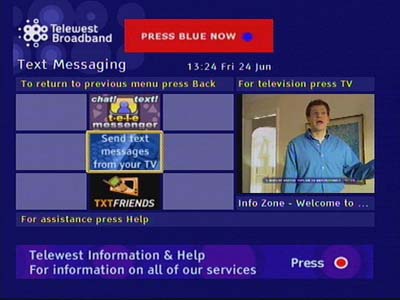
In late 2003, Telewest revised its EPG user interface once again, this time using a more uniform look across the different sections of the service. An electric blue background is now used and the design language follows a cube/box style menu interface, a departure from the list view we are typically accustomed to. In a way is similar to the Metro interface Microsoft had popularised on Windows Phone 7 and Windows 8.
The first release was distributed in 2004, with another release following in 2005 which traded the Front Row PPV functionality with the Teleport VOD service. This was an early Video On Demand service offered by Telewest, similar in concept to what we have today with Netflix but was the replacement of Pay-Per-View movies and events.
As with previous software releases, the interface is written using the Liberate TV navigator middleware, and commonly ran on a Pace Di1000/2000 or 4000 series of set-top-boxes. Scientific Atlanta was also another set-top vendor that Telewest had used with their Explorer 4000DVB. Also, a new silver remote has been provided to new customers, and existing customers if they requested a replacement, this remote bares a resemblance to the Sky remote and has the ability to control the TV volume and power functions.
Along with the new software, the information channel (on channel 890) was amended to showcase the new interface and how to access basic features of the TV service.
TV Guide
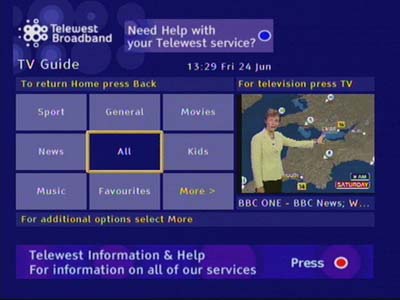
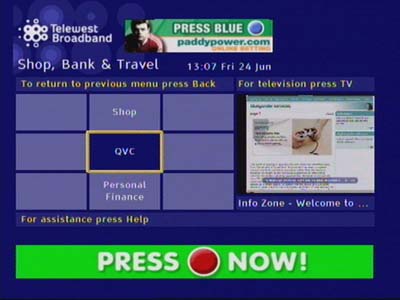
The interface employs a box design which was a departure from the previous software version, as well as the typical interfaces used by Sky Digital at the time. The user controls the cursor (Yellow bounding box) and uses this to highlight a menu item to select it. The cursor always starts off in the middle square, allowing the user to use the arrow/directional pad to quickly select an item. Number keys can also be used for shortcuts, even though numbers are not displayed. On the TV Guide example above, pressing 1 would list the Sports channels, pressing 2 would display general channels, 3 for movies, 4 for news, etc…
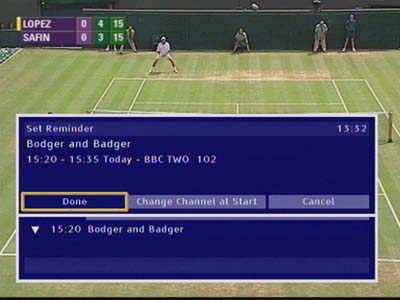
A reminder can be set during a program for a future event, useful to set a VCR or DVD recorder
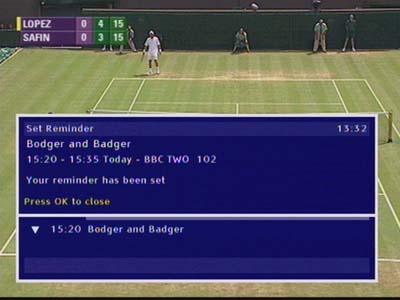
A confirmation the reminder has been set
Reminders that have been set will appear in the Reminders section of the TV Guide
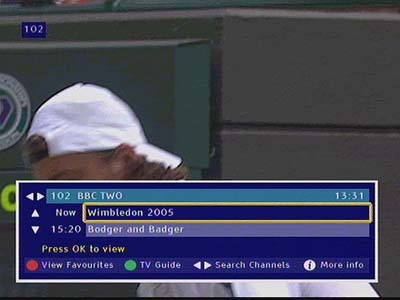
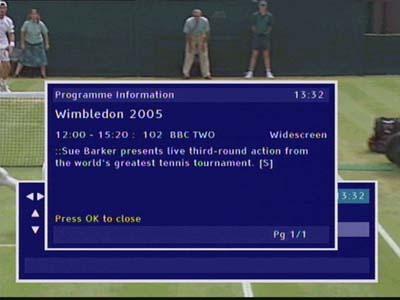
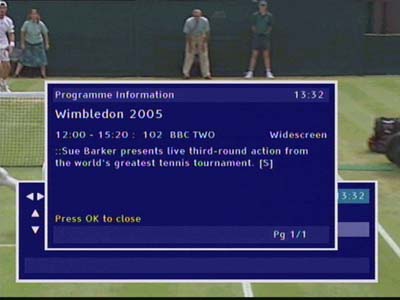
Pressing the info button will bring up a short synopsis of the program
On older remotes you can adjust the volume control of the STB output, newer remotes will just use the TV volume control
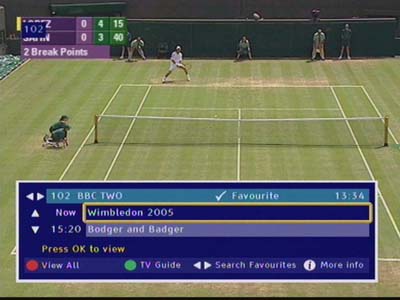
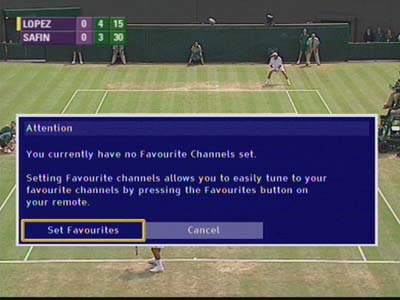
Viewing a favorite channel
Help
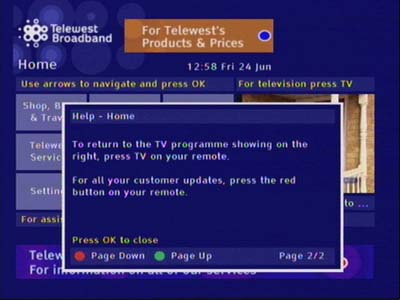
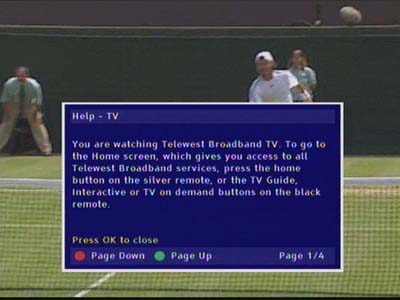
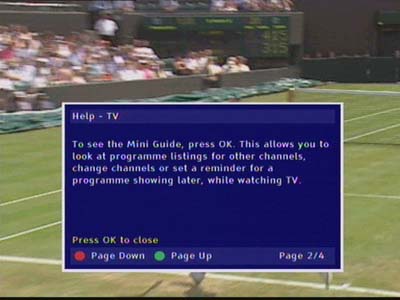
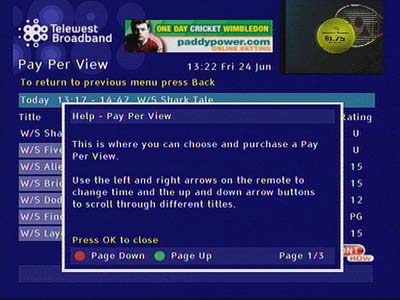
Pressing the help button on the remote brings up a small dialogue box that explains how to navigate the user interface, and how to perform specific tasks.
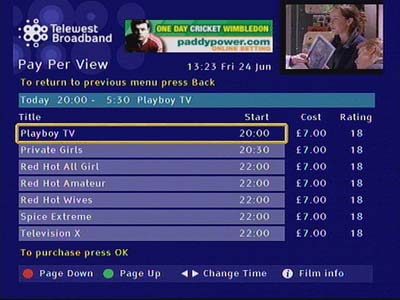
Pay Per View
Interactive
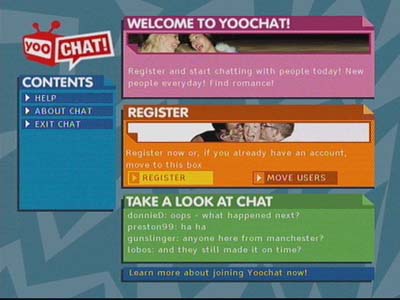
Interactive microsites were one of the main attractions to cable, and Telewest digital TV platform was built around the functionality of interactive service that could be accessed through the service.
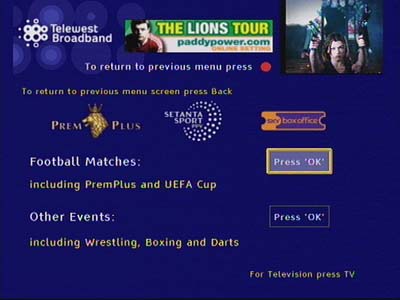
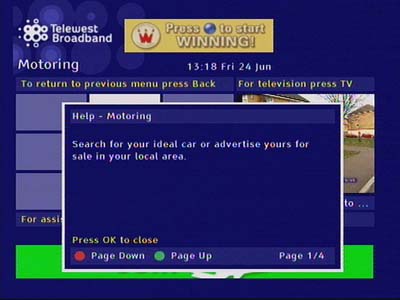
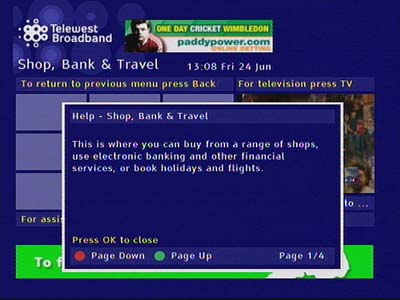
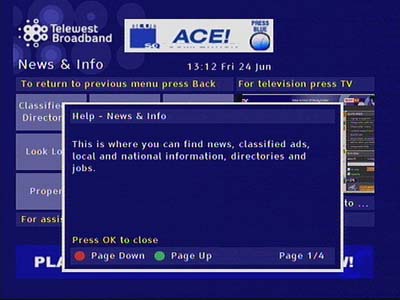
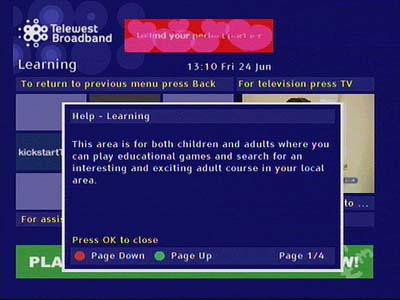
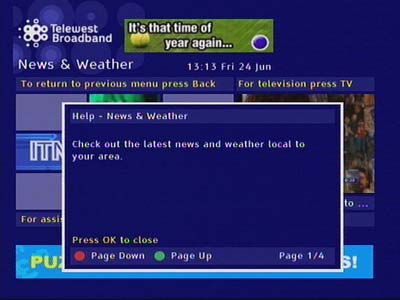
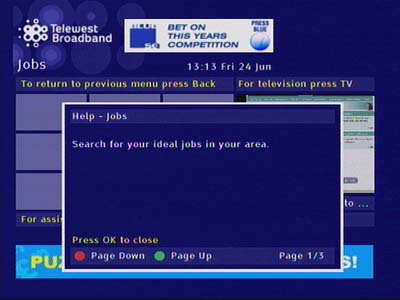
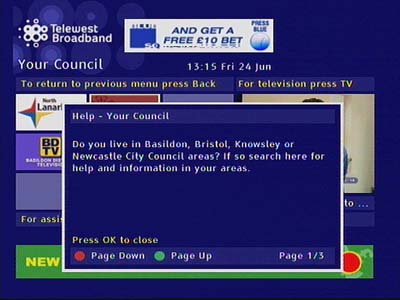
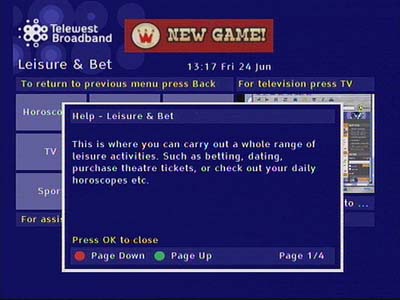
Help information for the various interactive categories
Settings
The main settings window
Parental Control
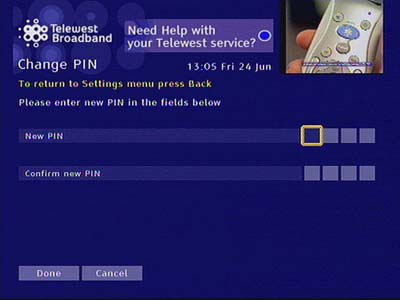
PIN control was brought forward from the previous software, again the user can control access to specific channels and place restrictions on programs by ratings.
Display & Audio
Amending display and audio settings like the picture output size (toggle between 4:3 or 16:9, with additional two options for letterbox or full-screen for 4:3)
Favorite Channels
Setting channels to be a favorite, there appears to be no specific limit for favorite channels compared to Sky, which was restricted to 20 and later 50 favorite channels.
Teleport VoD
Telewest launched its VoD services in 2005 and began rolling them out across the country. This replaces the Front Row NVOD service which operated in a similar manner to Sky Box Office.
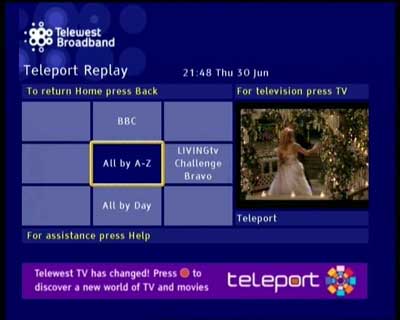
Teleport On-Demand home, with teleport Replay being a catch-up-like service to view programs previously broadcast in the last few days. A useful service since PVR’s were not that common back then.
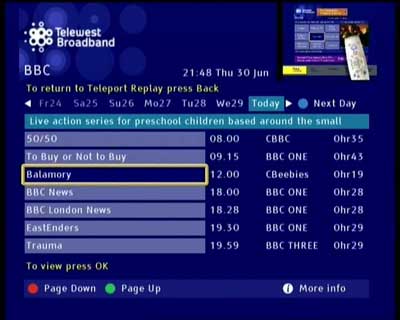
Selecting a program to play, and entering a PIN to play a restricted or a chargeable program. Everything here is in a list view as opposed to the boxset-like view we are commonly used to.
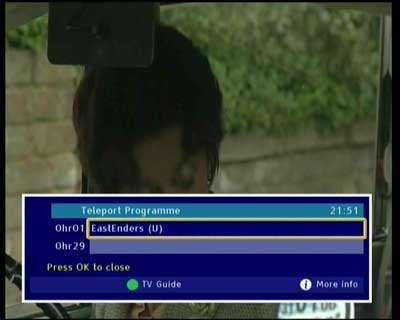
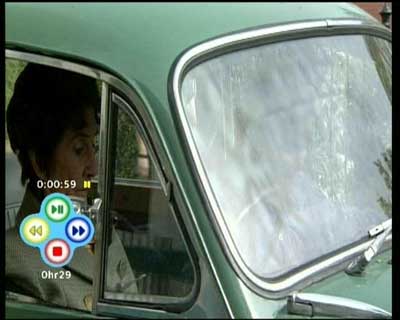
As the Telewest remote lacks the typical speed controls, you have to use the colour buttons on the remote instead. The Teleport program can be paused, and rewound or fast-forward like a regular DVD or PVR.
Conclusion
Reception to the interface design was mostly positive, with it reflecting Telewest new brand design and identity. This would match their Blueyonder branding for their broadband service and internet portal. This interface was also brought forward to ntl customers following the merger of both companies, with ntl being introduced to the TV Drive PVR.
This interface would later be replaced by the Virgin Media UK2 guide, which would be the final overall until the introduction of Tivo in 2010.
BT, or Youview rather have introduced a new games channel/app/services to their selection of apps that are provided with the service. These are in a similar style to the games offered previously to Sky (Gamestar and PlayJam) and the ones offered on cable where they run directly off the STB and have to be loaded each time they are accessed. The games are rather simplistic in nature due to the limited capabilities of the hardware that Youview is based on, which was originally released in 2012.
Still, better late than never. On a similar note Sky also offered a similar service through their Sky Q service, and Virgin Media offered buyable games on their Tivo platform (Unsure if this is present on the 360 box, which is a different software platform)
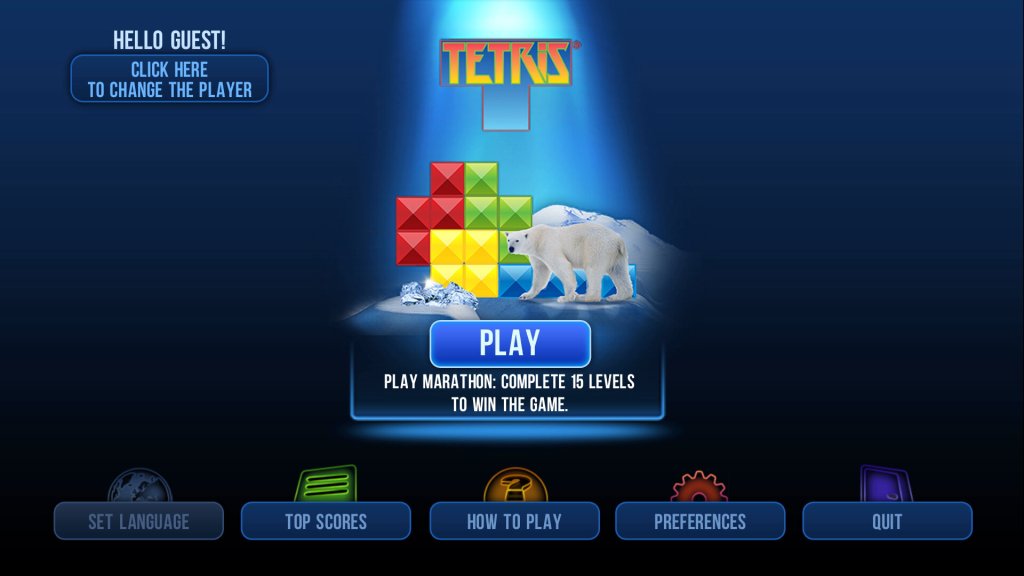
Tetris
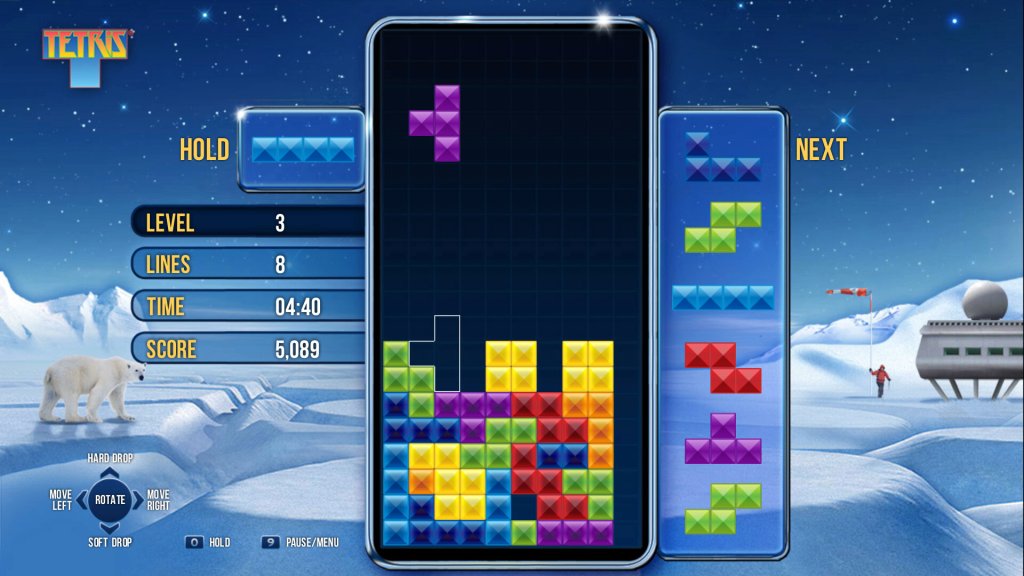
The game we all know and love. The background music plays for a minute, stops, and fails to loop. This leaves you with eerie silence. A leaderboard with high-score is available, and you can enter your own name. This only appears to show personal players’ scores, it does not show scores from other players online.
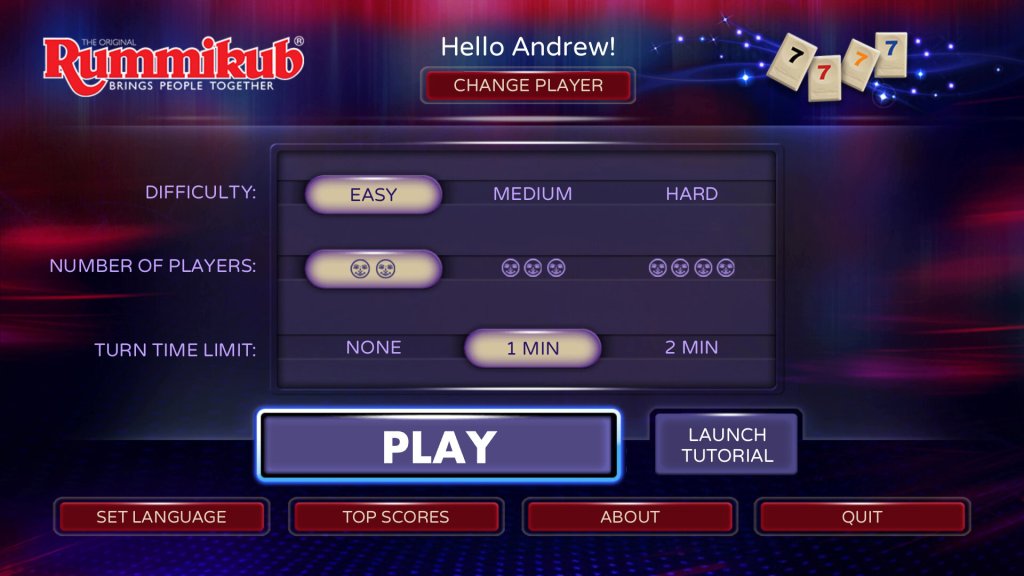
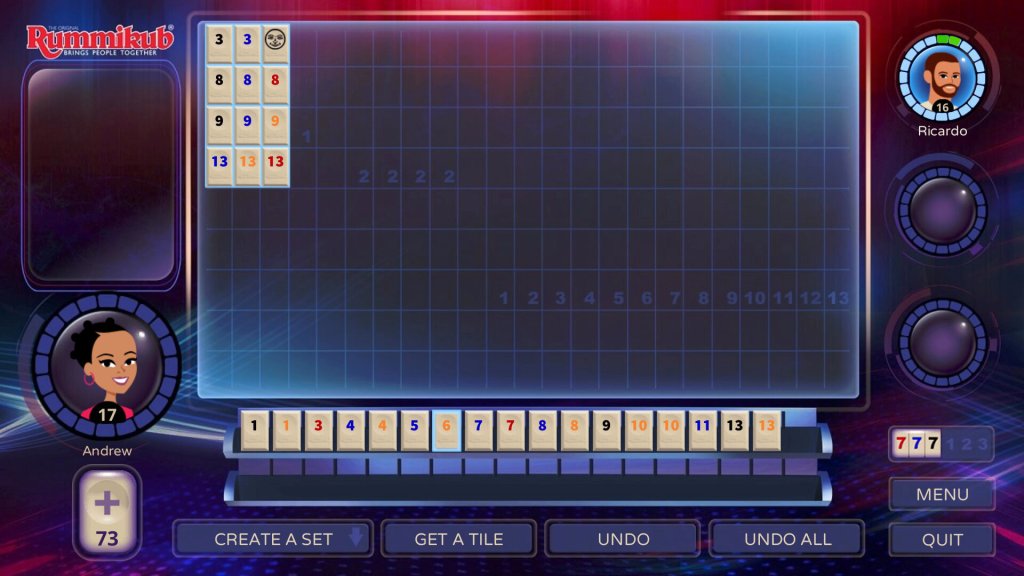
Rummikub
I have no idea what the fuck this game is about, the instructions are too long and I lack the attention span to even care. I try to put numbers on the board but the thing won’t let me. I guess its like Scrabble with numbers?
Pongal
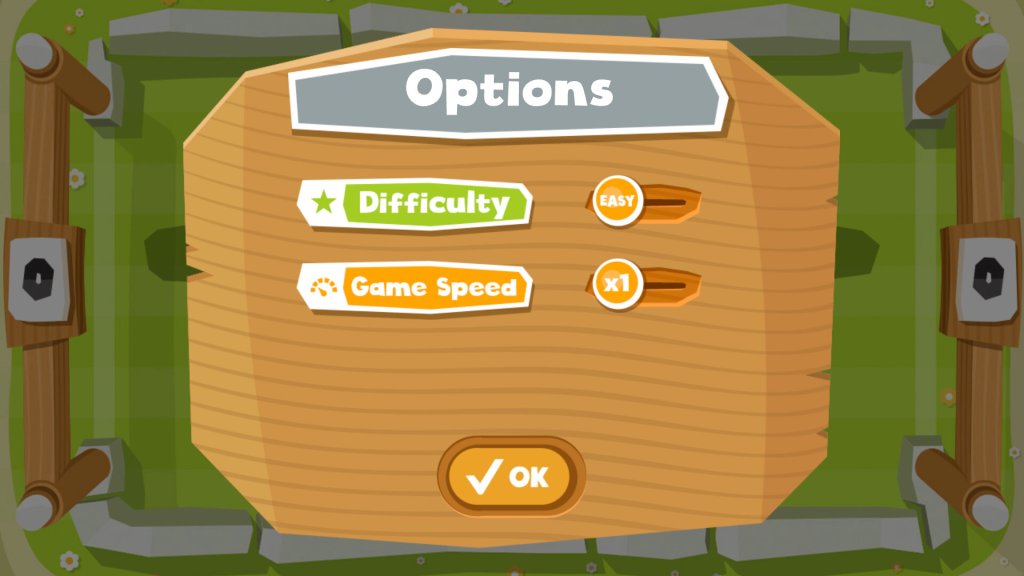
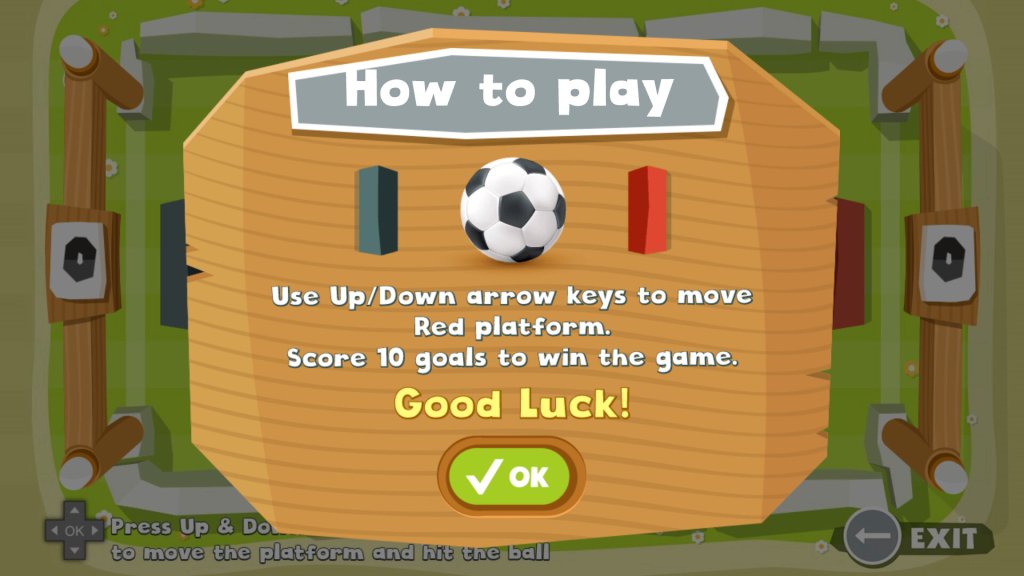
Football/soccer-themed pong game. The opponent AI seems to have been lifted from Mario Party since it’s possible to win by doing nothing. The options menu lets you change the game’s difficulty and the speed of your opponent.
SuperMaze
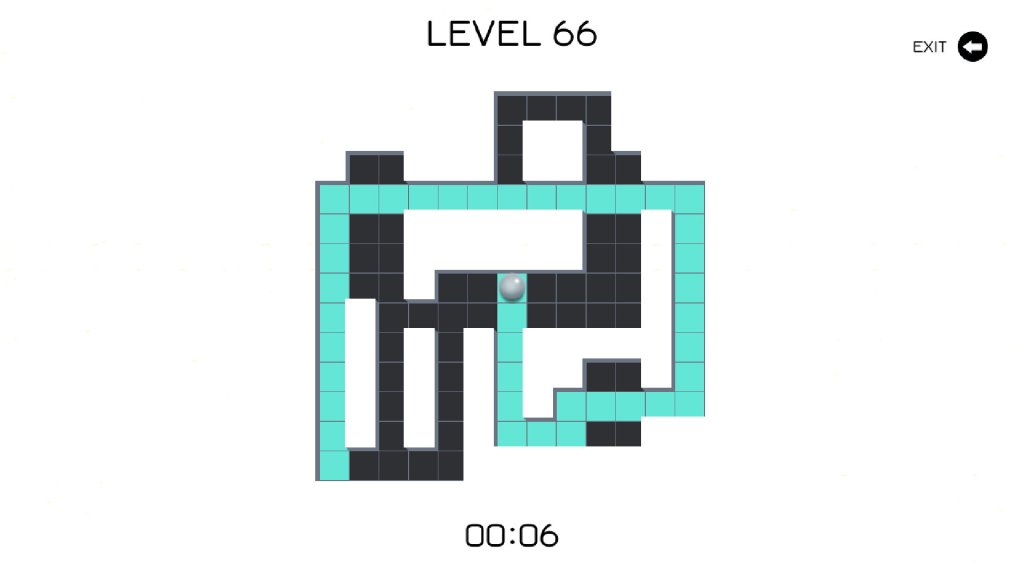
A simple maze game where you control a ball that highlight the squares of the maze when moved, The objective is to highlight all the maze squares which will progress you to the next level. Music sounds like a Butlins/Thomas Cook advert
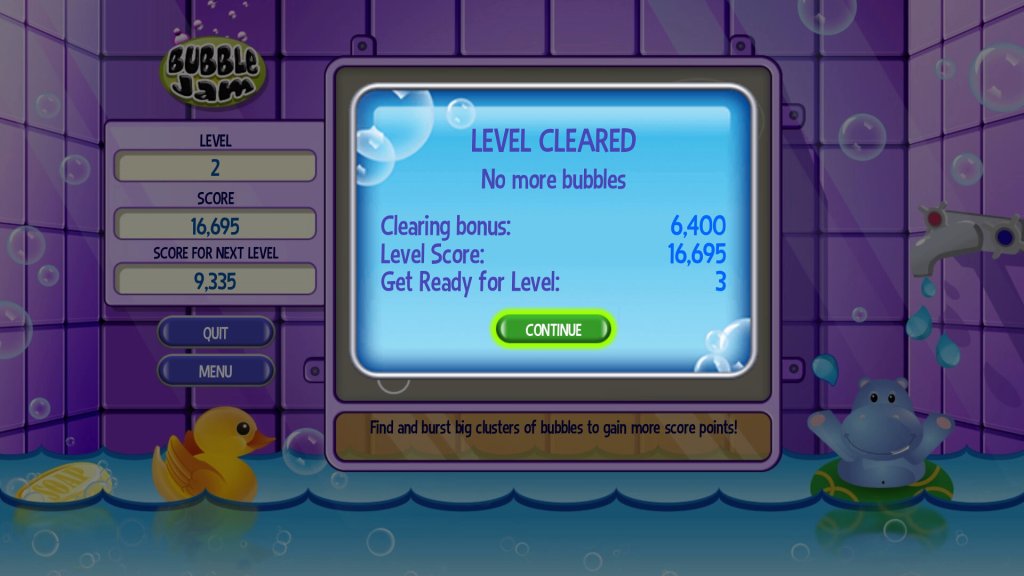
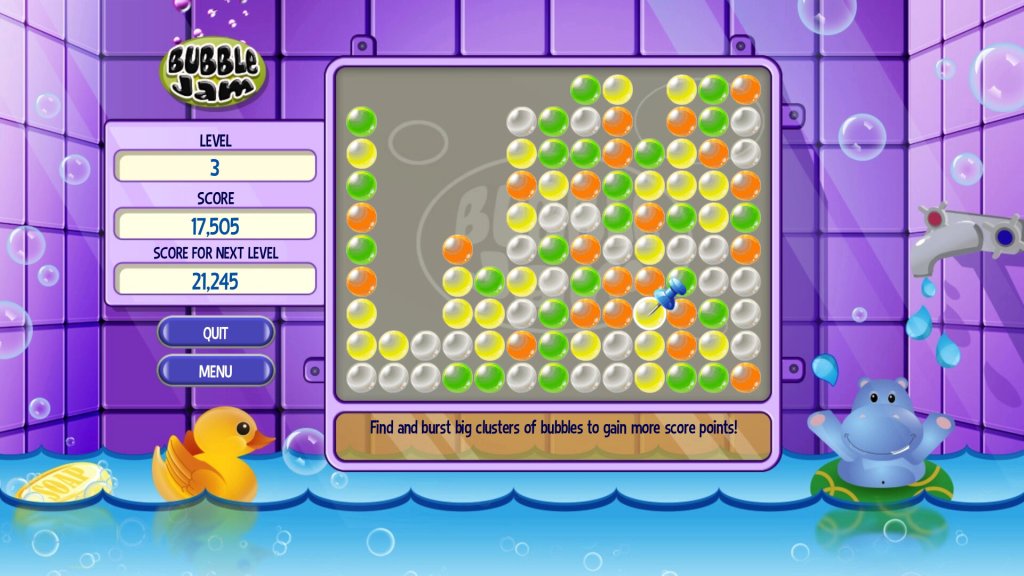
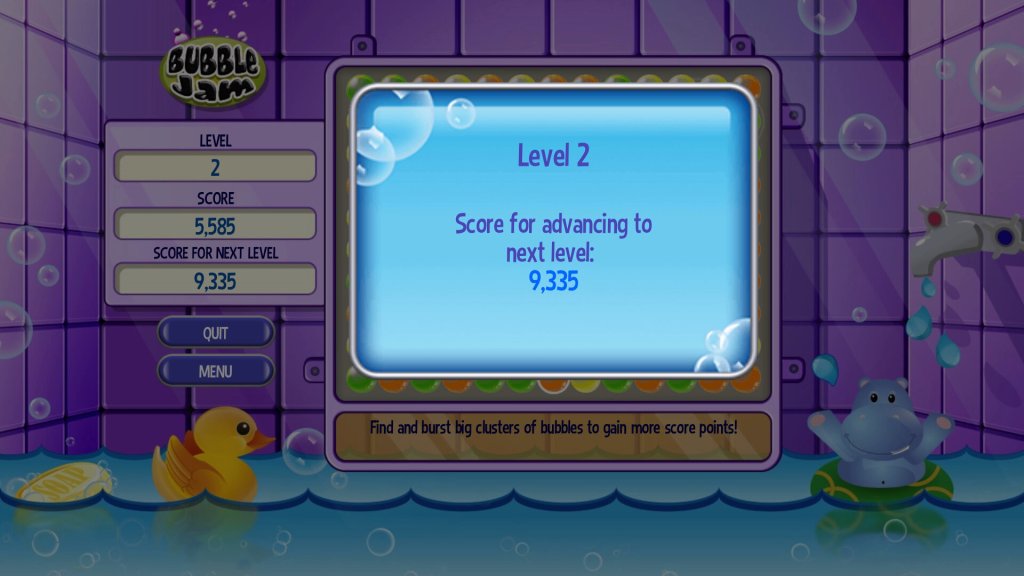
Bubble Jam
Puzzle quest-type game, the objective is to clear the board by popping bubbles of the same colour in segments of three or more.
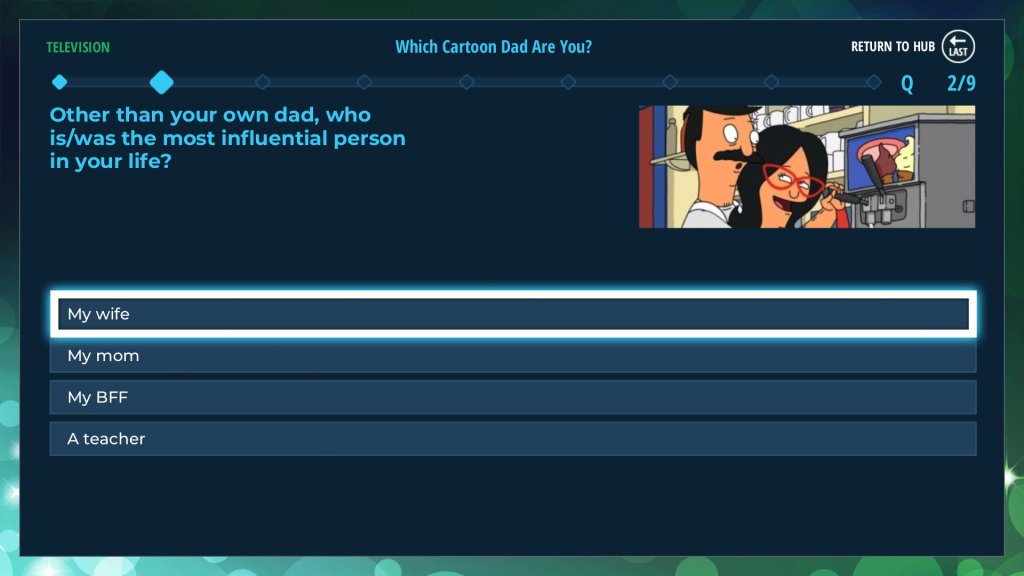
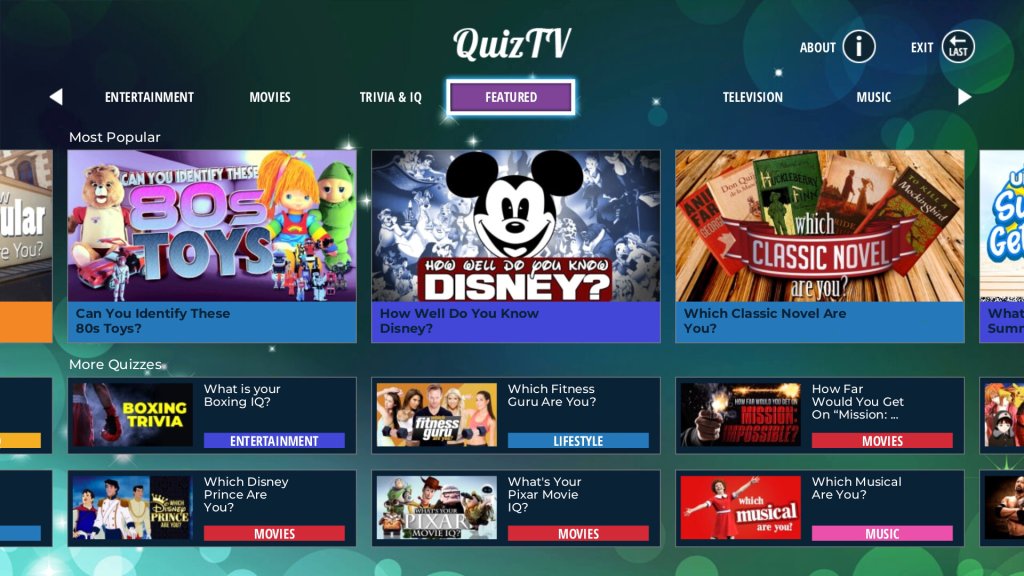
QuizTV
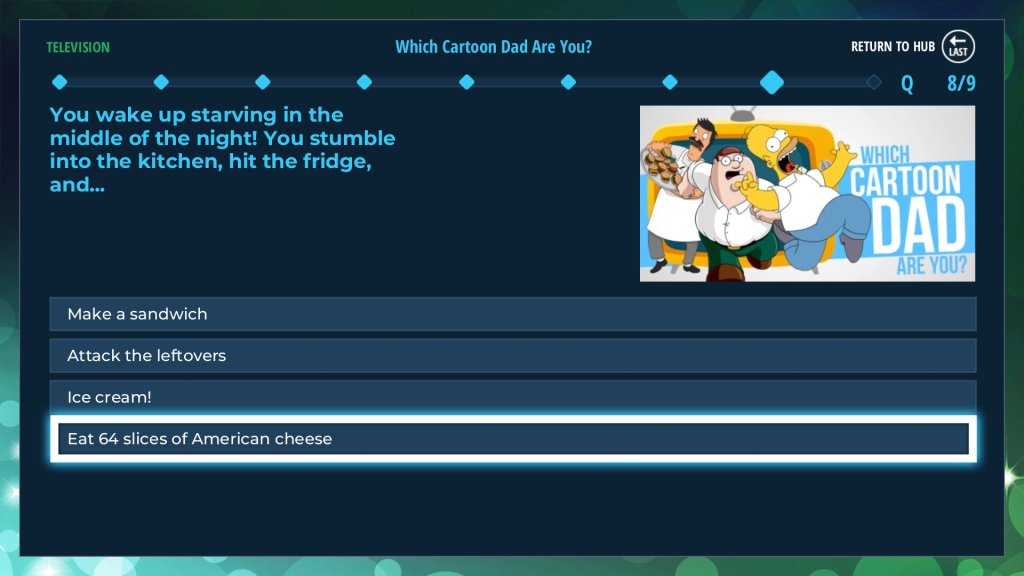
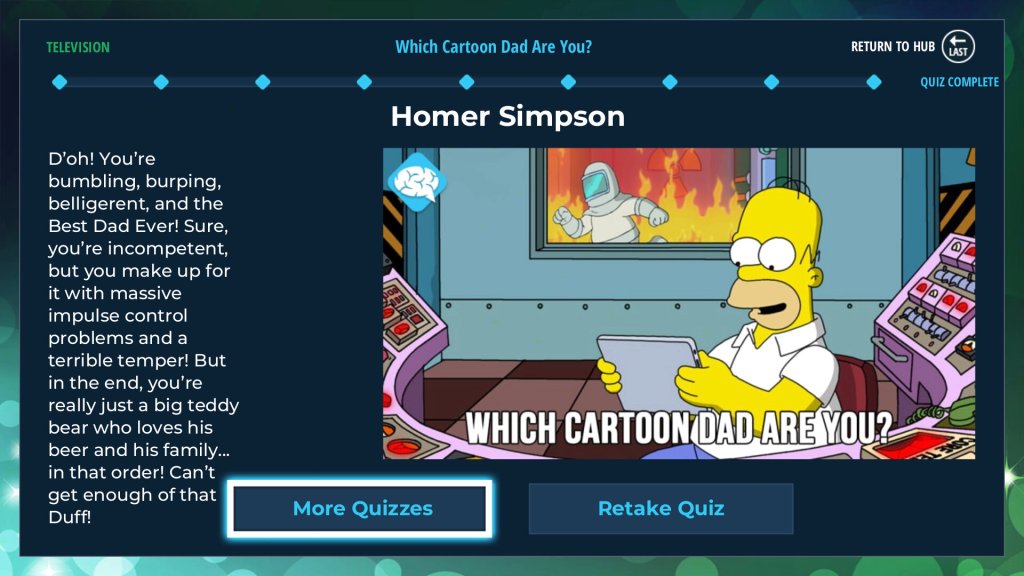
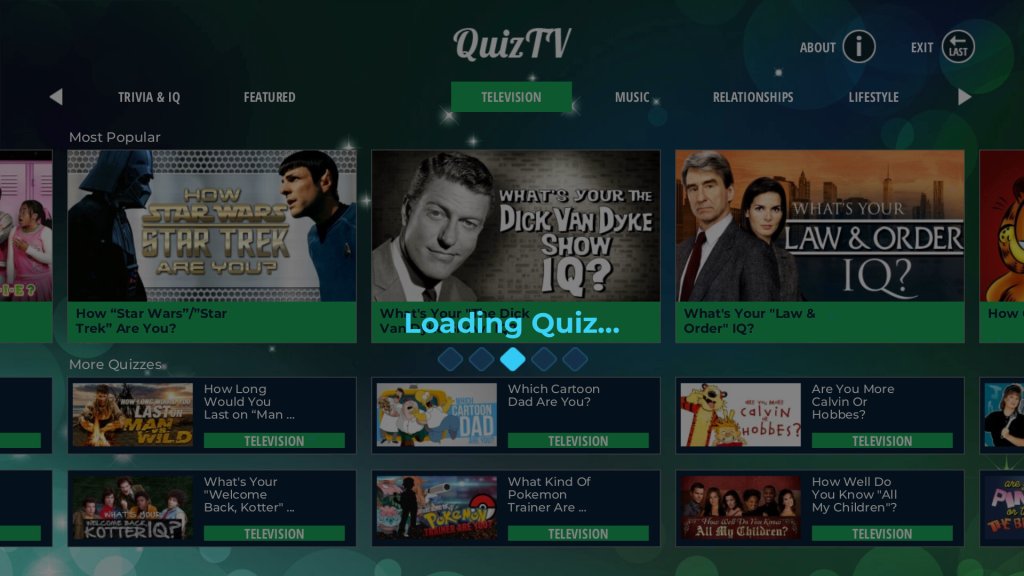
A bunch of Buzzfeed-style questions that consist of ‘What kind of character are you?’ or ‘How well do you know this show’ – Most of these will appeal to an American audience with very few subjects regarding British TV shows or music.
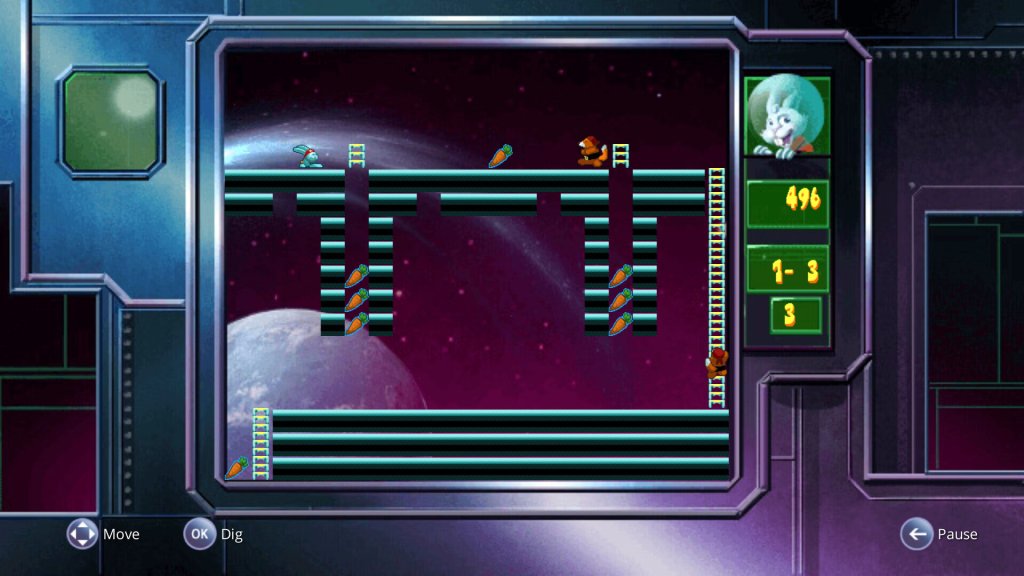
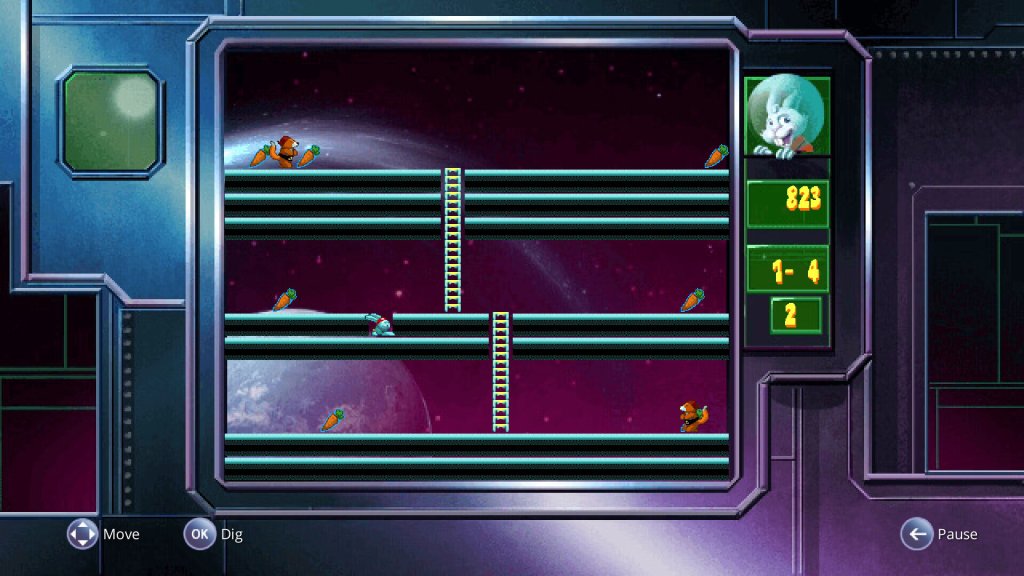
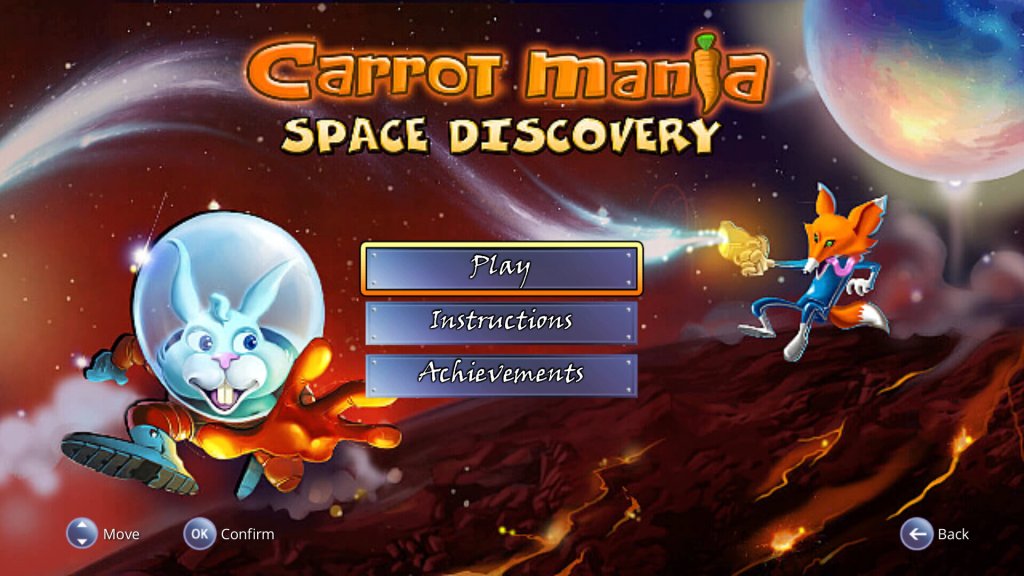
Carrot Mania Space
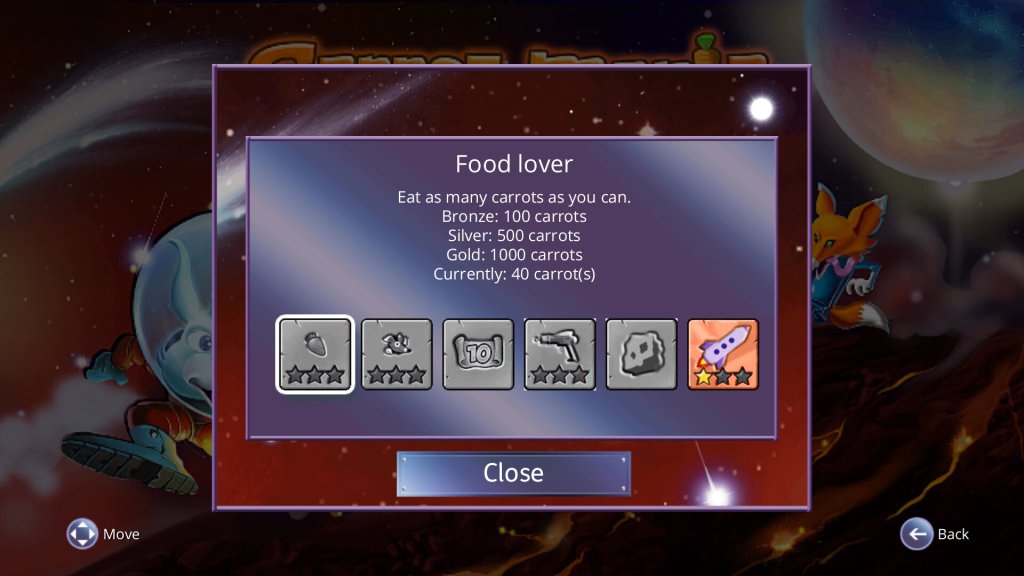
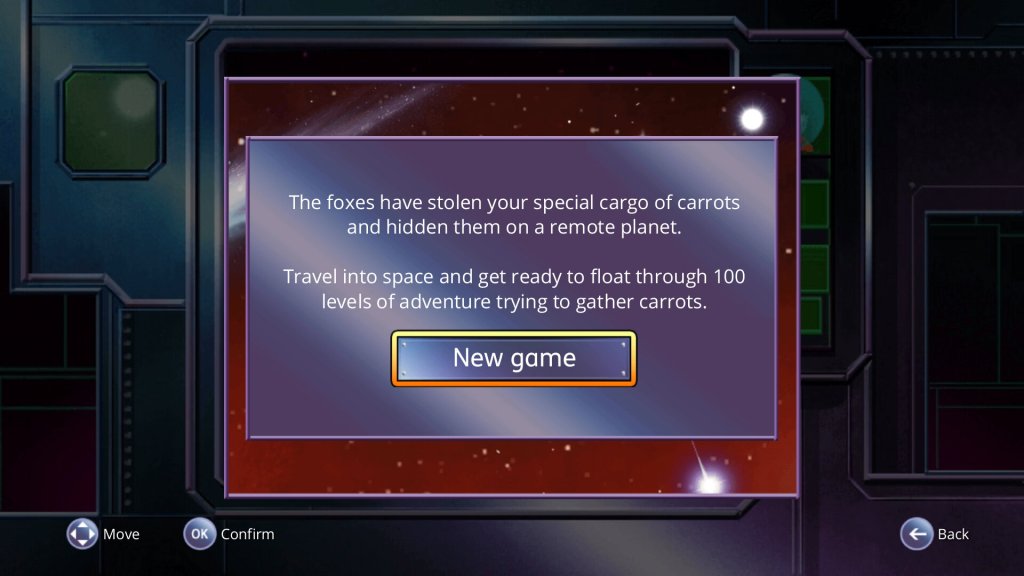
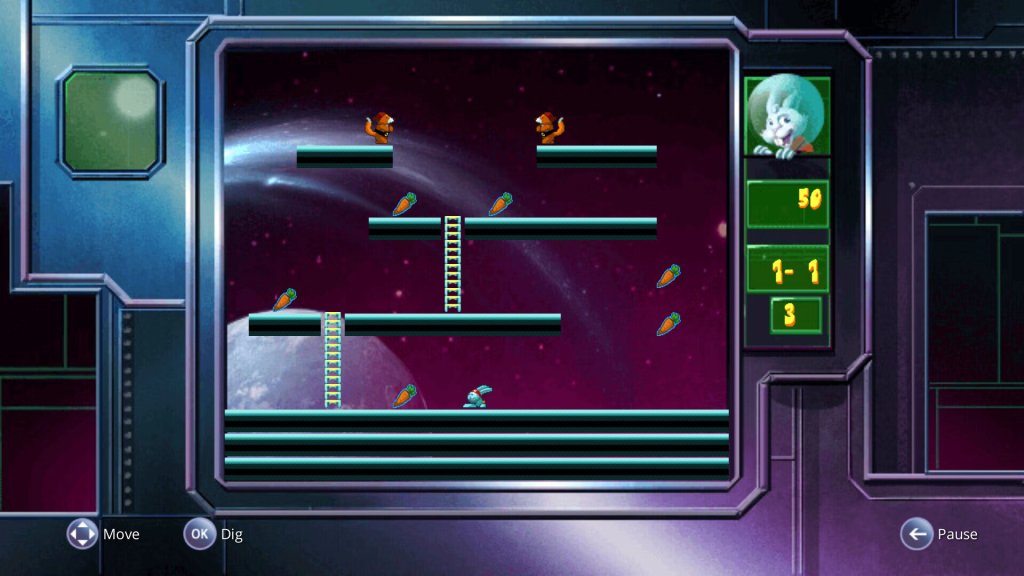
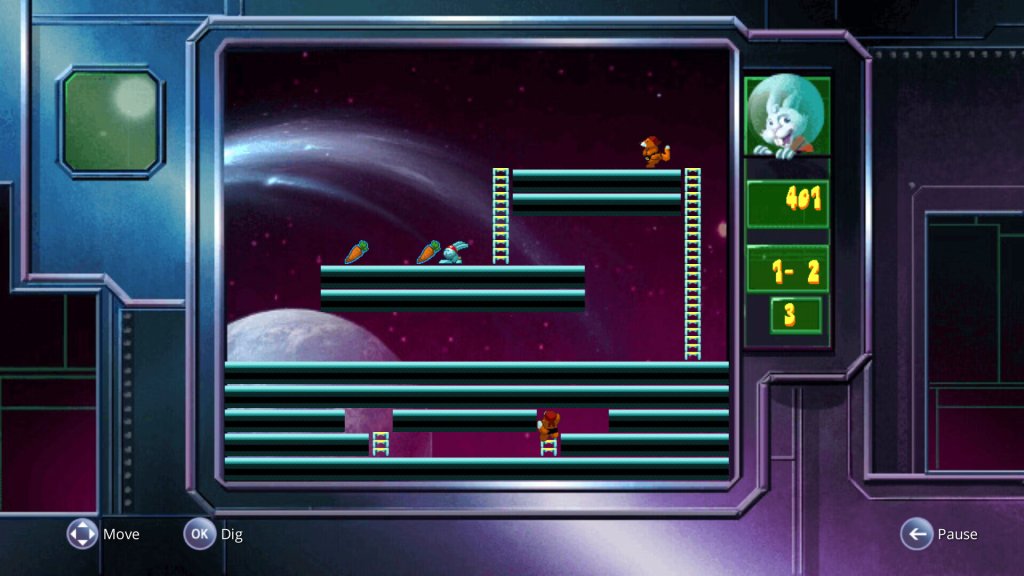
A platform game, you have to collect all the carrots in a level whilst avoiding the rival foxes. This game seems to have a few achievements implemented.
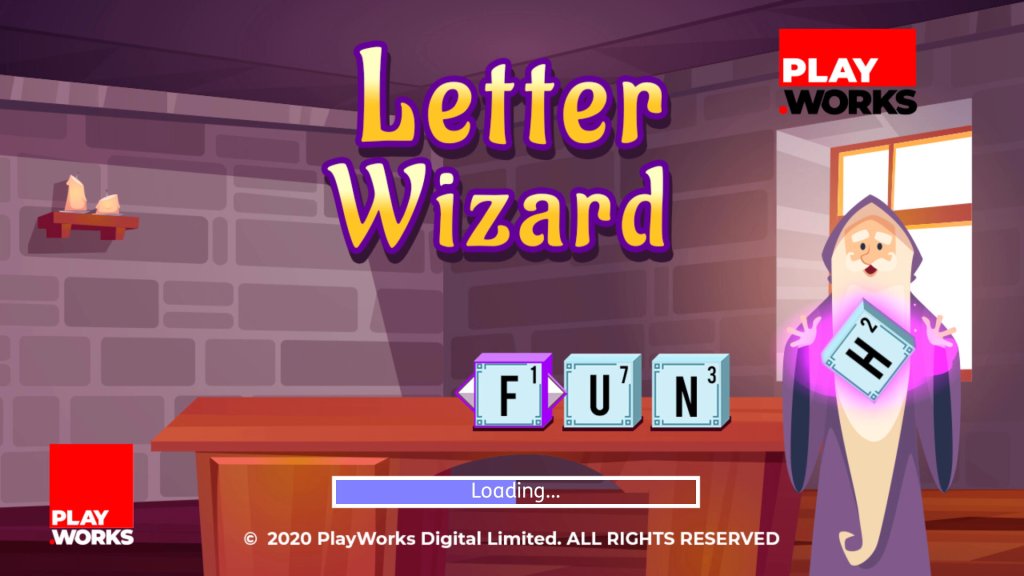
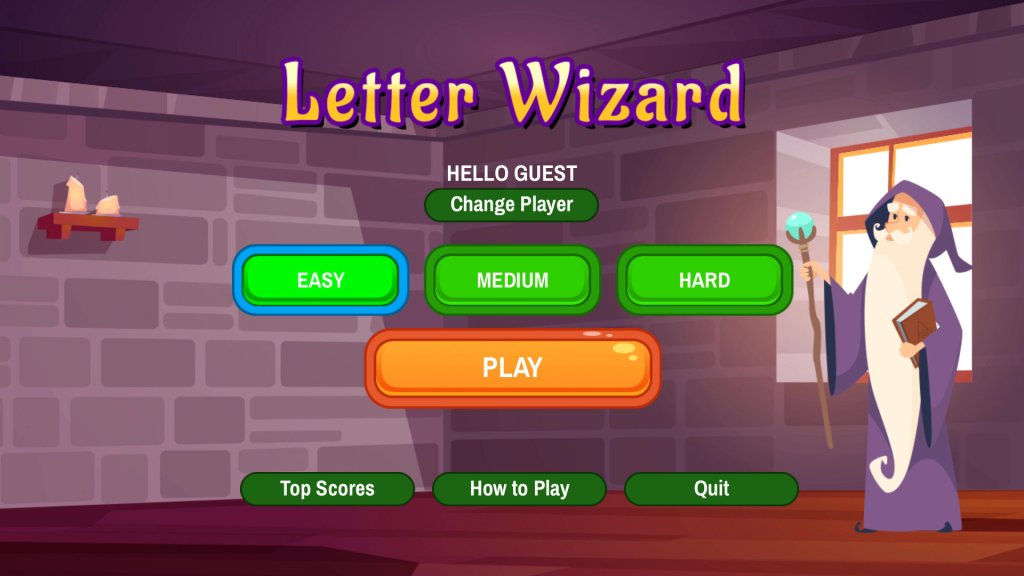
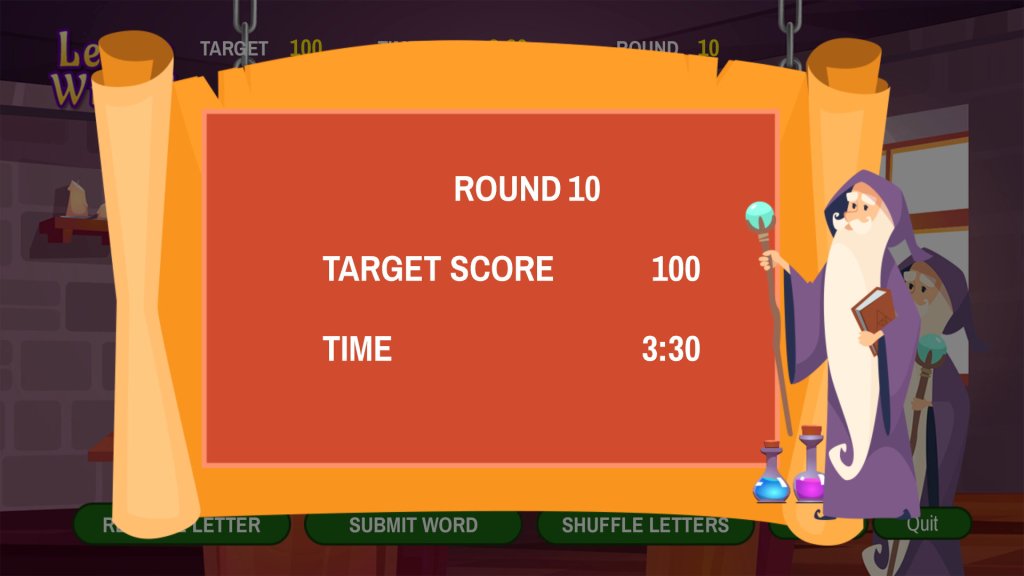
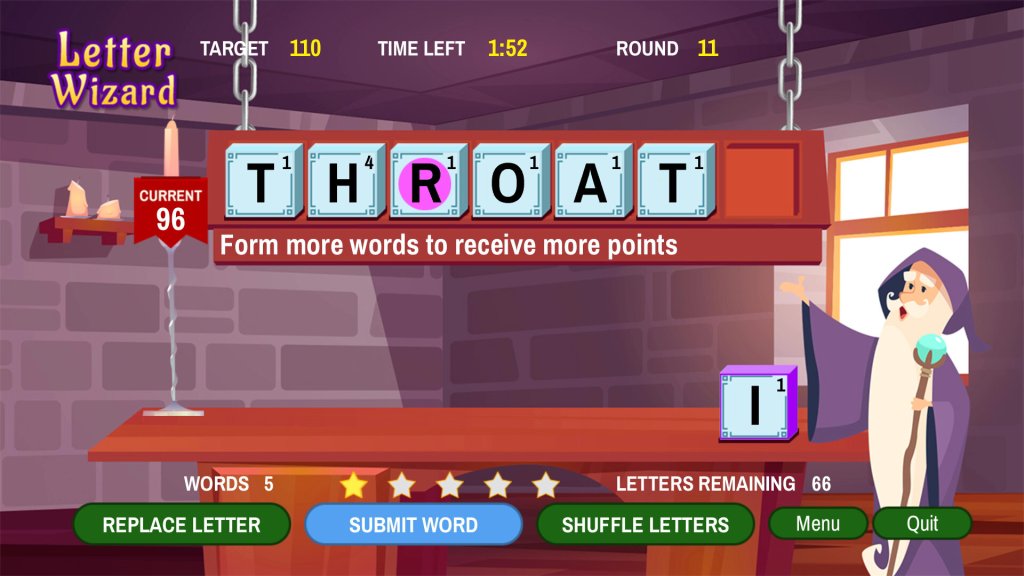
Letter Wizard
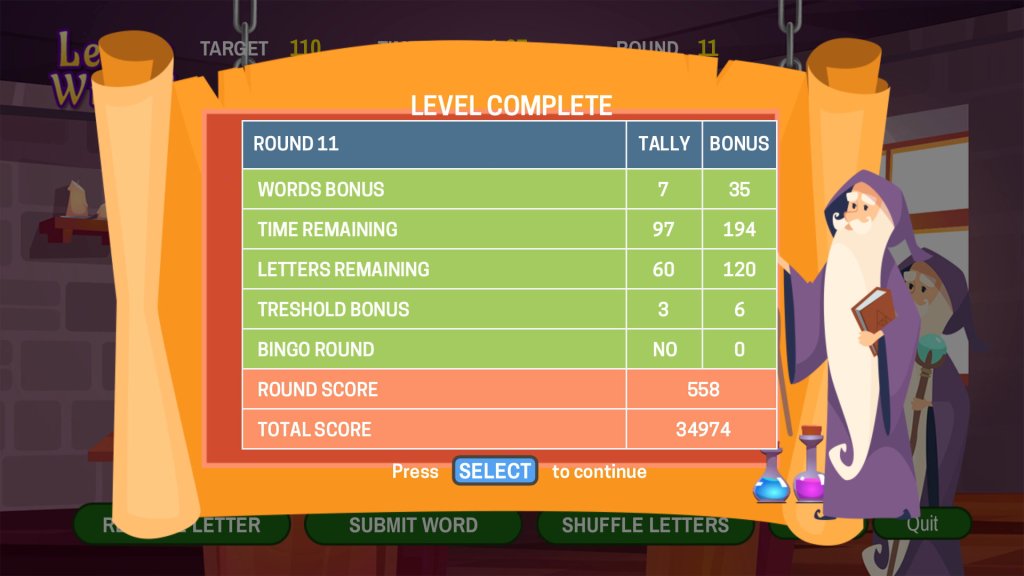
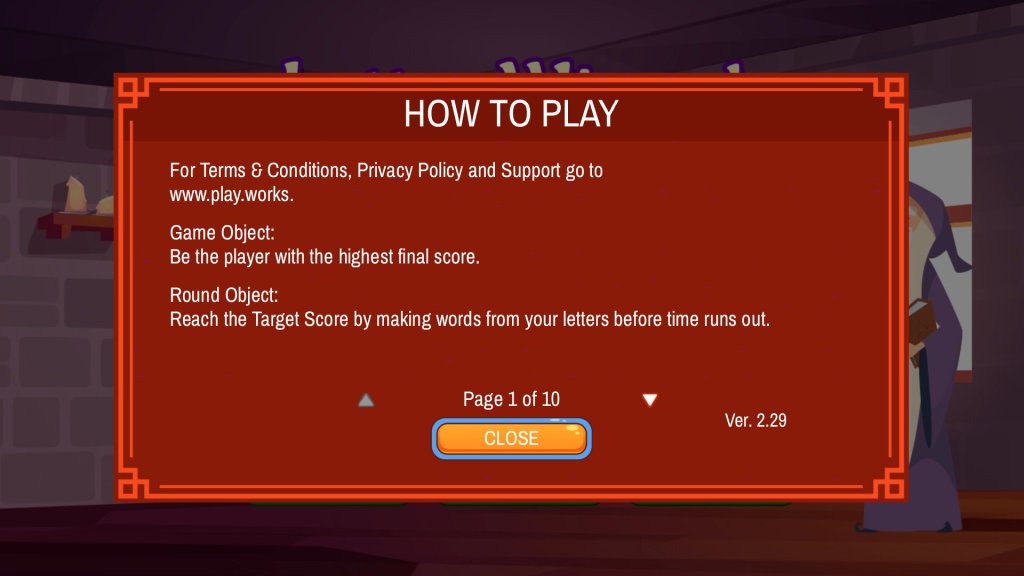
A countdown/wonderment style game where you have to find a word in a scrambled set of letters. You can swap certain letters out and receive bonuses for longer words or for using certain letters.
Super Collapse
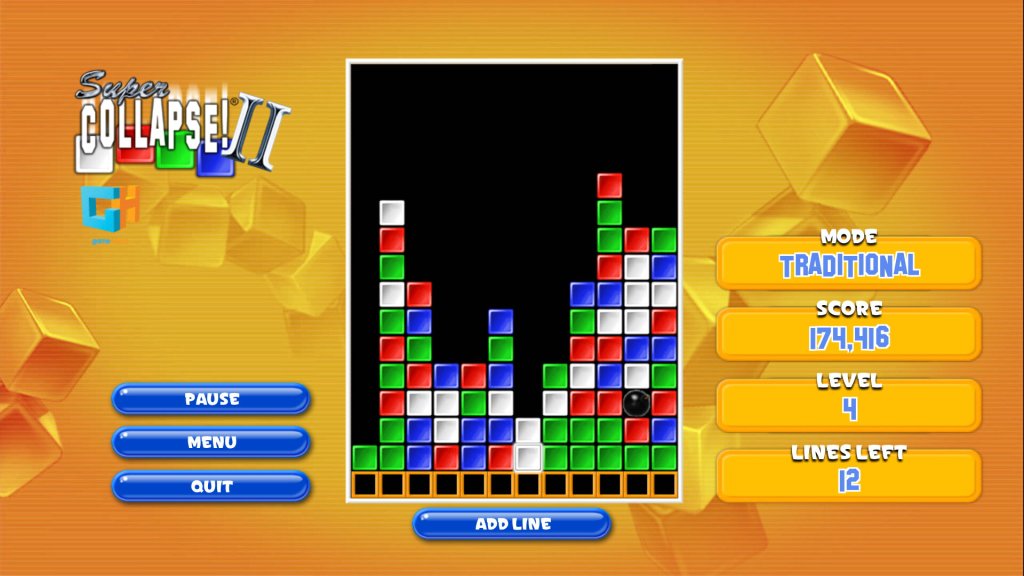
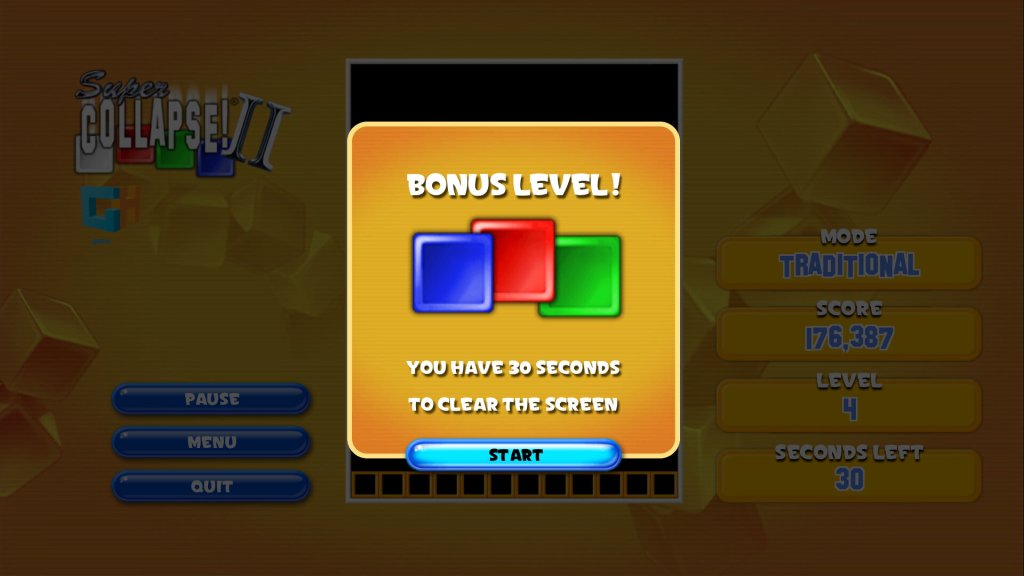
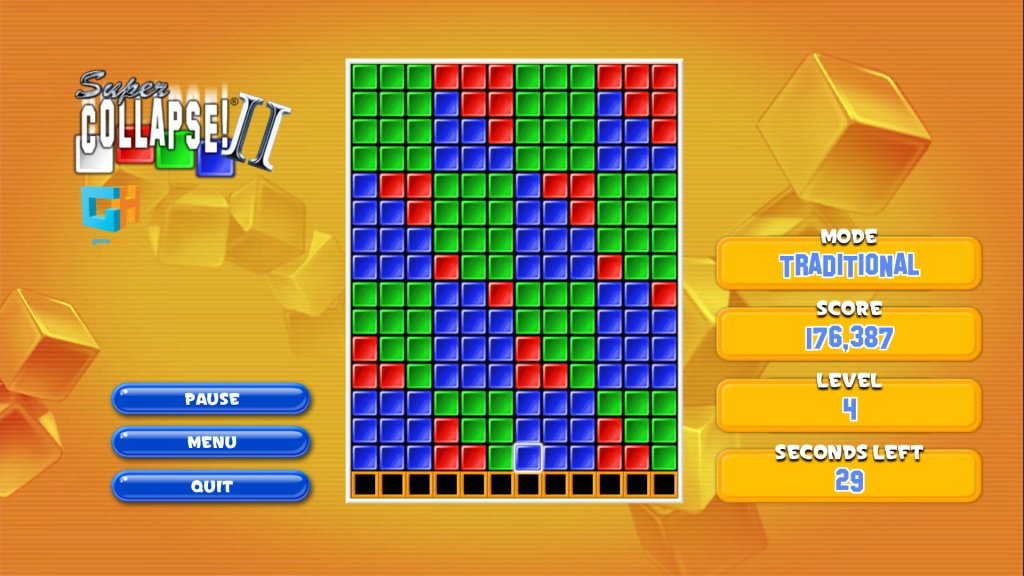
Here you have to try to clear the board of all colours, whilst a new row is added every 10 seconds. You can only delete in blocks of three or more.
Gem Matcher
The controls on this game are a joke, will the up and down buttons being used to adjust the angle, but the left key will quit the game and the right key will bring up the help screen, which takes a few seconds to load. As for the gameplay itself, you have to aim and throw gems in order to clear the screen by adjusting the angle, along with the power of the shot. Some gems take more shots in order to break. Like Tetris, the music on this game does not loop and will stop after a few seconds.
Summary
Overall it’s a good addition to the Youview service, though there are some early quirks present that will hopefully get ironed out within the coming months. There are a few performance issues with some of the games, particularly with SuperMaze. As this was running on the BT TV Pro box, this might be more of an issue with older Youview units.
Still in the future we could see more games being added to the service, in addition to more TV gaming providers like PlayJam (Who still exist) and even cloud gaming services like PlayStation Plus (Formely PlayStation Now), Google Stadia or Xbox Live Cloud. BT already offer Xbox Gamepass as part of their broadband and TV bundles. Still this will require dedicated controller support which will have to be included within the Youview software.
DirecTV partnered with Tivo to produce DVRs for the digital satellite TV services, alongside the UltimateTV. This would become the standard DVR for DirecTV subscribers from 1999 to 2005, when DirecTV introduced their own custom-developed units based on NDS middleware, similar to Sky+ in the UK. The last remaining Tivo DVR was the THR-22.
Typical Tivo units were manufactured by Humax, Sony and Hughes
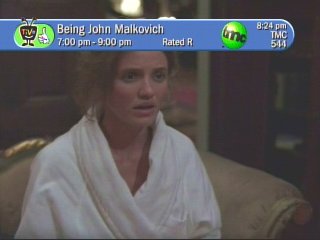
Tivo channel banner
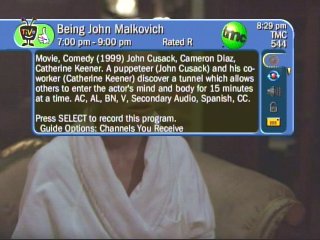
The channel information banner that shows what is currently being watched, a description of the current show, and icons on the right allow quick access to Tivo features
Tivo uses the thumbs Up/Down rating system for the user to provide feedback about the programs they prefer watching and the ones they prefer to avoid. This influences the Tivo suggestions that the DVR will record.
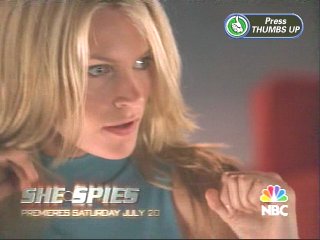
An iPreview icon, Pressing select or the thumbs up icon takes you to a Tivo Central message advertisement
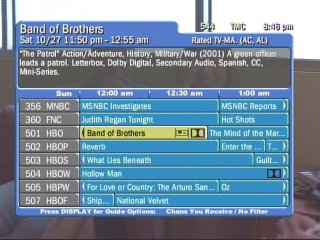
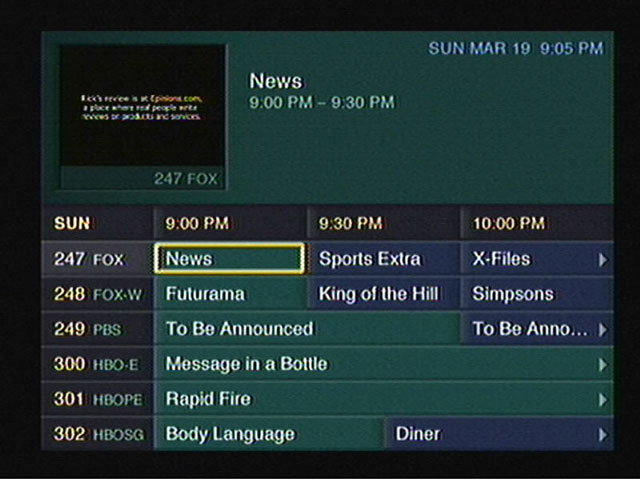
The main EPG interface, Showing channels in a grid interface
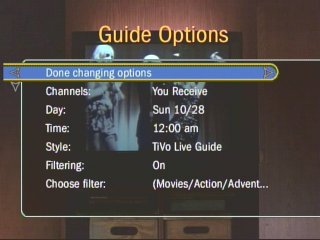
Most of the Tivo menu are straight vertical lists and are easy to navigate with the remote control. You can customize the guide interface and set any additional filters
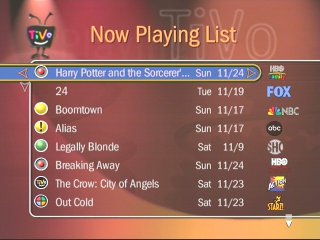
A list of recorder programs, when they were recorded and the channel they were recorded from
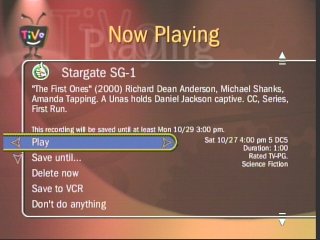
Tivo gives additional options when playing back a program, you can archive to a VCR instead, and you can prevent the Tivo from deleting the program if it needs more space.
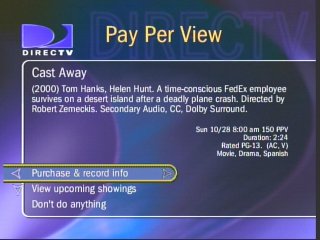
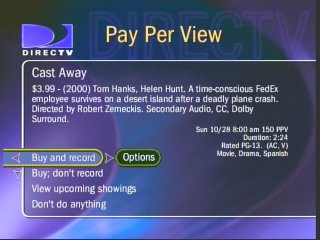
DirecTV Tivo was integrated with DirecTV’s pay-per-view services, and movies/events could be recorded to its hard drive
You can add an additional buffer for recording TV programs to prevent them from being cut off in the event it overruns into the next program, similar to PDC (Program Delivery Control)
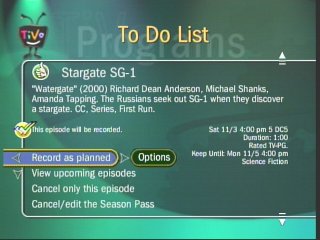
List of upcoming programs to be recorded
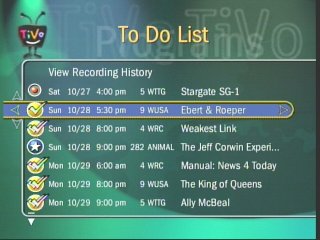
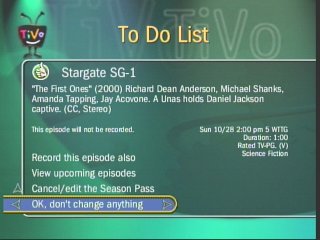
To Do List shows the programs Tivo is about to record as scheduled
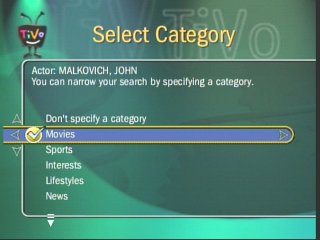
You can filter to a specific genre of program
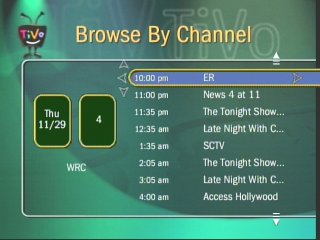
Choosing a channel and listing all the programs broadcast
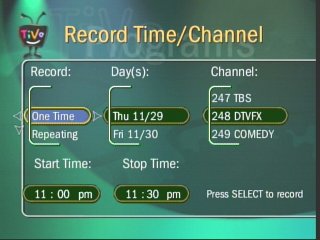
Setting up a manual recording
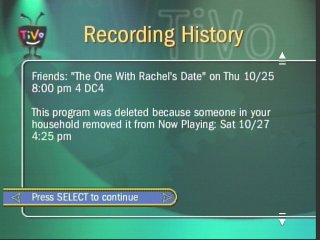
Recording history for a show that was deleted.
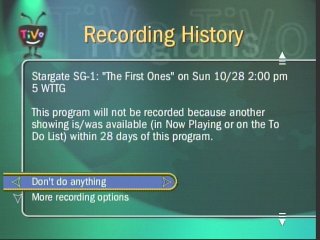
Tivo will alert you if a program will not be recorded due to a schedule conflict, due to the limited amount of tuners
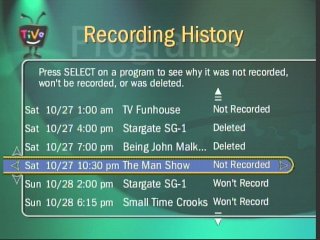
Tivos Recording history shows what was recorded, anything that didn’t record and what was deleted
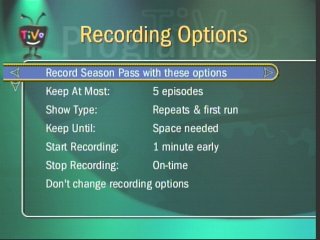
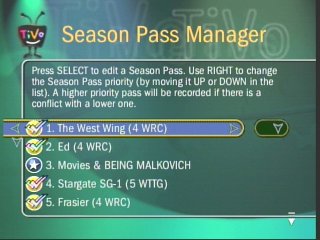
Season passes are akin to series links, where the Tivo will record a series of episodes of the same show automatically. You can modify and remove these at any time
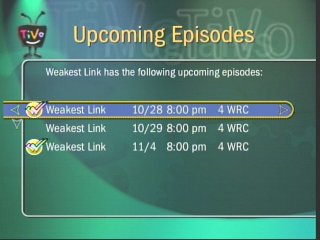
Upcoming episodes to be recorded, as part of a season pass
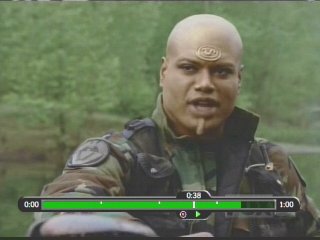
The time bar, shows how long you are into a recording, this appears when you pause, fast forward or rewind during a show.
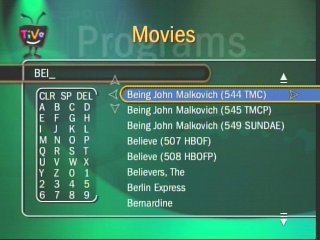
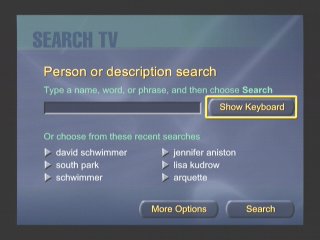
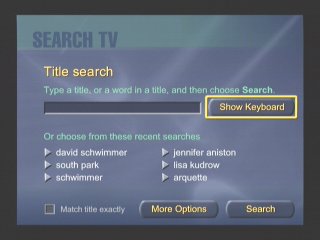
The search feature, cab be used to find upcoming shows or movies
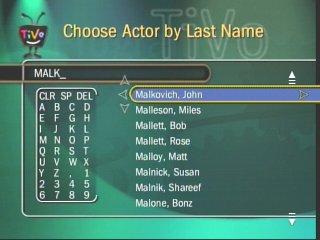
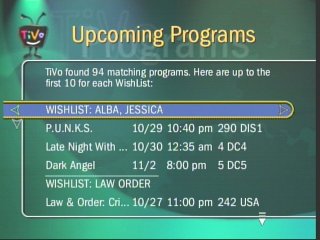
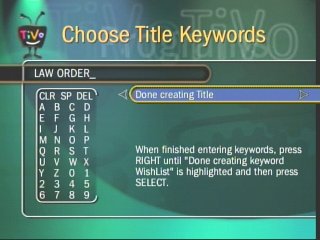
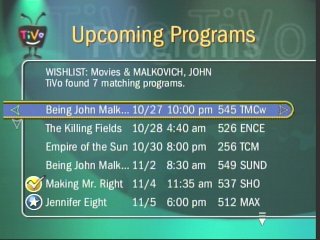
Wishlist main menu, you can set a Wishlist for a specific actor, and keywords (like the show title), you can then set a season pass to record any program matching that Wishlist keyword.
The results window when searching for a specific actor, any upcoming shows are listed that feature that actor
Again, very similar to the title keywords
Tivo showcases are like interactive apps containing clips that can be downloaded to your Tivo, they also serve as promotions for subscribers
Ultimate TV was a partnership between DirecTV and Microsoft, who were looking to expand their WebTV platform. The DISH Player had launched a year prior with DISH network, and has also used the WebTV platform as a basis of its DVR software.
DirecTV also launched a DVR with Tivo, known as the DirecTivo which integrated two DSS satellite tuners into the Tivo system, which allowed for two channels to be recorded at the same time. Something that could not be done on the regular Tivo’s of the time, which required an external set top box to be connected.
Hardware was manufactured by RCA and Sony who had also made standalone WebTV hardware. Receivers typically came with a 40GB hard disk and twin DSS tuners
My Shows
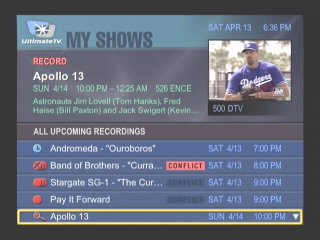
List of all recordings made, and any upcoming shows to be recorded
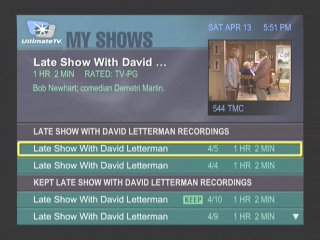
Another screenshot of the My Shows section, this time with recordings grouped by title name
More recordings of different episodes of the same show
At launch dual channel recording was not possible, and inital functionality c
Interactive
An interactive prompt, WebTV was one of the main interactive platforms
Pay-Per-View
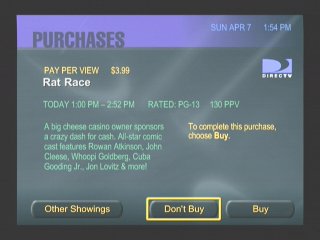
PPV movie and events could be ordered and recorded
Favourite Channels
Separate lists can be made to store favourite channels
Category Search
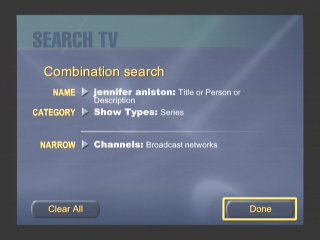
Searching for a specific program, you can choose from various filters
Searching by actor and a combination of categories
Someone here was clearly a fan of Friends
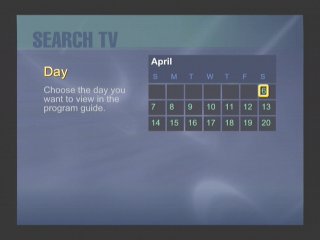
Searching by Day
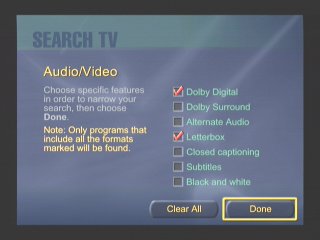
You can filter to a specific feature that a program supports, like subtitles
Search by age rating
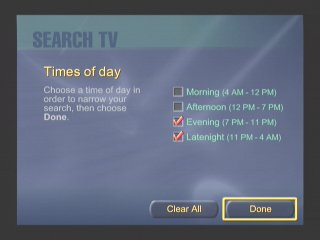
Filtering by the period of day
Or by decade period
Or by a search term / keyword. This was similar to what Tivo had offered
Additional Search terms
DISH Player
Dish Network also had their own DVR which ran using the WebTV middleware, known as the DISH Player. This was very similar to the UltimateTV but was released one year prior. Two models were released, the 7100 and 7200, both manufactured by Echostar and feature a single tuner. The 7100 has a 8GB Hard Disk, whilst the 7200 has 17.8GB.
A software update was released in December 1999 that enabled full DVR functionality. Prior to that it was only possible to live pause TV for 30 minutes. A $10 subscription fee was required, reducing to $5 if you took out a WebTV subscription also.
Images were originally captured from iwantptv.combefore the site went offline
Channel 1 is the PTV (personal TV) channel, which is where the DVR is managed. You can view recorded shows which the DVR can self manage, older watched shows are deleted automatically to make space for upcoming shows.
TV Home: The main screen where you can access the guide, personal TV and any other services offered by WebTV and DISH Network.
Settings: Change receiver settings
TV Listings: The main TV guide and search engine
Web Home: Opens the WebTV browser
Help: Gives you information on how to use the receiver
Purchases: Pay Per View shows will appear when when purchased
TV Sites: TV Channel related sites like Fox News, CNN, etc
Games: Basic games that have been downloaded to the hard drive
Notices: Displays any messages sent to the box like service announcements
Only satellite programs can be recorded, OTA terrestrial ATSC channels can not be recorded, only watched live.
Conclusion
Microsoft didn’t last long in the North American DVR market, and the WebTV based DVR’s would be replaced not long after. DirecTV continued their partnership with Tivo and would eventually introduce their own branded DVR’s running NDS XTV software. DISH would replace the DISH Player with their own DISH DVR models.
Part of the reason was the poor initial reception due to the poor and buggy software during the early years of WebTV DVR’s, with reports of freezing and missed recordings, along with audio and visual glitches. It would be some time before these issues were sorted out, and Microsoft wasn’t very engaging on the software side of things which made it difficult for DirecTV or DISH to push software updates.
This wouldn’t be the last we would see of Microsoft attempting to enter the set top box market, the Mediaroom middleware would launch and power the ATT U-Verse and BT Vision services, and would also demo the Microsoft TV Foundation Edition for the Comcast/Motorola DCT platform.
A Freeview service with a few additional services bundled alongside the regular Freeview offering, making full use of IPTV to deliver streamed TV channels in HD.
The service is very similar to Youview provided by BT or TalkTalk (Of which the latter now offers Netgem as an alternative to Youview) in that it melds Freeview and on-demand (Or catch-up services) with one interface, ideal for an alternative to smart TVs. Live TV channels are also offered and is one of the standout features of the service, whilst this requires a subscription fee – typically £15 a month, or £10 if you have a bundled internet plan with a service provider.
History of Netgem
Not many people are aware Netgem offer a subscription TV service of sorts Netgem was previously known in the Freeview market for the iPlayer (before the name was squired by the BBC for their on-demand service), the Netgem iPlayer was an advanced internet-connected Freeview box that contained an internet browser and a basic media player, which put it leagues ahead of other Freeview boxes of its era.
Netgem TV
Some internet service provers will offer Netgem TV as part of the service, designed to be an alternative to subscription service from Sky or Virgin. In reality, many of the channels are different in scope and serve a niche interest. There’s no Sky Sports or Movies, and many common subscription channels are missing. MTV, and Comedy Central make an appearance, but Syfy, Discovery, Sky Showcase, and GOLD are missing from the lineup.
You can also purchase the box standalone which functions as a typical Freeview HD smart device, but this does not include the streaming channels. It does allow full access to the streaming apps (an additional subscription is required as usual) and the Freeview Play catchup services.
Also unlike a typical Youview box, the Netgem box is not classed as a PVR as it contains only a single tuner and lacks a hard disk drive. With it is intended to be used for catch-up services instead. Despite this, the box is capable of recording by connecting a USB drive to the USB port located at the rear of the box so you get the very basics of PVR’s
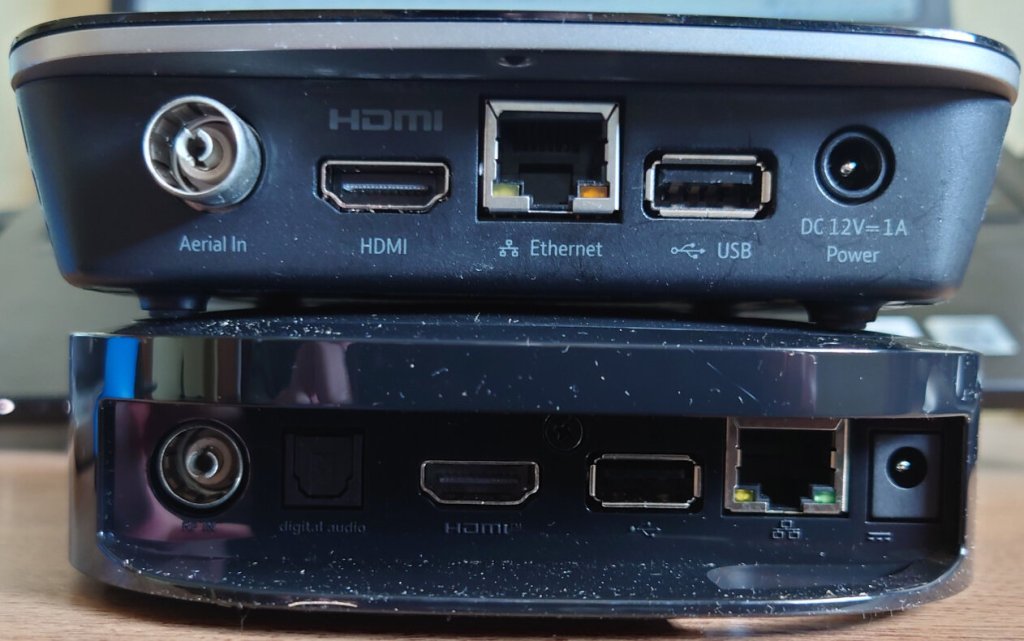
Netgem box on the right, in comparison with the BT Youview box
Appearance-wise the box maintains a low profile look, with an LED strip that indicates the power status of the box. Sizewise It’s similar in footprint to the basic BT Youview box
Install
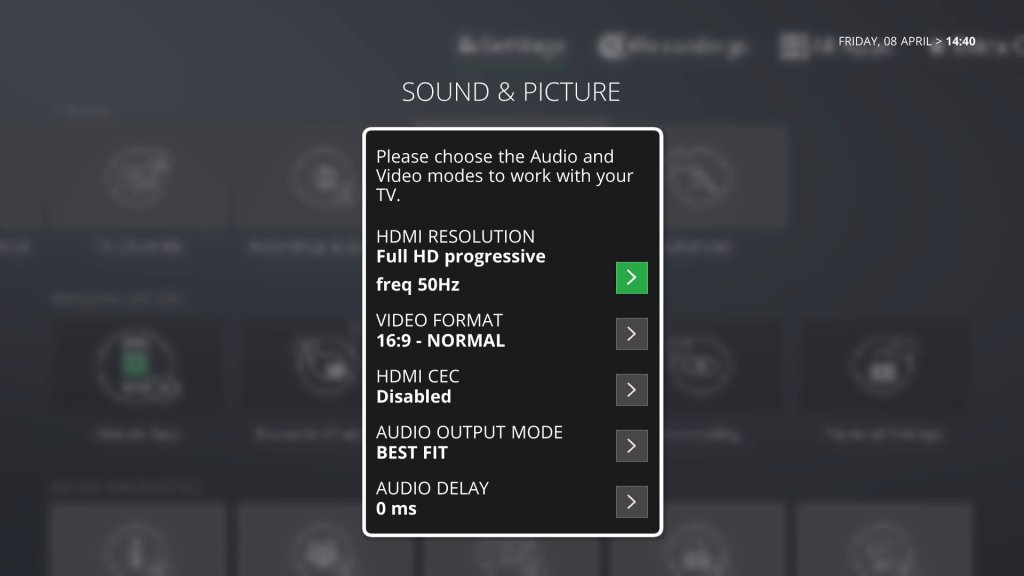
Typical connections include Ethernet, HDMI output (Capable of supporting a 4KTV at 50FPS, so it must the HDMI 2.0 capable.
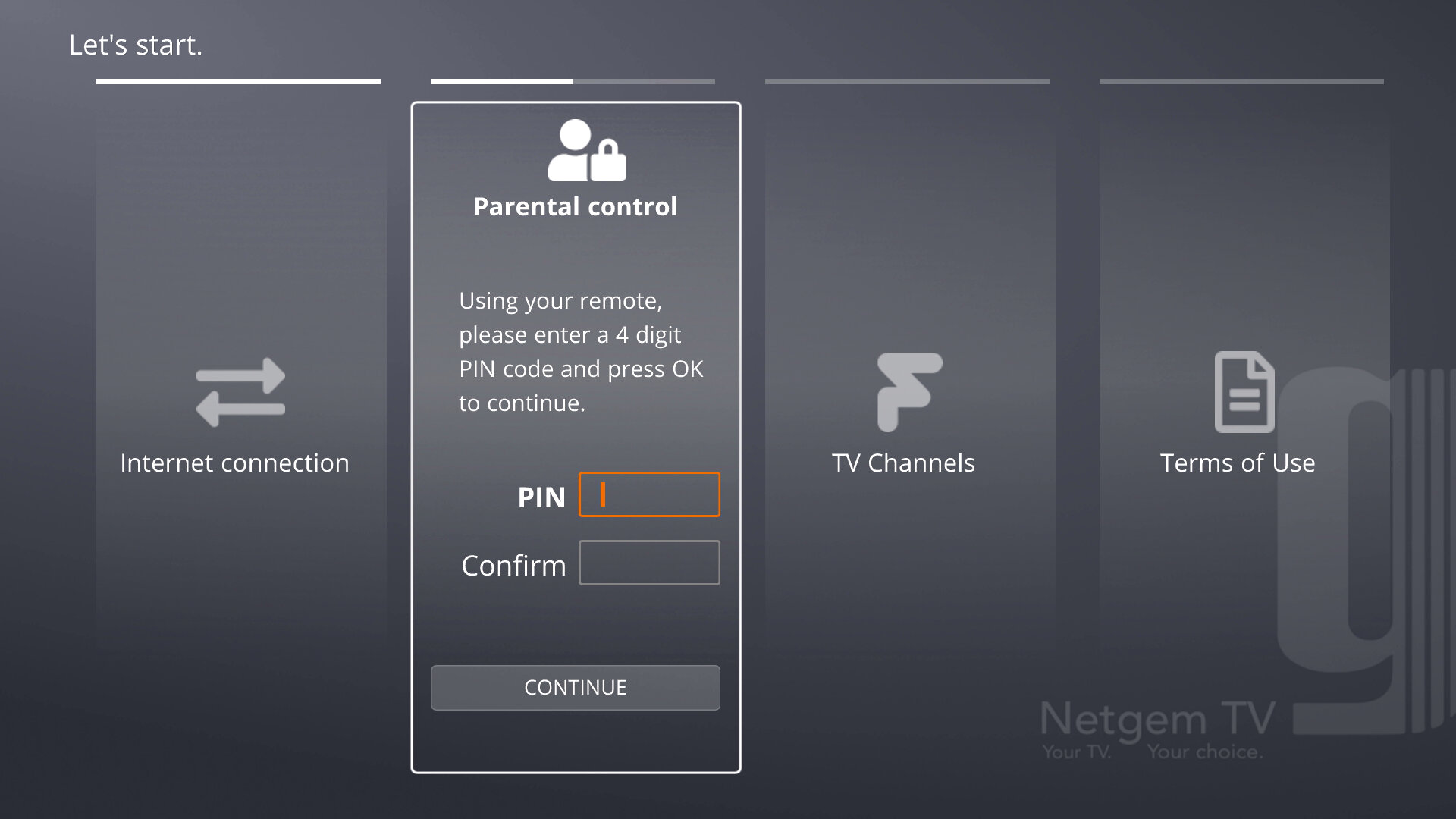
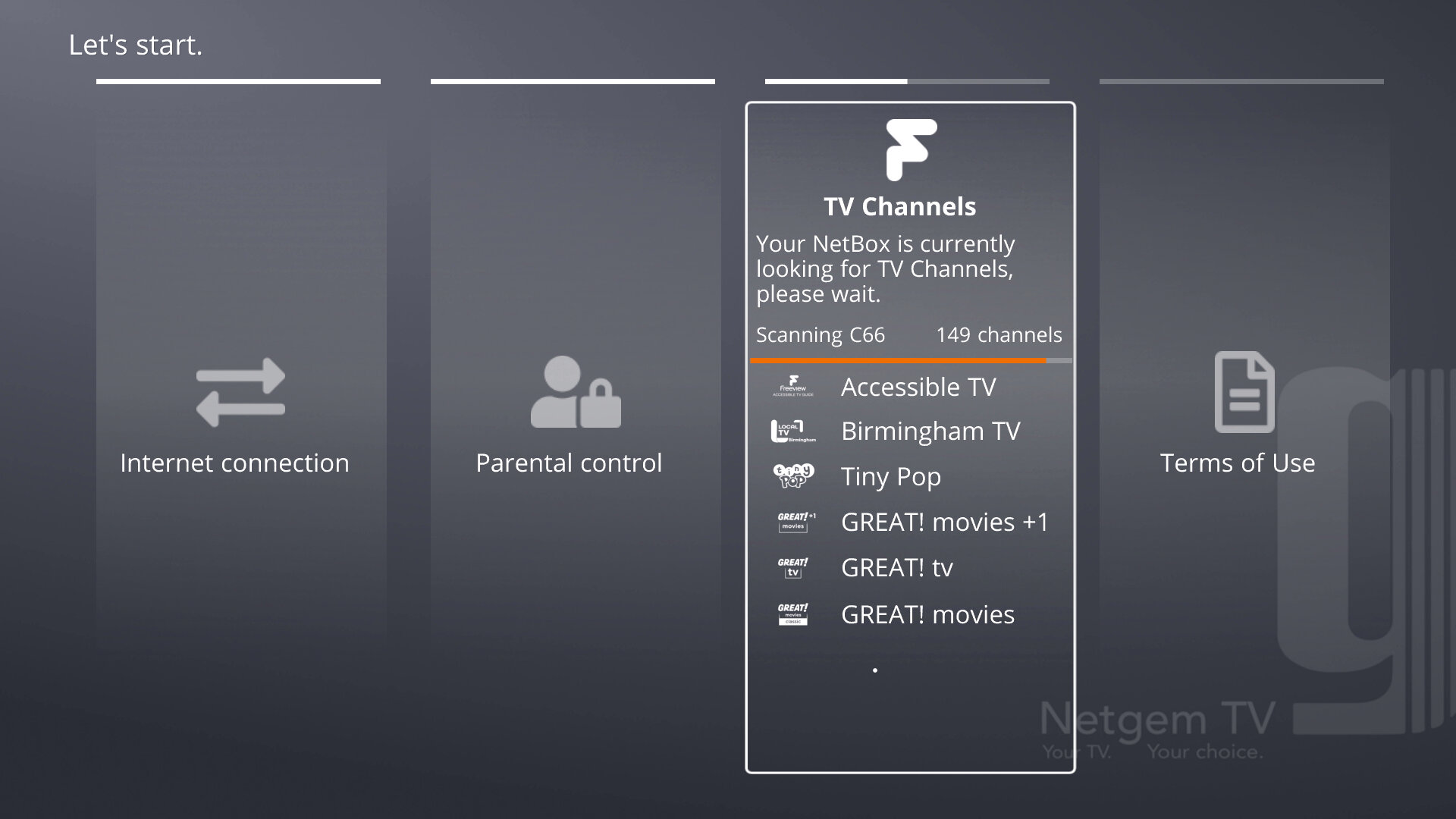
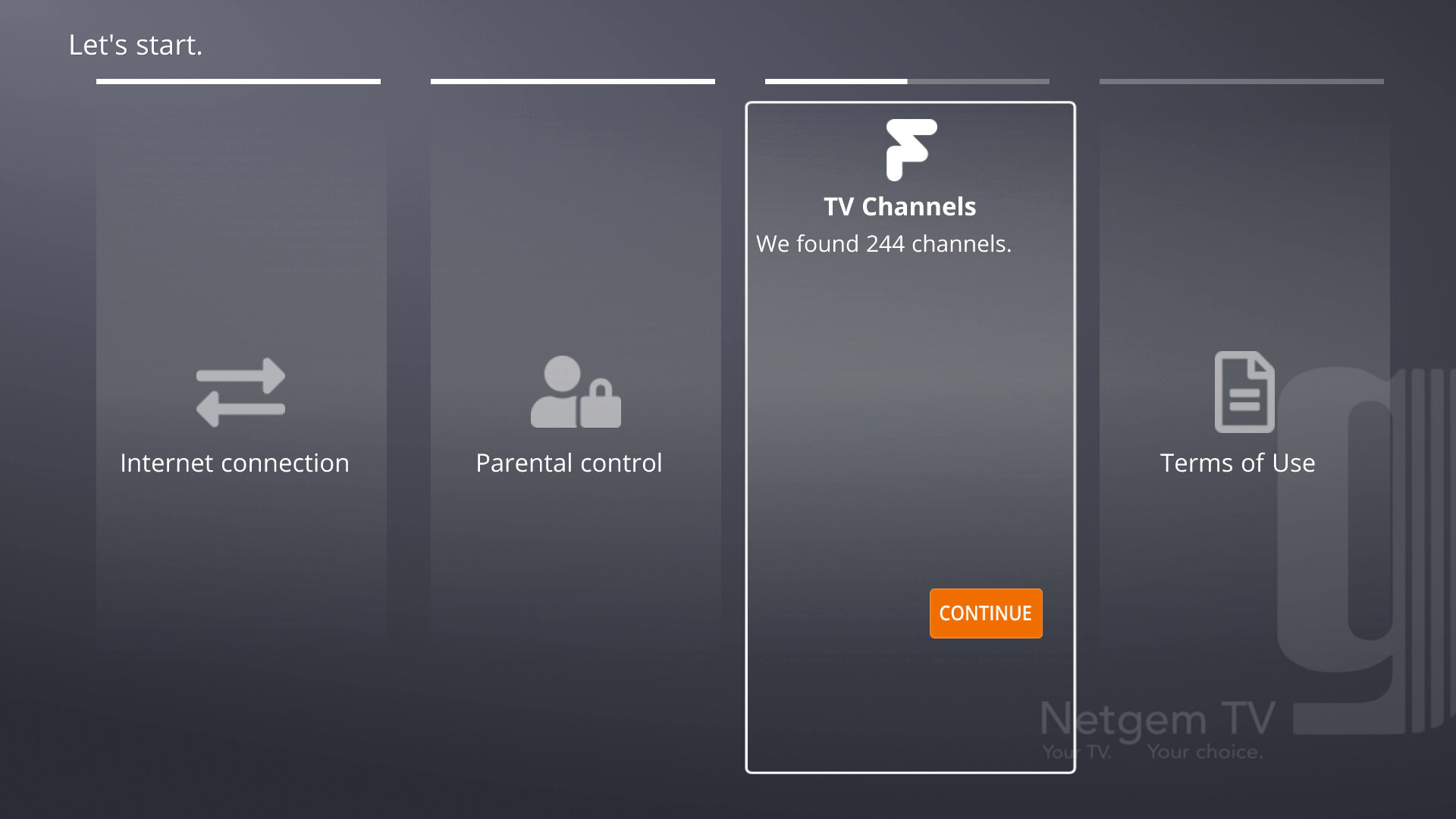
When powered up for the first time you will be taken through the set up process which will search for channels, check and download for updates (If you connect the ethernet cable before powering on the receiver will automatically install before going through the install) You will also be prompted to set up a PIN number as a few of the streaming channels require a PIN to access, depending on the content being shown. After all is done you will be notified of the Netgem TV apps for Android/iOS and will then be taken to the main TV interface.
One complaint is the lack of RF output or a proper loop-through. This assumes that you will be exclusively using Freeview with the Netgem TV and whilst that might apply to the majority of people, some may prefer to loop the output for the TV.
One reason for this is to emulate a dual tuner PVR, with the Netgem box busy recording, the TV is free to tune into a Freeview channel so long as it can receive a Freeview channel. This is a good consideration considering the Netgem box only features a single tuner, meaning it can only record one channel at a time (With some exceptions, being it can record two channels if they are on the same multiplex)
Of course, you could add a splitter into the setup, and split the signal between the Netgem box and the TV, but you live in a weak signal area this could affect your reception unless you invest in a signal booster.
Although in my case since it was connected to a computer monitor it wasn’t so much of an issue, but just a weird oversight if you wanted to integrate it into a smart TV setup.
No, I don’t think I will
Interface
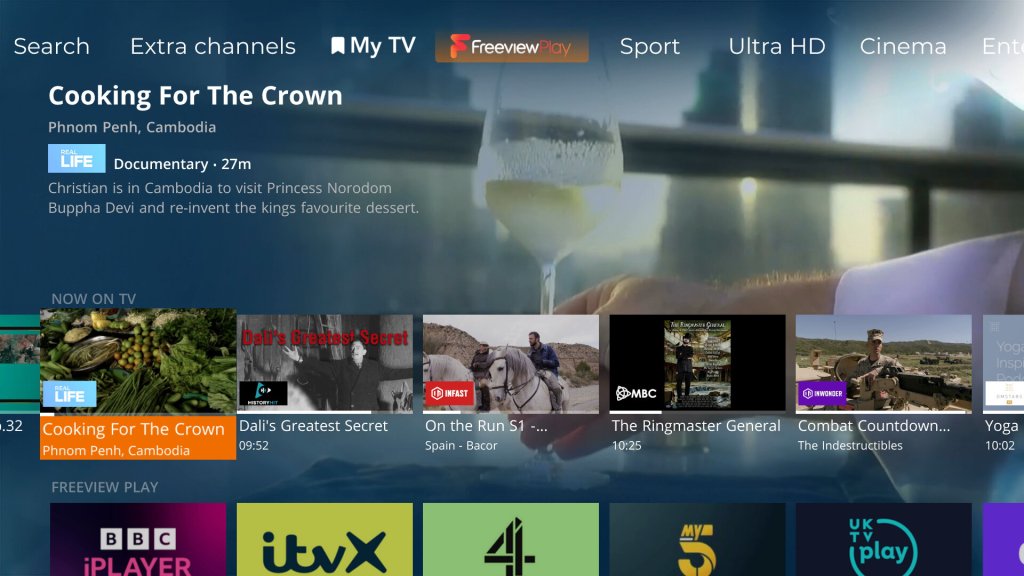
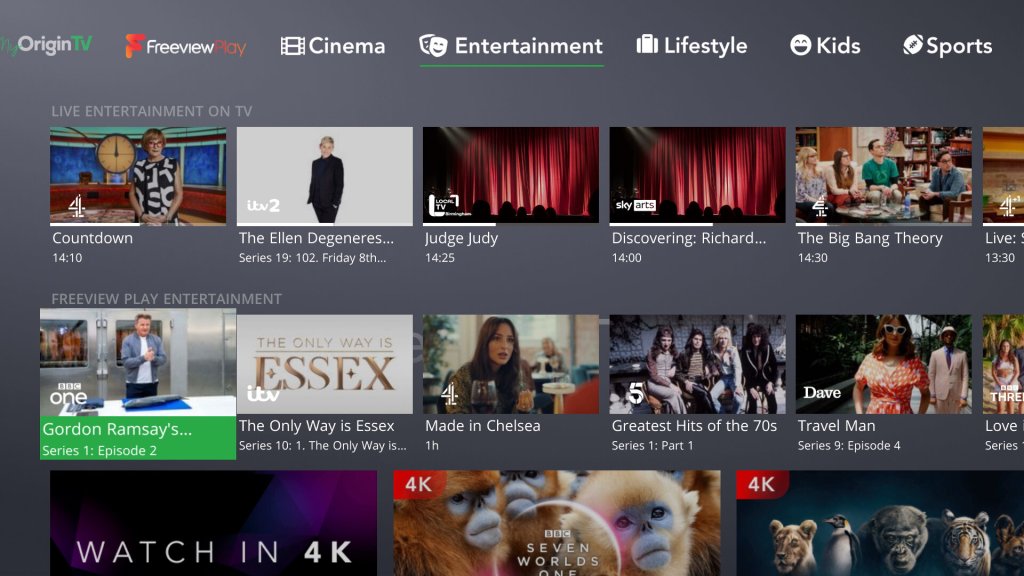
Netgem had developed and built its own TV Guide interface, which integrates internet streaming channels and content with the Freeview platform. It’s very Youview-like in its presentation and its graphics-heavy with TV show thumbnails being used to show currently broadcast programs and recommendations.
The home screen features a tab-like interface that gives access to the different genres of channels, with a dedicated section for movies, sports, kids, documentaries, lifestyle, news
You can see what is being currently broadcast, what is upcoming later that day per channel & any on-demand content that is related to the genre.
Coming out of standby takes a few seconds to start up, likely due to the box entering a low power state during standby. Unlike Youview there is no way to adjust this.
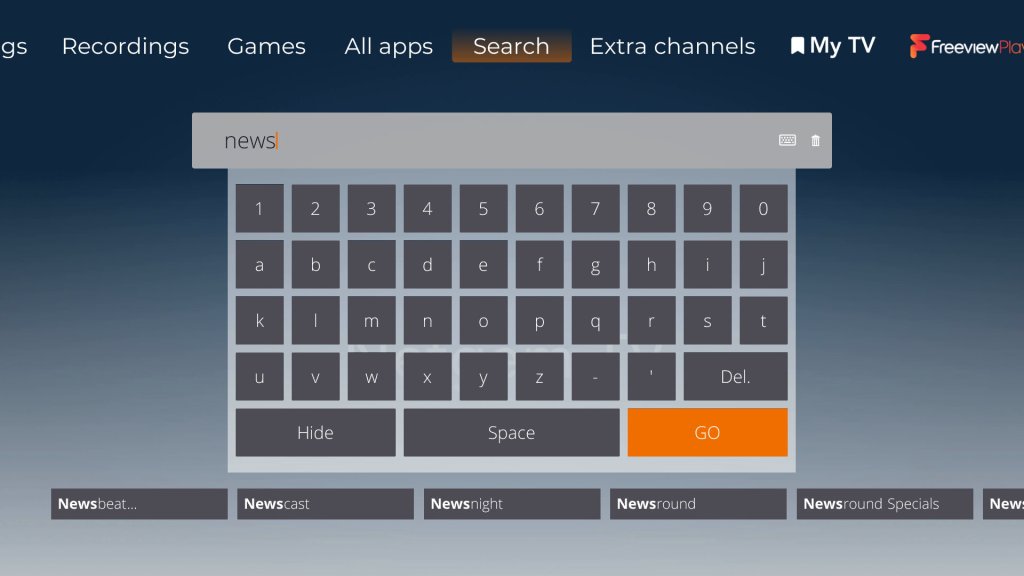
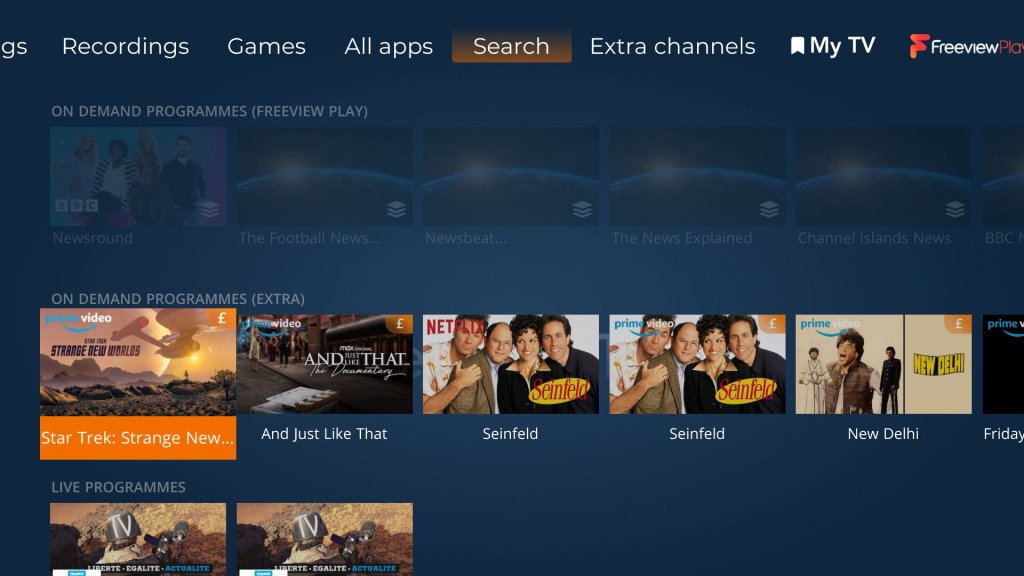
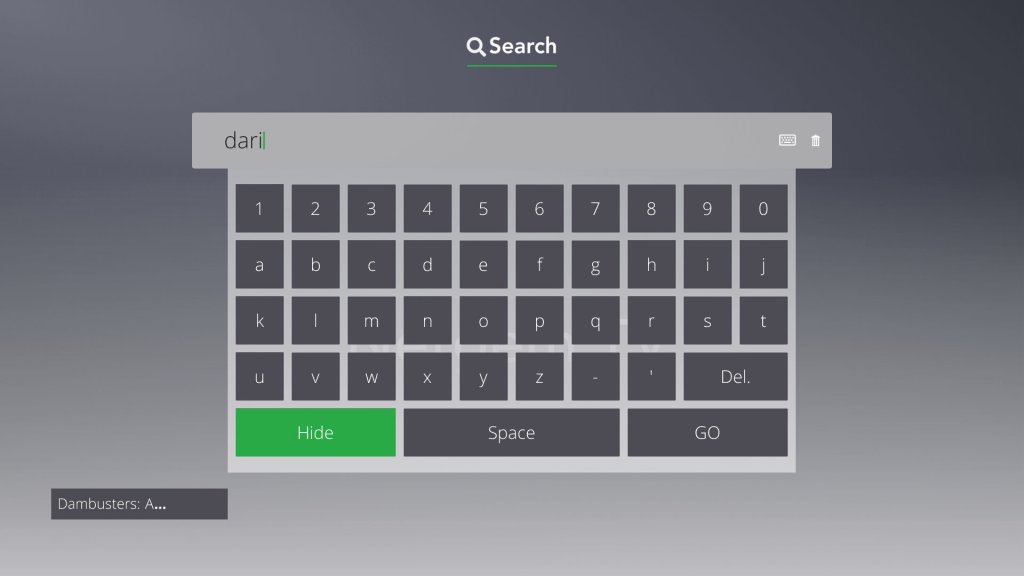
The onscreen keyboard is not QWERTY based, and I didn’t have much luck plugging in a USB keyboard, nor can you use the remote number pad to type anything in, instead it’s all done through the directional arrow buttons and pressing OK to select a letter. This is nothing but time-consuming and makes it a chore to search
In contrast, the original Sky Guide allowed you to type text using the remote when using the A-Z listing or when using interactive, it’s surprising how such a basic feature is overlooked. My guess (And this applies to most other ‘smart’ TV platforms) is they would rather what they recommend in your feed rather than find and discover content yourself.
EPG / TV Guide
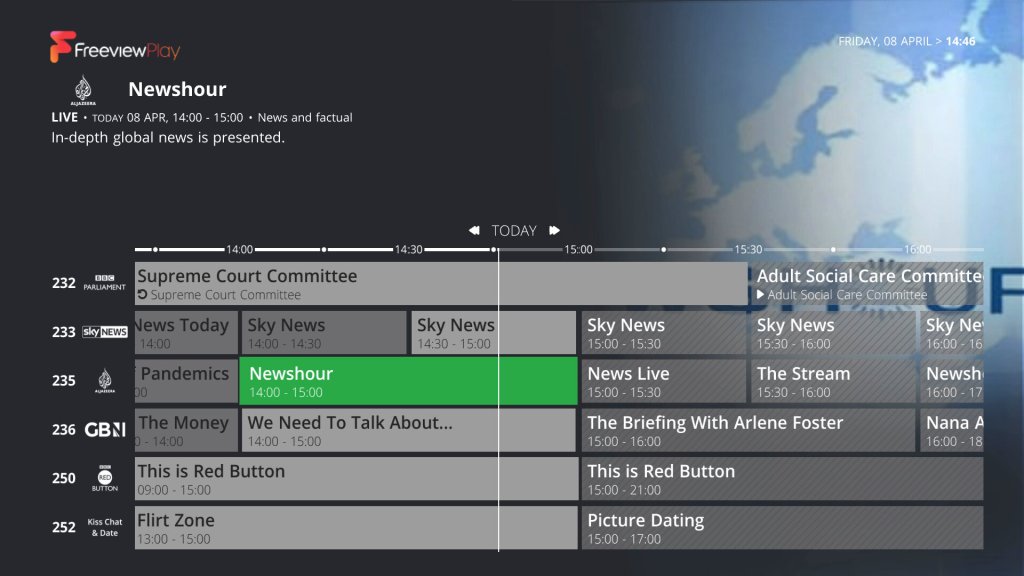
The area where all your Freeview channels are listed, although it seems to be tacked on as an afterthought. Whilst it does its job, I feel there’s a lot of screen space wasted since it will display the program synopsis at the top, along with a heavily compressed JPEG that’s related to the program. It would have been nice to have the option to choose from a more detailed guide that would show more channels on the screen per page. Kind of like the old Sky Guide which displayed a row of 10 channels per page, Netgem only shows 7.
Streaming channels, in the EPGRegular Freeview Channels
There is a dedicated button on the remote to get to the EPG, so that’s a nice feature. If only Youview had the same design. Channel logos are displayed when connected to the internet, like how Freesat or Tivo displays them.
There’s also a search and scan banner of sorts, which kind of reminds me of the XMB from the PlayStation 3. You can cycle through the various channels and view the schedule whilst watching a live TV channel.
The Remote
The bunded remote feels on the cheap side and has a clicky feel to the buttons. A red LED light lights up when a button is pressed to indicate it is working. There are dedicated buttons for Freeview Play, and another for My TV which takes you to the home screen. There are a few buttons that take you directly to the channel list, EPG and the search function. There is also a dedicated button that opens Amazon Alexa, but it just tells how to pair the Alexa app to your device. I can’t see any microphone on the remote itself so I’m not sure if you can even speak commands using the remote.
TV volume control is not supported, instead, the volume will always control the volume level of the box. Whilst this makes it ideal for use with a computer monitor, people that watch on a regular TV many prefer the remote to control their TV or AV receiver / Soundbar
Apps and OnDemand
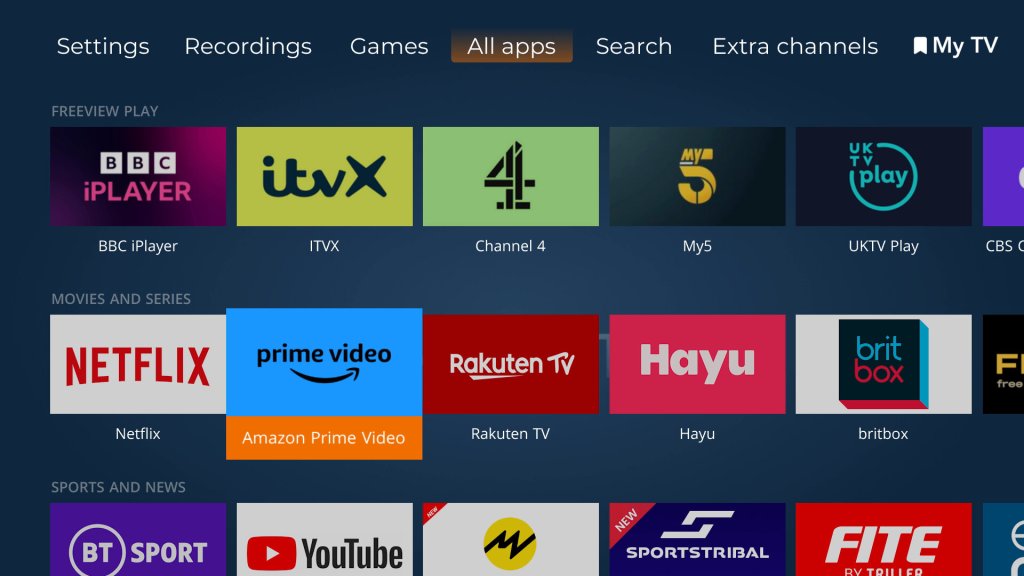
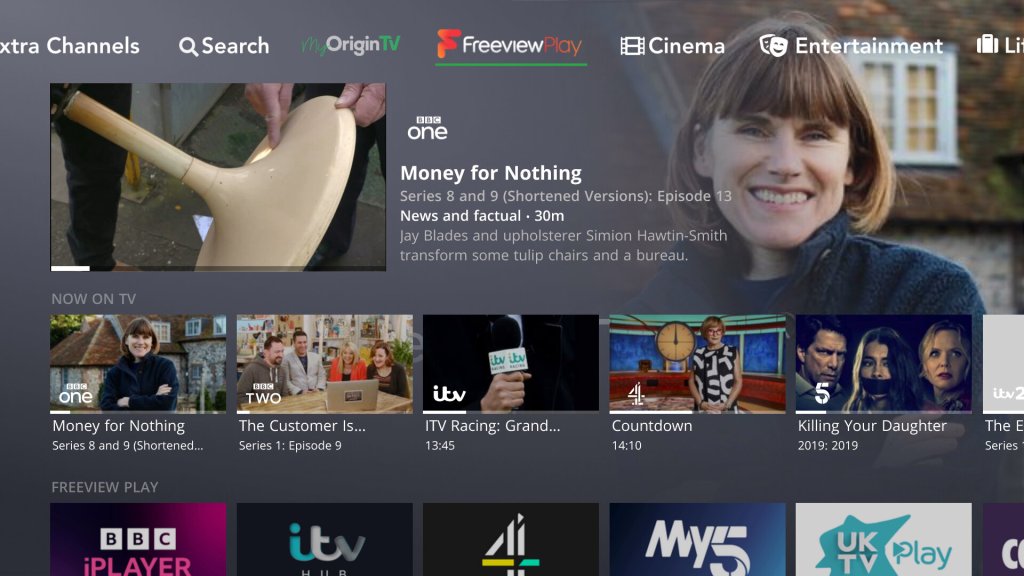
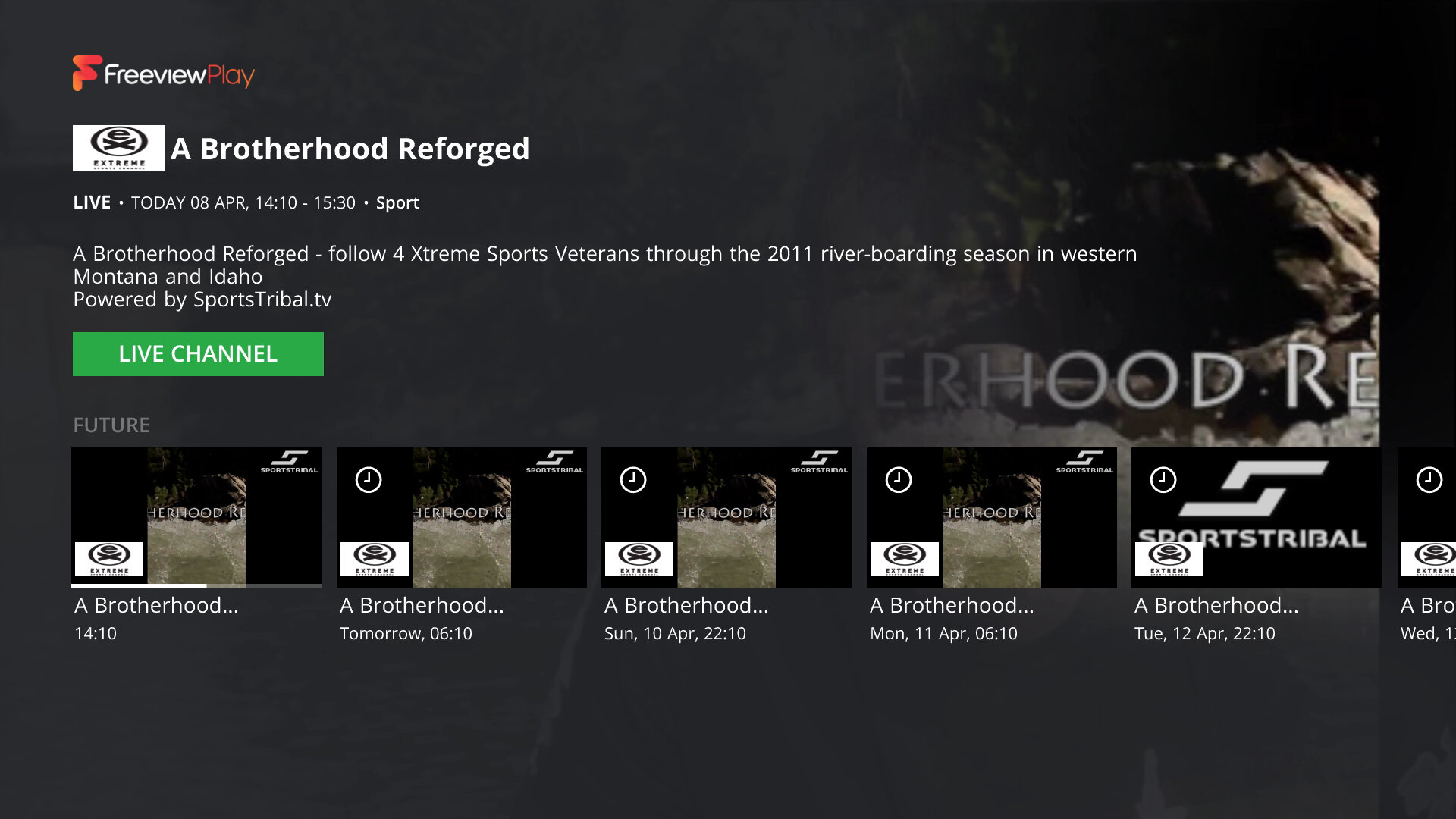
Freeview Play is integrated into the service, so you get full access to BBC iPlayer, ITV Hub, Demand5, 4oD Pop Player, and Horror Bites.
There are a few other streaming applications available that are not part of the Freeview Play like YouTube, Amazon Prime, Rakuten, BritBox & AcornTV. These do require an additional subscription, they are not included in your Netgem subscription if you have one. Plex is also available, which includes a few free streaming TV channels But no Netflix which is a strange omission, since nearly every smart device has Netflix on it, including an old Sony Blu-ray player I have from 2016. Guess I can’t watch Cuties in 4K or race-baiting documentaries on this box…
Streaming Channels
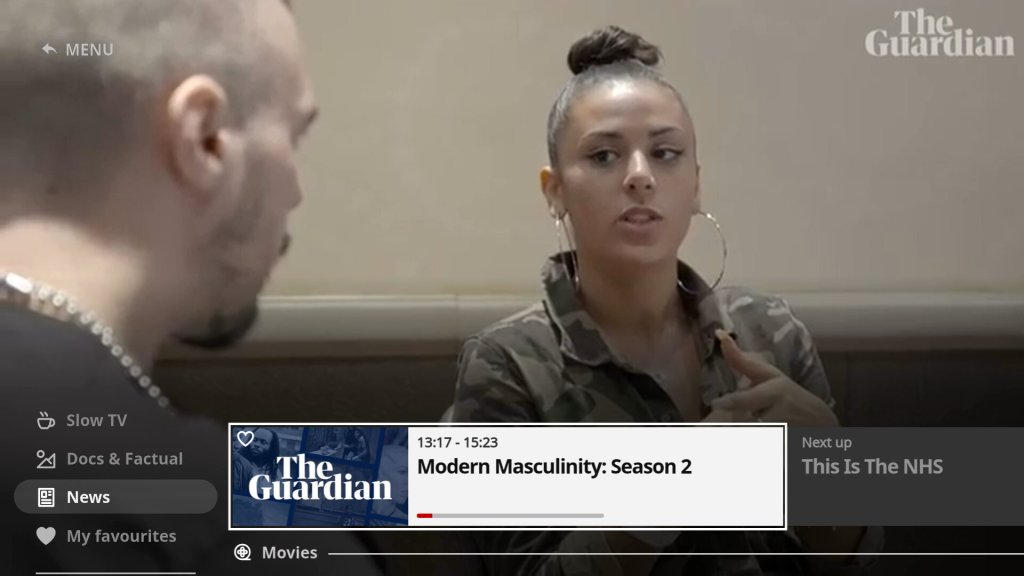
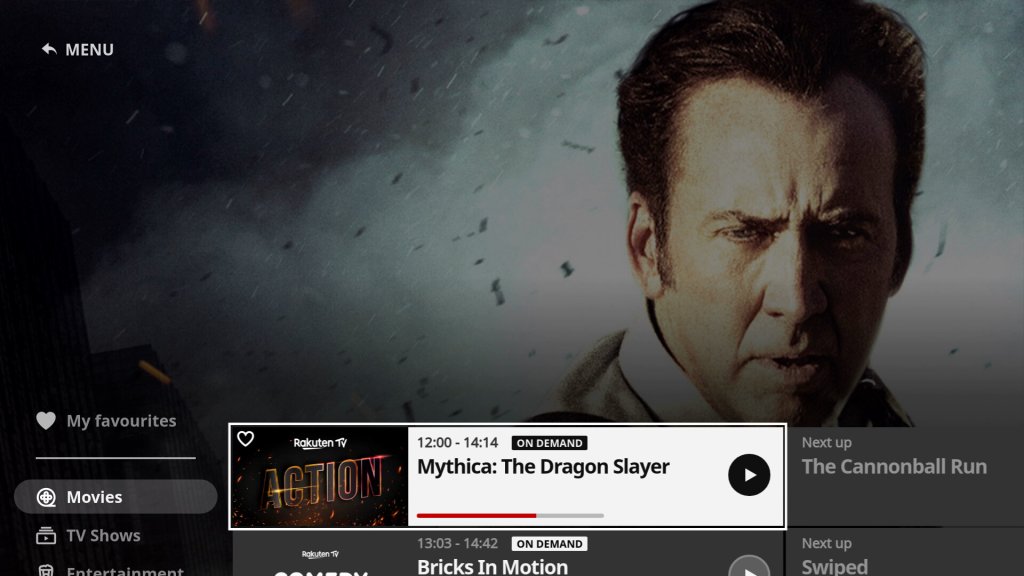
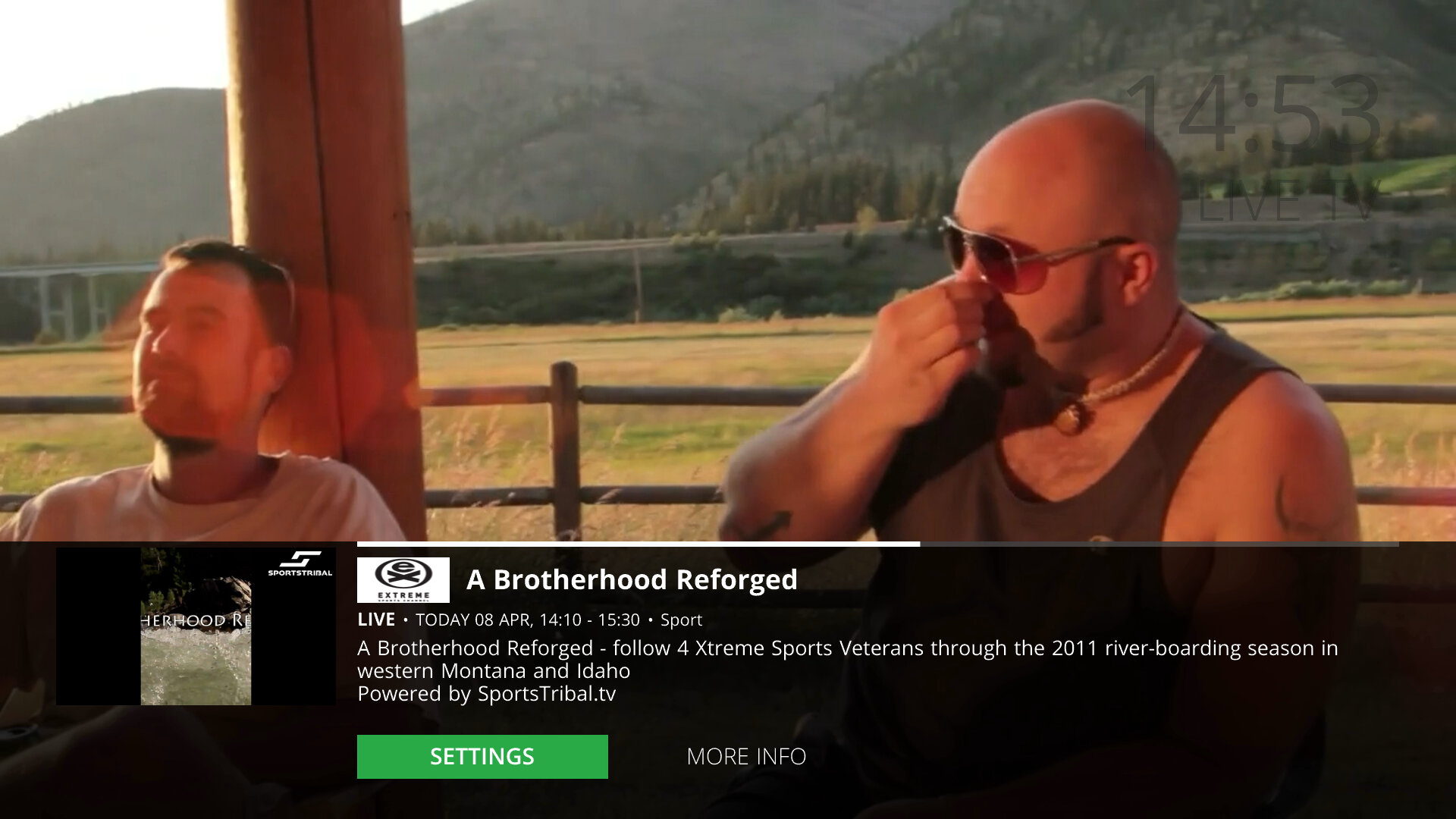
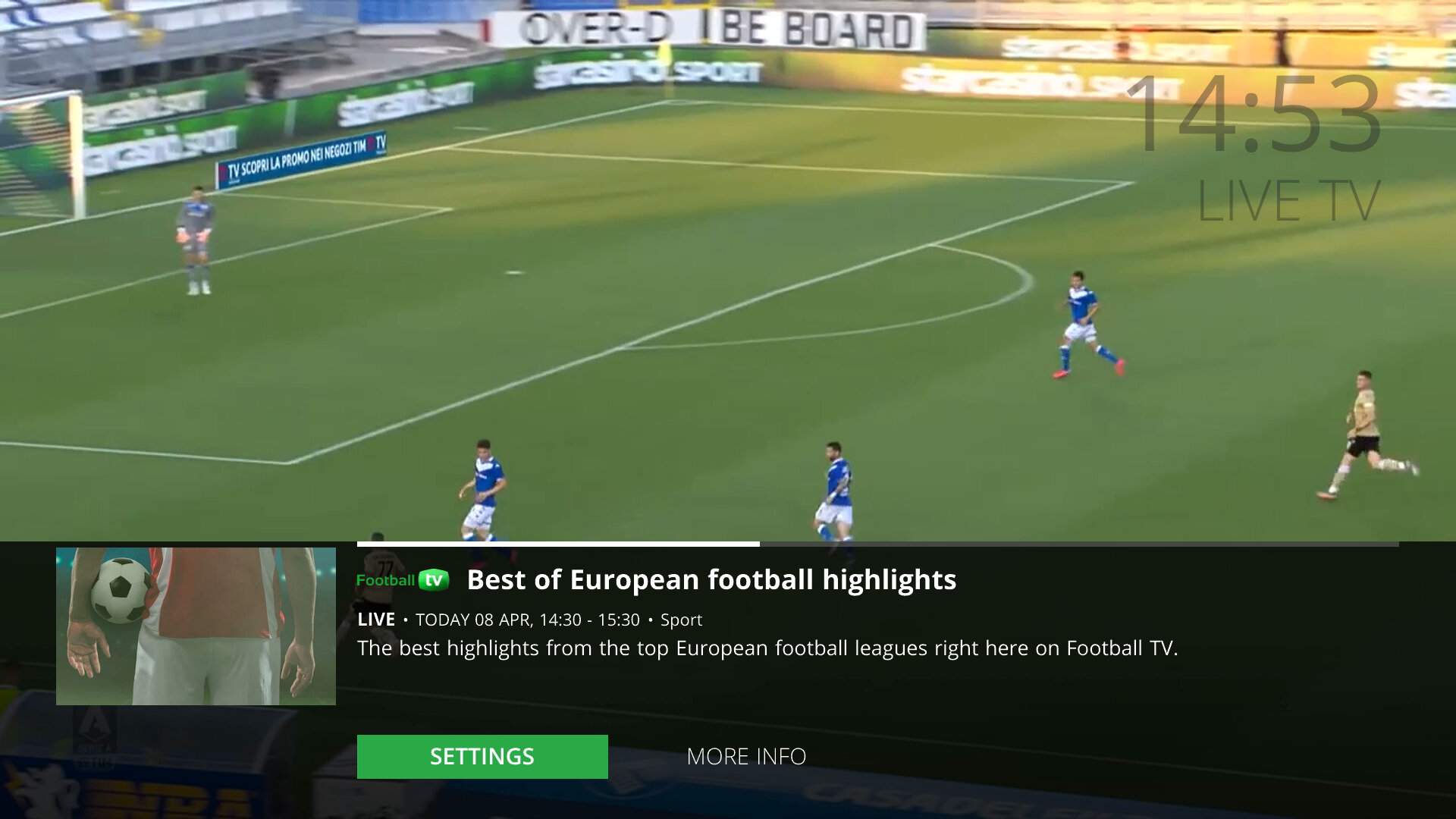
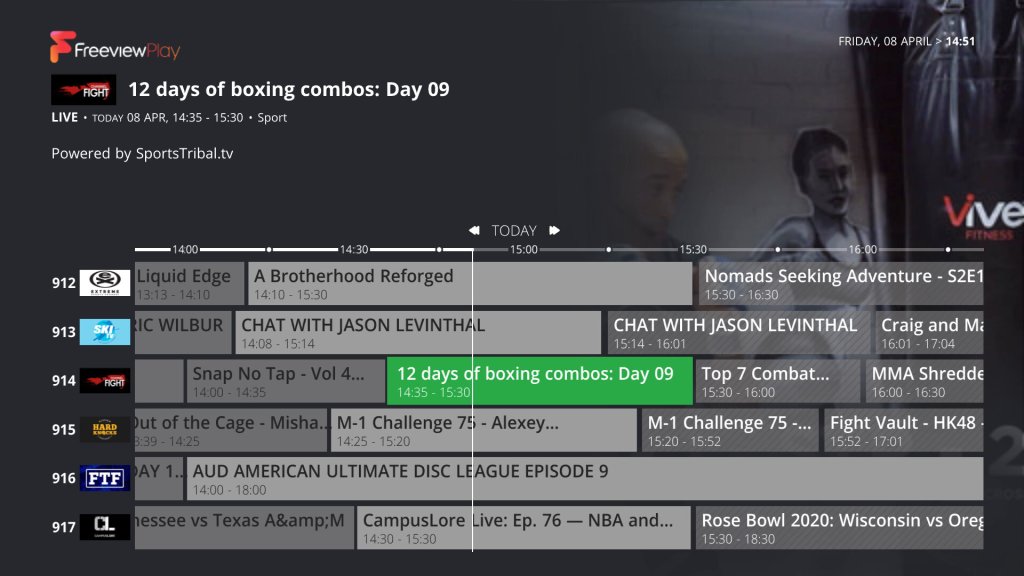
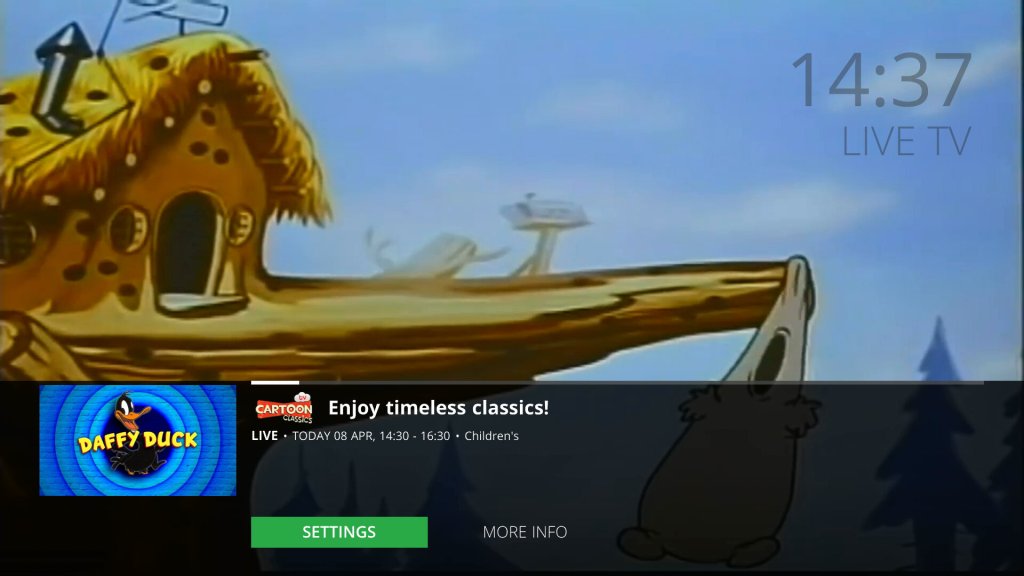
This is one of the unique features of the Netgem TV box is the live TV channels offered through the service, many of which consist of IPTV-exclusive streaming channels, although there are a few known channels included like MTV. They appear in the main EPG/TV Guide as any other TV channel and are quick to tune in with very little buffering time needed. Most channels broadcast in full HD, aside from the handful of HD channels Freeview HD offers. Still, there’s no ITV2/3/4 HD or E4 HD, which are missing from the lineup and would be useful to have.
These channels are featured in the 900 section of the EPG, which seems like there shunted off at the back end of the EPG, compared to the Youvuew TV service where the subscription channels occupy the 300/400/500 section. Perhaps these were reserved by Youview and Netgem had no access to this section? I know the 700 section is reserved for radio channels, and the 800 is used for channels from other transmitters that the box will sometimes pick up. I cant see why the 300/400 section could not be used, since this isn’t a Youview vox and it never will be, so it makes no sense blocking off these channel numbers, plus the 900 section is nearly full with only a few blank channel numbers in between.
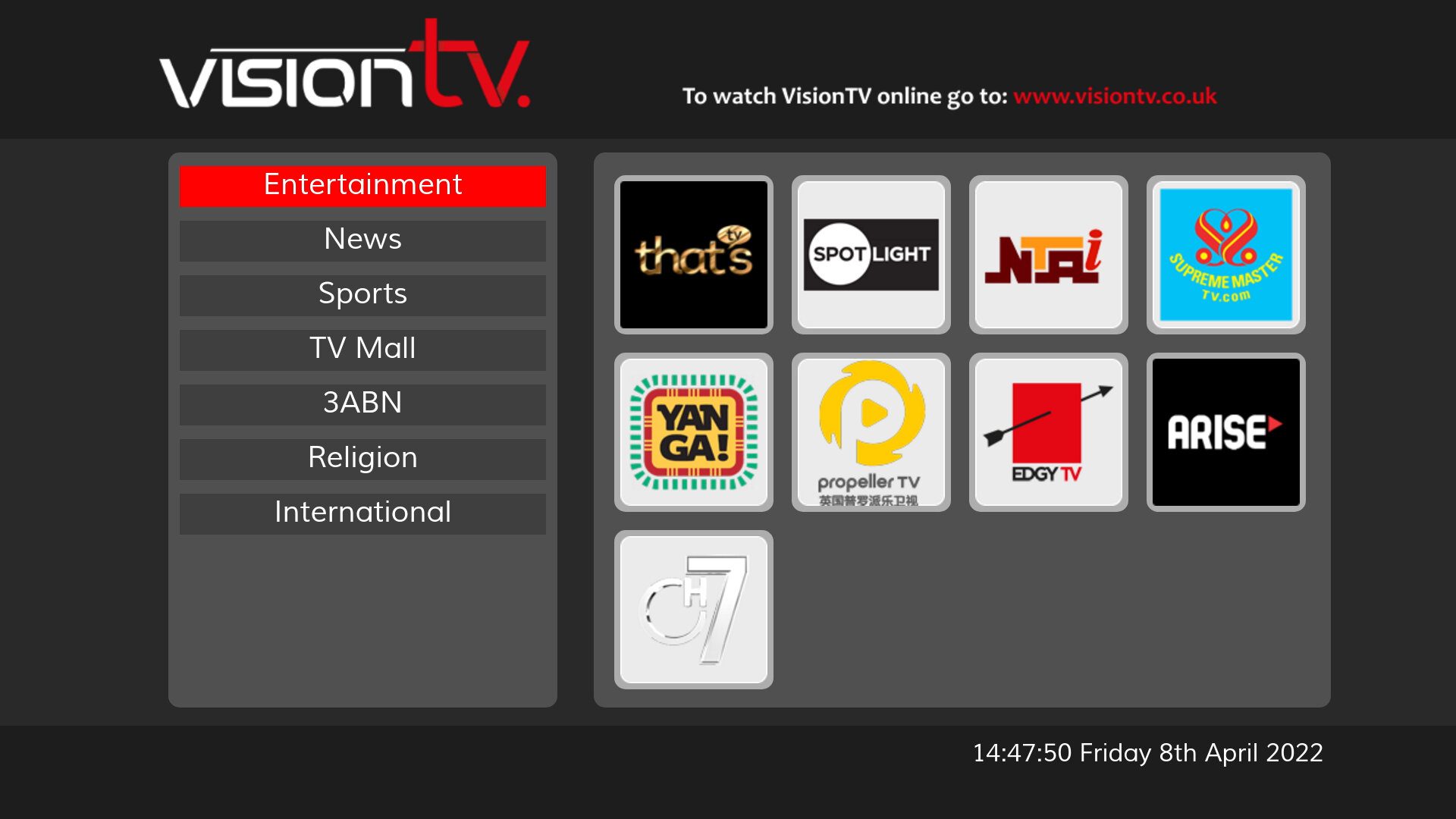
Adding to the selection, you have also access to the MHEG streaming channels location from 250 – 299. They take a few seconds to load but the channels do work. VisionTV below works fine, if a little slow.
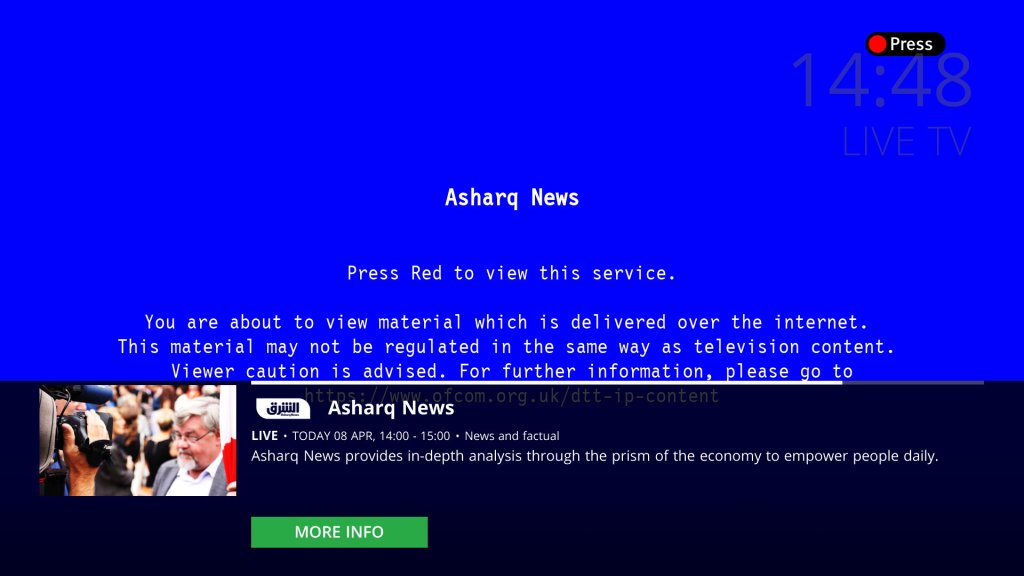
Not related but what is with this MHEG screen? looks like a Windows 9x BSOD
Recording
As established, the unit only performs the very basic PVR functions, it lacks an internal hard disk, so in order to enable PVR functionality, an external USB drive must be connected to the rear USB port. This can be either a flash memory-based memory stick with 32GB or higher capacity or an external hard disk.
The single tuner will also be a limitation, although if you have a modern smart TV you can emulate a dual tuner PVR by recording on the Netgem box and watching live on the smart TV, or connecting USB external storage to the TV and having that record also, which can act as a second tuner.
Unlike a PVR, the Netgem does not buffer or actively record TV, this means you cannot rewind TV, instead you must press pause which will activate the buffered recording. If you are used to PVR’ from Virgin/Sky or Youview or any basic Freeview PVR this will be a disadvantage since those models will actively record the live TV broadcast, enabling you to pause and rewind at any time. This also means you can’t quick rewind, so if you miss a piece of dialog or see to see something quickly again, you cannot skip back a few seconds.
Sadly you cannot record the streaming channels, only the Freeview (DTT) delivered channels. The good news is a lot of these channels have their content available on-demand but with a snag, you have to sit through the adverts.
Settings & Configuration
HDMI-CEC is supported if your TV or AVR supports it, and it will turn on with your TV when selected in your TV’s HDMI menu.
The box also features Wi-Fi built-in, although ethernet can be used instead.
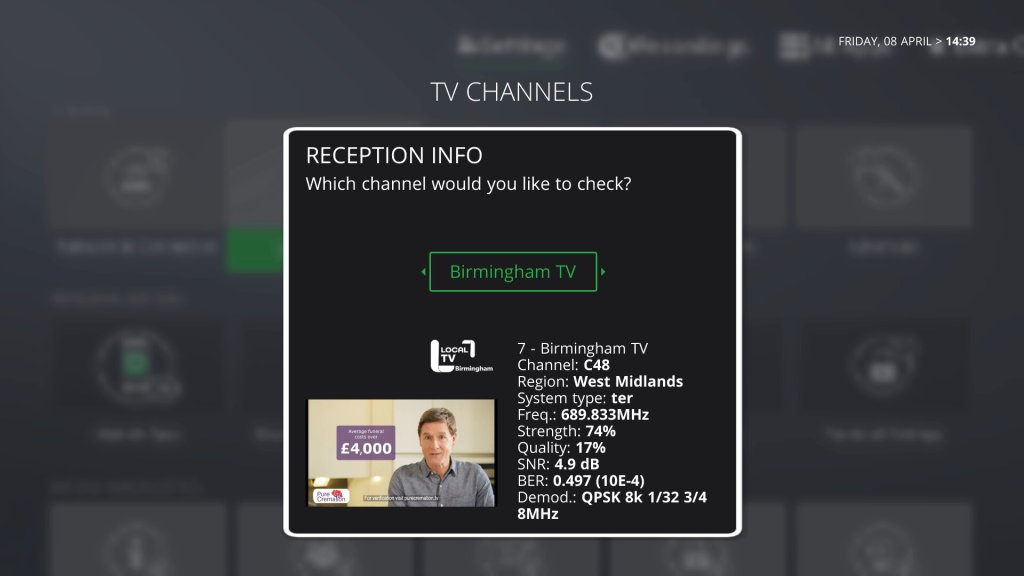
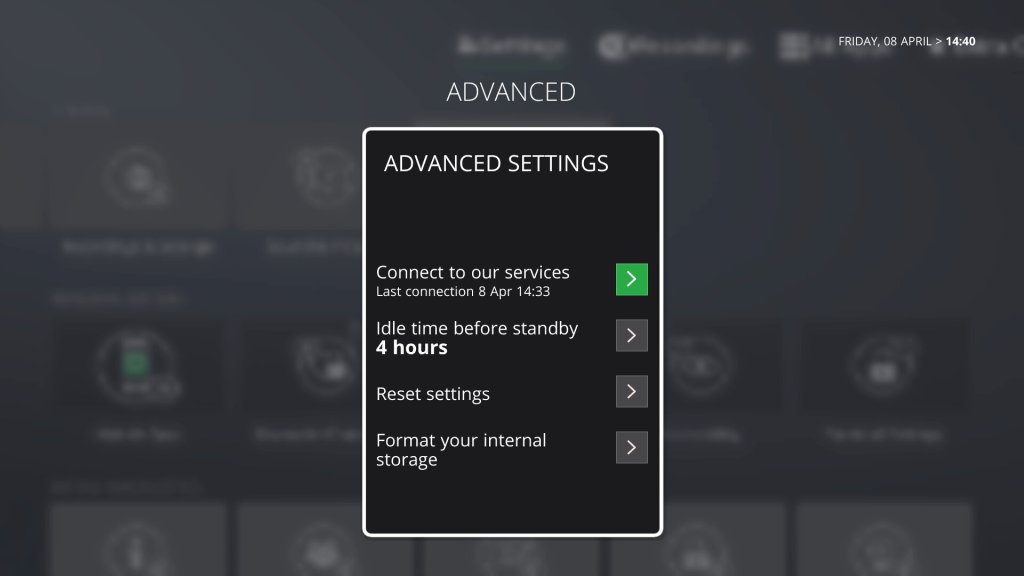
Current Software: 8.4.21-67 (Sat, 19 Feb)
Mobile App
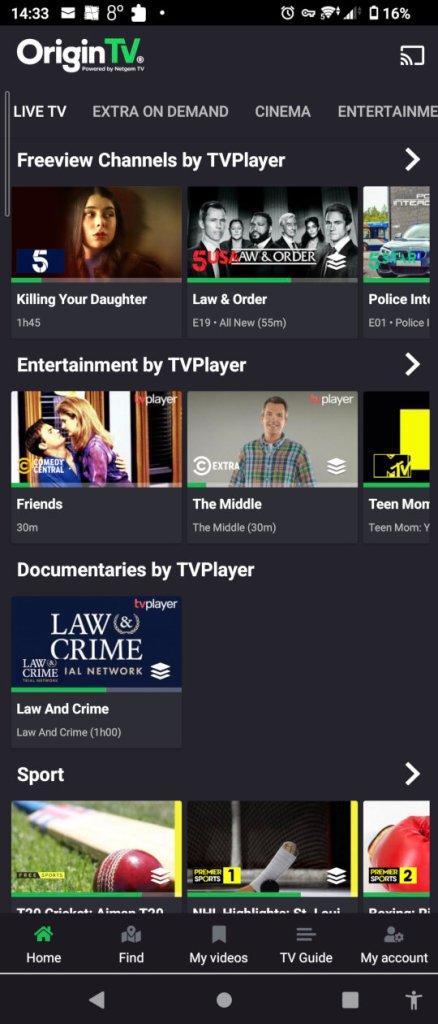
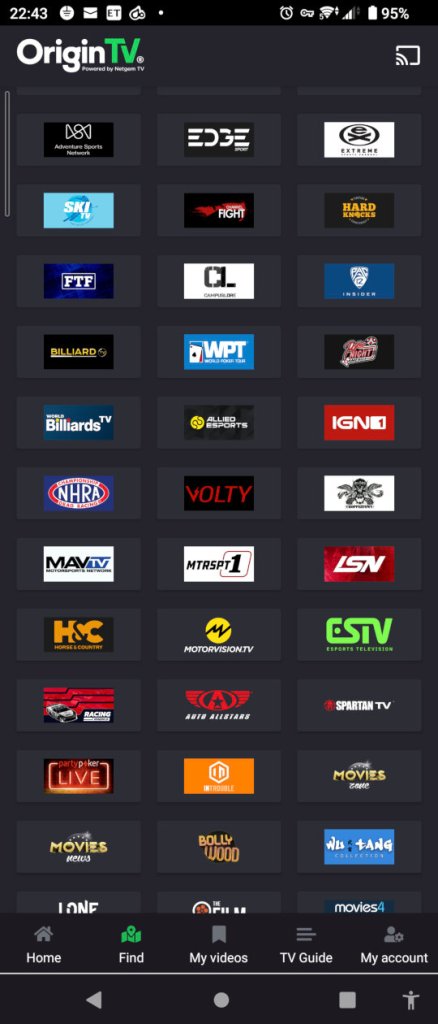
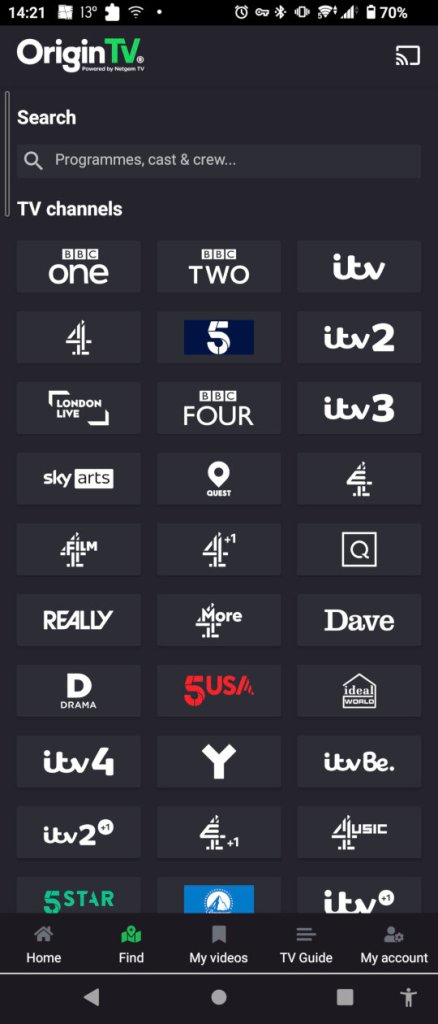
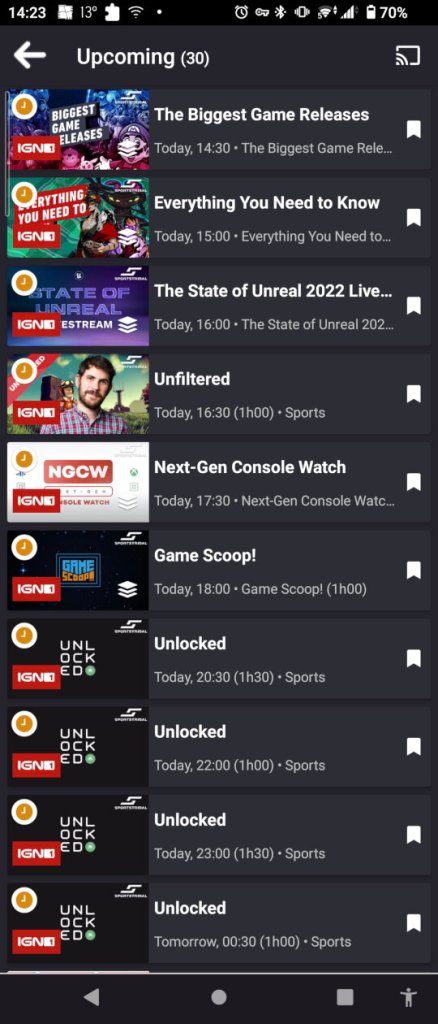
TV guide listings can be viewed through the smartphone app. You can cast channels through using the screencast feature which will detect compatible devices. This seems to be limited to Android-based devices, and the Netgem box, as it picked up my Sony Android TV and a couple of Google assistants.
Screenshots are taken with a Sony Xperia 5 II
Key Considerations
Performs poorly as a PVR, which seems to be tacked on feature. But then again it’s not really designed for such. Netgem also does not have a PVR-based box.
Some UI features have been overlooked, like the channel number missing from the search and scan banner.
The remote feels too clicky and cheap
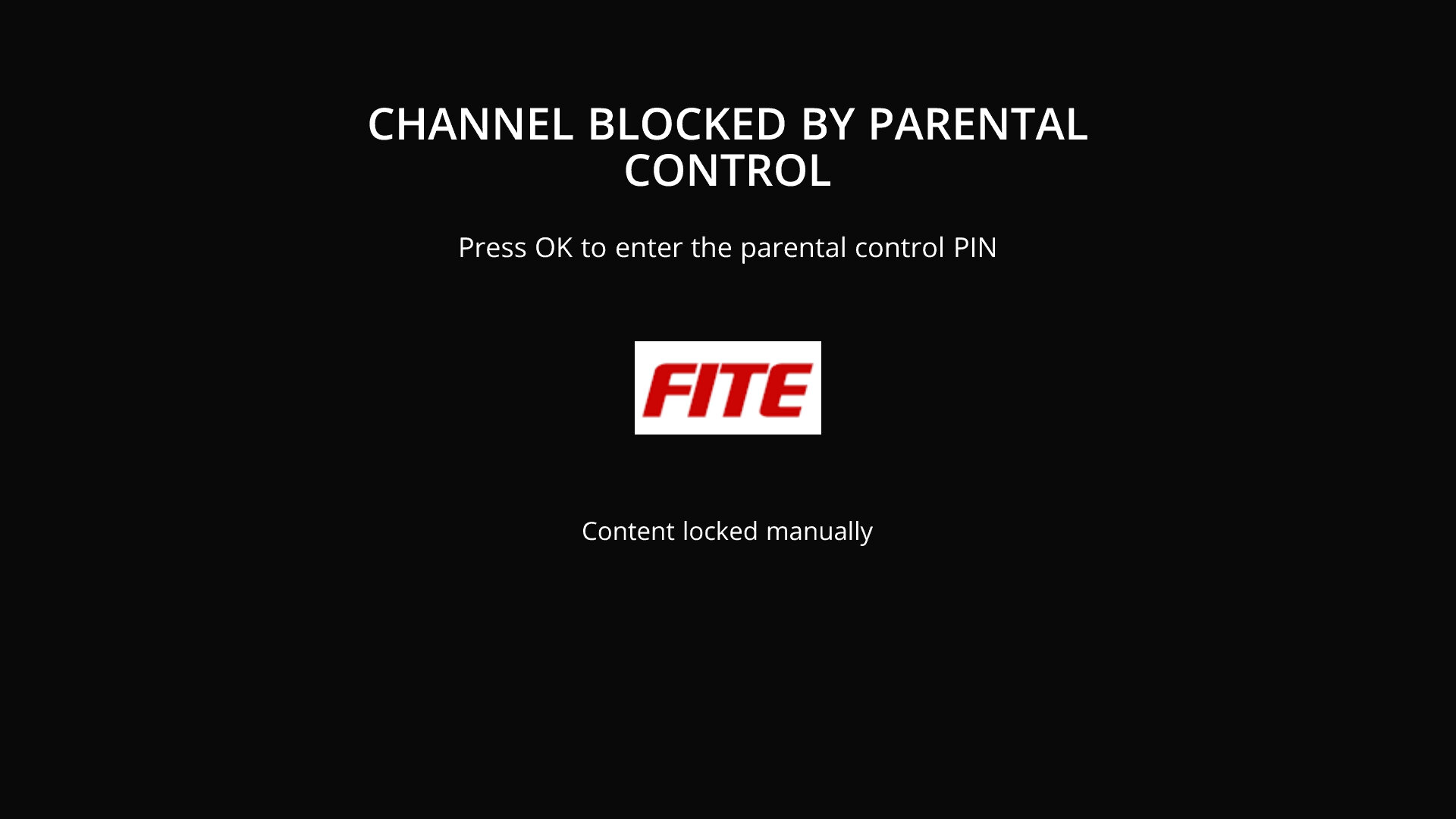
Can’t seem to disable the PIN protection completely, some channels will always require it which gets annoying
The streaming channels are reminiscent of the various FTA channels you used to get on Sky back in the mid-2000s, where some were very niche and interest-specific. That said the picture quality is fantastic on these channels.
Honestly, this would be much improved if they had a PVR option, something that acts as a good alternative to Youview considering this service is marked and often bundled with FTTP internet service provided. However, the trend here is everything must be in the cloud as it’s trendy and modern. Fuck the cloud I’d say, I want the content available locally to watch, not disabled due to some crappy servers going down or because of some backward copyrights policy.





































































































 Drew1440: Blog