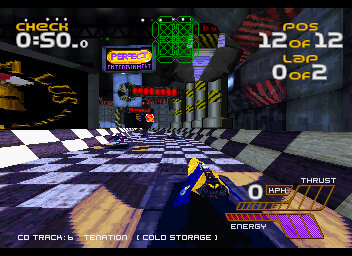
Similar to Letts Science Explorer, Maths Explorer uses the same Pre-rendered environment to navigate a virtual maths learning center, which appears to be set on Mars (The Science one appeared to be set underwater), it kind of gives the feel of Myst.
The application is desinged to run under Windows 95 or 99, but the user guide makes reference to Win32s which is intended for use on Windows 3.11.
The entrance that appears when you start the program, you are prompted to enter your name, which is where your score and progress are saved under. There is also a link to the Letts online website, that opens your default web browser.
Navigation is done by clicking on the edges of the screen to move to a different section of the room, doors can be clicked on to go to a specific room, which are based on different subjects of mathematics. As you browse the center, you are offered various different activities that can be invoked by clicking on them, each zone has its own set of activities. You can quickly view these by clicking on the Map button on the top left of the screen.
The different zones are:
Number: Fractions, currency & counting.
Calculation Zone: Use of a calculator and different functions
Computer Zone: What computers are and a summarization of how they function
Game Zone: Various activities that are designed to test your maths skills.
Data Zone: Relating to collecting and analyzing data, and how it becomes information
Measurement Zone: Various different units of imperial and metric and how they are used
Shape Zone: Shapes, Angles & Symmetry.
Information Point: Serves as an introduction to the zone itself and how it relates to mathematics and what can be explored
Fact Point: Shows an important fact that is relevant to the zone itself
Puzzle Post: Gives you a challenge that can be done away from the computer.
Investigations: The main attraction of the zone, this explores a specific subject and they are divided into three sections, Learn About, Main Investigation & Tell Me More
Learn About – This is where you learn more about the subject at hand, a narrator will read what is displayed on the screen (which can be muted at any time) and a picture or graphics will appear to accompany the learning material
Main Investigation – A mini-game or activity that is in relation to what was conveyed in the Learn About section, these typically have three difficulty levels and some allow you to play with another person, but only one player can play at a time.
Tell Me More: Offer supplementary information on that subject, not essential but information that is good to know
There is also a Test Yourself activity where you can answer questions related to that subject and can view your score
Towards the top of the screen there is a navigation bar of some sort, that lets you access different areas of the application. The map will let you quickly jump to a specific area of the zone, which saves having to keep clicking in order to navigate.
The catalog gives a directly of the different topics that can be quickly accessed, useful if you need to learn about a specific subject, and which subject they belong to
The Notes section lets you view any saved notes that are specific to your user profile and are tied to any investigations that you complete.
The Logbook will keep track of your progress and will mark any activities taken. Scores from Test Yourself activities are also recorded.
Lastly, there are Print Materials which is its own separate application. Here you can select a subject and a topic that you can print out for later reference.
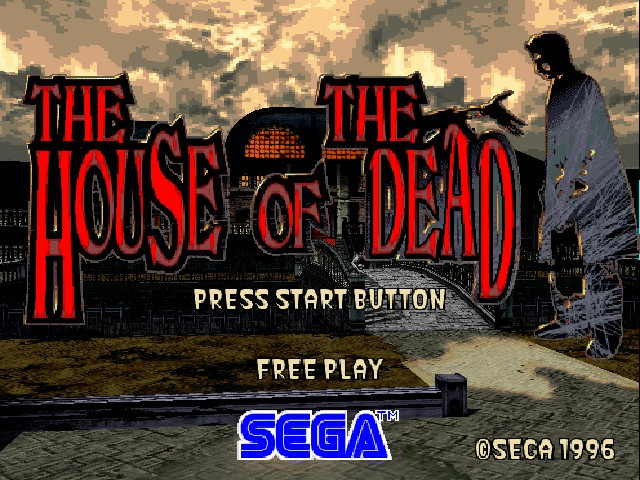
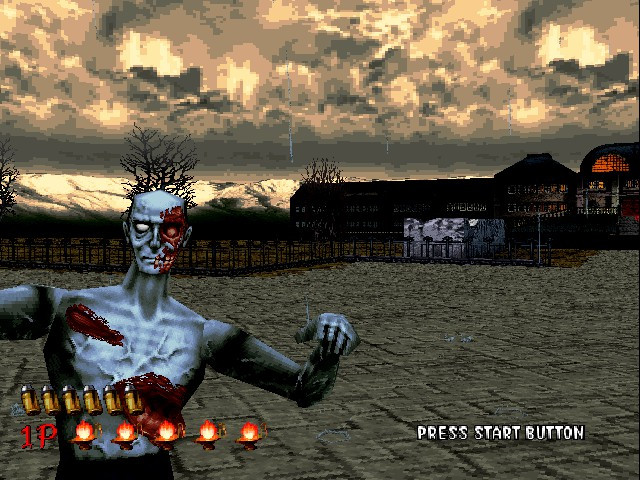
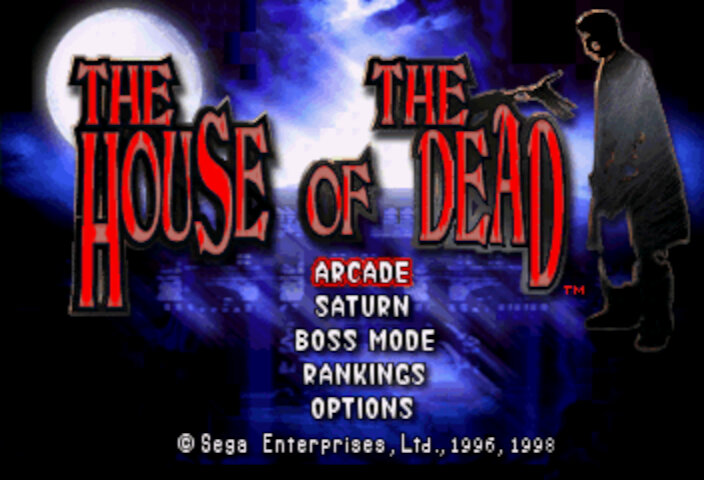
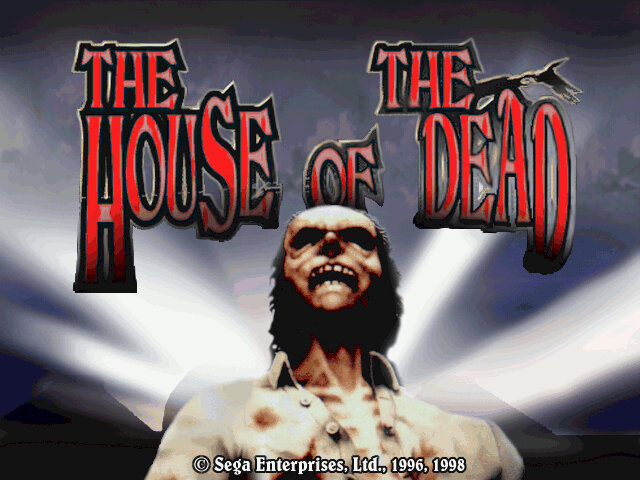
A mid-90s arcade rail shooter that takes the Virtua Cop formula and puts a horror spin on it, giving birth to a new franchise.
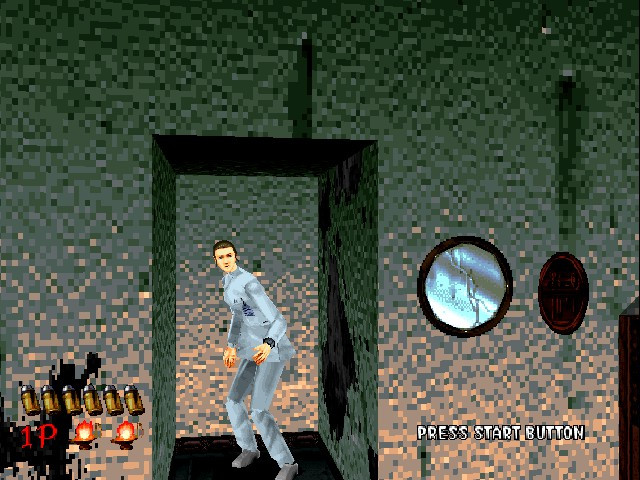
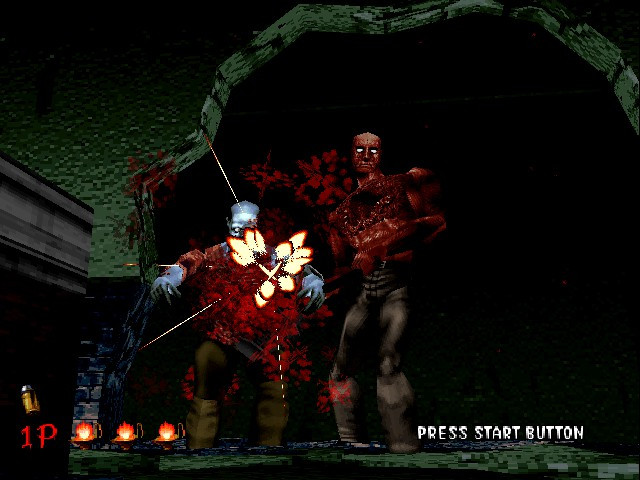
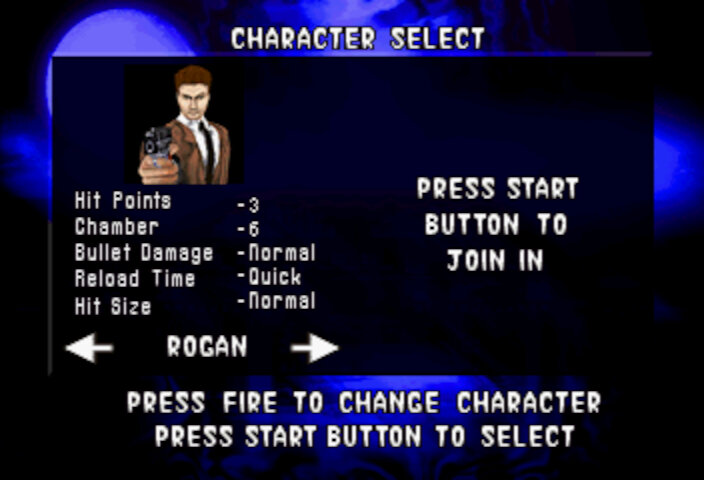
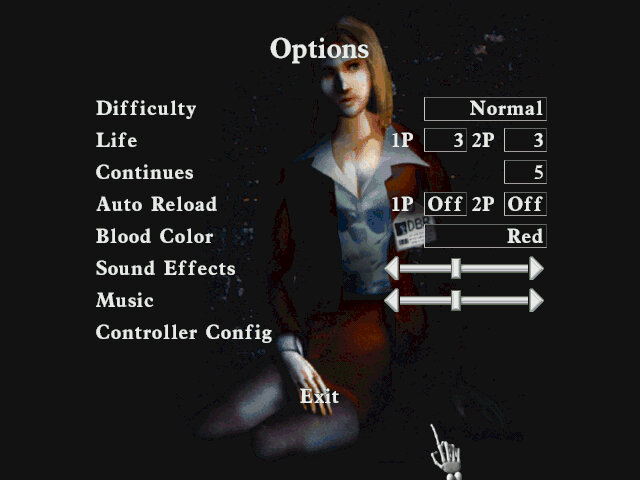
In House of the Dead, the main characters are two AMS agents named Thomas Rogan and G (Yes, just G). They are sent to investigate a mysterious outbreak at the DBR Corporation’s genetic research facility, which has been overrun by hordes of undead creatures. Throughout the game, the player controls either Thomas or G as they fight their way through the facility and uncover the truth behind the outbreak. Along the way, they encounter various other characters, including DBR’s CEO, Caleb Goldman, and his assistant, Dr. Roy Curien, who is responsible for the creation of the undead creatures.
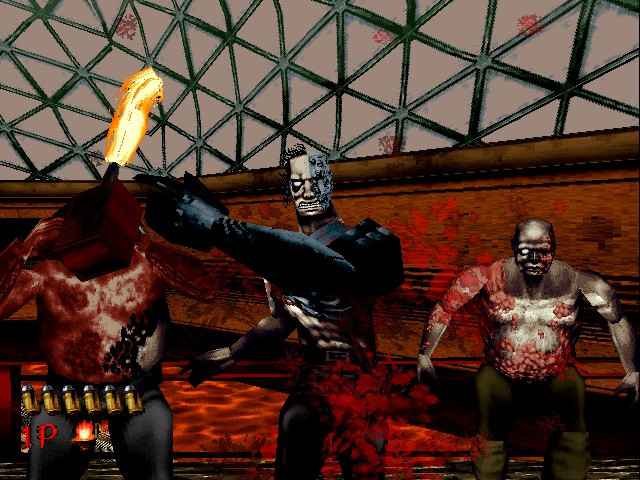
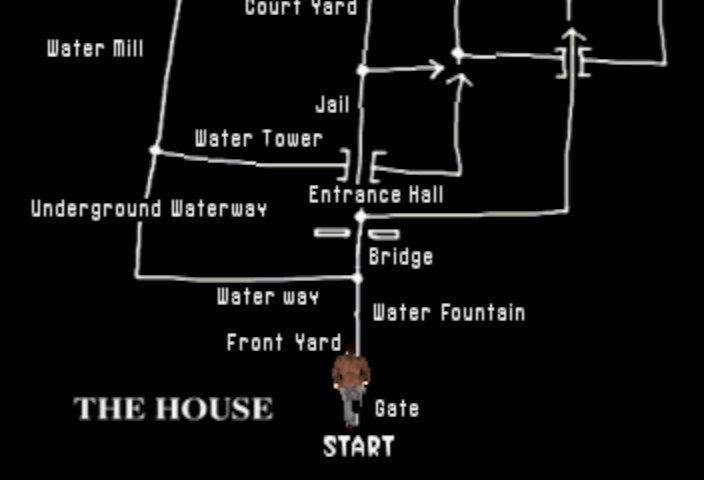
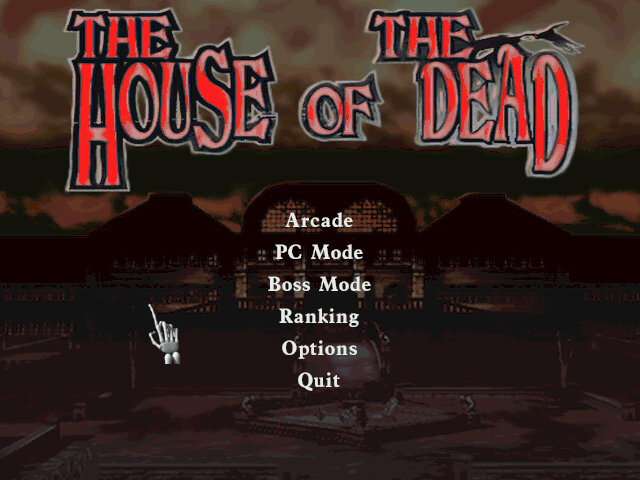
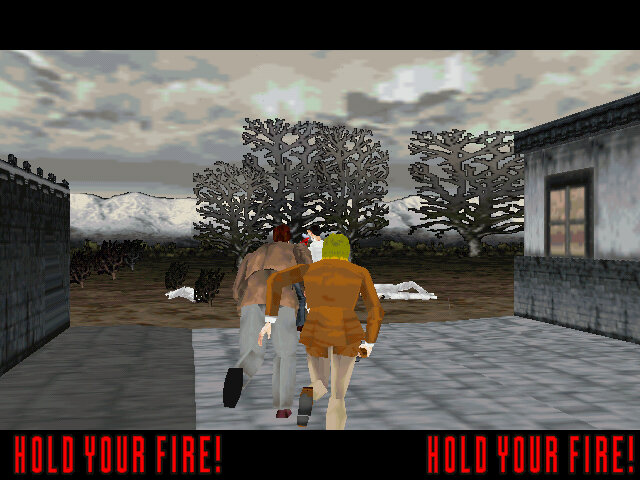
The gameplay of House of the Dead is simple, you’re armed with a light gun and tasked with shooting your way through levels filled with zombies, mutants, and other monstrous creatures. The gameplay is fast-paced and requires quick reflexes, as enemies can come at you from all angles in the form of jump scares. The game also features branching paths, which add some variety to the levels and encourage replayability as many of these will affect the ending sequence.
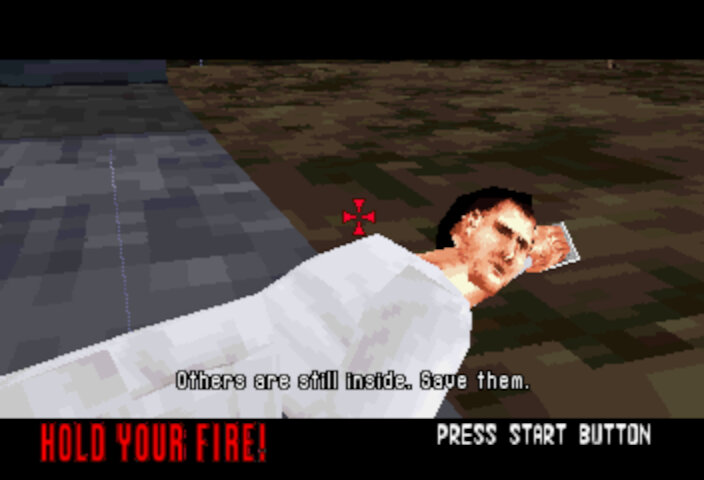
Some items can be shot at, typically pots, and will reveal additional lives. There are also opportunities to save scientists, who will sometimes reward you with an extra life or will direct you to another path.
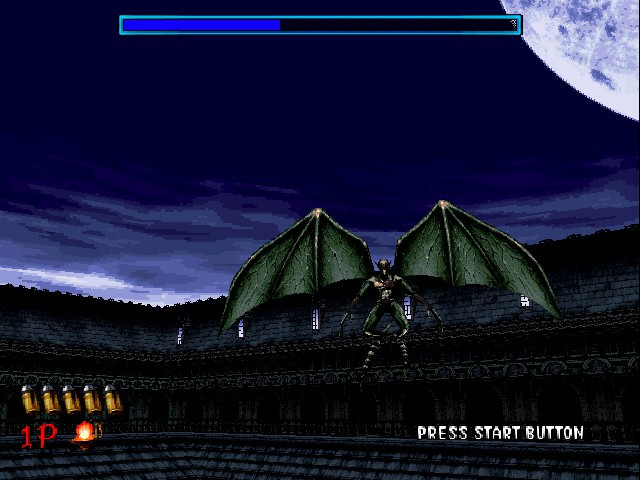
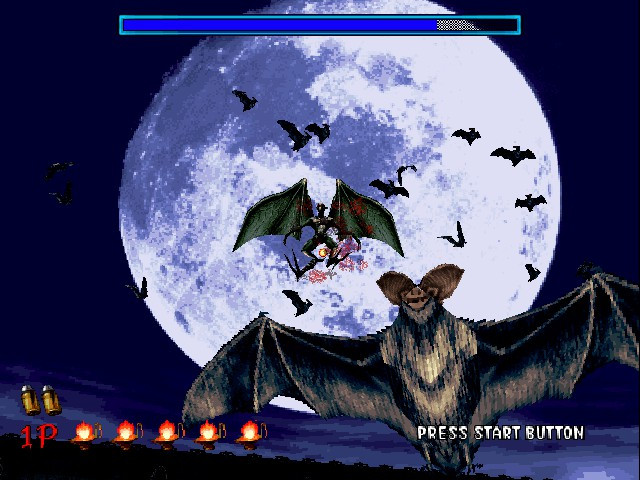
There are a few boss battles, each with a different way of defeating them. These occur at the end of each chapter. The Chariot is a large, armored zombie and appears at the end of Chapter 1 with the goal to target its weak spot in the armor to damage it. The final boss being the Magician serves as a challenging and memorable boss battle. He is able to create multiple illusions of himself, making it difficult for the player to determine which one is real. Additionally, he has powerful psychic attacks that can drain the player’s health and make it more difficult to aim. Defeating the Magician requires careful observation, quick reflexes and a lot of coins.
Versions
The game was somewhat popular and prompted Sega to port it to their Saturn console, it also get a Windows PC port similar to Daytona USA and Manx TT Superbike.
Arcade
The arcade version of House of the Dead is considered a classic and is highly regarded by many gamers and fans of the shooter genre. The game was initially released in arcades in 1996 and like other Sega arcade titles of the era, it ran on the Model 2 arcade board.
This version of House of the Dead was popular due to its use of light guns, which allowed players to aim and shoot at enemies on the screen. Reloading is done by shooting outside of the screen, In contrast to Namco’s Time Crisis where you have to release the pedal to enter cover to reload.
Sega Saturn
The Sega Saturn version of House of the Dead was a faithful recreation of the arcade version’s gameplay mechanics, graphics, and sound effects. However, the game’s performance on the Saturn can be a bit sluggish, with some frame rate drops and occasional slowdowns during intense action sequences. The Saturn version also supports use of a light gun controller that was intended to give more precise aiming. Unfortunately this does not work well on modern LCD displays leaving the traditional controller as the only form of input.
You do have the ability to play as different characters, either ‘G’, Sophie or one of the Scientists which will affect the cutscenes as they are rendered in engine. Compared to the arcade version, the graphics takes a downgrade but you do get the benefit of high quality sound.
Still there’s no option to revert to the arranged arcade soundtrack, odd because both the Saturn and the Model 2 have the same sound processor (SCSP)
Microsoft Windows
The game was initially released for PC in 1998, It offers several enhancements over the arcade version, including improved graphics and higher resolution support. Additionally, players have the option to use a keyboard and mouse or a controller for more precise aiming. Some parts of the Mansion have been retextured, likely to give it a more colder atmosphere and due to differences in how Model 2 and DirectX games handle textures.
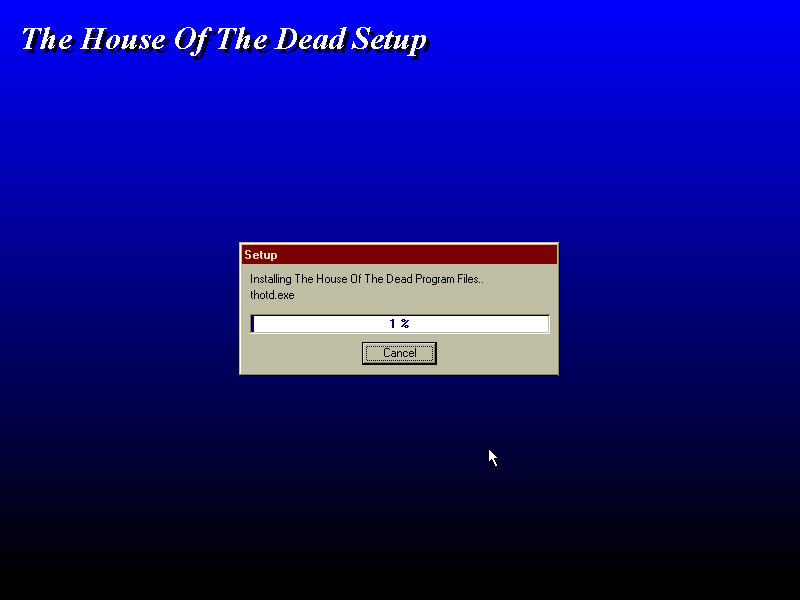
For video cards that don’t support Direct3d, the game can run in DirectDraw mode instead. The 3DFX Voodoo card is capable of Direct3D acceleration and is supported in 86Box.
Conclusion
House of the Dead is a classic arcade game that still holds up today. Its addictive gameplay, impressive graphics, and horror-themed setting make it a must-play for any fan of arcade shooters.
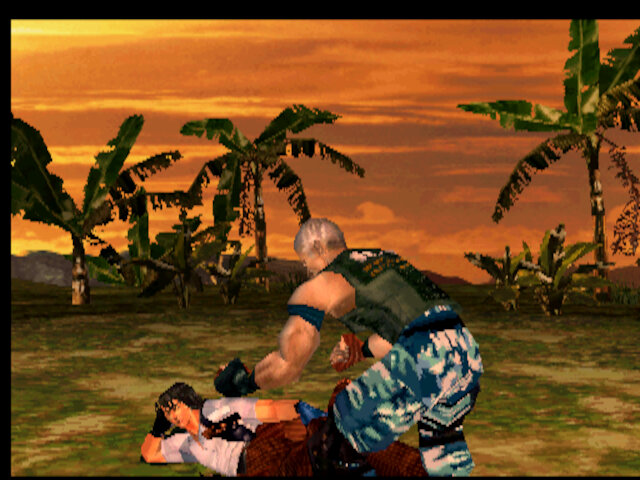
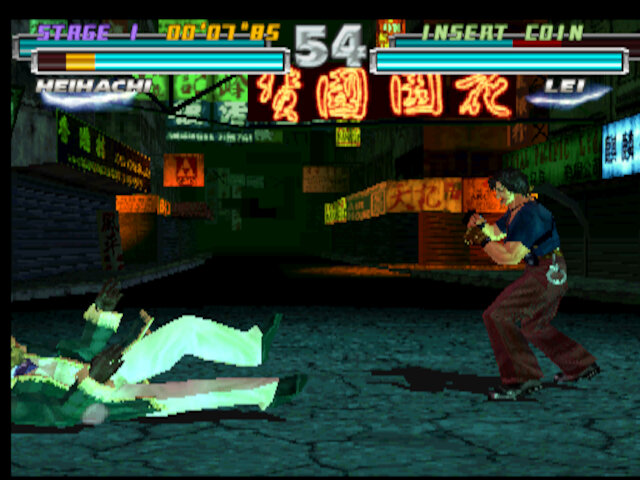
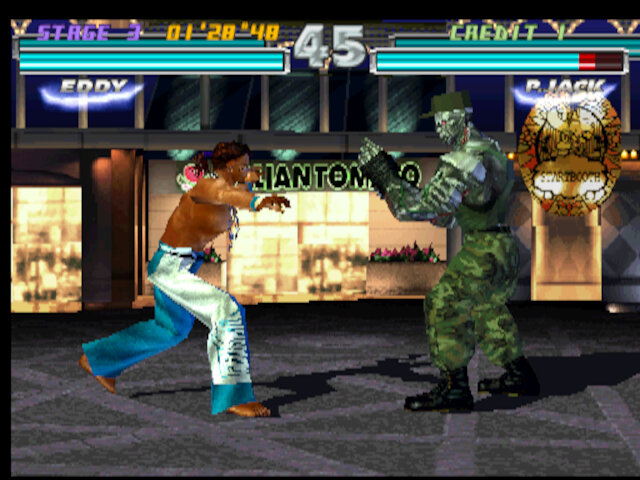
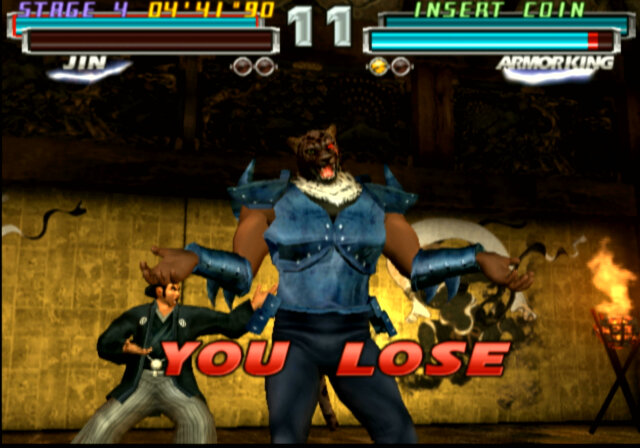
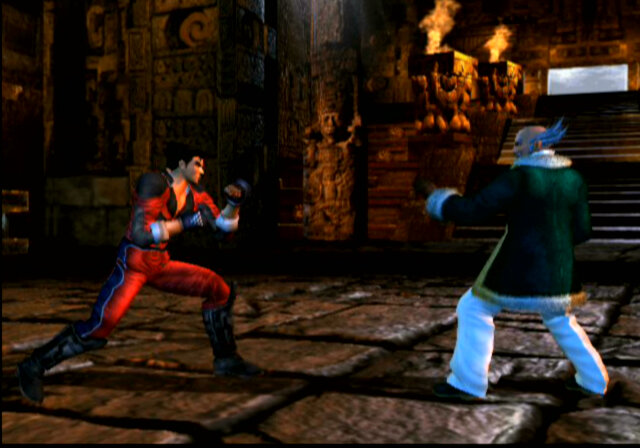
Tekken 3 but with a new tag mechanic and a huge roster.
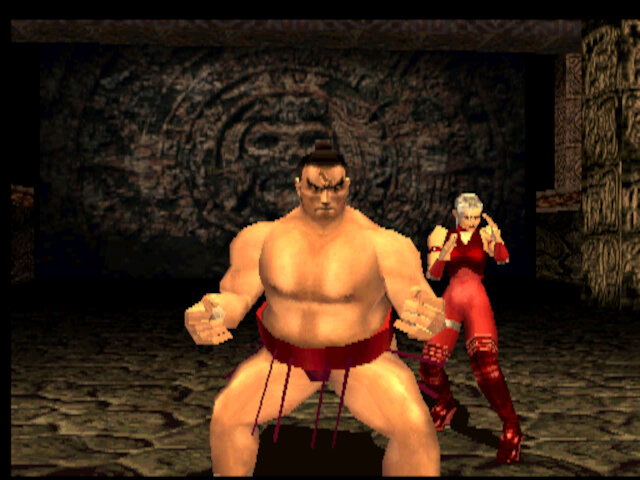
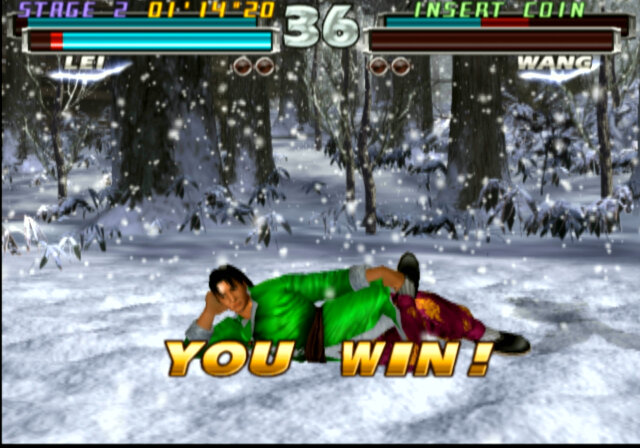
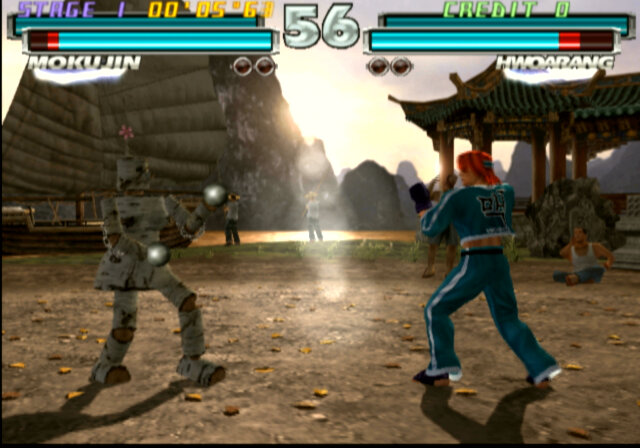
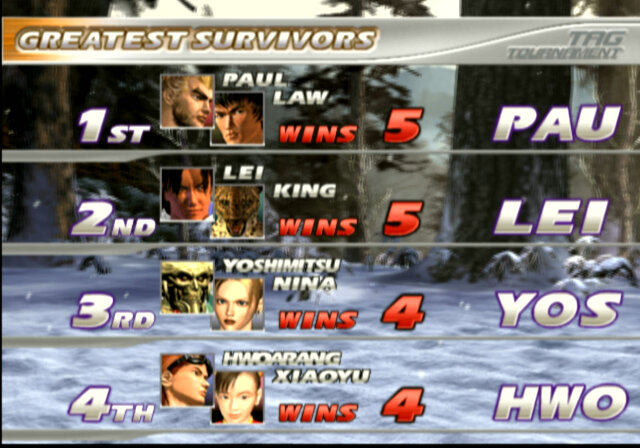
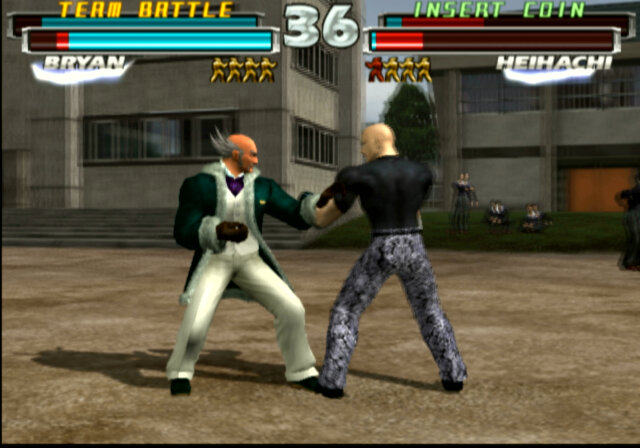
Tag Tournament takes the existing Tekken formula and adds a new tag team mechanic, allowing up to four characters to fight against each other. Its also one of the few games to be released for three generations of PlayStation hardware (sort of, The System 12 arcade board is an overclocked PS1 board.)
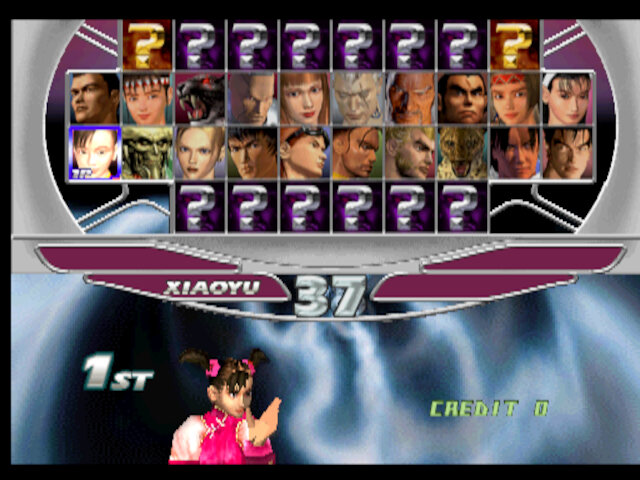
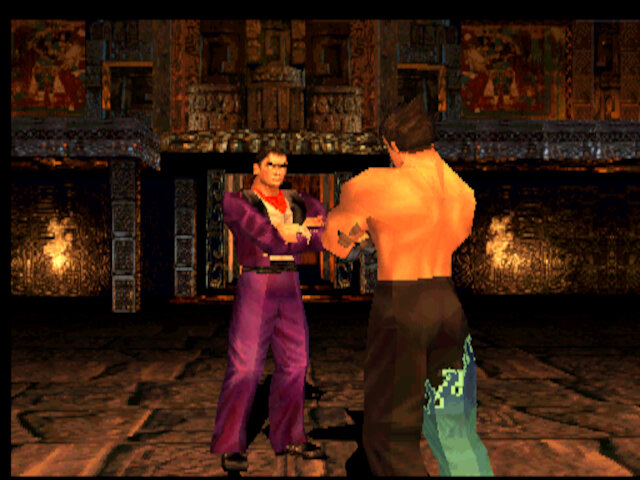
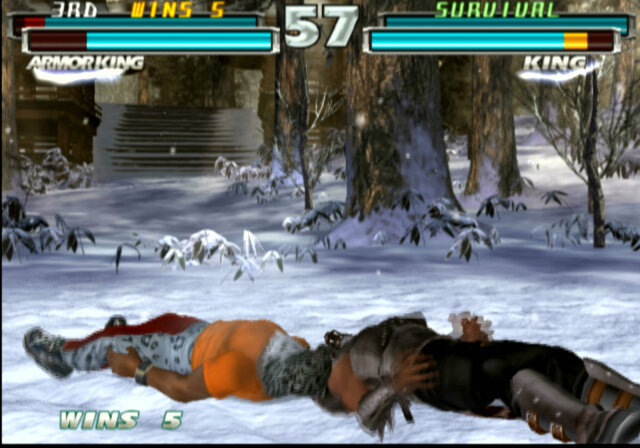
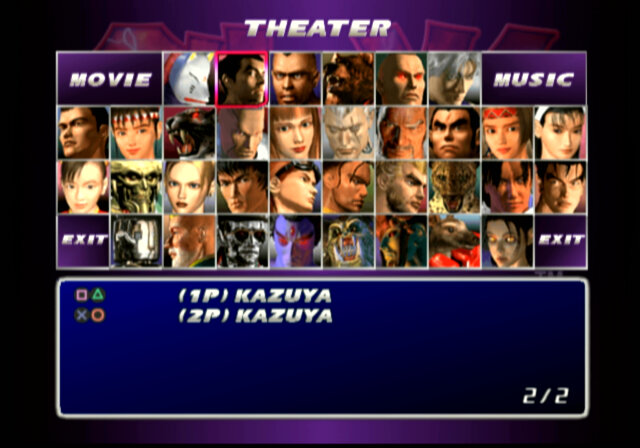
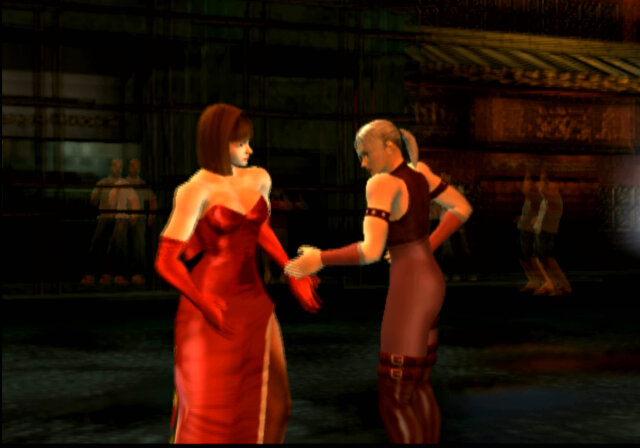
The fighter roster is stacked with an insane lineup of characters, many of which all featured in the first three installments of the Tekken franchise. You’ve got your classics like Kazuya, Jin, and Heihachi, all ready to unleash their devastating combos. Its like a Tekken greatest hits reunion featuring everyone’s favourite characters from previous games, but there are a few omissions like the original Jack, King and Armour King. Still Namco have also implemented Easter eggs for when you choose a certain par of characters, that affect the characters animations before and after the fight. Pairs like Nina & Anna, Kazaya & Heihachi and Michelle & Ganryu are a few examples to name that do this this, and it gives a nod to the Tekken backstory that fans of the franchise will be invested in.
Some pairs will also have unique moves that can be used to attack and switch out at the same time. These require a button combination along with the tag out button to trigger.
Versions
Arcade
The original release of the game was in the arcade, like other early Tekken games. The game ran on the Namco System 12 board which was an upgraded PlayStation with additional memory and a faster clocked processor. This allows for multiple fighters to be featured onscreen, required for some of the character move sets. This version of the game also features its own soundtrack which is played on Namco’s own C352 sound processor that was also used in their System 23 arcade boards.
Many characters are locked in this version and are on a time based unlock, where characters gradually come available as the arcade machine is powered on. There is a MAME cheat to unlock all the characters upon clearing the EEPROM that can be used instead.
PlayStation 2
Tag Tournament was one of the launch titles for the PS2, and remained exclusive to the console for the home release until the HD PS3 version. This version features completely upgraded graphics that take advantage of the PS2’s Graphics Synthesizer
Unknown is a fully playable character in this version and has a unique feature where she can emulate another fighters moves.
This version also features a few unlock-able features and game modes.
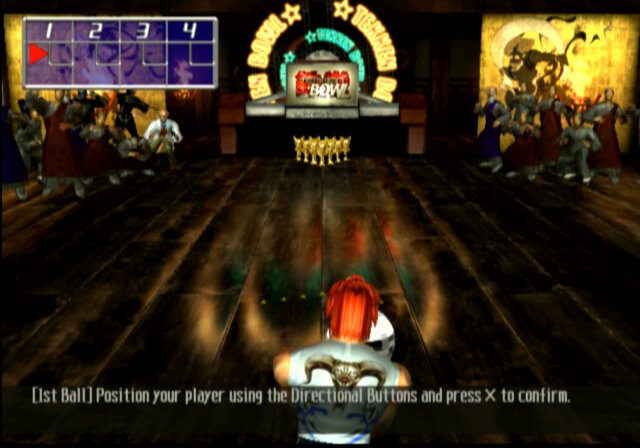
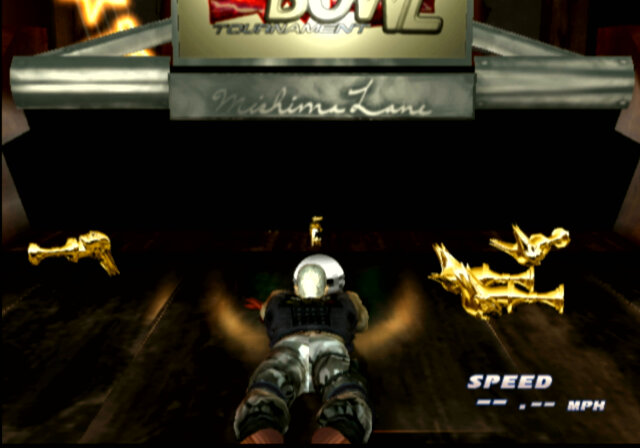
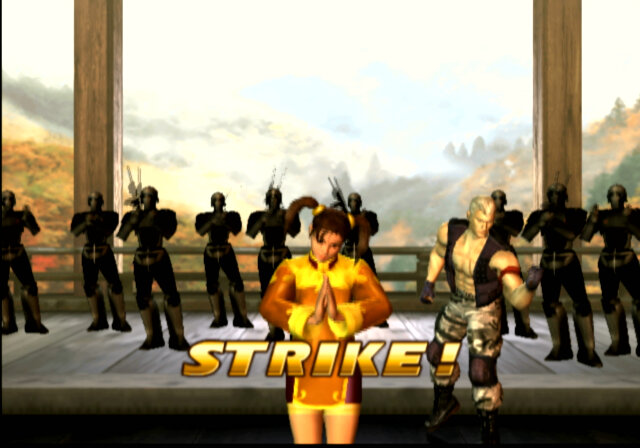
Tekken Bowl: In Tekken Bowling, players would select a character from the roster and take them to the bowling alley. The character would replace the traditional bowling ball, and players would control their chosen character’s movement and angle as they approached the lane. The objective was to knock down as many pins as possible in each frame.
The mini-game incorporated the unique abilities and characteristics of each character into the bowling mechanics. Characters would have their own distinct bowling animations and techniques, adding a touch of personality to the gameplay. Some characters might have special abilities or moves that affected the trajectory or speed of the “ball” they threw.
Namco would later create a Tekken bowling spin-off for smartphones.
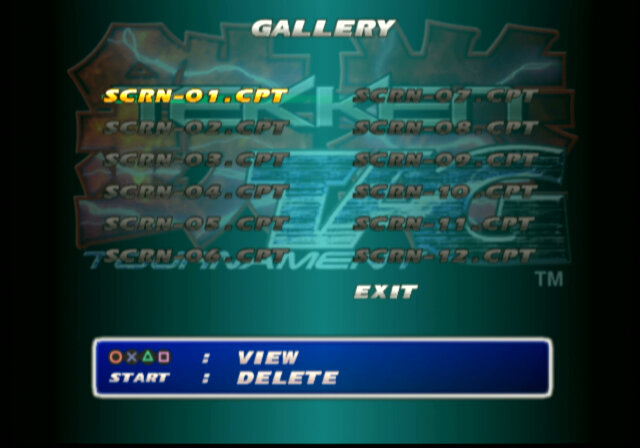
Screenshots: A screenshot can be captured and saved to the memory card, useful when you want to capture for character whilst they’re in the middle of a combo. A screenshot can be taken by pressing the pause button and selecting screenshot.
Pair Play mode: Another feature is the pair play mode, which allows two players to fight with their own controller against the CPU. Four plays can also play in a VS match if the PS2 multi-tap controller is used.
Lastly each character has a unique ending sequence which is rendered within the game engine, except for unknown which is a pre-rendered MPEG2 FMV.
PlayStation 3
Namco ported the game to the PS3 in 2012, and was released as part of Tekken blood Vengeance. Inserting the Blu-ray disc would prompt you to install the game as a bonus feature of the disc.
This version featured upscaled graphics running in HD resolution, trophy support, and is a port of the PS2 version. The soundtrack mostly remains the same, though there are some differences in composition. Sadly there is no online play over the PlayStation network, which would have made a nice addition though it would have suffered a limited population, as this game was not released standalone. Rather it was treated as a bonus.
Conclusion
Tekken Tag Tournament is an absolute knockout of a game. It’s a high-energy, pulse-pounding experience that’ll have you hooked from the moment you pick up the controller. Whether you’re a casual fighting game fan or a seasoned pro, this game delivers the goods. The Tag Tournament formula would be repeated in 2011 with the release of Tag Tournament 2 for the PS3, Wii U and Xbox 360.
The phone that introduced me to the world of Windows Phone
Released in 2010, the Optimus 7 is one of the first generation of Windows Phone 7 smartphones. As part of the first generation, its quite similar ins specifications to other Windows Phones of the time, with a single core Snapdragon processor running at 1Ghz, Adreno 200 graphics core and 512MB of RAM. For storage , it has 16GB onbord memory, but no expandable memory, a 3.8 inch screen and a 5 megapixel camera with a dedicated camera button.
This model was purchased back in 2011, originally unlocked from Expansys. Originally Running Windows Phone 7, it was alter upgraded with the NoDo update, followed by Mango and eventually the 7.8 update.
Windows Phone 7 had no screenshot support so images are captured by pointing a camera to the screen.
Bundled Apps
LG had bundled a few applications with the handset, which were available on the LG Apps Store section on the Marketplace. There were a few other apps that could be downloaded but have since been nixed by Microsoft. A few I can remember was a web and walk app, and a couple of Winnie apps that did nothing spectacular. Since the phon was factory reset at some point (gave it to a relative after they managed another iPhone) meaning all the original apps have since been lost.
Network Setup
Used to setup the network operator, to install settings for the APN and MMS configuration. Usually this is dedicated automatically by the network operator but you can manually amend them using this utility.
ScanSearch
This would search for local buisness and point of interest by suing the Gps and the phones camera to scan for barcodes or items. Its sort of like an augmented reality application that displays businesses according to the camera. I guess it was useful if you were in an unknown location and needed to find a local shop. Either Bing or Google could be used to locate the information.
As you can guess, the network functionality is dead now.
PlayTo
A DLNA casting app that lets you share photos, music and video stored on the phone, which can then be displayed on any device that supports DLNA like a network connected TV, console (PS3) or Windows Media Player (11+). In this example it picked up my AV receiver (Yamaha RX-481D) The app does warn that DRM protected content will not be shared, so no music purchased from the Zune store.
As screen mirroring or casting was not a common features in smartphones, setting up your phone as a DLNA server was an alternative workaround for displaying content on the big screen.
Panorama
A basic app that lets you take a panoramic photo, the app will guide you through the process of capturing a panoramic picture, which it will then stitch together.
MFG
A test application that used to access the phones registry, and to access developer related options. This can be accessed by entering ##634# into the phone dialler app, and then entering the password 277634#*# followed by pressing enter. You can also perform a few hardware tests for the touchscreen, camera, light and proximity sensors.
LG’s flagship for 2015 where it competed with the HTC One M9, Samsung Galaxy S5 and the Lumia 920.
The LG G4 has a curved design with a slightly arched back that makes it comfortable to hold. The phone has a leather back option, which gives it a premium feel similar to the Nokia 8800 or the Vertu series of phones. The phone is also relatively lightweight and easy to use with one hand. The G4 has a 5.5-inch Quad HD IPS LCD screen with a resolution of 1440 x 2560 pixels. The display is bright and vibrant with accurate colors and good viewing angles.
Compared to other handsets the LG takes you out of the comfort zone as the volume rocker is featured at the back of the handset rather than at the left side, it’s kind of similar to the Viewty that also had the volume rocker at the back. It does take a bit of getting used to as you will often try to reach for them at the side instead of the back. The lock/power key is also featured at the back.
The G4 is powered by a Qualcomm Snapdragon 808 processor and 3GB of RAM. The phone handles most tasks with ease, including multitasking and demanding apps. However, it may struggle with some of the more intensive games and apps. Even today the phone as a good chance of running most apps, though it does tend to heat up when running multimedia or gaming apps, YouTube an particular. We also have 32GB of storage with a microSD slot that can provide more storage if required.
LG User Interface
As with other Android handsets, it uses LG’s own customized user interface. Originally this was Android 5.1, but mine has been upgraded to Android 6 along with some updated apps that shipped with the handset. LG’s Android skin is one of the better ones as it retains the Google Material design whilst adding features for power users, which I will delve into later. Its clear LG intended this handset for the intermediate user who is familiar with smartphones.
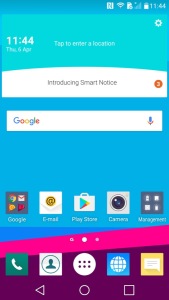
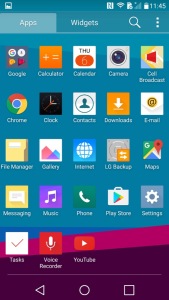
Your typical homescreen layout that consists of multiple pages of icons and widgets. LG have preset some for you, and more can be added at any time.
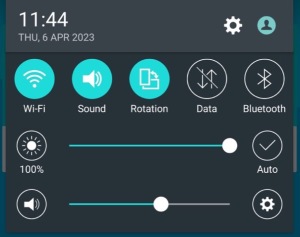
Pulls down from the top and is used for quick access to common phone features like WiFi and Bluetooth, also lets you adjust the phones volume and brightness if not set to auto.
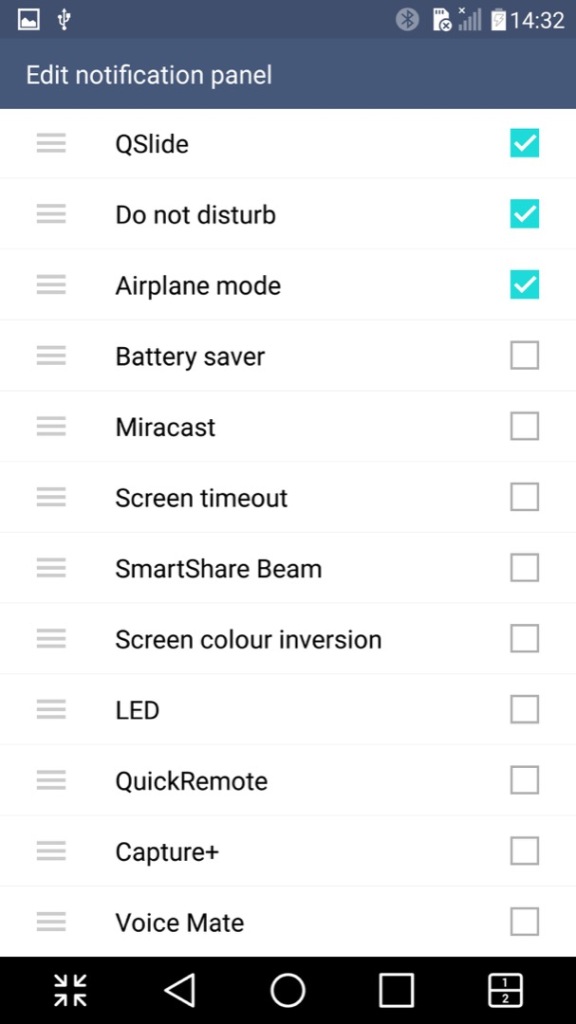
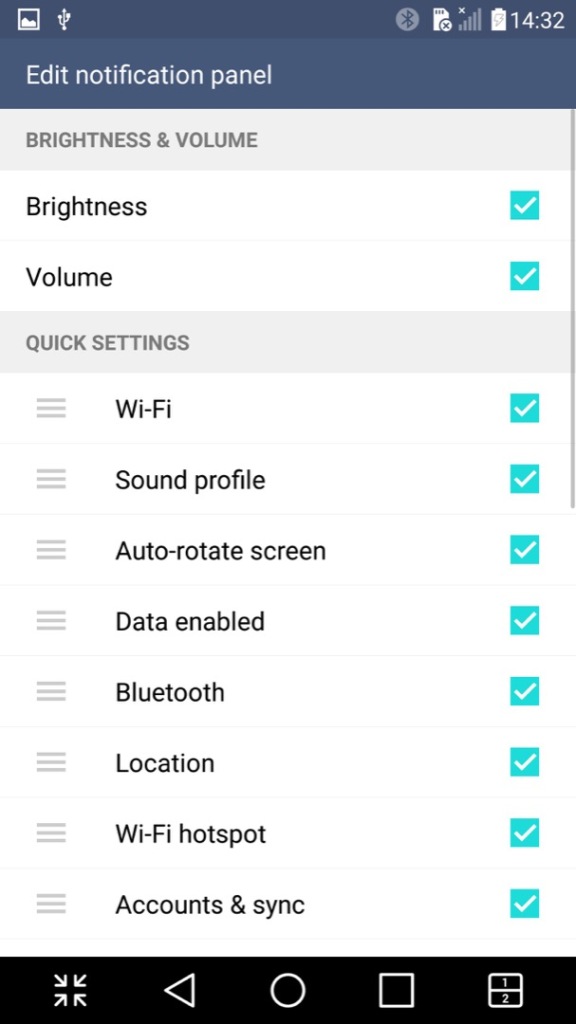
The quick access panel can be modified with additional options added
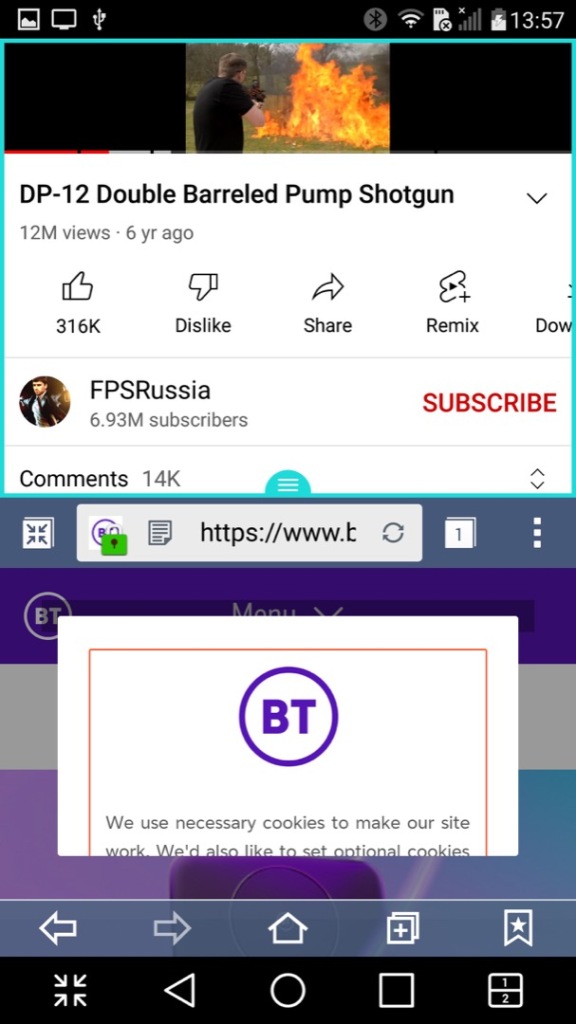
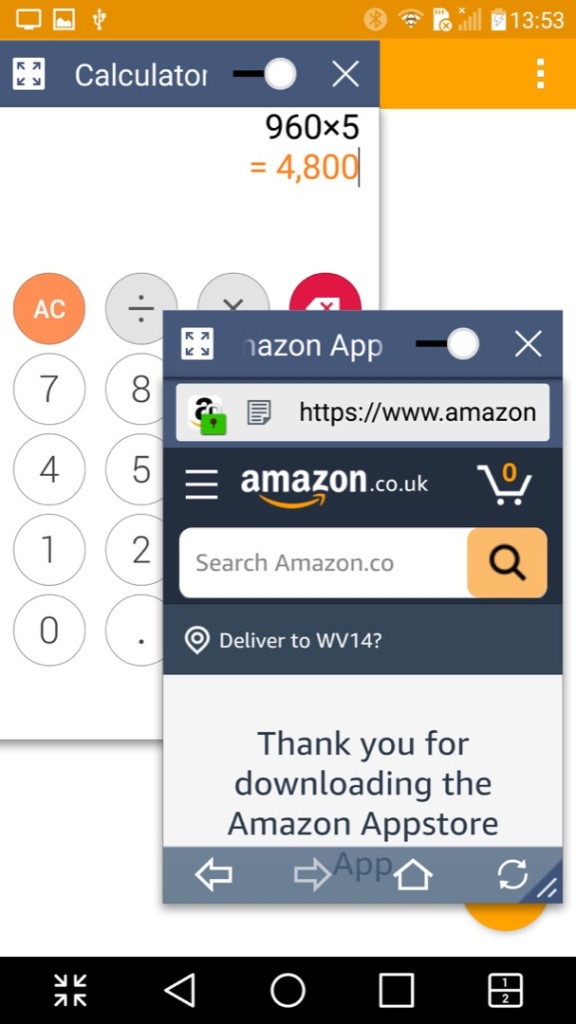
A look at LG’s Qslide feature that works with their preinstalled apps. You can have up to three different apps running on the same screen, two in a window with a regular app in the background. The windowed apps need to be Qslide aware which is mostly LG’s own applications, but the background app can be any native Android app. As you can see, it gets a little cramped. A practical use for this would be running a Youtube video in the background whilst answering an SMS message.
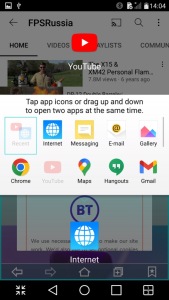
A similar feature is the split screen mode (sometimes called Dual Window), this is actually more beneficial though you suffer from a cramped screen, here you can split apps into two areas of the screen, allowing both to run simultaneously. This is actually a good feature and one I use heavily on my Sony Xperia 1 IV, its especially useful for phones with a larger screen.
Not all apps play nicely with this, and some that do work function a bit awkwardly. Most modern apps however do work well, but back when the phone was released the lack of split-screen support for apps would have been an issue, limiting its functionality.
I should also mention the onscreen buttons can be customized, instead of having the regular three buttons for Back, Home & Recent Apps, you can add the Qshare and splitscreen buttons directly.
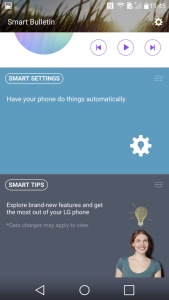
Panning to the left of the home screen reveals the Smart Bulletin screen, which shows highlighted information from the LG apps. Its very similar to the live tiles that were a mainstay in Windows Phone. This seems limited to the LG apps, so its less versatile and you cannot add your own widgets, unless you pan to another home screen.
Installed Apps
Most of LG’s apps use QSlide which allows apps to run in a window, facilitating a crude way of multitasking as seen on desktop operating systems.
LG have also developed or adapted their deign language as such, which is showcase through their applications. At the top are categories that you can scroll, which is very similar to the Windows Phone 7 / Zune interface. This is in contrast to Apple who put their category/Tabs at the bottom of the phone screen, with Samsung following suit.
Camera: The LG G4 has a 16-megapixel camera with optical image stabilization (OIS) and laser autofocus. The camera takes excellent photos with good detail and accurate colors. The OIS helps to reduce blur in low-light conditions, and the laser autofocus ensures fast and accurate focusing. The camera app also includes manual controls for advanced users.
A unique feature I’ve not seen is the ability to capture photos by saying a phrase, typically Cheese or Whisky. It’s a little goofy and does not always work, but adds to the charm and fun of the phone, also useful when capturing a group photo.
Cell Broadcast: A dedicated app to receive broadcast alerts from the cellular network. Not sure why this has its own dedicated app since its typically integrated with SMS apps
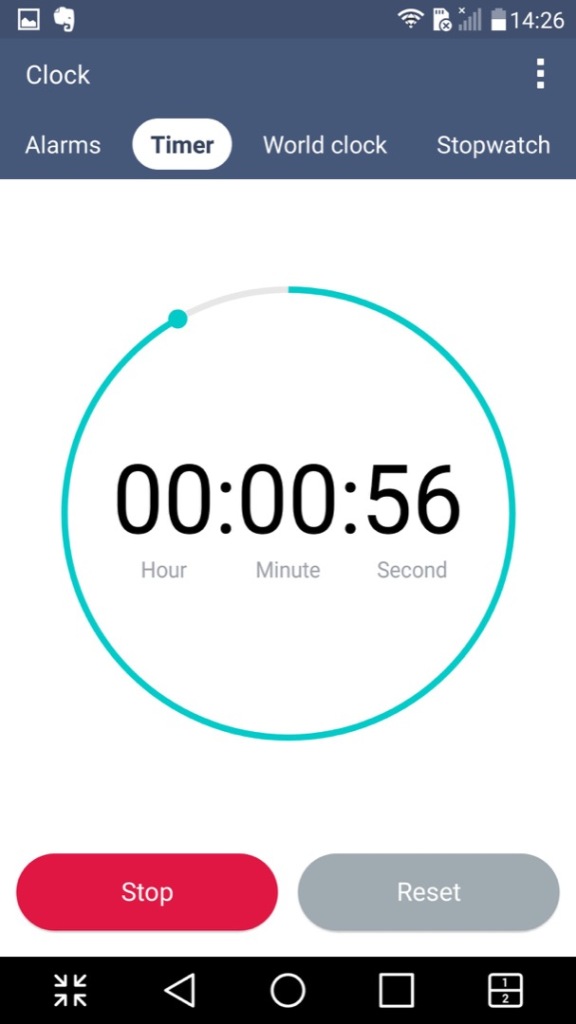
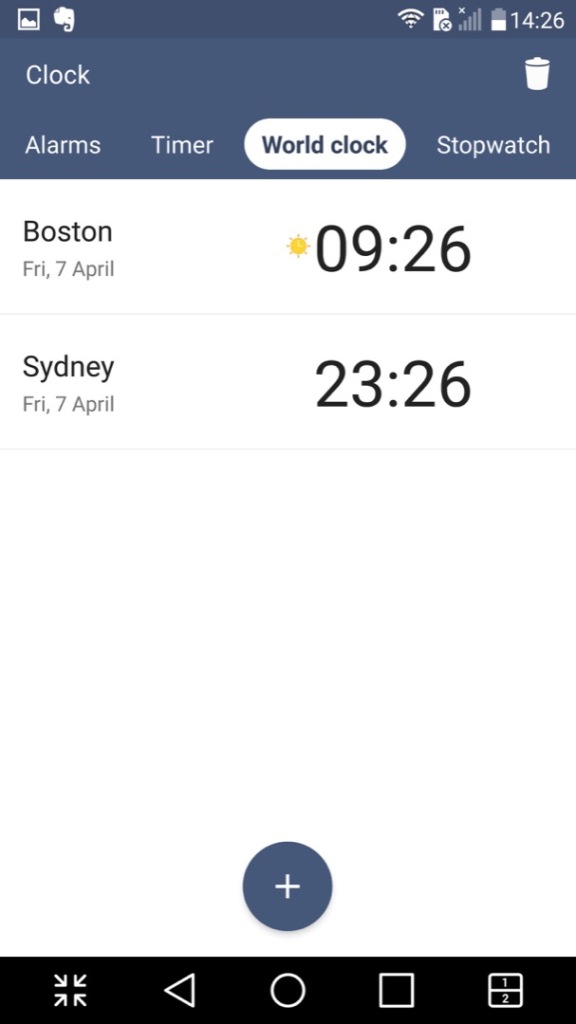
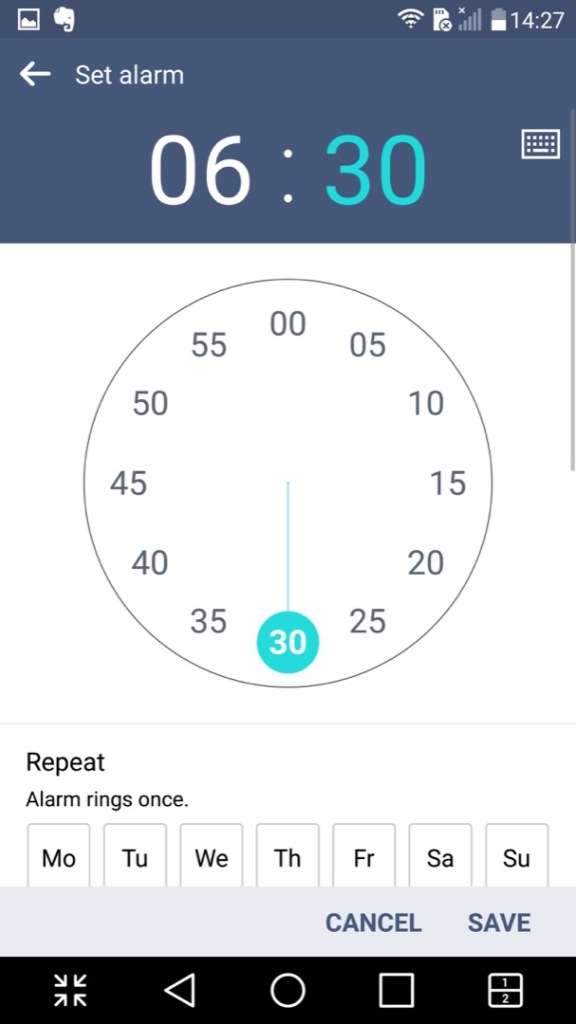
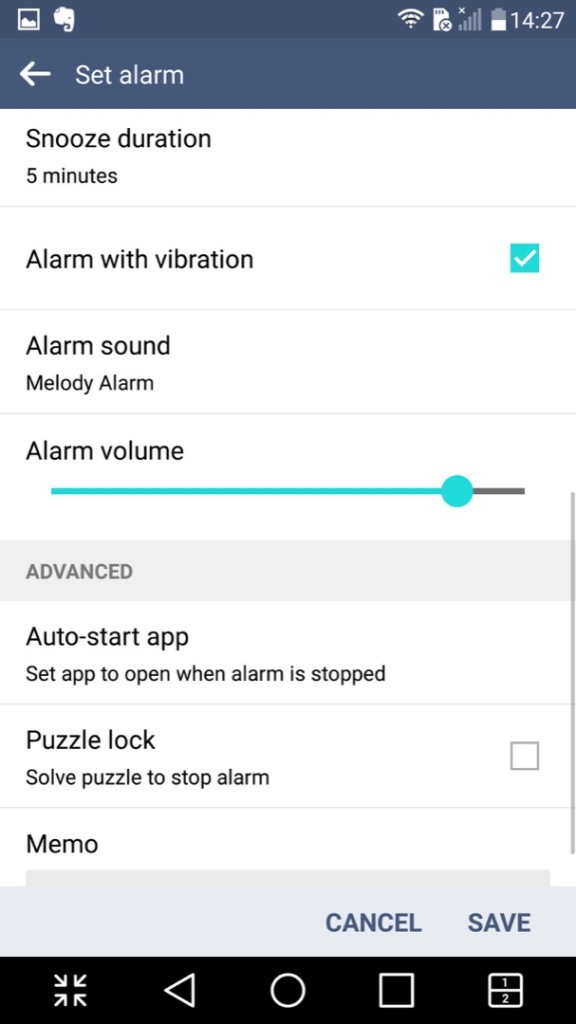
Clock: Your standard clock app with the LG design, provided functionality to set an alarm, timer, world clock and a stopwatch
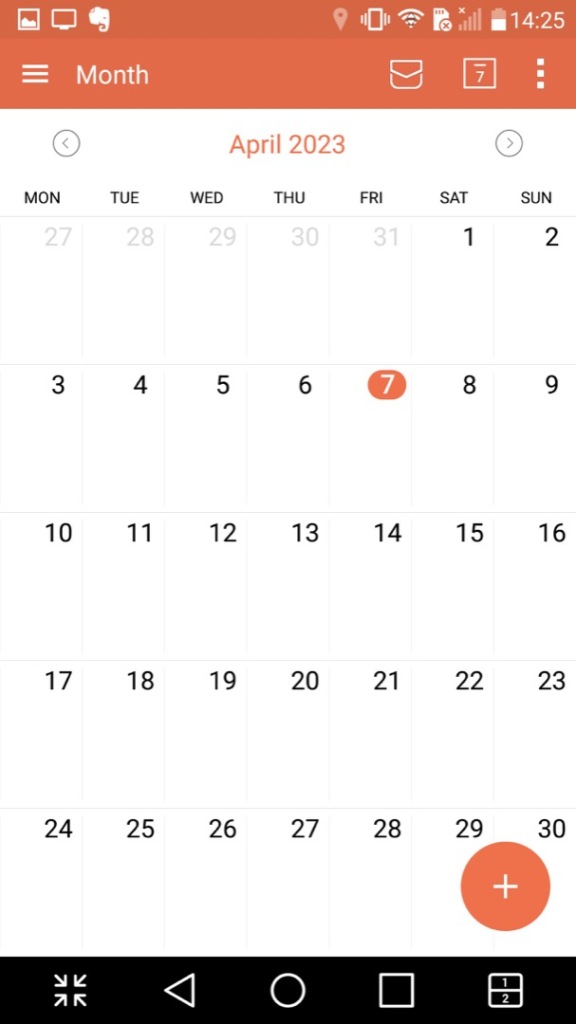
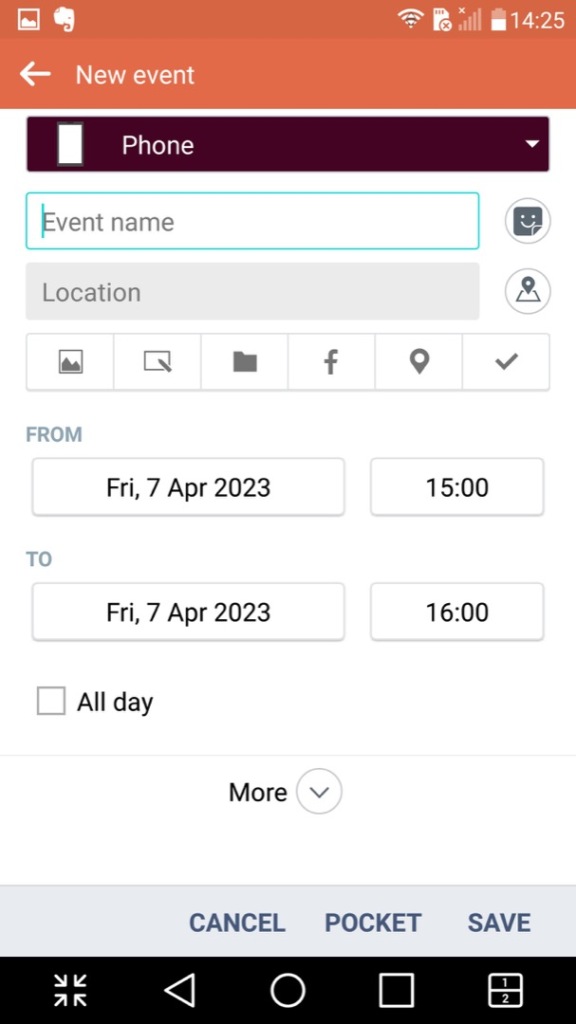
Calendar: Displays the calendar and can sync with other accounts that are set up. You can also set agendas, reminders and any holidays. A nice touch is the icon will change to reflect the current date.
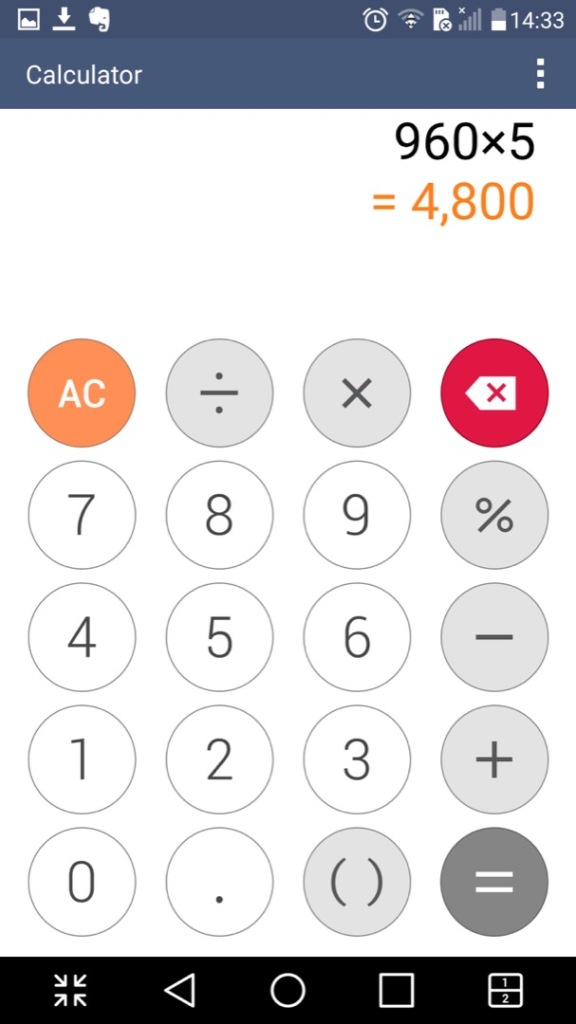
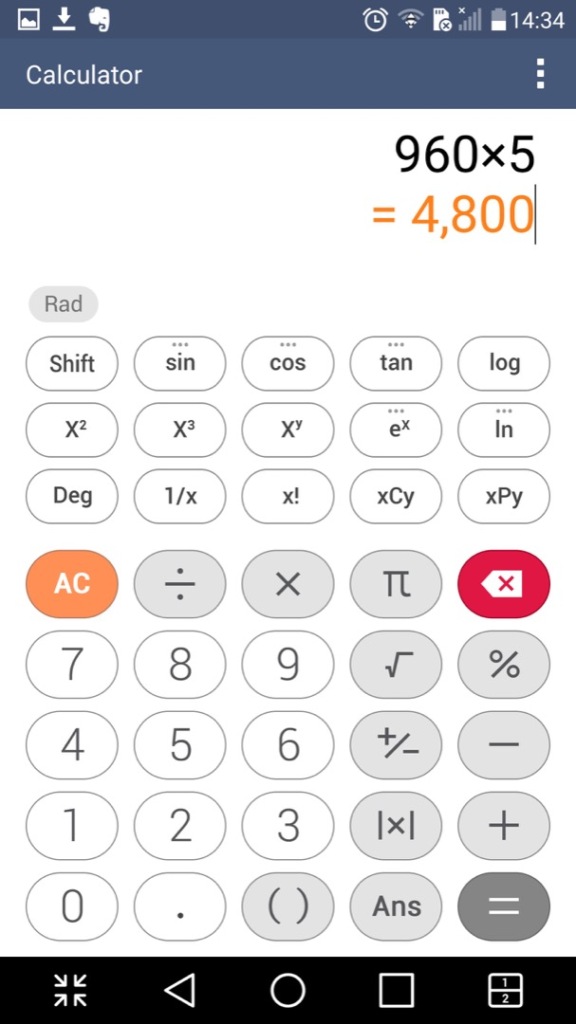
Calculator: Just your regular calculator, which functions a regular and a scientific calculator.
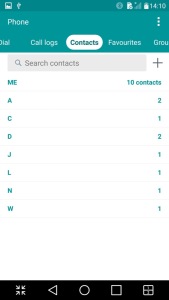
Contacts & Phone: Lists contacts from accounts synchronized on the phone, commonly Google. This is integrated into the phone app and you can dial directly from that application.
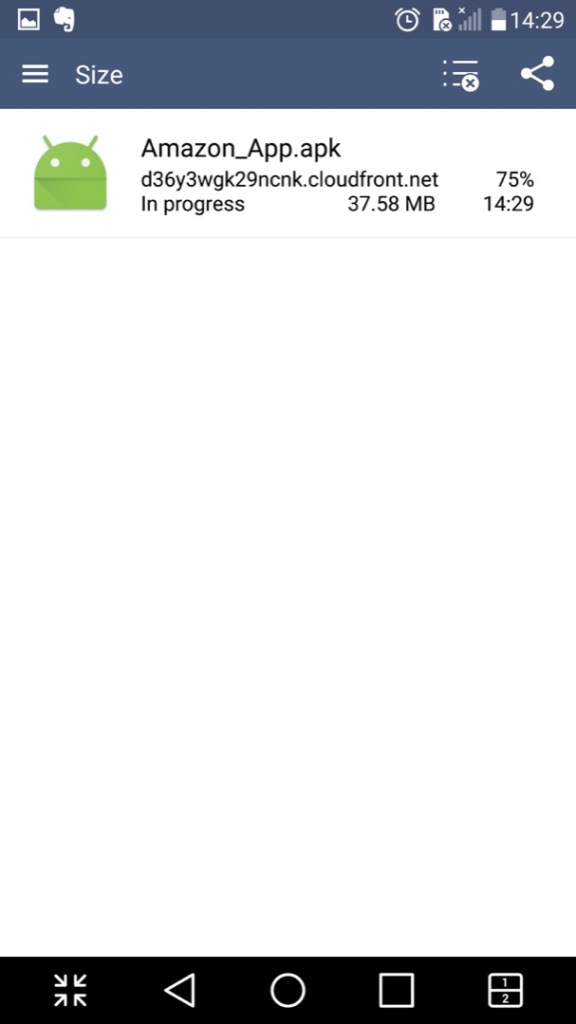
Downloads: Shows any file that has been downloaded through the phone web browser, and from some third-party browsers.
File Manager: Browse files saved on the phone, or a memory card if one is inserted. This also integrates with cloud storage services like Dropbox, OneDrive or Box.
Gallery: Like the file manager but orientated towards multimedia like photos and videos. Images taken with the phone’s camera will show here.
Internet: A chrome based internet browser, appears to be based on Chrome 38
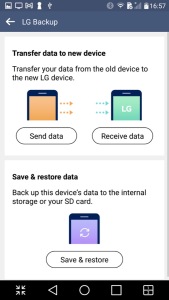
LG Backup:
Intended to transfer data from another device and can backup existing data to the inserted SD card
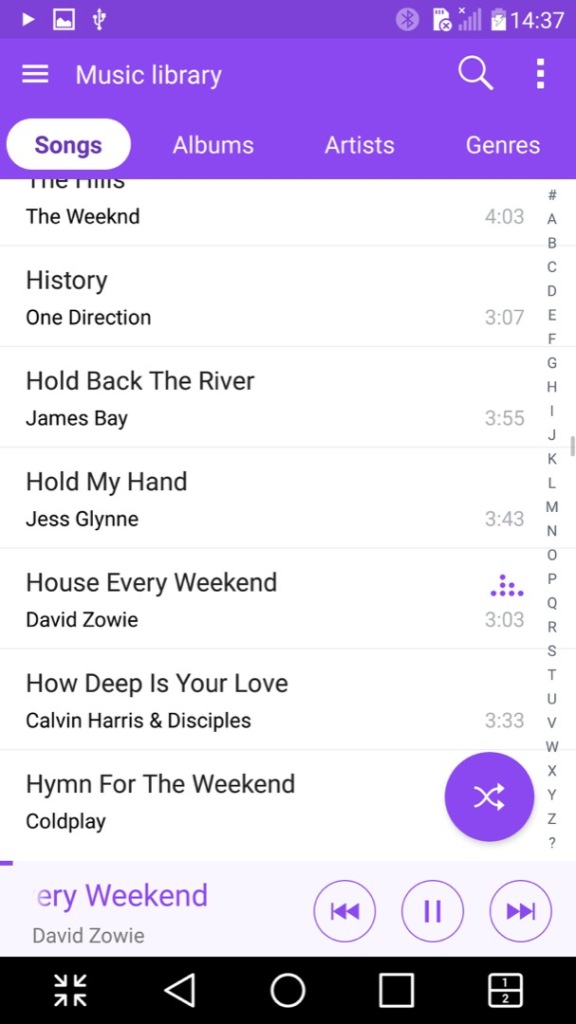
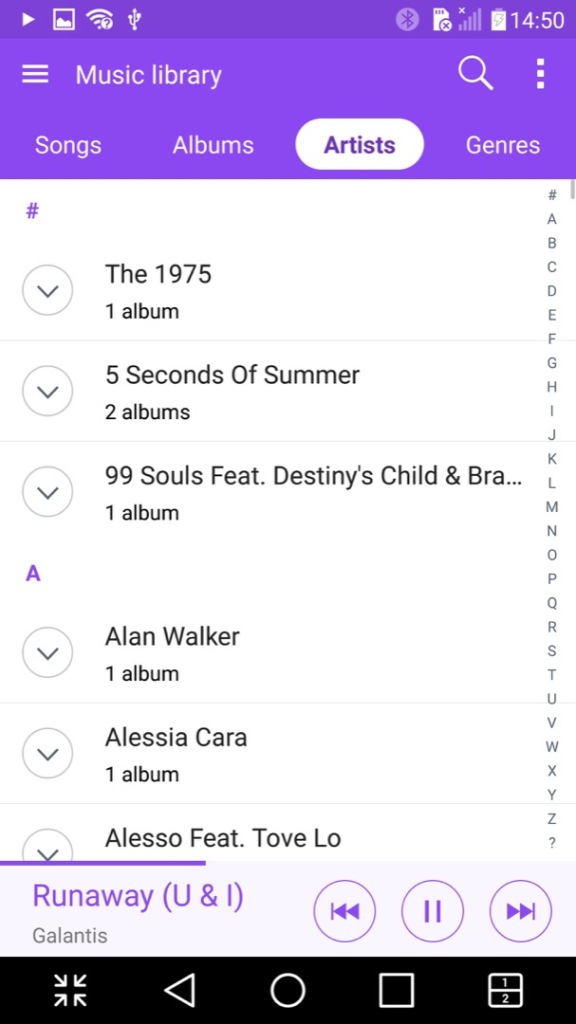
Music: Plays music files stored on the phone or the microSD card. A nice feature is it can lookup the song title on Youtube to locate the music video, its not 100% accurate since it basically searches the song and artist title. Lyrics can also be displayed if they are included or embedded with the file itself.
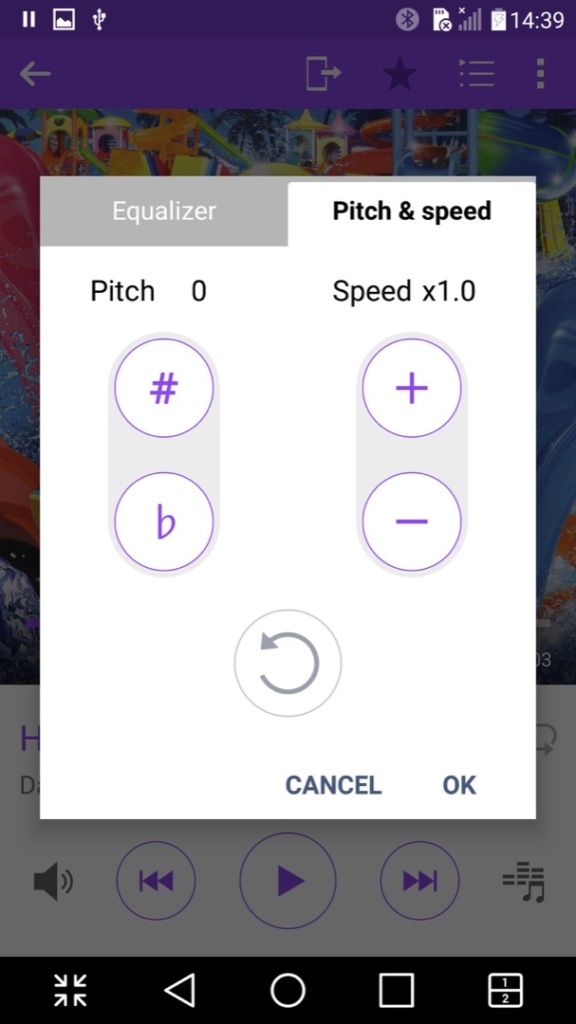
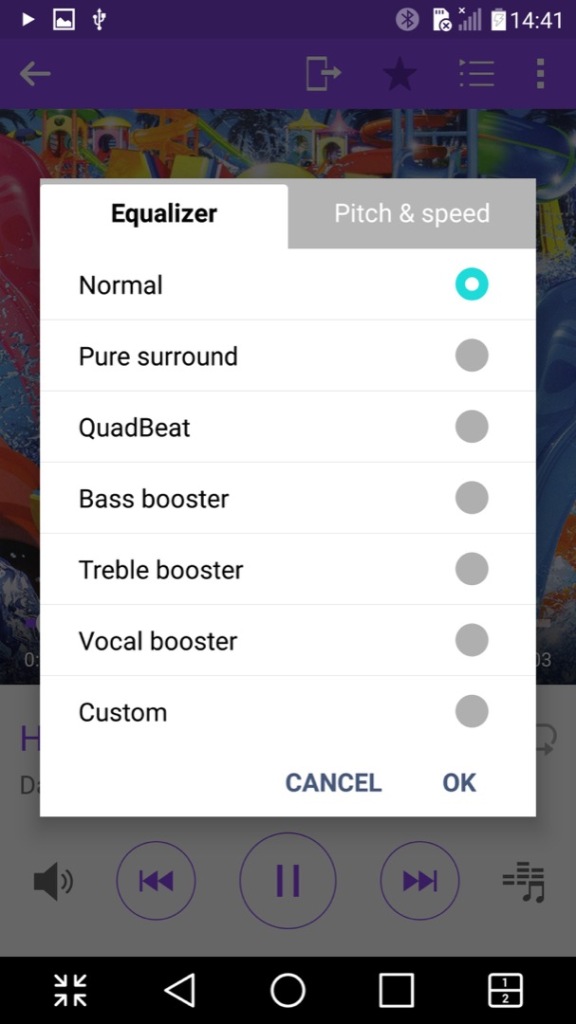
Another nice feature is the ability to adjust the vocal pitch and the track speed of the song, allowing you to create nightcore remixes directly just by playing the file. There is also an equalizer that has a few pre-sets included.
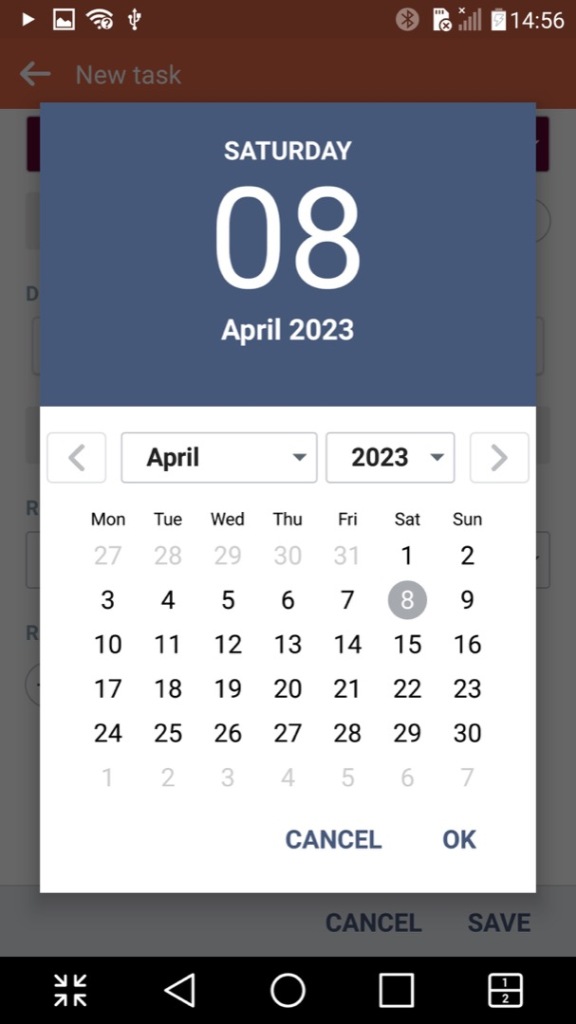
Tasks: Lets you create and set single or recurring tasks which serve as reminders. This can also sync with either your Google or LG account.
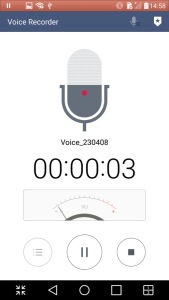
Voice Recorder: A simple voice recorder that recording using the internal microphone, recordings can be paused and resumed at any time, keeping it as a single file. Audio is encoded in the MP4 format and is saved in the 3GP container, likely for backward compatibility with older handsets when sharing the file.
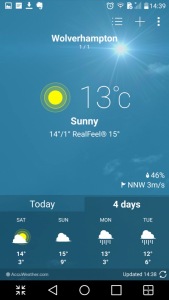
Weather: Shows weather information from your local area, or a location/city that you have manually selected. Weather information is pulled from Accuweather
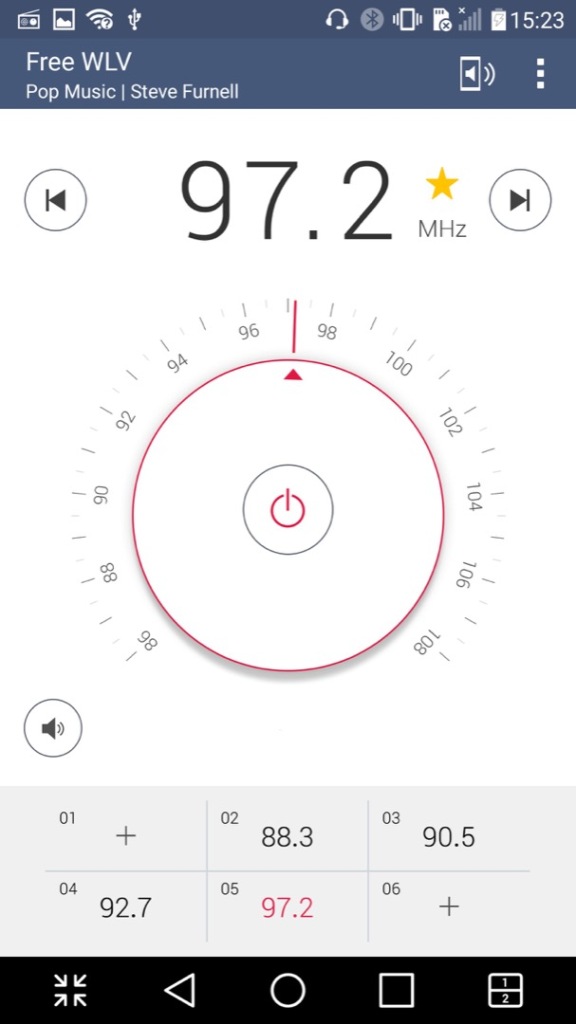
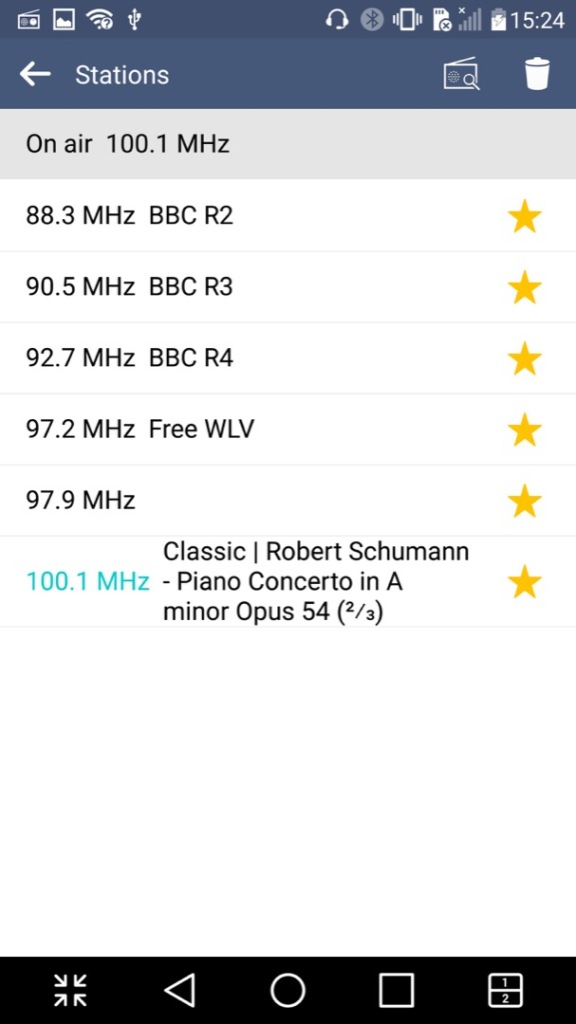
FM Radio: Plays the FM radio if a set of wired headphones are connected. Visually the app emulated a radio dial which is used to manually scan through the different frequency, but you can also set the phone to automatically scan and store radio stations that can be listened to. Weak or poor signals are ignored. Up to 12 pre-sets can be saved of your favorite radio stations. The app can all decode RDS data and display additional information if this is supported by the station.
It’s worth noting FM radio is currently on the way out in the UK and is being replaced by DAB+ radio, though internet radio is becoming popular.
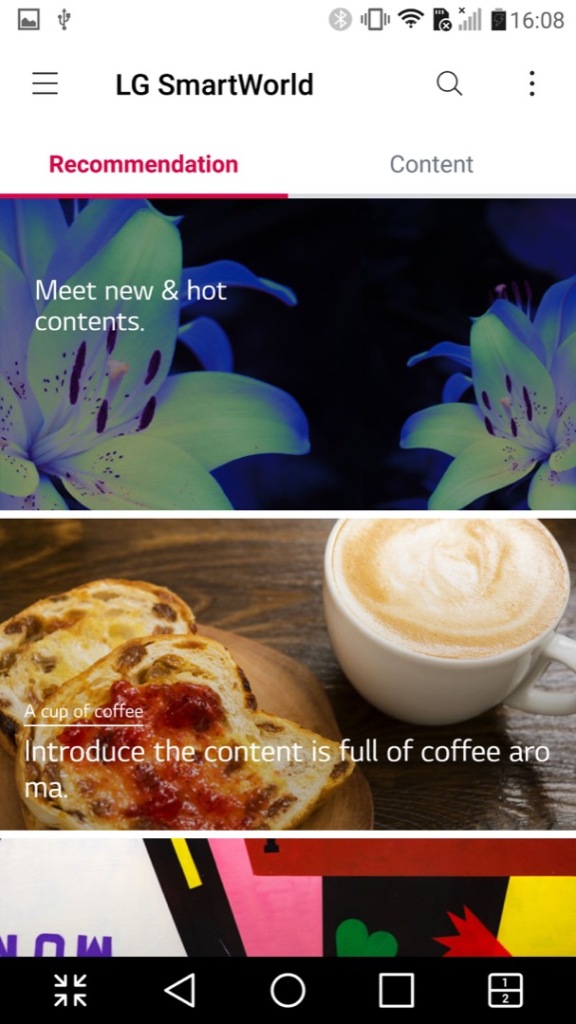
LG SmartWorld – This is a kind-of application store by LG where exclusive apps can be downloaded. Themes, wallpapers and ringtones could also be downloaded from here. This no longer appears to work which results in network connection errors, I am able to get to the main screen share it shows a couple of themes to download, but any attempt to sign in results in an error message. As LG are no longer in the smartphone market, they might be withdrawing support.
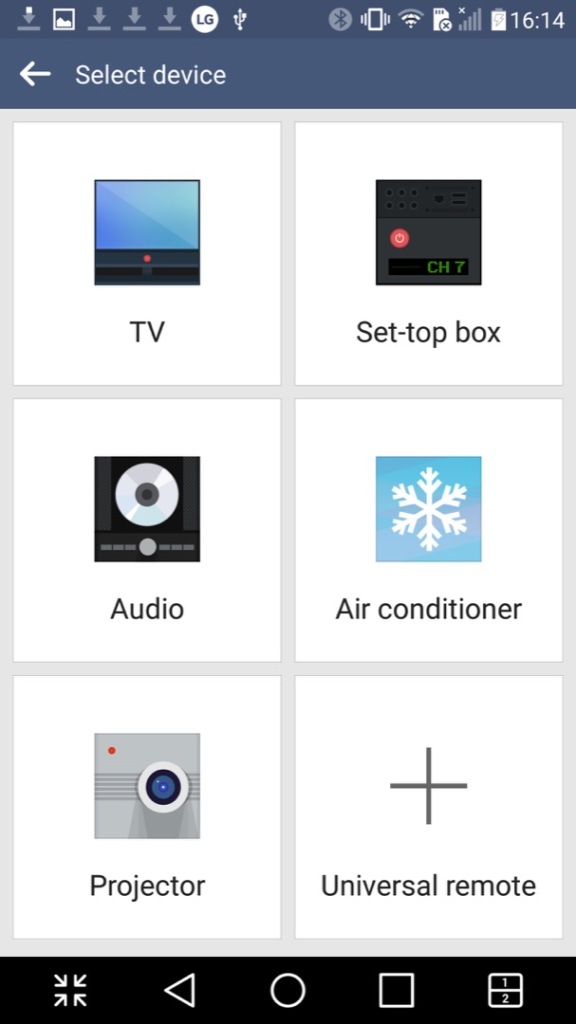
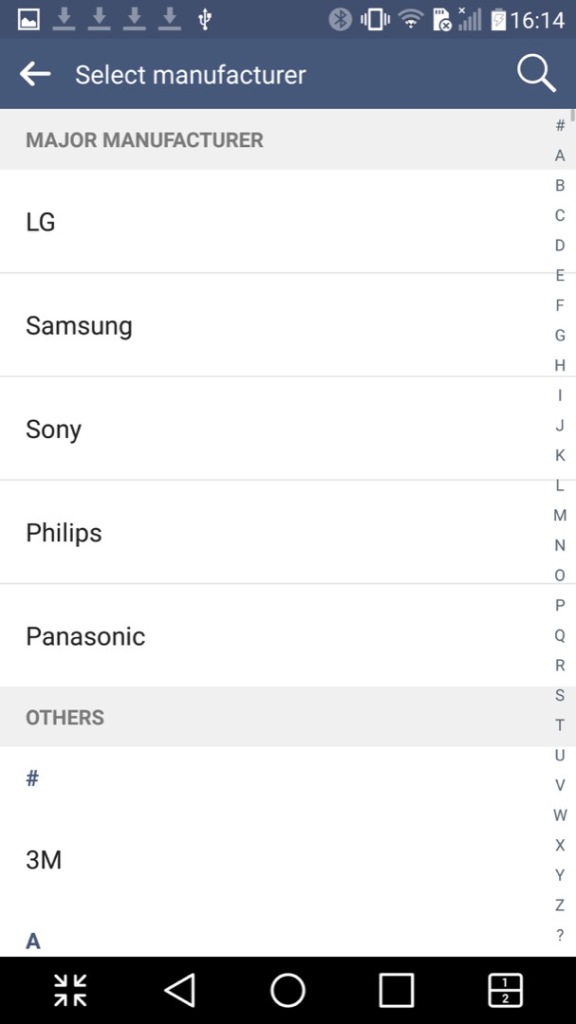
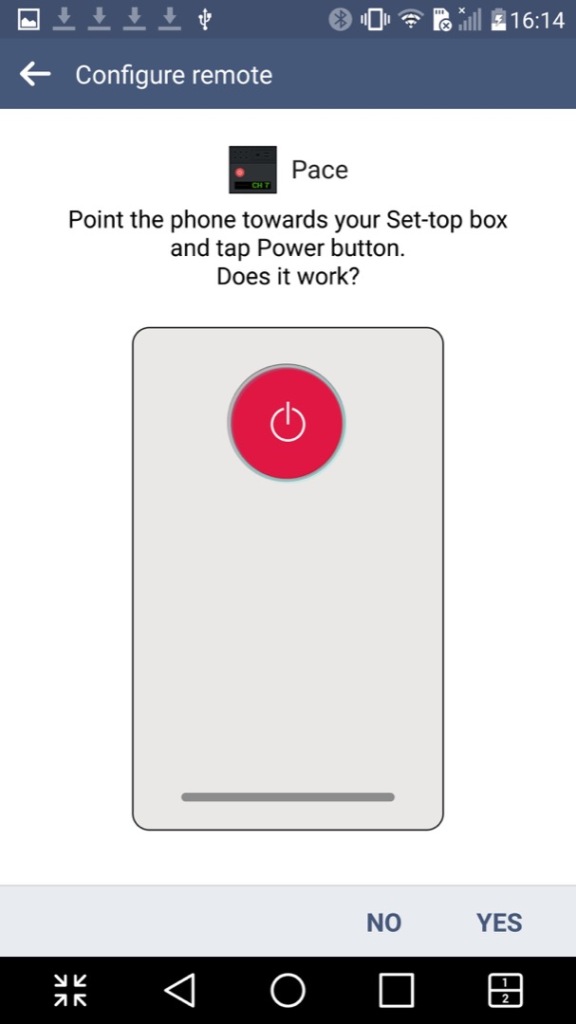
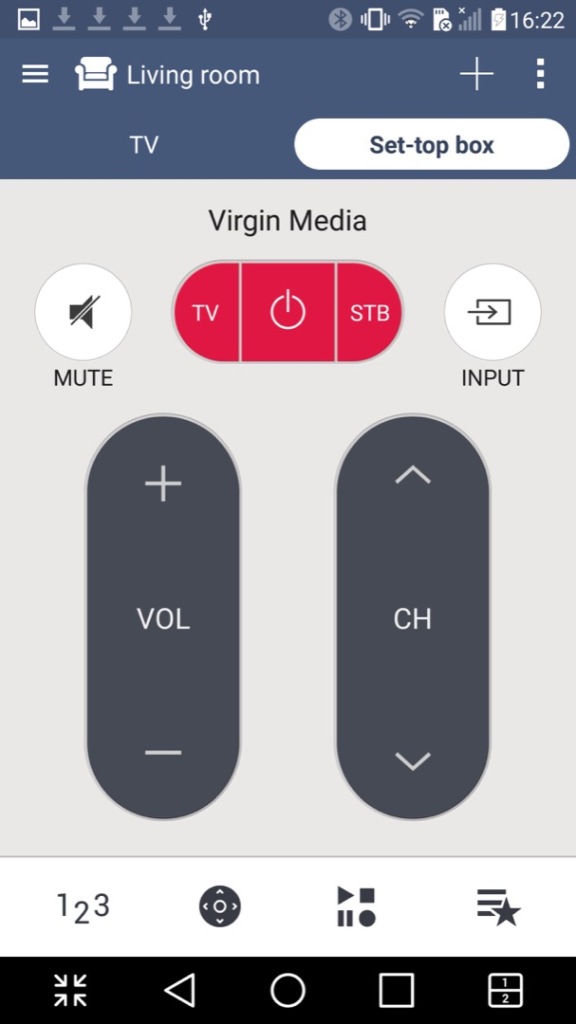
QuickRemote: Turns your phone into a universal remote that can control a TV, set-top box, an audio system or the air conditioner. You can designate the remote for different rooms of your household and can choose from a list of various different manufacturers, and will list the most common ones first. You can also search by typing in the manufacturer or service provider of your equipment.
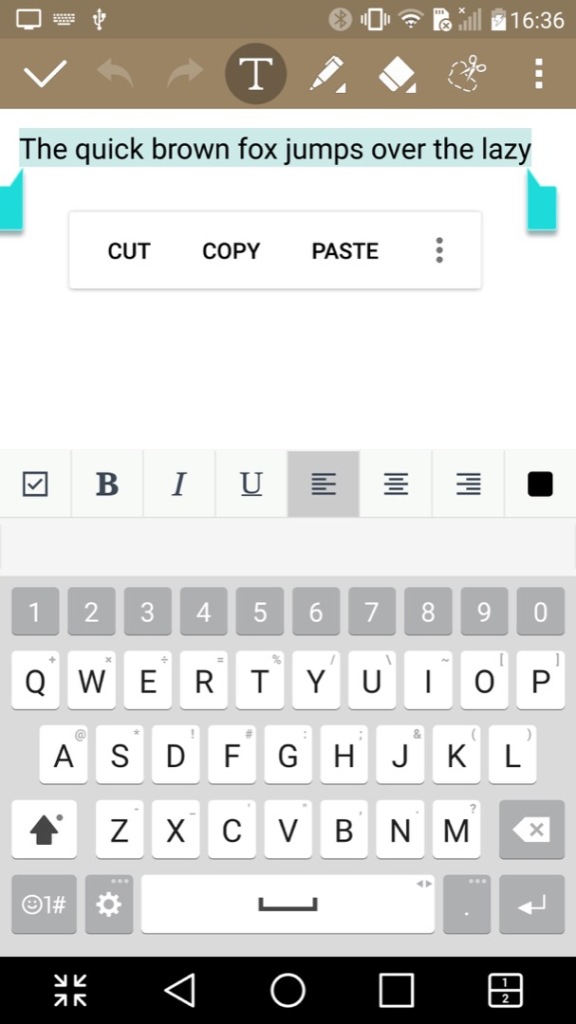
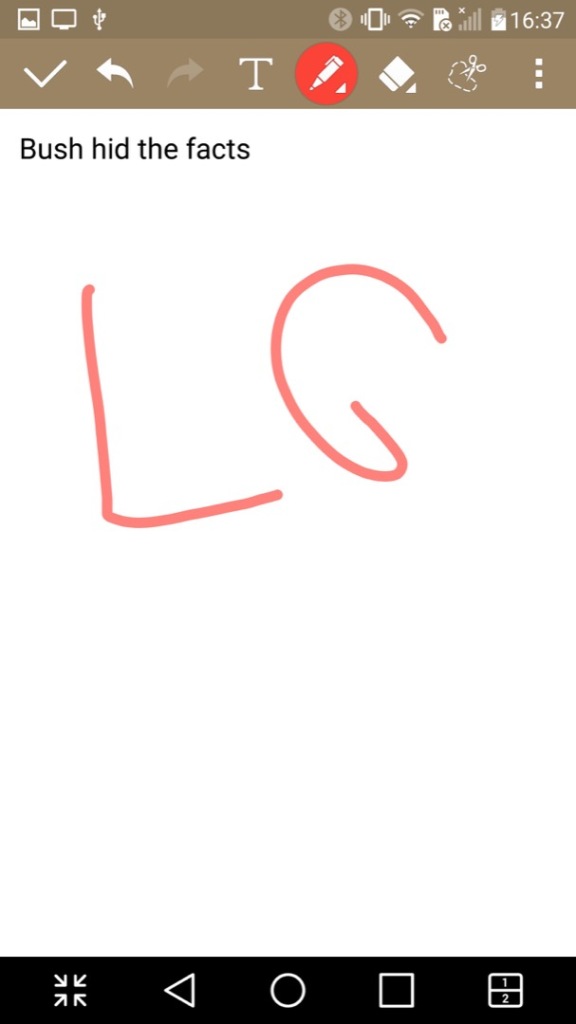
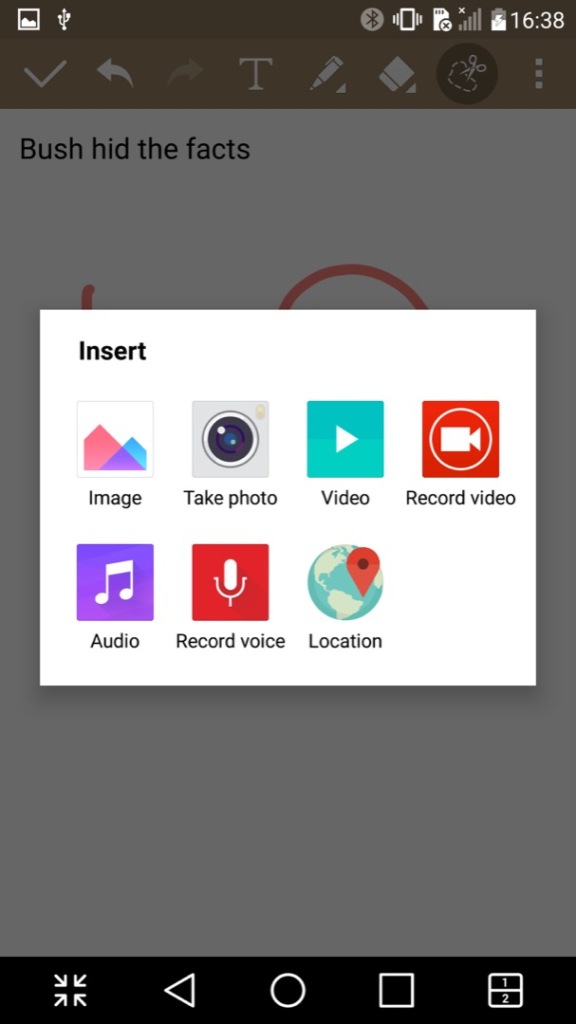
QuickMemo+: A text editor of sorts that you can either type text, or freehand draw. You can also insert pictures, audio or video clips. Its kind of like Microsoft OneNote in that sense. Files can be exported in either the QuickMemo+ (iqm) or as a PDF file.
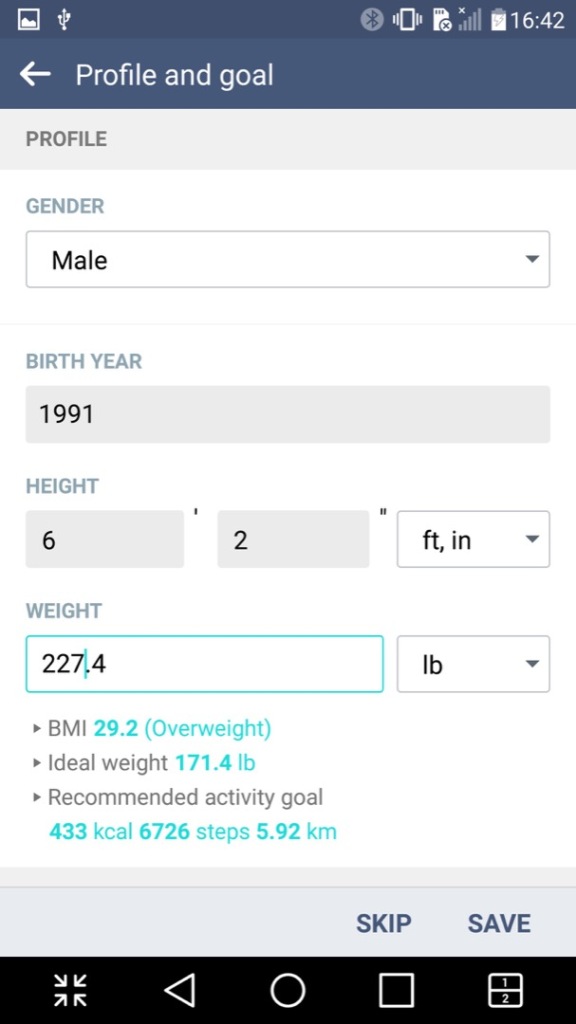
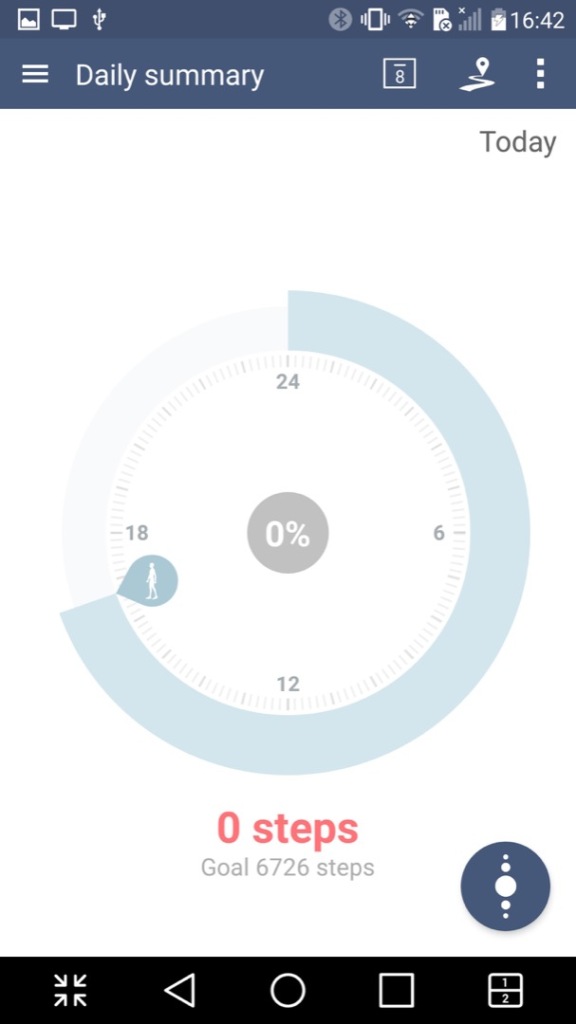
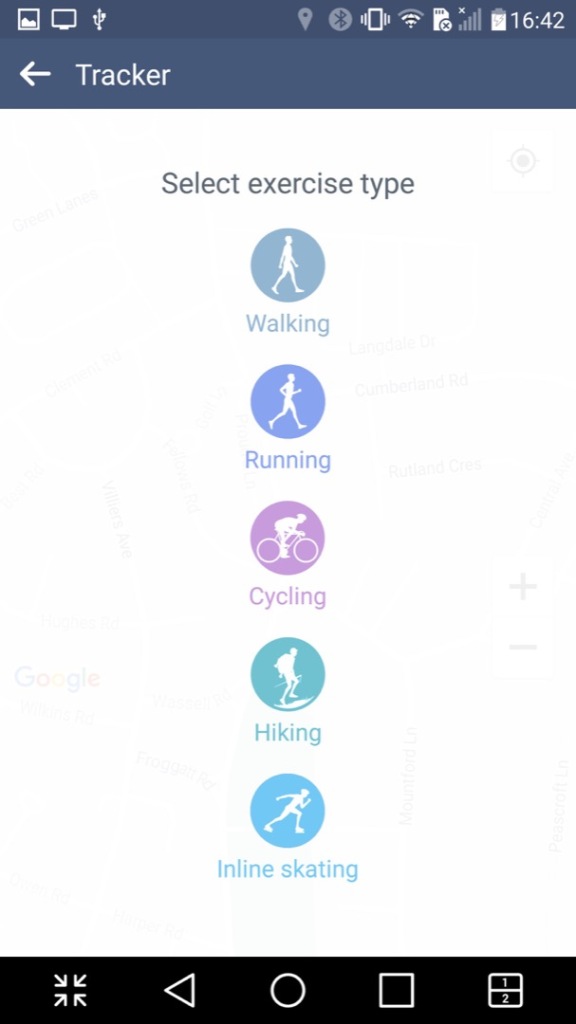
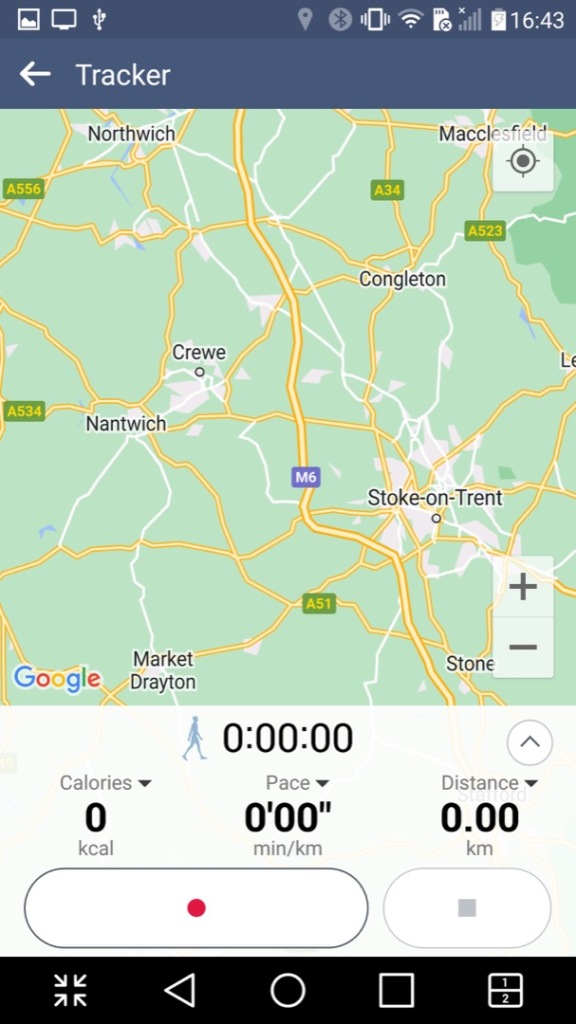
LG Health: A fitness app like Fitbit where you provide details regarding your body height and weight, along with your age. It will then calculate your BMI and your ideal weight. It can also be used to track exercises and the number of steps done within a day, assuming you keep your phone on you at all times. It has the ability to sync with Google Fit, but not much else.
RemoteCall Service: I think this is some sort of technical support app that allows LG customer service representatives to remotely access and control an LG device for the purpose of troubleshooting and resolving technical issues. The feature works by establishing a secure connection between the LG device and the customer service representative’s computer, which enables the representative to diagnose and solve problems on the device remotely. Kind of like Teamviewer or Remote Assist for Windows.
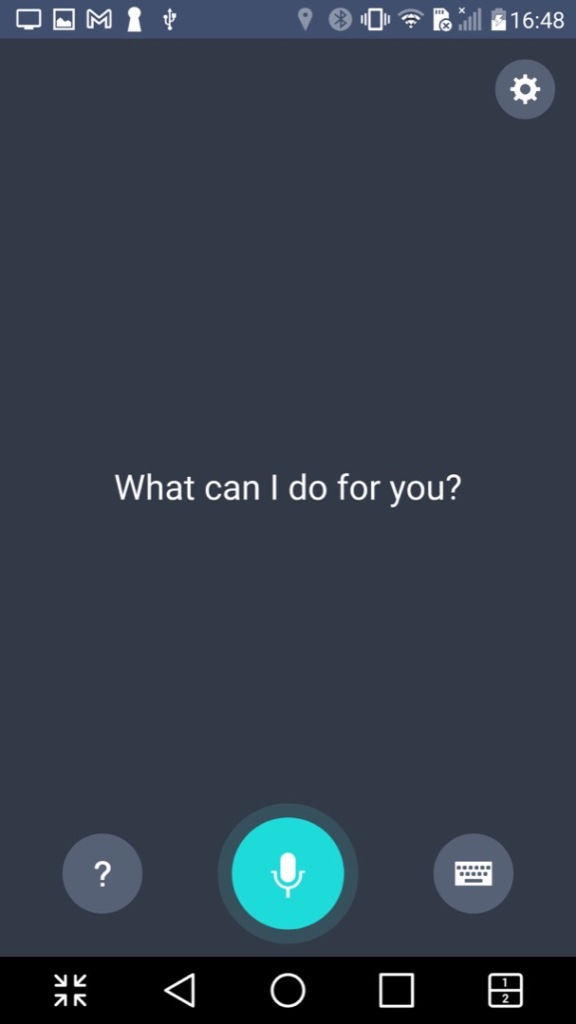
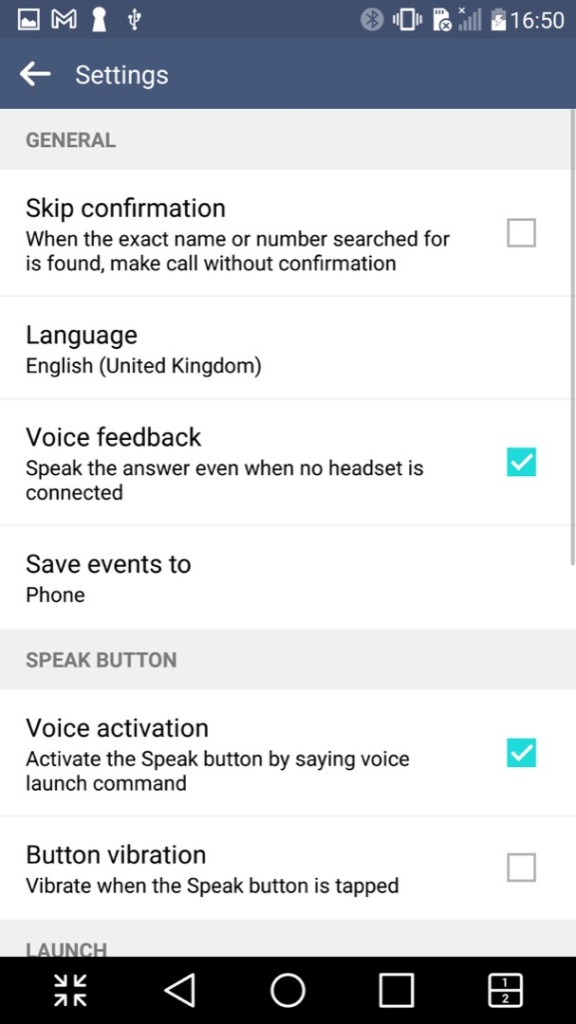
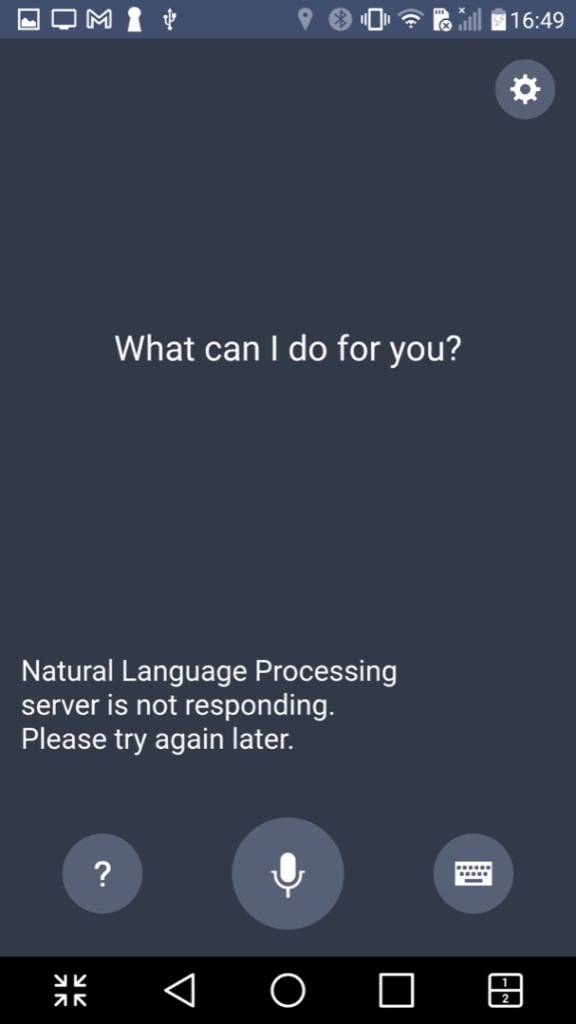
VoiceMate: LG’s own version of a voice assistant, think of it as an alternative to Cortana, Alexa or Bixby. Sadly this no longer functions and only responds with an error message about a natural language processing server.
Lastly there is Evernote, a popular note and referencing app
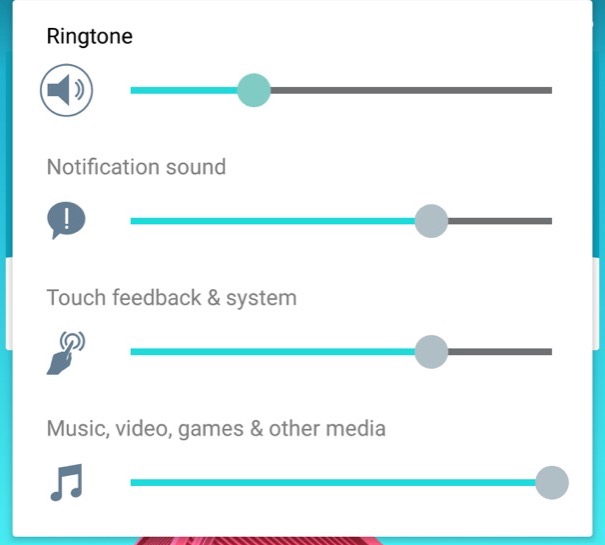
The volume control, with separate sliders for calls, notifications and multimedia.
Settings Menu
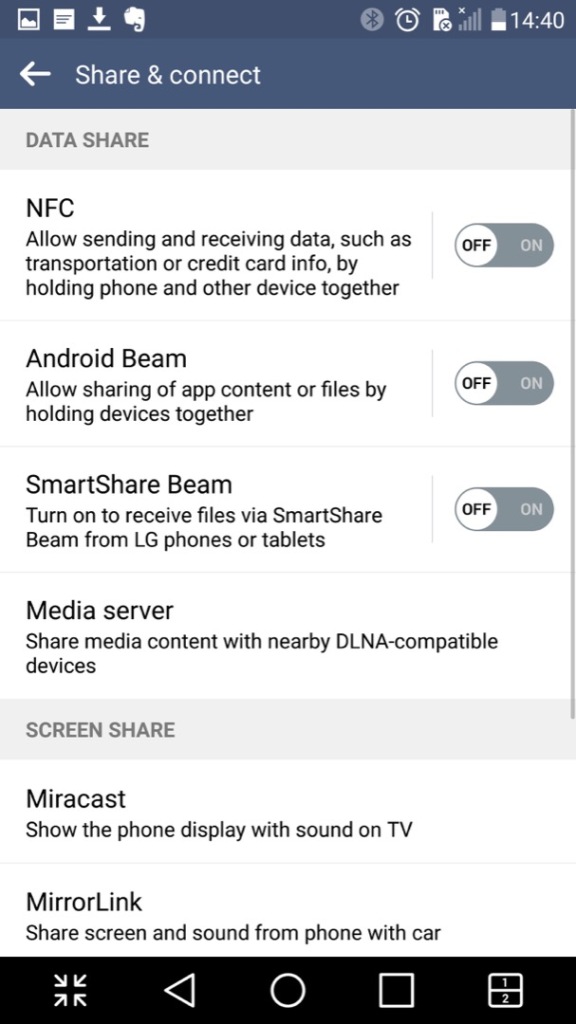
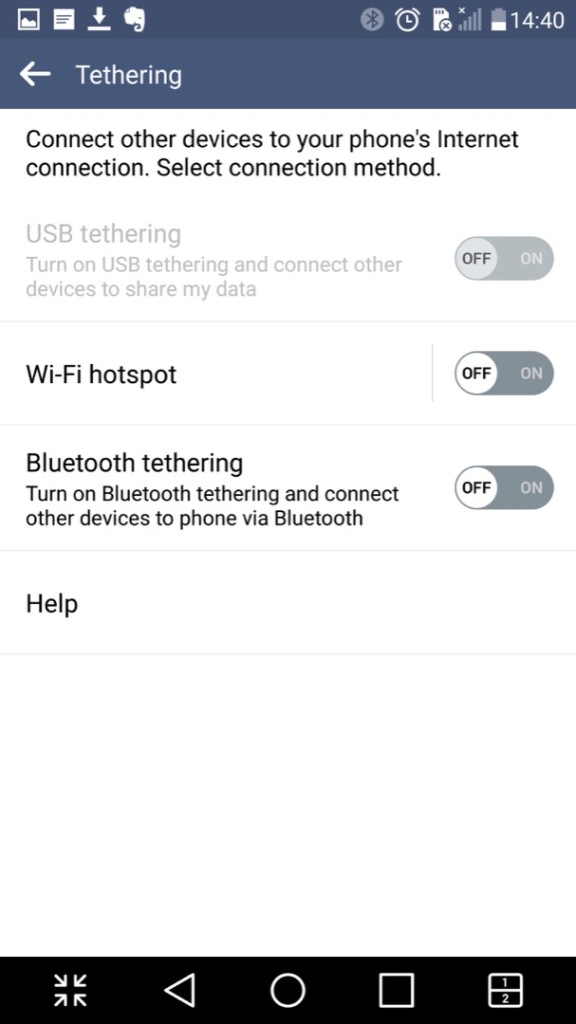
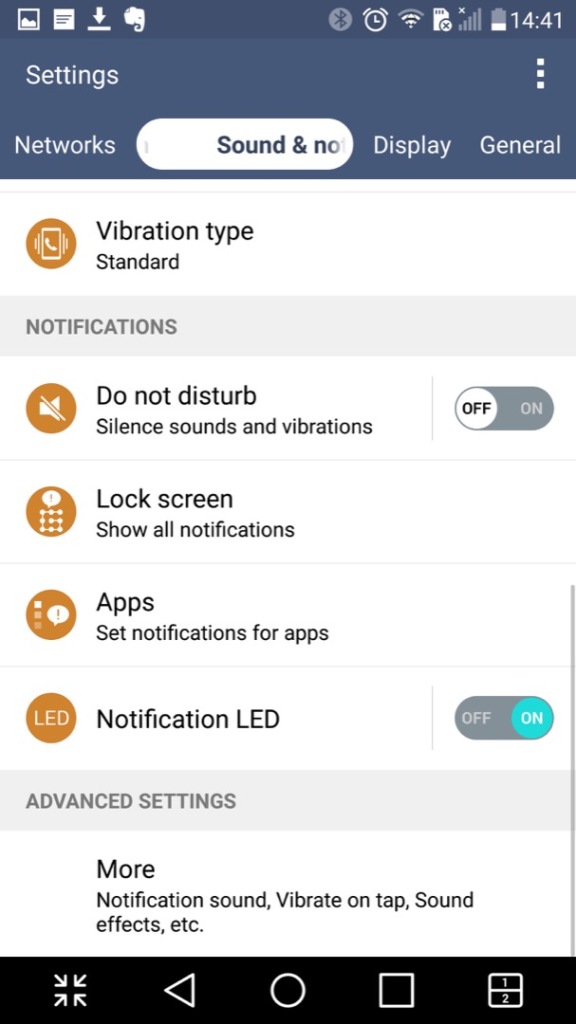
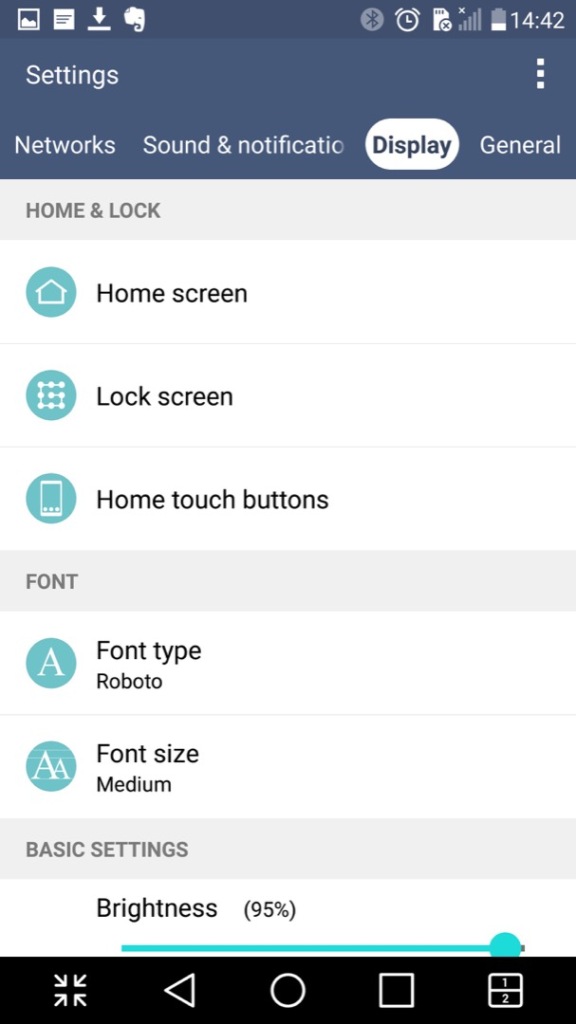
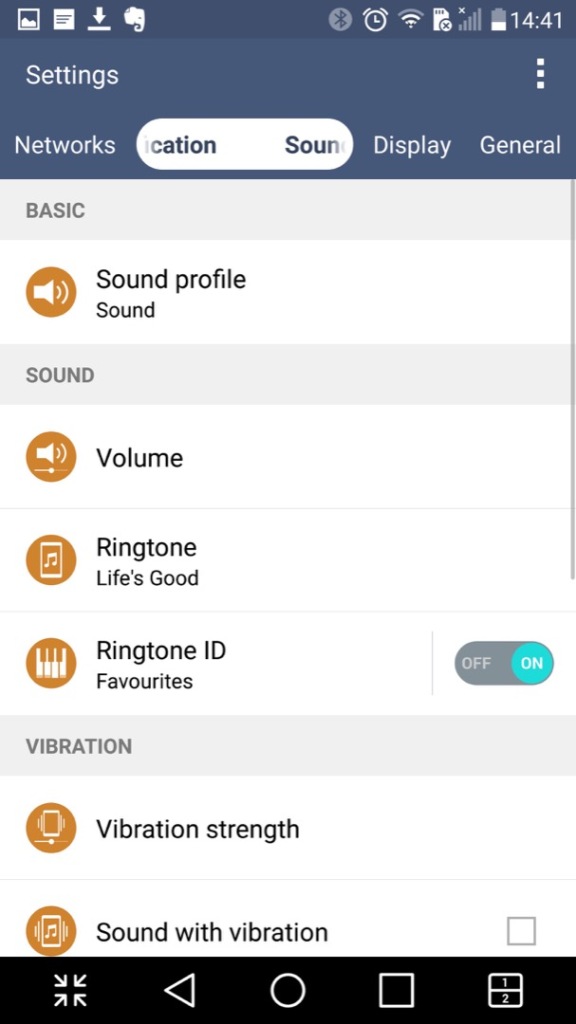
The settings menu which is split into different sections of Networks, Sound & Notifications Display and General
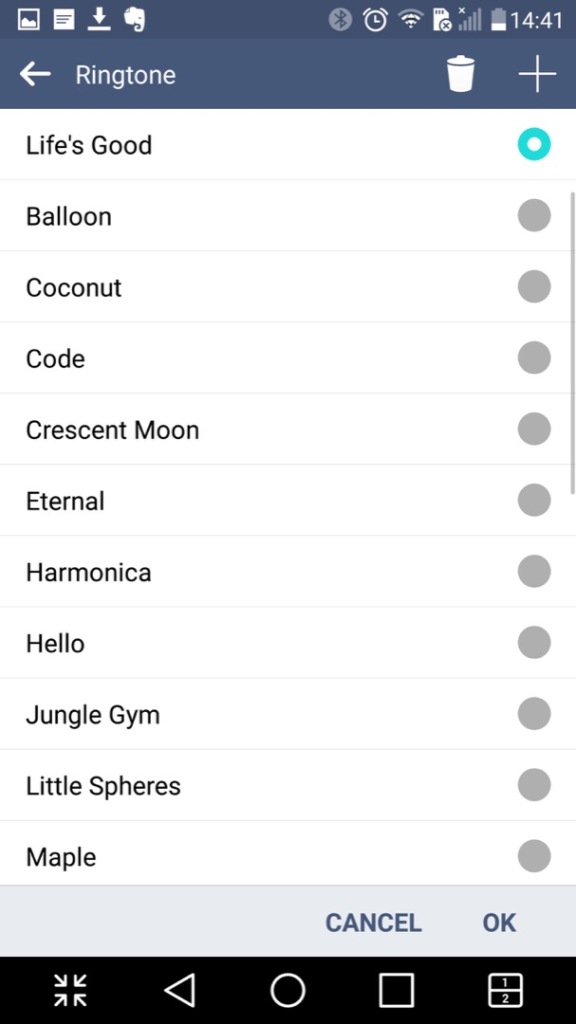
LG have bundled in their own ringtones, and have not included the stock Android ringtones.
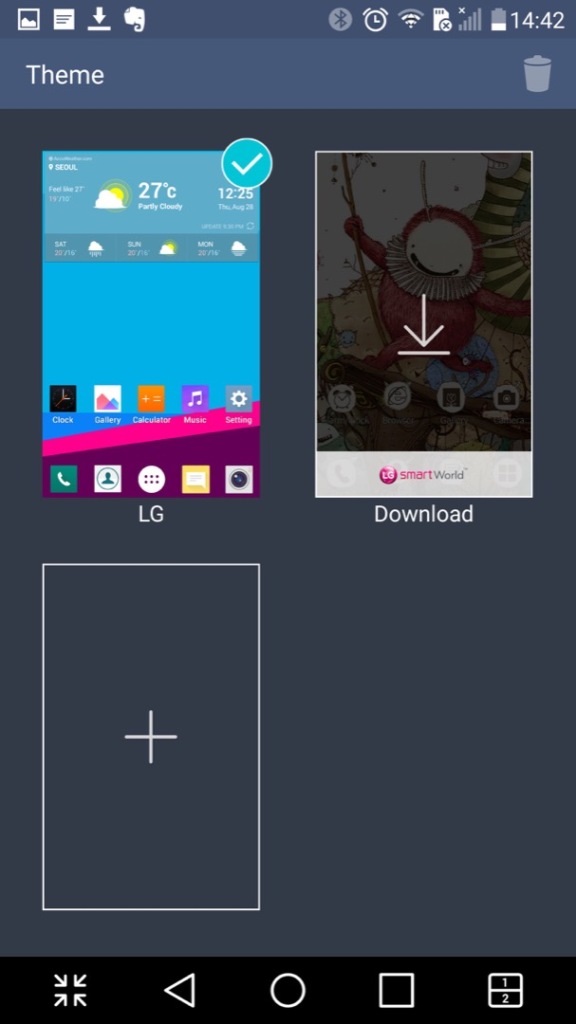
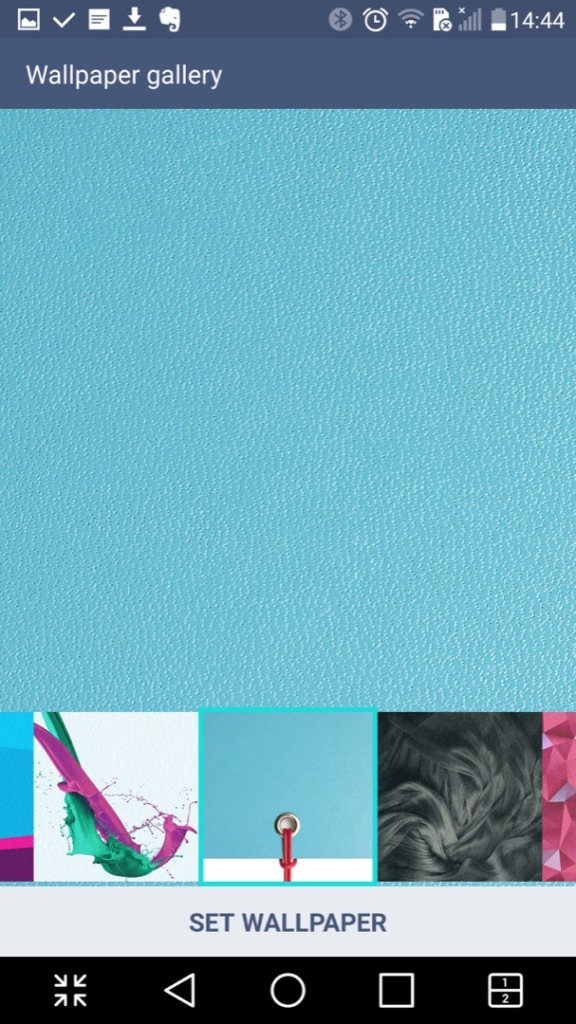
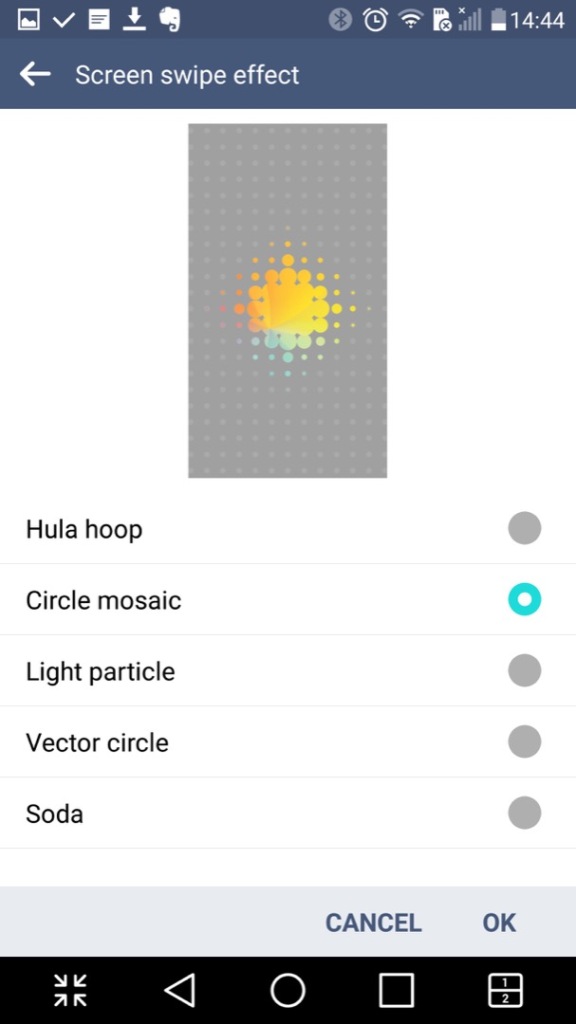
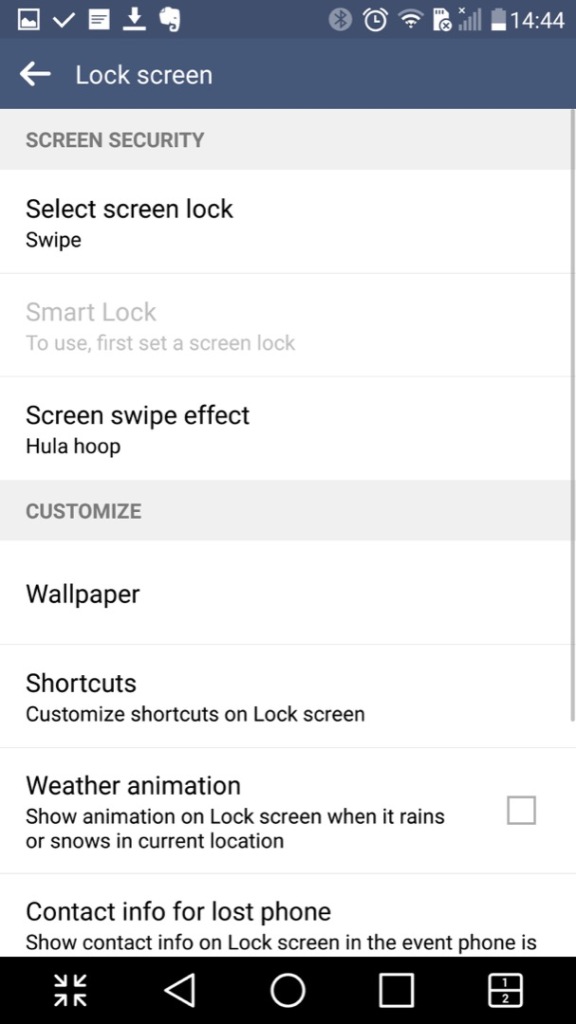
Customising the wallpaer background and the lock screen
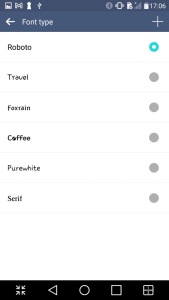
LG also allow you to set different fonts that are used throughout the phone’s menus, however many apps will neglect to use them in favor of their own font.
Conclusion
So LG pretty much went all out with the software on this one which makes it standout from other Android phones that use the stock launcher and software. LG also didn’t skimp on the hardware either with its stunning screen and design which showcases a premium luxury feel.
Even today the phone is semi usable, with essential Android apps still being supported, although that amount is starting to reduce and the OS ages.
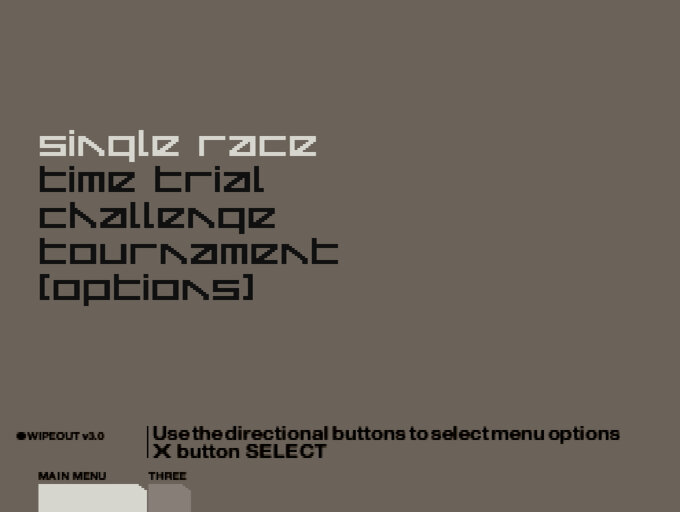
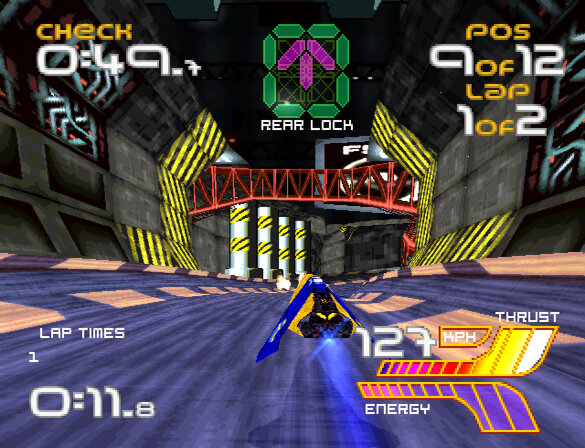
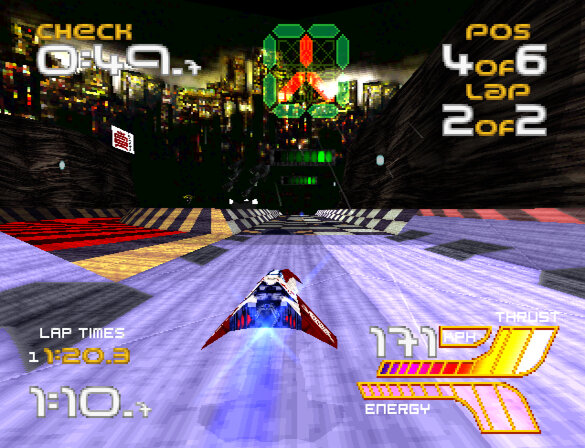
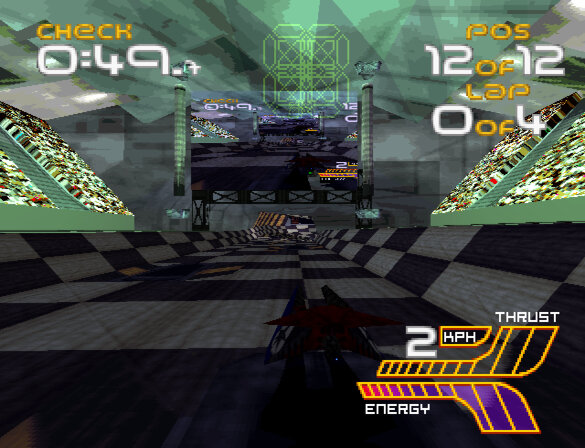
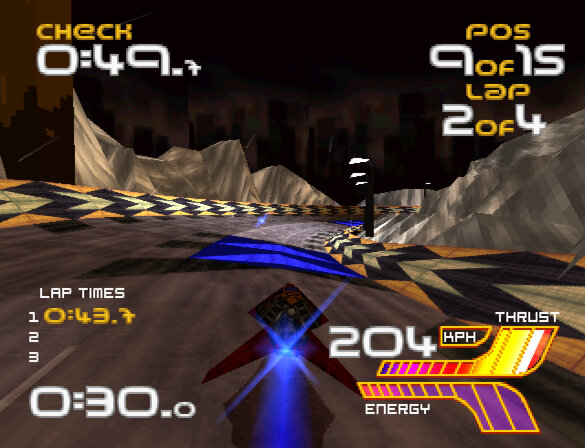
A racing video game developed by Psygnosis and released for the PlayStation console in 1999 and the final instalment for the original PlayStation. The game features fast-paced anti-gravity racing, where players control futuristic vehicles called AG craft through a series of challenging tracks, but features a resigned track style.
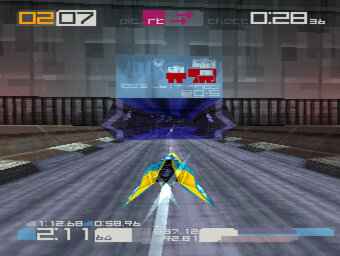
Wipeout 3 features impressive graphics for its time. The game’s anti-aliased, high-resolution graphics are rendered in real-time, and the frame rate is smooth and consistent and makes it one of the few PlayStation games that takes advantage of its higher resolution output resulting in a cleaner image quality. The game’s tracks and vehicles are designed with intricate details, and the game’s lighting effects and particle effects are impressive for what the hardware can achieve. Wipeout 3’s graphics are some of the best on the PlayStation, and the game’s stylish aesthetic still holds up well today. As one of the last games to be released by Studio Liverpool for the PlayStation, it severs as a nice finale for the studio as we prepare for the next generation.
Complementing the games graphics are its sound effects that are well-designed, with a range of satisfying engine noises, weapon sounds, and explosions. The game’s soundtrack, which features electronic dance music from artists like The Chemical Brothers and Underworld, perfectly complements the game’s futuristic atmosphere.
Complementing the games graphics are its sound effects that are well-designed, with a range of satisfying engine noises, weapon sounds, and explosions. The game’s soundtrack, which features electronic dance music from artists like The Chemical Brothers and Underworld, perfectly complements the game’s futuristic atmosphere.
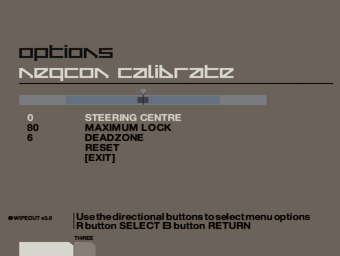
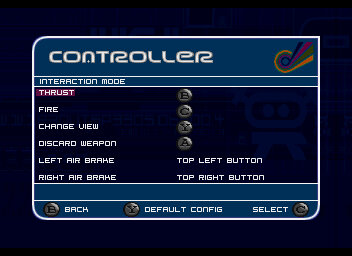
As with other titles in the series, Wipeout 3’s gameplay is fast, challenging, and satisfying. The game’s controls are tight and responsive, allowing players to execute precise manoeuvres and drifts with ease. The game’s tracks are well-designed, featuring multiple paths, jumps, and obstacles that require skilful driving to navigate. The game’s weapons system is also well-balanced, with a range of offensive and defensive options that can be used strategically to gain an advantage. The NeGcon controller is still supported for analogue input, in addition to the Dualshock and analogue controls.
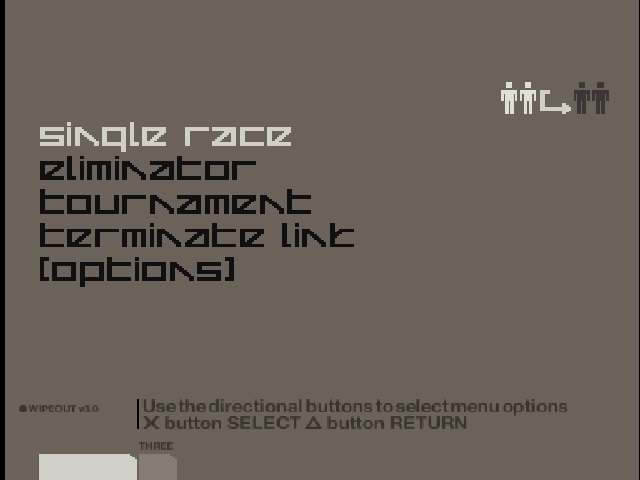
Wipeout 3 offers a lot of replay value, with multiple game modes and difficulty levels to choose from. The game’s Championship mode provides a lengthy campaign that will take hours to complete, and the game’s time trial mode provides a satisfying challenge for players looking to master each track’s nuances. The game also features a multiplayer mode that allows up to four players to compete against each other, adding even more replay value. This was a little tricky to setup as you have to establish a link between the two consoles first, as the game will also support two players from one console.
Using the Linux build of the PCSR-R emulator and an ethernet cable connected to two laptops, its possible to emulate the link play but it runs at such a low framerate that makes it unplayable. However you do get an idea how this would work on an actual console.
In Wip3out, there are several teams that the player can choose to represent during races. Each team has its own unique anti-gravity ship, which has different stats for speed, acceleration, handling, and shield strength. Here is a brief overview of each team
Auricom – This team is known for having the fastest ships in the game, but they have weaker shields and are more difficult to handle
FEISAR – This team has good acceleration and handling, but their top speed is slightly lower than other teams.
Goteki 45 – This team has good handling and acceleration, but their shields are weaker than other teams.
Piranha – This team has balanced stats and is a good choice for players who want a well-rounded ship.
Qirex – This team is known for having the strongest shields in the game, but their ships are slower and have lower acceleration.
AG Systems – This team has good handling and acceleration, but their top speed is slightly lower than other teams.
Assegai – This team has good handling and acceleration, but their shields are weaker than other teams.
Icaras – For more advanced players, as their ships run at high speed.
Wip3out includes a variety of power-ups that players can use during races to gain an advantage over their opponents. Here is a brief overview of each power-up:
Missile – This power-up fires a homing missile at the closest opponent in front of the player’s ship, causing them to spin out or crash.
Auto Pilot – This power-up temporarily takes control of the player’s ship, allowing them to focus on using weapons or navigating tricky sections of the track.
Shield – This power-up temporarily boosts the player’s ship’s shield strength, making it more resistant to damage from weapons or collisions.
Mines – This power-up drops a set of mines behind the player’s ship, causing opponents who run over them to spin out or crash.
Plasma Bolt – This power-up fires a powerful plasma bolt that can cause significant damage to opponents’ ships, potentially causing them to crash.
Quake Disruptor – This power-up causes a seismic disturbance that shakes opponents’ ships and makes them harder to control, potentially causing them to crash.
Invisibility – This power-up makes the player’s ship invisible for a short period of time, allowing them to avoid weapons and sneak past opponents.
Reflector – Reflects any damage to another ship
Cloak – Make your ship invisible for a short time
Force Wall – Spawns a wall that can be used to stop opponents
Each power-up is represented by a different icon on the track, and they can be picked up by flying over them.
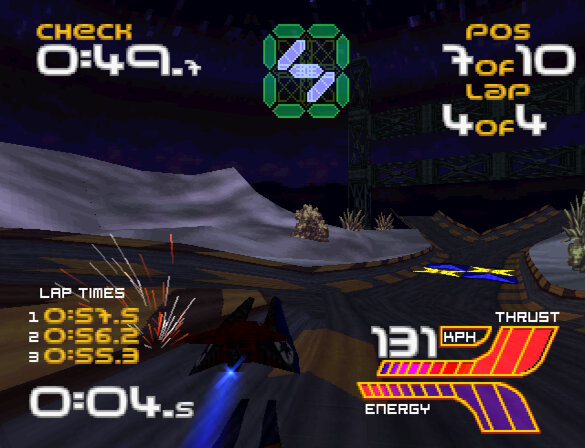
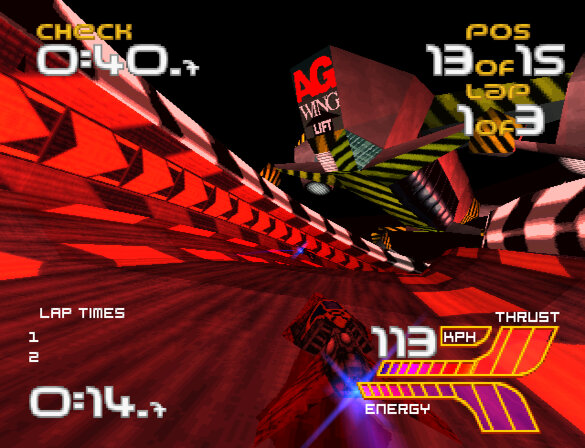
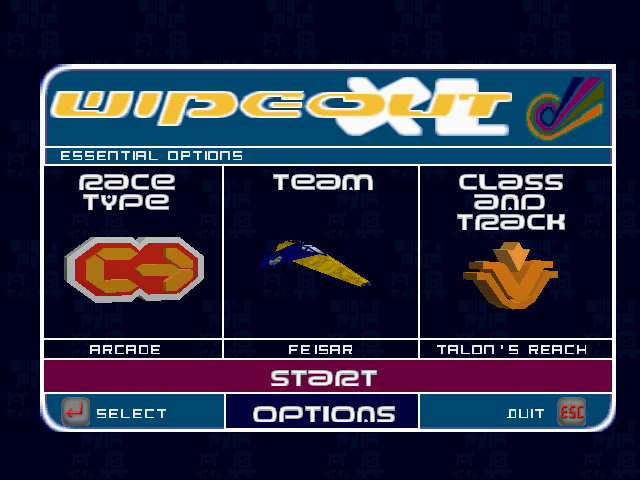
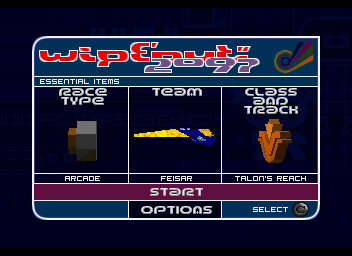
Wipeout XL is a high-speed, futuristic racing game that was originally released in 1996. It was developed by Psygnosis and published by Sony Computer Entertainment. The game is set in the year 2097, where players compete in anti-gravity ships across a variety of tracks and modes.
One of the first things you’ll notice about Wipeout XL is its incredible sense of speed. The game’s visuals are still impressive today, with a smooth frame rate and a futuristic art style that holds up well. The sound design is also fantastic, with a thumping techno soundtrack that perfectly complements the game’s high-octane racing.
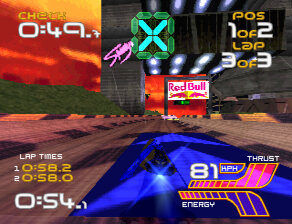
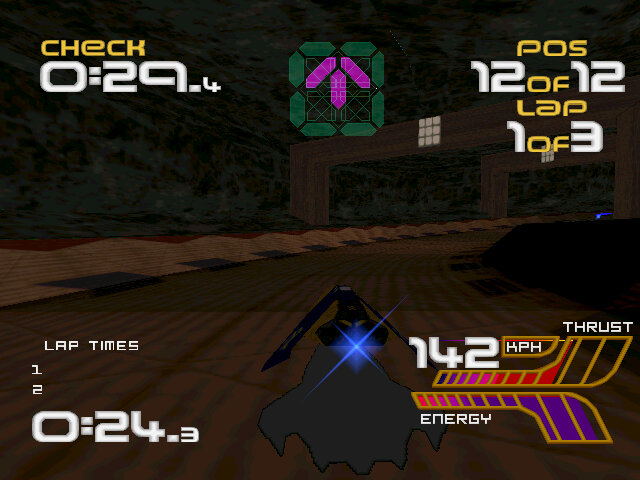
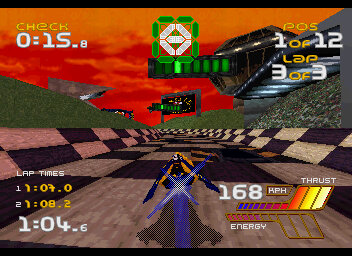
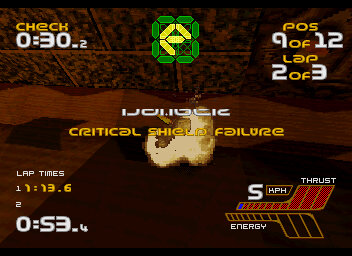
The weapon system has been improved, now your ships have a health meter that depletes upon impact with a weapon, or with another ship or track. Energy can be replenished by using the designed pit area’s that restores the ships energy. When you ship runs out of energy, the game is over.
Also there is a countdown timer that depletes until you reach the next checkpoint, giving an arcade feel to the game though its a bit redundant, since if you run out of time, chances are you are already well behind in the race.
The gameplay in Wipeout XL is intense and challenging. The ships handle well, but require precise control at high speeds. The game has a steep learning curve, and it can take a while to get the hang of the tracks and the various weapons and power-ups available. But once you do, the game is incredibly rewarding, with tight races and exciting finishes.
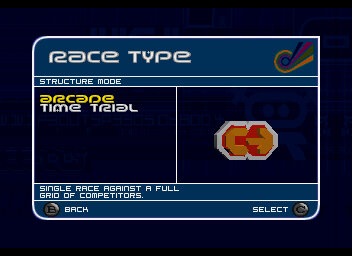
One of the features of Wipeout XL is its variety of modes. The game offers a campaign mode, where you compete in a series of races and unlock new ships and tracks. There’s also a time trial mode, where you can compete against your best times or the times of other players. And of course, there’s a multiplayer mode, where you can race against your friends.
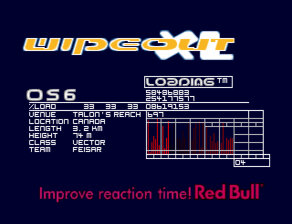
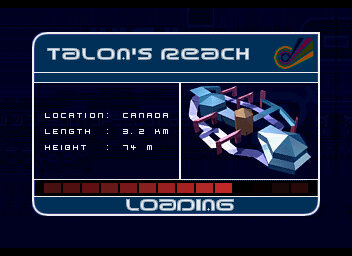
Talon’s Reach: This is the first level of the game and serves as an introduction to the basic gameplay mechanics. It’s a relatively simple track with a few jumps and turns, but it’s a good warm-up for the more challenging tracks to come.
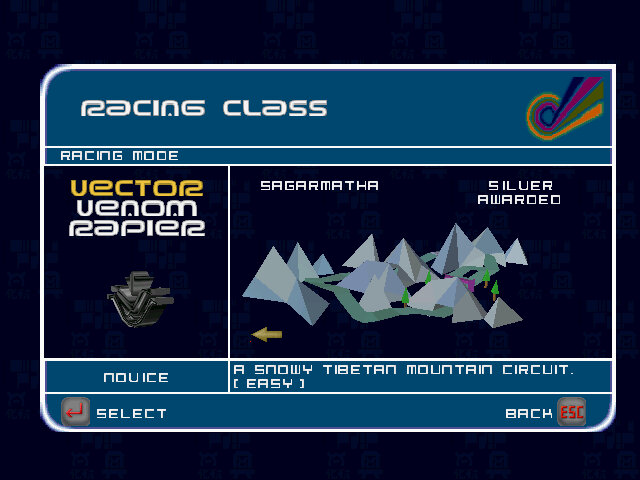
Sagarmatha: This level takes place on a track set high in the Himalayas. It’s a visually stunning track with steep drops and sharp turns that require precise timing to navigate.
Valparaiso: This track takes place in a futuristic version of the Chilean port city. It’s a challenging track with tight turns and narrow sections that require careful control of your craft.
Gare d’Europa: This level takes place in a futuristic version of the train station in Paris, France. The track is fast and has a lot of straight sections, making it a great level to use your craft’s top speed, also has a few lightning effects.
Odessa Keys: This level takes place on a track set in a futuristic version of the Black Sea. It’s a challenging track with tight turns and narrow sections that require precise control of your craft. The track also features a large jump that can be difficult to navigate.
Other tracks include Vostok Island, Spolskinanke & Phenitia Park.
Teams Included
AG Systems: This is one of the default teams in the game and is a good choice for beginners. Their craft is well-balanced and easy to control, making them a great option for players who are still learning the game’s mechanics.
Qirex: This team is known for its high speed and power. Their craft is one of the fastest in the game, but it can be difficult to control at times. This team is a great choice for experienced players who are looking for a challenge.
Feisar: This team is known for its agility and handling. Their craft is one of the most manoeuvrable in the game, making them a great choice for players who value control over speed.
Auricom: This team is known for its all-around performance. Their craft is well-balanced and can perform well in any situation. This team is a great choice for players who want a versatile craft that can handle any track.
Piranha: This ship has the highest stats nut cannot use any weapons.
Versions
Wipeout XL is the most accessible version of Wipeout to date and was ported to over 4 platforms.
PlayStation
The lead platform and the best way to play, One advantage of playing the PlayStation version is that it was specifically designed for the console, so the controls were optimized for the PlayStation controller. Some players may find it easier to control their vehicle using the PlayStation controller rather than a keyboard or other input device on the PC. Overall it appears to be the most polished version of the game.
Additionally, the PlayStation version of Wipeout XL had support for the serial cable which allows two consoles to be linked together to provide two player support.
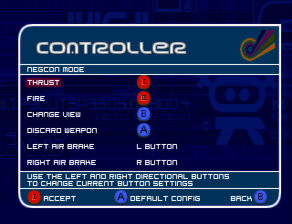
Another nice feature is support for the NeGcon controller which provides analogue steering support, as this game predated the Dualshock controller.
Windows
The PC version of Wipeout XL features improved graphics over the PlayStation version and features higher resolution textures, improved lighting effects, and smoother frame rates but has issues running at refresh rates higher then 30hz, causing the game to run too fast. This breaks the game entirly as its difficult to play at effectivly twice the speed.
It has native support for DirectX 3 or PowerVR graphics cards. The readme file also mentions official support for the Rendition, ATI RAGE and Matrox graphics cards.
Sega Saturn
The graphics and sound of the Sega Saturn version are generally considered to be inferior to the PlayStation version. The Sega Saturn version features lower resolution textures, less detailed backgrounds, and reduced visual effects. The sound quality is also less impressive than the PlayStation version, with lower quality sound effects and music. The loading screens are different in this version and there is no multiplayer support.
The gameplay of both versions is largely the same, with fast-paced anti-gravity racing across futuristic tracks. However it suffers from slower frame rates and occasional glitches, which can make the game feel less smooth than the PlayStation version. It does have support for the 3D control pad which provides analogue control.
MacOS
There was also a release for PowerPC based Macintosh computers released in 2002, a few years later. Unfortunaly I cannot get his version to run on any Mac that i own, either on a PowerMac G4 running Mac OS 9.2 with a Radeon video card or an iMac running OS X Snow Leopard.
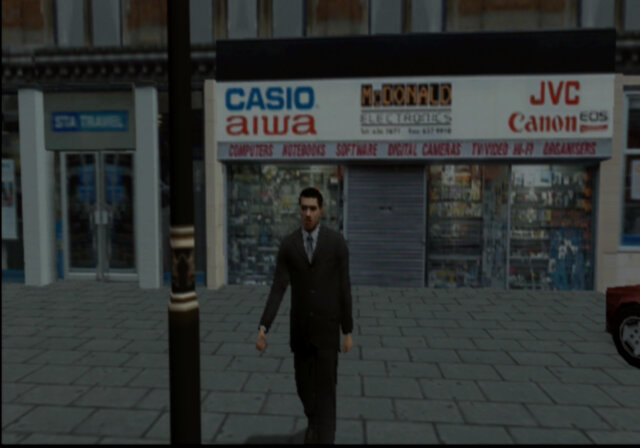
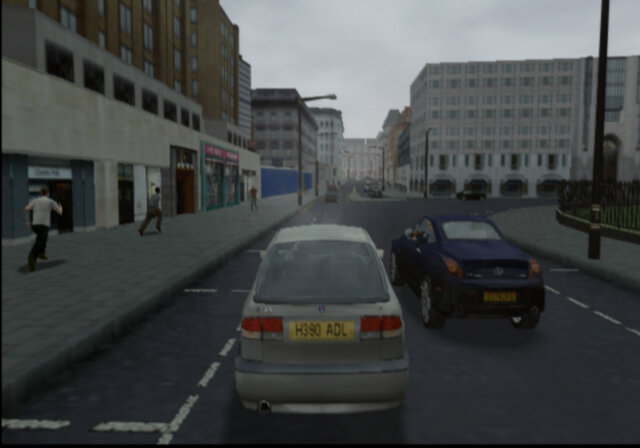
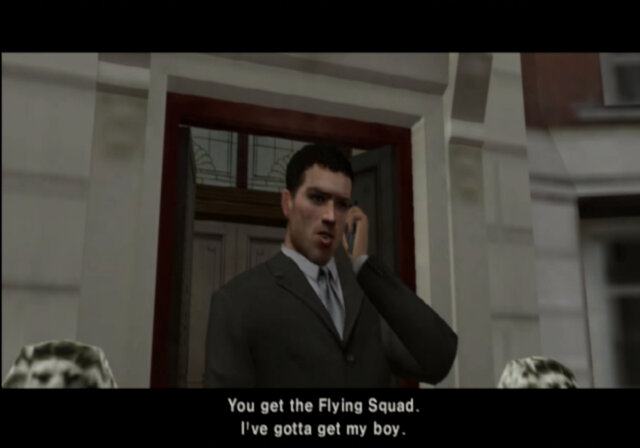
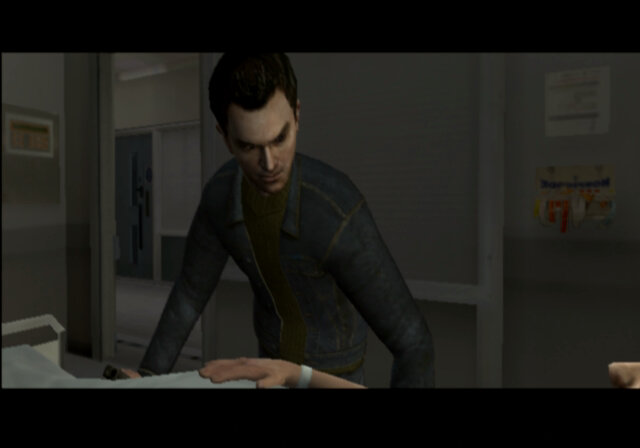
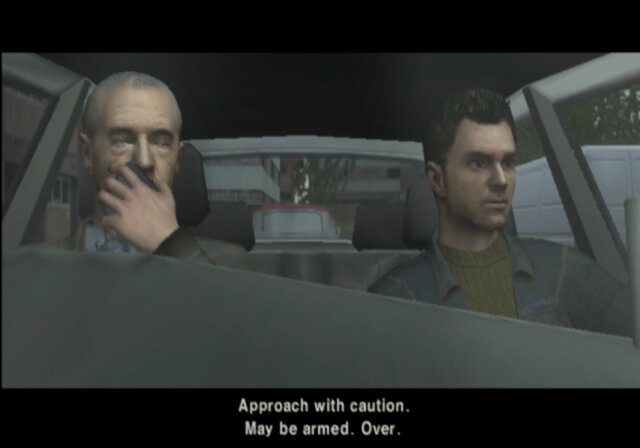
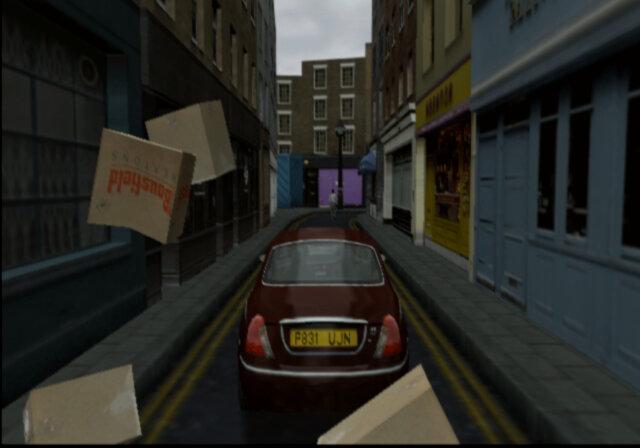
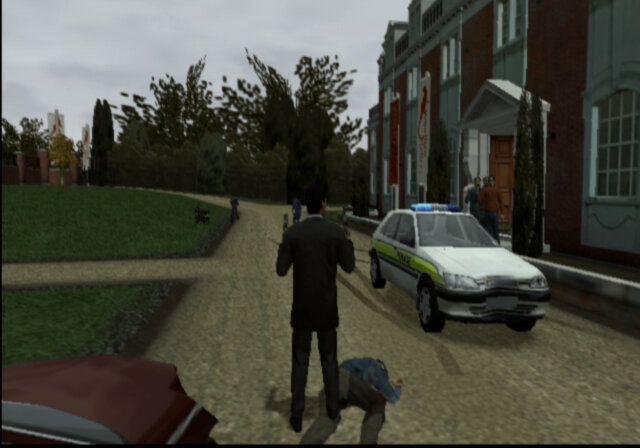
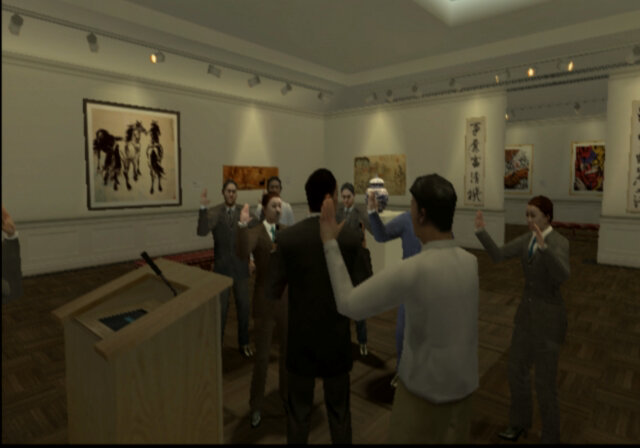
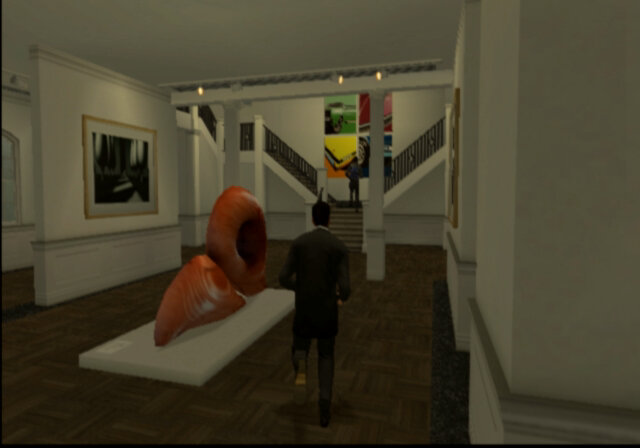
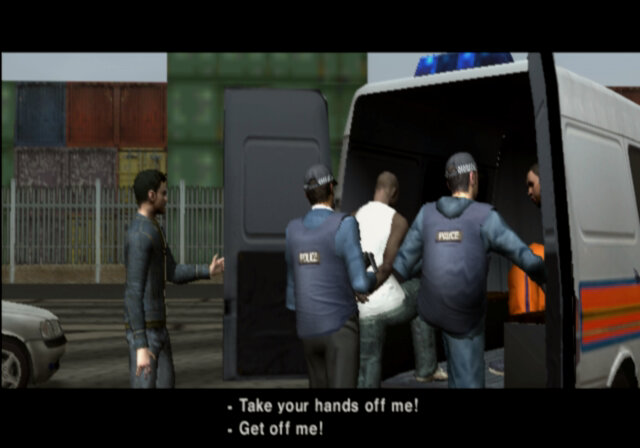
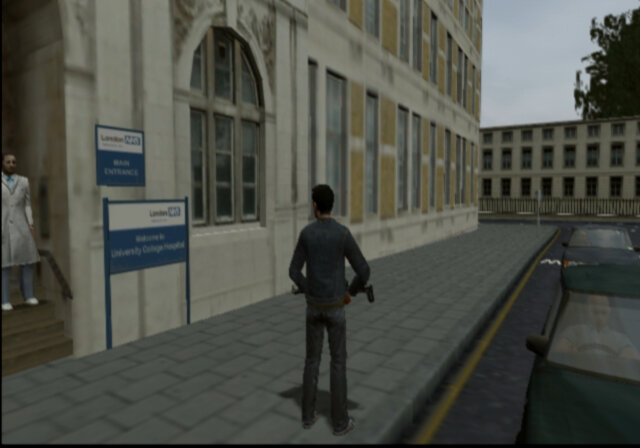
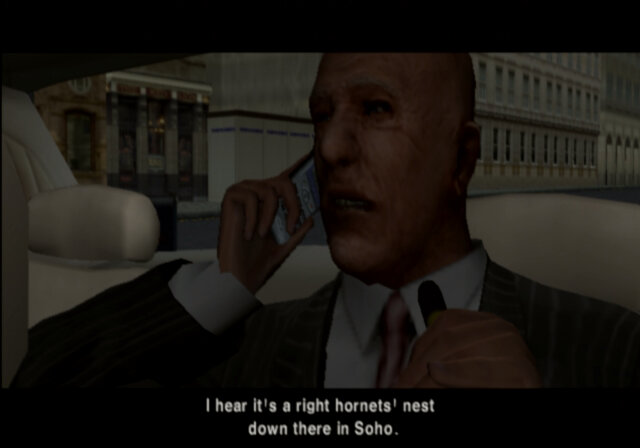
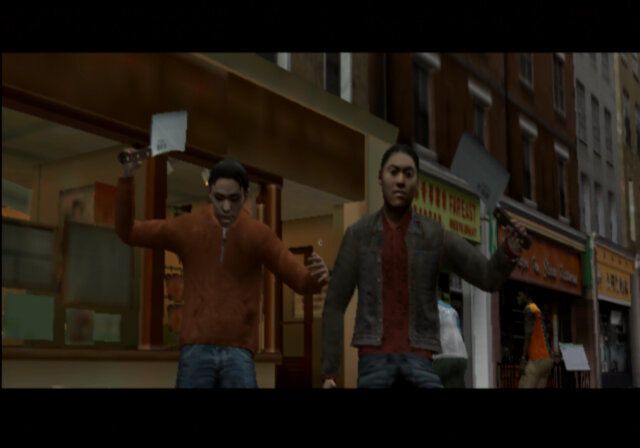
The Getaway is a third-person action-adventure game that was released on the PlayStation 2 in 2002. The game takes place in a fictionalized version of London, and follows the story of former criminal Mark Hammond as he attempts to rescue his kidnapped son and clear his name. The game is an open world GTA style game set on the cold streets of London, and is fairly accurate for the time, taking into account the game engine limitations.
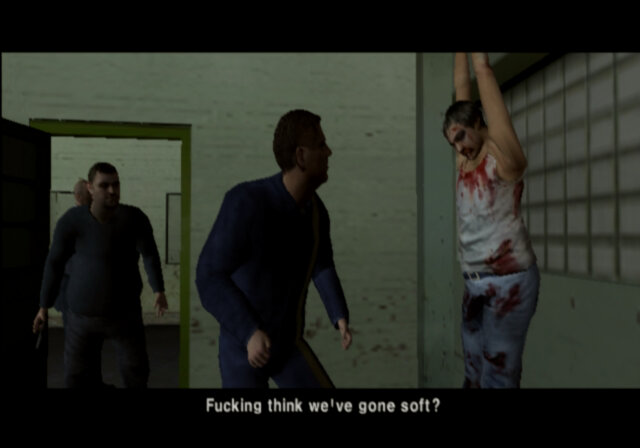
One of the most notable aspects of The Getaway is its focus on realism and authenticity. The game’s version of London is recreated in painstaking detail, with recognizable landmarks, accurate street layouts, and realistic traffic patterns. The game also features a cast of British actors, who deliver their lines in authentic accents and help to bring the game’s world to life. The game has a story mode which puts you in control of Mark Hammond, a cockney gangster who was recently out of prison and is looking to start a new life until his kid get kidnapped and his missus is shot. With his kid being abducted, mark is sent upon various missions against former rival gangs in the interest of staring a gang war on the streets of London. There is also a second half of the story, being set from the perspective of a police detective, Frank Carter.
Playable characters
Mark Hammond: Mark Hammond is the main protagonist of The Getaway. He is a former member of a London gang called the Collins Crew, who retired from a life of crime after serving time in prison. Mark is portrayed as a tough and determined, with a willingness to use violence when necessary to achieve his goals. He is also shown to have a softer side, particularly when it comes to his son, and is motivated by a desire to protect and care for him.
Frank Carter: He is a police officer who becomes involved in the game’s central conflict, which revolves around the kidnapping of Mark Hammond’s son. Frank is initially assigned to investigate the murder of a fellow officer, but soon becomes embroiled in the larger conspiracy surrounding the kidnapping. He is shown to be a skilled detective and a dedicated police officer, but also has a somewhat rebellious streak that puts him at odds with his superiors. Throughout the game, Frank works with Mark Hammond to uncover the truth behind the kidnapping and clear Mark’s name. He is a key ally to Mark, providing him with information, backup, and assistance when needed. However, Frank is also grappling with his own personal demons, including a troubled marriage and a secret drug addiction.
But whilst the story is intense and gripping, the gameplay has some serious downfalls:
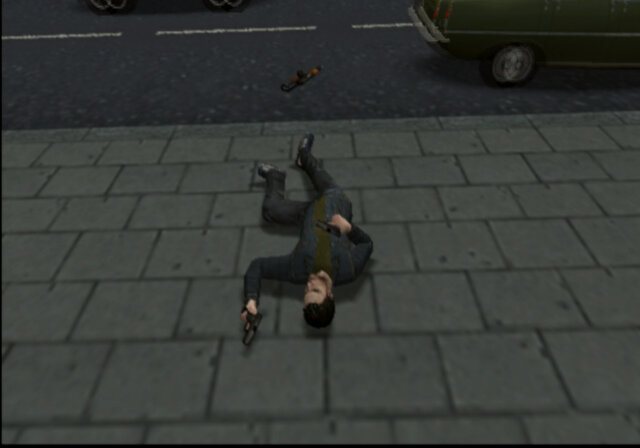
Main complaint the lack of a HUD (heads up display). There is no ammo indication. No mini map, no health meter, nothing. Now I get why this seemed attractive in theory since its gives the game a cinematic feel to it, but it makes the game a whole chore to play.
The lack of a mini-map is a serious ballache, driving around the streets of London, I had no clue where anything was. The only hint is the vehicle indicator that flashes whilst you are driving around, it flashes either left or right which shows the direction you need to take to reach the objective. Except it does not always appear, and sometimes it would send me down one-way streets most of the time. Mini maps are a common utility with these sorts of games, Grand Theft Auto had one, Driver had one and that was on the PS1. Missing this feature was a horrible decision, at least give the player the option to display the mini-map . I mean this sort of shit would make sense on the Dreamcast with its VMU display but not on the PS2.
Also there is too much fucking traffic, its like living in India rather than London considering how overpopulated the city must be. You are constantly crashing into and having to avoid other cars.
Also the player controls are an issue, with Mark randomly spinning around when your trying to move in the specified direction. I tried this with several controls just to see if this was an issue with a specific controller, but it seems to occur. The problem is this game make use of the analogue face buttons, where the pressure applied makes use of how your character reacts, the sad news is 20 years old dualshock controllers have quite a bit of wear and tear and the buttons themselves are a bit mushy after years of use, making button commands unpredictable. This is worse in the mission where you have to move carefully to avoid setting off the laser beams.
Mission checkpoints are poorly implemented, in some most cases if you die, which is very easy to do in the game, its back to the mission start you go. Only after a cut scene does the game save a checkpoint.
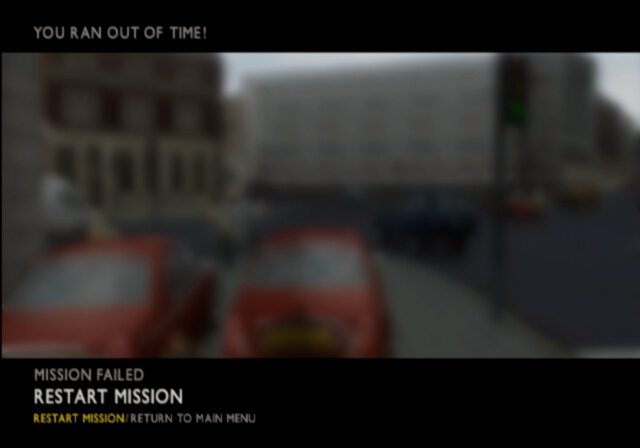
Some missions are timed, which makes sense and have been a staple of these types of games, expect The Getaway neglects to inform you the mission is timed, or what the status of the timer is. The only indicator is a music ques that sound when you have 10 seconds left. How hard is it to include a two digit indicator on the screen, seriously, this cinematic experience can suck it.
Outside of the story missions there is not really much to do. You have a free roam move where you just drive around an overcast London, no side missions to build up the character development or to improve your stats. At least with the GTA games you could complete the ambulance missions to help increase your health.
There’s also no control of the camera at all, that right analogue stick is pretty useless except for accelerating whist drive your vehicle.
Some of the missions are incredibly hard, which is increased when you take into account the issues mentioned above. Partially with Mission 12 which had both the gangs and the police trying to ram into you.
Lastly, I don’t know if this was me being a dumb fuck but when you boot up the game, an animation sequence plays after the company logo’s. At first I assumed this was some sort of loading screen but it turns out it’s the equivalent of the press Start screen, except the game does not tell you to press start.
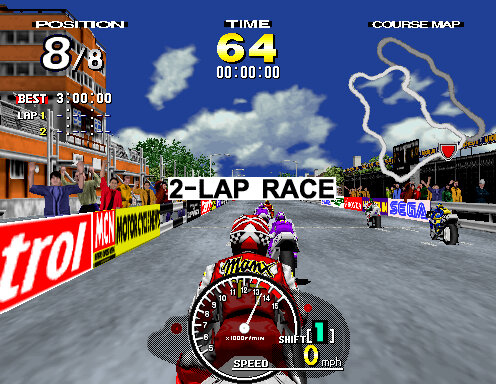
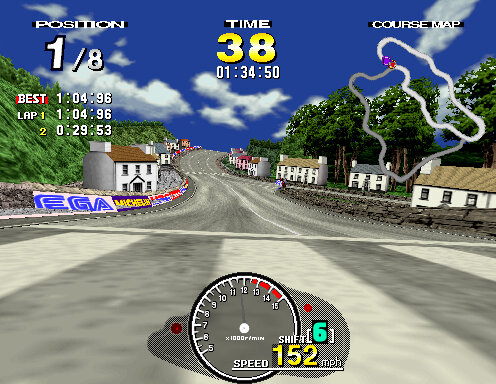
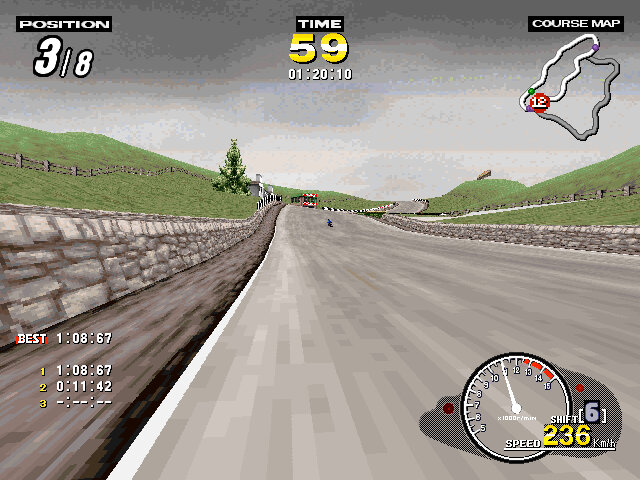
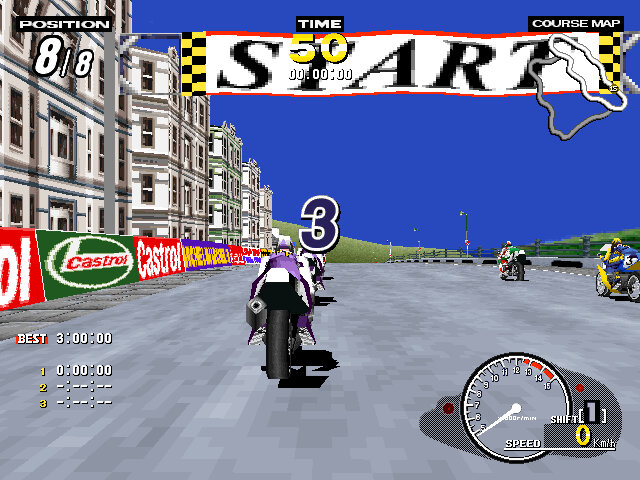
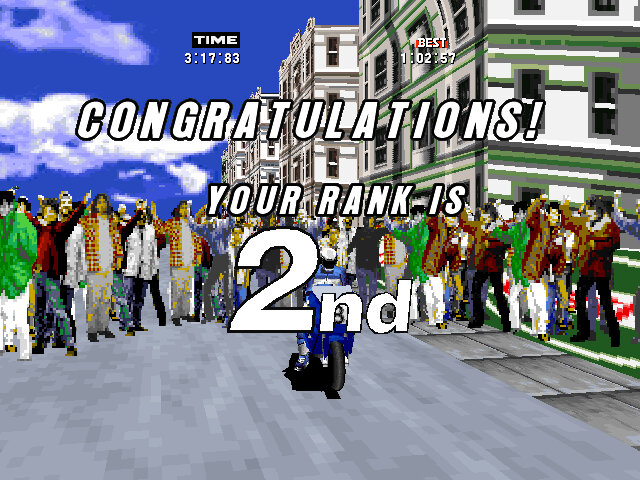
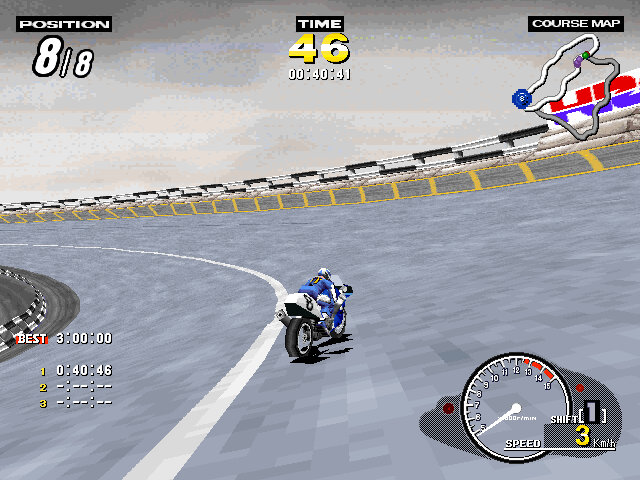
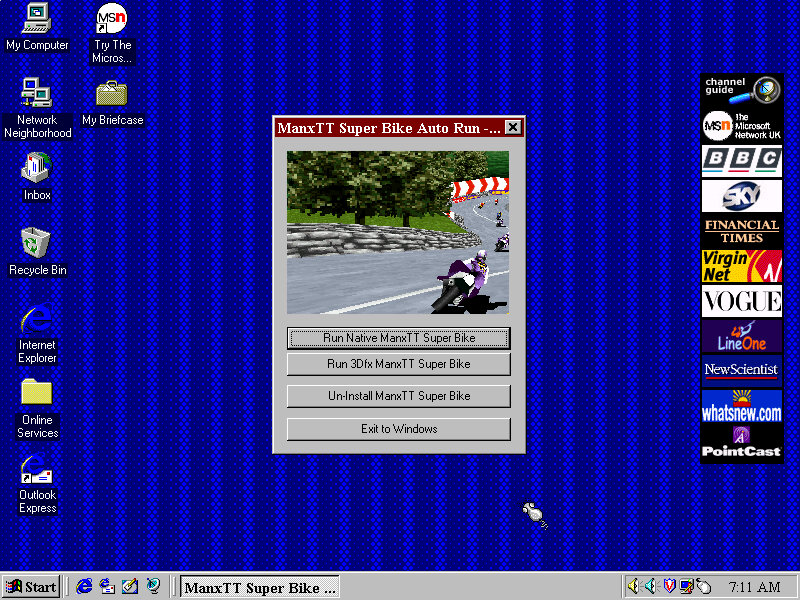
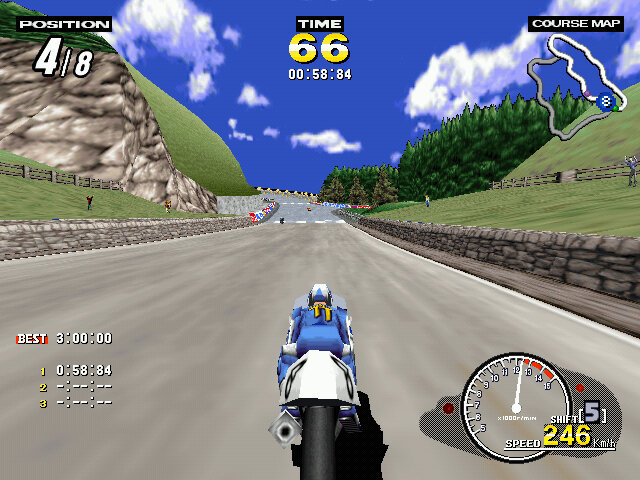
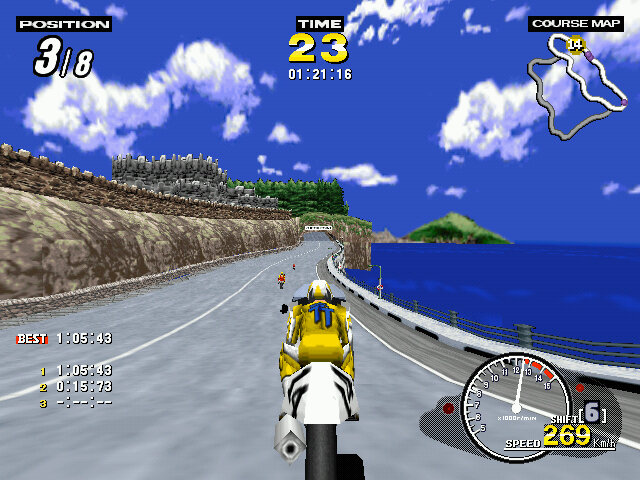
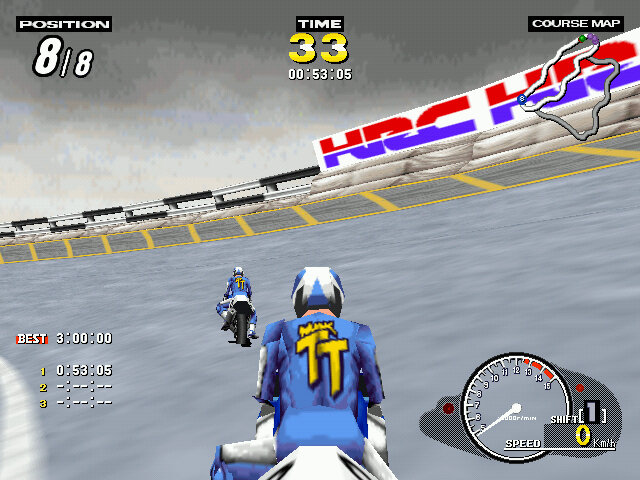
An arcade style racing game released in 1995, aimed to replicate the Isle of Man TT – a motorcycle racing event. Very similar in spirit to Daytona USA which was based on the real Daytona speedway, and Indy 500.
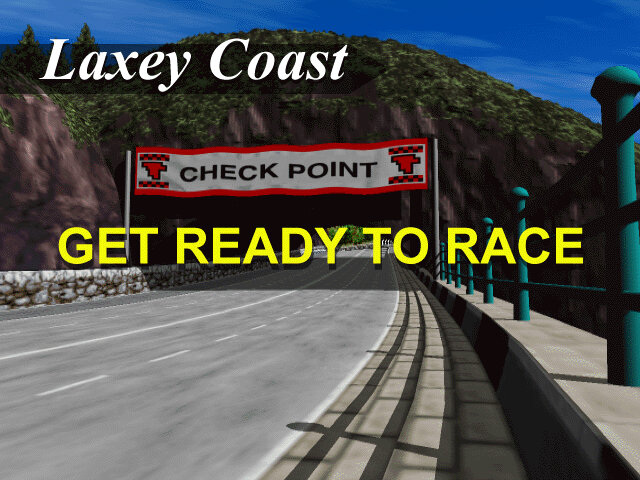
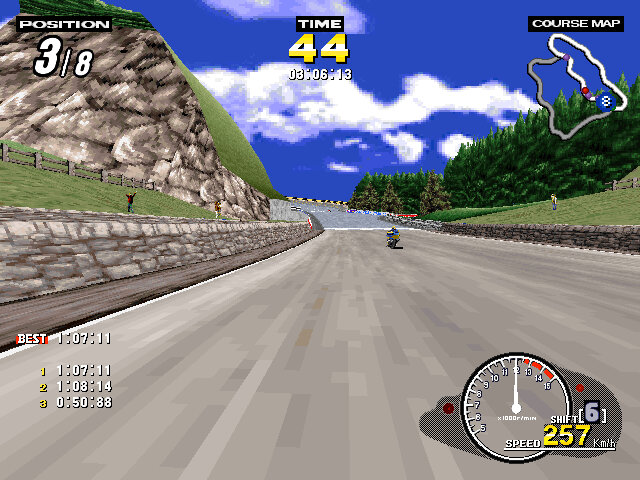
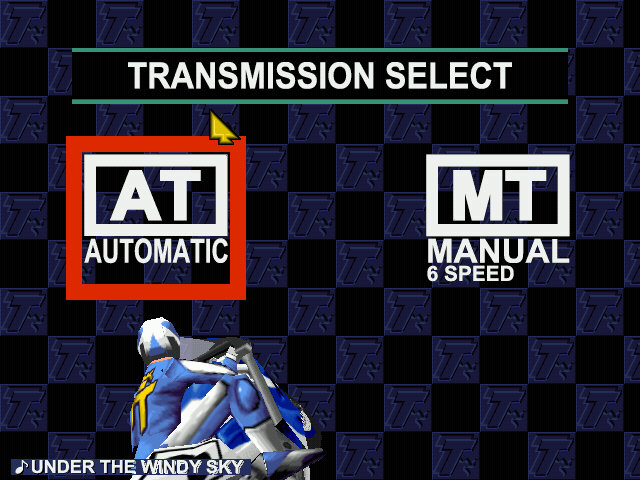
Two courses are offered, Laxely Coast and T.T Course, the latter being the actual track used in the Isle of Mann races. Both tracks share sections with each other and will split and re-join into their own different paths. The home versions feature two additional tracks that are part of the PC/Saturn mode, these are reverse-mirror versions of the two arcade tracks and can only be selected in that mode. These tracks are also set in the early evening in the Saturn version, and early morning / dusk in the PC version.
Time Trial: Similar to time trial featured in other racing games, choose a track and a bike and try to get the lowest time. On the arcade version you have to hold the brake button when selecting a track to active time trial.
Console / PC Exclusives modes
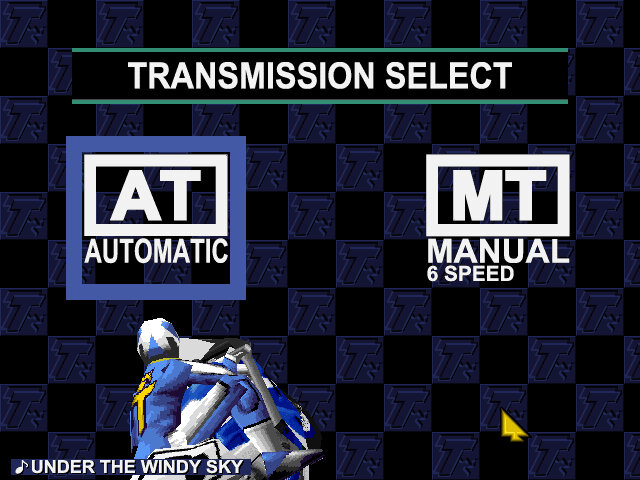
Practice Mode: Similar to arcade mode, choose a track and your bike which will have a unique stats for speed, acceleration and handling.
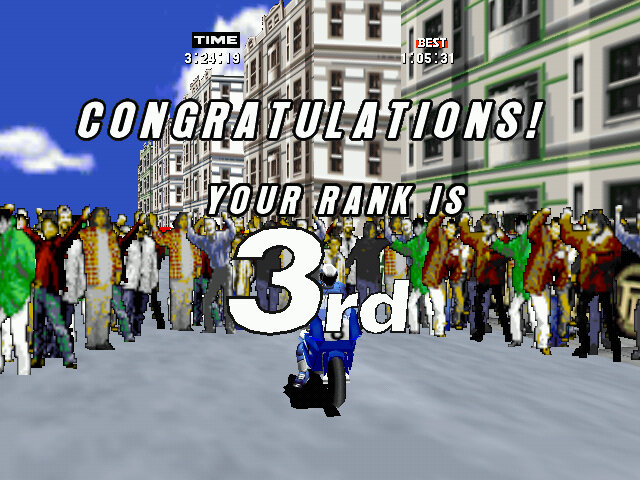
Challenge Mode: a tournament mode where you have to race on all four tracks, coming in a 3rd or higher in each one. The superbike challenge is unlocked after completing this mode.
Versions
Like other Sega games of the era, this title was relased to the arcades first, then to their Saturn console and eventually to Microsoft Windows.
Arcade
The original arcade release runs on the model 2 hardware, specifically the 2A version. This version was considered to be graphically superior of the three versions but is the most basic in terms of content, featuring only two courses and just the arcade and time trial mode. The Model 2 emulator is the most popular way to play this version of the game, with the MAME driver making steady progress but still unplayable in some regards.
Really for a home port, the game could have done with further tracks being added to increase the replay value of the game.
Sega Saturn
Sega ported the game to their home console of the era, the Sega Saturn in 1997. This version introduced new features including an FMV opening sequence and additional race modes. There are also options to change the bike model, which have unique stats across the different models. The game’s graphics were considered to be impressive for the Sega Saturn’s capabilities, with colorful and detailed environments that recreated the feel of the arcade version.
Windows
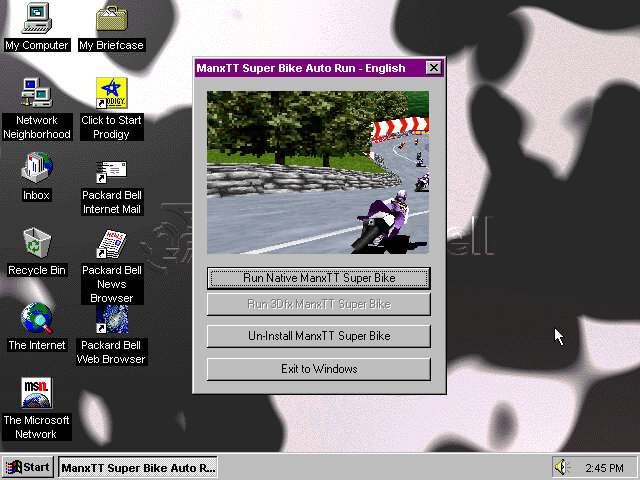
This version supported both DirectX 5 and 3DFX Glide, the latter gives a visual difference that makes it similar to the arcade version sans the frame rate. It seems the game will only render up to 30fps. Still the game can run at 640×480 which is higher than the Saturn or even the Arcade version.
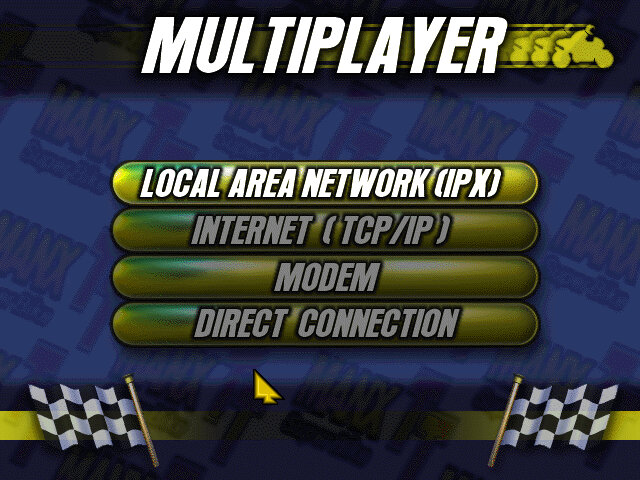
Multi player is supported in this version and can be done over a variety of channels. IPX, TCP/IP, Modem and Serial connections are supported. This can be done via virtual box of you use the PCap option between two 86box VMs, linking it to the VMware virtual network adaptor (8 is typically the local adaptor) then create an IPX session. It may also be possible to map to the serial port in the near future.
I believe up to 8 players can playing a single session, to this would require three machines or more. Unallocated players will be replaced with an AI enemy, similar to single player mode.
DirectX Version
The regular version that uses DirectX 5 for 3D acceleration which works fine in 86Box using the S3 ViRGE video card. This graphics card lacks support for texture filtering.
Only issue is after the race, the crowd can disappear and reappear intermittently.
3DFX Glide Version
The bundled 3DFX drivers will only function on the original Voodoo, or the Quantium3D version of the Voodoo card. Later 3DFX cards require updated libraries in order to be detected, otherwise you will receive the ‘Failed to find any glide hardware’ error, or ‘Failed to initialize viewport system’ error.
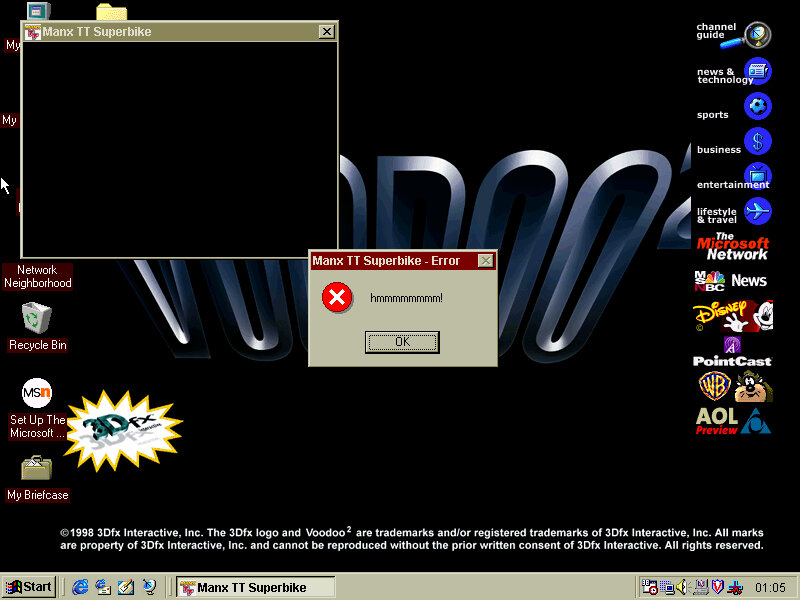
Works well in 86box until I tried it in a Pentium II PC with a Voodoo 2 (S3 Trio video card), where there were a couple of warping polygons and the game would throw up a ‘hmmmmmm’ error message. Whilst it looks like the game crashed, clicking Ok on the message box would restore and return you back to the game. None of this seemed to occur in other VMs I have that used the original Voodoo and AMD K6 combo.
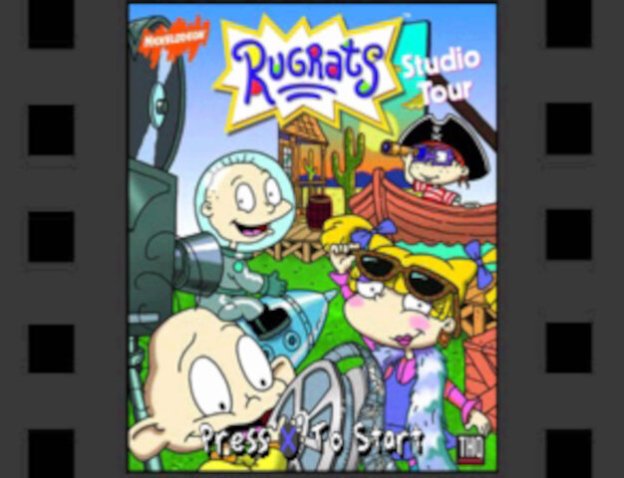
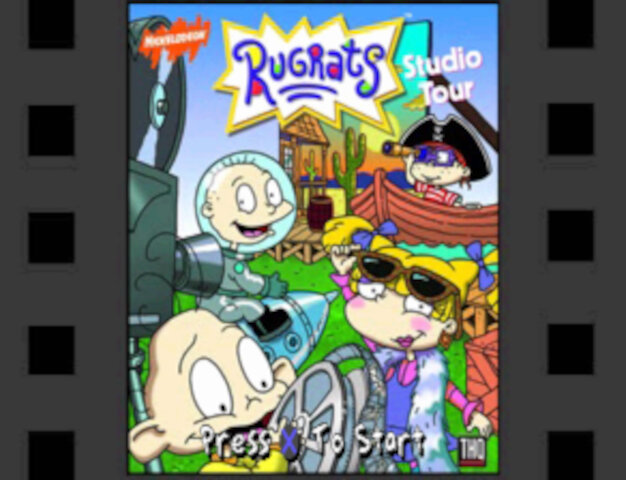
Sequel to the Rugrats :Search for Reptar, released only for the PlayStation in 1999
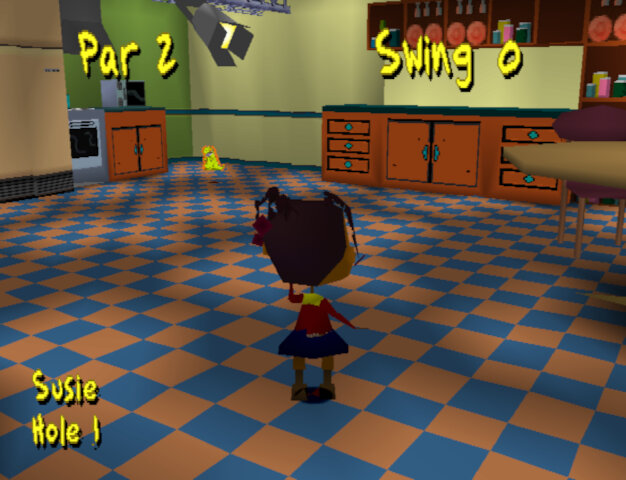
The game is very similar to Search for Reptar, and even re-uses a lot of the textures, models and sound effects of the first game. Golf makes a return with two themed minigames. A multiplayer mode has now been added that supports up to 4 players (2 at one time)
Characters
Main characters include Tommy, Chuckie, Angelica, Phil, Lil and Susie who all appeard in the first game and mostly have their models / textures reused.
The adults Didi, Stu and Grandpa, along with DiIl also appear in the cut scenes but are not directly playable.
Minigames
Each Rugrats character has their own stage, although some stages are split into different levels which feature a different character.
Diapies of Thunder
Play as Phil in a racecar themed levels. These are similar to Mario Kart where you can collect powerups that can either give you a speed boost, grant invulnerability or leave traps for other racers.
Speedway: Race 8 laps round a speedway style track, kind of like Daytona USA.
Bayou Race Scene: You race as Lil in a jungle/swamp themes race track. Probably the best racing track in the game since its quite varied and challenging.
Desert race scene: The final race set in a desert/wild west scene. This one tends to drag on as you play as Angelica who has to race 4 laps on the longest track in the game. You will often manage to overtake the babies within the first lap which means you spend the remaining 3 laps in the lead.
Bonus 1: Only available one you complete the game. There’s noting really special about it, its just set in a large apartment with each lap only taking 9 seconds to complete.
Captain Cookies
You mainly play as Angelica in a pirate themed minigames
Treasure hunt: Win keys by exploring the map and opening the blue treasure chests, once you have 4 blue keys you can open the final treasure chest
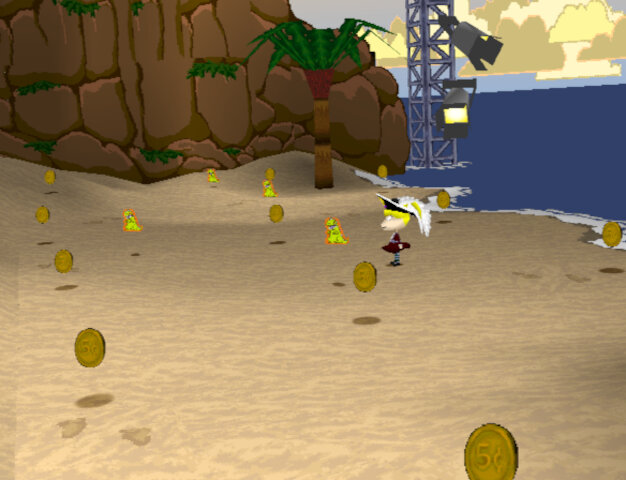
Treasure Collecting Area: 4 rounds to collect all the coins in the area before time runs out
Pirate Golf Scene: Win a key by scoring under par for the whole game, there are 9 levels in total
Footrace Scene: Same as the racing games but your racing on foot. This one can be a challenge as some of the babies (Susie) are quite fast, whilst Lil and Chuckie are slow and prone to walking straight into hazards. There are also track hazards like Lobsters, oil spills and bananas falling from the trees.
Tag Scene: tag the babies in order to win, similar to Chuckie’s glasses but you don’t have to race them back to an area.
Lazy Saddles
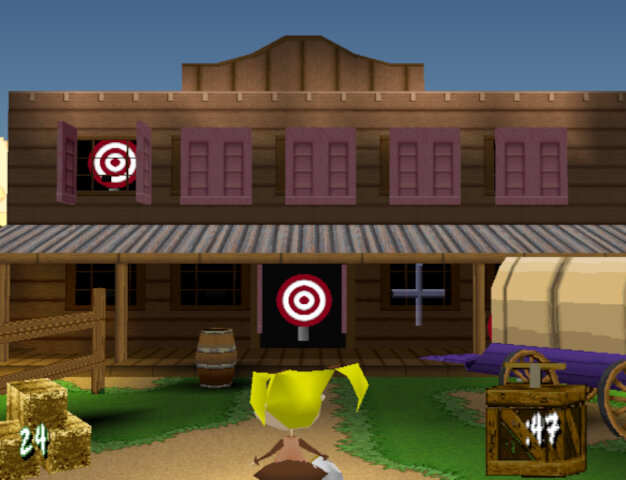
You play as Susie in a wild west themed studio, with the name being a pun on blazing saddles.
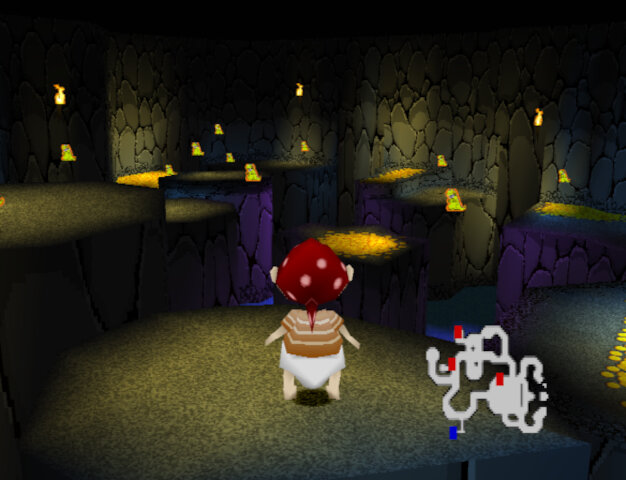
Gold Mine Scene: Collect all the gold in the mine and make It back to the entrance before time runs out. First levels are straightforward but the final on become more difficult since there are multiple floors and you have to navigate back down to the start. The controls are unpredictable since the Minecart will often fail to take turns and jumping is delayed. Also enemy ghosts will appear and will take your gold upon being hit, use your torch to zap them
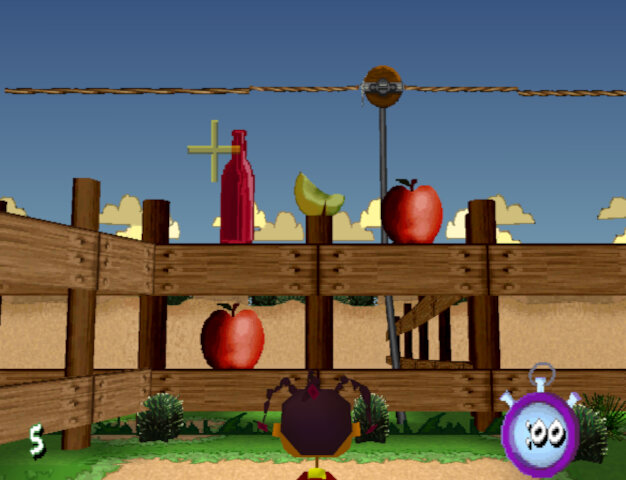
Milk Squirting Scene: Shoot at the targets within the time limit, there are multiple rounds
Round Up Scene: Round up all the animals to win keys by picking them up and placing them in the correct pen, there are four stages in total
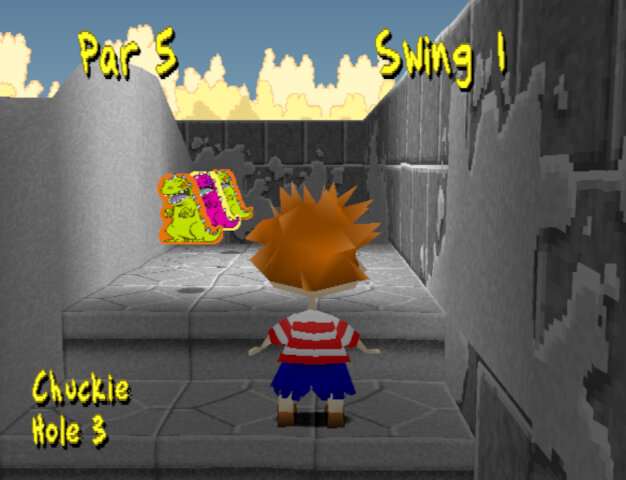
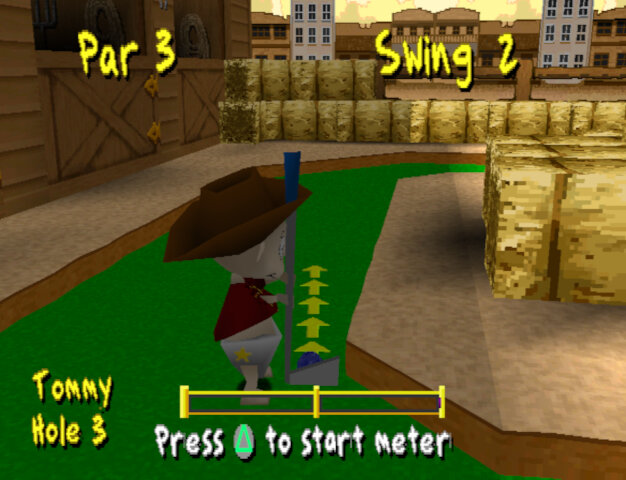
Western Golf Scene: Like the Pirate Golf there are 9 stages, to win you have to be under par for all stages. There are pink keys that, when picked up allow access to hidden areas.
Interestingly these golf levels seems to tell a story.
Hole 1: A western rail station where you enter the town
Hole 2: A town bank where you have access to a vault with money
Hole 3: A blacksmith where you take refuge from whilst on the run, and eventually caught
Hole 4: A western sheriff/jail that you break out from
Hole 5: A graveyard where you hide
Hole 6: A tunnel or a hill? I think
Hole 7: Native American/Indian refuge
Hole 8: Entrance to a mine cave
Hole 9: Tunnel to a mine cave
Then again I’m probably reading too much into it, its a kids’ game afterall.
Outside Space
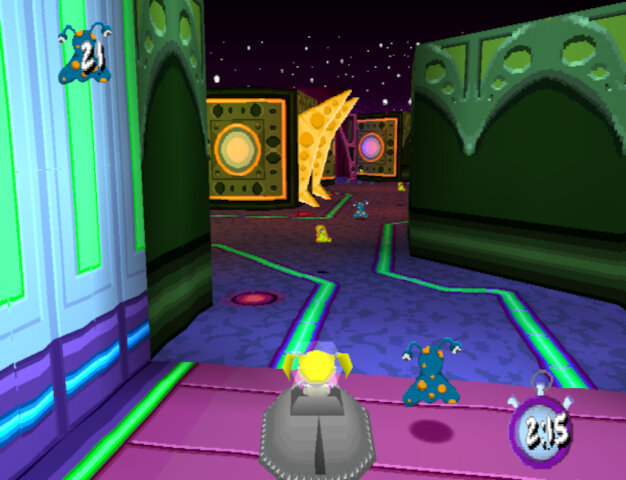
You play as Chuckie in a sci-fi space studio setting
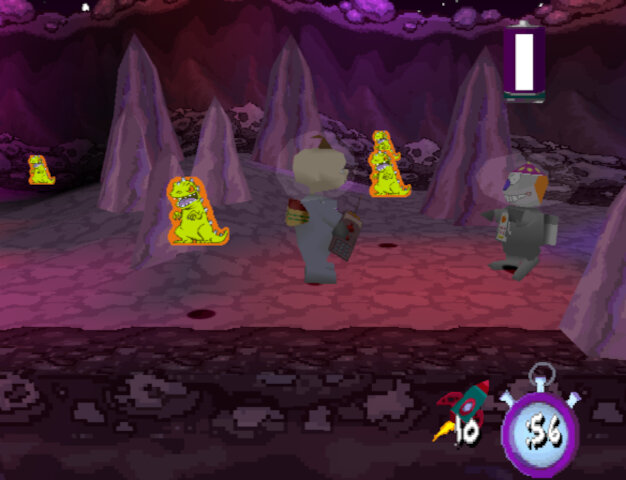
Loonie Lander: Collect all the aliens in each of the four stages, each stage gets bigger with more aliens to collect. This level could have been used as a race stage.
Zero Gees Scene: Play three levels and navigate the level to the end of the level. Plays like a platform game but can be frustrating to play due to the poor controls. Sometimes there is a delay in the jumping which can cause you to miss a platform.
Lazy Beam Scenes: Shoot lasers at the objects to win, similar to the western milk squirting scene
Final Levels
Shirley Lock Holmes: Play as Angelica and find four of the ghost keys to open the large door at the bottom of the path which will take you to the next area. From here you use the switch to move the platforms to allow for you to progress.
Okey Dokey Jones: Playing as Tommy, this is similar to the Zero Gees Scene activity. Tommy has to navigate to the end in order to locate Dil through a series of platforms and challenges. A homage to the Rugrats Movie which came out around this time.
One thing that stands out about Rugrats Studio Tour is its sense of humor. The game doesn’t take itself too seriously and has a lot of tongue-in-cheek references to Hollywood and the film industry. The character animations are also quite amusing, with the Rugrats getting into all sorts of wacky situations.
That being said, the game does have its flaws. The controls can be a bit clunky at times, and the camera can be frustrating to work with as it was in the original game.
Overall, I’d say Rugrats Studio Tour is a decent game that’s worth checking out if you’re a fan of the show or looking for a fun, lighthearted platformer. It’s not a masterpiece by any means, but it’s a solid effort that’s sure to bring back some fond memories for those who grew up with the Rugrats.