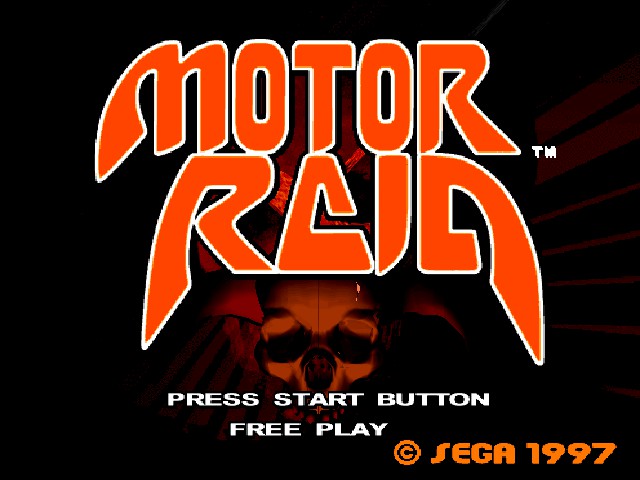
Road Rash meets Wipeout in a futuristic bike racing game, And another game Sega forgot to port to home consoles
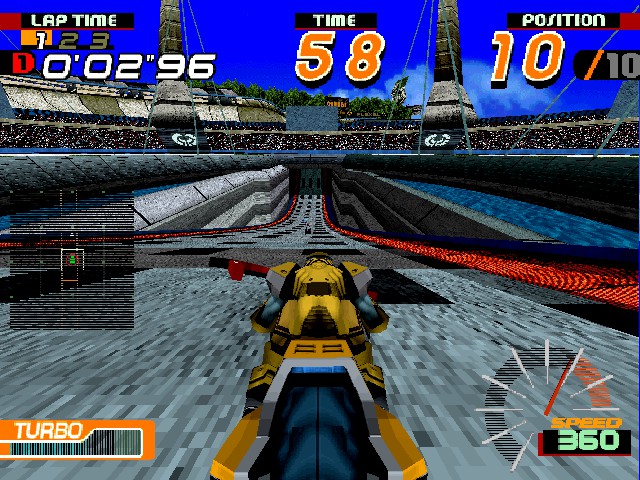
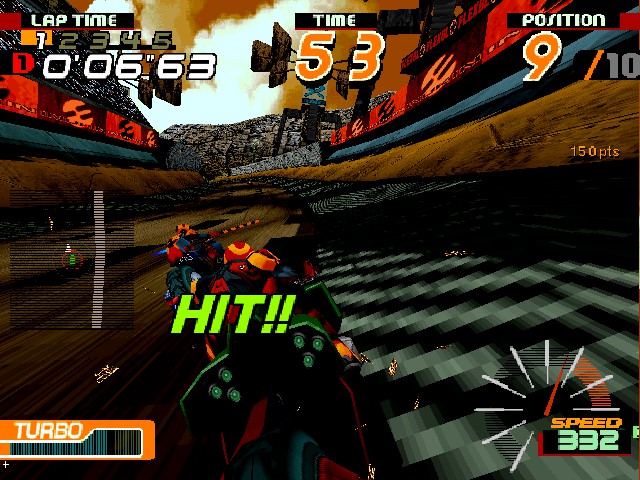
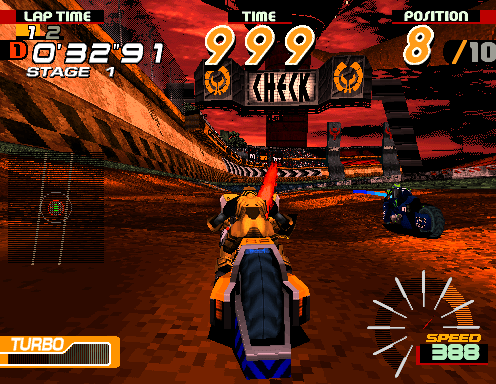
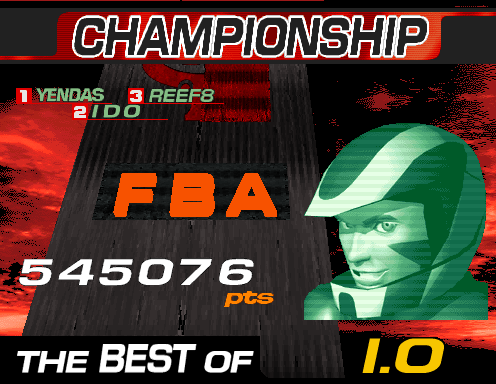
Two game modes are on offer, championship and practice. Championship is the main game mode and sets the player accords different tracks. The first track is always Yendas, depending on what position the player can then will dictate which plant race track will be played next. Other players can be attacked by pressing the punch and kick buttons. Holding down the punch button will charge the attack which will deal further damage and will knock off the rider. You can also lock an attack on another player with your weapon, Weapons can be lost if you are attacked, or if you throw and attack it with another player.
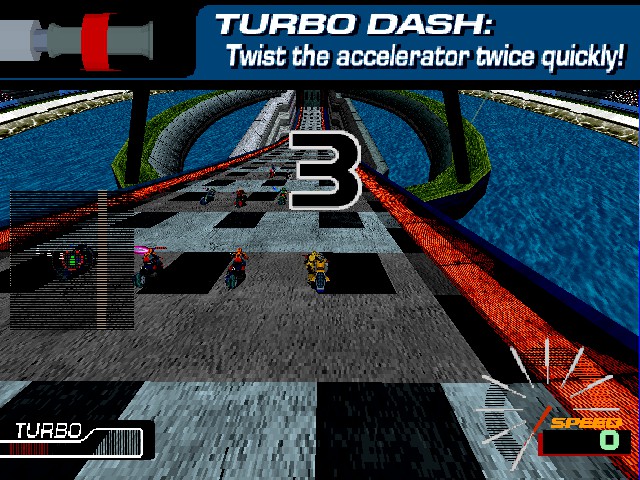
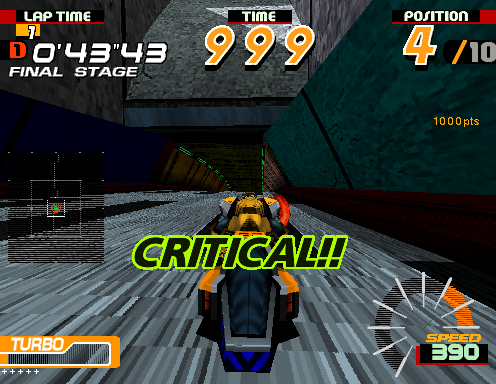
Turbo mode can be activated by pressing the accelerate button repeatedly. This is hard to pull of when your playing on a keyboard since the game was designed for analogue controls, which makes it hard when you are playing with digital controls. If can take a couple of attempts for the game to register. The Turbo meter in the bottom left screen will recharge after a few seconds, and the payer can activate it immediately or wait a few moments for it to charge fully, where it will have the best effect. As with all futuristic racing gasme, techno music dominates the soundtrack and is drivern by the Sega SCSP spund trip.
The game runs on the Sega Model 2A arcade board, the same that Manx TT Superbike ran on. The games test mode allows several settings to be amended that affect the difficulty of the game, the amount of laps the player needs to race and the engine sound level. Like other Model 2 racing games, cabinets can be linked together to allow multiplayer games with other players.
Characters:
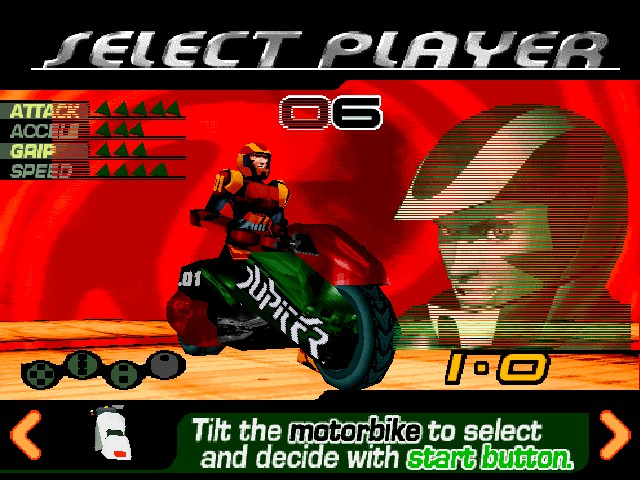
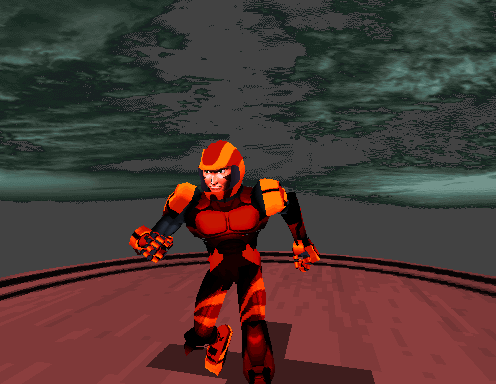
There are four characters to choose from, each with different stats which affect the gameplay. Robin: Best grip IO: Best attack Gunz: Best speed Gelia: Best acceleration Each character has their own voice which can be heard when attacking and activating turbo mode. There is a back story for each character.
Tracks
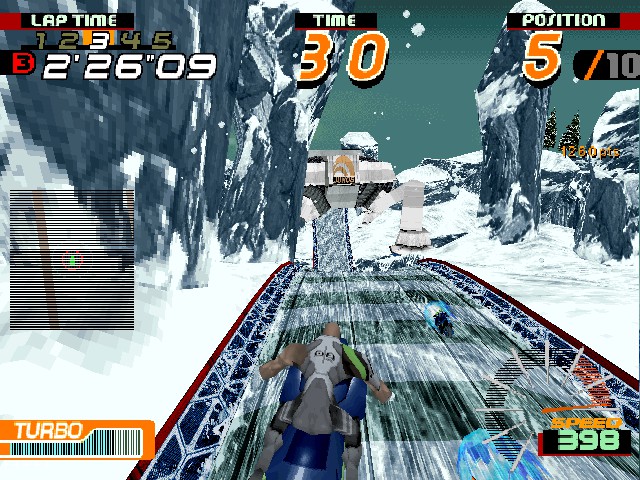
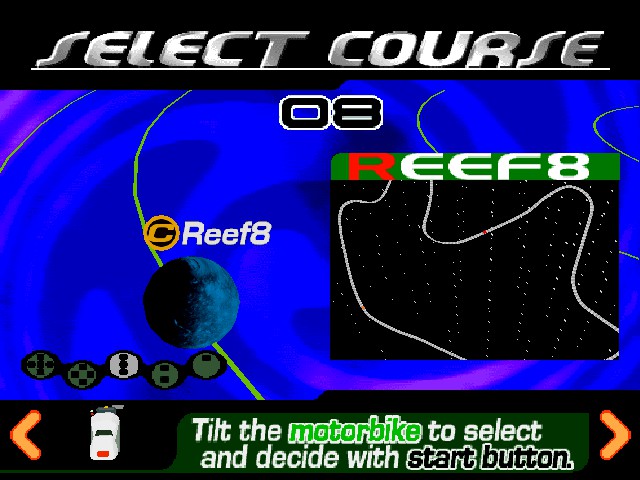
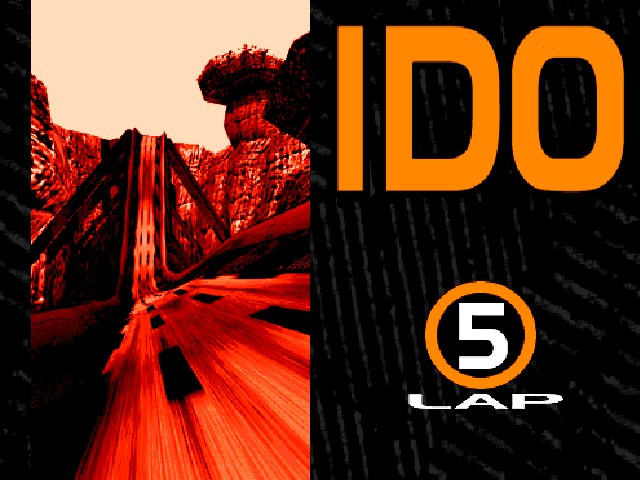
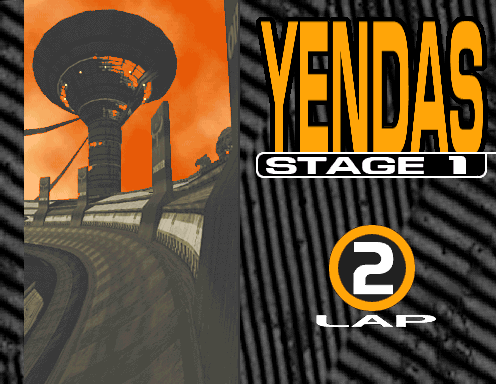
Yendas: The first and easiest track to race on, and is basically a loop track. Placing first in championship will progress onto Junos, otherwise Ido will be the next track if 2nd or lower. Ido: Set on a planet with a load of flying bugs (These dont affect the gameplay) Junos: A snow/arctic planet with some tough corners Reef 8: Lots of water in this one and has a few tight bends Bowel: Sent on a volcanic planet, thunder can be heard in the background Segal: A bonus track that appears when you get a good score in Champtionship mode, but can also be accessed by pressing a cheat code on the track selection screen. Rumored to be named after Stephen Segal
A lot of the environments of the track reminds me of that Sonic Saturday AM cartoon with how dystopian some of them look. If you’ve played Wipeout XL/2097 it has a very similar astethic.
Emulators
Nebula Model 2: Capable of running the game fully but is dated and has a few inaccuracies
MAME: Latest revision is capable of playing the game somewhat but has a multitide of issues, some of the texture mapping is incorrect.
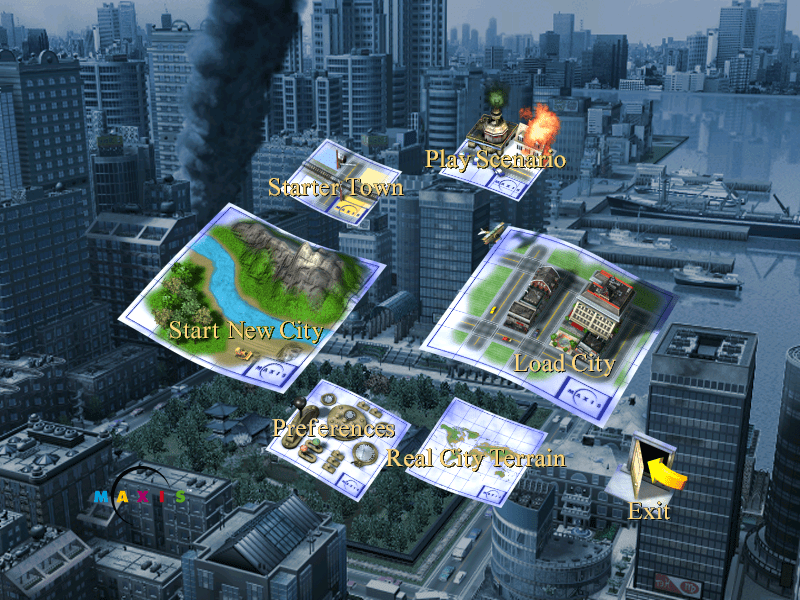
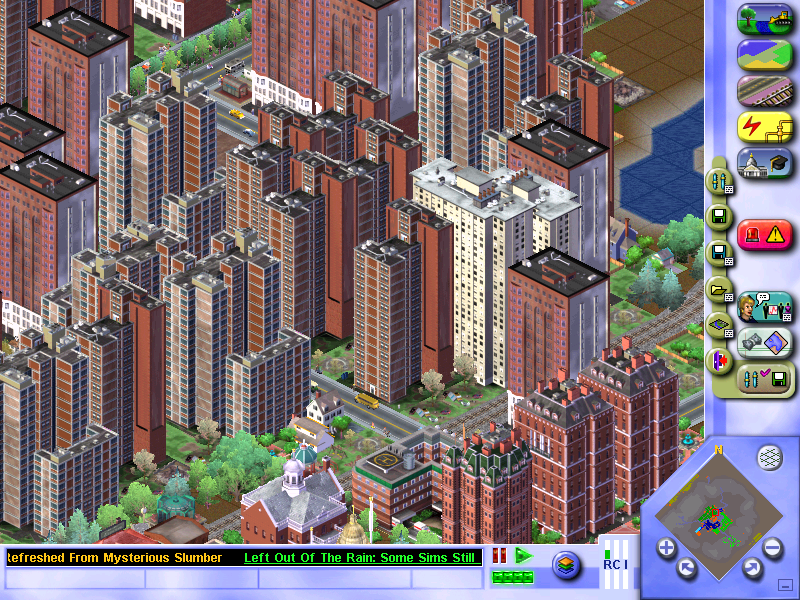
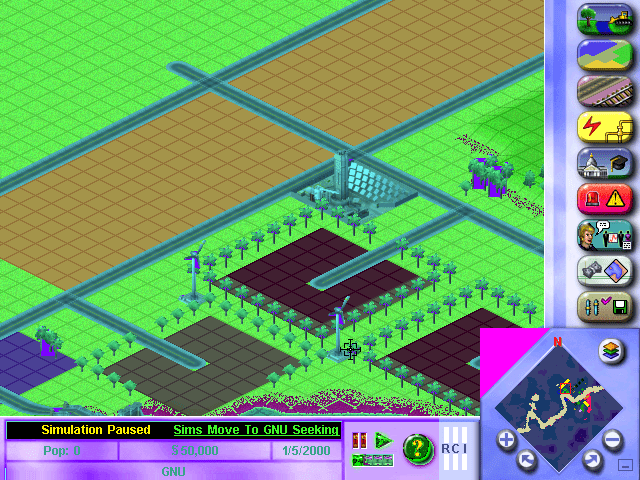
The next installment of the popular SimCity series of games, where the goal is to build and maintain your own city. All aspects of city-building have to be managed, from the power stations to building roads and zoning for different houses/buildings, all whilst being prepared for any disaster that might strike.
Playing SimCity
Residential: Where sims will live, the density relates to how large the buildings are, with low density being used for small houses, and higher density for apartments.
Commercial: Shops and businesses, where sims go to work and spend their money
Industrial: Another place where sims can work, but also where materials are manufactured and produced, and also helps with jobs for your sims. Farms are one of the types of industry available, but they are difficult to actually have them be built. Every time I zone for farmland, it does start to build a farm but eventually, it will lose out to dirty industry with farm lots being replaced with a bunch of smog-o-matics. I can’t see why they would not just give farms their own industry zone? Supposedly the key is to not give them any water, just power and roads. But then the news ticker will keep bugging about sims being too far from any water.
Have no idea why the text is missing…
Versions / Ports
SimCity was ported to most of the popular PC platforms, even a port for Linux operating systems. Sadly a port for OS/2 was not released, as IBM had phased the operating system out by then.
SimCity 3000 was not released on any consoles of the era.
Windows (Original Release)
The Windows release only supports Windows 95 or 98 onwards, it does not support NT 4 unless service pack 3 or higher is installed. DirectX does not seem to be used, running solely through the Win32 API.
Windows (Unlimited/Edition)
Released a year later and features a few changes compared to the original release.
The user interface was changed slightly, with the query button being moved to a more prominent place on the UI
The music was changed with some tracks being added and others being removed
This version of the game is available on gog.com and will run effortlessly on modern Windows versions.
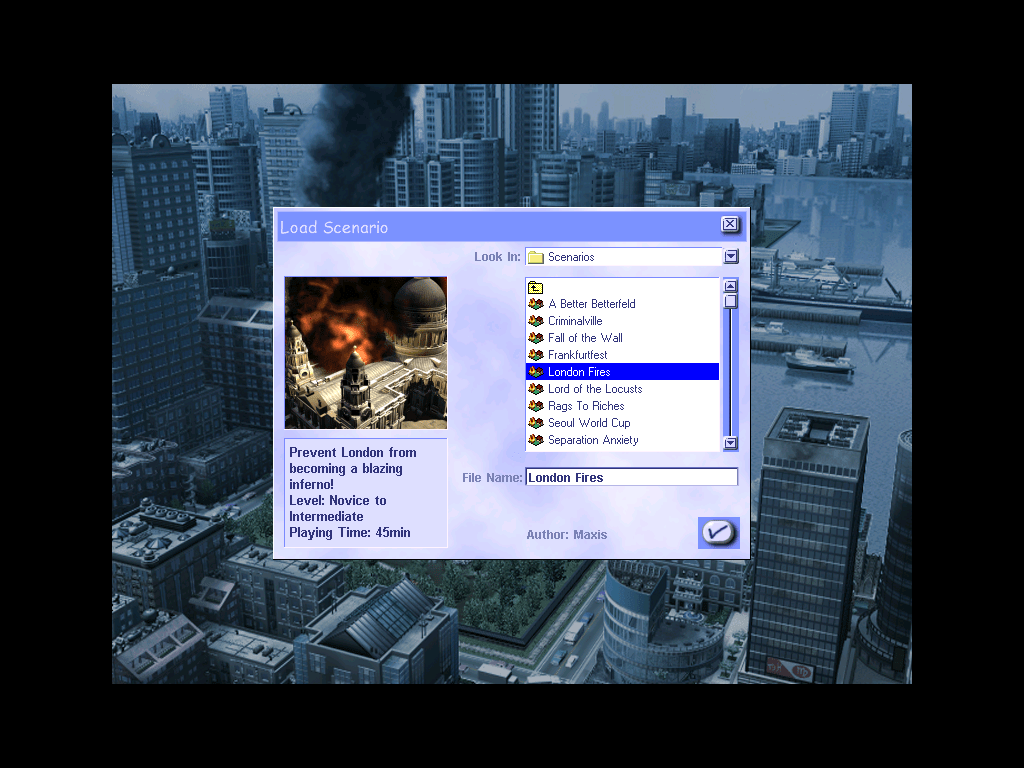
New city templates have been added which are based off real-world locations, like Liverpool, London, Berlin, Madrid, etc
Some existing cities have been renamed, Metropolis has become Europolis but remains the same
Some existing cities have been removed in favor of the new cities: Littleburg, Big Mountain City, Sim Isle
New scenarios mode has been added, which are small cities that have objectives to complete
Outside of the game, new tools have been made like the scenario creator tool which uses the Microsoft Access engine to create and customize customs scenarios
MacOS
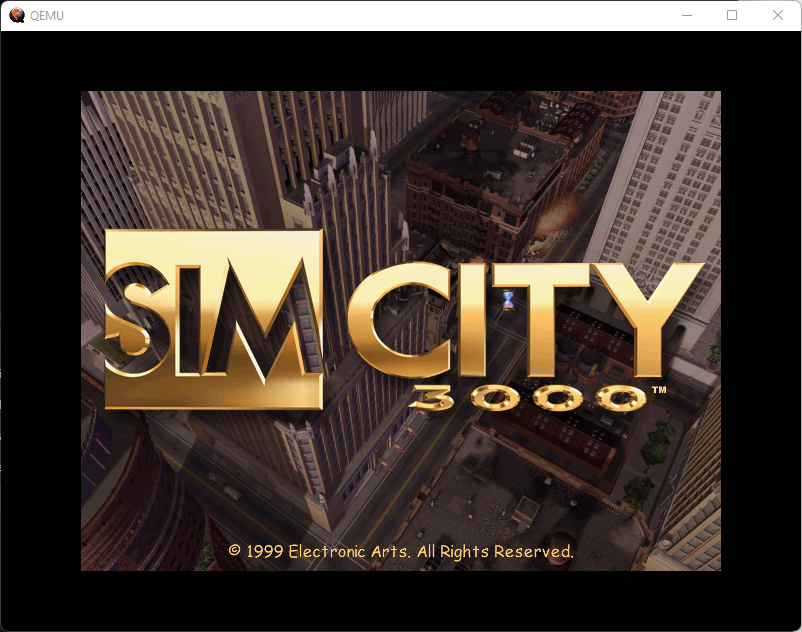
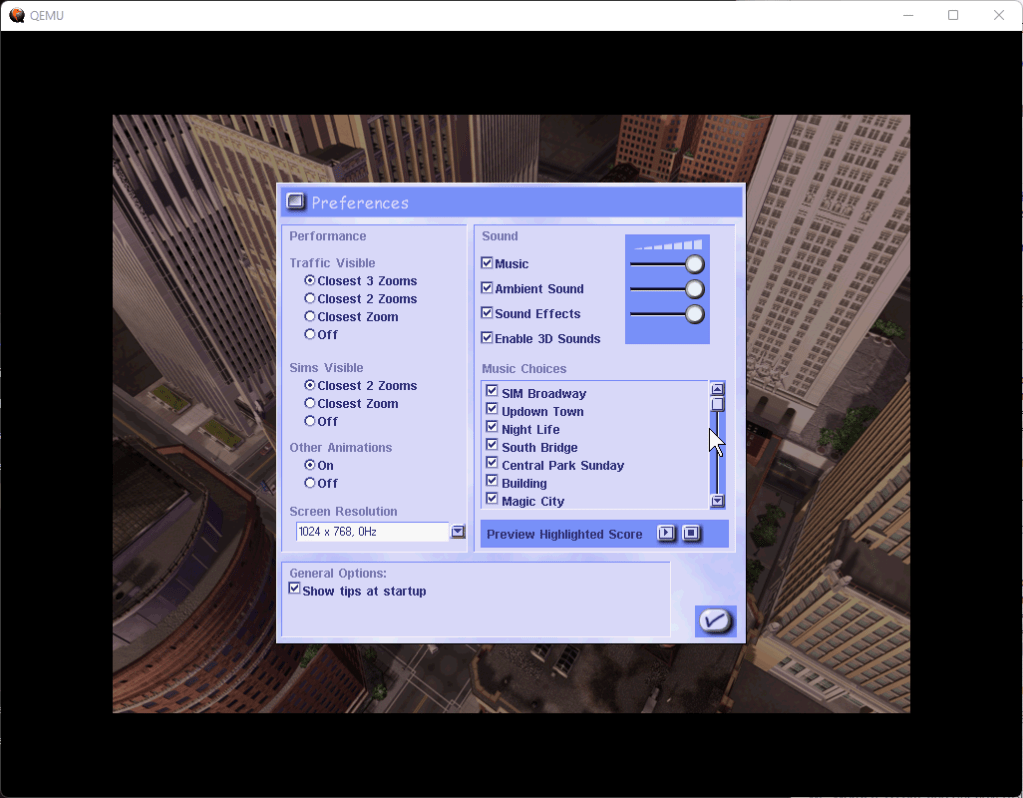
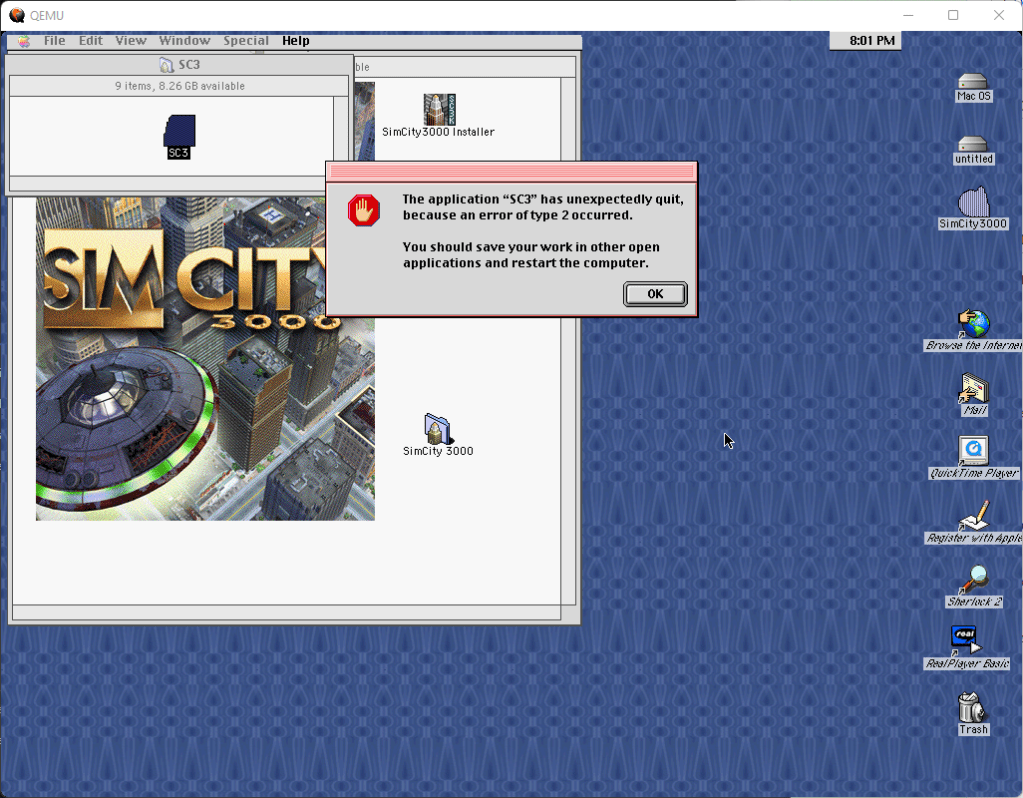
Installing SimCitySplash ScreenSettings ScreenAnd we crashed
Simcity 3000 was released for the PowerPC Mac OS platform and was targeted for the classic Mac OS. The Mac platform only had a port of the original Windows version, it did not receive the updated unlimited edition that was released for Windows and Linux.
Compared to the Windows version, there are a few differences, the opening FMV seems to have less compression compared to the Windows version and appears to be of higher quality, the animations on the menu buttons are much more fluid on the mac (Is this due to the graphics card?), lastly the close button on the menu box is on the left side for the mac, and on the right side for the PC.
Playing this on modern Macs is a challenge as modern MacOS does not have native support for PowerPC or applications using the older mac libraries. You must use emulation software like QEMU (screenshots above) or Sheepsaver. The last version of OS X to support PowerPC applications was OS X Leopard (10.5)
Linux
Corel Linux
The installer worked, but the game would not run.
Ubuntu
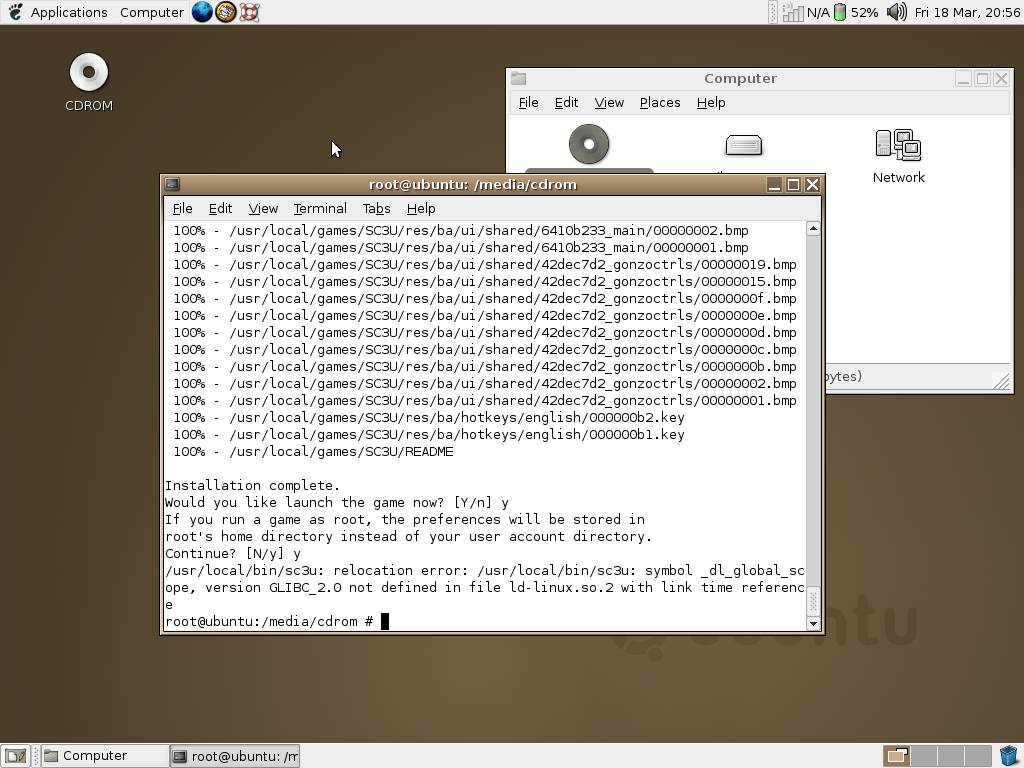
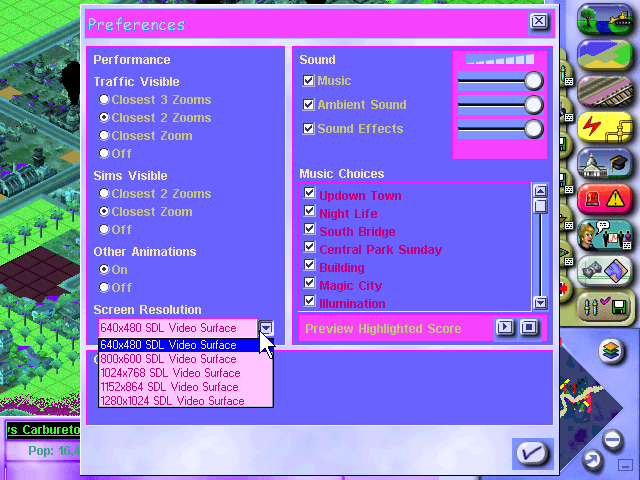
A Linux port of the game was released by Loki games in 2000, and is a port of the Windows PC version. It’s mostly accurate to the Windows version but is more difficult to install and get working, depending on the distro and the libraries/packages installed. I’ve tested it on a few distros of the era, and some more modern distros.
Installing and running the game on Ubuntu
Install the game as normal, remember to note the install directory – you will need it later
Run the patch installer, preferably as root. Easy way is to open a root terminal session (Should be an option in your Linux application launcher) Easy way is to copy the patch file to your home directory/folder, open the terminal and run the command: sudo sh sc3u-2.0a-x86.run -keep (Why you can’t just double-click to run the installer in Linux I do not know)
Once this is finished, you should see a success message
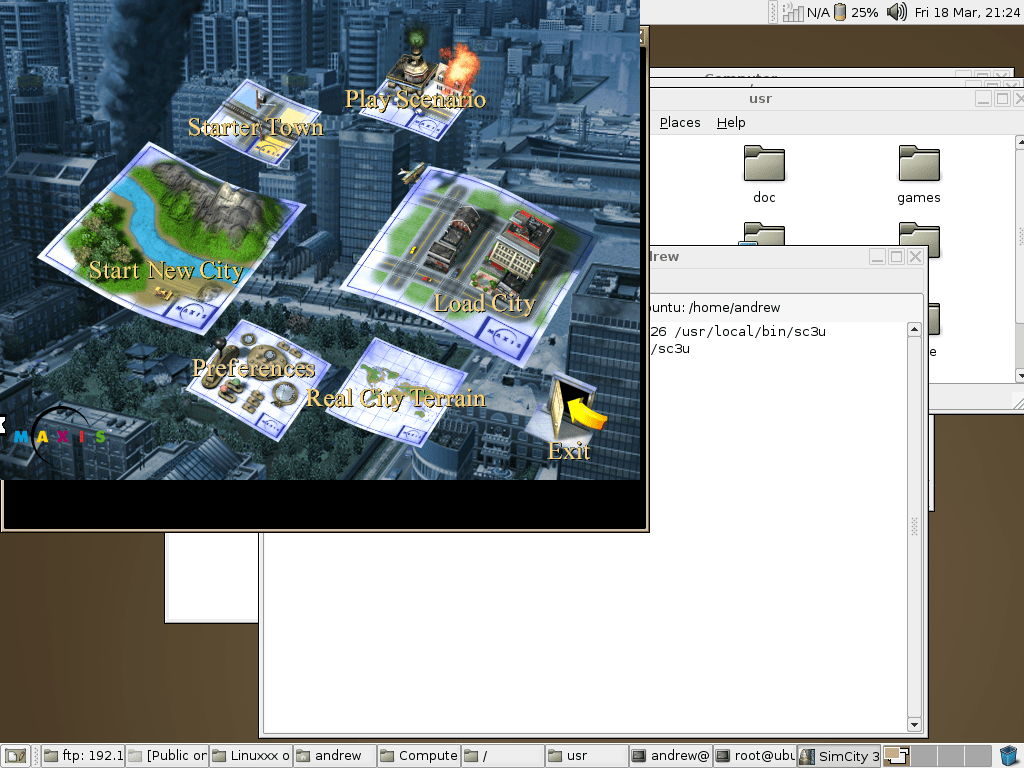
Now you need to run the game in a specific way, in the terminal you have to run the below command: LD_ASSUME_KERNEL=2.4.26 /usr/local/bin/sc3u
Hopefully, it should now start the game and you should see the intro movie play. This worked well on Ubuntu 4.04 running inside a VirtualBox VM, although there were a few issues. The sound was rather high-pitched and played too fast, and would stutter at high resolutions or when having a busy/large city map. Also running in a windowed mode wasn’t perfect, since it would display in the upper left part of the screen whilst the Ubuntu desktop remained in the background. The fullscreen mode works fine though. This could be due to the lack of drivers in my Ubuntu VM, it’s likely using stock/fail-safe drivers which provide little to no acceleration.
You could just use the Windows version running through Wine, although where is the fun in that? Plus it’s nice to play a native Linux game and in early 2000 there was a push for certain developers to embrace Linux as an alternative to Windows, That said, I can see why this didn’t take off…
Mandrake 7
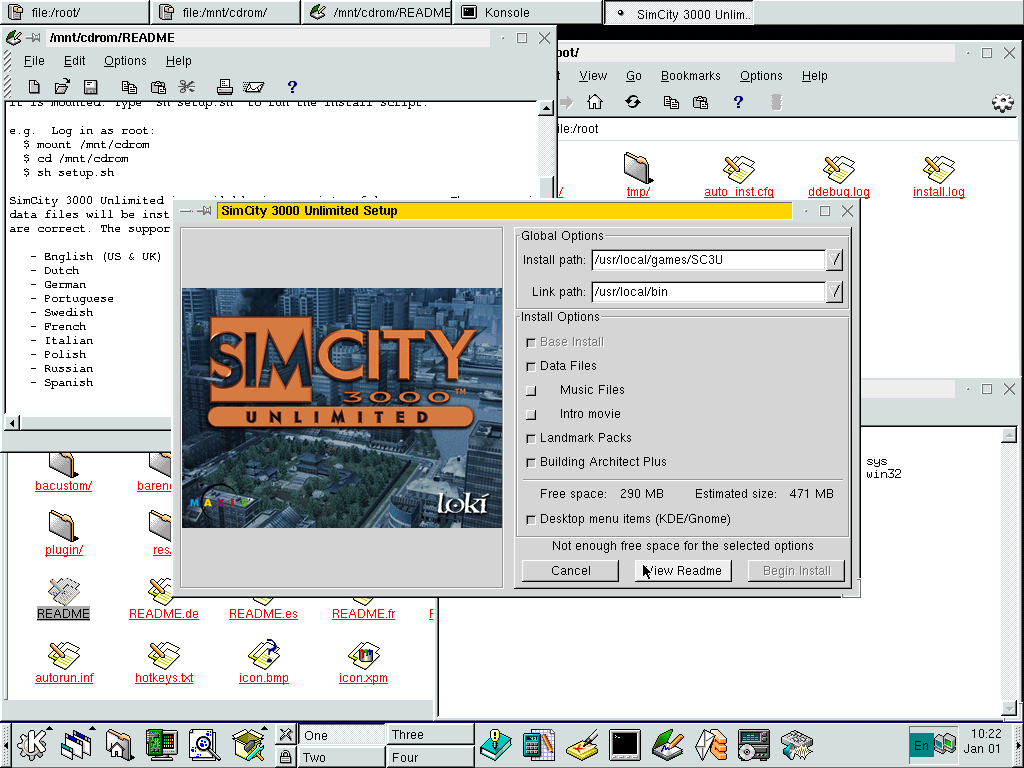
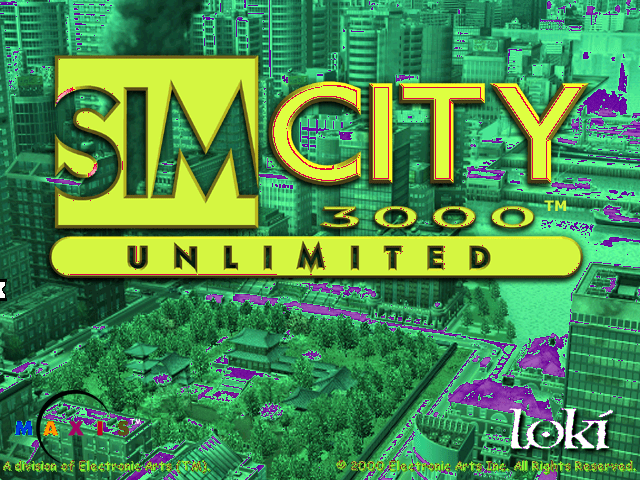
Worked but had issues but these could be due to the emulation in 86box. The game installs and runs mostly Ok but some of the colors are messed up, the game also runs very slowly. Interestingly this uses a graphical installer which is missing when running in either Ubuntu or Corel Linux.
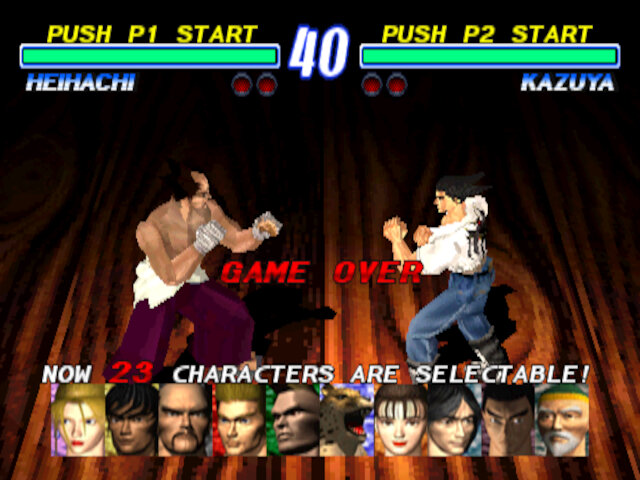
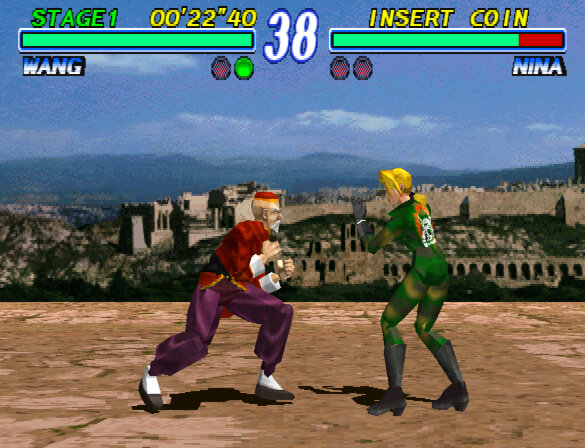
The sequel to the first Tekken game, released for arcades and was ported to the Sony PlayStation and eventually the Zeebo console
A lot of improvements have been made, with the graphics for the character models being improved and refinements to the character move-sets. The stage background have also been redesigned, featuring more detailed backdrops. Unlike the first Tekken, the stages don’t seem to be based off a specific location and the stage name no longer appears in the bottom right corner, rather they are inspired by a series of locations, e.g Jun’s stage is inspired by a European countryside, Lei is based off being at the top of a city skyscraper (Similar to Joe’s stage in Last Bronx) and King’s stage being set in a Church.
ArcadePlayStation
A removed feature is the view change option, In the first Tekken game you could change the viewing angle in the first 10 seconds of the match, now only one view is available in Tekken 2.
Characters
Lei: Jackie-Chan inspired cop, Namco forgot to give him a Time Crisis game
Jun: Greenpeace activist, and the only mainstream game she appears in (Also appears in the Tag Tournament spin offs)
Jack-2: Jack with with a upgraded processor
Baek: Tae Kwon Do fighter, similar to Hworang
Bruce: Muay Thai kickboxer
Roger: / Alex: Genetically altered animals who are capable of fighting
Angel: A literal Angel sent to save Kazuya’s soul
Most of the previous characters return from the previous game, except for the mysterious WildCard
Heiachi finding out he’s no longer the final boss
Arcade Version
Released in 1995 for the arcade and running on the same System 11 arcade platform as the previous game which allowed for operators to upgrade their machines by swapping out the ROM board.
There are a few versions of the arcade version, the original released and a Ver.B update that has a few game-play changes in regards to the AI behaviour. The title screen has also been amended indicating the new release.
MAME is able to run both versions of the game without any issues, although it has the imperfect graphics flag set. Zinc, a high level System 11 emulator is also capable of emulating Tekken 2, but was last updated in 2005 and its plugins are very outdated but they do enable bilinear filtering and upscaling.
Namco would later port this version to the PS2 with the release of Tekken 5, along with Tekken 1 & 3. This is not a direct port as some changes have been made. The audio from the PSone versions have been used since Namco System 11 uses its own custom sound hardware that the PS2 does not emulate. I’m also not sure if these games run on the PS2 I/O CPU, tapping into its native backwards compatibility or if Namco ported these games onto the PS2 Emotion Engine.
Zinc emulator
The Zinc emulator can be configured to apply texture filtering to reduce the blocky artifacts and enhance the overall image quality, resolution can also be increased too.
ZincMAME
Unfortunatly where the Zinc emulator falls short is the emulation itself, suffering from various sound issues due to lack of mature Namco sound emulation. As such the music sounds out of tune and many sound elements are missing.
PlayStation
The game was ported to the PlayStation with some additional features added. The soundtrack was also revised with an arranged remix making used of the PlayStations CD audio, the arcade original music also exists and can be selected by the user.
Like the first Tekken home port, FMV endings have been added for each characters that details their backstory. Namco expanded these to have their own soundtrack, compared tot he first game where every characters would have the same music playing over the FMV.
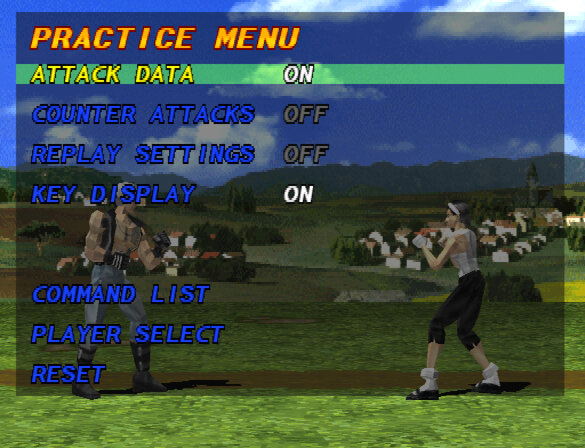
Additional game modes have been added such as survival, training and team battle mode. Also, when pausing the game you can view the character move and command sets. These would also be carried over to future home releases of Tekken games.
Most emulators wont encounter any issues playing Tekken 2, but there are a few issues with PXGP being added. Polygons have a tendency to warp with this enabled, and the character portraits can go off model.
Zeebo
The game was ported to the Zeebo console in 2008 and was similar to the PlayStation version but with slightly improved graphics. The textures appear to be cleaned up from the PlayStation version with some filtering enabled. The music however was butchered beyond repair due to the limited ROM sizes of the game. Zeebo games were distributed over the mobile network using UMTS, which meant games had to be of a certain size in order for them to be downloaded quickly which limited the music of these game to polyphonic like sounds.
I’m also not aware of any emulators or known dumps of this version, so the only footage exists that was uploaded on Youtube.
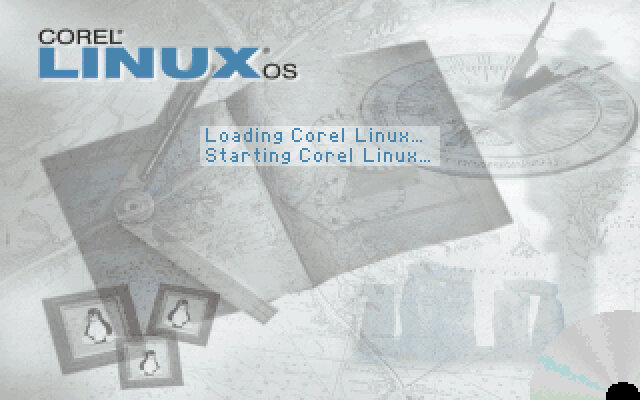
An early Linux distro, this time by Corel who also developed Corel Draw and is known for PaintShop Pro and WordPerfect office suite
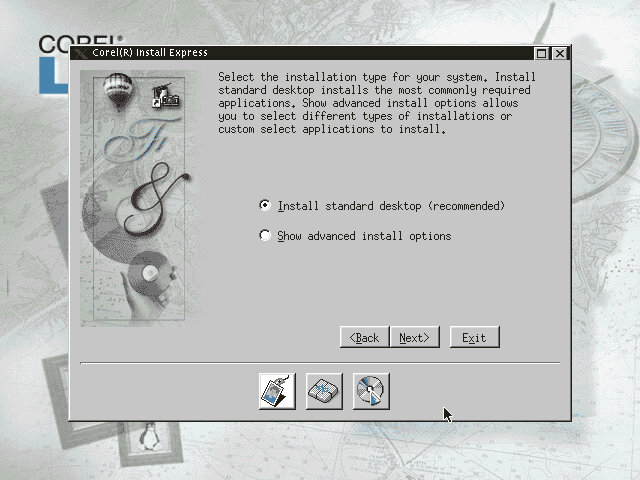
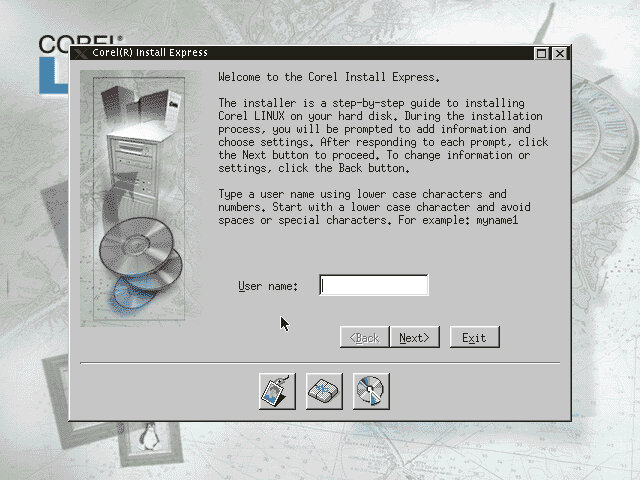
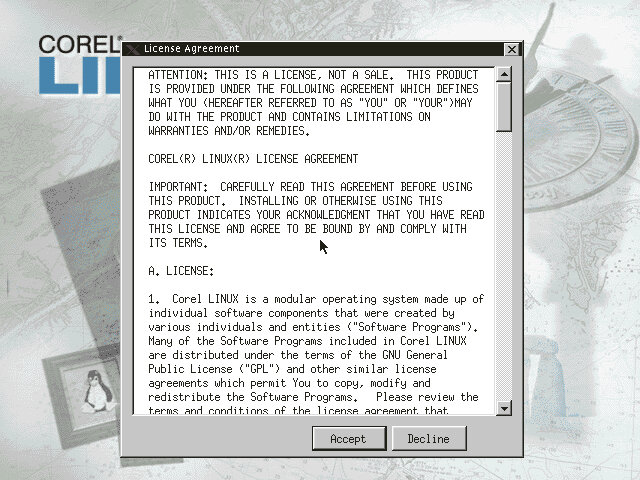
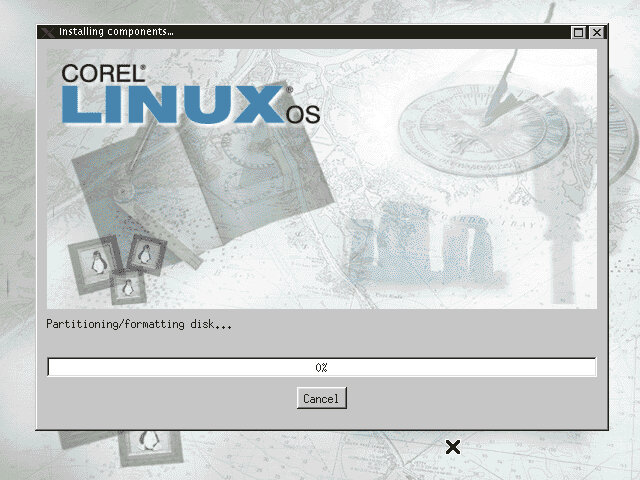
Install
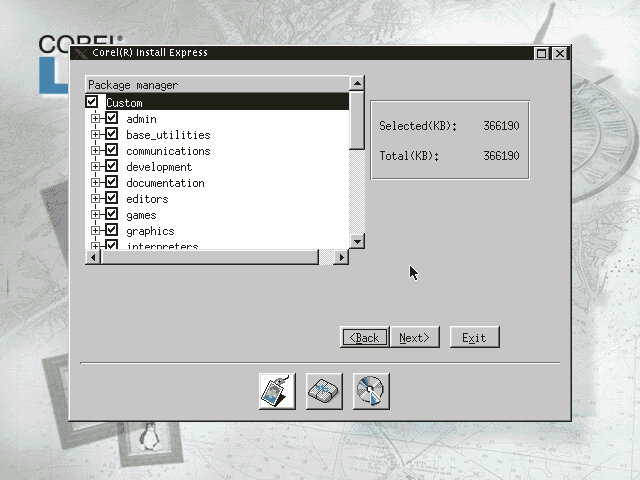
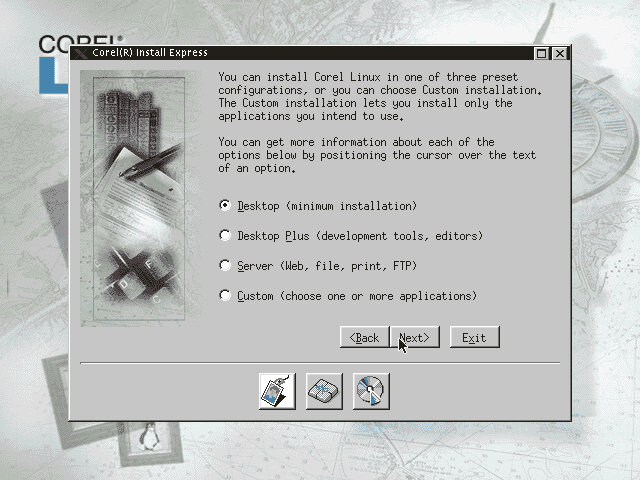
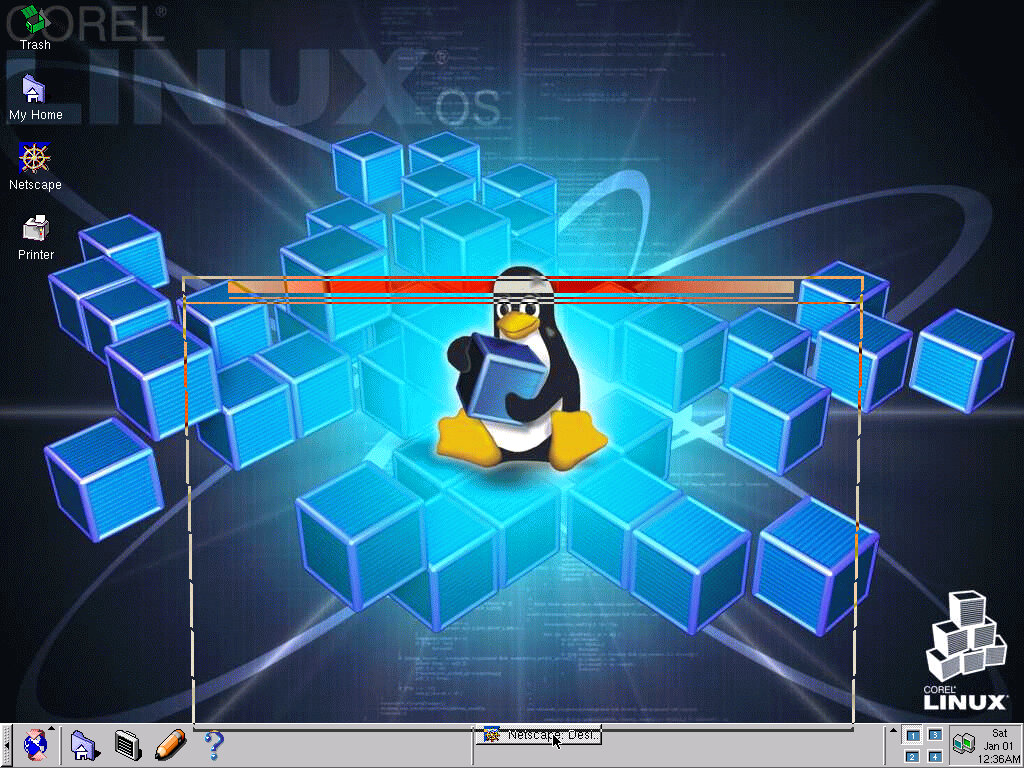
The installer has a very Windows-like look to it, at least going by the window styles.
Originally I tried using the Cirrus Logic GD5440, but the X Window system would not start up with that card. Instead, I tried S3 Vision968 instead, which actually worked fine. I guess certain cards have issues running under Linux
Boot
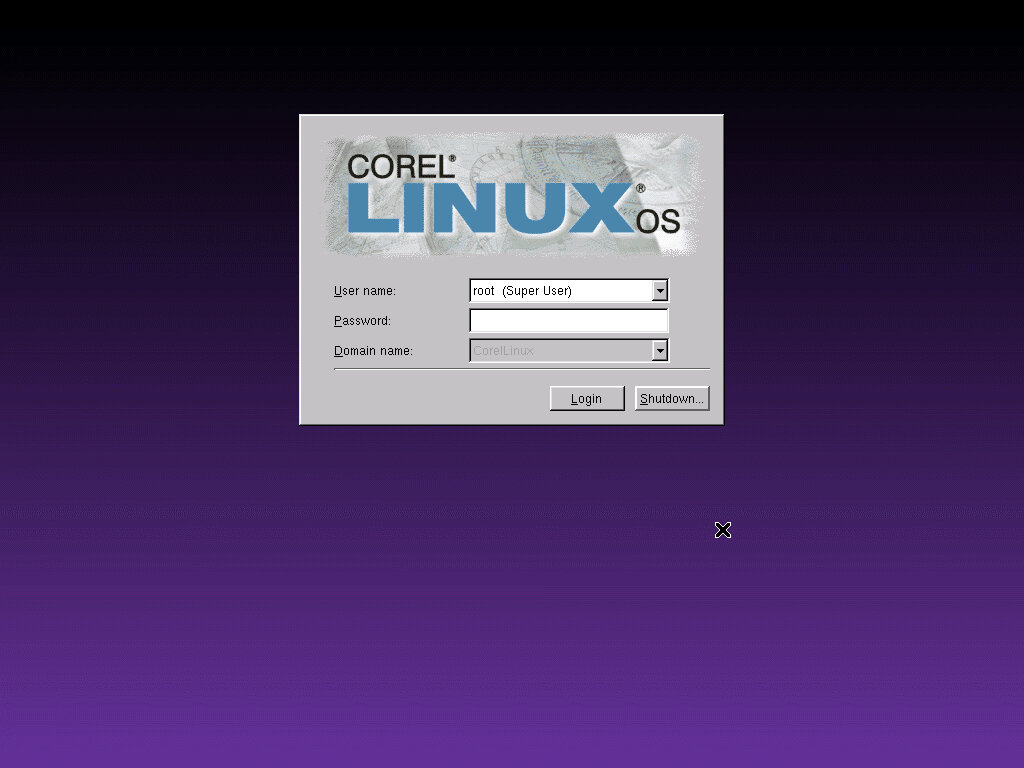
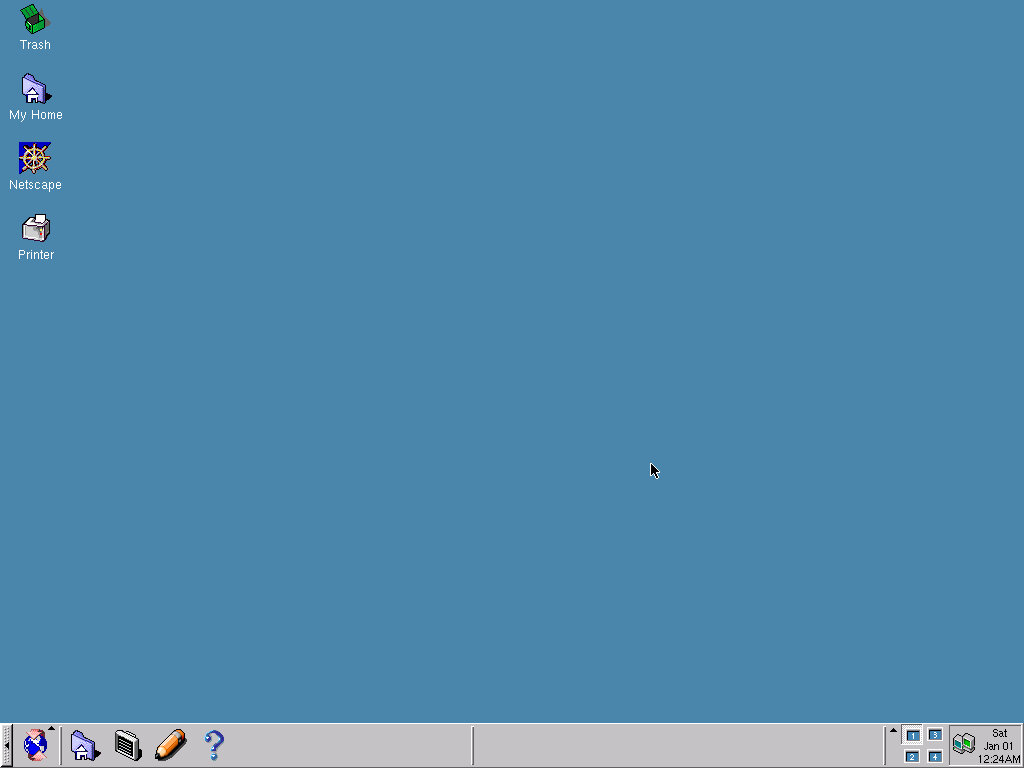
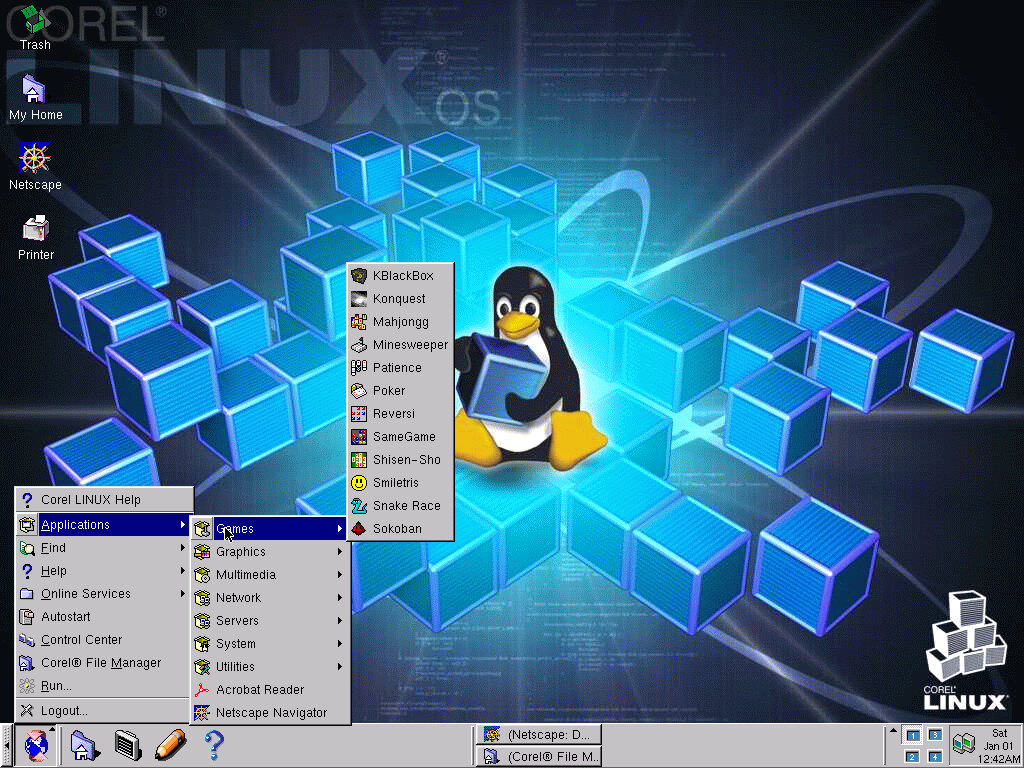
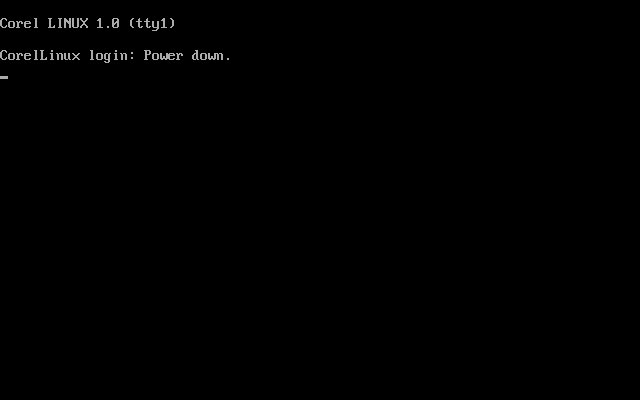
The logon screen on the left, and the default desktop after a fresh install. It seems that most drivers for the hardware were detected and installed, all except for the sound.
Sound
This was an issue trying to get the sound to work with this distro, at first I tried using the SoundBlaster AWE32 (both normal and PnP versions) and using the sndconfig command in the terminal to configure it but I had no luck. The PnP version said it was detected and set up but after rebooting there still wasn’t sound. Using the regular AW32 resulted in no devices being detected, even after using the –noprobe switch to force it into selecting the soundcard values.
Lastly, I tried using the Ensoniq that 86Box emulates and although this is automatically detected by the OS, I still had no luck getting the sound to work.
Meanwhile, everything else seemed to work, the network card & the SCSI adaptor.
Applications
There are a few applications bundled with the OS, some will also appear in other distro’s
Games
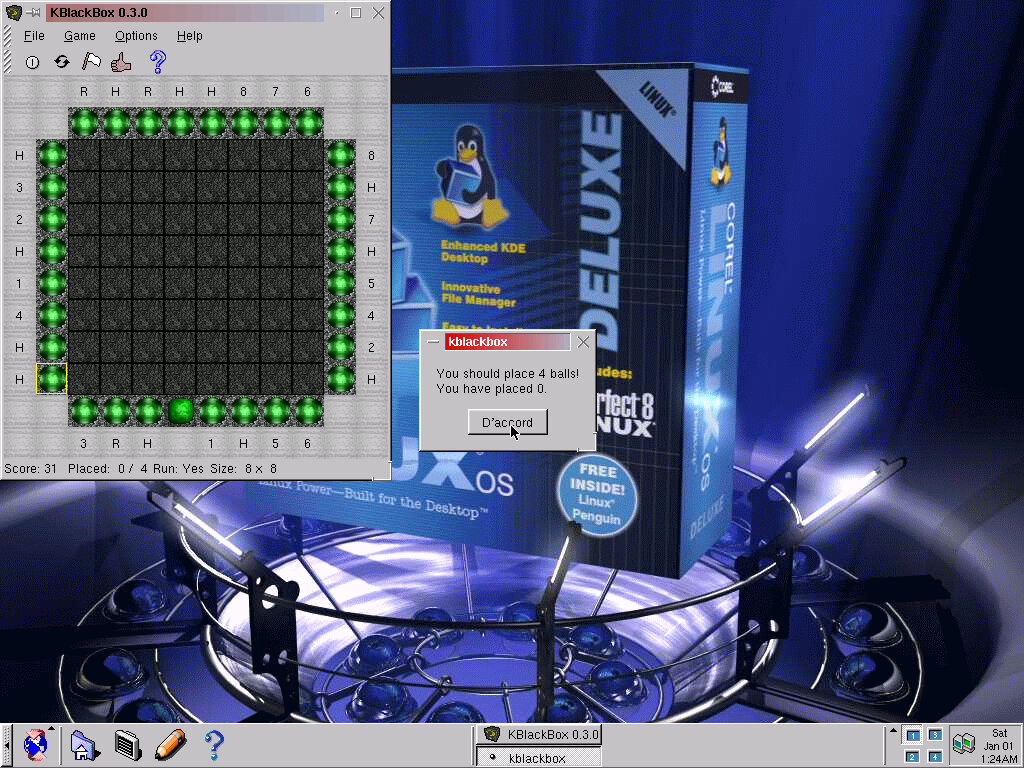
kblackBox (0.3.0) No idea how this game works…
Konquest (0.99.1) Not much luck with this one either
Mahjong (0.4.1) Typical Mahjong clone
Minesweeper (kmines 1.0.1a): Standard Windows minesweeper clone
Patience (0.7.3) Looks like another solitaire clone
Poker (kpoker 0.5)
Reversi (kreversi 1.0.1)
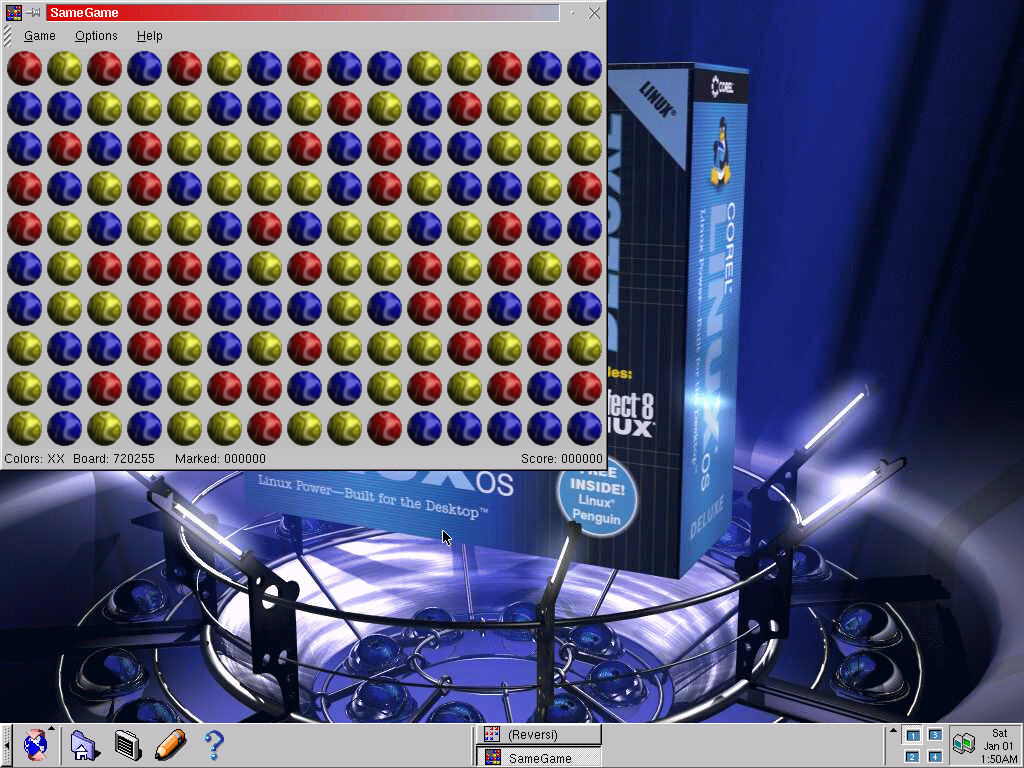
SameGame (0.4) Objective is to clear the board by clicking on groups of colours
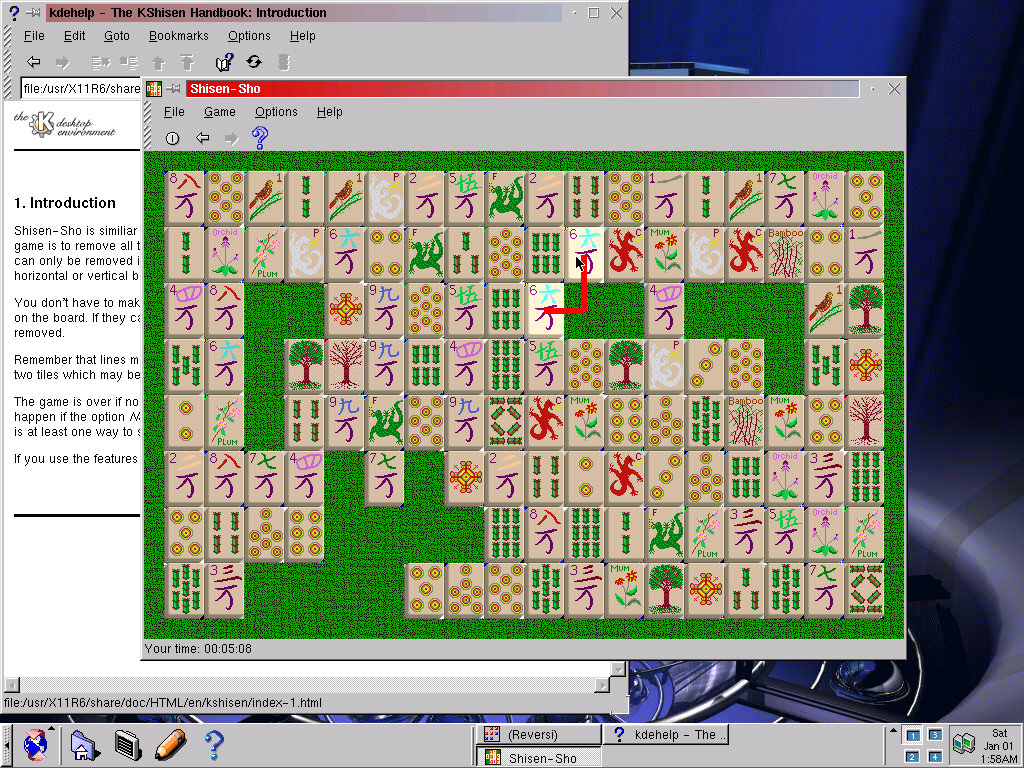
Shisen-Sho (kshisen 1.1): Looks like Mahjong, objective is to move pairs of matching pattens/tiles that are on the same line, within 3 spaces of each other
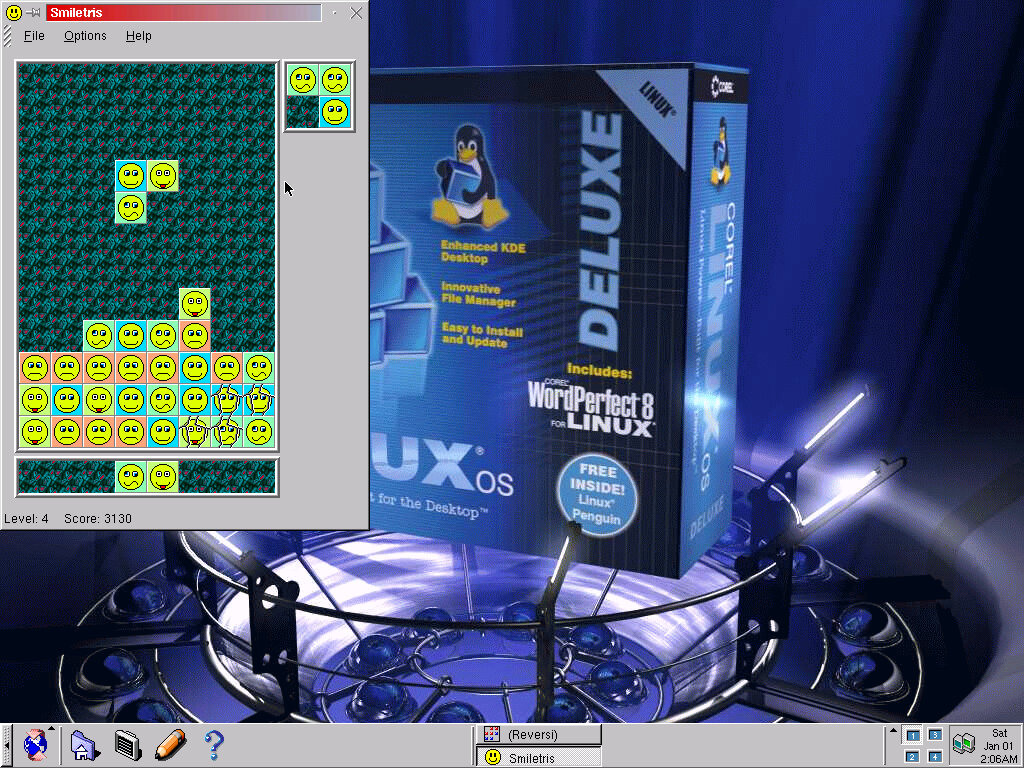
Smiletris (Ksmiletris 1.1) Sort of like Tetris, but blocks drop in pieces of three. According to the help documentation, at least two blocks vertically have to have matching patterns to be removed.
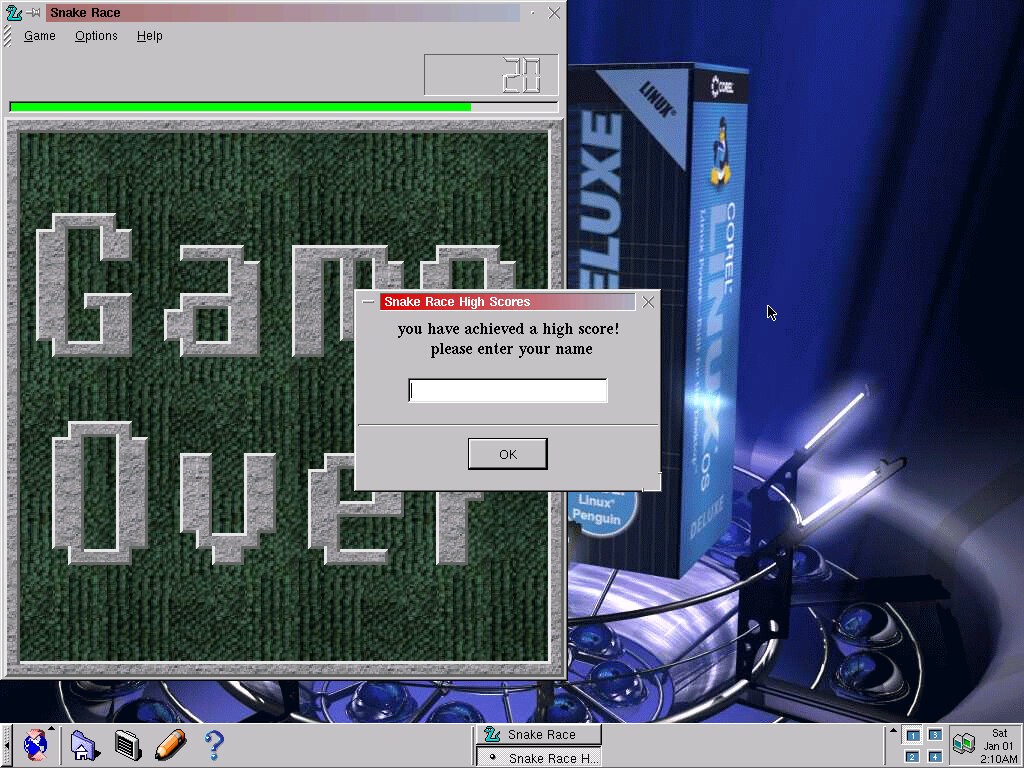
Snake Race (0.2.1): A bizarre take on the snake game formula, you have to control your snake and eat as many apples as possible, whilst avoiding the computer-controlled snake. There is a ball flying about, but I have no clue as to what that does? Annoying it you open the menu to change difficulty, the game does not pause and will continue playing in the background. You can also customize the game itself, like changing the background image. Or set the amount of computer-controlled snakes.
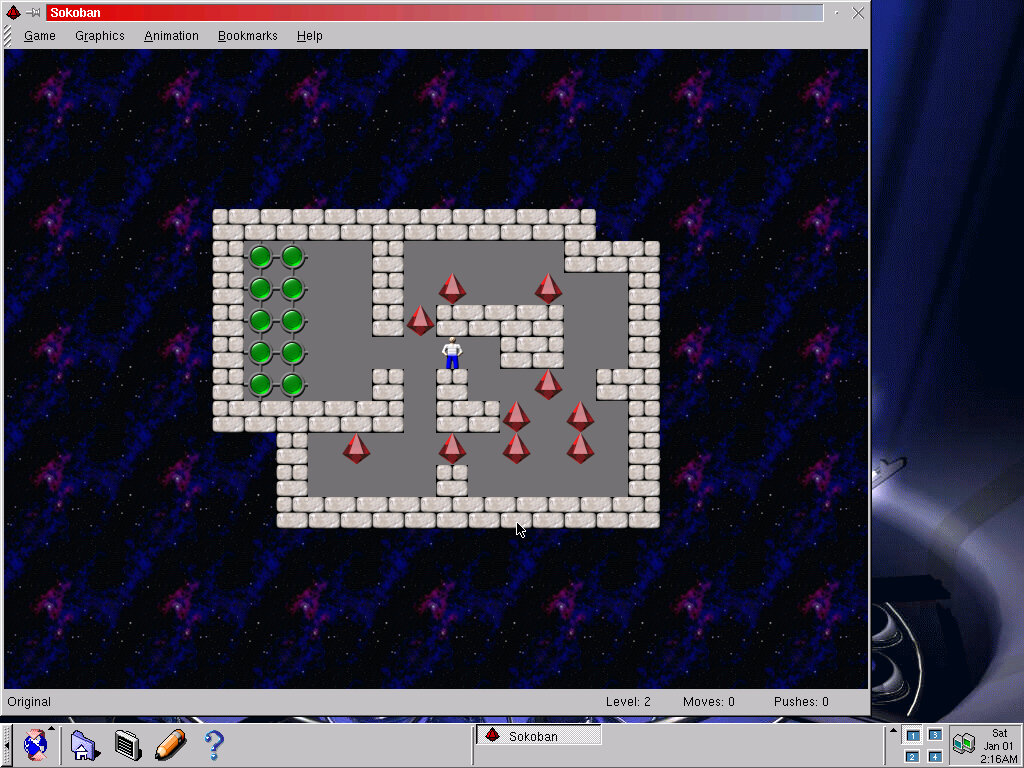
Sokiban (ksokoban 0.2.2) A game where you have to push the diamonds into the correct holes in order to progress to the next level. Same as what was included in Mandrake 7.
Graphics
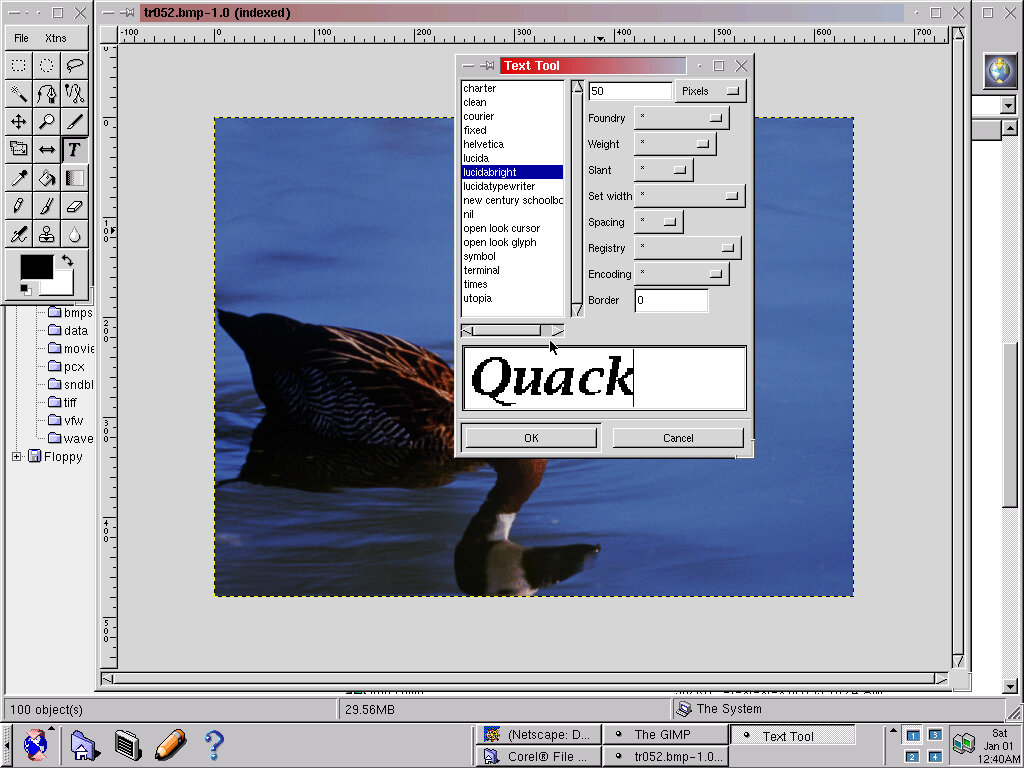
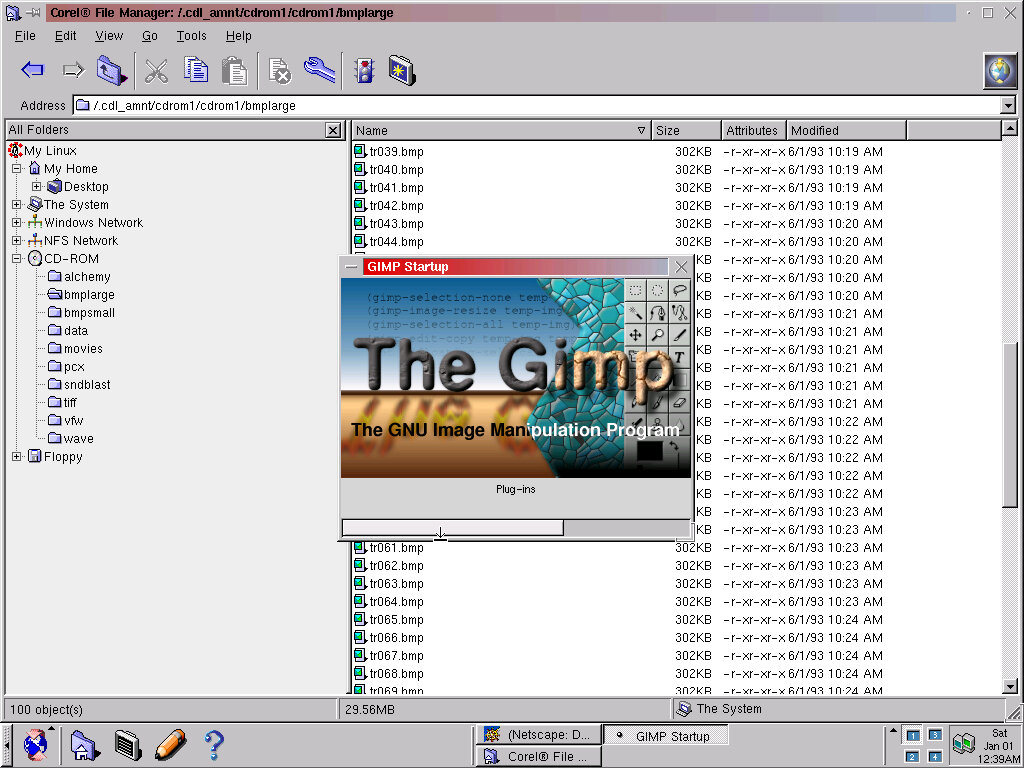
the GIMP (1.0.2) Image and photo editing application
PS Viewer (kghostview 0.7) Simple image viewer
Multimedia
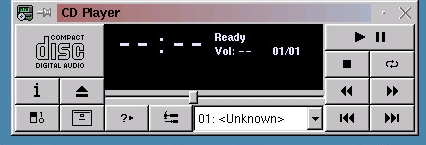
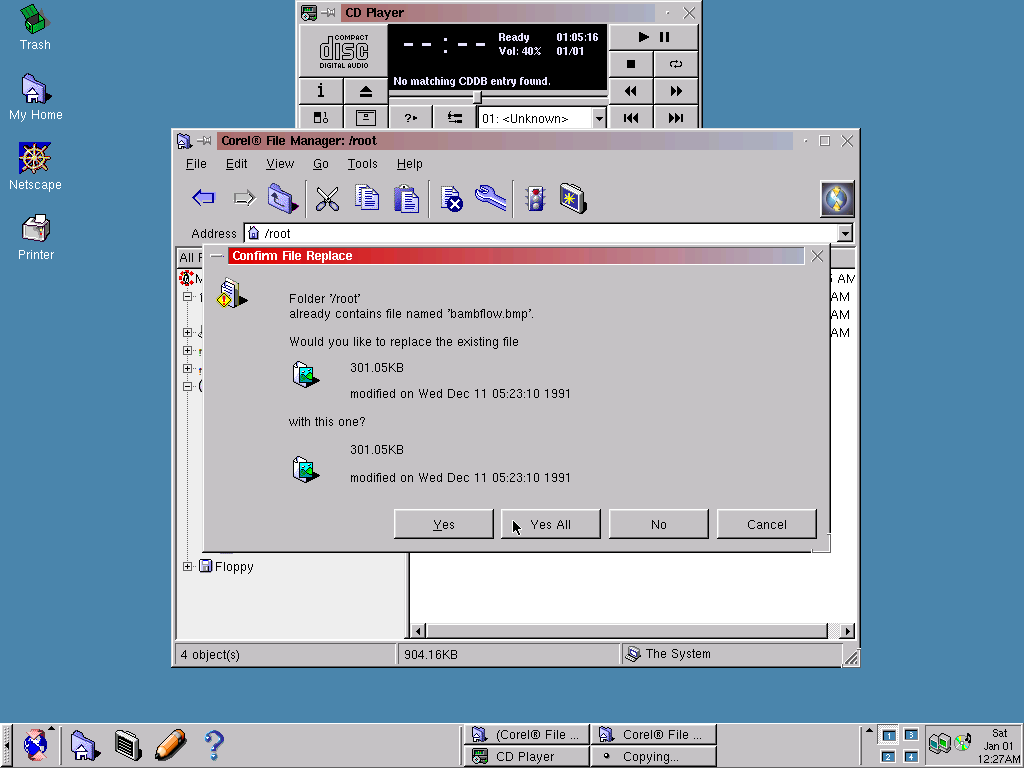
CD Player: Standard CD Player, I couldn’t get this to recognize any mounted CD audio formations (They were mounted as BIN/CUE)
Media Player (kmedia 1.0) plays back WAV format files
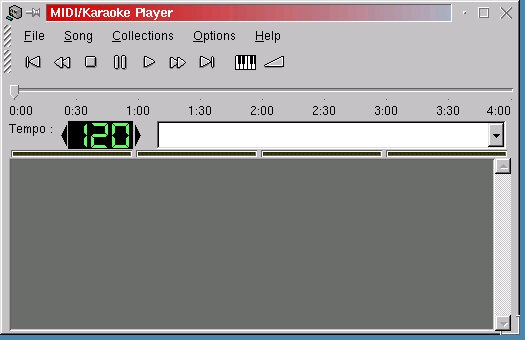
MIDI/Karaoke Player: Starts up fine, but unable to test any MIDI files due to the lack of working sound
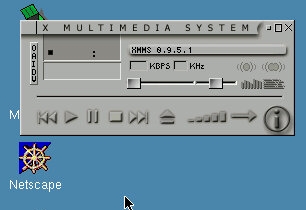
XMMS (0.9.5.1): X Multimedia system, sort of acts like WINAMP. Has support for MP2 and MP3 files.
Network
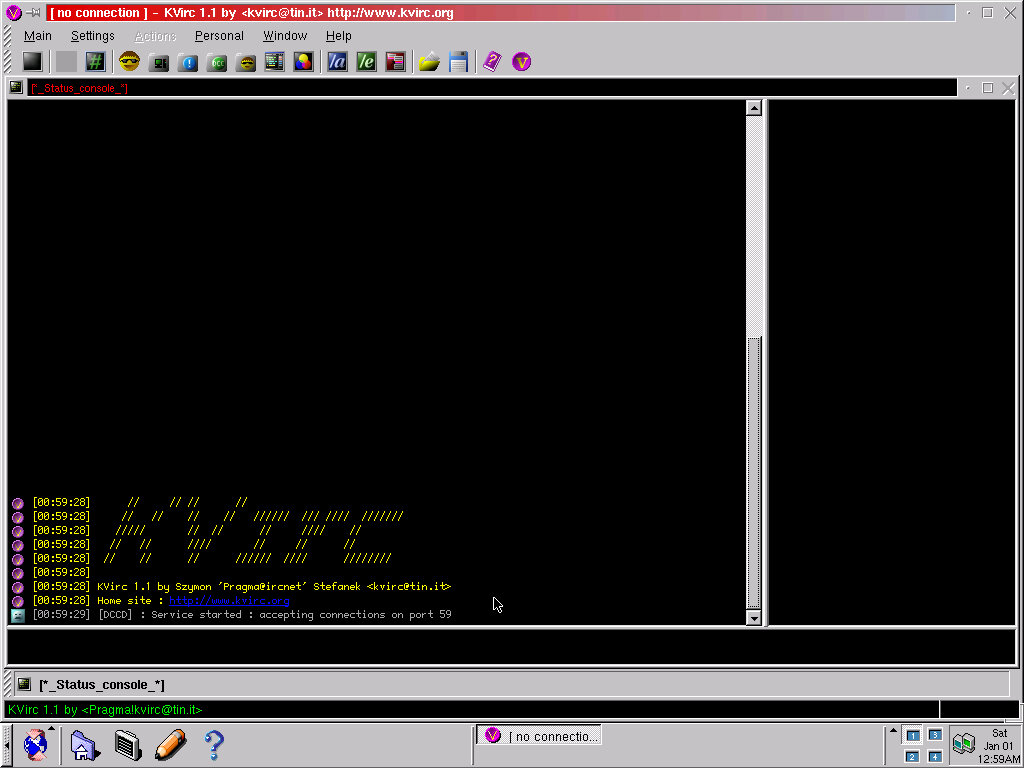
KVIRC (1.1): An IRC client that asks a lot of questions on startup, like where you want the config files to be saved, and if you want an icon placed on desktop.
KRN (0.6.0) : Newsgroup client
Samba Server Wizard: Sets up your computer to share files within a workgroup, and to share printers if needed, Samba is the protocol that Windows uses to share files within a local network.
System
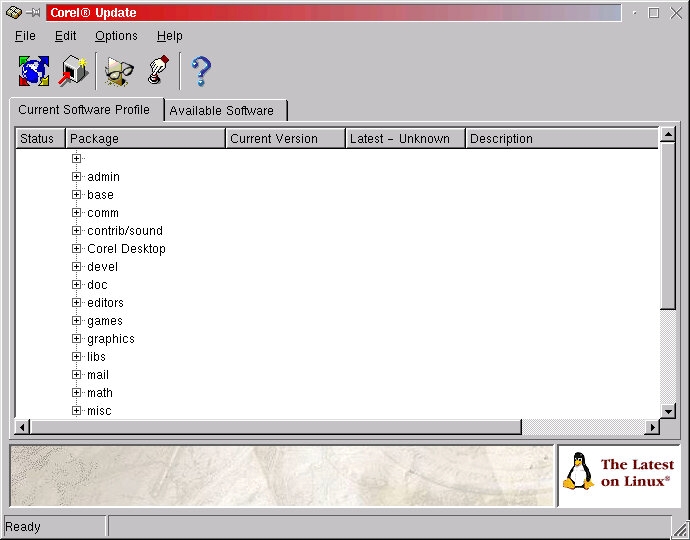
Corel Update: Searches for updated packages and new components to be installed. No longer functional since the update servers are now offline.
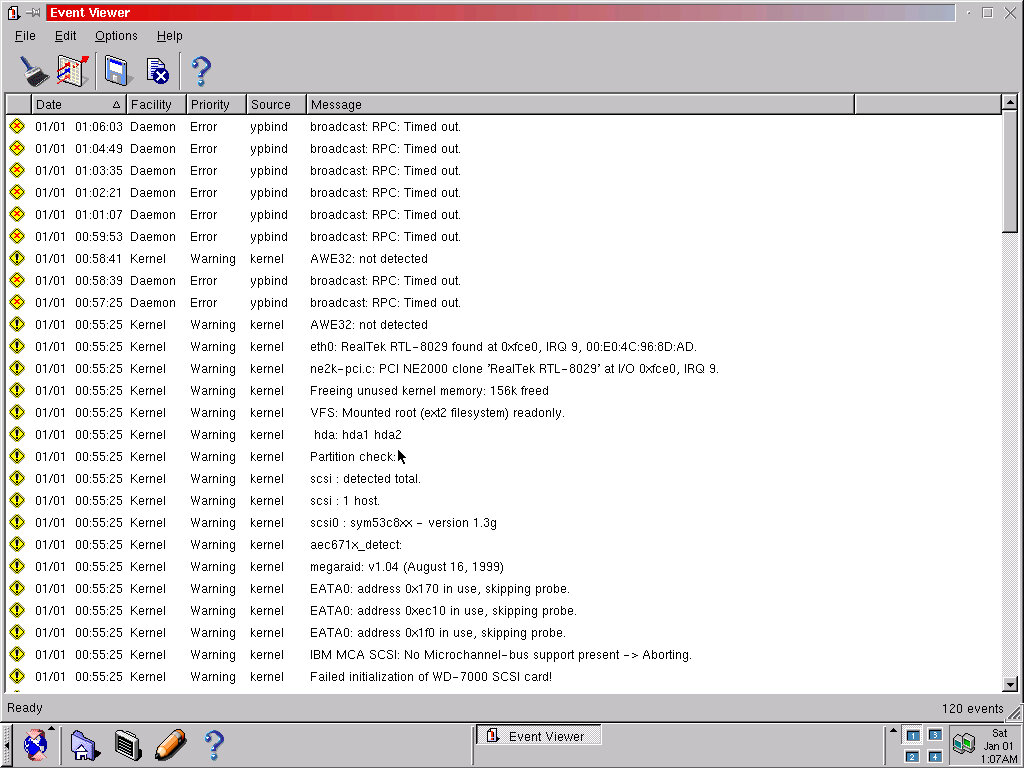
Event Viewer: Similar to the Windows event viewer, shows any issues or events logged with the system. Very useful for troubleshooting, here it found that the AWE32 soundcard was not being detected properly.
Font Manager: Shows X11 and KDE fonts currently installed on the system
MIME Editor: Change application file type defaults, i.e which program to open DOC files in
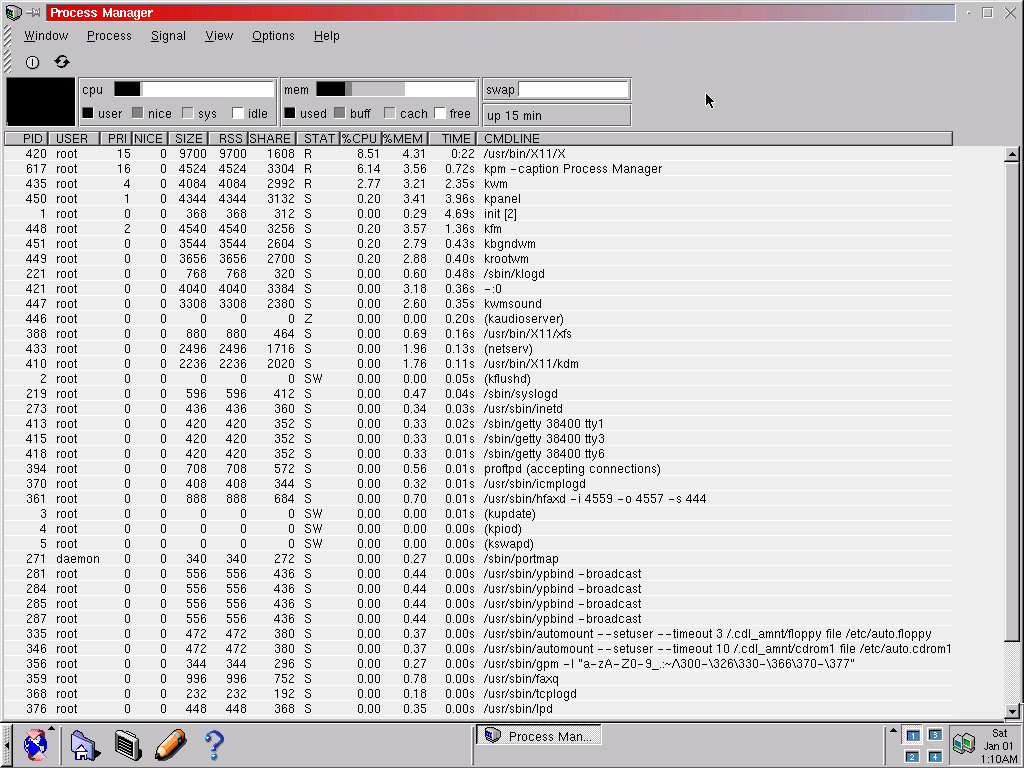
Process manager: Like the task manager, shows running processes and how much resources they are consuming
User manager: Add and manage user accounts, and any background users for specific processes.
Utilities
Archive Administrator (0.5): Create and open tgz files
Calculator (kCalc 1.2.7): Functions as a regular or a scientific calculator, looks very similar to the one found in versions of Microsoft Windows
Console: Enter bash terminal commands here
Format Floppy (kFloppy 1.1.2) : Formats a floppy disk, supports both 3.5 and 5.25 inch drives
Hex Editor: View hex value for certain files
Note (knote): Similar to sticky notes, you can add different post it notes to the desktop
Text Editor (kwrite 0.98): Text editor, like Windows notepad
Online Services
Corel also bundled a few links and utilities to online services, these were typically links to products Corel had developed or had sponsored.
Other Applications
Netscape Navigator (4.7): The default web browser for the system.
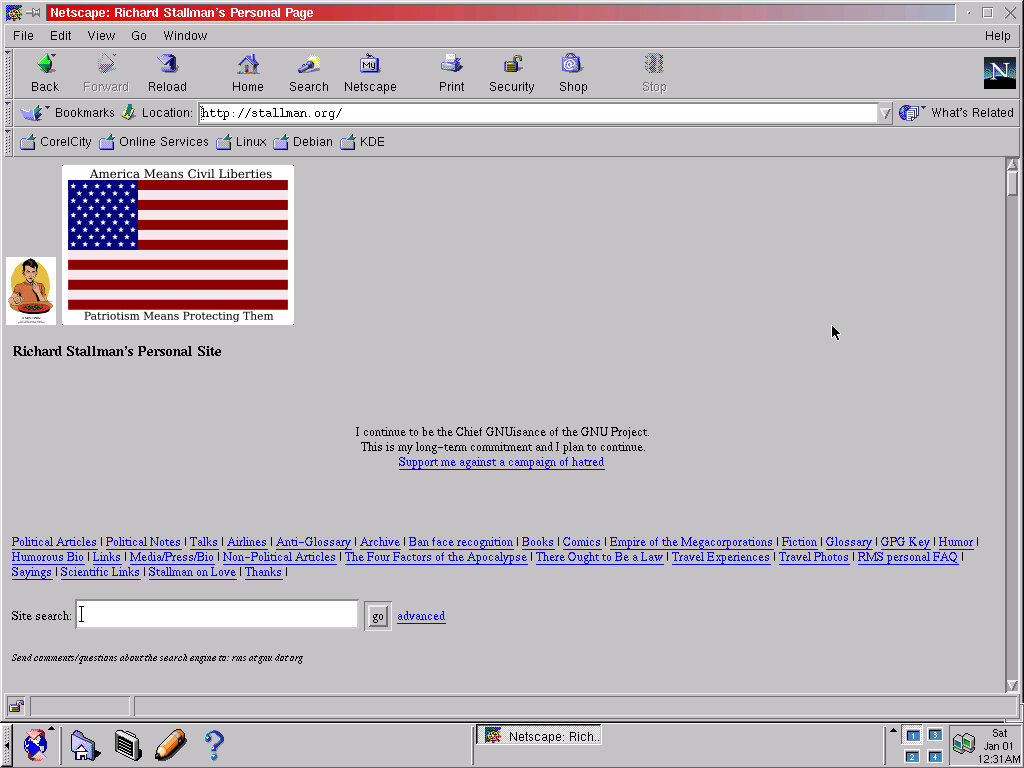
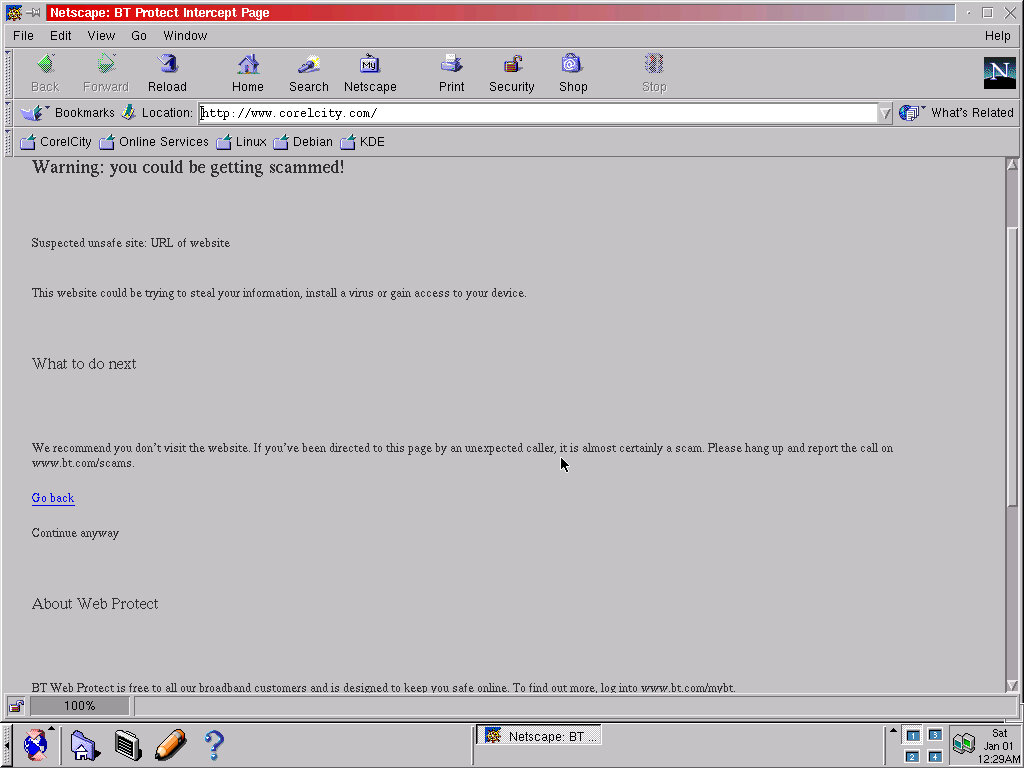
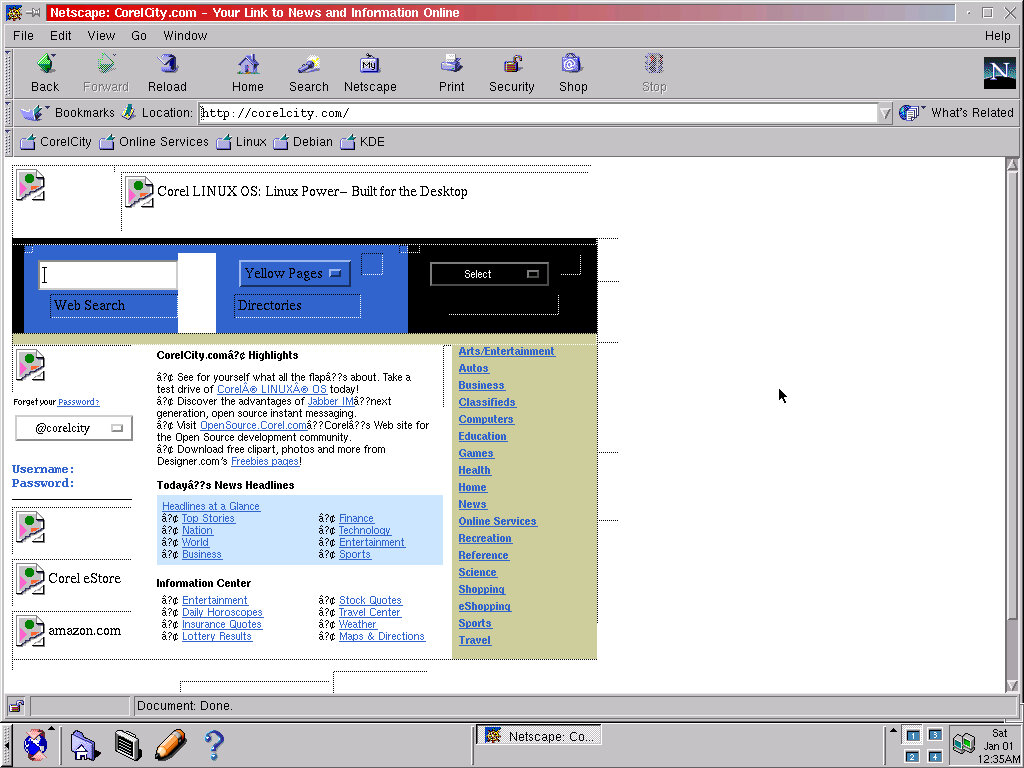
Most of the built-in links have expired and do not return any proper webpages, some even throw up a phishing warning by my ISP (CorelCity).
Still, I was able to load Richard Stallman’s own website, although the archive version works better
Acrobat Reader: I’m surprised that this was here, I didn’t think Adobe developed Acrobat for Linux, unless this is a Wine port. Sadly it refused to work, with only an error message appearing.
Control Center
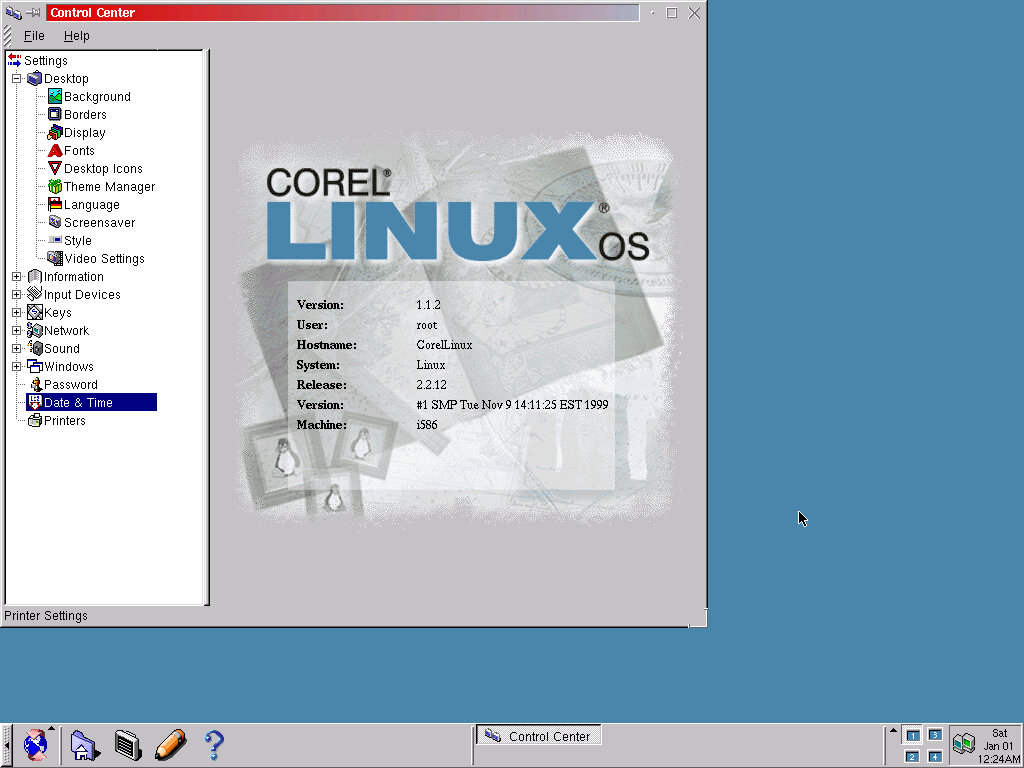
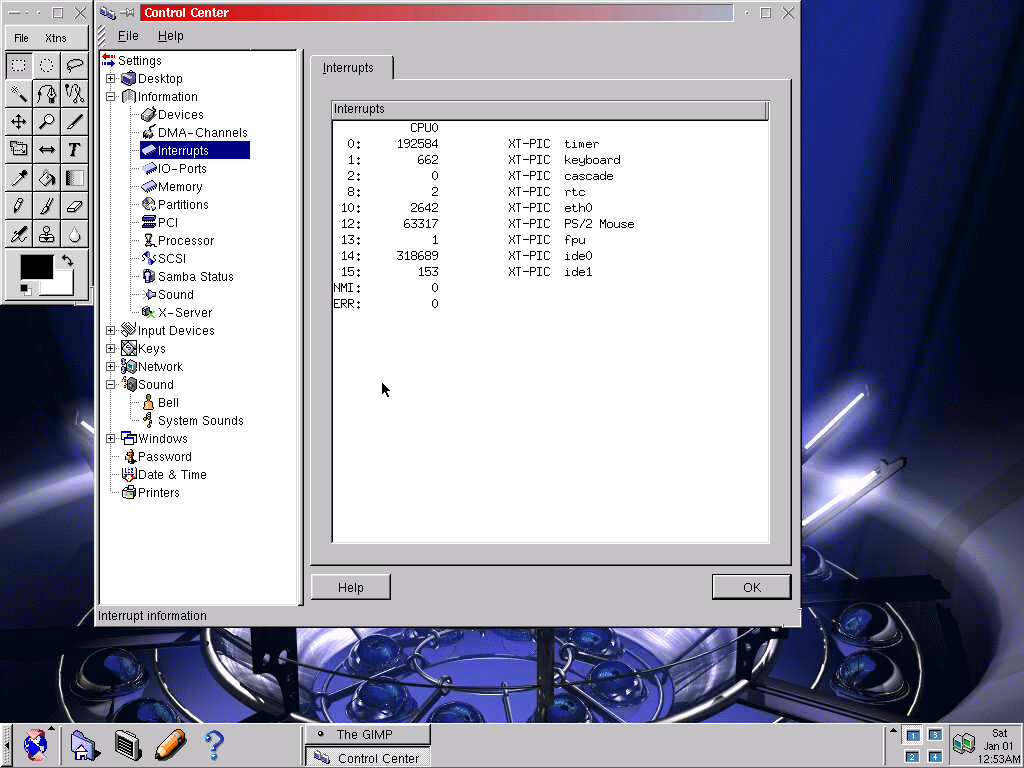
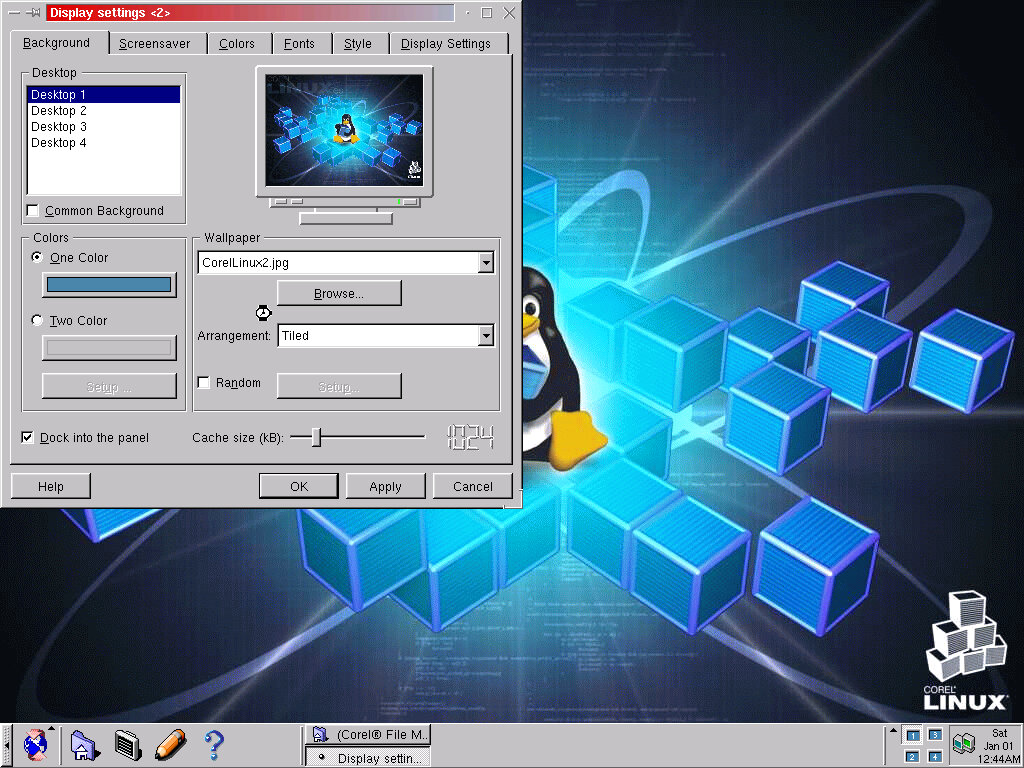
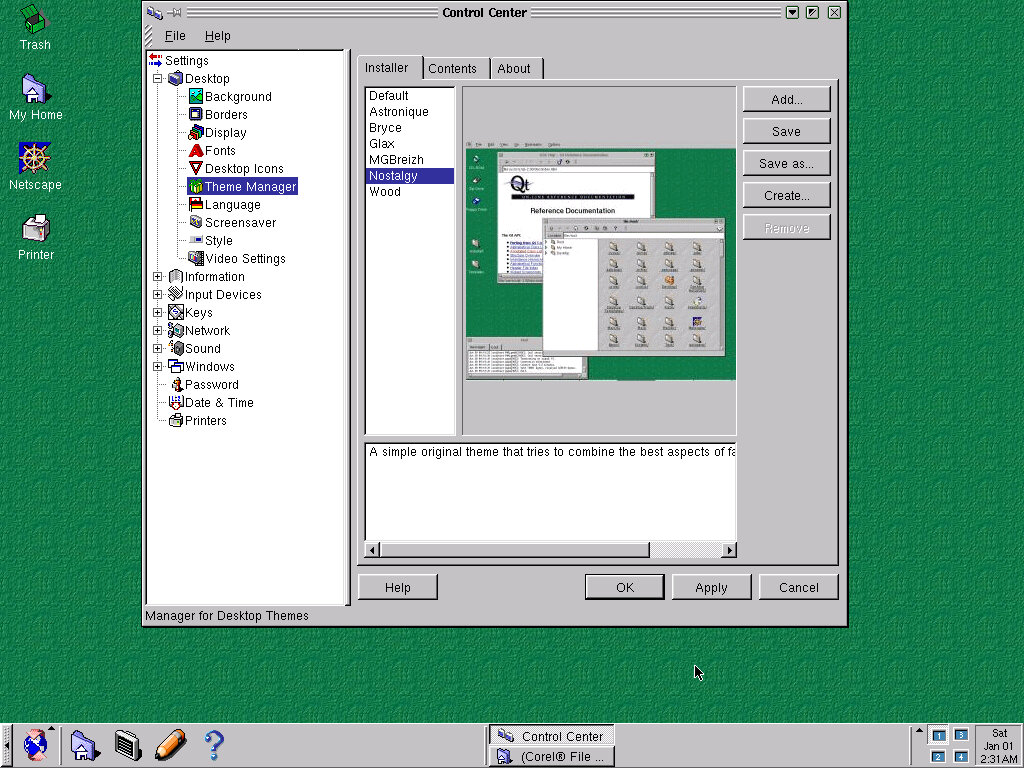
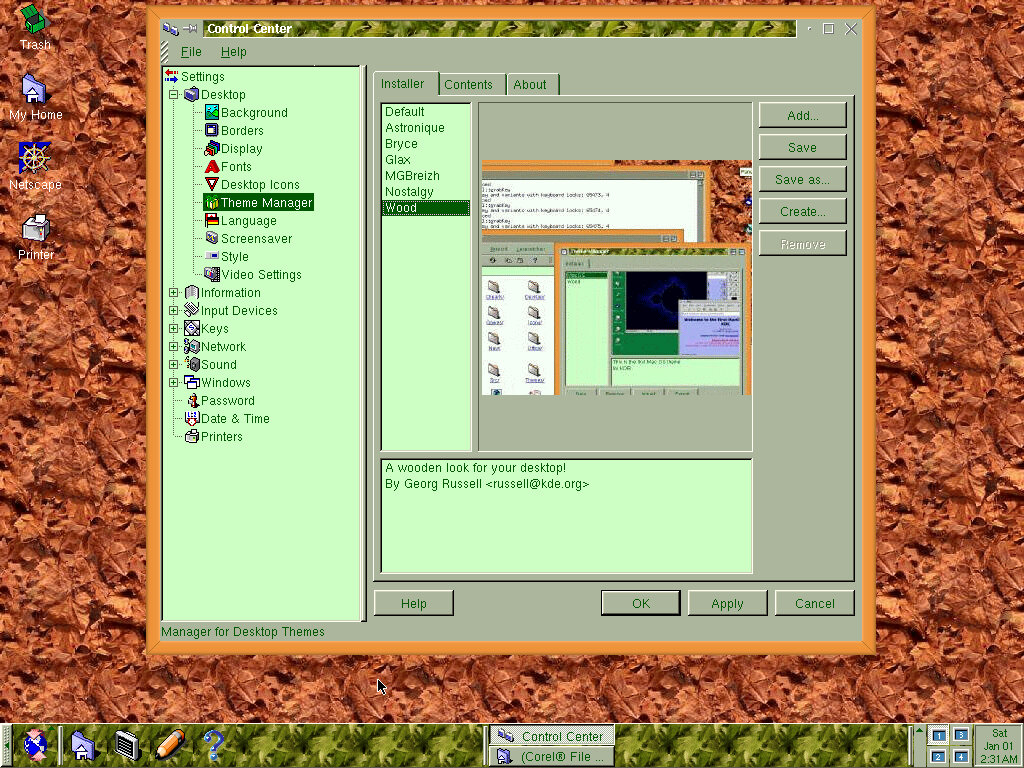
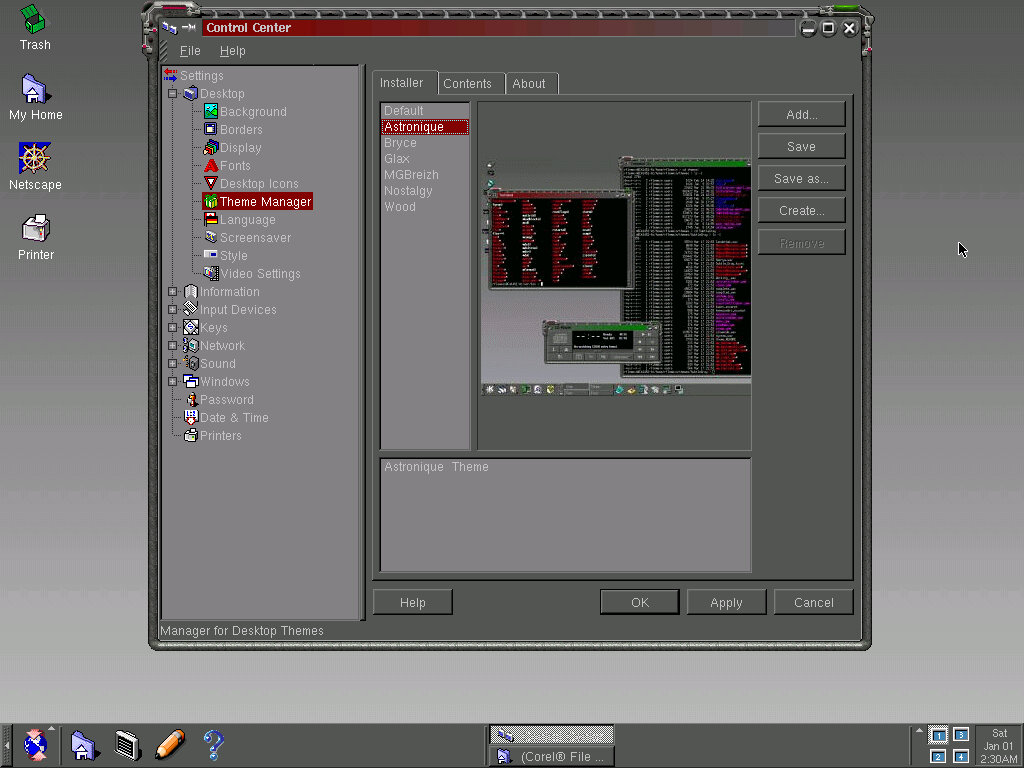
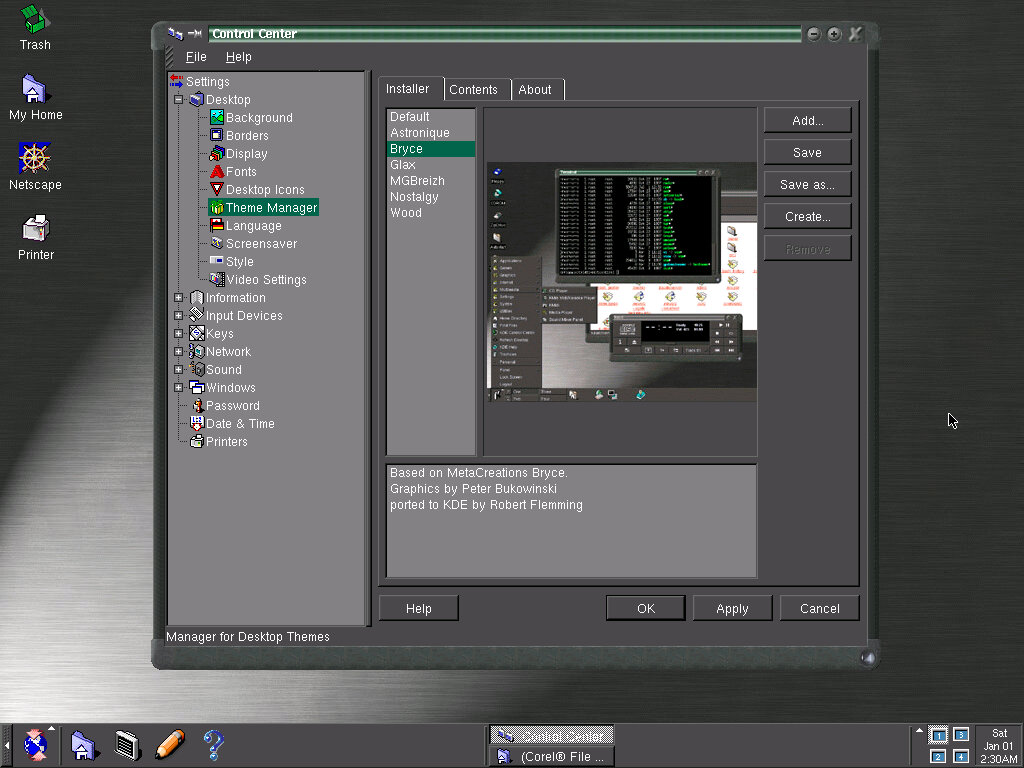
Various elements of the Corel Linux operating system can be configured here, and details of the system will be shown here. In essence, it’s the systems Control Panel.
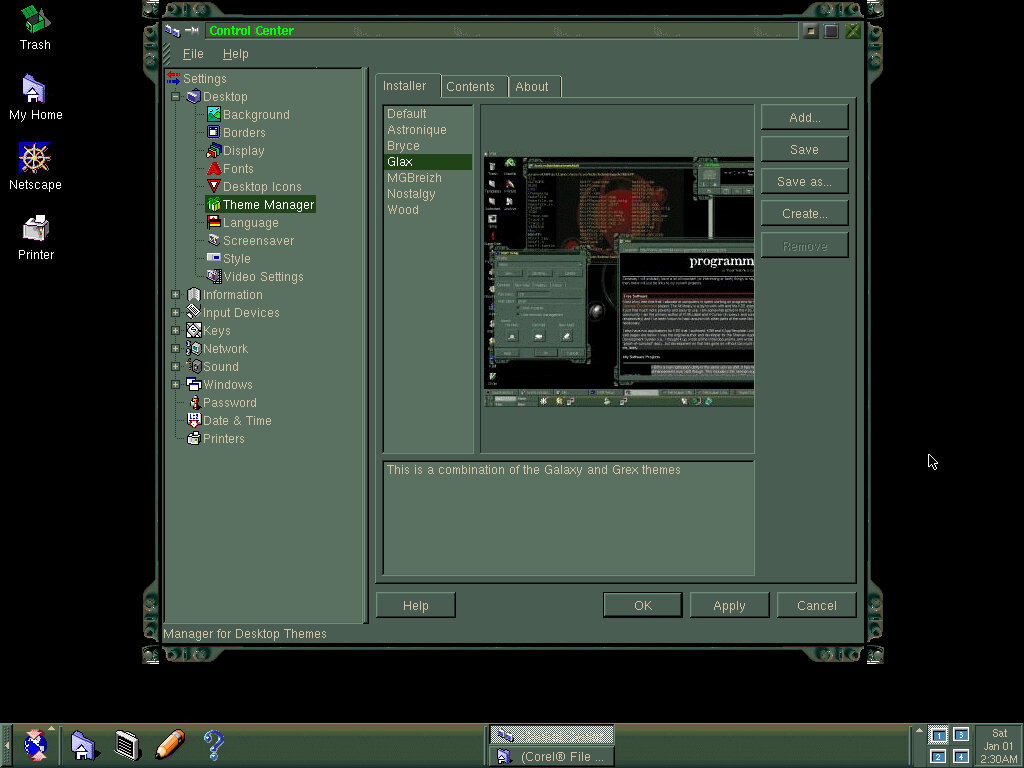
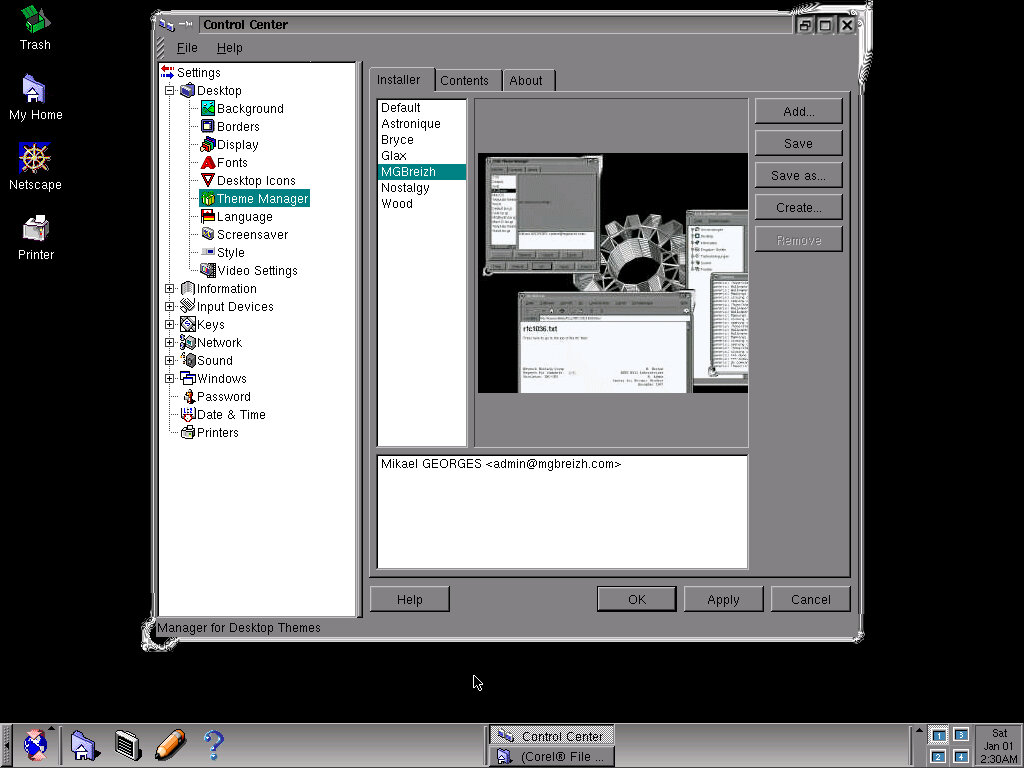
There’s a variety of themes to choose from they add style to the windows, taskbar and background image. You can also stick with the default theme, and just use a different preset colour scheme, or you can modify the individual colours themselves. There are also system sounds, but I could not get the soundcard to function in this operating system.
Sample Themes
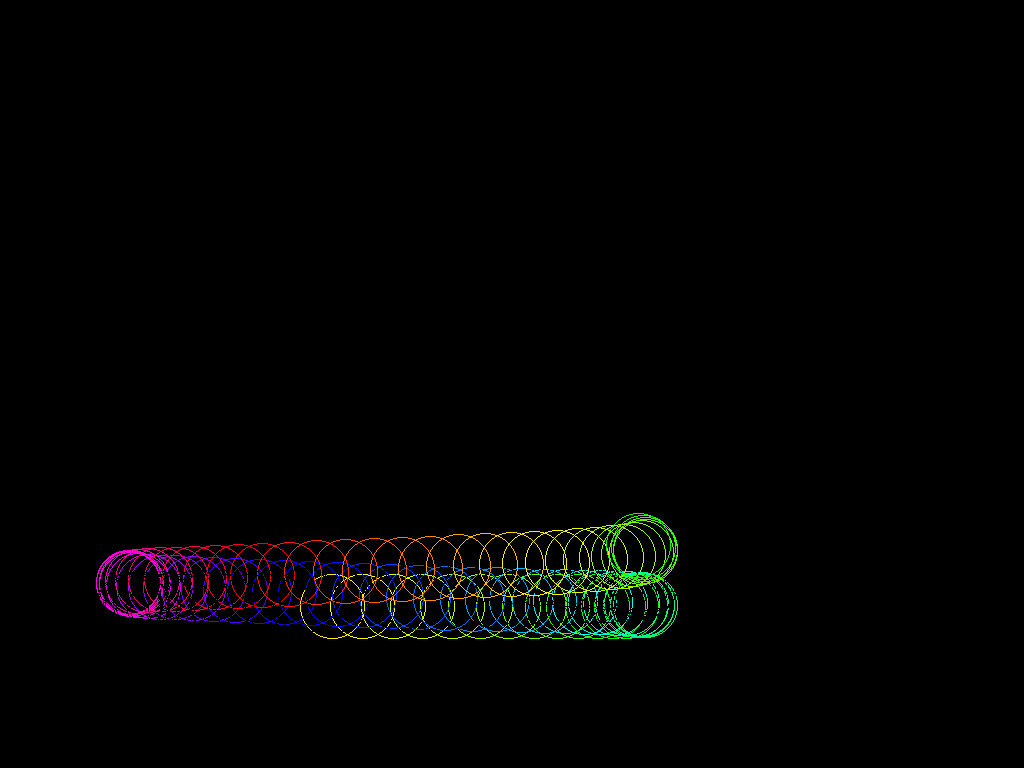
Screensavers are also offered here and there is a good selection compared to a typical Windows install.
Window minimizing effect
86Box Configuration
86Box Version 3.3
Motherboard: Intel Advanced/ZP
CPU: IDT WinChip 2 – 240Mhz
128MB RAM
Video: S3 Vision968 (SPEA Mercury P64V) 4MB VRAM
Sound: None (Tried Ensoniq AudioPCI ES1371 and SoundBlaster AWE32)
Forth major milestone for the pre-reset development phase of Windows Vista
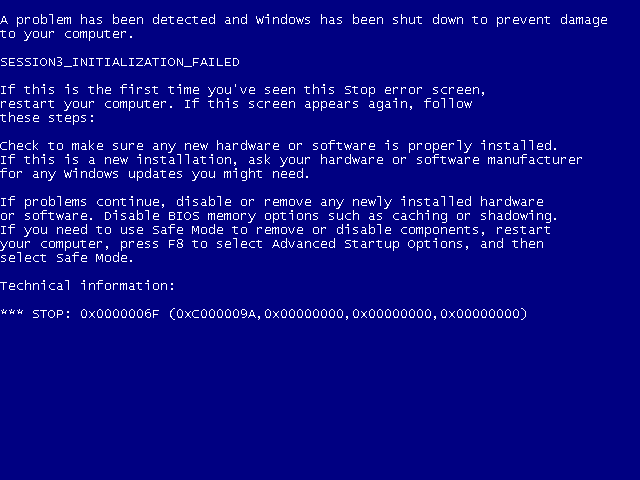
SESSION3_INITIALIZATION_FAILED
Well this was another great start, To fix this had to create a new VM, but using the workstation 14 configuration. It seems the newer VMware configurations break compatibility.
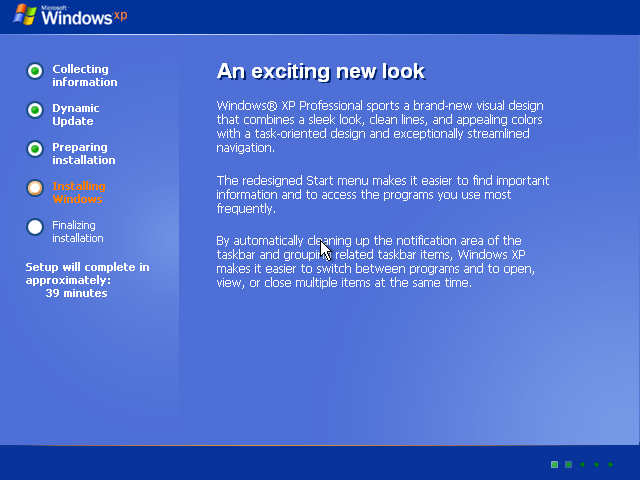
The second stage install process which looks the same as Windows XP
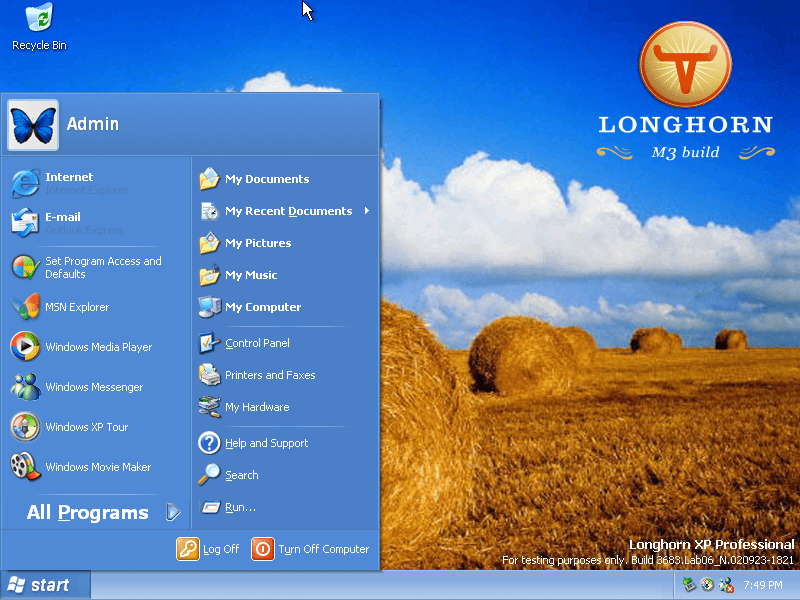
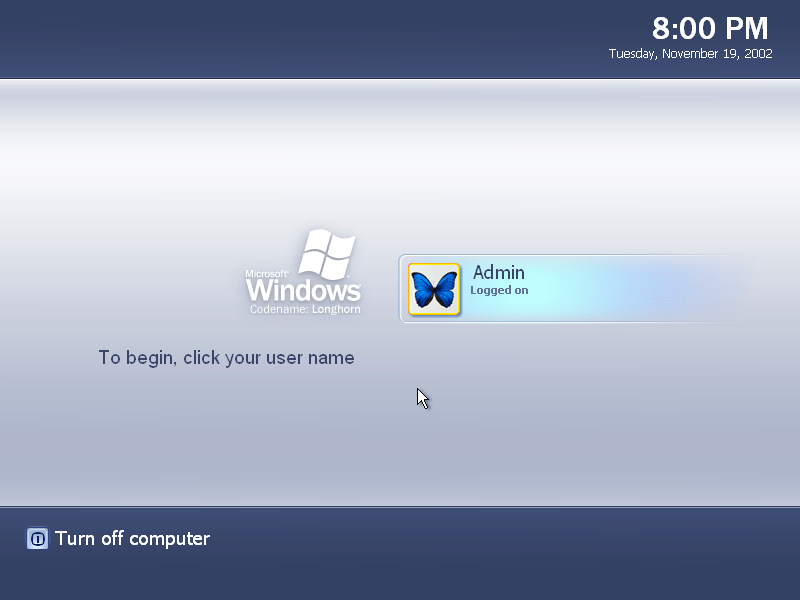
The logon screen, similar design to XP but with a new colour scheme. It shows the date and time along with any user accounts, similar to how Windows 8 and onwards show it on their lock screen. If there is only one user account without a password, the system will automatically logon to that user.
The desktop after a fresh install, still resembles Windows XP
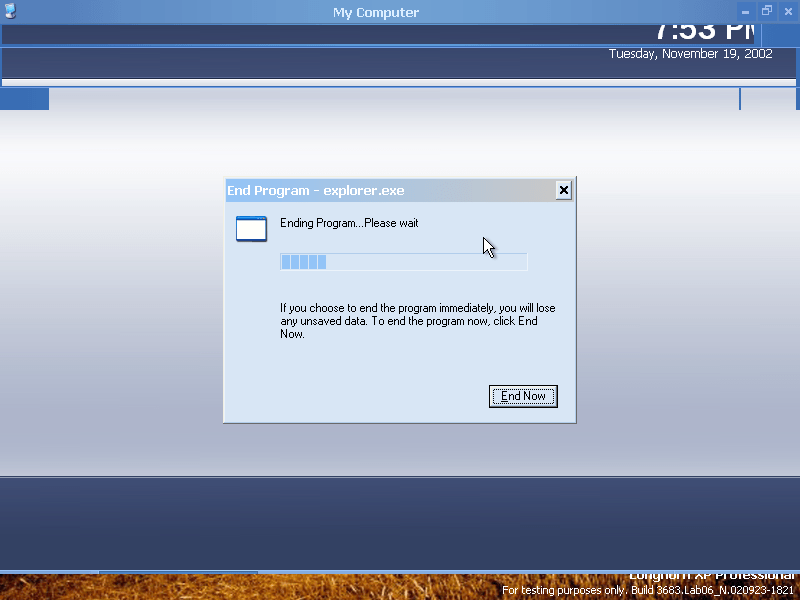
Didn’t take Windows Explorer long to crash, the later pre-reset Longhorn builds were not known for their stability.
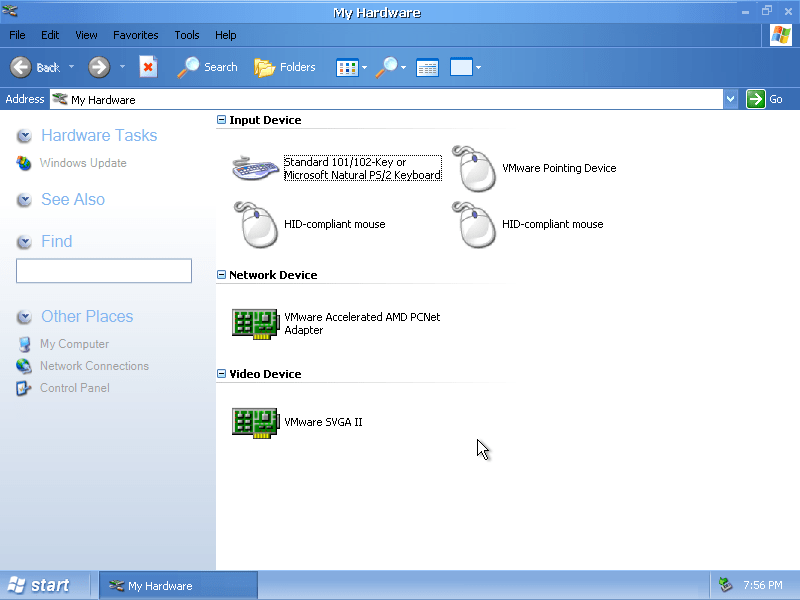
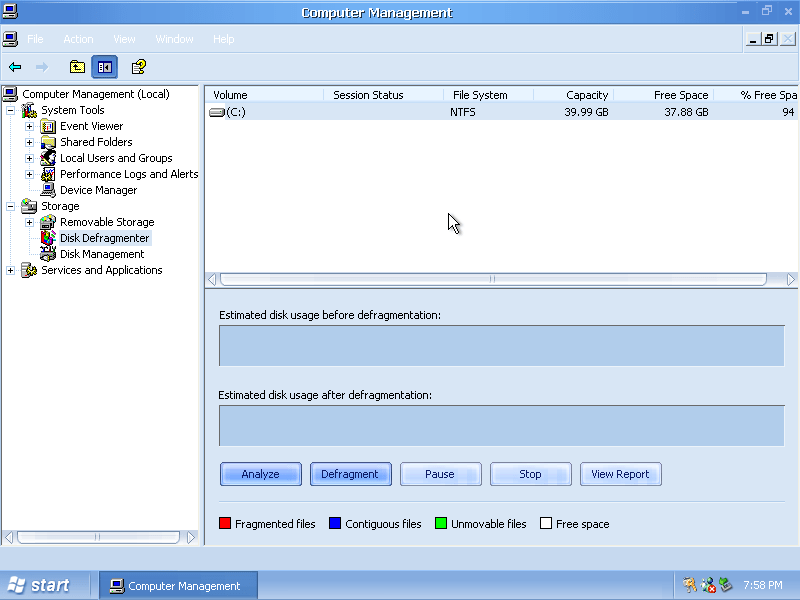
The My Hardware section, a more user friendly version of the Device Manager. This would later evolve into the Devices & Printers in later Windows versions.
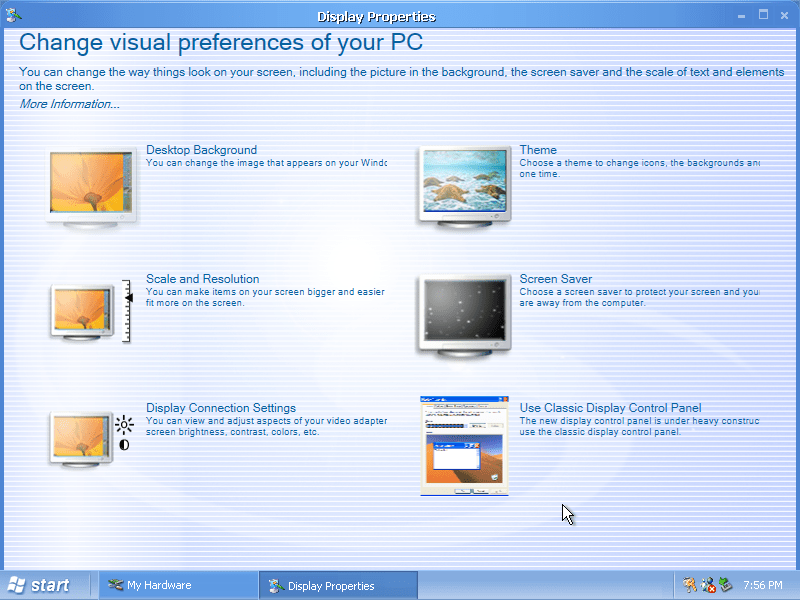
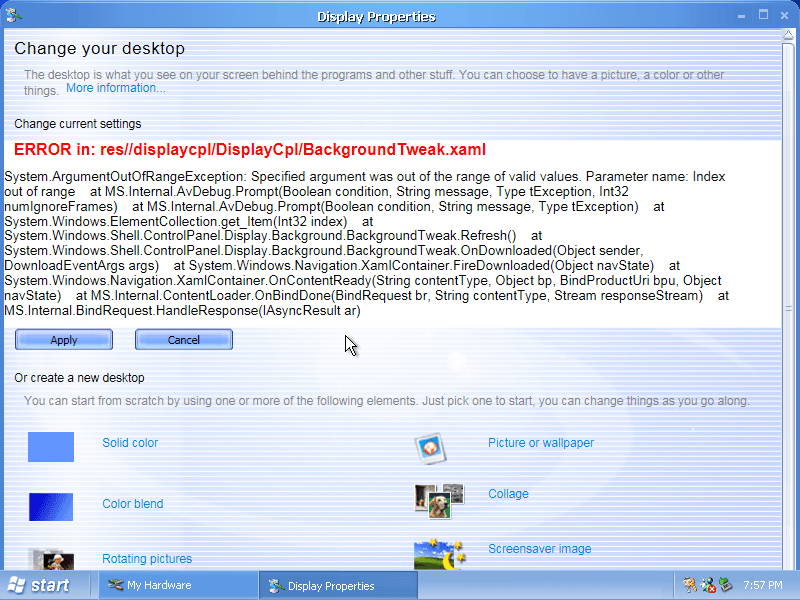
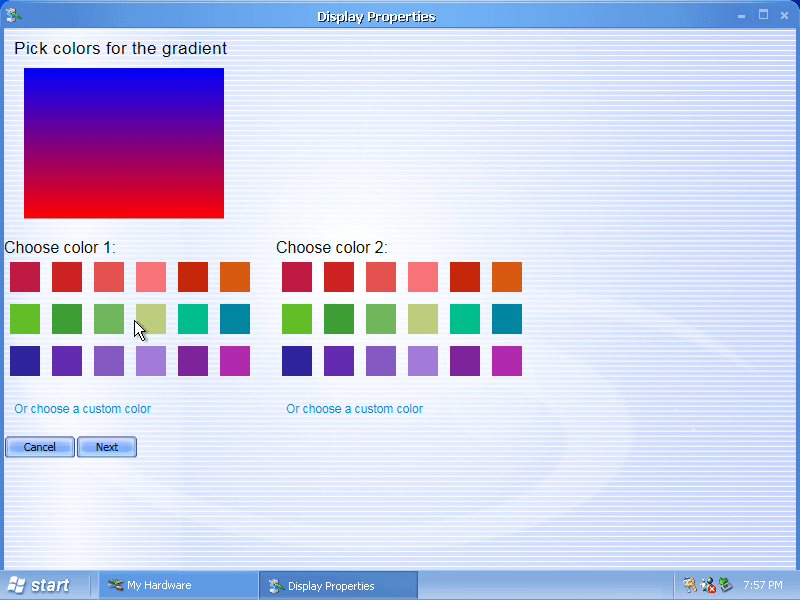
The display properties has been overhauled and contains more user friendly options. In my opinion its too dumbed down since it takes longer to find the settings that you want to change. If you were used to navigating the old Display Properties (Which can still be accessed) then its a backwards step.
Its not 100% complete however and there are a few missing sections that have yet to be fully implemented.
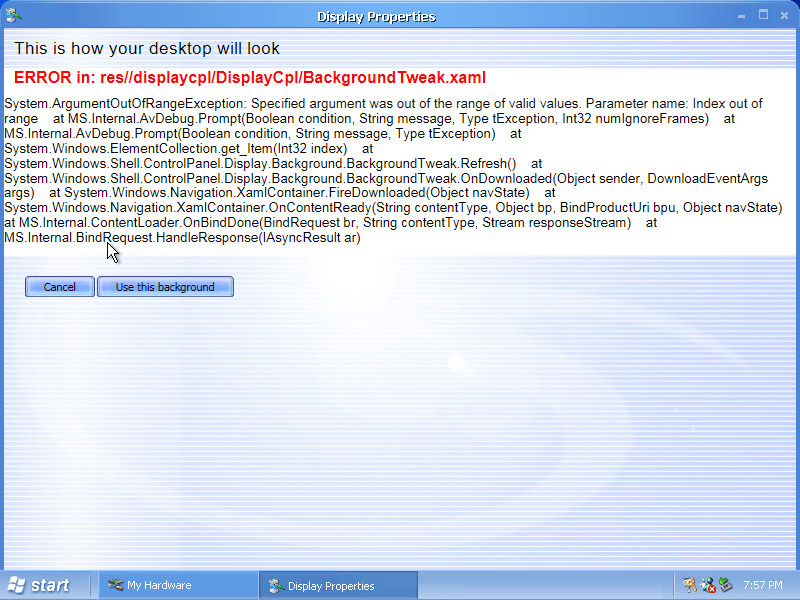
Not a very good desktop look..
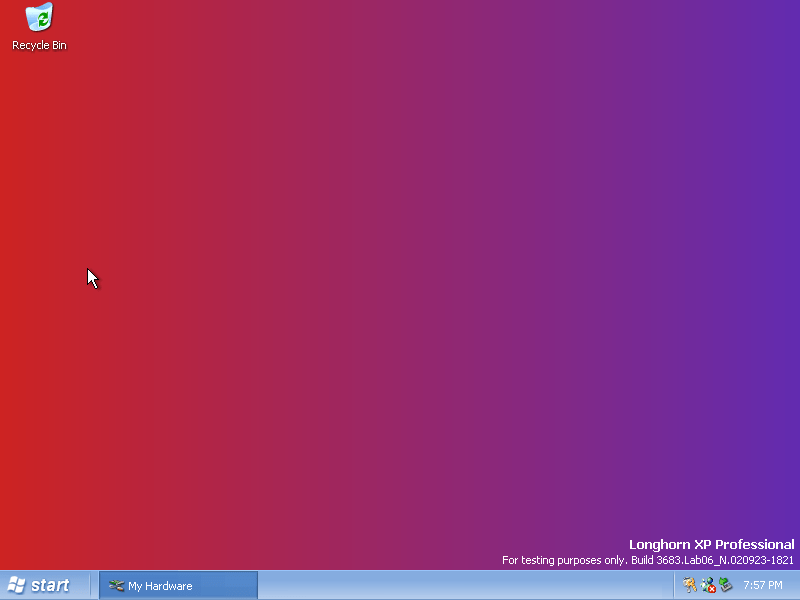
This is a lot more better, setting a gradient colour background. This was never carried forward in the final builds, closest was setting a solid colour.
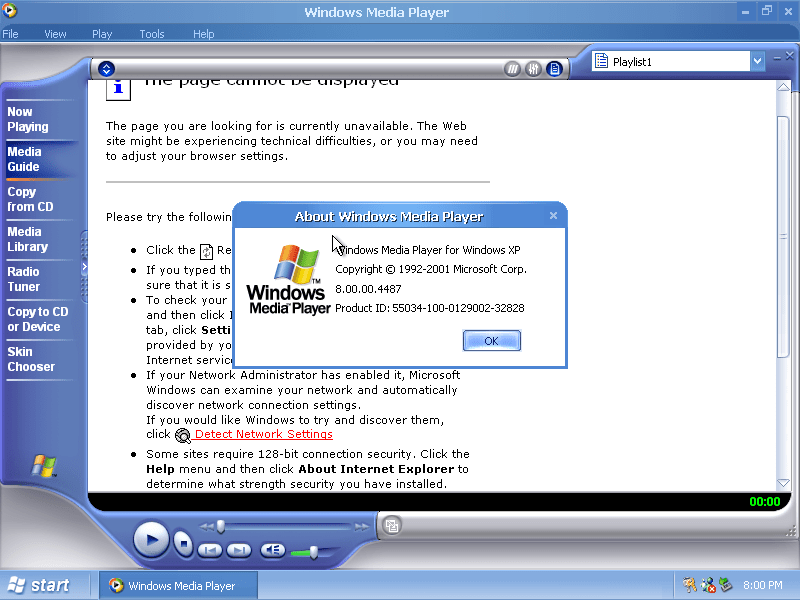
Windows Media Player 8 ships with the operating system
Logon screen with a user account displayed, again very similar to XP but with a different colour scheme.
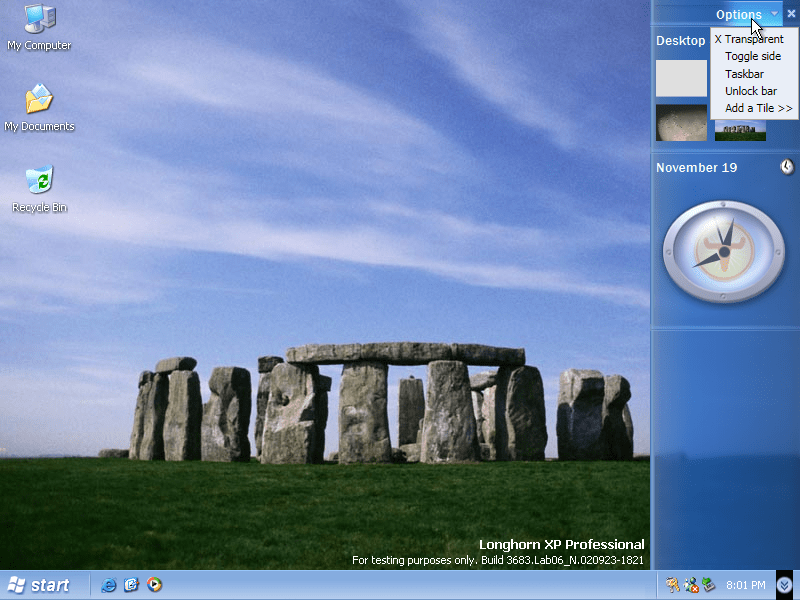
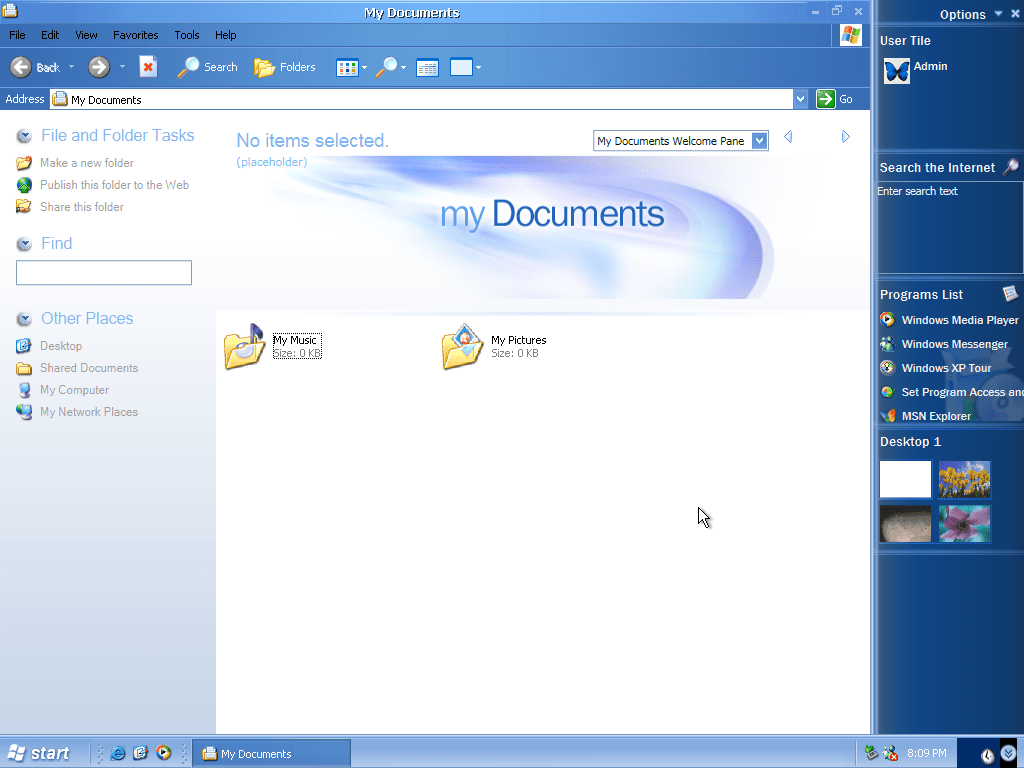
Desktop with the sidebar enabled, these were an early form of Windows gadgets
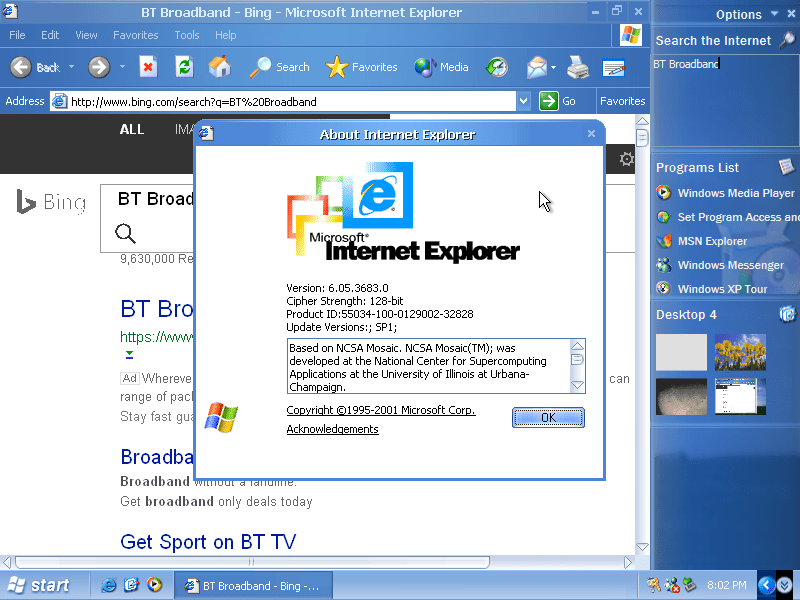
Internet Explorer 6.05 which comes with an alter toolbar background.
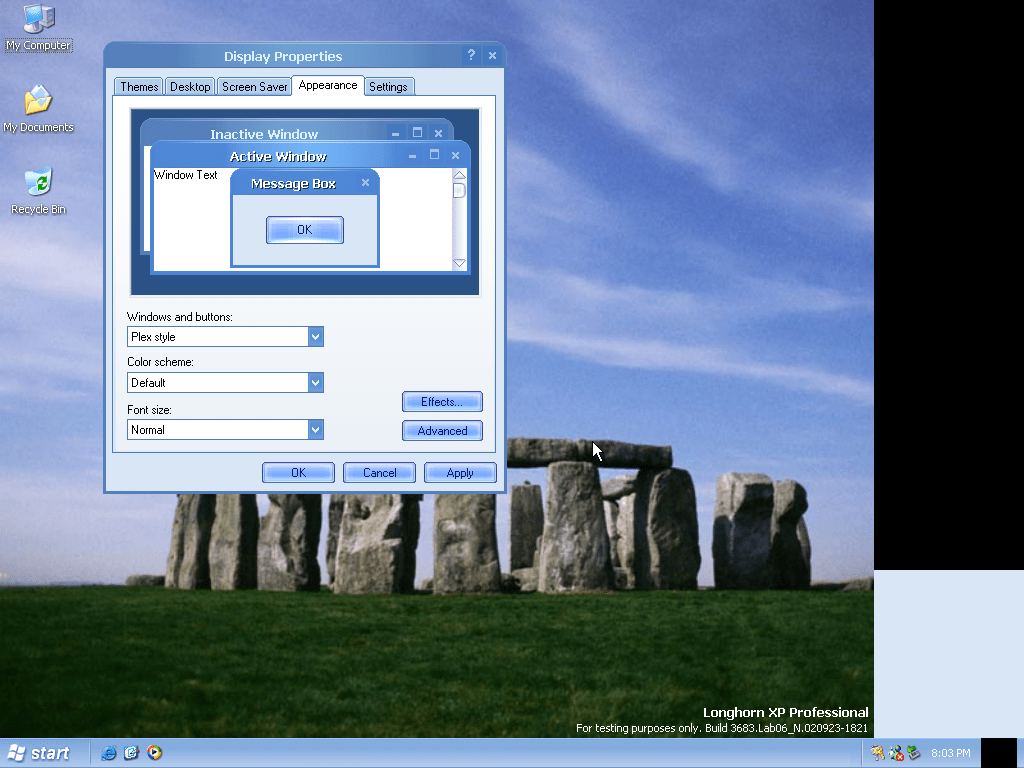
Plex style theme, one of the shipped visual styles that come with this build. The older Luna styles are also included, along with the Windows Classic scheme.
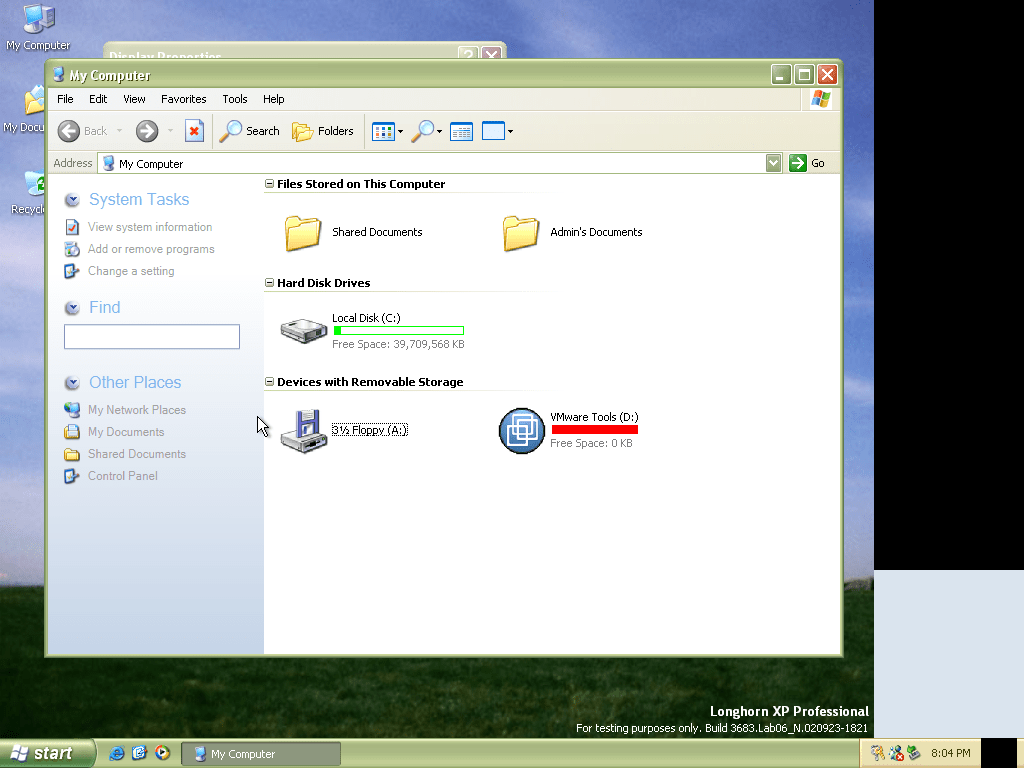
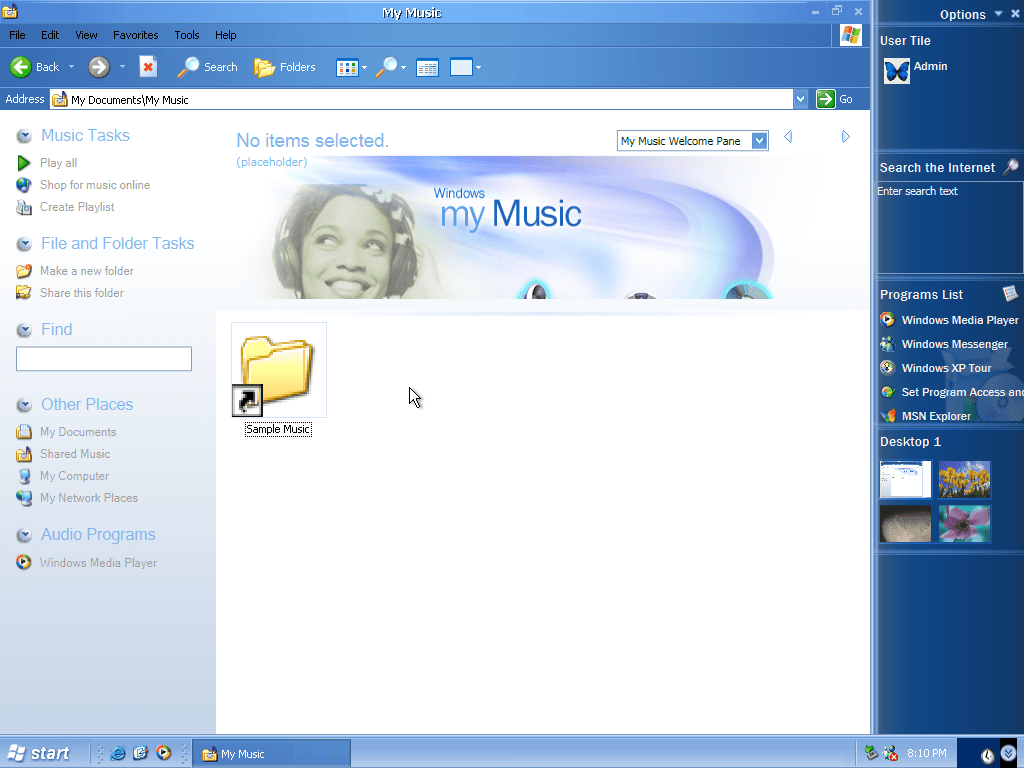
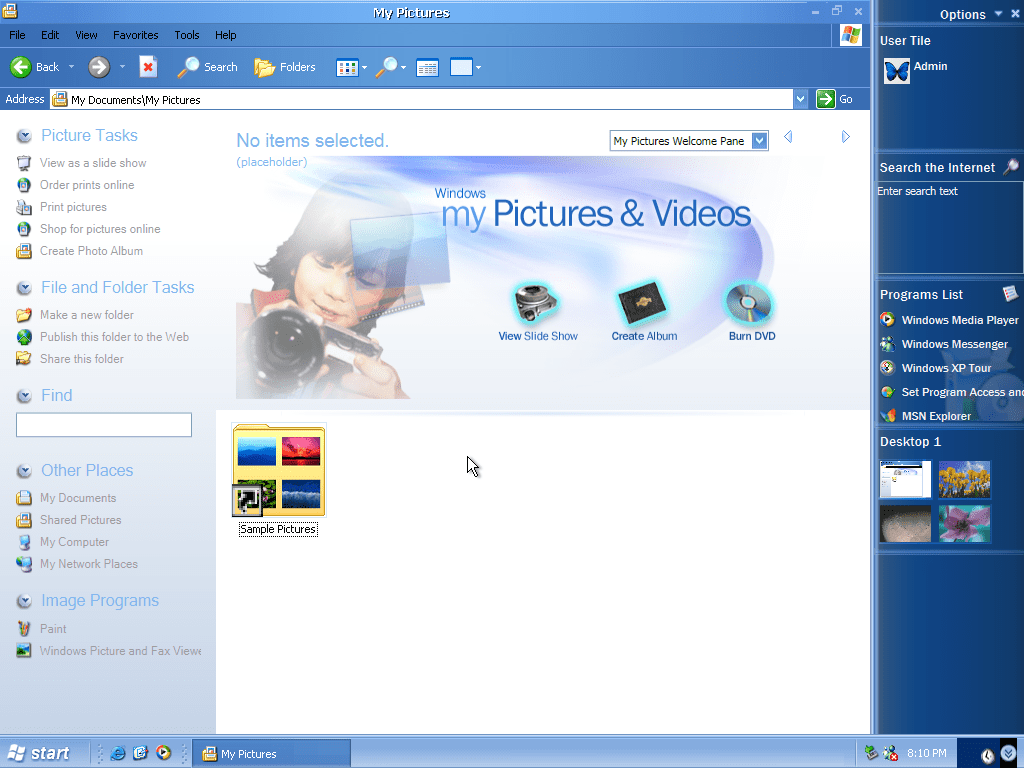
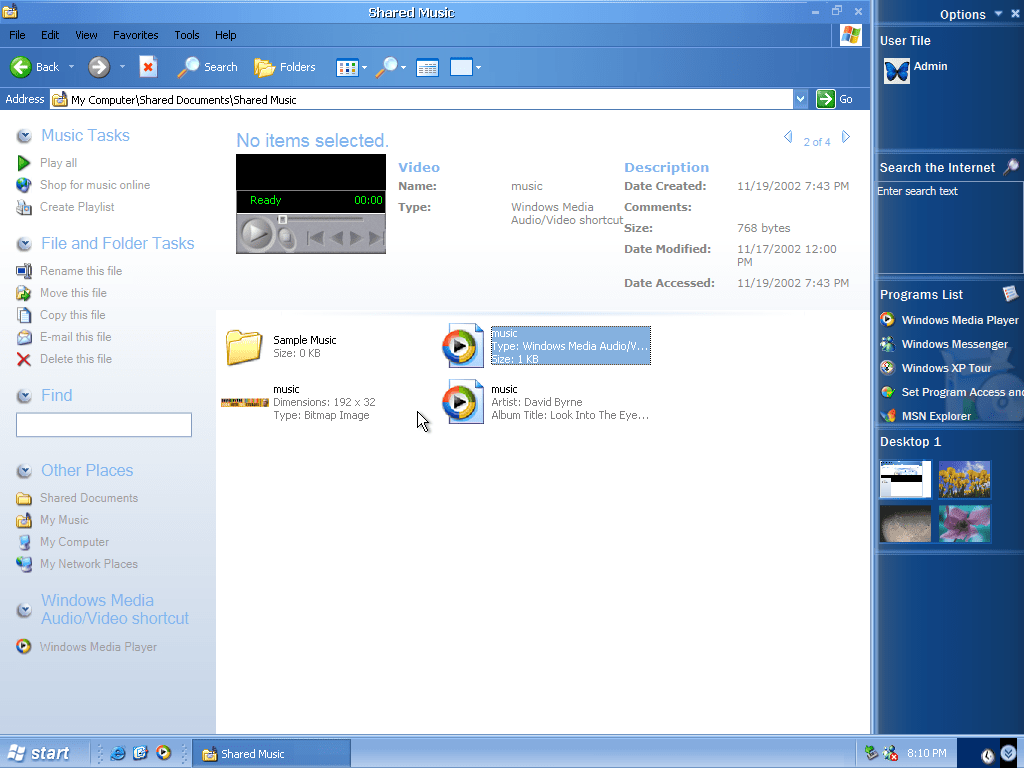
Lastly the Windows Explorer panes have been updated and reflect the type of content in those folders. The photos/picture folder will give you options for creating an album, viewing a slideshow and burning photos to a DVD. Back in the days when cloud storage wasn’t a thing. The music folder will give link to playing or ripping a CD, or where to purchase music online (Might as well give a link to Napster)
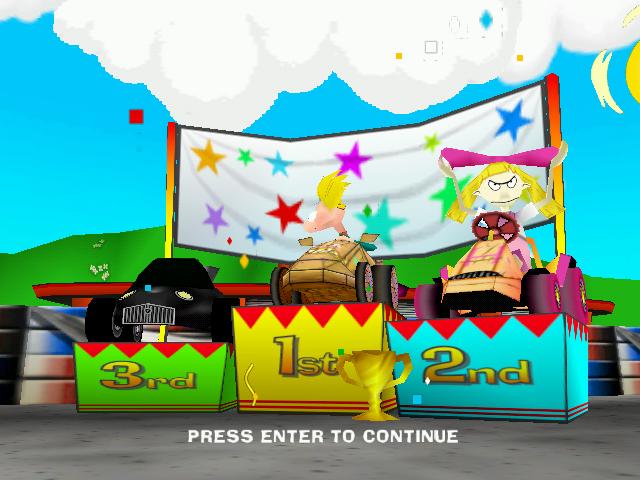
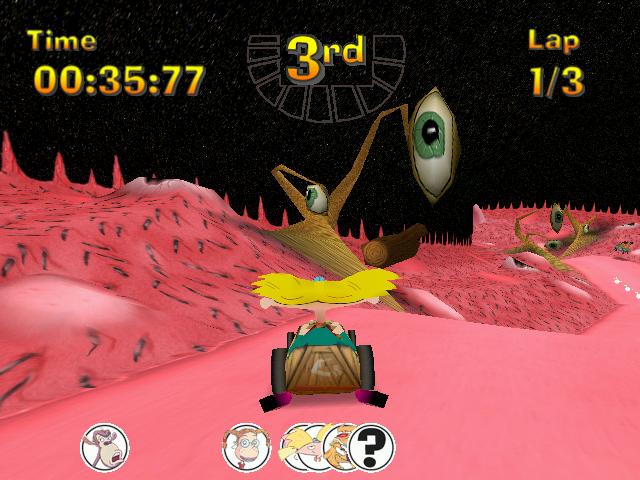
Cart base racing game featuring popular Nicktoons of the time, complete with powerups
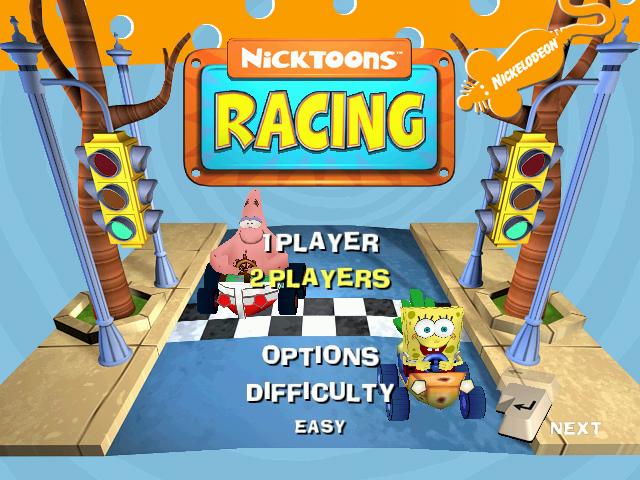
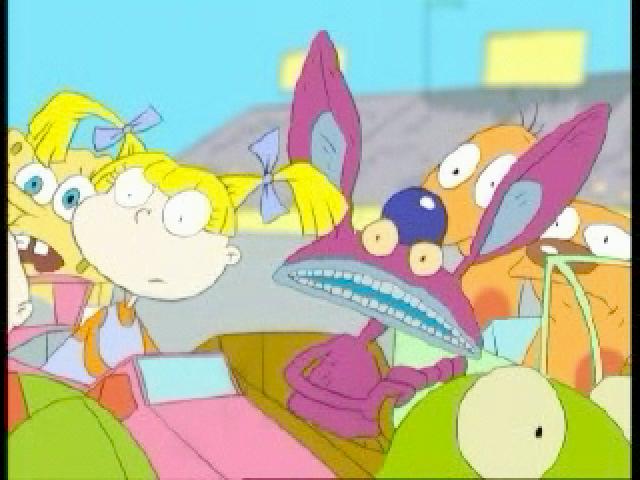
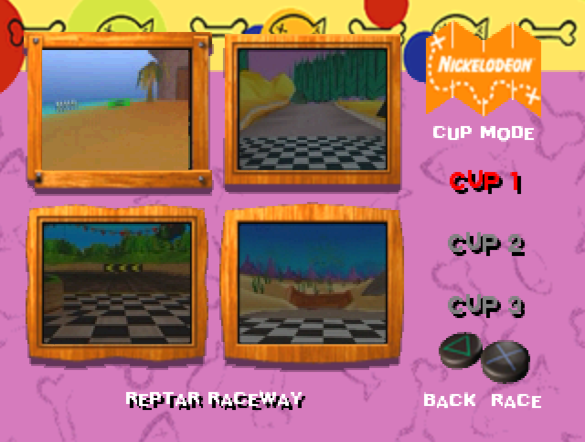
The opening FMV, and a look at the games menu and track selection screen
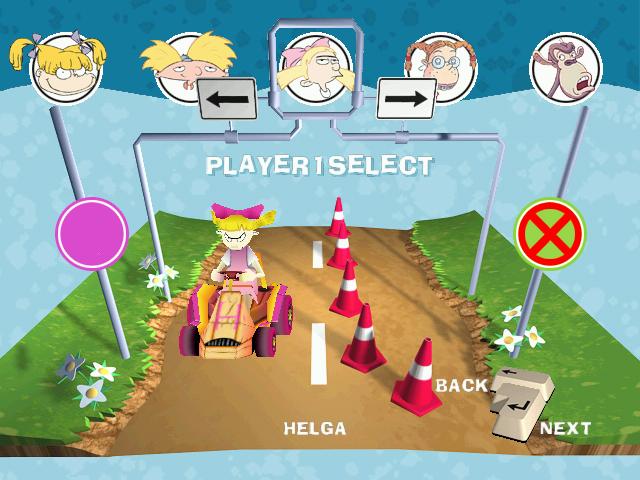
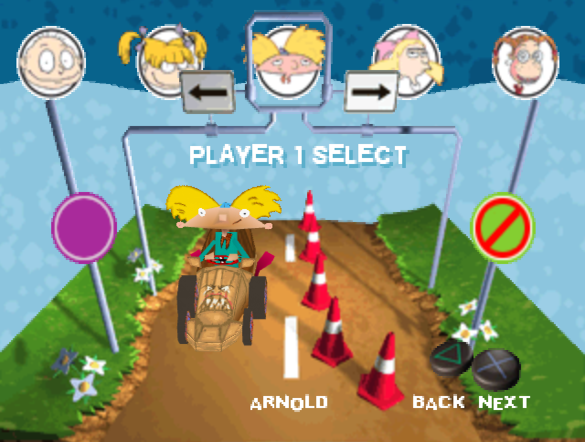
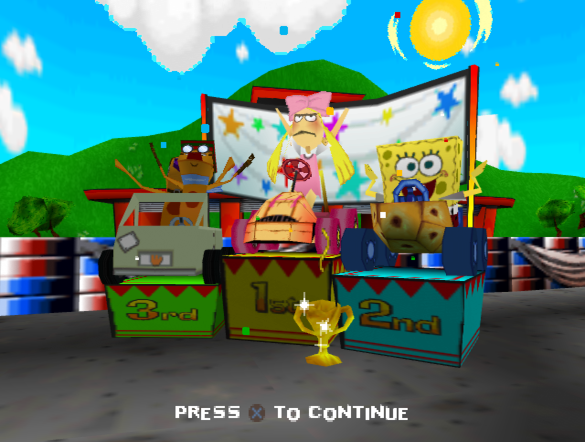
The character selection screen, You can choose from:
Rugrats: Tommy & Angelica
Hey Arnold: Arnold & Helga
Wild Thornberry’s: Eliza and Darwin
Spongebob Squarepants: Sprongebob and Patrick
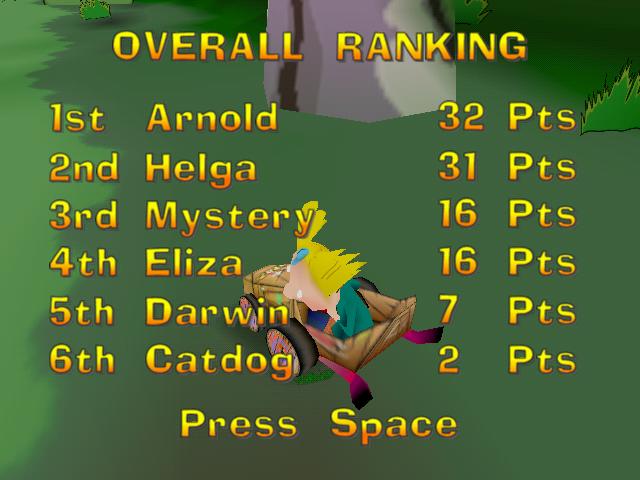
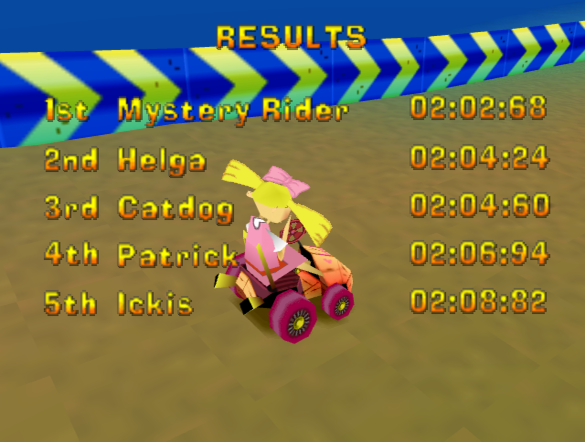
Other playable characters include Ickis from Ahhh Real Monsters, Ren from Ren & Stimpy, Catdog The Angry Beavers, and a Mystery Rider that is unlocked by beating the game.
Tracks
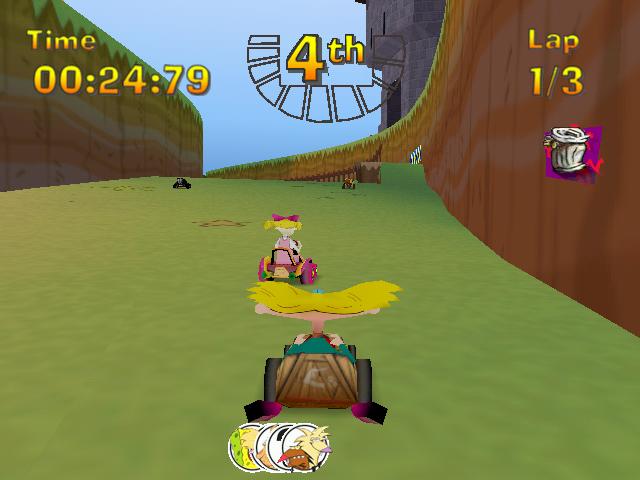
Many tracks are based upon each Nicktoon show and follow the respective art style of that show.
Many of the tracks have shortcuts, which the NPC drivers will use more on a higher difficulty level. There are also many pickups and speed boost pads spread across the track. Some tracks will branch and split into two different section which can vary in speed and difficulty, one path might be shorted but with less pickups, or might have a few tricky bends which have to be navigated.
I’m disappointed they didn’t expand on the Rugrats themed tracks, considering they already released Rugrats games previously, why not have tracks that were based off Search for Reptar? like Toy Palace, or the Mini Golf levels.
Windows
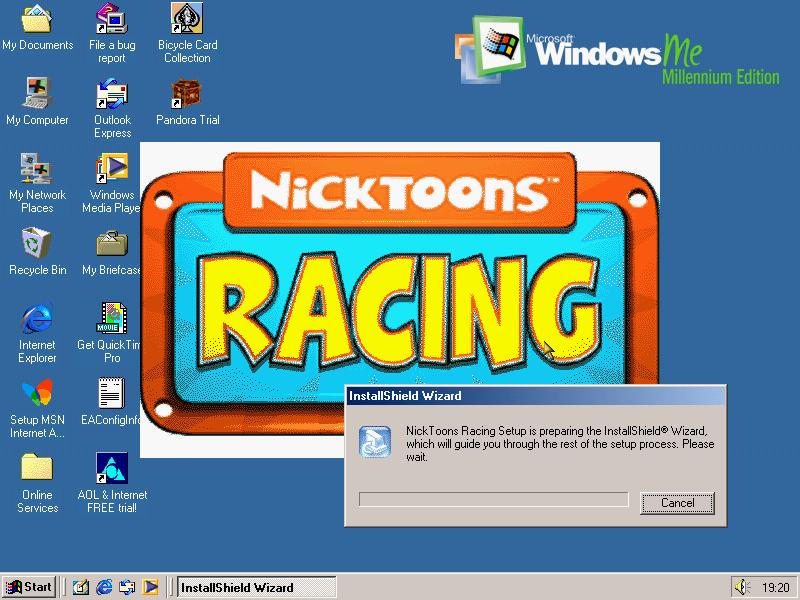
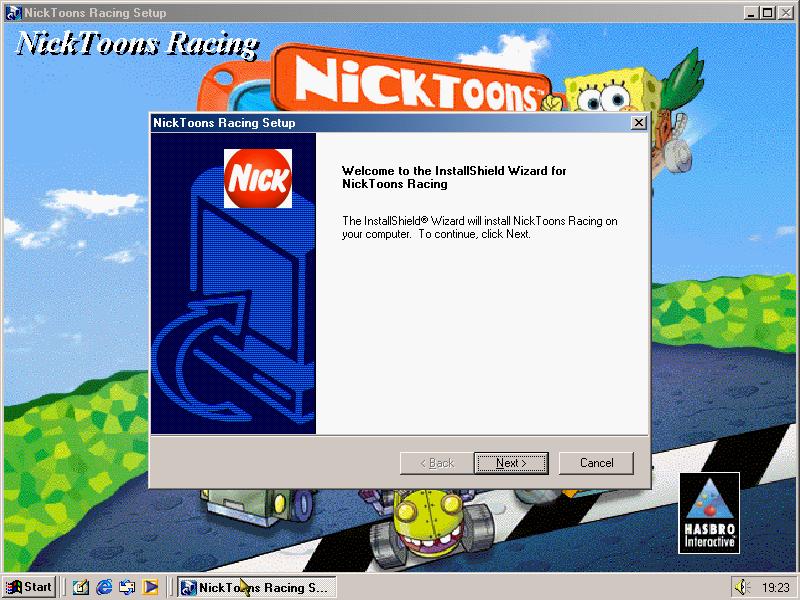
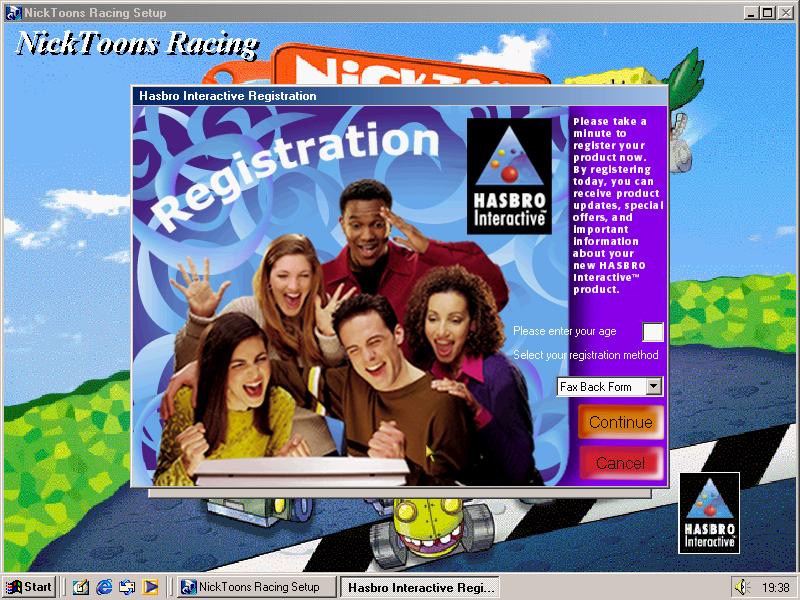
Game can be installed to the hard drive and offers a minimal or a full install, with the full install including the opening FMV and music. At the end the user is given a choice to register their copy of the game.
The PC version benefits from a higher framerate, resolution and texture quality compared to the PlayStation version.
PlayStation
The game was ported to the PlayStation in 2001 and is a straight port of the PC version, with lower resolution graphics. However this version has issues when the CD drive is played at a higher speed and can lead to the opening FMV video skipping, which can also happen with the music. When being played on Duckstation, it is recommended to use the default CD drive speeds (2X/ 300K)
The PlayStation was the only console the game was released on, and did not see a release on any sixth generation console, despite the game being released from 2000-2003
Arcade
An arcade version was released in 2003 and was an adaption of the PC version and was distributed by Chicago Gaming Company
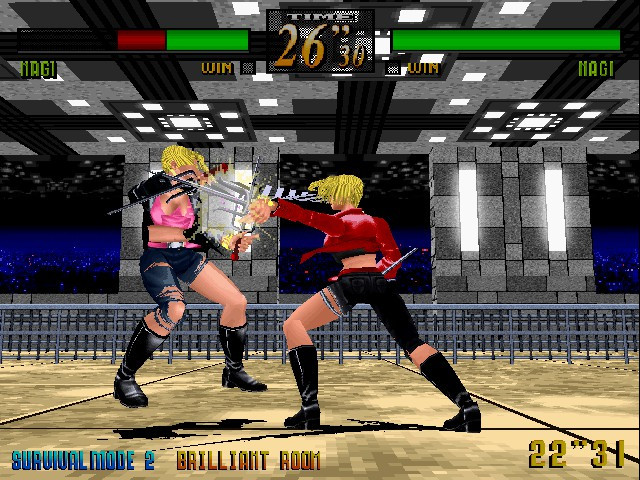
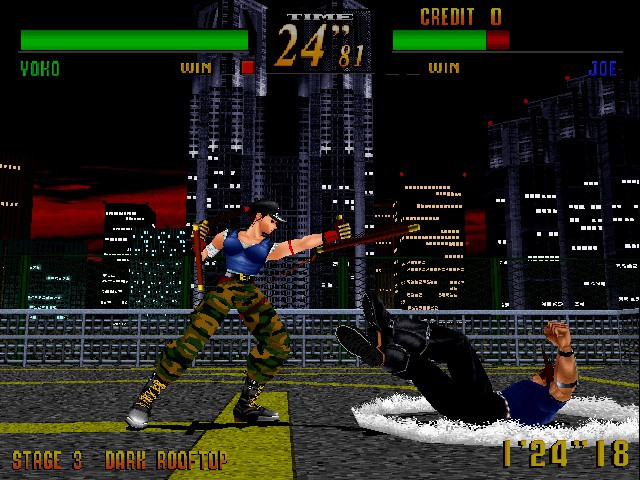
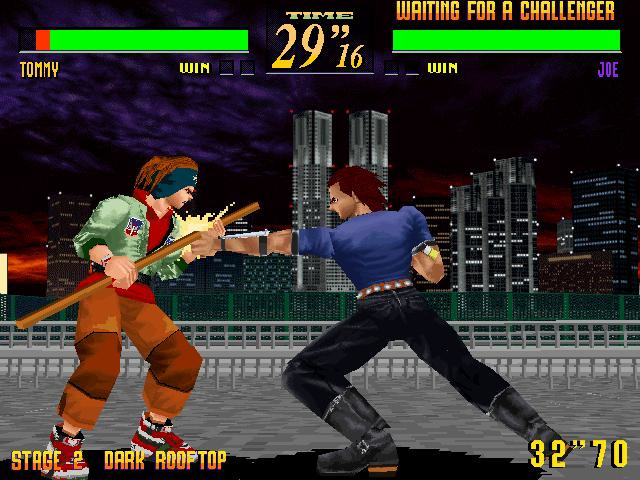
Set in Japan (But from the title you would assume Brooklyn, new York) the game features actual real life locations set in Japan. It was the first Sega fighting game to use motion capture footage giving the character detailed and accurate move sets compared to Virtua Fighter.
The fights typically take place in the evening or night, and most of the stages have a dark urban tone to them in contract to Virtual Fighter 2 where most stages take place in the daytime since its meant to be based on a worldwide tournament, Last Bronx has a more underground fight club like feel to it.
Stages
All characters have their own stage, but when you select their characters their personal stage is skipped until the end, where you will face Red Eye on that characters stage
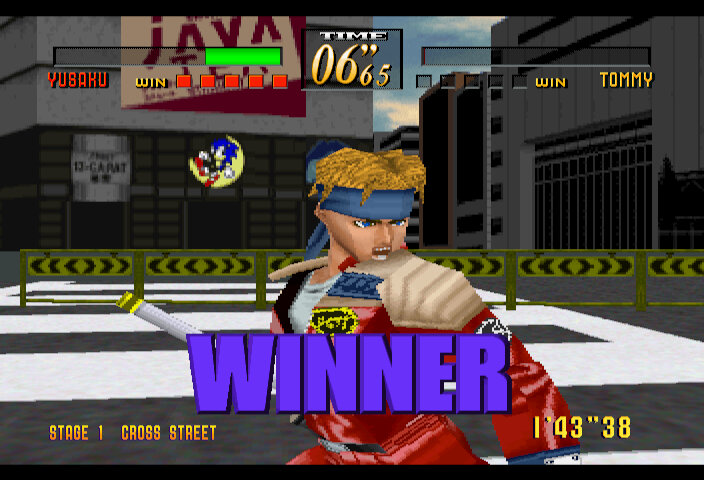
Cross Street: which is complete with advertising billboards and may be based off the Tokyo/Shibuya crossing. This is the first stage for all characters, unless you choose Tommy then Tears Bridge will be the first
Tears Bridge: is set near a warehouse / cargo park near a large bridge, hence the name. At this point the game is set in the evening, and most stages thereafter have a night time ambiance to them.
Dark Rooftop: reminds me a lot of Lei Wulong’s stage in Tekken 2, as its set on top of a skyscraper helicopter pad, with many building in the background. From the sky it looks like its set in the evening sunset, but Tears bridge gives the impression it is already night time, assuming the game is intended to simulate nightfall.
Saturn Version of the brilliant room stage
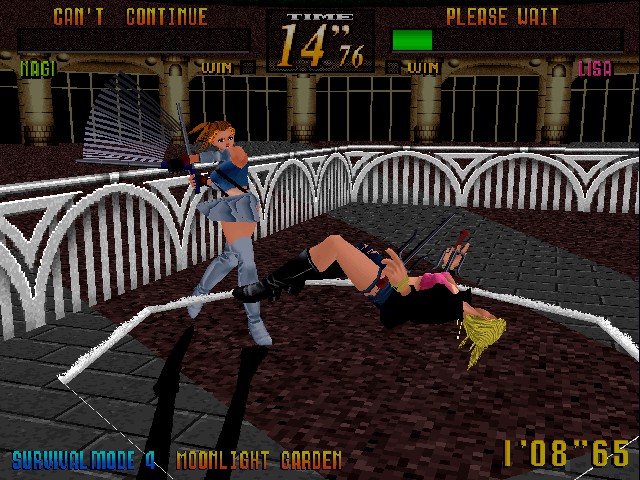
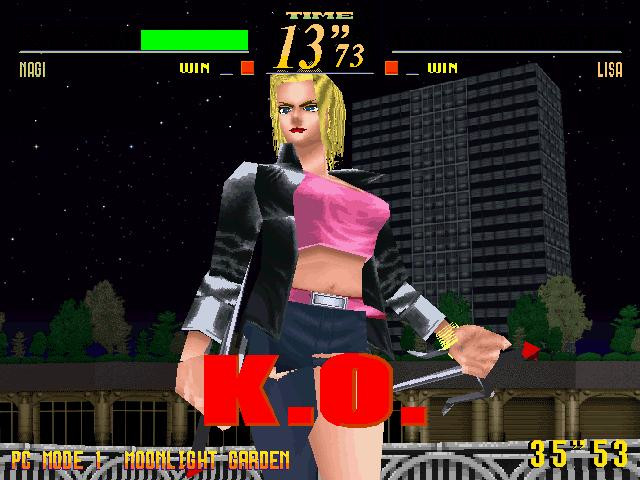
Moonlight Garden: A nice stage which is a departure from the industrial urban settings, this appears to be set on a garden or a large park and is a nice departure form the other stages
Lust Subway: Which is your typical Japanese underground subway, complete with display monitors. Thankfully this isn’t set at rush hour. This will be Yoko’s stage
Nightmare Island: Set on a construction or a building site, despite the name insisting its an island, you will fight Zaimoku on this stage.
Naked Airport: Set on an airport runway and reminds me of the Shooting Hoops track from Ridge Racer Type 4 This is Yusaku’s stage
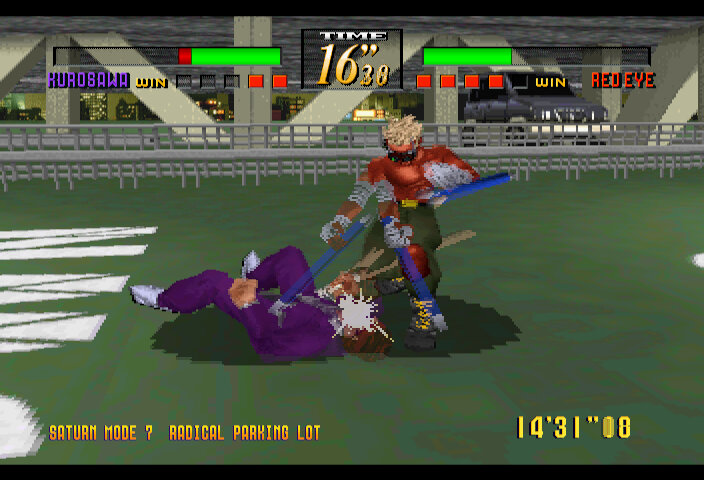
Radical Parking Lot: Kurosawa’s stage, not much to say here except its set on a moderately used parking lot.
Brilliant Room: Hidden and only available if you beat Red Eye with the lowest time
Lust Subway from the Model 2
A common occourance – Saturn VersionSurvival Mode Results
Modes
Arcade: The main game mode, you choose a character and progress through 8 stages, with a bonus 9th stage if you complete the game with a new time record.
Saturn/PC mode: Similar to arcade player but features a story mode complete with cut scenes, and opponents are chosen at random
Team Battle: Pick multiple fighters who will battle
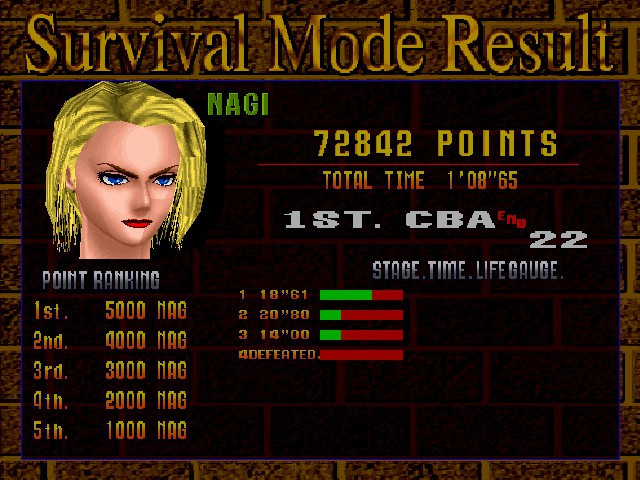
Survival Mode: You only have one life, and the health bar carries over to the next round. Objective here is to last the longest
Training Mode: A basic training mode that show the different fighting moves across the roster
Network Play: On the PC version, allows two players to play over a LAN
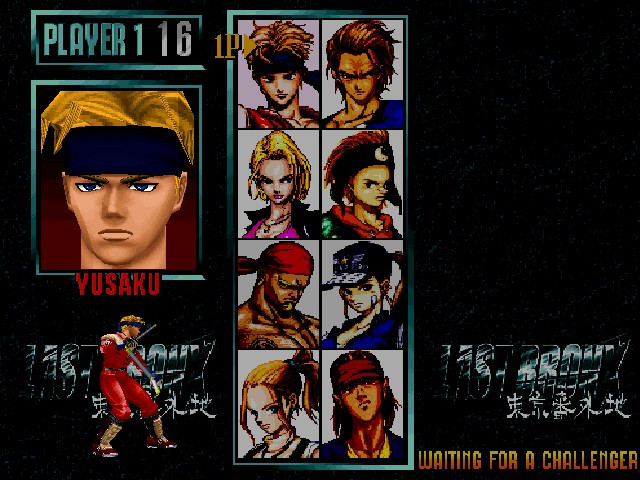
Character Select
There is also an extra mode in the Saturn/PC version that allows you to view unlocked FMVs
Versions
Arcade
The game was released on the Sega Model 2 arcade board, and was designed to be an upgrade for Virtua Fighter 2. This version has the best graphics, and it makes full use of the Model 2 graphics hardware which was more powerful than the Sega Saturn or common Windows PC’s of the time, in terms of 3D performance. However this version lacks FMV endings. It should be noted that the AI in this version is difficult to beat, since it was intended for the player to use multiple credits within a single play-through, you’d be surprised at how hard it is to beat on a single credit, despite using the easy settings in the games config.
This version of the game is fully playable in the Nebula Model 2 emulator, but is still unplayable in MAME as of 2021.
Most of the other screenshots captured are from the arcade version, except where noted.
Sega Saturn
Introduced a Saturn Mode which is similar to arcade mode but the opponents are randomized. This has a few changes compared to the arcade version, with the 3D background options being exchanged for sprite based background which are handled flawlessly by the Saturn’s VDP2. You will mostly notice the effect when the charicters move to an extent where the camera has to pan to follow the player. FMV videos are also present in the Saturn mode. Although they are in Japaneese, English subtitles are provided.
Most Saturn emulators will play this game, being a 3D titles it will play slowly on less powerful hardware. The Nvidia Shield struggles to play at full speed using the Yaba SanShiro emulator, and the FMV videos pixilate whilst playing. Mednafen Saturn will work the best
Microsoft Windows
A Windows PC port was released in 1998 and is very similar to the Sega Saturn version, and makes use of DirectX. Saturn game mode is renamed to PC Mode but remains the same with random opponents. The PC version supports higher resolutions then the Saturn version, and retains most graphical effects but lacks the texture quality and geometry of the arcade version.
Like most PC titles that were released in the 90s, the game is reliant on using analogue CD audio, which can cause problems on modern systems that use SATA or IDE CD drives without the CD audio line being connected. The reason is that from Windows 2000/ME on wards, Microsoft introduced digital audio for CD decoding, where audio is sent via the IDE cable itself rather then than the CD audio line. There’s no easy workaround unless you play the game in Pcem or 86box, otherwise the game will play but with no background audio or music.
I’ve not tested the game on modern Windows NT based release, but can confirm the game to be playablle using PCem or 86Box using any Windows 9x based operating system with a 3DFX or S3 based accellerator.
Sega’s hit racing game and part of the new generation of 3D arcade titles. Here we are introduced to texture mapped polygons, an upgrade from the flat shaded graphics from Virtua Racing. Daytona would be in prime competition with Ridge Racer, which was released by Namco.
Tracks
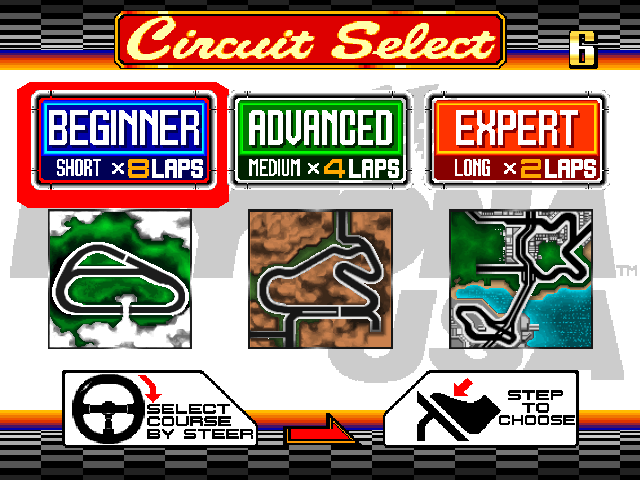
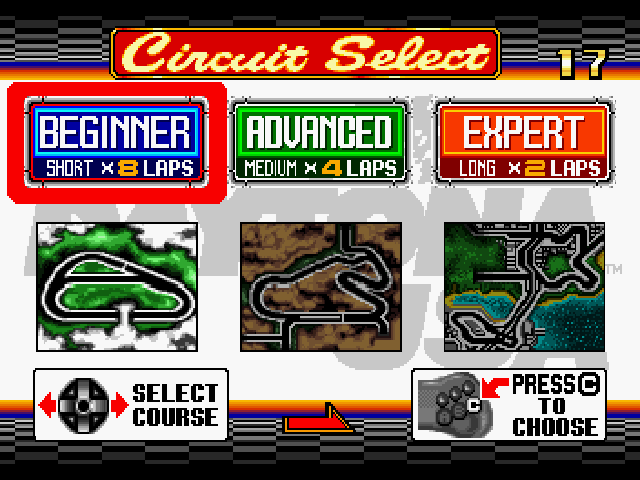
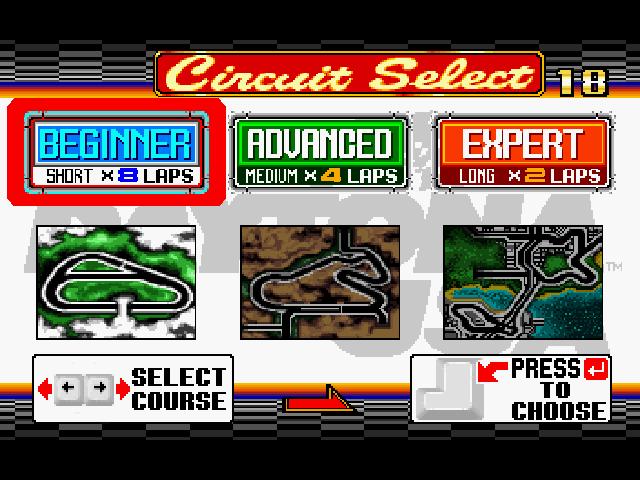
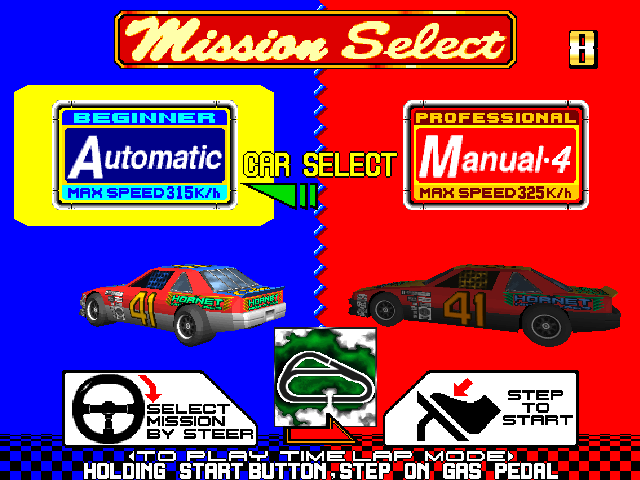
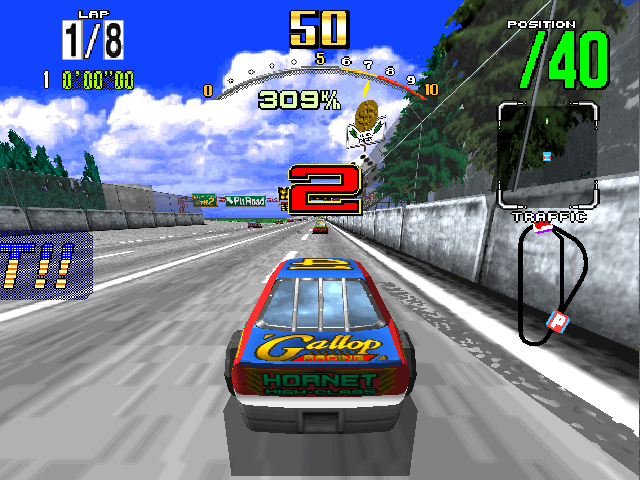
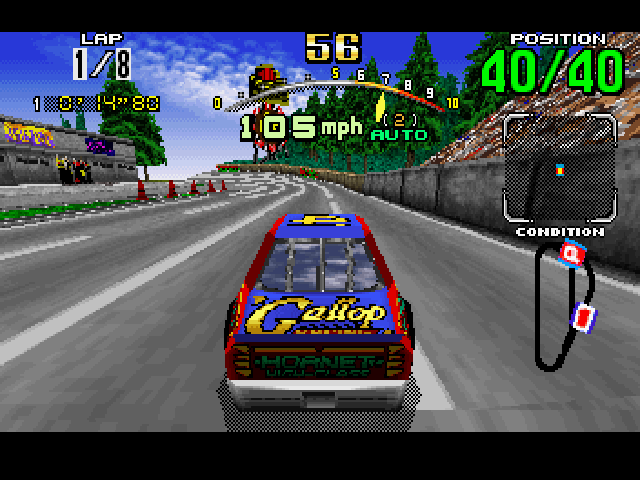
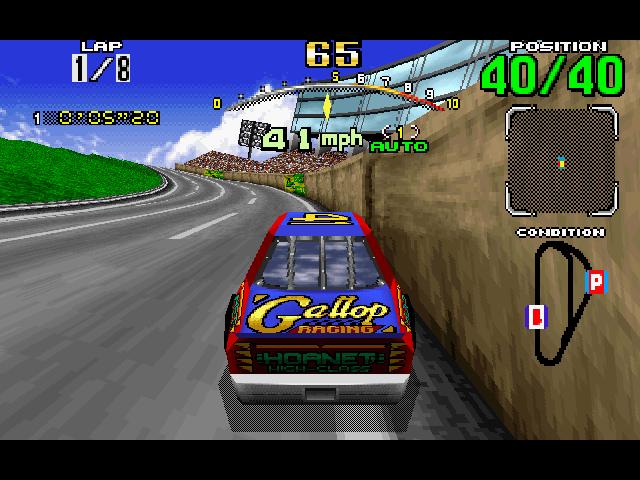
Beginner: A simple track but has 40 opponent cars, this track can get crowded in places. The only track on the game that begins with a rolling start and features a pit in area. There are 8 laps to race in total, but this can be extended to 20 or 40 with the Grand prix or endurance modes.
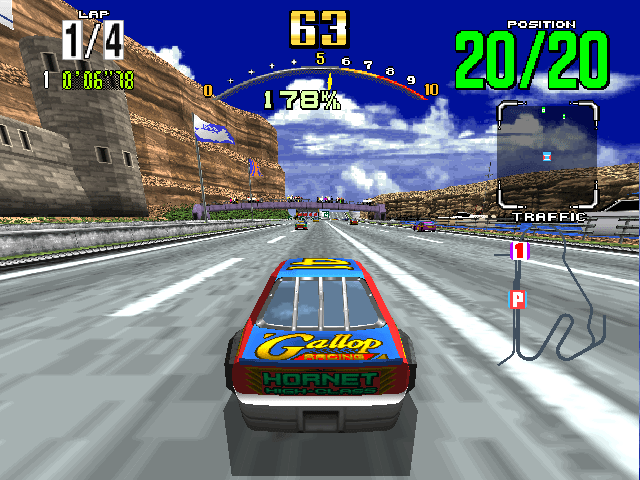
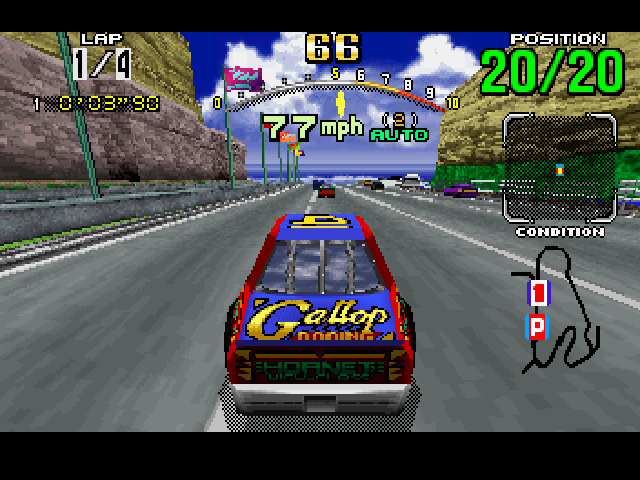
Advanced: A regaular track but has a couple of sharp turns. ‘Lets Go Away’ is the song that plays for this track, which a portion also plays during the games attract mode. Theres a few hidden messages in this track that appears in the grass during the race.
Expert: The hardest track with frequent sharp turns and a couple of obstickles in the track, Thankfully these don’t affect your cars speed and are mostly for visual effect. Powersldiing is reccomended to get the best lap times.
The tracks would be renamed in later releases after further tracks would be added.
Modes:
These can be set in the options menu (Test mode on the arcade release)
Standard: The default option with 8 laps for the beginner track, 4 for the advanced and two for expert
Grand Prix: Addidtional laps are added which expands the game’s length, with 20 laps for the beginner, 10 for advanced and 5 for the expert. With these laps you will want to use the pit stop to replace the cars tyers.
Endurance: 80 laps for beginner mode, 40 for advanced and 20 for expert mode.
There is also a time attack mode which can be accessed by holding down the 1P Start button on the arcade version whilst choosing transmission.
Releases
Arcade
Where it all started, running on Sega’s Model 2 hardware. This was initially released in 1993, and a updated version came out in 1994 to promote the Sega Saturn version. This version also amended the HUD elements slightly. 3 tracks are present in this version and lcoal multiplayer is avalible by linking the arcade machines together. This version of the game runs at a constant 57fps and a higher resolutiob compared to the Saturn, but lower then the PC version.
Can be emulated using the Nebula Model 2 emulator, or recently MAME. However the Model 2 core is still under development and there has been some improvements to the MAME core.
Daytona USA Arcade had three releases, all of which run on the original Model 2
1993 release that was exclusive to Japan
1994 release that was worldwide that amended the on screen counter display
Sega Saturn update that added adverts for the console, for before and after the consoles release (Changeable in the games test mode the Model 2 had no RTC clock)
There were a couple of unofficial modifications that were done by a few third party programmers that added RPG like elements to the game, known as GTX edition and To the Maxx
The game was only compatible with the original Model 2 board.
Sega Saturn
The first version that was ported for the home market, this was a rushed port due to wanting to be a Saturn launch title and the difficultly of the Saturn’s hardware for the developers. Also, its no secret that 3D wasn’t the Saturn’s strong point, being built primarily as a 2D sprite scaling system, and Daytona USA being designed for the 3D model 2 arcade board. The music is altered in this version, taking advantage of the red-book CD audio.
There are two game modes, an arcade mode which plays the same as the arcade original, and a Saturn mode which gives the option of selecting a car. Mirror tracks are also selectable for all tracks in the game and a 60 lap endurance mode. This version has no support for multiplayer.
Sega would later release a revised version for the Sega Saturn that corrected a couple of issues that the original port recieved.
Windows
Very similar to the Saturn version, the game is designed to run on Windows 95 but features little graphics acceleration, rending entirely in software mode (on the CPU). The game uses DirectX 2 which limits it to Windows 95, although it will work on later Windows 9x releases, things start to break on more modern systems.
This release is not recommended since a better version was released a few years later, and the limited resolution and graphics settings this game offers. There’s also black bars at the top and bottom which makes it feel like I’m playing an ported PAL game, either that or they thought Daytona PC needed to be cinematic?
Comparison
Arcade version is running in the Nebula Model 2 emulator with default settings, Saturn is running the NTSC build in Retroarch Beetle Saturn, Windows is running in a PCem virtual machine running Windows Me.
Arcade
Saturn
Windows
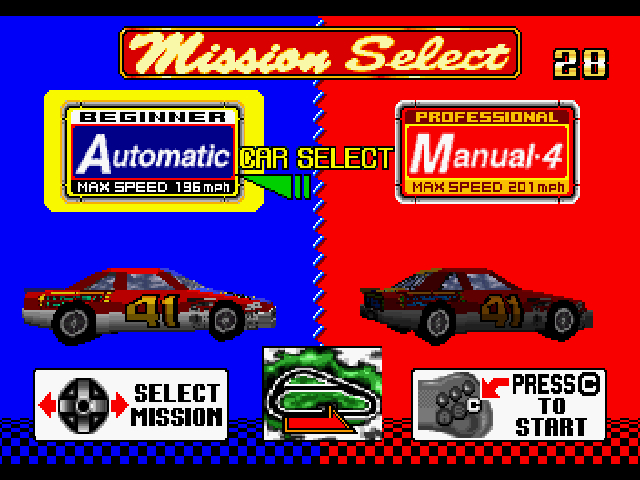
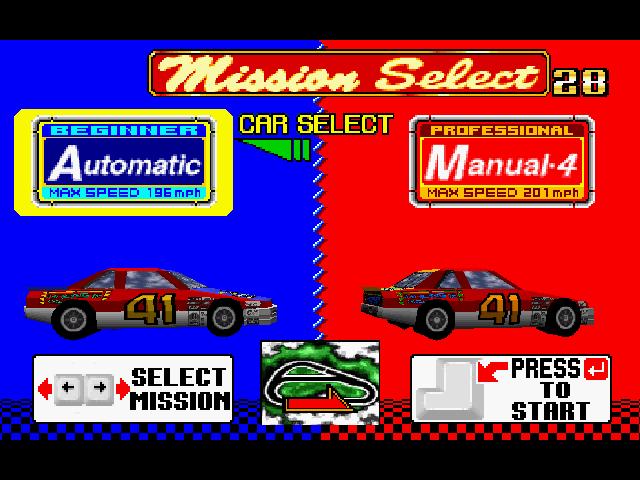
The home versions remain very faithful to the arcade original when it comes to the menu layout
Car transmission selection
Saturn version has the worst draw distance, to the extent that some background elements don’t appear fully and look like they are floating
Only major difference being the lap time dispay, with other HUD elements remaining consistant.
Conclusion
Daytona USA would go on to become very popular in the arcades thanks to the pioneering 3D graphics technology, despite the high price of the Model 2 hardware. The home ports were not greatly recieved, with the Saturn port having a negative reception in comparision to Ridge Racer, which was also ported from the arcade to the Playstation and was considered a bettrer adaption.
Sega would later release newer home versions of Daytona USA, being the Champtionship edition which helps fix the issues of the initil Saturn port and was ported to the PC shortly after. It was released again for the Sega Dreamcast in 2001 with slightly remastered graphics.
In the arcades, Sega would follow up with Daytona USA 2, being a showcase for the Model 3 platform.
Nvidia Shield has been out for a while now and has become a attractive device for Android based emulation due to is relatively powerful SoC and the application support of the Android TV platform.
History
The Shield series of devices started out with the original Nvidia Shield, which was a portable Android powered device which was capable of streaming games from a desktop PC that had an Nvidia graphics card. Very similar to Sony’s remote Play for the PS3 and PSP, and later PS4 and the underrated Vita. They later evolved into the Shield tablet, and the Shield TV which is a Android TV powered streaming set top box, like the Amazon Fire TV.
Processor
The Shield and the Nintendo Switch share the same processor, the Tegra X1, and X1+ in later revisions which is a die shrink of the original processor. The processor is quite powerful, compared to other Android which rock the Cortex A53 (An in order CPU) the X1 has both the A57 and the A53 with the former being used to run common applications. Together with its Maxwell based GPU makes the Shield an attractive device to run emulators on. There are also Android TV games that are distributed on the Google Play store which will run on the Shield.
Play Store has plenty of emulators
Controller
By default the Shield Pro does not come with the Shield controller (Previous versions did) but can be purchased separately and paired. The controller itself seems to be inspired by the PlayStation Dualshock design with its symmetrical dual analogue sticks, and the face/shoulder button design. The controller also features the regular android navigation buttons to call up the home screen or the app switcher. There is also a microphone and a Nvidia button which calls the Google assistant. Vibration is also present, but I have yet to use this with emulators, it seems Nvidia are using a custom controller API which makes vibration support difficult. Remember this is an Android based device, and features like Xinput are unsupported with out third party applications. Also shipping with the SHIELD is the remote control, which is shaped like a Toblerone, and is quite comfortable to hold. Here you can navigate Android streaming apps and adjust the volume of the TV or AV receiver if you have one. Soundbars are also supported. A nice feature is it come with a backlight that activated when motion is detected.
Emulation
Retroarch
This was the first thing I installed on the Shield, and whilst I’m familiar with how Retroarch, and Libretro in general, there are a couple of issues. The way it detects the controller is an issue, since Retroarch will detect the Shield remote and assumes it is some sort of controller and assigns it as controller 1, whilst the Shield Controller is detected as controller 2, which prevents you from navigating the retroarch interface. Also sometimes retroarch will not detect a controller at all, the fix for this was to press the home button which would return you to the Android home screen, then open Retroarch again with the controller, which Retroarch should detect as player 1. Retroarch can be difficult to set up, I’m not sure if this is an issue with the Android / Play Store version since I can use the PC version without these issues. There’s also an issue where retrarch does not apply changes will often resert some setting back to the default, like the BIOS location or the game save directory.
Retroarch
It’s a shame because Retroarch does have a good list of emulators that can be used and its user interface is one of the best, but the complicated set up on config file issues make it a huge turnoff.
Duckstation (PlayStation)
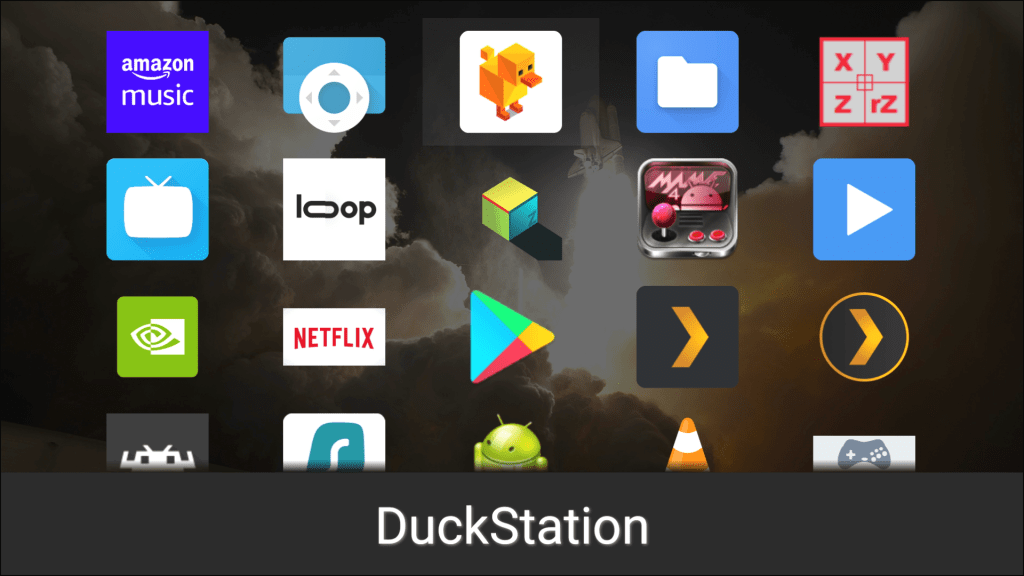
Sideload launcher
The best PlayStation emulator imo, but there is one huge issue here. Duckstation does not support Android TV officially, it will still run if you sideload the apk but the app runs like its running on a smartphone, and there are issues when navigating the interface using the controller as the emulator is expecting the touchscreen. Its perfectly usable with some compromises having to be made. Sideload launcher will need to be installed to access Duckstation.
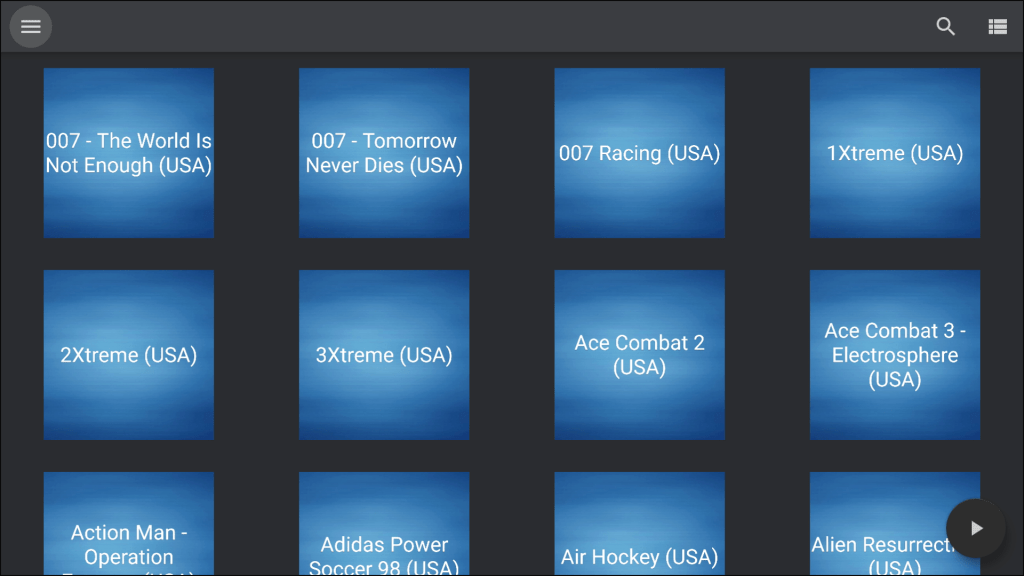
When scanning for roms, Duckstation will open the Android file browser for you to select a directly to locate your roms, but this app does not support input from a controller. The workaround? Use a USB or Bluetooth mouse, which allows you to control using the mouse cursor. Thankfully you only need to do this one since one you have told Duckstation where your roms are located, it will keep updating the rom browser when you add new files to that directory.
On screen buttons, thankfully there is an option to disable this.
Memory Card file management, I have yet to find a way to change the directory where Duckstation saves the memory card files, I could do this on the Xbox One version and have all my game saved stored on the external hard disk, but are inaccessible since there is no way to change the directory from what I can see.
Lastly just to recap what was mentioned at the start, because its not built for Android TV you have to use sideload launcher in order to open Duckstation, and you have to use the platform tools in order to sideload, along with enabling developer mode.
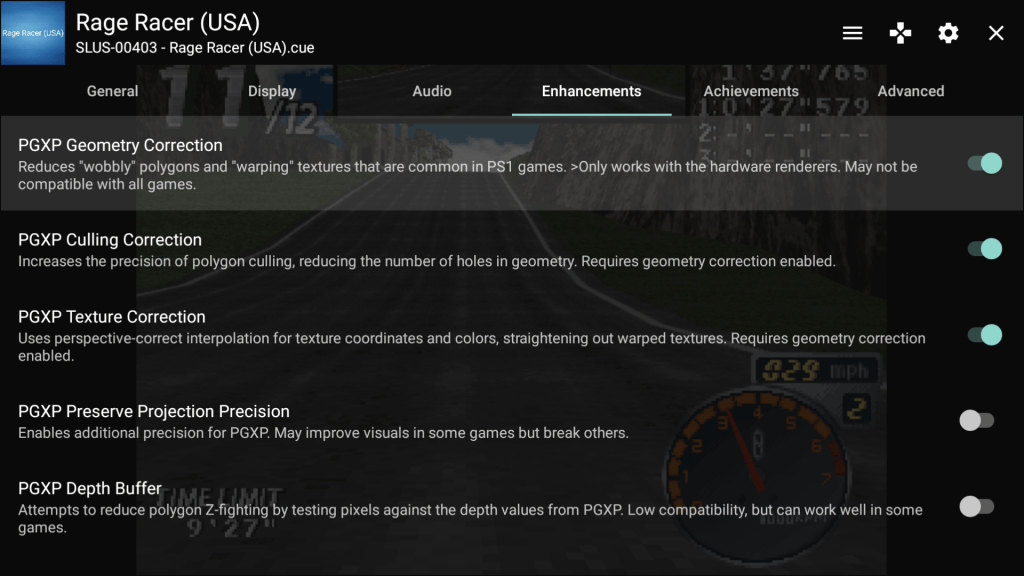
But this emulator has its merits, since it is able to offer enhancement in a simple menu structure. There are two types of settings, global/default applies the settings for all ROMS you load through Duckstation but you can also specific induvial settings for specific games that override the global settings. useful if a specific game has issues with say, enabling PXGP, you can disable that settings and that will only apply to that game only.
Grid list of roms, cover art can be set but is a manual process
PXGP support – Helps reduce or completely remove the polygon warping effects, can also help with the texture popping
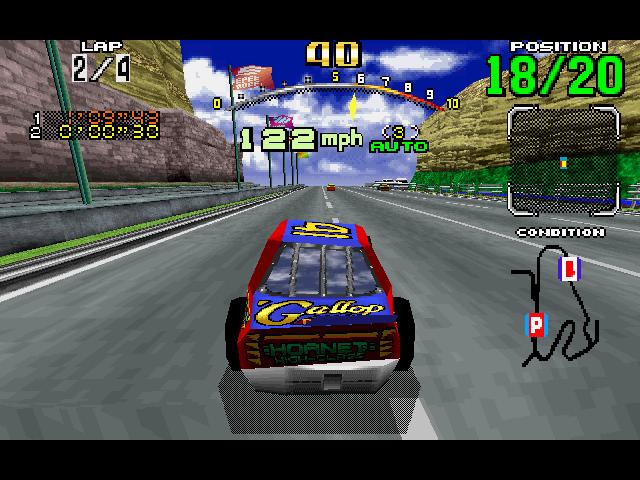
Upscaling – handled in multiples depending on the games resolution, the Shield can handle 720p, with 1080p for some titles. I should mention that some games like Wipeout 3 run in a high resolution mode (around/near 640×480 compared to 320×240 for most games)
I should also mention the Shield being advertised with 4K upscaling capability , but this only applied to video content and not games or any app that generates its own graphics. I’m also not sure if the Shield reserves a few CUDA cores for the upscaling, as even though I have tried disabling the AI upscaling option there is little different with the graphics performance when upscaling, 720p seems to be a limit for most titles.
CD-ROM Speed – A faster read speed can be used to reduce loading times which was the main issue with CD-ROM based games, but can cause some games to malfunction since they may be hardcoded around the PlayStations CD drive limitations.
Memory Card Management: Each game can be set to have its own memory card and the emulator will create a file for that game. This fixes one of the main issues with the PlayStation, as each memory card is limited to 15 blocks per card with some games consuming multiple blocks. You no longer need to create and swap virtual memory cards as Duckstation will do this for you.
But you can set memory card slot 2 to be shared, and you can set certain games to use a specific memory card instead by amending which save file it uses. This is useful for PlayStation games that make use of another titles save file.
Overclocking – Another nice performance feature, but can break games if they were hardcoded to run at a specific speed. A must for certain games like Driver, The Shield can overclock the PSX CPU at up to 1.5x the original clock speed without suffering from frame drops. Some titles may be able to go further, depending on how they run in the emulator.
Overall Duckstation is perfectly usable, And I would recommend it over retroarch despite the issues outlined above. A lot of these can be fixed by incorporating a few of the Android TV API’s
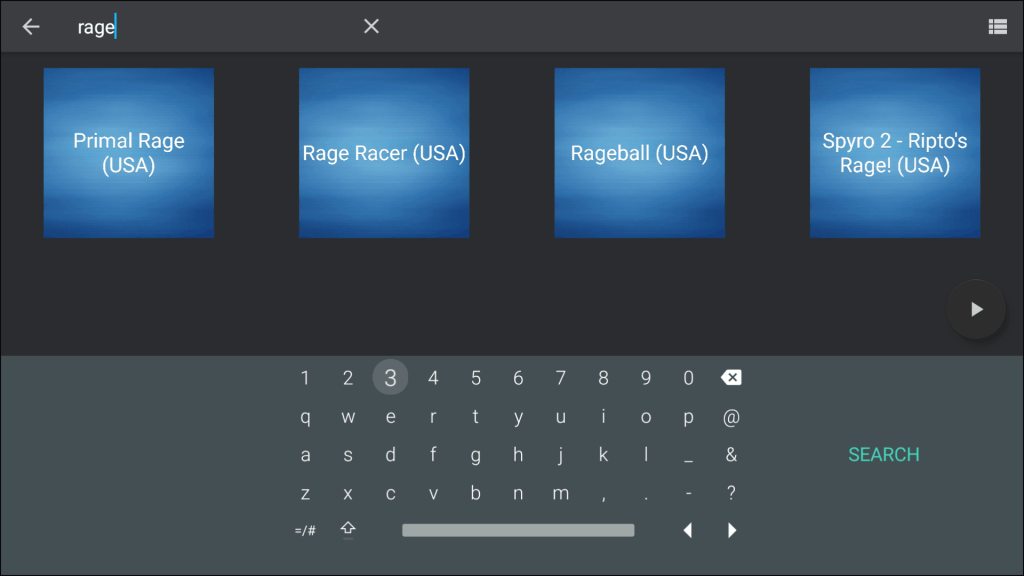
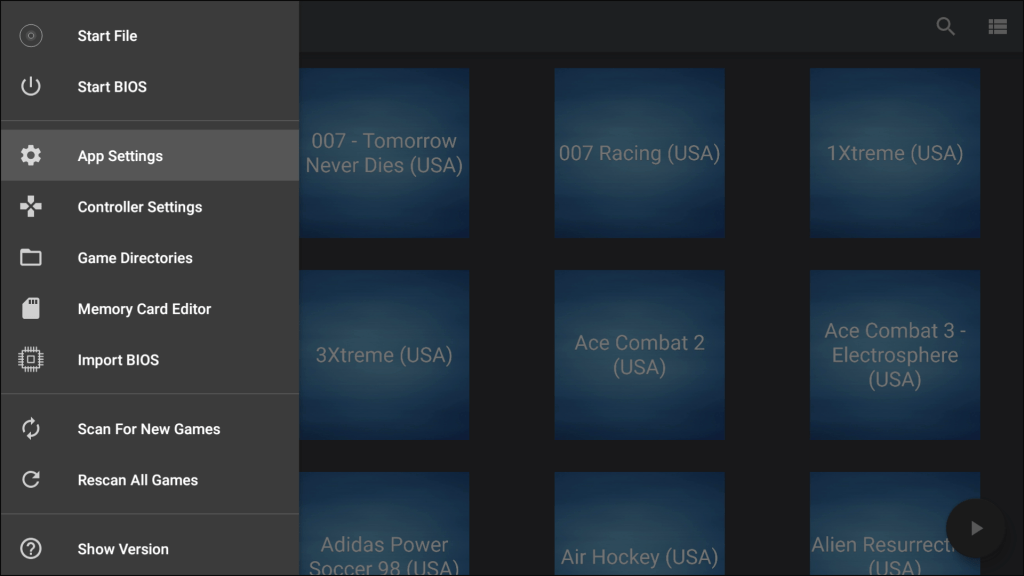
SettingsSearchMenu
ePSXe (PlayStation)
On Android its kind of been left to rot, since the interface isn’t very polished and there are a few emulation issues that crop up here compared to the other emulators. Overall it will work and its on the play store, so you can launch it from the Android TV interface directly, but I don’t recommend it.
M64Plus FZ Emulator (Nintendo 64)
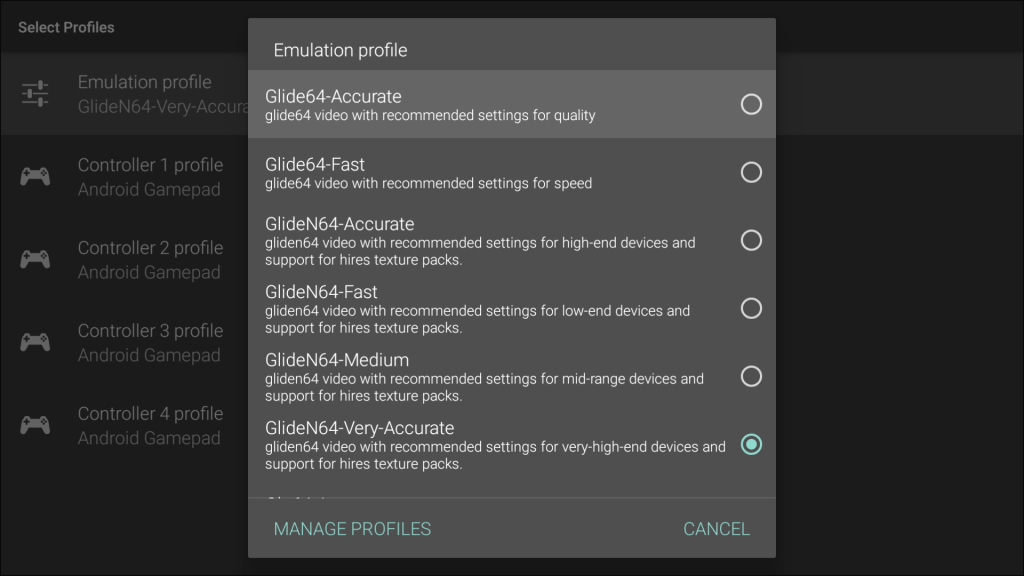
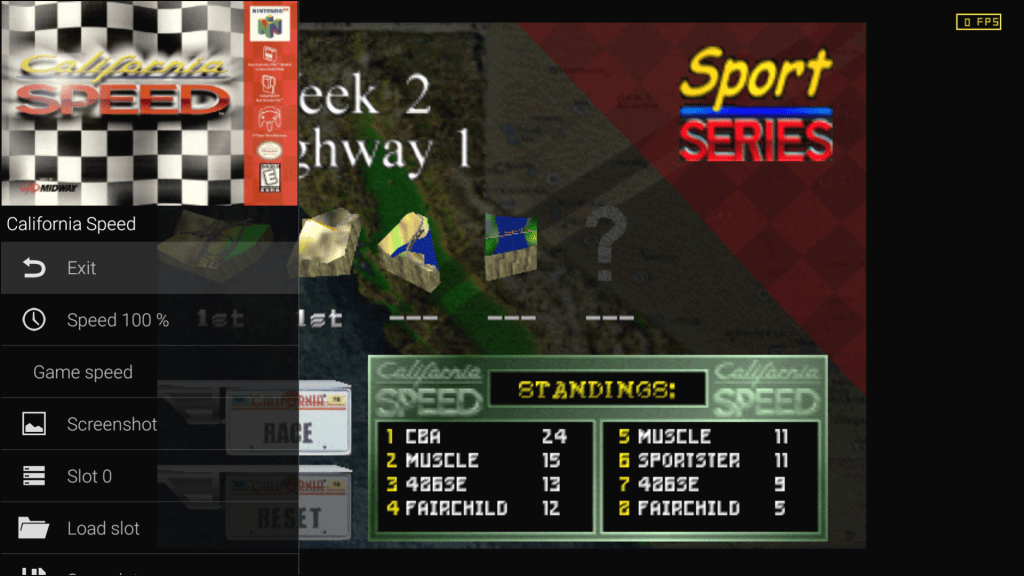
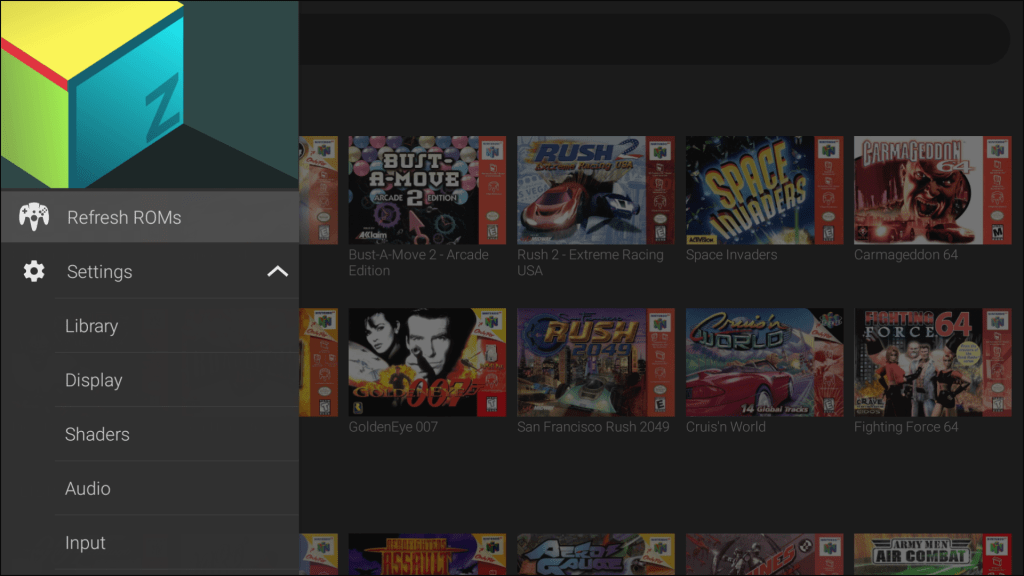
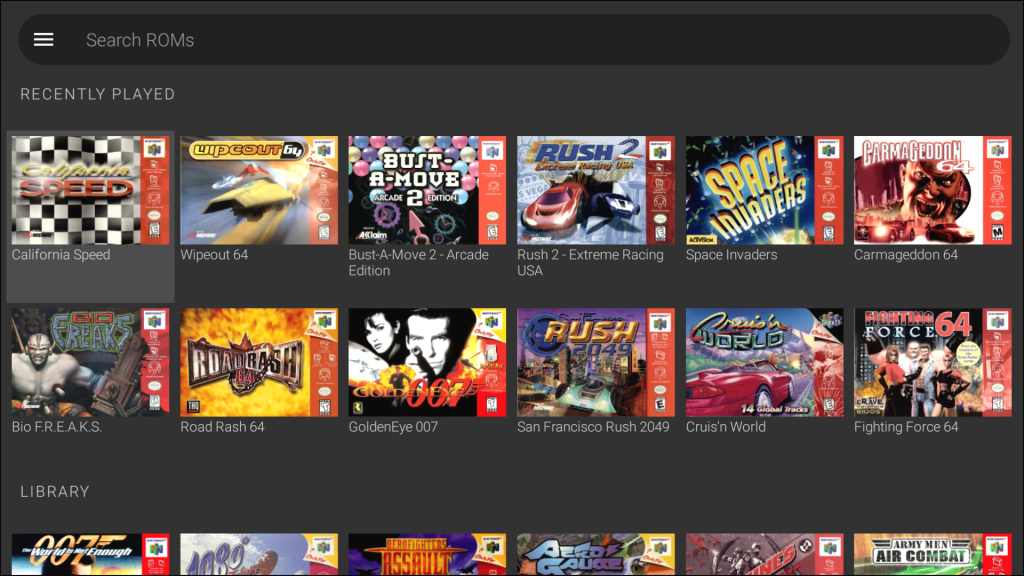
A nice emulator for Nintendo 64 titles, has support for upscaling and has a prebuilt set of plugins that can be tailored to performance or accuracy. The Shield can handle the accuracy settings rather well if your happy with 720p rendering, otherwise higher resolutions can be used if you choose the performance profile. Some of the later N64 games that used their own microcode can have considerable slowdown (Perfect Dark) so you may need to tailor the performace settings to compensate.
There is also a similar emulator known as Mupen64+AE which is an older version of the Mupen emulator, and lacks Android TV support.
Yaba Sanshiro 2 (Sega Saturn)
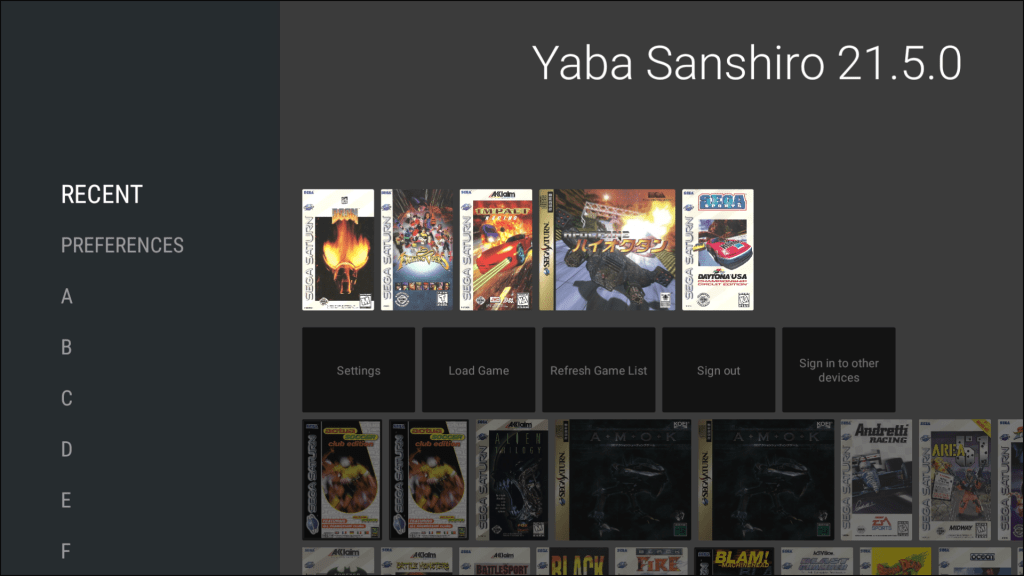
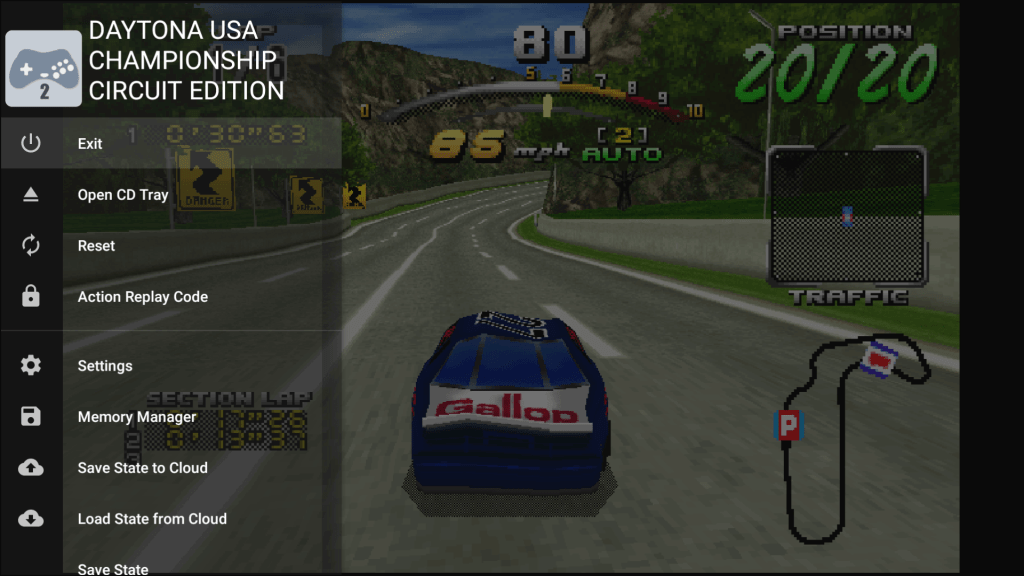
Named after the mascot of the Sega Saturn, this is an Ok emulator but what lets it down is its limited compatability with certain games. Many Sega exclusives will work fine, with a few thrid party games failing to boot or suffering from issues. Thankfully these games have PlayStation/PC/3DO ports which arguably run better on those platforms, at least for 3D titles.
The user interface is noice and tegrate with the android tv launcher, showing previous played games, and will sort the games in alphabetical order which allows you to navigate and find titles more easily.
MAME4droid (Acade)
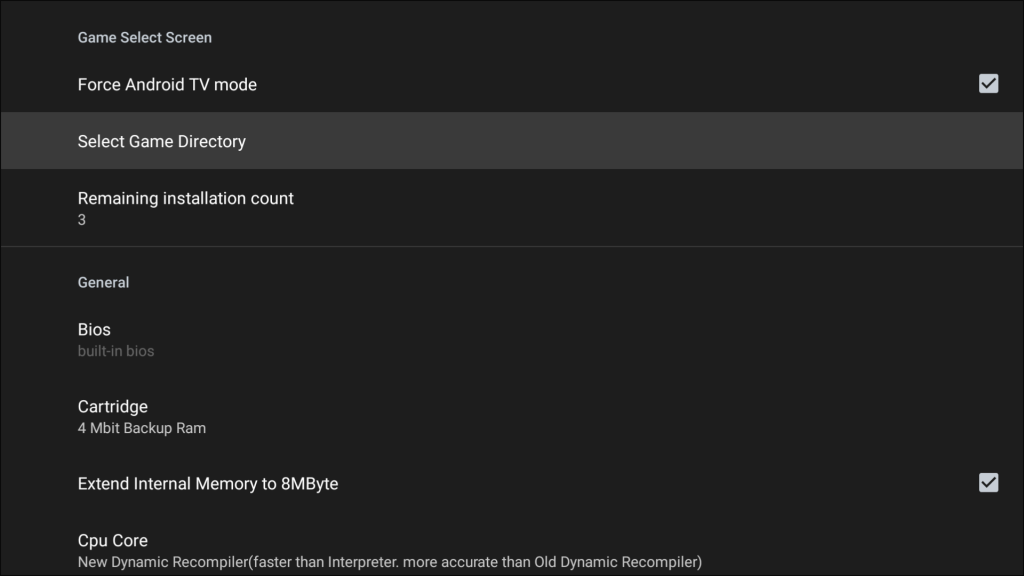
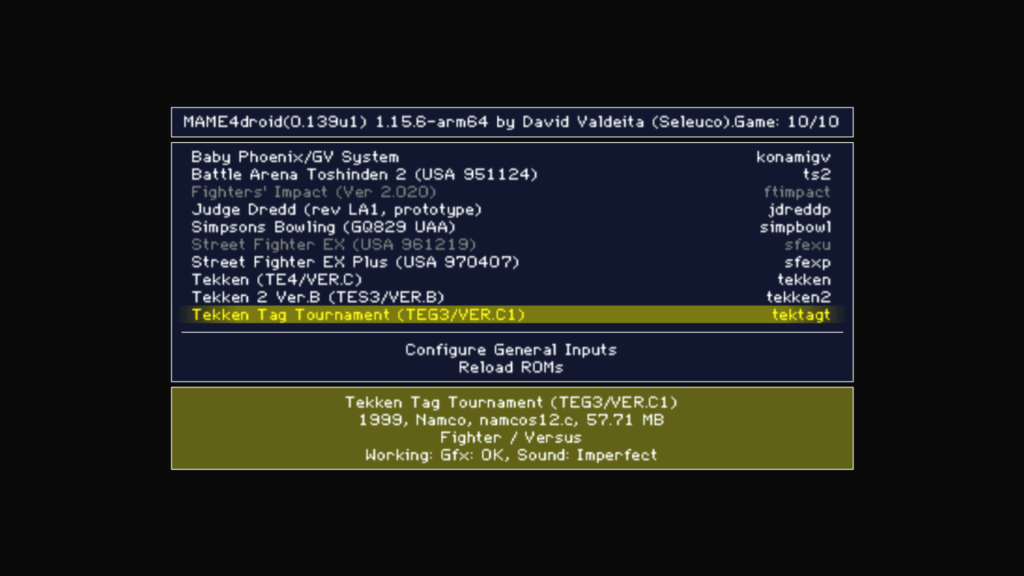
This is an Android adaption of MAME 0.139, and uses its romsets. As MAME 0.139 was relased mid 2010, it misses out on any improvements to the different machines that MAME emulates and as a result it struggles to emulate machines from the early 90s onwards, espically 3D arcade boards.
Namco System 11 games are playable but the sound emulation is poor, System 12 games struggle to run at full speed. Forget System 22 or Sega Model 2 or above, as the Shield lacks the CPU power to emulate these in the way that MAME does.
Sixth Generation
Emulators for sixth generation consoles are available like Dolphin and Redream, but due to the Shields aging hardware it is unable to reach full speed in these emulators for the majority of games. I wouldn’t recommend using the Shield for Gamecube titles, rather look to the Wii/Wii U instead which features native comparability. Dreamcast you can sort of get away with if you avoid the problematic titles, but for PS2/NGC/DC i would adisve to get an Intel NUC running either Linux or Windows with a living room friendly frontend. Retroarch can be configured to run at startup if you wish to use that.
External Hard Disks
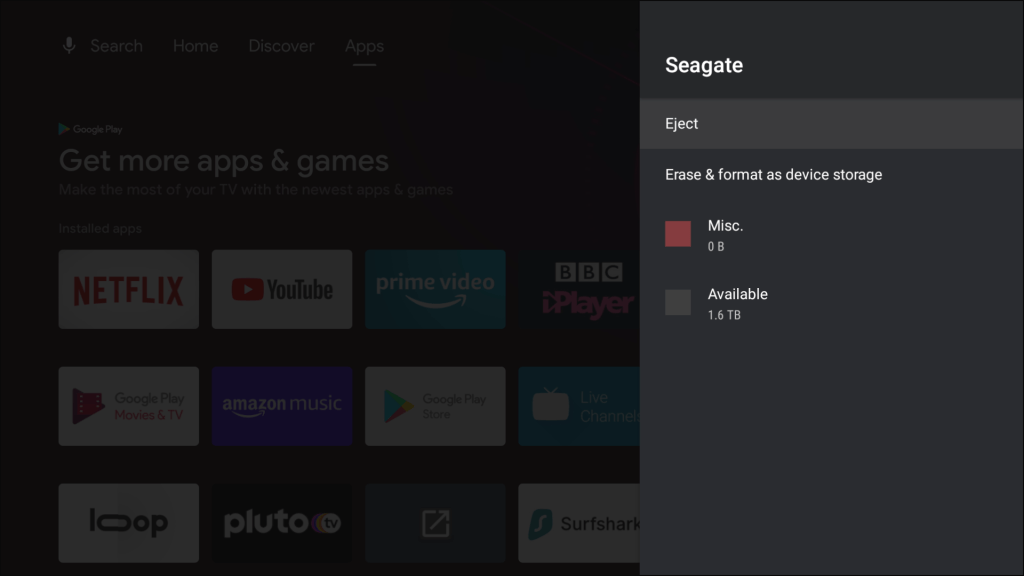
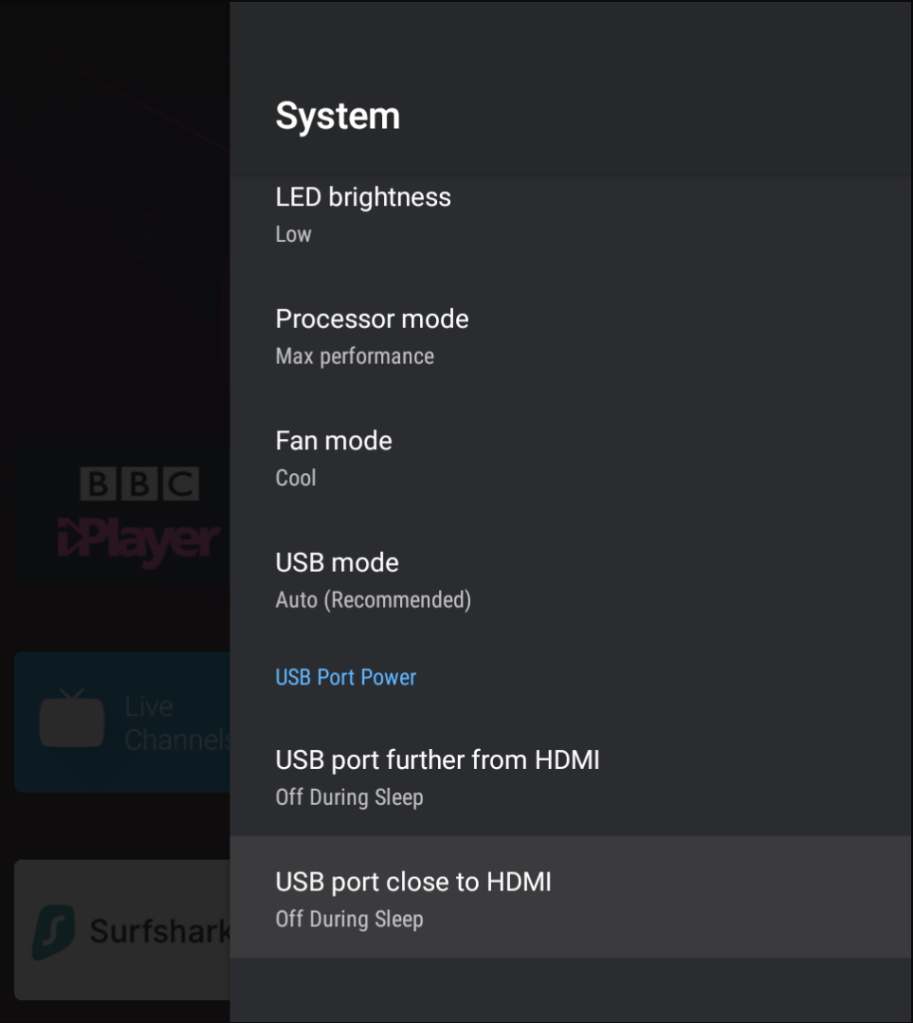
Internally the Shield has 16Gb of flash storage, of which half is reserved for the operating system and the preinstallerd apps. The Shield Pro come with two USB3 ports for expandable storage for use with an external hard drive.
There are two ways to provision external storage on the Shield: External storage which mounts the drive for use, as long as its formatted using a compatable file system. NTFS, FAT32 and exFAT are supported. As the name suggests, you can transfter files and access them, providing you give the application the correct permissions to do so. And you can connect and mount the drive to another computer or Android device whilst keeping the file system intact. Device Storage formats the device using it’s own filesystem, which allows for additional Android applications to be installed to the external hard drive. This pairs the hard drive to the console itself, so you cannot use it as removable storage for use of another Android or any other device without reformatting.
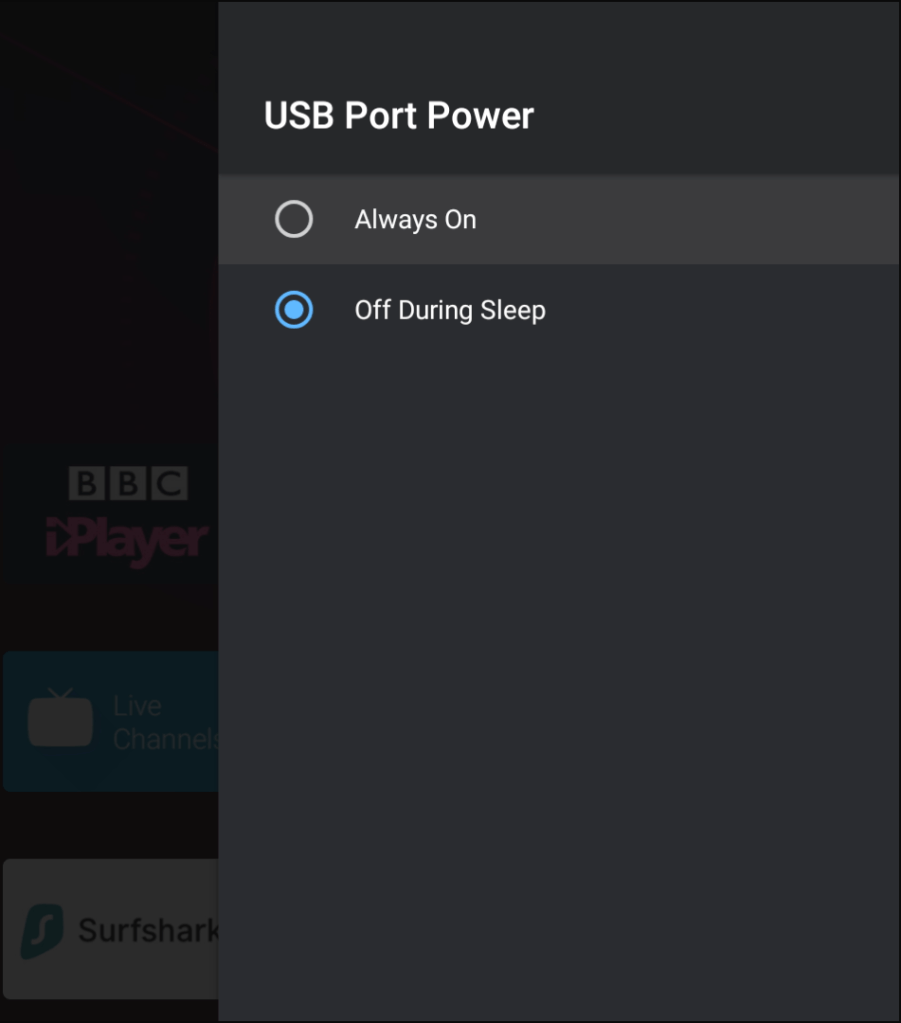
However the Shield implemtation is not perfect and there are a few issues when it comes to pwer management. Android itself has no ability to spin down the hard drive without the use of additional software, unless the drives firmware has support to do this. The Shield does have the option to power down the USB port when it enters sleep mode, however I found this to be rather abrupt since it will shut off the power to the drive without spinning it down first, which means it has the same effect as unplugging the drive whilst it is still spinning. This may have an affect on the life and health of the drive, since hard disks need to be spun down before they are powered off. I did look into using the hard drive utilities to spin the drive down after a certain amount of time. I downloaded Seagate Tools to see what was offered but found this only allows control of the drives LED lights. Nothing in regard to the hard drives power management or sleep time. The only other thing I can think of is if an app is keeping the drive alive by accessing it. I did hear that the photos app will routinely check any external drive for new content, and will check every 20 mins or so. I disabled these to check but found it made no difference, The drive still spins.
Alternatives
Amazon Fire TV: Fire TV set top boxes are based on the Android operating system , and Amazon sold game controllers that were compatible with the Fire TV but these have since been discontinued. Note this isn’t regarding the Fire TV stick which are quite underpowered and are designed for boomers to connect their 10 year old Bush/Alba TVs Later Fire TV devices use the Cortex A53 which can cause issues with more demanding emulators due to the lack of performance, the second generation Fire TV cube or box are recommended. Nexus Player: Considered to be the predecessor to the Shield, although now underpowered for most apps and emulators. Razer Forge TV: A good alternative but sadly discontinued. The Shields is more powerful than the Forge TV and runs a later versions of android.
Non-Android Atari VCS: Recently released in the US, although there is no confirmed Europe release date. Runs a customized Linux disto similar to Ubuntu which should allow for compatibility with Retroarch and Linux emualtors. Apple TV: Not much experience with Apple gear, but jail braking is a possibility (Check software version before use) and game controllers can be used. However the software restrictions make this a huge turnoff. Intel NUC: This is more of a DIY solution, but the form factor of the NUC devices makes them suited for set top box use. Windows would be the first option to install, but SteamOS would make more sense sine it has a TV based user interface as the default, and Debian based Linux distributions typically have good hardware and software emulator support. You would have to use your own controller, or use the Steam controller instead if you go with SteamOS.
Xbox One / Series: Can be a good alternative, they are easily the most powerful but install but setup can be longwinded. Two methods are avaliable, the dev mode or the whitelist. The dev mode route requires you to have a developer account with Microsoft, if you have used MSDN or Dreamspark (Or any Microsoft Higher education program) previously you may already be registered. This will allow you to sideload emulators onto the Xbox itself, but requires you to reboot into developer mode each time. Alternativly you can go the whitelist method, which will allow you to run these emulators in retail / regular mode, but the Xbox must be online and connected to Microsoft whenever those applications are used, and may be removed at any time. You must register with the developer who will have to approve your account in order to download and install the emulator. There are also some file system limitations with both methods, having everything stored on an external drive is reccomended, espeically for roms and game saves.
Set in one of the World Wars, here you are the commander who is responsible for the lives of up to six men, and possibly the rest of Europe.
The games uses an isometric view, similar to the Sims but without the rotatable camera. Locations start off in Europe, but also range to Africa. The game is played using an isometric 2D view from only one angle, similar to The Sims. There are a couple of FMV sequences with footage from the time period itself which is related to the mission, this makes the game a good history lesson. Unfortunately in order to run on 1998 era hardware the footage ha to be heavily compressed to fit on a CD-ROM. The games cover art is rendered in 3D, and there are some renders of the main character themselves. Sadly this is never used in game but would be ideal if the game was to be remade.
Installing the game
The game is mainly played in single player, but a multiplayer mode using LAN is supported. Here one player runs a server which will allow the clients to connect, and missions can be played cooperatively.
The game itself
Characters
There are six character in the game, each has their own voice and skills depending on their branch in the military. Each character will have a different loadout depending on the mission, and some missions require a certain character to be above in order to complete the objective, otherwise its game over.
• Green Beret: The badass from Ireland, defiantly the man you want on your side during the World War. He is one of the more common characters you will command, being present in nearly every mission. Typical load-out consists of a pistol, a decoy radio to distract enemies, a knife to stab enemies in close contact. The green beret can also climb certain surfaces without the use of a ladder and can move barrels and corpses to hide from the enemy which prevents the alarm from being set off. In certain missions he can also bury himself in the terrain (typically snow). The green beret will be the most used character in the game, so its worth keeping him alive. • The Sapper: Expert in explosives and demolitions of which there are two types of bombs that he carried, a timed explosive which is deployed and explodes after a short amount of time, and a trigger explosive which is triggered by using a switch. Grenades are also equipped which can be used to destroy a group of enemies, but the loud noise will cause the alarm to sound. The explosives are only used towards the end of the mission. • The Driver: An American soldier., Is mainly present in missions where a truck or a vehicle is being used. He also functions as the medic and can heal other commandos if they lose any health. He also carries a machine gun if things get a little heated. • The Sniper: A well mannered Sniper with a deadly weapon, also services as the teams medic if the Driver is not present on the mission • The Marine: An Australian who is able to go underwater. Ideal for maps that contain a lot of water or a river, which may be needed to navigate to certain areas. The marine carries a diving suit that allows him to swim underwater, and will sometimes have a inflatable raft that can carry up to two other commandos. • The Spy: A French former soldier who can wear the Nazi uniform as a disguise, although this only fools regular Nazi soldiers and has no effect on commanders, who will see through the disguise. Carries a syringe loaded with leather poison to silently take out enemies making I’m sort of like an assassin. • There are two over controllable characters that appear in some missions, the Pilot which is used to escape at the end in a plane (Level 10), and the prisoner who your commando will have to rescue as part of the mission (Level 12)
Levels
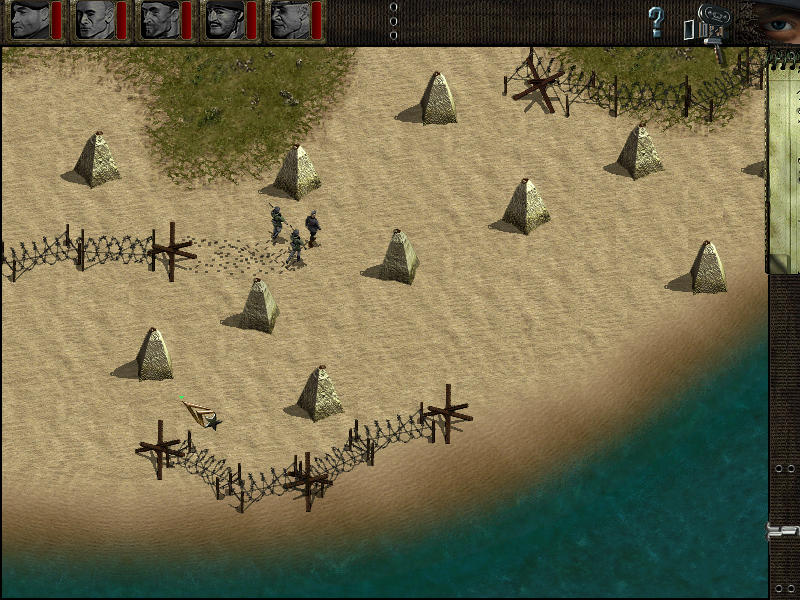
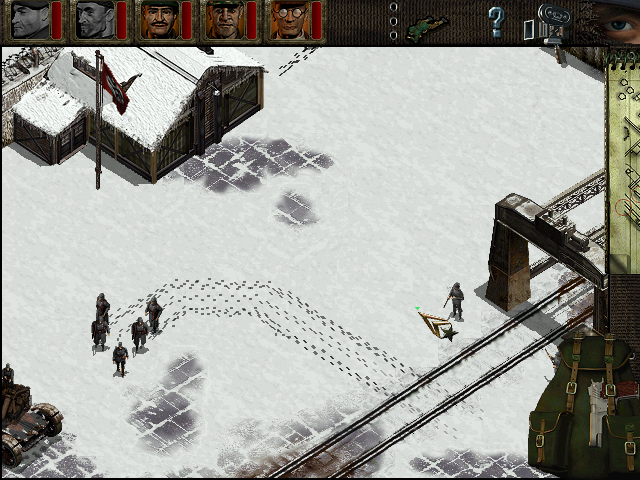
First few levels are set in Norway, and feature green terrain with some parts of snow on the ground. Be mindful of this as enemies can see your footprint in the snow and will investigate. Level 5 is completely covered in snow and takes a while for them to disappear.
Waka Waka Its time for Africa
Levels 8 – 12 onwards are set in North Africa, and you will notice the new terrain as well as the new outfits your commands will be wearing. In these levels oil canister’s can be used to set building and vehicles alight, with the game considering this as an explosion and trigging an alarm. You can place multiple barriers nearby to create a chain reaction explosion.
Level 13 – 15 and onwards are set in Normandy and features a varied terrain.
Finally levels 16 – 20 are set in Germany.
There are also a few tutorial levels available to learn the game mechanics.
Gameplay
Guards – these will be populated throughout the map and are your main enemy. Some of these will be stationary but will others will follow a preset patrol route. There can also be a group of guards, typically 3 but sometimes up to 8 following a preset route. You will need to study their route and make sure your commando does not fall into their field of view. If the tertian contains snow, make sure they don’t catch your footprints.
Enemies can also be stationed in machine guns or armed vehicles, and may also be hiding in various building indicated by the Nazi flag.
A patrol
Alarm – If a group of soldiers notice any dead fellow officers (They shout something along the lines of uncle Lester), or hear any gunfire or explosive, an alarm will sound which will cause more enemies to appear on the map, and will often patrol more quicker. This makes it harder to complete the objects since guards will be on higher alert, and you will have to be more stealthy from then on. Sometimes soldiers will should Alarm, but one will not sound as they are too far from base. You can use this to your advantage by studying the map to see where the nearest bunker is. In some levels, sounding the alarm is an instant mission fail.
Game settings
Submissive to enemy halt, if your commando gets caught by the enemy, this option determines if they halt their existing command, or if they will continue as normal.
Laconic commands refers to the acknowledgment your commando will make when you issue a command, if this gets annoying you can disable it and will mute your commandos.
The third option I would assume refers to background noise, but I wasn’t able to change this option.
Multiplayer
There are two ways to player a multiplayer game, either locally using IPX, or over the internet using TCP/IP. Both options are difficult to do since IPX support has been deprecated in modern versions of Windows (XP onwards) and the MPlayer service, which the game relied on for its central server is longer online. Trying to connect results in the above error message.
However it may be possible if you use two Windows 98 machines, and dedicate one as the server, since the server application is simply a console/MS-DOS program that runs in background.







































 Drew1440: Blog