ONdigital rebranded itself to ITV Digital in mid 2001, and launched a couple of Sport Channels along with acquiring the premiership rights to football, in the hope that more people would give the finger to Sky and subscribe to their service.
Spoiler: It didn’t, the company was Pepsi’d in 2002
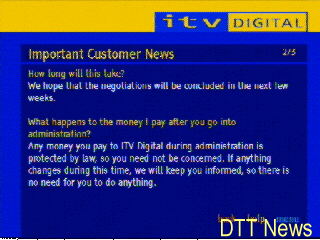
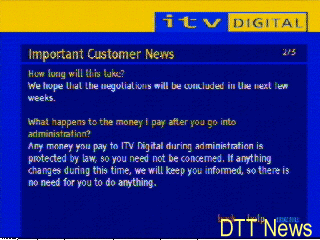
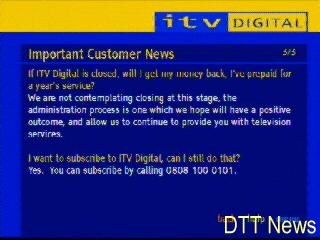
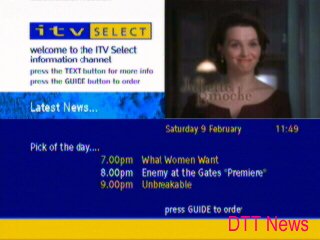
ITV Select
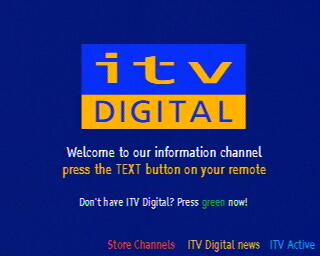
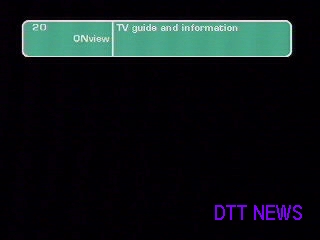
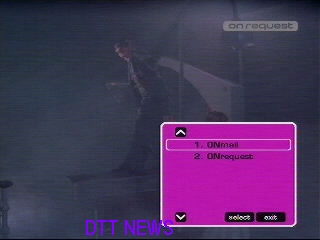
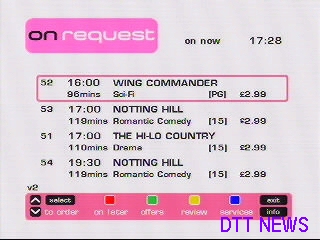
Channel 50 was changed, with ONrequest being changed to ITVSelect with a rebranded interface. The offerings were still the same, with 5 PPV multiplex channels. Channel 20 was also changed, with ONview being replaced with the ITV Digital channel which displayed upcoming services and events via an interactive MHEG applet.
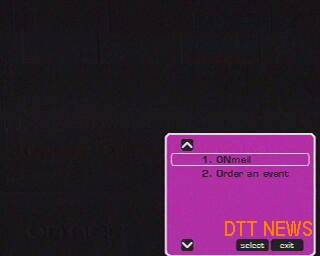
A minor software update was issued to amend the ONrequest option to ‘Order an Event’ when the guide menu is displayed. The service itself was also rebranded with a harsher colour scheme. Funnily ONmail was never changed, but ONnet was changed to ITV Active
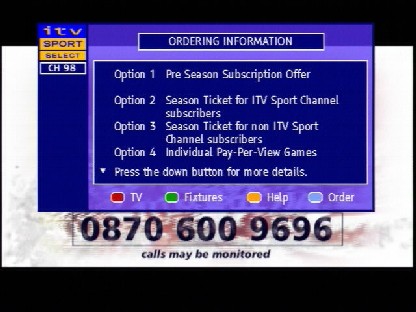
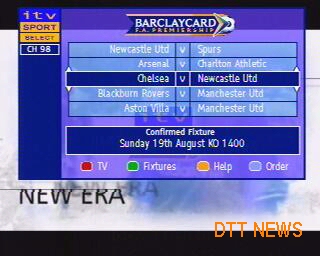
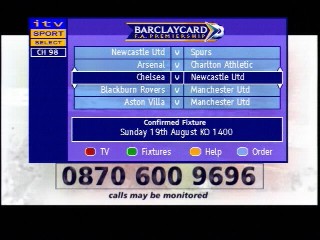
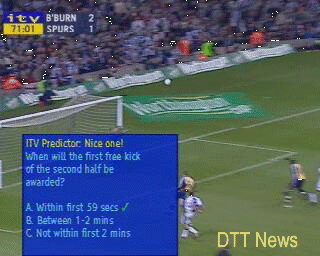
ITV Sport Select
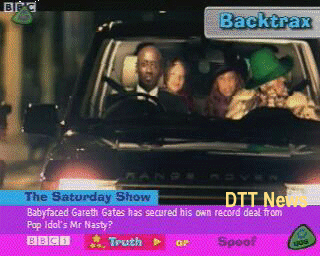
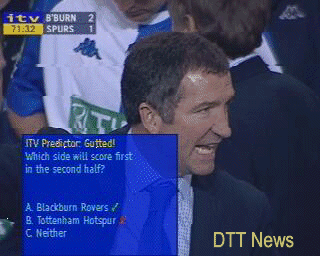
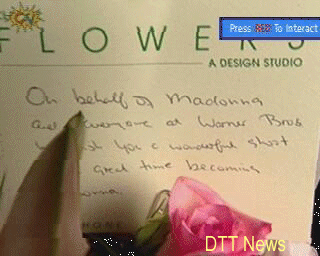
During football/soccer game a quick quiz could be played whilst the advert was being displayed. ITV Sport Select was the PPV Box Office channel for live events.
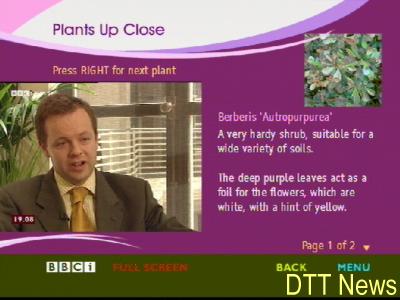
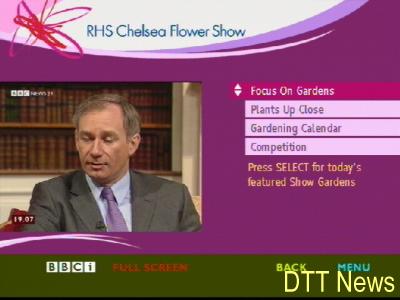
BBCi
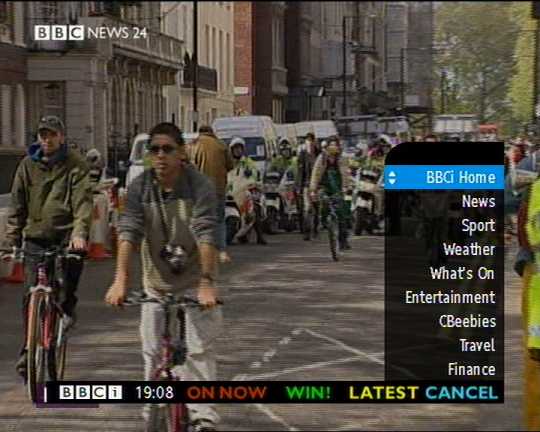
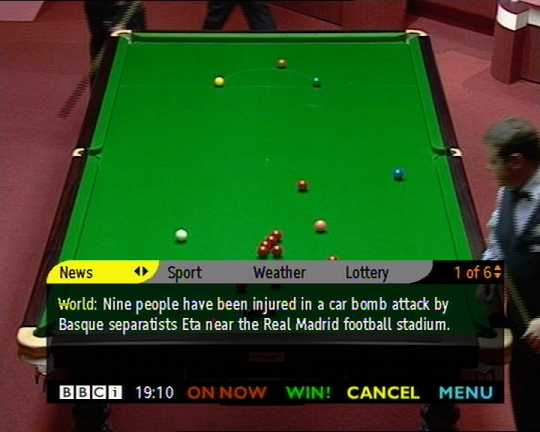
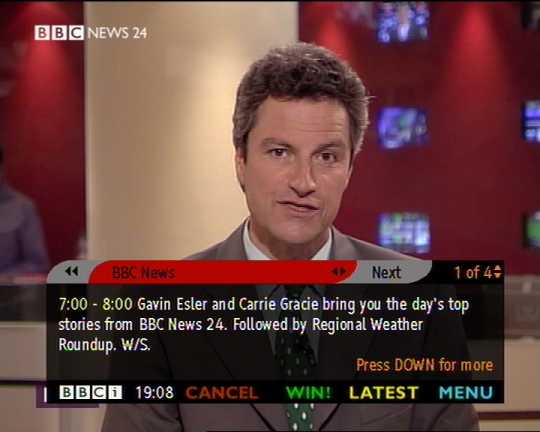
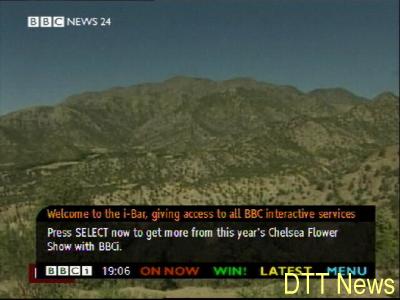
A look at the BBCi bar, which you could access that would give now and next information whilst the channel was being displayed.
Back when digital TV first launched many broadcasters were free to experiment with the benefit that digital tv had to offer. Not only did we get an avalanche of channels, we also got interactive services which were to extend what Teletext/Ceefax offered.
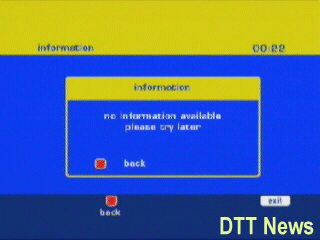
These screenshots were captured and were uploaded to a site DTT NEWS, which has long gone offline. They have been archived here for a look at the early days of Freeview and interactive digital TV. Sadly what the screenshots do not capture is the long time it took for the ONdigital box to load the pages. Also some boxes didn’t support interactive at all, with the Sony and Toshiba lacking any MHEG5 support. I’m not sure why these boxes didn’t get interactive support, maybe Sony & Toshiba didn’t stick to the specifications and were not able to port the MHEG5 API? Memory limitations?
These screenshots are of Freeview/ONdigital DDT only, and will differ from what was offered by Sky or the cable services of the time (ntl/Telewest)
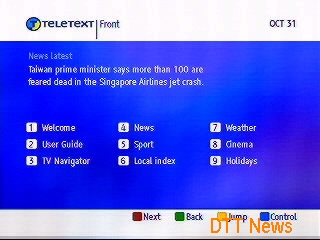
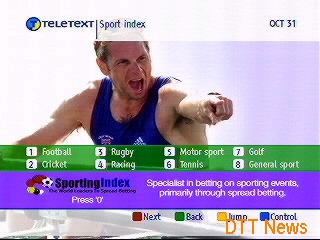
Teletext
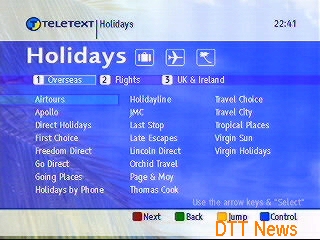
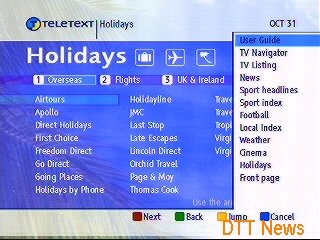
The digital successor to ‘analogue’ text which was promised to be faster and more efficient, the drawback was the early ONDigital boxes had slow CPUs (The Nokia 9850T has a Texas Instruments 40Mhz ARM CPU) which meant it was slower than the analogue Teletext, Teletext was later axed and only the holidays branch remains.
I should mention that analogue Teletext/Ceefax itself is actually digital, its just transmitted within the vacant PAL lines, whilst digital teletext are MHEG applets that are part of the digital transport stream. You can also have both analogue and digital text at the same time, and have the STB regenerate the analogue teletext signals which are decoded by your TV, this also worked for subtitles (888)
Channel 4
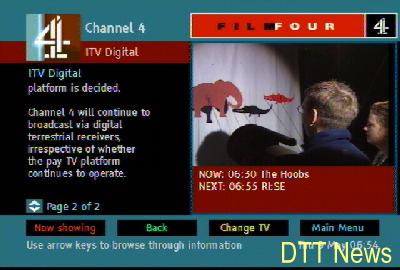
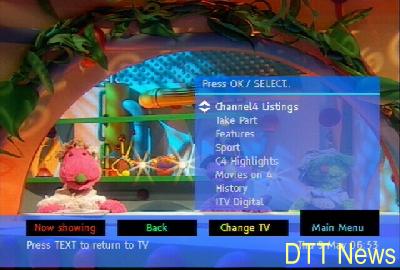
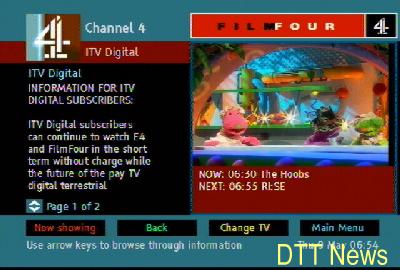
FourText was Channel4’s digital text service which also covered FilmFour, now known as Film4. Like ITV’s services, these complement Channel 4’s programming.
BBCi
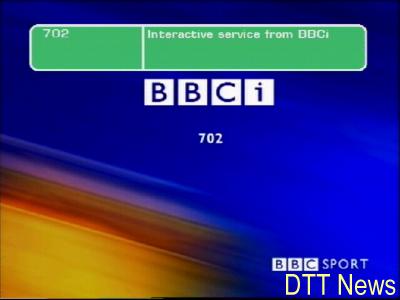
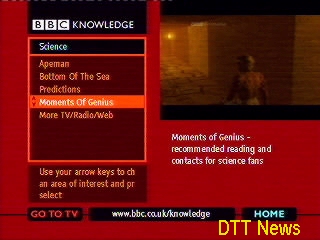
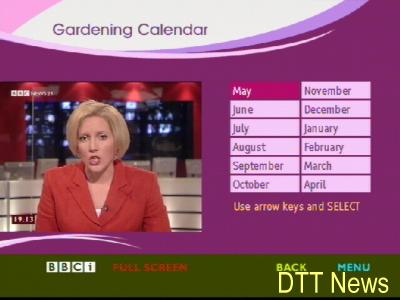
BBCi, previously BBC Text and now known as BBC Red Button was the replacement for Ceefax and made use of the MHEG functionality offered by DTT. The BBC operated three interactive channels known as 701, 702 and 703 which were used to offer extended coverage of sporting events and behind the scenes interactive features.
The BBCi bar was used to locate and find listings across the 6 BBC digital channels, it only functioned on the BBC channels.
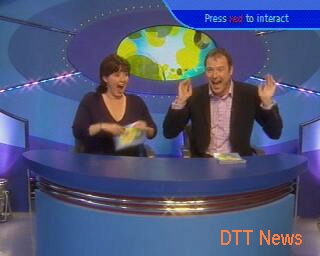
Saturday Show
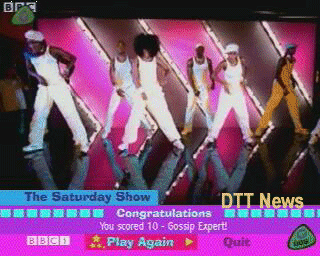
The Saturday Show was the replacement for Live&Kickng and competed with SM:tv, a few games and activities are offered with this service while the show was being broascast.
ITV Brit Awards
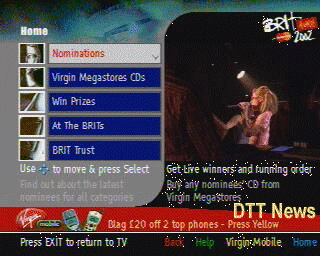
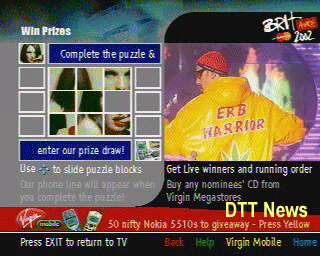
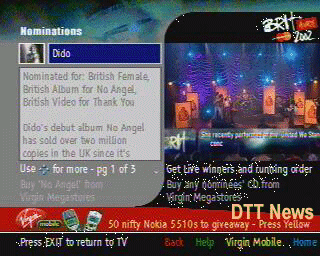
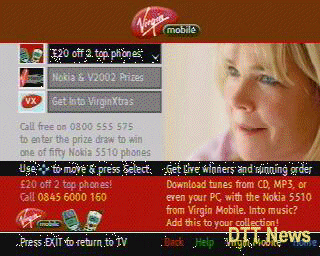
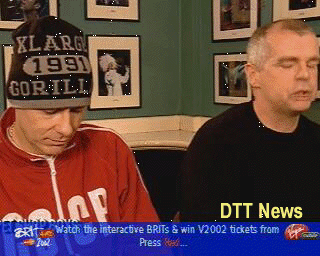
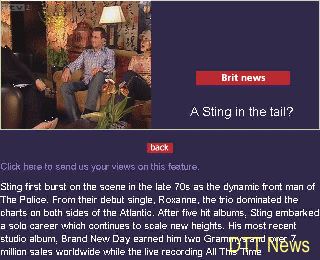
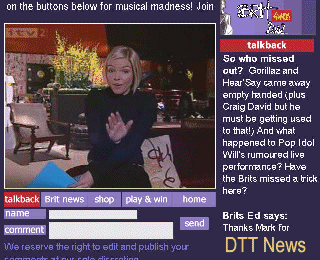
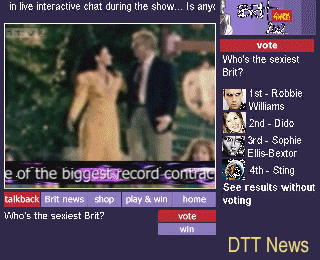
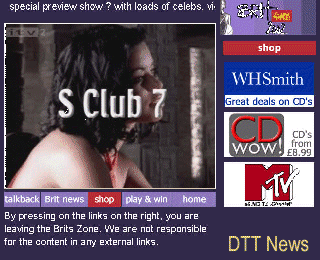
To complement the yearly ITV Brit awards, the interactive service offered updates, simple games and sponsor zones.
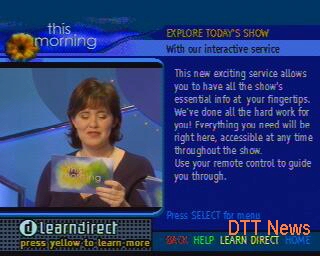
This Morning
This Morning was sponsored by LearnDirect, and was advertised on their interactive text service. LearnDirect is a company that offered course for people to learn from home int heir own time, and this service was designed to promote that by giving details that their adverts were not able to provide.
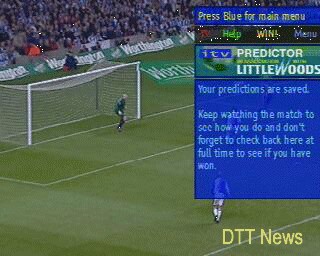
ITV Sport
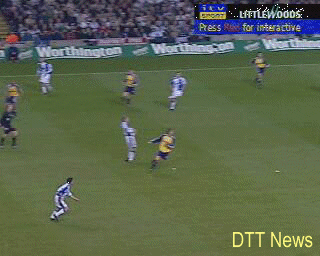
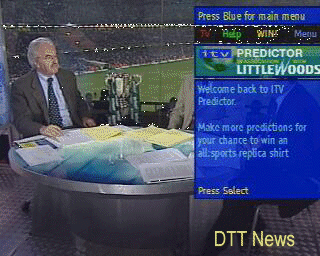
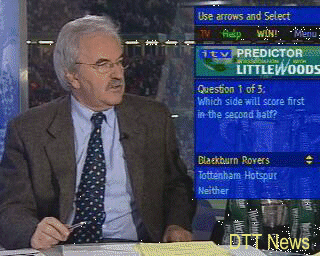
To complement the ITV Sport channel, an interactive service was launched with offers additional activities like a quiz, and a match predictor that was sponsored by Littlewoods, who still operate as an online retailer.
SMTV
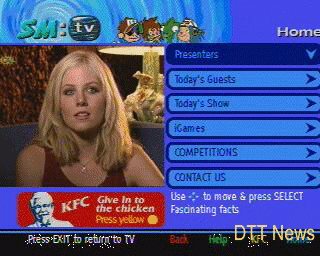
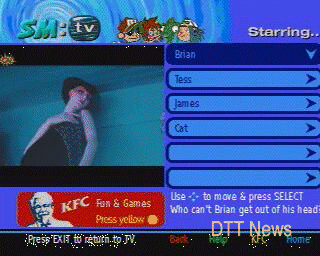
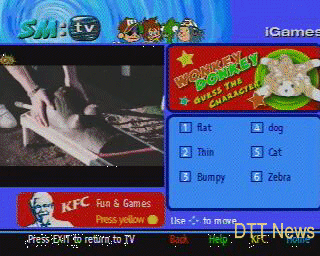
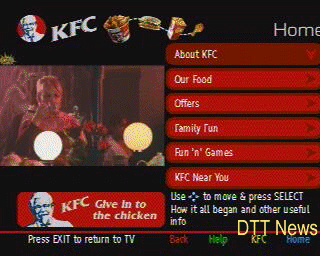
If you get bored of Ant & Dec that you could access the SM:tv interactive services that featured information in relation to the current show, any competitions and KFC, back when fast food joints could sponsor kids shows until Ofcom stepped in
Throughout the years that ONdigital had operated it had launched several interactive services to enhance and compliment their channel line up, and to make their service more competitive compared to Sky Digital and the cable operations by ntl and Telewest at the time. ONdigital used the MediaHighway and later MHEG5 interactive standard.
Several of the screenshots were hosted on DTT NEWS which has long since gone offline, they have been archived here for future refernce.
ONview
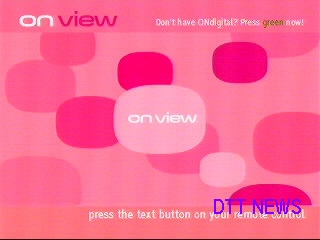
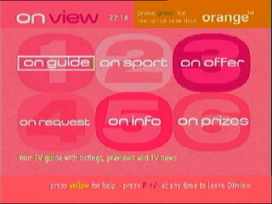
ONview was launched in mid 2000 as a replacement for the channel ‘FirstONDigital’ which broadcasted slideshows of upcoming news and service launches for the ONdigital platform on channel 20. ONview however was supposed to be the central portal of all ONdigital customers and operated as an MHEG service, I guess to entice non subscribers using IDTV’s to subscribe? At this point you could buy IDTV’s of which some came with ONdigital firmware loaded (with some being nothing more than a Nokia Mediamaster box being stuffed inside), some TV’s (Sony) did not feature this software and had their onw, which would explain why ONdigital moved from the MediaHighway middleware to the MHEG middleware.
ONguide
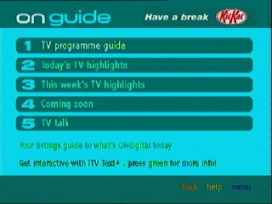
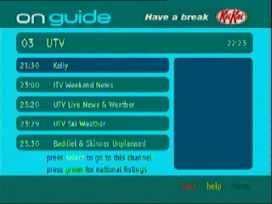
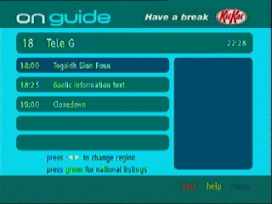
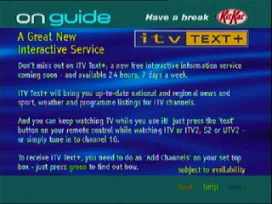
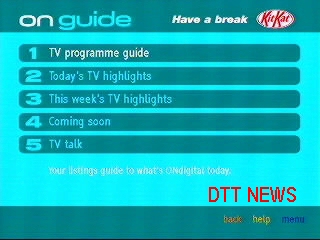
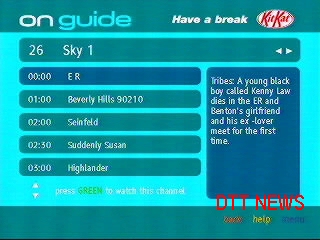
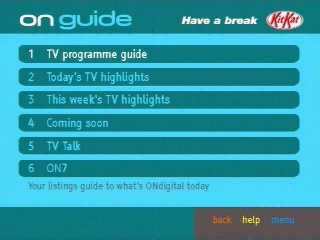
The ONdigital EPG, a tacked on MHEG5 app. The ONdigital boxes only featured a Now and Next style EPG built into their firmware, and was reliant one either a monthly magazine or a couple of interactive guides offered by BBC, ntl or Teletext.
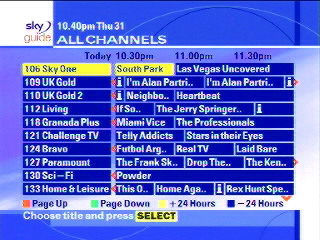
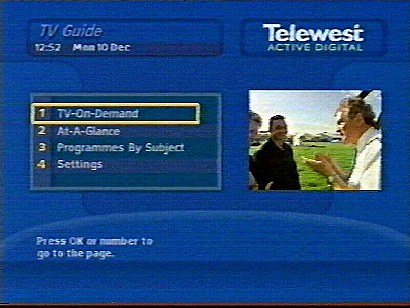
Compared to Sky and cable its very poor, with no ability to set reminds unless you manually set the timer in the main menu. Meanwhile this is what the completion TV guide looked like…
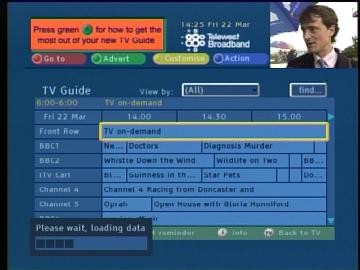
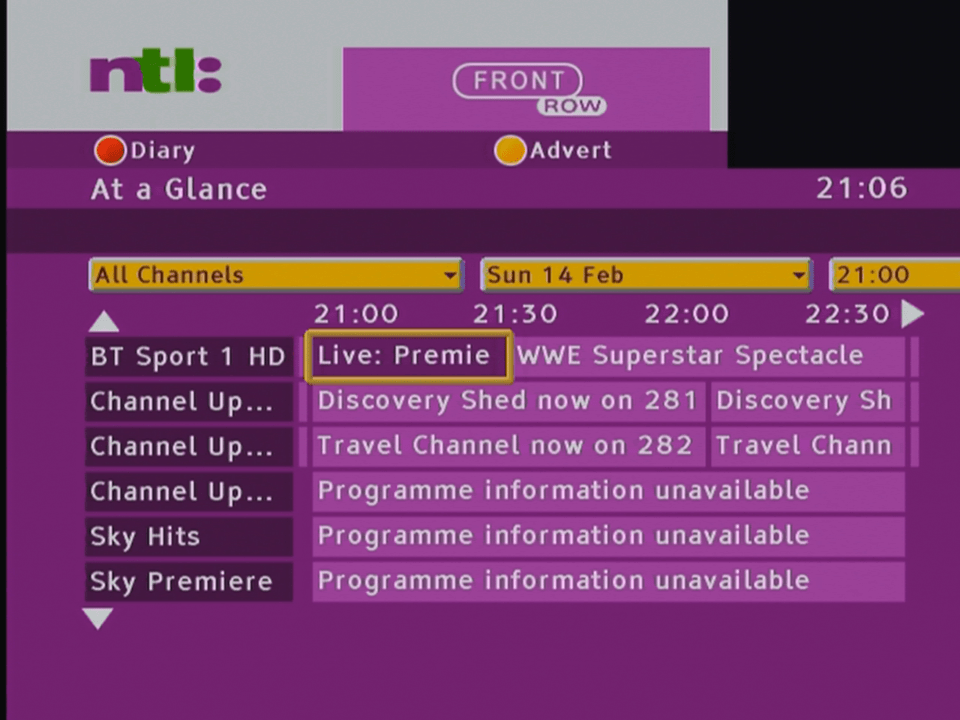
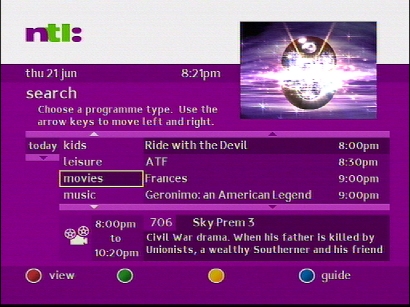
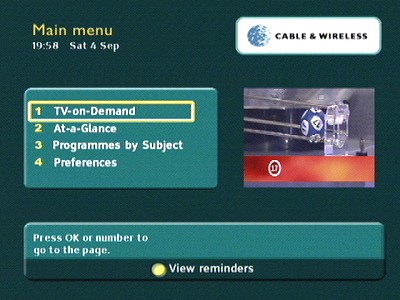
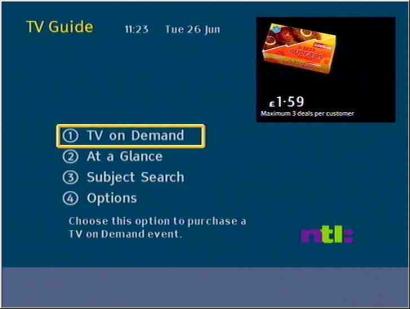
Cable & Wireless EPG GuideTelewest Active Digital Guidentl Bromley CR3
ONinfo
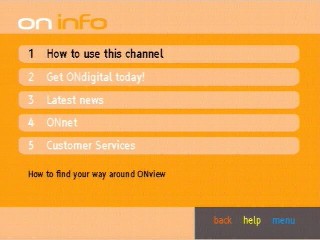
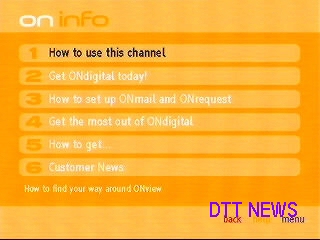
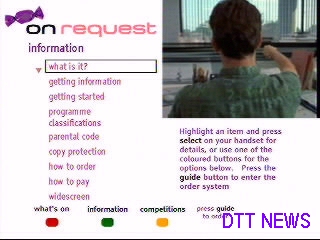
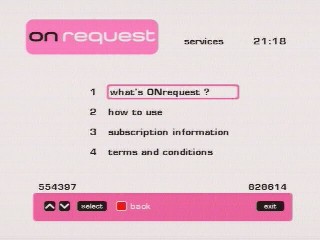
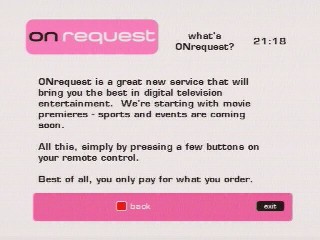
ONinfo, with information about ONdigital’s services and how to subscribe, a later revision is shown on the right with information about ONmail and ONrequest
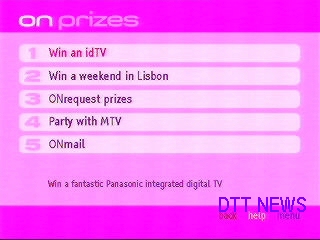
ONprizes section, where details of competitions and how to enter them.
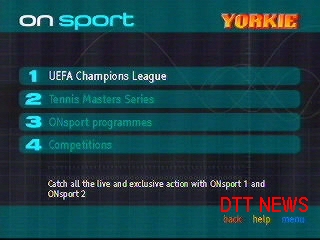
ONsport – Sport highlights for ONdigital’s dedicated sport channel
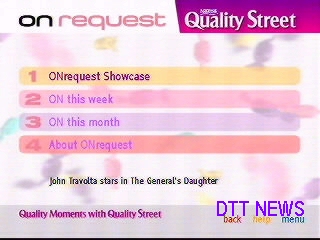
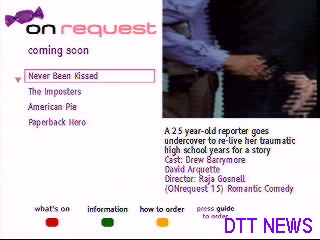
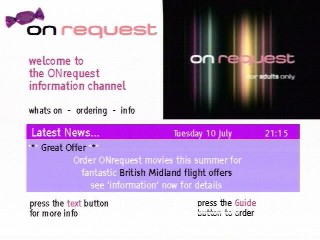
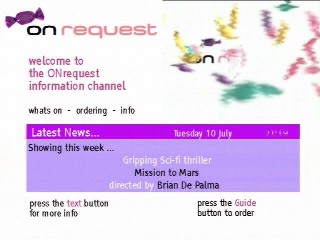
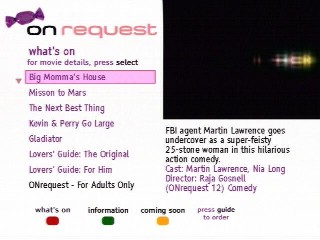
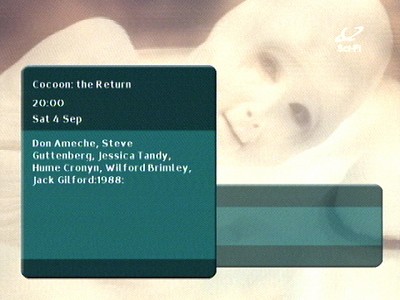
Information on movies and event on ONrequest are promoted here and information on how to order from the service.
ONrequest
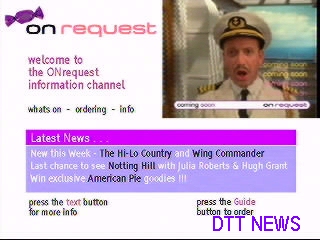
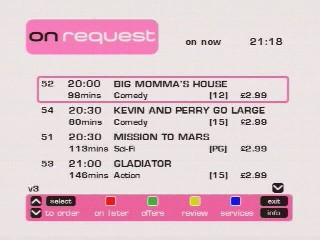
ONdigital’s Pay-Per-View service, where films could be ordered and screened across 5 multiplexed channels. Customers could access the service by going to channel 50 and pressing the text button when prompted.
A common thing you see with Onrequest is sweets, or sweet wrappers. I’m not sure on the connection between sweets and per-per-view movies
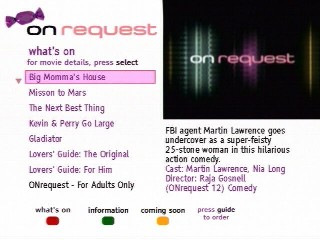
This part of the service is where you can view information about the movies that are offered, followed by a description of the event and the actors and director involved, along with the age rating.
To actually order the event you had to press the guide button and then choose option 2, which would load the actual PPV application where the customer could order the event, as long as their box was connected to the phone line. This was all done in the second part below.
The screen where you order the event itself. This looks like a MediaHighway applet.
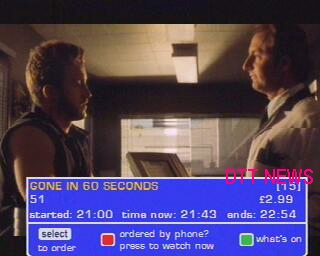
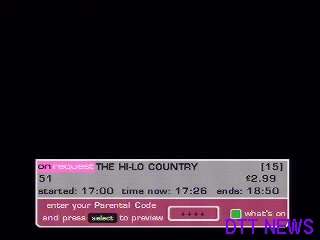
This banner appeared when you entered an ONrequest channel whilst an event was currently being shown. Customer could see a 10 min preview of the start of the programme to entice them to order
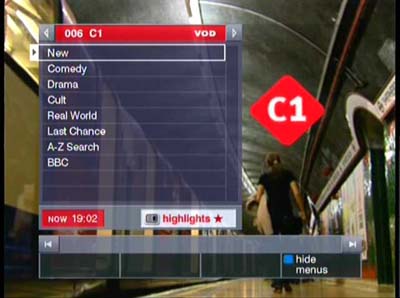
Homechoice was one of the first IPTV providers in the UK (along with Kingston/KCOM) where the entire TV service is delivers via the ADSL enabled phone line.
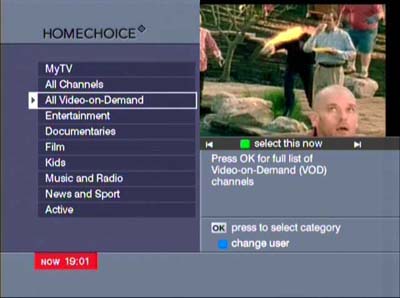
The main on demand guide, C1 and C2 were presented as linear TV channels but were shortcuts to Homechoice’s on demand content
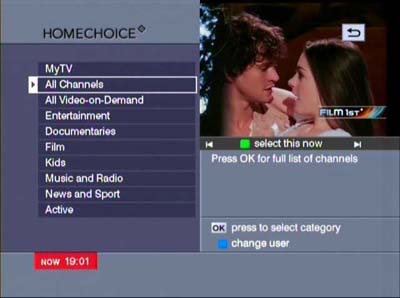
TV channel genres, similar to the category view on Sky digital, but with video on demand mixed in
The main linear TV channels, up to 6 channels are displayed at a time and can be scrolled through using the CH + and – buttons. Future TV listings can be displayed. Like cable, a Mini TV window is displayed showing the channel that the user is currently tuned to
Main channel navigation banner, you can see what is being shown now and what’s coming up later
Synopsis information, displaying more information about the program
All shows than are going to be broadcast latest for a specific channel
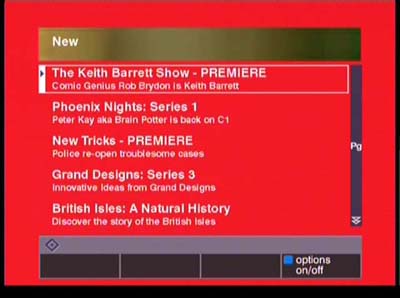
C1 was a dedicated n demand channel that would show trailers for shows that Homechoice was offering. Virgin would adopt the same method with Virgin Central, as a way to entice customers to use the service.
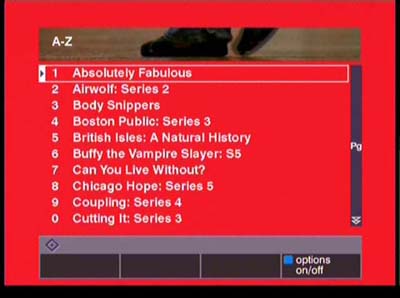
Detailed list of all shows, here the newest shows are listed
An operating system with a notorious reputation from people who have never ran or used it. ME mainly built off Windows 98SE and came bundled with an updated version of Internet Explorer, Windows Media Player 7 and Windows Movie Maker. Internet enabled games also make an appearance here.
Under the hood not much has changed, but some DOS compatibility has been broken or removed in preparation of migrating to the NT kernel, which was finalized by Windows XP. This means drivers that are reliant on MS-DOS real mode will not function.
Install
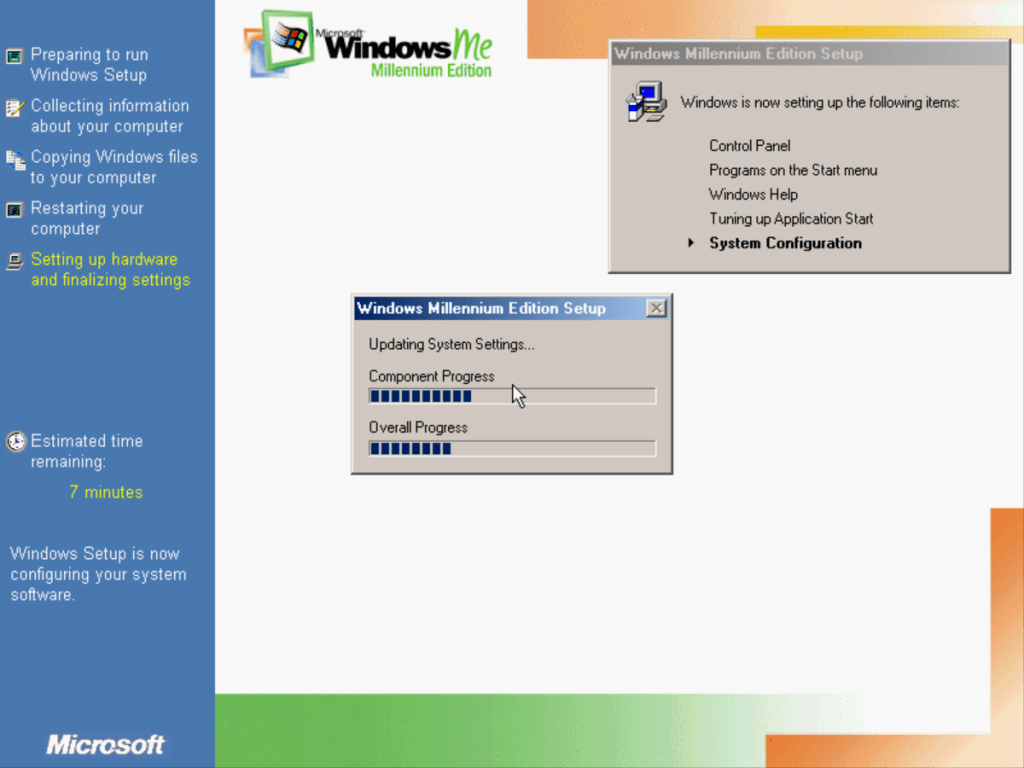
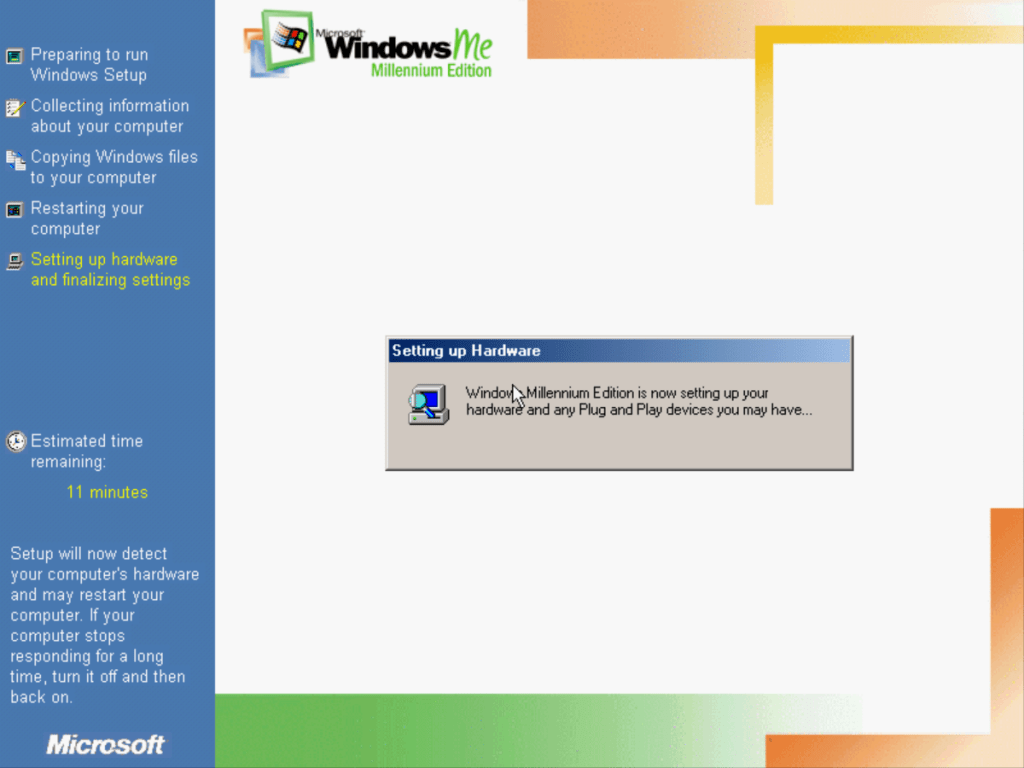
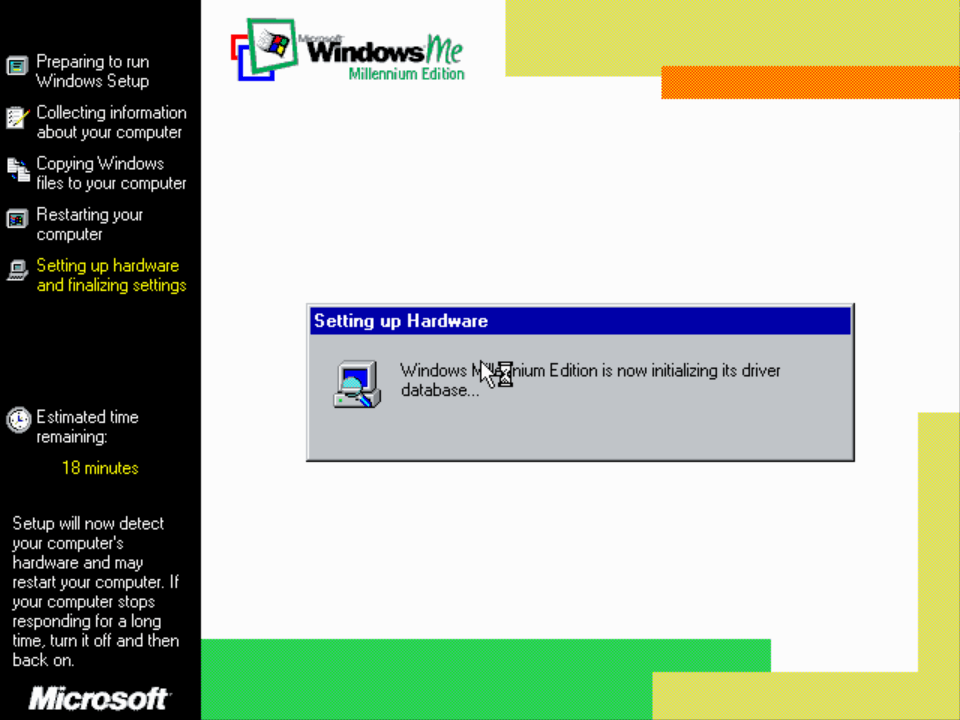
The install process is very similar to Windows 98 and is divided into two parts, with Windows itself being responsible for the second part. (First part is somewhat MS-DOS/Win 3.11 like environment)
Desktop
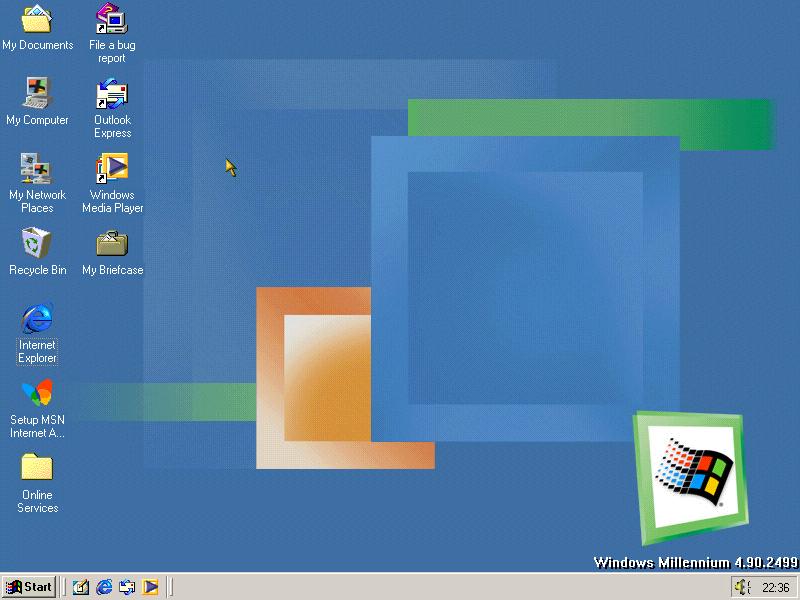
The default desktop features a revised taskbar and UI color scheme, being a lighter shade of grey. Gradients continue to be used in the title bar’s of active applications. Windows Media Player and MSN have more prominence in Windows Me and are featured on the desktop.
Programs
Windows Media Player
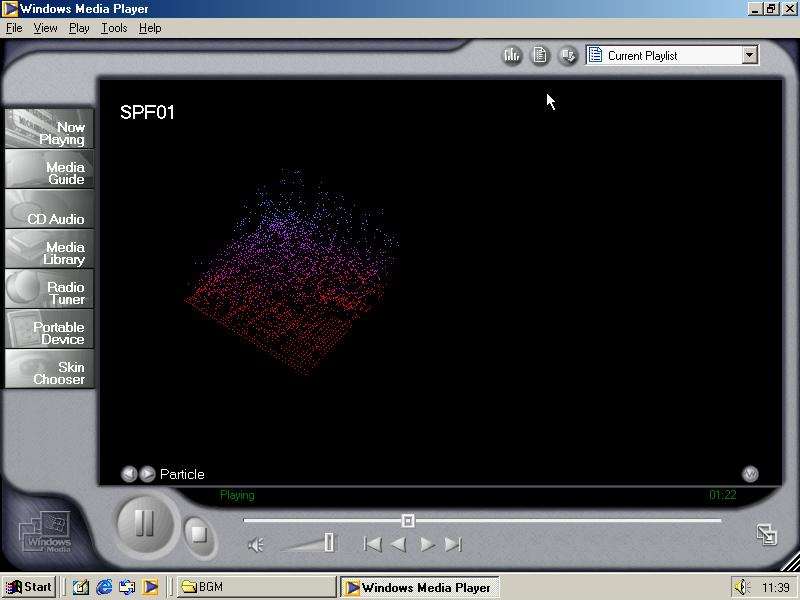
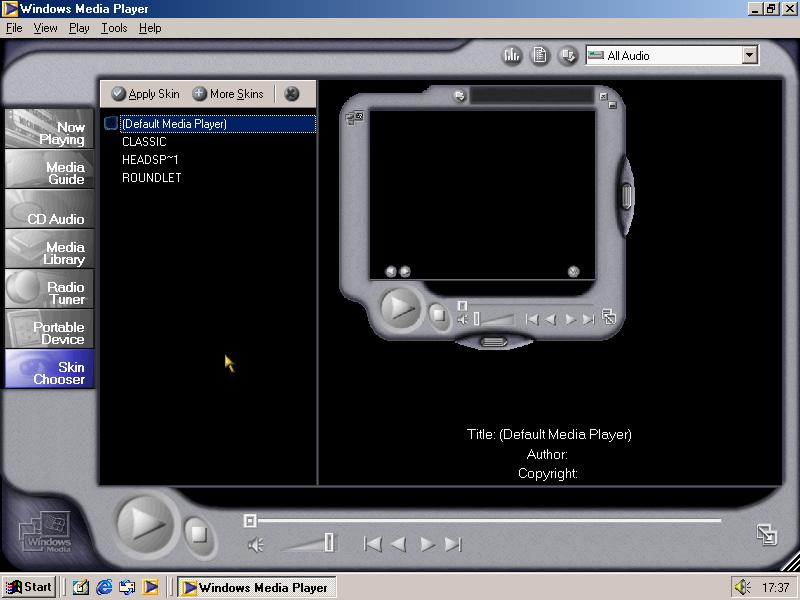
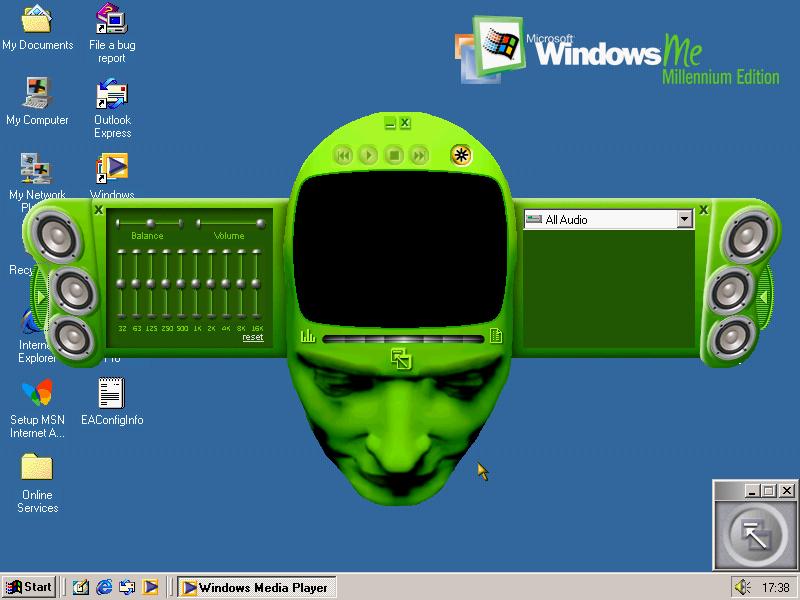
Windows Media Player 7 makes its appearance here, which was meant to combine the CD Player, Movie Player and MIDI music player into one application. And introduced a media library and a radio tuner guide for internet radio stations. This would form the basis of later media player versions and was meant to be more competitive to Apple’s QuickTime. Media player 7 is fully skinable, and come with a few preinstalled skins that give a minimal view and control of the media player.
Windows Movie Maker
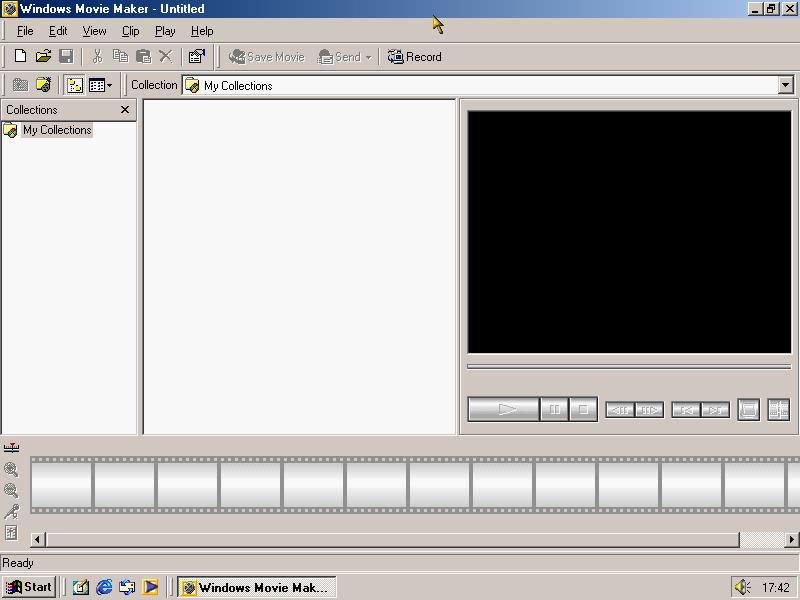
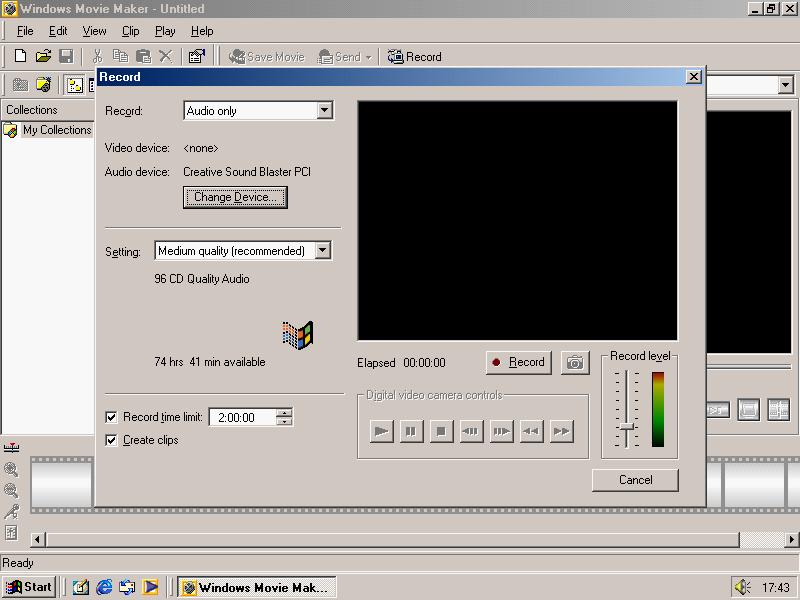
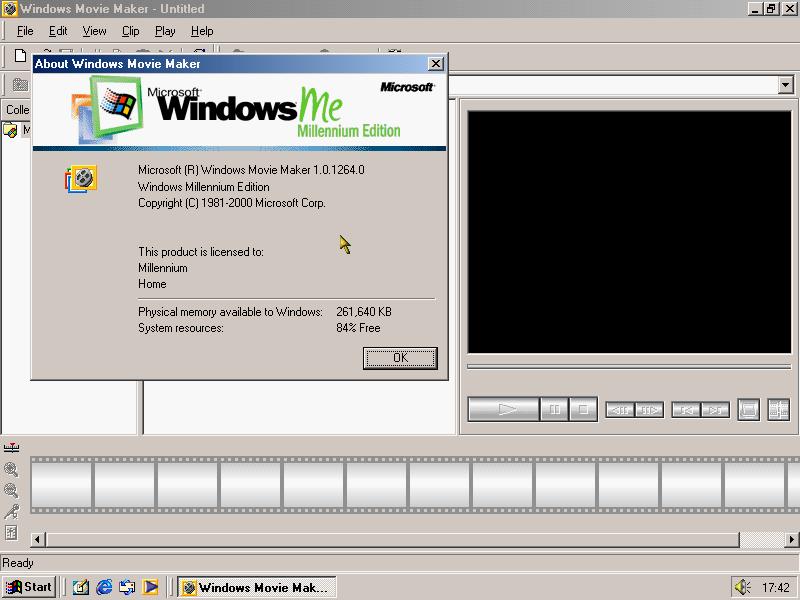
Windows Movie Maker debuted with Windows Millenium, and was made as a separate download from the Microsoft website. This was a basic video editing applications where video clips could be combined into one video clip which could be exported or burnt to a DVD.
Outlook Express
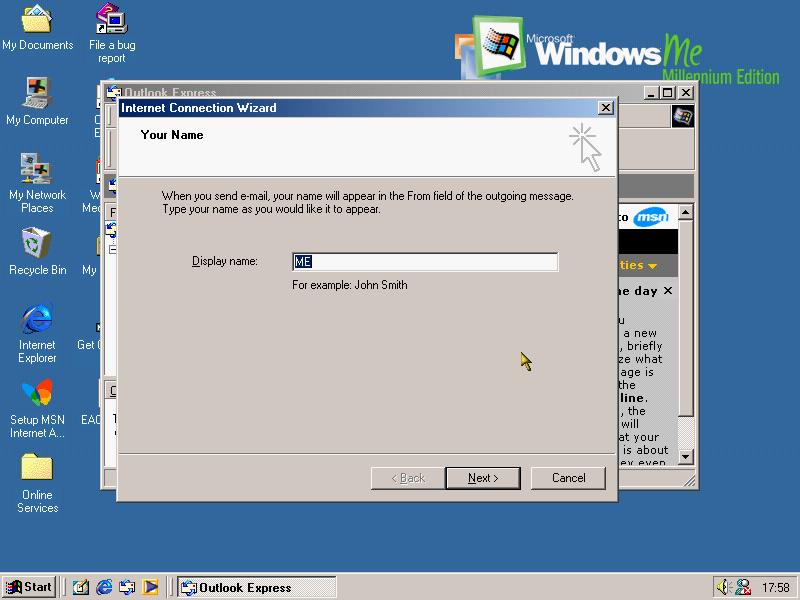
The default email client bundled with Windows Millenium and integrated with Internet Explorer
Accessories
Sound recorder, many of the utilities from Windows 98 like Paint and Volume Control remain unchanged.
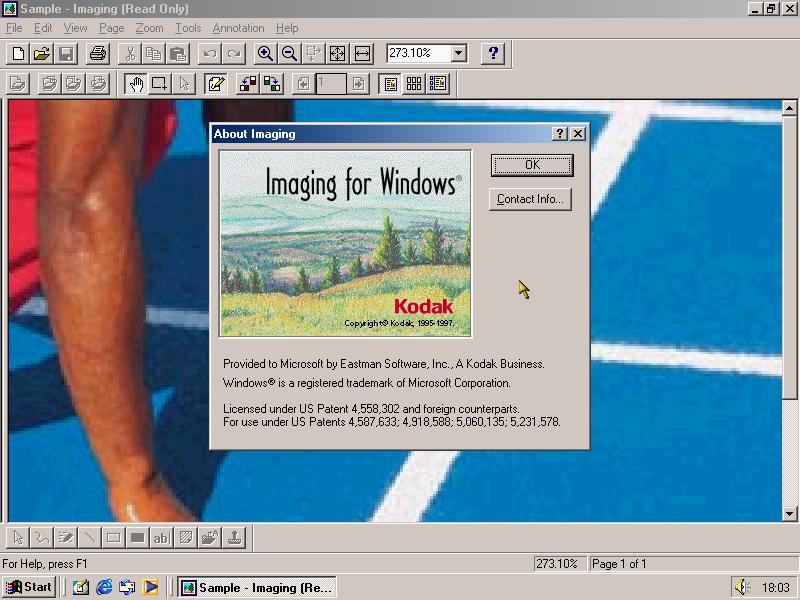
Imaging for Windows – capable of opening JPG, GIF, BMP, TIFF and AWD files. Useful for images received by email, fax or that have been scanned in
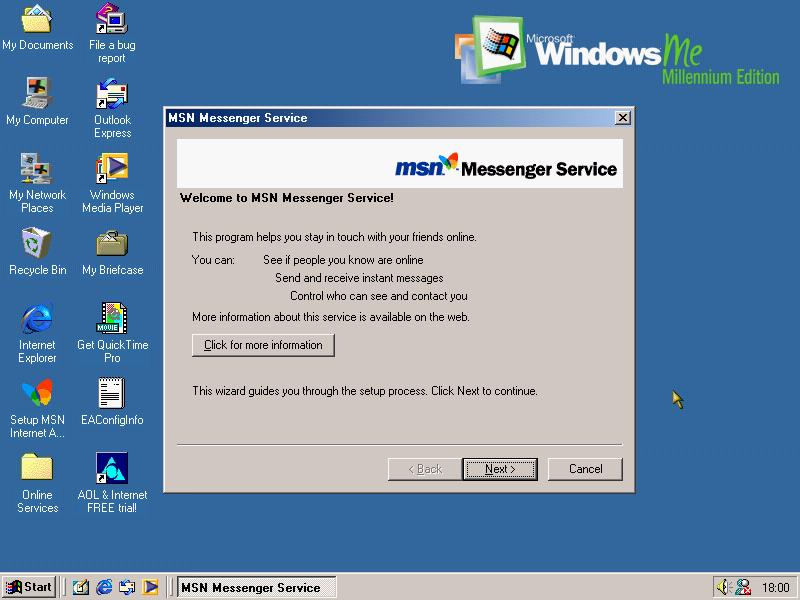
Early version of MSN Messenger, Microsoft’s instant messaging service. Sadly not much use since the servers were shutdown.
System Tools
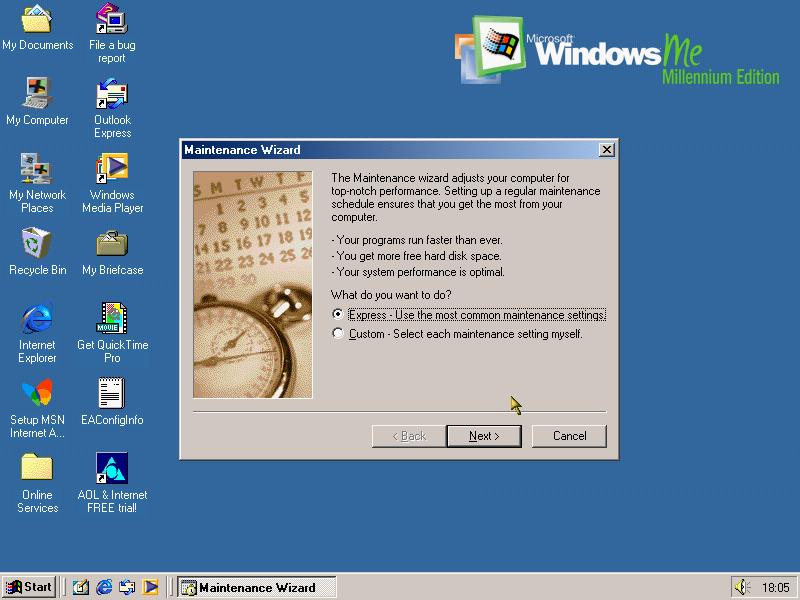
Maintenace Wizard
I believe this was present in Windows 98 but has been slightly revised here. Maintenace wizard lets you schedule when to run scandisk and disk defragmenter, which could be run in background to maintain performance.
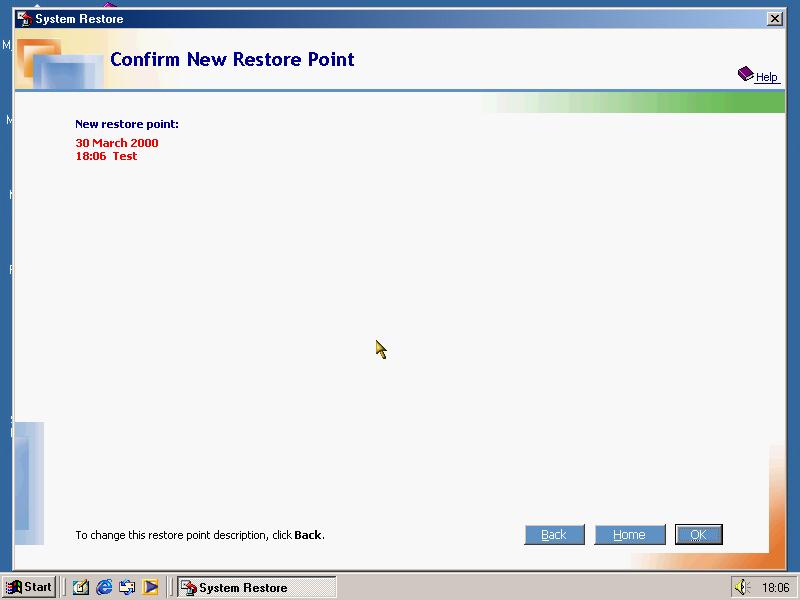
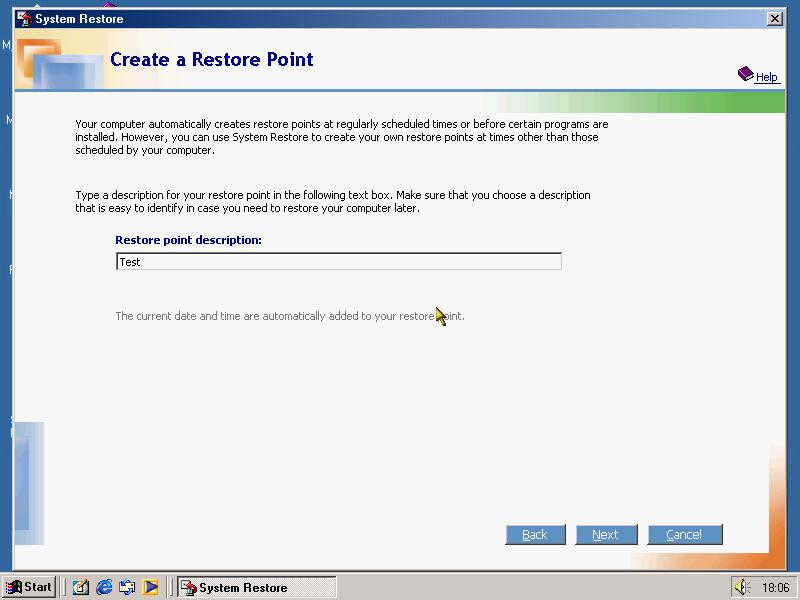
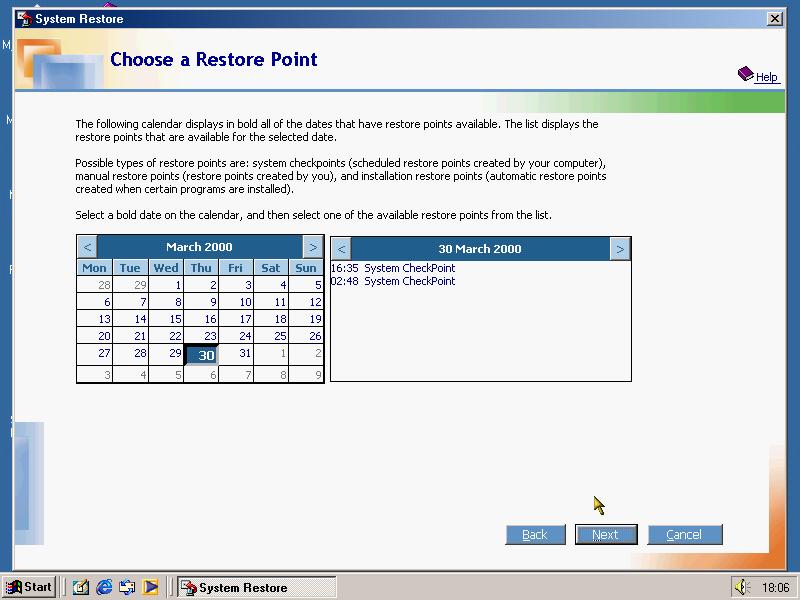
System Restore
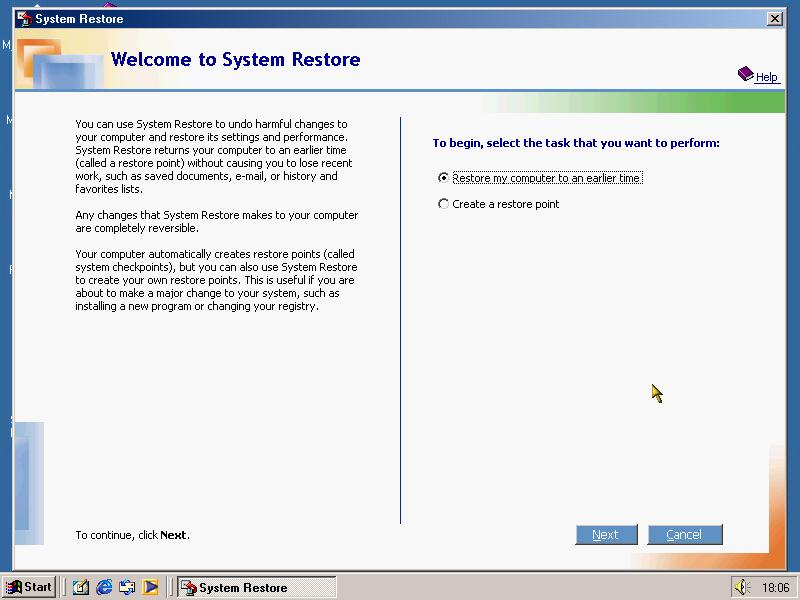
Windows ME marks the introduction of system restore, this was a feature that took snapshots of your system when applications or changes were made to the system in the event of the system no longer booting correctly. It has since been included with Windows XP.
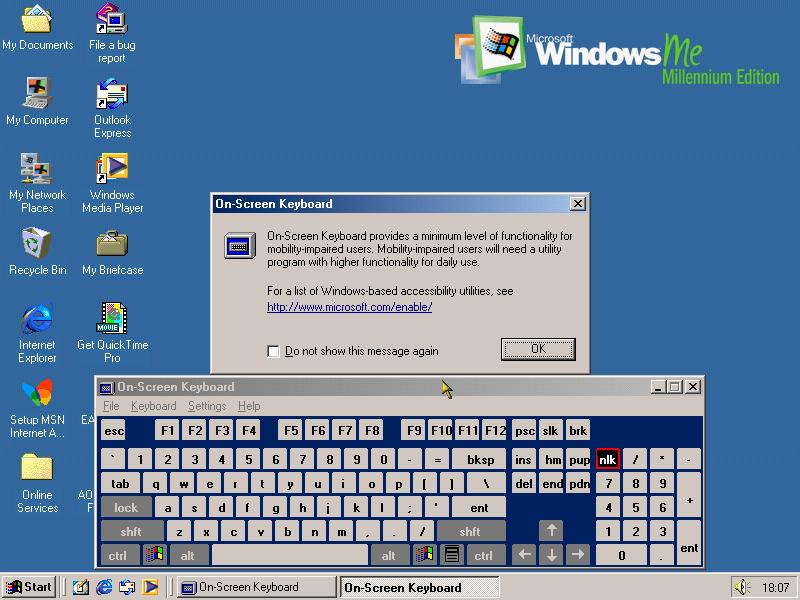
On Screen Keyboard has been introduced
Feedback utility to provide feedback to Microsoft, does not appear in the final release
Internet Explorer
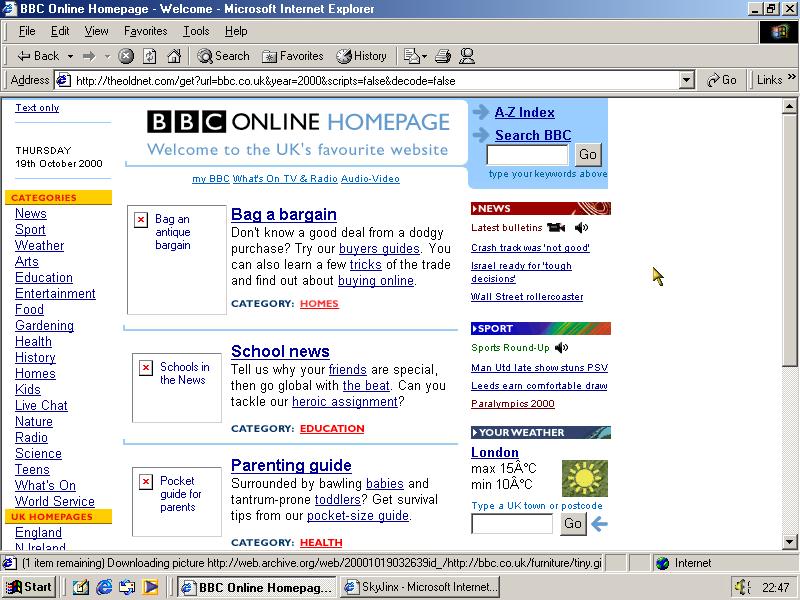
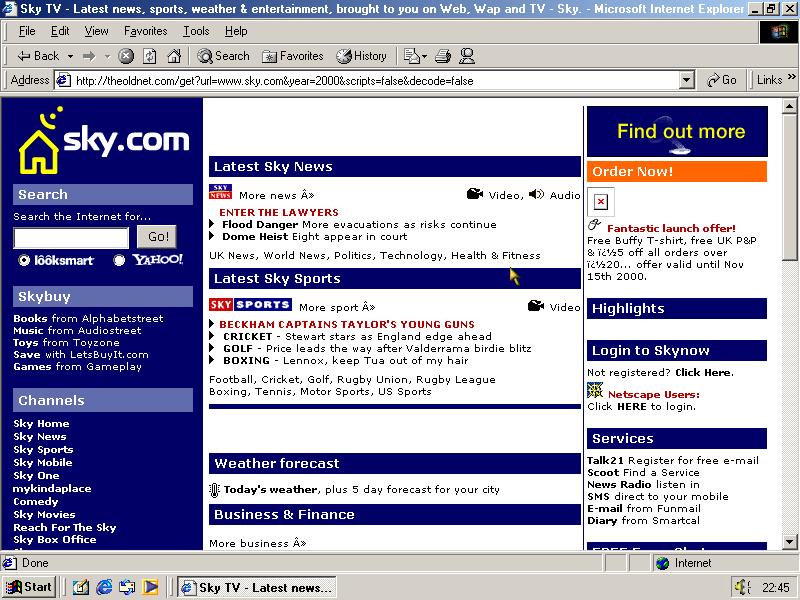
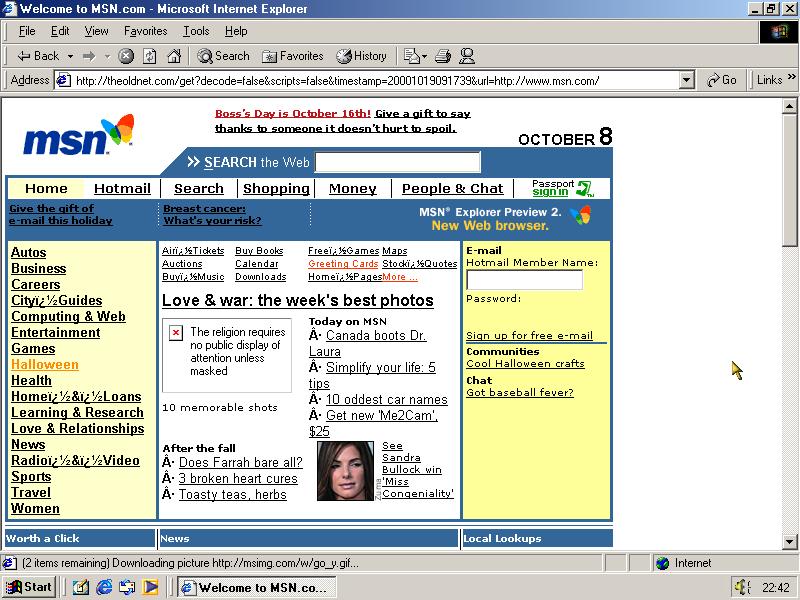
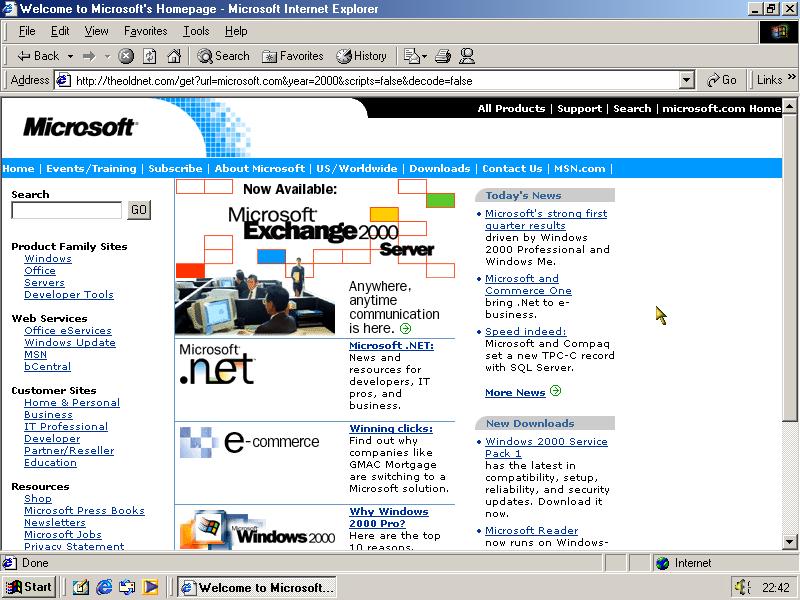
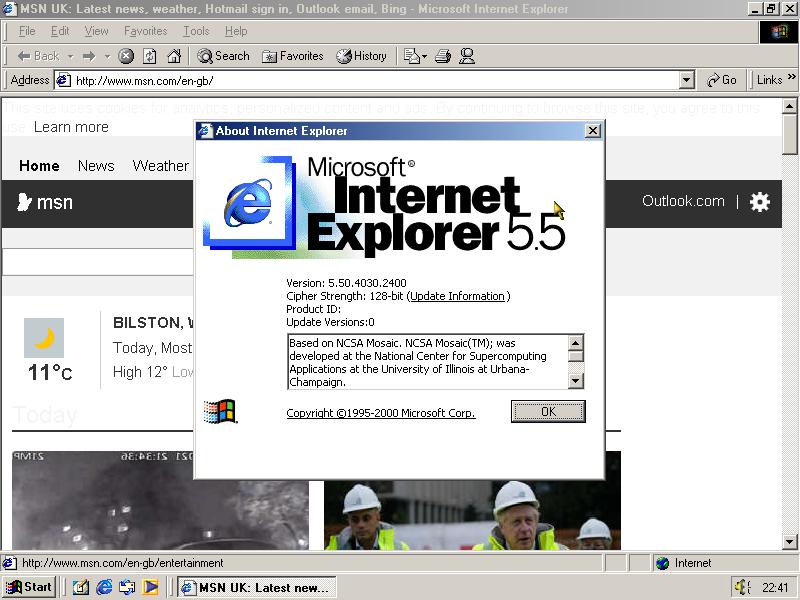
Internet Explorer 5.5 comes bundled with this build, and is somewhat able to load the modern msn homepage. I also decided to test it with some period correct websites from 2000
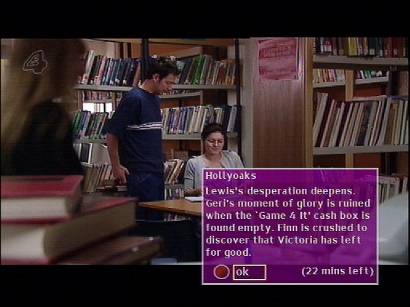
This update marks the start of the unification of the Langley and Bromley platforms, as the colour scheme as been changed to match the one used by Bromley CR3. Internally many amendments were made in how the DVB-SI was handled in order for it to behave like the Bromely imersion.vplentation
The channels banner keeps its layout but adopts the new color scheme
Information banner that displays details on the program being broadcast
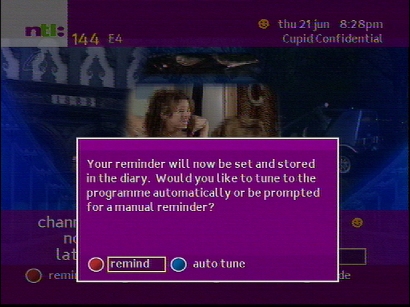
Setting a reminder for a future event, auto tune can be enabled for when you are settings a recording for a VCR, the box will then automatically change over to the channel
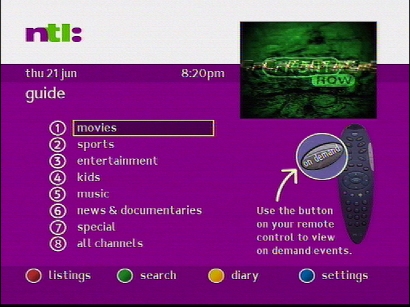
Main guide screen, different genres can be accessed here
This guide still has the classic layout, whilst the Bromley guide uses the grid like layout that is well known today
Pressing text on a channel that does not have an interactive link
Using the subject search feature to find a program
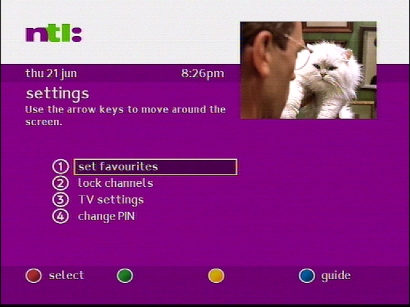
The settings area, which remained unchanged since the previous version
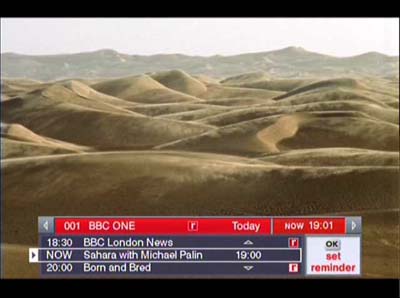
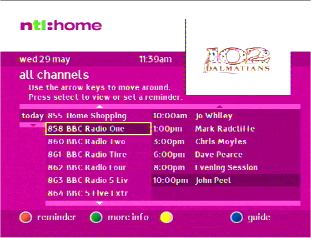
The channel banner that shows now and next information. Also supports transparency, a feature of the C-Cube GPU that was in the early Pace boxes
Future events can be found by navigating through the banner
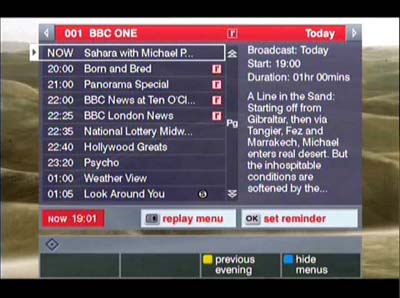
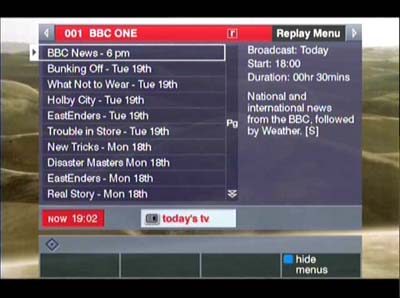
Reminds can be set for future events, this predates the Sky personal planner which wouldn’t debut until 200. Don’t know why the symbol is upside down?
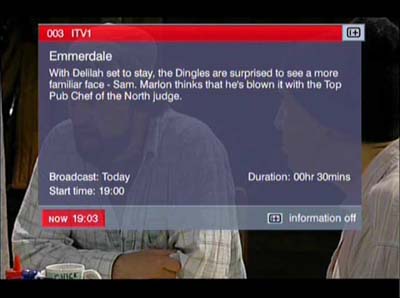
Viewing information about the show itself
The main home screen that appears when you press TV Guide, looks very similar to the Telewest version
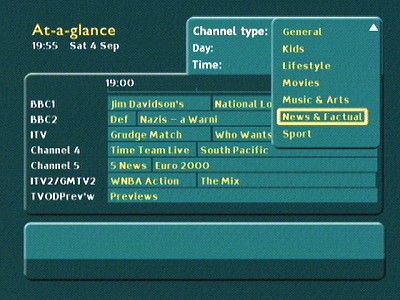
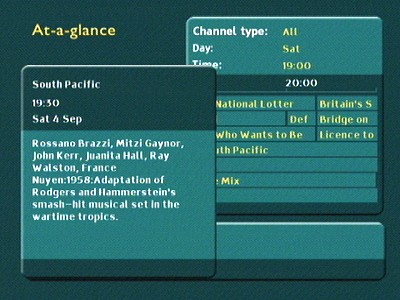
The early EPG that was used on these cable guides was known as at-a-glance, and used a grid style layout to show channel listings
Sorting channels by genre
Pressing the i button gives detailed information about the upcoming show
Reminder notification, not sure if the STB will switch over automatically to the show being broadcast
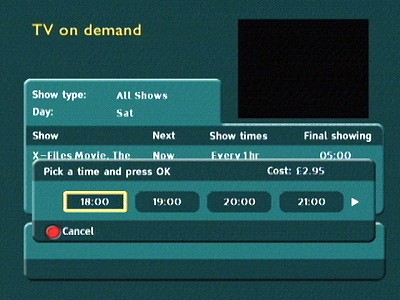
TV on Demand
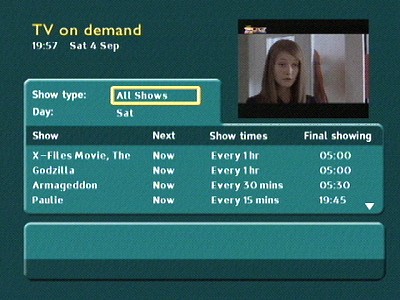
This is basically a near VOD service similar to Sky Box Office of the time, as true VOD would not launch until the ntl era, 2005
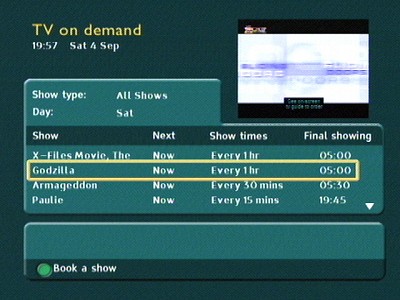
Main on demand screen with a list off currently showing events
Sample error/information box, on this one a warning is shown when the user is watching a copy protected movie
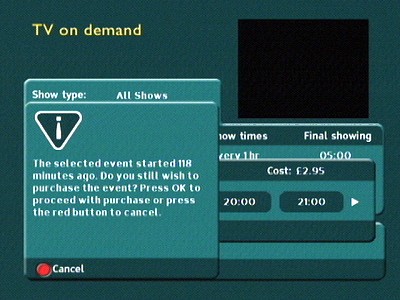
If the event is already showing a warning messages informing you will appear
Selecting the preferred start time
Updating VOD listings
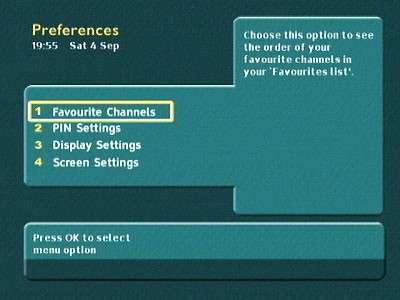
Preferences
Settings area where favorite channels and preferences can be amended
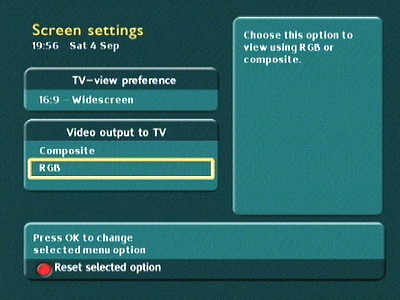
Display aspect ratio can be changed, along with the scart output (Composite and RGB Scart)
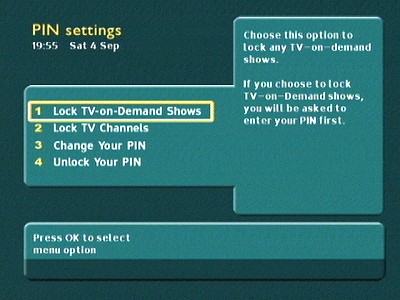
Pin control to restrict TV events and channels
Interactive
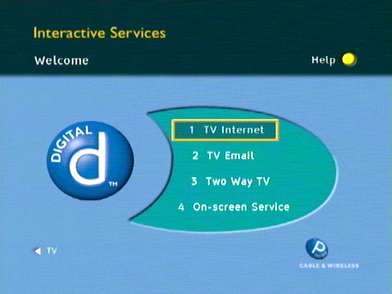
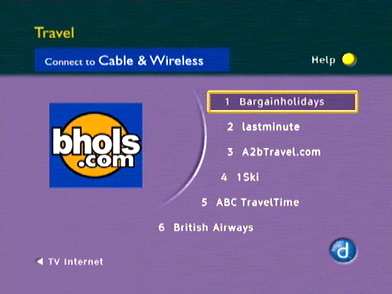
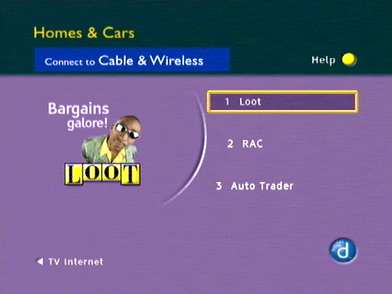
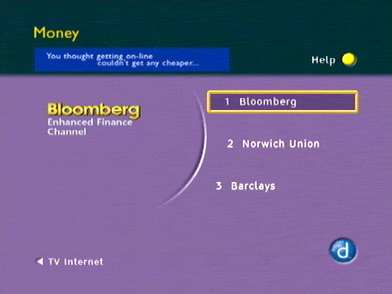
A few captures of interactive sites that were available at the time, interactive launched in mid 2000 and was built on the Liberate navigator platform. Initial reception to the service was problematic, with issues bring the service being slow to load and some pages refusing to load likely due to the demands being placed on the server and lack of capacity. Supposedly this was due to the DOCSIS upstream being used to upload data as it was meant to, but the downstream being sent over the broadcast/DVB-C as opposed to DOCSIS, likely a carousel based system like Sky and ONdigital did.
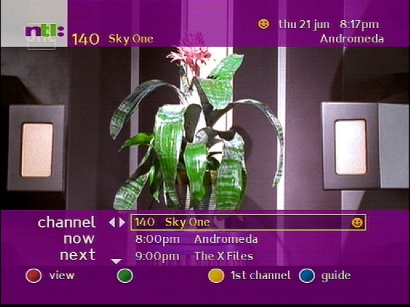
Cable & Wireless planned to have up to 100 websites, with a lot being based on a cut down version to be displayed on a standard definition TV. Many sites can be loaded and accessed using a special URL which loads the homepage that the cable services uses.
Enhanced interactive services were due to be made avaliable later, these used technology developed by TwoWayTV and would have used the full capabilities of the digital services to deliver interactive games and multimedia.
Comparisions
The first generation software was designed and built by Pace, with the operator customizing the end interface of the guide. All follow a very similar design language, which would be replaced by a Liberate HTML based EPG in later revisions for both ntl and Telewest
Telewest Active Digital Guide 1999
ntl CR2 Bromley
Fate
Cable&Wireless home division was acquired by ntl who started merging the network operations with their own digital service. Cable&Wireless customers saw their EPG being rebranded using the ntl design scheme, and would be replaced entirely with ntl CR2. Initially both platforms were ran separately as they differed in return path and SI technology, which made integration difficult. After some time the two platforms would be unified with the Langley CR3 software. After ntl and Telewest merged, the Virgin media guide would be pushed to customers in 2007
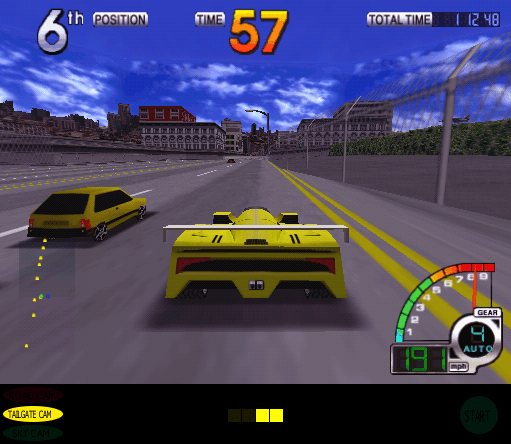
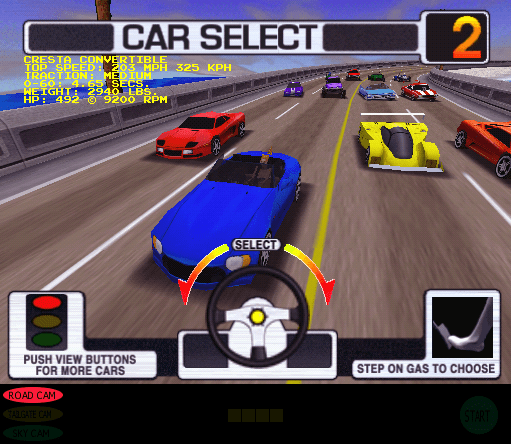
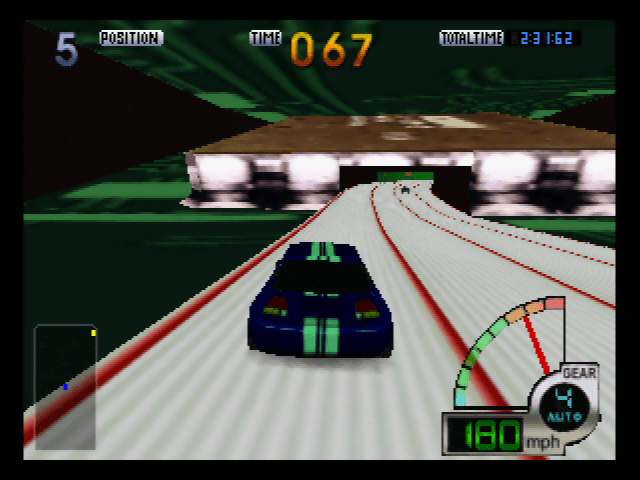
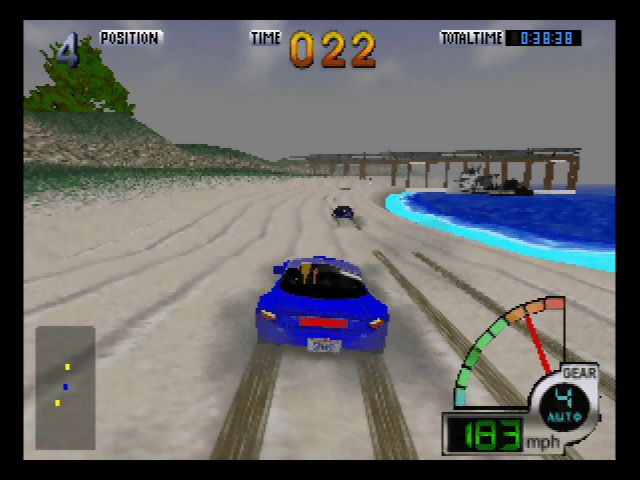
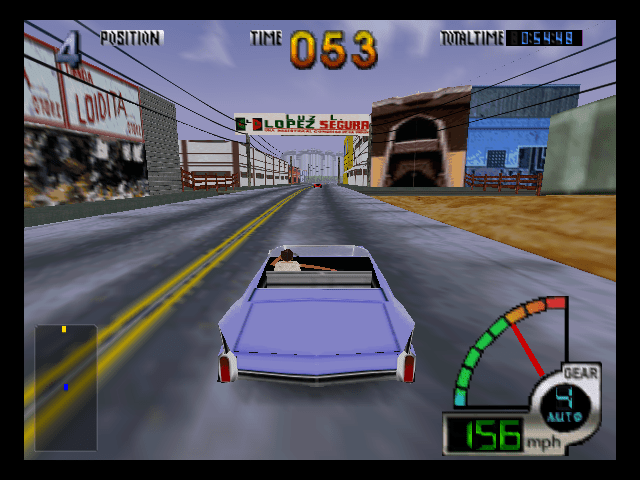
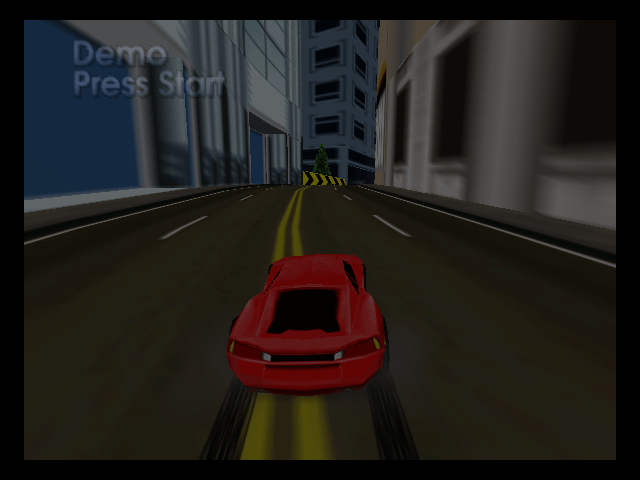
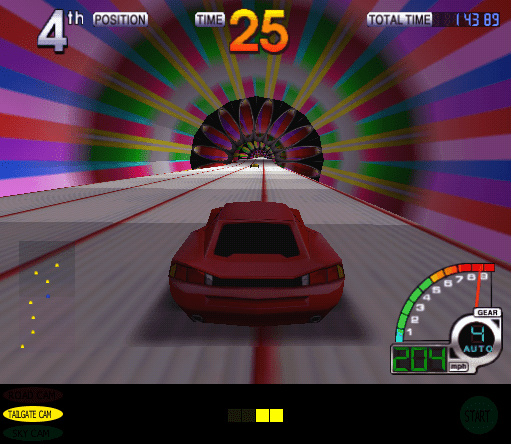
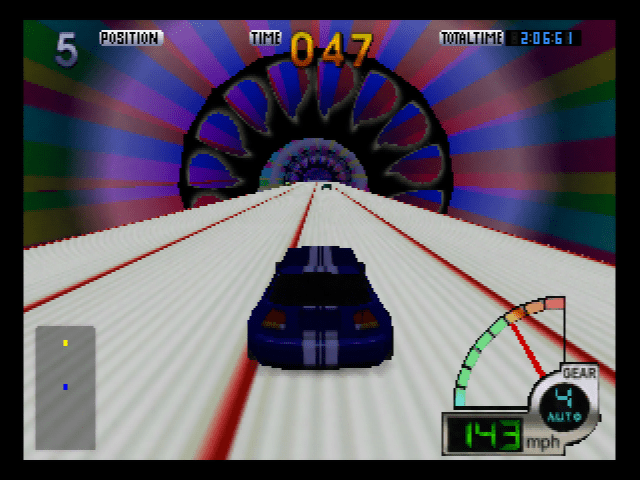
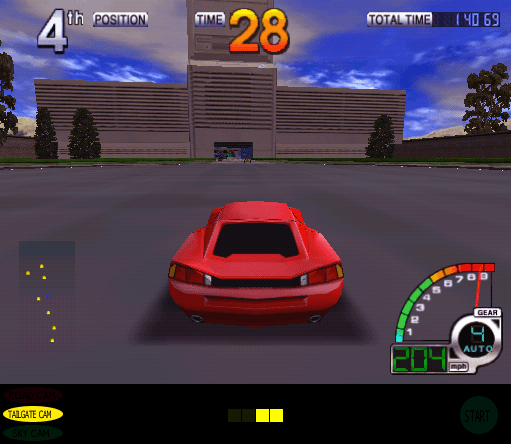
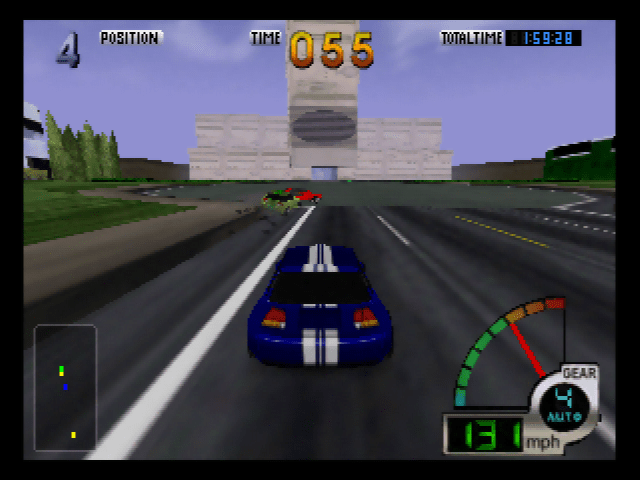
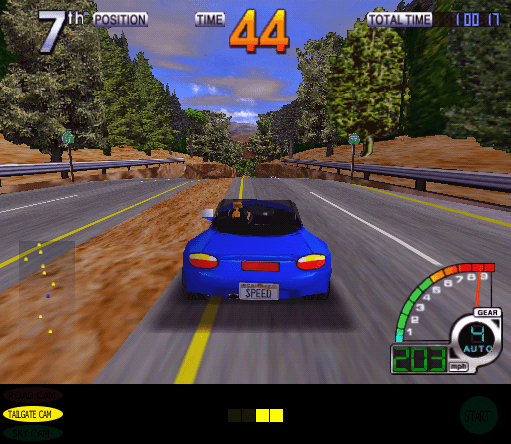
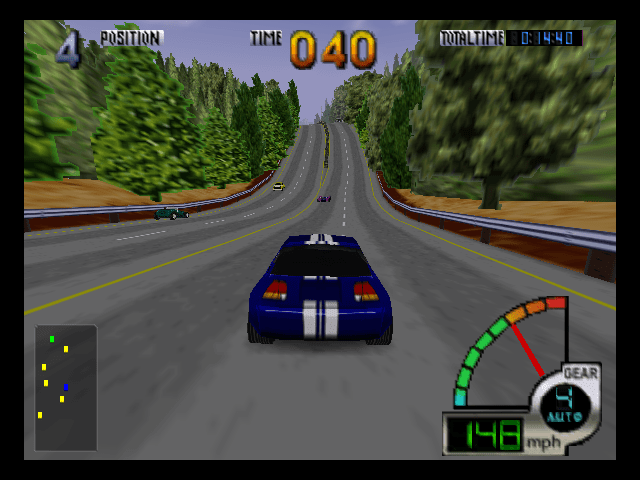
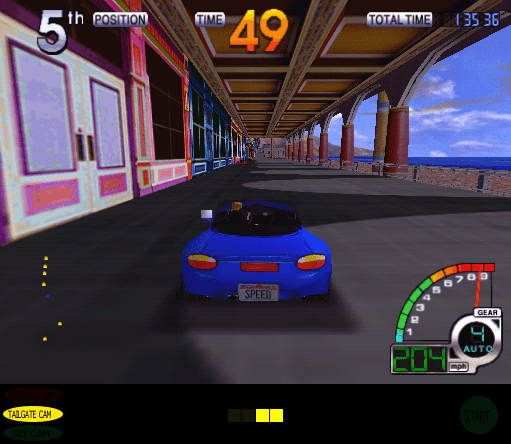
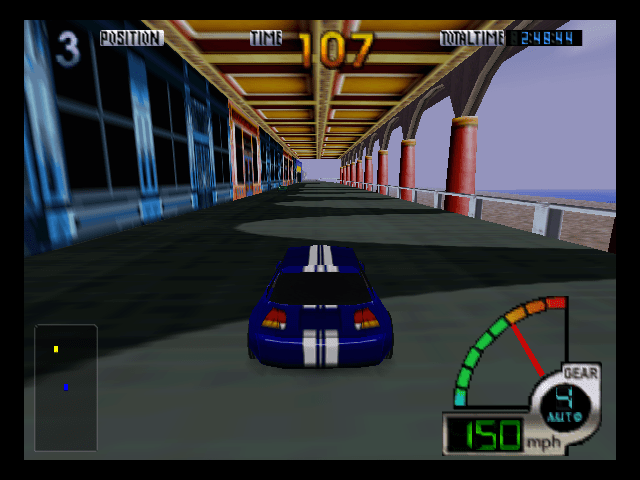
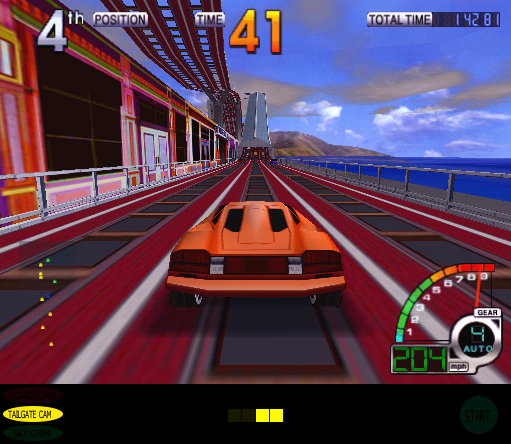
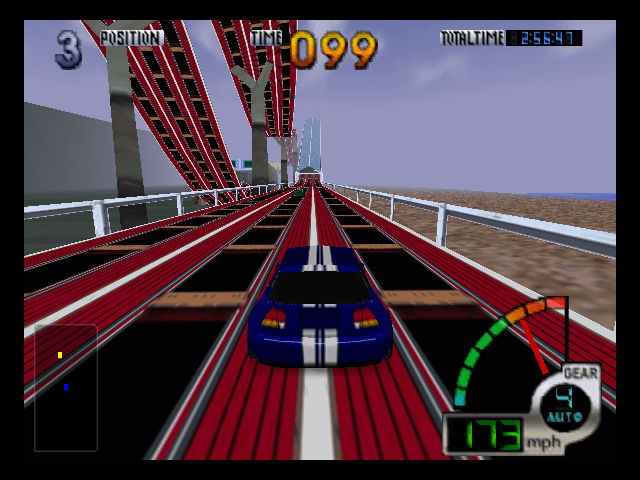
Released in the arcades in 1998 and the ported to the Nintendo 64, here you are racing across various locations across the sunny state which range from cities to the beach. Many of the tracks are quite wacky, with you racing up the rails of the golden gate bridge, in a spaceship, a volcano or inside a trippy computer, in a way it feels like a roller coaster ride, of which there is a track where you can drive on a roller coaster. The game has various similarities with other Midway or Atari racing games like Rush or the Crusin games, which were also on the Nintendo 64 and plays like an arcade racing game, back in a time when this sort of racing game was popular before they all degenerated into racing sims.
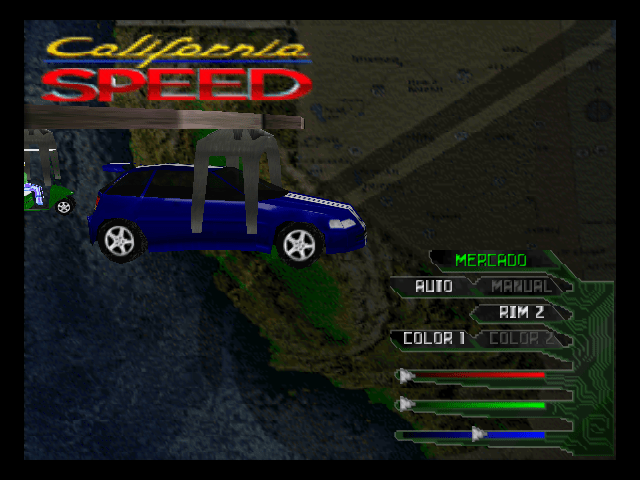
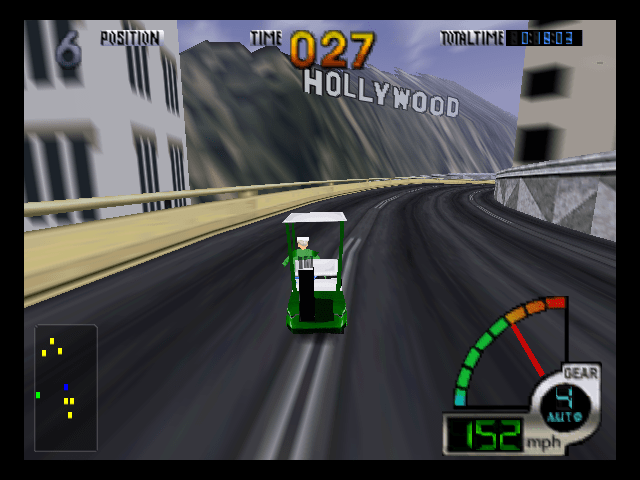
There’s a good selection of cars which feature different stats like the handling, acceleration and speed. The N64 version allows you so alter the cards slightly by changing the colour hue, and the engine whilst they are fixed on the Arcade version. There’s a good verity of vehicles from muscle cars, pickup trucks to golf carts and sports cars. Music is pretty good using its own soundtrack inspired by various genres that were popular towards the end of the 90s, with grunge and progressive style rock tracks to techno and house, with a folk inspired track on the farm course. Like Crusin USA there are opponent cars and AI oncoming traffic which you have to avoid.
Arcade
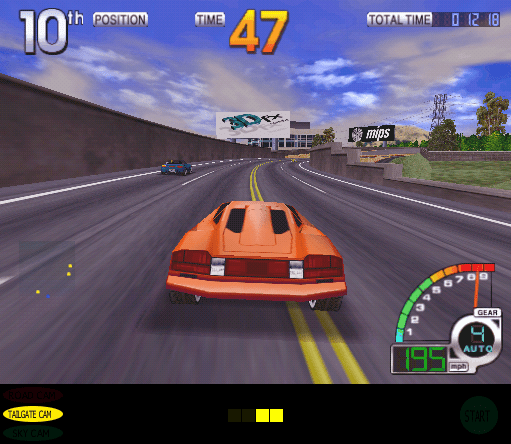
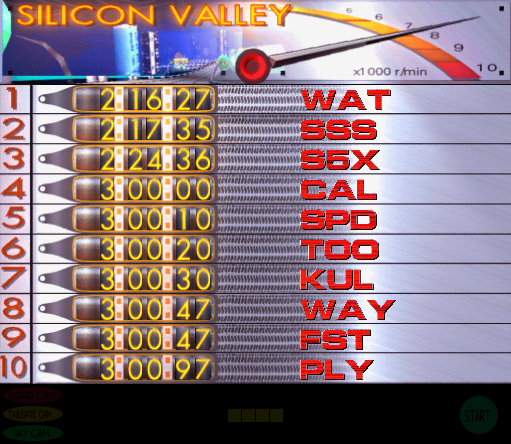
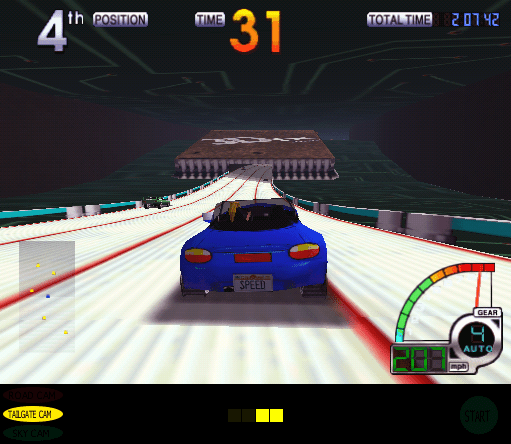
The arcade version is using the 3DFX graphics processor paired with the MIPS R5000 CPU which Atari were proud of as it is present on the billboards plastered throughout the track. You can even see the 3DFX chip towards the final stage of the Silicon Valley track, since 3DFX were based in California.
The arcade mode features a single race or a Do The State mode which takes you though all the tracks
This is one of the few arcade games that runs off a hard disk, thus required a separate CHD file in order for it to run in MAME. Hard disks gave advantages compared to the CD_ROM drive as they were still able to offer a lager storage capacity and faster loading times, important for arcade games since the user does not want to wait for the game to load. Typically most arcade game uses surface mount ROM chips that stored the game data. Multiple versions of the game exist, this is version 2.1a of the game.
The arcade version of the game runs on a MIPS based CPU paired with the 3DFX graphics accelerator. You can race in a similar fashion to Cruis’n USA with ‘Do the state’ – in this mode you complete a series of races
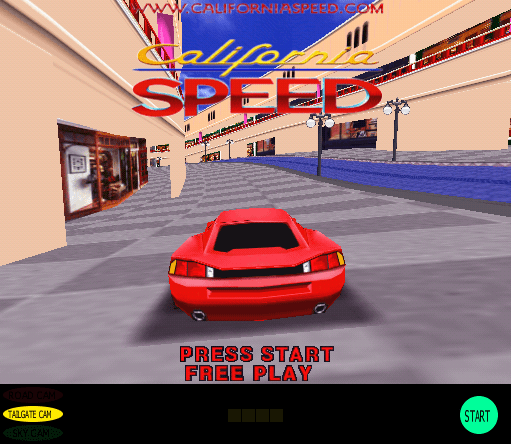
The arcade version is also uncensored, as you are able to hit people in the mall (this can be an optional settings within the games setup mode) hitting them just causes them to scream and bound away down the track in a comedic fashion.
Nintendo 64
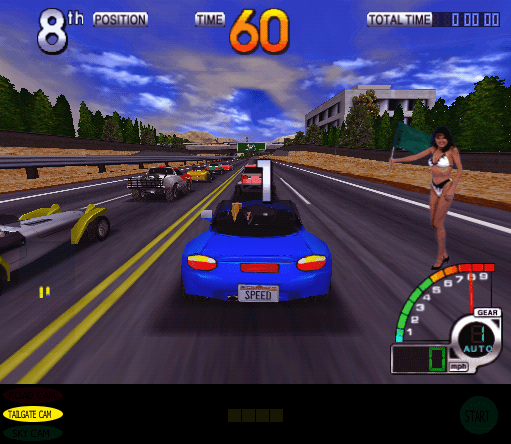
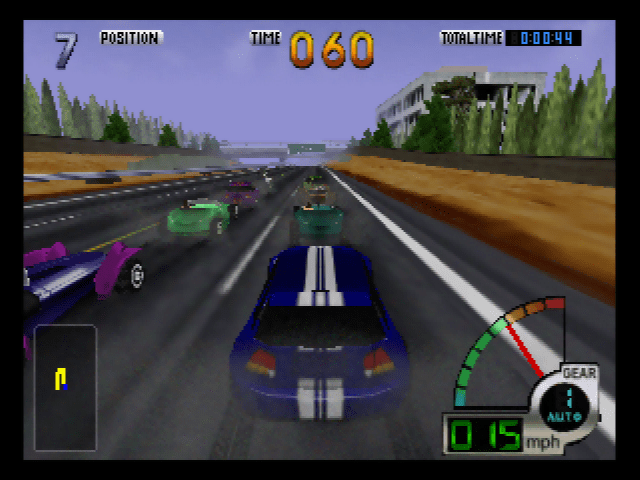
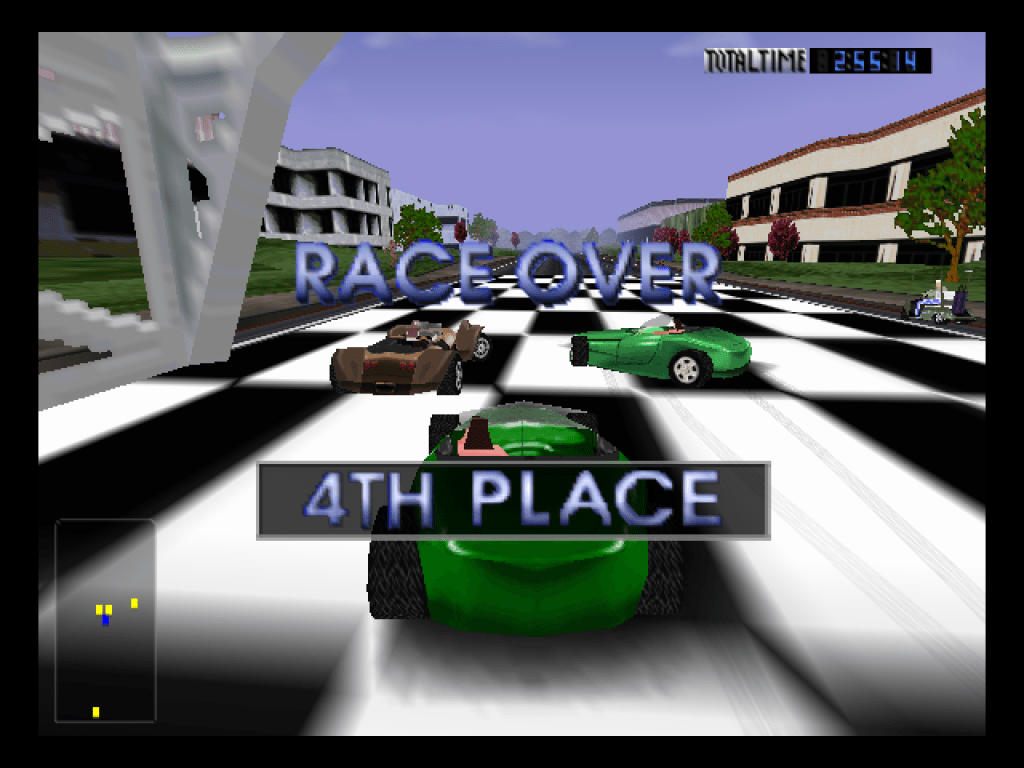
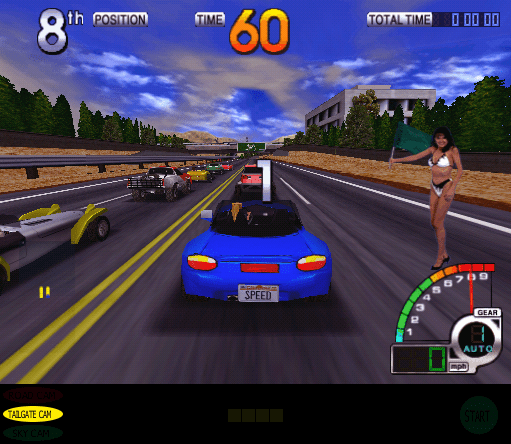
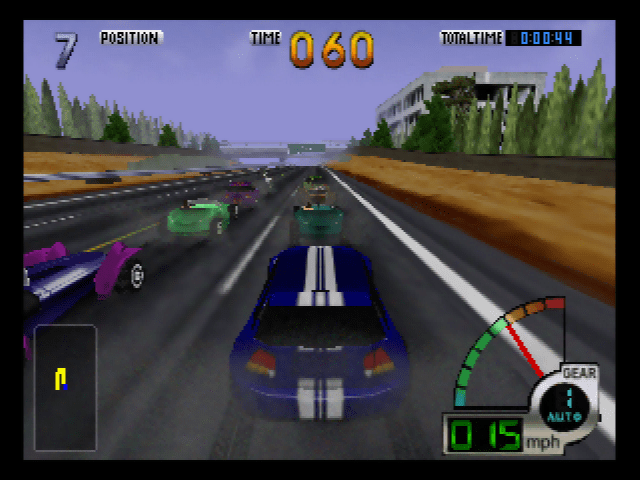
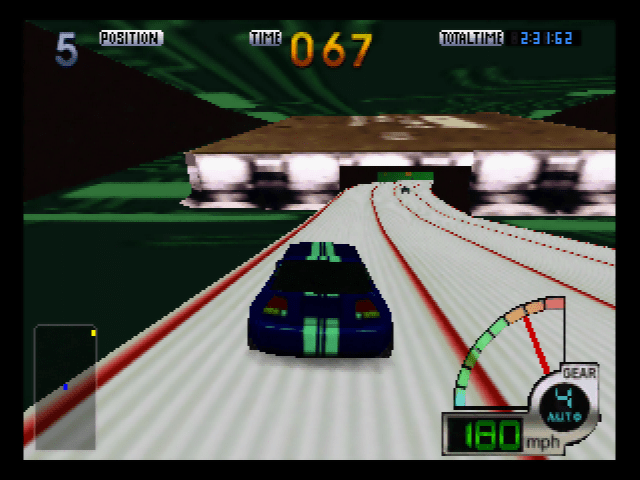
This was a conversion of the arcade version, and there are some differences in the presentation of the game. Graphics have had a noticeable reduction with lower resolution textures being used in place of the detailed ones used in the arcade, the environment has also been changed slightly with the N64 having less items in the background. However the N64 does have its trademark fog effects to cover the draw distance which leaves the impression your racing on a foggy autumn day, whilst the arcade is set in the summer and has nice backdrops and sky textures This version is also censored, as in the mall track its possible to run over the shoppers in the arcade version, but they don’t exist on the N64 version, this isn’t violent as you don’t see any blood or guts, in fact it looks like there bouncing around the mall when your call collides with them. Another change was the bikini girls that appears at the start and end of the race. The most noticeable change is the music, with everything being converted to MIDI instead of using the Midway Sound System on the arcade Sadly the game was only released in NTSC regions, A PAL version of the game exists and the Rom is fully playable in both emulators and an actual PAL N64 but was cancelled close to release. It even has support for five common languages in Europe (German, Spanish, Italian & French) The gameplay itself its slightly different with different cups being offers which offer a series of racers (around 6) to complete. Like the arcade, ‘Do The State’ mode exits which takes you through all the tracks in the game.
As mentioned in the arcade version, some elements of the game have been removed, most notably are the track/trophy girls that appear when you win a race and the removal of people in the mall track.
The game was officially released for NTSC (America) regions, a PAL version was planned and a ROM of it exists but was never released to market, until now.
Comparison
Arcade
Nintendo 64
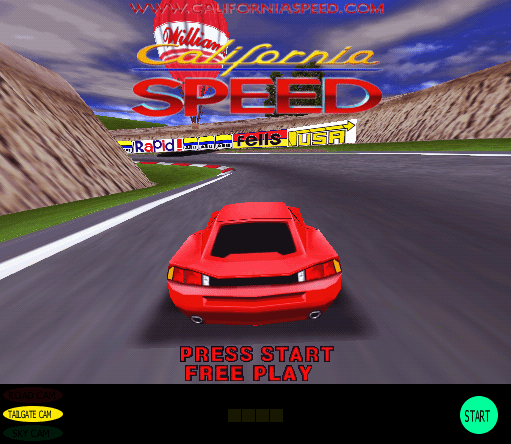
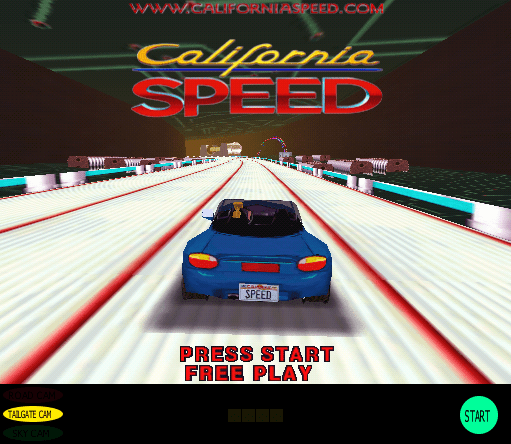
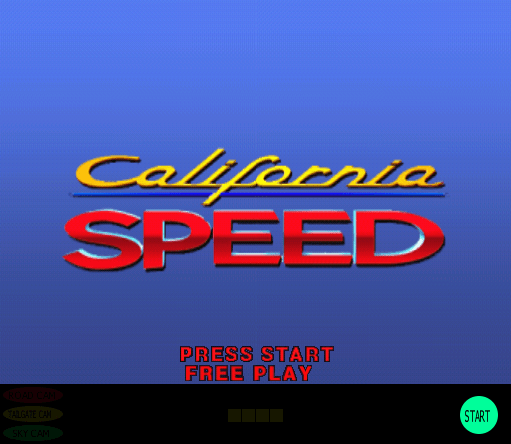
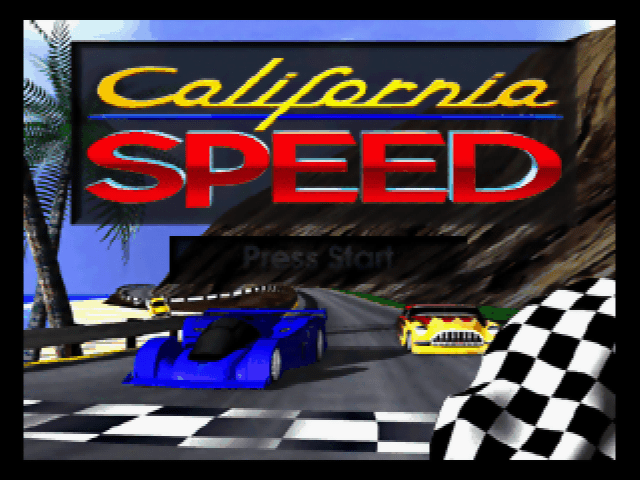
Start screen, the arcade version had an attract sequence, whilst the N64 version shows a static screen that cuts to a demo sequence
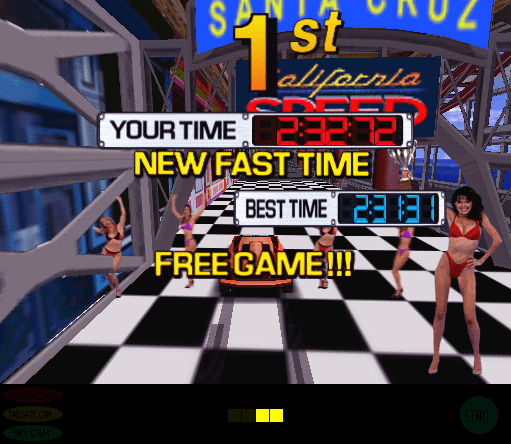
Winning a race on the arcade version causes a group of bikini clad girls to appear to celebrate your win, which don’t appear on the N64 version. On the arcade version, the effect looks creepy because they sometime appear when you can is still moving and since they follow the car, it looks like they are moving at 30mph whilst standing still…
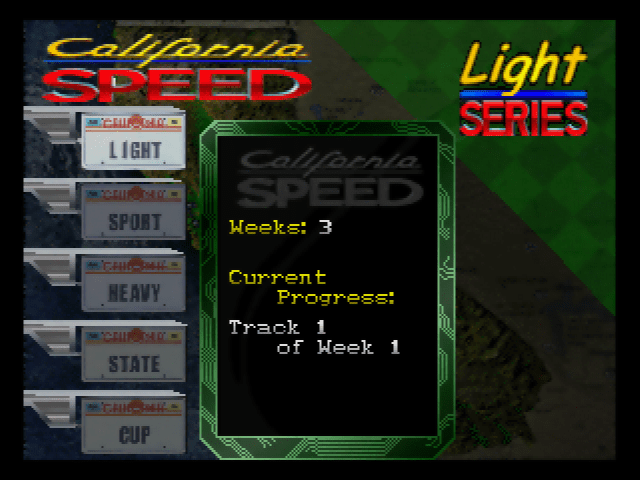
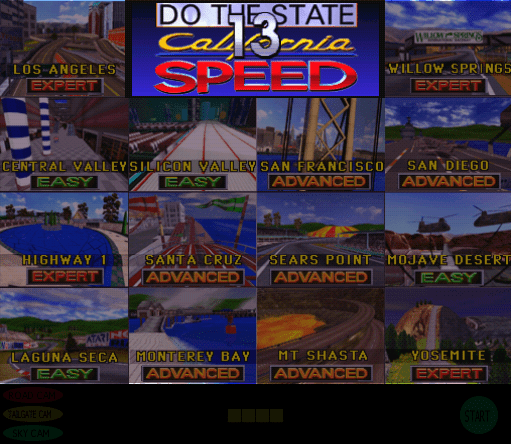
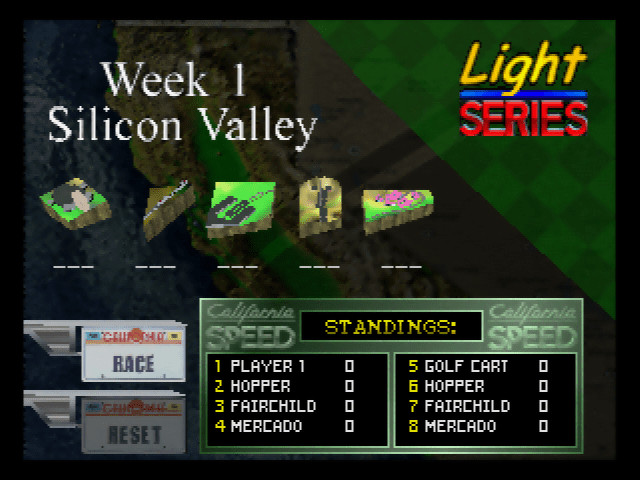
The track selection screen, the arcade version looks similar to the crusinUSA screen. The N64 version is split into different series of racing, known as Light, Sport. Each series has 5 tracks to race accross different weeks, which unlocks cars.
The LSD tunnel in San Francisco track
The start lady appears when the race begins for the arcade version, she does not appear in the N64 version
Entrance to the LSD tunnel, building resembles a workstation PC of the era. Although the front looks more like a PC speaker
Tree are much more detailed in the arcade version
The pier section, just before the rollercoaster part
Inside the LSD building which also simulates parts of a computer, you can see the 3DFX chip in the arcade version, and the Nintendo/SGI chip for the N64
Drving on the rollercoaster, the arcade version has a better draw distance with the sky being visible, the N64 is fogged out
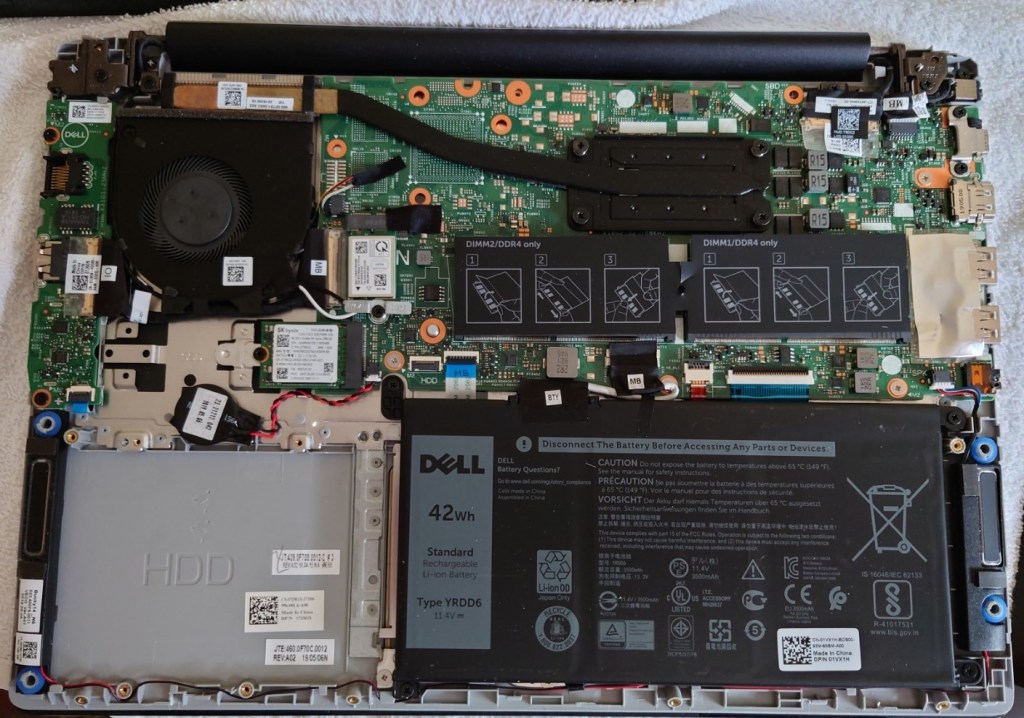
This laptop comes with an onboard M2 SATA drive that has a 256GB capacity, with the provision of adding a SATA hard disk internally. Whilst you could add another SSD, I decided to reuse an old HDD I had around for some extra storage.
To prepare, make sure you have the hard disk ready that you would like to install and the SATA cable. The thickness of the SATA drive is important, as you will see later I made the mistake of installing a thicker HDD than the bay is designed for. I would also check and make sure the SATA cable is already shipped inside your laptop, since I assumed I had to purchase one separately.
Opening Up
This was a bit tricky, you have to unscrew the screws, the top three being fastened into place and are non-removable. What this means is that you unscrew then as normal but they do not come out of the case, rather they stay to prevent them from falling out.
Once the screws have been removed or loosened, you will need to pry around the edges of the laptop with either a credit or debit card or a thin plastic tip to loosen it. You may need to pry to get it to loosen, be gentle and apply even gradual pressure.
Removing the caddy
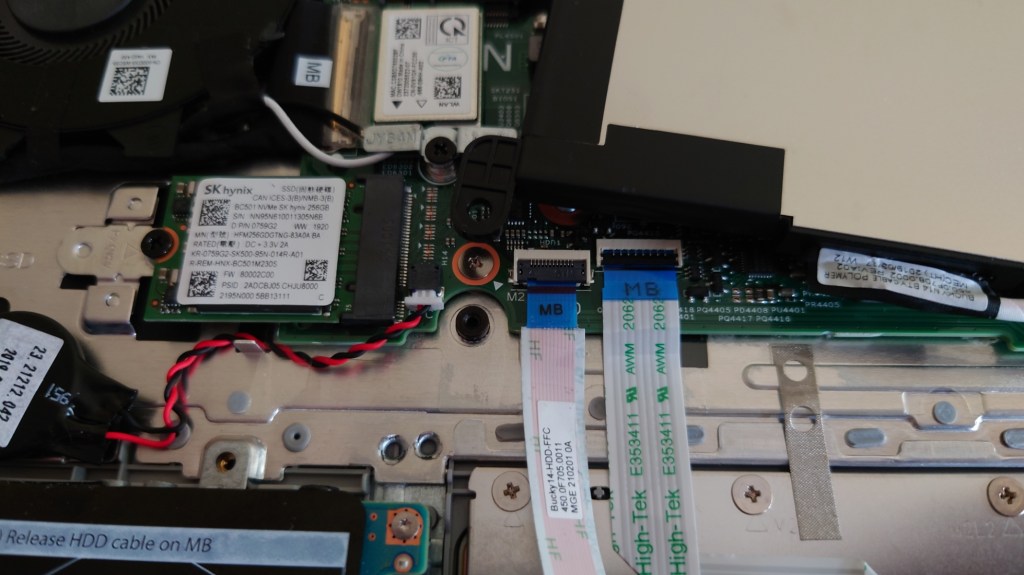
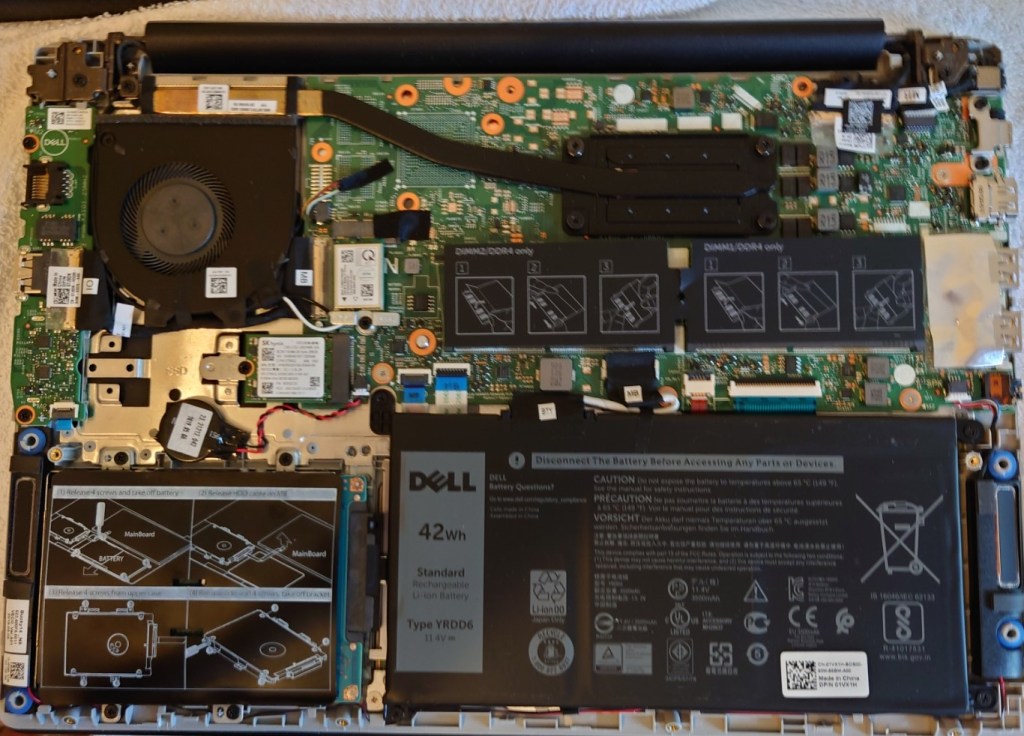
Once opened you will locate the area where the HHD will be installed, alongside the battery that will need to be removed and the socket where the SATA cable will connect to
Removing the battery
The SATA cable will need to route under the internal battery, so we have to temporary remove it, or in my case move it so we can access the area underneath There enough space where you can just place the battery on top of the motherboard whilst you install the SATA cable.
Adding the Hard Drive
Dell have provided a hard disk caddy where the drive can be installed, simply unscrew it (for screws) to take it out.
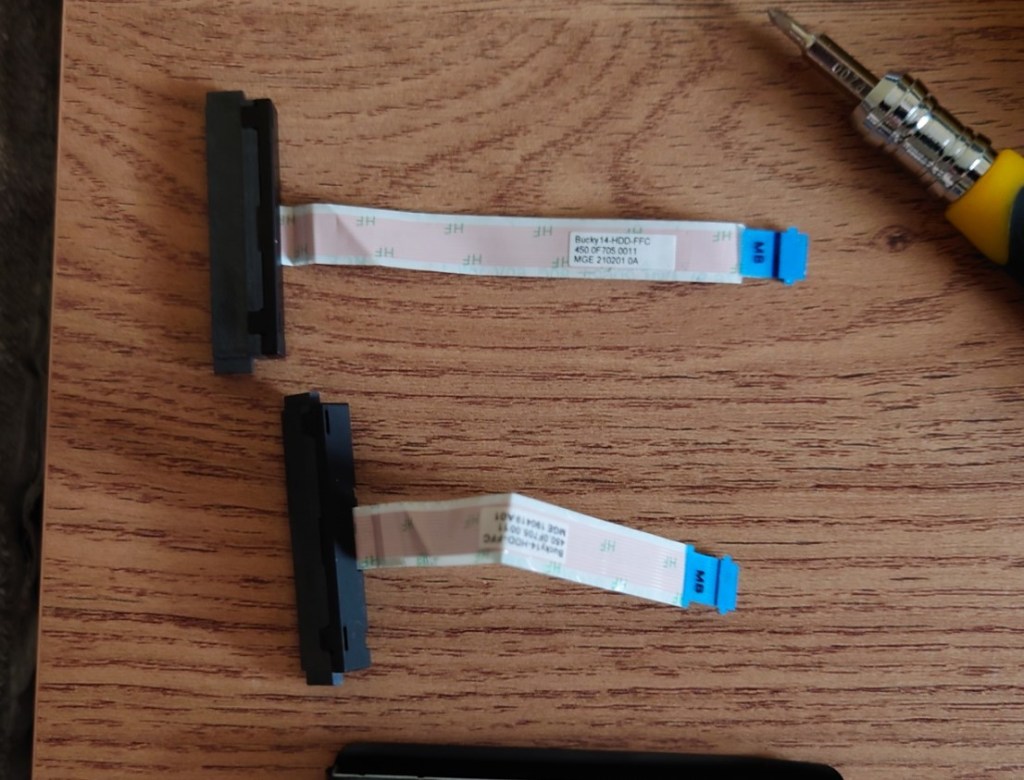
Unfortunately at this point is where I made my first mistake, since I assumed Dell did not provided you with the SATA cable and had to be purchased separated. Imagine my surprise when I took out the HDD enclosure and saw the SATA cable nestled between the plastic cover, meaning I now have two SATA cables. Well that’s £18 wasted…
Then again at least I have one spare incase anything was to happen to it. I’m pretty sure the Dell service manual mentioned you had to buy the came separately, or maybe that only applies to certain markets?
Now it is time to screw in the HDD, which is where I ran into the second issue. I noticed the SATA cable wouldn’t reach, At first I thought I had installed the HDD the wrong way round since the connector wasn’t aligning up but from looking at the hole underneath the HDD bay it seemed to fit. Upon closer inspection it seemed the hard drive I was trying to install was too tall for the enclosure and I had installed it upside down. When the hard drive is too THICC for the laptop…
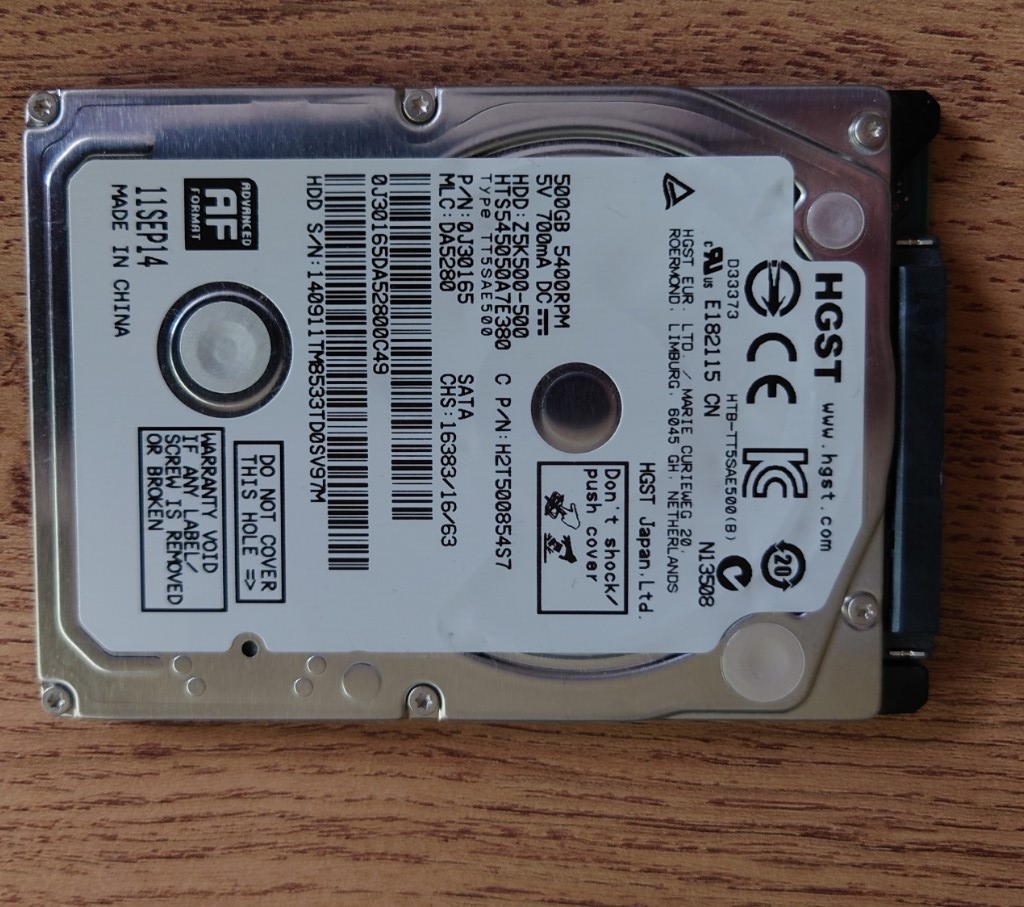
Thankfully I had another hard drive lying around, a HGST that was pulled from my old PS4 when I upgraded its hard disk. This hard drive was thin enough that it would fit inside the bay.
Reassembling
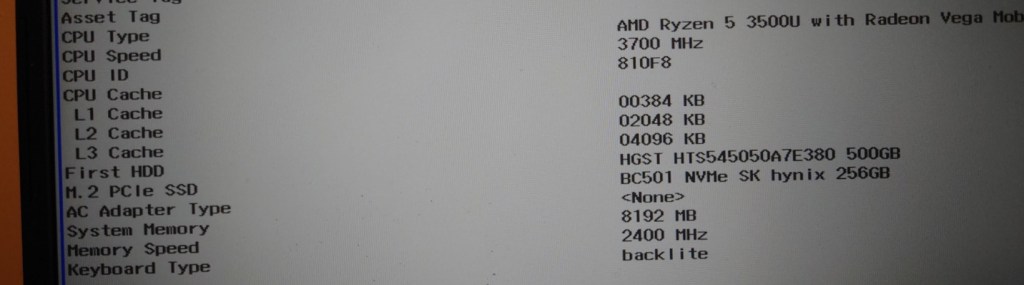
A quick power on test before reassembly to ensure I didn’t fuck anything up. The laptop booted and the HDD was recognised in its BIOS EFI (Still trying to get used to that)
Released for both Mac and PC in 1997, Virtual Springfield puts you directly into Springfield where you can freely explore the Simpsons town, Springfield. Whilst promoted as being a 3D game, it’s actually 2D with a 3D-based perspective, using an engine built by Vortex Media Arts. This isn’t the first Simpsons game released, with previous titles being released on the NES and the Sega MegaDrive, and it wouldn’t be the last either.
Launcher where you can start the game
This game was an interesting look at Springfield since in the show, whilst there was never any continuity of the town itself, buildings would come and go and the layout of the town never remained consistent, not helping was the change of animation studio from the first few seasons. Still, a lot of references to the early seasons of the show are present.
Marge cooking the cat
The main object of the game is to collect all 74 of collector cards, which are hidden across 17 different locations. Some locations are locked and can be unlocked by collecting specific items. The game’s HUD is designed around the player wearing a VR headset and using it to navigate Springfield.
The game runs slowly on PCem when running it directly from the CD-ROM (being played from an external Blu-ray drive) so it’s usually based to create an iso image of the game, then mounting it into PCem. (Update: It seems that I had set the CD-ROM speed in PCem to 4x, which wasn’t fast enough for the game, since increasing it to 16x the stuttering issues have reduced, but you still get the odd delay, defiantly dump to BIN/CUE when running in PCem)
The game is navigated using a point-and-click approach, moving your mouse cursor to a specific area lets you either select or interact with an object or if it turns to an arrow, lets you move in that direction. If the game is left idle, random animations are played out.
Milhouse had a growth spurt
Some buildings (Like the Simpsons house) can be entered some have multiple rooms that can be navigated through. Some rooms/buildings are blocked and require an item to be in the inventory before it can be accessed, these can be obtained by picking up the item by clicking on it.
Who shot Mr. Burns – Part 3Aye CarambaRIP Krusty
It’s not really a game in the traditional sense, there’s no fail state or any challenge, except for collecting cards. It’s more of an application like the previous Simpsons Cartoon Studio. Nowadays you could probably build the same game within a modern browser, like Bing maps but for the Simpsons universe, and maybe leverage a VR headset for full immersion.
Sappy and Pelma
Being a long-time fan of the show (For seasons 1-9) and an obvious target for this product, my only gripe is that there weren’t more things to interact with per location. Sure the game will have a limited scope, imposed by the technology of the time.
There are the occasional mini-games featured in the Noiseland Arcade, but certainly more activities like this could have been sprinkled into the game.
Thought this was a banjo at first
Quite a few locations are missing like the Springfield dog track where they adopted Santa’s little helper, Krusty Burger (appears in-game but cannot be entered), Department of Motor Vehicles, Police Station (again cannot be entered)
Macintosh
Virtual Springfield uses a hybrid disc that allows the PC copy of the game to run on a Macintosh system. To get the game up and running, you simply insert the CD into the Mac and click on the Virtual Springfield icon on the desktop, the game will launch, providing you set the colour depth to 256 colours. No installation is required.
The game will run on a G4 PowerPC-based Mac, running on OS 9.2.2, but you must change the display colour depth to 256 colours, otherwise, the game will crash the system upon startup. Virtual Springfield will not change the display automatically. It also works by changing the resolution to 640×480 since the game will not scale for a higher resolution, resulting in the game being displayed in the center of the screen with black borders around, if run at a higher resolution. What annoys me is the game does not give an error message informing you of this, just crashes the Mac instead.
The classic environment on Mac OS X does not seem capable of playing the game, this was tested on both OS X Jaguar and Panther classic modes.





































 Drew1440: Blog