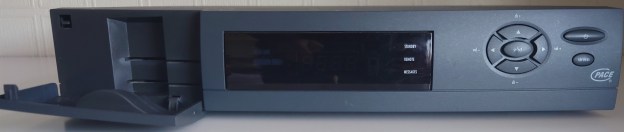
Pace Di4001 Adventures

I wanted to see if this box themself would still work on a modern Virgin media network. I’m aware that Virgin broadcast all their channels in MPEG4 which this box cannot decode, aside from some radio channels. But I was still interested if the box would work and how it worked, especially in regards to early digital cable TV.

The box itself
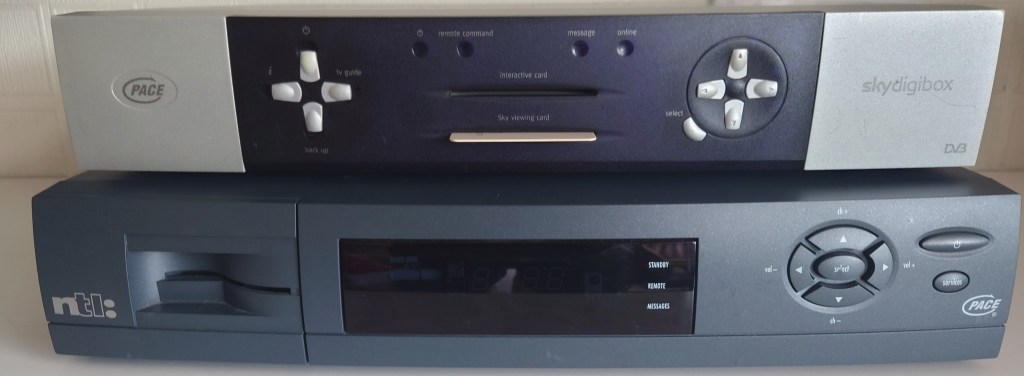
Pace Di4001 ntl

Pace Di4001 size comparison with the Pace 2500S5, a typical Sky box of the same era

Trying to get started

So I got off to a rocky start trying to get the box to start up in the first place, since powering it on the display would show PACE followed by TUNE. I figured that i needed to enter the boxes engineering mode to reset something. This provided impossibale since after attempting to enter the engineer mode, the box would immediately show TUNE on the front panel display

i tried different combinations that I found online to get the box to work but nothing was working. Finally i stumbled on a old forum post that held the solution;

So to summarize, If your set top box wont progress past TUNE (shown on the front panel display) and you are unable to enter into the boxes engineering mode, you may need to reset the STB’s NVRAM since it may have become corrupted. This can occur when the STB has been powered off for a while, and the battery has discharged to a point where it is running under voltage. This must corrupt the NVRAM in a way it becomes unreadable to the STB

To recover, you will need to open the box, and pull a red jumper located to the right of a large white Sanyo battery. Leave the jumper out for about 5 minutes and then reconnect the jumper. Power on the STB and hold down the UP and DOWN buttons on the front of the box for 10 seconds. You should see DIAG on the front panel display and the engineering mode should appear after a few seconds.
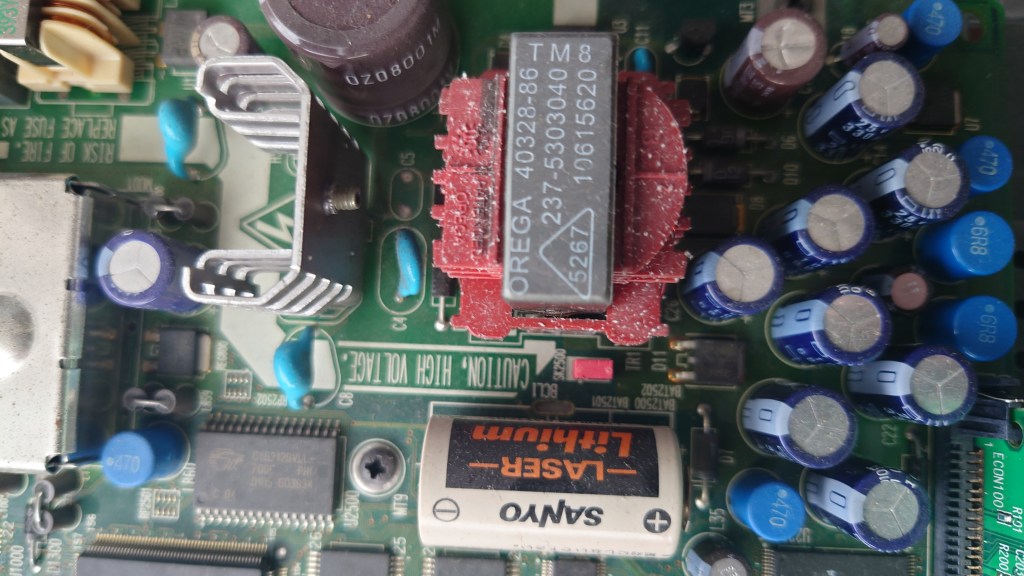
Pace Di4001 PSU
note the red jumper in the middle, situated between the white Sanyo battery and that big red thing

Doing this will clear the Netid of the box, which the Di4001 boxes are able to set automatically if they are in an original NTL area. Otherwise it will appear as *****

After resetting the NVRAM I was able to get to box to enter it’s engineering screen.

Engineer Mode

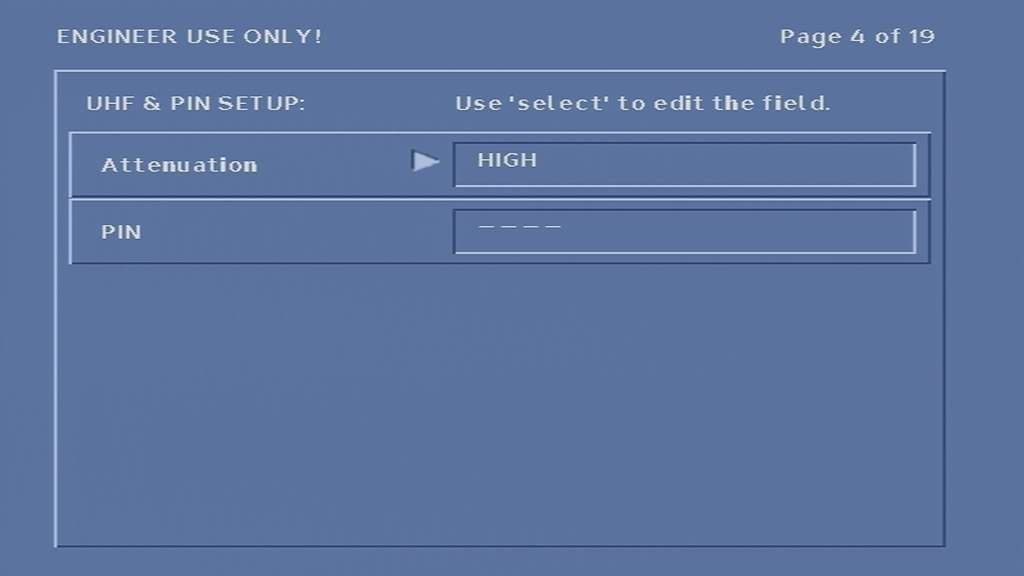
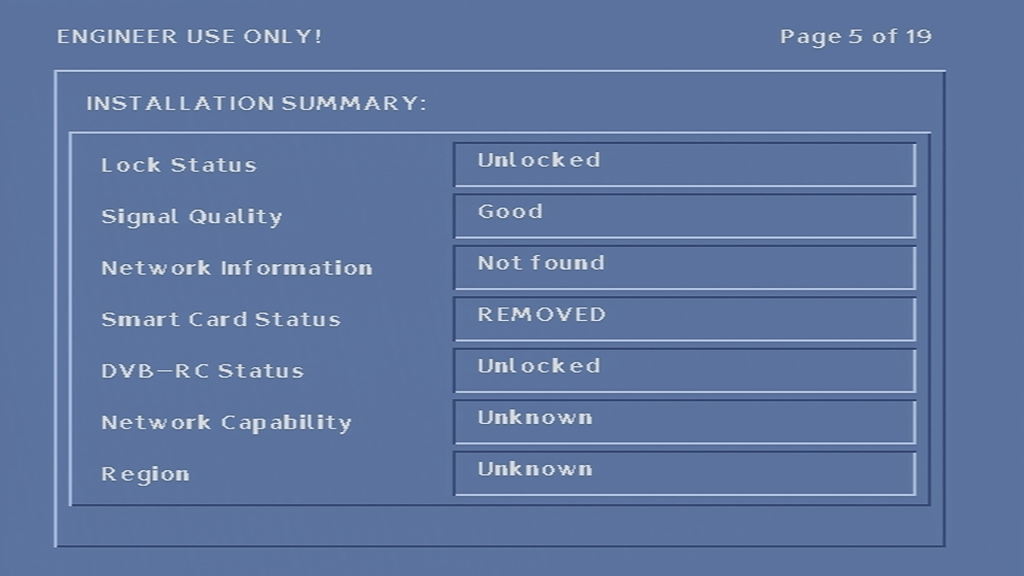
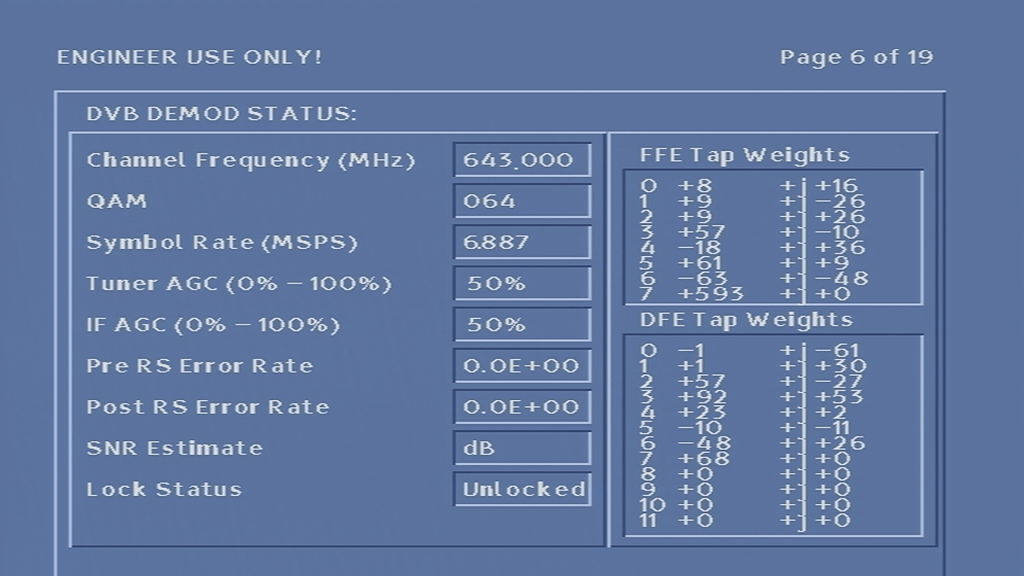
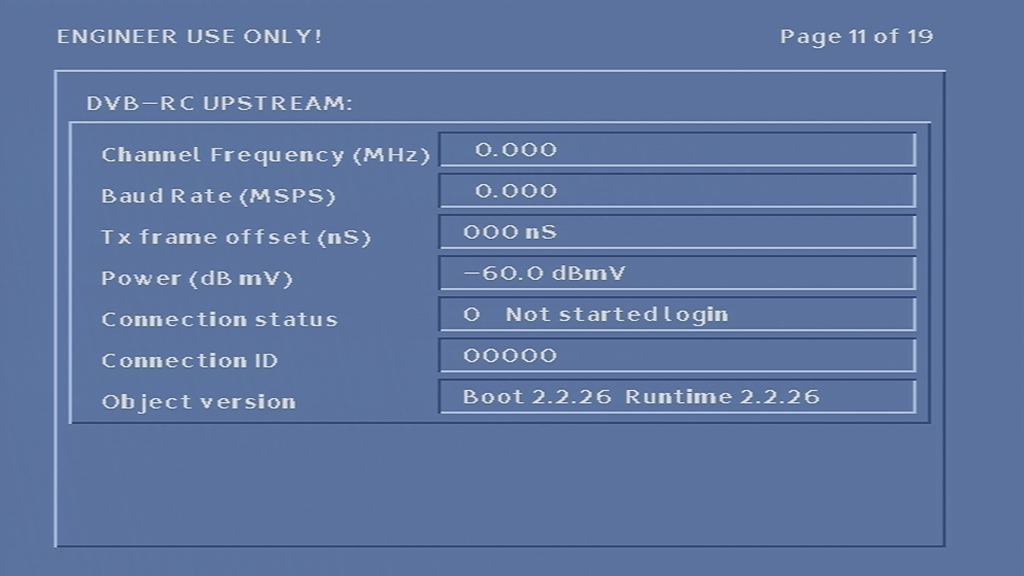
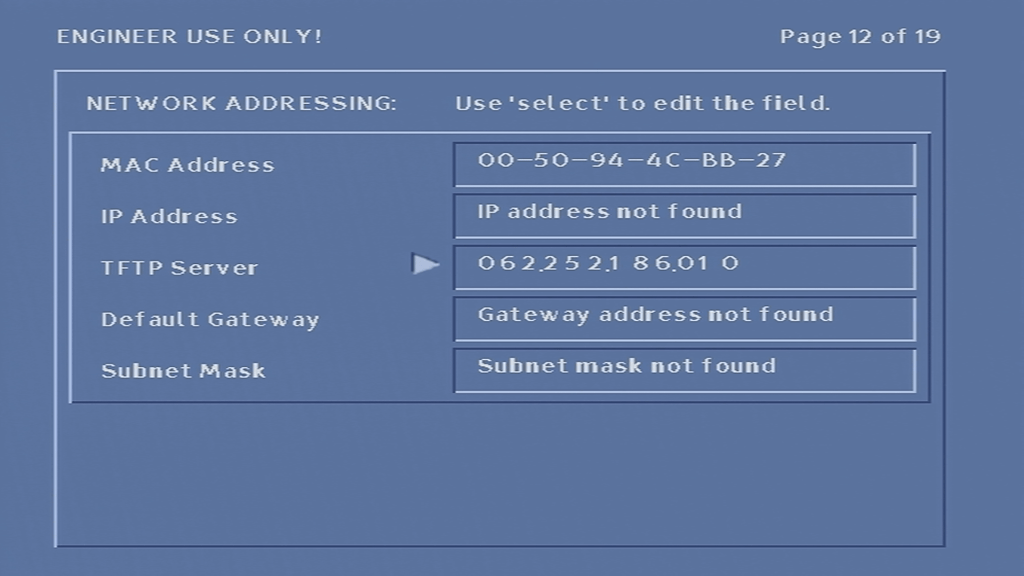
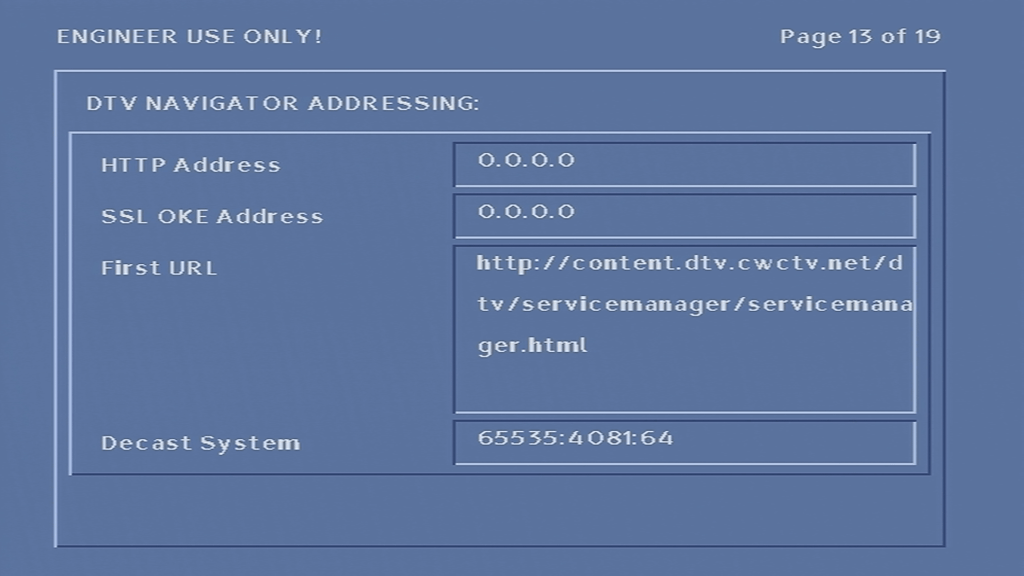
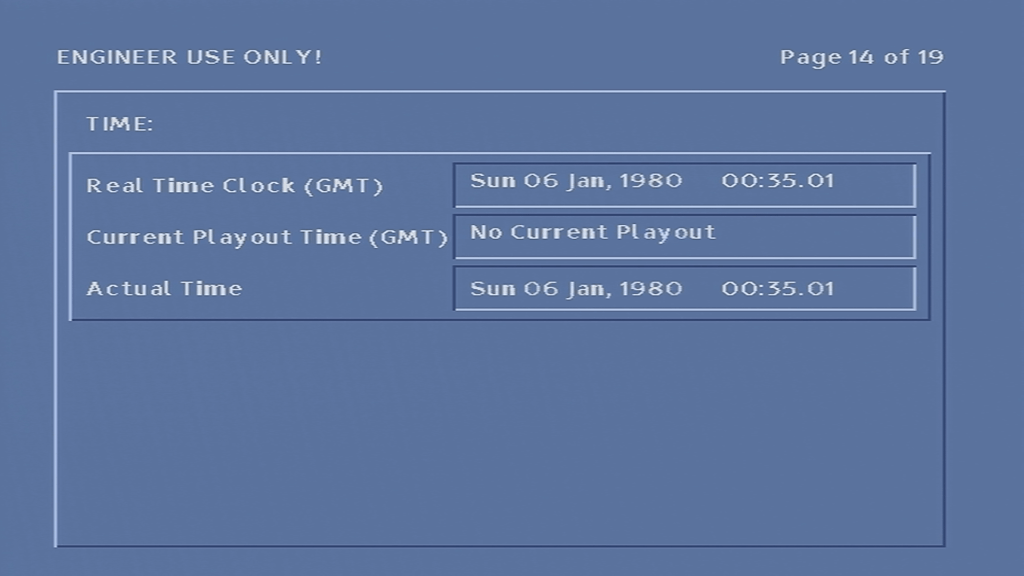
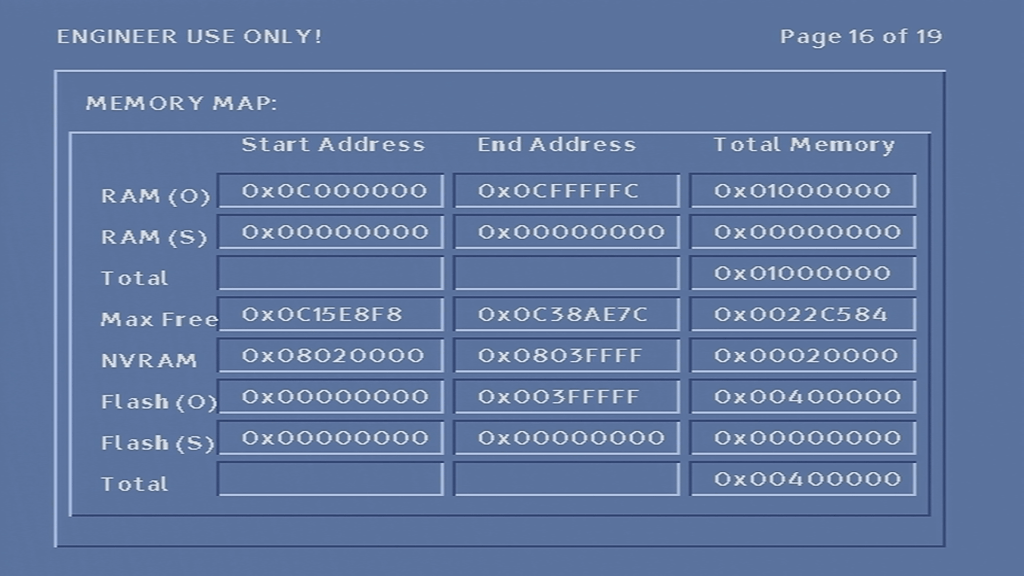
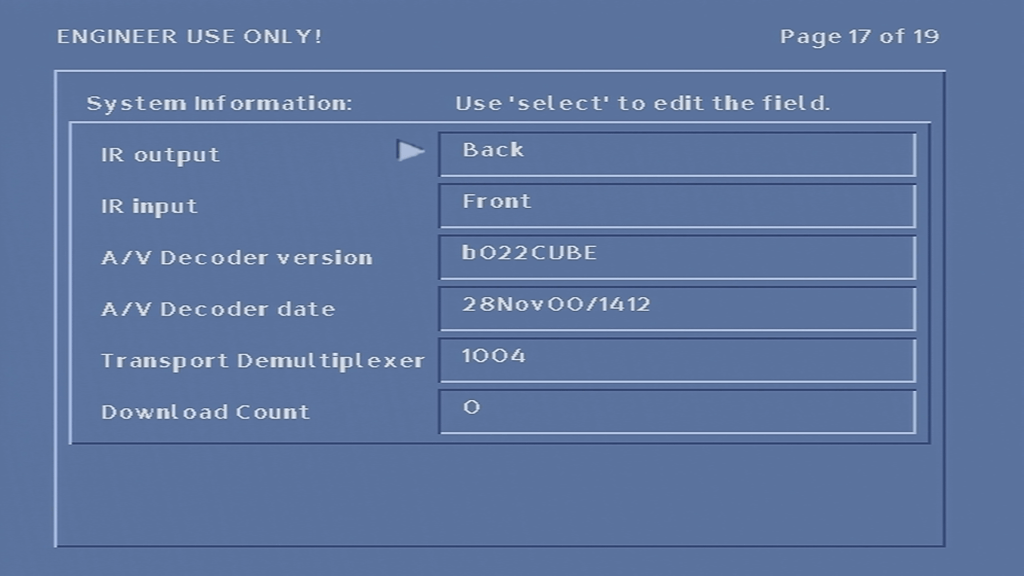
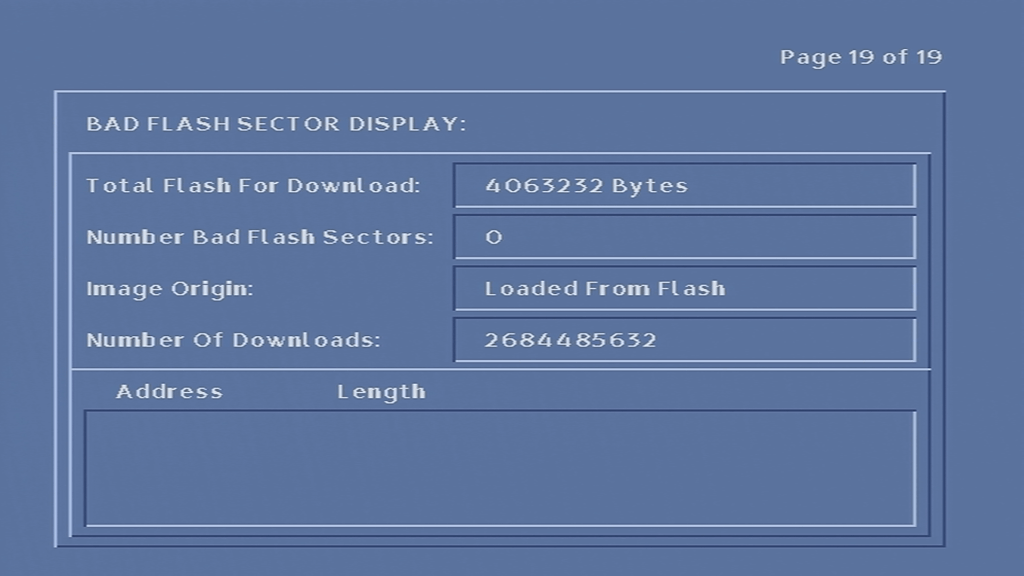
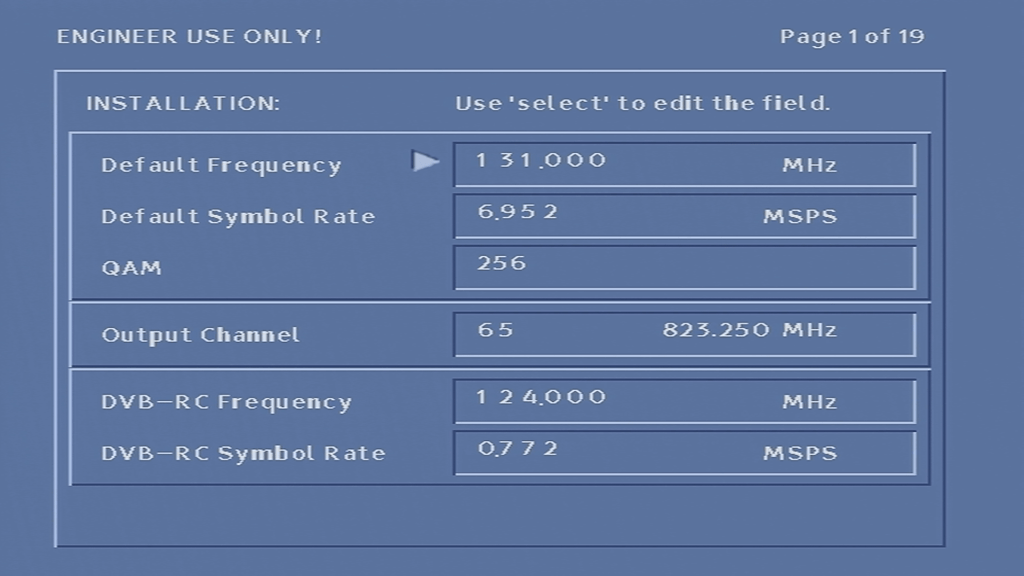
From here you can change the default frequency and symbol rate, which the box uses to look for the latest software, and possible where the ntl EPG listings are located. You can also see info relating to the software version running on the box, Memory and flash info
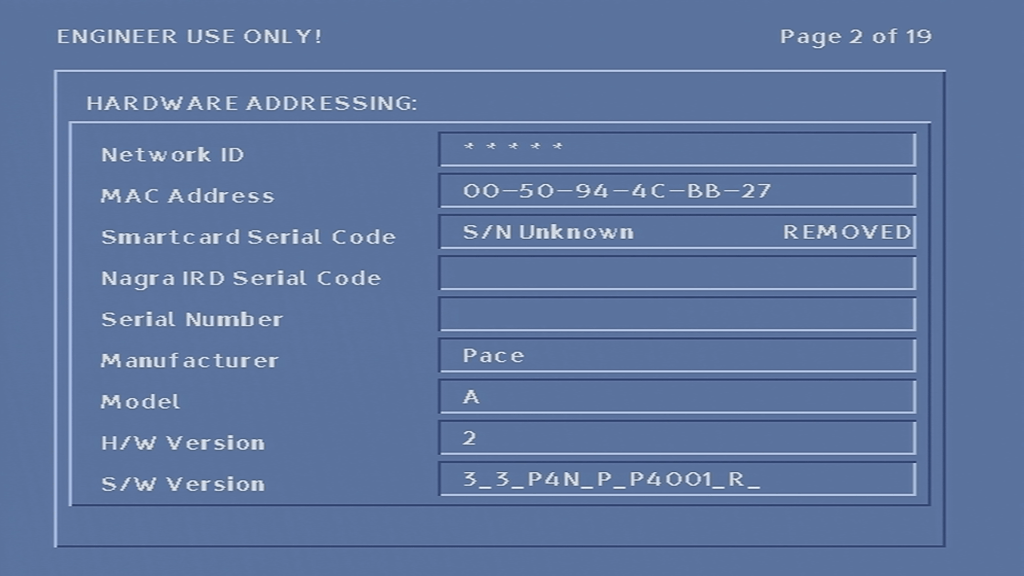
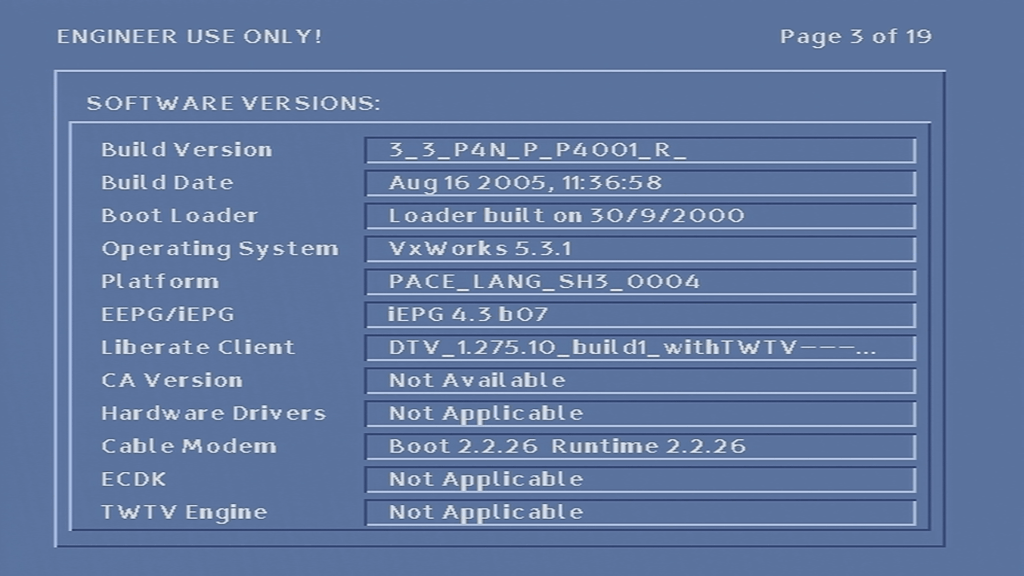
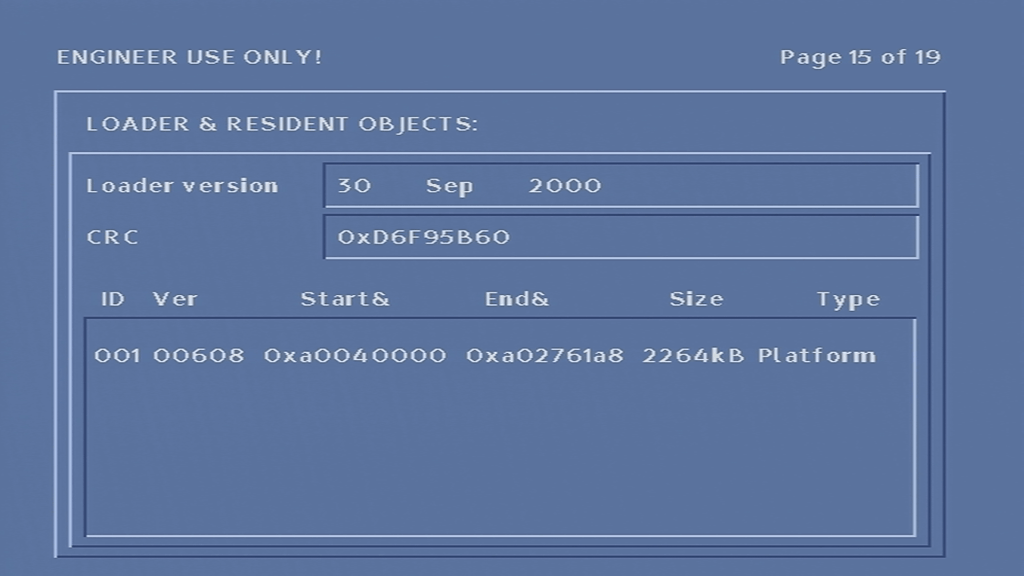
There are a few interesting items here, mainly the memory address section. from here i was able to find out the spec of the box. 0x1000000 converts to 16777216 which I would say is 16Mb of RAM. The Flash storage being 0x00400000 that converts to 4194304 which i’d say is 4Mb.

This model of box does have less Flash compared to the older revisions of the Di4001 in favor of more RAM, maybe the OS is compressed into Flash, which is then extracted upon boot into RAM, and runs from RAM like a Ramdisk. Alternatively, there may be a basic guide stored in flash, with the remaining components loaded from ntl either directly broadcast or using it’s DAVIC modem.

Also it appears this box is the 2A revision of the Di4001. which the boot-loader being compiled in September 2000

If you want to boot the STB without a cable feed connected, hold down the up OR down button on the front of the STB when PACE appears on the display (immediately after applying power to the box), and release until it shows boot, or after 10 seconds. This will skip the default frequency checks and will load the main TV guide interface, even without a cable feed connected.

Doing this trick allowed be to bypass the default frequency check and put the box into some sort of ‘safe mode’, this it it would load the TV guide without having any channels or listings loaded. In this mode the box is stuck on channel 0 and not all aspects of the guide can be accessed.

I’ll put up some screenshots of the guide software up later, if I can get the box to pick up Virgin’s tv guide…

One oddity was the services button on the front panel of the box, now you would think that it would take you to the main TV guide, however it just make the mini guide appear and disappear from the front panel there is no way to access the main TV guide screen…

Another oddity was that pressing the front panel buttons would cause the remote light to indicate, even though you were pressing the front panel buttons and not the remote.

Conclusion

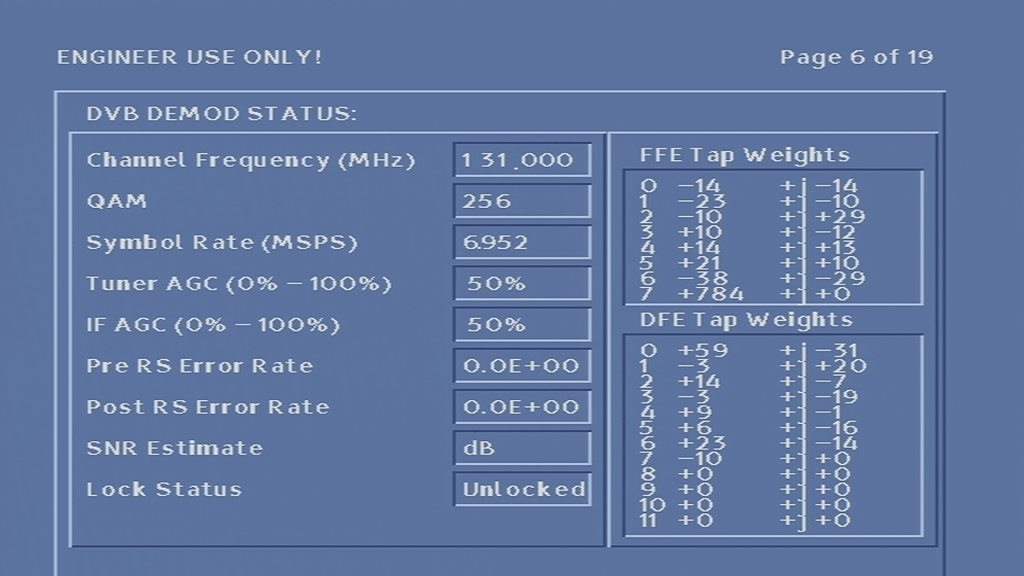
Unfortunately I was unable to get the box to tune into any frequency, never-mind booting with some sort of TV guide. At first I assumed it was because the network information Virgin Media broadcast in my area was not in a compatible format, or that the box was looking for something that Virgin have since removed from the stream, however I am now convinced that the tuner in the box is most likely faulty, since entering correct frequency’s in the engineer screen yields no change to the signal levels, even after removing and reapplying the coax cable.

Also since the box is running relatively old software (from around 2005), it’s likely the box was an ex-subscription box that was never returned to ntl, or may have had it’s flash chips modified to be read only, preventing a software update from taking place.

Lifting the lid

Pace Di4001 internal
Di4001 inside

Compared to other set top boxes of the era this ones quite busy inside considering it’s supposed to house a digital cable receiver and a cable modem in one enclosure. Ill try my beast to break down the individual processors this box contains;
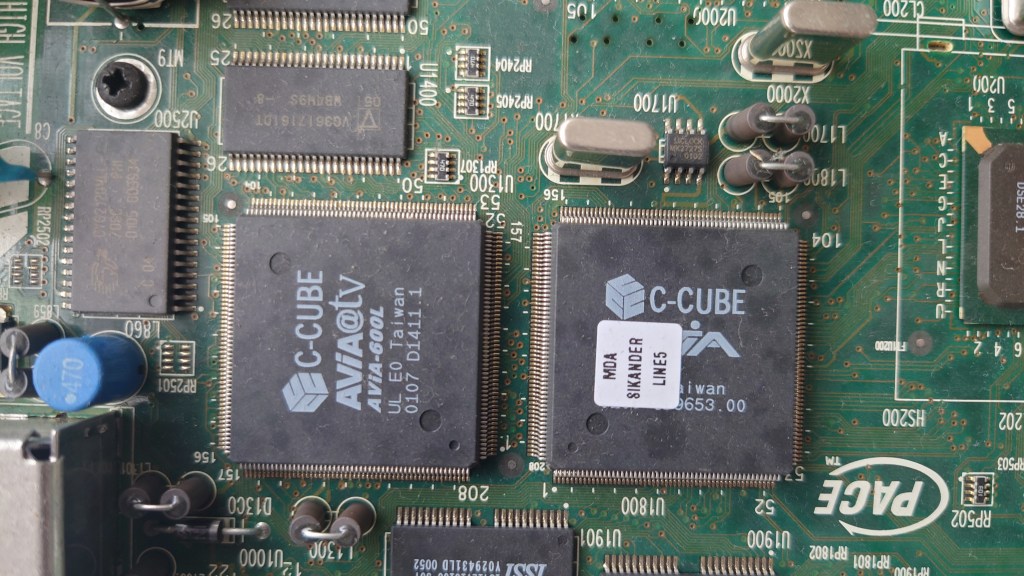
C-CUBE AViA-600L
MPEG2 decoder

The main decoding processors, the one on the left (C-Cube 600L) is the MPEG2 decoder, not sure of the one on the right?
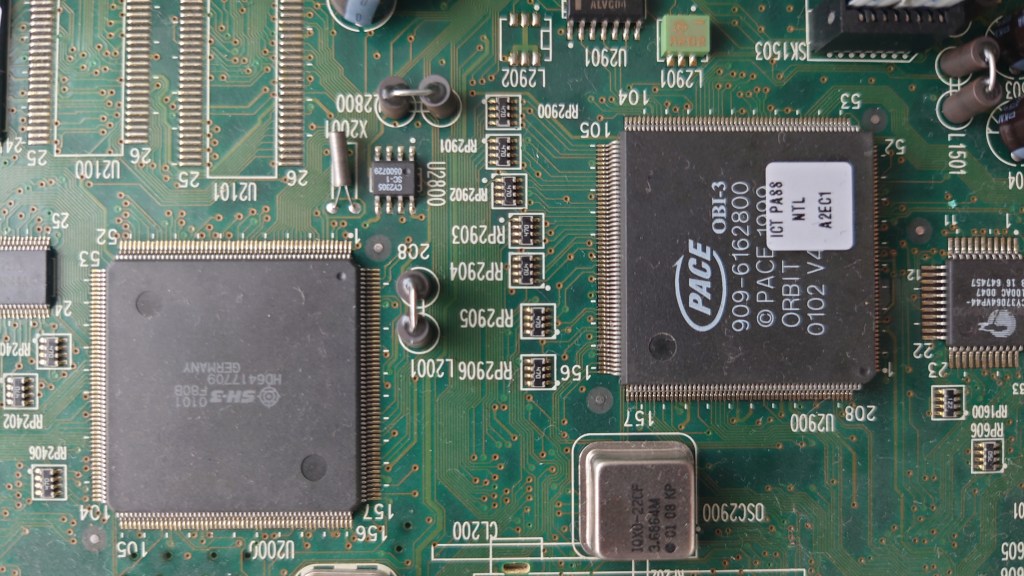
Hitachi SH3 Pace Di4001
Hitachi SH3 CPU

The one on the left is an Hitachi SH3 processor, if you’ve ever opened a Sega Saturn or a Dreamcast you should be familiar with the Hitachi CPU’s. The one on the right is a mystery, its branded as Pace but I cannot find and information online regarding it. I suspect its something to do with Nagravision based on the fact its near the smart card area. Maybe Pace had to licence their own Nagravision descrambler?
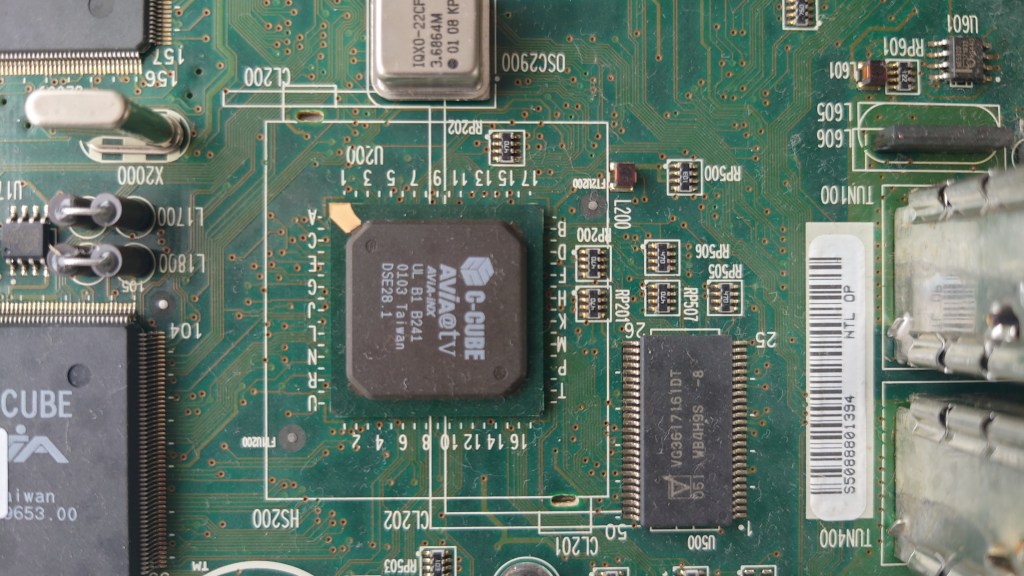
C-Cube AVIA

C-Cube Avia-inx – Handles DVB-C demuxing from the tuners, Ethernet controller, IEEE1284 controller and has a built in graphics processor. Basically like the northbridge/chipset on a pc.
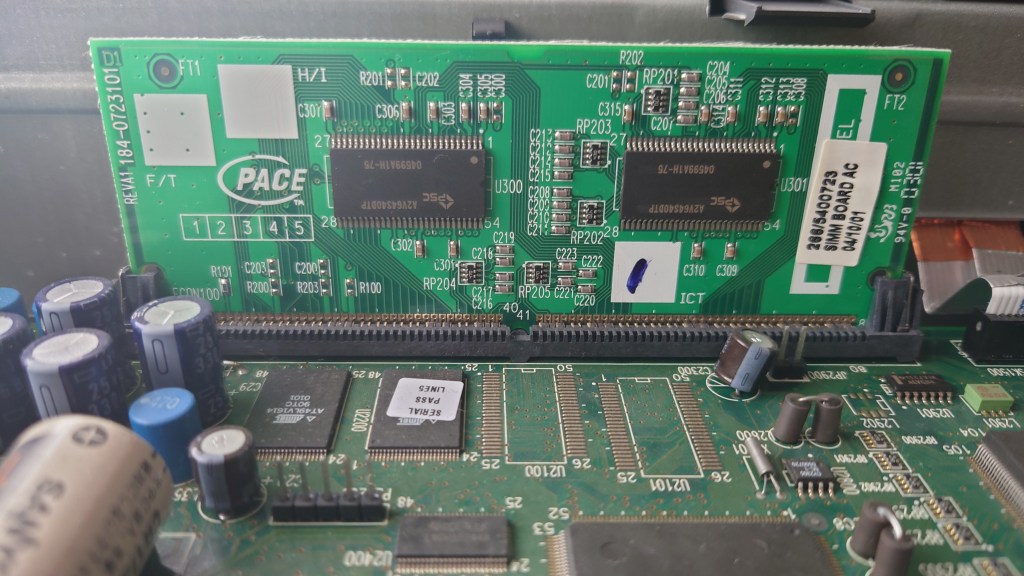
The system memory, unlike other STB’s of the era this one is designed to be upgradable but seems to be using a proprietary slot. Virgin Media could easily upgrade the memory of these units should the box be returned. This model currently has 16Mb.
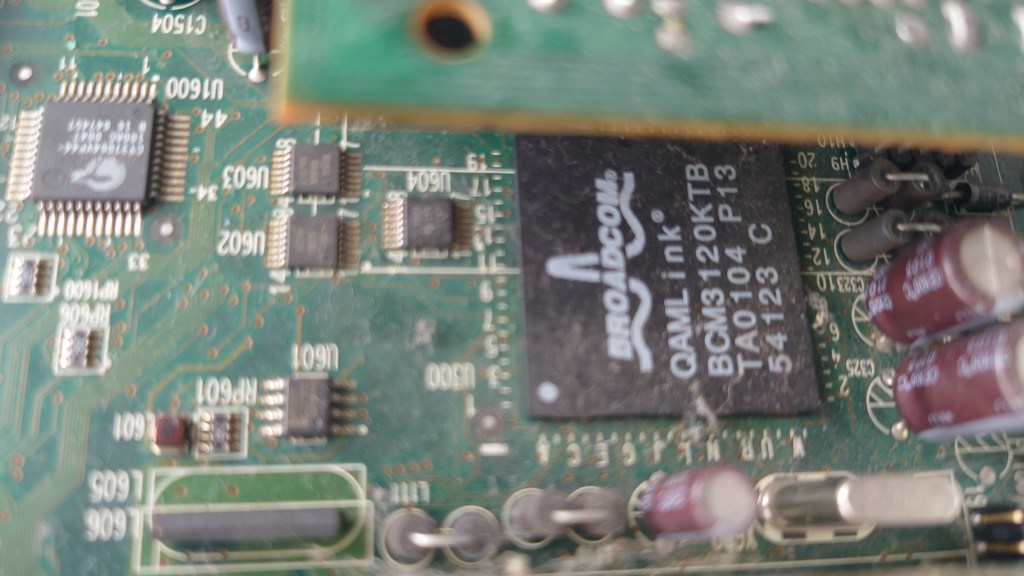
BCM3120

DAVIC/DVB-RC decoder, was underneath the smartcard slot so I had to get a funny angle
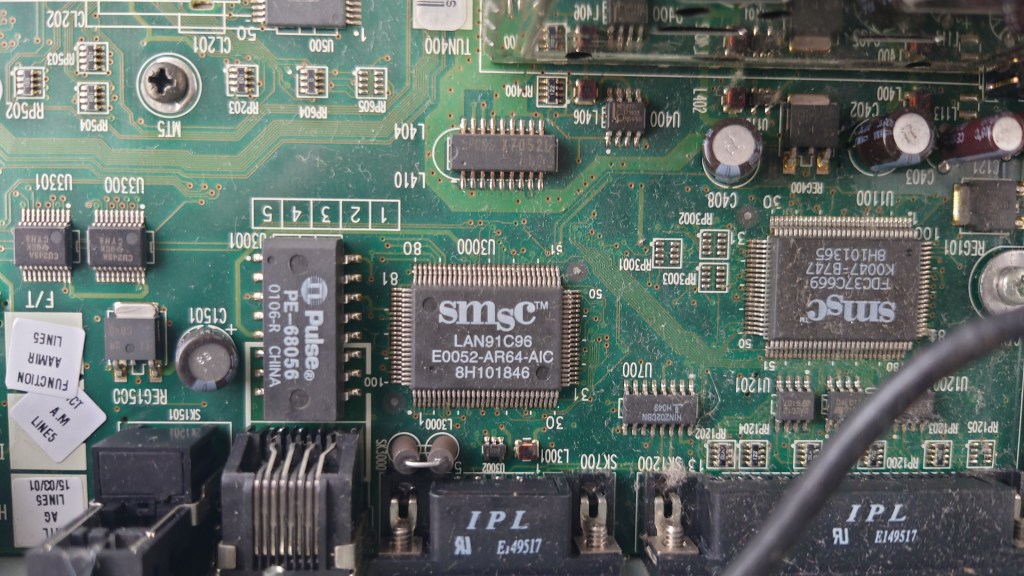
Pace Di4001 smsc

I believe these are for the onboard ethernet and serial ports
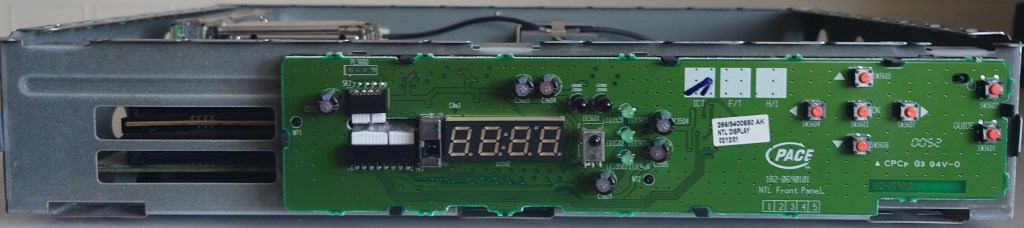
Pace Di4001 Front panel
Di4001 front panel

The front panel exposed, note the two IrDA sensors

Rear Panel
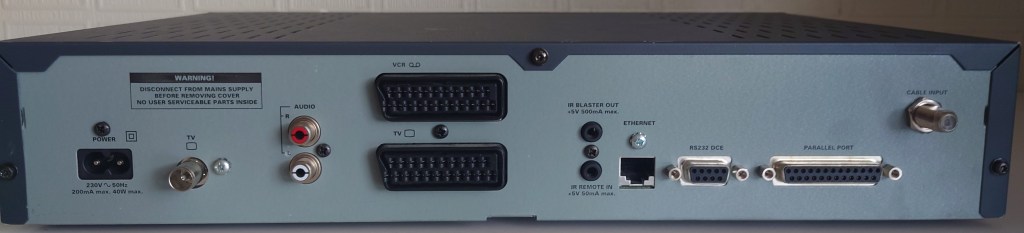
Pace Di4001 back panel
Di4001 back panel

From Left – Right

  1. Mains Input
  2. RF Output
  3. Audio phono out
  4. TV and VCR Scart
  5. IR output and input – I think were were meant for external devices such as Tivo or VCR’s to control the STB without any dongles needed, whilst never used by ntl the box does supply power though these connectors allowing the use of red eye dongle
  6. Ethernet – For internet access or LAN
  7. RS232 – Only used for libdebug, never used by ntl externally. Could be used for external input devices like a mouse or keyboard
  8. IEEE1284 parallel port – never used, might be for external disk drives, printers or modems
  9. Cable Input

Mozilla: ‘We need more than deplatforming’

Firefox was always one of my favourite browsers, ever since I installed in back in 2004 to replace the ageing Internet Explorer 6. Immediately i picked on its fast rendering time, features such as tabbed browsing, built-in pop-up blocker and extensions and most importantly its improved security. Whilst there have been many bumps along the way, I have always stuck with it and its email client counterpart, Thunderbird.

Mozilla have always stood for a free and open web, that meant that the web should be accessible to all users, regardless of their political positions, heck its even on their Twitter profile;

Until this was posted on their blog:

So why all of sudden there this sudden interest of de-platforming? let’s break down the suggestions;

Reveal who is paying for advertisements, how much they are paying and who is being targeted.

This I agree with, since the ad ecosystem should be transparent, who is running the political campaigns that truly influence people?

Commit to meaningful transparency of platform algorithms so we know how and what content is being amplified, to whom, and the associated impact.

This is incredibly important and applies to any social media platform that servers content in an recommendation system. Social media pushes fear and anger inducing content for the sake of generating engagement, they mix it with advertisement content and slowly change their user habits. These algorithms need to be stopped. If you ever see a content recommendation by a black box system, do not follow it unless you want to be eternally an ideology slave. Seek your own answers.

Turn on by default the tools to amplify factual voices over disinformation.

And who gets to decide that exactly? Do they have everyone best interest at heart?

Work with independent researchers to facilitate in-depth studies of the platforms’ impact on people and our societies, and what we can do to improve things.

Yet La Le Lu Le Lo have removed all external research into their platforms, specifically around the negative side effect such as addictions and election influencing. What else are they hiding?

The article does raise some concise valid points, but these need to be implemented for all, and not just a certain set of users who’s political options sway in a certain direction. Somehow they were fine with the Minnesota riots and the riots ‘peaceful’ protests that happened in 2020, where there were multiple calls to violence on both sides being spread, right on the exact same social media platforms.

However, the nerve they have to point blame and act like what happened in the Capitol was the worse thing ever, The amount of horror, destruction, defeat, and death inflicted upon innocent Americans for weeks and even months in some places was incomparable to what happened in DC. Peoples entire livelihoods burned to the ground. Entire city blocks reduced to rubble. And these people are literally pretending none of that ever happened. They even encouraged it and promoted it. They actively promoted it, defended it, and encouraged it daily. And I’m not even talking about the absolutely debilitating lock-downs that have shut down hundreds of thousands of small businesses and put people out of work?

Finding a new browser

Waterfox – A fork of Firefox that is compatible with all Firefox extensions and plugins,and has a very similar user interface
Brave – uses blink/chrome engine, has a built in tracker blocker

Vivaldi – uses blink/chrome engine, a nice browser that has a lot of useful features, designed to replicate Opera 12, supports tab stacks

All browsers listed above have Windows, Mac and Linux versions, and (except for Waterfox) have Android and iOS versions that can sync between desktop and mobile

De-Platforming

Whilst La Le Lu Le Lo are busy removing and banning people from a certain political background from their platforms, a common retort is for these users to start or use platforms that tolerate this type of free speech. This has resulted in sites like Parler, Gab and Mastodon… except La Le Lu Le Lo have now started removing Parler from their respective App stores, meaning unless you use the web app, you will no longer have access to Parler. For android users this is not a big issue and simply requires installing an .apk file onto your smartphone and enabled unknown sources in it’s settings menu, for iPhones unless you jailbreak it you are stuck with the version that was installed via the Appstore, with no ability to update or transfer it to another iPhone.

Speaking of the web app, AWS (Amazon) have since decided to terminate Parler’s web service also, meaning you will no longer be able to access the Parler website until they find a new host. The reasoning for this was due to Parler’s moderation methods, which was cited as being insufficient in regard to violent content on platform. Now whilst Parler does have a few problematic users on it’s platform, that’s nothing compared to what Twitter host;

https://i0.wp.com/media.breitbart.com/media/2016/07/pigs_tweets.png

BT Youview in 2020

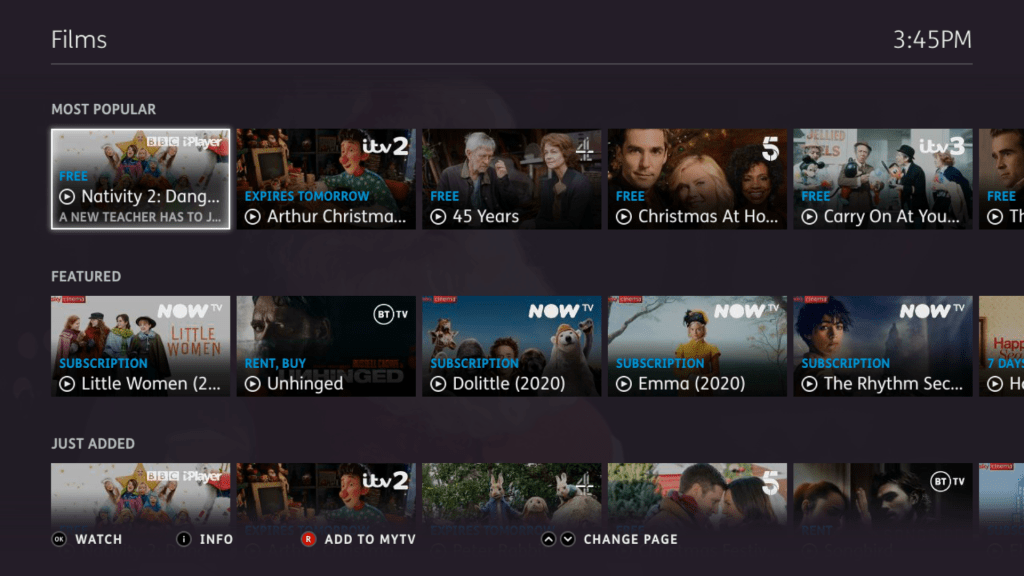
BT’s main TV service, basically Freeview with a few subscription channels and streaming services built in. You have the option to subscribe to BT’s entertainment packages (which are currently being phased out), BT Sport package, or NOWtv packages which feature Sky entertainment, sports and movie channels.

Whilst this was meant to complete with subscription services from Virgin Media, Sky and TalkTalk, it has suffered due to its reliance on using broadband to stream the subscription channels.

BT Youview had replaced BT Vision, which was also based on Freeview with on demand being delivered using the customers broadband connection, the difference being Vision featuring only on demand content, Youview offers streaming the actual channels.

User Interface

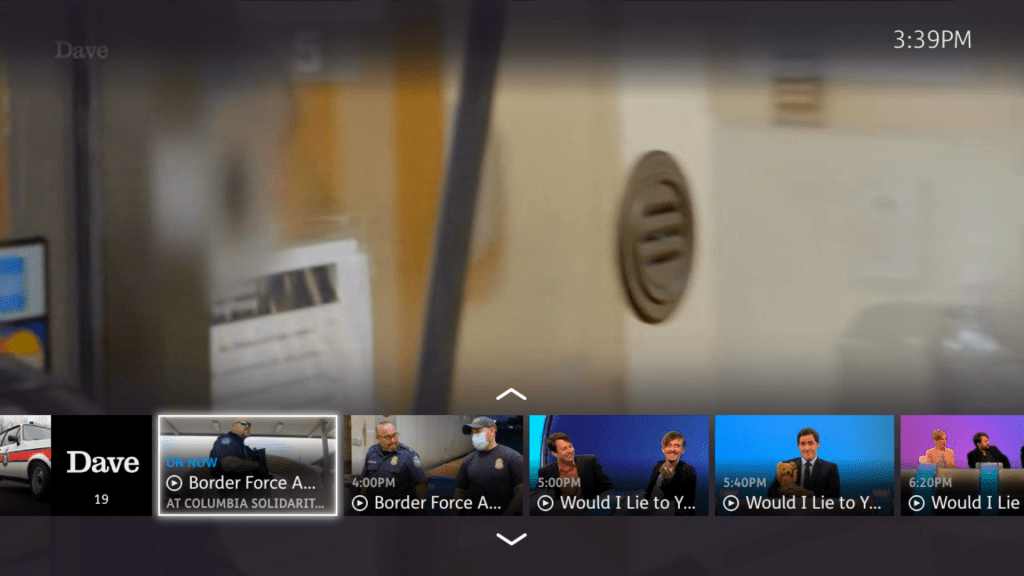
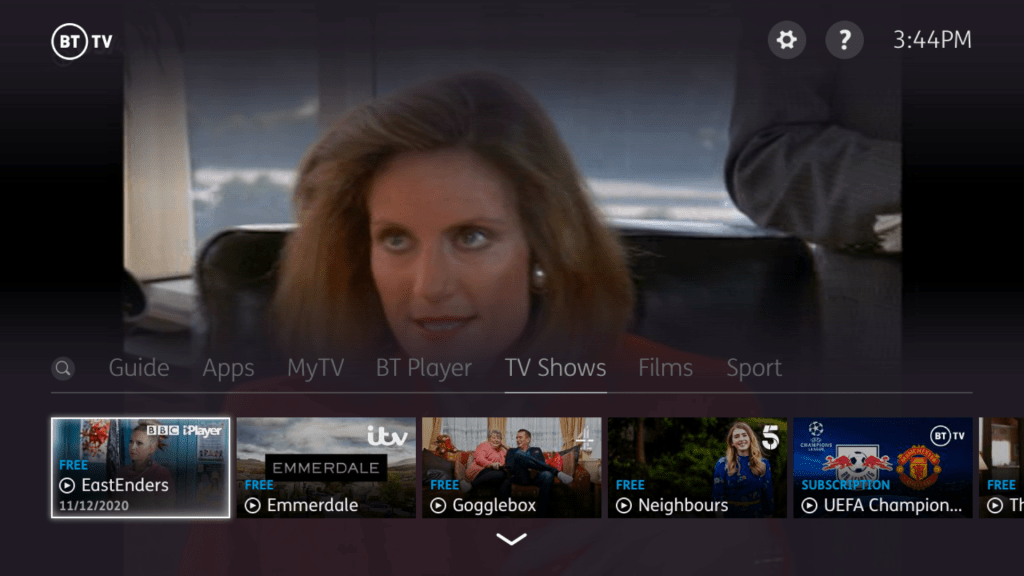
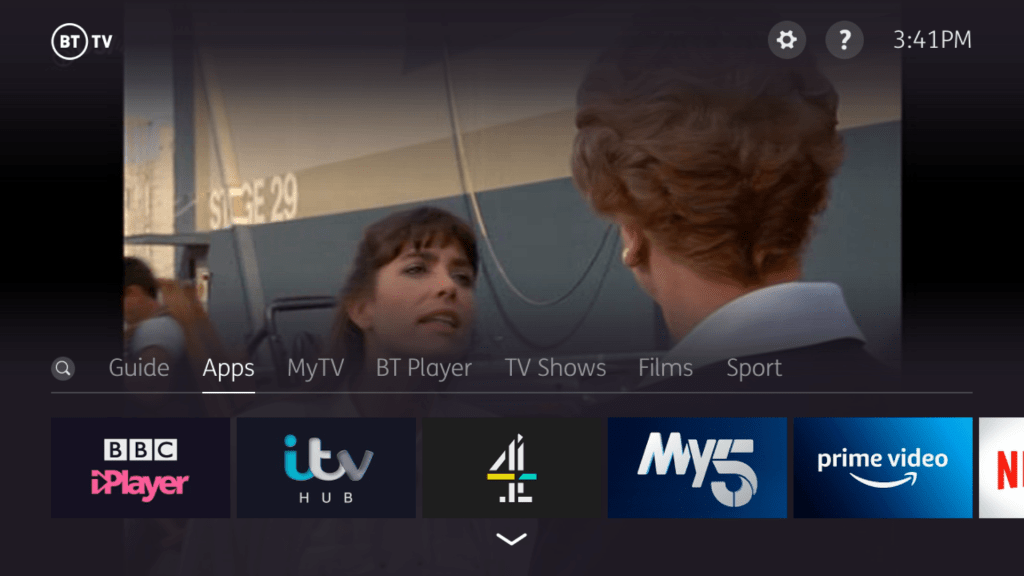
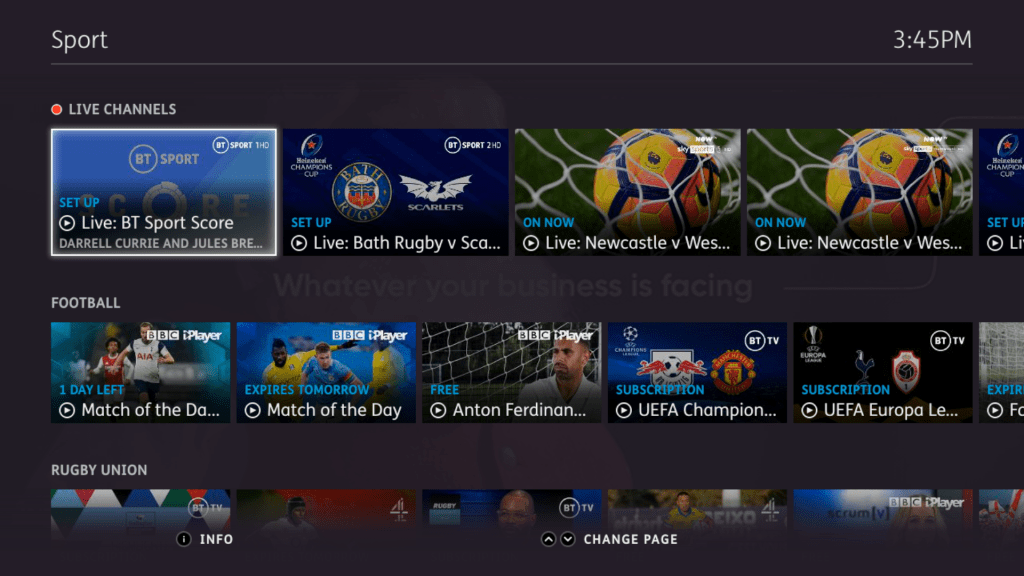
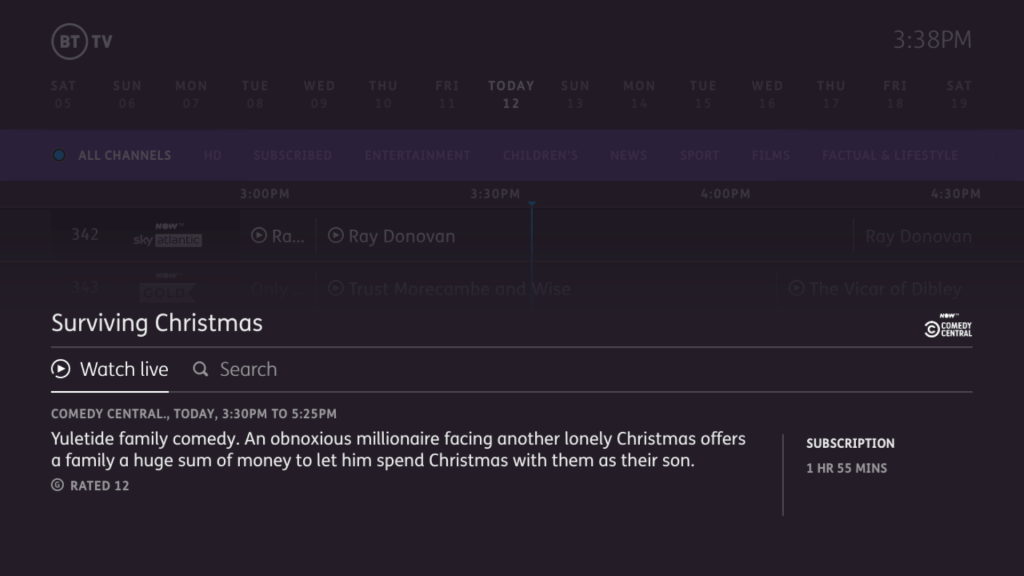
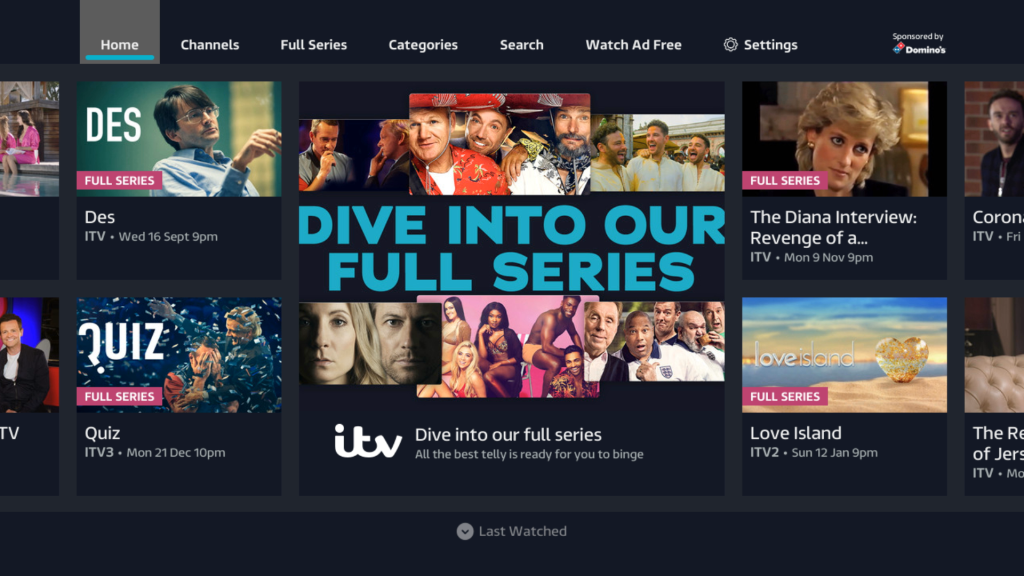
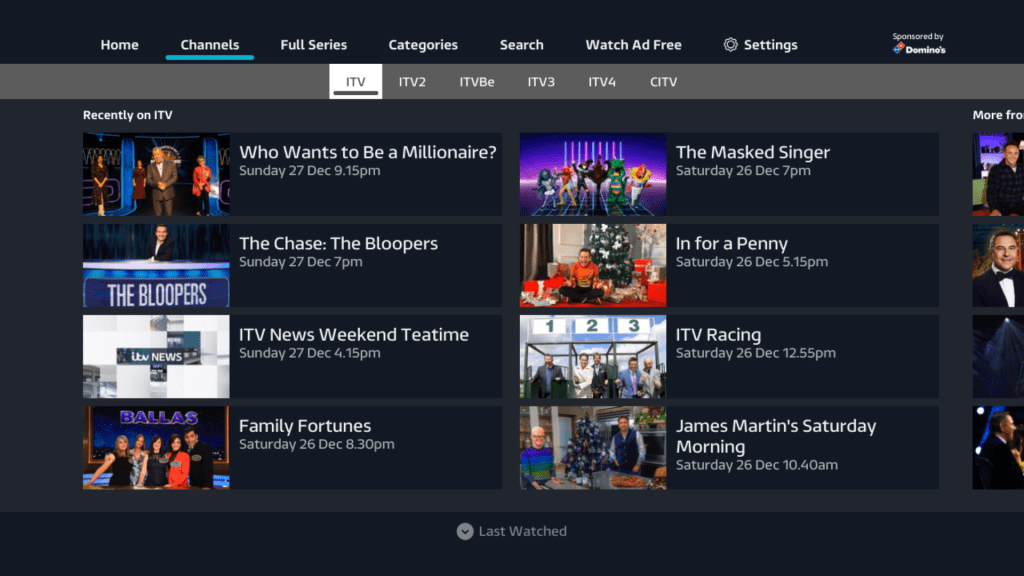
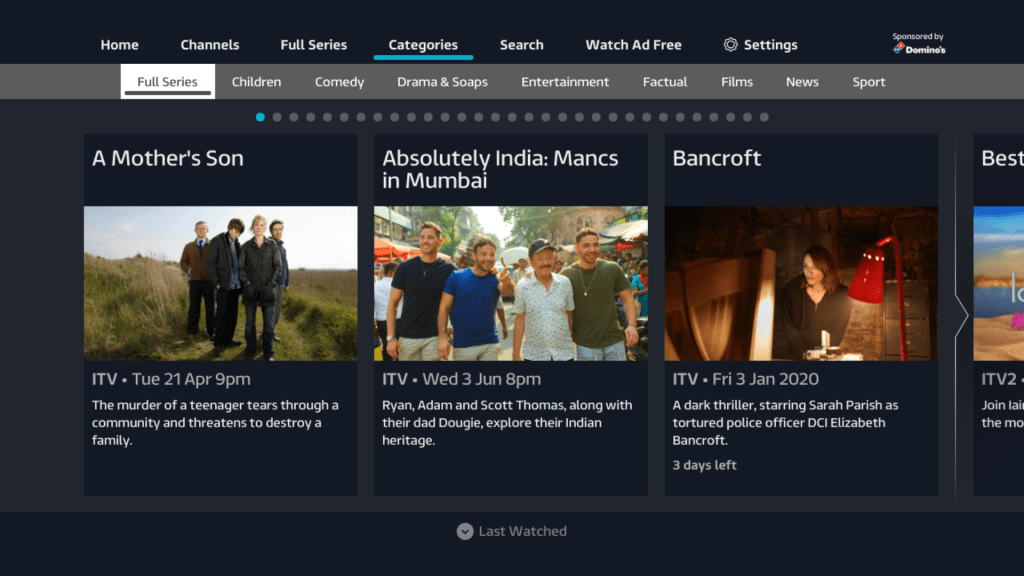
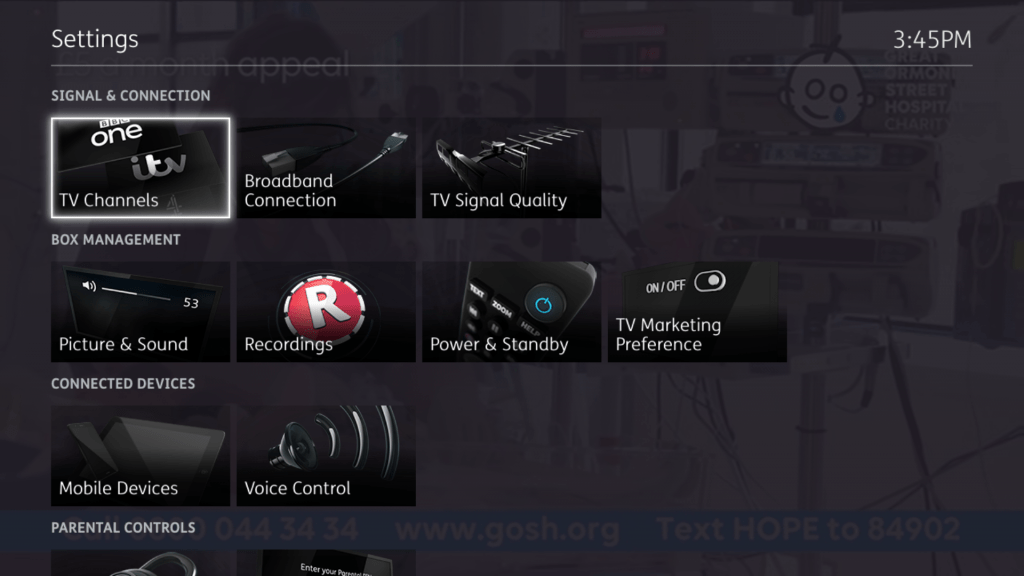
The interface is quite different compared to what Sky or Virgin use with this reliance of pictures/tiles to browse through different programs. All which rely on an internet connection.

The MyTV section shows recordings made, and programes on your watch list. Currently Nowtv supports this, programs you bookmark to watch later will then appear here.

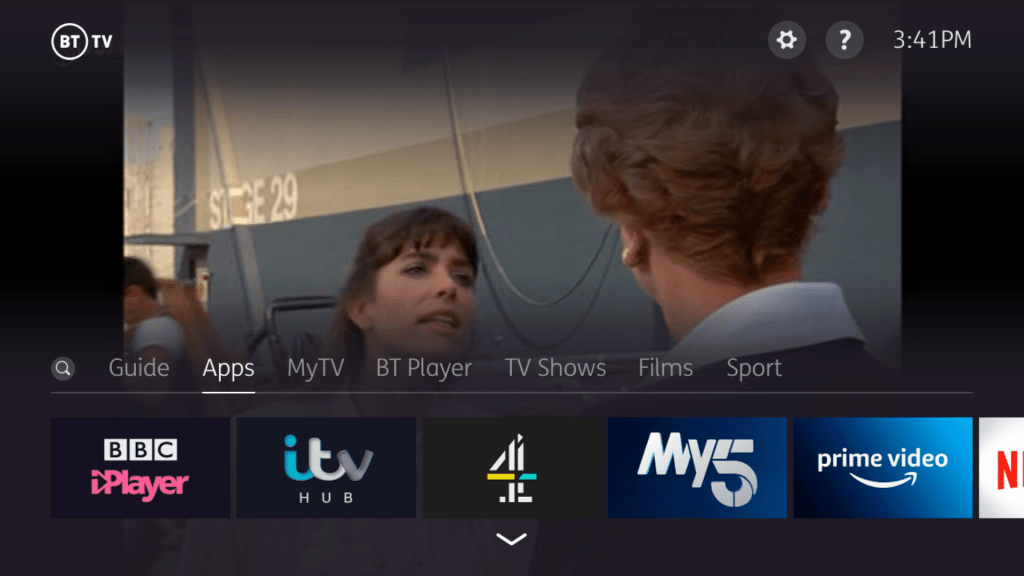
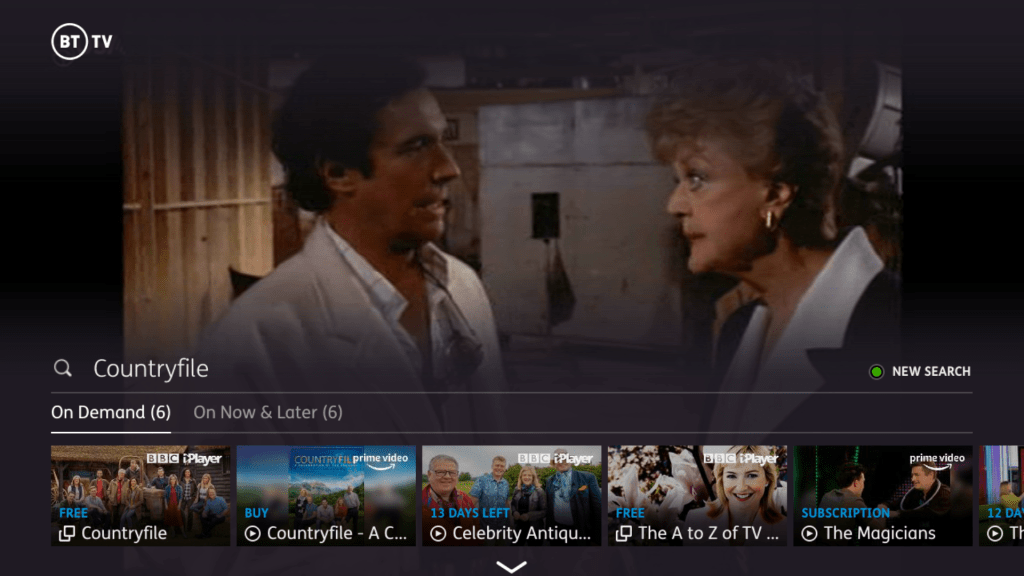
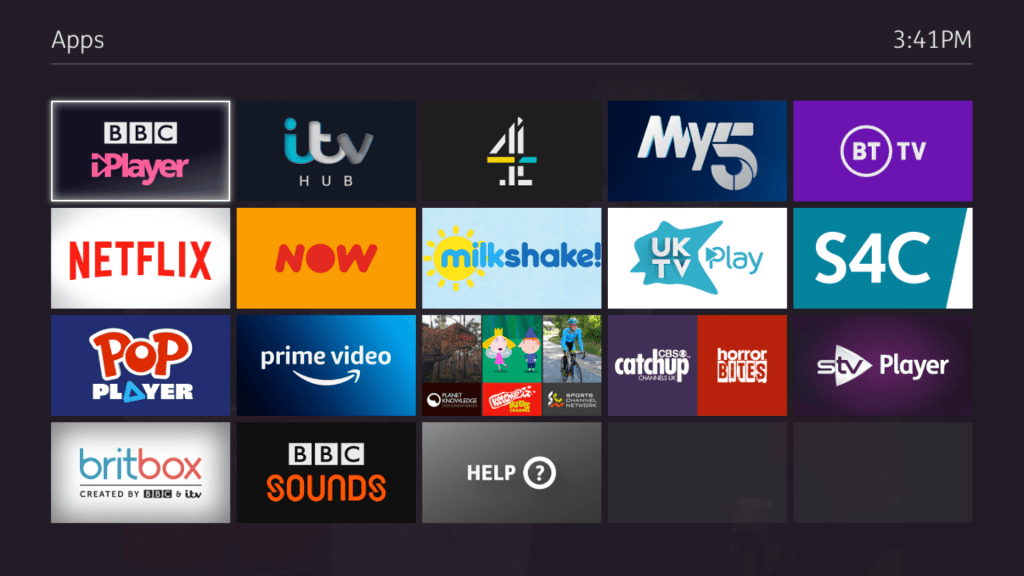
Bad things? Well you cant directly access the apps or recording through the remote, you have to highlight the banner and press left, which I found clunky. They should but colour button shortcuts to access these areas. It would be far easier if you could press the green button to go directly to the apps section, and the yellow button to go directly to recordings then these buttons are unused on the banner. The search option is also redundant since there is a dedicated button on the remote to access search.

It’s worth mentioning also that the remote does not have a dedicated apps or recordings button, so in order to access them you have to press the Home button to call up the banner, then press Right to select MyTV.

TV Guide

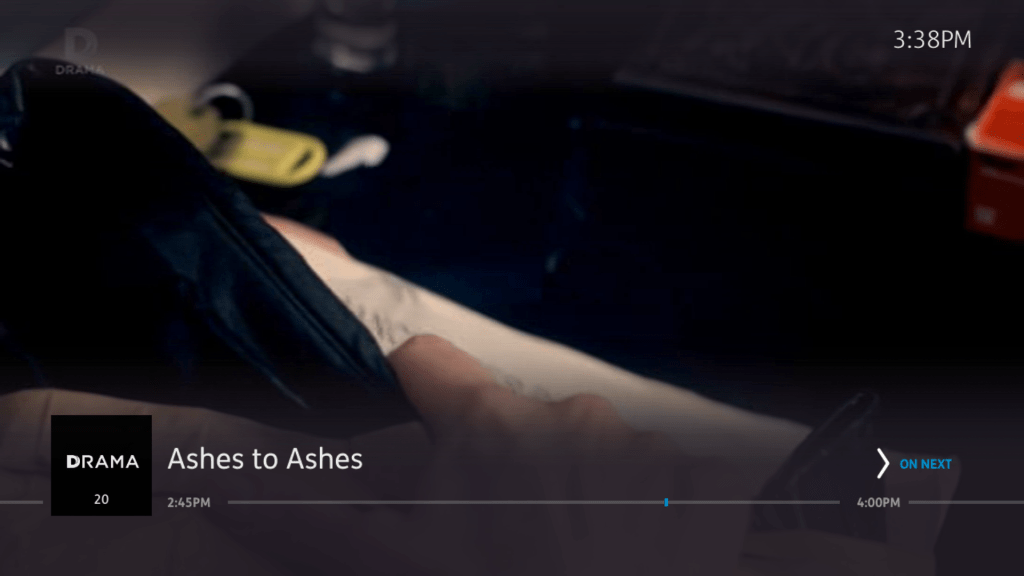
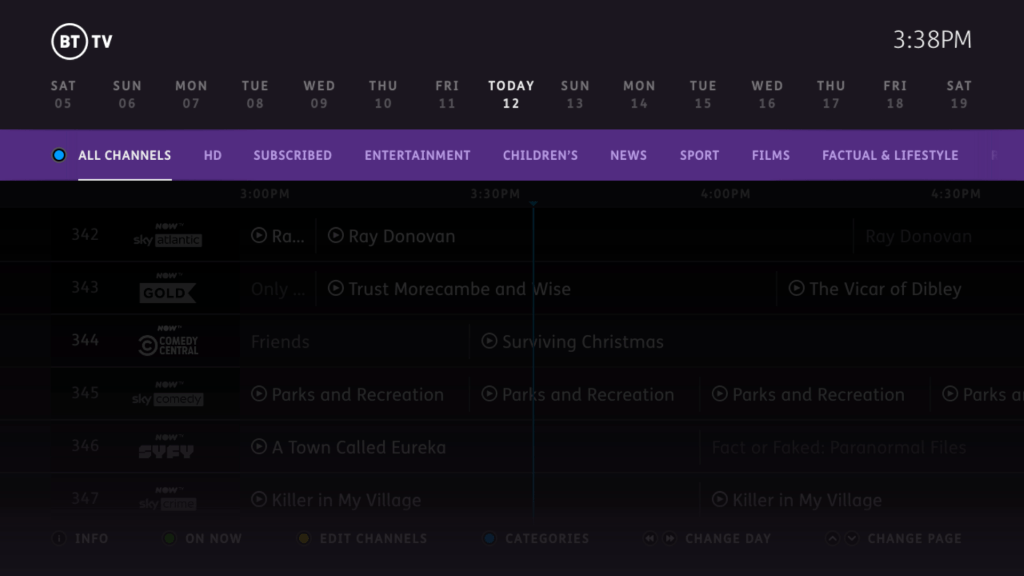
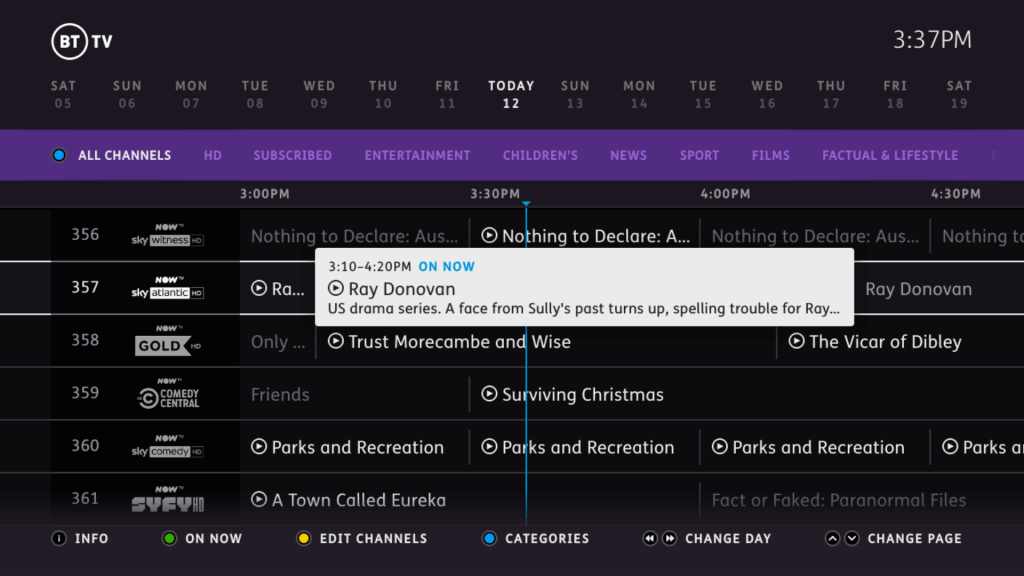
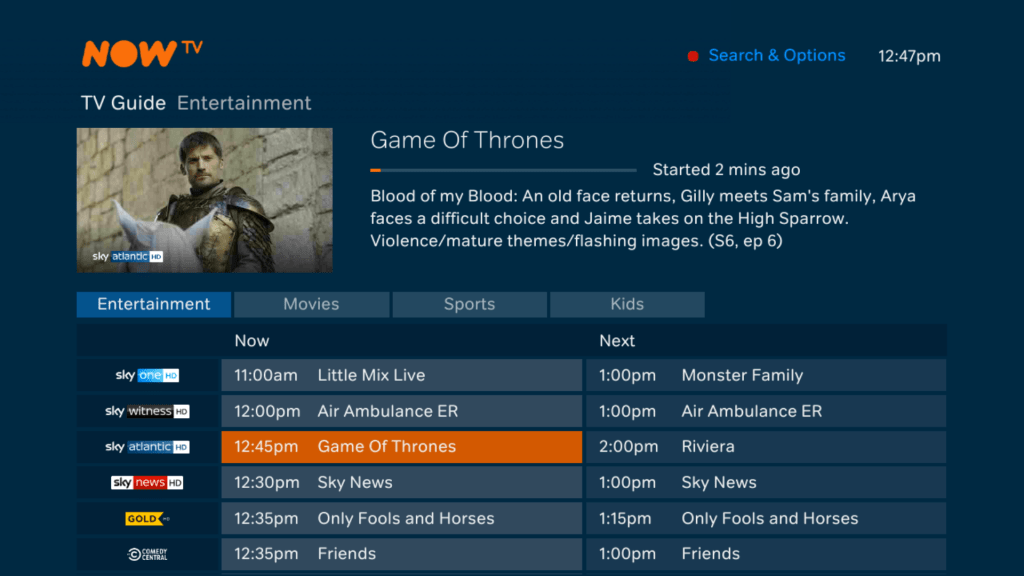
The main TV guide interface. The guide is presented using a grid like design which shows programmes broadcast today. You can also navigate to programs broadcast in the future which will give you the option to record or set a series link. The guide can also give recommendation’s on that to watch next and what’s being broadcast now.

Series links can also be set, but unlike Tivo they are not as intelligent. You cannot configure them to exclude certain broadcasts such as reruns, or to record certain seasons. The Youview box will just blindly record whatever is scheduled on that channel. It does ignore repeated episodes broadcast on +1 channels.

Subscription Channels

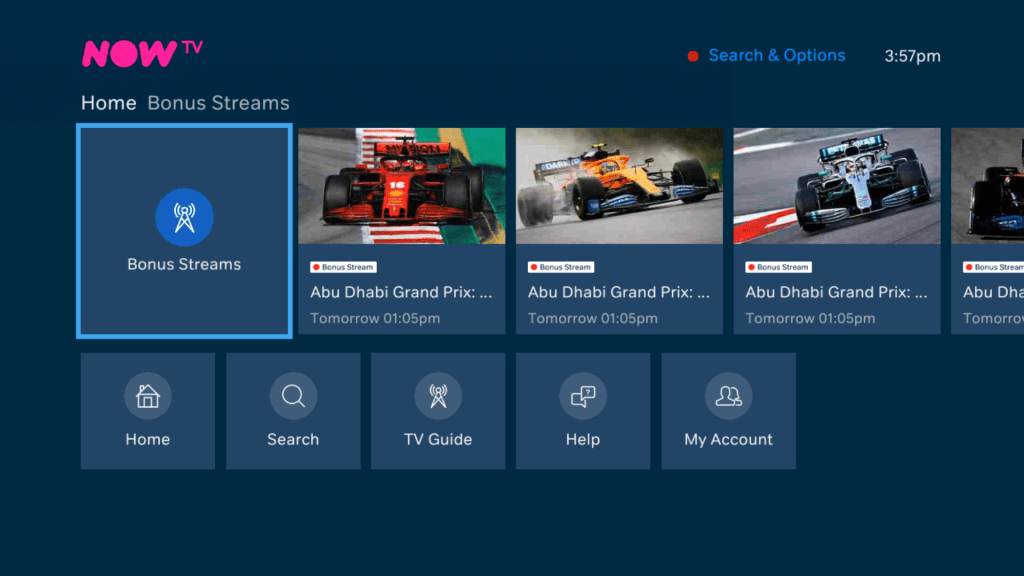
The NOWtv channels appear here, along with the regular BT channels if you are on one of their classic entertainment packages. These channels are streamed through the IP connection. the selection offered by NOWtv is quite limited compared to the classic TV packages that BT had provided previously, and rumours suggest they plan to adopt only the NOWtv packages, meaning that other channel packages will be discontinued. This wouldn’t be so bad if NOWtv actually offered channels that BT previously offered.

BT Player

BT’s main store for its TV programs where they can be purchased. Some stuff may be bundle into the existing subscription like the AMC programs. This requires an active BT broadband subscription and connection.

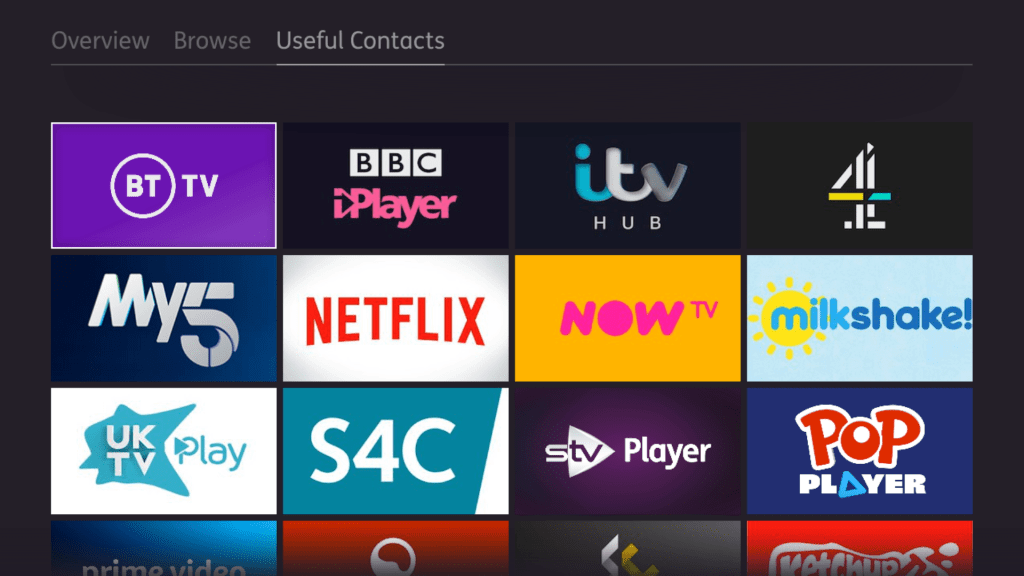
UKTV Play

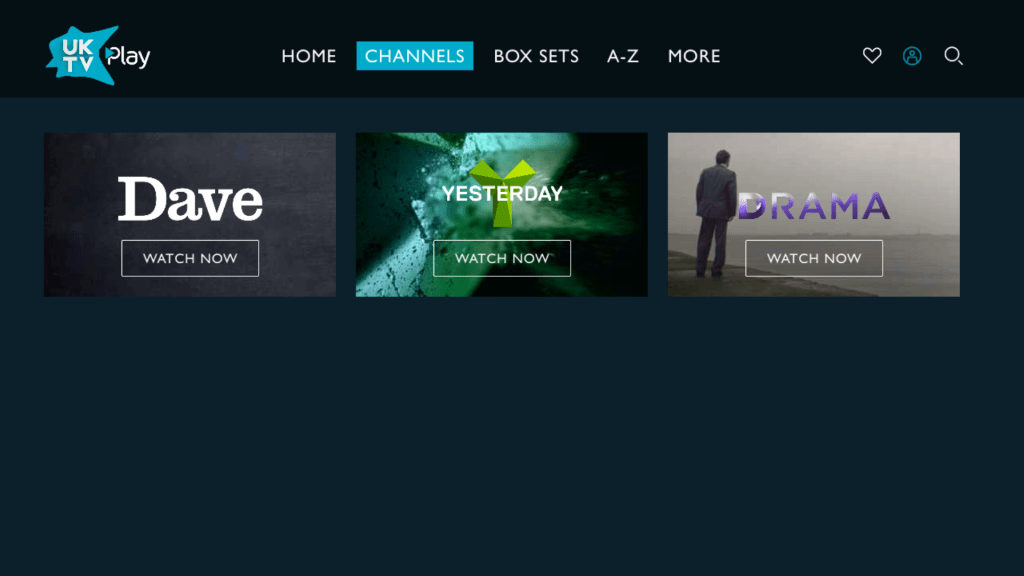
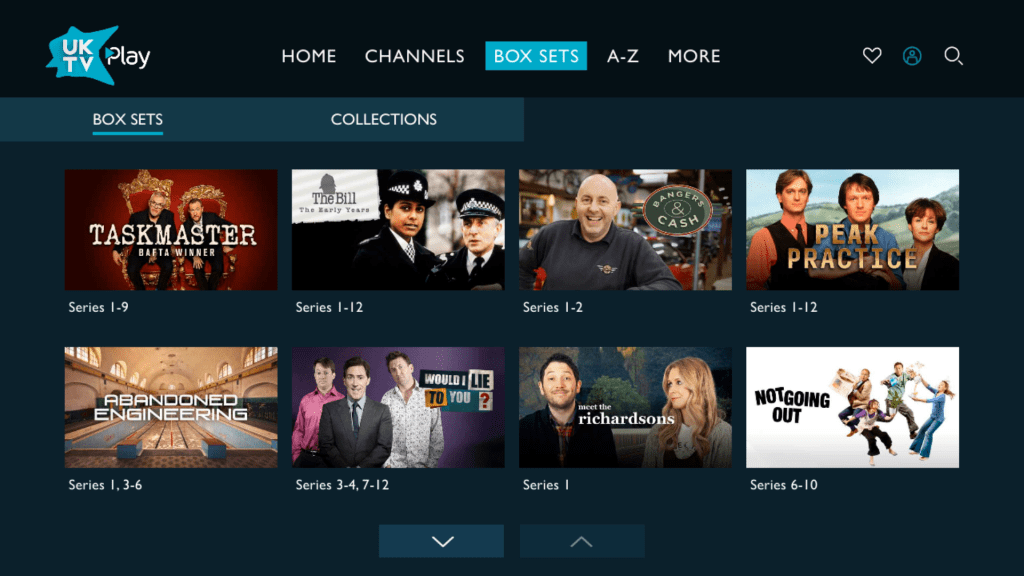
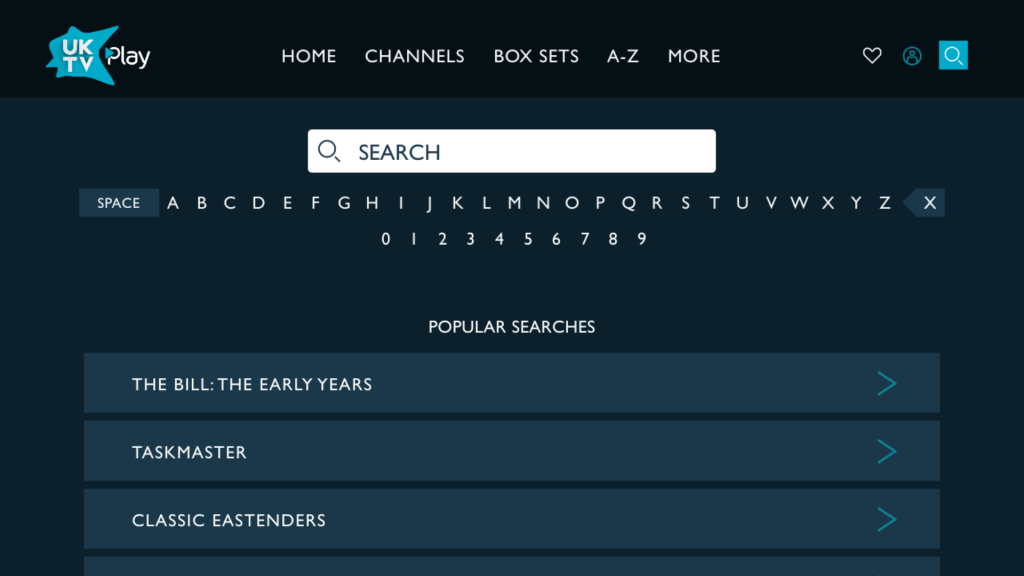
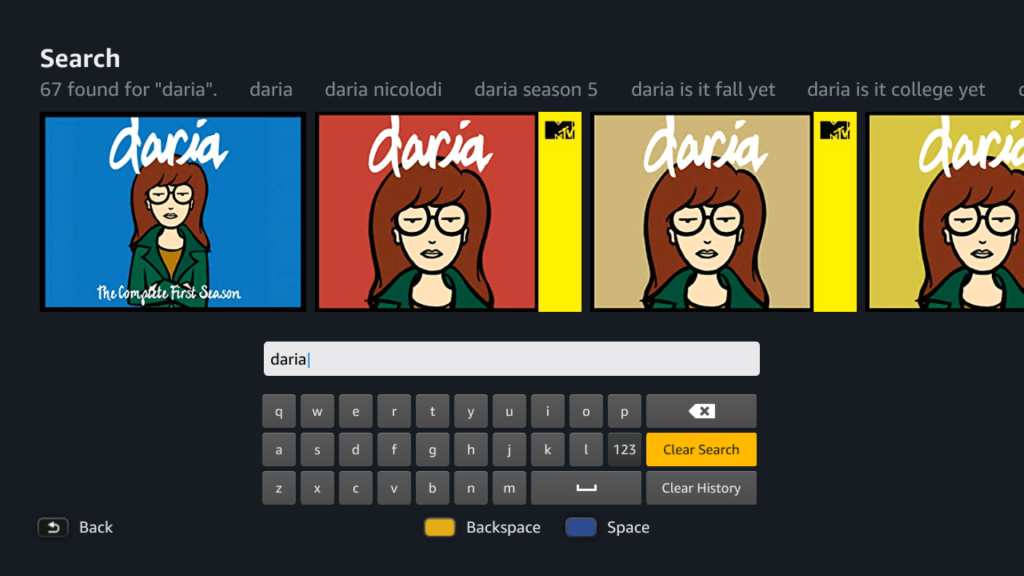
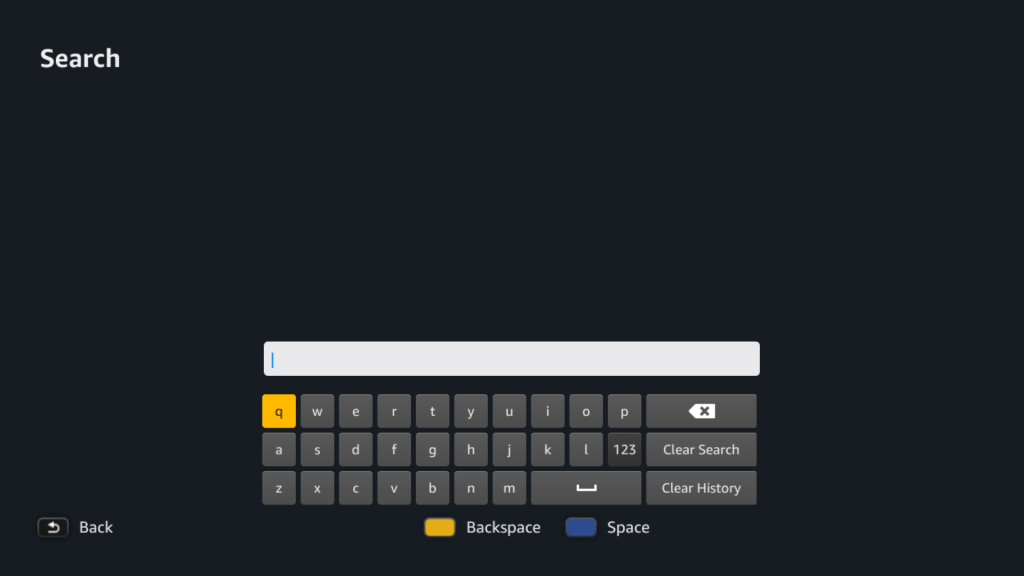
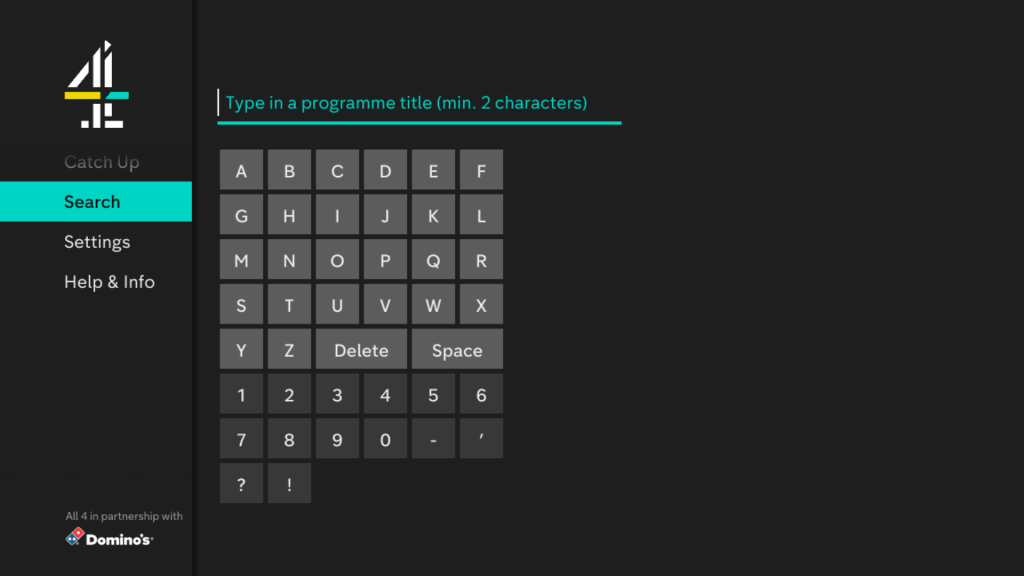
A nice looking service let down by its horrible search interface. Seriously why not just display a QWERTY keyboard on screen? Also you cannot use the keypad on the remote to type in search items, Why?

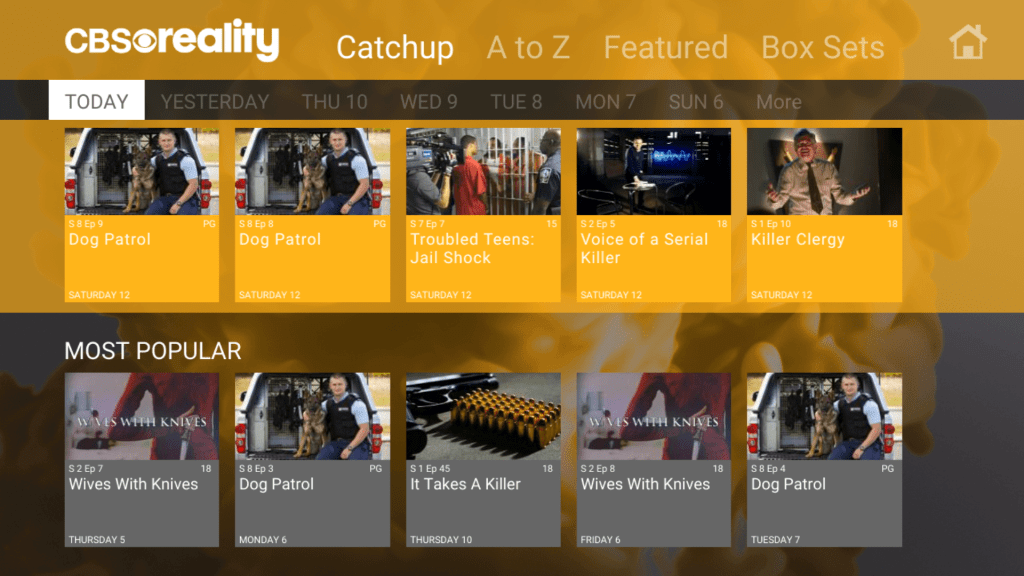
CBS

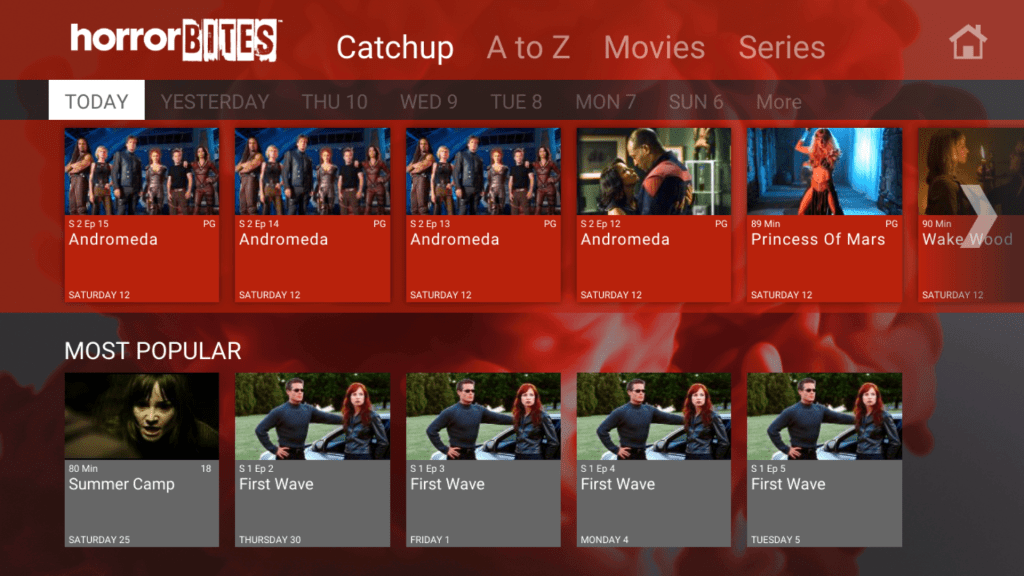
Catchup services for CBS’s free view channels, and also include Horror channel also

Britbox

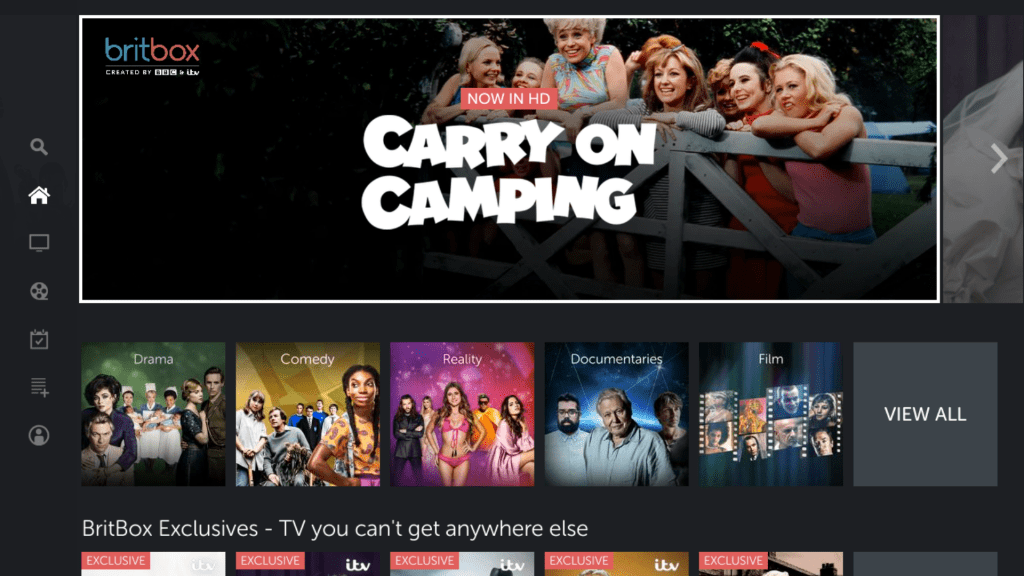
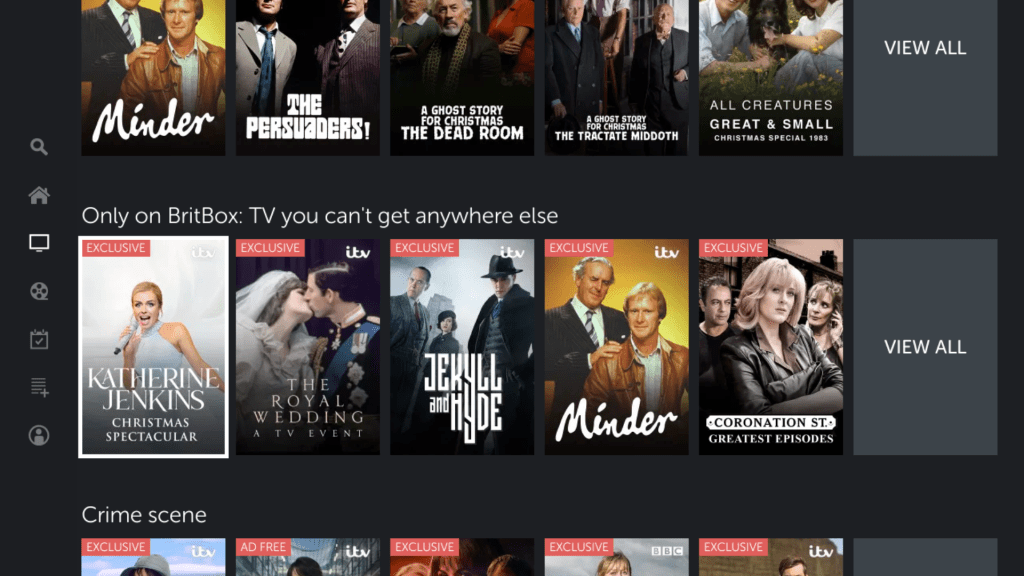
Britbox was a recent addition to the service an is a collection of older programs previously broadcast by BBC and ITV (similar to the UKTV channels of the past) with promise of new original content.

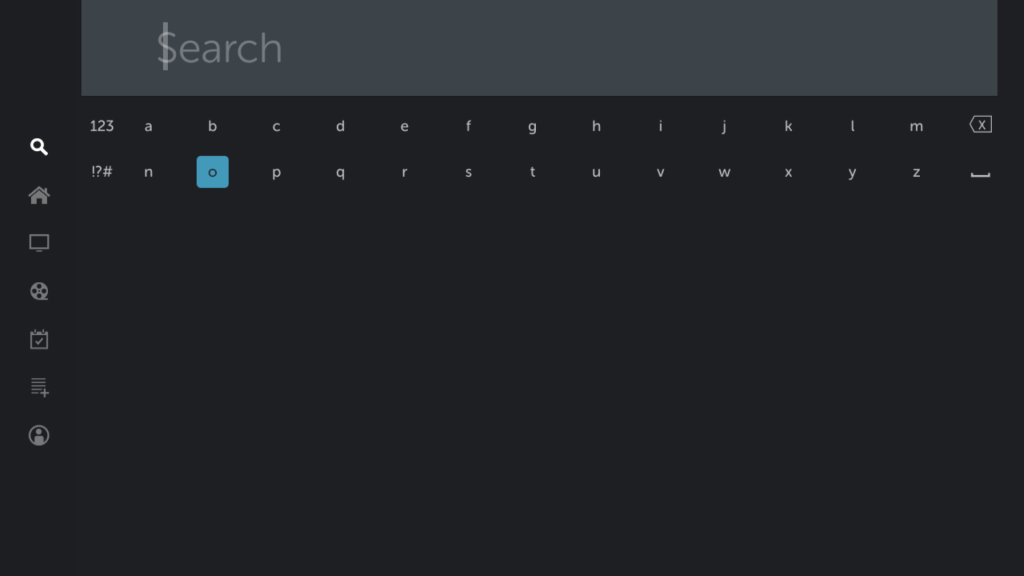
Whilst the interface is nice, the on screen keyboard used in the search is terrible

Netflix

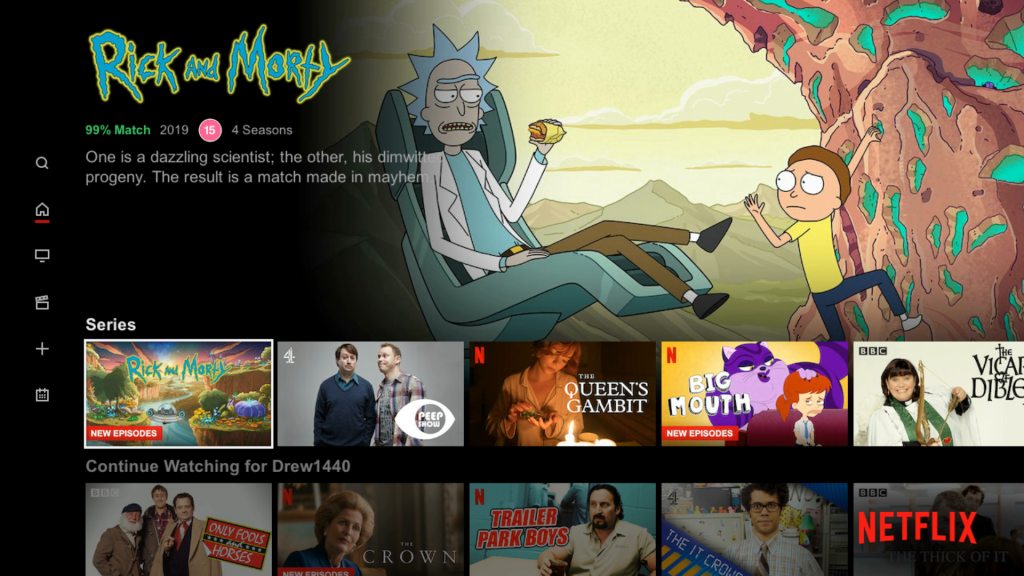
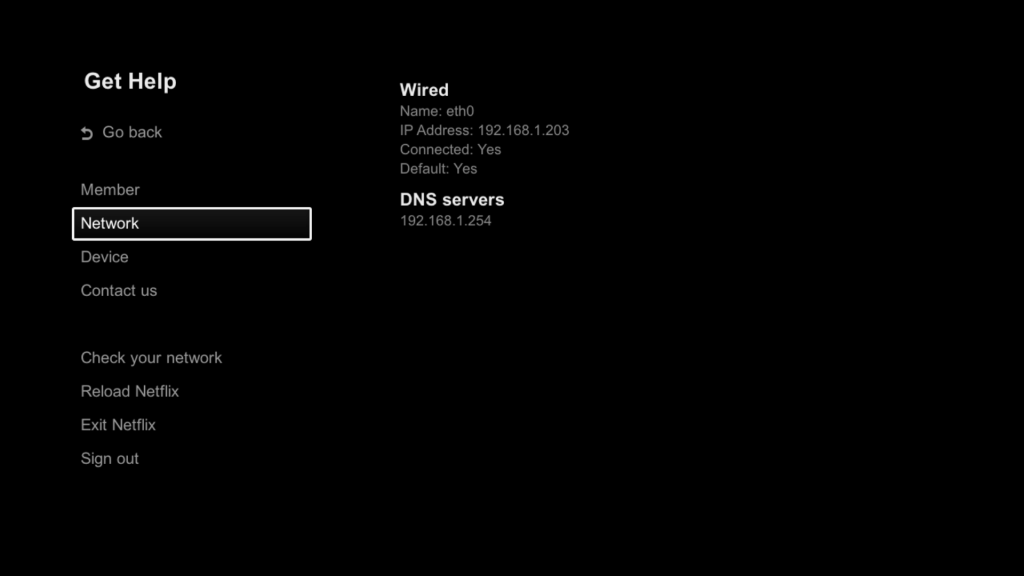
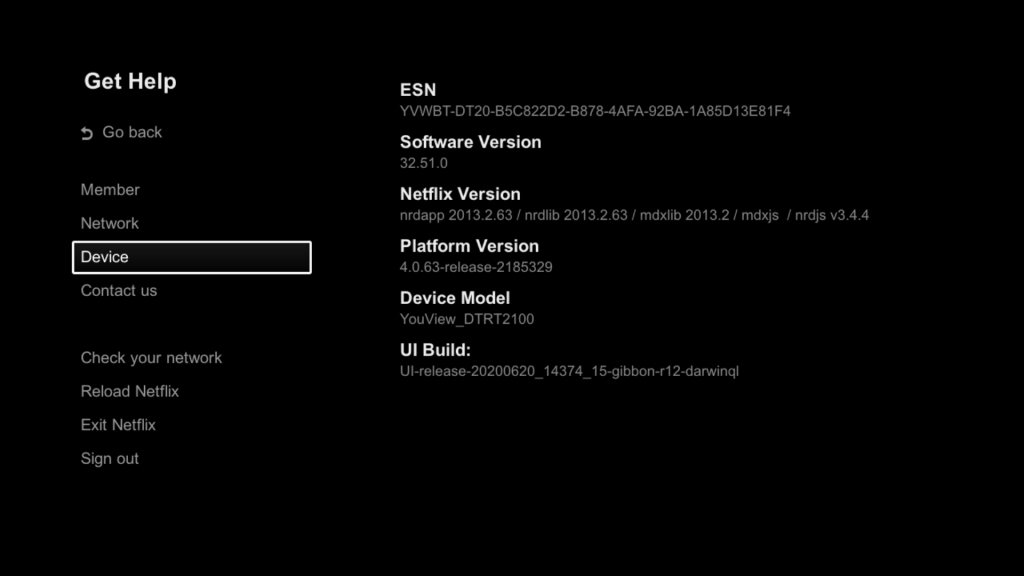
Netflix is fully supported, and it even supports the use of a USB keyboard for its search! Probably the only service on here to actually support that.

NowTV

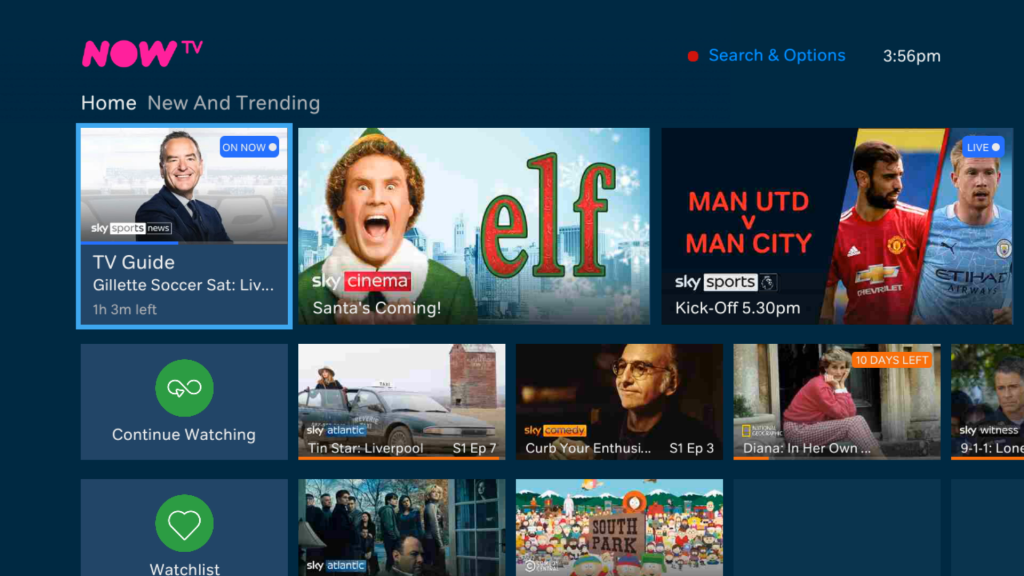
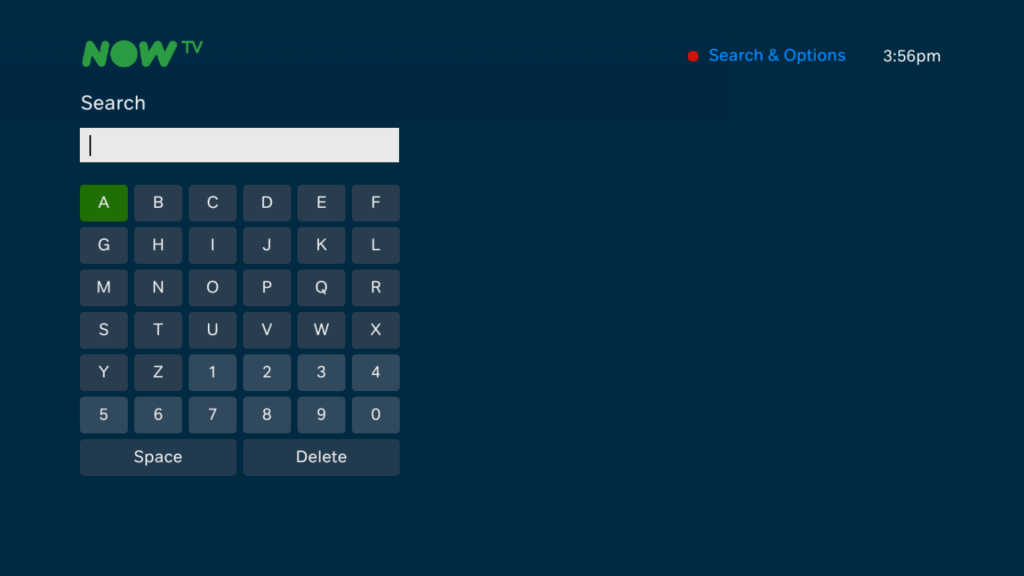
The main attraction to BT’s Youview, all of the Sky Sports/Movies and entertainment on demand is delivered through here. sadly it’s not a good experience with it being slow to respond for that appears to be a very basic interface. The search keyboard is OK but you still cannot use a USB keyboard, meaning you must use the on screen keyboard, you also cannot use the number keys on the remote to enter letters.

Thankfully you can watch and record the NowTV channels in the actual BT TV guide so you are not completely reliant on the app.

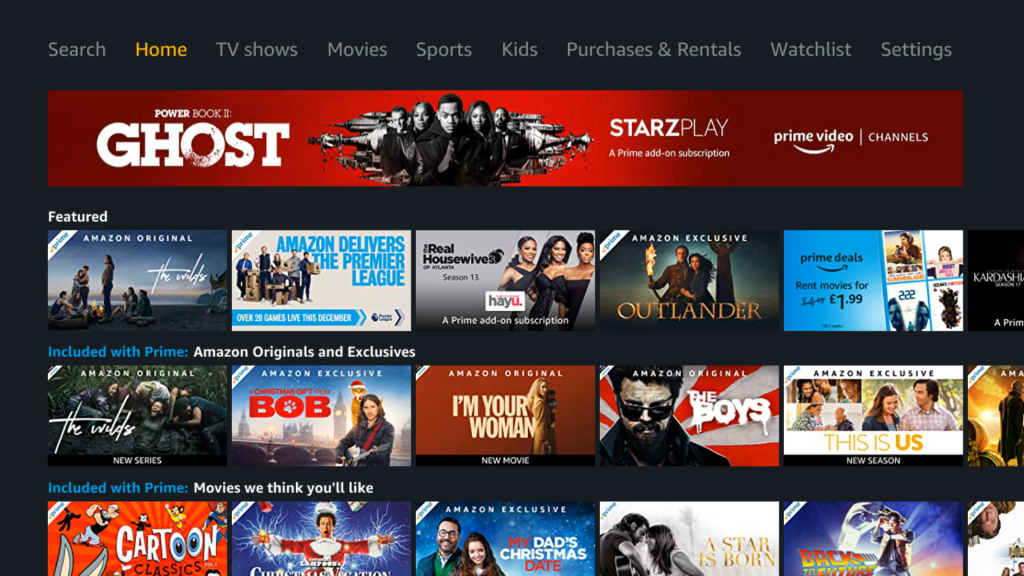
Amazon Prime Video

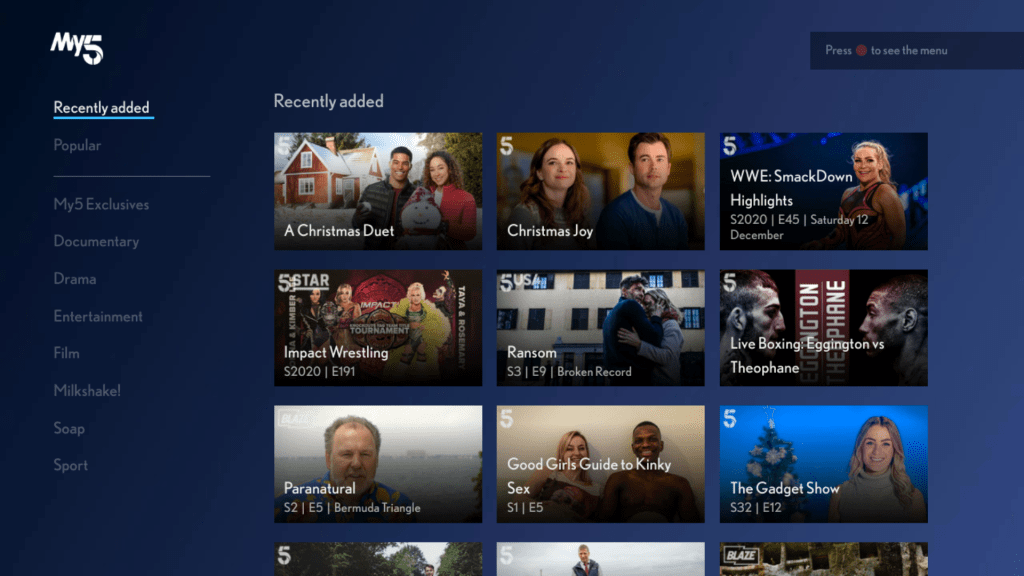
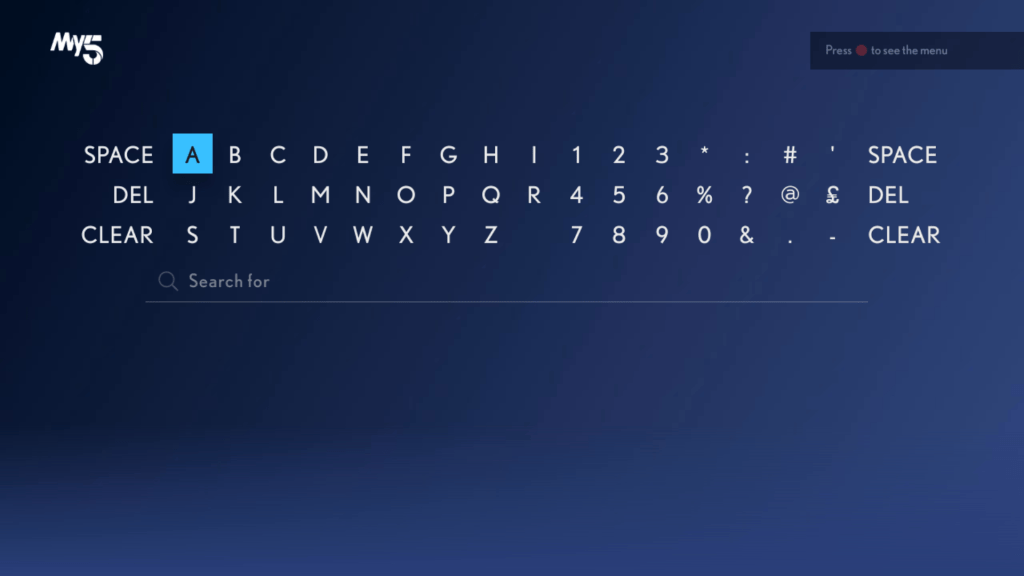
My5

Works well, but we are still unable to use a USB keyboard in order to search.

itv Hub

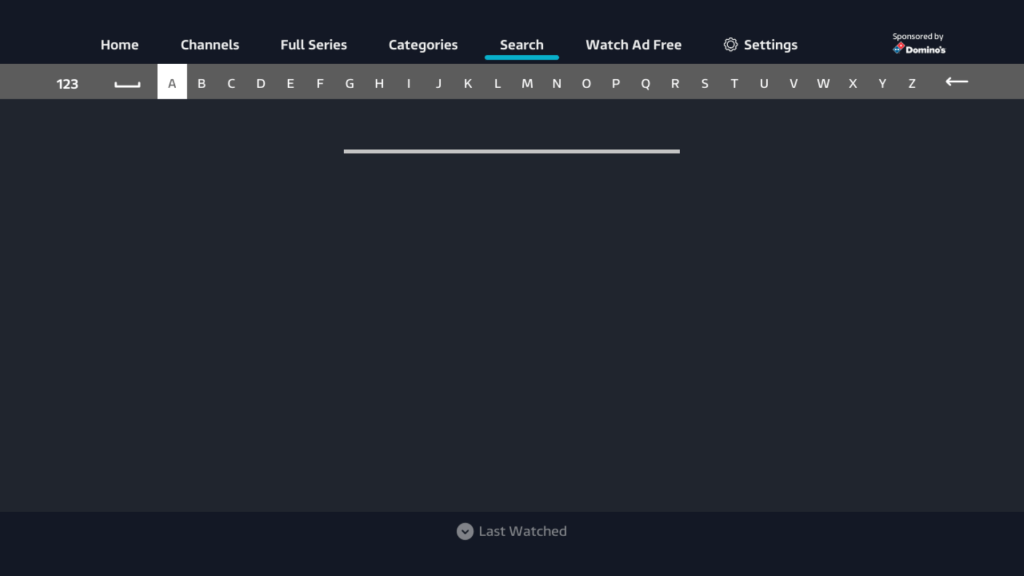
Provides access to all of itv’s shows and has a god awful search keyboard where all the letters are on a single row and no USB keyboard support either.

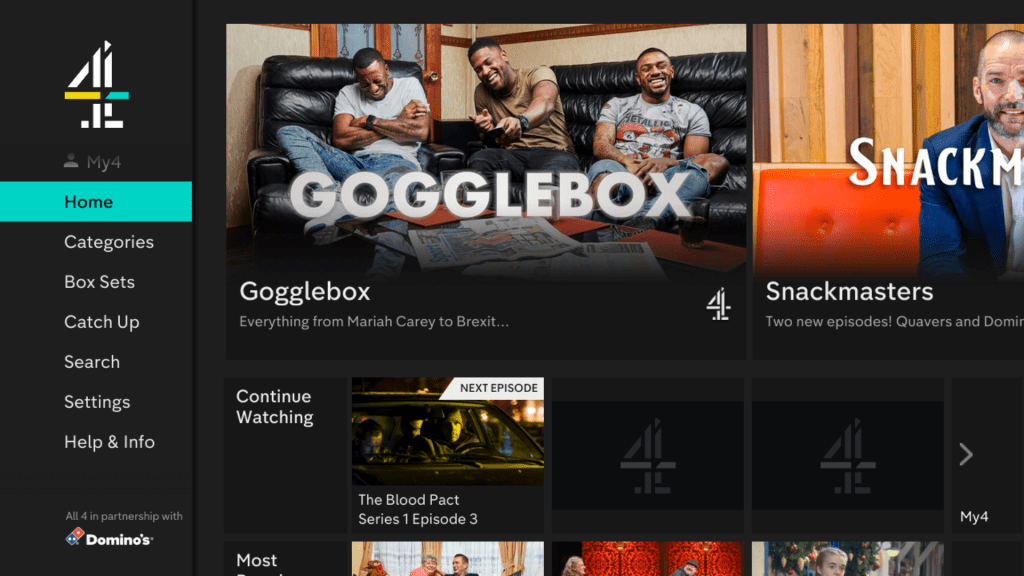
All4

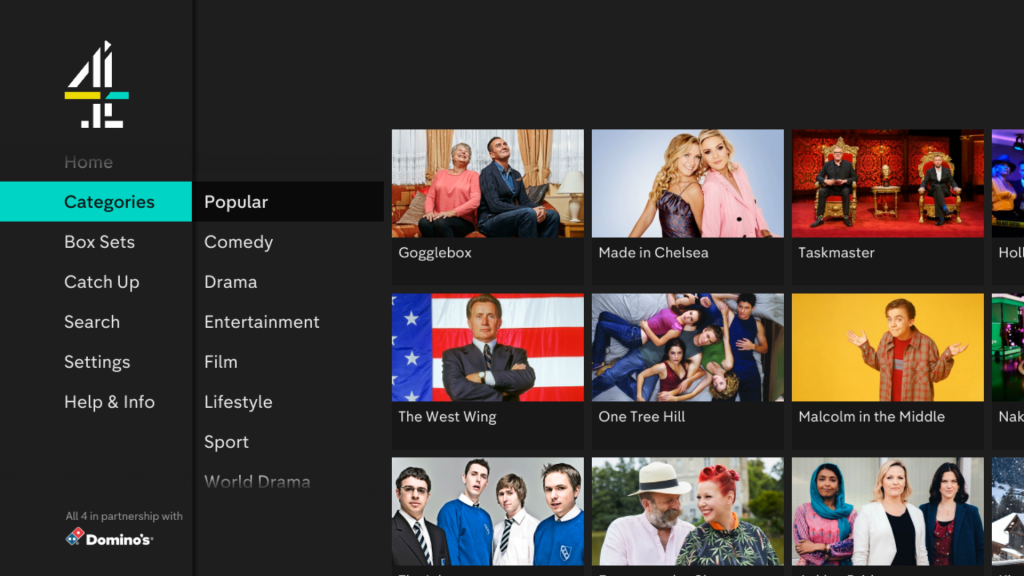
Channels 4’s on demand service (that mysteriously disappeared off Freesat…)

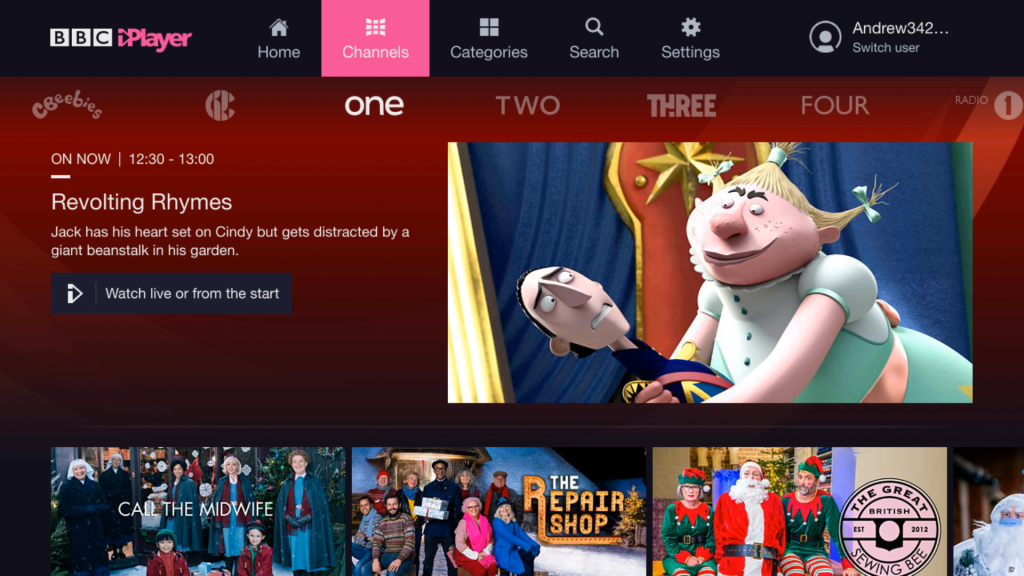
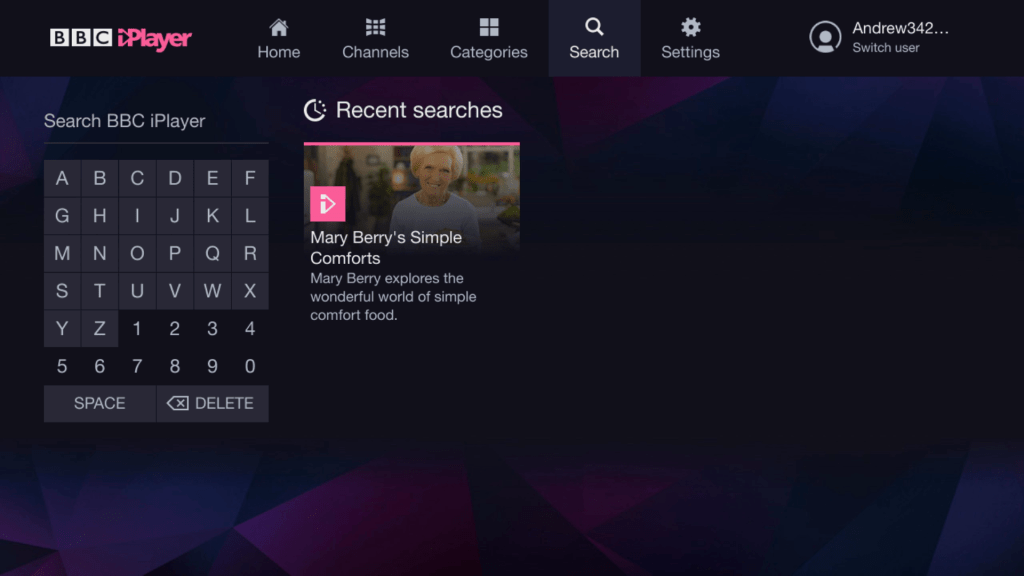
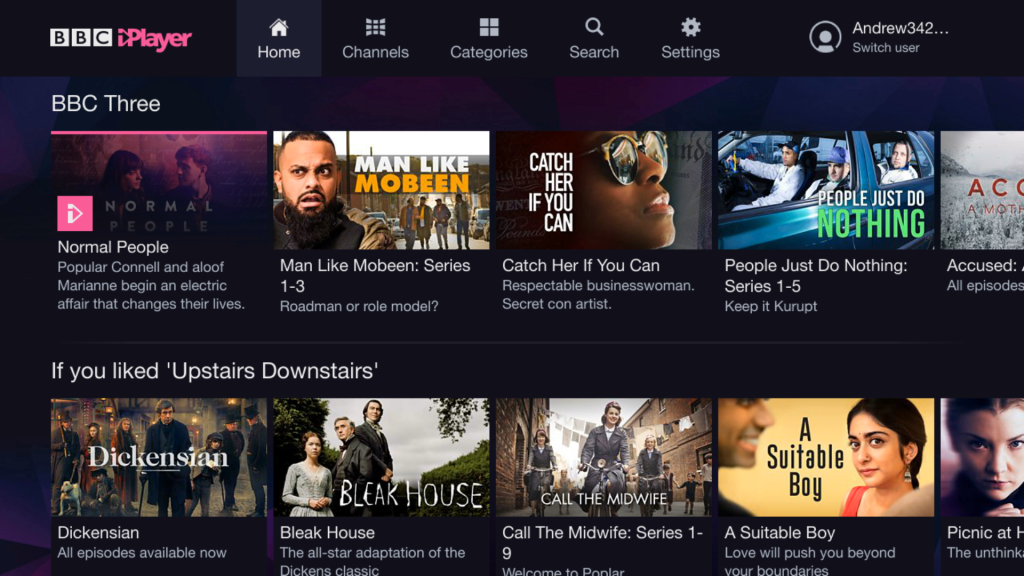
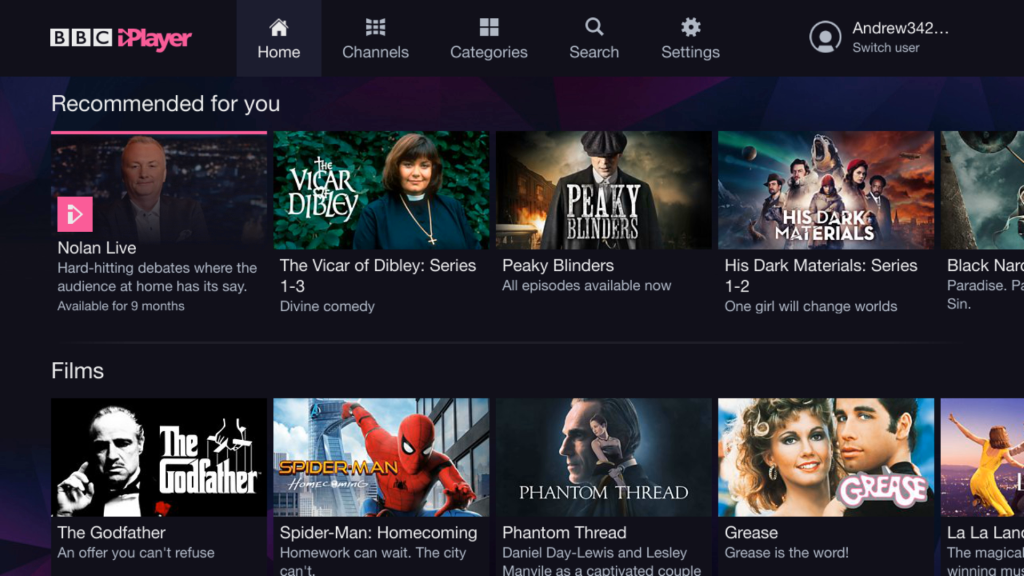
BBC iPlayer

Misc on Demand

Whilst Youview support’s MHEG5 text services, certain streaming extensions are unsupported, instead these services must be accessed via the Youview apps section

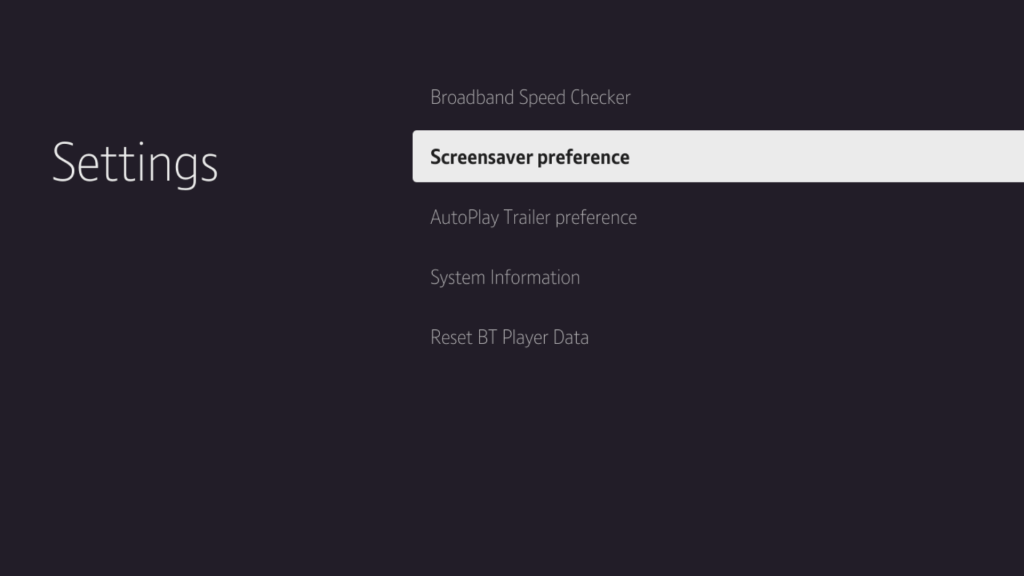
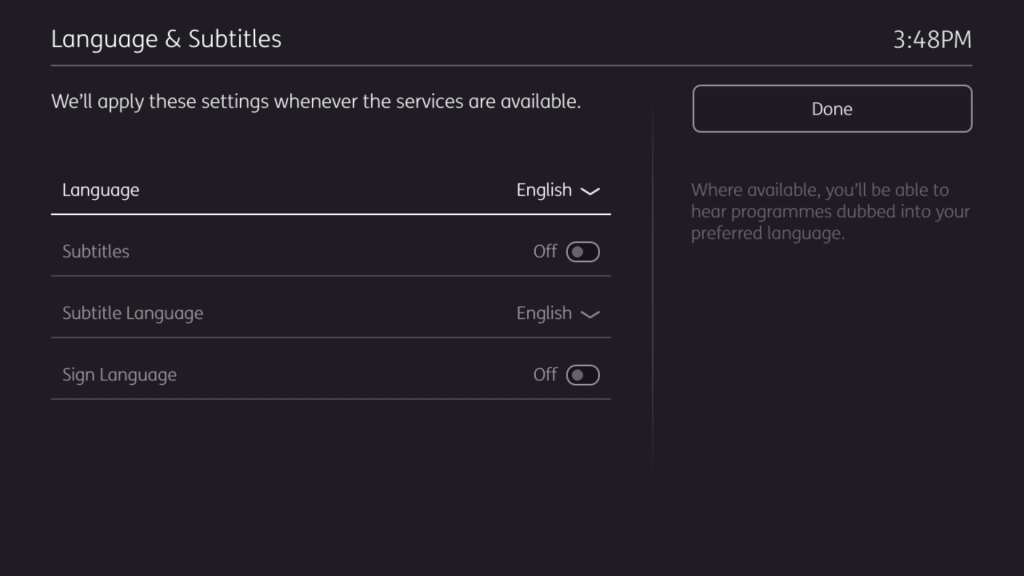
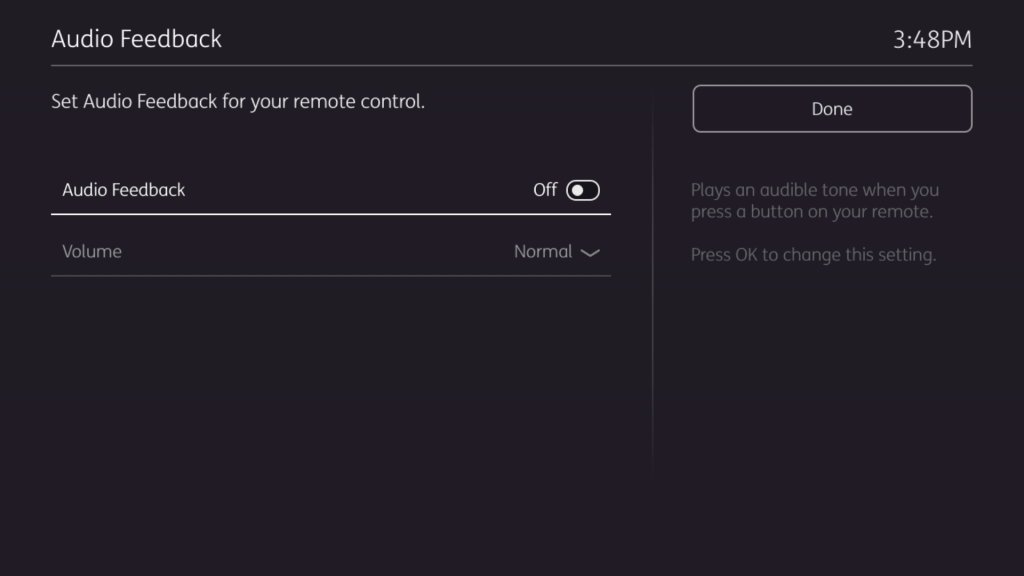
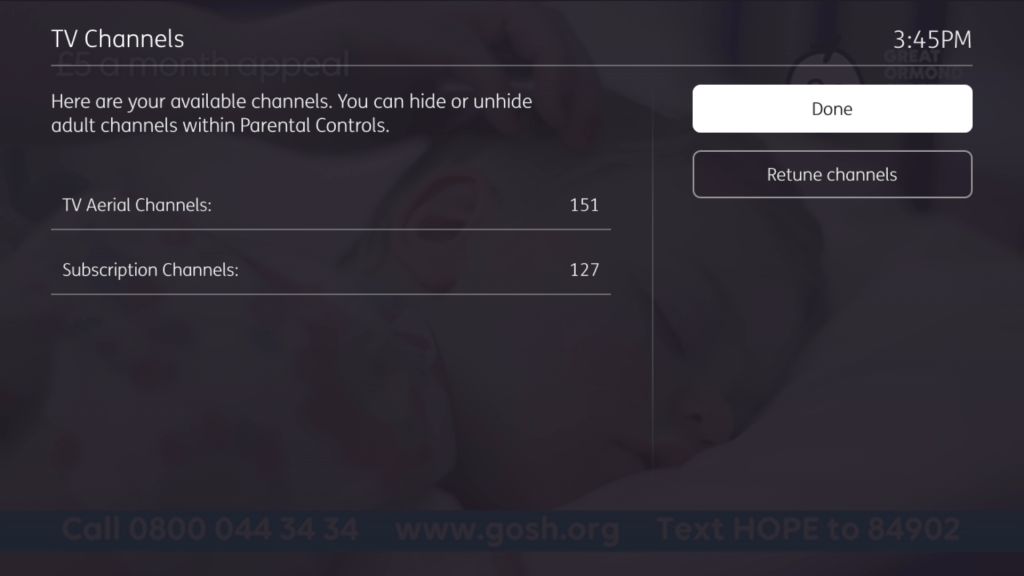
Settings

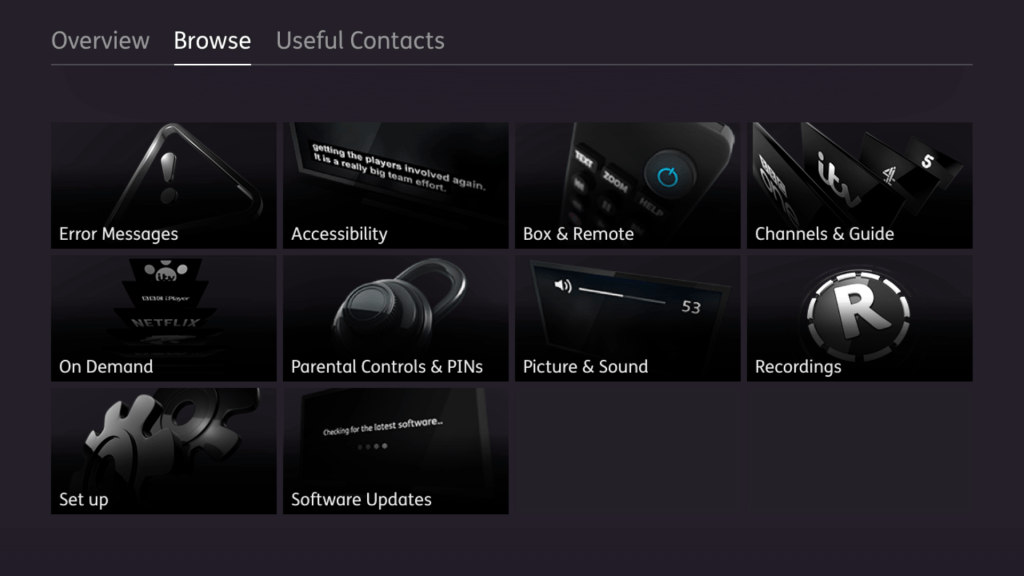
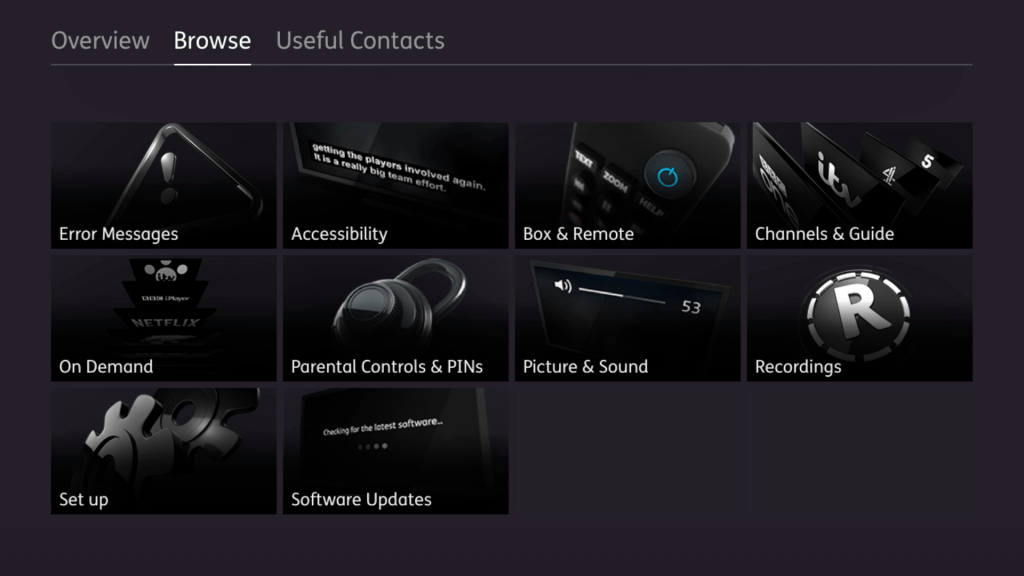
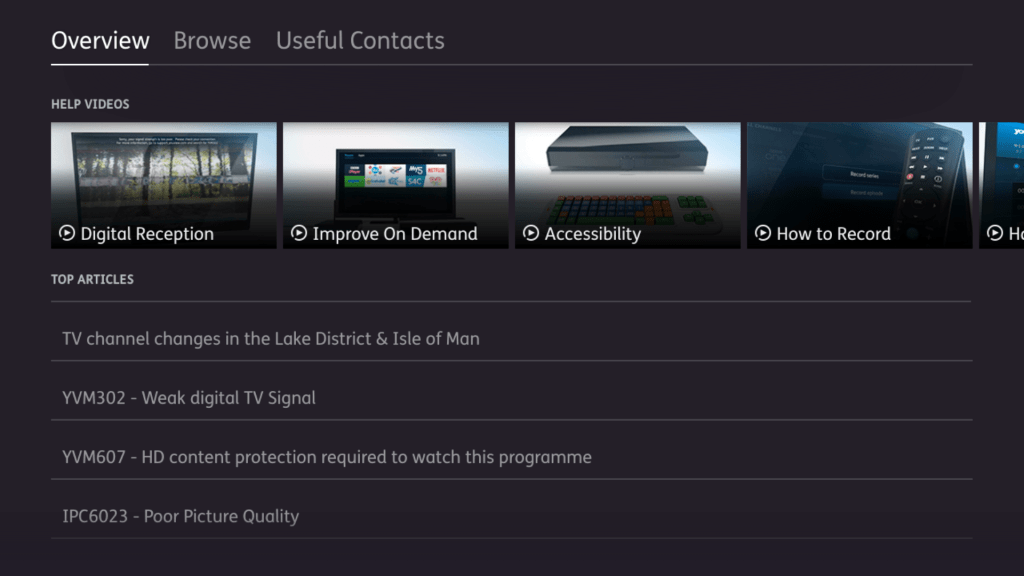
Help & Support

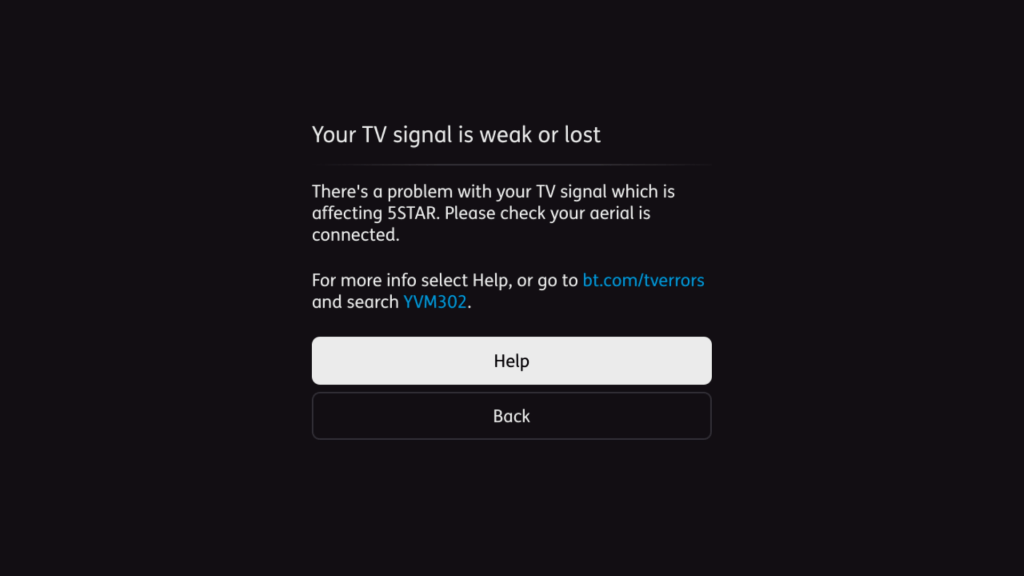
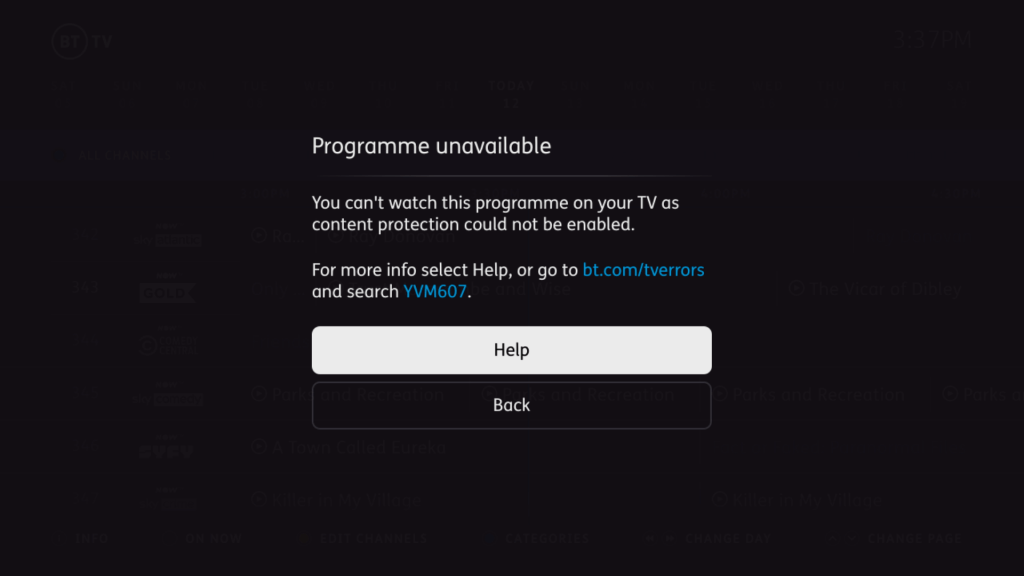
Error Messages

Summary

  • Ideal as a smart TV platform, as all the popular apps are supported here, this includes all the common FTV platforms (Itv Hub & BBC iPlayer) and the subscription services
  • Interface is OK, but colour buttons are underutilised, and common features are hidden under menus (like MyTV/Recordings).
  • Poor support for keyboards for entering text, although Youview supports USB keyboard for control and navigation, this cannot be used to enter text for on demand apps with the exception of Netflix.
  • Even though the remote number pad has alphabet letters on, this can only be used for the Youview search function, you cannot enter text for the catch up apps using the remote, unless you use the directional pad. This makes it time consuming to enter text.
  • No support for external hard drives
  • Unable to stream recordings to other Youview boxes, or to smart TV’s running the Youview app.
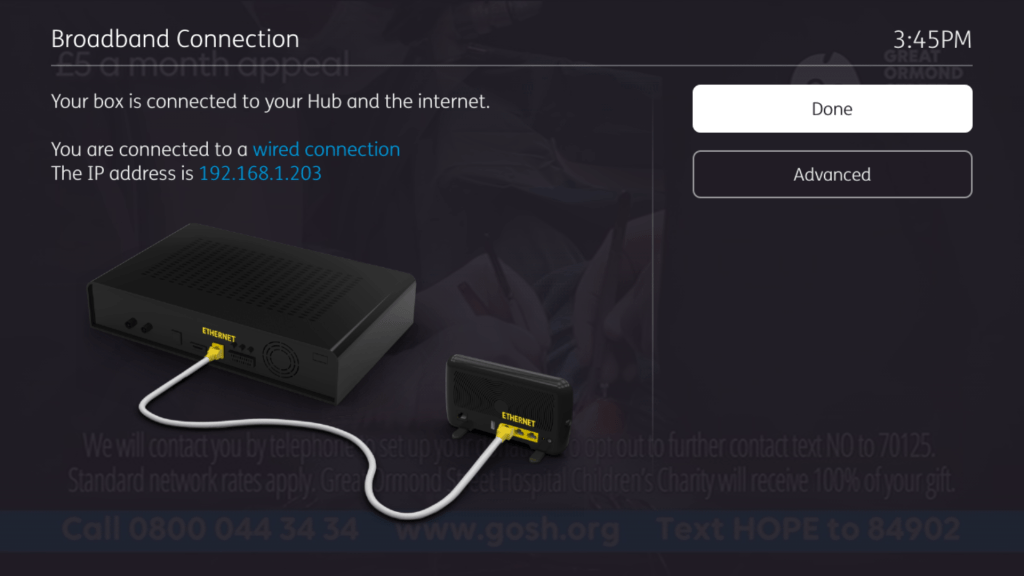
  • Lack of native Wi-Fi support, Ethernet or power-line over Ethernet is the only way to go.

Suggestions

  • Higher capacity storage options, currently only 500GB to 1TB are available, the latter only for the 4K model
  • More OTT streaming services like PlutoTV or Plex Live TV, these can add further streaming channels
  • More subscription channels, although BT seem to be phasing their classic entertainment packages in favour of only NOWtv packages. AMC seems to remain.
  • Some subscription services are missing like Disney+ and Discovery
  • More consistency with the on demand user interfaces

Fun with the Sims – Console Version – Part 3

GameCube edition

With the Xbox version of The Sims I discovered a way to load story mode sims in the normal sandbox mode of the game,which would allow all Story mode lots and sims (Landgrabb, Roomies, Peacock, Party Guys/Girls) to be fully playable. Normally you are not able to control and play these sims directly except for Dudley/Mimi and whichever Roomies/Party sims you have picked to move in with. There is a way to trick the game into loading these lots and treating it a a normal sandbox mode save by renaming some ngh files around.

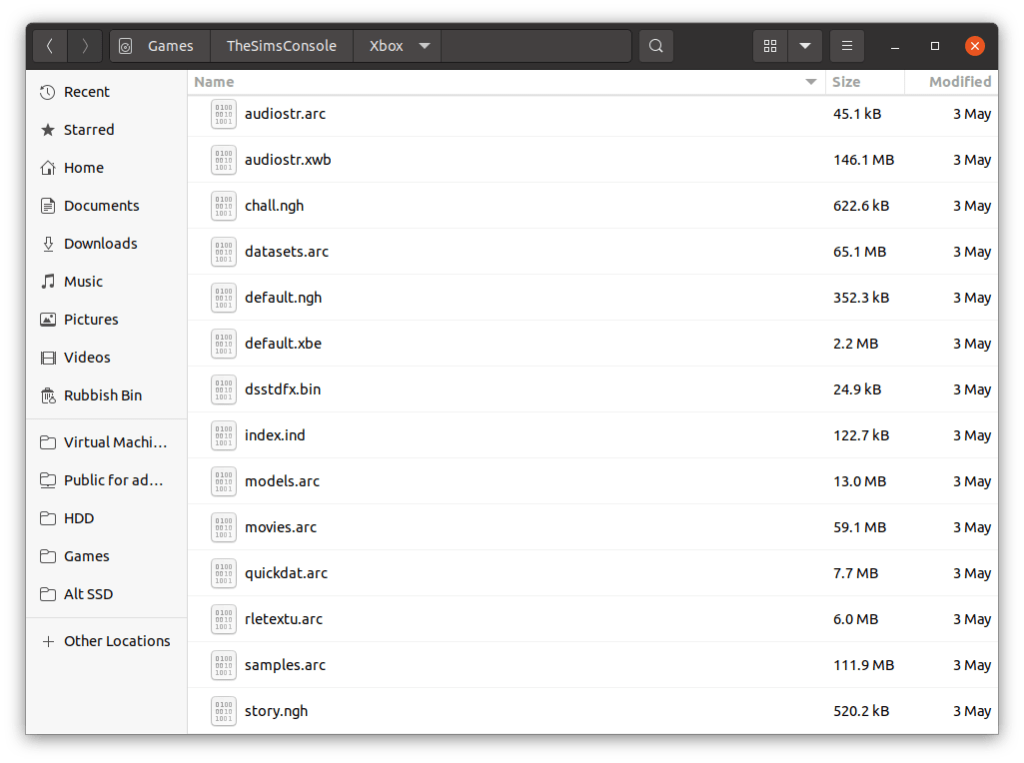
Ngh files are like an archive or the character files and house files used by the game. If you are familiar with the PC version of the original game they are equivalent to the Userdata folder, but in the form of a single file. ngh files on the disc serve as the default savegame when the player starts a new game, and are then converted/signed and saved to the memory card of the console, or the hard drive in the case of the xbox. Since the game stores template ngh files on the disc, we swap the files around , ie the default and story files over we can load story lots in the sandbox mode of the game. Sadly ngh files cannot be extracted, unlike the ARC files so we cannot manipulate the files individually as we would with the PC version.

To do this on the GameCube, it s a bit more complicated, since the Gamecube deals with ISO files for its backups, as opposed to the xbox which lets you rip and store the files as is on its hard drive, no ISO images needed. and since most modded dashboard have a file manager built in you are able to manipulate the game files on the xbox itself. Gamecube images on the other hand have some sort of protection mechanism which makes editing no so straight forward without some additional software. That being GCRebuilder.

You will need a Gamecube capable of loading backup game, or a soft-modded Nintendo Wii with a Gamecube controller and memory card support. At least with the Gamecube have the option of using the Dolphin emulator which makes it easier to test the game. I’m using both Dolphin and a Nintendo Wii with DIOS-MIOS installed to run Gamecube backups.

Editing the Gamecube ISO images

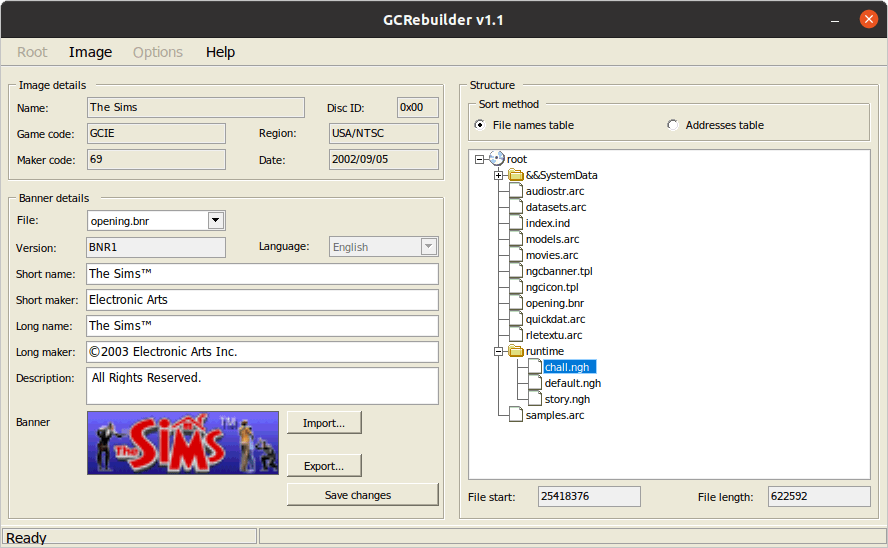
GCRebuilder is a Windows based utility but will work with wine or lutris. For this we are going to trick the game by renaming a few files that the game uses to load the default neighbourhoods. Since the files us the same format, we can rename then if we want to load lots in another mode.

  1. Select Image, Then Open
  2. Select the iso file, in this case it would be Sims backup iso
  3. Once loaded, Right click root (near &&SystemData folder), then select Export
  4. Once it has fully extracted, close the image by selecting Image, then Close
  5. Choose the folder to export it too, this will export the contents of the disc to the folder for editing
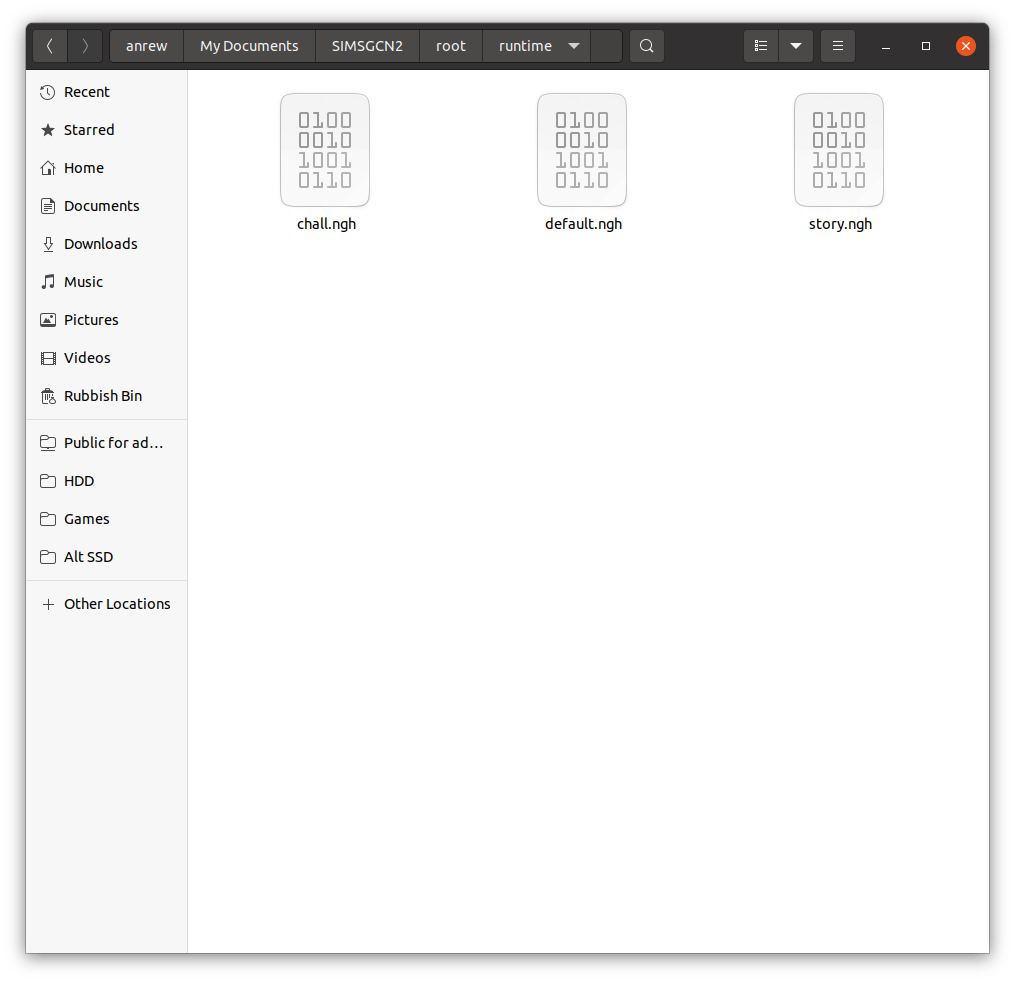
  6. Navigate to the folder with the extracted contents, there should be a root, and within that a Runtime folder where the files are located.
  7. Swap the chall, default and story files around by renaming them
  8. Rebuild the image

chall.ngh – used for the 2 player challenge mode

default.ngh – default neighbourhood for the play the sims mode

story.ngh – default neighbourhood used for the get a life game mode. Most of the sims and lots are hidden are available in a level based format. There are some sims here that were never meant to be controlled with.

You will want to backup the default.ngh file, and rename the story.ngh or chall.ngh to default.ngh to trick the game into starting a new file with the swapped ngh file. Once you save the game, you can restore the original iso/disc since the lots/sims will be saved onto the memory card.

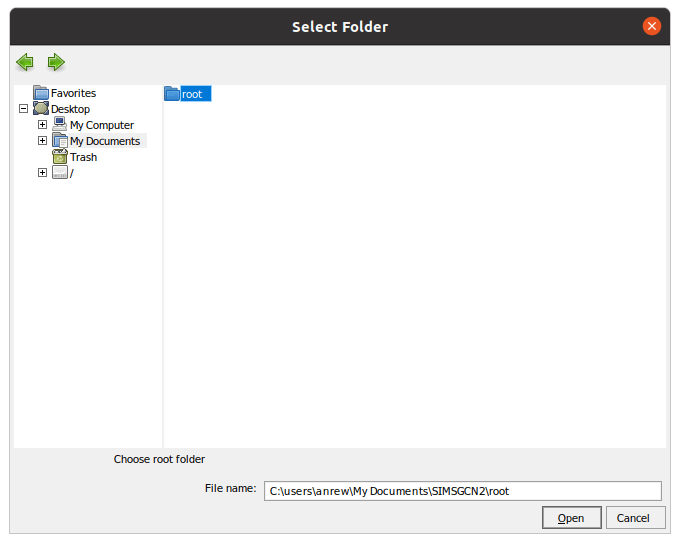
  1. Select Root, then Open, and then navigate to the folder that has the extracted sims files and select the root folder.
  2. To rebuild the new iso file, choose Root, the Save
  3. Finally, Choose Root, then Rebuild
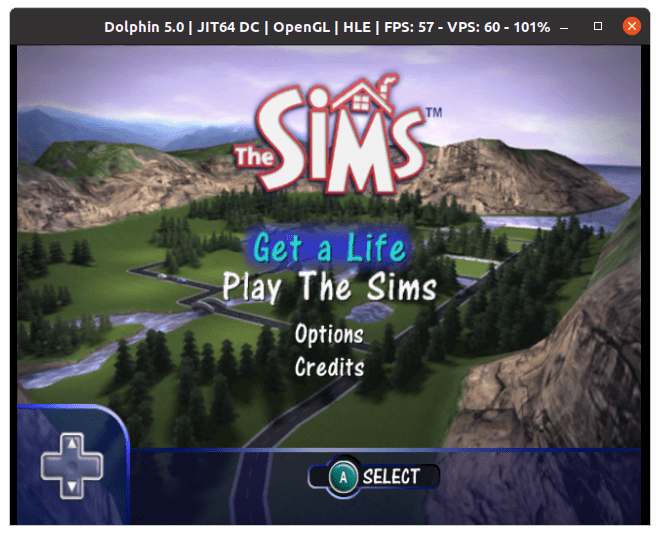
  4. Test the image using the Dolphin emulator

Pre Made save-files

Download (Box)

Download (OneDrive)

The save files have both the story and the challenge mode sims and lots into pre-made neighbourhoods that can be loaded in ‘Play the Sims’ mode

Unfortunately you can only have one save file per memory card unlike the Xbox or PS2 versions, this means that unless you have two Gamecube memory cards that you can swap, you can only have one neighbourhood installed along with one story mode save. This is probably due to the Gamecube memory cards having only 512KB, versus the 8MB PS2 and the 4GB user formatted storage in the Xbox.

With a real Gamecube, you can use an Action Replay, or a equivalent device to copy the save file. With the Wii, depending on if the Wii is soft-modded and what home-brew the Wii is running to run Gamecube backups, DIOS-MIOS and Nintendont allow you to create virtual memory cards or you can use home-brew utilities to copy save files from a FAT32 memory stick to a real Gamecube memory card, providing your Wii console model has Gamecube memory card slots.

A look at SkyHD (Freesat from Sky)

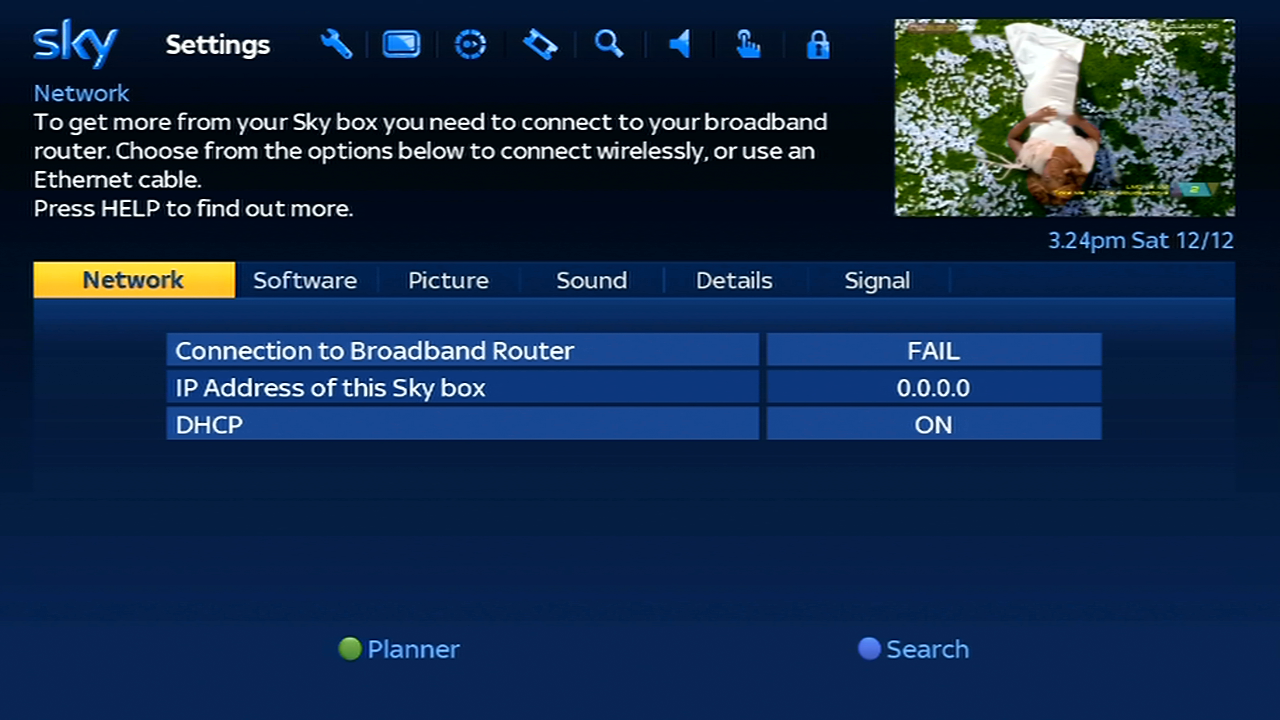
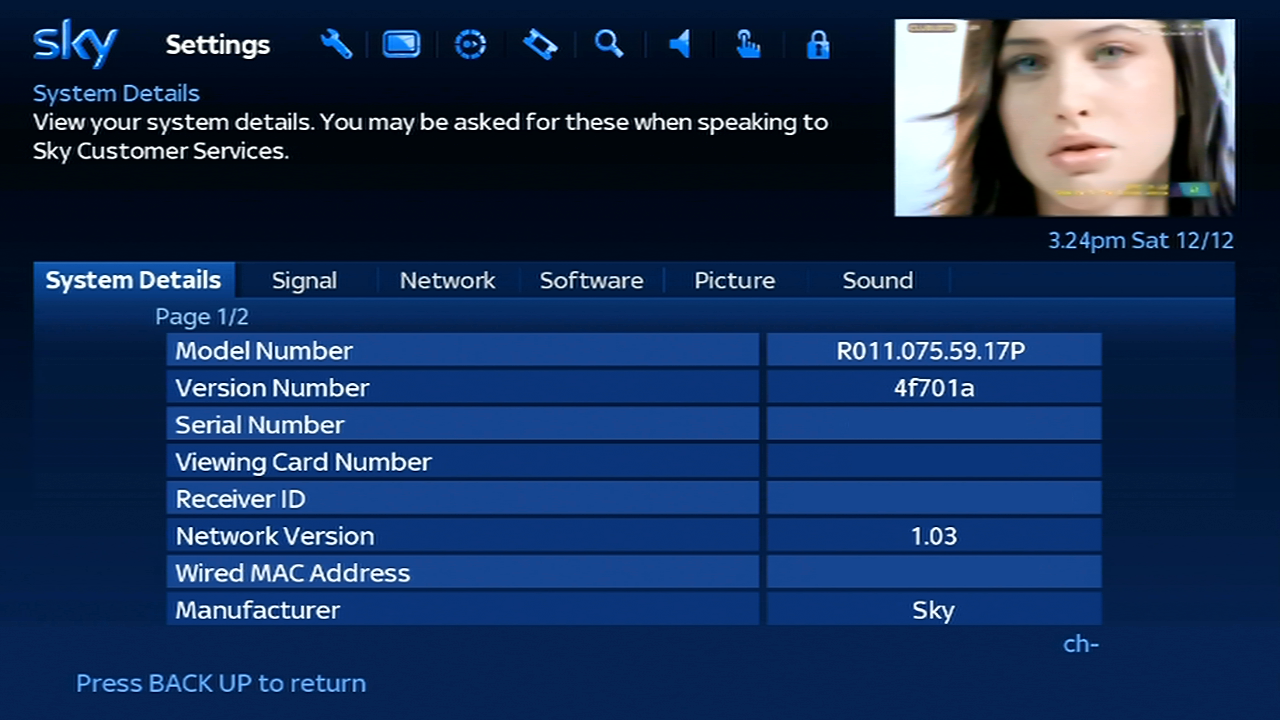
The DRX595 – Sky’s basic multi-room digibox also used for Freesat from sky installs. One of the last Sky boxes that have non recording capability. While these boxes have a good selection of channels thanks to the Sky EPG listings, the lack of on Demand and streaming apps are a huge turn-off… unless you have an existing smart TV or streaming STB / Bluray Player.

This is due to how Sky had implemented on demand on their HD platform, instead of each service using it’s own streaming app, all catch and on Demand services use the Sky Anytime system, where programmes are downloaded onto the subscribers box. Since the DRX595 lacks a hard drive to store this on, there is no on demand support

The DRX595 does come with a fully equipped HD remote with the playback buttons, and the front panel indicator shows a recording and playback light, hinting the ability for the box to set remote recordings from another Sky+ HD box. Or maybe the ability to connect an external hard drive to it’s USB 2.0 port?

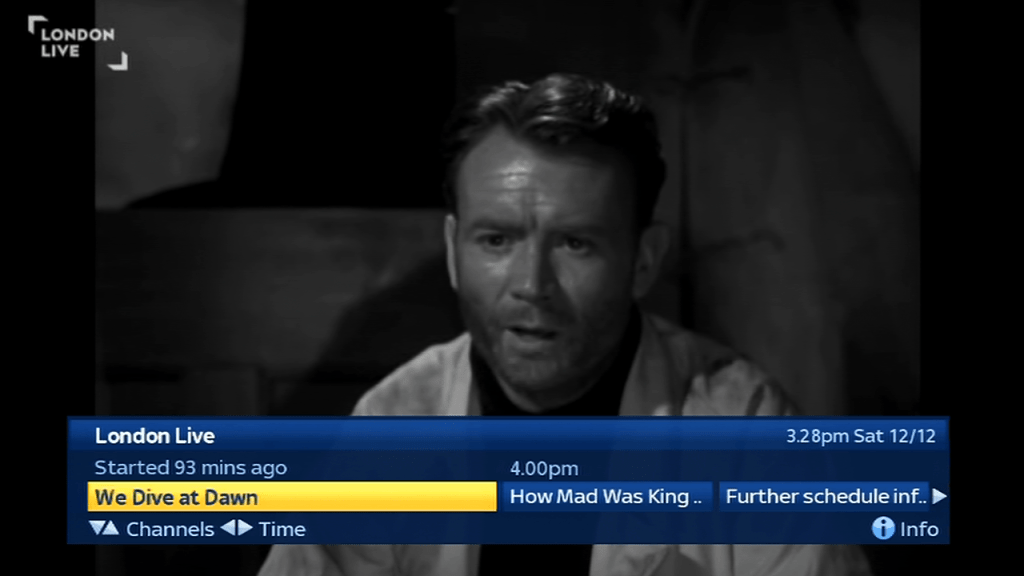
Search and Scan banner that appears when you change channels, and can also be viewed by pressing select or the arrow buttons on the remote.

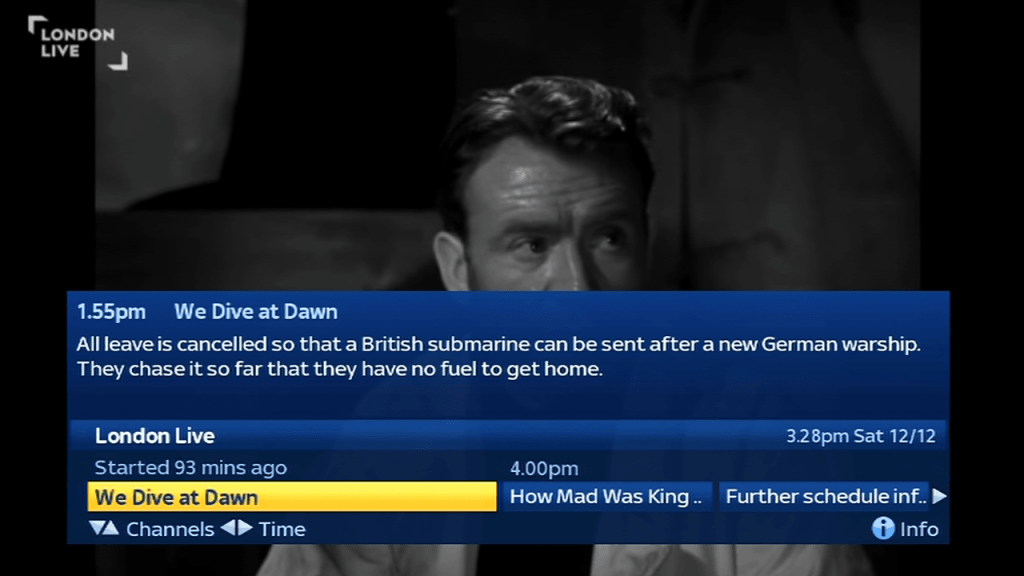
Pressing the i button brigs up a short synopsis of the program

When you view an encrypted channel that’s not part of your package, pressing red takes you to the MySky upgrade screen. Unlike other platforms Sky does not hide unsubscribed channels, they remain in the EPG

Viewing upto 8 hours of schedule in advance, despite the digibox having 7 days worth of listings stored in its memory

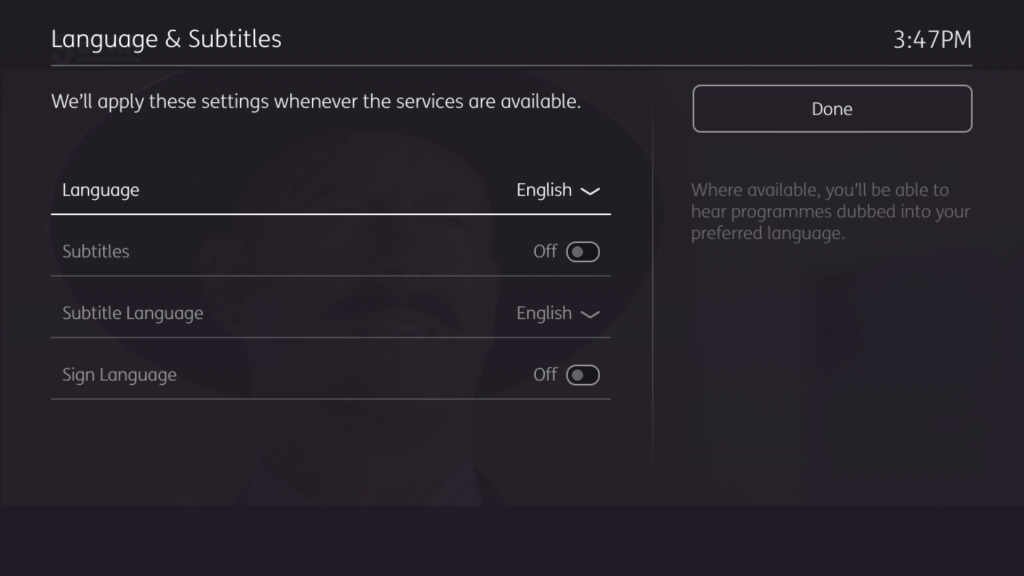
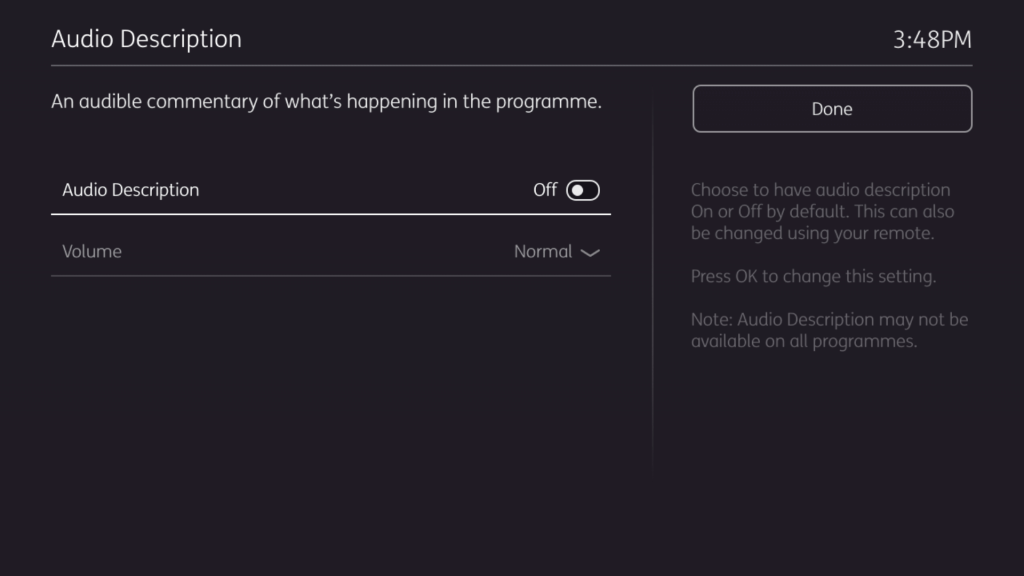
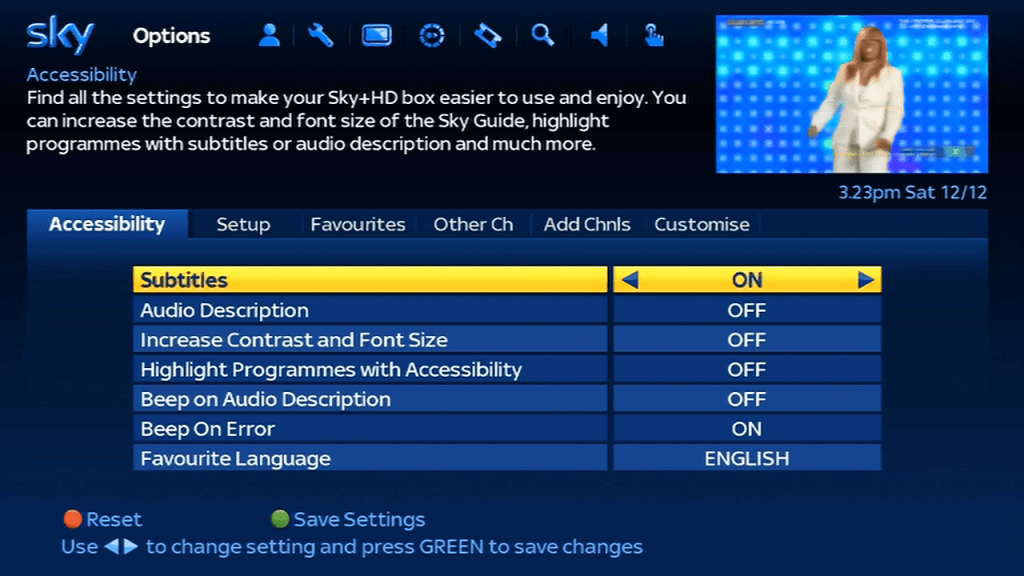
Pressing help gives you options for subtitles or audio description.

TV Guide

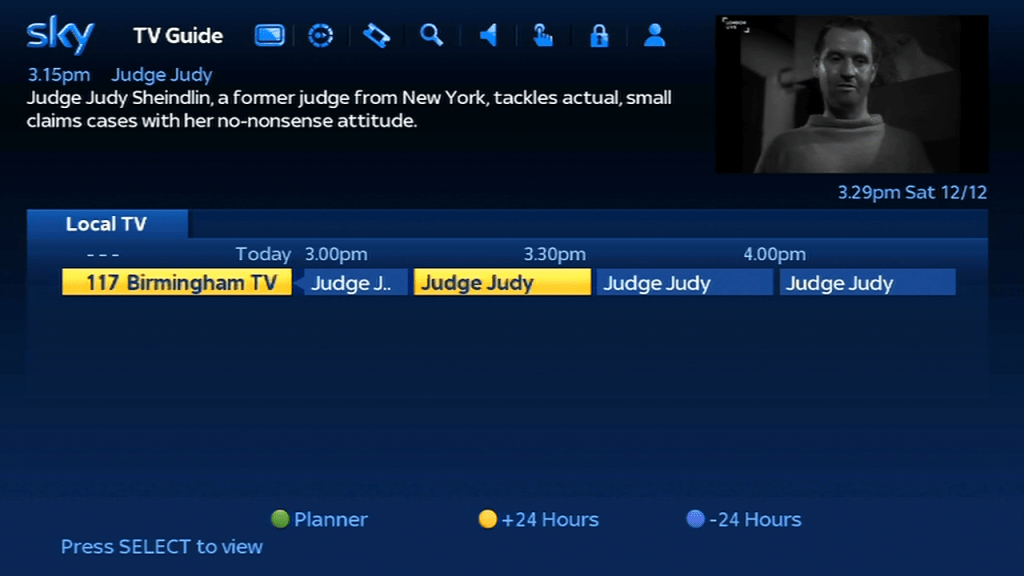
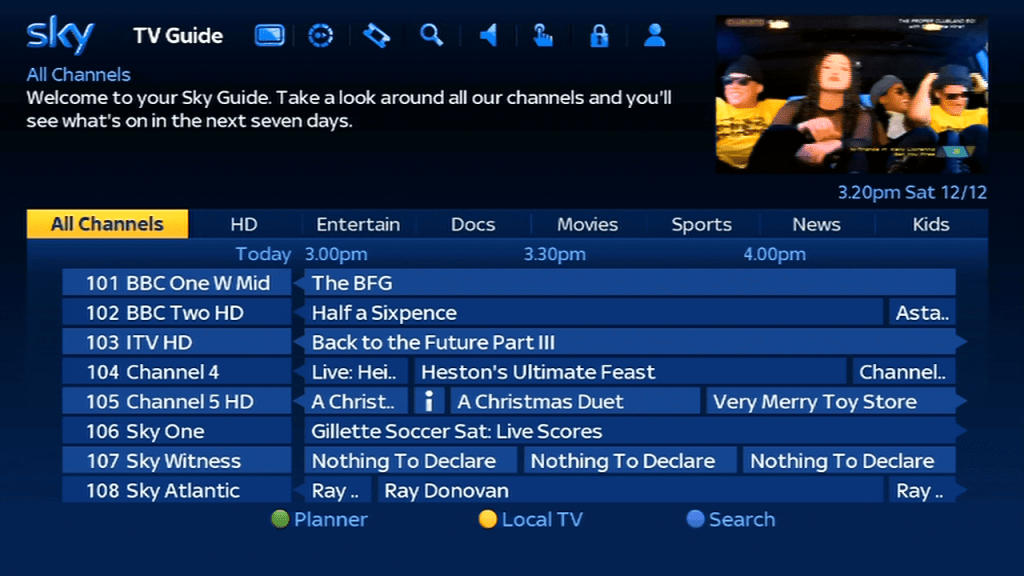
Tabs are used to switch between the different channel guide categories. There’s a dedicated guide for the local channels but since there is only one local channel I’m not sure of the purpose of this?

Search

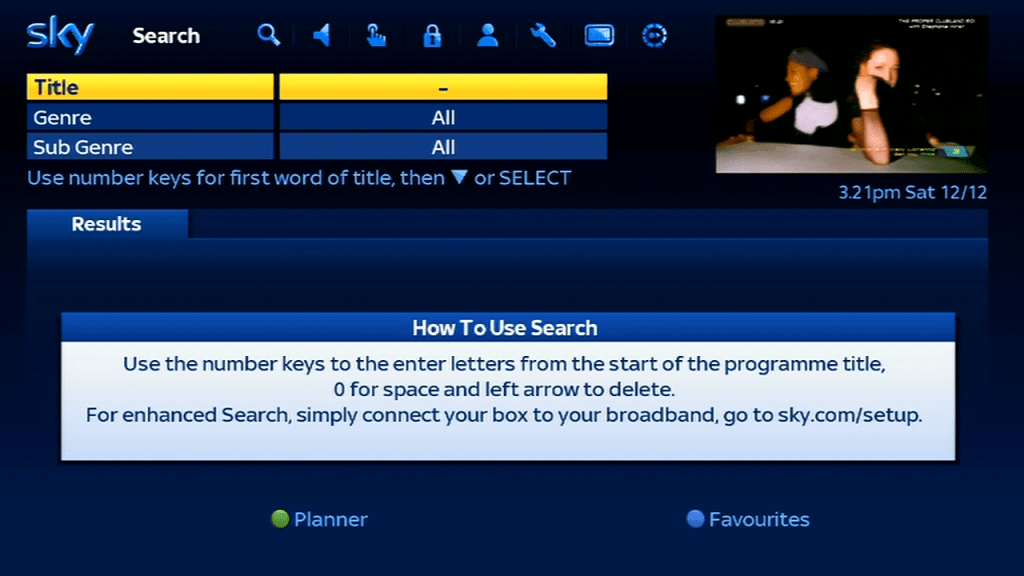
The search feature, you can use the remote or the original Open/Sky keypad or the Sky Navigator. You will need to reprogram the keyboard in order for it to work on the HD digibox, but all of the alphabetic keys will work.

  1. On the Sky/Open keypad – Press TV
  2. Press and hold Select and Blue together until the red led on the remote flashes twice
  3. Press 2
  4. Press Select, the red LED should flash twice
  5. Test by pressing the Sky button, then try the Tv Guide button

You will need to repeat this procedure if you replace the batteries in the keypad.

Settings

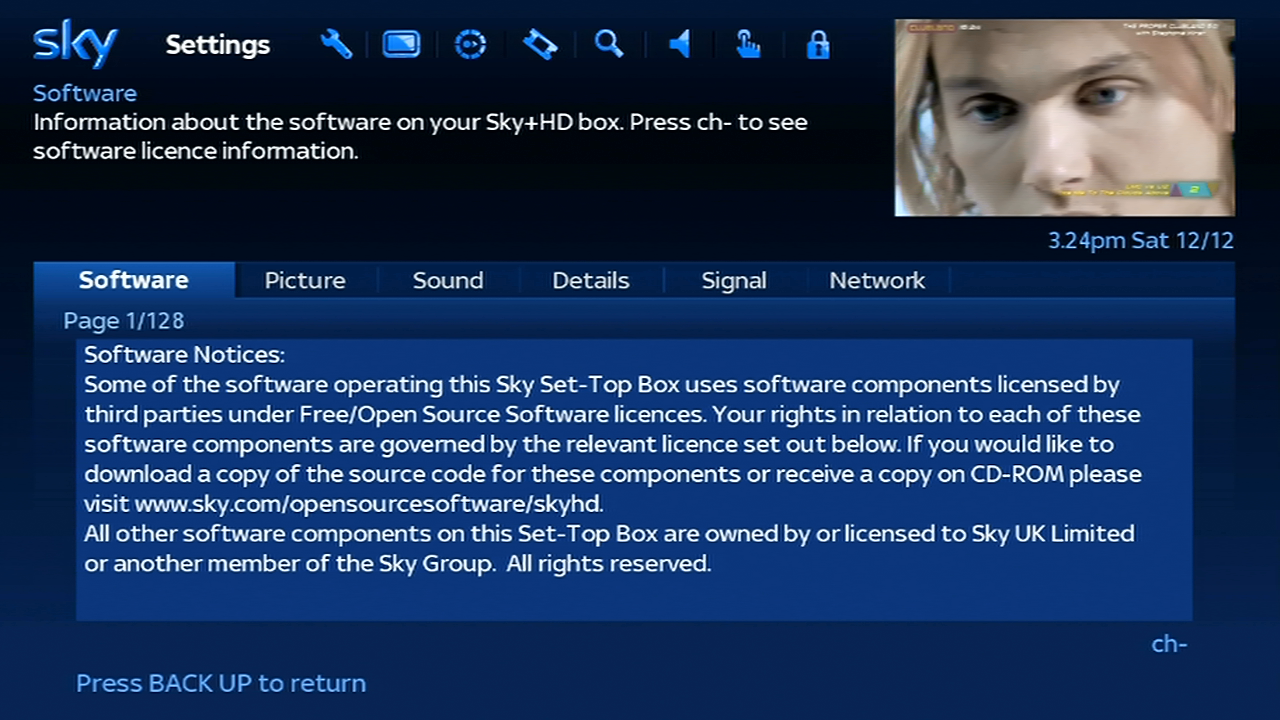
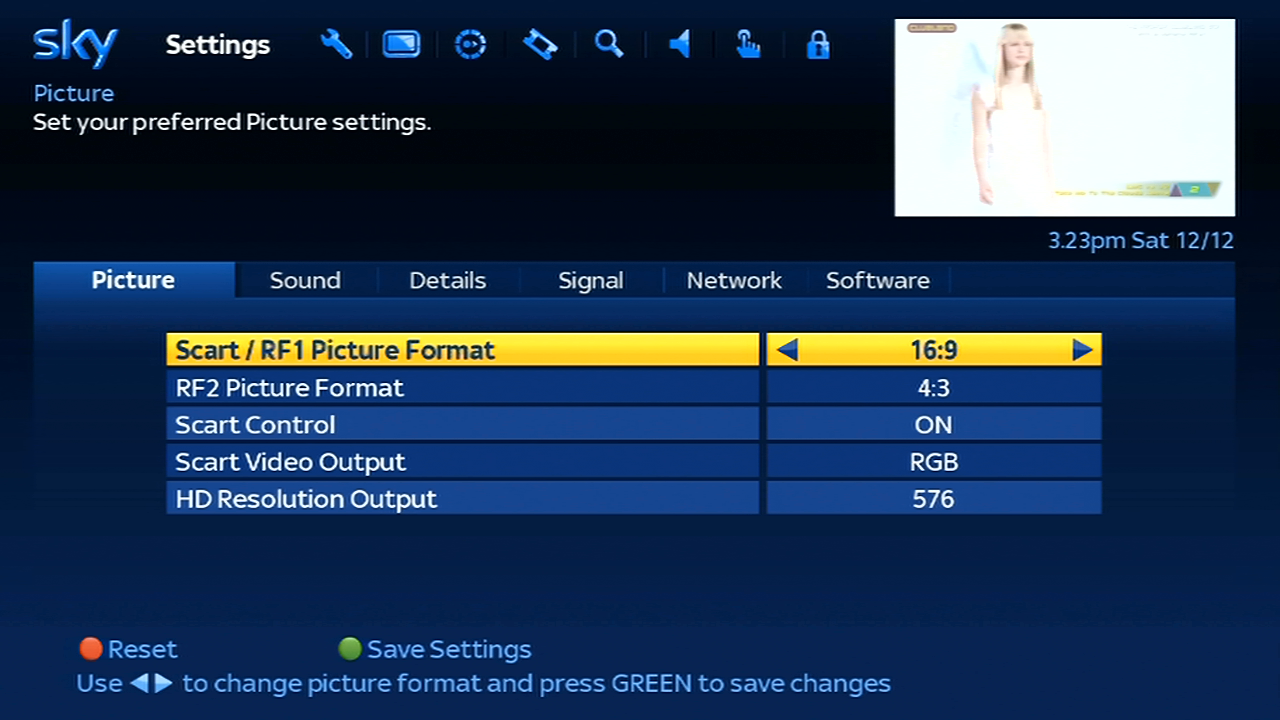
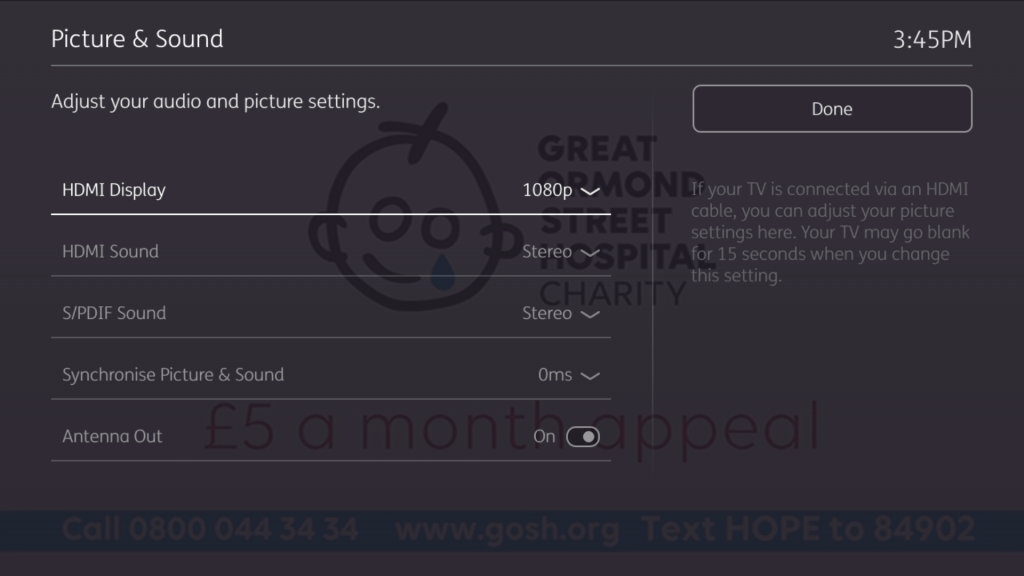
Picture – This digibox can output up to 1080i, 720p or 576 (SD PAL), here it is set to 576 for capturing HDCP purposes. Scart Control set the scart auto switching feature for when the digibox turns on, whilst the video output lets you toggle between PAL and RGB
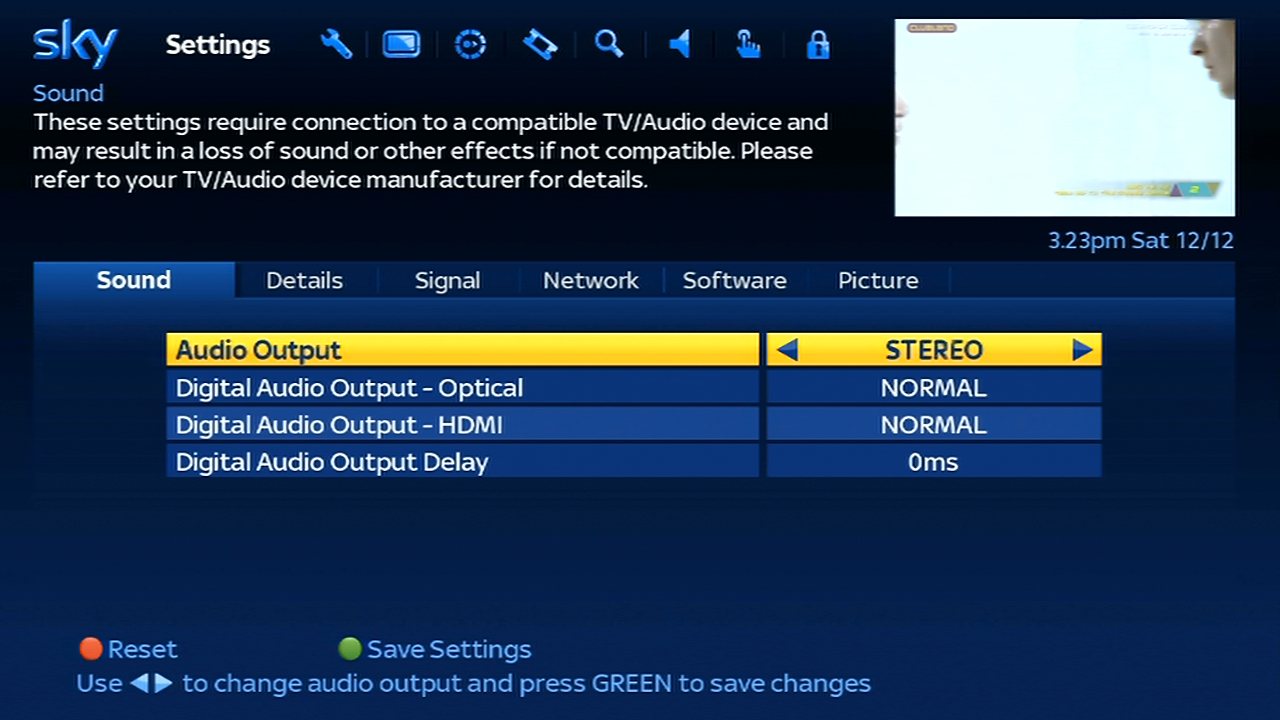
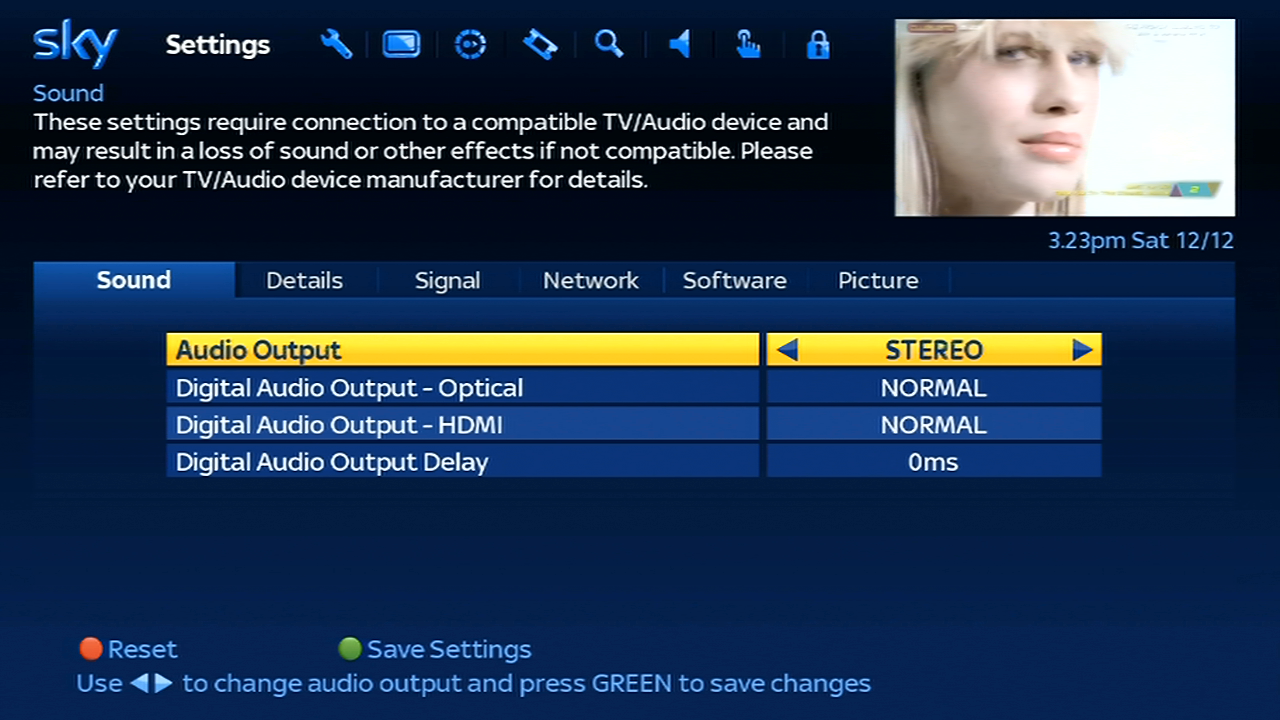
Sound – The digibox can output stereo audio or Dolby Digital through the optical or HDMI output
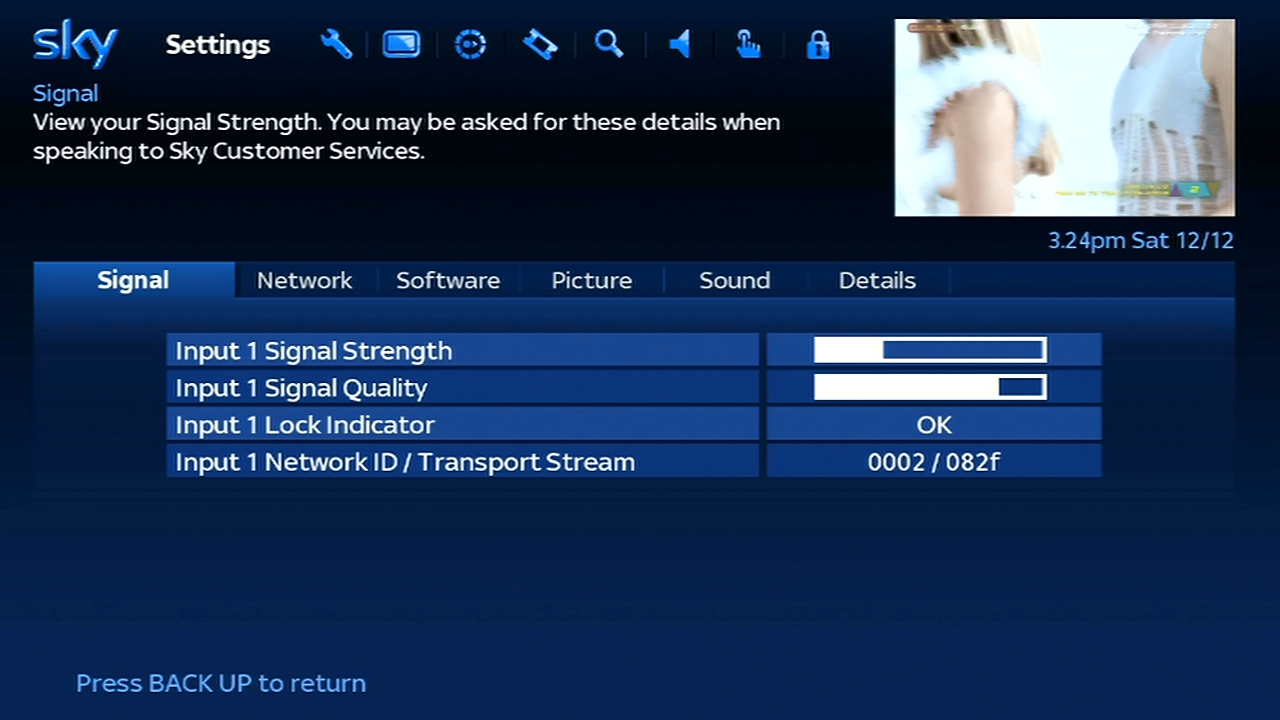
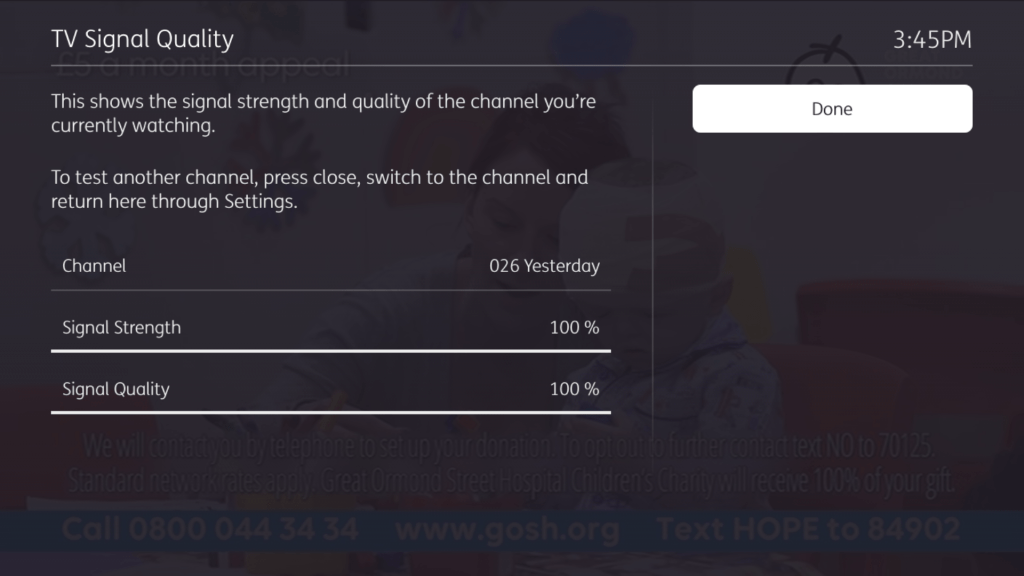
Signal – Checks the signal levels, unlike the old Sky guide this display’s information for the current channel you are tuned to, rather than the default transponder

Options

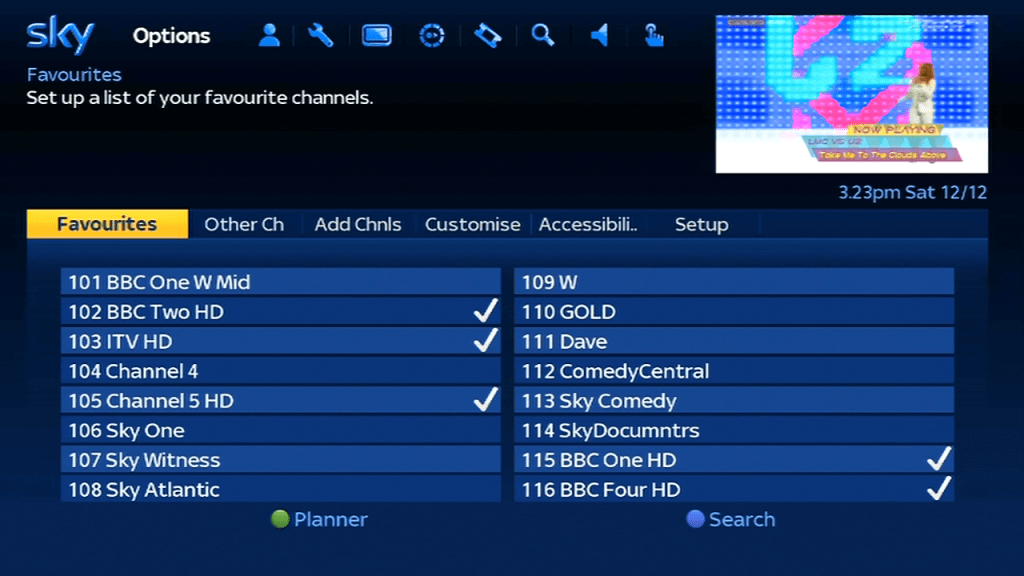
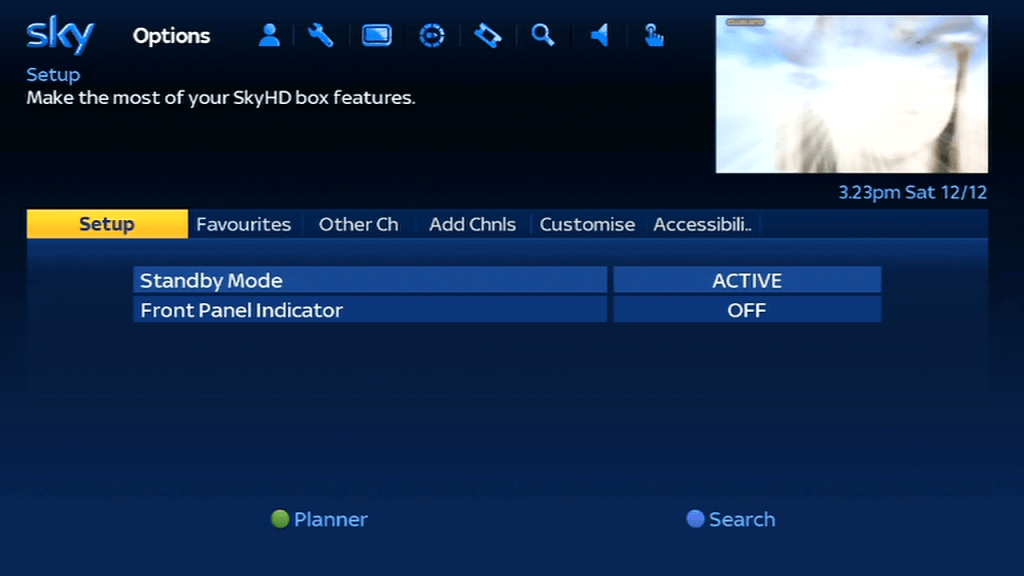
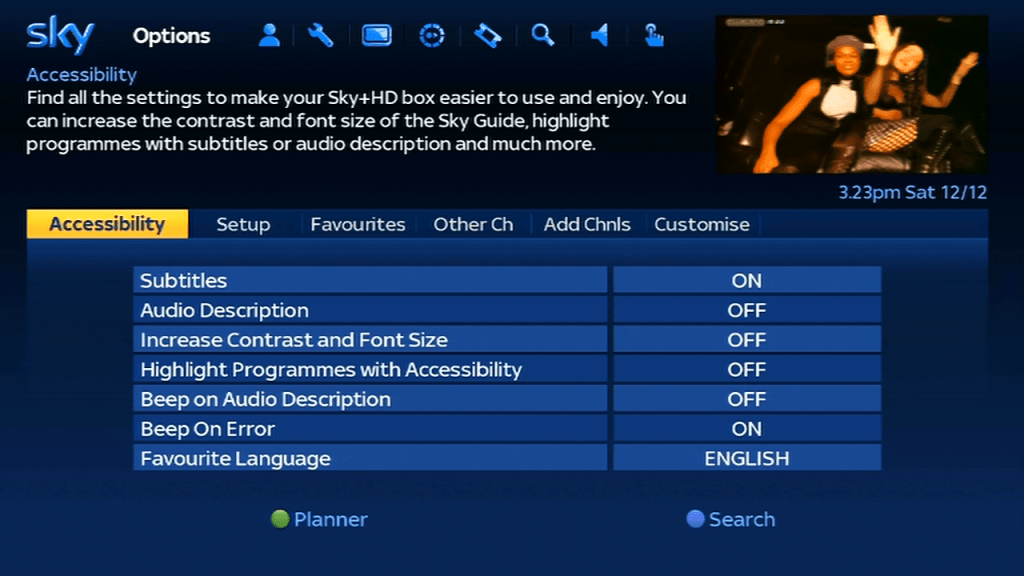
Not sure why this exists? seems to cover the same as the settings menu. Here you can change the subtitles, customize the TV guide and add additional channels

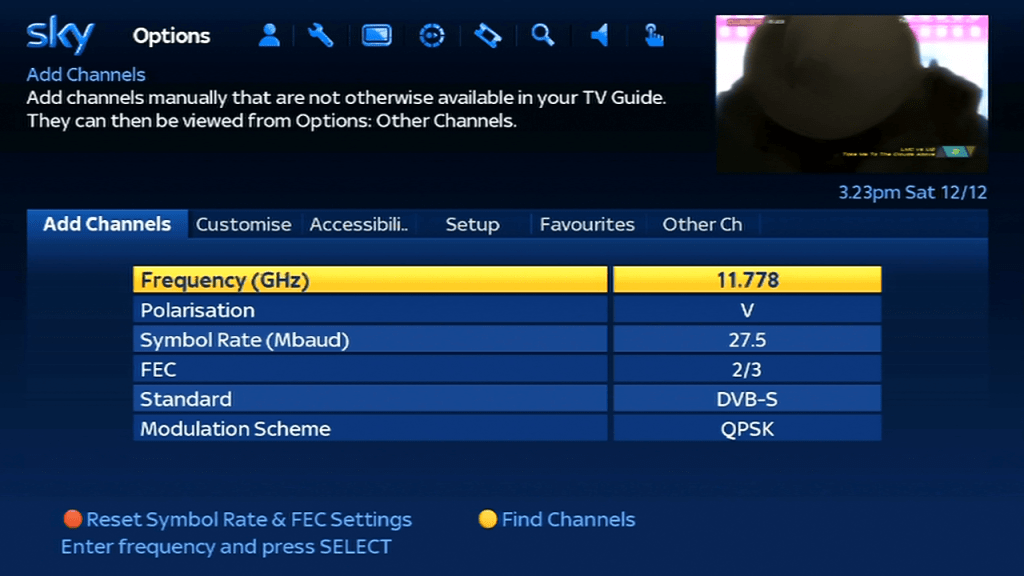
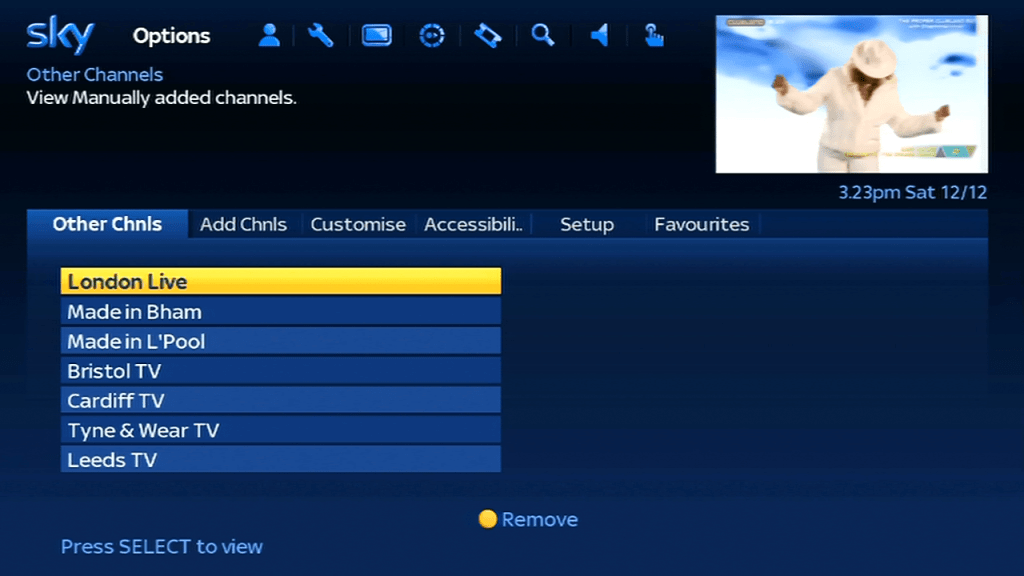
Non EPG channels can be added and view through the options menu, here you can see now and next listings only, and can save up to 50 channels. This is useful to add local tv channels, alternative ITV and Channel 4 regions or services that are testing on Sky.

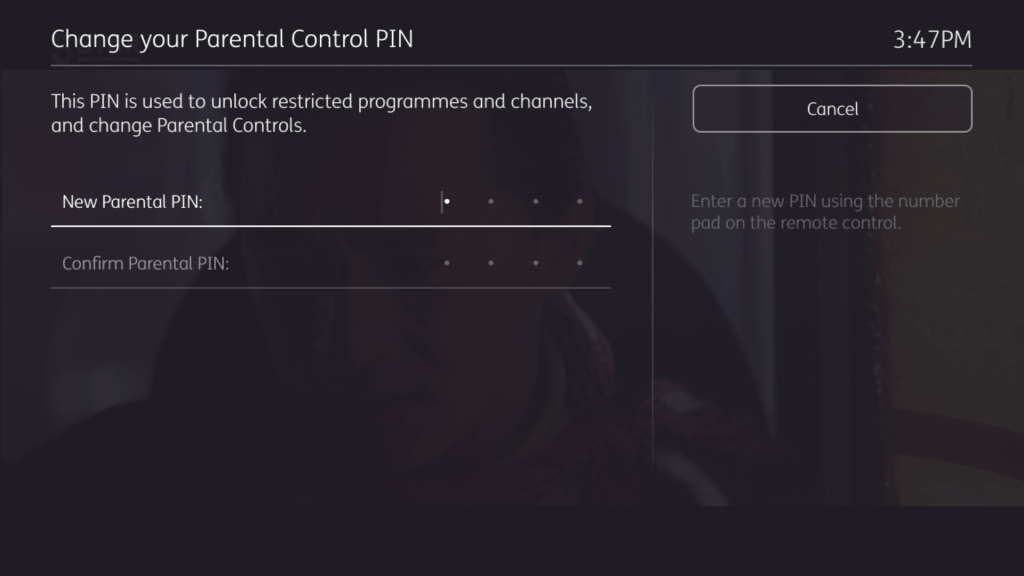
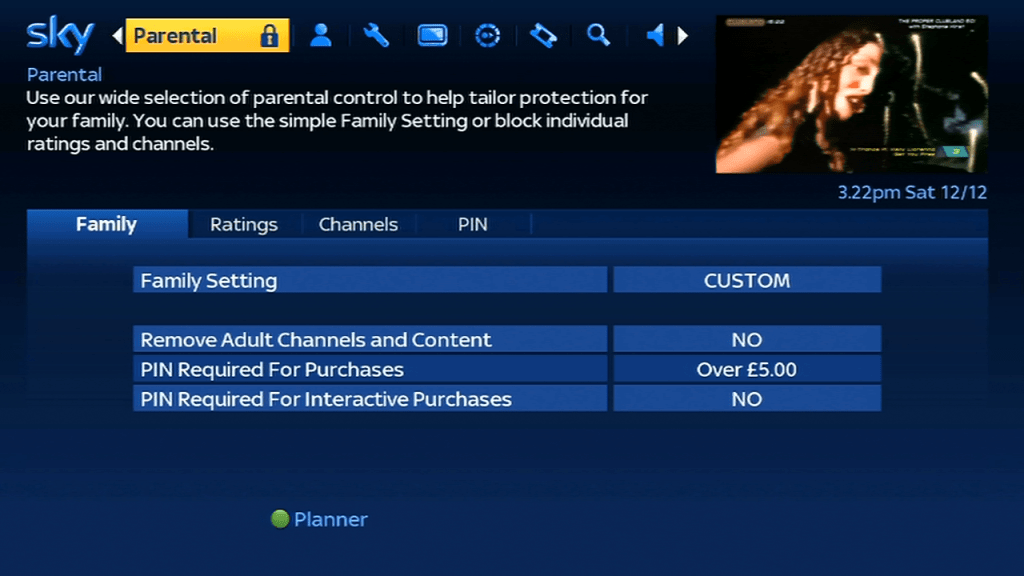
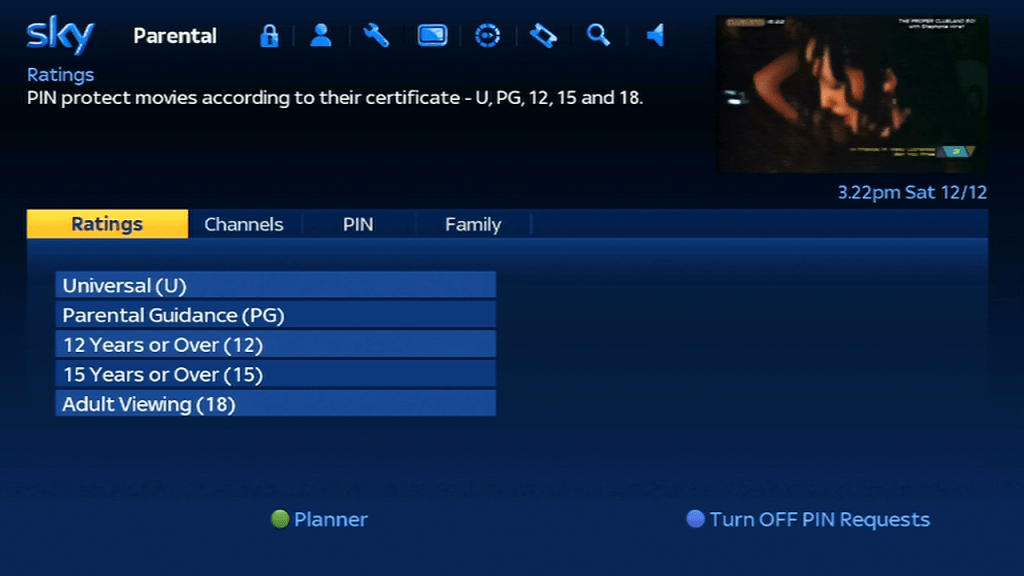
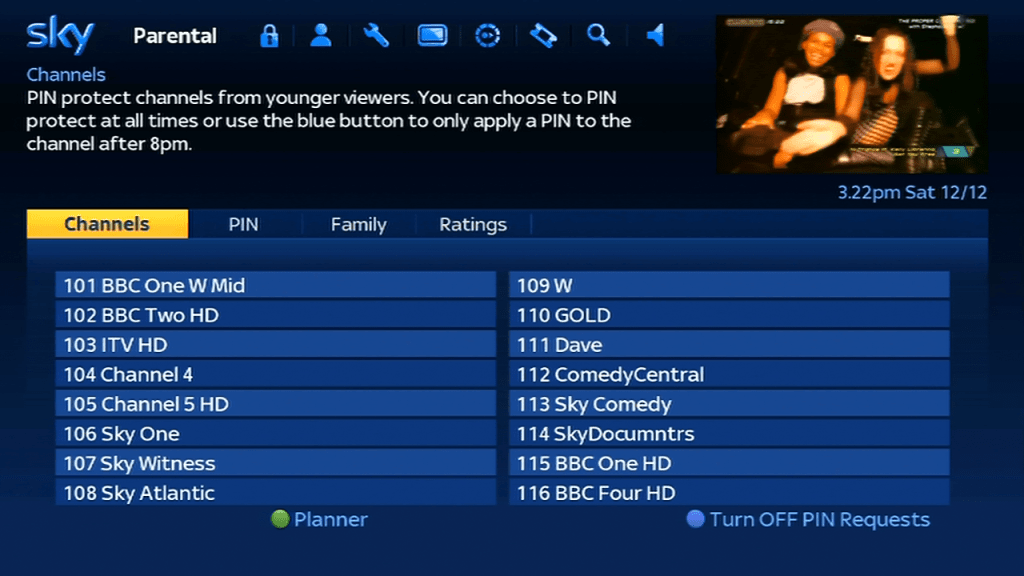
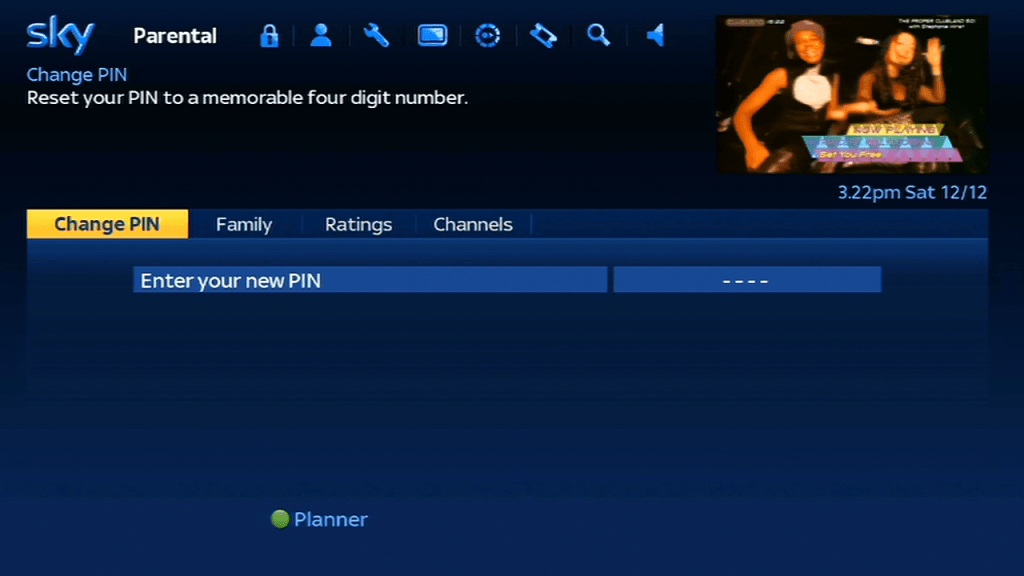
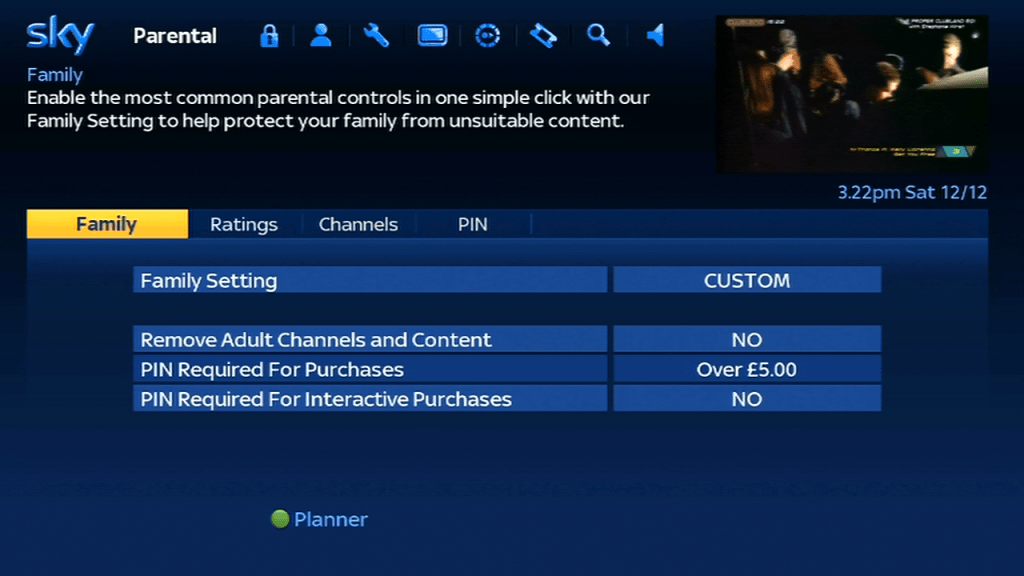
Parental Controls

Interactive

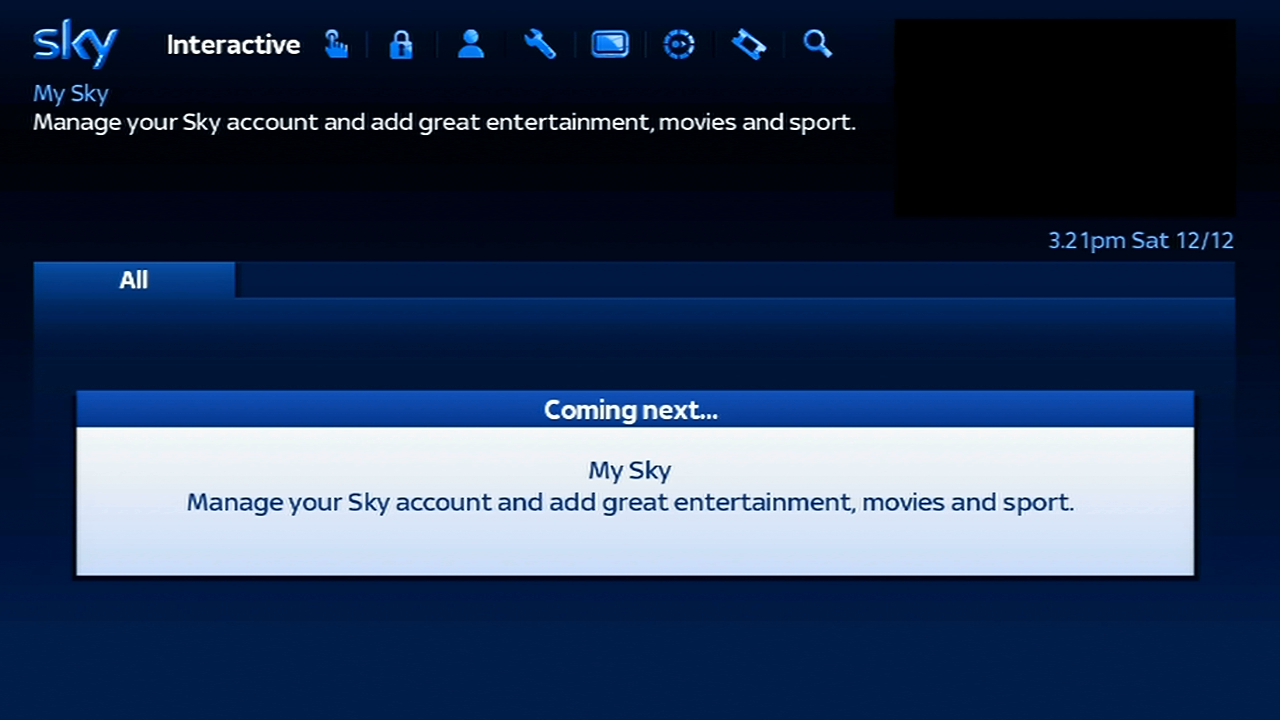
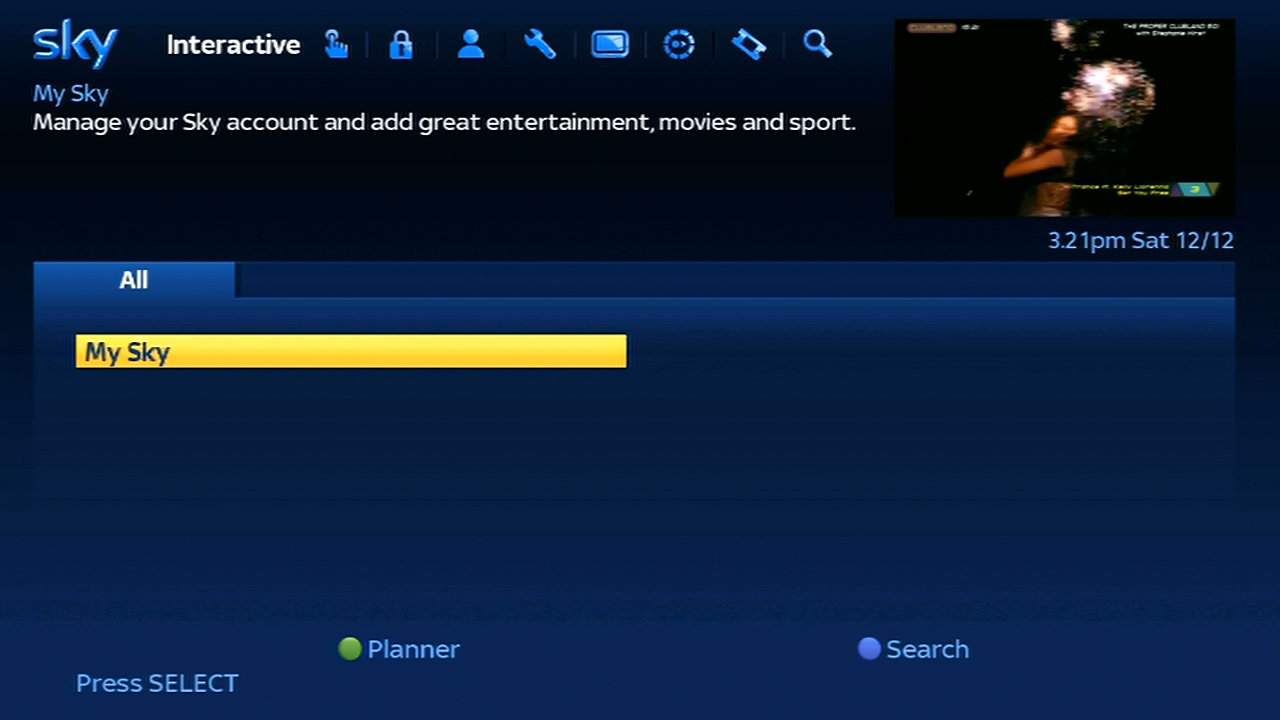
Sky had previously pioneered the use of interactive TV via its platform, where customers could buy, manage their finances and play games through the digibox, sadly today all that remains here is the My Sky services, which just allows you to view your Sky account through the digibox. No way to play Beehive Bedlam…

Sky News

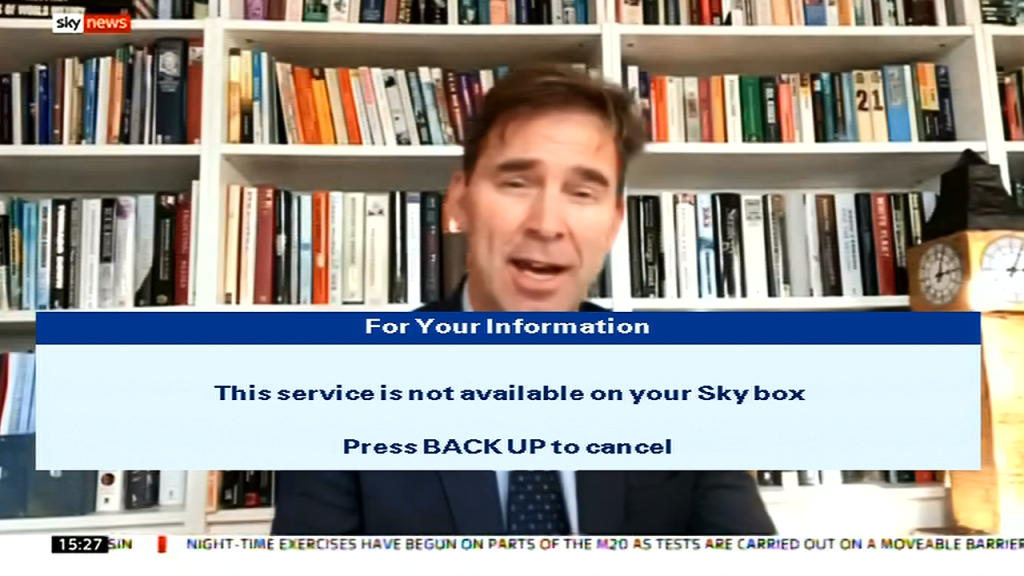
Sky News previously had an interactive services which shows different, sadly this requires on of the more later SkyHD or SKy Q boxes.

BBCi

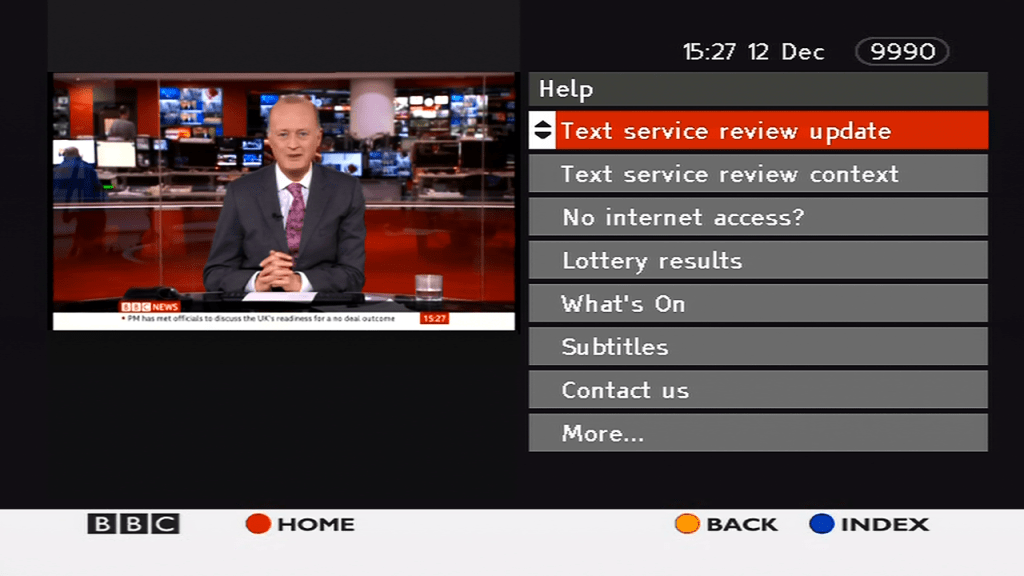
The only digital text service remaining on Sky, BBCi just displays news and weather forecasts. The service is designed for both HD and legacy SD digibox’s.

The Sims Xbox 2002

Fun with The Sims – Console Version – Part 2

Last month I looked at the console release of The Sims in depth, mainly studying the game files and the format they are saved in.

One type of file that took my interest was the ngh files, specifically the story, chall and default.ngh files. I know these had some bearing on how the game stored the default neighbourhoods.

The Sims Xbox
The level 3 house
The Sims Xbox
Party Girls household in the level 5 house

The story and chall/challenge files were essentially customized neighbourhood’s, even to an extent we were able to extract and load them on a standard PC copy of the game, albeit with some workarounds but the lots and to some extent, sims were mostly playable, minus some missing objects that were exclusive to the console version.

I wonder what would happen if we swapped these files around, like if we tricked the game into loading the story neighbourhood in play the sims mode, in theory it should allow us to play the story mode sims and their respective lots in a sandbox style mode, along with full customization. What happened if we added the challenge/multiplayer lots into the mix?

The Sims Xbox, Roomies
The Roomies

To do this we need access to a modified console, since we will be modifying the games data files, and its easier if the game is stored on the Xbox hard drive rather than having to compile / burn a disc image.

File List

Story.nghDefault files for ‘Get a Life’ mode
Chall.nghDefault files for the Bonus multiplayer modes
Default.nghDefault neighborhood for the ‘Play the Sims’ mode

Getting Started

For this I used the Xbox version of the game, purely due to the fact it is running a soft modded dashboard with FTP access, which makes it easier to manipulate the files without having to rebuild iso images. Before we start. Ensure you have backed up your games files, specifically the ngh files that we will be swapping around.

To to this we simply rename the ngh files to the one we want to trick the game to load, so to create a sandbox neighborhood with story lots and sims we simply rename story.ngh to default.ngh. We might have to change the original default.ngh to default2.ngh to prevent file conflicts.

Loading Story lots in Play the Sims mode

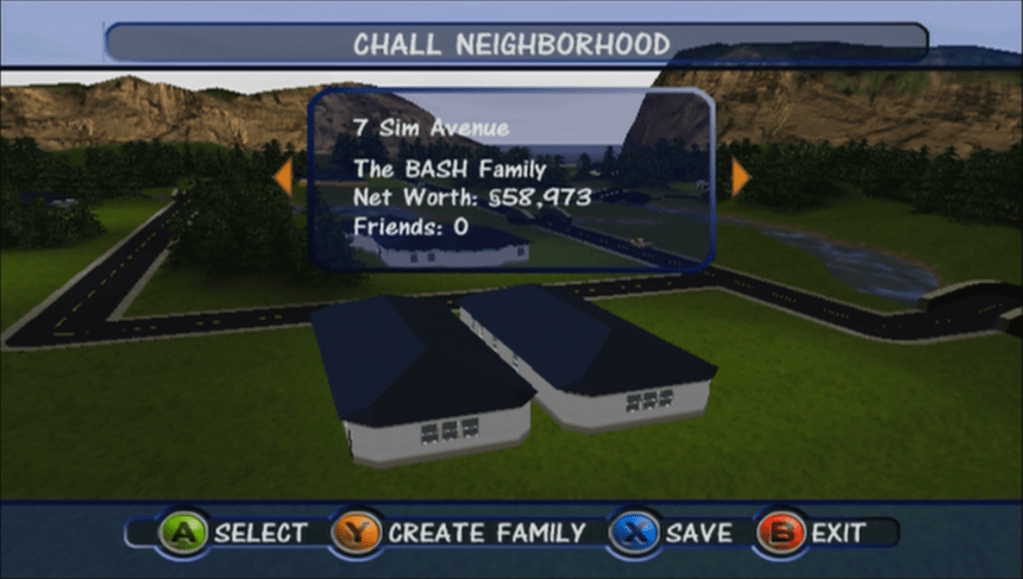
Possible – Works well and all story mode sims appear without any issues. The level 4 house does exist and appears in the map screen but cannot be selected since this lot is not accessible directly from the game – the lot appears on 4 Sim Avenue which was disabled by the game quite late in development, I’m not sure if they’re is a way to access the lot with cheats or debug actions. It does appear for a short second before moving away to the next lot.

The Sims Xbox menu
Unoccupied families, some debug sims appear here

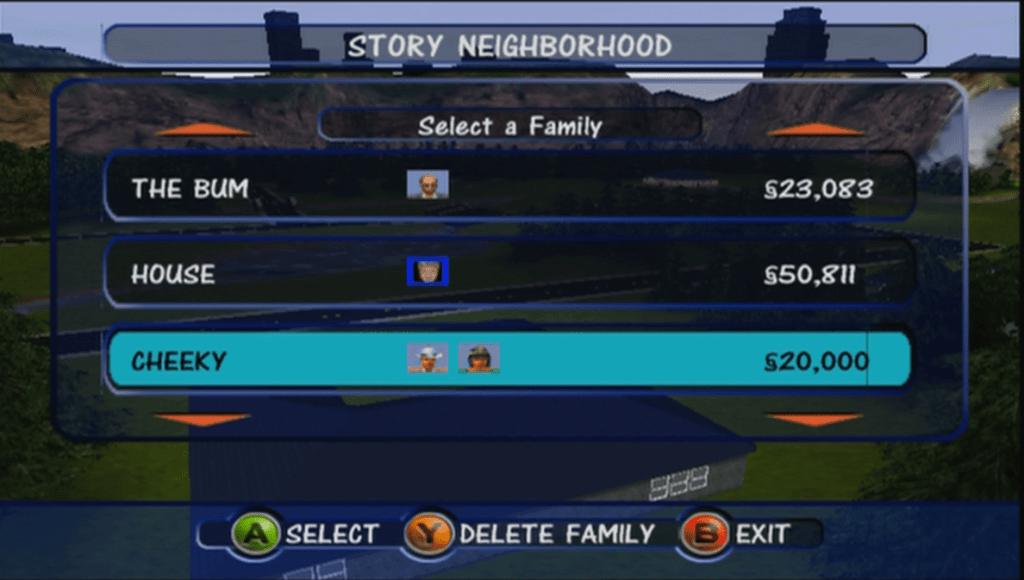
Some sims are duplicated (Dudley/Mimi Langrabb) and some test sims exist such as Jane House. In the xbox version there is a sim called DJ Tooter who never appears in the actual game, and seems to be slightly corrupted as is thumbnail uses an image from the Pc version.

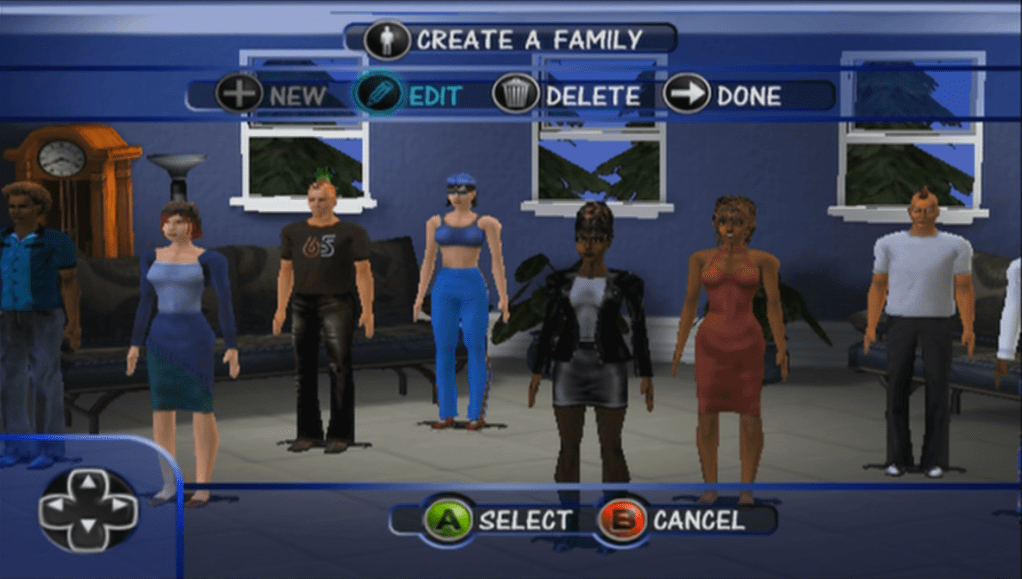
The Sims Xbox Create a Family
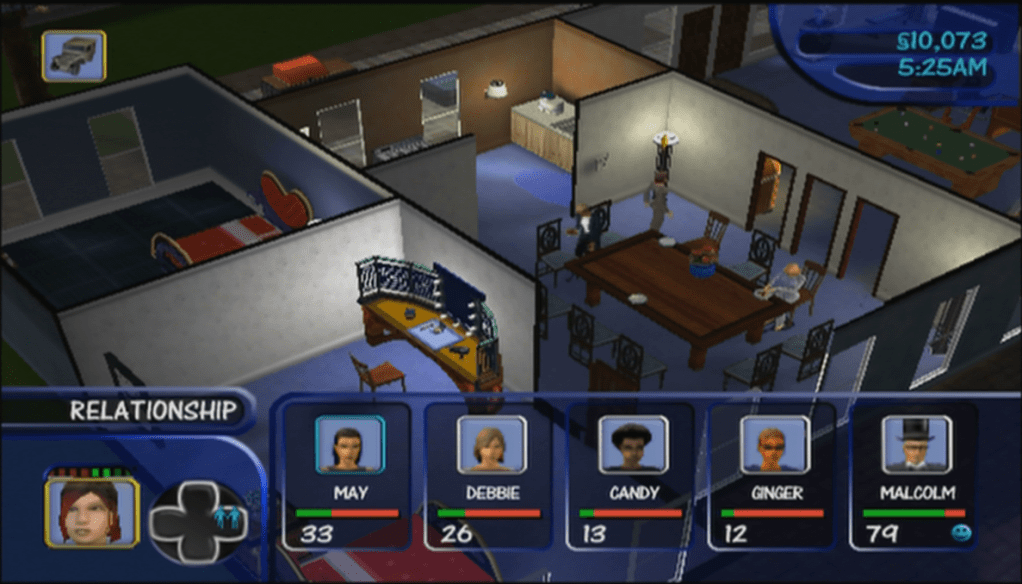
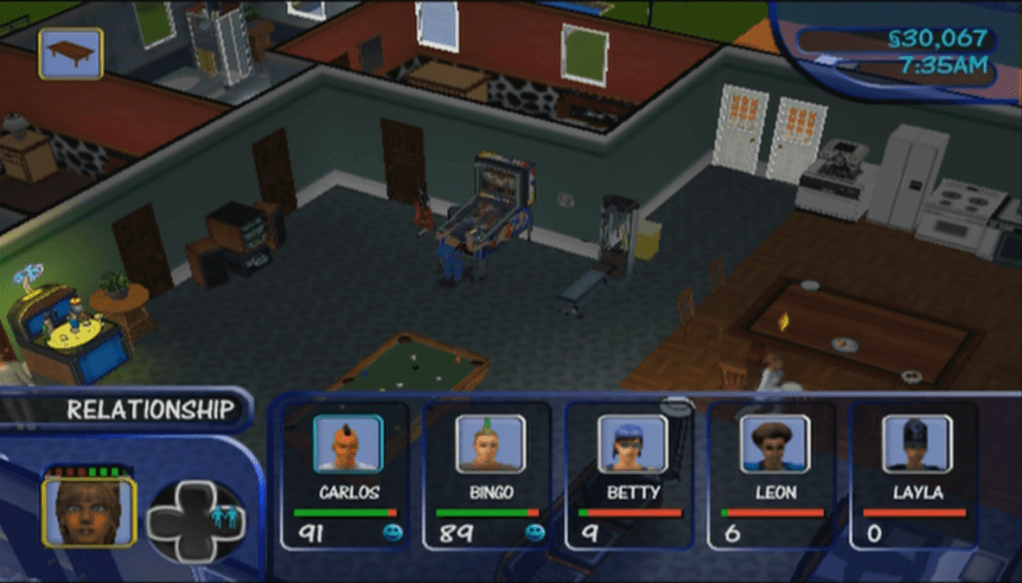
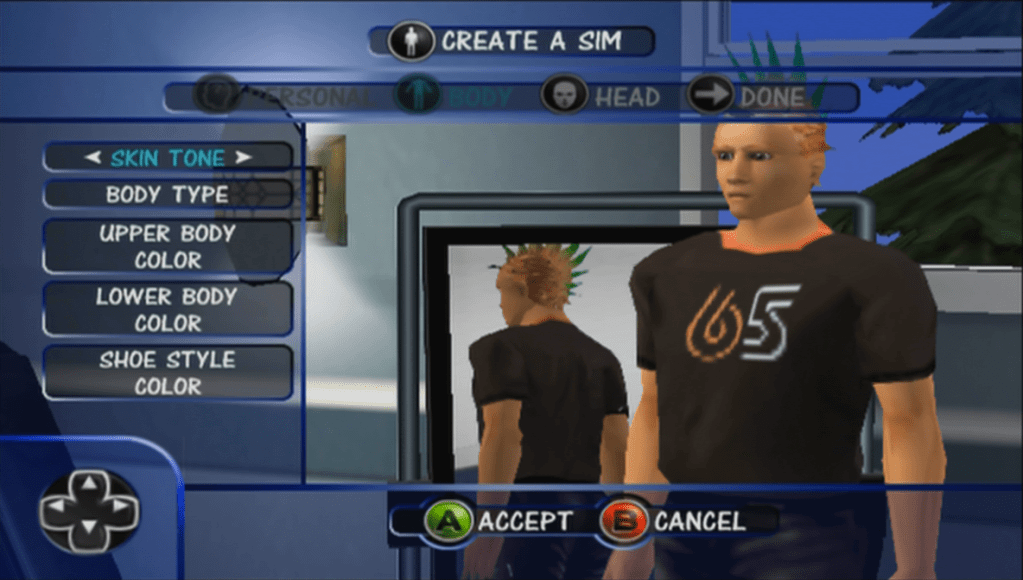
This surprised me, the games CAS is normally limited to 4 sims per family, but here we have up to 8 sims without any issues
The Sims XBox create a sim
Editing pre-made sims causes them to lose their custom thumbnails

All of the above sims and lots can be moved in and played without any restrictions. No issues with saving or loading lots.

Loading Story lots in Challenge mode

Varies a lot, some lots work but you cannot complete any objectives. Some lots don’t load correctly

Loading Challenge lots in Play the sims mode

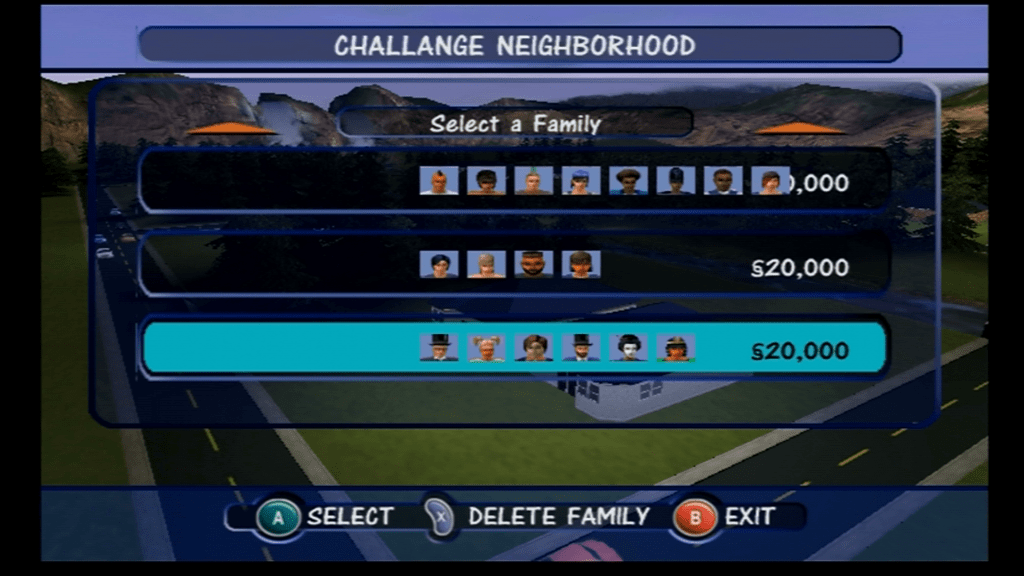
Possible – outcome is the same as when we imported the files into the PC version, only this time we have access to all objects and sims looks the way they are intended instead of the default face/skins. Interesting is some families have more than 4 sims, in fact one family has 8 sims, yet the game runs fine although switching between them is far from ideal since you have to spawn the button multiple times to cycle though the sims. Normally the game limit’s you to a max of 4 controllable sims per lot. Some sims here are copies of the story mode sims, with some differences with the personality points. There are a lot of unoccupied sims, which serve as the NPC’s for these mode’s.

The Sims xbox original
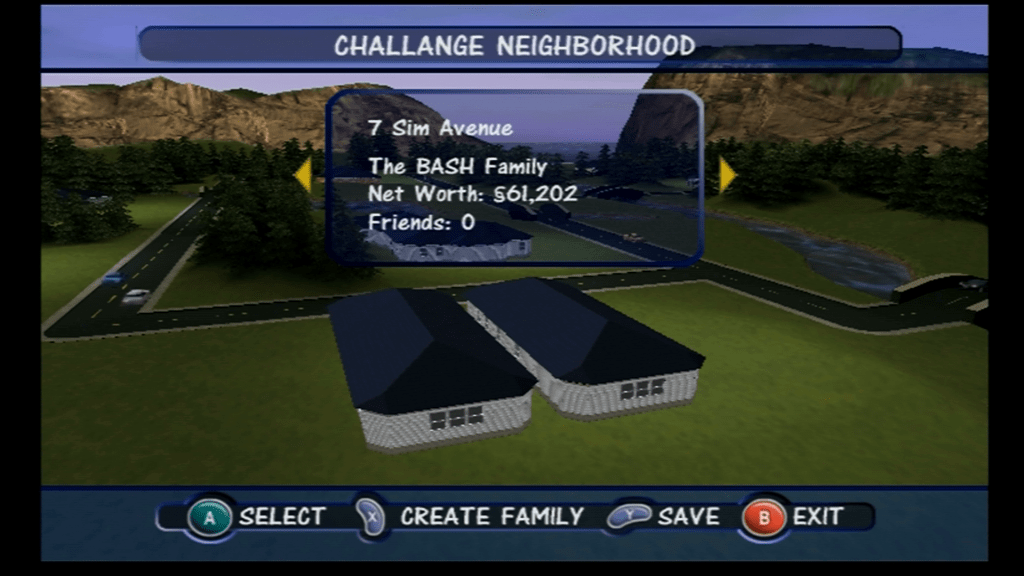
You can see the a house on 4 Sim Avenue, which is not normally accessible from the game

Not all lots are playable, one lot appears (The Frat House) in the neighbourhood view but we cannot access it despite there being a family that is occupied in the lot. They don’t have a telephone so you are unable to call or invite them round but they do attend party’s and will walk by the lot occasionally. Other lots don’t appear on the screen, because there are only space for 6 lots and this mode has 8. We are missing one of the Handyman/maid lots which exists in the game but we cannot make it appear since they are mapped to houses 08 and 09 which do not show up in game, the console neighbourhood only holds up to 6 lots.

Loading Challenge lots in Get A Life mode

This one works somewhat, the game tried to load the Dream House at the start of the game, but loads the Maid’s house instead, and we are unable to complete any of the objectives needed to progress through the level the game also ends after a minute and quits back to the main menu screen.

On the Gamecube version though the dolphin emulator, if we use the level skip debug command, we can load the first level, however sadly we hit another road block where we get endless dialogue boxes from MOM. The script gets stuck in an endless loop since the sim in question does not spawn on the lot. Unfortunately we are unable to continue past this point, even with the debug commands.

Loading Sandbox/Play the Sims lots in Challenge mode

Only some lots load, many load a blank lot with no sims. Sadly we are not able to complete any of the challenge mode, and some lots load to a blank lot with the game stuck at 3x Speed, since there are no sims on that lot and the build and buy modes are disabled in this mode.

Loading Sandbox Play the Sims lots in Get A Life mode

Not much luck with this one, game crashes when trying to load the dream mansion lot. Possibly because this hood does not have enough sims to populate, or the lot does not exist.

Downloads

Xbox Premade Save Files

Works best on a modded xbox with an FTP supported dashboard,

There are two files, one for the Story mode sims and the other for the Challenge mode sims. Both neighborhoods have all playable families and lots with a couple being inaccessible due to limitations with the ‘Play the Sims’ mode of the game

Xbox: copy to E:/UDATA/4541002F/

If your Xbox is not modified you need to use software that can write to FATX volumes, along with a supported USB drive and a XBOX to USB cable or Action Replay. You will then need to use the Xbox dashboard to transfer from the memory unit back onto the hard drive.

Download Link:

https://app.box.com/s/qxdhk0ivy6uivypnxn3hrgybz0qyv7ul

Can the same be done on The Sims Bustin Out?

Probably Not.

The NGH files look to be embedded into one of the many arc files, which is a customized format used by the game. We can extract the game files using the same QuickBMS script, however I have yet to come across a NGH file. It’s possible Bustin Out uses its own structure that makes it incompatible with the format that the PC and console versions use.

If you look at the Bustin Out lots, they seem to look similar to the first console release in terms of build mode tools, but some lots have custom backdrops, like Tinsel Bluffs having a city/mountain backdrop and Casa Calente having a seaside backdrop. The original console version however had a standard stone wall surrounded by green grass, in style with the neighborhood theme.

The sims themselves however may be compatible, they both have the same personality system, and the create a sim items are mostly the same in terms of customization.

To be frank with the Sims Bustin out, as much as I liked the game, the free-play mode was disappointing compared to the previous since console installment. With only 3 Freeplay lots there isn’t much room for a proper sandbox style game which limits what you can do. Also EA had designed 5 careers that were exclusive to Free Play mode

I can’t understand why the other Bustin out premade sims were not fully playable, whilst you could control them you they were unable to progress through their careers, or where you able to marry or move them out or switch them to a different career. I understand that those sims are tied to some goals but surly if you have completed all goals you should be able to unlock the ability for proper control of these sims, since they are no longer needed to fulfil your sims goals. Some sims were not controllable at all (Dudley/Mimi Landgrabb, Bella and Charity if your sim was a male) It seems like EA wanted to focus on the story mode of the game rather than the sandbox as to not distract from the PC version of the game, which had it’s seventh expansion pack around the time of Bustin Out’s release, as-well as the upcoming Sims 2.

See it in action

The Sims – Story mode sims in Freeplay mode – YouTube

Virgin Media Tivo in 2020

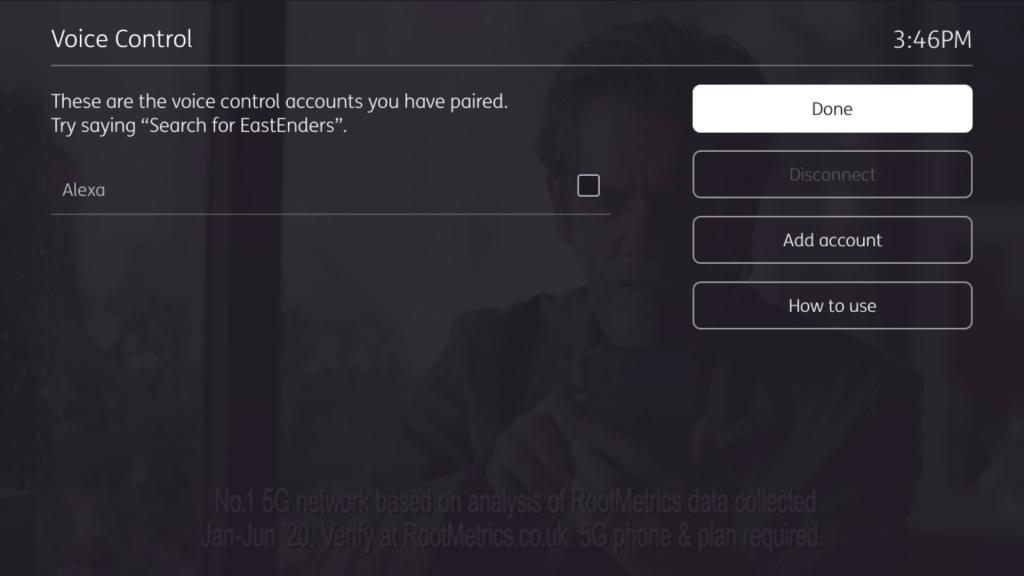
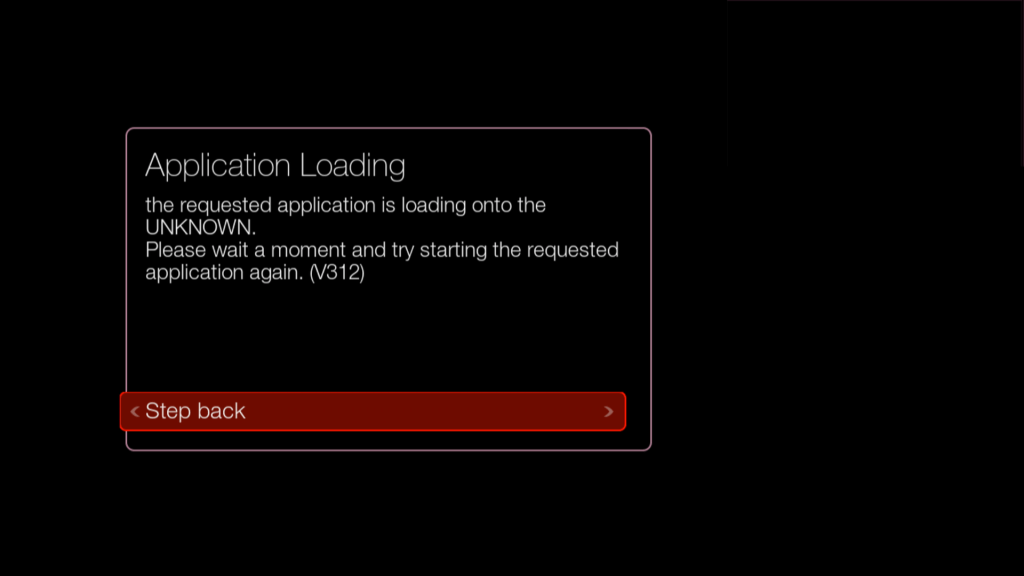
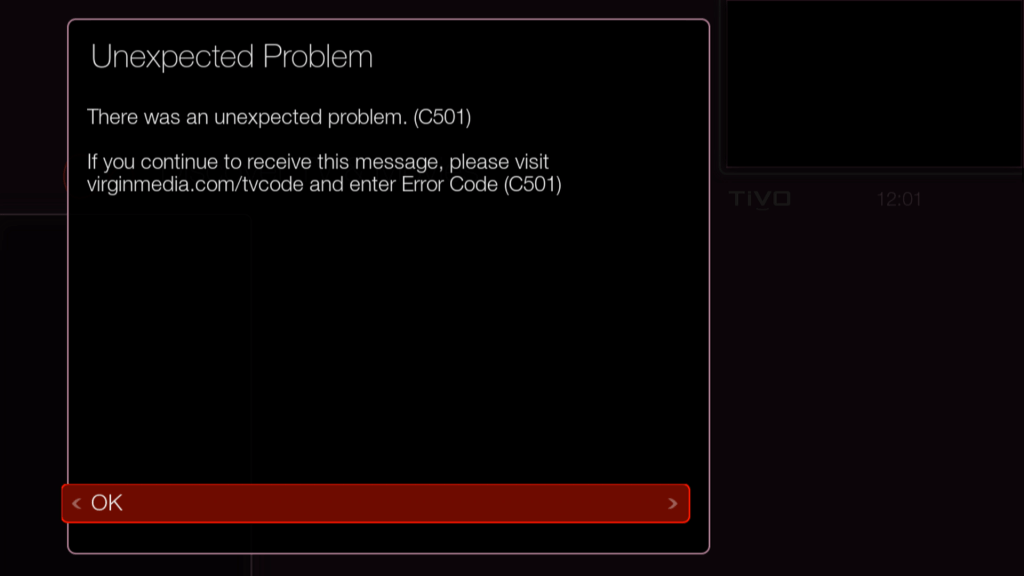
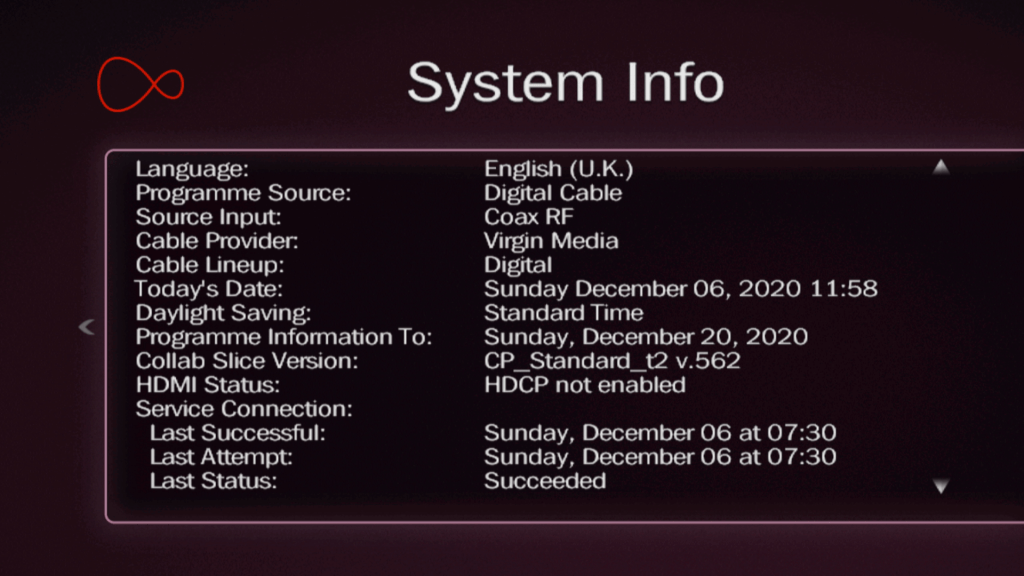
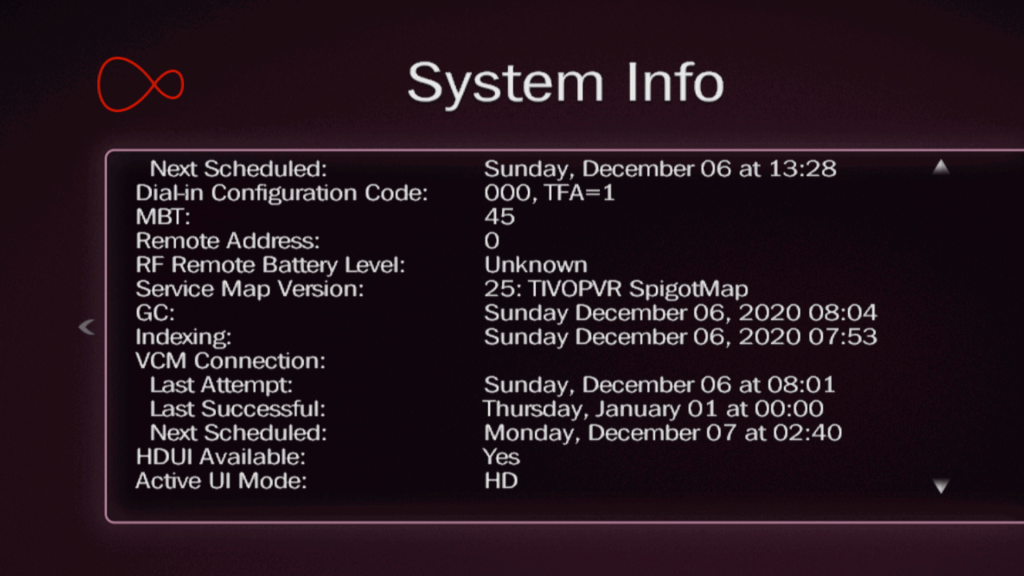
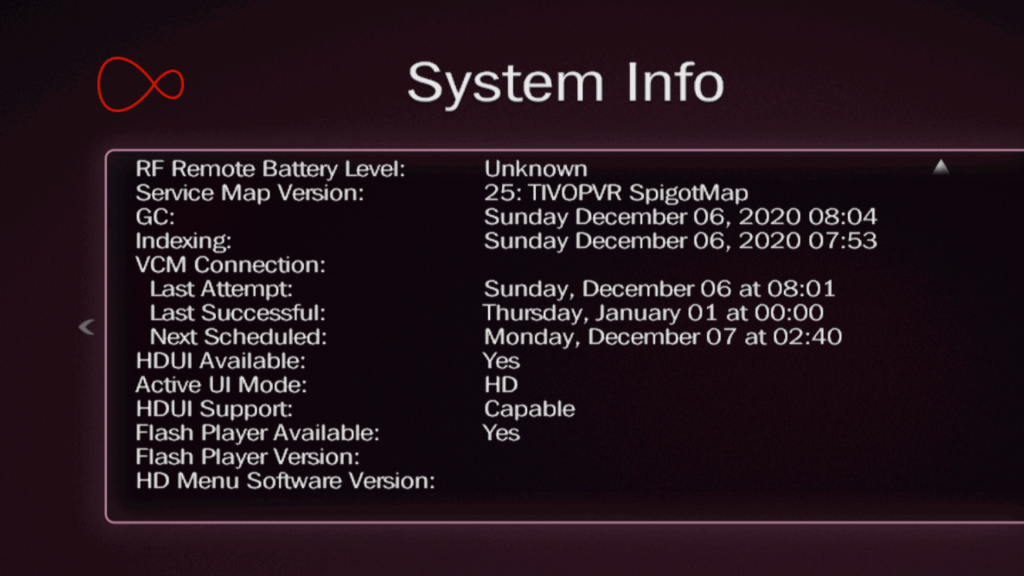
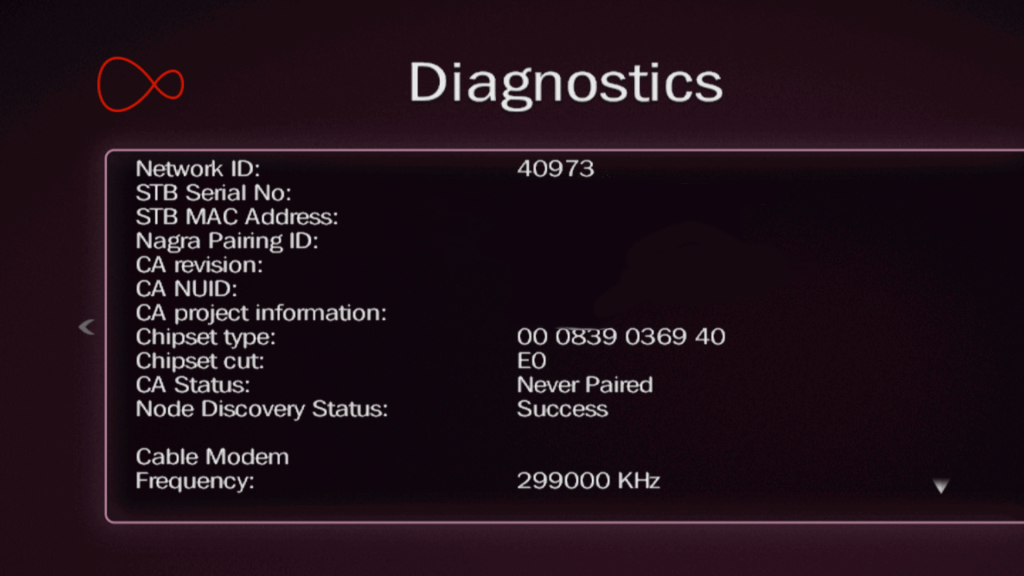
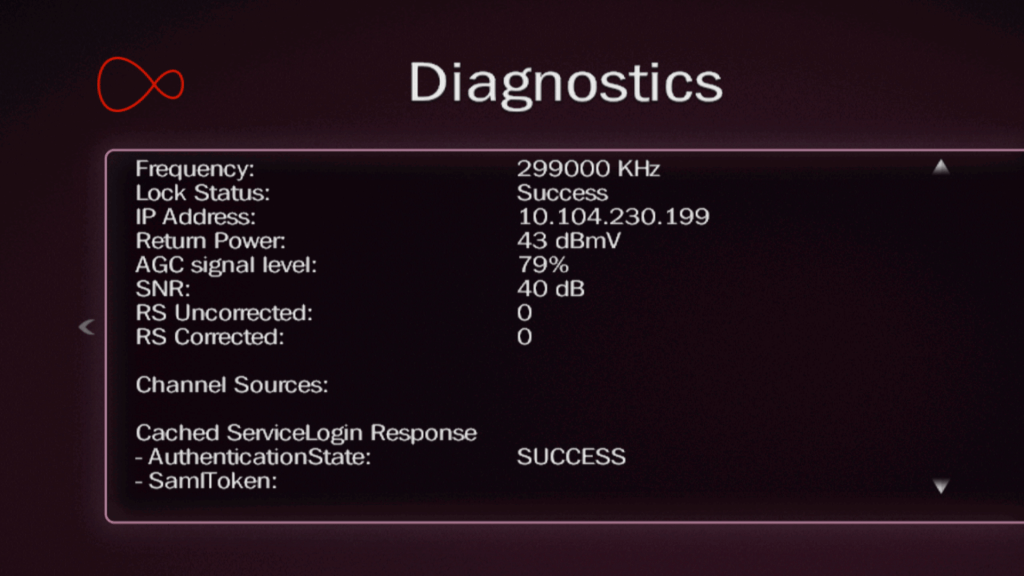
Virgin’s ageing TV Platform originally released in 2011. Here’s a look at the current interface on a Cisco CT8620. The Tivo box has been recently deactivated and is due to be sent back, so features such as OnDemand and Interactive apps will no longer function.

Virgin Media Home

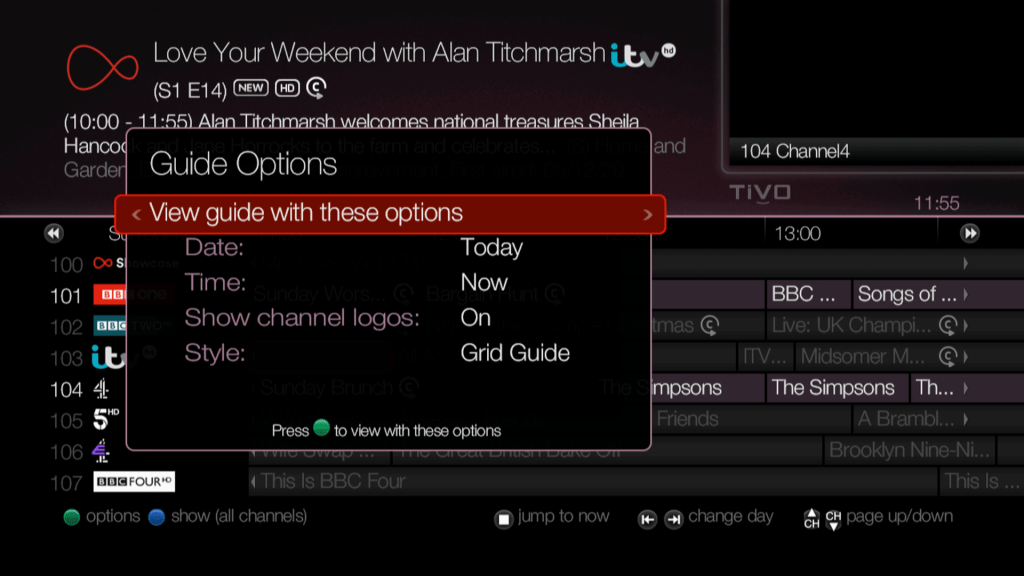
TV Guide

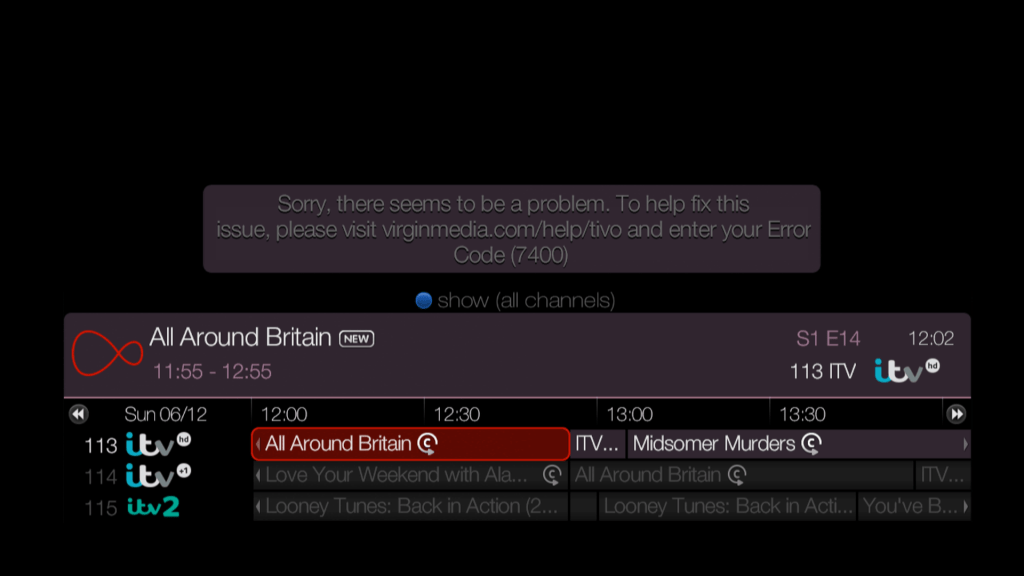
TV Listings, grid view
TV Guide, in list view
Customising the TV Guide
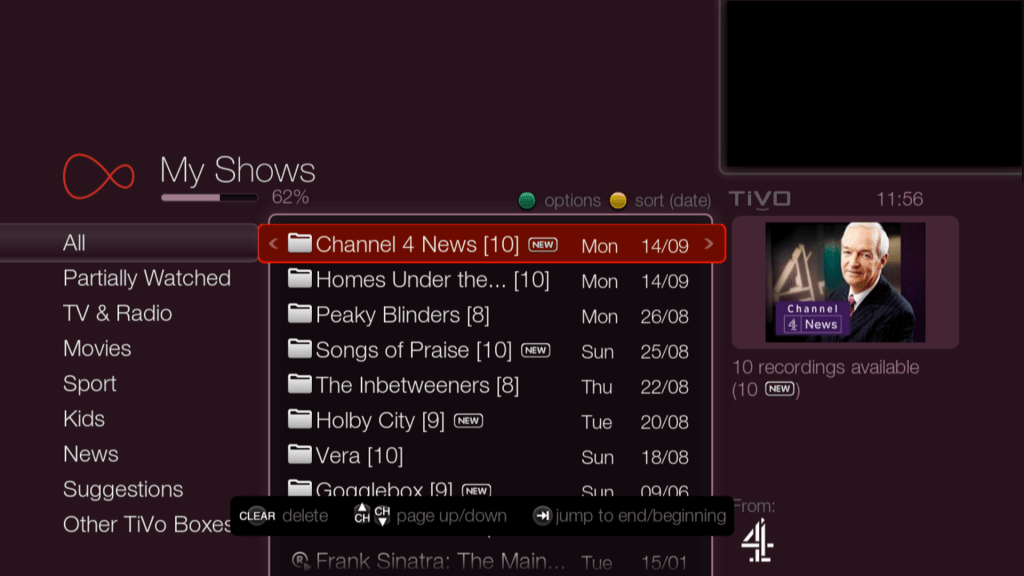
My Shows, where all recordings reside
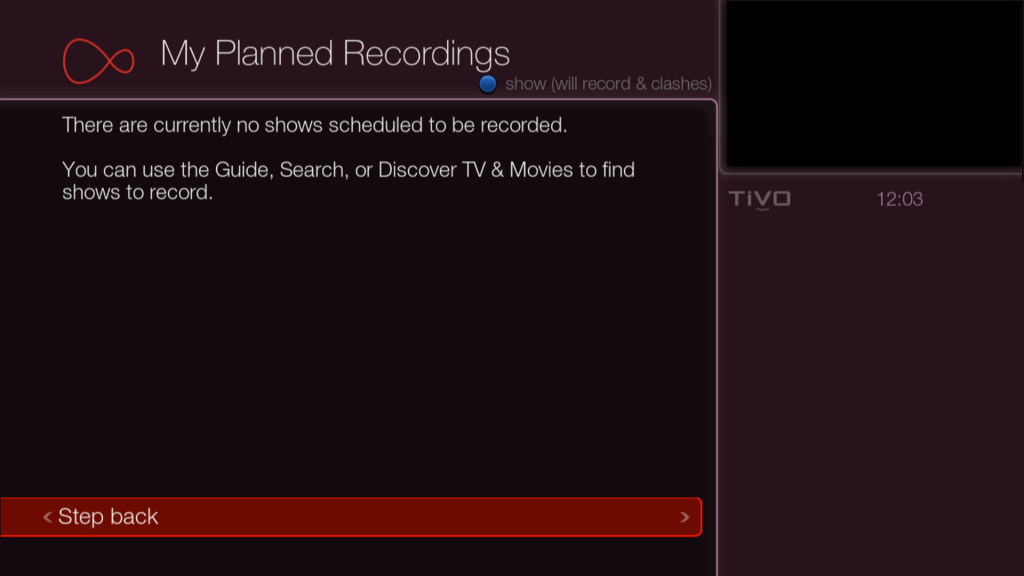
This would show any upcoming recordings
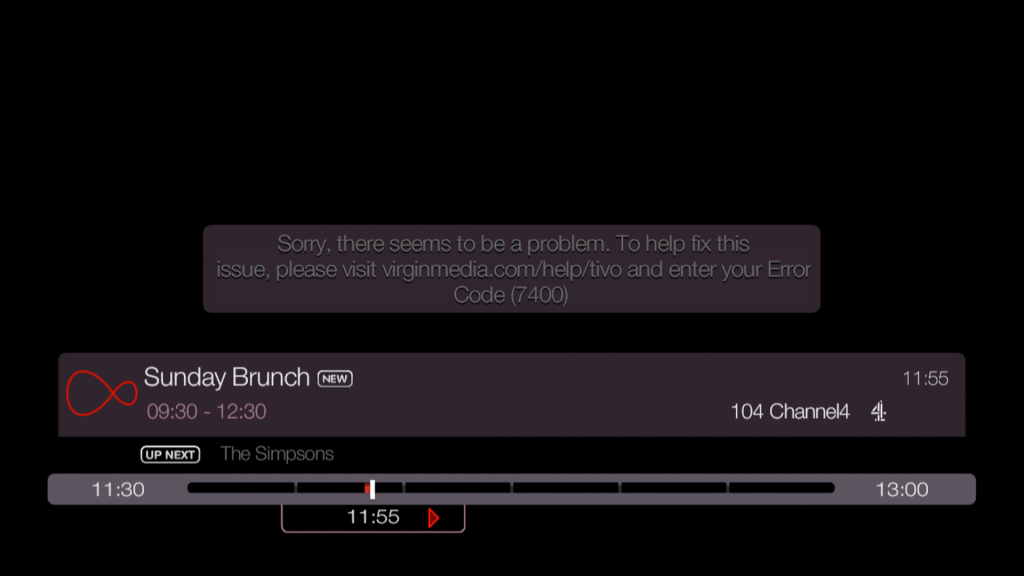
Pressing Ok brings up a mini guide banner
Appears every-time you change channels

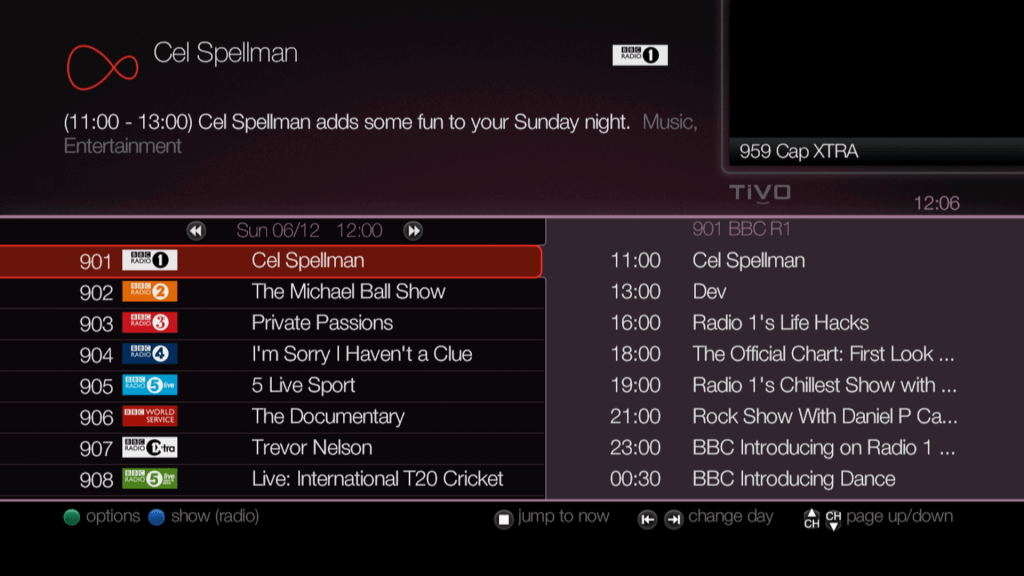
Radio

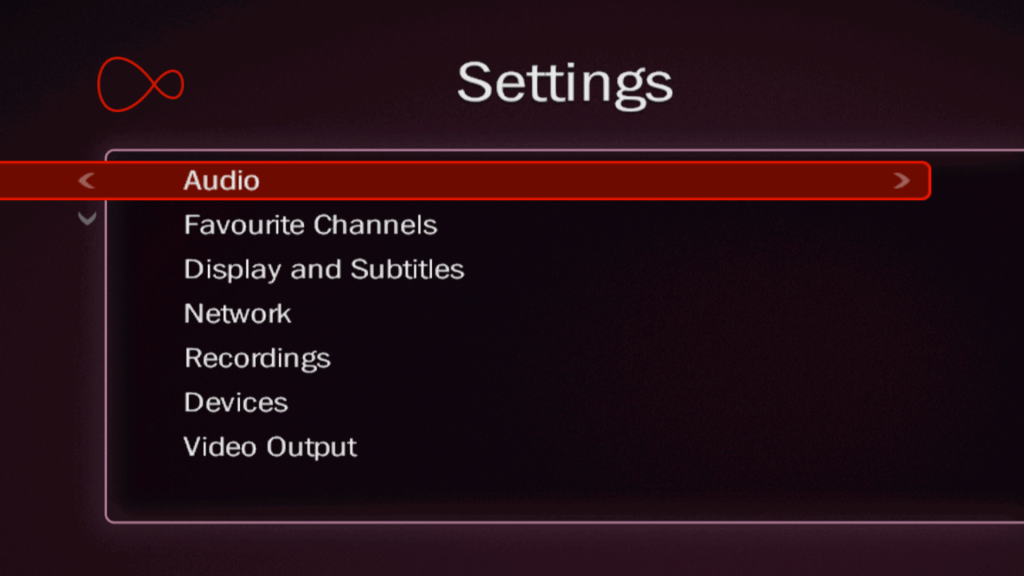
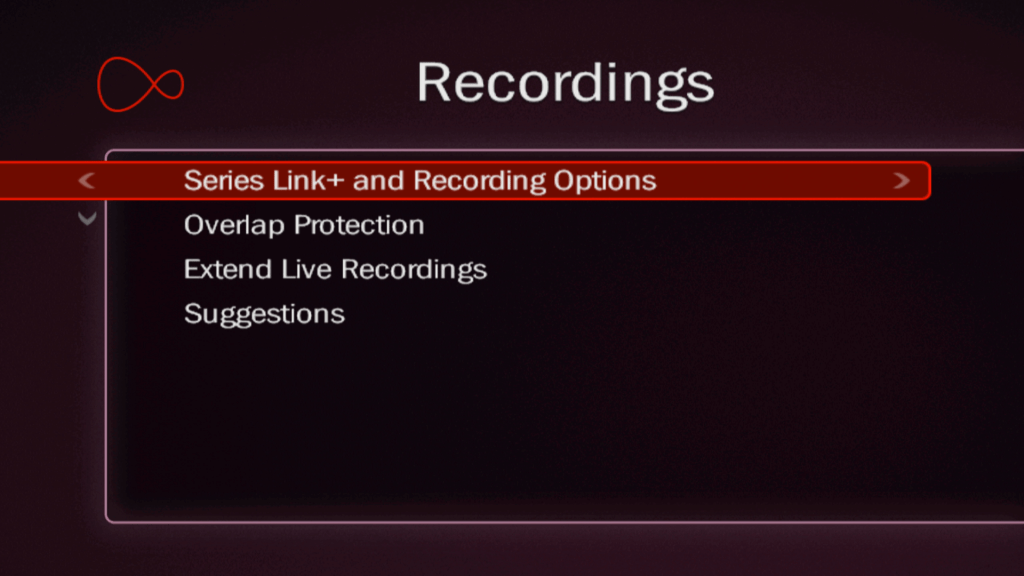
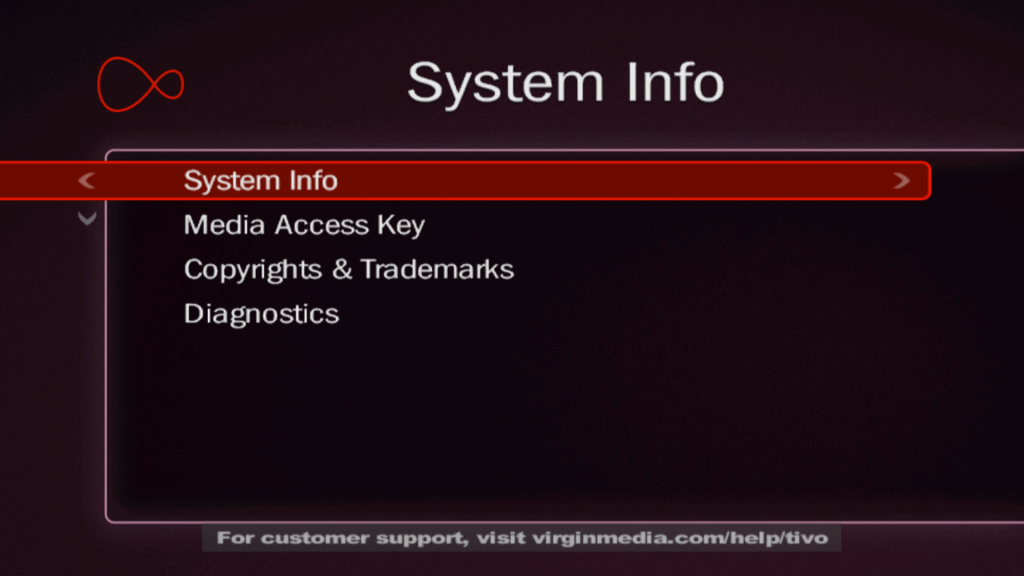
Settings

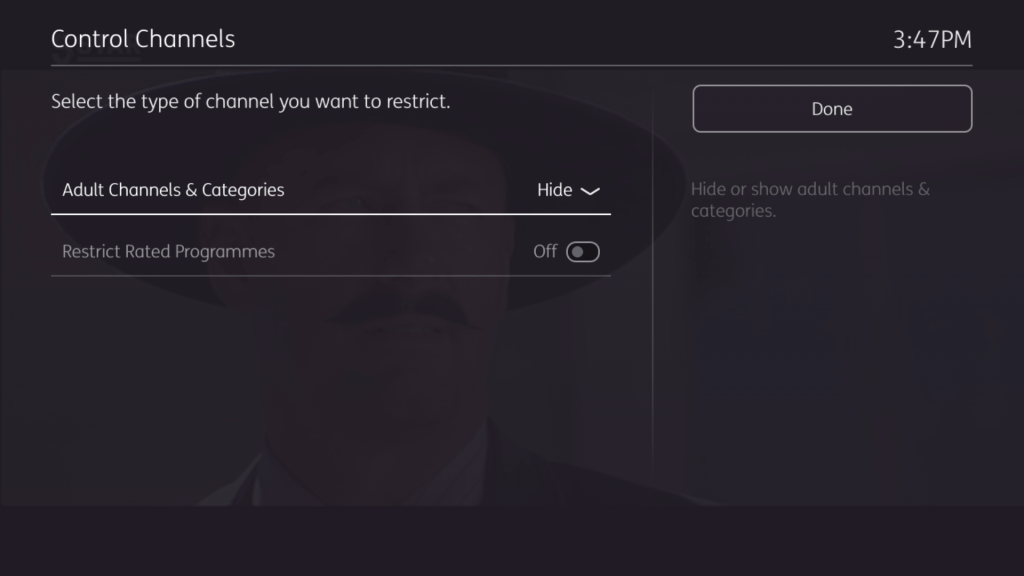
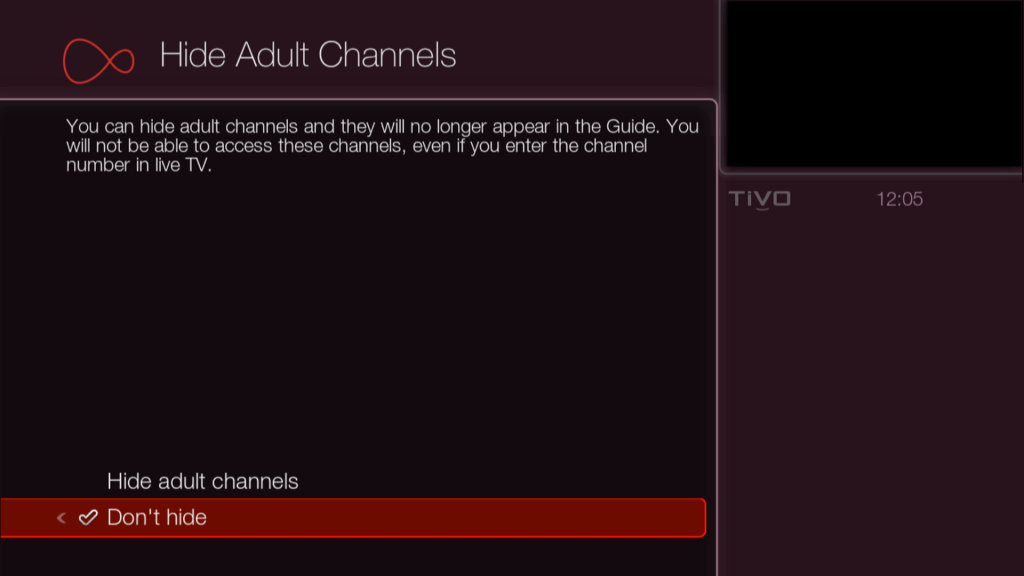
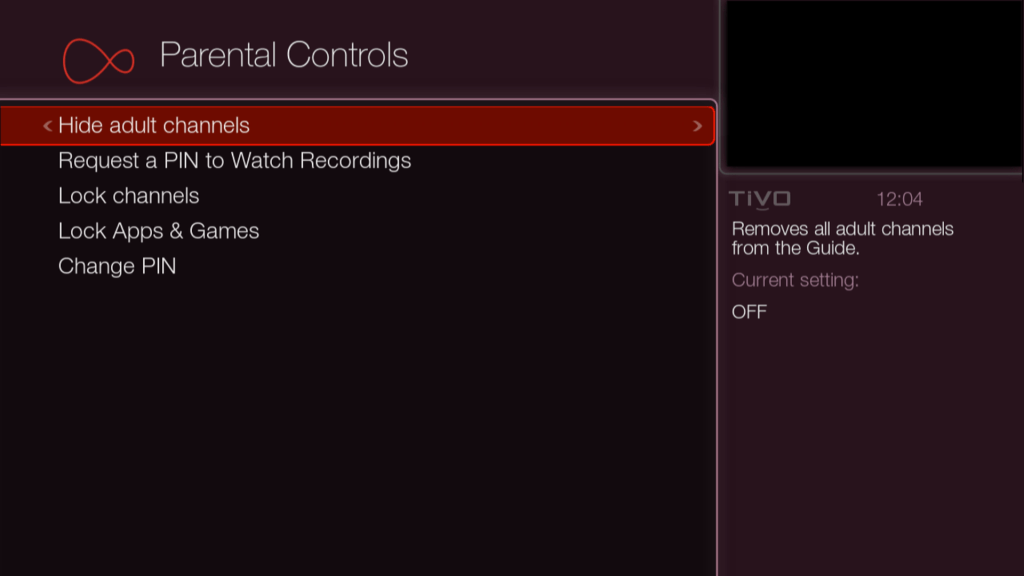
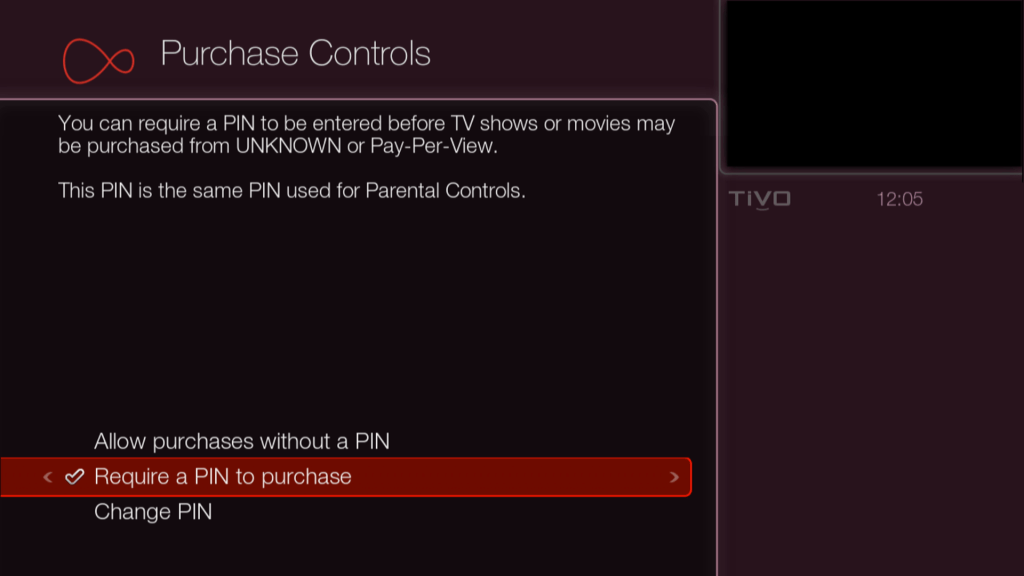
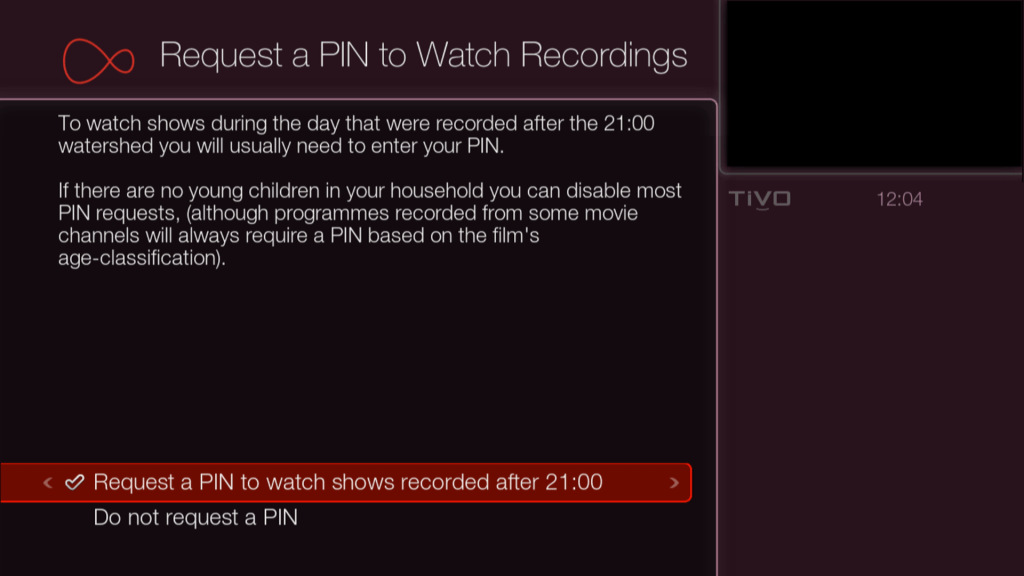
Parental Settings

Setting a manual recording

Appears when you power on the Tivo box from the mains
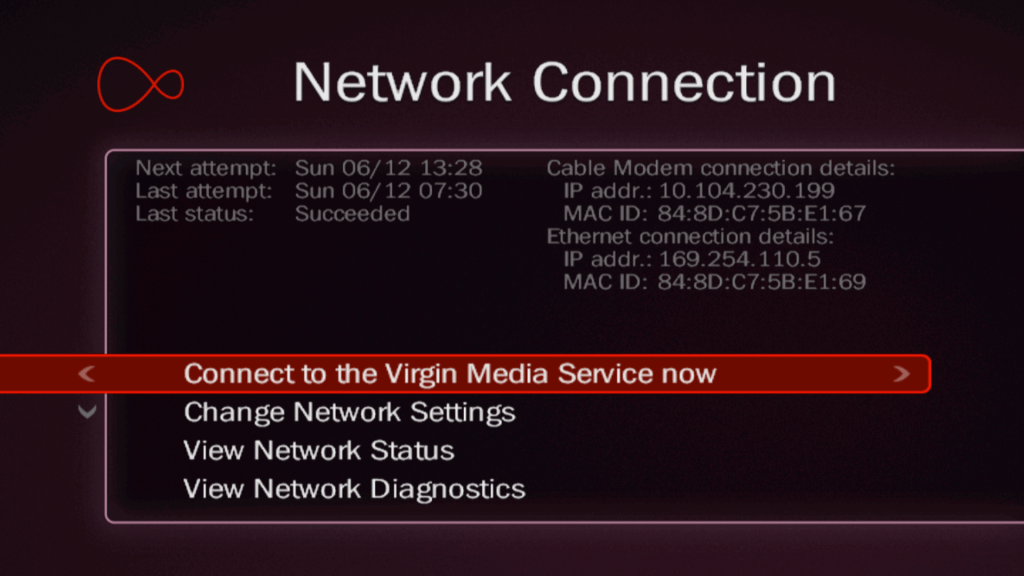
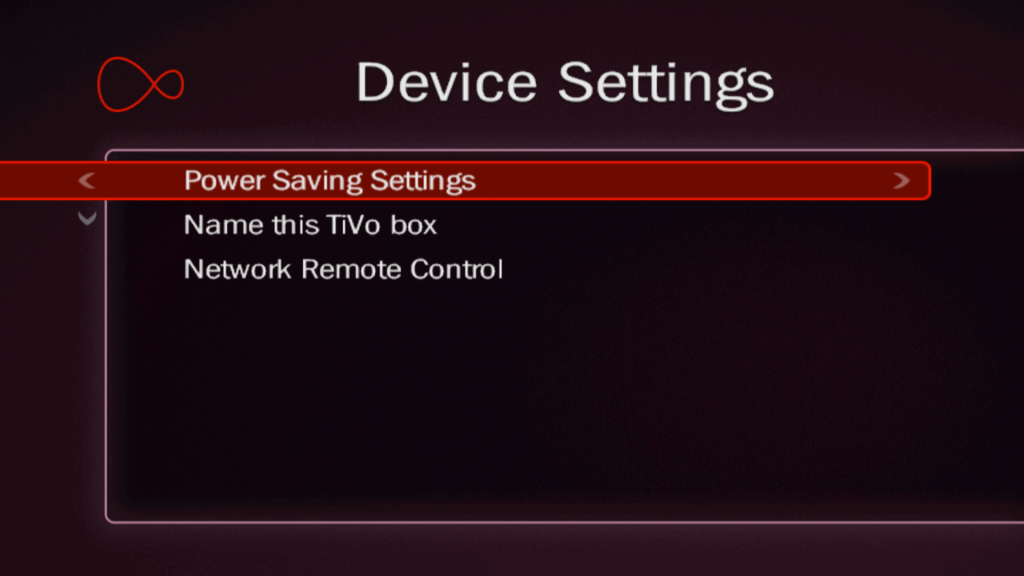
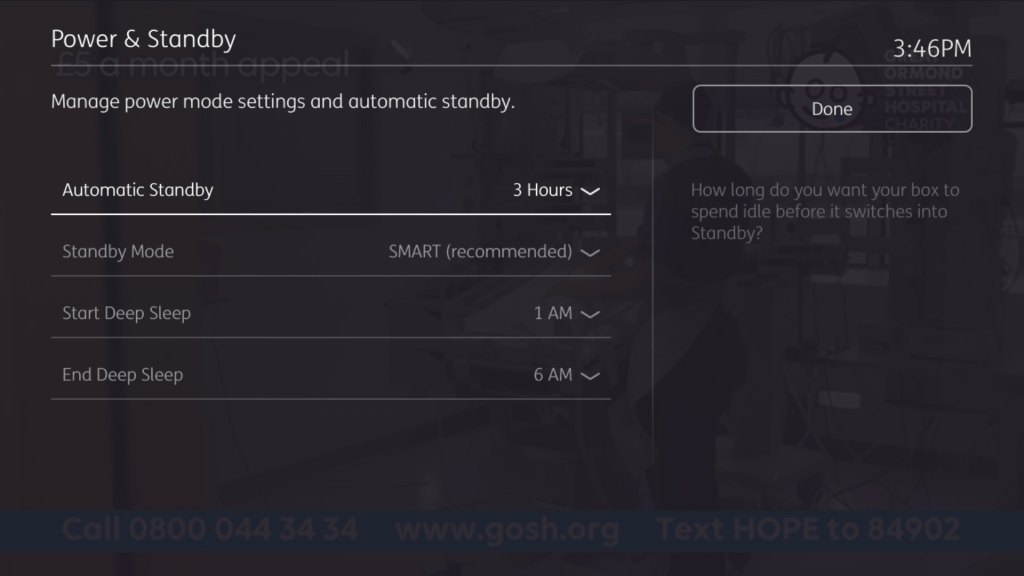
Change power and standby settings, set the Tivo box name if you use remote recordings

Fun with The Sims – Console Version

When the sims was released for consoles in 2002, it was not a straight 1:1 port of the PC game. Whilst the PC version played using a 2D isometric perspective with the sims themselves being rendered in 3D. This was mostly since 3D capable graphics card were not that common in most desktop PC’s, and because The Sims being considered an experimental game, Maxis wanted to keep the minimum specifications as low as possible.

When The Sims was ported to consoles, the developers had the opportunity to render the game fully in 3D, a first in the series. There were however some gameplay secrifices that had to be made, mainly due to the reduced memory of the consoles. First is that you are limited to a single story building – no upstairs, probably to make the game more simple and because it may have been awkward to switch between the two stories using the game controller without resorting to a key combination, as all the buttons had been mapped for other uses. Another annoying limitation was the object limiter, which limited the amount of objects you could have on a lot, due to the amount of memory on the consoles.

The Gamecube release, captured from Dolphin Emulator

Despite the differences with the graphics, the gameplay was mostly intact with many of the objects from the PC base game being included, along with some console exclusive objects. Many of the pre-made Sims appear here with the same members, The Goths with Mortimer, Bella and Cassandra, The Roomies with Chris and Melissa, the Newbie, Pleasant and Bachelor families still being present. The only major difference is the Sims and their world being fully rendered in 3D. The lots are mostly the same with the absence of the second story, although the mansion from the first game is missing.

A new addition to the game was the ‘Get a Life’ mode, which was a single player level based mode where you create your own Sim who has to progress through a rags to riches style of gameplay. Your Sim would basically start from their parents house and would have to get a job and upgrade their skills, after two promotions they would progress onto the next stage in a new lot, along with certain other challenges. The en goal being to reach the top of their career ladder and to get married. Players would also have to upgrade the lot by purchasing new furniture, meeting new friends and hosting many parties. The Sims Bustin Out would later expand on this formula greatly, and would be the basis for the Urbz and would influence The Sims Life Stories spin offs.

Another console exclusive feature was the two player mode, where two players could control two different Sim’s on the same lot by using a second controller,this would split the screen and allow each Sim to be controlled by both players. There are also mini games (Challenge mode) that are centred around this feature were two players would compete to get the most friends, or to get the cleanest house.

Because of the Similarities of the PC and console versions, I wondered if they were both compatible with each others data, as in you could extract a lot from the PC version and load it on the console version. There are a few challenges to this, since the PC version used 2D graphics compared to the 3d models that the console uses, and the Sims themselves are rendered differently. It’s worth looking at the console disk images to see if there are any similarities to the PC version.

PC Version (The Sims – Base Game only)Console Version
Two story buildingsSingle Story building
Can only choose from a selectionCan customize hair, face, eyes, mouth, makeup
Can only choose from a selectionCan customize top, bottom, shoes and colour of each item
10 lots selectable6 lots selectable + 1 hidden/disabled
8 selectable sims per household4 selectable sims per household
Cannot edit lots without a family moved in until Unleashed EPCan enter build/buy without a family moved in
One PlayerUp to two players with two controllers
Near unlimited objectsObject limiter (may vary on console)
Online Exchange support – Now OfflineNo Online support for DLNS/Xbox Live

The ARC

I started with the Xbox version, since the XBOX was built on the PC architecture with it’s Intel processor,and since it’s possible to ftp directly into a modified Xbox rather than having to extract and recreate an iso image. First obstacle I ran into were these ARC files, which were also present in the Gamecube and PS2 versions. They were quite large files and contained a bulk of the games size. These files store a bulk of the games content.

In order to extract data from this you will need a custom utility with a plugin that understands these formats. From a bit of research ARC was a older compression format what fell out of use once zip took over. Nintendo also used ARC format as a container format for their games similar to the CAB format used on Windows however this seems to be a different format only used by Nintendo. There are also several different ARC formats that are incompatible with each other, which makes it hard to extract files form this format, and makes it harder to inject files into an existing ARC file. i’m not sure if these formats are different format that share the same extension, or there is some encryption/passcode involved.

What’s interesting is each console has a different file size for their respective ARC file, with the Gamecube being the largest. Maybe they are duplicating the files on the Gamecube version in order to reduce loading times? or the Xbox version might be compressed more? This would make sense for the sound and cutscene since they would be using the wmv and wma format for audio on the Xbox, the PS2 may have used MPEG2 since the Emotion Engine had an onboard MPEG2 decoder for it’s DVD player. The Gamecube does not have an onboard decoder so it needs to decode video and audio in software, which would affect the codec’s being used, and in turn affect the file size.

Runtime Folder

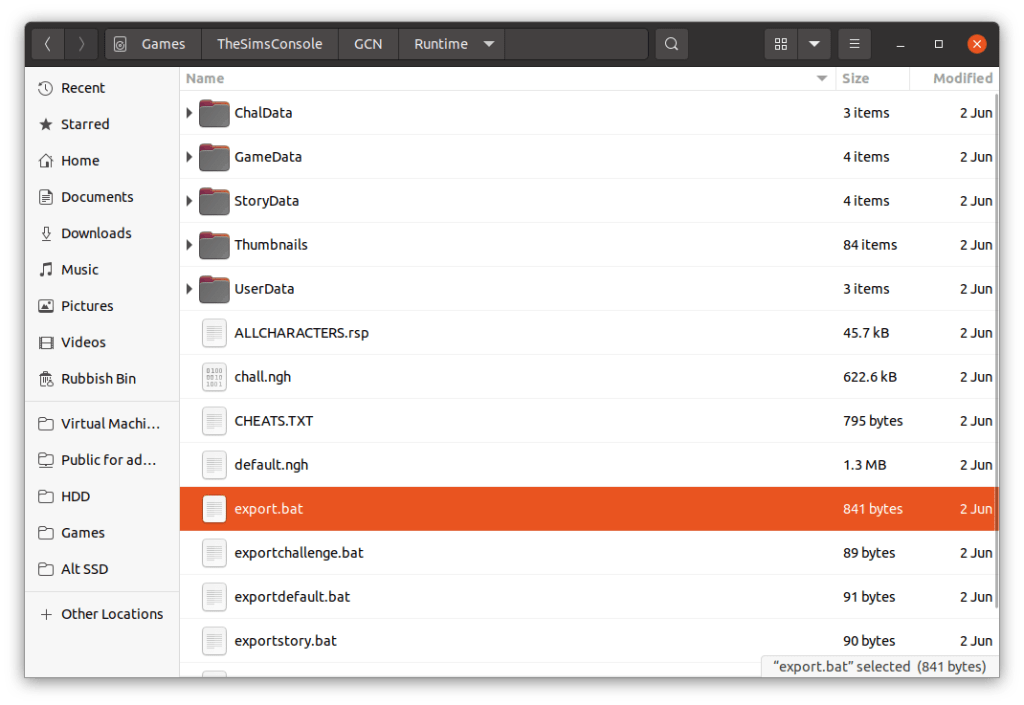
Looking on the Gamecube disc there is a Runtime folder that holds data for the default neighbourhoods, along with the sims, lots, and occupied objects (but not the objects themselves, or the skins, wall or floors). At first I assumed this was where the game pulls the default neighbourhood data from when creating an new memory card file, and would act as a template, however closely inspecting a batch files, it seems this folder is used to create the .ngh file which is kind of like a zip or cab archive of the above folders. The runtime folder is not present on the Xbox or Playstation 2 versions, but the ngh files are.

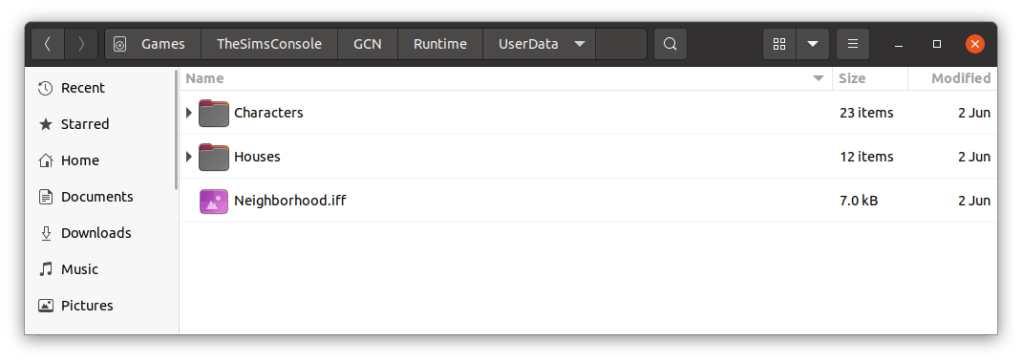
Folders

ChalData – for the 2 player lots

StoryData – a neighbourhood for the get a life mode

UserData – a neighbourhood for the play the sims mode / sandbox

These are template folders, I assume they get created to the memory card upon creating a new game, and the memory cards hold an ‘zipped’ or arced copy of the files.

There are 4 batch (.bat) files that were used to create the ngh files, here’s what exportstory.bat looks like;

..\bin\SimsNghExport.exe @allcharacters.rsp -iWallsFloors.ini StoryData story.ngh

pause

SimsNghExport.exe – program used to create the ngh files, sadly not on disc

allcharaters.rsp – this file lists all the NPC and playable sims that shipped with the game, what gender/age and their skin-tone and clothing but NOT personality or job. I’m guessing that specific data is stored in the respective userXXXX.iff file, with the console specific stuff being referred to in this ngh file. The key field looks to the the sim name since I cant find any userid?

iWalllsFloors.ini – not sure, just a bunch of numbers, might be remapping the PC walls to the console version?

StoryData – folder, contains character files and house .iff files, basically the equivalent to the Userdata folder on the PC version

story.ngh – the output file

need to look the this ngh format, is it an archive? Is it compressed? Can we add and remove data with it?

This got me thinking if we could take this data and load it into the pc version of the game? After all, the extensions are the same (.iff) although the file sizes are smaller. In order to investigate further we need to call a old friend called Windows…

For this we are using the original unpatched sims base game, with no expansions.

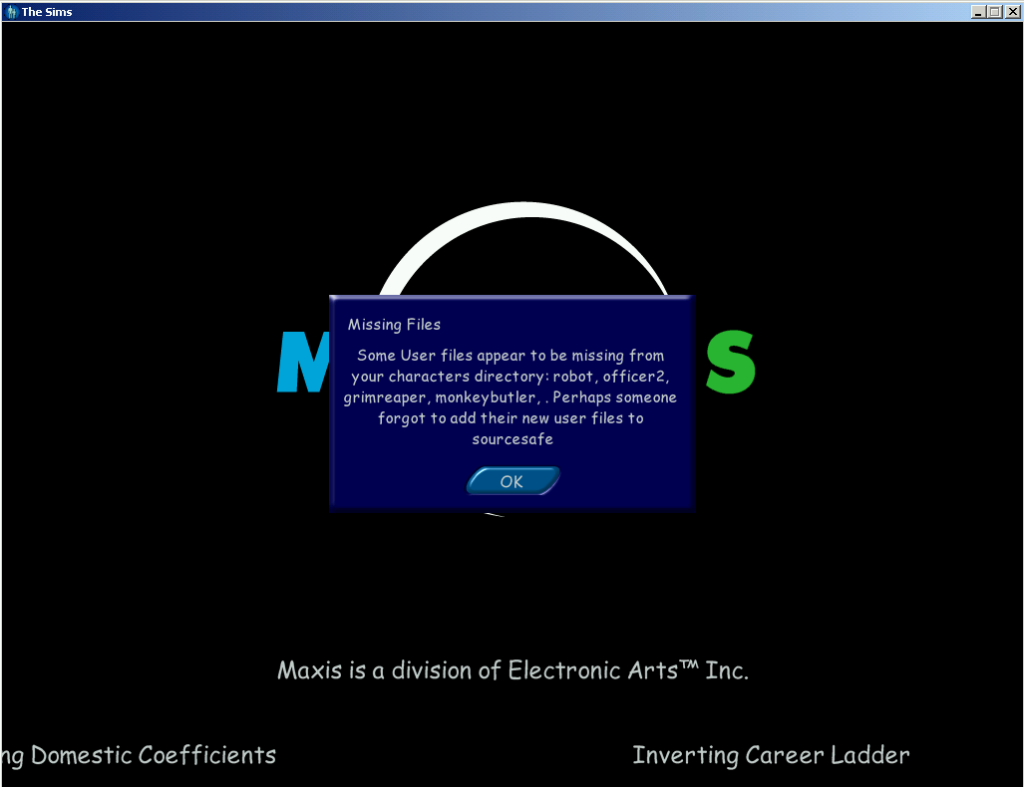
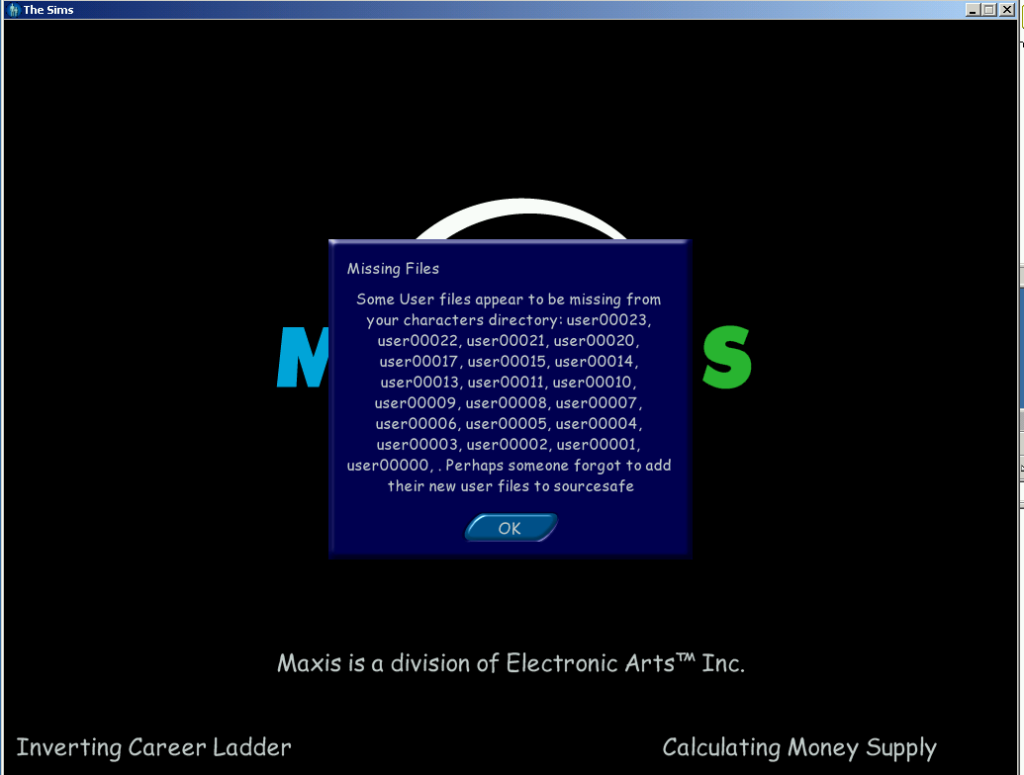
First I started off by copying the entire userdata folder from the gamecube iso into the game files and started the game up. What greeted me was this error message;

The Sims PC missing files

It’s not much of an error since you can click OK and the game to continue to load. Interesting is the names referenced in the message box, Grimreaper, which didn’t appear in the base game, only in the Livin it up expansion pack (GrimReaper does exist in the console version). Monkeybutler which is exclusive to the console release (its part of an object like the Servo robot in Livin It Up, cleans the house and repairs), not sure about robot or officer2?

Also what is sourcesafe?

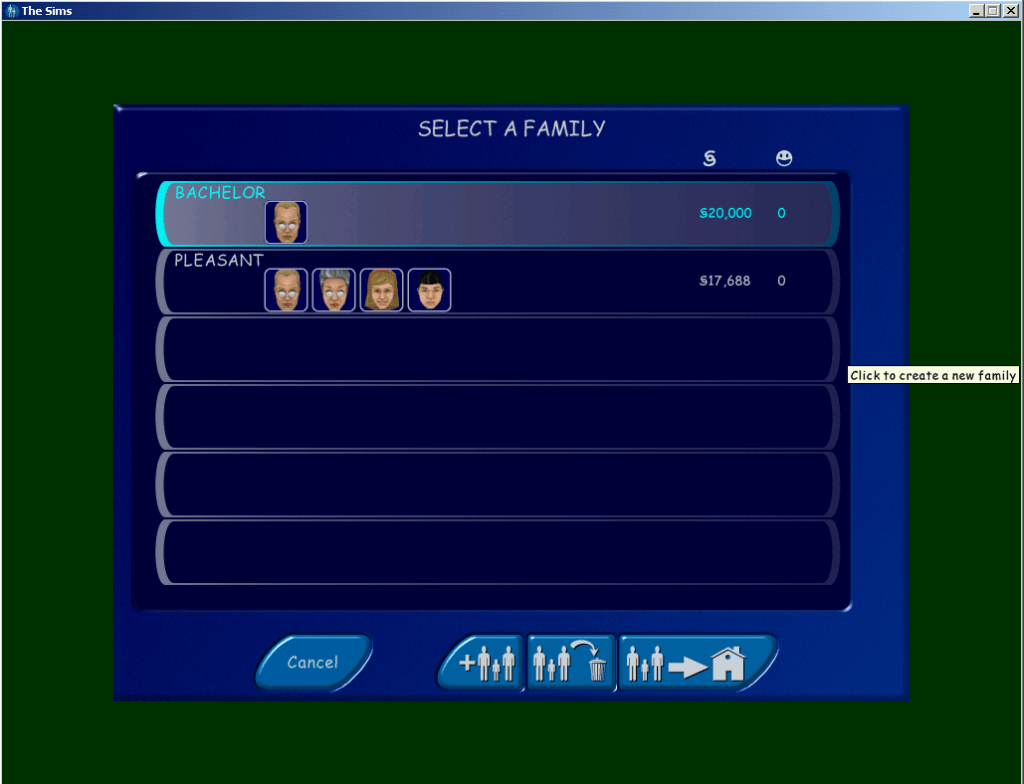
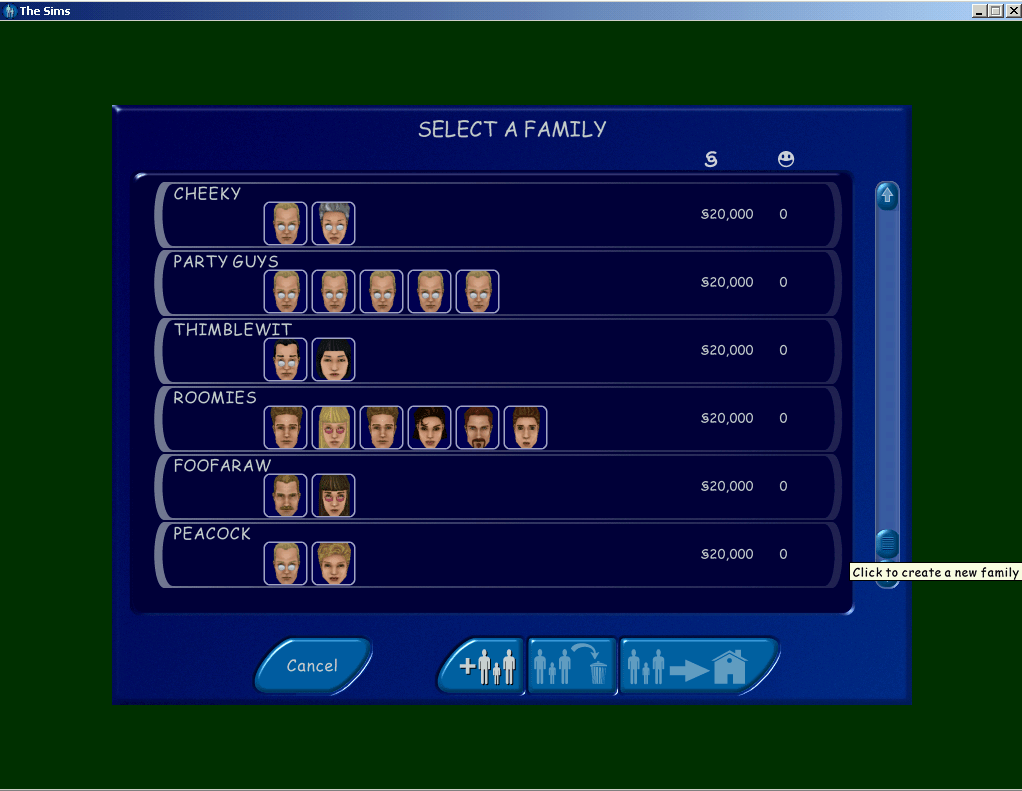
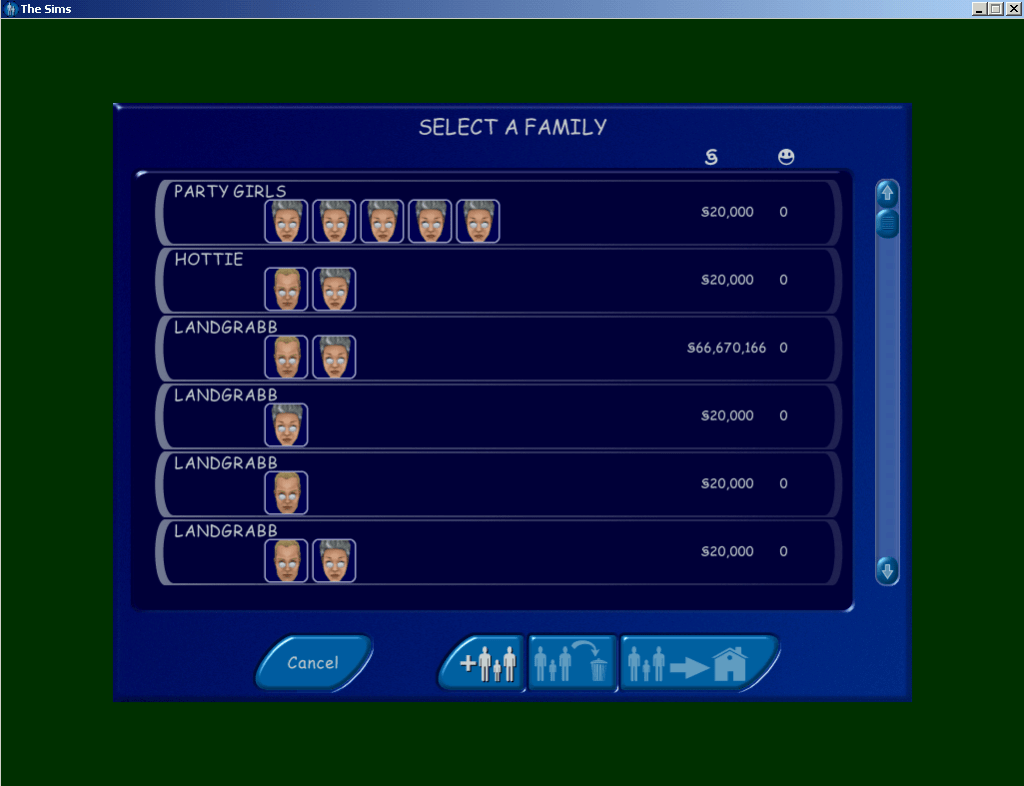
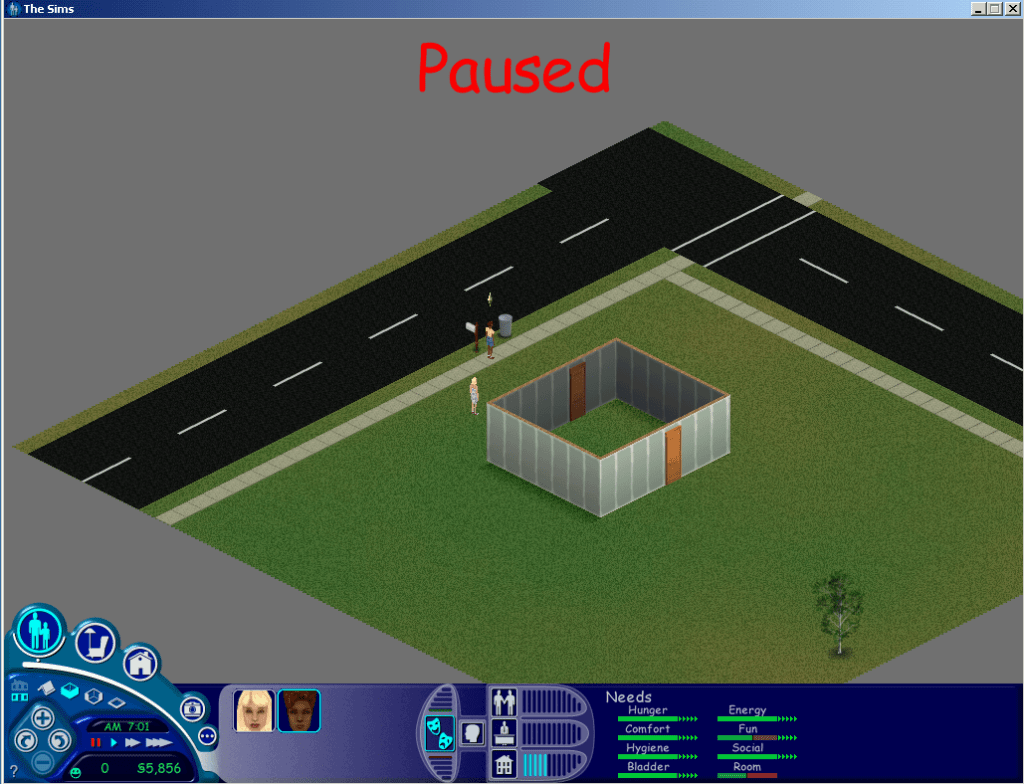
After loading the game I found not of the lots were accessible or even recognisable, clicking on them did nothing and no lot information data would appear. When I clicked on the family bin icon however I could see the two unoccupied families from the console version, the heads and faces looked to be missing and the game has loaded the default templates. Understandable since the console sims are in an incompatible 3d format, I’m surprised the game didn’t crash outright.

The Pleasant’s have not aged that all well
The Sims Willville
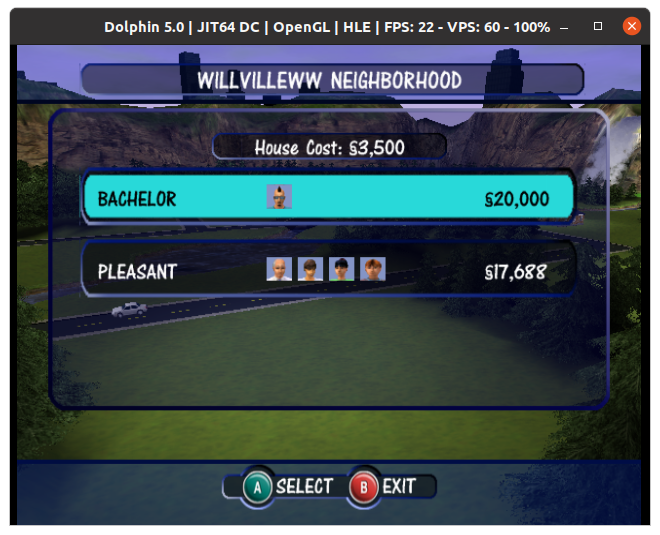
Meanwhile here is what they’re supposed to look like

I tried copying it again, this time leaving the neighbourhood.iff filers intact, this time a different error message appears;

The Sims PC missing files

I assume the neighbourhood.iff acts as some soft of database of which sims belong on a specific lot and also deals with NPC assignments.

Loading the Story mode families

What about the story mode folder? For this I did the same with the storyData folder, copied it to the game files and renamed it userdata and see how the game reacted.

The console sims, all can be moved in and loaded with their personalities intact, shame about their heads/bodies

Checking the family bin you can see all the sims used in get a life mode, all from the different households. Some are even listed twice like Dudley and Mimi landgrabb .

The same issue with the lots persist, and after copying back the original files from the PC neighbourhood, I tried moving one of the sims in and clicking on their control panels. The skills and personality points seem to be intact with what the console version would show, although the sim names are always in BLOCK CAPITALS, maybe this was deliberate since it was easier to read on a standard definition TV screens at the time?

Interesting is that there are multiple copies of some sims, the Landgrabs and Mom have duplicate versions. This may be because once you move to another level, the previous sims are deleted except for the langrabb’s and Mom, who’s relationship gets transferred to the other copy. Other sims like the Roomies are deleted once you move from stage 4 to 5.

The Sims PC Error Missing Textures

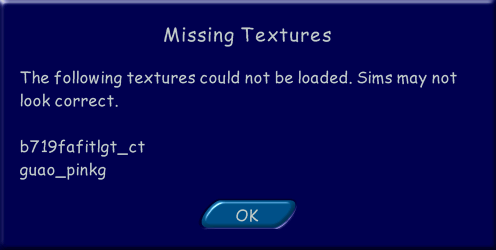
There are also two other families, the Tooter family with the sim ‘DJ’, and a ‘JANE HOUSE’. As these don’t appear in the game, they are either cut from the game or test sims. It’s worth noting than upon loading the families in a lot you will receive the below errors message, however this wont effect the game and will continue to load normally.

Loading the lots

The Sims 3 Sim Lane
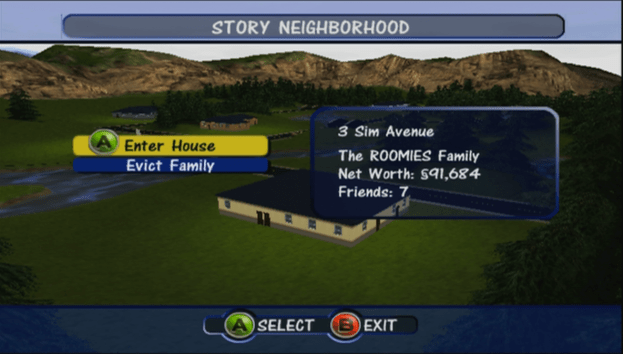
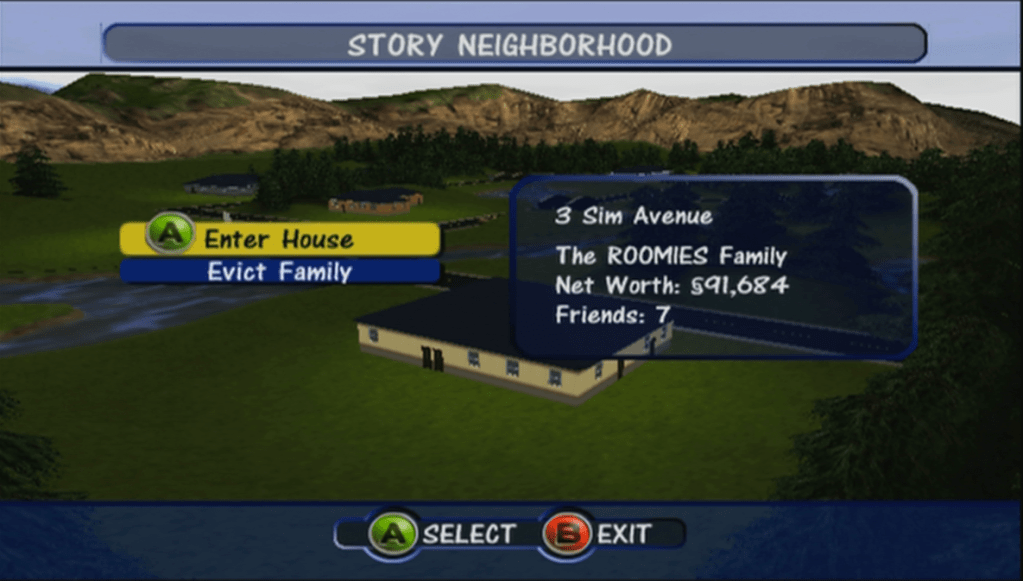
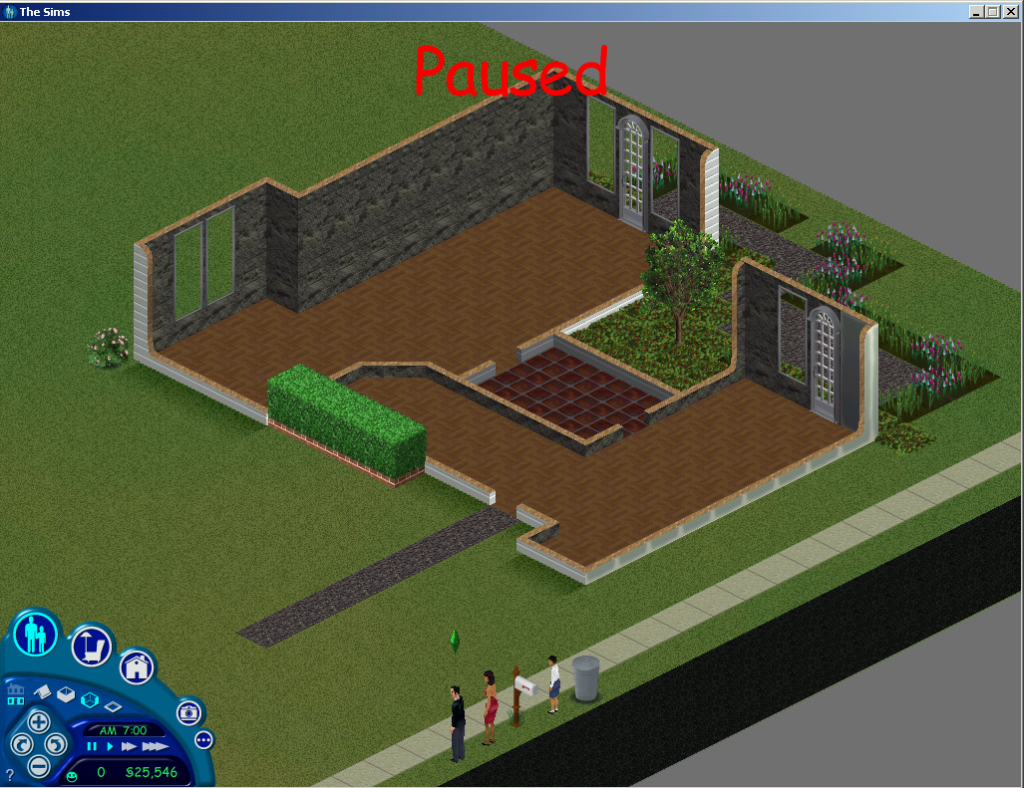
Console version of 3 Sim Lane, missing it’s second floor. Known as 3 Sim Avenue in the console release.

To get the console lots to load you need to trick the game into loading them, since starting the game up the game would just ignore them and the lot would be undetectable from the nhood screen, however if you load up with the original pc lots, alt-tab out of the game and replace the lot and then alt tab back into the game and load the specific lot, the game will load the lot. You will receive a missing objects error message which is to be expected, any objects the game can match will be present in the lot. Walls and floors are slightly different, the game will load the respective one but it if it tries to load a wall that is not there it will default to as substitute, the same happens with floors, and sim heads and bodies. Swimming pools will be missing since the console version used fixed design swimming pools, the PC version instead allows you to build your own swimming pool.

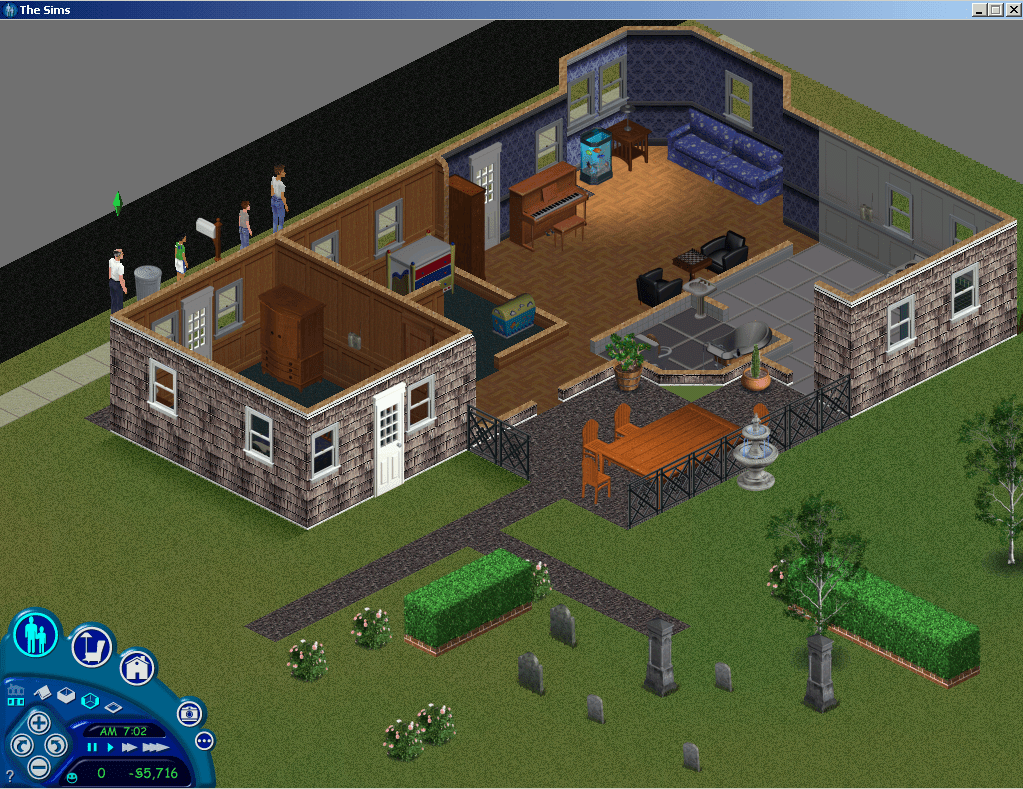
Console version of the Goth house, even the grave stones are intact

Unfortunately this is when I started to encounter issues with the base game, as loading certain lots would just cause the game to crash regardless, lot 4 in particular was very problematic. Switching to the The Sims complete collection fixed this and was able to load all of the lots. It was also more compatible since the console games contains content that was also included with later expansion packs, It was defiantly better at matching the correct walls and floors. Unfortunately sims complete collection refused to accept the neighbourhood iff file or the characters/sims themselves, which meant I could not load the console sims directly. Perhaps the neighbourhood files have changed significantly since unleashed in a way that breaks compatibility with the older code. The Sims Deluxe Editions might be a good compromise to test out but for now lets continue with Complete collection.

This lot appears a couple of times, however i have never seen this in game

Userdata Lots – Play the Sims Mode

After loading a lot you must save before exiting to the hood or the game, as the game will crash. Em guessing there is incomplete data that the game tries to fill in when saving, or the game tries to load the 3D thumbnail used on the console version which wont render on the PC version.

FilenameHouseholdComments
House00It’s built but no doors or windows or any objects?
House01Empty
House02Empty
House03RoomiesOk
House04Empty
House05GothOk
House06Empty
House07Newbie
House08Empty
House09Empty
House10Mostly empty lot with a small house and two doors

No luck getting the occupied sims themselves to migrate over, must use a different format for sims that move into occupied houses. only family’s that are in the family bin.

Story Data Lots

FilenameComments
House00Exactly the same as House00 in Userdata
House01Level 1
House02Level 2
House03Level 3
House04Level 4
House05Level 5
House06Level 6
House07Blank level
House08The mansion at the start of the game, dream sequence
House09Vacant Lot
House10Mostly empty lot with a small house and two doors

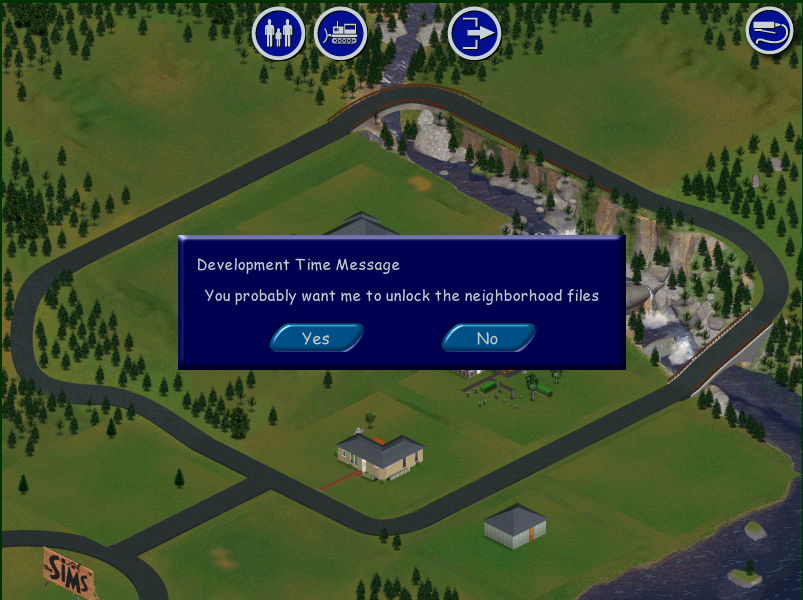
After placing House10, a development time message keep appearing, selecting yes or no yielded no noticeable effect.

The Sims PC Development time message

Char Data Lots (Challenge mode)

FilenameComments
House00Exactly the same as House00 in Userdata
House01Maid’s House
House02The park
House03The Museum
House04The Frat House
House05Club ABHI
House06Club
House07Party Motel
House08Handymans House
House09Mostly empty lot with a small house and two doors
House10Empty Lot

Files

Links to both extracted Lots and Character files in separate archives

https://app.box.com/s/f8bafnxzrj35n4yiefjackevjw6dfket

The lot files were imported using The Sims Complete Collection, but should work with any game as long as you extract the HouseXX.iff file into your own UserData folder

The character files were created using The Sims (Base game) and may not work past Unleashed, these contain the sims from the ‘Get a Life/Story’ mode and Challenge , Play the Sims / Sandbox mode.

Gallery

Ultimate Sims 1 Neighbourhood

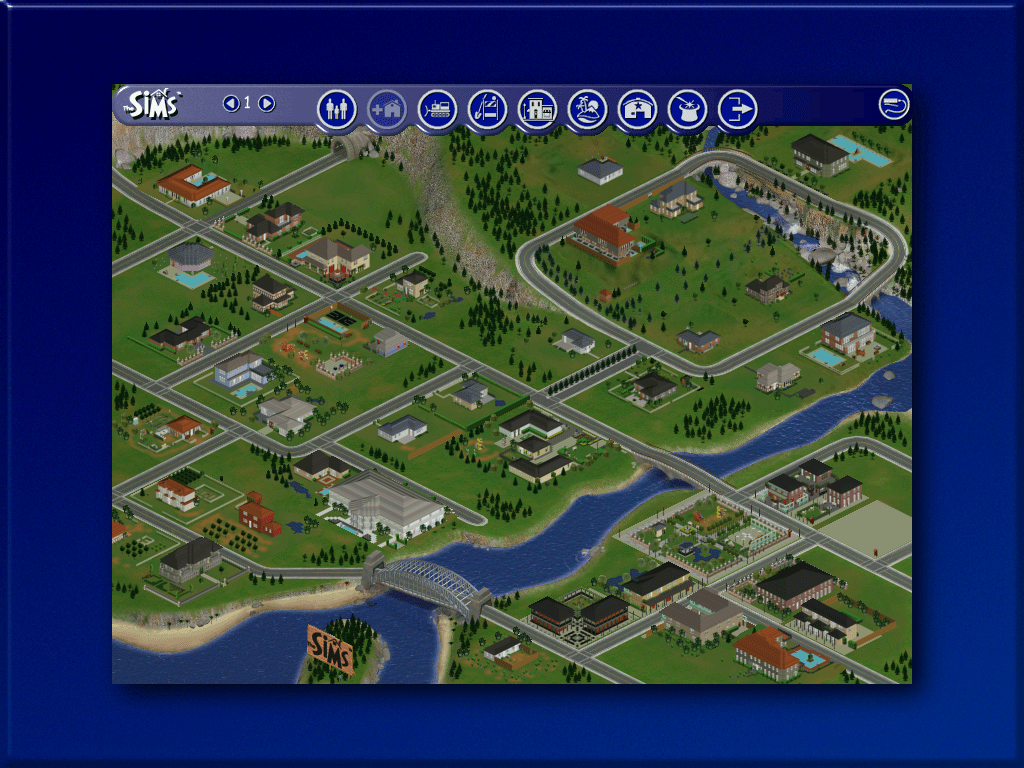
Over the course of the original sims lifespan, Maxis had released early forms of free DLC (Downloadable Content) for free on their website. Listed as ‘Get Cool Stuff’ players were able to download free families, objects and skins to use in their game. Whilst skins and objects are easy to integrate into your game, lots and families are harder, especially if you had the original base game that had no support for multiple neighbourhoods.

This meant if you wanted to use the downloaded families, they had to overwrite an existing lot in the neighbourhood, which would replace the family on the lot. Livin large mitigated this by allowing multiple neighbourhoods, but Unleashed went one step further and expanded the neighbourhood to accommodate a large amount of lots.

One thing that bothered me with Livin Large was the Mashuga family, who up until Unleashed were the sole residents of neighbourhood 2. Maxis intended for you to create and move in sims to keep them company but personally i’d rather have all Maxis sims in one hood.

Playing Sims 2 for as couple of years I came across multiple projects that seek to combine multiple neighbours into one ‘Megahood’, where pre-made neighbourhoods could be merged into one large neighbourhood. This took advantage of the sub-hoods introduced in the Open for Business expansion pack. For example Pleasentview would be the main neighbourhood, with Veronaville, Strangetown would become sub hoods, known as shopping districts in the game. You could even do this with hoods introduced in later expansion packs, and hoods that shipped with the Sims stories spin-offs. By doing this you could have one large hood where different sims from different hoods could interact with each other.

I wondered if something similar could be done for the original sims.

For this we need to be using The Sims with at least Unleashed expansion installed, since the increased lot slots were a requirement for this. Livin Large is also a desired expansion to have, solely for the Mashuga family. In order to have all Maxis families and lots in one hood, we need to move a couple of files around, unfortunately since the game lacks these tools we need to resort to trusty Windows Explorer. As always make sure you back up your UserData folders. The goal is to have one large neighbourhood with all Maxis made houses and families

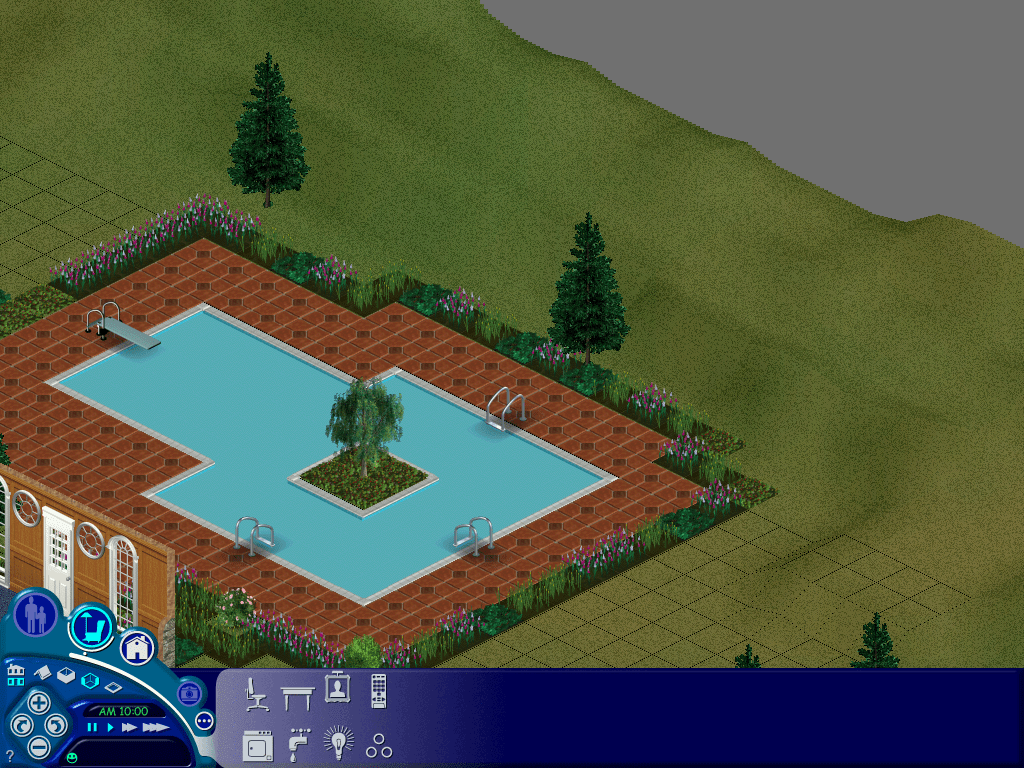
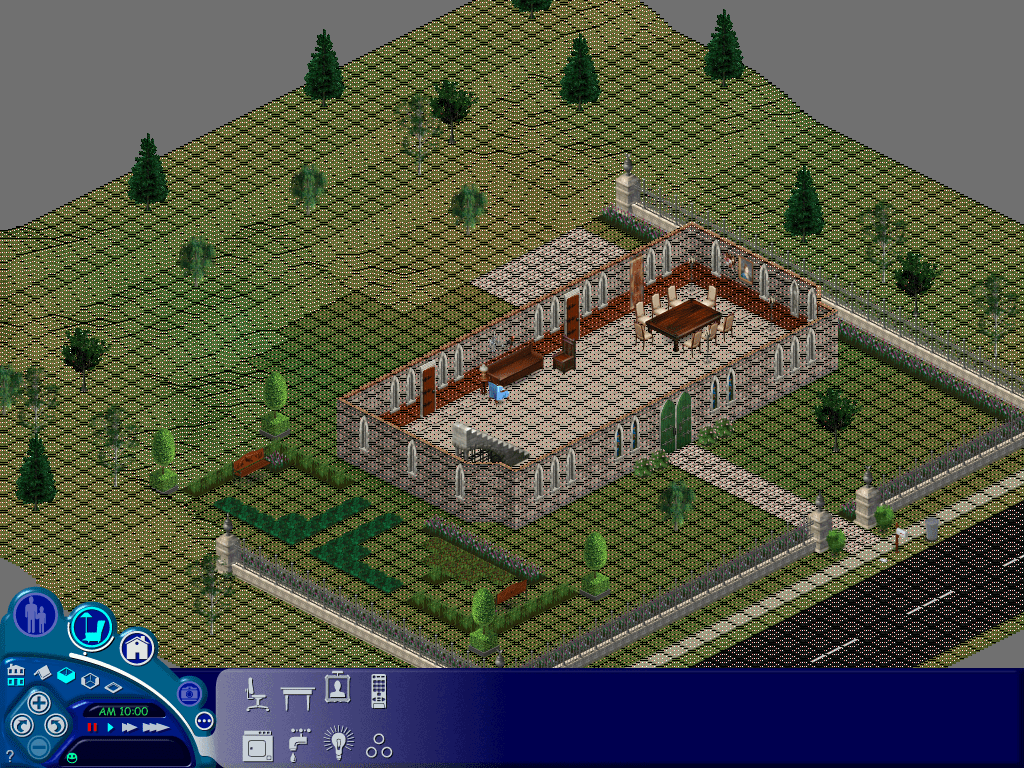
To keep the neighbourhood appearance as genuine as possible, since we will be exchanging lots that may have a different size, some lots may overlap onto the world or another lot, we can use the map_edit tool to overcome this.

Download Links

Since the original Sims website was removed a while ago, all of the Maxis downloadable files were no longer obtainable, however they can be downloaded using the below links;

https://archive.org/details/thesims1getcoolstuffcontent

SimEchoes Archive

Phase 1 – The Mashuga’s

Before & After the lot relocation

We want to transfer the Mashuga family from hood 2 to hood 1. If the game is running, exit the lot and go to the hood screen. Then alt tab out of the game. The Mashuga’s reside in Lot 9, but this clashed with the Hatfield family who also reside on Lot 9, so we move the Mashuga’s to a vacant lot. The ideal lot found is lot 52, because the lot size is identical (2646 Sq Ft) and has two roads perpendicular.

To do a lot swap we need to temporally suspend the game by using alt-tab, then navigating to the game installation directory to manipulate the files

The lot will be vacant, here’s what I did to import and migrate to another lot;

  1. First exit back to the nhood,
  2. Switch back to nhood 2
  3. Enter the Mashuga lot with family moved in,
  4. Save the lot, regardless if any changes or any time has elapsed, we do this so the game generates an export file.
  5. Exit the lot back to the nhood screen
  6. Alt-Tab out of the game, and navigate to the game userdata 2 directory, then open the Export folder
  7. Copy the Mashuga.FAM file and paste it into the Userdata/Import folder, Has to be Userdata not userdata2
  8. Alt tab back into the game, the import button should be lit, switch back to the nhood 1 and press the import button
  9. The game will import the Mashuga family into lot 9 an will replace the family on that lot, this is temporary as we will be moving them to another lot.
  10. Verify the lot works by loading the lot
  11. Evict the Mashuga family from lot9 by clicking on the Evict button, this will move the family to the lots and houses bin
  12. Move them into the empty lot 52
  13. Save the game and return to the nhood
  14. In the Userdata2 folder, enter the Houses folder and copy House 09 file to the desktop, or to a temporary folder.
  15. Rename that file to House52 and copy it to the directory userdata/Houses. The Userdata folder is the first nhood, with userdata2 being the second nhood.
  16. Alt tab back into the game and switch to hood1, or hood 2 then hood 1 if your are already on the first nhood.
  17. The Mashuga house will appear on lot 52 Ridge Road.
  18. Enter the lot and the family should load near intact, if there are any red circles on the sims, click on them and they should spawn near the mailbox.

The Mashuga family should now be fully playable.

Phase 2 – Preparing for the Maxis refugees

Here is some information about the downloadable Maxis families

Family nameLotConflicts
Jones1Hood1: None
Hood2: Vacant lot with Home
Hatfield9Hood1: None
Hood2: Mashuga Family
Snooty Patooty2Hood1: Vacant lot with Home
Hood2: Vacant
Valentino8Hood1: Vacant
Hood2:Vacant
Maximus4Hood1: Vacant
Hood2:Vacant

The Valentino and Maximus family have no clashes and can be imported into a stock maxis hood without any issues. The Hatfield family can be imported and will replace the old Mashuga house, but since we have teleport-ed them to lot 52, that wont be a problem. The Jones family can also be imported without any issue on hood 1 also.

The Problem is the Snooty Patooty family. If you imported the family into the stock first nhood, it will replace the mansion on lot 2. We don’t want this to happen, especially since its a really nice house. We’d want to preserve it so like the mashuga house we can move it to another lot. However lot 2 is quite a big lot and if we were to migrate it to another empty lot we would have an issue where the lot would overlap another lot. This isn’t an issue when playing the game but looks funky on the hood screen.

After experimenting with multiple empty lots and using the map edit tool to change the lot boundaries, the ideal lot I found was lot 79, Crumplebottom Court. It’s not ideal but it does blend in with the other lots adjacent.

  1. Similar to the Mashuga lot moving processes, alt tab out of the game
  2. In the Userdata/houses directory, copy the House02 file and paste it to the desktop
  3. Rename the file from House 02 to House 79
  4. Paste it into the same Userdata/houses folder, overwrite if prompted
  5. Alt/Tab back into the game, switch between hood 2 and 1 to refresh the screen
  6. The lot should appear but looks a bit… iffy. This is because the lot is a lot larger than the lot it has replaced, fortunately we can do something to amend the lot data using the map_edit tool
  7. Enter lot 79
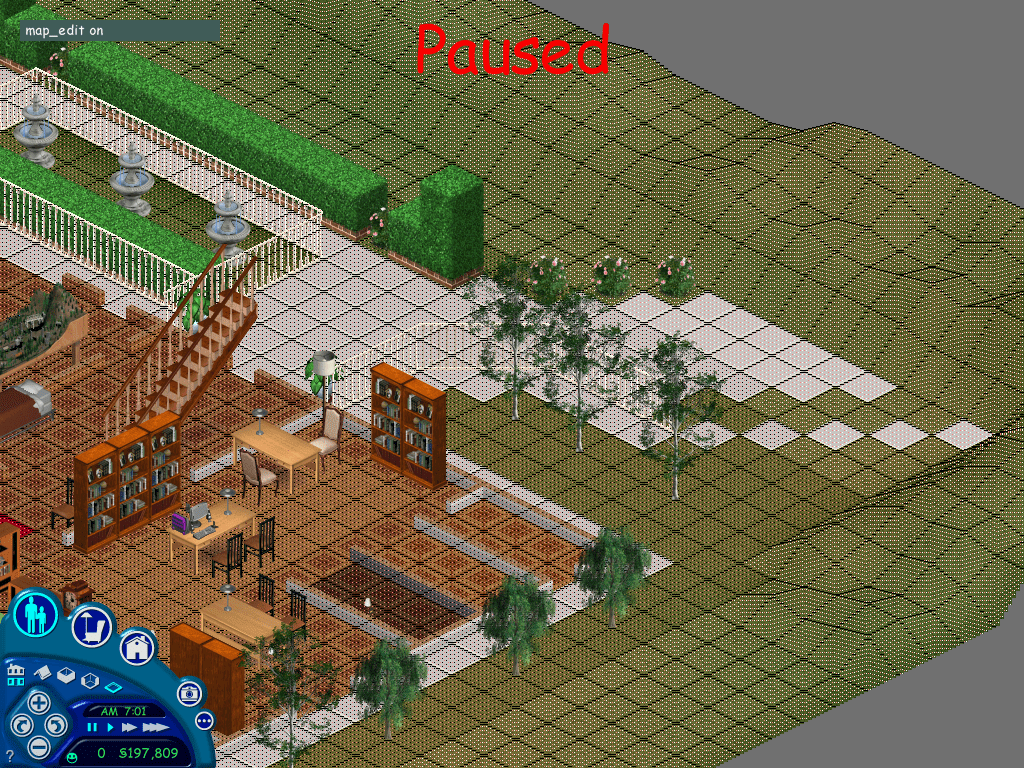
  8. Hold Ctrl Shift C, in the command box, enter “map_edit on”

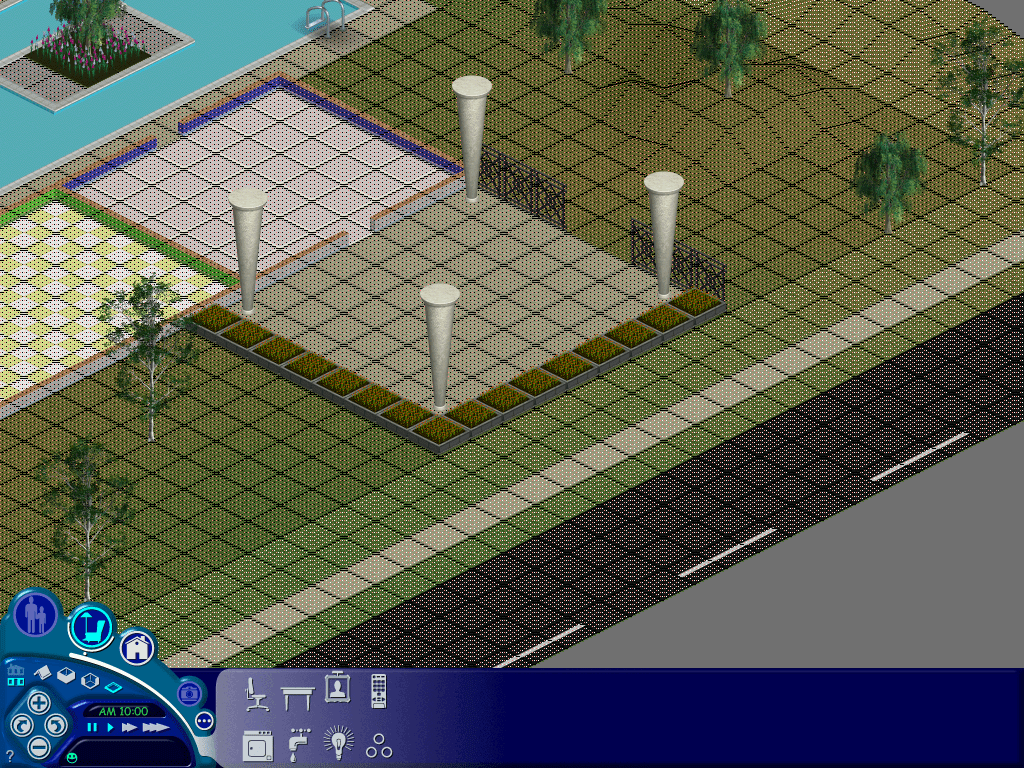
This puts you into the map editor mode, were you can select the tiles we are able to edit, this also controls which roles appear on the hood screen. Thankfully this lot is quite large and has a lot of editable space.

The shaded/red square tells the game that the tile can be user edit, whilst the white parts tell the game this tile is off limits and cannot have objects placed on it. You will notice both sides of the lot are unshaded, along with the road at the front of the house, which should give you an idea how the map edit works.

For this lot, we want to section off the rear, so the map on the nhood screen wont bleed onto the road (technically the map is the wrong way round compared to the nhood screen, but this wont affect the game stability and is purely for cosmetic, you will however lose the ability to place objects in this area but since this is a huge map that should not be a huge issue, also the carpools will continue to function normally)

Once you are happy with the map, hold Ctrl Shift C and enter map_edit off to disable the map editor, and then save and exit back to the hood. You must save the game by using the save button (floppy disk icon) first, then press the neighbourhood icon, if you just press the neighbourhood icon you will lose all map editing changes, the game wont even ask if you wish to save. I think this occurs because no new items have been placed on the lot or no game time has elapsed, so the game thinks no changes have been made to to the lot, despite editing the map parameters.

Once you hare happy with the changes, we can go ahead with importing the Snooty Patooty family

Phase 3 – Importing the remaning Vacant lots

Migrating the remaining vacant lots from hood 2

The second hood contains 2 vacant lots which we can import into the first neighbourhood, however there are a few clashes that we nee to solve before we can migrate them to hood1

1 Sim LaneClashes with the downloaded Jones family
7 Sim LaneClashes with the Newbie Lot in Hood1

1 Sim Lane

Lot 65 seems to be a good fit

  • Alt tab out of the game
  • Goto Maxis/Userdata2/Houses
  • Copy House01 to the desktop and rename it to House65
  • Copy an paste House65 to the UserData/House directory, Overwrite if prompted
  • Enter the lot, once loaded enable the map edit tool (map_edit on)
  • for this lot I would unshaded the hilly areas at the back of the lot
  • Once everything is correct, turn off the map edit tool (Map_edit off)
map editing lot 1

Lot 7

We can move this lot onto lot 50 Ridge Road

  • Alt tab out of the game
  • Goto Maxis/Userdata2/Houses
  • Copy House07 to the desktop and rename it to House50
  • Copy and paste House50 to the UserData/House directory, Overwrite if prompted
  • Enter the lot, once loaded enable the map edit tool (map_edit on)
  • This lot you can unshaded the right side, near the patio next to the road.
  • Once everything is correct, turn off the map edit tool (Map_edit off) and then save.

The ‘Other’ Lot 2 – The Agent Household

There is another Maxis download known as the Agent house, however given the size of the house and lot, i’m not sure on the best way to integrate it into the hood. This lot also occupies lot 2 so it would conflict with the mansion from the original game and the Snooty Patooty household.

Lot 67 seems to be a good candidate but requires a lot of map editing.

There isn’t much room to cut away before you start selecting tiles that are already occupied. Still it’s not too visible from the hood screen, only the white tiles can be seen overlapping onto the road.

That’s it! i’m not sure if there were any additional lots or families released by EA/Maxis for the original game but we at least have a vacant lot on 51 Ridge Road for future use. Unfortunately with the original sims you are quite limited on how lots can be placed in a single hood, in addition to the quantity of lots. Looking at the game files it seems theirs an engine limit of 99 lots, with many being used for commercial lots. Strangely lots 11-20 are unused by the game, with the Downtown lots start from 21 -30. Maybe there’s a way be can unlock and access these lots and find a way to map them on the main neighbourhood screen so they’re accessible by the game.

Windows Longhorn (Milestone 7 – Build 7074)

It’s no secret that Microsoft’s Windows Vista went through a troubled development cycle. Much of the features introduced in Vista were a reaction to Mac OS X Panther and Tiger. This is similar to what Apple went through when it developed the Copland operating system where feature creep took priority over stability and many new features would be added but were then left unrefined as the development team continued to implement more features.

Build 7074 pictured here is considered to be one of the more stable build prior to the reset, yet suffers from occasional explorer memory leaks that can impact the overall performance.

The setup utility looks very different compared to the XP and final Vista interface.

All Done

Now for the ritual of installing the drivers. I did run into an issue with the virtual box drivers initially not installing, this was fixed by running the VM addons setup applications in compatibility mode for Windows XP.

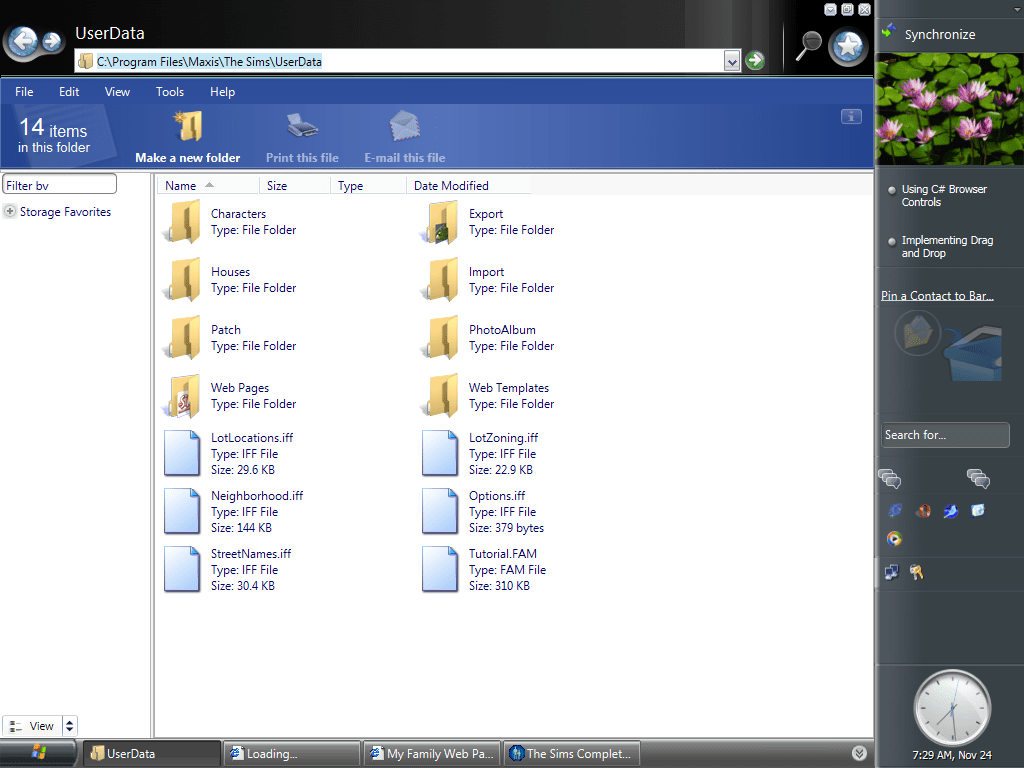
After a quick reboot and we have full graphics acceleration. The first thing you will notice is the side bar to the right, which houses the gadgets, clock, quick launch and the tray icons. These were previously on the task bar itself, freeing it for the running applications.

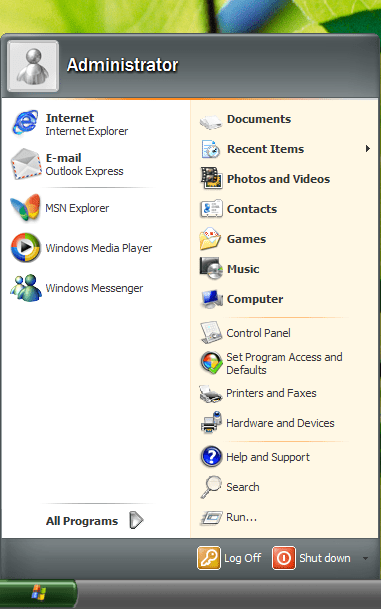
The start menu meanwhile remains unchanged from Windows XP aside from a new colour scheme

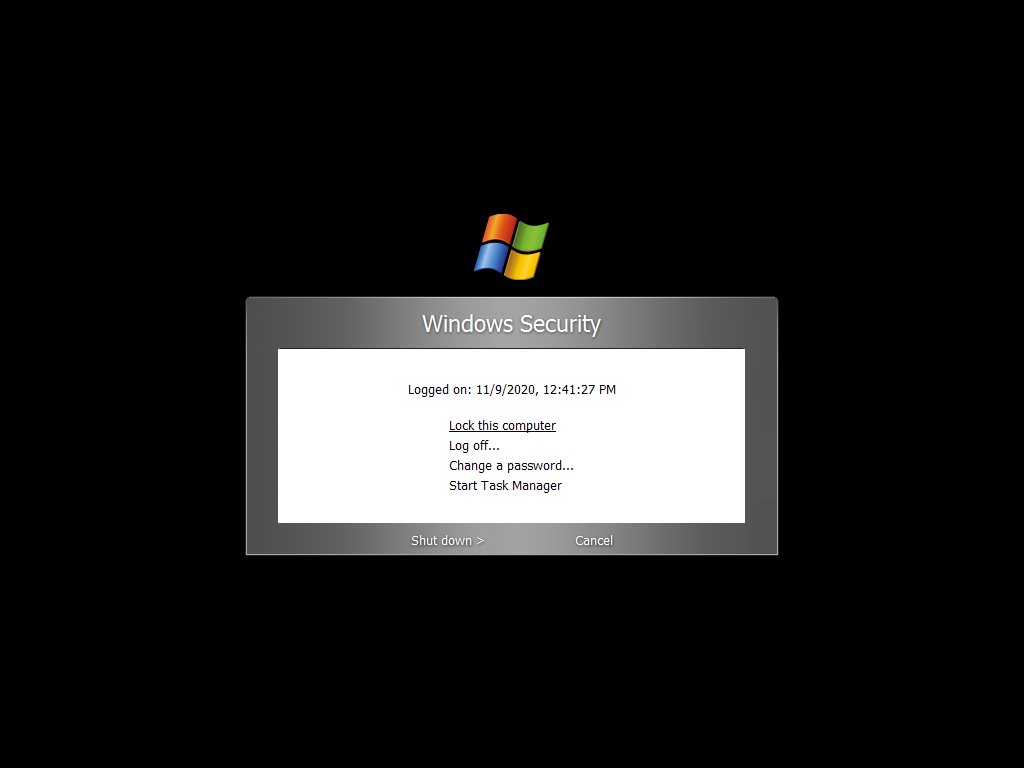
Pressing Ctrl+Alt+Del yields a new Windows Security Prompt screen, from here Task Manager can be invoked.

One of the many glitches that can happen in thus build, a quick reboot fixes it.

Windows Explorer has undergone a significant face lift, building on the change introduced in Windows XP, more information is shown in relation to the drive status, earlier access to common document shortcuts. While the new appearance is a welcome change, the waste in screen real estate is not, especially the blue area near the top of the screen. Storage favourites lets you bookmark folders in Windows explorer, similar to how bookmarks function in a web browser.

The new games area

I wonder if there are any updates for this build?

One of the main attractions of Longhorn was a redefined search facility, however in this build it still functions the same as how the XP search facility operated. Indexed search would not appear until after the Longhorn reset. Also no search assistant :/

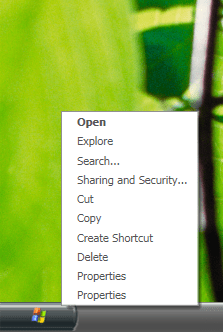
Two Properties? One is for the start menu older properties and the other for the task bar settings.

Longhorn comes with several visual styles, Slate (currently set) and Jade

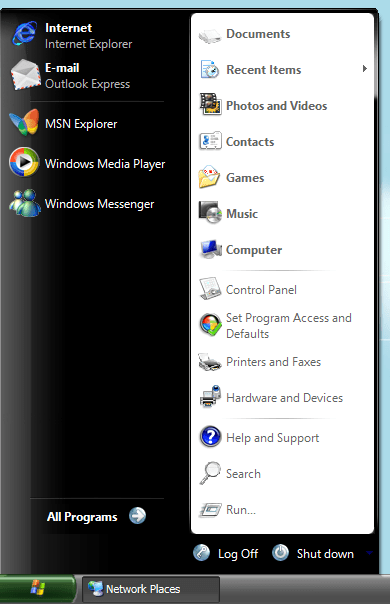
Jade version of the Start menu

Outlook Express has had a redesign

A new feature added was the hardware and Devices sections that lists all devices installed in the system, a more graphical version of device manager.

System Properties

Internet Explorer in action, I’m surprised the Windows Update page still works, although this seems to be for the final Windows Vista version

You can change how the operating system delivers notifications, presumably form the tray icons

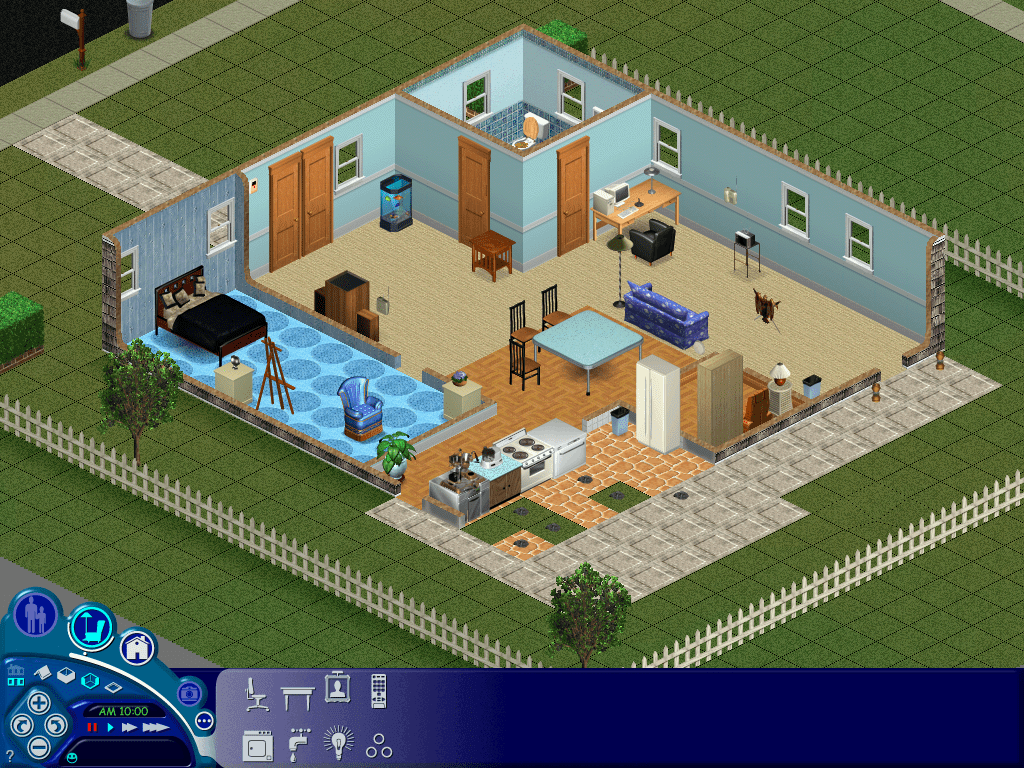
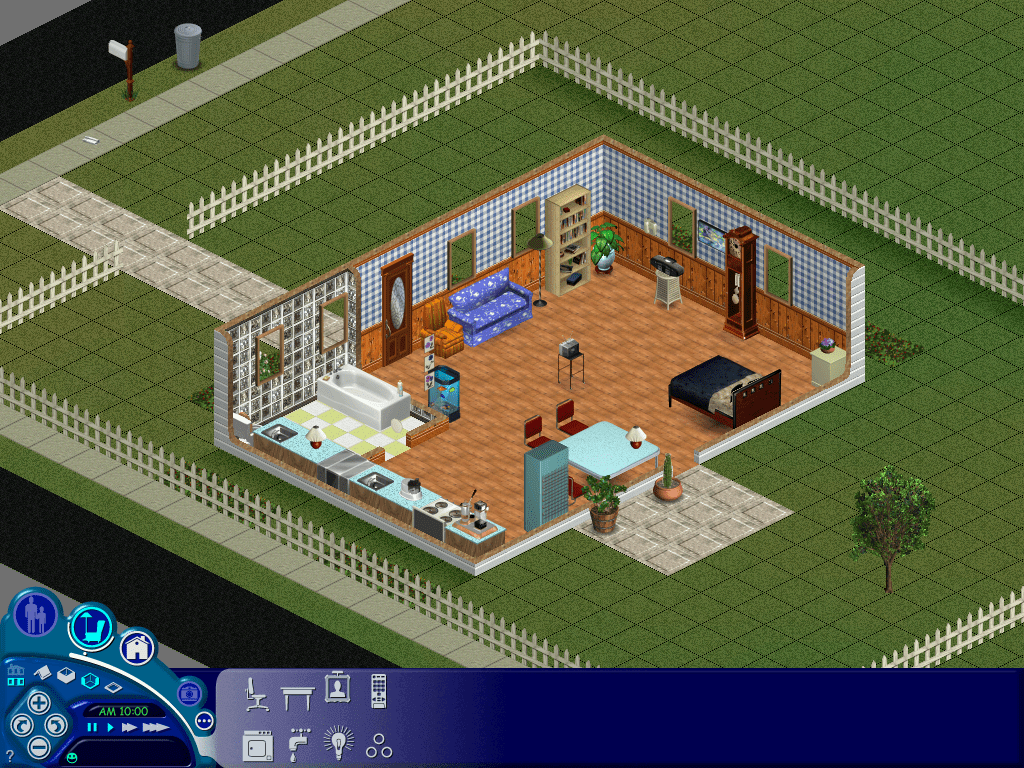
Installing The Sims…

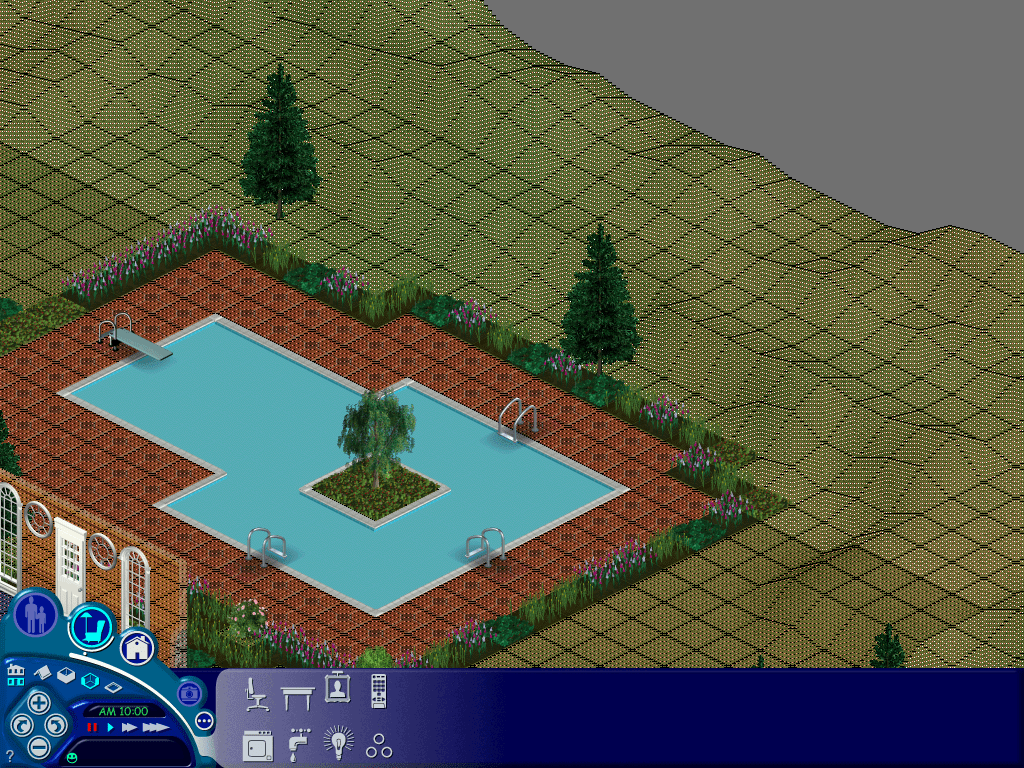
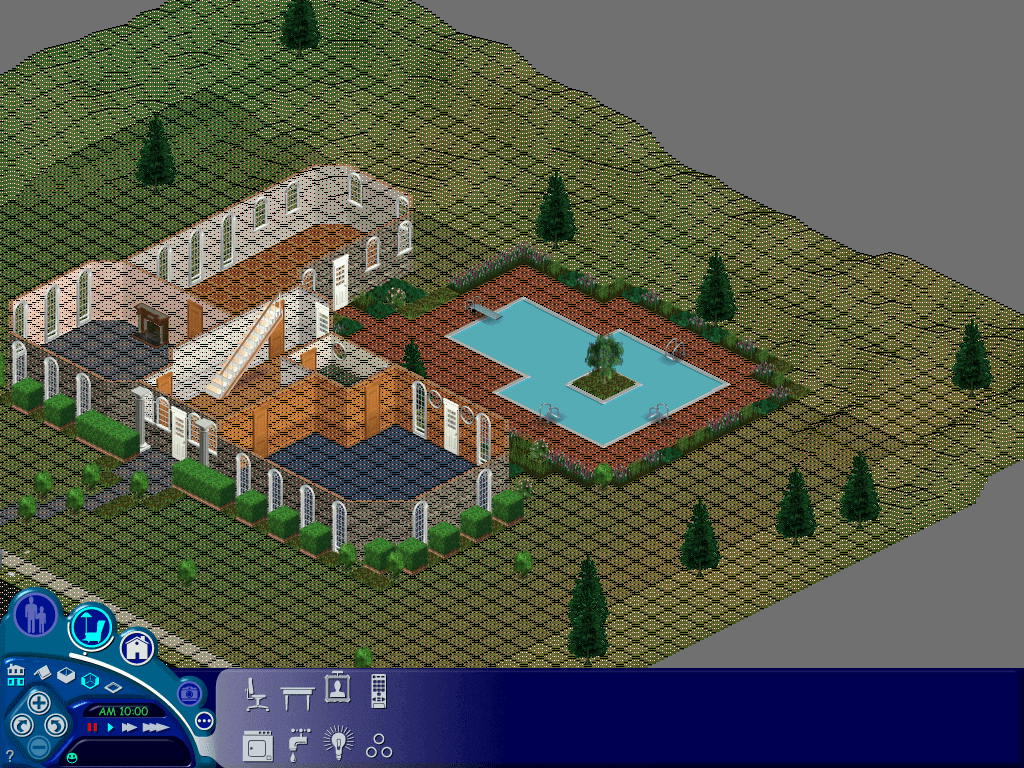
Whilst it works OK most of the time, running it in windowed mode and panning the camera can yield some interesting graphics glitches, thankfully they go away when you release the right mouse button.

Nice feature, you can change the starup programs without having to use MSCONFIG

Not sure I like the file details being in an explorer window, certainly not an efficient use of space

Sample of a crashed program in Windows Longhorn

Sadly GTA3 refused to install on this build, despite using compatibility mode.

Not sure what fast items are, the replacement for quick launch?

Also the side bar can be resized,

Shutting down Longhorn

Overall this is considered to be the last stable built of Longhorn pre-reset, as the next few builds would become incredibility bug ridden. The sidebar is also an unusual concept that may be seen as a distraction. Thankfully it can be set to auto hide. However a common theme is that a lot of windows have a lot of vacant space (see the top blue area of My Computer) which take up a lot of screen estate, and the UI buttons (search) in explorer are also quite large with no option to resize them. This becomes an issue when running this build on systems with a low resolution display, since it is easy for the screen to become cluttered, especially since low end laptops, ultra mobile PC’s and netbooks started to become popular towards the end of the XP era.