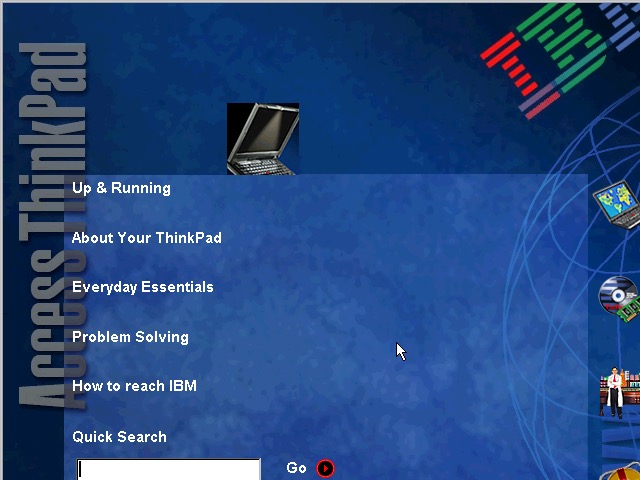
A similar laptop to the ThinkPad T20, but this appears to be a customized image for a specific University. Lets take a look…
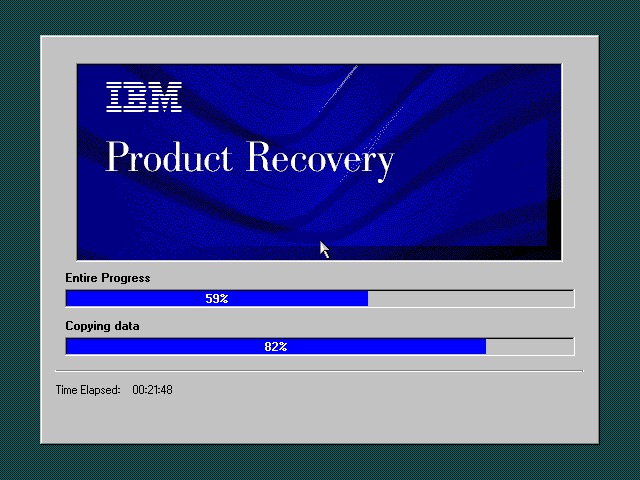
The recovery utility is very similar to what we have seen previously. This will restore the operating system installed to the hard drive, and will initialize it if the drive is blank. Once completed the system will restart.
Currently using 86Box (4.0.1) with the Gigabyte GA-686BX motherboard, which has a similar chipset to the actual notebook itself, Intel 440BX chipset.
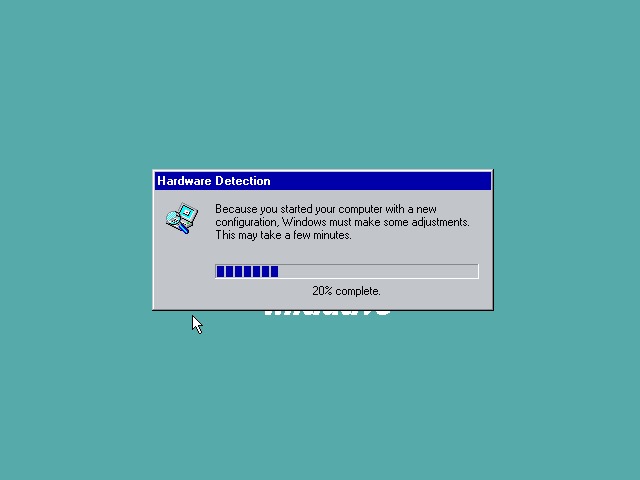
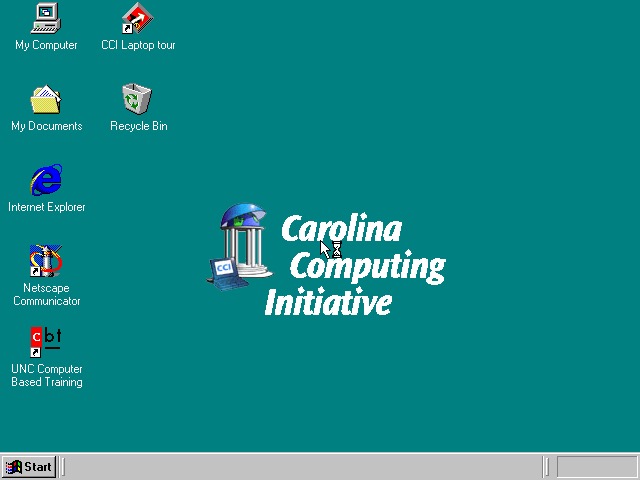
After a few New Hardware Dialog boxes, we arrive at the desktop. Here we have Windows 98, compared to Windows 95 that the T20 we look at came with.
Very similar to the T20 we have the IBM custom wallpapers, sound schemes and colour schemes that can be selected. There is also a custom wallpaper from the Carolina Computing Initiative which is the default wallpaper and it appears this is a disto that’s intended to be imaged on ThinkPad laptops for a North Carolina University.
I guess IBM had a facility where institutions could create their own recovery images, complete with their own branding and any additional utilities to allow these images to be distributed to all notebooks that are used within that institution.
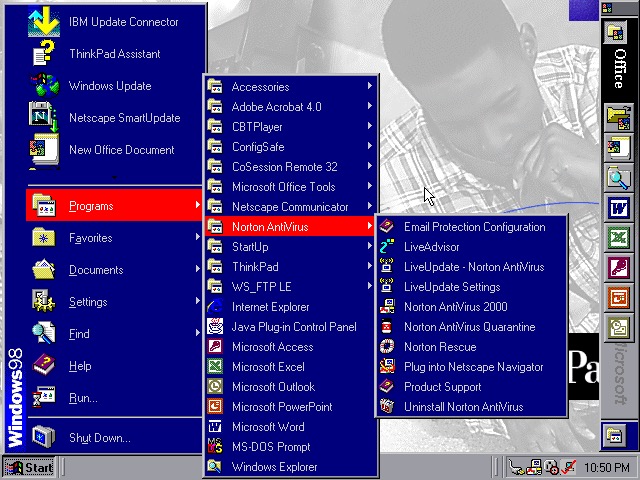
Office 2000 looks to be preinstalled for us, this includes Word, Excel, PowerPoint, Outlook and Access, along with a sidebar to quickly launch Office. Not the best idea for a laptop with a small resolution screen (640×480) since it takes up valuable screen estate. Thankfully you can disable this.
The Start menu showing preinstalled applications, and one of the custom IBM colour schemes
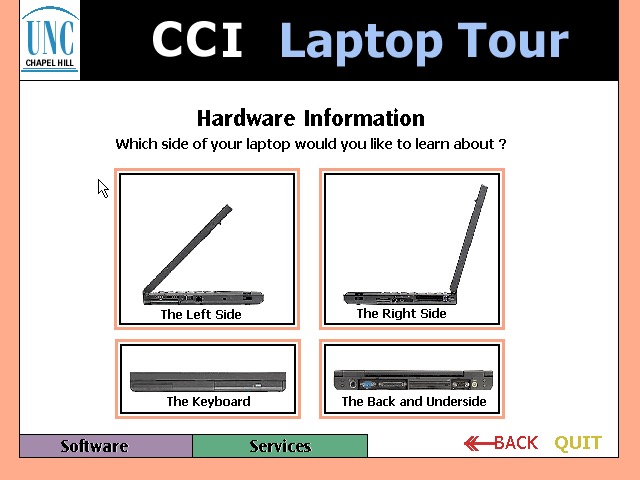
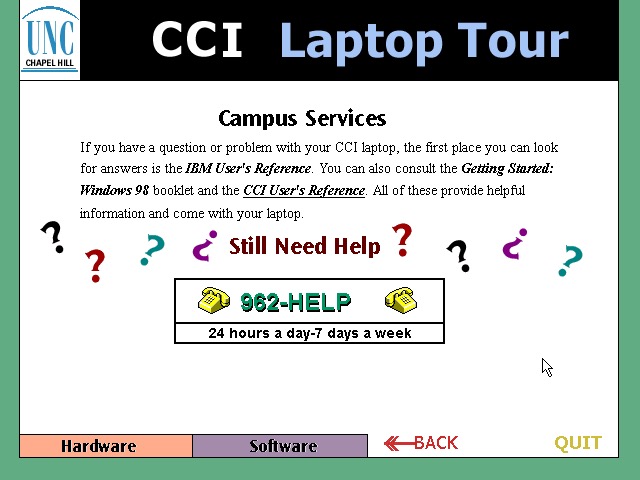
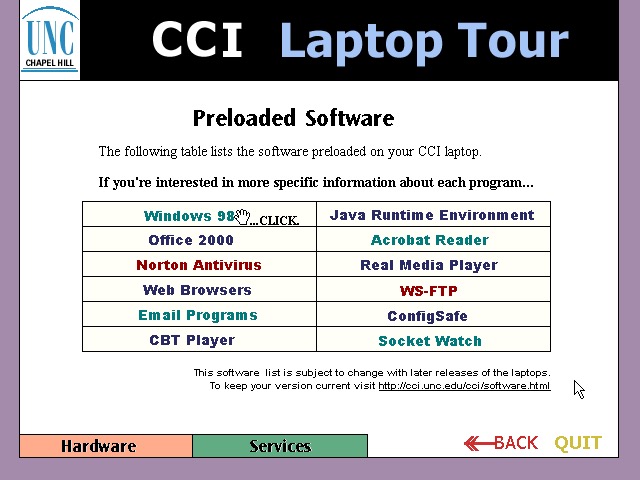
CCl Laptop Tour: A tutorial application that is built using Macromedia Flash (Now Adobe, now dead). This provides information regarding the laptop itself, and is to help get students accustomed to using their new notebook. Information on installed software is also included. One thing to note is this program is very noisy, with swoosh sound effects for every animated text on the screen. It reminds be of creating PowerPoint presentations using PowerPoint 2003 and littering the slideshow with different animations and sound effects to make it more cool.
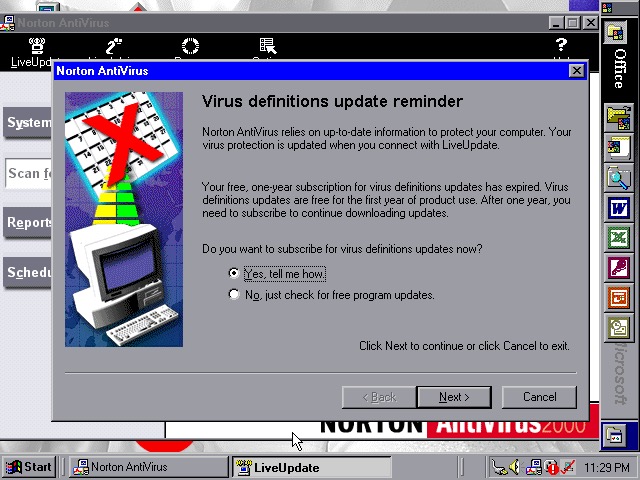
Norton AntiVirus 2000
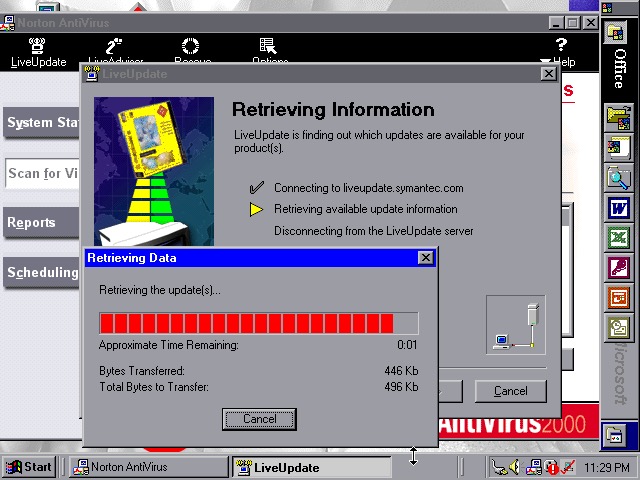
Norton AntiVirus 2000
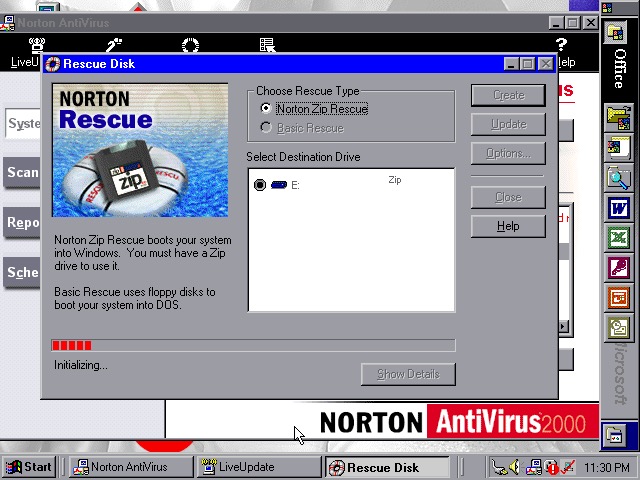
Norton AntiVirus 2000
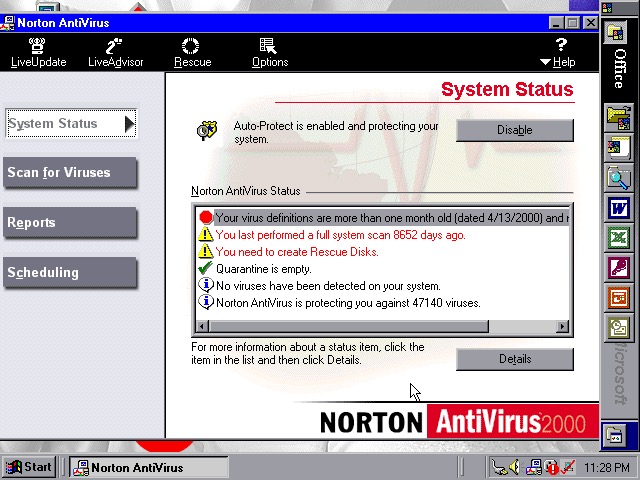
Norton AntiVirus 2000 comes with the install, here you can run virus scans (or set a reoccurring schedule), and make system backups to floppy or Zip disk drives if you have one plugged in. Like other Thinkpad’s of the era, this model supports the SmartBay that lets the user swap and install drives whilst the system is active, and Zip drives are supported using this bay.
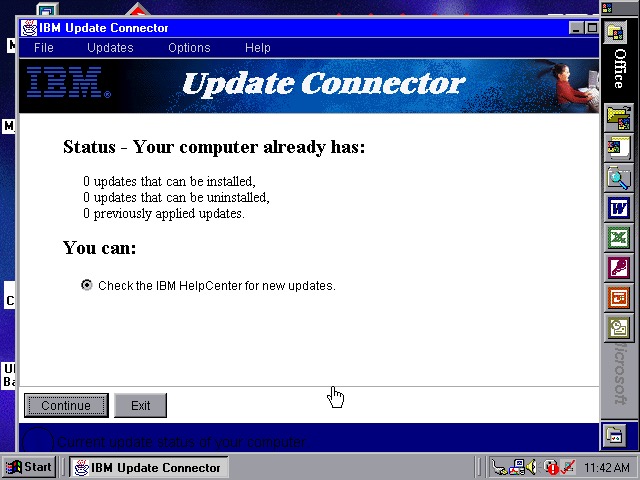
Norton also included a Liveupdate feature for both program and virus definition updates, but this just crashed the program, and the entire system
ConfigSafeEZ makes a copy of critical system files, kind redundant when you have Norton Rescue installed
IBM ThinkPad A20
IBM ThinkPad A20
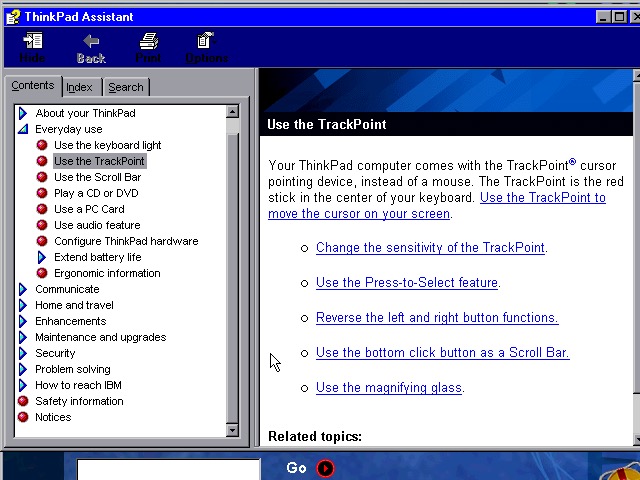
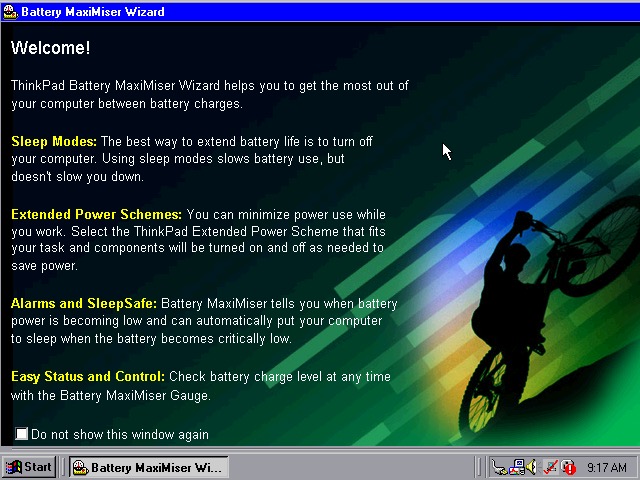
A couple of ThinkPad utilities come included:
Battery MaxiMiser – a simple program that informs the user on how to get the most from their battery. The Presentation Director Wizard shows you details on how to connect and enable an external LCD projector or display. You can change the external resolution which will scale the internal display (since it only supports 640×480)
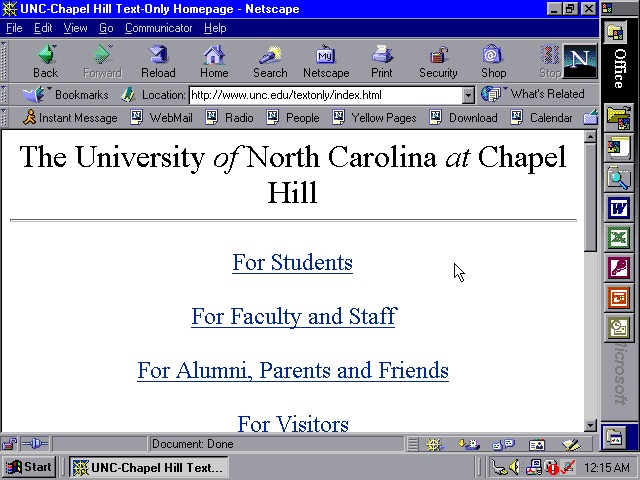
We also have Netscape Navigator 4.7 preinstalled as an alternative to Internet Explorer, showing the default homepage of the era using theoldnet as a proxy server.
WS_FTP
WS_FTP
WS_FTP
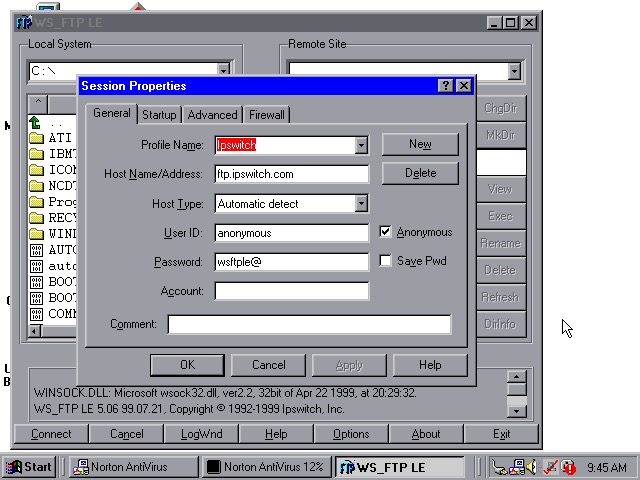
WS_FTP appears to be an FTP (File Transfer protocol) program to connect to remote FTP servers, This has already been configured to connect to an Ipswich server, though there are plenty of other servers included by default.
Tried connecting to a few servers (Microsoft, NASA) but no luck
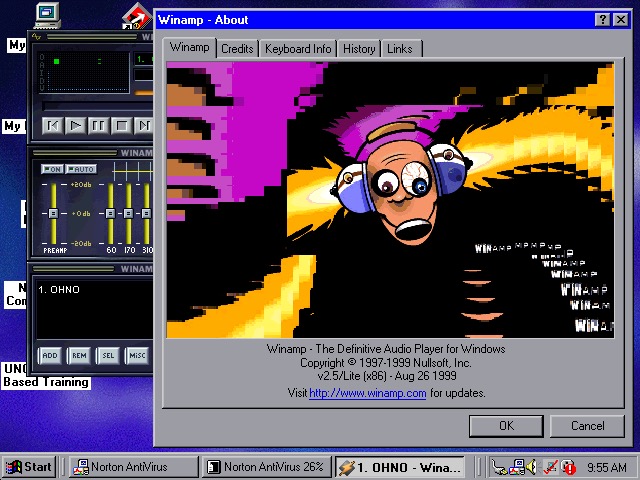
WinAmp 2.5 is also preinstalled to playback MP3’s from Napster
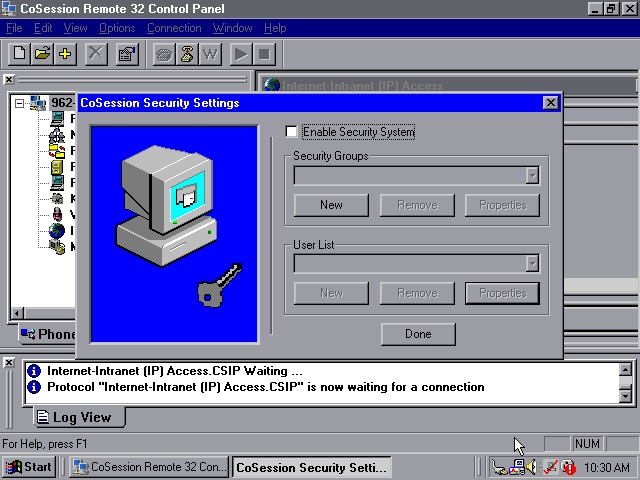
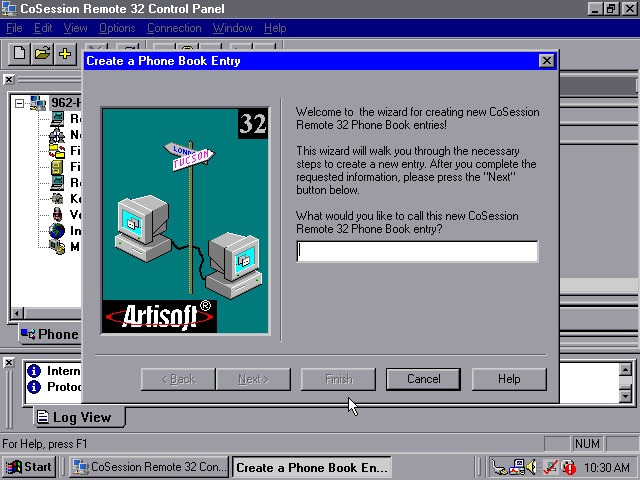
CoSession Remote 32 (v8.1) – A remote control program that lets you control a desktop computer (That also has the supporting software installed) over a network, similar to Remote Desktop or VNC. It will also function over the internet and can be used to transfer files.
Main use for the program would be for Helpdesk support purposes, or if new software needs to be installed remotely. I’ll have to look at this in more detail when I find another copy.
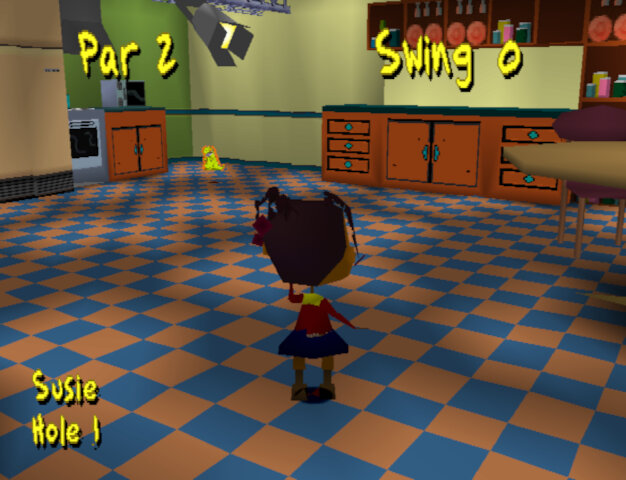
Sequel to the Rugrats :Search for Reptar, released only for the PlayStation in 1999
The game is very similar to Search for Reptar, and even re-uses a lot of the textures, models and sound effects of the first game. Golf makes a return with two themed minigames. A multiplayer mode has now been added that supports up to 4 players (2 at one time)
Characters
Main characters include Tommy, Chuckie, Angelica, Phil, Lil and Susie who all appeard in the first game and mostly have their models / textures reused.
The adults Didi, Stu and Grandpa, along with DiIl also appear in the cut scenes but are not directly playable.
Minigames
Each Rugrats character has their own stage, although some stages are split into different levels which feature a different character.
Diapies of Thunder
Play as Phil in a racecar themed levels. These are similar to Mario Kart where you can collect powerups that can either give you a speed boost, grant invulnerability or leave traps for other racers.
Speedway: Race 8 laps round a speedway style track, kind of like Daytona USA.
Bayou Race Scene: You race as Lil in a jungle/swamp themes race track. Probably the best racing track in the game since its quite varied and challenging.
Desert race scene: The final race set in a desert/wild west scene. This one tends to drag on as you play as Angelica who has to race 4 laps on the longest track in the game. You will often manage to overtake the babies within the first lap which means you spend the remaining 3 laps in the lead.
Bonus 1: Only available one you complete the game. There’s noting really special about it, its just set in a large apartment with each lap only taking 9 seconds to complete.
Captain Cookies
You mainly play as Angelica in a pirate themed minigames
Treasure hunt: Win keys by exploring the map and opening the blue treasure chests, once you have 4 blue keys you can open the final treasure chest
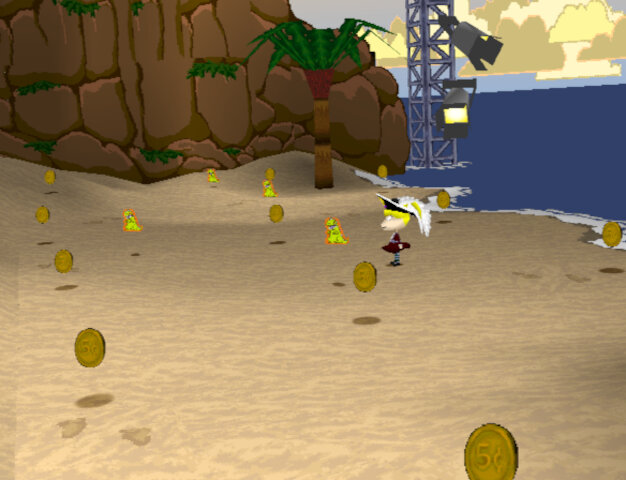
Treasure Collecting Area: 4 rounds to collect all the coins in the area before time runs out
Pirate Golf Scene: Win a key by scoring under par for the whole game, there are 9 levels in total
Footrace Scene: Same as the racing games but your racing on foot. This one can be a challenge as some of the babies (Susie) are quite fast, whilst Lil and Chuckie are slow and prone to walking straight into hazards. There are also track hazards like Lobsters, oil spills and bananas falling from the trees.
Tag Scene: tag the babies in order to win, similar to Chuckie’s glasses but you don’t have to race them back to an area.
Lazy Saddles
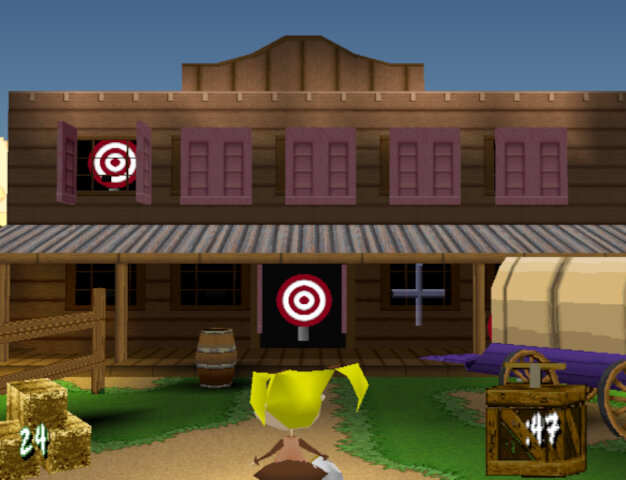
You play as Susie in a wild west themed studio, with the name being a pun on blazing saddles.
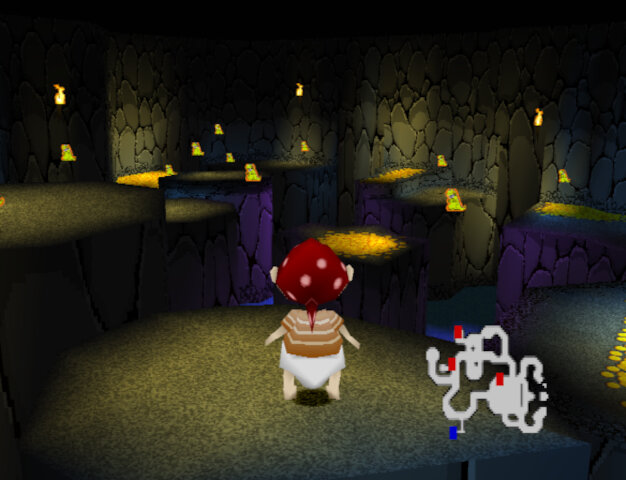
Gold Mine Scene: Collect all the gold in the mine and make It back to the entrance before time runs out. First levels are straightforward but the final on become more difficult since there are multiple floors and you have to navigate back down to the start. The controls are unpredictable since the Minecart will often fail to take turns and jumping is delayed. Also enemy ghosts will appear and will take your gold upon being hit, use your torch to zap them
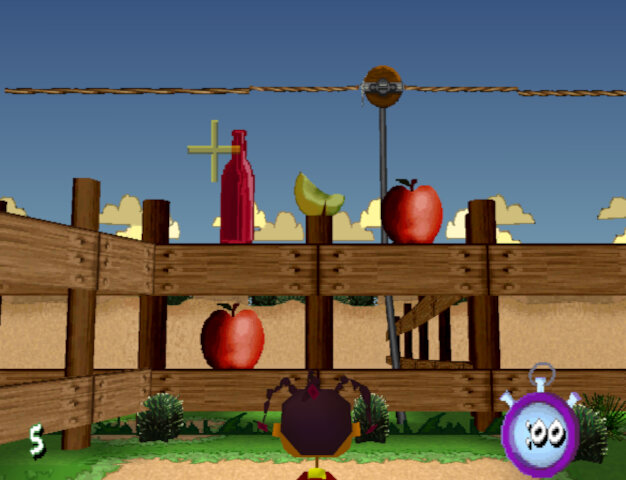
Milk Squirting Scene: Shoot at the targets within the time limit, there are multiple rounds
Round Up Scene: Round up all the animals to win keys by picking them up and placing them in the correct pen, there are four stages in total
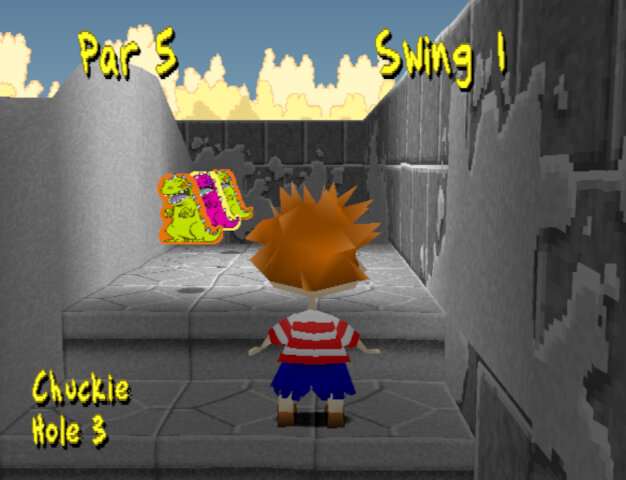
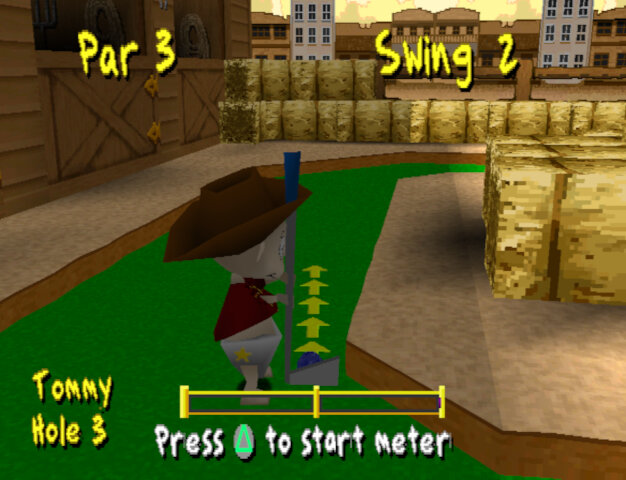
Western Golf Scene: Like the Pirate Golf there are 9 stages, to win you have to be under par for all stages. There are pink keys that, when picked up allow access to hidden areas.
Interestingly these golf levels seems to tell a story.
Hole 1: A western rail station where you enter the town
Hole 2: A town bank where you have access to a vault with money
Hole 3: A blacksmith where you take refuge from whilst on the run, and eventually caught
Hole 4: A western sheriff/jail that you break out from
Hole 5: A graveyard where you hide
Hole 6: A tunnel or a hill? I think
Hole 7: Native American/Indian refuge
Hole 8: Entrance to a mine cave
Hole 9: Tunnel to a mine cave
Then again I’m probably reading too much into it, its a kids’ game afterall.
Outside Space
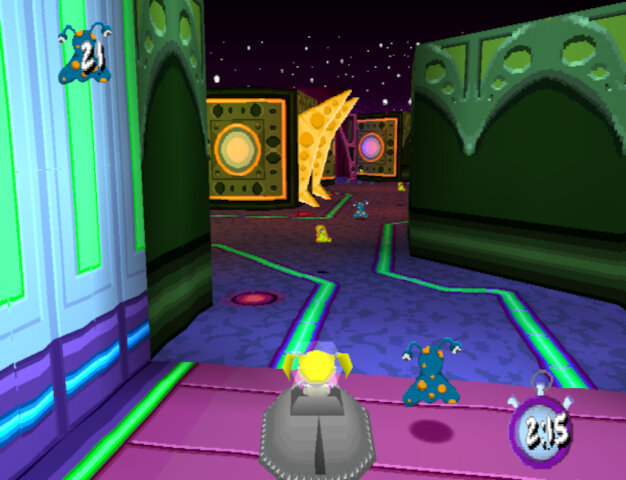
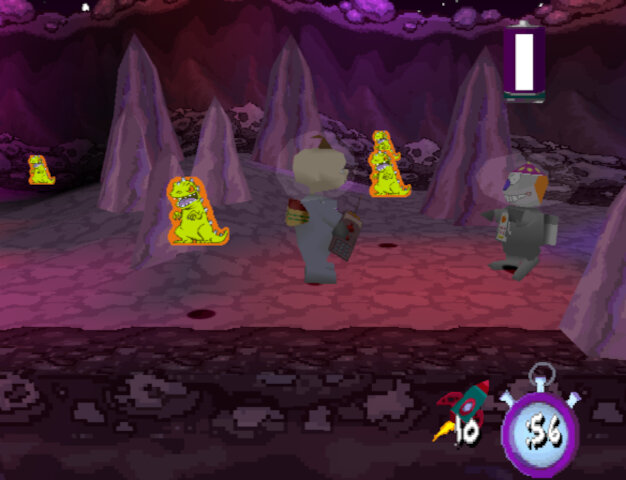
You play as Chuckie in a sci-fi space studio setting
Loonie Lander: Collect all the aliens in each of the four stages, each stage gets bigger with more aliens to collect. This level could have been used as a race stage.
Zero Gees Scene: Play three levels and navigate the level to the end of the level. Plays like a platform game but can be frustrating to play due to the poor controls. Sometimes there is a delay in the jumping which can cause you to miss a platform.
Lazy Beam Scenes: Shoot lasers at the objects to win, similar to the western milk squirting scene
Final Levels
Shirley Lock Holmes: Play as Angelica and find four of the ghost keys to open the large door at the bottom of the path which will take you to the next area. From here you use the switch to move the platforms to allow for you to progress.
Okey Dokey Jones: Playing as Tommy, this is similar to the Zero Gees Scene activity. Tommy has to navigate to the end in order to locate Dil through a series of platforms and challenges. A homage to the Rugrats Movie which came out around this time.
One thing that stands out about Rugrats Studio Tour is its sense of humor. The game doesn’t take itself too seriously and has a lot of tongue-in-cheek references to Hollywood and the film industry. The character animations are also quite amusing, with the Rugrats getting into all sorts of wacky situations.
That being said, the game does have its flaws. The controls can be a bit clunky at times, and the camera can be frustrating to work with as it was in the original game.
Overall, I’d say Rugrats Studio Tour is a decent game that’s worth checking out if you’re a fan of the show or looking for a fun, lighthearted platformer. It’s not a masterpiece by any means, but it’s a solid effort that’s sure to bring back some fond memories for those who grew up with the Rugrats.
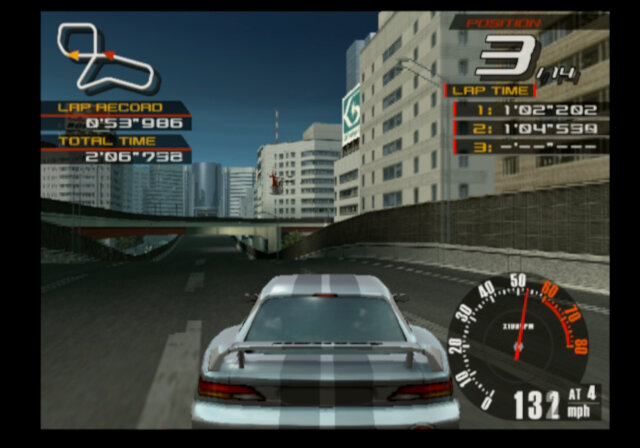
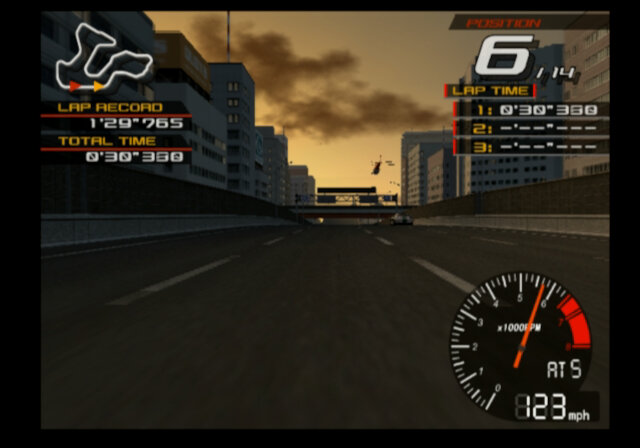
One of the launch titles for the PlayStation 2, Sony’s follow-up to the popular PlayStation. Like the first Ridge Racer, this was one of the first games developed and released for the PlayStation 2 and was built from the ground up for that console. Ridge Racer V brought us 60fps which was a staple of the arcade versions but was something that the home console versions had always lacked. Although Namco did treat us to a 60fps build of the original Ridge Racer that was bundled as a bound for Ridge Racer Type 4, a lot of sacrifices had to be made in order to reach that frame rate. RRV gives us an insight as to what the PS2 is capable of, and what to expect from a new generation of racing games.
Although it seems Namco has forgotten to count, with Ridge Racer V being the fifth console installment, it’s not counting the three arcade titles, plus you have Ridge Racer 6 which was released in the same year. The numbering scheme is about as inconsistent s as Microsoft’s
Ouch, you could cut yourself on those jaggies (look at the neck)
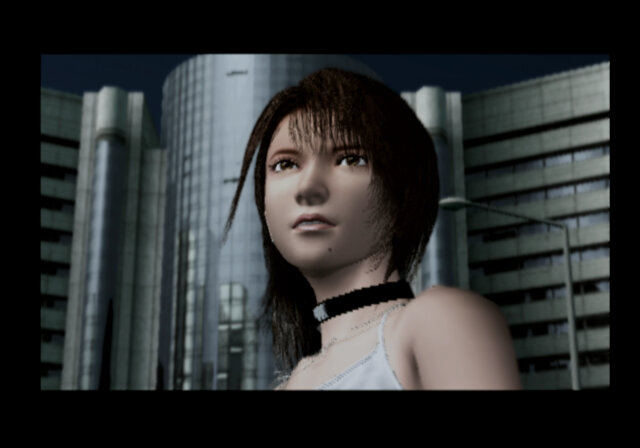
Oh and no Reiko, instead she was replaced by Ai Fukami (Fuck-a-me) who appears in the intro. Unlike the R4 intro, the cars don’t stop for Ai as they did for Reiko. https://www.youtube.com/watch?v=VhQhZyNKqhM
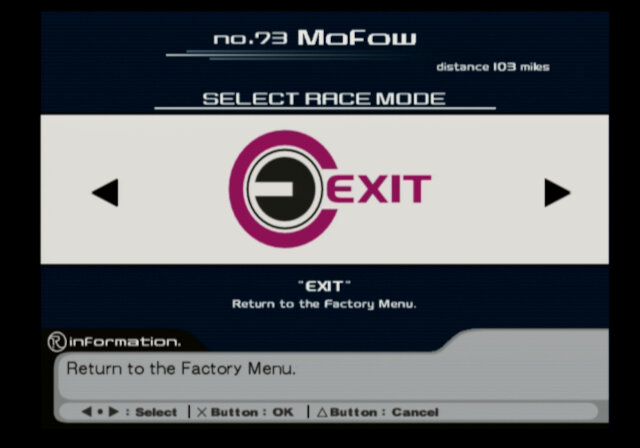
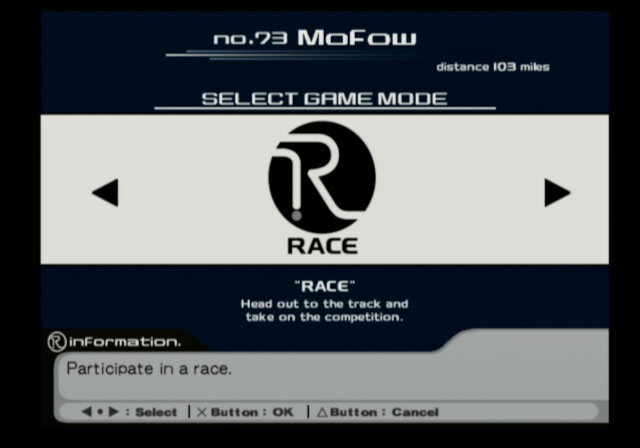
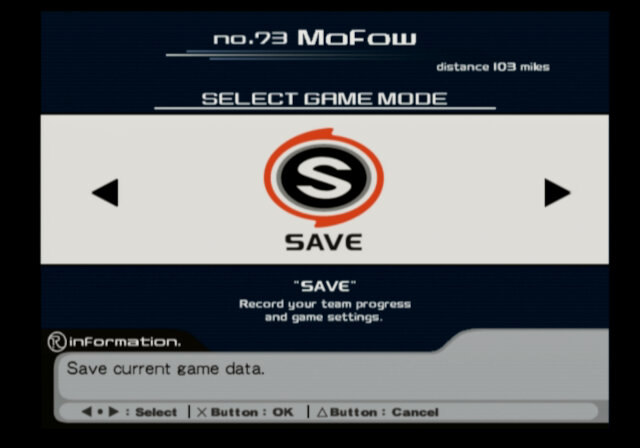
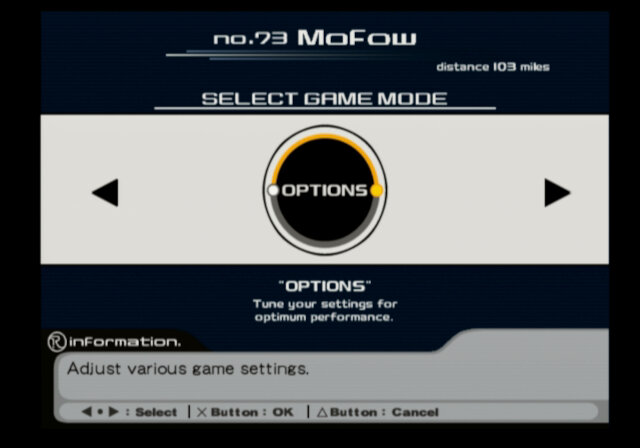
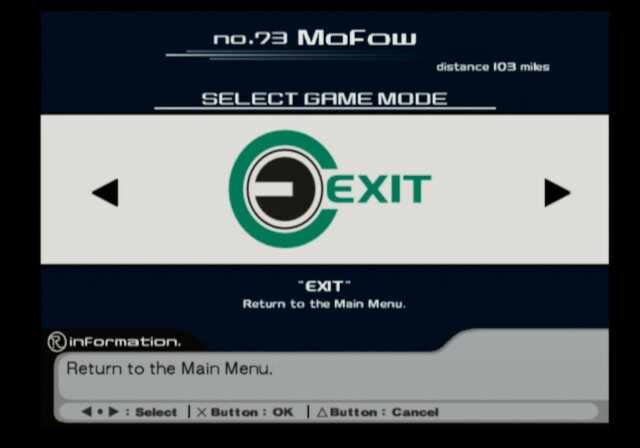
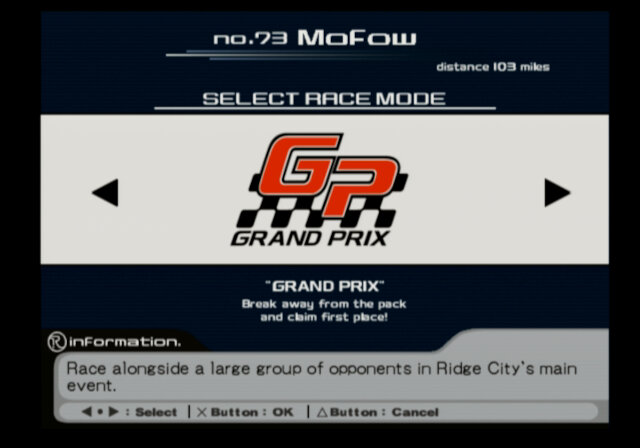
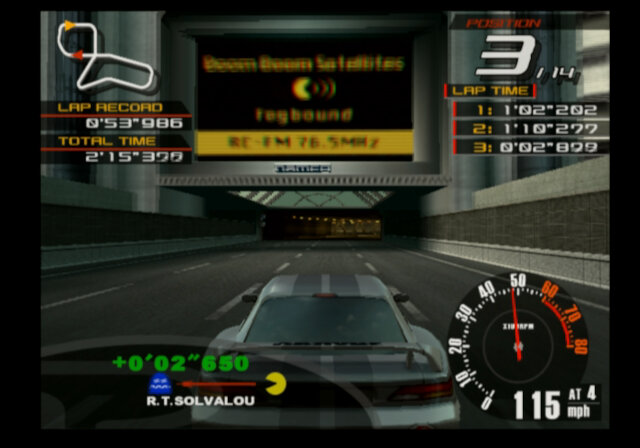
Straight away you will notice how sleek the menu and navigation system are compared to previous titles, borrowing design concepts from Tokyo Racer Drift which was released on the Dreamcast. Each menu selection plays its own quick animation which gives a nice touch to the game, and reminds me of the menu icons from the original WipEout that was created by the Designers Republic.
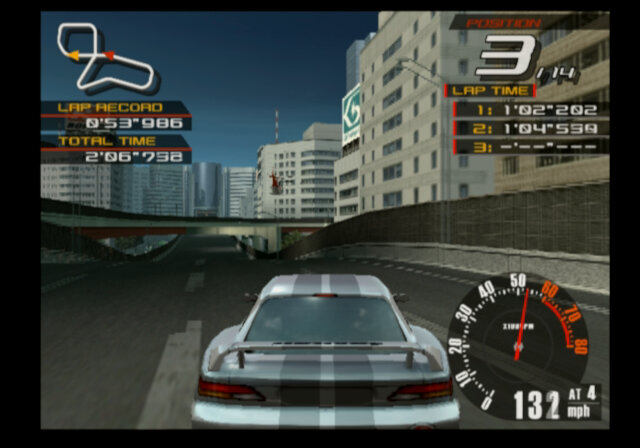
Whilst the game gives the appearance of reflections, they are not real-time but the game casts generic reflections of trees onto the car to simulate it. This is affected by your car’s position on the track, steer to the left and on the edge of the track and you can see the reflection of trees on your car, even if that part of the track has no trees at all. I guess real-time reflections were beyond the scope of the PS2 at the time of release, or Namco didn’t have enough time to implement this. Speaking of graphics, you will know how aliased the cars are in addition to the track objects. The PS2 had an unconventional form of AA which took developers some time to get used to and as a result, some games have bad aliasing due to how their field scanning is implemented, as the games run exclusively in interlaced mode. I’m not sure if later releases (Greatest Hits, Platinum in Europe) fix this, or if it’s fixed in the Arcade Battle version.
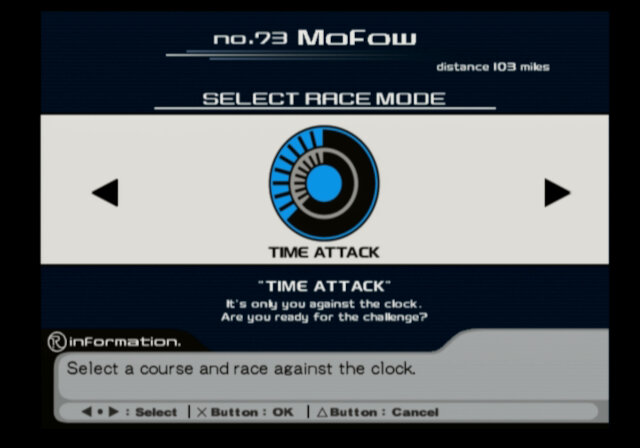
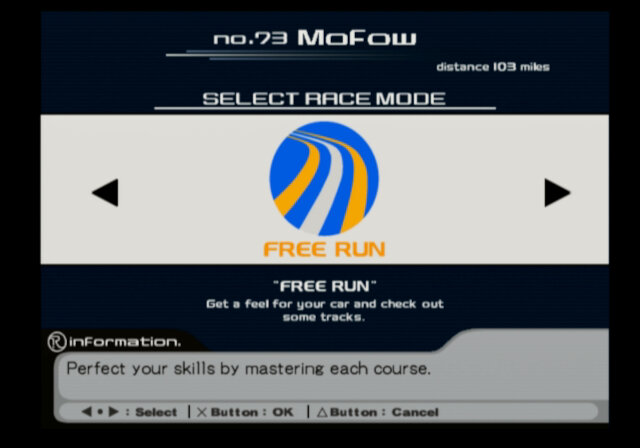
Race Modes
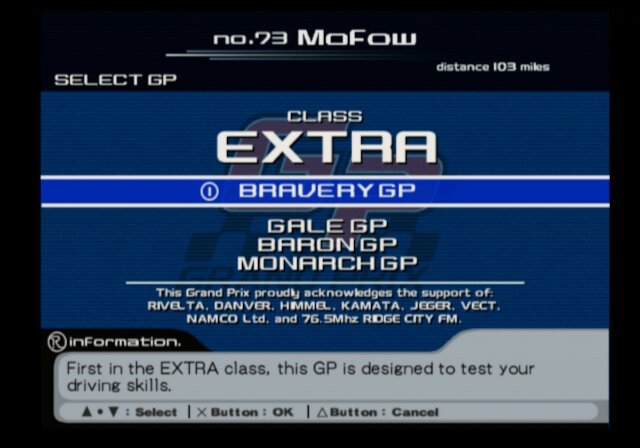
GP Selection Screen
Grand Prix
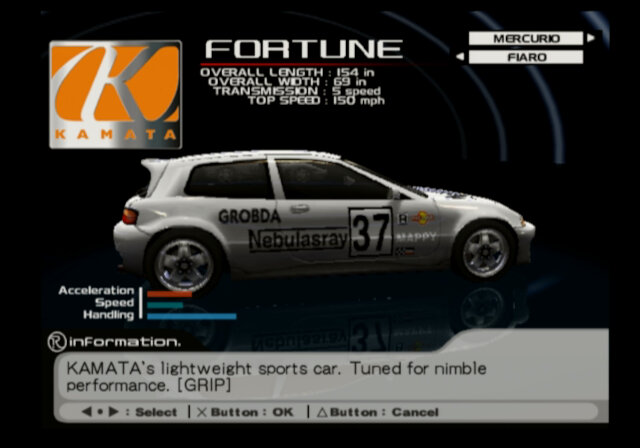
Like in R4, RRV features its own unique Grand Prix. This is a departure from one we saw in R4 with the four teams being missing along with their managers can choose your own team name and colour but that’s it. As for the cars, we have a choice of different car manufacturers and models, including Danver & Himmel. These are fictional brands that are used throughout the Ridge Racer, and possibly in Namco’s other games. Each car has its own unique stats, including top speed, acceleration, handling and control style (Grip or Drift).
Standard Basis GP: Consists of four rounds of different courses, at first you must place 4th or higher to progress to the next found, then 3rd, then 2nd and then 1st for the last race. Winning this GP will unlock a new car based on the machine you have chosen to race with which can then be used in the Extra GP’s. You will also win a trophy, which can be viewed later in the game. Alternatively known as Frontal GP in Normal difficulty and Fountain GP in Hard mode.
Extra Heroic GP: Tracks have been shuffled around, finish standings are the same as the basis GP, only you now race on the extra car you unlocked. Known as Bravely GP in normal, and Spartan GP on hard difficulty.
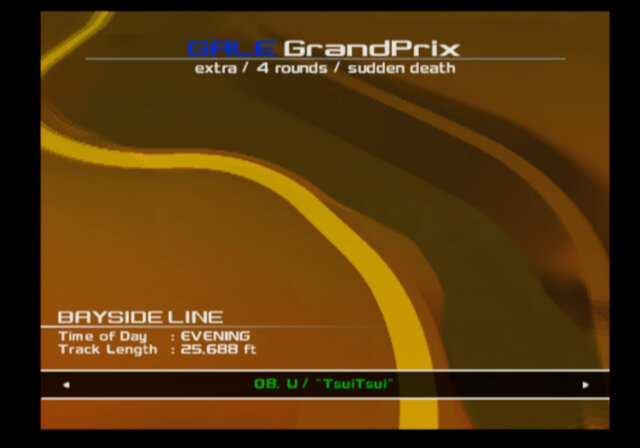
Extra Blast GP: This series uses a sudden death type of gameplay, where if the clock timer runs out, then you are ejected from the race. As you race you will pass through checkpoints which extend the time. If you are familiar with the arcade versions of Ridge racer this will seem familiar to you. For these races, you will still need to satisfy the qualifying rank to progress. Known as Gale Gp in normal, and Tornado GP on hard.
Extra Knight GP: These tracks are now completed in reverse mode. Also known as Balon GP on normal, and Duke GP on hard.
Extra Throne GP: You race on the airport oval track, with your car being equipped with an oval engine. This is a single long near-circle-shaped track similar to the Rage Racer tracks. Top speed is the priority here. Known as Monarch GP on normal and Tyrant GP on hard difficulty.
Maxim class: This is unlocked by beating the Tyrant GP on hard difficulty, which opens up the Ultimate GP.
Music track selection screen
Duel
Unlocked later in the game, it’s a 1 vs 1 mode against another opponent. When you beat them, you unlock their car which can then be used in the extra GP.
Time Attack
The goal here is to beat the rival times and come in first, which will unlock that rival for challenge dal. This will also increase your car standing number.
Car selection screen
Other Modes
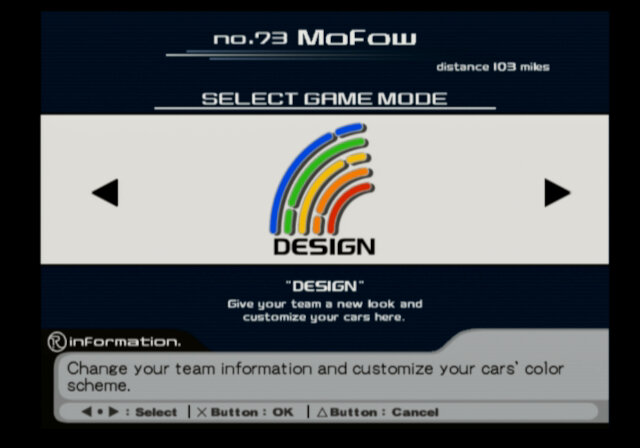
Design: Similar in concept to the decal feature in R4, you can customize the colour and patterns on your team’s car. Here you can only change the colour combinations.
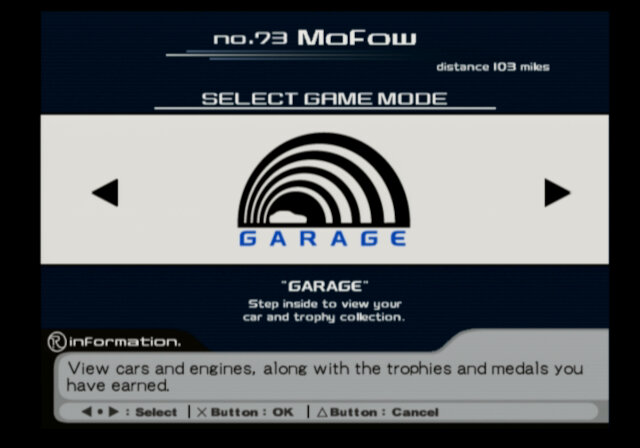
Garage: View cars that you have unlocked by winning the GP races with that car, along with any unlocked engines.
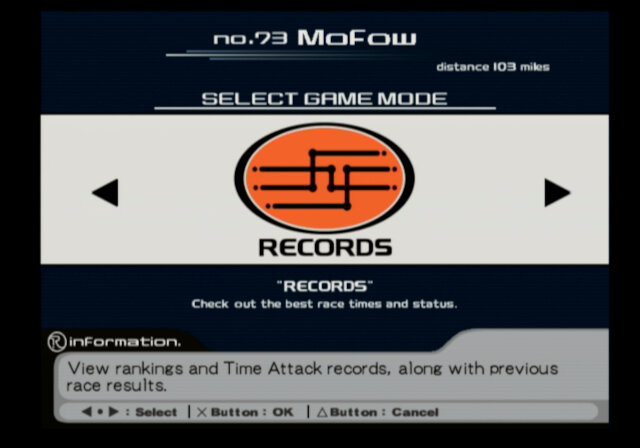
Records: Best lap times and the player names for time attack mode
Courses
In GP Mode, a quick tour of the race track is played
RRV included a brand new set of courses, most of which are based on the original course from the original Ridge Racer game, But these new courses are interlinked somewhat, with many taking place within Ridge City but branching out into different paths that take you into a different direction, with some leading you into the main downtown whilst others take you onto the highway. The tracks are fixed, it’s not an open world like Burnout paradise, instead different paths are blocked off depending on which track you select, very similar to how it functioned in Rage Racer and Ridge Racer Type 4. Speaking of which, none of the tracks featured in those games appear in Ridge Racer V, only the track from the first arcade game, or which many of the RRV tracks are based around.
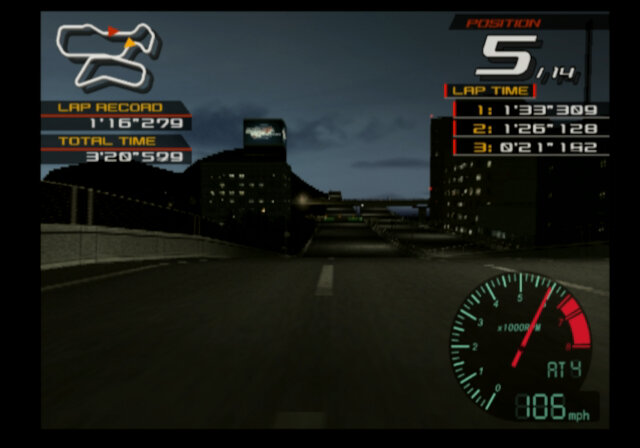
Despite this, you get a good feel of the Ridge Racer city, Some tracks can be raced at different times of day, such as Day, evening & night. Unlike the first Ridge racer game where the sun will set or rise during the race which results in a day/night cycle, The sky will remain constant through the race, giving the game a realistic passage of time. This is the case even with the 99 trial.
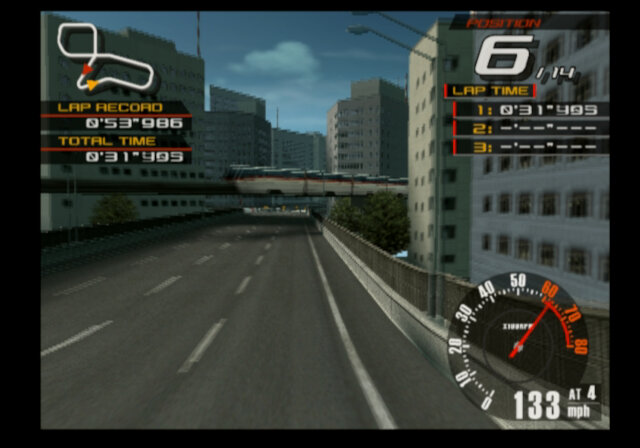
Park Town: Probably the first track in RRV you will race if you follow the Grand Prix, this starts off the same as Above The City but then branches out to a different track which gives an alternative view of Ridge City, of which the scenery consists of high-rise building. A tram/monorail system can be seen in some parts of the track.
Outer Pass: This track looks a lot like the original track from Ridge Racer judging from the course map, but it’s set using the background roads that we can finally race in. It starts off on the bottom road where you can see the onpass ramp for Park Town and Sunny Beech before it leads to its own side of the tunnel. Towards the end it branches back to the original track before diverting back to its own path. A few sharp turns make this track more challenging and there’s an extra turn where the seaside part is.
Above the City: Starts off the same as park town but branches to its own path, again filled with buildings and highways, although there are a few parts of open grass and trees, it’s clear there’s less scenery diversity than in R4.
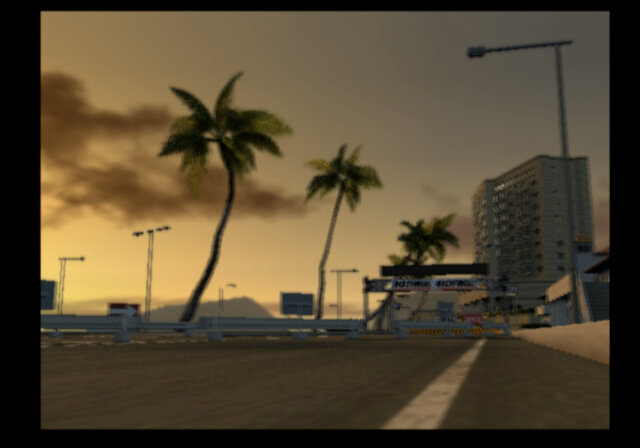
Bayside Line: One of the longest tracks in the game, complete with sharp turns. This one takes you out near the highway and then branches back to the start of Outer Pass.
Greenfield: The advanced track from the original Ridge Racer, now updated with modern visuals.
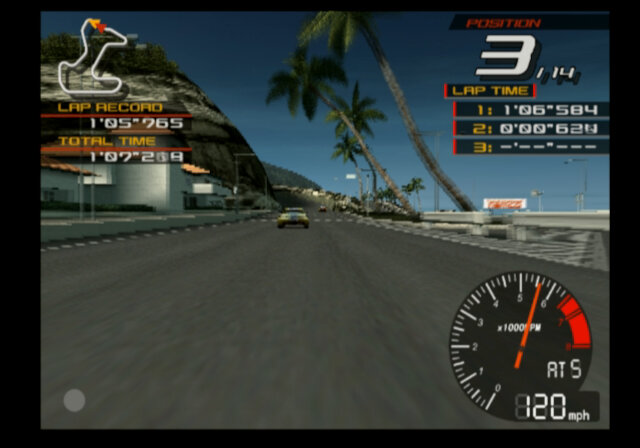
Sunny Beach: It’s the original track that we all know and love, only now its been modernized 7 years later, and has been remastered of sorts. Compared to the original there’s been a few changes with different skyscrapers and building placement, and minor changes to the shops opposite the beach area where the first checkpoint resides. Sadly the Pac-Man easter egg no longer appears in the building at night.
Airport Oval: Unlike other tracks, this one takes place independent of the other tracks, it’s a large oval-shaped track designed for top speeds, although there is a sharp turn that will require a drift, depending on your car. Since the other tracks feature low-flying airplanes, it can be assumed this is the Ridge City airport.
Additional Notes
This is one of the games that insist on funning in 480i mode (or 440i mode, PS2 games use this weird resolution) and trying to force it to 480p using GSMode results in only half the screen being rendered, as such there is no official way to run this game in progressive mode. It’s a shame because this game has some bad aliasing, and could benefit better from progressive scan. Even the lap timer suffers from noticeable interlacing effects.
The game does not fare better with emulation either, with various texture and shading issues in PCSX2, and even had issues running in Sony’s official PS2 emulators on the PS3 and PS4. Supposedly this is due to how Namco implemented the texturing and shading for these games: https://github.com/PCSX2/pcsx2/issues/2427#issuecomment-590020696 https://github.com/PCSX2/pcsx2/issues/3278 The intro sequence is also messed up and requires switching between hardware and software rendering modes in order to display.
Saving to a memory card larger than 8MB may take a while to read and write. With a 128Mb card it took a minute to save the game. I’m not sure if replacing the MCM IOP driver could help with this, or just break/corrupt the file entirely.
Conclusion
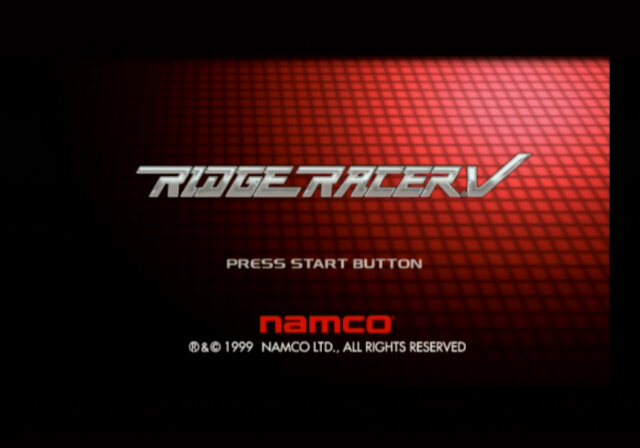
Whilst in some regard it’s a step back from Ridge Race Type 4 with the reduction of cars, tracks and the story mode, you have to take in mind the game was possibly developed in a short timeframe that R4 had, and Namco’s desire to have is a launch title for the PS2, the 1999 copyright date is very telling of this and one of the few games on the PS2 to have this copyright date. As a launch title it makes a huge splash with its high resolution, 60fps gameplay, and the intro sequence with Ai, possibly the highest poly model on the PS2. But this would be the only installment of Ridge Racer for the PlayStation 2 whilst the original PlayStation enjoy four mainline Ridge Racer titles, the PS2 would only have RRV and R: Racing Evolution which is more of a spinoff rather than a follow-up game. It wouldn’t be until 2004 that a proper followup to Ridge Racer would be released for the PlayStation Portable. And even then, it’s considered a compilation game rather than a true sequel. Ridge Racer 6 for the Xbox 360 would be the proper sequel with unique tracks. As for why only one title? Possibly due to higher budgets required for PS2 development and the popularity of sim racing games like Gran Turismo. Hopefully we get another proper Ridge Racer titles from Namco at some point in the future.
One of the launch period games for Sony’s PlayStation 2 and part of the Top Gear series of games (Not the TV show) although this one was developed by Papaya Studio’s
The Trailer/opening
From the trailer and the title of the game you would think this would be some sort of Burnout or Need 4 Speed type game, as the trailer features two racers having a dual set in the urban city-like landscape (think Midtown Madness) with some optional stunt tasks,
The actual gameplay
You just drive around collecting cunting coins. That’s it
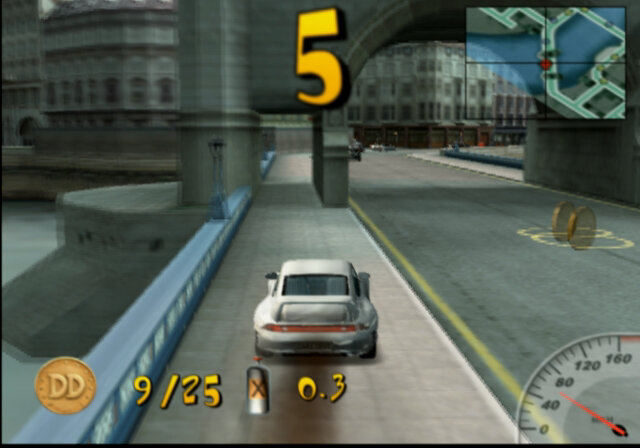
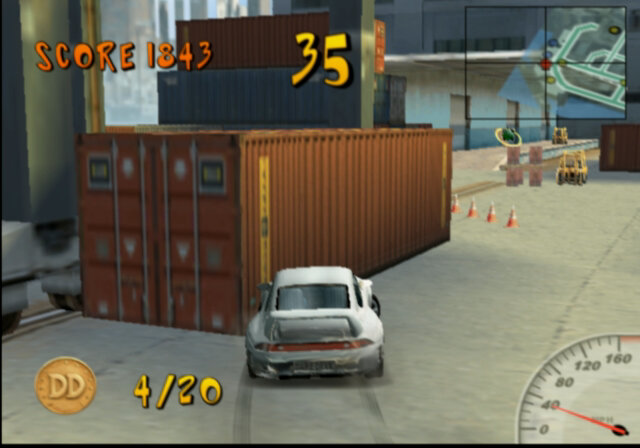
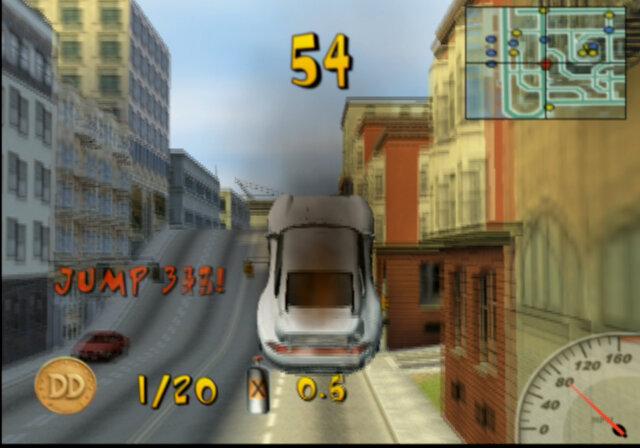
The single-player mode has the choice of four locations, Rome, London, Tokyo and San Francisco. The objectives are the same, collect around 20 0r 25 coins before time runs out in order to progress and unlock the next level. There are a few powerups scattered around the level which will help make it easier to complete the level. The locations are nice and detailed and have a GTA-esque quality to them, certain street objects can be destroyed and you can drive into certain buildings, some of which contain hidden coins or powerups. You can say the graphics are nice until you play Crazy Taxi or San Francisco Rush on the Dreamcast, which blows it out the water and that features pedestrians also. Then again maybe the game was set in 2020 and the pedestrians were in a lockdown. Still, there’s a nice blur effect that appears when you complete a level, try doing that on the Dreamcast…
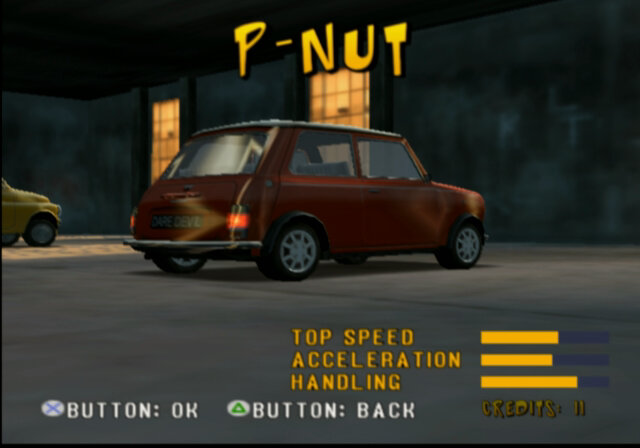
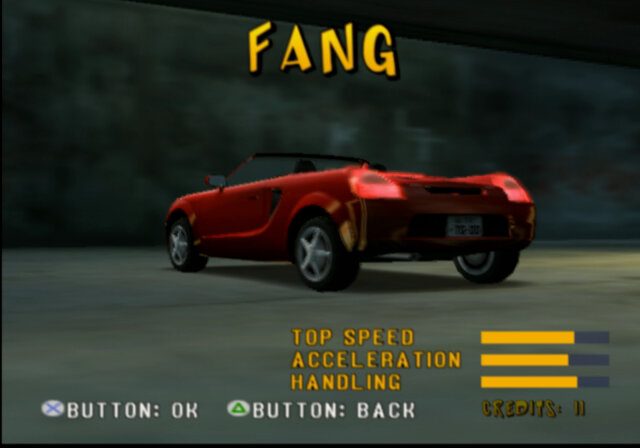
There are a choice of cars throughout the game, many of which will have to be unlocked. I believe this is done by completing the levels, but might also be achieved by collecting the spanner items hidden per map.
Still, where are the races? Or the duels? Or the stunt modes?
MultiPlayer
A lot of the content is hidden behind the multiplayer mode, which is fine if you have a companion to play with. Would it be too much to ask to have an AI player, at least to compete against?
Conclusion
There are games that do this better, like Midtown Madness, San Francisco Rush, or Midnight Club. The main appeal of this game would have been its launch title status for the PS2, something to play on your new console whilst you waited for better games to be released.
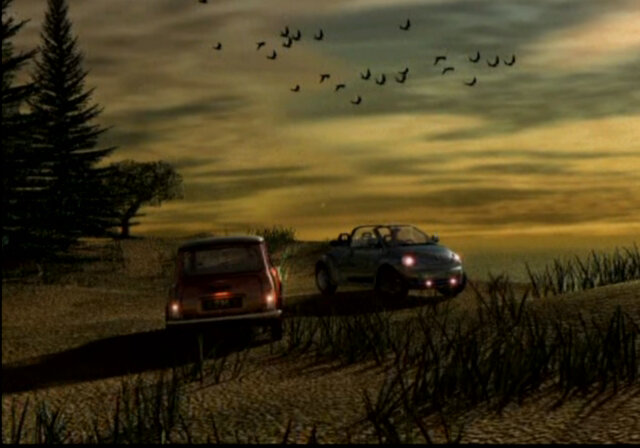
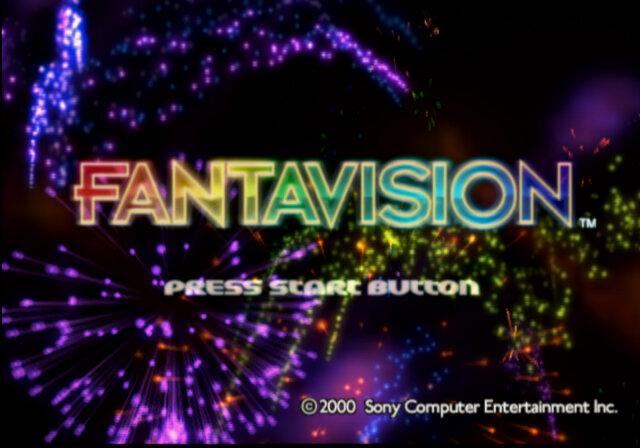
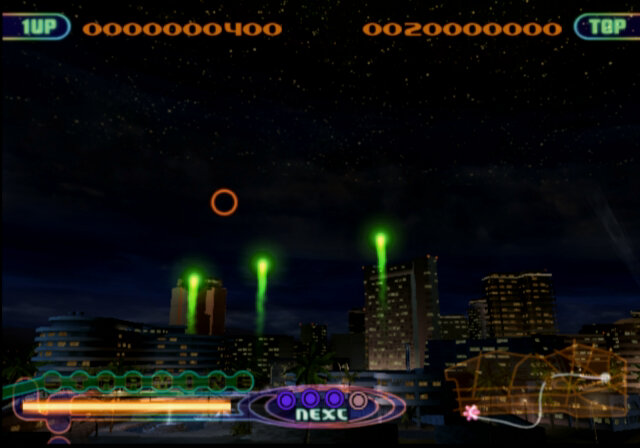
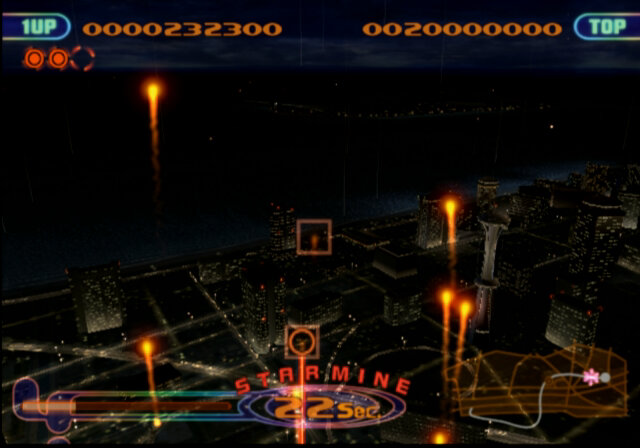
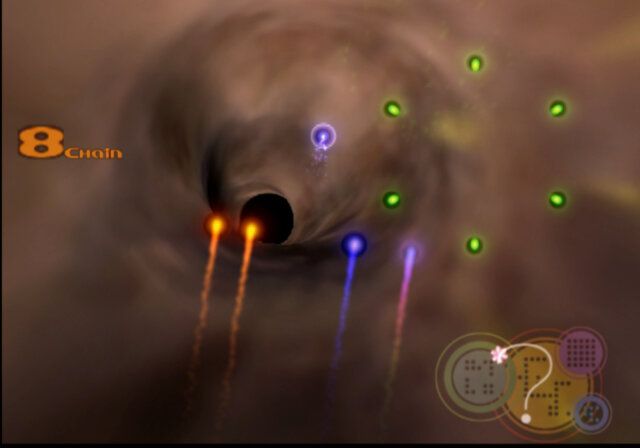
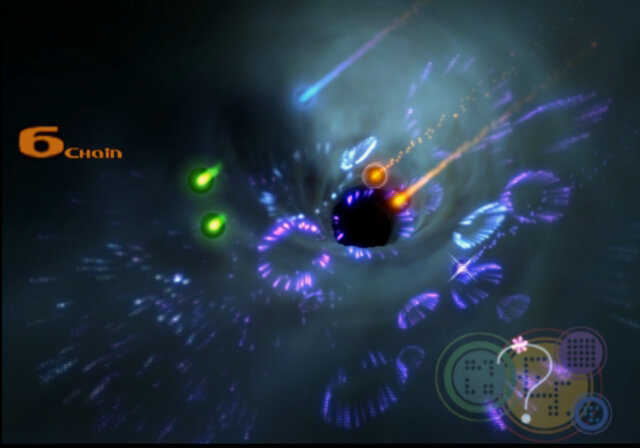
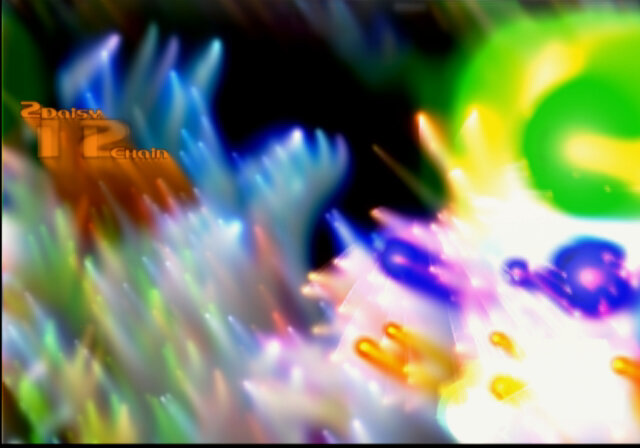
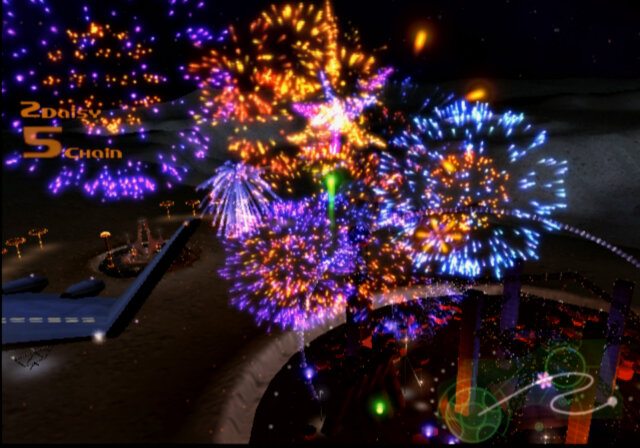
It’s a simple game where you set off fireworks by combining various flares of the same colour together to set off a chain. You are limited to chaining flairs of the same colour together, but you can use the rainbow-colored flairs to combine flairs of a different colour. Bonus can also be combined to increase your score, and some will help spell out the word Starmine, which is used to enable a special mode to increase your score. If you fail to set off a flare, you will lose a certain amount of life, which the game ends when this has been depleted, You can lose life even by chaining a few flares and have them go out since flares will last on screen for around 10 seconds. This does give a risk element when combining flares of multiple colours and means you will have to gamble between setting off your flares or waiting to see if you can increase your chain combo.
There is also a two-player mode which is similar to the single-player mode, but players have the ability to swap the screen with a unique powerup.
Red/Green/Blue: Common flair colours Wild flare: this will be white and is one of the flairs that allows you to combine flares of different colors Star item: Adds a letter to the Starmine meter below, appears as a star Energy item: Replenishes your life meter, appears as the letter E Bonus point: Multiplies your bonus score, appears as a letter B
After you complete a level, the game will automatically save a replay to your memory card which you can replay later, and can apply different effects and change the angle and the weather whilst you watch the fireworks.
When you complete all eight levels, the extra section is unlocked.
Music and Region differences
Each region has its own unique soundtrack which was meant to reflect the popular genre of the time. Europe as dance/trance-like music whilst the US has NewWave/Pop music. These also carry over into the cutscenes of the game.
On the topic of sound, this is one of the games that does not output audio over the PS2 Optical audio connection (sometimes known as S/PDIF) and you have to revert to the AV Multi out audio, I’m not sure why this is, or if the game is outputting audio my AV Receiver (Yamaha RX-V481D) does not understand.
Cutscenes
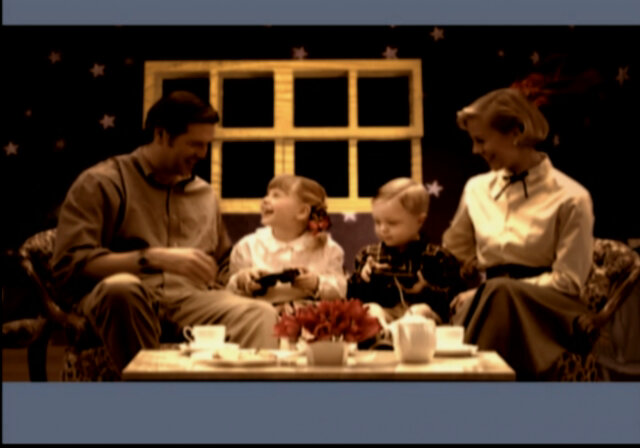
I’m not sure what relevance these have to the game, they seem to appear after every few levels showing a sub-urban family playing and talking with one another, set in a 1950s period,, yet you can see them playing with PS2 controllers. Since the later levels feature you being in space, maybe it’s a reference to the 1950s space race.
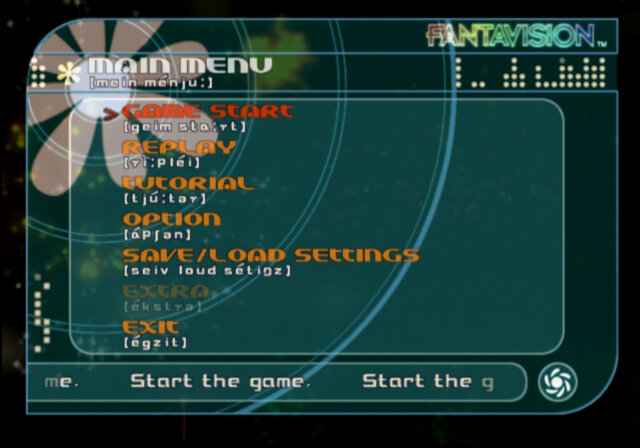
I’m more confused why the main menu has phonetic pronunciations of the above text?
A PS2 classic
Sony later re-released this game onto the PS4 as part of the PS2 classics, which is a collection of PS2 games running in an emulator. Here the game benefits from improved graphics as the emulator runs in a higher resolution and trophies.
Depending on your PSN Store region, you will get either the EU/ US or Japan version of the game with its own soundtrack. This can also mean if you’re in Europe, you’re still getting the PAL version of the game, complete with its 50Hz goodness, although it’s very hard to notice on the emulator (The PS4 will output 60Hz regardless of when the game is running)
Conclusion
Considering this was originally conceived as a tech demo, it’s a good title if you disregard the wacky cutscenes, and its music makes it compelling to play. Fantavision would be the only game of its type to be released on Sony, no sequels or ports to other systems were developed, shame since it would be ideal on the PSP or as a PSN exclusive title, a simple puzzle game that’s easy to get into.
One of the PS2 launch titles, try doing this on a Dreamcast
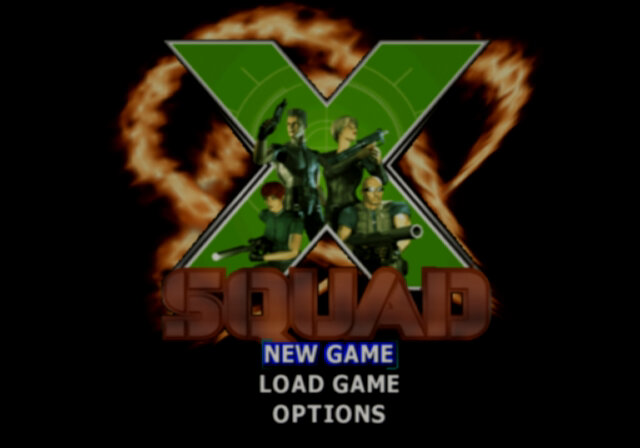
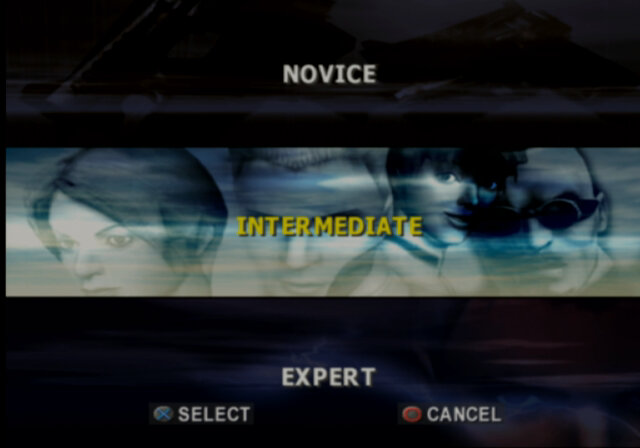
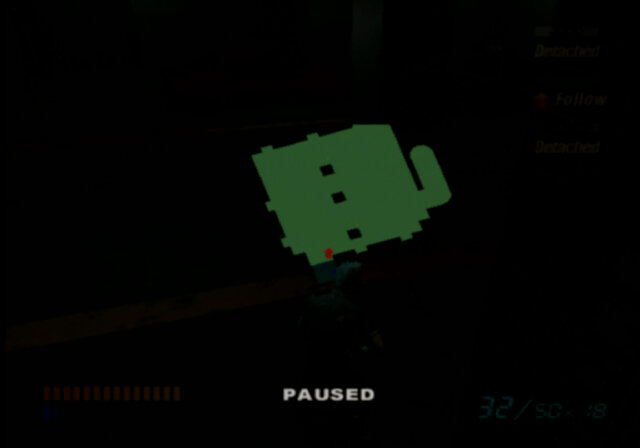
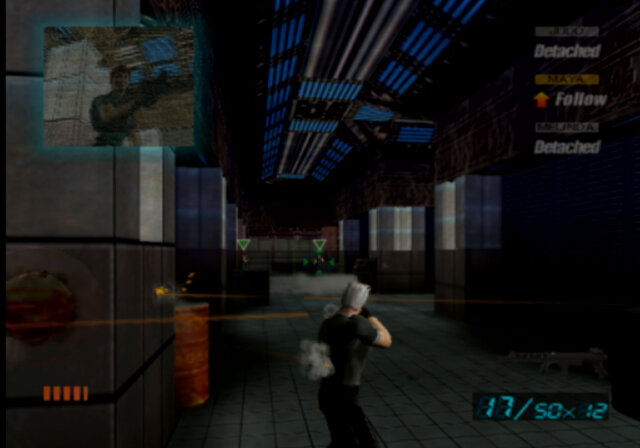
A third person sort of FPS where you shoot stuff. The main plot of the game is set in the year 2037, terrorists have taken over a military base and it’s up to the X-Squad to restore it, following the failure of the previous W-Squad mentioned in the game.
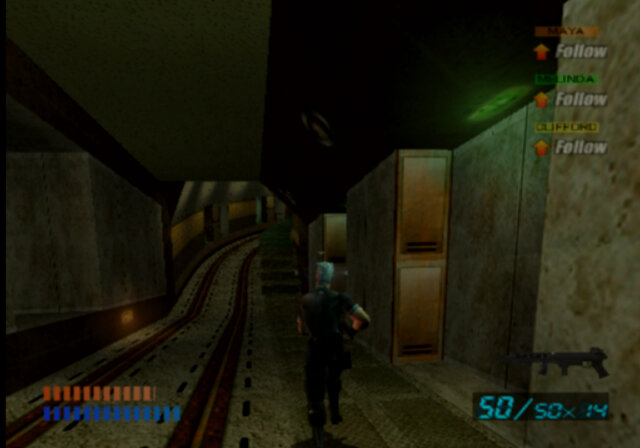
The game is similar in concept to SOCOM and Ghost Recon where you can issue squad commands to your teammates, typically 3 members. These are fairly basic as you can only command them to be oppressive or stealth/defensive.
The game UI, screams early 2000 era design and is where you can manage your inventory. At the end of each level you will earn points depending on the difficulty the level was completed at. You can use these to purchase new weapons, ammunition, shields and gadgets to help complete the next level. You can also find pickups, like leftover ammunition when you kill an enemy to keep your character going.
You can also manage your teammates inventories, and can juggle weapons, health kits between them.
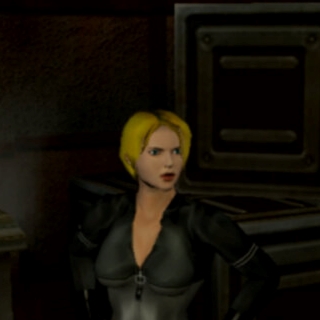
The Squad
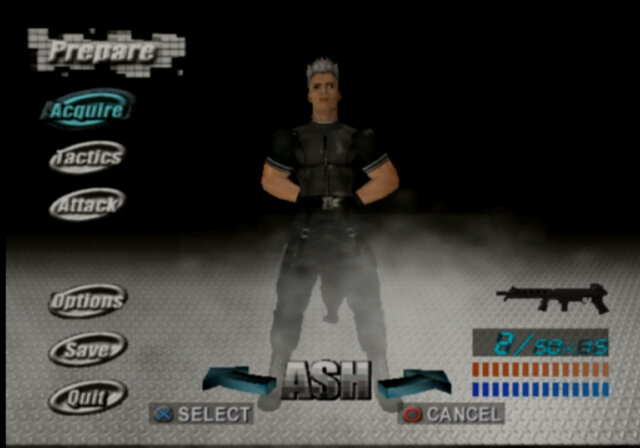
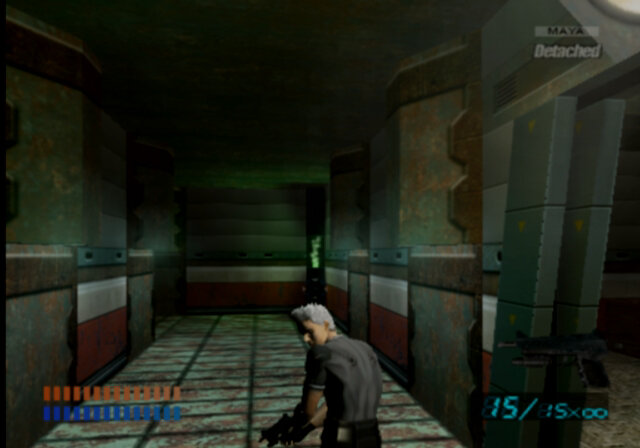
John Ash Connors: The main character and the only character you can control. Only 26 years old and has grey/silver hair.
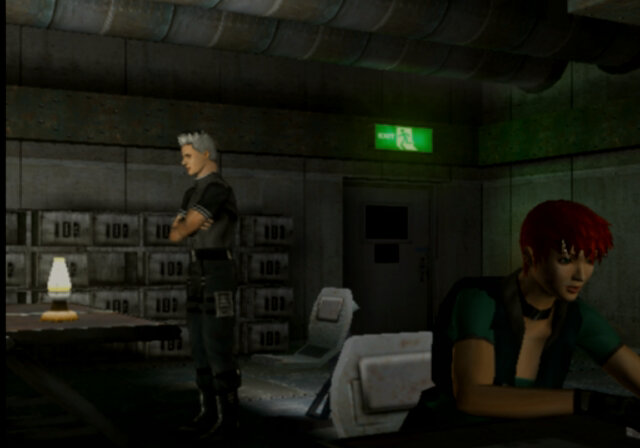
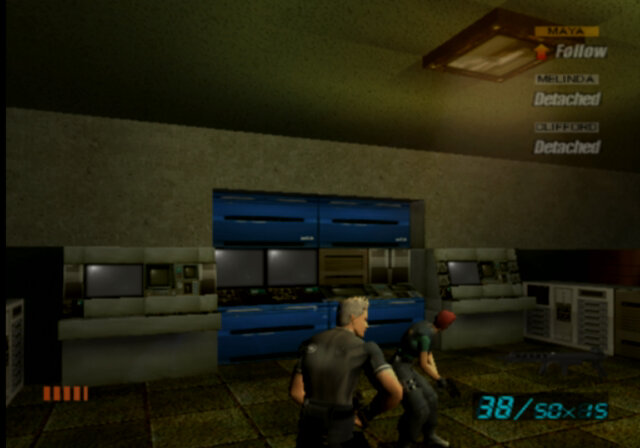
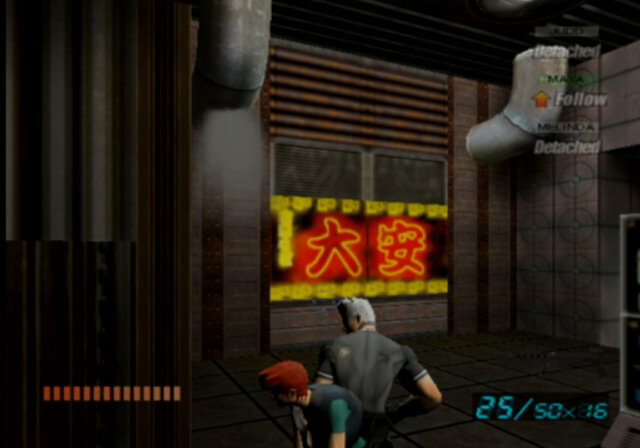
Maya Esteves: One of your teammates who is with you the most, has a tendency to get shot and run out of health, which requires you to constantly transfer health packs to keep her in the game
Judd: A large son of a bitch, standing 6ft 8 and weighing 250 pounds. For his height he appears out of scale since compared to his squad mates, appearing only slightly taller.
Melinda Swanson: Not one for conversation from going by the cutscenes, both her and Judd will occasionally go and do their own thing mid-mission, leaving you stuck with Maya
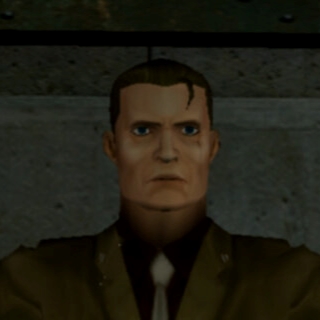
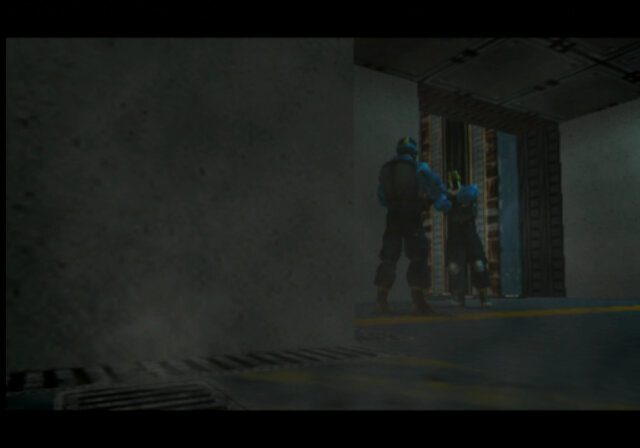
Colonel Clifford: You encounter this geezer midway through level 4 and he becomes a teammate for the rest of levels 4 and 5. Although his health indicator is set on yellow, he cannot die thankfully, but he ain’t a good shooter.
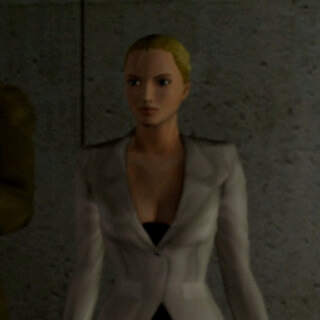
Dr. Biana: Not a direct squadmate but you encounter her often. Walks around with a briefcase and talks about some Medusa project
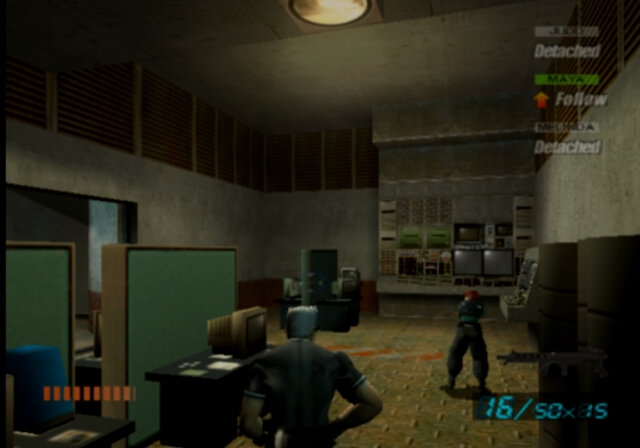
As mentioned, Your squadmates can be ordered around to some extent, by giving them commands. You can choose for them to be offensive where they will attack when they come into contact with enemies, or defence/stealth where they will only shoot when attacked. Each member has a limited amount of weight they can handle, which affects the number of weapons they can carry, with Judd being able to carry the most. It’s best to leave the heavy weapons with him.
The game gives off a very Unreal Tournament / Perfect Dark-like vibe when you look at the level design and the electronic/techno-inspired background music. The main characters also look like UT player models. Considering UT came out one year before this game did (1999), you can see they were influenced by it.
Levels
There are 9 levels in total
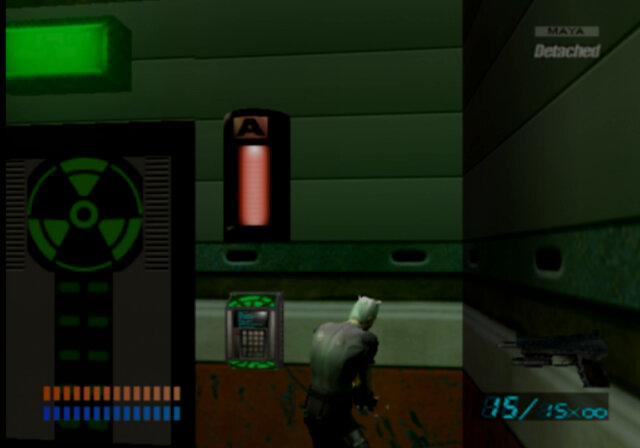
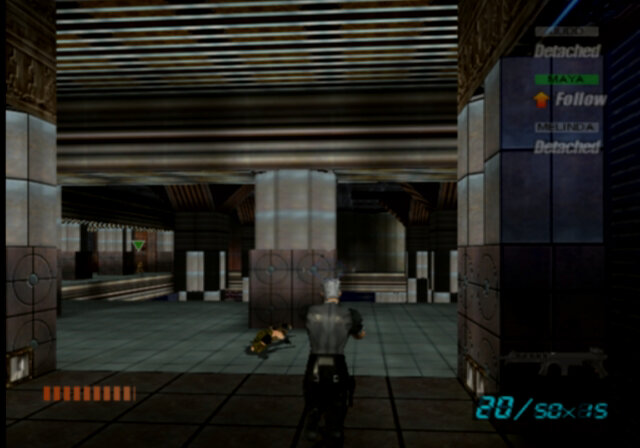
Most levels consist of you going from one area to another, in order to get to the end. Many have areas blocked off and require you to find a switch in order to unlock the door/lasers in order to progress through, some of which are located on the exact opposite of the level.
A Switch, you will encounter this often
The design of the levels isn’t very diverse, with you running around an underground tunnel/area. There seem to be no areas set outside
Level 1: Set in a waste disposal facility, a pleasant start to the game and an introduction to the game mechanics.
Level 2: Has nice chilled music to listen to as you explore the level which is nice since it starts off in a sewer and ends in a waste disposal unit.
Level 3: This one gets frustrating, since you are stuck in an ugly maze-like environment, it’s easy to get confused due to how similar the corridors look, with the only major difference being the floor colour. It took me half an hour to find all the switches needed to progress. There’s no end boss but you do have to free the prisoners at the end.
Level 4: Set in an abandoned tramway, here you meet the cornel and his side chick for the first time. The objective here is to escort the two of them to the lab using the tram tunnels. The end boss of this level is a horde of guards, so make sure you have plenty of ammo and health kits.
Level 5: We battle our way in a laboratory, this time we are missing Judd, who has been replaced with Clifford
Level 6: More of the same, it’s set in some sort of a recreation area, although it looks just the same as the other areas. Boss level is set again a large tank, of which your teammates will be incapacitated almost immediately.
Level 7: There are a few areas where you will be ambushed and will have enemies firing from all sides, thankfully there are spaces where you can take cover, although try telling your AI teammates that.
Level 8: This one was a bit awkward as some corridors are a bit tight, and some are set near ledges where you can fall to your death. You simply walk around the map flipping switches until you unlock the least door. There is one switch that is placed in an awkward spot, where your character can easily fall through and die. There’s no jump button so you have to run over the gap and hope for the best. The end boss is brutal, you get ambushed by four enemies that will continuously respawn even if you kill them, and Simpson who is equipped with an overpowered weapon.
Level 9: This is where the game shits itself. At the start, you have to contend with enemies that are triple shields, and a good amount of ammo is wasted just having to deal with these. Then you have a boss battle with a large chopper, which will fire heat-seeking missiles repeatedly. At this point the game becomes a glitch fest, in one instance I got landed with a Game Over screen even though my character was still moving and my health bar still have some life it in, Other times my character was alive but the camera had glitched out to an overhead view and was unable to shoot.
I’d say the game was rushed towards the later levels since there are quite a few glitches. Even in the ending cutscene on Youtube they had issues animating the mouth of the characters
Misc Notes
The game only supports 4:3 output, no widescreen here.
From browsing the games disc, Internally the game seems to compress most files into multiple BZP archives, this includes the levels and the opening movies themselves. I have not found a way to decompress these files, and its likely an internal format that EA/Square use.
Ultimate TV was a partnership between DirecTV and Microsoft, who were looking to expand their WebTV platform. The DISH Player had launched a year prior with DISH network, and has also used the WebTV platform as a basis of its DVR software.
DirecTV also launched a DVR with Tivo, known as the DirecTivo which integrated two DSS satellite tuners into the Tivo system, which allowed for two channels to be recorded at the same time. Something that could not be done on the regular Tivo’s of the time, which required an external set top box to be connected.
Hardware was manufactured by RCA and Sony who had also made standalone WebTV hardware. Receivers typically came with a 40GB hard disk and twin DSS tuners
My Shows
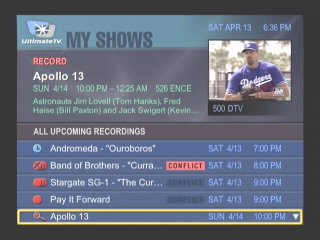
List of all recordings made, and any upcoming shows to be recorded
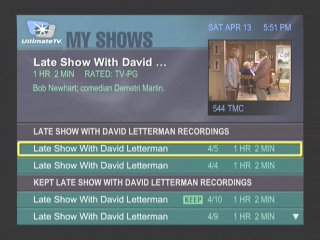
Another screenshot of the My Shows section, this time with recordings grouped by title name
More recordings of different episodes of the same show
At launch dual channel recording was not possible, and inital functionality c
Interactive
An interactive prompt, WebTV was one of the main interactive platforms
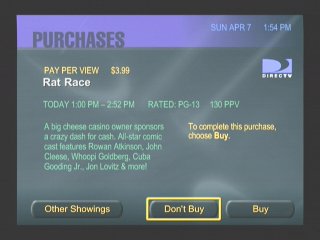
Pay-Per-View
PPV movie and events could be ordered and recorded
Favourite Channels
Separate lists can be made to store favourite channels
Category Search
Searching for a specific program, you can choose from various filters
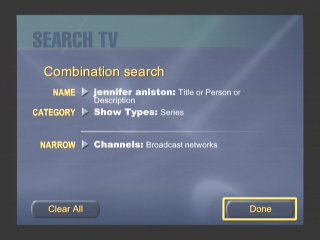
Searching by actor and a combination of categories
Someone here was clearly a fan of Friends
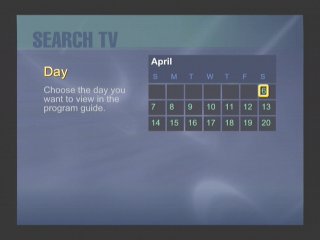
Searching by Day
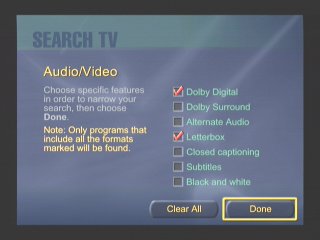
You can filter to a specific feature that a program supports, like subtitles
Search by age rating
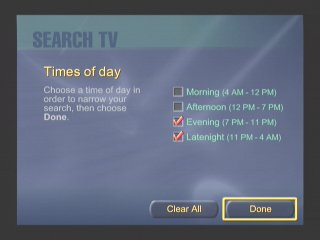
Filtering by the period of day
Or by decade period
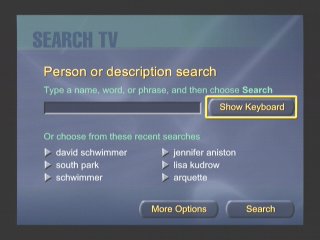
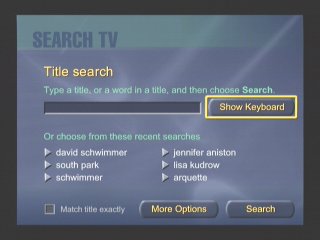
Or by a search term / keyword. This was similar to what Tivo had offered
Additional Search terms
DISH Player
Dish Network also had their own DVR which ran using the WebTV middleware, known as the DISH Player. This was very similar to the UltimateTV but was released one year prior. Two models were released, the 7100 and 7200, both manufactured by Echostar and feature a single tuner. The 7100 has a 8GB Hard Disk, whilst the 7200 has 17.8GB.
A software update was released in December 1999 that enabled full DVR functionality. Prior to that it was only possible to live pause TV for 30 minutes. A $10 subscription fee was required, reducing to $5 if you took out a WebTV subscription also.
Images were originally captured from iwantptv.combefore the site went offline
Channel 1 is the PTV (personal TV) channel, which is where the DVR is managed. You can view recorded shows which the DVR can self manage, older watched shows are deleted automatically to make space for upcoming shows.
TV Home: The main screen where you can access the guide, personal TV and any other services offered by WebTV and DISH Network.
Settings: Change receiver settings
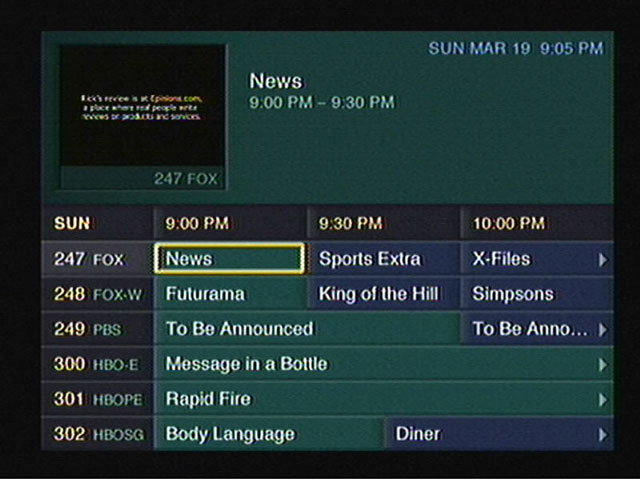
TV Listings: The main TV guide and search engine
Web Home: Opens the WebTV browser
Help: Gives you information on how to use the receiver
Purchases: Pay Per View shows will appear when when purchased
TV Sites: TV Channel related sites like Fox News, CNN, etc
Games: Basic games that have been downloaded to the hard drive
Notices: Displays any messages sent to the box like service announcements
Only satellite programs can be recorded, OTA terrestrial ATSC channels can not be recorded, only watched live.
Conclusion
Microsoft didn’t last long in the North American DVR market, and the WebTV based DVR’s would be replaced not long after. DirecTV continued their partnership with Tivo and would eventually introduce their own branded DVR’s running NDS XTV software. DISH would replace the DISH Player with their own DISH DVR models.
Part of the reason was the poor initial reception due to the poor and buggy software during the early years of WebTV DVR’s, with reports of freezing and missed recordings, along with audio and visual glitches. It would be some time before these issues were sorted out, and Microsoft wasn’t very engaging on the software side of things which made it difficult for DirecTV or DISH to push software updates.
This wouldn’t be the last we would see of Microsoft attempting to enter the set top box market, the Mediaroom middleware would launch and power the ATT U-Verse and BT Vision services, and would also demo the Microsoft TV Foundation Edition for the Comcast/Motorola DCT platform.
Also known as Sims Livin Large, not sure why they changed the title but Livin large sounds like a fat acceptance movement slogan…
The first of many expansion packs for The Sims, and a must-have since the base game was quite barren for content. Let’s see what’s been added:
Multiple neighborhoods can coexist, and the expansion ships with 5 extra goods for up to 50 different lots/families. More can be added by navigating to the games system directory, and creating a new Userdata folder (up to 99 supported). Each hood has its own set of lots and families, and with later expansions, they also have unique NPCs that show up on their lots. Sims from one neighborhood will not appear in another, and the appearance cannot be customized, unless you mod and load an altered bitmap has the hood’s background screen, but I think the game only allows one background bitmap to be set for all hoods. You would still be stuck with the name neighborhood background.
Objects
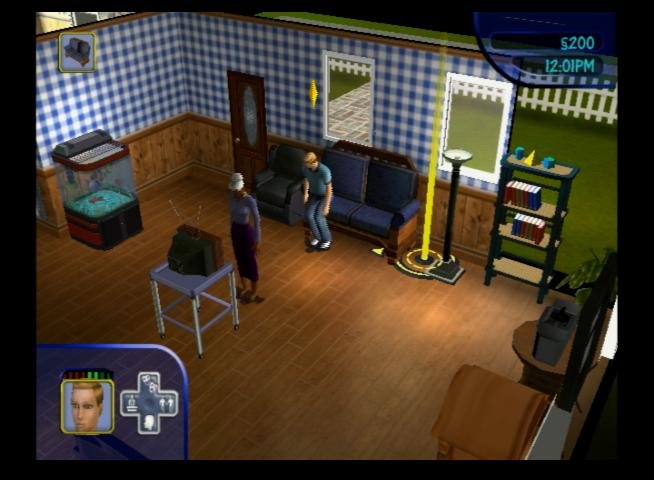
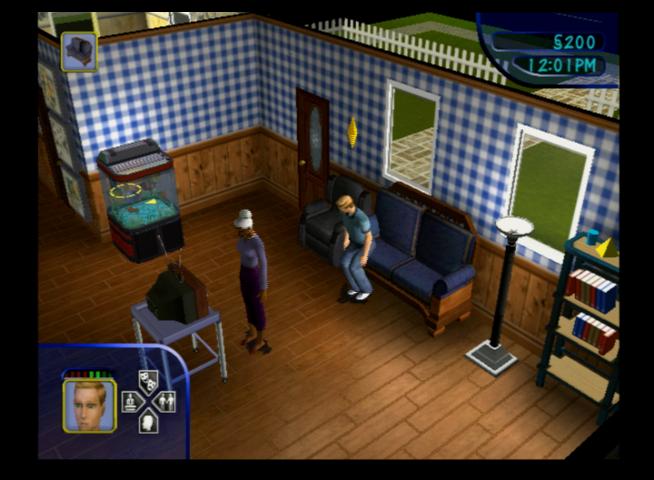
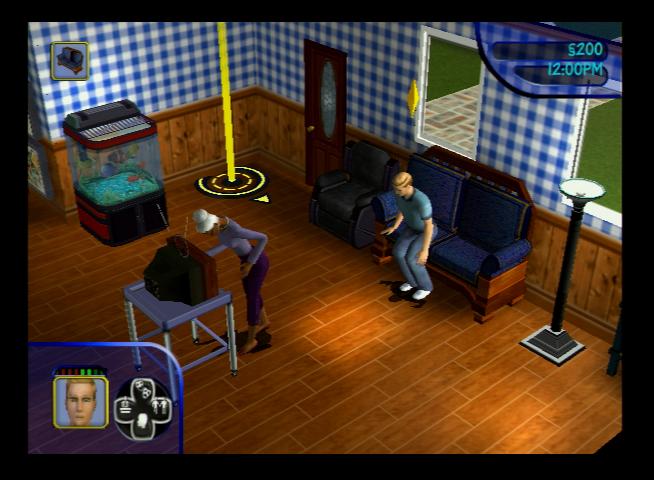
Genie Lamp: When rubbed, will summon a genie who gives the choice of two wishes. They do have a chance of going wrong.
Here you can choose between two random choices
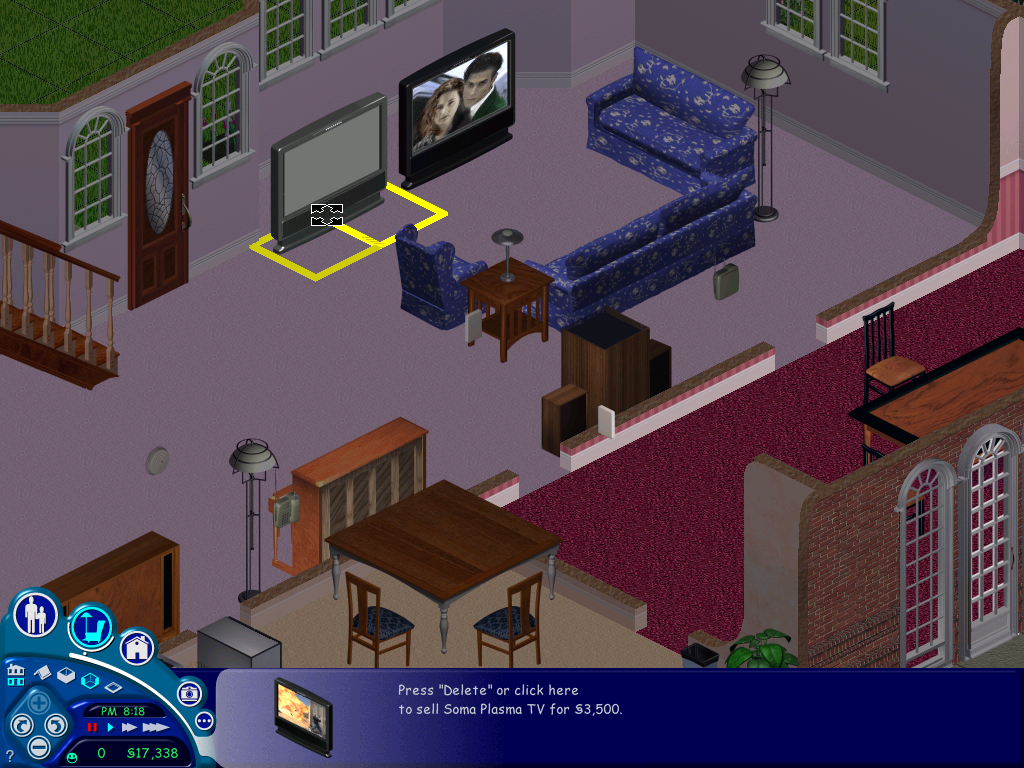
A nice result, our wish was granted and we got a free high-end TV
Unfortunately, it was the exact same model that we already had.
Wishes can go wrong, I’m not sure on the change (Possibly 50/50) but when a wish backfires it can result in something drastic, like an object being set on fire or overdue bills being spawned. Always save before making a wish
Vibromatic heart bed: A bed that increases comfort and is where the magic happens. Costs 20 to use the vibration function each time which sucks considering its an expensive bed.
Telescope: Can be used to increase the logic skill and satisfies the fun meter. There is a chance your sim can be abducted by aliens. When this happens they will be returned with a new randomized personality.
When an abduction occurs, all sims will walk to the telescope, cry for a minute and then go back to what they were doing.
Moosehead: This shows the current mood of the lot, its ankers are based on the average mood of all sims and is useful for later expansion packs like House party to judge if a party is going well.
The Concatenation Station: A chemistry station where sims can make potions. This is created at random. • Blue: The most likely potion to be made, fills 3 needs bars which are chosen at random • Orange: Sims become invisible for the next 12 hours • Light Green: The one to avoid, this causes nearly all needs to plummet to low levels • Dark Green: Makes an evil clone of your sim who will perform bad interactions with other Sims, causing their relationship to suffer • Red: Makes a random sim fall in love with them • Purple: Turns your sim into a monster • White: Will cure any sickness, only creatable by a sick sim • Yellow: Inverts the Sims personality for all points Creating any potions runs the risk of a visit from the police complaining about the smell, and you may be fined. The chemistry table also has a risk of exploding and must be repaired before it can be reused, this will not cause a fire.
Breaking Bad styleAn invisible sim
Servo: A robot that acts as the Maid, Gardiner and repairman all in one NPC, one of the most expensive objects in the game. However he has to be manually turned on by your sim, he doesn’t come out automatically when a mess has been made but he can be instructed to serve meals.
Voodoo doll: This can be used by sims to annoy or frustrate another sim which results in their comfort level dropping. Useful to get rid of unwanted guests (Not NPCs)
The little bugger itself (not the sim), be careful when you own this
The gerbil painting, helps cure the disease.
Whilst your sims cannot communicate with the dead, or look into the future, Instead your sims will be given a mini-quest, of which they will be rewarded with a change of personality.
NPCs
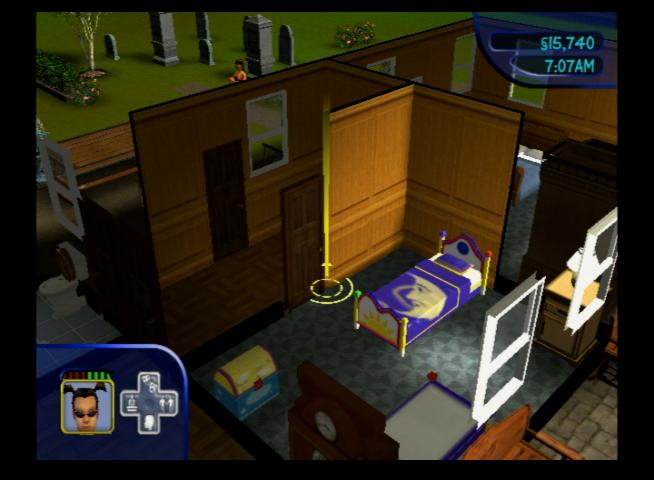
Grim Reaper: Appears when a sim has died, can be pled with who will either ignore, resurrect the sim, or resurrect them as a zombie.
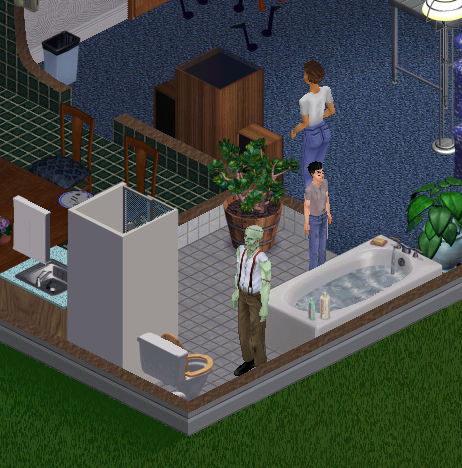
Monster: Resembles Frankenstein, Should your sim drink a specific potion, they will temporally turn into a monster and will break all items on the lot and will need to be repaired, But they seem to like painting, If there is an easel on the lot they will paint until they turn back.
Tragic Clown: Appears when your sims has the tragic clown painting and your sim is in a bad mood. If installing on a fresh install, his painting will appear on prebuilt lots.
The tragic clown in action. The only advantage he brings is you can socialize with him to boost your social motive, otherwise he will become a hindrance since he will wake your sim up if they’re sleeping.
Other additions
New floors and walls have been added that allow you to theme your Sims houses as if they were from a certain period, there’s a medieval look, or a retro 50/60s look to an interpreted future theme, complete with teleports that act as stairs or spaceship-like doors.
Sickness: Guinea pig, this was one of the more controversial features that were added to this expansion pack, since it’s possible for your sim to get sick and die which was not known to many players at the time leaving them to wonder why their sims kept randomly dying since the game only informer when your sim has died, but not the cause of death. This disease is caused by having your sim play with the guinea pig whilst it’s either hungry or if its cage is dirty. Once your sim has been bitten their energy motive will begin to decay faster, and sims will start coughing and sneezing. To cure, the ill sim must have plenty of rest and motives should be kept as high as possible. The disease is contagious and can be passed to other sims via contact.
Roaches: Another annoying feature, they appear if your lot is dirty. If there are dirty dishes or a lot of trash on the lot.
The Sims Deluxe Edition
This SKU was introduced in 2002 and replaces The Sims, And the Livin It up Expansion pack since it combines content from the two games. This became the new base game as the previous titles were discontinued, and further deluxe bundles were introduced in specific markets that combined certain expansion packs, like Triple Deluxe which bundles House party and On Holiday.
The neighborhood screen has been slightly altered with the top bar being added for use with future expansion packs (Hot Date and On Holiday)
Deluxe Edition also comes bundled with the Sims Creator which is used for creating Sims faces for use in the game. You can also import a photo and paste it onto a Sims head for use in the game. Also, most downloadable objects that were released on the EA website were included, but not the downloadable families like the Hatfield’s or the Jones. Deluxe edition still ships with the premade sims, including the Mashuga’s from the Living It Up expansion.
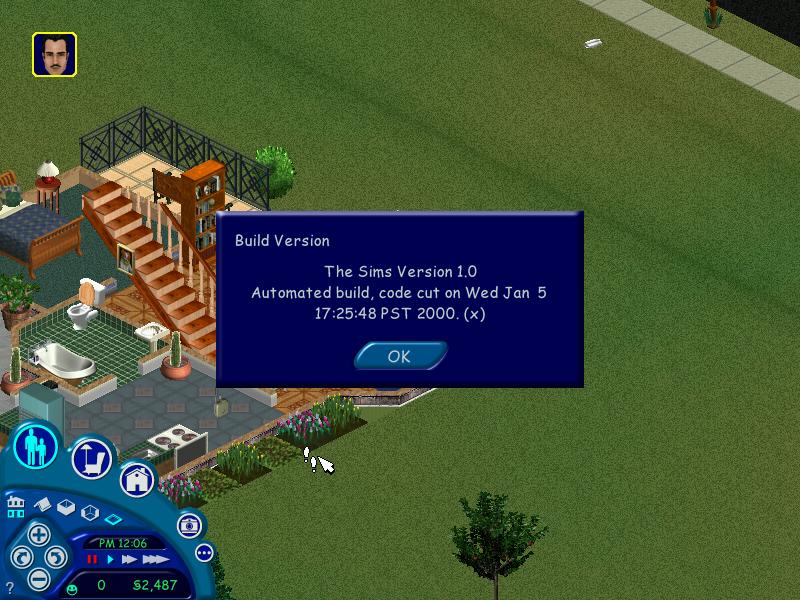
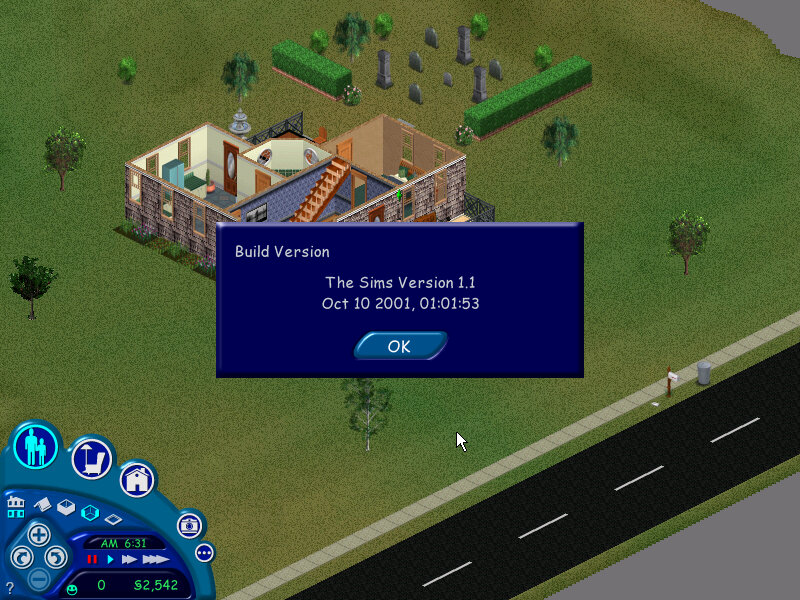
Version information and the build date
Mac OS Version
The expansion was later released on the Mac OS platform and installed in a similar fashion to the PC version. If the user has multiple copies of The Sims installed, they are prompted to select the folder they wish to install.
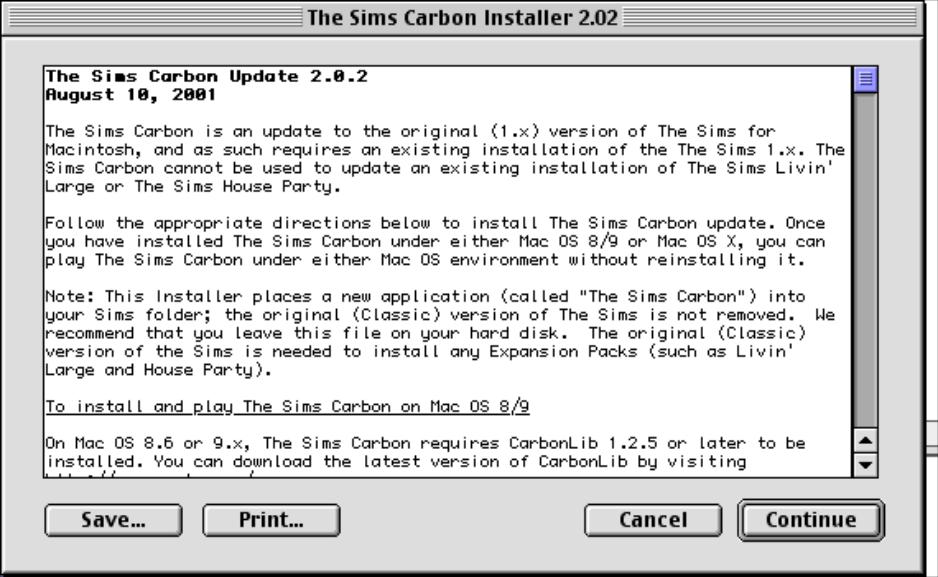
Like the original game, Livin Large only supported classic Mac OS, with a Carbon update being released later for compatibility with Mac OS X
The main screen that shows the playable lots in the neighbourhood, clicking on a house will load that lot. The first game supported only one neighbourhood, with multiple ones requiring an expansion pack. The default install ships with five pre-made families and six houses.
Goth: Bella, Mortimer and Cassandra – An easy house to start with, although during the first few nights they have an annoying trait of mourning near the gravestones, usually that stops after a few days
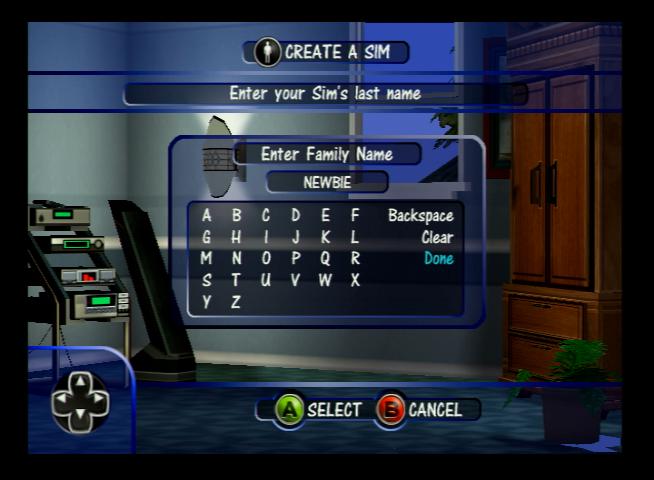
Newbie: Bob and Betty, Tutorial household, a nice introduction to The Sims
Roomies: Chris and Melissa, another small household, this family is vacant and can be moved into any lot they can afford.
Bachelor: Just a single sim, Michael, typically moved into 1 Sim Lane
Pleasant: A hard family to play since they have two kids and not much money, and you have to move them into a household. With two adults working two jobs you should be able to progress nicely.
There are also five other families that could be download from the Sims website. Although the website is now offline but mirrors exist to download from. These families can be added to the base game or to any install expansion pack but wont work for the console versions.
Hatfield: A very hard family to play. They are poor and don’t have a very good house with basic furniture, but at least both parents are working. If you can get the kids grades (there are three of them) to an A+ you can earn a (random) bonus for good grades.
Jones: straightforward family to play with two adults (Edward and Barbara) and a kid (Bobby), similar to the Goth house only less extravagant
Valentino: Rudy and Julia, who live in a large house
Snooty Patooty: Chip and Buffy, supposed to be a parody of a wealthy couple
Maximus: A bizarre family, only two adults and the weirdest house you will ever play
Game elements
Relationship
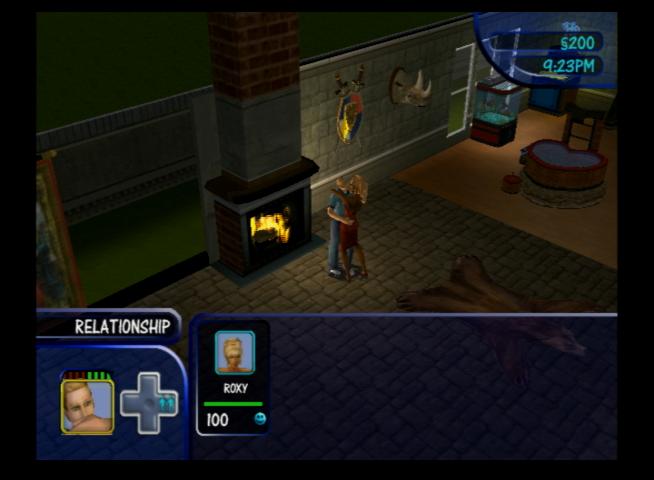
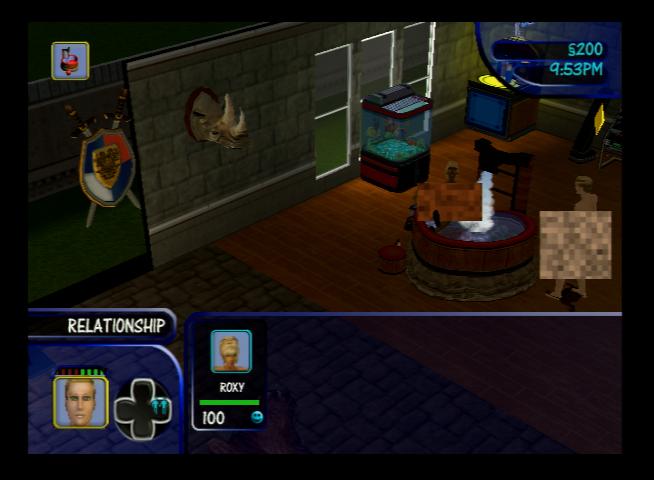
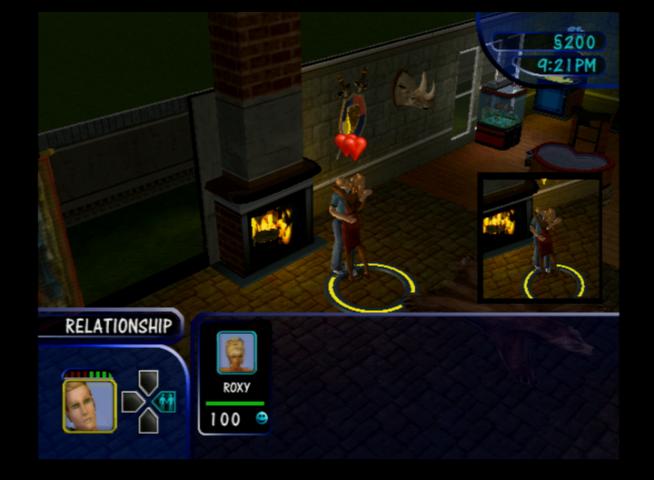
How well your sim knows other sims and if they are friends, lovers or enemies. Some jobs require you to have a certain amount of friends in order to progress to a promotion. The base games has a simple bar that measures your sims friendship from 1-100, with 100 being the highest. In the base game there is only one relationship bar, with two being introduced with the later expansion packs.
Should be notes if you want two adult sims to share a bed they will need a relationship of 50 or higher
Marriage: Sims can move in and get married if their relationship is high enough, this will move the sim into the household, along with any kids if they live with the sim and that sim is the only adult. Same sex sims have the option too move in instead. That said, the game has a very loose concept of marriage, since its possible for one sim too be married to multiple sims, although if they perform any romantic interactions they can become jealous (and the Woody Woodpecker sound plays)
Skills
Cooking: Helps prevent fires, and improves the quality of your sims cooking which increases the effect on hunger. The noise the sim makes will also change when food is cooked at a higher cooking level. When playing a sim for the first time its advised to raise their cooking skill level to two bars or higher to reduce the risk of fire.
Mechanical: For repairing items, the higher the mechanical skill the faster they will repair the item. Sims can get electrocuted if they repair an electronic item with a low skill level
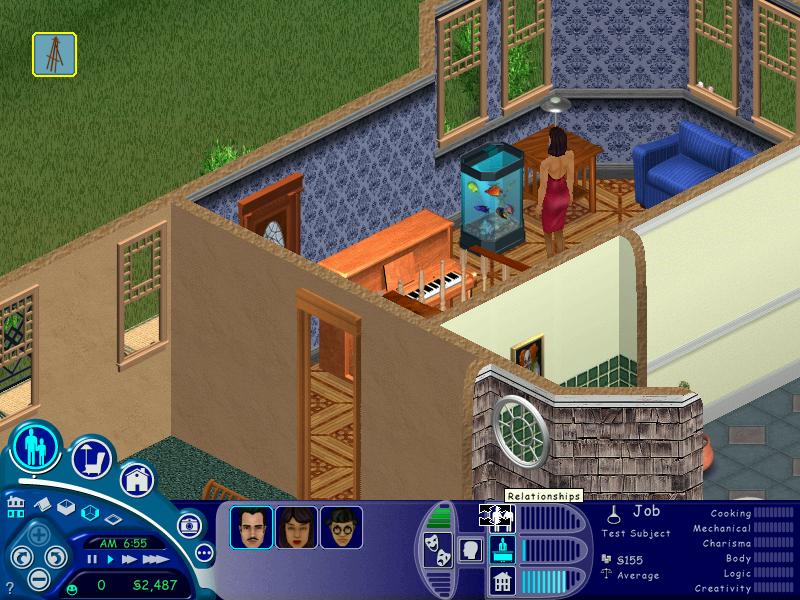
Creativity: Play the piano or paint on the easel, which is useful since sims with a high creativity skill can sell paintings for a lot more money.
Logic: Playing chess or looking through the telescope increases this, only useful for job promotions
Charisma: Increased by talking to yourself in them mirror, supposed to help with how your sims interact with others, but is mainly useful for job promotions.
Body: Helps keep your sim fit, but this has no affect on their appearance. Its mainly useful for carers and winning fights if your sim has enemies
Disasters
Fire: Occurs when your sim tries to cook with a low skill level (2 points or lower) or when you have objects near a fireplace. Buy a fire alarm which will summon a firefighter to extinguish the fire automatically.
Burglar: Randomly comes during the night, but can come during the day of the sim is at work. Buying a burglar alarm help the police to capture them when they enter your lot.
Floods: If a toilet/sink or the dishwasher breaks, it can cause a flood which must be cleaned up by the sim.
Aliens: looking through the telescope at night has a risk of being abducted by aliens, who will randomize the sims personality upon return.
Sims can also leave the game autonomously, adults will leave if they get into a fight multiple times with a sim and have a serious degraded relationship. Kids will leave if their grades fall below D- and will be sent to military school. When these occur the sim is deleted from the game upon saving, and cannot be restored unless you exit without saving.
Jobs
The base game comes with ten careers (Six in the console release) with 10 jobs in each. Each job can be accessed by having your sim promoted by fulfilling the job requirements. Certain jobs will require you to have a set amount of friends, and a set level of skills.
Phone Services
Services can be ordered by using the phone, an NPC will then arrive on the lot
Maid: A maid will come from 9am every day, and will always leave by 5pm every day. Cleans the lot.
Gardener: Waters the plants, comes every 3 days
Repairman: Repairs all broken items on the lot
Police: No reason to call them unless a burglar comes on your lot and you don’t have a burglar alarm.
Fire Service: Only used if a fire breaks out on your lot and you don’t have a fire alarm, can be fined 500 for a false emergency.
Pizza: Delivers pizza to your house, costs $40
The game offers a help systems that pops a question mark symbol in the corner, informing the user that a tip is available.
Buy Mode
Where you can purchase items for your sim. Items are grouped by category – Seating, Surfaces (Tables), decorative, electronic, plumbing, appliances, lighting and miscellaneous (items that don’t belong in any category. Clicking on the buy mode icon again switches to room category view
Releases/Versions
PC Release
The Sims: Original base game
Deluxe Edition: The base game with the Livin Large expansion bundled together in one install, also features The Sims Creator
Complete Collection: Includes all expansions
Mac Release
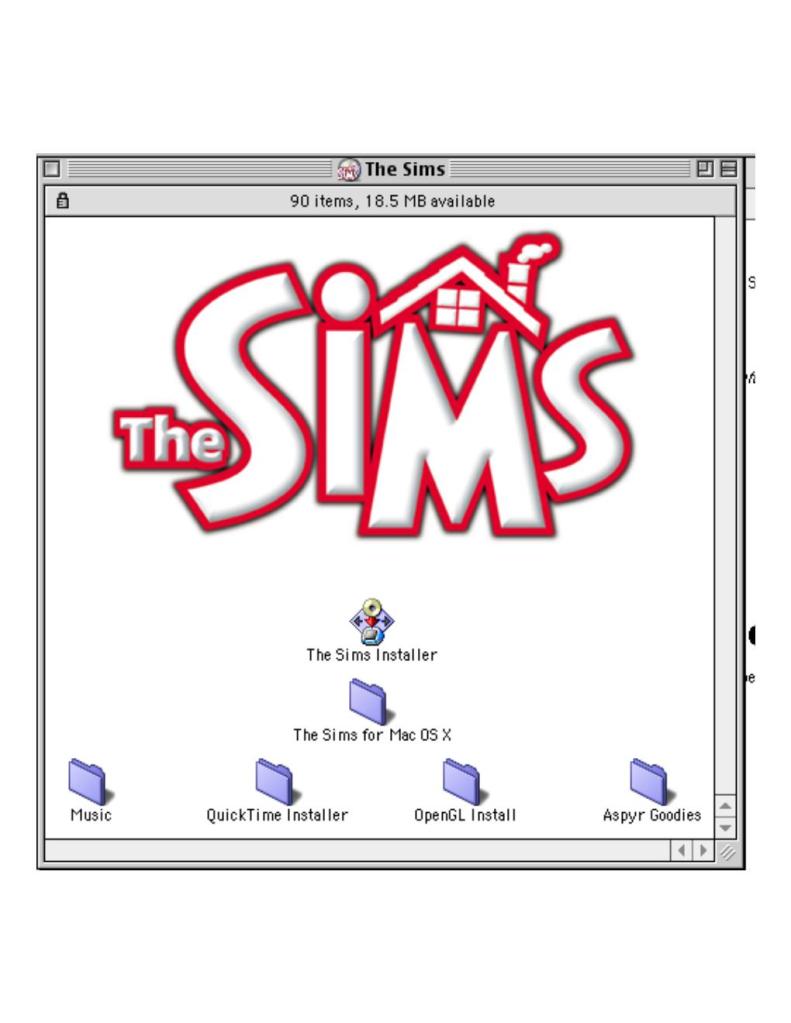
The game was ported to the Mac platform in 2000 by Aspyr and was for the PowerPC platform. This version was very similar to the PC release and is compatible with any downloadable content intended for the PC release, but attention must be made to the file name length since the Mac is limited to 31 characters instead of 255 characters used on Windows for its file name. Files may need to be renamed for it to be used on the Mac version.
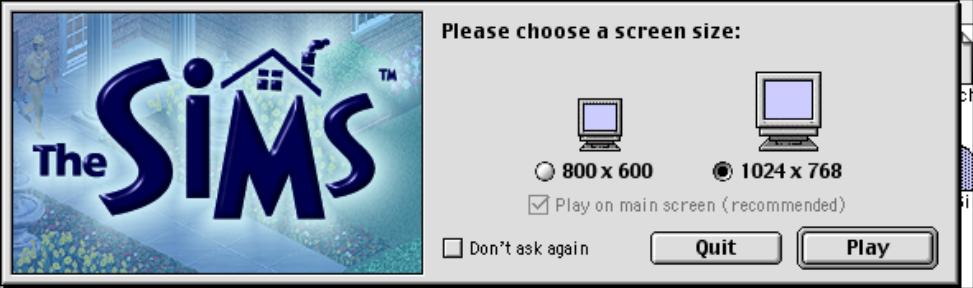
A Carbon version was later released for compatibility with Mac OS X, Carbon was an API that help facilitate the transition from the classic Mac OS to OS X. Carbon applications are only supported on OS 8.6 and higher. When you install the Carbon update, two executables are present in the games folder as some expansion packs rely on the older version. Starting from Hot Date, Carbon was installed as standard.
Lastly, OpenGL is used for the graphics API instead of RAVE, and must be installed on classic Mac OS 9. It is integrated by default on Mac OS X.
Linux
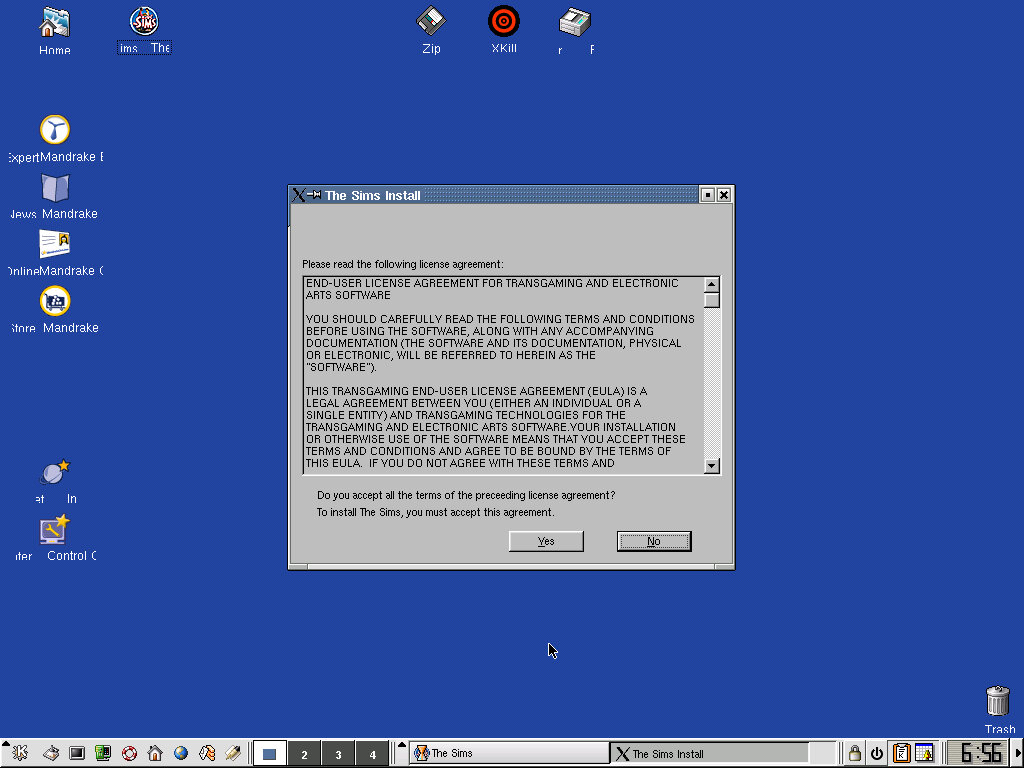
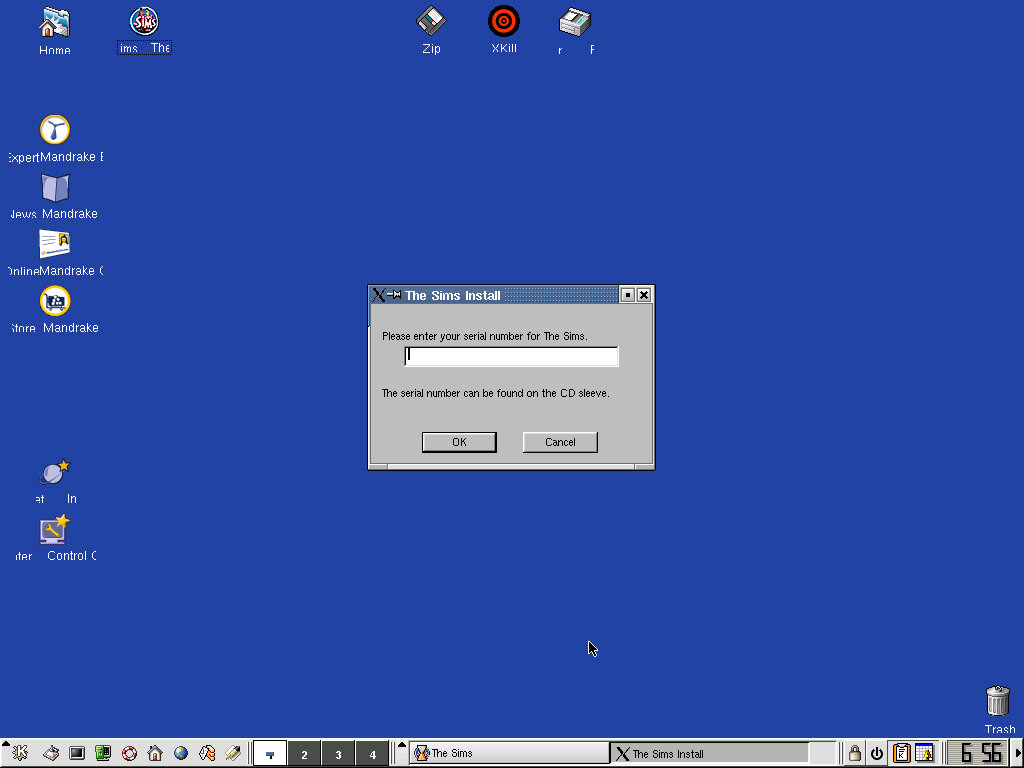
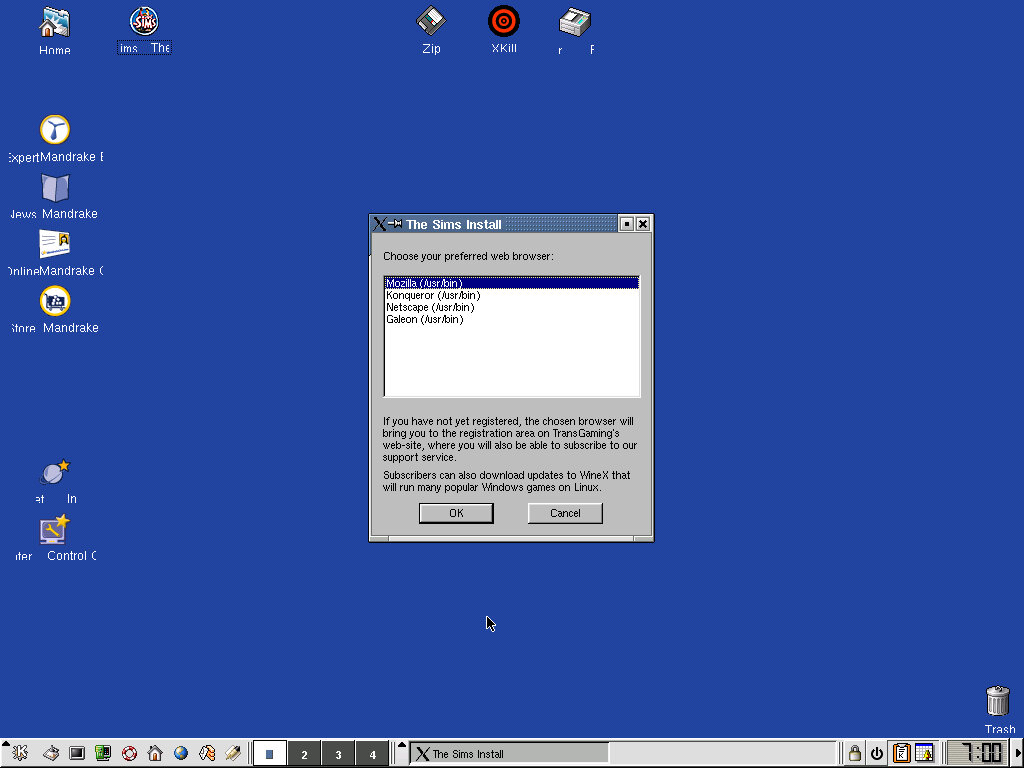
A Linux port exists for Mandrake 8.0 gaming edition, which was the operating system it came bundled with.
This version of the game was released by Transgaming Technologies, which used a proprietary fork of Wine to allow DirectX Windows games to run on Linux.
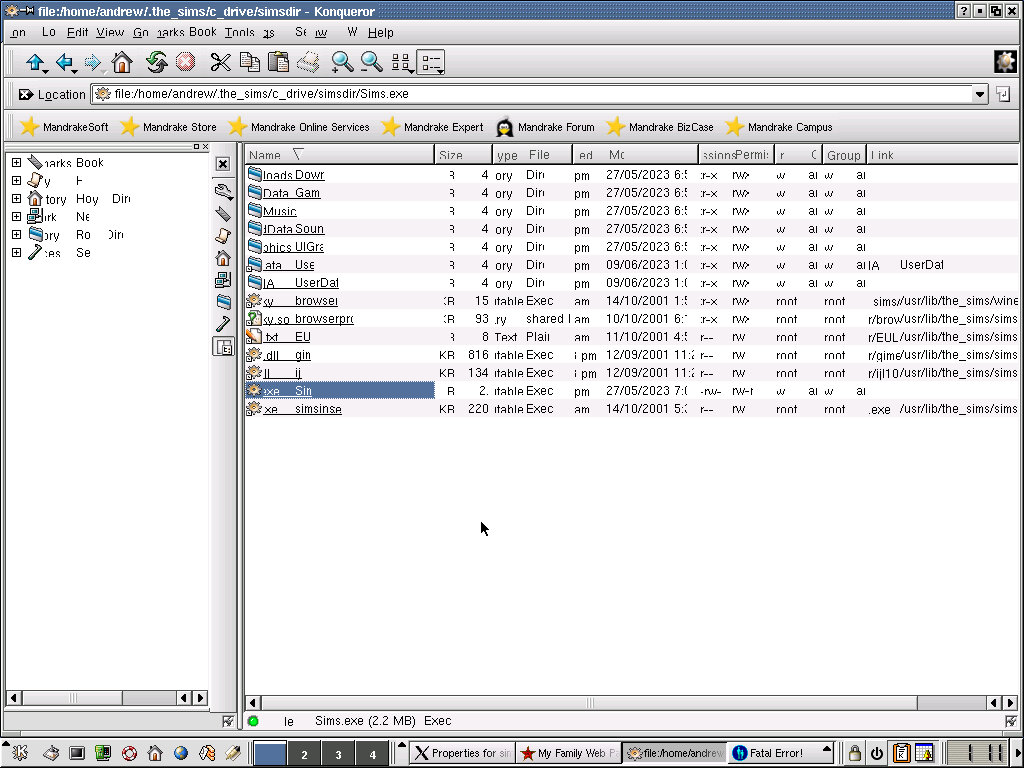
The game itself is very similar to the base game that was released for Windows and included all of the supported features. Browsing in its files directly exposes the regular Sims.exe that you would find in the PC version. Technically this isn’t a port of the game, instead using the Windows version in a Win32 wrapper (WineX). I wonder if expansion packs could be potentially installed?
I’m not sure how this plays well with other Linux distro’s so it might be something to look into.
Here’s a look at the install directory, the text appears garbled as 86Box (the emulator thats being used) has issues with the 3DFX Voodoo 3 that is being emulated, but you can still make out the files in the directory
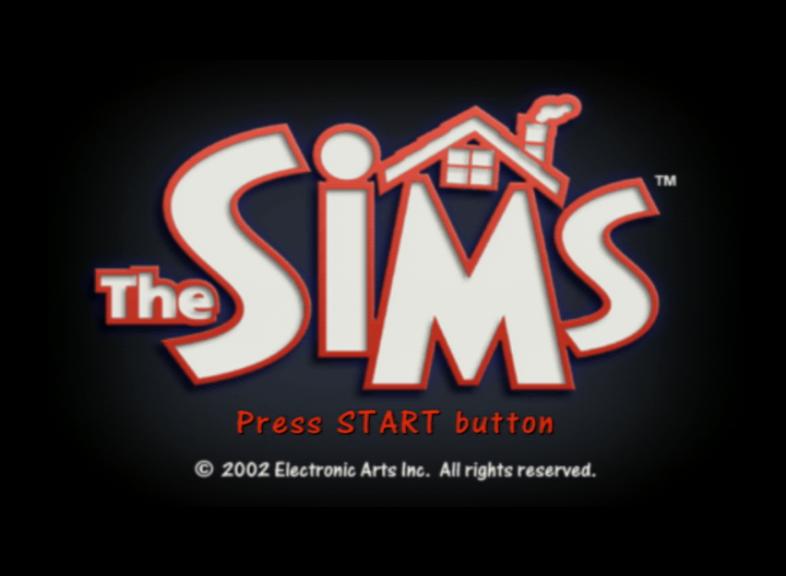
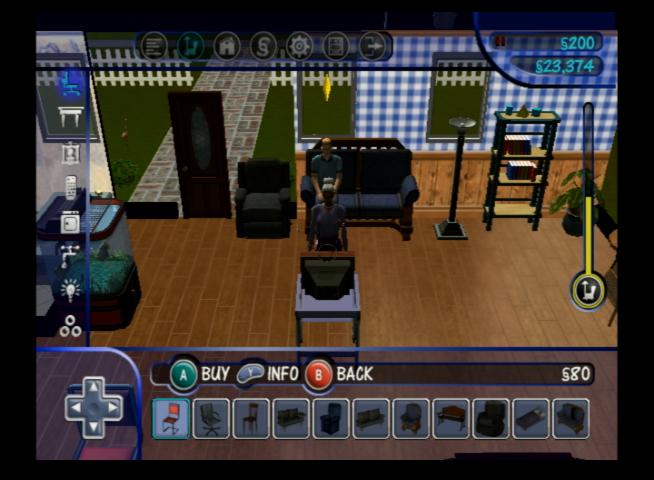
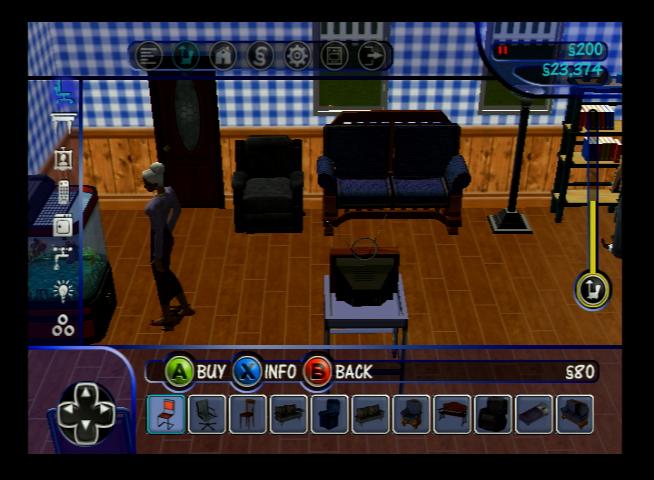
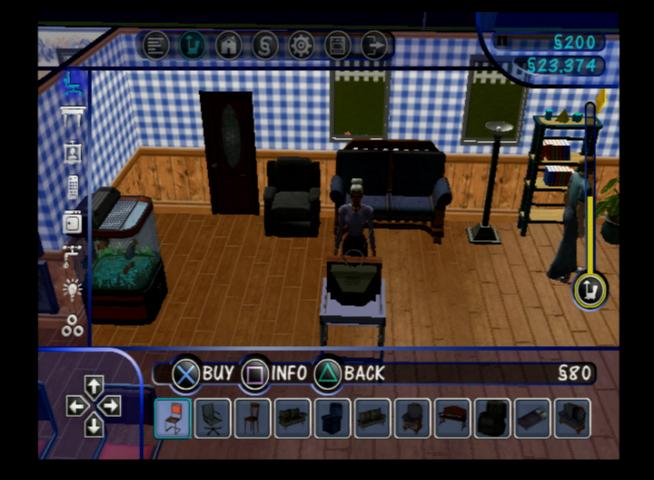
The Sims (Console)
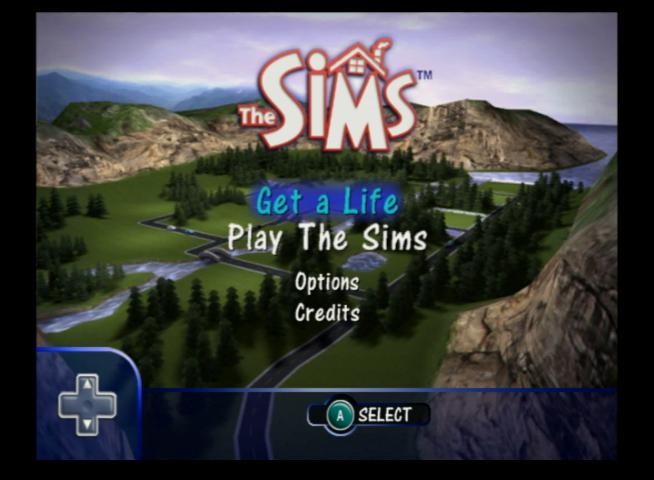
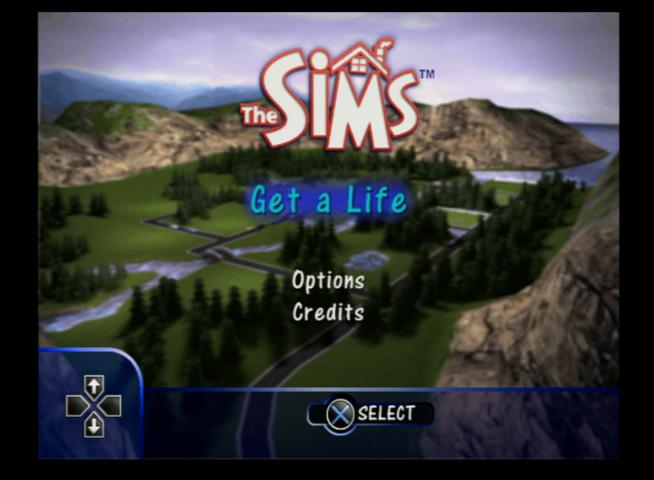
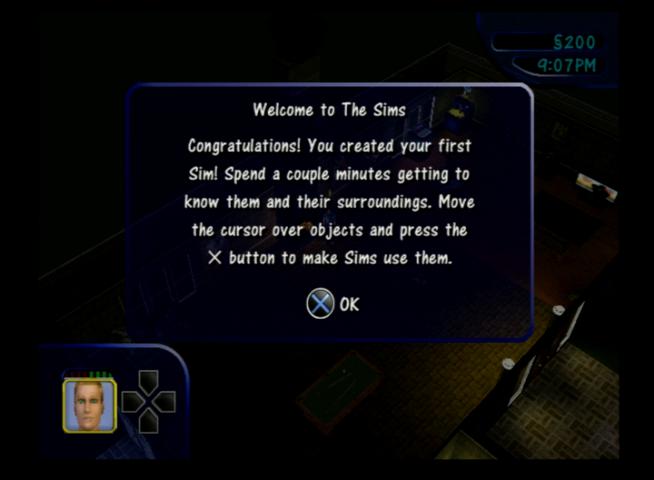
A console adaption of the popular PC game but I would consider this as a remake, The Sims are rendered entirely in 3D graphics complete with new lighting effects and redesigned objects. A new game mode, Get a Life is added which featured level type gameplay where the player has to progress from house to house, building up their career.
The console version was released for the PlayStation 2 first, with an updated build being released for the GameCube and Xbox. Compared to the PC release there are a few differences due to the consoles typically having less memory compared to the PC, and with no expansion packs available what you see in the game is what your stuck with. You also cannot download and install objects or families from the PC version.
Get A Life
In this mode you create your own sim, who lives in their own rags to riches story as they start off in a basic house. The aim of this model is to reach the dream house stage, which can be achieved by completing goals that consist of getting certain promotions at work, cleaning and upgrading the houses and throwing parties that sims enjoy.
Whilst this mode seems easy at first, it will get progressively harder as it taker longer to raise your sims skills, jobs will require more friends in order to get promoted and you have to battle with refilling your sims needs quite often.
The Xbox version saves directly to its hard drive and has seemly unlimited save slots, memory units are not directly supported. The PS2 version can save as much as its memory card allows, with each save consuming 1.1MB. The GameCube version is limited to 1 save file per card.
Levels
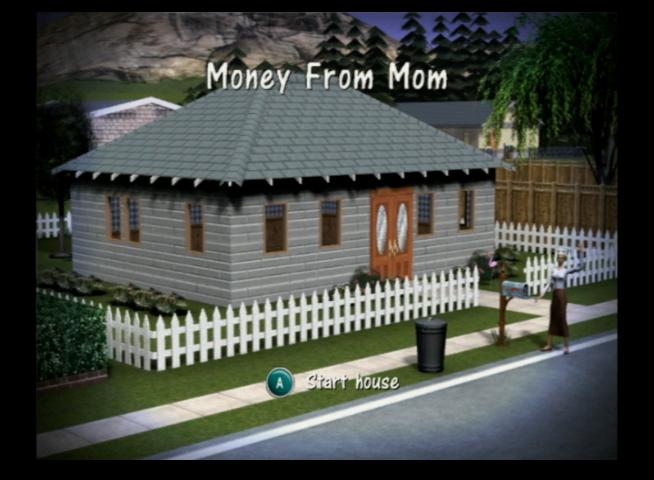
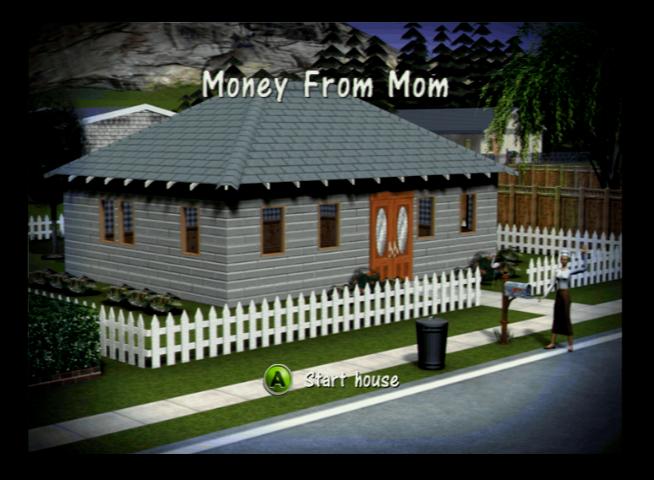
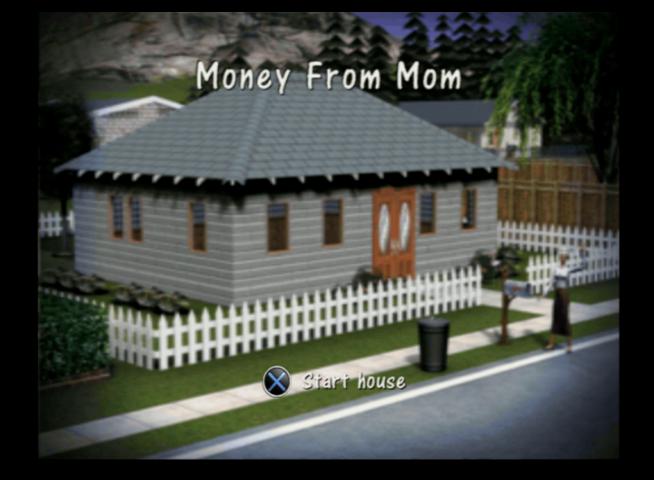
Moms House – Starter level, objectives are to repair the TV, gain two cooking skill points to make a meal, and borrow 800 bucks from ‘Mom’ who is a pain in the arse and will randomly complain and refuses to clean and cook
Reality Bites – This level can be a bit lonely since its just your sim, Dudley (Mimi if your sim is a female) will occasionally pop round but cannot be interacted with unless you invite him. Thankfully Mom can be invited and two neighbours (The Peacocks, Pauline and Pierre) pop round. Get two job promotions, clean and fix everything and spend $1000 upgrading the future to progress.
Party Animals – You have a new roommate, the snag is its Dudley or Mimi (depending on your sim’s gender) who are a pain to live with. Like Mom they wont cook or clean, and skill building is out of the question so getting a job promotion is a challenge. But it can be done, Dudley/Mimi can build his body skill using a swimming pool which is enough to get promoted two times. The house itself is quite large which makes navigating it time-consuming, you may wish to alter its design as part of the $1000 improvements. Two new neighbours are available to meet, the Froofraw (Fran and Freddy, fuck knows how they came up with that surname), along with Dudley’s Roomies friends (Leon, Carlos, Betty, Layla) which you must befriend one of them in order to move out to the next level. There is also a bonus sim, Bobo the Bum, who walk past your house every morning. Give him food and you can unlock a 2 player mode games.
Hot to Trot – You start with the sim that you chose to move in with from level 3, like the previous levels you need to earn two promotions and spend money on upgrades for the house. Again you will be introduced to more of your roommates friends, only this time you have to choose which one you want to marry. This will always be the sim of the opposite sex, as gay marriage wasn’t a thing until the later games. Once completed you will move onto level 5.
Who loves ya baby: The worst level with the worst designed house. Here you have to earn another two promotions and you have to raise two babies to kids. When you first play the lot, you have to manually rearrange the furniture since tis all condensed into two rooms. The worst part is having to raise two children which seems to drag on, you basically need to feed and sing them to sleep every 8 sim hours.
The last Simoleon: You move into a dream mansion. Being the final level, the objective is to reach the max promotion for your career, have 20,000 in your savings and get your kids grades up to an A+ level which will send them to boarding school. Once finished, the end credits will play and you will be returned to the main menu.
Bonus Unlocks: making friends with neighbour sims unlocks certain create a sim cloths and hairstyles or accessories
Play the Sims
Sandbox-style gameplay like the original PC version of the Sims, although you have much less lots to play with, having only 6 lots from the 10 that PC version offered. You are also limited to 4 sims per lot with the PC version supporting 8, however the game internally supports 8 sims when using a modified save file.
Game saves in this mode are the same as the Get a Life versions, with the PS2/Xbox being ale to save multiple games deepening on the storage capacity, but the GameCube version being limited to a single save per card.
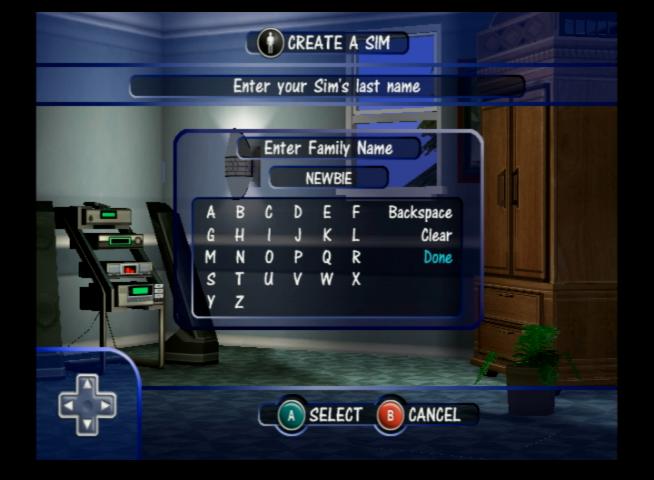
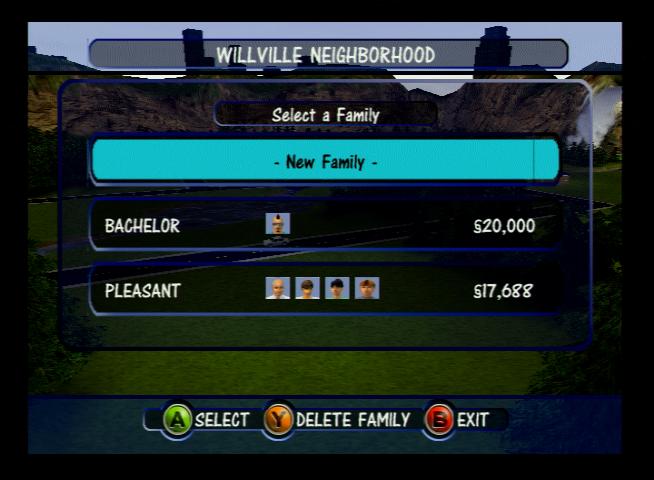
In the PS2 version the default neighbourhood has no defined name, and the player must enter one when first created, the Xbox/GameCube prepopulate the name with ‘Willville’ but this can be changed by the player.
Up to 2 players can play on one console using a split screen method, however the lot must have 2 or more sims on the lot.
The premade sims are the same as the Pc version, with the Goth, Pleasant, Newbie, Roomies and Bachelor families being present but with a slightly different appearance and personality. The lots have also been amended since the console versions only support a single story. The Goth, Roomies and newbie families are already moved into a lot, but the Roomies house is unfurnished.
Bonus
2 player mode is supported with the use of mini-games, similar to the 2-player mode in Play The Sims mode, but in this mode each level has specific challenges that must be completed by each player, and the player that completes their goals first wins. There are 8 in total:
Handyman’s House
Maid’s House
The Park
The Frat House
Party Motel: Unlockable only by a cheat, Enter PARTY M in the cheat box
Club Abhi
Taylor’s Place
The Museum
Comparison with the PC
Console versions only has a single story houses, the PC supports two
Console used 3D rendered graphics for everything, PC version only the sims themselves are 3D with the world being an isometric 2D design
No online exchange support for the console
No 2 player mode for the PC version, whilst the console versions support split screen like multiplayer
Gamecube
Xbox
PlayStation 2
The PS2 version was a fresh copy, Play The Sims mode is unlocked after starging and saving in Get a Life mode
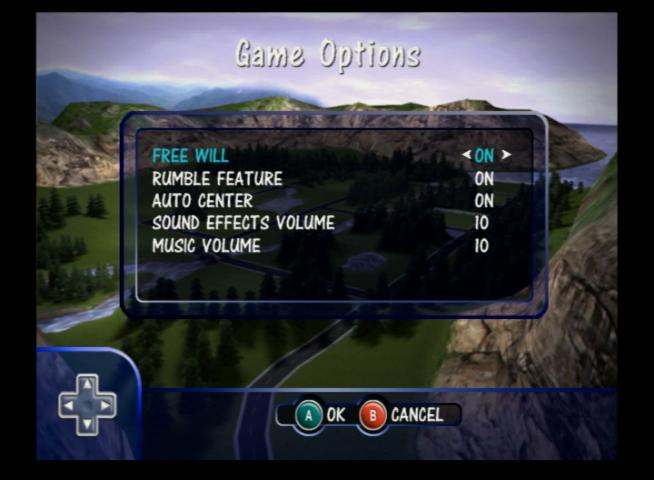
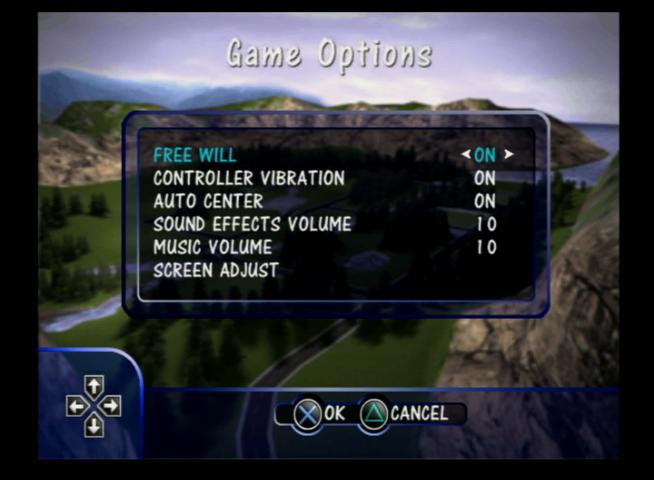
The options menu
Slight difference with the font display on the PS2 version with larger line spacing
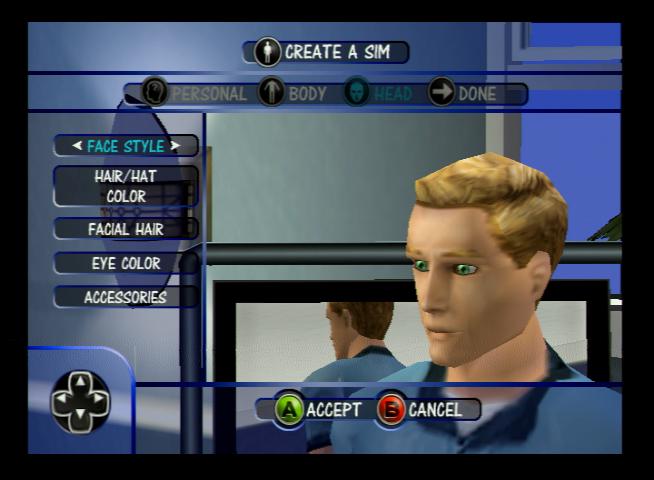
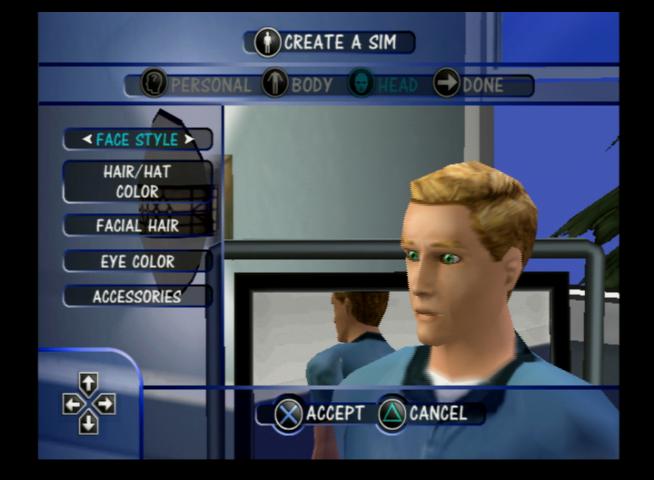
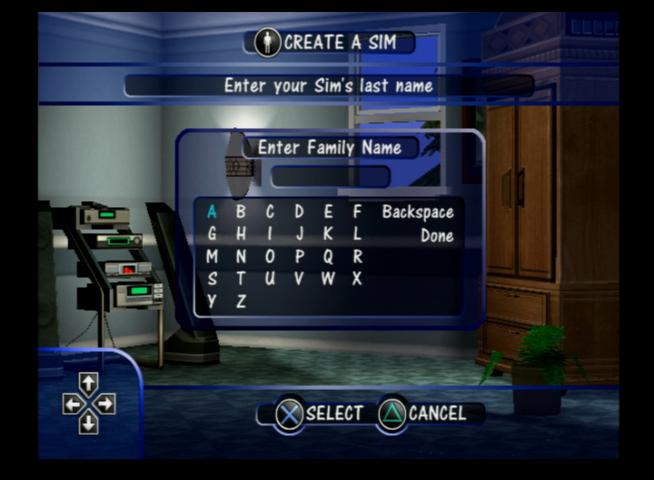
Create a Sim mode, The Xbox version will ask you to confirm the changes upon pressing the B button, the PS2/GameCube versions do not
The GameCube and Xbox version comes wit the name prepopulated
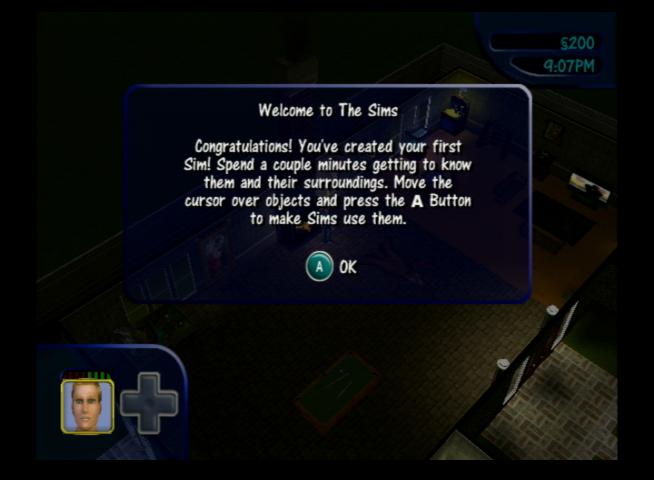
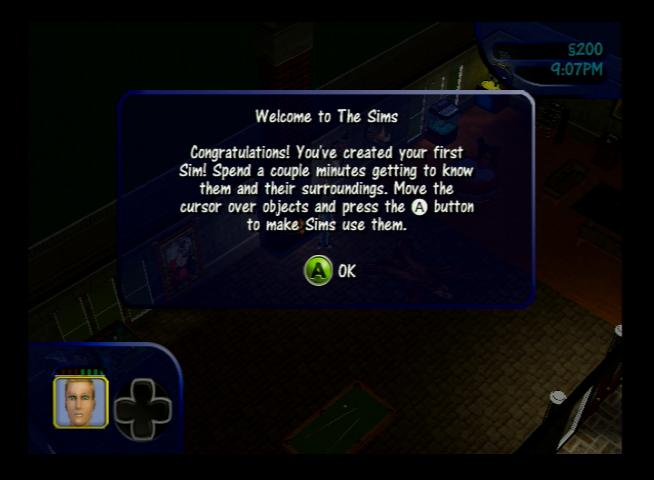
The level start screen
Example of the user interface, the directional pad has a different appearance on each version
The first level, some minor differences in the details. It’s possible the game was built for the PS2 and was the lead development platform and was then ported to the other consoles.
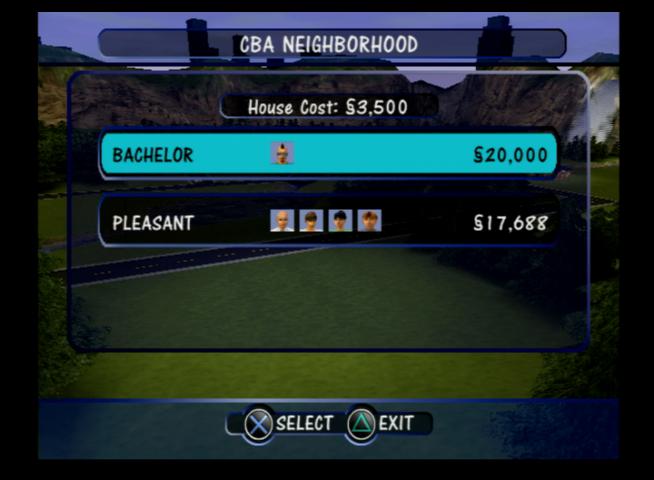
Family selection screen
Buy mode, all versions have the same object limiter
The Xbox version seems to be the best one with its sharper textures, but its graphics ae slightly zoomed in, like the FOV is different compared to the Gamecube/PS2 releases
The Xbox version has bonus loading screens if the game takes too long to load. You will only see this if the game disc is dirty and the console is struggling to load
Utilities
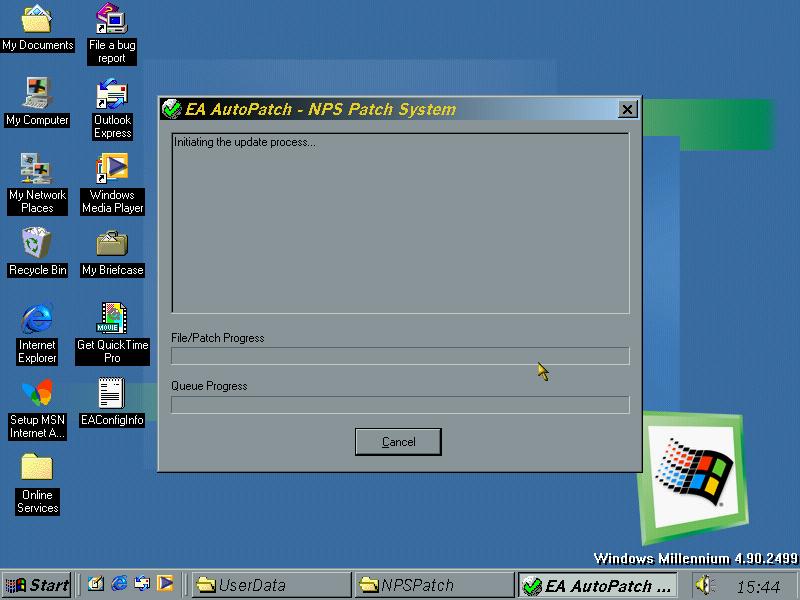
EA AutoPatch
A utility by EA that checks for updates and downloads them, no longer functional.
Sky and BIB (British Interactive Broadcasting) launched their interactive service in late 1999, one year after the launch of Sky Digital. Designed to be an alternative to the world wide web being delivered through the TV, the early service looked promising.
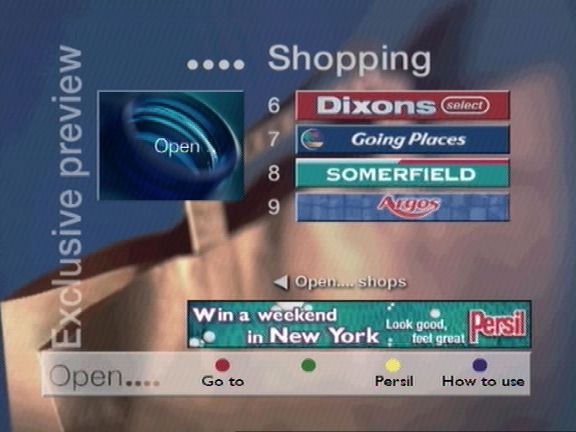
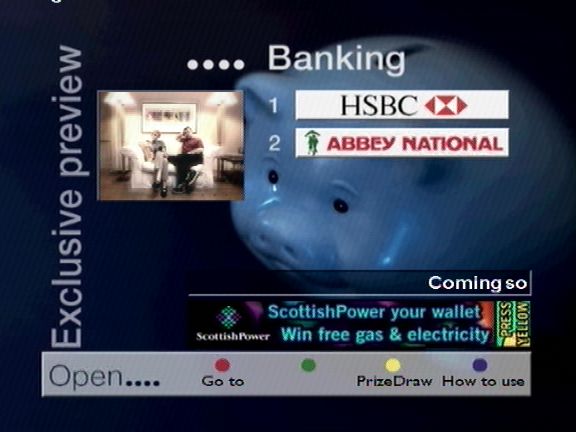
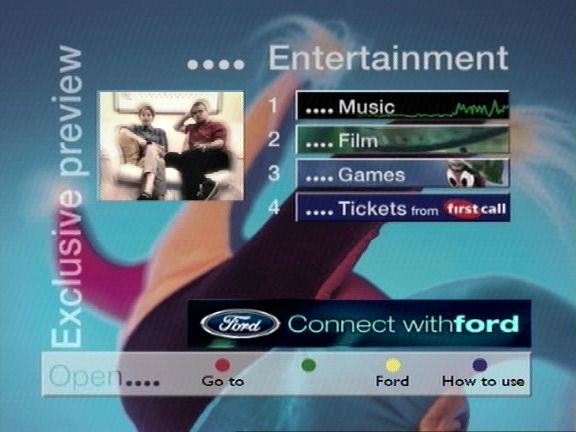
The service was originally to be branded BIB, but changed to Open…., I’m not sure if this is in reference to the OpenTV middleware stack used by BSkyB at the time. The Open interface was to mimic the experience of a TV High Street, with various banking, shopping and entertainment services being offered.
Open….
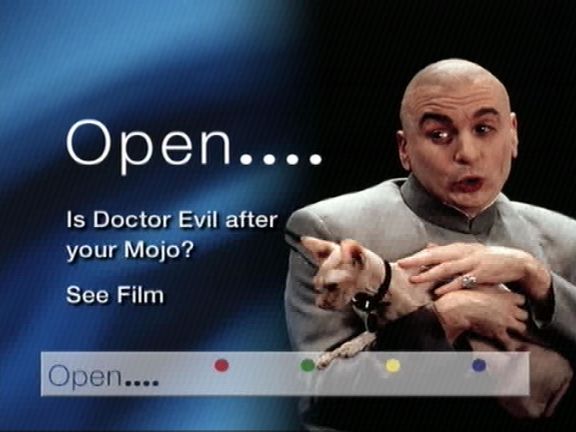
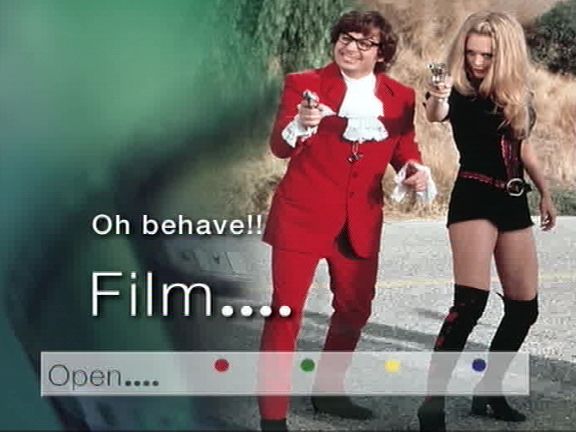
One of the loading bumpers for Open….
Austin Powers 2
The main Open…. menu
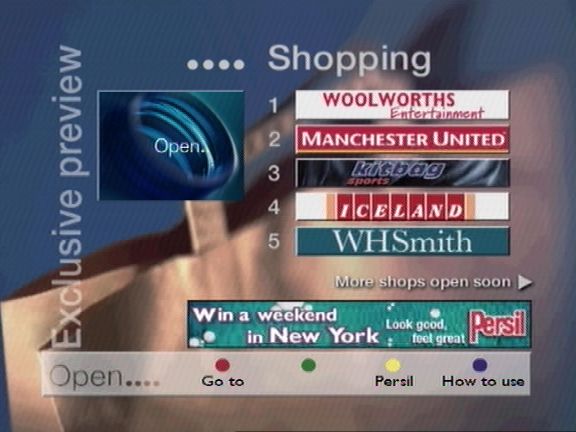
Shopping Menu – Shows a list of retails who have a storefront through Open
Even more shopping, E-commerce was supposed to be a huge draw for the service, considering the popularity of shopping channels of the time. Payment is made via a credit card, which the customer enters, and information is sent back encrypted via the phone line. At some point it was planned to use the interactive card as a form of payment
Home banking services were offered, designed after the popularity of online banking
Entertainment sections, which leads to the popular game section
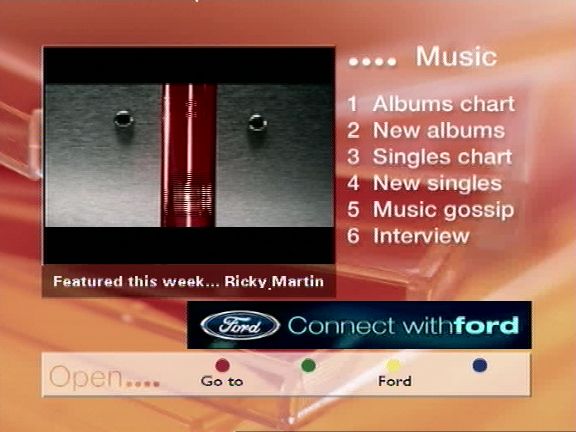
Music section, where you can check the latest charts, and purchase physical albums
Another loading screen, these were common to see on interactive satellite TV, since data is fed through a carousel like system, this means the digibox has to wait for the data to be transmitted
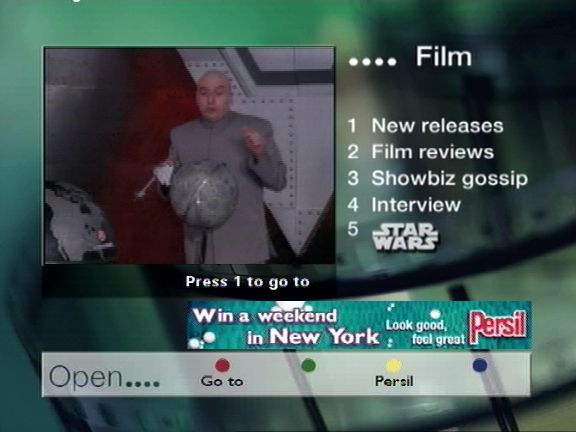
Film section, surprisingly there isn’t much integration with Sky Movie channels at the time (Premier & MovieMax)
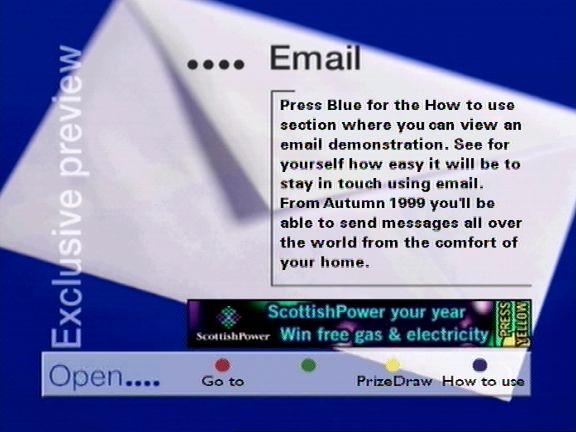
Email – initial offerings were BT’s talk21 service. Email was not push based, you were not alerted when an email came through, instead you had to load the service and connect to open via the telephone line which would then display your inbox. Emails could be typed using the Open keyboard.
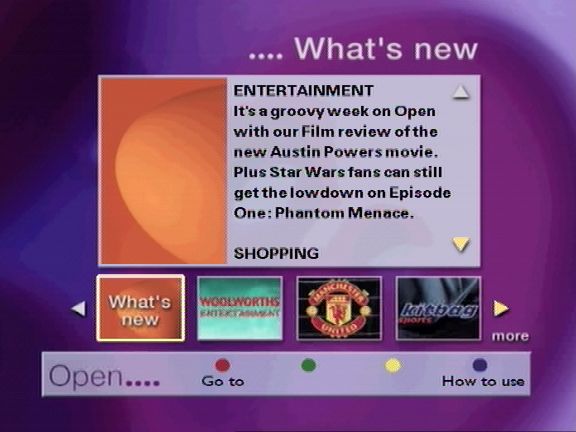
Whats New section
Any new additions to the service would appear here
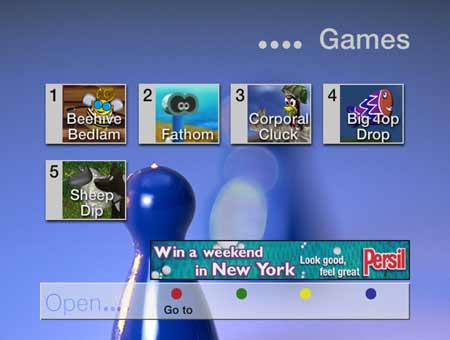
Games – games were originally delivered on open itself, they later had their own dedicated section (Game Attic), before being spun off into Sky Gamestar and having its own place on the interactive menu.
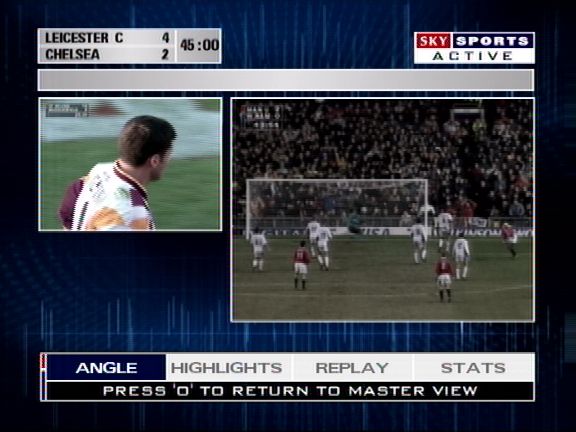
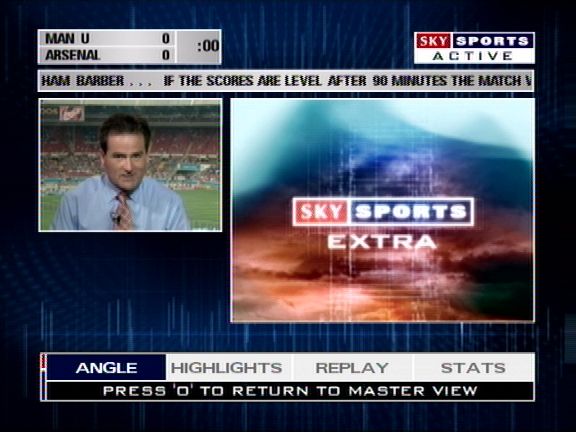
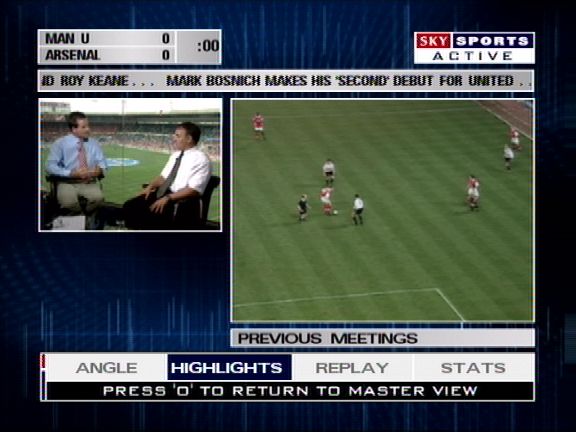
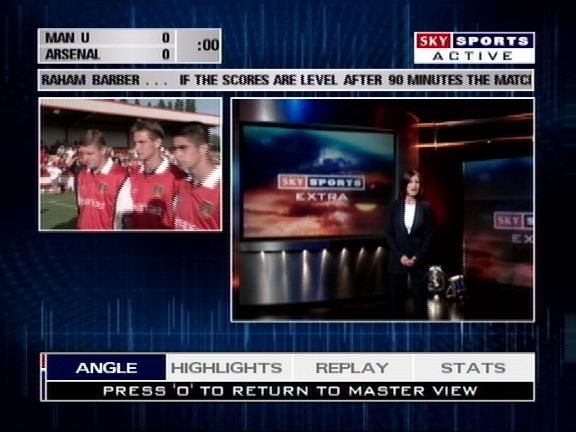
Sky Sports Active
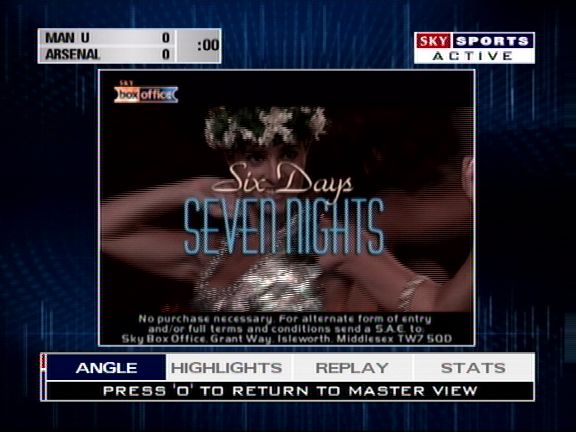
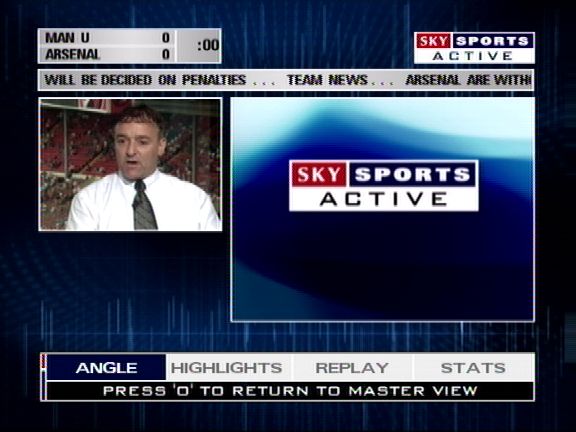
Sky sports active, one of the defining feature was the ability to choose your viewing angle when watching a main sports event, which was offered when Sky had first launched digital. This could be done via the interactive service, but it was also possible to tune into the stream via the other channels feature
Games
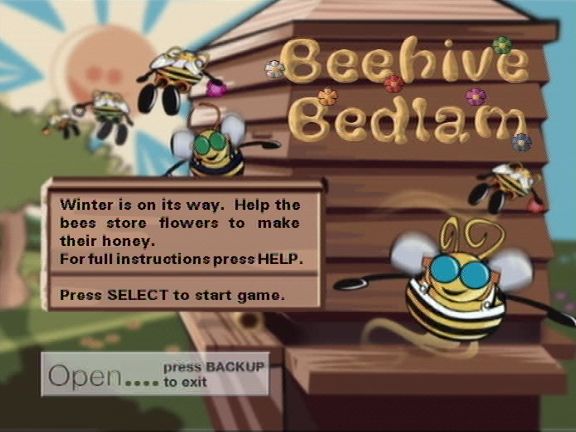
Beehive Bedlam
One of the classic games on Sky Digital, and the most well known. Beehive Bedlam was one of the only games that stayed free to play, with the exception of the master levels update in 2004, however the classic levels were still free to play
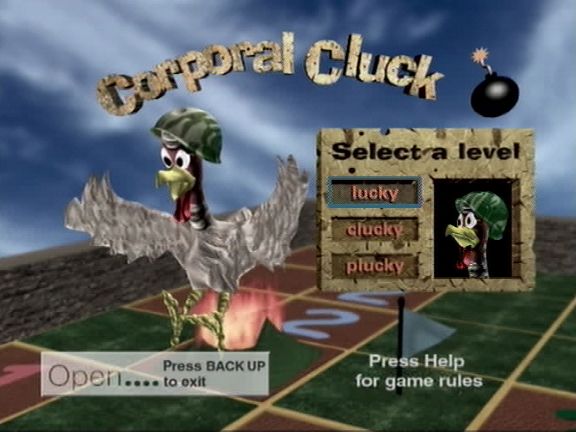
Corporal Cluck
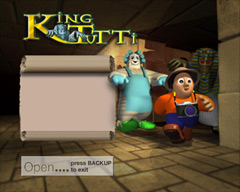
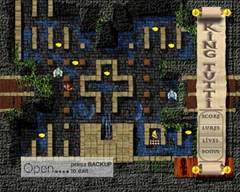
King Tutti
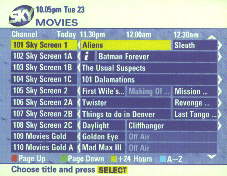
Early EPG concept
An early pre launch EPG background design, also note the channel text below the Sky logo
Another look at the Sky guide design
Meanwhile, here’s the actual EPG design Sky launched with, note how it says TV GUIDE LISTINGS rather than ALL CHANNELS










































 Drew1440: Blog