Category Archives: Digital TV

Looking at early Sky Interactive

Sky digital 1998 logo

Sky and BIB (British Interactive Broadcasting) launched their interactive service in late 1999, one year after the launch of Sky Digital. Designed to be an alternative to the world wide web being delivered through the TV, the early service looked promising.

The service was originally to be branded BIB, but changed to Open…., I’m not sure if this is in reference to the OpenTV middleware stack used by BSkyB at the time. The Open interface was to mimic the experience of a TV High Street, with various banking, shopping and entertainment services being offered.

Open….
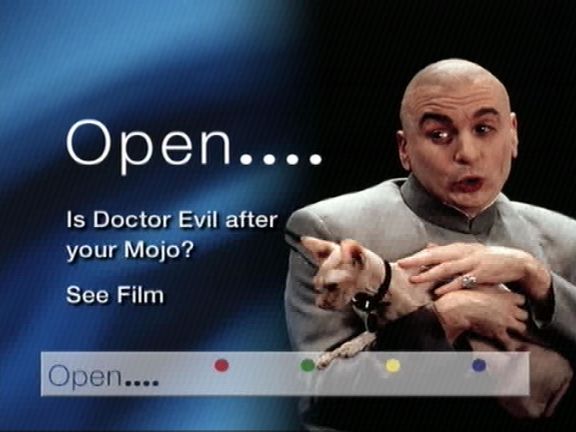
One of the loading bumpers for Open….

Austin Powers 2
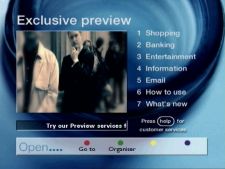
Open main menu

The main Open…. menu

open shopping

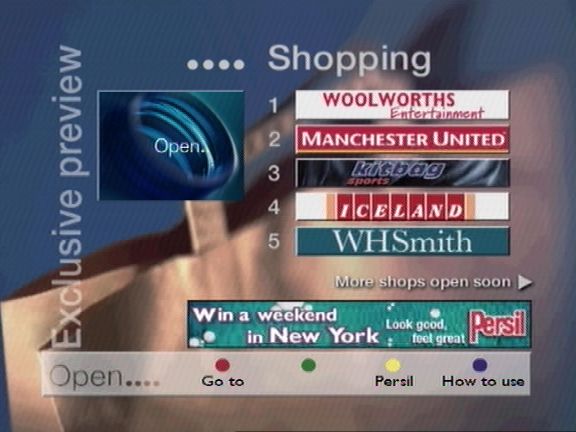
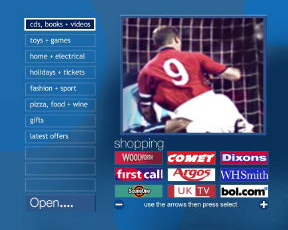
Shopping Menu – Shows a list of retails who have a storefront through Open
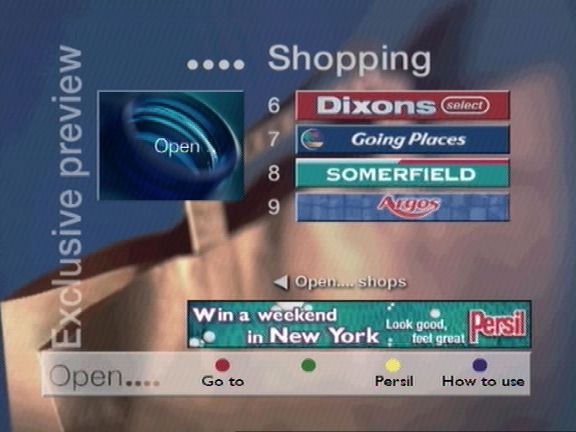
open shopping

Even more shopping, E-commerce was supposed to be a huge draw for the service, considering the popularity of shopping channels of the time. Payment is made via a credit card, which the customer enters, and information is sent back encrypted via the phone line. At some point it was planned to use the interactive card as a form of payment
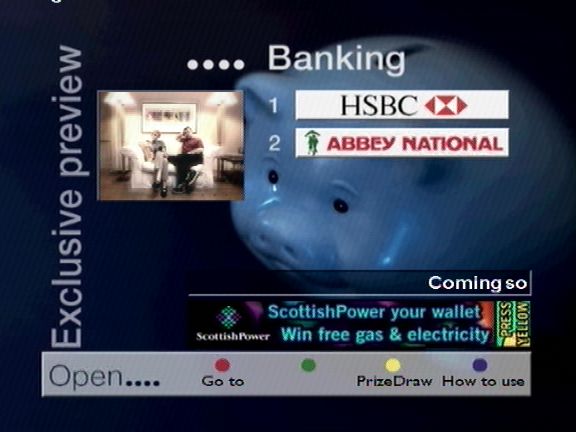
open banking

Home banking services were offered, designed after the popularity of online banking
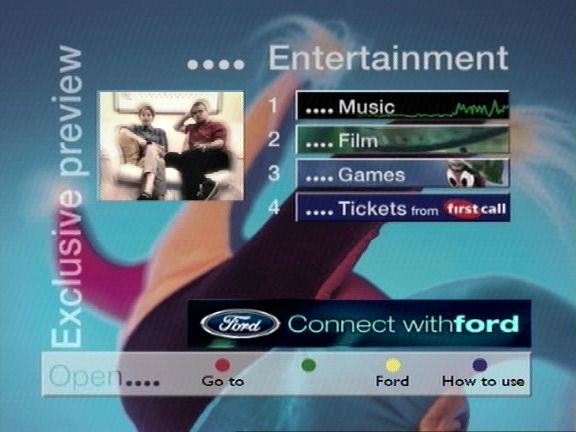
open entertainment

Entertainment sections, which leads to the popular game section
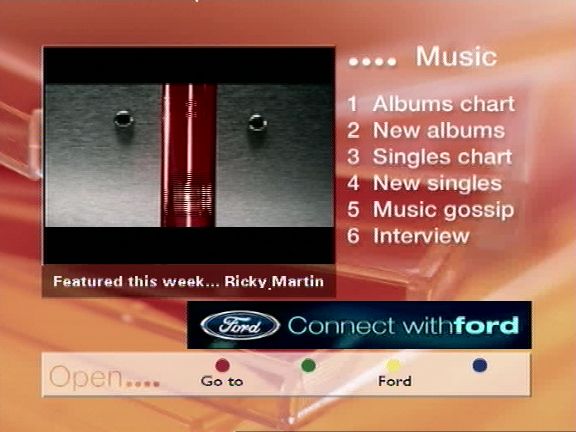
open music

Music section, where you can check the latest charts, and purchase physical albums
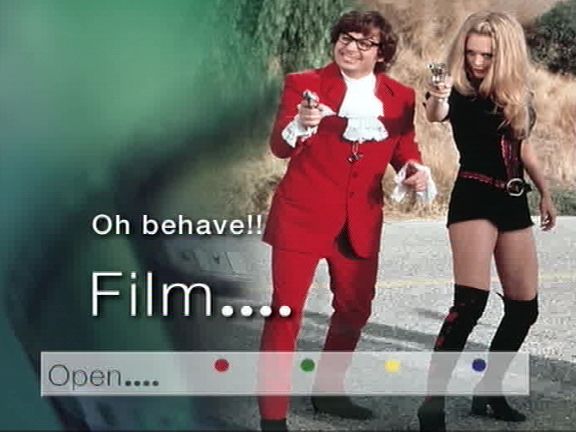
open film

Another loading screen, these were common to see on interactive satellite TV, since data is fed through a carousel like system, this means the digibox has to wait for the data to be transmitted
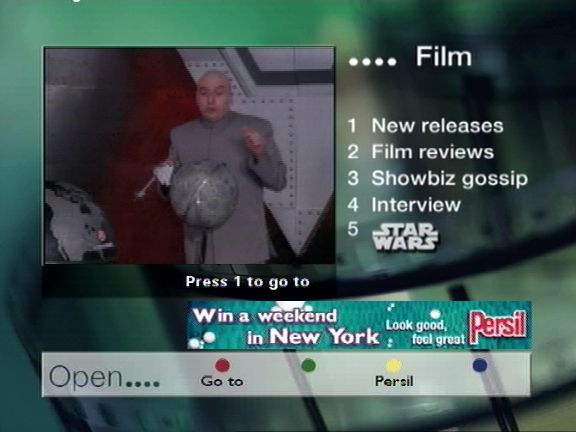
Film section, surprisingly there isn’t much integration with Sky Movie channels at the time (Premier & MovieMax)
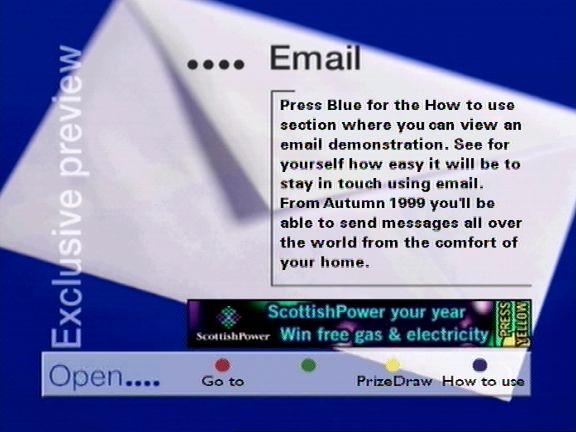
open email

Email – initial offerings were BT’s talk21 service. Email was not push based, you were not alerted when an email came through, instead you had to load the service and connect to open via the telephone line which would then display your inbox. Emails could be typed using the Open keyboard.
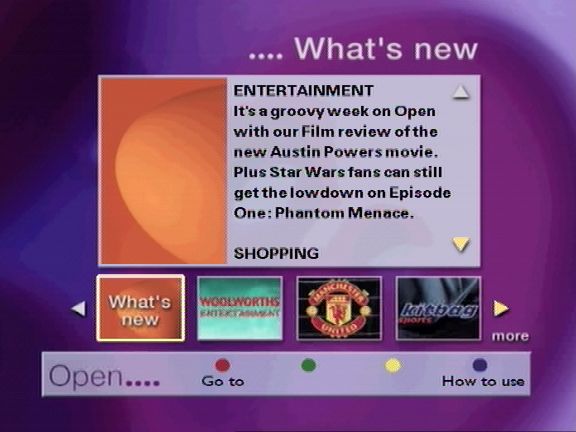
open whats new

Whats New section

Any new additions to the service would appear here
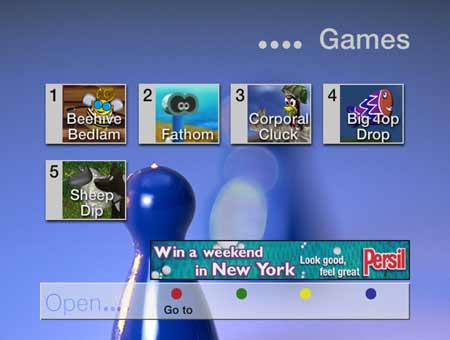
Sky digital open games

Games – games were originally delivered on open itself, they later had their own dedicated section (Game Attic), before being spun off into Sky Gamestar and having its own place on the interactive menu.

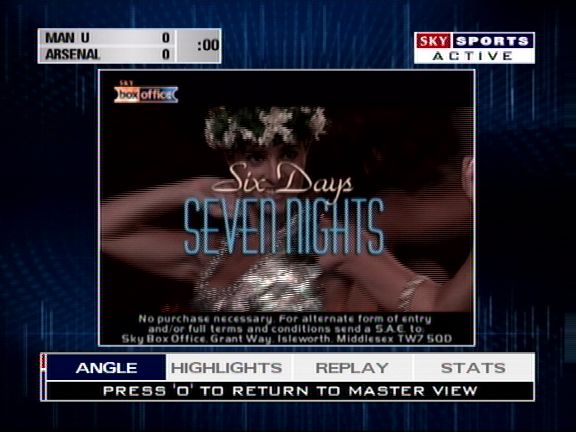
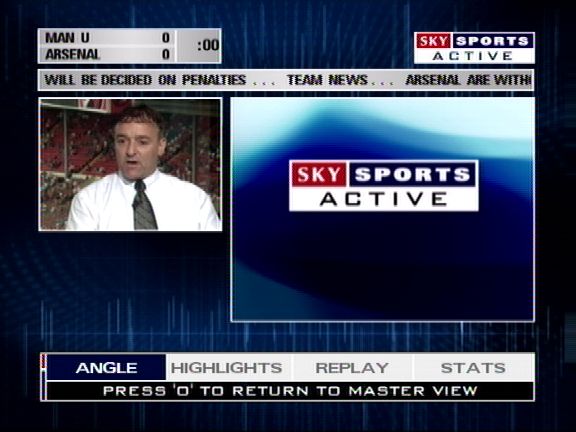
Sky Sports Active
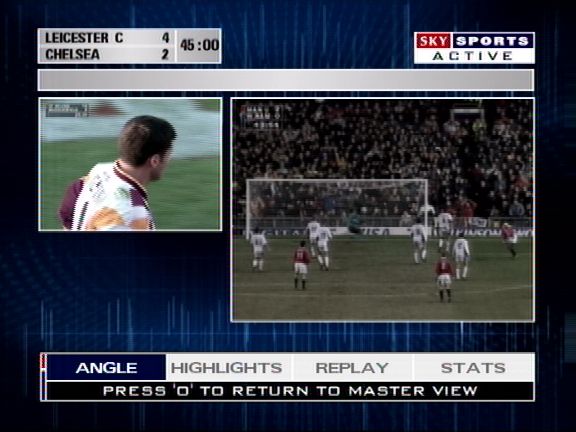
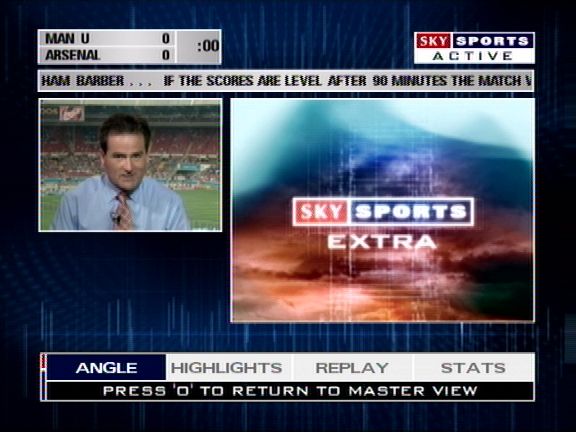
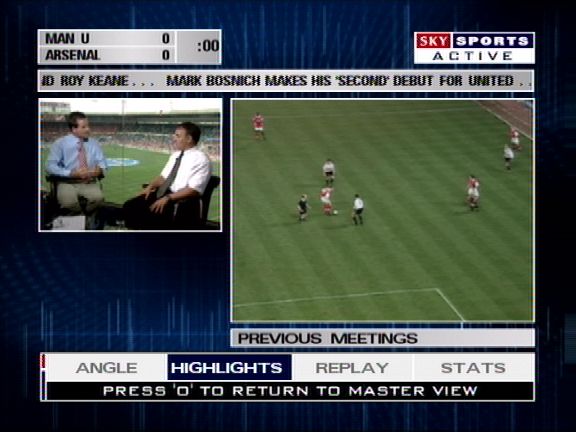
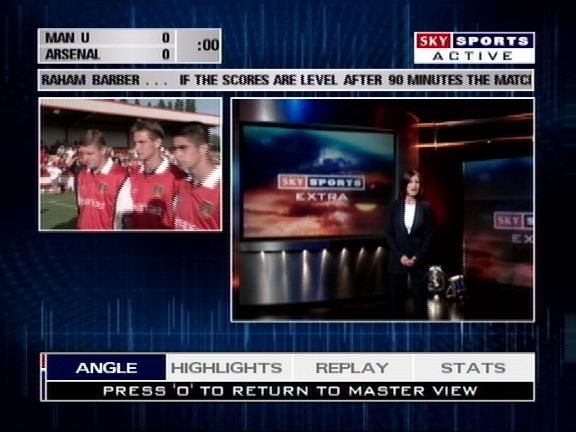
Sky sports active, one of the defining feature was the ability to choose your viewing angle when watching a main sports event, which was offered when Sky had first launched digital. This could be done via the interactive service, but it was also possible to tune into the stream via the other channels feature

Games
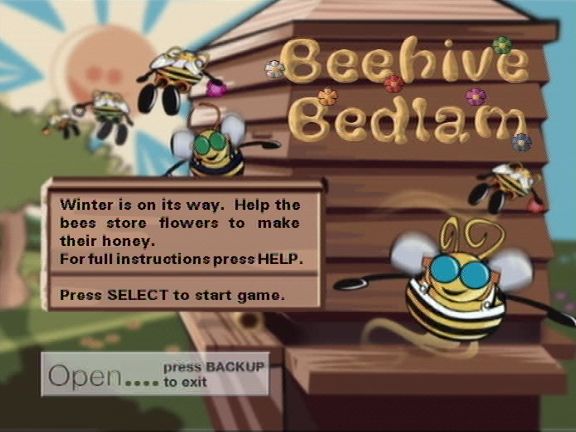
Beehive bedlam open....

Beehive Bedlam

One of the classic games on Sky Digital, and the most well known. Beehive Bedlam was one of the only games that stayed free to play, with the exception of the master levels update in 2004, however the classic levels were still free to play
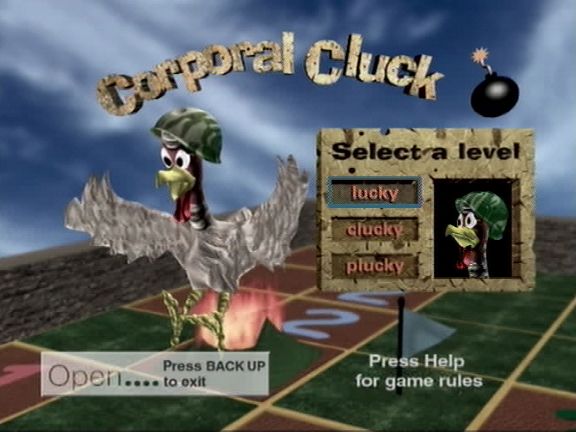
Corporal Cluck sky games
Corporal Cluck

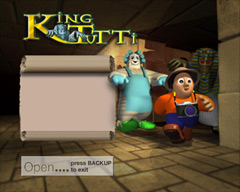
King Tutti Sky games

King Tutti

Early EPG concept

Sky guide movies 1998

An early pre launch EPG background design, also note the channel text below the Sky logo
sky guide tv listings

Another look at the Sky guide design

Sky guide 1999

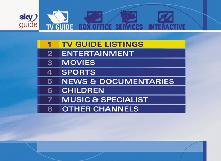
Meanwhile, here’s the actual EPG design Sky launched with, note how it says TV GUIDE LISTINGS rather than ALL CHANNELS

Cable & Wireless TV Guide Pace DiTV1000

Cable & Wireless launch EPG

A few screenshots of the original Cable&Wireless guide have surfaced online. They look to have been taken from a magazine, and may have been an early preview of the software. Similar to the pre launch Sky software that was a redesigned prior to its launch.

There isn’t much to say since it looks remarkably similar to the Telewest guide that was used for its launched, and was possibly based on the same code base. the initial EPG used by both Telewest and ntl was built using by Pace, and was designed to be a basic EPG with the Liberate browser running in background.

The software below is known as CR1, this lacks interactivity as the liberate client was yet to be deployed to the STB’s of the time, and the service was still in the process of launching. ntl later rebranded the CR1 software to their own colour scheme, but the design remained the same until ntl started rolling out CR3, which saw the EPG being completely redesigned to use the Liberate TV Navigator. In some areas of London, the ntl CR1 EPG was still in use, due to the poor condition of the Videotron network that was originally deployed.

Cable&Wireless Guide

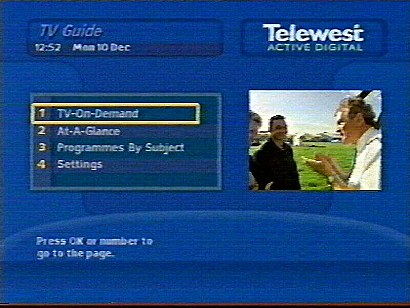
The main menu, shows TV on demand (Pay per view), at a glance (EPG guide listings), programes by subject (subgenres) and preferences.

Cable&Wireless EPG

The options and layout of the guide look similar to the Telewest build of the software, and the later ntl rebrand

Cable & Wireless 1999

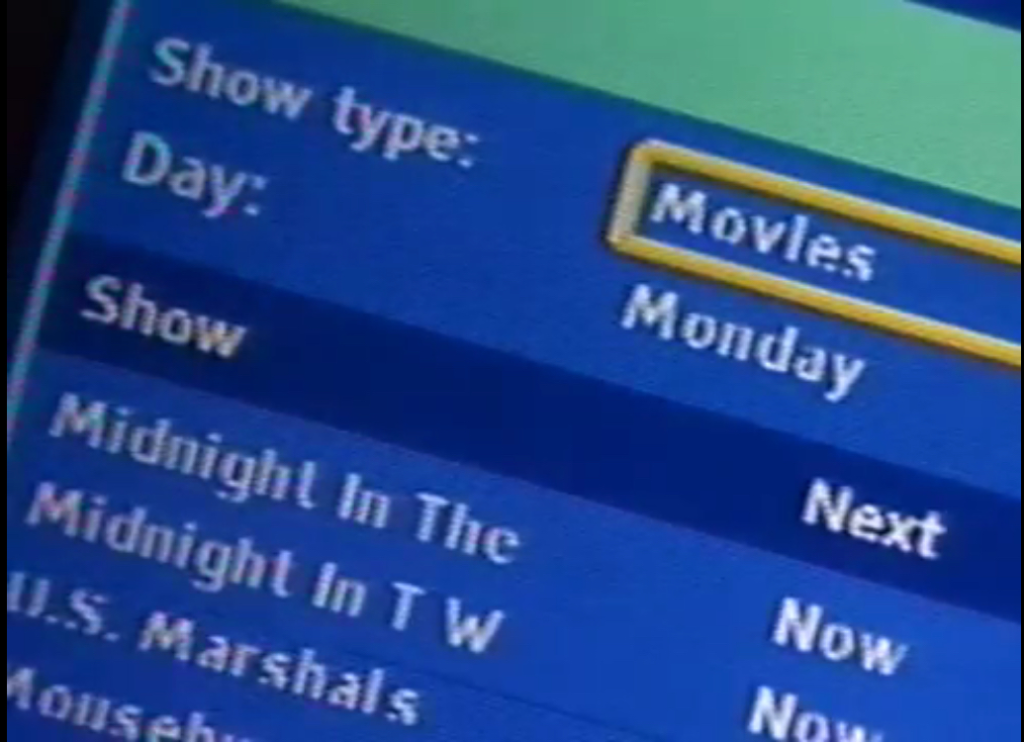
PayPerView on demand listings, I believe Cable & Wireless used Sky Box Office at the time, rather than Front Row

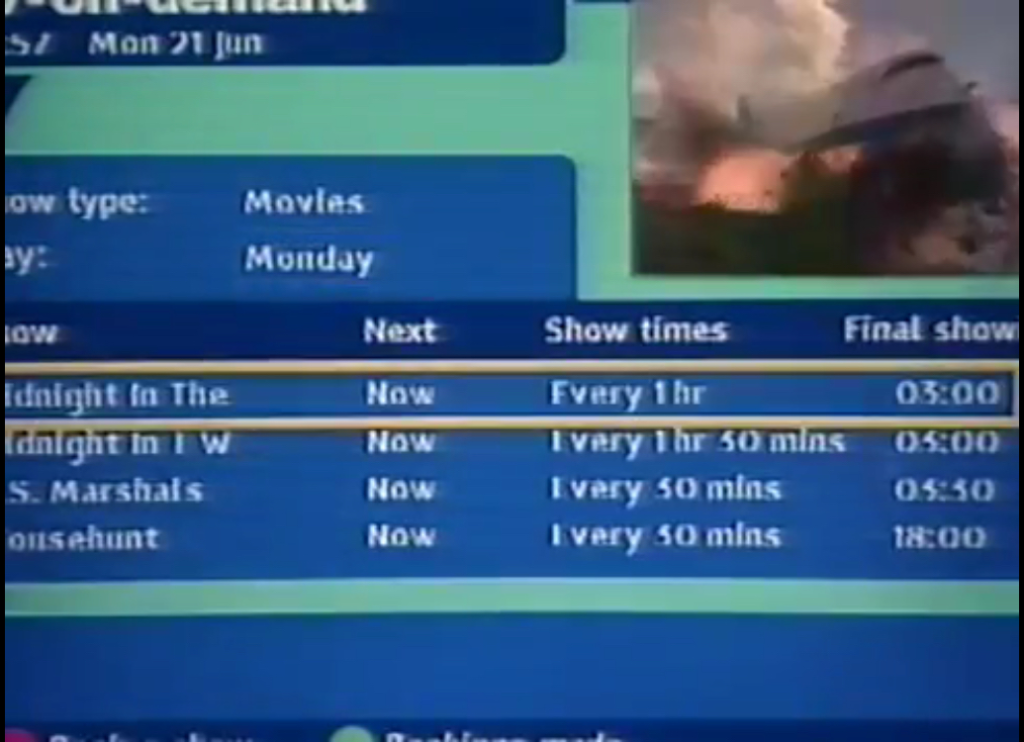
Cable & Wireless listings

List of the PPV event along with the show times, again very similar to the Telewest layout

Cable & Wireless Interactive

It’s a shame the pictures appear to be zoomed in and that there are not any better shots of the ‘At-A-Glance’ EPG available

Comparison with Telewest

You can see distinct similarities within the layout the the guide software, I’d imagine the rest of the guide would look the same.

A look at the Nokia 9850T

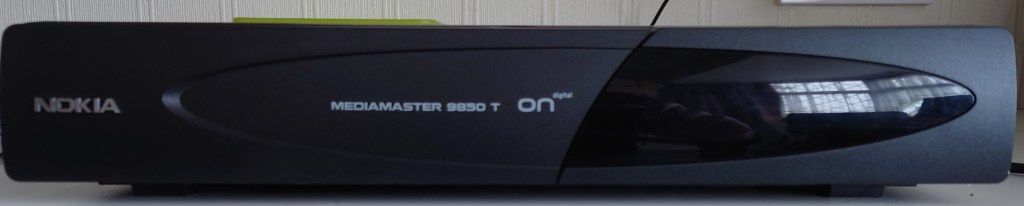
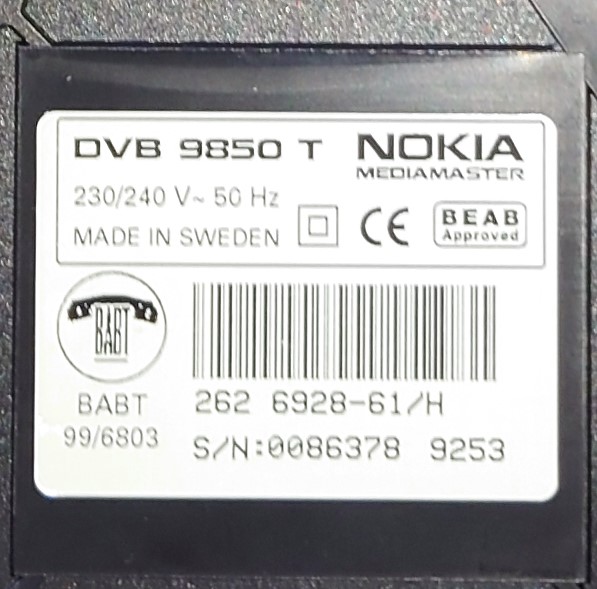
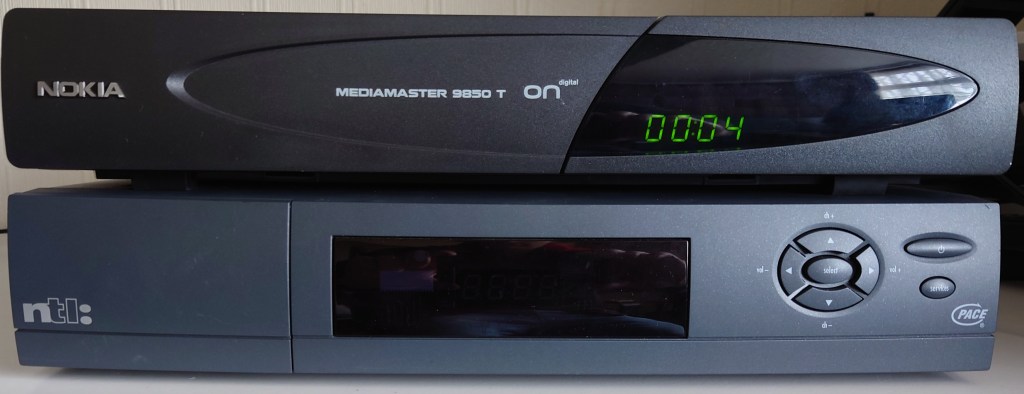
The Nokia Mediamaster 9850T was one of the first ONdigital receivers released to the market, alongside the Philips and Pace models, and one of the first digital terrestrial receiver that Nokia had made.

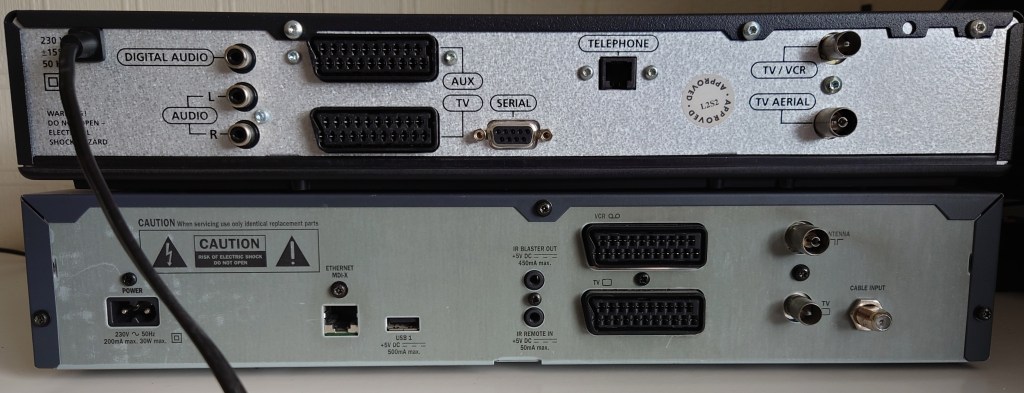
Like other ONdigital boxes, the 9850T uses SECA Media-highway for its middleware, alongside the MediaGuard conditional access system. The box also has a PCMCIA slot for future digital interfaces, likely to enable upgrades. The front panel design is similar to the other models of the time, all boxes had a Power, Select, Menu and directional buttons to allow basic control of the receiver without a remote, and a 4 digit display which would show the channel number and the time in standby

Front View

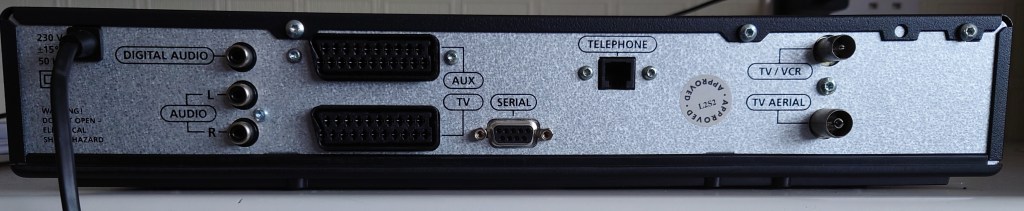
Rear View

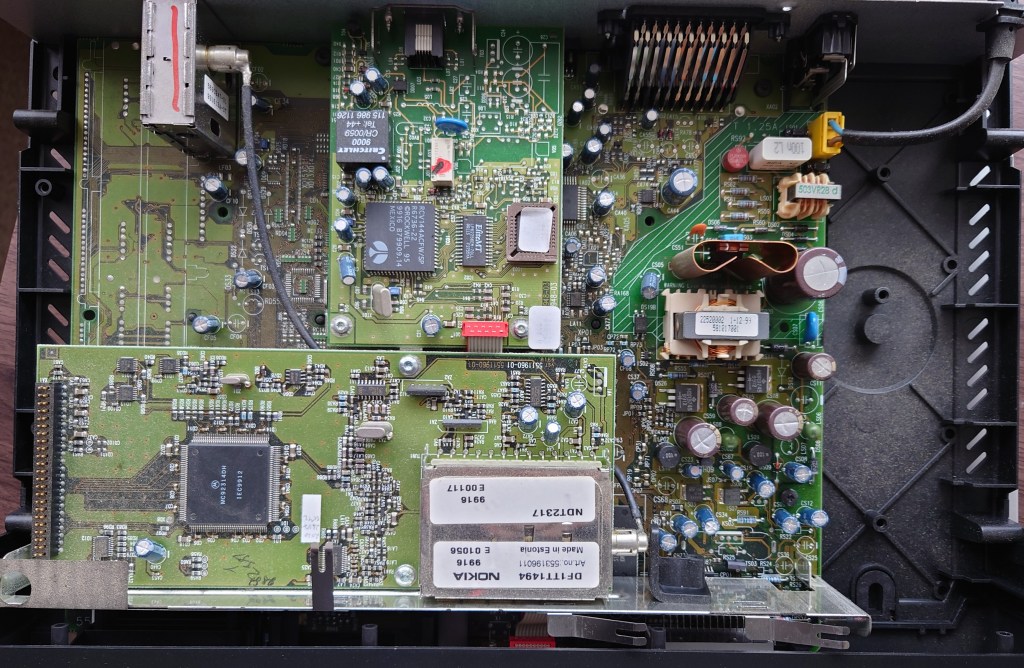
Lifting the Lid

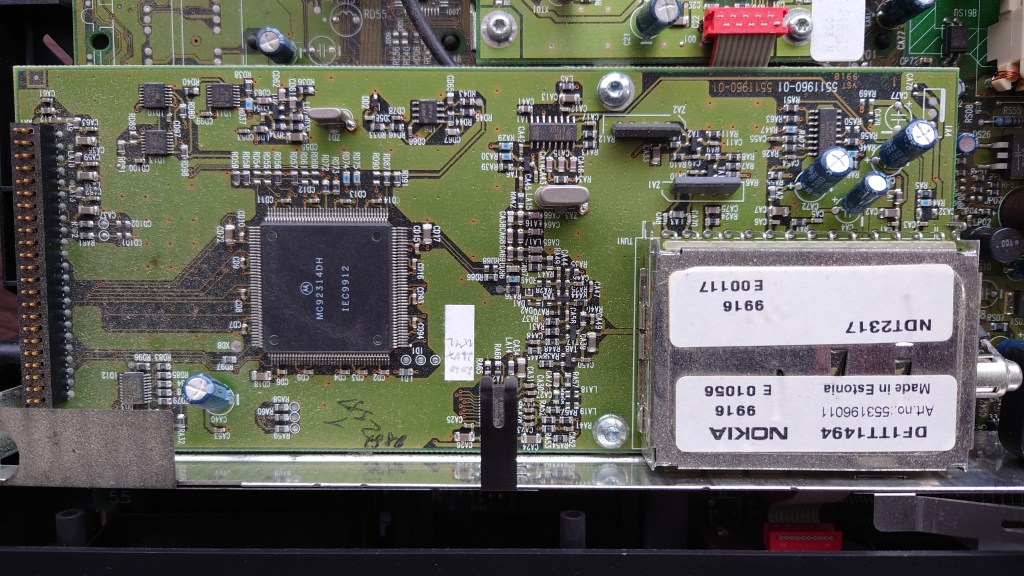
Tuner Block

The tuner is implemented on a separate module away from the mainboard, it seems the board is based off the 9800/9700 satellite receiver, and when it came to adapting the design for the 9850T, Nokia added the DVB-T tuner module as a separate module. This module is soldered in and cannot be removed.

Motorola MC92314 Datasheet

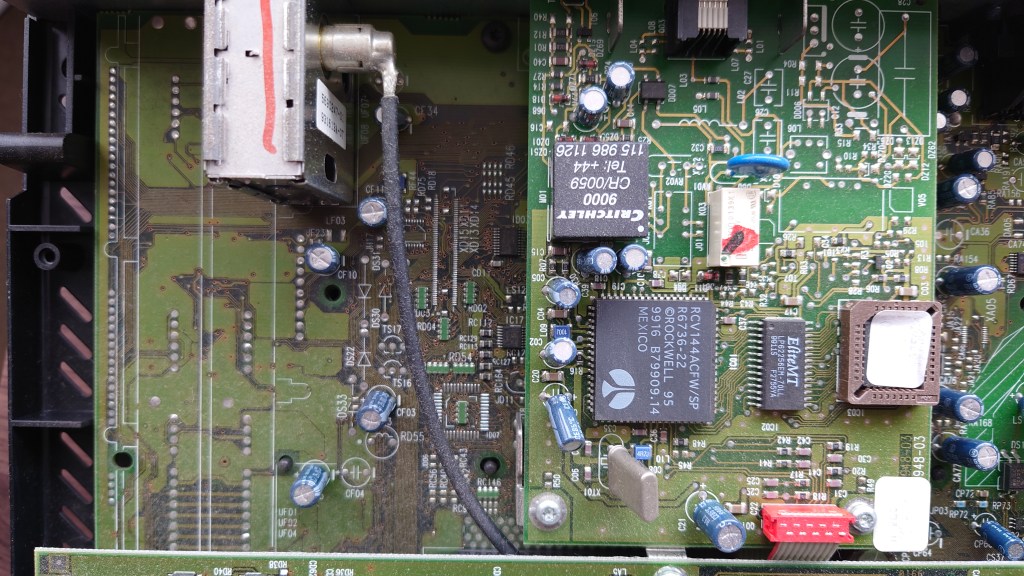
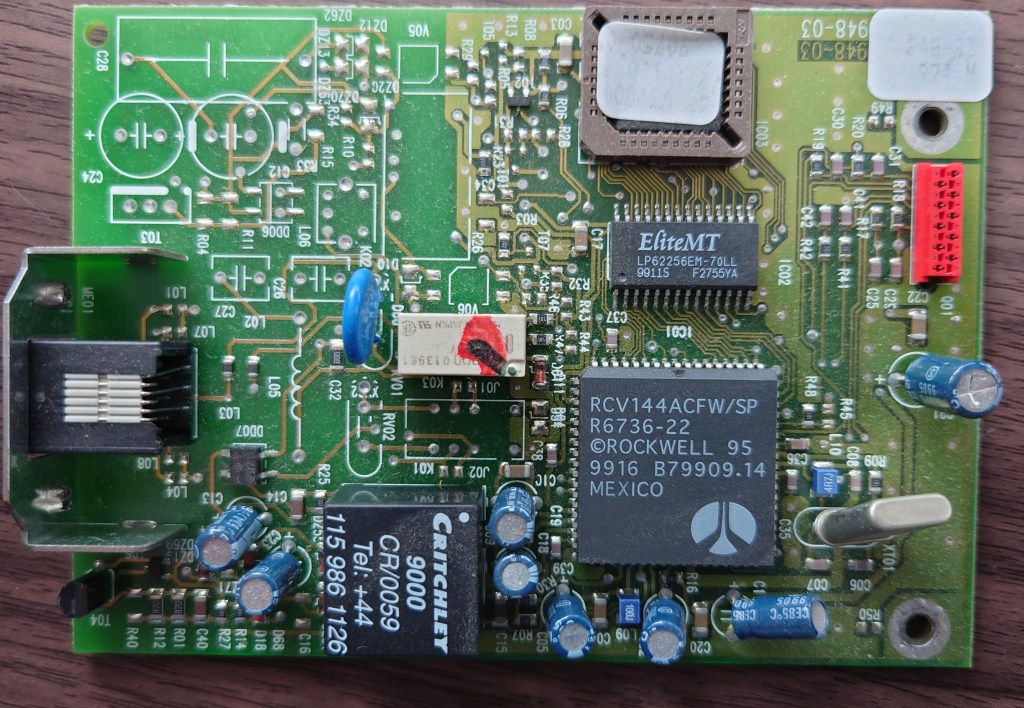
The modem is also a separate component, connected what looks like an internal RS232 port, to the left you can see spaces reserved for the satellite tuner modules

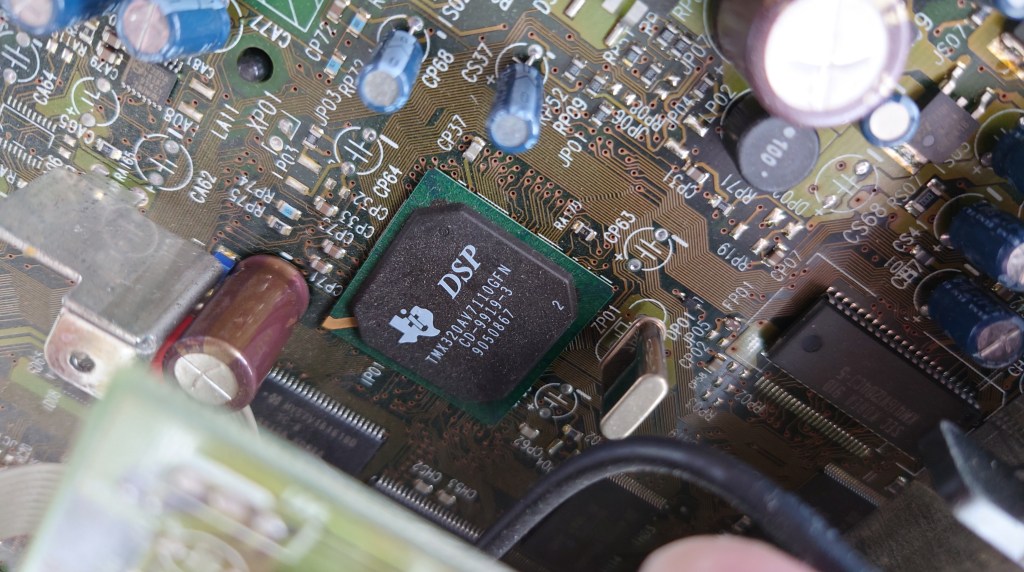
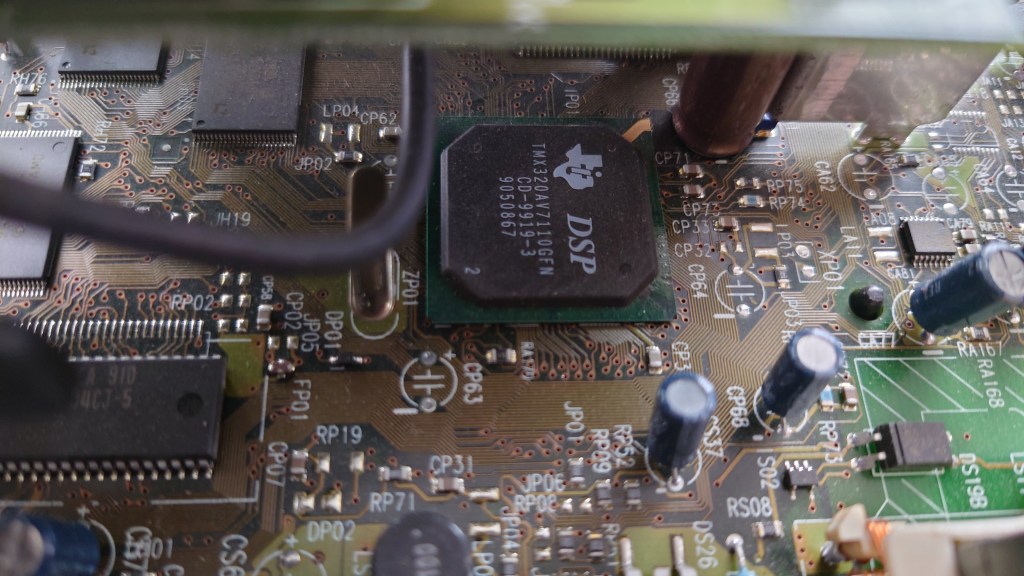
Shot of the CPU and MPEG2 decoder, cannot find any other chips unless they are on the underside, so I assume this also contains the decoder.

Texas Instruments TMS320AV7110

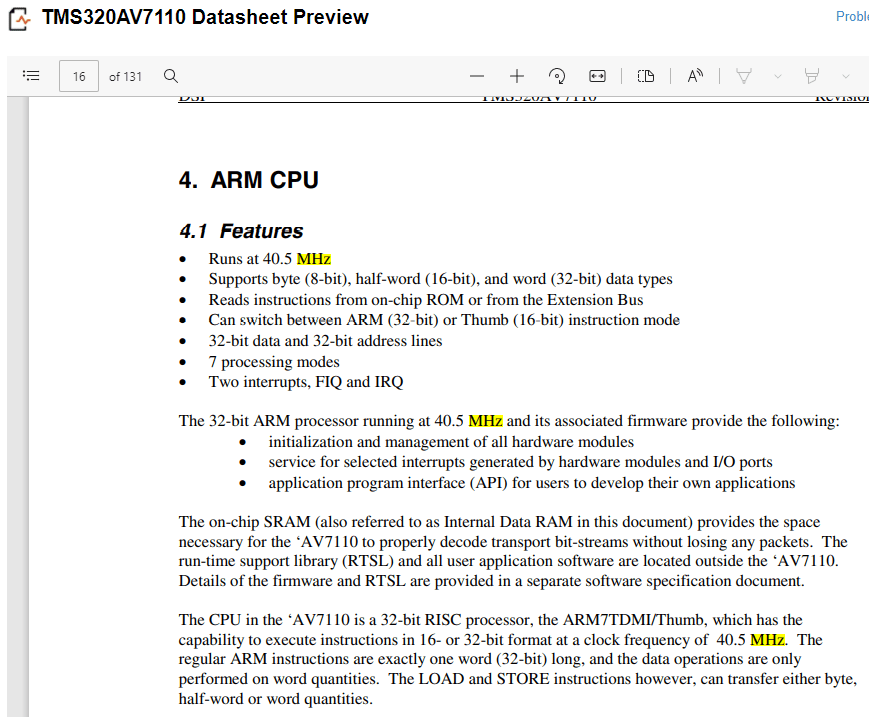
From looking at the datasheet below, the CPU of the box is based on an ARM design and runs at 40.5MHz

Datasheet

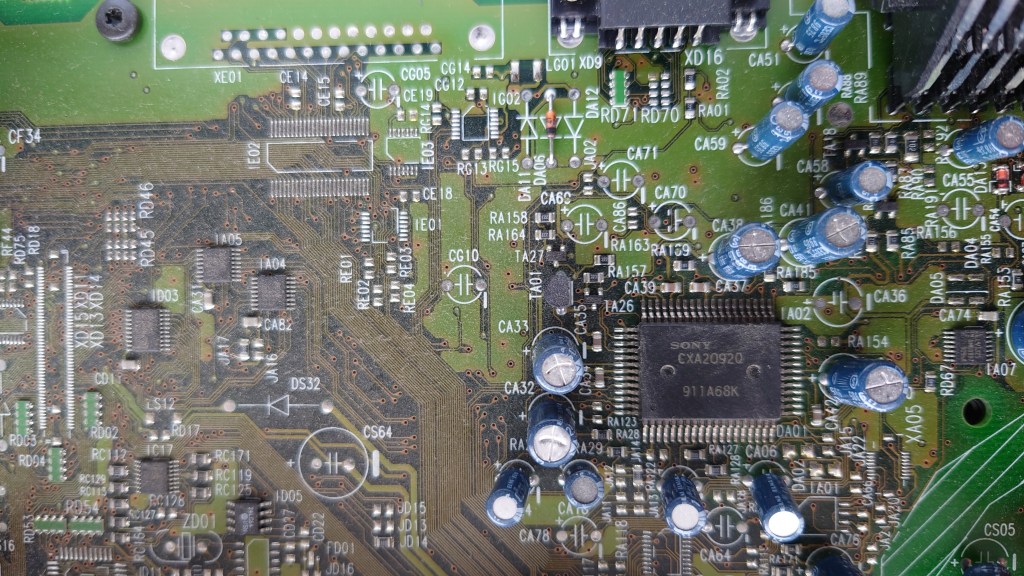
Sony CXA20920 – AV encoder

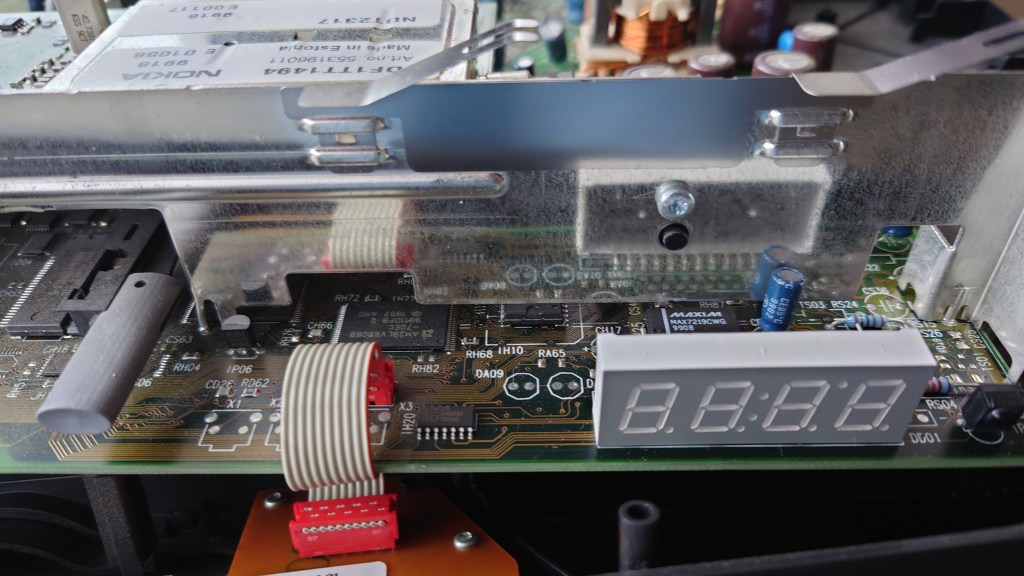
Front panel display

Another shot of the main CPU and MPEG2 decoder, the Flash and RAM chips can be seen to the left side

The modem module itself

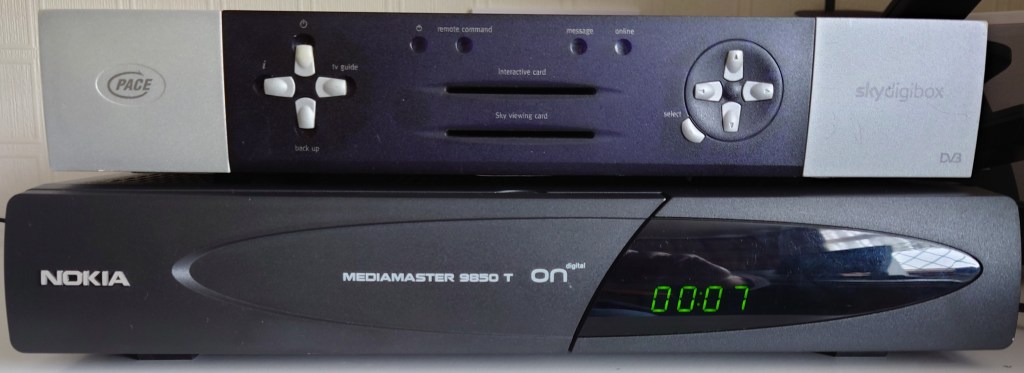
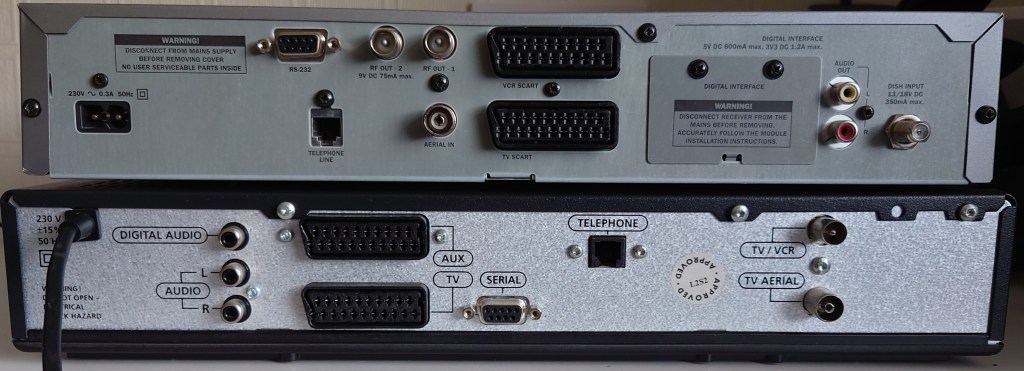
Size Comparison

Vs Pace Di4000

Vs Pace 2500S5

Conclusion

As this was one of the first DTT receivers on the market, the box seems to be quite primitive compared to the later Freeview receivers with its lack of a full EPG and more importantly 8K tuner support, however in the ONdigital era the Nokia was considered to be the more reliable and supported box (The Sony and Toshiba models did not get MHEG support) and there are reports of the 9850T being able to lock onto weaker signals better than its Philips or Pace counterpart.

The addition of the digital audio connecter would have been the main distinction from the other ONdigital boxes besides the Sony, since they were the only models to feature this.

Nokia would later go on to continue creating DTT receivers for the Freeview service, with models like the 221T or the 121T, which had an unorthodox and unique design compared to the traditional 9850T. Unfortunately Nokia exited the Freeview market after 2005, along with its satellite receivers and focused on mobile phones before Microsoft purchases their handset division. It’s not known it Nokia will reenter the set top box market.

A look at the Panasonic TU-DSB40

Panasonic were one of the major manufactures of Sky Digibox’s, and were considered to be one of the more reliable makes in terms of reliability and performance.

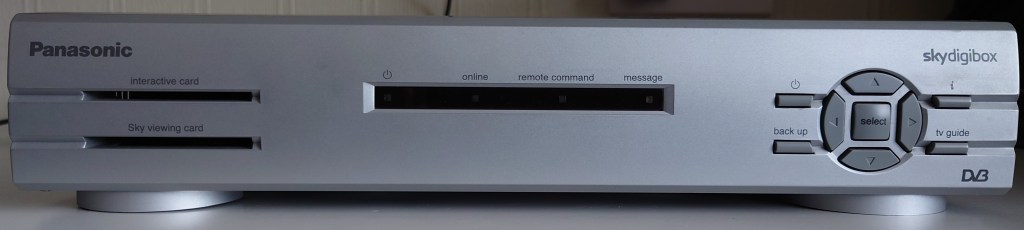
The front panel is typical of the average Sky box of the era, 4 led lights followed by 9 front panel buttons along with two card slots.

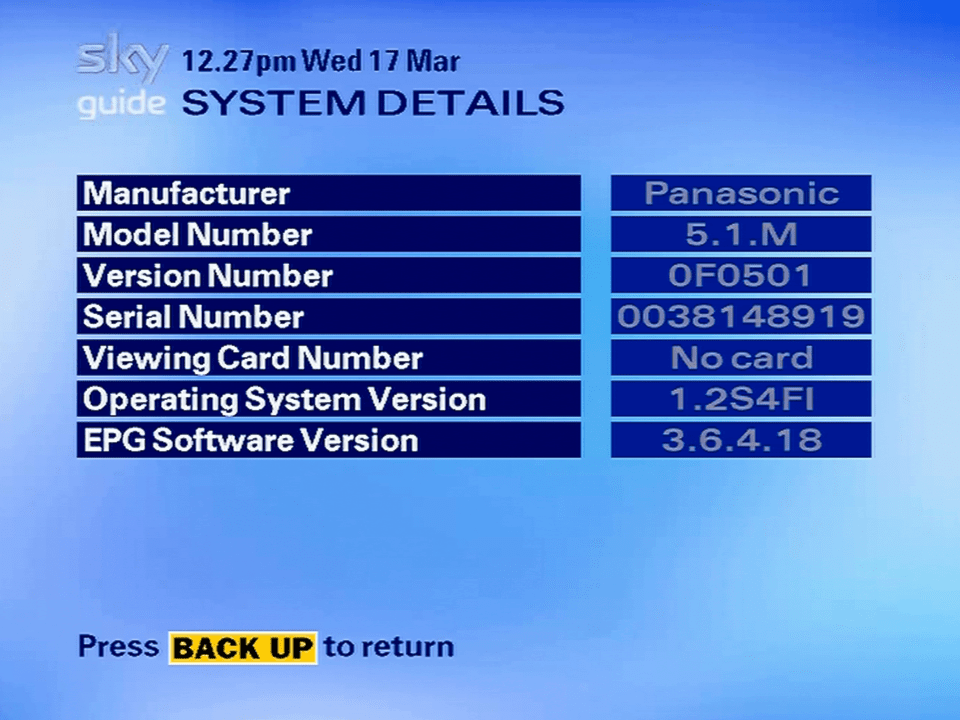
A loot at the system details screen, showing the software and revision information

Lifting the Lid

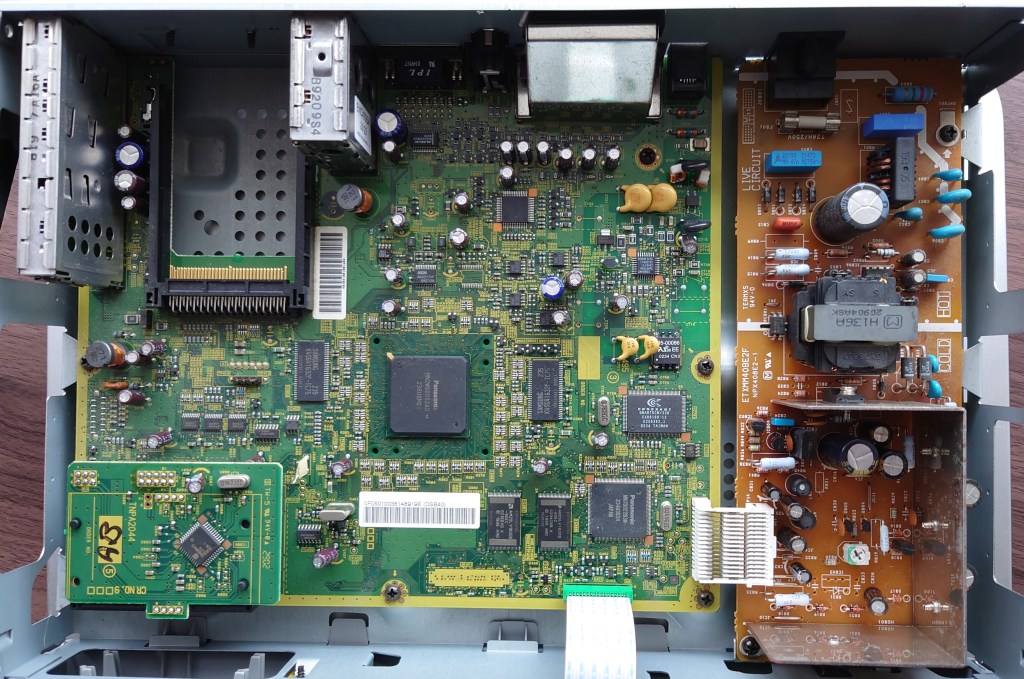
A very clean design, similar to the 2500S5

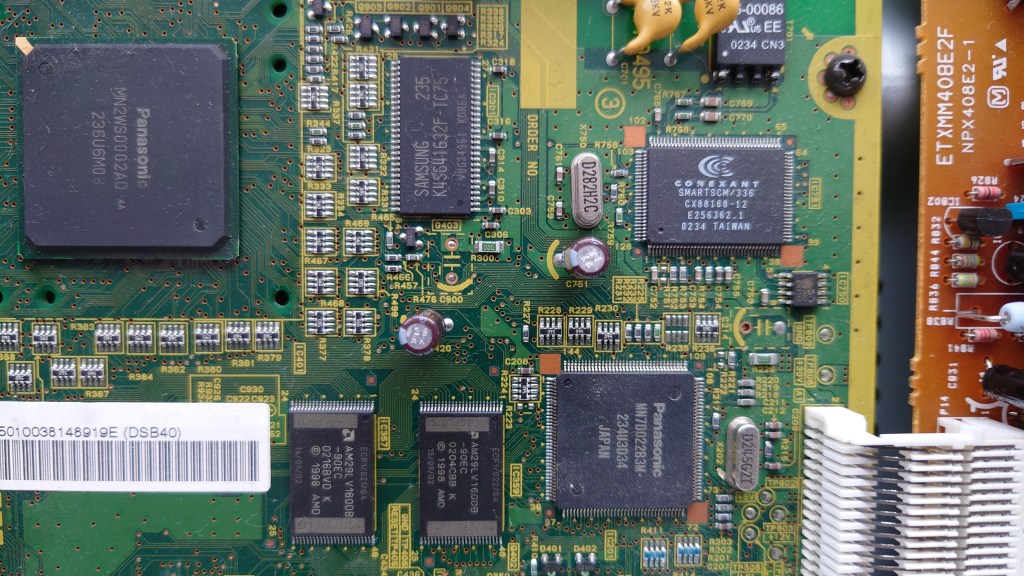
On the left you can see the main CPU and MPEG2 decoder, seems to be a custom Panasonic MN2 processor (MN2WS0002AD). Whilst I’ve not been able to find a lot of detail on it online, It’s a lot faster than the ST 5512 found in the Pace 2500S5

Not sure about the Panasonic chip towards the bottom, the MN7D022B3M, nothing much turns up online. Not much can be found with the Conexant chip either (SMARTSCM/336 CX88168-12) however one MAME driver source page has it down as a modem

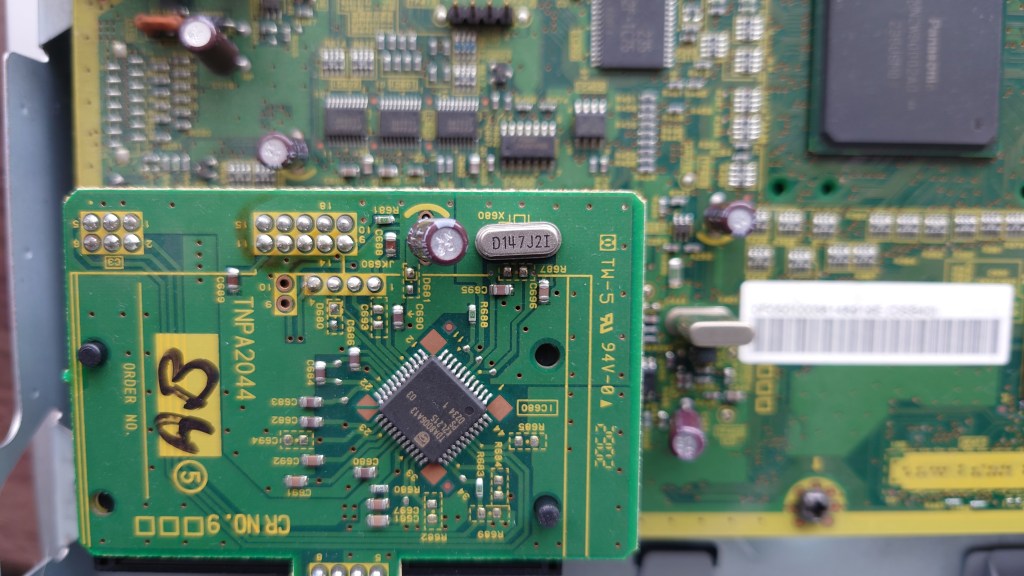
Second card slot

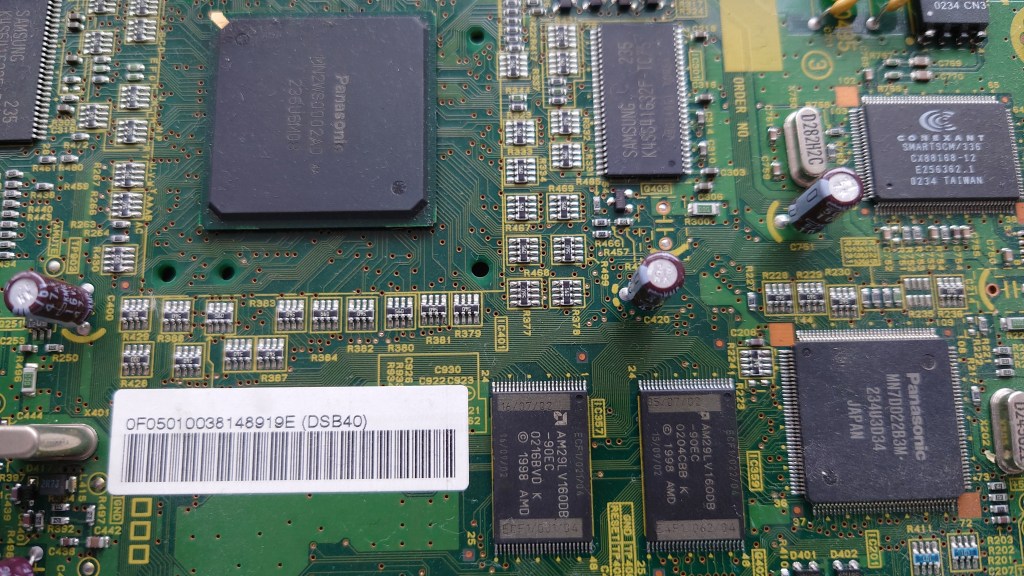
Another view of the MN2 chip with the flash rom (bottom) and memory (Samsung chip next to the MN2)

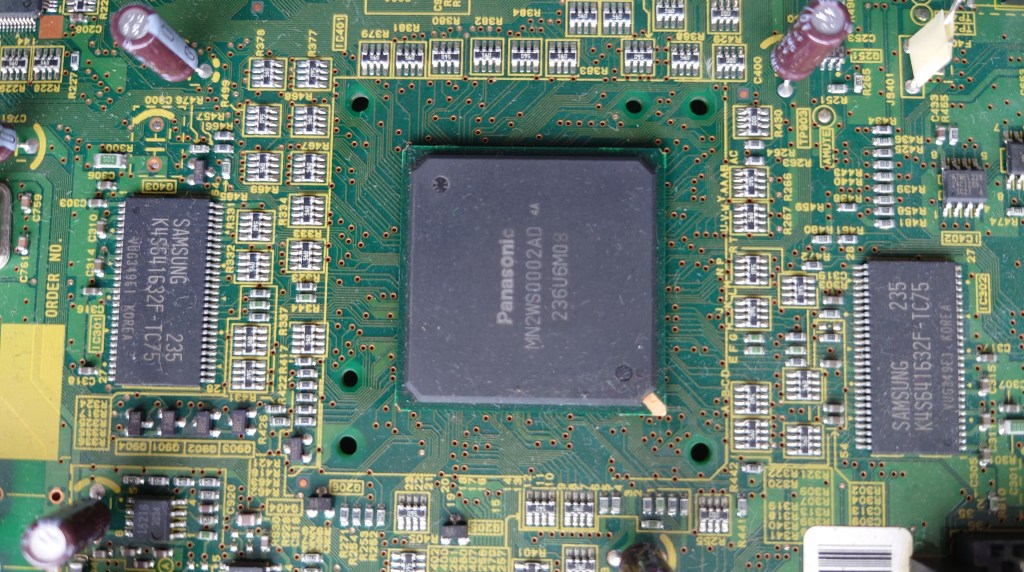
Main central processor MN2WS0002AD, Looks like it’s missing a heatsink, or maybe Panasonic figured it didn’t need one. Most likely Sky winged about the price so Panasonic had to cut corners. Still the box feels cool to the touch when in use.

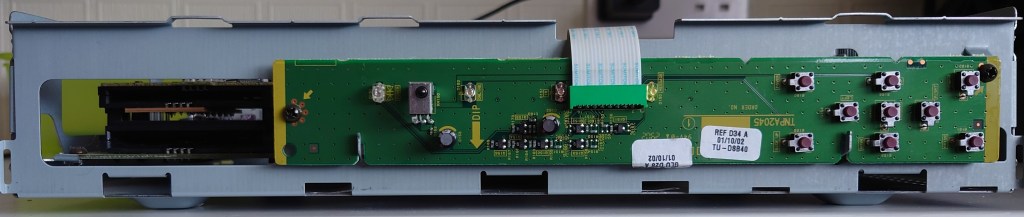
The front panel removed

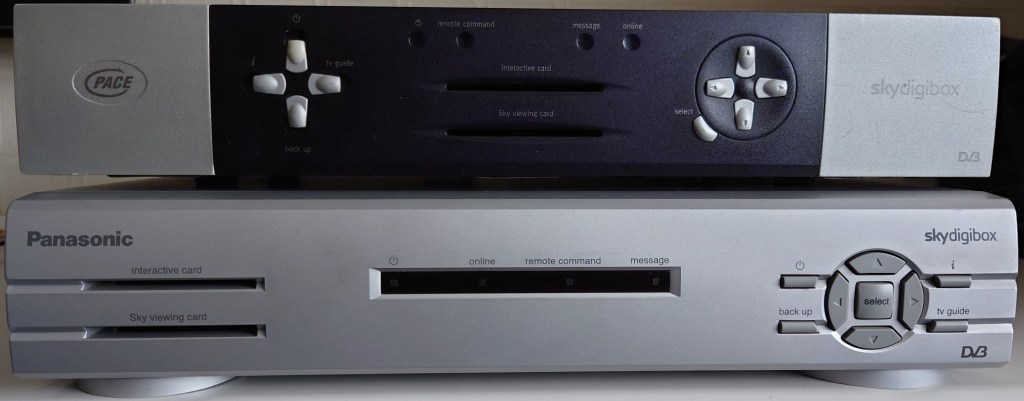
Vs Pace 2500S5

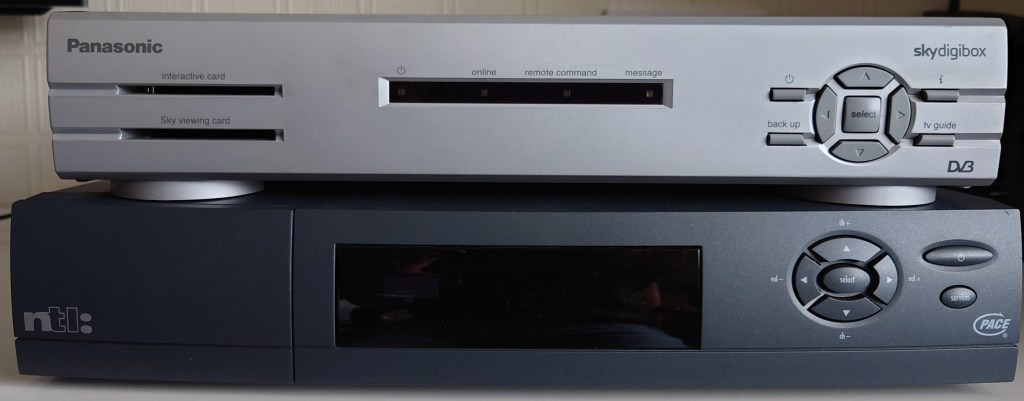
Vs Pace Di4000N

Conclusion

The DSB40 comes from the same generation of digibox as my 2500S5, yet it feels so much faster in operation thanks to its processor. I’m not sure why Pace held onto the St5512 for so long when over digibox’s were moving onto more capable processors. Unfortunately I’m not able to find any further information regarding Panasonic’s MN2 chips that they used, only that they were used for Directv and OpenCable boxes also, and they were mostly MIPS based designed like the NEC EMMA used on some digibox’s.
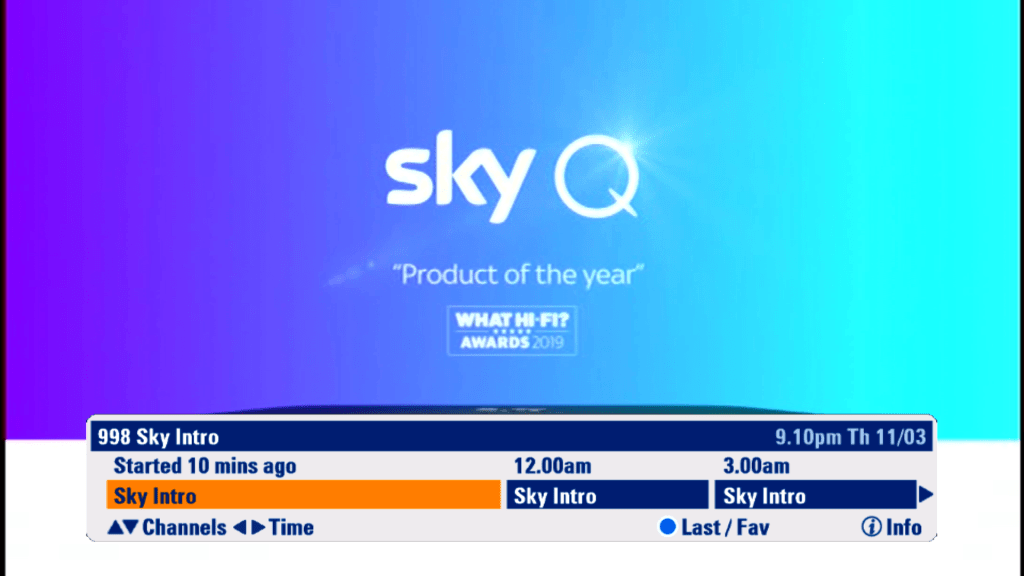
Then again this box is running older software, maybe the later versions were more demanding?

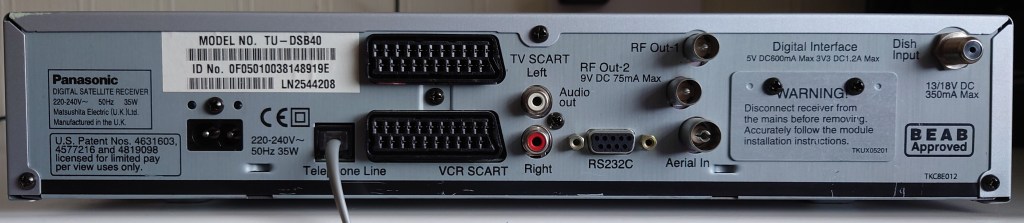
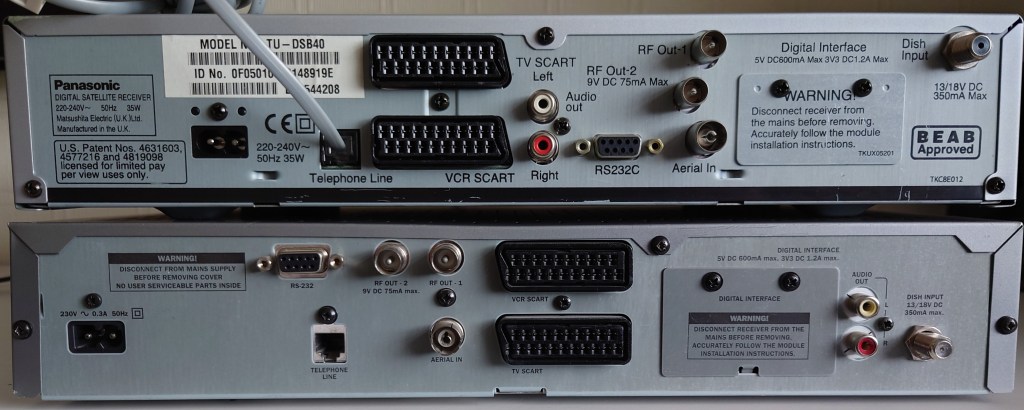
The only major issue the the telephone cable connector, once you insert the wire, its suck to the digibox and cannot be removed without removing the back panel. I’m not sure why this is, if the connecter was mismatched for the case or maybe it was a cost saving design.

A look at the Sky HD Guide (2008 era)

Since Sky had launched its digital service back in 1998, very little had changed form its Sky Guide interface. Whilst numerous software upgrades were deployed that added certain features and altered the background, the menu structure and user interface remained the same thought-out. Unfortunately when the HD era rolled around, it was clear a new EPG and menu system had to be designed to accommodate the higher resolutions that HD offered.

Even though SkyHD launched in 2006,the software seen below wasn’t deployed until 2009, so existing HD boxes used a modified version of the old Sky+ guide with HD support.

Starting Up

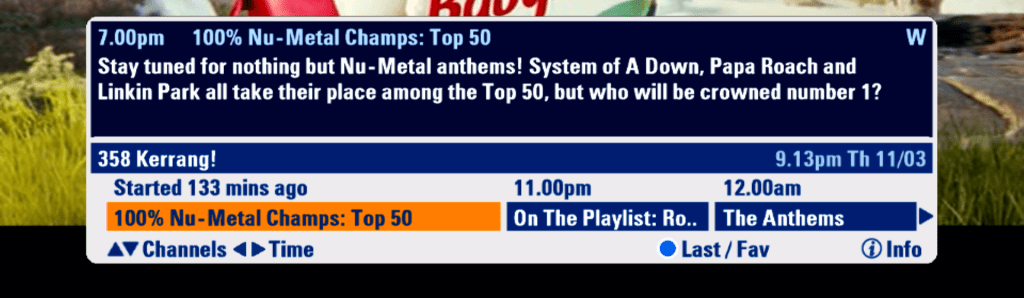
The message banners have had a new colour design, gone is the yellow and blue in favor of white and blue.

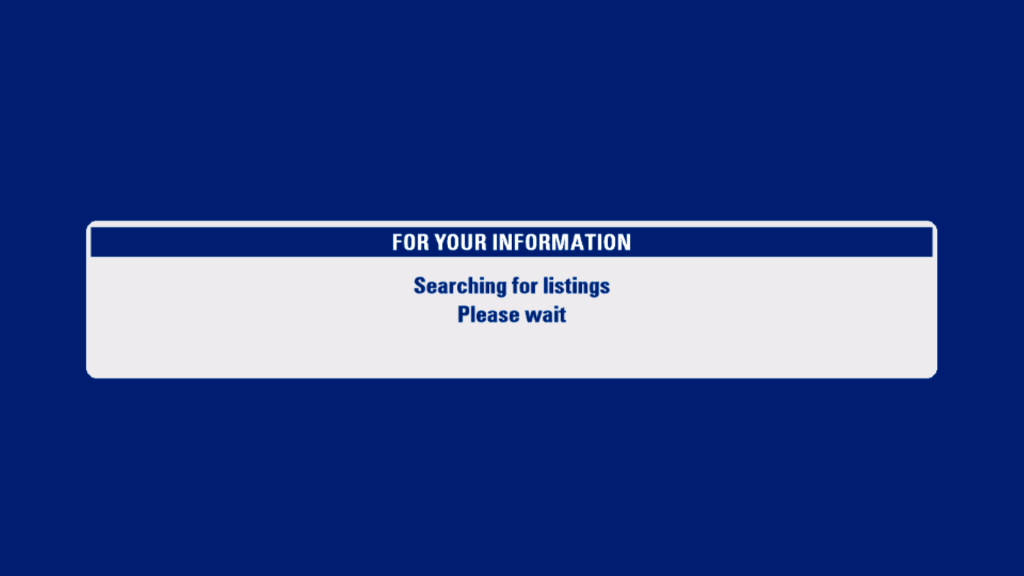
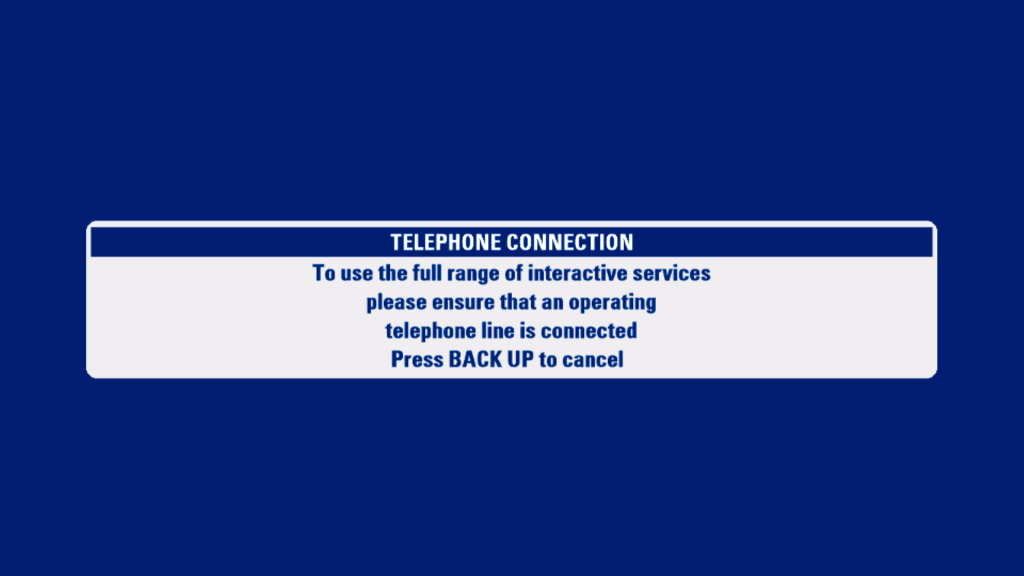
The obligatory telephone line nag screen

The search and scan banner has been redesigned to accommodate the extra resolution offered by HD

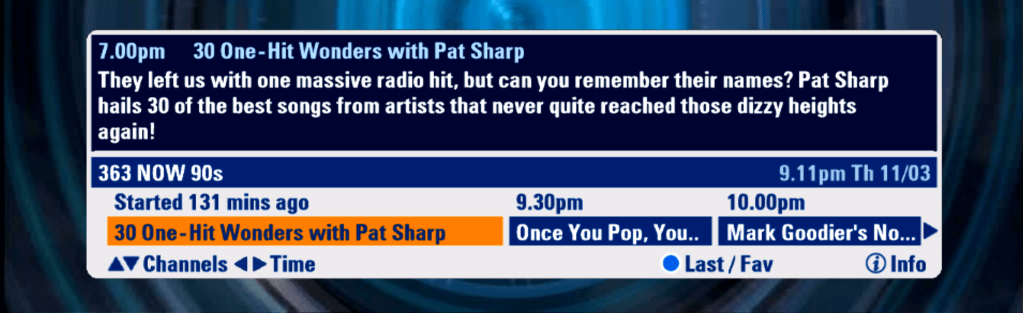
Now its possible to see what’s on now, next and later, with the option to scroll forward upto 6 hours

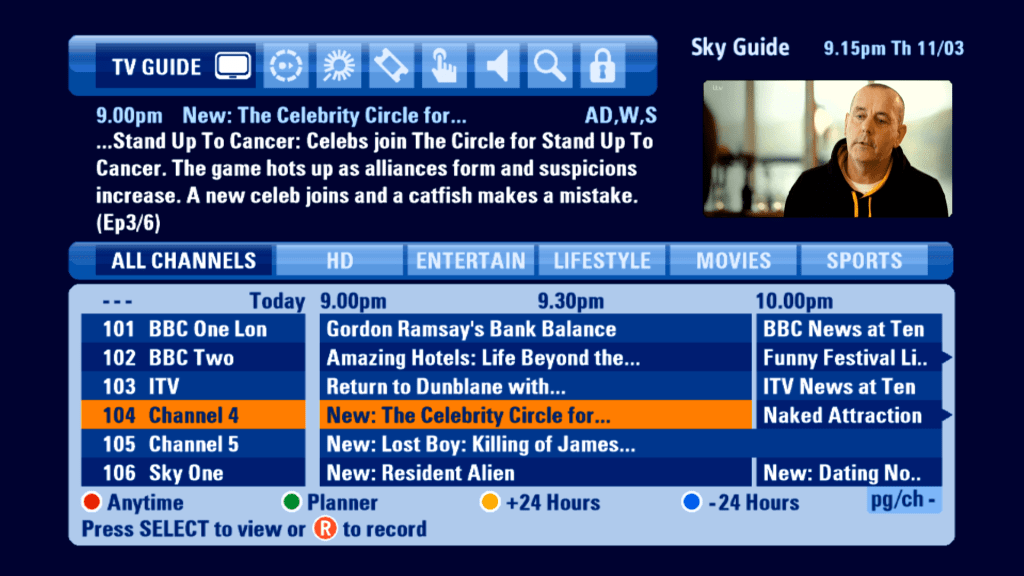
You can now view information for future programs, and programs broadcast on other channels

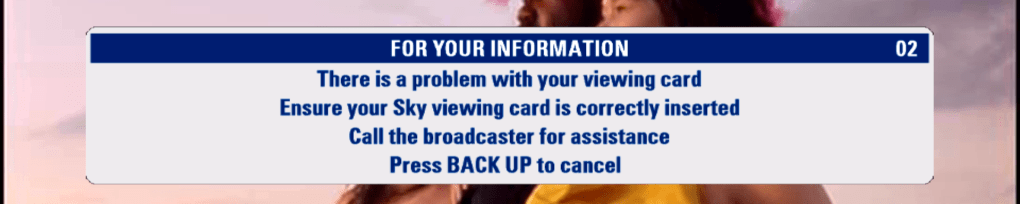
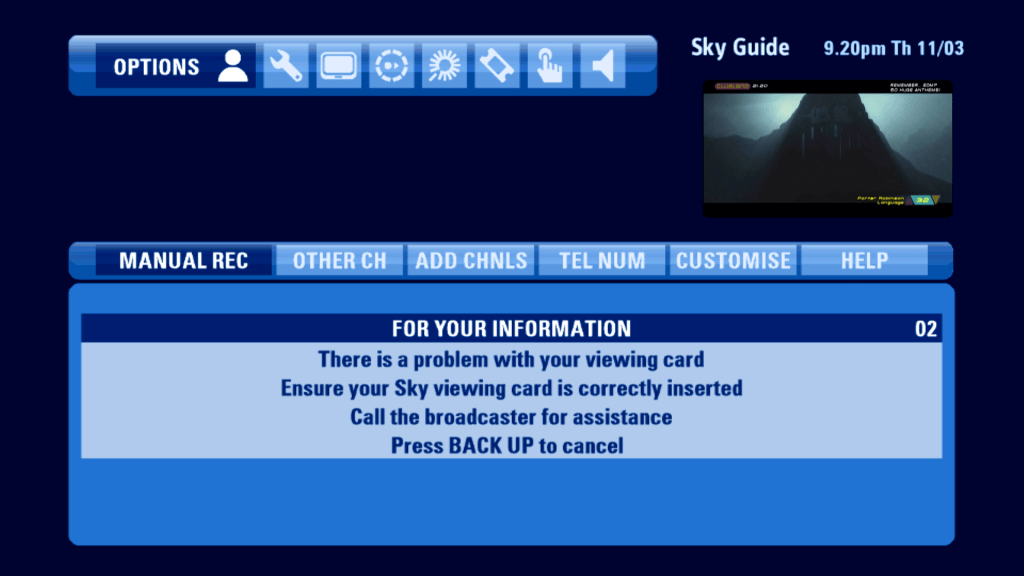
Message that appears when asked to check your viewing card

Channels that don’t offer digital text will display this message, informing the user to access analogue text via their tv remote

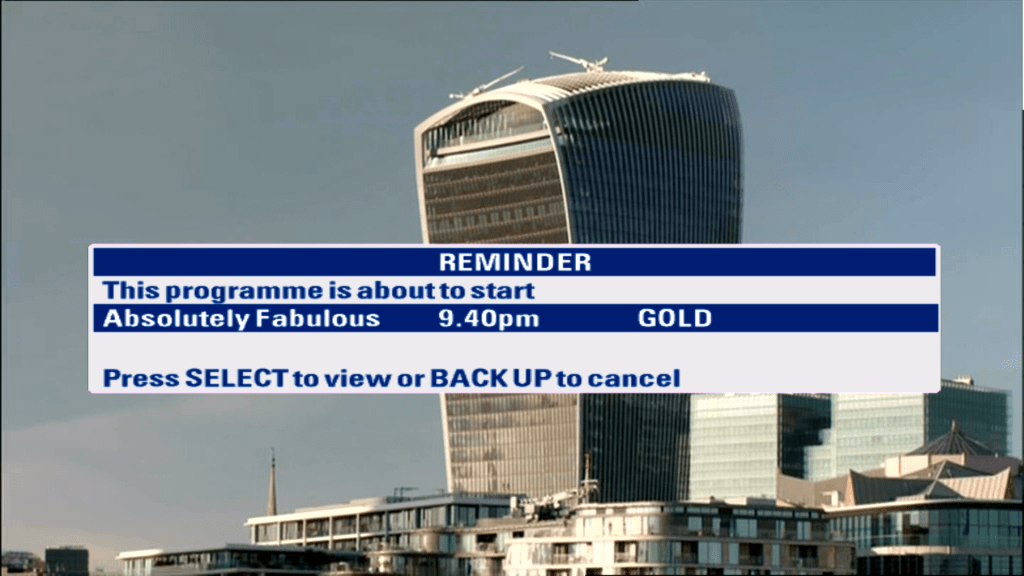
When a program is about to start thats in your persdonal planner, you will be informed via the on scrren message,

TV Guide

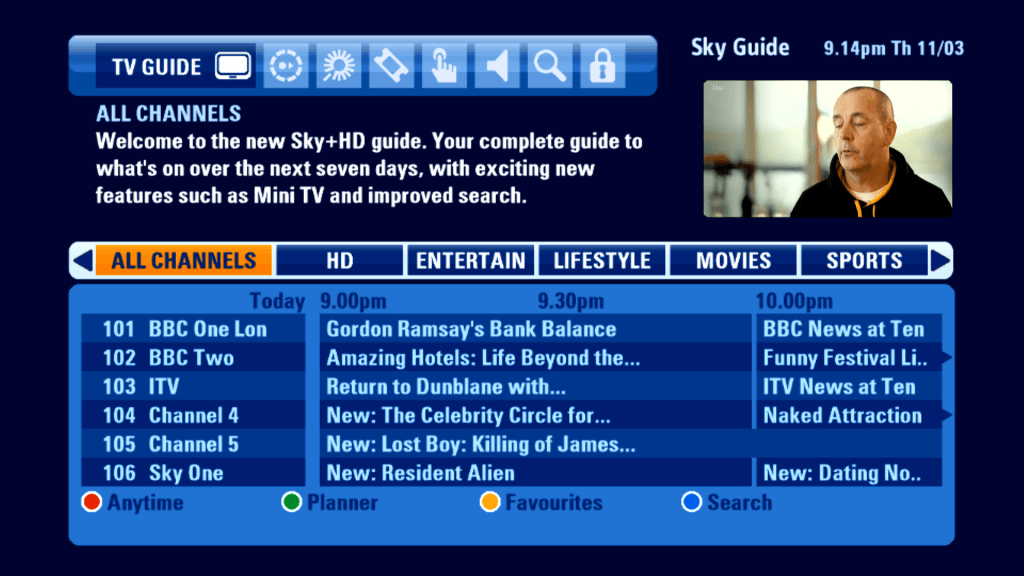
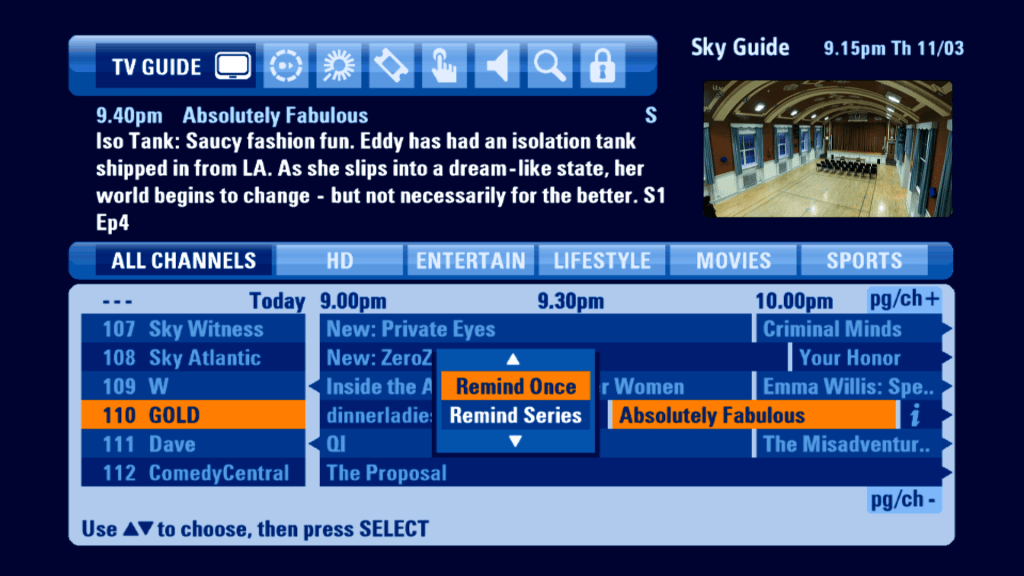
The main TV guide screen has been revamped. Gone is channel genre list, which has been replaced with a tab-like view of genres that allows for the EPG to be filtered.

Selecting a future program gives you an option to set a reminder for this single program, or to add a series link. This differs from the older EPG, where you would add the program and would then enable the Series Link option.

Anytime

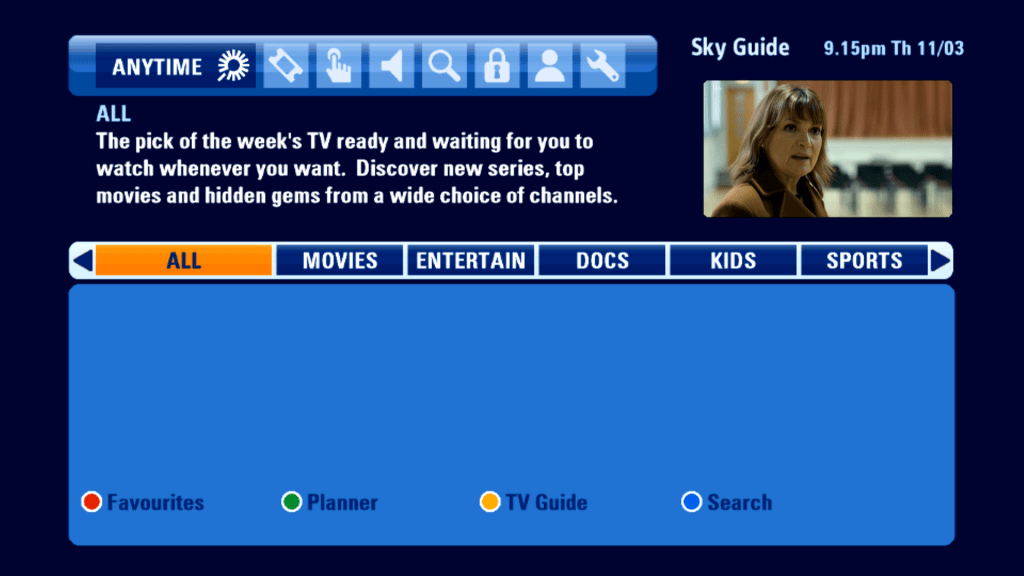
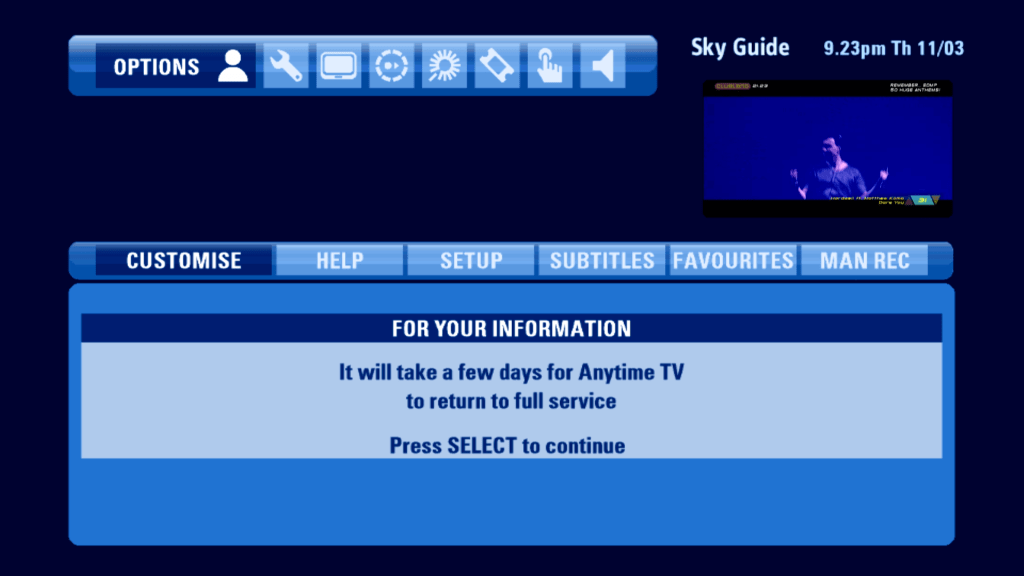
Sky’s answer to Virgin Media’s Video On Demand service, which used the reserved hard drive space of the Sky+ drive to load ‘Push’ on demand content. Despite only having 140Gb of storage

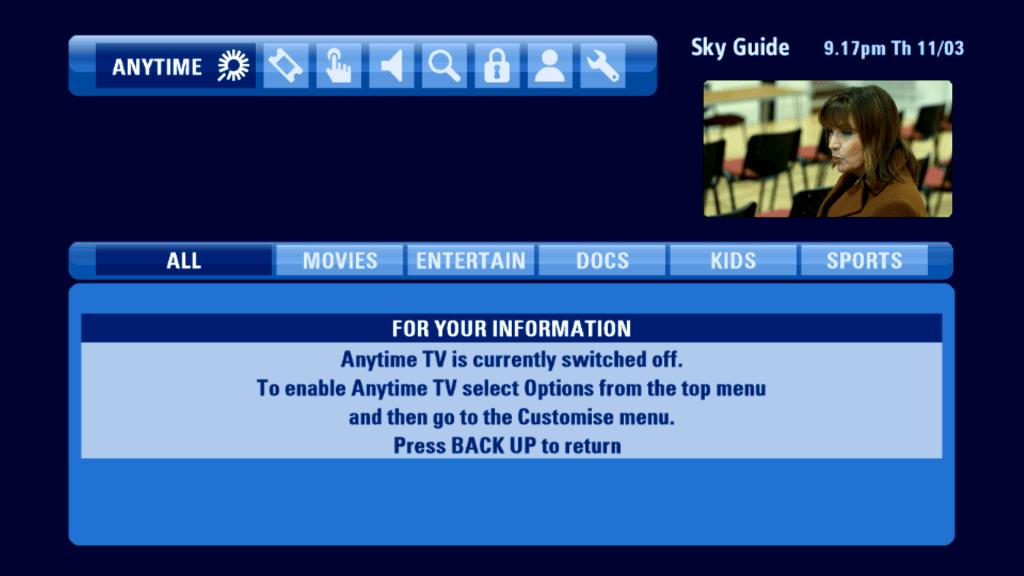
Sadly the Anytime Push service has been axed in favor of Sky On Demand, which is delivered via a broadband connection.

The best part of Anytime. Unfortunately it does not give back the reserved diskspace.

Planner

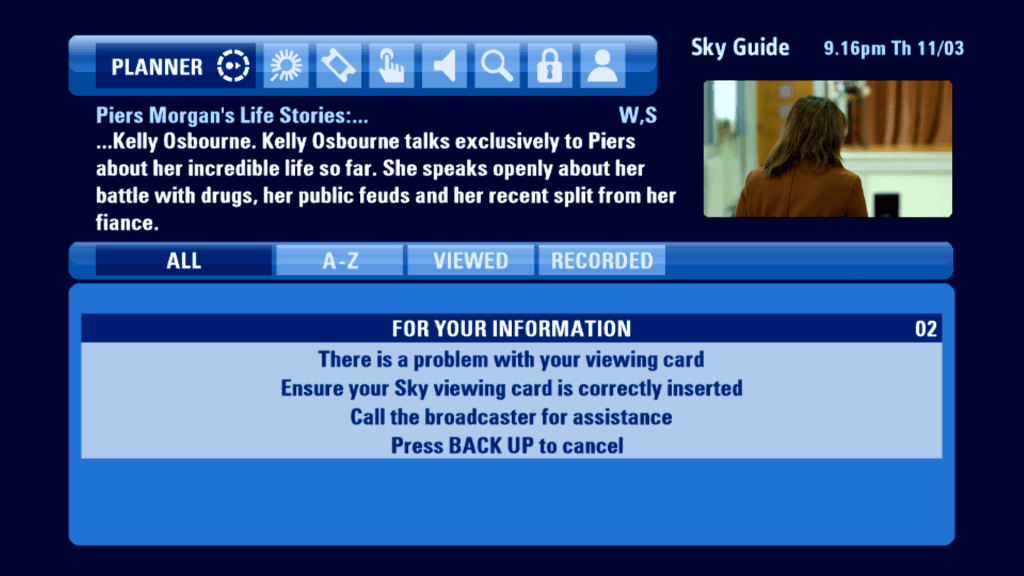
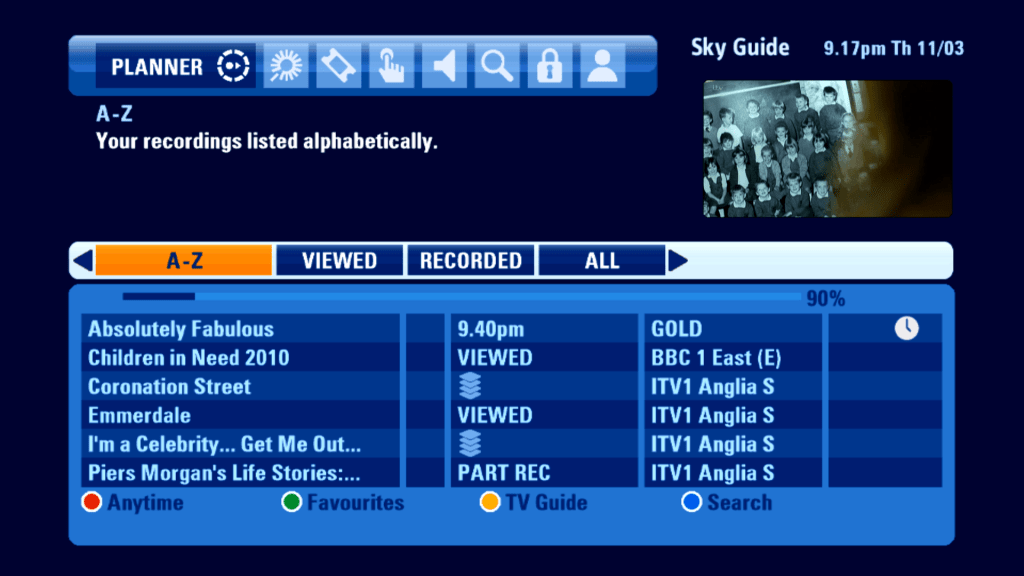
The Sky+ Planner, which shows programs that have been recorded.

Unfortunately playing back recordings requires the use of a viewing card, which the current box is unable to read.

Contents of the planner can be sorted by alphabetical, or grouped by unwatched but recorder, or anything that has already been viewed.

Box Office

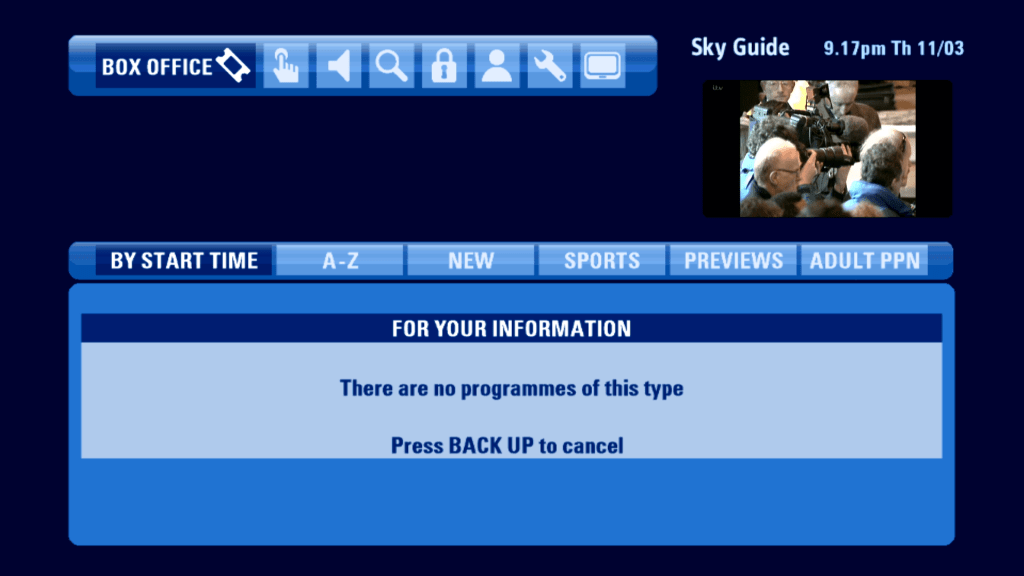
Still no sign of life for Sky Box Office, which was axed in 2016.

Interact(ive)

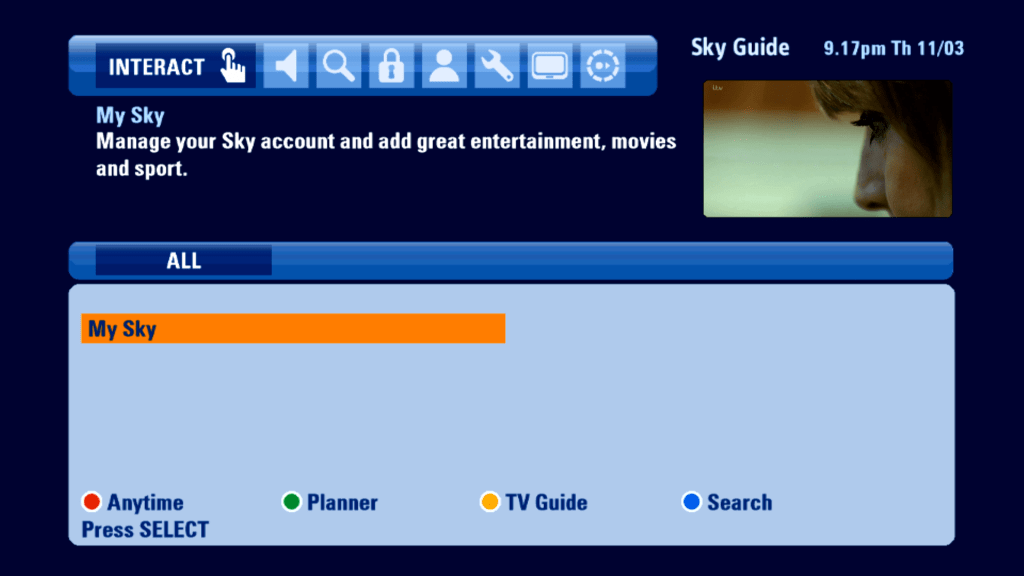
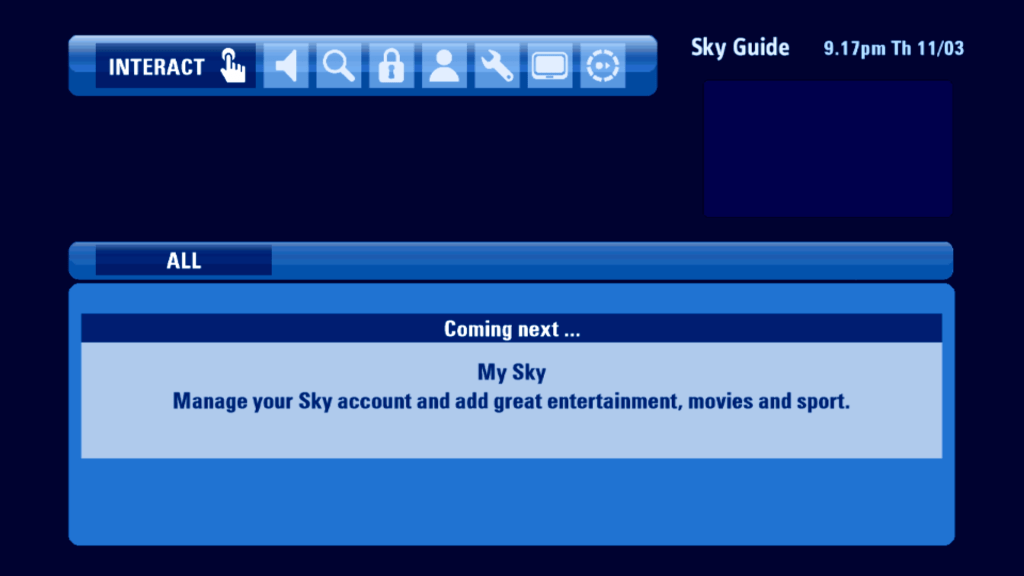
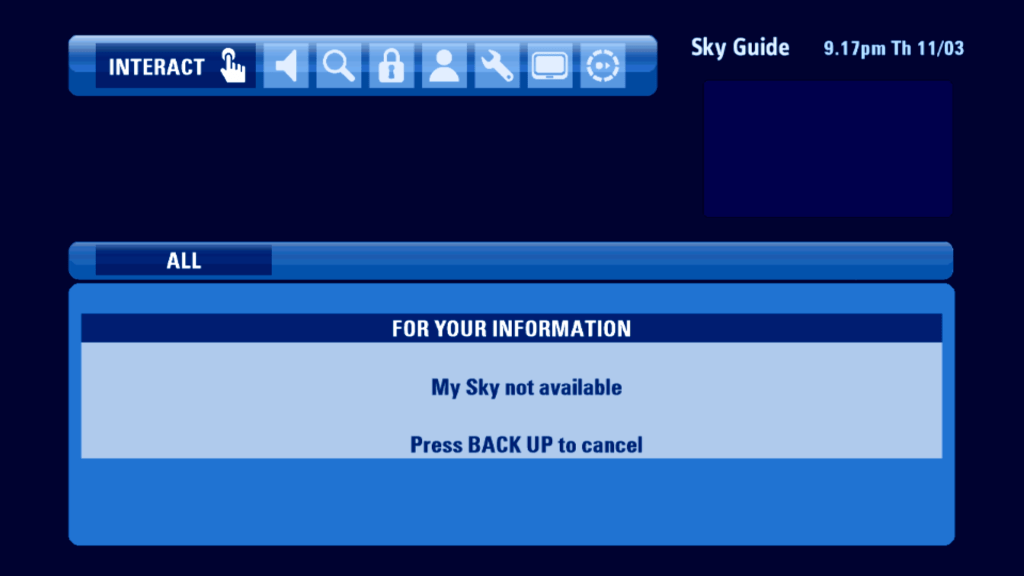
Not much to see here except for one last remaining service. Does it load?

Oh well…

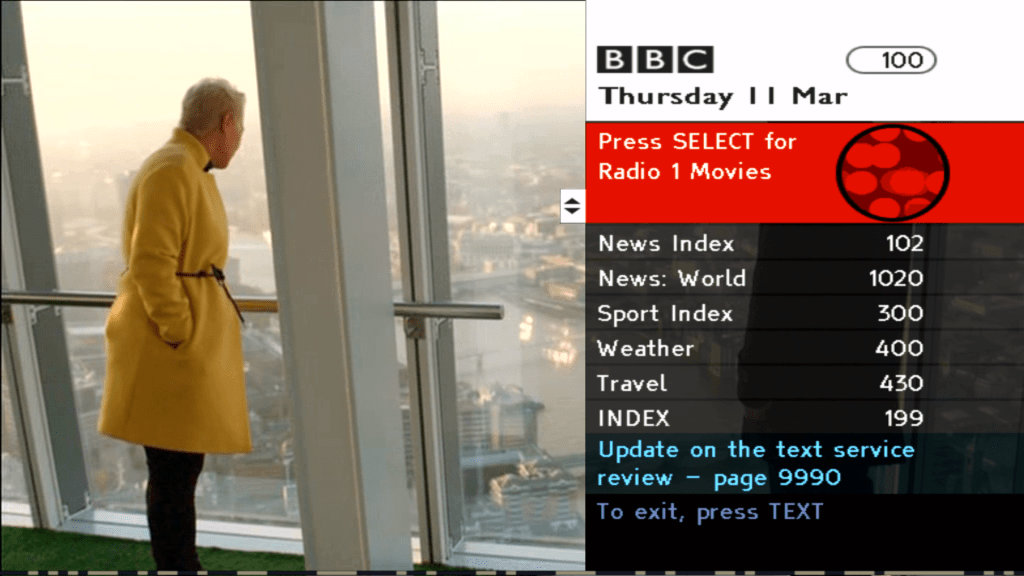
Here’s a service that does load, BBC Red Button

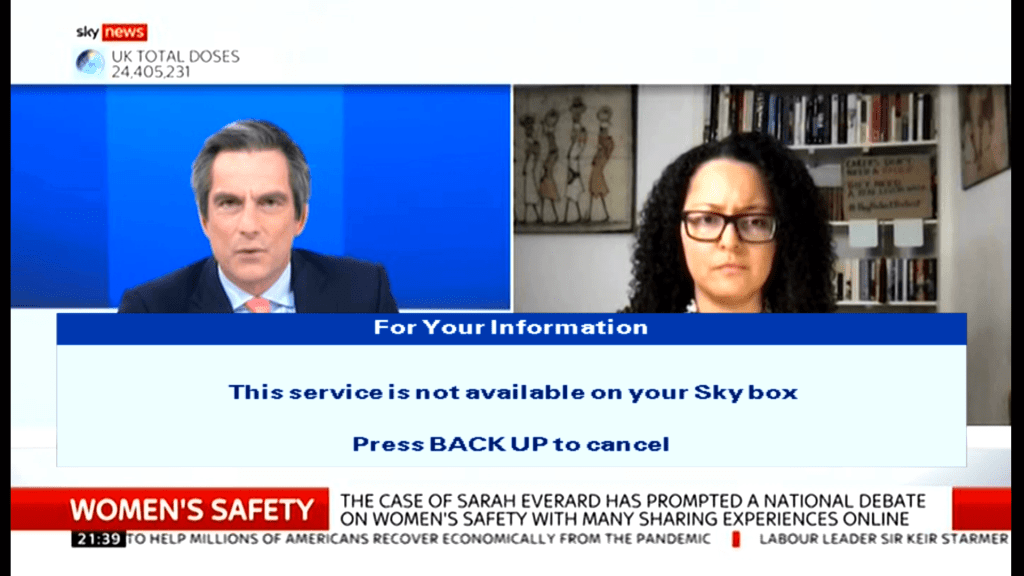
Meanwhile on Sky News…

Radio

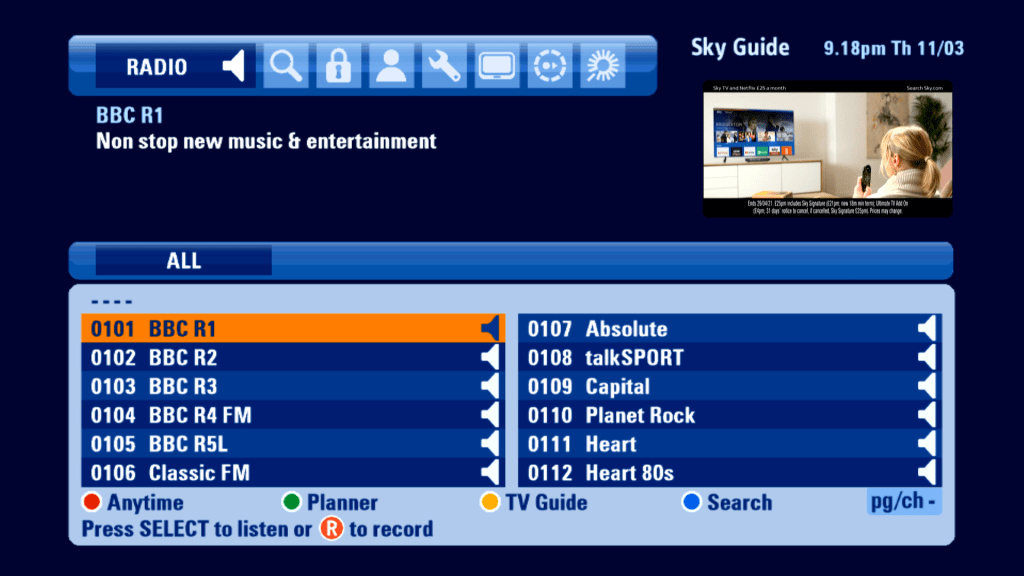
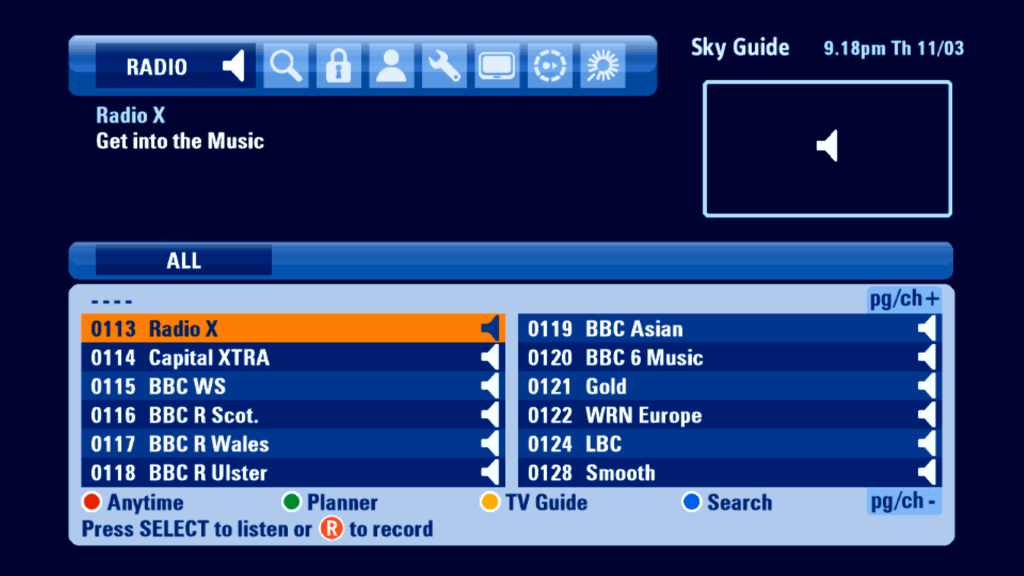
Radio channels had their owns section in this EPG, however still no genres

Search

Options

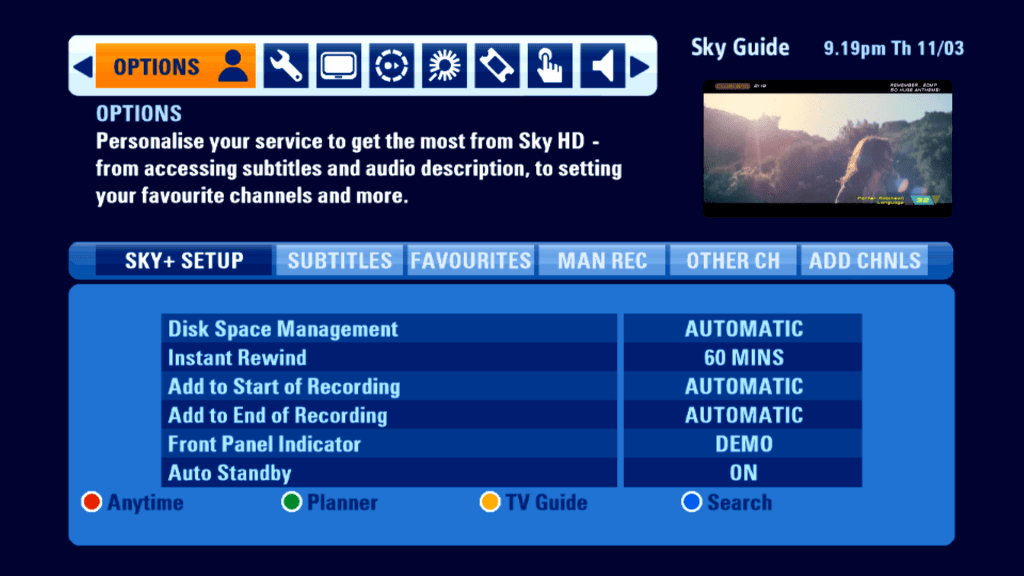
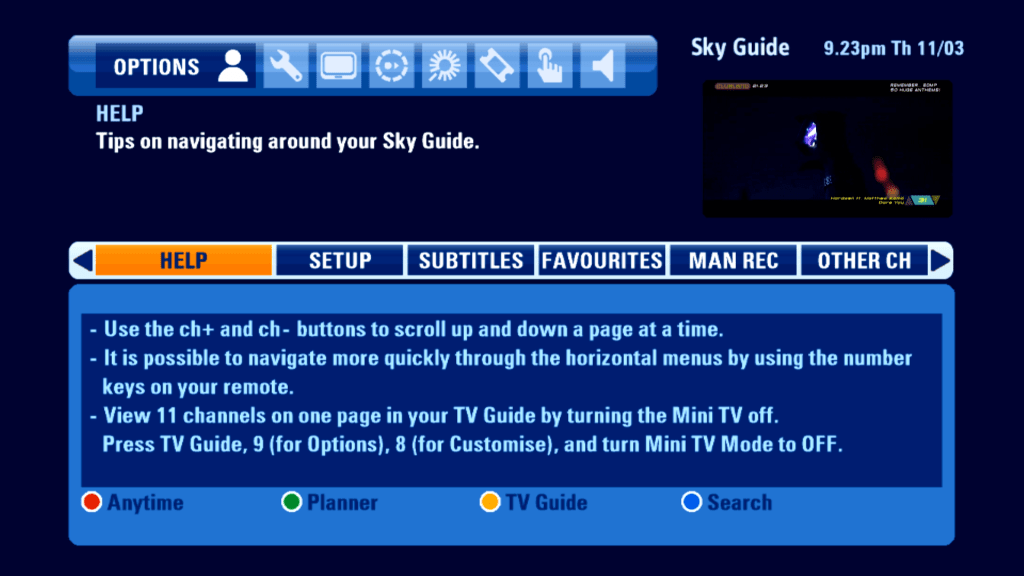
The Services menu from the previous Sky Guide has been split into two, Options and Settings. Probably because the EPG design does not allow for a submenu to be under another menu.

General Sky+ Settings, you can add padding to the start and end of a program

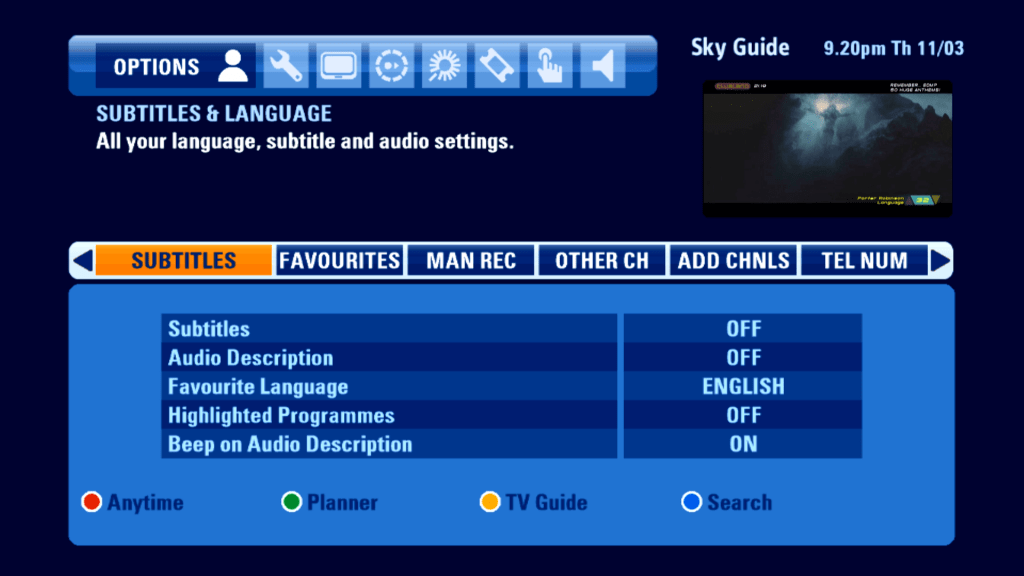
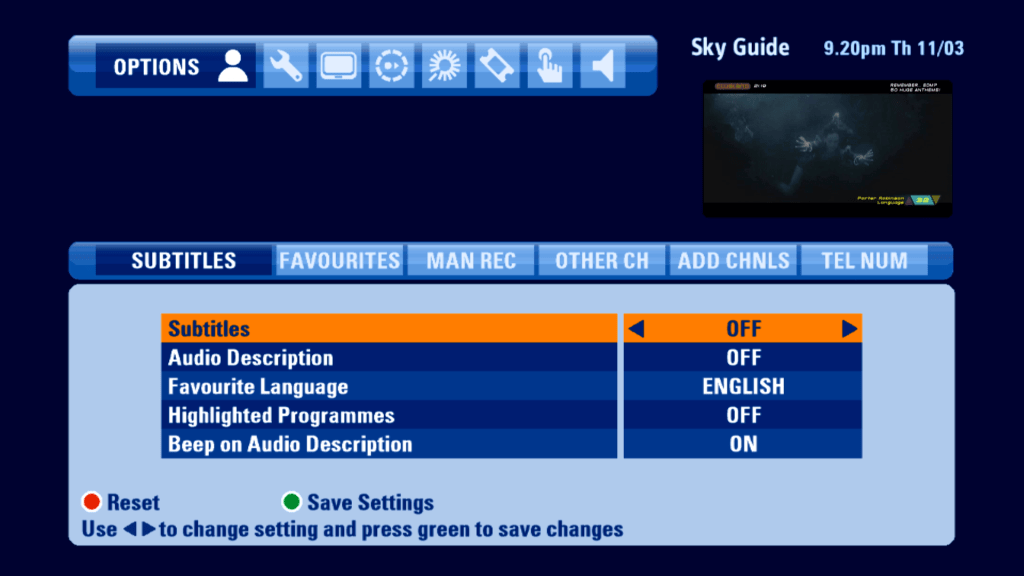
Language and subtitles, not much has changed from the previous EPG

You will notice when you move the cursor down to the bottom half, the background colour changes to indicate it has been selected.

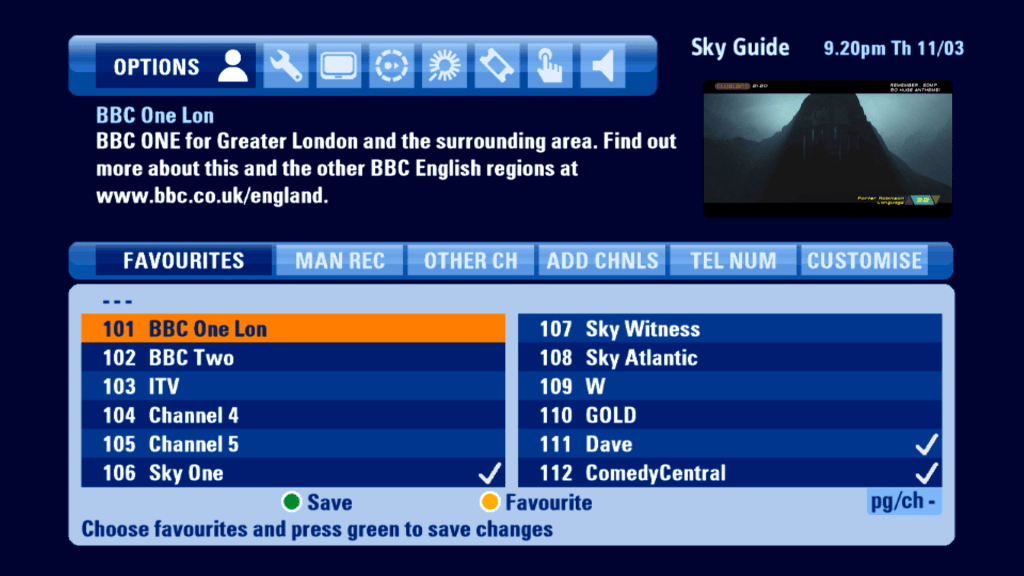
Favorite channels

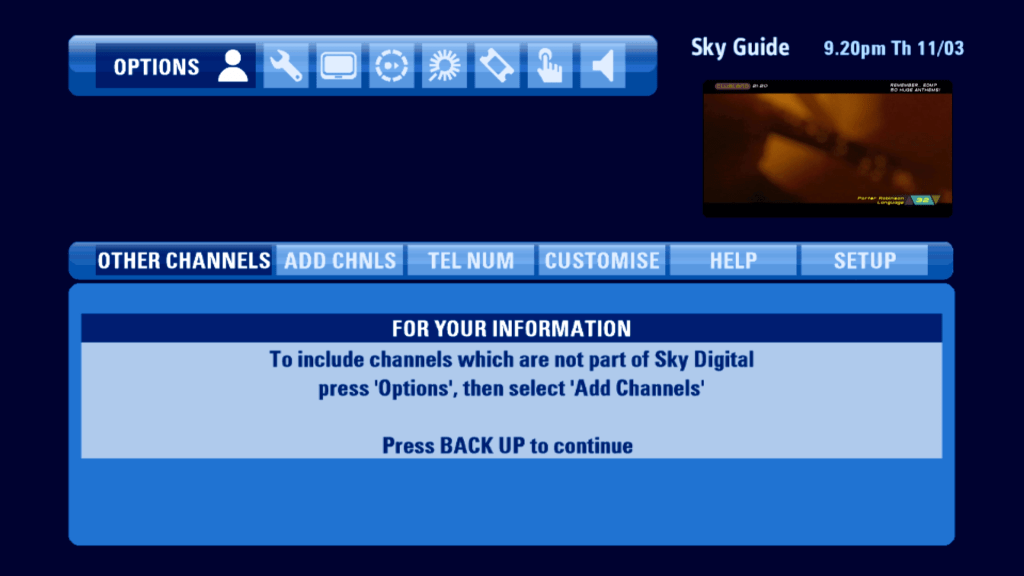
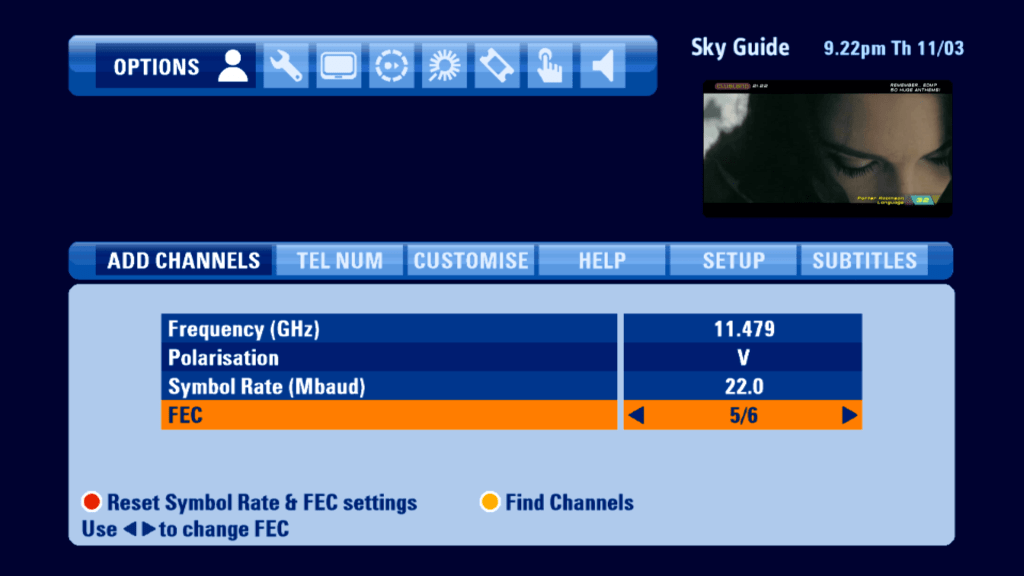
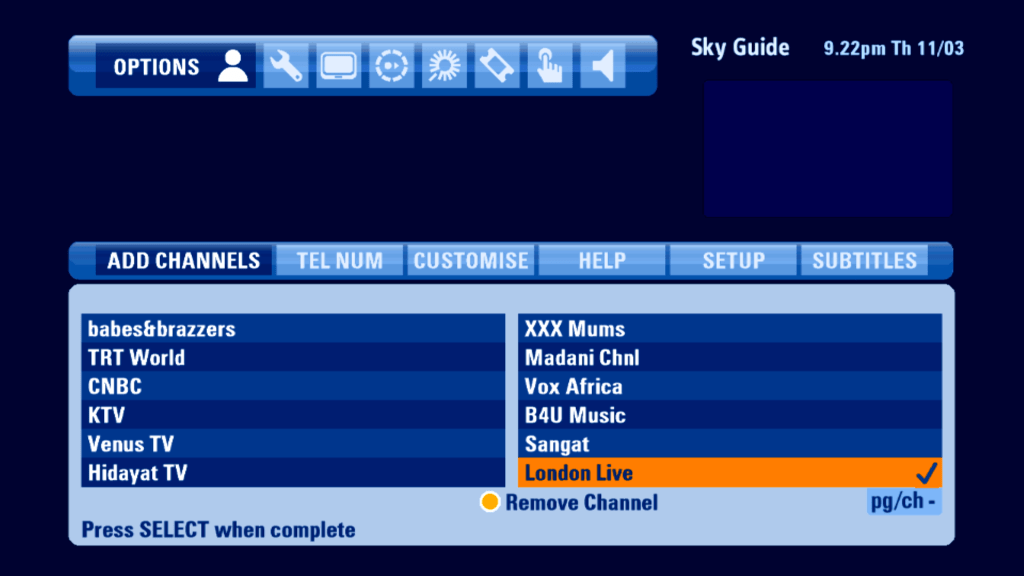
Adding channels has not changed in regards to the previous Sky Guide, you are still limited to two symbol rates

Anytime can be turned off, but does not reclaim the disk space, Mini TV can also be disabled, extending the guide interface

Settings

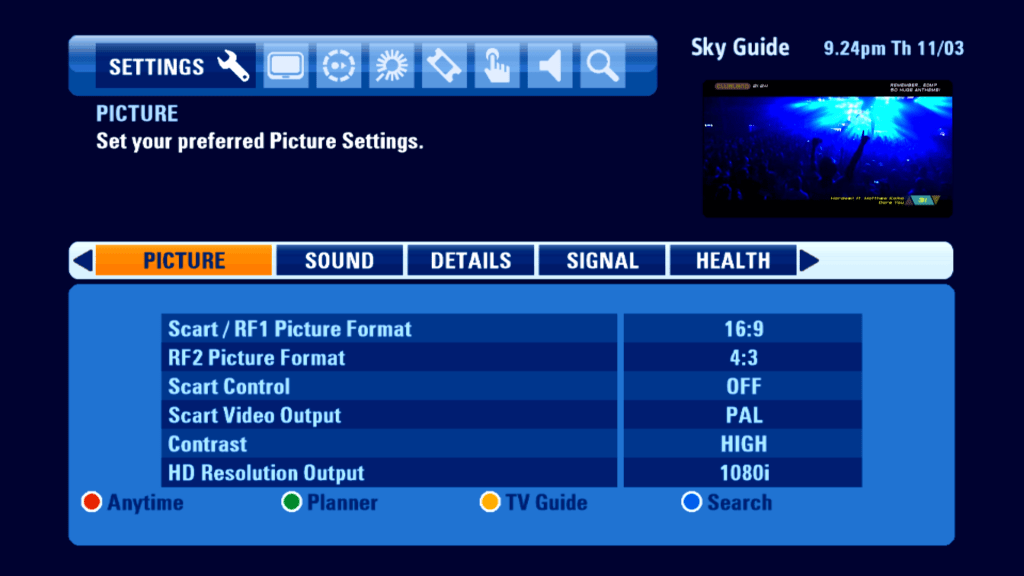
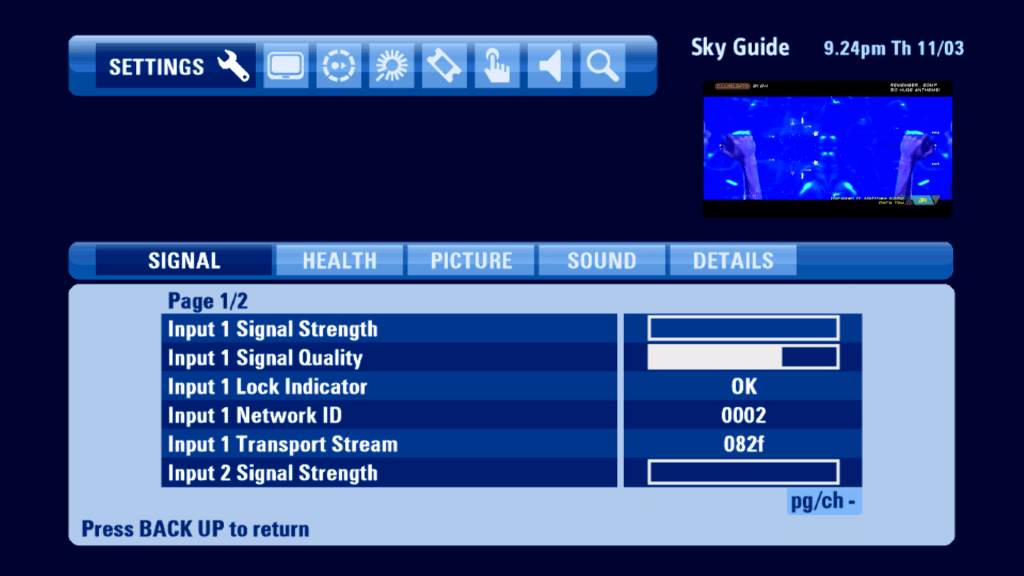
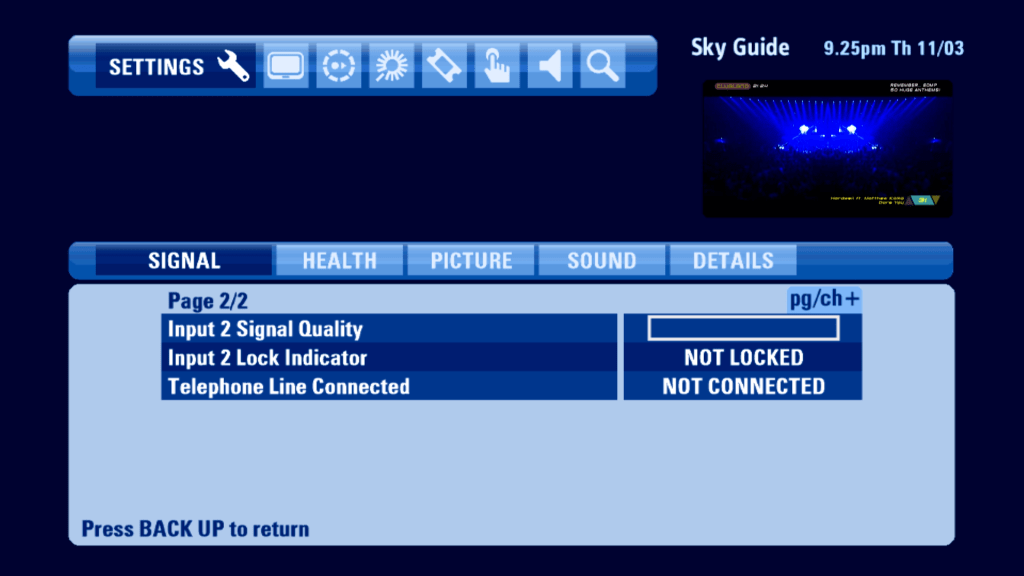
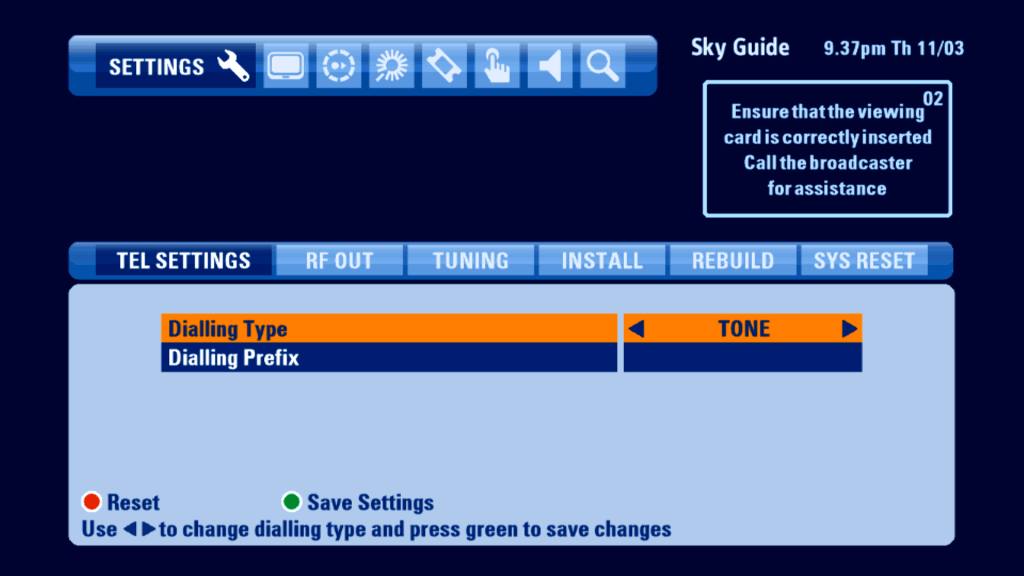
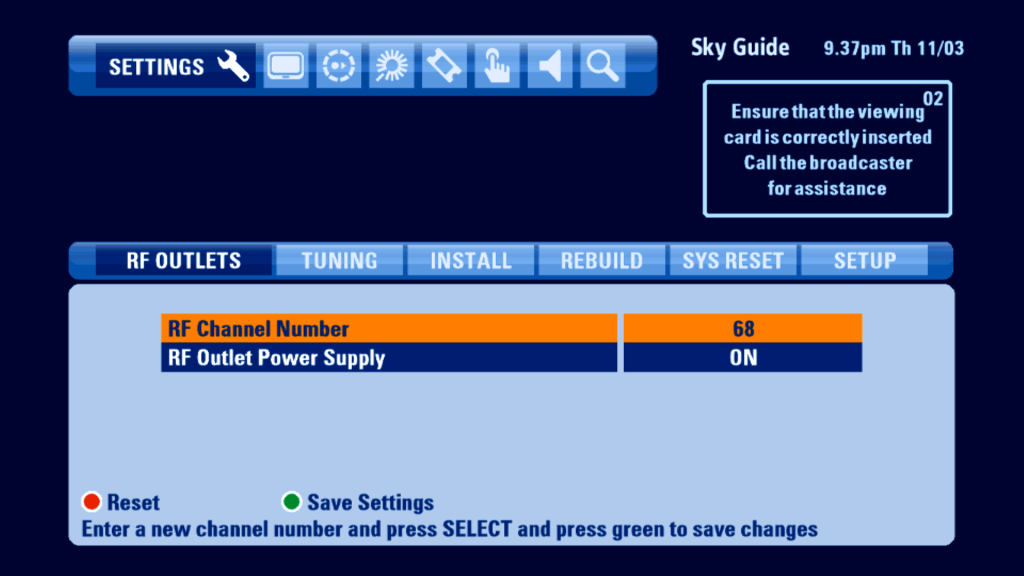
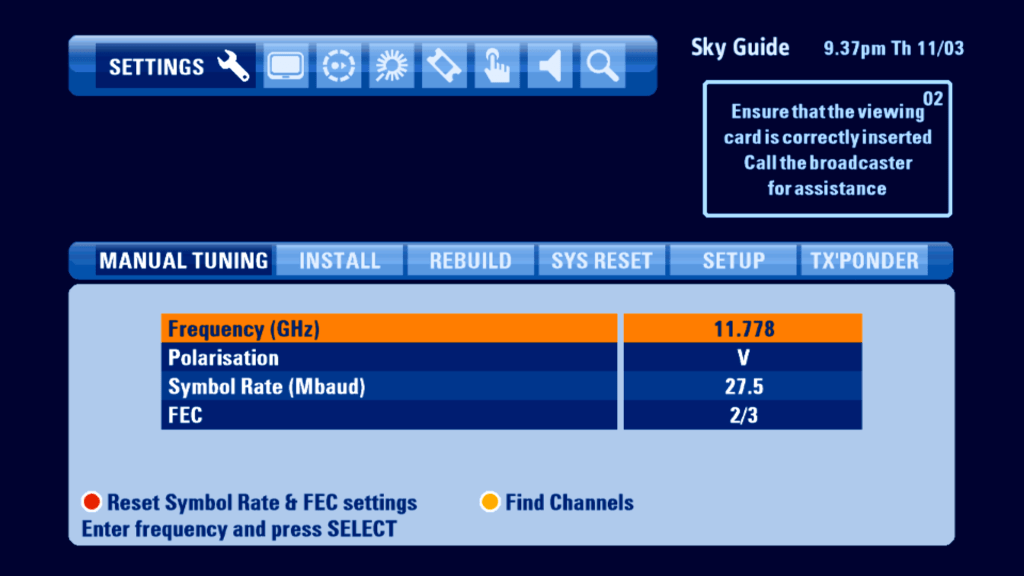
Seems to be doing a good job considering there’s no signal strength

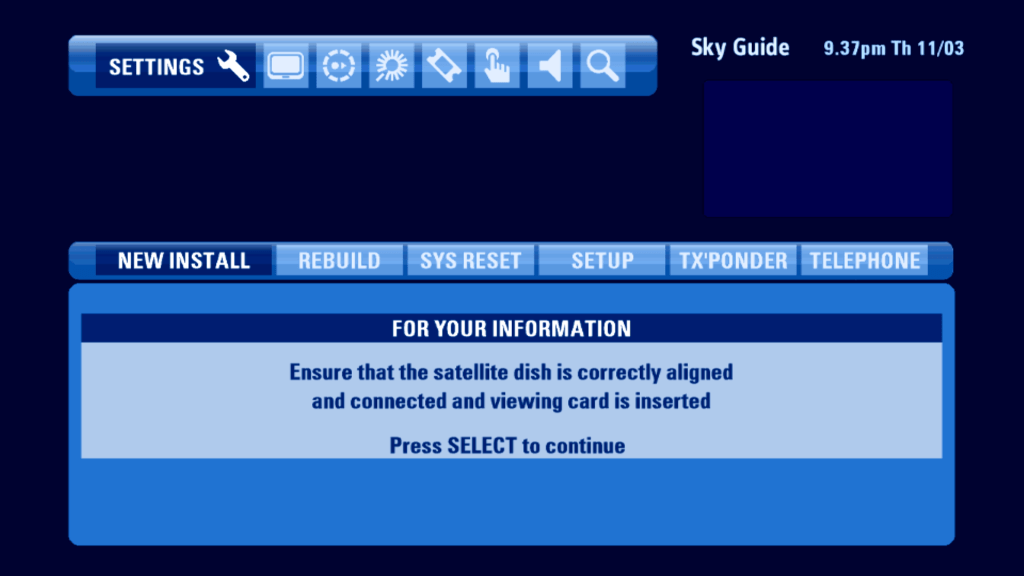
Installer Menu

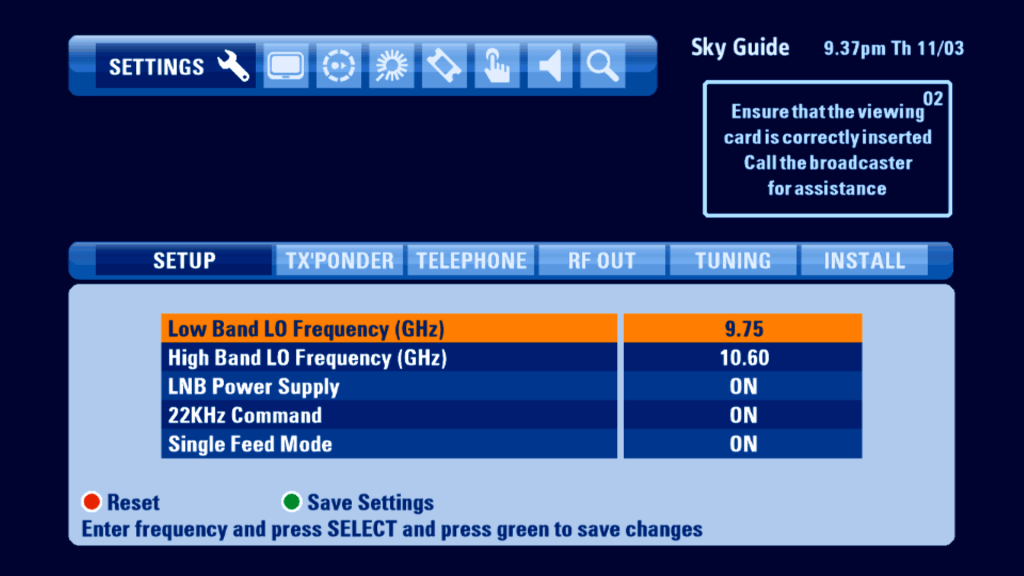
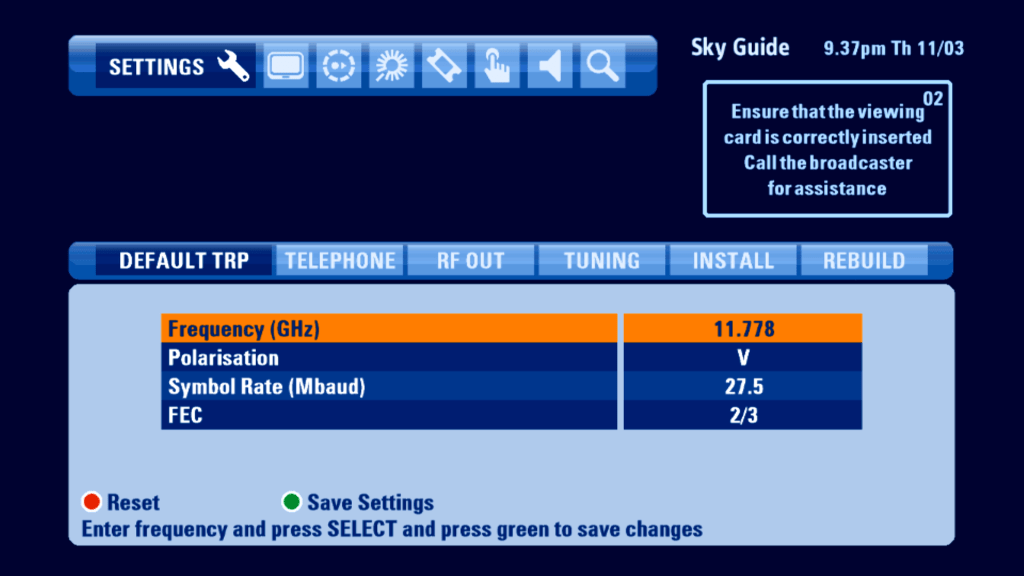
Single feed mod optimizes the HD box to work off one feed, useful if you only have one feed from a dish or multiswitch however you cannot wewatch and record one program at the same time.

Error Messages

Conclusion

Overall its a mostly well designed EPG with a lot of much needed improvements to bring it in line with system that Virgin Media and BT offer. The introduction of the mini TV in the guide was a welcome addition,

Whilst the new software takes better advantage of the Sky HD digibox hardware, it does fall into the trap of being too cluttered, sometimes getting stuck of confused as to where you are on screen. Whilst Sky had tried hard to make the colours stand out, they are just different shades of blue, which can get repetitive. Also the tab interface could be better designed, since it looks separate to the main TV listings area, with a slight gap between the two sections.

ONdigital User Interface

Switch On….

ONdigital was the first Digital Terrestrial platform in the world, and was to be a subscription service to compete with Sky analogue. Sadly it wasn’t to last as ONdigital entered administration in April 2002. The boxes themselves continued to work with the FTA Freeview service until 2011 when the transmissions were broadcast using 8K FFT, which the ONdigital boxes did not support.

The ONdigital guide software was developed using Canal+ Mediahighway middleware, alongside the NHEG5 virtual machine for digital text services. Mediaguard was used for the conditional access system.

Now & Next

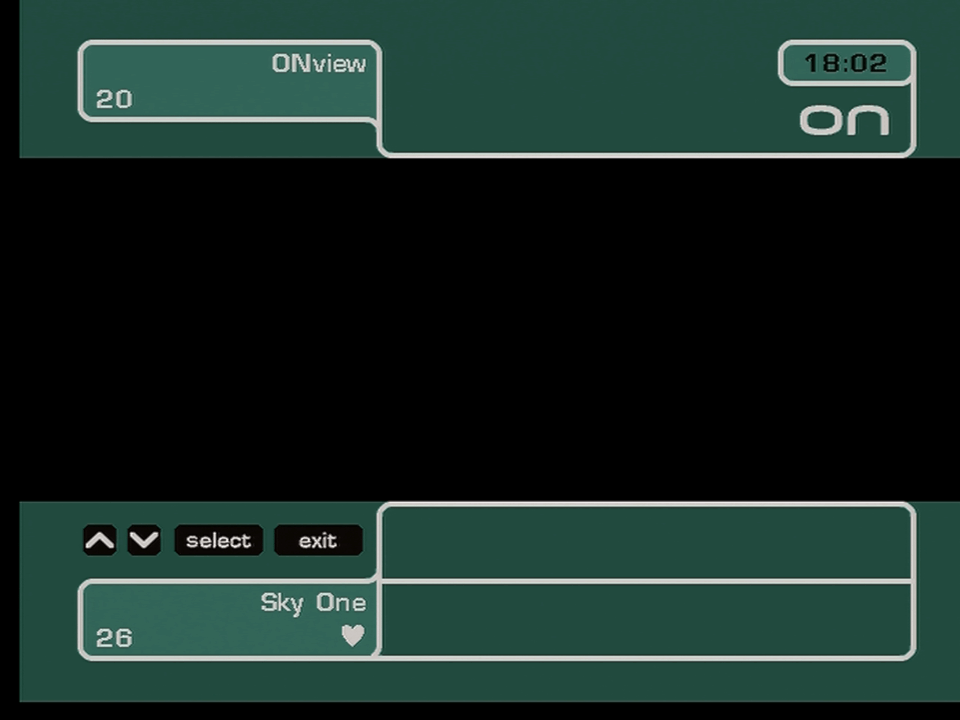
ONdigital

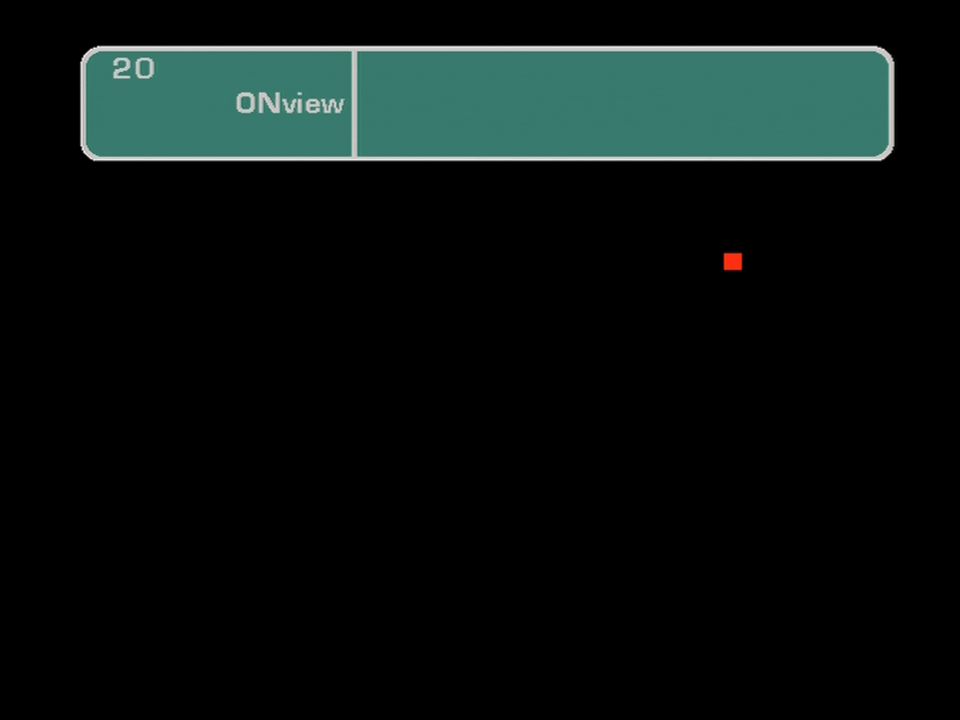
Appears when you change channels, it cannon be called up by a button on the remote, you would use the Info button for now & next

The red dot means no signal

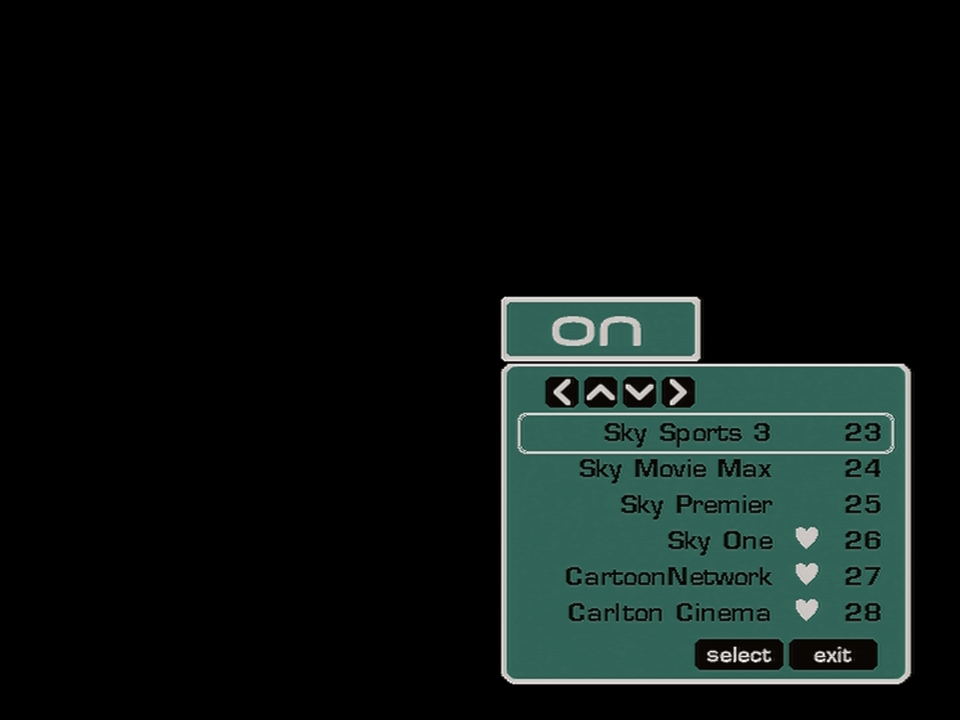
Ondigital channel list

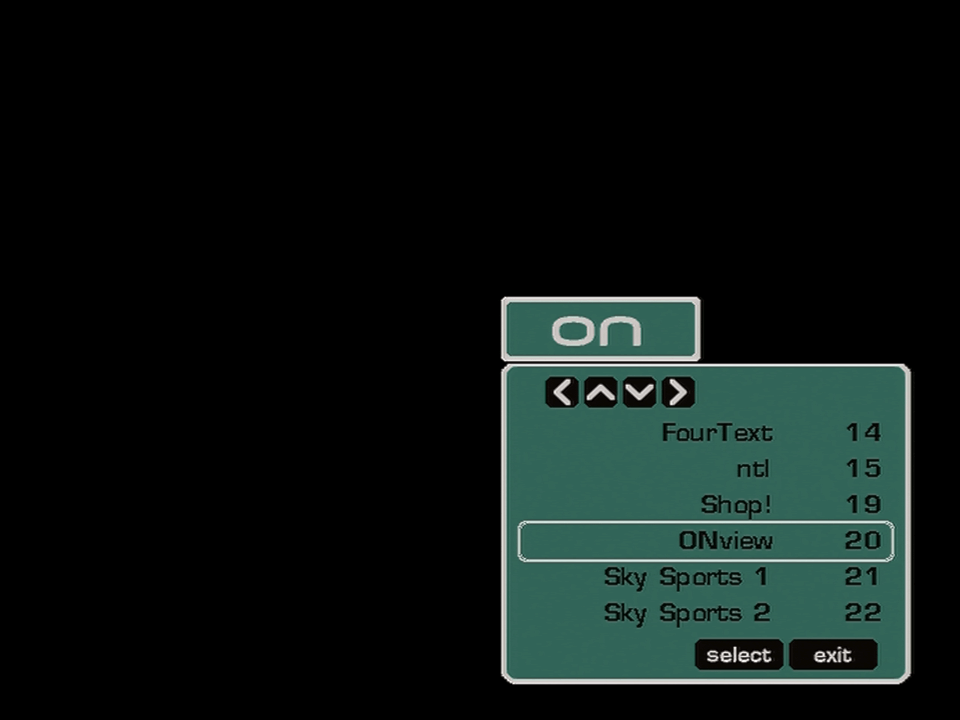
Pressing OK brings up a channel list, that can be used to jump to certain channels

Ondigital Info

Pressing info gives a now and next view on what’s currently being broadcast, you can select different channels but can only see now & next.

Main Menu

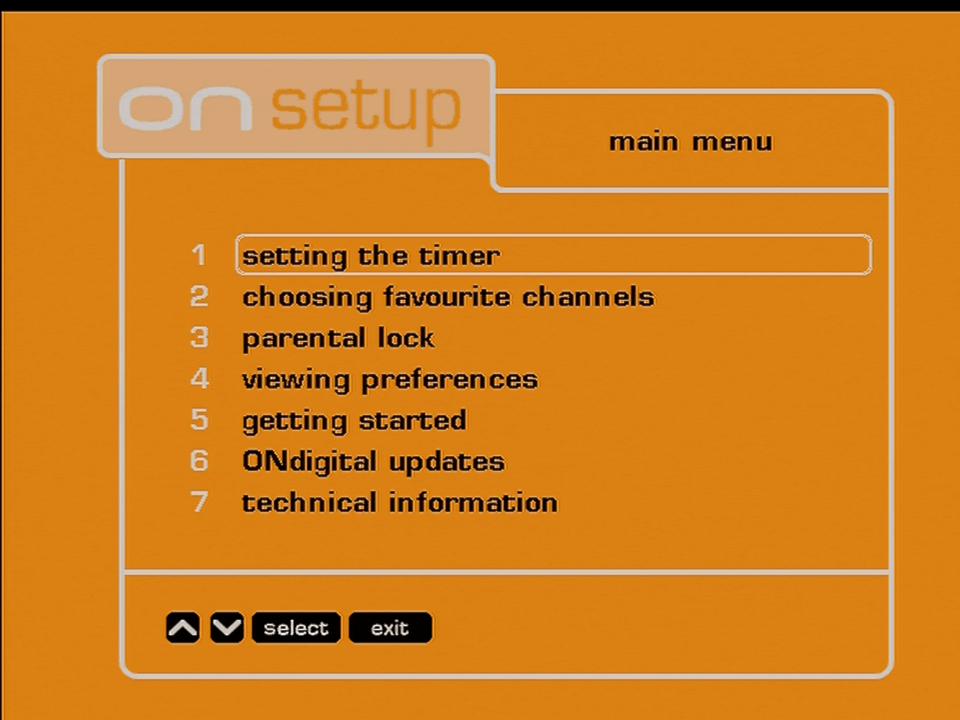
Ondigital Main Menu

The main menu

Setting the Timer

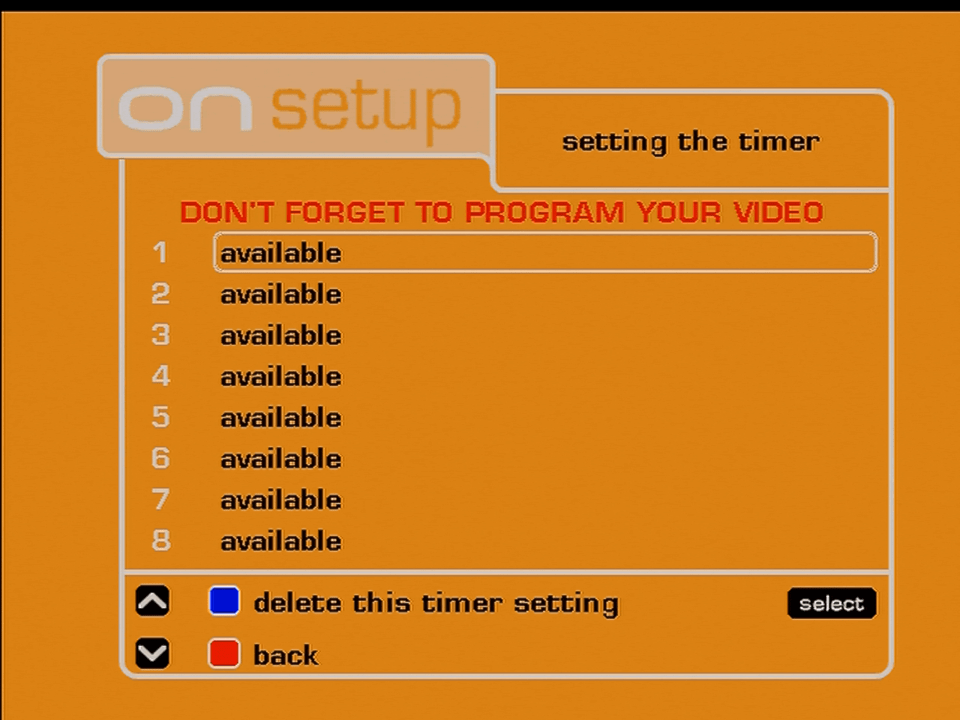
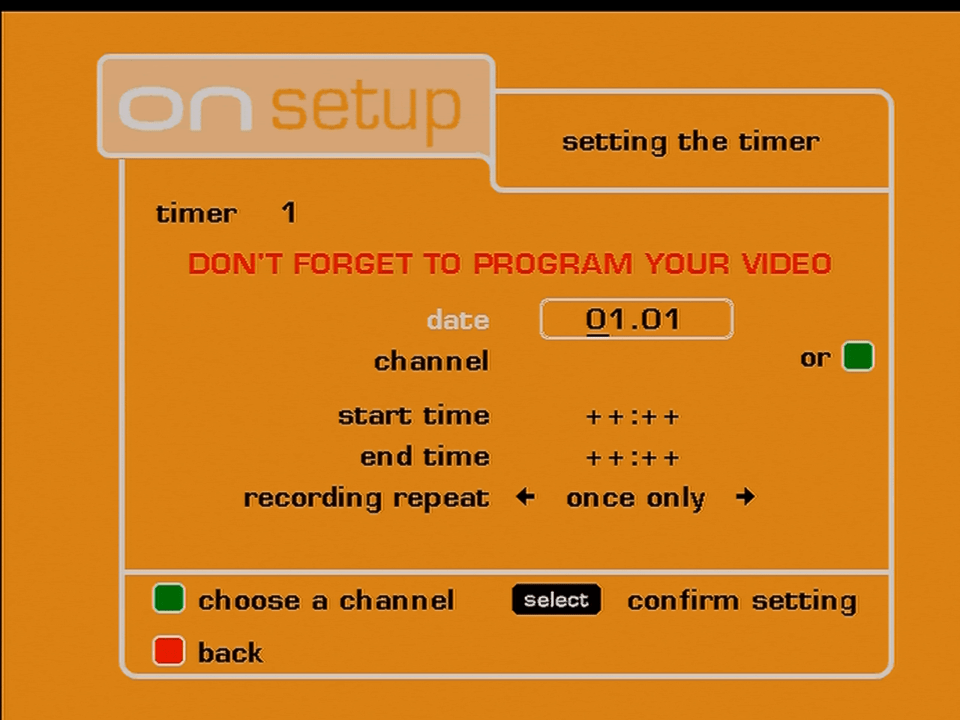
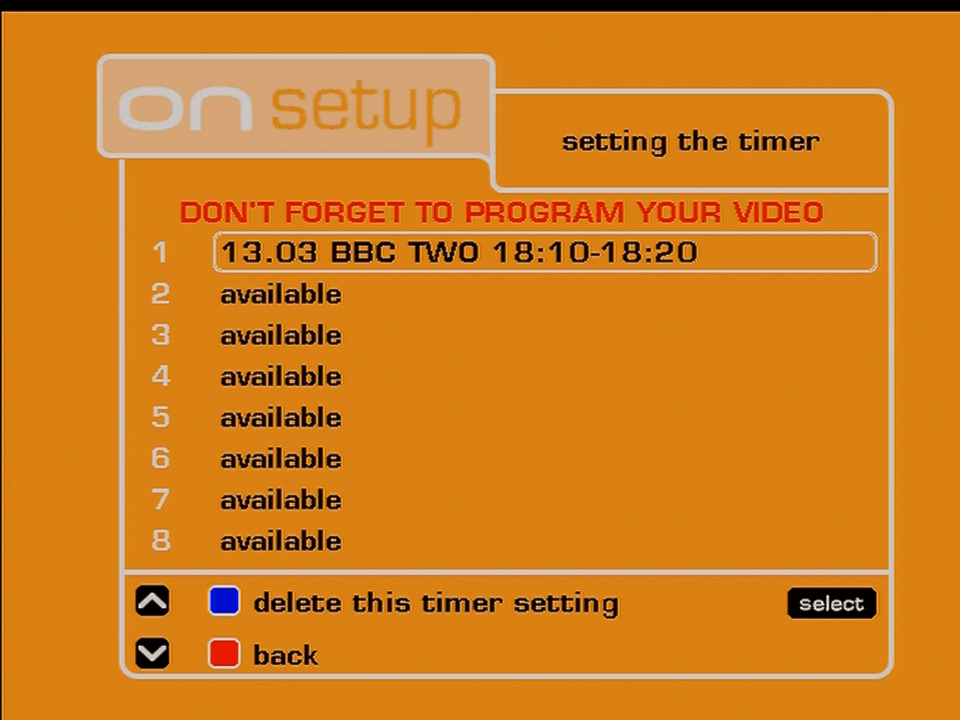
ONDigital timer

ONdigital lacked an EPG, it had only now & next and that was it. If you wanted to record a program in the future you had to manually set it. ONdigital did provide a monthly magazine that gave TV listings for all of their channels which could be used to track the TV listings.

Its worth mentioning that Teletext, BBC, ntl, and ONview (ONdigital) offered MHEG service that broadcasted a TV guide, but this could not be used to set a reminder.

Favourite Channels

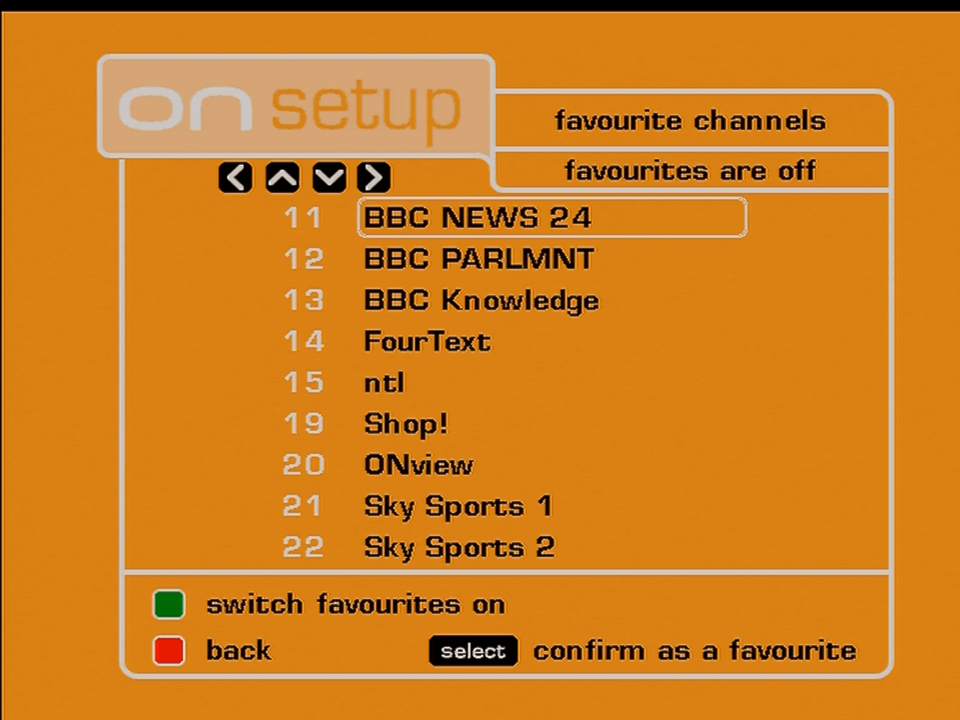
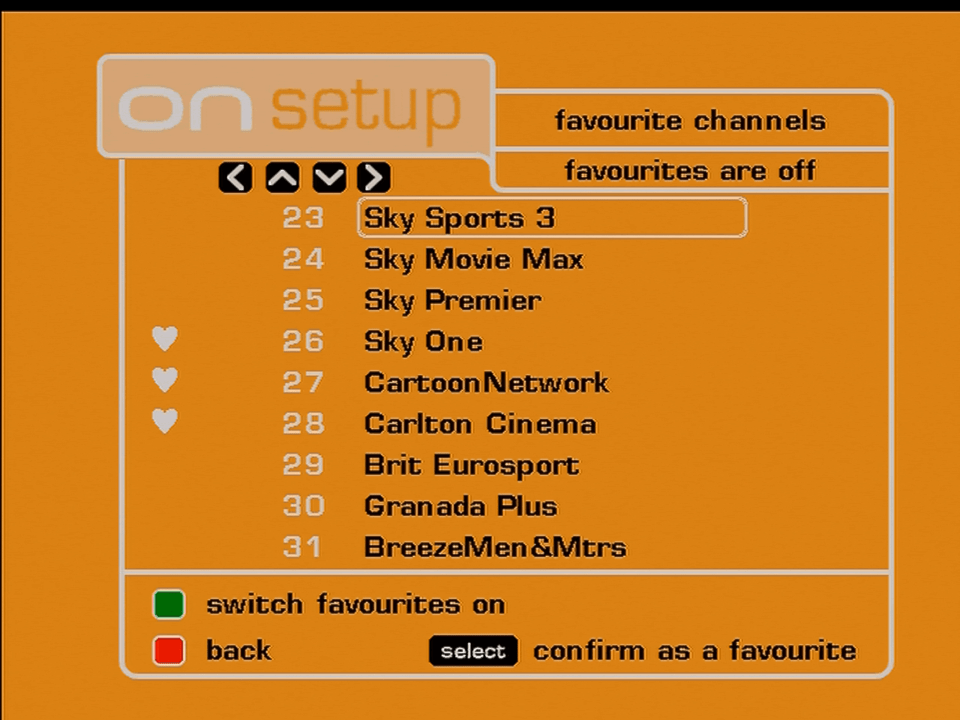
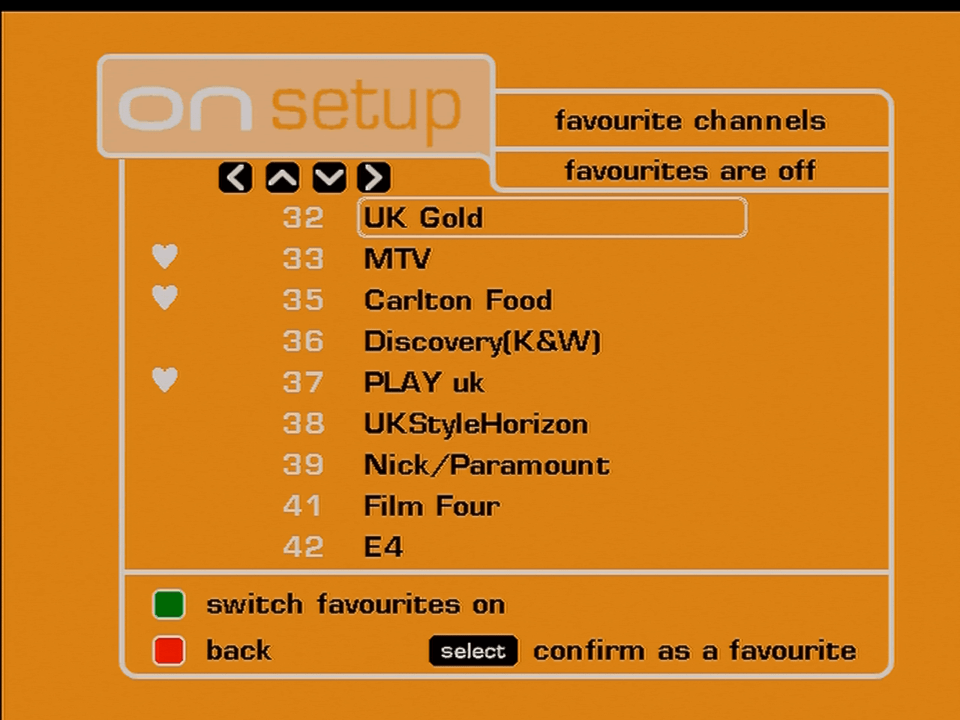
Favourite channels worked differently comparted to Sky or cable, you could mark as many channels as you wanted as a favorite, symbolized by a heart icon. However when the favorite channels settings was on, the Chan+ and Chan- would only scroll through favorite channels list only.

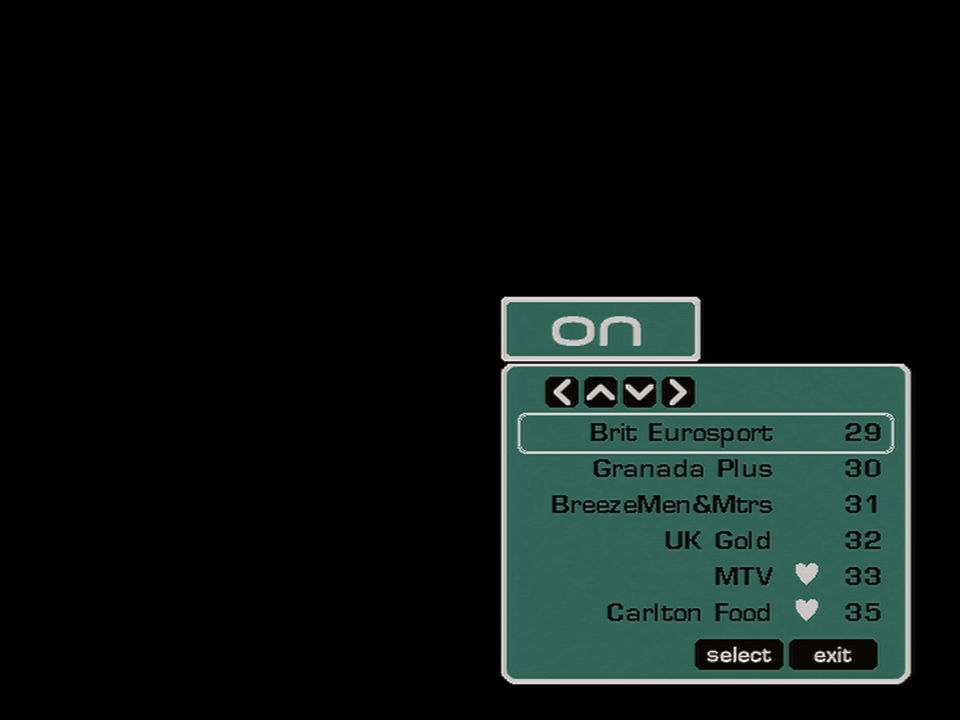
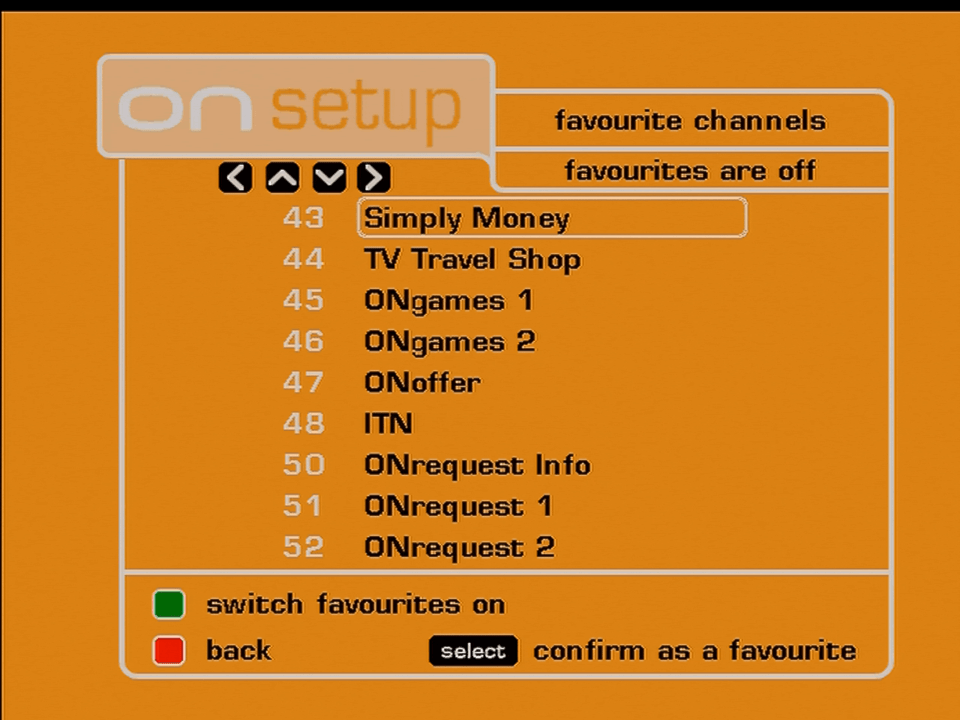
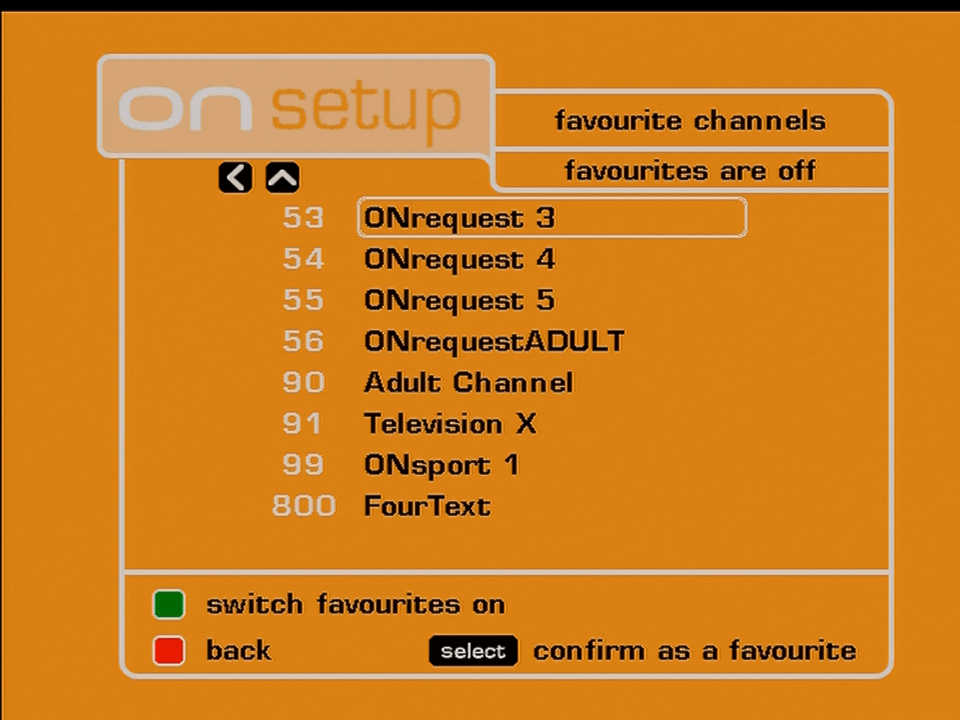
ONdigital favourite channels

Whilst we are here, might as well look at the ONdigital era channel list, it seems the original owner never bothered to rescan the box after Freeview launched, and did not rescan it either after ONdigital rebranded to ITV Digital.

Parental Lock

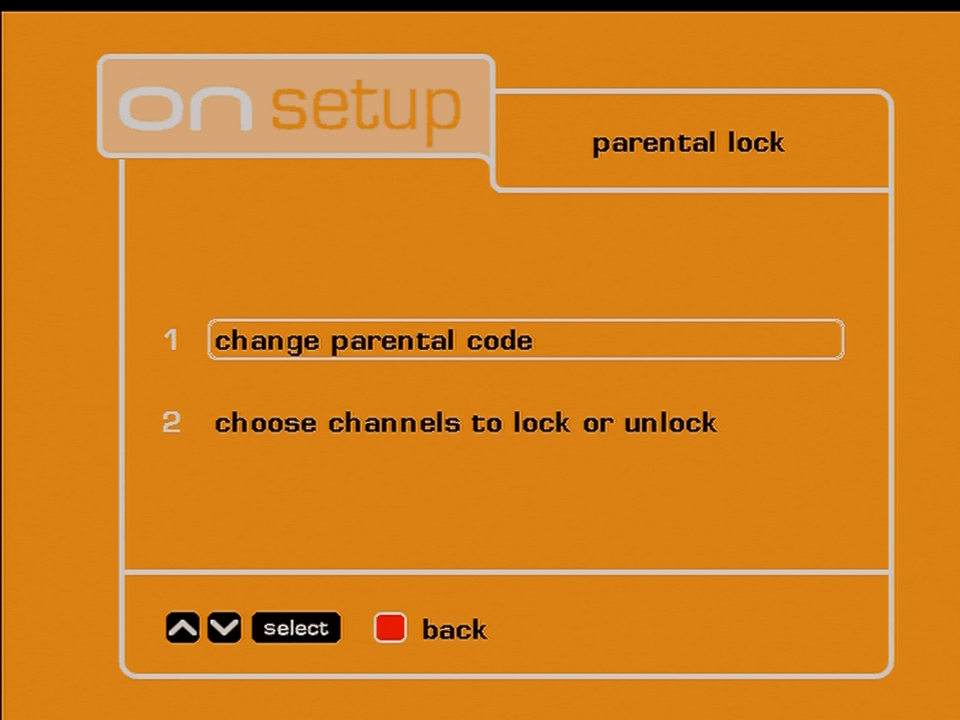
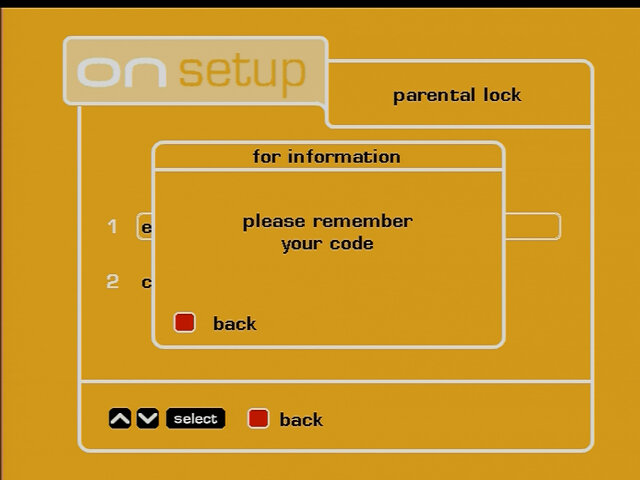
ONdigital parental lock

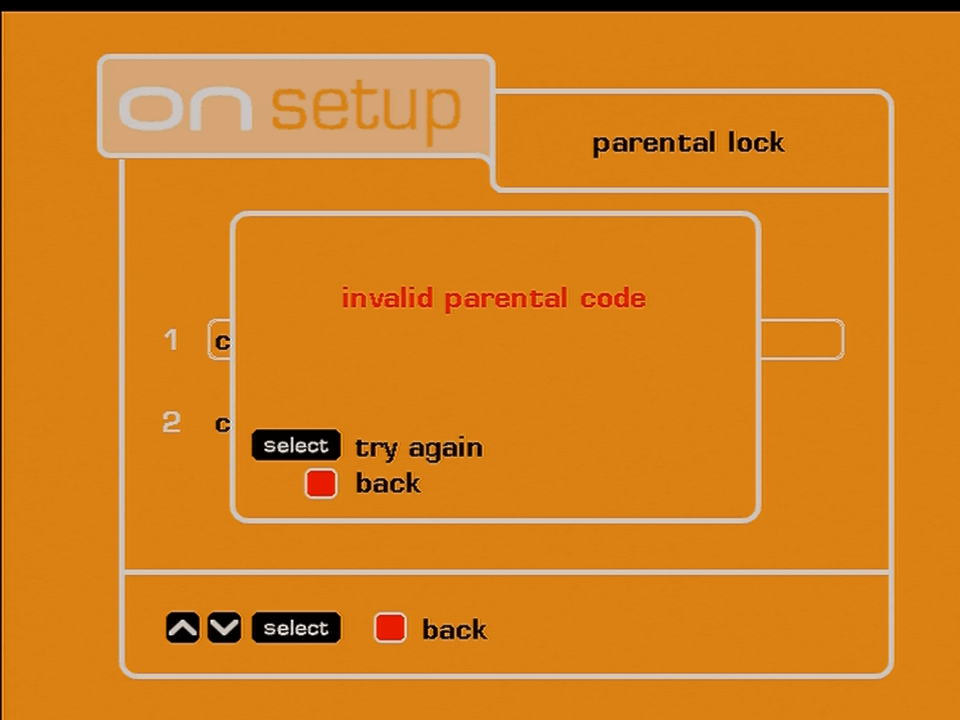
Not much to see since I don’t know the smartcard PIN, but from memory you can lock certain channels.

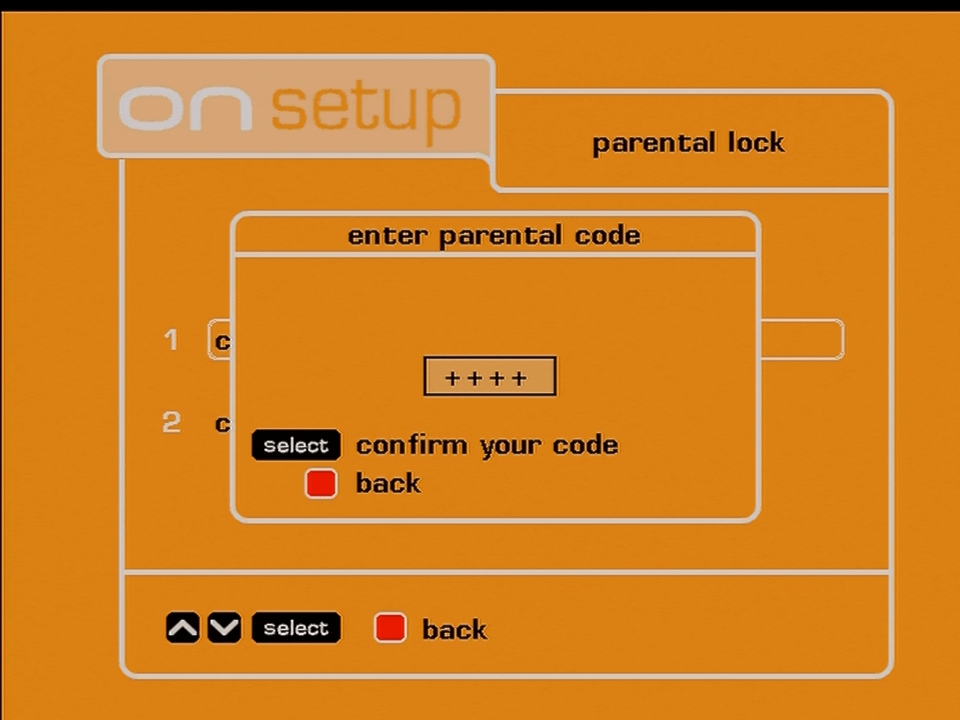
Update: Managed to find the default PIN code, now we can see whats in the menu

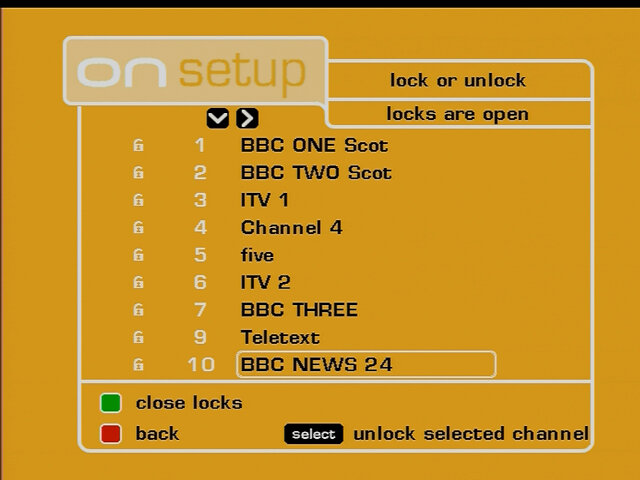
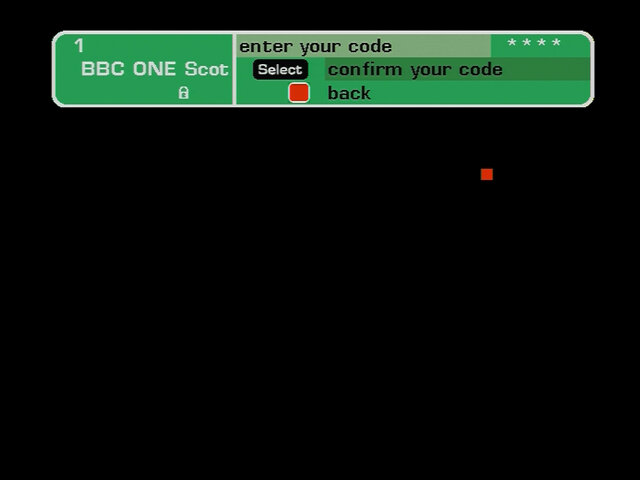
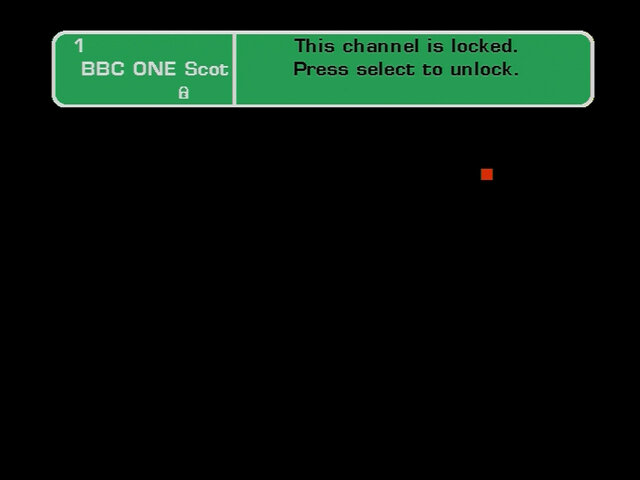
Here you can lock individual channels from being accessed by marking them with the lock symbol, you can then press the green button to activate the locks. When you try to enter a channel you will be prompted to enter the PIN number to unlock.

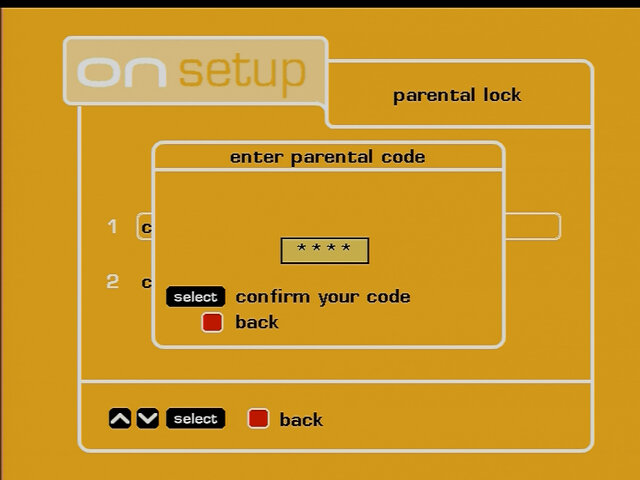
You can change the PIN code to whichever you choose.

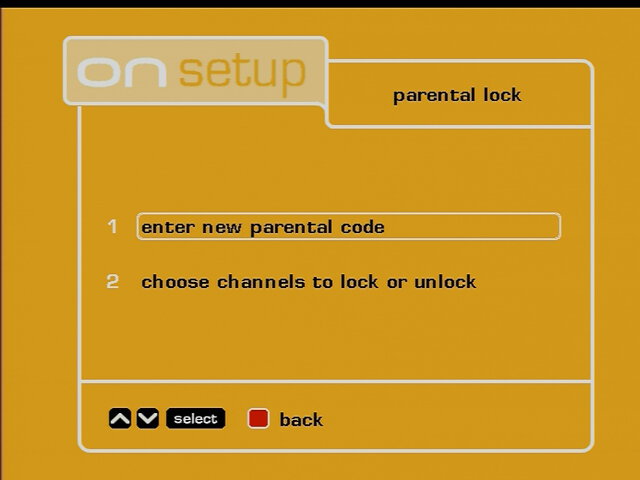
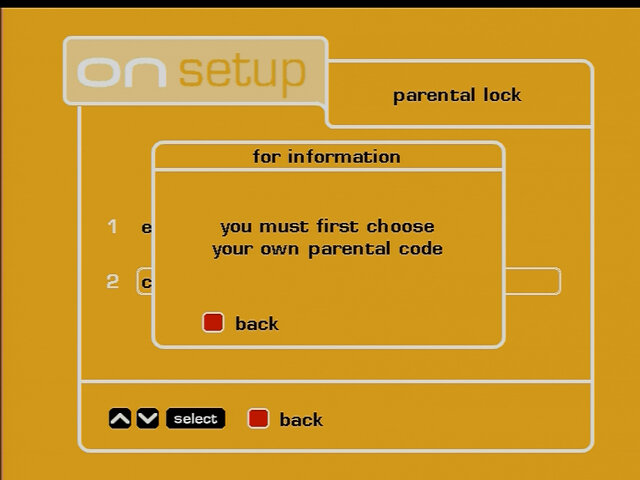
If you change the PIN back to 0000, the menu option changes to Enter new parental code instead of change parental code, and you are prompted to set a PIN code.

Viewing Preferences

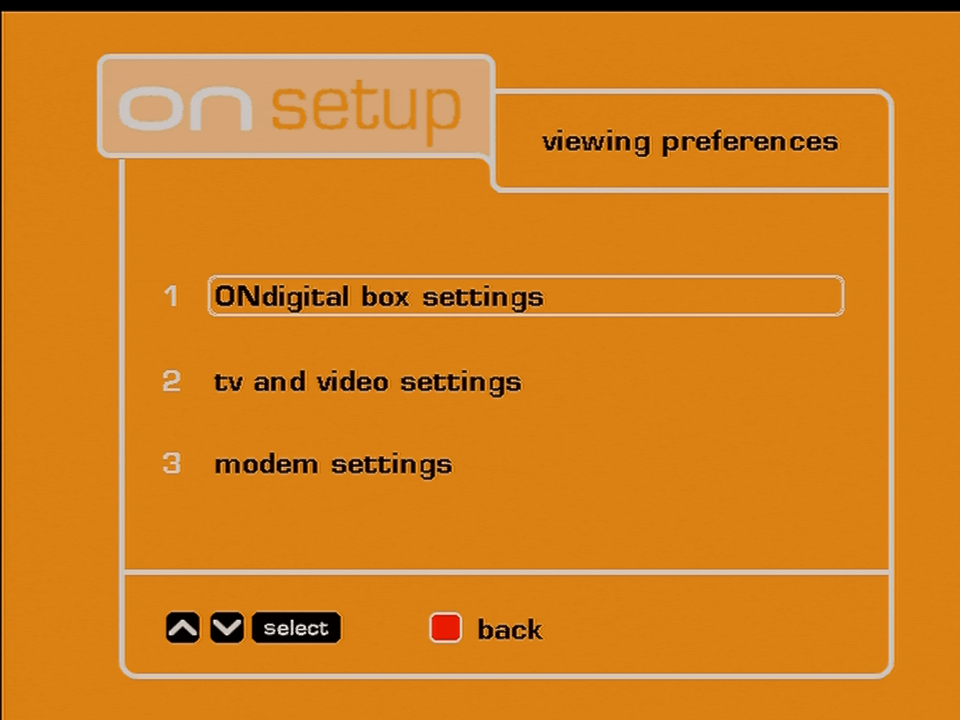
ONdigital viewing preferences
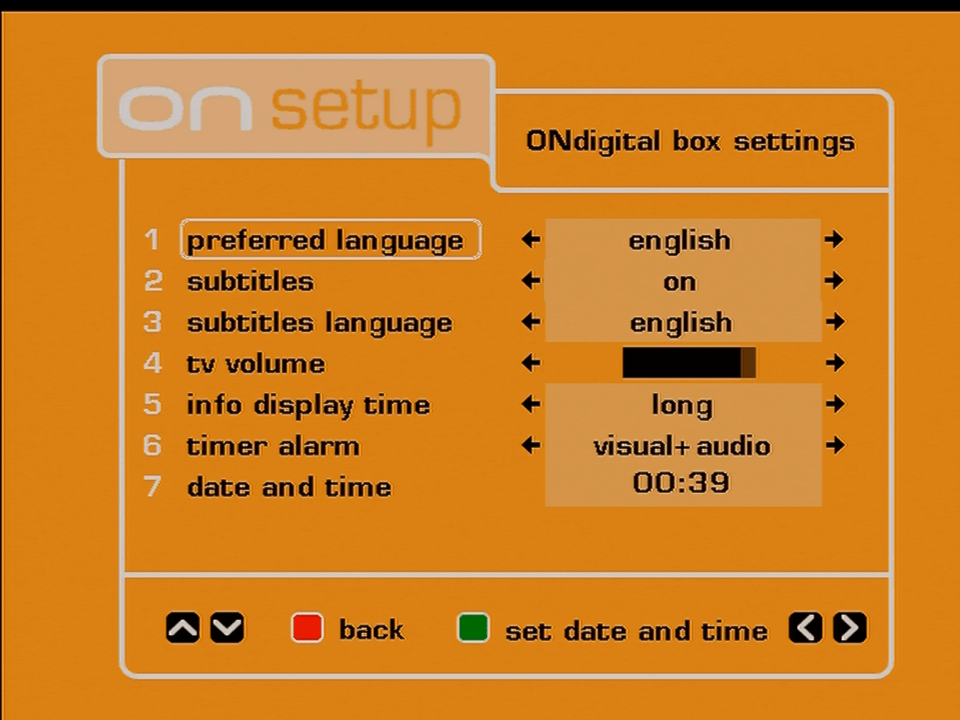
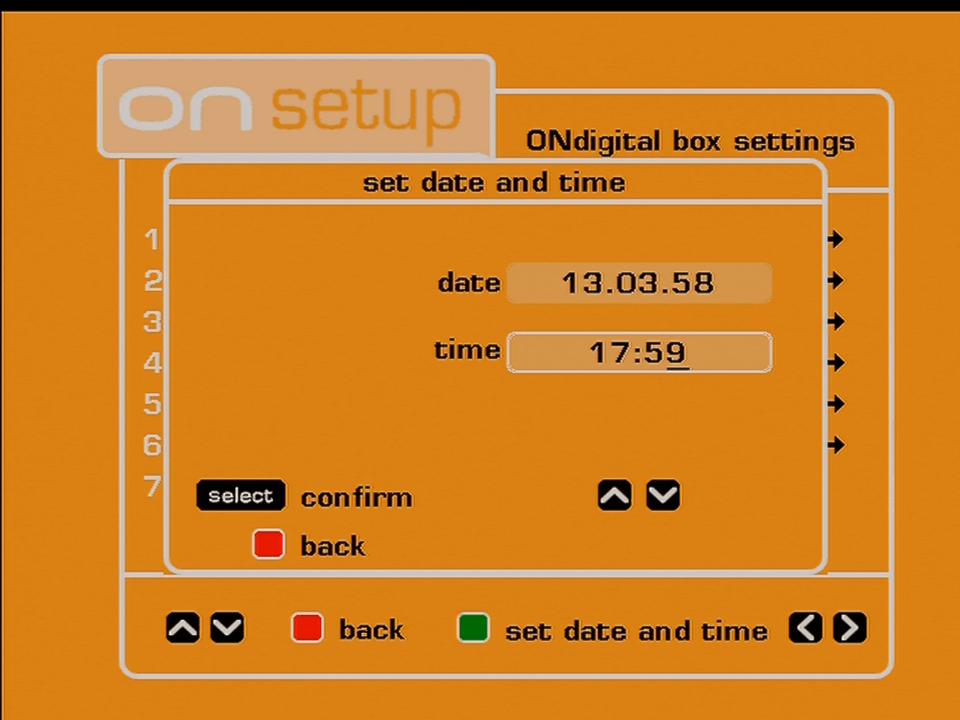
ONdigital box settings
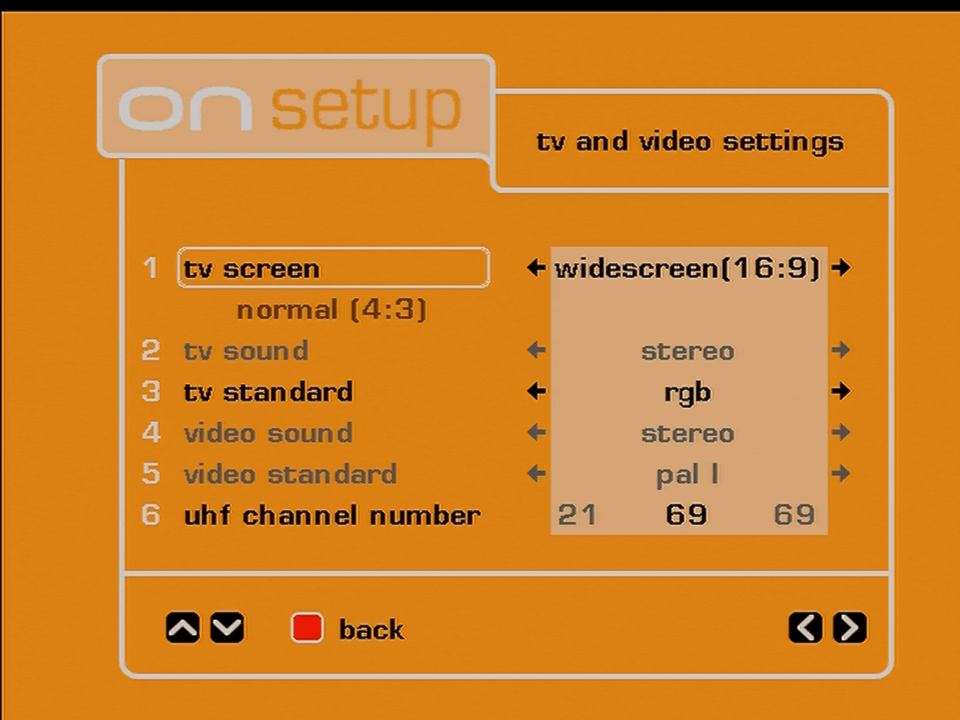
ONdigital tv video settings
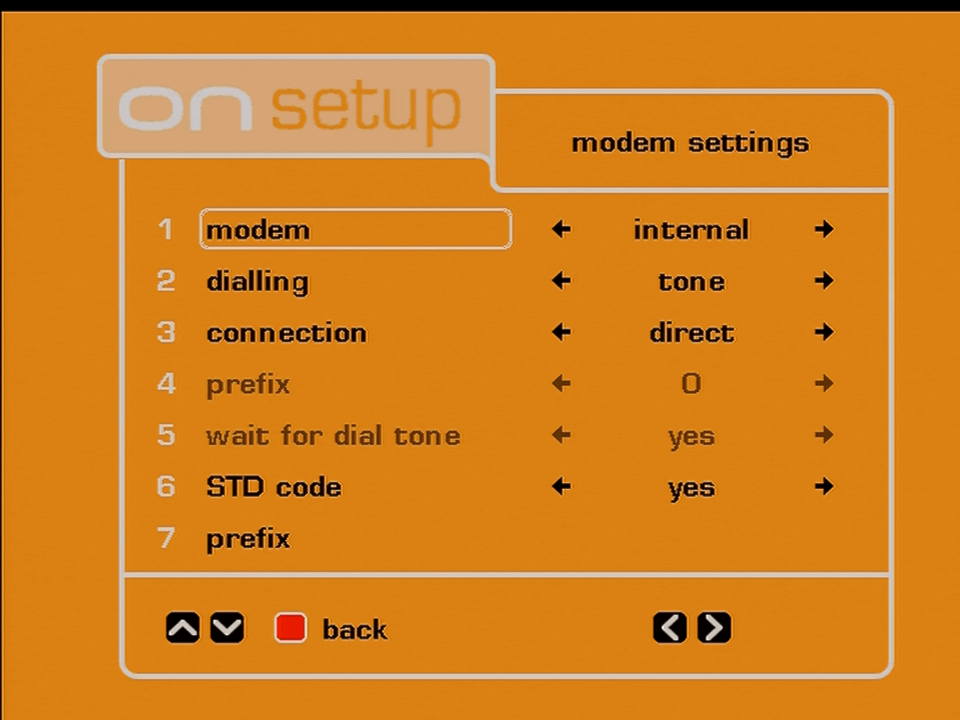
ONdigital modem settings

Getting Started

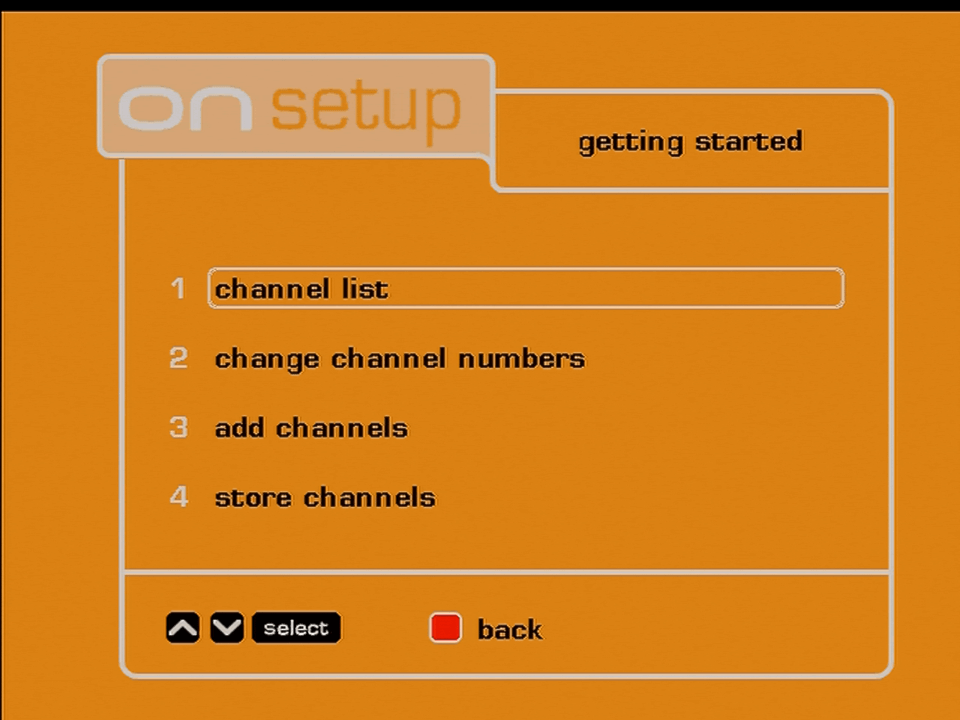
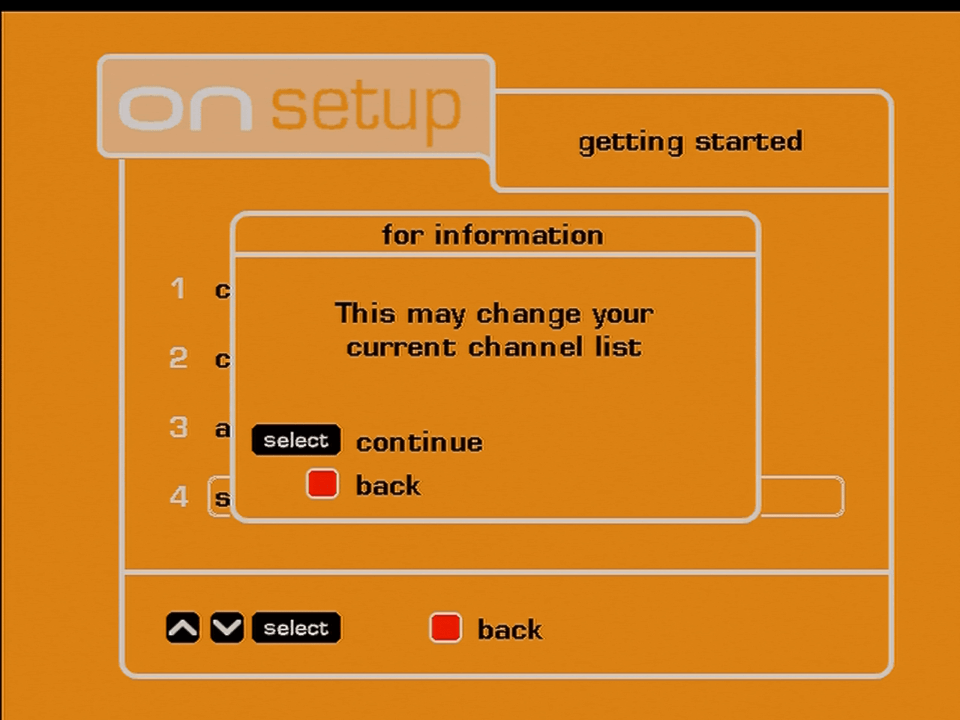
ONdigital getting started
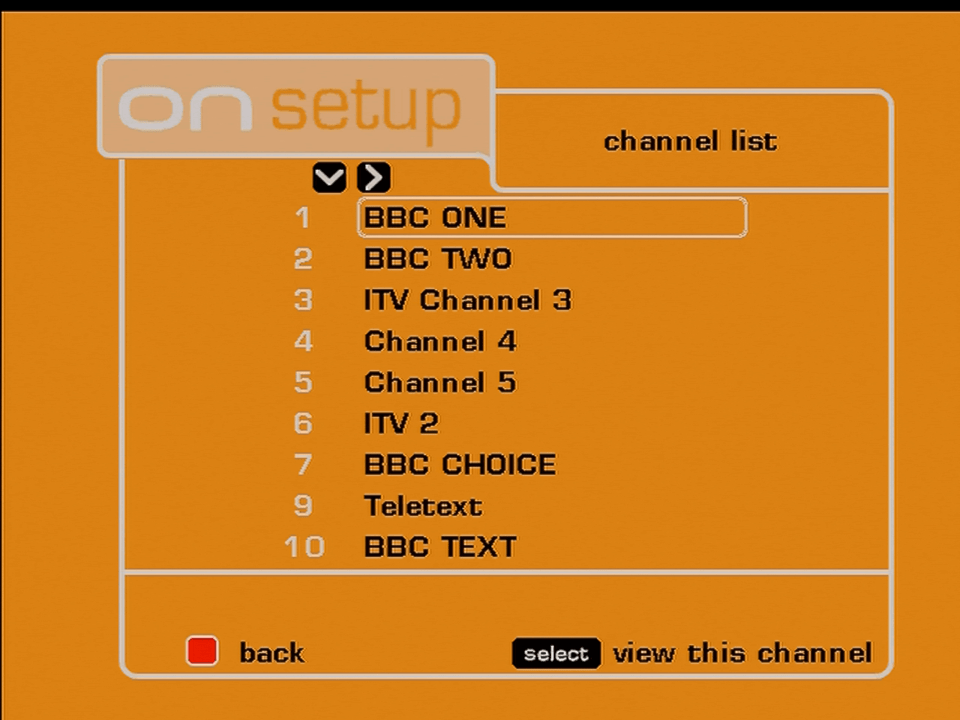
ONdigital channel list
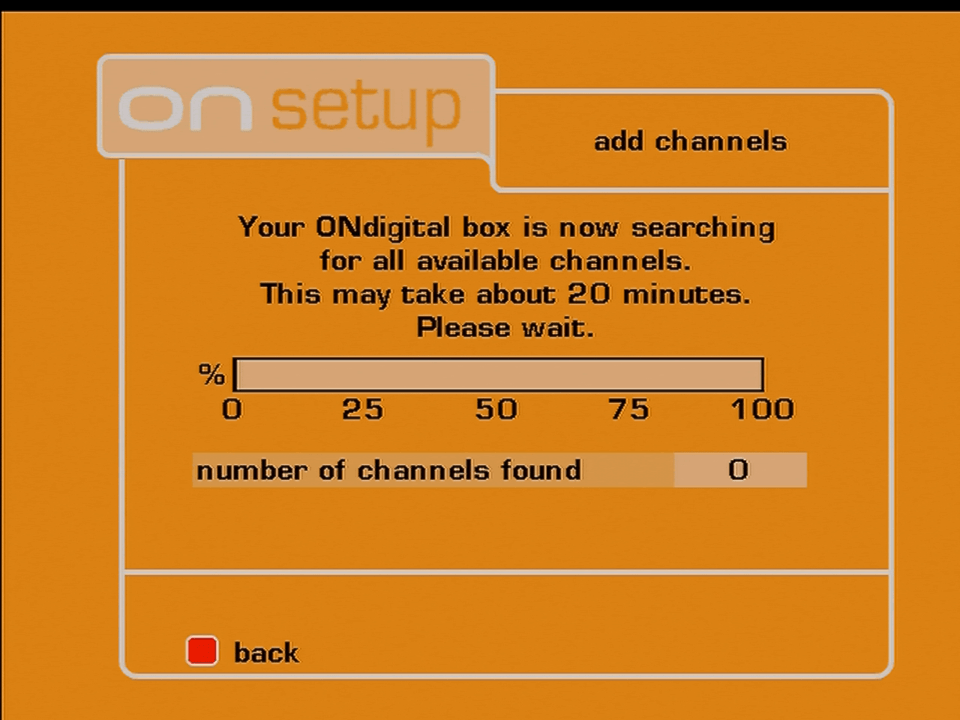
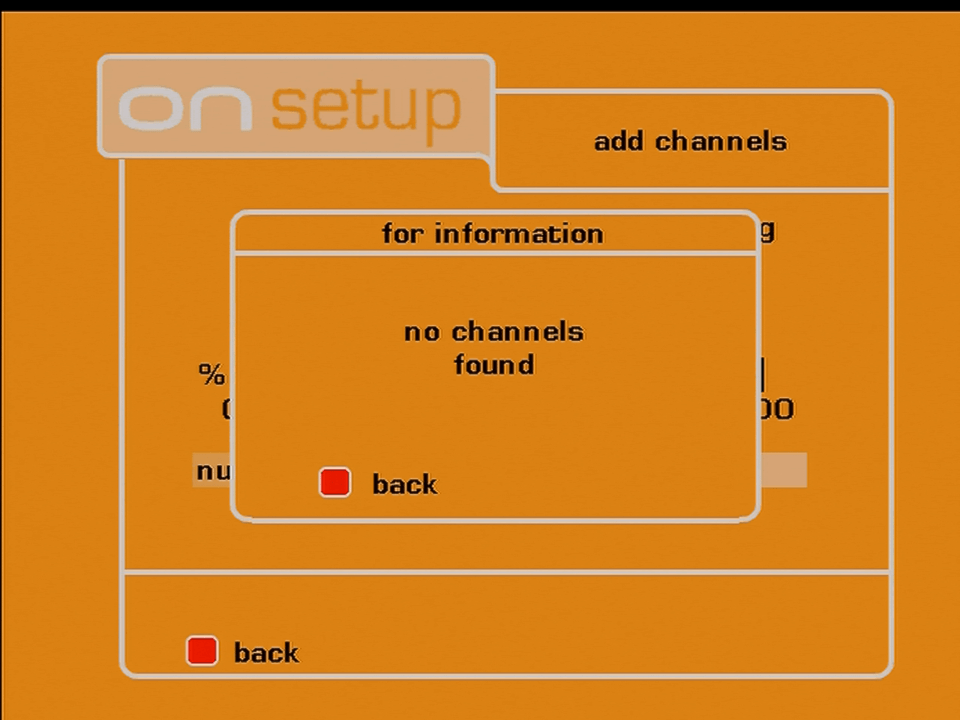
ONdigital add channels

ONdigital Updates

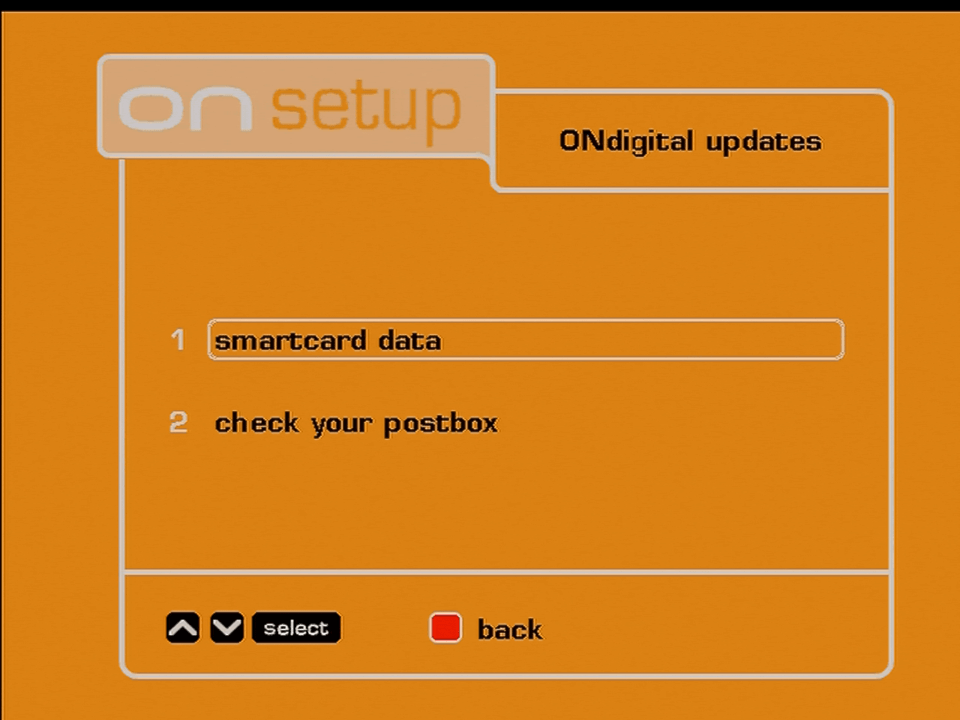
ONdigital updates
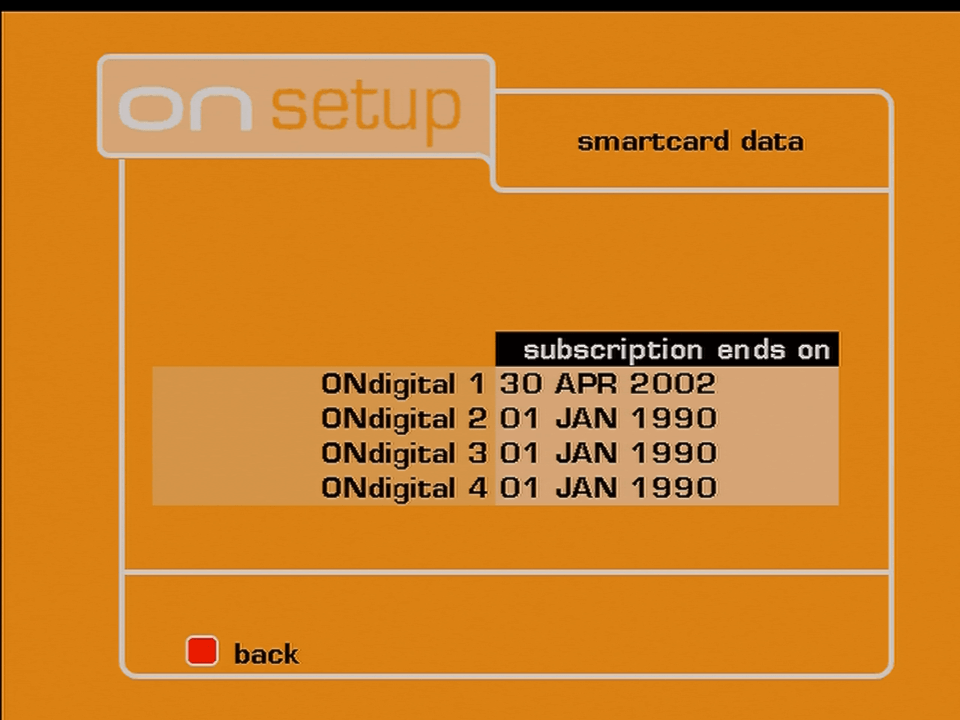
ONdigital smartcard

Smart Card data, shows when the current entitlements expire. it appears this card was in use until the demise of ITV Digital

ONdigital postbox

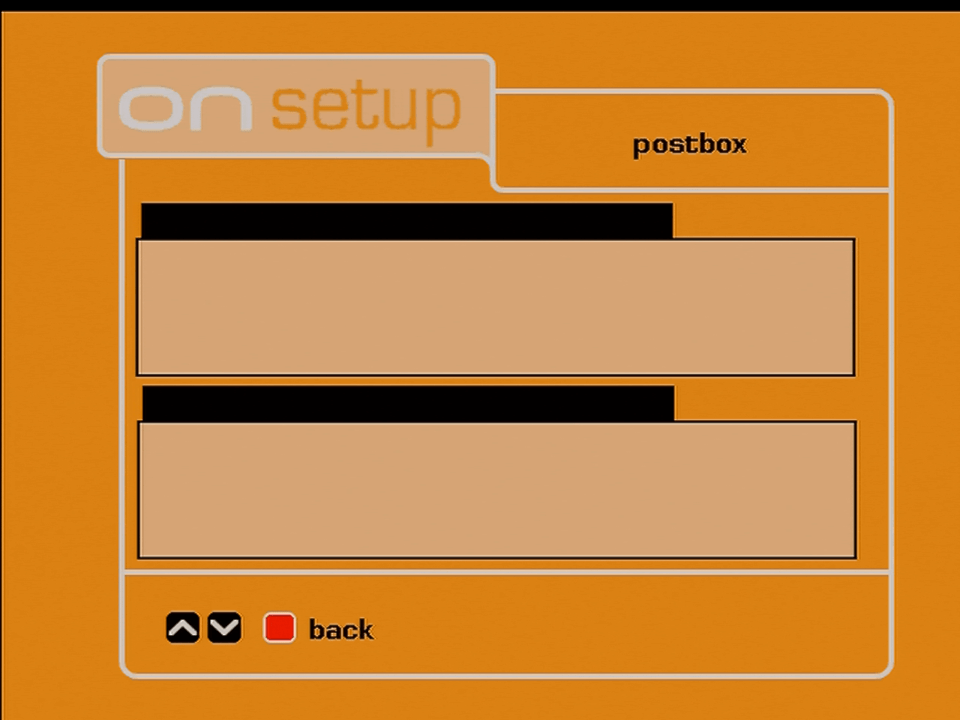
The postbox, designed to receive broadcast messages, this was never used

Technical Information

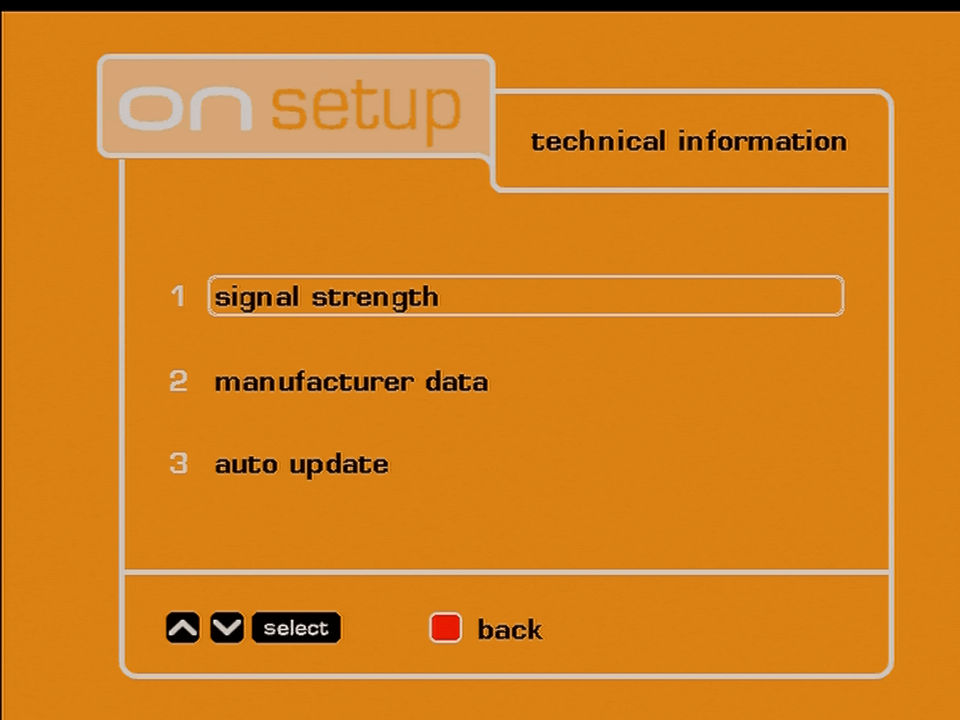
Ondigital technical information
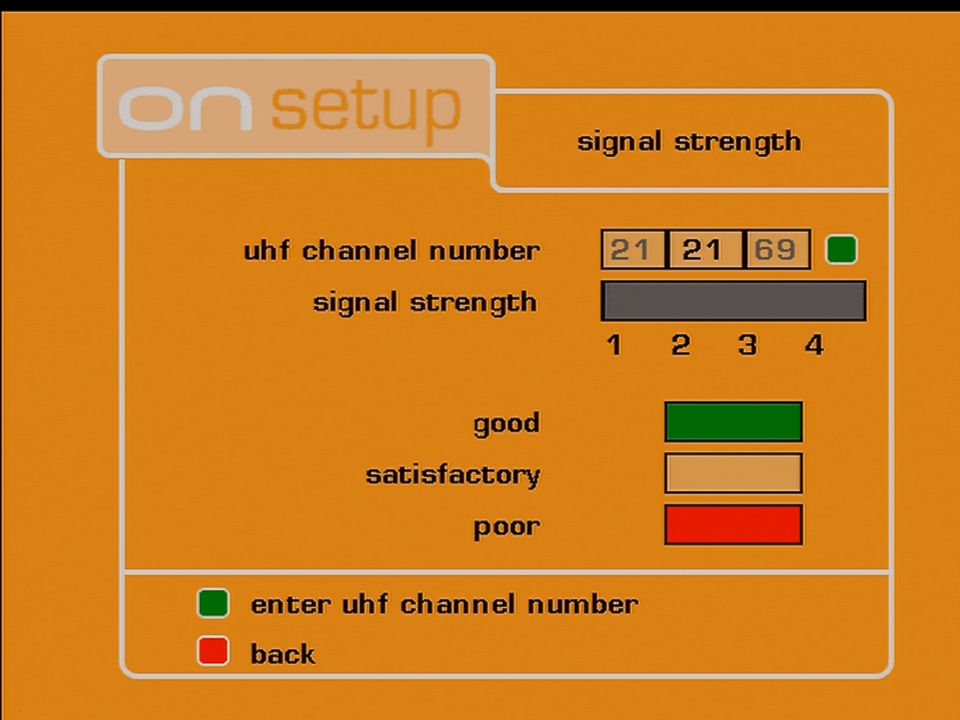
ONdigital signal strength

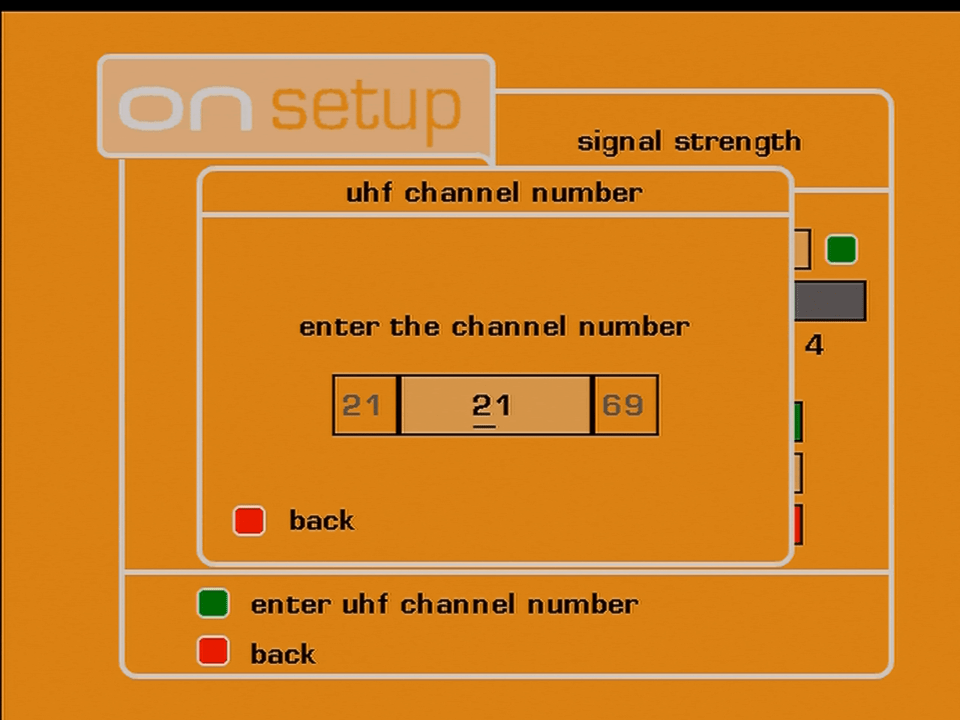
Signal strength, you have to manually enter the channel number to find out

ONdigital signal strength
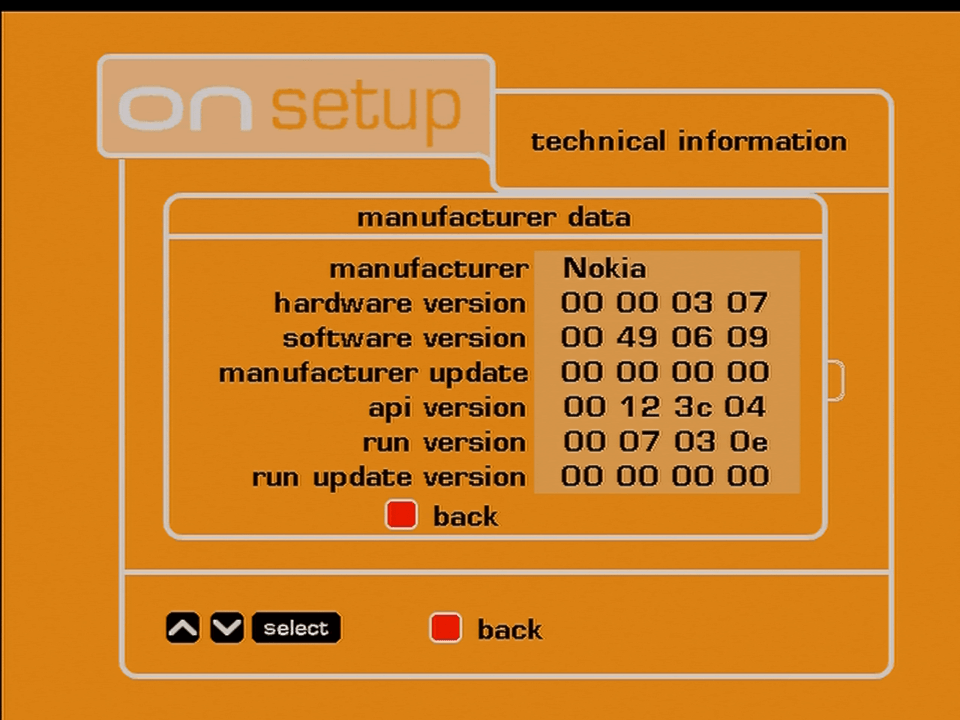
Ondigital Nokia

Information relating to the manufacturer, software version and hardware revision

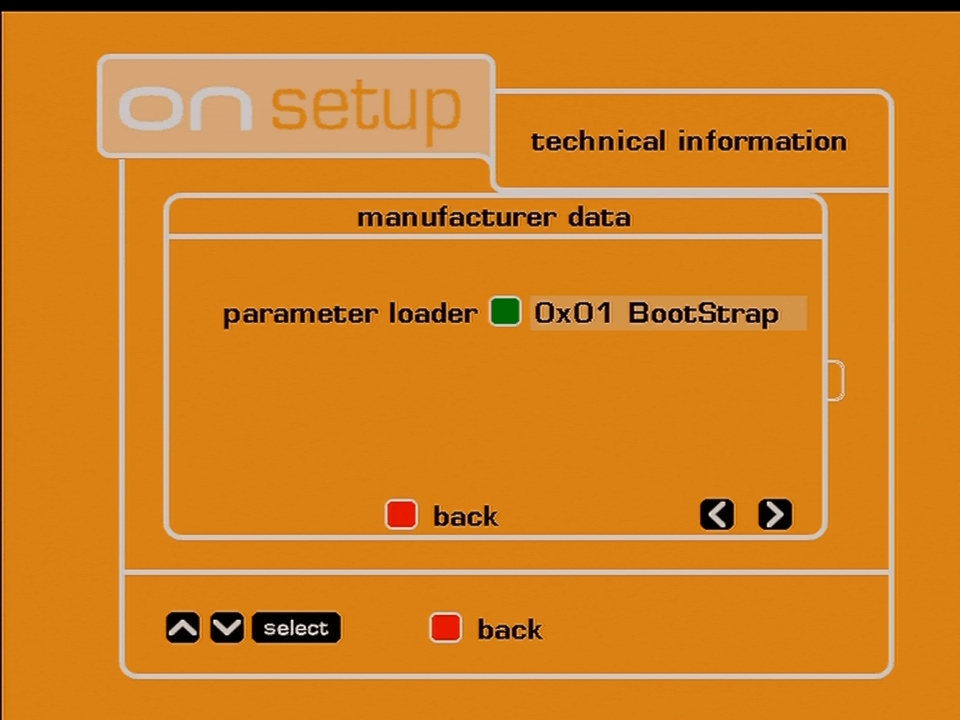
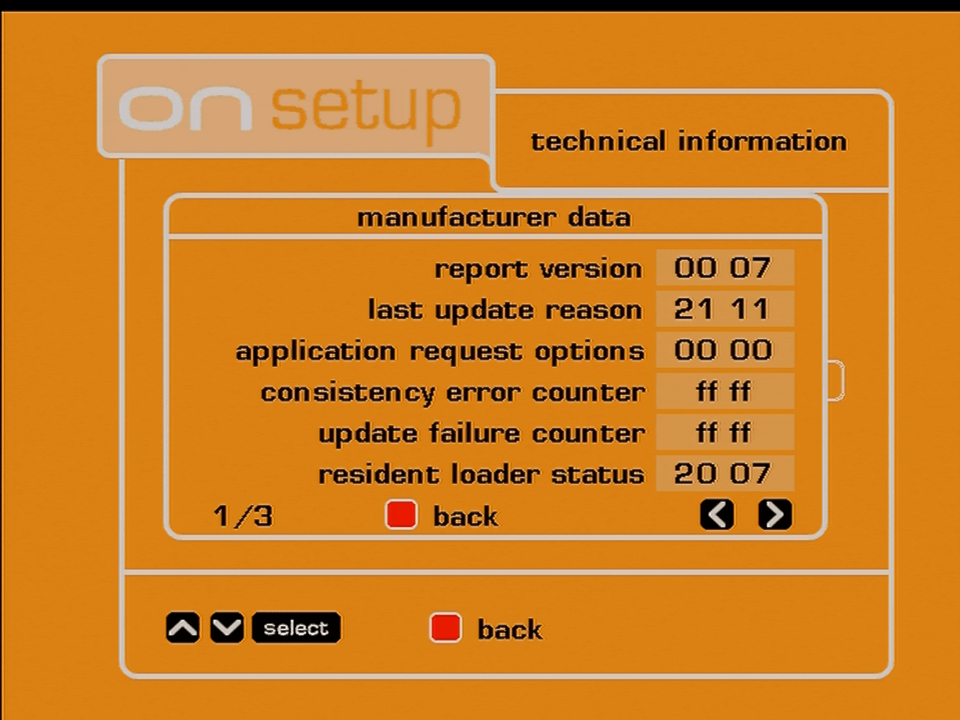
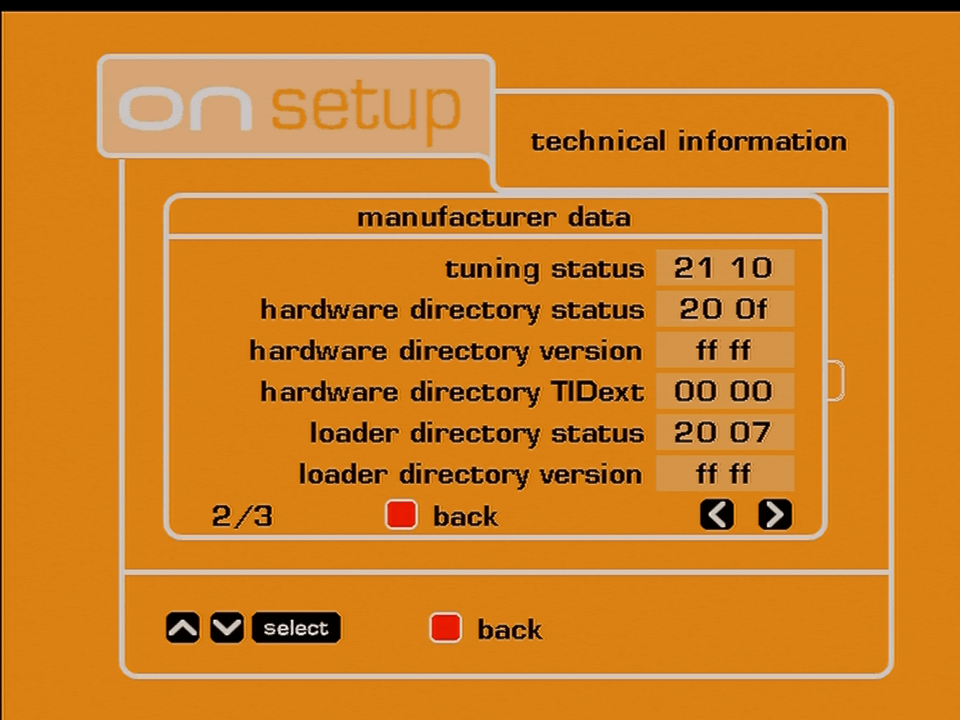
ONdigital technical information

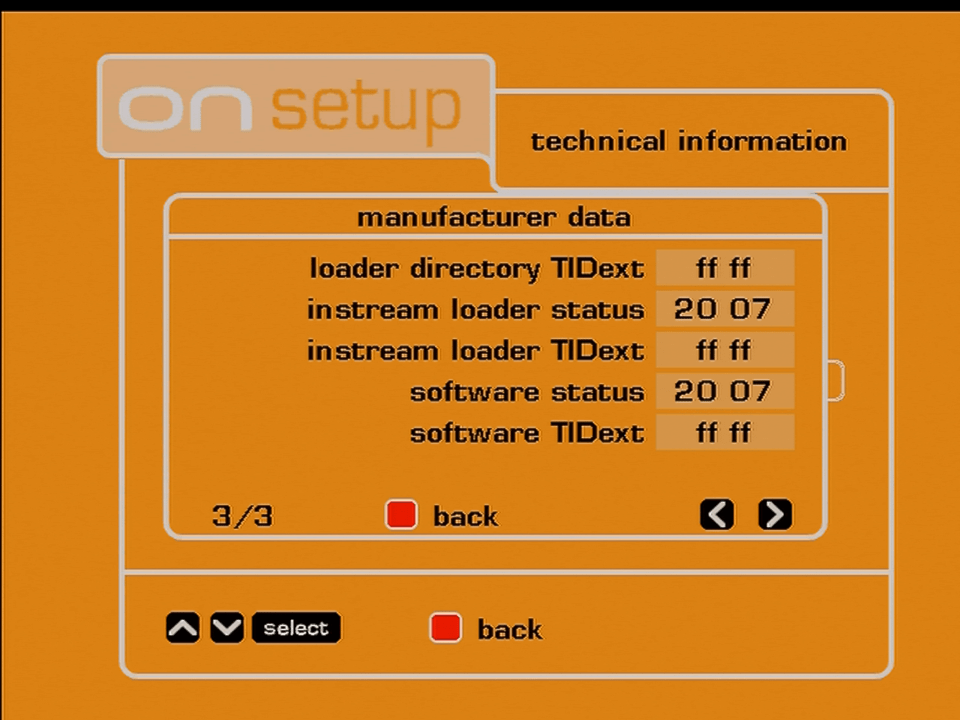
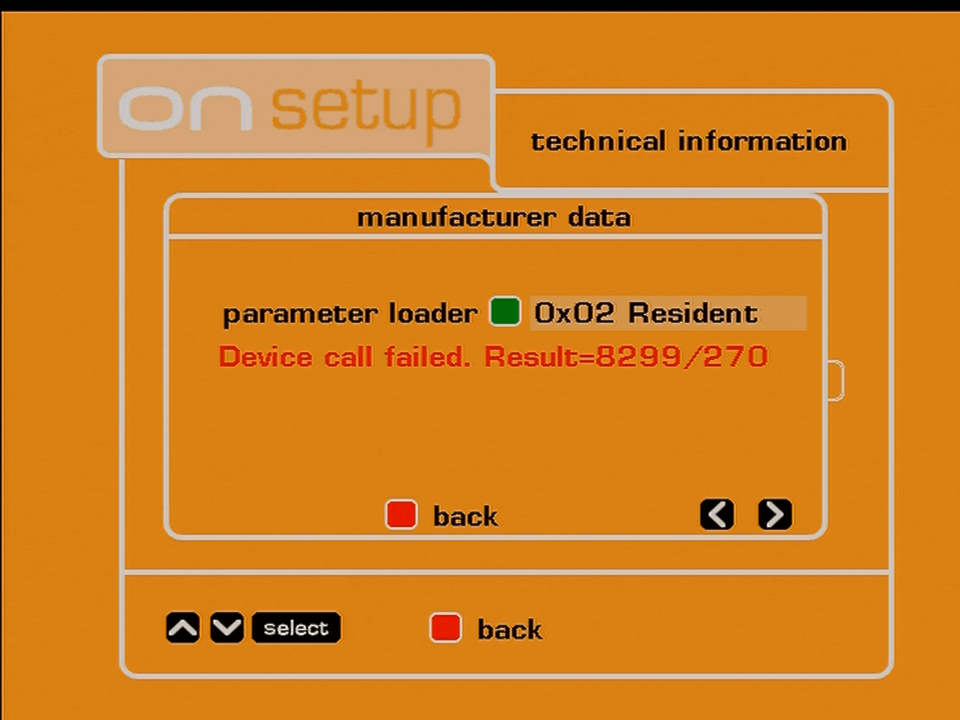
Hidden information menu, not much to do except to view certain debug information

Guide: ONMail

ONMail

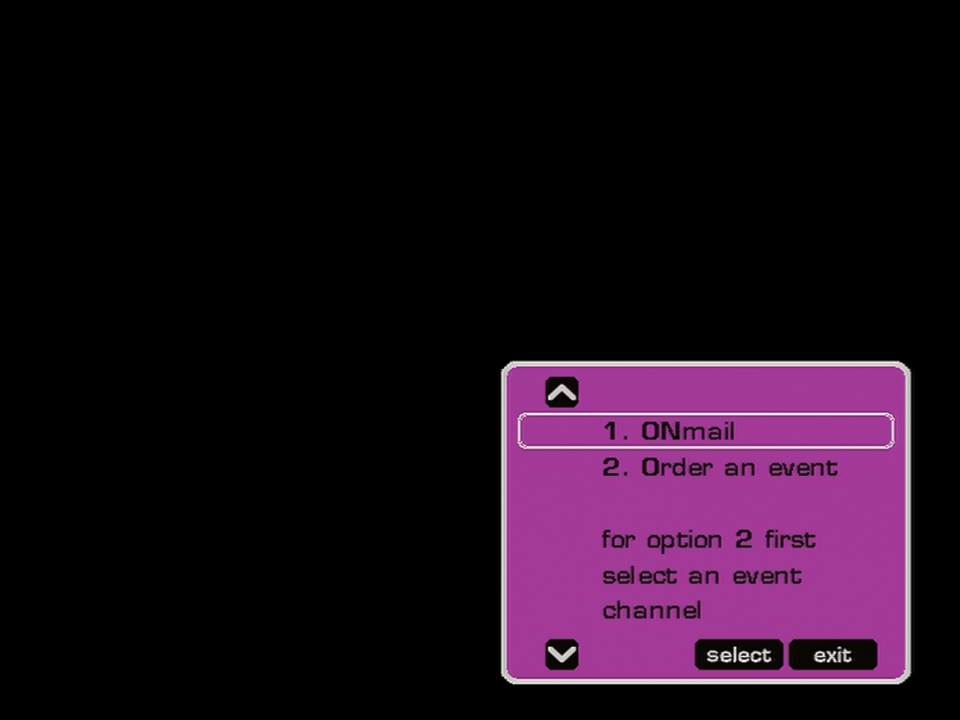
Pressing the guide button brings up this menu

ONMail

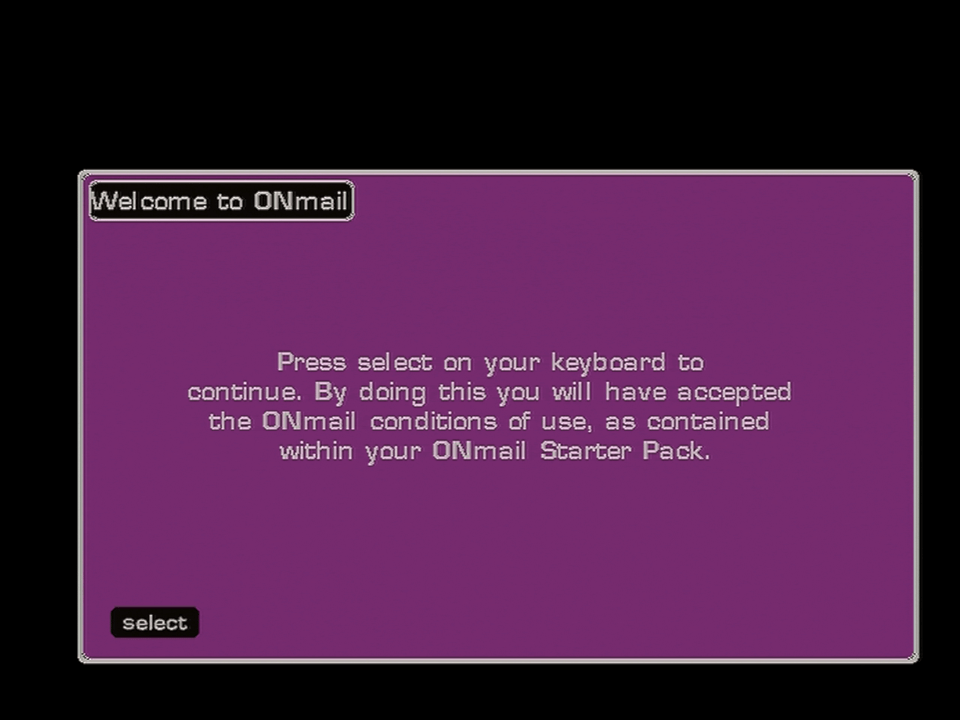
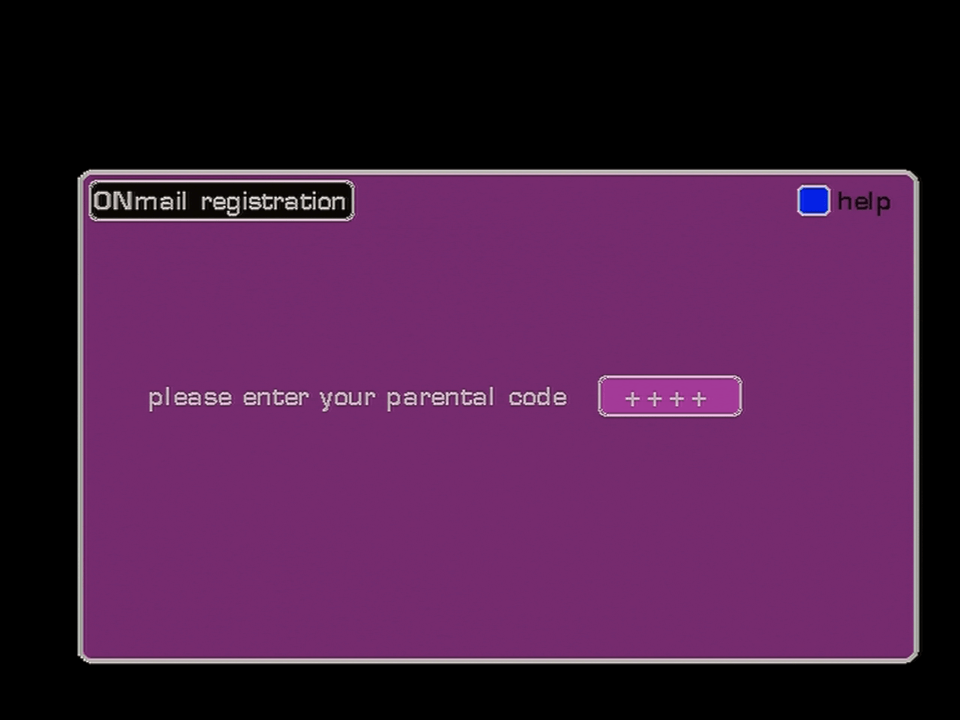
ONmail was ONdigital’s email service that could be accessed through the set-top box, using a remote and a receiver that plugs into the serial port on the ONdigital box.

ONMail

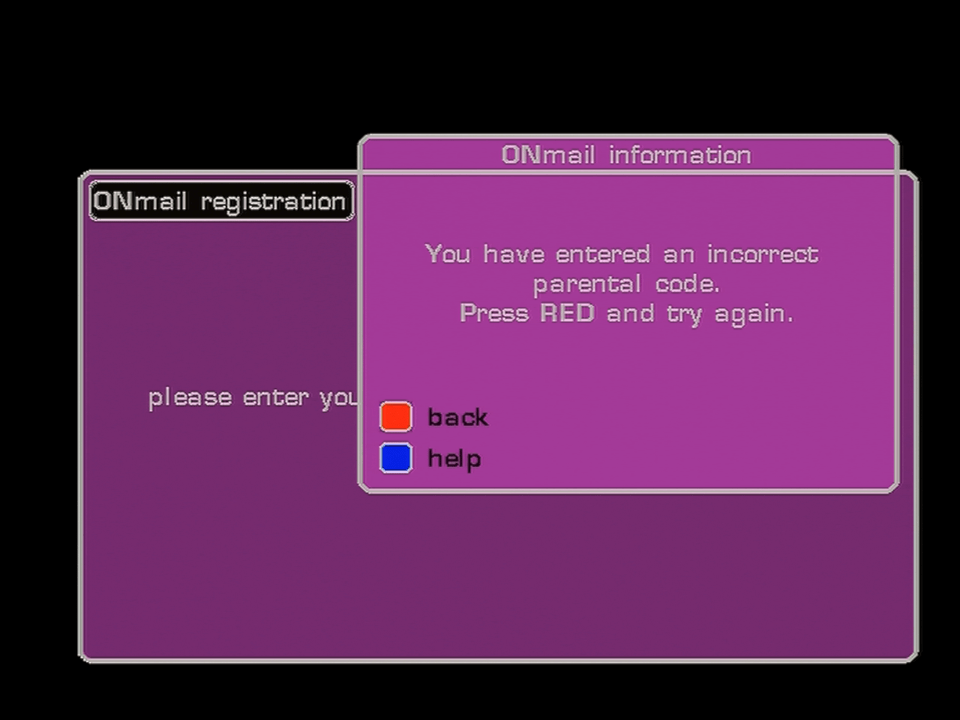
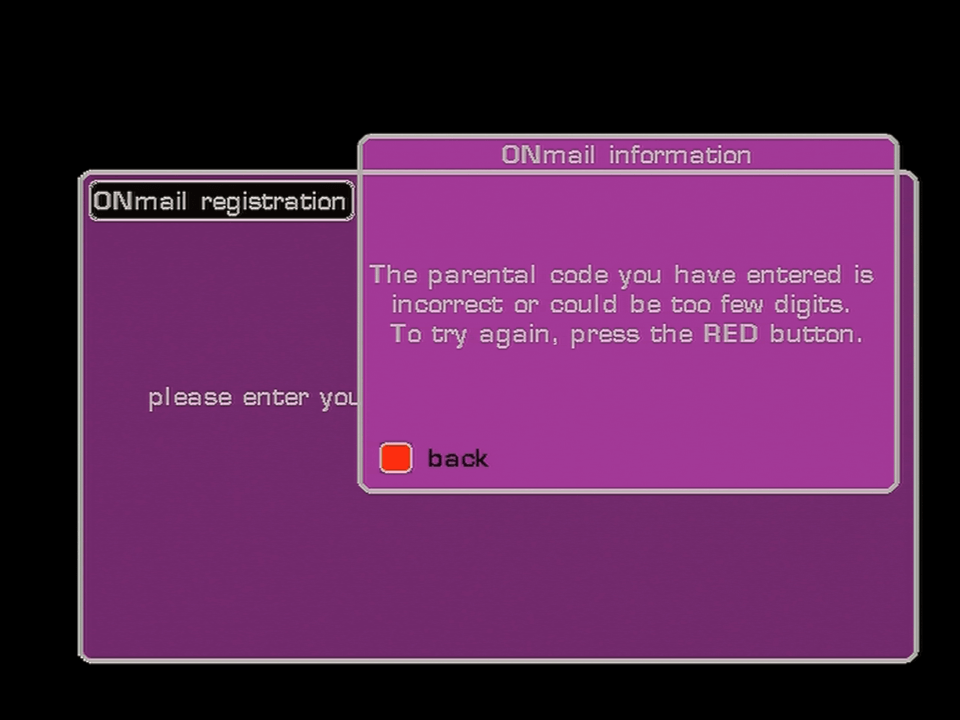
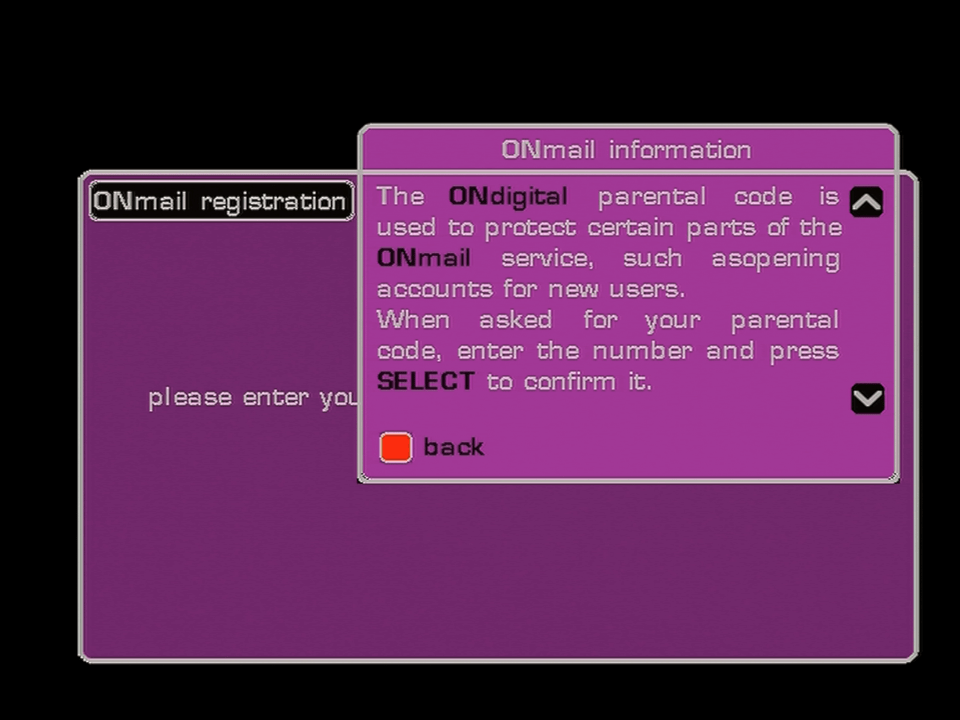
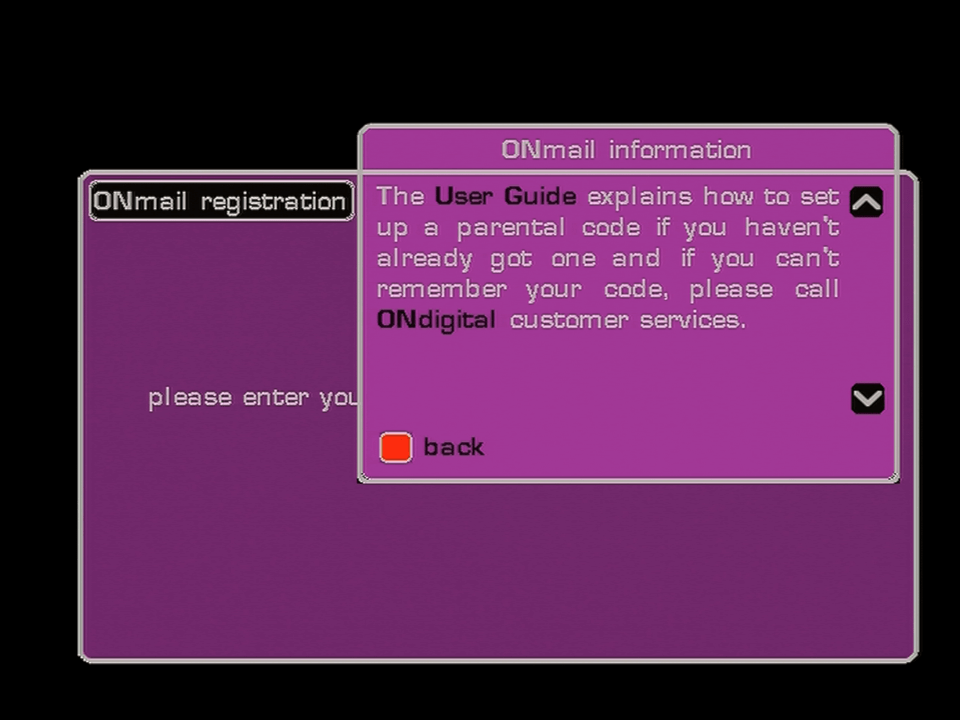
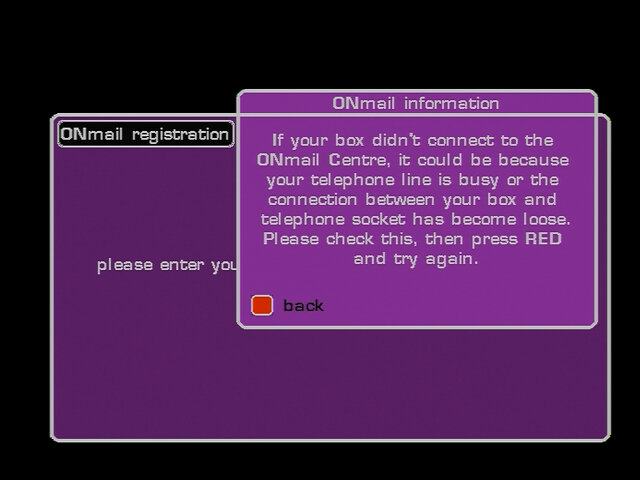
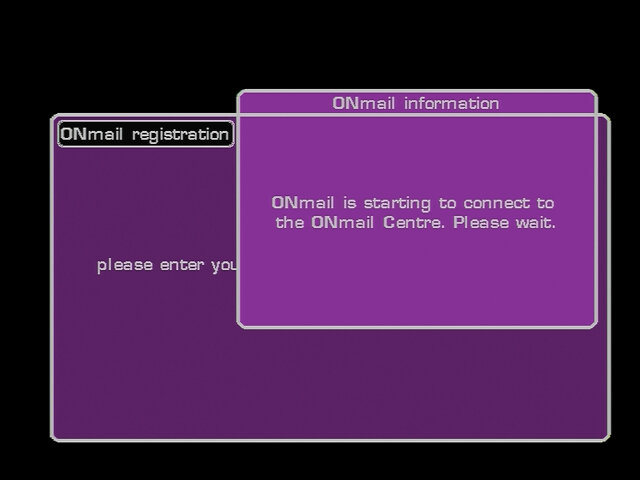
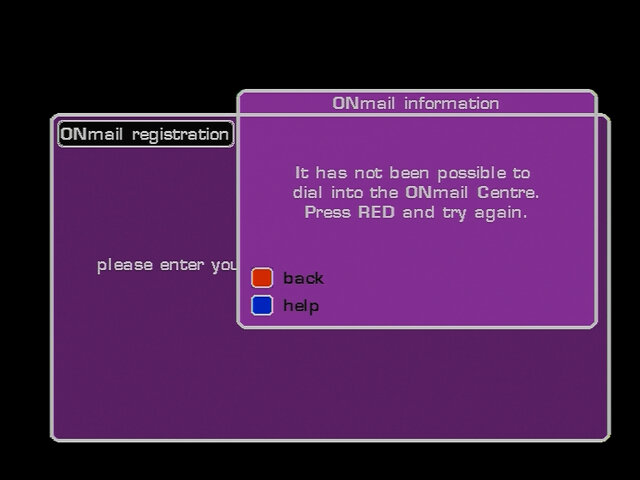
A PIN is required to access the service, since the PIN number on the card is unknown, we are unable to progress past this point.

ONMail

Not that we’d get any further, the servers were shut off shortly after ONdigital entered administration.

ONMail
ONMail
ONMail

Update: Managed to get further

Misc

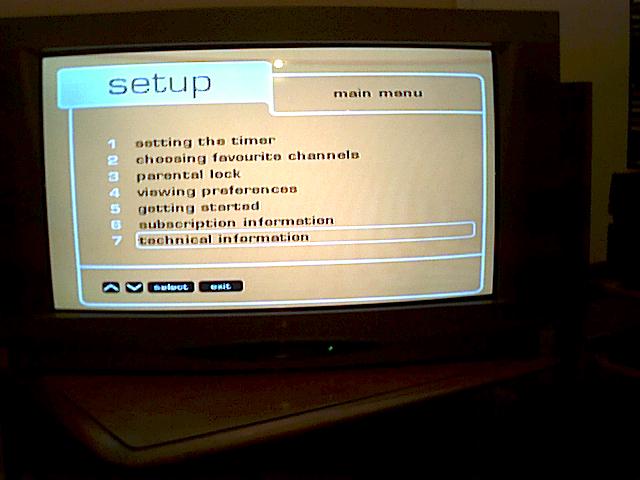
The menu from a Bush IDTV, here you can see some changes. Various references to ONdigital have been removed with option six being renamed to subscription information, and the ON logo being removed from the top left of the screen. This must be due to the change from ONdigital to ITV digital

Sky Interactive – Part 1

A look at Sky’s interactive services offered in 2002, back when interactive TV was a thing

Also can’t mention Sky interactive without the Red button dude, who’s sole purpose was to promote Sky interactive services by pressing your red button, even though that only worked on a Sky channel.

sky guide interactive

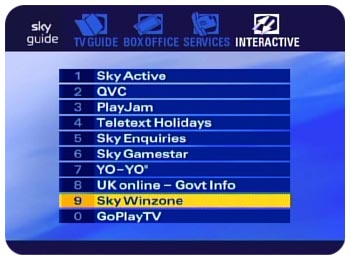
Interactive Menu

sky gamestar

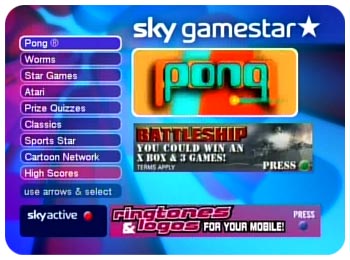
Sky Gamestar

Sky’s interactive game service

sky gamestar cartoon network

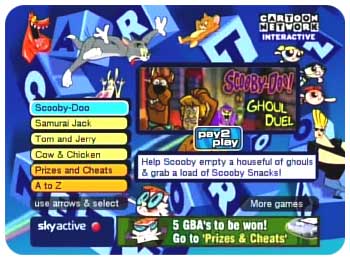
Sky Gamestar – Cartoon Network

A dedicated section of gamestar with games based on Cartoon Network shows

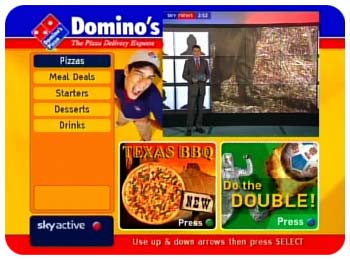
sky interactive dominos pizza

Domino’s Pizza

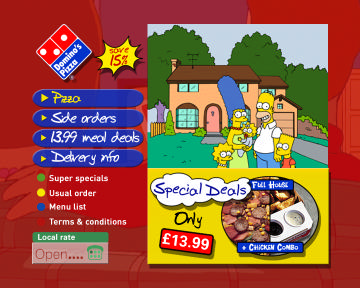
At one time you could order Pizza through your Sky Digibox

sky active 2003

Sky Active

sky active 2001

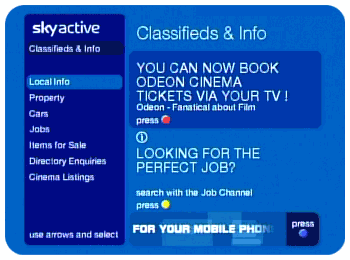
Sky Active

The Classifieds and info section, for local jobs and marketplace

sky cinema listings

Cinema Listings

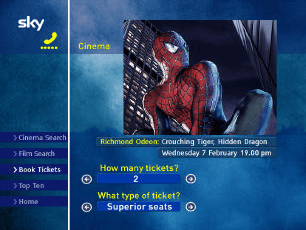
View and book local listings, this only worked with Odeon cinemas, which was useless because there were no Odeon cinemas in my area.

sky active sky+ domino's pizza

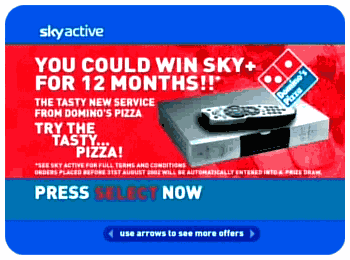
Adverts

Sky used to advertise their services and competitions whilst interactive screens were loading

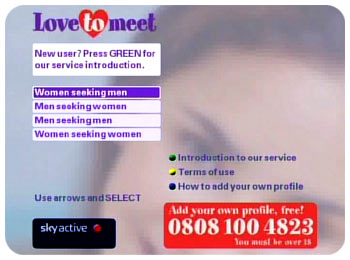
Lovetomeet

A dating service that relied on the internal modem

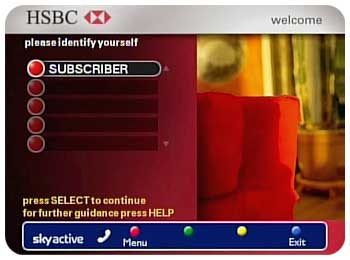
sky interactive hsbc

HSBC

Before internet banking there was Interactive TV banking, again I only saw HSBC and LLoyds TSB being supported, other banks were not on the service

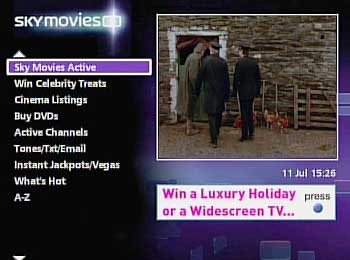
sky movies

Sky Movies

Exclusive to the Sky Movie channels, shows local cinema listings and to purchase DVD’s, a nice feature of this service was you could see behind the scenes clips from moves.

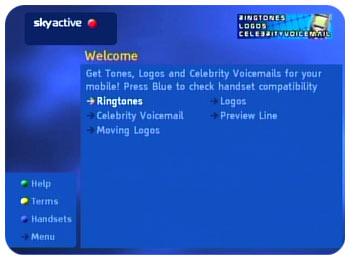
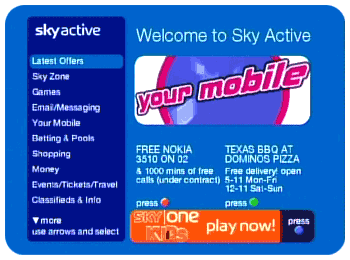
Sky active mobile

Your Mobile

Download ringtones, logos and custom voicemail, back when ringtones were polyphonic (think Nokia 3210, Ericsson T28s)

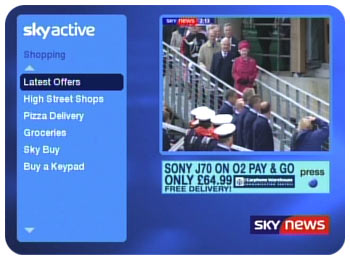
Sky active shopping

Sky Active: Shopping

Home shopping was considered to be a main feature of interactive TV, since customers could see the items themselves. Sky allowed a range of retailers to have presence on interactive, and even had their own storefront, SkyBuy

Sky marketplace

Marketplace

Some sort of eBay/Gumtree service, customers could buy and sell locally

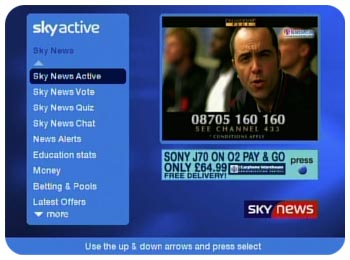
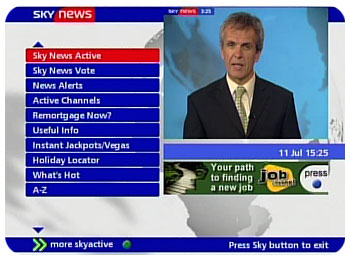
Sky News Active

Sky News Active

Activated by the red button, a very useful service where you can browse news headlines, view ‘Active Channels’ which were small channels dedicated to certain subjects or headline coverage. These could also be tuned in using the Other Channels feature, bypassing the service

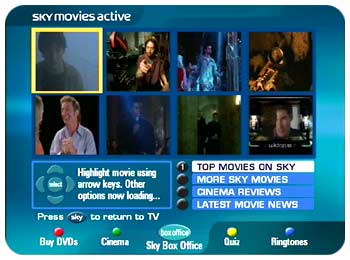
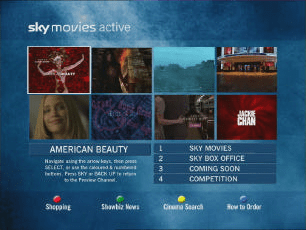
Sky Movies Active

Sky Movies Active

This is where you could see the behind the scenes stuff from movies, similar to bonus scenes on DVD’s

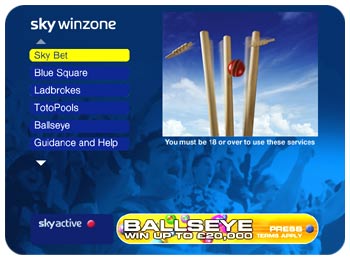
Sky Winzone

Sky Winzone

Sky Active 2002

Sky Active

Another view of the main Sky Active home screen

Interactive today

Sadly Sky axed most of their interactive services, so here is the interactive menu that you are left with

Does it work? Well…

It seems the only OpenTV interactive TV services available is BBC Red Button and the S4C language changer, none of which use the modem/return path. I’m not sure if the services offered on Sky Q are the same, I believe it’s mostly Netflix/Prime type of applications that are video on demand services.

Restoring a Thomson SkyHD box

I’ve been meaning too document the HD era of Sky for some time now and whilst I do have a HD Sky box (the DRX595), I’m interested in the early era of SkyHD.

The HD EPG has been through multiple iterations, first it launched with an upscaled version of the Sky Guide interface that graced many Digibox’s since 1998. Sky redesigned the EPG exclusively for the HD boxes in 2008, which is the EPG I’m currently interested in below, unfortunately the majority of all HD boxes run newer versions of Sky HD guide, all except for one

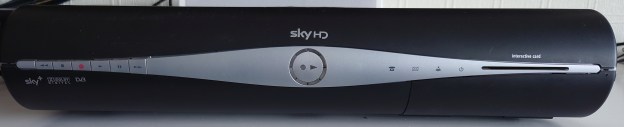
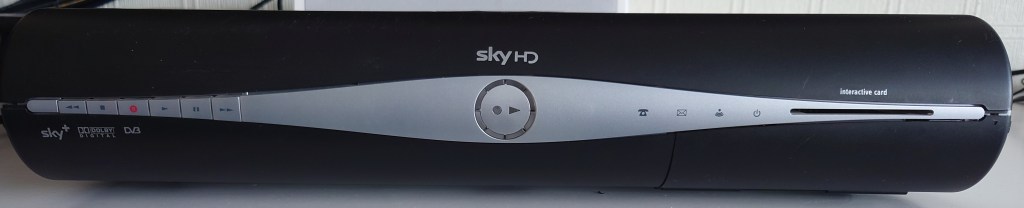
Thomson DS8215

Thomson DSI8215

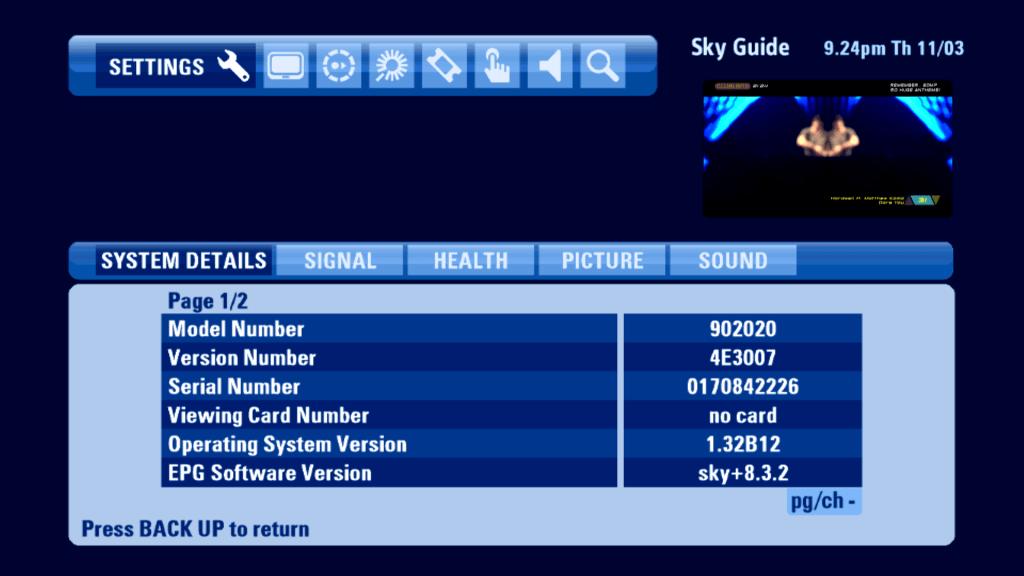
This was the launch STB for Sky HD, and remained the only box until 2008 when Sky started sourcing from Pace, Amstrad and Samsung, and were the only boxes that had analogue HD outputs (Component/YPbPr). Whilst the other boxes continued to receive updates after 2011, Sky began to phase out the Thomson models, which remained on the 8.3.2 EPG, and was the last OpenTV based EPG.

Admittedly Thomson were not the best manufacturer of Sky digibox’s. Don’t get me wrong, they’re mostly fine but nearly all Thomson (and Grundig, more on that later) digibox fall suspect of faulty PSU capacitors, which can cause myriad of issues from being stuck in standby to no satellite signal, and the HD box was sadly no exception to this.

First Impression

The box seemed to have been in use for a few years, and has had a bit of wear and tear.

Well it looks OK so far…

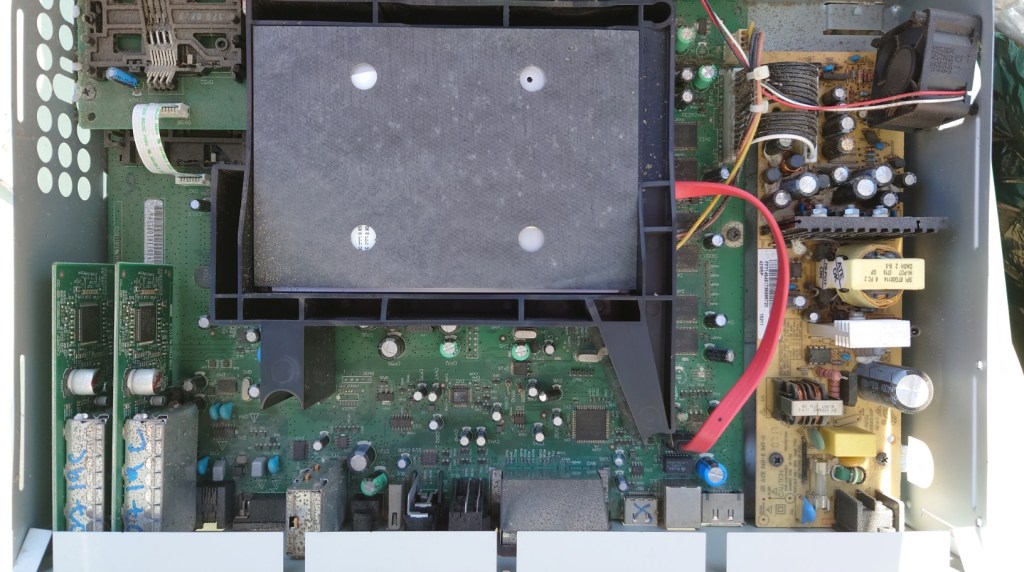
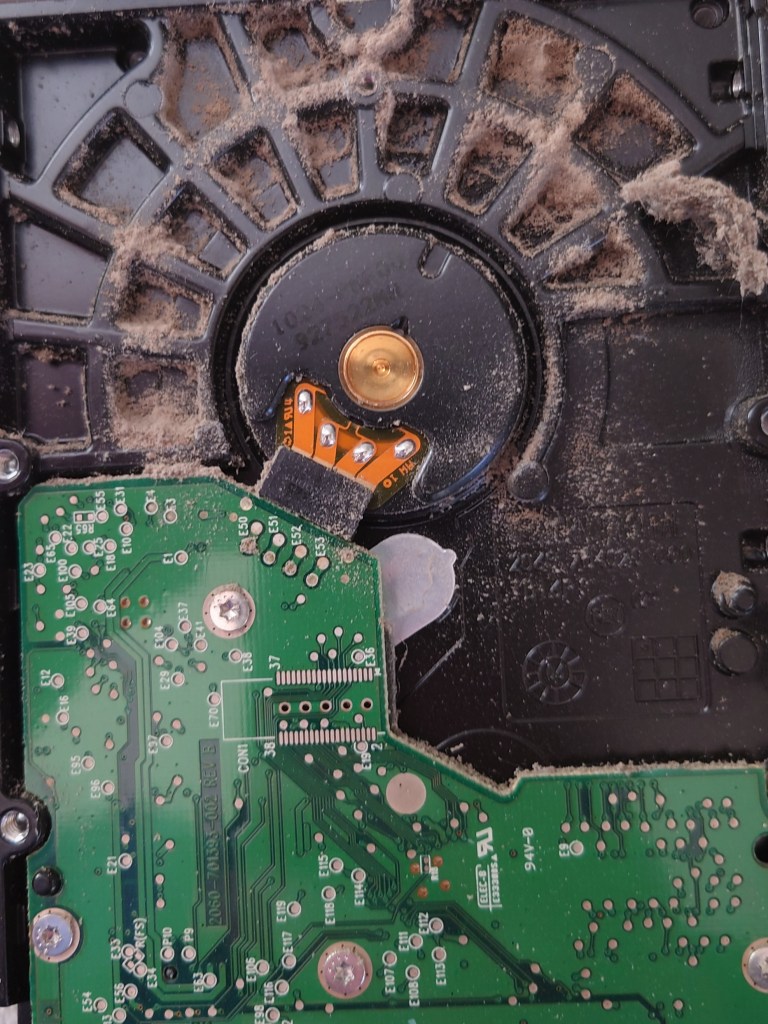
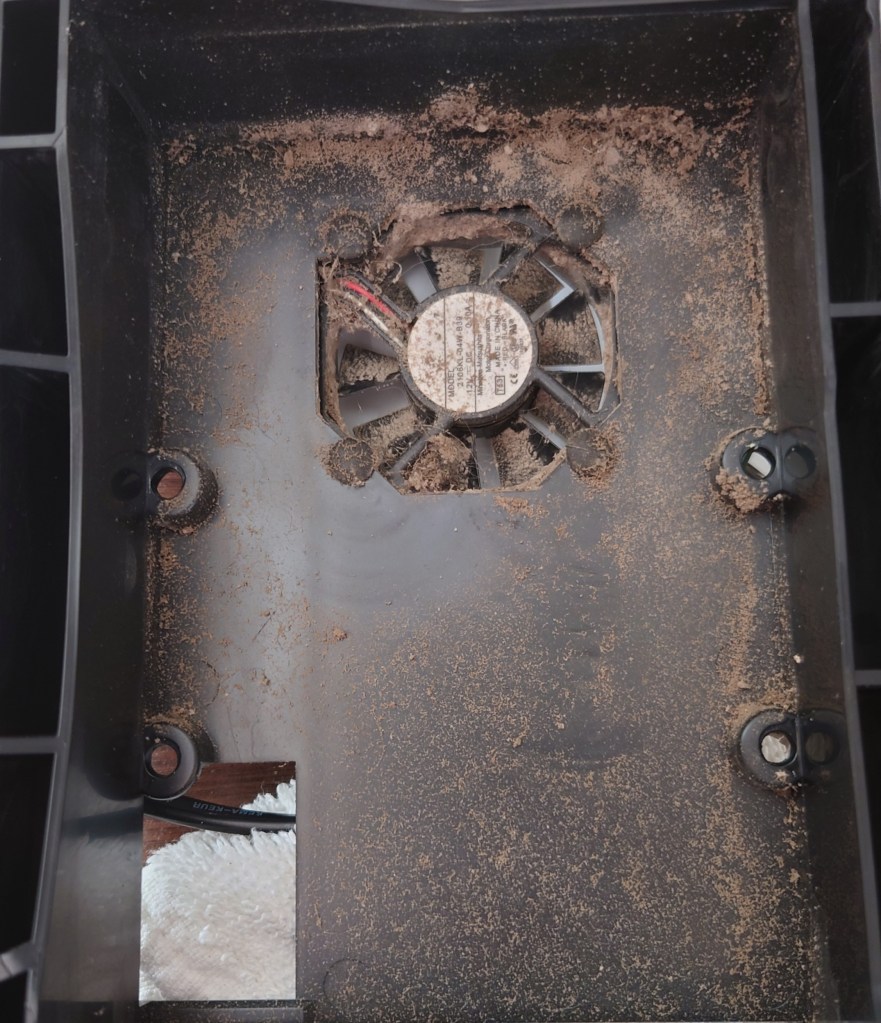
Seems to have had a lot of dust and grime build up over the past few years from the previous owner

The hard drive seems to have taken the brunt of it all, since there is a fan situated right below it that serves as the air intake.

Yeesh…

At this point I figured I had to take the box outside and clean it with a can of compressed air to get the dirt out.

Power Supply

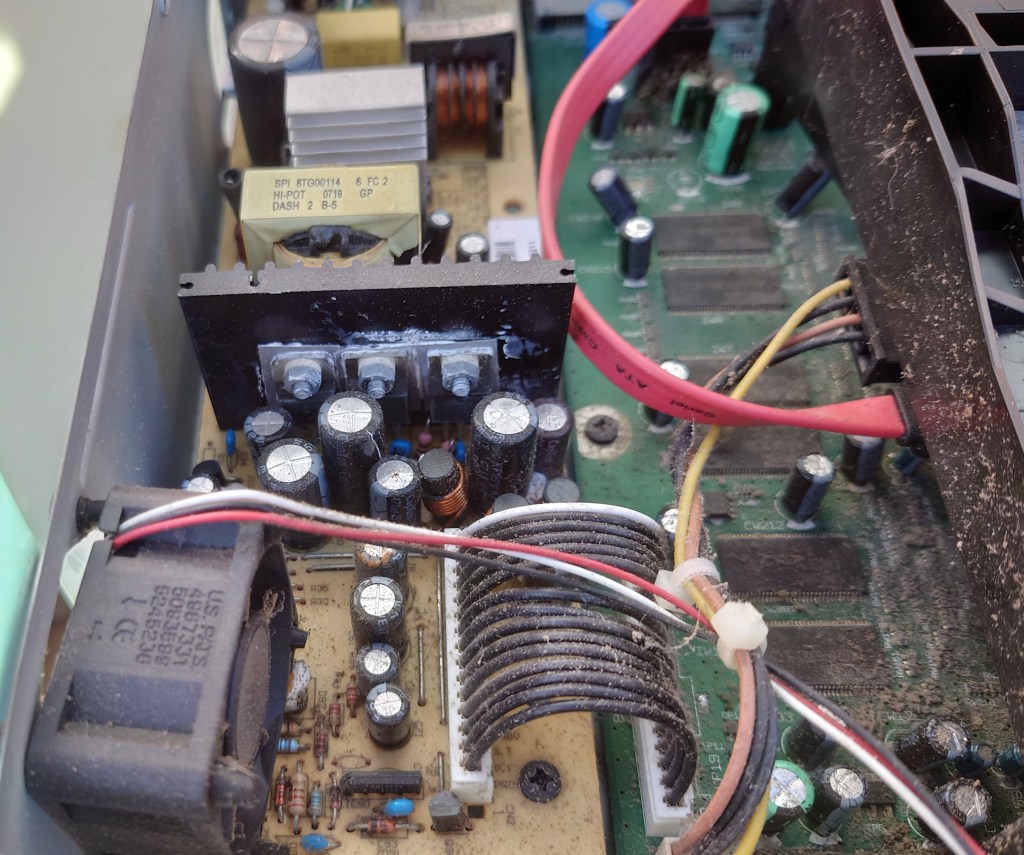
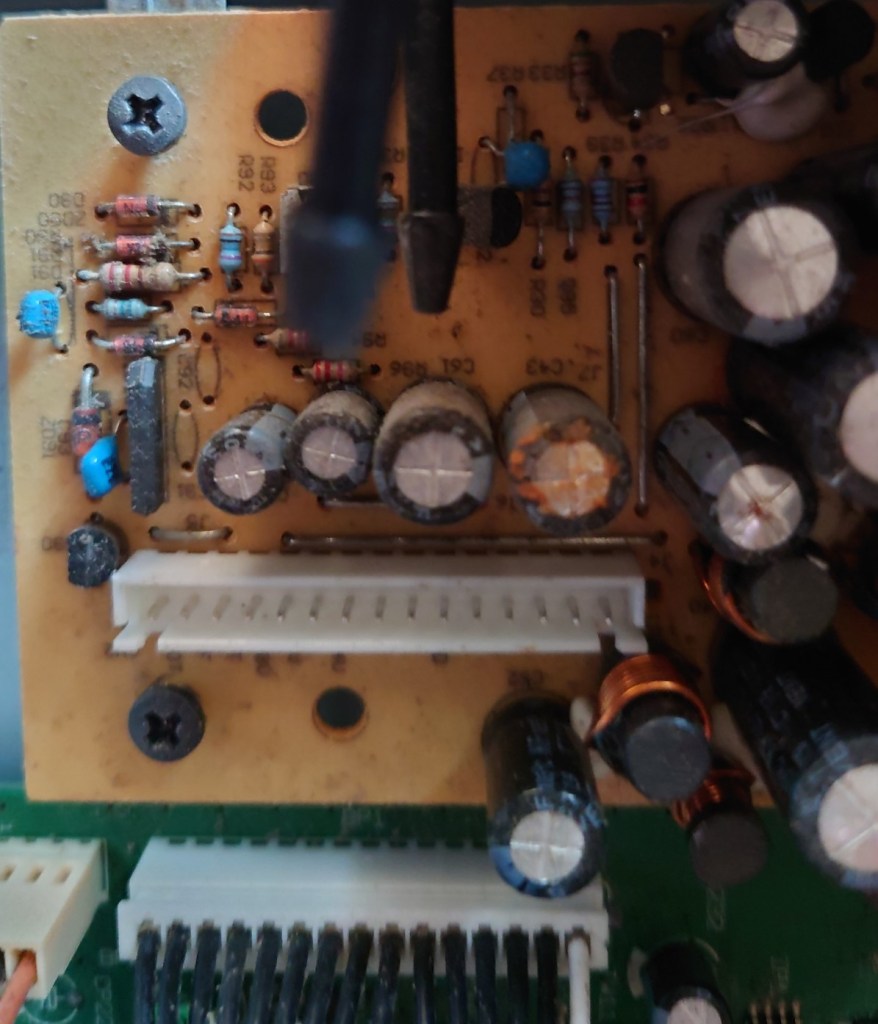
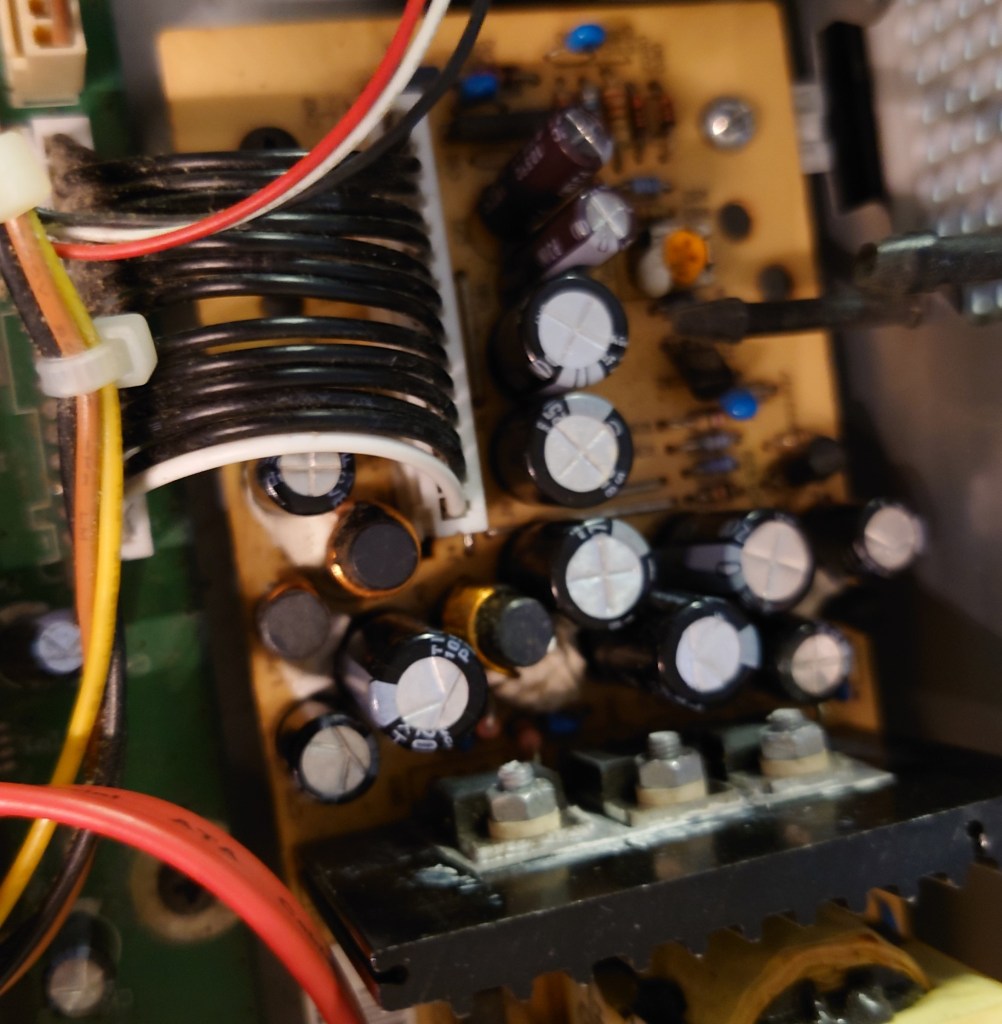
A common issue on Thomson SkyHD (and Sky+/Digibox’s) is the power supply capacitors failing, all thanks to capacitor plague. This isn’t unique to Thomson Sky boxes as it can affect Grundig models as well, Thankfully it’s fixable even in 2021 either by yourself or you can send it off to be repaired. You can see in the above picture that one of the capacitors has started leaking, whilst others are bulging slightly.

This can also affect other consumer electronics from the 1999-2006 era, notably the clock capacitor on the original Xbox and various PC motherboards.

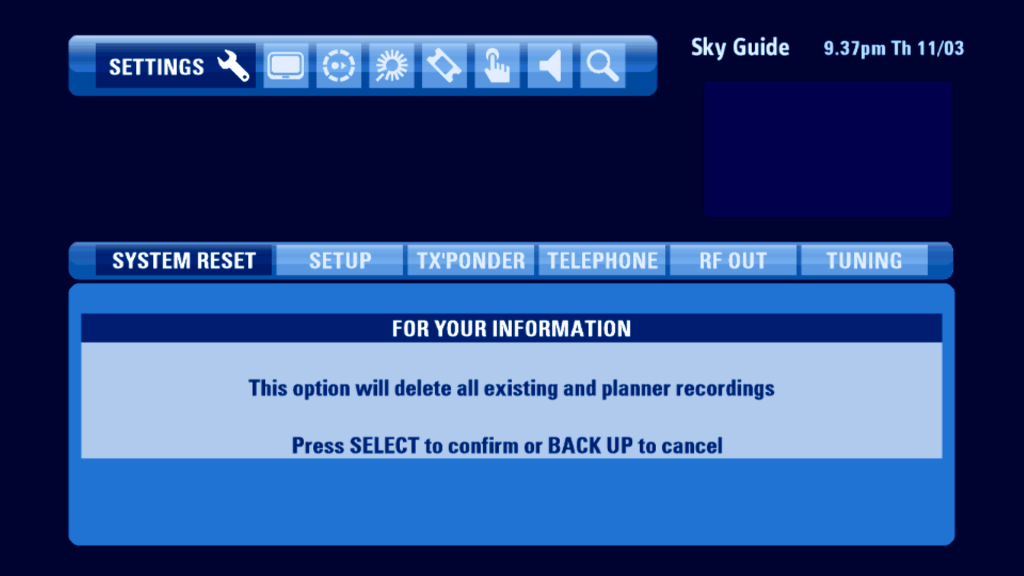
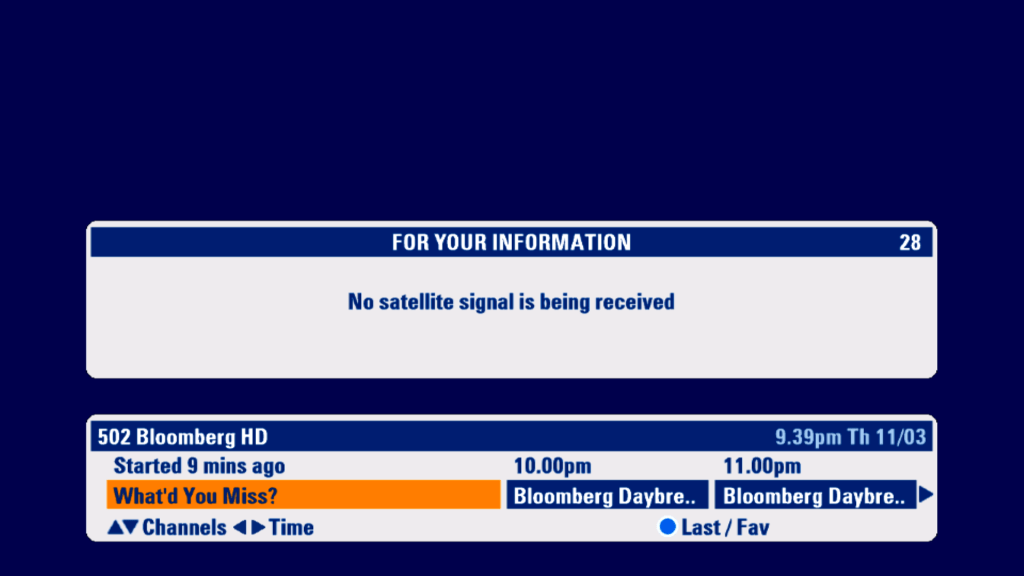
This box specifically had issues finding a satellite signal, and would only display ‘no Satellite signal is being received’ on both tuners, respective of either single or dual feed being used. Also a audible whine could be heard from the power supply, which is usually not a good sign.

The replaced capacitors

Conclusion

its worth mentioning that Sky no longer support this box for HD channels, whilst SD subscription channels and HD Free-To-Air channels will work, HD subscription channels will not work, since Sky moved to a different card pairing method this this box does not support, still for Freesat or basic subscription use the box will continue to work. The box also does not support any catch-up or On demand services offered by Sky.

Another thing to mention with this box is it will no longer recognize any viewing cards, this is probably due to fault with the box, either the card reader has failed or the contacts are dirty. This makes it impossible to use it with Sky+ modes since they require a Sky+ reenabled viewing card to work.

With this in mind I may decide to change the hard drive for a dummy Sata-SD card adaptor, since it makes no since having a hard drive that wont be used. I’m not sure what HDD space requirements the box has, since the box likes to reserve 140Gb for Anytime use.

Size Comparison

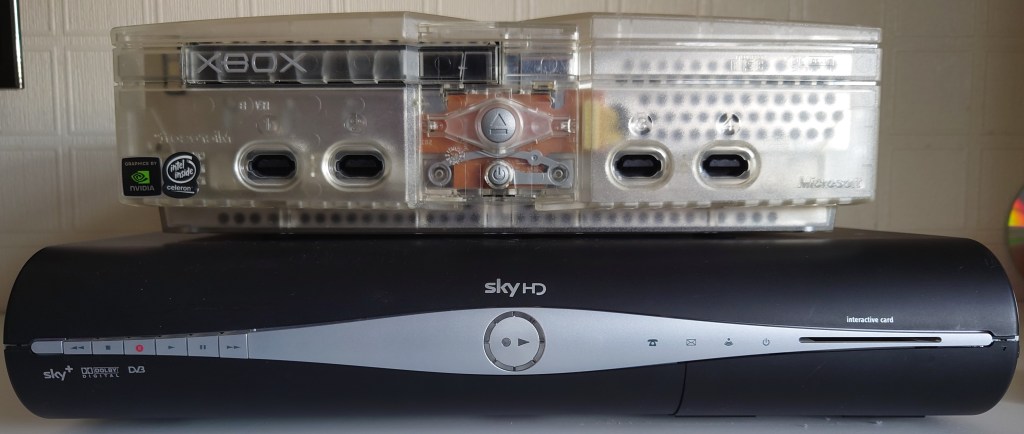
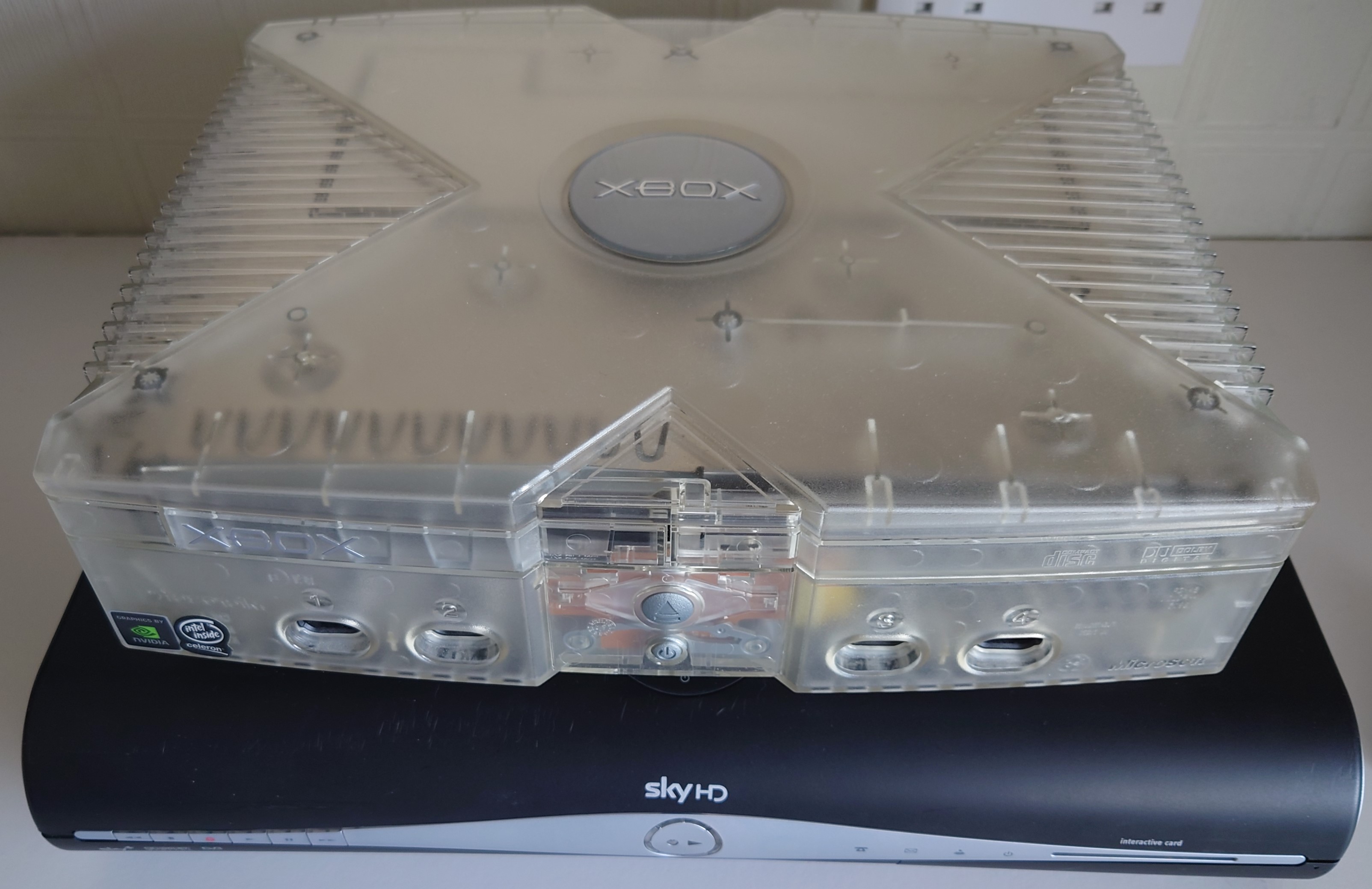
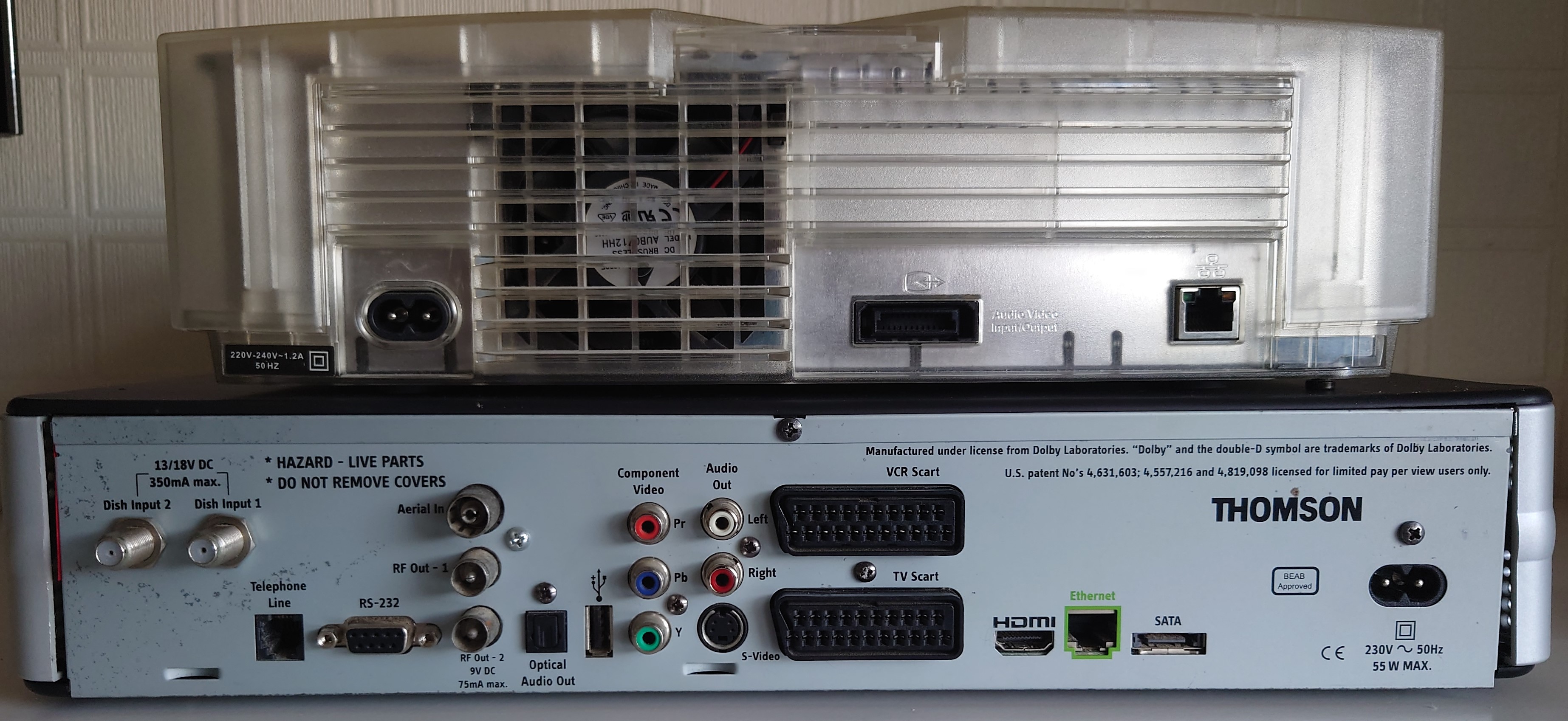
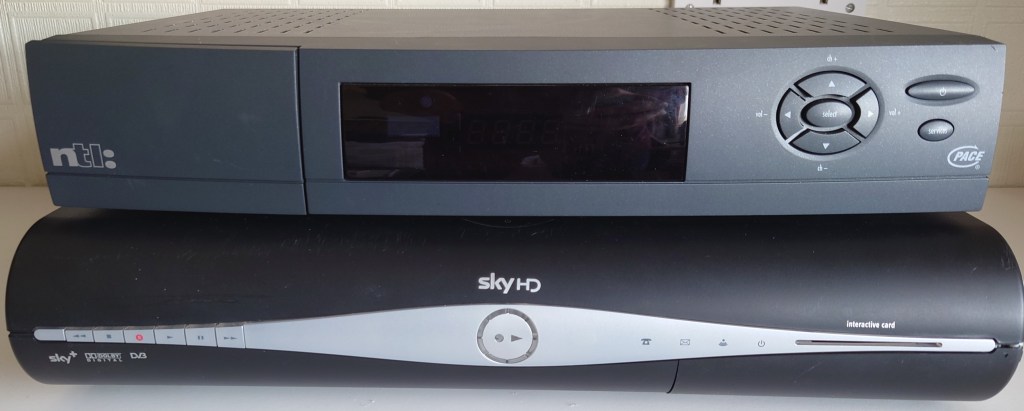
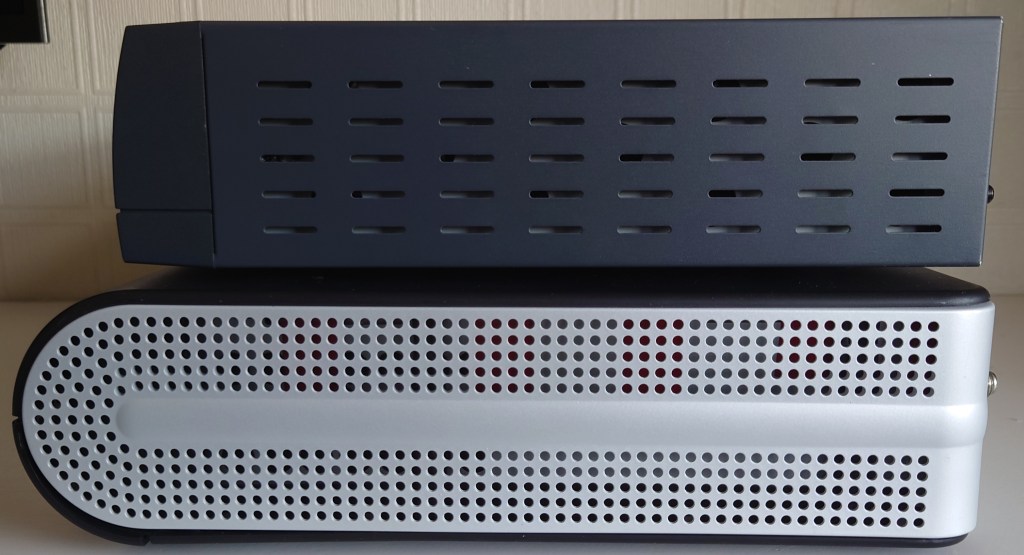
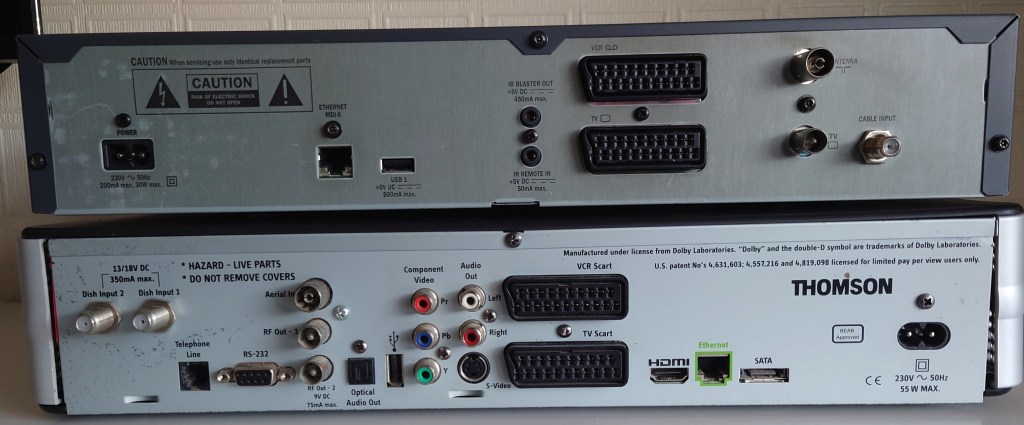
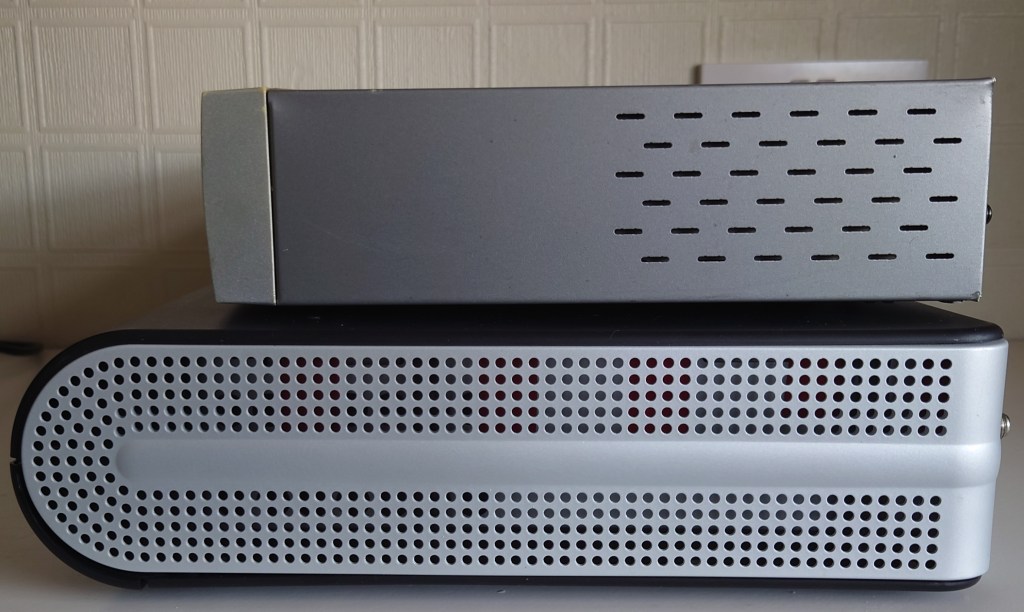
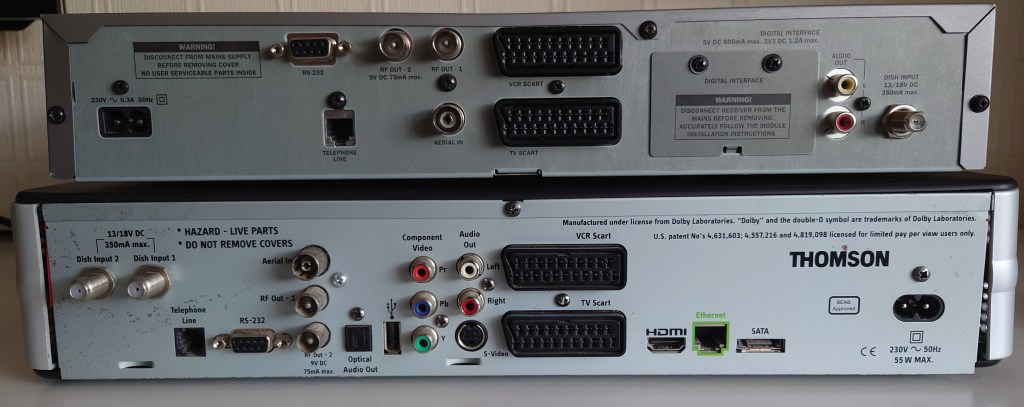
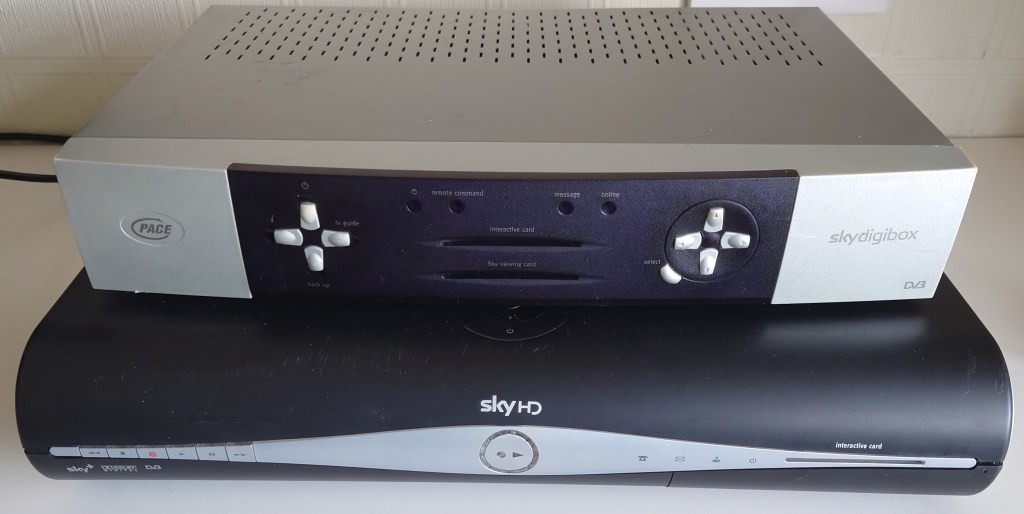
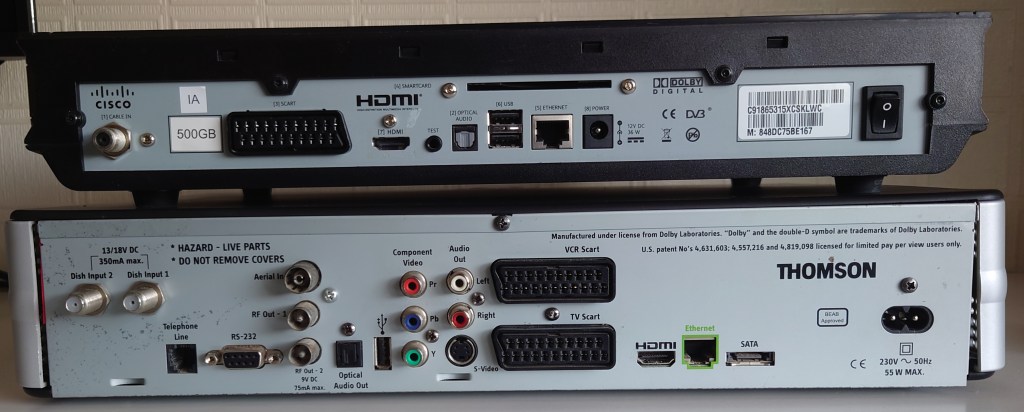
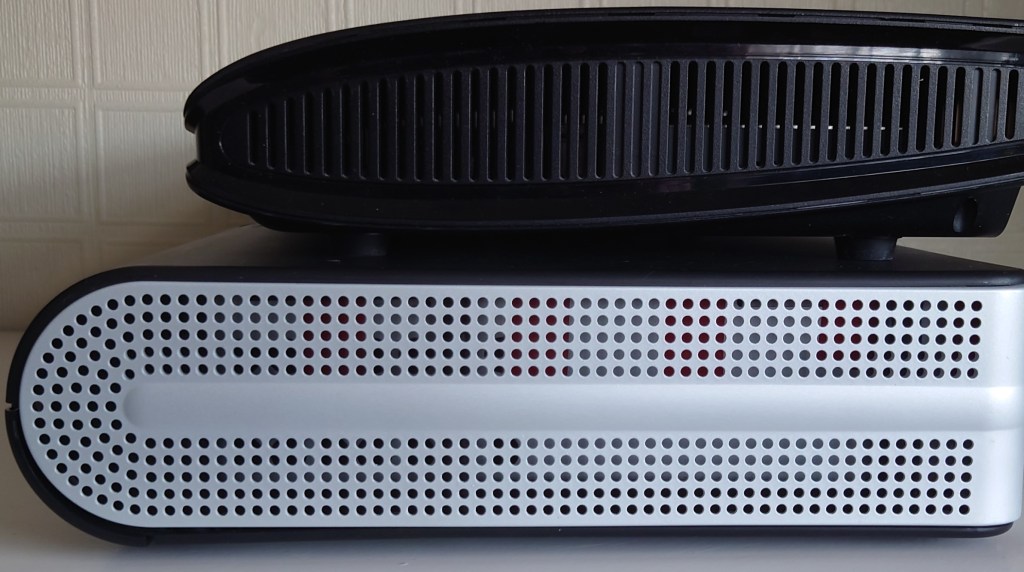
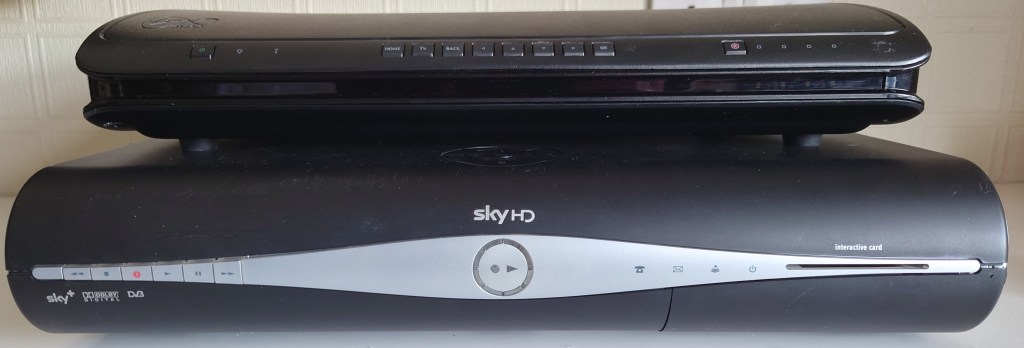
The Thomson SkyHD box was quite large compared to the previous set top boxes Sky have deployed, lets see how it compares:

Vs Xbox

Vs ntl: box

Vs Pace Digibox

Vs Virgin Media Tivo

Sky Interactive – Part 2

A look at Sky’s interactive services offered from 2001

Sky Text

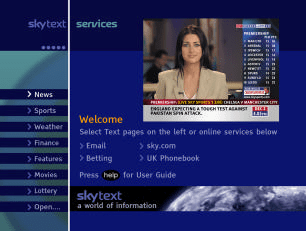
Sky Text

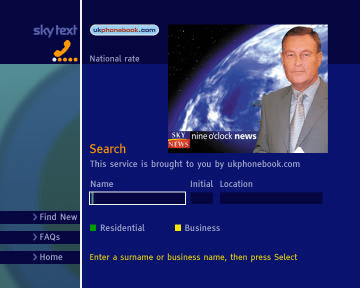
An alternative interactive service provided by Sky, unlike Active that focused on shopping and games, Text focused on information like local listings, news, weather, etc

Open....

Open…

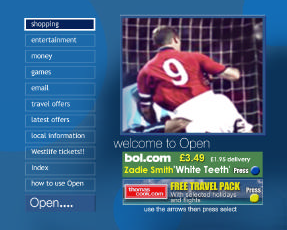
Prior to its relaunch to Sky Active in late 2001. Open… was the main interactive portal on Sky Digital, and provided a gateway to other interactive services

Open....

Open… Shopping

E-commerce was the main attraction of interactive TV, with the ability to buy products though Sky Digital

Woolworths

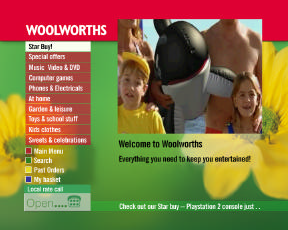
Woolworths

Woolworth (Remember them?) was one such retailer

Sky Text

Sky Text

Sky text was designed to be used whilst watching regular Sky TV channels

Horoscopes

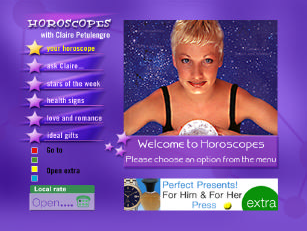
Not much to say, just star signs and horoscopes

Asda

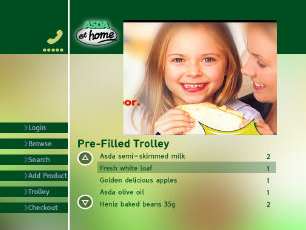
Asda

Supermarket portal, do your grocery shopping through your TV

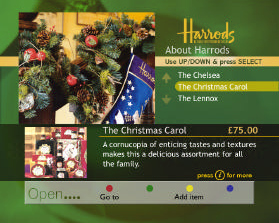
Harrods

Harrods

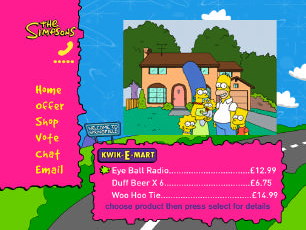
Simpsons Sky One

The Simpsons

Sky Movies Active

Sky Movies Active

Sky Cinema

Cinema Listings

Sky Guide 2002

Sky Guide Redesign

Sky were due to redesign the Sky Guide interface, with a new two tone blue interface in line with the corporate branding of the time.

BT Phone BIll

BT Phone

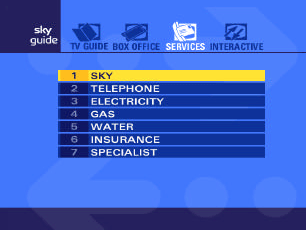
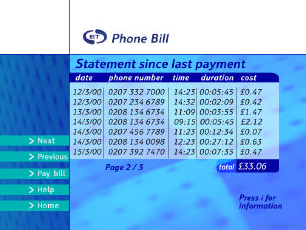
This never officially launched, but at some point you were supposed to be able to manage your phone bills via your TV, this would have extended to your Gas, Electric and Water

Domino's Pizza

Domino’s Pizza

Domino’s Pizza Prompt

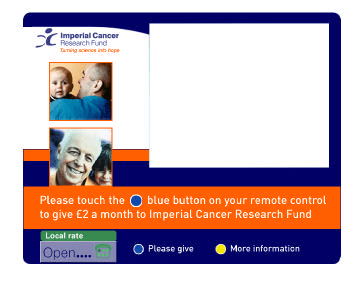
Imperial Cancer Prompt

Imperial Cancer

Donate just by pressing your red button

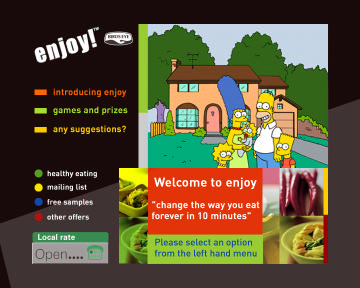
Birds Eye Prompt

Birds Eye

Using a Sony BRAVIA TV for Freesat

Note: If you have a newer (2018+) Sony Bravia TV, Sony has recently introduced Freesat support for these models. Simply update the software, then hit the settings, Watching TV, than add the Freesat options in the tuning settings menu. More Information

For now the below applies to 2017 and older Android TV models. This may also apply to older non-Android models that Sony produced.

Skip to Download

Many higher end Sony TV’s have had satellite tuners for a while now, and whilst you can easily connect it to a Sky dish and it’ll pick up and tune in channels, you will find that they are randomly allocated across the guide, which makes navigating them difficult. Compare this to similar Panasonic and Samsung TV’s that have proper official support for the Freesat EPG.

I decided to modify the EPG used by the TV in order to get it as close as I can to the Freesat order, allowing for a similar experience to an actual Freesat certified TV. This doesn’t fix the issue of lack of TV listings, since Freesat and Sky do not transmit their listings in the common DVB format so you will still be left with Now & Next only, you also won’t be able to decrypt the FTV channels, only view FTA channels that Freesat receivers can decode.

Whilst many Sony TV’s sold in the UK come with DVB-S2 compatible tuners, the issue is Freesat (and Sky) don’t use standard EIT (Event Information Table), which prevent these TV’s from being able to correctly manage and allocate these channels, the result is after a channel scan the TV will place them in a seemly random order, and you will receive little to no TV listings

Youview

I should also mention at this point that what were doing involves disabling Youview, since when Youview is enabled you lose access to the satellite tuner. On the plus side you can now add an external USB3 drive to record onto, although I recommend a dedicated PVR device

What You Need

USB Memory stick – Formatted to FAT32

Supported BRAVIA TV with a satellite tuner

Sony Channel Editor (Official software, Avoid – See below why)

ChanSort (Recommended – Jump To)

The Software

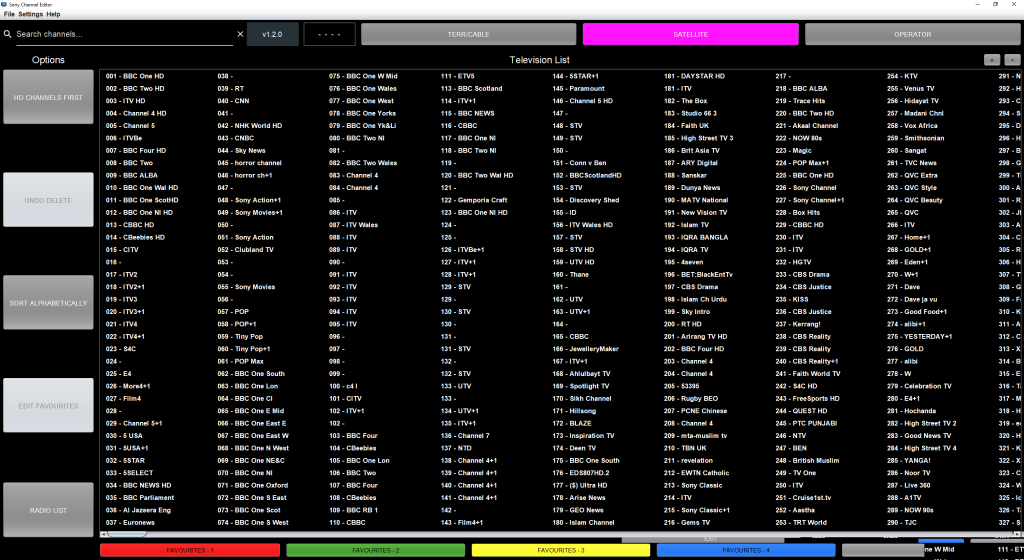
Sony Channel Editor

Sony Channel editor

I’m not gonna sugarcoat it, this software is garbage. Complete Garbage

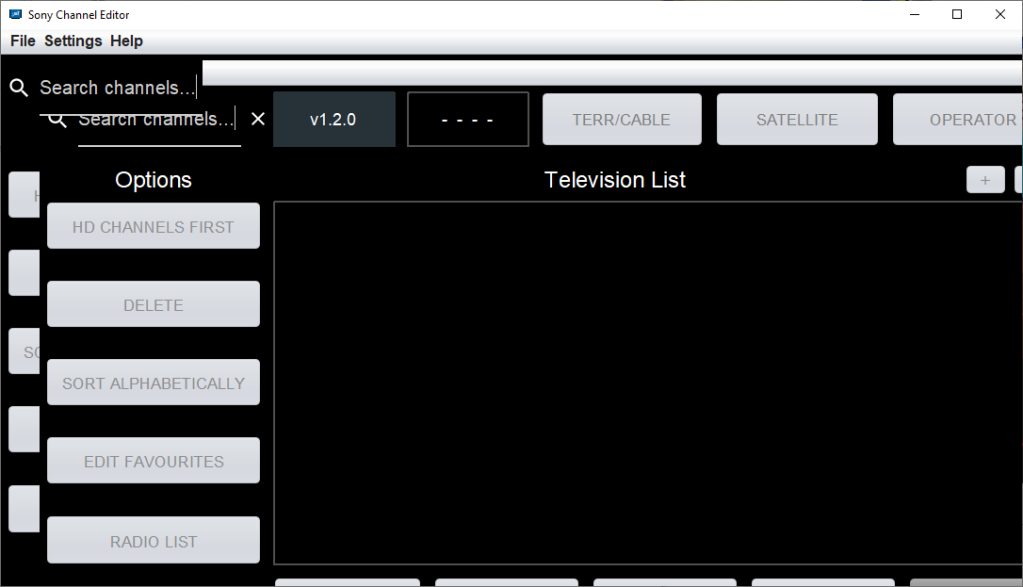
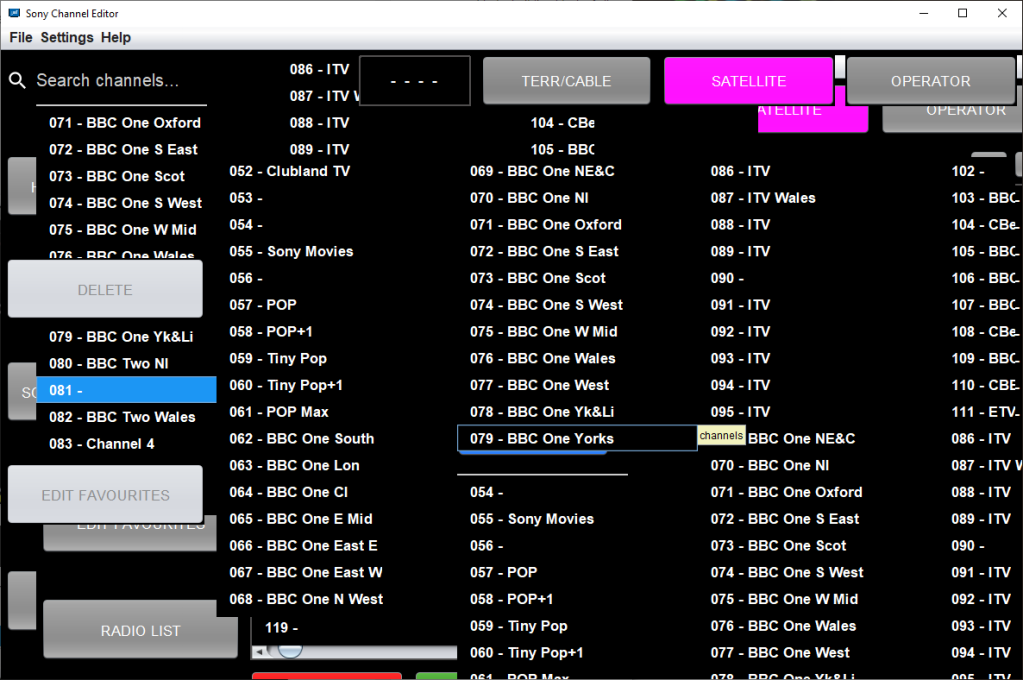
Whilst it’s able to just do the bare minimum, its a horrible piece of software to navigate, and has a tendency to garble the interface if you select too many channels at once.

Sony channel editor
WTF?

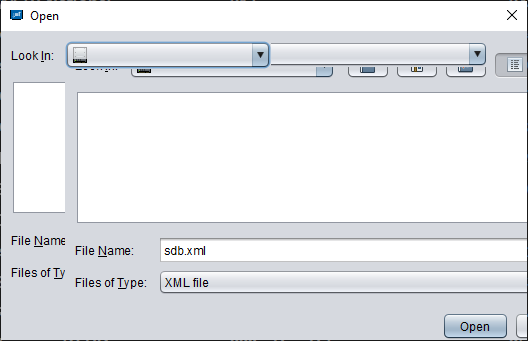
I don’t get it, why is Sony incapable of producing software that is able to function property without glitching itself? Why did they feel the need to theme it all to hell and back, a simple Win32 application would have been more then welcome, but instead it has to be skinned. Just look at the open dialog

Why not just use the default Windows open dialog?

This is a frequent occurrence, Alt/tabbing sometimes fixes it, otherwise you will need to save and close.

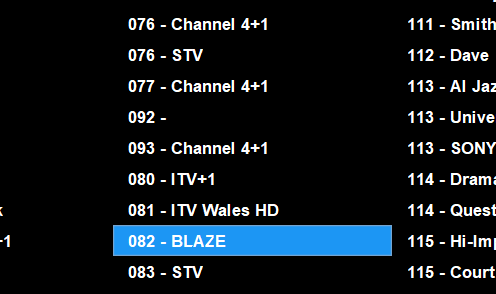
This is also a pain, rearranging TV channels causes the software to get confused and plonks the channels out of order, see how it goes from 77 to 92, 93 and then back to 80

Chansort

After getting fed up with Sony’s software I instead opted for an alternative

Chansort Sony

Chansort is a channel list editing application designed for various TV and satellite receivers on the market. Simply open the sdb.xml extracted from your TV and away you go. This this it was easier to manage and reorganize the channel list to the Freesat order, rather than having channel spread across the EPG.

A common issue was when reordering the channel list with the Sony editor software, it would frequently push the channel list down, rather than replacing or swapping them. With Chansort, you can tell the software if you want to swap the channels, or just insert it before or after, whilst keeping the other channel intact. This became a huge problem with the Sony software as after organizing one section of the EPG, the rest would either shuffle out of their modified positions.

Testing

After making the changes I copied the xml file back to the memory stick and plugged it in the TV to import. After importing and letting the TV reboot, the custom channel list loaded.

Unfortunately I had then hit a snag, since the TV is set to automatically update the channel list, and because I had originally deleted the encrypted Sky channels of the guide, the TV would add the channels back into the EPG, and then decided to merge and slot them into the existing channel list, so whilst it kept my custom channel order (mostly), you ended up with a bunch of encrypted channels in between.

One solution to this was disabling the service update option, that would stop the TV from adding channels, but that would mean any new Freesat channels wouldn’t be picked up, also if a channel had changed transponders, then the TV would not pick up the new frequency, instead that channel would display a blank screen.

A workaround to this was to hide the channels instead of deleting them, so whilst the channels would still exist to the TV, they would be ignored. In addition I also moved the channels to the 1000+ section, so that in the event the TV does not hide the channels, they are out of the way from main view.

Update 23/06/2021 – Whilst this worked to an extent, if a new channel had launched or had moved transponders, the TV would still randomly insert the channel in the modified channel list, so another workaround had to be made, this meant slotting the encrypted and hidden Sky channels within the Freesat channels, closing the gaps so when the TV had detected a new channel, it would insert it into the 1000s section, a side effect is if you type the channel numbers in manually, they can still be accessed but you just wont see then within the guide or when scrolling / channel flicking using the Channel + and – keys.

Considerations

  • Whilst the EPG now mirrors the Freesat guide, you still don’t get the full TV listings, rather the Now and Next data
  • When Sky/Astra add new channels, your TV will detect and will automatically add them to the guide, likewise if a channel changes frequency. You will then have to hide the channel, unless it’s a FTA channel that you want to view. A downside is the channel will be placed on a ramdom number
  • Regional channels, the BBC have multiple feeds for different regions, as do ITV for local news. Channel 4 also has different feeds for local advertising. These are all recognized by the TV as separate channels. Whilst the BBC channels are easy to figure out, since the region is in the channel name, ITV and Channel 4 are more difficult, since they all have the same label (except for STV and UTV, although there are multiple STV regions) I ended up using the main London regions that a regular Sky box used if it had no viewing card inserted. Alternatively you could change the regions themselves using the same software I had used. Regardless I placed all regional channels in the 900 section, but they are not in a particular order.
  • Some channels are duplicated twice, like Challenge. This is due to Sky running different feeds for Sky and Freesat, maybe the Freesat versions have adverts targeting to resubscribing to Sky or NOWtv?
  • Some channels are FTA but they are not on Freesat, most of the music channels and many international non English channels, to solve this I allocated the 400 section for international channels since that range is vacant (not sure why Freesat has that empty?) For the music channels I used the old channel numbers, since many of them were on Freesat at some point. Channels that were not on Freesat are place near the end of their genre group.
  • The Astra UHD test channels are assigned to 1-3, since they are interesting to view and many satellite Sony TV’s are 4K, 4-99 are vacant, My assumption is should the TV find new channels, they will be added here, making it easer to manage, in practice however the TV prefers to put new channels in the 200-400 section
  • Also, when importing the satellite channel list, it will also replace the terrestrial Freeview channel list also. So after importing the channel list you may need to do a full rescan on the Freeview side unless your on the Sutton Coldfield transmitter. I’m currently looking at a way to remedy this

Download

SDB.xml – Contains the edit channel list that follows the Freesat line up

Download (Box)

Updated as of: 29/11/2021

The Chansort software refernces other TV brands such as Panasonic, Samsung and Toshiba, so the xml file may be compatable with those brands.

Importing (Export to TV)

  • Copy the sdb.xml file to a FAT32 formatted memory stick to the root of the drive (don’t place the file in any folders)
  • Insert the USB memory stick into the TV’s USB2 port
  • After a few seconds the TV should pop up with a message asking what to do with the memory stick, Select Cancel or Ignore
  • For newer models (Android 9), Press Home → Select Settings (Cog wheel) → Select Watch TV →  Select Channels  Program List Transfer →  Import
  • For older models (Android 8), Press Home → Select Settings→ Select Channel Setup →  [Digital setup] →  [Technical Set-up] →  [Program List Transfer] →  [Import]
  • The TV will then import the channel list and will then reboot

There are a few issues and inconsistences as outlined above, mostly with duplicated channels, and the auxiliary channels section being out of order (900+), hopefully the TV’s should have minimal issues with keeping the channels updated.

Channel List

Current Freesat channel Lineup

Freesat TV Guide listings