IBM Aptiva 1996

A 1995 OEM install that was deployed on their Aptiva line of systems which are IBM’s consumer line of home computers. Not sure of the specific model, but it could be a generic restore image used for the Aptiva systems of the era.
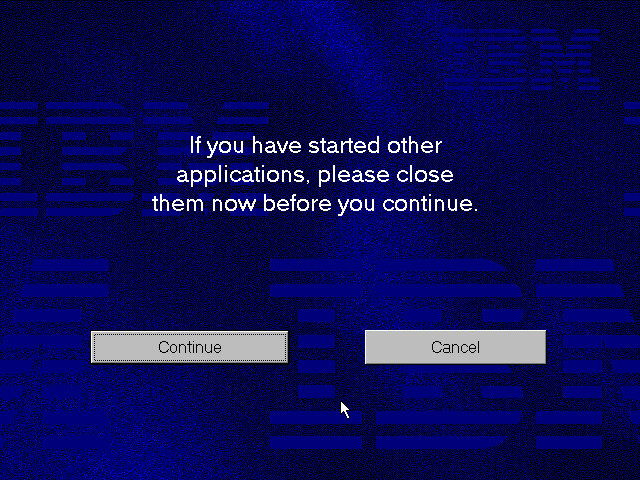
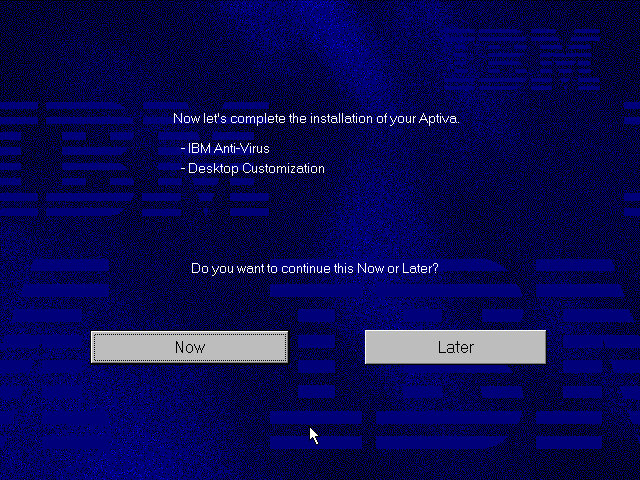
86Box has a limited amount of supported Pentium IBM machines, with the closets models being PS/ValuePoint P60 – an early Pentium PC. Since a system of this era would have shipped with Windows 95, this appear s to be the closest match


Once rebooting we are presented with a lot of hardware installation dialogue messages as this was intended to be used on a different machine. Windows 95 does support a lot of this hardware out of the box but we need to run the New Hardware Wizard for it to be detected and installed. For this I recommend only having the base hardware setup in 86box, don’t add any network, sound or SCSI controllers just yet.

86Box Configuration


Machine: IBM PS/ValuePoint P60
Processor: Pentium 60MHz
Memory: 32MB – 128MB Max
Graphics: Tseng Labs ET4000/w32 – 2MB
Sound: SoundBlaster AWE32 PnP (Has an additional IDE channel)
Network: Realtek RTL8019AS

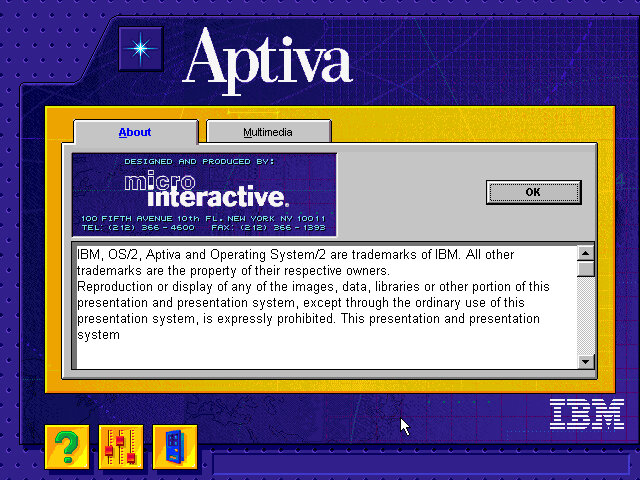
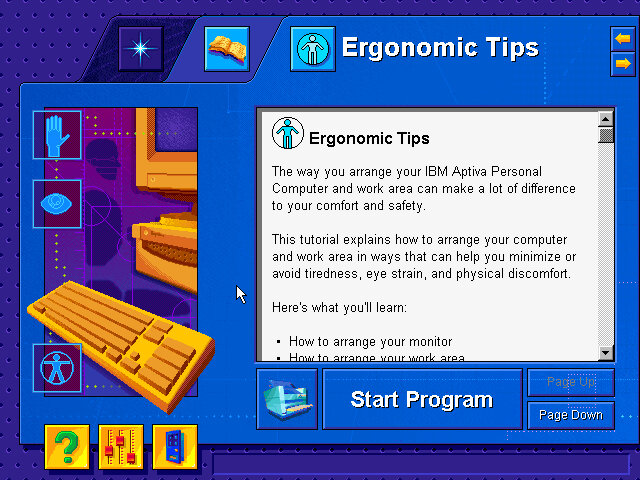
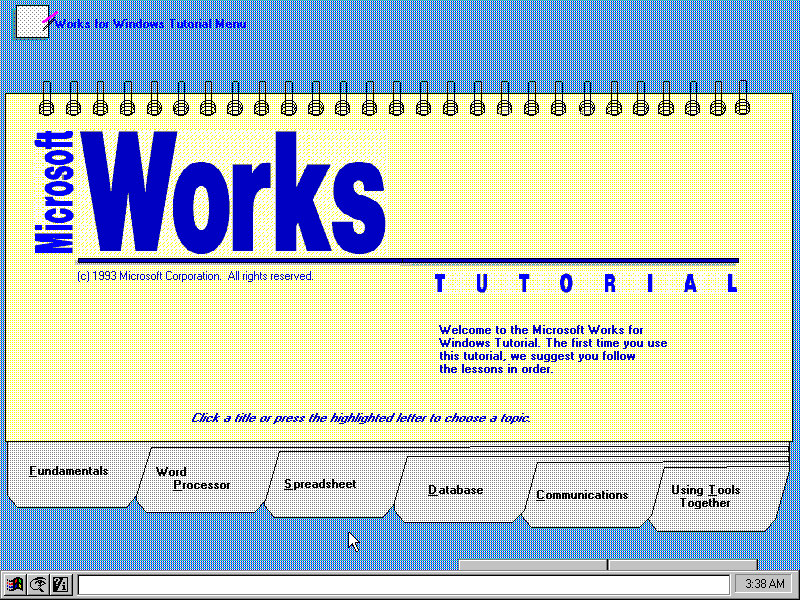
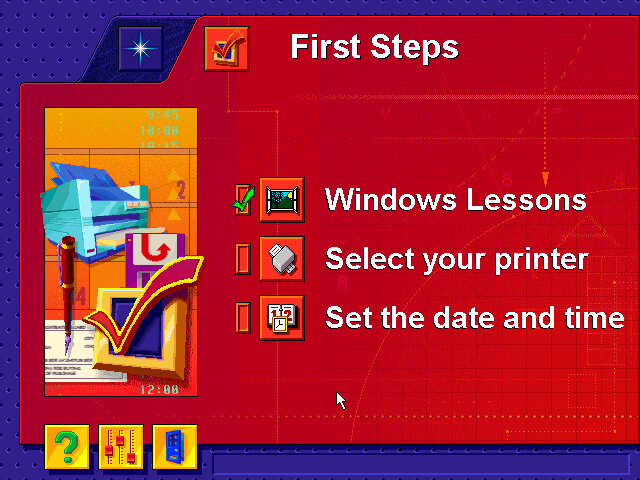
After install we are treated to a tutorial application that goes through the basics of using a mouse. Next we are given the opportunity to register our PC, either via mail or modem.

Windows 95 B, released a few months later and adds few improvements compared to the original release.

Applications

A few bits of bundled software

Netscape 3: The internet browser that comes with the system, this must have been before Microsoft mandated that OEM bundle Internet Explorer into their systems. Speaking of which, Internet Explorer 3 also comes with the OS. I always liked this version of IE due to the background italics on the explorer bar.

IBM Lotus SmartSuite
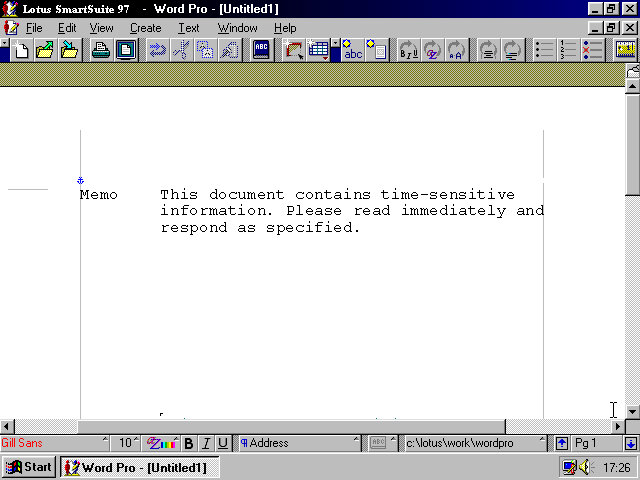
Instead of Microsoft Office IBM opted to include their Lotus SmartSuite software which was a competitor suite of applications that bundled a word processor, spreadsheet and organiser software into one package
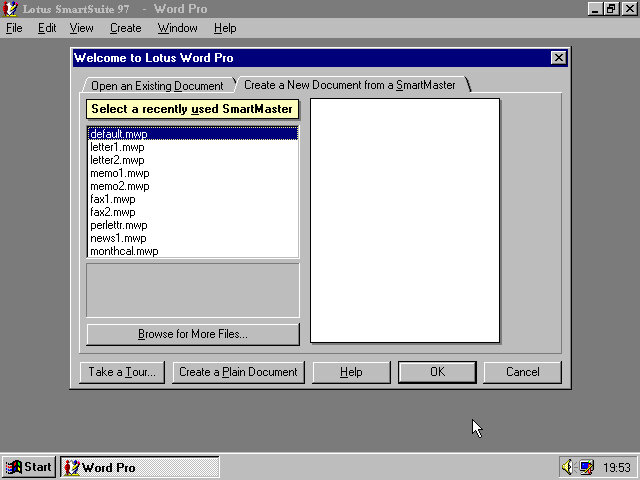
One of the premade templates, memo.

And Lotus 1-2-3 that was once the industry standard spreadsheet software. Possibly still being used

And lastly the organiser, this incorporates an early form of skemorphism with it representing a real diary book.
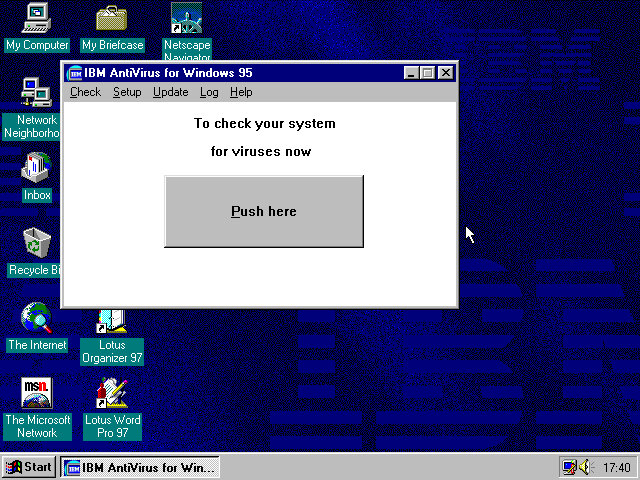
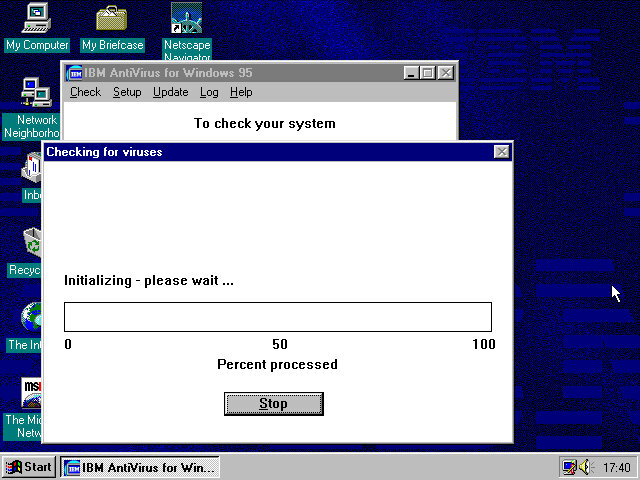
And the actual devil itself which looks like a Windows 3.x program. The big Push here button kinda makes it look like a pop up window scam.
Updates are delivered through floppy disk although you could probably download them from the IBM website. The program simply asks you for the file path of where the updates are located.
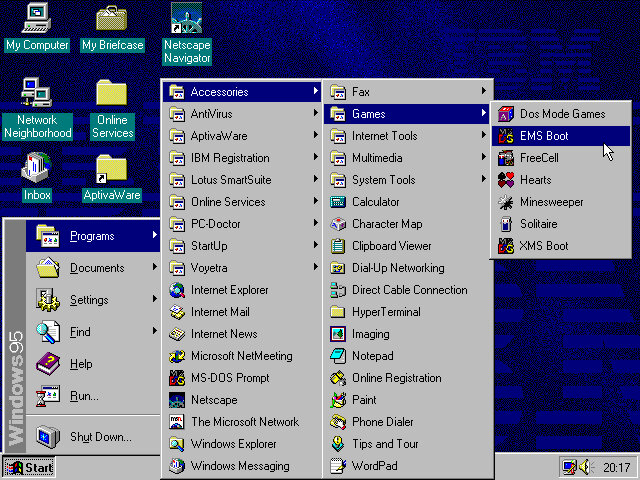
In the Accessories, Games folder there are a few options that relate to MS-DOS such as EMS boot and XMS. These would relates to certain types of memory that DOS had used and was needed to use certain games. Selecting these options will reboot the computer into that specific DOS mode. Honestly I’m not sure which games require a specific mode, but I remember my old TIME PC having a similar set of options in its bootup menu.

AptivaWare
In the Accessories, Games folder there are a few options that relate to MS-DOS such as EMS boot and XMS. These would relate to certain types of memory that DOS had used and was needed to use certain games. Selecting these options will reboot the computer into that specific DOS mode. Honestly I’m not sure which games require a specific mode, but I remember my old TIME PC having a similar set of options in its bootup menu.
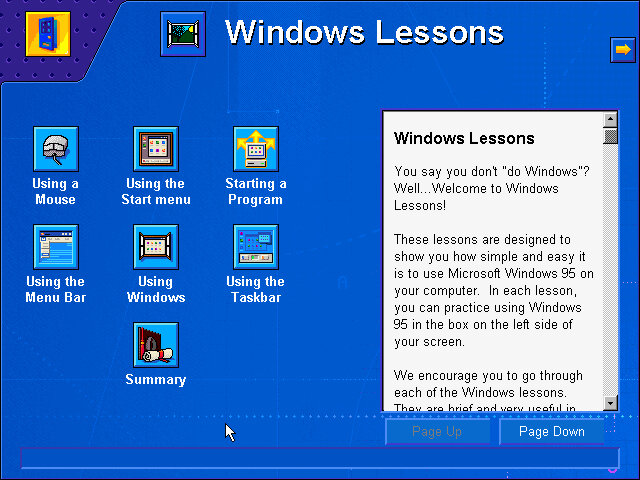
Tutorials for Windows are also featured here, which follows basic Windows concepts such as the taskbar, expanding and minimizing windows to the taskbar and using the Start menu.

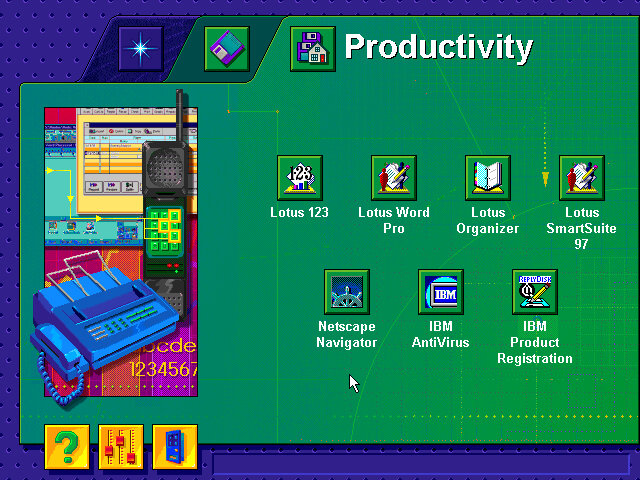
There are also links to the bundled software applications, meaning this acts as a software launcher.

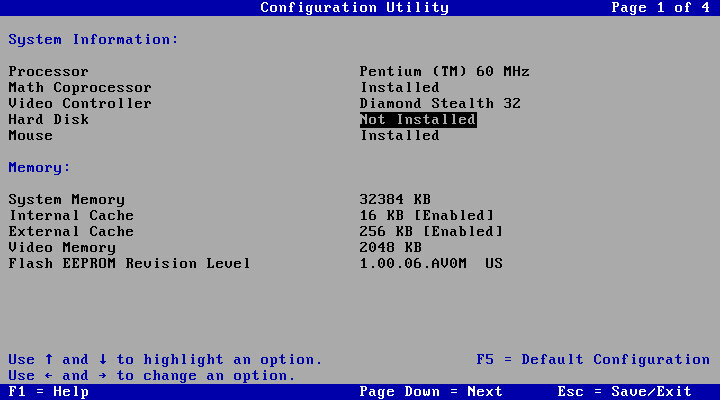
Lastly a look at the systems BIOS of an IBM ValuePoint, with a clean looking setup utility. The hard drive is limited to around 520MB and it cannot address any further. Larger hard disks might be possible with a SCSI controller, plus it would let you add up to around 7 different drives.

The BIOS is straightforward to navigate, with the arrow keys being used to select and change settings. The Pg Up and Pg Dn keys can be used to cycle through the different screens.
Archive of recovery image

PCem or 86Box are your only means of running this, as virtual machine will run into the general protection error upon bootup.

Lindows 5

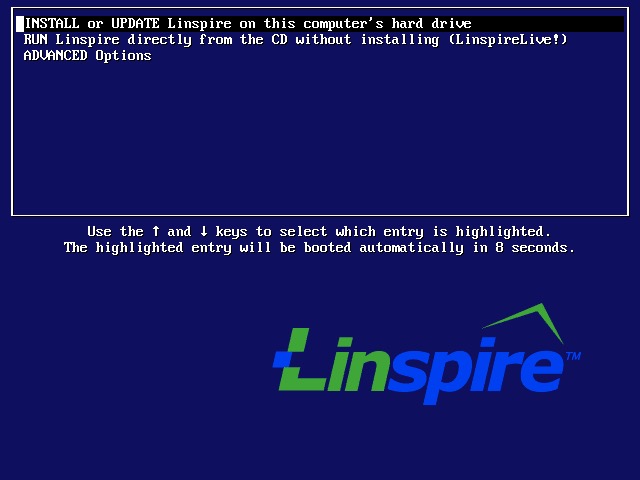
The next release of the popular Linux distro. The Lindows name flew too close for Microsoft’s likening, and after a couple of legal BS, Lindows was rebranded as Inspire. Should have renamed it to Linsta instead as Windows Vista was due for release next year.

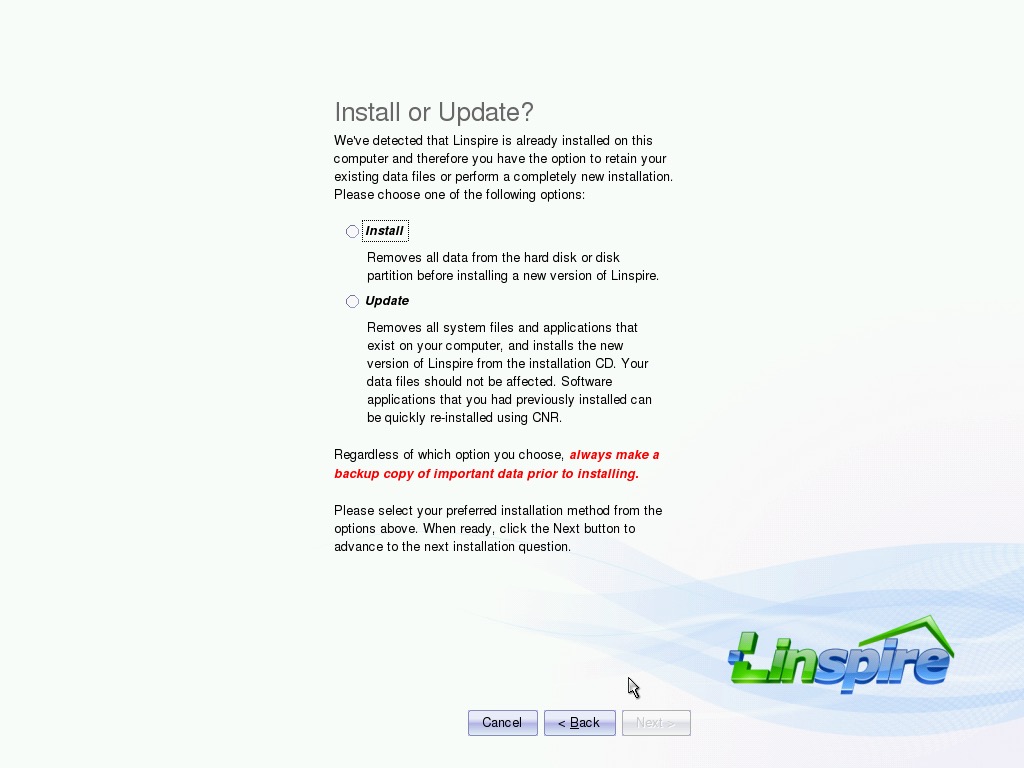
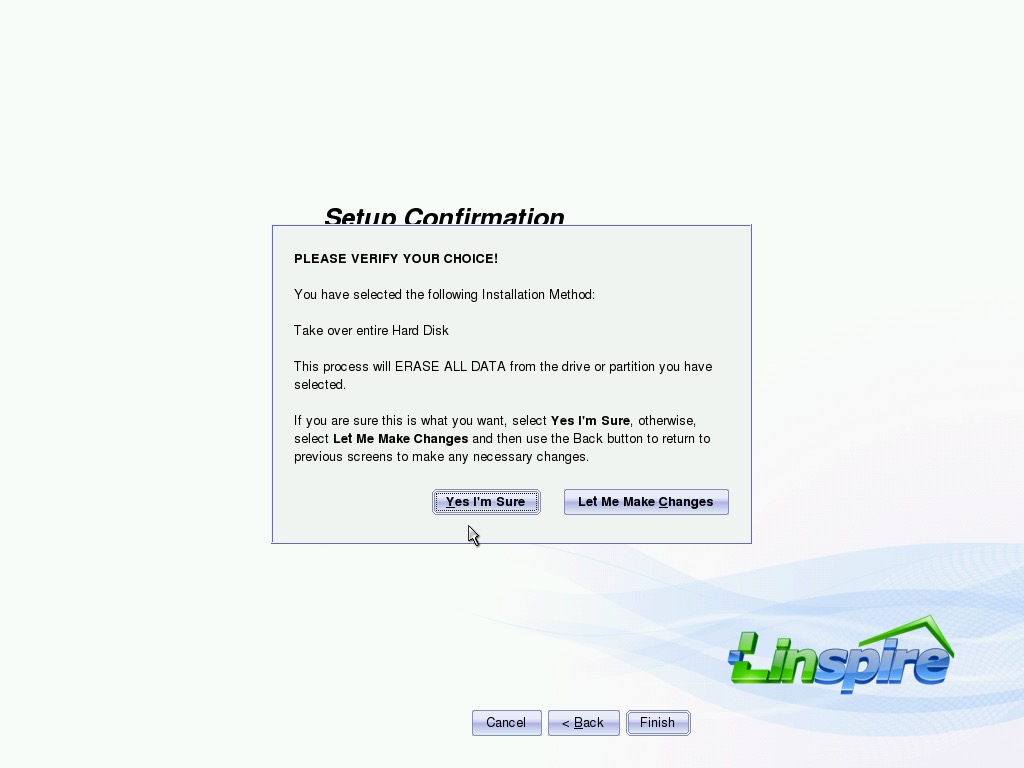
Install

The OS has also received a slight makeover also, bringing it closer to Windows XP Luna style of interface.

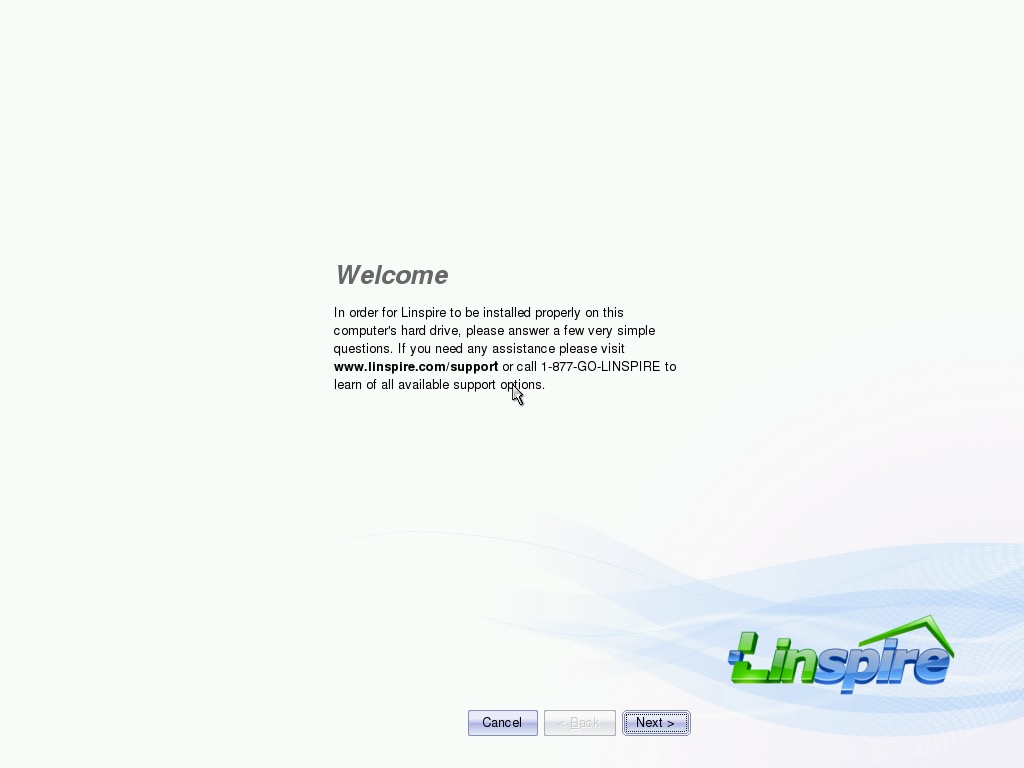
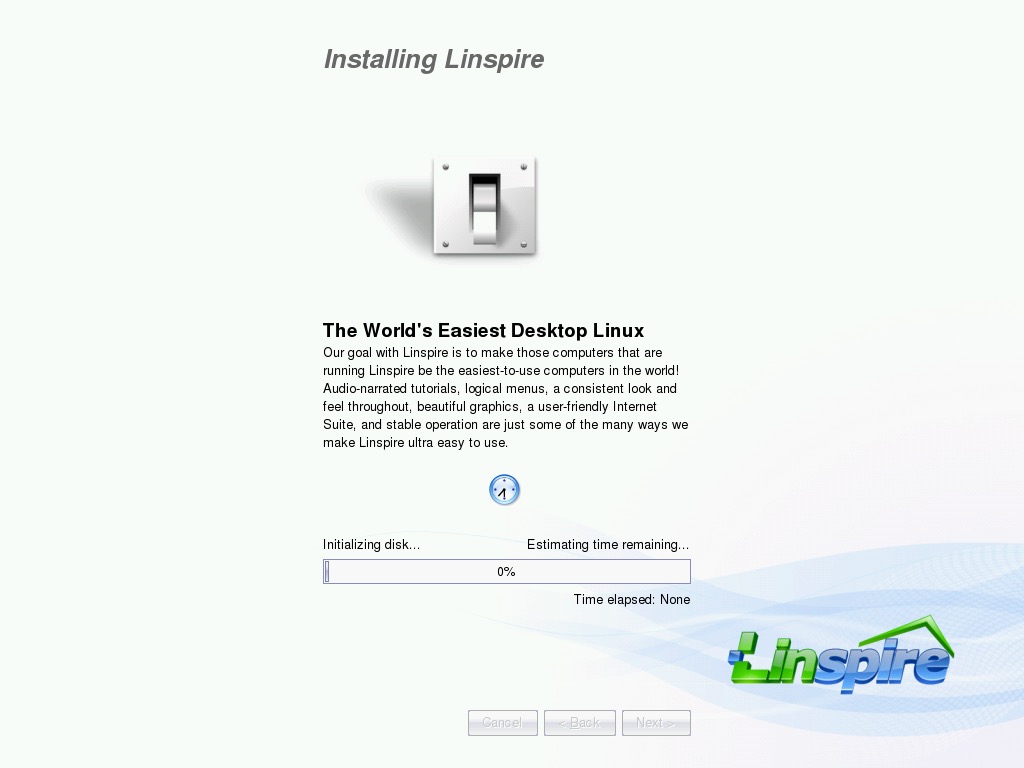
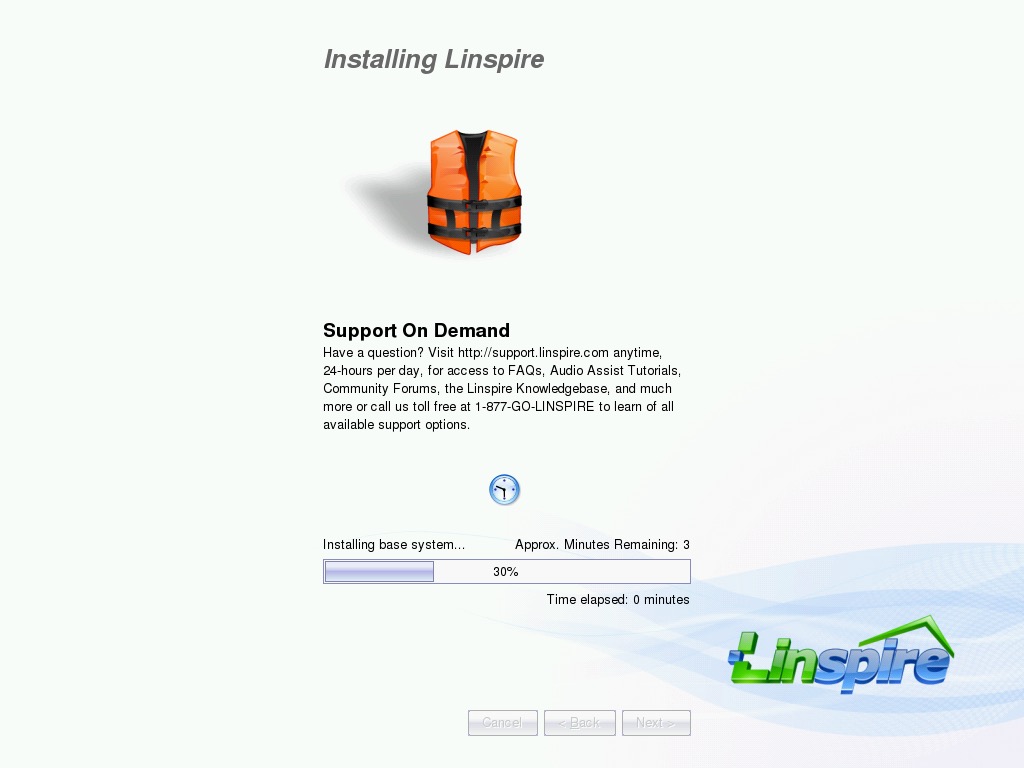
We are also treated to a redesigned installer which aims to make it even more user-friendly. Here it explains the different elements of Inspire

After a reboot, we are presented with a new splash screen.

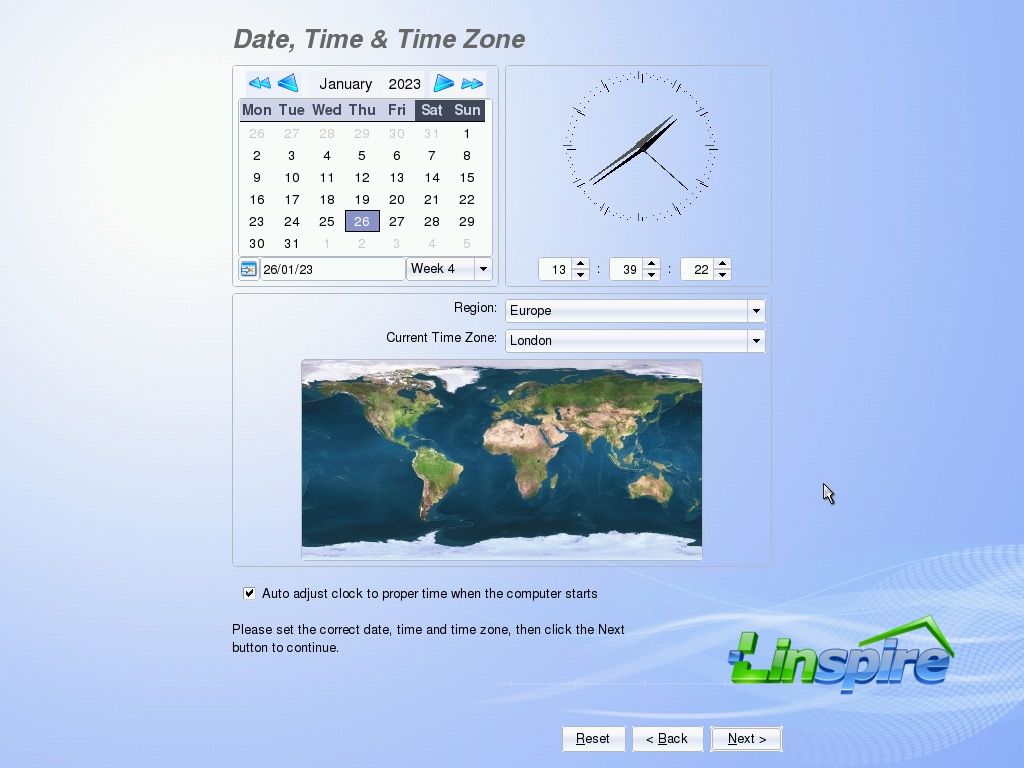
Another EULA with a few more options to configure like the time zone.

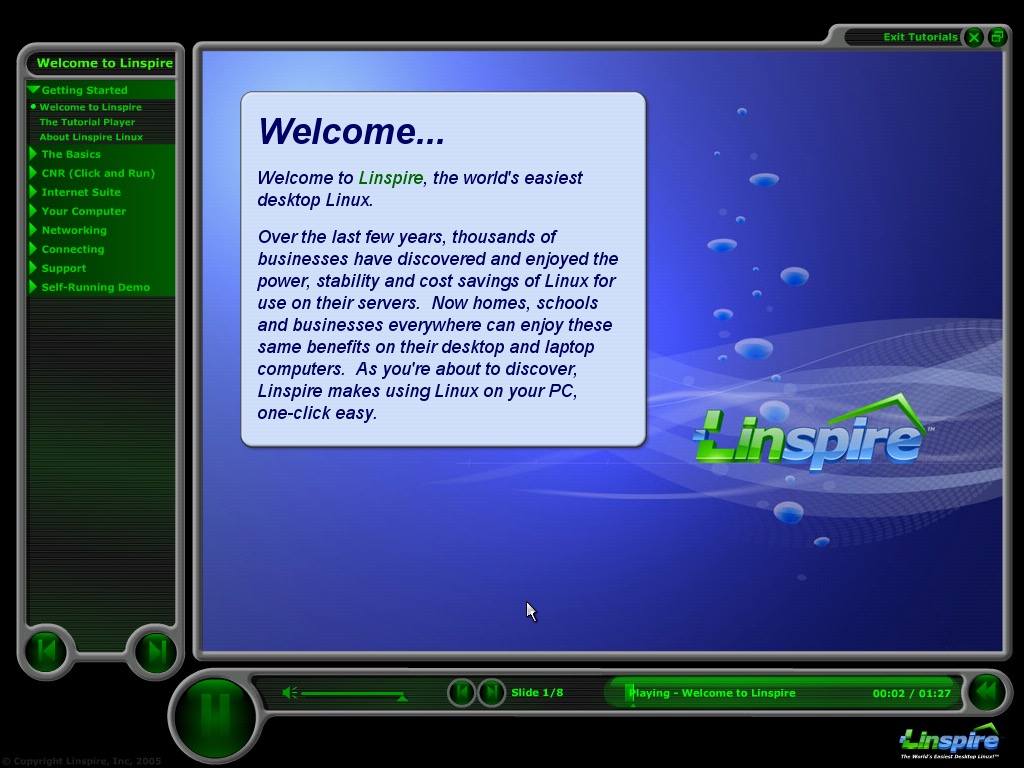
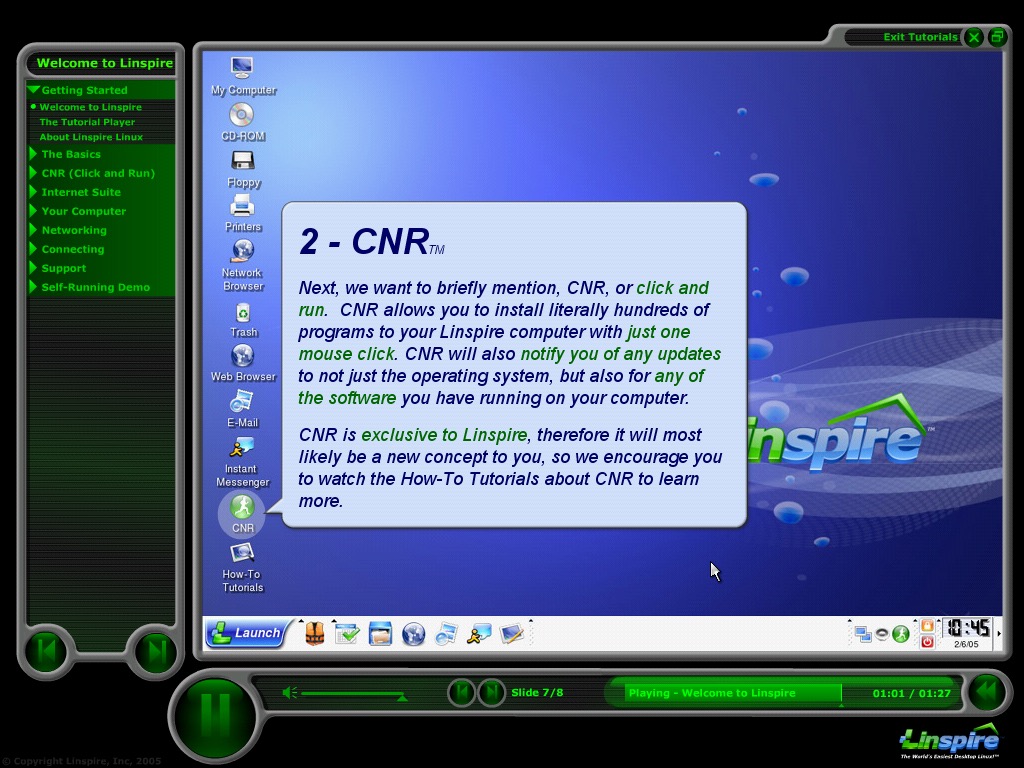
After the installation has been completed a tutorial is then shown which guides the user on how to use various elements of the OS.

Desktop

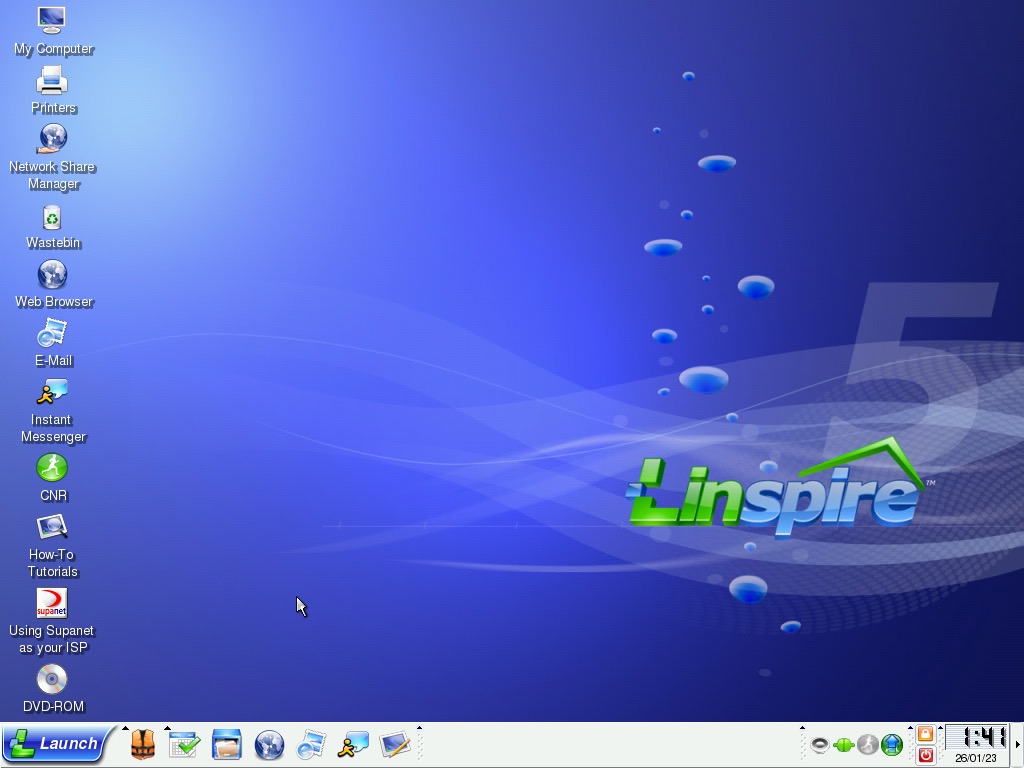
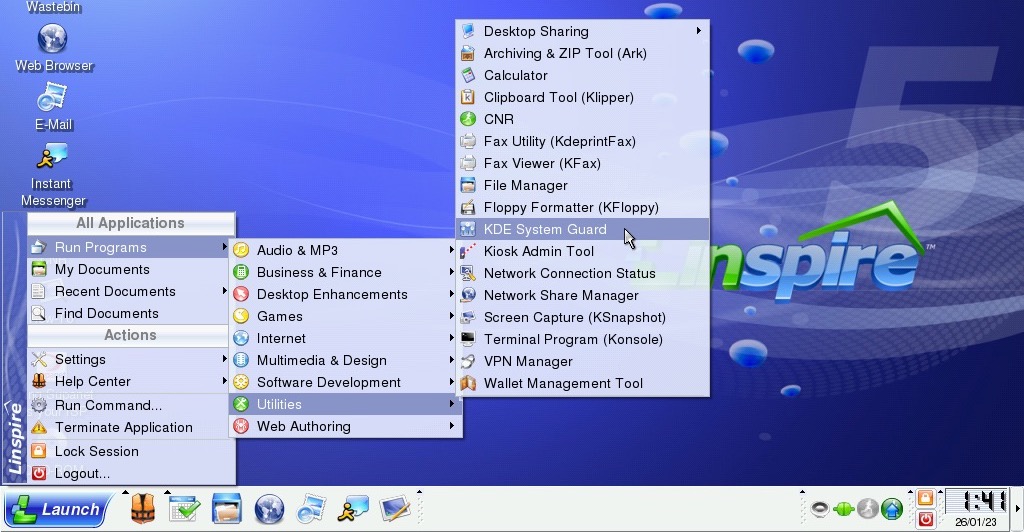
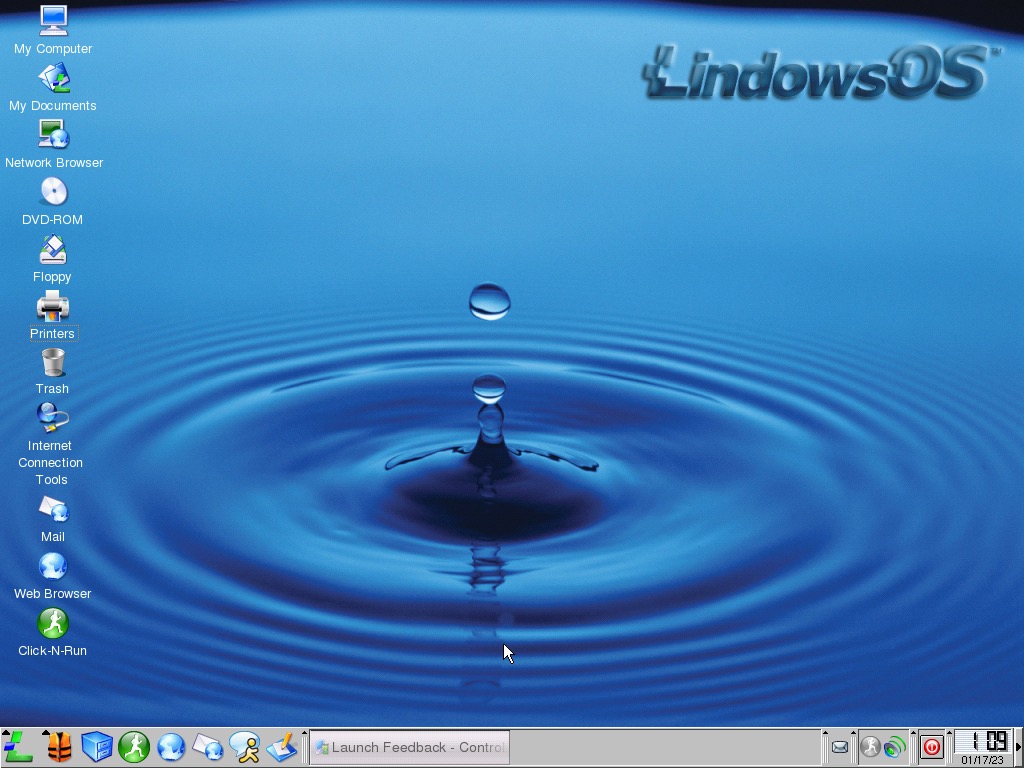
The Linspire 5 desktop. The Launch button to the bottom left acts as a Start menu of sorts and shows applications that are currently installed on the system, with recently used programs being displayed at the top section of the menu.

As with the previous versions there are dedicated buttons for the help center, file manager & internet applications.

Right-clicking on the desktop, the create new menu lets you create a new document from here. But this seems limited and does not include links to office applications that you would expect. Still, you can create shortcuts to applications.

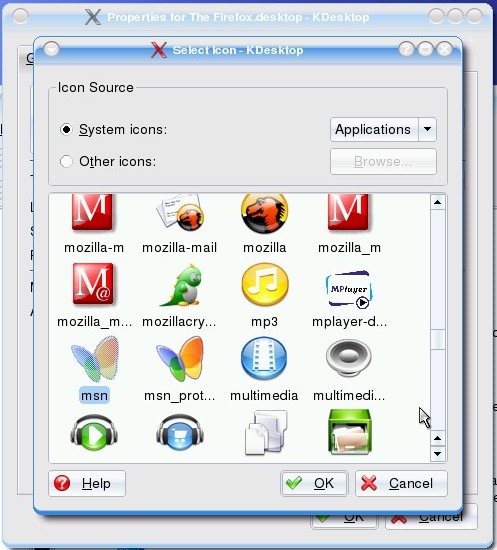
The icon set for Lindows, also includes some Microsoft-inspired logos with the MSN logo.

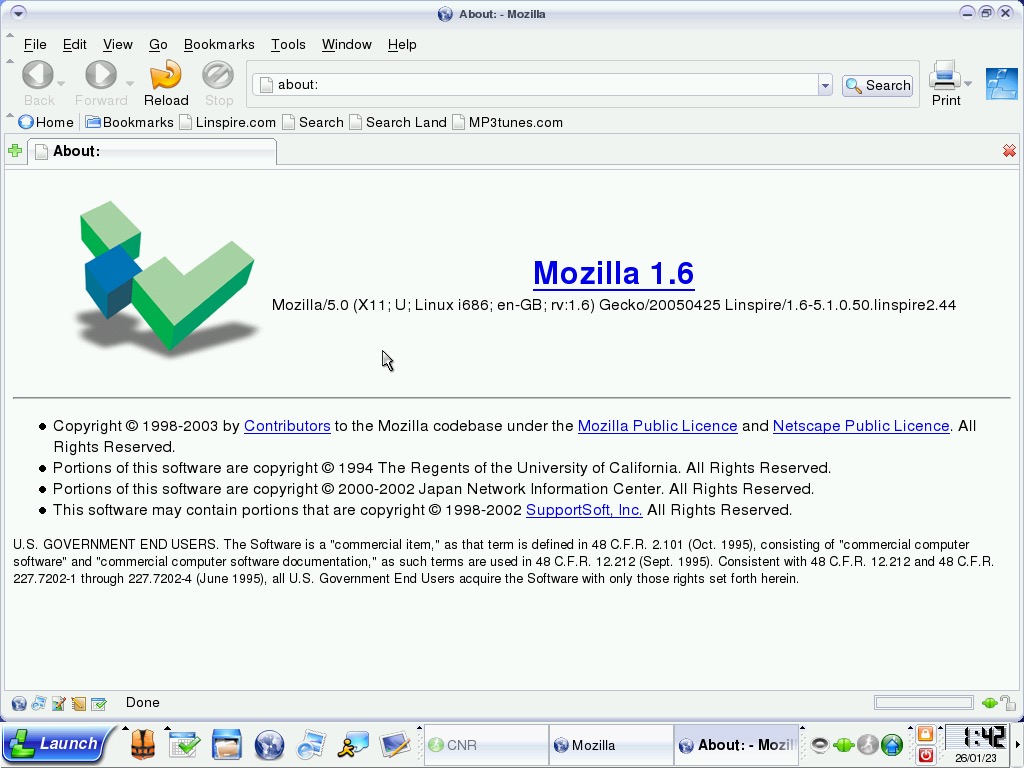
The Mozilla-based browser

Sometimes we run into this error, the only fix is to reboot the virtual machine. 

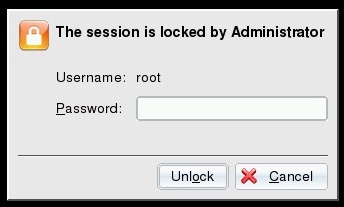
Password prompt when a screensaver is currently running, by default the user account is root.

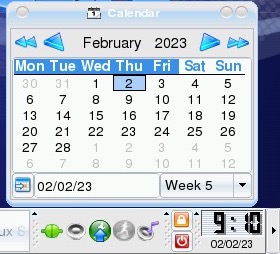
The mini calendar that appears when you click on the clock is located in the taskbar. This predates the Windows 7 calendar by around 4 years.

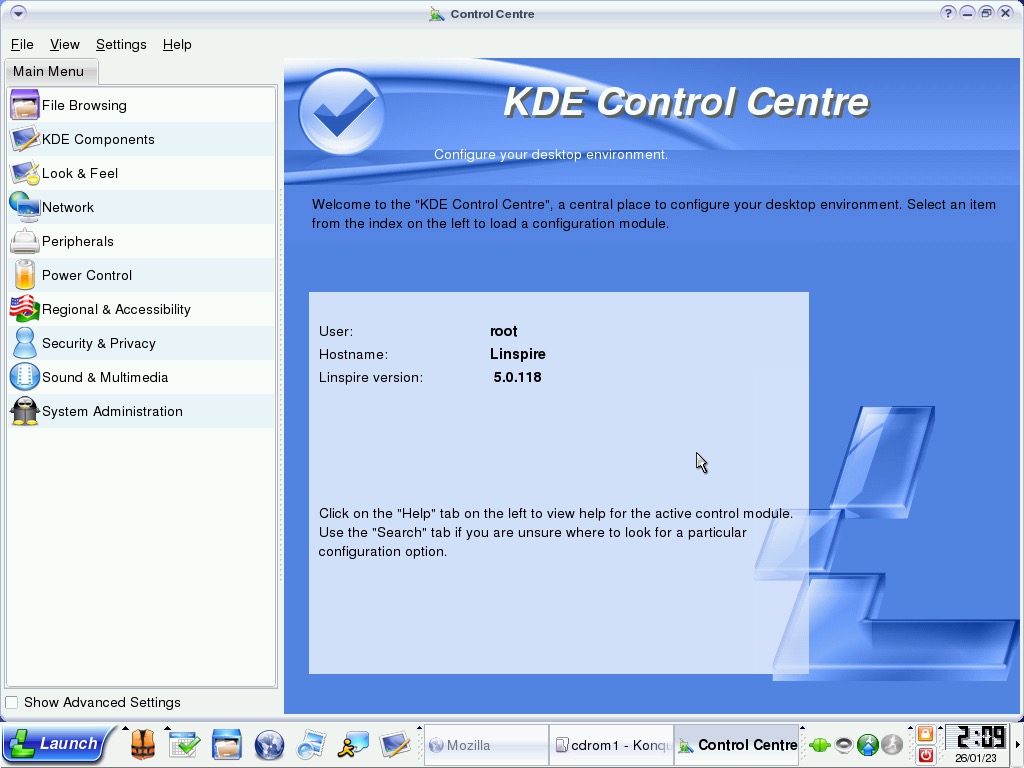
KDE Control Center

This serves as the Control Panel of sorts, various settings in relation to the user experience can be changed here but anything advanced will require the use of the terminal.

As in the previous versions, you select an option from the left panel which will open up its page.

A look at some of the included screensavers

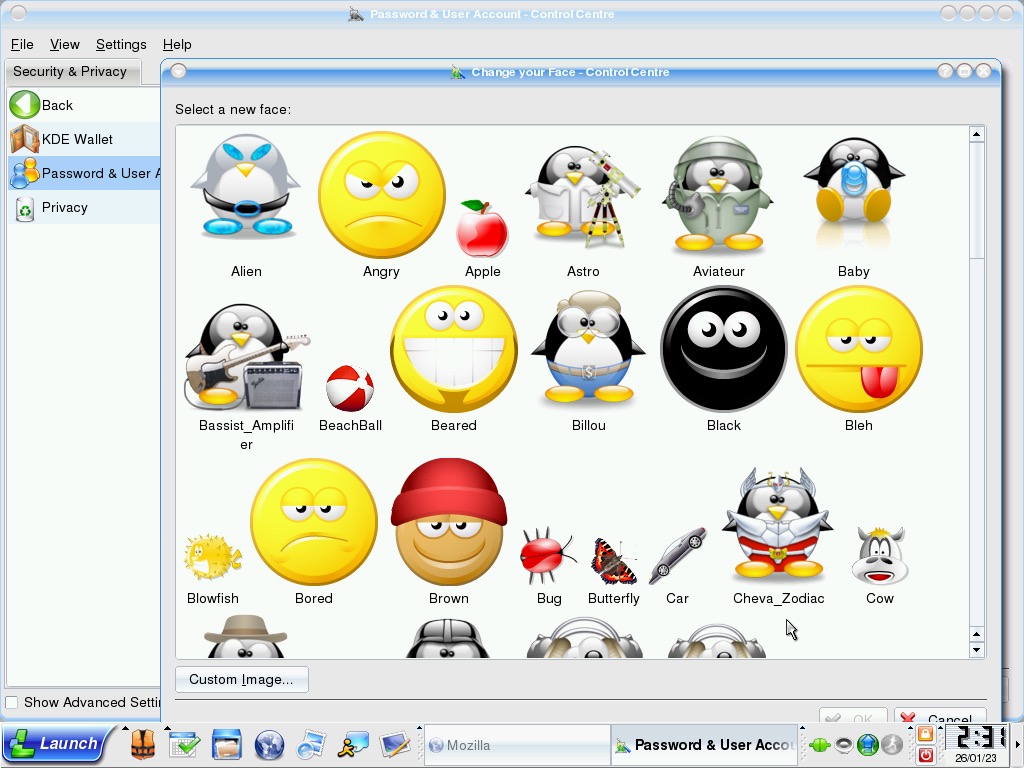
Changing your user icon, they seem styled by the ‘smiles’ design that was popular of the era, they also seem to vary in size compared to the Windows XP account pictures.

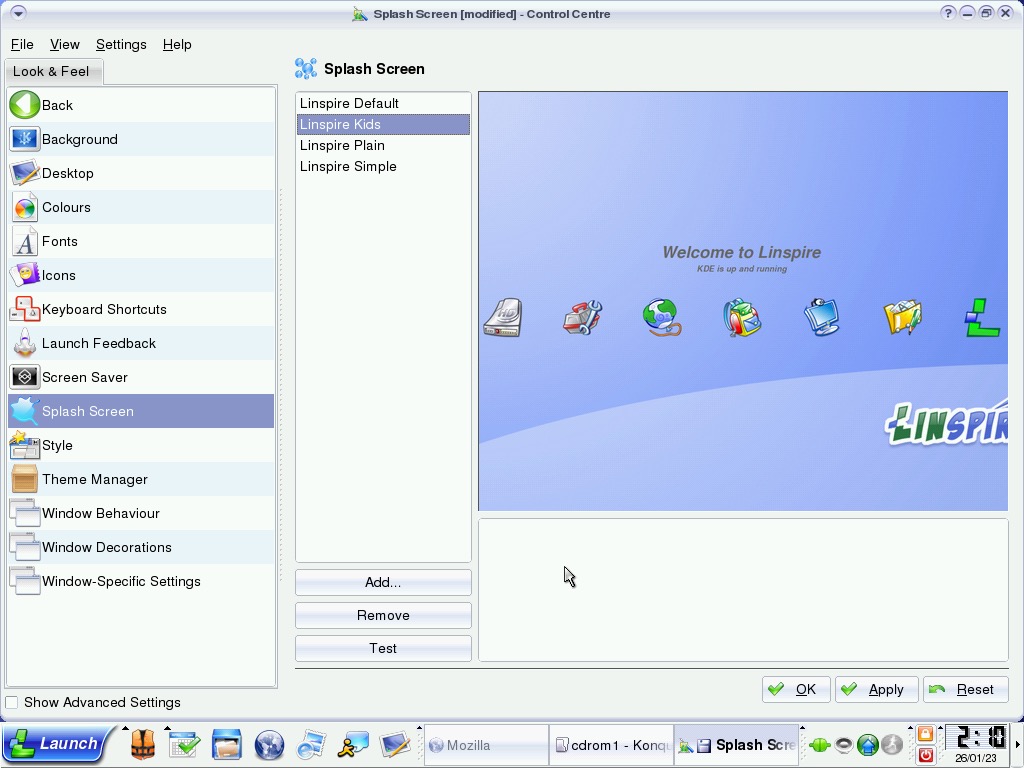
You can change the appearance of the splash screen that appears upon boot.

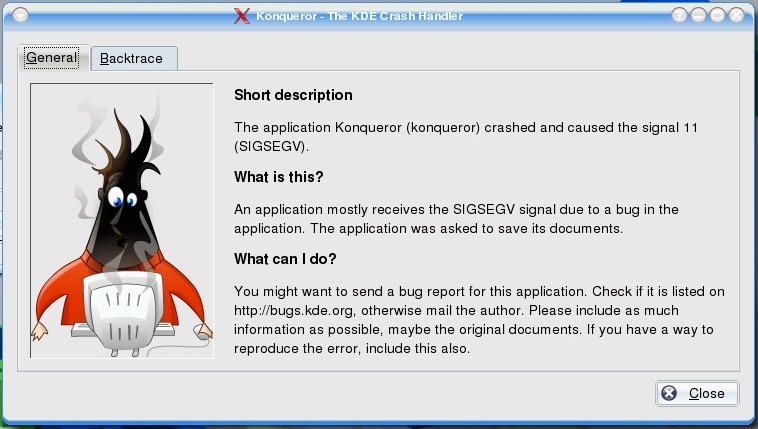
Also here’s what happens when a program crashes or quits.

Installed Software

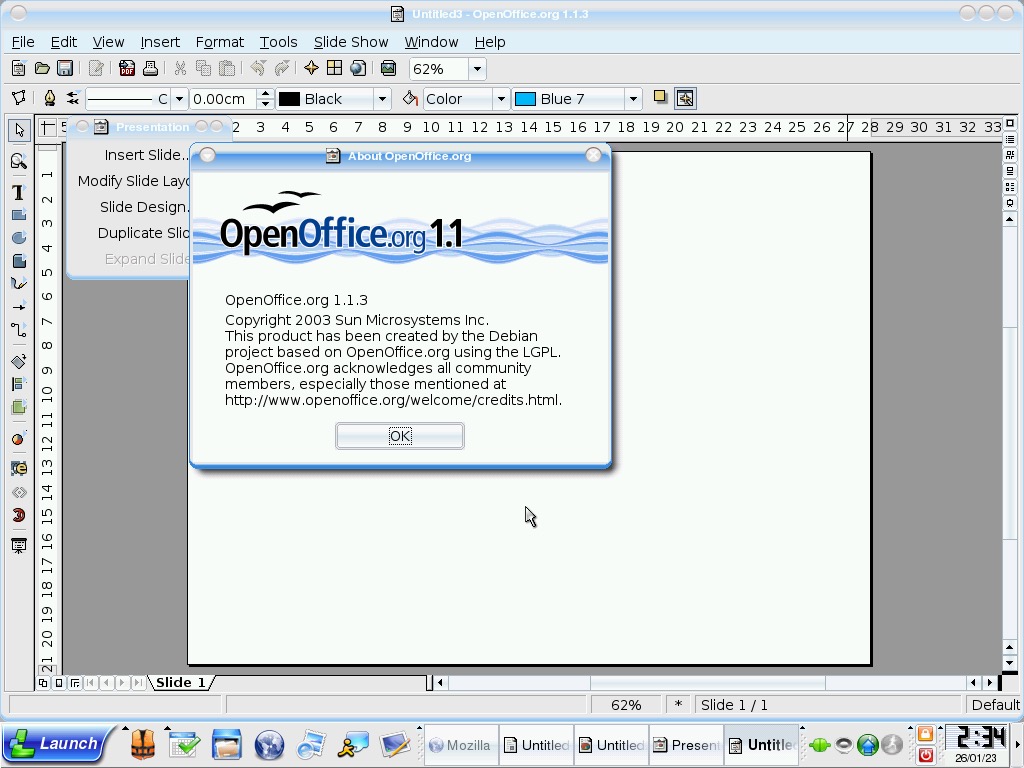
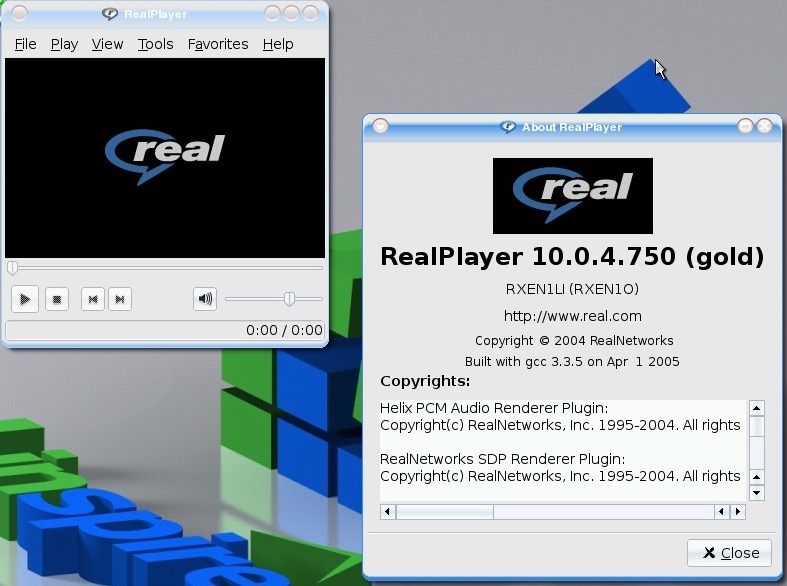
OpenOffice 1.1 – The default Office productivity suite, designed as a replacement to Microsoft Office and is compatible with most of its file formats.

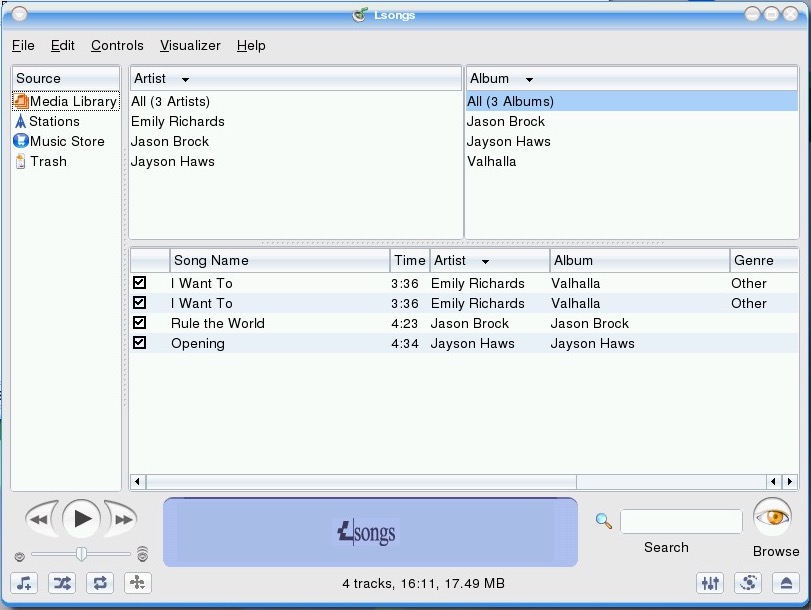
LSongs – Music and media player that looks a lot like iTunes

LTorrent – A Bittorrent client

Lassist – A collection of organizer-like applications that include a calendar, reminders and an address book. Not sure if pronounced as L’assist or L-Assist

Lphoto – Organise and view photos imported from a digital camera

Trying to play a DVD video using the built-in media player turned out to be near impossible out of the box. Additional software will most likely be required since DVD is a protected format (MPEG2 was still patented). VirtualBox seemed to have a problem accessing the disc, as the Vm would frequently freeze and become unresponsive. Since DVD was in its prime when this operating system was released, not having native support was a serious setback for many casual users.

Additional Software

Additional software can be installed, but it’s difficult to locate them once installed as they do not appear in the Launch menu. I don’t know if there’s a launcher that I’m missing or if they are being installed in a separate location but whichever software I install cannot be opened using the Launch menu. The only thing I can do is locate it through the file manager and create a shortcut to it.

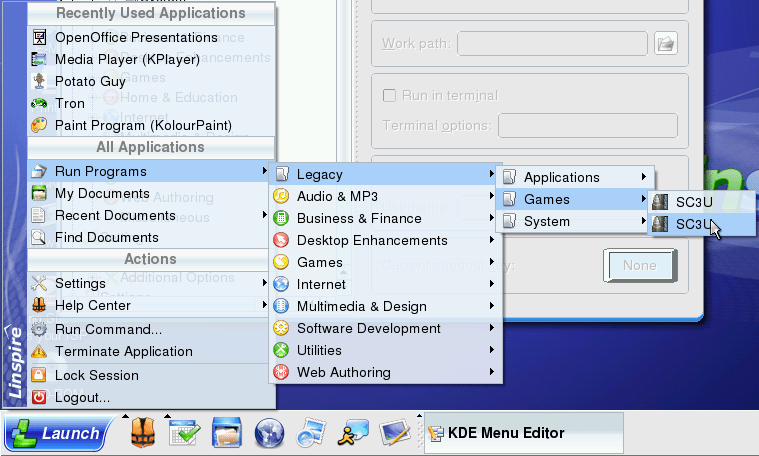
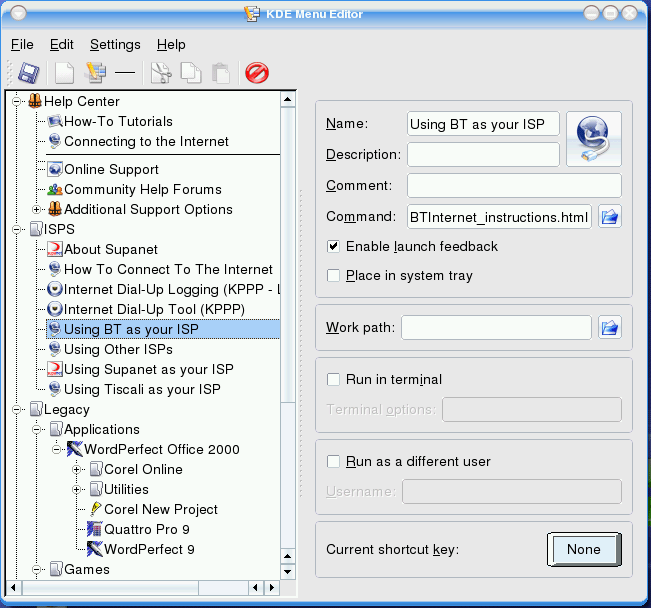
So after messing around in the launcher settings, there is a program group that exists in the Launch menu, known as the KDE menu. This is hidden by default but you can drag this to the Run programs menu which will allow you to run older applications or applications that don’t conform to Linspire’s menu structure.

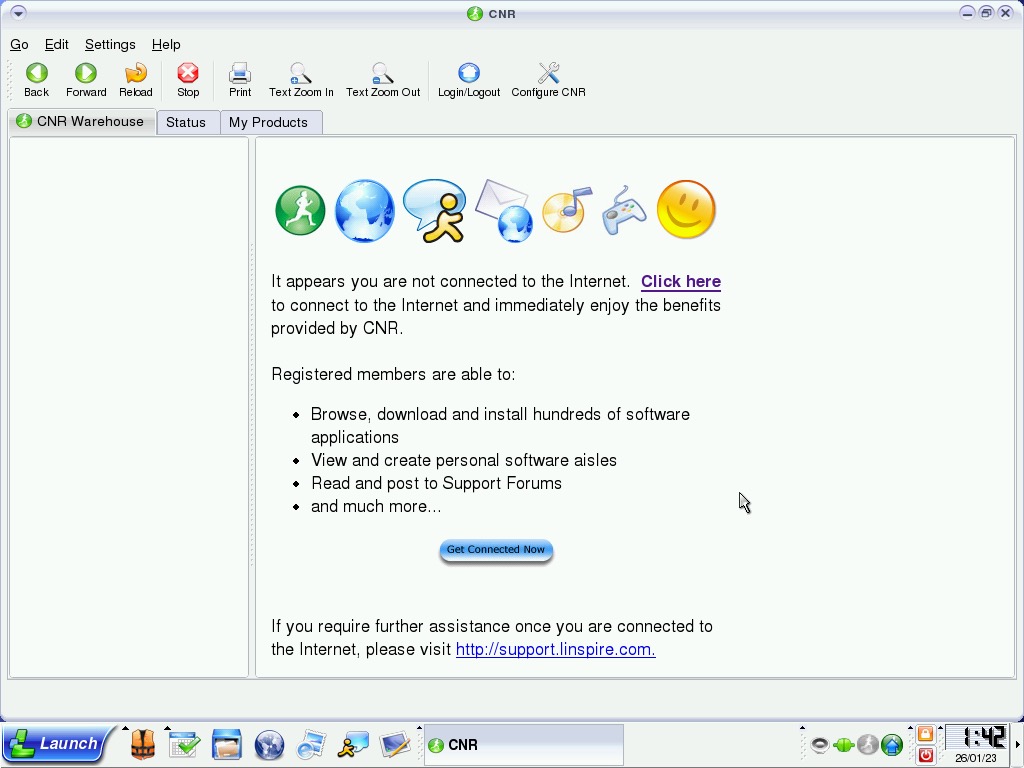
Maybe this was to push users to use their CNR store/packages?

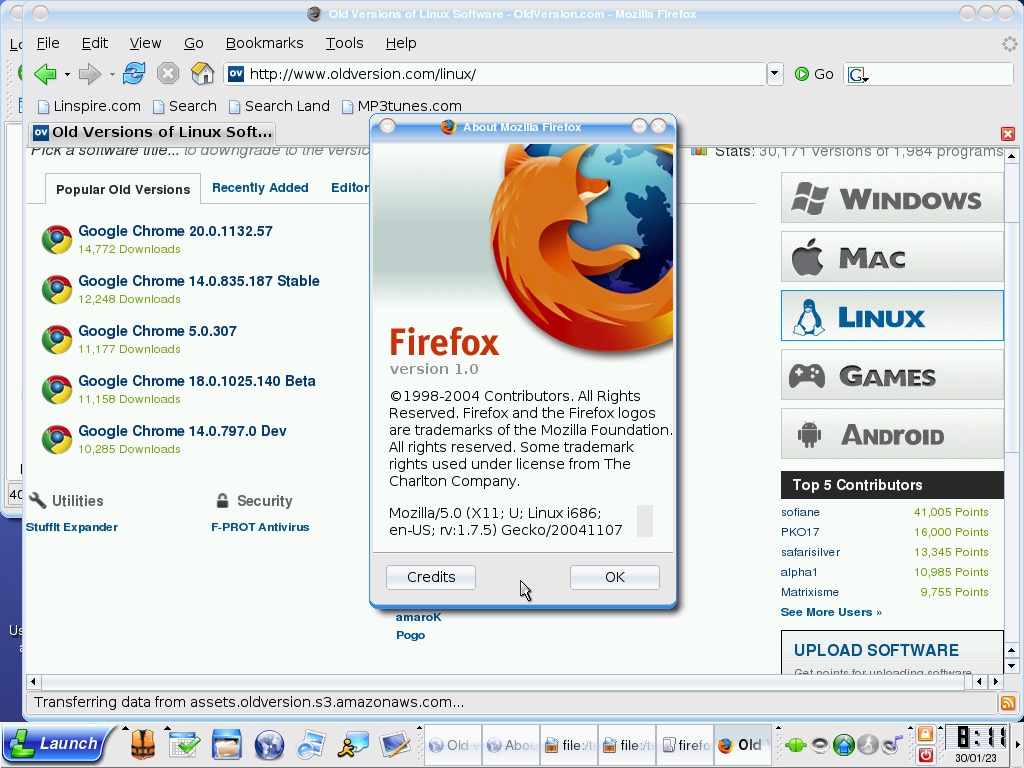
Firefox 1 can be installed and works fine but the install sets the location by default to the desktop?

SimCity 3000 failed to install which gave an error. Chances are the libraries used in this distro version are too new and we need to apply the fix that was done in Ubuntu 4.04. The text installer only seemed to work instead of the GUI install that came up in Mandrake.

Alpha Centurai was installed and worked fine but had no sound. Postal was also installed and worked fine, but still no sound. I guess the sound libraries had changed in this version, breaking compatibility,

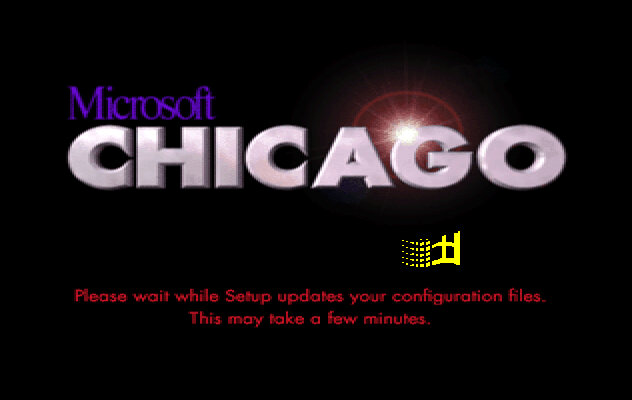
Windows Chicago Milestone 5 (Build 73g)

Install was started in a similar fashion to the earlier build from DOS.
Setup looks similar to the earlier build, only we are prompted to agree to a few NDA’s, there are four in total that we have to accept.

Once there aps that we are prompted if we wish to install plus pack components, which consist of additional utilities. These would later come was the Windows 95 Plus! Expansion which added utilities like DriveSpace and high colour icons, kind of like a n expansion pack for Windows.

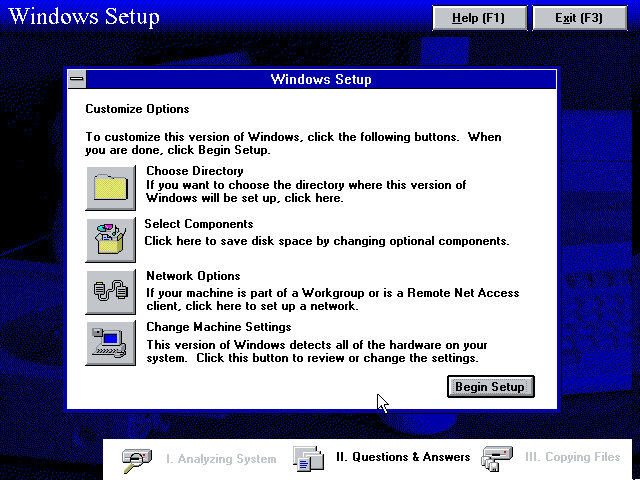
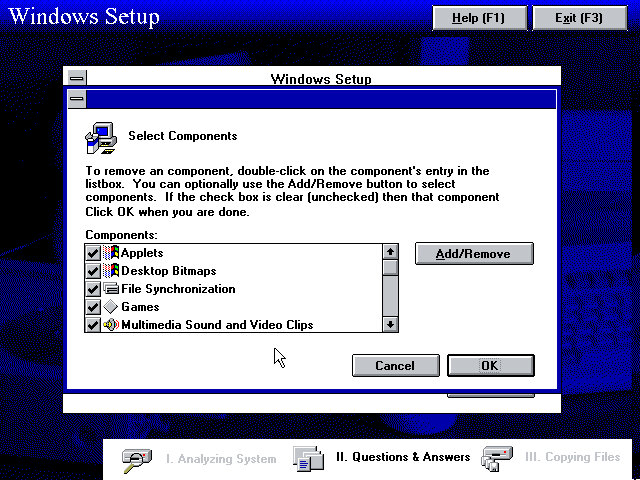
We are given an opportunity to add additional components, or amend the system configuration if we have any specific hardware that setup needs to know about. The Network Options is redundant as a message box is displayed informing us we can only configure network options later in the setup process.

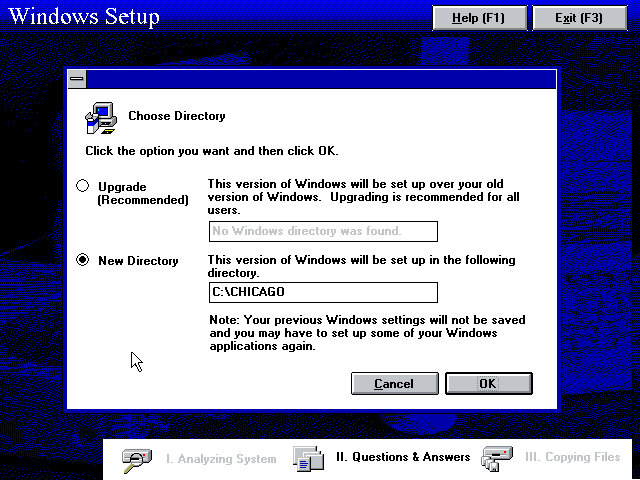
The Chicago directory is used by default instead of the Windows directory, possibly to enable dual booting or too leave the previous install intact. This would be renamed to just the Windows directory once development had been finalised.

Additional component that can be added.

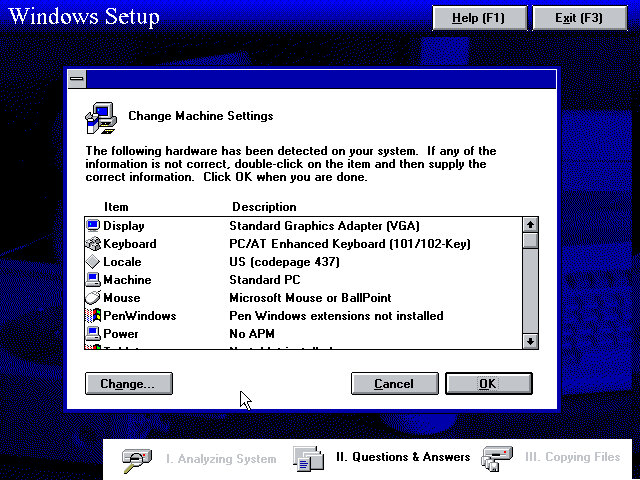
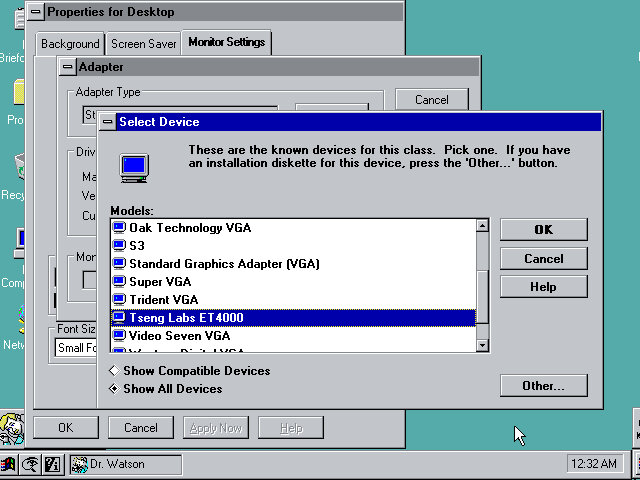
Machine configuration, we can see the setup utility detected the InPort mouse that 86box supports. VGA card wasn’t detected however, but our Tseng ET4000 can be selected s and used with the driver that comes with the install.

A weird message that came up, clicking cancel is recommended here since I started setup from the Windows 95 bootdisk. I think setup requires you to start it from a currently running MS-DOS session from the hard drive instead of a floppy boot disk which is why this happened.

Network configuration where you can setup the network card, the Novell NE2000 was used, though I had to amend the IRX to 10 instead of the default settings, 3.

Boot up screen with the windows logo dotting about.

The logon screen, from here you can enter a name and a password if you wish and Windows will create it for you. Pressing the cancel button will log you in regardless.

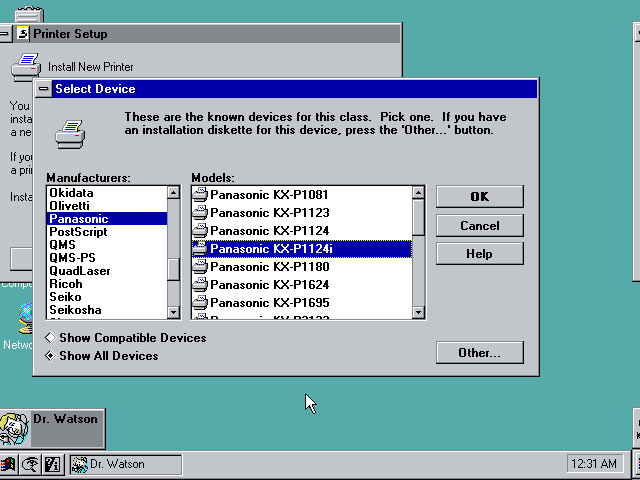
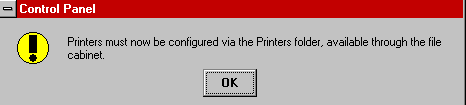
After the initial login we are prompted to setup a printer.

Setting up the VGA driver, at this point I realized the IDE CD-ROM drives were missing, leaving only the floppy, hard drive. I did try to used the MSCDEX driver to get them to appear but this did not seem to work.
The only workaround to get CD drives to appear was to use the SCSI CD ROM drive, which required be to repeat the install process. The Adaptec seems to be recognised and installed during setup.
Post Install

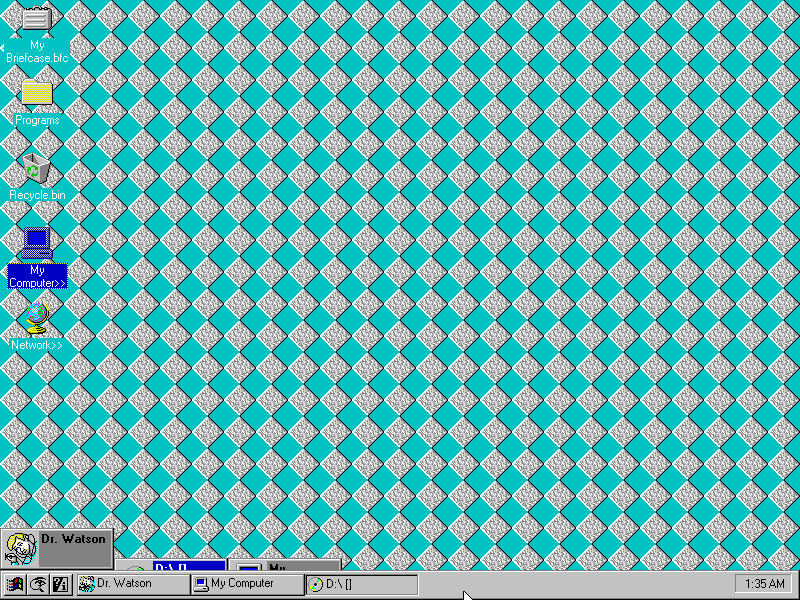
The Desktop, this build still has the separate start menu buttons, with the others being find and help.

The find button kind of mirrors Windows 10 in a way, that you can search directly from the taskbar. Chicago M5 just simply opens a menu to launch the find feature but does make it more accessible, later Windows versions would move this to the Start Menu itself.

Copying a file using the explorer interface. In this build this was still referred to as the File Cabinet

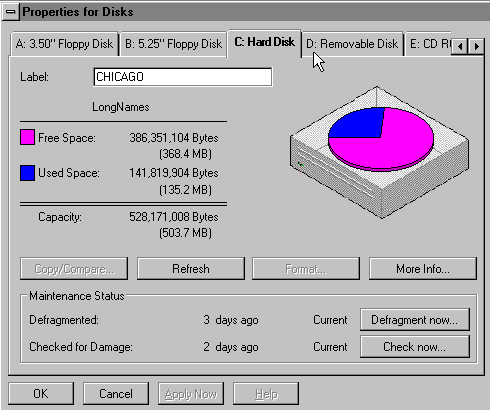
Disk drive properties window, this gives access to the capacity and used space of the drives present in the system.

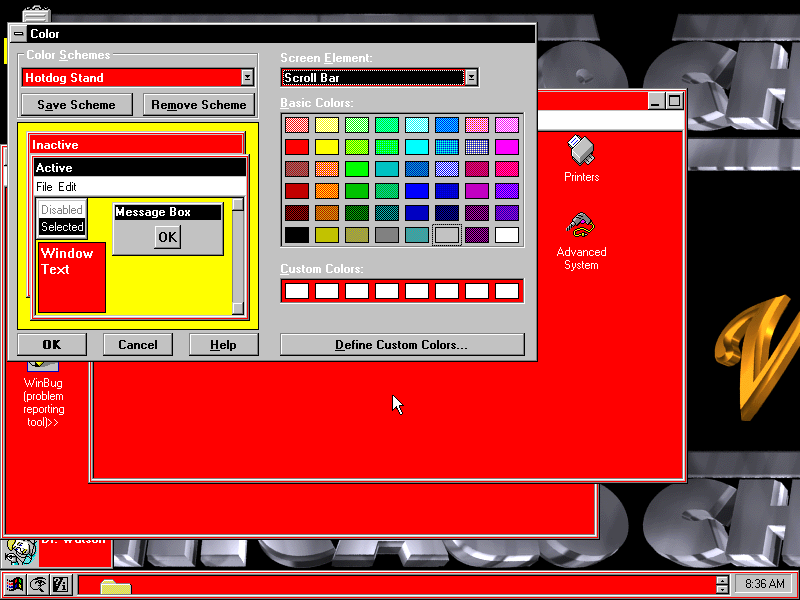
Colour scheme settings, many of the Windows 3.x schemes are still present and can be applied, though some of the windows and buttons remain grey.

Advanced System, an early version of the Windows Device Manager which shows the current devices present in your system. The Properties button opens a separate window that lists the Manufacturer, Model, Device ID and Plug/Play capabilities. There is also a Resources tab for IRQ, DMA Channels and Address spaces. Many of the information strings are non functional and do not yet yield any information.

Microsoft changed the way printers are now configured, moving them to a separate folder in the Main program group.
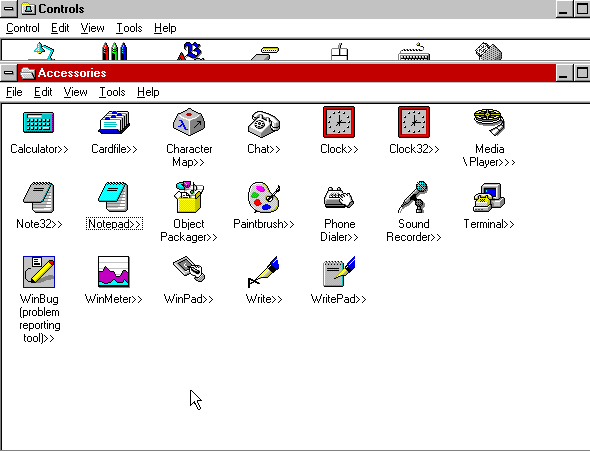
Some applications in the Accessories group have change, and are now in 32bit flavour. The existing versions are still included.

The size of the taskbar can be changed by clicking and dragging the edge of the bar,. at a certain height the clock will shift to the left of the taskbar, likely to make room for further tasks and applications, something that later Windows versions do not do.

Software

32bit software will be hit or miss, as the API has not been fully implemented, if at all. Windows 3.11 era software should work but anything multimedia-rich appears to have issues.

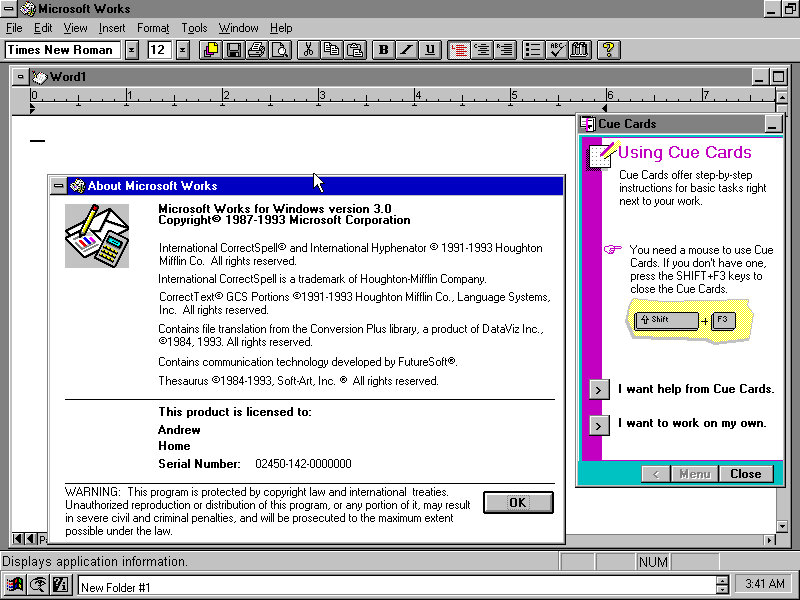
Microsoft Works: Installs and works fine, this was a lightweight office suite intended for home users.

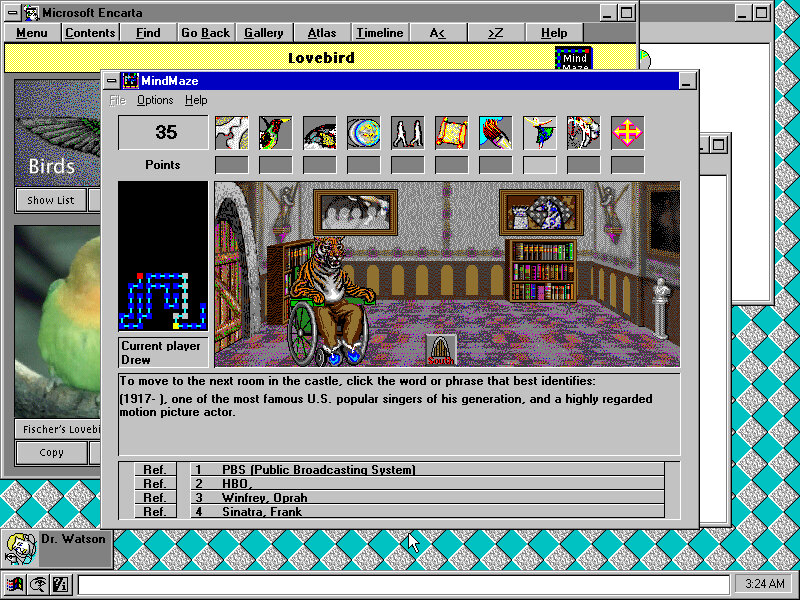
Microsoft Encarta 1993: Installs fine but complains about the soundcard not being detected towards the end of the install. Runs fine.

Internet Explorer 3: This was the Windows 3.1 version of Internet Explorer 3, Installs but fails to run, revealing the error message ‘Call to Undefined Dynalink’ Rebooting after install revels a weird error message to press Ctrl+Alt+Del to reboot your mac?

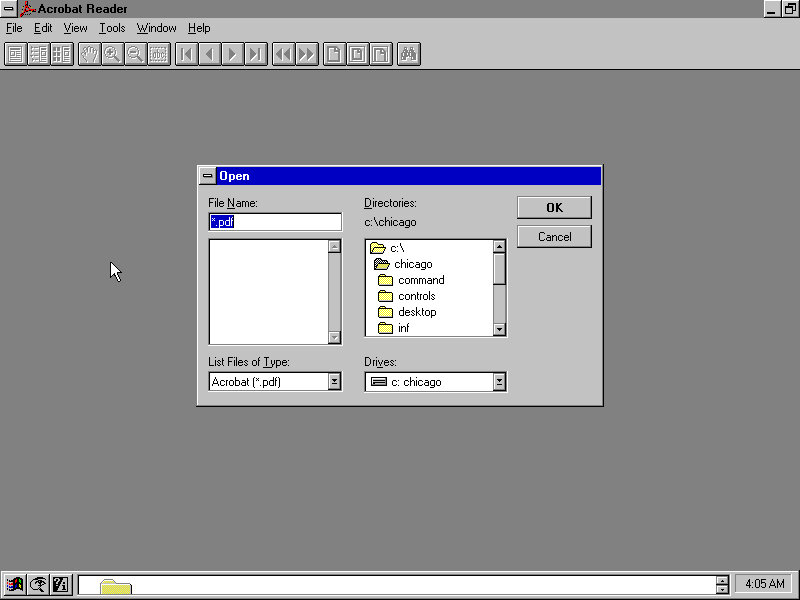
Acrobat Reader 2.0: Installs and runs fine

Netscape 1: The setup installers complains about a dialog box that it cannot display? Also fails to launch after install.

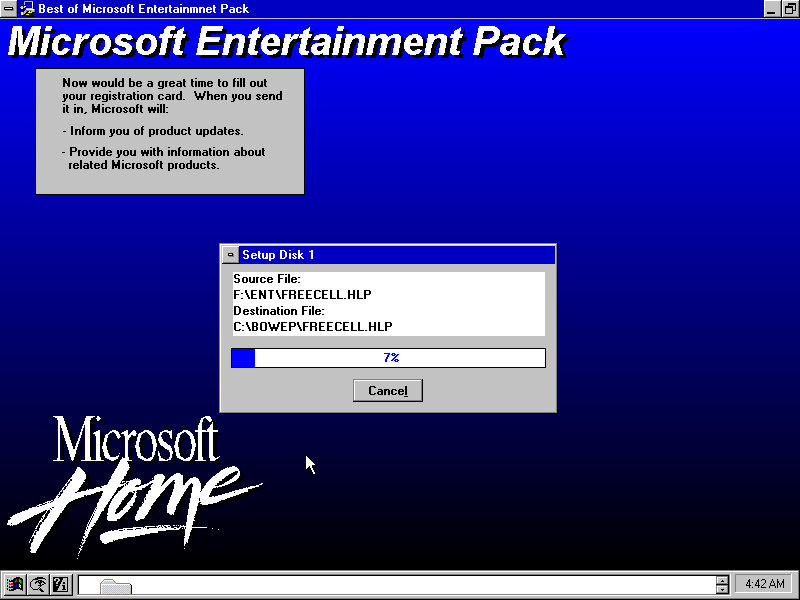
Microsoft Entertainment Pack (Best of): Works just fine

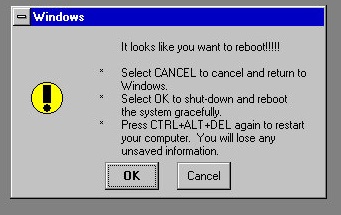
Pressing Ctrl + Alt & Delete will show this message, this is replaced by the End Task dialog box in later builds.

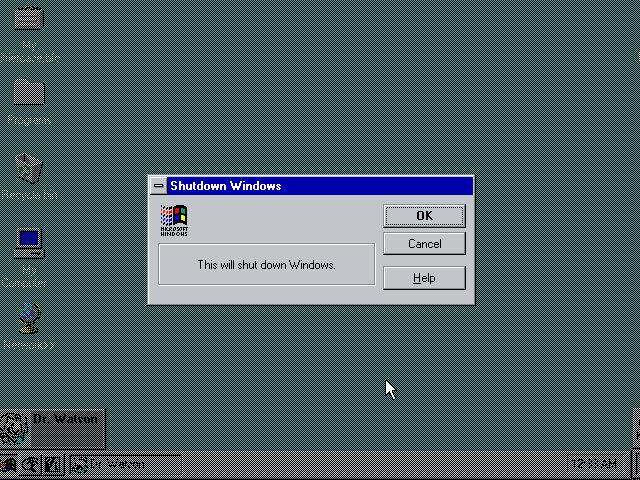
Shutting down Windows

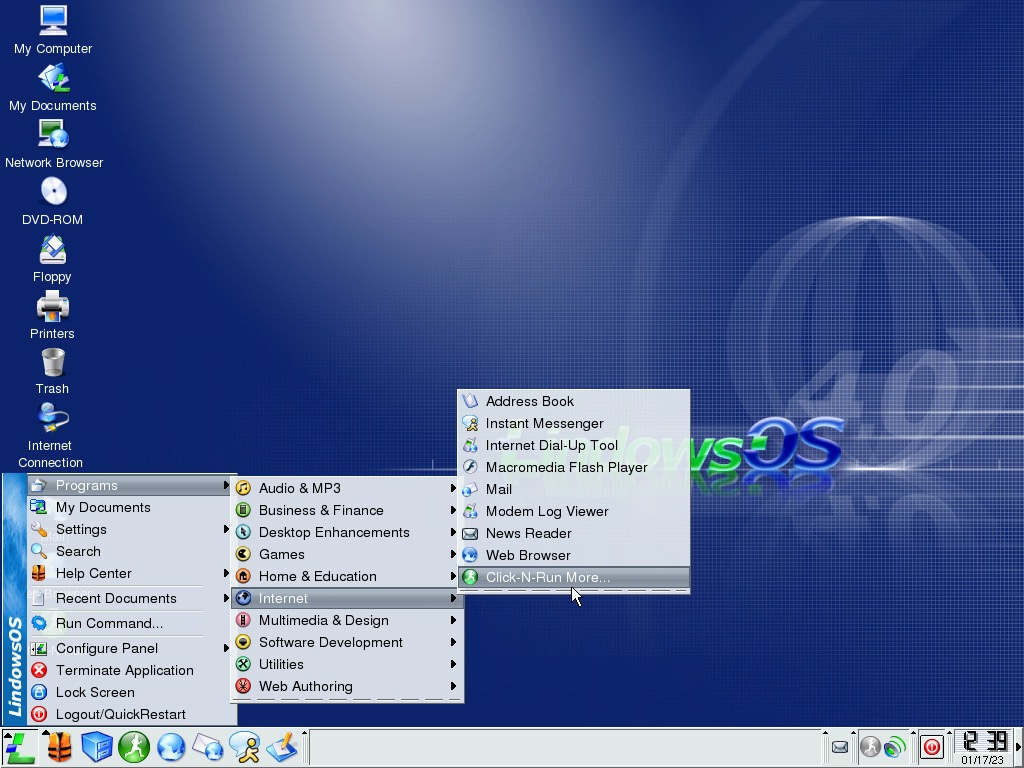
Lindows 4

Lindows 4, the next installment in the line of Windows-inspired operating systems and is an easy-to-use Linux operating system, designed to appeal to your typical Windows user of the era. 

This time I will be using VirtualBox 5, as the OS is a bit heavy for 86Box to handle. We should have some luck with the emulated hardware that VirtualBox uses and supports. Host machine uses an Intel Core i5 2500.

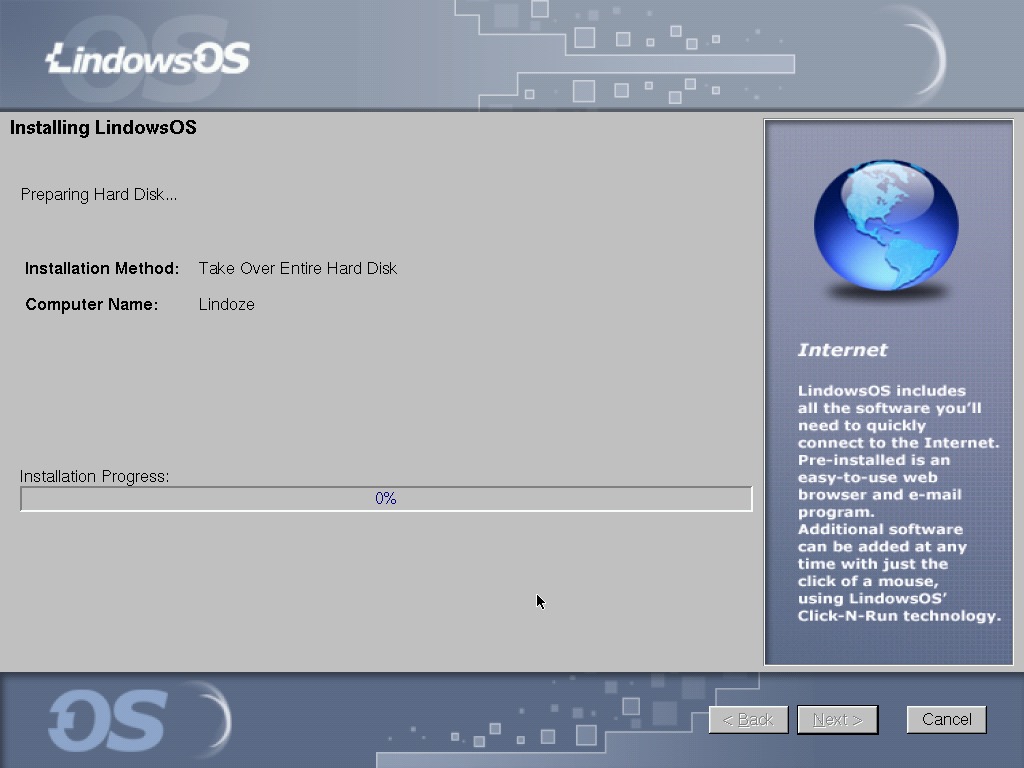
Install is pretty much the same as previous versions, simply choose the hard disk you wish to install and away you go. No need to optionally configure packages, though power users might prefer this to optimize their installation and remove stuff they do not see.

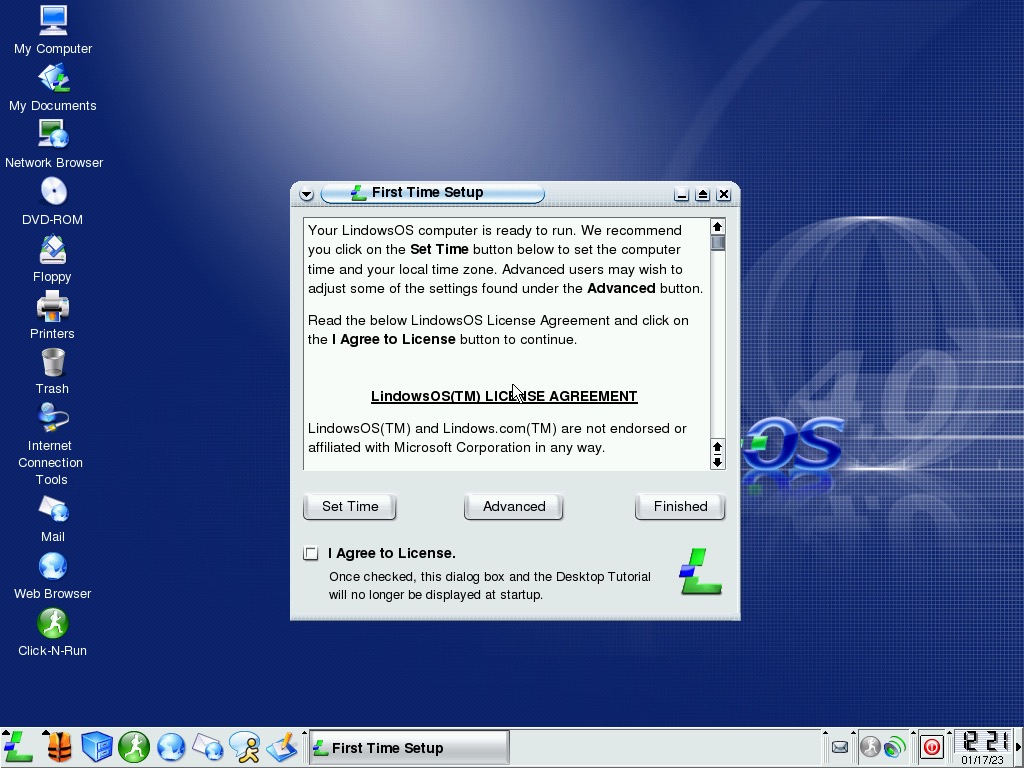
After installation we are greeted with a first run box that reminds us to set the time zone of our computer, along with the option to set an administrator password if one wasn’t set using the install. The screen resolution can also be set here, by default it’s 1024×768.

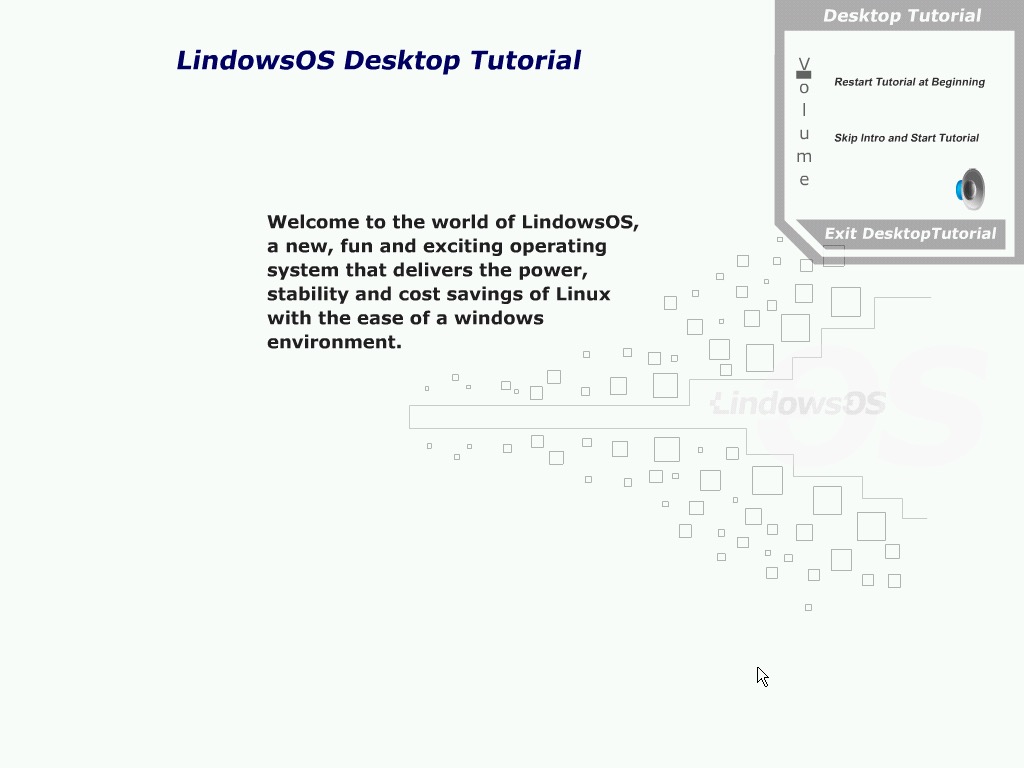
After this we are treated to a tutorial that explain the basics of navigating the operating system. This reminds me of the tutorial that would launch when you first started Windows 98, along with a slideshow list of features included in the operating system. For first-time Linux user this is a welcome addition and lets them feel comfortable using their new operating system.

The user can mouse over the different desktop icons and taskbar items to find more information on their purpose and how they are typically used.

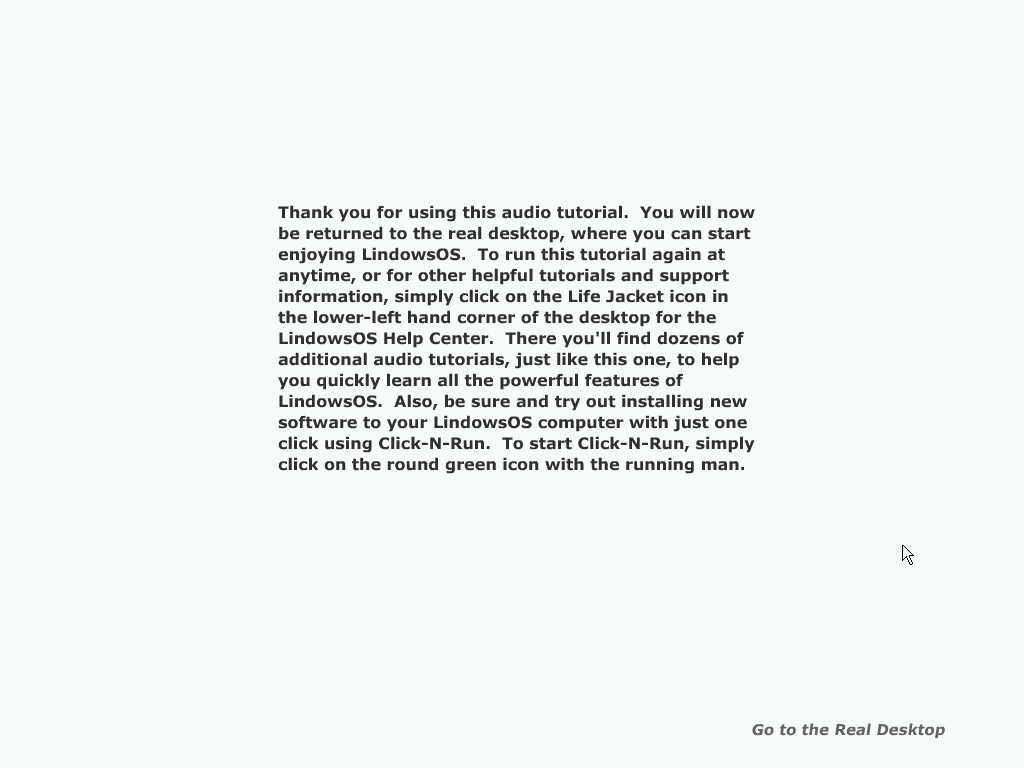
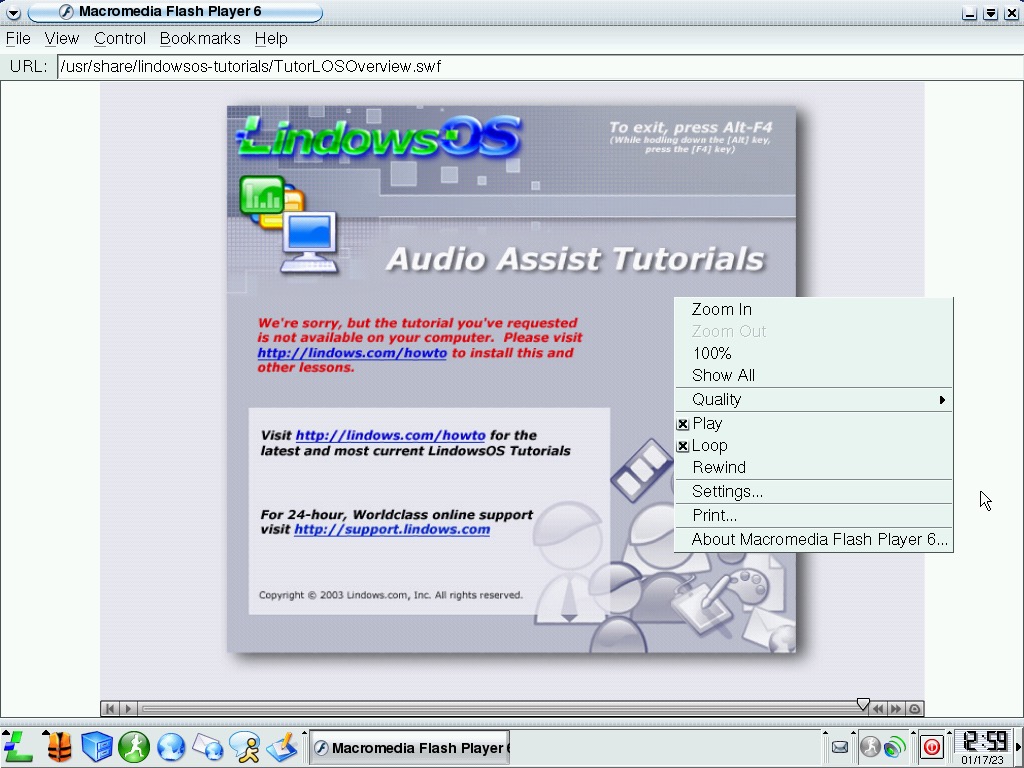
Exiting the tutorial prodded to be problematic, despite clicking on the ‘Go to the Real Desktop’ link, the application froze. I waited a couple minutes but nothing happened, the OS become unresponsive.

A quick reboot brought the OS back to life, through the damned tutorial started again. I even saw a browser window showing a SWF file, proving the tutorial was made in Adobe (Macromedia) Flash, Luckily I was able to exit it this time.

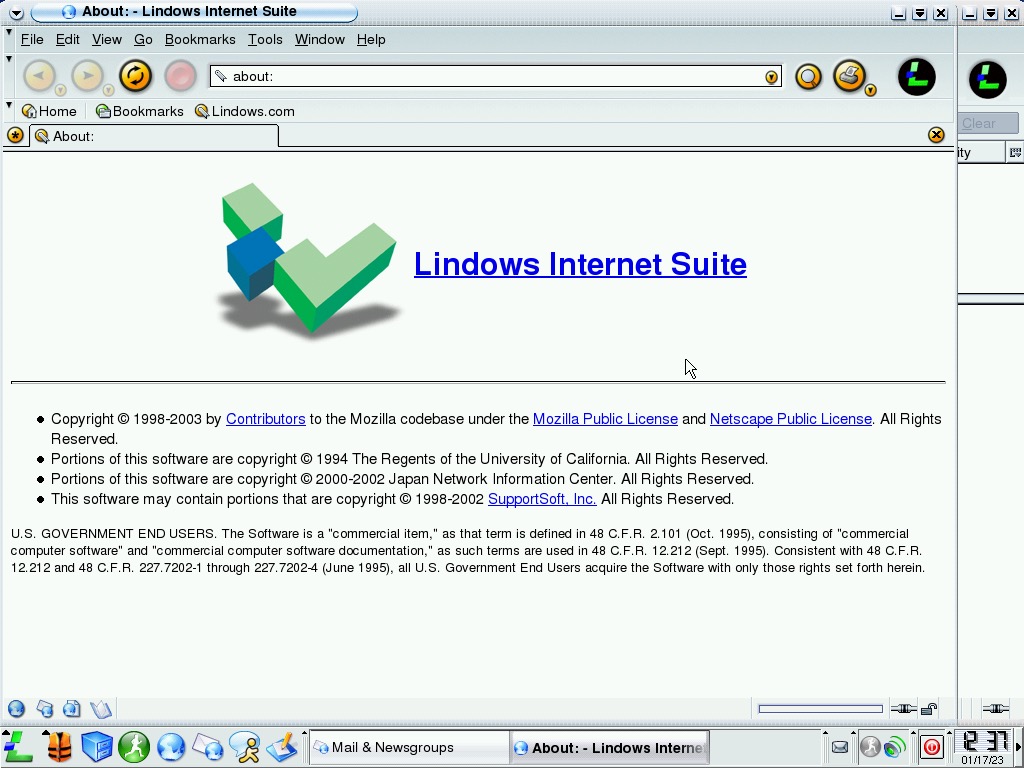
For whatever reason Lindows Internet Suite decided to load, this serves as the default email client of the OS, along with the browser. From the looks, it’s just a rebranded version of Netscape Navigator. I believe this was the era when Netscape was purchased by AOL and began reimagining their web browser before making it open source, though the about box mentions Mozilla so maybe that already happened.

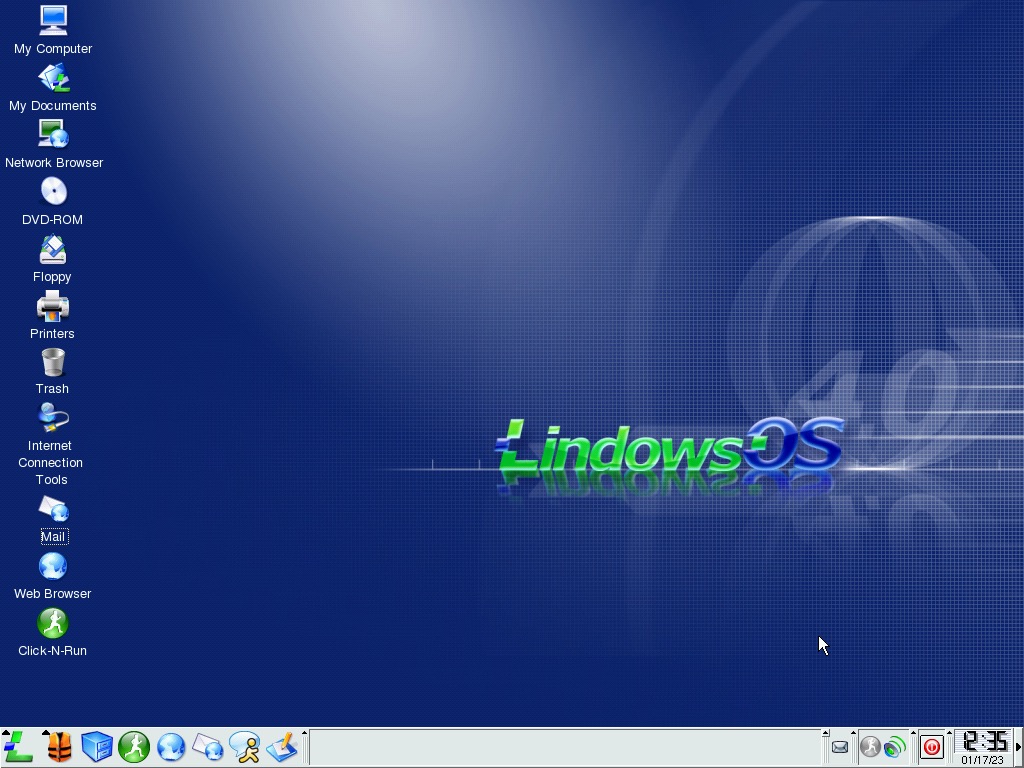
The Windows-like user interface

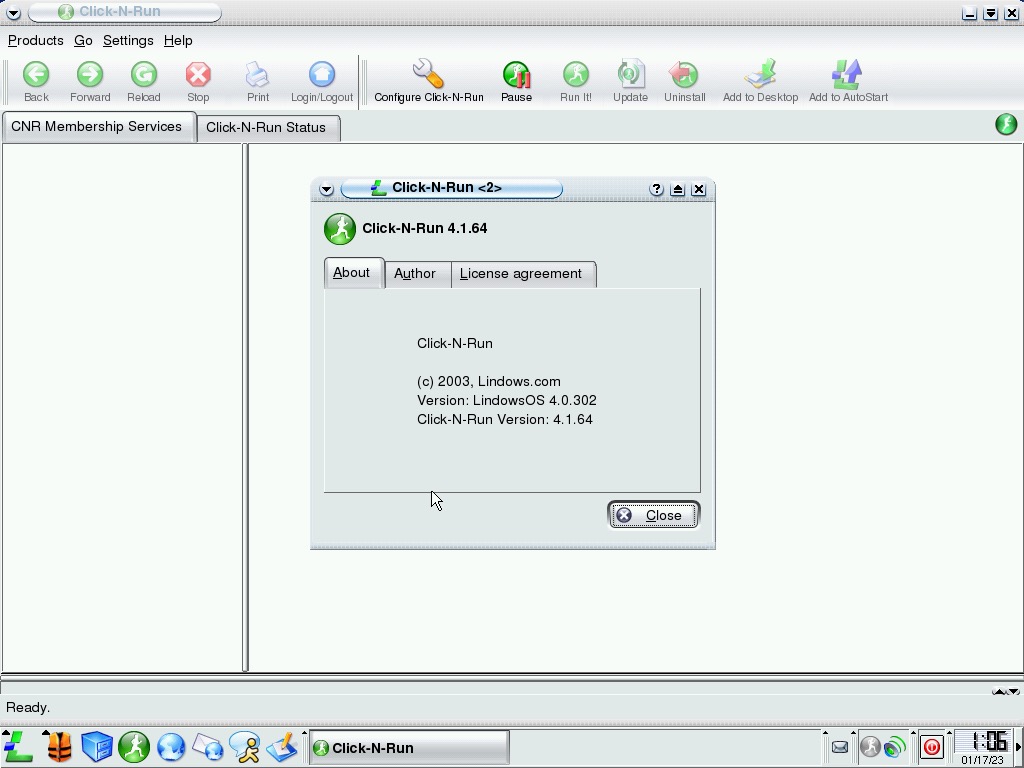
Click-N-Run is still at the forefront of the OS and was the preferred way of installing software rather than using a package manager. This was aimed at making easy-to-install software by mimicking the Windows way of installing via the use of a setup wizard.

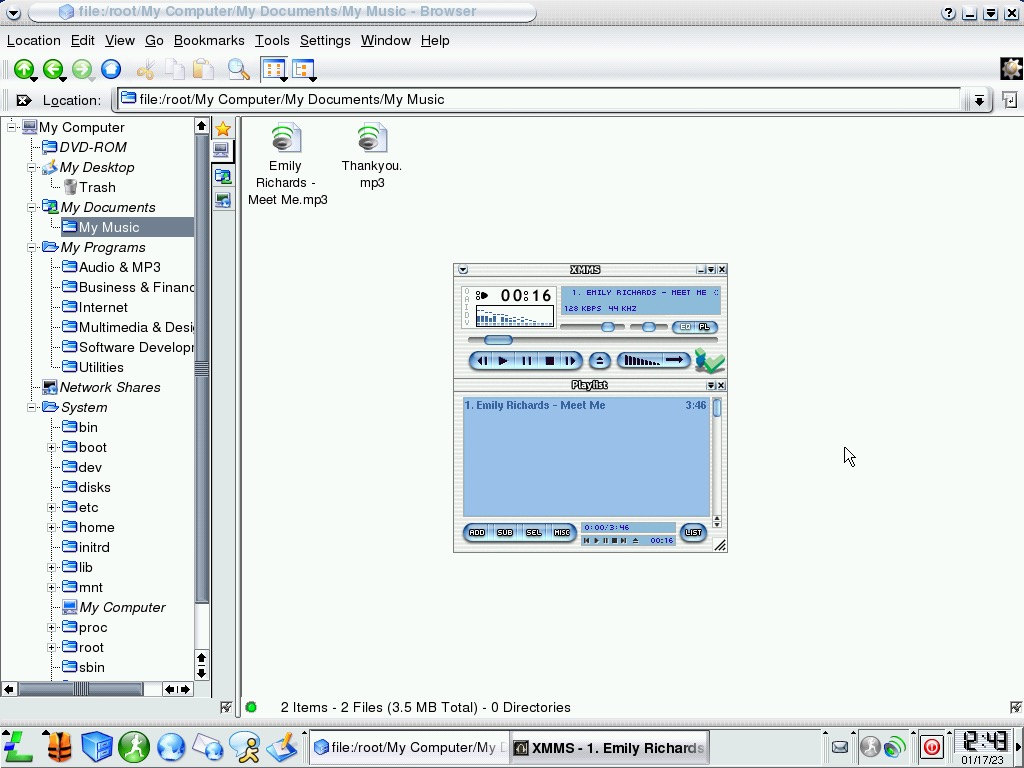
The file manager of the OS, you can see a lot of inspiration from the Windows XP silver Luna theme via the button bar and the style of the icons which mimic Windows Explorer, yet the taskbar still has the Windows 2000 feel to it.

Two MP3 files come bundled with the OS, showcasing the multimedia capabilities. One is a typical pop song of the era, and the other is an audio voice thanking you for choosing Lindows. Kind of similar to how Windows ME included that Beck song, or that David Grey song in Windows XP

XMMS still looks like an OS X Aqua program with version 1.2.7 is used here. Also, our sound drivers are working! (AC97)

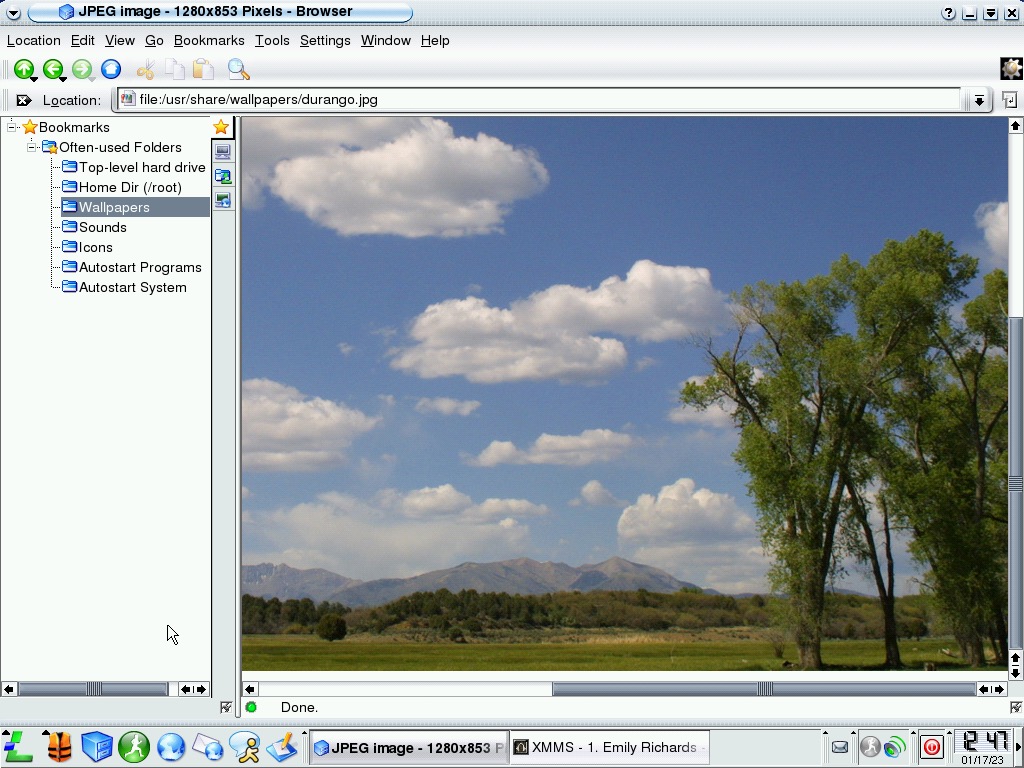
Images can be previewed within the file manager itself

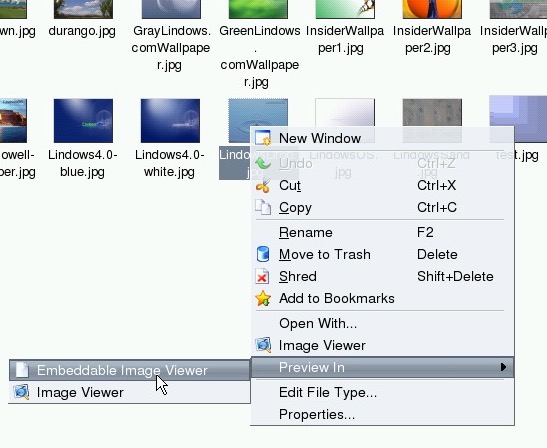
Right-clicking can bring up a context menu that lists the different actions available

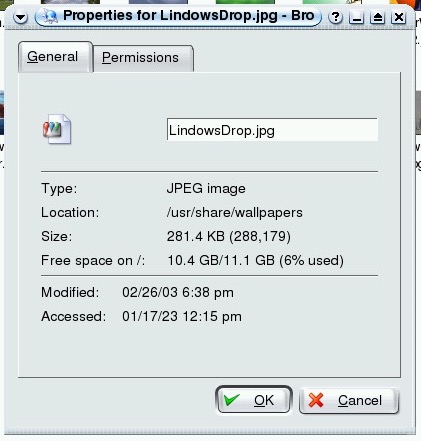
File properties window

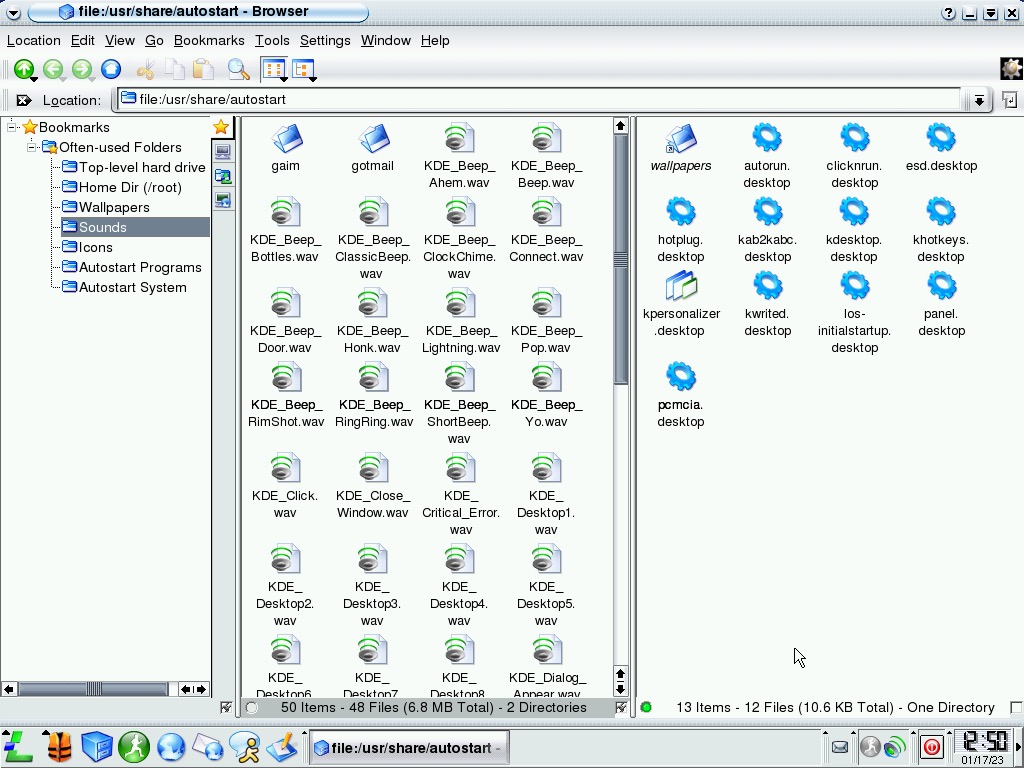
It’s also possible to split view the file manager, like an earlier version of Windows snap though this gives it a total commander feel to it.

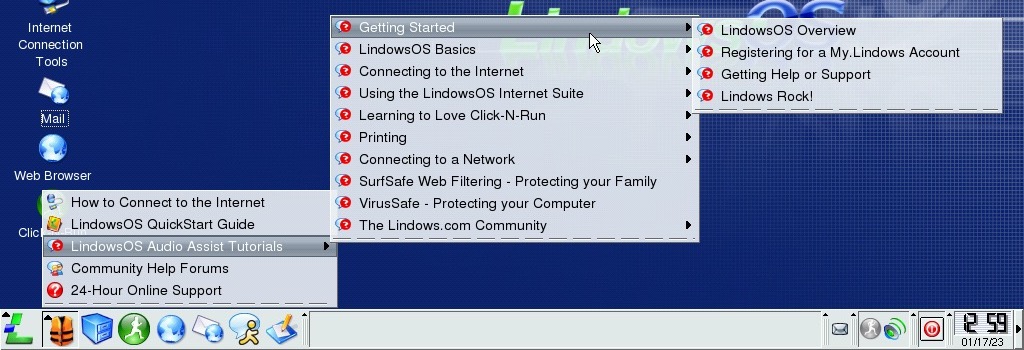
Clicking on the icon that looks like a lifeboat jacket brings a menu with a list of tutorials, and link for further help online. Like the earlier tutorial, it’s all drivers in Macromedia Flash 6.

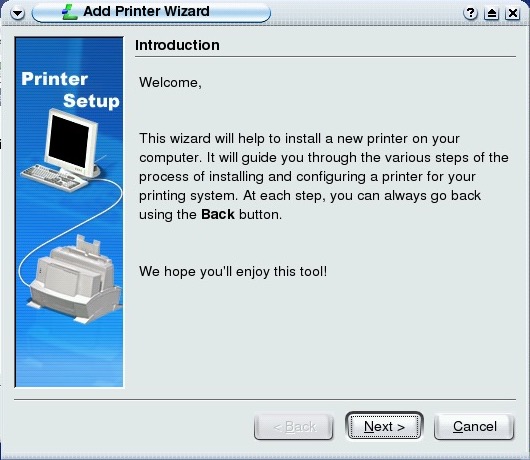
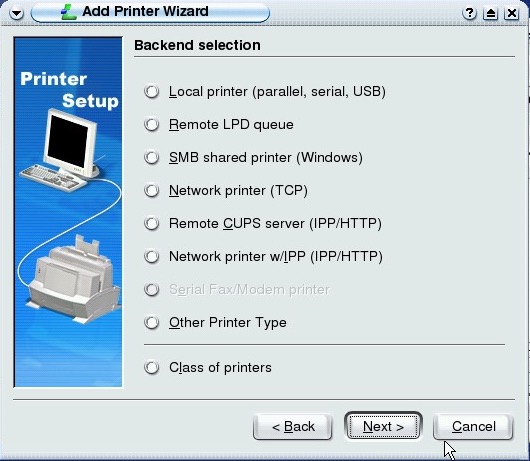
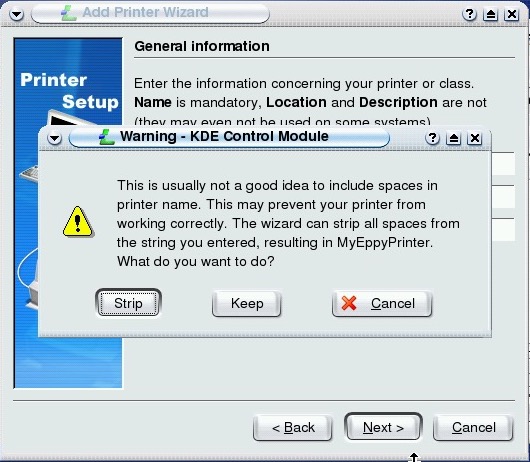
Printers control panel, which uses the KDE Control Module. Here print jobs can be managed and canceled for physical and virtual document printers.

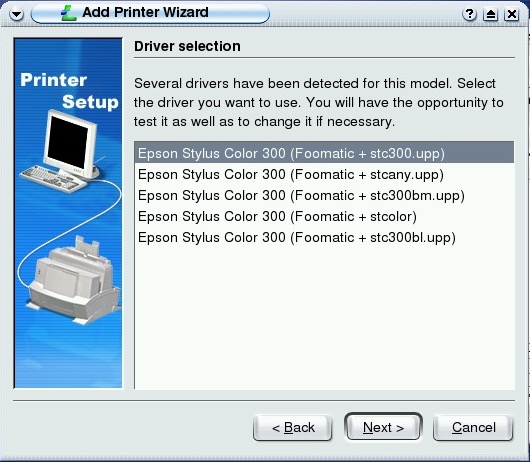
There are a few printers supported, but I don’t own any of them to test. It does give a few options for the type of printers, including SMB network-connected printers. USB is also supported, with the list corresponding to the amount of USB ports the machine has?

Quite a few options here, I guess the user has to trial and error them to see what works best? There are further options remaining for setting the borders of the page, the option to share the printer on the network and setting a page limit quota.

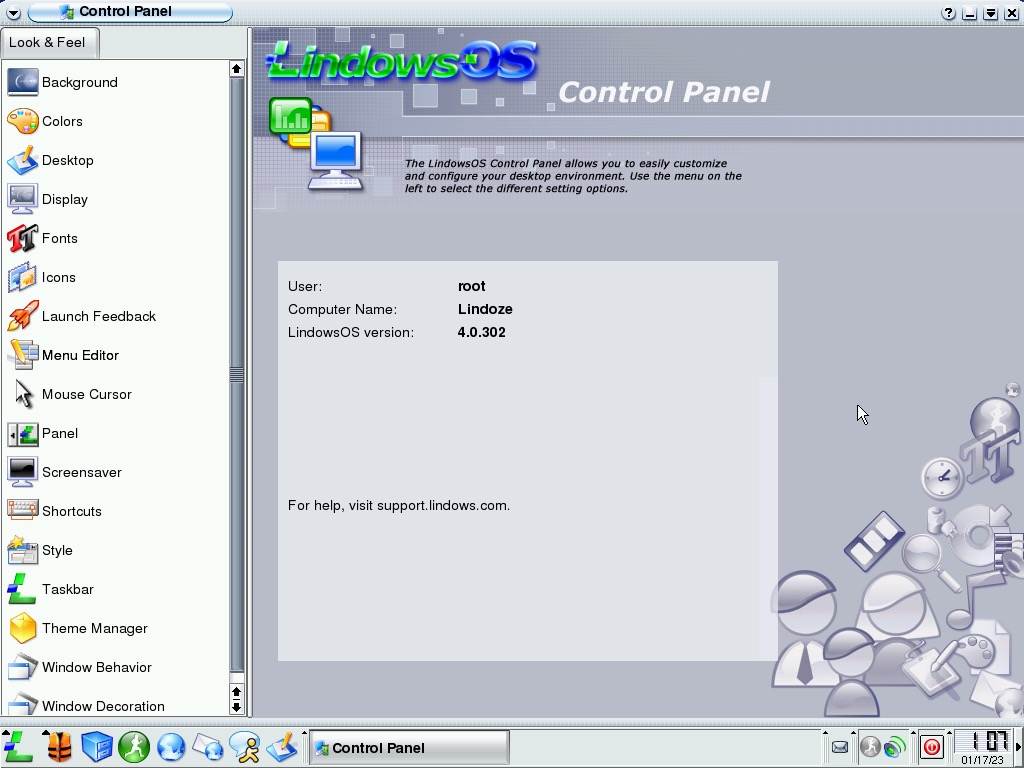
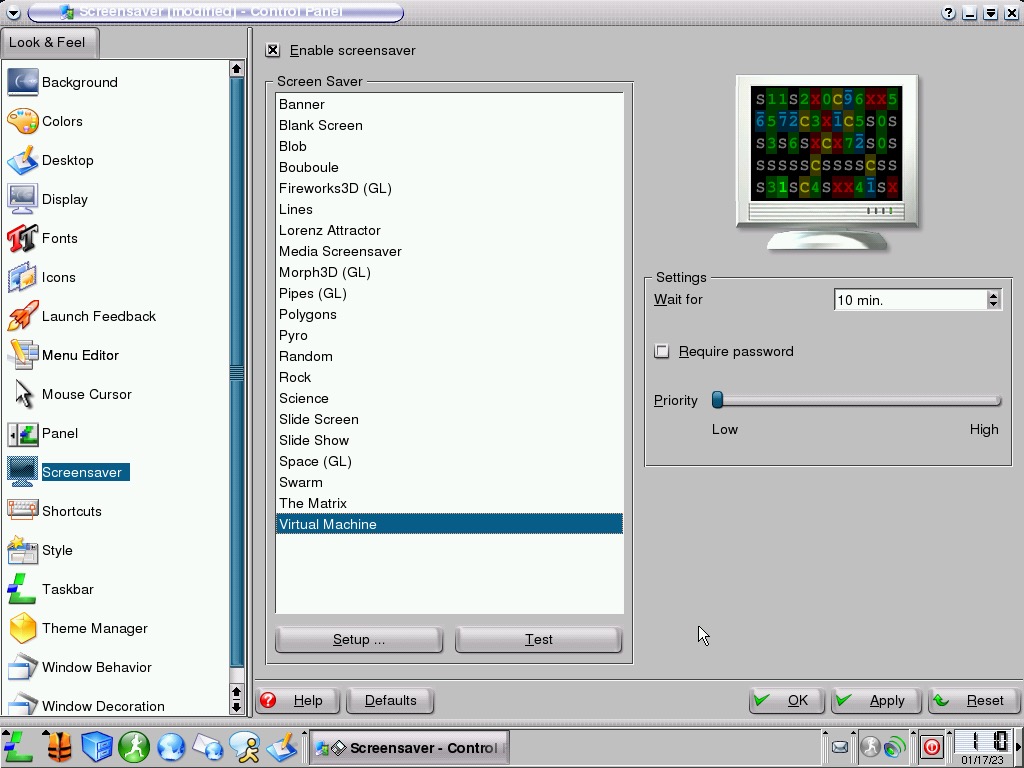
The Control Panel has had a slight redesign, let’s see what’s changed.

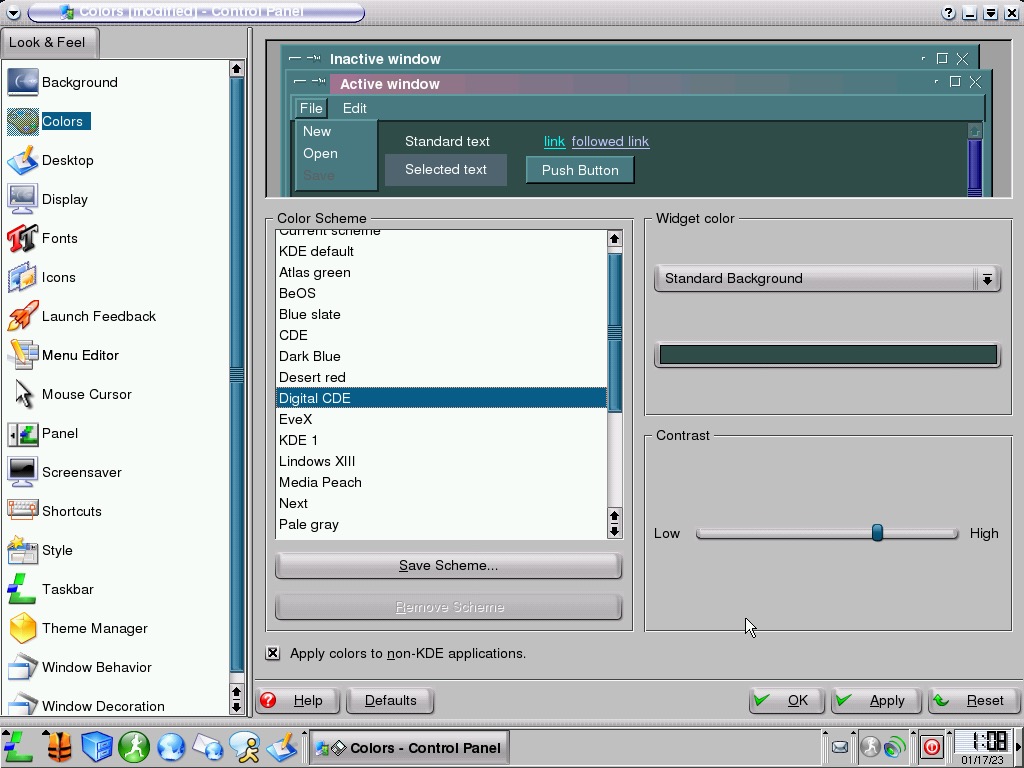
A few themes are included, with some mimicking your favorite OS. The default Lindows theme has been altered compared to previous versions.

I’m sure this was the wallpaper used on some Sony DVD players when they were idle (Powered on without a disc inserted)

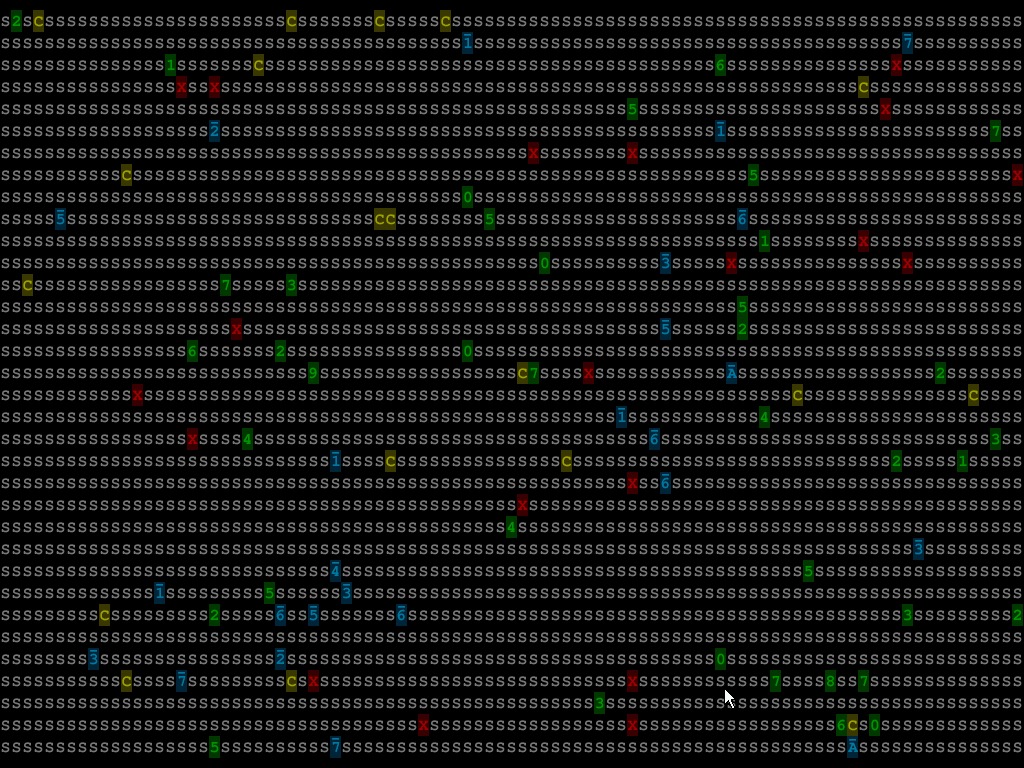
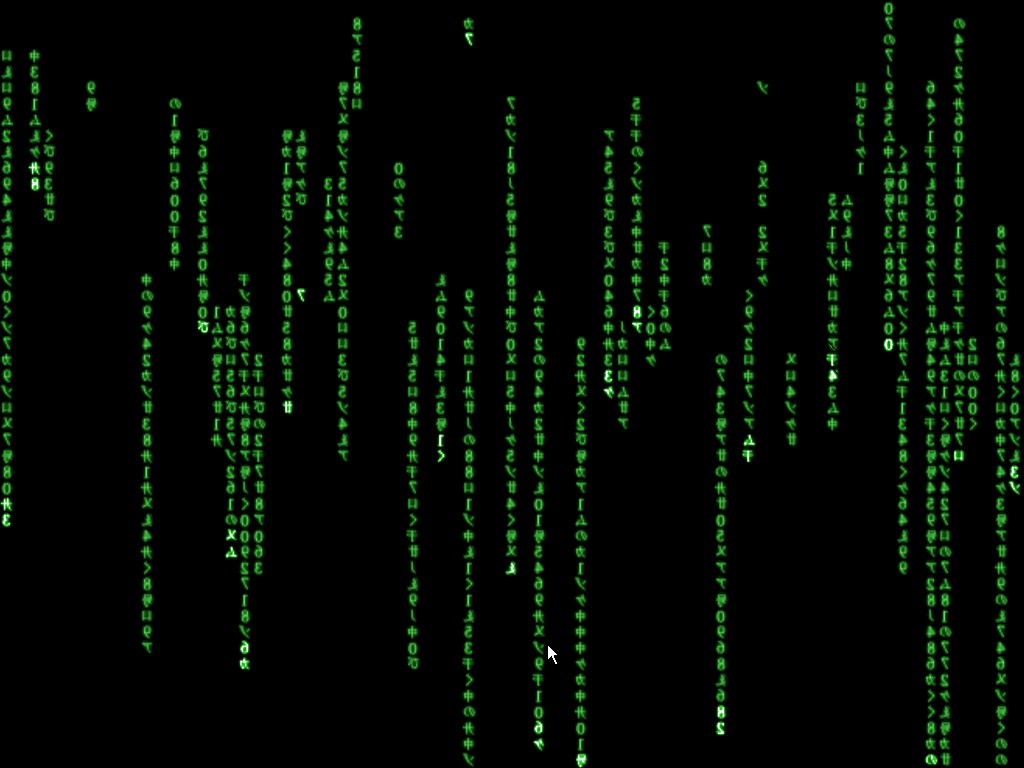
A few of the included screensavers, the Virtual Machine one made me think the OS was self-aware in how was being run

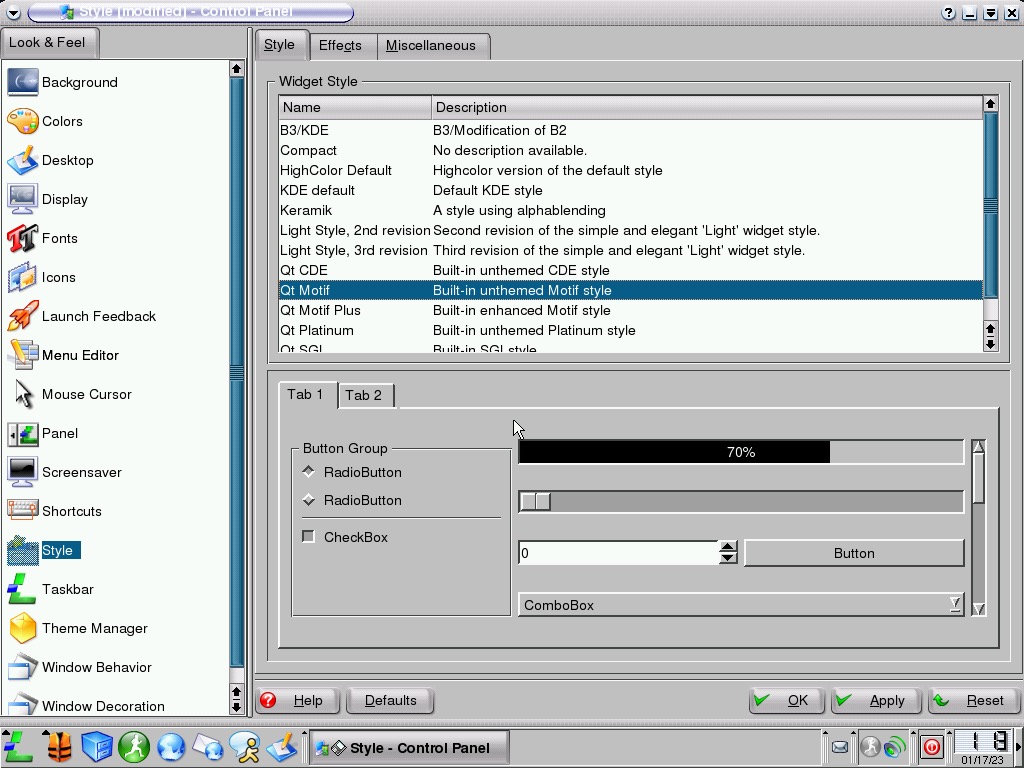
One of the benefits of Linux is every element can be customized, and that trickled down into KDE and Lindows itself. Different aspects of the UI can be tweaked to your benefit. This won’t apply to most users who would rather pick from a default theme or style and use them, but is a nice option for power users.

Not much change has been made to the bundled applications, in-fact the only notable addition is the Wifi utility which is based on KWifiManager. I guess this only supports 802.11b networks using WEP, anything beyond that is unsupported.

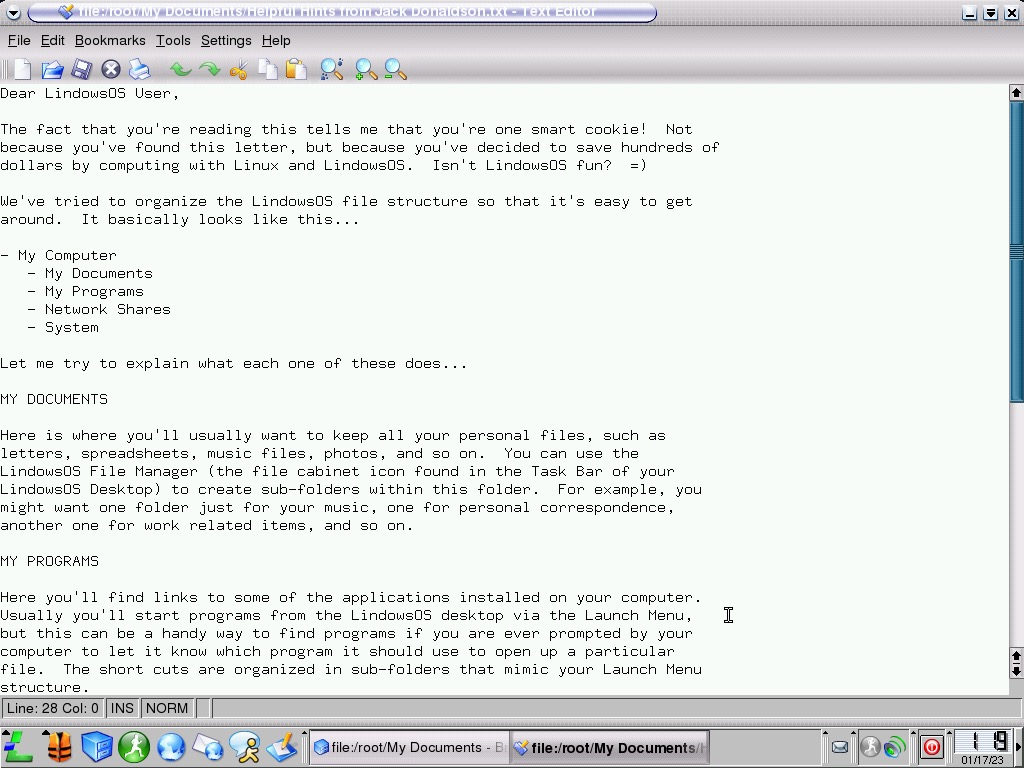
A readme file written and left for us by Jack Donaldson explains some of the elements of their start menu and the file directories. Thanks Jack! 

I wonder if he’s still involved with Linux?

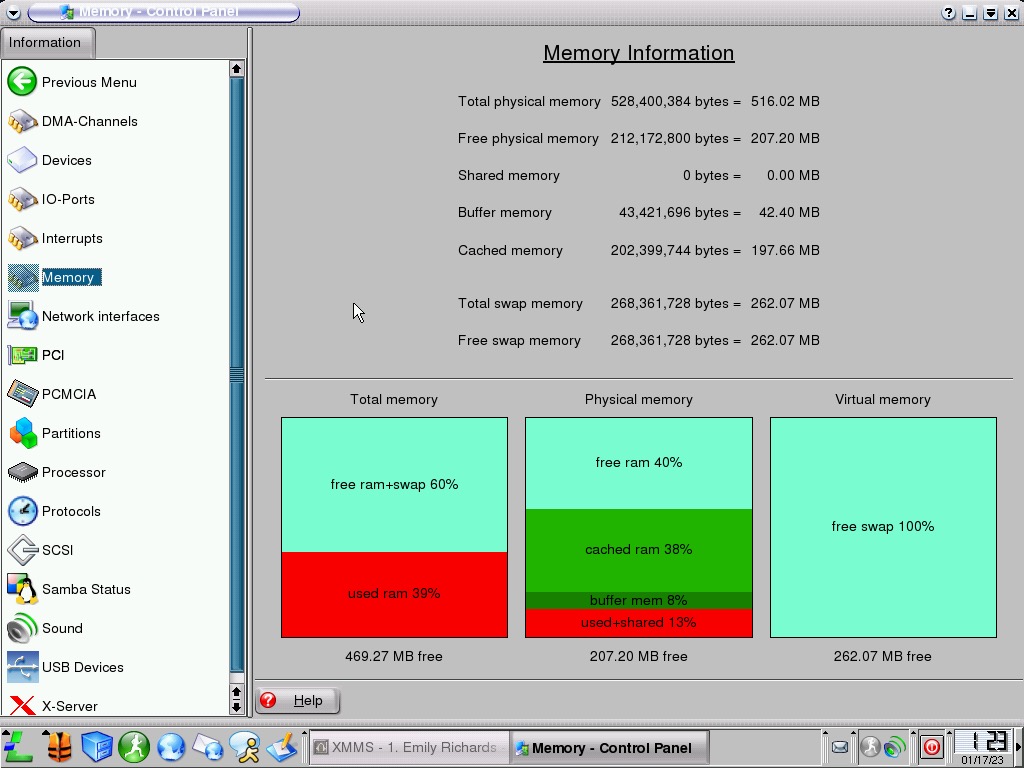
An extended look at the control panel, here we can find information about our system like the memory usage, I gave the OS 512MB which seems to be plenty. Information about the installed hardware can also be viewed in a similar manner to the Windows Device Manager

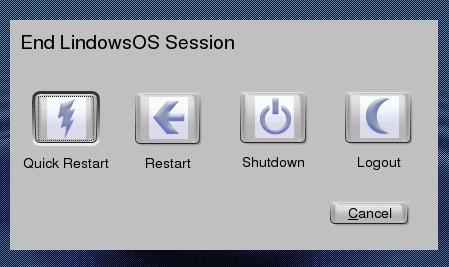
Shutting down Lindows

The Sims Superstar

Sims get their 15 minutes…

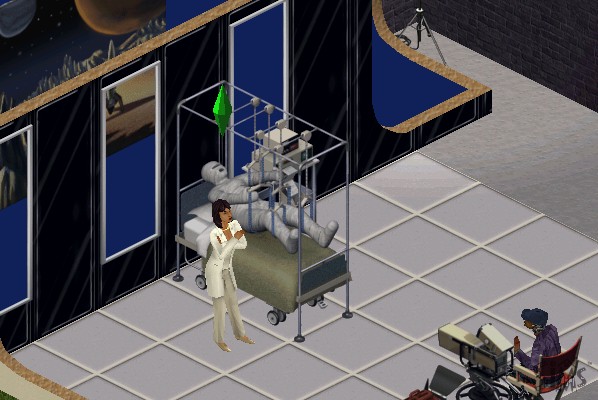
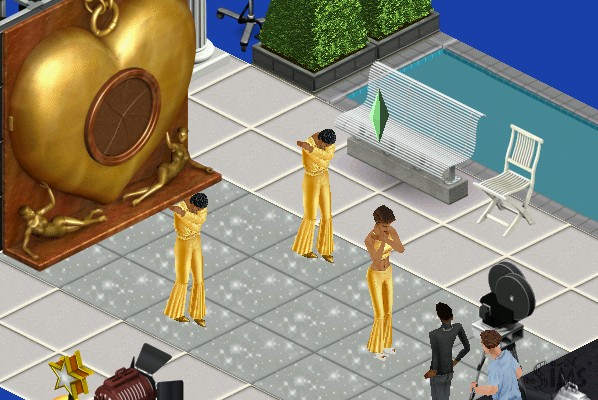
The sixth expansion pack where sims can get famous by following specific careers such as Acting, becoming a Model or a musician (Even though careers for these existed in the base game, and sims in those existing careers already do not gain any fame) It also introduced a new studio town community lot and a set of new objects.

Studio Town and Fame

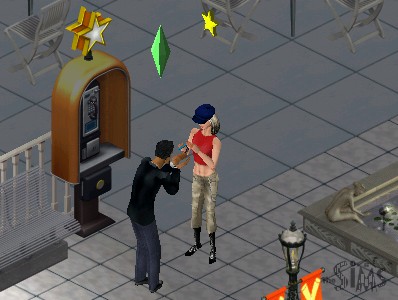
Studio Town has a very 1950s Hollywood theme to it, since this was considered the golden era of Hollywood on which Studio Town is based on. Many lots consist of shopping sections, but will also cater to various different types of fame, with some being geared towards music, acting or fashion/modelling. Even if your sim is not part of the fame career, regular sims can still visit lots as guests and can interact with most of the objects.


To get to Studio Town, your sim will need to call for transportation, which will take them to Studio Town, from the lot select screen, you can highlight lots that cater to either fashion, acting, music, shopping or spa locations. Like other commercial lots, studio town can he customized by the player by entering a lot directly from the neighborhood view. Objects are grouped by the type and function of studio town lots (Food, Shops, Studio and Spa)

Also if you’ve played The Sims Bustin Out, some of the buy mode music will sound familiar 😉

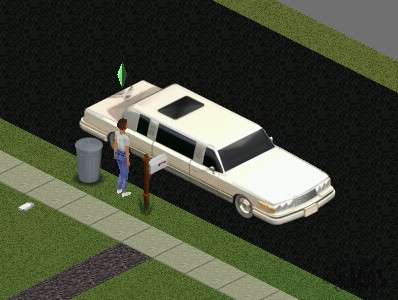
Fame is measured through a level represented by stars, with sims staring out at level 0. Higher levels let your sim have access to further opportunities and will change the vehicle used to transport you to Studio Town, eventually being transported in a custom limousine.

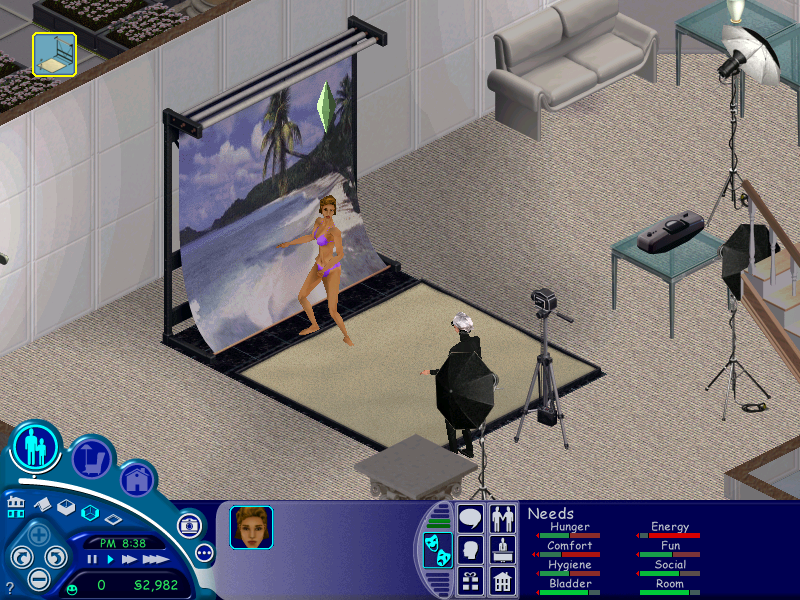
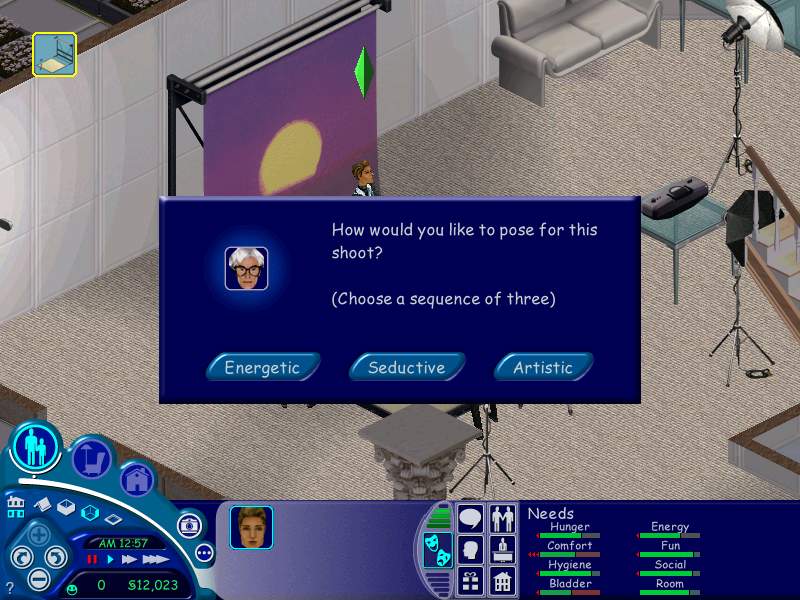
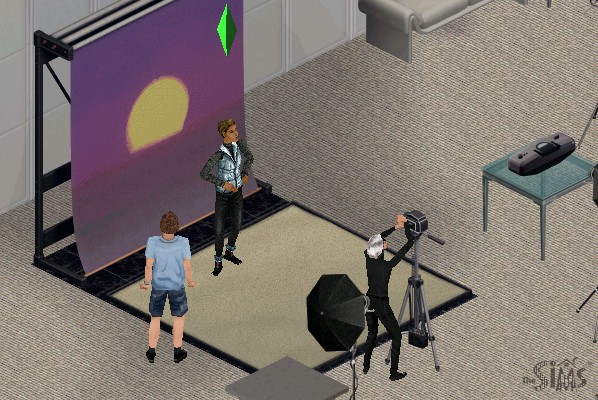
At 0 stars you will only have access to karaoke or open mics which makes sense for the musician or acting paths, but not for modeling. As you level up you will have access to photo shoots and print adverts.
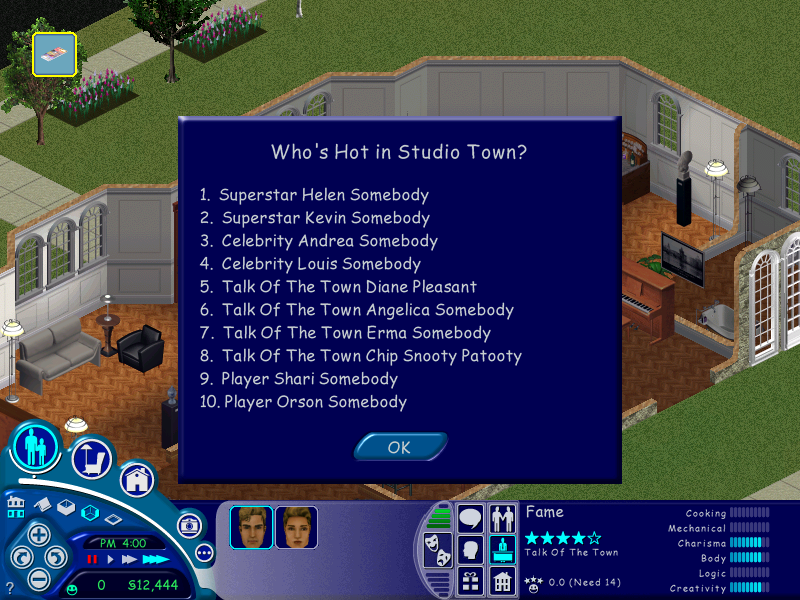
Getting 1 star lets you record Jingles at a recording studio, and 1.5 stars let’s you record a TV commercial. As you progress, more fame objects will become available for your sim to use. You will also notice your sims name in the Who’s Hot section of the Superstar leaflet.

The maximum is 5 stars, which will give you access to all fame objects and opportunities on the Studio Town lots.

Objects

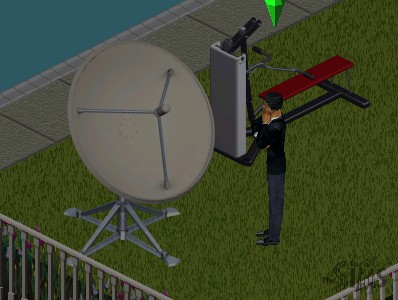
DSTS Satellite Dish – Adds a few extra channels to all televisions on the lot, increasing the fun rating depending on your Sims personality and interests. Its appearance is similar to the old BUD C-band dishes that were huge (around 3m in diameter) that was common in the 80s, compared to the smaller satellite dishes that can fit on your house.

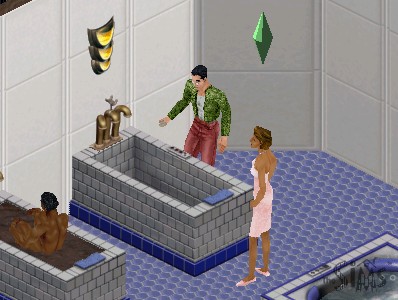
Ponce de Leon Tub – Increases your sims hygiene and comfort but is very time-consuming to use. It takes nearly a sim hour for them to get out, with is bad to use it before they go to work.

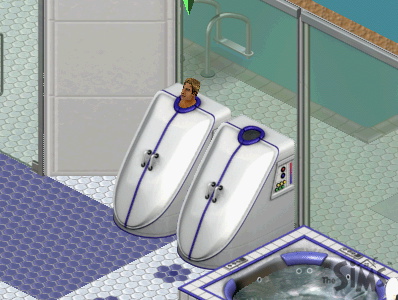
Whisper Steam Personal Steamer – A steamer for your sim, increases hygiene and comfort.

Flatscreen TV – a television that can be wall mounted to save space, and gives the same motive increase as the plasma screen does.

Uncle Roger’s Culinary Offerings – A buffet table similar to what was included in House Party or On Holiday, your sim just needs to set it for a fee and sims can grab a variety of meals from it.

The Face of Shakespeare – A high end bookcase that has an additional option to practice soliloquy which increases the charisma skill

Scuba Tank – Sims can enter this tank, although it takes some time for them to enter it. Increases their fun score.

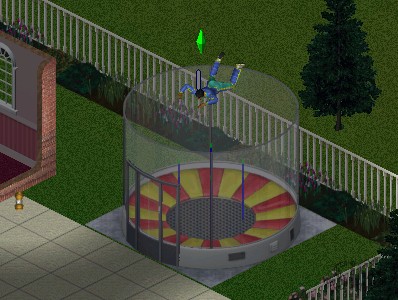
Galileo’s Free-For-All – A mini skydiving simulator

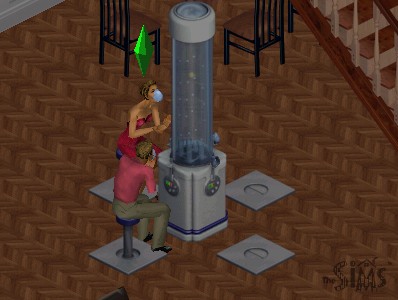
Energize! Oxygen Bar – A bar that sims can sit down on, increases comfort and fun, and social if multiple sims use it

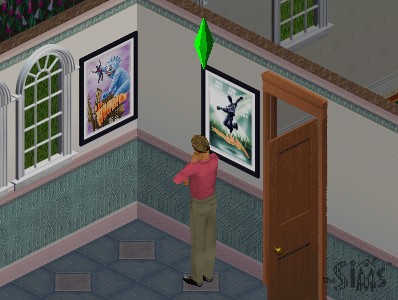
Movie Posters – These can be purchased in Studio Town and then can be decorated into your sims home when they return. Your sim will place them on the nearest surface, which you can then placed in build mode.

NPCs

Butler – Alternative to the maid, although he does much more (gardening, greeting and preparing meals) and stays for a lot longer.

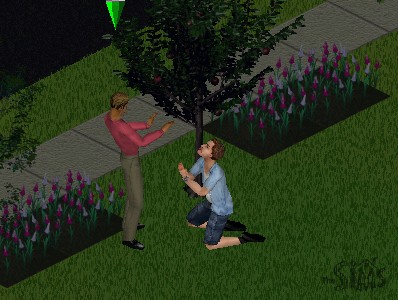
Obsessed Fan – Appears after your sim gains two or more stars, these will follow your sim around studio town and will appear randomly on your lot. They may also rummage through your sims trash and leave black roses on their lot. Having a butler helps shoo them away.

Lana -A helper NPC that your sim can use to find out different aspects of Superstar like the fame system, fans awards and name dropping to boost social.

Celebrities – A few real life celebrities appear int he game like Marylin Monroe, Avril Lavigne and . Additional celebrity NPCs could also be downloaded from The Sims website and have been archived. Andy Warhol also appears as one of the fashion set managers.

Conclusion

Studio town was a nice addition to The Sims but was lacking in several places, especially with the residential lots. Where are the mansions, studio apartments and condo’s for the sims to live in? The fame careers could have been integrated better as the base game already features a musician and actor career paths, neither of these have any effect in studio town.

The Sims 3 Late night is considered the spiritual successor for The Sims 3, the closest for Sims 2 would be Nightlife, but that’s more geared with Hot Date.

The Sims Unleashed

The fifth expansion pack to be released, Unleashed brings a significant change to The Sims, with the addition of pets, larger neighborhoods that can hold more sims and new game elements such as farming and commercial lots.

Whilst Unleashed brought new improvements, it noticeable made the game more unstable and brought some frustrating changes to the gameplay. One noticeable change is sims have issues moving and turning and will sometimes rotate multiple times when interacting with an object.

Some pets will occasionally come onto your lot and piss everywhere, leaving a bunch of puddles randomly outside your sims house, and will trash the outdoor room motive when your sim goes out for work. Also, any malicious animal that spawns will sound the burglar sound, which can startle or surprise some players, but given how frequently these will spawn the effect will eventually wear off and will become more annoying to the player as they play the game.

Neighborhood

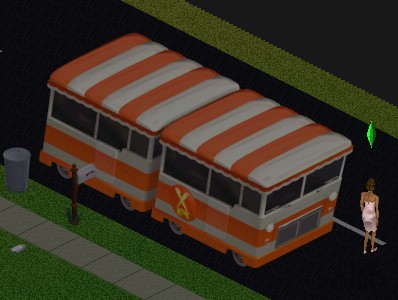
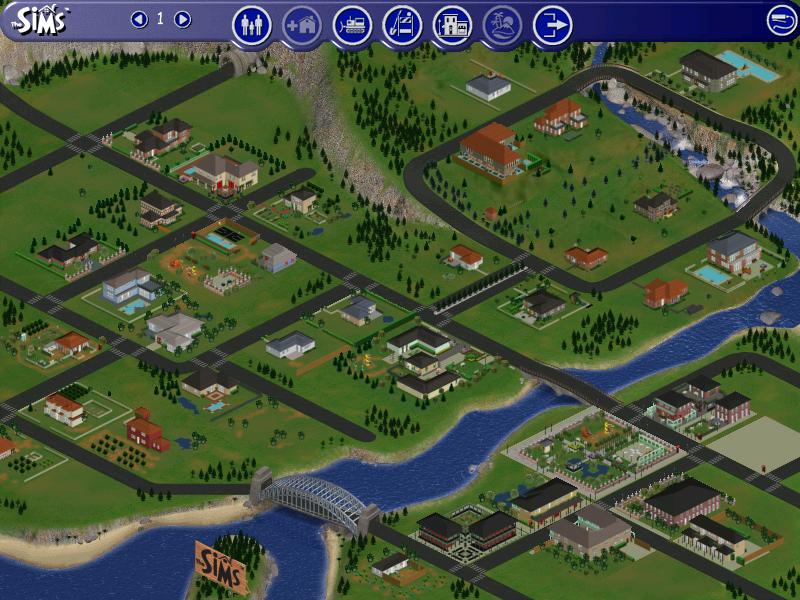
One of the first noticeable changes is the neighborhood screen which sees an increase of playable lots from 10 to around 48. With it is a new lot zone type, commercial. The main difference is a commercial lot is intended to be visited by multiple sims where they can shop or explore. Commercial lots cannot be visited directly from the neighborhood screen, but they can be edited which gives access to buy and build mode. To access a commercial lot, your sim will need to phone up for the Old Town bus which will arrive, and all sims on the lot will be transported to the commercial lot that you choose. These lots cannot be edited whilst sims are visiting, the Build and Buy modes are disabled.

Typically commercial lots will consist of shops, such as a pet store where pets can be adopted, along with any pet accessories. Traditional lots are renamed as residential lots and is where sims reside as they did in the previous expansion packs. Additional neighborhoods still exist as they did in previous expansion packs.

Pets

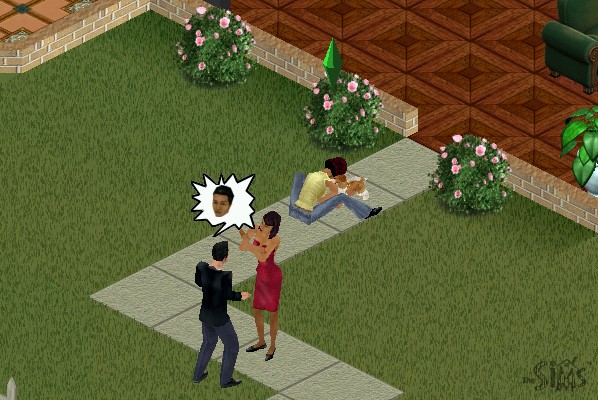
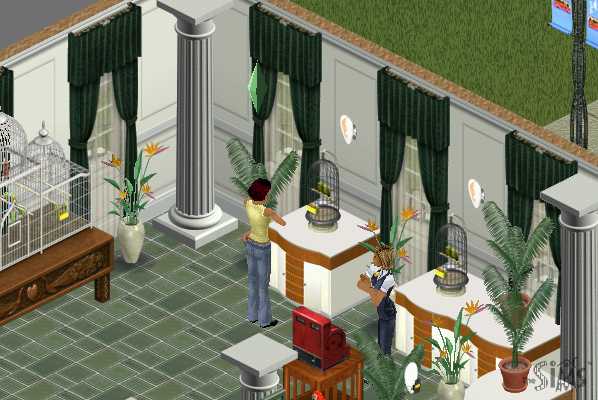
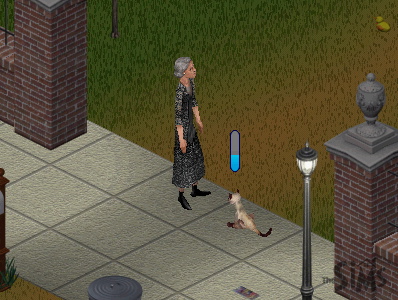
Two types of pets are featured in the game, mainly cats or dogs which can be adopted by sims themselves. Other pets exist such as budgies which are treated by the game engine as objects, similar to the fish tank that was included in the base game where sims have to feed them every so often.

Skills can be taught to your pets to make them more obedient, this is harder than expected since pets will most of the time go off and do their own thing. The best thing to do is to use the Sit n’ stay command to build the obedience skill, which will make the other skills easier to build up. This interaction only works when your sim is near your pet.
Objects

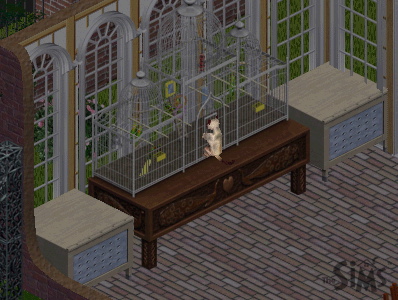
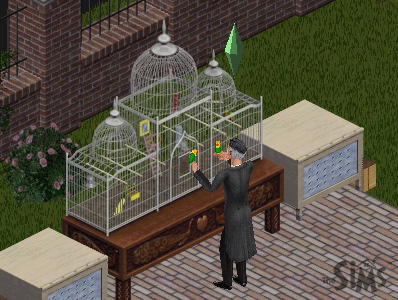
The Aviary – A bird cage to keep birds that have been purchased at the petstore, You need to frequently feed the bird in a similar manor to the fish tank to keep the pet alive.

Sims can play with their pet birds which boosts their fun and social. Two types of birds can be stored here, Love Birds and Budgies. Cats will also try to play with the cage.

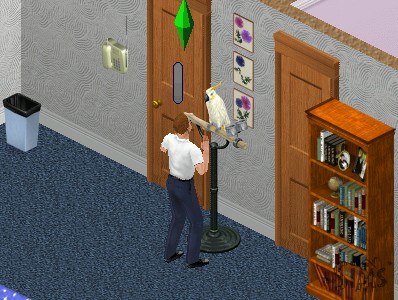
Speaky Scarlet – A pet parrot that can be purchased from buy mode. Sims can talk to it to boost their charisma skill

Ceti the Happy Whale – A playground item that child sims can play on, boosts fun and can be played in groups

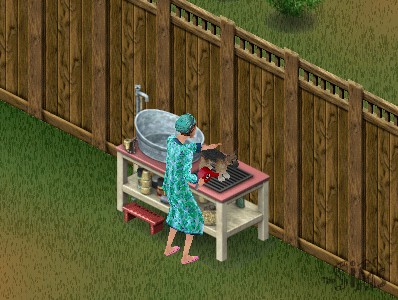
Squeak-EE-Clean Pet Tub – Used to wash your pets, can be used with both dogs and cats, requires regular feeding

Forgotten Jungle Terrarium – Used to house a pet iguana

Other expansion packs featured pet objects like the gerbil featured in Livin It Up (Livin Large), or the fish tank from the base game. These remain unchanged although pets may interact with them.

Commercial Lots Only

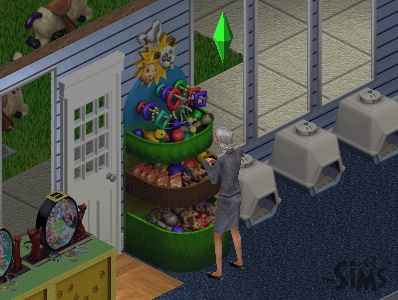
SpueakNip Pet Toys

Only for commercial lots, sims can purchase toys for their pets. Requires a nearby cash register

Notable NPCs

Giuseppi Renni and Mr McCutch

A musical duo that appears on Old Town lots and will entertain your sims, can be tipped 5 Simoleans

Gardener Bob

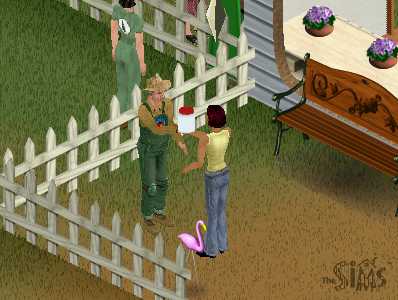
Appears on Old Town lots that sell seeds and vegetables, sims can buy plant tonic for their crops and get advice on how to grow their own crops

Pet Judge

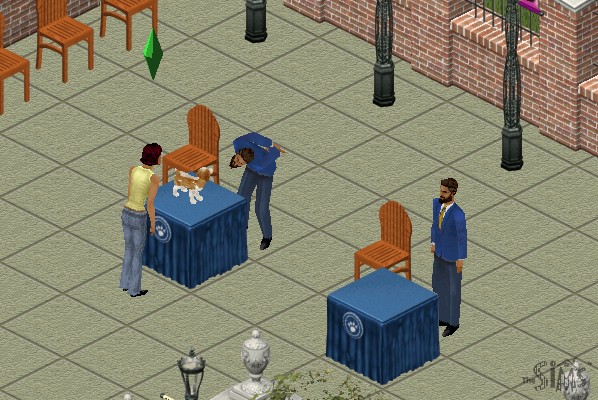
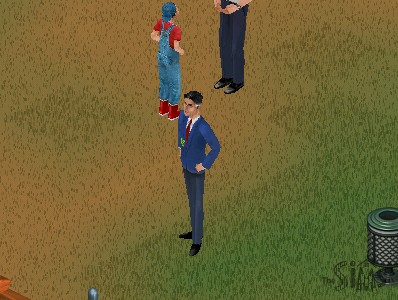
Appears on lots that have pet judging podiums, he can tell you further details on pet judging.

Pet Trainer

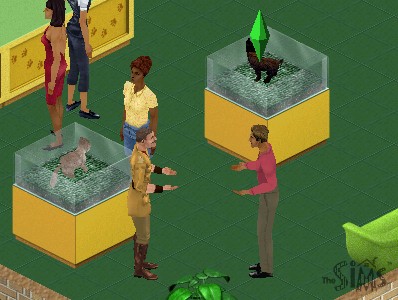
This sim will appear on the pet store or anywhere you can adopt a pet. Can be used to train your pet for an increasing fee, dependent on your pets skill level.

W.C. Friendly

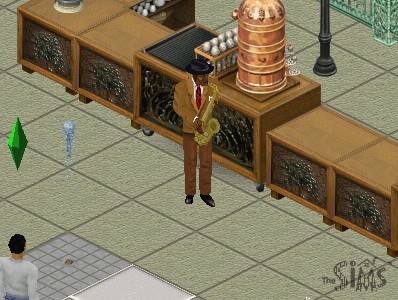
A jazz player that appears on cafe lots (any lot that has a barista/coffee or pastry stand)

Farming

Sims can grow crops by purchasing seeds from an Old Town merchant and planting them, which can be used for food, or produce can be sold in Old Town for money. Growing crops requires a certain amount of effort as sims will need to water, weed and protect the farm from animals or gophers. A buyable scarecrow or a pet cat can help with this, depending on the hunting skill of the pet. Once the crops have been harvested, they can be stored in a pantry or sold at the farmers market.

Garden plots can be found in the gardening section of build mode.

Sims can also purchase produce on certain Old Town shopping lots, if the sim has no room to farm. To store crops for cooking, you will need to purchase a pantry to store the produce in.

Residents

Unleashed also introduces a few new pre-made families to play.

  • Burb: Brad and his wife Tiffany, with their son Johnny and their dog, Tucker. This family would later appear in The Sims 2.
  • Charming: Consists of Claire Charming, with her pet dog Luna
  • Hick: Mama Hick and her son Elden live in what appears to be a trailer, with their three dogs.
  • Goth Sr: Parents of Mortimer Goth.
  • Kat: A single female with four cats, Yup a spinster.

Other Additions

The phonebook has been expanded to a dialog box now appears when calling neighbors. Previously sims were called from the pie menu which would also include any known townies or vacation sims if those expansion packs were installed. Services remain the same as their own section in the pie menu.

Five new careers are included – Fashion, Education, Animal care, Culinary and Circus.

MacOS Version

The game was also ported to the MacOS platform, and makes full use of the Carbon library which gives it OS X and OS 9 compatibility. As this was released in the PowerPC era, you cannot play it on modern OS X versions (10.7 Lion upwards, as these versions of OS X lack PowerPC support) On modern Mac’s it’s easier to use Boot Camp and use the Windows version of the game, but for M1 Macs you may prefer to use an emulator like QEMU or Sheepsaver to emulate an OS 9 PowerPC environment, which the game will run.

Conclusion

Unleashed was a dramatic upgrade to the sims engine, adding new specific to the game, expanding the neighborhood and the type of lots that can be used. I would say this was one of the more important expansions of The Sims as whilst previous expansions added features to the existing game, and expansions like Hot Date added their own expanded areas (Downtown), Unleashed dramatically replaced many game mechanics and in some ways feels like a sequel rather than an expansion. This was also one of the first expansions to ship on two CD’s, highlighting the amount of changes and value being added to the game.

Tragically this expansion never made it to the console versions, which deviated int heir own direction with the release of The Sims Bustin Out and URBZ Sims in the City.

Apex (Racing Evoluzione)

A fine Xbox exclusive racing game

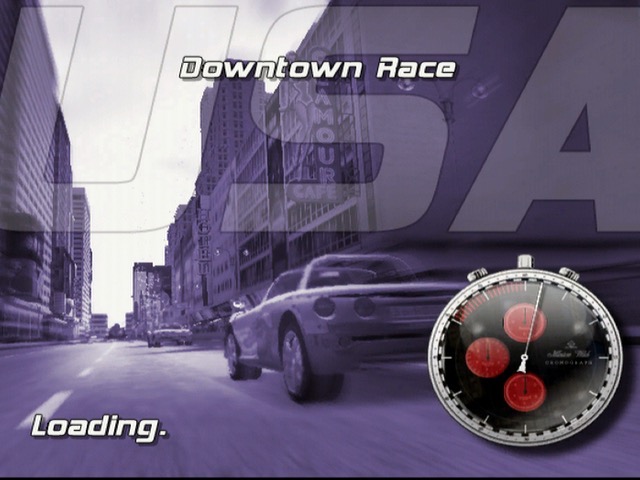
Released in 2003, this was one of the few Xbox exclusive racing games that verges between the arcade racing as seen in Ridge Racer / Metropolis Street Racer and the simulation aspects of Gran Turismo.

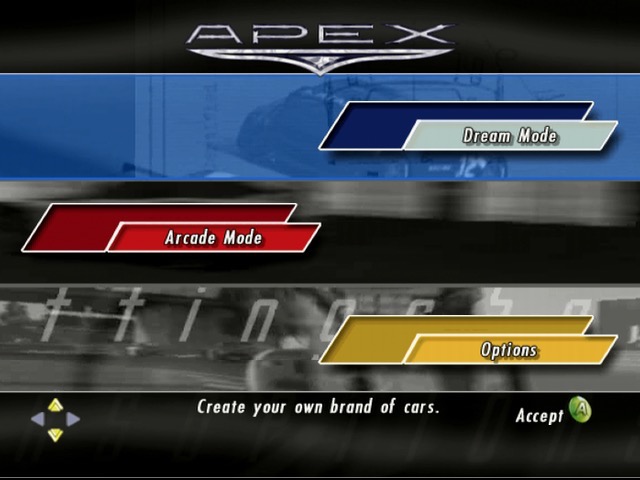
The main game mode is the Dream Mode, and features a rags to riches type story where you start off in an old car garage workshop. You are required to race and tune up your vehicle in order to stay competitive. As you win and progress through the game, you are able to finance development of further vehicles that will help with later races. You are provided the choice of which car to develop, which varies based on handling, speed and acceleration.

Essentially you are developing a new series of cars that are financed through the winnings of your races, the better you do, the more funds you can put towards better cars.

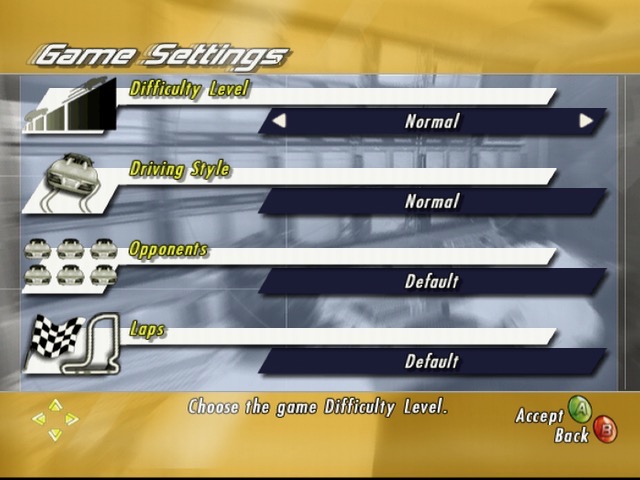
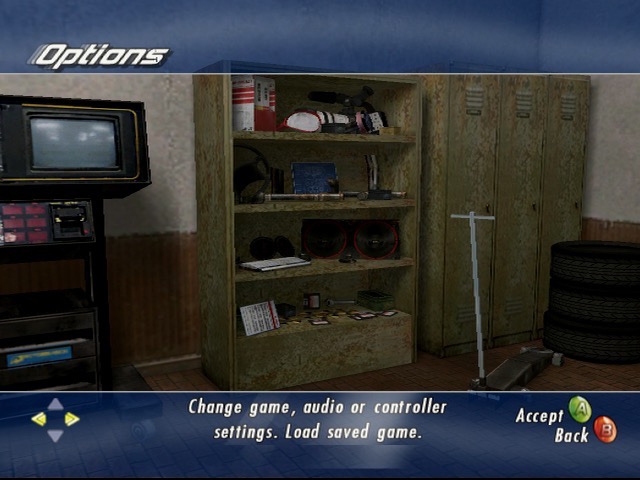
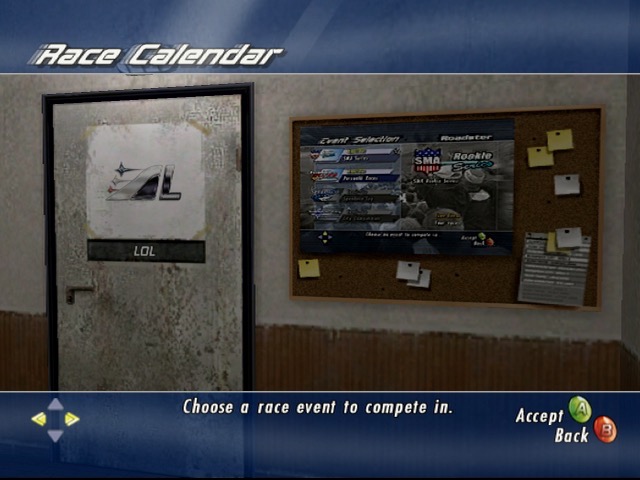
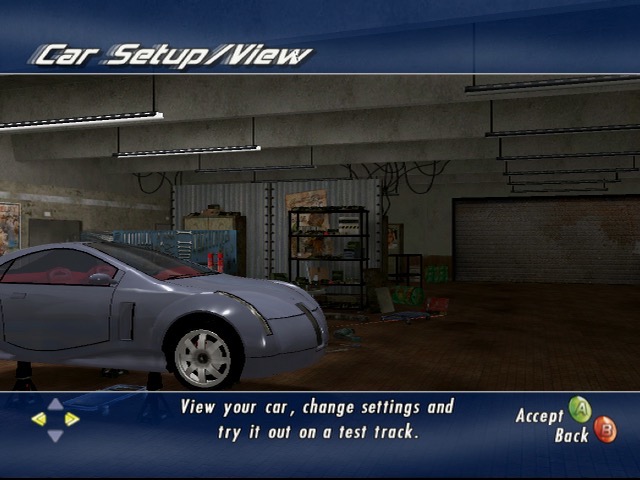
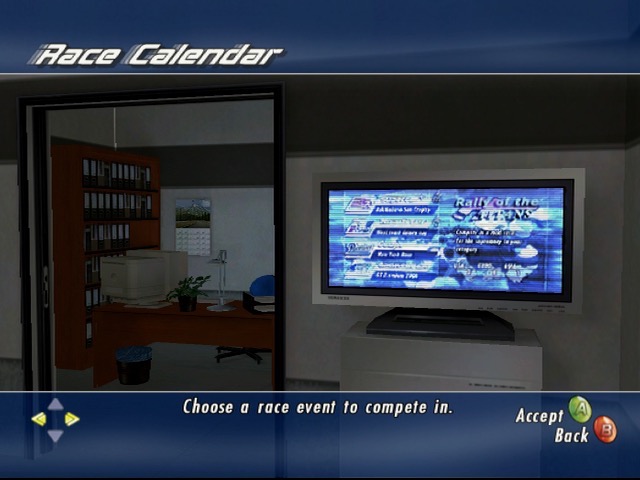
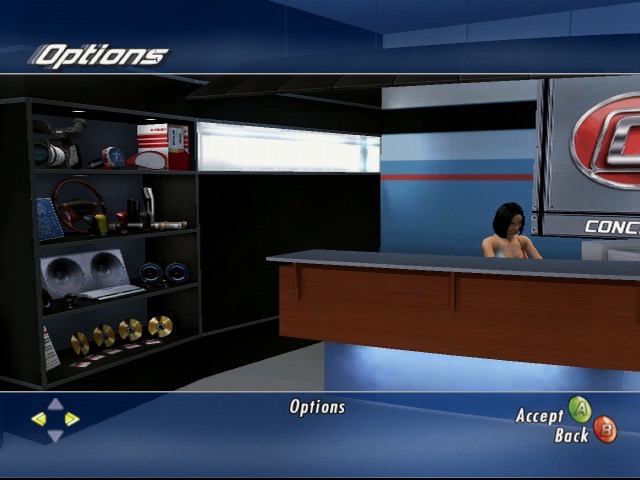
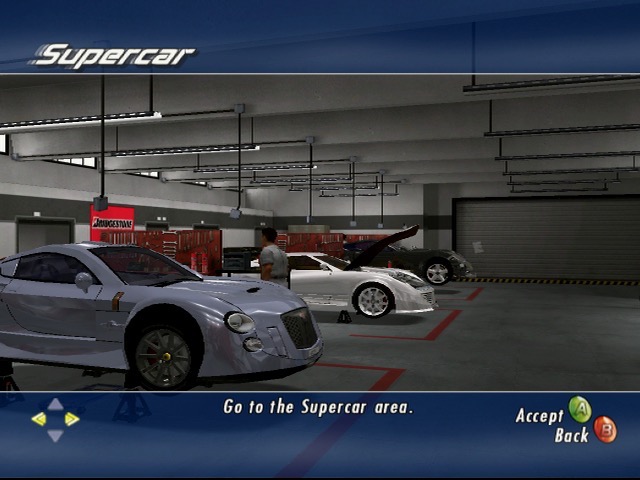
You will also see your workshop change and improve over time, with the building expanding as further departments are introduced. The workshop serves as the user interface for the game, using the left. right buttons to move between the different sections of the workshop that are used to access parts of the game. Visiting the garage lets you change settings for the car, and choosing the shelf lets you change game settings (video, audio, controller) and to load/save the game. Its a very creative way of navigation and blends into the game play. Races are started by the LCD display on the wall, giving the impression these races are televised.

1st place isn’t always required but is needed to get more funding for development of better vehicles. You can always repeat races to improve your standing. Some races are set in a Gran Prix series where you must finish a set of races in order. You also have an opportunity to complete a one on one race with a rival opponent, wining these races will give a boost to your research funds.

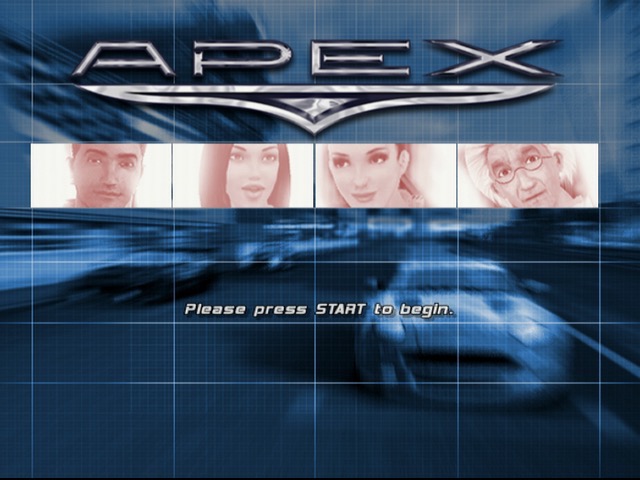
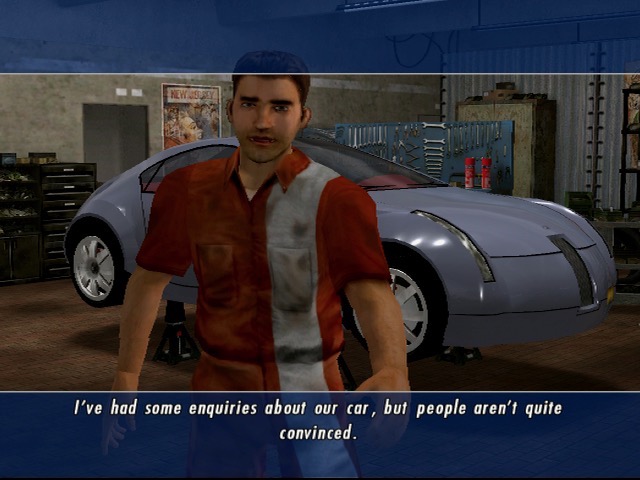
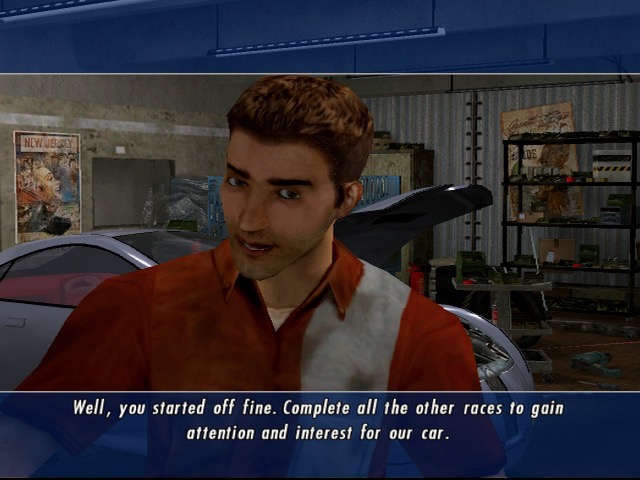
There are few characters that appears in cut scenes and serve as your staff. These serve a specific purpose in progressing through the game and will appear as you progress through the game.

  • Rick, The Mechanic – Pictured above, One of the first characters you meet, he’s responsible for making and applying changes to the car.
  • Carla, The Receptionist – Handles PR stuff
  • Rebecca – Responsible for managing production of cars which your company sells to also fund research.
  • Benjamin, The Scientist – Appears to the end, mainly responsible for researching high end supercars

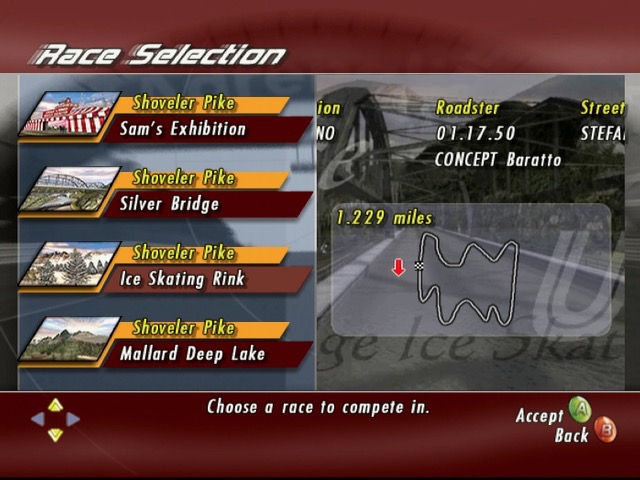
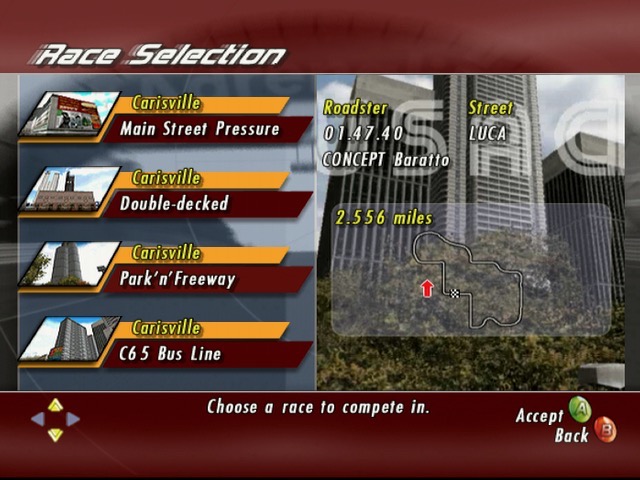
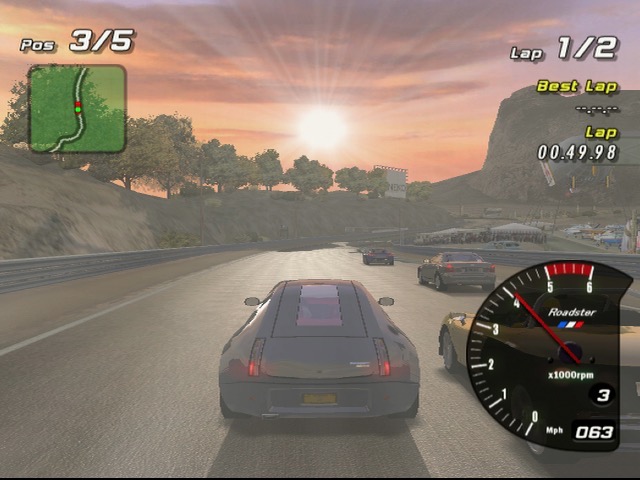
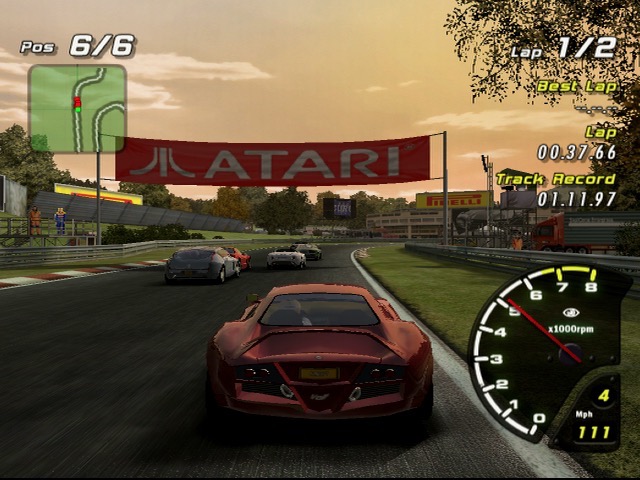
The races themselves are straightforward, you start at the bottom and have to race your way to first place. There are typically 6 opponents that you compete with who’s vehicles will also adapt to changes from your vehicle, Keeping the game competitive. Theres a diverse amount of tracks in the game, with some being set in the daytime, evening and nighttime, along with their own background music. As with other Xbox tiles you have the option of using your own playlist if you have imported this onto the Xbox.

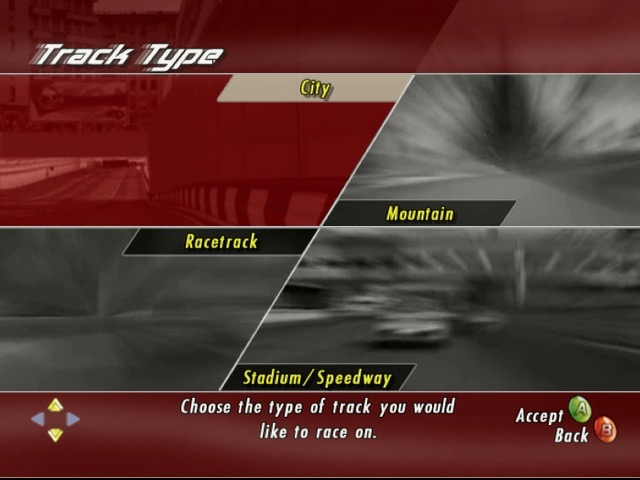
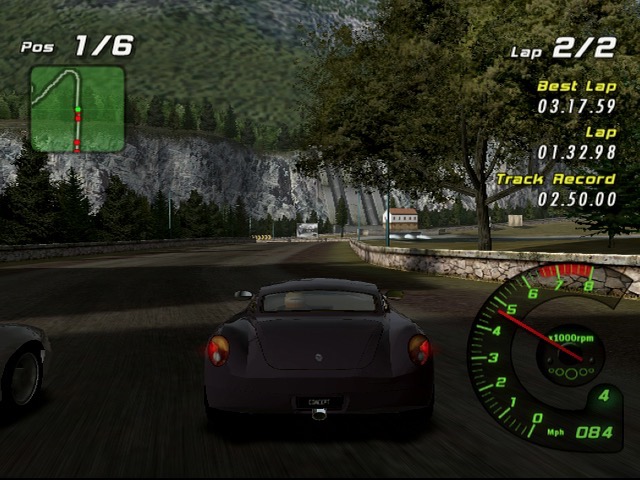
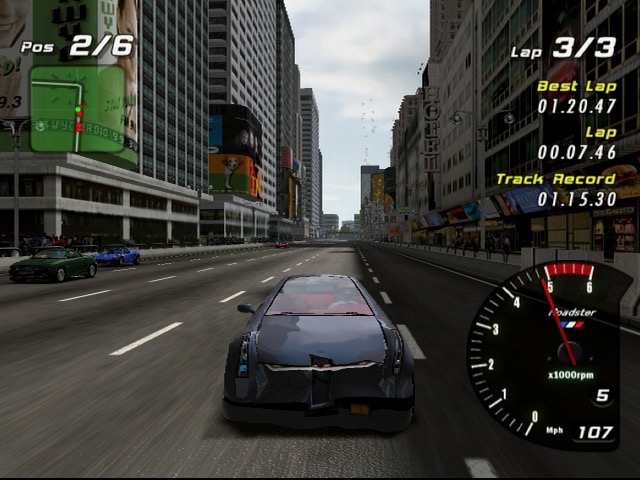
There are four main settings for the races, City, Mountain, Stadium and Racetrack.

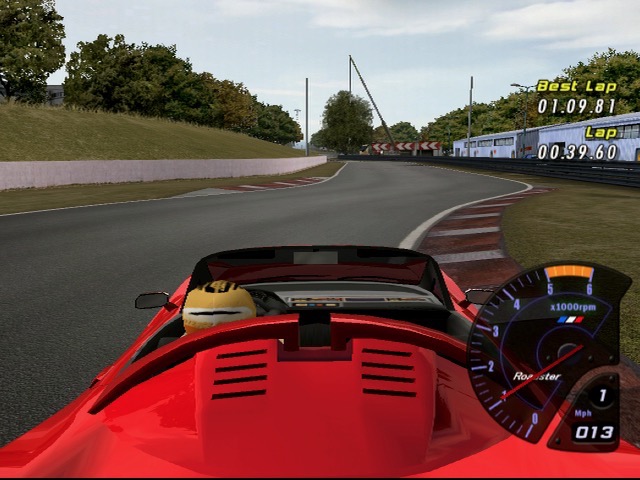
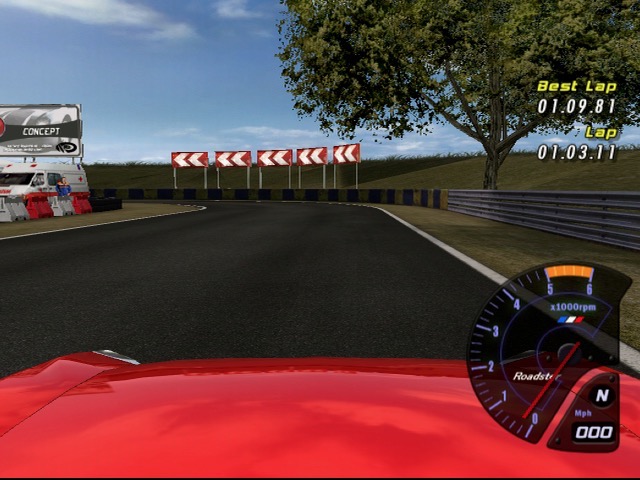
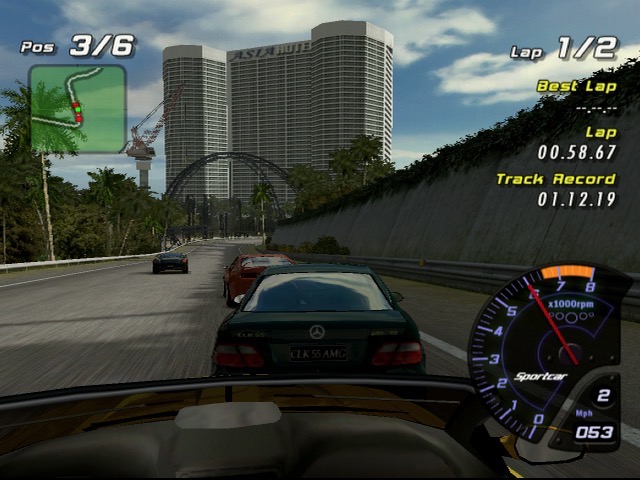
The racing display is typical of the era, with a mini-map keeping track of your car and opponents, along with a lap counter and time display that shows the current racing time, your best lap and the track record which is shared between the different profiles on the Xbox.

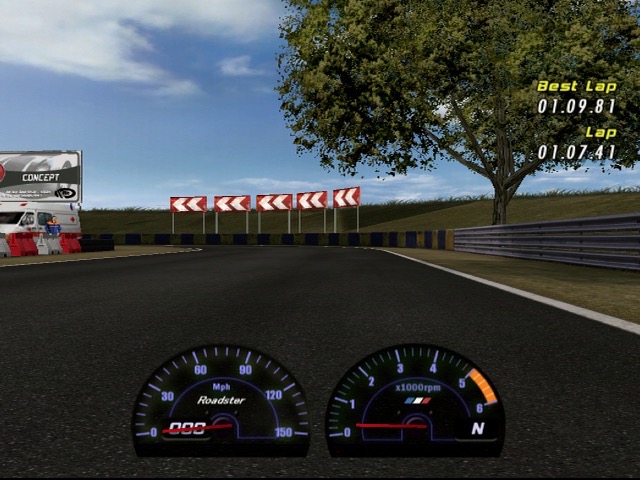
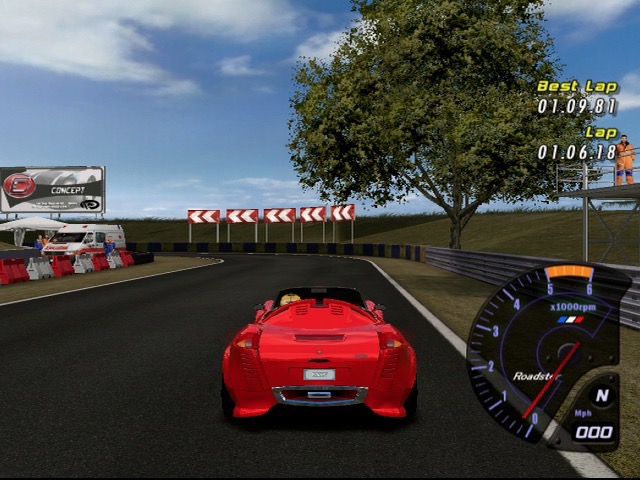
Theres a couple of different camera views to select from, from third person to bonnet view.

No online play, not even system link which is strange for an Xbox exclusive from 2003. There is a head to head display that allows two players to race each other by connecting two controllers.

Sadly this game is not playable on the Xbox One or Series X/S, it is compatible on the Xbox 360 albeit with missing audio on some cutscenes. I suspect due to licensing issues we will never see this emulated officially on another Microsoft console.

Similar games

  • R: Racing Revolution – very similar in driving mechanics.
  • Midnight Club 2 -This is more set in an open world
  • Burnout – A lot more grounded in reality compared to the alter Burnout titles.
  • Ridge Racer V – The tracks and scenery have some similarities

Caldera OpenLinux 2.6

Another 2000-era GNU-Linux distro aimed at business users.

86Box Configuration

Motherboard: ADLink NuPRO-592

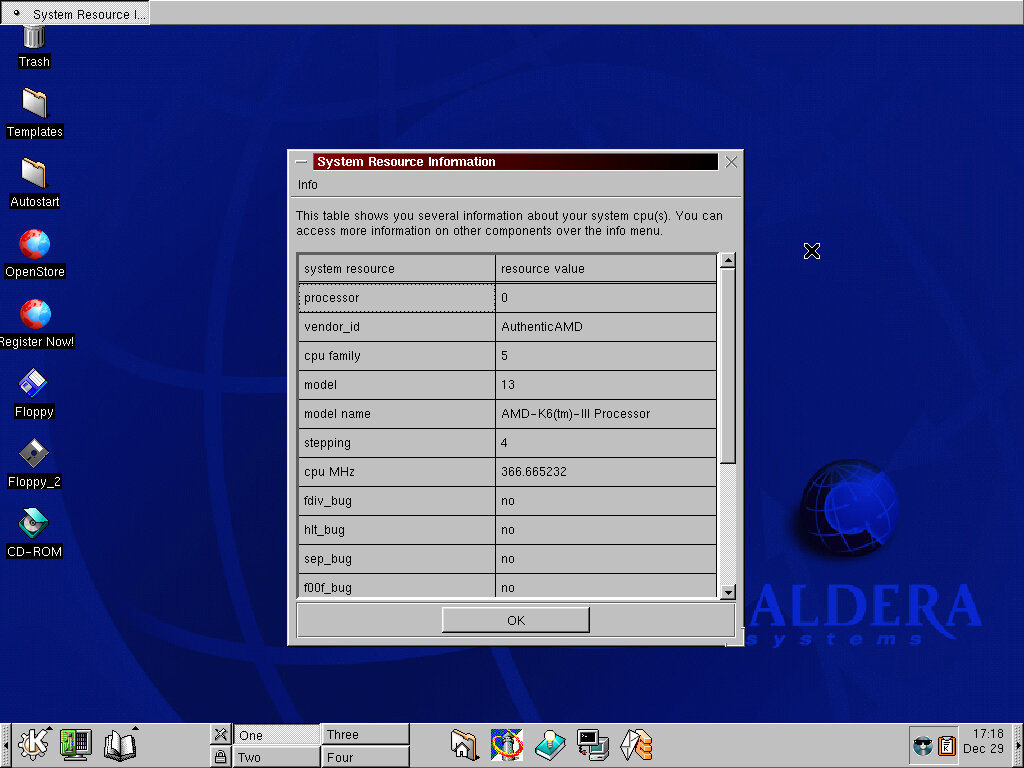
Processor: AMD K-2+ 366MHz

Memory: 256MB

Video: S3 Vision968 (Phoenix)

Sound: Ensoniq AudioPCI ES1371

Network: AMD PCnet-FAST III

Install

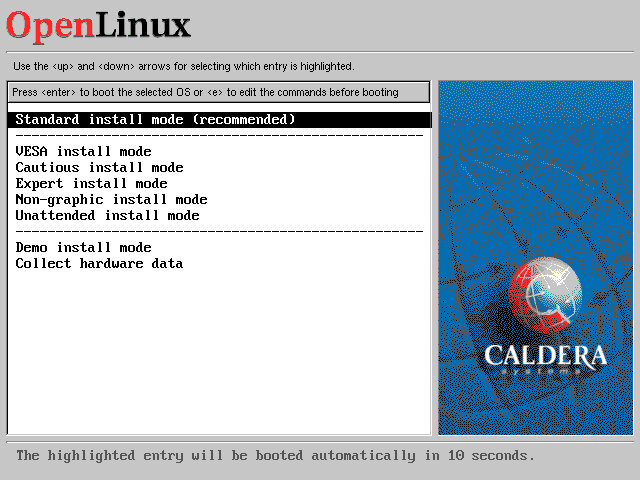
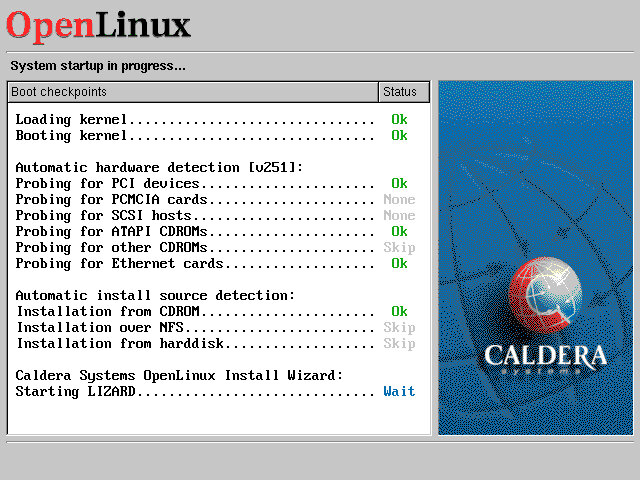
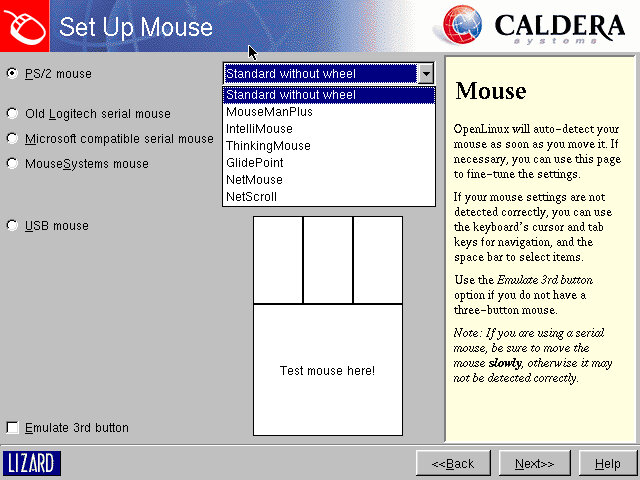
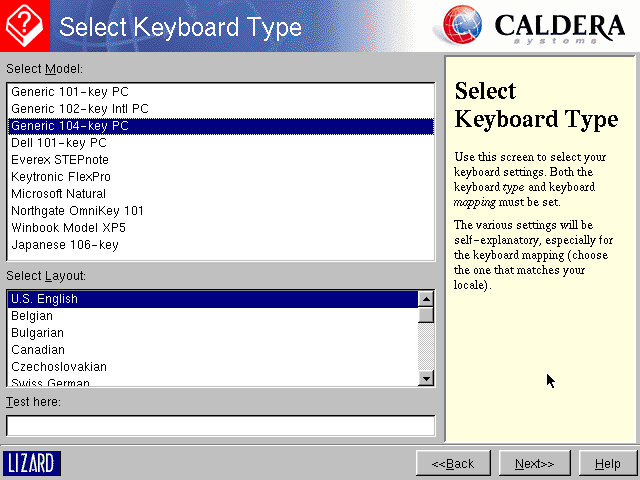
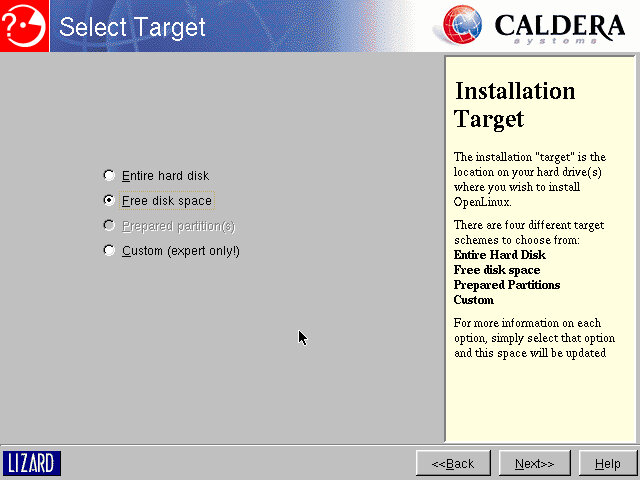
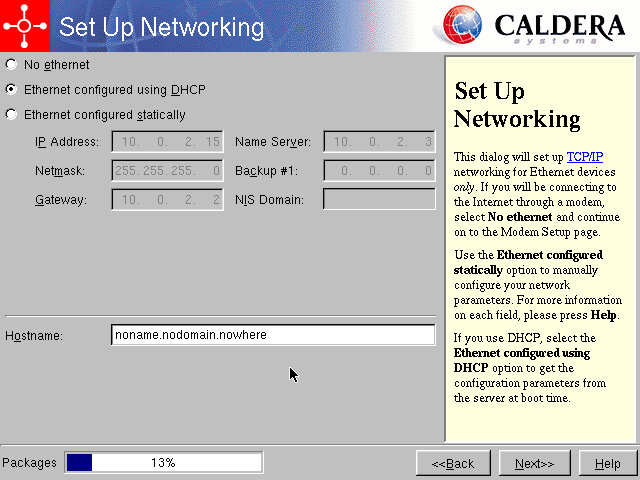
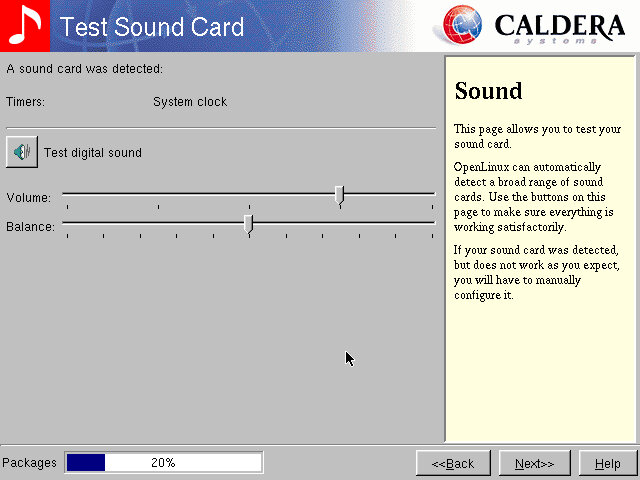
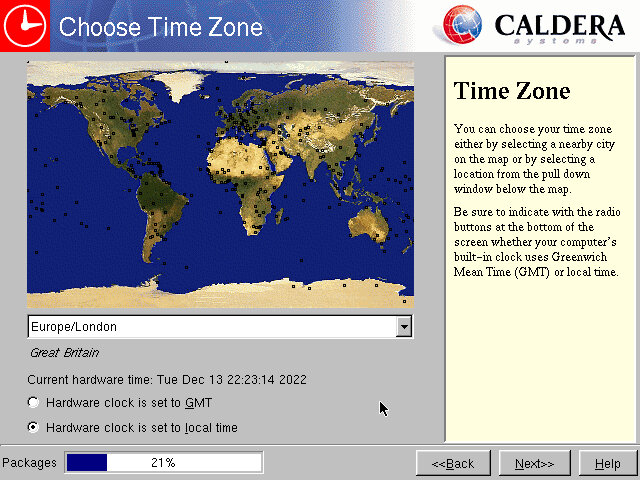
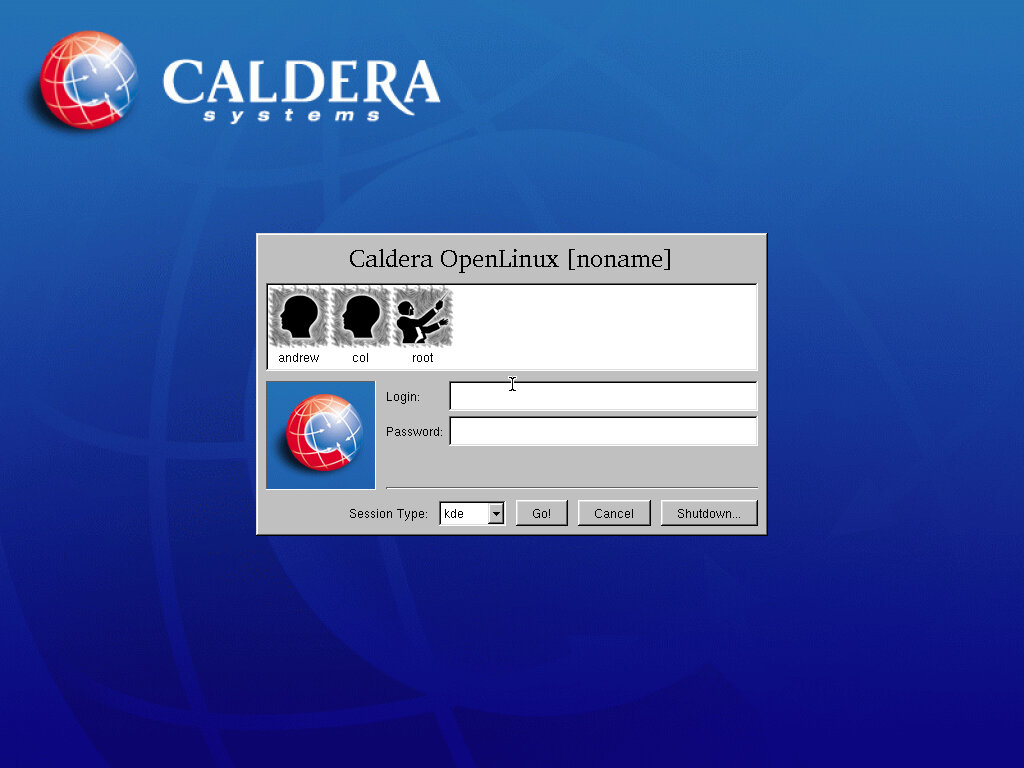
The install process looks just like a modern install, like the second part of the Windows 2000 install.

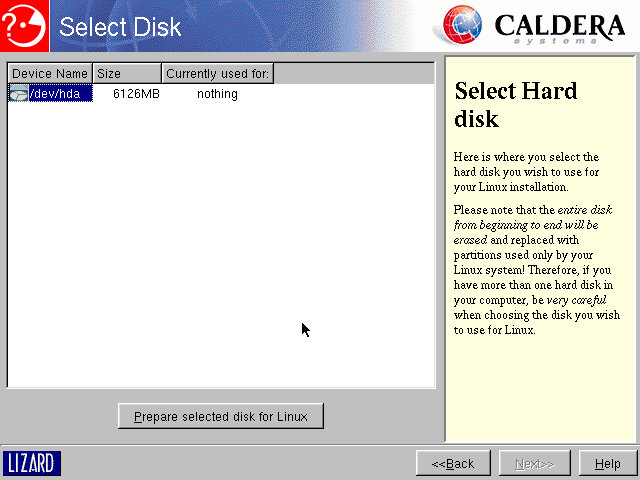
Preparing HDD, this will take a while depending on the storage size

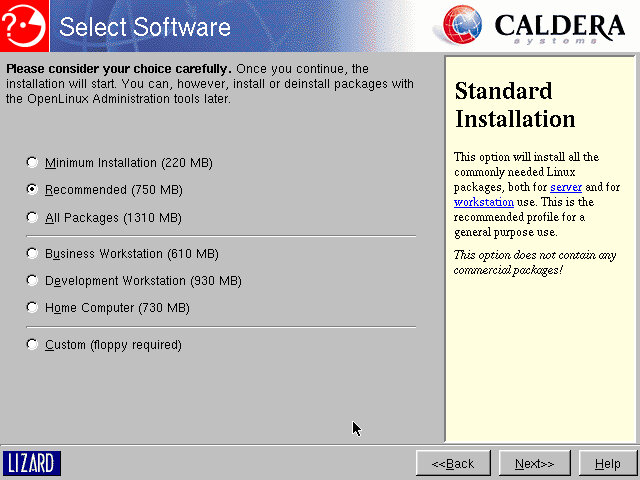
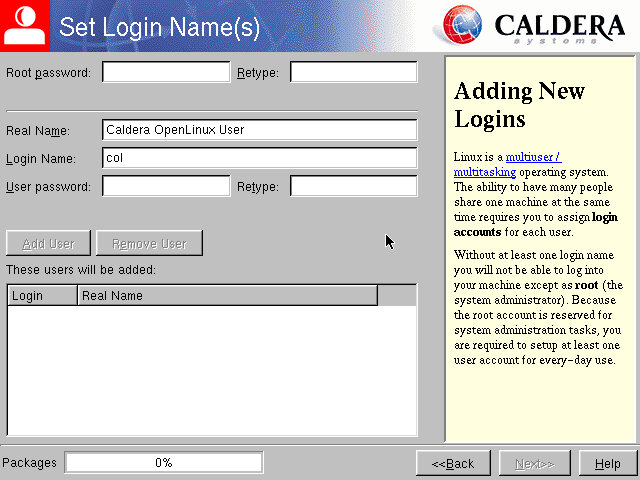
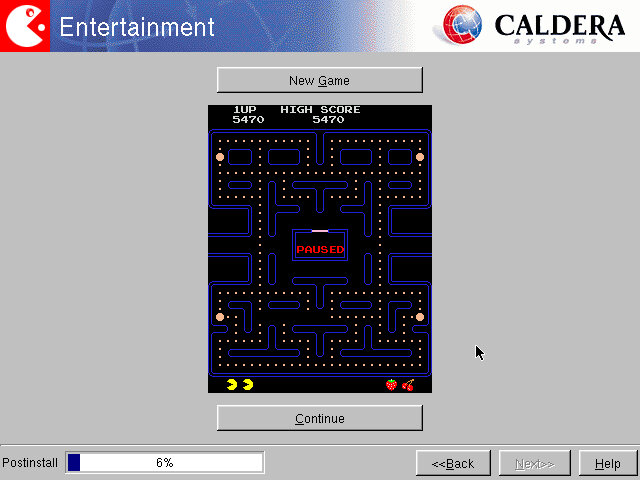
A nice feature is whilst the installer is gathering information from you, it continues to install common components in the background, speeding up the install. At the end as game of Pac-Man is provided whilst the rest of the system installs.

After install

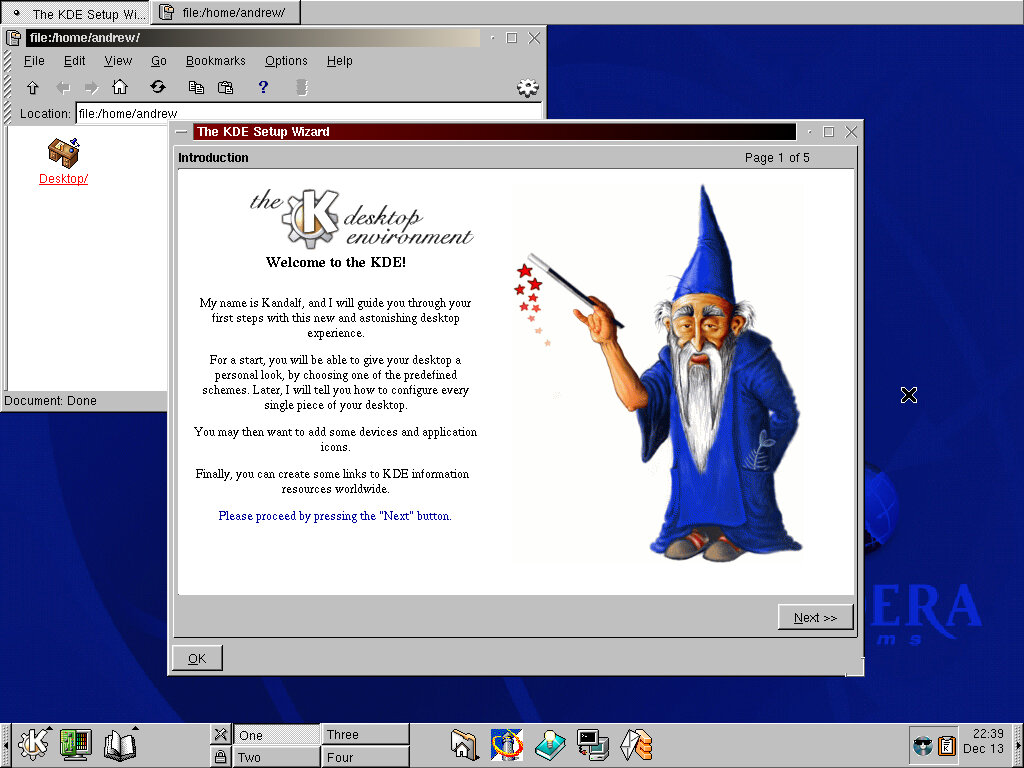
We are introduced to the desktop, and to the KDE user environment. Very similar to other distros of the time like Storm Linux, Mandrake 7 and Corel Linux. This presents a familiar Windows like interface to the user. Upon first boot we are greeted with a literal wizard, who will introduce you to the operating system elements.
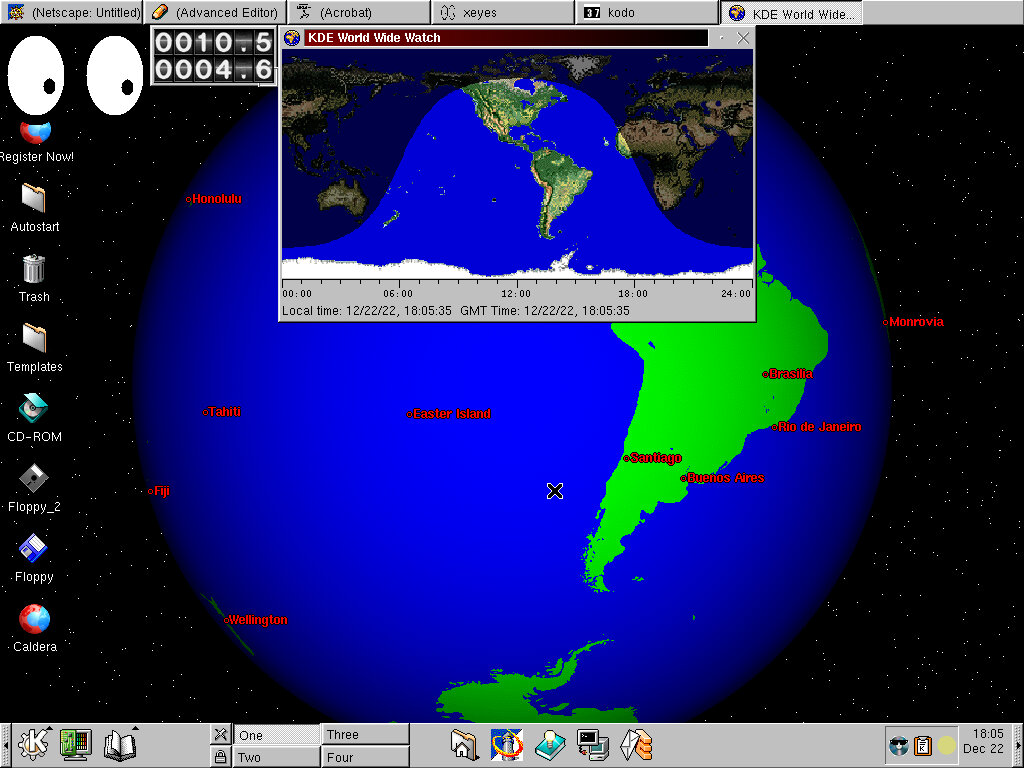
On the desktop we have shortcut to Caldera’s website, along with removable drive shortcuts.
No other desktop environments are included, like GNOME.

Included Software

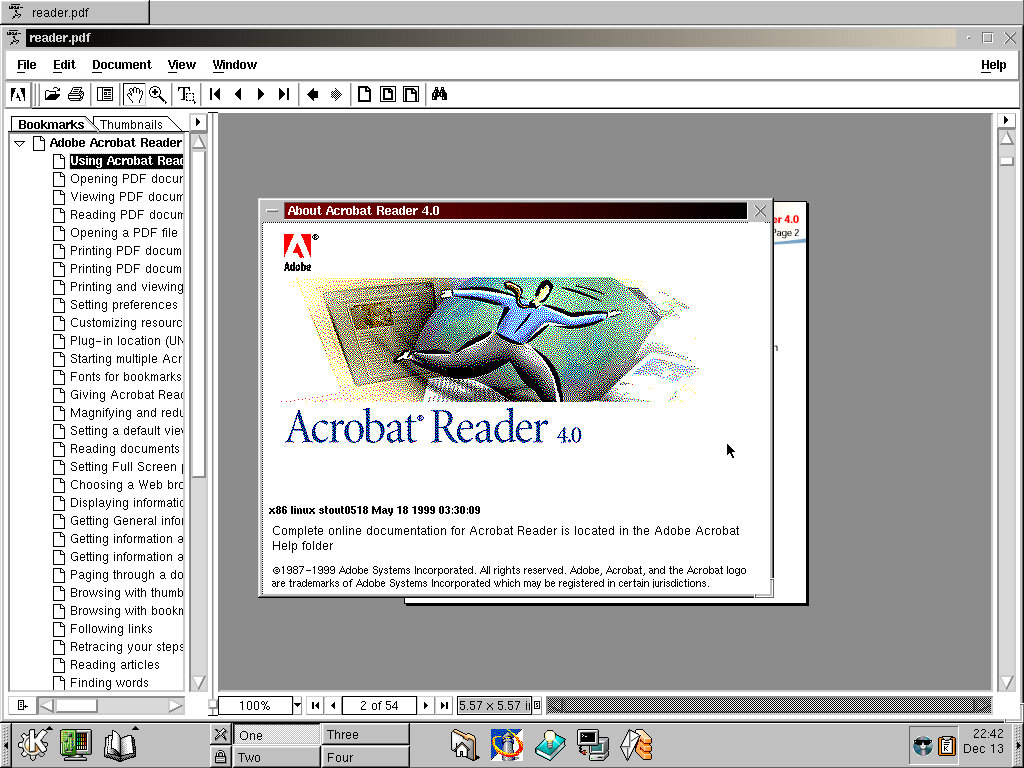
Adobe Acrobat is bundled to enable PDF files to be viewed out of the box. This appears to be the native Linux version instead of the Windows version running in WINE.

Running various applications: xEyes, KDE Earth, Mousepedometa

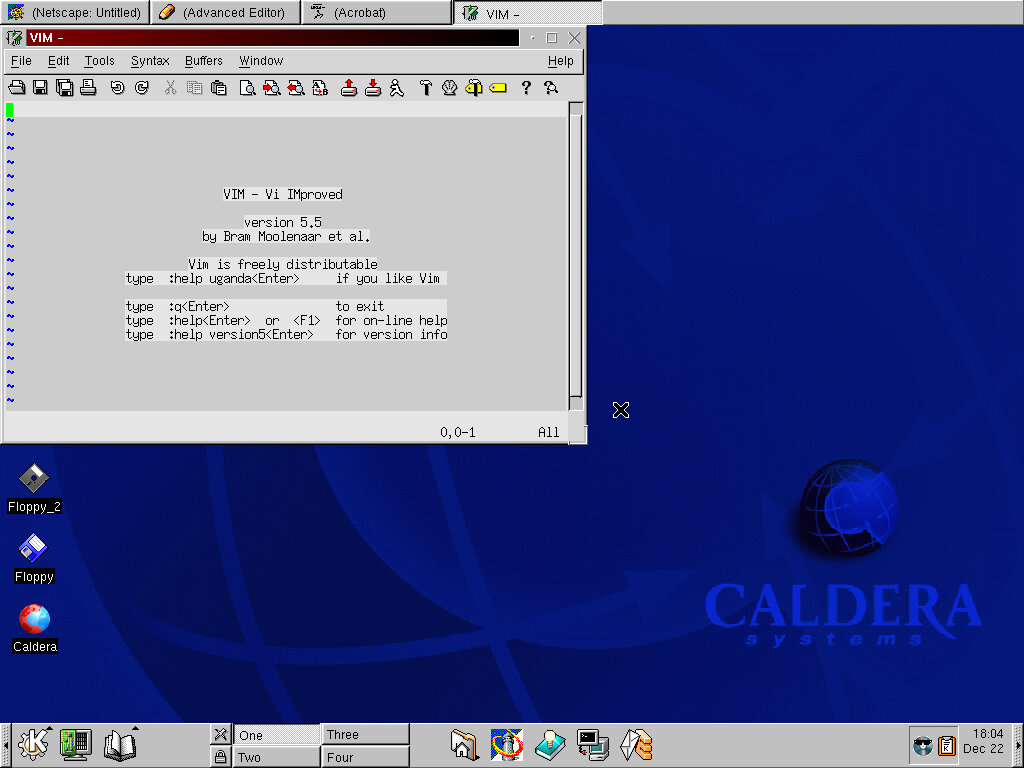
VIM version 5.5 comes included

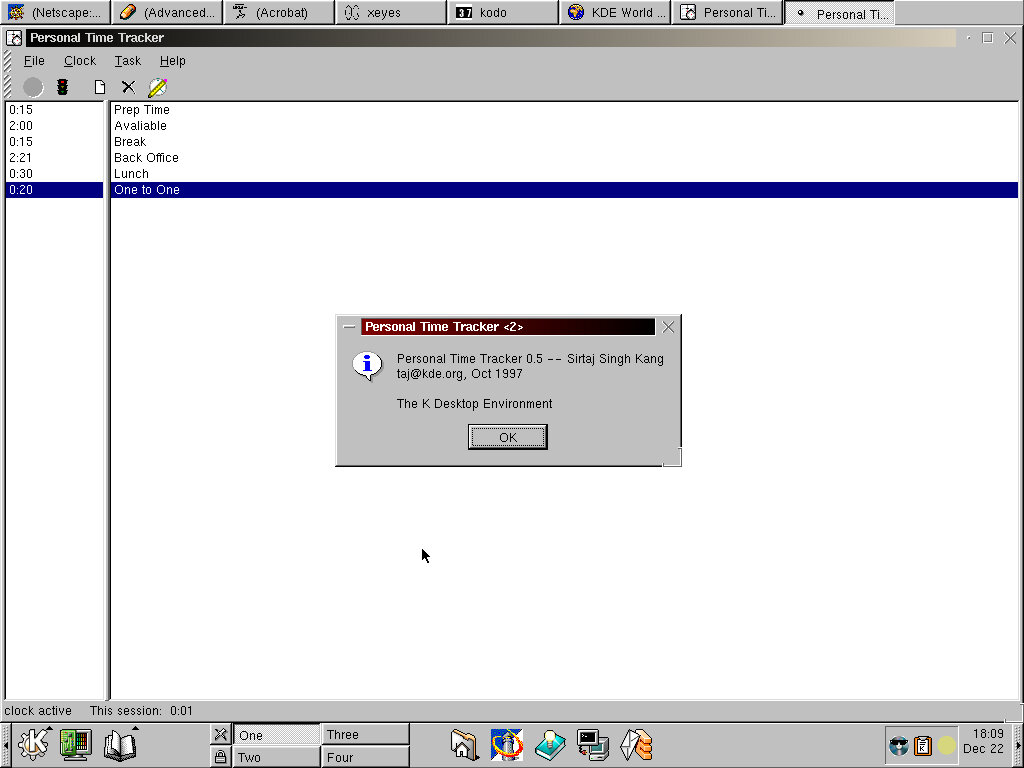
Personal Time Tracker application for keeping track of your schedule? Seems you have to manually enter the times yourself, even after enabling the clock.

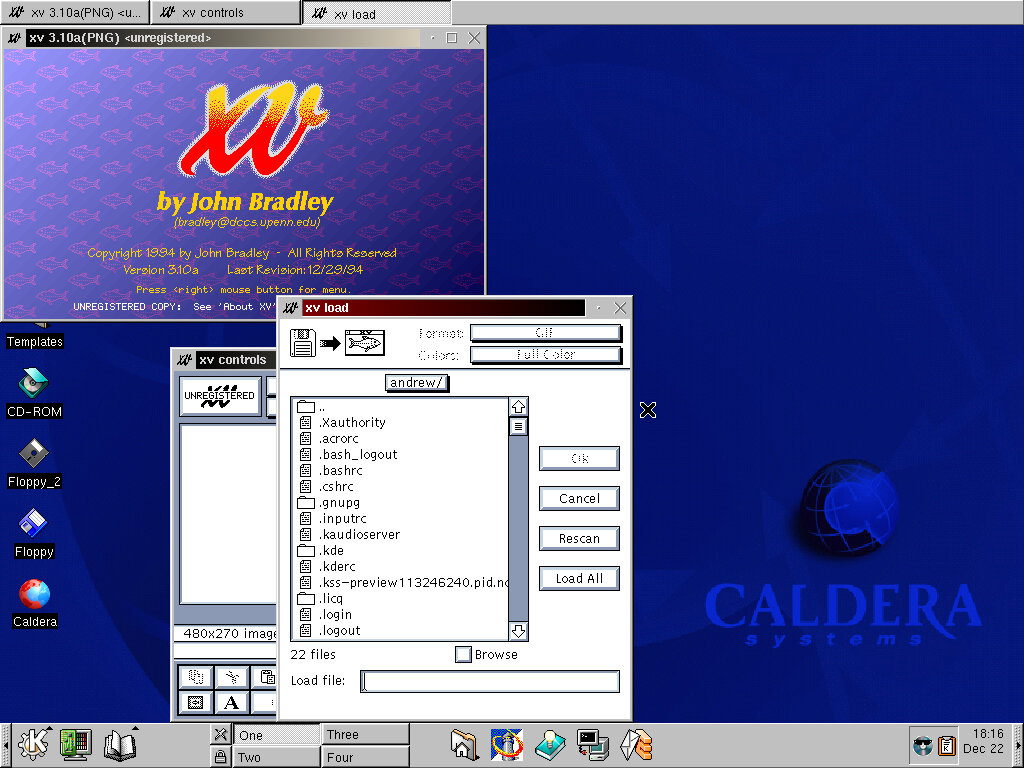
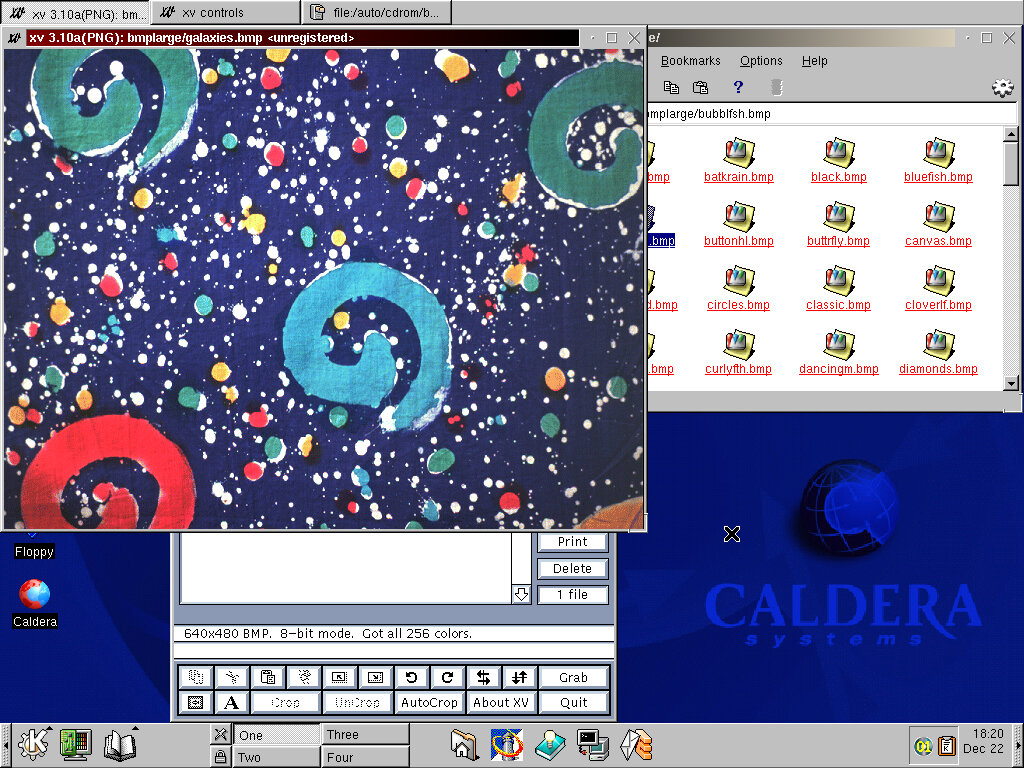
XV – Some sort of image editing application. Here you can manipulate images like crop them, rotate them or add text/effects.

WINE is also bundled with the operating system which should allow Windows applications to run, somewhat. A few that I tired simply causes the X Window system to fail, resulting in a slight reboot that takes you back to the logins scree.
Either WINE in this build is broken, or 86Box is causing issues with running Windows apps.

Xfig 3.2 – Vector drawing application, lets you create vector images like shapes which can then be exported to an image.

Kpackage – here you can view and modify packages that are installed on your system, and see the disk size they occupy.

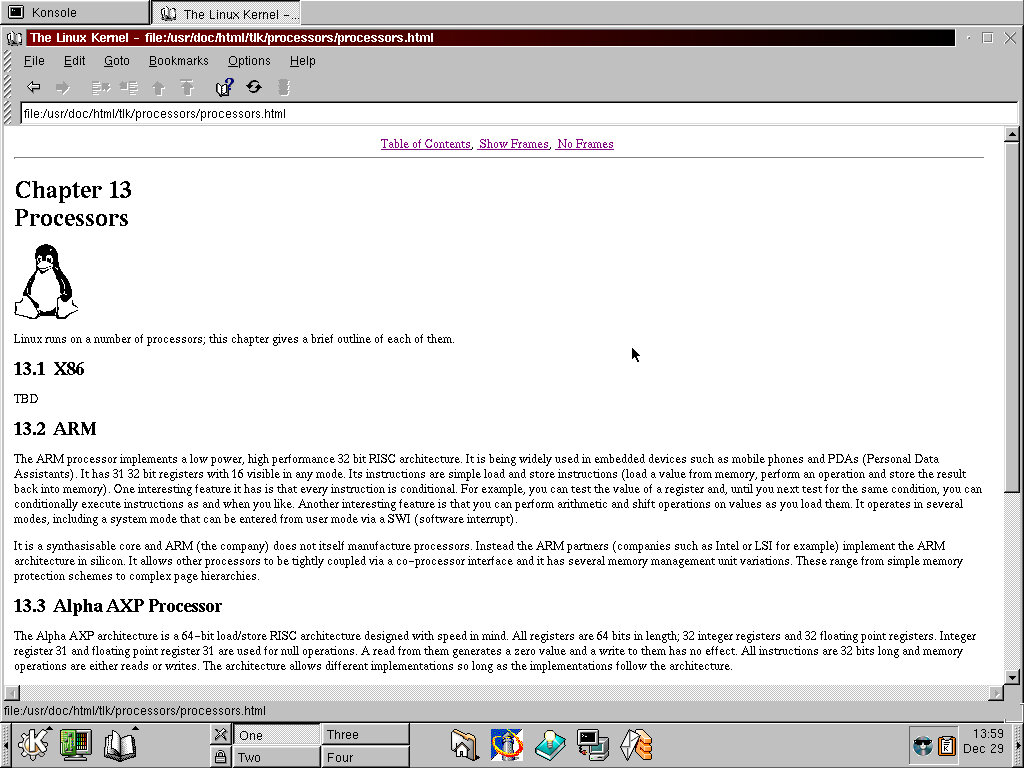
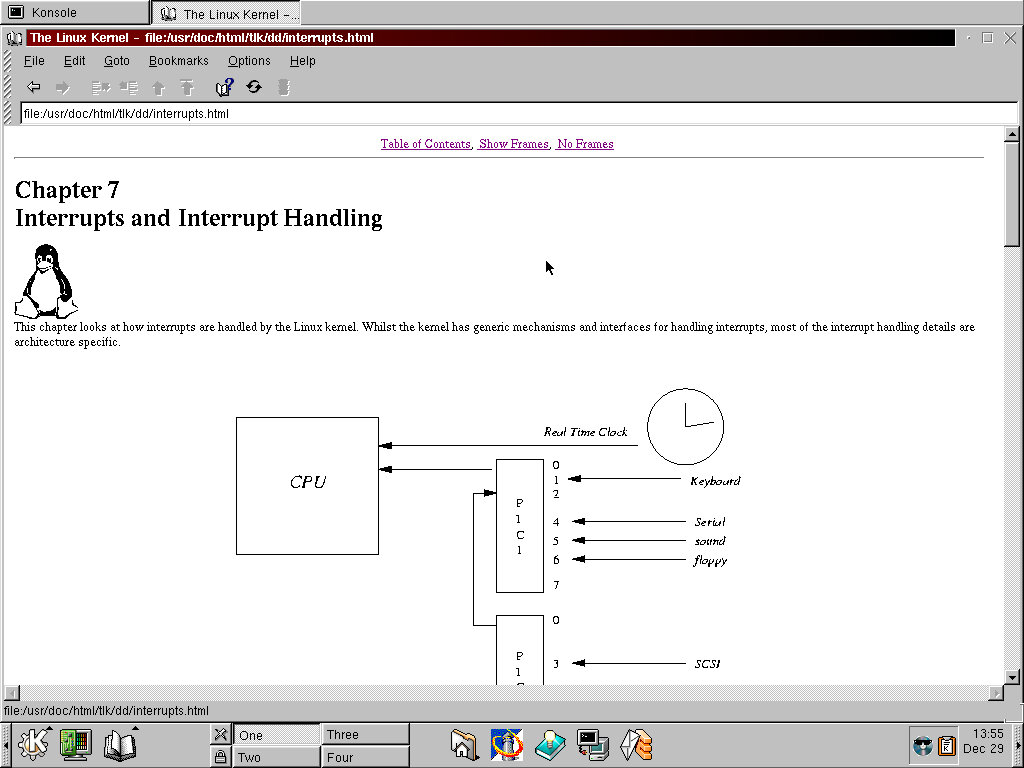
The OS also comes with extensive documentation that explains the various core elements of Linux, and PC arictecture in general.

Third Party Software

Simcity 3000 – had to install this under the root account as the installed refused to install due to a permission issue. Eventually I was able to get this to install and run.

Quake 3 – Installed but refused to run, possibly due to a misconfigured 3DFX Voodoo card

Sid Mier Civ – Works perfectly, had to install it onto another hard drive since I was running out of space.

COAS

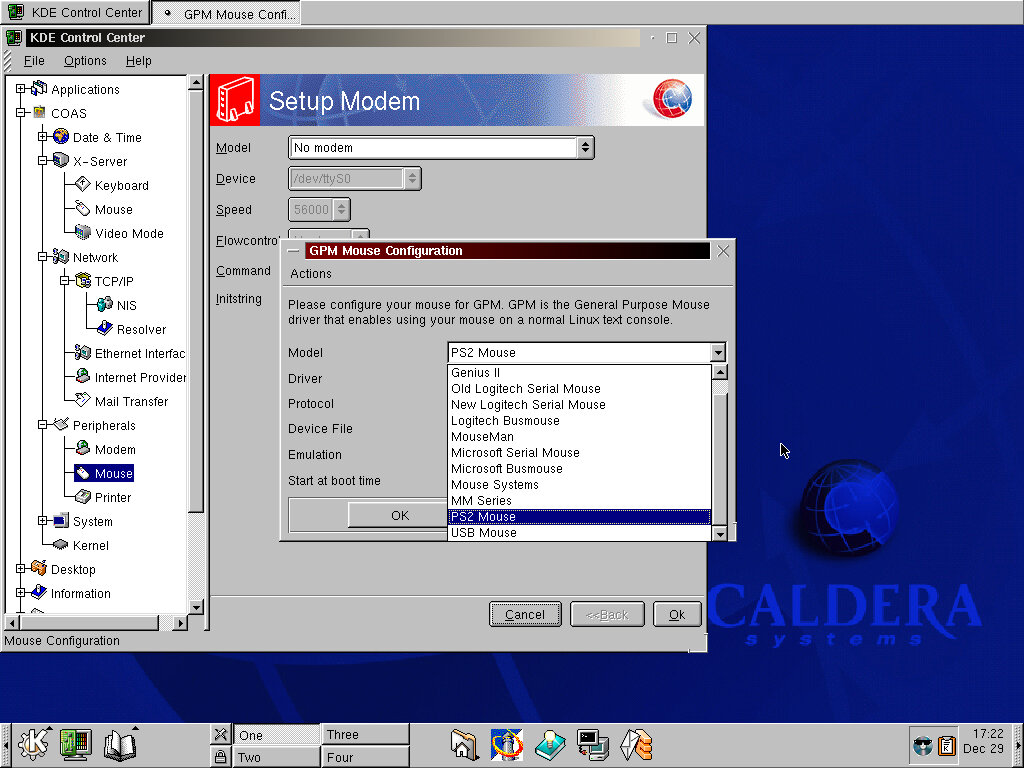
Caldera Open Administration System an add-on for the KDS Control Center that lets to manage and change distro specific options. Options appear to relate to the systems timezone , hardware options for the keyboard/mouse/monitor. Most of these options require root access, and you will be promoted for the root password for each option you choose.

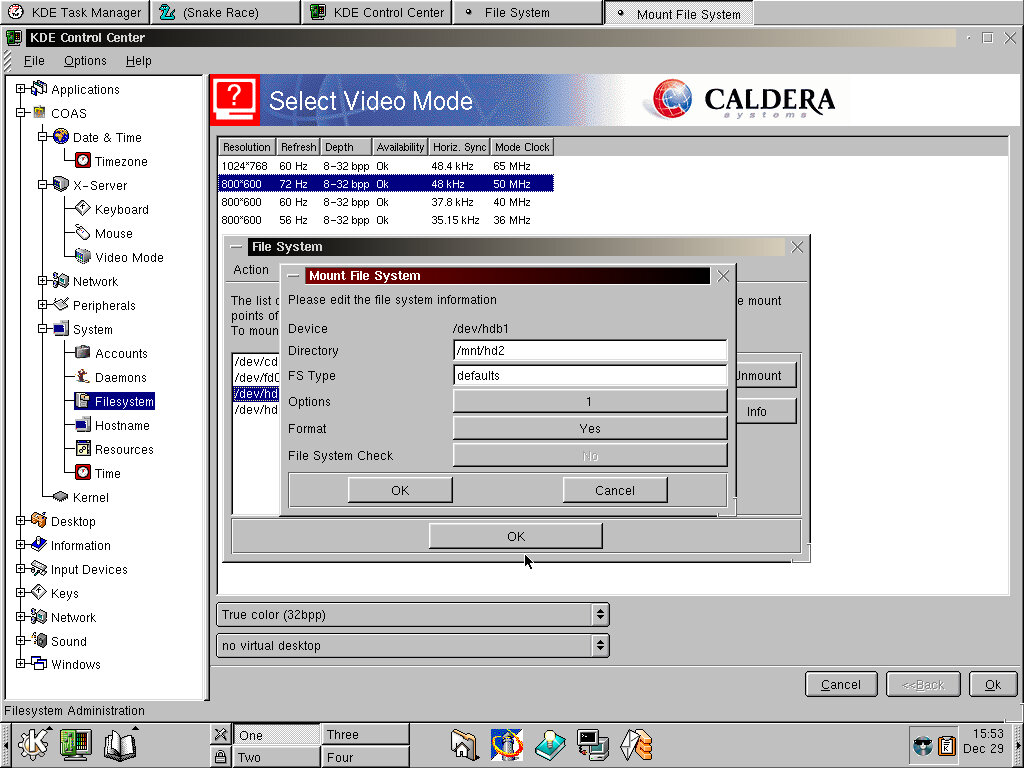
System/Filesystems lets you view the different drives and volumes in use, and to mount additional volumes like another hard disk. This does not seem to work correctly as when I tried to add a new second hard disk it would just error out and displays a message to prompt to run fsck. I get they tried to make some tasks more simple to the user, but clearly this didn’t go according to plan.
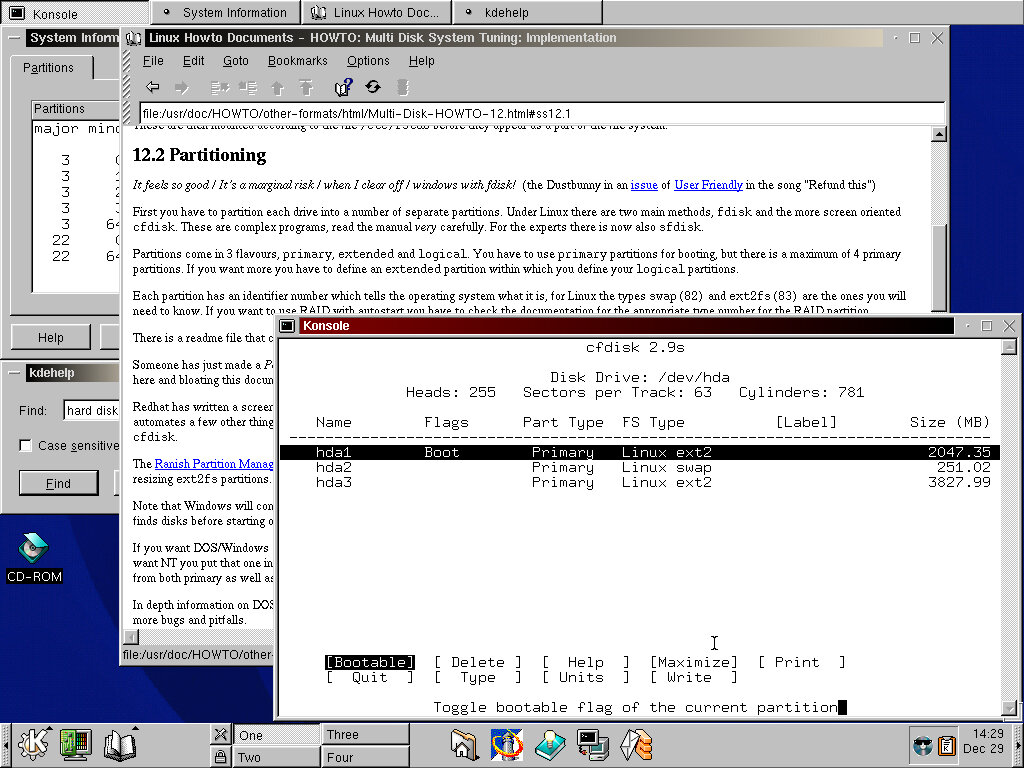
Best way to do it was to create and partition using the cfdisk bash command that lets you create the partition, then add it manually to the etx/fstab file. By default the Caldera installer splits the drive into three, the swap partition, the root partition and the home partition.

The kernel option lets you view the modules that have been loaded, which is typically the device drivers used by the system. If you have added new hardware then you might need to add the relevant module used by the system. Unused modules can also be removed from here.

Shutting Down

Like other KDS distros of the time, you need to log out of the current user first before you can shut down the system. If ACPI is supported by the motherboard, the system will turn off.

Ghosthunter

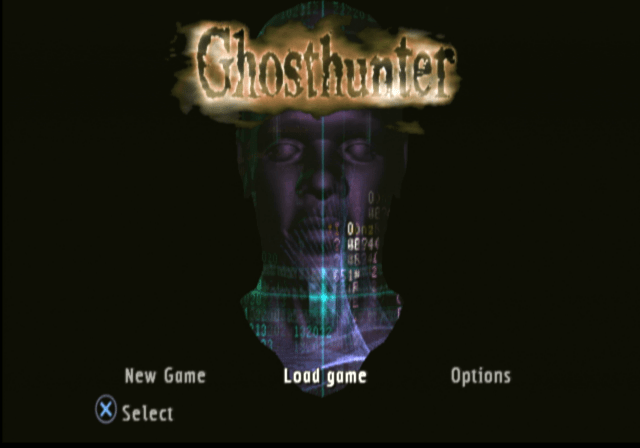
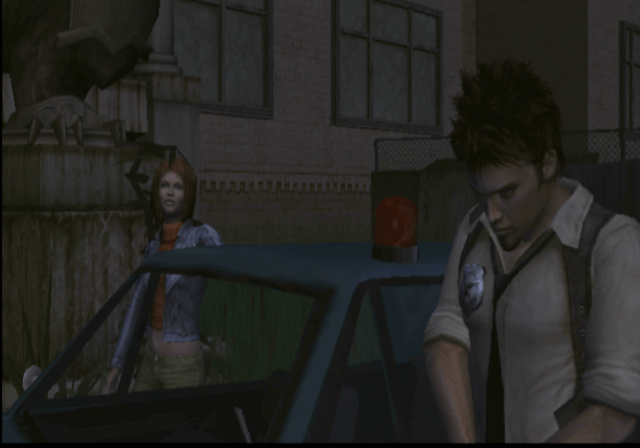
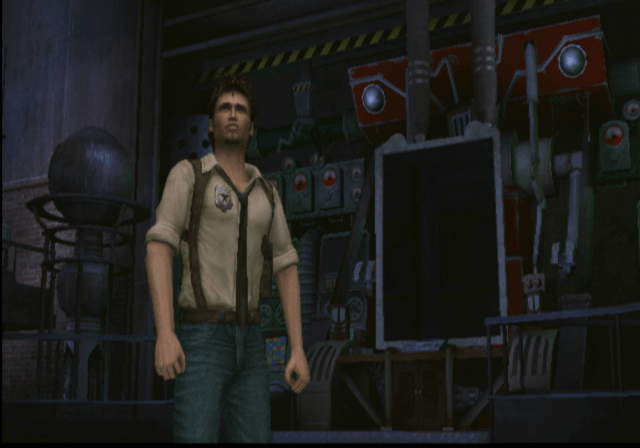
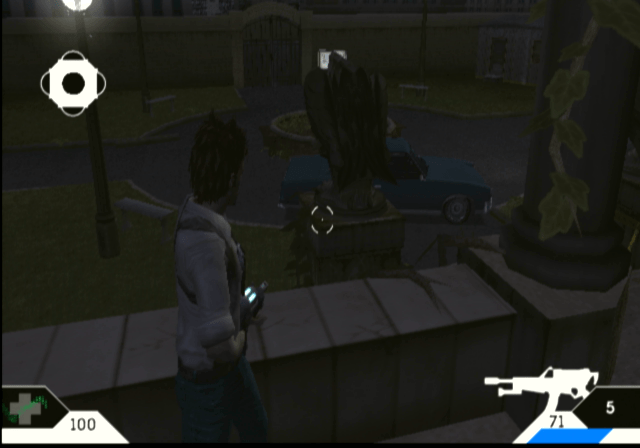
A PS2 exclusive developed by Cambridge Studios, Ghosthunter puts you in the role of Lazarus Jones, a rookie detective officer along with his partner Steele, who is tasked with investigating an abandoned school. Unknowingly they unleashed a boatload of ghosts and his partner Steele gets abducted and its up to Lazarus to save her.

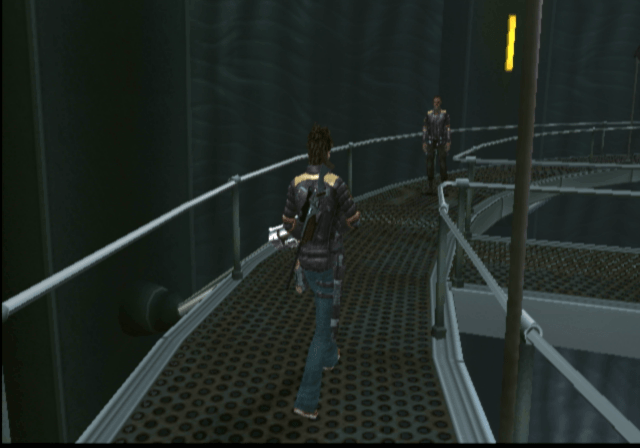
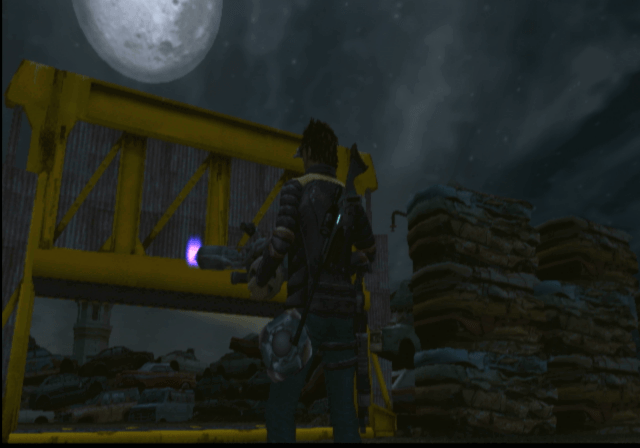
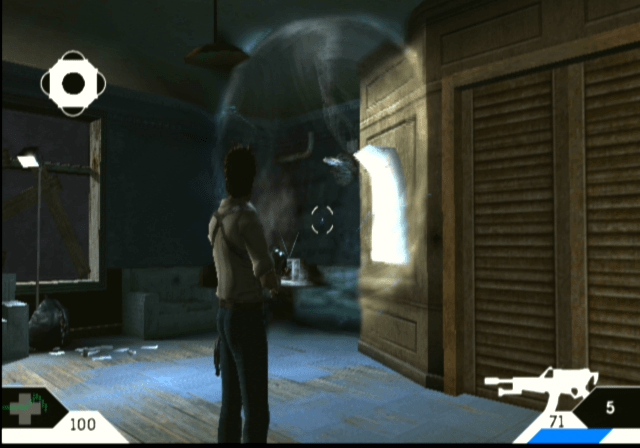
Main objective is to navigate your way around several different works, whilst capturing ghosts at you encounter them. Many ghosts require for you to shoot at them in order to capture them, and later on in the game there are multiple techniques needed to be mastered to capture certain ghosts. As you progress through the game you start to understand the backstory of the game.

Not all ghosts can be captured by the device, some you just need to shoot.

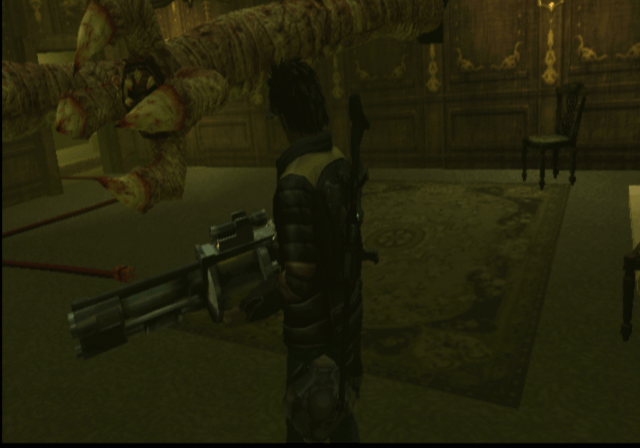
Graphics wise this looks pretty good by PS2 standards, although it has a weird effect where black lines start to appear at the side of the screen when the framerate starts to dip, this has been reported by different users, but it is unsure if this affects certain PS2 models, or if it only appears in the NTSC version (which I am using)

Also, it turns out there is a progressive scan mode in the NTSC version, but is hidden and can only be accessed by pressing a button combination upon startup. Nice of the developers to do that, could of at least given us the option on boot-up.
Aside from the graphics, the game also makes use of volumetric water, and cloth physics which can be seen on the swamp and mansion levels. Clearly this is a game that makes use of the PS2 VU0 (Vector Unit) processor to perform these calculations.

Version Differences

The Europe and American versions differ slightly since they had different publishers and due to the reception of the Europe version which was released first.

Seemly some of the puzzles in the game were made easier in the NTSC version. Considering I even struggled with some of these puzzles I’d say they made the right choice here, but a difficulty level could have fixed that.

Characters

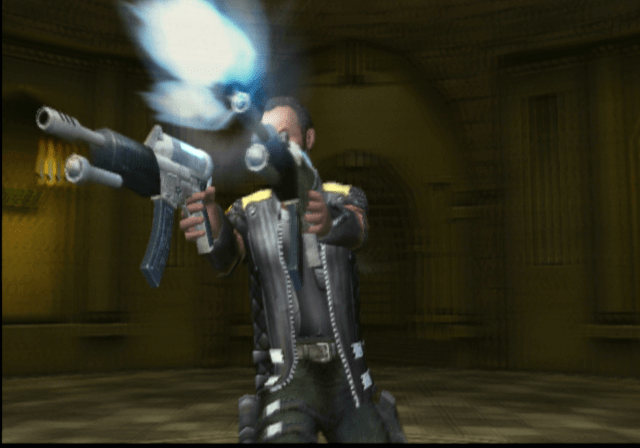
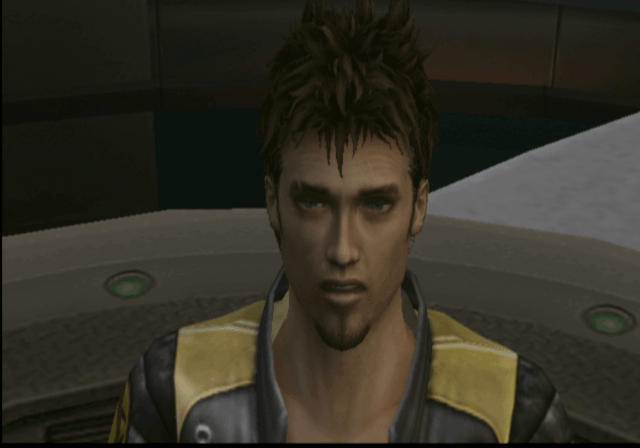
Lazarus Jones – A rookie detective from Detroit and the main protagonist of the game, looks and sound’s like Ellis from Left 4 Dead 2

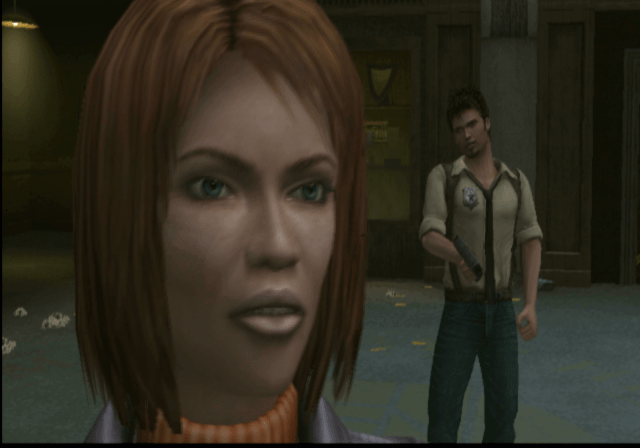
Anna Steele – No relation to the 50 Shades of Grey character, Lazarus’s partner who gets abducted early on in the game, and its up to Lazarus to save her

Professor Richmond – A scientist that was leading the project

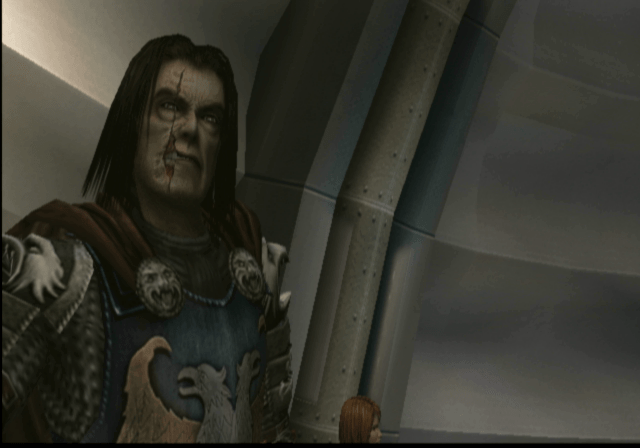
Sir William Hawksmoor – The bad guy and the final boss

Astral – Some sort of blue spirit that bonds with Lazarus, she will help you navigate areas and puzzles that Lazarus cannot physically complete, on the count of her being a spirit. Astral has several abilities, of which only one is available at the start with the rest being unlocked s you progress through the game.

Levels

Once you are in a level you are free to navigate and explore the level, making it very open, But you cannot revert back to a previous level unless you load an earlier save file. The game only supports saving and loading from Memory Card Slot 1.

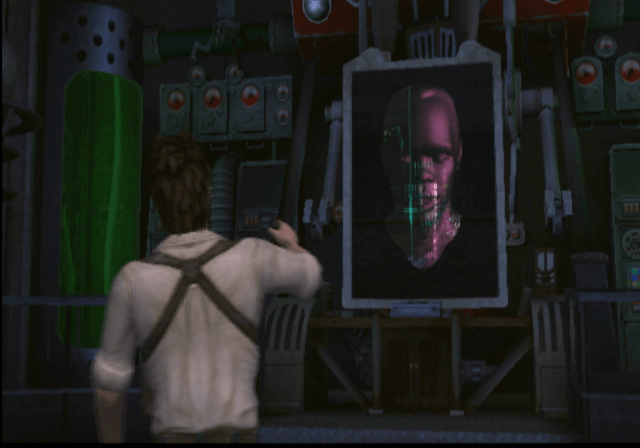
Haunted School – The first level that you explore, where Lazarus accidentally sets off a bunch of ghosts that start to wreak havoc. It s this art where you meet the AI computer that will assist you in the forthcoming levels.

Swamp Realm – This introduces the howler ghost where you will need to hide and enter cover to fool the ghost. This relies on stealth and the ability to enter cover whilst keeping track of it. The howler will typically move an object needed for you to progress, so it’s best to hide and see what it does before capturing it. As for the rest of the level, its a bit dreary with it being set on a swamp for most of the level. Eventually, you will encounter an abandoned Mansion that has an issue with its ghost inhabitants, here you must solve a series of puzzles and riddles to progress through the game.

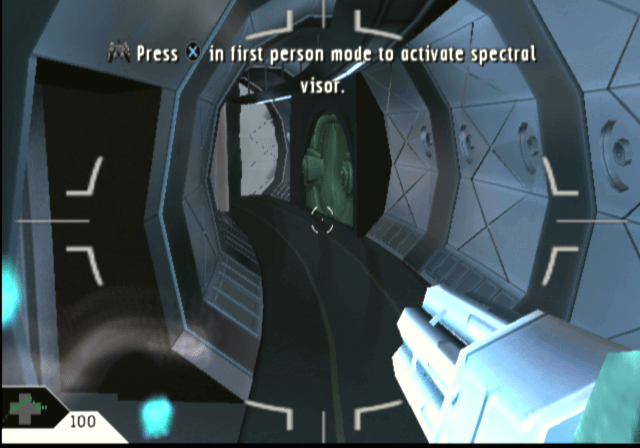
On the swamp, and later levels you have access to the spectral binoculars, which will reveal the health of the ghost enemy when used.

Haunted New School – You are back in the school where there is much more to explore. Here you have to navigate around to the science block and through to the library where you have to collect a series of books. There’s not much in the name of navigation so will need to explore and check closely.

You will be introduced to smoke grenades which are needed to defeat some of the ghosts, you will need to fire these before capturing them.

Ship Realm – Now you are on an army/military base with ghost soldiers. Here you will need to navigate through he base and onto a ship. At some point you will encounter some sort of tentacle monster that requires you to navigate through the rooms stealthy to avoid being killed. You cannot shoot this monster will regular guns, instead you have to locate and find bombs and a detonator to keep it at bay.
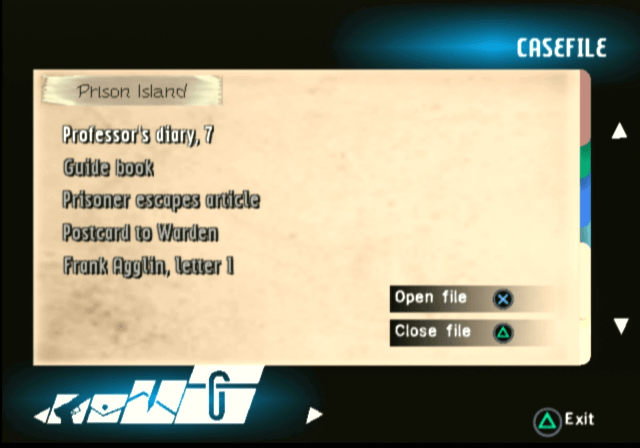
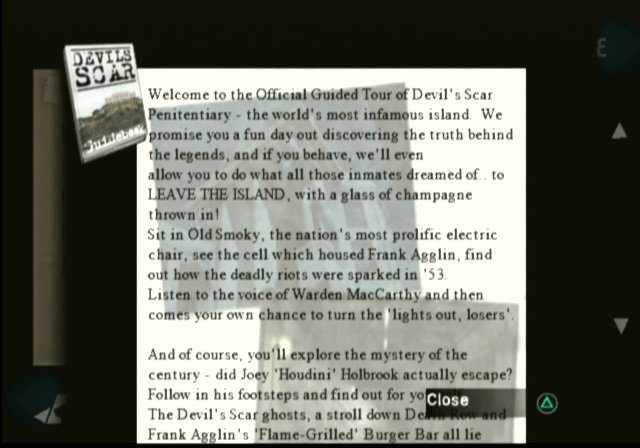
Prison Realm – You’re now on a prison Island, where you have to navigate through the cells and corridors to progress. At some points you will need to use Asteral to take over certain guards in order to move or manipulate objects.

Conclusion

The game makes a good addition to anyone’s PS2 library and despite the mixed reception, there’s an immersive environment to explore. The game was later re-released on the PlayStation 3 store as a PS2 classic, and is an emulated version of the PS2 version.

Theme Hospital

A hospital simulation game from The makers of Theme Park. Whilst its not an accurate simulator like Sim Healthcare, its still a lot of fun and has a lot of Bullfrog-type humor.

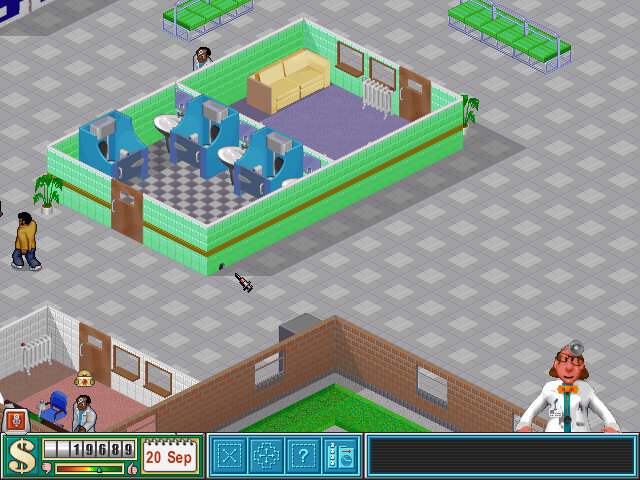
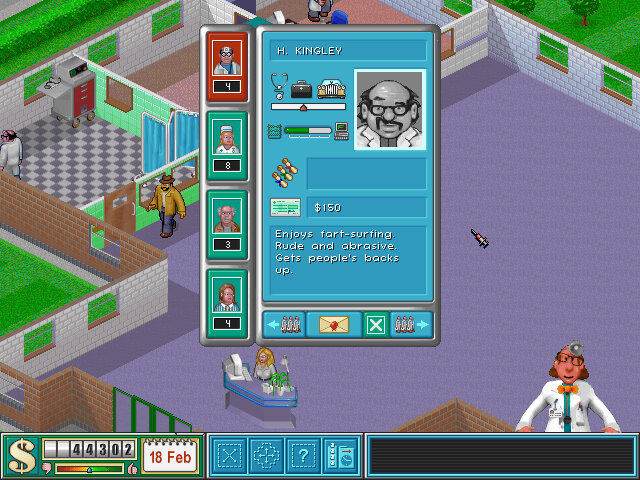
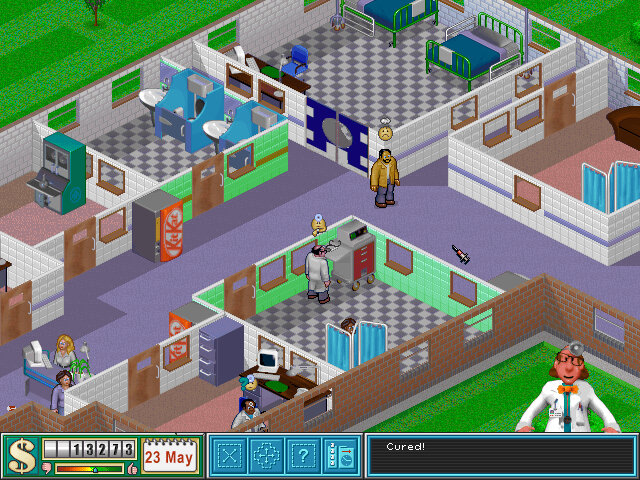
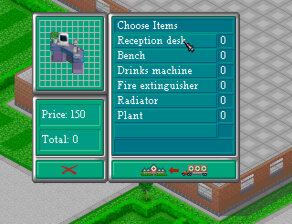
You start off with a blank empty hospital building, First thing to pop down is the reception desk, which is where patents will flock to when they first enter your hospital, of which they are then referred to the GP’s Office. Here you will want to build further diagnosis and treatment rooms as the patents demand for them.

GP’s Office: Used to find out what’s wrong with the patent. Usually a doctor in the GP’s office will be able to diagnose the patents depending on their skill set, but some will require the patient to refer to another diagnosis room to find out what type of illness the patient has. This room gets very busy as patients will return to this room until they are diagnosed, but not when they are cured. A good tactic is to build one near the diagnosis rooms like the X-ray or Scanner to help deduce the load. If you have a consultant doctor, you will want to place them in the GP’s Office as they are better at diagnosing illness than a regular or junior doctor.

Ward: Used for both diagnosis and treatment, this is managed by a Nurse. Wards can be sized quite large, and more than one bed can be placed. Patents will also rest here before entering the Operating Theatre. Beds can only be placed at a specific angle, so don’t make the room too big otherwise its wasted space.

Pharmacy: Used to administer a wide range of drugs used to cure patients. Operated by a nurse, you will need to build multiple Pharmacy’s later on in the game since this will cure a majority of illness.

Psychiatric: Like the ward this is also used for diagnosis and treatment. Requires a doctor with the Psychiatrist qualification. Bookcases and a skeleton can be added, not sure if this has any affect on the diagnosis?

Further diagnosis rooms consist of the Cardiogram, Scanner, X-Ray and Ultrascan, these are unlocked after research and require regular maintenance by an handyman. These machines get better through further research and can withstand multiple usage cycles and earthquakes. Since these rooms are only used to cure a single illness, you probably only need one per hospital, but in the case of emergency’s where up to 14 patients can arrive at the same time with the same illness, you may need to build another to satisfy demand.

Clinics are also treatment rooms that use machines to cure patients, again these are also unlocked as you progress through the game, the the inflation clinic being unlocked from the start. Slack Tongue Clinic and Fracture Clinic are two examples that are used to treat specific illness.

The Facilities are rooms that help your hospital to function and are required to progress to the next level: Toilets are used to stop patents from making a mess in your hospital, of which multiple toilets will need to be placed in larger hospitals. Usually one toilet per building is needed. A staff room allows staff to relax and replenish their energy with further objects being able to be researched like an arcade video game that reduced the time needed for staff to stay in the staff room. The Research Dept, unlocked from level 3 onwards allows your hospital to unlock new illnesses, rooms and machines, along with improving the effectiveness of your drugs which helps prevent accidental death by your staff. There is also an autopsy function that requires a sacrifice of a patient that will boost research for that illness, but carry’s a risk of a reputation drop if this is discovered.

Lastly there is a training room that allows doctors to learn new qualifications by a consultant level doctor. A problem here is doctors in training can also become consultants, which prevent them from learning new skills. This can be annoying when you are in the middle of training a new surgeon, only for him to become a consultant which stops skill progression.

Micromanagement

As you run your hospital, there are several elements that you need to manage

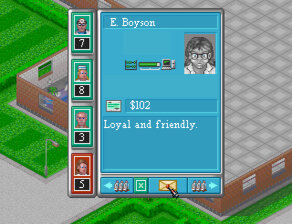
Staff Happiness: How happy are your staff, placing them in larger rooms with plants and heating will make them happier, otherwise they may demand a salary increase

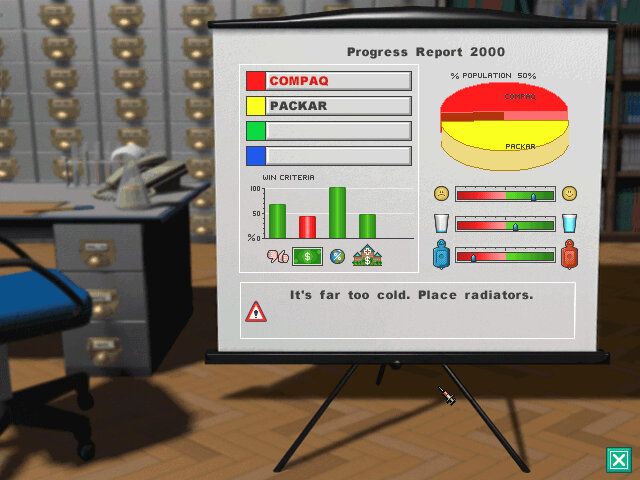
Heating: Radiators need to be installed and set to an acceptable level, cold hospitals can affect the reputation and happiness of staff

Upkeep: Patients will litter the hospital as they remain in your hospital, ensure you have Handymen to clean up after them. Plants also require watering by handymen. Lastly, rats can infest the hospital and can be shot by quickly placing your mouse cursor over a moving rat.

Emergency’s: These start to appear from level 3 onwards, you must cure the specified amount of patients within the time limited to earn the bonus.

Research: as you build the first Research Department, you can monitor and focus on different aspects of research, if you prefer to have a focus on drug effectiveness or for diagnosis machines

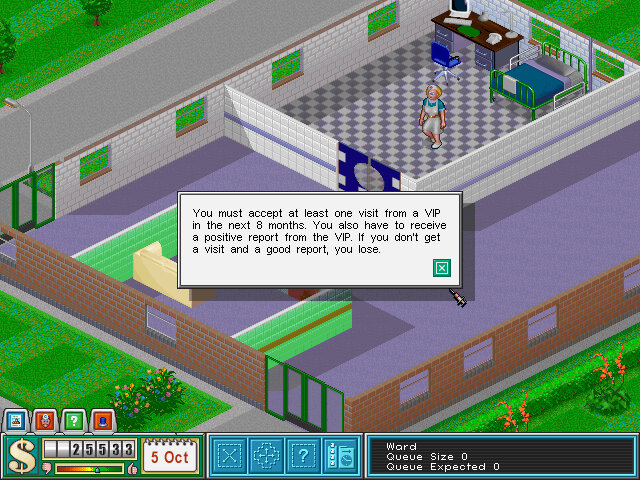
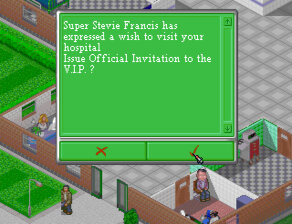
Epidemics: These start to occur past level 6 and require you to treat all patients with the specified illness before the health minister arrives at your hospital.

Earthquakes: These can actually happen which results in the screen shaking rapidly, patients may fall to the ground but I don’t believe they die. The main issue is the damage to the machines, make sure they have been repaired by the handyman and they have adequate strength or the machines will be destroyed, rendering the room to be useless. I recommend replacing machines that have less than 5 units of strength.

Network Play

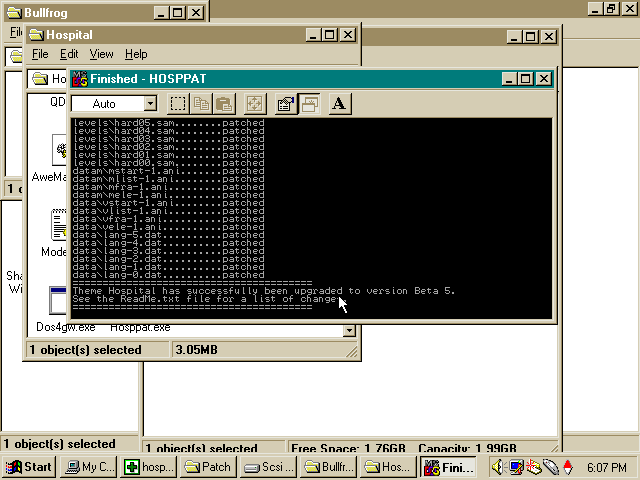
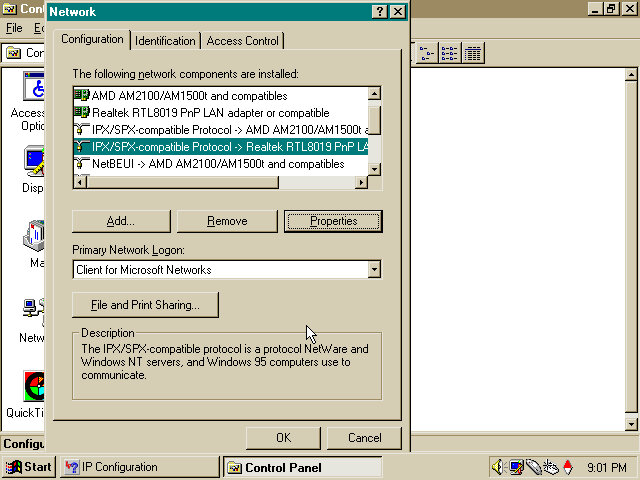
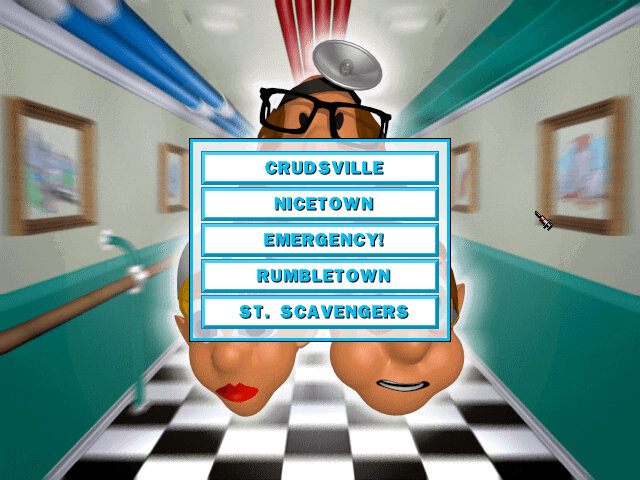
This requires a patch to be installed which adds network play support to the game which can then be accessed by choosing the middle part of the skull in the menu. The game is reliant on IPX or serial protocols to communicate with another player. For Windows 95/98 you need to ensure the IPX protocol stack is installed and enabled, which isn’t done by default. You can install it by clicking on the ‘Add’ button and selecting the Protocol, then IPX Comparable Protocol from the Microsoft group. You will have to reboot your system and might need the Windows 9x install CD to finish install.

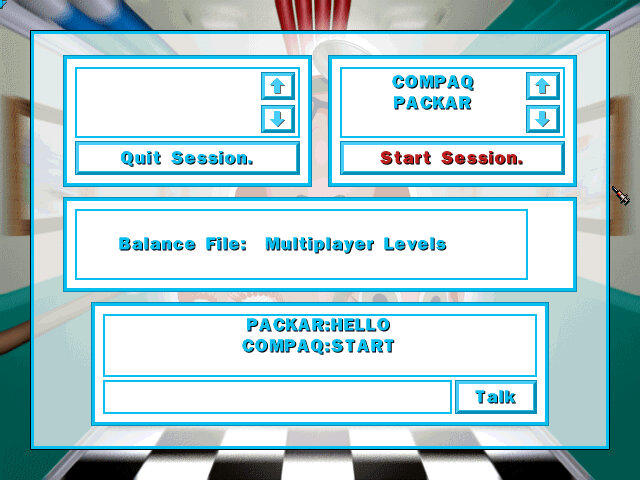
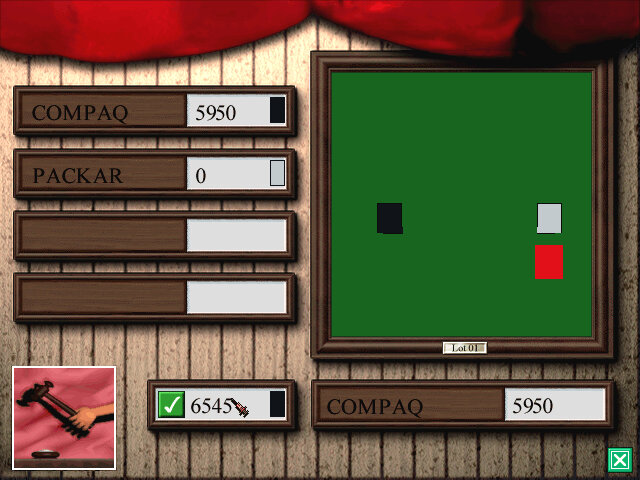
I was able to get this working over 86Box using a PCap configured network using two 86BOX VMs, setting the VMWare network adaptors seemed to work the best. Both players have access to the same map and must complete with each other for land, when purchasing land a bidding war is started between all players on the map. Objectives are given every six months which determines who wins the game, the game continues until one player loses.

Original PC MS-DOS/Win32

A hybrid DOS/Windows 32bit game which can run under either environment. Whilst designed for Windows 95 it will happily work under Windows 98 and ME.

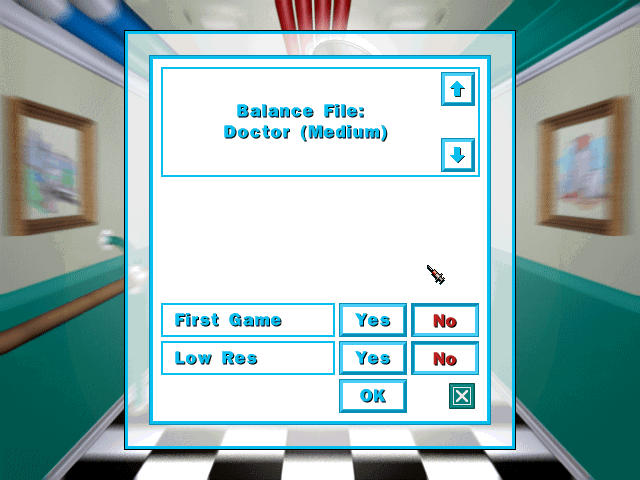
A patch was released for the game which fixes a few bugs, adds a difficultly level adjusted and support for IPX network play.

The game is also capable of running under DOS, which might be useful for low end PCs since its not reliant on Windows 95 running in the background.

No Macintosh version was release for this game, which is odd for a simulation game released in this era.

CorsixTH

This is a remake of the original game using a custom engine designed for more modern Windows operating systems, and has been ported to Linux based operating systems. Highly recommend as this allows the game to un in higher resolutions (tested up to 2560×1440) and fixes a lot of bugs that plagued the original game.

Sony PlayStation

The game was ported to the Sony PlayStation shortly after the PC release. Running in a lower resolution and missing the background music which removes a lot of charm to the game. Its also a bitch to play since the game has poorly adapted the user interface from the PC version. You have to use the controller to navigate the cursor onscreen to select the dialog boxes, instead of just mapping them to the PlayStation face buttons which makes it time consuming to perform simple actions.

Rooms are also fixed in size, which does make it easier to play via the controller.

This was also related as a PSone classic for the PlayStation 3 and PlayStation Portable.