Neptune was the supposed successor to Windows 98 and was to be the introduction of the NT kernel for home users.
It’s mostly the same as the Windows 2000 install, makes sense considering both were being developed at the same time, and have a lot in common in terms of visual elements.
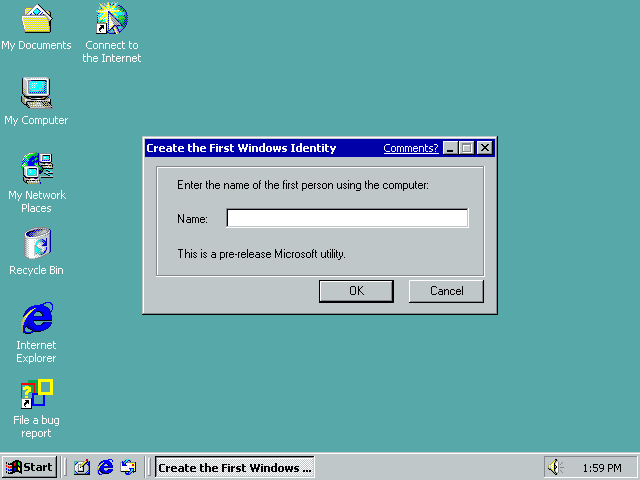
When you first login you are presented with this dialog box. You can enter your name or just close it. It does not seem to make a difference.
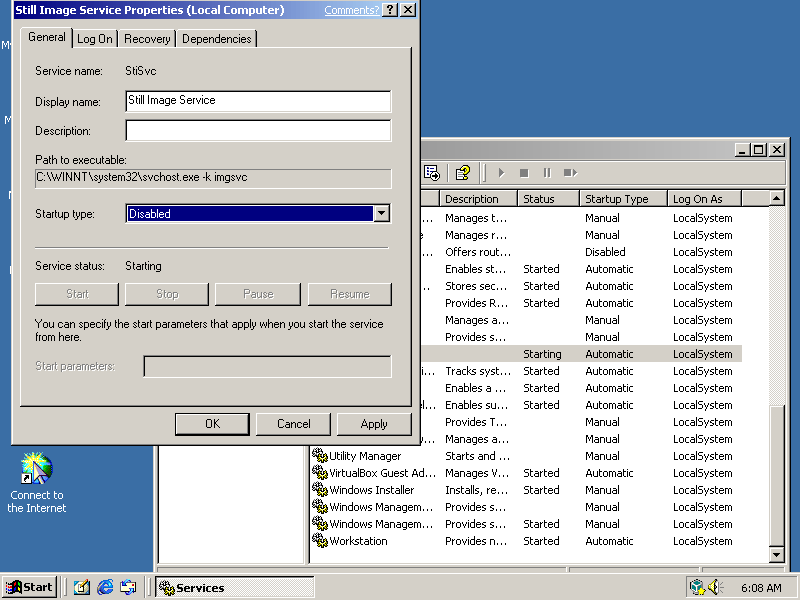
One issue with this build the the Still Image Service which is faulty in this build and causes a minute hang at startup. This can be disabled without any consequence though the Service management panel (Start, Run, Services.msc)
Once disabled the system will startup and login without any delays or freezing.
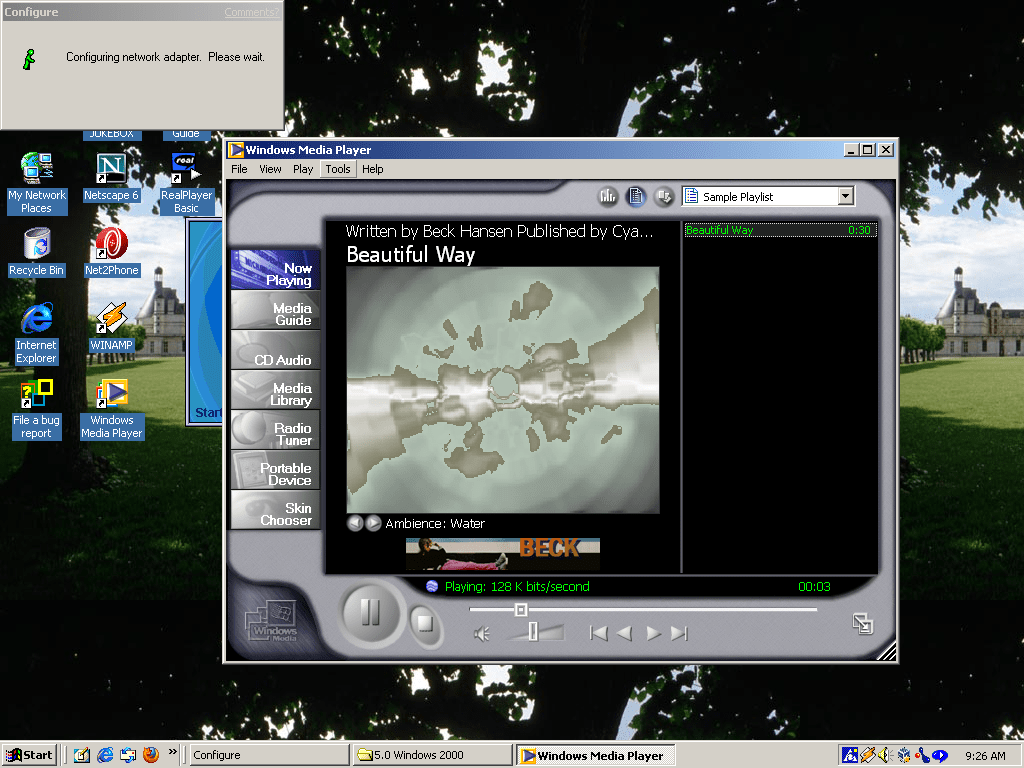
Windows Media Player 7, very identical to the Windows ME version
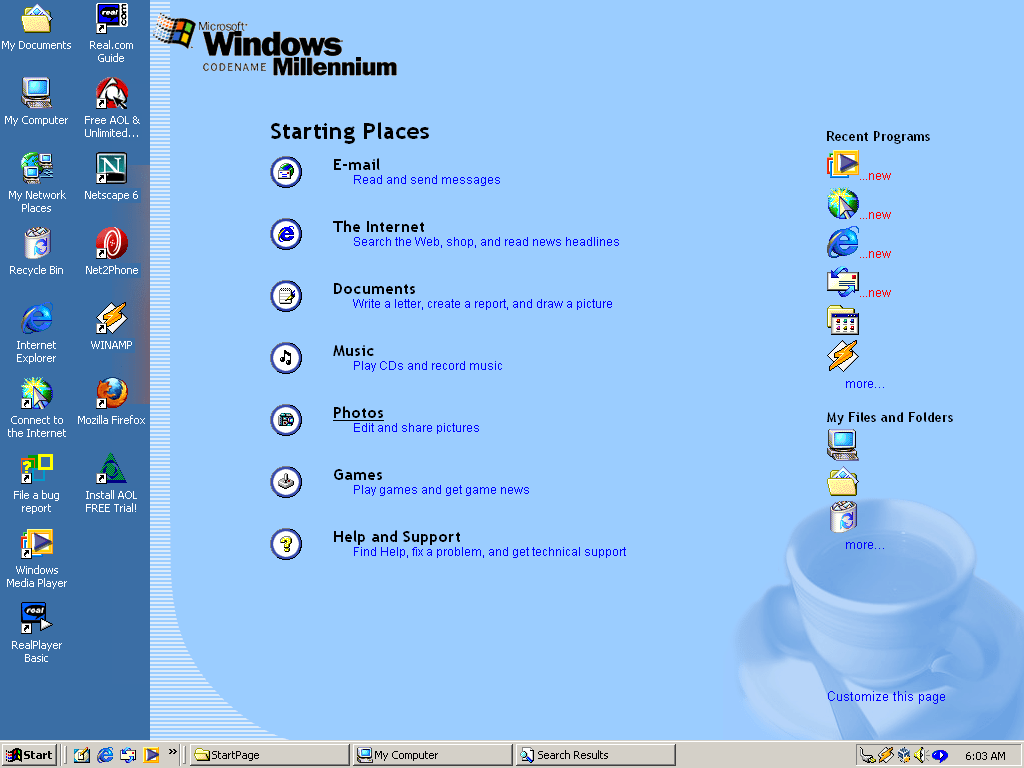
Activity Zones
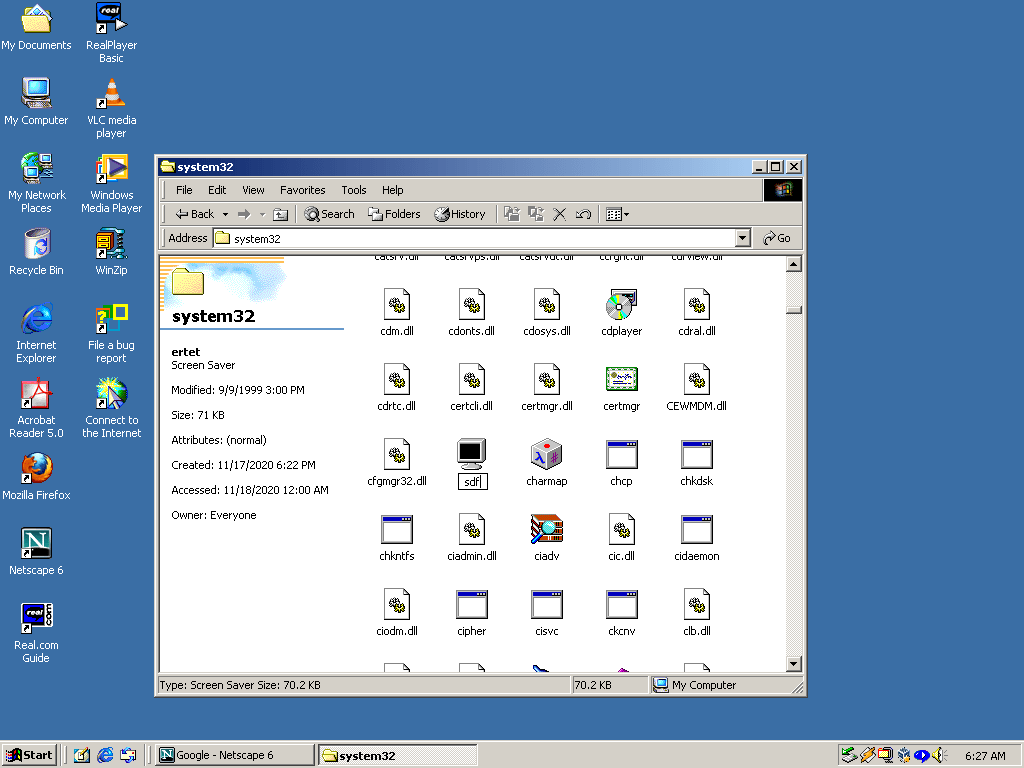
Windows Explorer has had a slightly new design bringing it closer to the 2000 interface.
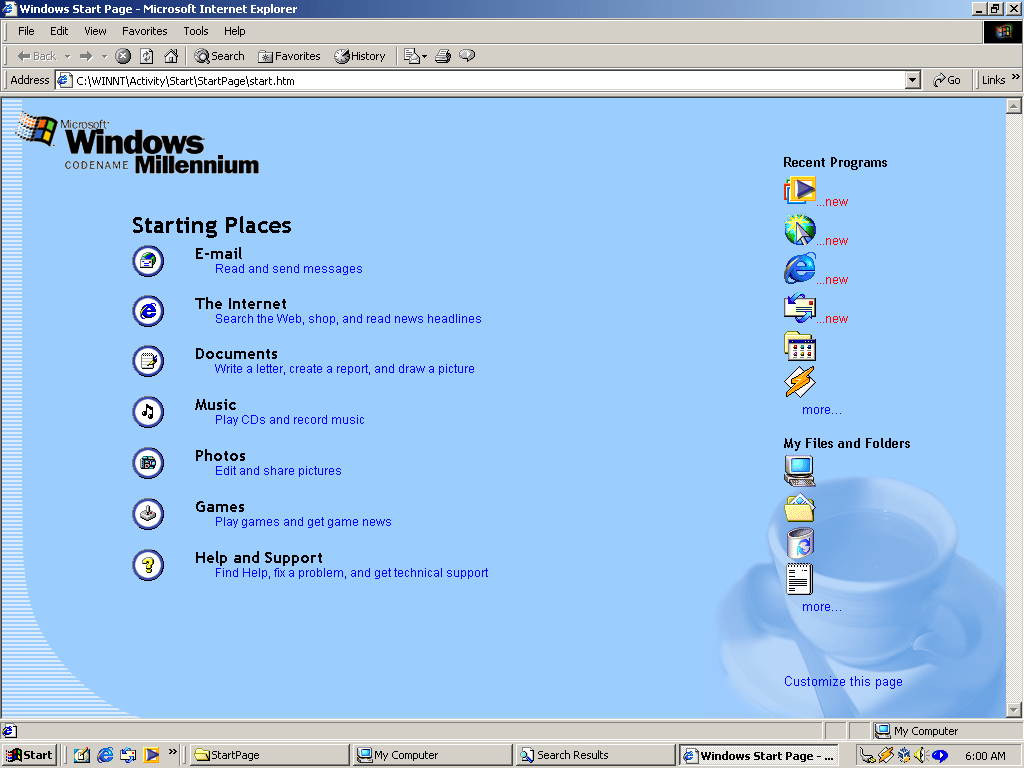
Viewing the activity zones in Internet Explorer
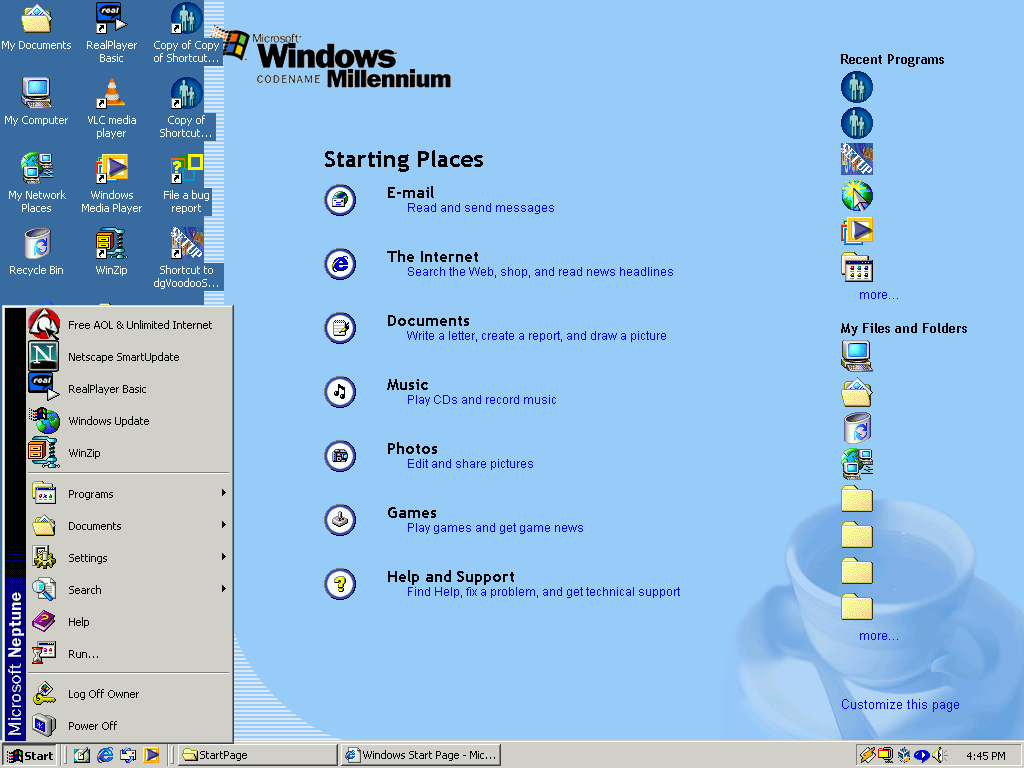
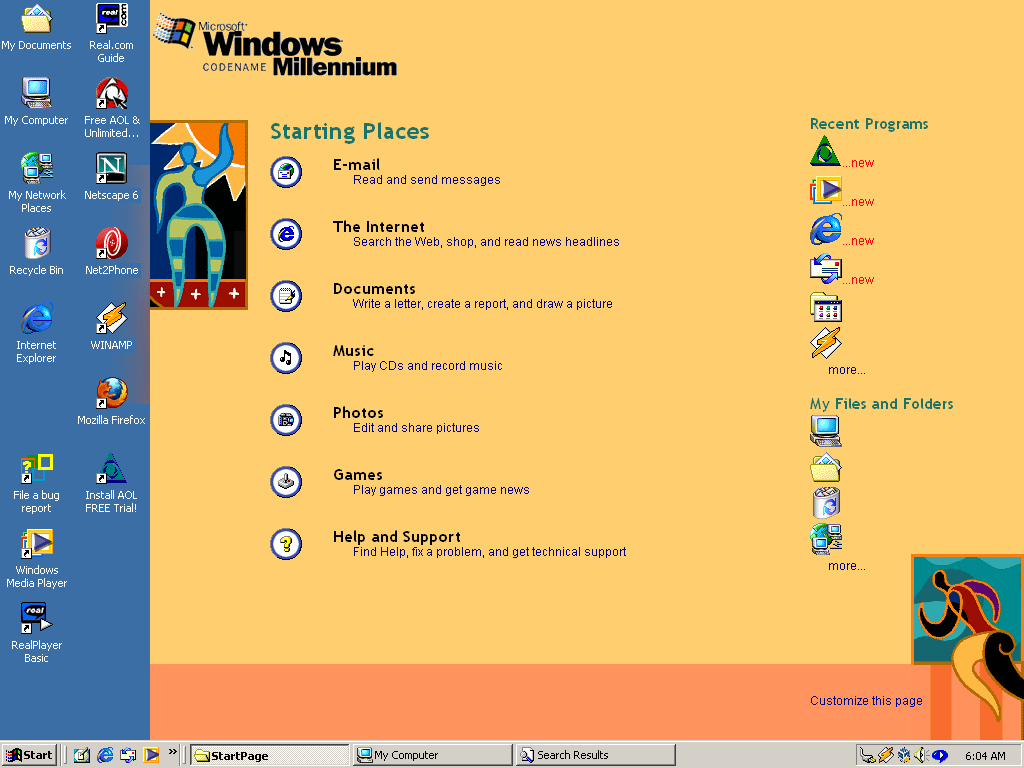
Setting the Activity Zones as an Active Desktop background. This may have been the intended use. A lot of the items listed on the activity zone were integrated onto the Windows XP start menu. Shortcuts to the Documents, Music and photos appear here also appears on the XP start menu. E-Mail and Internet shortcuts also appears on the XP start menu where they would show the default respective applications at the top of the stat menu. So one could assume the activity centres made their way somewhat by being embedded in the Start menu.
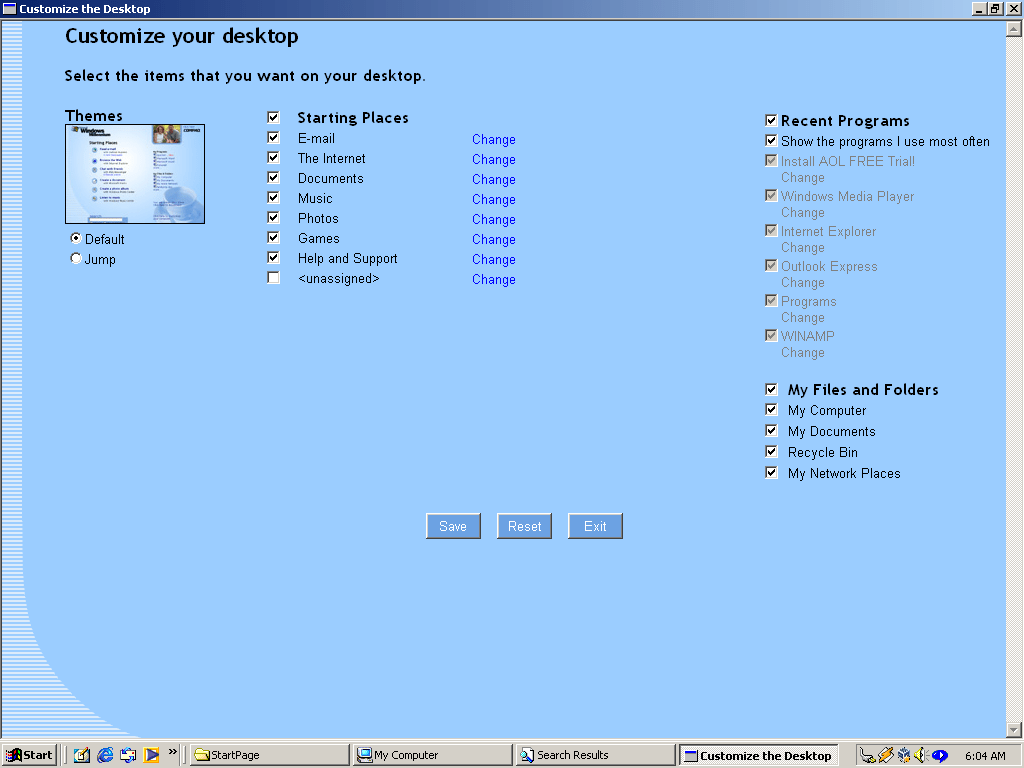
Customising the desktop activity centre
Alternative background theme
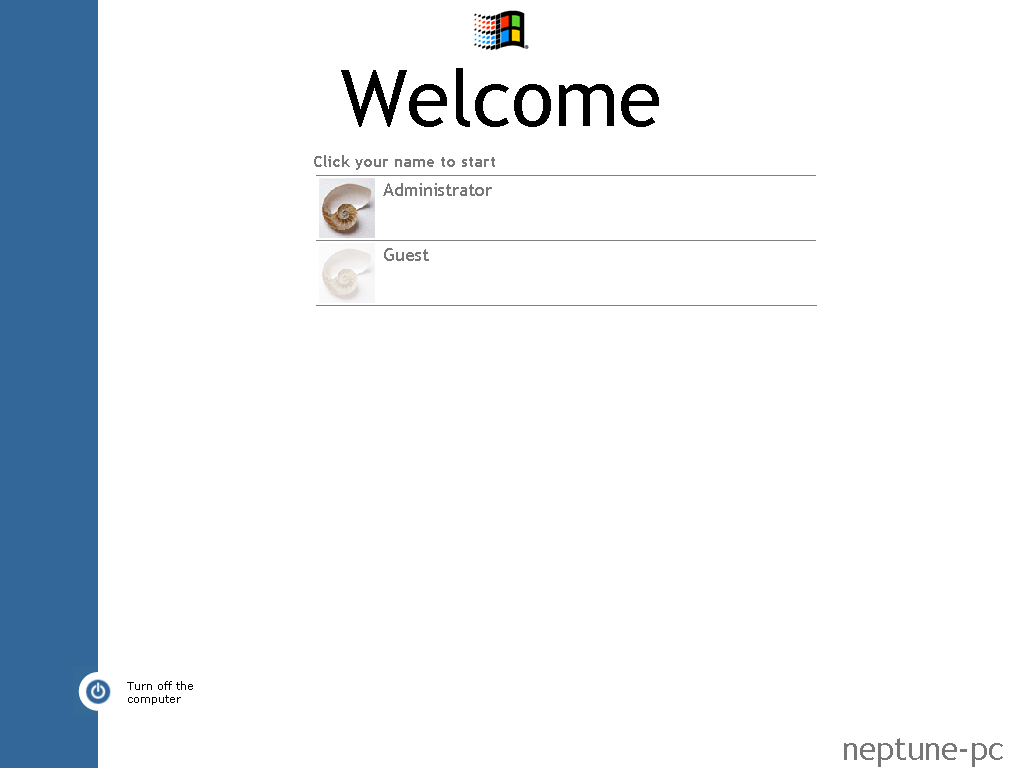
The login screen, the Ctrl+Alt+Del style screen still exists and can be re-enabled.
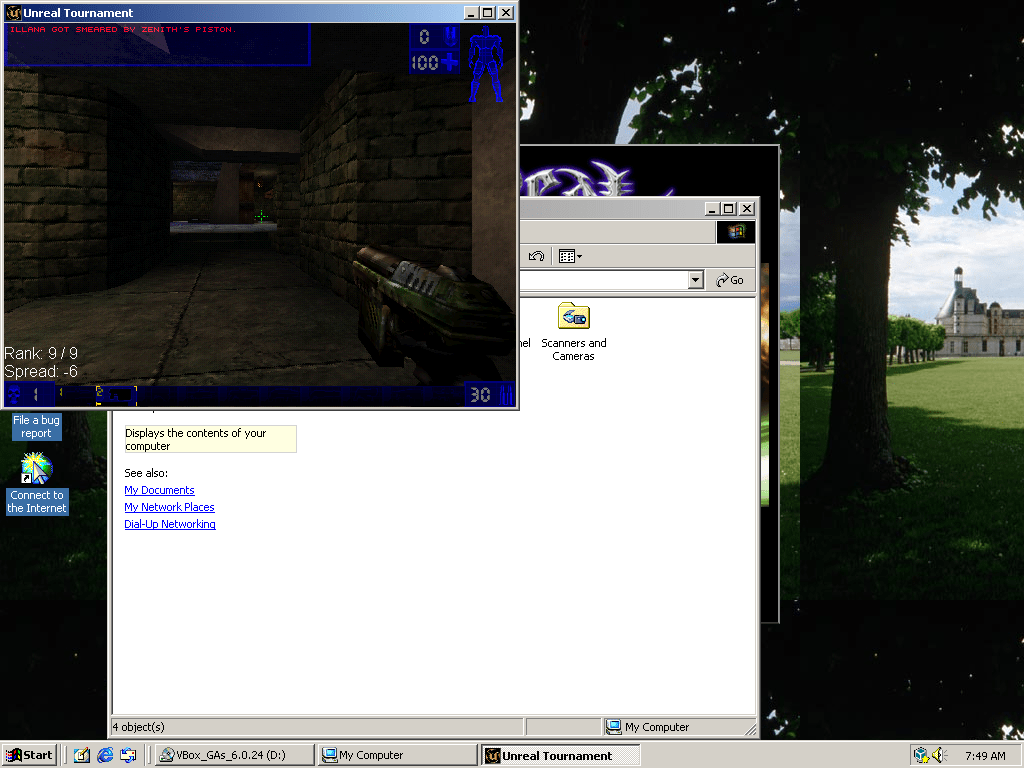
Unreal Tournament runs somewhat, the mouse aiming is broken partially due to the way Virtual-box captures the mouse, might see if this works better in PCem or 86box instead.
Sadly Neptune did not have a bright future and was scrapped in favour of Windows ME, which was identical to 98 with a few refinements and bringing Windows explorer design inline with 2000. It wouldn’t be until the release of Windows XP (Whistler) when home users would get to take advantage of Windows NT.
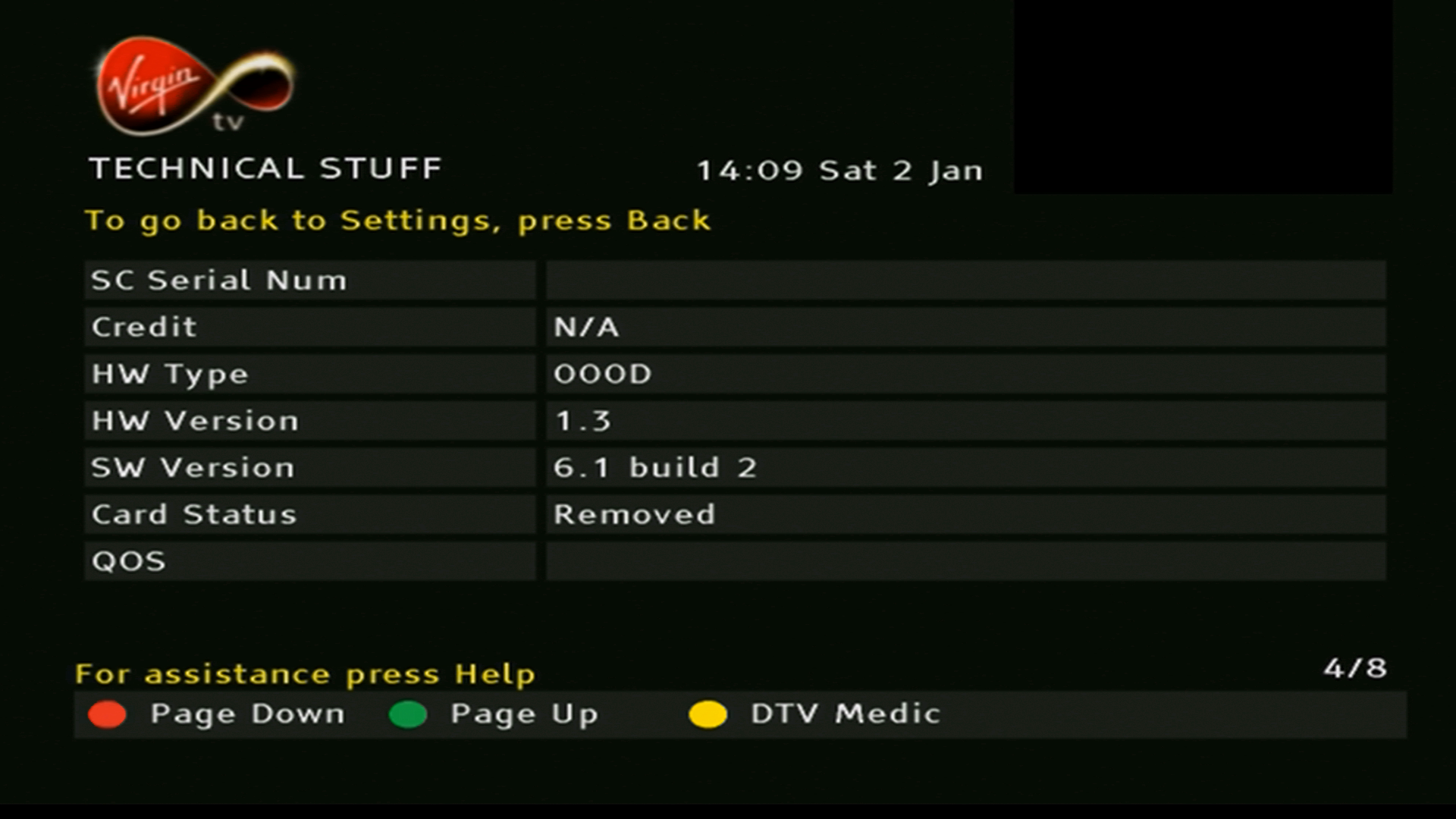
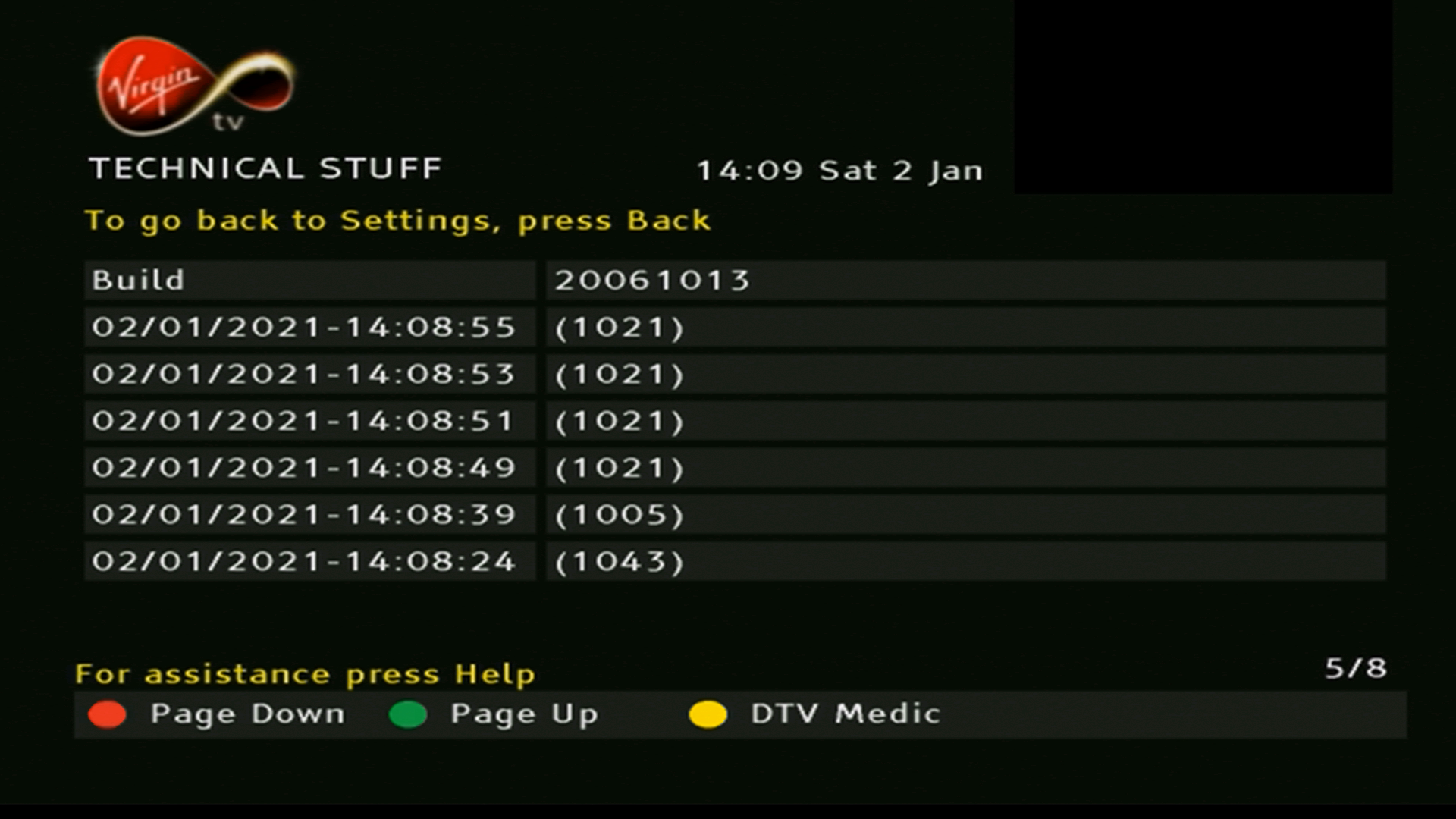
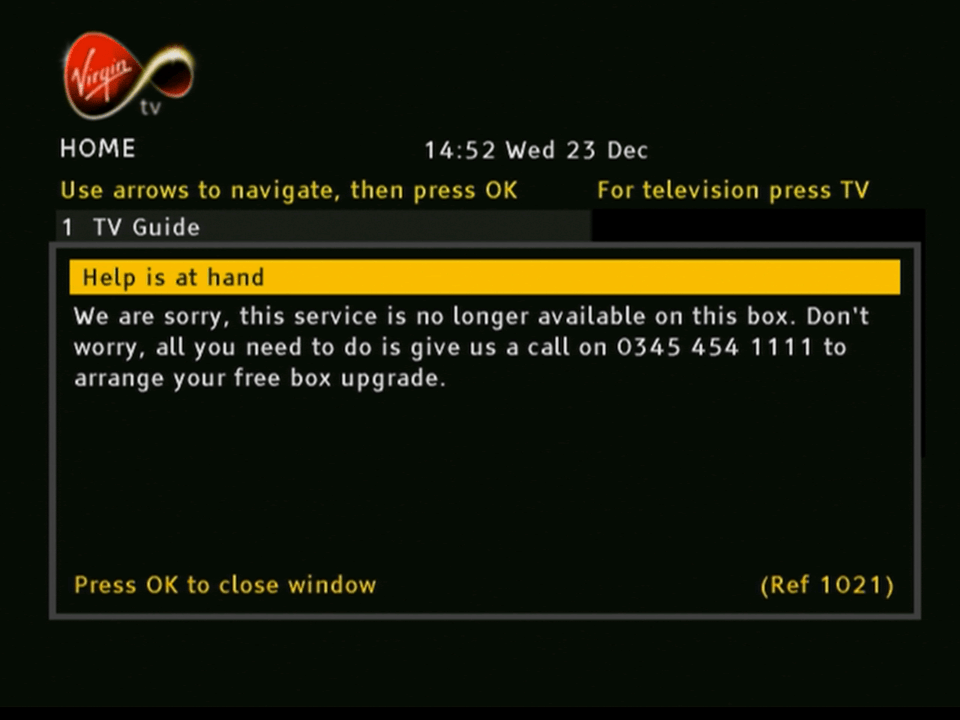
Former Telewest/Virgin Media box used for standard definition TV Services.
Starting up…
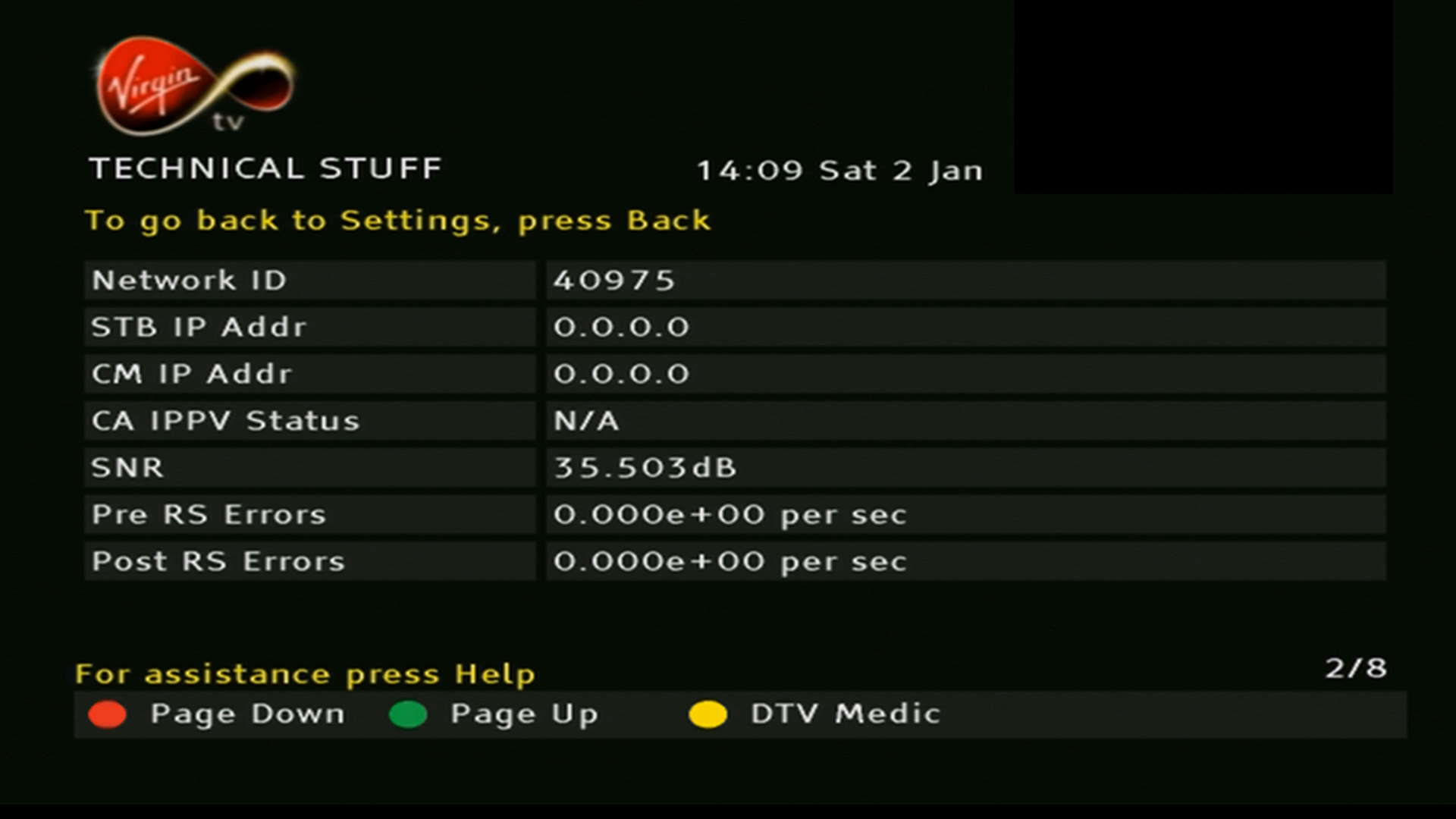
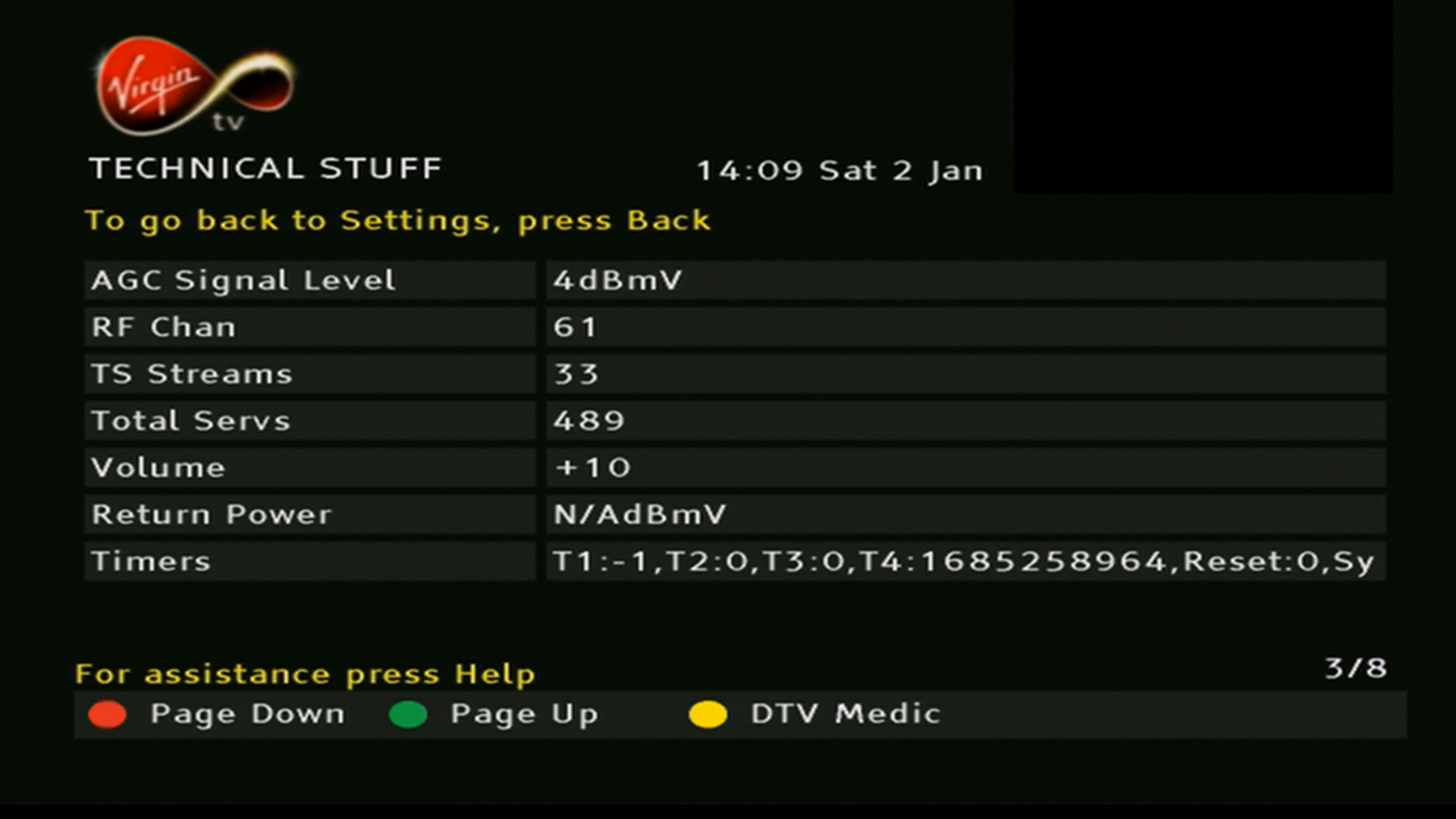
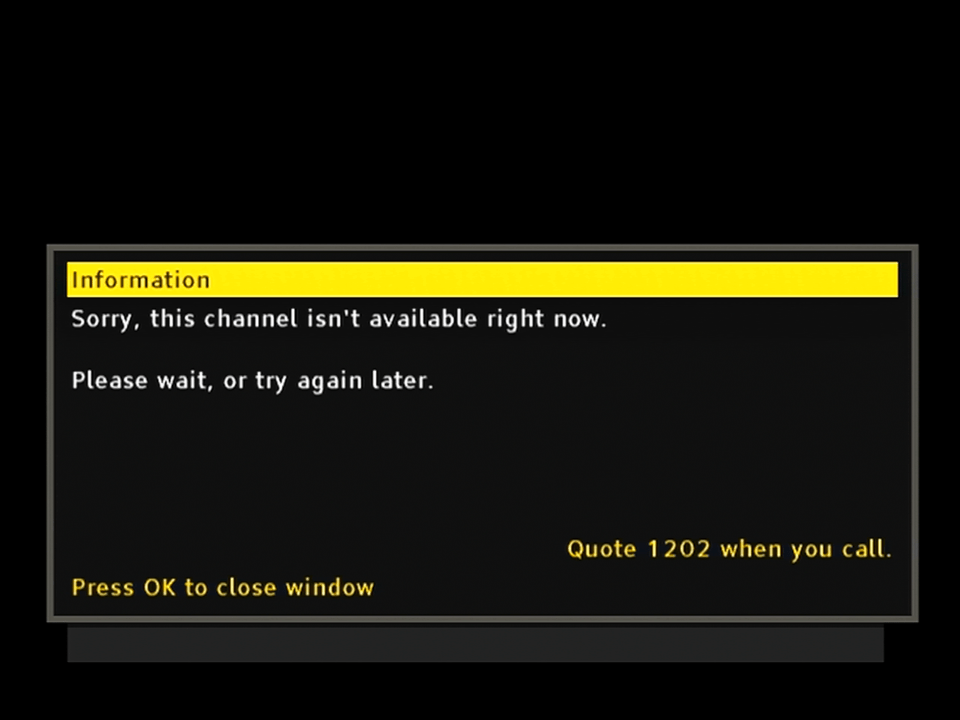
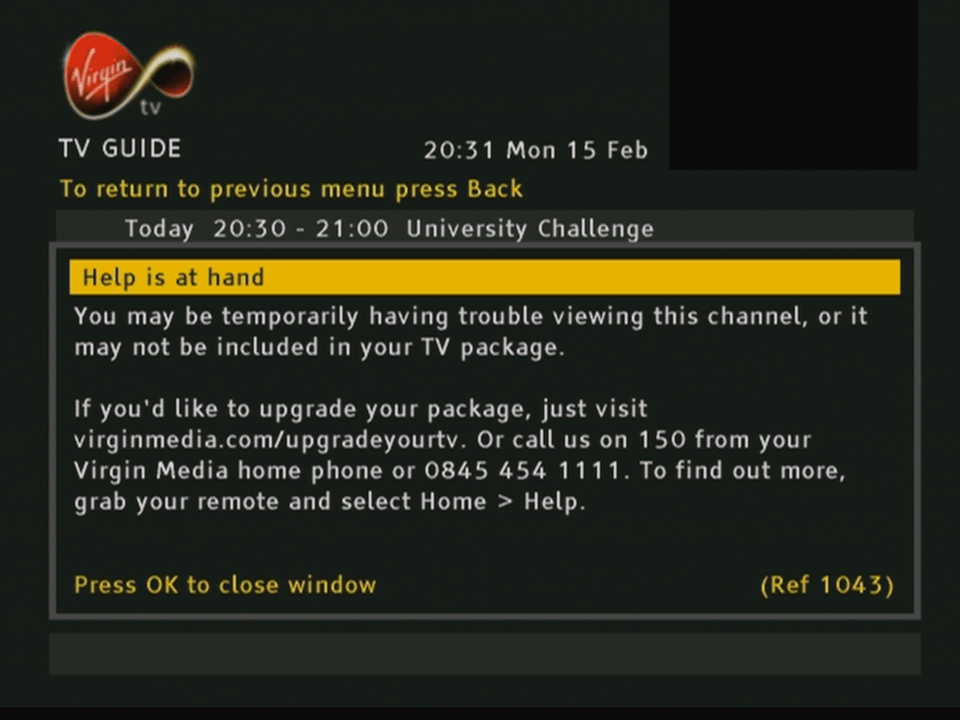
Sadly the NetID for this box does not match my area, which means channels cannot be watched. Virgin have migrated their streams to MPEG4 anyway which this box cannot decode, however radio channels remain in MPEG2 although they are tied to the NetID which is why they don’t appear here.
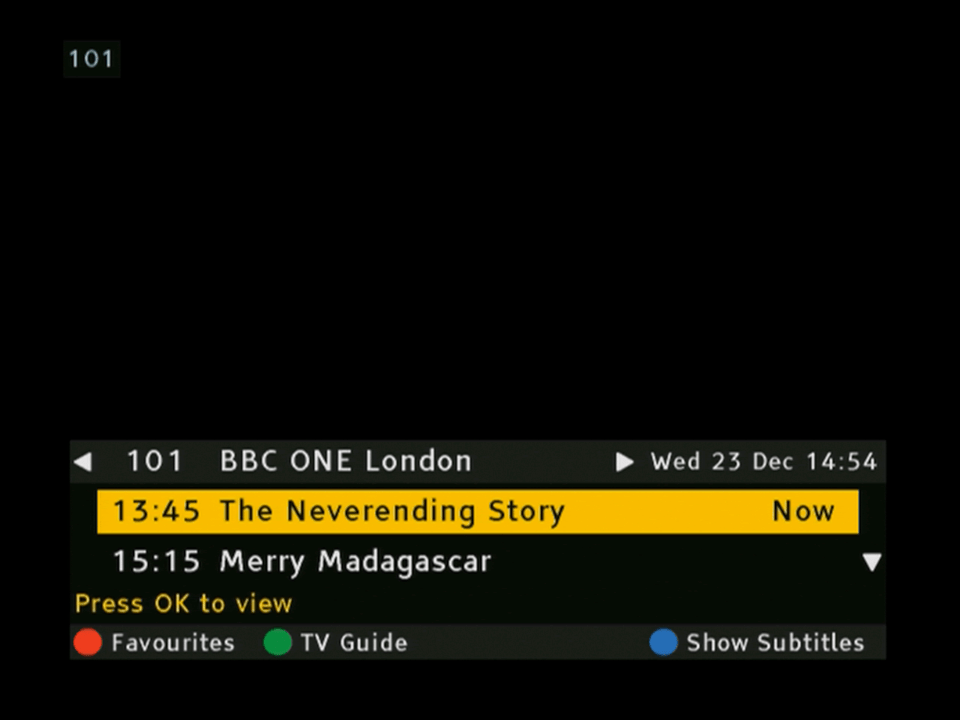
The now and next banner that appears when you change channels. If you are used to Sky’s interface you will be familiar to how Virgin’s guide works since it’s mostly the same principles. Left and Right lets you browse the different channels, which unlike Sky will automatically filer out unsubscribed channels, and you can view information for all channels for the next 24 hours
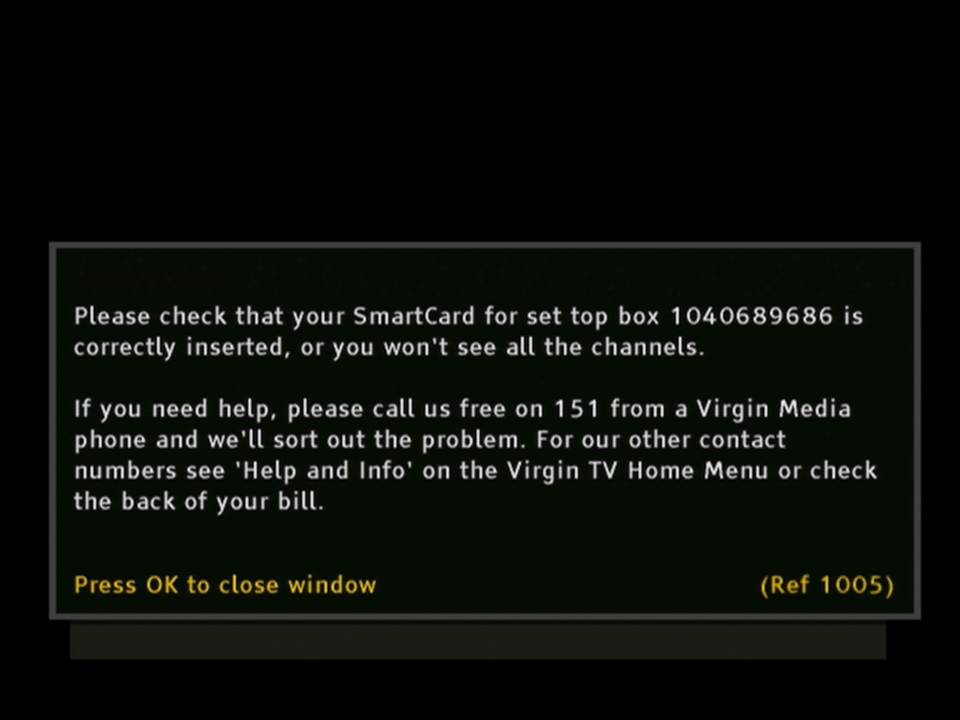
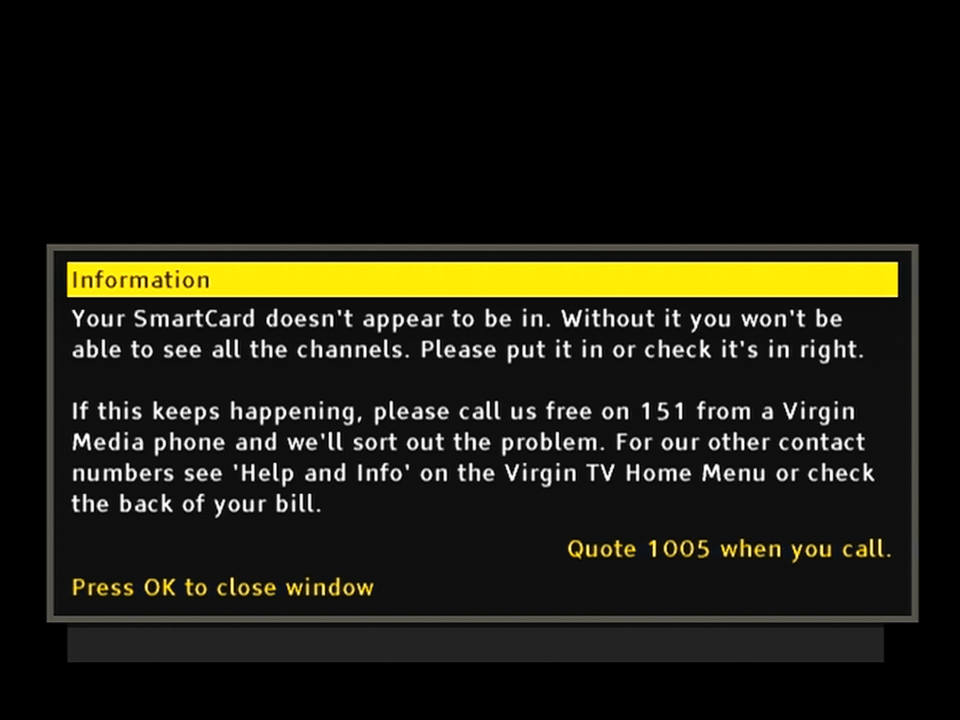
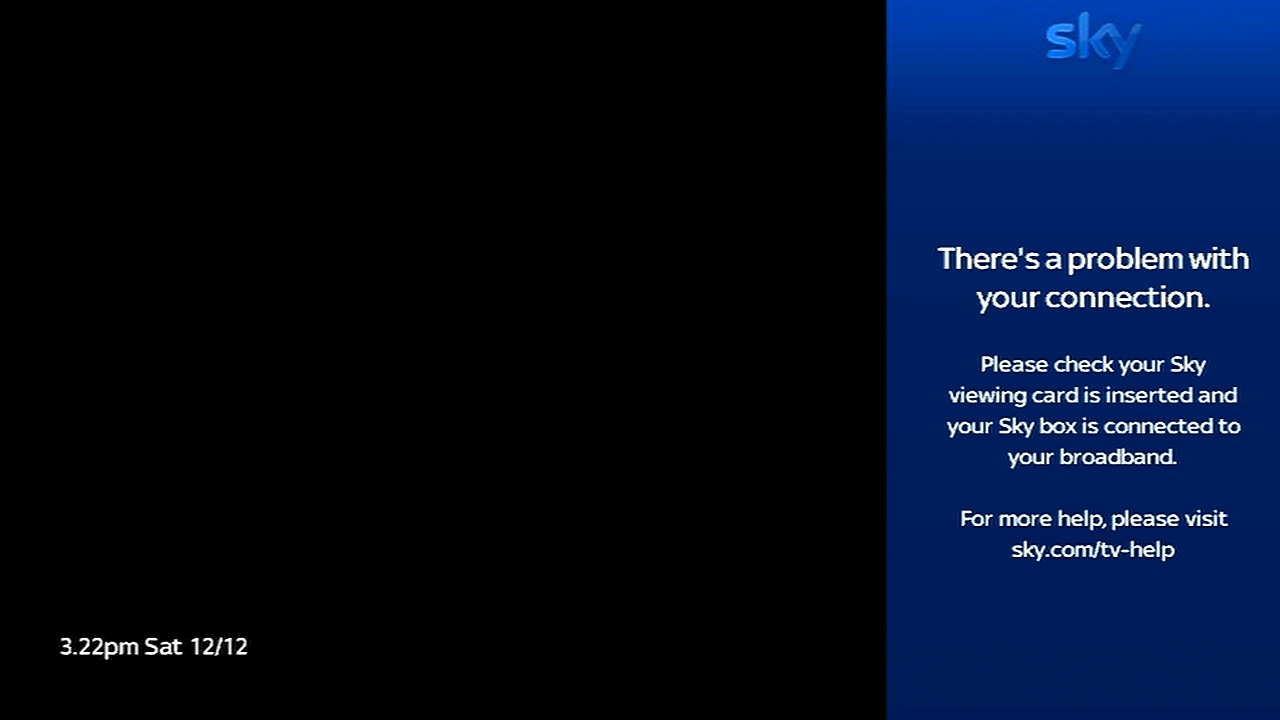
When you remove the smartcard from the set top box
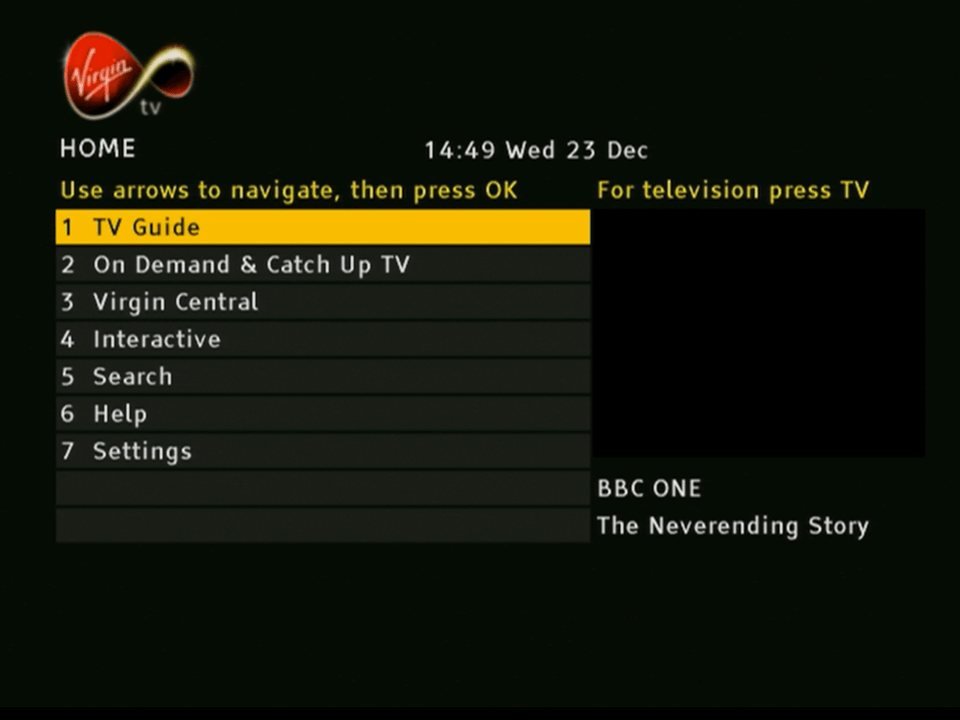
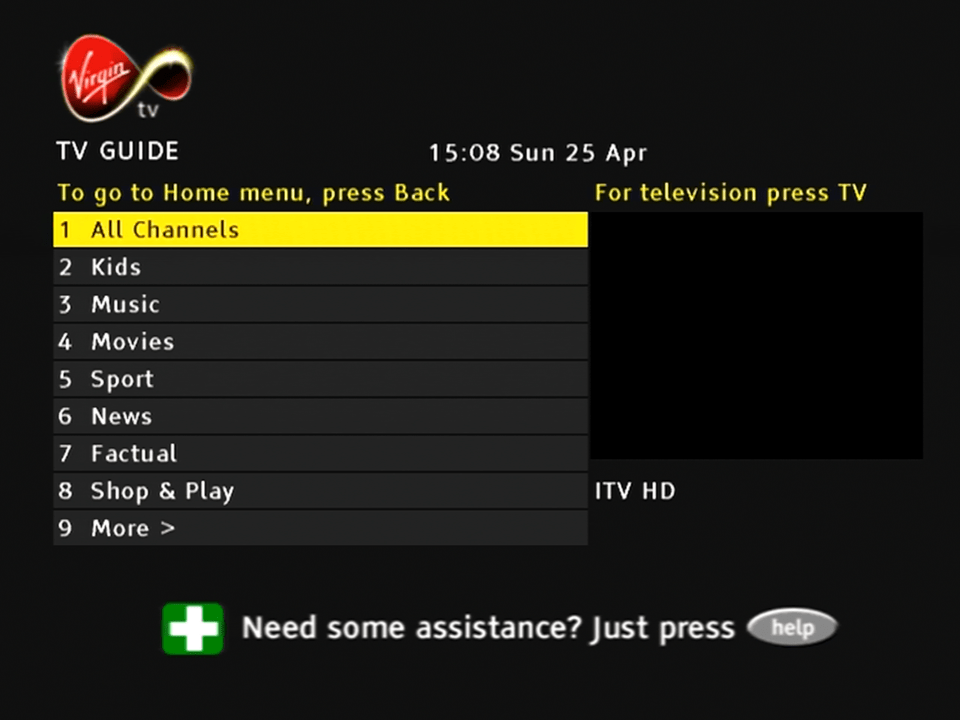
The main home screen, typically the channel you are watching appears in the box to the right. You can’t do that on a regular Sky Digibox. From here you can also access the on demand and catch services, which at the time would have consisted of BBC iPlayer and content from ITV and Channel 4. For a brief period Virgin also offered box-sets in the form of Virgin Central which could be accessed like a regular channel
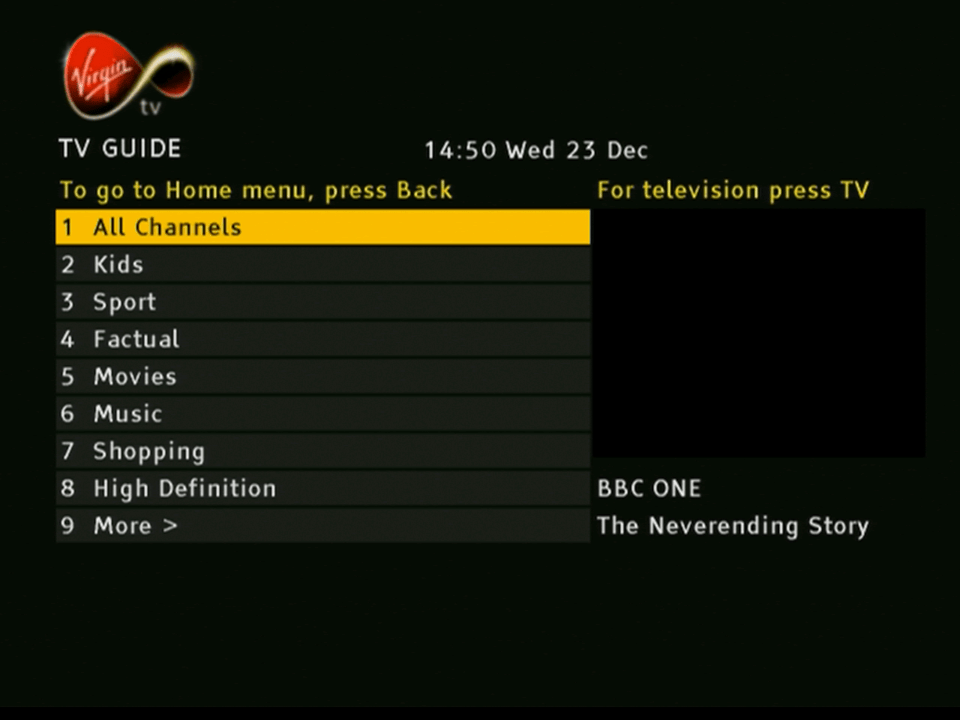
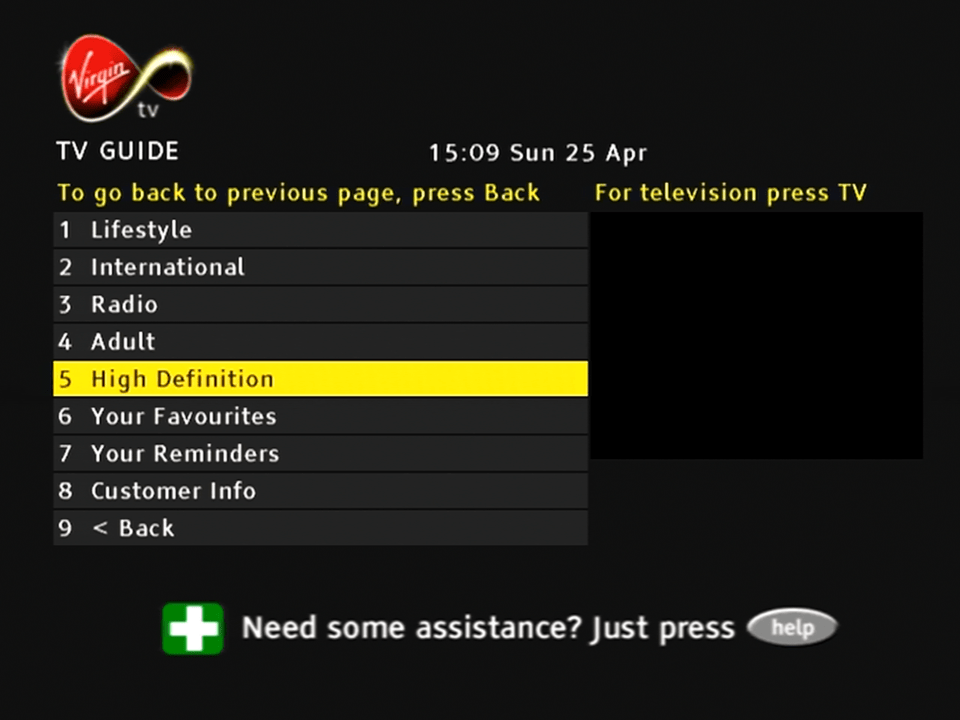
Channels can be divided into multiple genres. Oddly there’s a high definition section there, despite the box lacking the ability to decode HD channels.
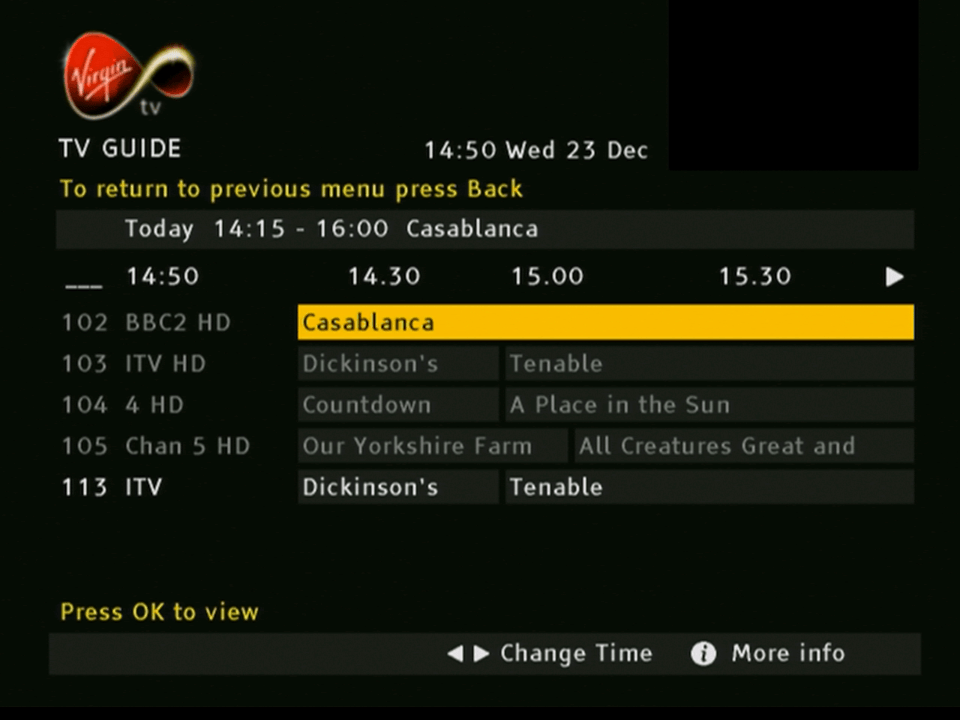
The main TV guide screen
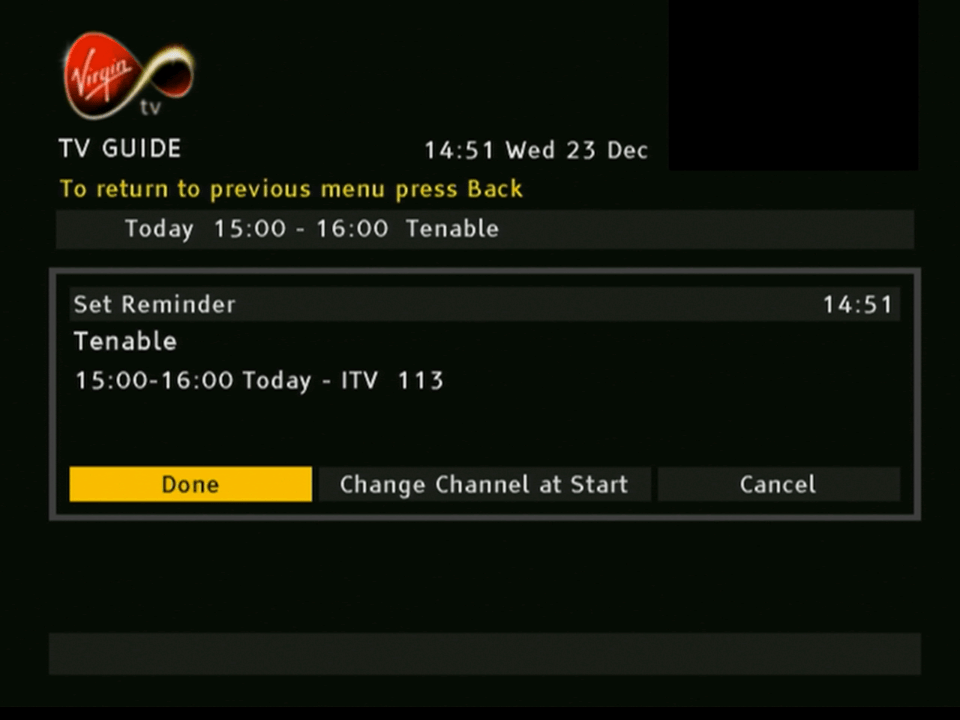
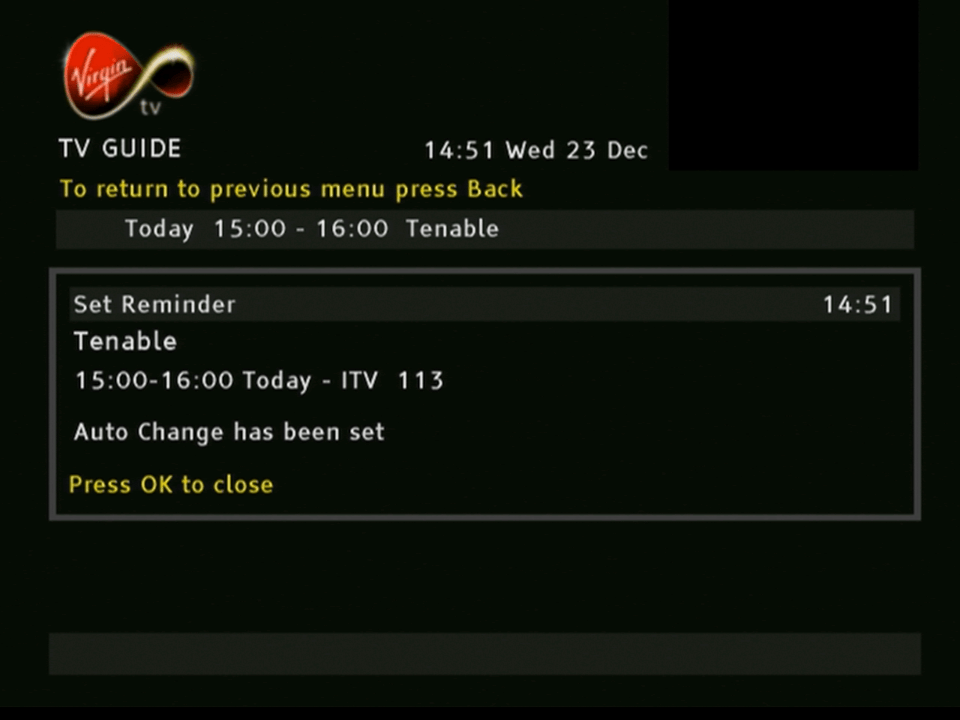
Setting a reminder, similar to adding a programme to the personal planner on Sky
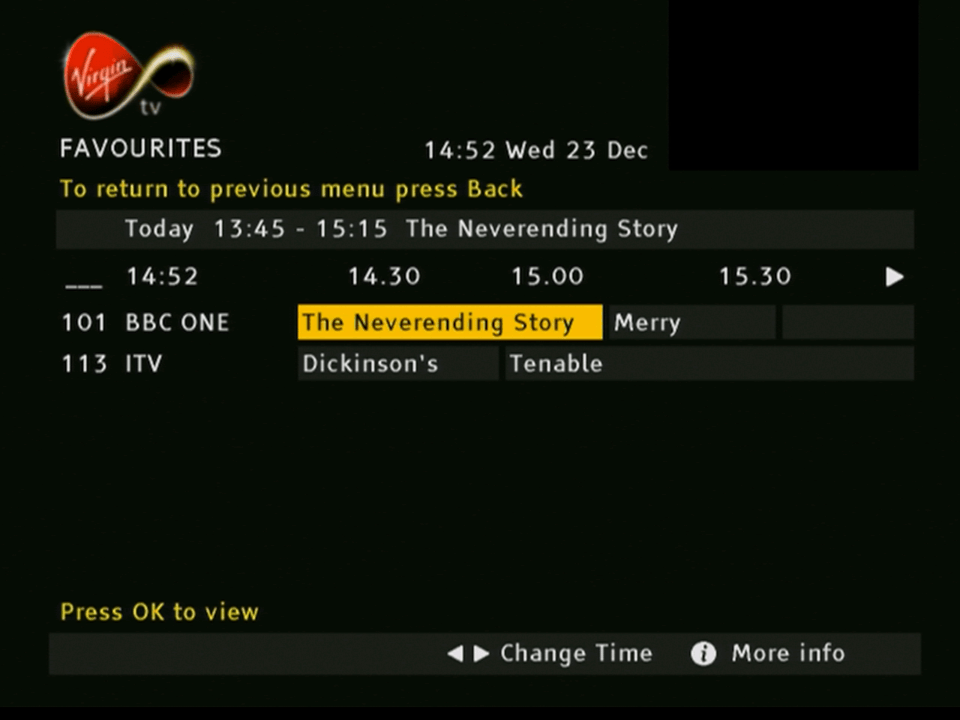
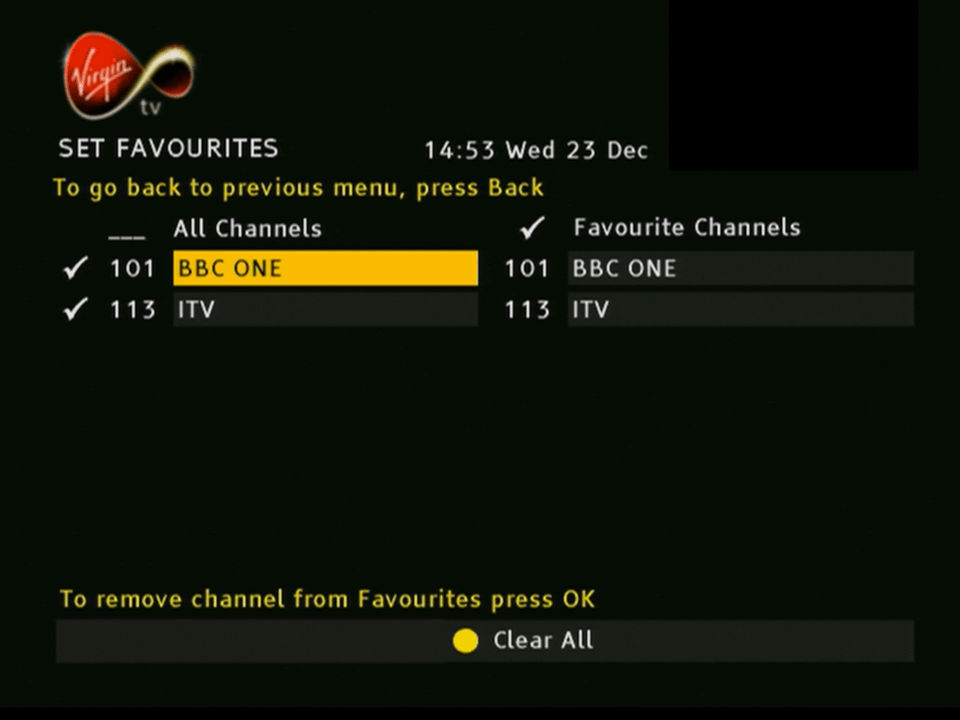
The favorites guide, channels you mark as favorite appear here
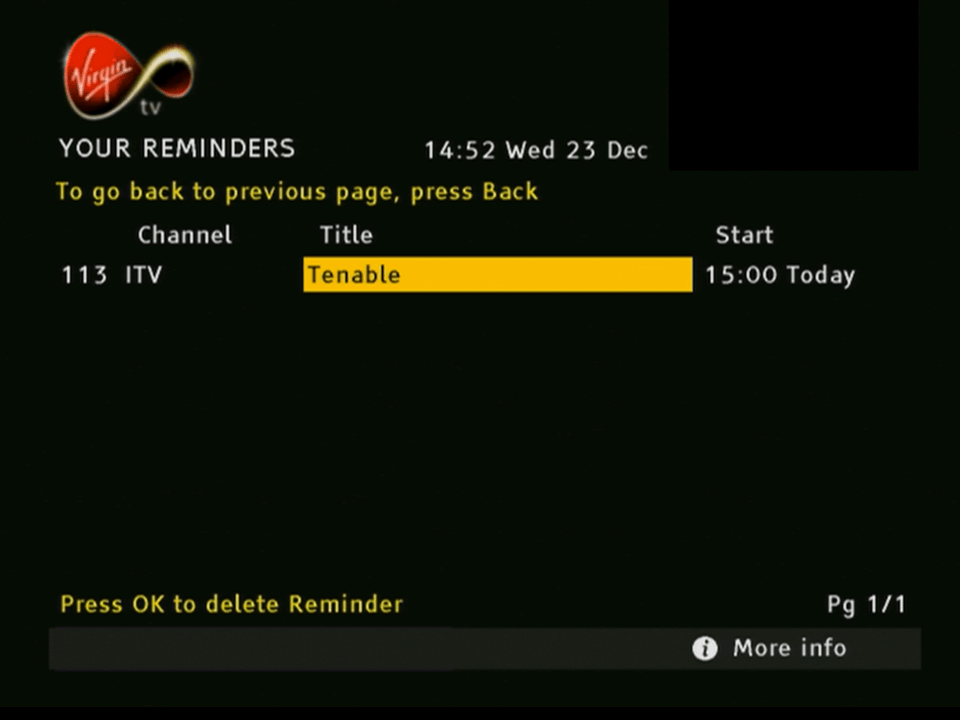
The reminders section, similar to the personal planner on Sky Digital
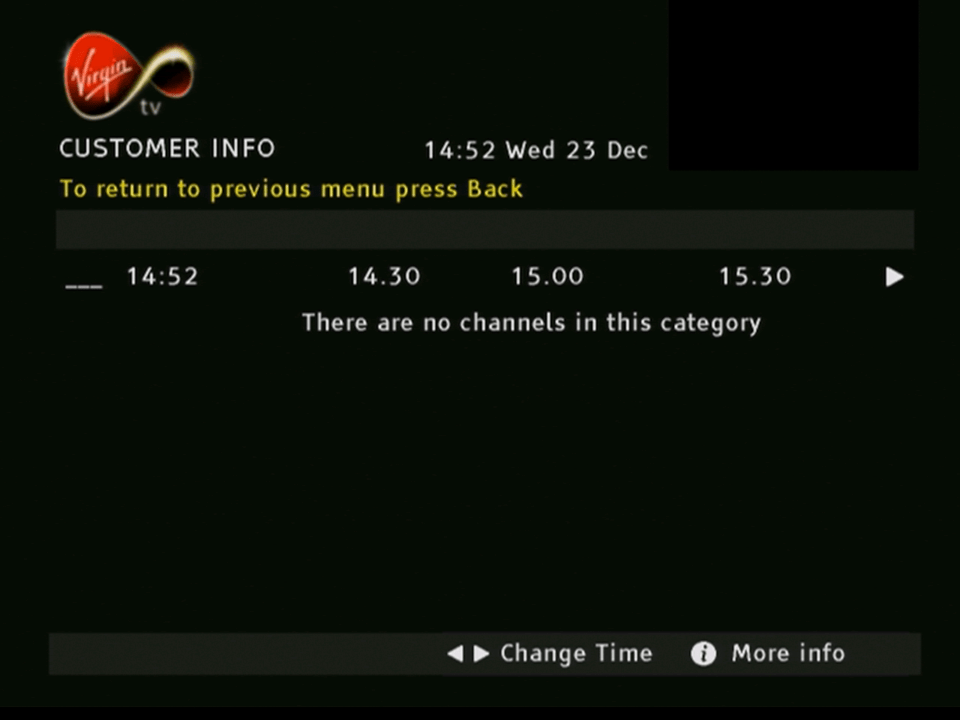
Sorting channels by genre
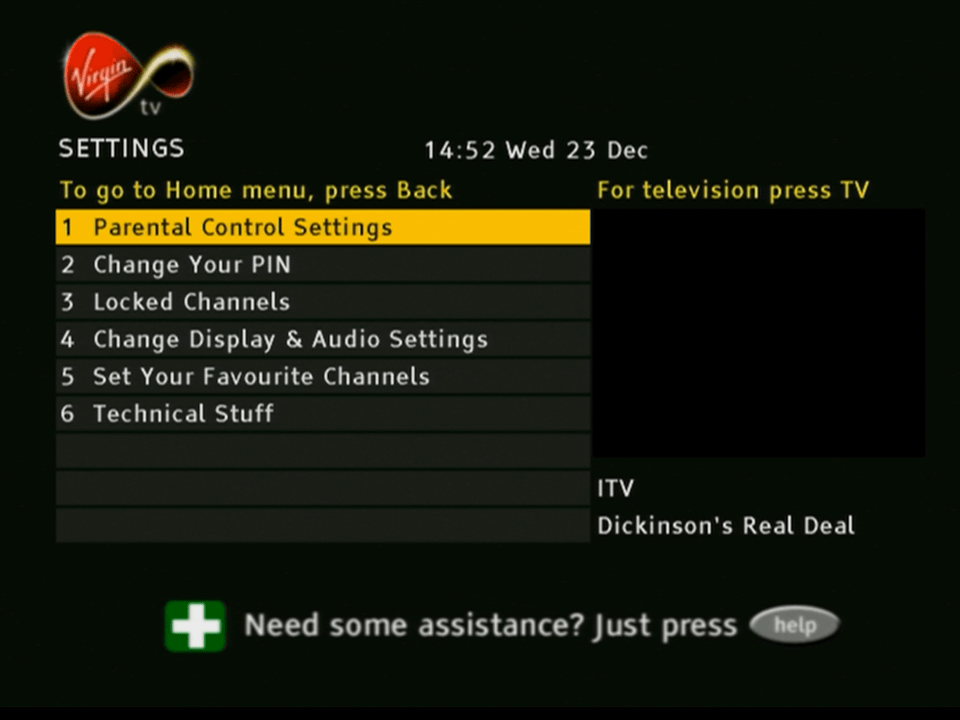
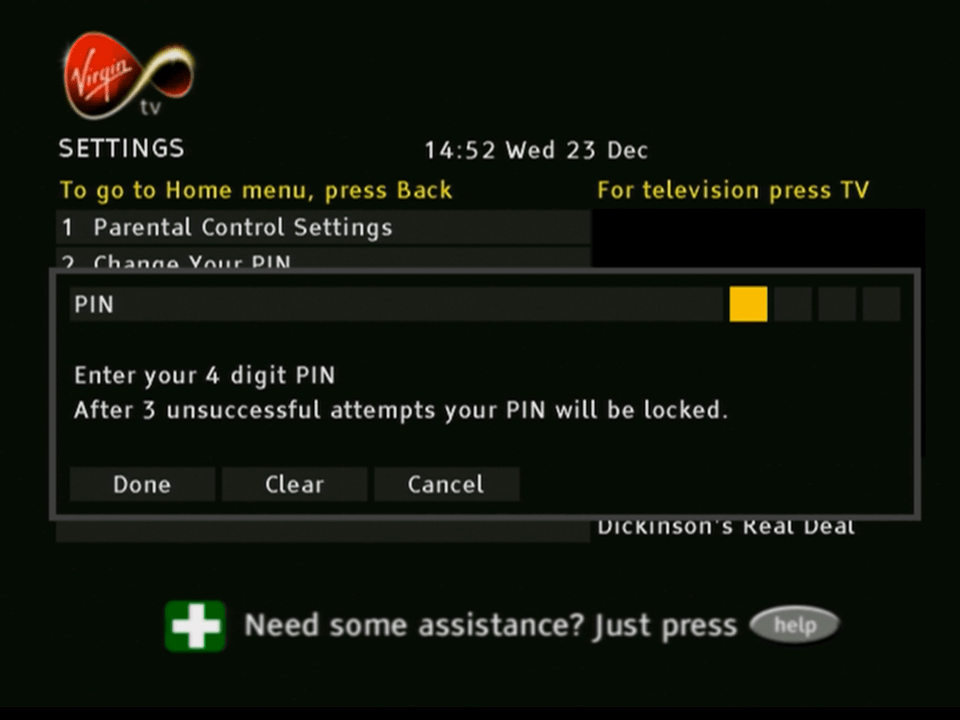
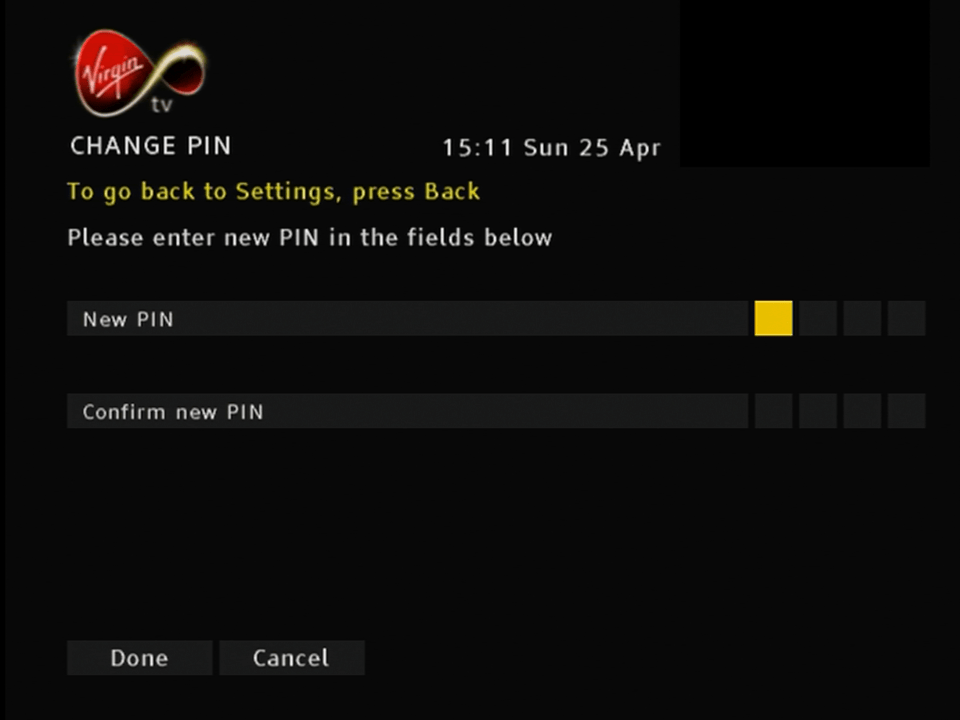
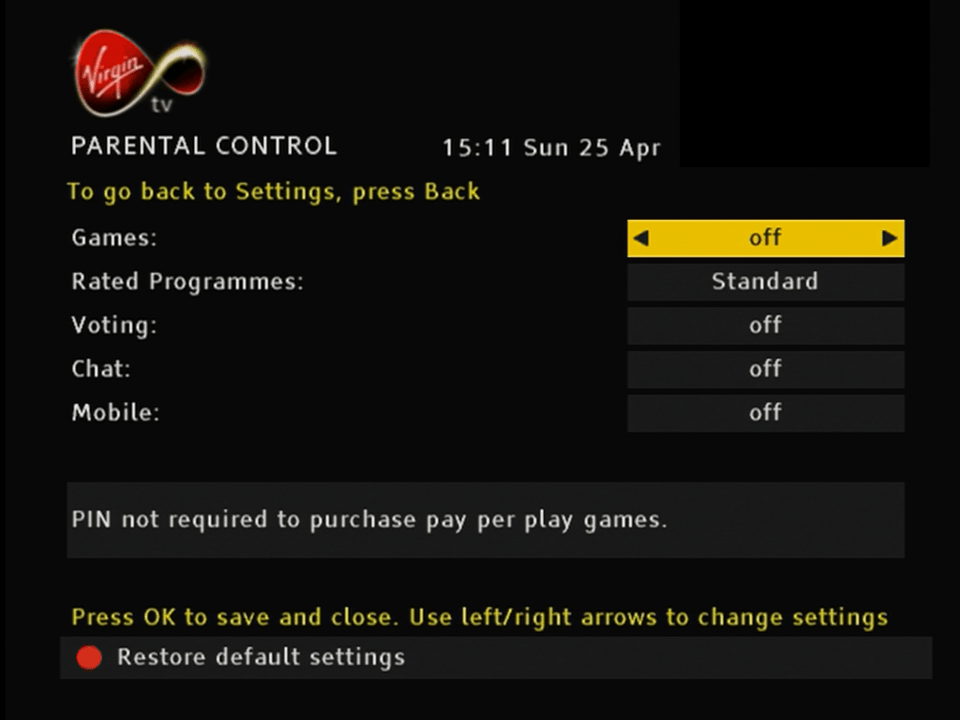
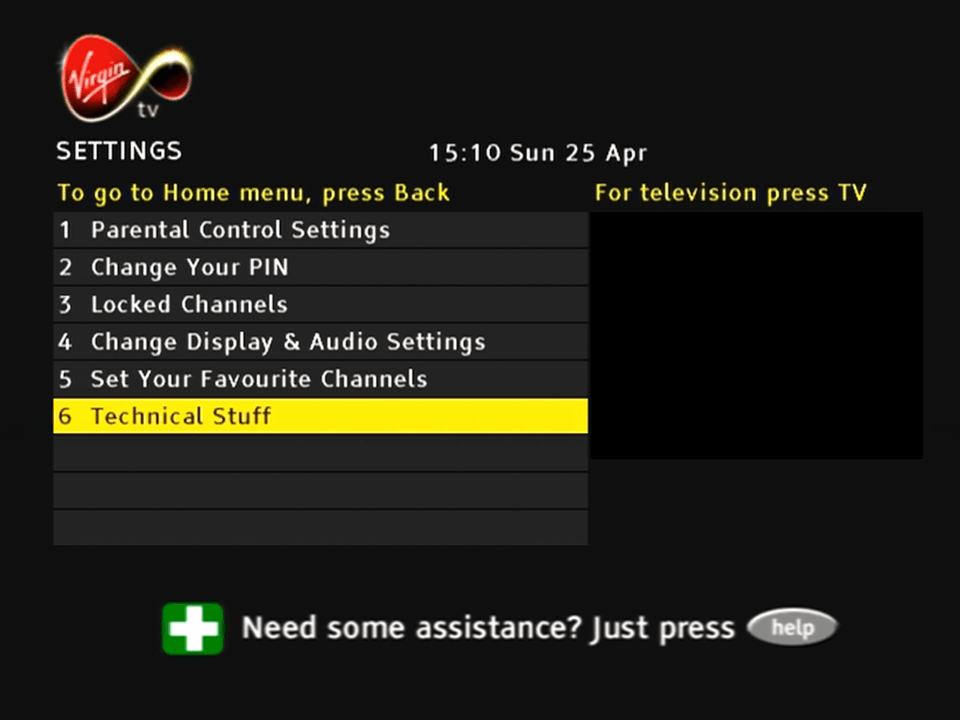
Settings
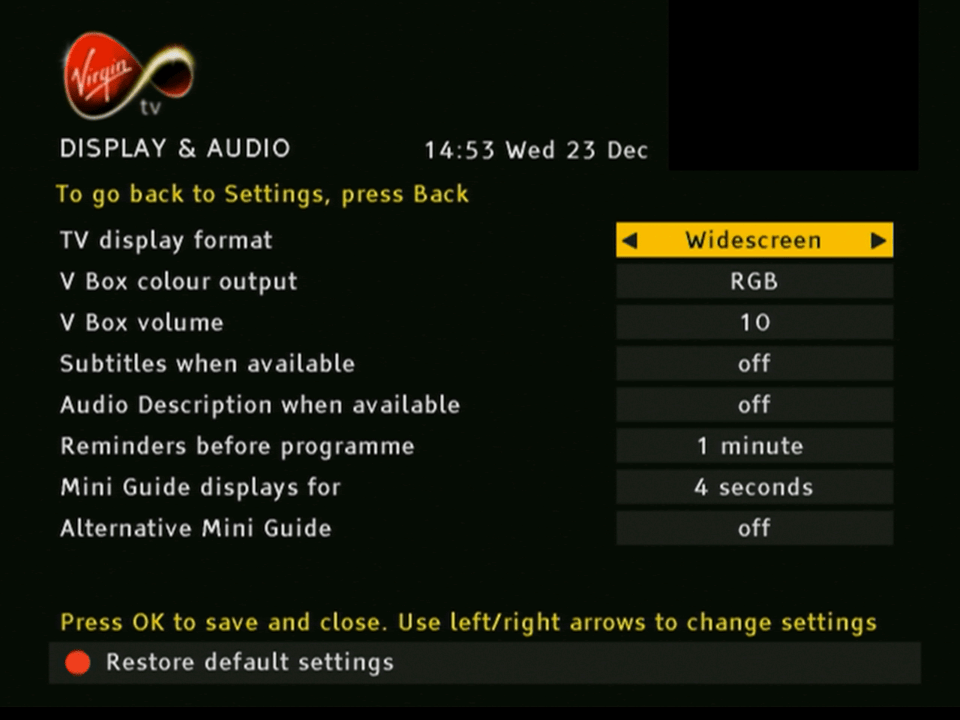
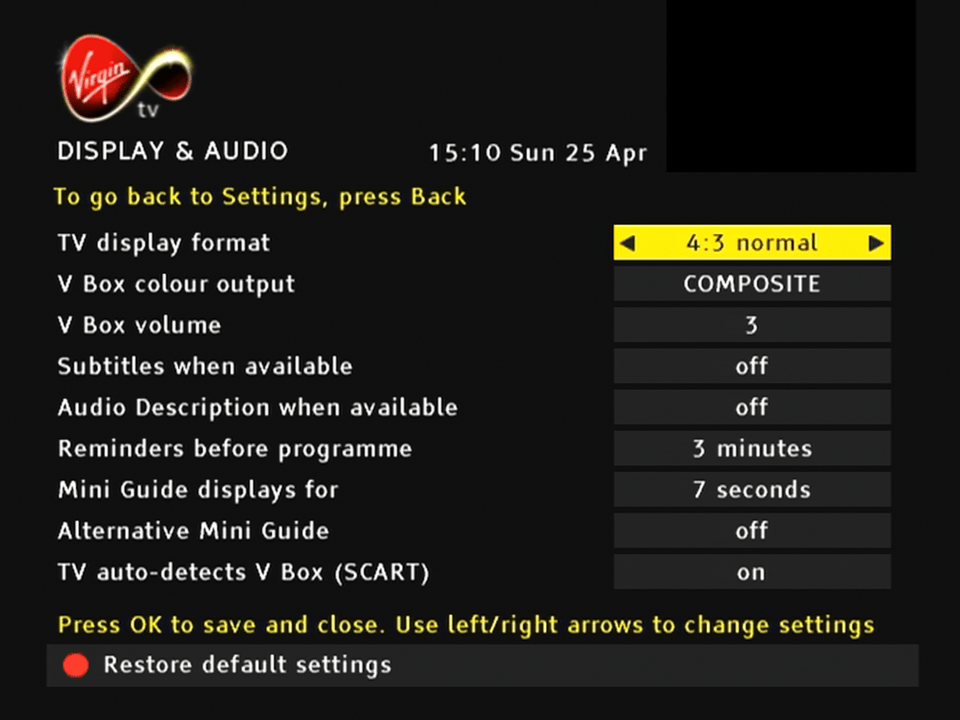
Box supports RGB and composite over scart, and has a widescreen option. The EPG does not run in widescreen mode however.
OnDemand and Interactive
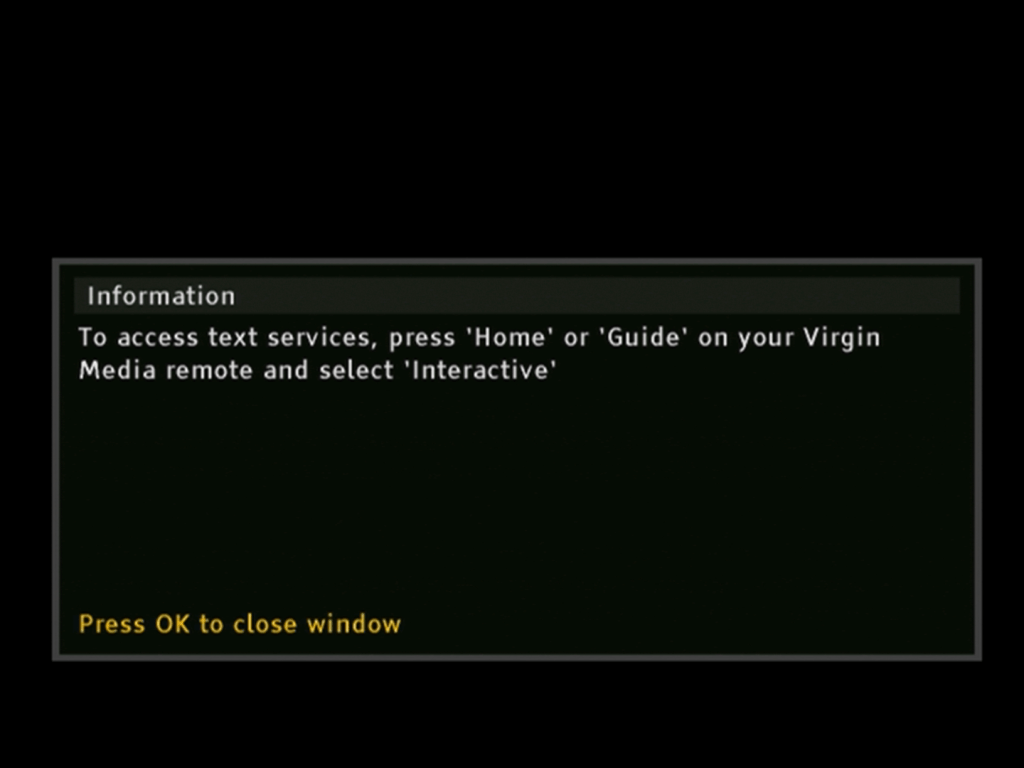
Press F to pay Respect… or OK. I guess most of the liberate interactive stuff has been removed
General Use
For years Telewest customers were promised the launch of digital text services that could be activated by the text button. Eventually they just gave up
Help
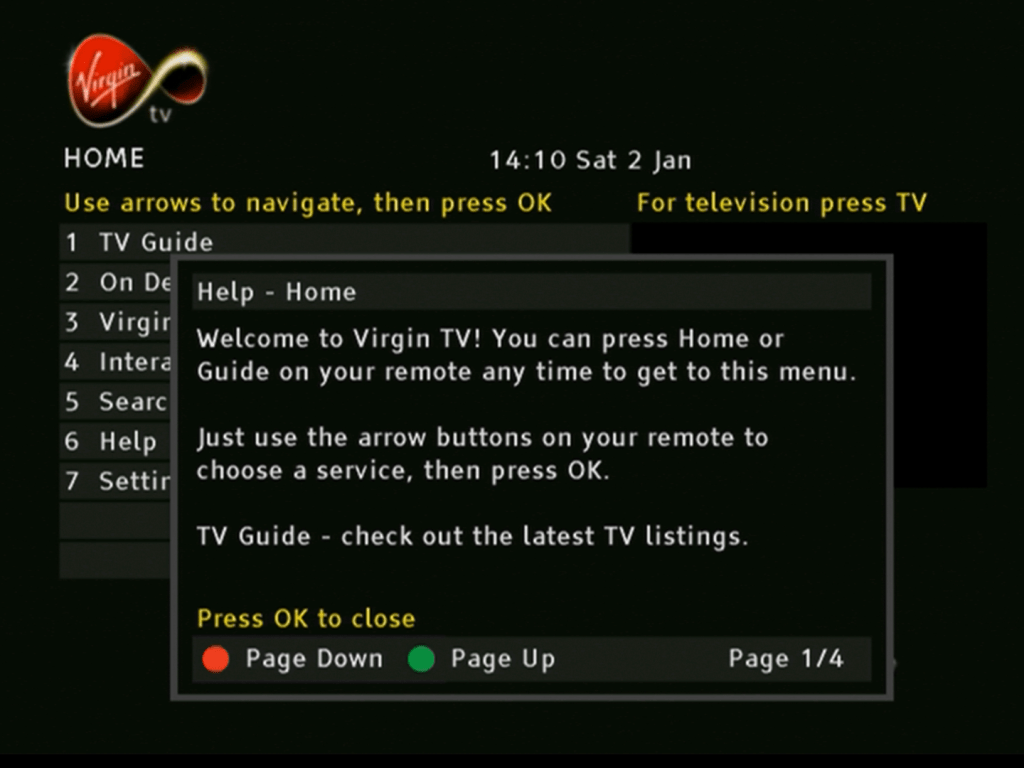
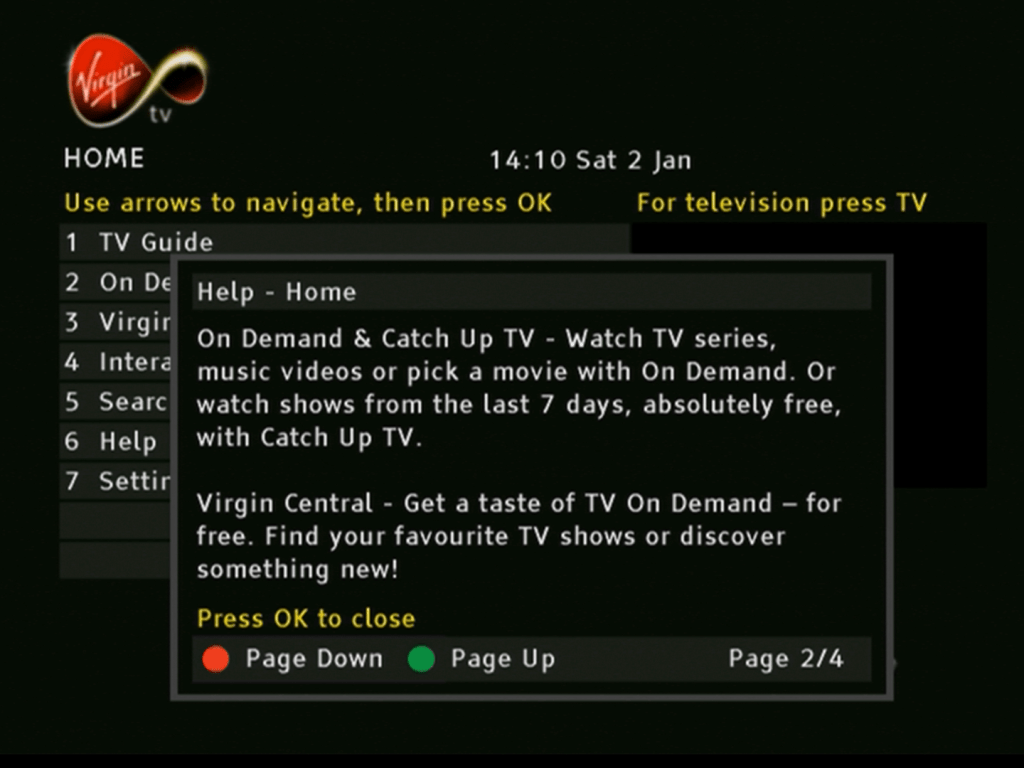
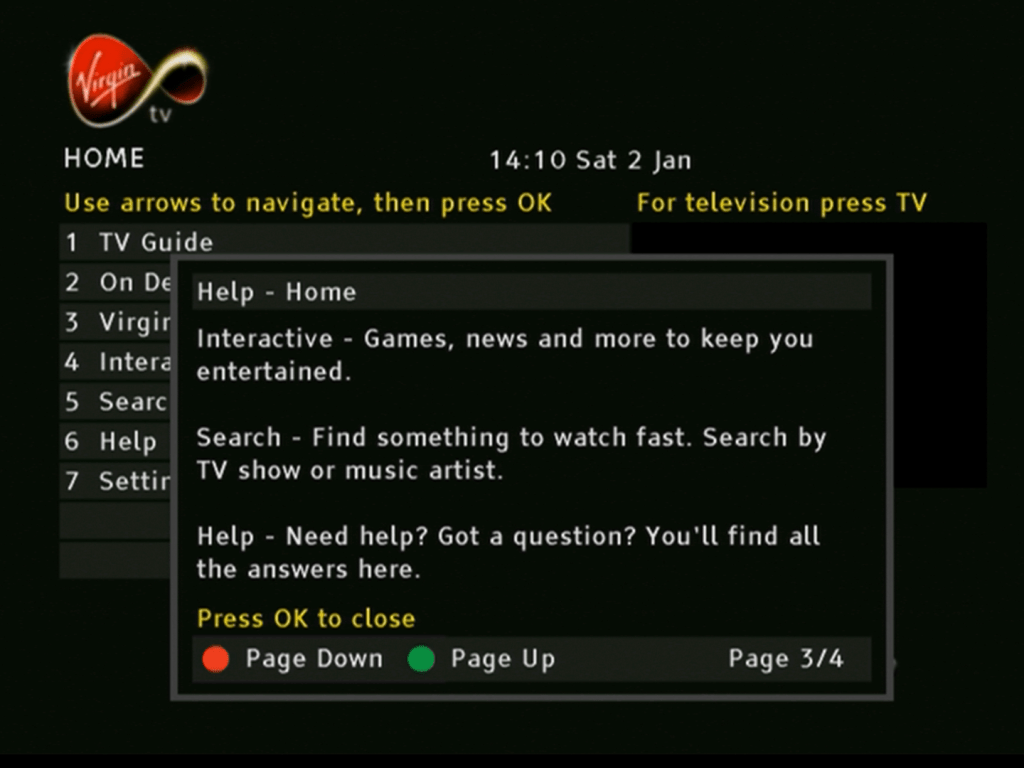
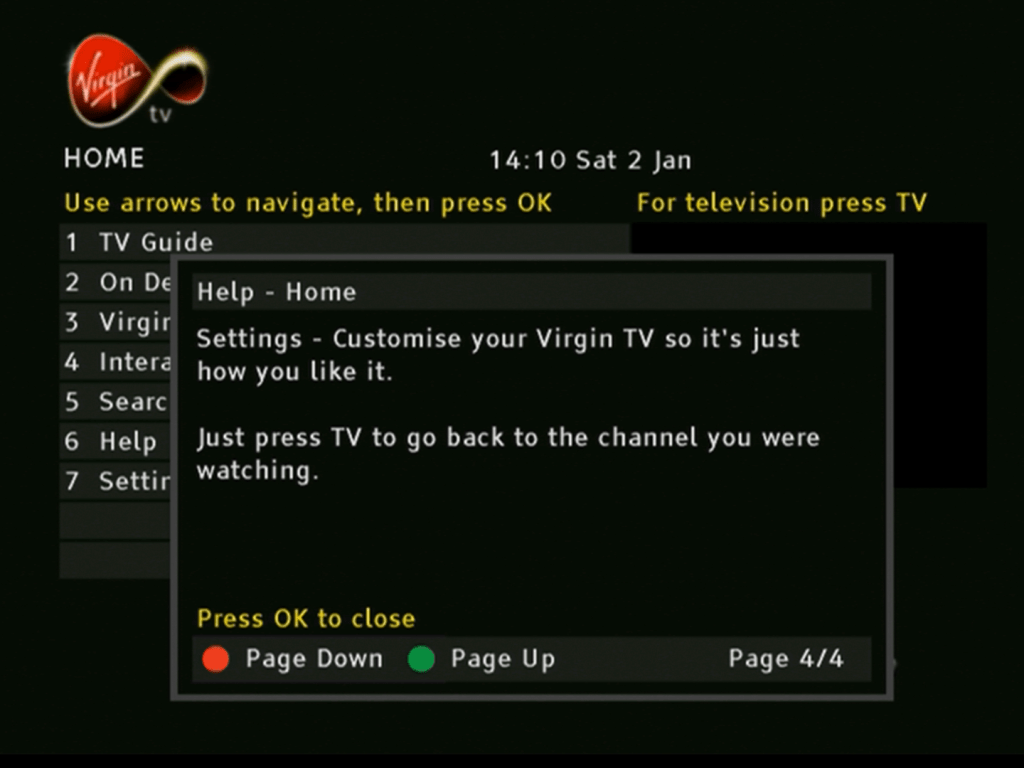
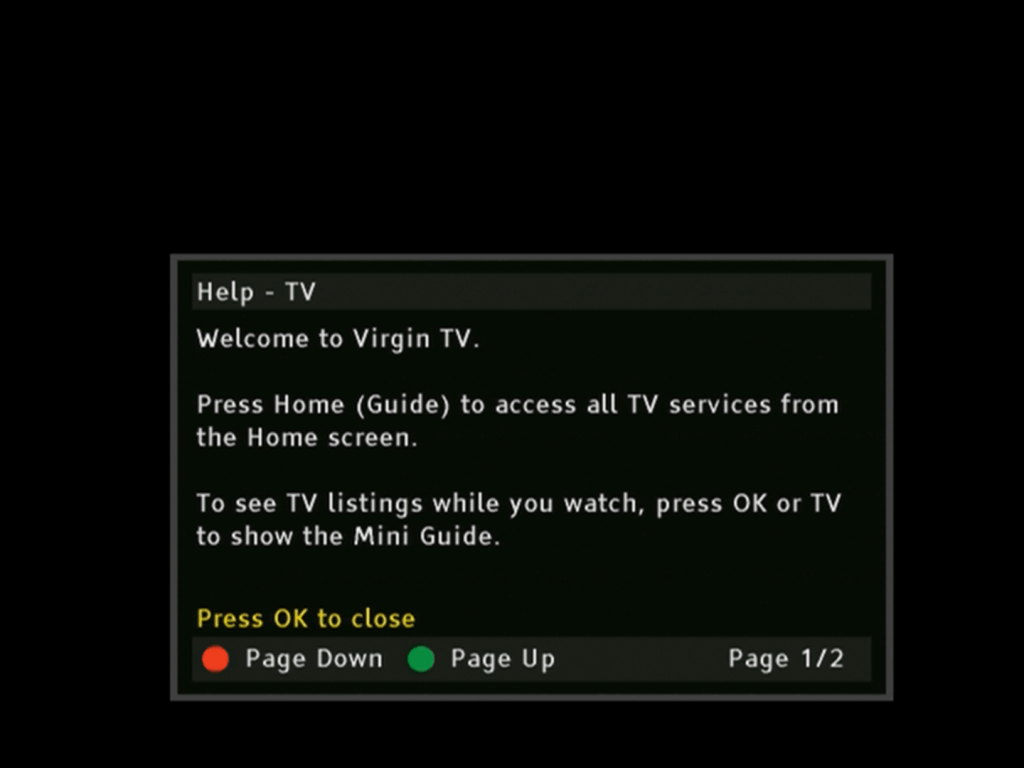
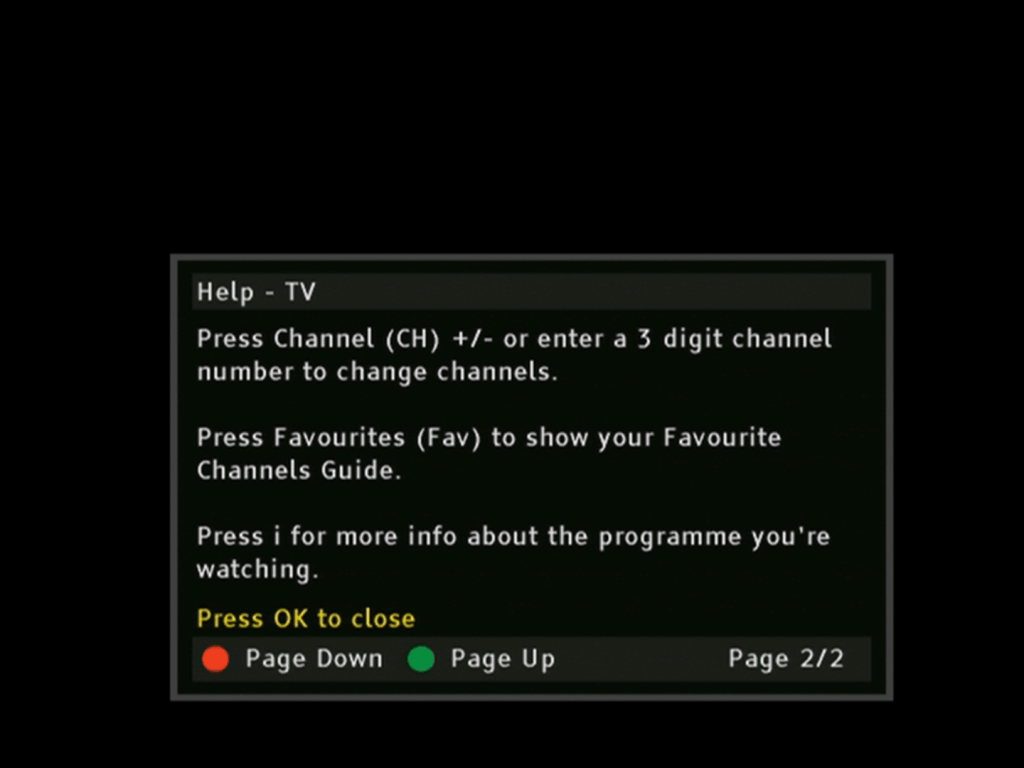
Pressing the Help button brings up a short guide that mentions most of the common features
Earlier Build
Diag Screens
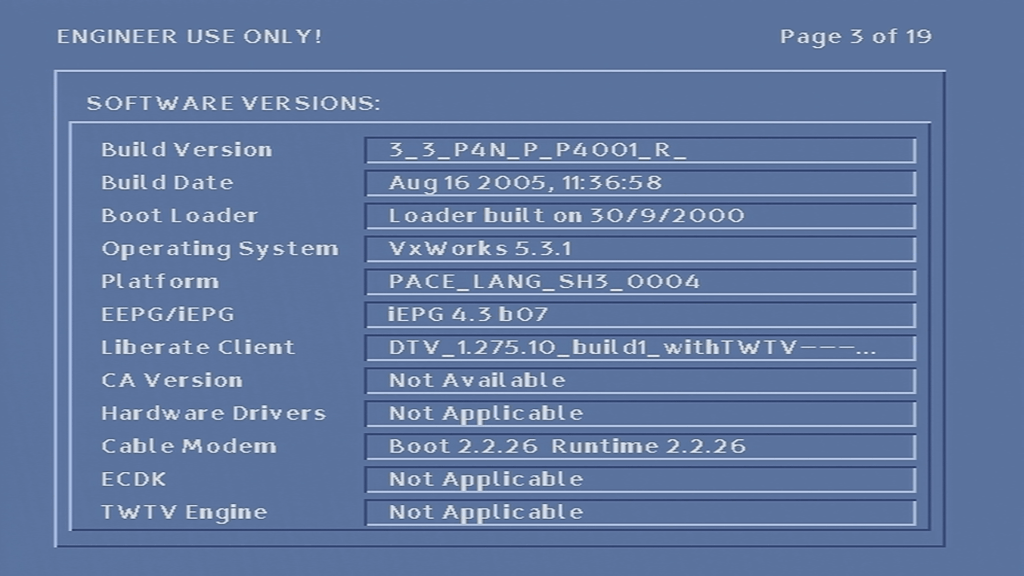
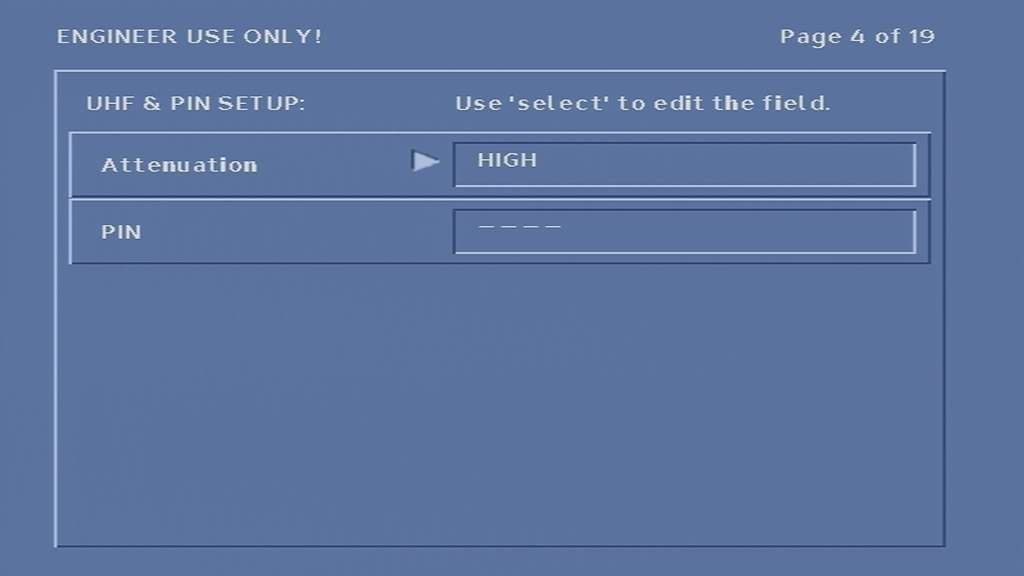
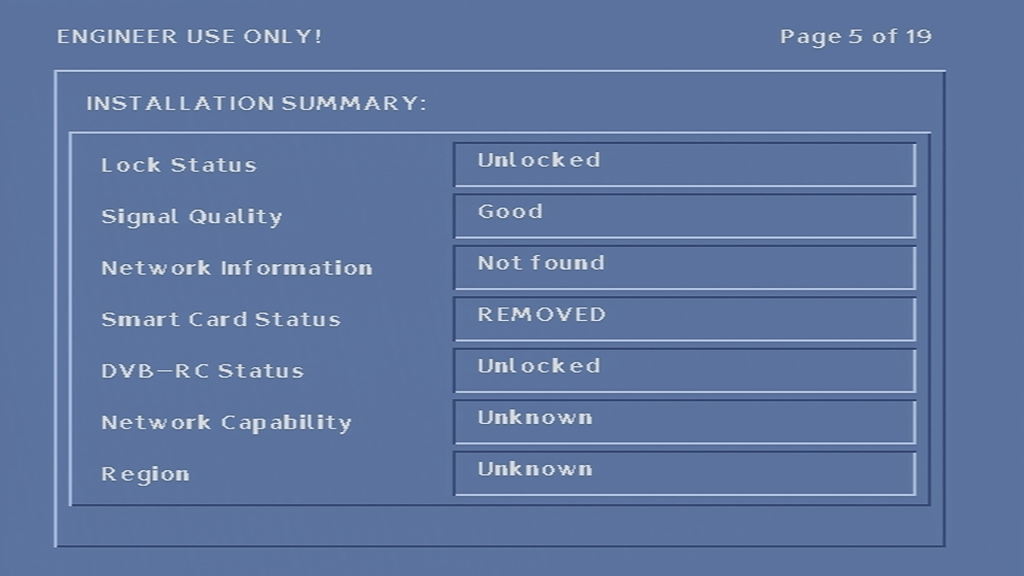
Kind of like the BIOS of a PC where you can change certain settings like the default frequency. To access it hold down the Up and Down buttons on the front panel of the box whilst it is booting up (whilst -un- appears on the front display). DIAG will then appear on the front
The only thing you can change here is the default frequency parameters. and the RF output.
Inside the box
I’m not sure how similar our 4200DVB is to the American version of the 4200. I guess the CPU chip set might be the same but the software will defiantly be different, since Scientific Atlanta have their own Operating System and middle-ware stack, whereas Virgin use Liberate TV Navigator for their software. Then there’s the DOCSIS modem compared to the DAVIC based one in the American version, and the different encryption systems (Nagravision vs PowerKey)
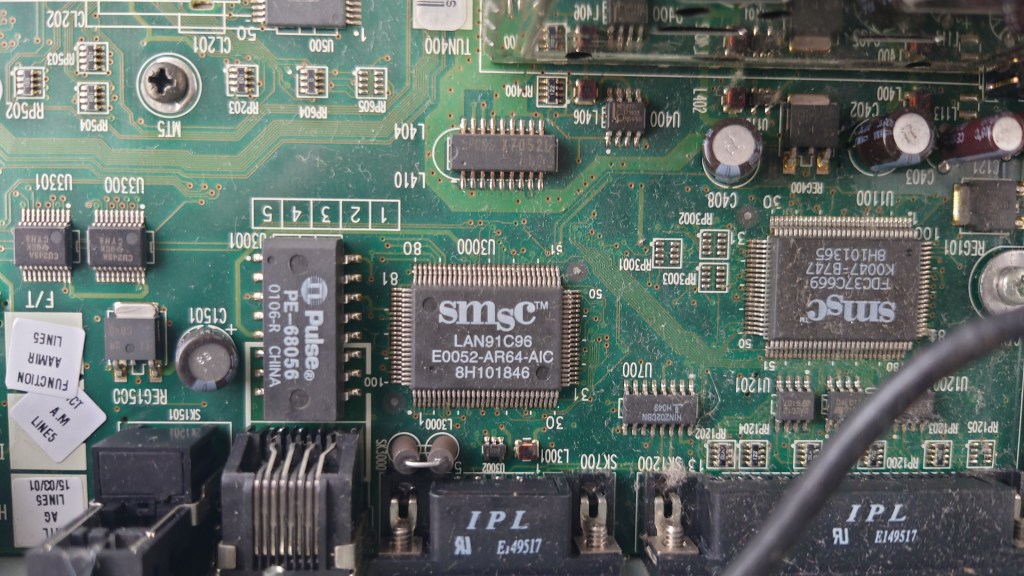
The internals are similar to the Di4000. One thing I have noticed with Scientific Atlanta boxes is they always mount the PSU on the side. I’m not sure if this allows for better heat dissipation since there are vents underneath the box. The tuner module is huge and takes up a lot of room on the main board.
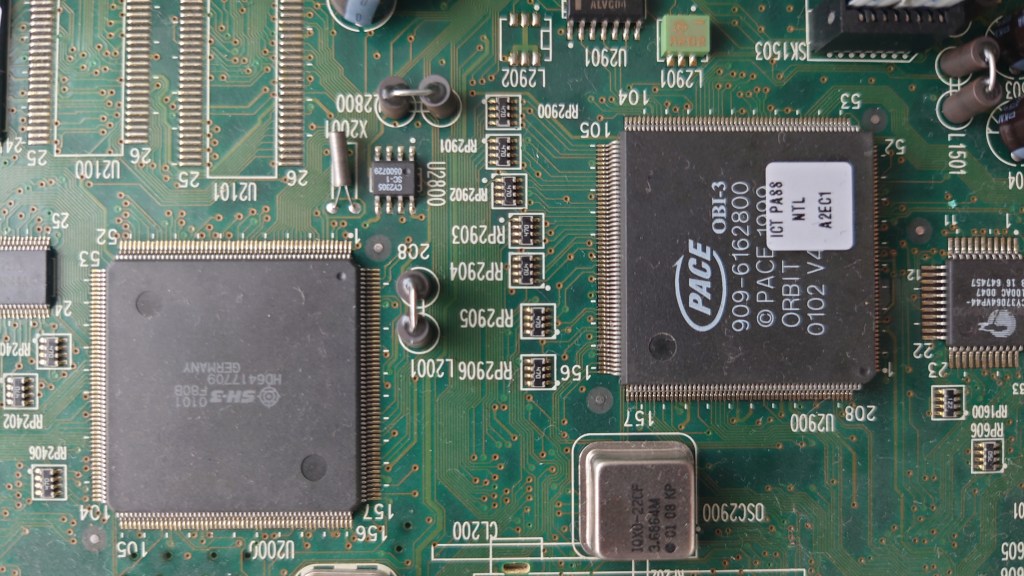
The CPU (right) with the cable modem coprocessor (left). The CPU seems to be a customized chip for Scientific Atlanta and is designed by ST. This may indicate the CPU core being ST20 based, since many ST chips used that core in various satellite receivers, including Sky Digibox’s. As with modern designs, the main processors integrates the CPU, MPEG2 decoder, CA descrambler and graphics core on the same chip. In terms of memory, the box has 32MB of RAM and 8MB of flash, same as the Pace Di4000T.
The IO is standard for many cable boxes of the era, although this model drops the USB port, and the RF loop through has been removed. The earlier Pace Telewest boxes had an RF loop through that would modulate the STB signal onto a spare RF channel, whilst this box does the same, you cant loop the antenna feed through it, wither a combiner or diplexer device would be needed. Assuming you even wanted to use RF, most customers would use the scart connecter with the RF being used to feed a second TV. I’m not sure if the box feeds the analogue cable channels though the RF out, but since this box was released in 2004 and Telewest were already planning to shut of the analogue feed it’s unlikely.
At least there’s an Optical audio out along with analogue out, which the Di4000 boxes dropped, and the mysterious IR blaster connector.
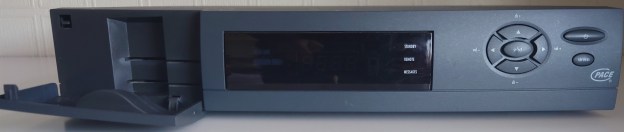
Front view of the STB, the panel is based on the Scientific Atlanta 4250 design.
Updating System Software
To force a software update, power off the box, hold Power and Ok whilst powering the box on
It’s nice they used Wordart in their software update screens
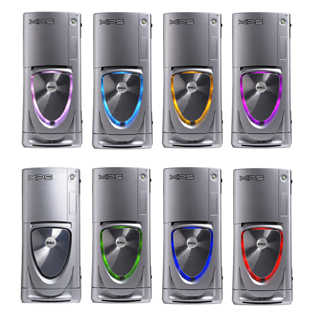
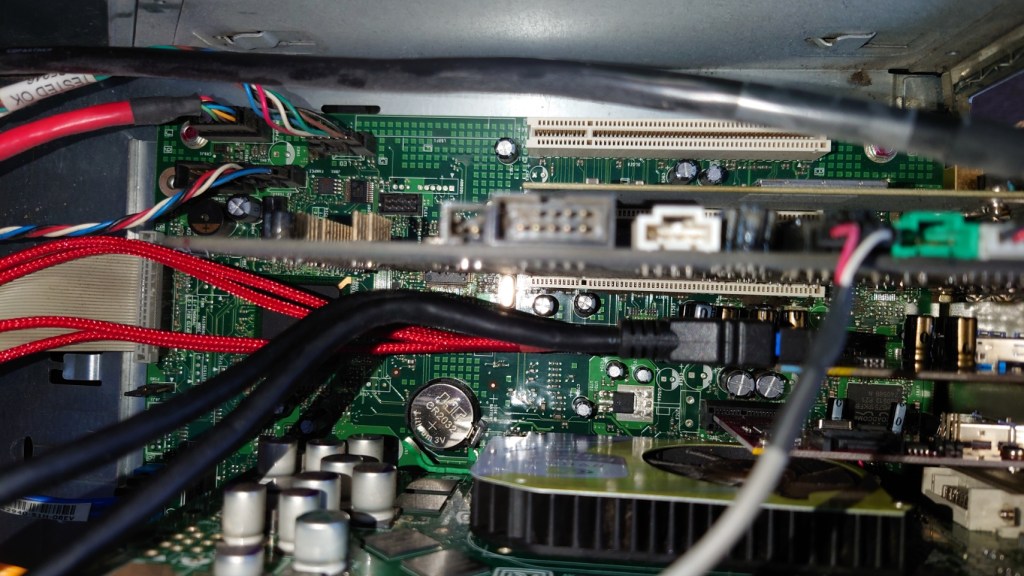
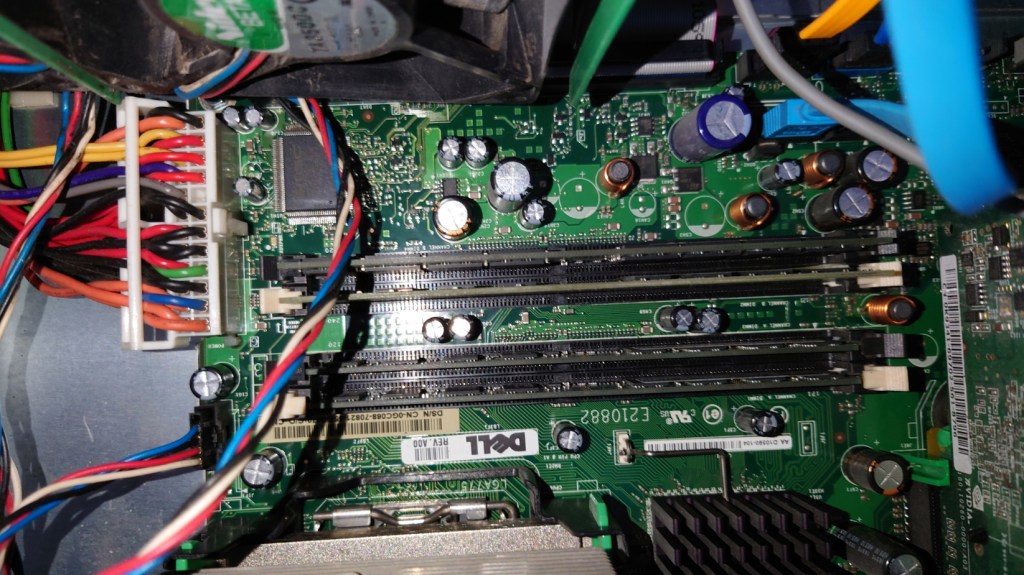
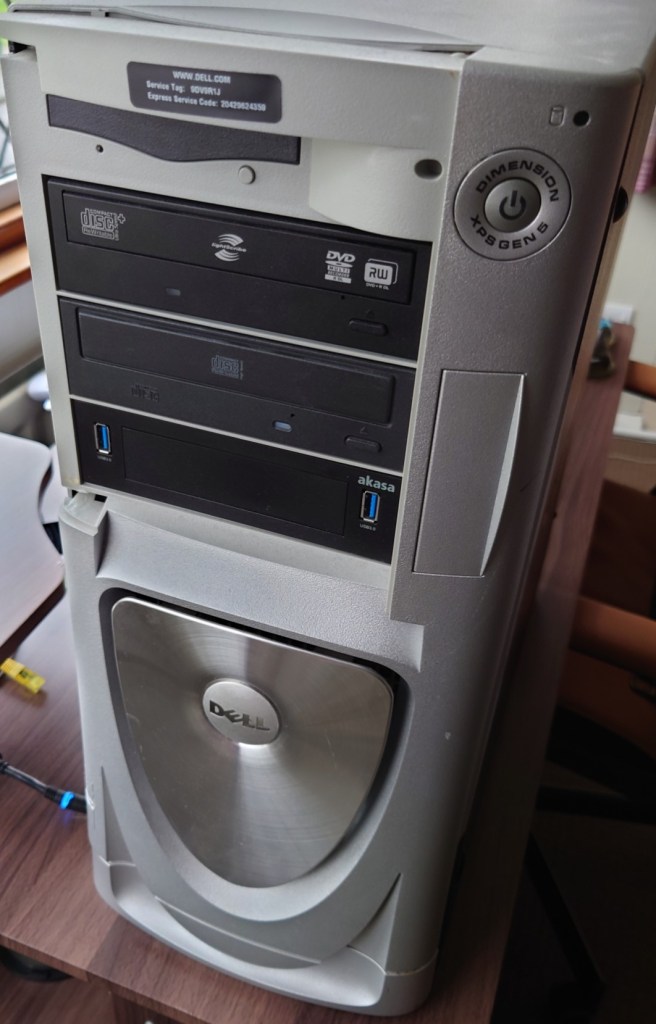
Dell’s XPS line of systems had always caught my attention, that and the Alienware Area51s/Auroras of the time had eye catching designs that stood out from the rest. I wanted an older gaming system purely for the games that were released in the era of Windows XP, from 2001 – 2006. Whilst most of these games can be maxed out on many modern systems, sadly compatibility issues are starting to occur when playing these old titles, and as Microsoft continue to update Windows 10, these issue’s are starting to become more apparent.
So I figured why not buy an older high end system and modernize it. By modernize I meant installing additions like an SSD and a USB3 card to make the system ore convenient to use whilst still keeping the original core hardware.
The Operating System
Windows XP Professional
The default choice for a machine of this era and type, for the best compatibility
Windows XP Professional 64bit Edition
Yep, there was a 64bit version of Windows XP, two in fact. The system is capable of running 64bit code thanks to the Pentium 4, and the system can detect all 4GB of its ram. I did install this to use as the main operating system, but found out some games ran into compatibility issues with the 64 bit kernel.
Windows 98/ME?
I have considered this, for a dual booting purpose only. Reason being this is one of the last machines to support Windows 98, or at least have native drivers for it. In theory you could create the ultimate Windows 98 gaming PC with these specifications without breaking compatibility.
In reality, Windows 98 was on its deathbed at this time, whilst software does support it, its only basic support that the game actually starts up so that it ‘runs’, there are numerous performance issues just from the operating system itself, and many games are missing certain graphical effects. And the fact 98 was notoriously unstable compared to XP.
The drivers also have the same story, with the NVidia drivers being notoriously unoptimized. The NVidia card for example has the latest XP driver being released in 2012, compared to the Windows 98 driver being released in 2005, that 7 years of driver optimizations and progress being missed out on.
In reality if you are buying a high end pc in 2005, its incredibly unlikely you would be running Windows 98 in it, and manufactures knew that.
Linux
Or GNU/Linux if that’s more your thing, I’ve also contemplated dual booting a Linux based operating system on it from that era. Something like Ubuntu 8.04 or Red Hat purely to see what it’s like. And maybe get some old GNU/Linux games going…
Components
Processor –Intel Pentium 4
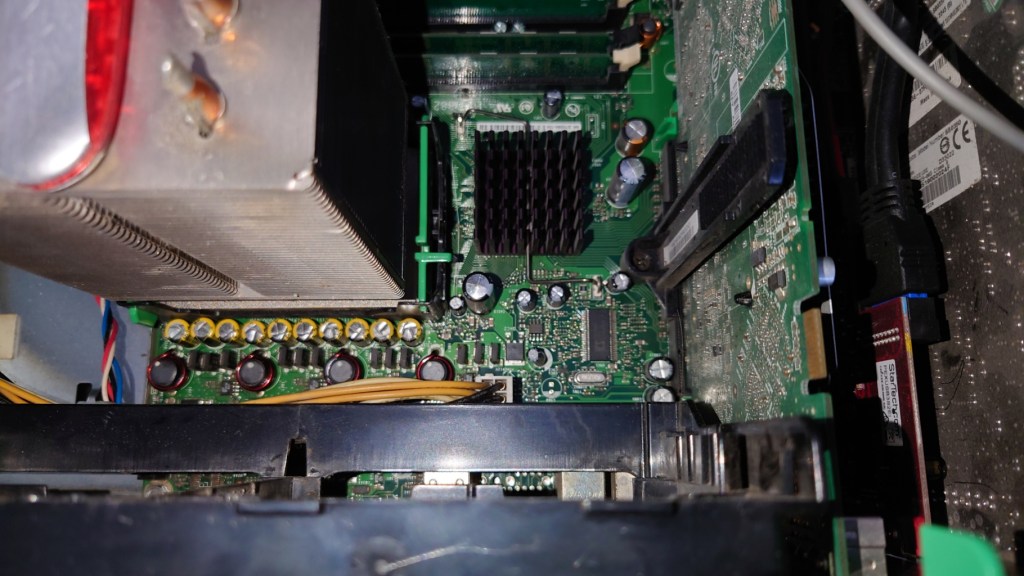
Pentium 4’s weren’t my first choice of CPU back then. Truth be told they were very hot boys and had a tendency to overheat if they were not properly cooled. Dell made sure that wouldn’t happen with this monster of a heatsink with two 120mm fans.
For some reason Dell are allergic to AMD, something that still rings true today. Most of their systems use Intel chips with only a small amount of models supporting AMD chips. This is despite the fact that AMD chips of the era ran cooler and consumed less power, Dell insisted on using Pentium 4’s on small form factor PC’s like the OptiPlex SX270.
Graphics – NVidia GT 6800 Ultra
GPU’s were very competitive around this era, what with the Xbox 360 and PS3 being due to launch. Whilst the 6800 is a generation behind the RSX used in the PS3, it’s ideal for maxing out games from the 2001-2006 era
Memory – 4GB DDR2
4GB seems a bit overkill for a system like this. Considering Dell would have shipped a 32bit operating system on it, limiting it to only 3.2GB. I guess the previous owner must had upgraded it to 64bit Vista at some point.
Looking at the SPD data in CPU-Z it seems the system left the factory with 2Gb of RAM, with the remainder being added later. I’ll probably take the excess RAM out at some point and install it in another machine, since it’s never going to be needed with Windows XP, unless I decide to run some 15 year old CAD programs on it
Sound Card: Creative Audigy
Dedicated soundcards are uncommon today, with most motherboard having onboard Realtek or Conexant audio. Still Dell shipped the system with the Creative Audigy as the sole sound card on the system, no onboard audio here. This was the last era that supported EAX effects in games that this soundcard supported.
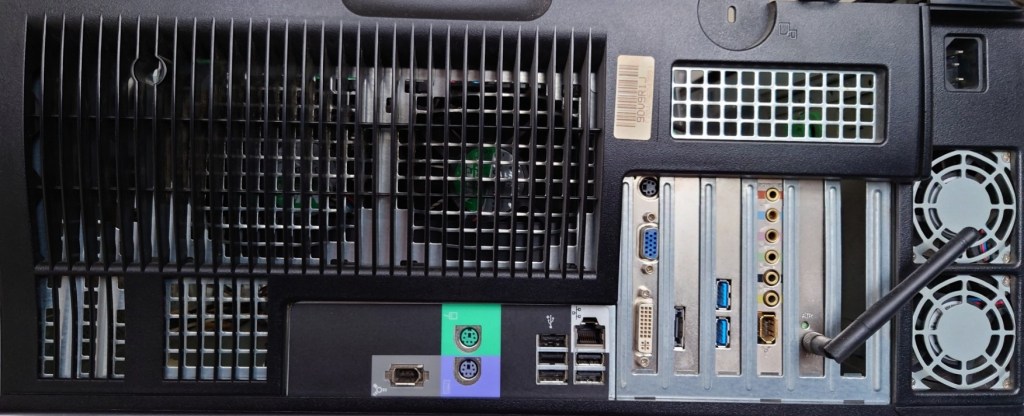
Dell XPS Gen 5 rear panel with upgrades
Maxing out: Upgrades
Top to bottom, Wifi, Sound card, USB3 card ,SATA card
USB3 PCI Express Card
USB3 didn’t exist when Windows XP was released, and even USB2 was still in its draft stage before it started appearing on motherboard in late 2002, however many manufacturers have provided drivers for Windows XP for both 32 and 64bit editions. Having a USB3 interface will come useful when it comes to connecting external hard disks. This card also has a front panel connector which I will use with the Akasa Front panel USB3 bay.
SATA SSD
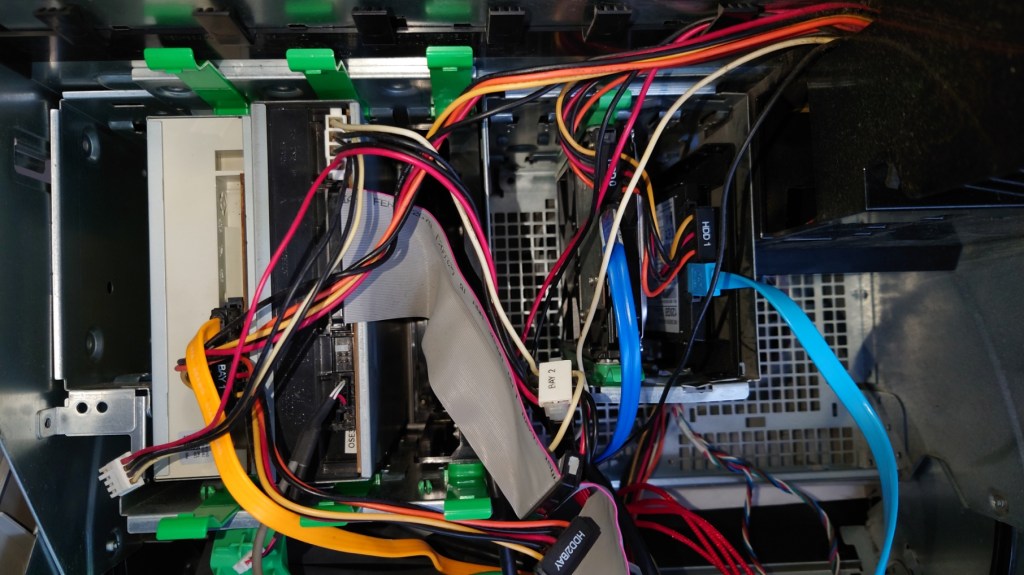
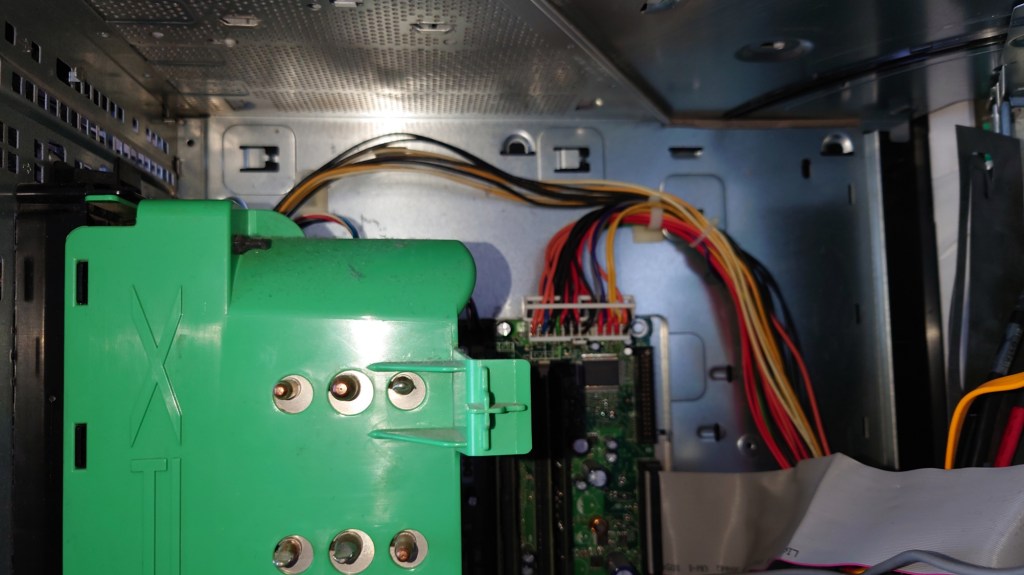
A must for any modern PC, and although there were not common back when this system was released, I had no problems installing it (a 2.5 to 3.5 adaptor is recommended) and it was detected by the BIOS and Windows XP setup. One issue is that dell insist you use these green drive brackets to mount the drive, the idea is that it’s supposed to be a tooless design so that the drive can be pulled out of the slot.
In practice the clips ended up breaking since they had become brittle, and I was unable to screw in the SSD bracket since Dell designed the drive bay for it to be used with the clips so for now the drive is just resting on top of the hard drive.
SATA3 Card
This is a SATA 3 capable PCI Express card which would have been necessary for the SSD upgrade, since the onboard SATA can only support up to SATA. Whilst SATA standards are backwards compatible, it would have meant the SSD would have been bottlenecked by the onboard interface. A bonus is this card provides an eSATA port
Wifi – Broadcom
This was already installed by the previous user, or it may have been a optional factory upgrade installed by Dell. This is quite old and only support 802.11g protocol, which was standard in 2005. It also supports WPA2 and it capable of connecting to my BT Smart Hub. However I will be using the onboard Ethernet for when I connect it to the network, because Windows XP is no longer supported its not a good idea to have it connected to the internet.
Akasa Front panel USB3
Adds two front panel USB ports and also serves as a 2.5 inch bracket to mount floppy drives or memory card readers. I might add a memory card bay to it at a later date.
CD-RW Drive
Pulled from an old HP machine. The system has a spare drive bay and I had this drive laying around so why not?
Concerns
Power Supply
One of the main disadvantages of pre built Dell Systems is they tend to deviate from ATX standards, and the power supply unit used here is one example. First issue is the design, a standard ATX power supply cannot be used as a replacement unless the case is modified
SSD
Windows XP predates mainstream SSD support, and as a result does not implement TRIM. Windows did not support this until Windows 7. One advised workaround was to under partition the SSD, say to about 90%. Whilst you do loose storage capacity, since our games are stored on the hard drive this is not so much an issue.
Capacitors
This system came out during the capacitor plague, where many substandard capacitors were used that had a tendency to leak much earlier than usual. Also given that this system was on the extreme end of the power draw spectrum,
Steam
Plenty of games from this era were released on Stream, and up until 2019 you could install the client on Windows XP. However Steam dropped support for the operating system due to the Chromium Embedded Framework no longer offering support for XP either. This meant that future steam update’s would no longer be provided to Windows XP users, and sooner or later they would no longer be able to access their accounts via Steam, preventing the ability for them to play games. There are workaround’s to this that allow the client to run, but you are unable to access the Steam Store or the community features. Also I can’t imagine Valve’s being happy that modified clients are being used to access the Steam service.
Really you are better off sticking with the retail DVD or CD releases, or with GOG where games do not come with DRM and can be played without the reliance of a client.
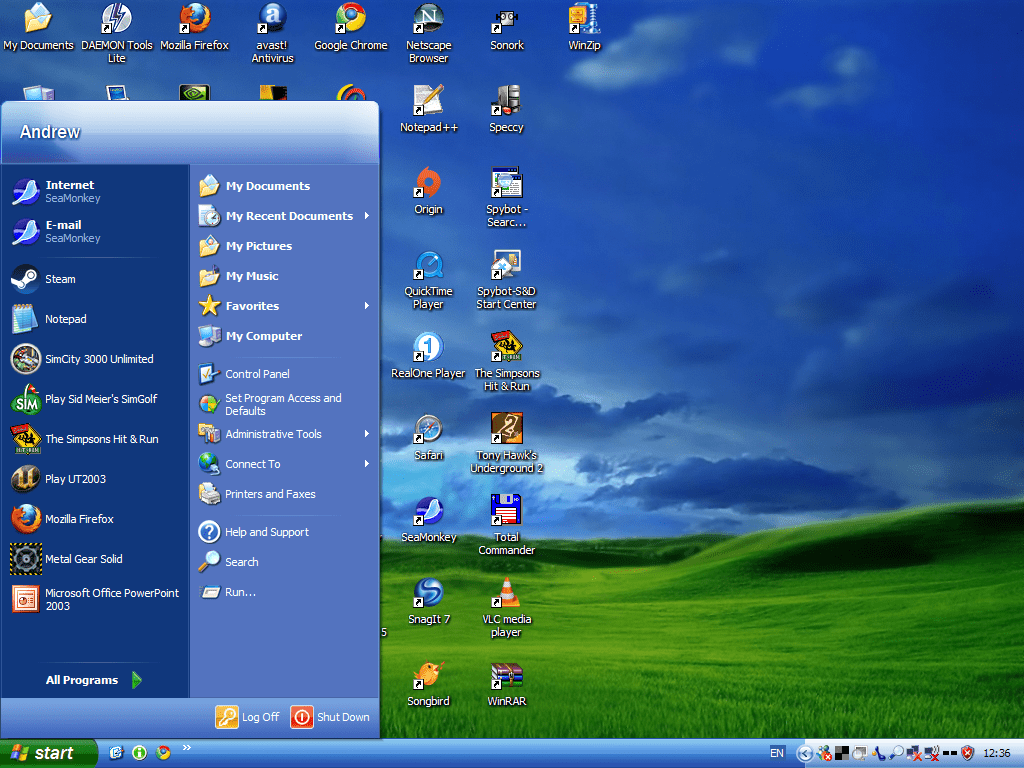
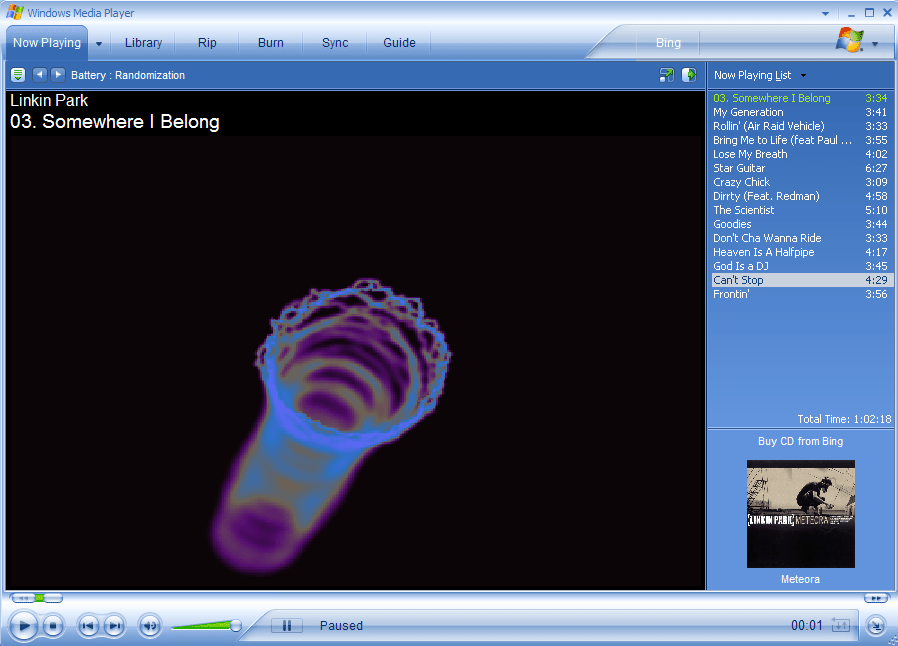
Fans were in dire need of cleaning, managed to get most of the dust off for now Cable management isn’t my forte but its hard to do it in this case, the power cables and SATA/data cables go in different directionsWith the fans removed, hopefully those capacitors aren’t bulgingWith the fans put back on, I think Dell made this case a bit too big judging by the space aboveThe front of the system, sadly the front panel cover for the drives is missing XP desktop with Royale theme – Media CentreAh the good old days of Windows Media Player 10
Conclustion
I have to admit, the main thing fuelling this was nostalgia. having memories of booting into Windows XP brought back moments when we would sign into MSN messenger and MySpace using Internet Explorer or Mozilla Firefox with several toolbars installed. Sadly these service are no longer available as they was, with MSN Messenger being discontinued in favour of Skype. From a gaming standpoint, whilst it has no issues maxing out games from 2001- 2004, stuff released from 2005 (eg Splinter Cell Chaos Theory, Driver Parallel Lines) onwards has a tendency to stress the hardware out, and I found myself having to downgrade the resolution in order to boost the framerate, which had me considering why not just play these games on a modern rig that can max these game out easily.
I suppose the main saving grace is compatibility, with these Pentium 4 (and Athlon) systems being the epitome of backwards compatibility. For this one in particular Dell provides drivers for Windows 98/ME, XP, and Vista, allowing you to theoretically triple boot the system for maximum compatibility without any concern with drivers. Any newer and drivers and compatibility with 98/ME becomes an issue, and anything older will have issue with Vista or 7 support
Whilst I haven’t played any game on it from 2007 onwards, I suppose you could get away with it providing you play at a lower resolution, although you might as well get a Core 2 Duo system with a GeForce 8 series or a Radeon HD200 series GPU
A look at ntl’s CR3 software for the Langely Platform
CR3 was ntl’s long awaited upgrade for their Langely customers who had previously no access to any interactive services, unlike the Bromley division that had full interactivity for some time. Part of this was due to the different return path technology used, ntl had originally went with DAVIC compared to Telewest and Cable & Wireless who deployed the DOCSIS standard for their TV return path. Although they are similar in terms of functionality, the differences meant ntl could not adapt the Cable & Wireless software for the Langely platform. In addition, Langely areas also ran different software with the original EPG being provided by Pace with the Liberate 1.2 browser being installed. CR3 would see a rewrite of the entire guide with everything now being done in Liberate, this meant that the Liberate browser was loaded on start-up, unlike earlier versions where the user had to wait for the browser to load.
CR3 saw a drastic change in the user interface, with the new ntl colour scheme being adopted
Screenshots below shows the stb without any channels loaded, I have to force boot the stb by holding they down key until Boot came up on the front panel display. Sadly I was unable to get the box to load with the cable feed.
Now & Next
ntl CR3 mini guideWith alternative colour scheme enabled
TV Guide
The main user interface layout, you can see the Sky Guide influence with its layout
Viewing all channels, this would be populated with all subscribed channels, unfortunately the STB does not pick up any channels, either it cant load the NIT or the tuner inside the box is knackered
Viewing channels based on genre, up to 7 channels can be displayed at any time
Diary function, this is like the Personal Planner on Sky Guide, you can schedule future programmes to be entered here. Unable to test further since the box can’t load any programmes
On Demand
Ntl revamped replace its PPV service with a full on demand service, the programmes ordered could be watched easily. This software seems to be from before on demand was implemented as despite the menu saying ‘On Demand’ the box shows PPV options instead.
Interactive
Not functional 😦
Settings
Rearrange Channels
ntl had the ability for the customer to rearrange the channels in their EPG, allowing for channels to have their own number. This feature was removed when they migrated over to the Telewest based UK1 software
ntl CR3 change channel numbers
I can soft of understand why the feature was cut, in a family household one could easily rearrange the channel numbers which would cause issues with other members trying to figure out the channel numbers, and probably resulted in increased support calls from customers trying to figure out what had happened to their channel list.
ntl CR3 video
Changing the picture settings
ntl CR3 audio
Never seen this before with digital TV, the ability for the box to sound an alert, with Sky boxes you can only sound a beep, and that’s only if there’s an error or if there are subtitles on programme being watched. Three alert sounds are available. Sadly this feature was cut when they migrated to the Virgin UK1 software.
Parental control PIN
Favourites
Favourite channels can be viewed in a list form the channel banner
Listings for favourite channels can also be viewed whilst watching a channel.
Error Messages
These were common back in the day 😉
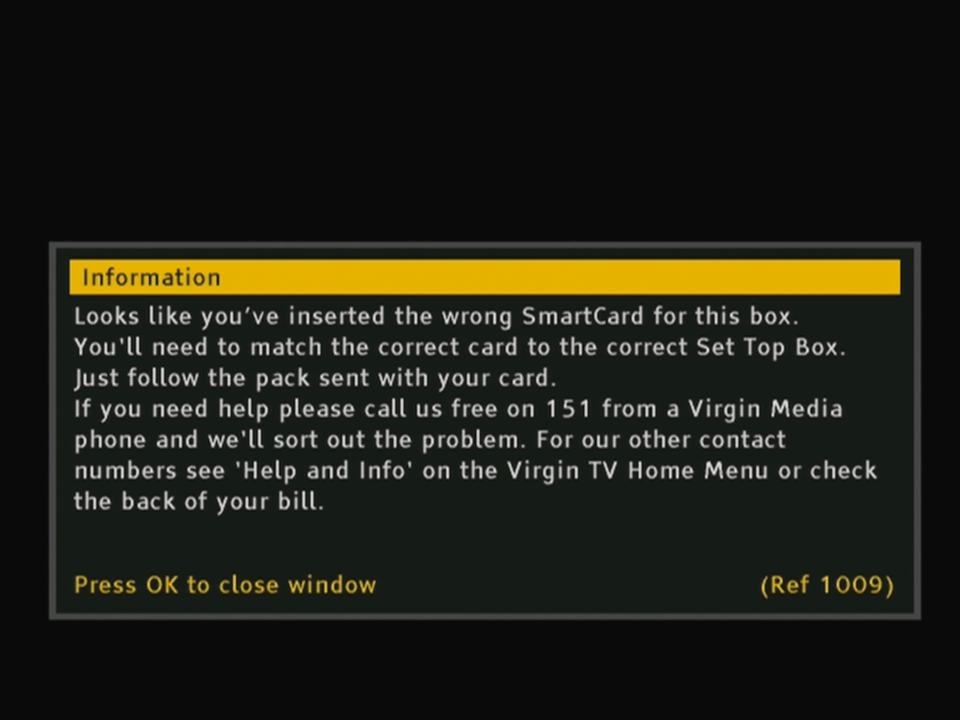
Firmware Update, also appears when the STB is bootingNo listings loadedNo signal being receivedNo Smartcard
I wanted to see if this box themself would still work on a modern Virgin media network. I’m aware that Virgin broadcast all their channels in MPEG4 which this box cannot decode, aside from some radio channels. But I was still interested if the box would work and how it worked, especially in regards to early digital cable TV.
The box itself
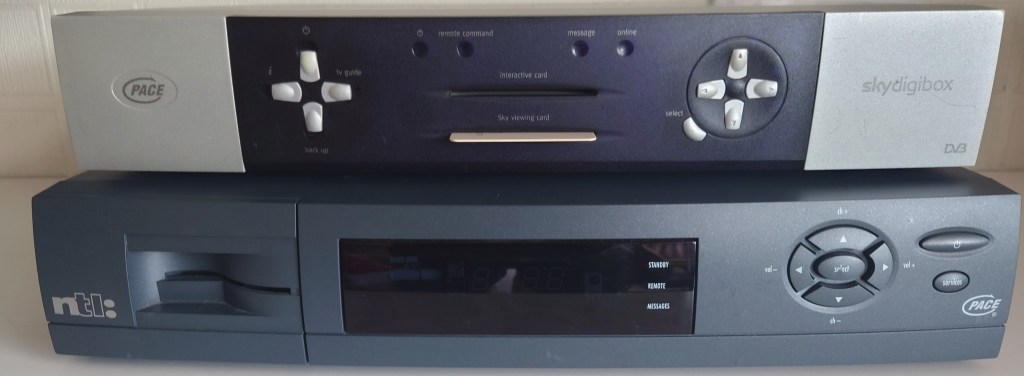
Pace Di4001 size comparison with the Pace 2500S5, a typical Sky box of the same era
Trying to get started
So I got off to a rocky start trying to get the box to start up in the first place, since powering it on the display would show PACE followed by TUNE. I figured that i needed to enter the boxes engineering mode to reset something. This provided impossibale since after attempting to enter the engineer mode, the box would immediately show TUNE on the front panel display
i tried different combinations that I found online to get the box to work but nothing was working. Finally i stumbled on a old forum post that held the solution;
So to summarize, If your set top box wont progress past TUNE (shown on the front panel display) and you are unable to enter into the boxes engineering mode, you may need to reset the STB’s NVRAM since it may have become corrupted. This can occur when the STB has been powered off for a while, and the battery has discharged to a point where it is running under voltage. This must corrupt the NVRAM in a way it becomes unreadable to the STB
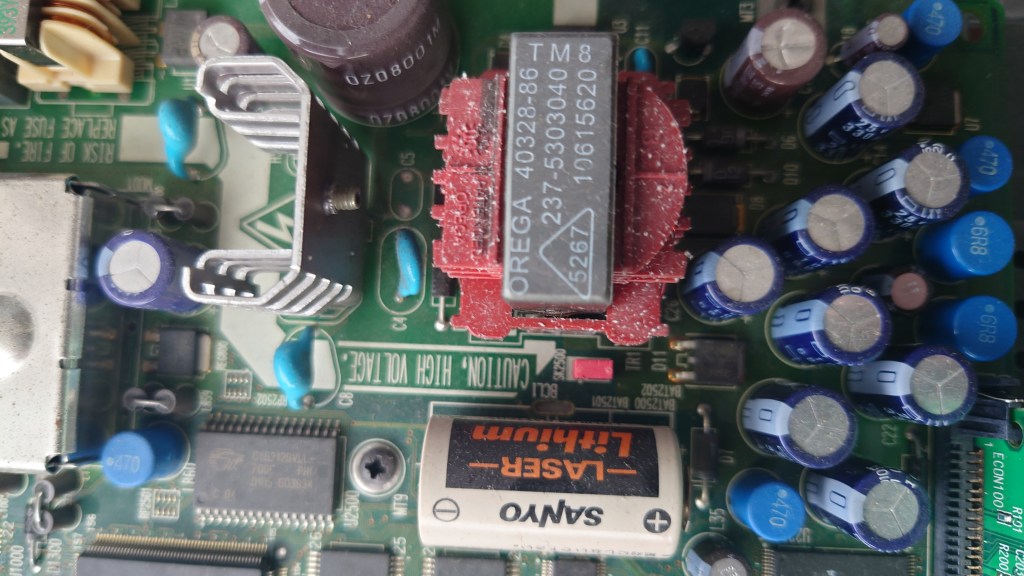
To recover, you will need to open the box, and pull a red jumper located to the right of a large white Sanyo battery. Leave the jumper out for about 5 minutes and then reconnect the jumper. Power on the STB and hold down the UP and DOWN buttons on the front of the box for 10 seconds. You should see DIAG on the front panel display and the engineering mode should appear after a few seconds.
note the red jumper in the middle, situated between the white Sanyo battery and that big red thing
Doing this will clear the Netid of the box, which the Di4001 boxes are able to set automatically if they are in an original NTL area. Otherwise it will appear as *****
After resetting the NVRAM I was able to get to box to enter it’s engineering screen.
Engineer Mode
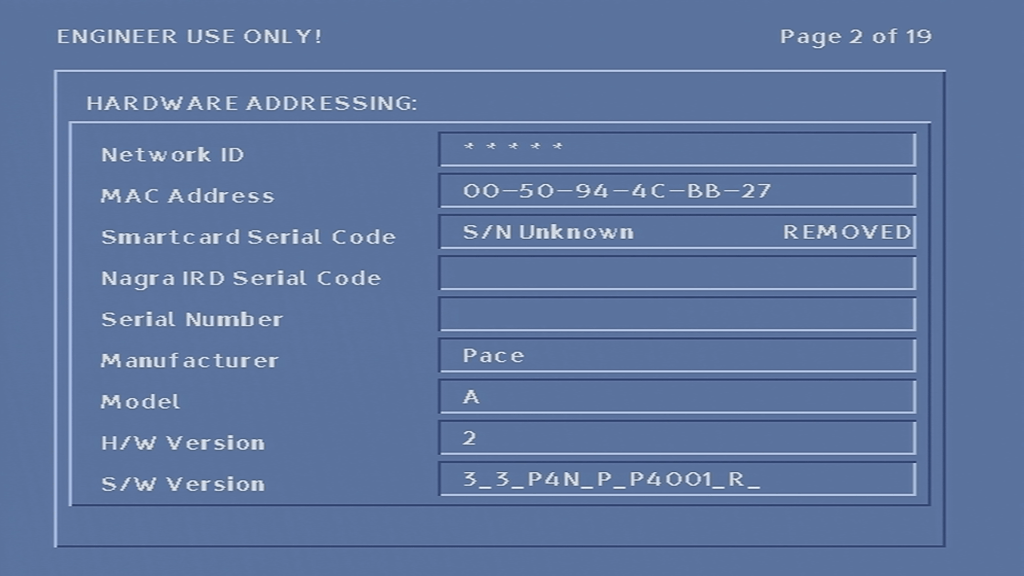
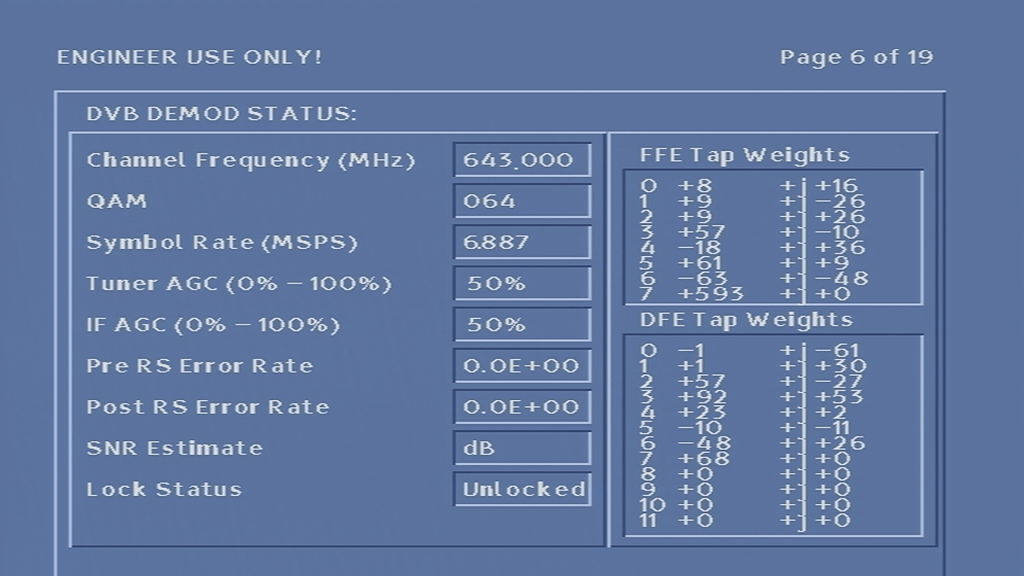
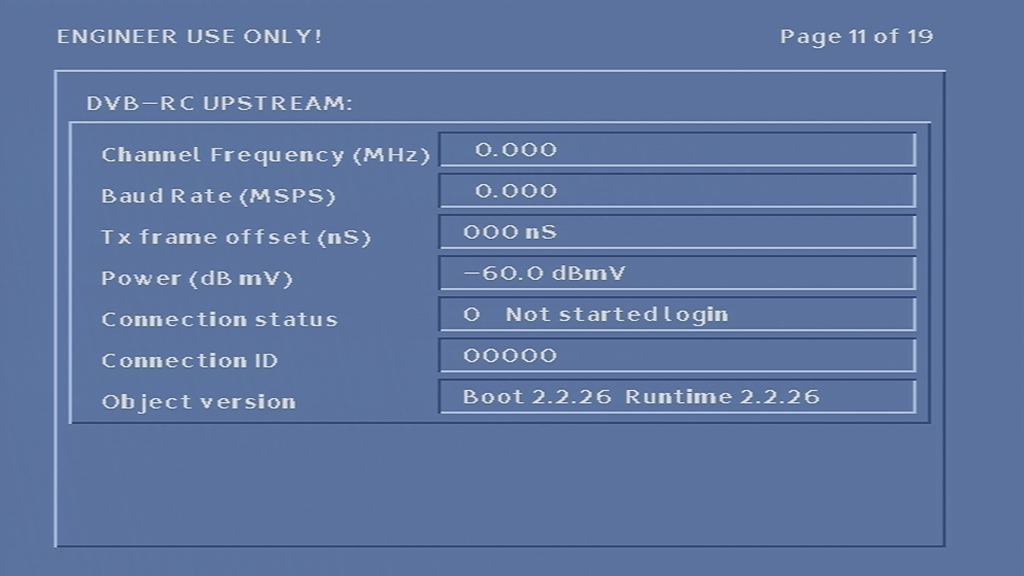
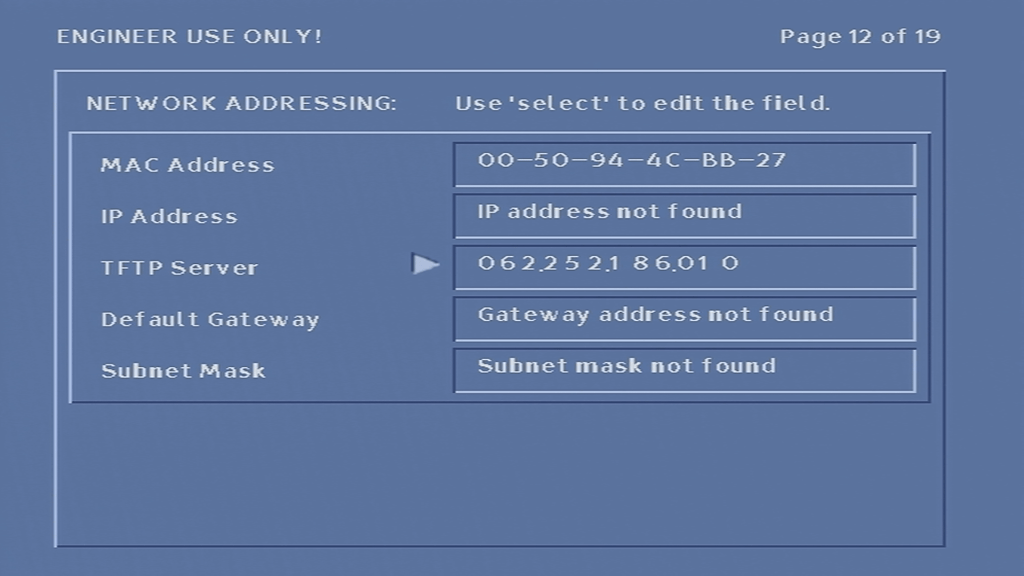
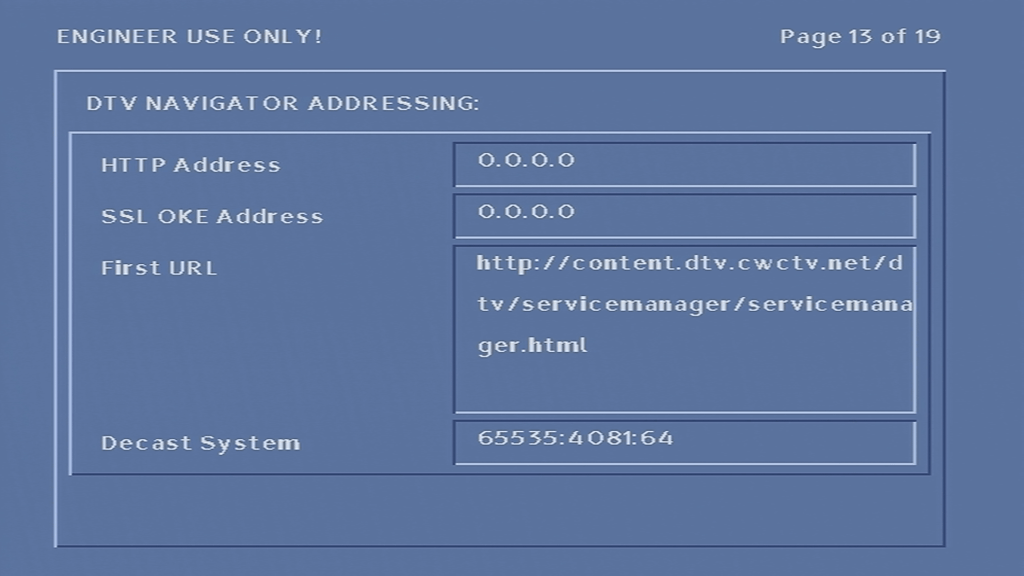
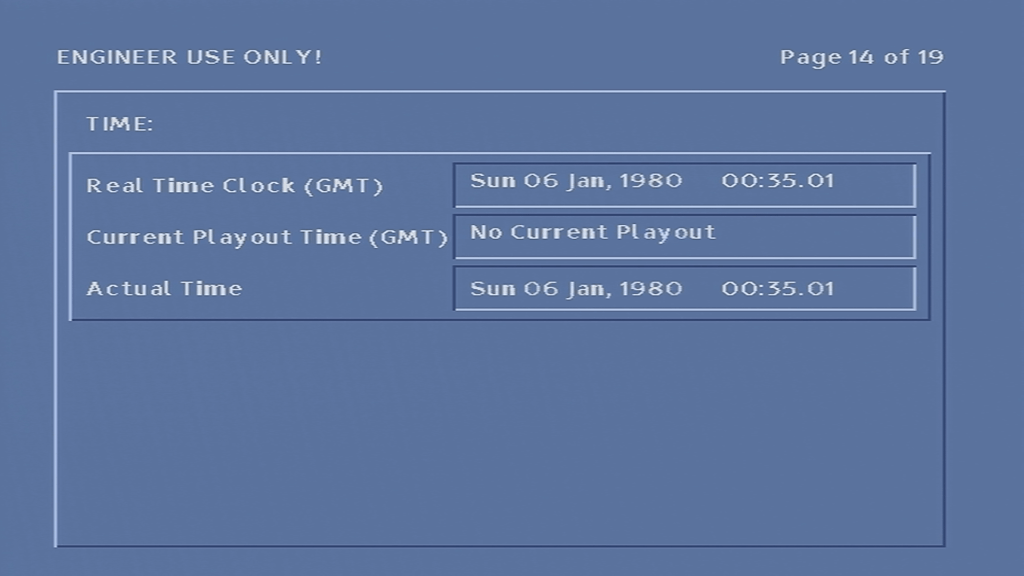
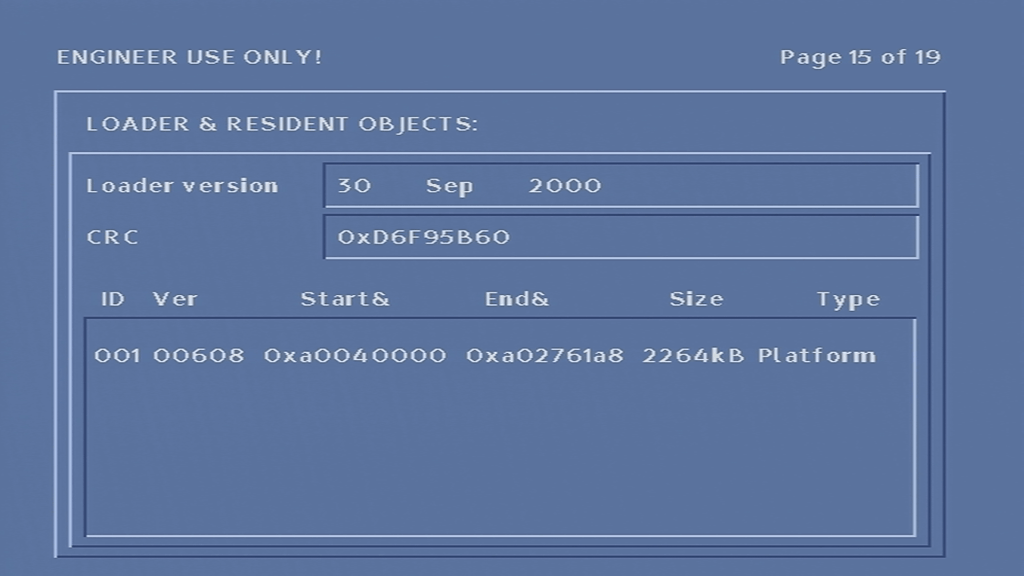
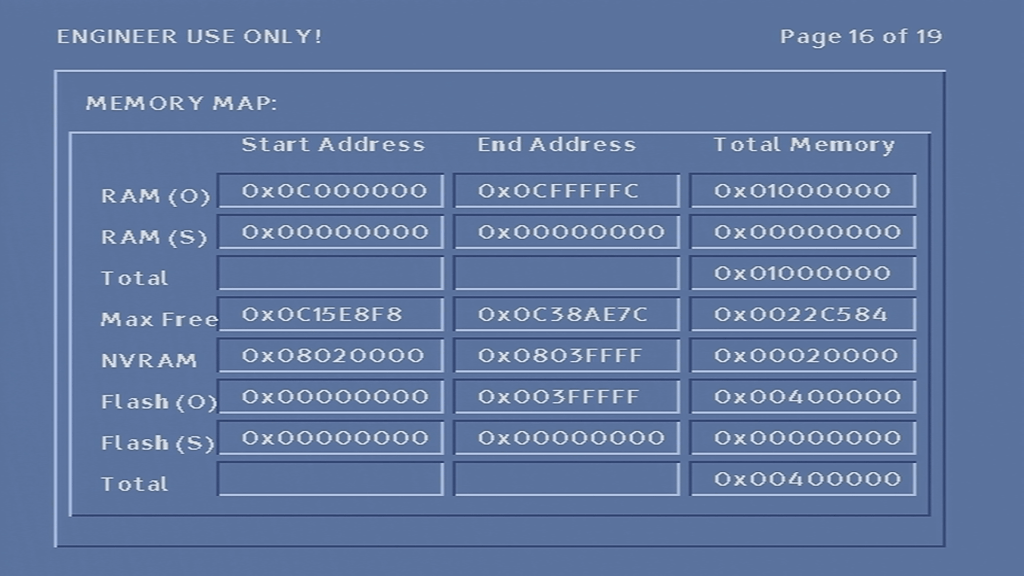
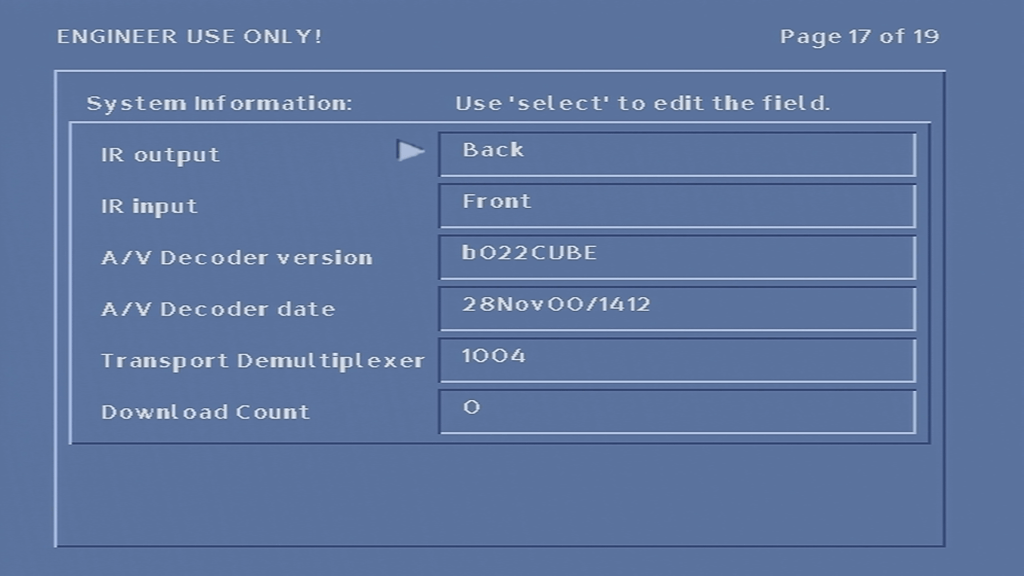
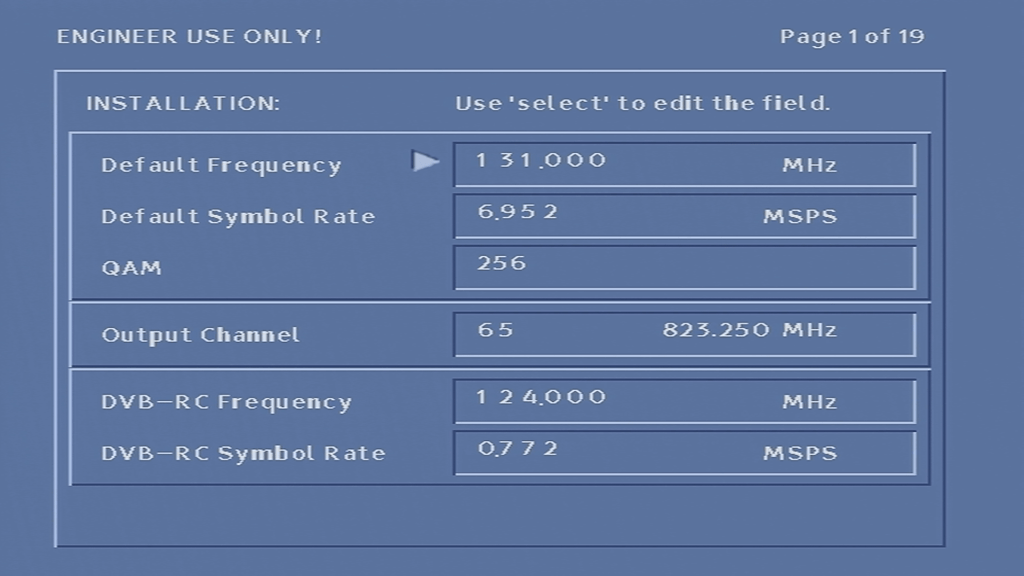
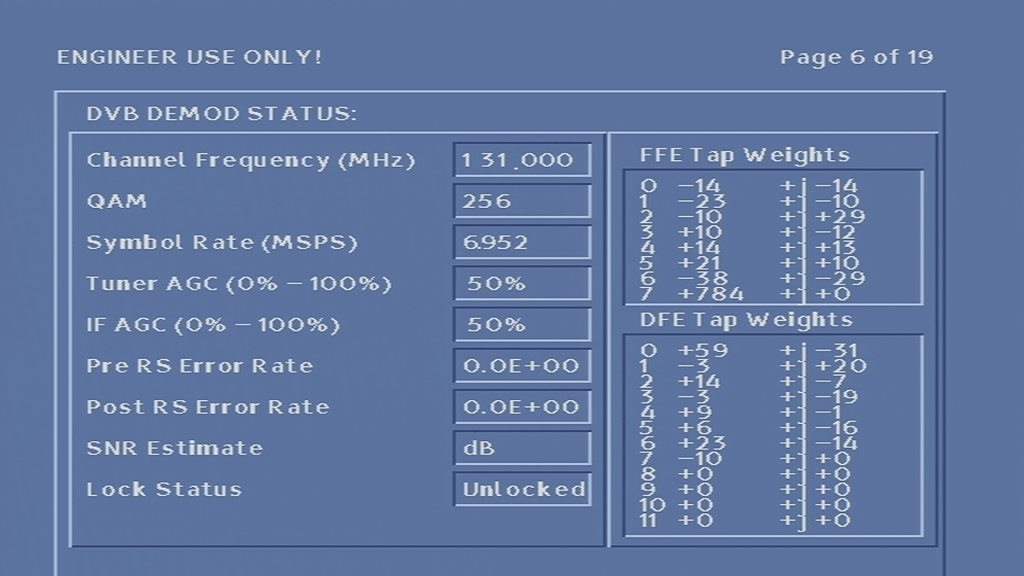
From here you can change the default frequency and symbol rate, which the box uses to look for the latest software, and possible where the ntl EPG listings are located. You can also see info relating to the software version running on the box, Memory and flash info
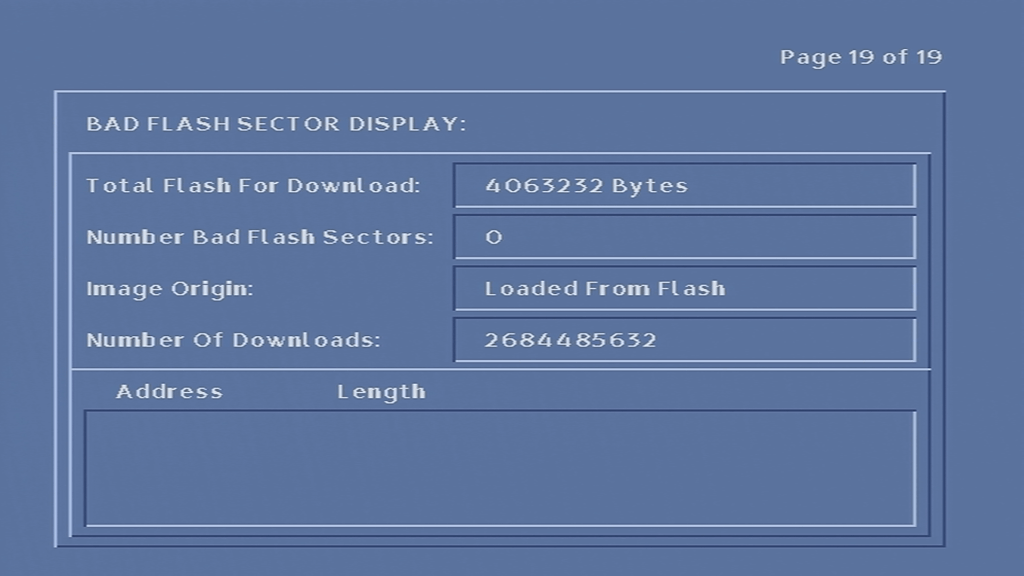
There are a few interesting items here, mainly the memory address section. from here i was able to find out the spec of the box. 0x1000000 converts to 16777216 which I would say is 16Mb of RAM. The Flash storage being 0x00400000 that converts to 4194304 which i’d say is 4Mb.
This model of box does have less Flash compared to the older revisions of the Di4001 in favor of more RAM, maybe the OS is compressed into Flash, which is then extracted upon boot into RAM, and runs from RAM like a Ramdisk. Alternatively, there may be a basic guide stored in flash, with the remaining components loaded from ntl either directly broadcast or using it’s DAVIC modem.
Also it appears this box is the 2A revision of the Di4001. which the boot-loader being compiled in September 2000
If you want to boot the STB without a cable feed connected, hold down the up OR down button on the front of the STB when PACE appears on the display (immediately after applying power to the box), and release until it shows boot, or after 10 seconds. This will skip the default frequency checks and will load the main TV guide interface, even without a cable feed connected.
Doing this trick allowed be to bypass the default frequency check and put the box into some sort of ‘safe mode’, this it it would load the TV guide without having any channels or listings loaded. In this mode the box is stuck on channel 0 and not all aspects of the guide can be accessed.
I’ll put up some screenshots of the guide software up later, if I can get the box to pick up Virgin’s tv guide…
One oddity was the services button on the front panel of the box, now you would think that it would take you to the main TV guide, however it just make the mini guide appear and disappear from the front panel there is no way to access the main TV guide screen…
Another oddity was that pressing the front panel buttons would cause the remote light to indicate, even though you were pressing the front panel buttons and not the remote.
Conclusion
Unfortunately I was unable to get the box to tune into any frequency, never-mind booting with some sort of TV guide. At first I assumed it was because the network information Virgin Media broadcast in my area was not in a compatible format, or that the box was looking for something that Virgin have since removed from the stream, however I am now convinced that the tuner in the box is most likely faulty, since entering correct frequency’s in the engineer screen yields no change to the signal levels, even after removing and reapplying the coax cable.
Also since the box is running relatively old software (from around 2005), it’s likely the box was an ex-subscription box that was never returned to ntl, or may have had it’s flash chips modified to be read only, preventing a software update from taking place.
Lifting the lid
Di4001 inside
Compared to other set top boxes of the era this ones quite busy inside considering it’s supposed to house a digital cable receiver and a cable modem in one enclosure. Ill try my beast to break down the individual processors this box contains;
MPEG2 decoder
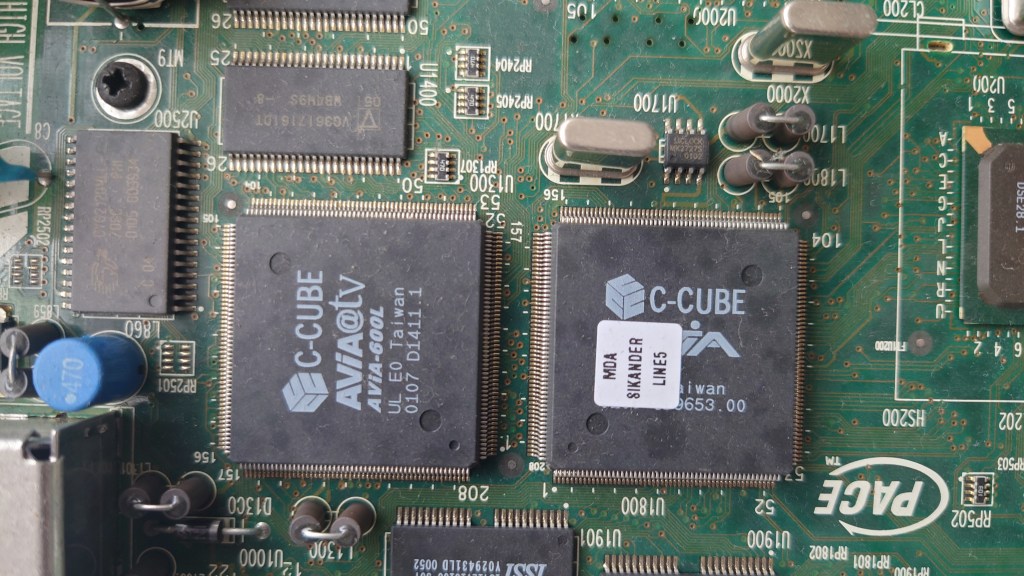
The main decoding processors, the one on the left (C-Cube 600L) is the MPEG2 decoder, not sure of the one on the right?
Hitachi SH3 CPU
The one on the left is an Hitachi SH3 processor, if you’ve ever opened a Sega Saturn or a Dreamcast you should be familiar with the Hitachi CPU’s. The one on the right is a mystery, its branded as Pace but I cannot find and information online regarding it. I suspect its something to do with Nagravision based on the fact its near the smart card area. Maybe Pace had to licence their own Nagravision descrambler?
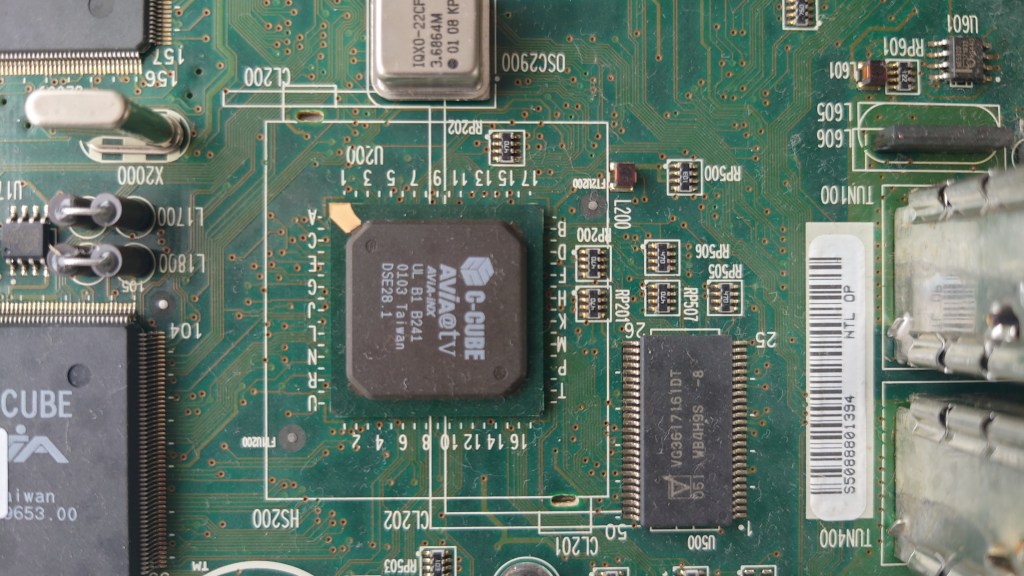
C-Cube Avia-inx – Handles DVB-C demuxing from the tuners, Ethernet controller, IEEE1284 controller and has a built in graphics processor. Basically like the northbridge/chipset on a pc.
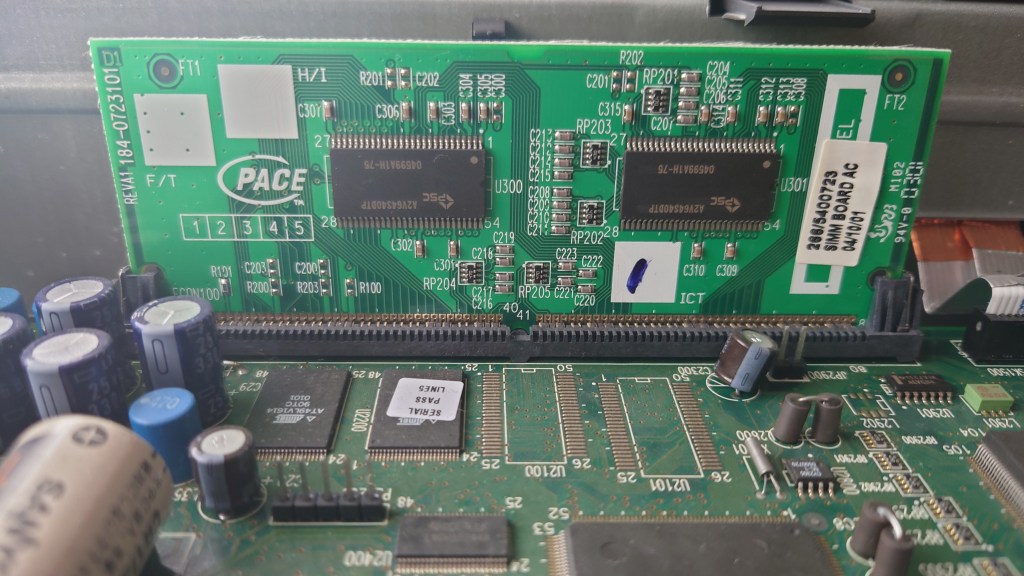
The system memory, unlike other STB’s of the era this one is designed to be upgradable but seems to be using a proprietary slot. Virgin Media could easily upgrade the memory of these units should the box be returned. This model currently has 16Mb.
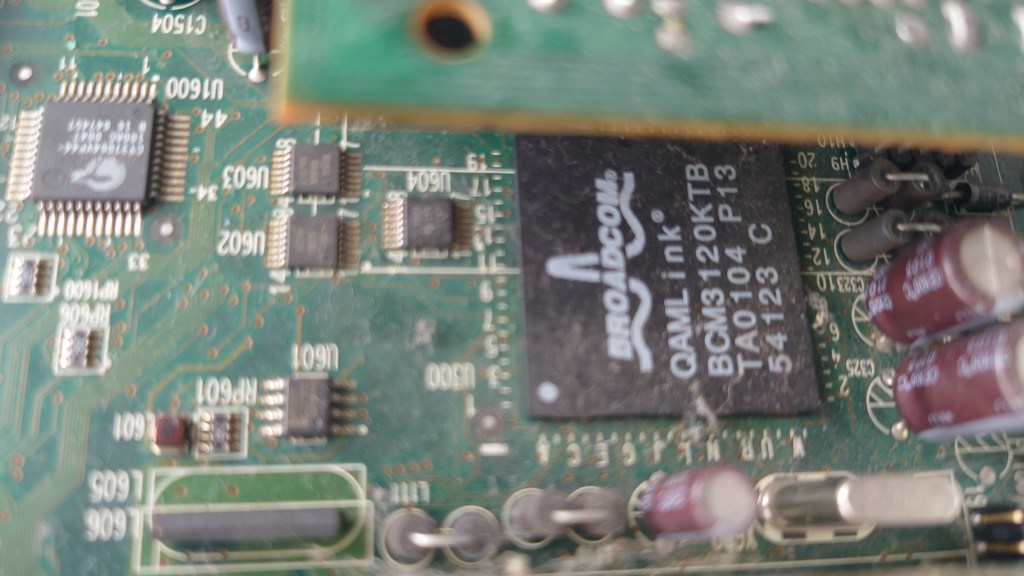
DAVIC/DVB-RC decoder, was underneath the smartcard slot so I had to get a funny angle
I believe these are for the onboard ethernet and serial ports
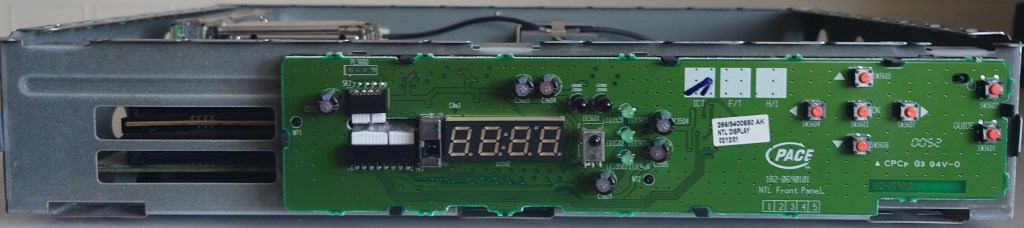
Di4001 front panel
The front panel exposed, note the two IrDA sensors
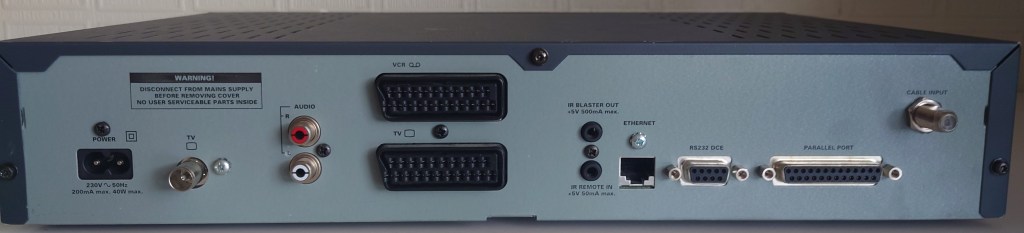
Rear Panel
Di4001 back panel
From Left – Right
Mains Input
RF Output
Audio phono out
TV and VCR Scart
IR output and input – I think were were meant for external devices such as Tivo or VCR’s to control the STB without any dongles needed, whilst never used by ntl the box does supply power though these connectors allowing the use of red eye dongle
Ethernet – For internet access or LAN
RS232 – Only used for libdebug, never used by ntl externally. Could be used for external input devices like a mouse or keyboard
IEEE1284 parallel port – never used, might be for external disk drives, printers or modems
Firefox was always one of my favourite browsers, ever since I installed in back in 2004 to replace the ageing Internet Explorer 6. Immediately i picked on its fast rendering time, features such as tabbed browsing, built-in pop-up blocker and extensions and most importantly its improved security. Whilst there have been many bumps along the way, I have always stuck with it and its email client counterpart, Thunderbird.
Mozilla have always stood for a free and open web, that meant that the web should be accessible to all users, regardless of their political positions, heck its even on their Twitter profile;
Until this was posted on their blog:
So why all of sudden there this sudden interest of de-platforming? let’s break down the suggestions;
Reveal who is paying for advertisements, how much they are paying and who is being targeted.
This I agree with, since the ad ecosystem should be transparent, who is running the political campaigns that truly influence people?
Commit to meaningful transparency of platform algorithms so we know how and what content is being amplified, to whom, and the associated impact.
This is incredibly important and applies to any social media platform that servers content in an recommendation system. Social media pushes fear and anger inducing content for the sake of generating engagement, they mix it with advertisement content and slowly change their user habits. These algorithms need to be stopped. If you ever see a content recommendation by a black box system, do not follow it unless you want to be eternally an ideology slave. Seek your own answers.
Turn on by default the tools to amplify factual voices over disinformation.
And who gets to decide that exactly? Do they have everyone best interest at heart?
Work with independent researchers to facilitate in-depth studies of the platforms’ impact on people and our societies, and what we can do to improve things.
Yet La Le Lu Le Lo have removed all external research into their platforms, specifically around the negative side effect such as addictions and election influencing. What else are they hiding?
The article does raise some concise valid points, but these need to be implemented for all, and not just a certain set of users who’s political options sway in a certain direction. Somehow they were fine with the Minnesota riots and the riots ‘peaceful’ protests that happened in 2020, where there were multiple calls to violence on both sides being spread, right on the exact same social media platforms.
However, the nerve they have to point blame and act like what happened in the Capitol was the worse thing ever, The amount of horror, destruction, defeat, and death inflicted upon innocent Americans for weeks and even months in some places was incomparable to what happened in DC. Peoples entire livelihoods burned to the ground. Entire city blocks reduced to rubble. And these people are literally pretending none of that ever happened. They even encouraged it and promoted it. They actively promoted it, defended it, and encouraged it daily. And I’m not even talking about the absolutely debilitating lock-downs that have shut down hundreds of thousands of small businesses and put people out of work?
Finding a new browser
Waterfox – A fork of Firefox that is compatible with all Firefox extensions and plugins,and has a very similar user interface
Brave – uses blink/chrome engine, has a built in tracker blocker
Vivaldi – uses blink/chrome engine, a nice browser that has a lot of useful features, designed to replicate Opera 12, supports tab stacks
All browsers listed above have Windows, Mac and Linux versions, and (except for Waterfox) have Android and iOS versions that can sync between desktop and mobile
De-Platforming
Whilst La Le Lu Le Lo are busy removing and banning people from a certain political background from their platforms, a common retort is for these users to start or use platforms that tolerate this type of free speech. This has resulted in sites like Parler, Gab and Mastodon… except La Le Lu Le Lo have now started removing Parler from their respective App stores, meaning unless you use the web app, you will no longer have access to Parler. For android users this is not a big issue and simply requires installing an .apk file onto your smartphone and enabled unknown sources in it’s settings menu, for iPhones unless you jailbreak it you are stuck with the version that was installed via the Appstore, with no ability to update or transfer it to another iPhone.
Speaking of the web app, AWS (Amazon) have since decided to terminate Parler’s web service also, meaning you will no longer be able to access the Parler website until they find a new host. The reasoning for this was due to Parler’s moderation methods, which was cited as being insufficient in regard to violent content on platform. Now whilst Parler does have a few problematic users on it’s platform, that’s nothing compared to what Twitter host;
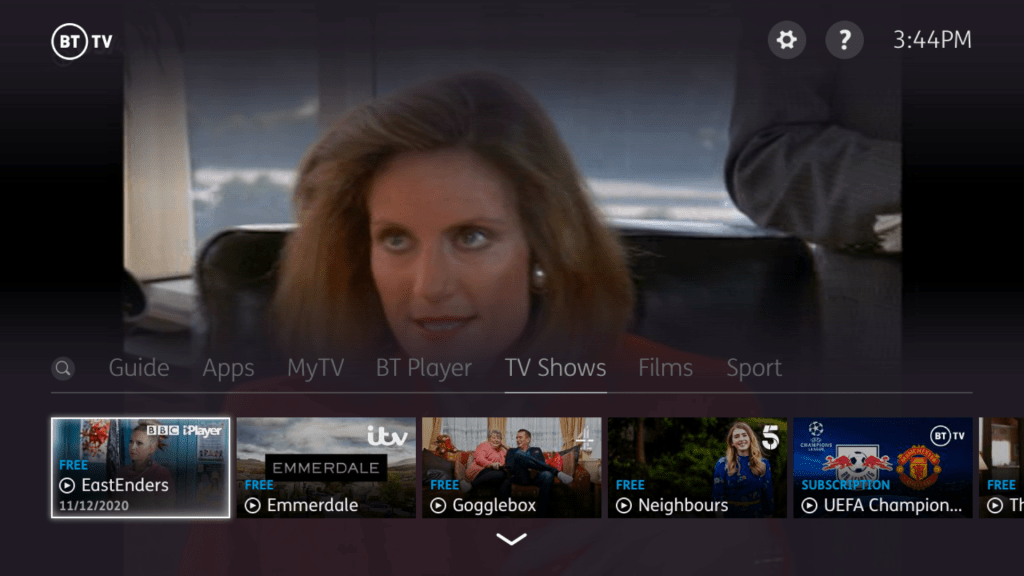
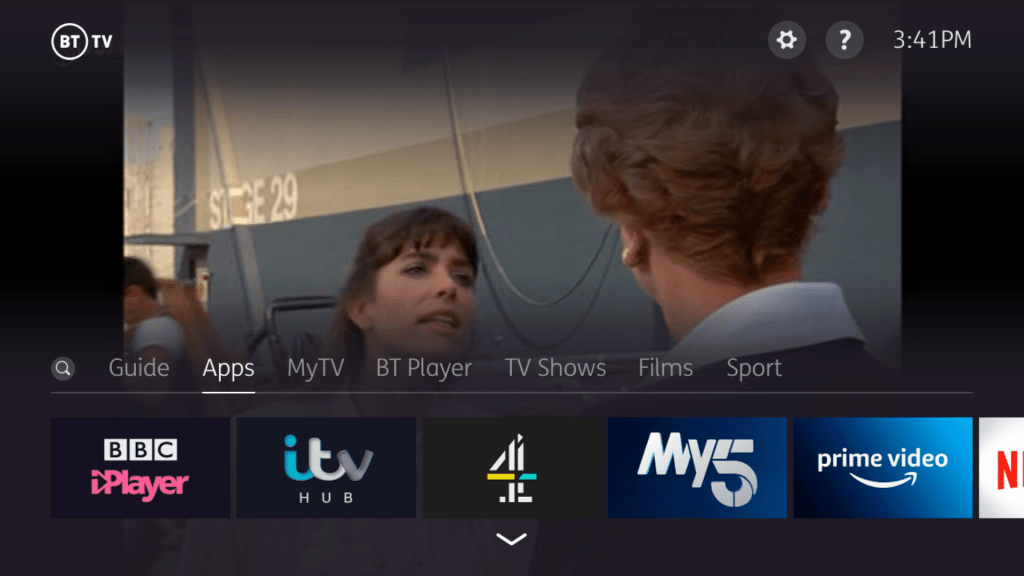
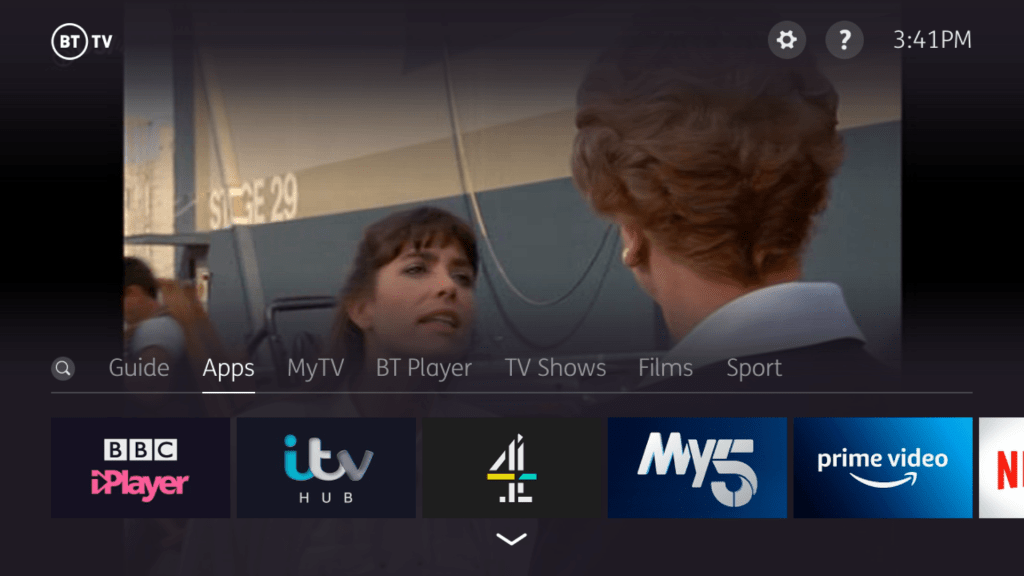
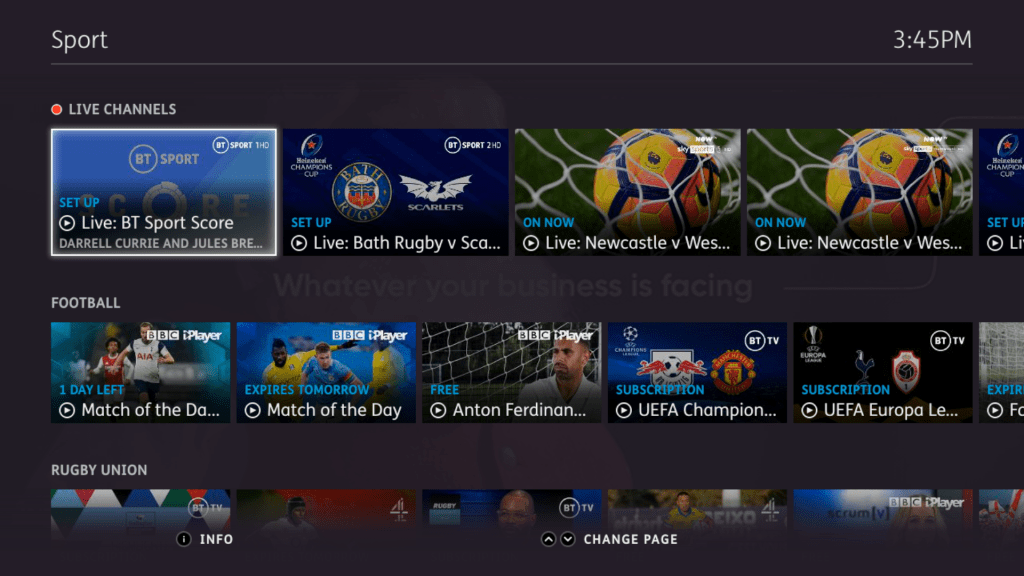
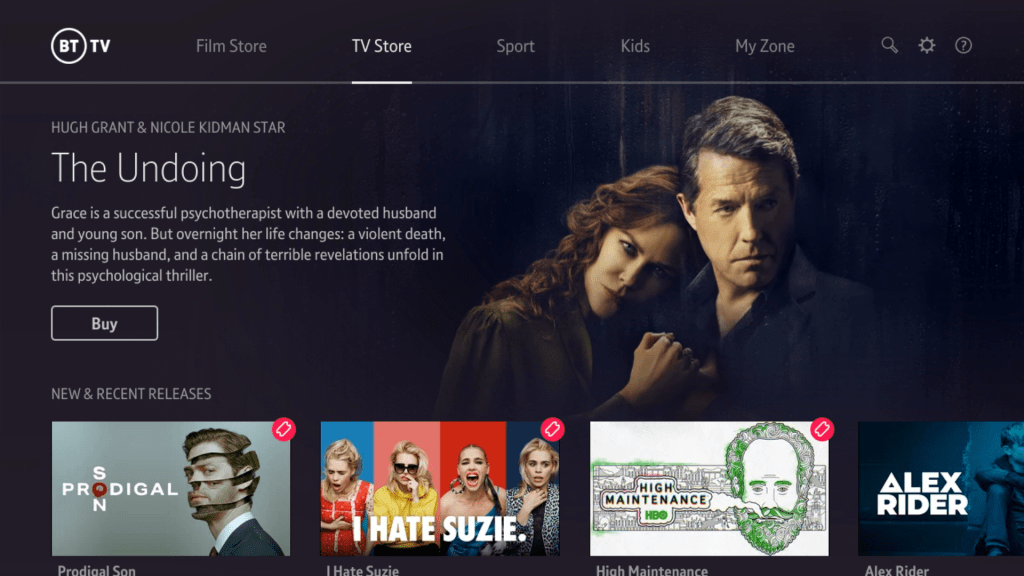
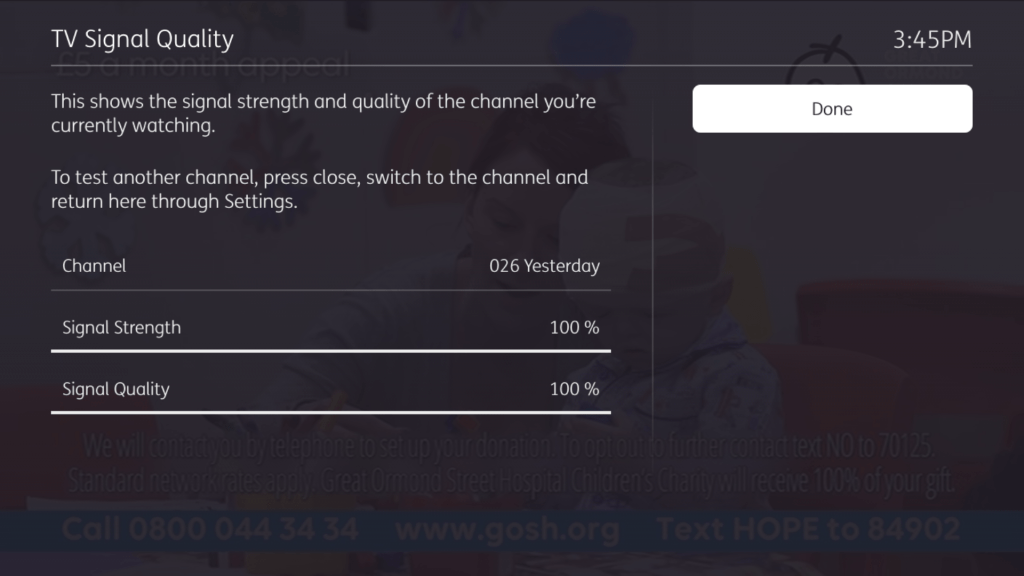
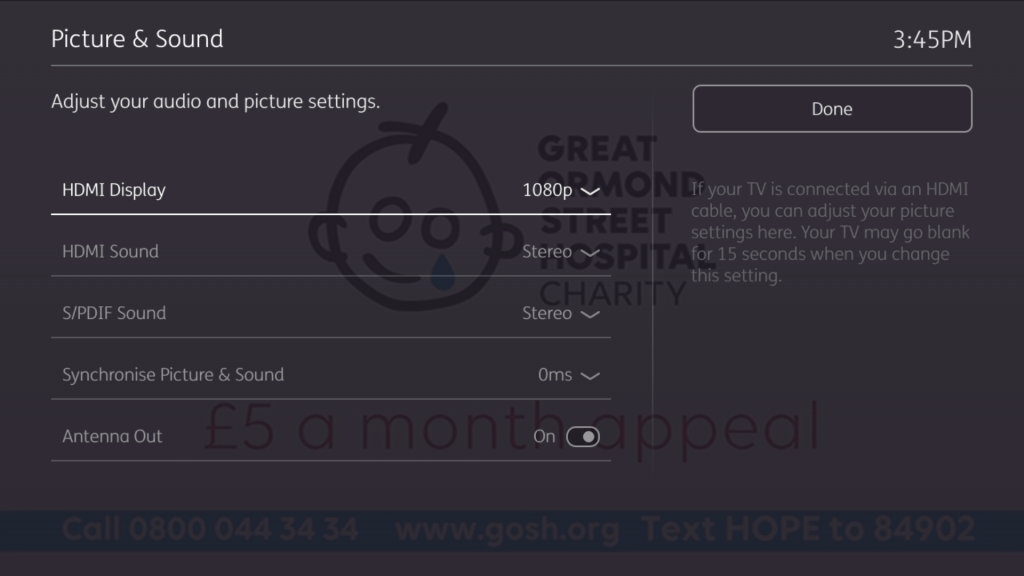
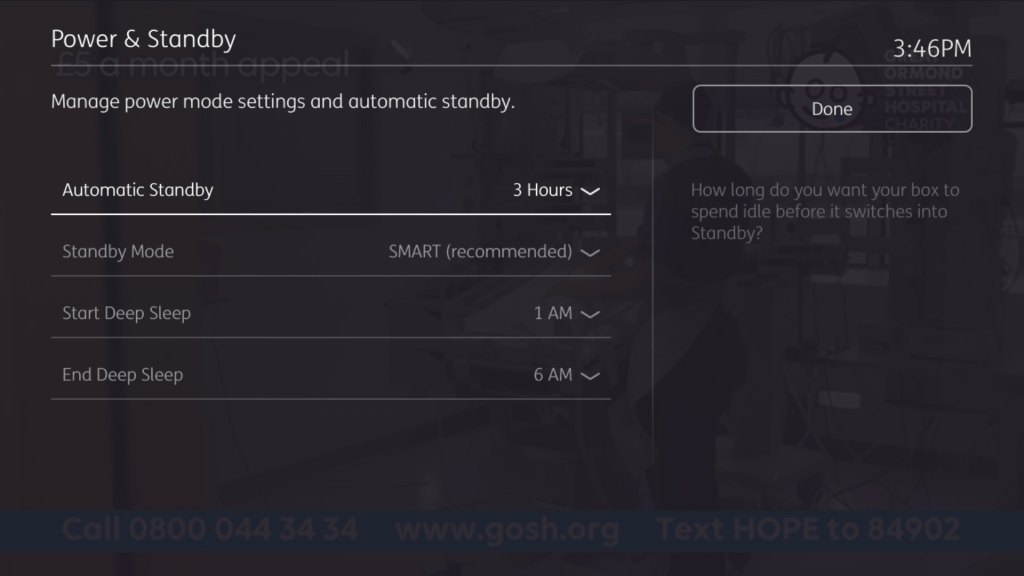
BT’s main TV service, basically Freeview with a few subscription channels and streaming services built in. You have the option to subscribe to BT’s entertainment packages (which are currently being phased out), BT Sport package, or NOWtv packages which feature Sky entertainment, sports and movie channels.
Whilst this was meant to complete with subscription services from Virgin Media, Sky and TalkTalk, it has suffered due to its reliance on using broadband to stream the subscription channels.
BT Youview had replaced BT Vision, which was also based on Freeview with on demand being delivered using the customers broadband connection, the difference being Vision featuring only on demand content, Youview offers streaming the actual channels.
User Interface
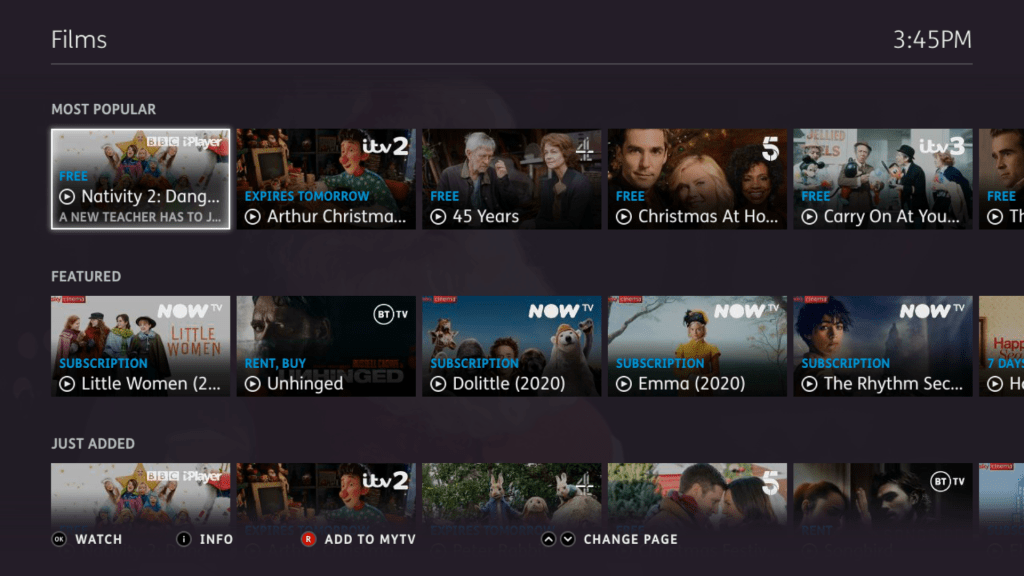
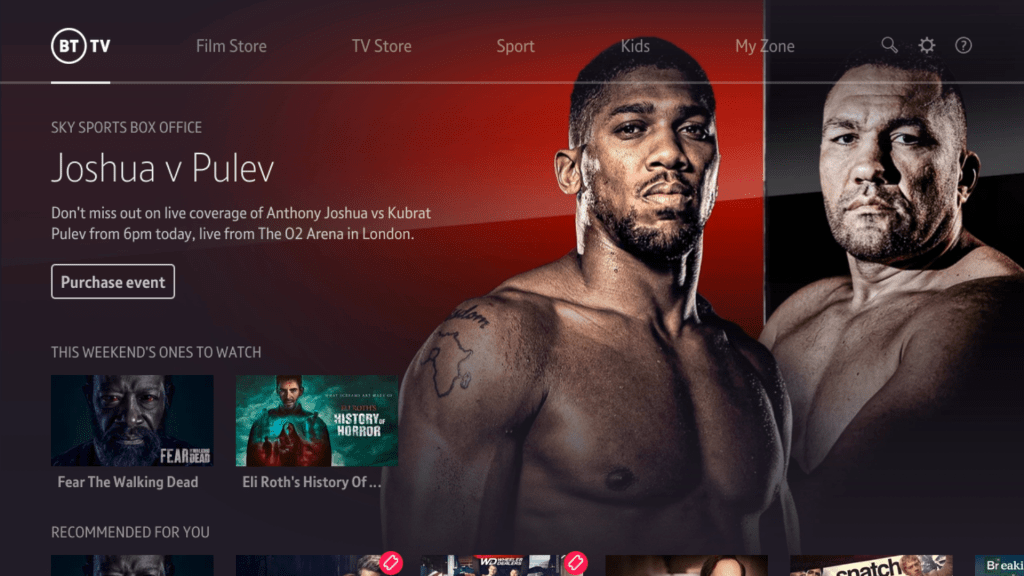
The interface is quite different compared to what Sky or Virgin use with this reliance of pictures/tiles to browse through different programs. All which rely on an internet connection.
The MyTV section shows recordings made, and programes on your watch list. Currently Nowtv supports this, programs you bookmark to watch later will then appear here.
Bad things? Well you cant directly access the apps or recording through the remote, you have to highlight the banner and press left, which I found clunky. They should but colour button shortcuts to access these areas. It would be far easier if you could press the green button to go directly to the apps section, and the yellow button to go directly to recordings then these buttons are unused on the banner. The search option is also redundant since there is a dedicated button on the remote to access search.
It’s worth mentioning also that the remote does not have a dedicated apps or recordings button, so in order to access them you have to press the Home button to call up the banner, then press Right to select MyTV.
TV Guide
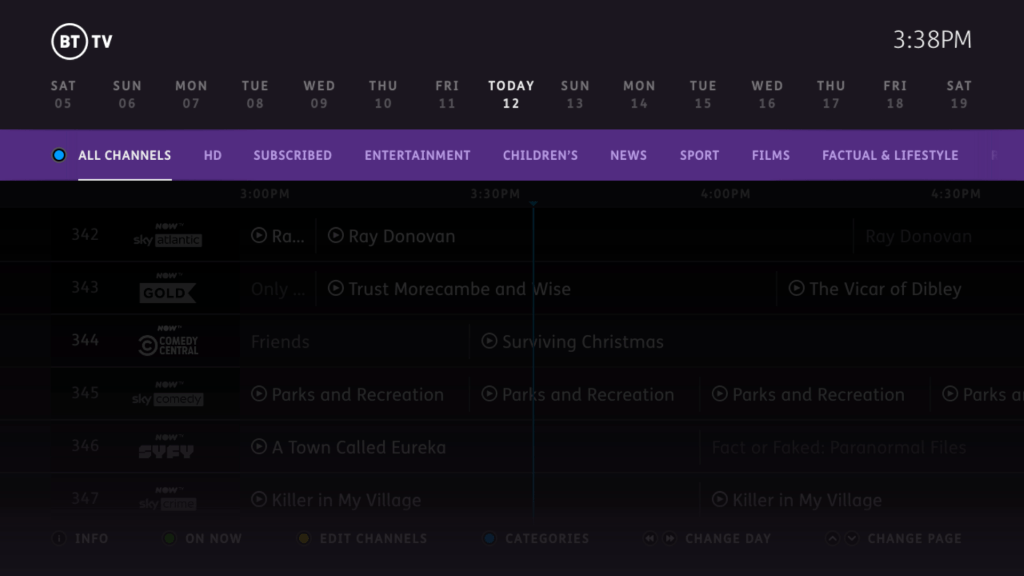
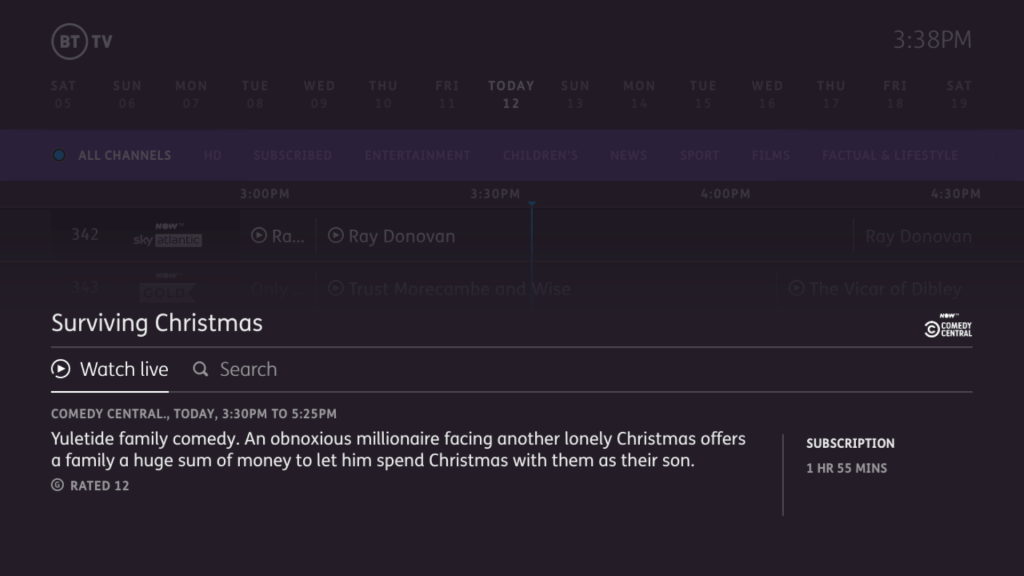
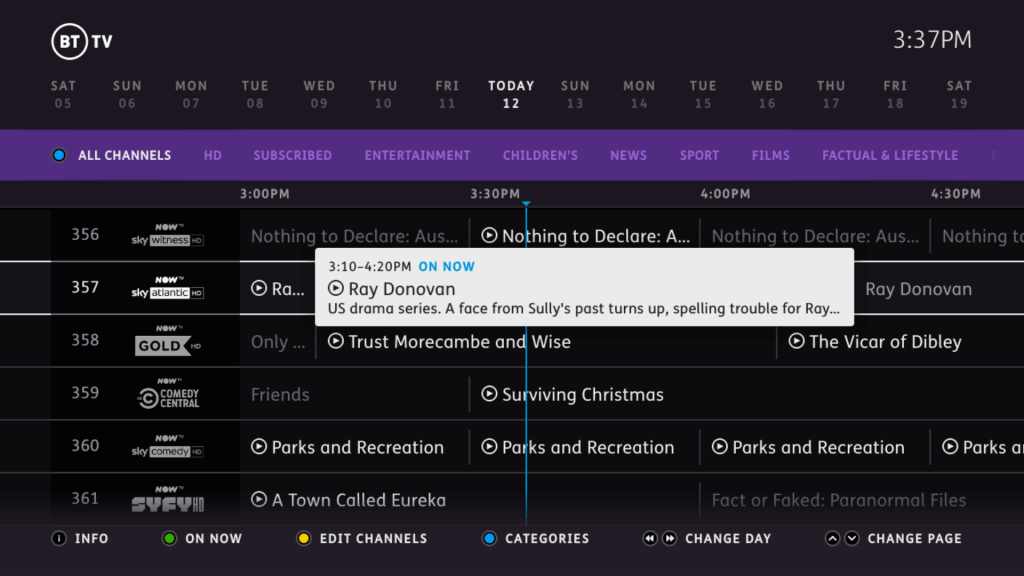
The main TV guide interface. The guide is presented using a grid like design which shows programmes broadcast today. You can also navigate to programs broadcast in the future which will give you the option to record or set a series link. The guide can also give recommendation’s on that to watch next and what’s being broadcast now.
Series links can also be set, but unlike Tivo they are not as intelligent. You cannot configure them to exclude certain broadcasts such as reruns, or to record certain seasons. The Youview box will just blindly record whatever is scheduled on that channel. It does ignore repeated episodes broadcast on +1 channels.
Subscription Channels
The NOWtv channels appear here, along with the regular BT channels if you are on one of their classic entertainment packages. These channels are streamed through the IP connection. the selection offered by NOWtv is quite limited compared to the classic TV packages that BT had provided previously, and rumours suggest they plan to adopt only the NOWtv packages, meaning that other channel packages will be discontinued. This wouldn’t be so bad if NOWtv actually offered channels that BT previously offered.
BT Player
BT’s main store for its TV programs where they can be purchased. Some stuff may be bundle into the existing subscription like the AMC programs. This requires an active BT broadband subscription and connection.
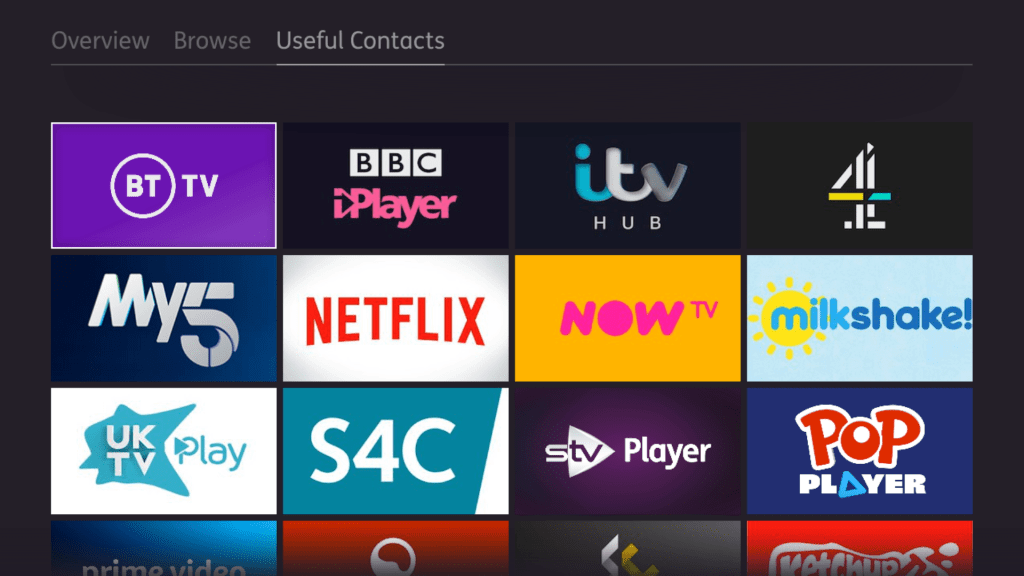
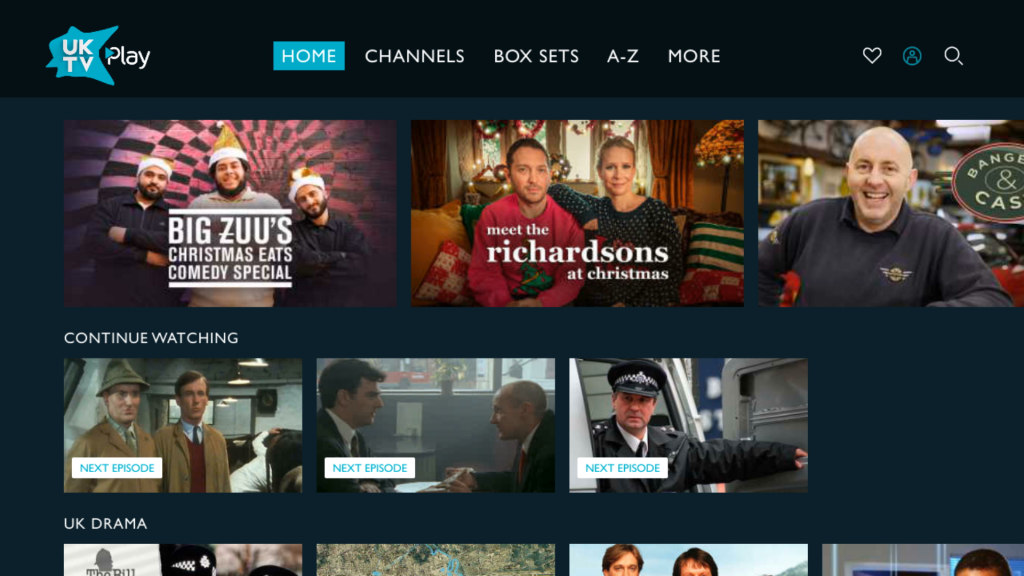
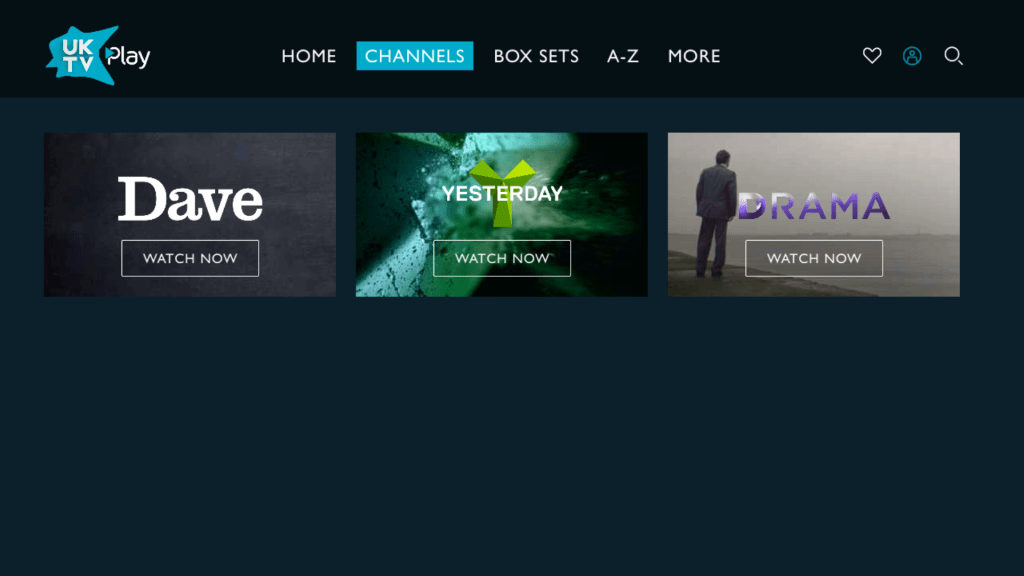
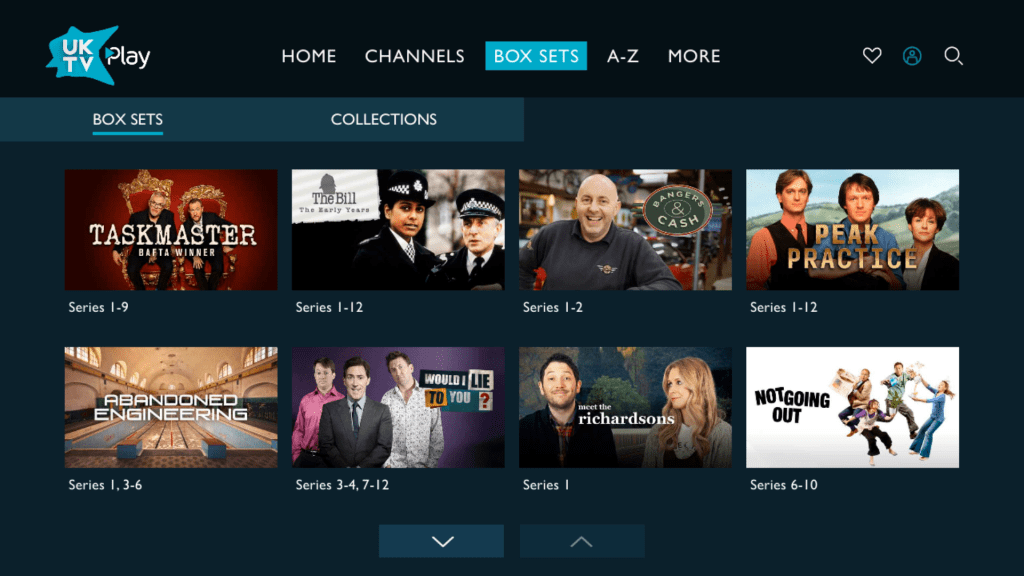
UKTV Play
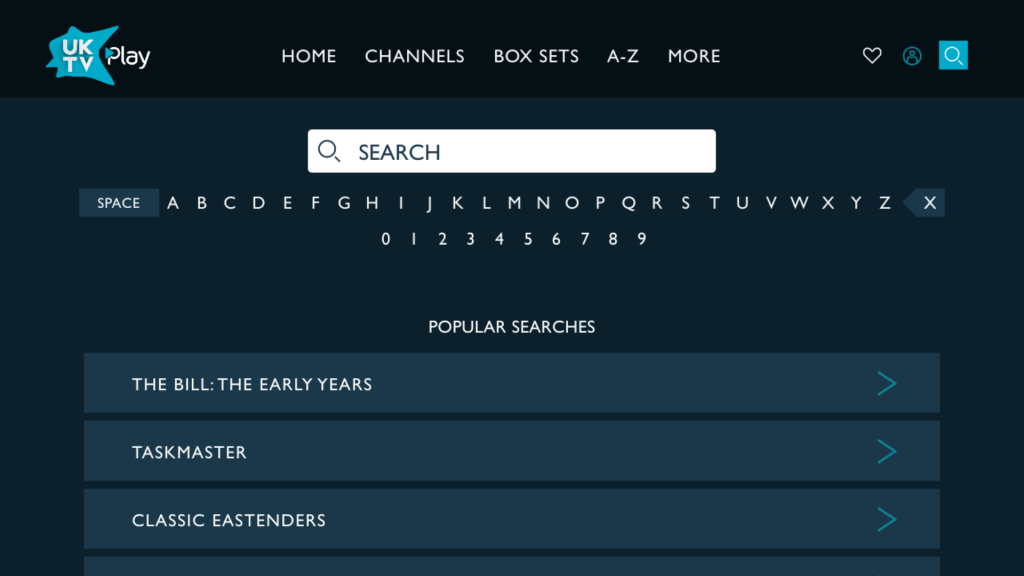
A nice looking service let down by its horrible search interface. Seriously why not just display a QWERTY keyboard on screen? Also you cannot use the keypad on the remote to type in search items, Why?
CBS
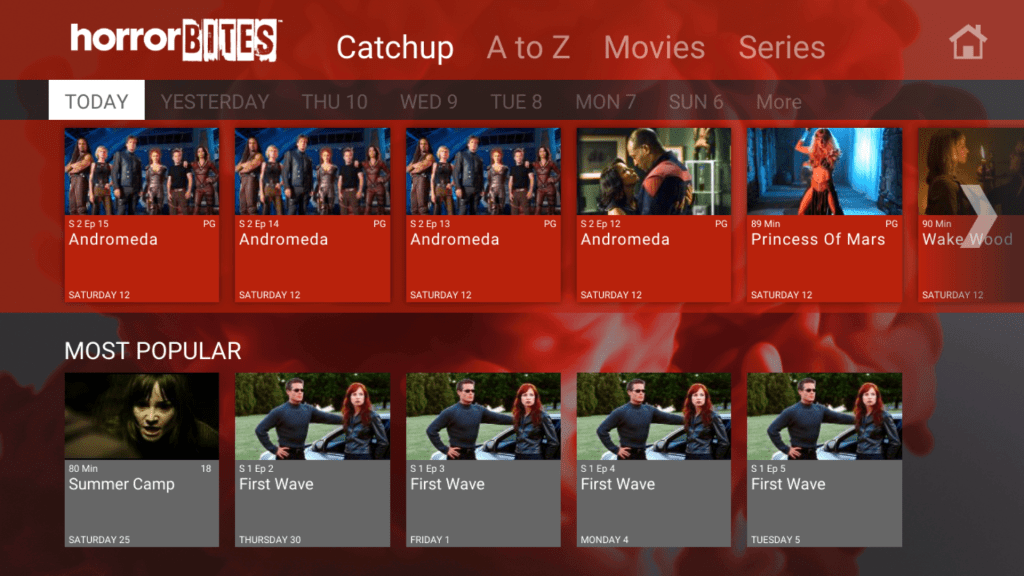
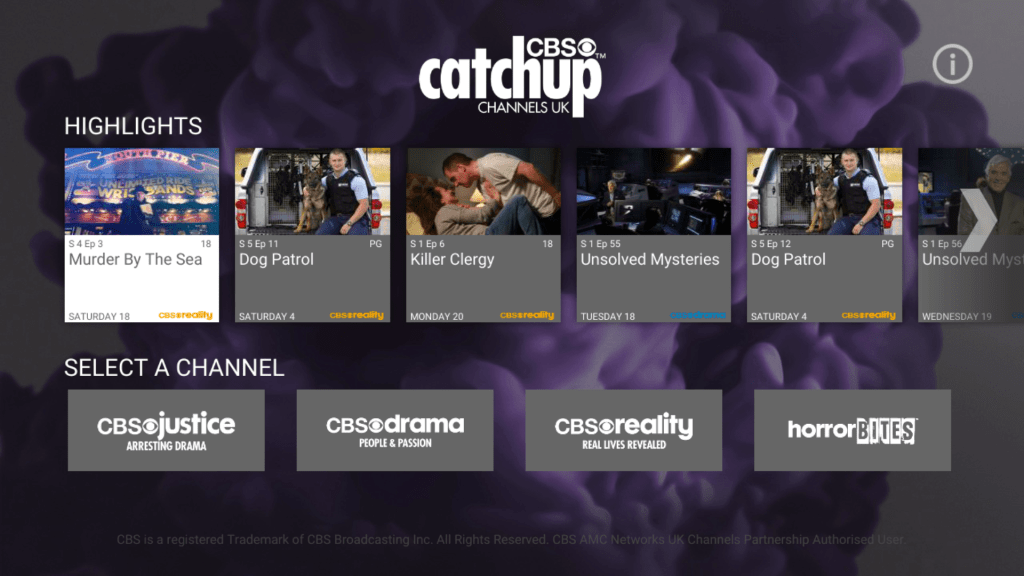
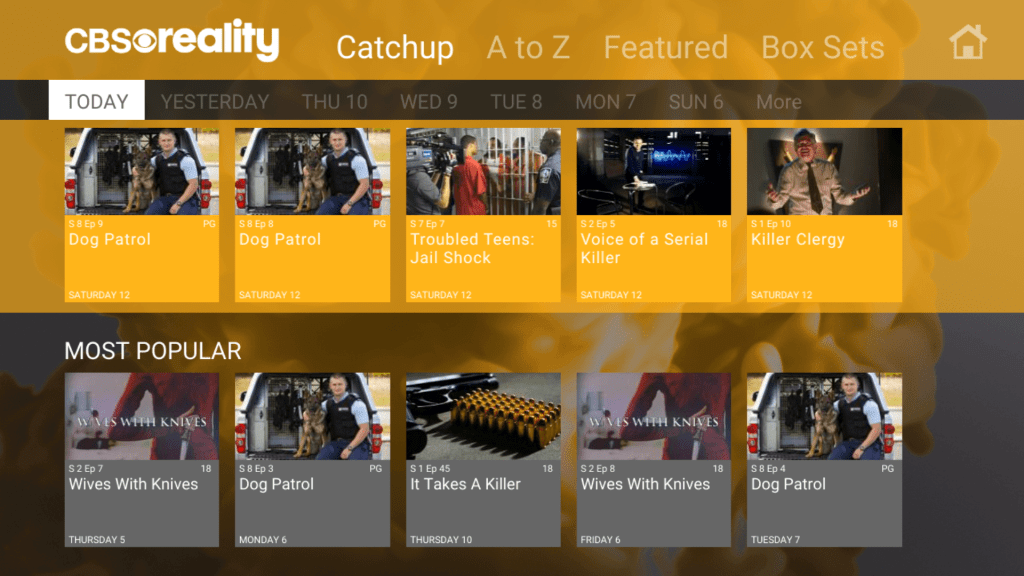
Catchup services for CBS’s free view channels, and also include Horror channel also
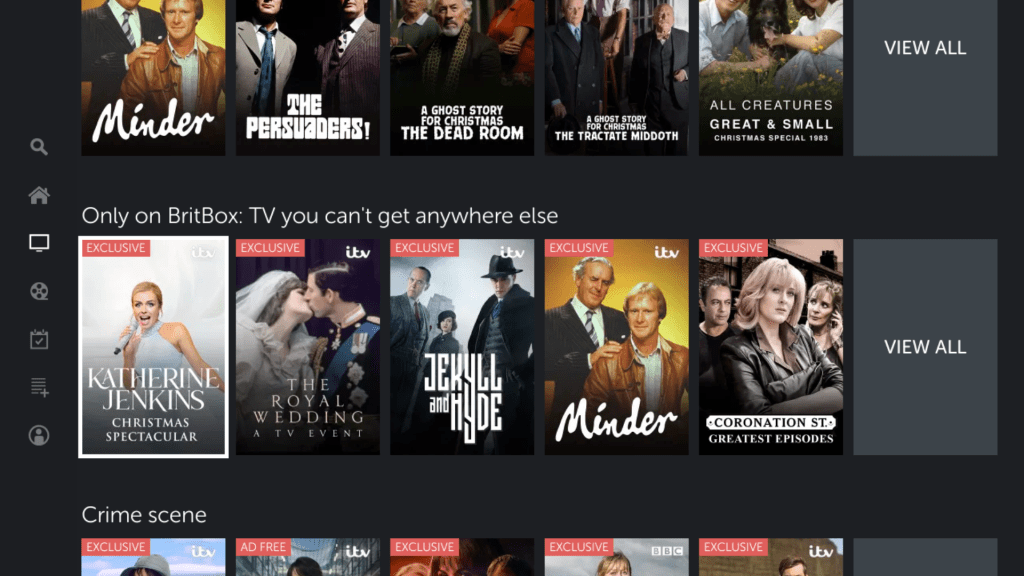
Britbox
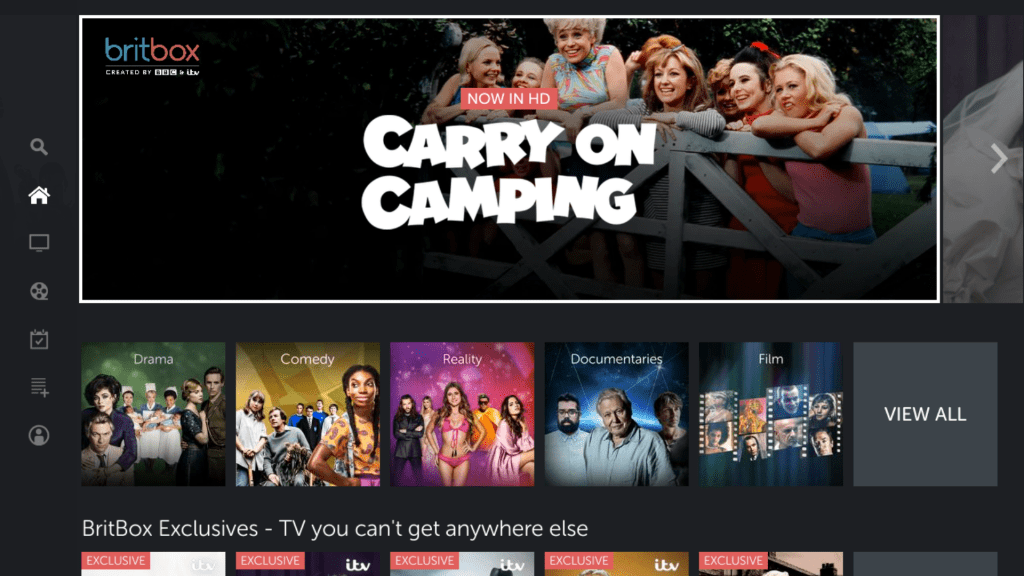
Britbox was a recent addition to the service an is a collection of older programs previously broadcast by BBC and ITV (similar to the UKTV channels of the past) with promise of new original content.
Whilst the interface is nice, the on screen keyboard used in the search is terrible
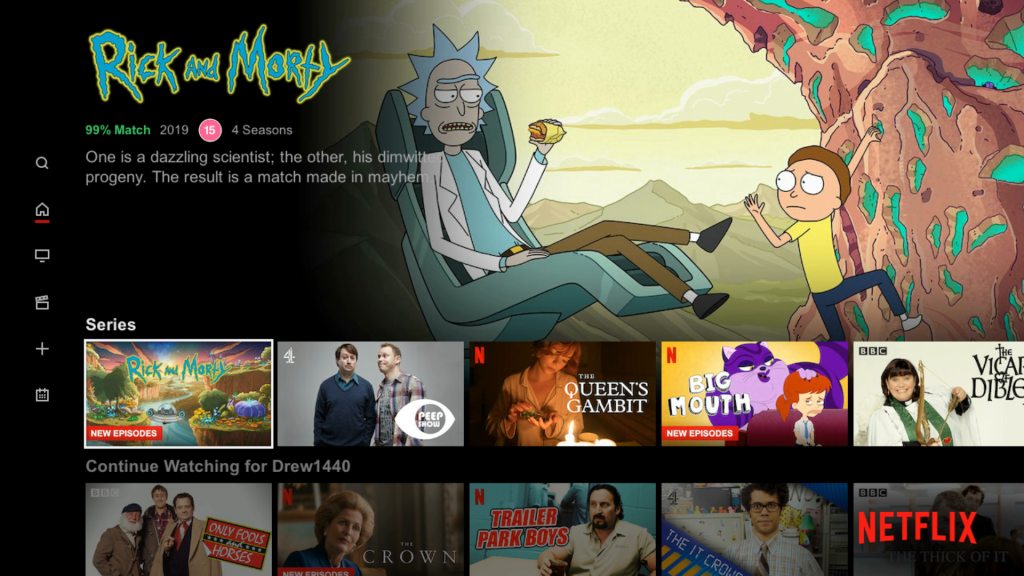
Netflix
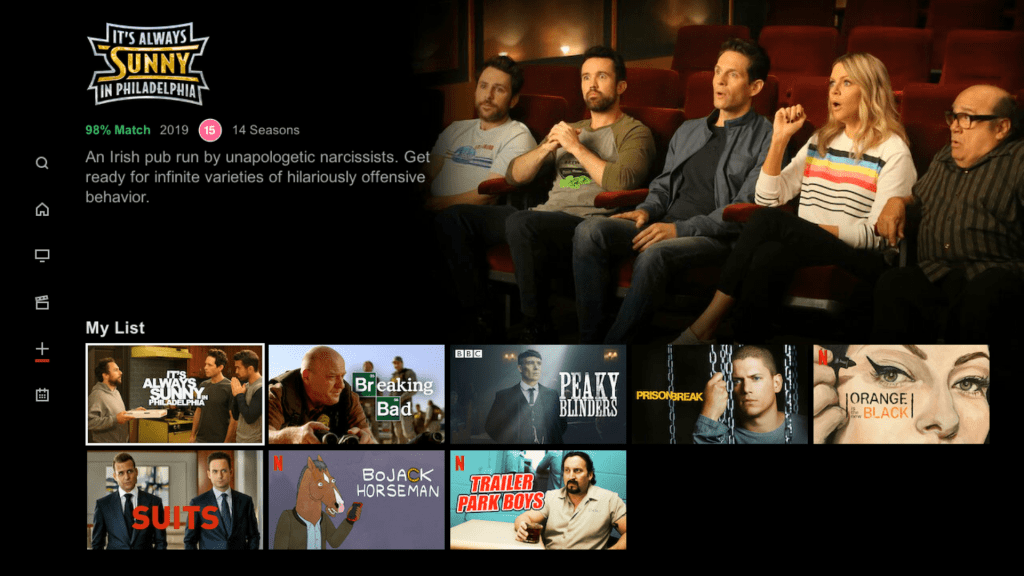
Netflix is fully supported, and it even supports the use of a USB keyboard for its search! Probably the only service on here to actually support that.
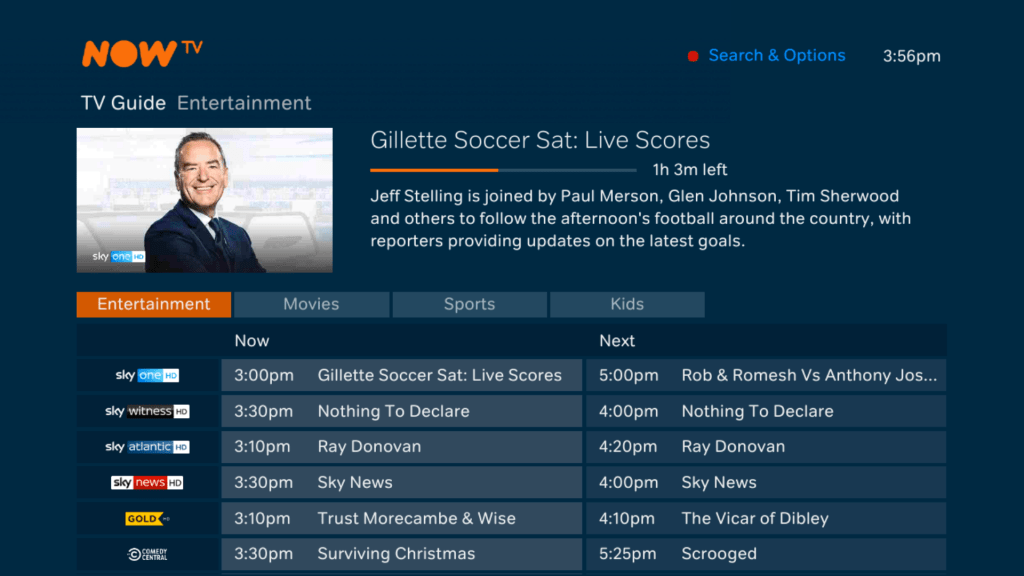
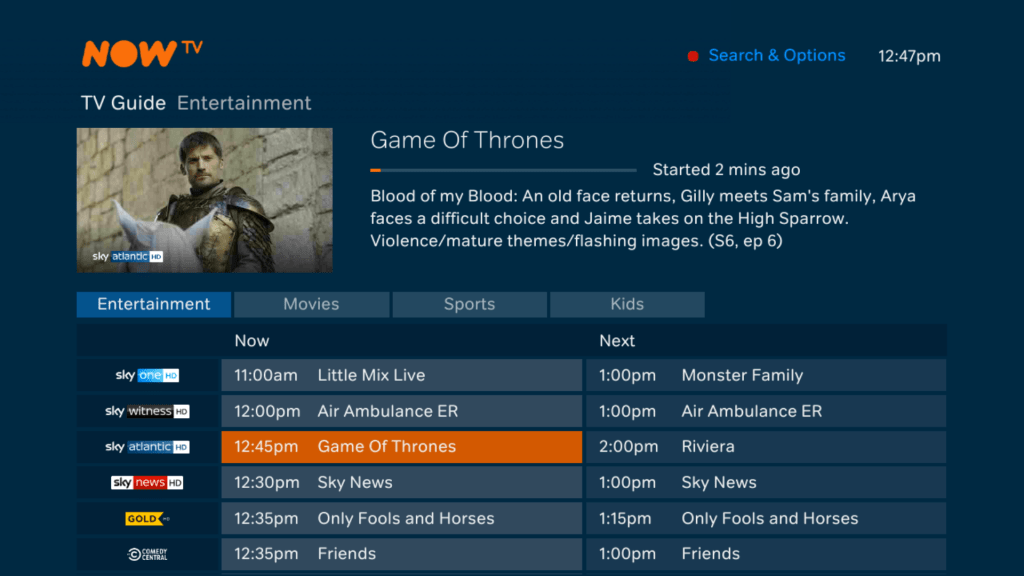
NowTV
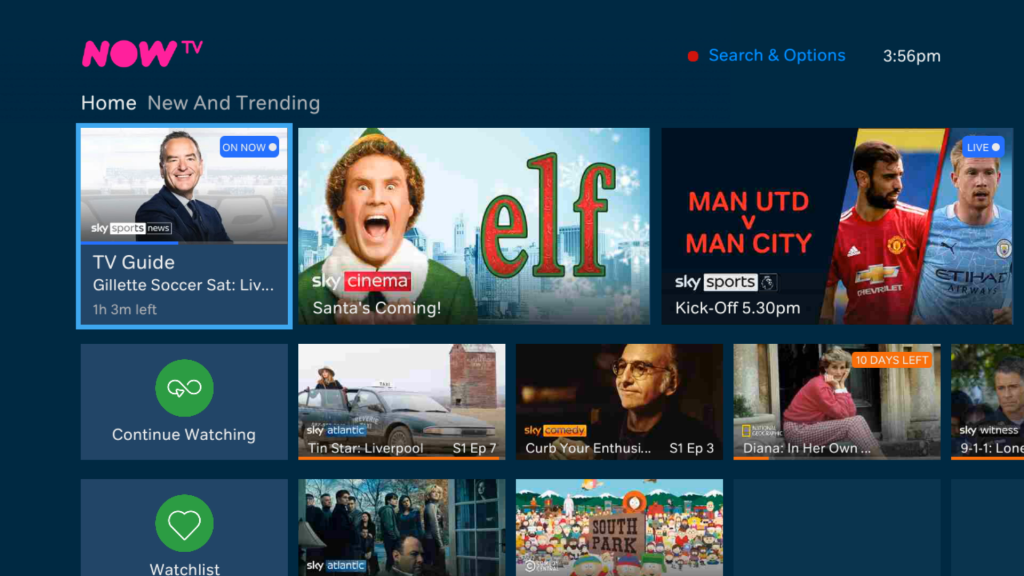
The main attraction to BT’s Youview, all of the Sky Sports/Movies and entertainment on demand is delivered through here. sadly it’s not a good experience with it being slow to respond for that appears to be a very basic interface. The search keyboard is OK but you still cannot use a USB keyboard, meaning you must use the on screen keyboard, you also cannot use the number keys on the remote to enter letters.
Thankfully you can watch and record the NowTV channels in the actual BT TV guide so you are not completely reliant on the app.
Amazon Prime Video
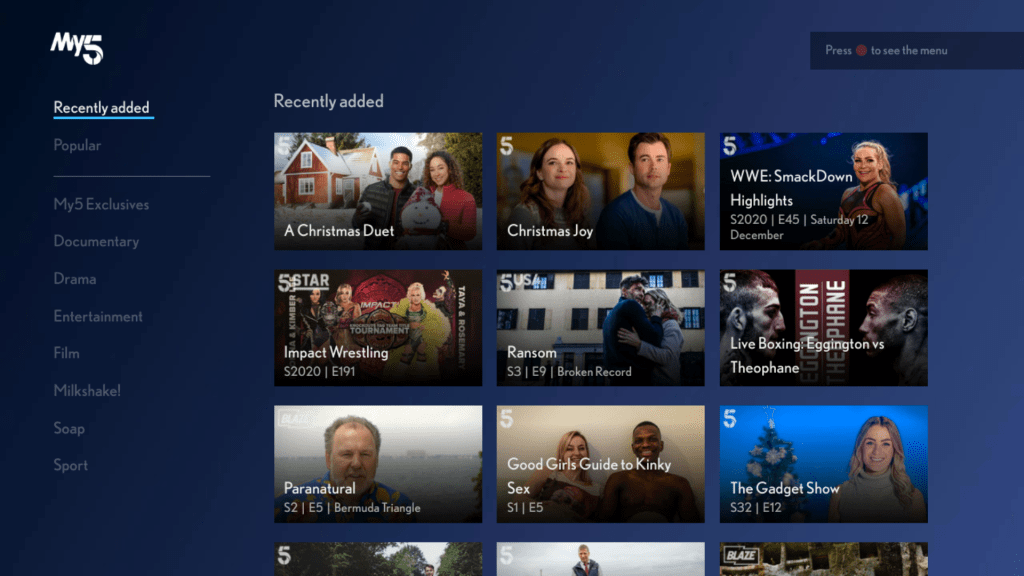
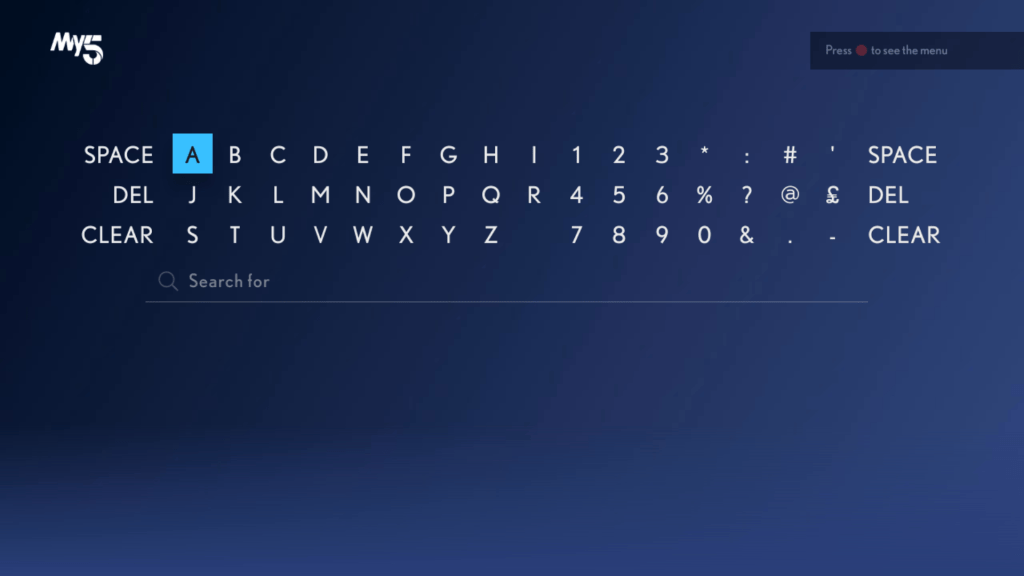
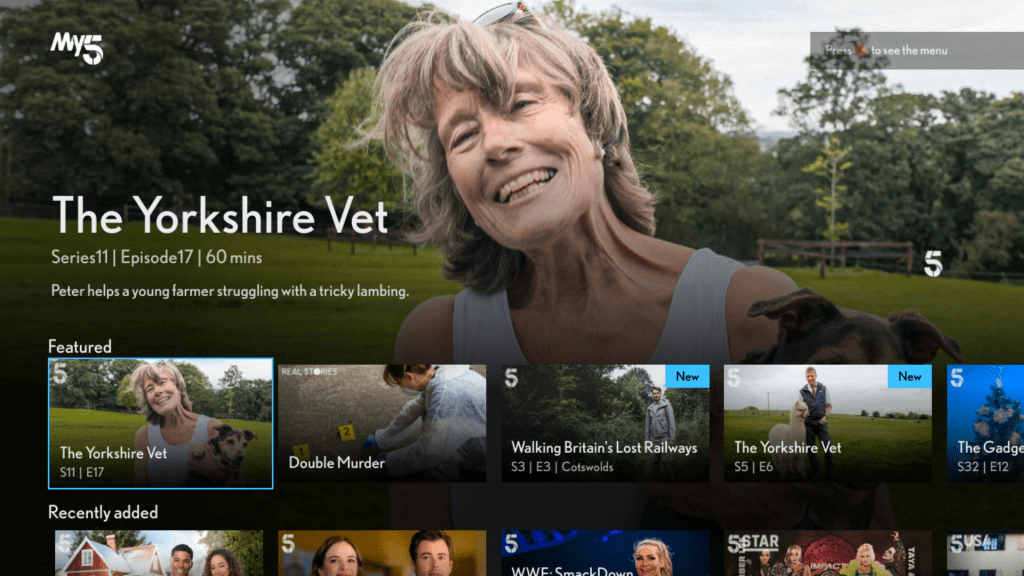
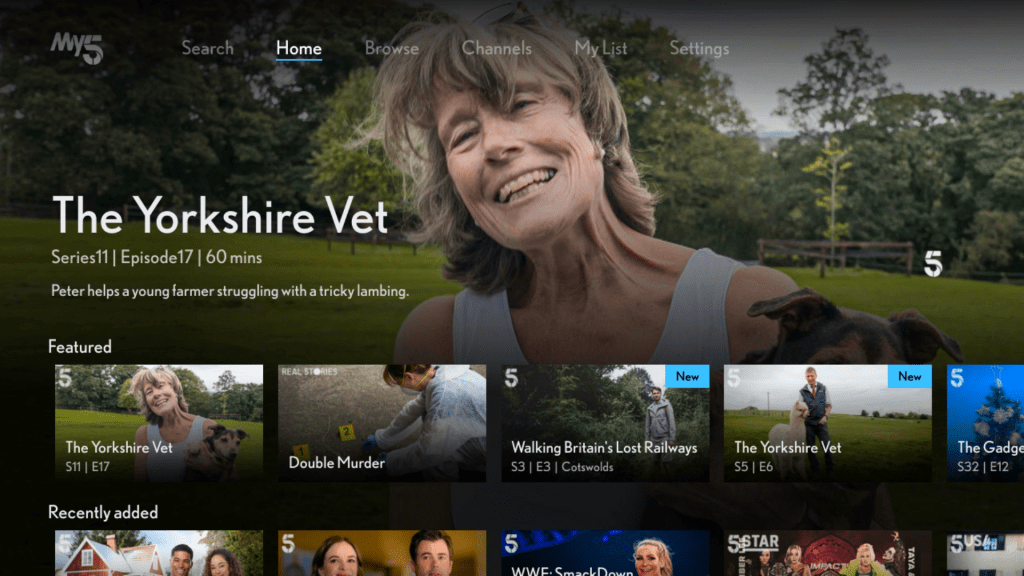
My5
Works well, but we are still unable to use a USB keyboard in order to search.
itv Hub
Provides access to all of itv’s shows and has a god awful search keyboard where all the letters are on a single row and no USB keyboard support either.
All4
Channels 4’s on demand service (that mysteriously disappeared off Freesat…)
BBC iPlayer
Misc on Demand
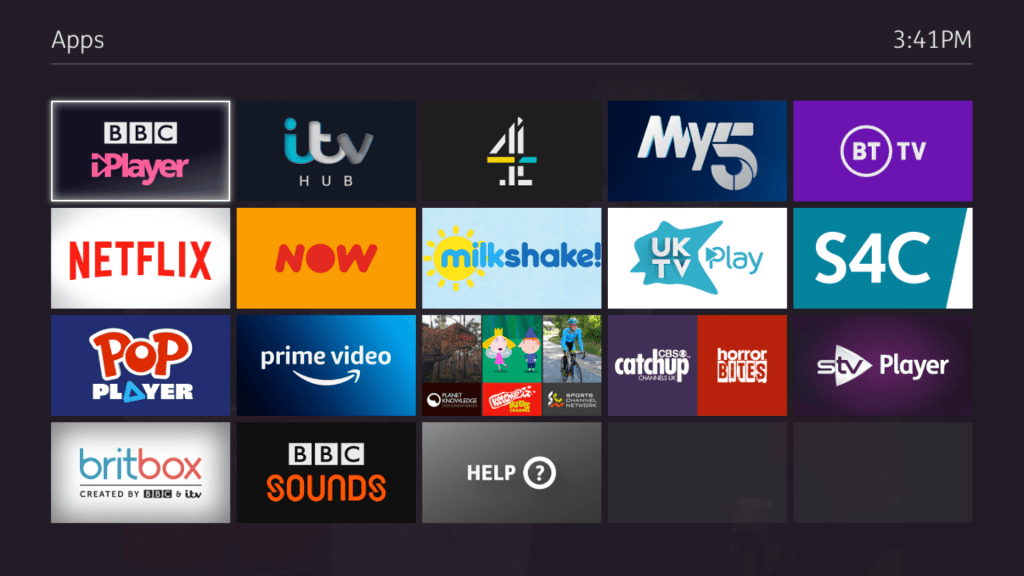
Whilst Youview support’s MHEG5 text services, certain streaming extensions are unsupported, instead these services must be accessed via the Youview apps section
Settings
Help & Support
Error Messages
Summary
Ideal as a smart TV platform, as all the popular apps are supported here, this includes all the common FTV platforms (Itv Hub & BBC iPlayer) and the subscription services
Interface is OK, but colour buttons are underutilised, and common features are hidden under menus (like MyTV/Recordings).
Poor support for keyboards for entering text, although Youview supports USB keyboard for control and navigation, this cannot be used to enter text for on demand apps with the exception of Netflix.
Even though the remote number pad has alphabet letters on, this can only be used for the Youview search function, you cannot enter text for the catch up apps using the remote, unless you use the directional pad. This makes it time consuming to enter text.
No support for external hard drives
Unable to stream recordings to other Youview boxes, or to smart TV’s running the Youview app.
Lack of native Wi-Fi support, Ethernet or power-line over Ethernet is the only way to go.
Suggestions
Higher capacity storage options, currently only 500GB to 1TB are available, the latter only for the 4K model
More OTT streaming services like PlutoTV or Plex Live TV, these can add further streaming channels
More subscription channels, although BT seem to be phasing their classic entertainment packages in favour of only NOWtv packages. AMC seems to remain.
Some subscription services are missing like Disney+ and Discovery
More consistency with the on demand user interfaces
With the Xbox version of The Sims I discovered a way to load story mode sims in the normal sandbox mode of the game,which would allow all Story mode lots and sims (Landgrabb, Roomies, Peacock, Party Guys/Girls) to be fully playable. Normally you are not able to control and play these sims directly except for Dudley/Mimi and whichever Roomies/Party sims you have picked to move in with. There is a way to trick the game into loading these lots and treating it a a normal sandbox mode save by renaming some ngh files around.
Ngh files are like an archive or the character files and house files used by the game. If you are familiar with the PC version of the original game they are equivalent to the Userdata folder, but in the form of a single file. ngh files on the disc serve as the default savegame when the player starts a new game, and are then converted/signed and saved to the memory card of the console, or the hard drive in the case of the xbox. Since the game stores template ngh files on the disc, we swap the files around , ie the default and story files over we can load story lots in the sandbox mode of the game. Sadly ngh files cannot be extracted, unlike the ARC files so we cannot manipulate the files individually as we would with the PC version.
To do this on the GameCube, it s a bit more complicated, since the Gamecube deals with ISO files for its backups, as opposed to the xbox which lets you rip and store the files as is on its hard drive, no ISO images needed. and since most modded dashboard have a file manager built in you are able to manipulate the game files on the xbox itself. Gamecube images on the other hand have some sort of protection mechanism which makes editing no so straight forward without some additional software. That being GCRebuilder.
You will need a Gamecube capable of loading backup game, or a soft-modded Nintendo Wii with a Gamecube controller and memory card support. At least with the Gamecube have the option of using the Dolphin emulator which makes it easier to test the game. I’m using both Dolphin and a Nintendo Wii with DIOS-MIOS installed to run Gamecube backups.
Editing the Gamecube ISO images
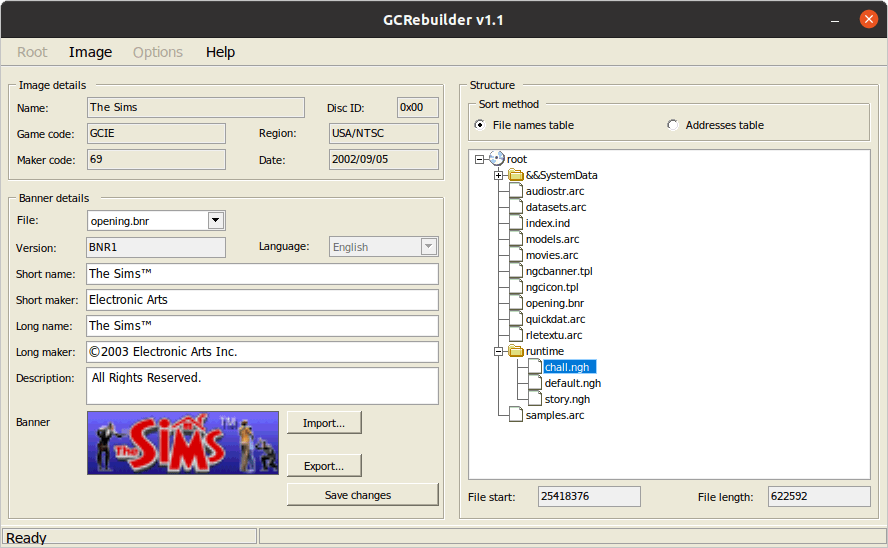
GCRebuilder is a Windows based utility but will work with wine or lutris. For this we are going to trick the game by renaming a few files that the game uses to load the default neighbourhoods. Since the files us the same format, we can rename then if we want to load lots in another mode.
Select Image, Then Open
Select the iso file, in this case it would be Sims backup iso
Once loaded, Right click root (near &&SystemData folder), then select Export
Once it has fully extracted, close the image by selecting Image, then Close
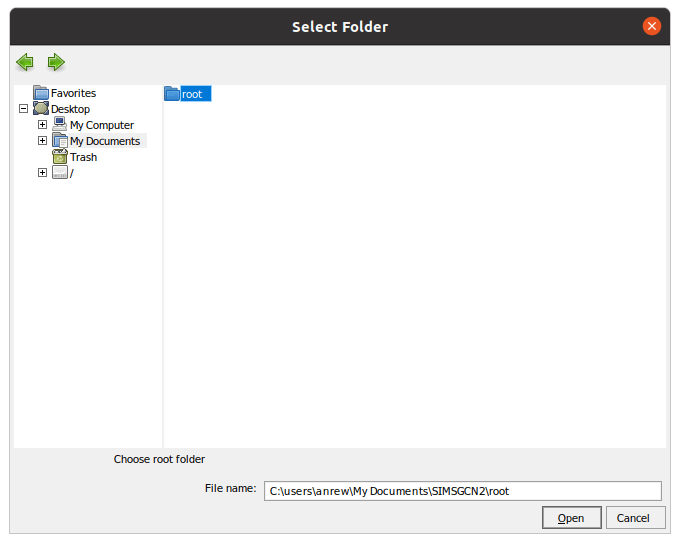
Choose the folder to export it too, this will export the contents of the disc to the folder for editing
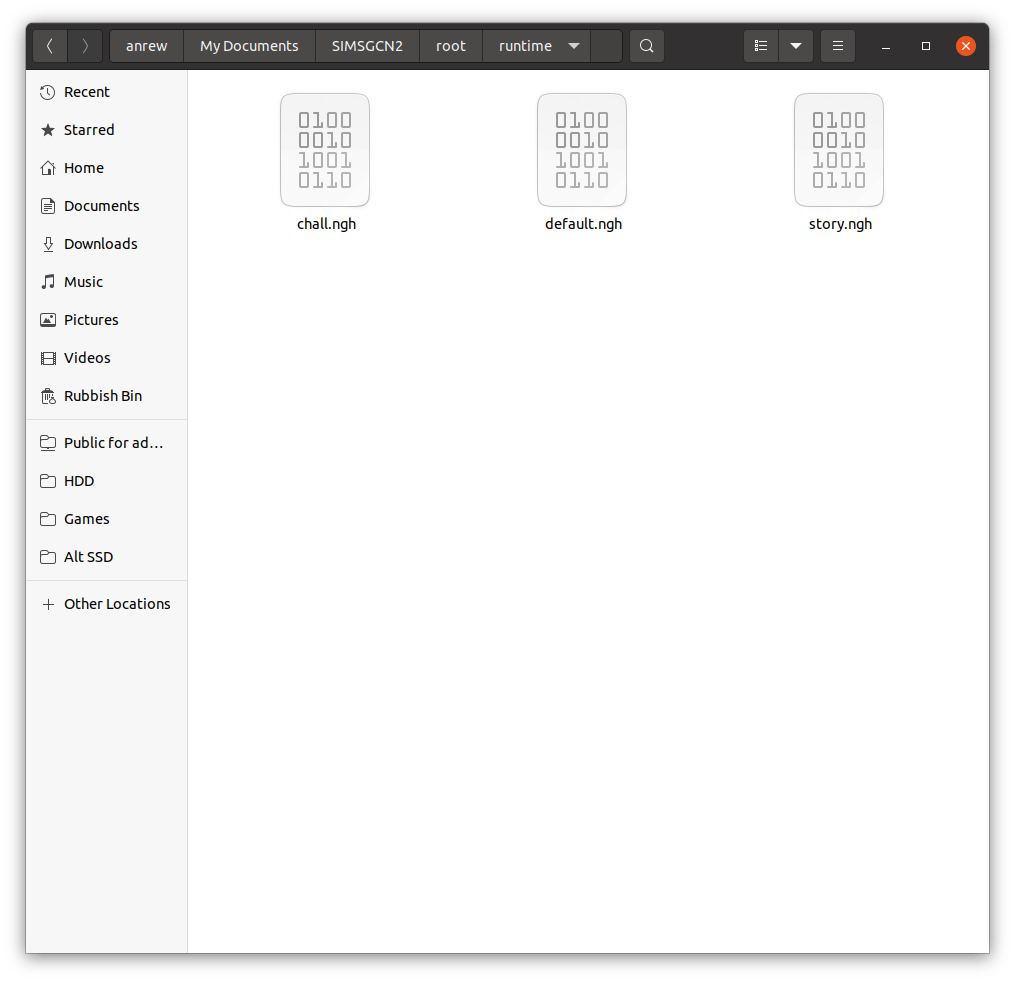
Navigate to the folder with the extracted contents, there should be a root, and within that a Runtime folder where the files are located.
Swap the chall, default and story files around by renaming them
Rebuild the image
chall.ngh – used for the 2 player challenge mode
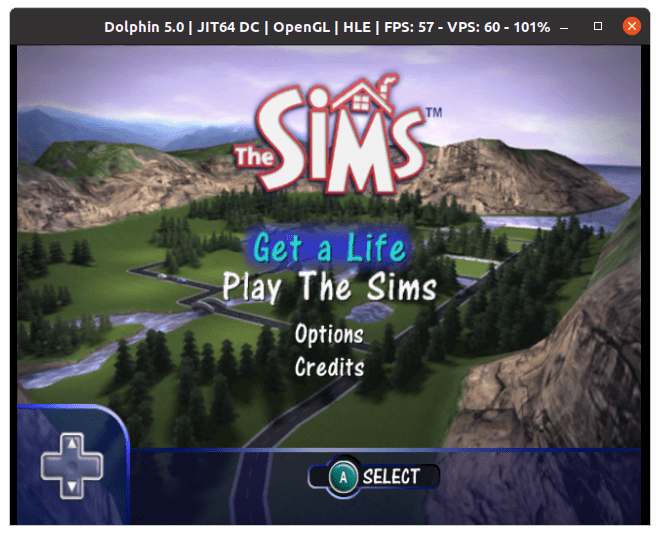
default.ngh – default neighbourhood for the play the sims mode
story.ngh – default neighbourhood used for the get a life game mode. Most of the sims and lots are hidden are available in a level based format. There are some sims here that were never meant to be controlled with.
You will want to backup the default.ngh file, and rename the story.ngh or chall.ngh to default.ngh to trick the game into starting a new file with the swapped ngh file. Once you save the game, you can restore the original iso/disc since the lots/sims will be saved onto the memory card.
Select Root, then Open, and then navigate to the folder that has the extracted sims files and select the root folder.
To rebuild the new iso file, choose Root, the Save
The save files have both the story and the challenge mode sims and lots into pre-made neighbourhoods that can be loaded in ‘Play the Sims’ mode
Unfortunately you can only have one save file per memory card unlike the Xbox or PS2 versions, this means that unless you have two Gamecube memory cards that you can swap, you can only have one neighbourhood installed along with one story mode save. This is probably due to the Gamecube memory cards having only 512KB, versus the 8MB PS2 and the 4GB user formatted storage in the Xbox.
With a real Gamecube, you can use an Action Replay, or a equivalent device to copy the save file. With the Wii, depending on if the Wii is soft-modded and what home-brew the Wii is running to run Gamecube backups, DIOS-MIOS and Nintendont allow you to create virtual memory cards or you can use home-brew utilities to copy save files from a FAT32 memory stick to a real Gamecube memory card, providing your Wii console model has Gamecube memory card slots.
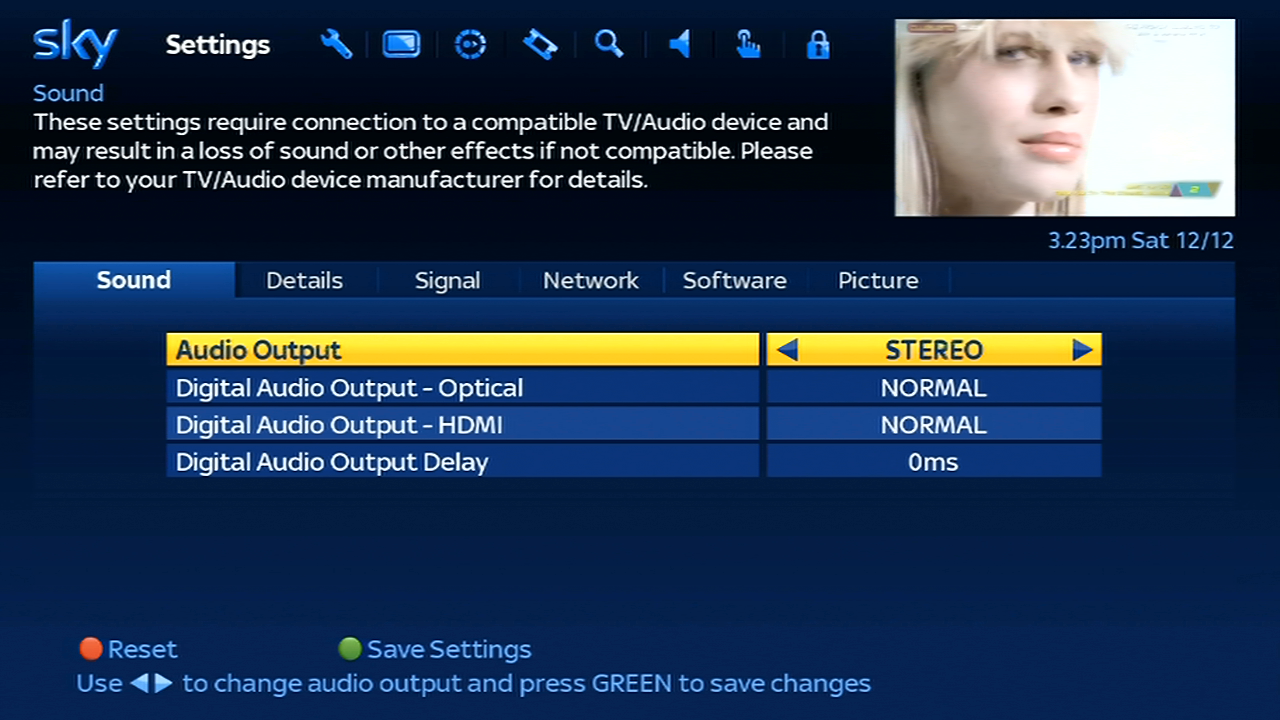
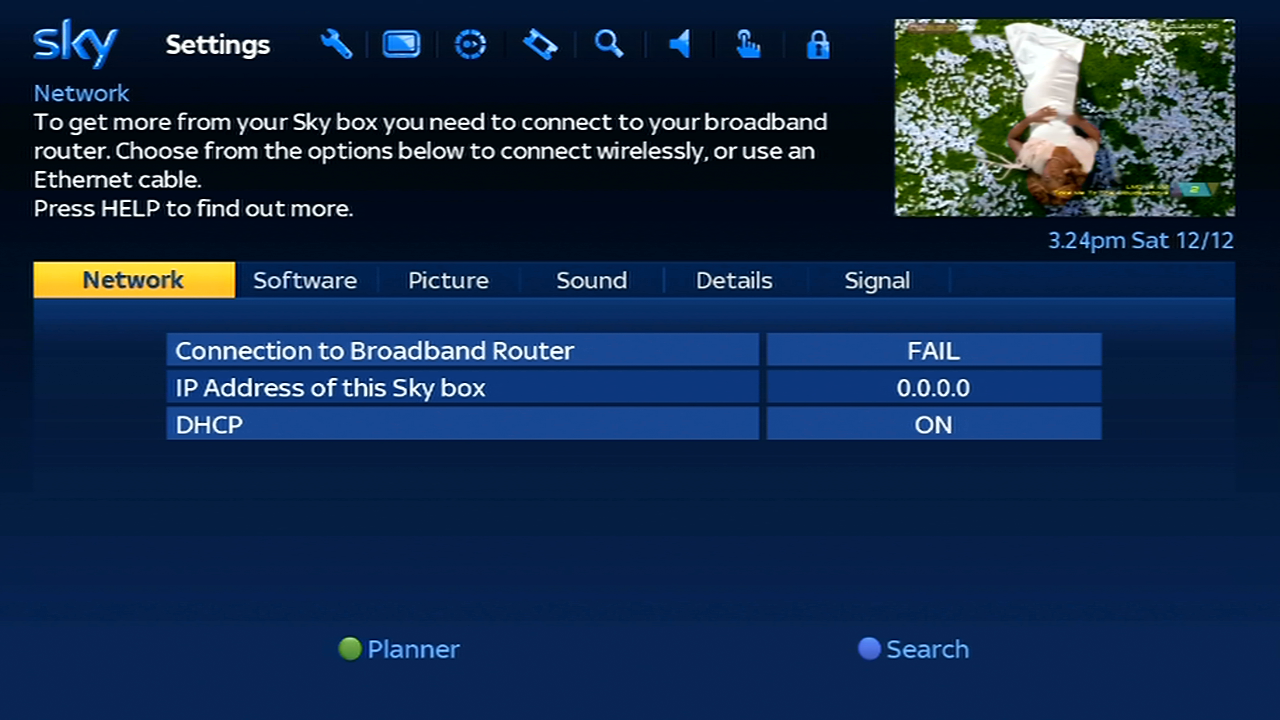
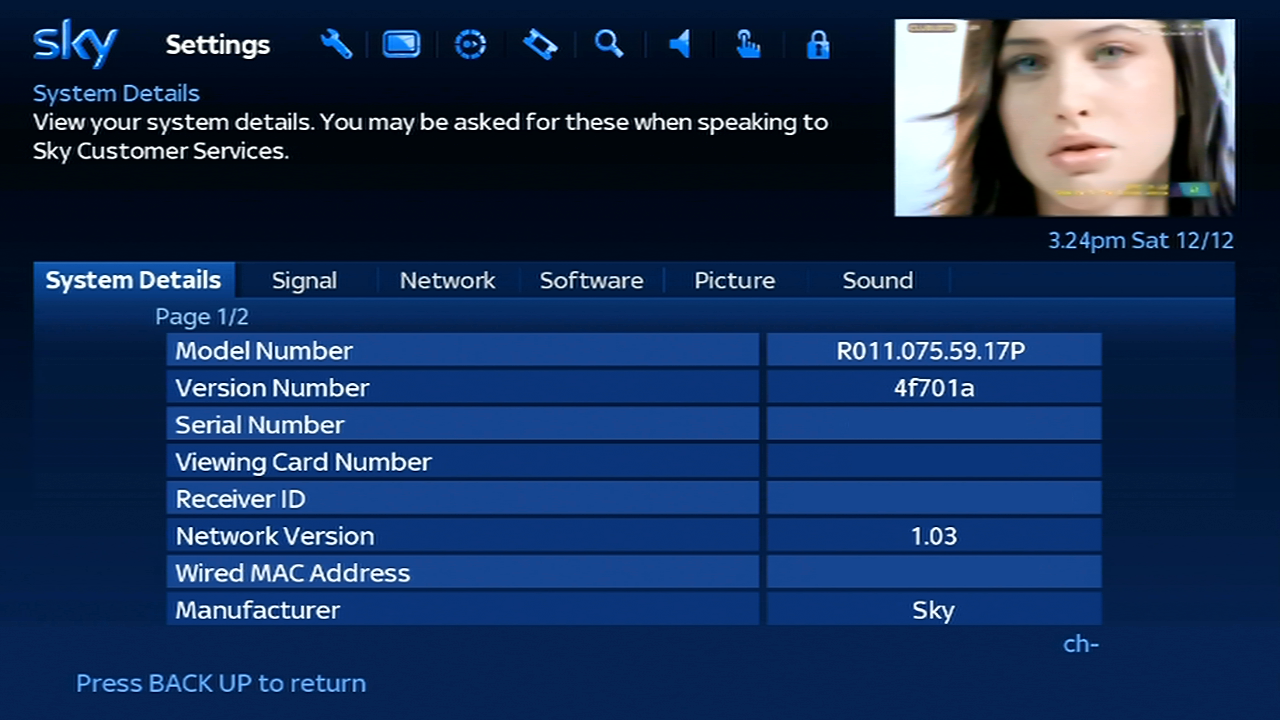
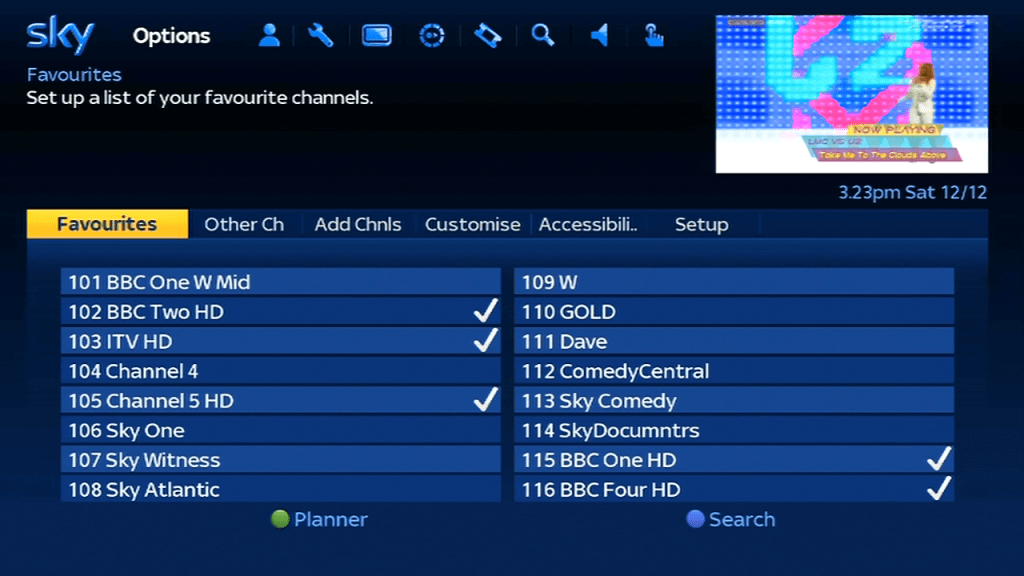
The DRX595 – Sky’s basic multi-room digibox also used for Freesat from sky installs. One of the last Sky boxes that have non recording capability. While these boxes have a good selection of channels thanks to the Sky EPG listings, the lack of on Demand and streaming apps are a huge turn-off… unless you have an existing smart TV or streaming STB / Bluray Player.
This is due to how Sky had implemented on demand on their HD platform, instead of each service using it’s own streaming app, all catch and on Demand services use the Sky Anytime system, where programmes are downloaded onto the subscribers box. Since the DRX595 lacks a hard drive to store this on, there is no on demand support
The DRX595 does come with a fully equipped HD remote with the playback buttons, and the front panel indicator shows a recording and playback light, hinting the ability for the box to set remote recordings from another Sky+ HD box. Or maybe the ability to connect an external hard drive to it’s USB 2.0 port?
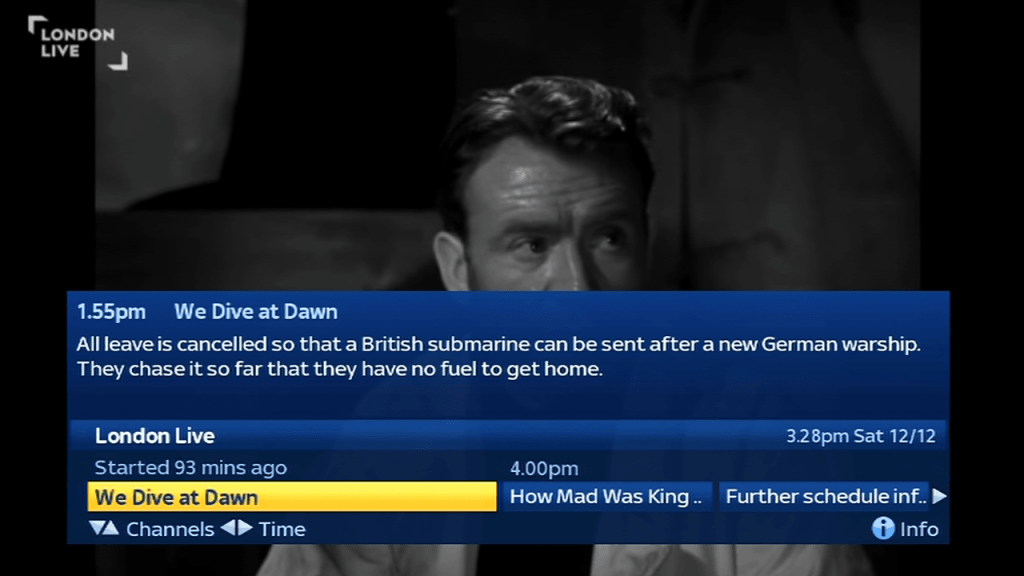
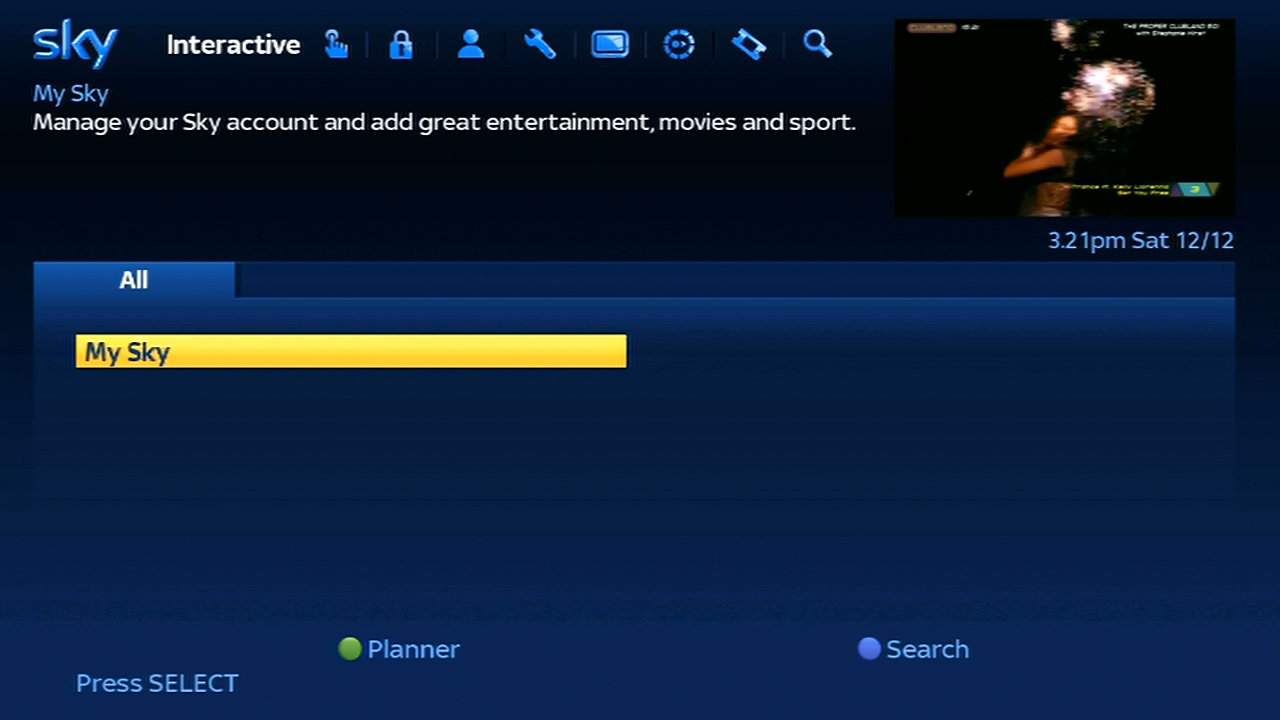
Search and Scan banner that appears when you change channels, and can also be viewed by pressing select or the arrow buttons on the remote.
Pressing the i button brigs up a short synopsis of the program
When you view an encrypted channel that’s not part of your package, pressing red takes you to the MySky upgrade screen. Unlike other platforms Sky does not hide unsubscribed channels, they remain in the EPG
Viewing upto 8 hours of schedule in advance, despite the digibox having 7 days worth of listings stored in its memory
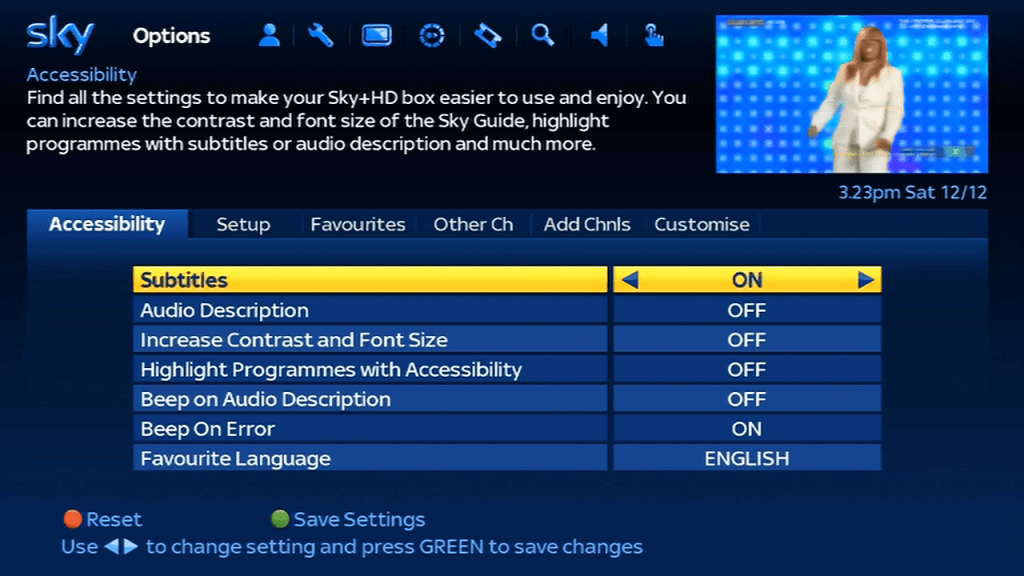
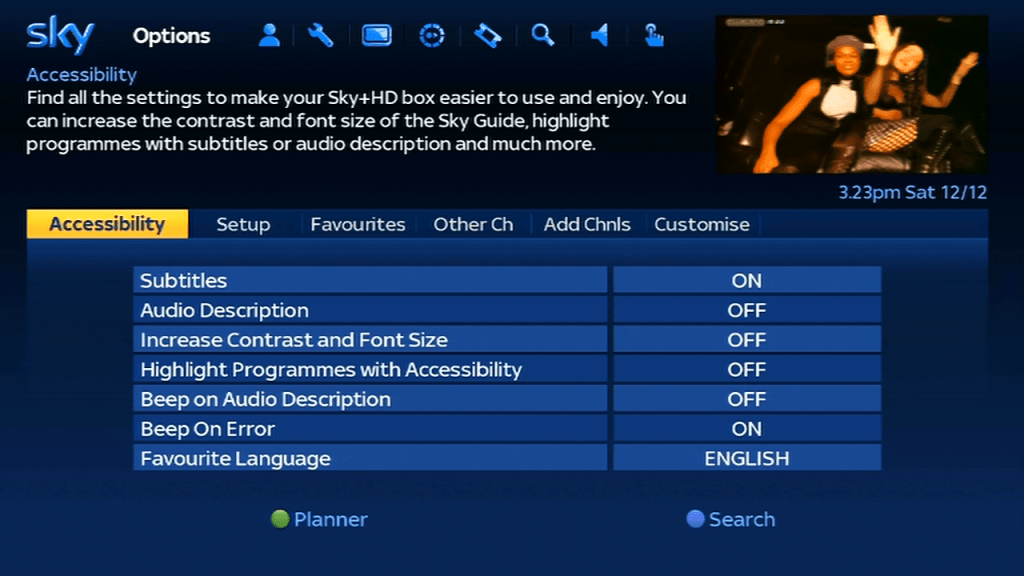
Pressing help gives you options for subtitles or audio description.
TV Guide
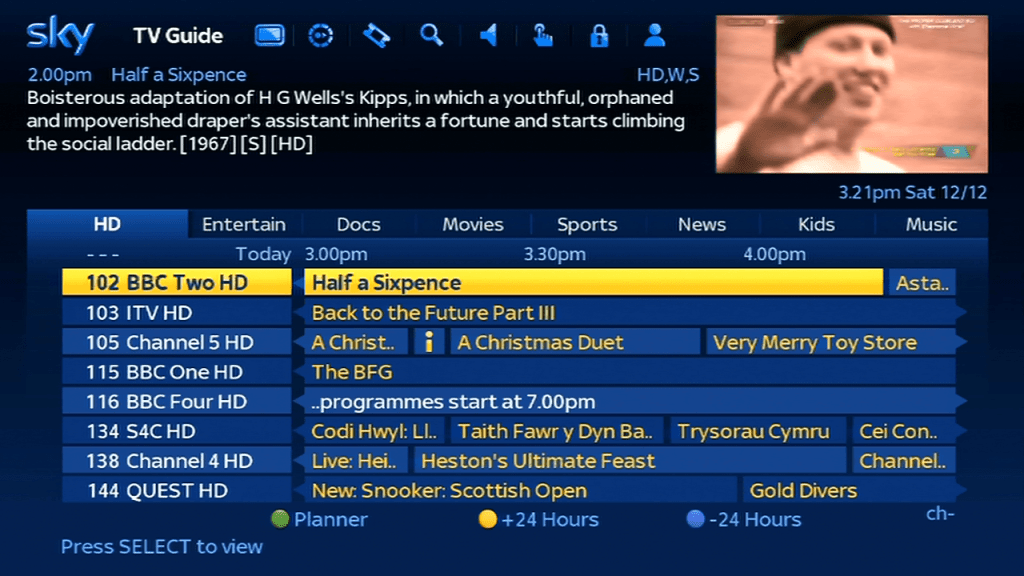
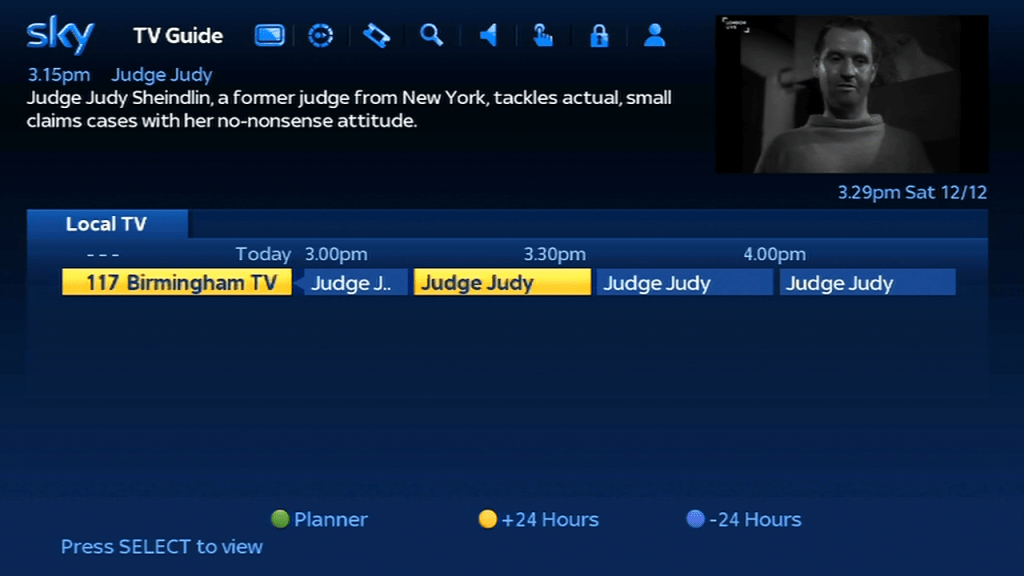
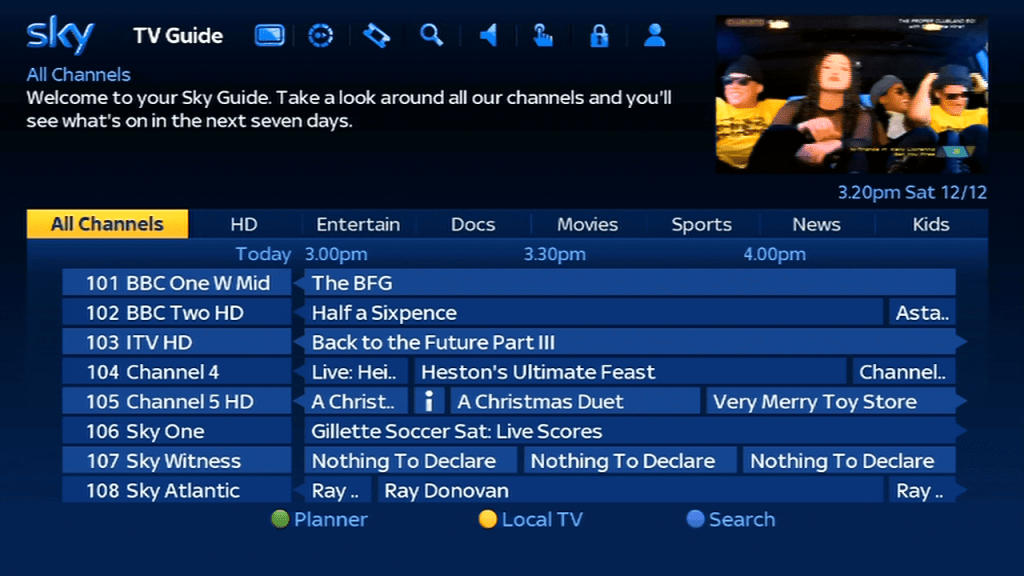
Tabs are used to switch between the different channel guide categories. There’s a dedicated guide for the local channels but since there is only one local channel I’m not sure of the purpose of this?
Search
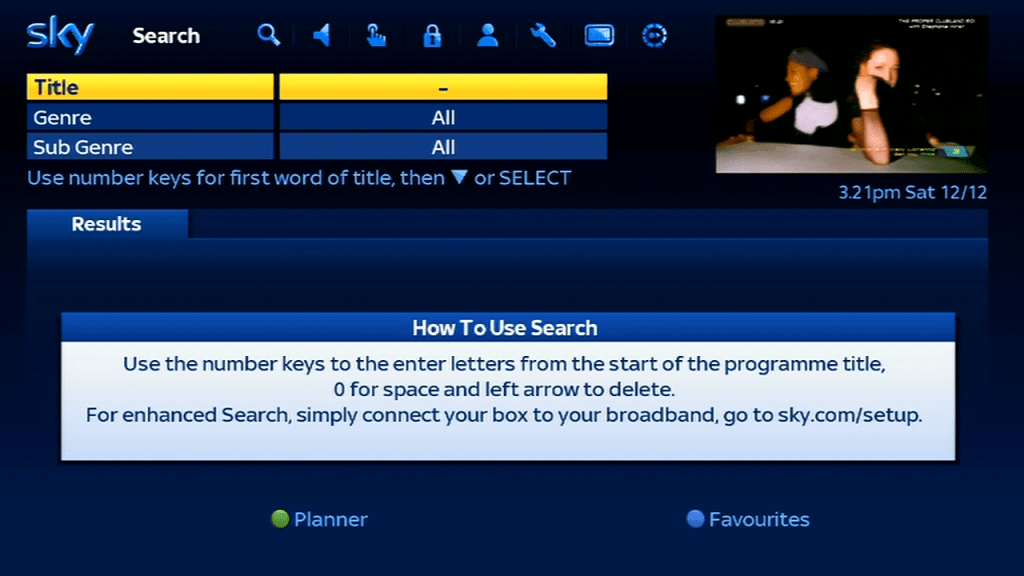
The search feature, you can use the remote or the original Open/Sky keypad or the Sky Navigator. You will need to reprogram the keyboard in order for it to work on the HD digibox, but all of the alphabetic keys will work.
On the Sky/Open keypad – Press TV
Press and hold Select and Blue together until the red led on the remote flashes twice
Press 2
Press Select, the red LED should flash twice
Test by pressing the Sky button, then try the Tv Guide button
You will need to repeat this procedure if you replace the batteries in the keypad.
Settings
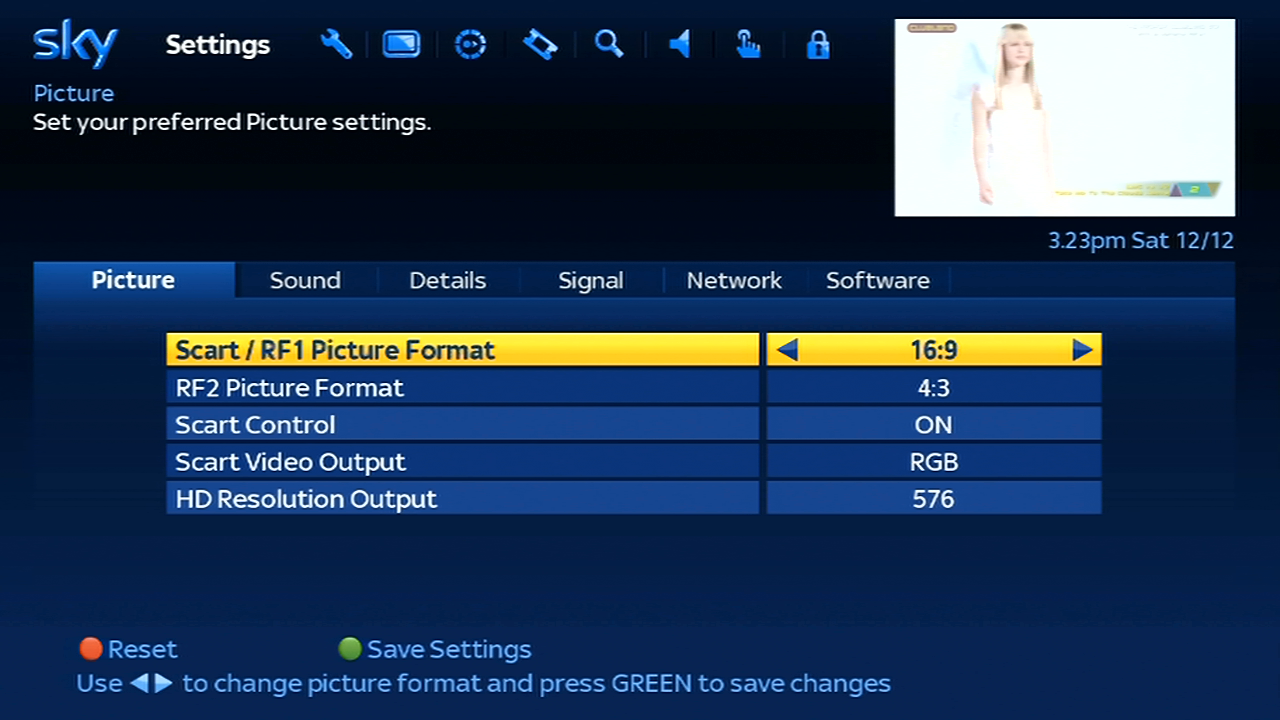
Picture – This digibox can output up to 1080i, 720p or 576 (SD PAL), here it is set to 576 for capturing HDCP purposes. Scart Control set the scart auto switching feature for when the digibox turns on, whilst the video output lets you toggle between PAL and RGB
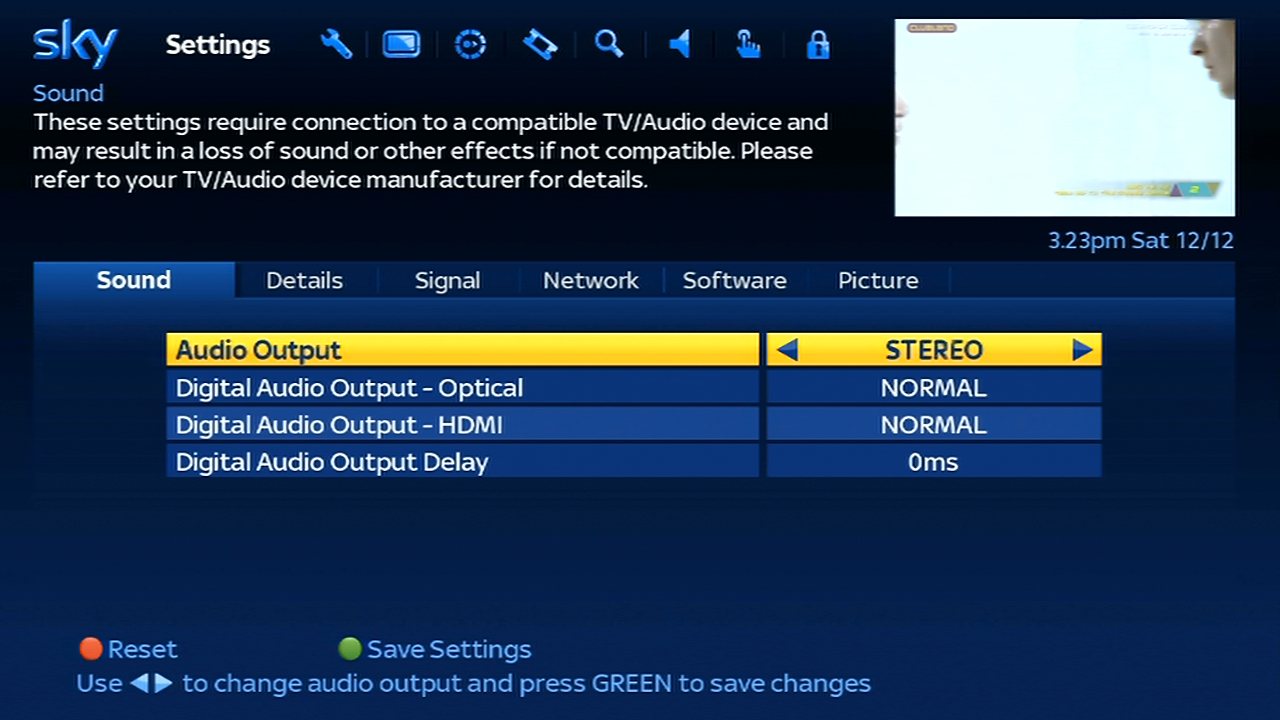
Sound – The digibox can output stereo audio or Dolby Digital through the optical or HDMI output
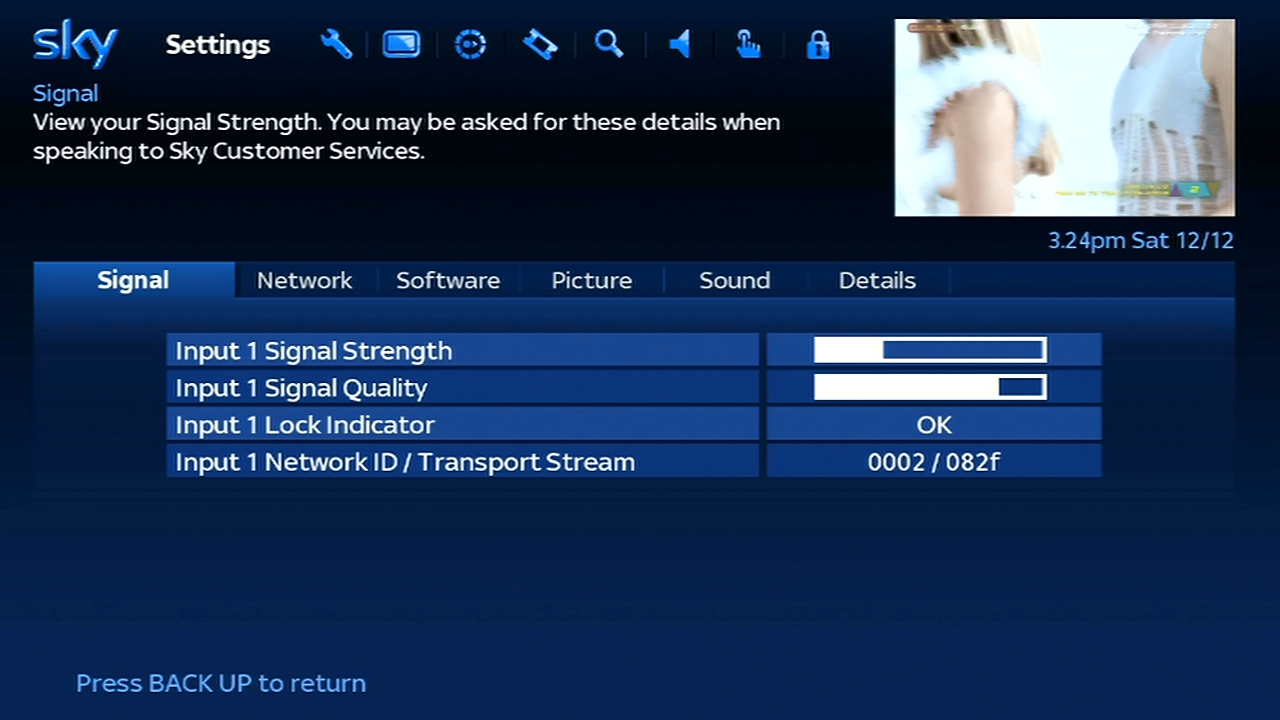
Signal – Checks the signal levels, unlike the old Sky guide this display’s information for the current channel you are tuned to, rather than the default transponder
Options
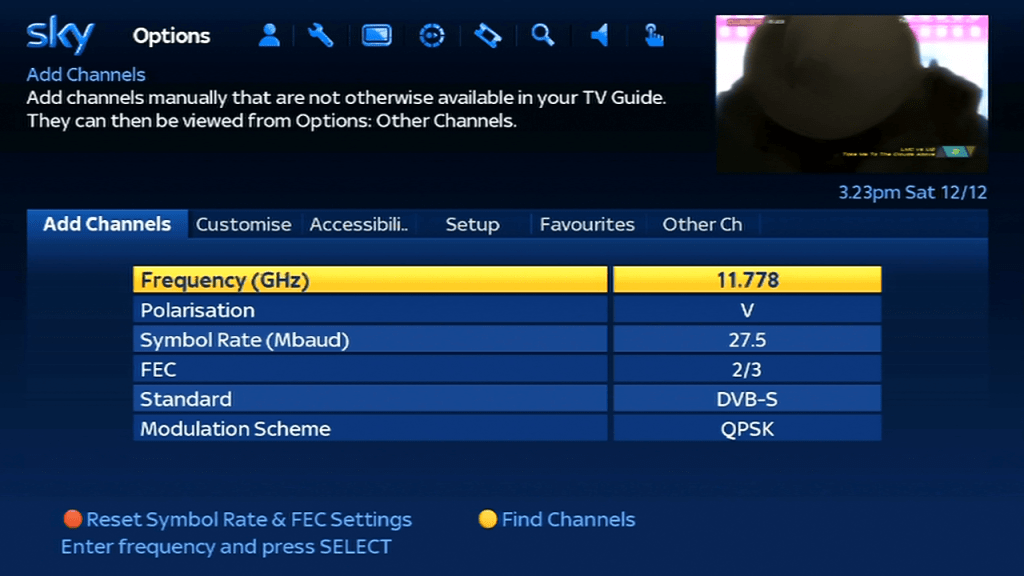
Not sure why this exists? seems to cover the same as the settings menu. Here you can change the subtitles, customize the TV guide and add additional channels
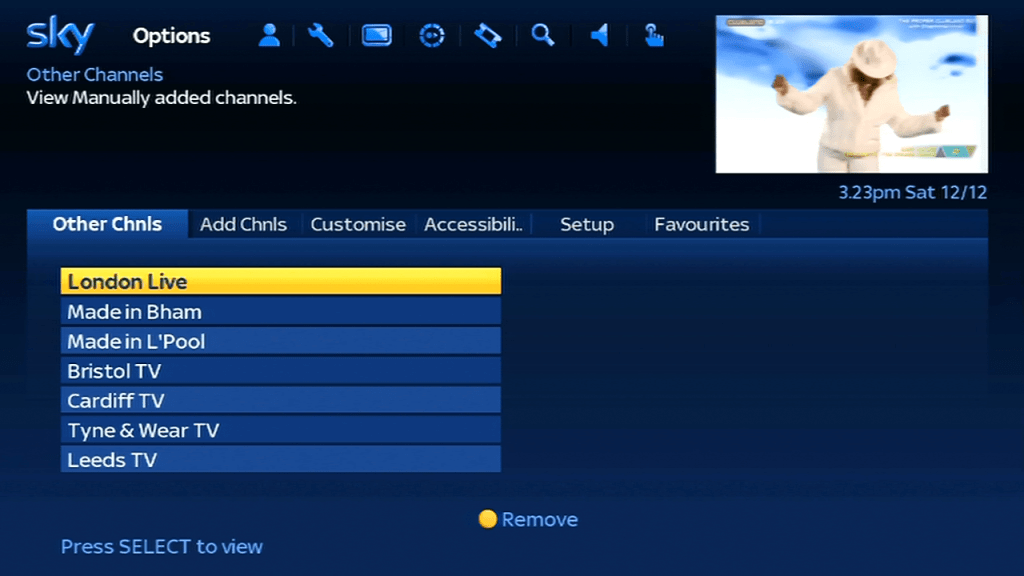
Non EPG channels can be added and view through the options menu, here you can see now and next listings only, and can save up to 50 channels. This is useful to add local tv channels, alternative ITV and Channel 4 regions or services that are testing on Sky.
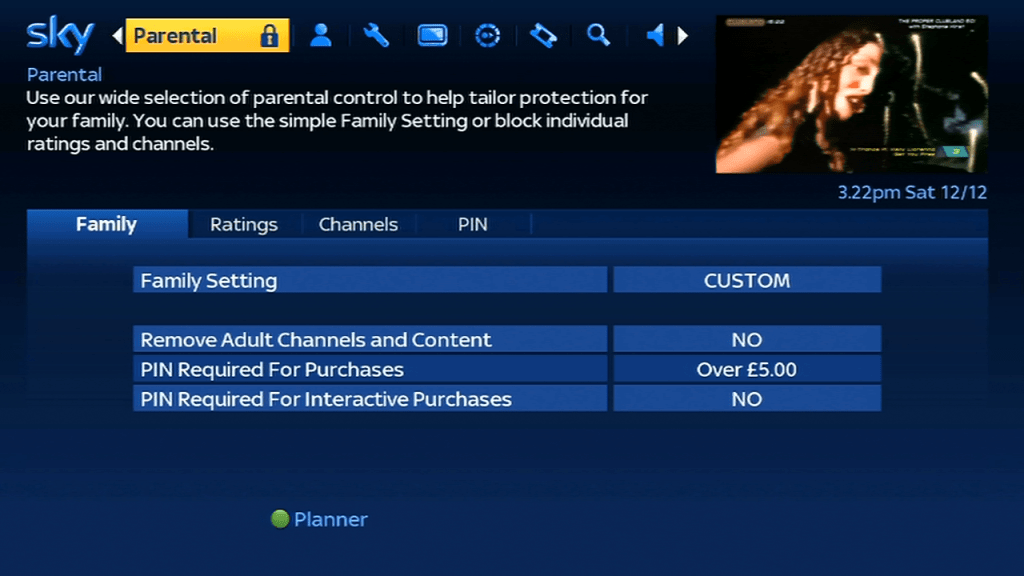
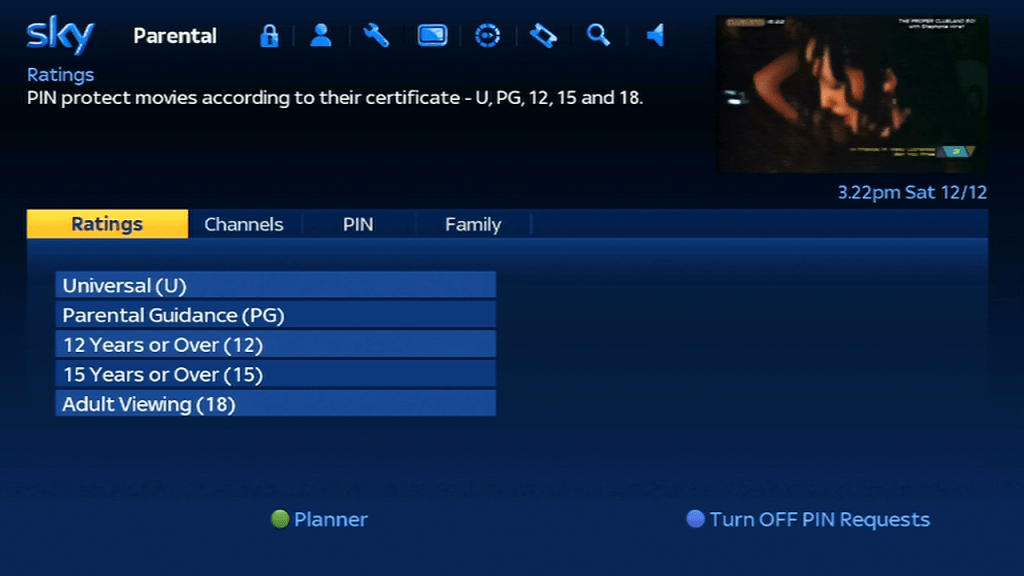
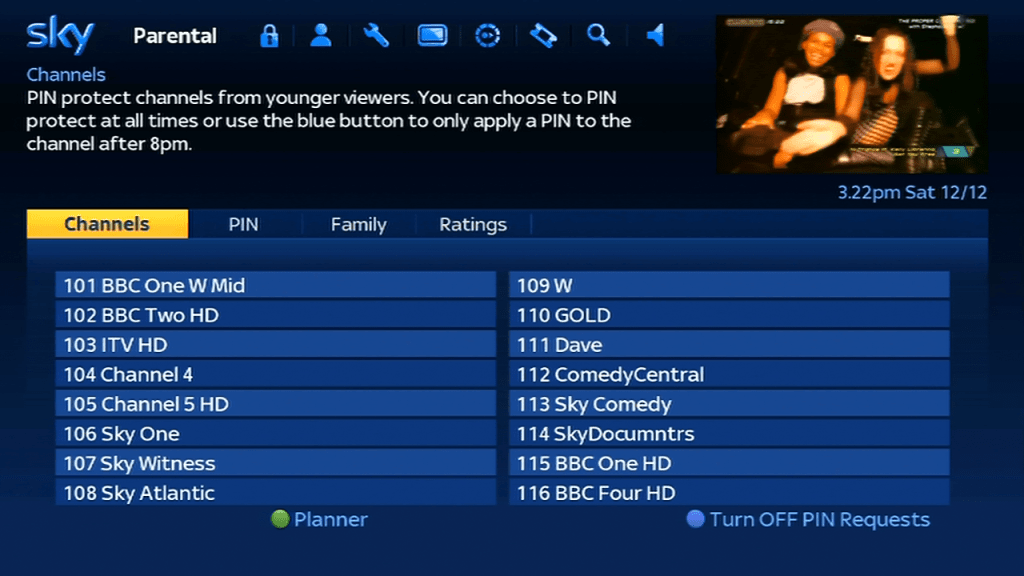
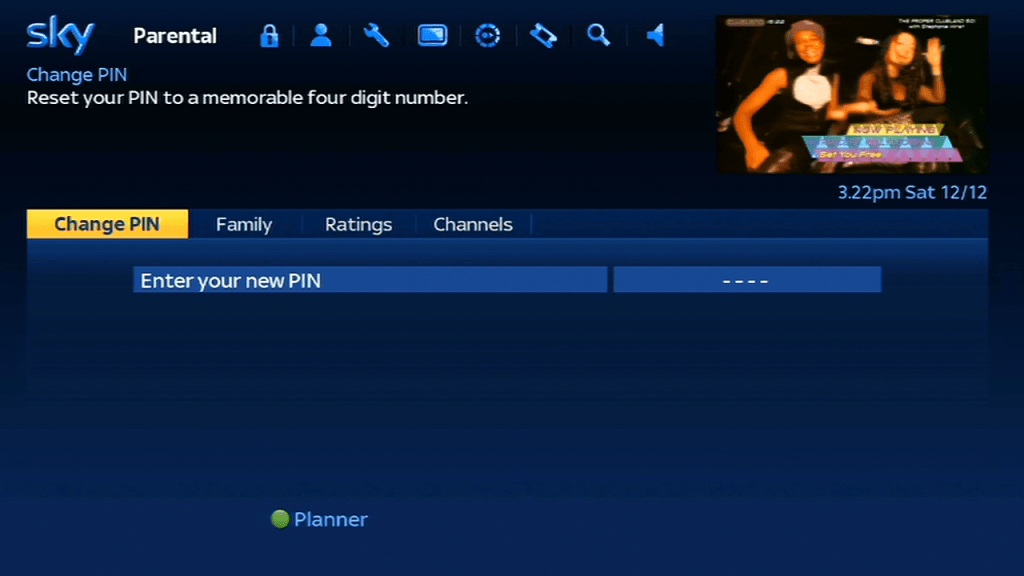
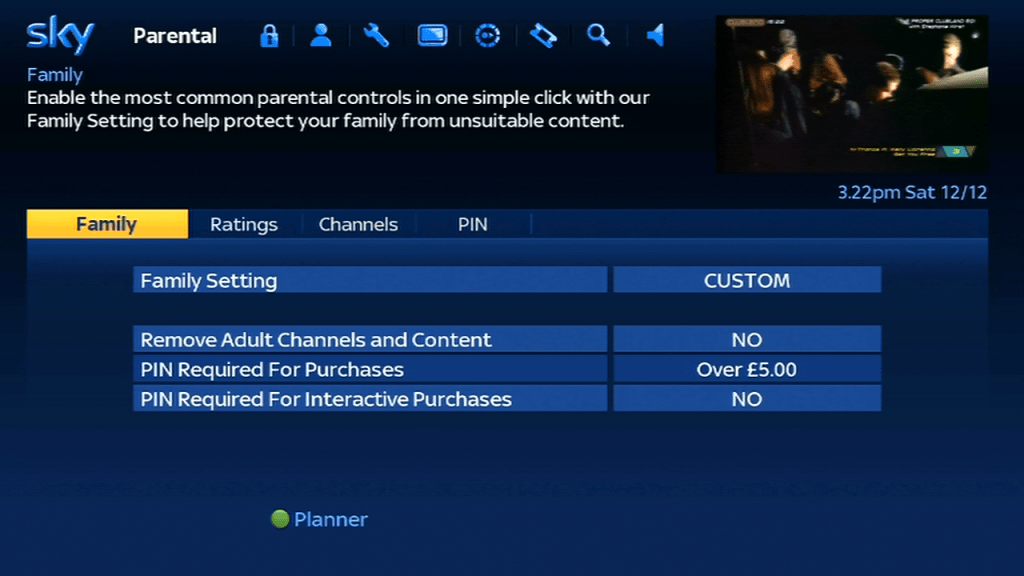
Parental Controls
Interactive
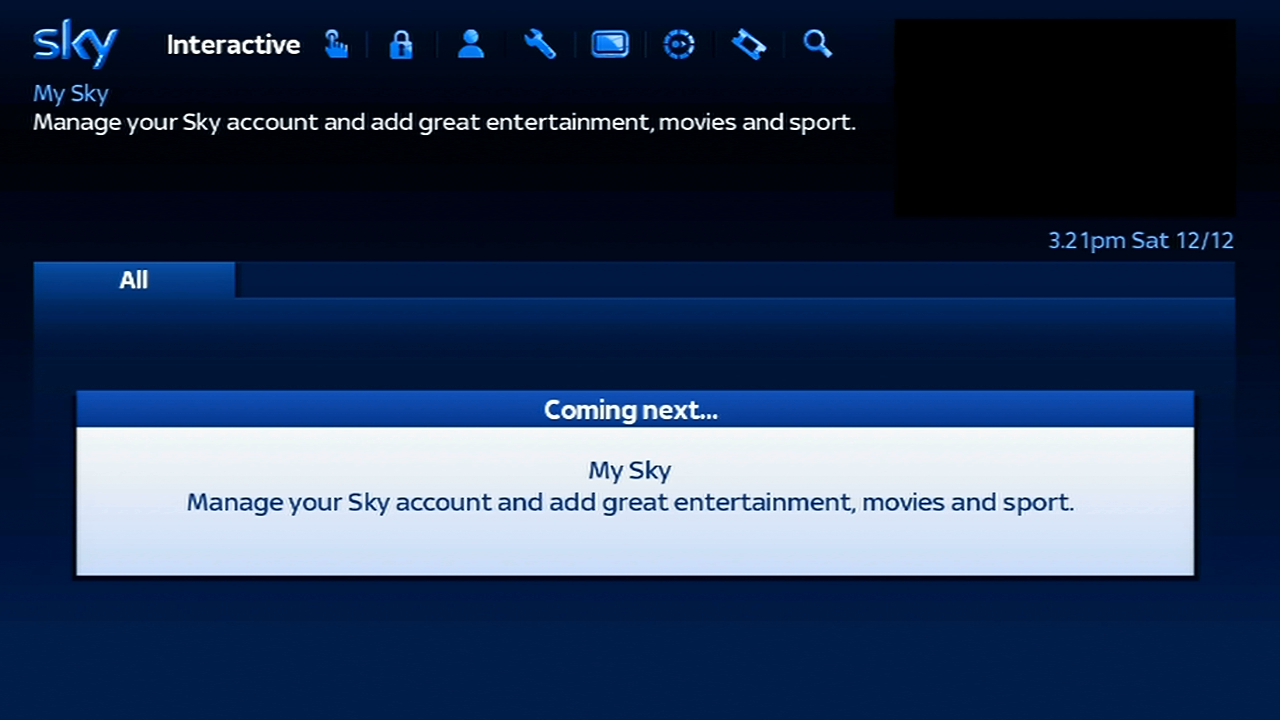
Sky had previously pioneered the use of interactive TV via its platform, where customers could buy, manage their finances and play games through the digibox, sadly today all that remains here is the My Sky services, which just allows you to view your Sky account through the digibox. No way to play Beehive Bedlam…
Sky News
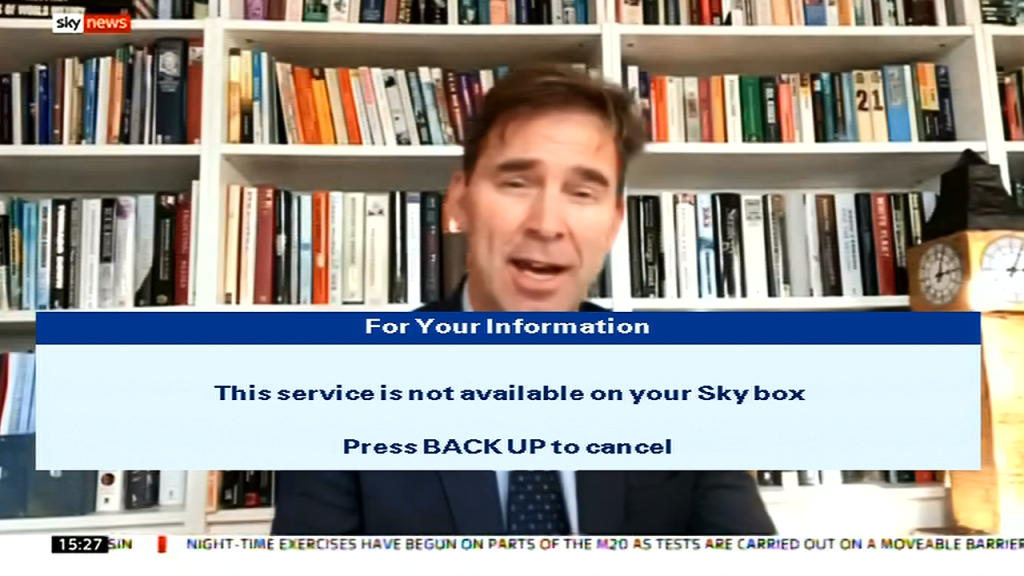
Sky News previously had an interactive services which shows different, sadly this requires on of the more later SkyHD or SKy Q boxes.
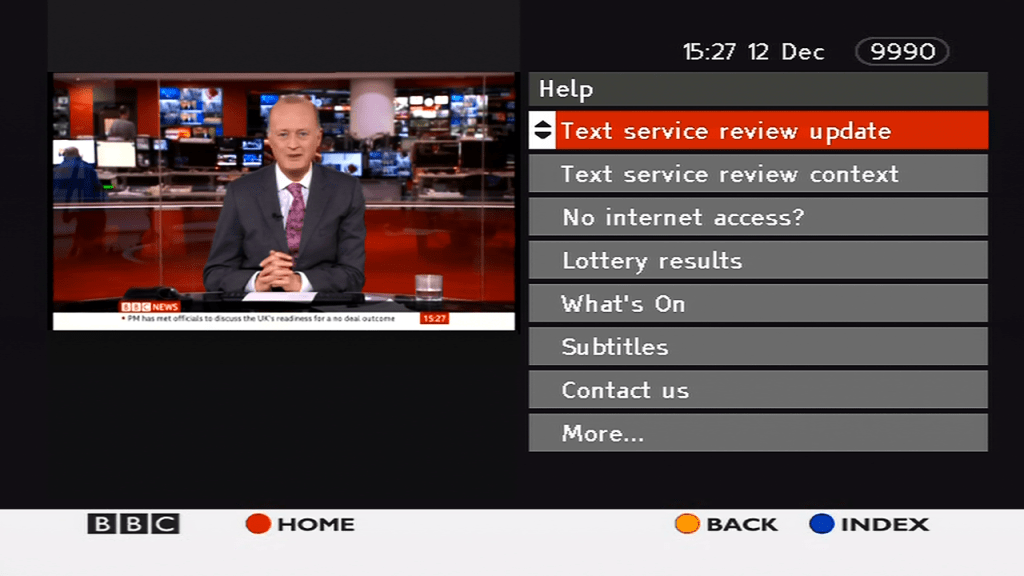
BBCi
The only digital text service remaining on Sky, BBCi just displays news and weather forecasts. The service is designed for both HD and legacy SD digibox’s.
Last month I looked at the console release of The Sims in depth, mainly studying the game files and the format they are saved in.
One type of file that took my interest was the ngh files, specifically the story, chall and default.ngh files. I know these had some bearing on how the game stored the default neighbourhoods.
The level 3 houseParty Girls household in the level 5 house
The story and chall/challenge files were essentially customized neighbourhood’s, even to an extent we were able to extract and load them on a standard PC copy of the game, albeit with some workarounds but the lots and to some extent, sims were mostly playable, minus some missing objects that were exclusive to the console version.
I wonder what would happen if we swapped these files around, like if we tricked the game into loading the story neighbourhood in play the sims mode, in theory it should allow us to play the story mode sims and their respective lots in a sandbox style mode, along with full customization. What happened if we added the challenge/multiplayer lots into the mix?
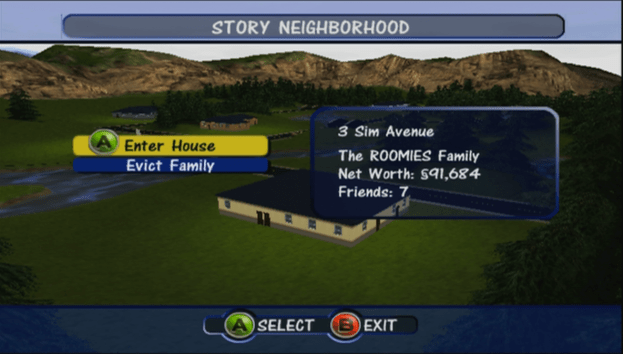
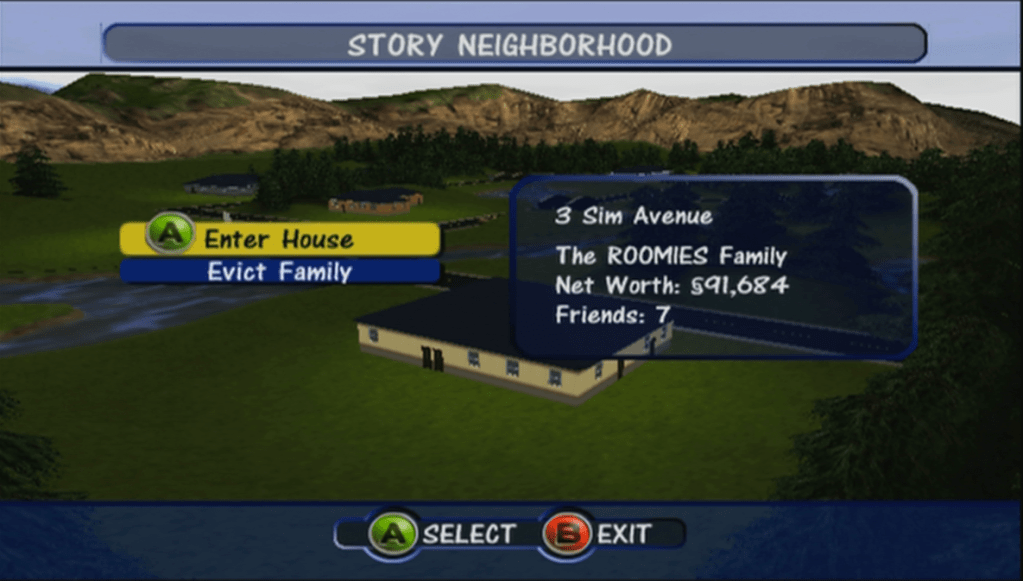
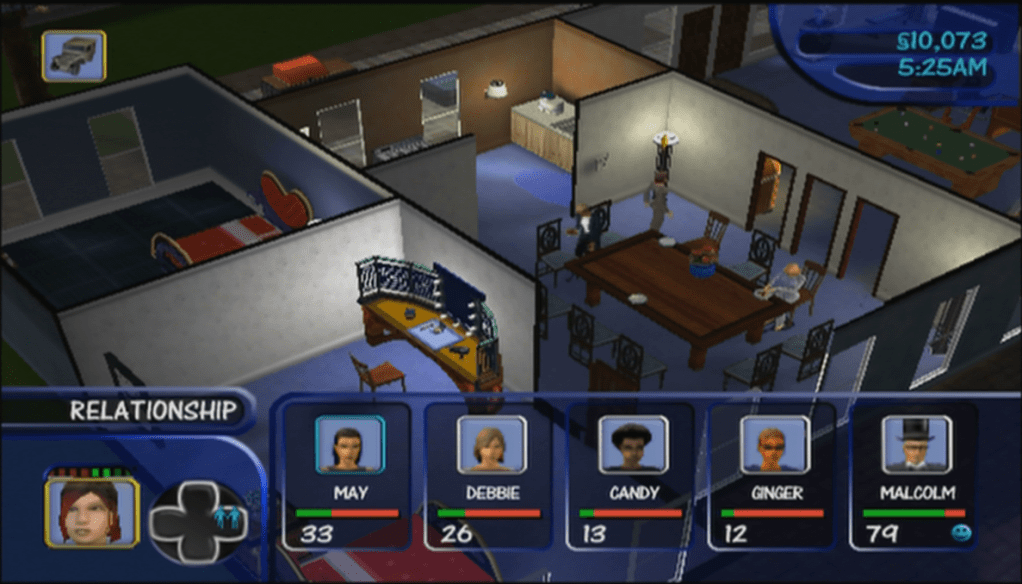
The Roomies
To do this we need access to a modified console, since we will be modifying the games data files, and its easier if the game is stored on the Xbox hard drive rather than having to compile / burn a disc image.
File List
Story.ngh
Default files for ‘Get a Life’ mode
Chall.ngh
Default files for the Bonus multiplayer modes
Default.ngh
Default neighborhood for the ‘Play the Sims’ mode
Getting Started
For this I used the Xbox version of the game, purely due to the fact it is running a soft modded dashboard with FTP access, which makes it easier to manipulate the files without having to rebuild iso images. Before we start. Ensure you have backed up your games files, specifically the ngh files that we will be swapping around.
To to this we simply rename the ngh files to the one we want to trick the game to load, so to create a sandbox neighborhood with story lots and sims we simply rename story.ngh to default.ngh. We might have to change the original default.ngh to default2.ngh to prevent file conflicts.
Loading Story lots in Play the Sims mode
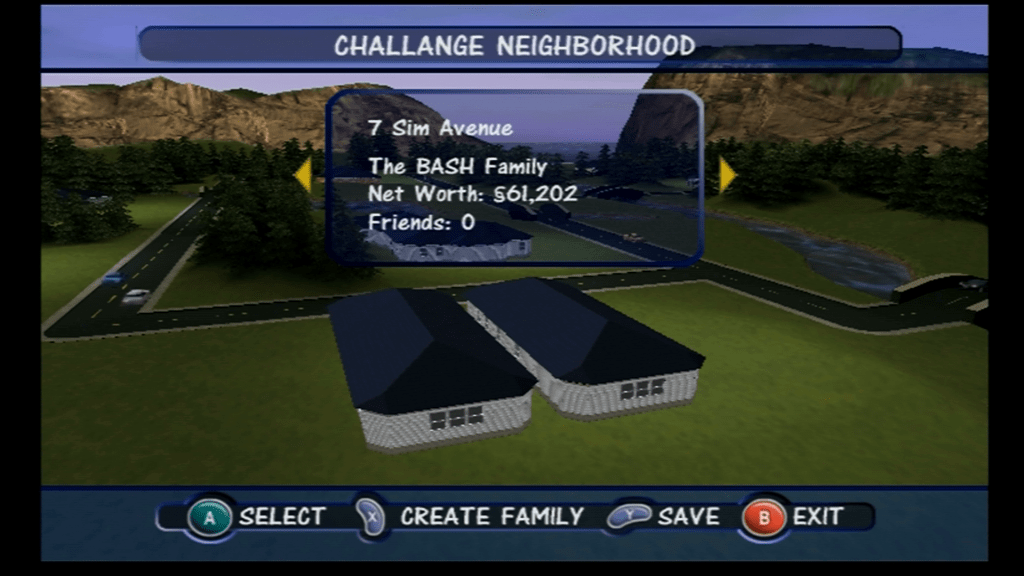
Possible – Works well and all story mode sims appear without any issues. The level 4 house does exist and appears in the map screen but cannot be selected since this lot is not accessible directly from the game – the lot appears on 4 Sim Avenue which was disabled by the game quite late in development, I’m not sure if they’re is a way to access the lot with cheats or debug actions. It does appear for a short second before moving away to the next lot.
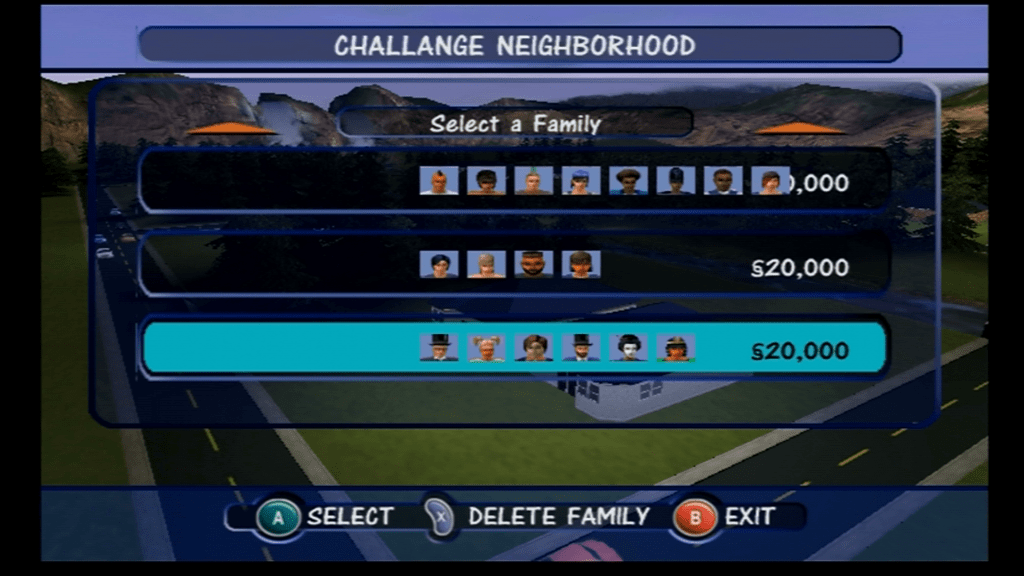
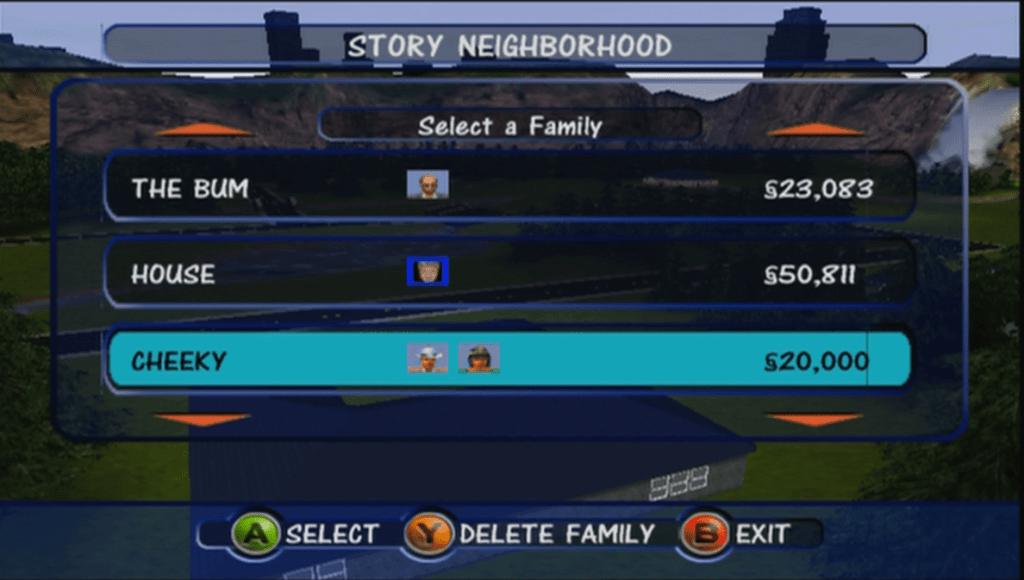
Unoccupied families, some debug sims appear here
Some sims are duplicated (Dudley/Mimi Langrabb) and some test sims exist such as Jane House. In the xbox version there is a sim called DJ Tooter who never appears in the actual game, and seems to be slightly corrupted as is thumbnail uses an image from the Pc version.
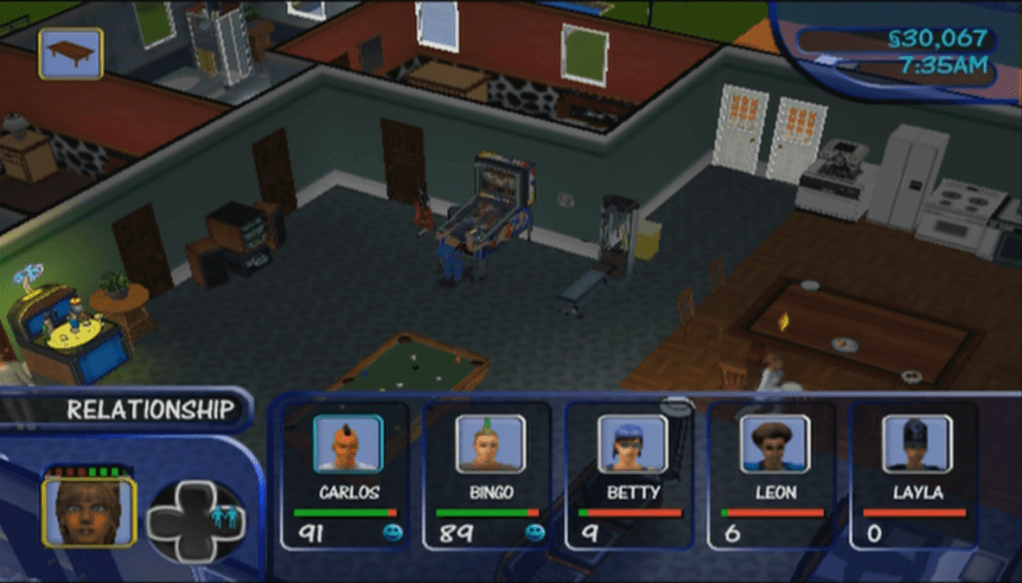
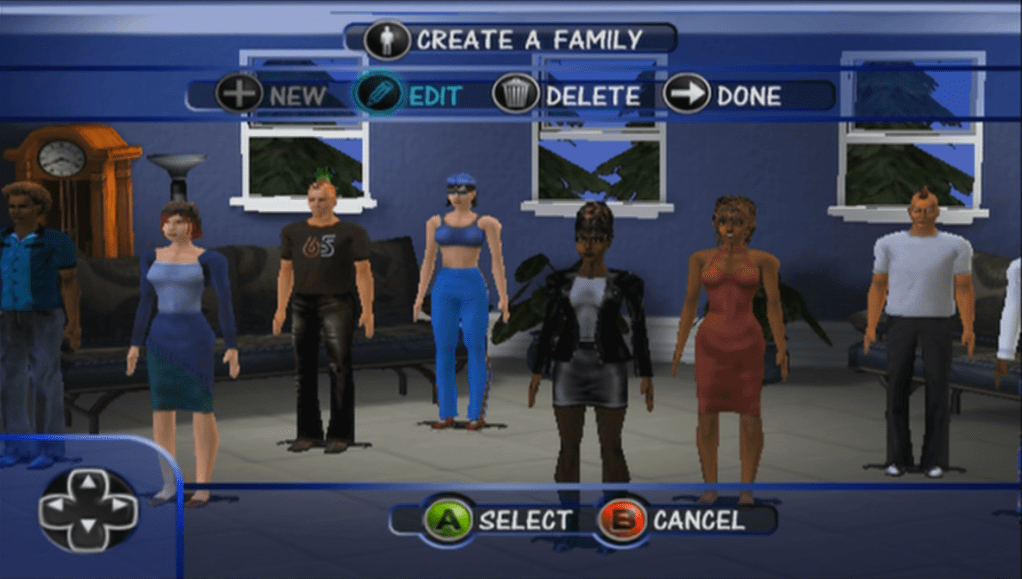
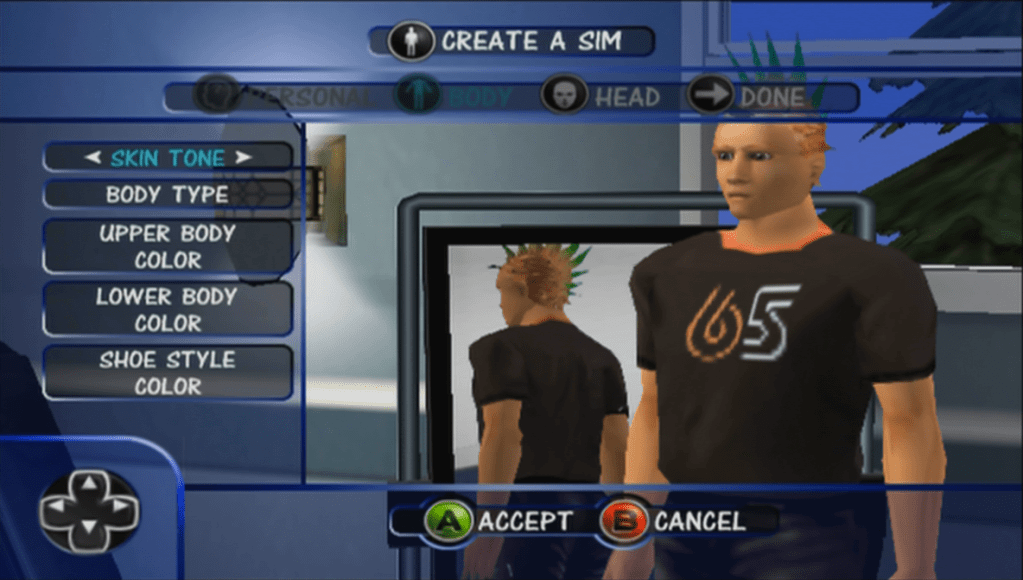
This surprised me, the games CAS is normally limited to 4 sims per family, but here we have up to 8 sims without any issuesEditing pre-made sims causes them to lose their custom thumbnails
All of the above sims and lots can be moved in and played without any restrictions. No issues with saving or loading lots.
Loading Story lots in Challenge mode
Varies a lot, some lots work but you cannot complete any objectives. Some lots don’t load correctly
Loading Challenge lots in Play the sims mode
Possible – outcome is the same as when we imported the files into the PC version, only this time we have access to all objects and sims looks the way they are intended instead of the default face/skins. Interesting is some families have more than 4 sims, in fact one family has 8 sims, yet the game runs fine although switching between them is far from ideal since you have to spawn the button multiple times to cycle though the sims. Normally the game limit’s you to a max of 4 controllable sims per lot. Some sims here are copies of the story mode sims, with some differences with the personality points. There are a lot of unoccupied sims, which serve as the NPC’s for these mode’s.
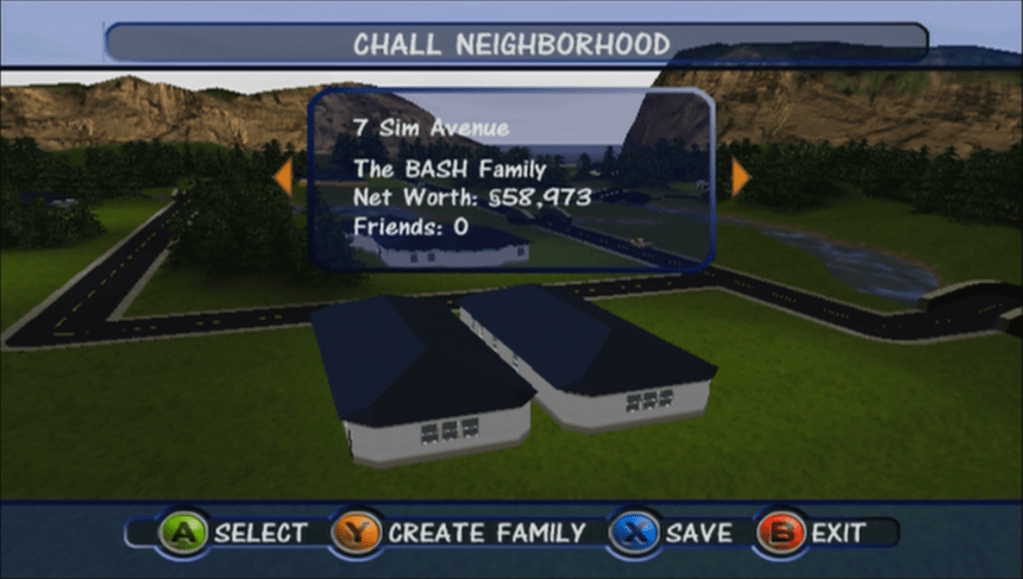
You can see the a house on 4 Sim Avenue, which is not normally accessible from the game
Not all lots are playable, one lot appears (The Frat House) in the neighbourhood view but we cannot access it despite there being a family that is occupied in the lot. They don’t have a telephone so you are unable to call or invite them round but they do attend party’s and will walk by the lot occasionally. Other lots don’t appear on the screen, because there are only space for 6 lots and this mode has 8. We are missing one of the Handyman/maid lots which exists in the game but we cannot make it appear since they are mapped to houses 08 and 09 which do not show up in game, the console neighbourhood only holds up to 6 lots.
Loading Challenge lots in Get A Life mode
This one works somewhat, the game tried to load the Dream House at the start of the game, but loads the Maid’s house instead, and we are unable to complete any of the objectives needed to progress through the level the game also ends after a minute and quits back to the main menu screen.
On the Gamecube version though the dolphin emulator, if we use the level skip debug command, we can load the first level, however sadly we hit another road block where we get endless dialogue boxes from MOM. The script gets stuck in an endless loop since the sim in question does not spawn on the lot. Unfortunately we are unable to continue past this point, even with the debug commands.
Loading Sandbox/Play the Sims lots in Challenge mode
Only some lots load, many load a blank lot with no sims. Sadly we are not able to complete any of the challenge mode, and some lots load to a blank lot with the game stuck at 3x Speed, since there are no sims on that lot and the build and buy modes are disabled in this mode.
Loading Sandbox Play the Sims lots in Get A Life mode
Not much luck with this one, game crashes when trying to load the dream mansion lot. Possibly because this hood does not have enough sims to populate, or the lot does not exist.
Downloads
Xbox Premade Save Files
Works best on a modded xbox with an FTP supported dashboard,
There are two files, one for the Story mode sims and the other for the Challenge mode sims. Both neighborhoods have all playable families and lots with a couple being inaccessible due to limitations with the ‘Play the Sims’ mode of the game
If your Xbox is not modified you need to use software that can write to FATX volumes, along with a supported USB drive and a XBOX to USB cable or Action Replay. You will then need to use the Xbox dashboard to transfer from the memory unit back onto the hard drive.
The NGH files look to be embedded into one of the many arc files, which is a customized format used by the game. We can extract the game files using the same QuickBMS script, however I have yet to come across a NGH file. It’s possible Bustin Out uses its own structure that makes it incompatible with the format that the PC and console versions use.
If you look at the Bustin Out lots, they seem to look similar to the first console release in terms of build mode tools, but some lots have custom backdrops, like Tinsel Bluffs having a city/mountain backdrop and Casa Calente having a seaside backdrop. The original console version however had a standard stone wall surrounded by green grass, in style with the neighborhood theme.
The sims themselves however may be compatible, they both have the same personality system, and the create a sim items are mostly the same in terms of customization.
To be frank with the Sims Bustin out, as much as I liked the game, the free-play mode was disappointing compared to the previous since console installment. With only 3 Freeplay lots there isn’t much room for a proper sandbox style game which limits what you can do. Also EA had designed 5 careers that were exclusive to Free Play mode
I can’t understand why the other Bustin out premade sims were not fully playable, whilst you could control them you they were unable to progress through their careers, or where you able to marry or move them out or switch them to a different career. I understand that those sims are tied to some goals but surly if you have completed all goals you should be able to unlock the ability for proper control of these sims, since they are no longer needed to fulfil your sims goals. Some sims were not controllable at all (Dudley/Mimi Landgrabb, Bella and Charity if your sim was a male) It seems like EA wanted to focus on the story mode of the game rather than the sandbox as to not distract from the PC version of the game, which had it’s seventh expansion pack around the time of Bustin Out’s release, as-well as the upcoming Sims 2.