Connecting an old ntl box running ancient (by cable standards) software to a modern Virgin Media network. Whilst Virgin Media is the sucessor to ntl there are a few possible roadblocks to this;
VM no longer broadcast their channels in MPEG2 with the exception of a few off air slates and radio channels.
The DVB-SI that VM broadcast may not be consistent with what the software is expecting
The STB itself may be looking for something that VM are no longer transmitting
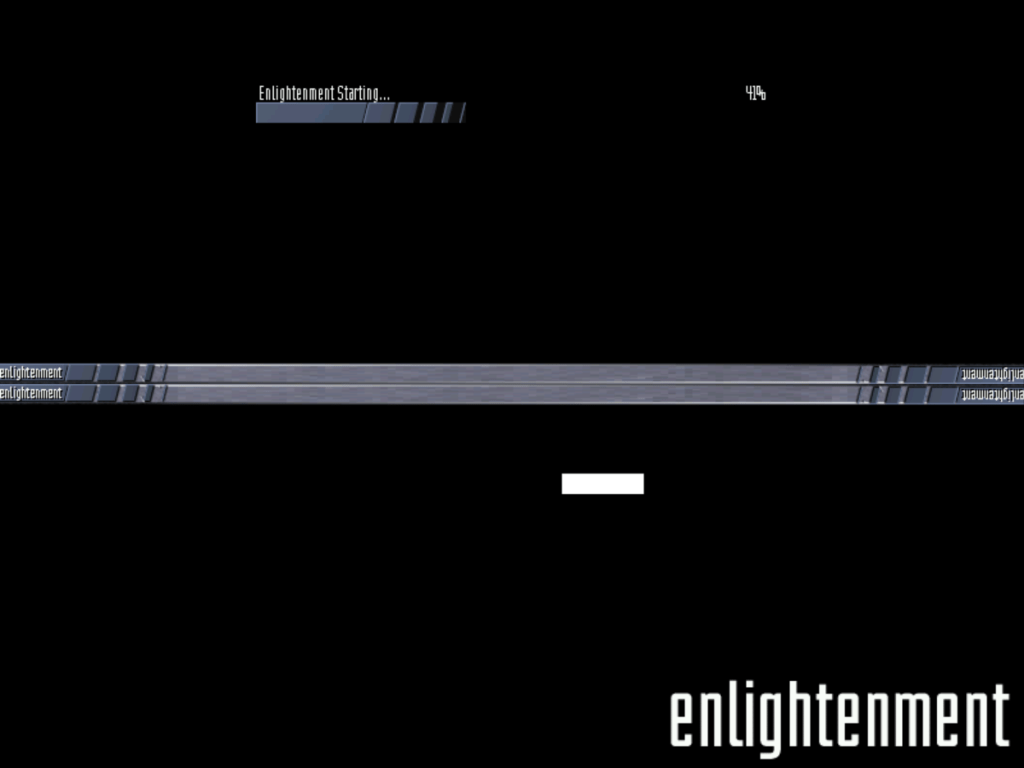
Getting the box to boot was a struggle itself, just connecting it to a cable feed is not enough since the box will get stuck on the starting up screen, I left it overnight and the box was still trying to start up
Forcing a boot (holding Up+Down and letting go once LDR appears on the display) wouldn’t work either
What worked in the end was to power up the STB will the cable feed disconnected, this will cause the box to display NIT on the front panel LED display. Connecting the coax feed, the box will then proceed to the start up screen and after around 5 minutes a channel will be displayed.
Well the box managed to load something, lets see what we get…
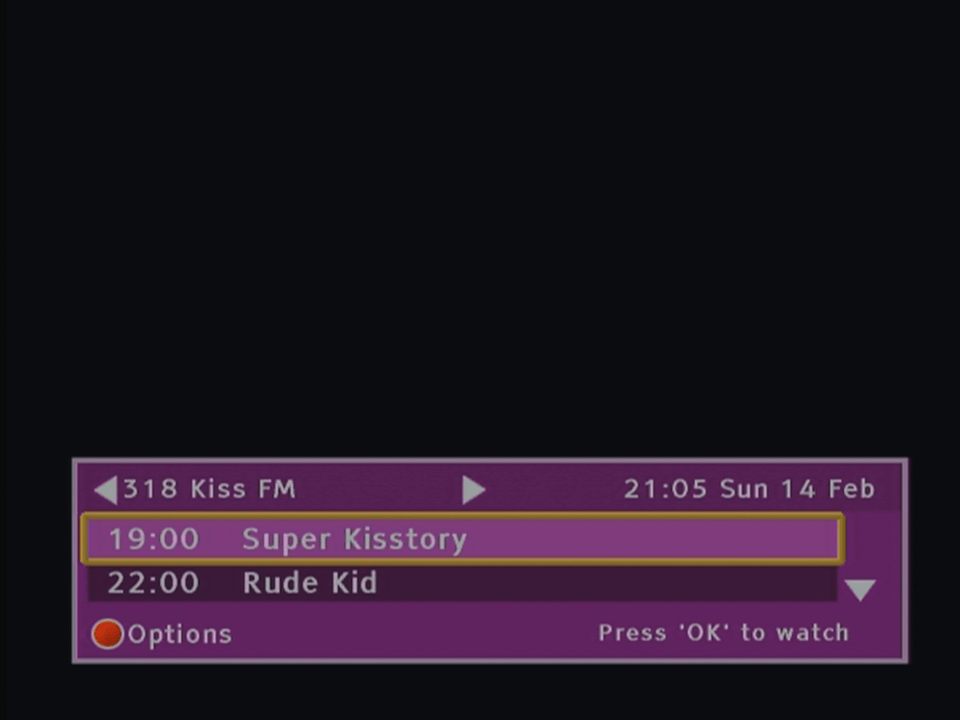
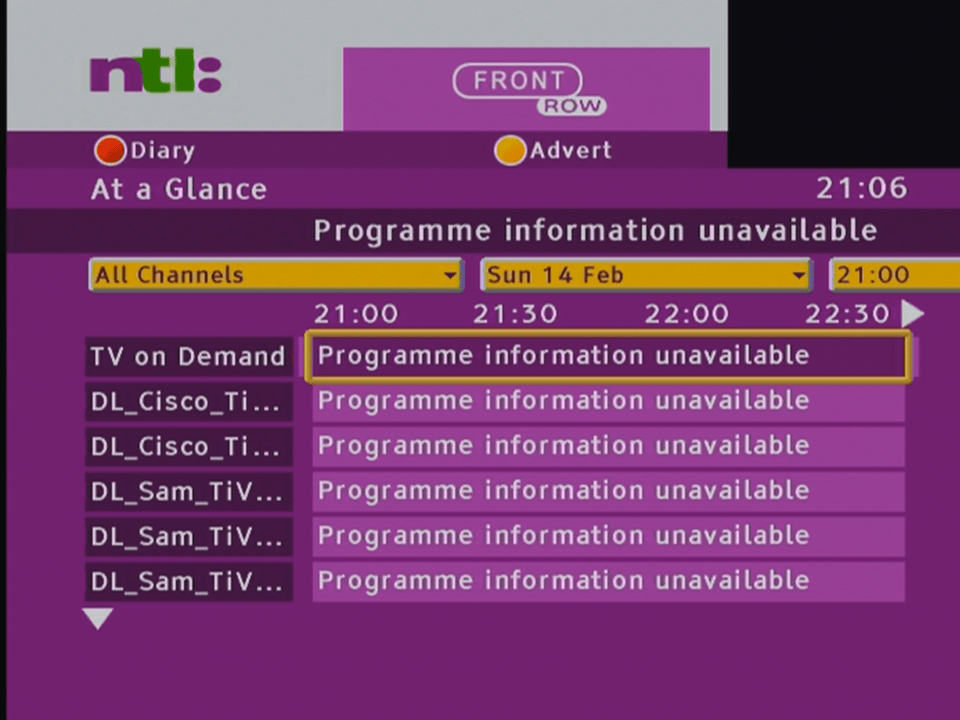
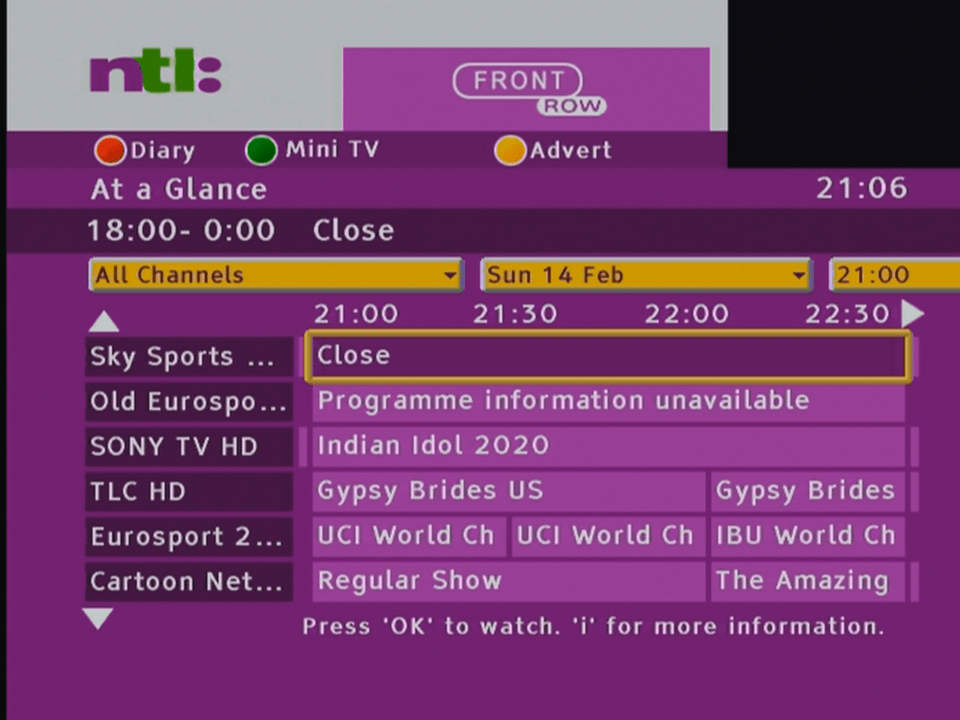
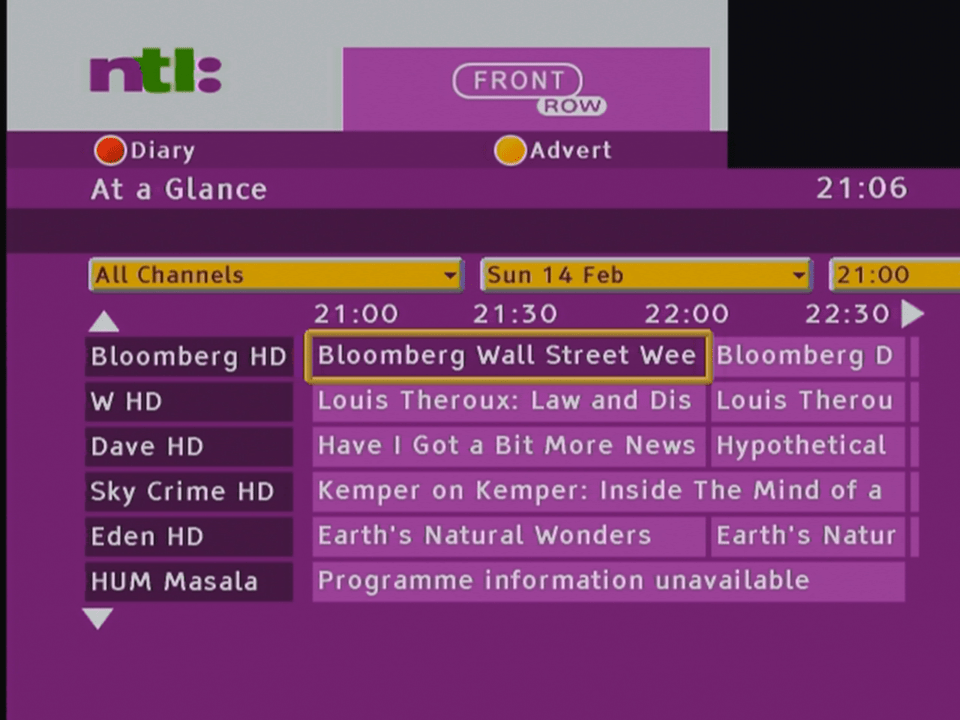
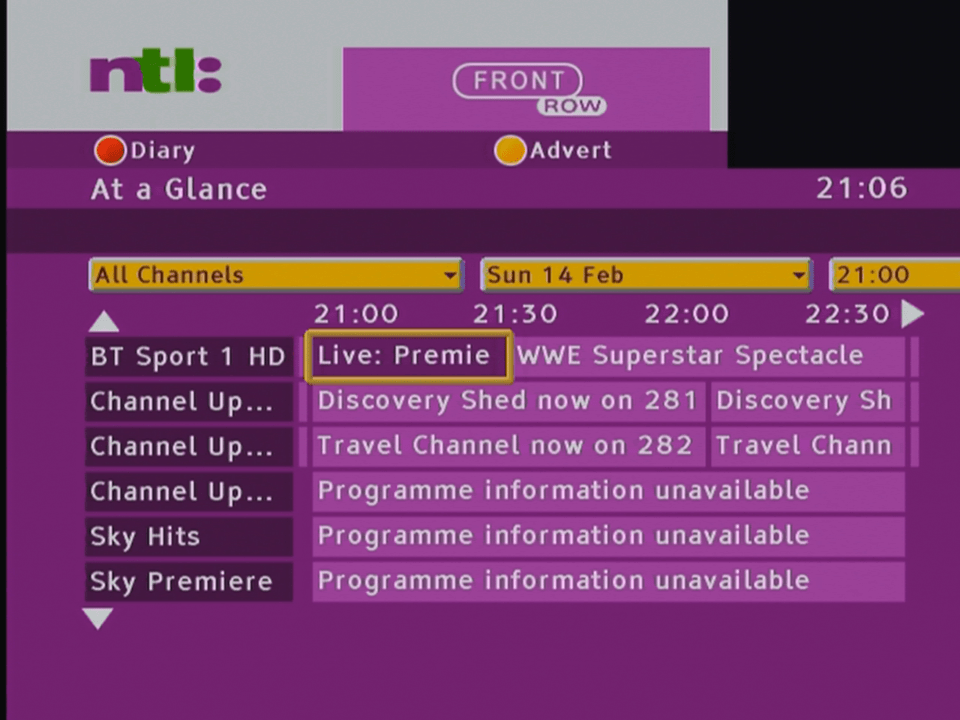
The main EPG, showing the many channels or streams Virgin broadcast
What’s disappointing is nothing can be tuned, you can select a channel but nothing will play, not even radio channels. Potentially this could be the NetID mismatch causing this , since the STB originated from a different area of the network.
Looks like software update streams for the various tivo box models currently in use with Virgin Media.
To breakdown what works and not
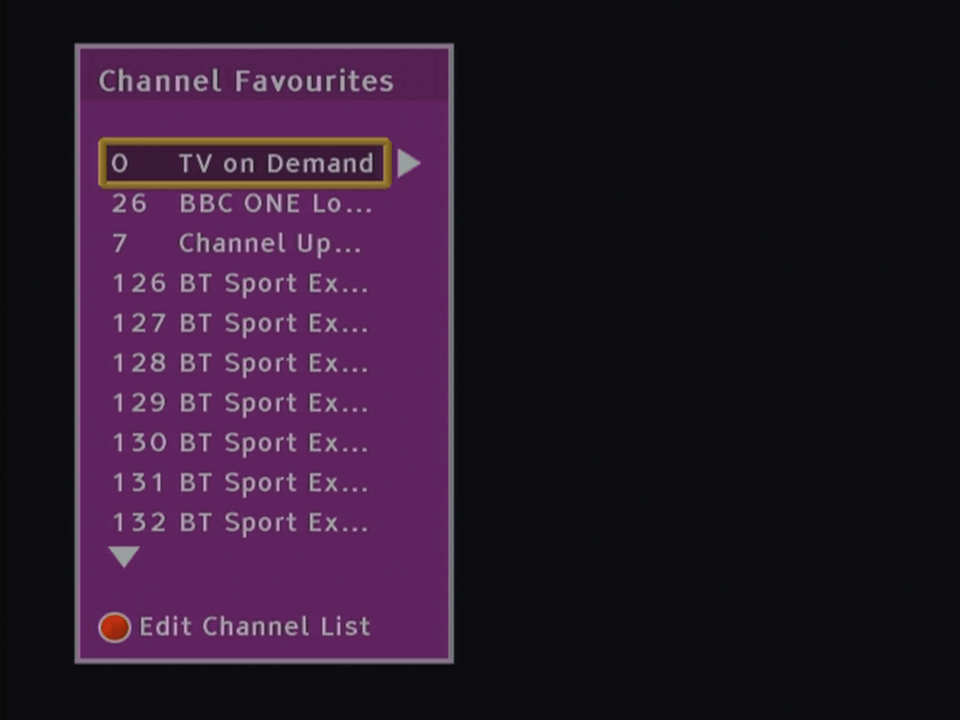
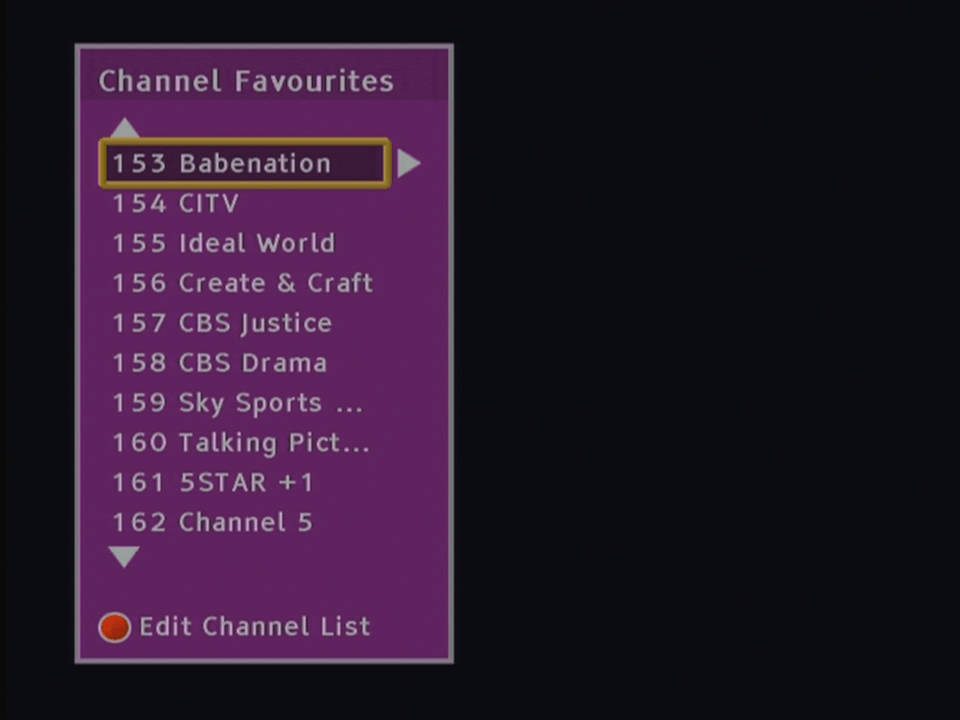
Channels Numbers exist but its not the order that Virgin use, the STB seems to place them consecutively in the EPG, i.e starts at 1 and goes up to 350
There are issues selecting channels over 255 in the guide, trying to select a channel number over 255 causes the box to pull a channel from the top section of the EPG, i.e selecting channel 260 causes channel 5 to get selected instead.
Only now and next information is loaded, no further schedule information is available
Subject search does not function
Channel genres do not work, selecting Entertainment or Sports shows no channels.
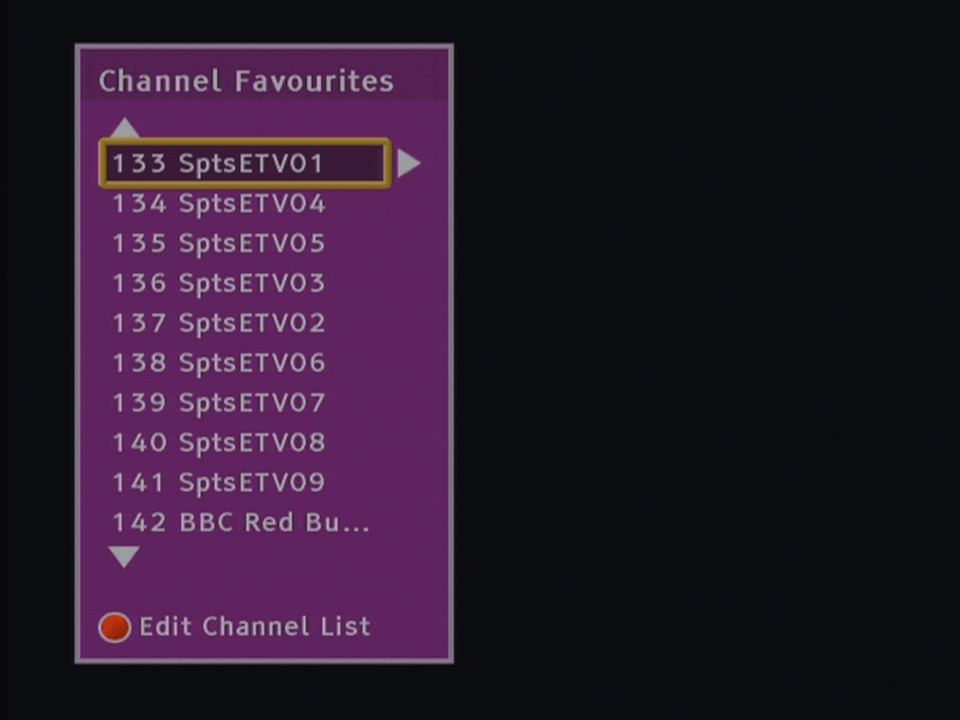
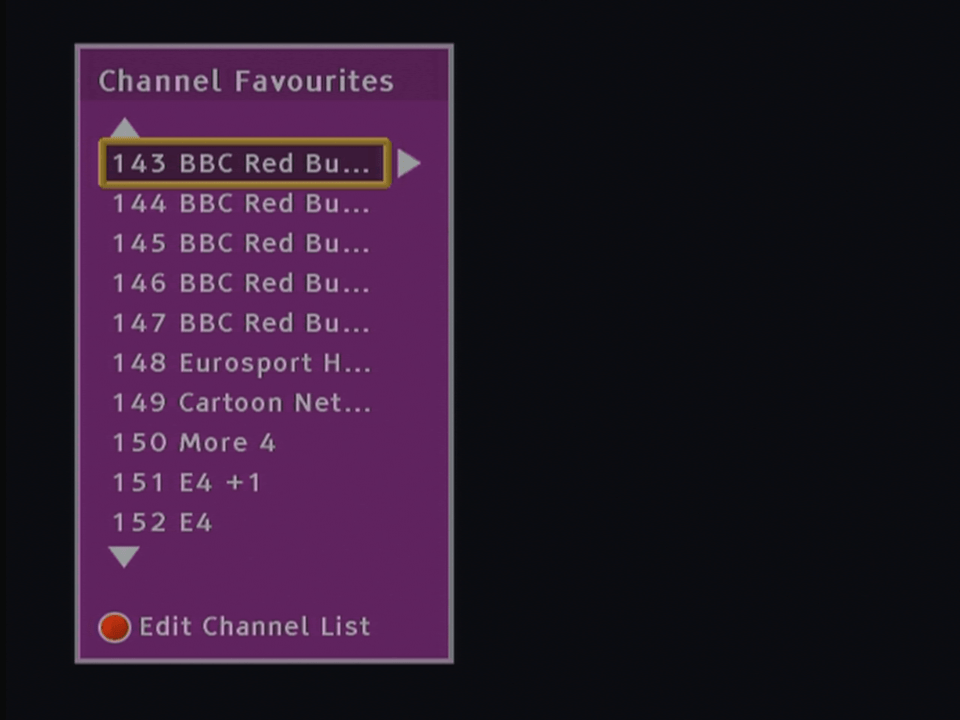
Various hidden streams and channels appear in the guide
Changing channels using the + and -, the list is out of order and the STB seems to jump between different channels.
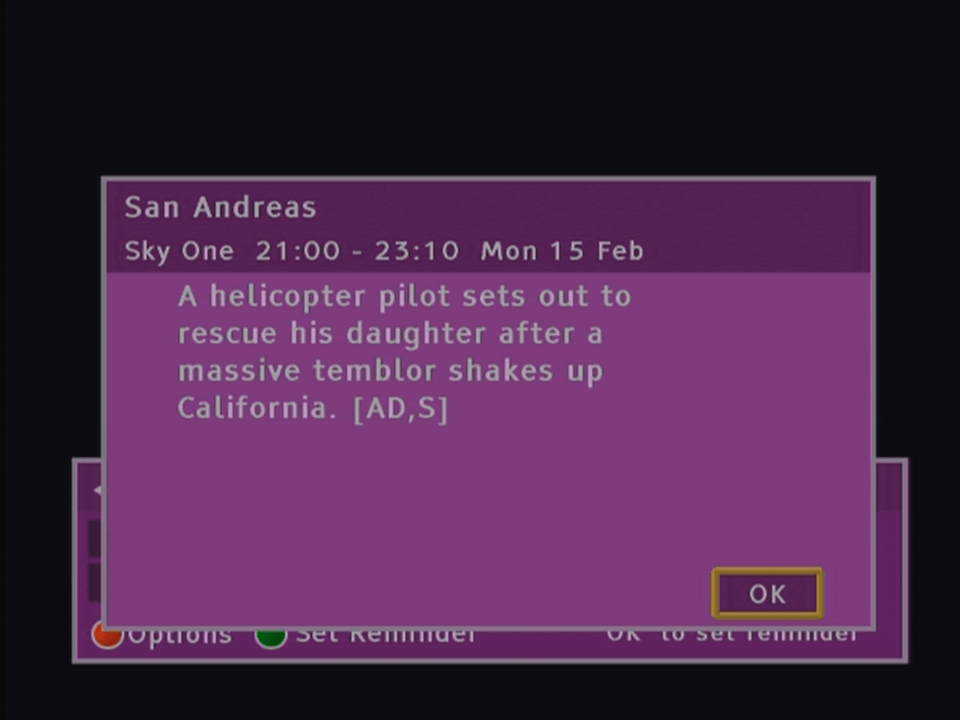
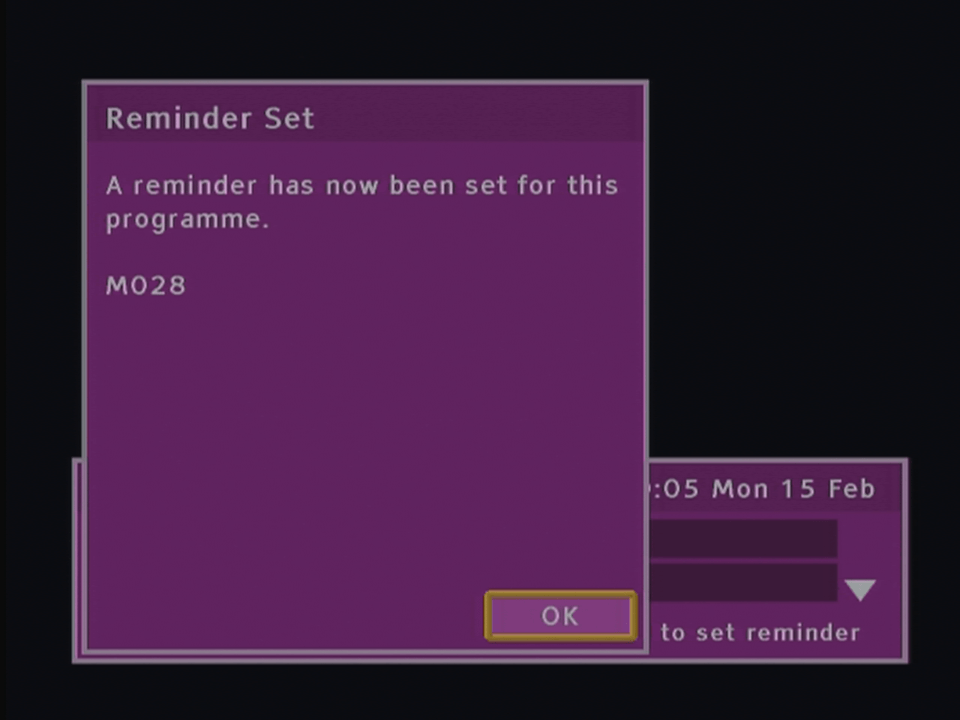
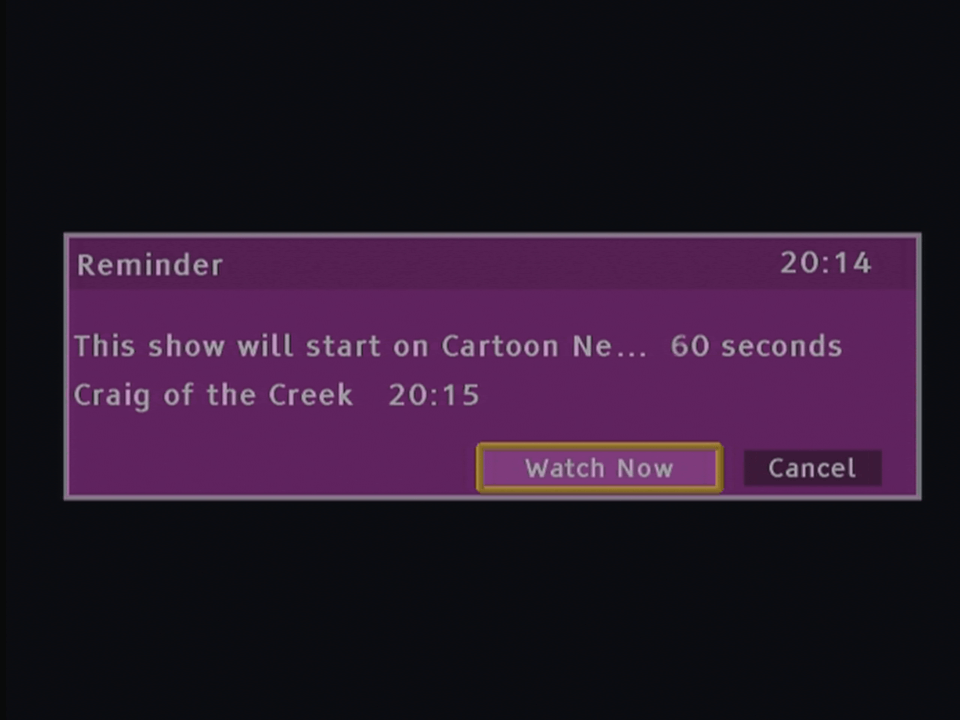
Program reminders work and can be set
Maybe changing the Net ID will at least allow the radio channels to be opened
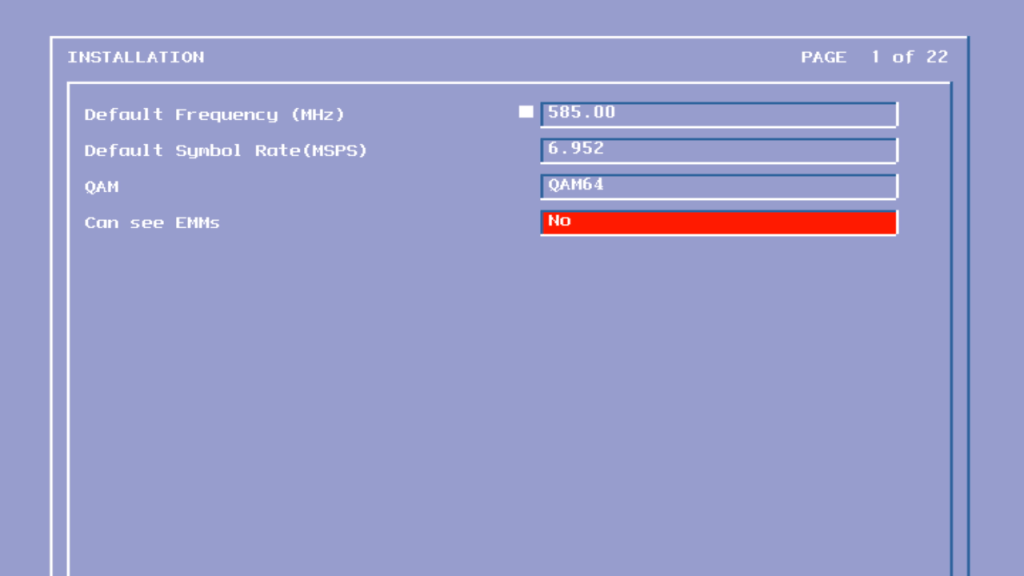
To access the engineering mode, unplug the Virgin media Tivo box and hold down the Up + Down arrow buttons on the front panel to the STB (not the remote), continue holding until Starting Up disappears off the screen, typically around 50 seconds.
Screens were captured through the HDMI output, I’m not sure if tis will work via the Scart connection.
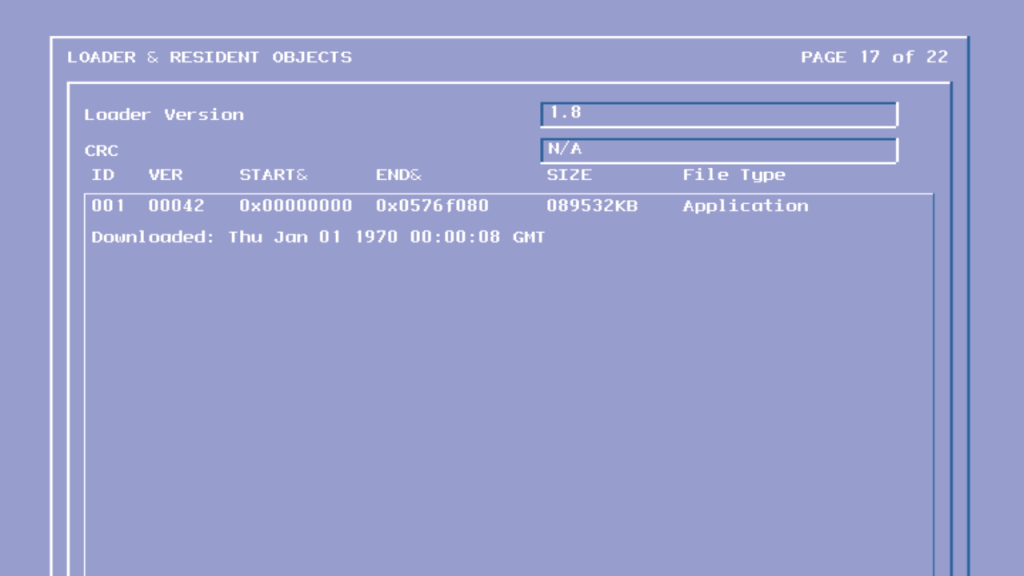
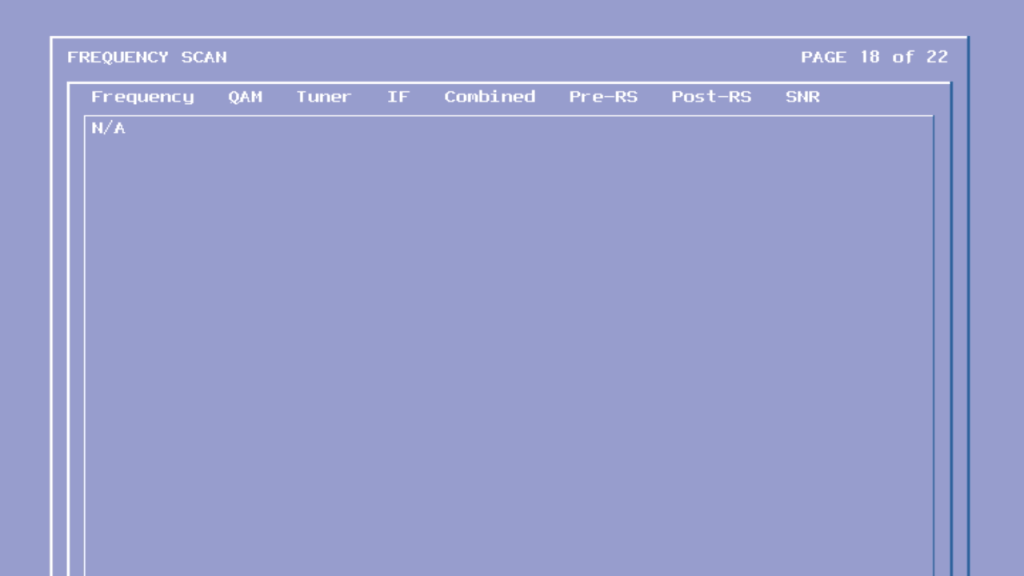
The first frequency the tivo checks when it is booting up, typically contains firmware updates
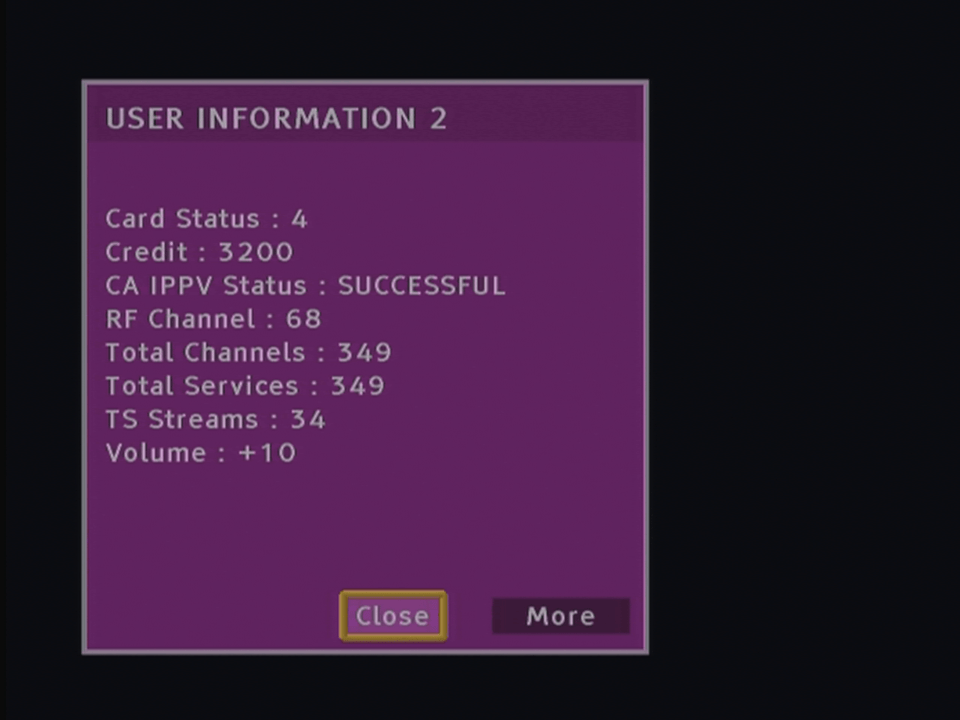
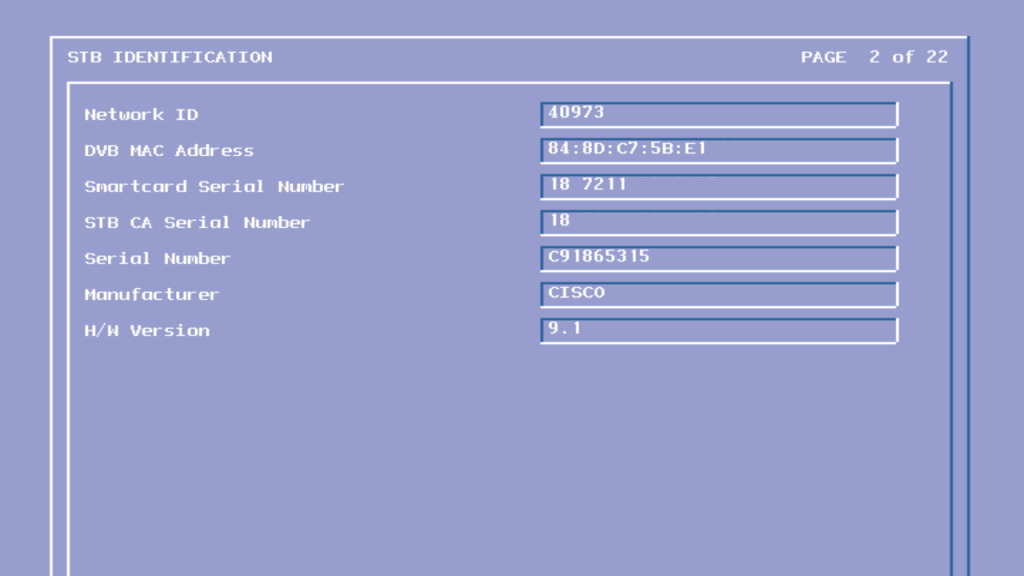
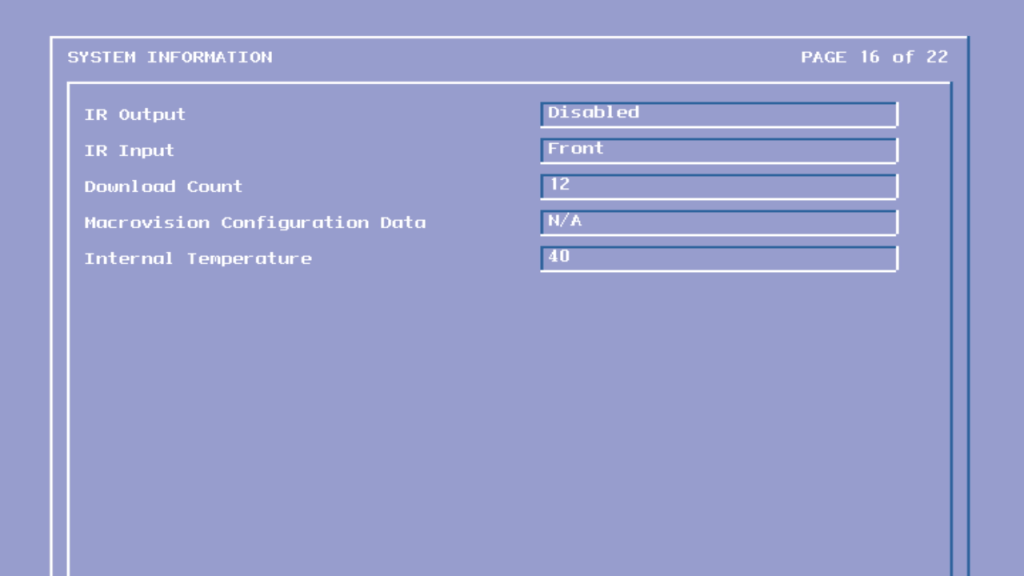
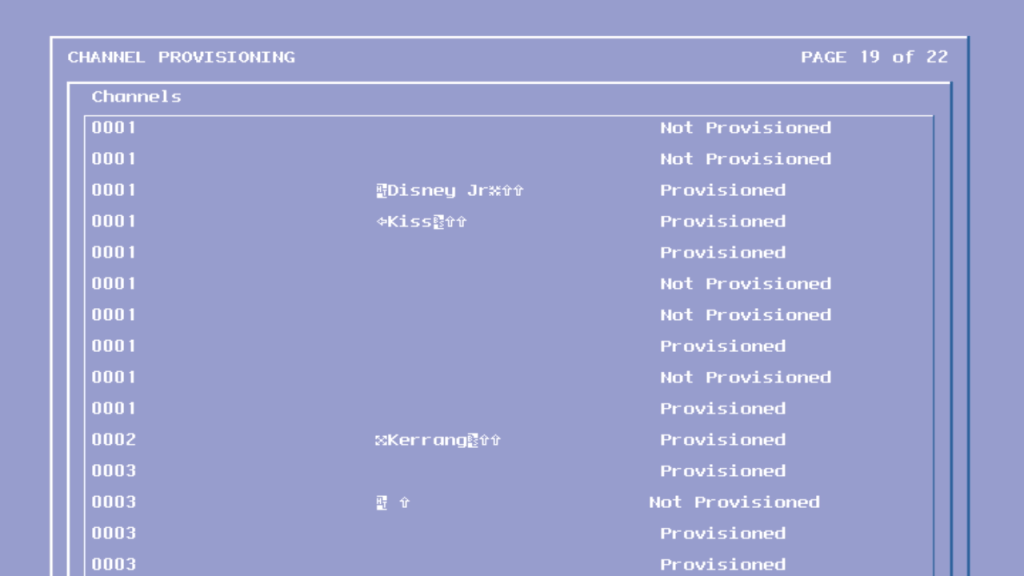
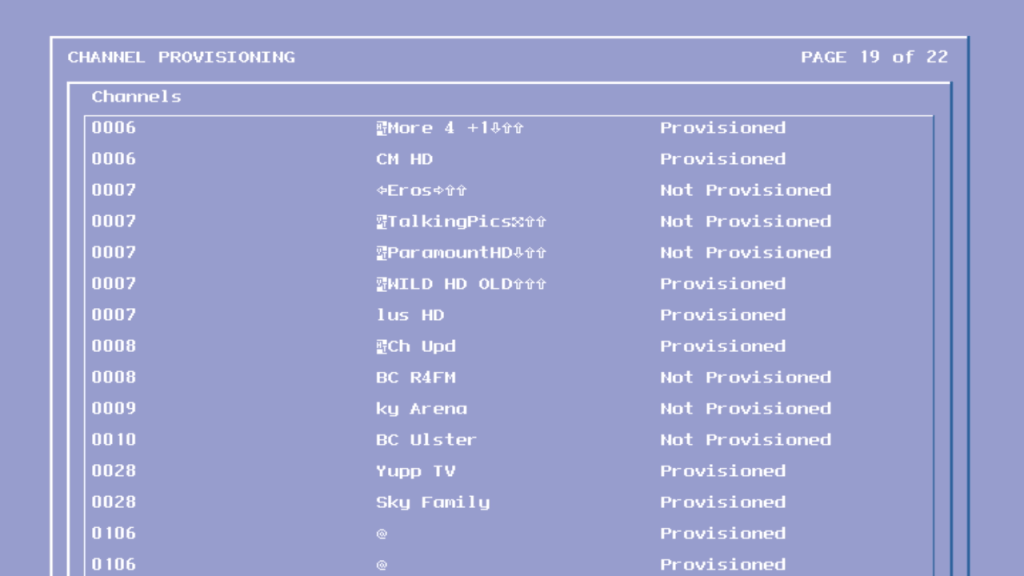
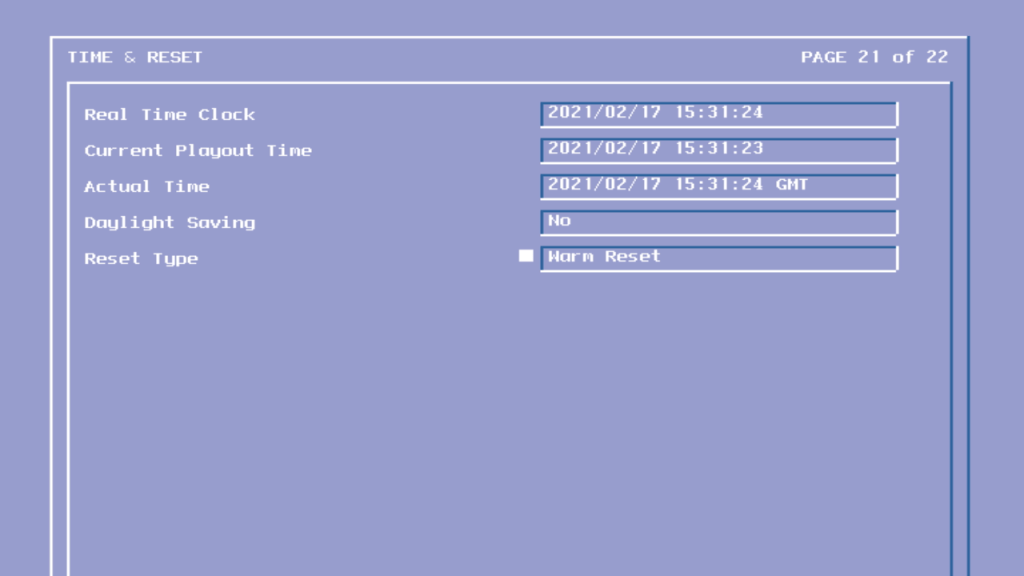
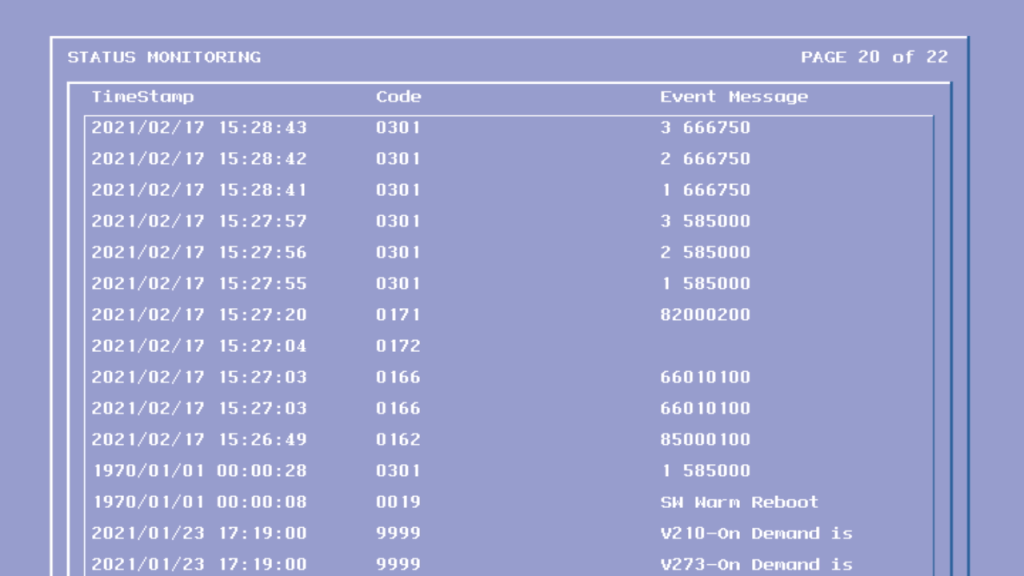
STB information and local network ID
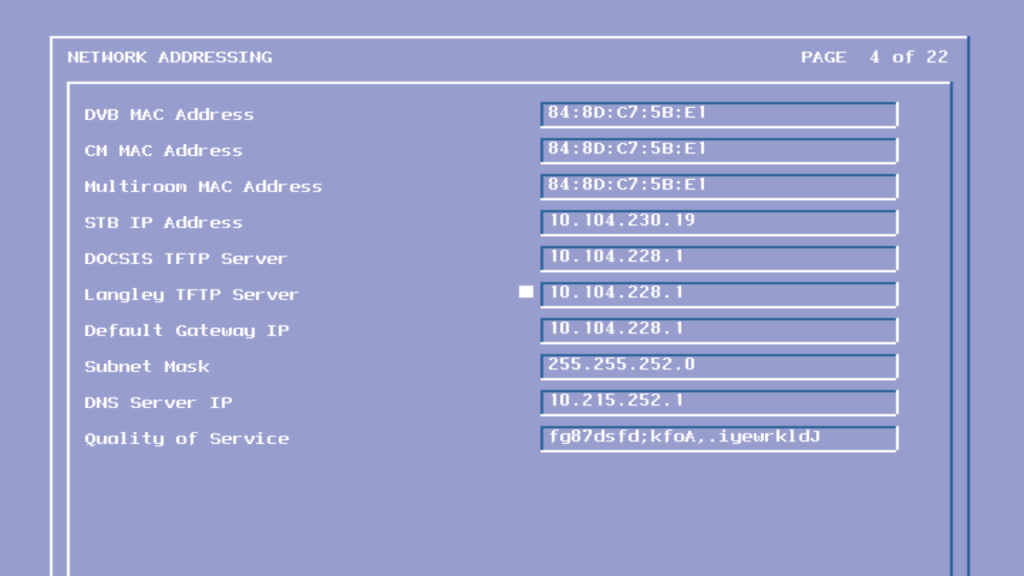
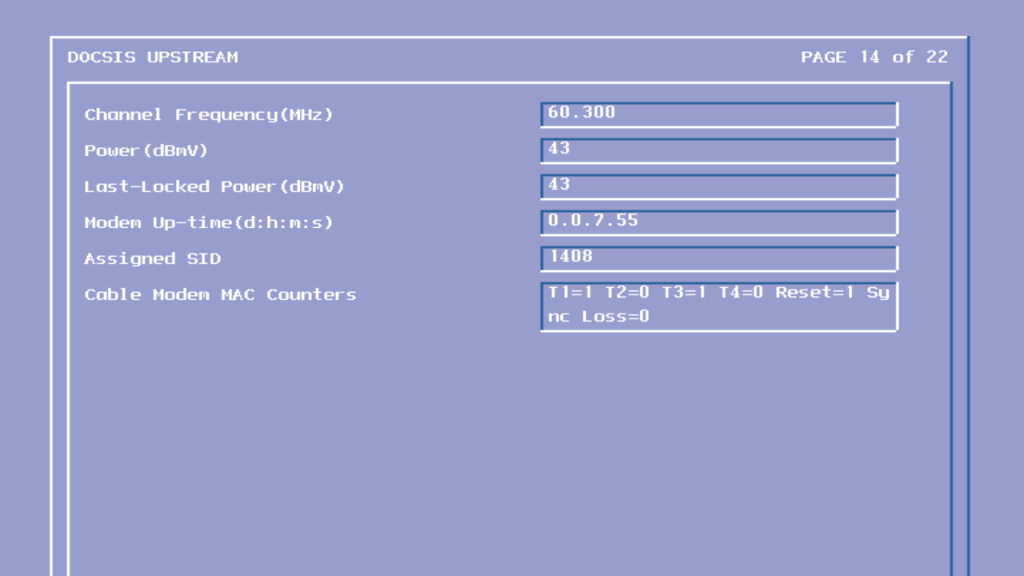
Various MAC and IP address used by the STB networking interfaces
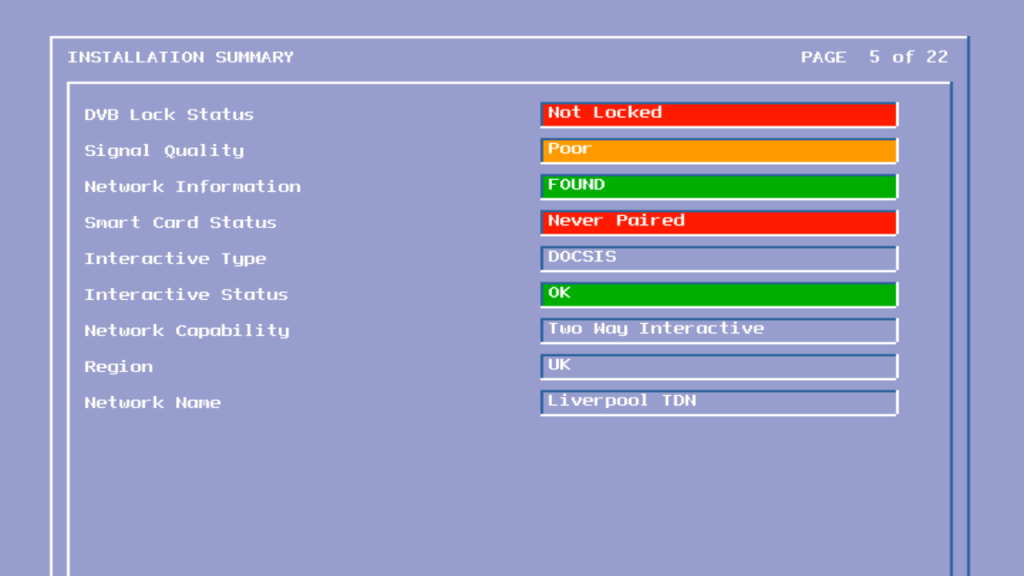
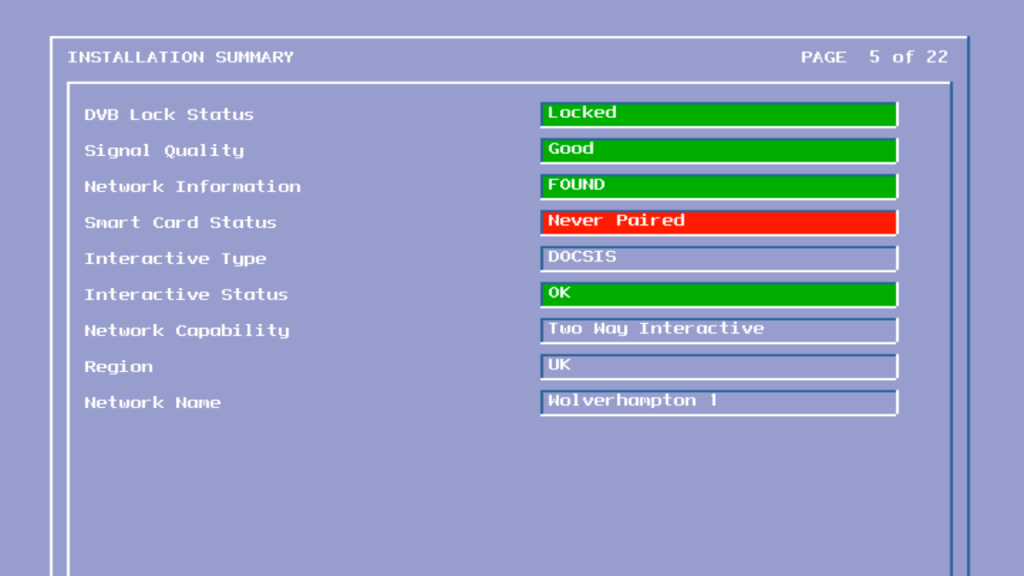
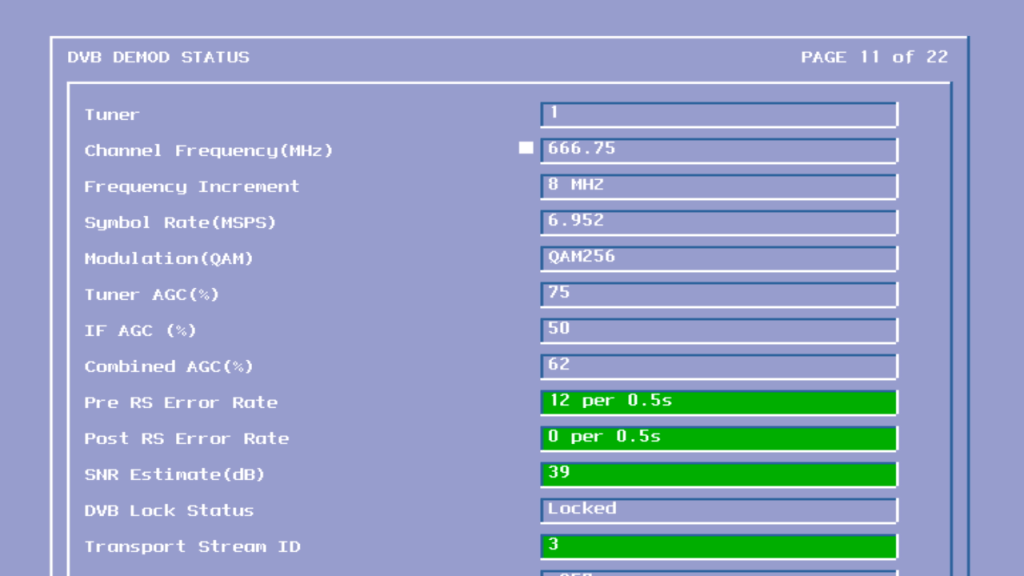
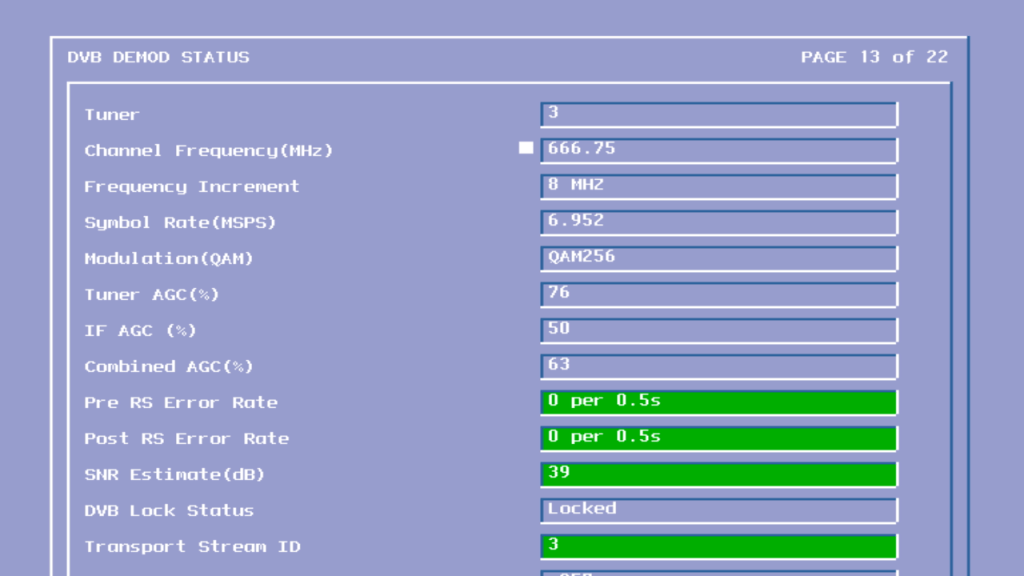
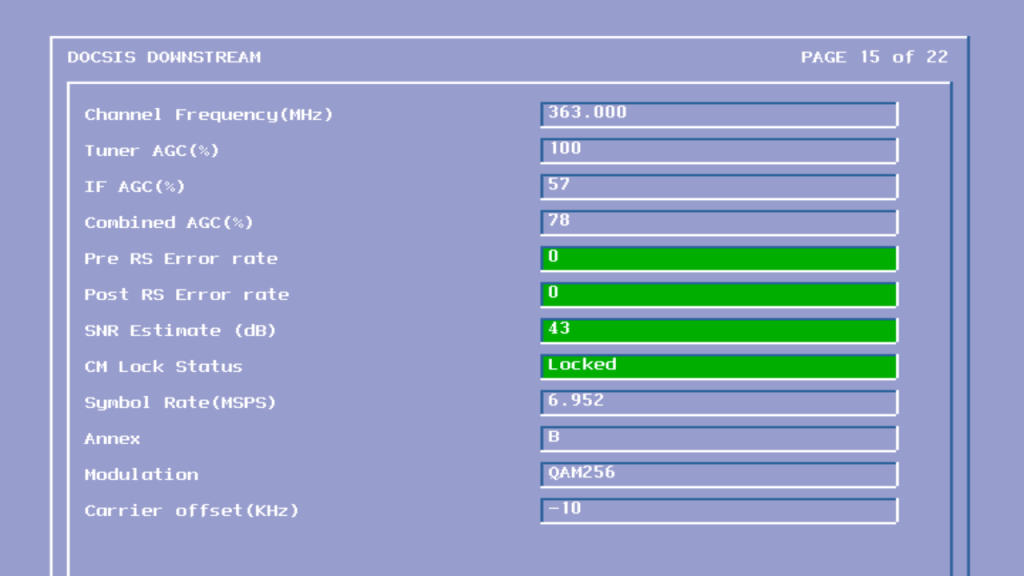
Signal information
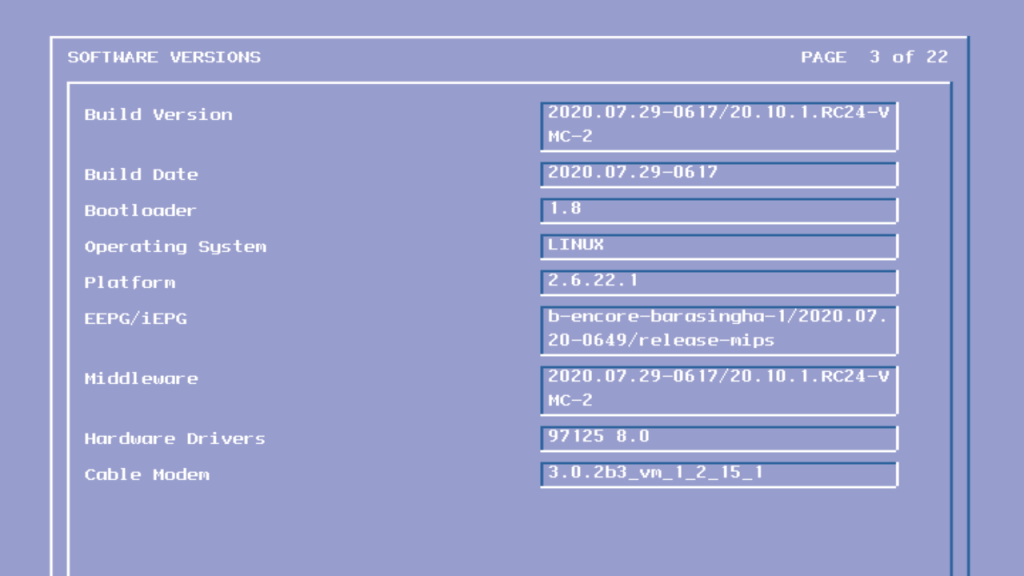
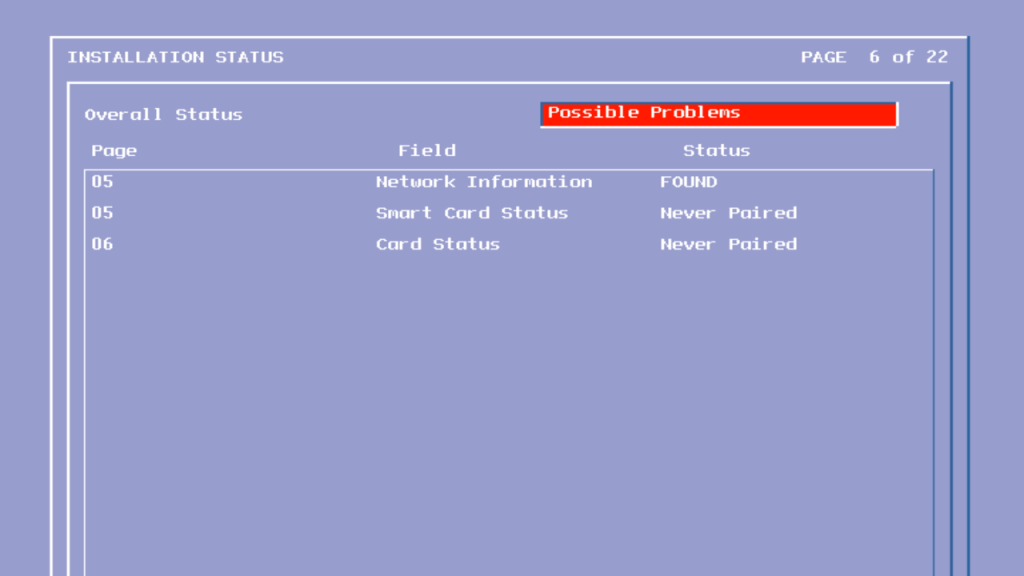
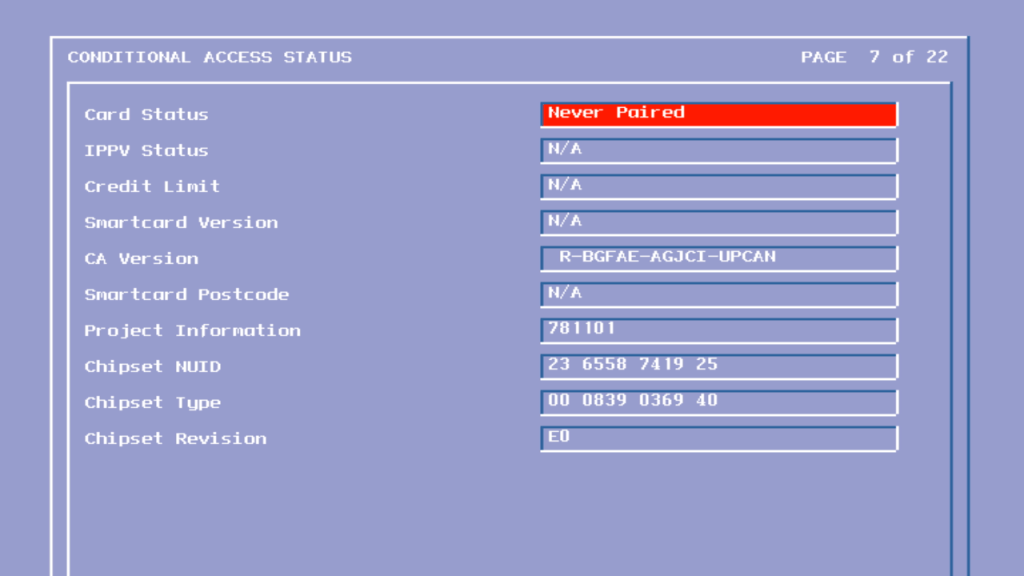
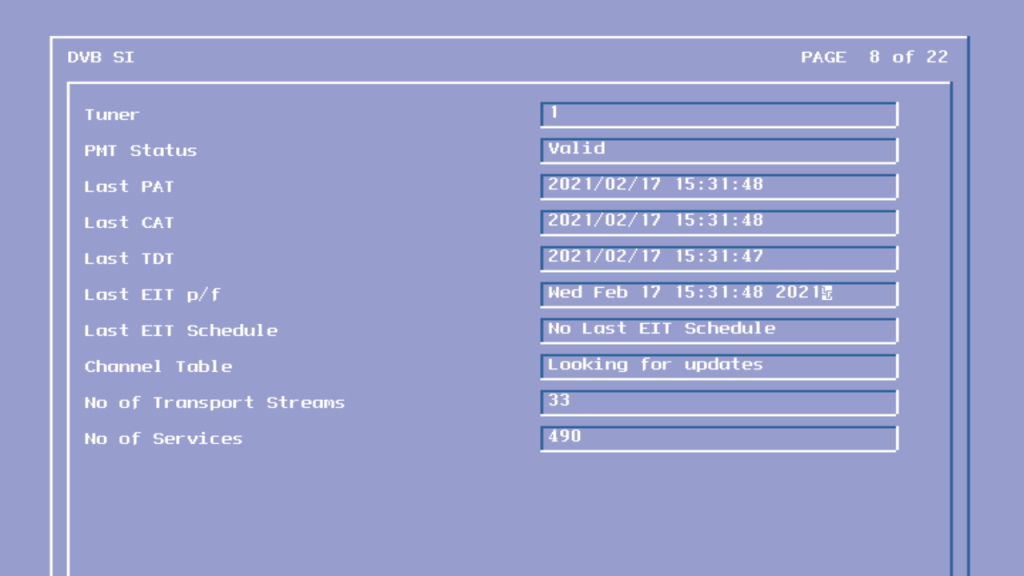
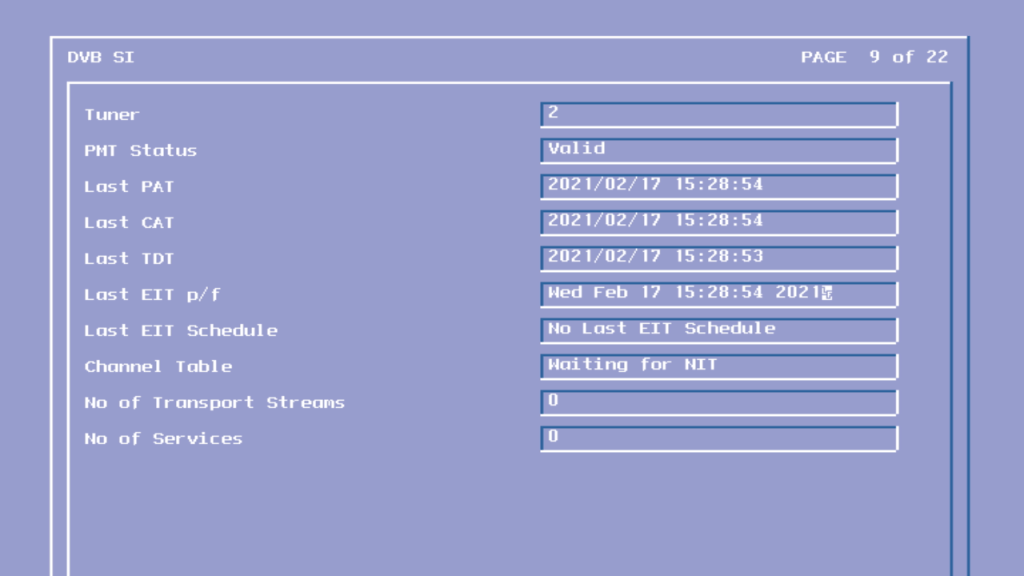
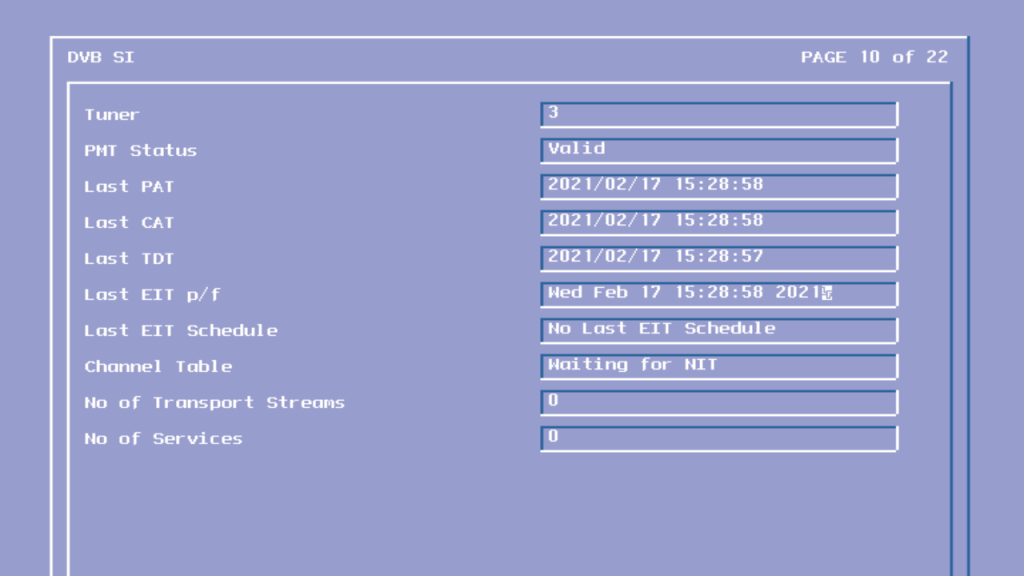
Information found in the DVB signal information tables
So I’ve been trying to install and use old Linux distros, mainly to look at the possibility to get older Linux games to work, like Simcity 3000 and Unreal Tournament 2004, all of which run into issues when attempting to play on modern Linux operating systems. First thing I tried was to use a virtual machine to run install the OS into.
VirtualBox
Not sure if this is an error or if it’s just because the hard disk just uninitialised
Why would I enable hard drive optimisations when it could cause data corruption?
So far so good, were at the login screen
Oh…
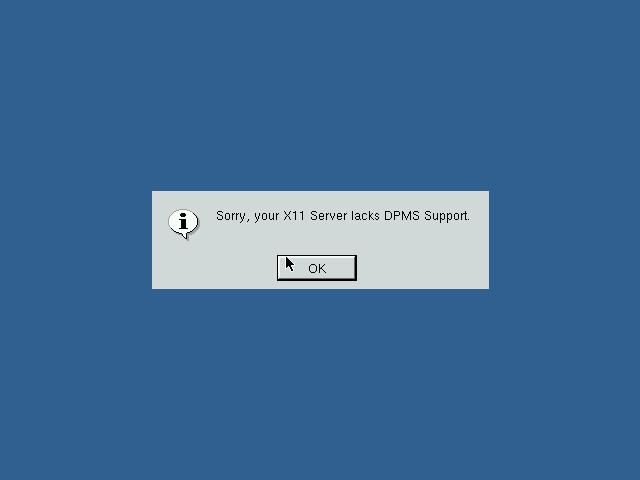
Might be because we don’t have any graphics drivers for the virtual graphics card. At least you would expect a failsafe graphics driver
On VMware
Like on Virtualbox we are able to install as normal, but when it comes to booting the OS,
It seems to have issues detecting the hard disk. Since by default VMWare uses an IDE drive for these old Linux operating systems I though we could try SCSI instead. Unfortunately I was unable to get the installer to detect the SCSI controller.
On PCem
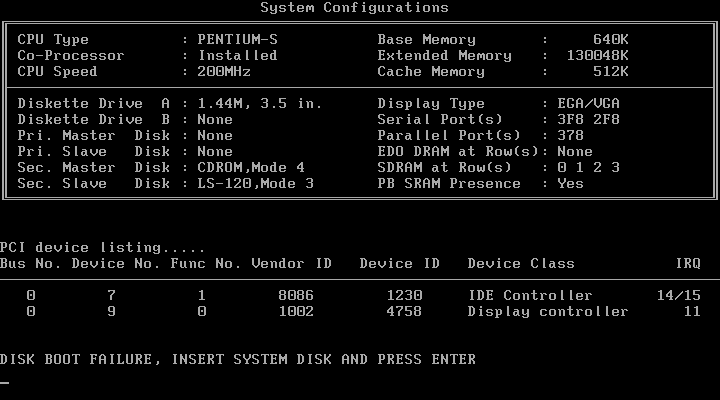
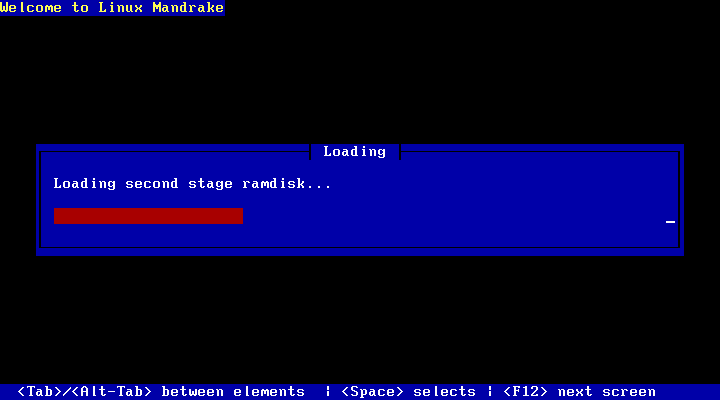
I had better luck using Pcem v17, which actually emulates older PC hardware, rather than using a virtual environment. This has its benefits regarding compatibility but at the expense of performance. Not only must you emulate a slower x86 CPU (In our case an AMD K6 or Pentium, but your host CPU must be able to emulate that older CPU in addition to the video card, chipset and any other peripherals Pcem is emulating. Since Pcem is a single threaded application, having a CPU with a high IPC is beneficial, which is something my AMD FX processor is not well known for. Also depending on the motherboard you emulate in Pcem you may not be able to boot off the CD-ROM directly. Thankfully there was a Linux boot floppy that could be used instead.
The first install went by without a hitch, but when it came to booting the OS it would immediately reboot and would continue to reboot by getting stuck in a boot loop. I fixed this by changing the CPU from a Cyrix to an AMD K6.
The next issue I ran into was with this screen, where it would get stuck at a terminal looking screen with that penguin, where the screen would blink every second. I wasn’t sure what was causing this initially however after changing graphics card in PCem (from a Cirrus Logic 5432? to an ATI Mach, this triggered the Kudzu utility which is used to install system drivers, kind of like the add new hardware wizard in Windows.
Once I selected the correct graphics card, the system rebooted and loaded up the login screen. This helped me understand what was going on previously, either Mandrake did not have the correct driver support for the cirrus logic or PCem is not able to emulate the VGA card properly in Linux. Either way Mandrake was trying to load the X Window system but was failing each time, hence why it was ‘blinking’, the X window system was loading and then crashing.
Unfortunately the speed issues caused a problem with this approach, since PCem would frequently go under 100%, which is the percentage of the speed being emulated by it. Anytime it goes under 100% means the emulator has to slow down in order to catch up. I ended up changing the CPU from an AMD K6 166Mhz to a Pentium 75Mhz, which is below the specification needed for Simcity 3000 and way below what’s needed for Unreal Tournament 2004.
Still at least I was able to boot into a desktop, I guess it’s time for a host CPU upgrade.
Dell’s XPS line of systems had always caught my attention, that and the Alienware Area51s/Auroras of the time had eye catching designs that stood out from the rest. I wanted an older gaming system purely for the games that were released in the era of Windows XP, from 2001 – 2006. Whilst most of these games can be maxed out on many modern systems, sadly compatibility issues are starting to occur when playing these old titles, and as Microsoft continue to update Windows 10, these issue’s are starting to become more apparent.
So I figured why not buy an older high end system and modernize it. By modernize I meant installing additions like an SSD and a USB3 card to make the system ore convenient to use whilst still keeping the original core hardware.
The Operating System
Windows XP Professional
The default choice for a machine of this era and type, for the best compatibility
Windows XP Professional 64bit Edition
Yep, there was a 64bit version of Windows XP, two in fact. The system is capable of running 64bit code thanks to the Pentium 4, and the system can detect all 4GB of its ram. I did install this to use as the main operating system, but found out some games ran into compatibility issues with the 64 bit kernel.
Windows 98/ME?
I have considered this, for a dual booting purpose only. Reason being this is one of the last machines to support Windows 98, or at least have native drivers for it. In theory you could create the ultimate Windows 98 gaming PC with these specifications without breaking compatibility.
In reality, Windows 98 was on its deathbed at this time, whilst software does support it, its only basic support that the game actually starts up so that it ‘runs’, there are numerous performance issues just from the operating system itself, and many games are missing certain graphical effects. And the fact 98 was notoriously unstable compared to XP.
The drivers also have the same story, with the NVidia drivers being notoriously unoptimized. The NVidia card for example has the latest XP driver being released in 2012, compared to the Windows 98 driver being released in 2005, that 7 years of driver optimizations and progress being missed out on.
In reality if you are buying a high end pc in 2005, its incredibly unlikely you would be running Windows 98 in it, and manufactures knew that.
Linux
Or GNU/Linux if that’s more your thing, I’ve also contemplated dual booting a Linux based operating system on it from that era. Something like Ubuntu 8.04 or Red Hat purely to see what it’s like. And maybe get some old GNU/Linux games going…
Components
Processor –Intel Pentium 4
Pentium 4’s weren’t my first choice of CPU back then. Truth be told they were very hot boys and had a tendency to overheat if they were not properly cooled. Dell made sure that wouldn’t happen with this monster of a heatsink with two 120mm fans.
For some reason Dell are allergic to AMD, something that still rings true today. Most of their systems use Intel chips with only a small amount of models supporting AMD chips. This is despite the fact that AMD chips of the era ran cooler and consumed less power, Dell insisted on using Pentium 4’s on small form factor PC’s like the OptiPlex SX270.
Graphics – NVidia GT 6800 Ultra
GPU’s were very competitive around this era, what with the Xbox 360 and PS3 being due to launch. Whilst the 6800 is a generation behind the RSX used in the PS3, it’s ideal for maxing out games from the 2001-2006 era
Memory – 4GB DDR2
4GB seems a bit overkill for a system like this. Considering Dell would have shipped a 32bit operating system on it, limiting it to only 3.2GB. I guess the previous owner must had upgraded it to 64bit Vista at some point.
Looking at the SPD data in CPU-Z it seems the system left the factory with 2Gb of RAM, with the remainder being added later. I’ll probably take the excess RAM out at some point and install it in another machine, since it’s never going to be needed with Windows XP, unless I decide to run some 15 year old CAD programs on it
Sound Card: Creative Audigy
Dedicated soundcards are uncommon today, with most motherboard having onboard Realtek or Conexant audio. Still Dell shipped the system with the Creative Audigy as the sole sound card on the system, no onboard audio here. This was the last era that supported EAX effects in games that this soundcard supported.
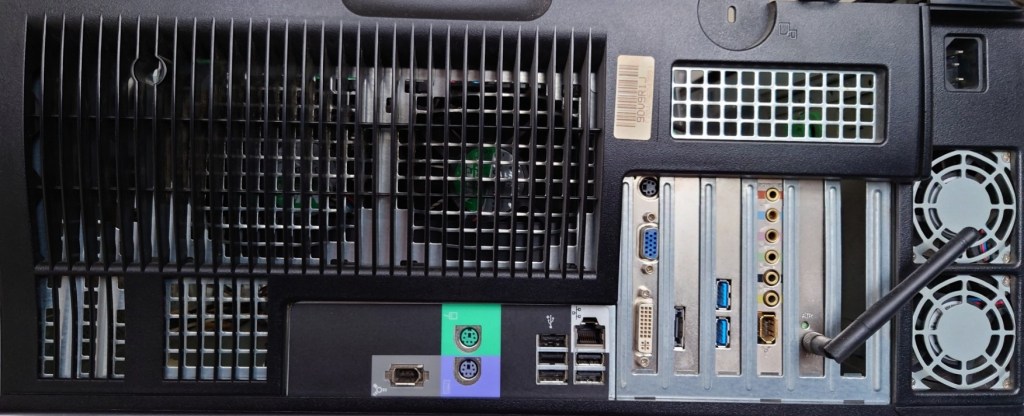
Dell XPS Gen 5 rear panel with upgrades
Maxing out: Upgrades
Top to bottom, Wifi, Sound card, USB3 card ,SATA card
USB3 PCI Express Card
USB3 didn’t exist when Windows XP was released, and even USB2 was still in its draft stage before it started appearing on motherboard in late 2002, however many manufacturers have provided drivers for Windows XP for both 32 and 64bit editions. Having a USB3 interface will come useful when it comes to connecting external hard disks. This card also has a front panel connector which I will use with the Akasa Front panel USB3 bay.
SATA SSD
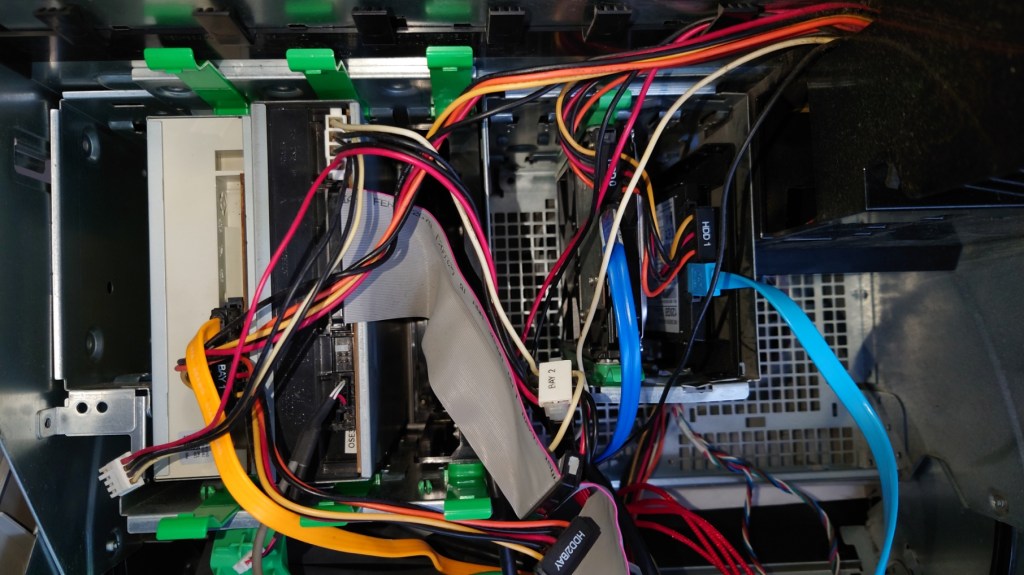
A must for any modern PC, and although there were not common back when this system was released, I had no problems installing it (a 2.5 to 3.5 adaptor is recommended) and it was detected by the BIOS and Windows XP setup. One issue is that dell insist you use these green drive brackets to mount the drive, the idea is that it’s supposed to be a tooless design so that the drive can be pulled out of the slot.
In practice the clips ended up breaking since they had become brittle, and I was unable to screw in the SSD bracket since Dell designed the drive bay for it to be used with the clips so for now the drive is just resting on top of the hard drive.
SATA3 Card
This is a SATA 3 capable PCI Express card which would have been necessary for the SSD upgrade, since the onboard SATA can only support up to SATA. Whilst SATA standards are backwards compatible, it would have meant the SSD would have been bottlenecked by the onboard interface. A bonus is this card provides an eSATA port
Wifi – Broadcom
This was already installed by the previous user, or it may have been a optional factory upgrade installed by Dell. This is quite old and only support 802.11g protocol, which was standard in 2005. It also supports WPA2 and it capable of connecting to my BT Smart Hub. However I will be using the onboard Ethernet for when I connect it to the network, because Windows XP is no longer supported its not a good idea to have it connected to the internet.
Akasa Front panel USB3
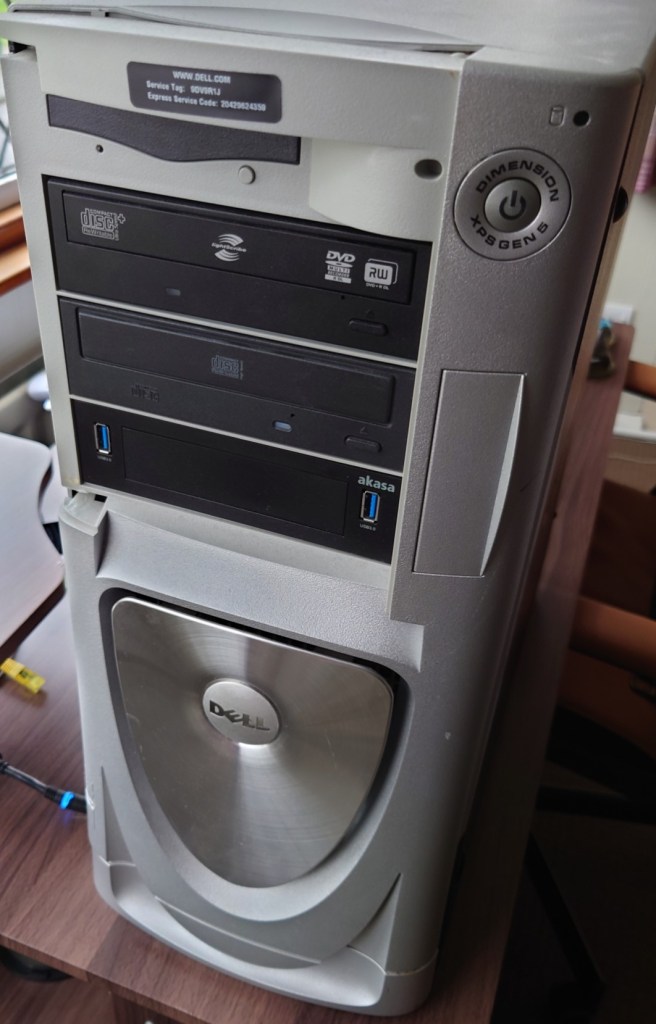
Adds two front panel USB ports and also serves as a 2.5 inch bracket to mount floppy drives or memory card readers. I might add a memory card bay to it at a later date.
CD-RW Drive
Pulled from an old HP machine. The system has a spare drive bay and I had this drive laying around so why not?
Concerns
Power Supply
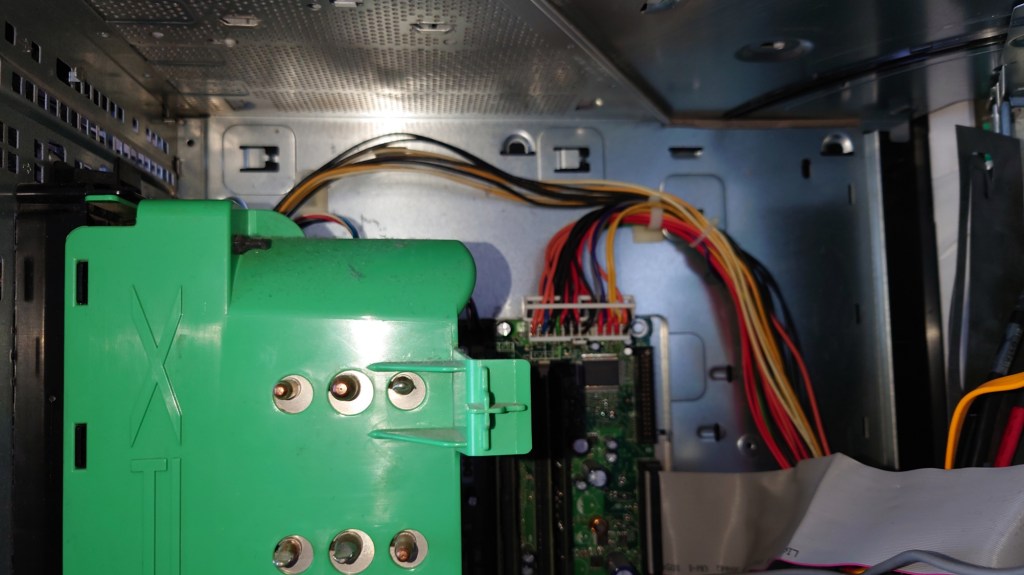
One of the main disadvantages of pre built Dell Systems is they tend to deviate from ATX standards, and the power supply unit used here is one example. First issue is the design, a standard ATX power supply cannot be used as a replacement unless the case is modified
SSD
Windows XP predates mainstream SSD support, and as a result does not implement TRIM. Windows did not support this until Windows 7. One advised workaround was to under partition the SSD, say to about 90%. Whilst you do loose storage capacity, since our games are stored on the hard drive this is not so much an issue.
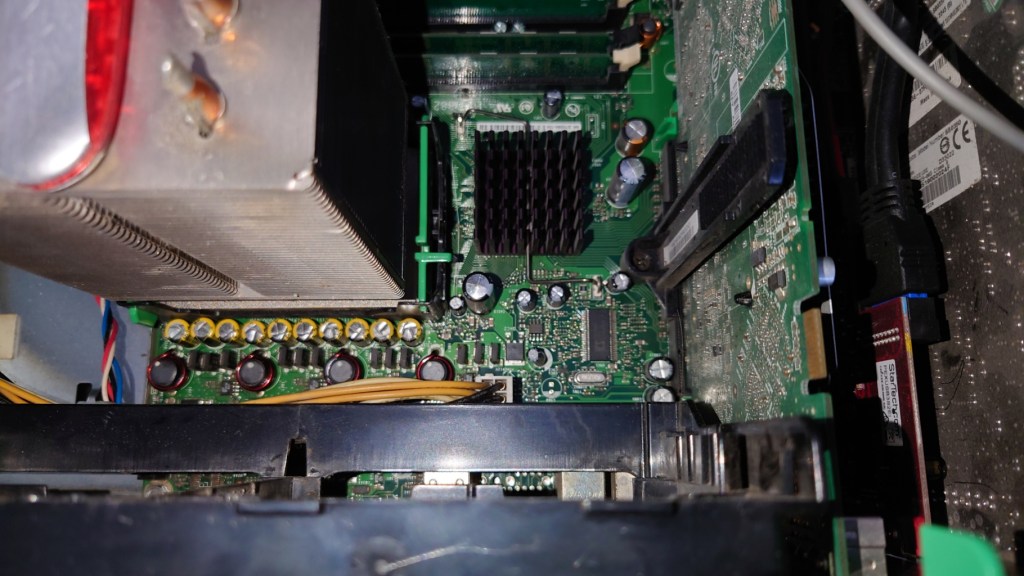
Capacitors
This system came out during the capacitor plague, where many substandard capacitors were used that had a tendency to leak much earlier than usual. Also given that this system was on the extreme end of the power draw spectrum,
Steam
Plenty of games from this era were released on Stream, and up until 2019 you could install the client on Windows XP. However Steam dropped support for the operating system due to the Chromium Embedded Framework no longer offering support for XP either. This meant that future steam update’s would no longer be provided to Windows XP users, and sooner or later they would no longer be able to access their accounts via Steam, preventing the ability for them to play games. There are workaround’s to this that allow the client to run, but you are unable to access the Steam Store or the community features. Also I can’t imagine Valve’s being happy that modified clients are being used to access the Steam service.
Really you are better off sticking with the retail DVD or CD releases, or with GOG where games do not come with DRM and can be played without the reliance of a client.
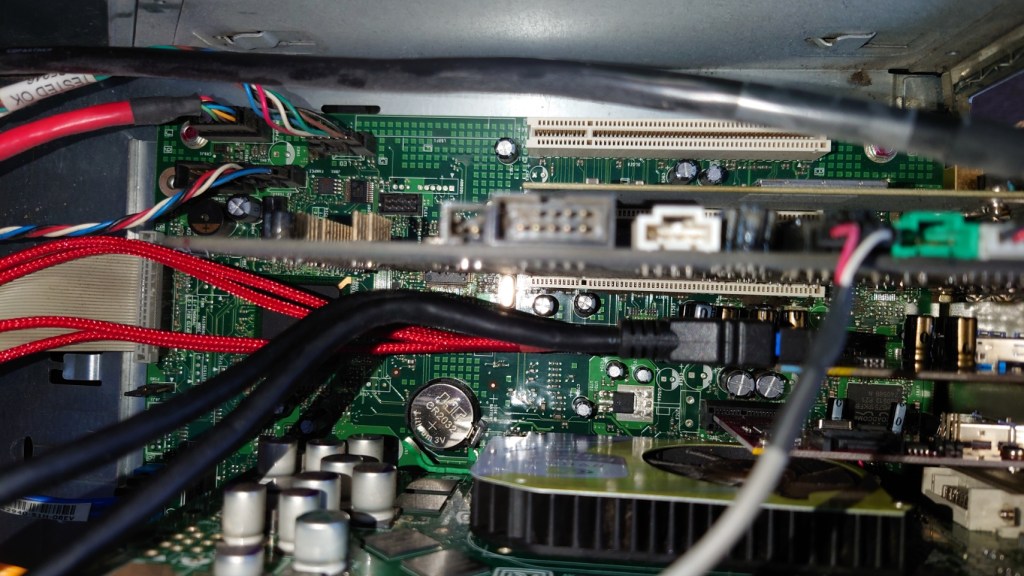
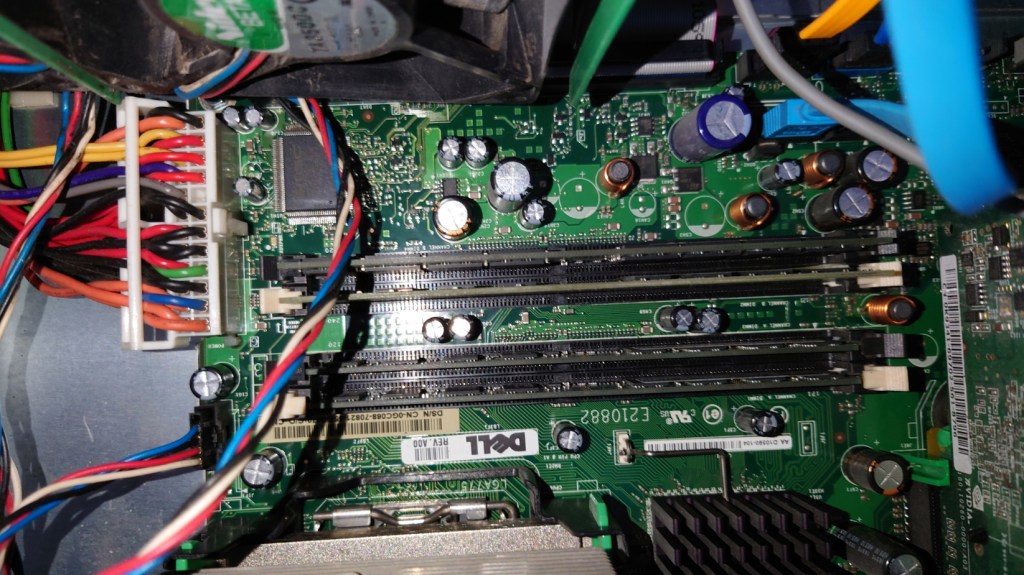
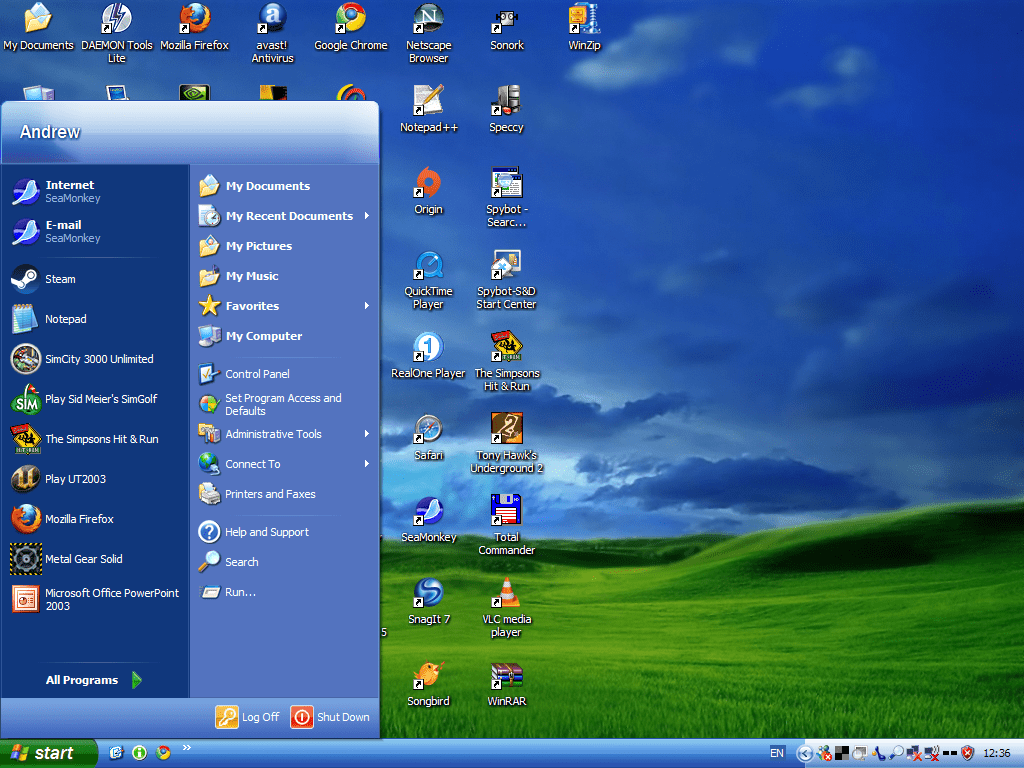
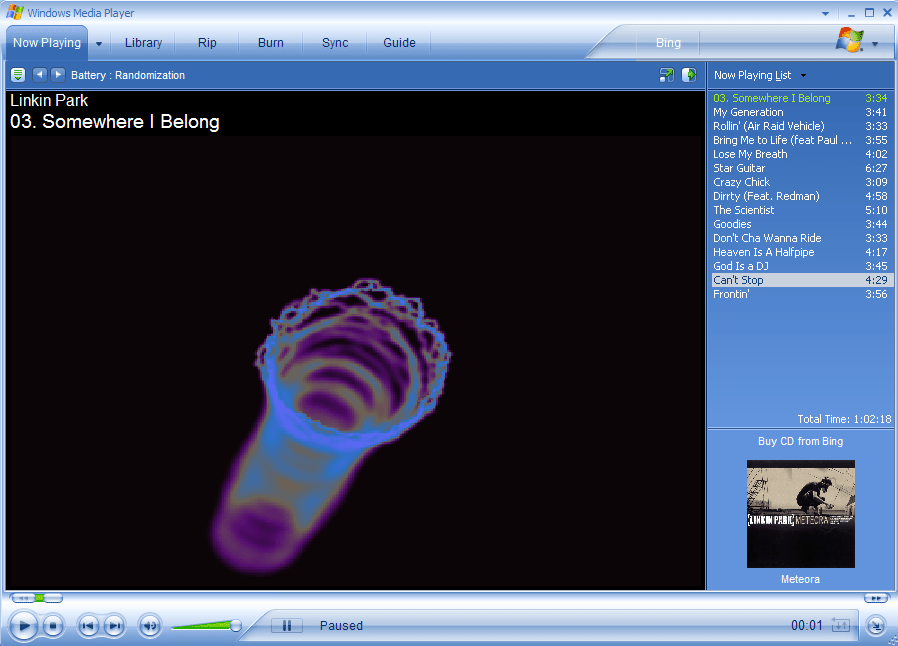
Fans were in dire need of cleaning, managed to get most of the dust off for now Cable management isn’t my forte but its hard to do it in this case, the power cables and SATA/data cables go in different directionsWith the fans removed, hopefully those capacitors aren’t bulgingWith the fans put back on, I think Dell made this case a bit too big judging by the space aboveThe front of the system, sadly the front panel cover for the drives is missing XP desktop with Royale theme – Media CentreAh the good old days of Windows Media Player 10
Conclustion
I have to admit, the main thing fuelling this was nostalgia. having memories of booting into Windows XP brought back moments when we would sign into MSN messenger and MySpace using Internet Explorer or Mozilla Firefox with several toolbars installed. Sadly these service are no longer available as they was, with MSN Messenger being discontinued in favour of Skype. From a gaming standpoint, whilst it has no issues maxing out games from 2001- 2004, stuff released from 2005 (eg Splinter Cell Chaos Theory, Driver Parallel Lines) onwards has a tendency to stress the hardware out, and I found myself having to downgrade the resolution in order to boost the framerate, which had me considering why not just play these games on a modern rig that can max these game out easily.
I suppose the main saving grace is compatibility, with these Pentium 4 (and Athlon) systems being the epitome of backwards compatibility. For this one in particular Dell provides drivers for Windows 98/ME, XP, and Vista, allowing you to theoretically triple boot the system for maximum compatibility without any concern with drivers. Any newer and drivers and compatibility with 98/ME becomes an issue, and anything older will have issue with Vista or 7 support
Whilst I haven’t played any game on it from 2007 onwards, I suppose you could get away with it providing you play at a lower resolution, although you might as well get a Core 2 Duo system with a GeForce 8 series or a Radeon HD200 series GPU
Firefox was always one of my favourite browsers, ever since I installed in back in 2004 to replace the ageing Internet Explorer 6. Immediately i picked on its fast rendering time, features such as tabbed browsing, built-in pop-up blocker and extensions and most importantly its improved security. Whilst there have been many bumps along the way, I have always stuck with it and its email client counterpart, Thunderbird.
Mozilla have always stood for a free and open web, that meant that the web should be accessible to all users, regardless of their political positions, heck its even on their Twitter profile;
Until this was posted on their blog:
So why all of sudden there this sudden interest of de-platforming? let’s break down the suggestions;
Reveal who is paying for advertisements, how much they are paying and who is being targeted.
This I agree with, since the ad ecosystem should be transparent, who is running the political campaigns that truly influence people?
Commit to meaningful transparency of platform algorithms so we know how and what content is being amplified, to whom, and the associated impact.
This is incredibly important and applies to any social media platform that servers content in an recommendation system. Social media pushes fear and anger inducing content for the sake of generating engagement, they mix it with advertisement content and slowly change their user habits. These algorithms need to be stopped. If you ever see a content recommendation by a black box system, do not follow it unless you want to be eternally an ideology slave. Seek your own answers.
Turn on by default the tools to amplify factual voices over disinformation.
And who gets to decide that exactly? Do they have everyone best interest at heart?
Work with independent researchers to facilitate in-depth studies of the platforms’ impact on people and our societies, and what we can do to improve things.
Yet La Le Lu Le Lo have removed all external research into their platforms, specifically around the negative side effect such as addictions and election influencing. What else are they hiding?
The article does raise some concise valid points, but these need to be implemented for all, and not just a certain set of users who’s political options sway in a certain direction. Somehow they were fine with the Minnesota riots and the riots ‘peaceful’ protests that happened in 2020, where there were multiple calls to violence on both sides being spread, right on the exact same social media platforms.
However, the nerve they have to point blame and act like what happened in the Capitol was the worse thing ever, The amount of horror, destruction, defeat, and death inflicted upon innocent Americans for weeks and even months in some places was incomparable to what happened in DC. Peoples entire livelihoods burned to the ground. Entire city blocks reduced to rubble. And these people are literally pretending none of that ever happened. They even encouraged it and promoted it. They actively promoted it, defended it, and encouraged it daily. And I’m not even talking about the absolutely debilitating lock-downs that have shut down hundreds of thousands of small businesses and put people out of work?
Finding a new browser
Waterfox – A fork of Firefox that is compatible with all Firefox extensions and plugins,and has a very similar user interface
Brave – uses blink/chrome engine, has a built in tracker blocker
Vivaldi – uses blink/chrome engine, a nice browser that has a lot of useful features, designed to replicate Opera 12, supports tab stacks
All browsers listed above have Windows, Mac and Linux versions, and (except for Waterfox) have Android and iOS versions that can sync between desktop and mobile
De-Platforming
Whilst La Le Lu Le Lo are busy removing and banning people from a certain political background from their platforms, a common retort is for these users to start or use platforms that tolerate this type of free speech. This has resulted in sites like Parler, Gab and Mastodon… except La Le Lu Le Lo have now started removing Parler from their respective App stores, meaning unless you use the web app, you will no longer have access to Parler. For android users this is not a big issue and simply requires installing an .apk file onto your smartphone and enabled unknown sources in it’s settings menu, for iPhones unless you jailbreak it you are stuck with the version that was installed via the Appstore, with no ability to update or transfer it to another iPhone.
Speaking of the web app, AWS (Amazon) have since decided to terminate Parler’s web service also, meaning you will no longer be able to access the Parler website until they find a new host. The reasoning for this was due to Parler’s moderation methods, which was cited as being insufficient in regard to violent content on platform. Now whilst Parler does have a few problematic users on it’s platform, that’s nothing compared to what Twitter host;
When the sims was released for consoles in 2002, it was not a straight 1:1 port of the PC game. Whilst the PC version played using a 2D isometric perspective with the sims themselves being rendered in 3D. This was mostly since 3D capable graphics card were not that common in most desktop PC’s, and because The Sims being considered an experimental game, Maxis wanted to keep the minimum specifications as low as possible.
When The Sims was ported to consoles, the developers had the opportunity to render the game fully in 3D, a first in the series. There were however some gameplay secrifices that had to be made, mainly due to the reduced memory of the consoles. First is that you are limited to a single story building – no upstairs, probably to make the game more simple and because it may have been awkward to switch between the two stories using the game controller without resorting to a key combination, as all the buttons had been mapped for other uses. Another annoying limitation was the object limiter, which limited the amount of objects you could have on a lot, due to the amount of memory on the consoles.
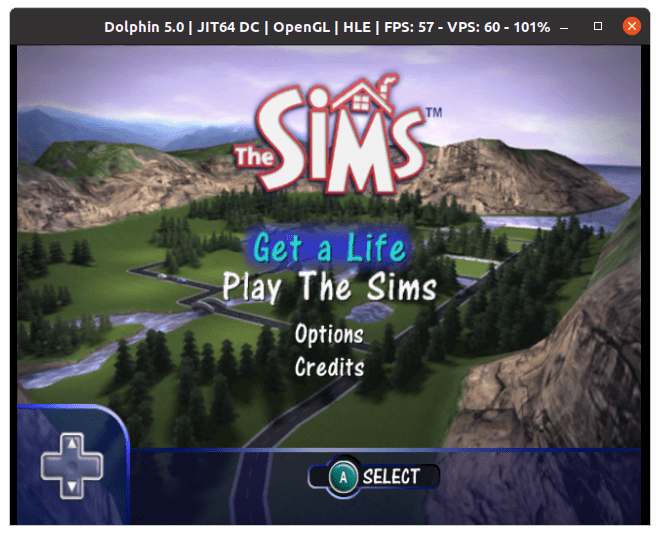
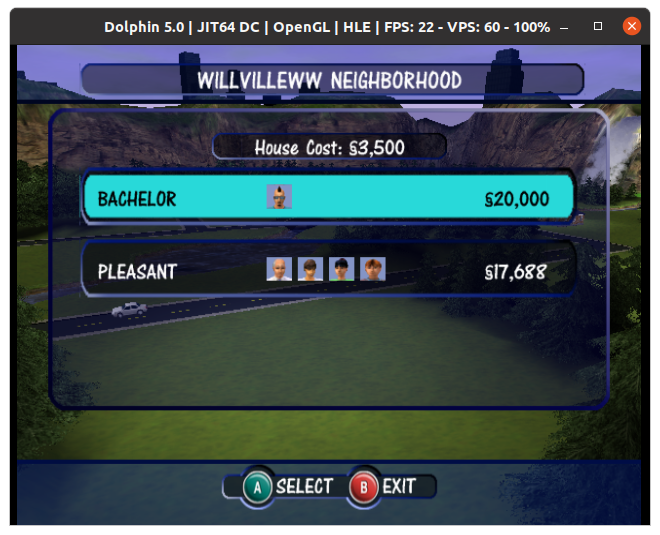
The Gamecube release, captured from Dolphin Emulator
Despite the differences with the graphics, the gameplay was mostly intact with many of the objects from the PC base game being included, along with some console exclusive objects. Many of the pre-made Sims appear here with the same members, The Goths with Mortimer, Bella and Cassandra, The Roomies with Chris and Melissa, the Newbie, Pleasant and Bachelor families still being present. The only major difference is the Sims and their world being fully rendered in 3D. The lots are mostly the same with the absence of the second story, although the mansion from the first game is missing.
A new addition to the game was the ‘Get a Life’ mode, which was a single player level based mode where you create your own Sim who has to progress through a rags to riches style of gameplay. Your Sim would basically start from their parents house and would have to get a job and upgrade their skills, after two promotions they would progress onto the next stage in a new lot, along with certain other challenges. The en goal being to reach the top of their career ladder and to get married. Players would also have to upgrade the lot by purchasing new furniture, meeting new friends and hosting many parties. The Sims Bustin Out would later expand on this formula greatly, and would be the basis for the Urbz and would influence The Sims Life Stories spin offs.
Another console exclusive feature was the two player mode, where two players could control two different Sim’s on the same lot by using a second controller,this would split the screen and allow each Sim to be controlled by both players. There are also mini games (Challenge mode) that are centred around this feature were two players would compete to get the most friends, or to get the cleanest house.
Because of the Similarities of the PC and console versions, I wondered if they were both compatible with each others data, as in you could extract a lot from the PC version and load it on the console version. There are a few challenges to this, since the PC version used 2D graphics compared to the 3d models that the console uses, and the Sims themselves are rendered differently. It’s worth looking at the console disk images to see if there are any similarities to the PC version.
PC Version (The Sims – Base Game only)
Console Version
Two story buildings
Single Story building
Can only choose from a selection
Can customize hair, face, eyes, mouth, makeup
Can only choose from a selection
Can customize top, bottom, shoes and colour of each item
10 lots selectable
6 lots selectable + 1 hidden/disabled
8 selectable sims per household
4 selectable sims per household
Cannot edit lots without a family moved in until Unleashed EP
Can enter build/buy without a family moved in
One Player
Up to two players with two controllers
Near unlimited objects
Object limiter (may vary on console)
Online Exchange support – Now Offline
No Online support for DLNS/Xbox Live
The ARC
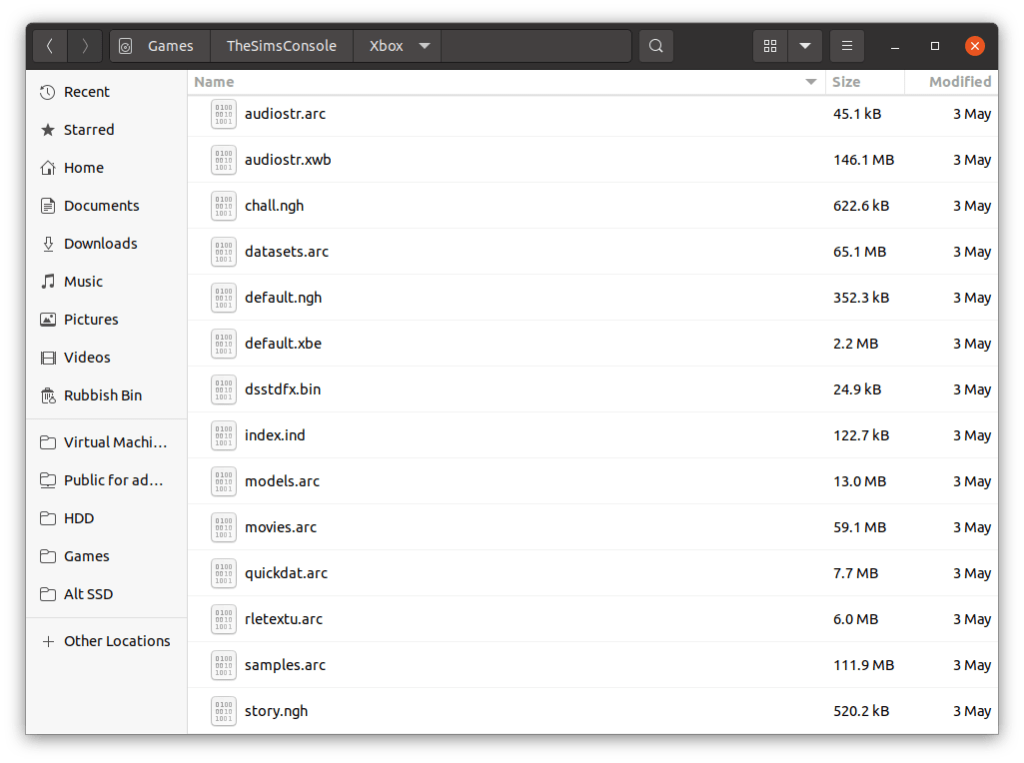
I started with the Xbox version, since the XBOX was built on the PC architecture with it’s Intel processor,and since it’s possible to ftp directly into a modified Xbox rather than having to extract and recreate an iso image. First obstacle I ran into were these ARC files, which were also present in the Gamecube and PS2 versions. They were quite large files and contained a bulk of the games size. These files store a bulk of the games content.
In order to extract data from this you will need a custom utility with a plugin that understands these formats. From a bit of research ARC was a older compression format what fell out of use once zip took over. Nintendo also used ARC format as a container format for their games similar to the CAB format used on Windows however this seems to be a different format only used by Nintendo. There are also several different ARC formats that are incompatible with each other, which makes it hard to extract files form this format, and makes it harder to inject files into an existing ARC file. i’m not sure if these formats are different format that share the same extension, or there is some encryption/passcode involved.
What’s interesting is each console has a different file size for their respective ARC file, with the Gamecube being the largest. Maybe they are duplicating the files on the Gamecube version in order to reduce loading times? or the Xbox version might be compressed more? This would make sense for the sound and cutscene since they would be using the wmv and wma format for audio on the Xbox, the PS2 may have used MPEG2 since the Emotion Engine had an onboard MPEG2 decoder for it’s DVD player. The Gamecube does not have an onboard decoder so it needs to decode video and audio in software, which would affect the codec’s being used, and in turn affect the file size.
Runtime Folder
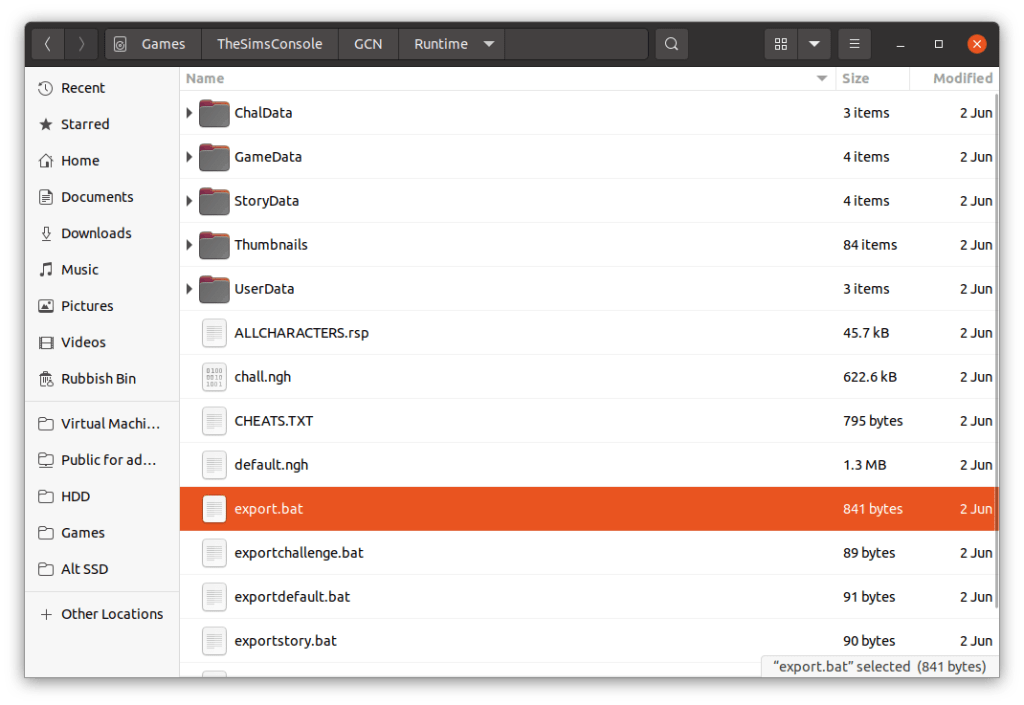
Looking on the Gamecube disc there is a Runtime folder that holds data for the default neighbourhoods, along with the sims, lots, and occupied objects (but not the objects themselves, or the skins, wall or floors). At first I assumed this was where the game pulls the default neighbourhood data from when creating an new memory card file, and would act as a template, however closely inspecting a batch files, it seems this folder is used to create the .ngh file which is kind of like a zip or cab archive of the above folders. The runtime folder is not present on the Xbox or Playstation 2 versions, but the ngh files are.
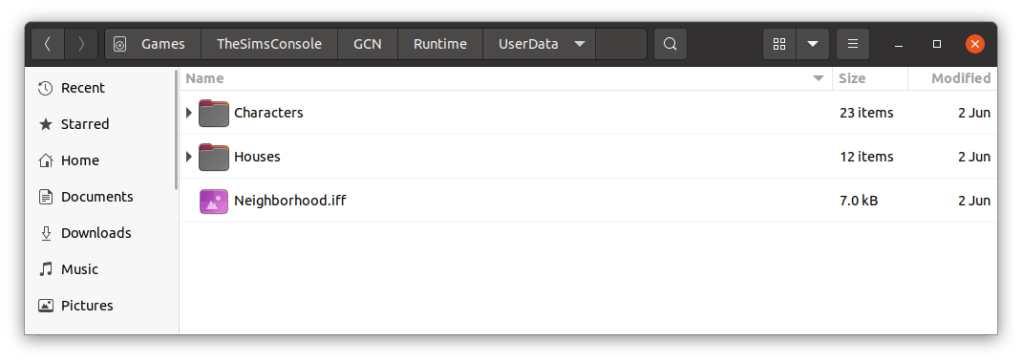
Folders
ChalData – for the 2 player lots
StoryData – a neighbourhood for the get a life mode
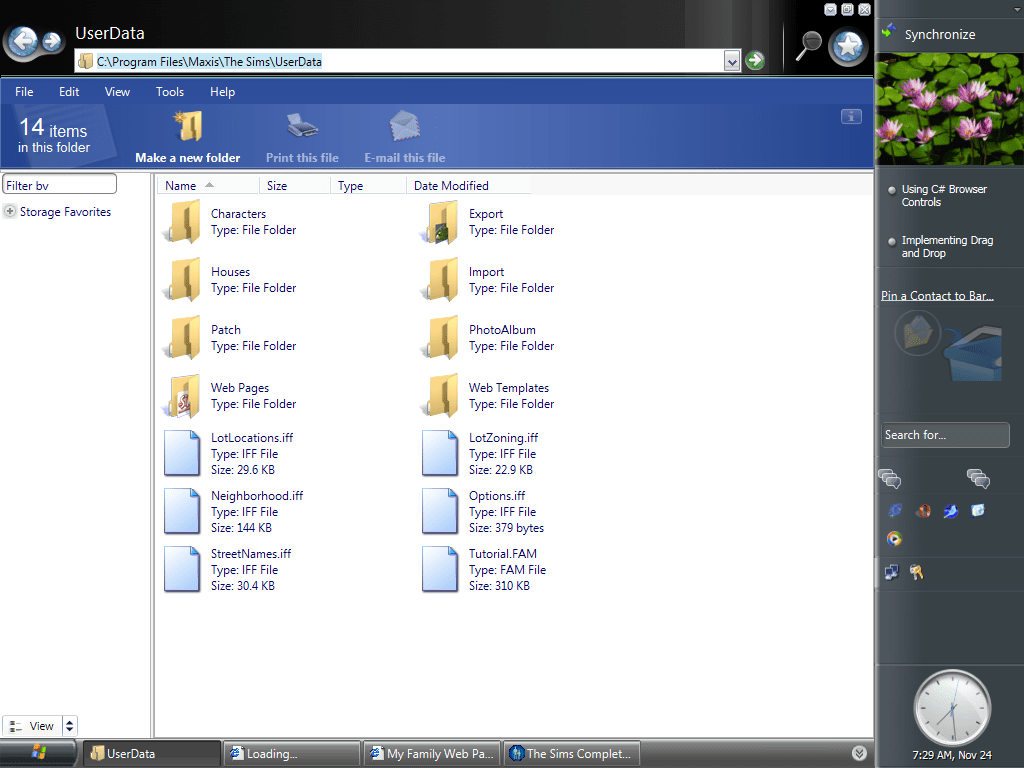
UserData – a neighbourhood for the play the sims mode / sandbox
These are template folders, I assume they get created to the memory card upon creating a new game, and the memory cards hold an ‘zipped’ or arced copy of the files.
There are 4 batch (.bat) files that were used to create the ngh files, here’s what exportstory.bat looks like;
SimsNghExport.exe – program used to create the ngh files, sadly not on disc
allcharaters.rsp – this file lists all the NPC and playable sims that shipped with the game, what gender/age and their skin-tone and clothing but NOT personality or job. I’m guessing that specific data is stored in the respective userXXXX.iff file, with the console specific stuff being referred to in this ngh file. The key field looks to the the sim name since I cant find any userid?
iWalllsFloors.ini – not sure, just a bunch of numbers, might be remapping the PC walls to the console version?
StoryData – folder, contains character files and house .iff files, basically the equivalent to the Userdata folder on the PC version
story.ngh – the output file
need to look the this ngh format, is it an archive? Is it compressed? Can we add and remove data with it?
This got me thinking if we could take this data and load it into the pc version of the game? After all, the extensions are the same (.iff) although the file sizes are smaller. In order to investigate further we need to call a old friend called Windows…
For this we are using the original unpatched sims base game, with no expansions.
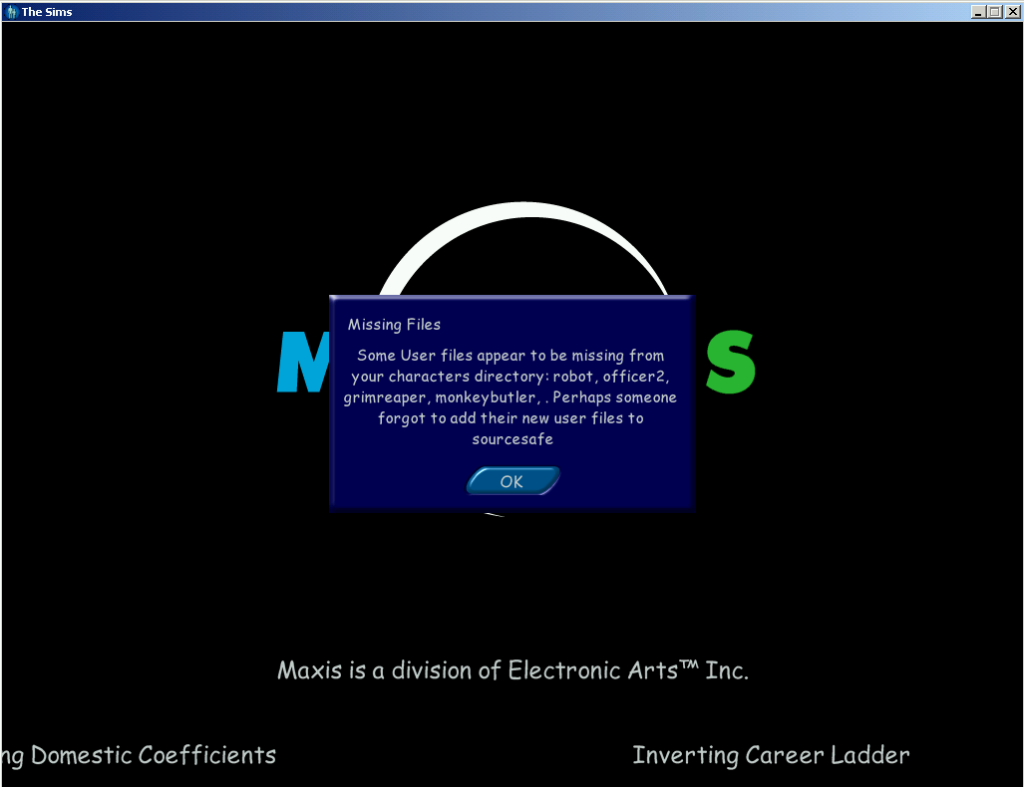
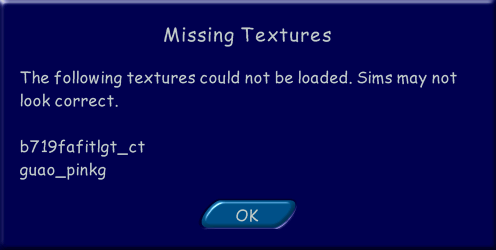
First I started off by copying the entire userdata folder from the gamecube iso into the game files and started the game up. What greeted me was this error message;
It’s not much of an error since you can click OK and the game to continue to load. Interesting is the names referenced in the message box, Grimreaper, which didn’t appear in the base game, only in the Livin it up expansion pack (GrimReaper does exist in the console version). Monkeybutler which is exclusive to the console release (its part of an object like the Servo robot in Livin It Up, cleans the house and repairs), not sure about robot or officer2?
Also what is sourcesafe?
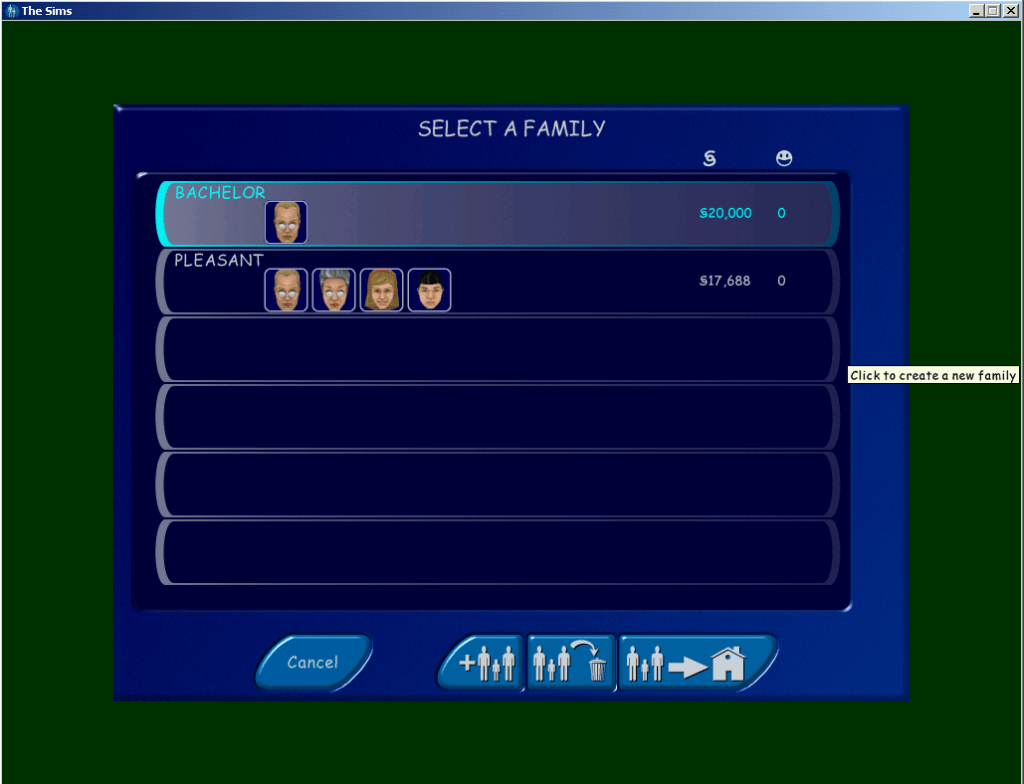
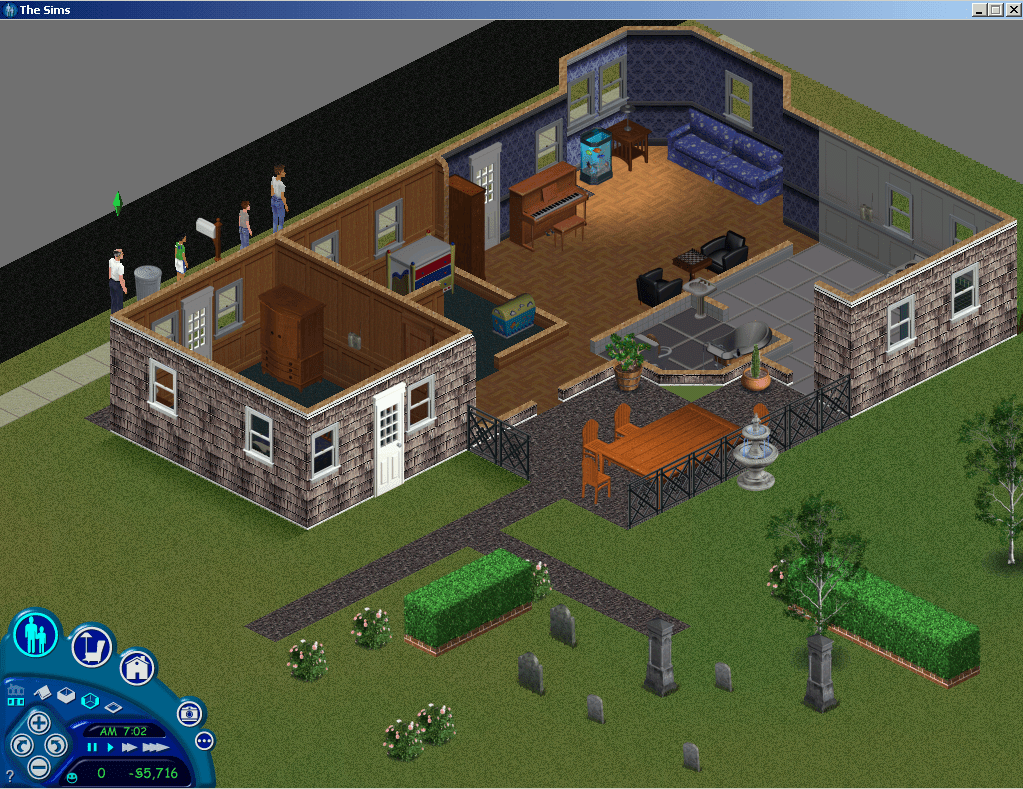
After loading the game I found not of the lots were accessible or even recognisable, clicking on them did nothing and no lot information data would appear. When I clicked on the family bin icon however I could see the two unoccupied families from the console version, the heads and faces looked to be missing and the game has loaded the default templates. Understandable since the console sims are in an incompatible 3d format, I’m surprised the game didn’t crash outright.
The Pleasant’s have not aged that all wellMeanwhile here is what they’re supposed to look like
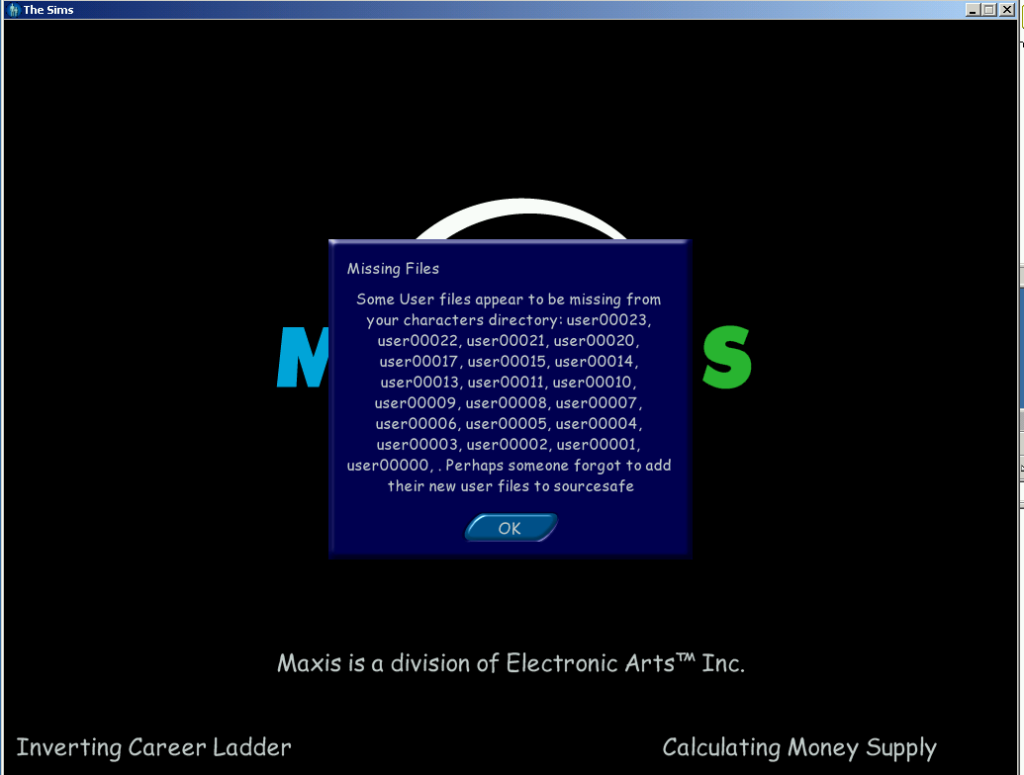
I tried copying it again, this time leaving the neighbourhood.iff filers intact, this time a different error message appears;
I assume the neighbourhood.iff acts as some soft of database of which sims belong on a specific lot and also deals with NPC assignments.
Loading the Story mode families
What about the story mode folder? For this I did the same with the storyData folder, copied it to the game files and renamed it userdata and see how the game reacted.
The console sims, all can be moved in and loaded with their personalities intact, shame about their heads/bodies
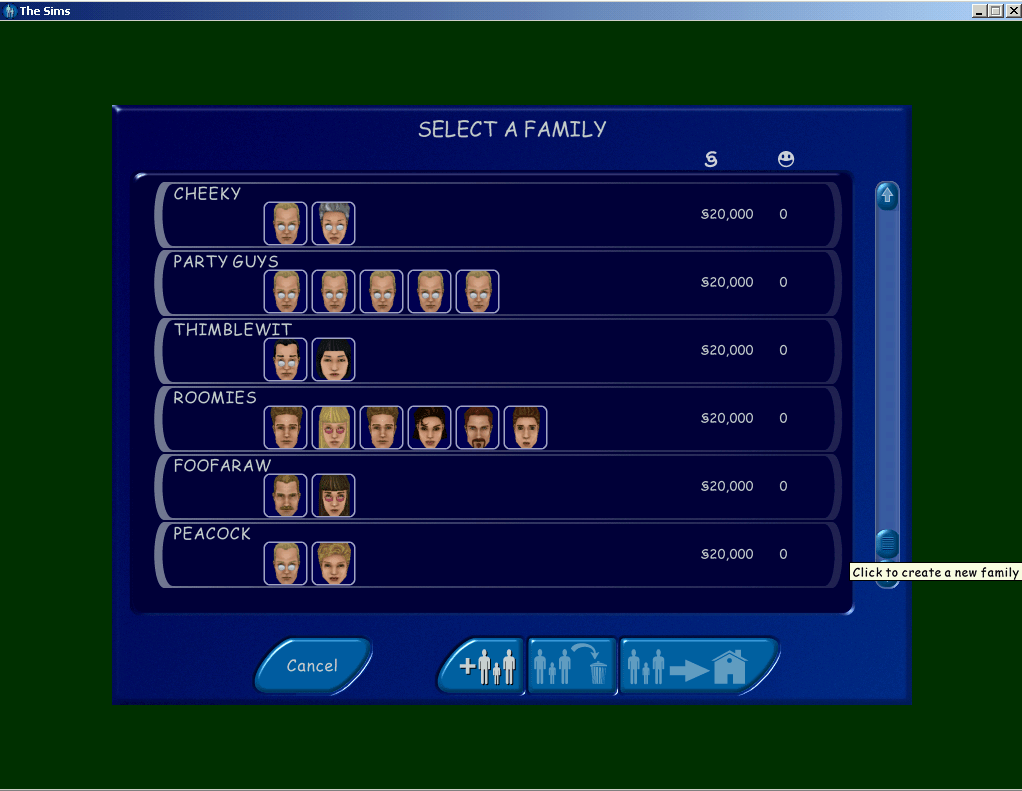
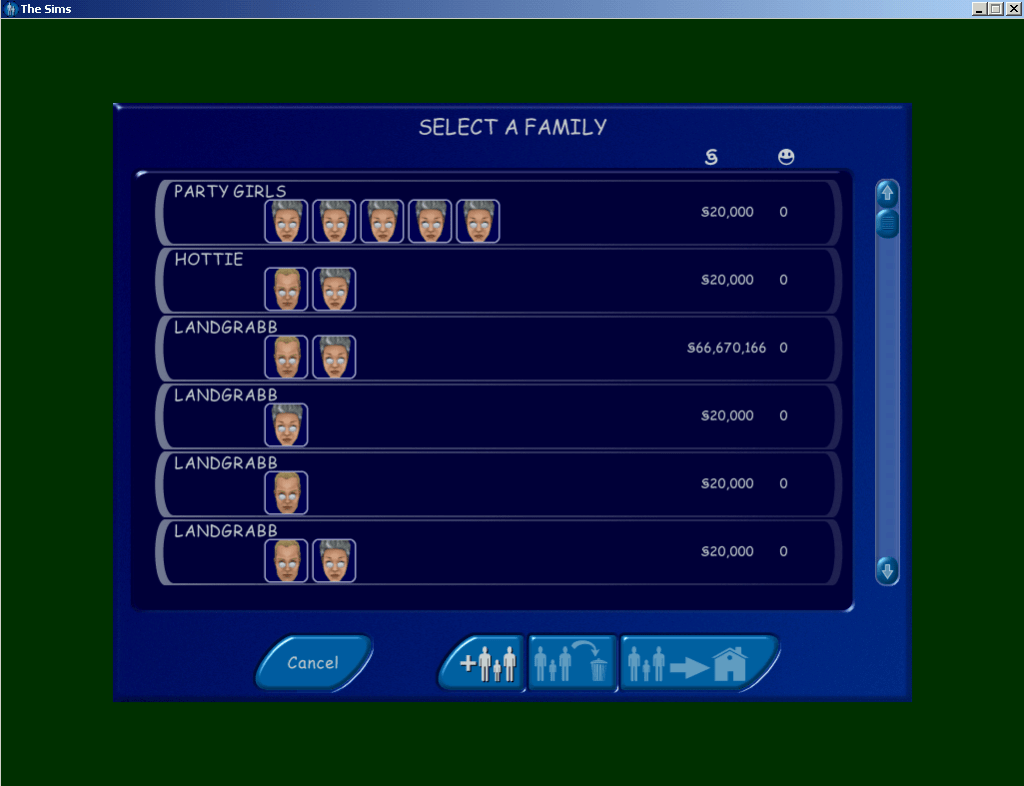
Checking the family bin you can see all the sims used in get a life mode, all from the different households. Some are even listed twice like Dudley and Mimi landgrabb .
The same issue with the lots persist, and after copying back the original files from the PC neighbourhood, I tried moving one of the sims in and clicking on their control panels. The skills and personality points seem to be intact with what the console version would show, although the sim names are always in BLOCK CAPITALS, maybe this was deliberate since it was easier to read on a standard definition TV screens at the time?
Interesting is that there are multiple copies of some sims, the Landgrabs and Mom have duplicate versions. This may be because once you move to another level, the previous sims are deleted except for the langrabb’s and Mom, who’s relationship gets transferred to the other copy. Other sims like the Roomies are deleted once you move from stage 4 to 5.
There are also two other families, the Tooter family with the sim ‘DJ’, and a ‘JANE HOUSE’. As these don’t appear in the game, they are either cut from the game or test sims. It’s worth noting than upon loading the families in a lot you will receive the below errors message, however this wont effect the game and will continue to load normally.
Loading the lots
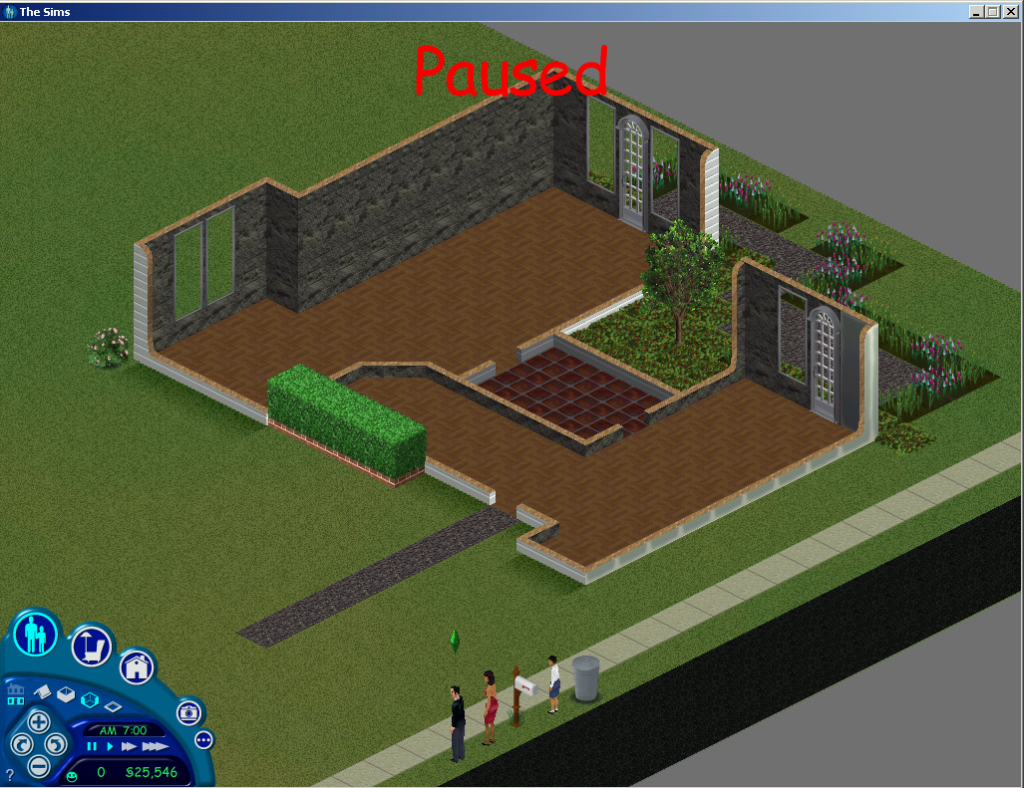
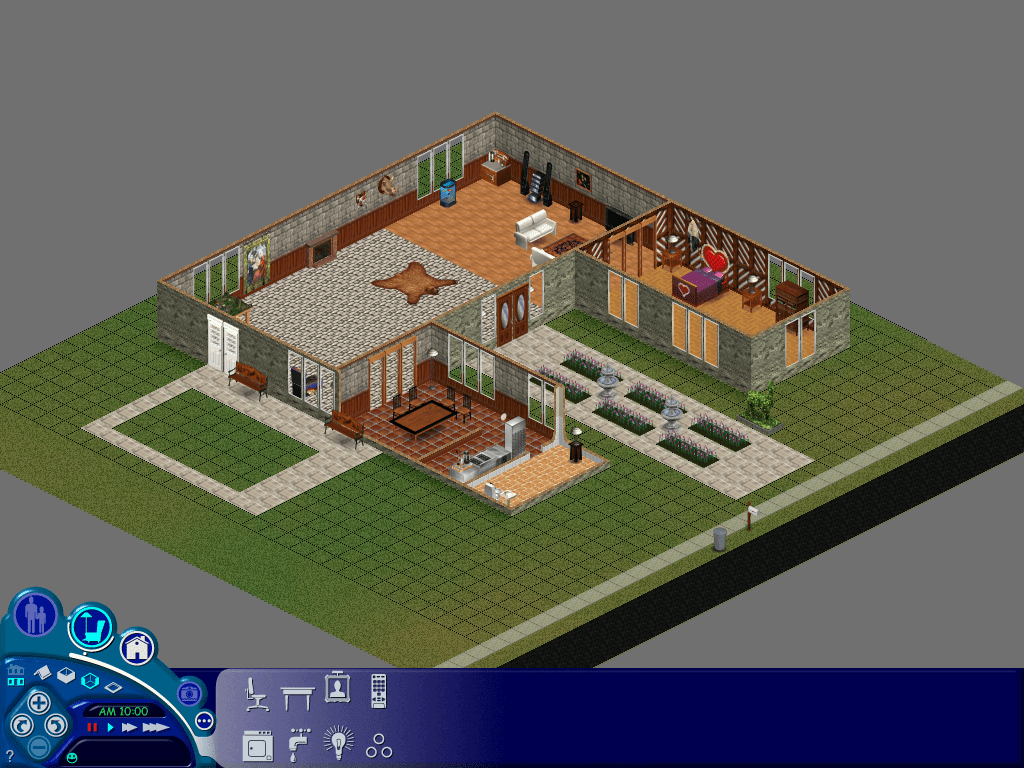
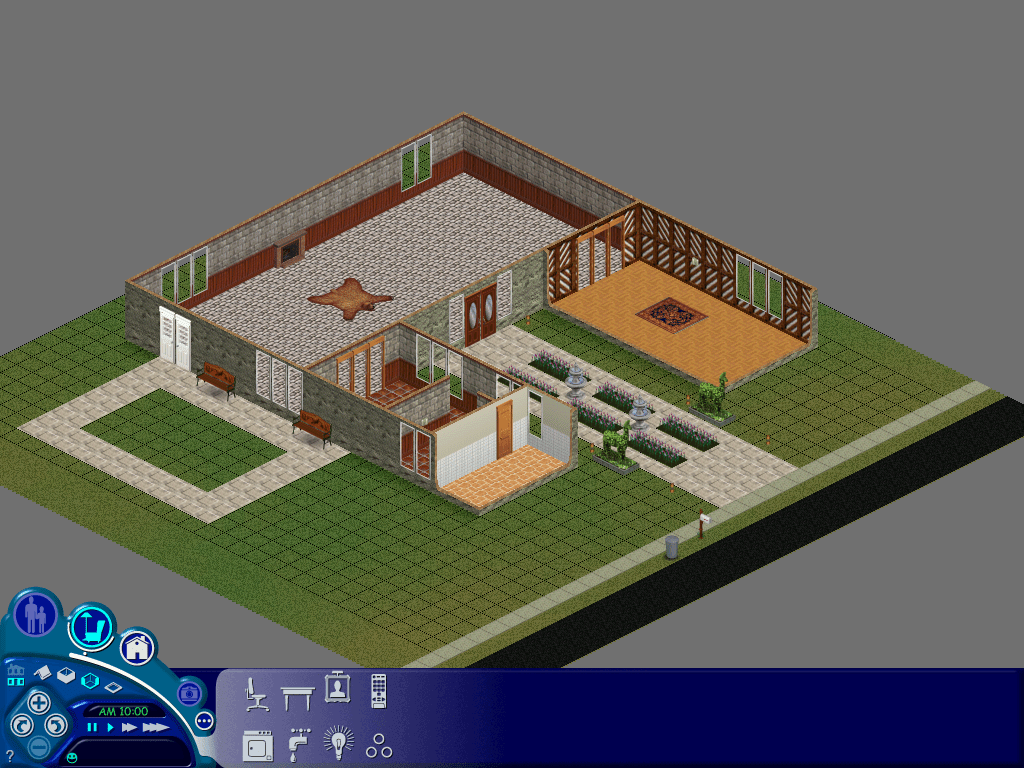
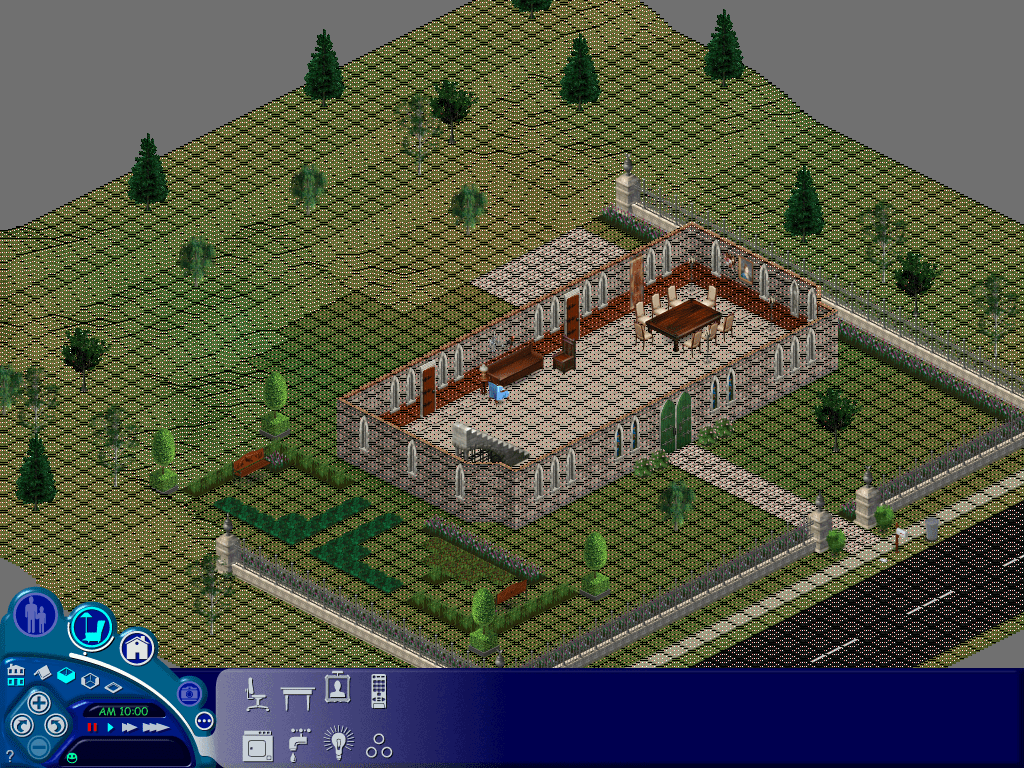
Console version of 3 Sim Lane, missing it’s second floor. Known as 3 Sim Avenue in the console release.
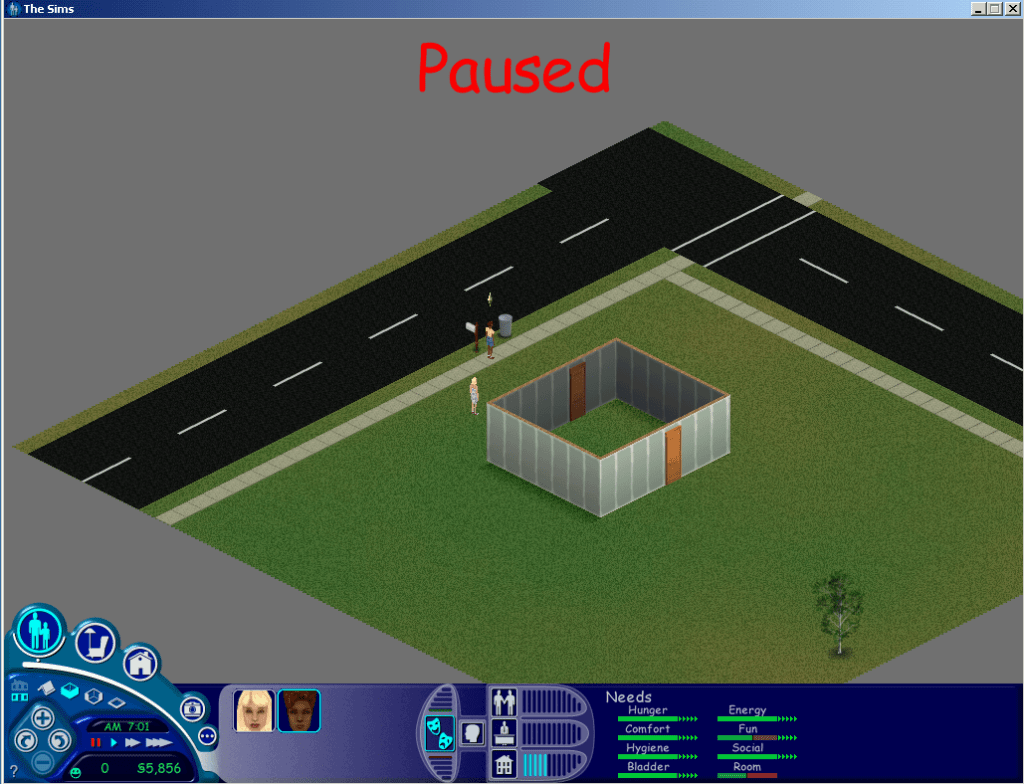
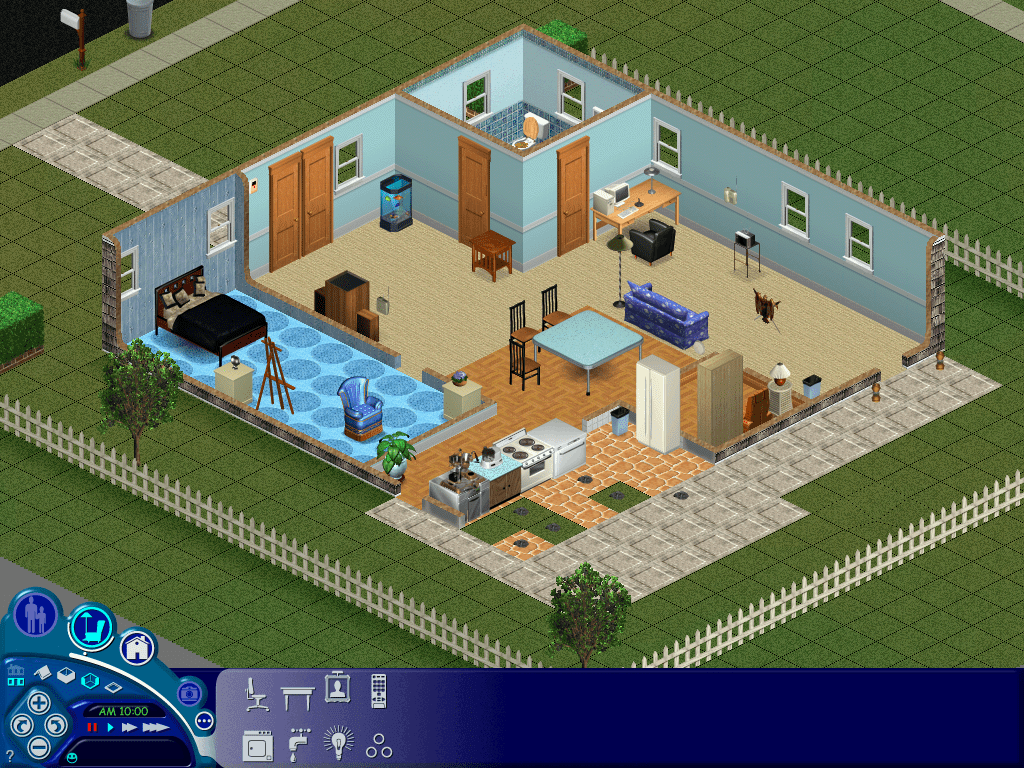
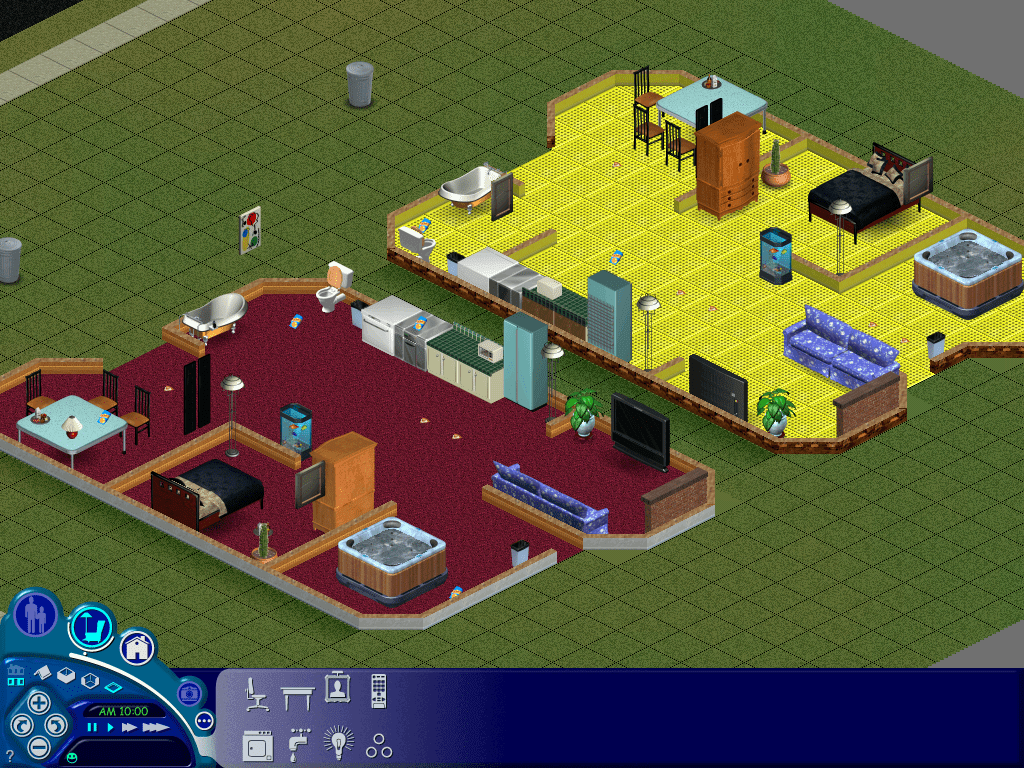
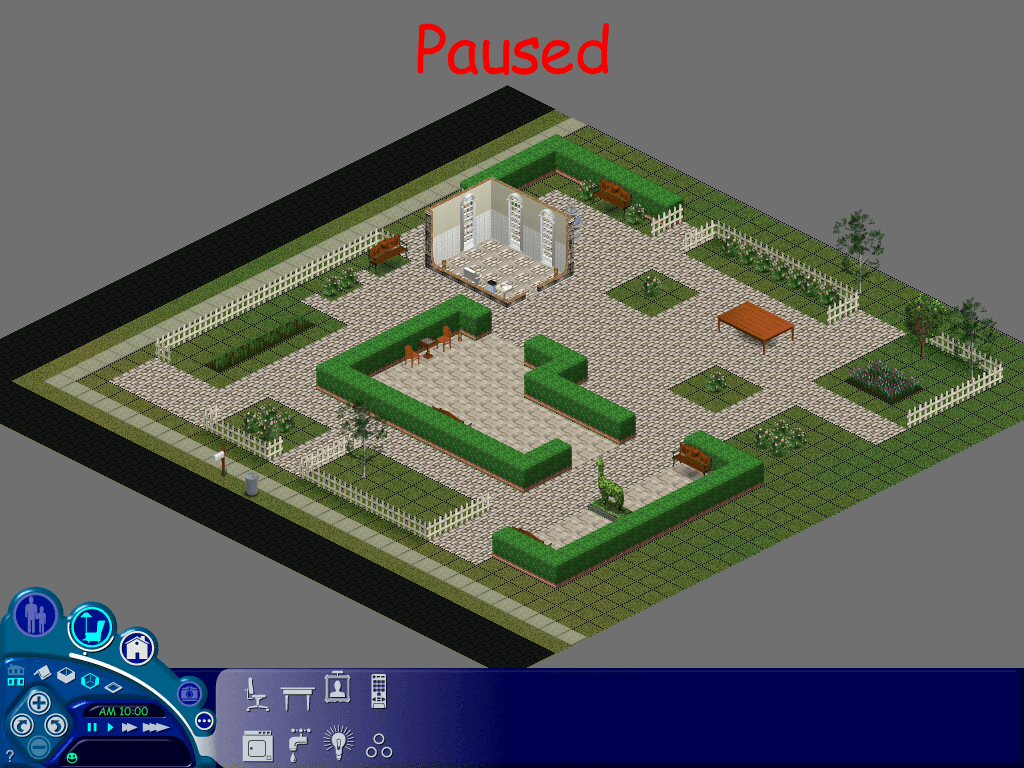
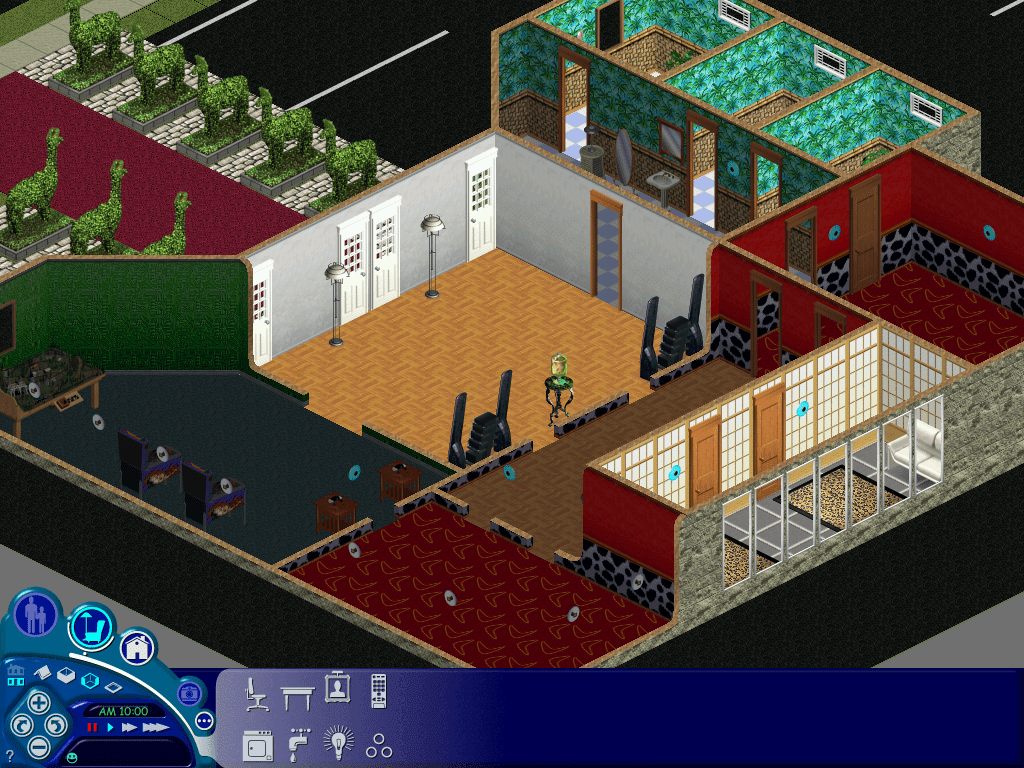
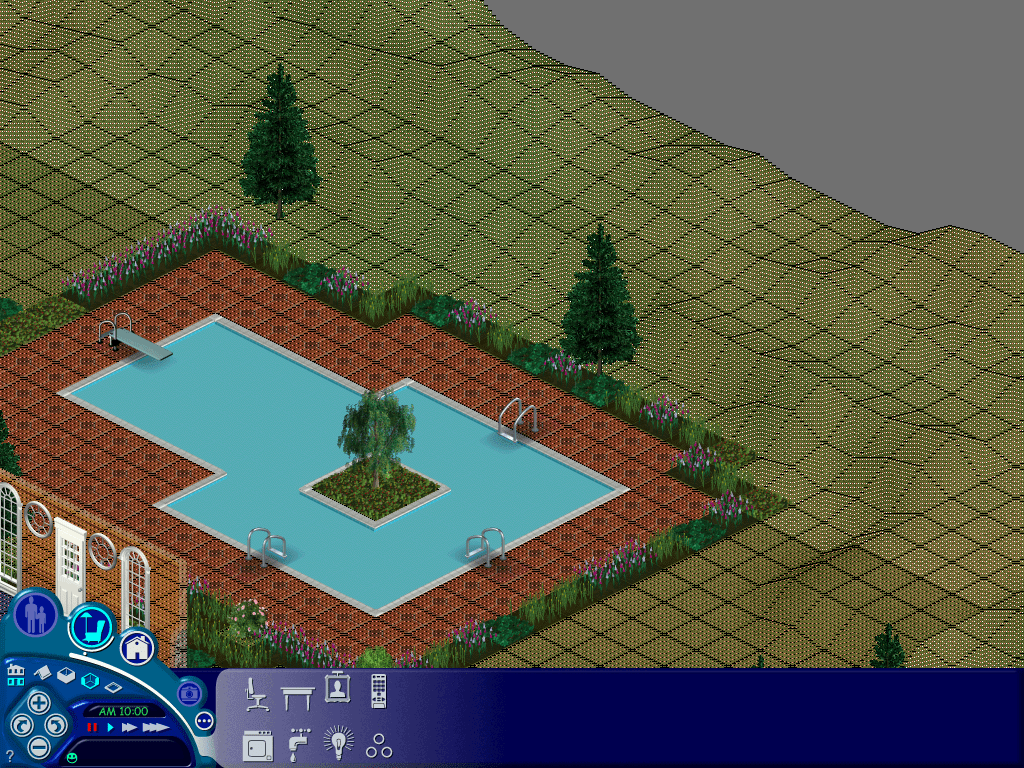
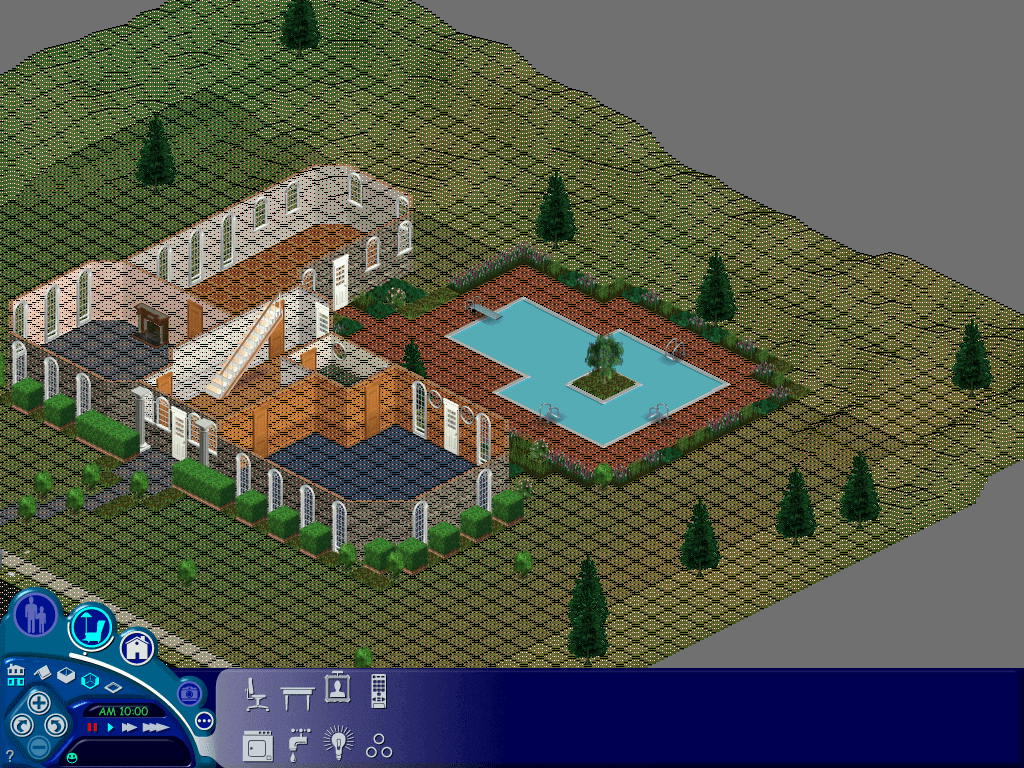
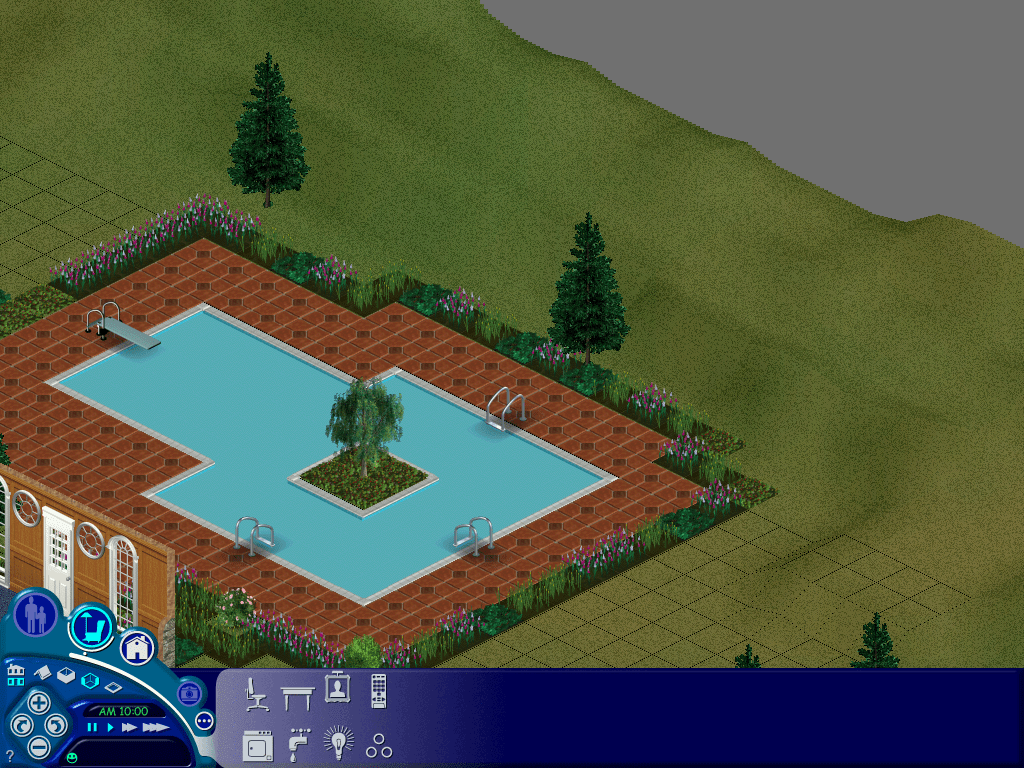
To get the console lots to load you need to trick the game into loading them, since starting the game up the game would just ignore them and the lot would be undetectable from the nhood screen, however if you load up with the original pc lots, alt-tab out of the game and replace the lot and then alt tab back into the game and load the specific lot, the game will load the lot. You will receive a missing objects error message which is to be expected, any objects the game can match will be present in the lot. Walls and floors are slightly different, the game will load the respective one but it if it tries to load a wall that is not there it will default to as substitute, the same happens with floors, and sim heads and bodies. Swimming pools will be missing since the console version used fixed design swimming pools, the PC version instead allows you to build your own swimming pool.
Console version of the Goth house, even the grave stones are intact
Unfortunately this is when I started to encounter issues with the base game, as loading certain lots would just cause the game to crash regardless, lot 4 in particular was very problematic. Switching to the The Sims complete collection fixed this and was able to load all of the lots. It was also more compatible since the console games contains content that was also included with later expansion packs, It was defiantly better at matching the correct walls and floors. Unfortunately sims complete collection refused to accept the neighbourhood iff file or the characters/sims themselves, which meant I could not load the console sims directly. Perhaps the neighbourhood files have changed significantly since unleashed in a way that breaks compatibility with the older code. The Sims Deluxe Editions might be a good compromise to test out but for now lets continue with Complete collection.
This lot appears a couple of times, however i have never seen this in game
Userdata Lots – Play the Sims Mode
After loading a lot you must save before exiting to the hood or the game, as the game will crash. Em guessing there is incomplete data that the game tries to fill in when saving, or the game tries to load the 3D thumbnail used on the console version which wont render on the PC version.
Filename
Household
Comments
House00
It’s built but no doors or windows or any objects?
House01
Empty
House02
Empty
House03
Roomies
Ok
House04
Empty
House05
Goth
Ok
House06
Empty
House07
Newbie
House08
Empty
House09
Empty
House10
Mostly empty lot with a small house and two doors
No luck getting the occupied sims themselves to migrate over, must use a different format for sims that move into occupied houses. only family’s that are in the family bin.
Story Data Lots
Filename
Comments
House00
Exactly the same as House00 in Userdata
House01
Level 1
House02
Level 2
House03
Level 3
House04
Level 4
House05
Level 5
House06
Level 6
House07
Blank level
House08
The mansion at the start of the game, dream sequence
House09
Vacant Lot
House10
Mostly empty lot with a small house and two doors
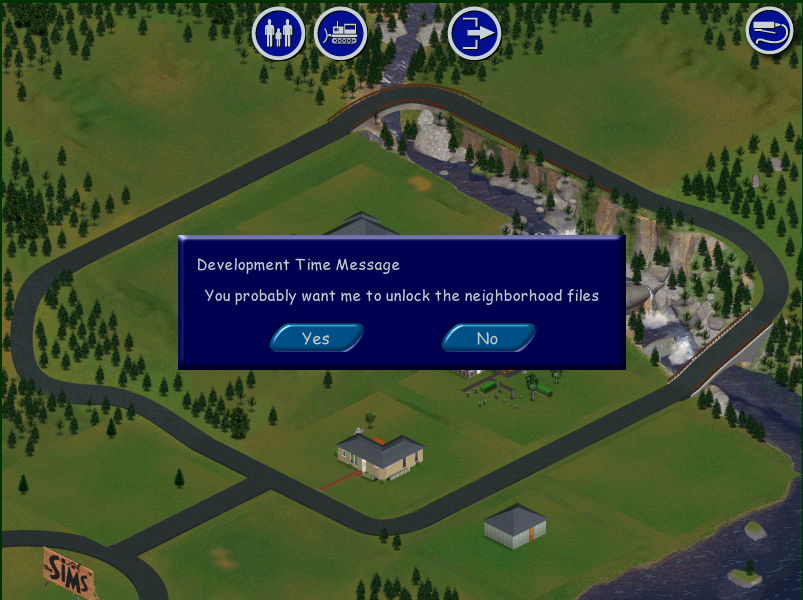
After placing House10, a development time message keep appearing, selecting yes or no yielded no noticeable effect.
Char Data Lots (Challenge mode)
Filename
Comments
House00
Exactly the same as House00 in Userdata
House01
Maid’s House
House02
The park
House03
The Museum
House04
The Frat House
House05
Club ABHI
House06
Club
House07
Party Motel
House08
Handymans House
House09
Mostly empty lot with a small house and two doors
House10
Empty Lot
Files
Links to both extracted Lots and Character files in separate archives
The lot files were imported using The Sims Complete Collection, but should work with any game as long as you extract the HouseXX.iff file into your own UserData folder
The character files were created using The Sims (Base game) and may not work past Unleashed, these contain the sims from the ‘Get a Life/Story’ mode and Challenge , Play the Sims / Sandbox mode.
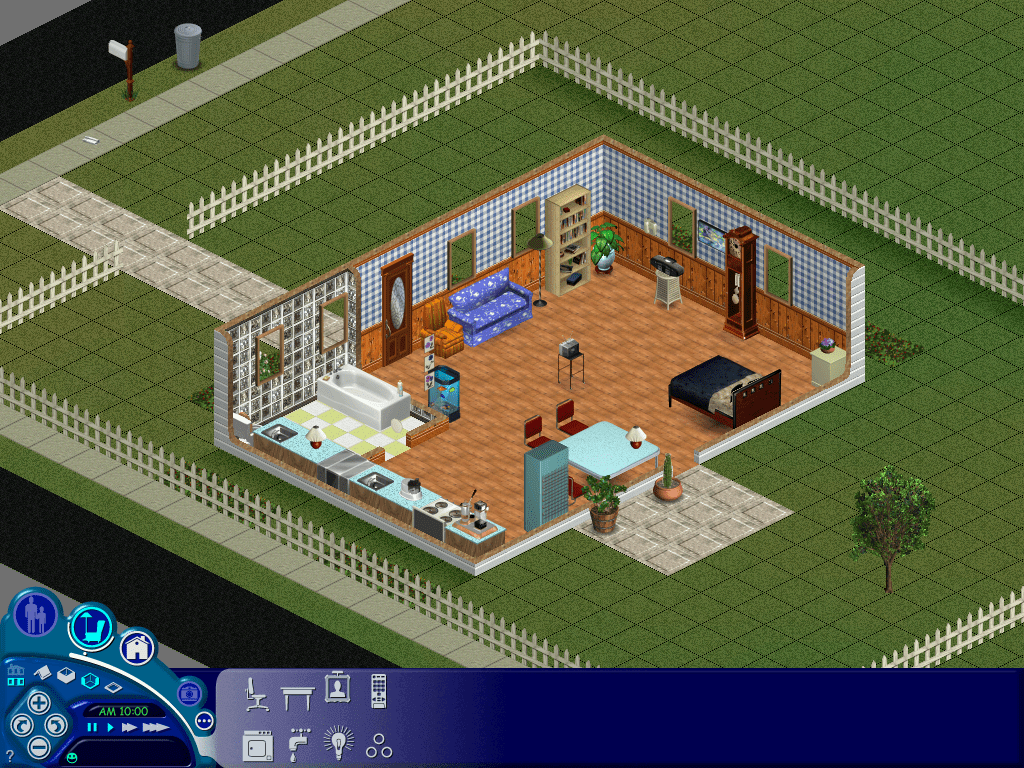
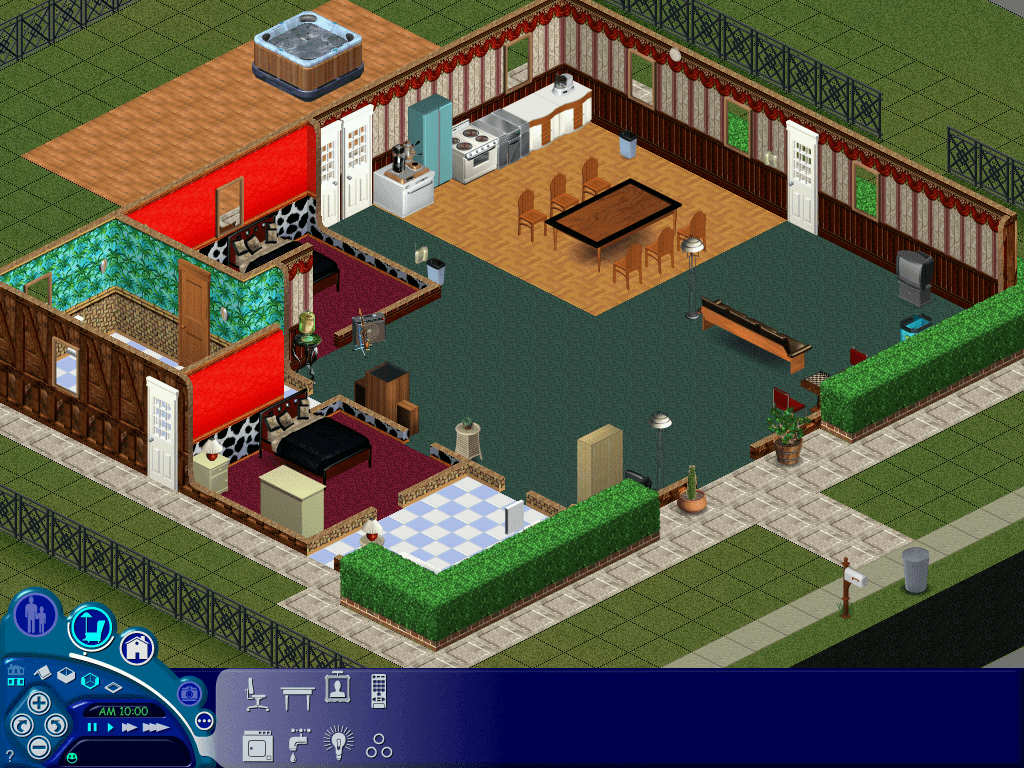
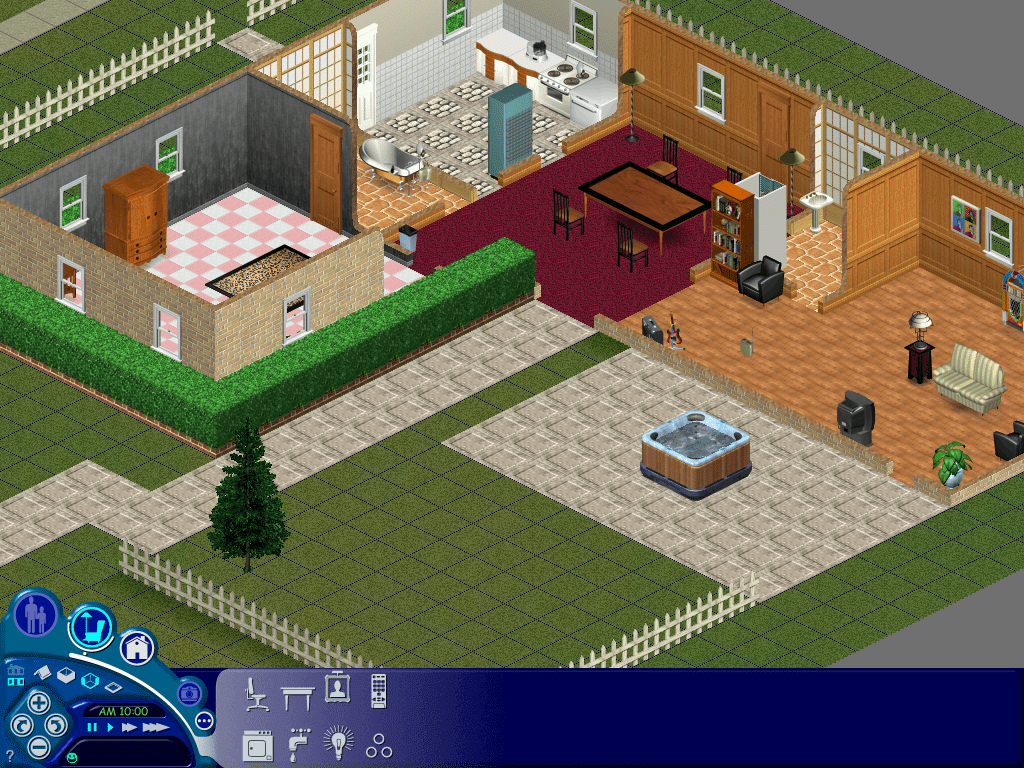
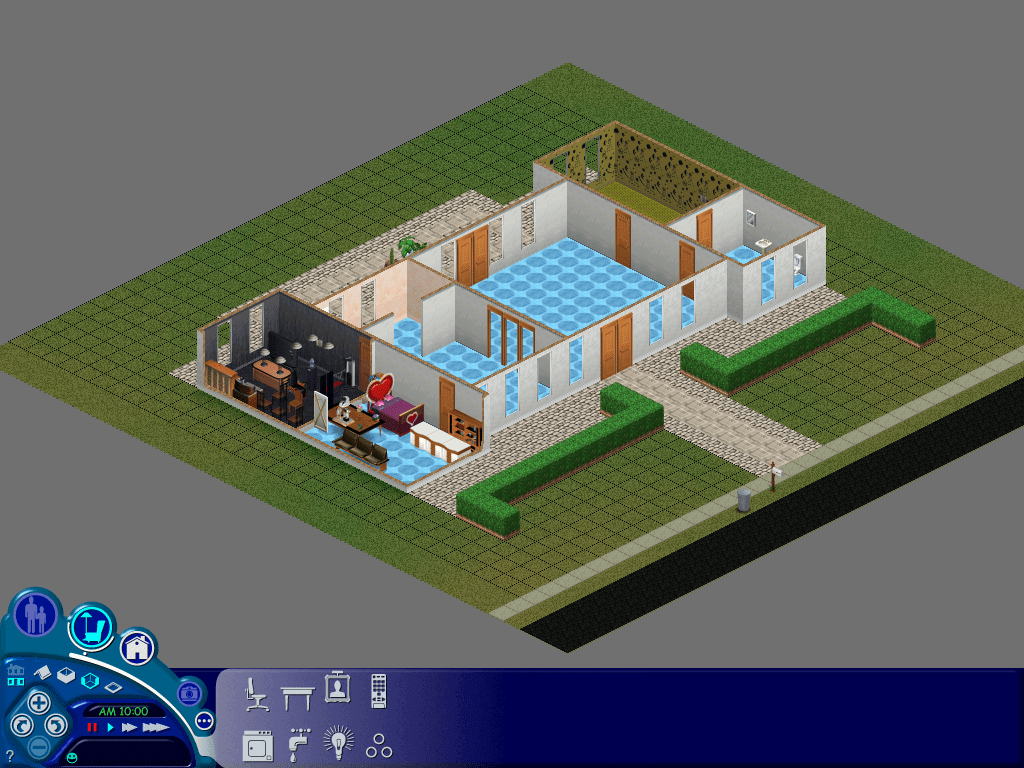
Over the course of the original sims lifespan, Maxis had released early forms of free DLC (Downloadable Content) for free on their website. Listed as ‘Get Cool Stuff’ players were able to download free families, objects and skins to use in their game. Whilst skins and objects are easy to integrate into your game, lots and families are harder, especially if you had the original base game that had no support for multiple neighbourhoods.
This meant if you wanted to use the downloaded families, they had to overwrite an existing lot in the neighbourhood, which would replace the family on the lot. Livin large mitigated this by allowing multiple neighbourhoods, but Unleashed went one step further and expanded the neighbourhood to accommodate a large amount of lots.
One thing that bothered me with Livin Large was the Mashuga family, who up until Unleashed were the sole residents of neighbourhood 2. Maxis intended for you to create and move in sims to keep them company but personally i’d rather have all Maxis sims in one hood.
Playing Sims 2 for as couple of years I came across multiple projects that seek to combine multiple neighbours into one ‘Megahood’, where pre-made neighbourhoods could be merged into one large neighbourhood. This took advantage of the sub-hoods introduced in the Open for Business expansion pack. For example Pleasentview would be the main neighbourhood, with Veronaville, Strangetown would become sub hoods, known as shopping districts in the game. You could even do this with hoods introduced in later expansion packs, and hoods that shipped with the Sims stories spin-offs. By doing this you could have one large hood where different sims from different hoods could interact with each other.
I wondered if something similar could be done for the original sims.
For this we need to be using The Sims with at least Unleashed expansion installed, since the increased lot slots were a requirement for this. Livin Large is also a desired expansion to have, solely for the Mashuga family. In order to have all Maxis families and lots in one hood, we need to move a couple of files around, unfortunately since the game lacks these tools we need to resort to trusty Windows Explorer. As always make sure you back up your UserData folders. The goal is to have one large neighbourhood with all Maxis made houses and families
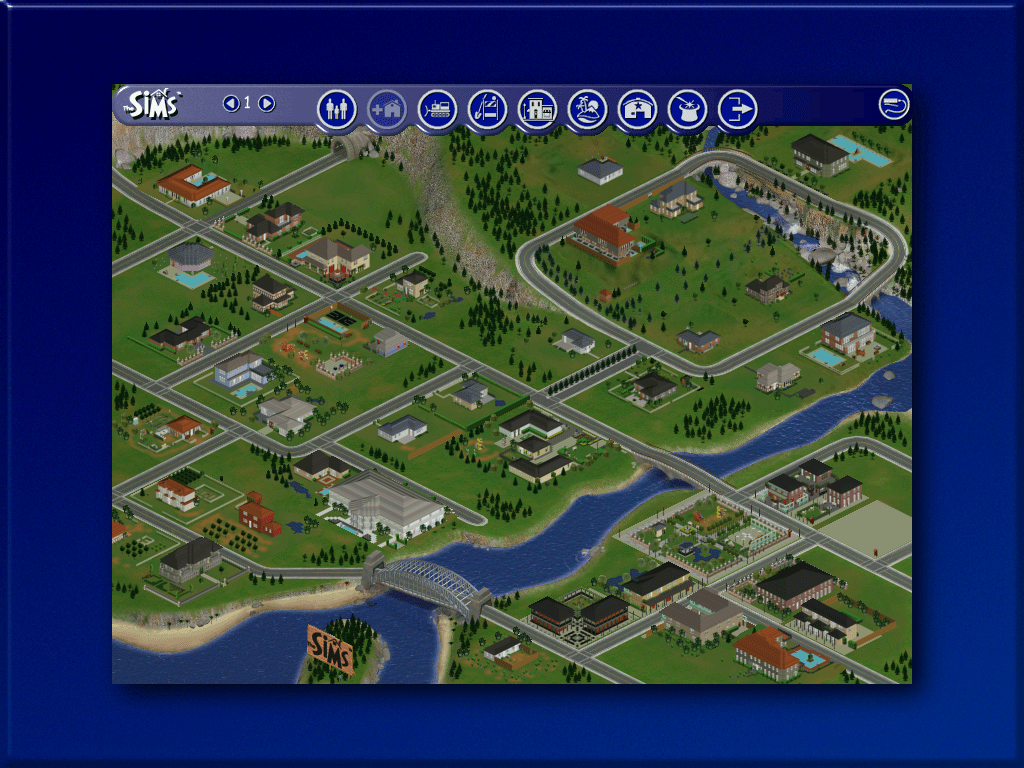
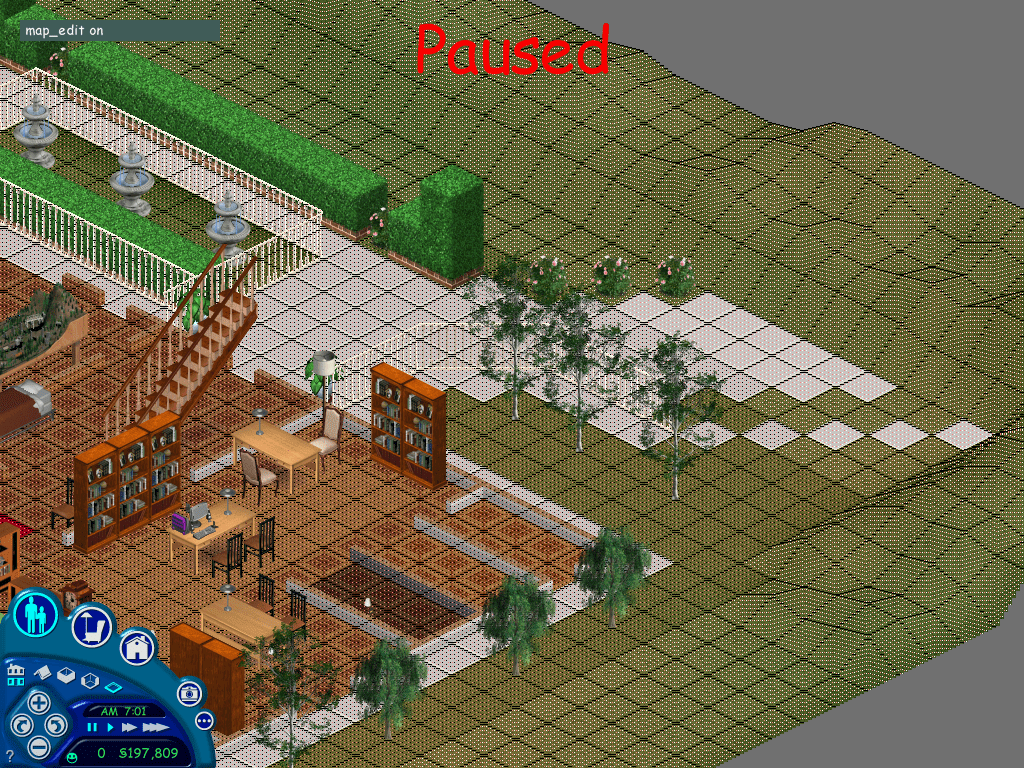
To keep the neighbourhood appearance as genuine as possible, since we will be exchanging lots that may have a different size, some lots may overlap onto the world or another lot, we can use the map_edit tool to overcome this.
Download Links
Since the original Sims website was removed a while ago, all of the Maxis downloadable files were no longer obtainable, however they can be downloaded using the below links;
We want to transfer the Mashuga family from hood 2 to hood 1. If the game is running, exit the lot and go to the hood screen. Then alt tab out of the game. The Mashuga’s reside in Lot 9, but this clashed with the Hatfield family who also reside on Lot 9, so we move the Mashuga’s to a vacant lot. The ideal lot found is lot 52, because the lot size is identical (2646 Sq Ft) and has two roads perpendicular.
To do a lot swap we need to temporally suspend the game by using alt-tab, then navigating to the game installation directory to manipulate the files
The lot will be vacant, here’s what I did to import and migrate to another lot;
First exit back to the nhood,
Switch back to nhood 2
Enter the Mashuga lot with family moved in,
Save the lot, regardless if any changes or any time has elapsed, we do this so the game generates an export file.
Exit the lot back to the nhood screen
Alt-Tab out of the game, and navigate to the game userdata 2 directory, then open the Export folder
Copy the Mashuga.FAM file and paste it into the Userdata/Import folder, Has to be Userdata not userdata2
Alt tab back into the game, the import button should be lit, switch back to the nhood 1 and press the import button
The game will import the Mashuga family into lot 9 an will replace the family on that lot, this is temporary as we will be moving them to another lot.
Verify the lot works by loading the lot
Evict the Mashuga family from lot9 by clicking on the Evict button, this will move the family to the lots and houses bin
Move them into the empty lot 52
Save the game and return to the nhood
In the Userdata2 folder, enter the Houses folder and copy House 09 file to the desktop, or to a temporary folder.
Rename that file to House52 and copy it to the directory userdata/Houses. The Userdata folder is the first nhood, with userdata2 being the second nhood.
Alt tab back into the game and switch to hood1, or hood 2 then hood 1 if your are already on the first nhood.
The Mashuga house will appear on lot 52 Ridge Road.
Enter the lot and the family should load near intact, if there are any red circles on the sims, click on them and they should spawn near the mailbox.
The Mashuga family should now be fully playable.
Phase 2 – Preparing for the Maxis refugees
Here is some information about the downloadable Maxis families
Family name
Lot
Conflicts
Jones
1
Hood1: None Hood2: Vacant lot with Home
Hatfield
9
Hood1: None Hood2: Mashuga Family
Snooty Patooty
2
Hood1: Vacant lot with Home Hood2: Vacant
Valentino
8
Hood1: Vacant Hood2:Vacant
Maximus
4
Hood1: Vacant Hood2:Vacant
The Valentino and Maximus family have no clashes and can be imported into a stock maxis hood without any issues. The Hatfield family can be imported and will replace the old Mashuga house, but since we have teleport-ed them to lot 52, that wont be a problem. The Jones family can also be imported without any issue on hood 1 also.
The Problem is the Snooty Patooty family. If you imported the family into the stock first nhood, it will replace the mansion on lot 2. We don’t want this to happen, especially since its a really nice house. We’d want to preserve it so like the mashuga house we can move it to another lot. However lot 2 is quite a big lot and if we were to migrate it to another empty lot we would have an issue where the lot would overlap another lot. This isn’t an issue when playing the game but looks funky on the hood screen.
After experimenting with multiple empty lots and using the map edit tool to change the lot boundaries, the ideal lot I found was lot 79, Crumplebottom Court. It’s not ideal but it does blend in with the other lots adjacent.
Similar to the Mashuga lot moving processes, alt tab out of the game
In the Userdata/houses directory, copy the House02 file and paste it to the desktop
Rename the file from House 02 to House 79
Paste it into the same Userdata/houses folder, overwrite if prompted
Alt/Tab back into the game, switch between hood 2 and 1 to refresh the screen
The lot should appear but looks a bit… iffy. This is because the lot is a lot larger than the lot it has replaced, fortunately we can do something to amend the lot data using the map_edit tool
Enter lot 79
Hold Ctrl Shift C, in the command box, enter “map_edit on”
This puts you into the map editor mode, were you can select the tiles we are able to edit, this also controls which roles appear on the hood screen. Thankfully this lot is quite large and has a lot of editable space.
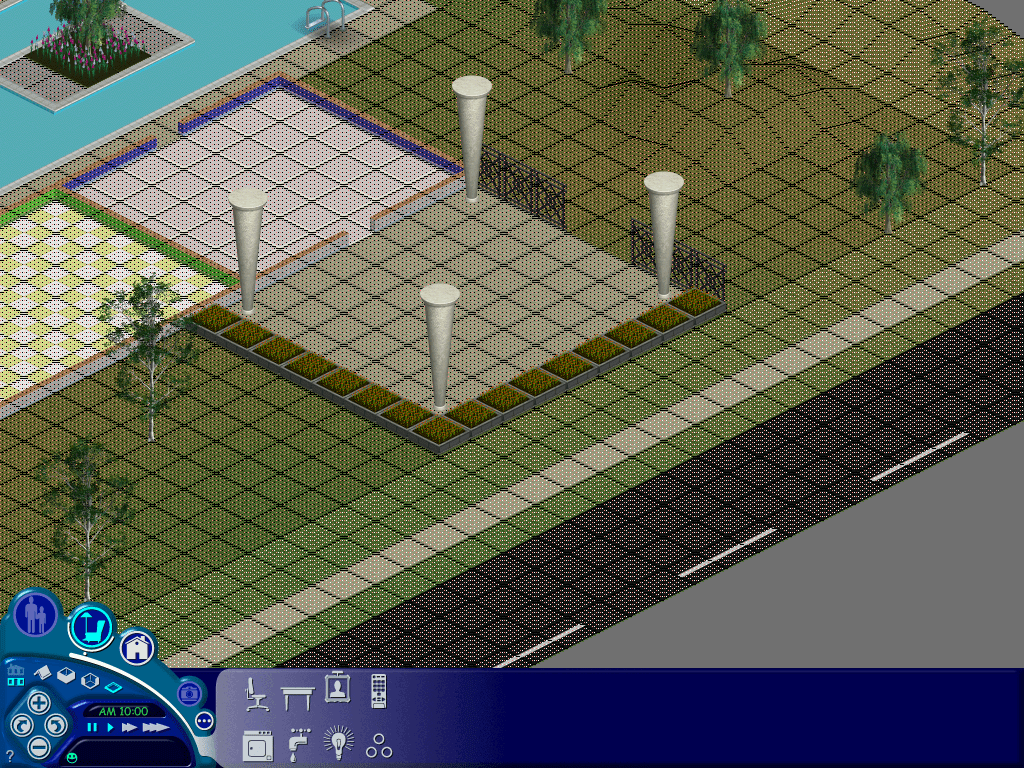
The shaded/red square tells the game that the tile can be user edit, whilst the white parts tell the game this tile is off limits and cannot have objects placed on it. You will notice both sides of the lot are unshaded, along with the road at the front of the house, which should give you an idea how the map edit works.
For this lot, we want to section off the rear, so the map on the nhood screen wont bleed onto the road (technically the map is the wrong way round compared to the nhood screen, but this wont affect the game stability and is purely for cosmetic, you will however lose the ability to place objects in this area but since this is a huge map that should not be a huge issue, also the carpools will continue to function normally)
Once you are happy with the map, hold Ctrl Shift C and enter map_edit off to disable the map editor, and then save and exit back to the hood. You must save the game by using the save button (floppy disk icon) first, then press the neighbourhood icon, if you just press the neighbourhood icon you will lose all map editing changes, the game wont even ask if you wish to save. I think this occurs because no new items have been placed on the lot or no game time has elapsed, so the game thinks no changes have been made to to the lot, despite editing the map parameters.
Once you hare happy with the changes, we can go ahead with importing the Snooty Patooty family
Phase 3 – Importing the remaning Vacant lots
Migrating the remaining vacant lots from hood 2
The second hood contains 2 vacant lots which we can import into the first neighbourhood, however there are a few clashes that we nee to solve before we can migrate them to hood1
1 Sim Lane
Clashes with the downloaded Jones family
7 Sim Lane
Clashes with the Newbie Lot in Hood1
1 Sim Lane
Lot 65 seems to be a good fit
Alt tab out of the game
Goto Maxis/Userdata2/Houses
Copy House01 to the desktop and rename it to House65
Copy an paste House65 to the UserData/House directory, Overwrite if prompted
Enter the lot, once loaded enable the map edit tool (map_edit on)
for this lot I would unshaded the hilly areas at the back of the lot
Once everything is correct, turn off the map edit tool (Map_edit off)
map editing lot 1
Lot 7
We can move this lot onto lot 50 Ridge Road
Alt tab out of the game
Goto Maxis/Userdata2/Houses
Copy House07 to the desktop and rename it to House50
Copy and paste House50 to the UserData/House directory, Overwrite if prompted
Enter the lot, once loaded enable the map edit tool (map_edit on)
This lot you can unshaded the right side, near the patio next to the road.
Once everything is correct, turn off the map edit tool (Map_edit off) and then save.
The ‘Other’ Lot 2 – The Agent Household
There is another Maxis download known as the Agent house, however given the size of the house and lot, i’m not sure on the best way to integrate it into the hood. This lot also occupies lot 2 so it would conflict with the mansion from the original game and the Snooty Patooty household.
Lot 67 seems to be a good candidate but requires a lot of map editing.
There isn’t much room to cut away before you start selecting tiles that are already occupied. Still it’s not too visible from the hood screen, only the white tiles can be seen overlapping onto the road.
That’s it! i’m not sure if there were any additional lots or families released by EA/Maxis for the original game but we at least have a vacant lot on 51 Ridge Road for future use. Unfortunately with the original sims you are quite limited on how lots can be placed in a single hood, in addition to the quantity of lots. Looking at the game files it seems theirs an engine limit of 99 lots, with many being used for commercial lots. Strangely lots 11-20 are unused by the game, with the Downtown lots start from 21 -30. Maybe there’s a way be can unlock and access these lots and find a way to map them on the main neighbourhood screen so they’re accessible by the game.
So I stumbled on a document regarding Sky’s WapTV designs, which were supposed to be the next major milestone for interactive TV. Seems that at some point you would have been able to browse and manage your household and utility bills online via the services section of the digibox.
I think we missed an EPG update
Meanwhile here is what the Services section looks like on an actual Digibox;
My guess is the existing services menu options listed above would be nestled under the ‘SKY’ option. Maybe with a link to the Sky customer zone, which was an interactive service that allows customers to manage their Sky account, now known as ‘MySky’. Instead it was listed under the interactive section. Links to the ‘program My Remote’ and ‘PIN control reset’ would have also been useful here. Overall the services section was very underused on Sky digital. Interesting is that there is no other option for Broadband or Mobile (unless it was bundled under TELEPHONE)
That said can we all appreciate how good the EPG background looks? I don’t see why we couldn’t have had that background instead of the light blue from the later revisions of SkyGuide.
Also in-case anyone is interested in the document, I have attached it below.















 Drew1440: Blog