One of the many Digibox’s Pace produced over the years, and one of the first to have the tuner integrated on the mainboard, previous models had the tuner enclosed on a separate metal box fixed onto the board, or as a ZIF style socket module.
Pace 2500S digibox mainboard
Another box from the same era was the PaceDi4000N for ntl, although this is a cable receiver you can see some similarities in the design.
Pace Di4000 ntl box mainboard
Its quite a minimal clean design compared to the other boxes Pace have produced, like the Di4001
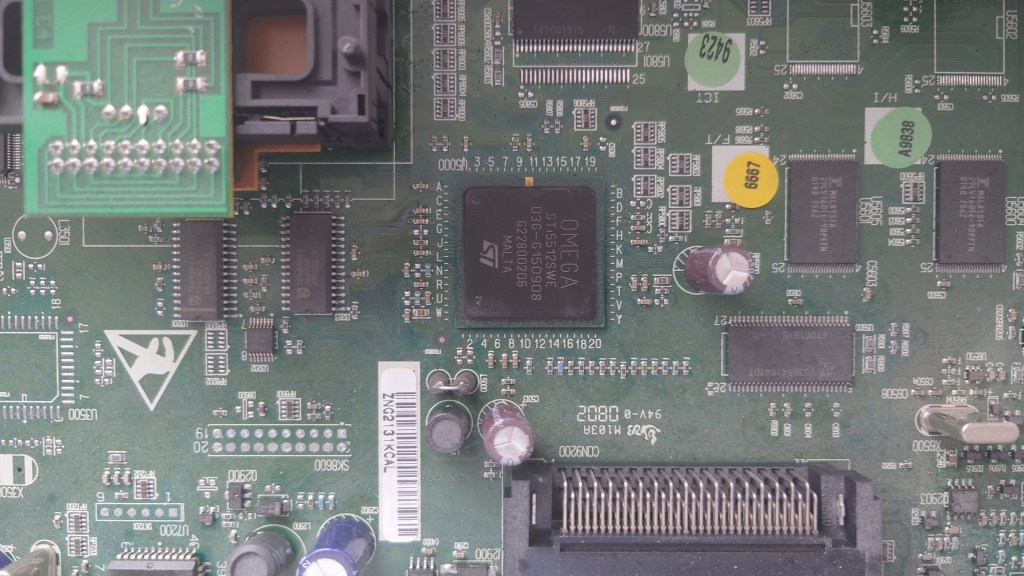
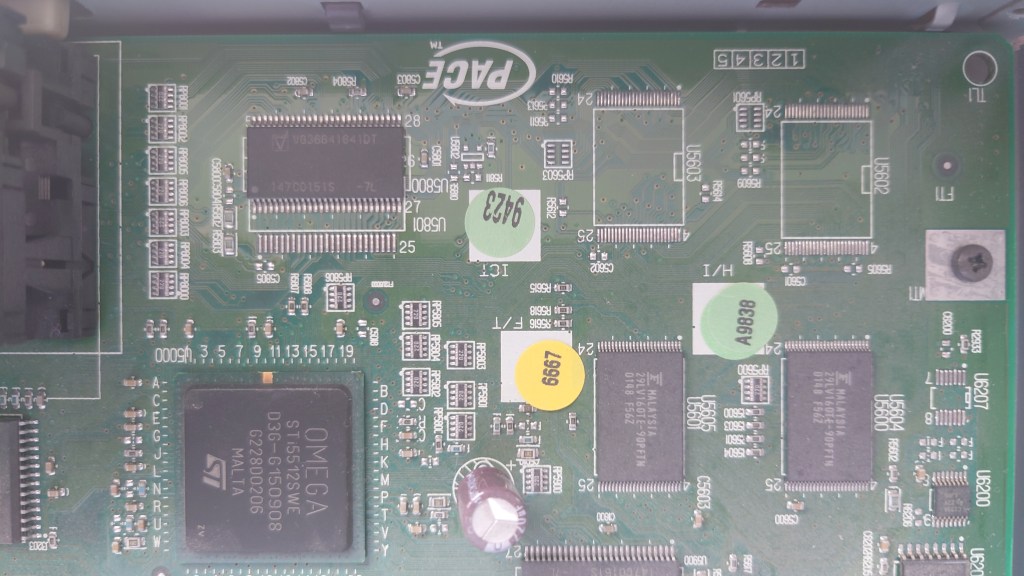
Back to the 2500S5, you can see the CPU of the box
The main, and only processor STi5512SWE. This chip incorporates the CPU (ST20) running at 60Mhz, MPEG2 decoder and graphics processor, basically a receiver on a chip. I’m not sure how it compares to other digibox’s of the era in terms of speed, considering this box was made in 2002.
ST processors were stupidly popular in many satellite receivers, and this one seems to be an NDS variant
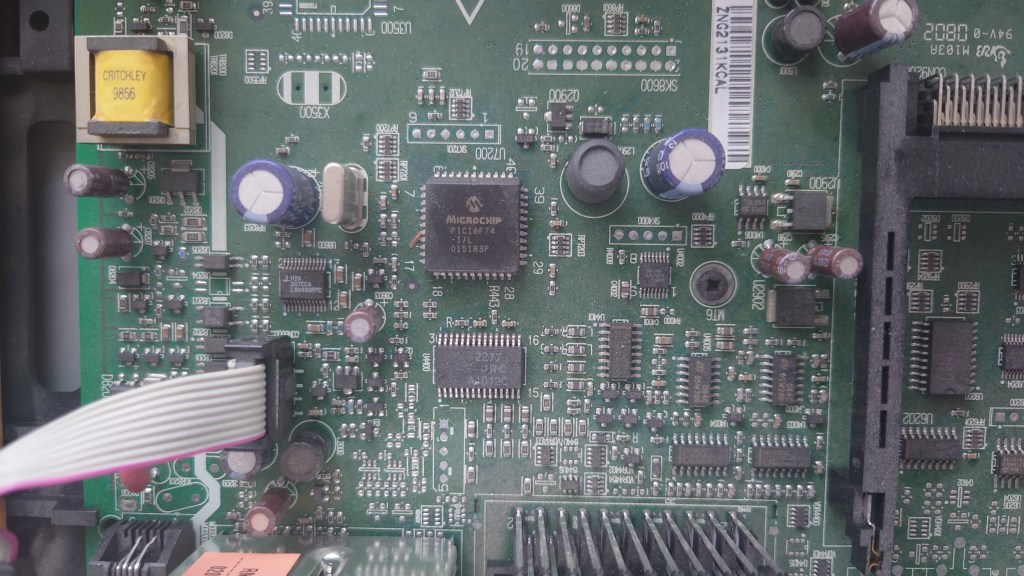
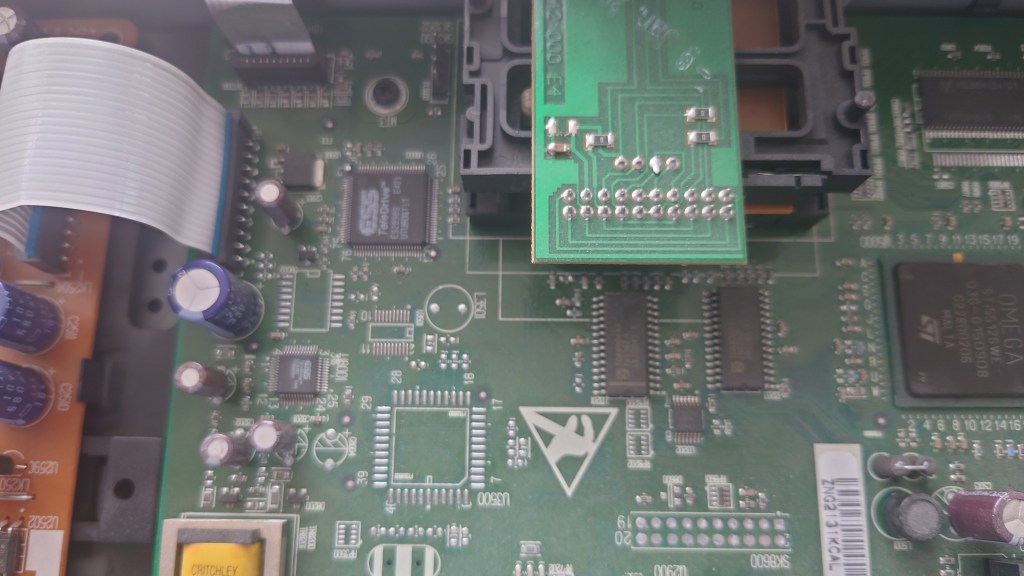
Not sure what this chip does, maybe I/O for the RS232 port?
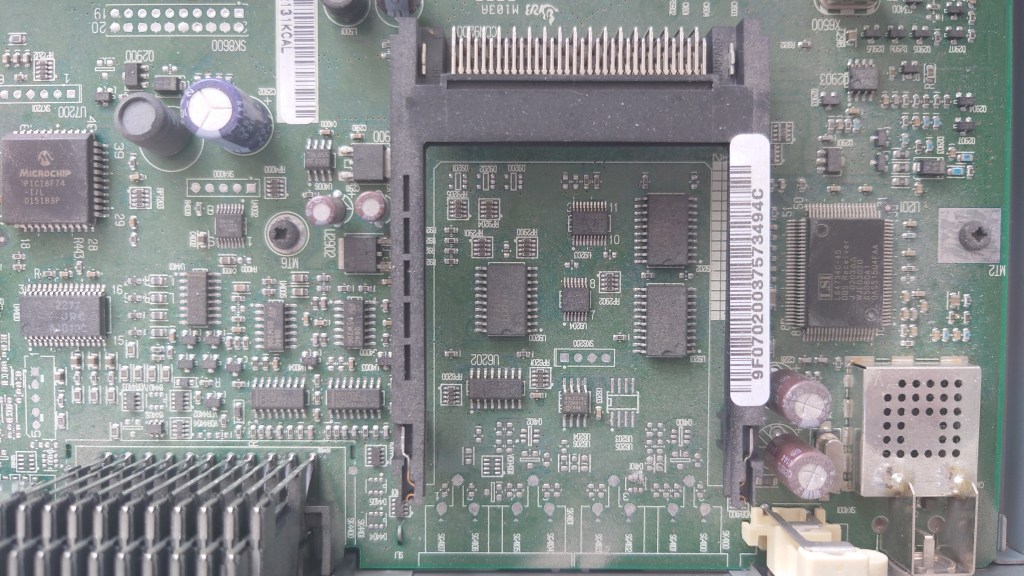
The unused PCMCIA slot
Flash memory chips (right) that store the EPG software and operating system. Each chip is 2Mb for a total of 4Mb Flash. There are two unpopulated banks for a potential of 8Mb. The chip at the top left, above the Omega chip is part of the RAM.
View of the dual card slots, the bottom is for the viewing card, whilst the top is for the interactive card.
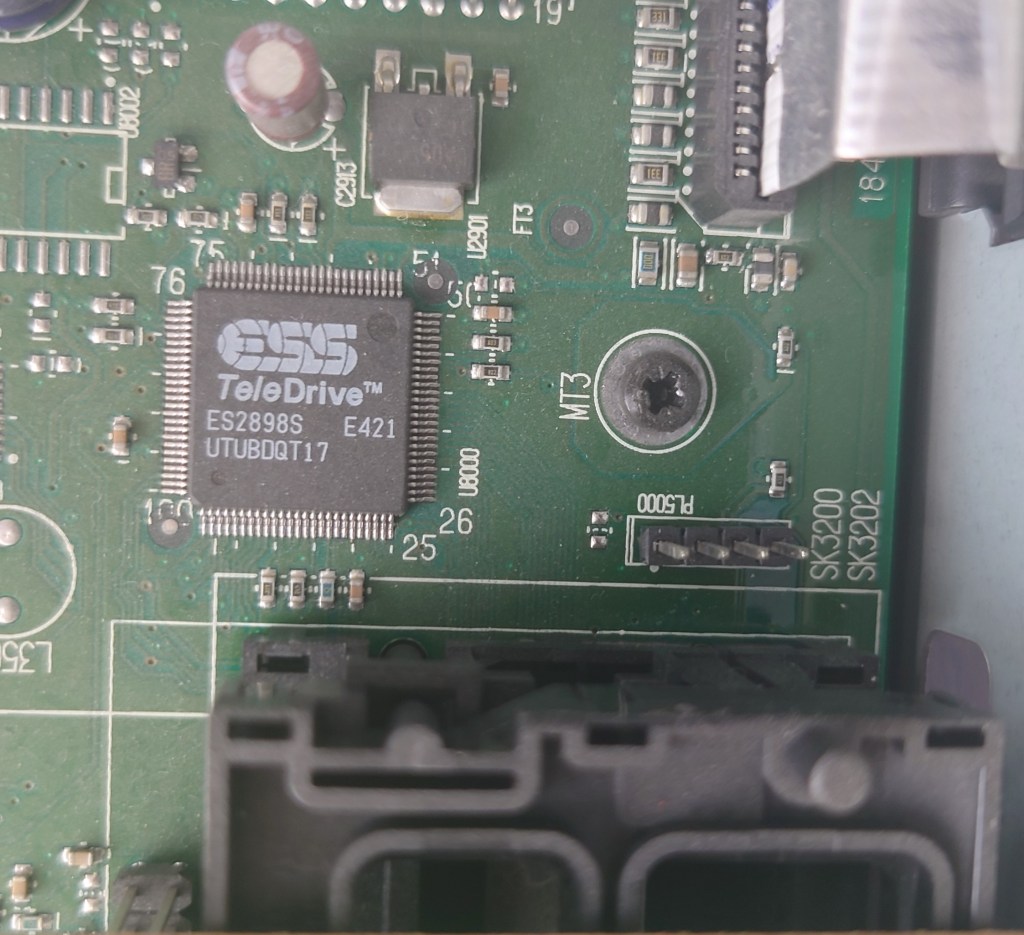
ESS Teledrive ES2898S
Appears to be the modem used for the Digibox’s return path. This allows for the digibox to communicate back to Sky for box office events and interactive. Unsure of the port on the right
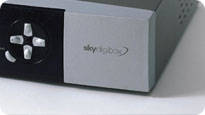
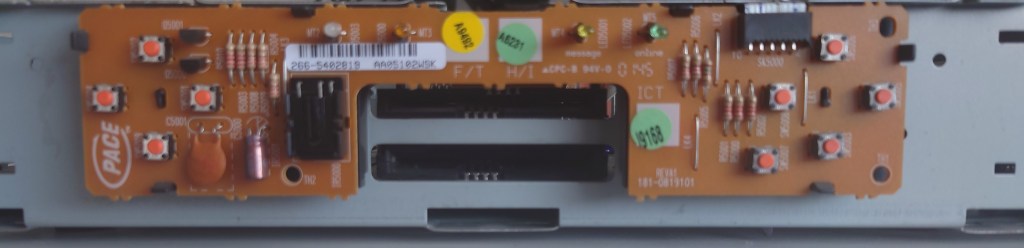
The front of the box with the panel removed, showing the location of the remote sensor
Connecting an old ntl box running ancient (by cable standards) software to a modern Virgin Media network. Whilst Virgin Media is the sucessor to ntl there are a few possible roadblocks to this;
VM no longer broadcast their channels in MPEG2 with the exception of a few off air slates and radio channels.
The DVB-SI that VM broadcast may not be consistent with what the software is expecting
The STB itself may be looking for something that VM are no longer transmitting
Getting the box to boot was a struggle itself, just connecting it to a cable feed is not enough since the box will get stuck on the starting up screen, I left it overnight and the box was still trying to start up
Forcing a boot (holding Up+Down and letting go once LDR appears on the display) wouldn’t work either
What worked in the end was to power up the STB will the cable feed disconnected, this will cause the box to display NIT on the front panel LED display. Connecting the coax feed, the box will then proceed to the start up screen and after around 5 minutes a channel will be displayed.
Well the box managed to load something, lets see what we get…
The main EPG, showing the many channels or streams Virgin broadcast
What’s disappointing is nothing can be tuned, you can select a channel but nothing will play, not even radio channels. Potentially this could be the NetID mismatch causing this , since the STB originated from a different area of the network.
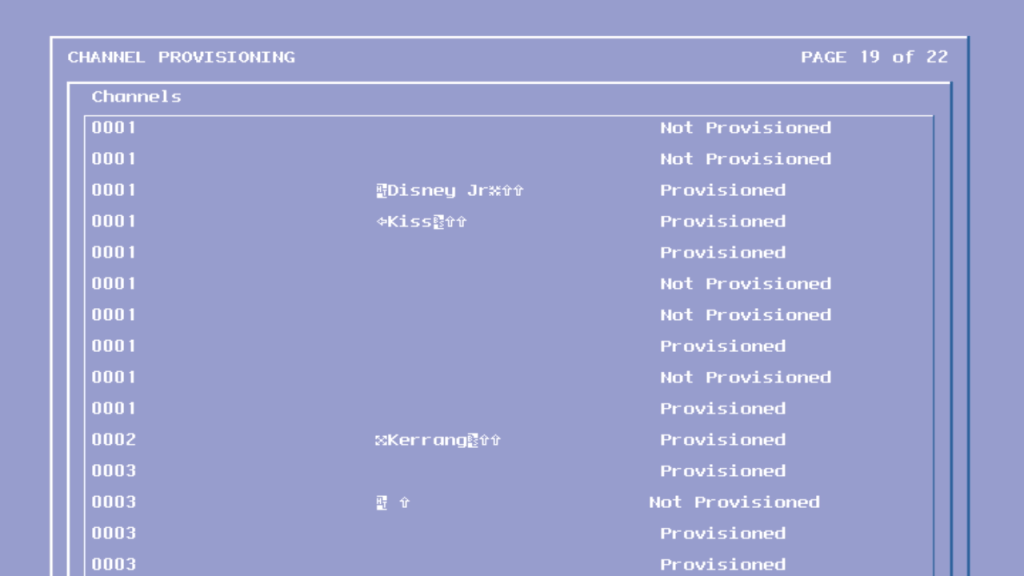
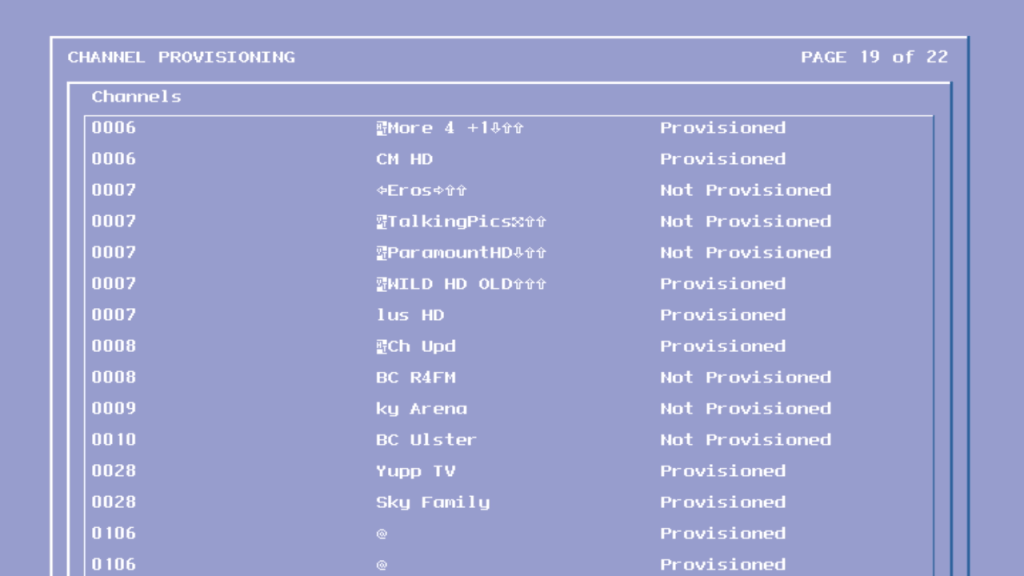
Looks like software update streams for the various tivo box models currently in use with Virgin Media.
To breakdown what works and not
Channels Numbers exist but its not the order that Virgin use, the STB seems to place them consecutively in the EPG, i.e starts at 1 and goes up to 350
There are issues selecting channels over 255 in the guide, trying to select a channel number over 255 causes the box to pull a channel from the top section of the EPG, i.e selecting channel 260 causes channel 5 to get selected instead.
Only now and next information is loaded, no further schedule information is available
Subject search does not function
Channel genres do not work, selecting Entertainment or Sports shows no channels.
Various hidden streams and channels appear in the guide
Changing channels using the + and -, the list is out of order and the STB seems to jump between different channels.
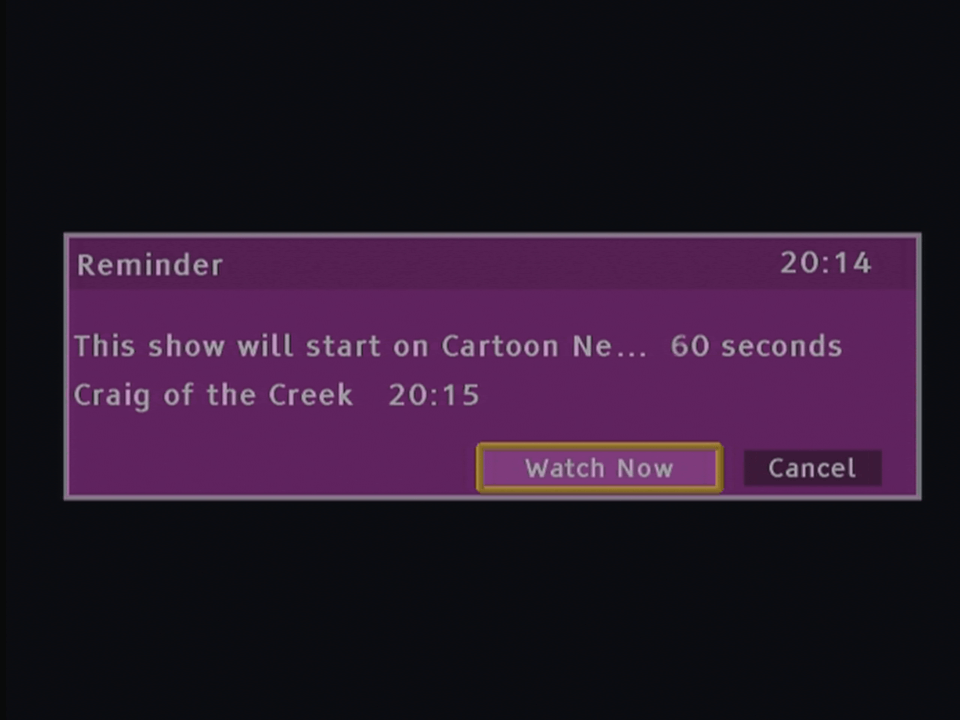
Program reminders work and can be set
Maybe changing the Net ID will at least allow the radio channels to be opened
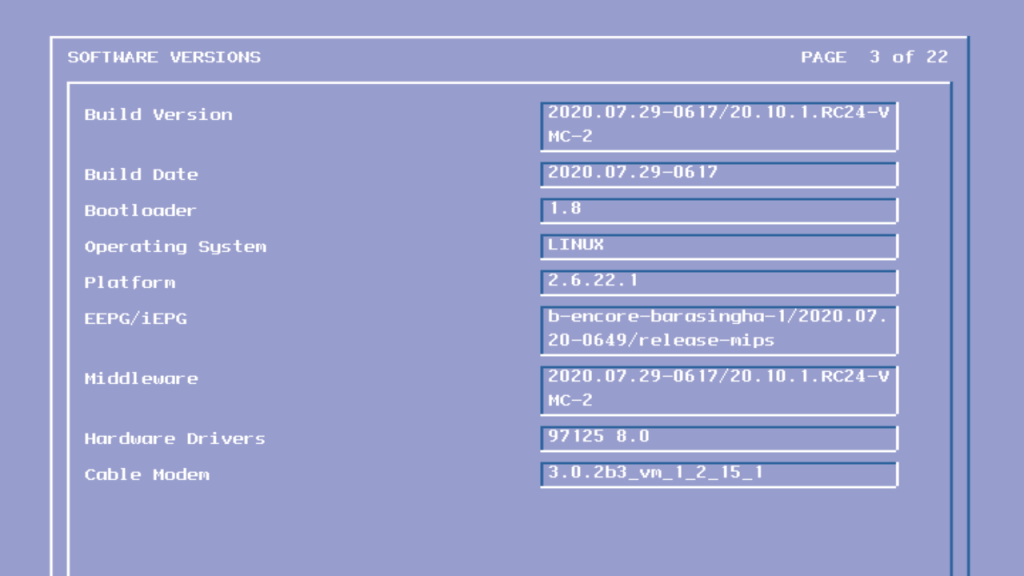
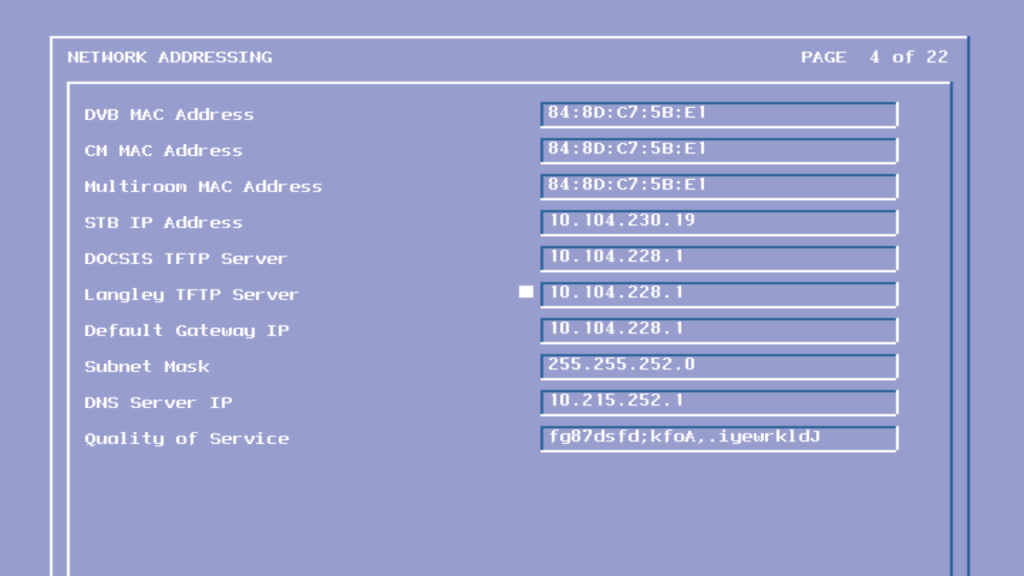
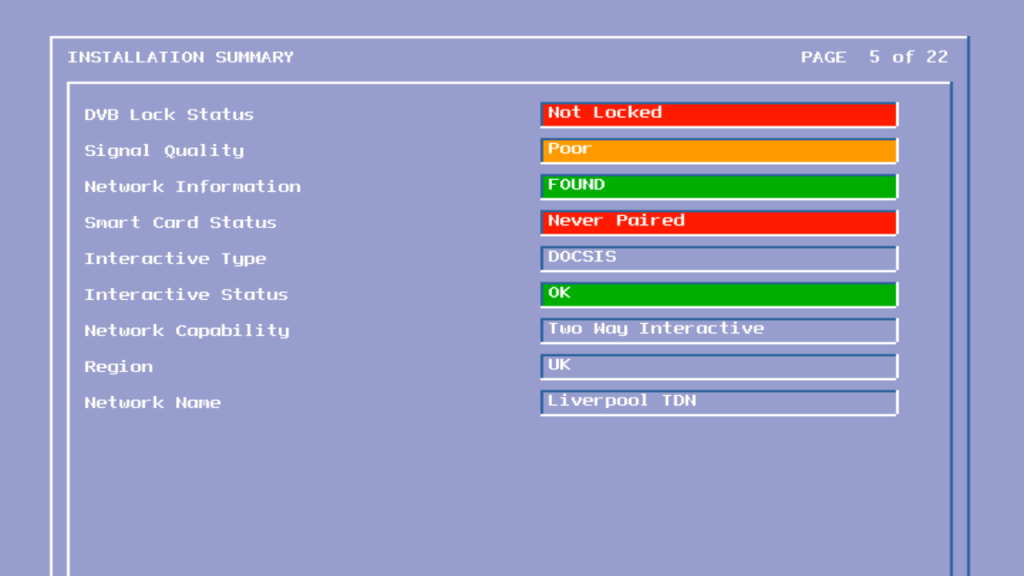
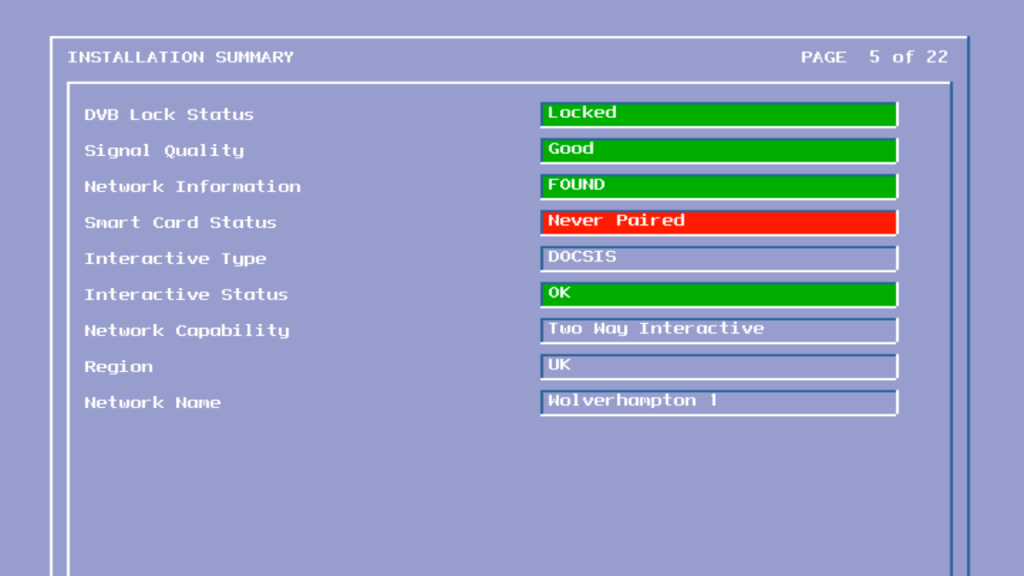
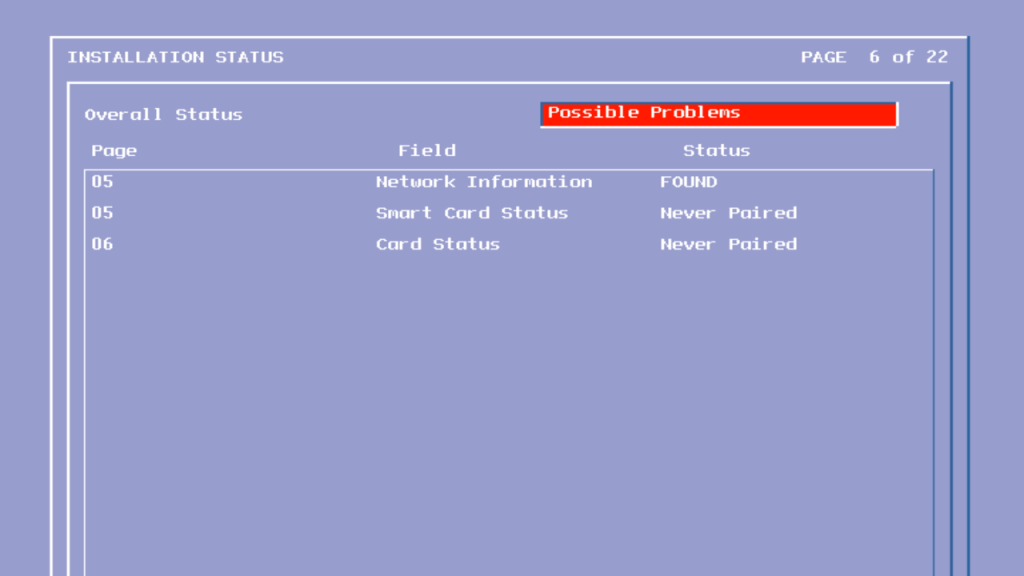
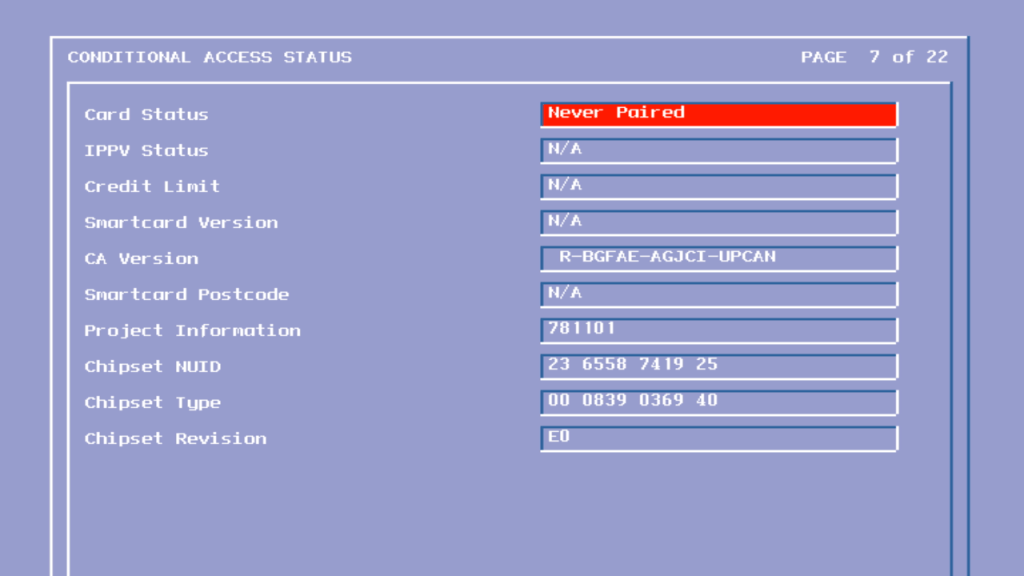
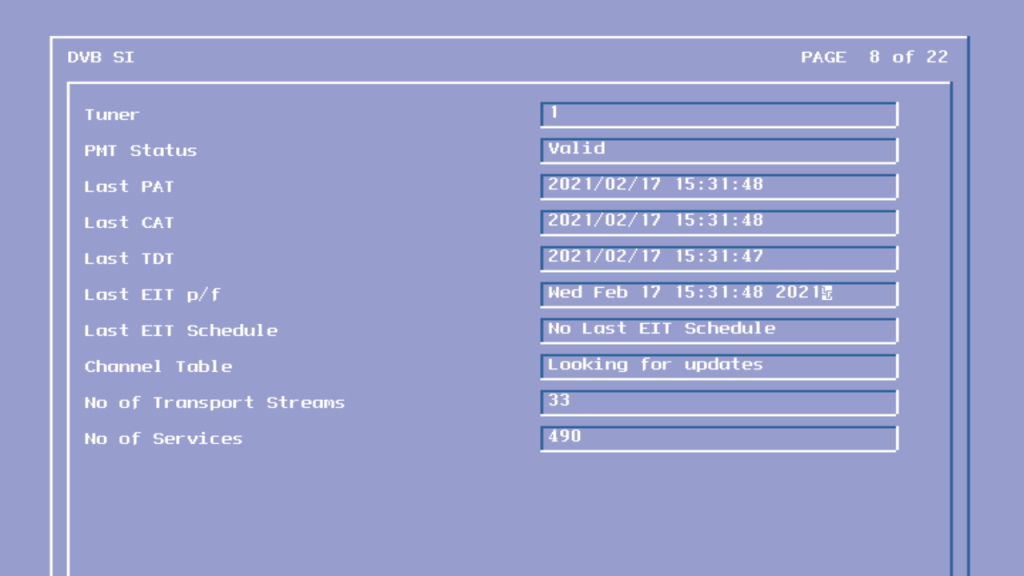
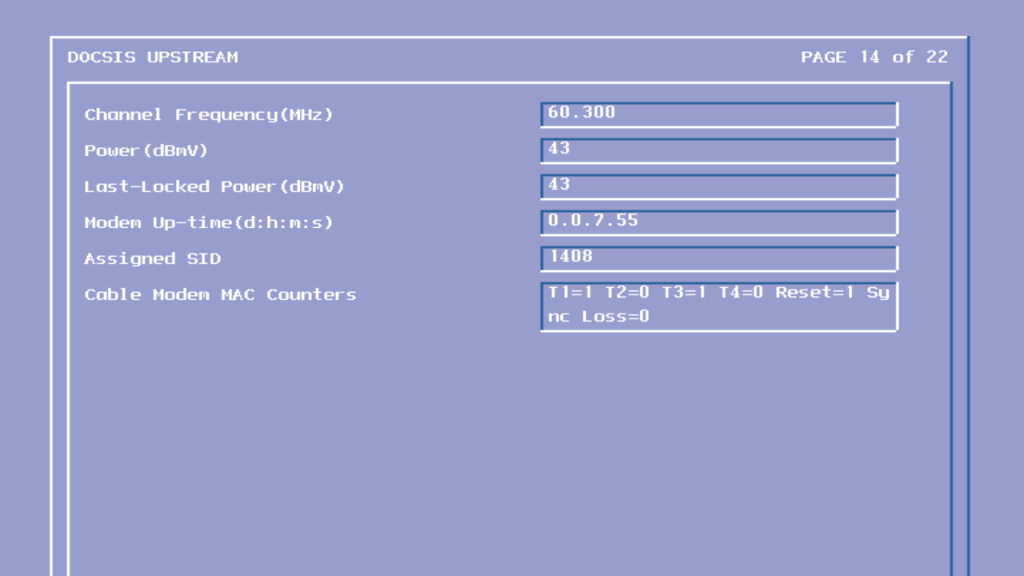
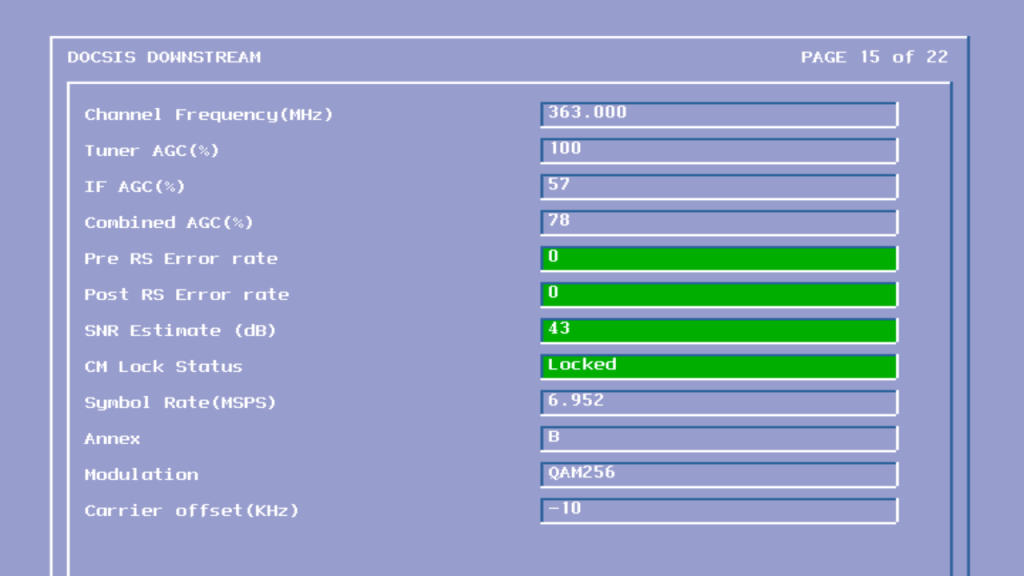
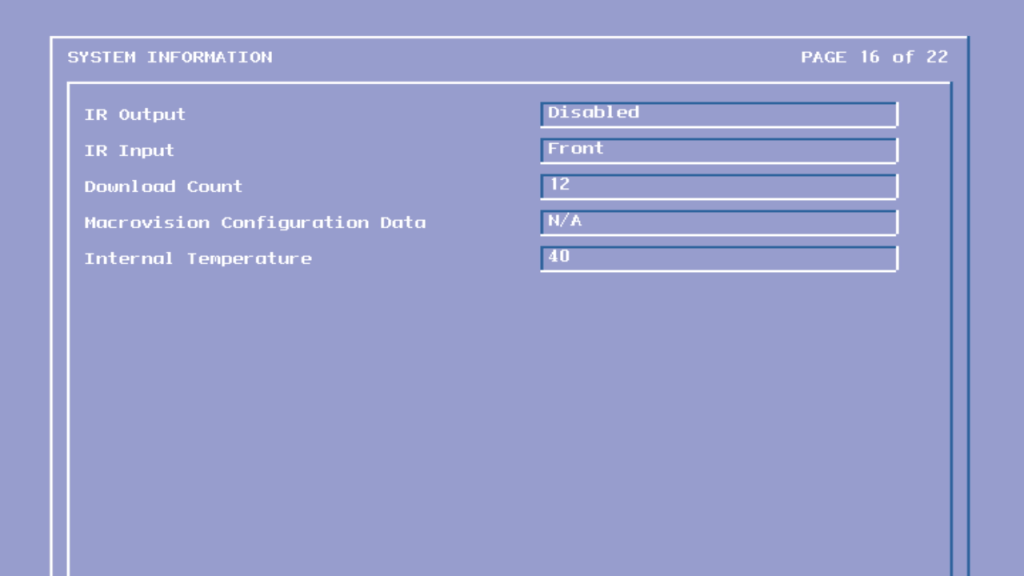
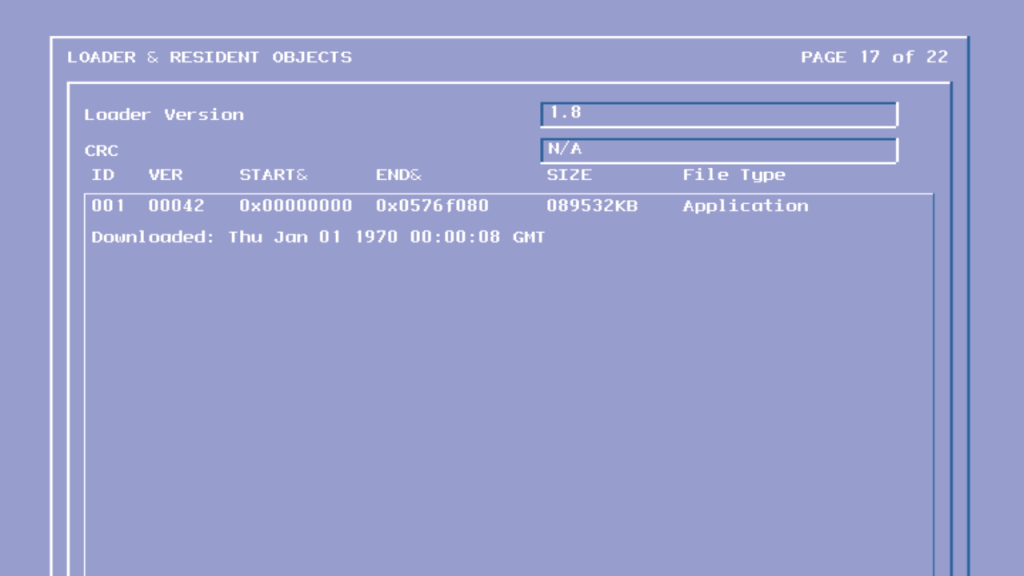
To access the engineering mode, unplug the Virgin media Tivo box and hold down the Up + Down arrow buttons on the front panel to the STB (not the remote), continue holding until Starting Up disappears off the screen, typically around 50 seconds.
Screens were captured through the HDMI output, I’m not sure if tis will work via the Scart connection.
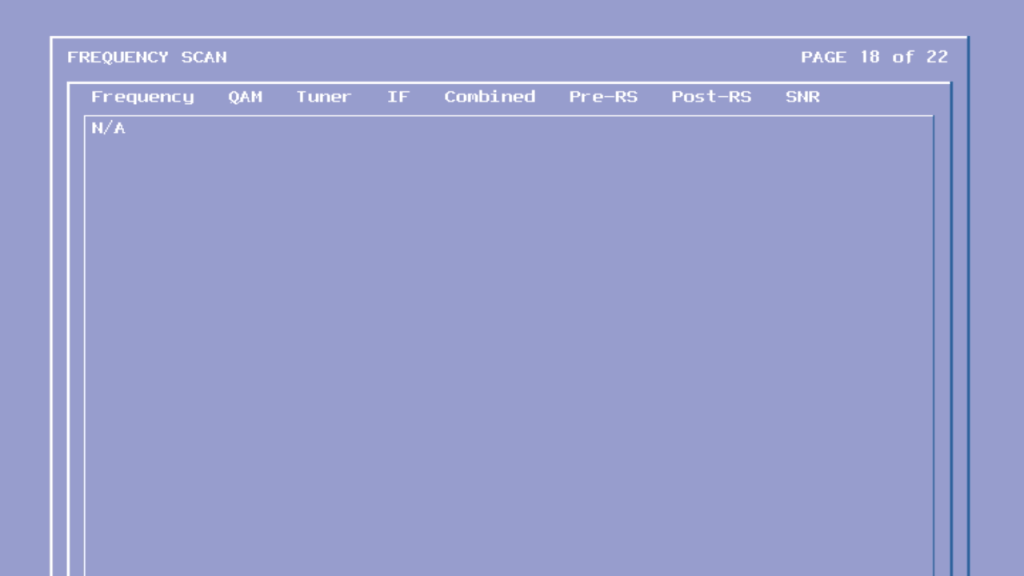
The first frequency the tivo checks when it is booting up, typically contains firmware updates
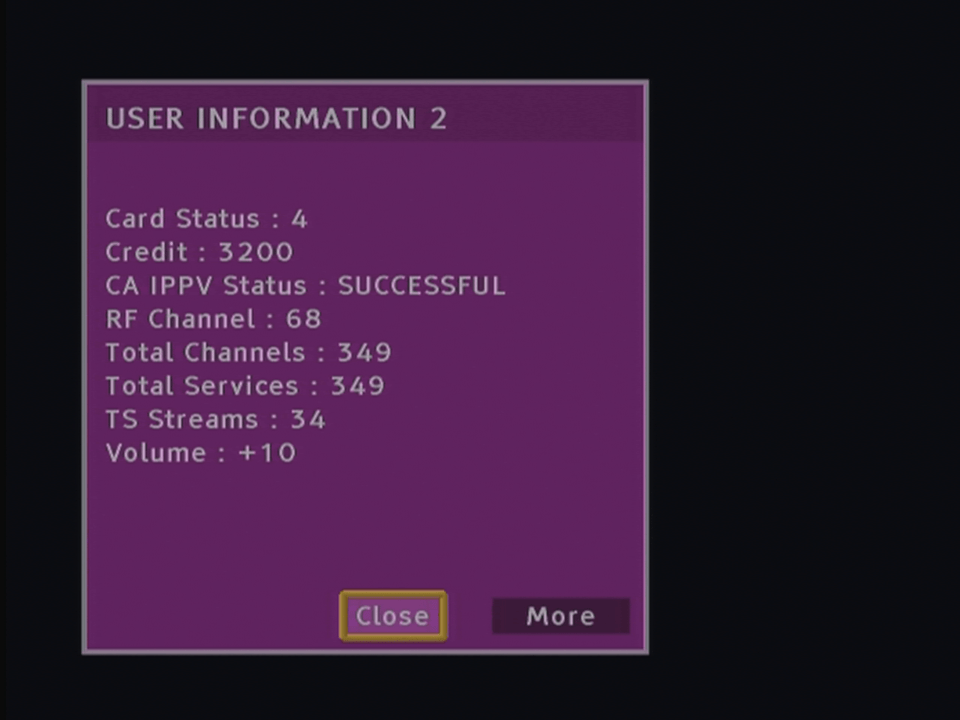
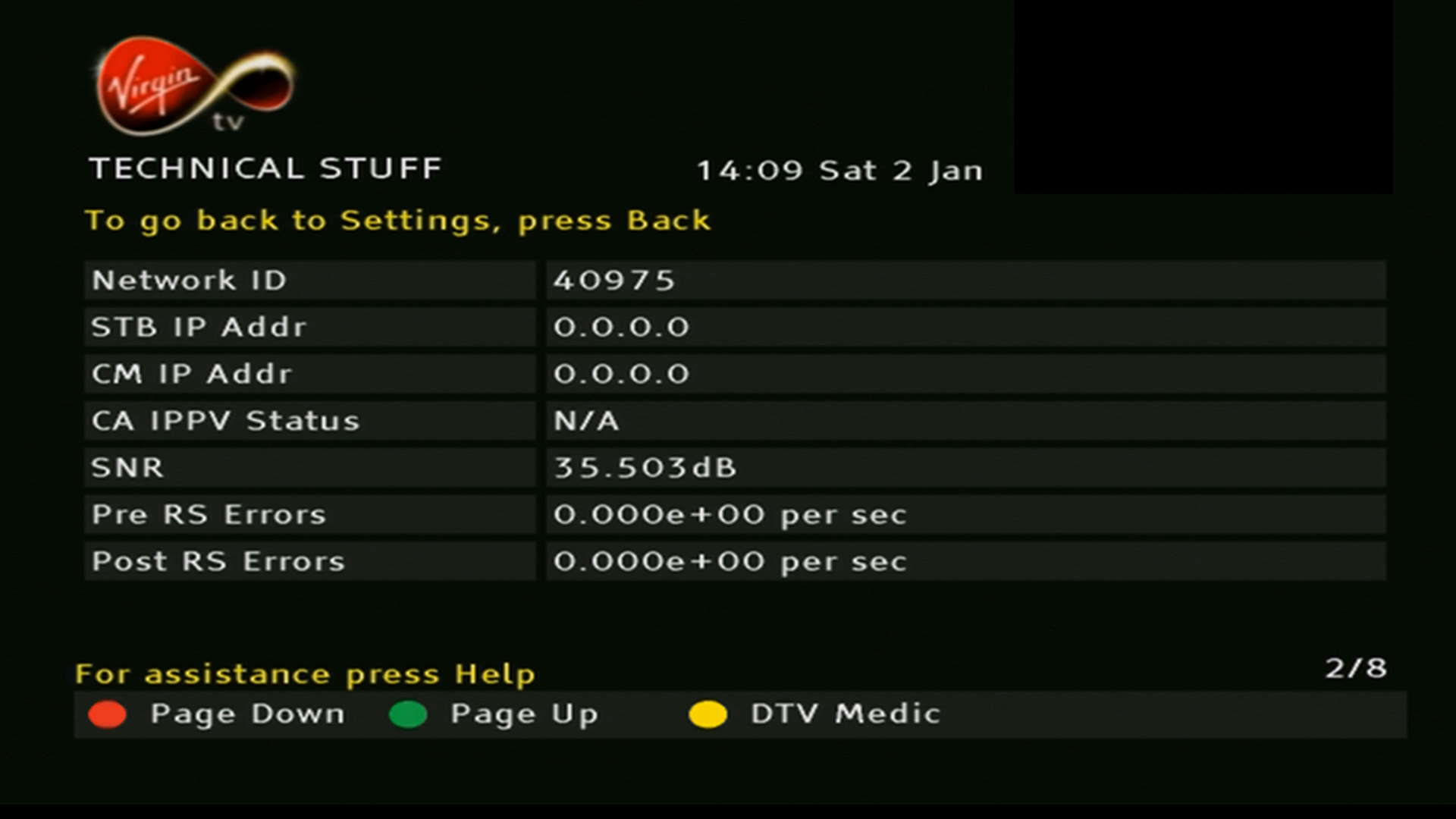
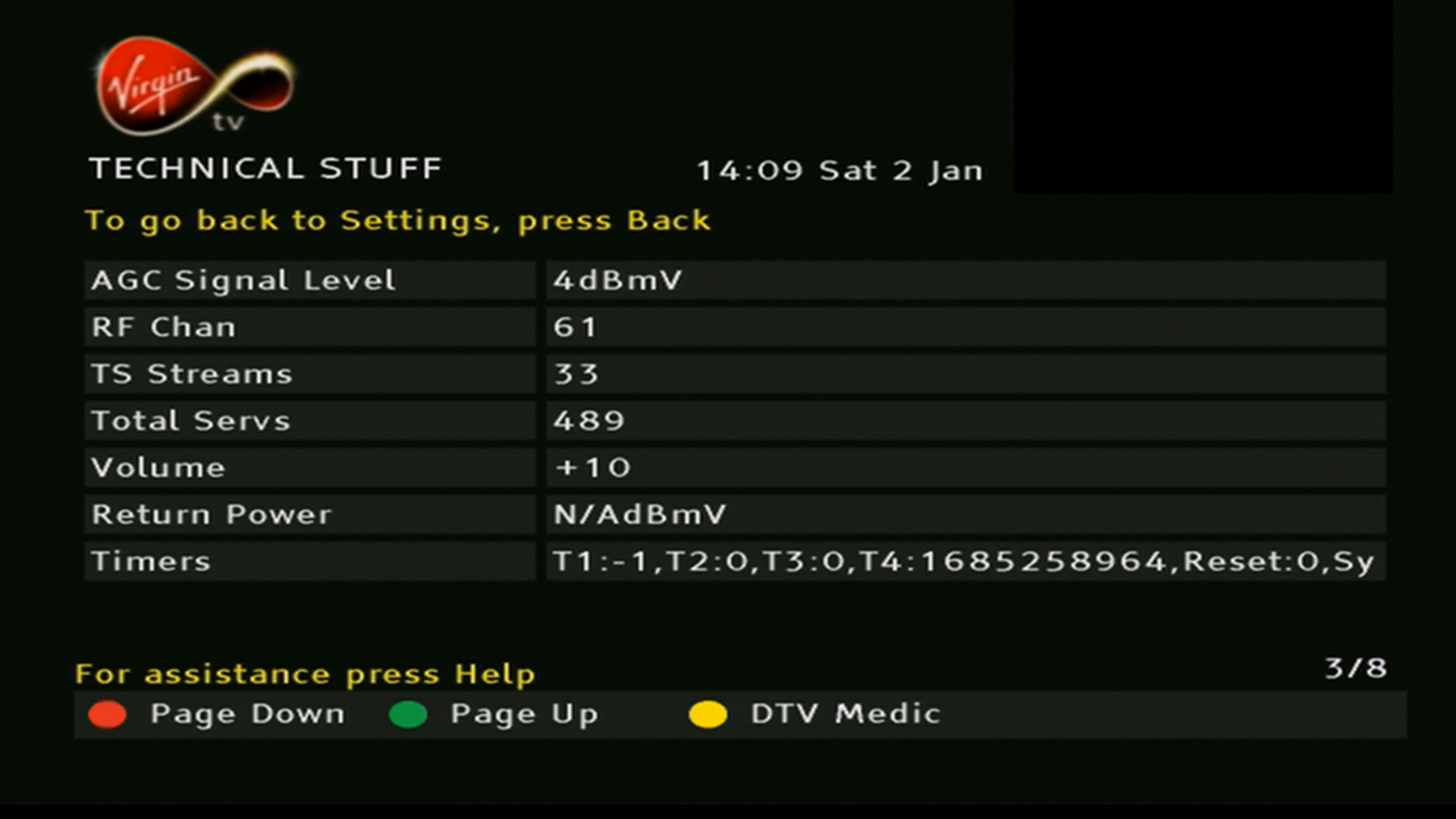
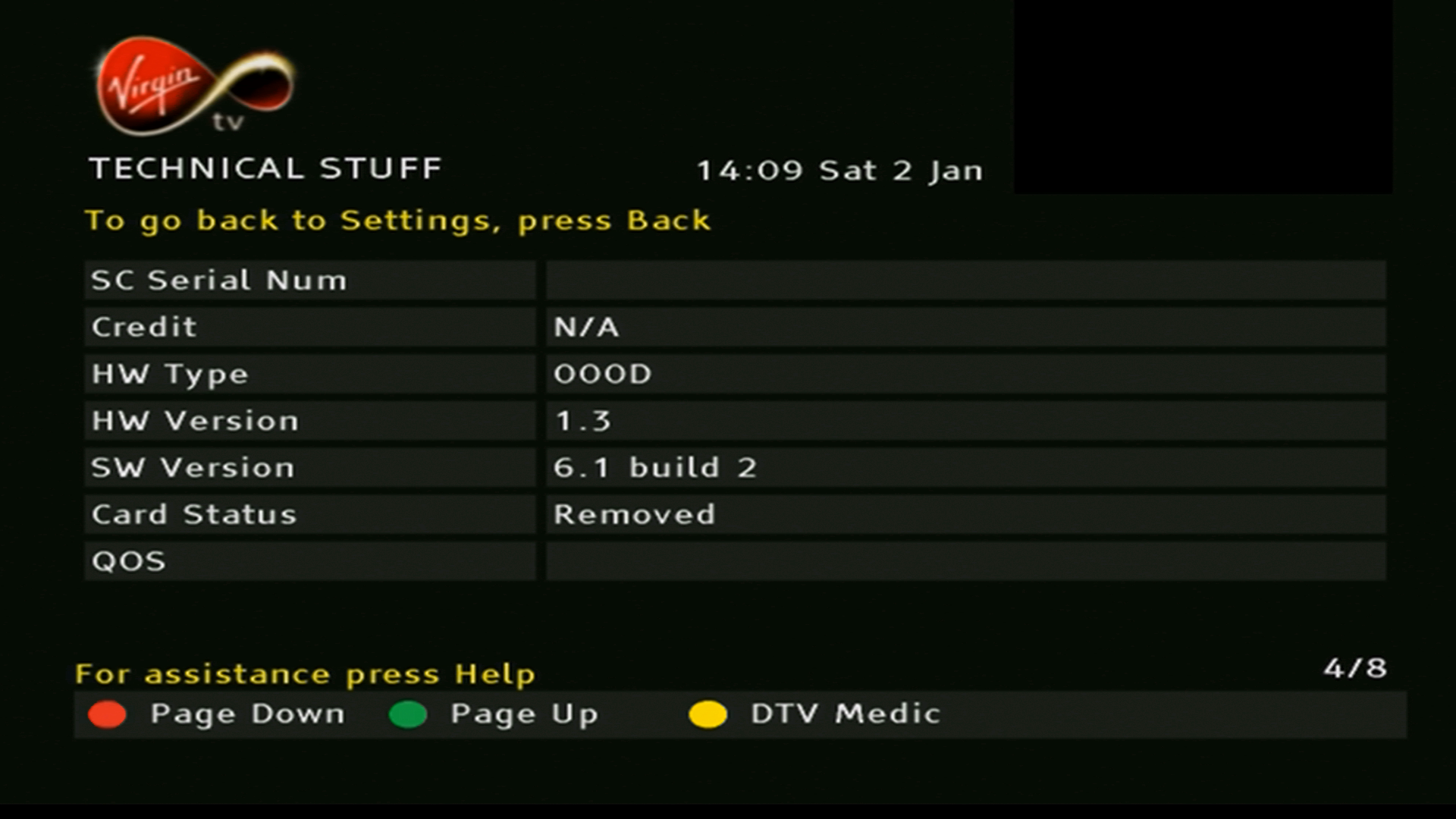
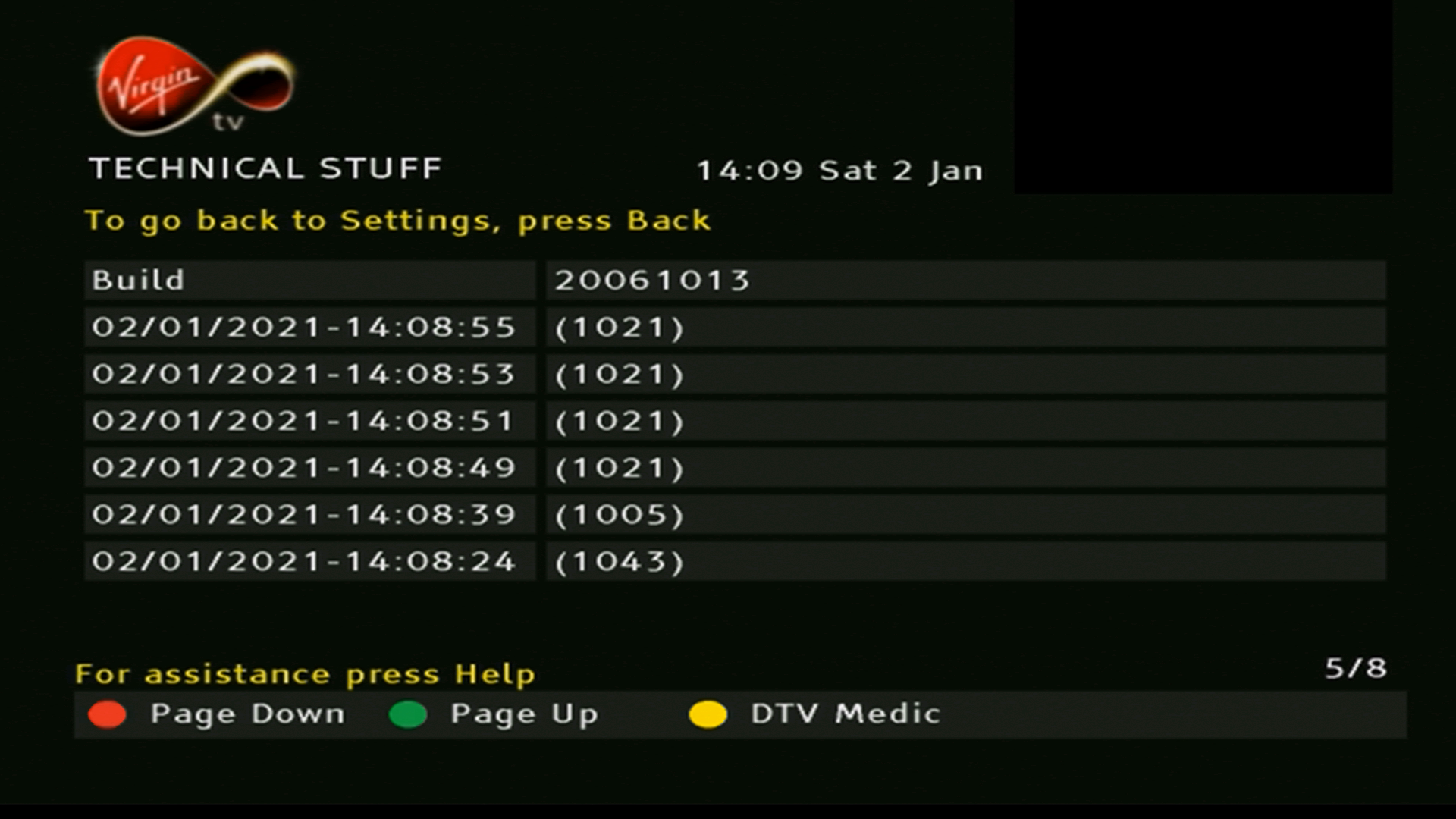
STB information and local network ID
Various MAC and IP address used by the STB networking interfaces
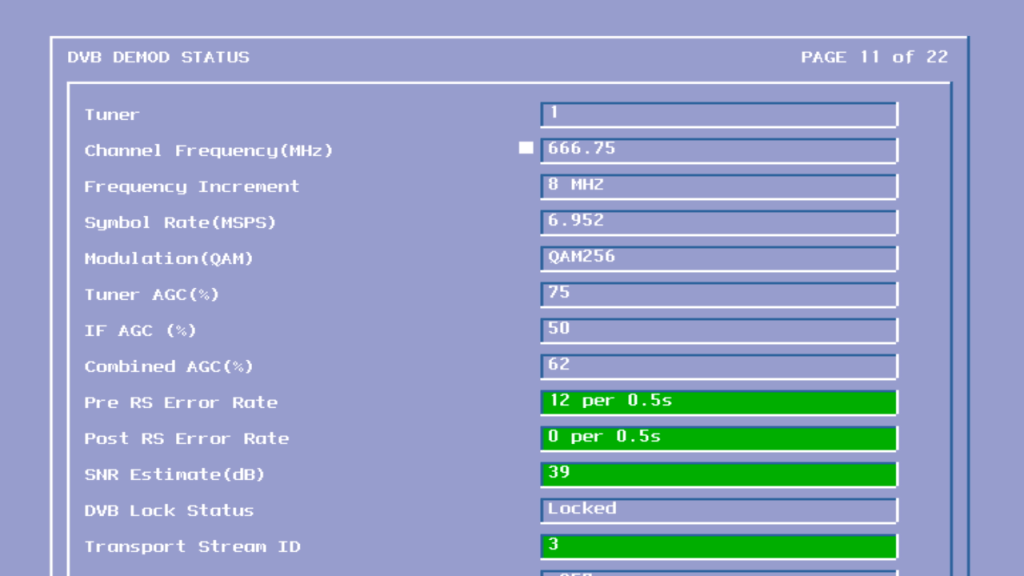
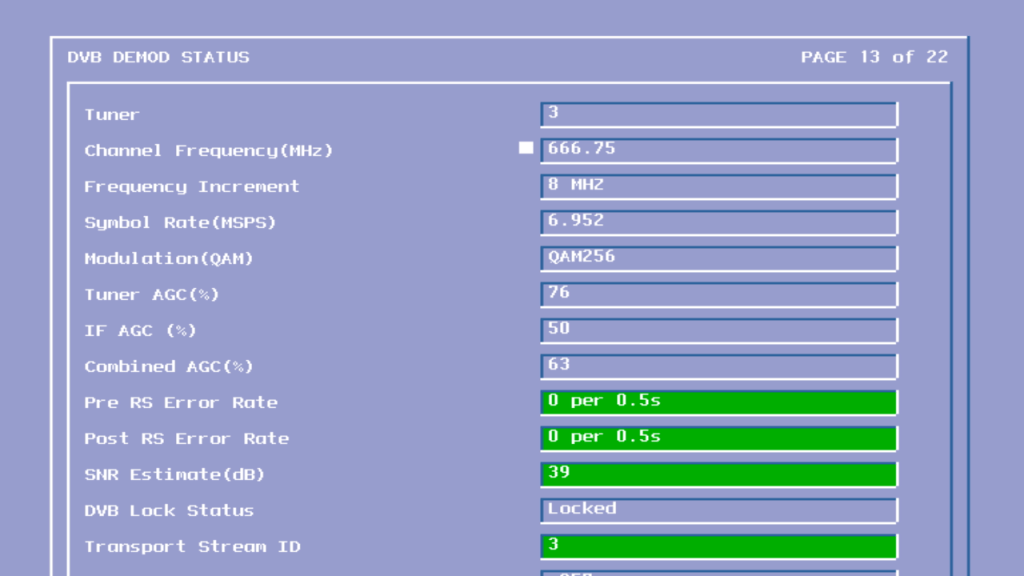
Signal information
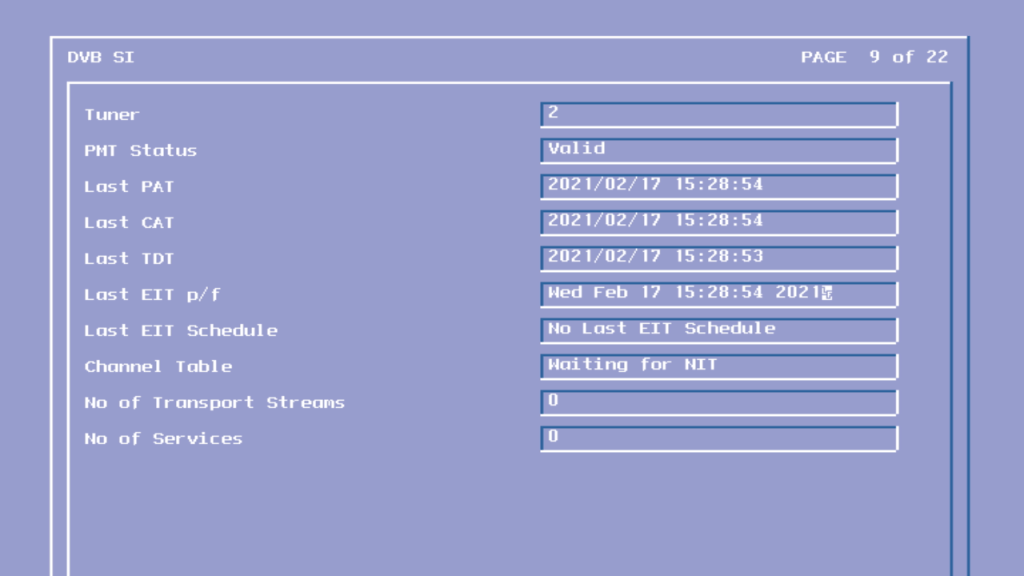
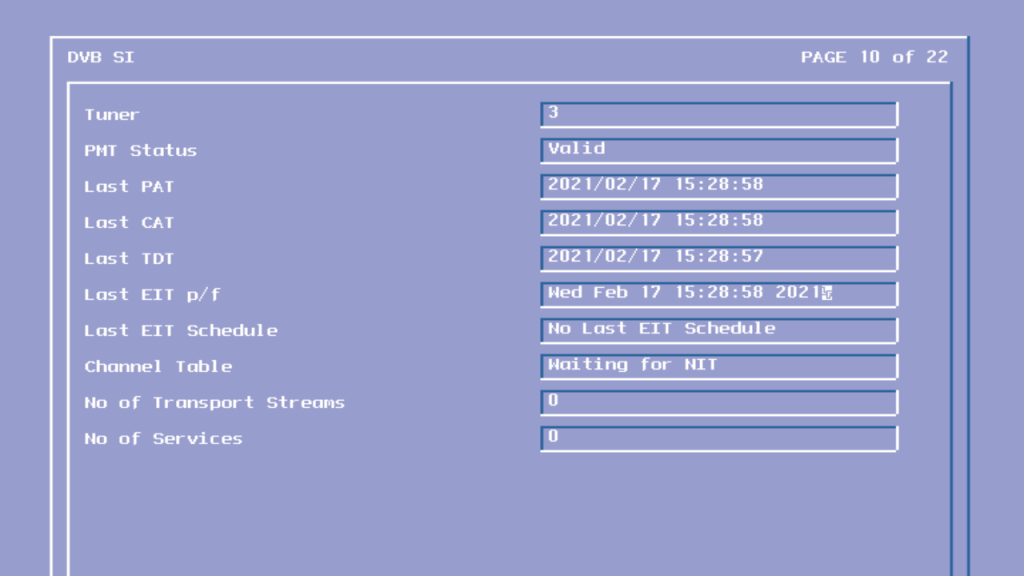
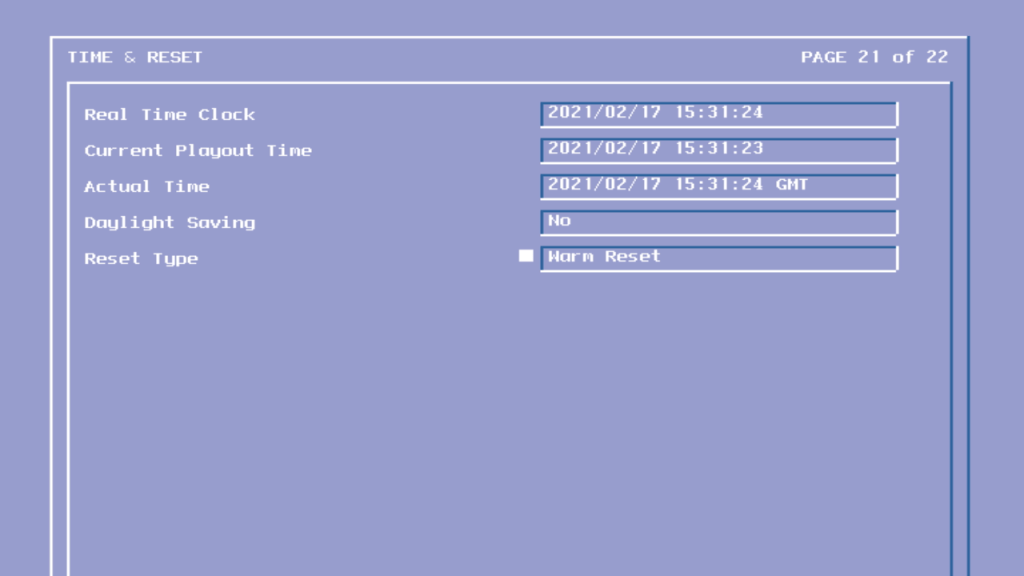
Information found in the DVB signal information tables
Earlier I went though the ntl CR3 Bromley software which was introduced in 2002 and was the basis for ntls new interactive services.
The Pace Di4000 was a redesign of the previous 4001 and 1000/2000 series box. Its worth mentioning that Pace’s model numbers don’t seem to follow a specific scheme, you would assume the Di4001 was the successor to the Di4000, however the Di4001 was the launch box for ntl in Langely areas and was a DAVIC based box, with the Di1000/DiTV1000 being its DOCSIS equivalent for Telewest and ntl Bromley areas.
These early generation boxes were designed around the Hitachi SH3 CPU with C-Cube Chipset for MPEG2 decoding and descrambling. The Di4000 replaces that with the Broadcom demodulator and the Conexant MPEG2 decoder which contains the ARM CPU.
Pace Di4000
Left Pace Di4001, Right Pace 2500 Sky Digibox
The main difference you will notice between the two is the reduction of components, with the Di4000 only having two main processors. The previous generation was split over 5 different processors. this reduction means the mainboard is smaller and the box produces less head as a result. In fact its not too far off an average Sky Digibox.
The Power supply is now separated from the main board, like the Sky Digibox design, allowing for the PSU to be replaced independently from the main board.
The audio out jacks have been removed, no you can no longer connect the box to a Hi-Fi system unless you use a scart breakout adaptor. The design for it still exists on the main board however.
The Serial port and Printer part are removed in favor of a single USB port. the serial port still exists and can be access using a VCR to RS232 adapter.
The second card slot has been removed, this was originally designed for Mondex cashcards.
The remote control protocol now supports IRDA and RC5
Conexant CX22490 – ARM920 based core, 160Mhz – 175MIPS
Broadcom BCM3250KPB – Demodulator
CrystalLAN CS8900A-CQ – Ethernet controller
Conexant Bt861KRF – Video encoder for Scart/AV output
The tuner modules, one for TV and the other for data/DOCSIS modem
Pace Di4000 front panel boardPace Di4000 rear panel
Power Input
Ethernet – For internet connectivity for the internal cable modem
USB port – To connect additional devices, never used officially by ntl or Telewest
IR in/Out – never used by ntl or Telewest
Scart ports
RF Input/Output
Cable Input
Diag Screens
To access these on this box, hold down the Up & Down buttons whilst the STB is booting, and continue to hold them down until you see this screen. The front panel LED display will change to ldr and will then go blank once you have entered diag mode.
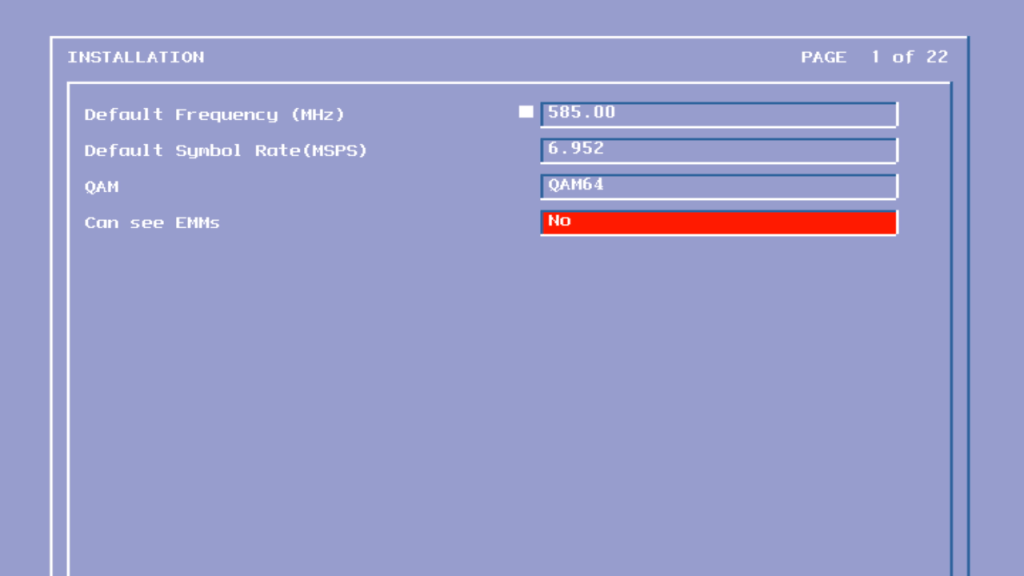
Di4000 Setup screen 1
Sets the default frequency which is checked when the stb boots up, this frequency carries the netid for the area and any software updates
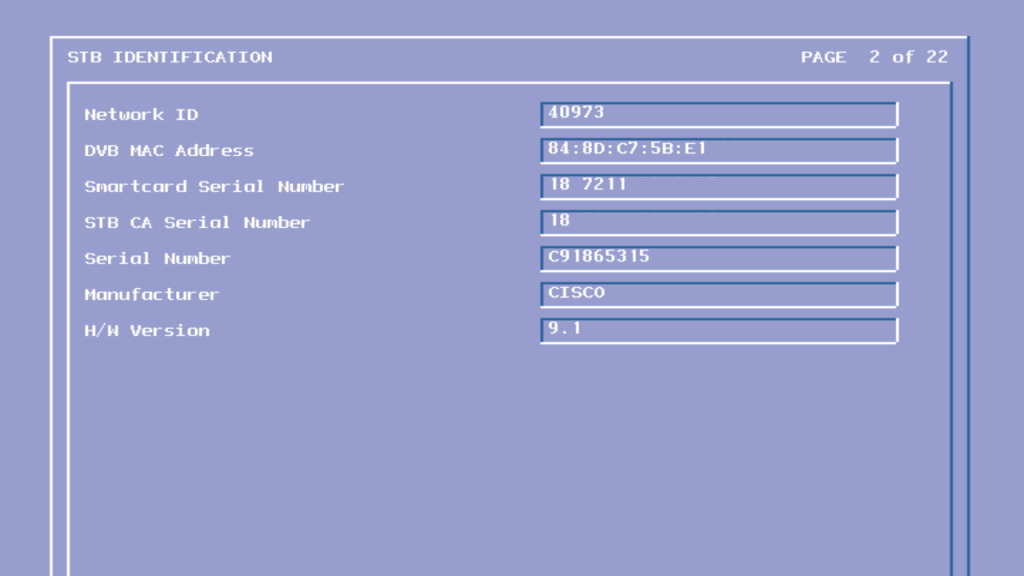
Di4000 Setup screen 2
Shows build information about the software loaded, and the hardware identifier of the box.
The replacement to CR2 software that saw the launch of interactive services for the bromley platform, CR3 saw a rewrite of the guide software, with everything now being written in the Liberate browser, and Two Way TV support for downloadable applications, whilst Liberate being used for interactive. This software would form the basis for Langely CR3, and would be the next step in unifying the platforms in terms of feature set.
Sadly not all areas had access to CR3 with former Videotron areas in London being stuck on pre-interactive CR1 blue to the networks inability to support a return path connection. ntl would have to upgrade and repull the network in order to provide support for broadband and on demand services, all of which are dependent on a return path.
The software here is running on a Pace Di4000N
The user interface of ntl digital, not a fan of their purple/pink colour scheme and the bad thing is that its everywhere, thankfully they changed the scheme by the time it can to Langely.
Interesting is the listing for interactive settings, rather than be part of the list it looks like a separate link,
Now & next
Unfortunately the purple makes it’s way onto normal viewing, with the now and next bar
I’m not sure why these early cable TV software did not allow for the volume to be changed via the STB remote, since the Telewest side also did not support changing the volume. One theory was that customer would complain to ntl about how they were unable to her any sound through their TV, unaware that the volume on the analogue box has been set to a low level or mute, so to prevent further calls that disabled the feature.
In the end they enabled the volume control in a later build ofCR3, along with Telewest. Maybe they got fed up of the support calls asking why the volume control isn’t working on their box. In hindsight they should have followed the Sky design where the STB remote controls the volume on the TV at launch (they ended up doing this later, with the newer remotes)
The options button gives a small menu, allowing for access to the help function and a shortcut to the diary. The audio Language lets to changed the language of the audio, or enabled narrative audio description, Sky would later implement a similar feature in its Sky Guide.
TV Guide
The main TV guide grid. No channels here since the box is not connected to the cable feed.
Here would have been a list of all channel genres, such as Movies, Sports, News, etc
Pressing the i button shows a short description of the program
TV Guide: Diary
The diary is ntl’s version of the personal planner, and is used to store reminders for future events and shows. Future PPV events appear here.
Subject Search
The subject search feature can be thought of as an alternative to the A-Z listings of Sky Guide, showing programs rather than the channels themselves. The idea is that the customer can find a program they like by the genre of the show.
Sadly the TV guide only has 3 days of TV listings, compared to the 7 days offered by Sky Digital.
A list of subgenres
Searching for a specific program via text
The on screen keyboard, not sure if this is the way it’s supposed to look since a lot of the text to the right being cropped off.
ntl customers could also purchase an optional keyboard to make it easier to enter text.
One nice feature is the ability to save personalized genre lists, here you choose the type of programs to like to see and you can easily search for that list without having to manually select categories.
Interactive
Trying to load interactive services which sadly no longer exist. the Liberate middleware was used to deploy the interactive microsites, with the TwoWayTV middleware being used for the interactive applications such as games.
On Demand
Looking for PPV events, this was before true video on demand had launched
Settings
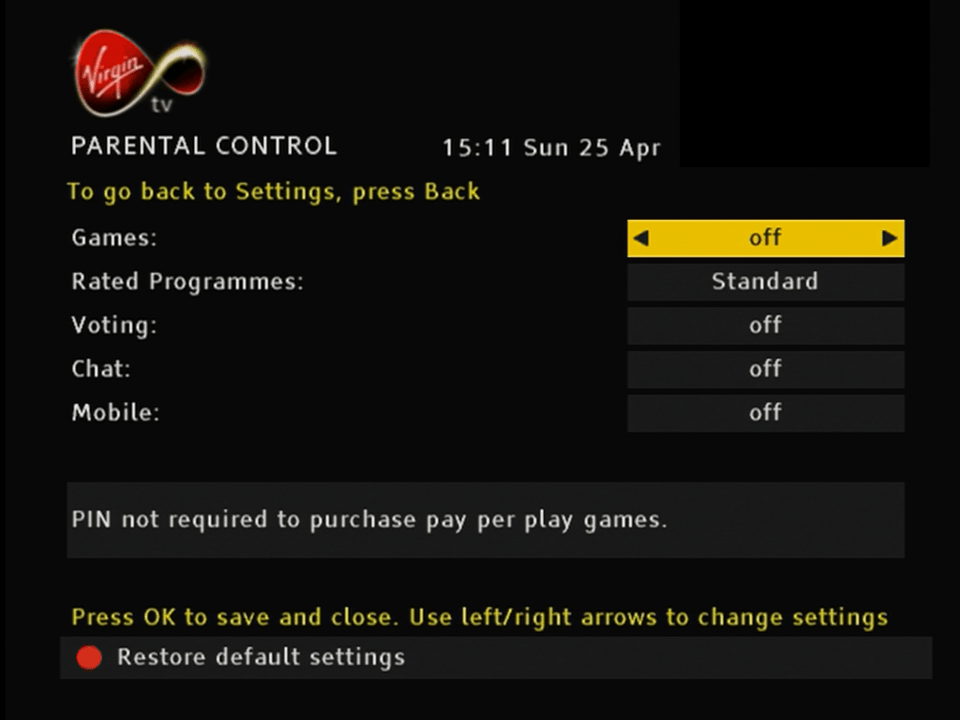
The parental control feature
Changing TV settings, not sure what Enhanced Programming corresponds to?
Favourites
The favorites feature, very similar to Ntl Langely CR3
Help
There’s a help system but with no content stored on the box.
Diag Screen
Diag screen that shows the software an signal information
Using with Virgin Media
Somehow I was able to get the box to bootup on a modern Virgin media connection, with many Channel and TV listings being loaded. Sadly I was not able to get any TV channels to load, not even radio channels which still broadcast in MPEG2
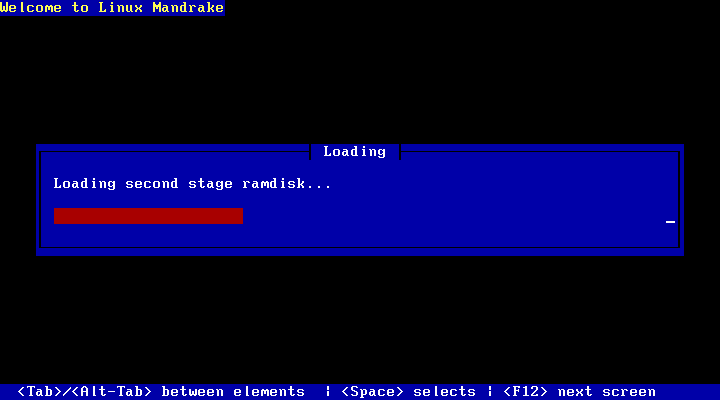
So I’ve been trying to install and use old Linux distros, mainly to look at the possibility to get older Linux games to work, like Simcity 3000 and Unreal Tournament 2004, all of which run into issues when attempting to play on modern Linux operating systems. First thing I tried was to use a virtual machine to run install the OS into.
VirtualBox
Not sure if this is an error or if it’s just because the hard disk just uninitialised
Why would I enable hard drive optimisations when it could cause data corruption?
So far so good, were at the login screen
Oh…
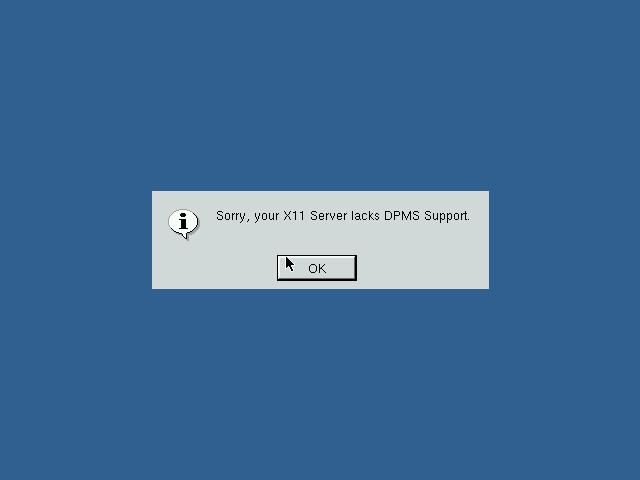
Might be because we don’t have any graphics drivers for the virtual graphics card. At least you would expect a failsafe graphics driver
On VMware
Like on Virtualbox we are able to install as normal, but when it comes to booting the OS,
It seems to have issues detecting the hard disk. Since by default VMWare uses an IDE drive for these old Linux operating systems I though we could try SCSI instead. Unfortunately I was unable to get the installer to detect the SCSI controller.
On PCem
I had better luck using Pcem v17, which actually emulates older PC hardware, rather than using a virtual environment. This has its benefits regarding compatibility but at the expense of performance. Not only must you emulate a slower x86 CPU (In our case an AMD K6 or Pentium, but your host CPU must be able to emulate that older CPU in addition to the video card, chipset and any other peripherals Pcem is emulating. Since Pcem is a single threaded application, having a CPU with a high IPC is beneficial, which is something my AMD FX processor is not well known for. Also depending on the motherboard you emulate in Pcem you may not be able to boot off the CD-ROM directly. Thankfully there was a Linux boot floppy that could be used instead.
The first install went by without a hitch, but when it came to booting the OS it would immediately reboot and would continue to reboot by getting stuck in a boot loop. I fixed this by changing the CPU from a Cyrix to an AMD K6.
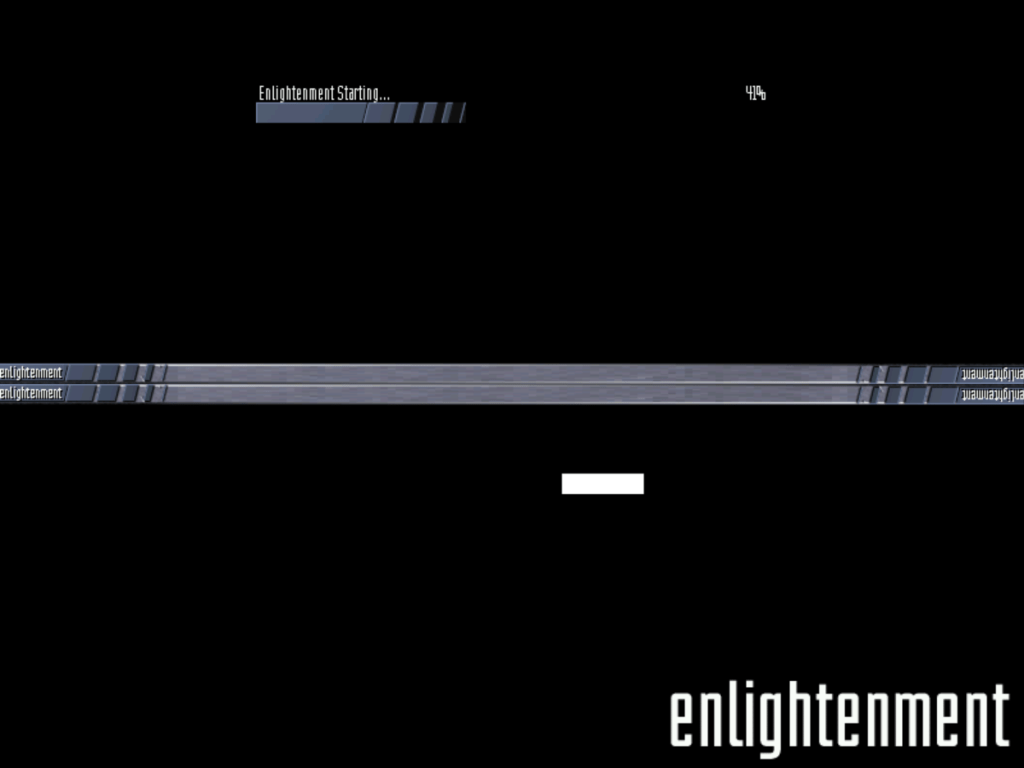
The next issue I ran into was with this screen, where it would get stuck at a terminal looking screen with that penguin, where the screen would blink every second. I wasn’t sure what was causing this initially however after changing graphics card in PCem (from a Cirrus Logic 5432? to an ATI Mach, this triggered the Kudzu utility which is used to install system drivers, kind of like the add new hardware wizard in Windows.
Once I selected the correct graphics card, the system rebooted and loaded up the login screen. This helped me understand what was going on previously, either Mandrake did not have the correct driver support for the cirrus logic or PCem is not able to emulate the VGA card properly in Linux. Either way Mandrake was trying to load the X Window system but was failing each time, hence why it was ‘blinking’, the X window system was loading and then crashing.
Unfortunately the speed issues caused a problem with this approach, since PCem would frequently go under 100%, which is the percentage of the speed being emulated by it. Anytime it goes under 100% means the emulator has to slow down in order to catch up. I ended up changing the CPU from an AMD K6 166Mhz to a Pentium 75Mhz, which is below the specification needed for Simcity 3000 and way below what’s needed for Unreal Tournament 2004.
Still at least I was able to boot into a desktop, I guess it’s time for a host CPU upgrade.
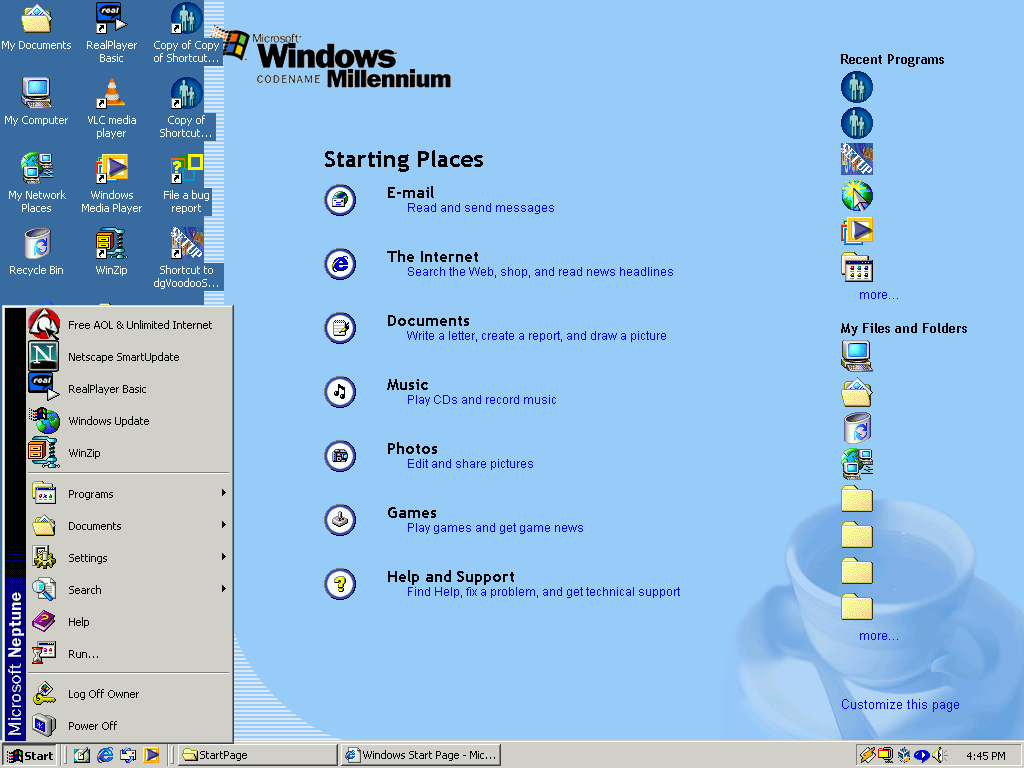
Neptune was the supposed successor to Windows 98 and was to be the introduction of the NT kernel for home users.
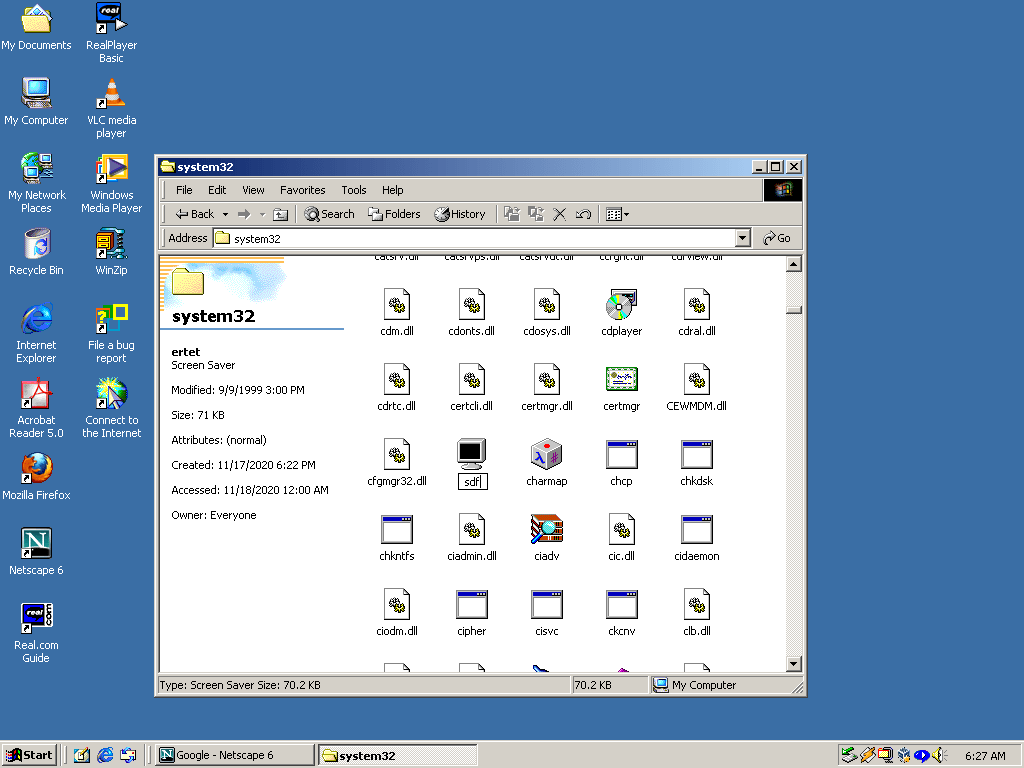
It’s mostly the same as the Windows 2000 install, makes sense considering both were being developed at the same time, and have a lot in common in terms of visual elements.
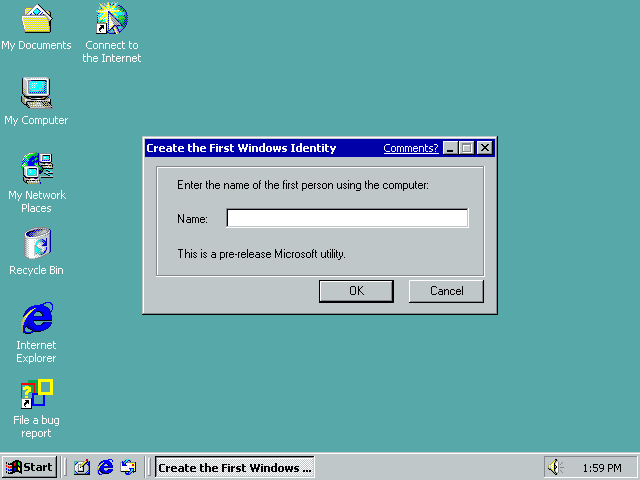
When you first login you are presented with this dialog box. You can enter your name or just close it. It does not seem to make a difference.
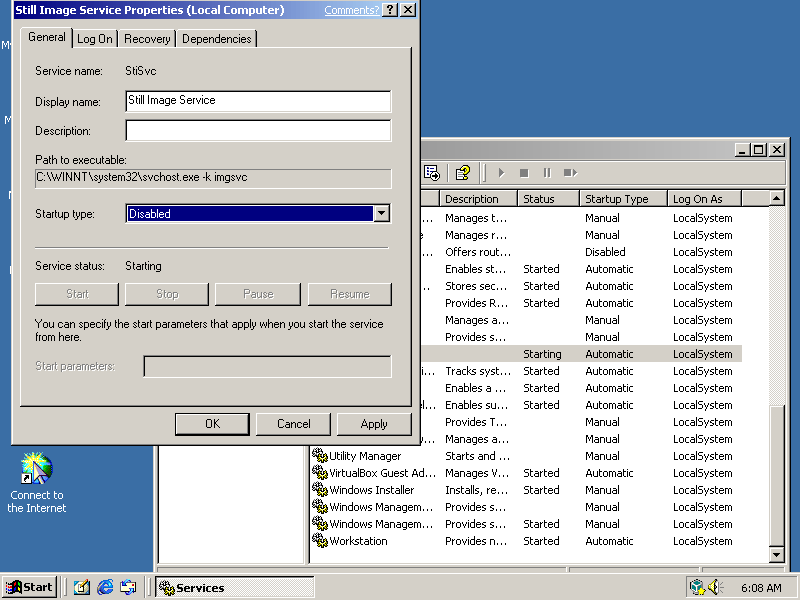
One issue with this build the the Still Image Service which is faulty in this build and causes a minute hang at startup. This can be disabled without any consequence though the Service management panel (Start, Run, Services.msc)
Once disabled the system will startup and login without any delays or freezing.
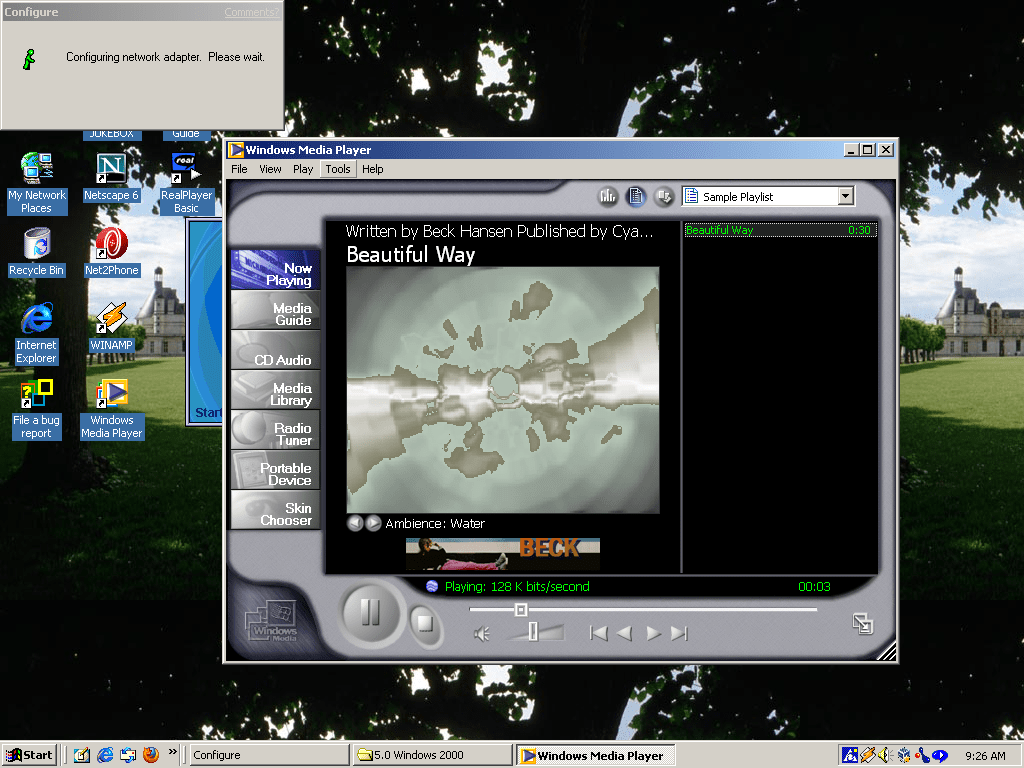
Windows Media Player 7, very identical to the Windows ME version
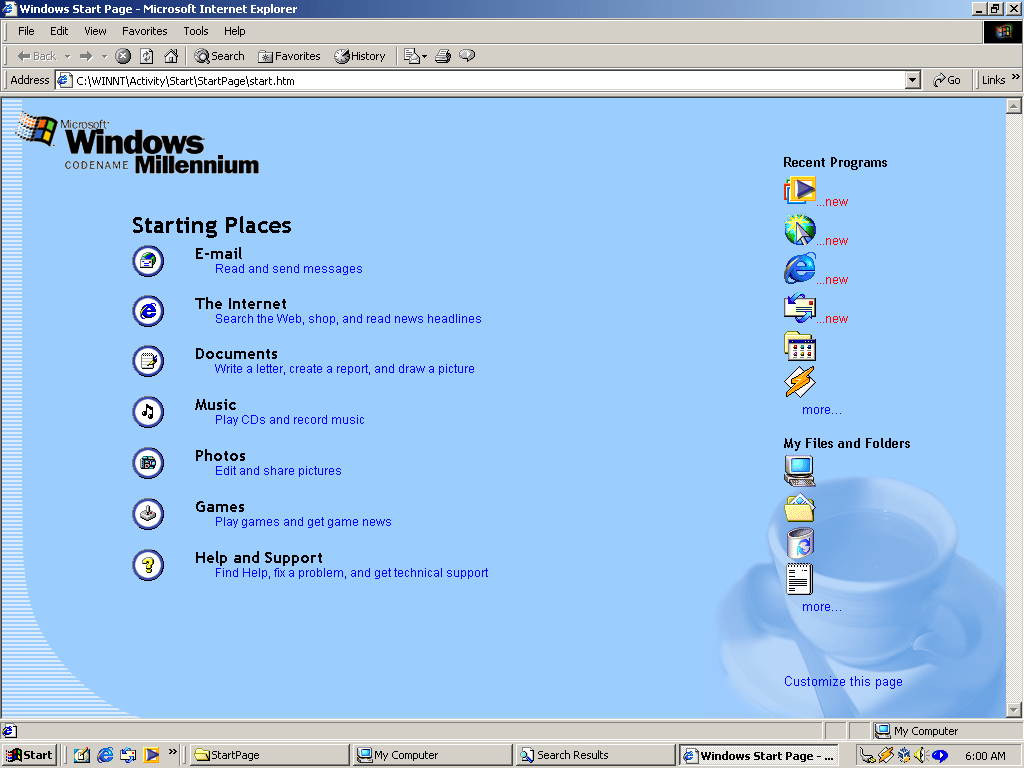
Activity Zones
Windows Explorer has had a slightly new design bringing it closer to the 2000 interface.
Viewing the activity zones in Internet Explorer
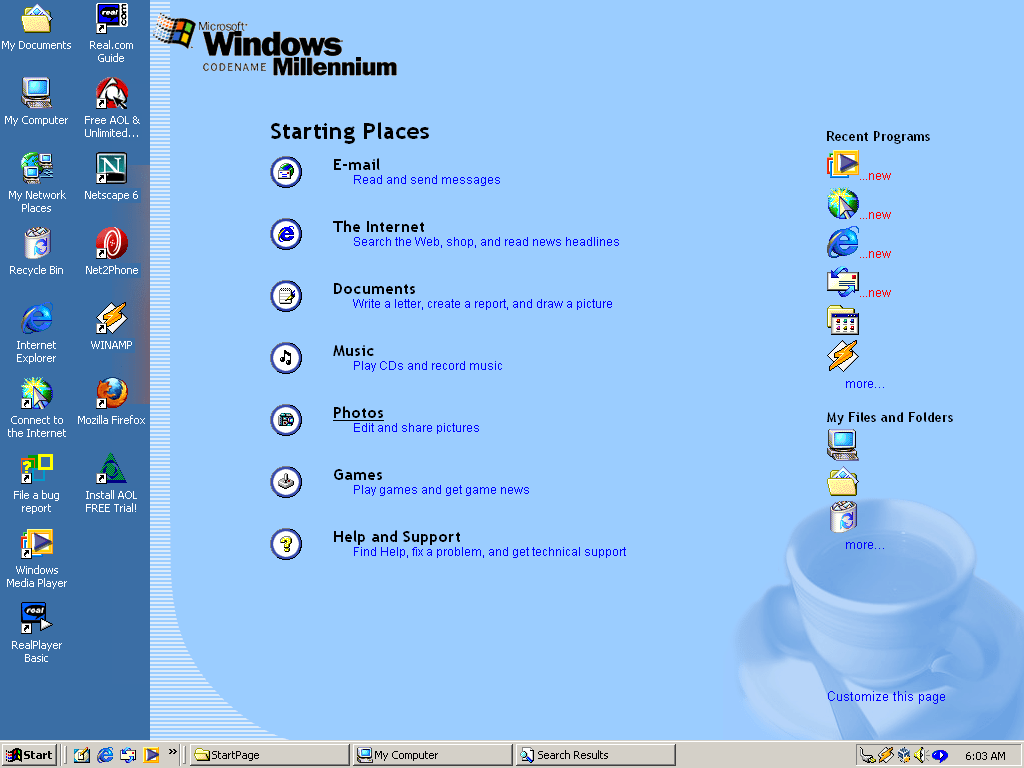
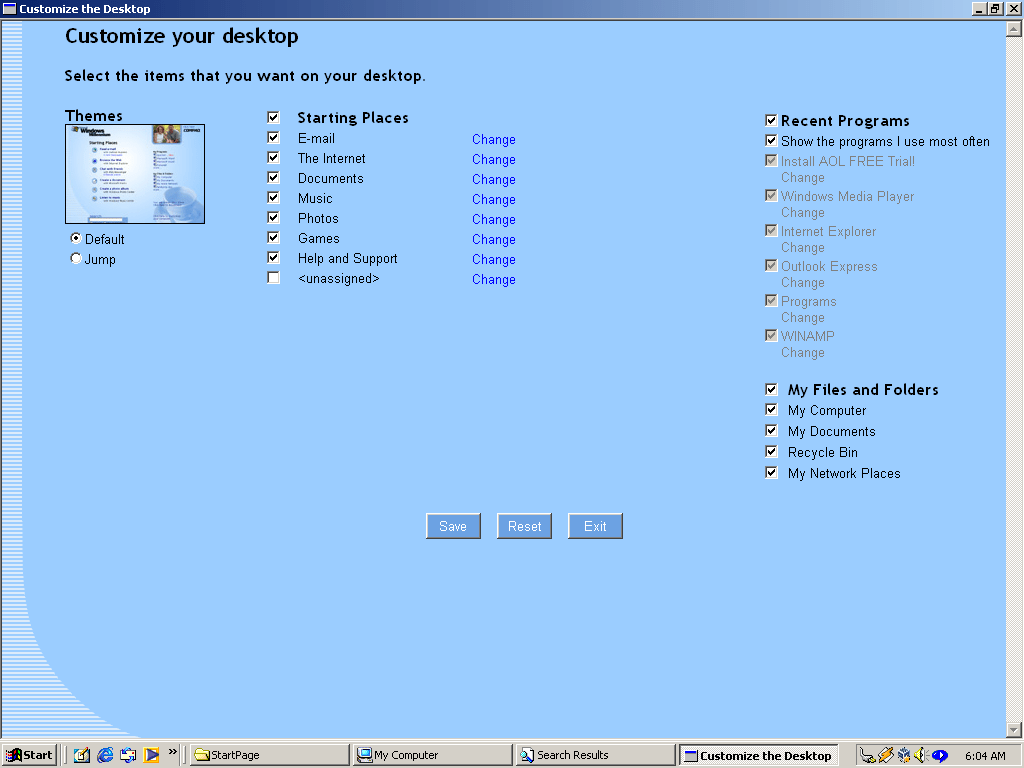
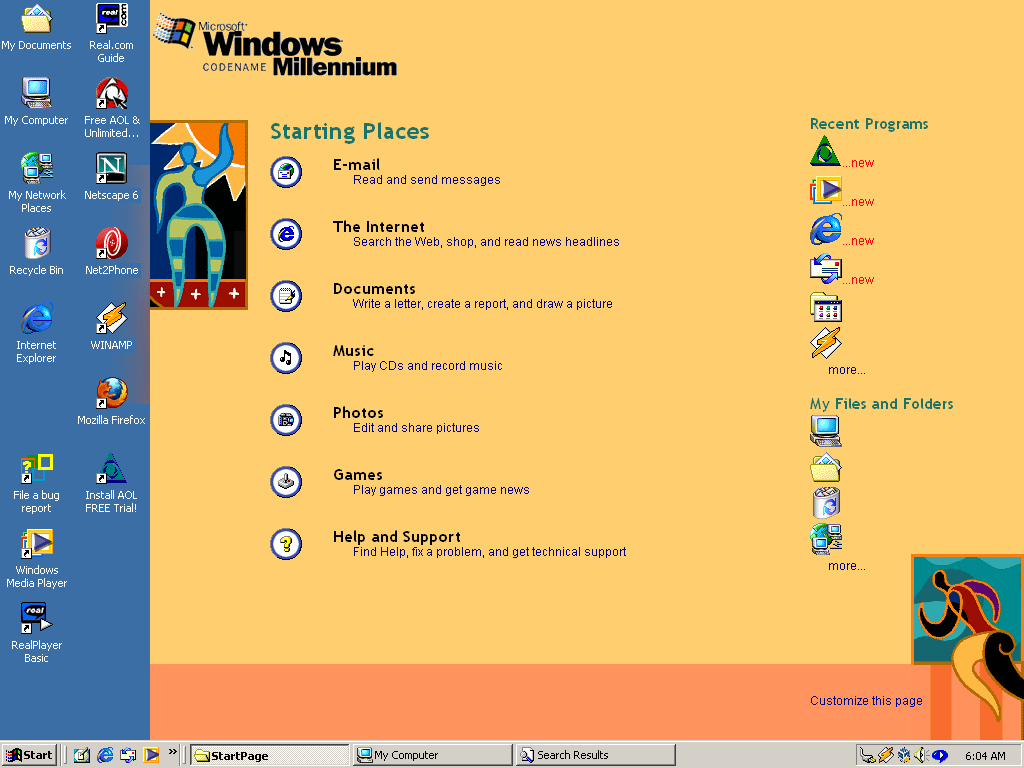
Setting the Activity Zones as an Active Desktop background. This may have been the intended use. A lot of the items listed on the activity zone were integrated onto the Windows XP start menu. Shortcuts to the Documents, Music and photos appear here also appears on the XP start menu. E-Mail and Internet shortcuts also appears on the XP start menu where they would show the default respective applications at the top of the stat menu. So one could assume the activity centres made their way somewhat by being embedded in the Start menu.
Customising the desktop activity centre
Alternative background theme
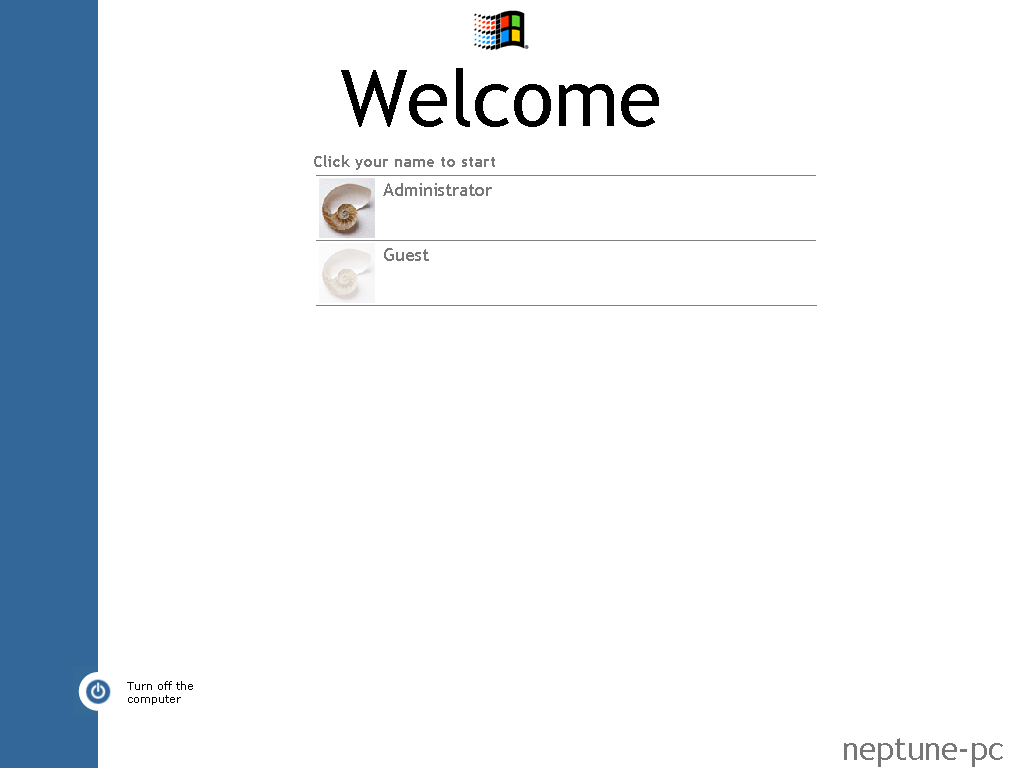
The login screen, the Ctrl+Alt+Del style screen still exists and can be re-enabled.
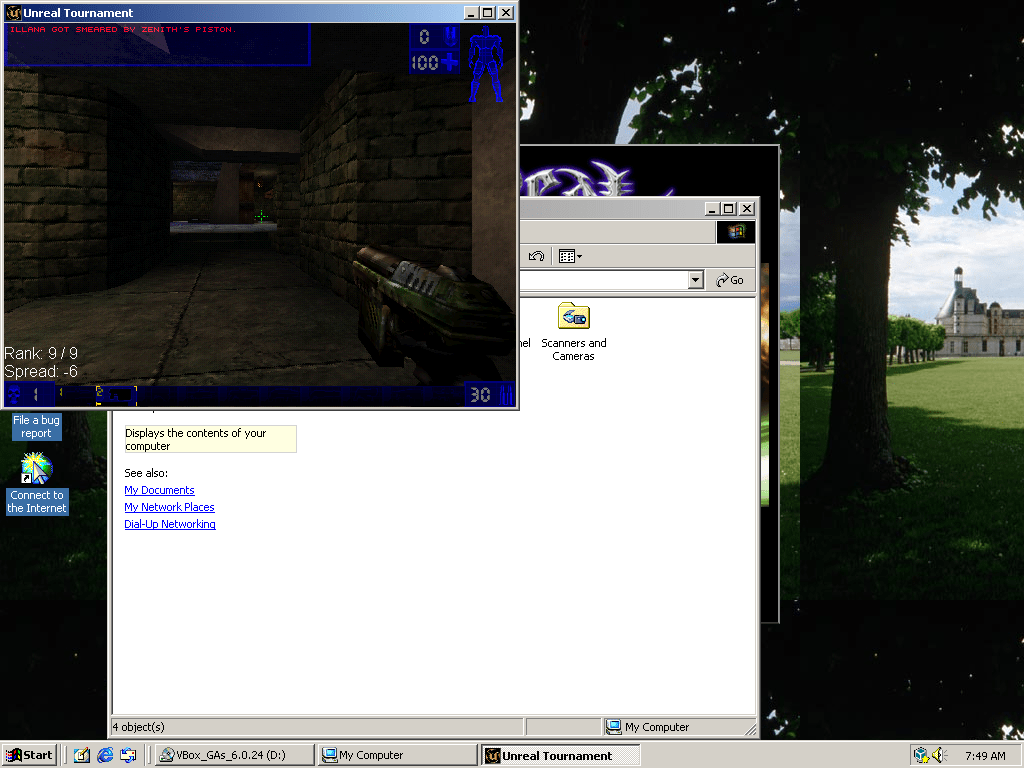
Unreal Tournament runs somewhat, the mouse aiming is broken partially due to the way Virtual-box captures the mouse, might see if this works better in PCem or 86box instead.
Sadly Neptune did not have a bright future and was scrapped in favour of Windows ME, which was identical to 98 with a few refinements and bringing Windows explorer design inline with 2000. It wouldn’t be until the release of Windows XP (Whistler) when home users would get to take advantage of Windows NT.
Former Telewest/Virgin Media box used for standard definition TV Services.
Starting up…
Sadly the NetID for this box does not match my area, which means channels cannot be watched. Virgin have migrated their streams to MPEG4 anyway which this box cannot decode, however radio channels remain in MPEG2 although they are tied to the NetID which is why they don’t appear here.
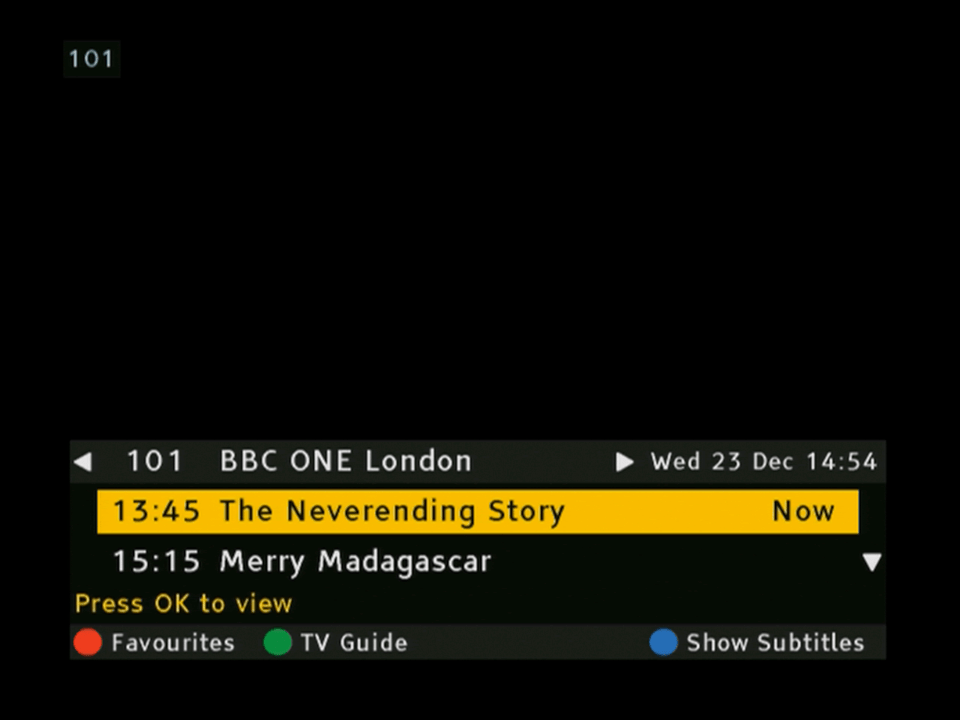
The now and next banner that appears when you change channels. If you are used to Sky’s interface you will be familiar to how Virgin’s guide works since it’s mostly the same principles. Left and Right lets you browse the different channels, which unlike Sky will automatically filer out unsubscribed channels, and you can view information for all channels for the next 24 hours
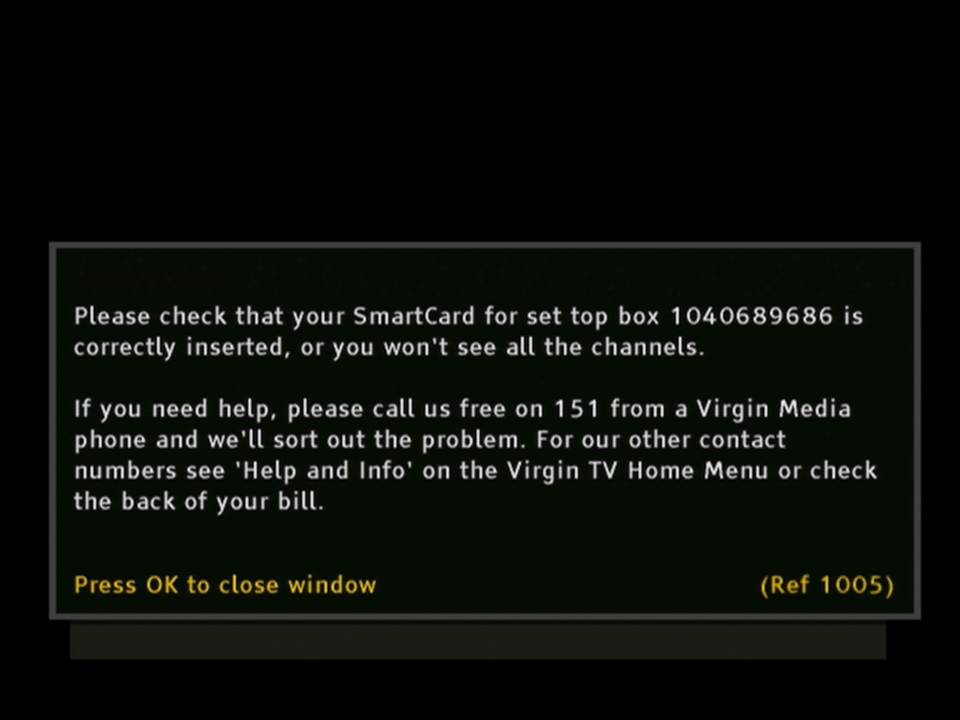
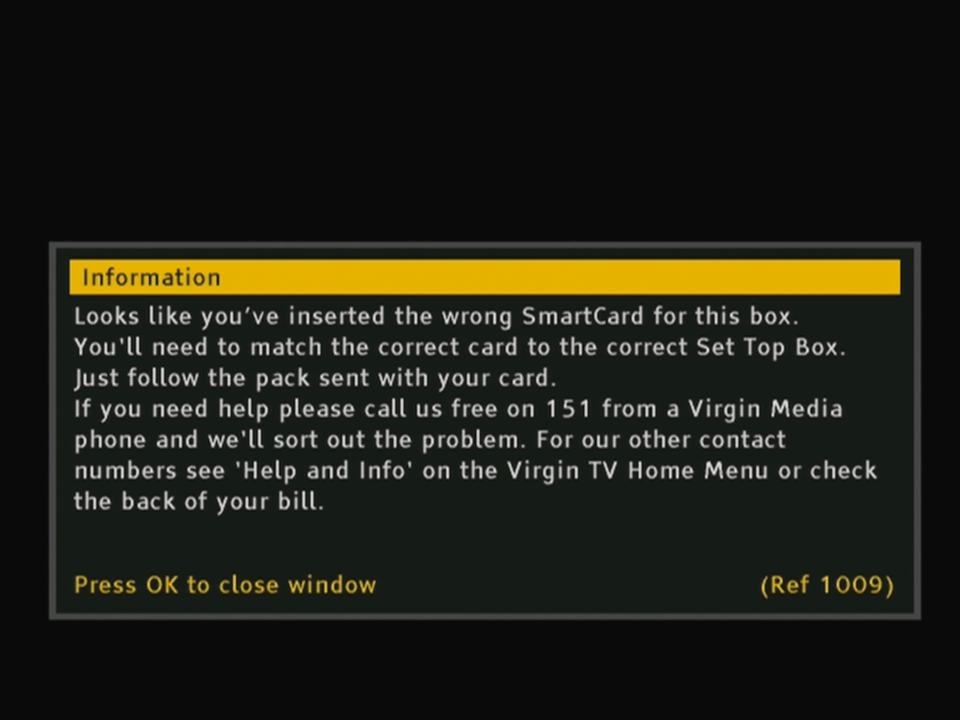
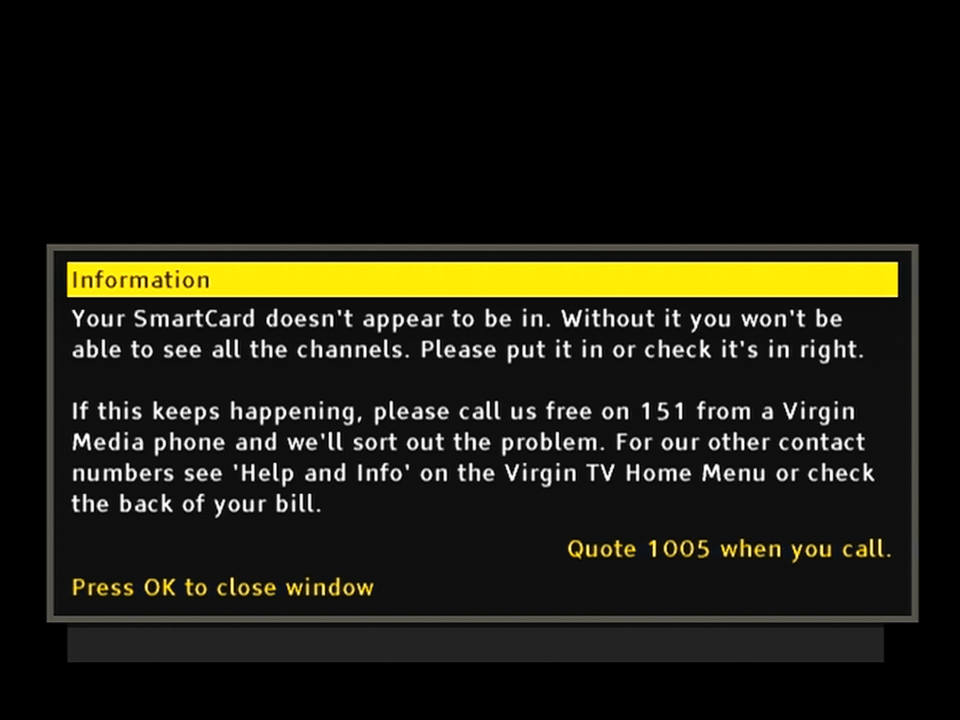
When you remove the smartcard from the set top box
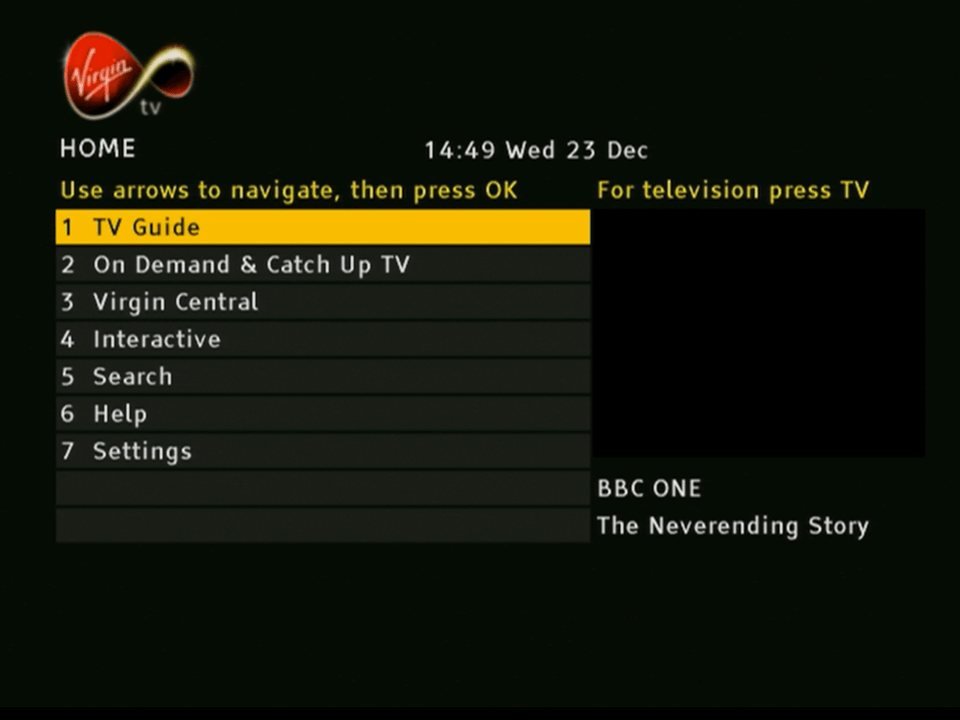
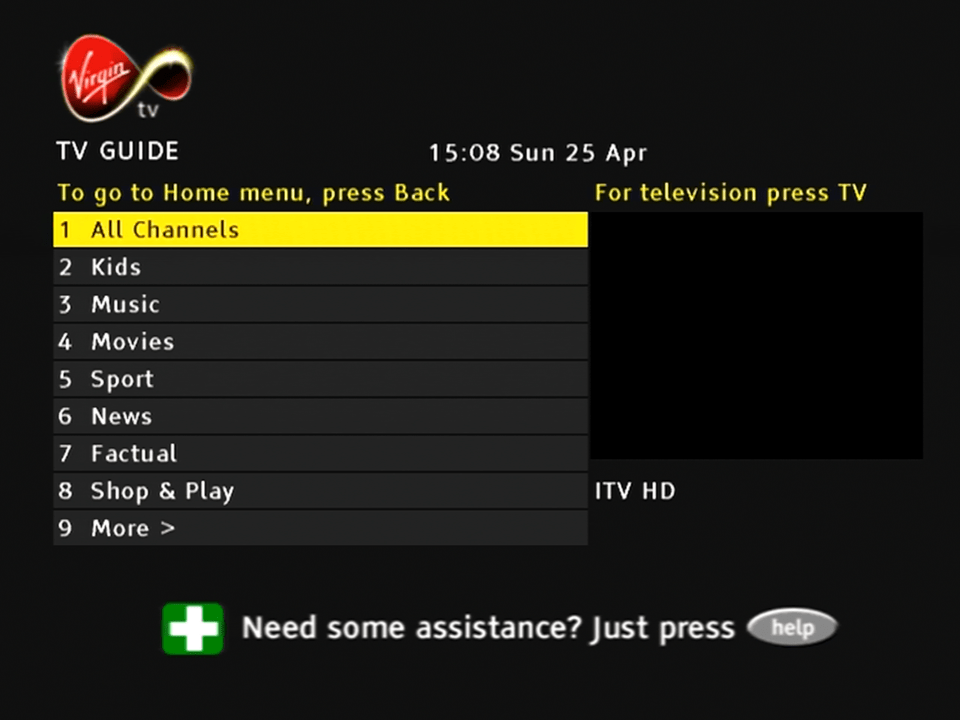
The main home screen, typically the channel you are watching appears in the box to the right. You can’t do that on a regular Sky Digibox. From here you can also access the on demand and catch services, which at the time would have consisted of BBC iPlayer and content from ITV and Channel 4. For a brief period Virgin also offered box-sets in the form of Virgin Central which could be accessed like a regular channel
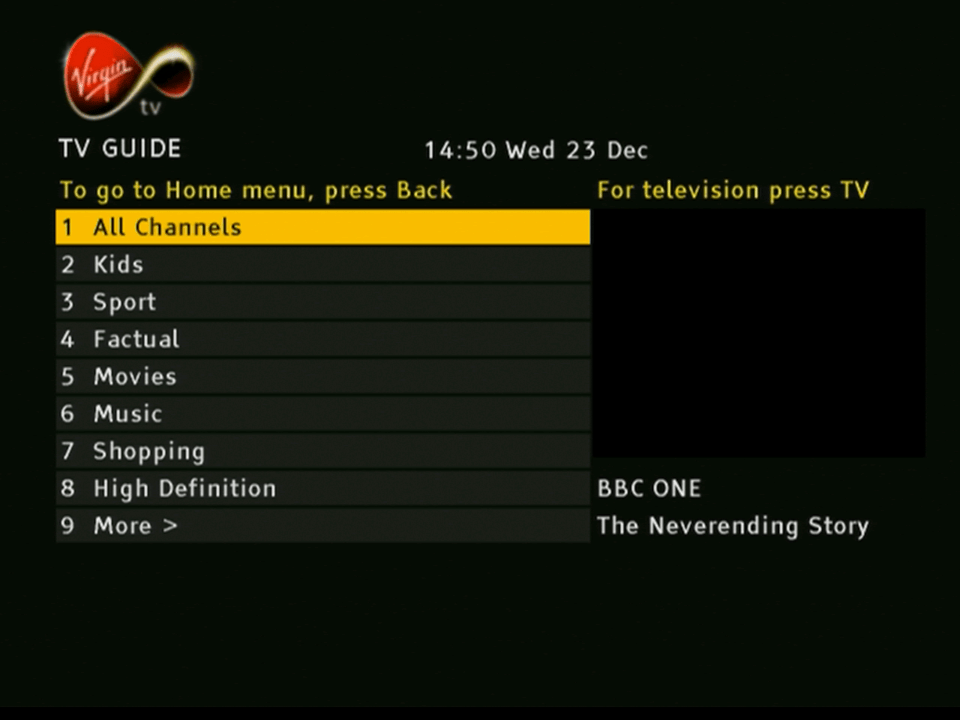
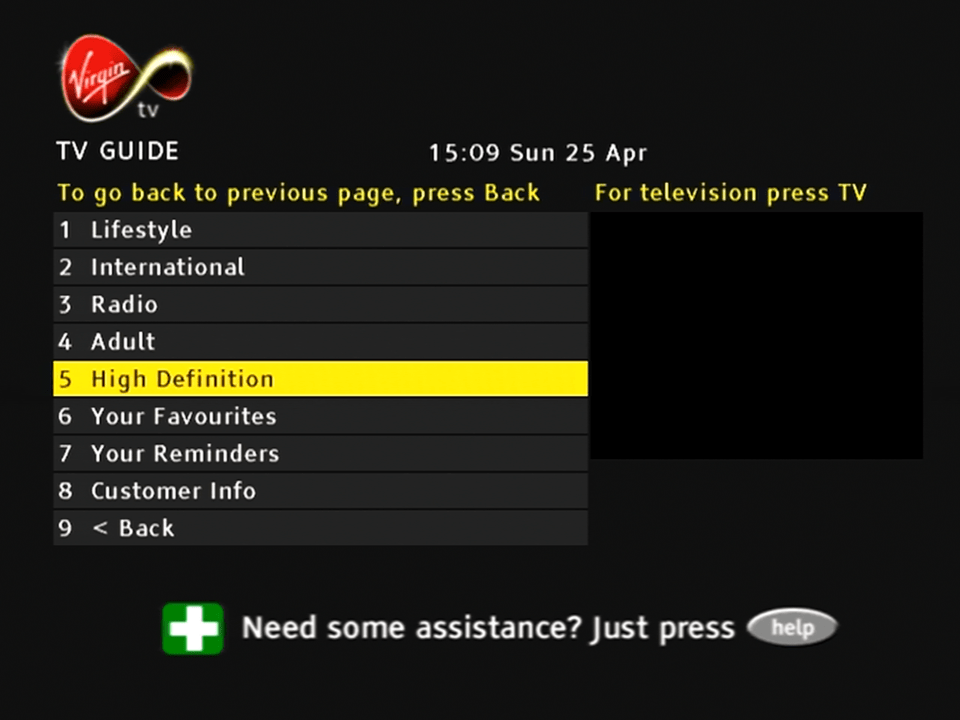
Channels can be divided into multiple genres. Oddly there’s a high definition section there, despite the box lacking the ability to decode HD channels.
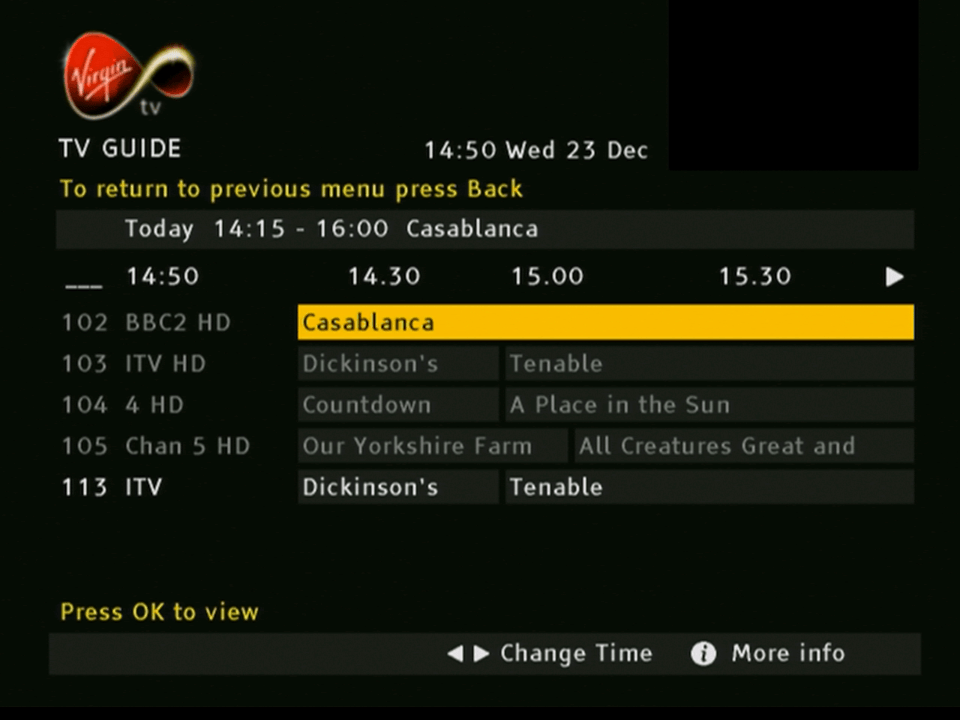
The main TV guide screen
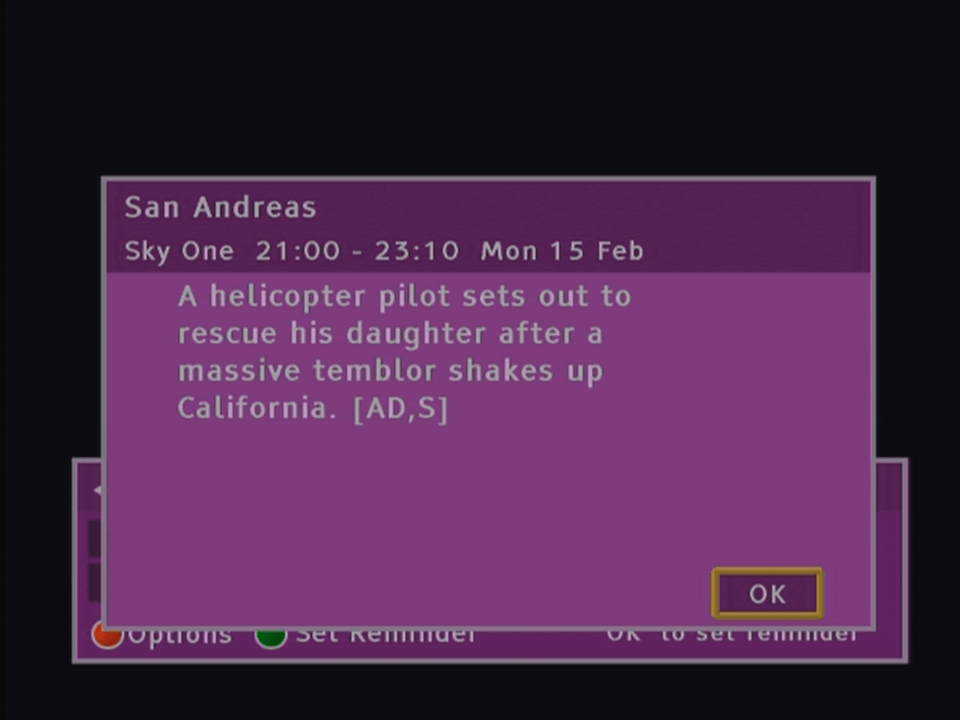
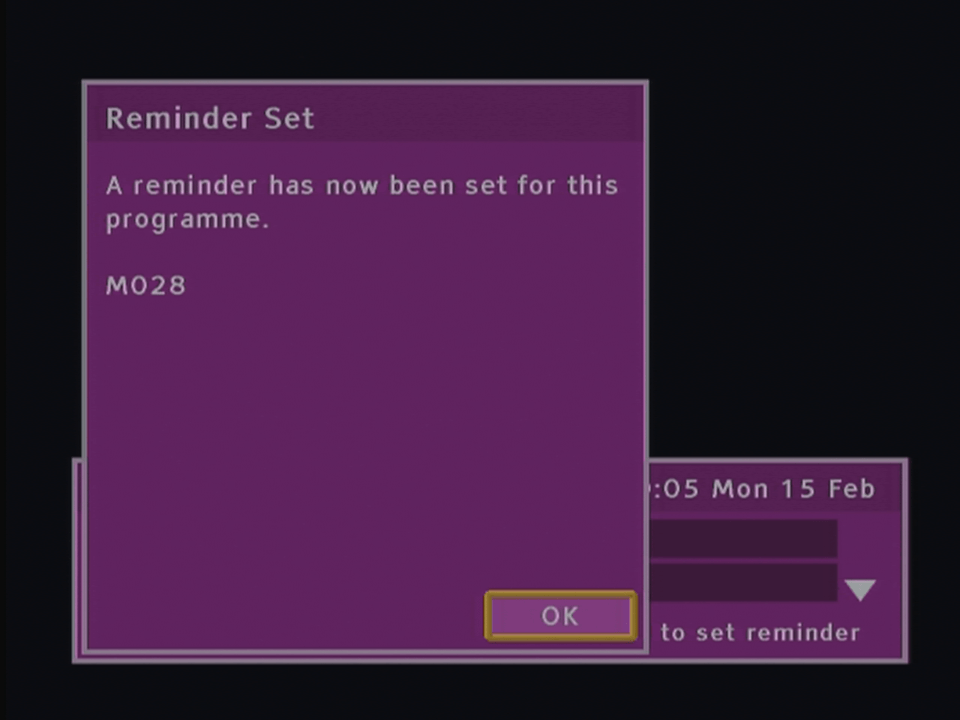
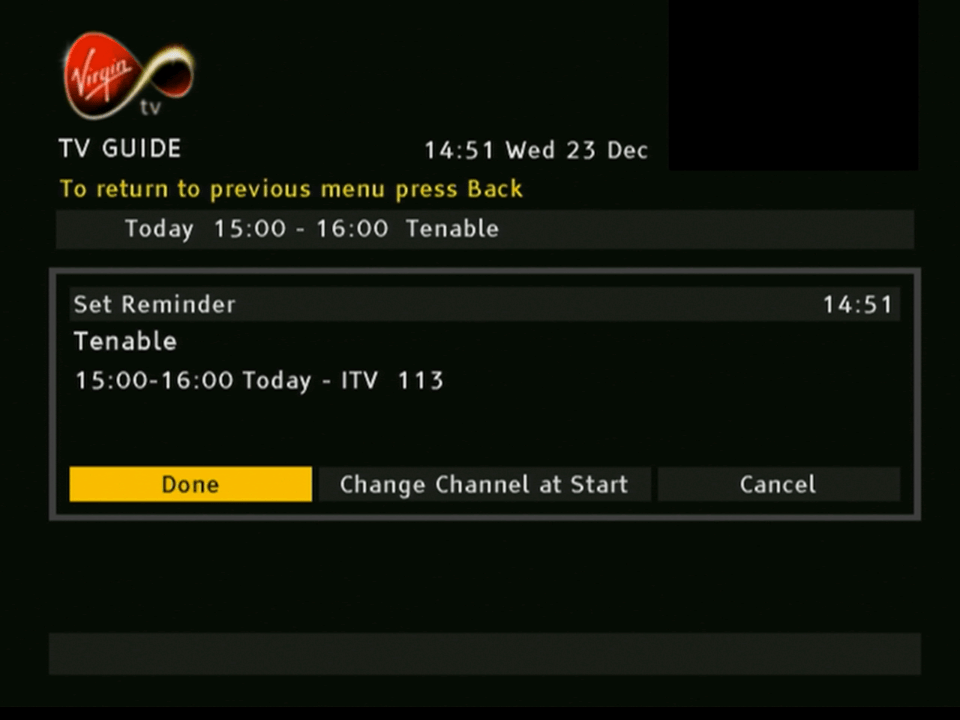
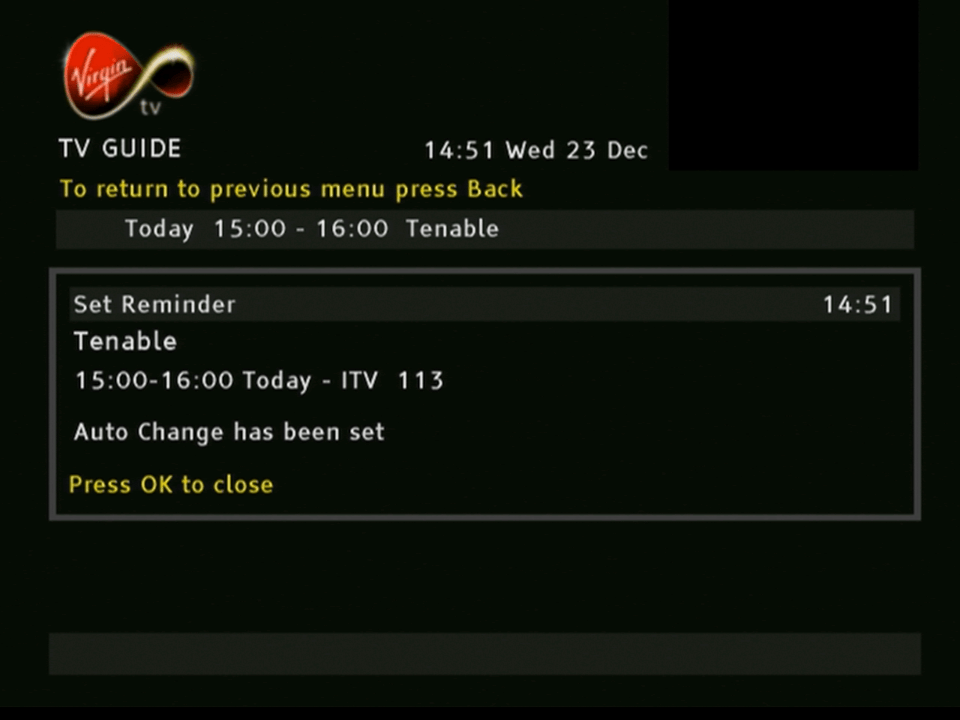
Setting a reminder, similar to adding a programme to the personal planner on Sky
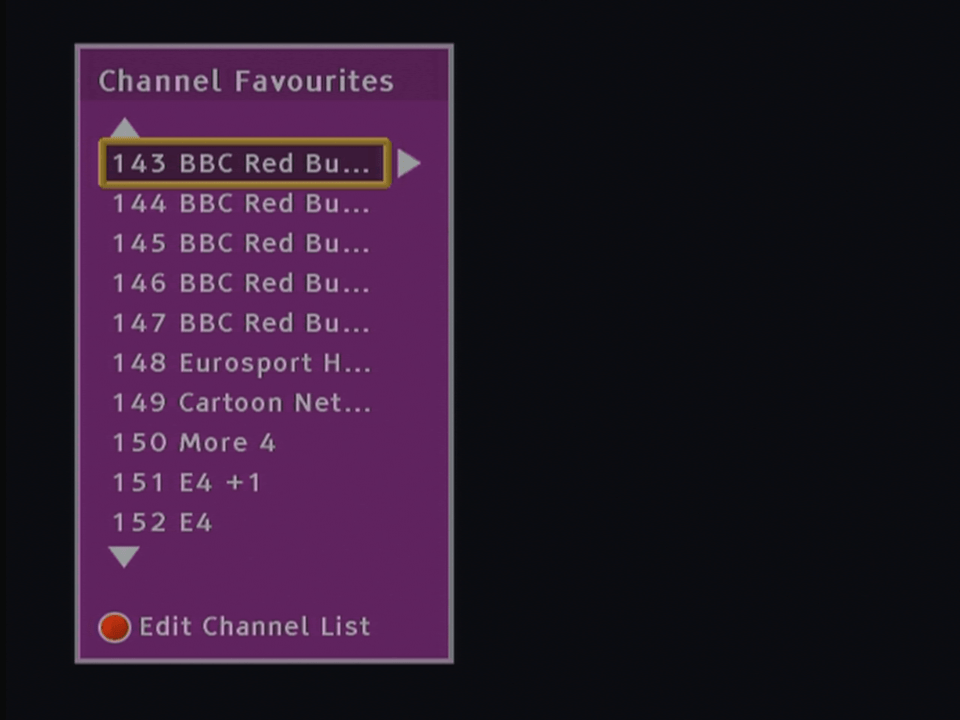
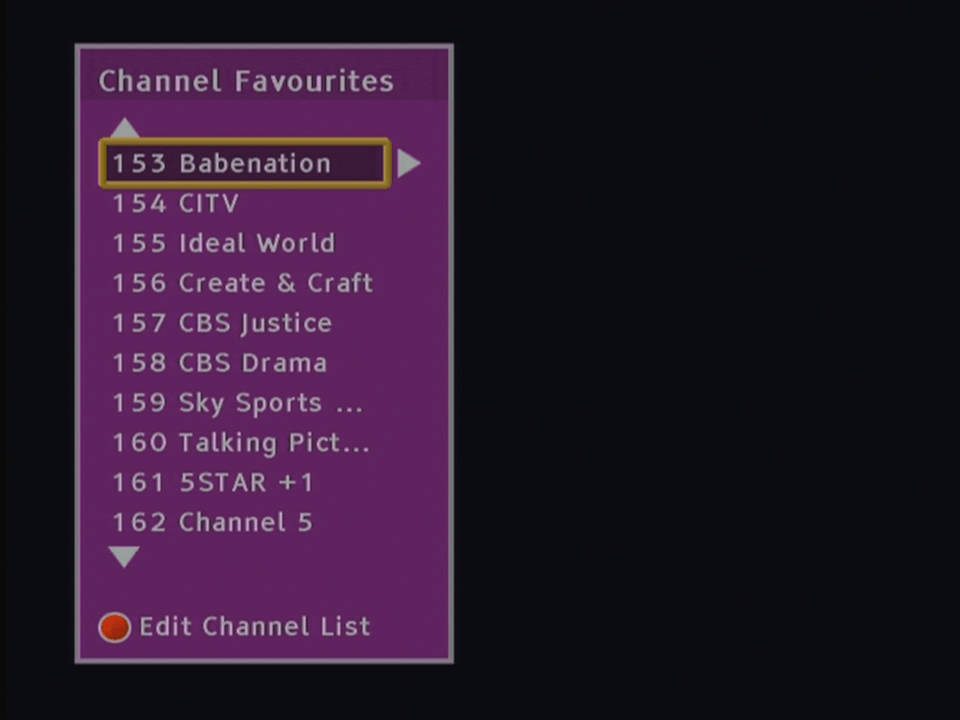
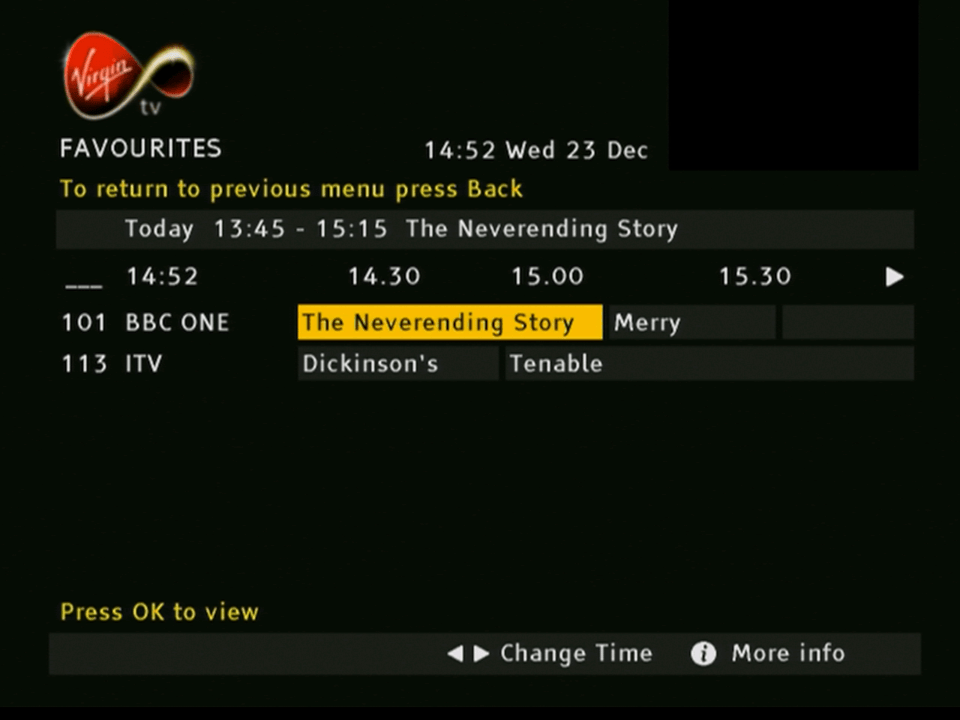
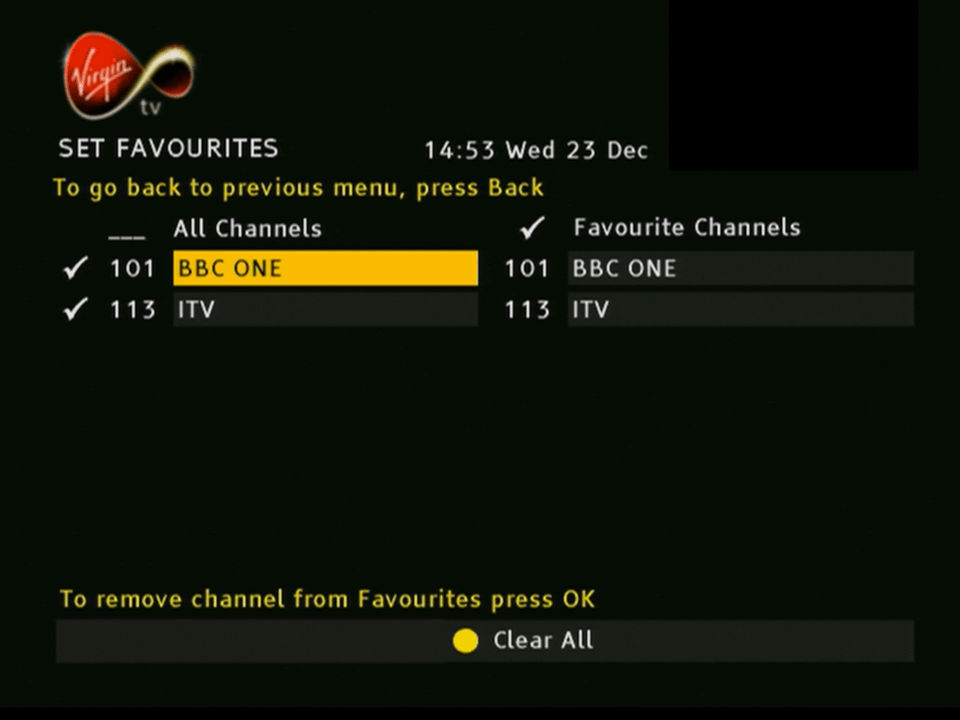
The favorites guide, channels you mark as favorite appear here
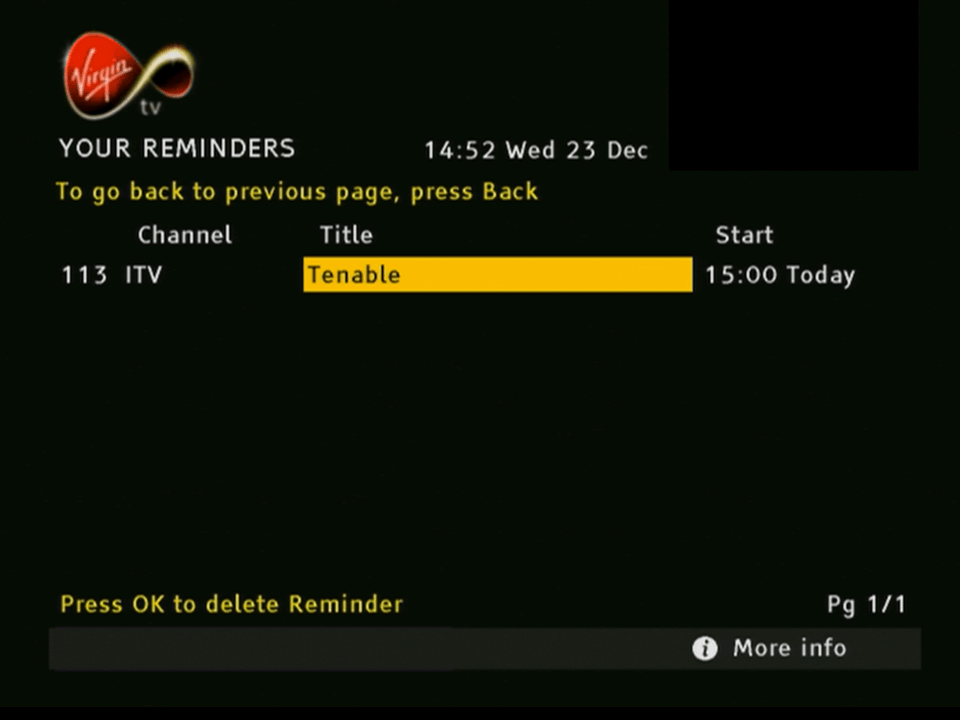
The reminders section, similar to the personal planner on Sky Digital
Sorting channels by genre
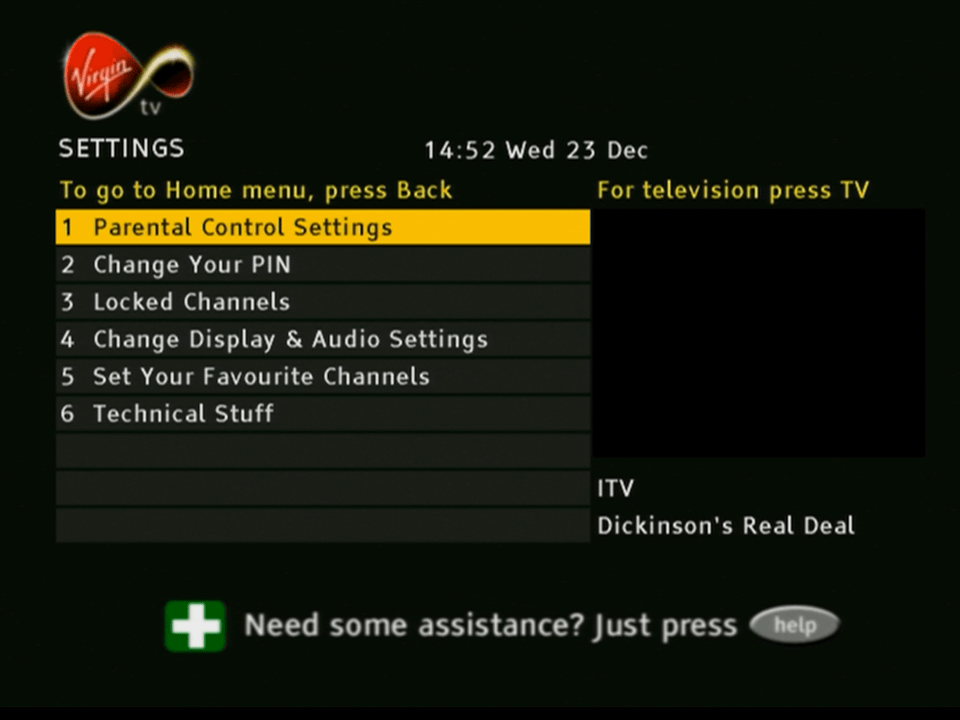
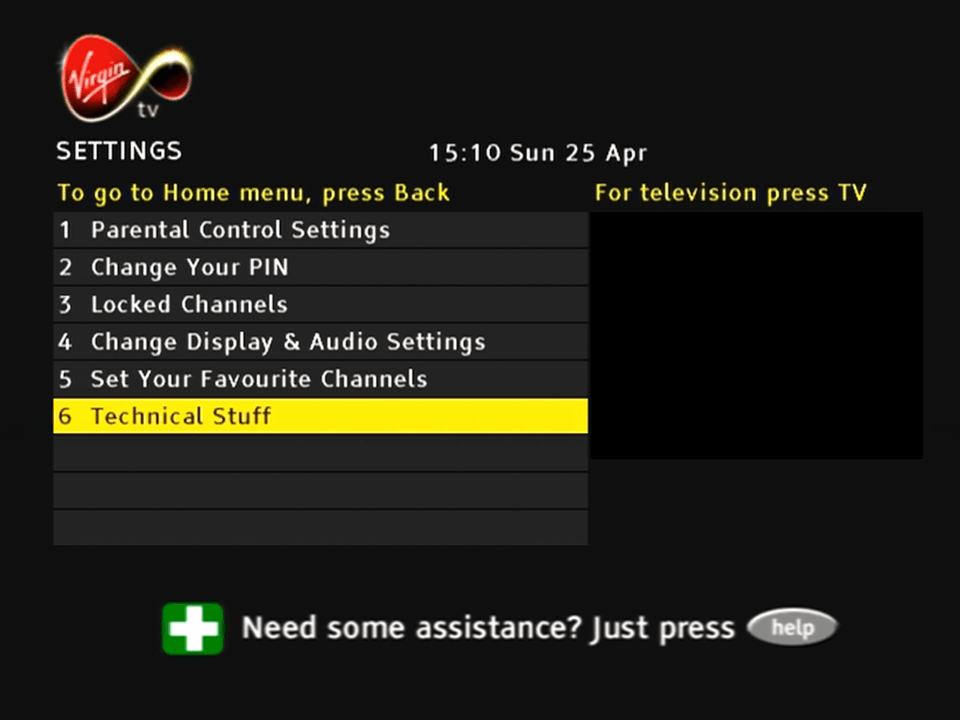
Settings
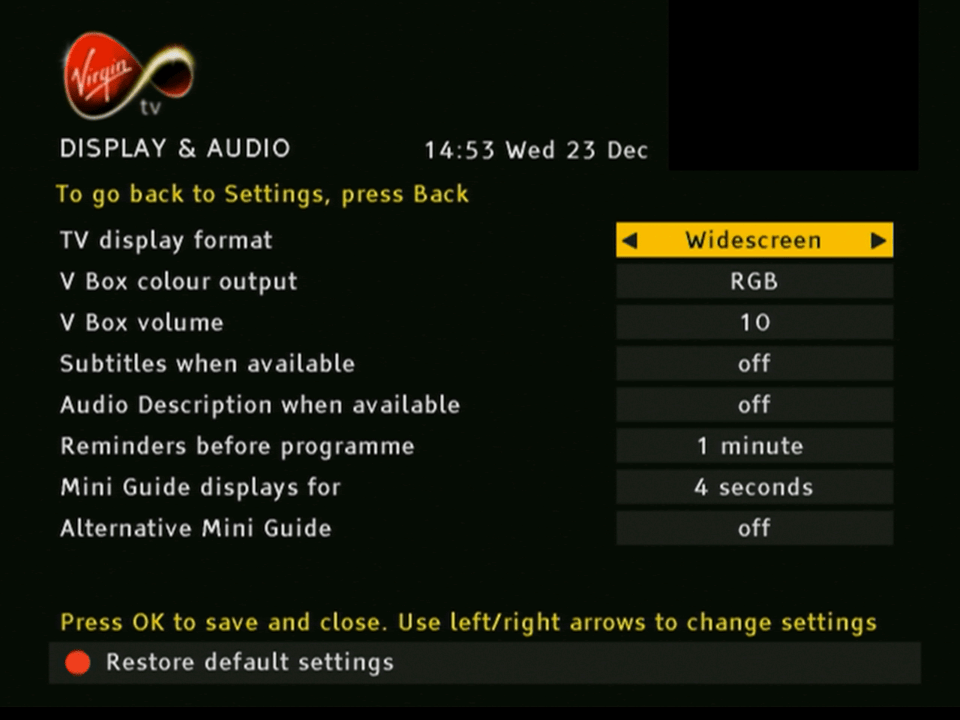
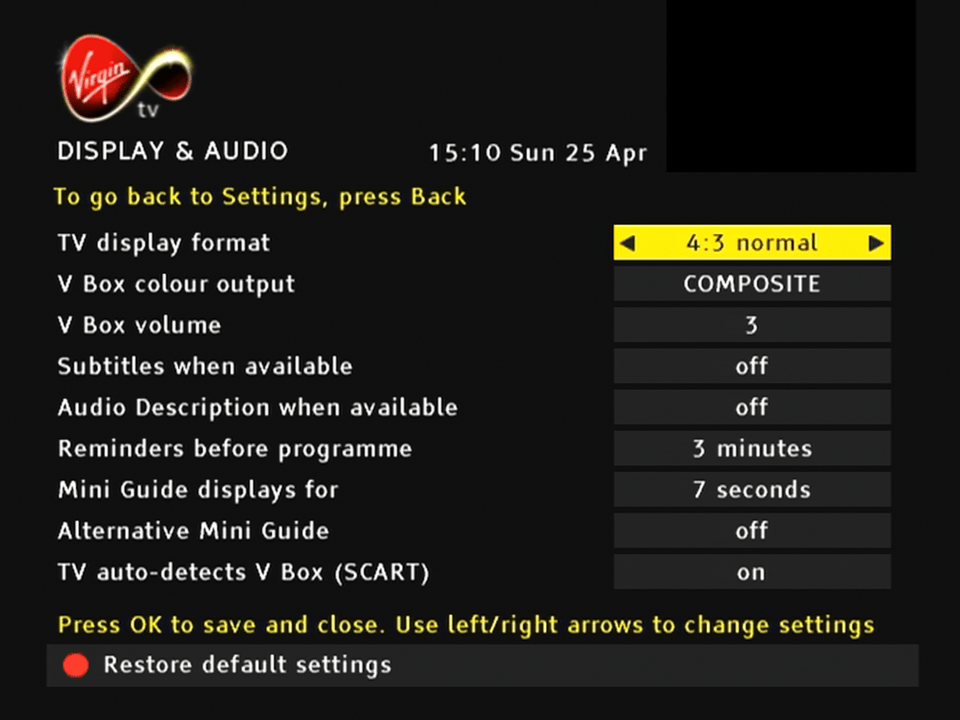
Box supports RGB and composite over scart, and has a widescreen option. The EPG does not run in widescreen mode however.
OnDemand and Interactive
Press F to pay Respect… or OK. I guess most of the liberate interactive stuff has been removed
General Use
For years Telewest customers were promised the launch of digital text services that could be activated by the text button. Eventually they just gave up
Help
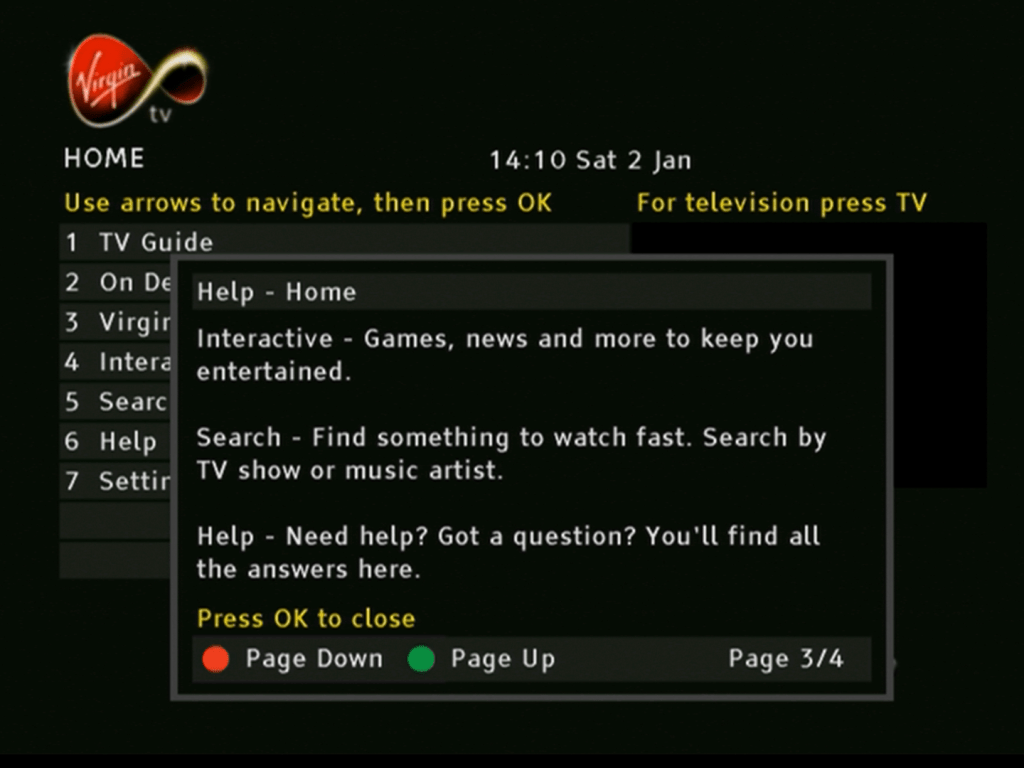
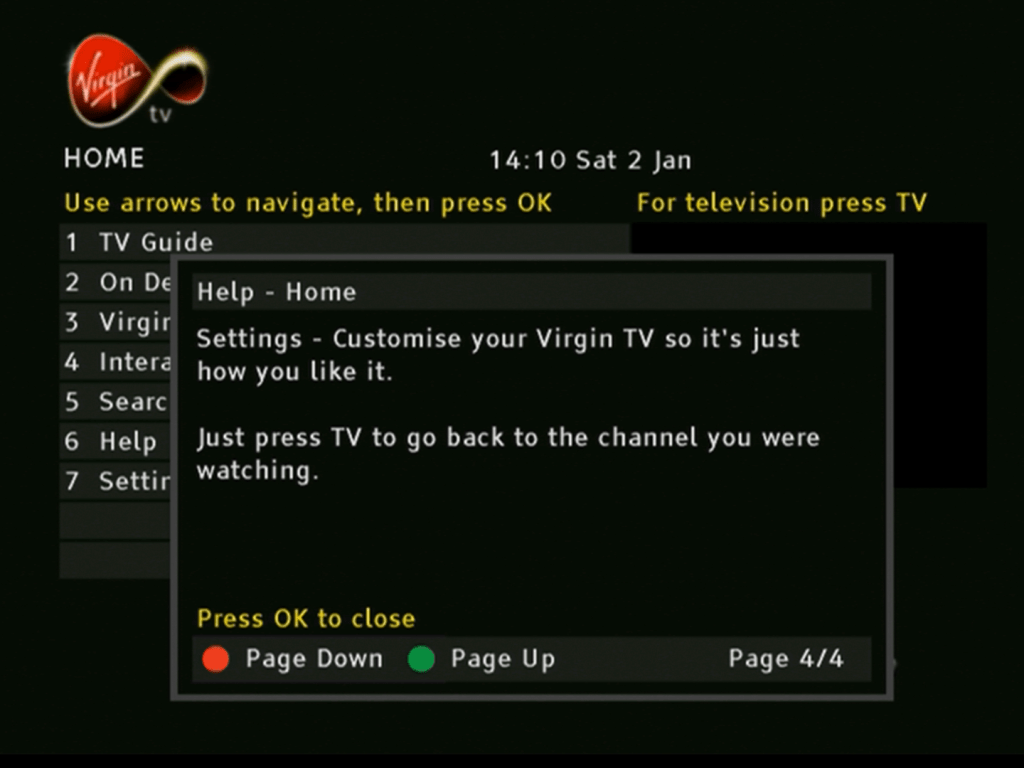
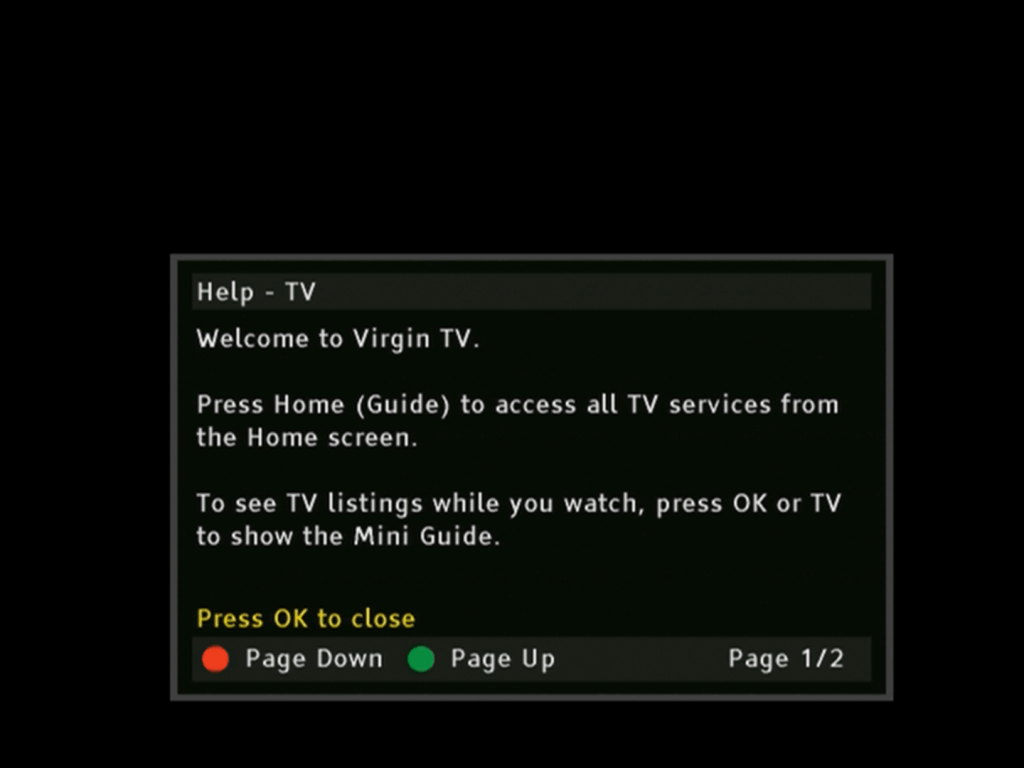
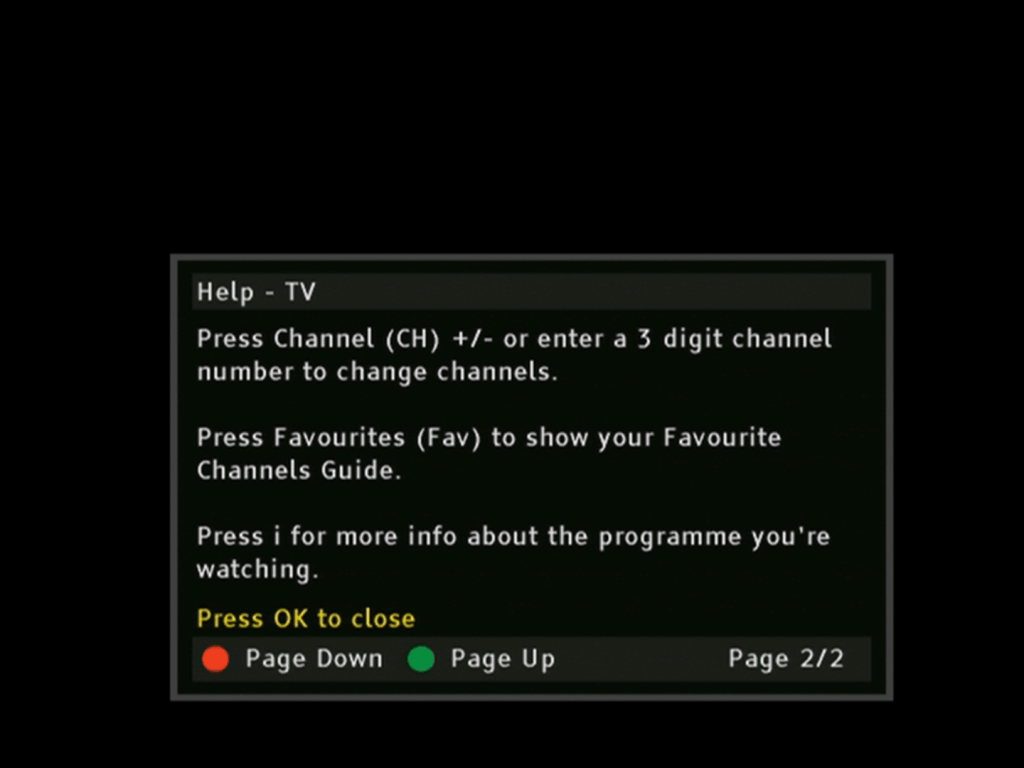
Pressing the Help button brings up a short guide that mentions most of the common features
Earlier Build
Diag Screens
Kind of like the BIOS of a PC where you can change certain settings like the default frequency. To access it hold down the Up and Down buttons on the front panel of the box whilst it is booting up (whilst -un- appears on the front display). DIAG will then appear on the front
The only thing you can change here is the default frequency parameters. and the RF output.
Inside the box
I’m not sure how similar our 4200DVB is to the American version of the 4200. I guess the CPU chip set might be the same but the software will defiantly be different, since Scientific Atlanta have their own Operating System and middle-ware stack, whereas Virgin use Liberate TV Navigator for their software. Then there’s the DOCSIS modem compared to the DAVIC based one in the American version, and the different encryption systems (Nagravision vs PowerKey)
The internals are similar to the Di4000. One thing I have noticed with Scientific Atlanta boxes is they always mount the PSU on the side. I’m not sure if this allows for better heat dissipation since there are vents underneath the box. The tuner module is huge and takes up a lot of room on the main board.
The CPU (right) with the cable modem coprocessor (left). The CPU seems to be a customized chip for Scientific Atlanta and is designed by ST. This may indicate the CPU core being ST20 based, since many ST chips used that core in various satellite receivers, including Sky Digibox’s. As with modern designs, the main processors integrates the CPU, MPEG2 decoder, CA descrambler and graphics core on the same chip. In terms of memory, the box has 32MB of RAM and 8MB of flash, same as the Pace Di4000T.
The IO is standard for many cable boxes of the era, although this model drops the USB port, and the RF loop through has been removed. The earlier Pace Telewest boxes had an RF loop through that would modulate the STB signal onto a spare RF channel, whilst this box does the same, you cant loop the antenna feed through it, wither a combiner or diplexer device would be needed. Assuming you even wanted to use RF, most customers would use the scart connecter with the RF being used to feed a second TV. I’m not sure if the box feeds the analogue cable channels though the RF out, but since this box was released in 2004 and Telewest were already planning to shut of the analogue feed it’s unlikely.
At least there’s an Optical audio out along with analogue out, which the Di4000 boxes dropped, and the mysterious IR blaster connector.
Front view of the STB, the panel is based on the Scientific Atlanta 4250 design.
Updating System Software
To force a software update, power off the box, hold Power and Ok whilst powering the box on
It’s nice they used Wordart in their software update screens
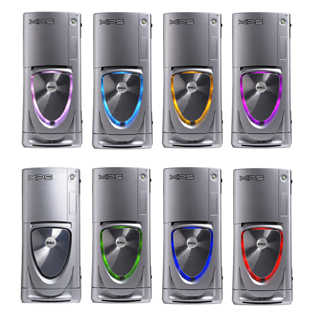
Dell’s XPS line of systems had always caught my attention, that and the Alienware Area51s/Auroras of the time had eye catching designs that stood out from the rest. I wanted an older gaming system purely for the games that were released in the era of Windows XP, from 2001 – 2006. Whilst most of these games can be maxed out on many modern systems, sadly compatibility issues are starting to occur when playing these old titles, and as Microsoft continue to update Windows 10, these issue’s are starting to become more apparent.
So I figured why not buy an older high end system and modernize it. By modernize I meant installing additions like an SSD and a USB3 card to make the system ore convenient to use whilst still keeping the original core hardware.
The Operating System
Windows XP Professional
The default choice for a machine of this era and type, for the best compatibility
Windows XP Professional 64bit Edition
Yep, there was a 64bit version of Windows XP, two in fact. The system is capable of running 64bit code thanks to the Pentium 4, and the system can detect all 4GB of its ram. I did install this to use as the main operating system, but found out some games ran into compatibility issues with the 64 bit kernel.
Windows 98/ME?
I have considered this, for a dual booting purpose only. Reason being this is one of the last machines to support Windows 98, or at least have native drivers for it. In theory you could create the ultimate Windows 98 gaming PC with these specifications without breaking compatibility.
In reality, Windows 98 was on its deathbed at this time, whilst software does support it, its only basic support that the game actually starts up so that it ‘runs’, there are numerous performance issues just from the operating system itself, and many games are missing certain graphical effects. And the fact 98 was notoriously unstable compared to XP.
The drivers also have the same story, with the NVidia drivers being notoriously unoptimized. The NVidia card for example has the latest XP driver being released in 2012, compared to the Windows 98 driver being released in 2005, that 7 years of driver optimizations and progress being missed out on.
In reality if you are buying a high end pc in 2005, its incredibly unlikely you would be running Windows 98 in it, and manufactures knew that.
Linux
Or GNU/Linux if that’s more your thing, I’ve also contemplated dual booting a Linux based operating system on it from that era. Something like Ubuntu 8.04 or Red Hat purely to see what it’s like. And maybe get some old GNU/Linux games going…
Components
Processor –Intel Pentium 4
Pentium 4’s weren’t my first choice of CPU back then. Truth be told they were very hot boys and had a tendency to overheat if they were not properly cooled. Dell made sure that wouldn’t happen with this monster of a heatsink with two 120mm fans.
For some reason Dell are allergic to AMD, something that still rings true today. Most of their systems use Intel chips with only a small amount of models supporting AMD chips. This is despite the fact that AMD chips of the era ran cooler and consumed less power, Dell insisted on using Pentium 4’s on small form factor PC’s like the OptiPlex SX270.
Graphics – NVidia GT 6800 Ultra
GPU’s were very competitive around this era, what with the Xbox 360 and PS3 being due to launch. Whilst the 6800 is a generation behind the RSX used in the PS3, it’s ideal for maxing out games from the 2001-2006 era
Memory – 4GB DDR2
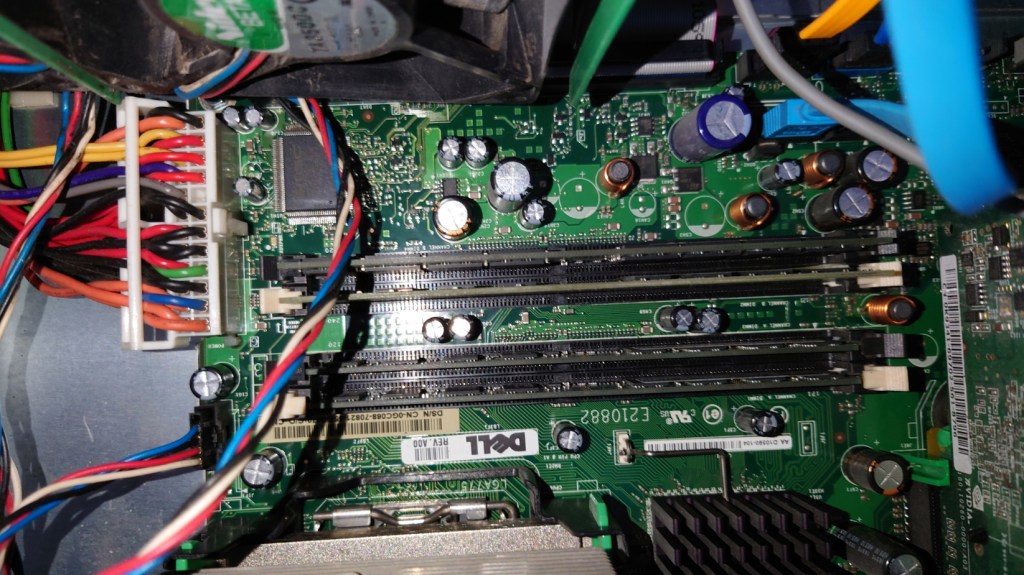
4GB seems a bit overkill for a system like this. Considering Dell would have shipped a 32bit operating system on it, limiting it to only 3.2GB. I guess the previous owner must had upgraded it to 64bit Vista at some point.
Looking at the SPD data in CPU-Z it seems the system left the factory with 2Gb of RAM, with the remainder being added later. I’ll probably take the excess RAM out at some point and install it in another machine, since it’s never going to be needed with Windows XP, unless I decide to run some 15 year old CAD programs on it
Sound Card: Creative Audigy
Dedicated soundcards are uncommon today, with most motherboard having onboard Realtek or Conexant audio. Still Dell shipped the system with the Creative Audigy as the sole sound card on the system, no onboard audio here. This was the last era that supported EAX effects in games that this soundcard supported.
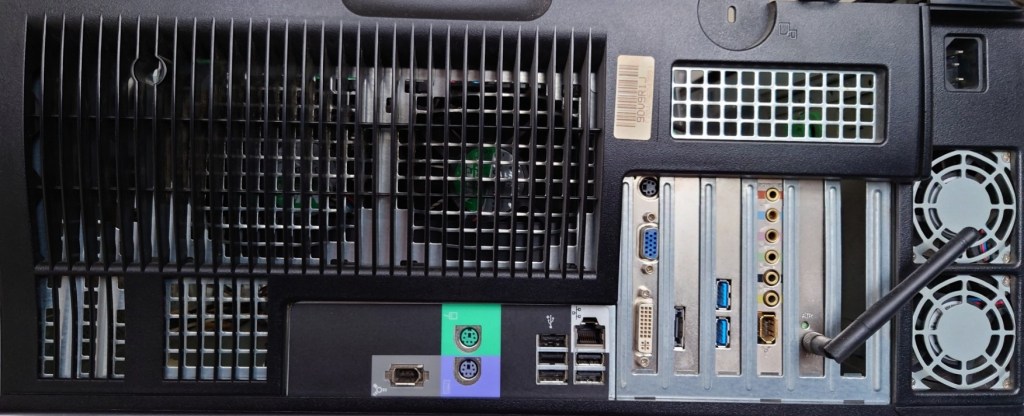
Dell XPS Gen 5 rear panel with upgrades
Maxing out: Upgrades
Top to bottom, Wifi, Sound card, USB3 card ,SATA card
USB3 PCI Express Card
USB3 didn’t exist when Windows XP was released, and even USB2 was still in its draft stage before it started appearing on motherboard in late 2002, however many manufacturers have provided drivers for Windows XP for both 32 and 64bit editions. Having a USB3 interface will come useful when it comes to connecting external hard disks. This card also has a front panel connector which I will use with the Akasa Front panel USB3 bay.
SATA SSD
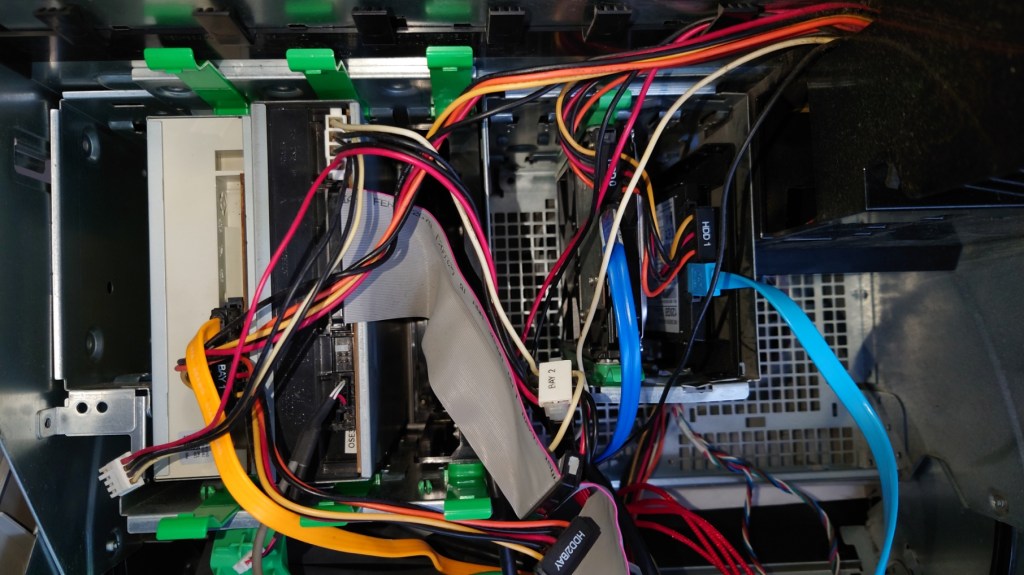
A must for any modern PC, and although there were not common back when this system was released, I had no problems installing it (a 2.5 to 3.5 adaptor is recommended) and it was detected by the BIOS and Windows XP setup. One issue is that dell insist you use these green drive brackets to mount the drive, the idea is that it’s supposed to be a tooless design so that the drive can be pulled out of the slot.
In practice the clips ended up breaking since they had become brittle, and I was unable to screw in the SSD bracket since Dell designed the drive bay for it to be used with the clips so for now the drive is just resting on top of the hard drive.
SATA3 Card
This is a SATA 3 capable PCI Express card which would have been necessary for the SSD upgrade, since the onboard SATA can only support up to SATA. Whilst SATA standards are backwards compatible, it would have meant the SSD would have been bottlenecked by the onboard interface. A bonus is this card provides an eSATA port
Wifi – Broadcom
This was already installed by the previous user, or it may have been a optional factory upgrade installed by Dell. This is quite old and only support 802.11g protocol, which was standard in 2005. It also supports WPA2 and it capable of connecting to my BT Smart Hub. However I will be using the onboard Ethernet for when I connect it to the network, because Windows XP is no longer supported its not a good idea to have it connected to the internet.
Akasa Front panel USB3
Adds two front panel USB ports and also serves as a 2.5 inch bracket to mount floppy drives or memory card readers. I might add a memory card bay to it at a later date.
CD-RW Drive
Pulled from an old HP machine. The system has a spare drive bay and I had this drive laying around so why not?
Concerns
Power Supply
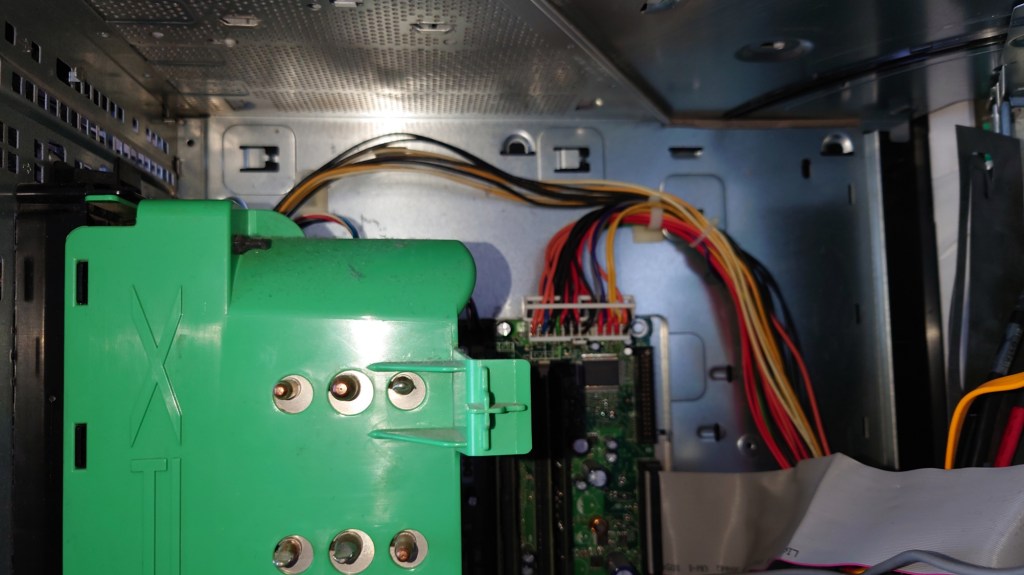
One of the main disadvantages of pre built Dell Systems is they tend to deviate from ATX standards, and the power supply unit used here is one example. First issue is the design, a standard ATX power supply cannot be used as a replacement unless the case is modified
SSD
Windows XP predates mainstream SSD support, and as a result does not implement TRIM. Windows did not support this until Windows 7. One advised workaround was to under partition the SSD, say to about 90%. Whilst you do loose storage capacity, since our games are stored on the hard drive this is not so much an issue.
Capacitors
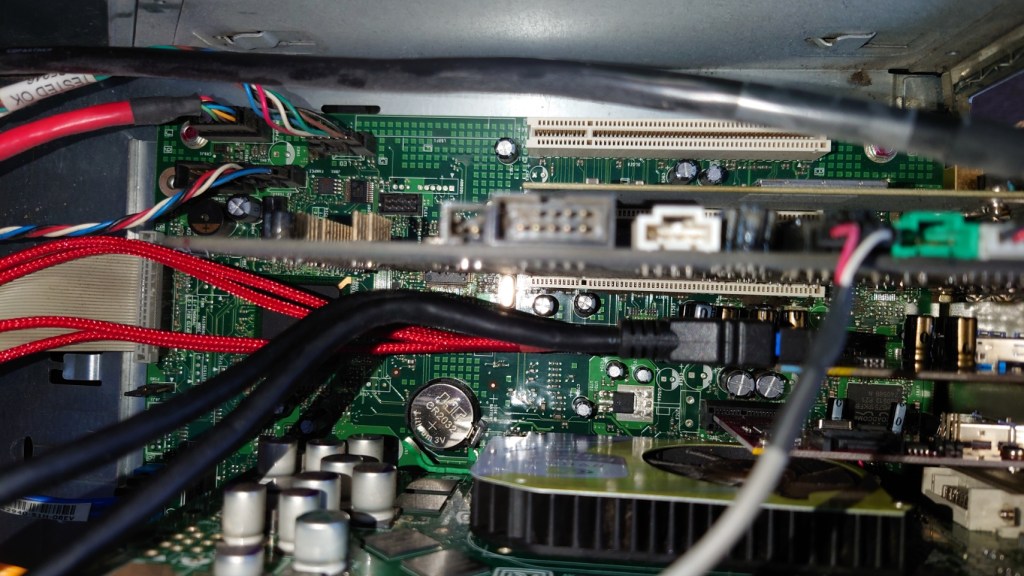
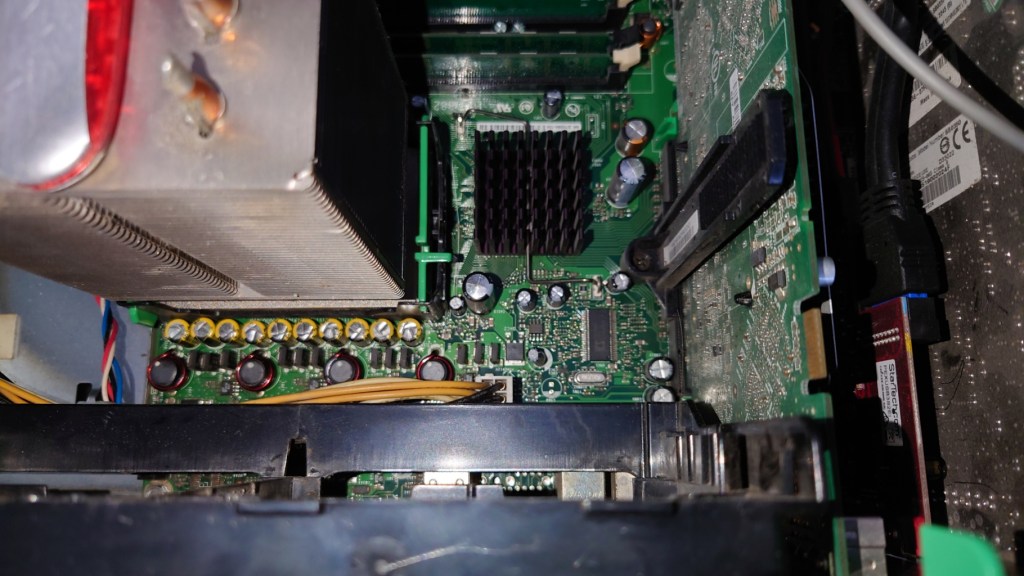
This system came out during the capacitor plague, where many substandard capacitors were used that had a tendency to leak much earlier than usual. Also given that this system was on the extreme end of the power draw spectrum,
Steam
Plenty of games from this era were released on Stream, and up until 2019 you could install the client on Windows XP. However Steam dropped support for the operating system due to the Chromium Embedded Framework no longer offering support for XP either. This meant that future steam update’s would no longer be provided to Windows XP users, and sooner or later they would no longer be able to access their accounts via Steam, preventing the ability for them to play games. There are workaround’s to this that allow the client to run, but you are unable to access the Steam Store or the community features. Also I can’t imagine Valve’s being happy that modified clients are being used to access the Steam service.
Really you are better off sticking with the retail DVD or CD releases, or with GOG where games do not come with DRM and can be played without the reliance of a client.
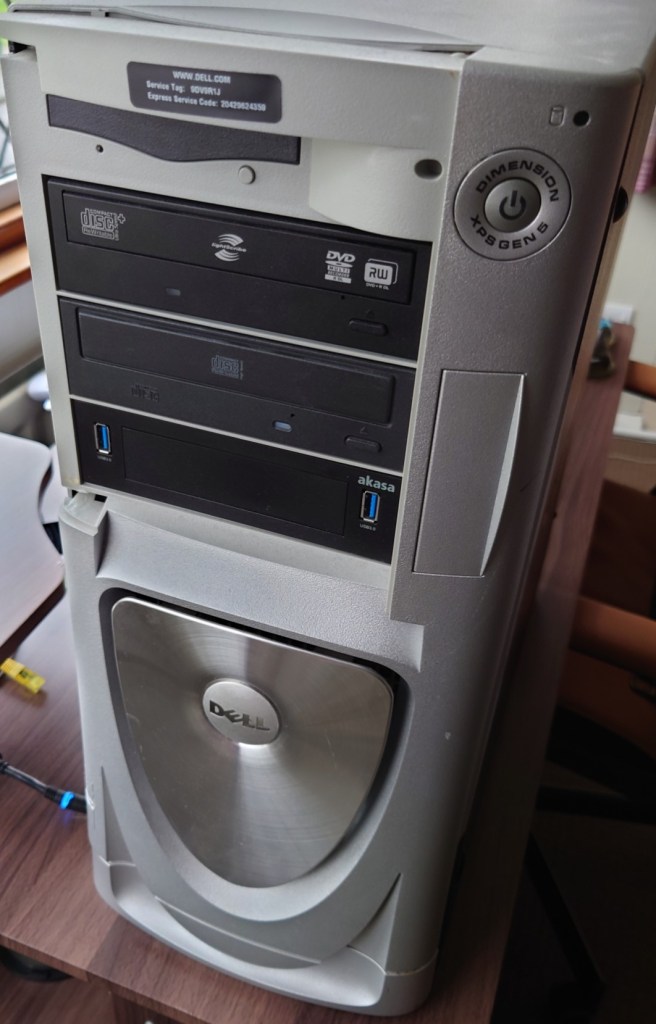
Fans were in dire need of cleaning, managed to get most of the dust off for now Cable management isn’t my forte but its hard to do it in this case, the power cables and SATA/data cables go in different directionsWith the fans removed, hopefully those capacitors aren’t bulgingWith the fans put back on, I think Dell made this case a bit too big judging by the space aboveThe front of the system, sadly the front panel cover for the drives is missing XP desktop with Royale theme – Media CentreAh the good old days of Windows Media Player 10
Conclustion
I have to admit, the main thing fuelling this was nostalgia. having memories of booting into Windows XP brought back moments when we would sign into MSN messenger and MySpace using Internet Explorer or Mozilla Firefox with several toolbars installed. Sadly these service are no longer available as they was, with MSN Messenger being discontinued in favour of Skype. From a gaming standpoint, whilst it has no issues maxing out games from 2001- 2004, stuff released from 2005 (eg Splinter Cell Chaos Theory, Driver Parallel Lines) onwards has a tendency to stress the hardware out, and I found myself having to downgrade the resolution in order to boost the framerate, which had me considering why not just play these games on a modern rig that can max these game out easily.
I suppose the main saving grace is compatibility, with these Pentium 4 (and Athlon) systems being the epitome of backwards compatibility. For this one in particular Dell provides drivers for Windows 98/ME, XP, and Vista, allowing you to theoretically triple boot the system for maximum compatibility without any concern with drivers. Any newer and drivers and compatibility with 98/ME becomes an issue, and anything older will have issue with Vista or 7 support
Whilst I haven’t played any game on it from 2007 onwards, I suppose you could get away with it providing you play at a lower resolution, although you might as well get a Core 2 Duo system with a GeForce 8 series or a Radeon HD200 series GPU
A look at ntl’s CR3 software for the Langely Platform
CR3 was ntl’s long awaited upgrade for their Langely customers who had previously no access to any interactive services, unlike the Bromley division that had full interactivity for some time. Part of this was due to the different return path technology used, ntl had originally went with DAVIC compared to Telewest and Cable & Wireless who deployed the DOCSIS standard for their TV return path. Although they are similar in terms of functionality, the differences meant ntl could not adapt the Cable & Wireless software for the Langely platform. In addition, Langely areas also ran different software with the original EPG being provided by Pace with the Liberate 1.2 browser being installed. CR3 would see a rewrite of the entire guide with everything now being done in Liberate, this meant that the Liberate browser was loaded on start-up, unlike earlier versions where the user had to wait for the browser to load.
CR3 saw a drastic change in the user interface, with the new ntl colour scheme being adopted
Screenshots below shows the stb without any channels loaded, I have to force boot the stb by holding they down key until Boot came up on the front panel display. Sadly I was unable to get the box to load with the cable feed.
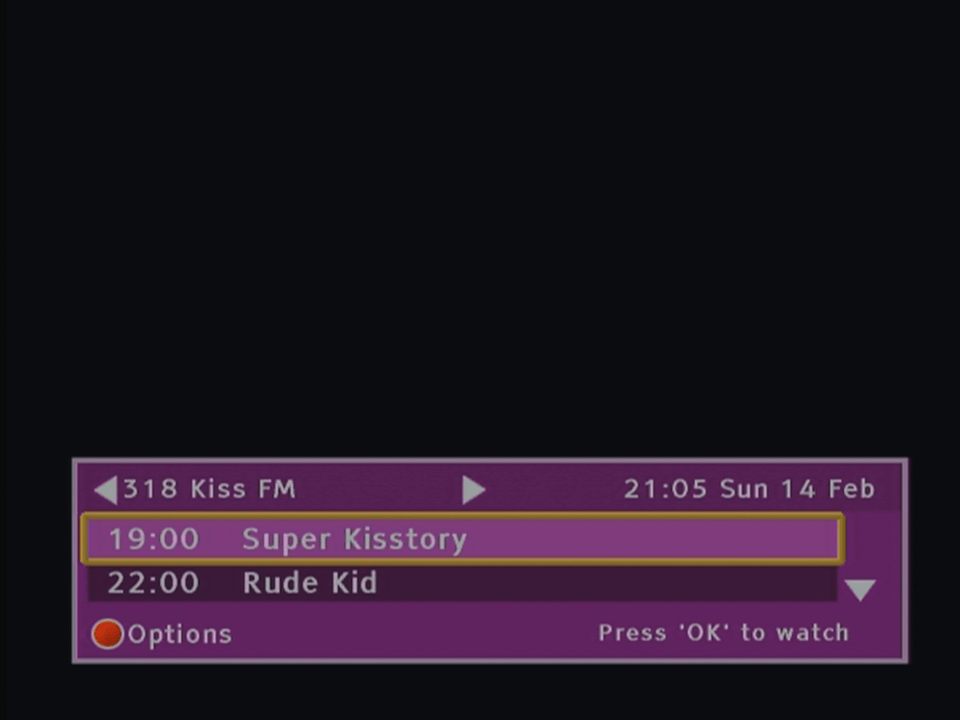
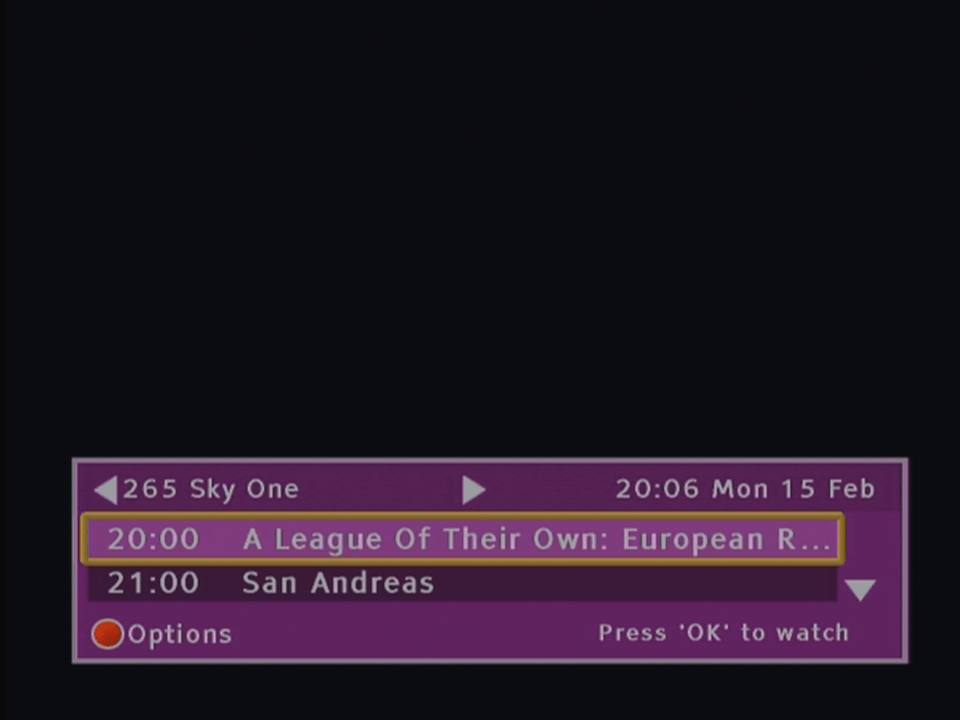
Now & Next
ntl CR3 mini guideWith alternative colour scheme enabled
TV Guide
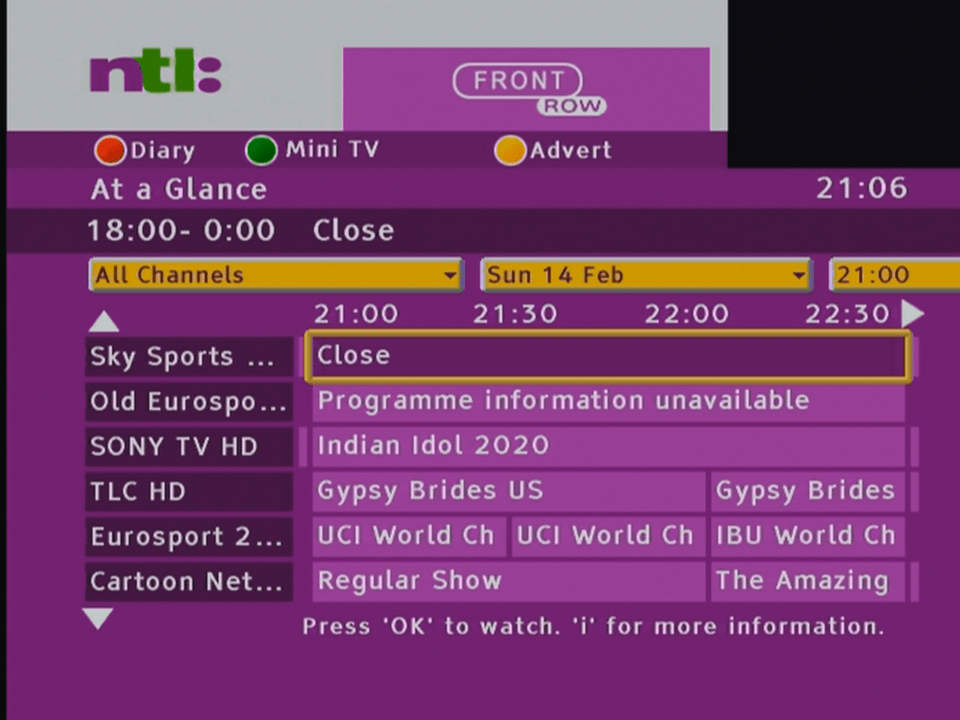
The main user interface layout, you can see the Sky Guide influence with its layout
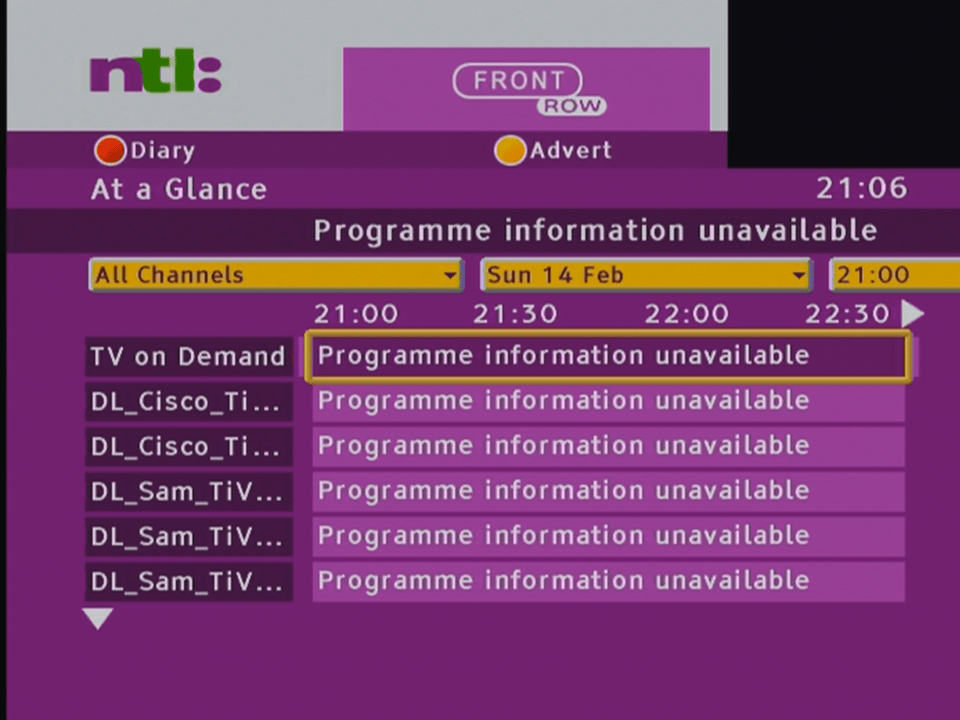
Viewing all channels, this would be populated with all subscribed channels, unfortunately the STB does not pick up any channels, either it cant load the NIT or the tuner inside the box is knackered
Viewing channels based on genre, up to 7 channels can be displayed at any time
Diary function, this is like the Personal Planner on Sky Guide, you can schedule future programmes to be entered here. Unable to test further since the box can’t load any programmes
On Demand
Ntl revamped replace its PPV service with a full on demand service, the programmes ordered could be watched easily. This software seems to be from before on demand was implemented as despite the menu saying ‘On Demand’ the box shows PPV options instead.
Interactive
Not functional 😦
Settings
Rearrange Channels
ntl had the ability for the customer to rearrange the channels in their EPG, allowing for channels to have their own number. This feature was removed when they migrated over to the Telewest based UK1 software
ntl CR3 change channel numbers
I can soft of understand why the feature was cut, in a family household one could easily rearrange the channel numbers which would cause issues with other members trying to figure out the channel numbers, and probably resulted in increased support calls from customers trying to figure out what had happened to their channel list.
ntl CR3 video
Changing the picture settings
ntl CR3 audio
Never seen this before with digital TV, the ability for the box to sound an alert, with Sky boxes you can only sound a beep, and that’s only if there’s an error or if there are subtitles on programme being watched. Three alert sounds are available. Sadly this feature was cut when they migrated to the Virgin UK1 software.
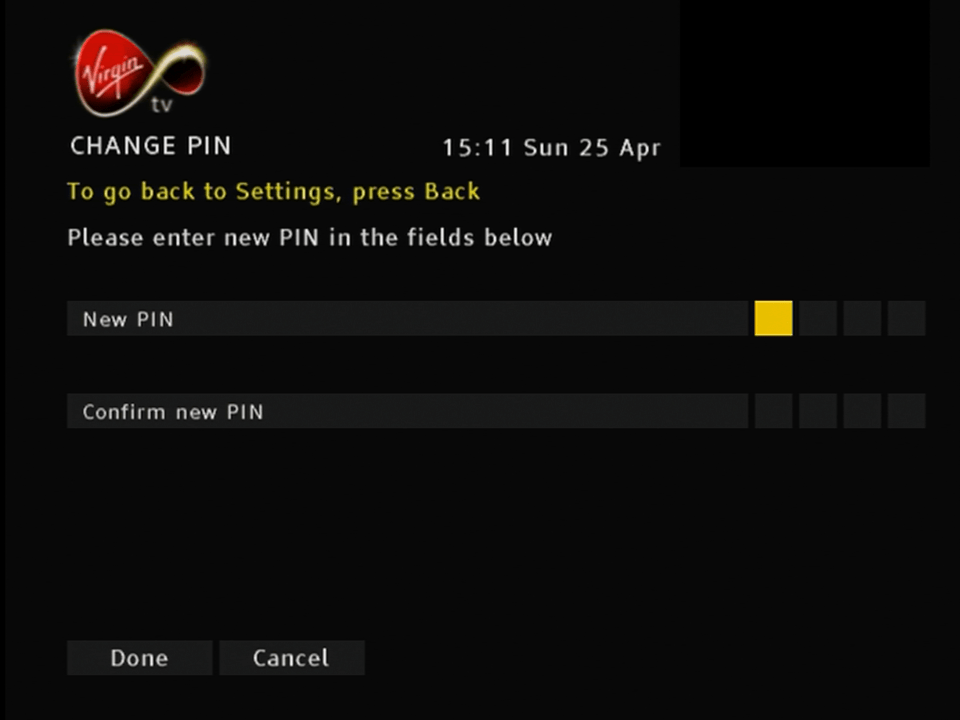
Parental control PIN
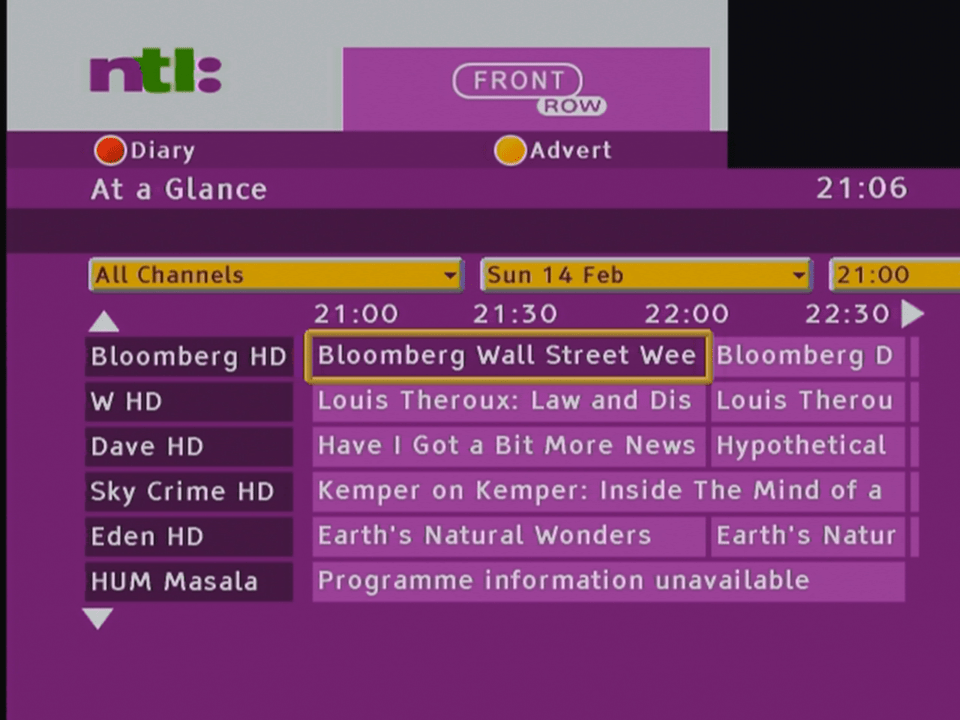
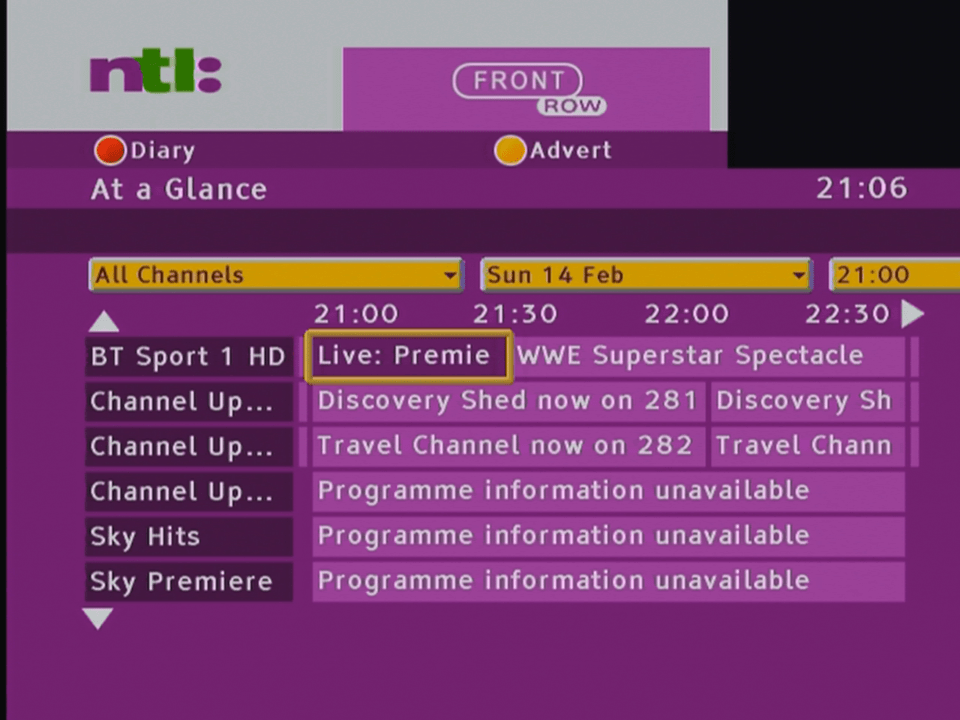
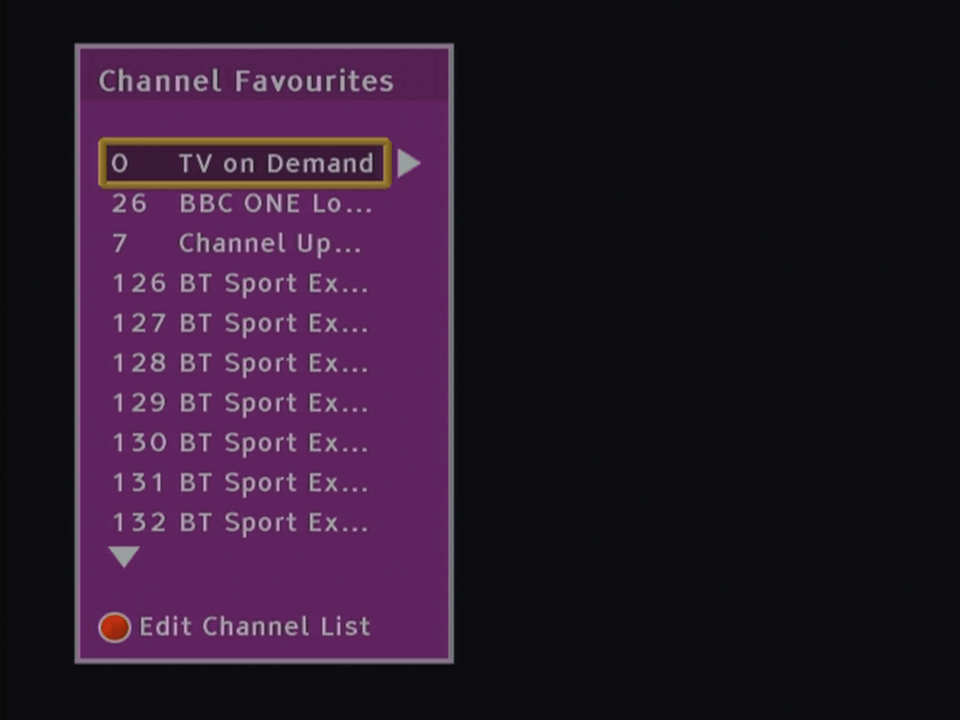
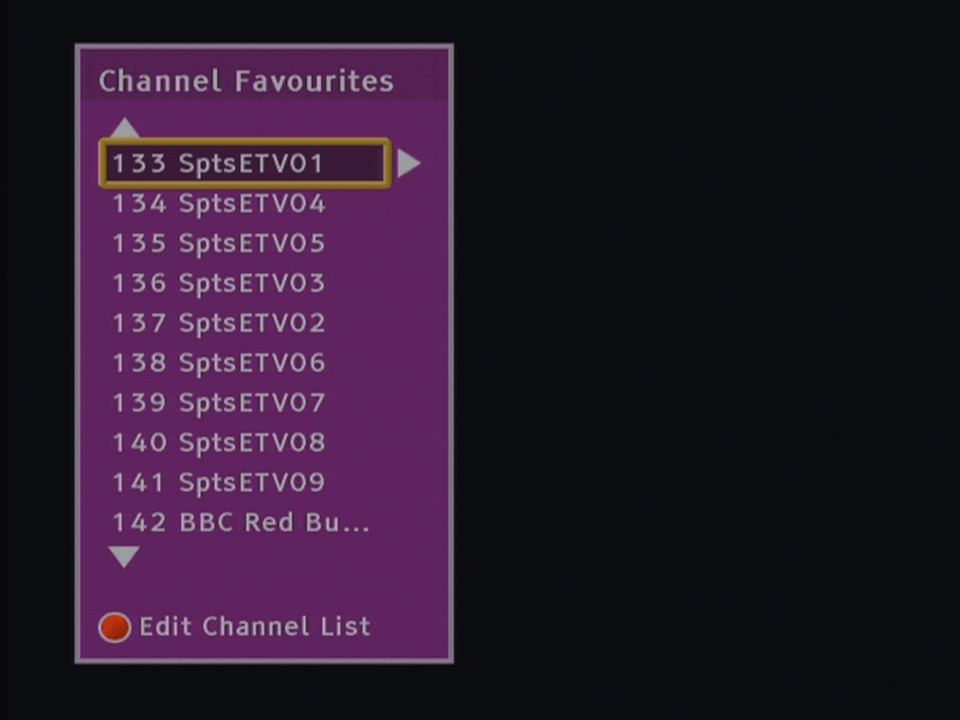
Favourites
Favourite channels can be viewed in a list form the channel banner
Listings for favourite channels can also be viewed whilst watching a channel.
Error Messages
These were common back in the day 😉
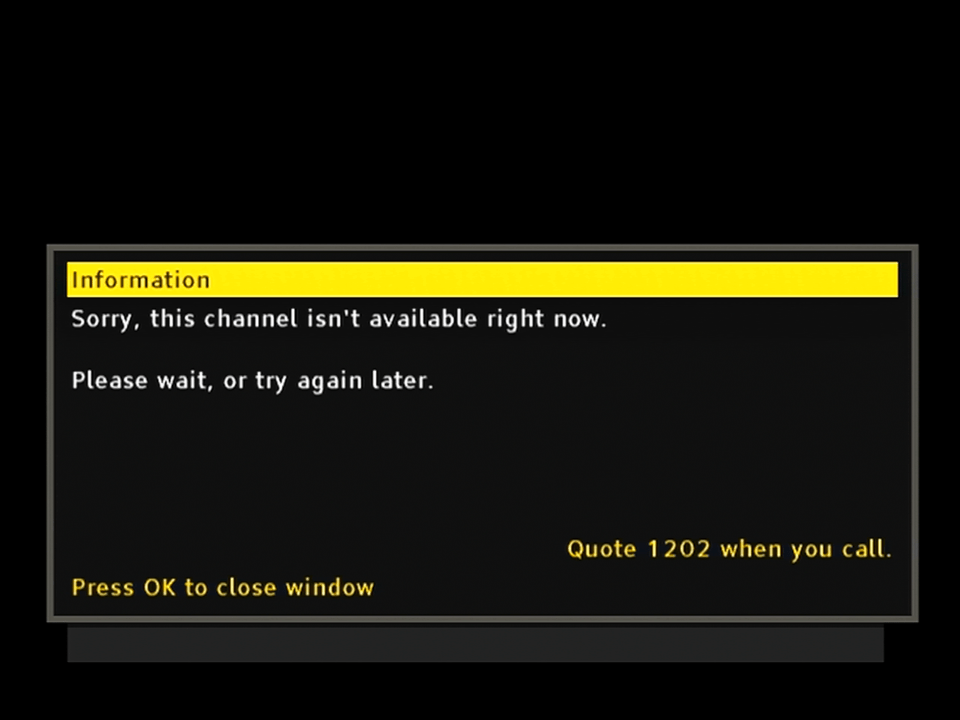
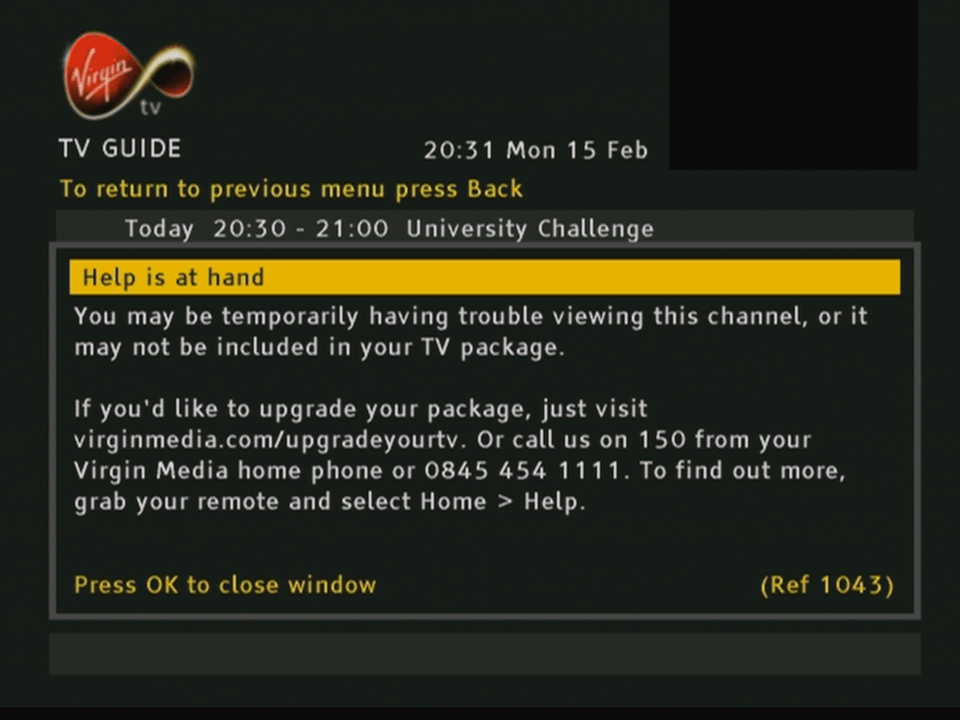
Firmware Update, also appears when the STB is bootingNo listings loadedNo signal being receivedNo Smartcard











 Drew1440: Blog